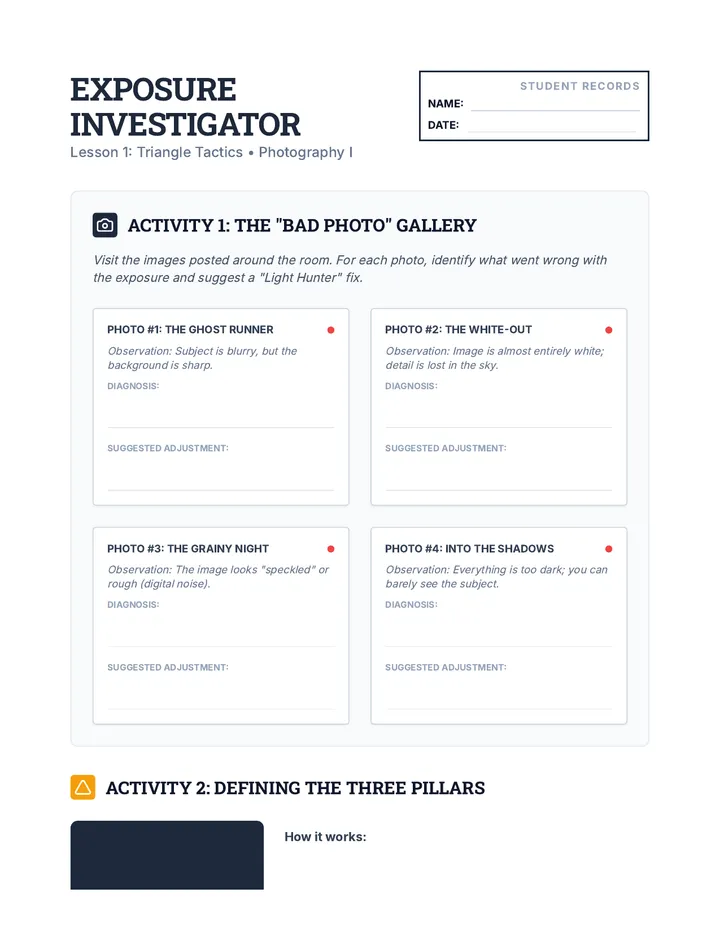
Fundamental principles of exposure, composition, and lighting. Equips learners with technical skills for digital post-processing and visual storytelling.
A discovery-based journey for 1st graders into digital photography and basic image editing, moving from device handling to creative storytelling through filters and digital elements.
This 2nd-grade sequence introduces students to the fundamentals of digital photography and user interface design. Students progress from capturing and editing clear images to understanding and designing the icons and layouts that make digital apps functional and visually appealing.
This sequence introduces 3rd-grade students to digital photography basics, focusing on light, composition, and visual storytelling. Students will move from learning about light and shadow to mastering angles and the rule of thirds, ultimately creating their own photo essay.
A comprehensive 9th-grade visual arts unit focusing on translating 2D drawings into 3D wire sculptures. Students explore contour lines, tool safety, spatial volume, and presentation through the lens of 'drawing in space.'
A 5th-grade art sequence exploring Land Art and environmental sculpture. Students learn to collaborate with nature using foraged materials to create ephemeral installations, emphasizing patterns, site-specificity, and documentation through photography.
This undergraduate sequence explores the conceptual and technical dimensions of Found Object Assemblage. Students move from semiotic analysis and material sourcing to advanced joinery techniques, culminating in site-specific installations that communicate complex social or personal narratives.
This advanced 12th-grade sequence guides students through the rigorous process of subtractive sculpture. From conceptual clay maquettes to final surface treatments, students master the relationship between mass and negative space to create portfolio-ready 3D works.
A sequence introducing Kindergarteners to the intersection of digital photography and creative manipulation. Students move from basic framing to surrealist digital collages.
This sequence guides 12th-grade students through the transition from single-image photography to complex visual storytelling. Students will learn to plan, shoot, and curate photo essays, culminating in a professional portfolio presentation that explores narrative arcs and conceptual themes.
A comprehensive 12th-grade photography sequence focusing on professional digital workflow, non-destructive editing, and the ethics of post-processing. Students progress from basic organization to advanced color grading and retouching while debating the boundaries of photographic truth.
A comprehensive 12th-grade photography sequence exploring the physics and artistry of light, from natural environments to controlled studio setups, focusing on form, texture, and mood.
This advanced photography sequence for 12th graders moves beyond basic framing to explore complex compositional structures like the Golden Ratio, negative space, and color psychology. Students learn to use geometry and color to dictate the viewer's psychological experience, ultimately mastering the art of breaking rules intentionally to create visual tension.
Students select one photo they took, crop it, apply a filter, and add a digital element to tell a specific story. They present their 'before' and 'after' images to the class.
Students practice overlaying digital stickers or drawing on top of their photographs. This introduces the concept of mixed media and digital layers.
Using simple photo editing software, students apply black-and-white, sepia, and bright filters to their photos. They discuss how different filters make the photo feel.
Students explore the concept of framing by taking photos up close (macro) and from far away. They discuss how changing their position changes what is included in the picture.
Students learn how to safely hold a tablet for photography, identify the camera lens, and practice taking steady photos of stationary objects.
In the capstone project, students combine their photos and custom icons to create a static mockup of a functional app screen.
Students design their own icons and buttons, focusing on visual clarity and communicating function through simple shapes.
An introduction to user interface design where students identify buttons and icons in everyday digital tools.
Students explore digital editing tools like cropping and filters to change the composition and mood of their photographs.
Students learn the basics of digital photography, focusing on steady hands and framing a subject clearly within the camera view.
Students select their best work, perform basic digital edits like cropping, and present their photo essays in a final gallery walk.
Students learn to capture a three-part narrative (Beginning, Middle, End) through a sequence of photos without using words.
Student project planner for selecting a photo, choosing a filter, and planning digital additions for a final photo story.
Visual examples of how digital stickers and drawing tools can be used to add creative layers to photographs.
Visual examples showing how digital filters like black-and-white, sepia, and vivid change the emotion of a photograph.
Scavenger hunt task cards for 1st graders to practice macro (up close) and wide (far away) photography framing.
Visual slides for 1st graders explaining macro vs. wide framing and the importance of physical movement in digital photography.
The final project template for 2nd graders to design their own app mockup, featuring areas for a photo, custom buttons, and planning notes.
Final project slides for 2nd graders, teaching them how to arrange photos and icons into a functional app screen layout (mockup).
A design worksheet for students to plan and sketch three functional buttons for their app, focusing on color choice and icon clarity.
Worksheet for students to label tablet parts, identify safe photography behaviors, and illustrate proper camera grip.
Lesson 4 slides for 2nd graders, focusing on the principles of icon design, including simple shapes, contrast, and communicating action.
Visual presentation introducing 1st graders to camera handling, two-hand grip, and digital safety rules for photography.
An "Icon Decoder" worksheet where students match common UI symbols to their functions and reflect on icon clarity.