Fundamental hardware proficiency, secure online behavior, and ethical social media engagement. Equips learners with productivity tool mastery, web publishing skills, and critical evaluation of emerging technologies.
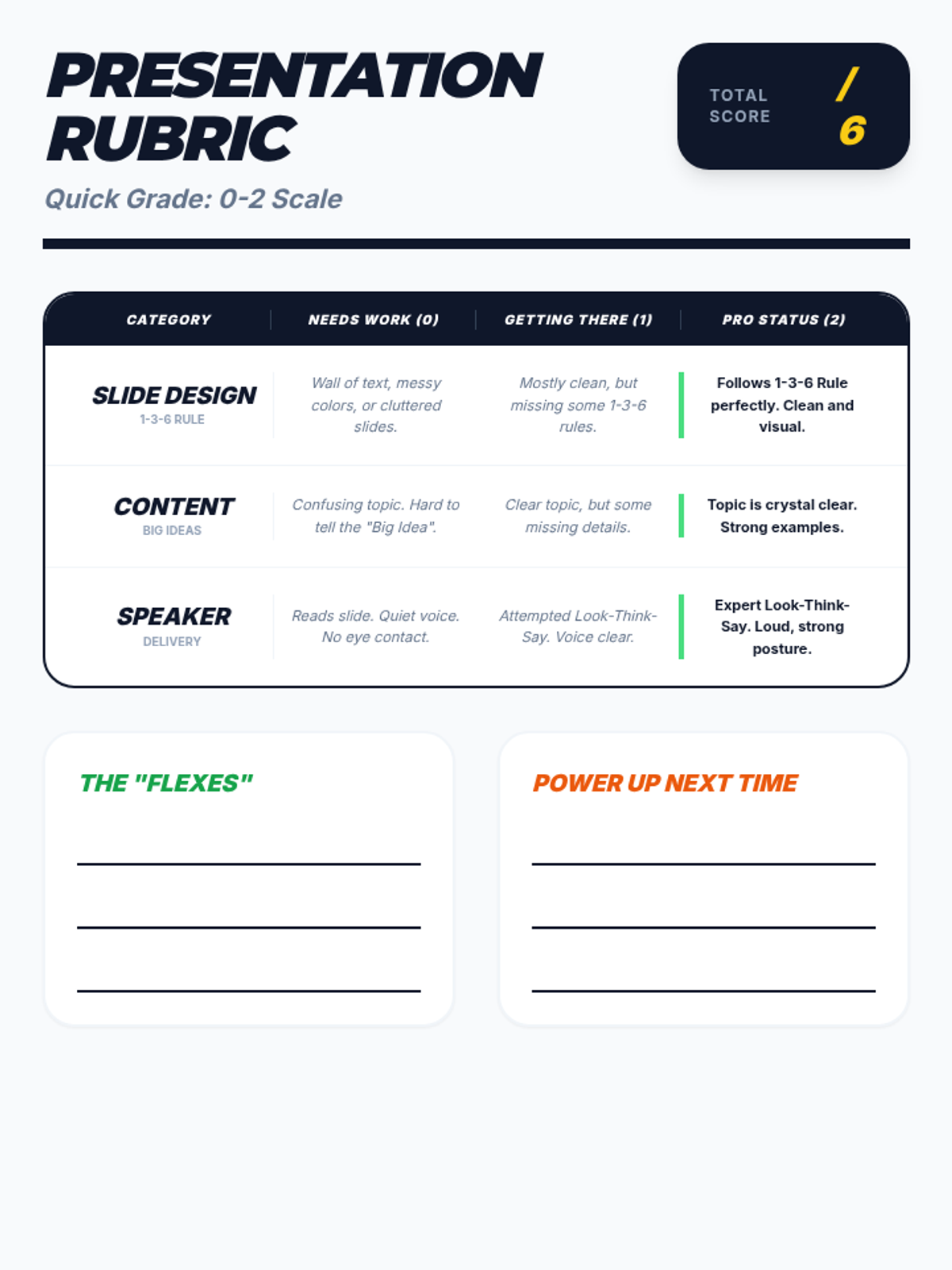
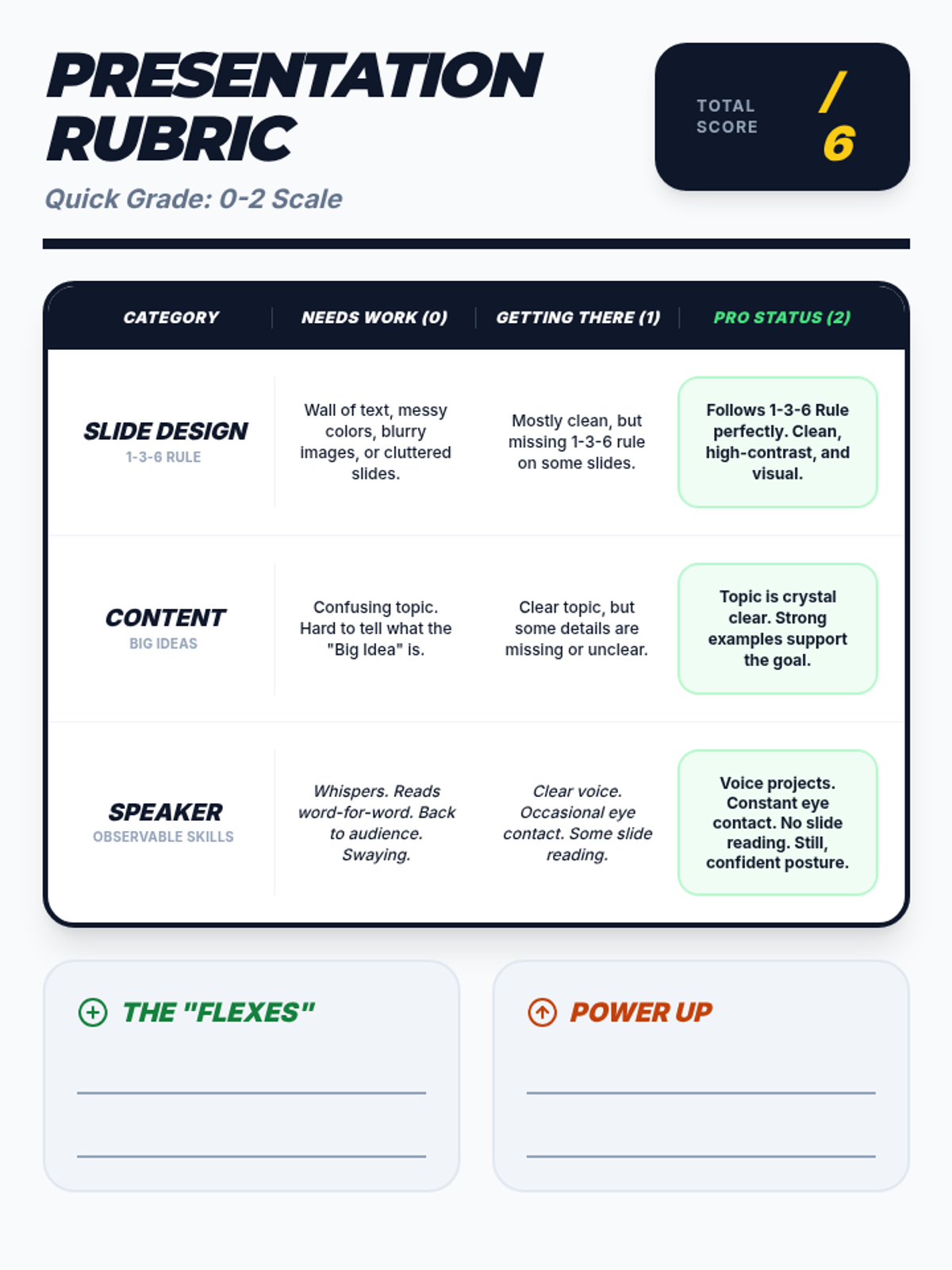
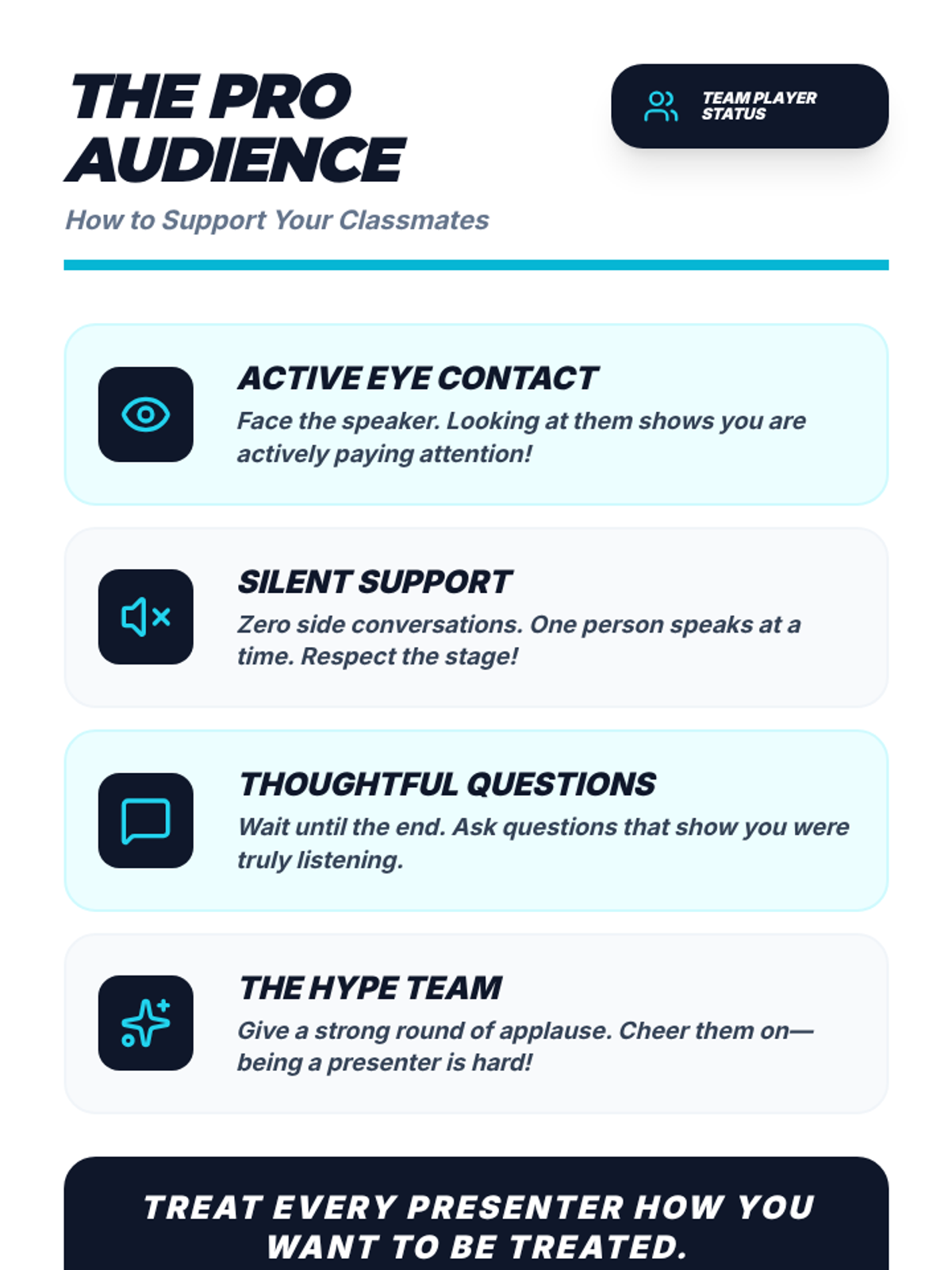
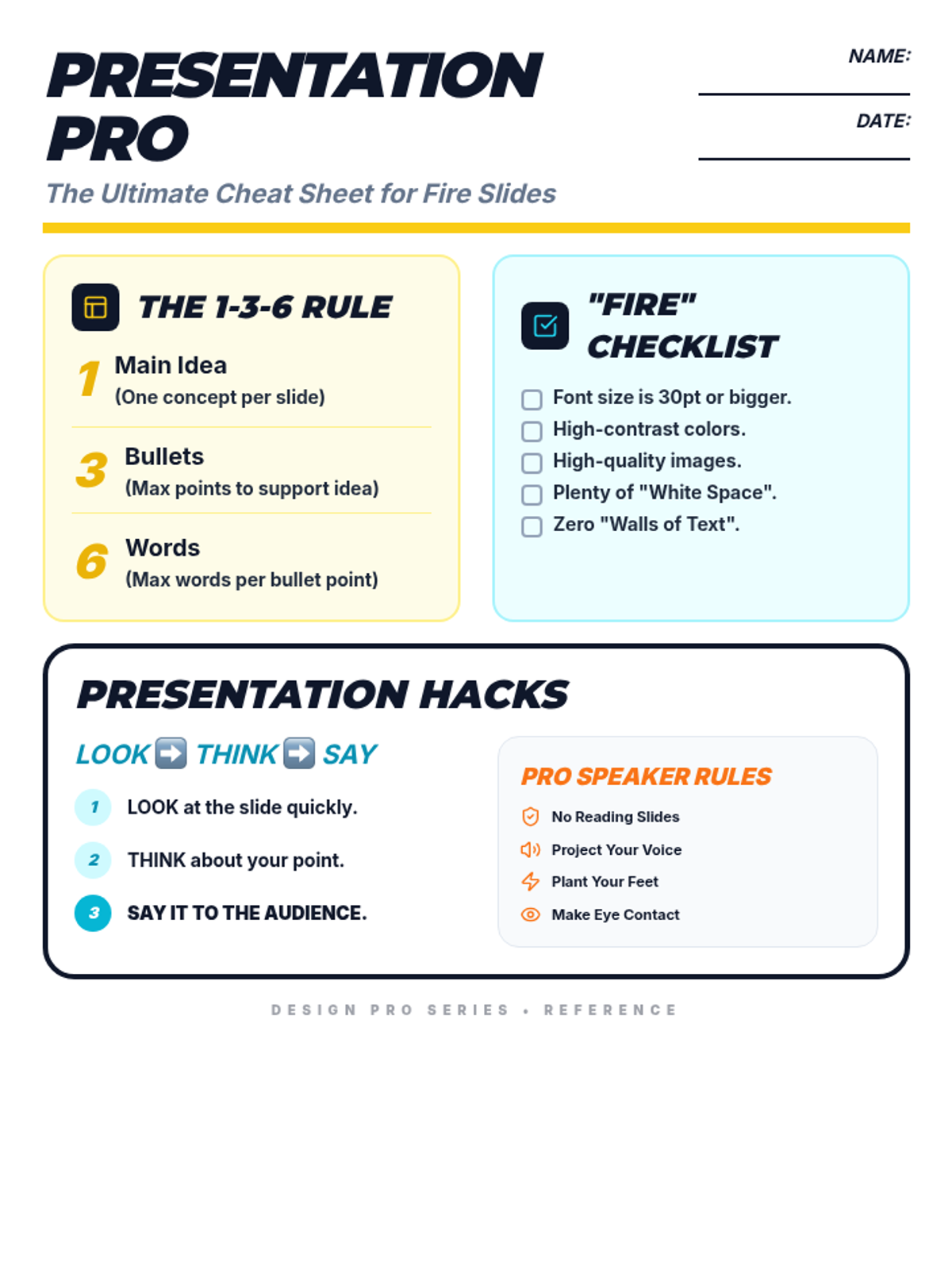
Focuses on verbal delivery and confidence using the Look-Think-Say technique.
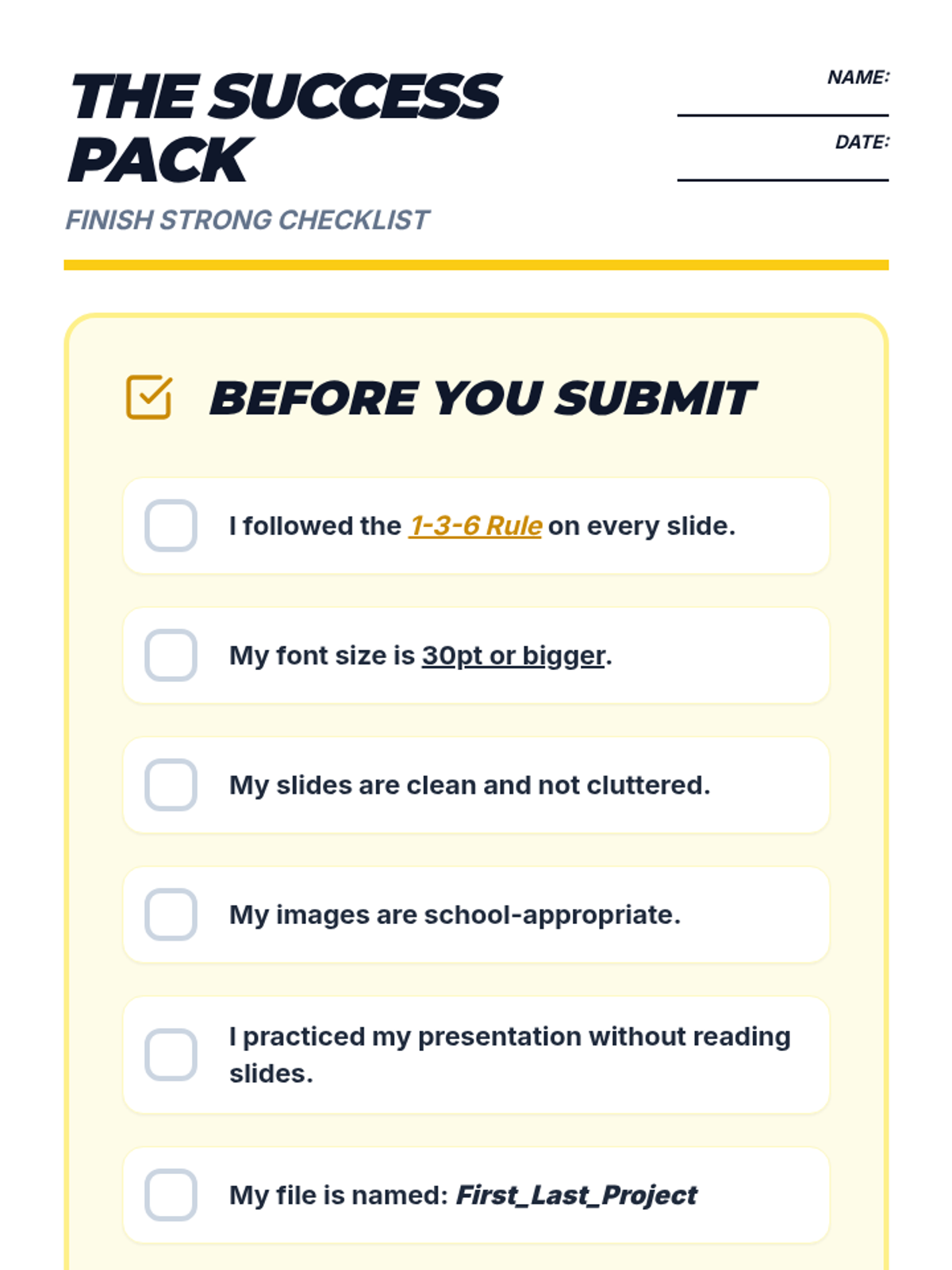
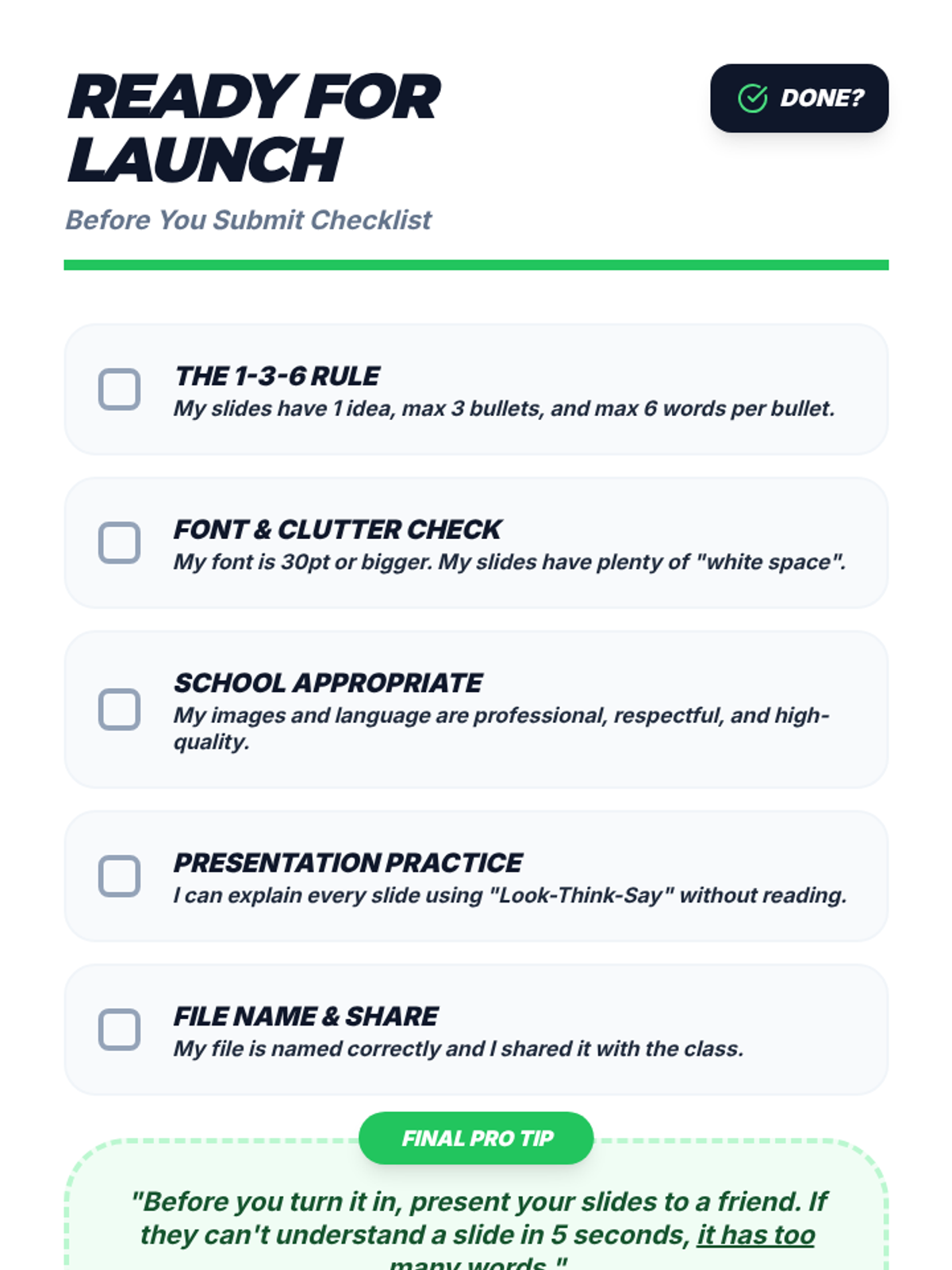
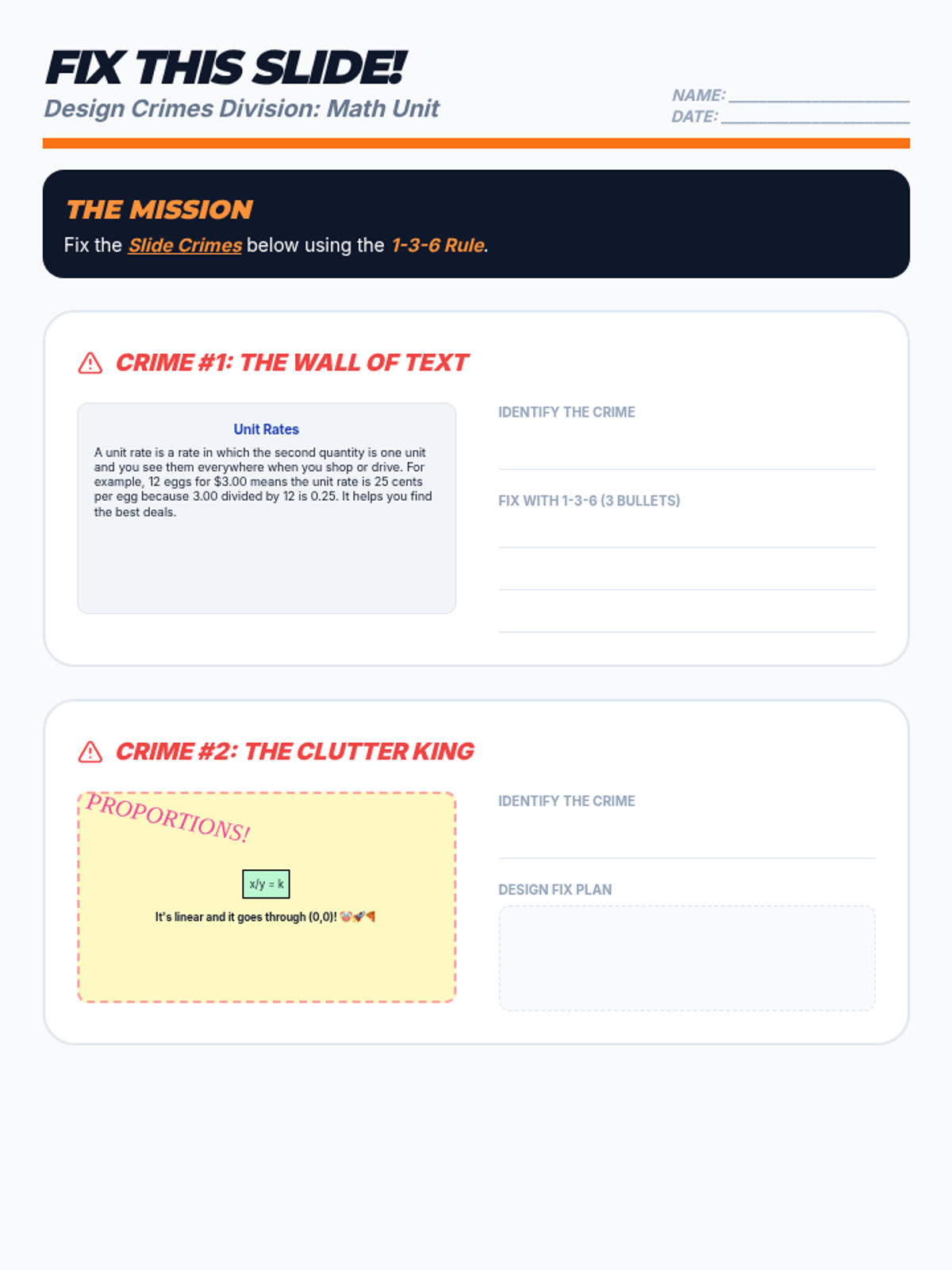
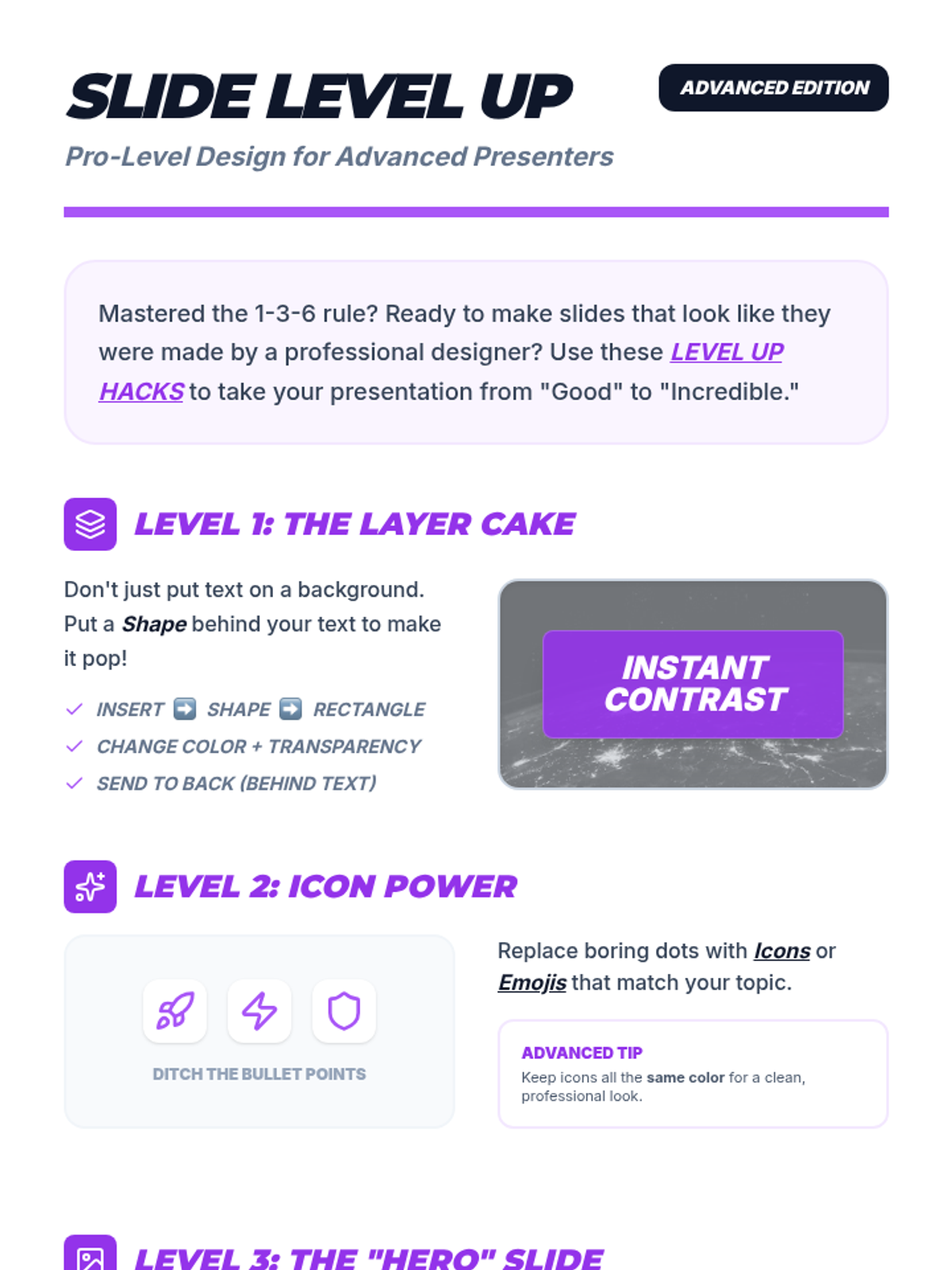
Teaches the 1-3-6 rule and visual design principles for creating clean, effective slides.
Focuses on identifying strong versus weak slides and understanding the core purpose of a presentation.
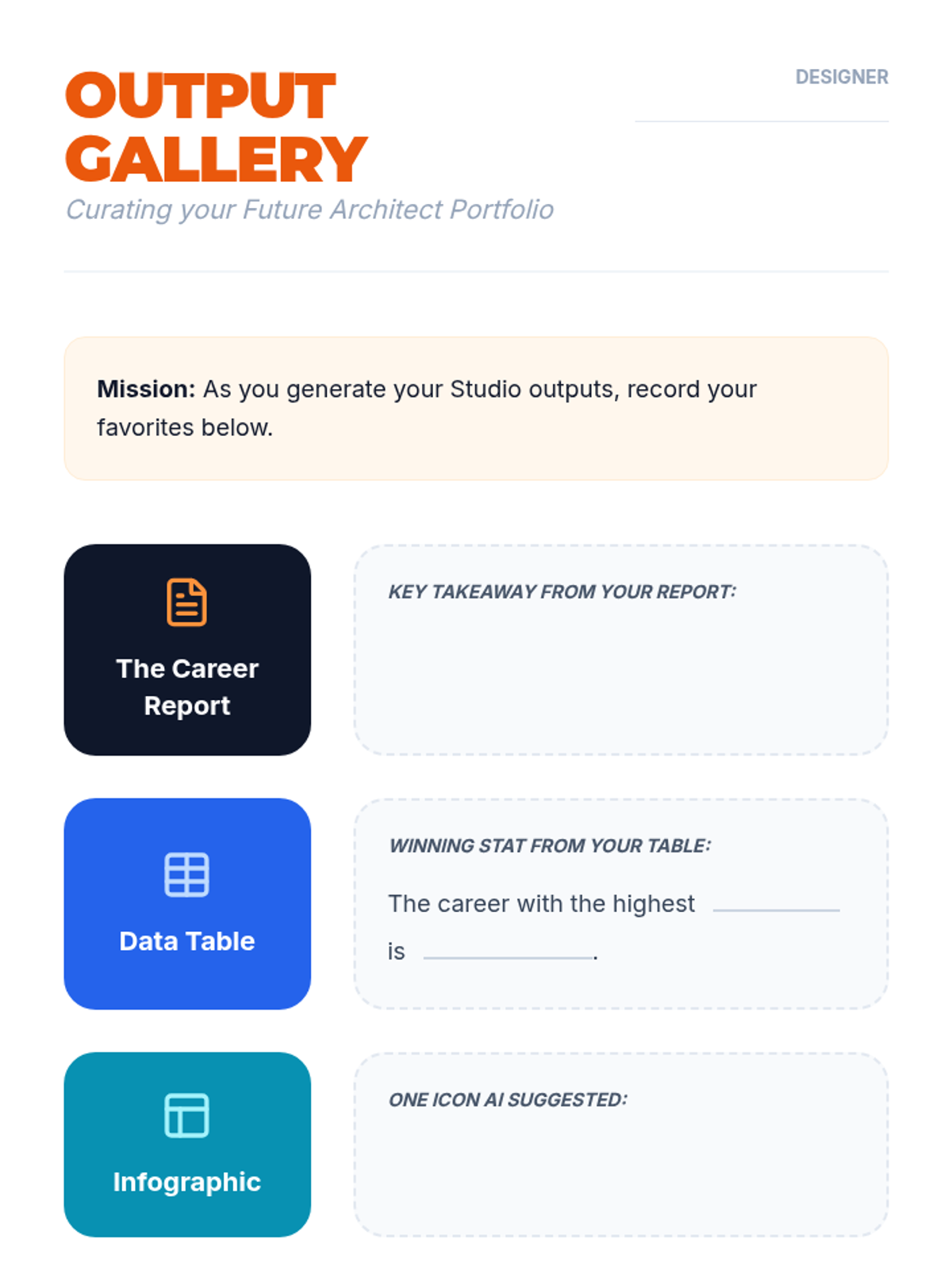
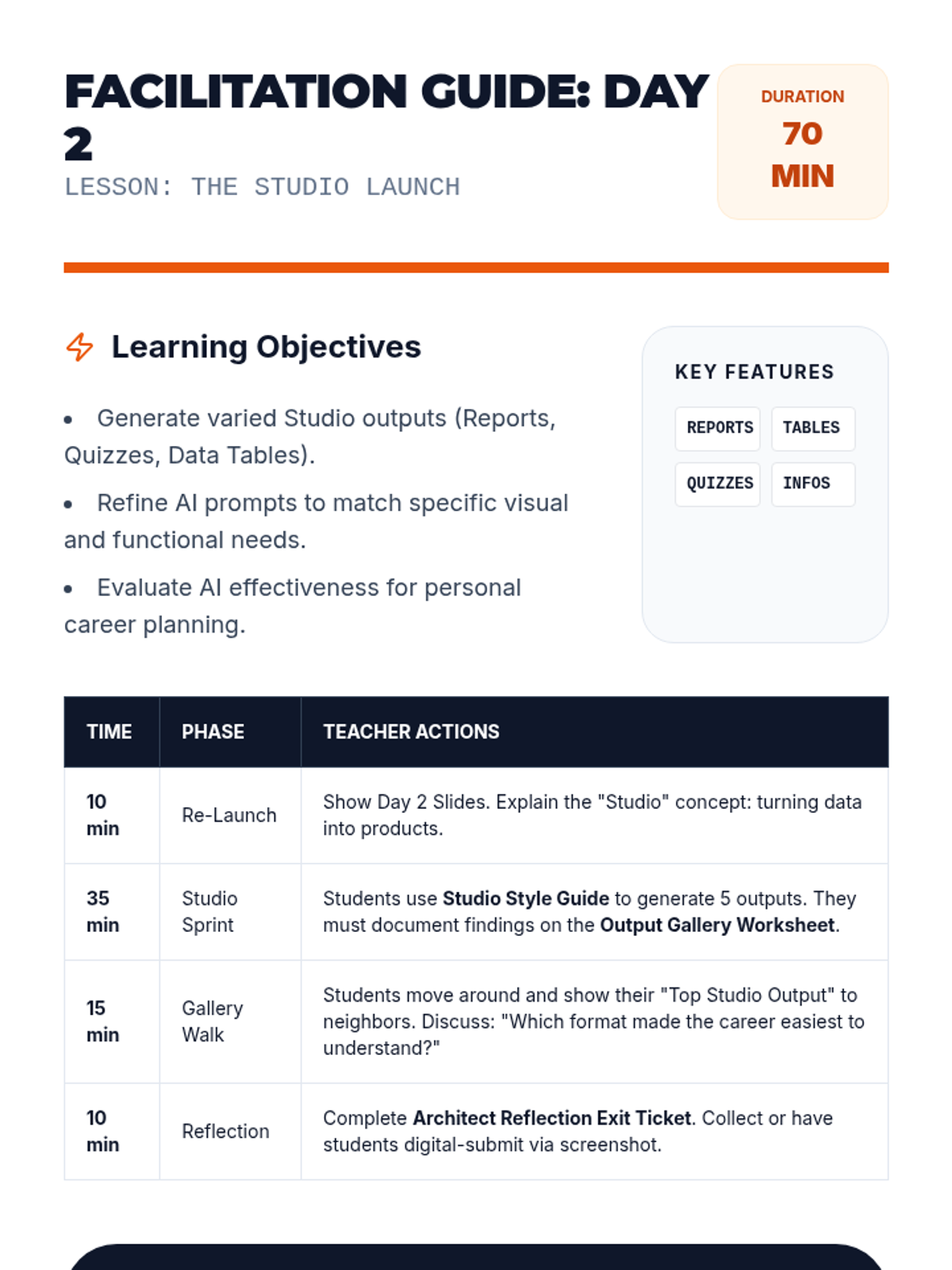
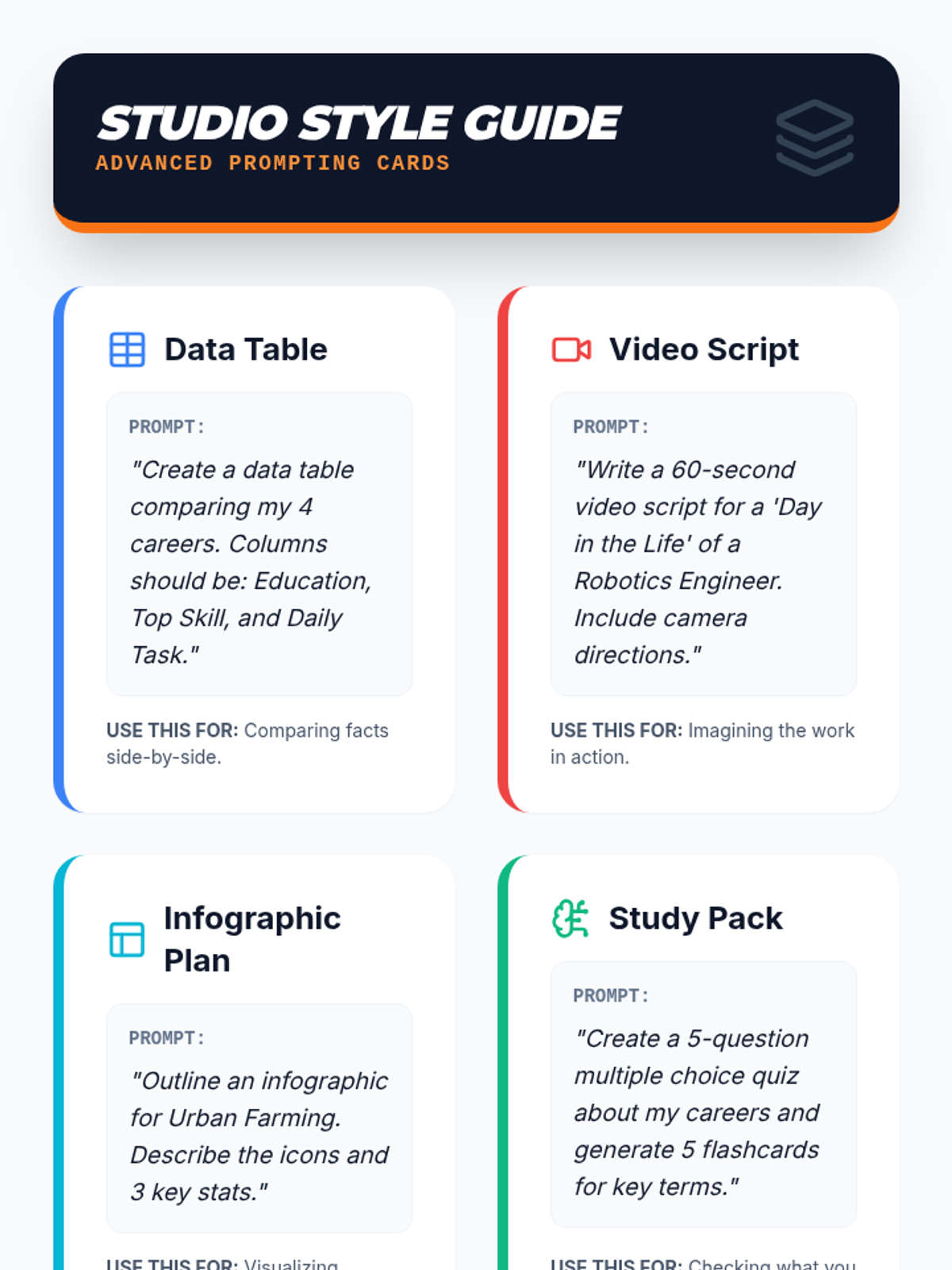
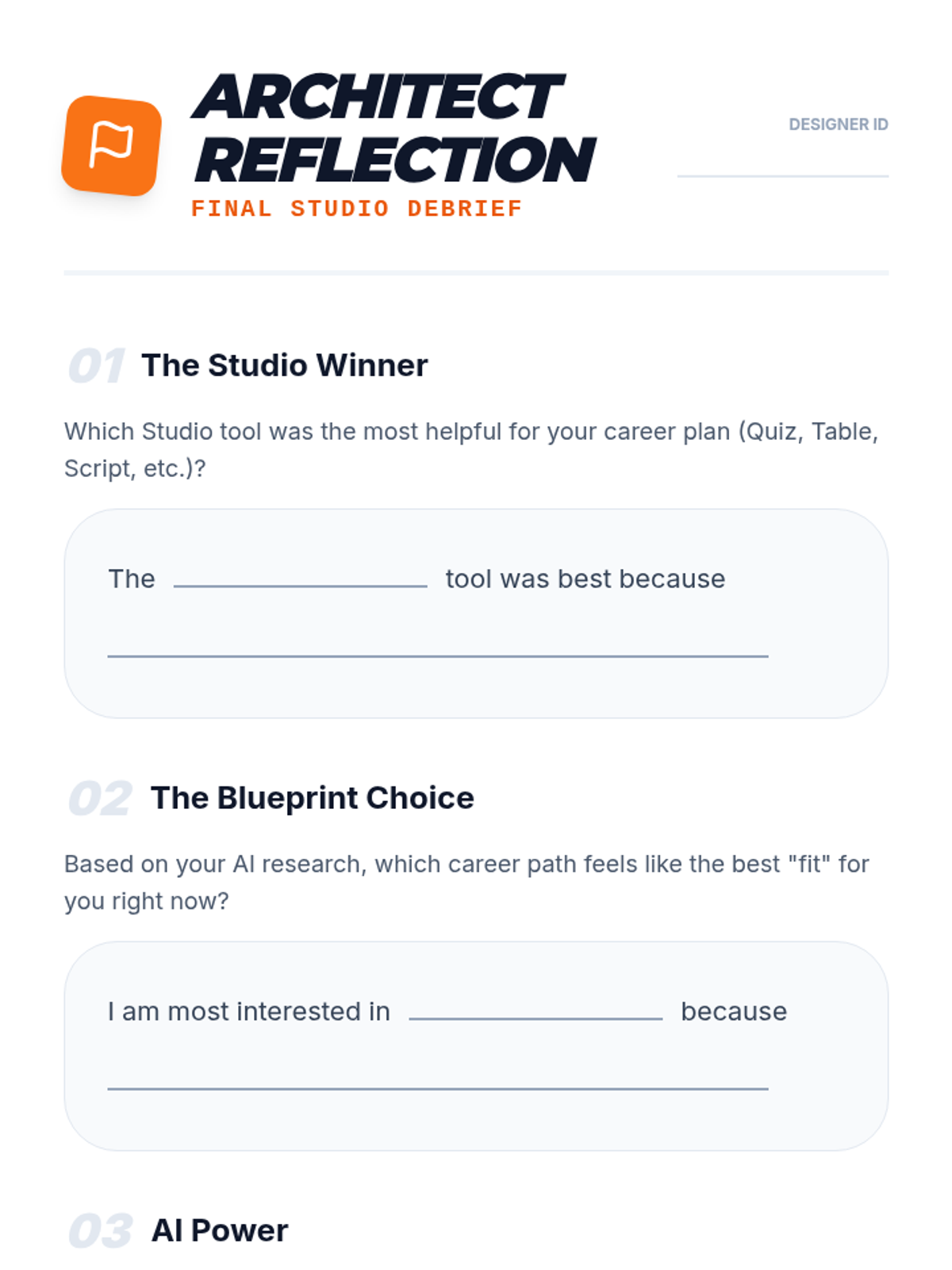
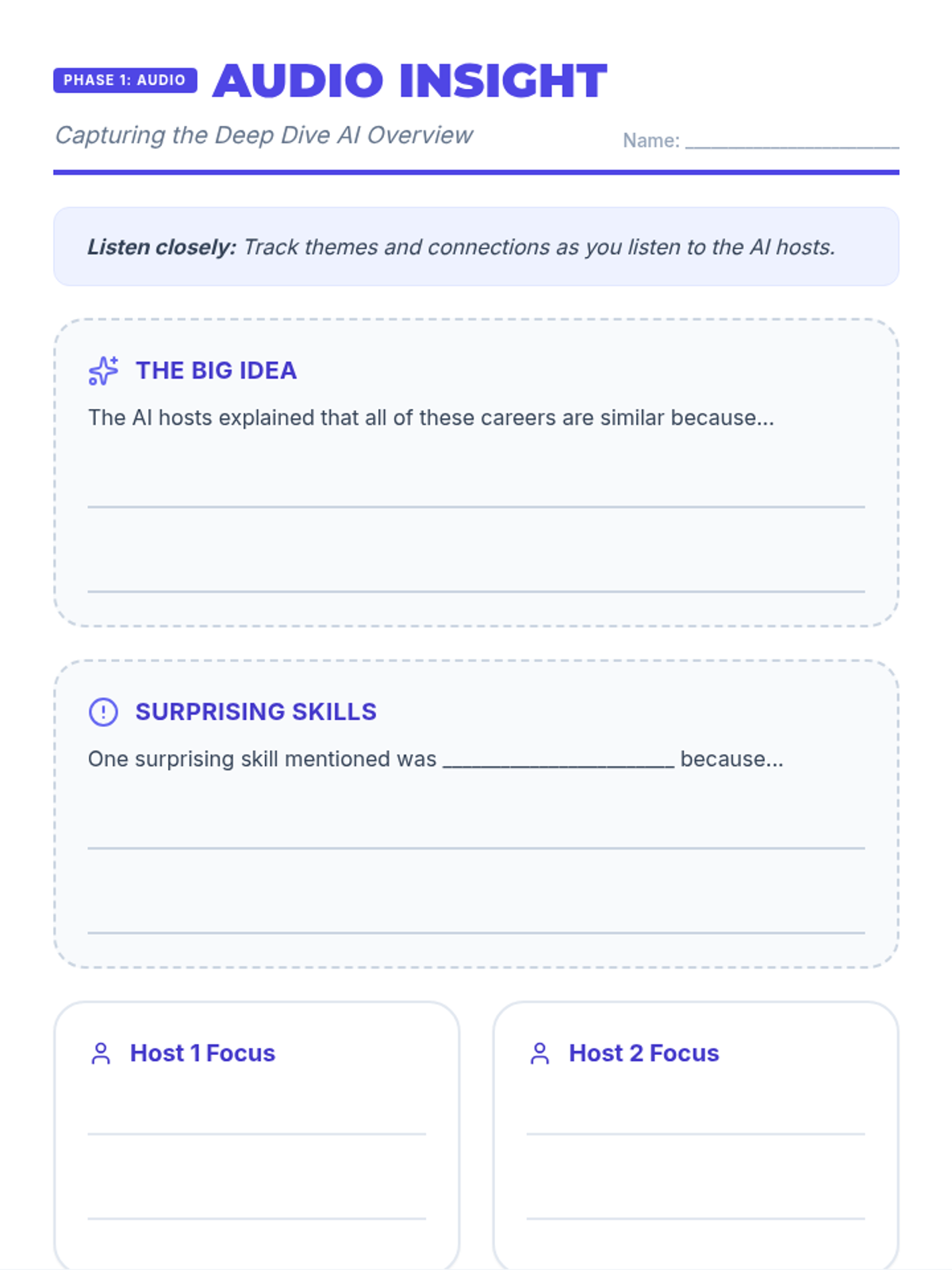
Students dive into the 'Studio' capabilities of NotebookLM, generating specific outputs like reports, quizzes, infographics, and data tables to refine their career plans.
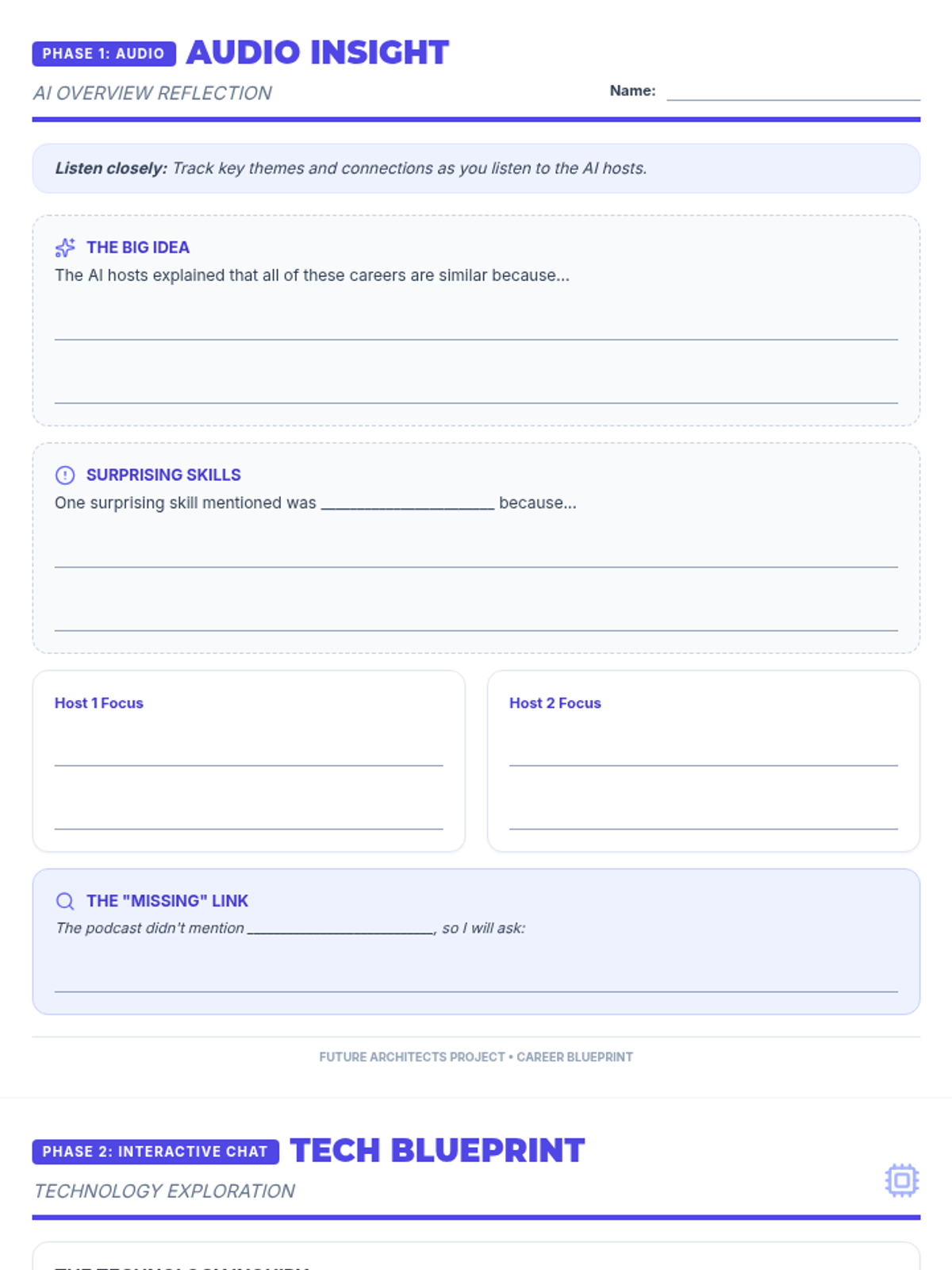
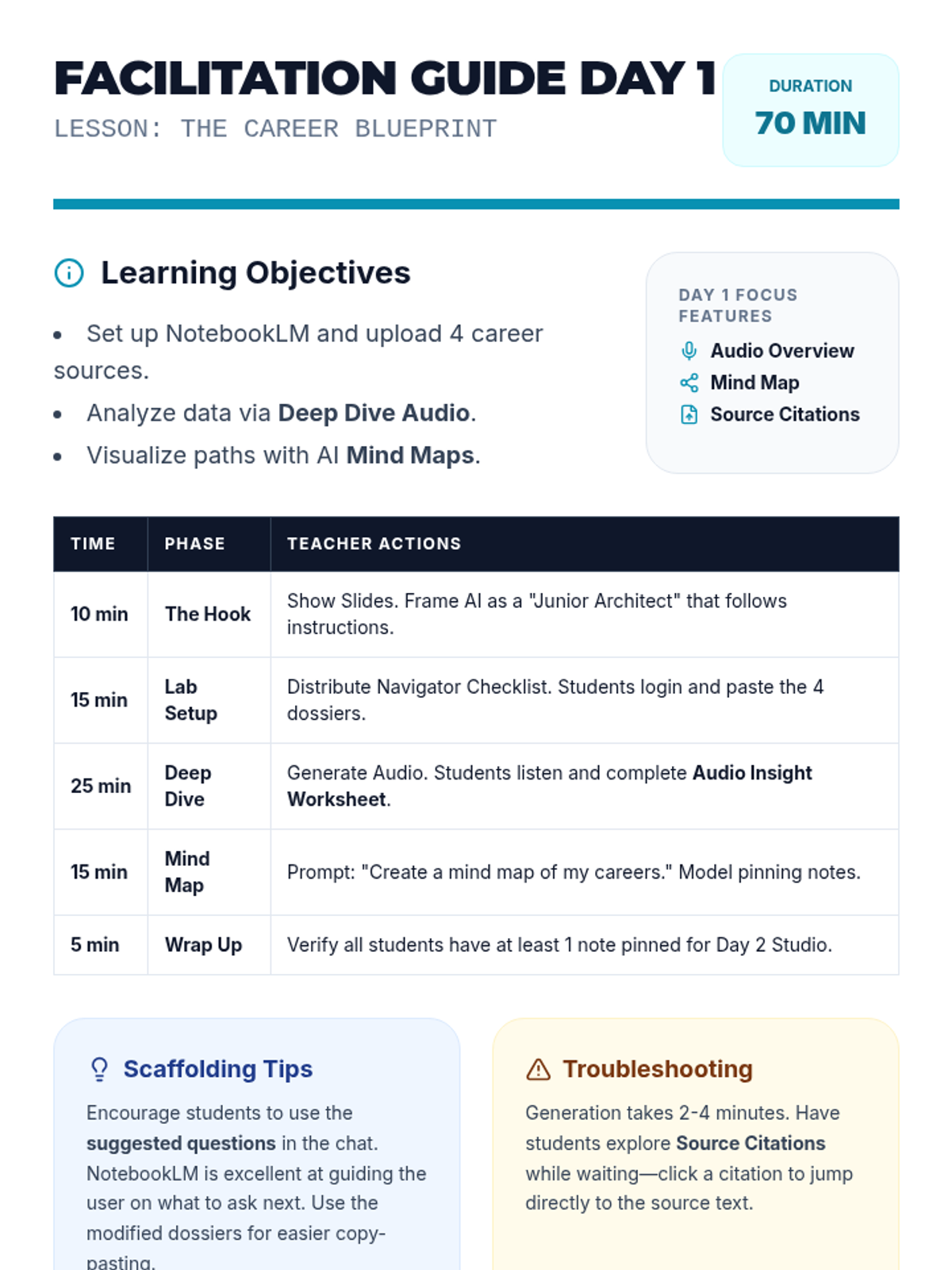
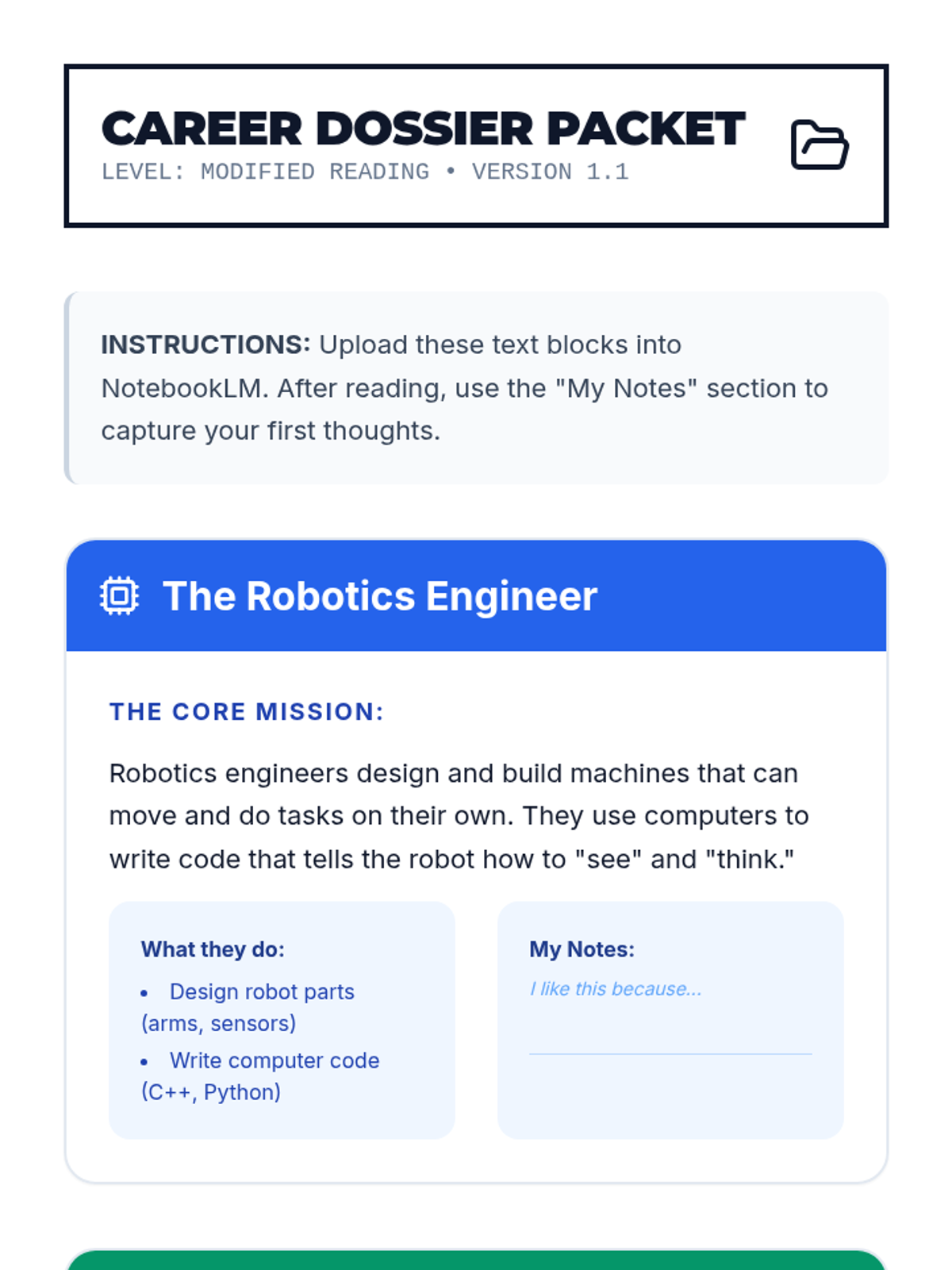
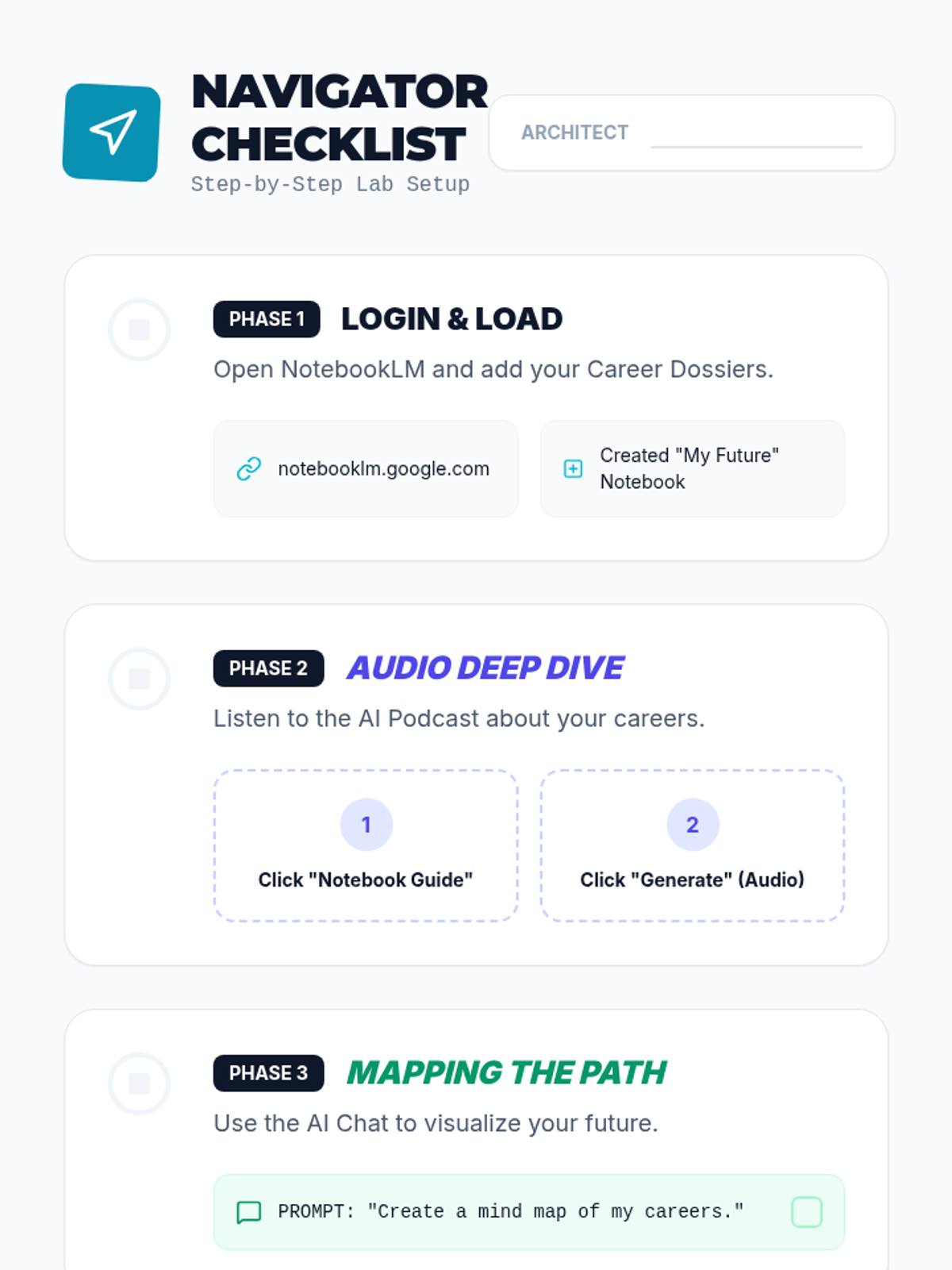
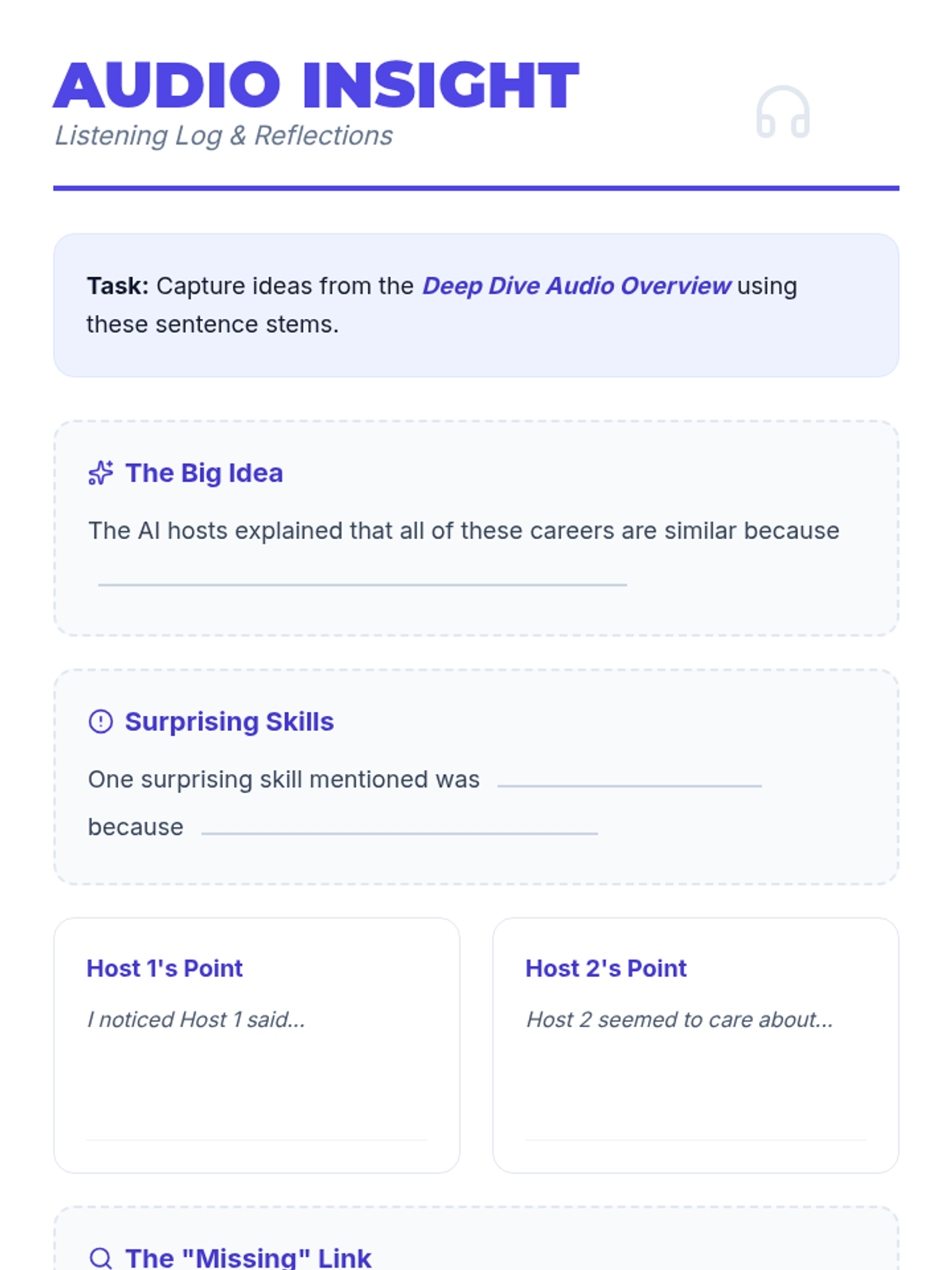
Students learn to set up their NotebookLM workspace, upload sources, and use high-level overview tools like Audio Overviews and Mind Maps to explore career options.
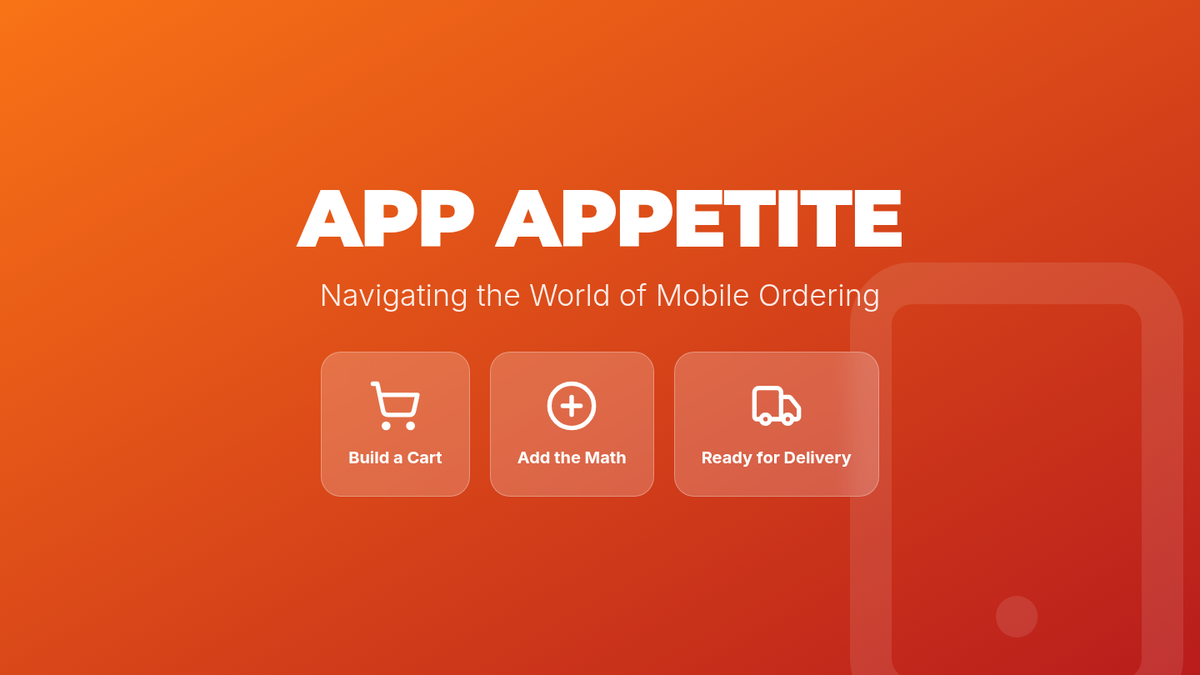
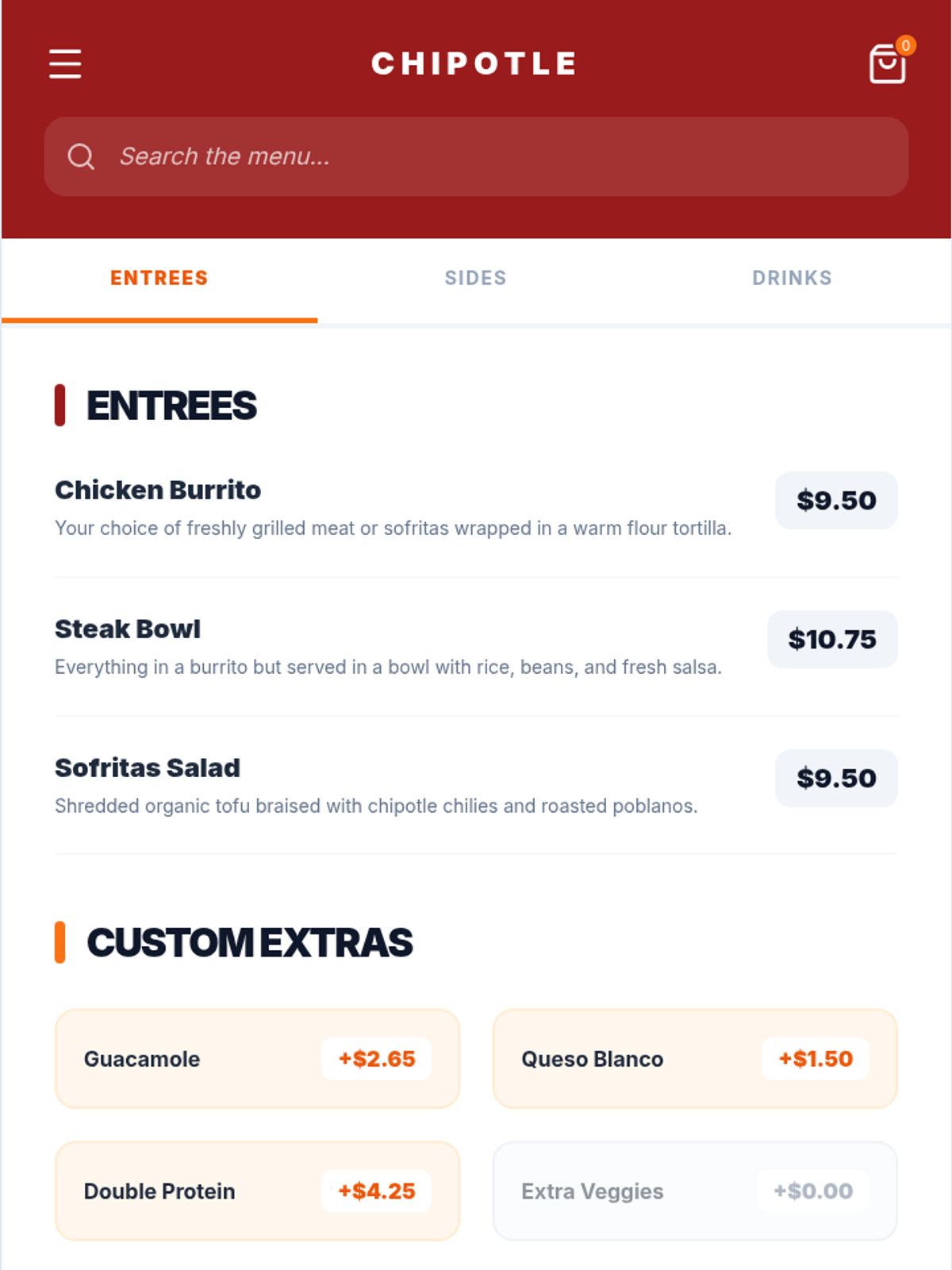
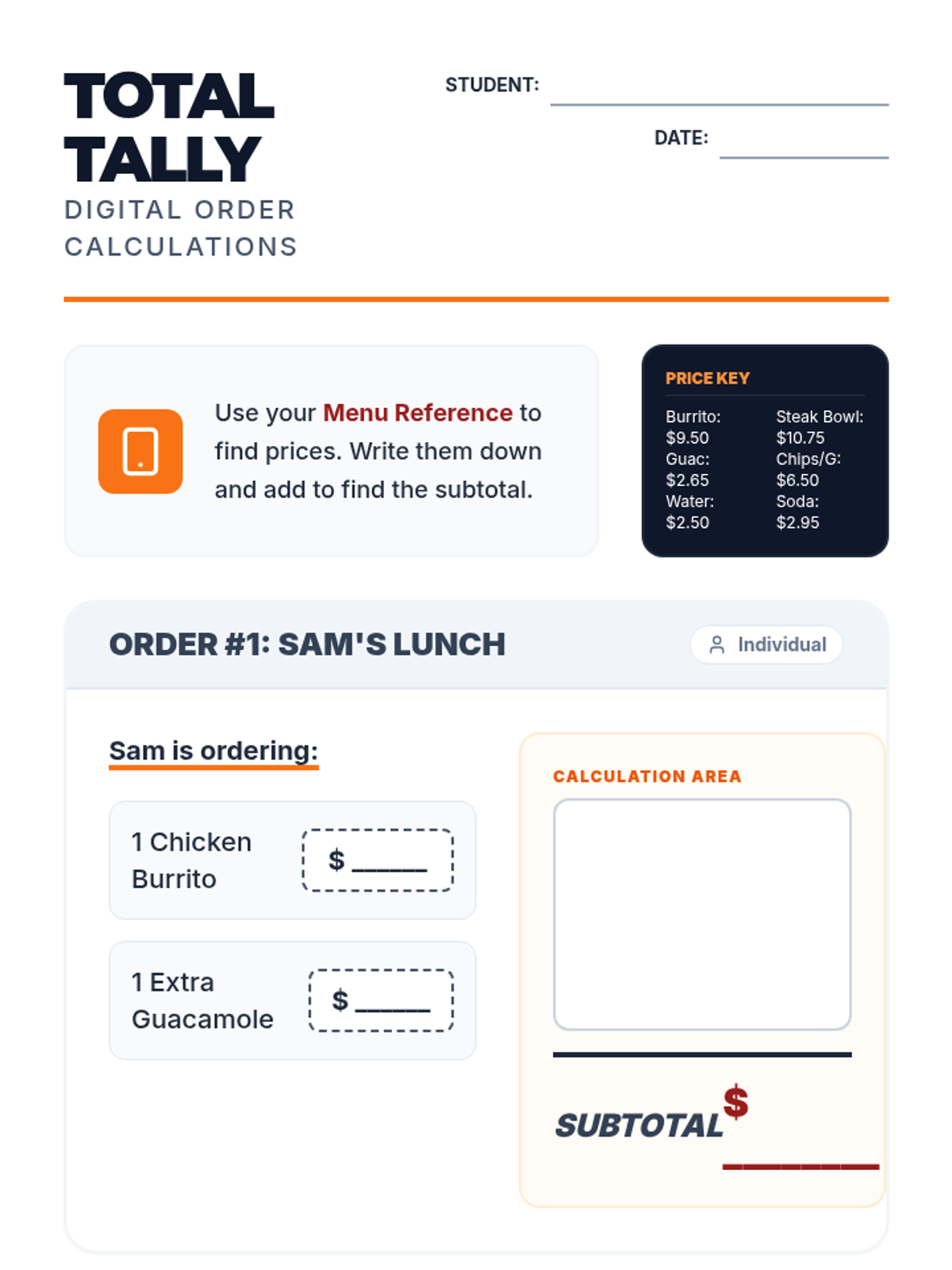
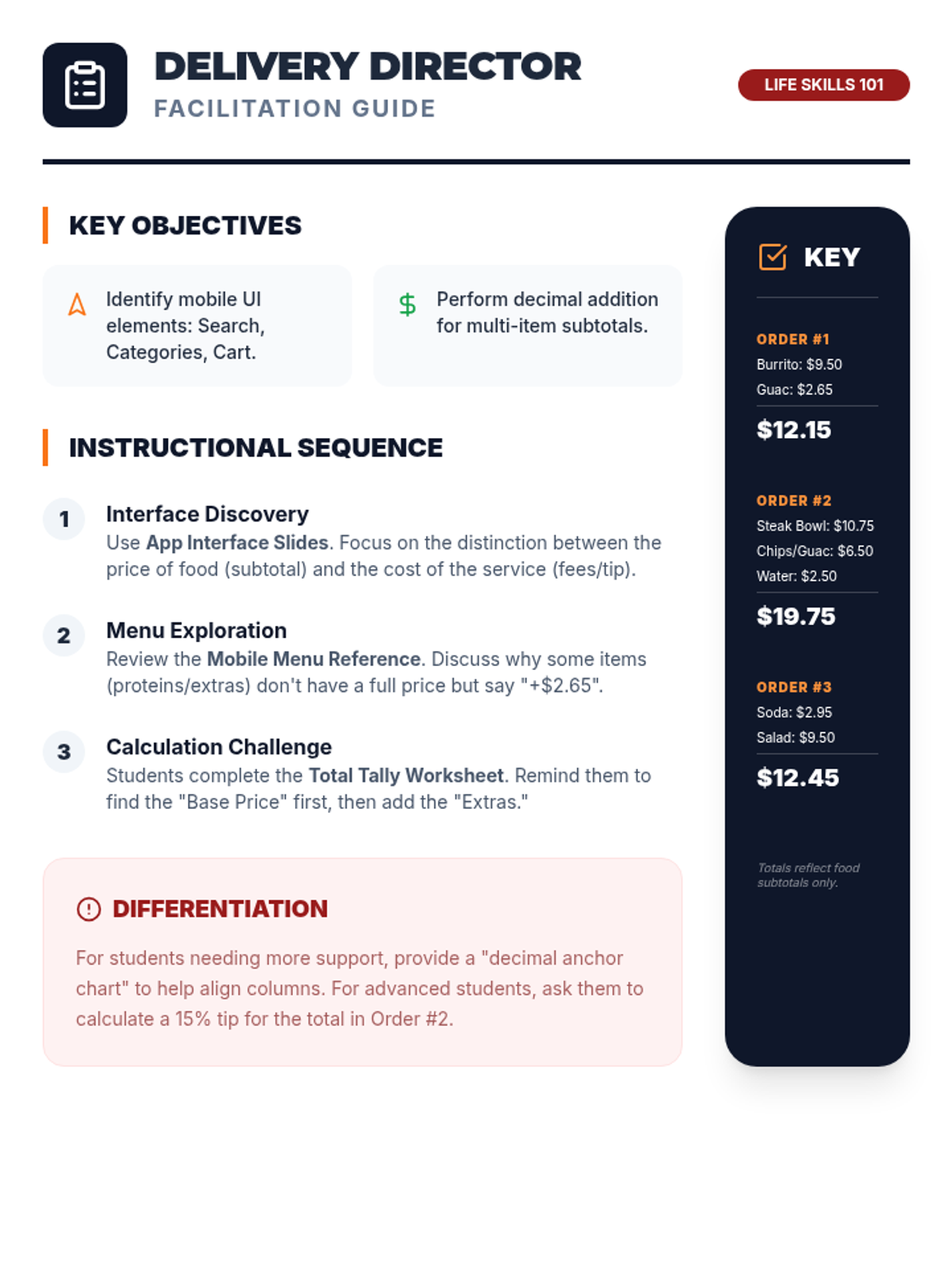
A functional life skills lesson focused on navigating a mobile food delivery interface and calculating order totals. Students practice reading app UI elements and performing basic addition for real-world scenarios.
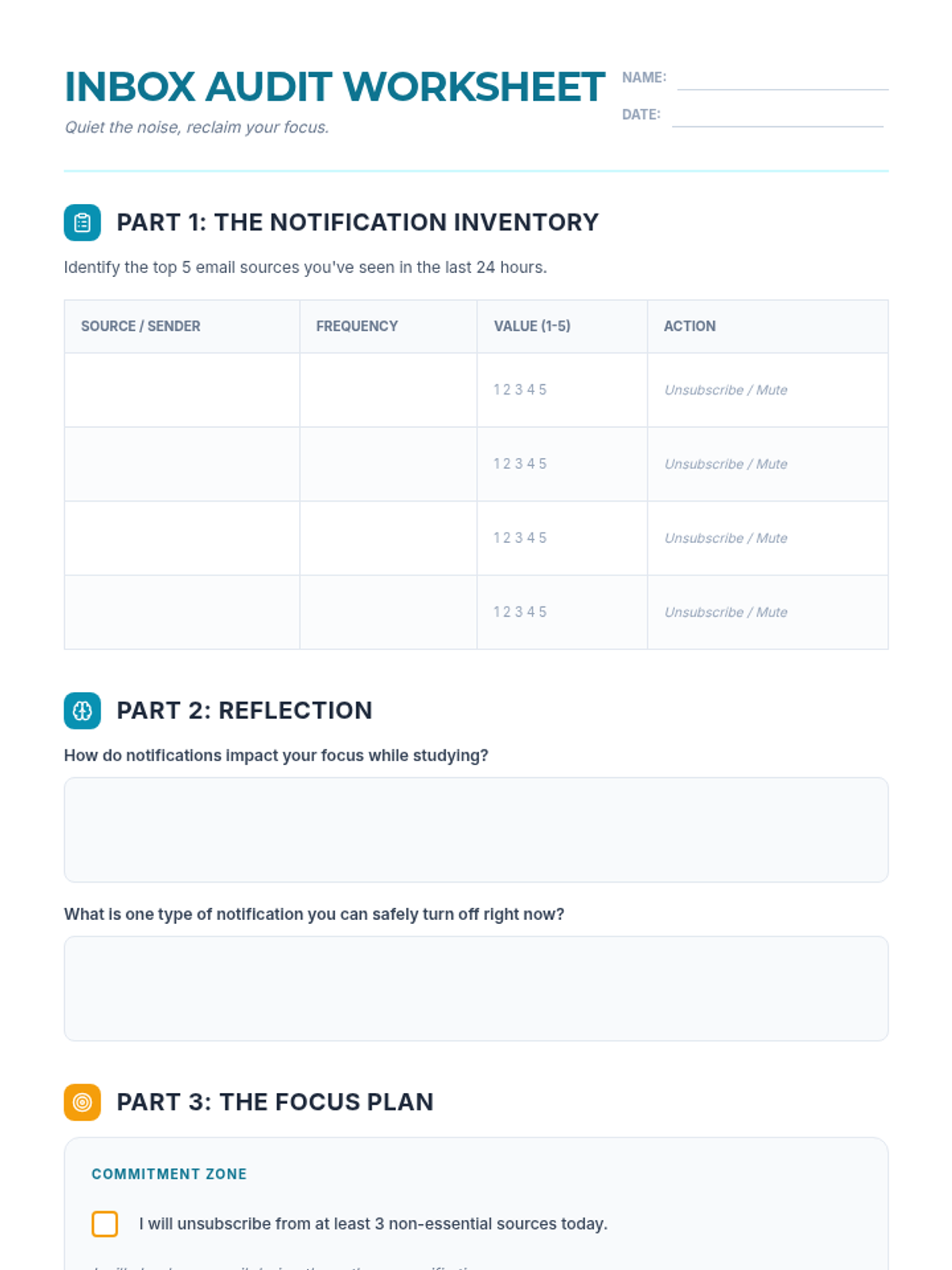
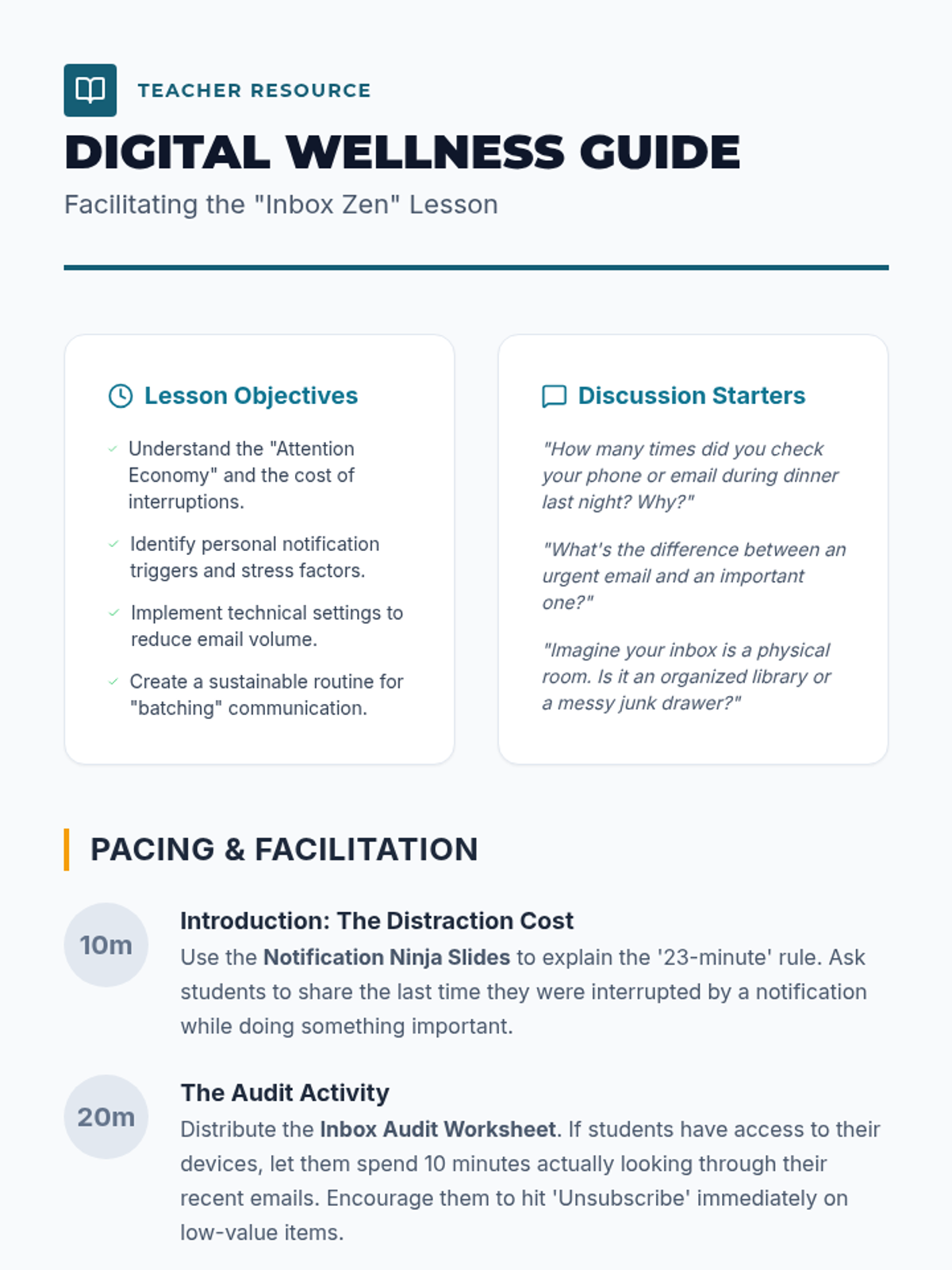
A digital literacy lesson designed to help students master their email notifications, reduce digital distractions, and reclaim their focus. This lesson covers the psychology of notifications and practical steps for inbox organization.
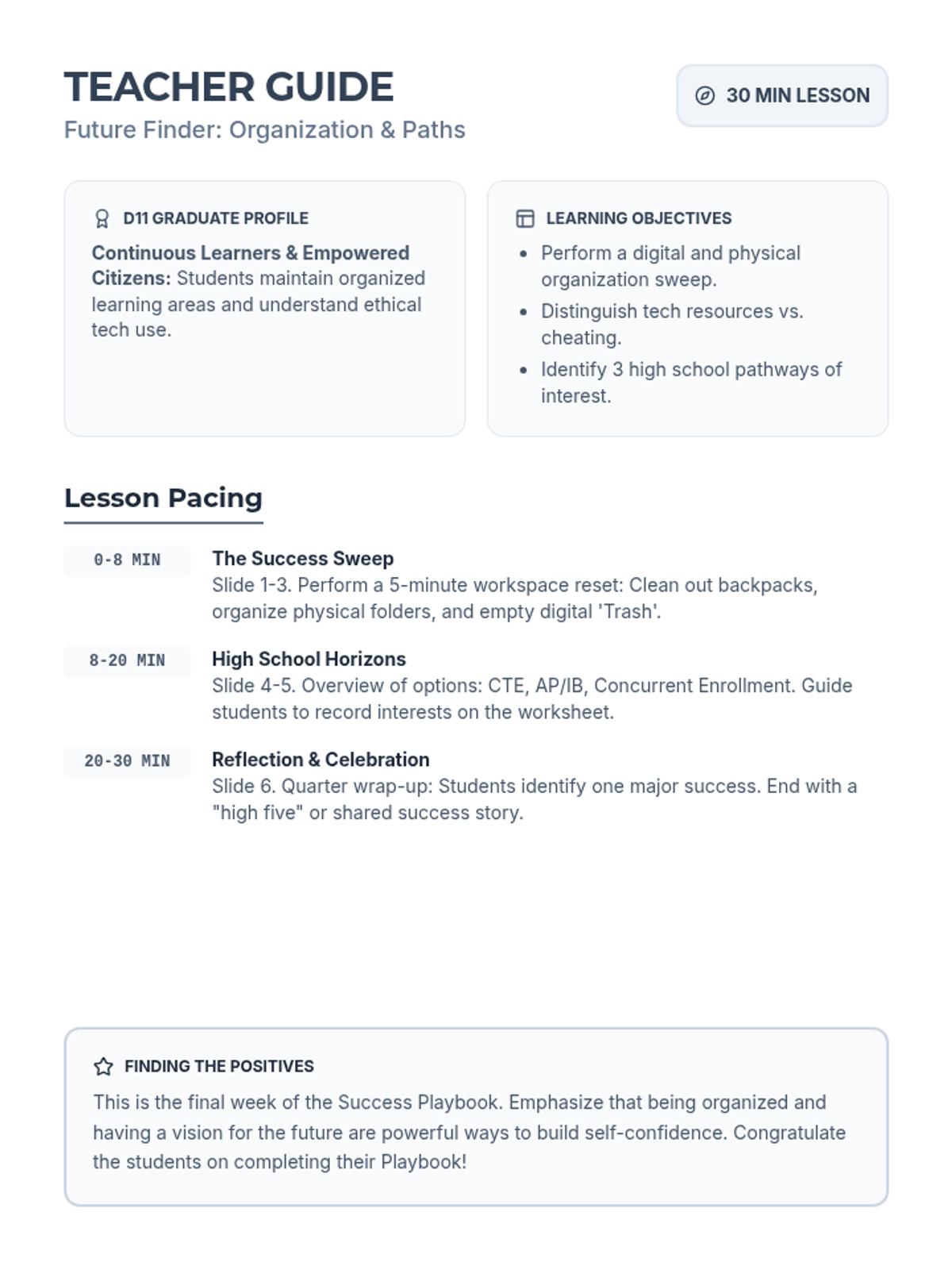
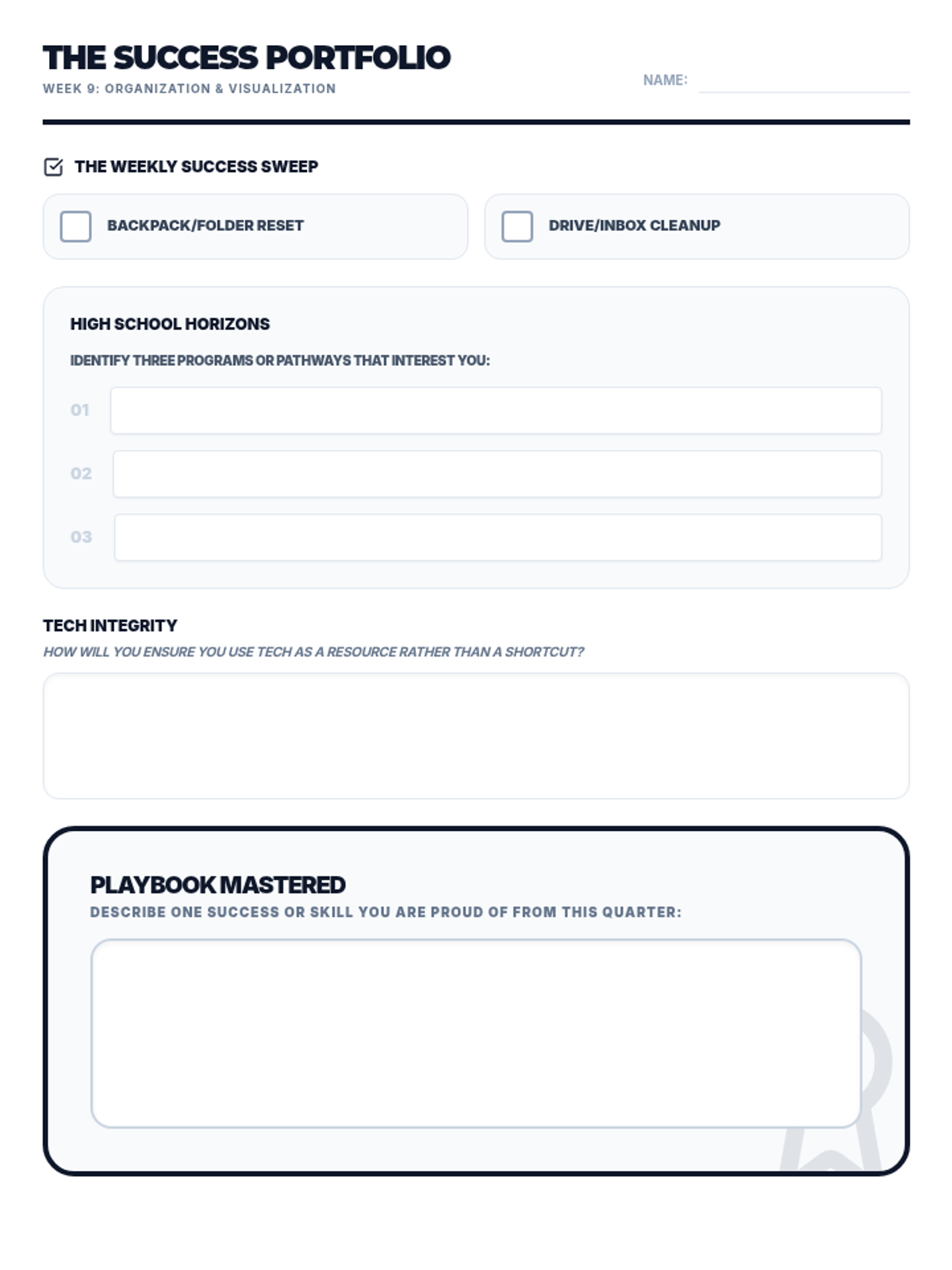
Covers physical and digital organization, ethical technology use, and exploring high school pathways.
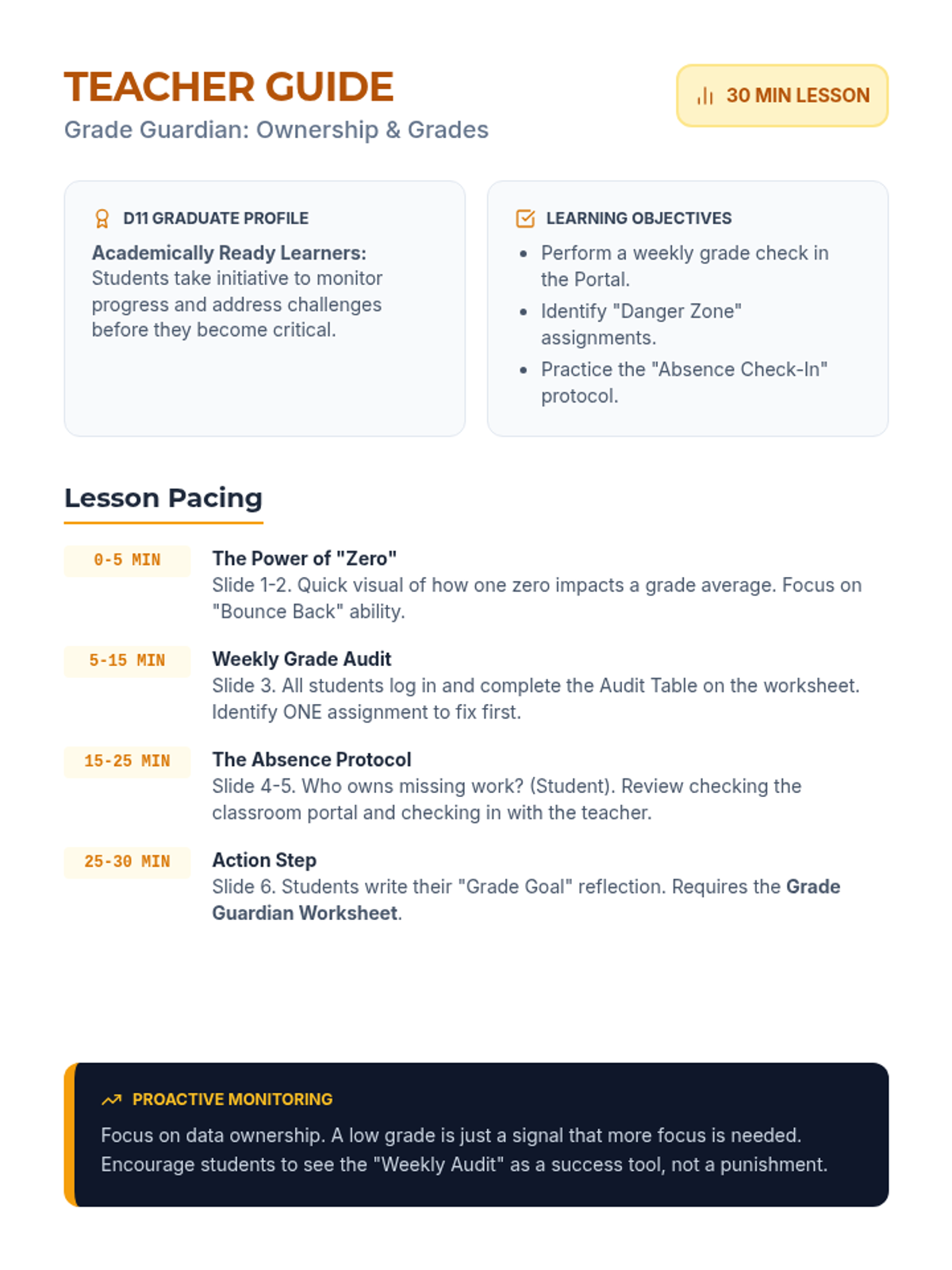
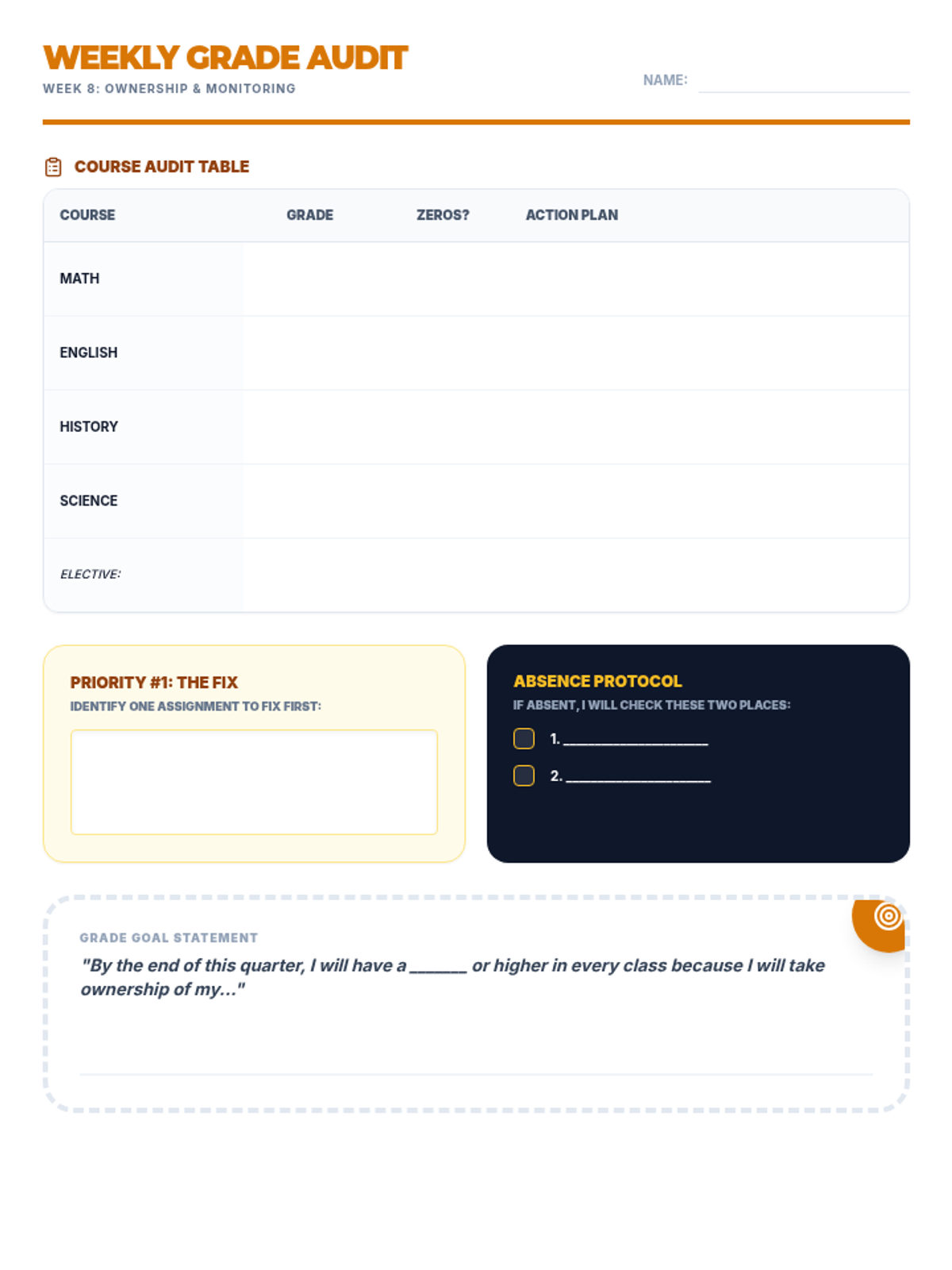
Empowers students to take ownership of their academic progress through proactive grade monitoring and absence follow-up.
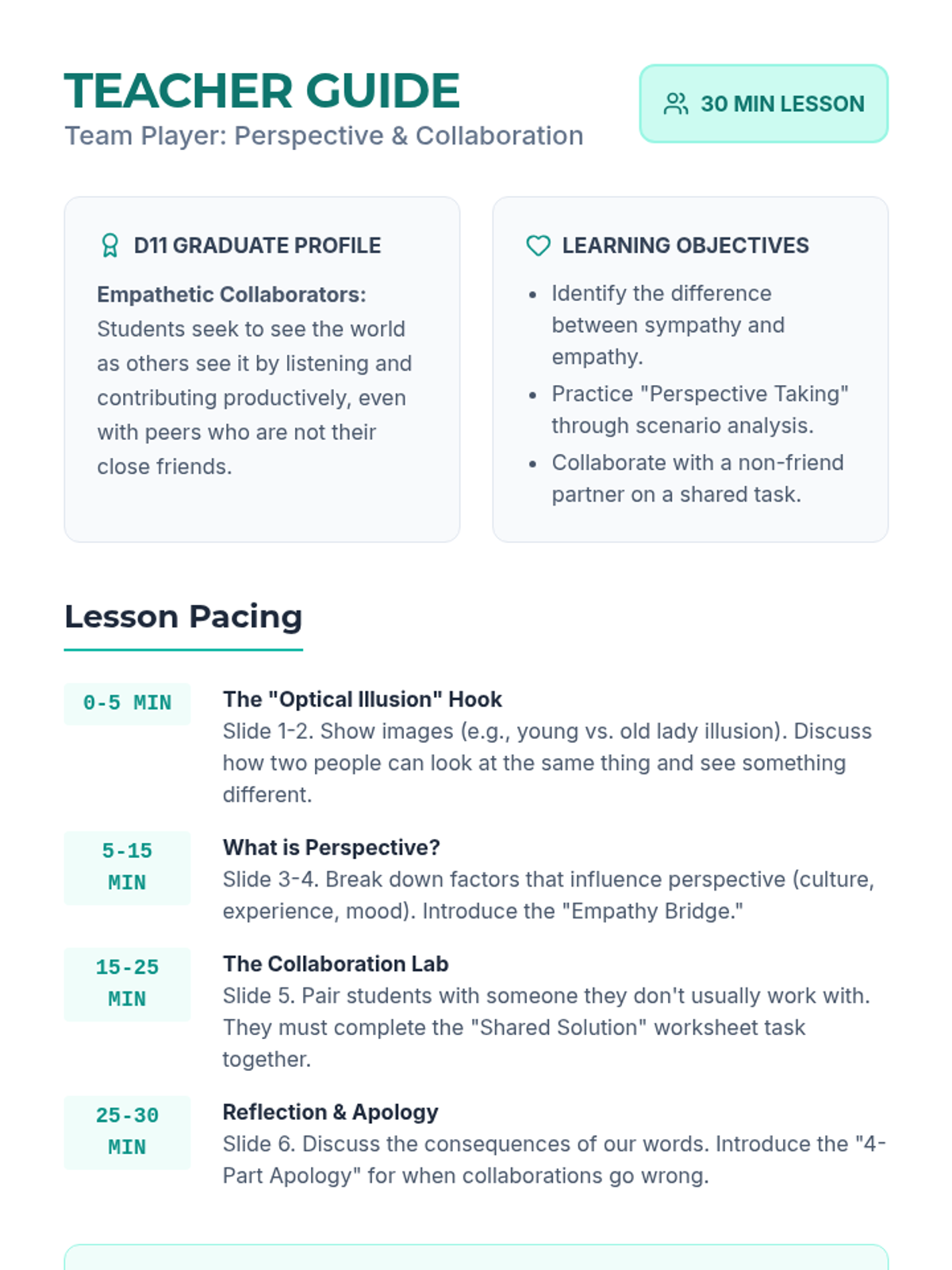
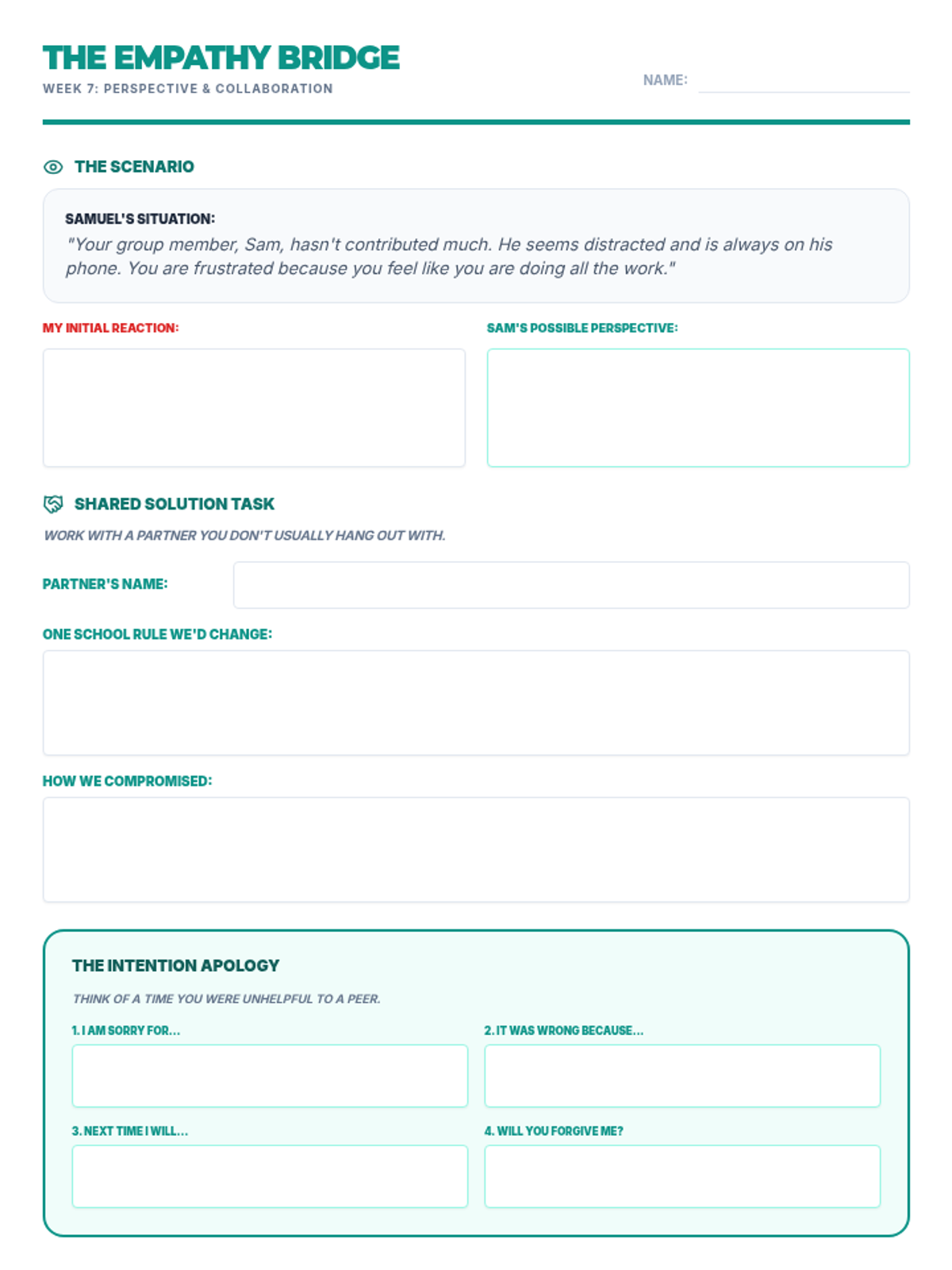
Focuses on perspective-taking and collaborating effectively with diverse peers to achieve shared goals.
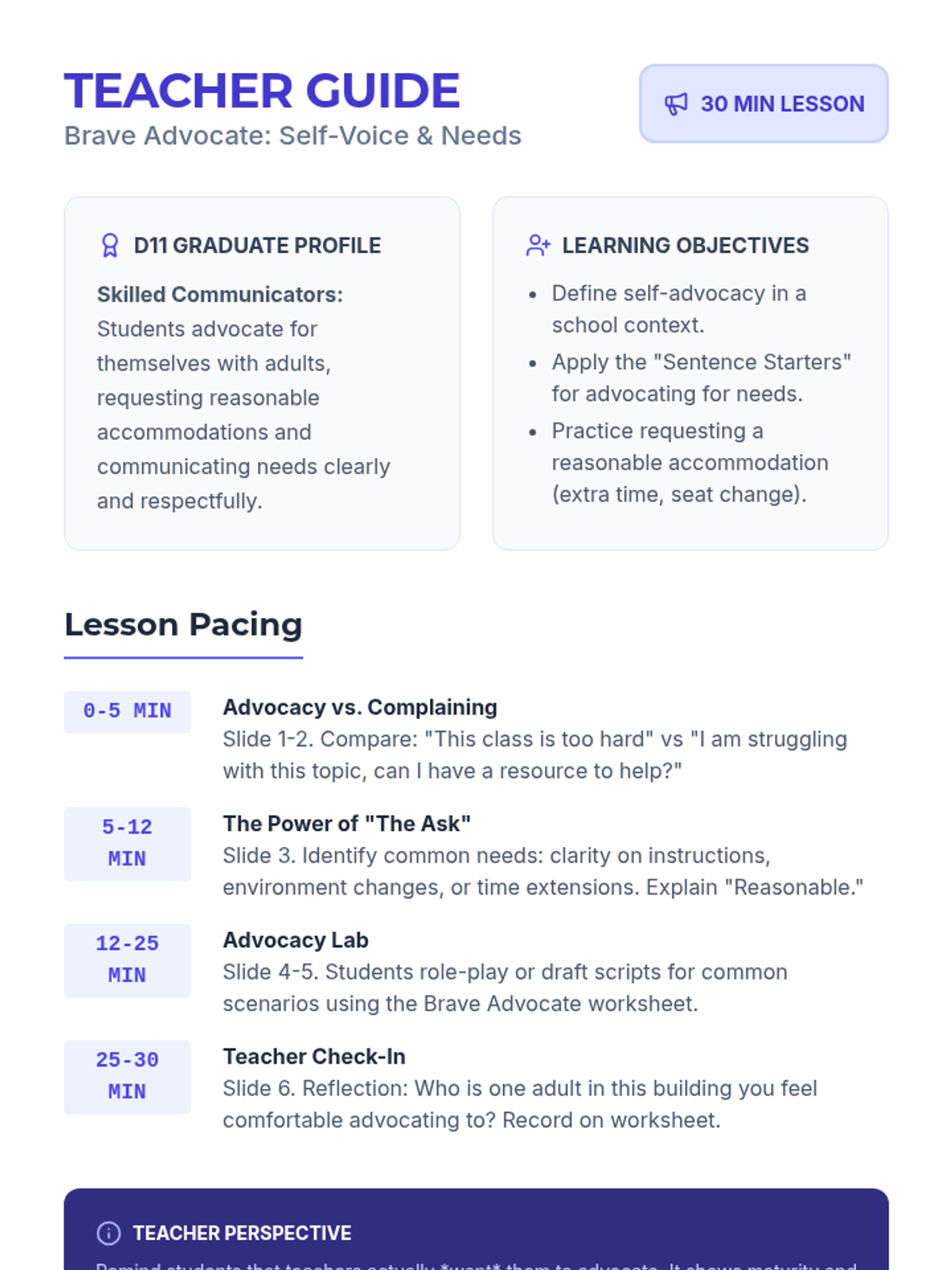
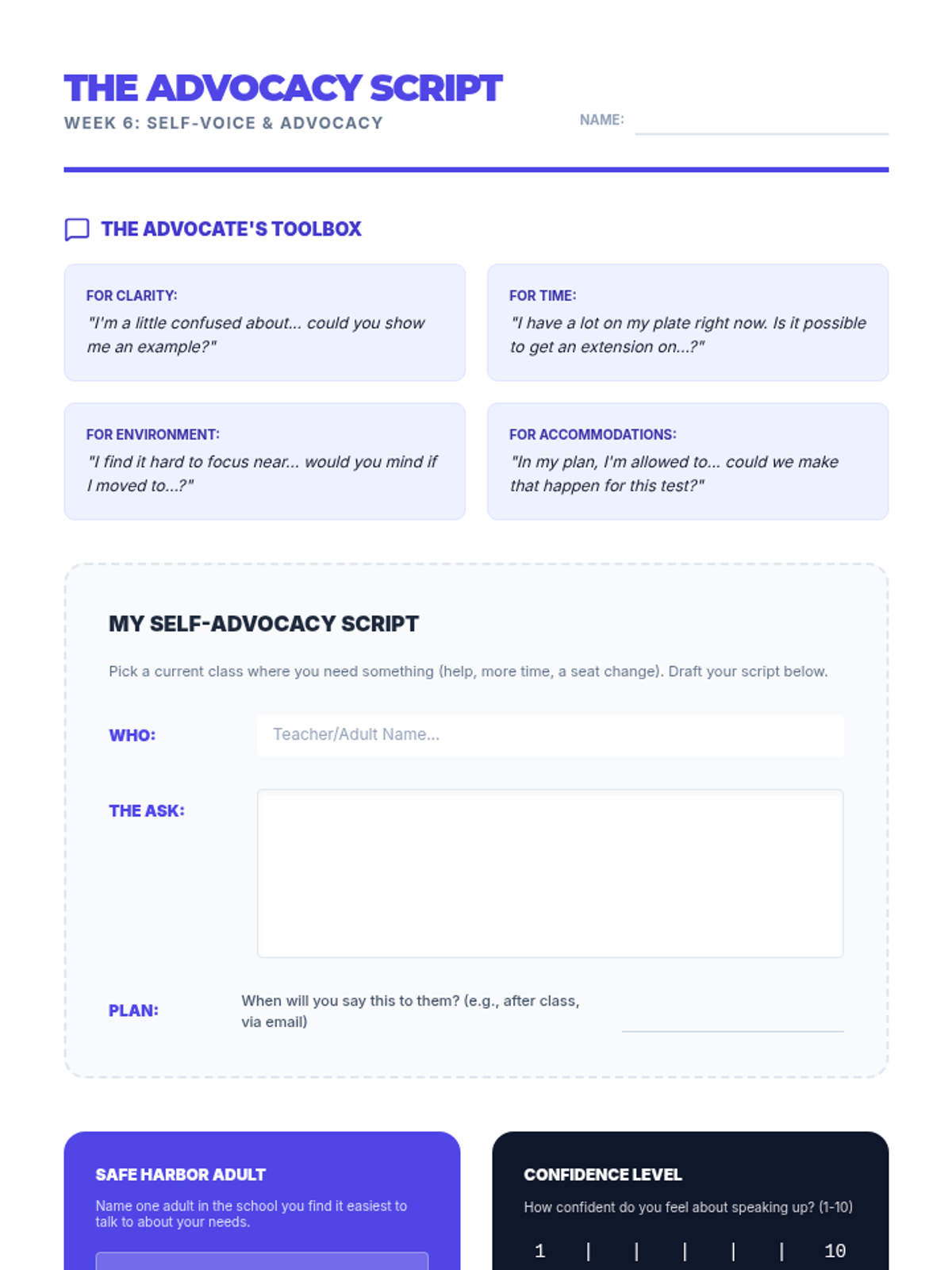
Develops self-advocacy skills, teaching students how to communicate their needs and request accommodations respectfully.
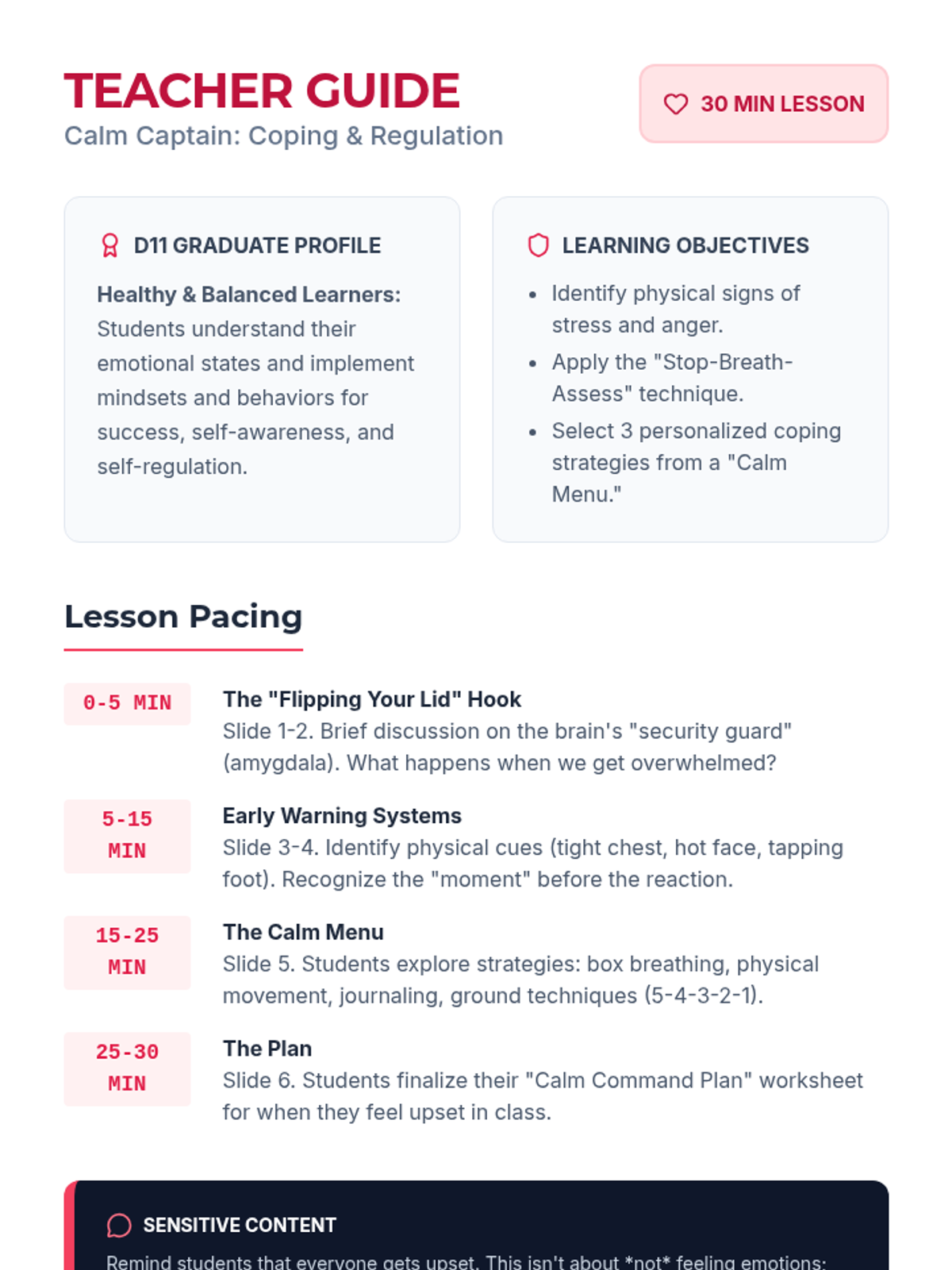
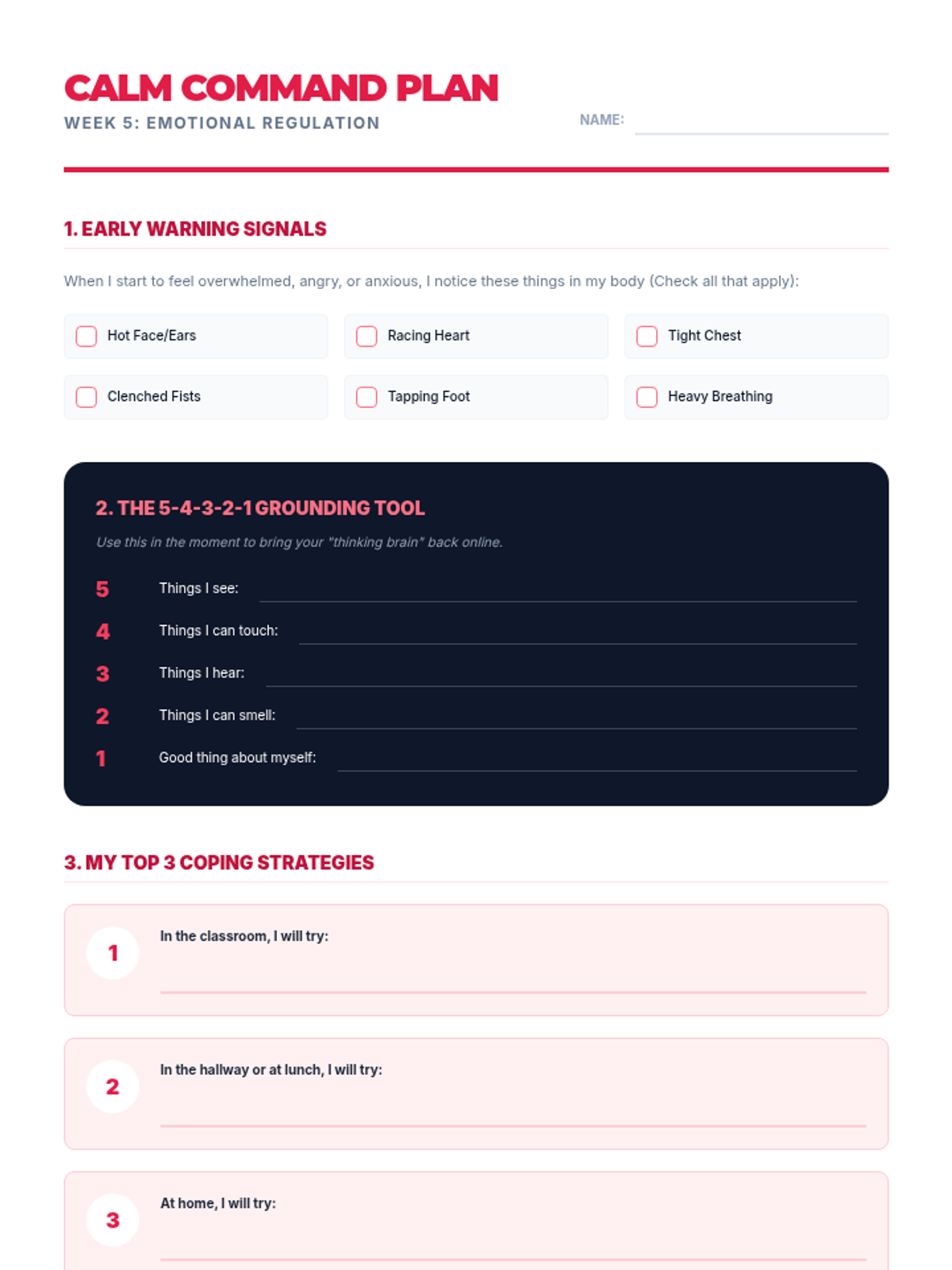
Introduces coping strategies and emotional regulation techniques to help students manage stress and process emotions productively.
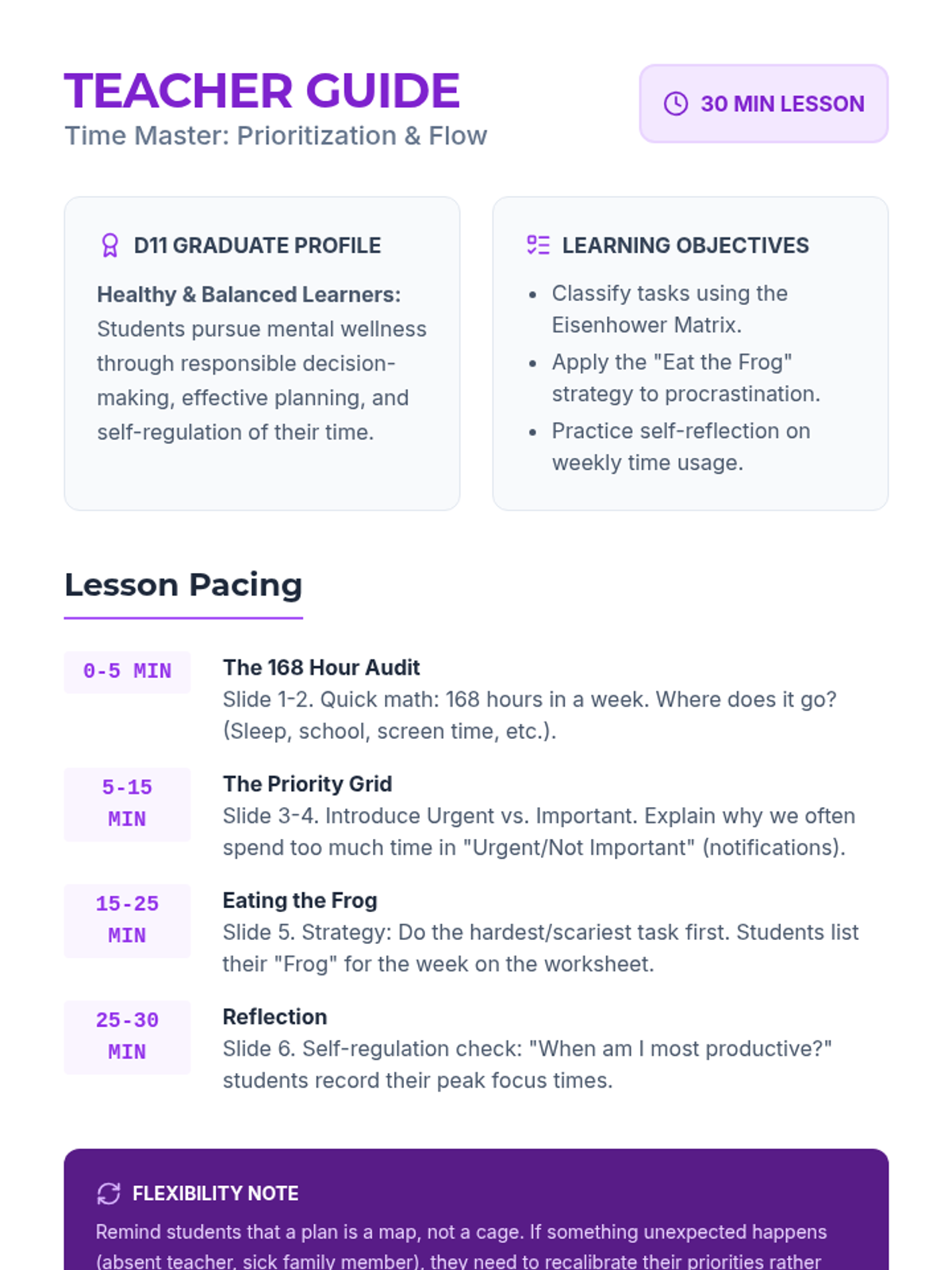
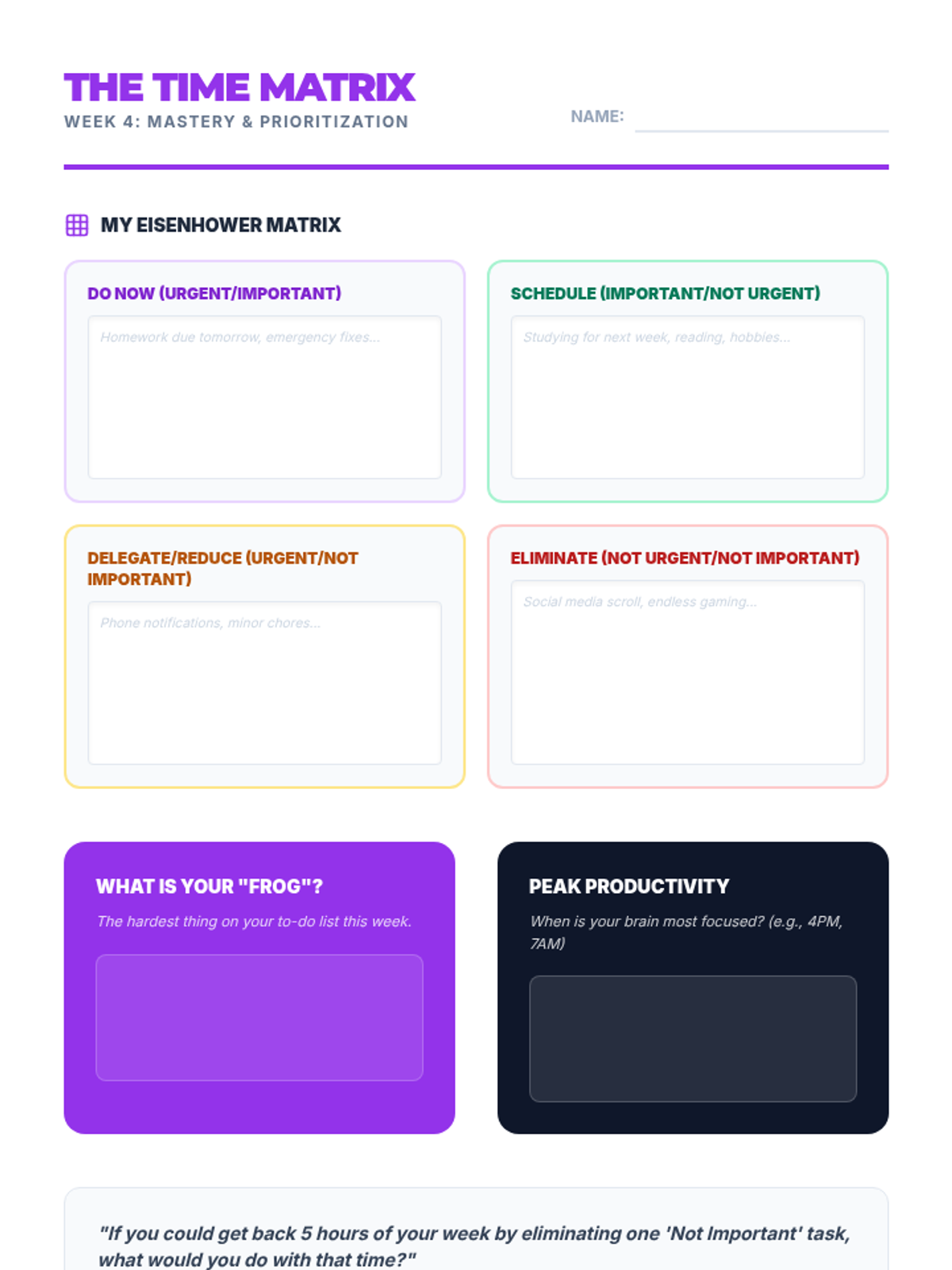
Equips students with time management strategies, prioritization techniques, and the flexibility to adjust plans when needed.
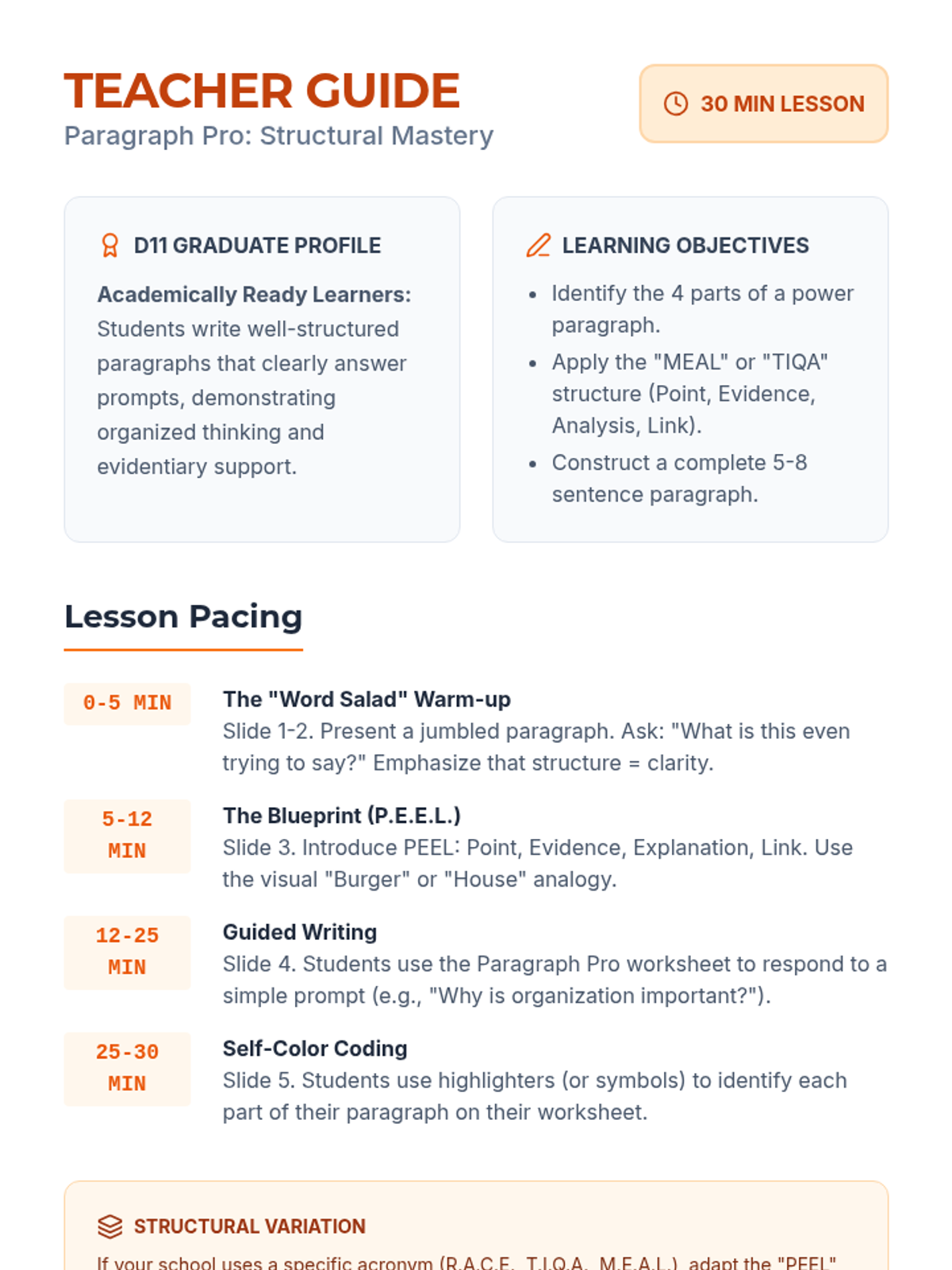
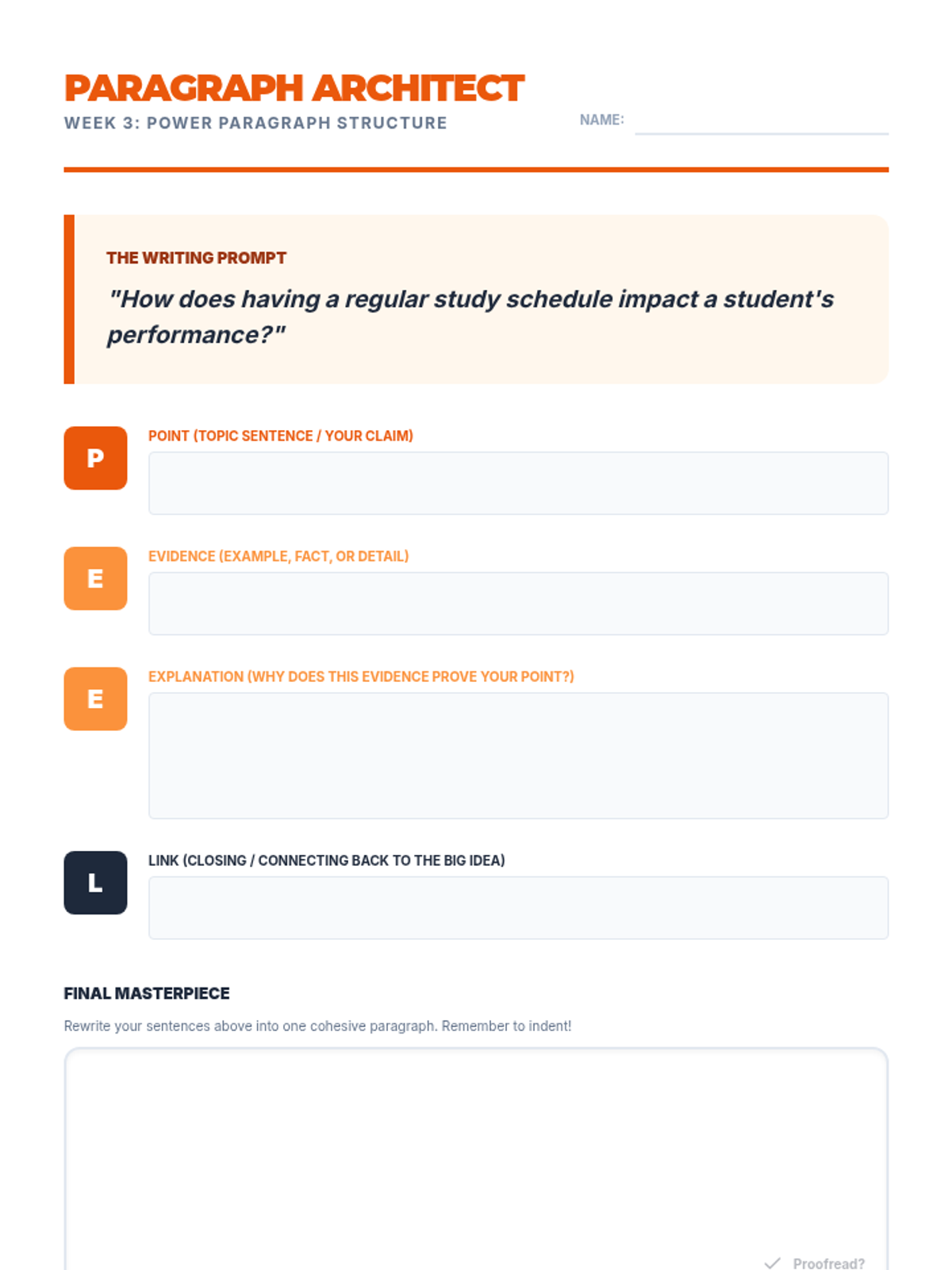
Teaches the structure of a well-organized paragraph to help students express ideas clearly in academic settings.
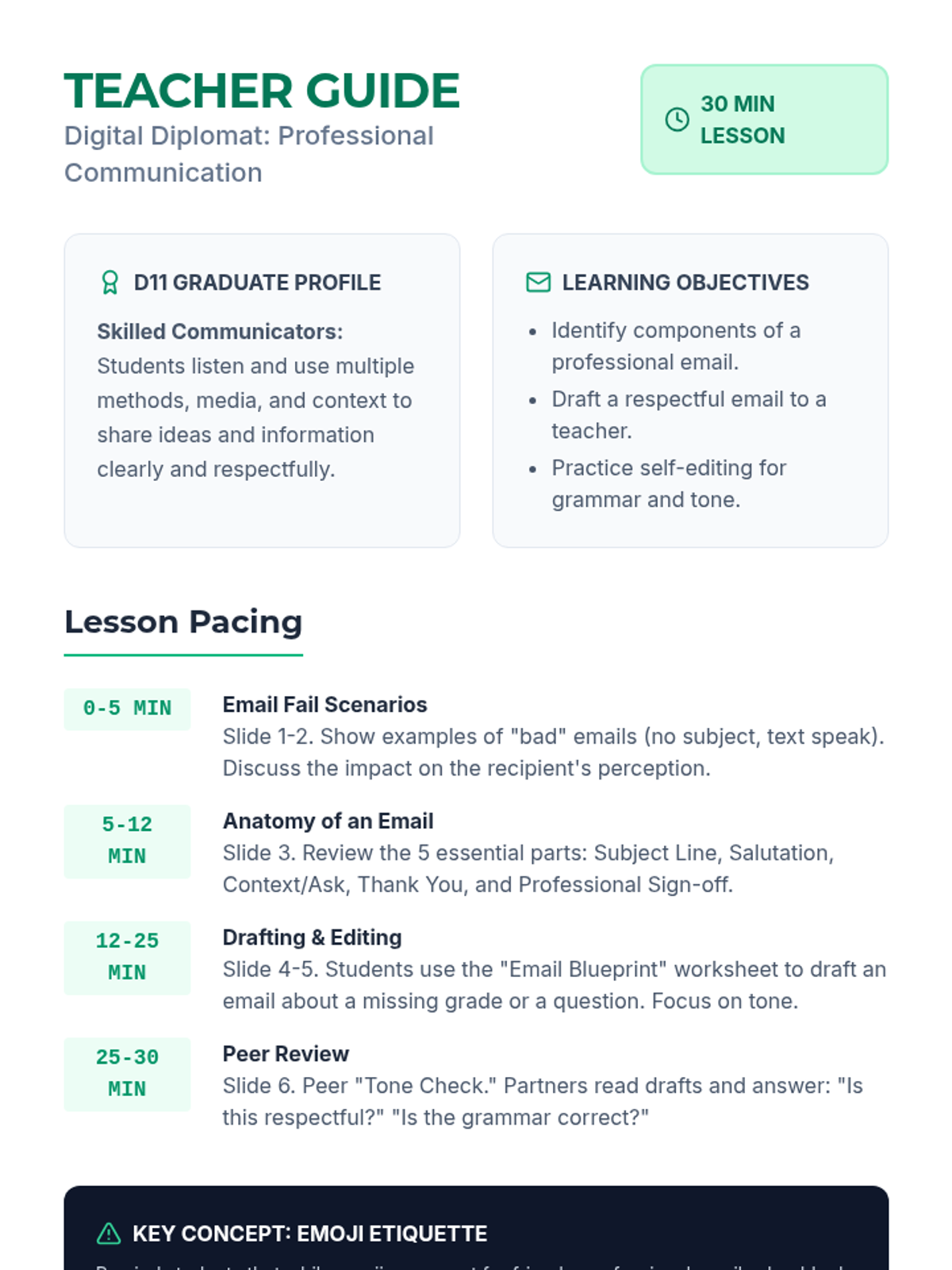
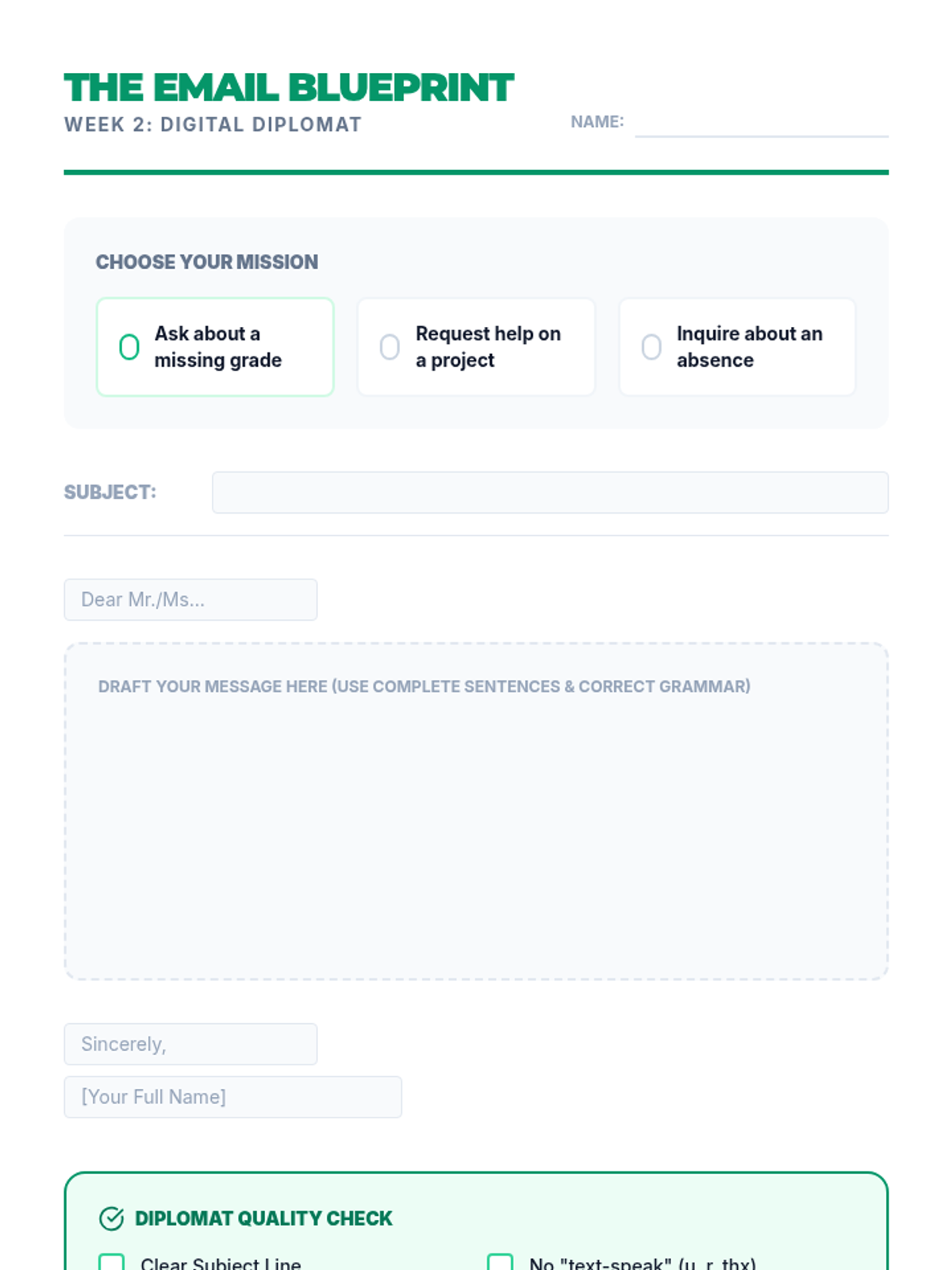
Focuses on professional digital communication, specifically writing respectful and grammatically correct emails to teachers and adults.
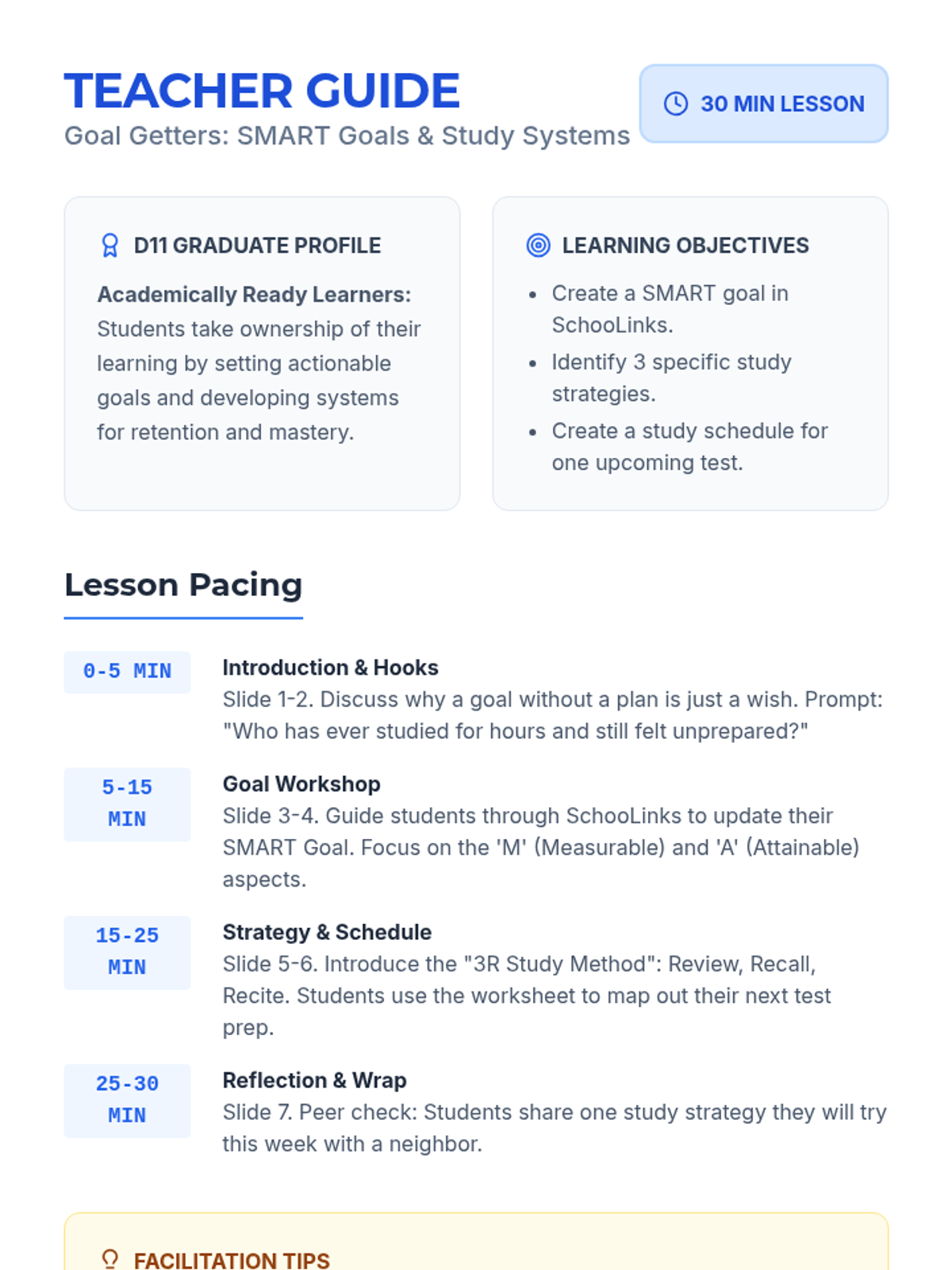
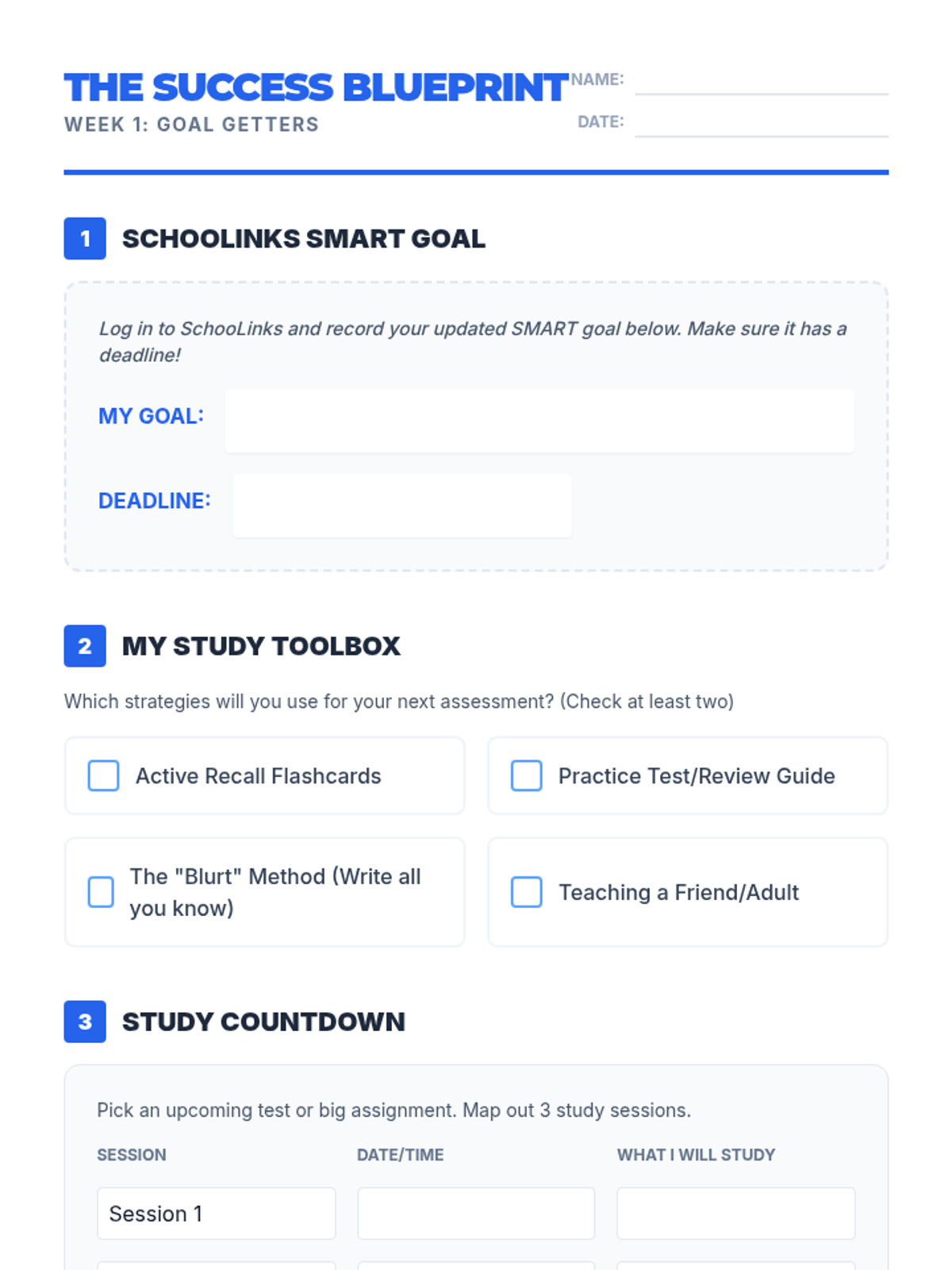
Students learn to set SMART goals for academic success and implement effective study systems including flashcards and review guides.
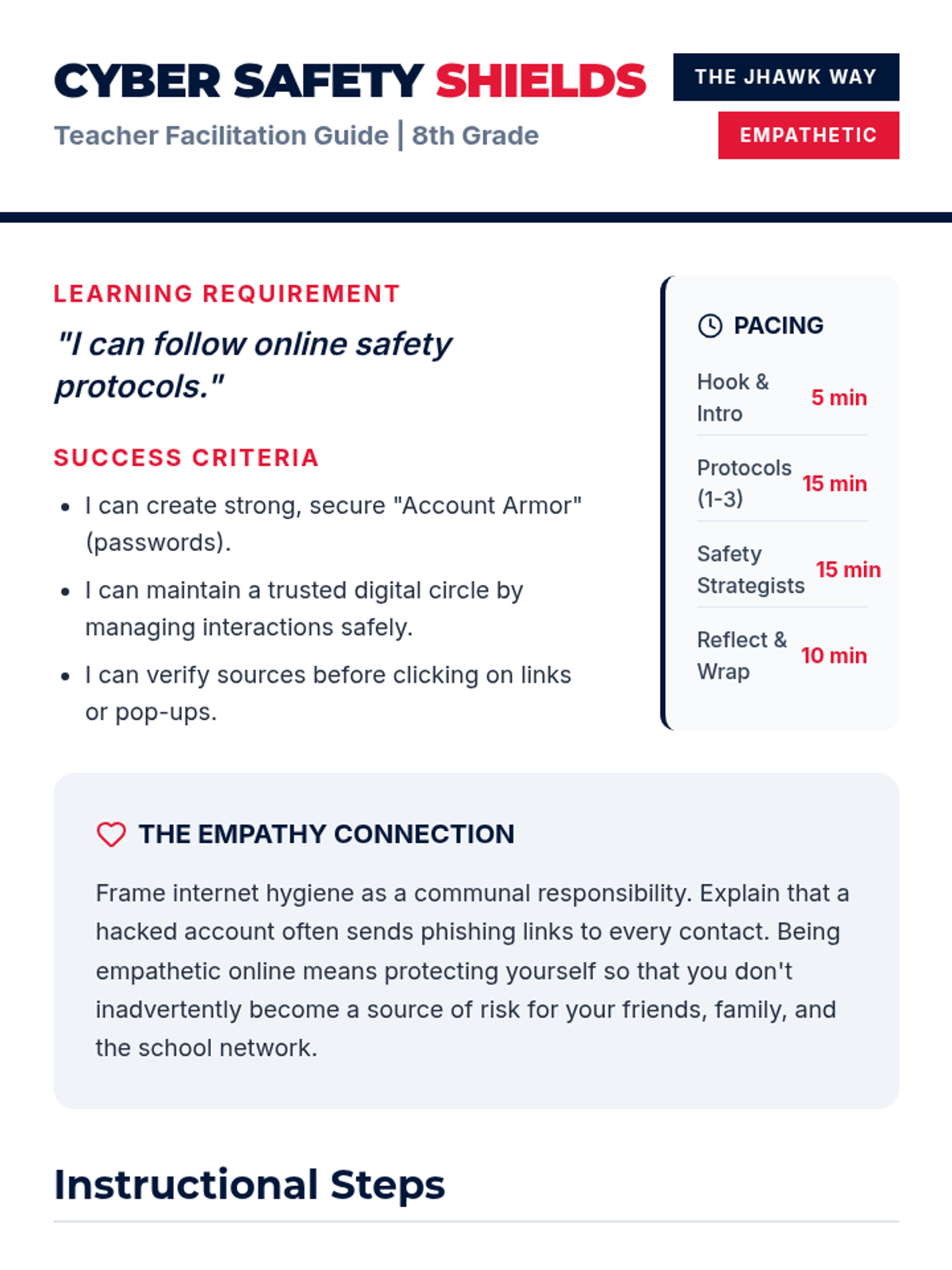
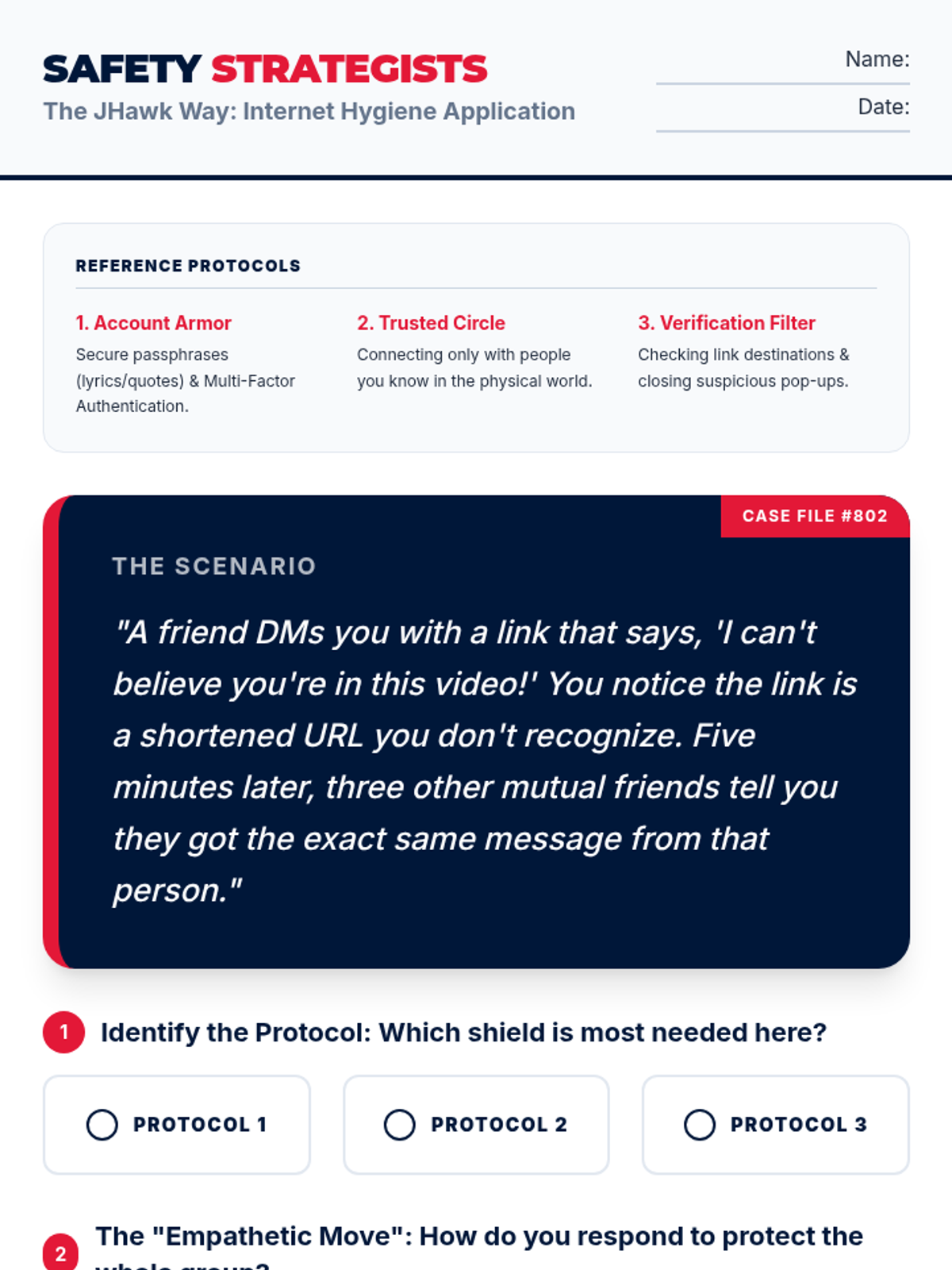
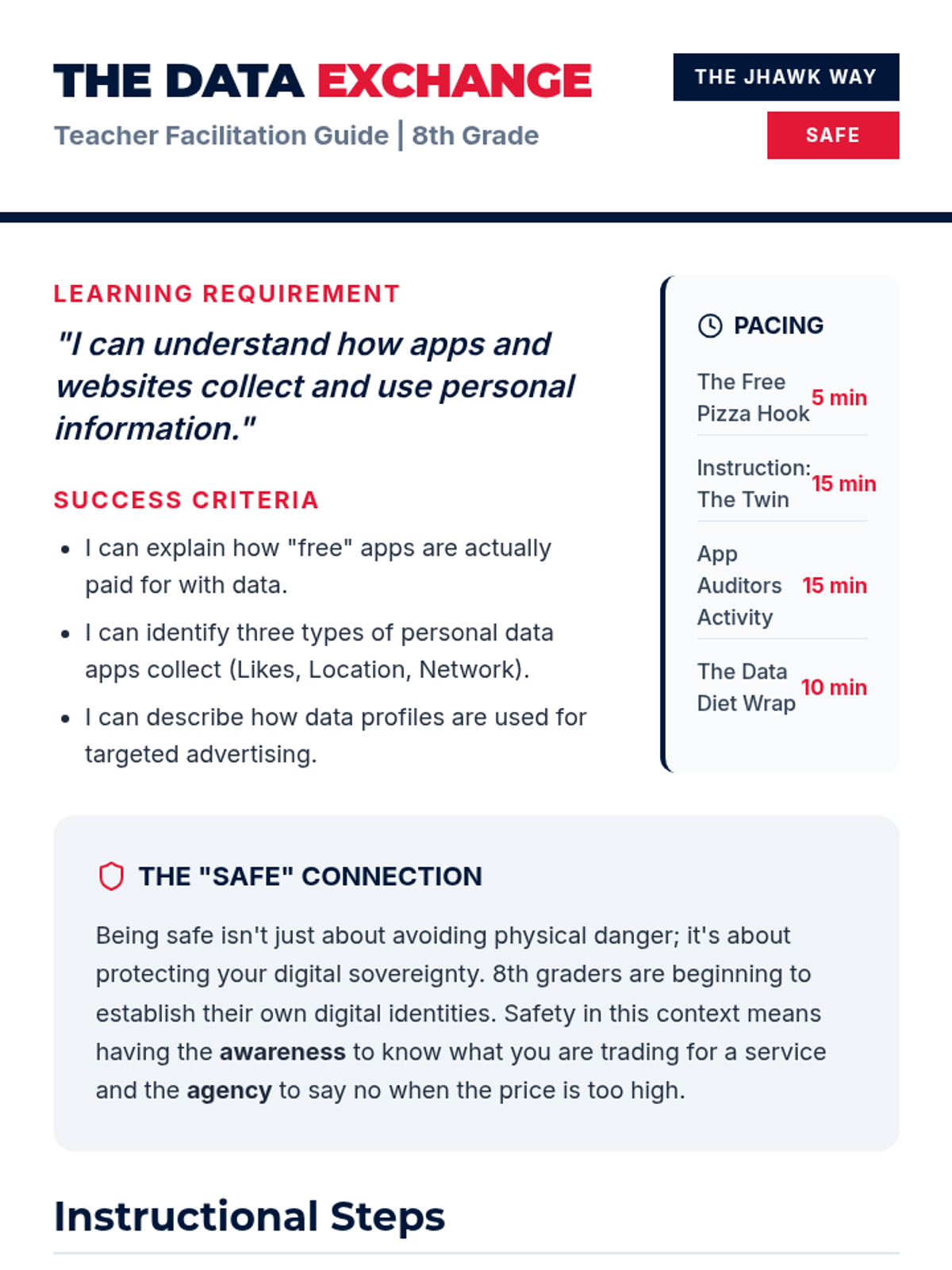
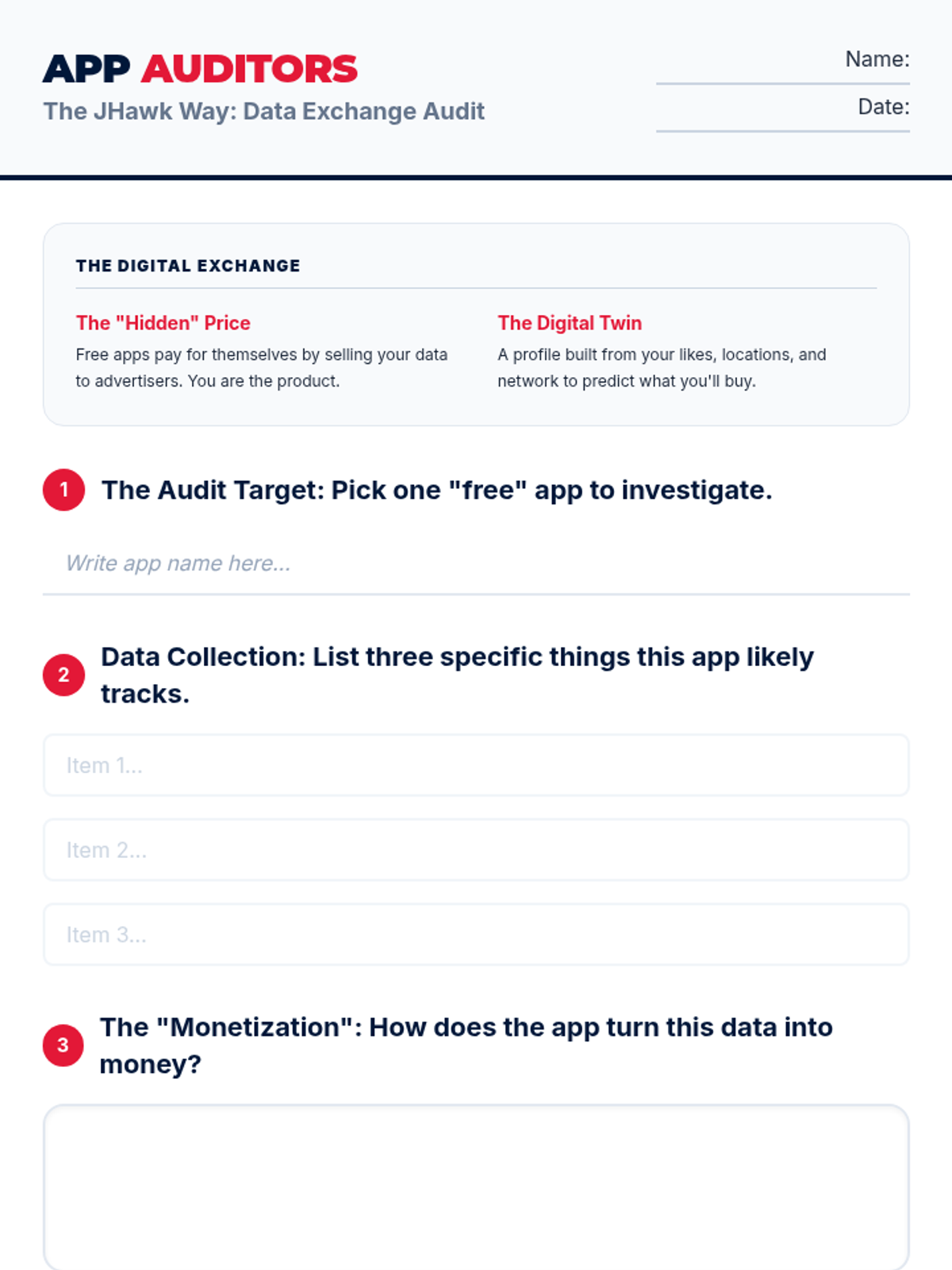
An 8th-grade lesson on practicing internet hygiene and online safety protocols through the lens of the JHawk Way of being Empathetic. Includes a slide deck, teacher guide, and collaborative application activity focused on positive framing and digital responsibility.
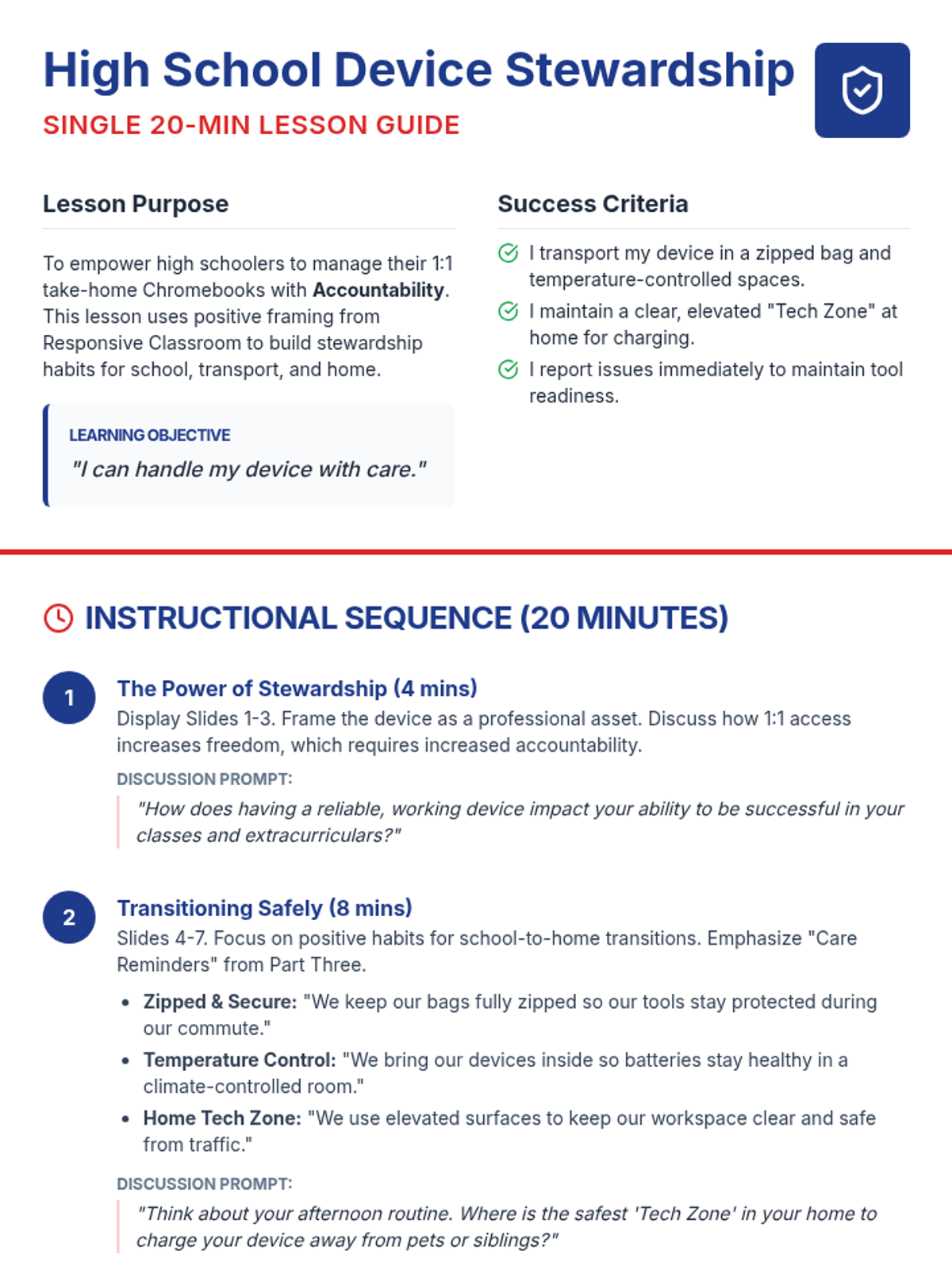
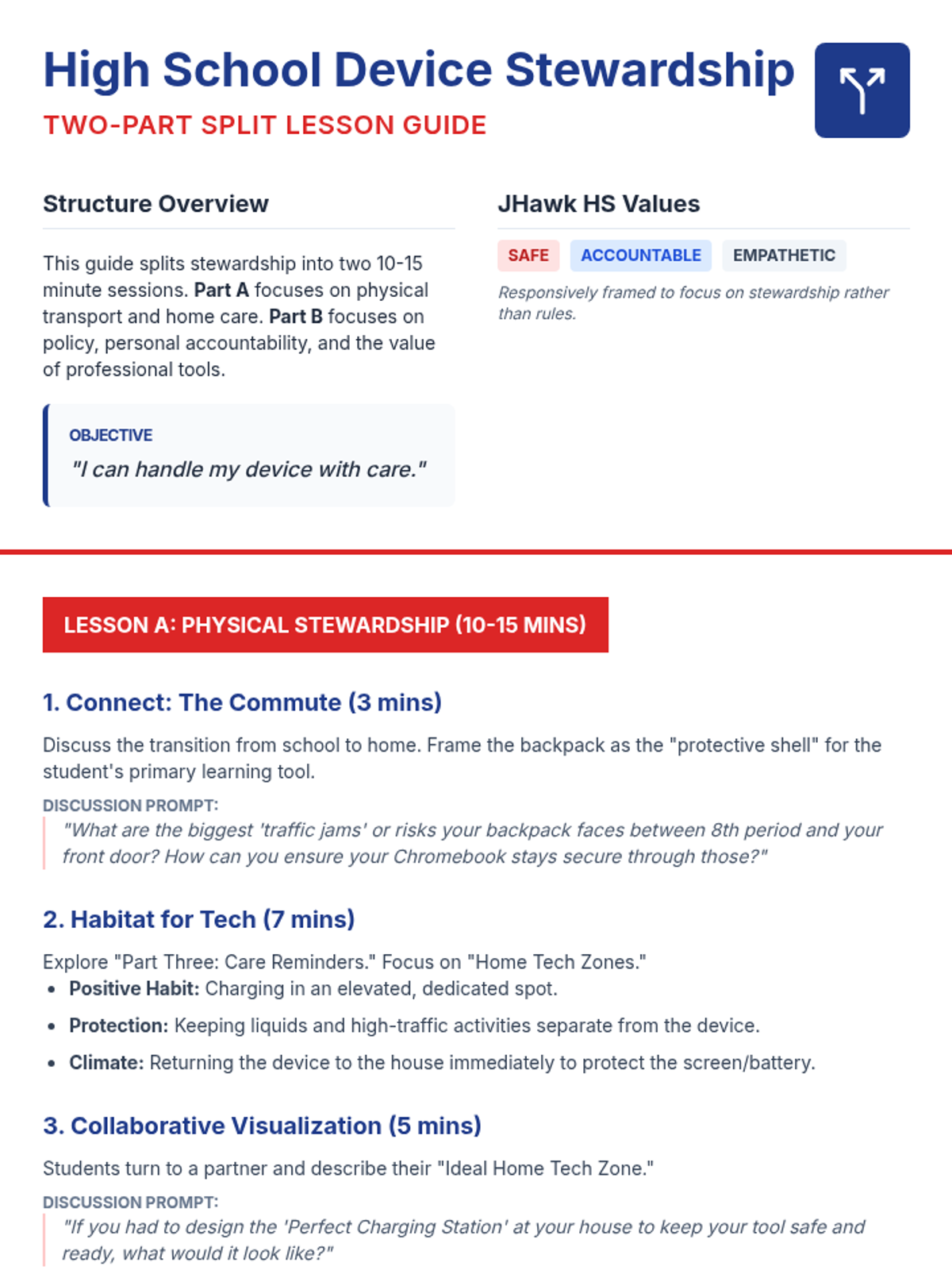
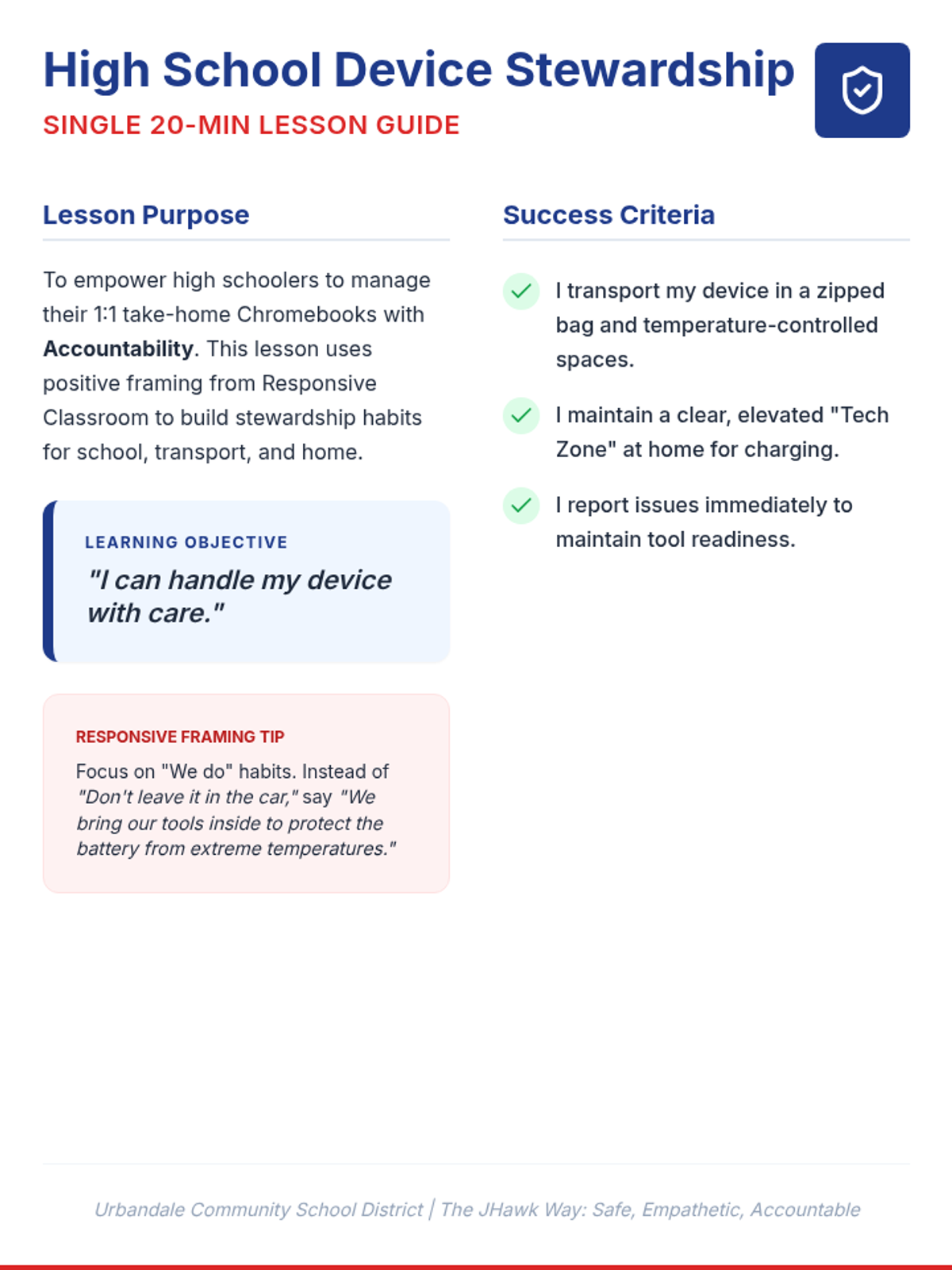
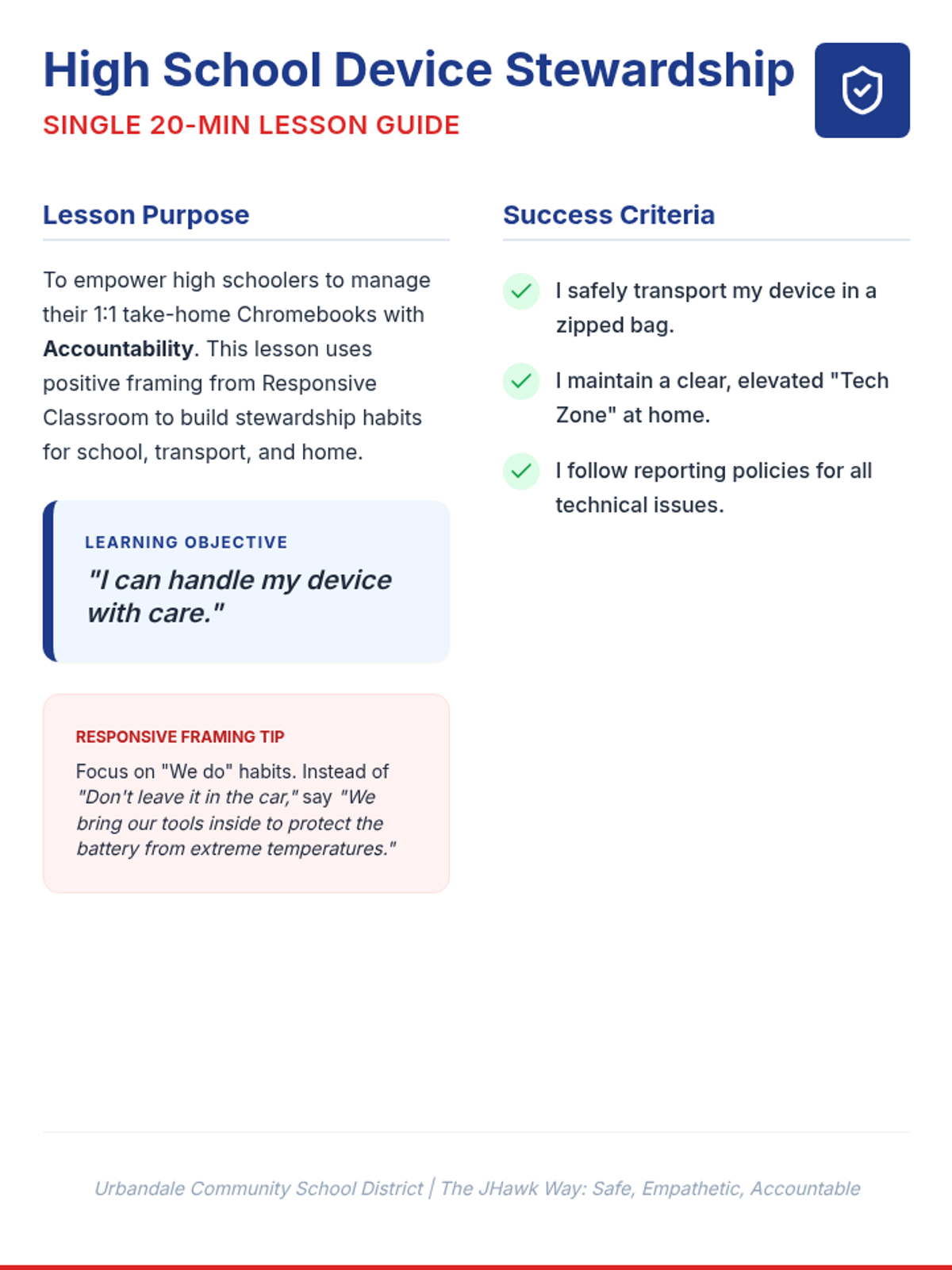
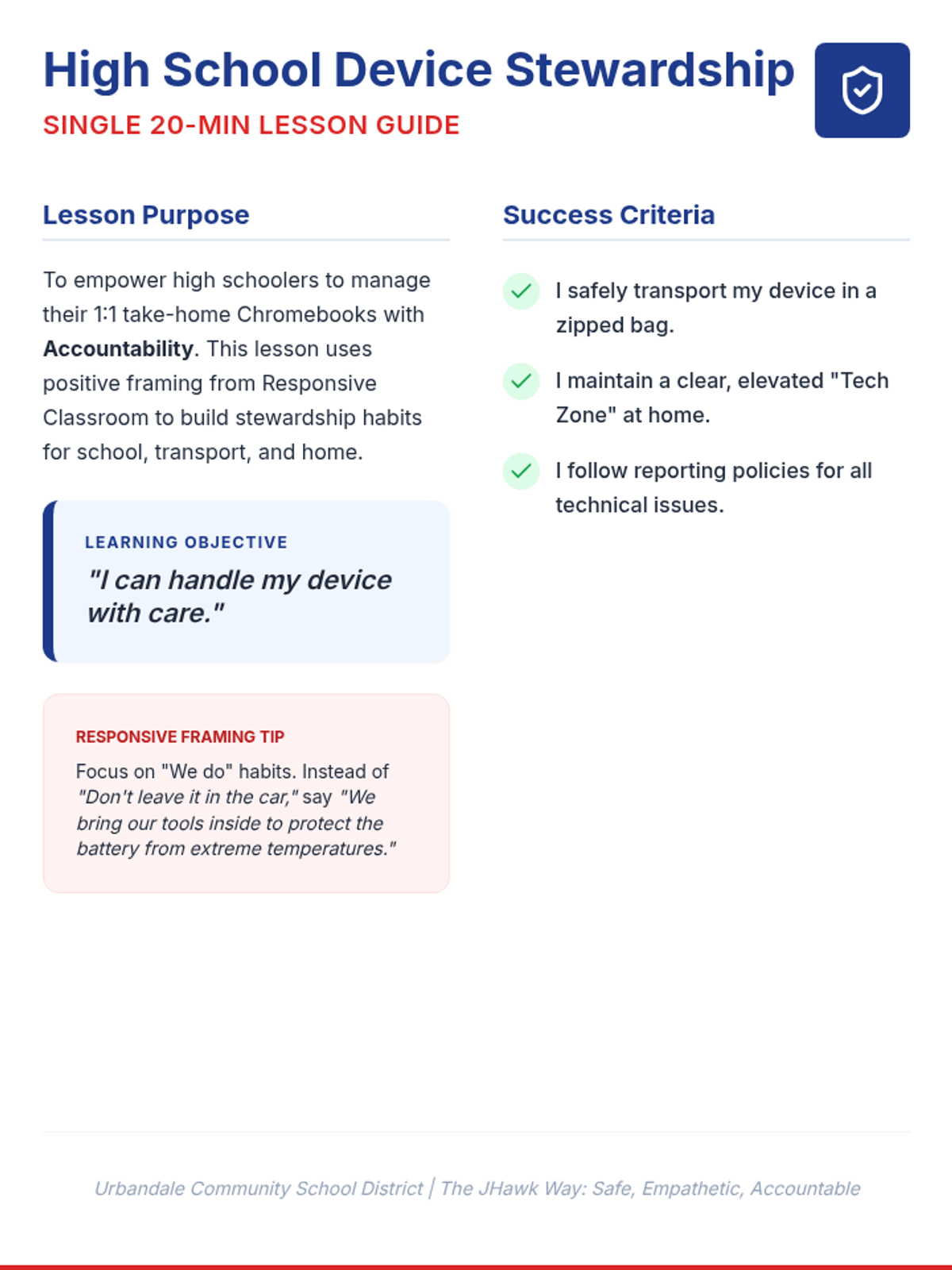
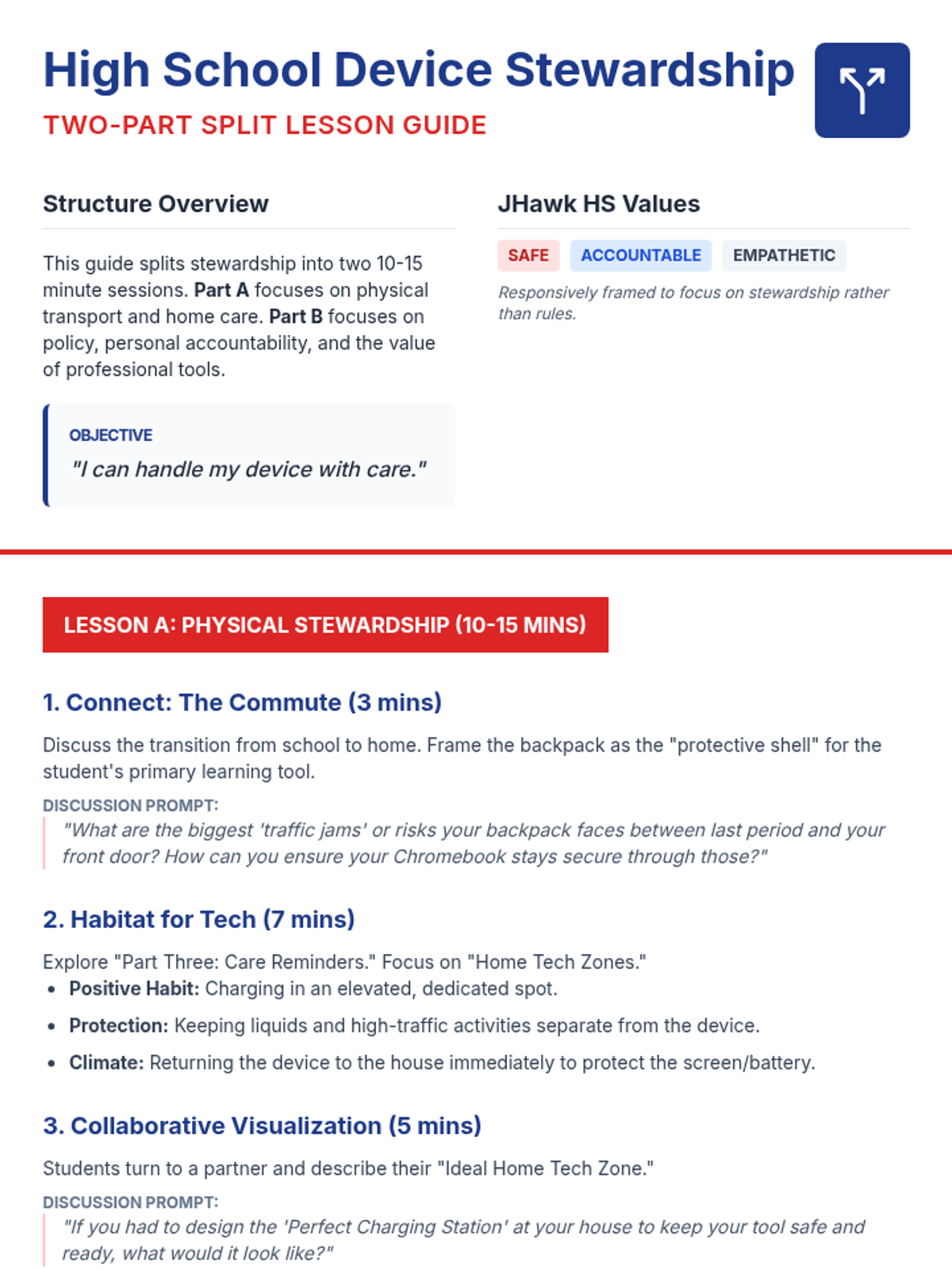
A lesson sequence for high schoolers on managing 1:1 take-home Chromebooks, focusing on transport safety, home care, and district policy accountability.
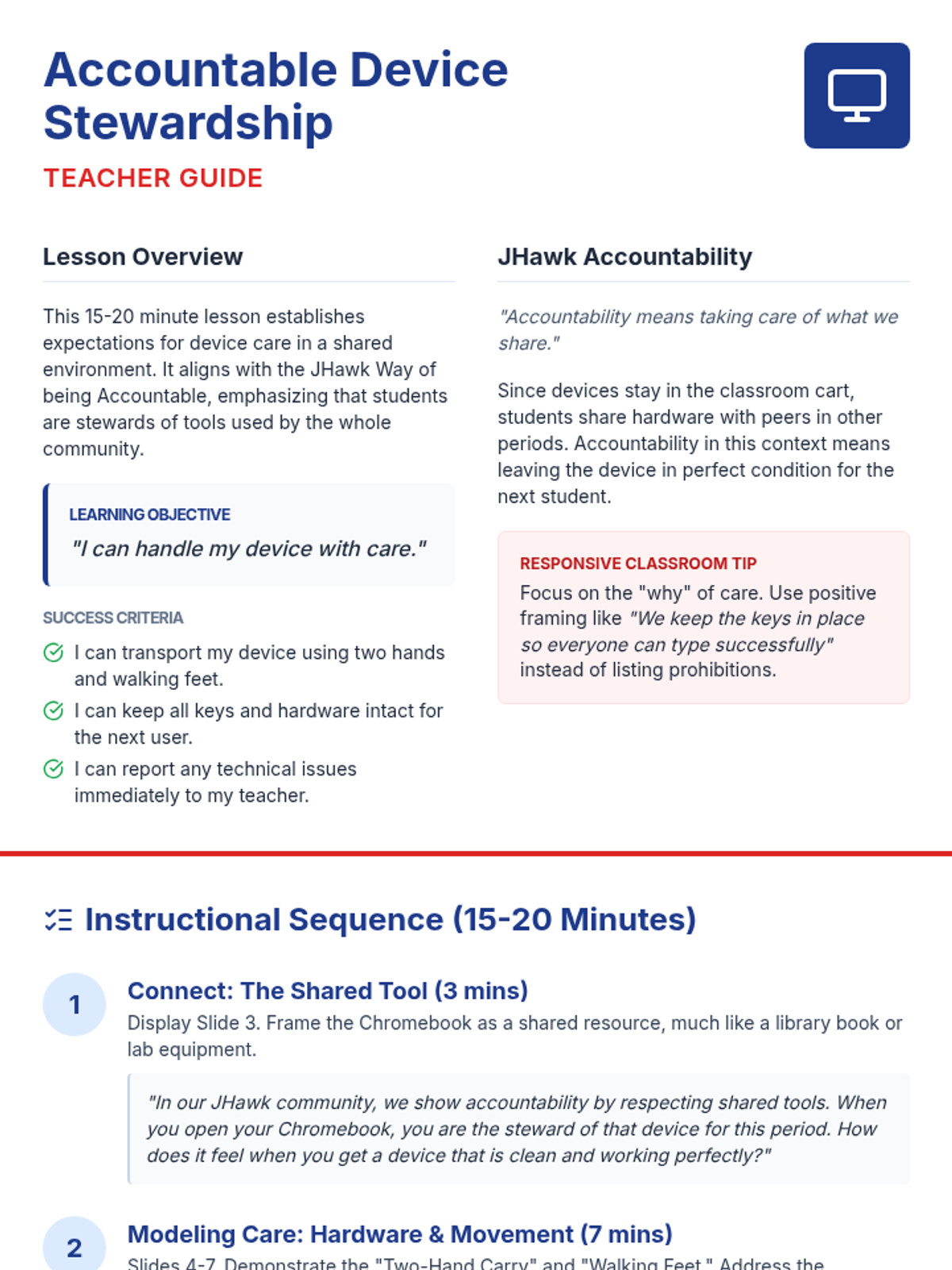
A 15-20 minute lesson for middle schoolers on device stewardship, focusing on keyboard care, screen safety, and reporting issues through the lens of JHawk Accountability.
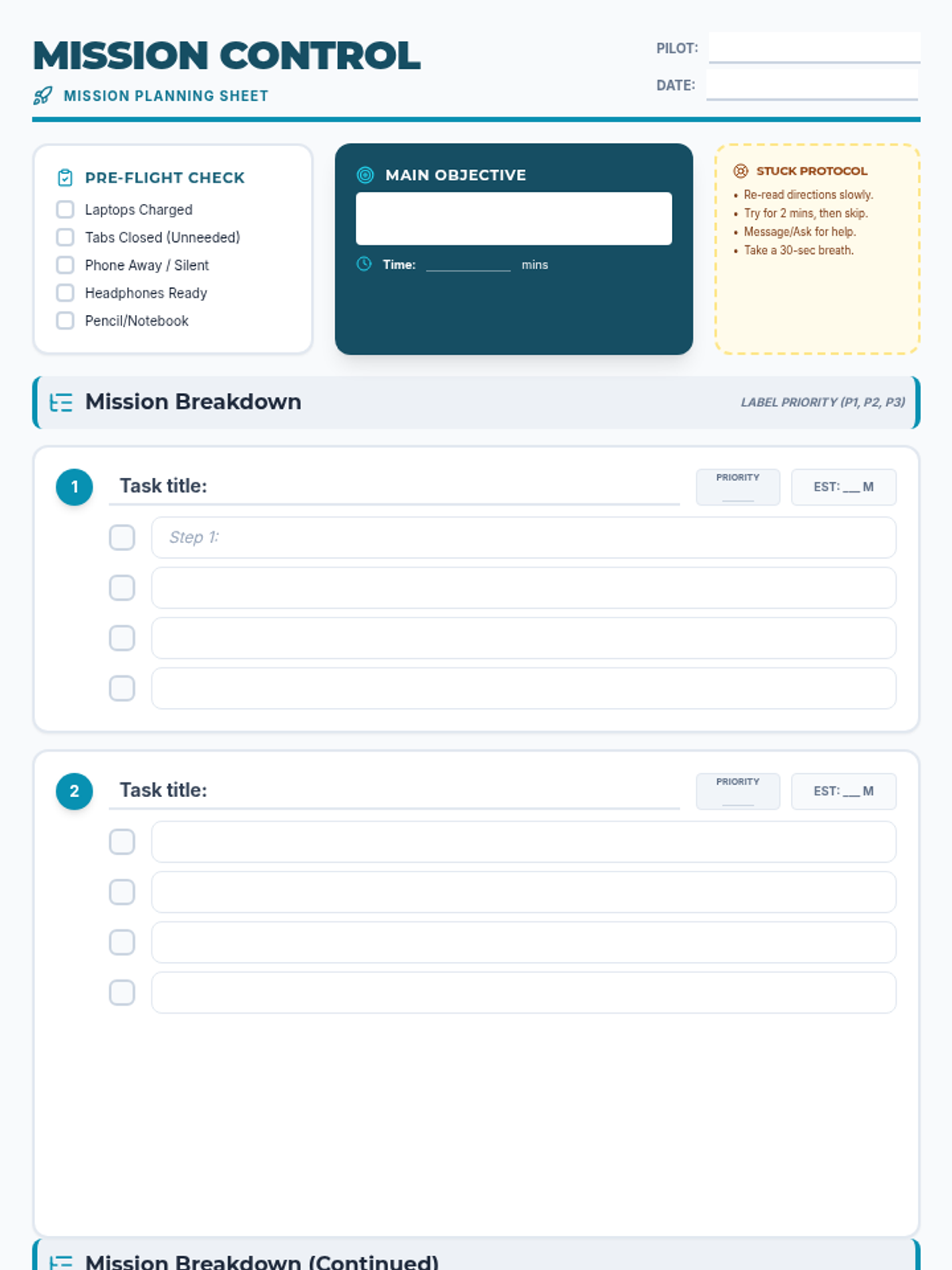
A lesson designed to help middle school students develop executive function skills by breaking down large tasks into manageable steps during study hall sessions.
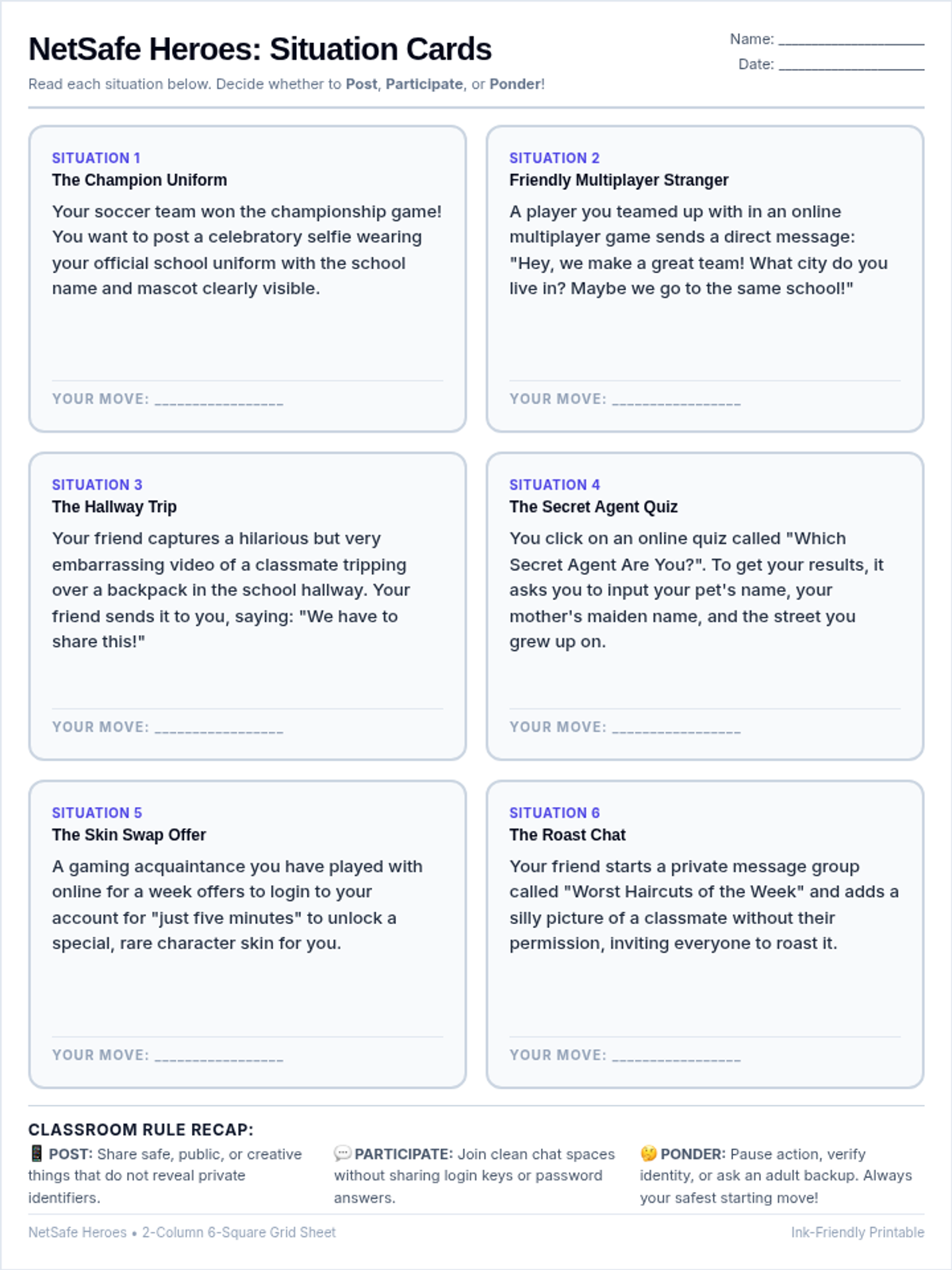
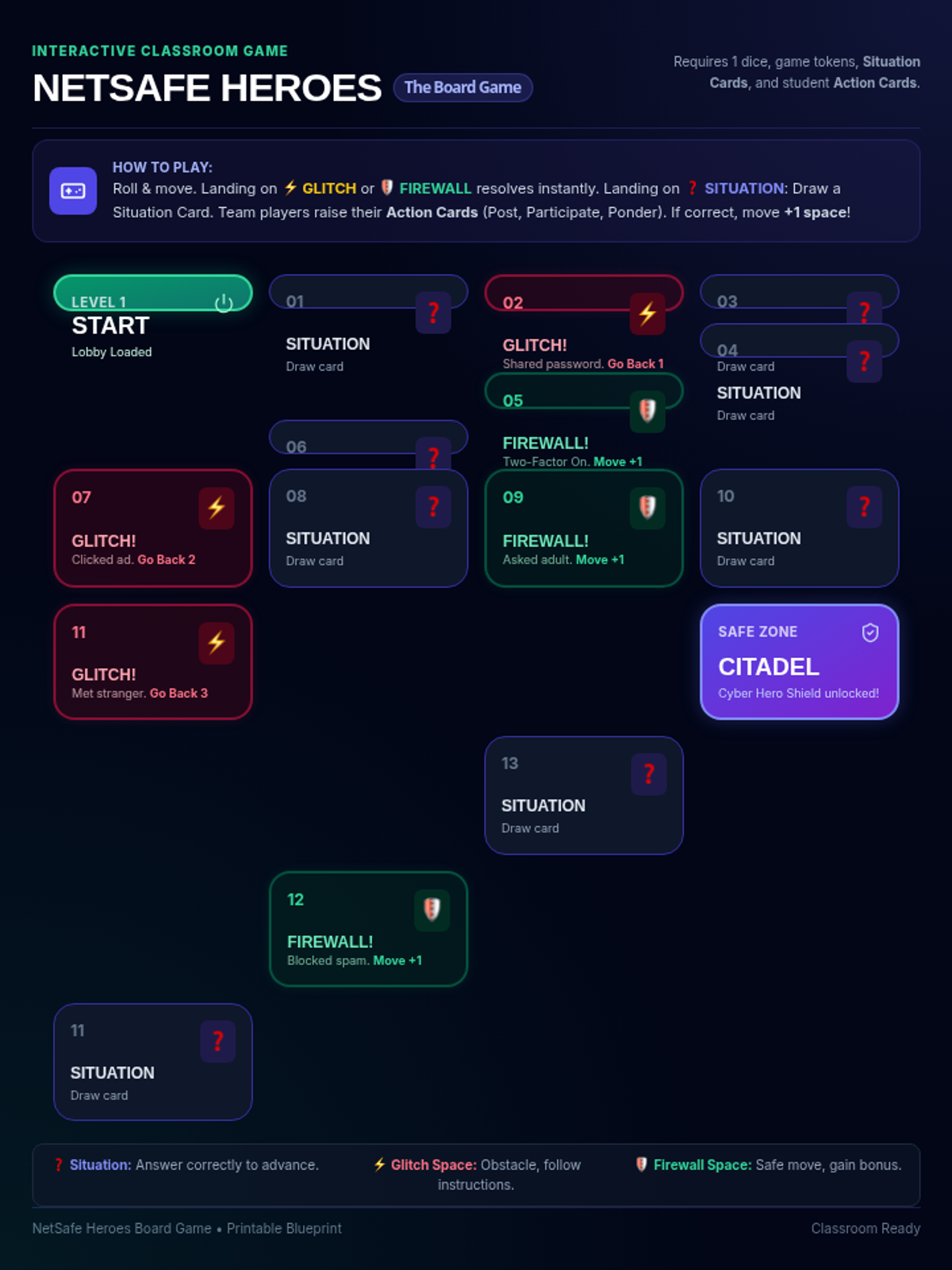
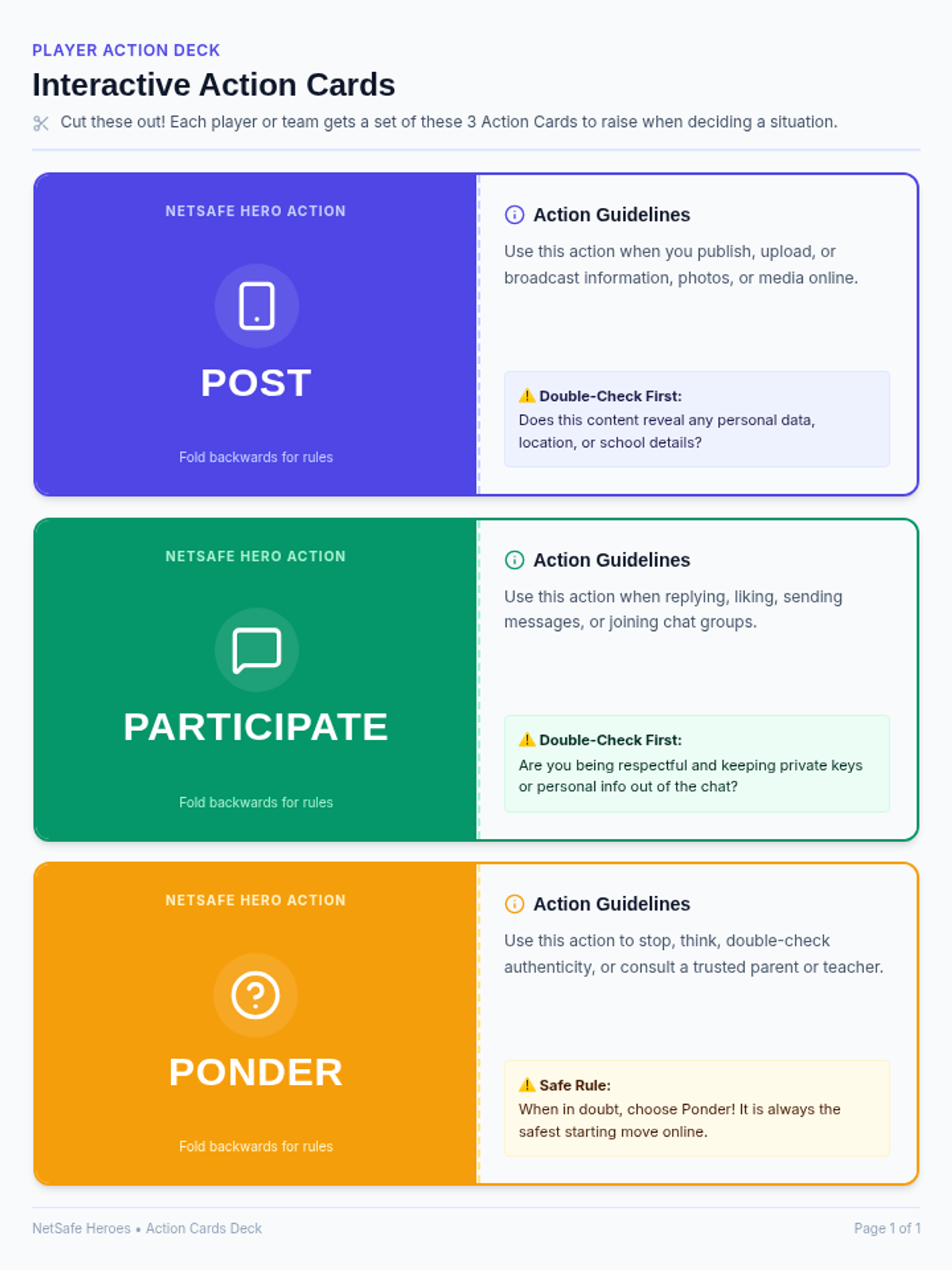
A lesson focusing on critical digital citizenship skills, helping students navigate the web safely and make informed choices when posting, interacting, or pondering online situations.
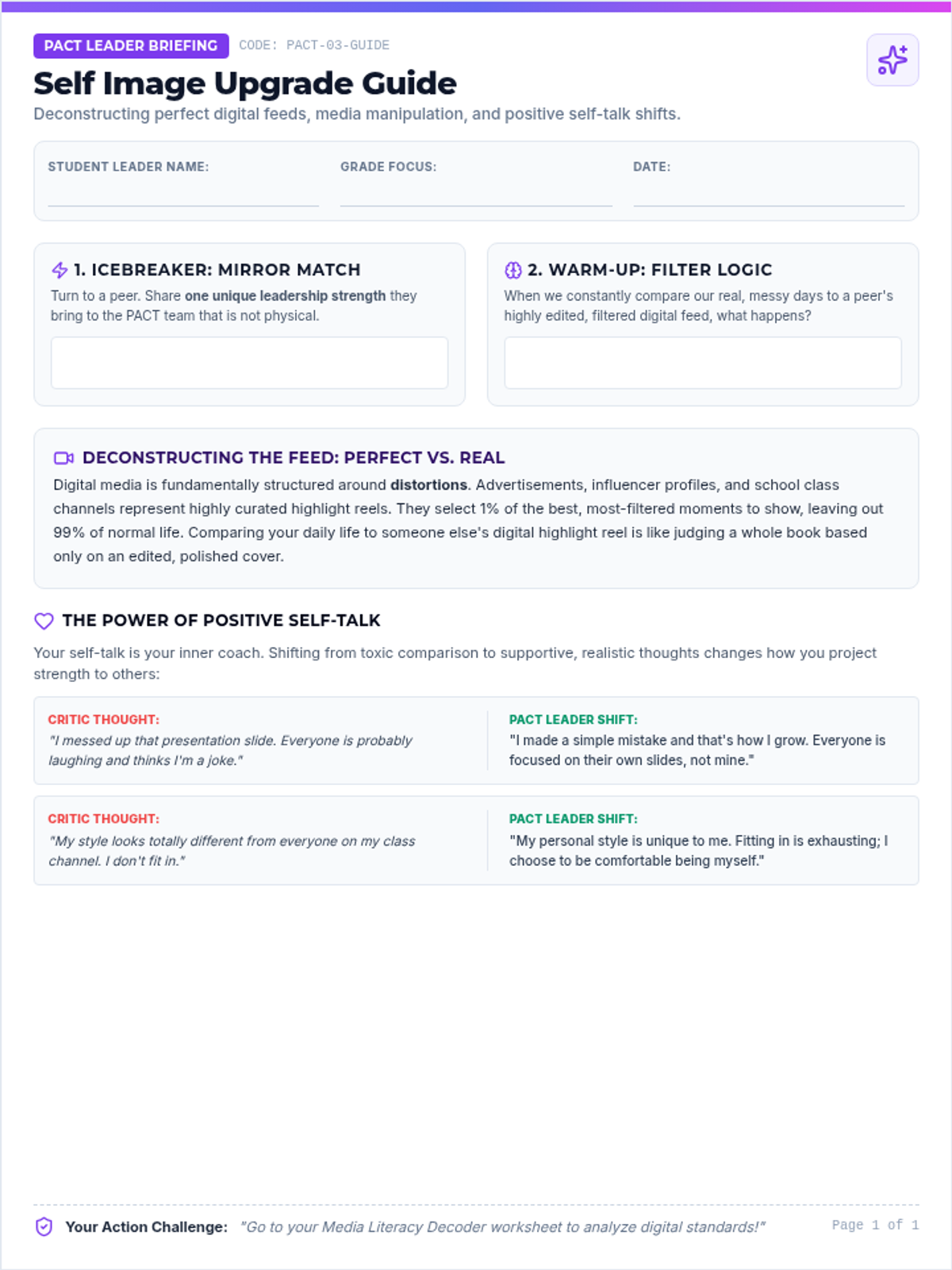
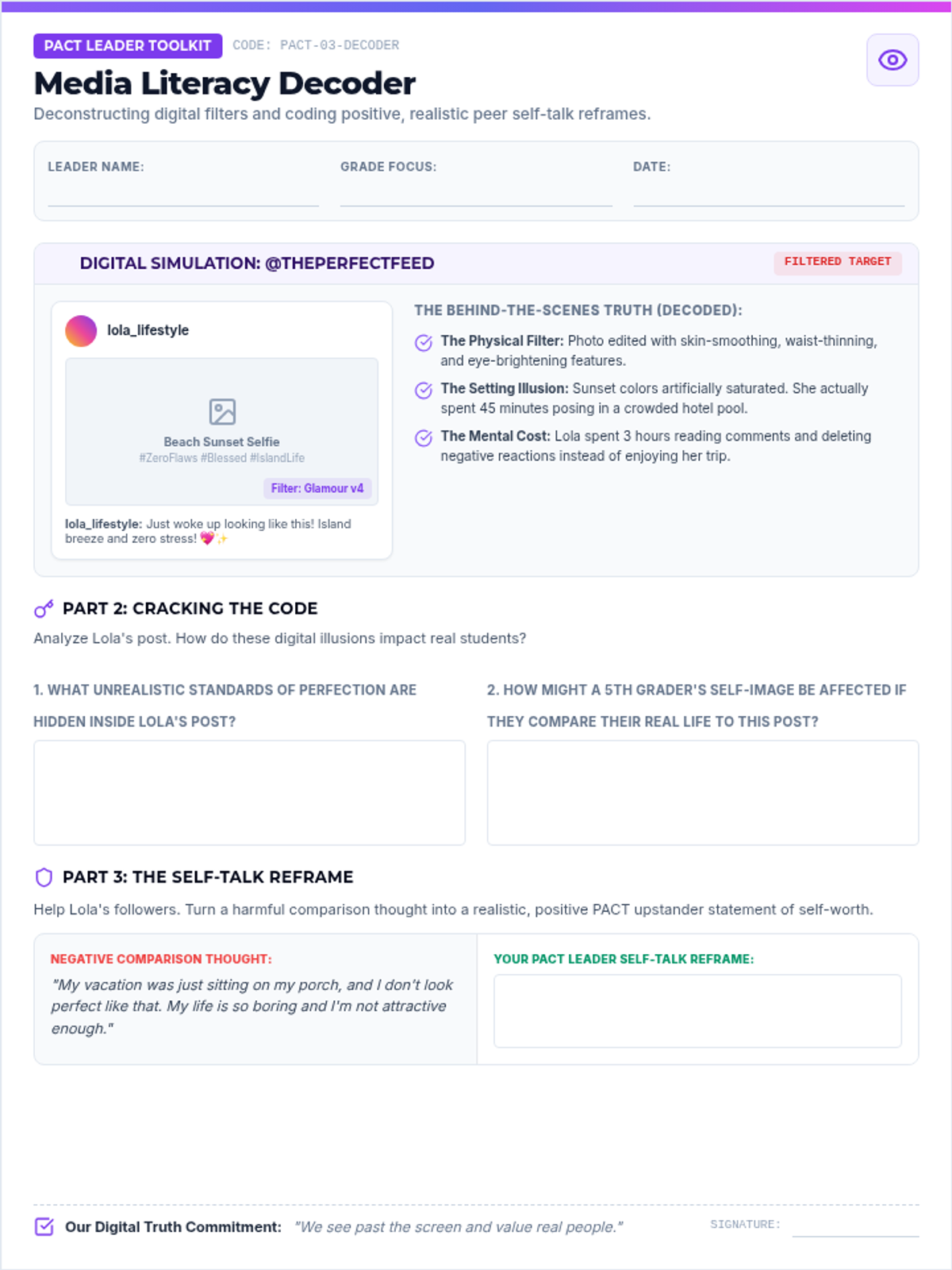
Focuses on building self-worth, identifying negative media messages, and shifting personal and peer narratives through positive self-talk strategies.
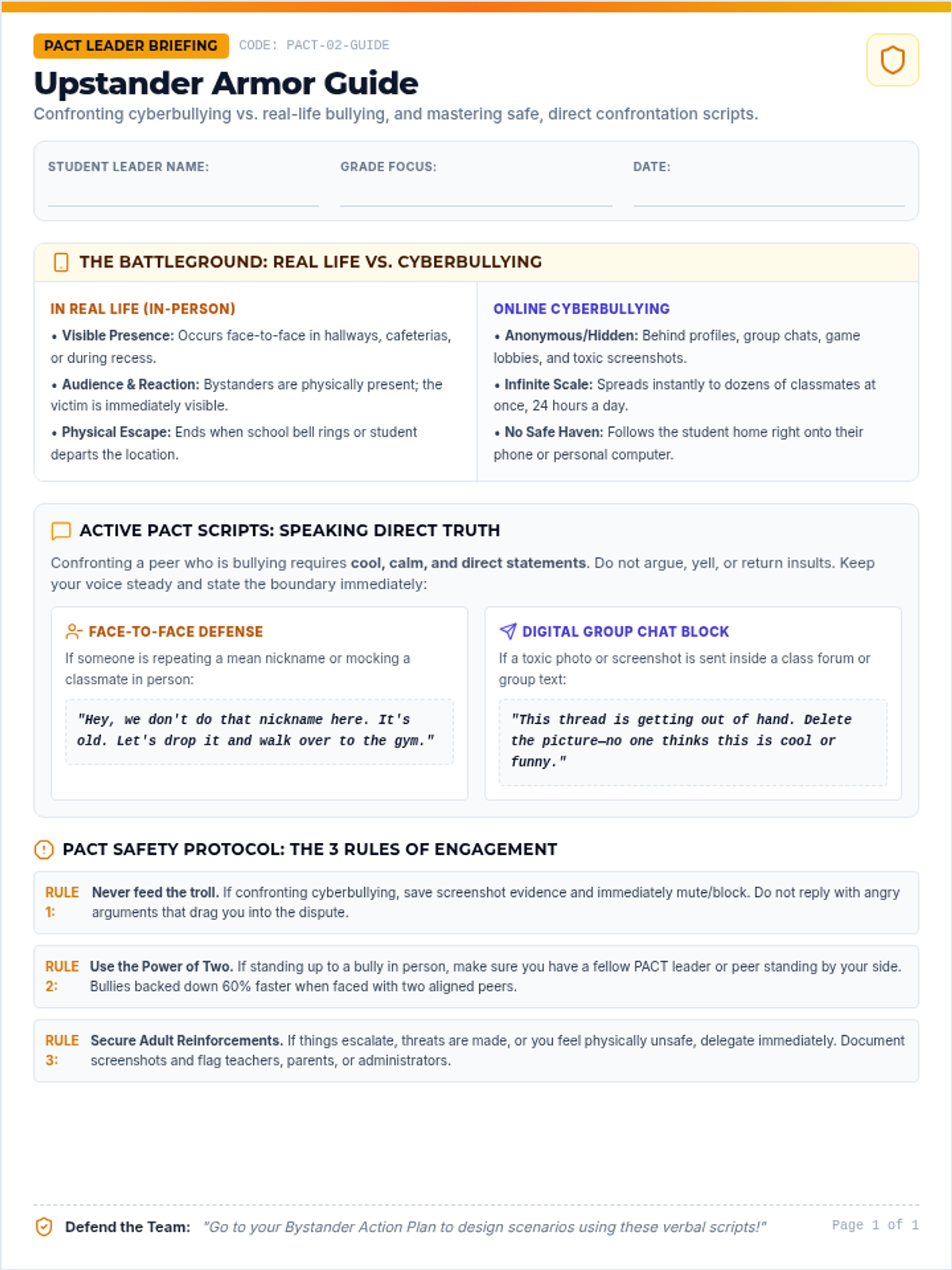
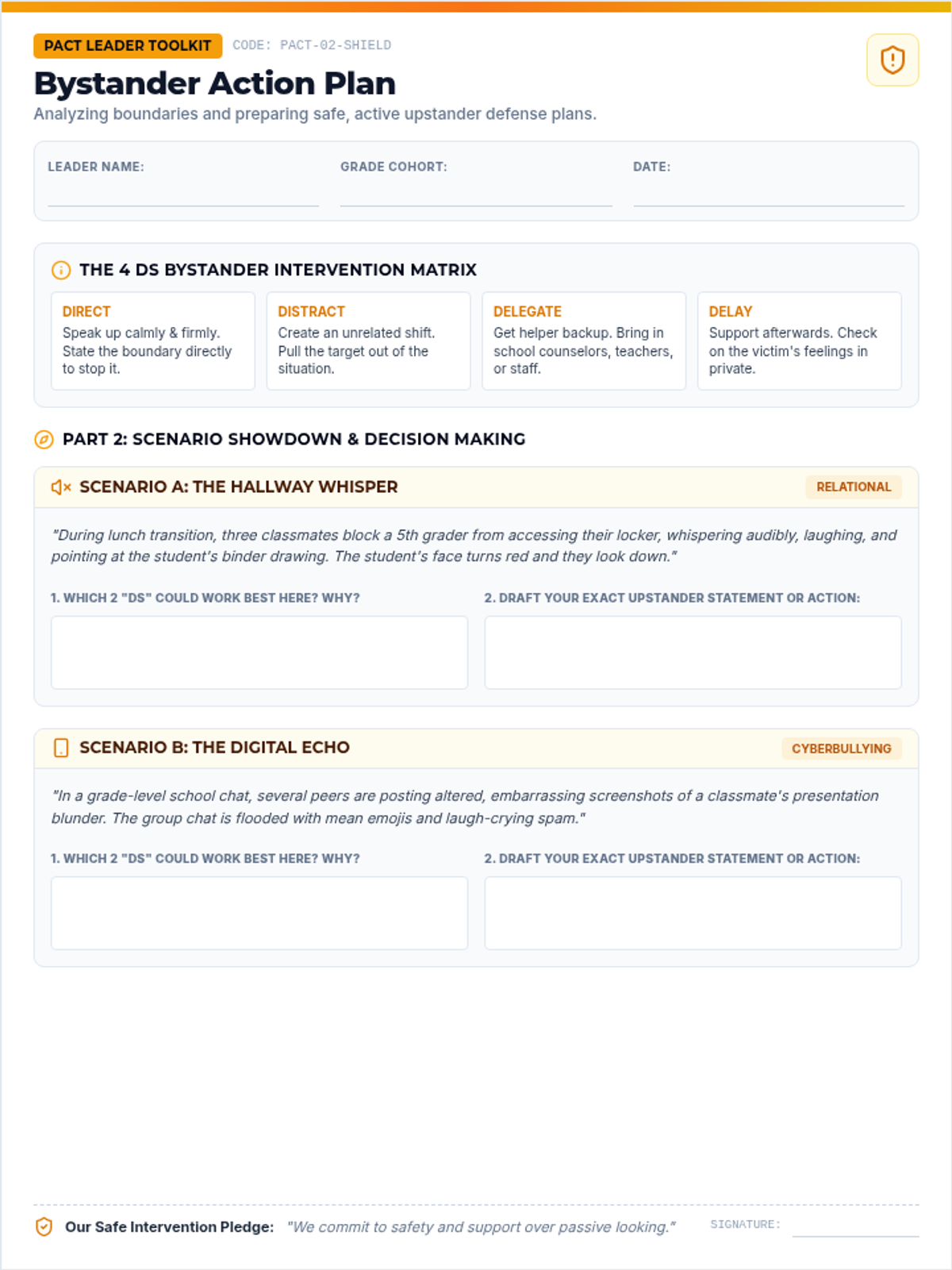
Teaches student leaders to identify the fine line between teasing and bullying, and equips them with safe, practical upstander intervention and peer support frameworks.
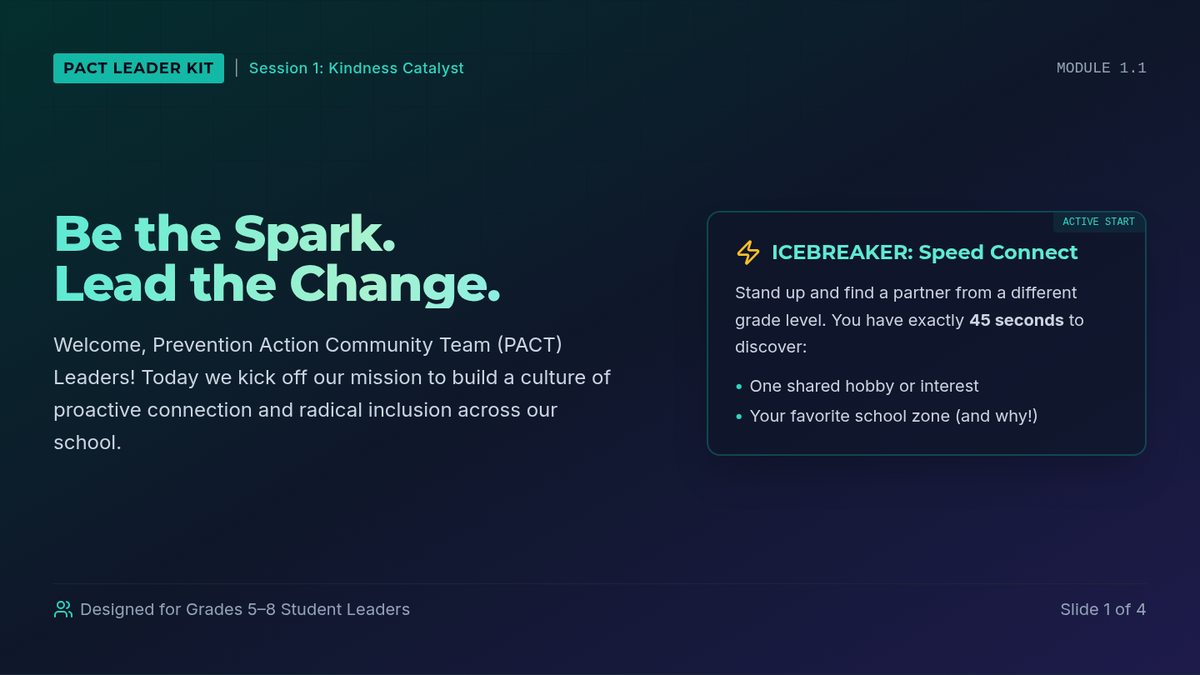
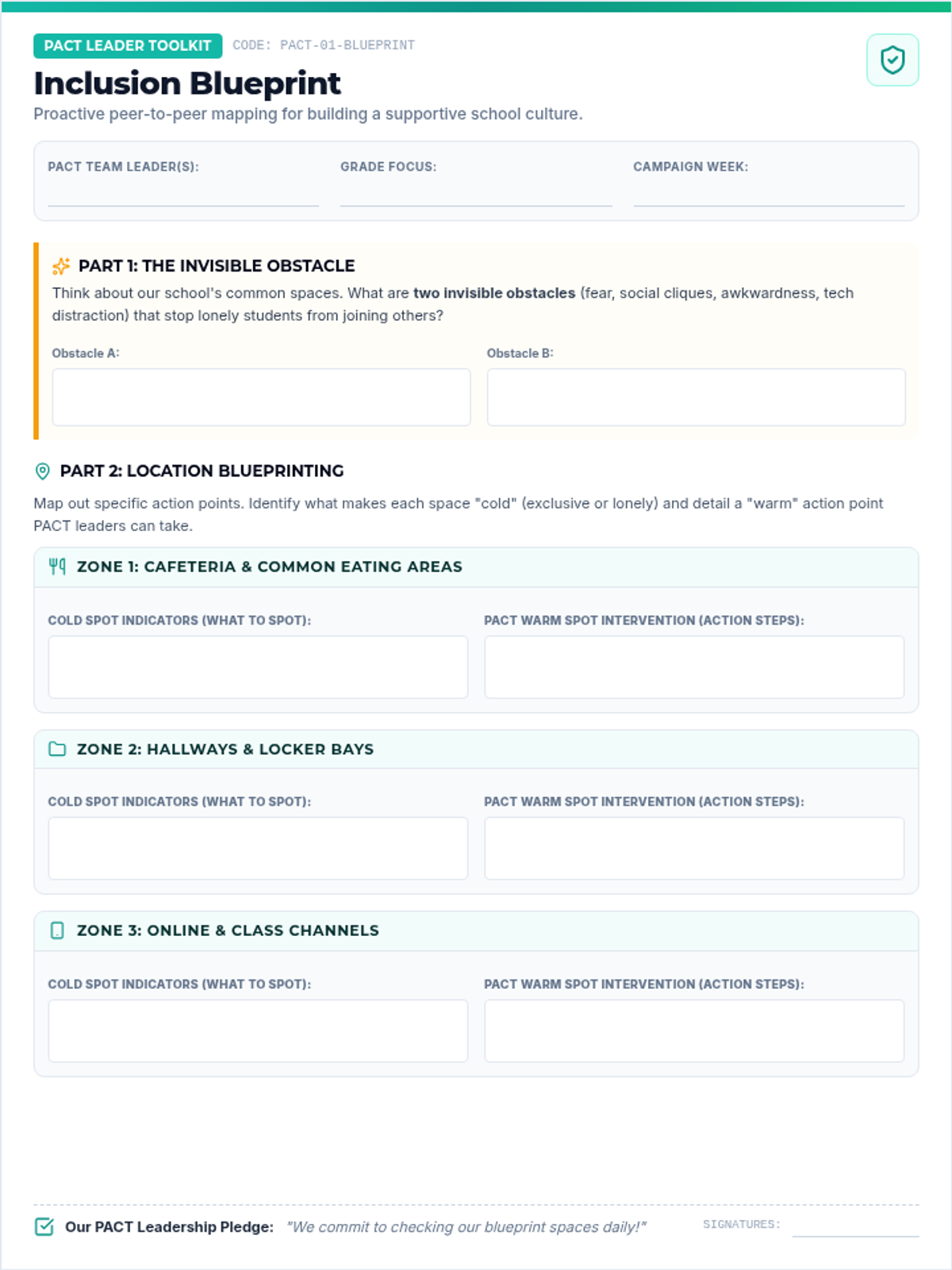
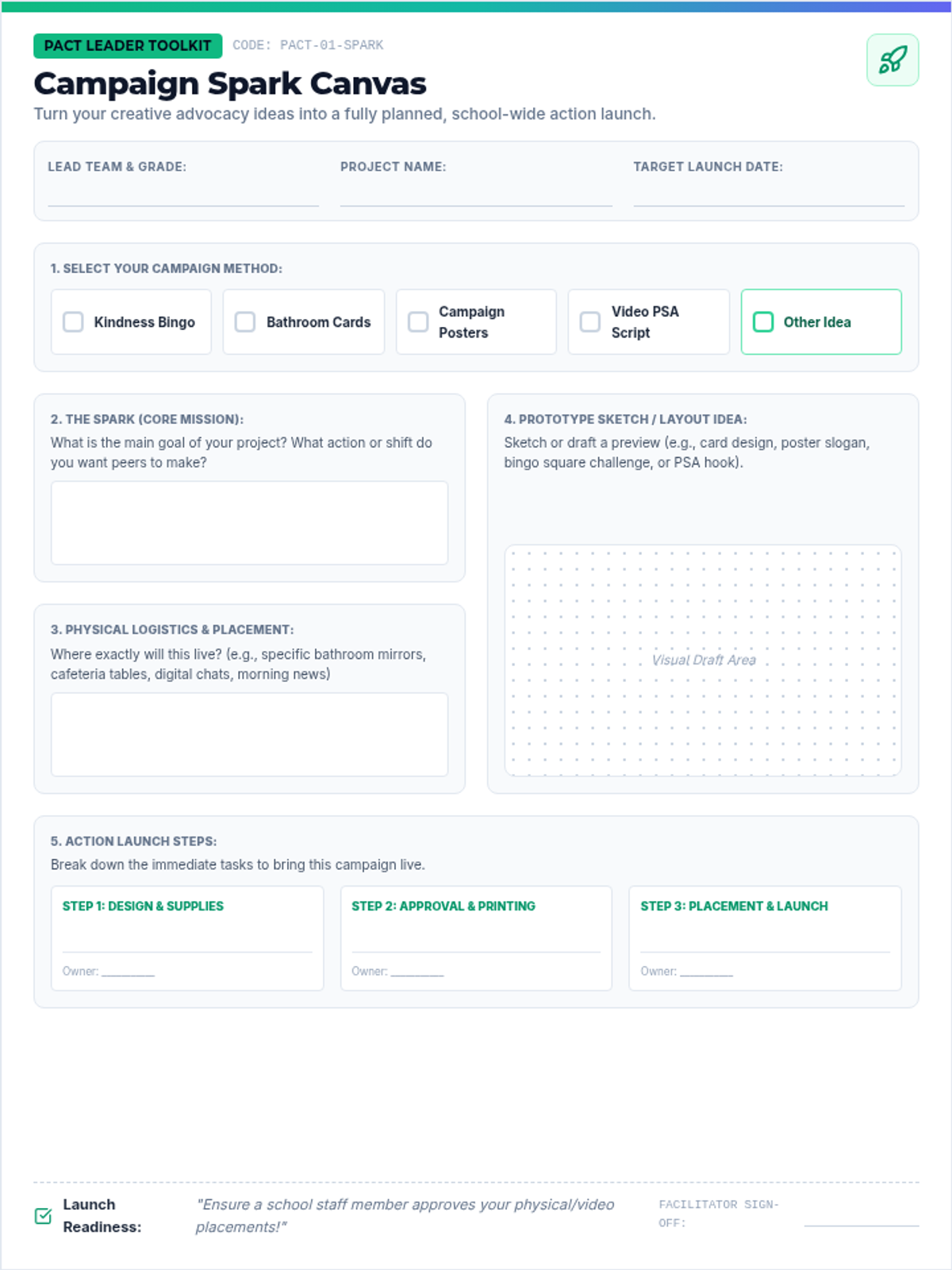
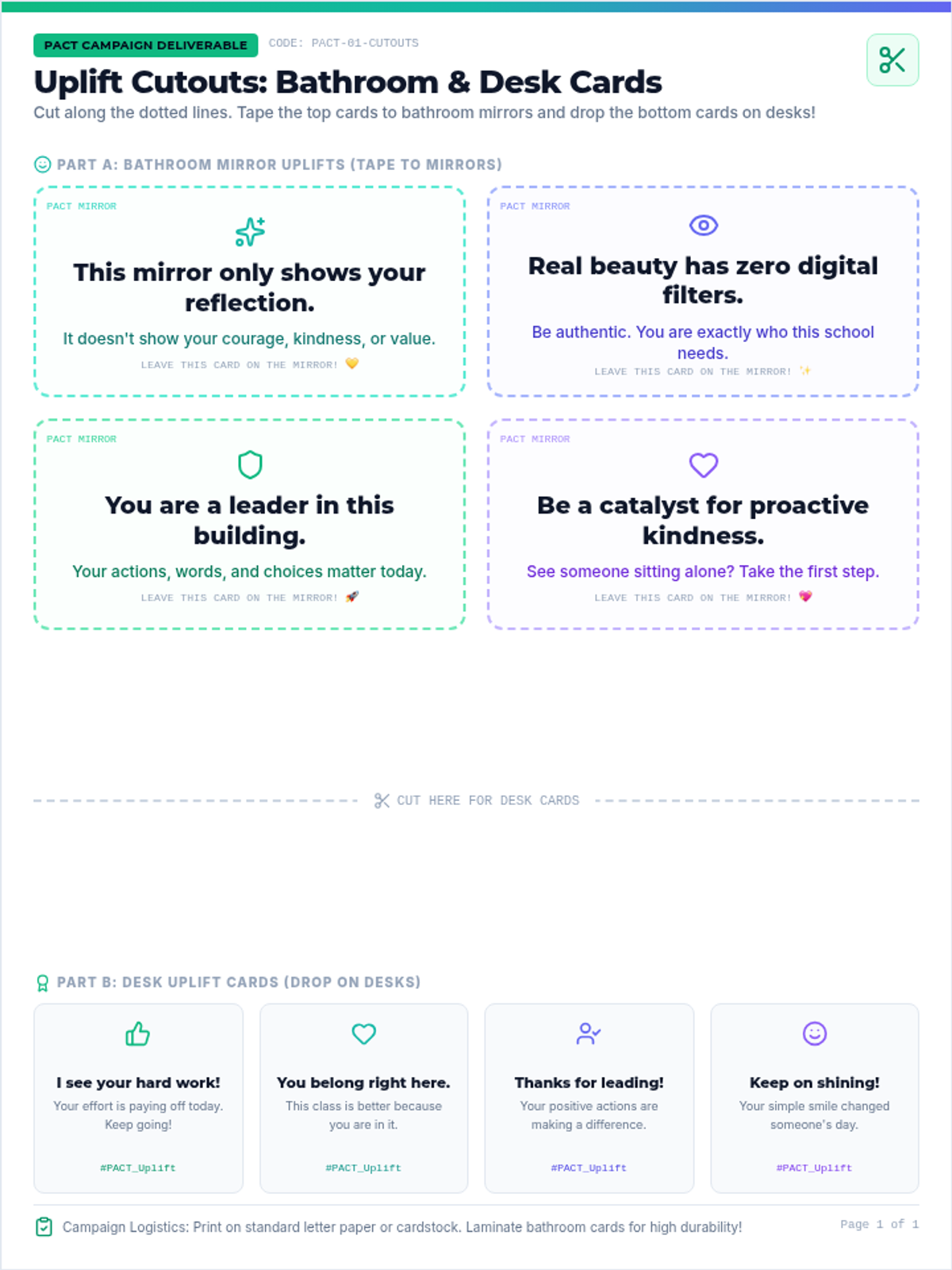
Equips PACT student leaders with core concepts of proactive inclusion, empathy, and positive peer-to-peer connection. Features a hands-on inclusion blueprint worksheet and peer training presentation.
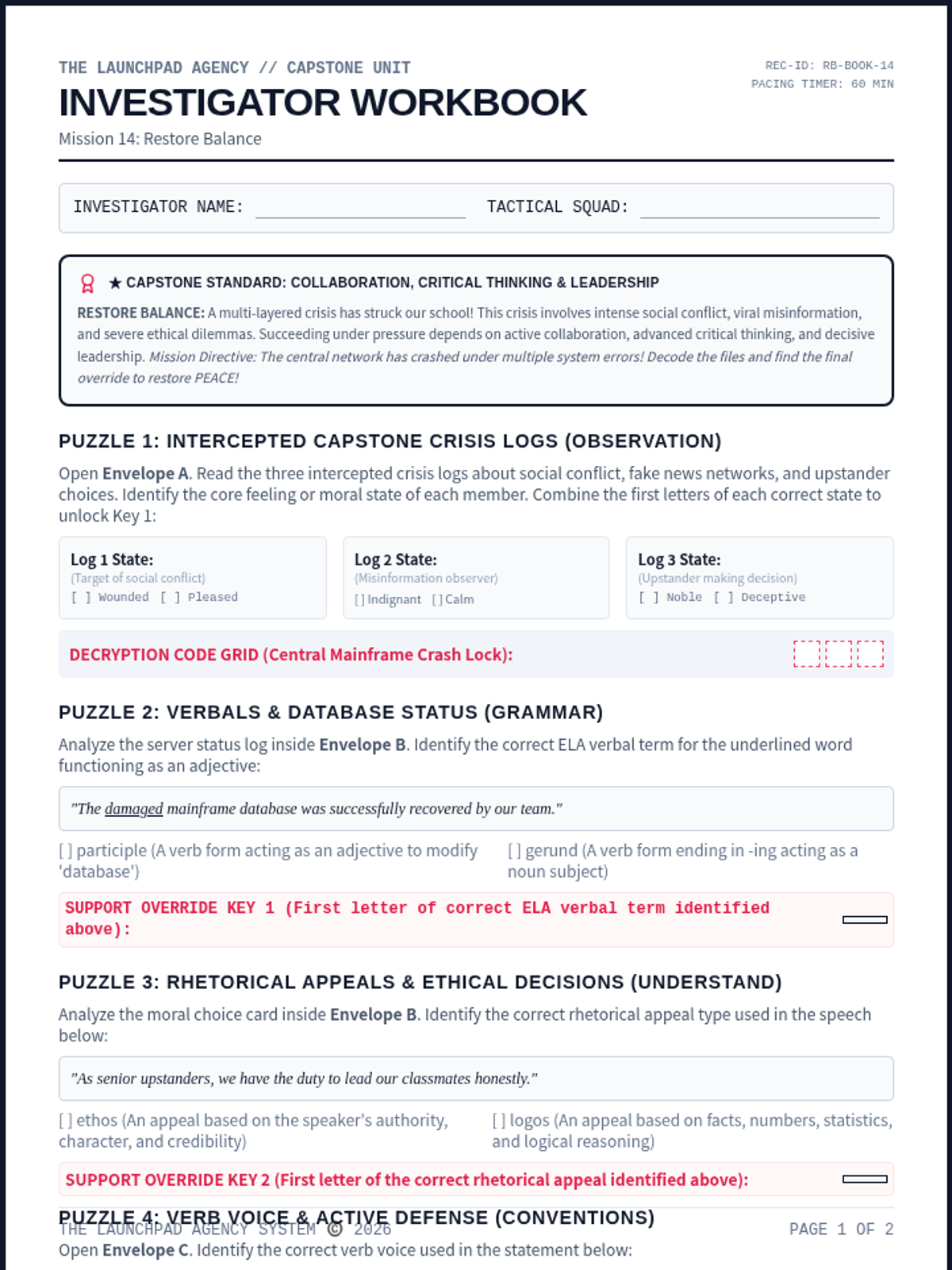
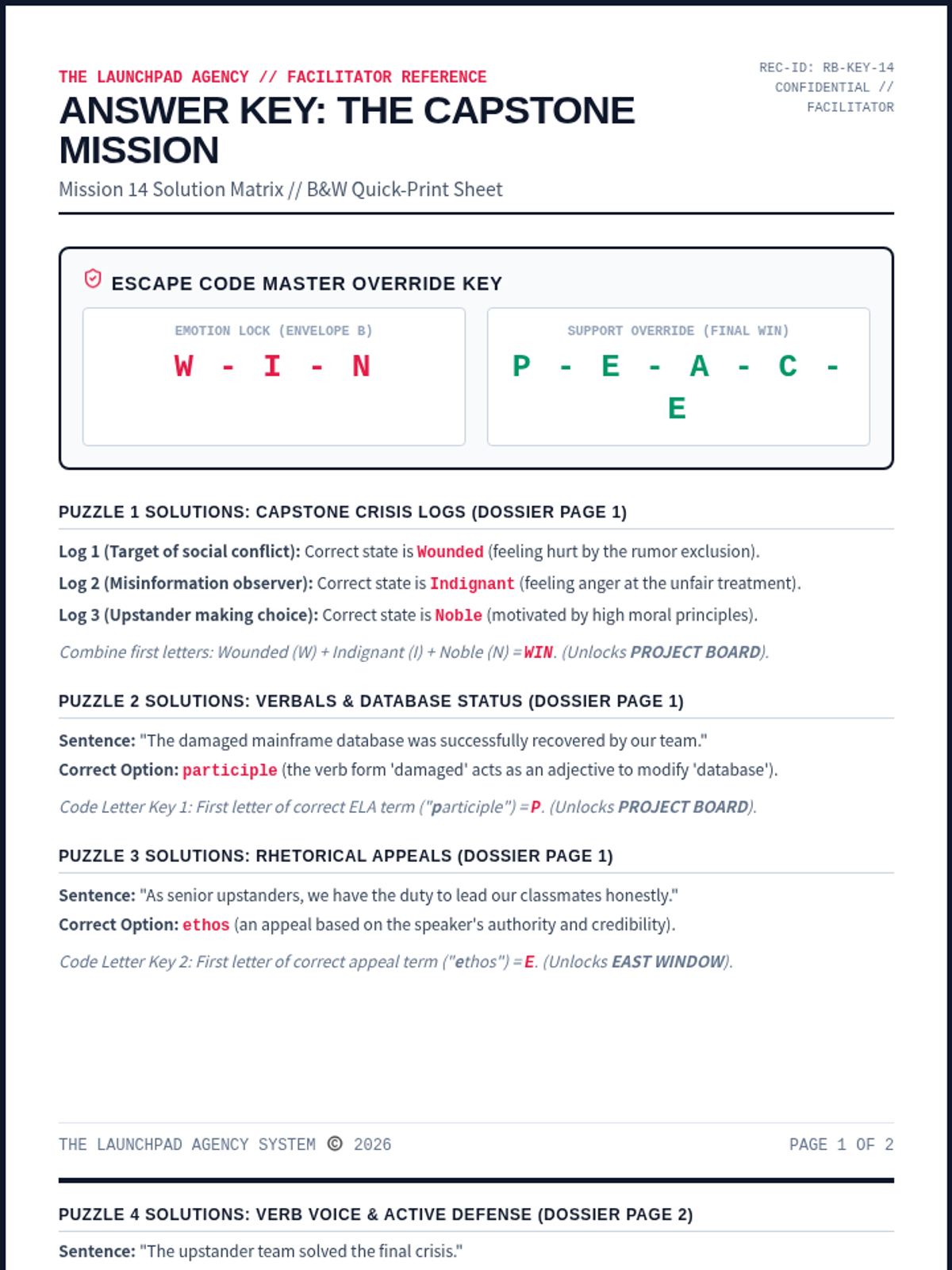
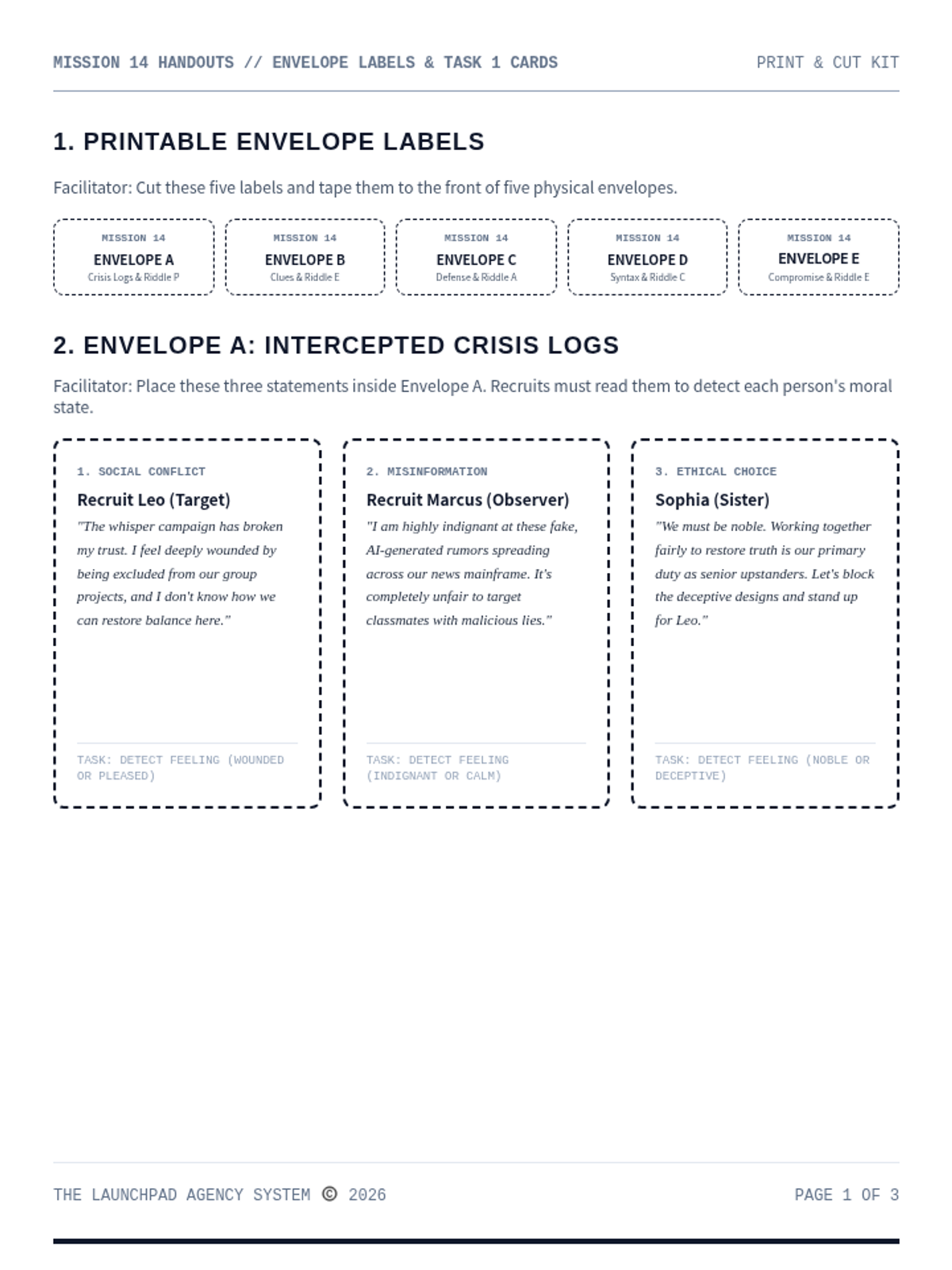
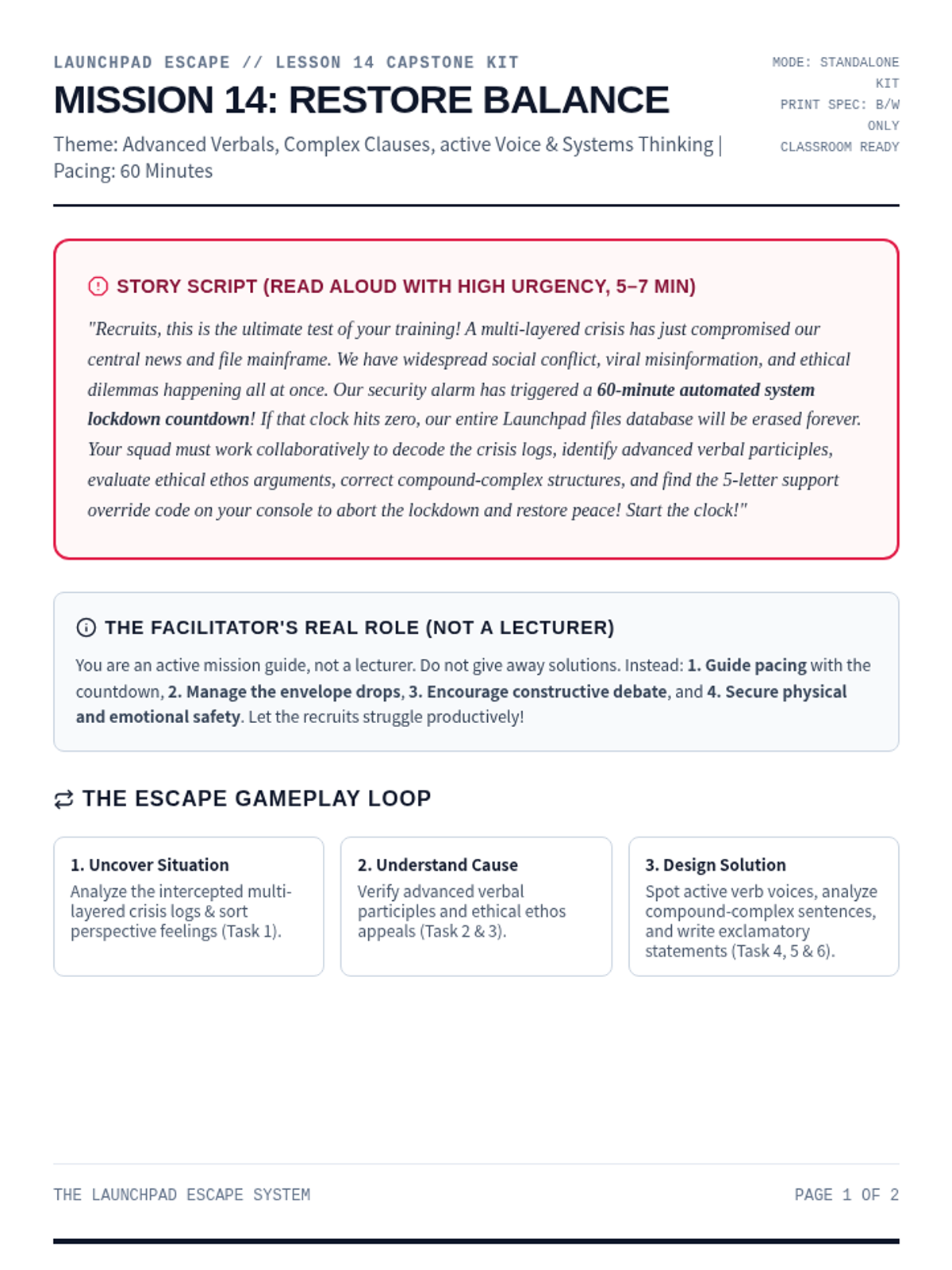
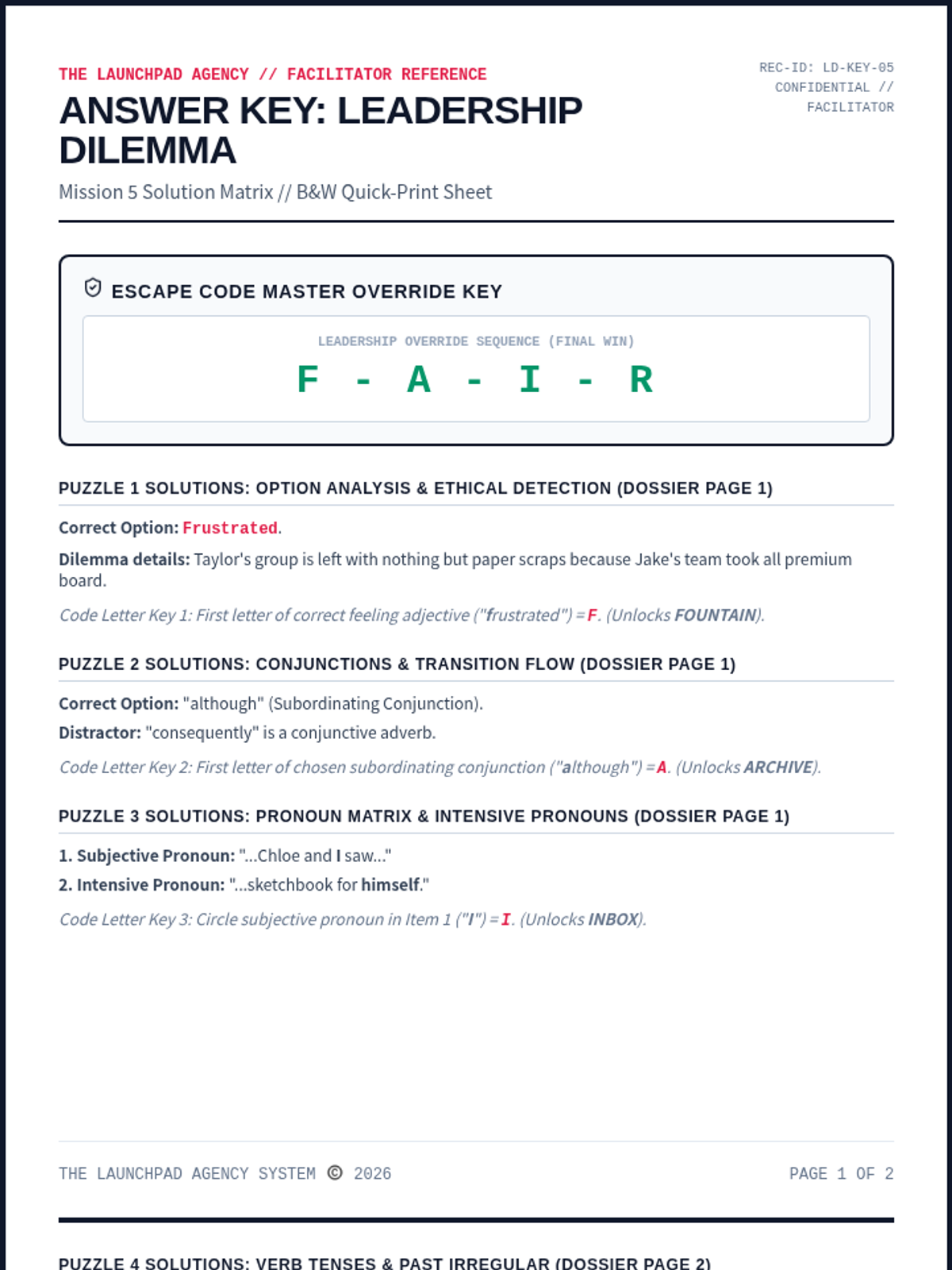
The ultimate multi-layered capstone escape room challenge. Recruits analyze complex social conflict evidence, trace misinformation networks, resolve major ethical dilemmas, and decode the final system override.
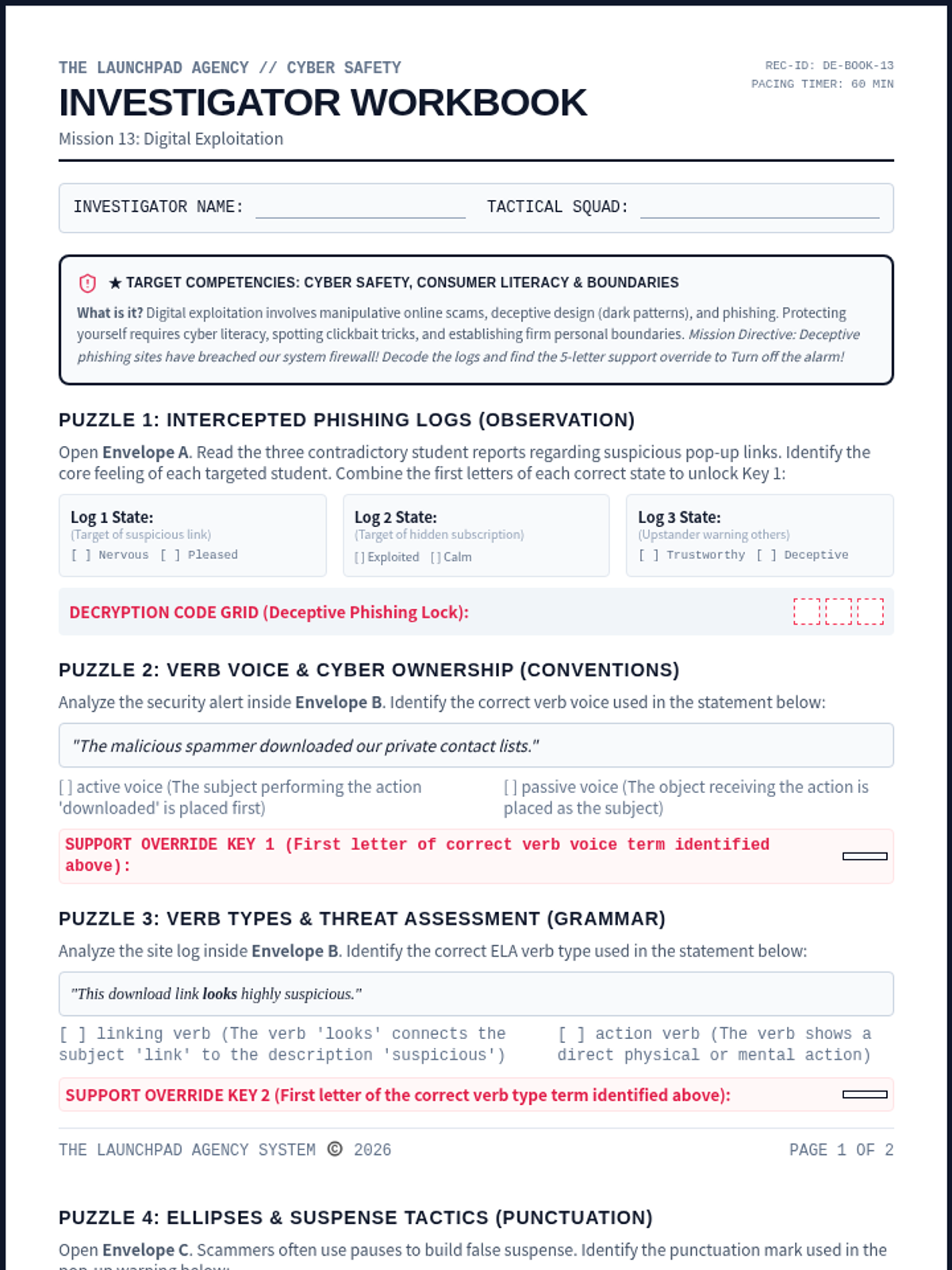
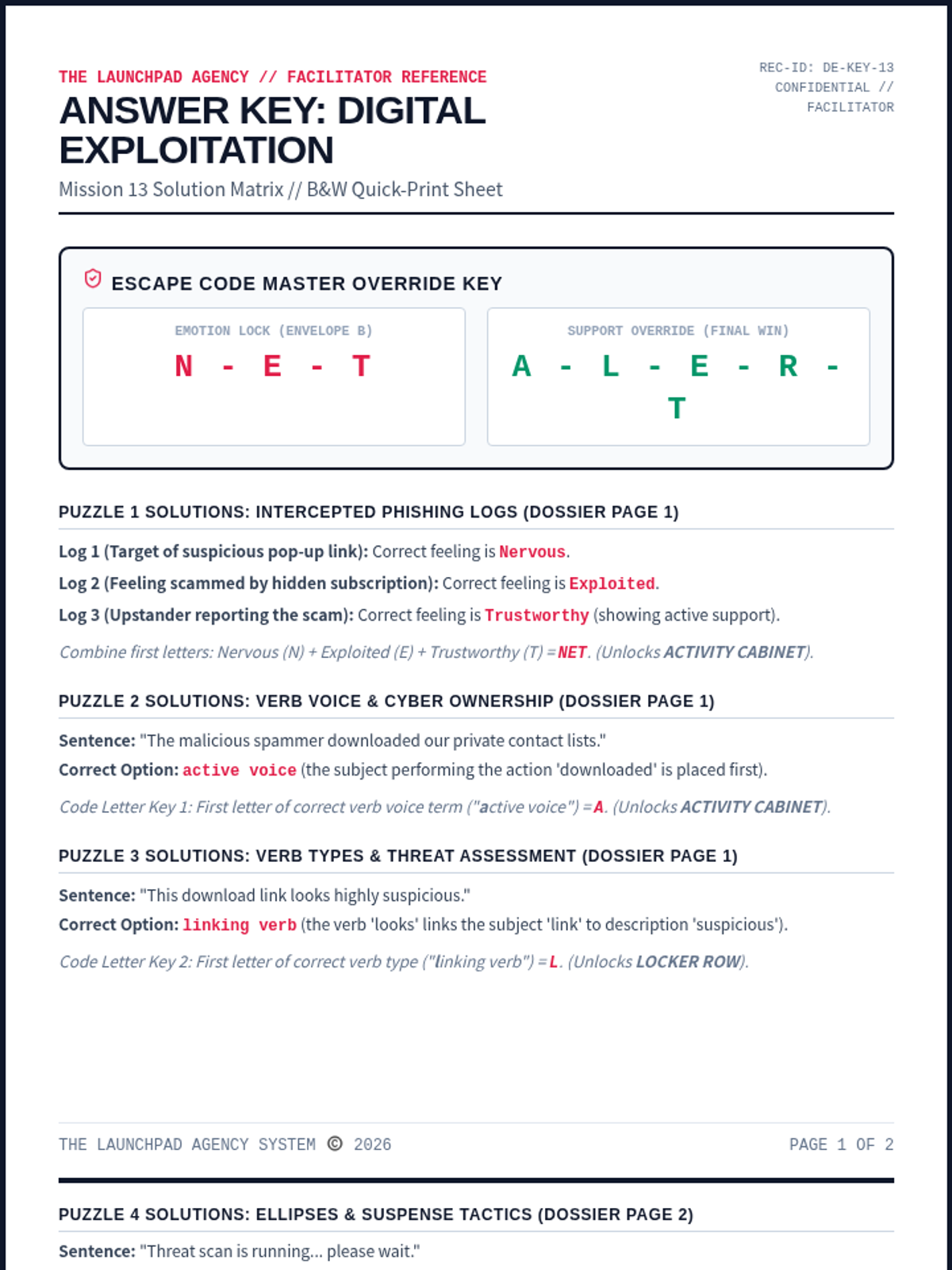
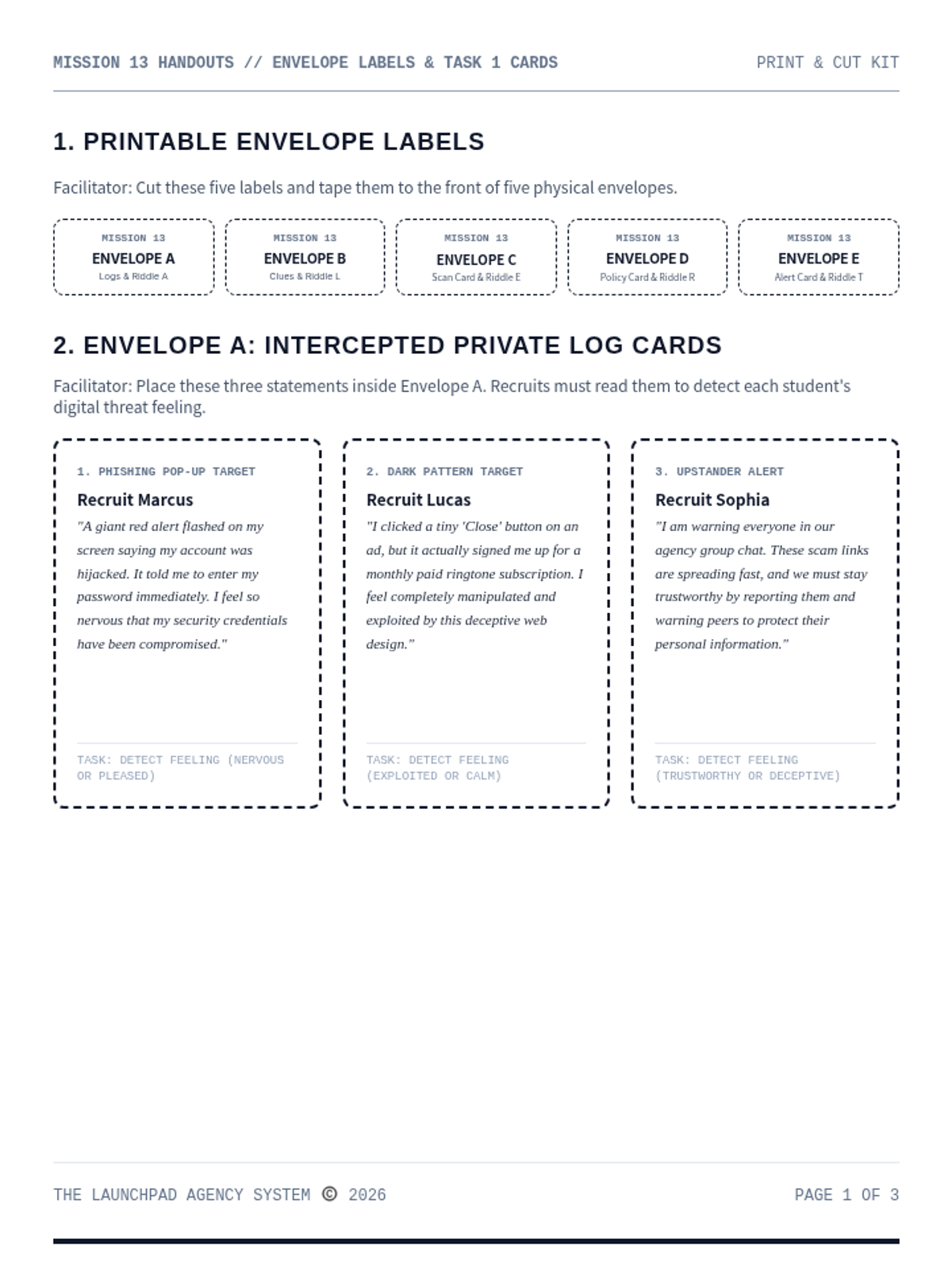
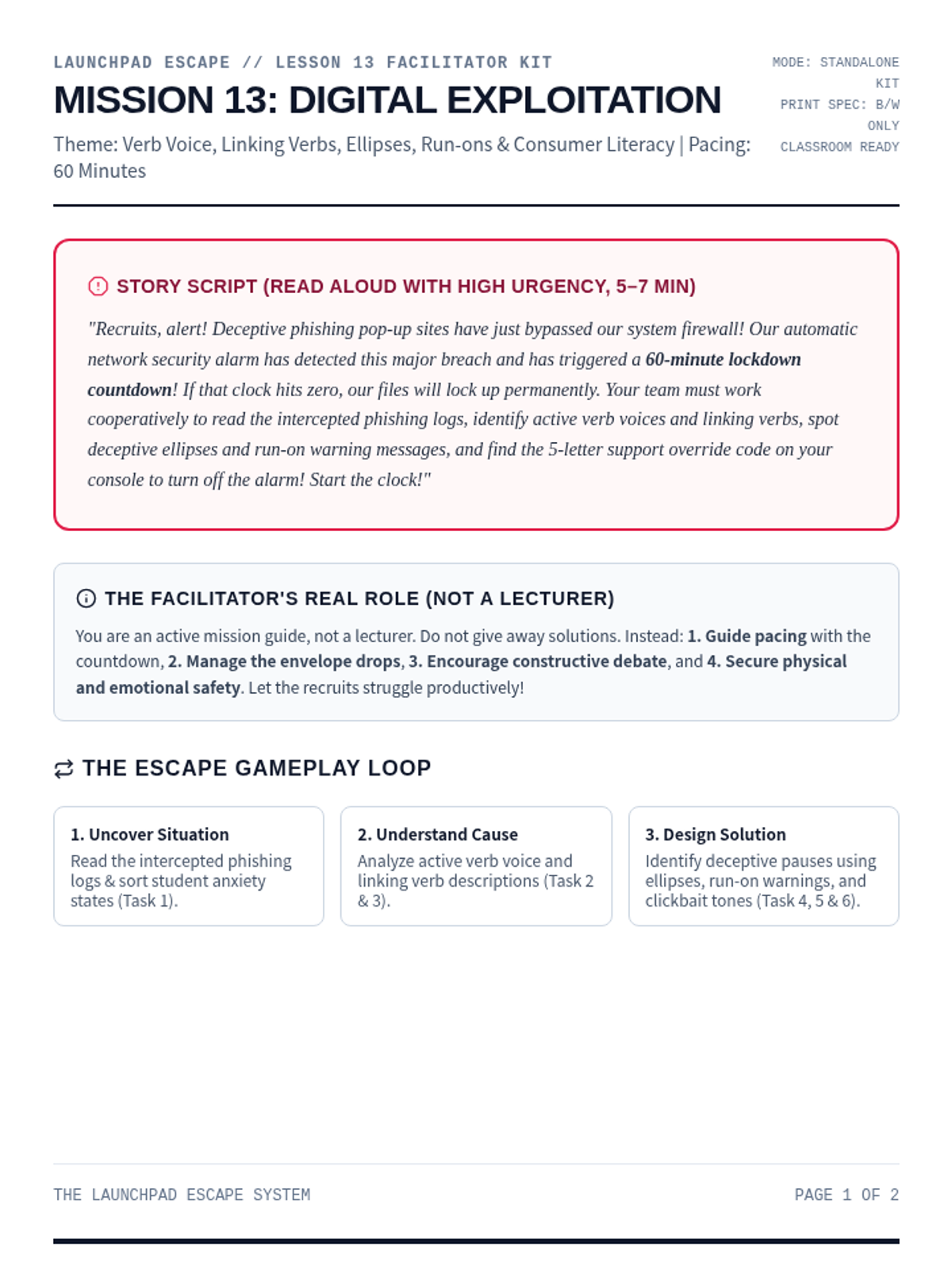
A high-stakes digital safety escape room focused on identifying online scams, recognizing manipulative dark patterns, and protecting personal data. Recruits analyze active verb voices, linking verbs, ellipses punctuation, and deceptive tones to decode the final alert.
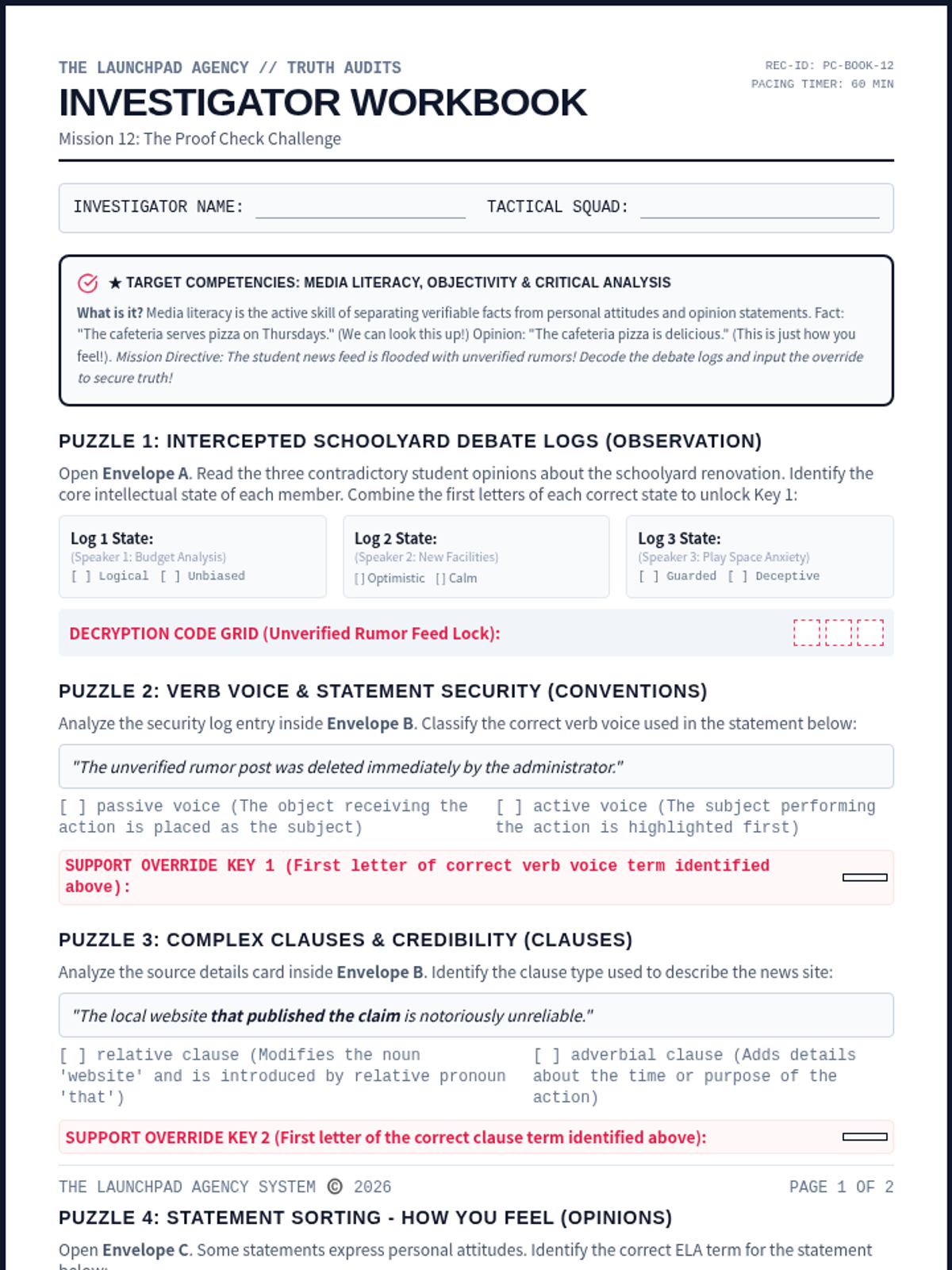
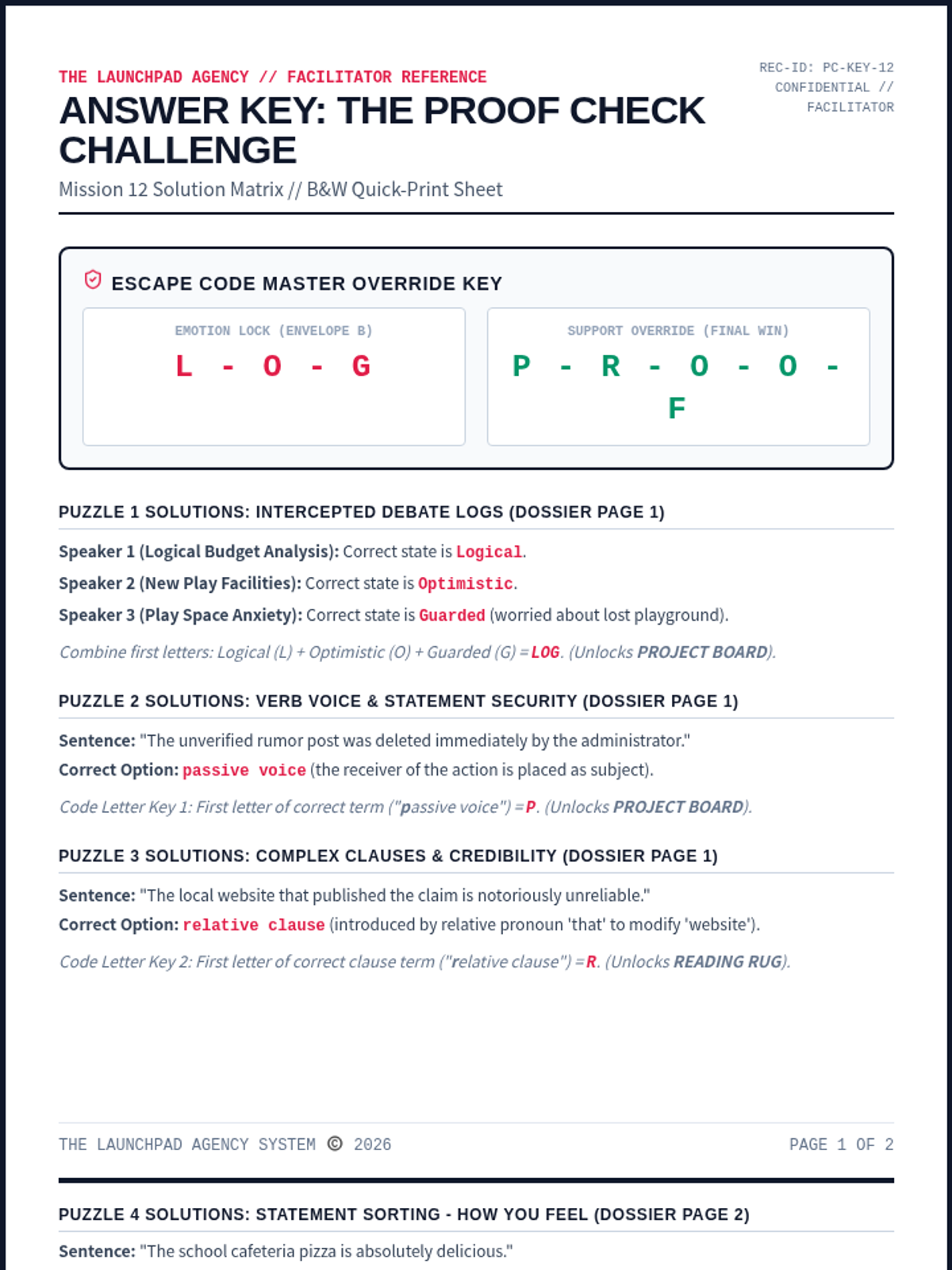
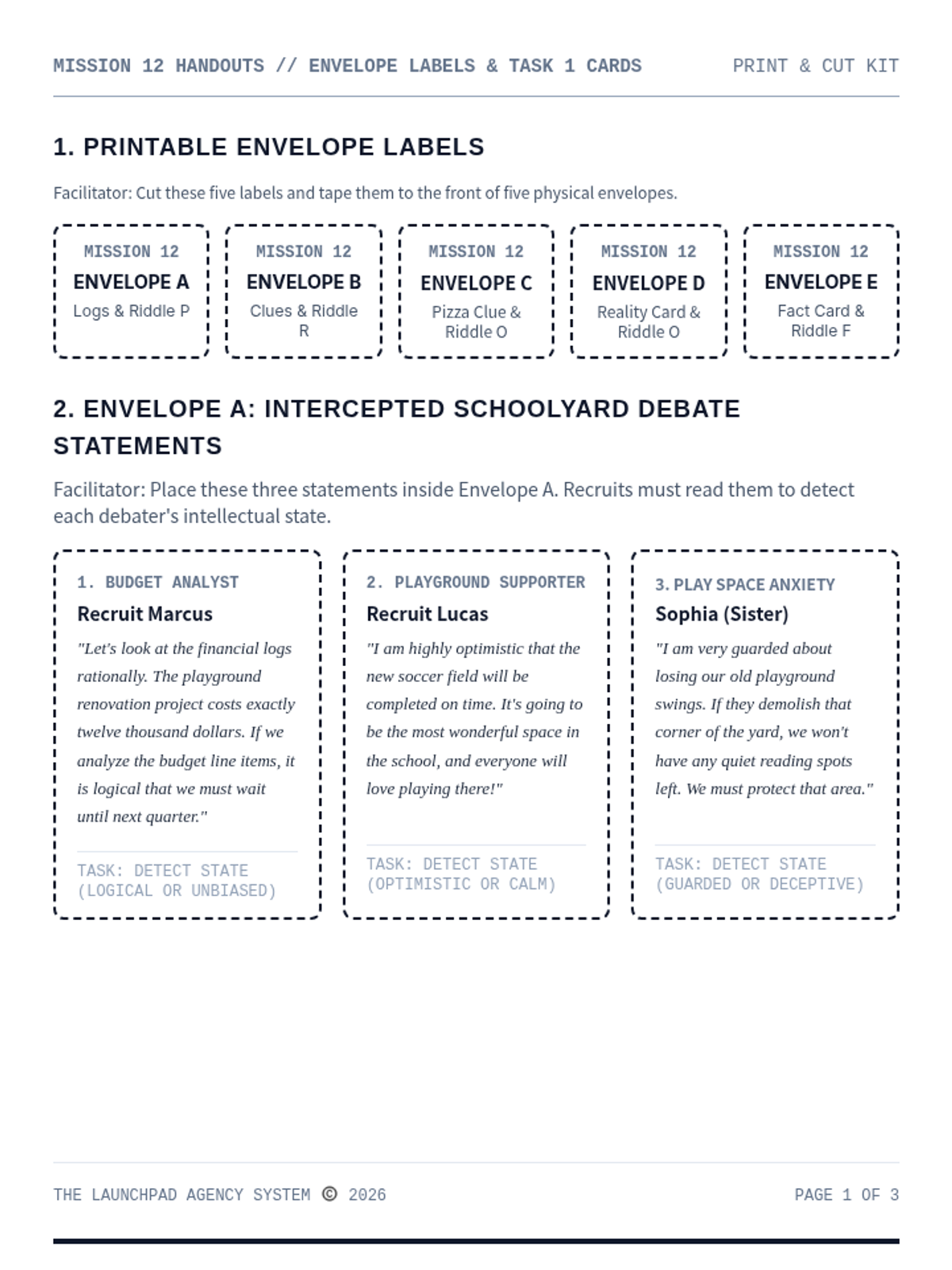
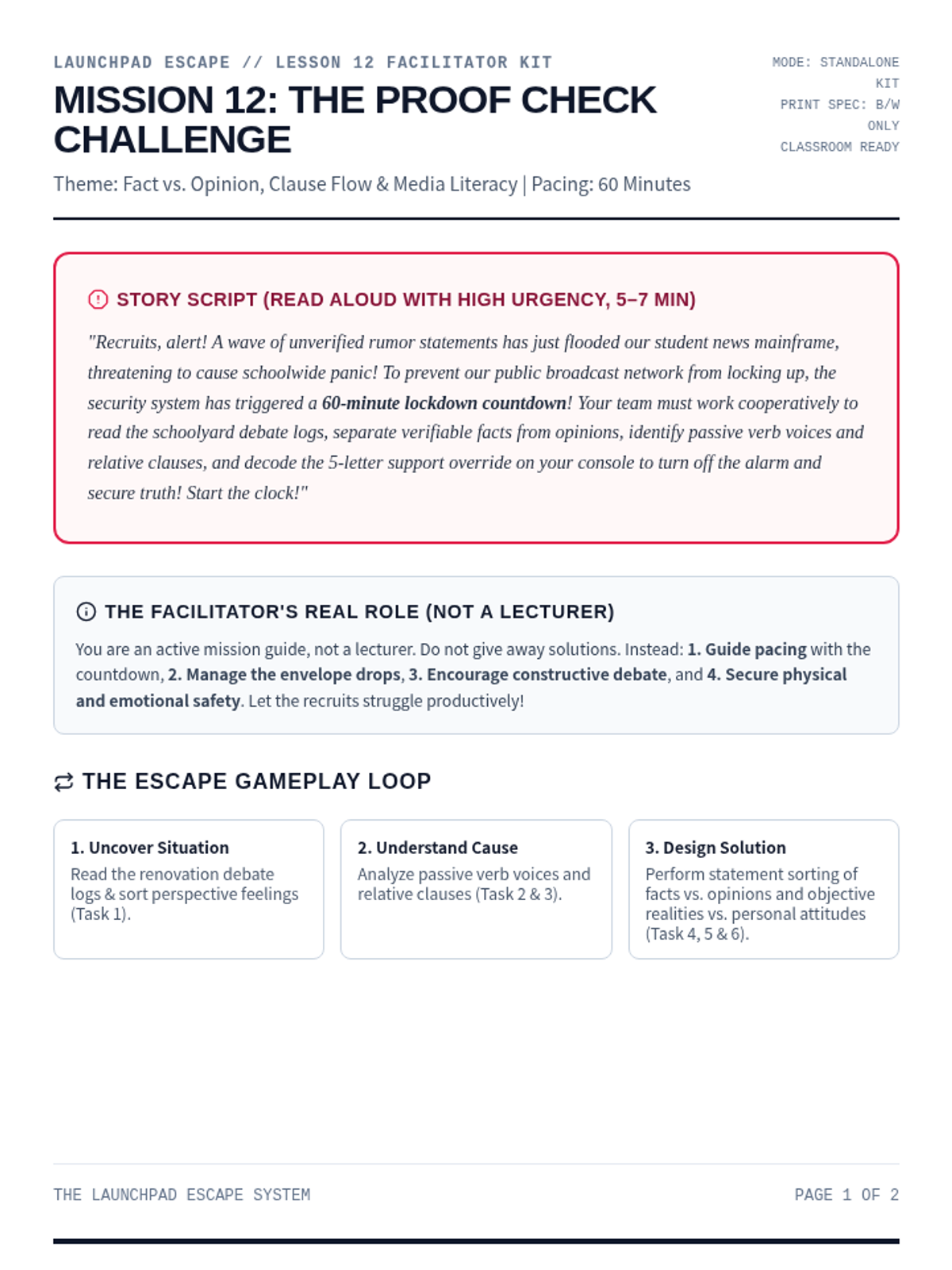
An advanced media literacy and communication escape room for Ages 13-15. Recruits distinguish facts from opinions, analyze objective realities, sort personal attitudes, and input the override PROOF to secure the school news mainframe.
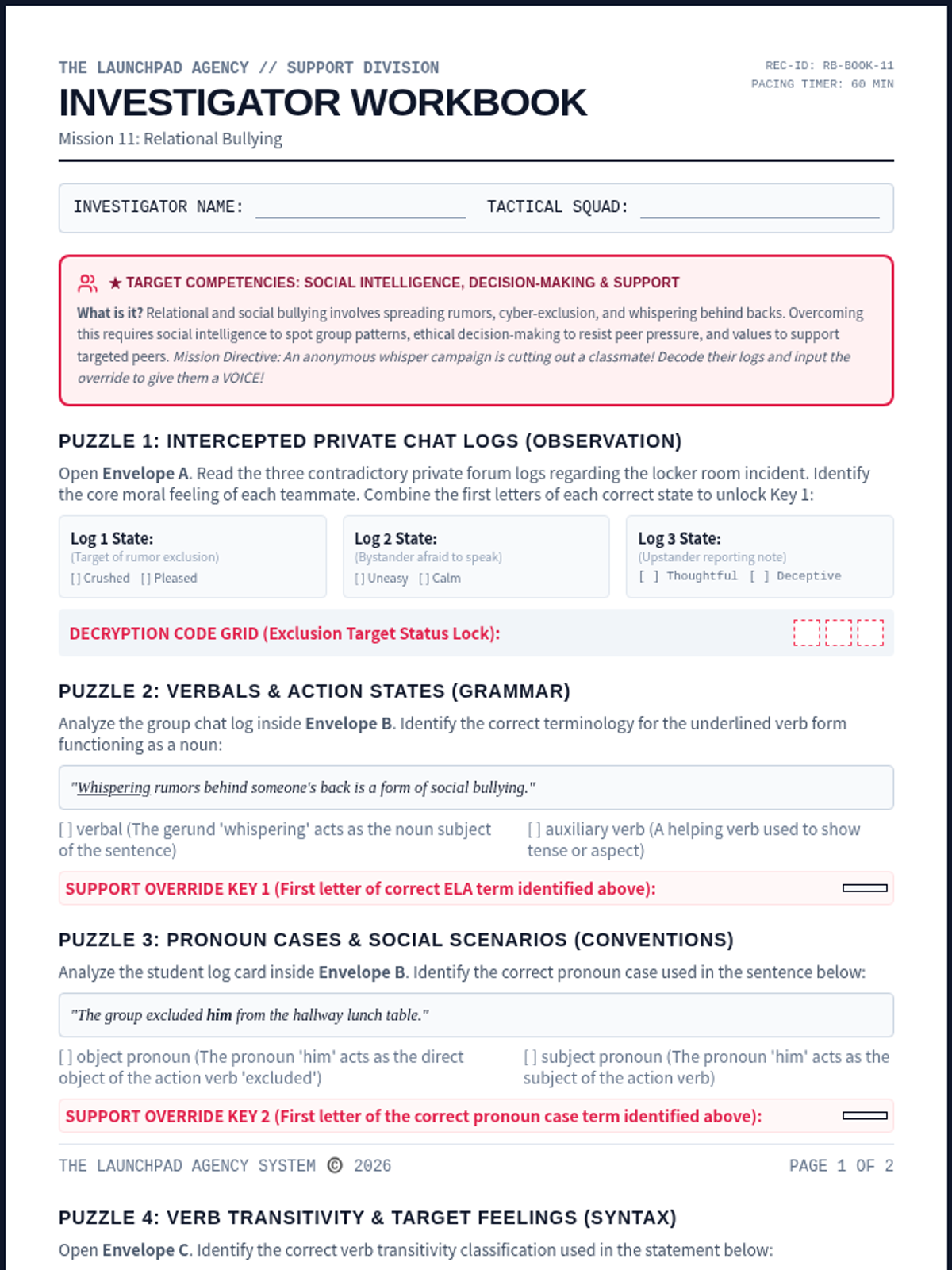
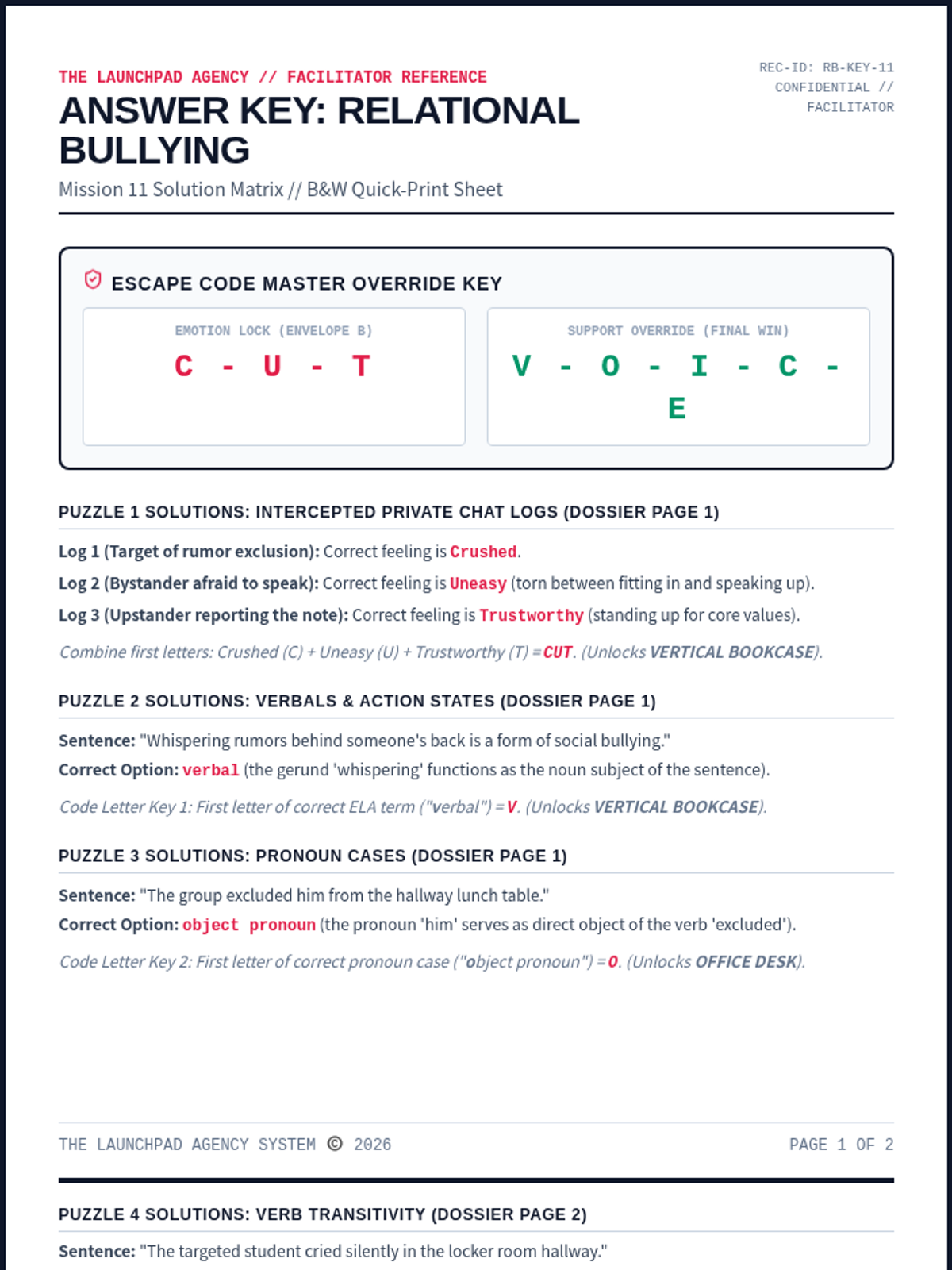
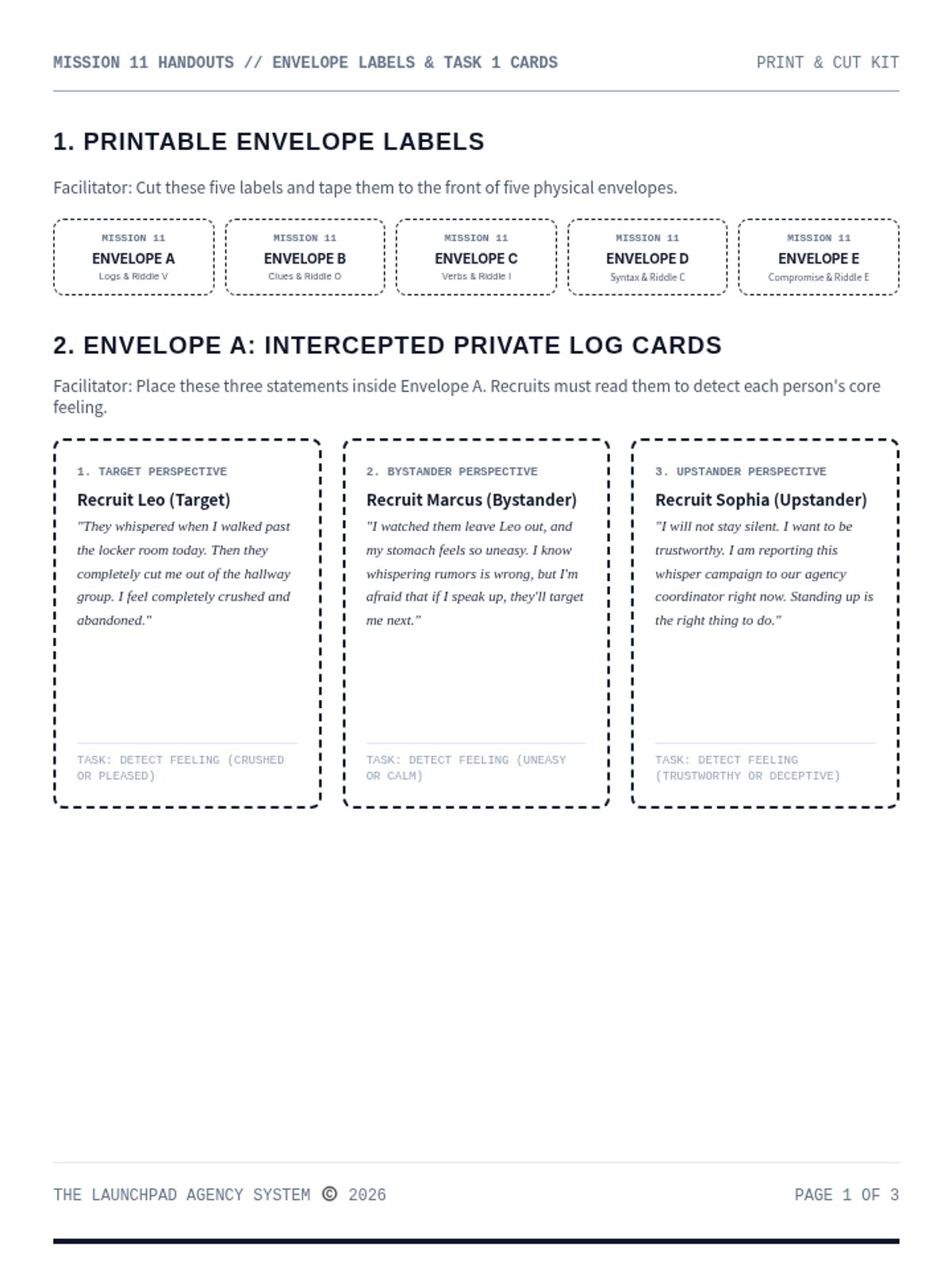
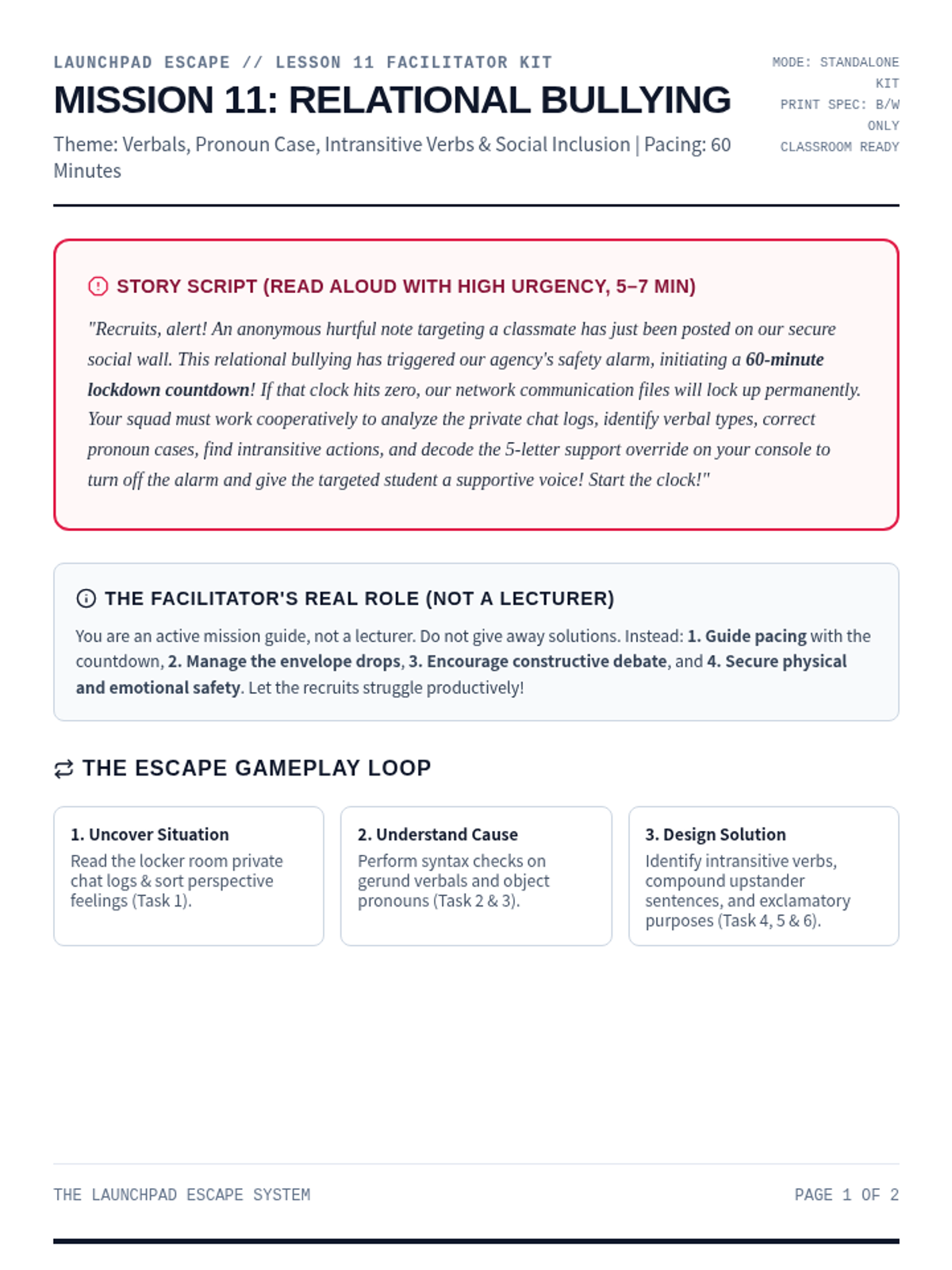
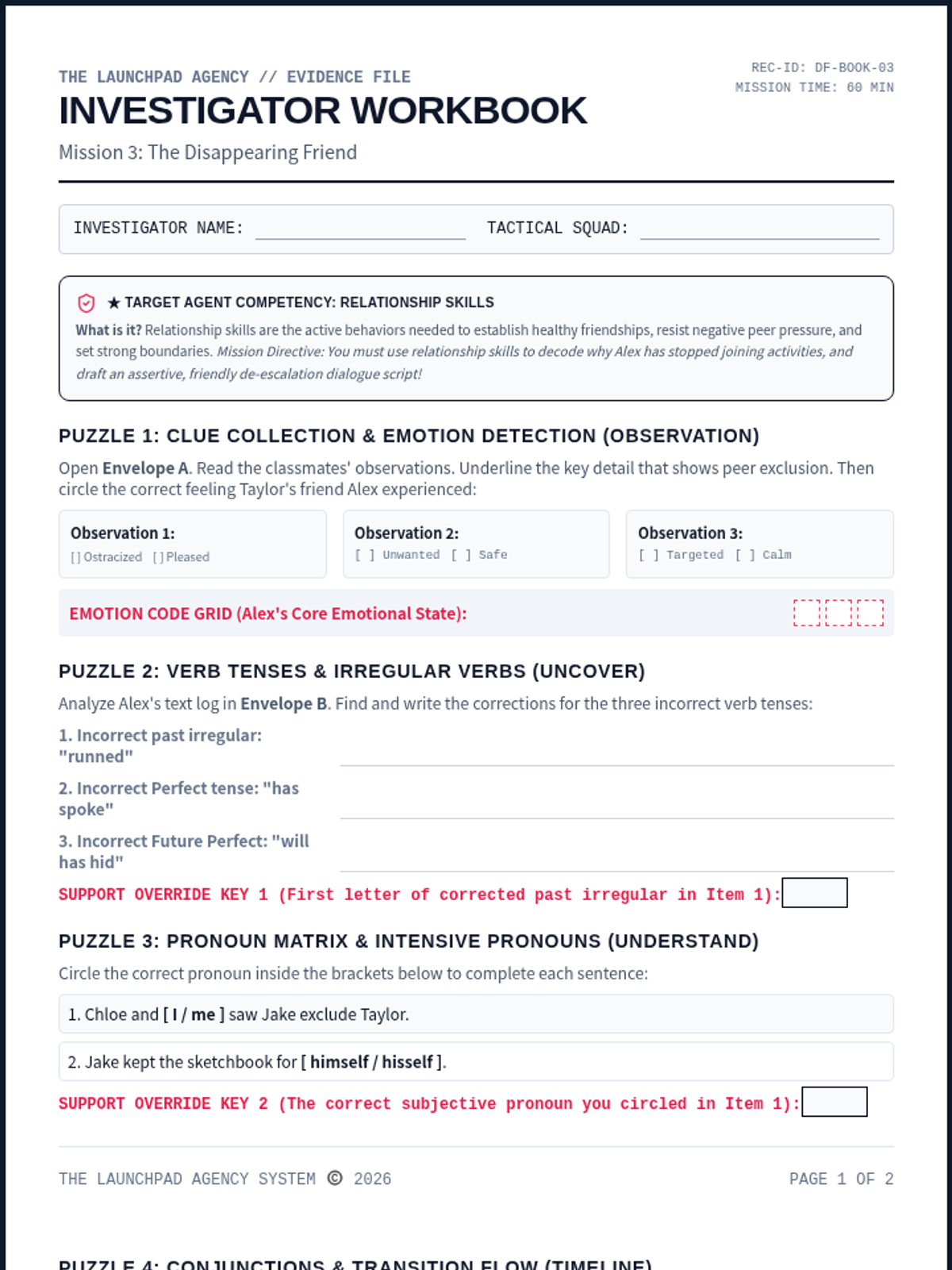
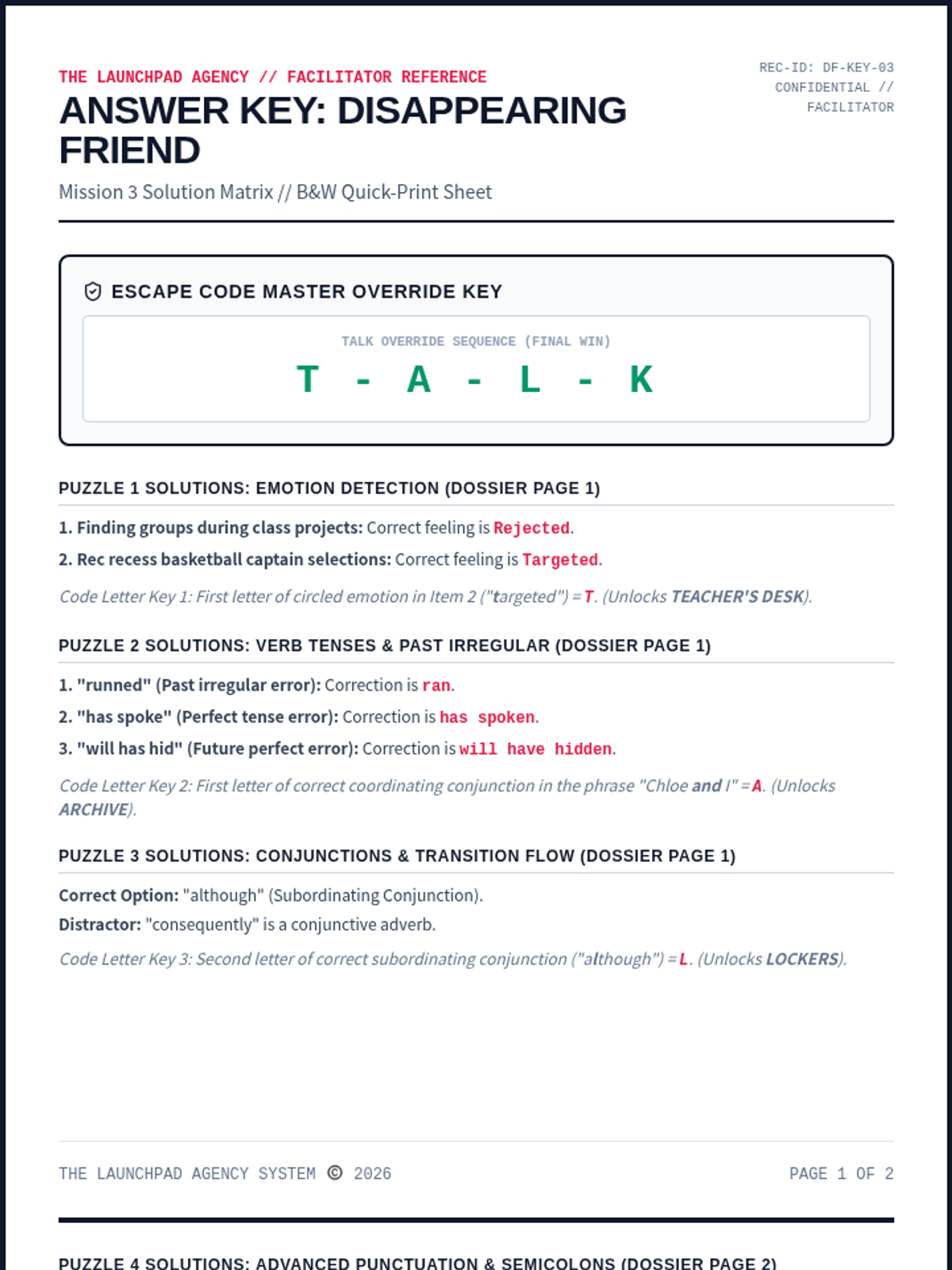
A collaborative social-emotional escape room focused on identifying relational and social bullying, supporting target peers, and standing up to cyber/verbal exclusion. Recruits analyze verb verbal types, pronoun cases, intransitive verbs, and compound syntax to decode the final override.
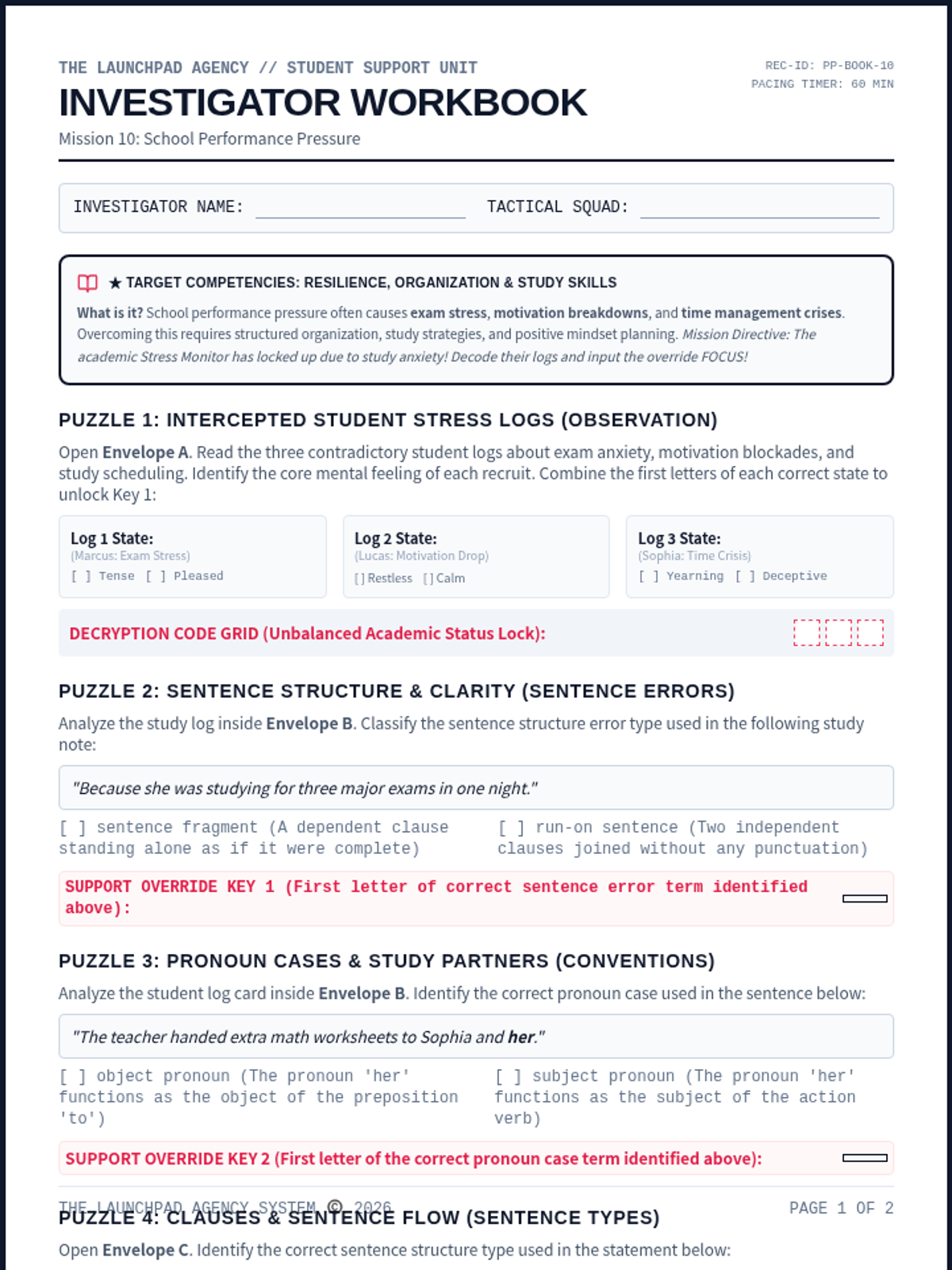
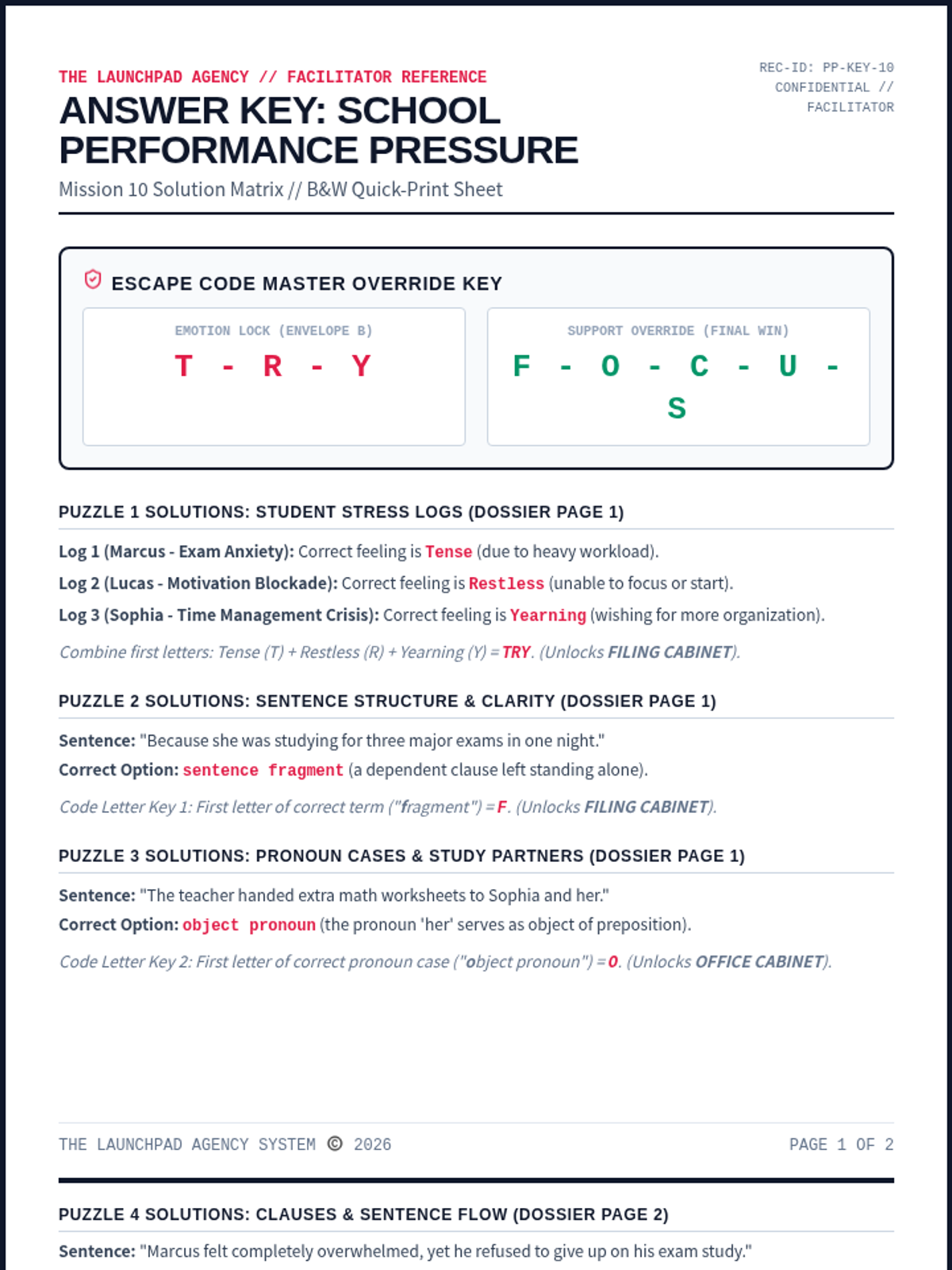
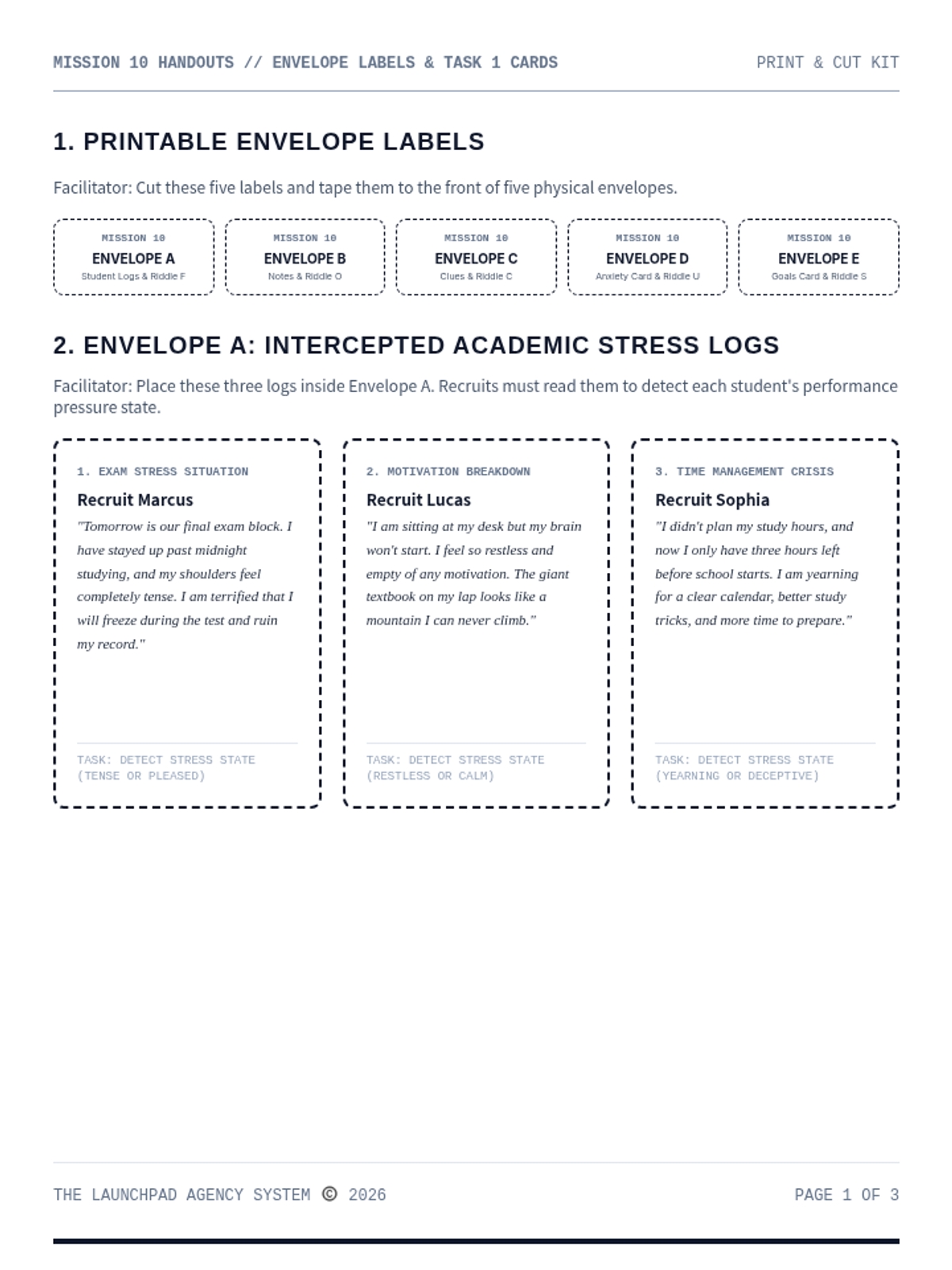
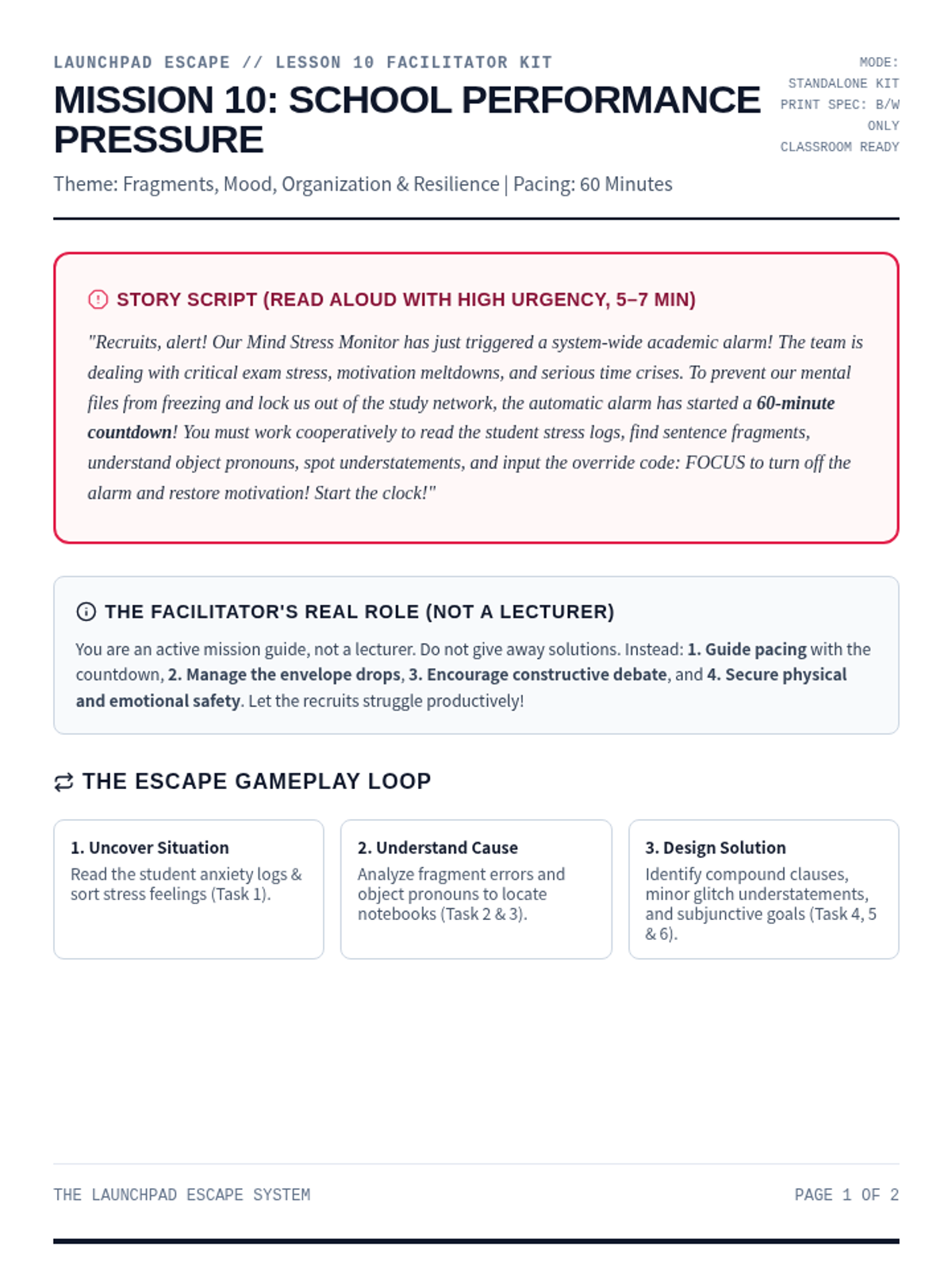
An immersive and strategic escape room focused on managing academic stress, avoiding burnout, and planning study habits. Recruits analyze student logs under performance anxiety, build efficient schedules, and decode the override to restore positive motivation.
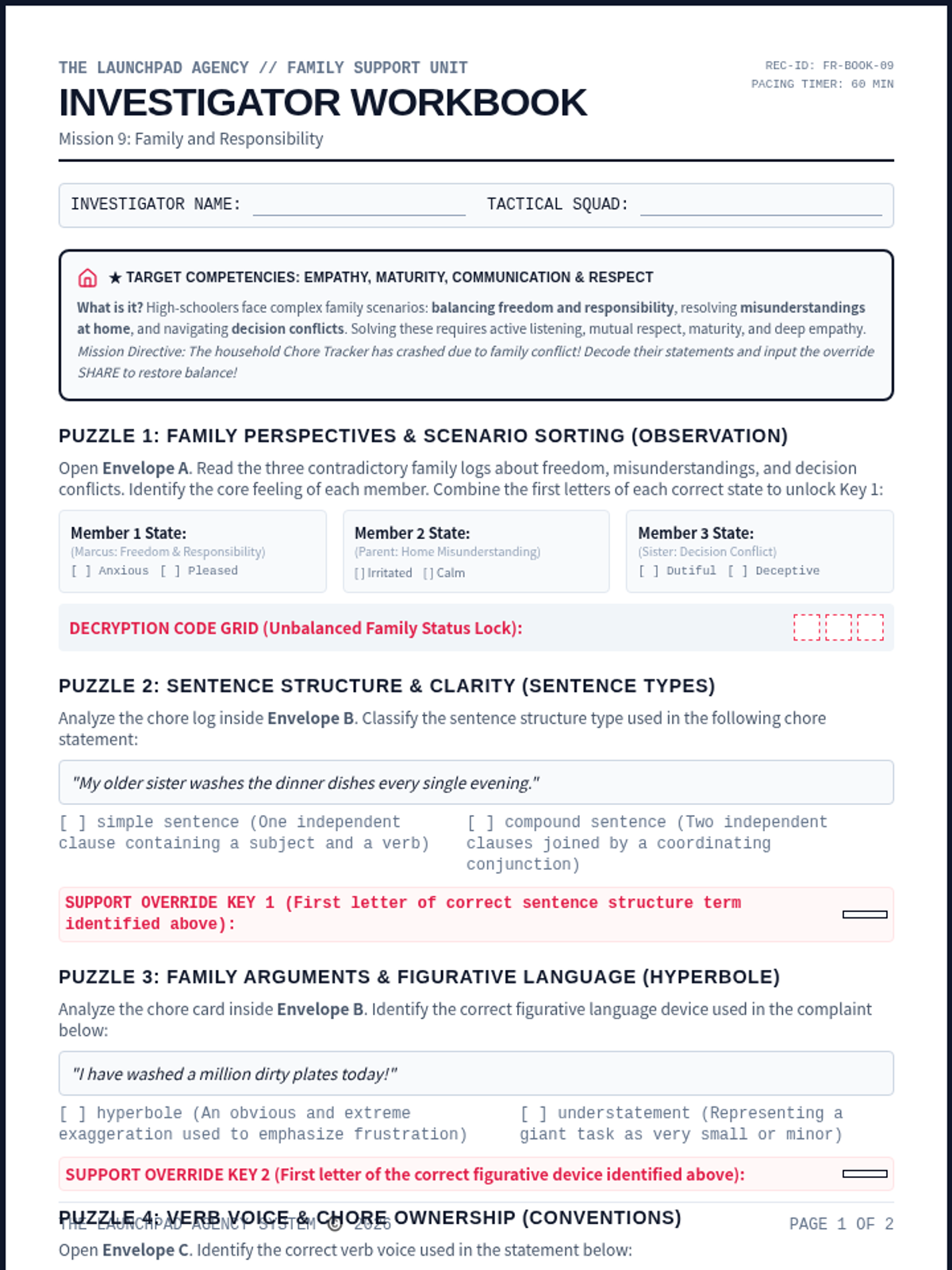
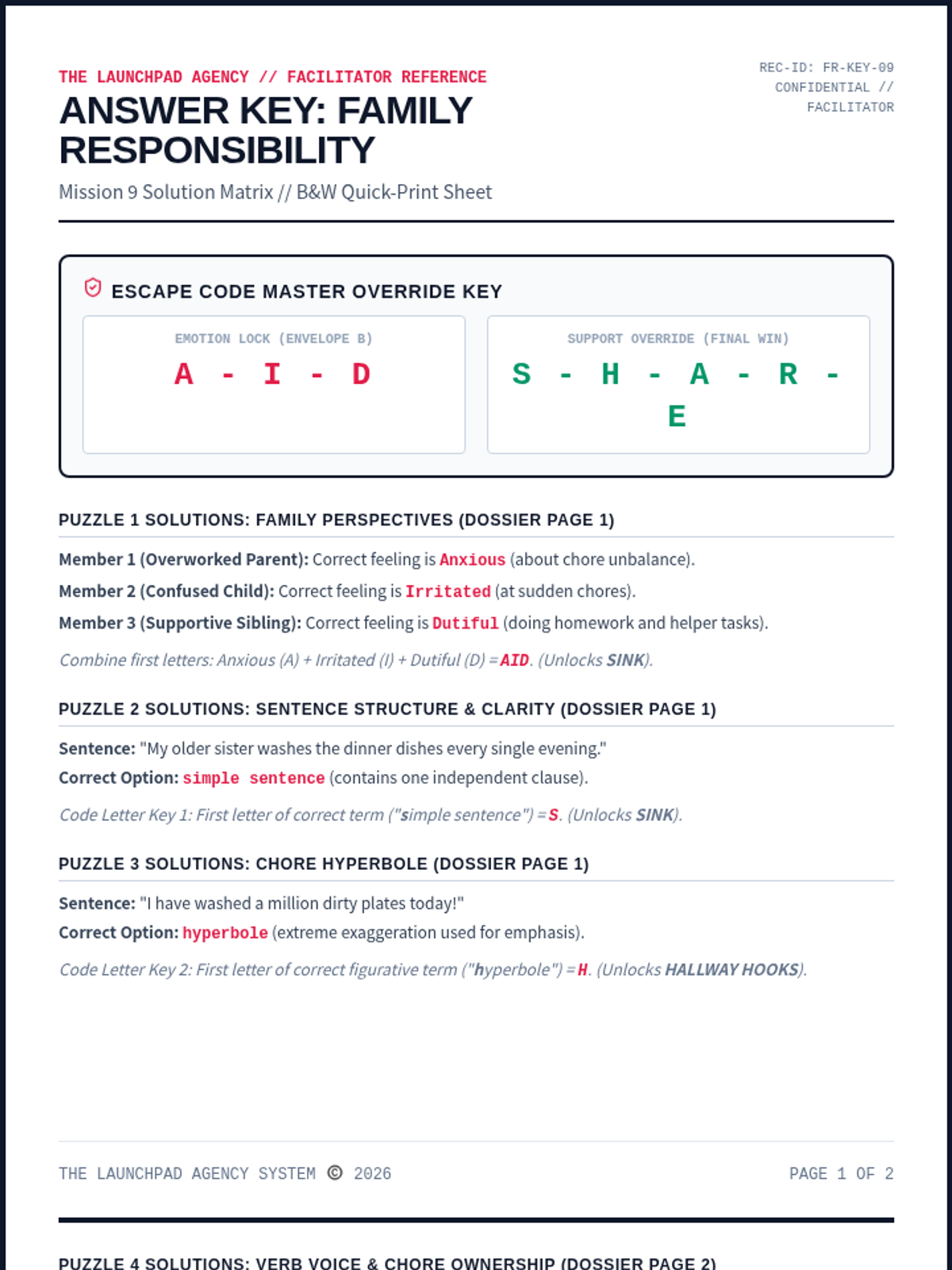
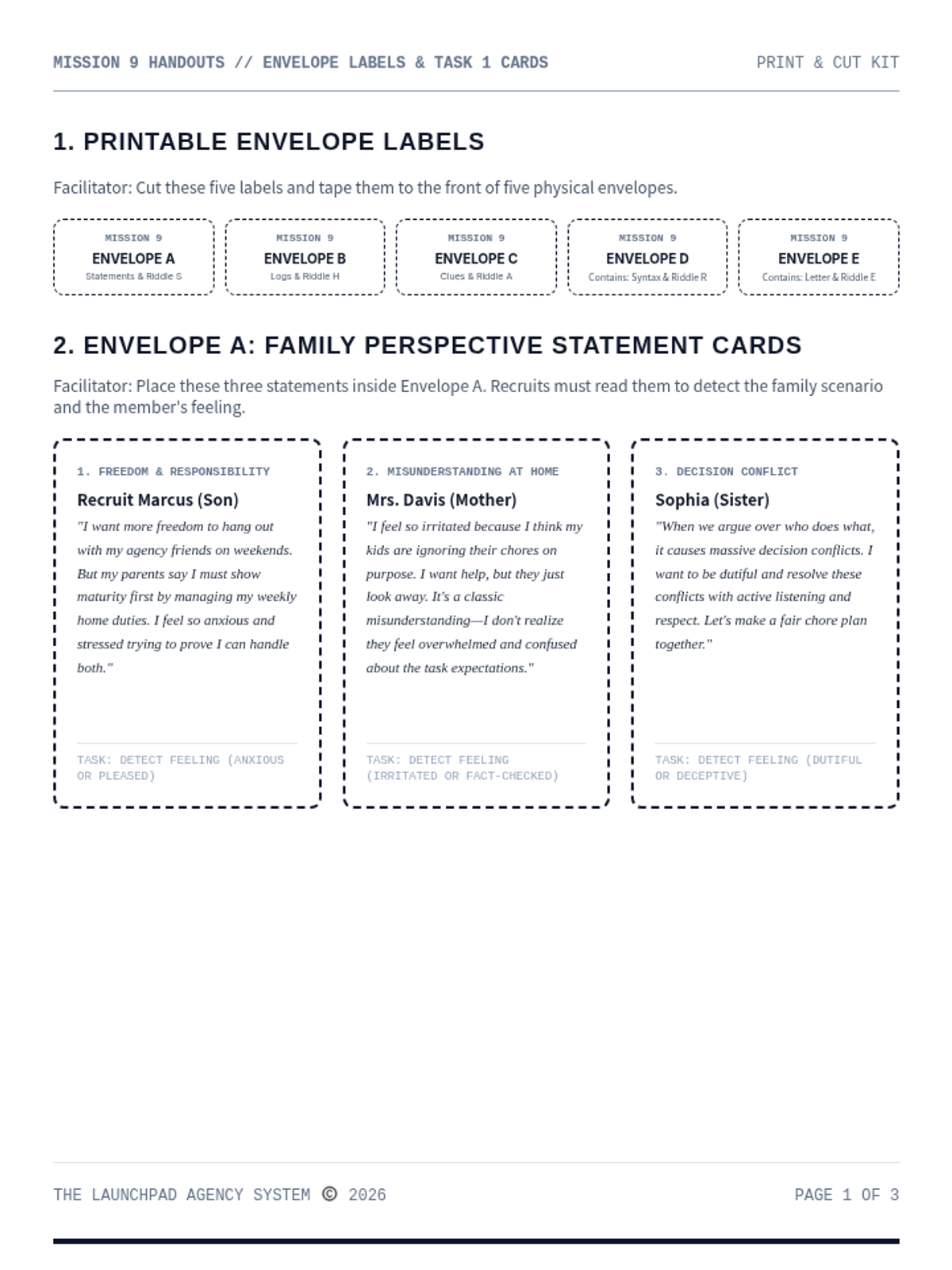
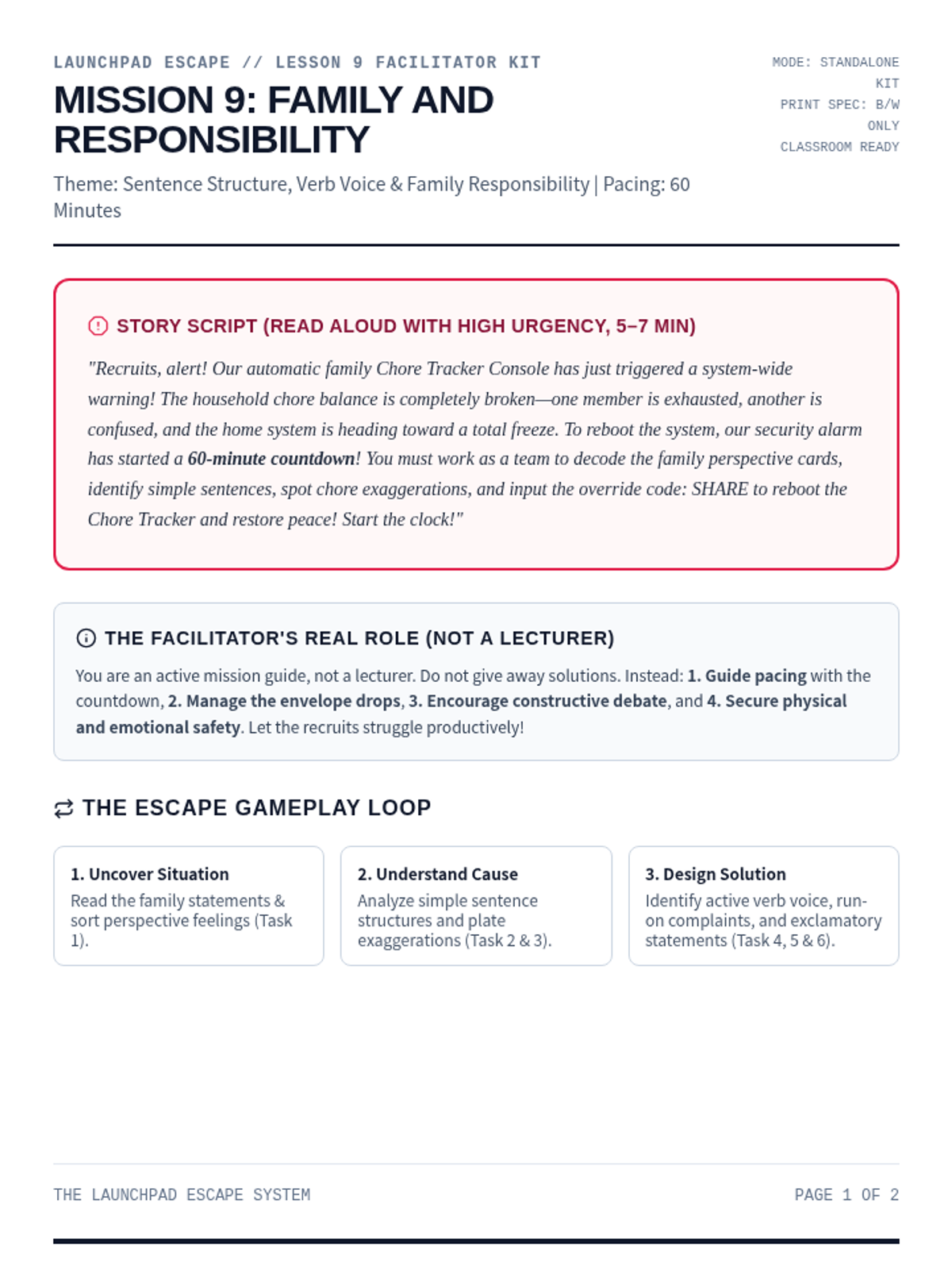
A cooperative and empathetic escape room focused on managing family duties and household balance. Recruits analyze parent/child perspective claims, organize daily chores timelines, and decode the final compromise override.
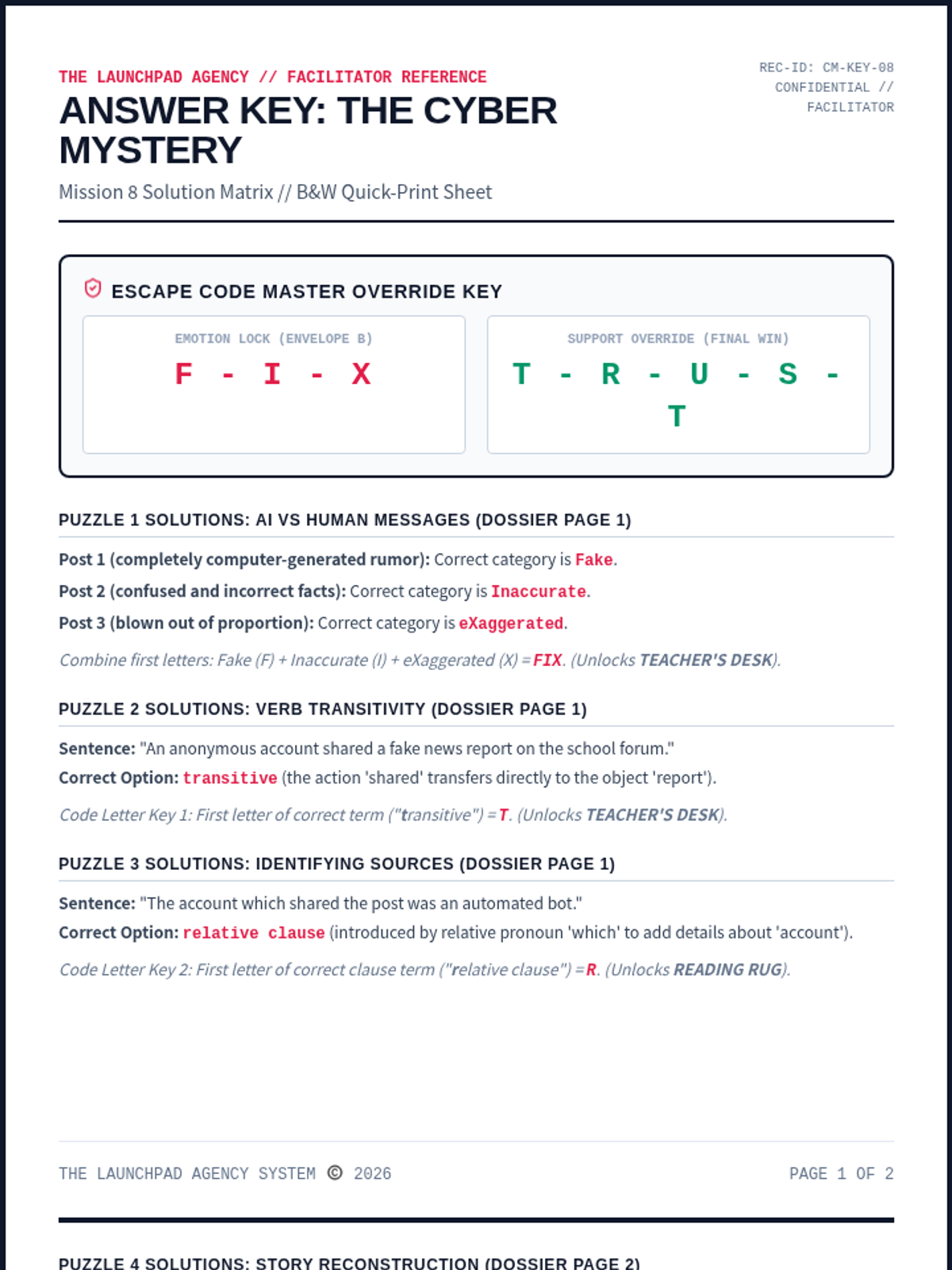
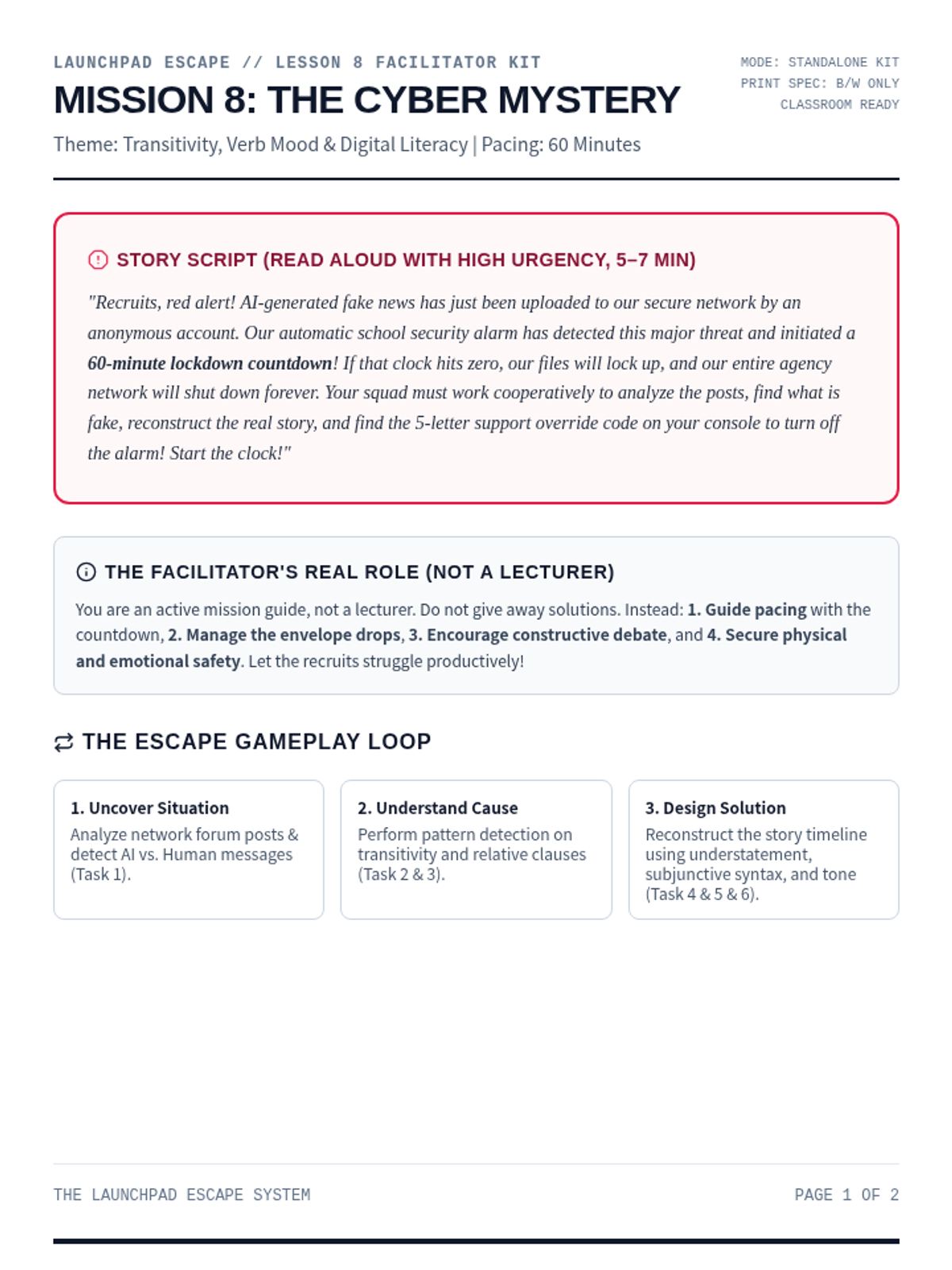
An advanced digital literacy and collaborative cryptography escape room for Ages 14-16. Recruits analyze verb transitivity, relative clauses, subjunctive moods, and tone to stop a school database wipe.
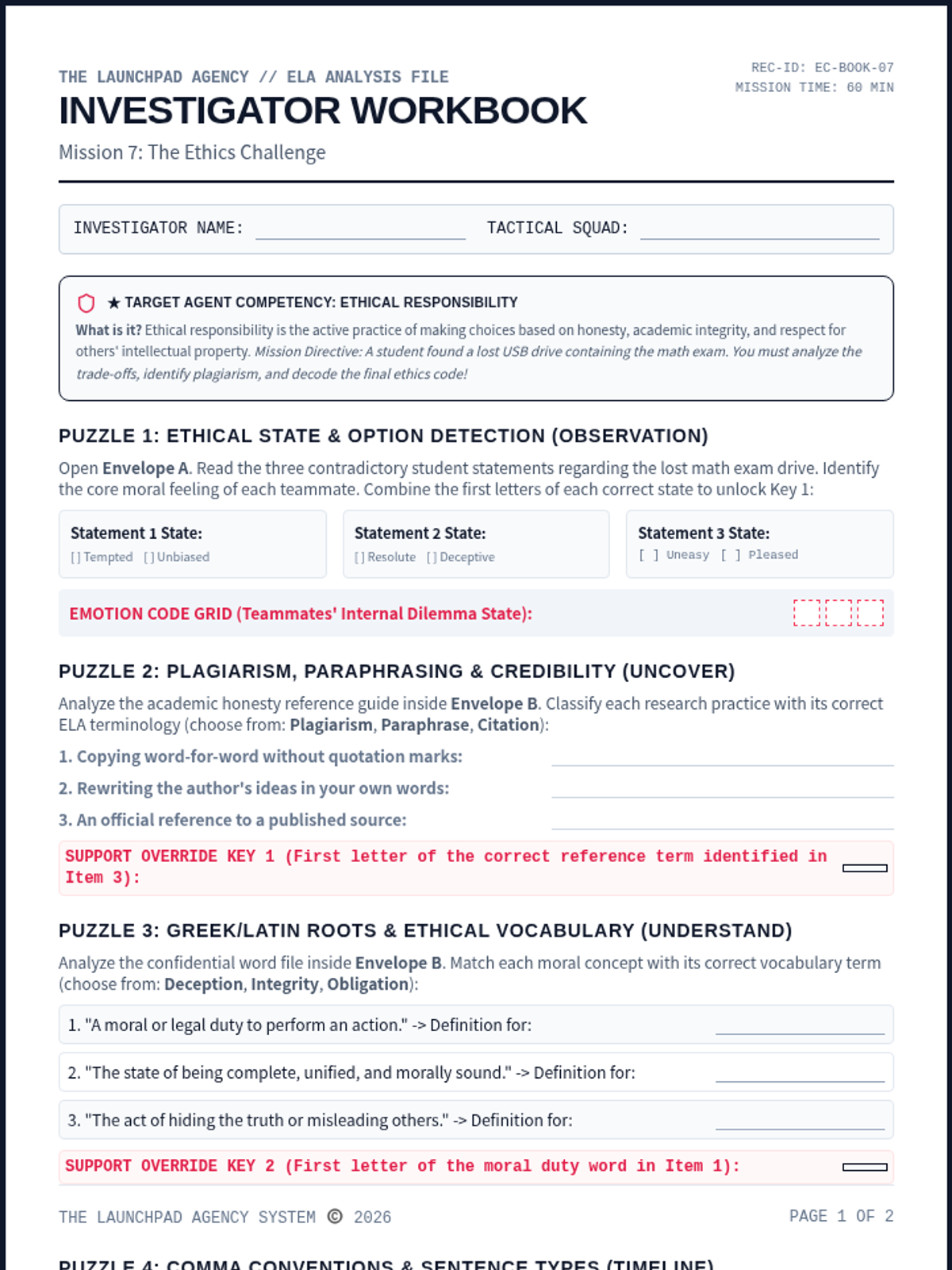
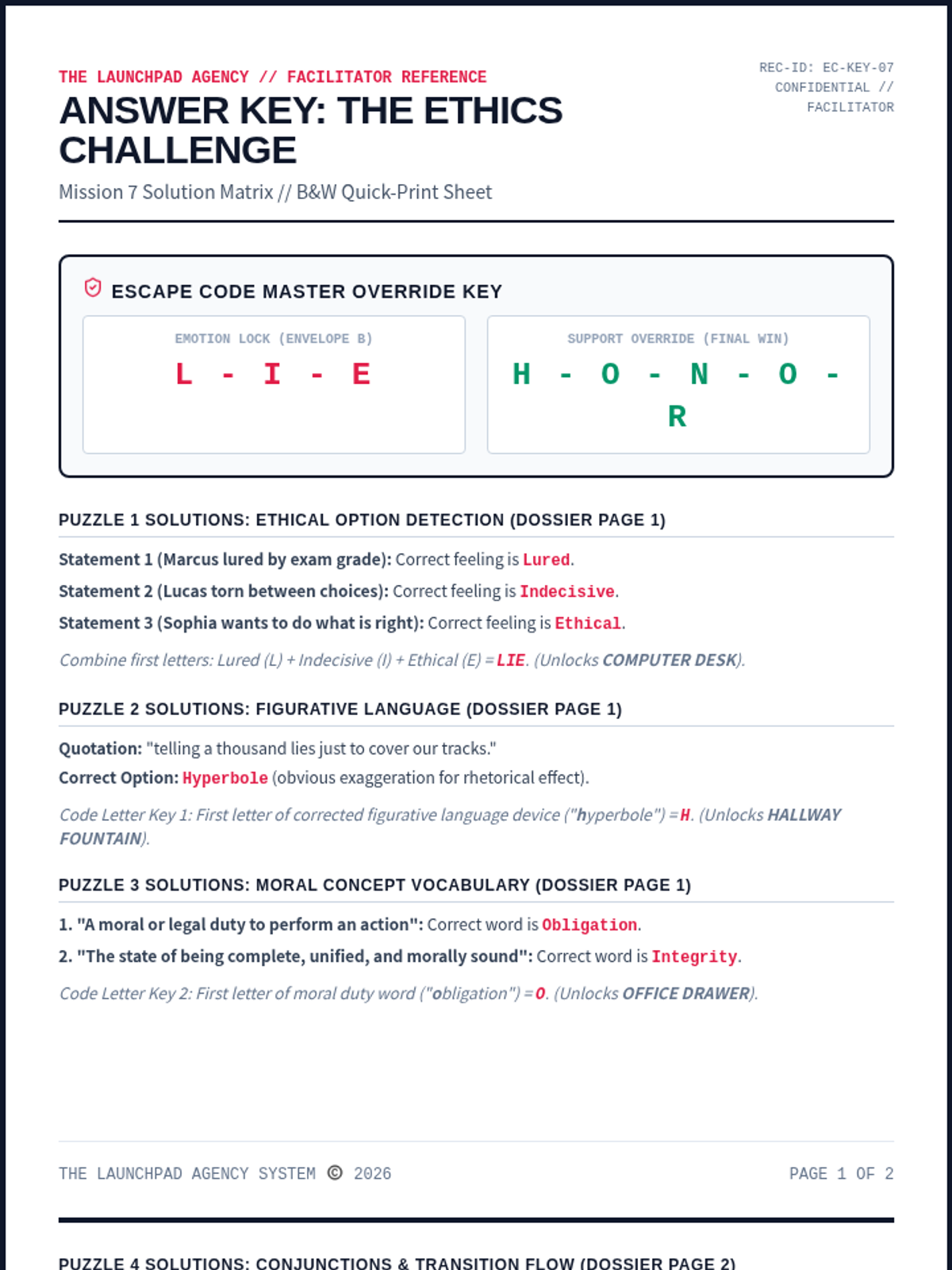
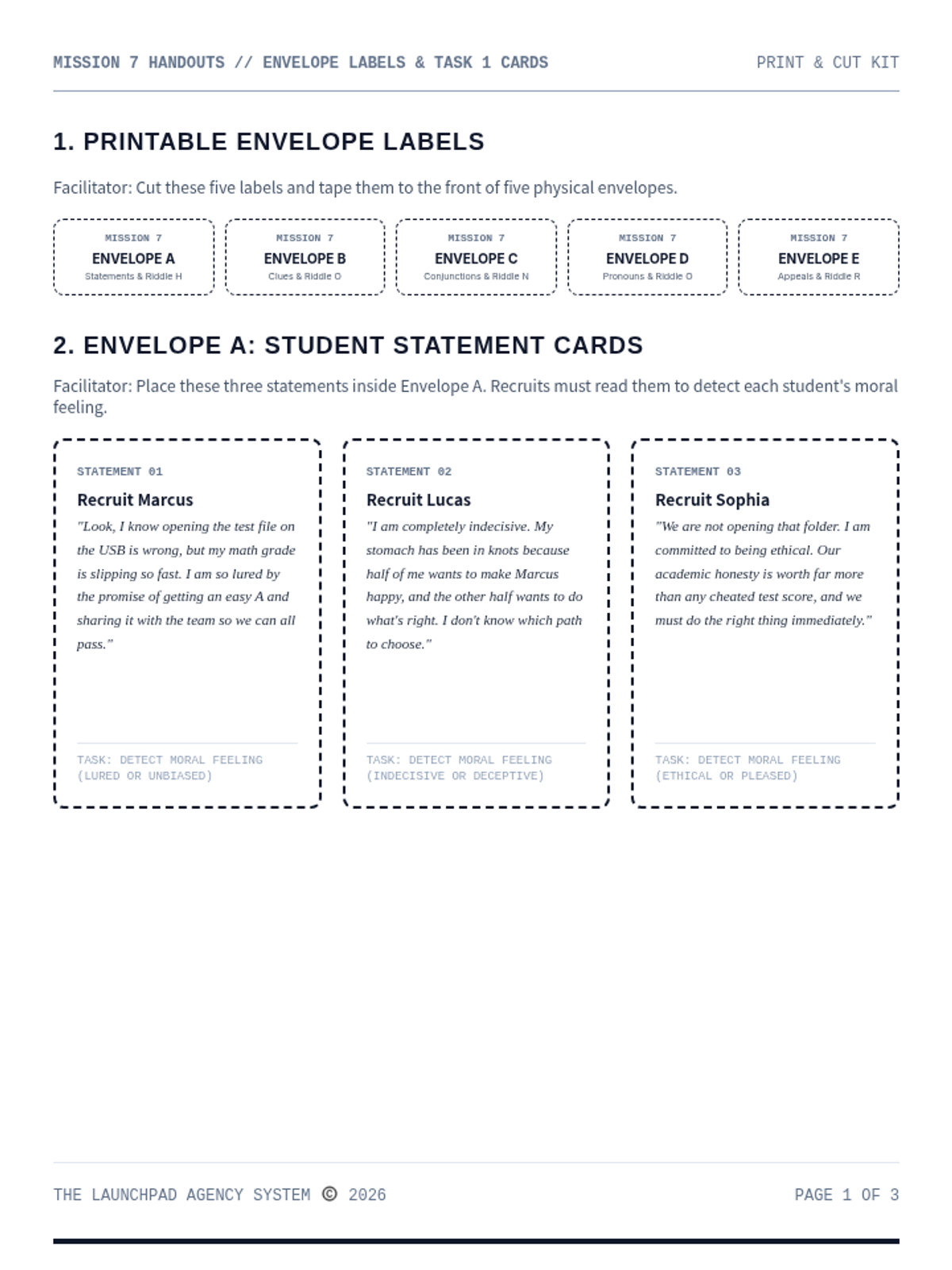
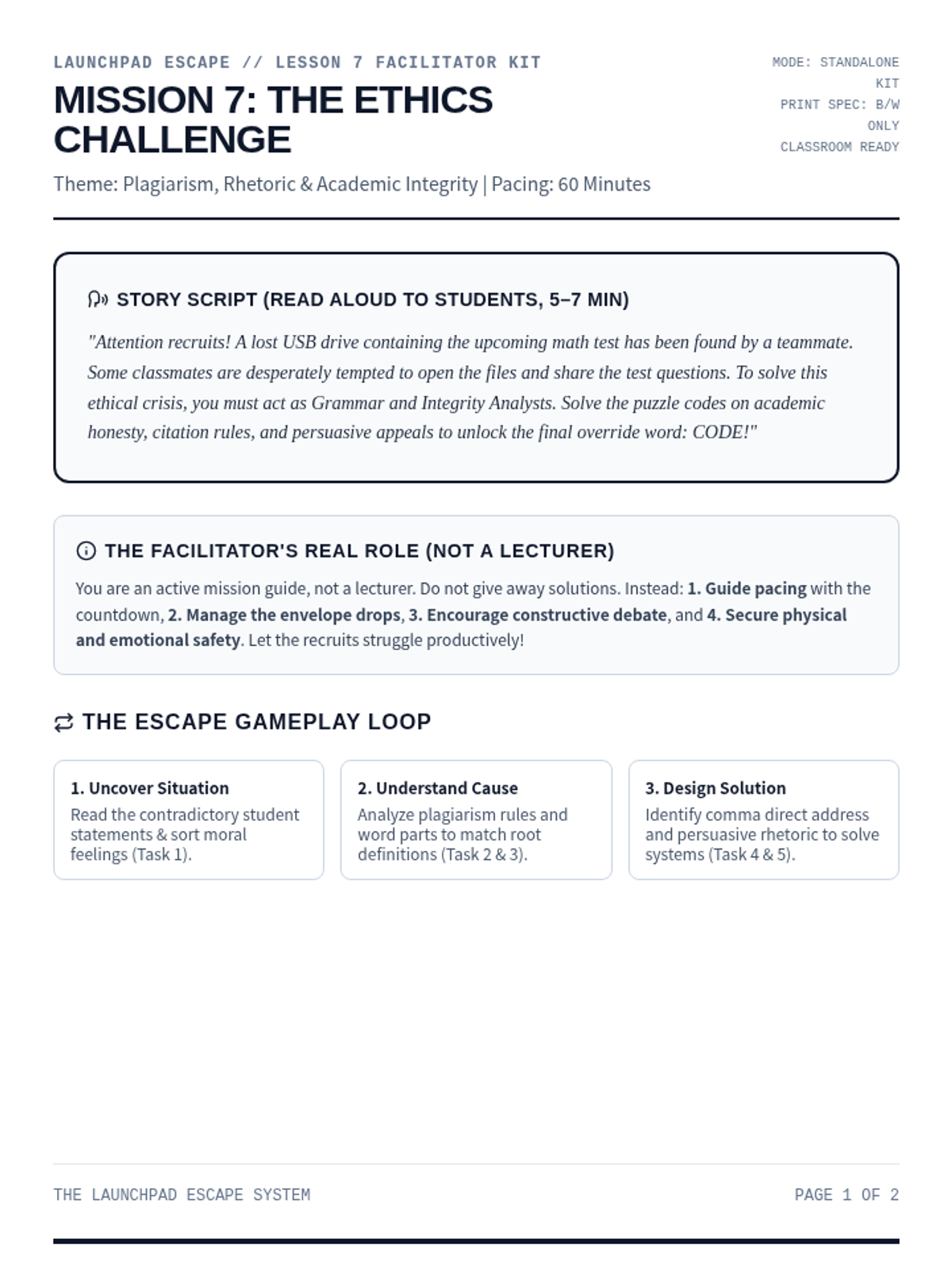
A high-stakes moral dilemma escape room for Ages 11-13. Recruits evaluate the trade-offs of academic honesty, identify plagiarism, analyze persuasive appeals, and decode the final ethics code.
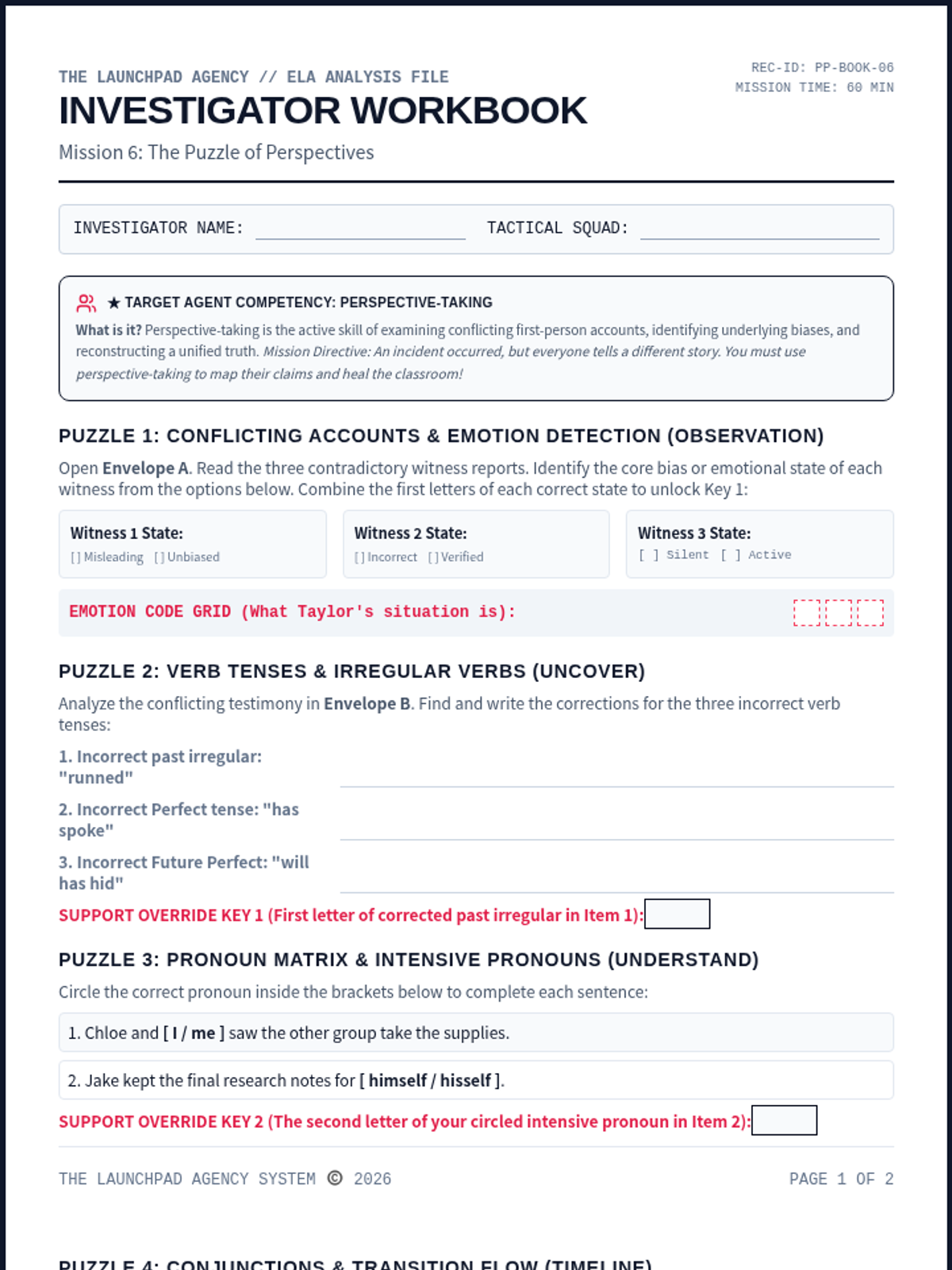
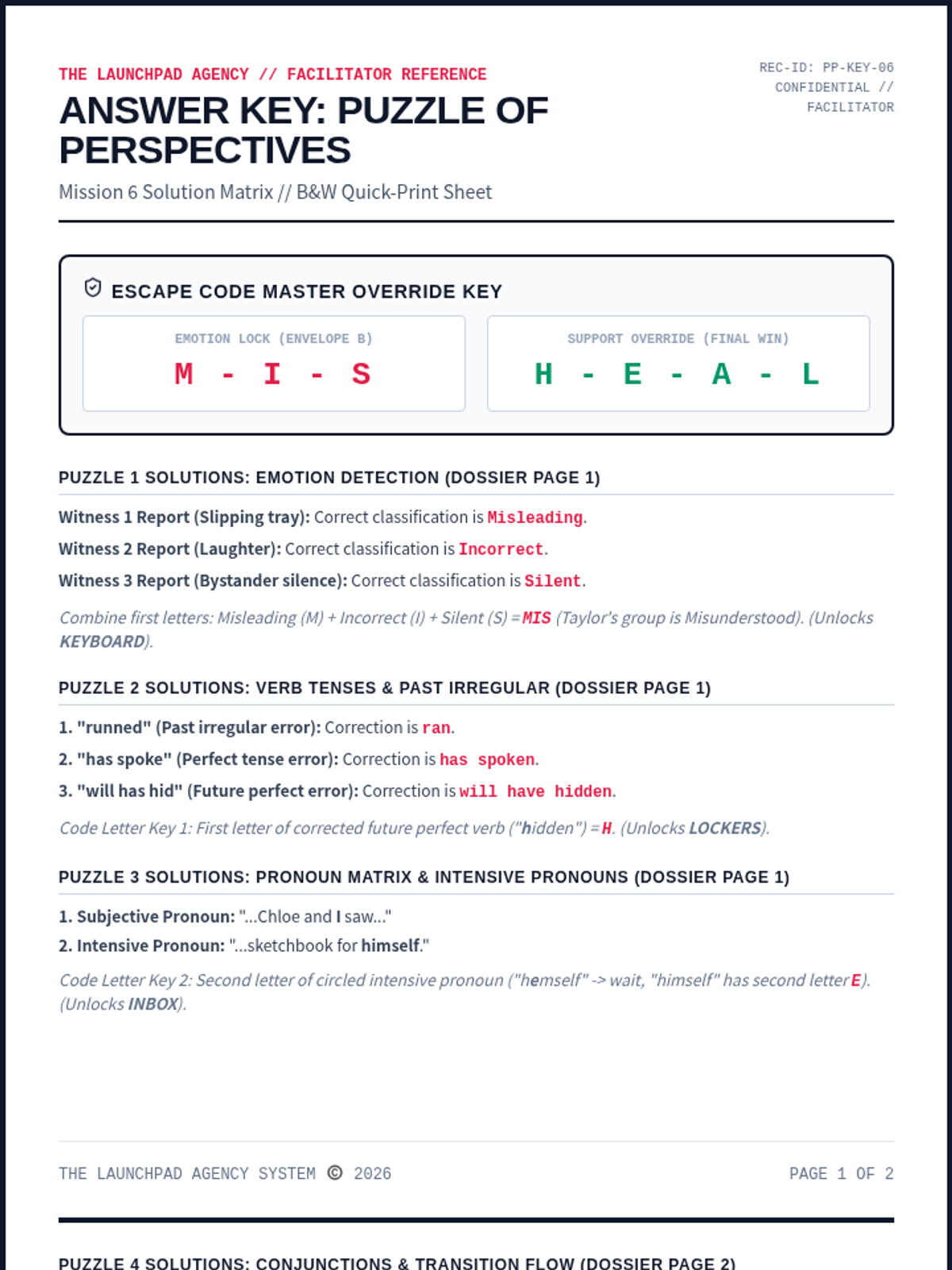
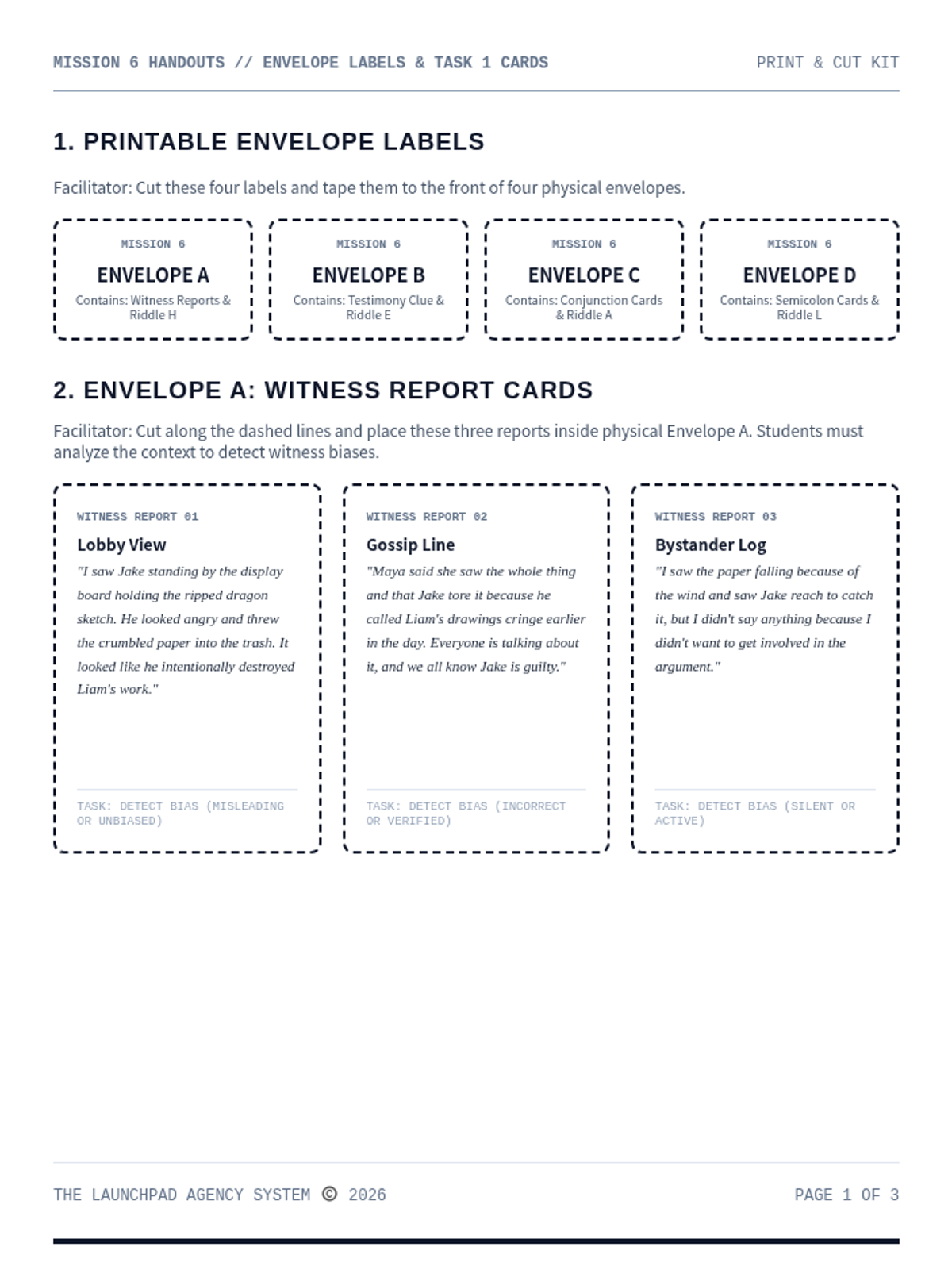
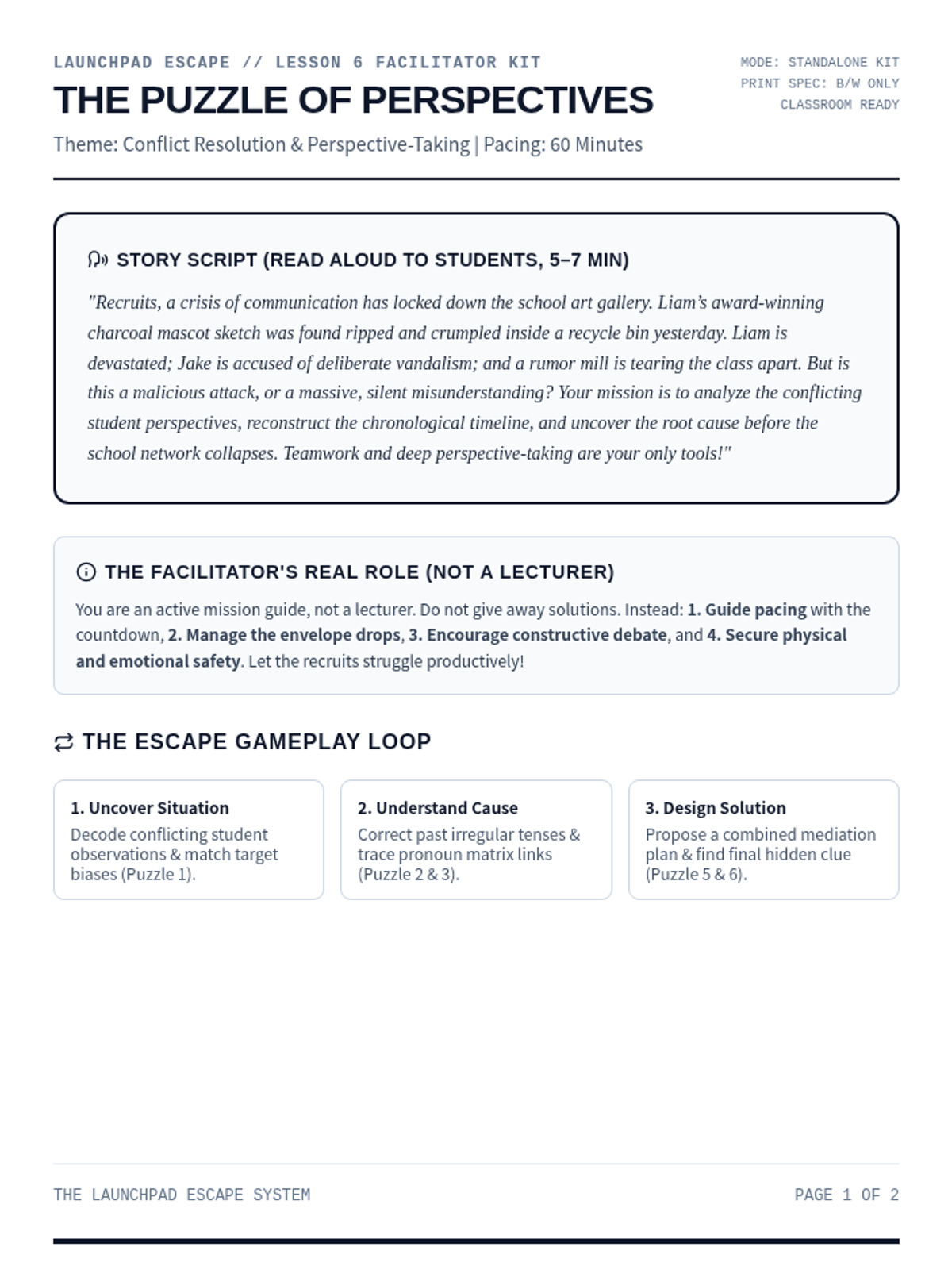
A high-stakes perspective-taking escape room. Recruits examine conflicting first-person accounts, analyze bias, reconstruct a unified timeline, and solve the override code.
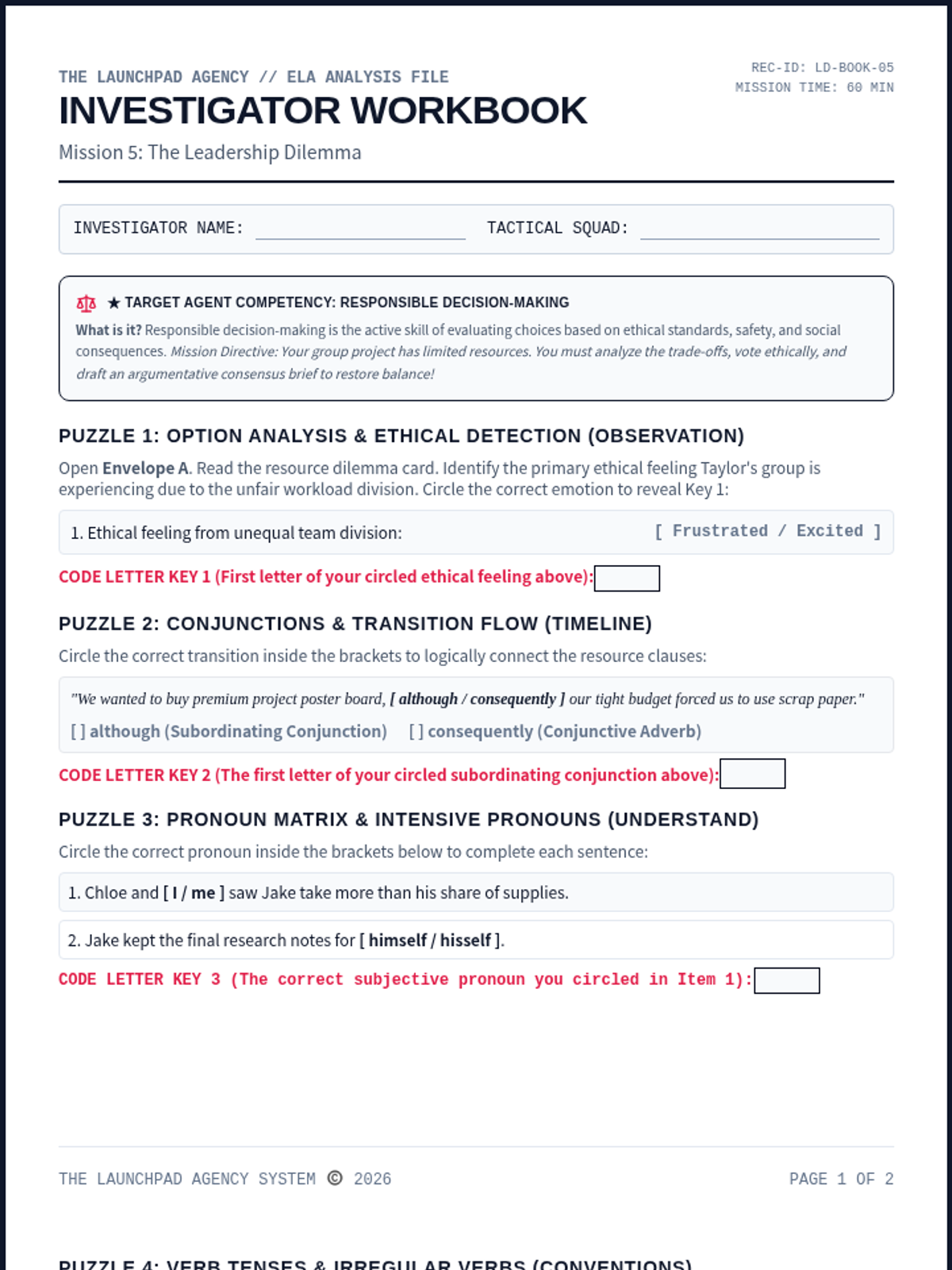
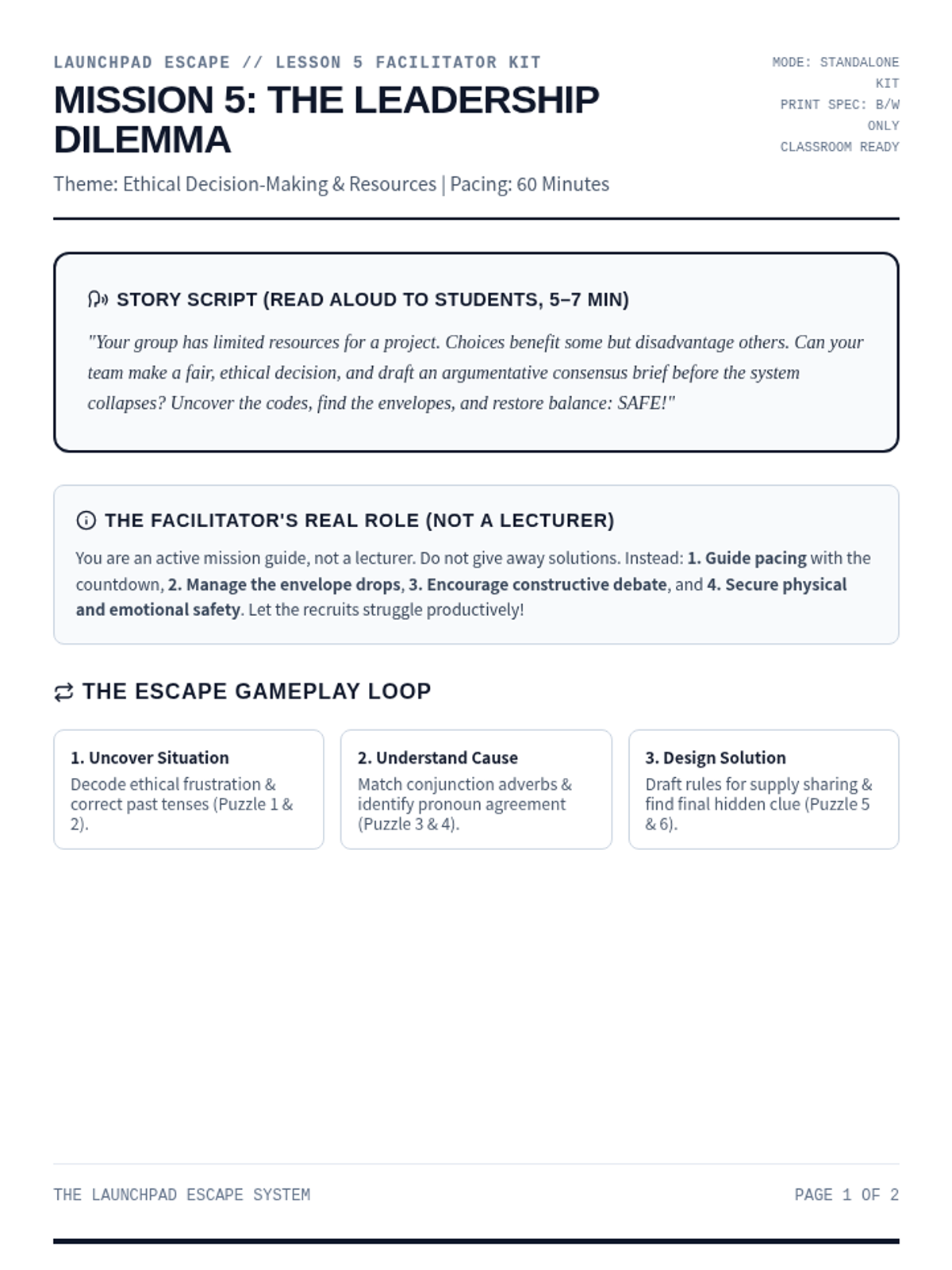
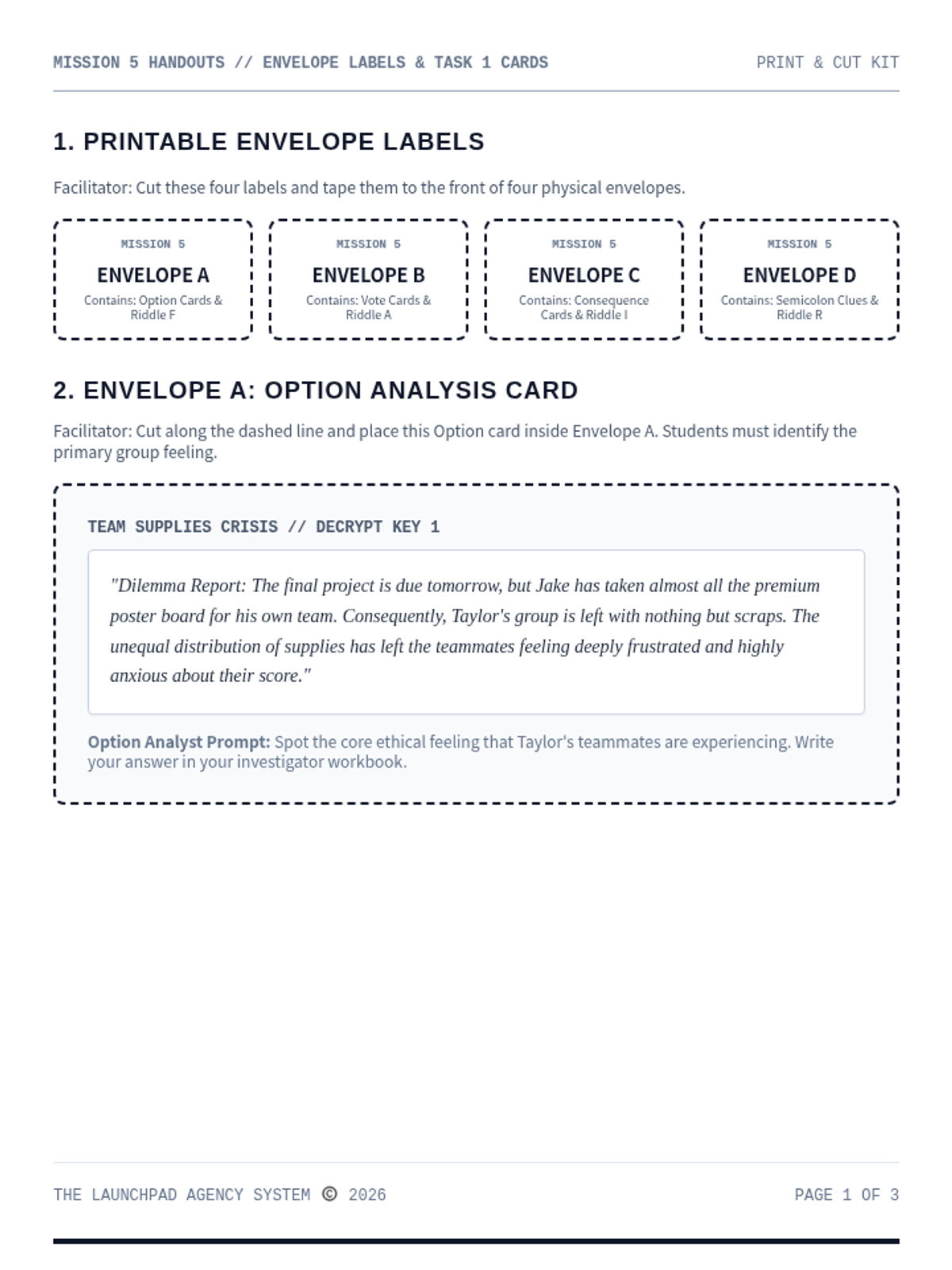
An ethical decision-making and systems-thinking escape room. Recruits analyze resource allocation options, vote on complex tradeoffs, map cascading social consequences, and draft an argumentative consensus brief to restore balance.
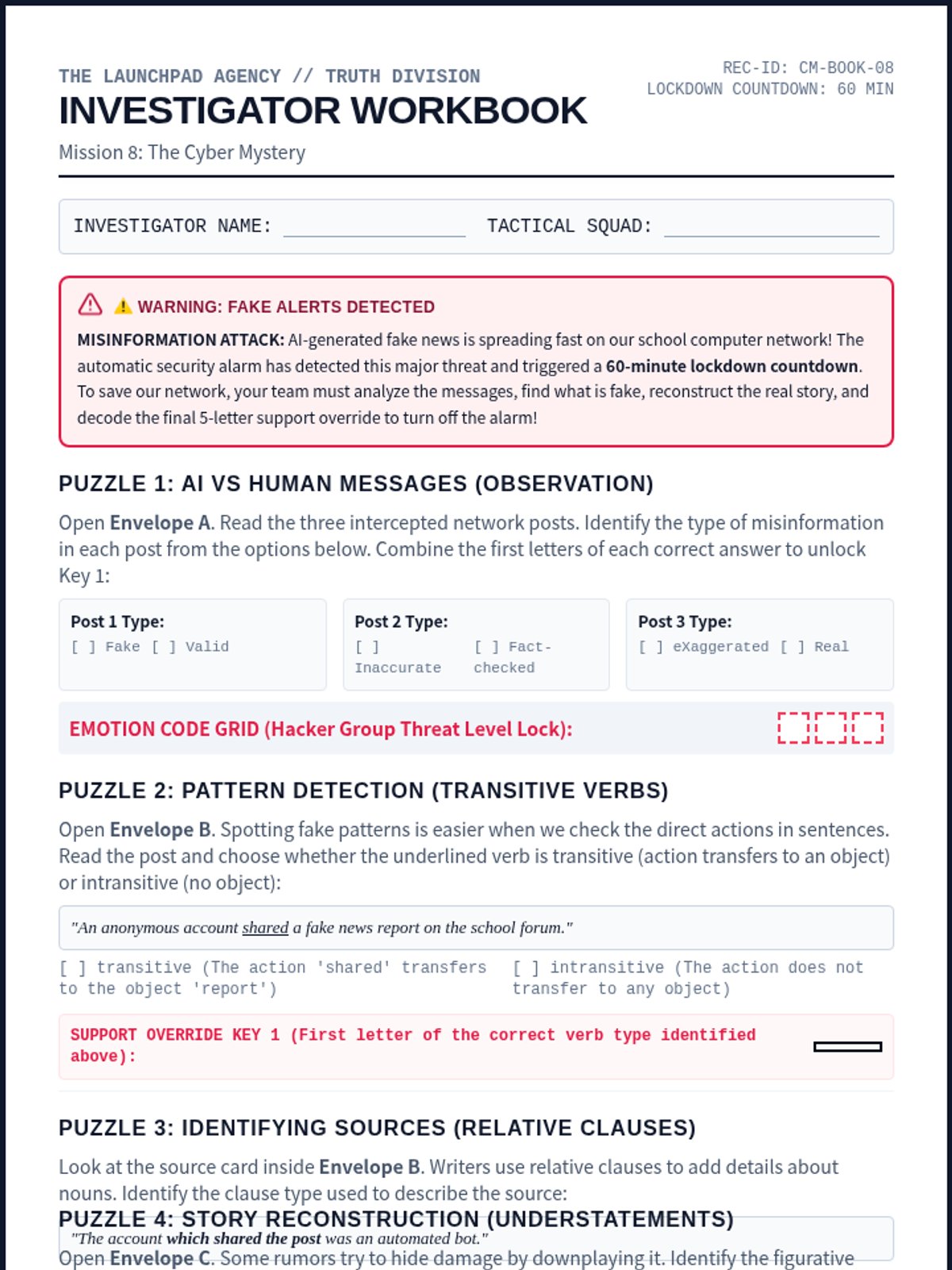
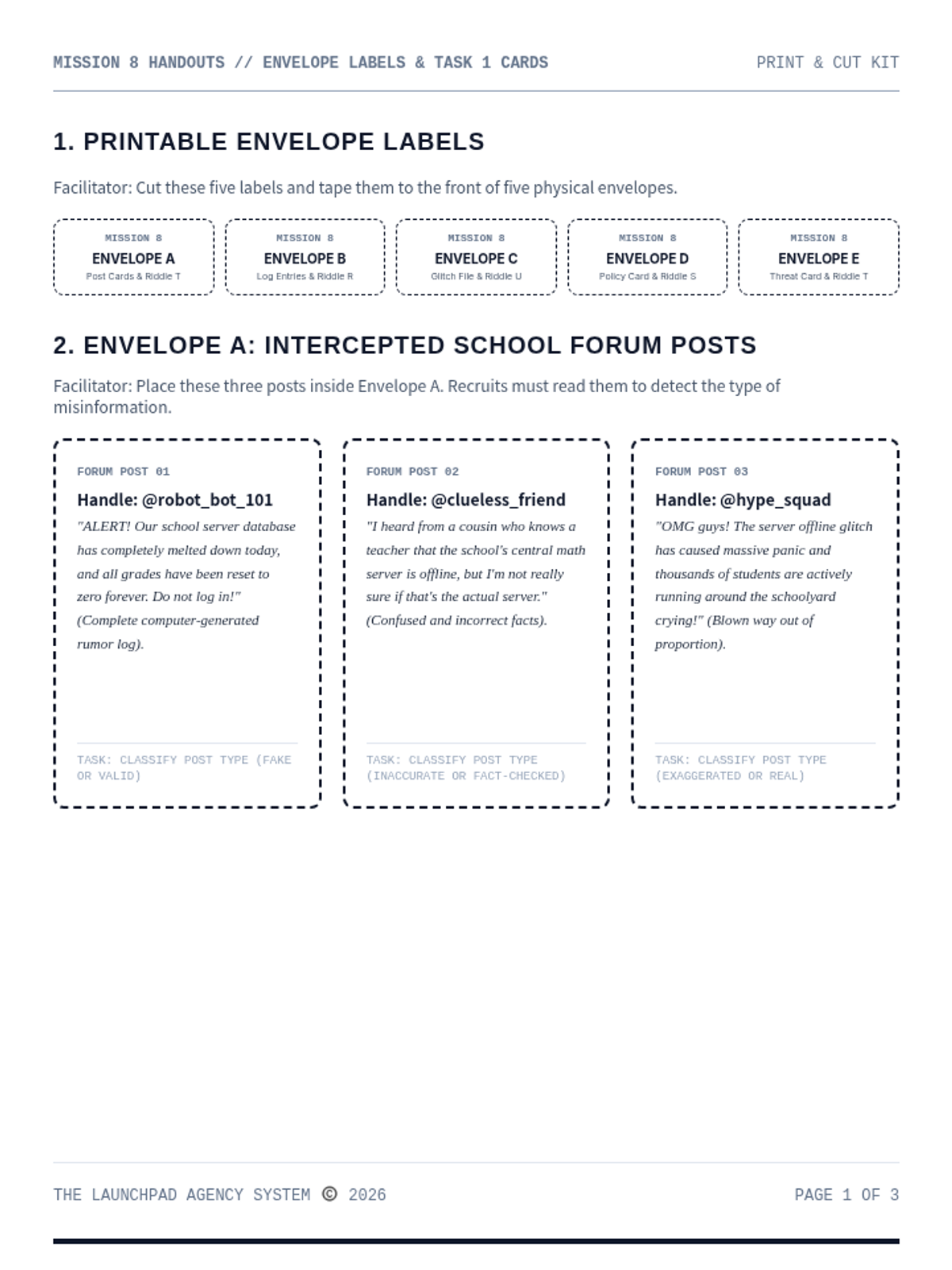
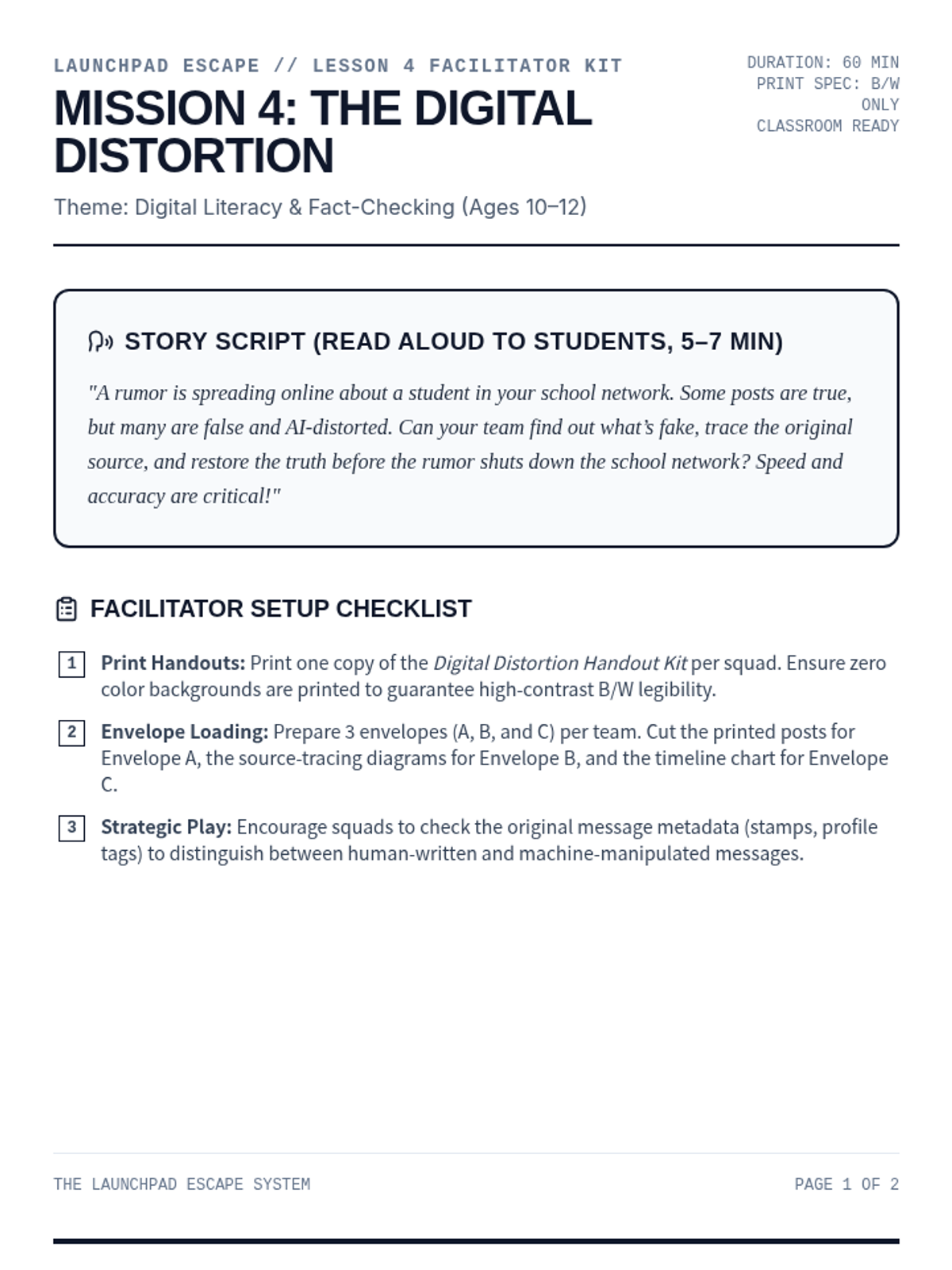
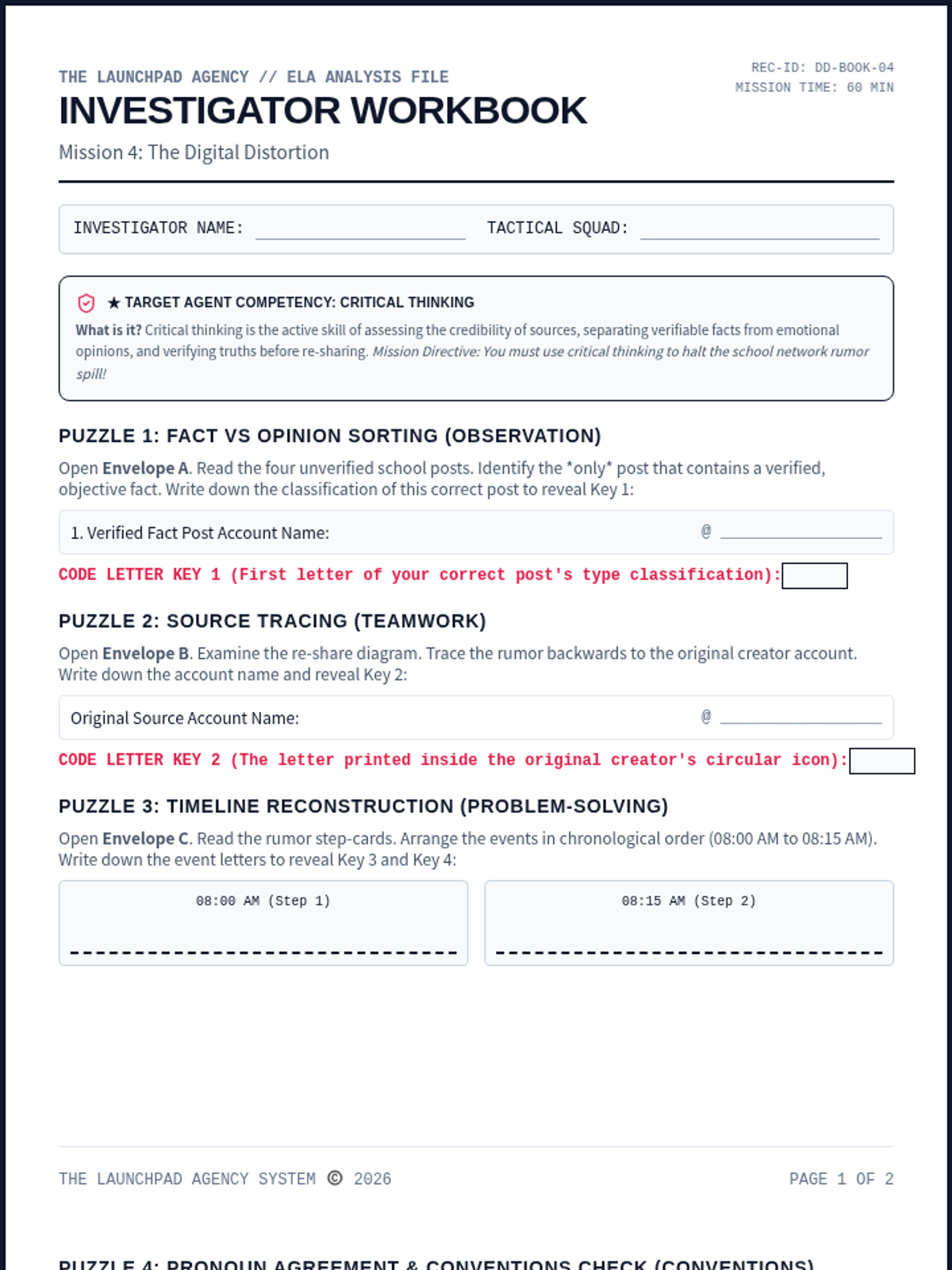
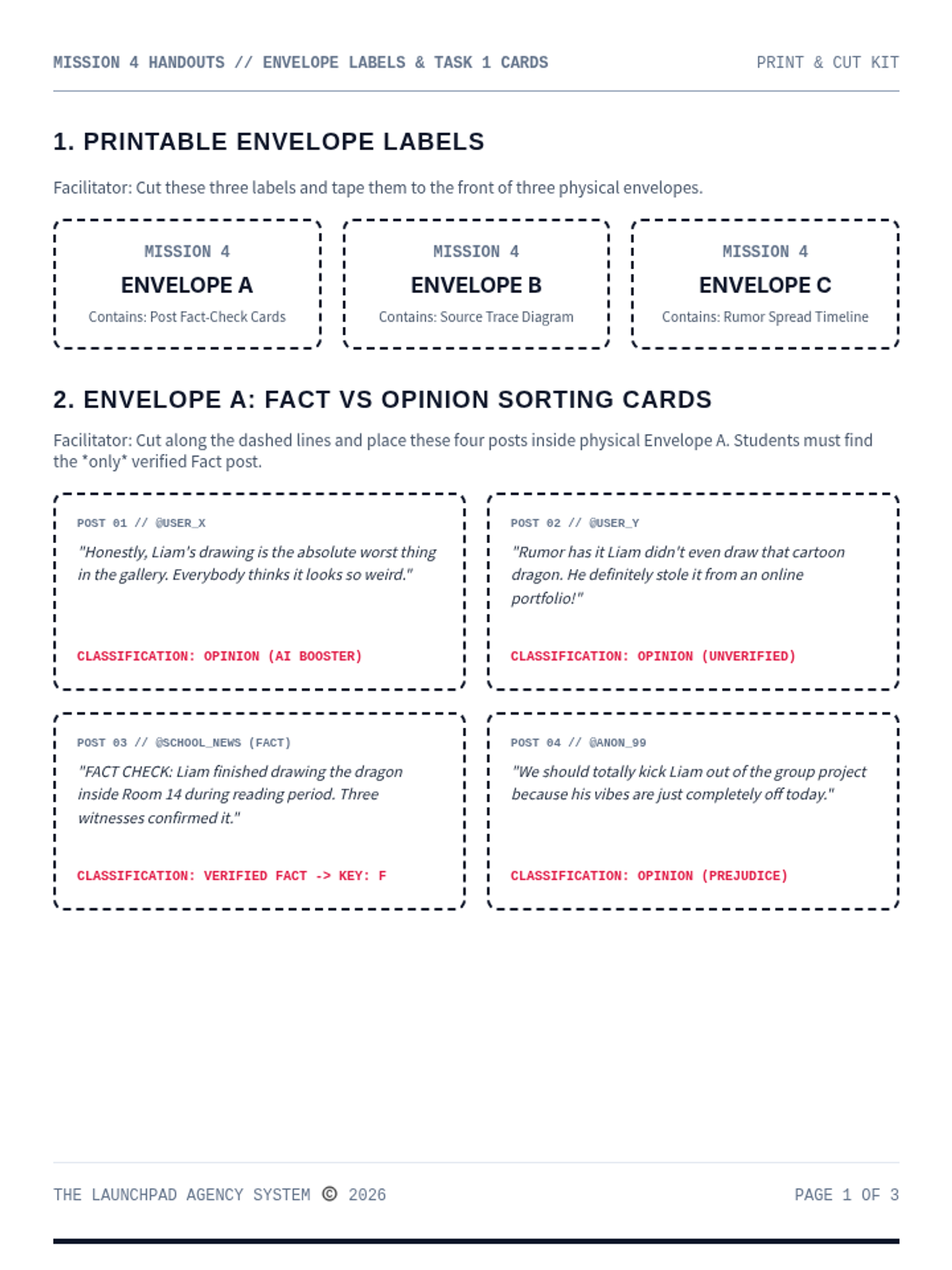
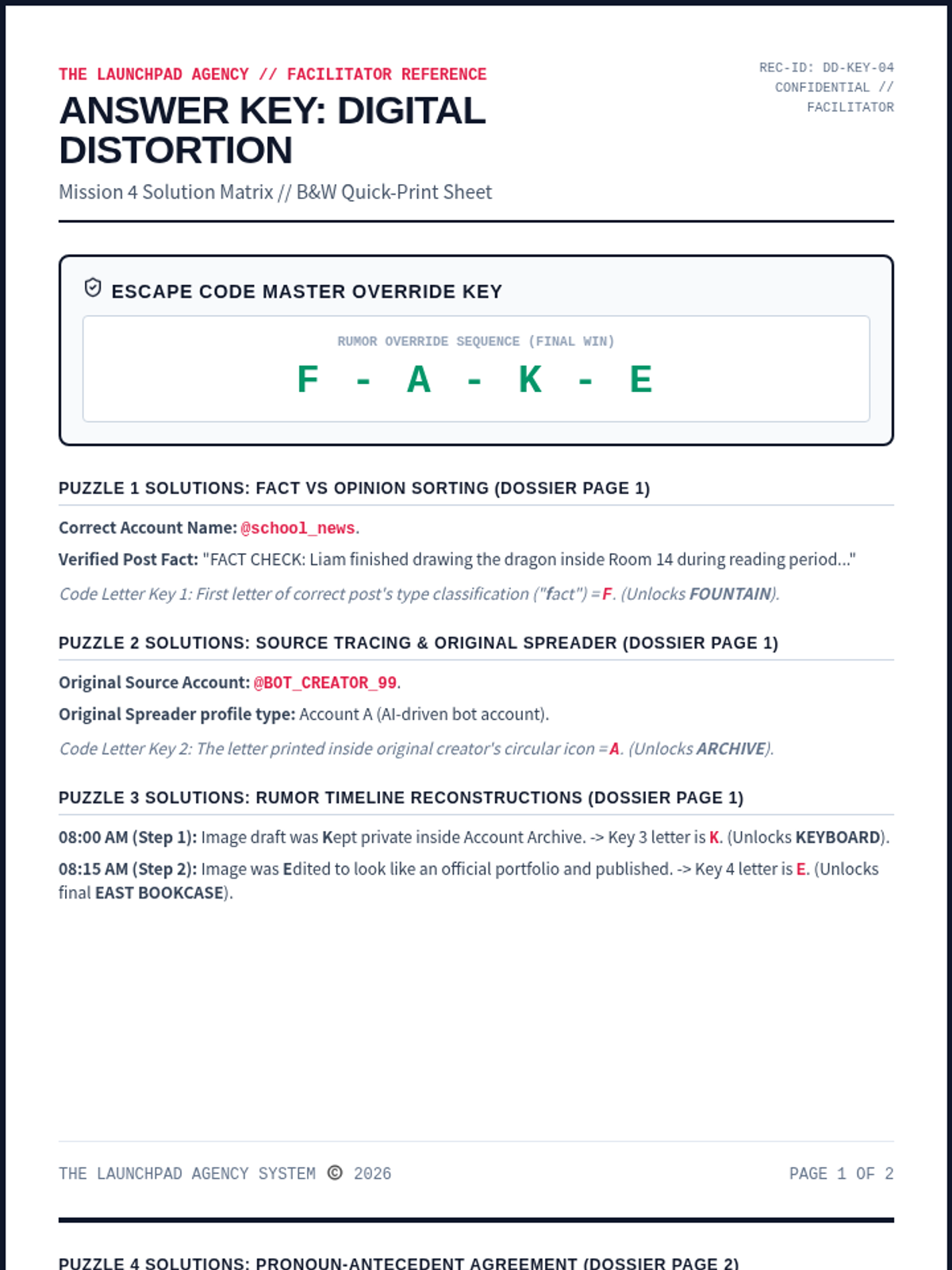
An online misinformation and fact-checking escape room for Ages 10-12. Recruits sort fact vs. opinion, trace original message sources, and reconstruct truth timelines to stop rumors.
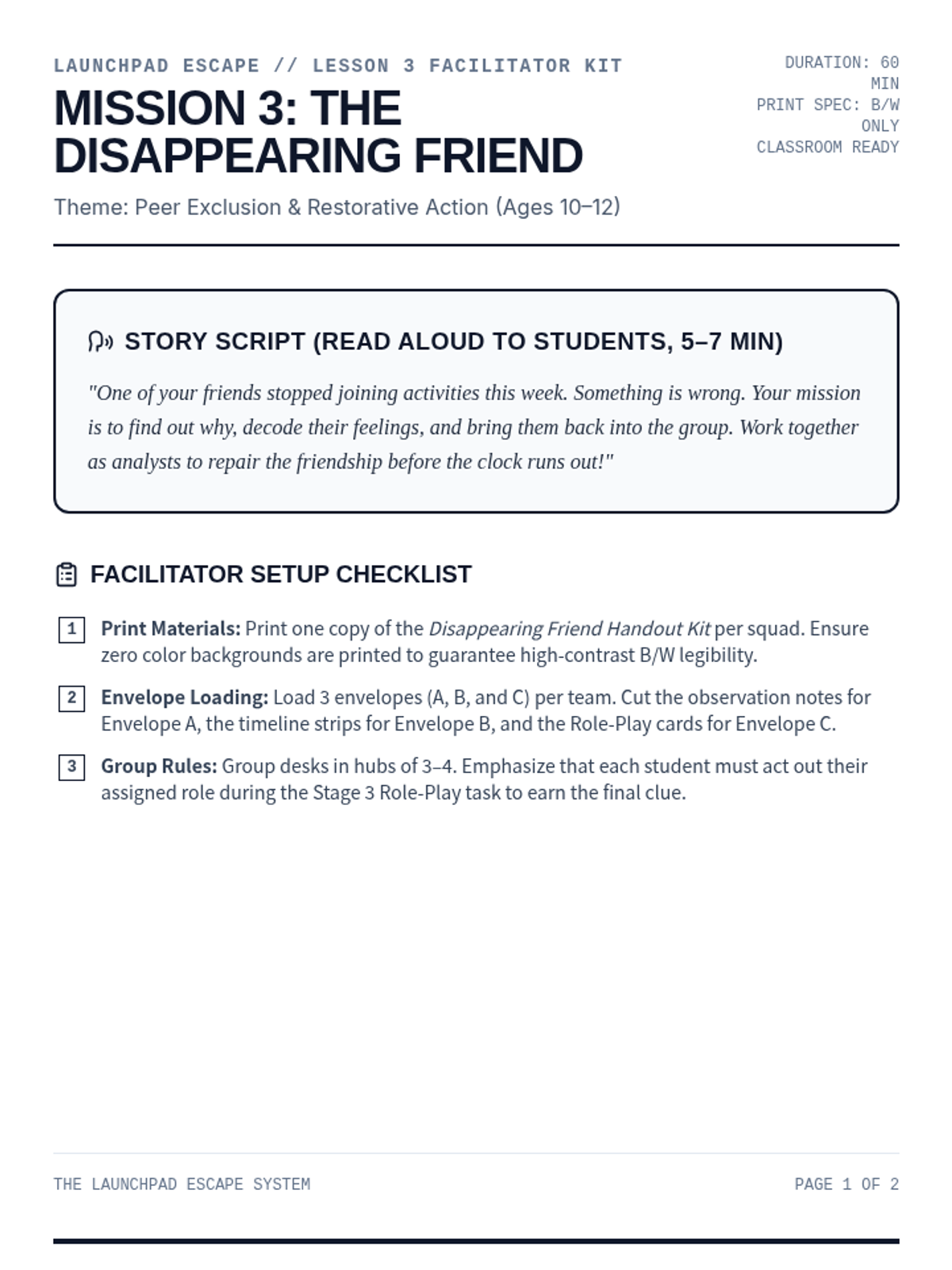
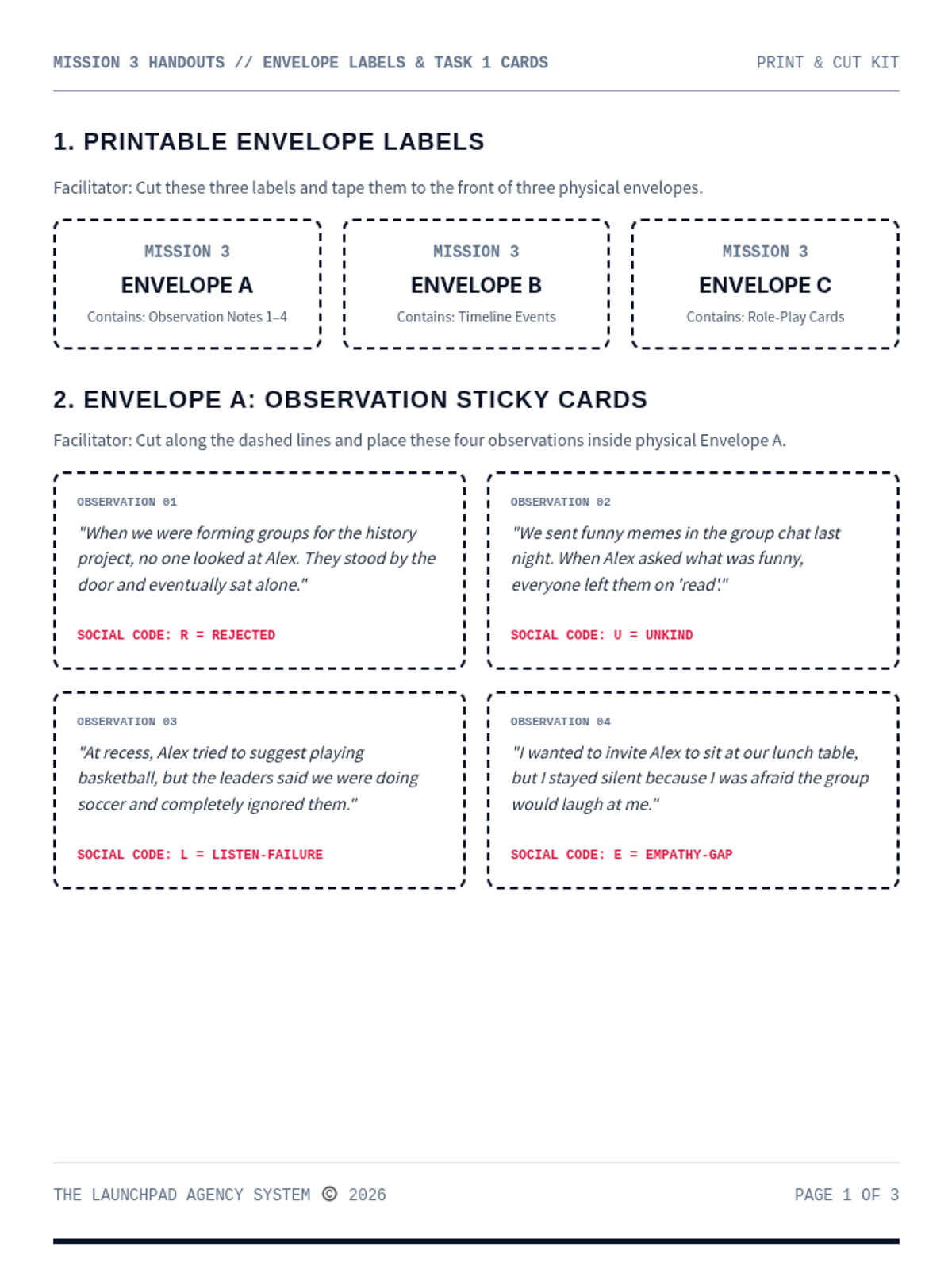
A chronological reconstruction and peer exclusion escape room for Ages 10-12. Recruits analyze sticky-note observations, identify missed social interactions, and role-play restorative de-escalation scripts.
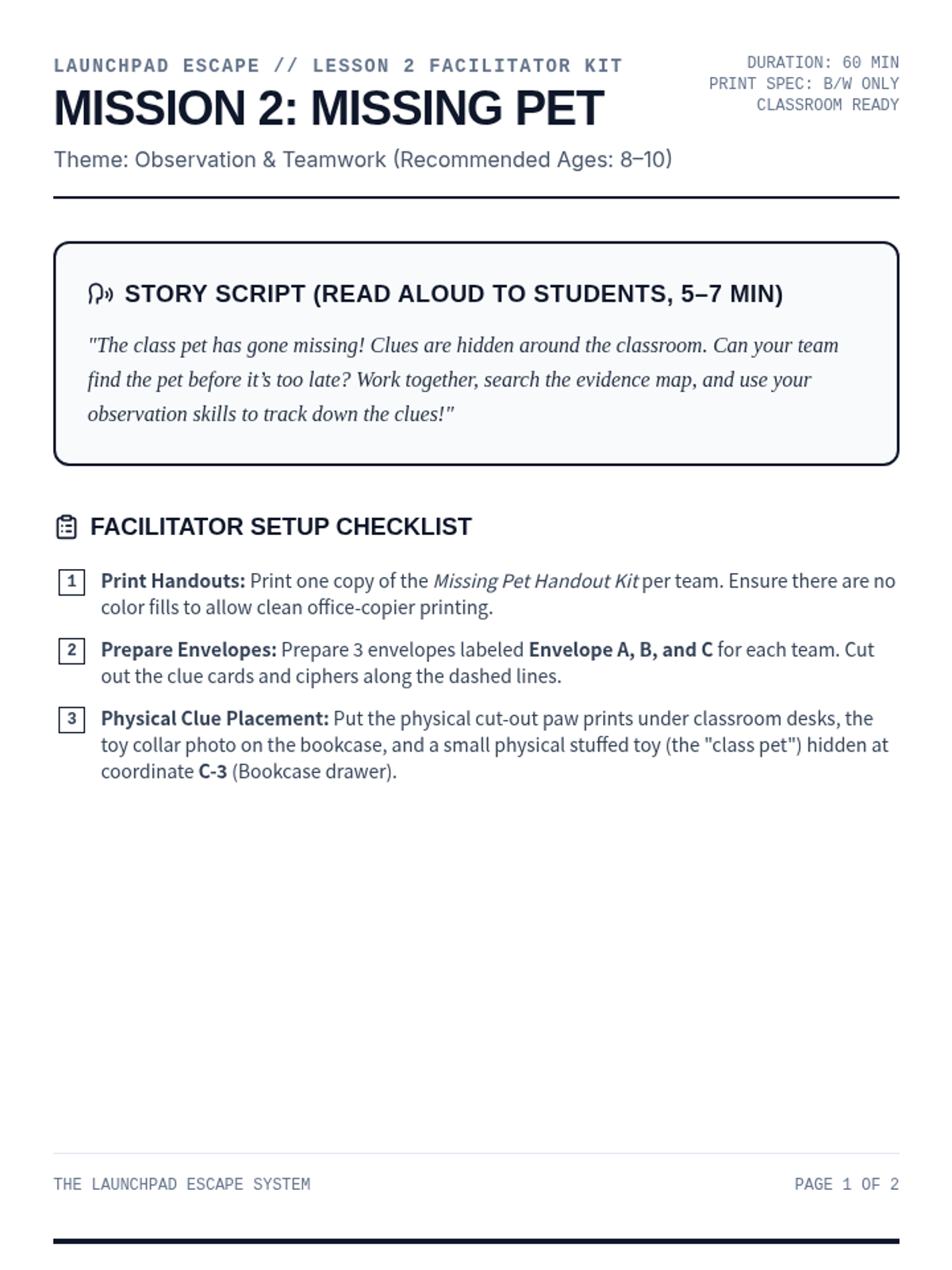
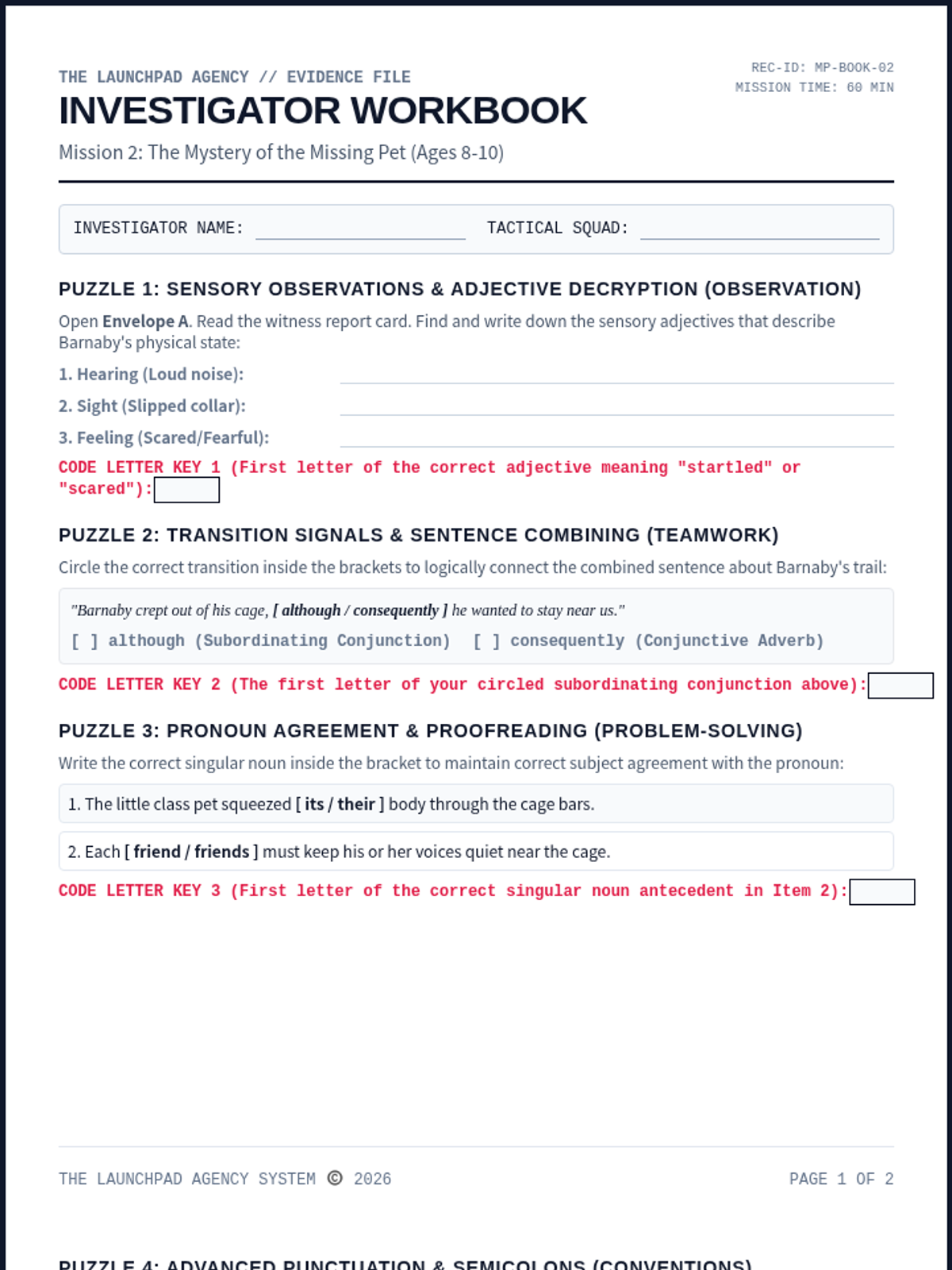
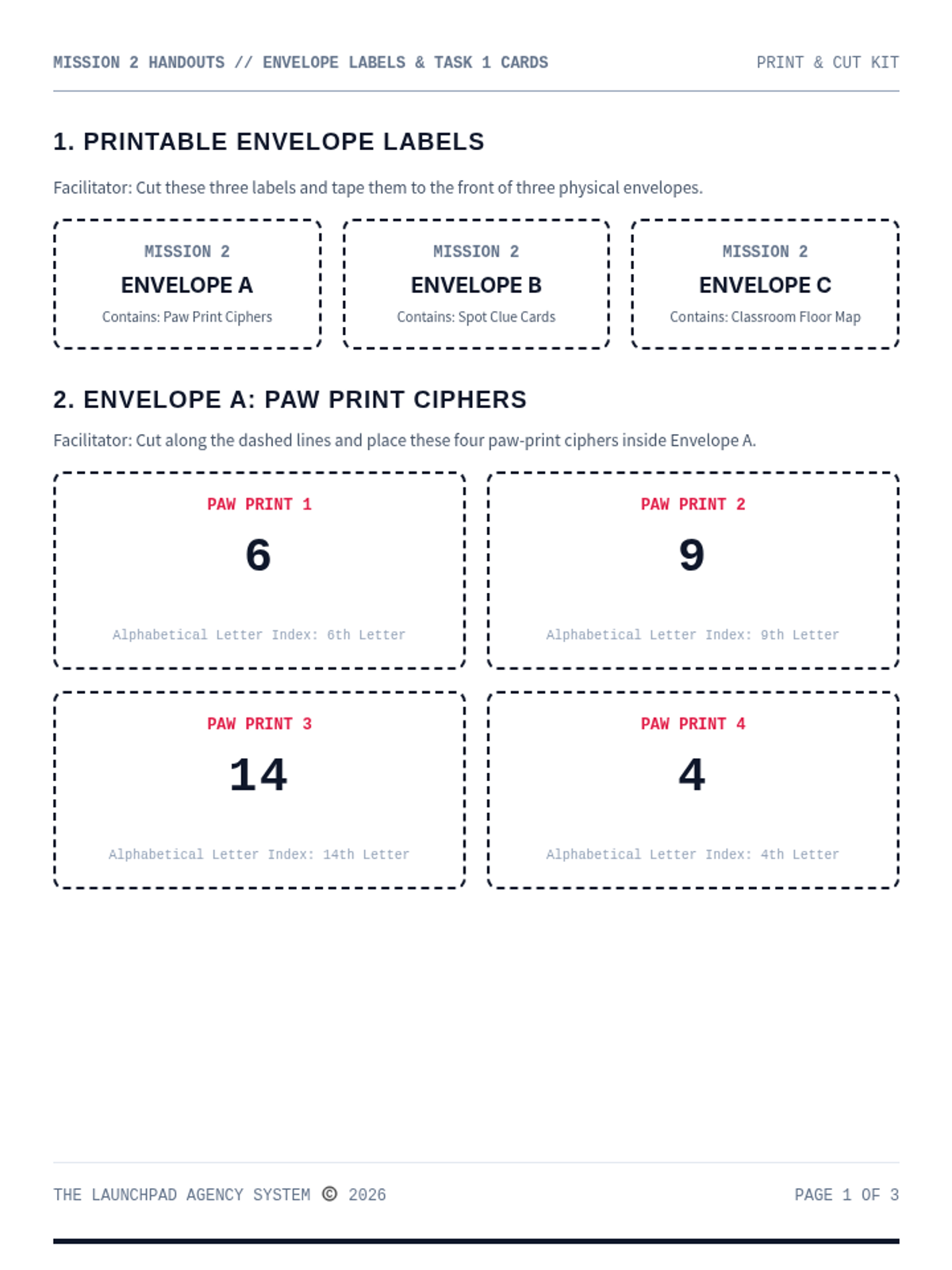
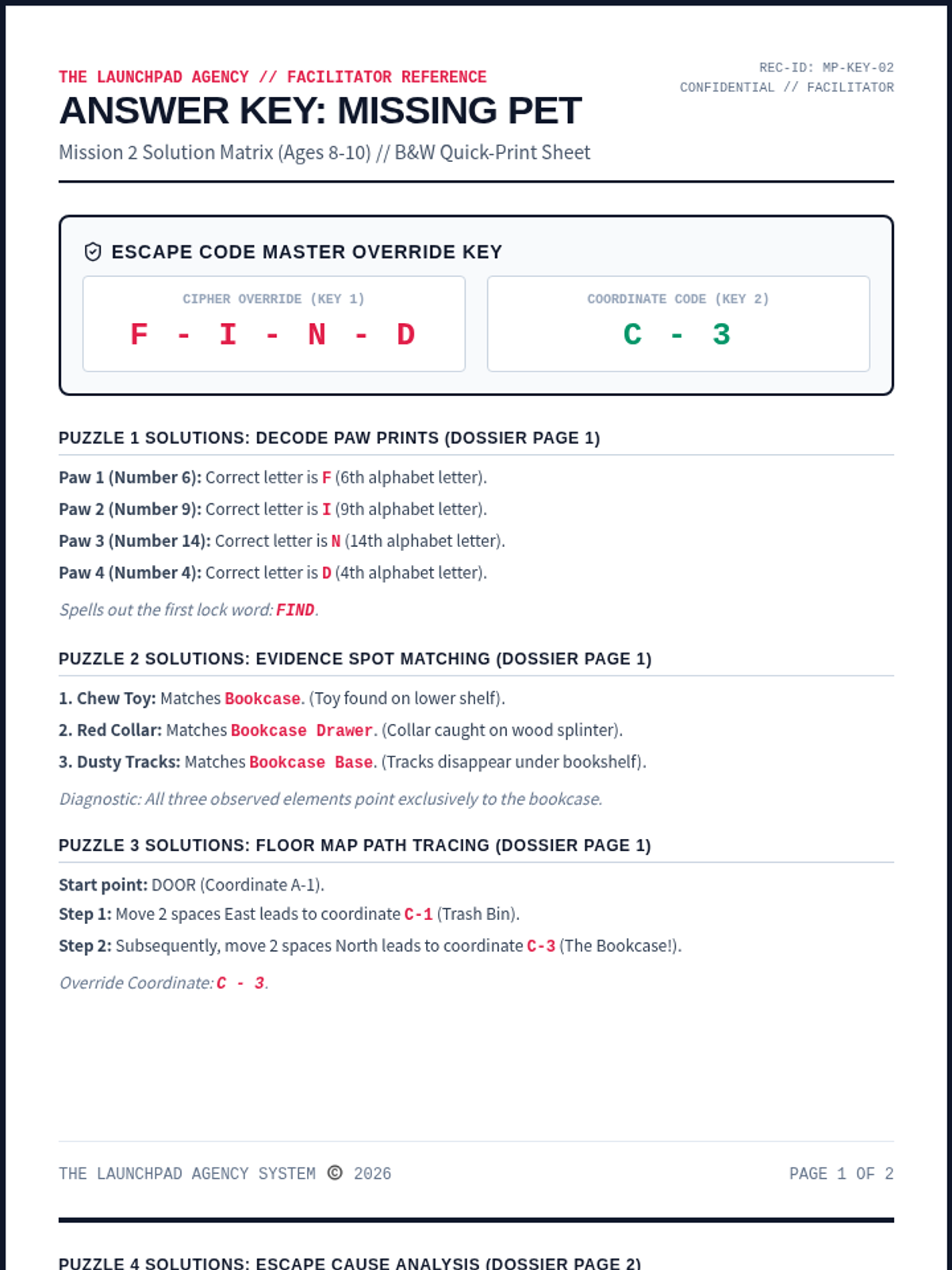
An observation-based escape mission for Ages 8-10. Recruits decode paw ciphers, match footprint evidence to classroom hiding spots, and compile a team map to find the missing class pet.
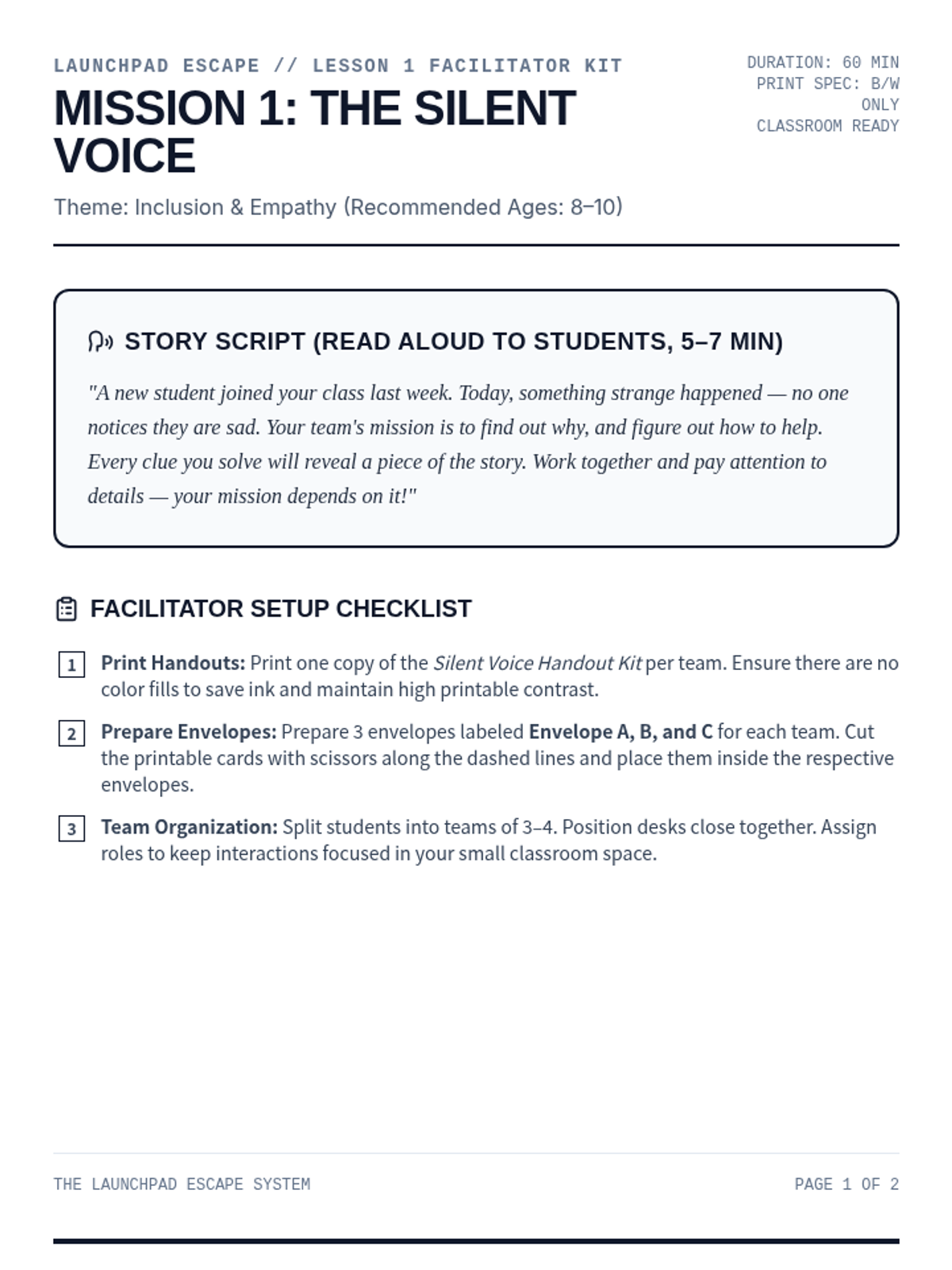
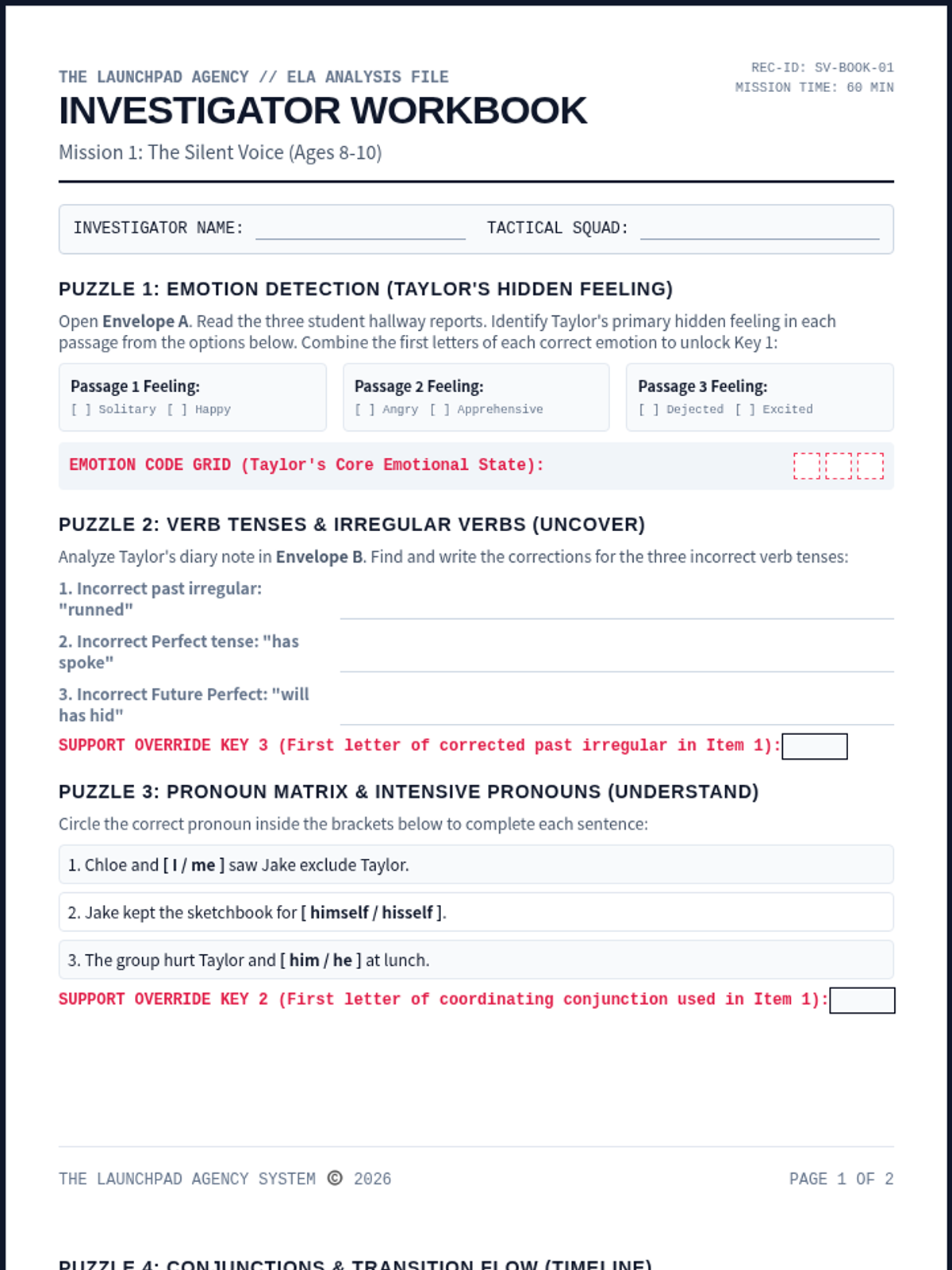
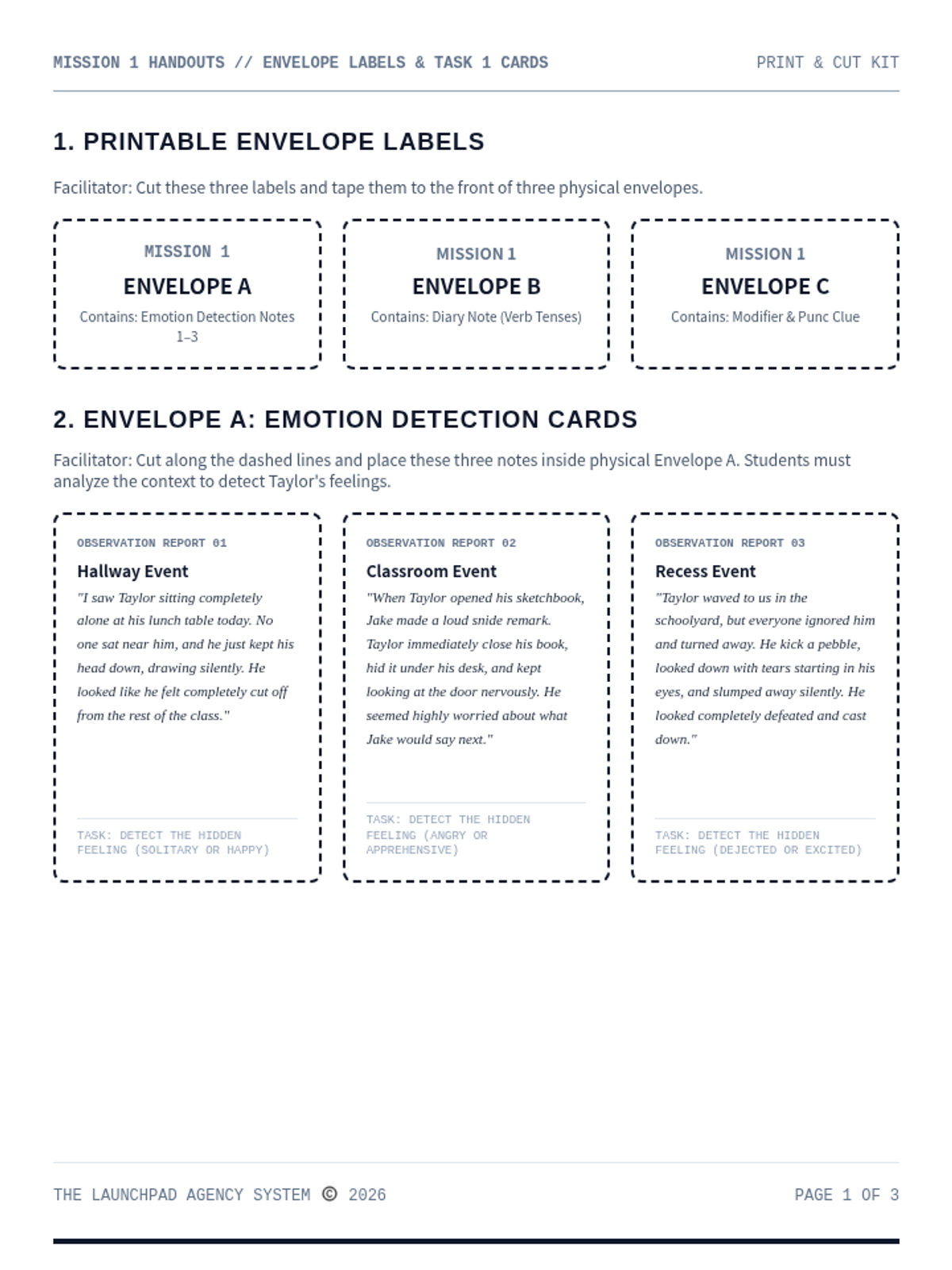
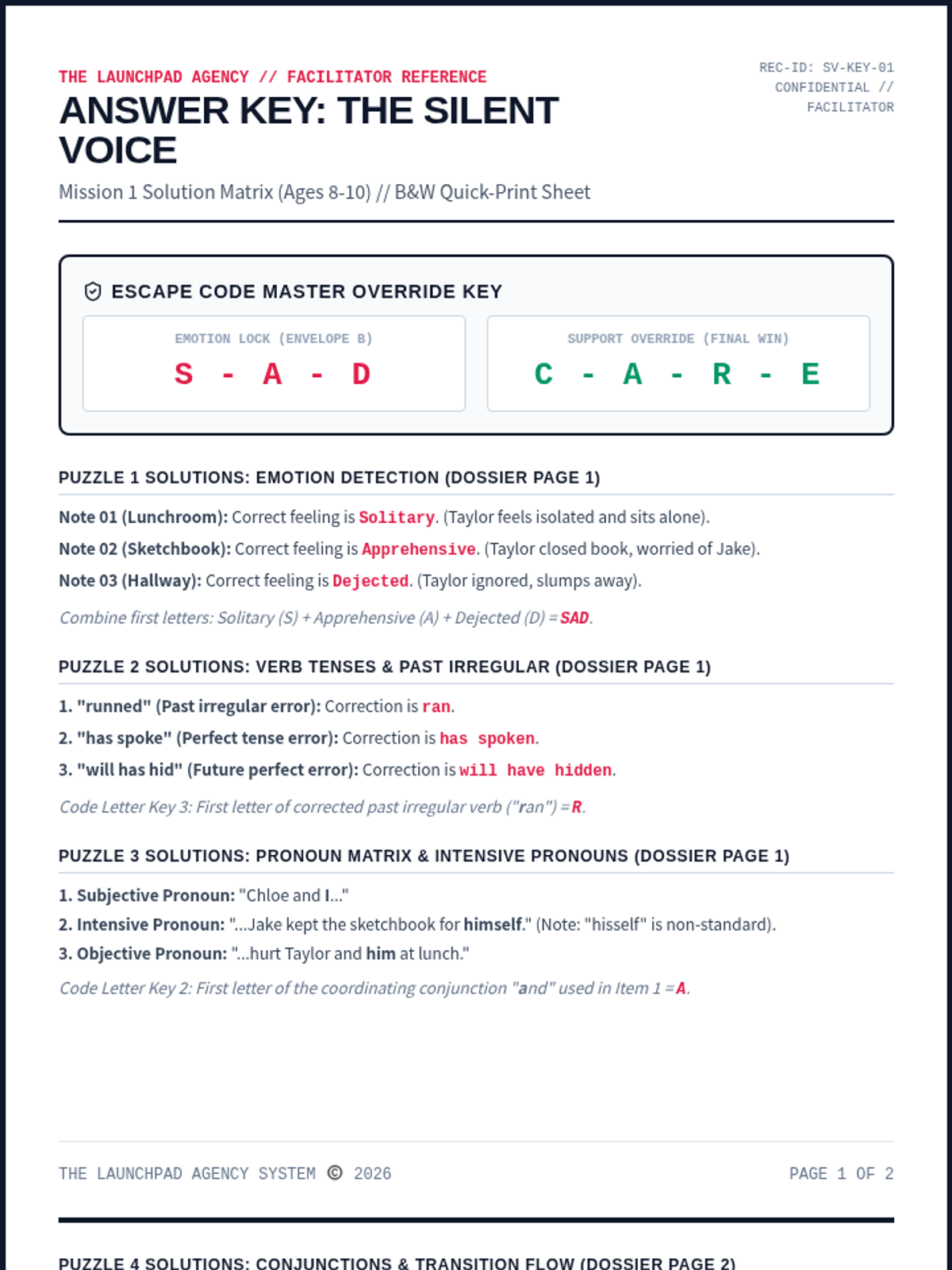
A cooperative social escape room for Ages 8-10 focused on inclusion and empathy. Recruits sort desk messages, build a timeline, and decode perspective cards to support a lonely classmate.
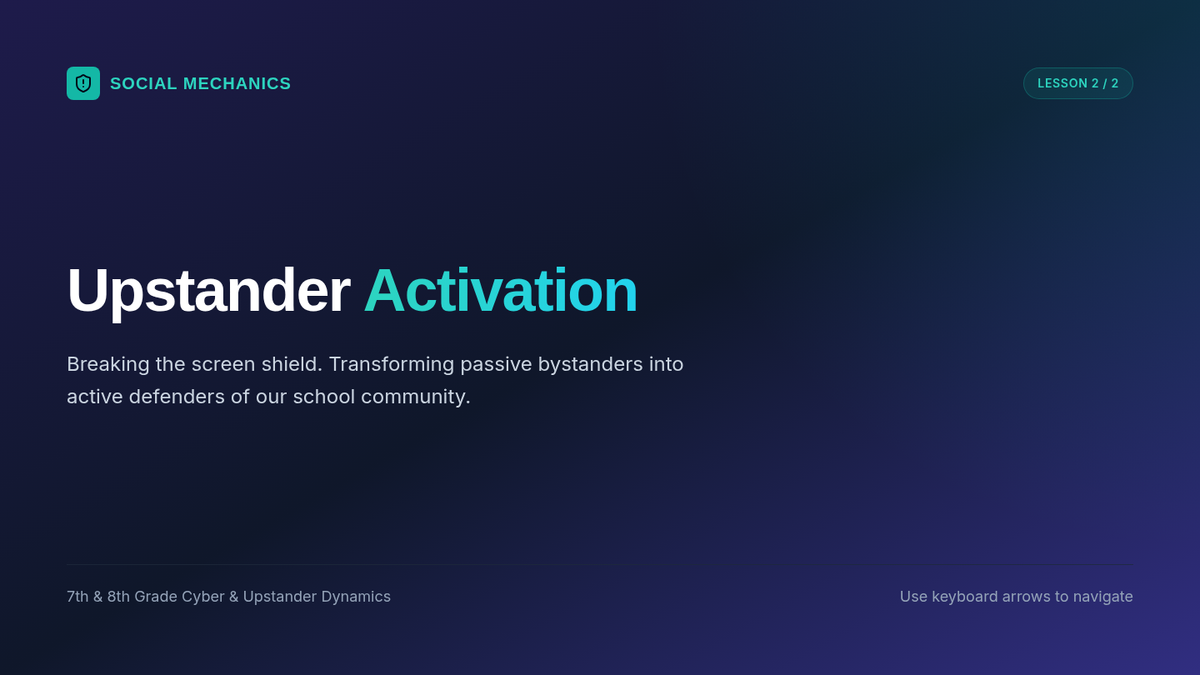
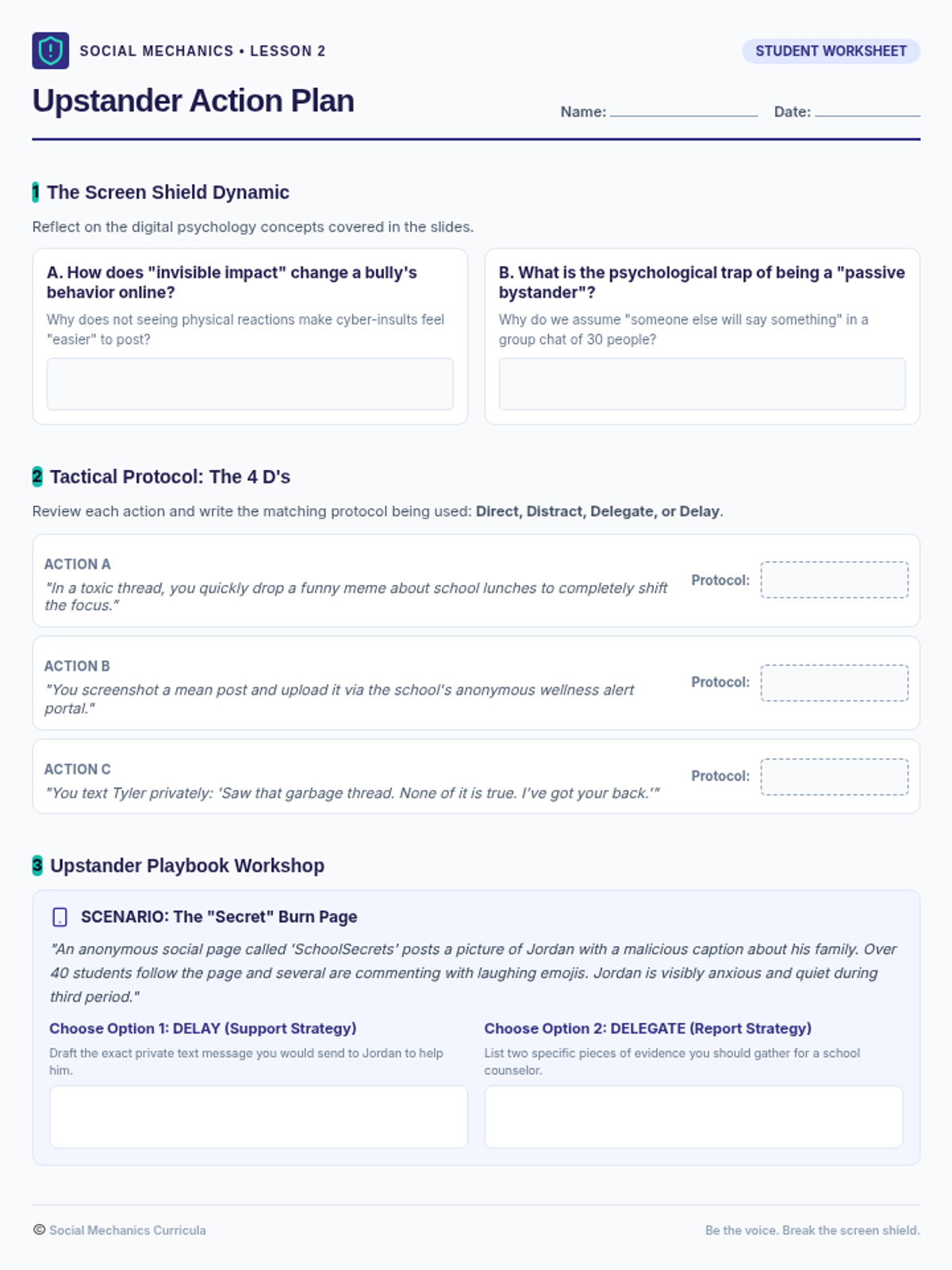
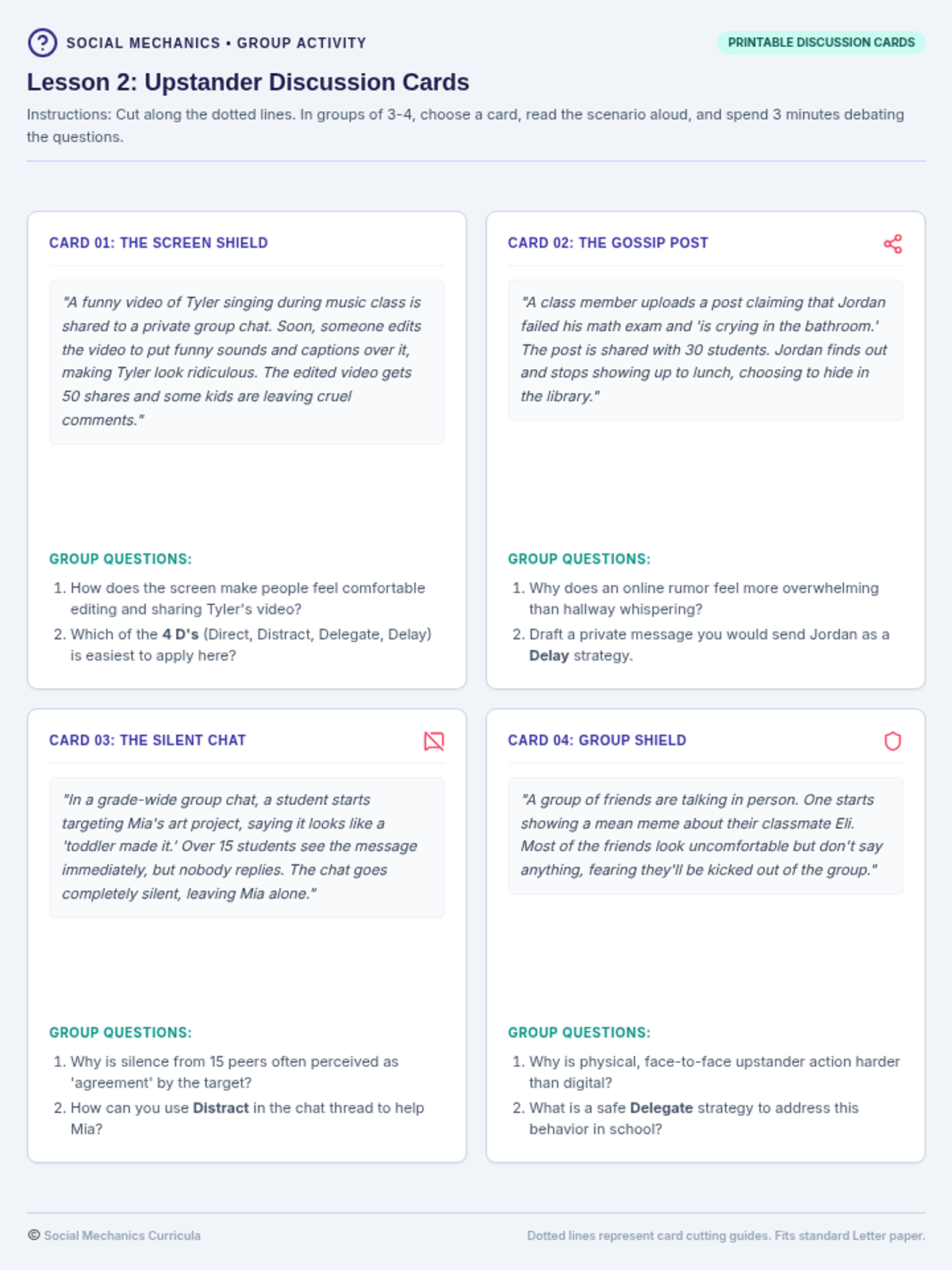
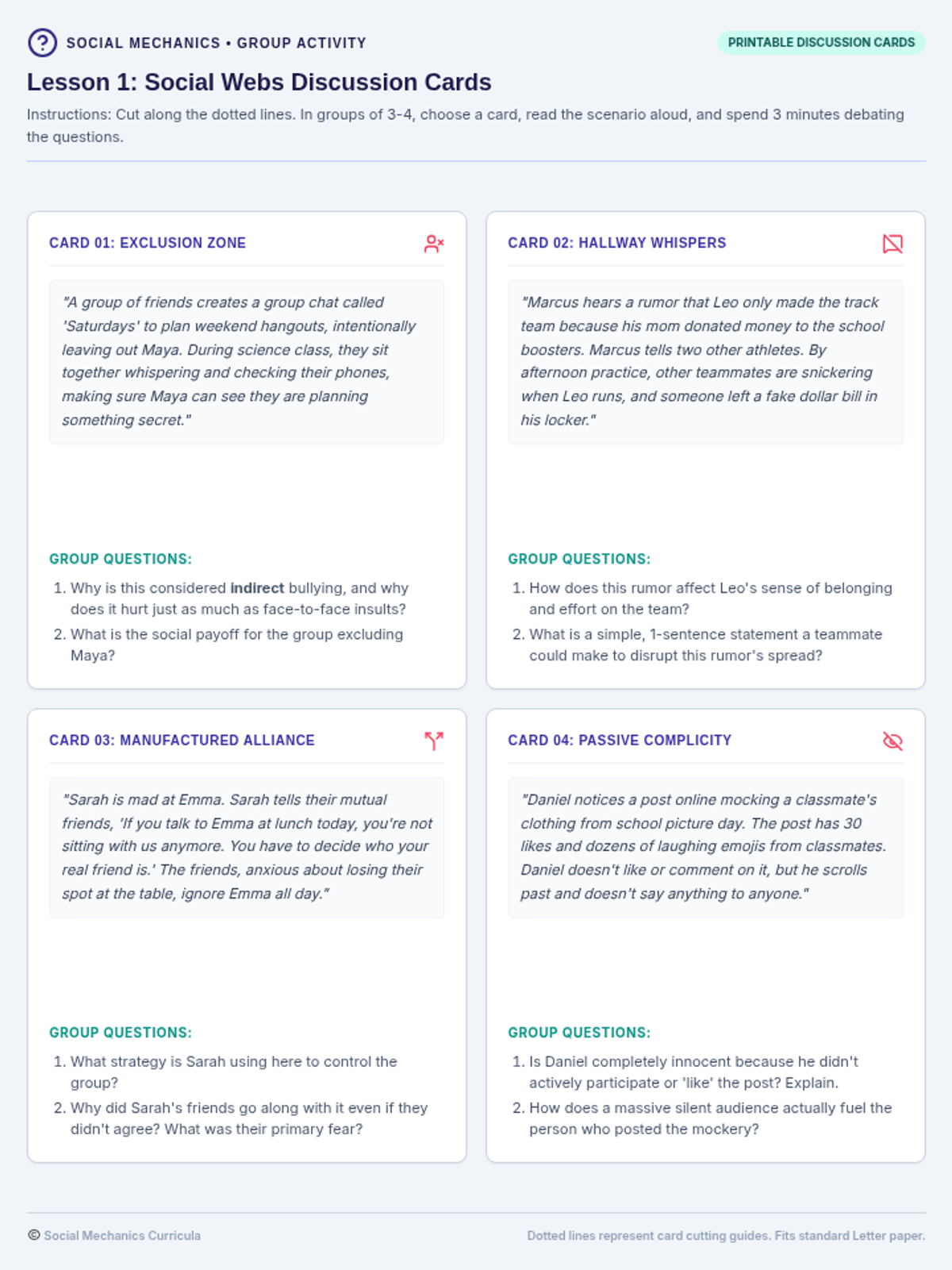
Focuses on the dynamics of cyberbullying, social media responsibility, and the critical transition from silent bystander to proactive upstander.
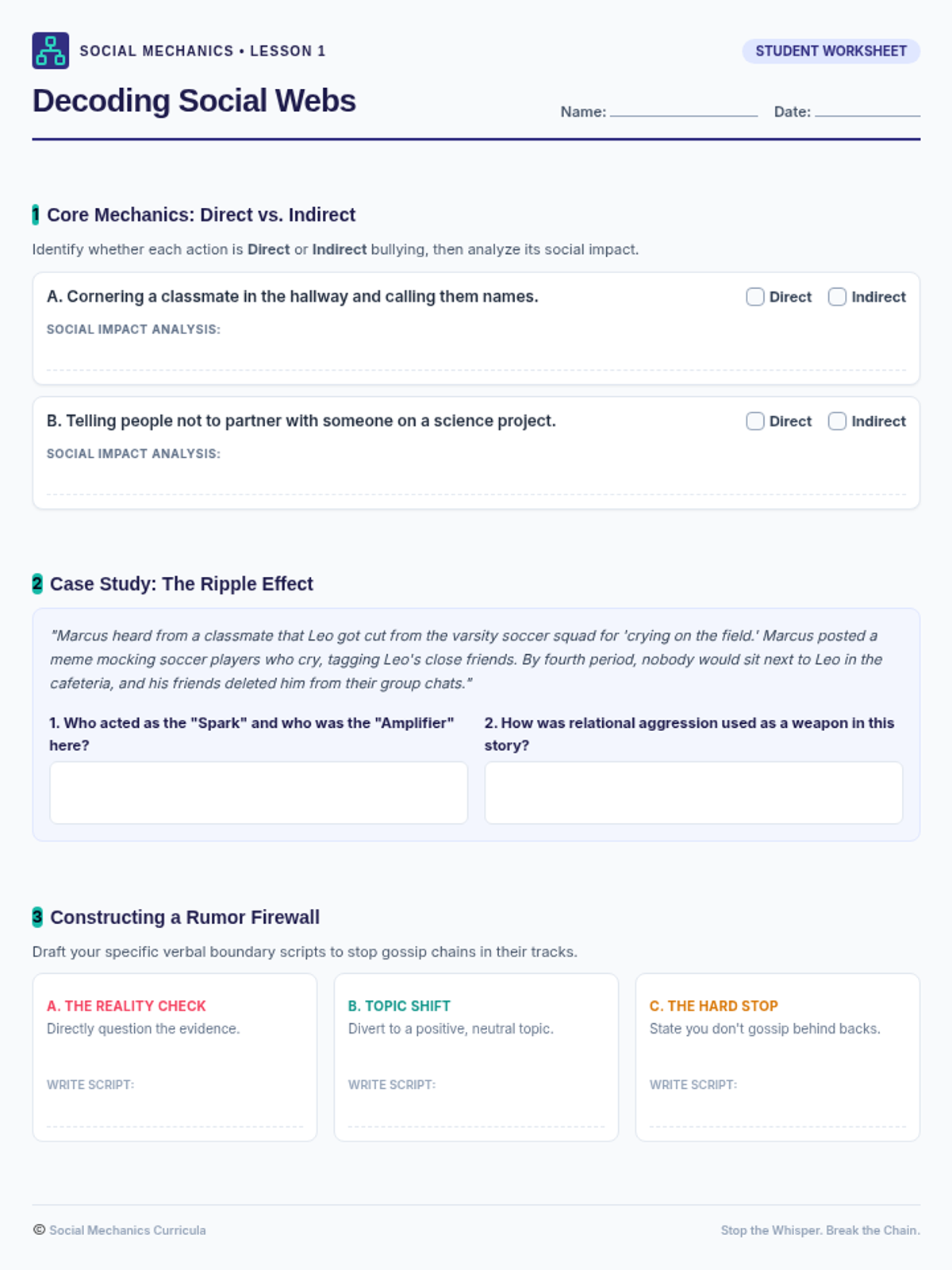
Focuses on identifying direct vs. indirect bullying, recognizing relational aggression and rumors, and understanding how these behaviors impact middle school communities in person and online.
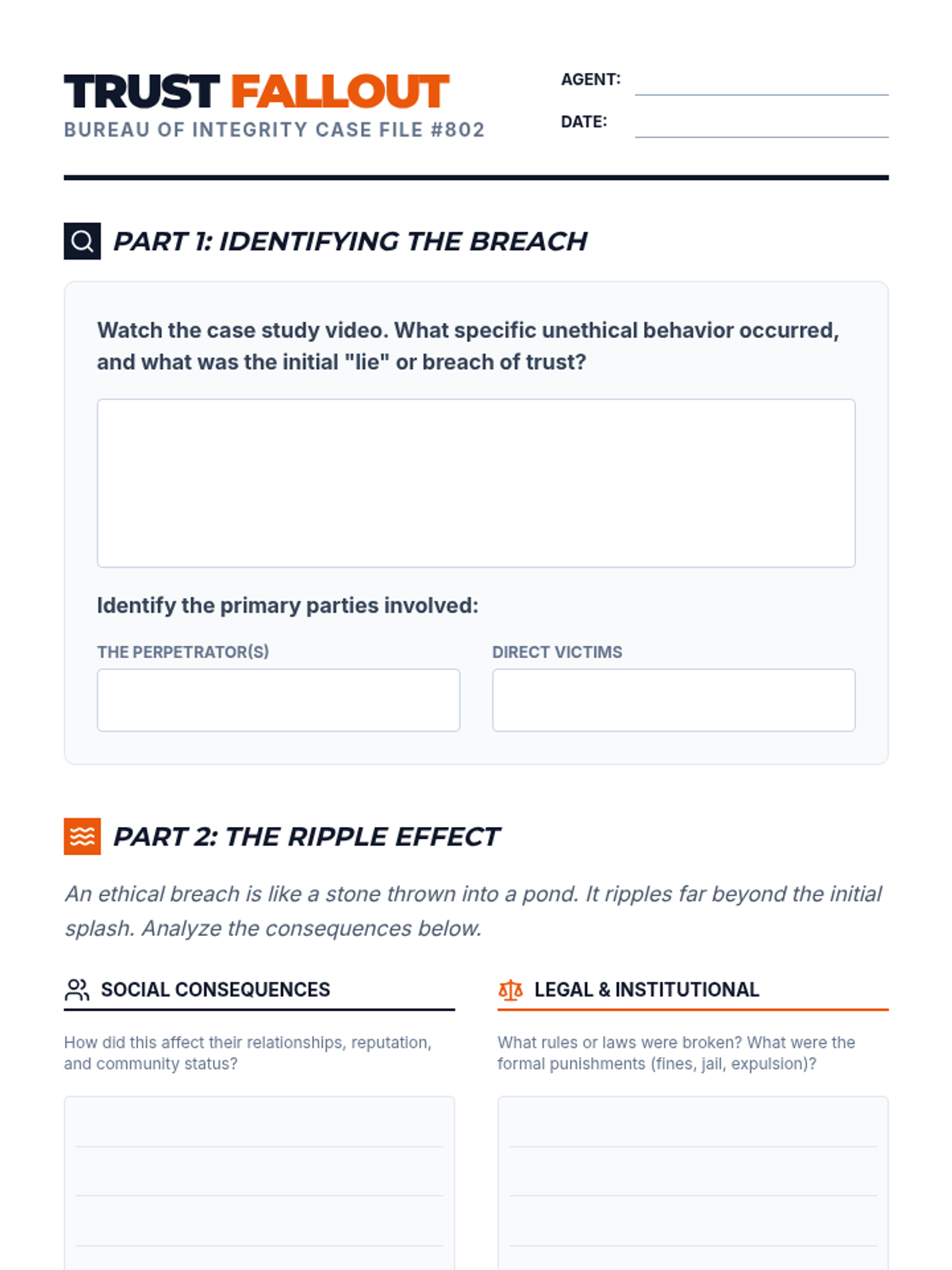
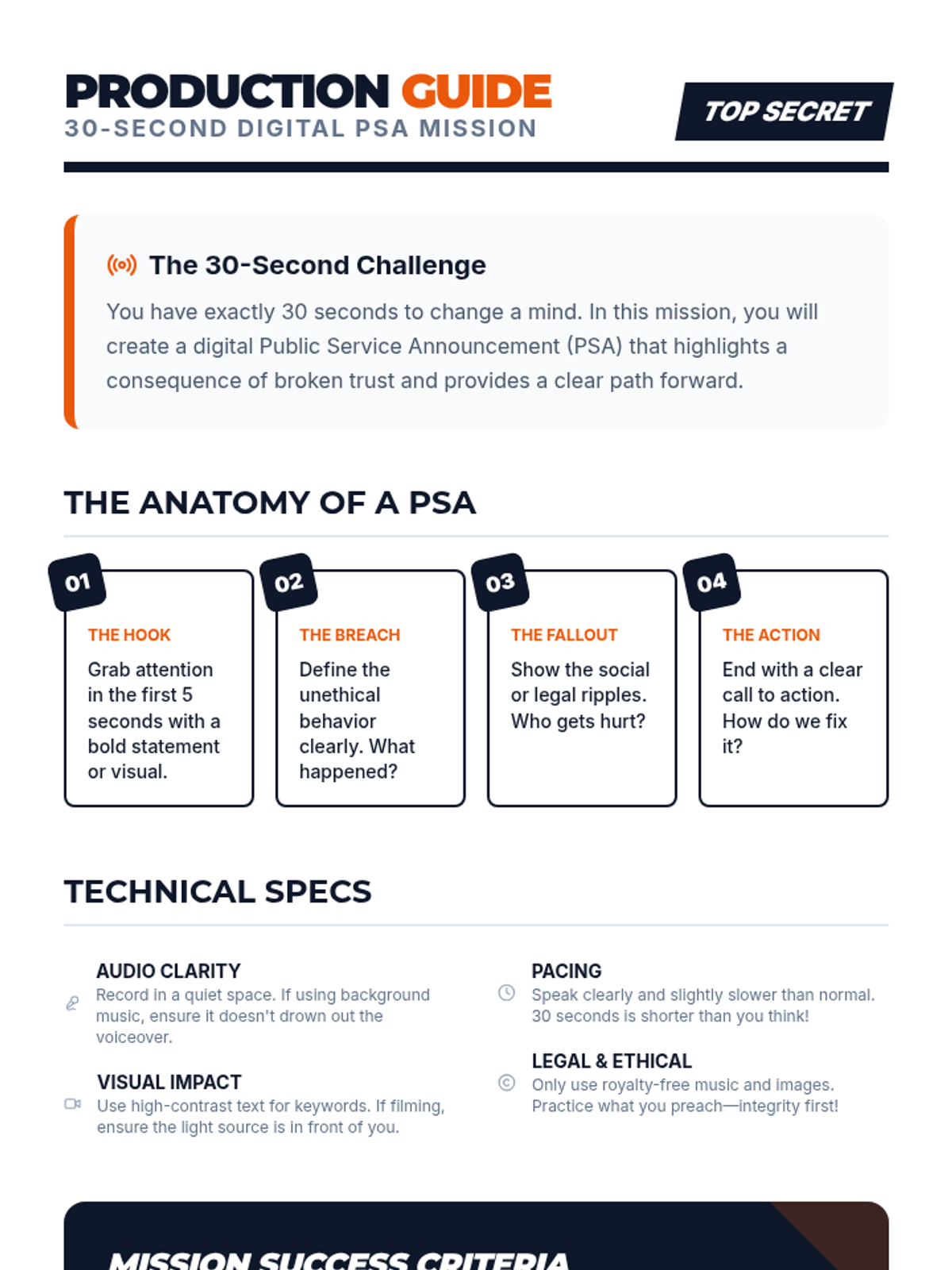
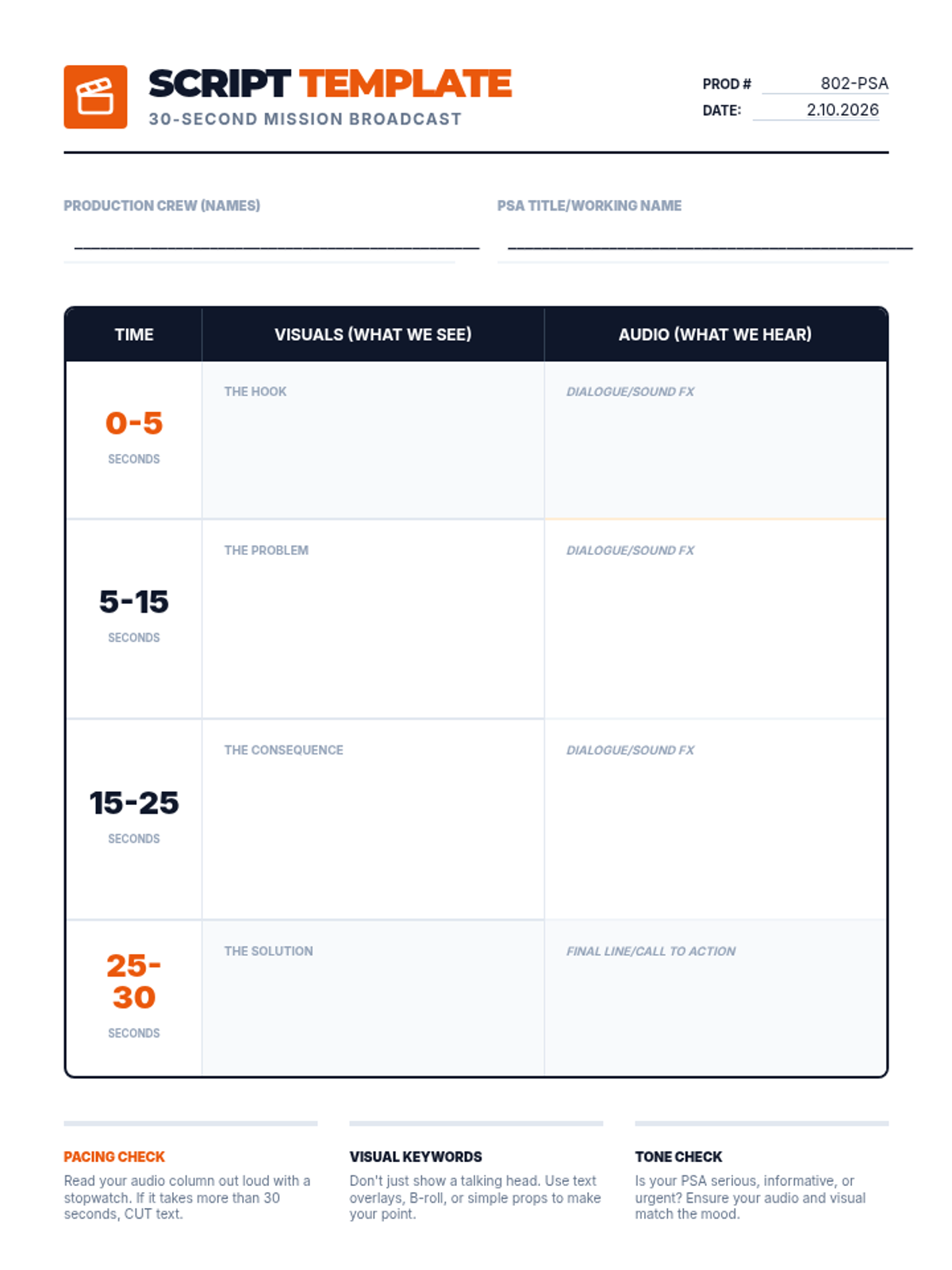
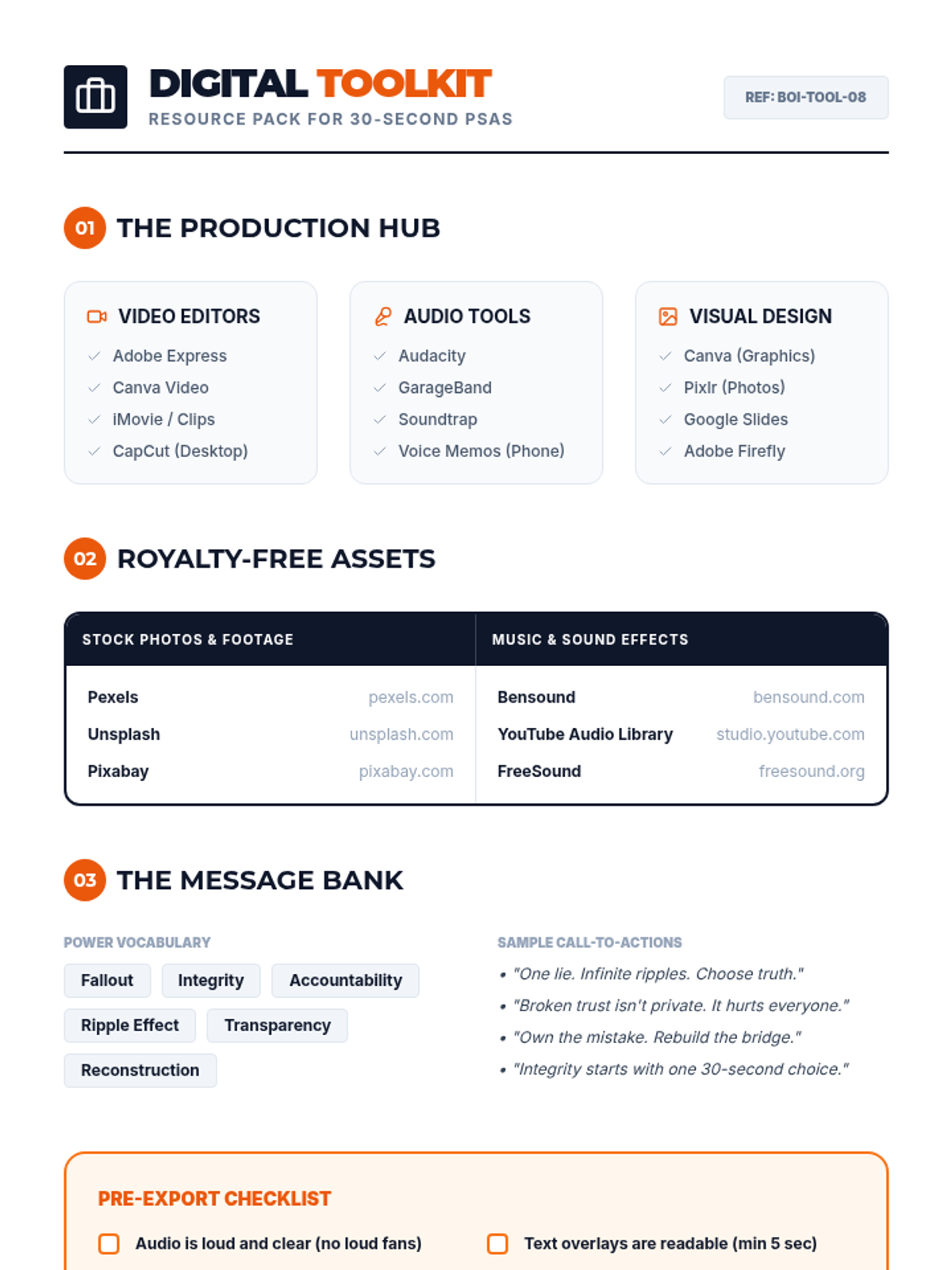
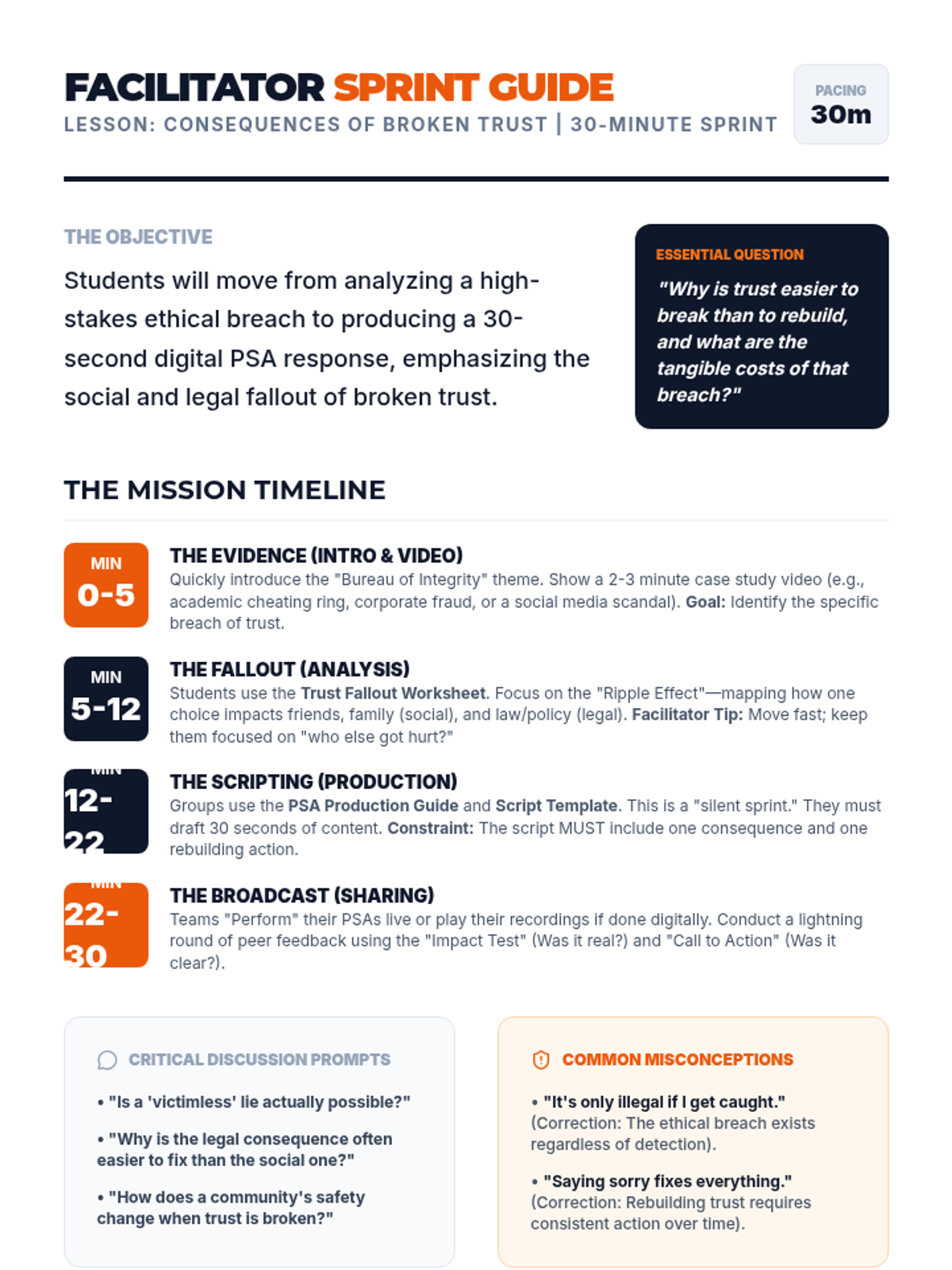
An intensive 30-minute exploration of the social and legal ripples of unethical behavior, culminating in the creation of 30-second digital PSAs to promote integrity.
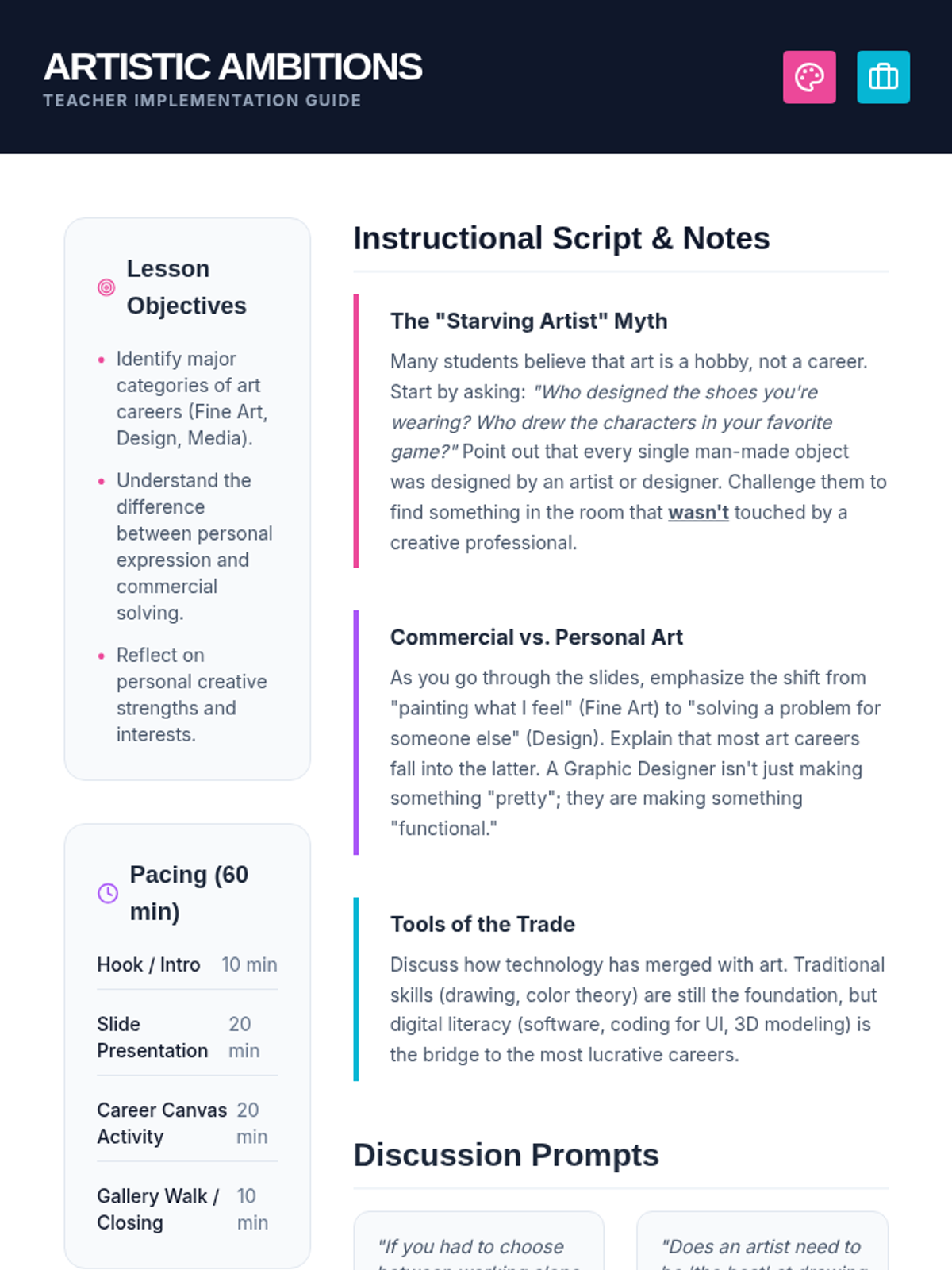
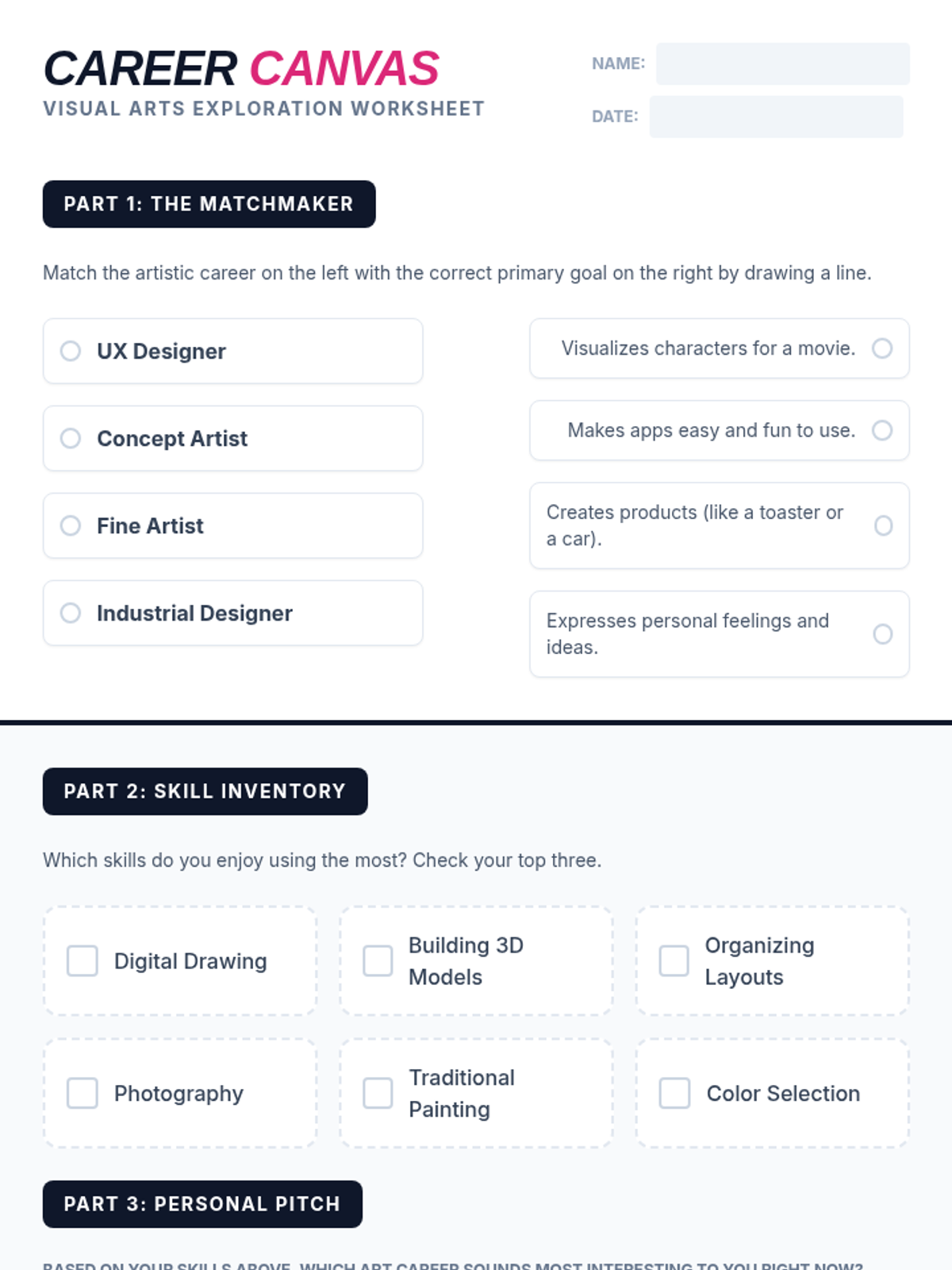
A comprehensive lesson exploring the diverse range of professional paths within the visual arts, from traditional fine arts to digital design and commercial industries.
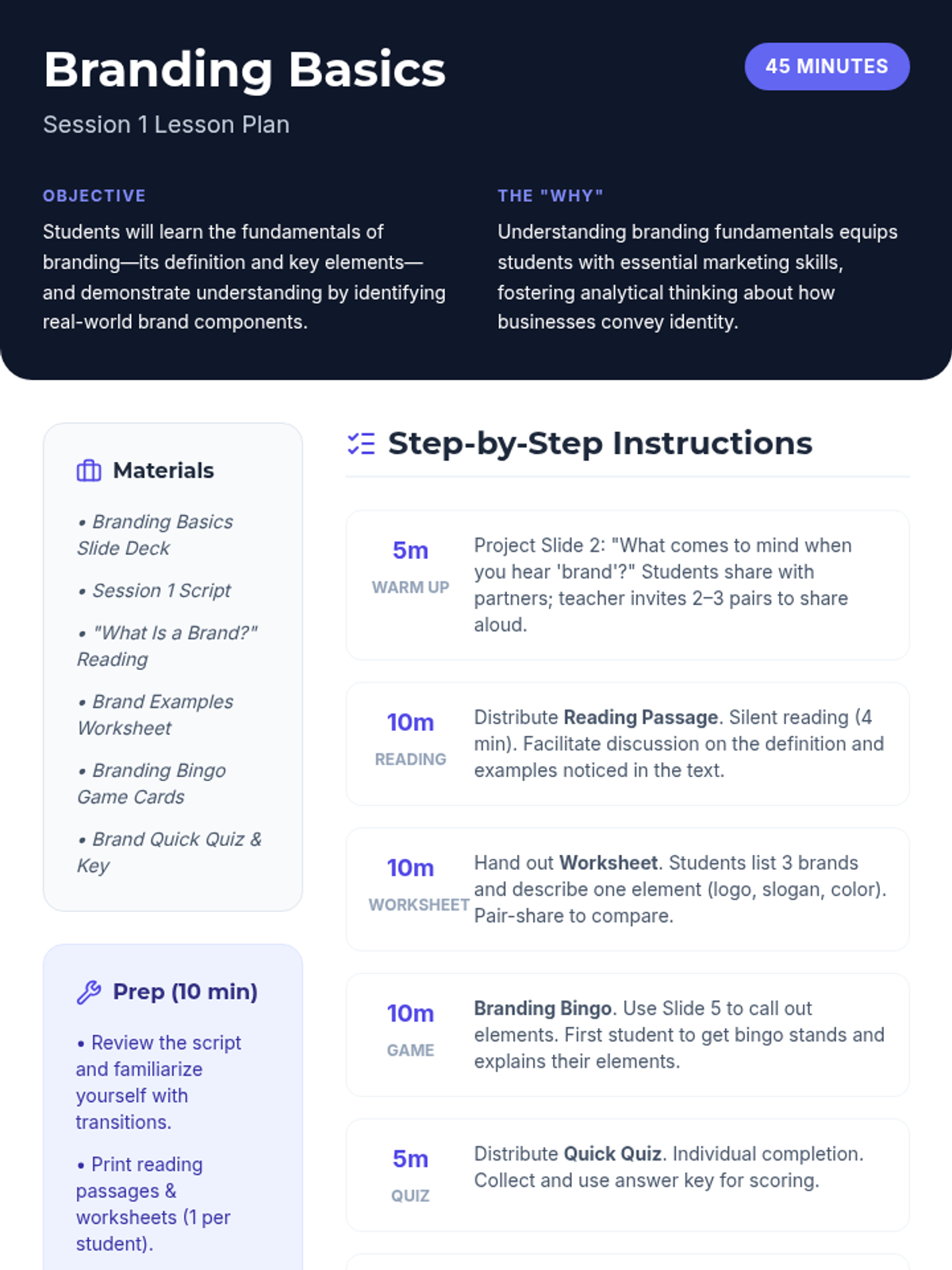
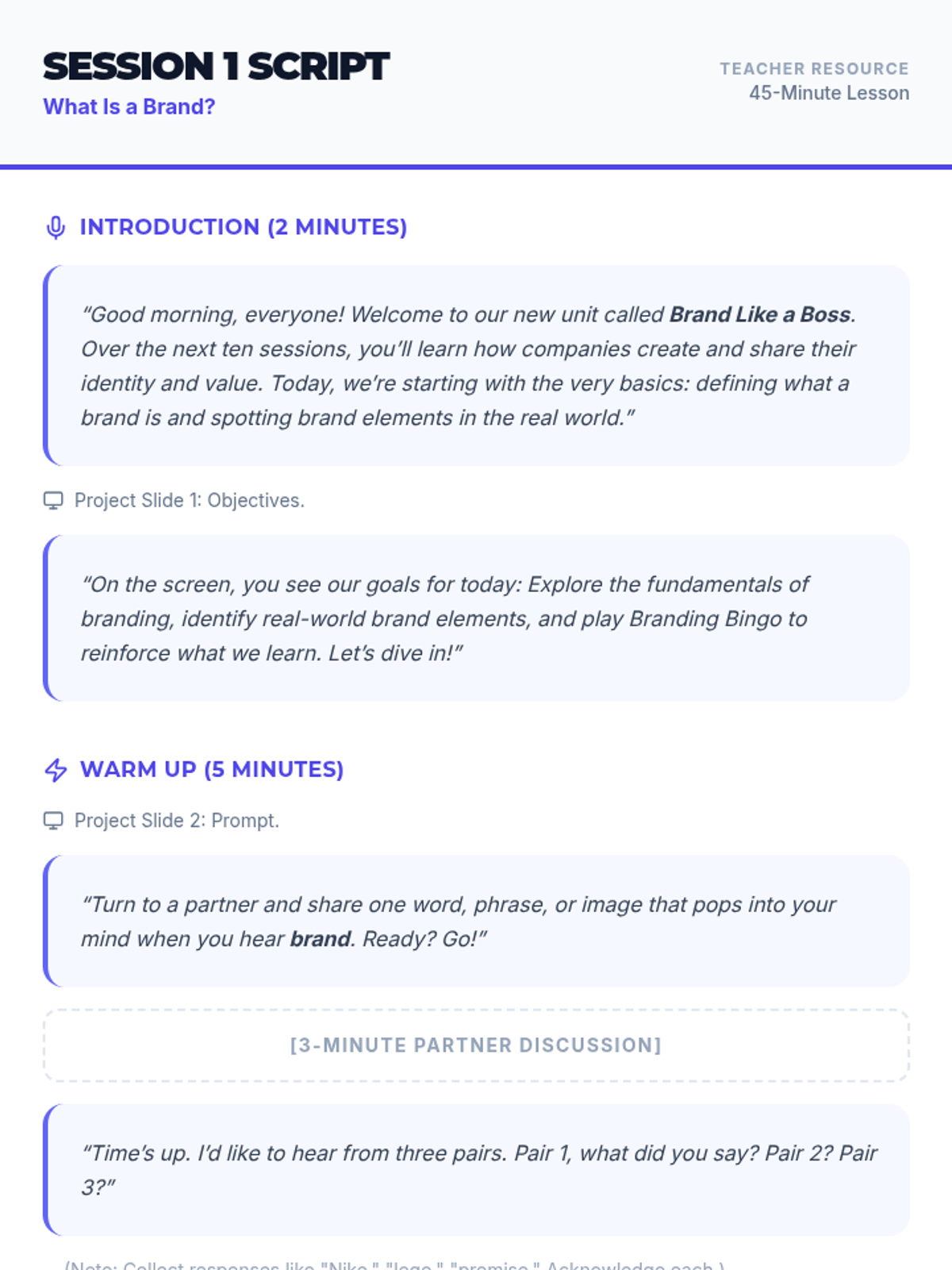
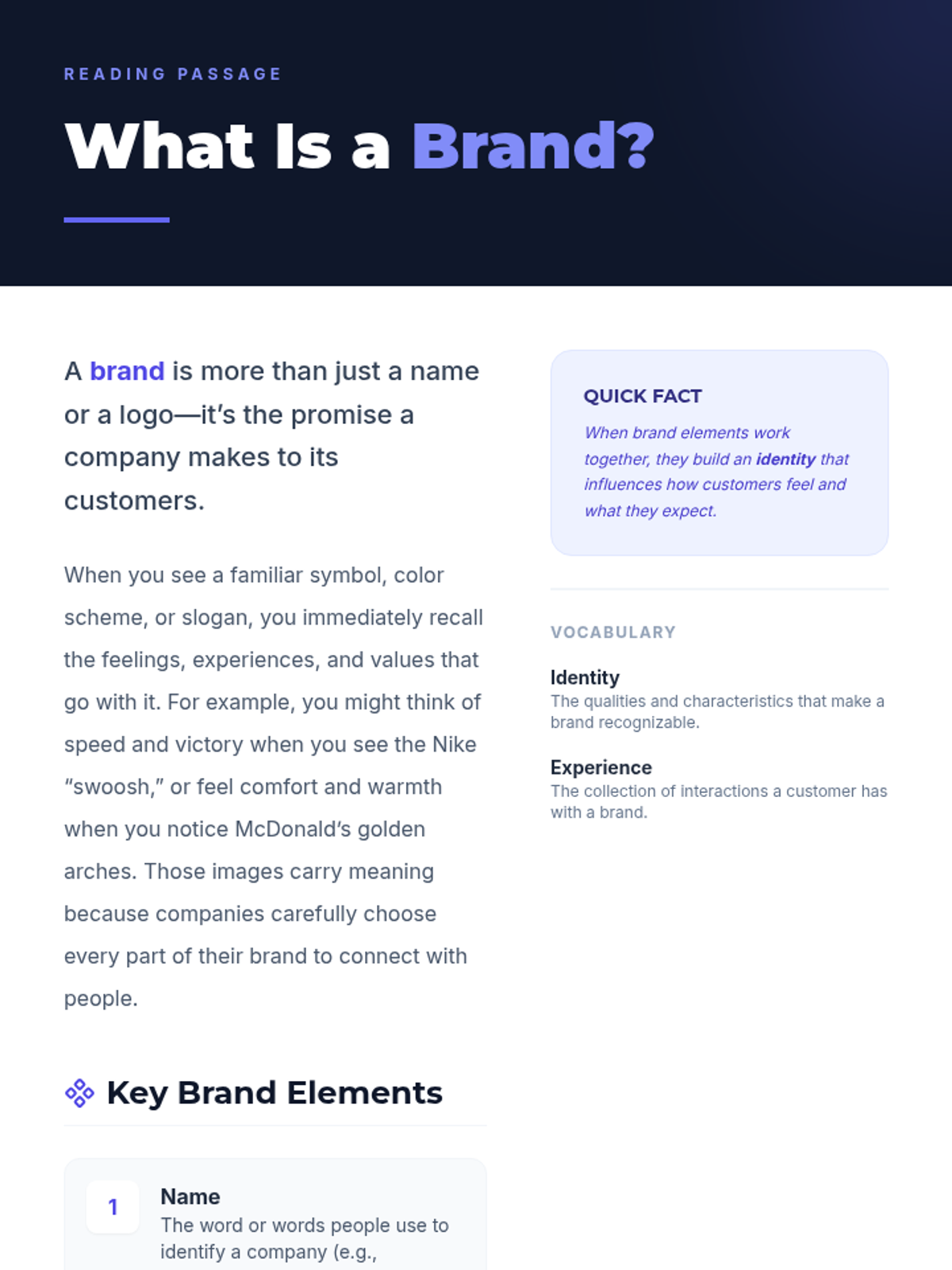
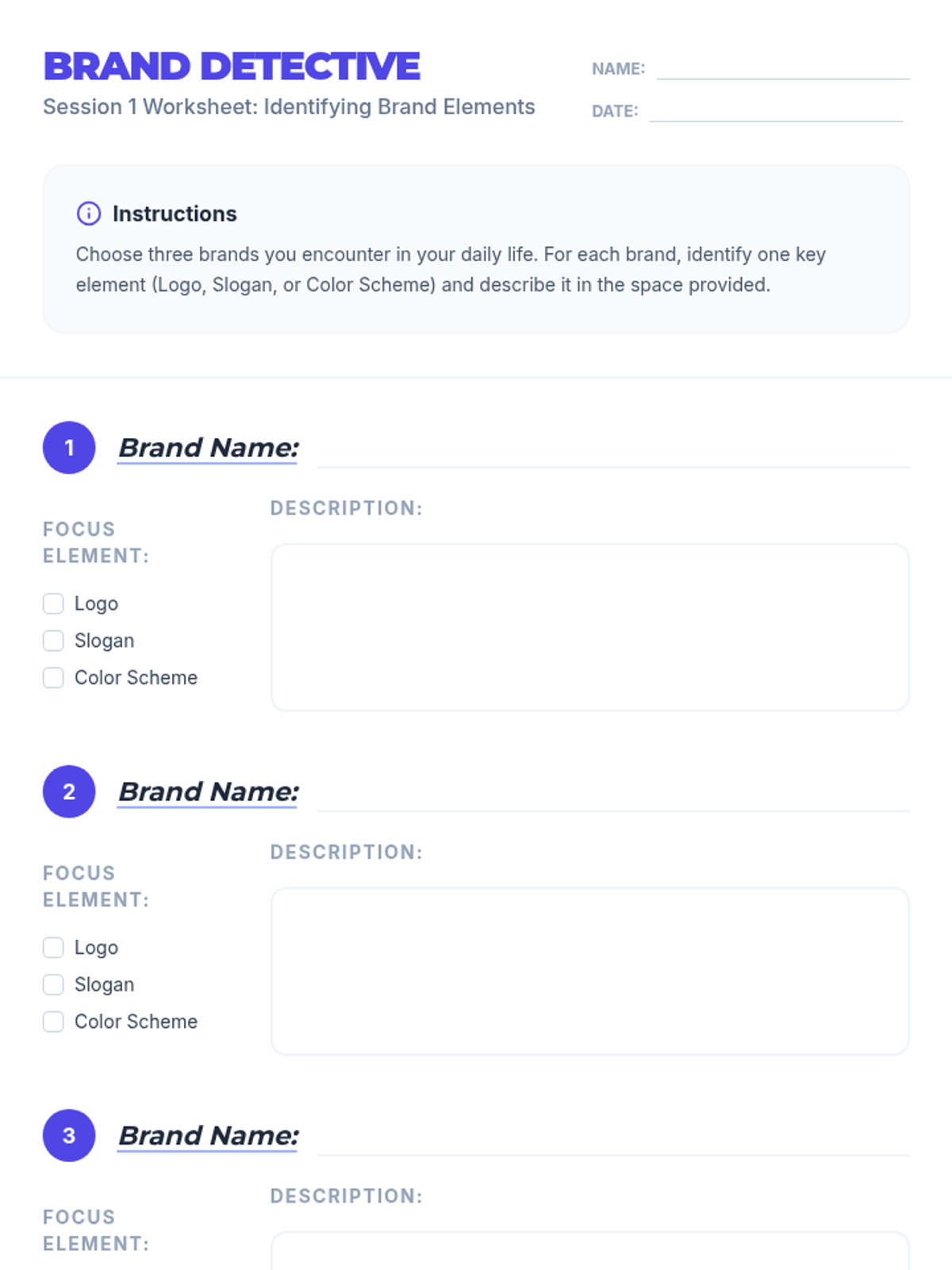
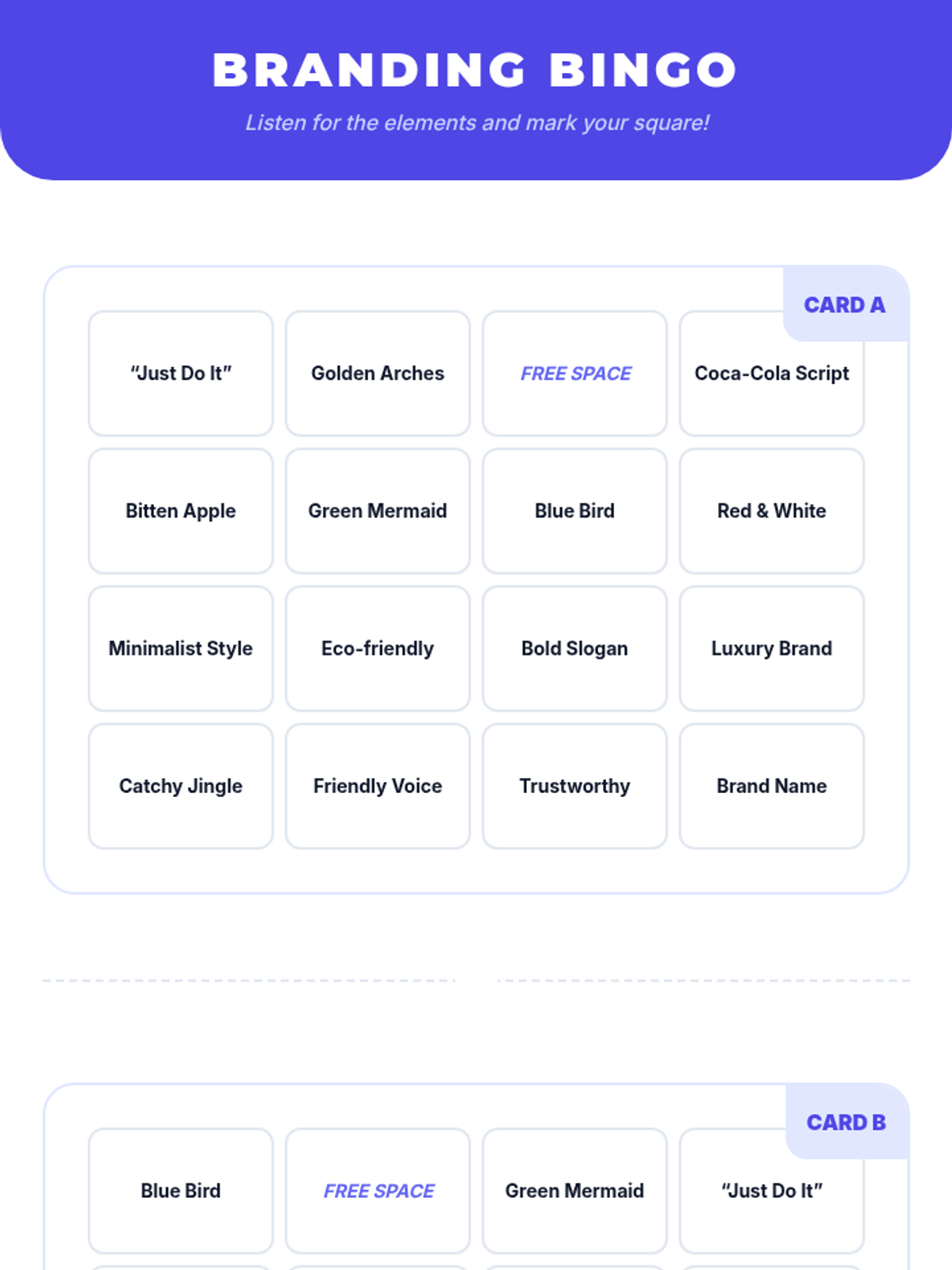
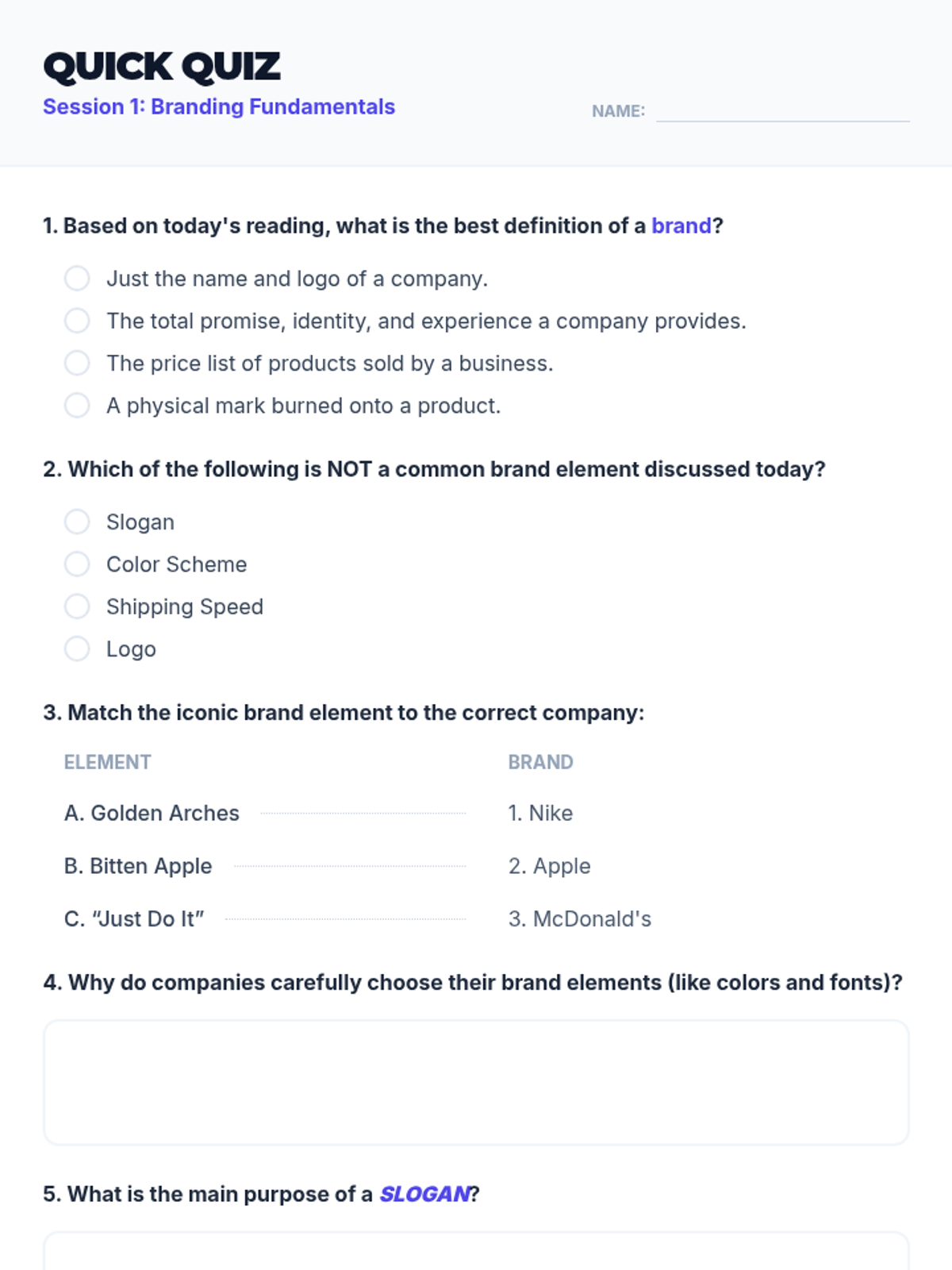
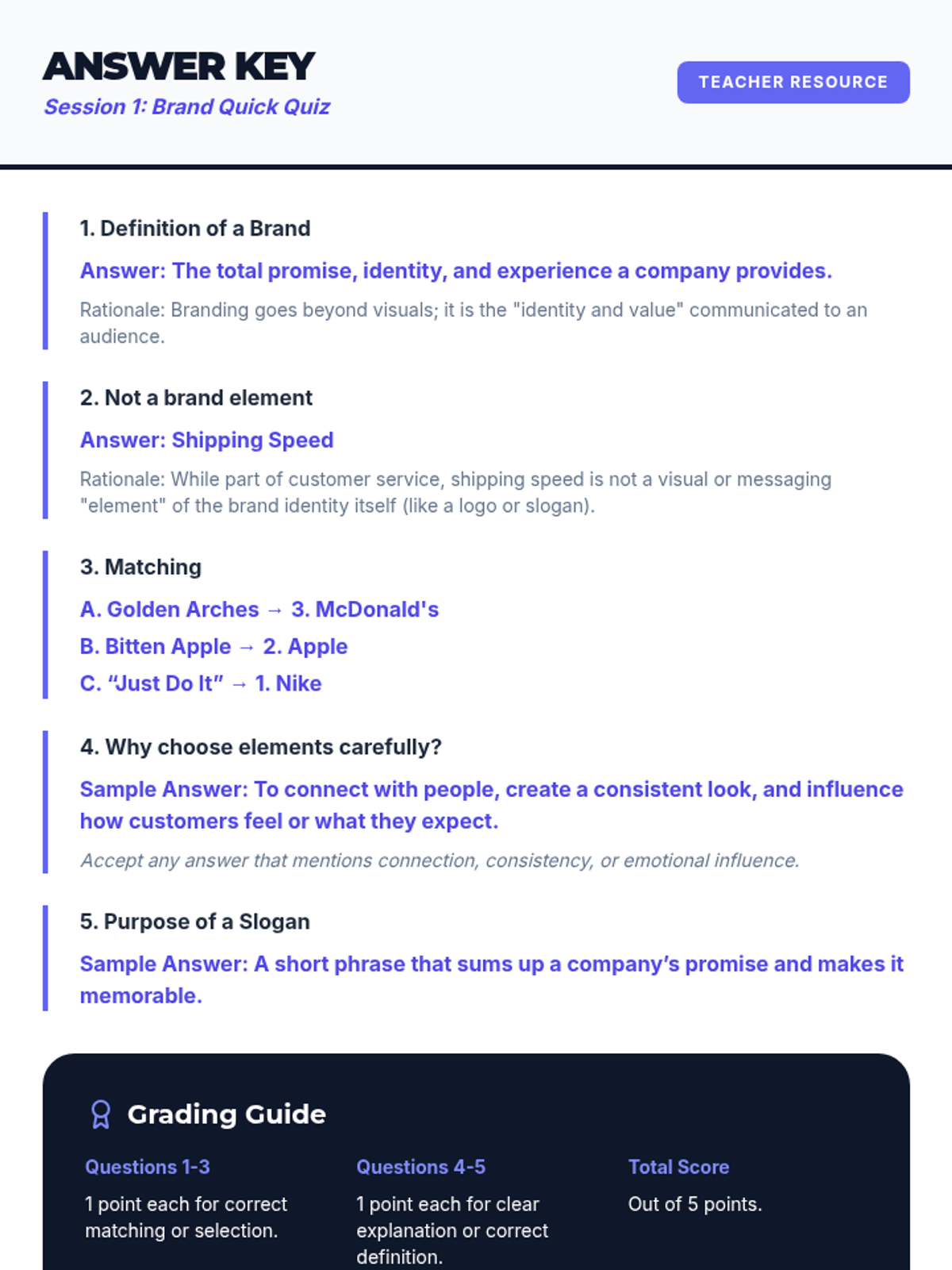
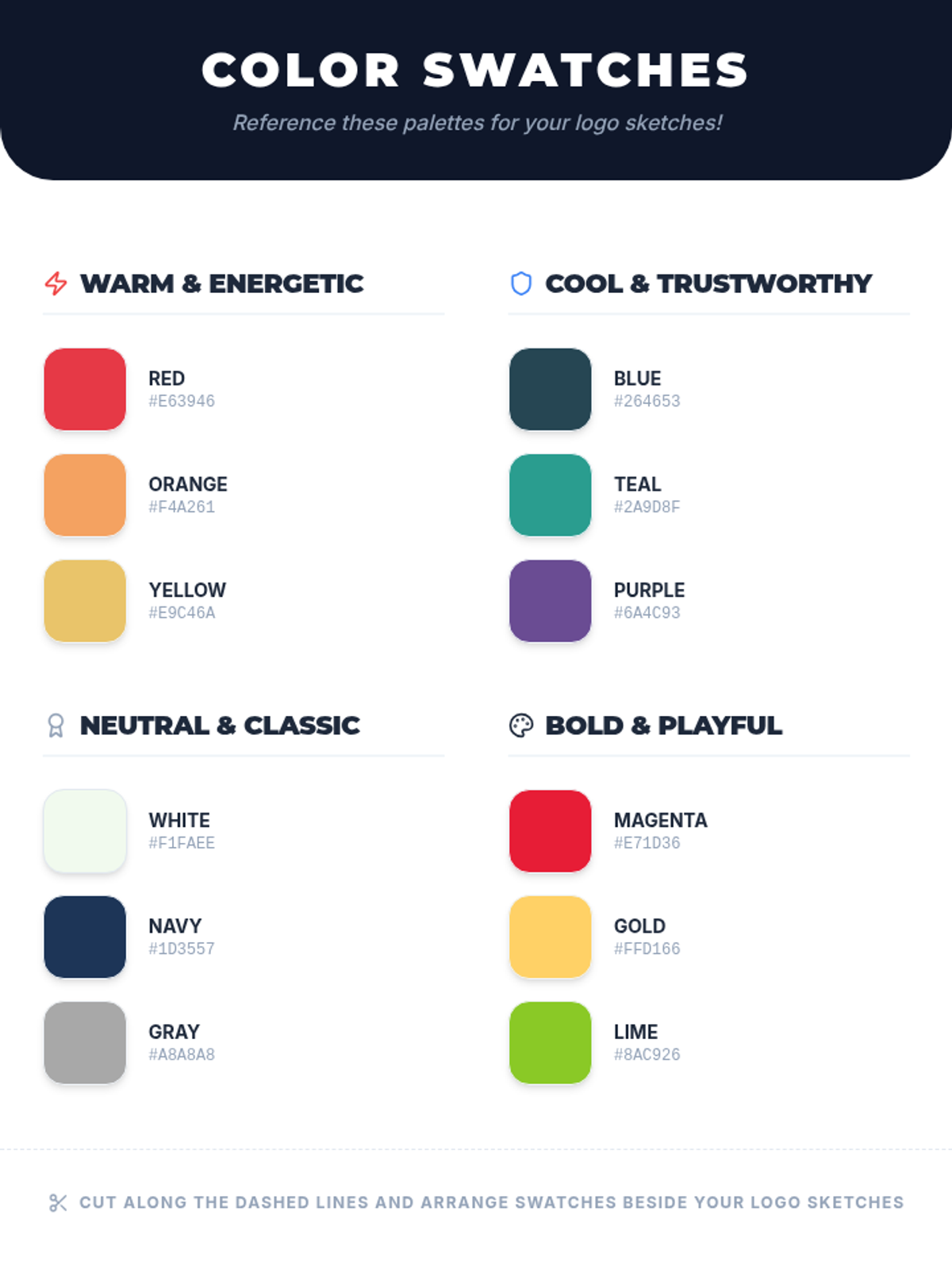
An introductory session defining what a brand is and identifying real-world brand elements through reading and interactive games.
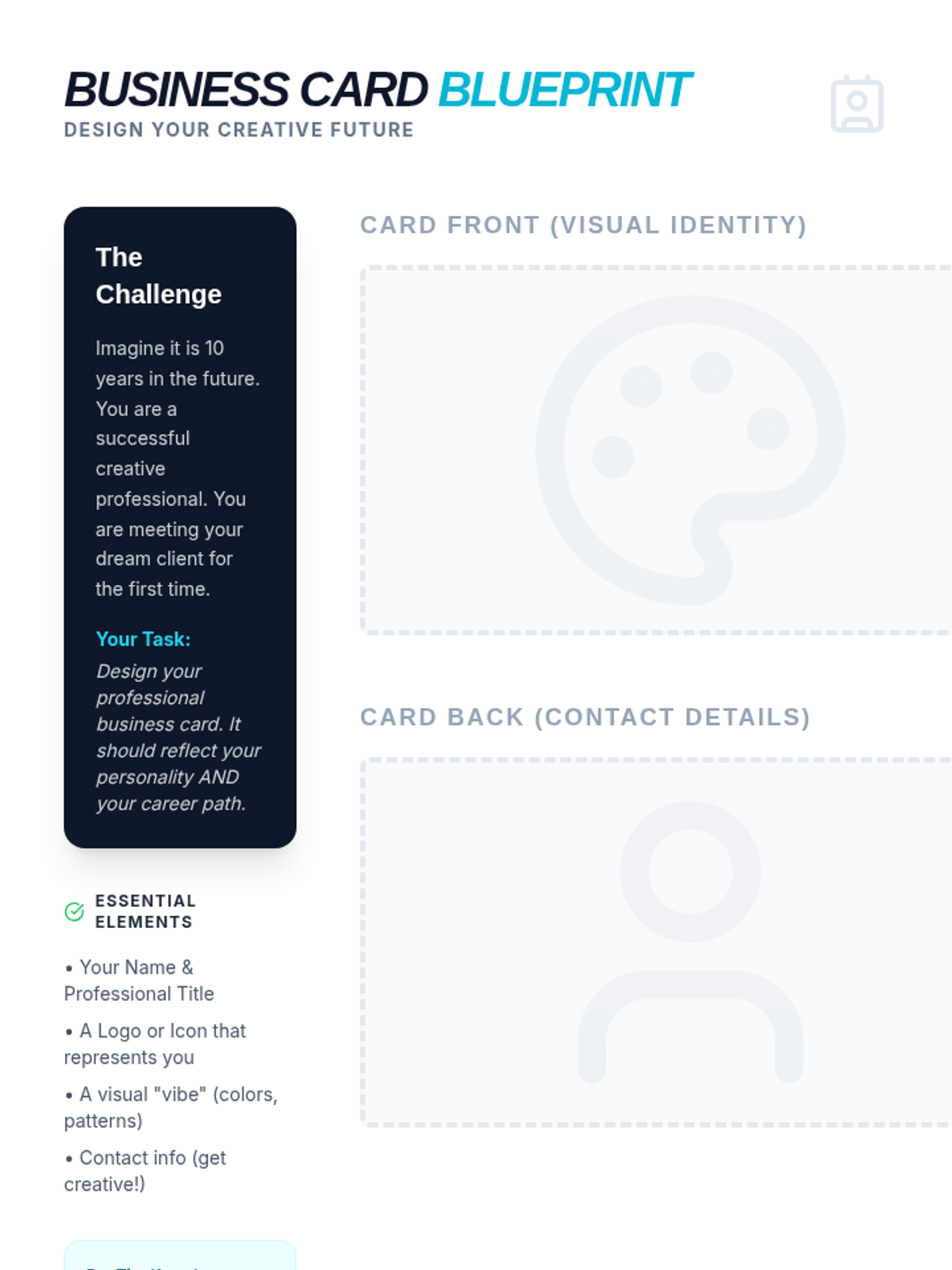
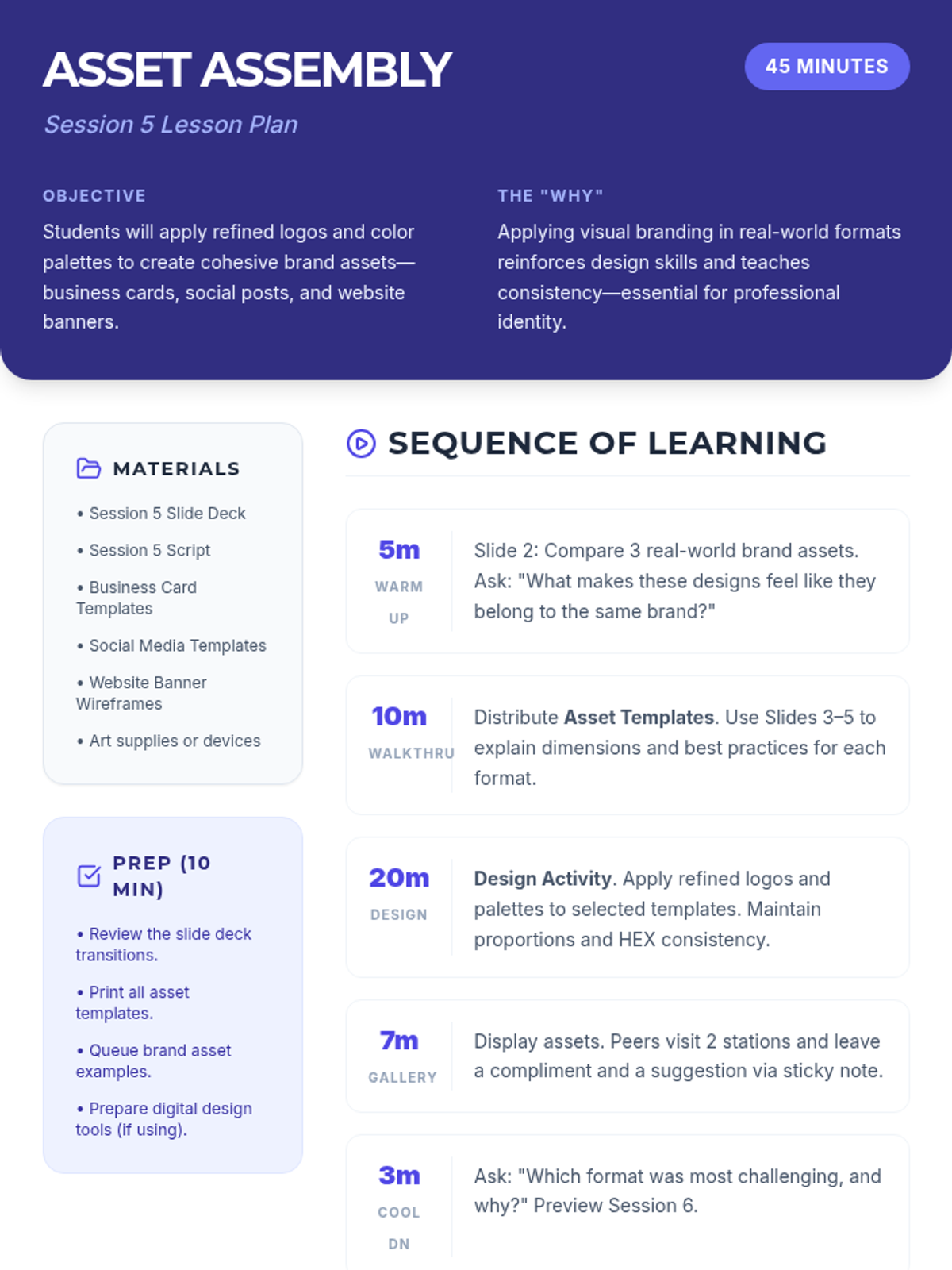
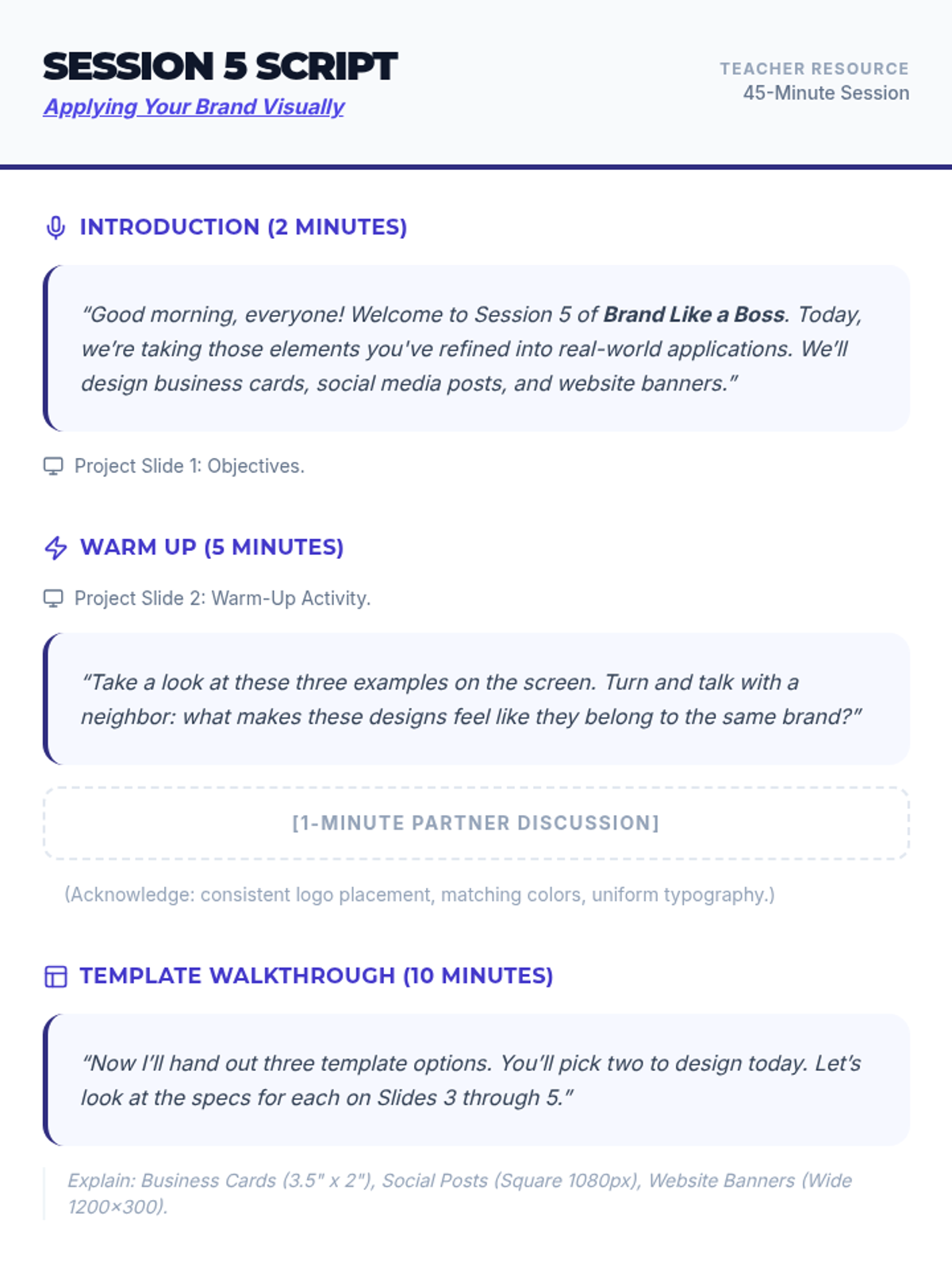
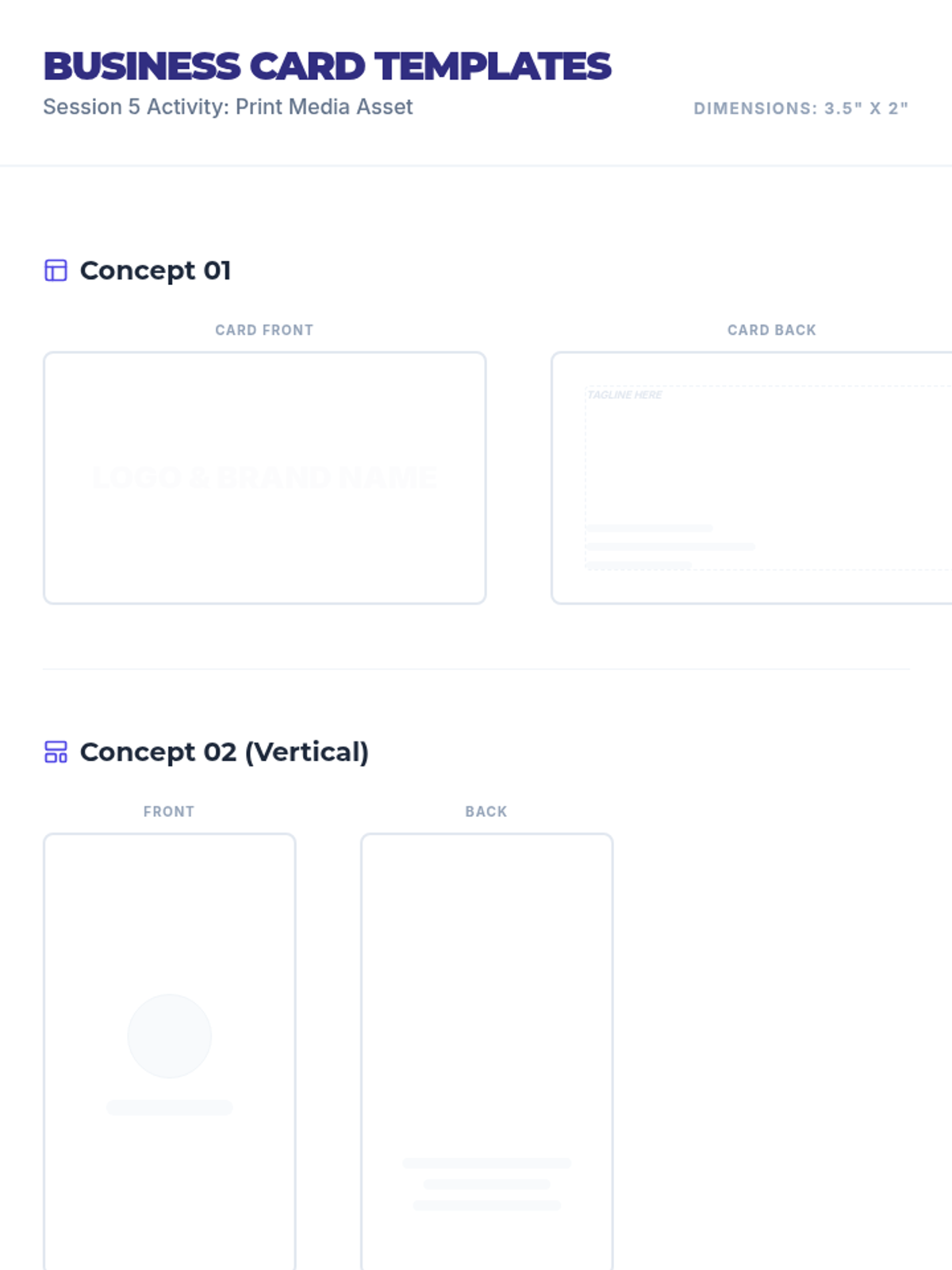
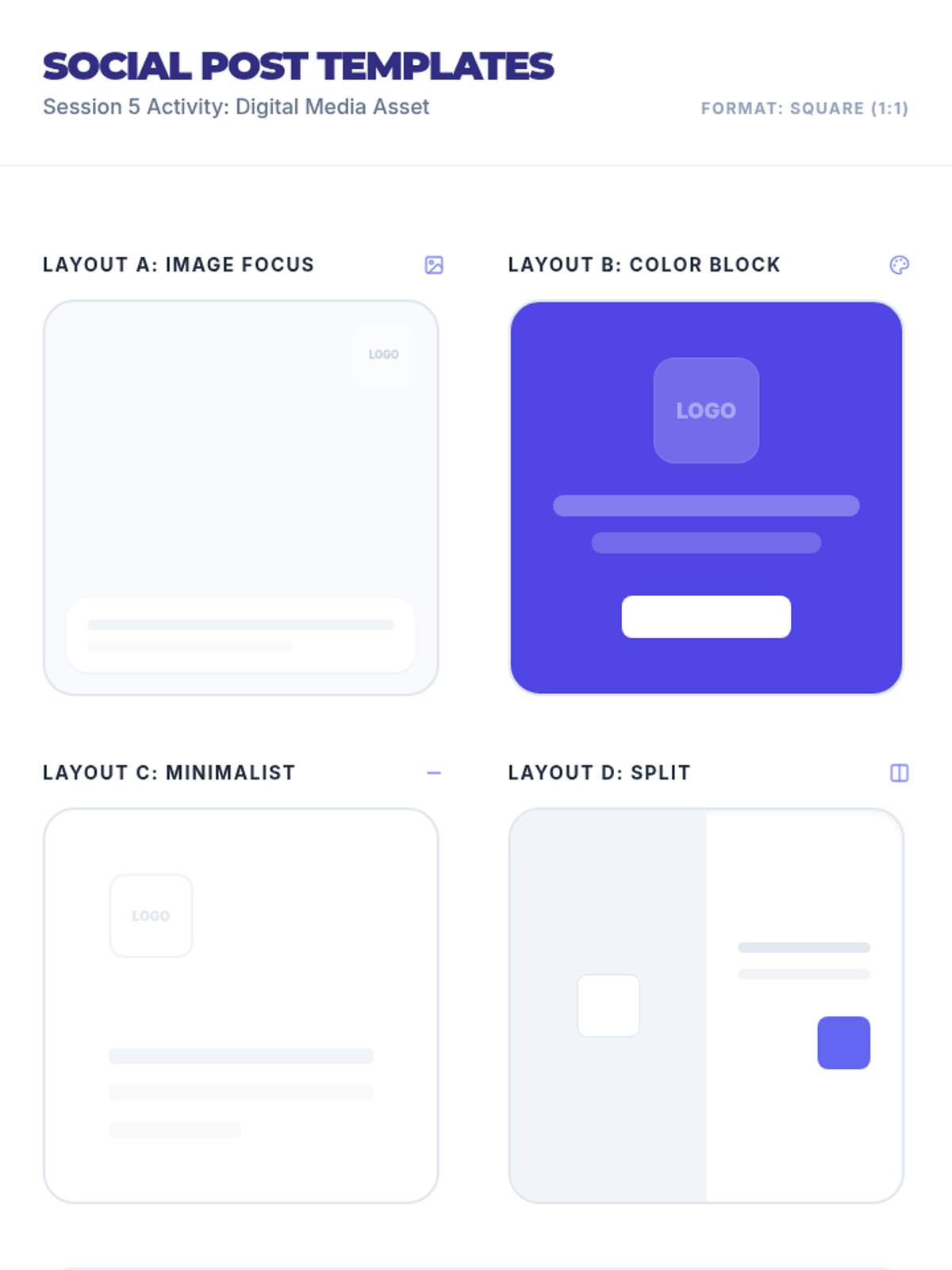
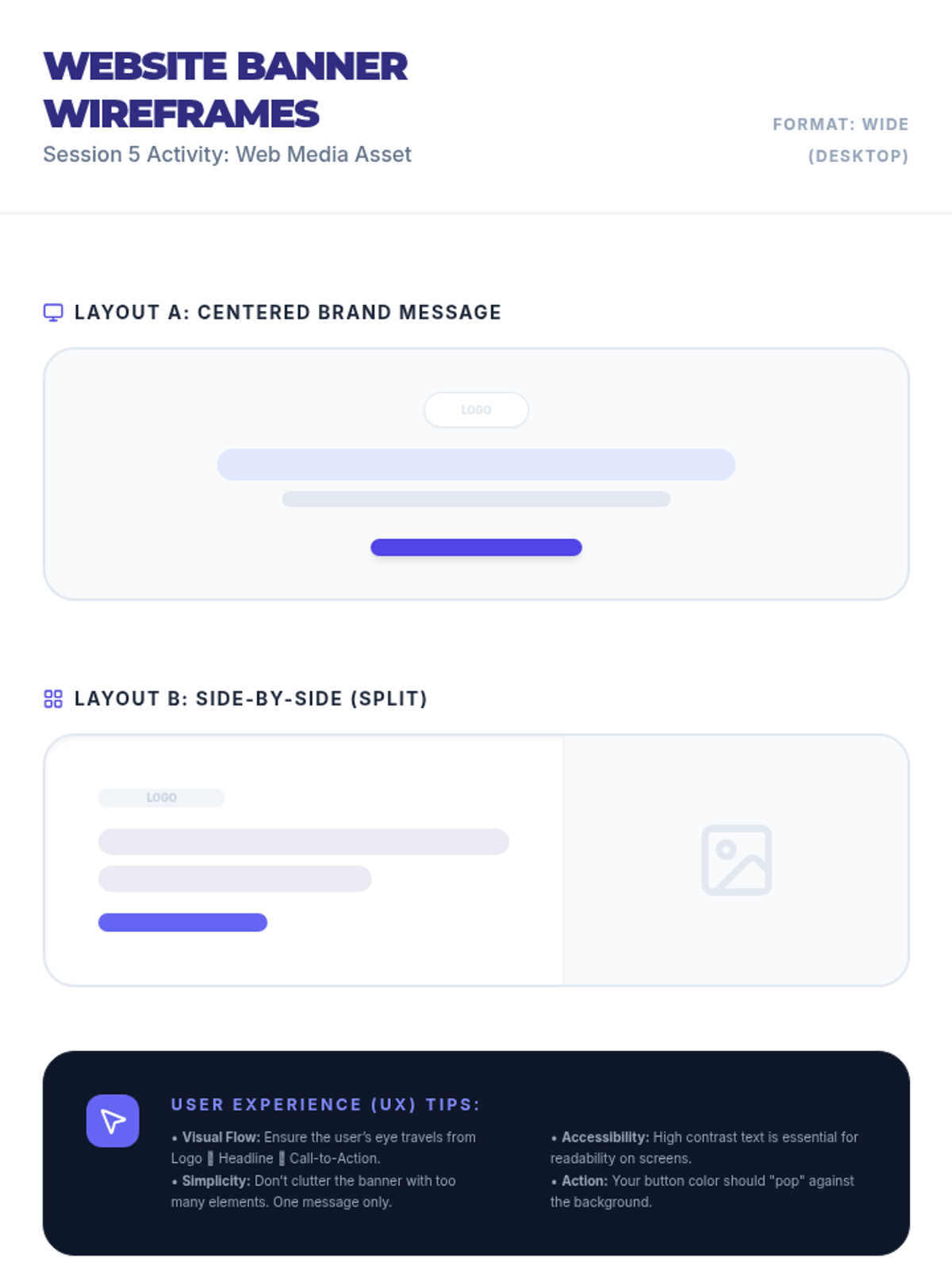
Students apply their branding to real-world assets like business cards, social media posts, and website banners.
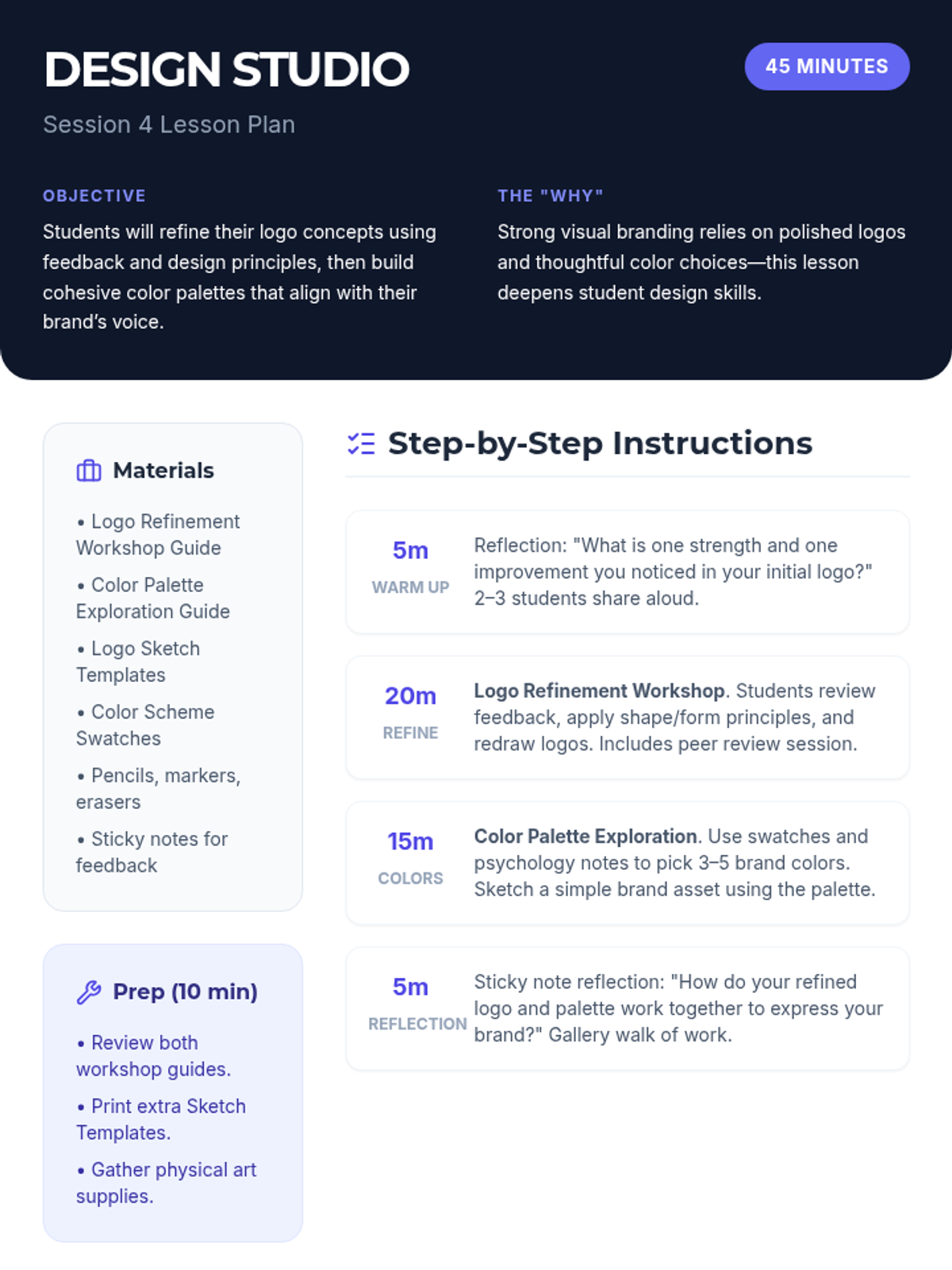
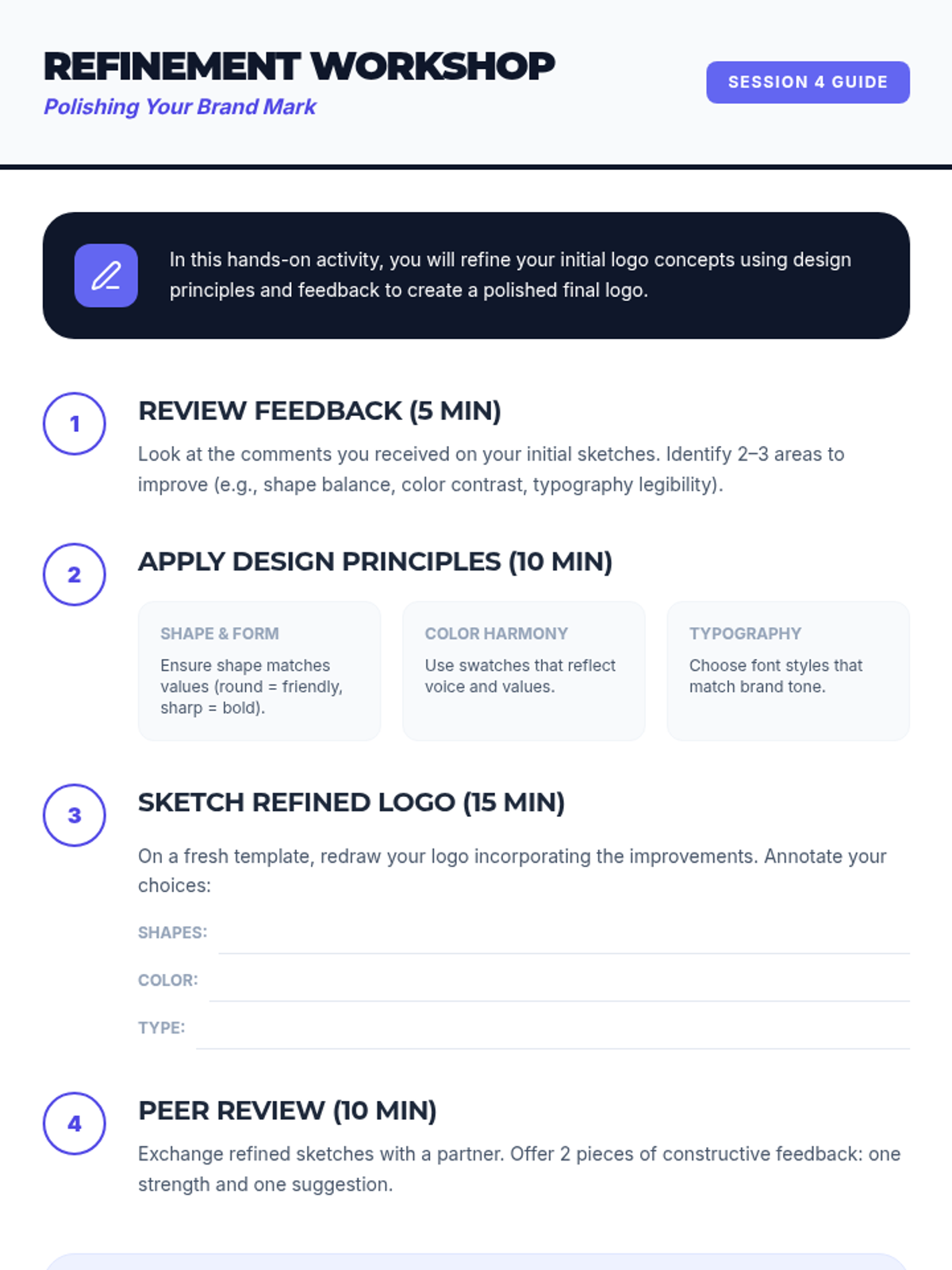
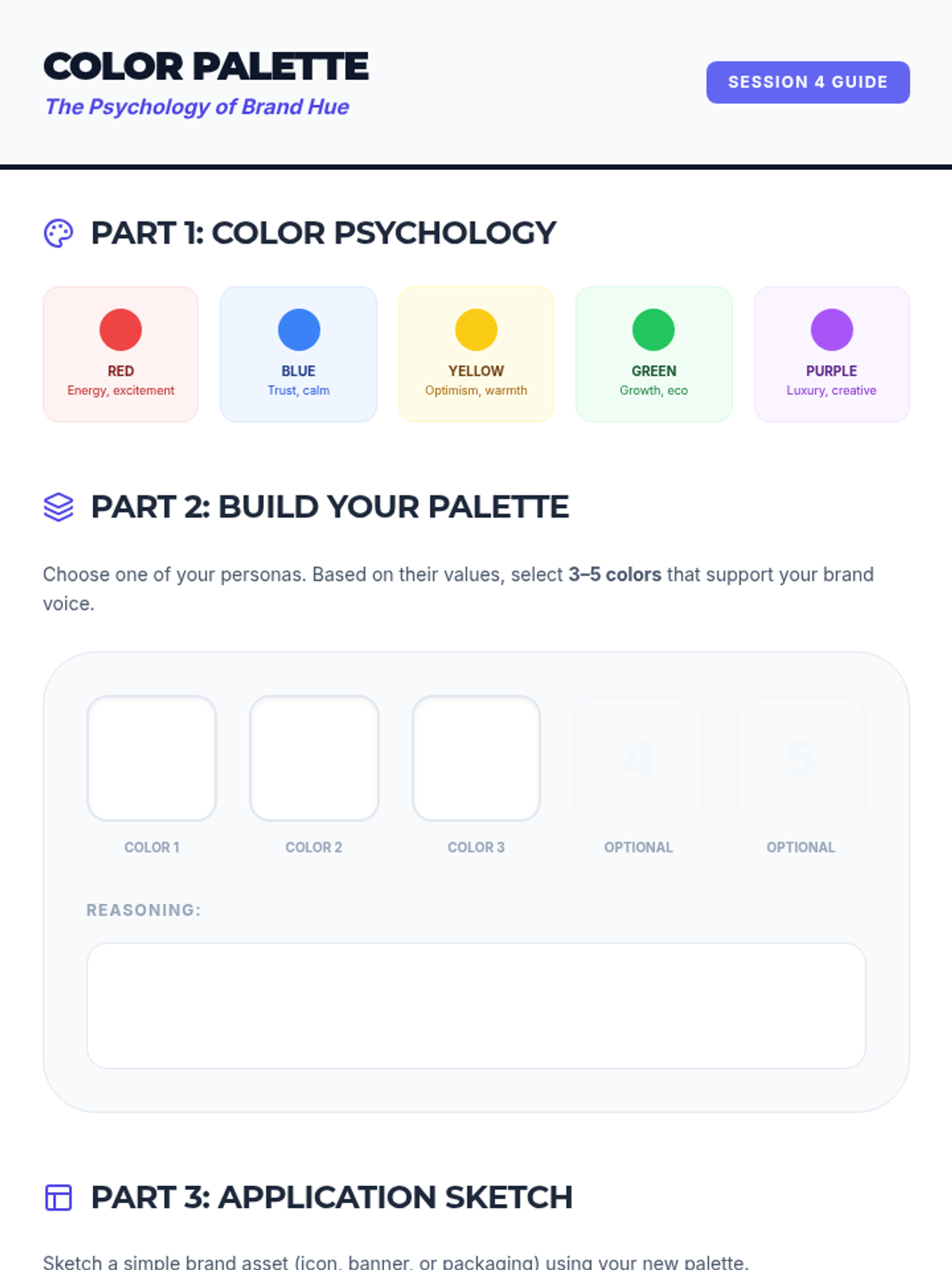
A workshop-style session focused on logo refinement and exploring color psychology to create cohesive palettes.
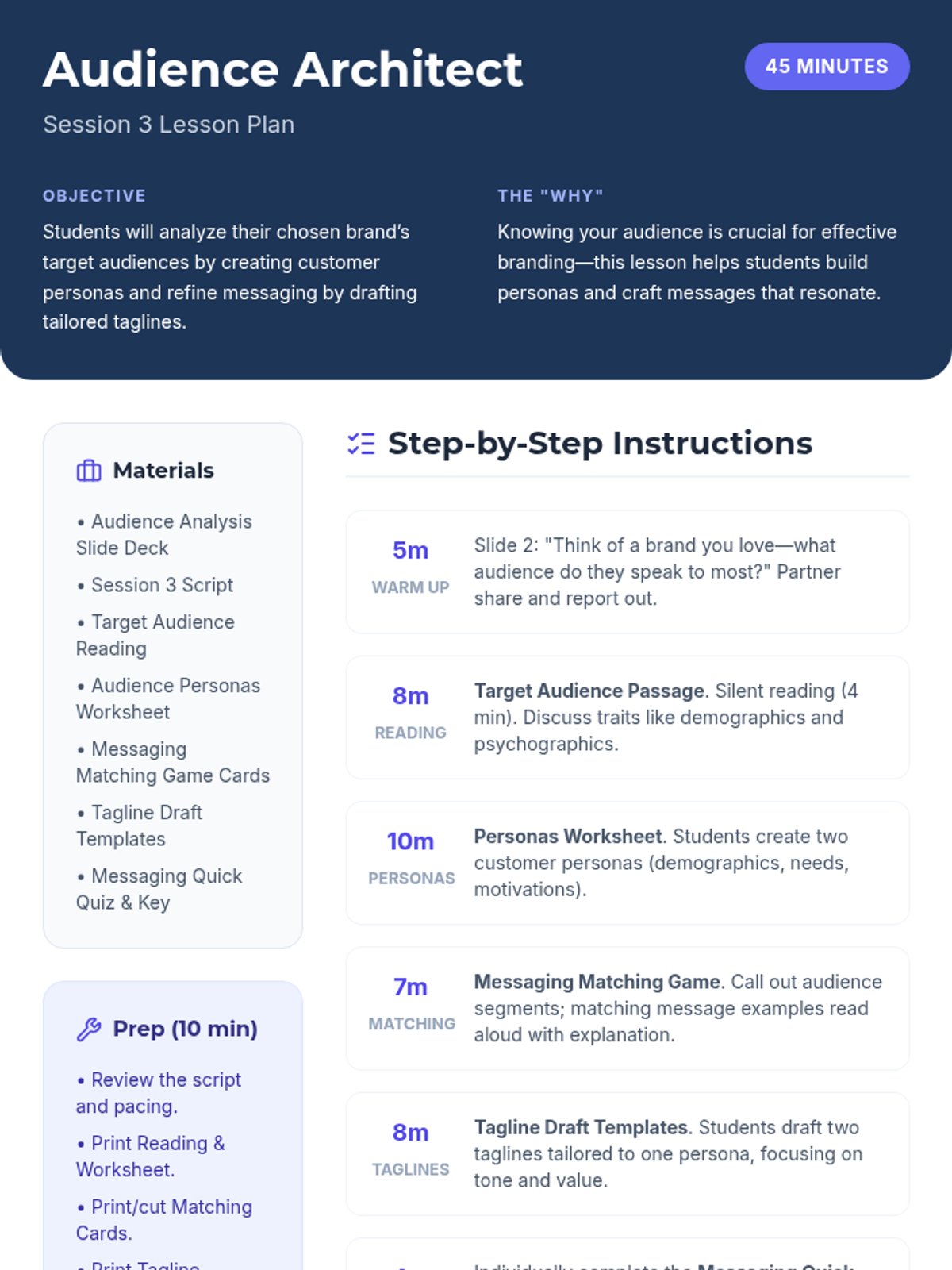
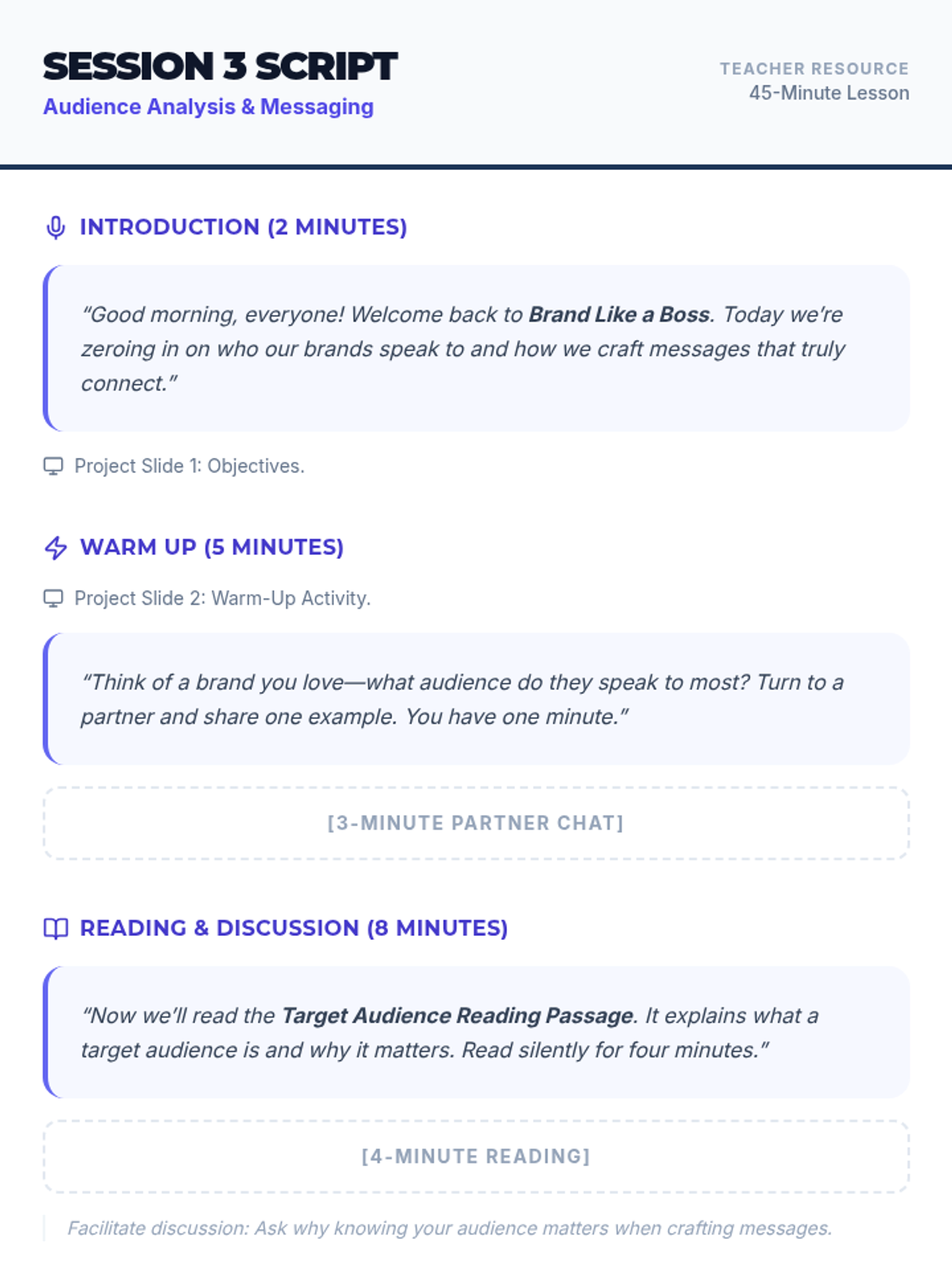
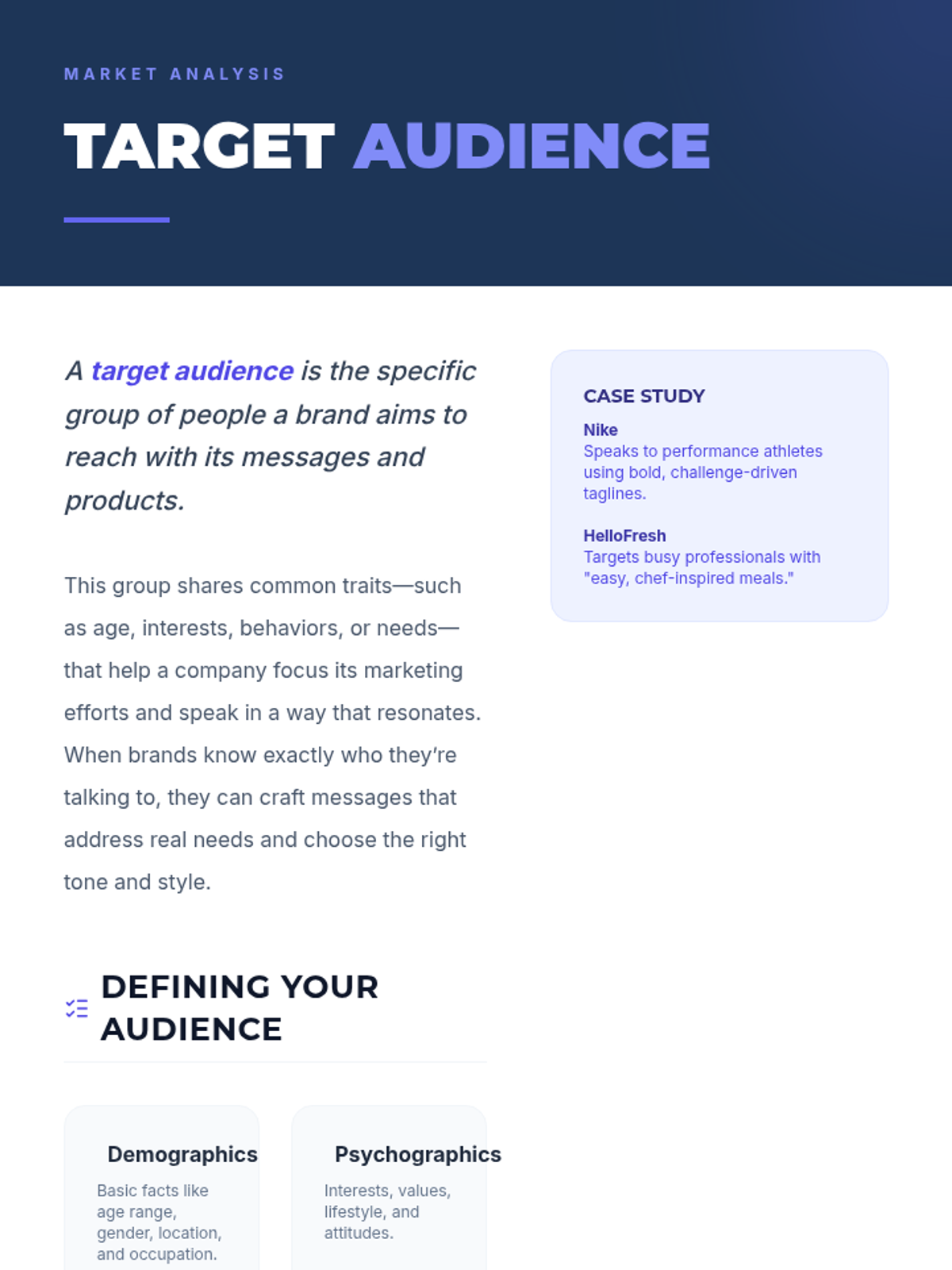
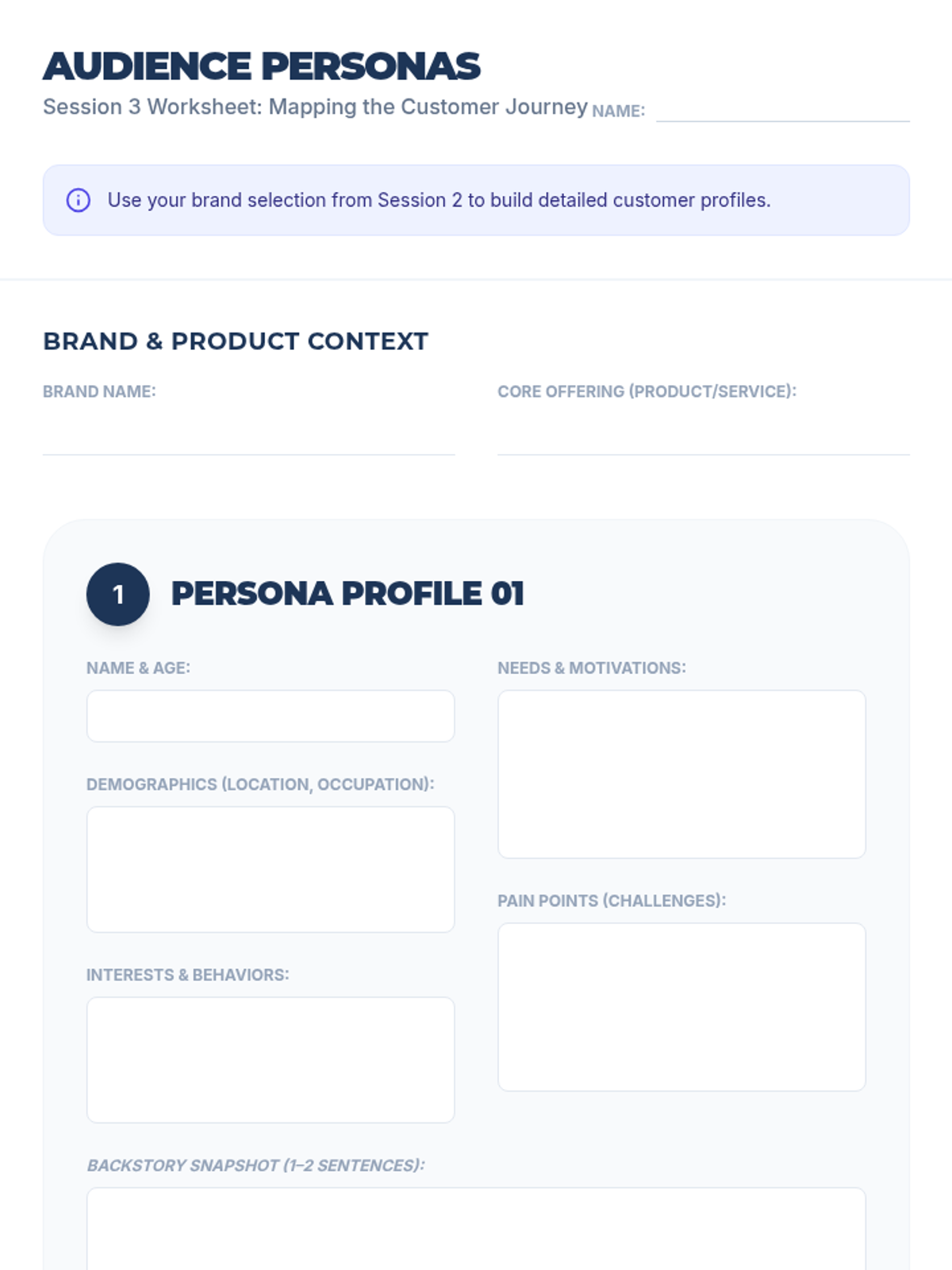
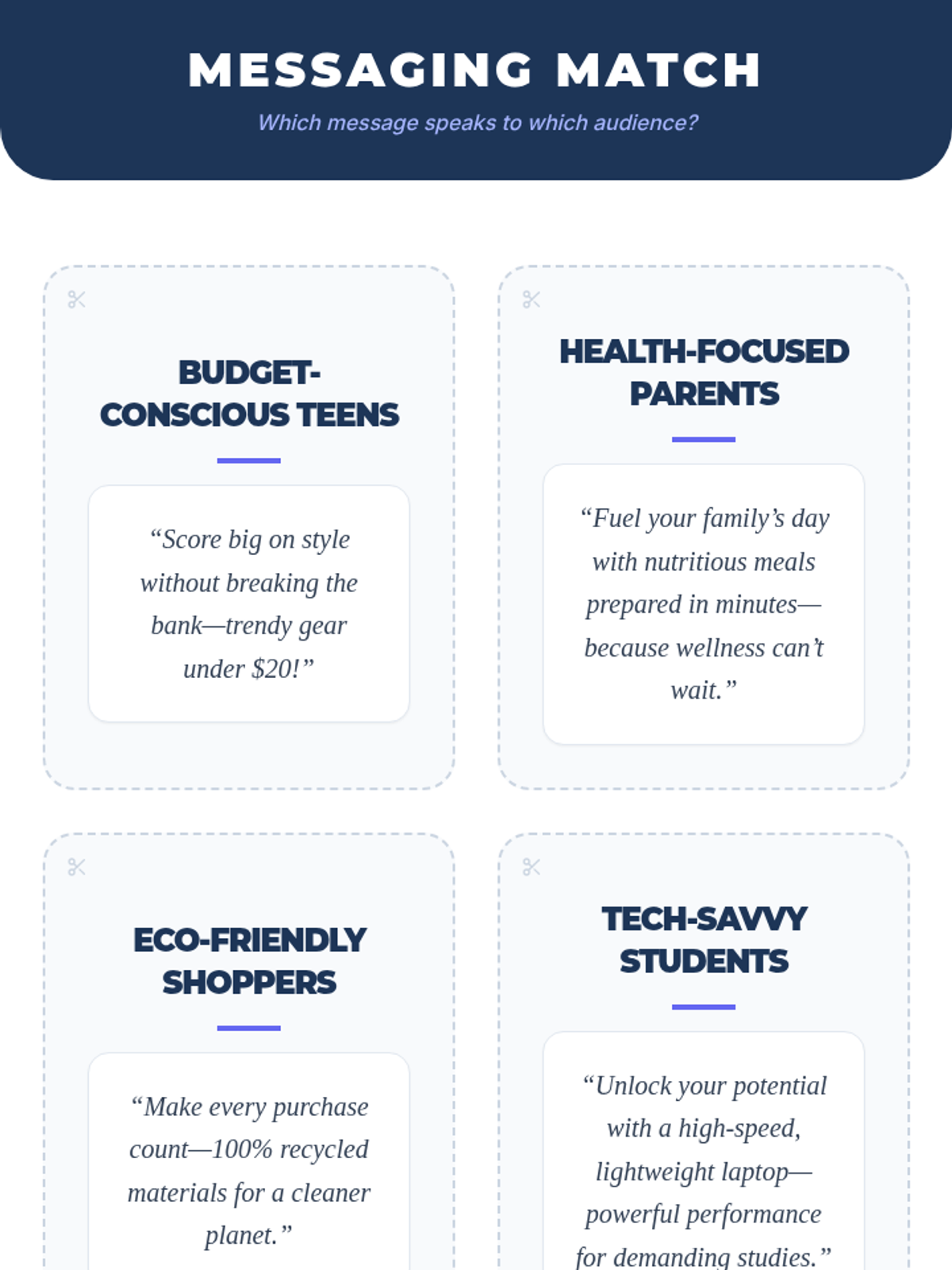
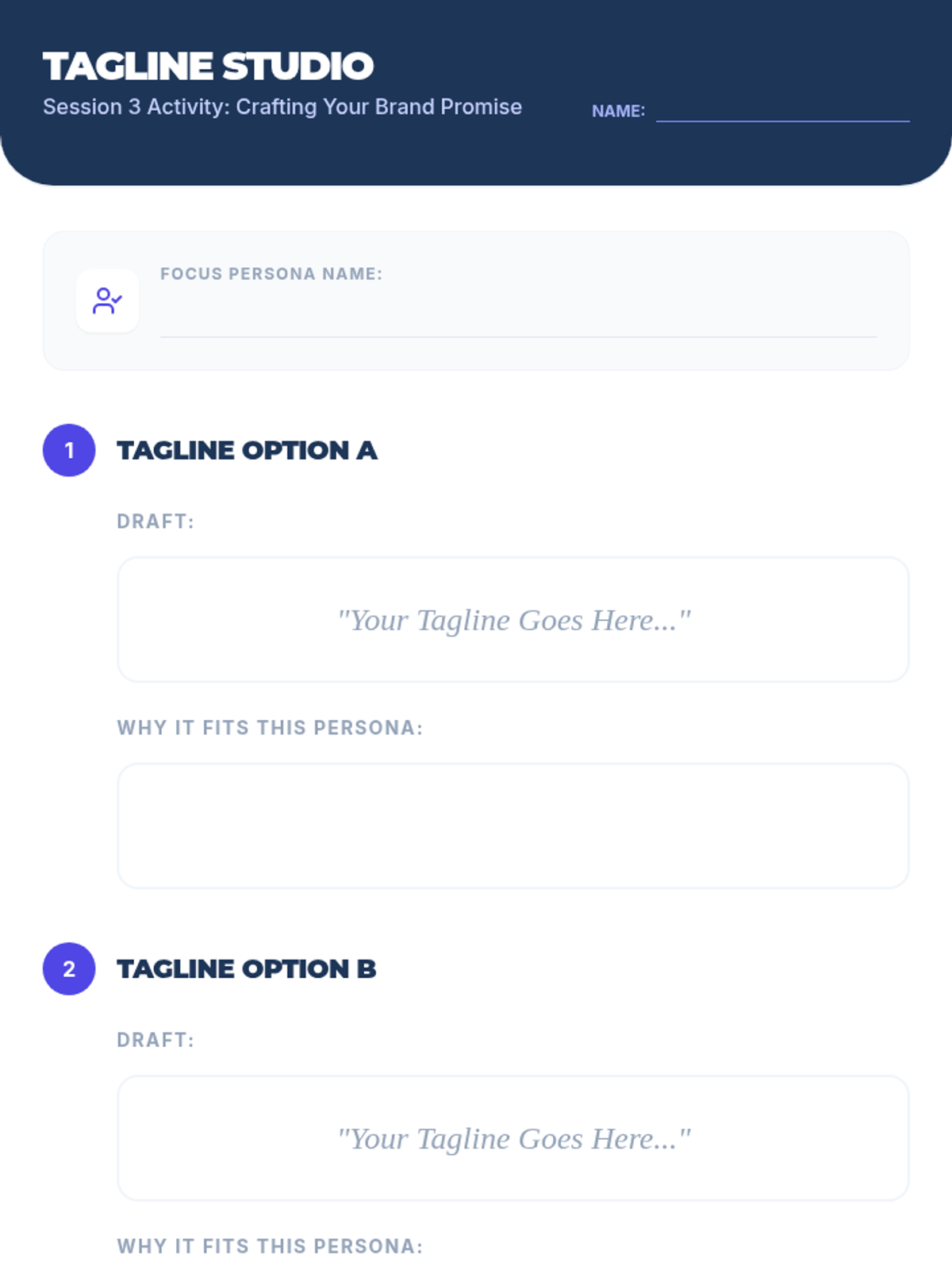
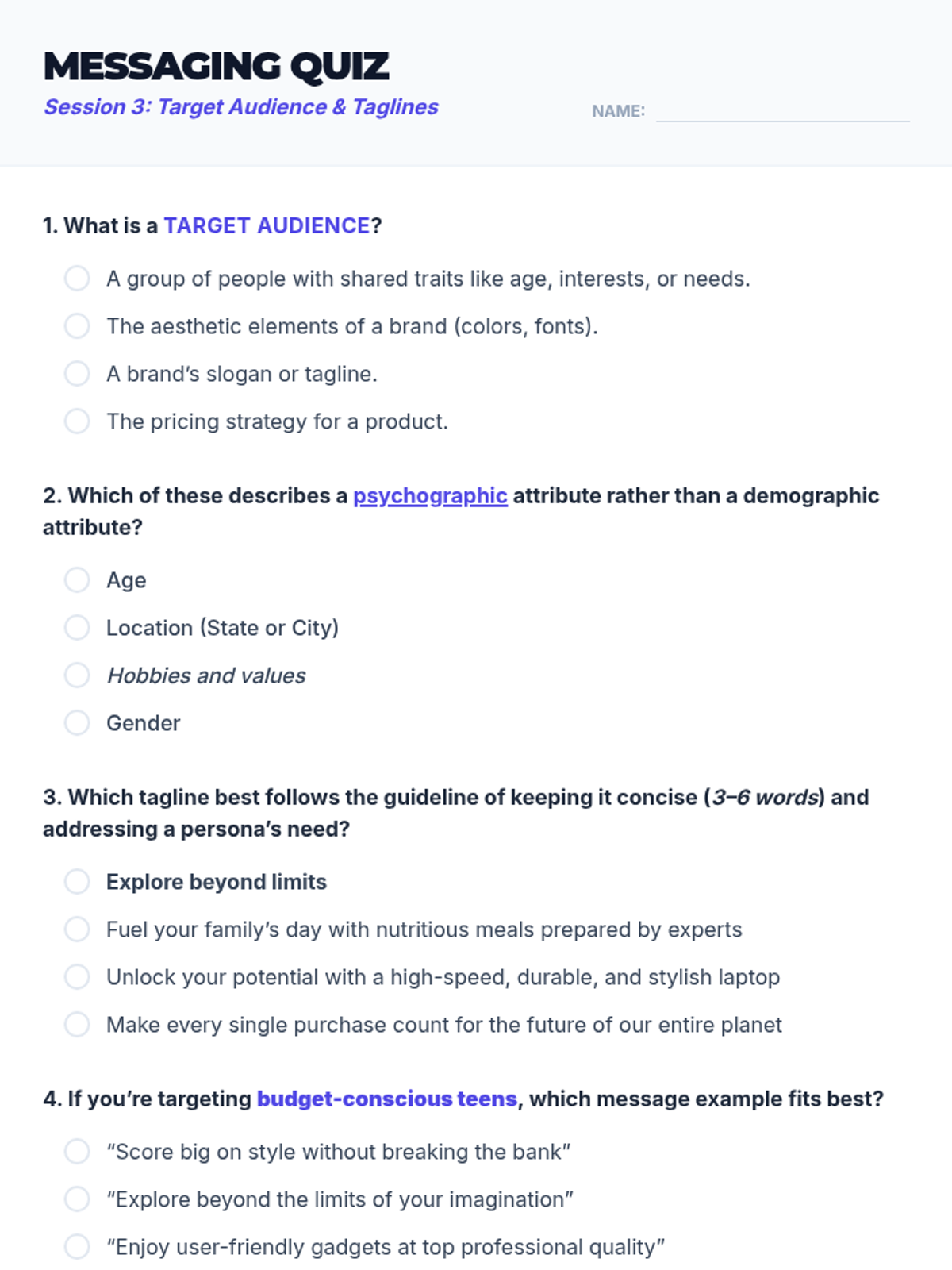
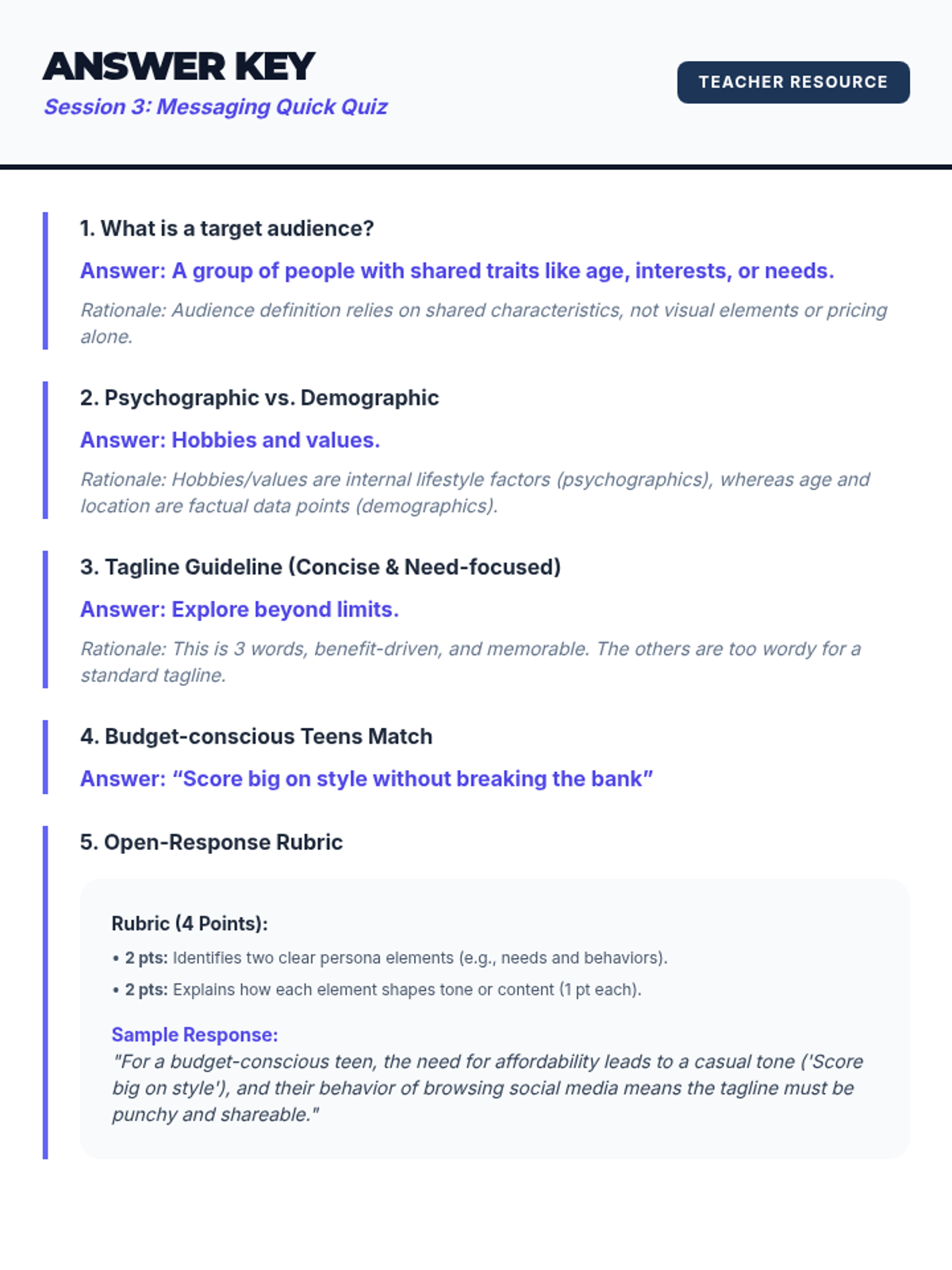
A deep dive into audience analysis, customer personas, and crafting tailored brand messaging through taglines.
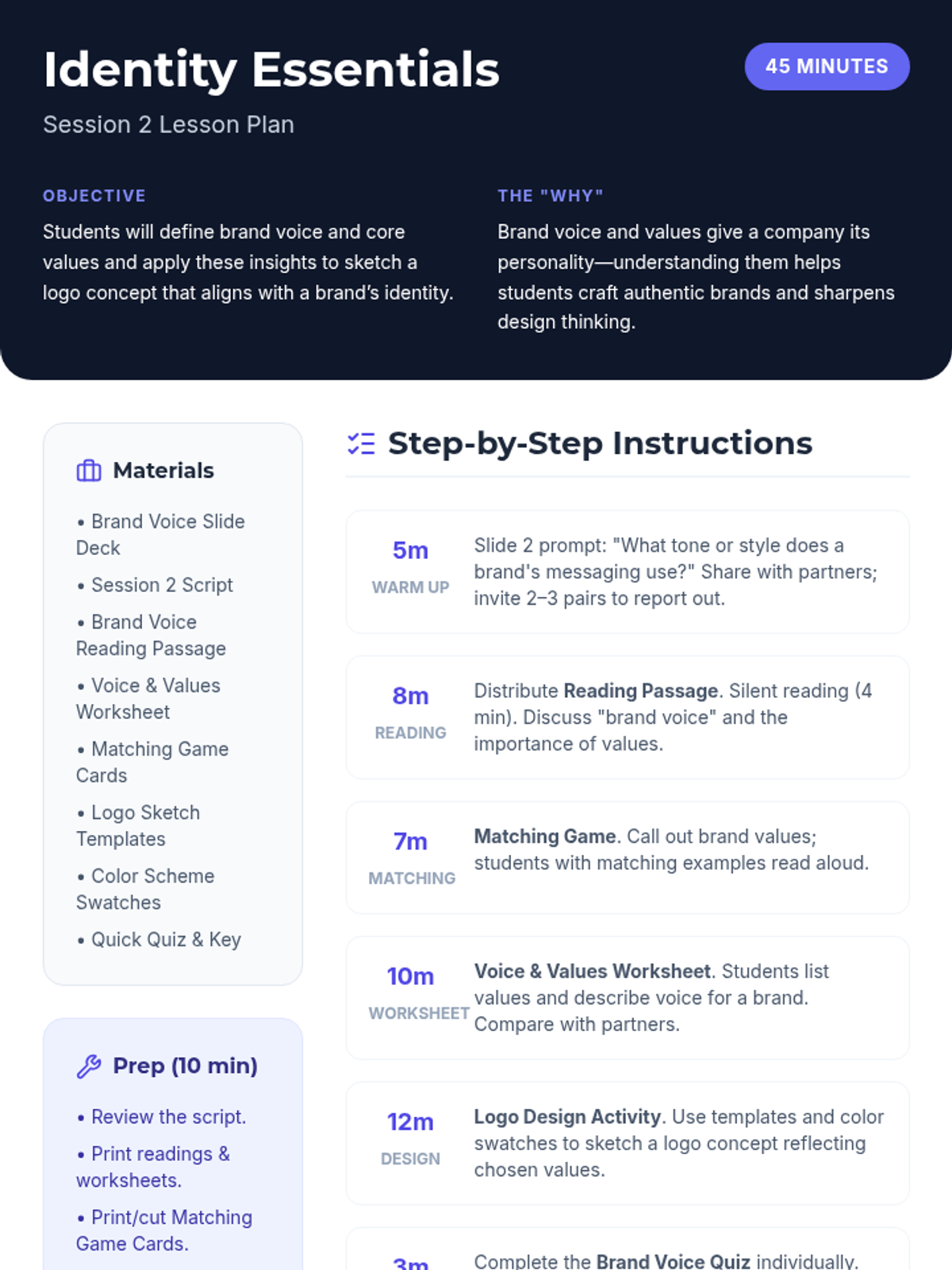
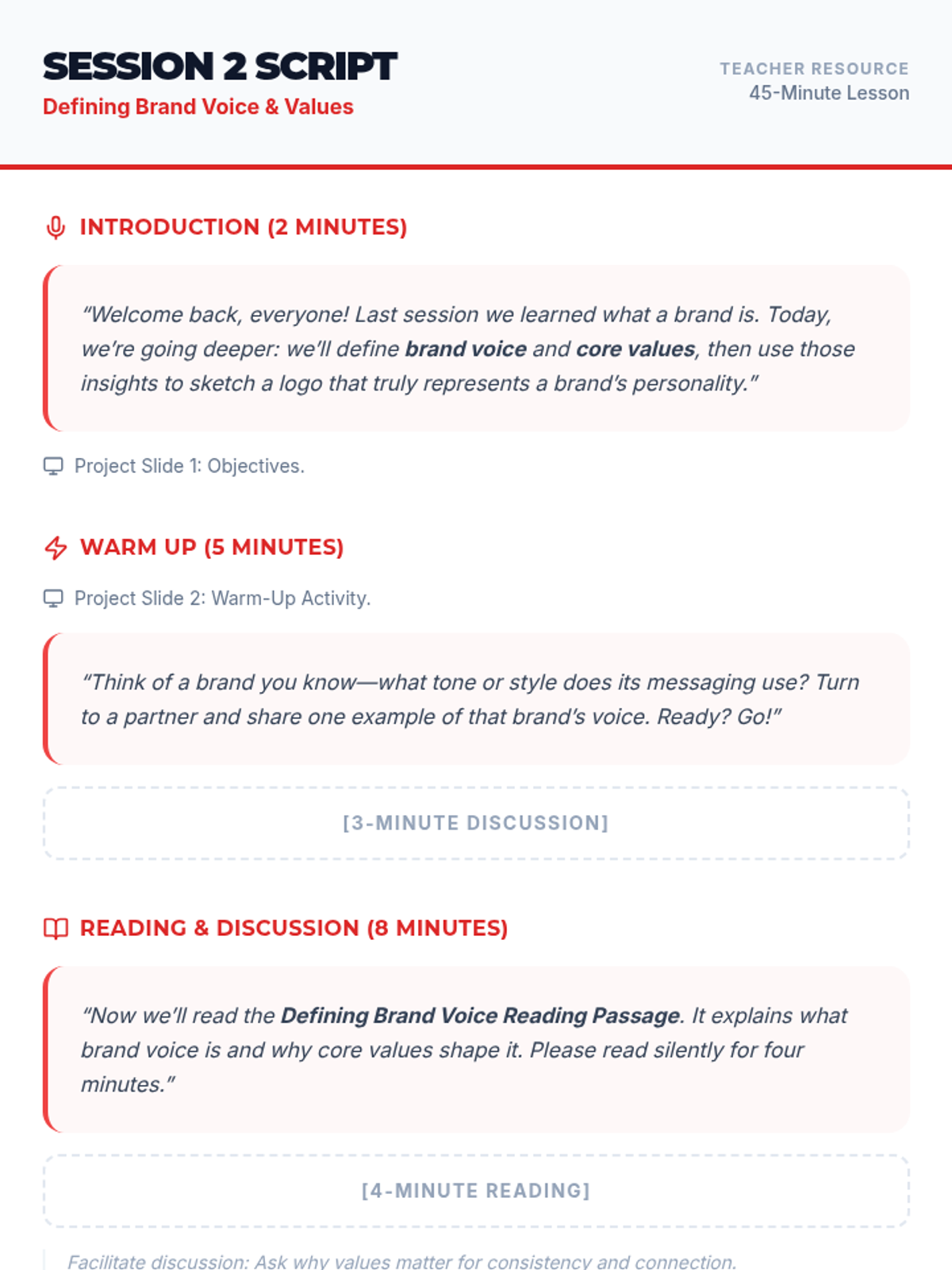
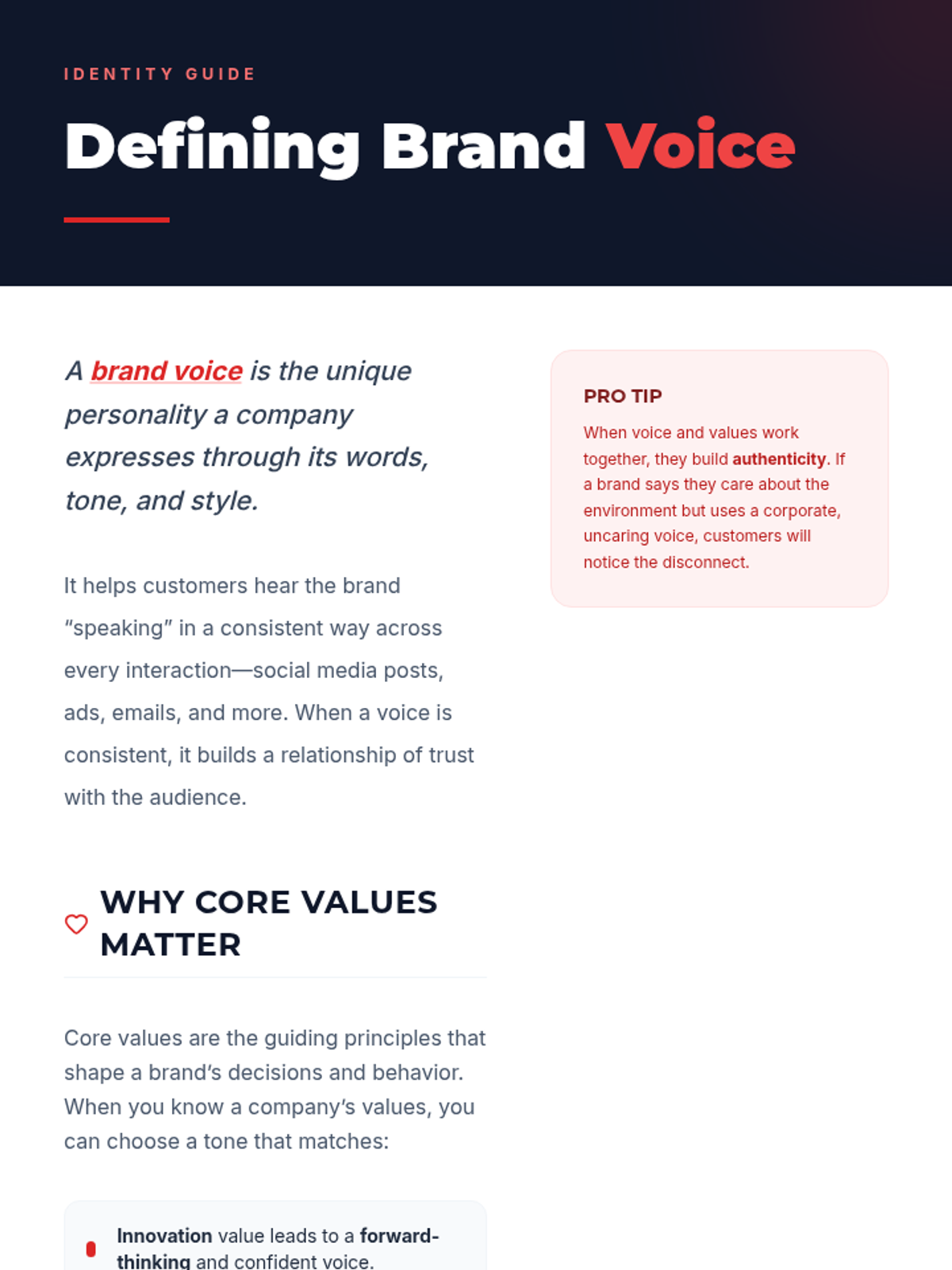
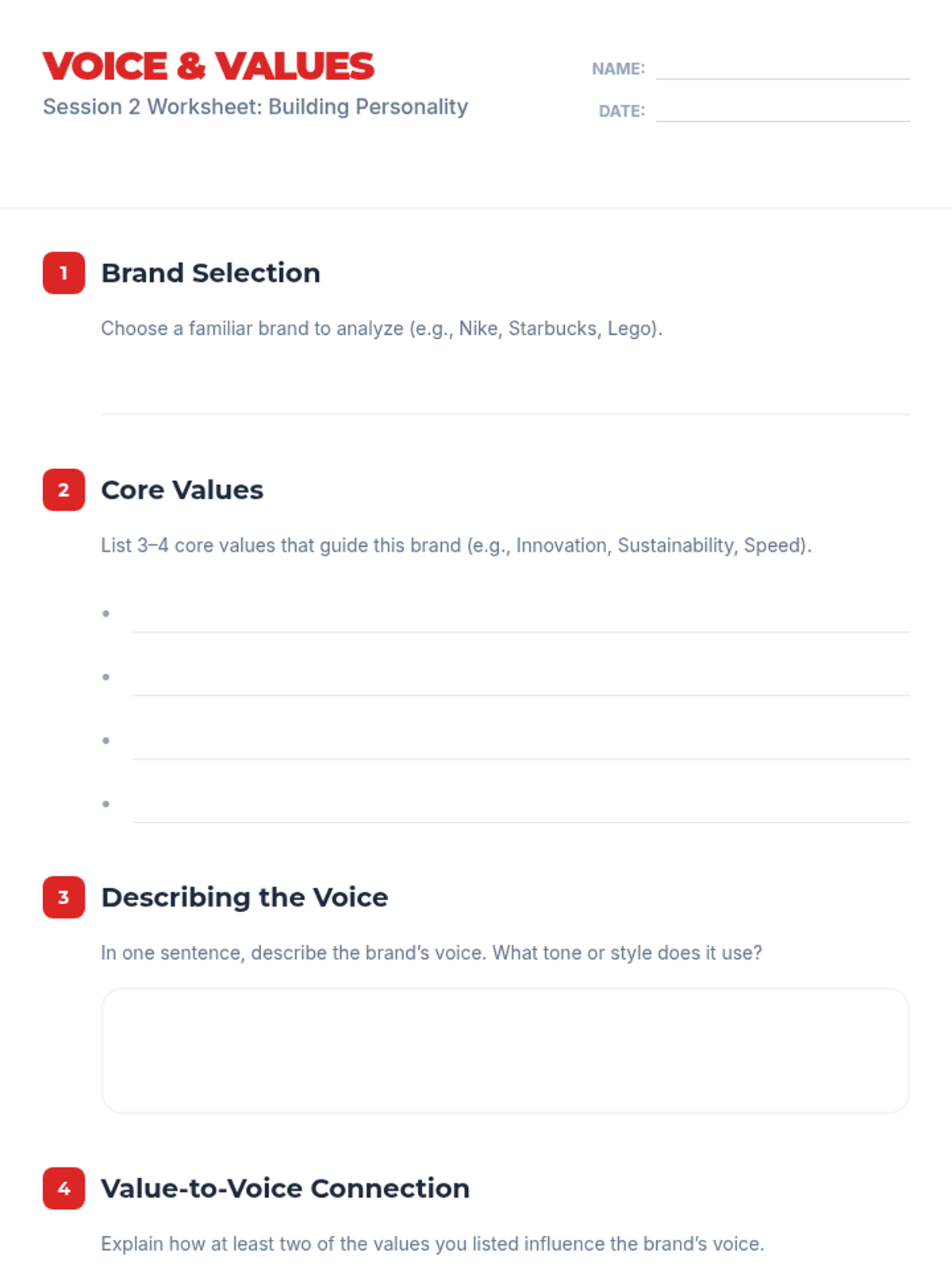
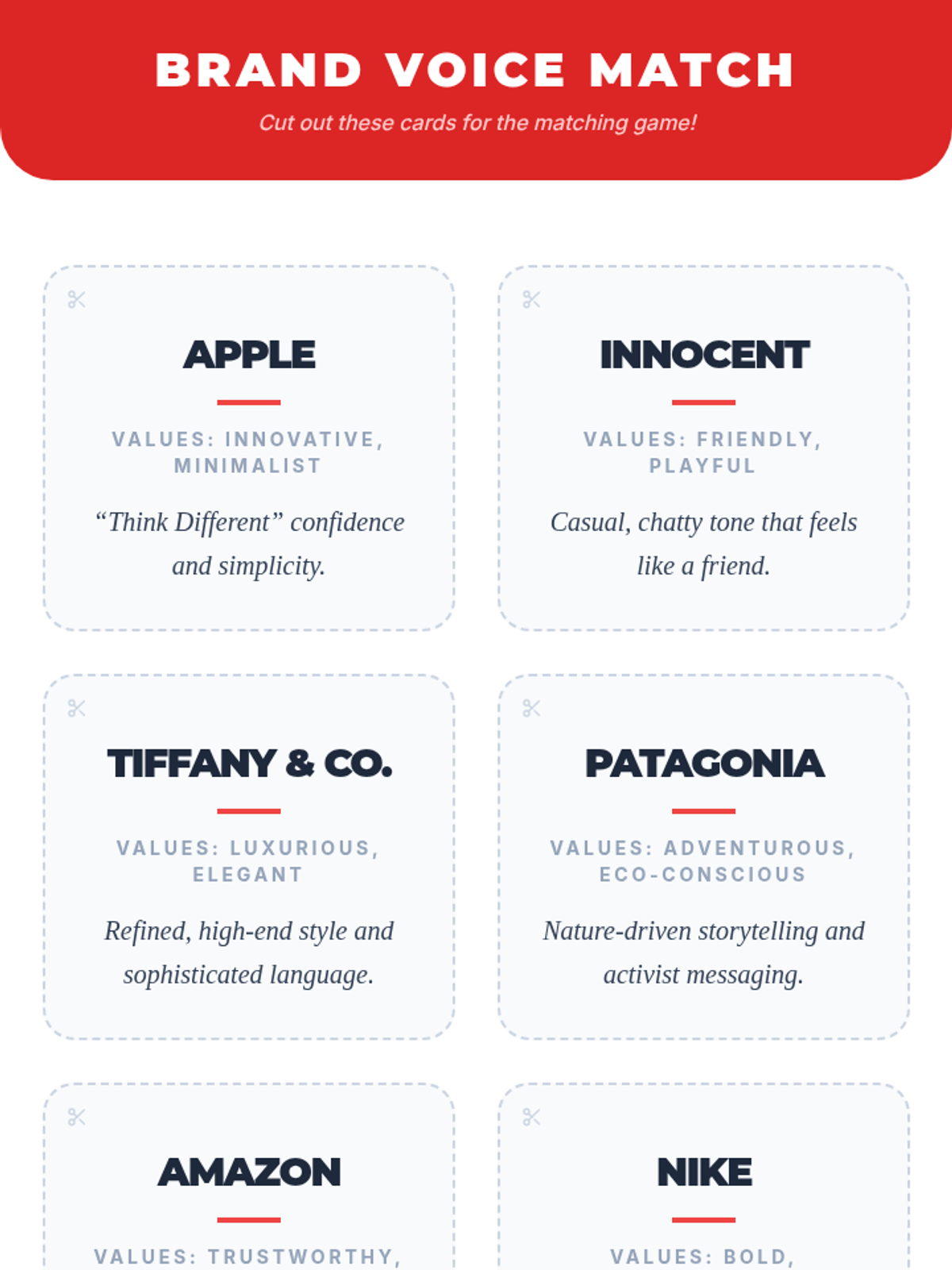
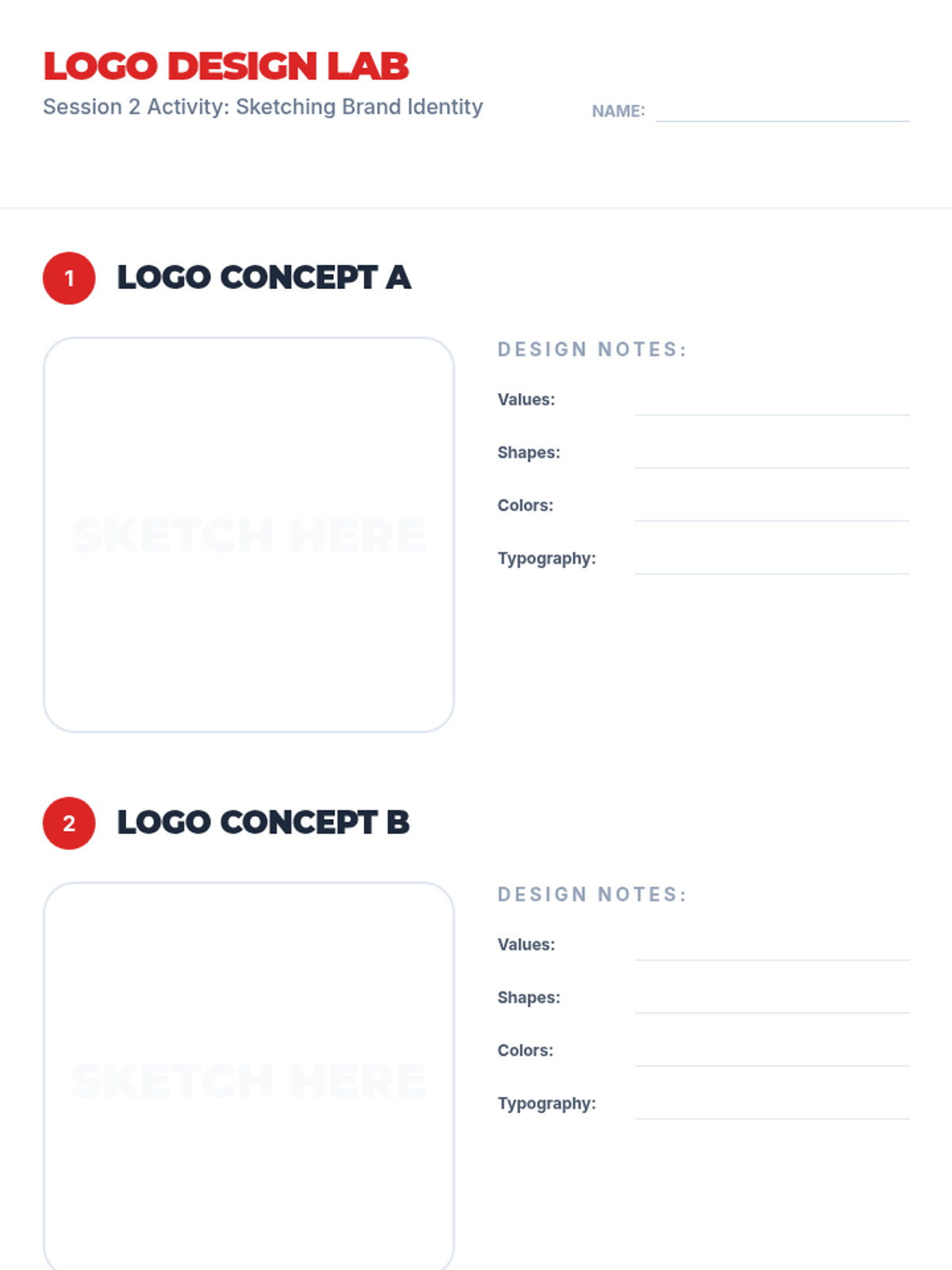
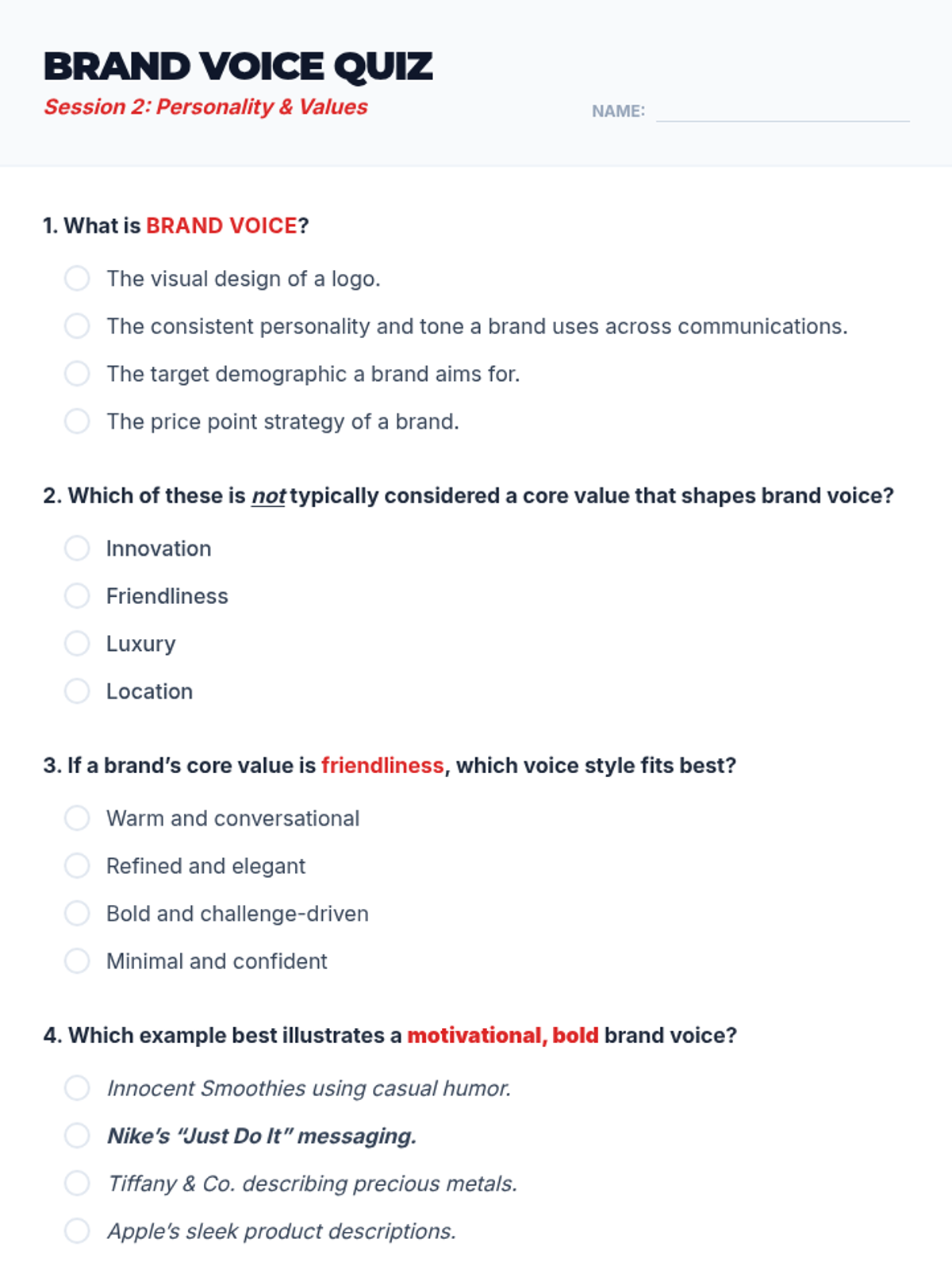
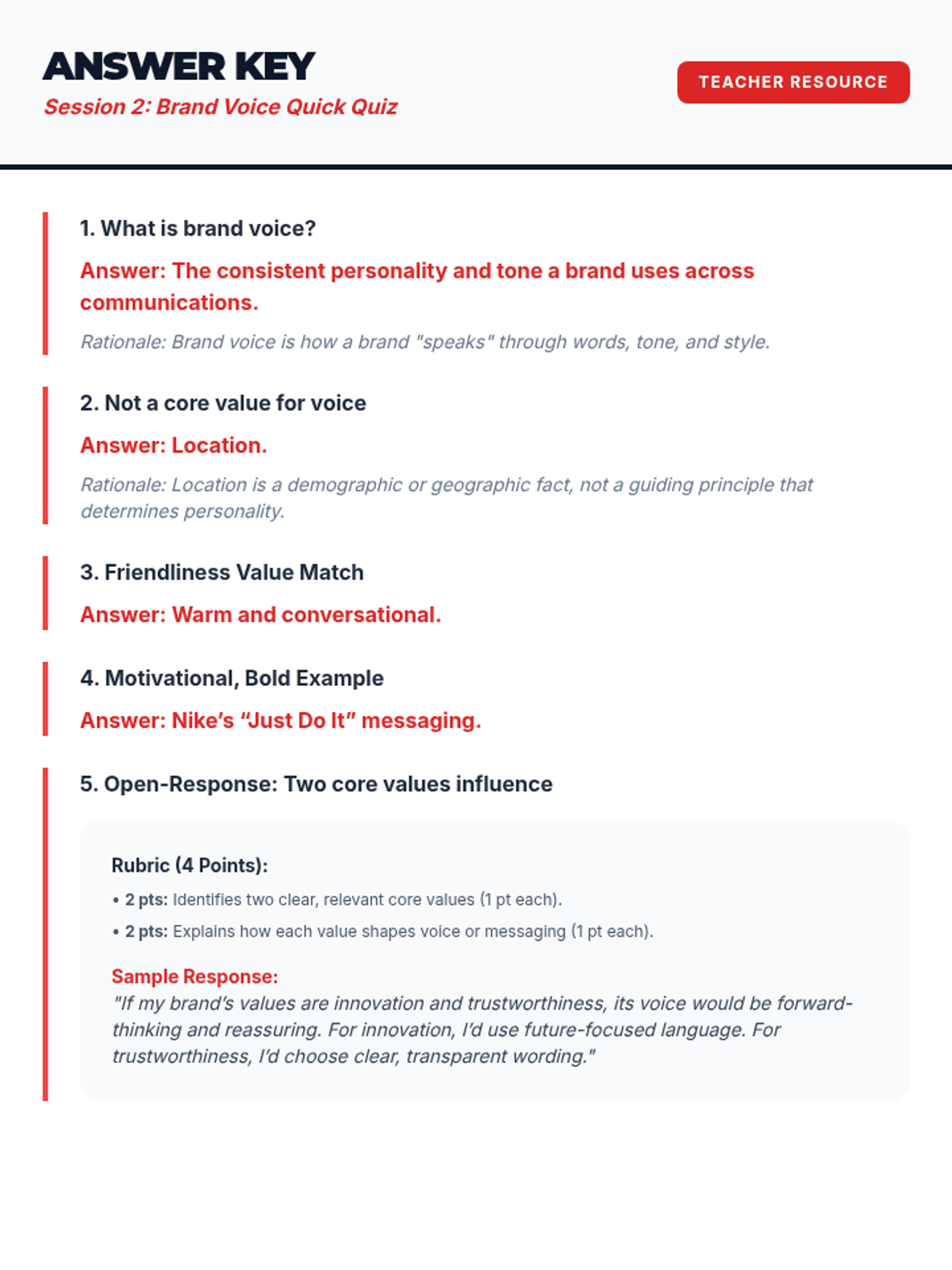
Students explore how brand voice and core values shape identity and begin sketching their own logo concepts.
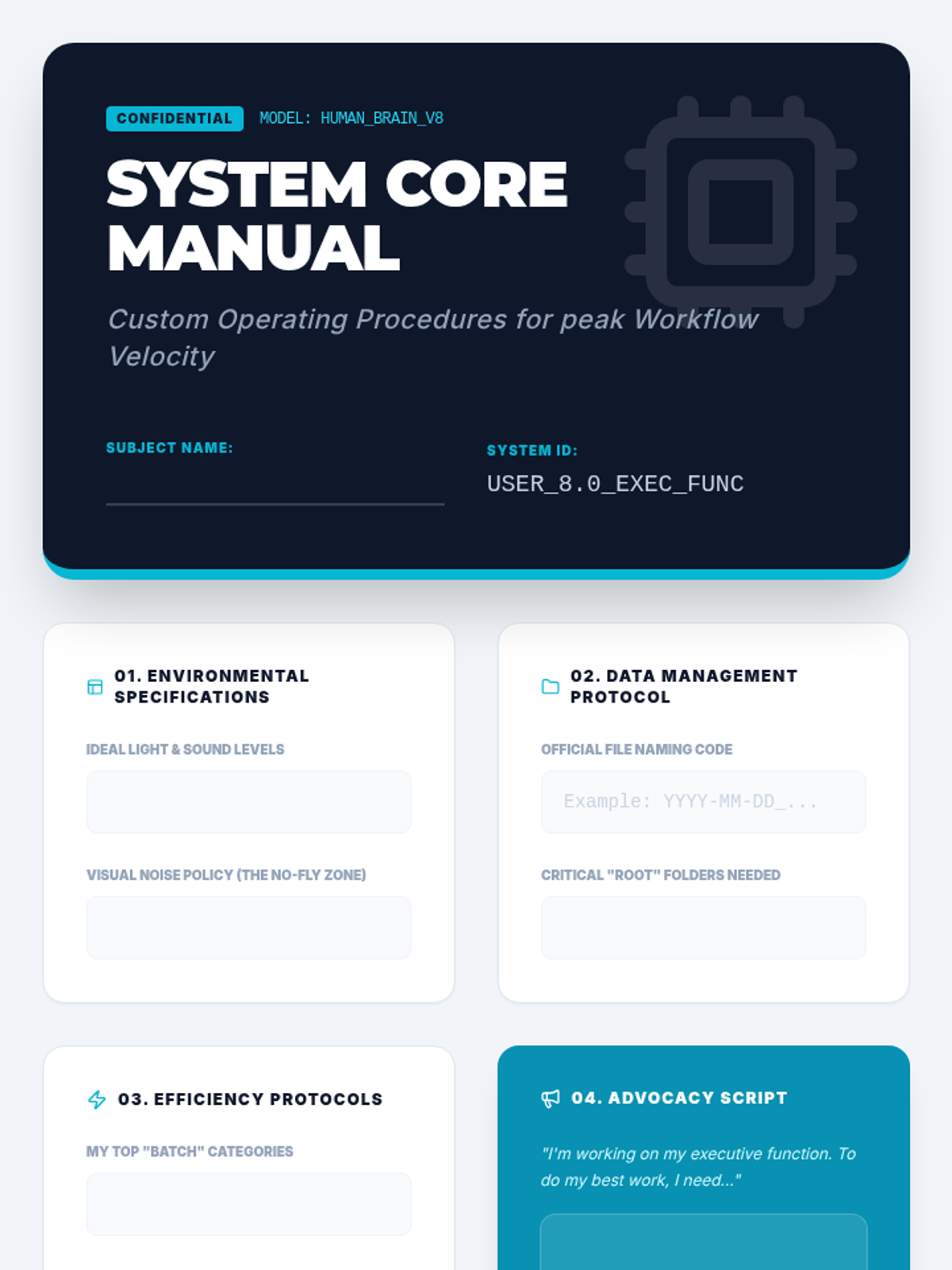
In this capstone lesson, students synthesize their learning into a 'User Manual' for their own brain. They document personalized strategies for physical, digital, and temporal organization to build self-advocacy and long-term habits.
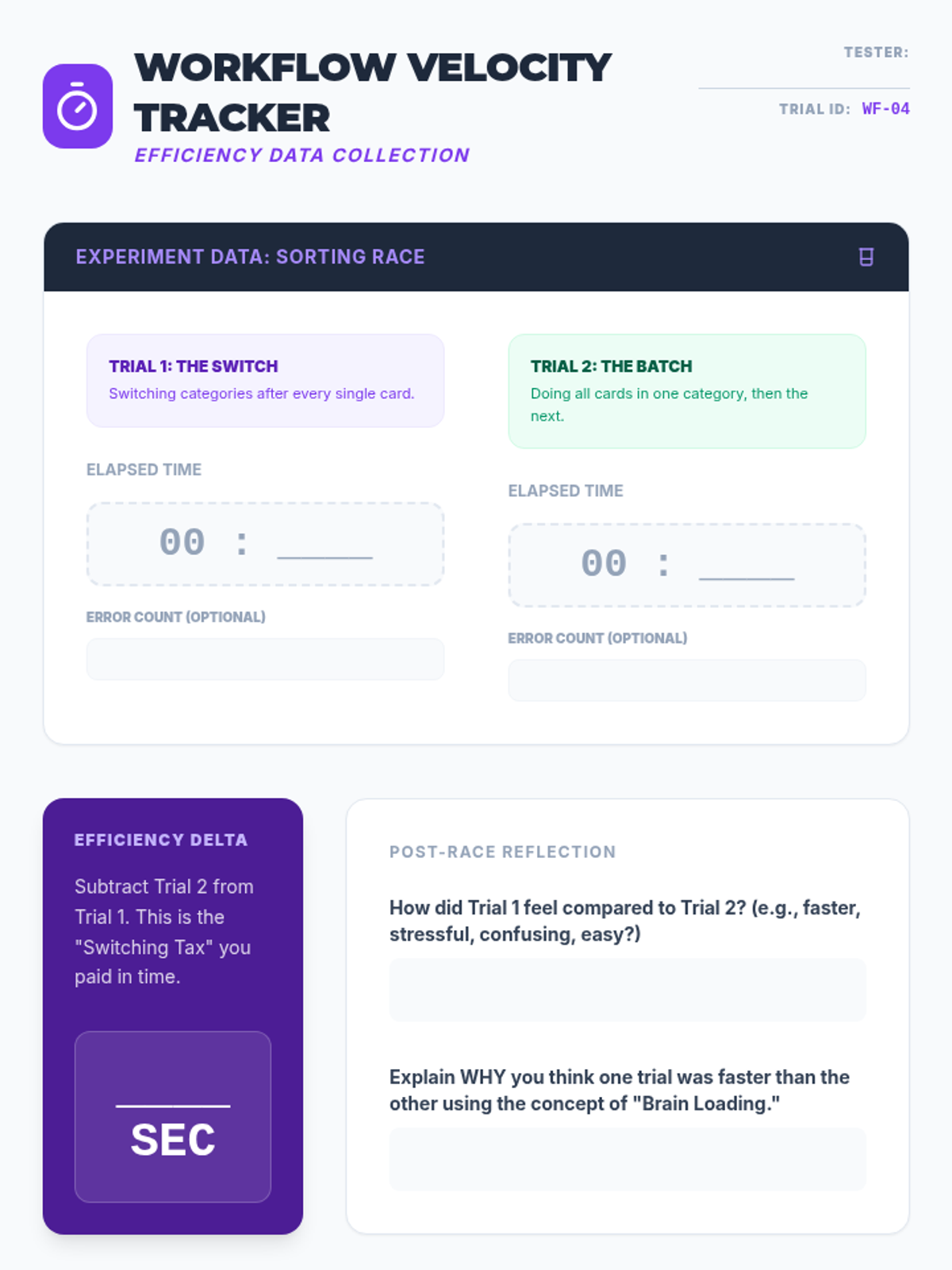
Students investigate the efficiency costs of multitasking and context switching. Through timed experiments, they compare sequential task completion with 'batching' strategies to develop more efficient workflow habits.
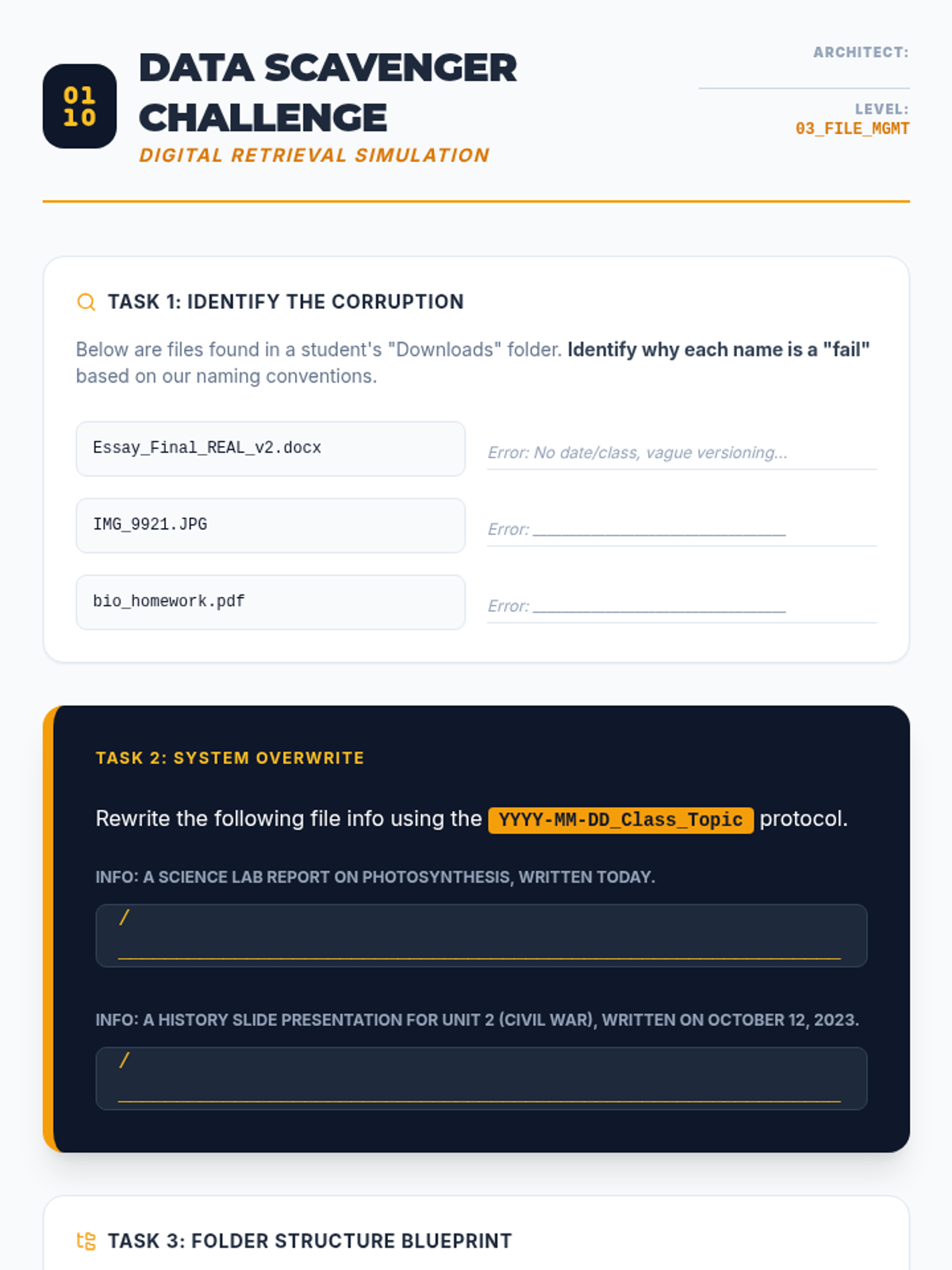
This lesson focuses on digital literacy through the lens of organization. Students learn effective file naming conventions, folder hierarchies, and inbox management strategies to prevent 'digital hoarding' and improve information retrieval speed.
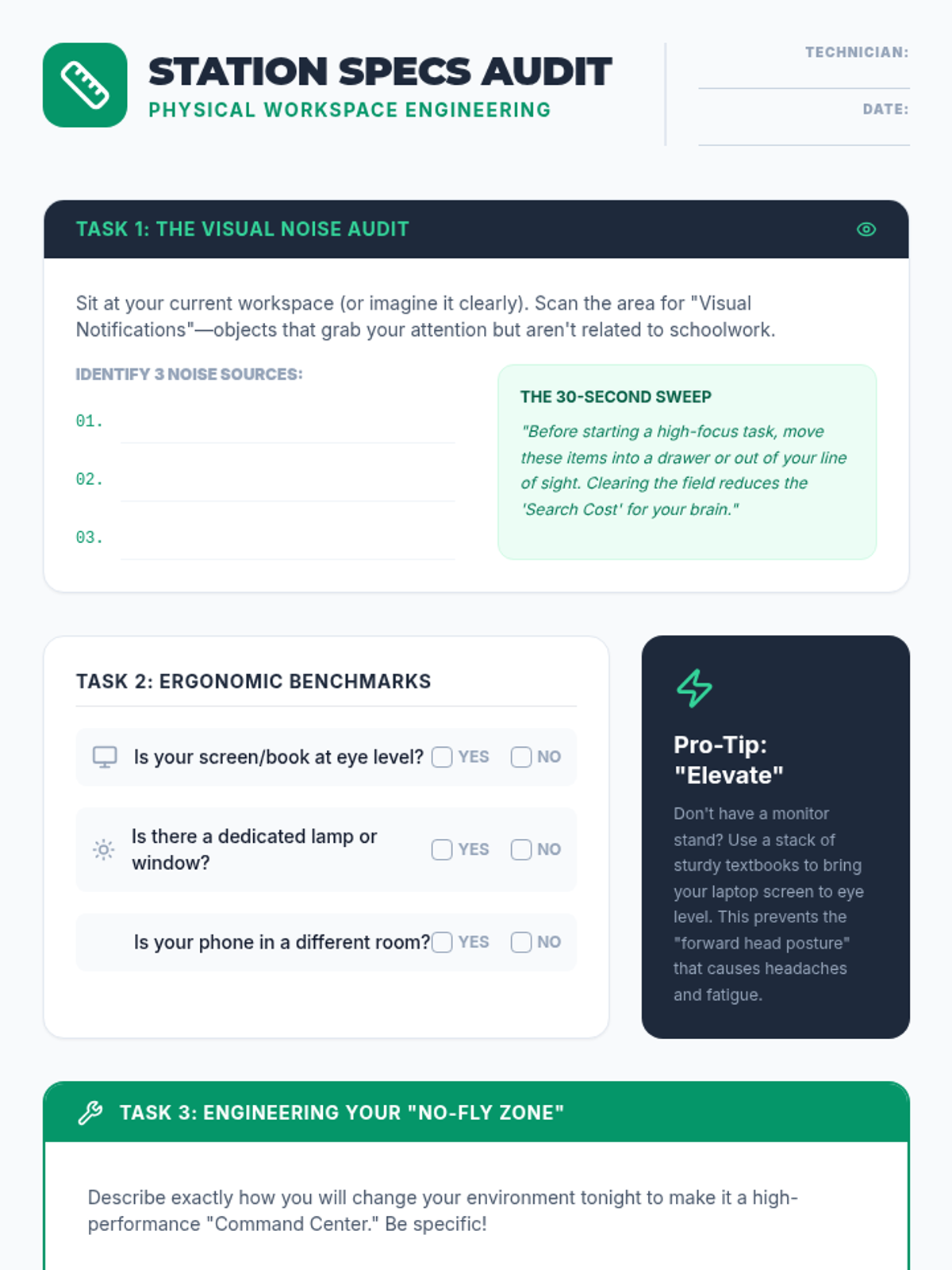
Students analyze the impact of their physical environment on focus and productivity. By auditing workspace case studies and their own study areas, they learn to design spaces that minimize distractions and optimize ergonomics.
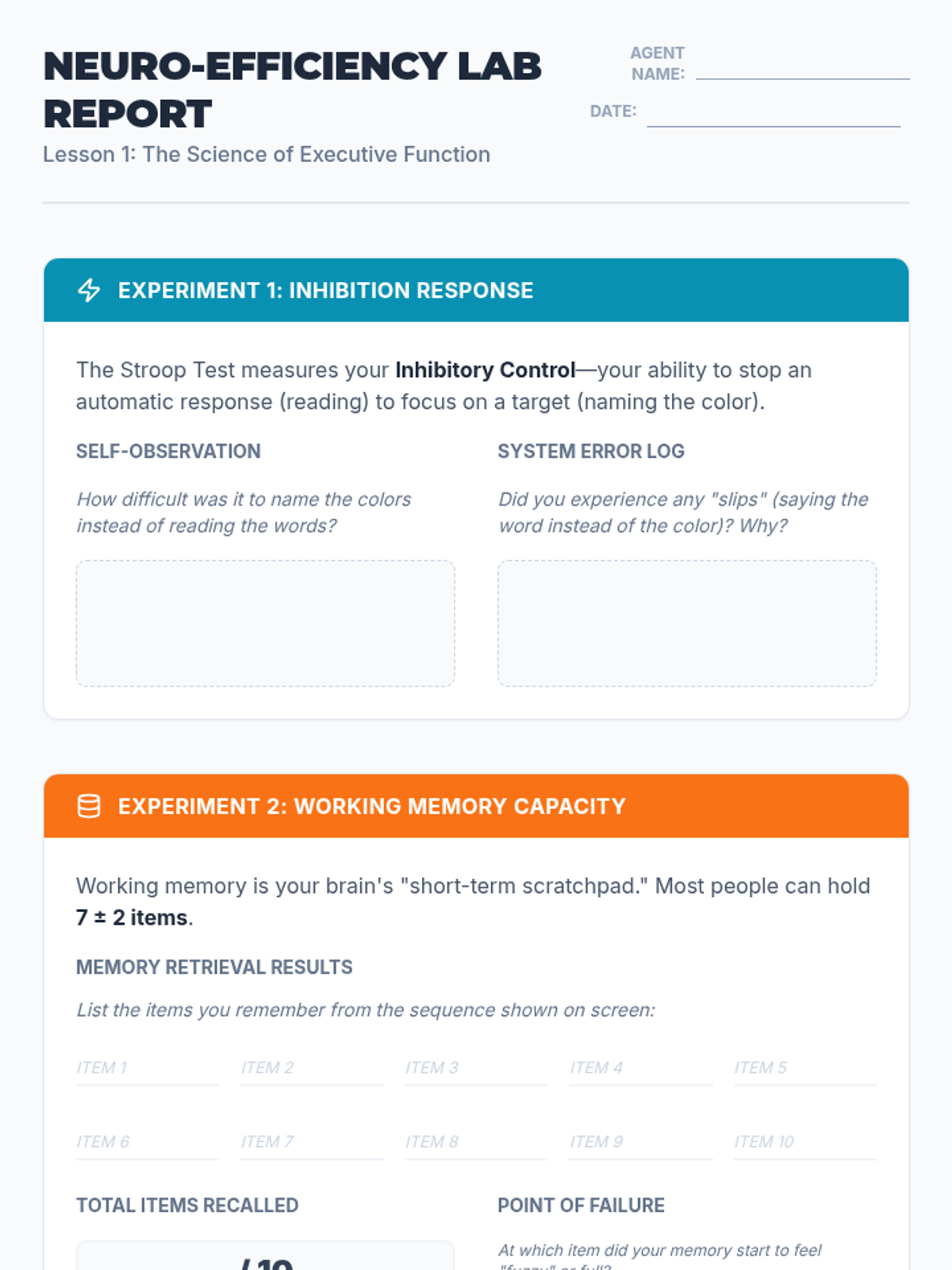
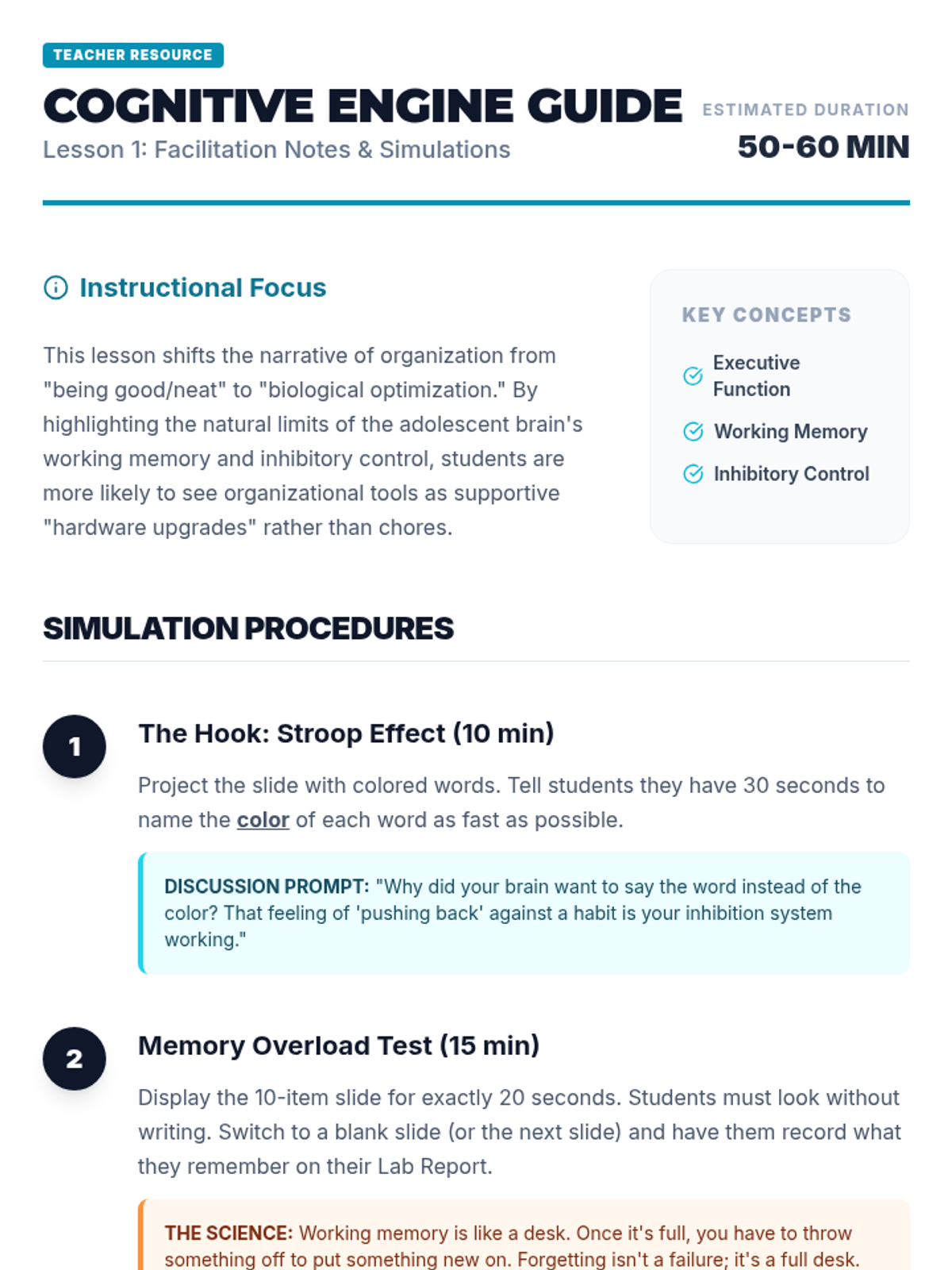
Students explore the neurological basis of executive function, focusing on working memory and inhibition. They engage in simulations like the Stroop Effect and memory overload tasks to understand why organizational systems are necessary for cognitive efficiency.
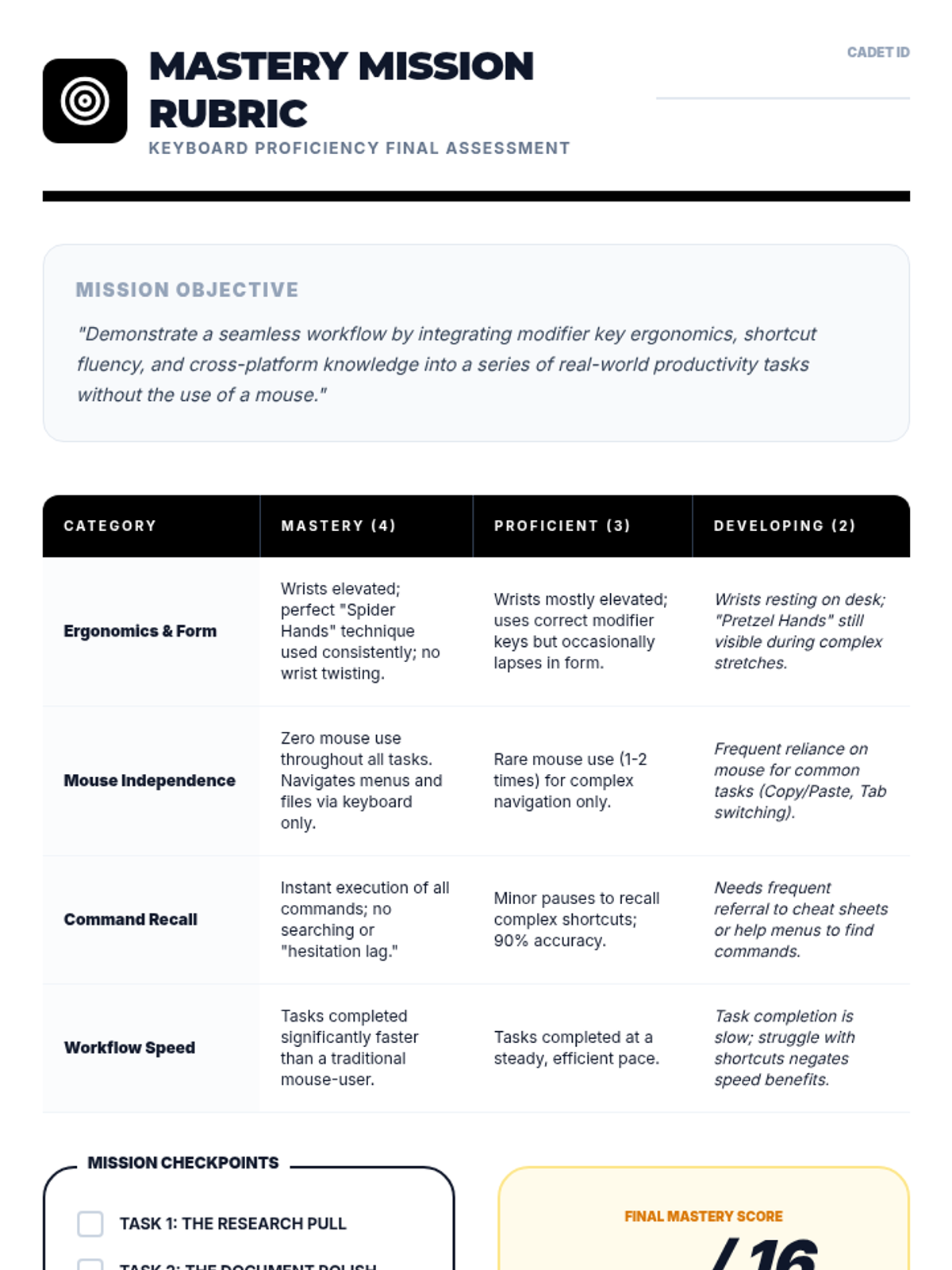
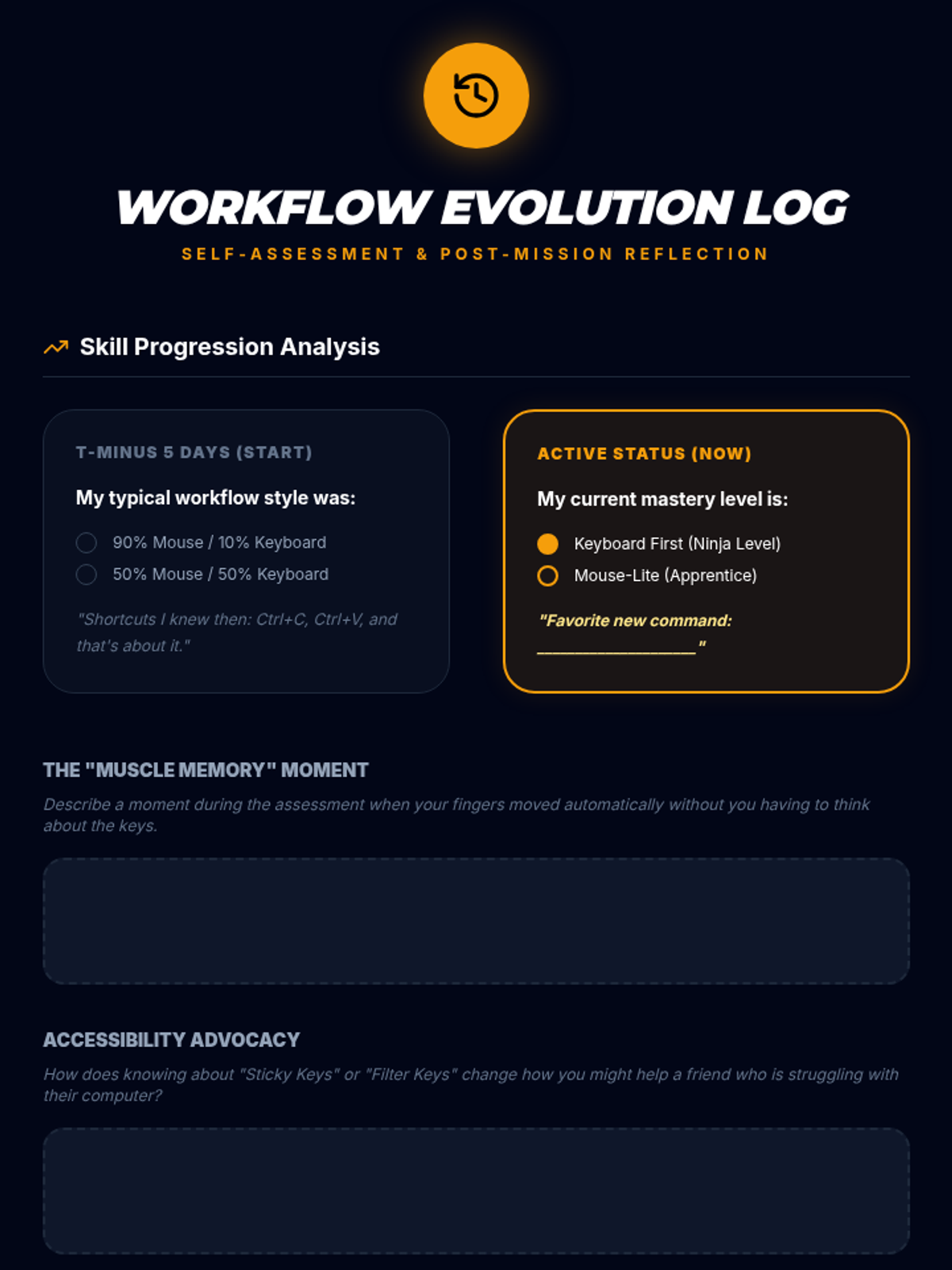
Students demonstrate their efficiency and mastery through real-world workflow tasks and self-assessment of mouse-keyboard balance.
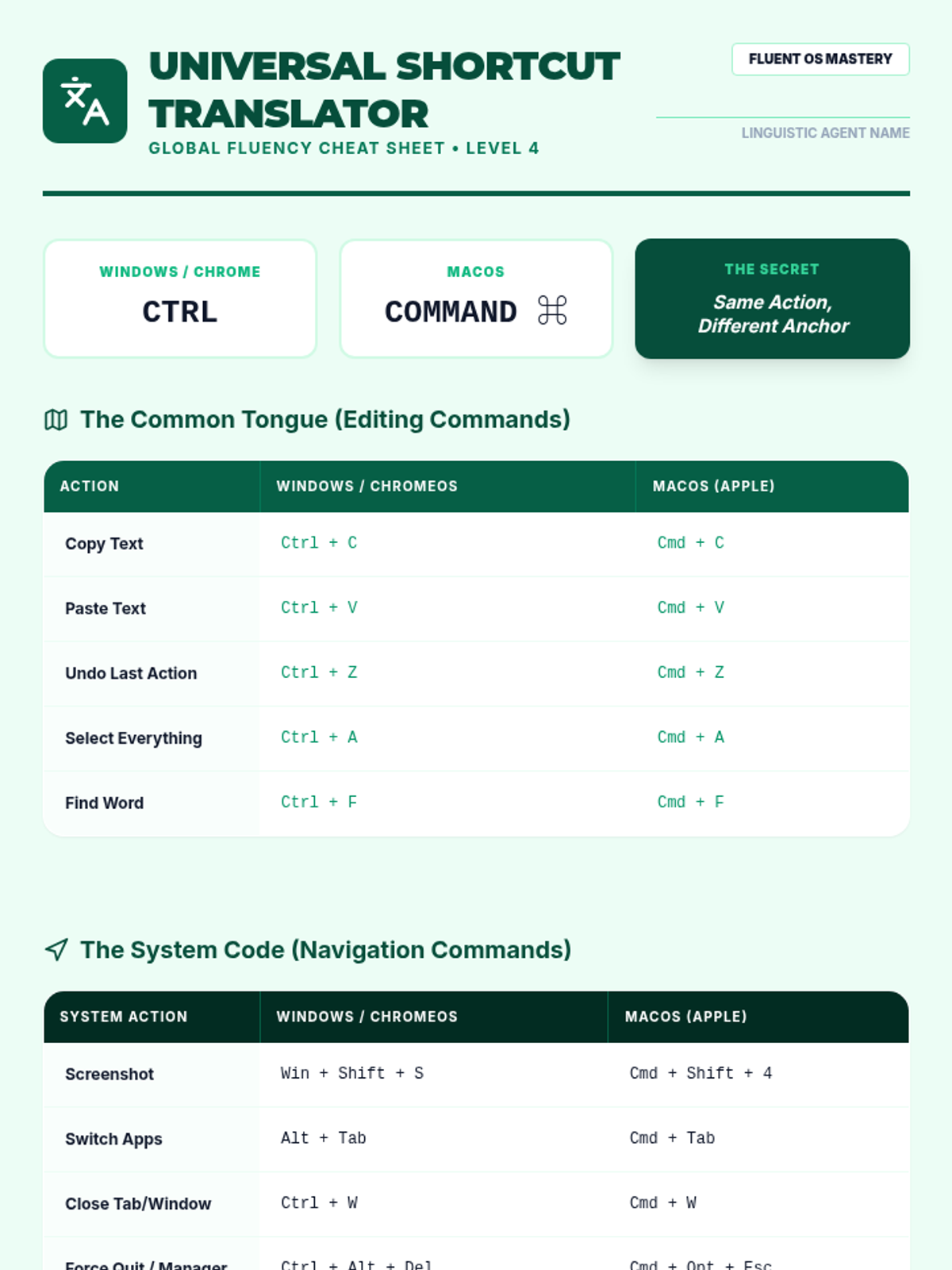
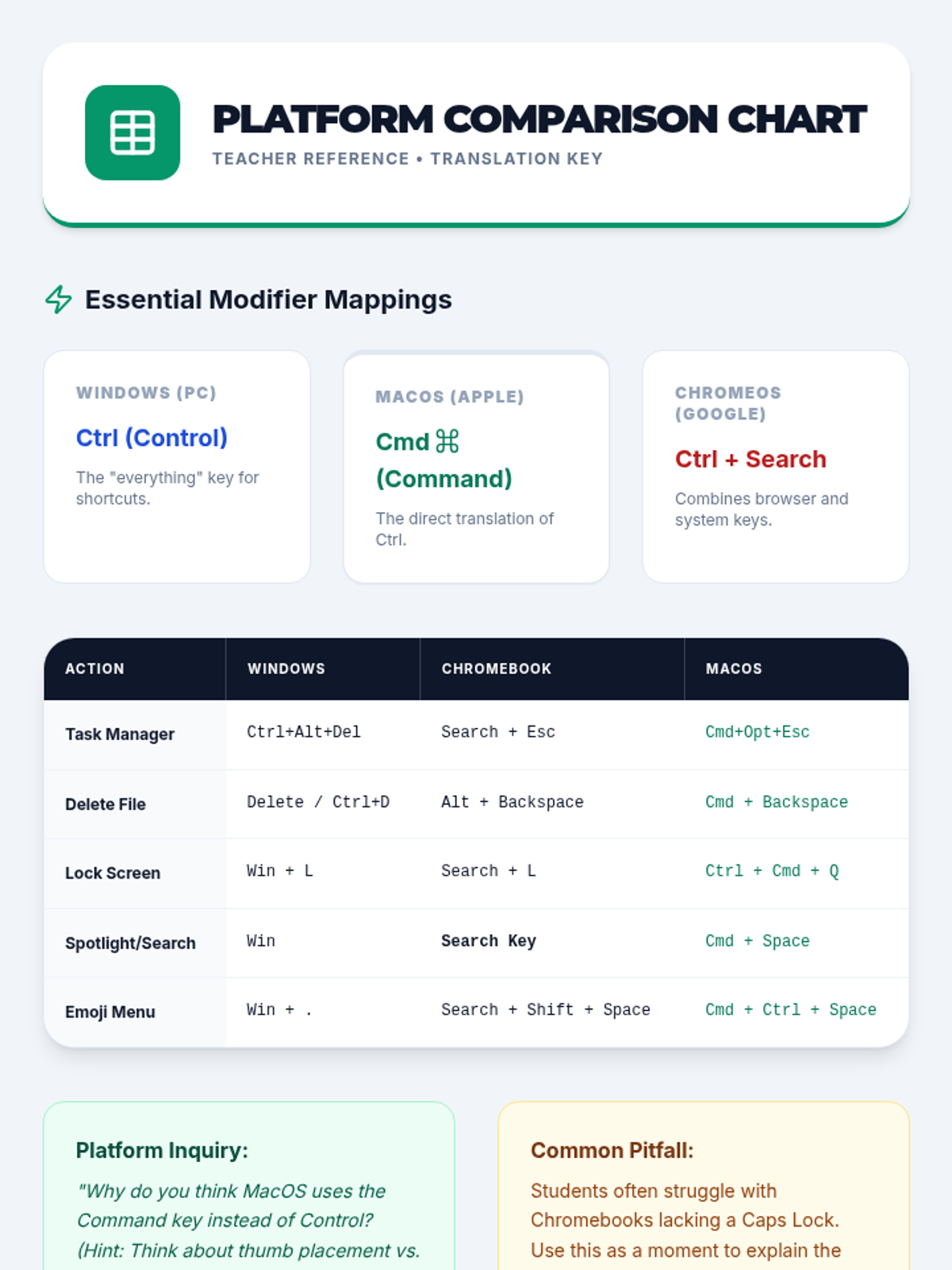
Students compare keyboard shortcuts across different operating systems (Windows, ChromeOS, macOS) and create a translation cheat sheet.
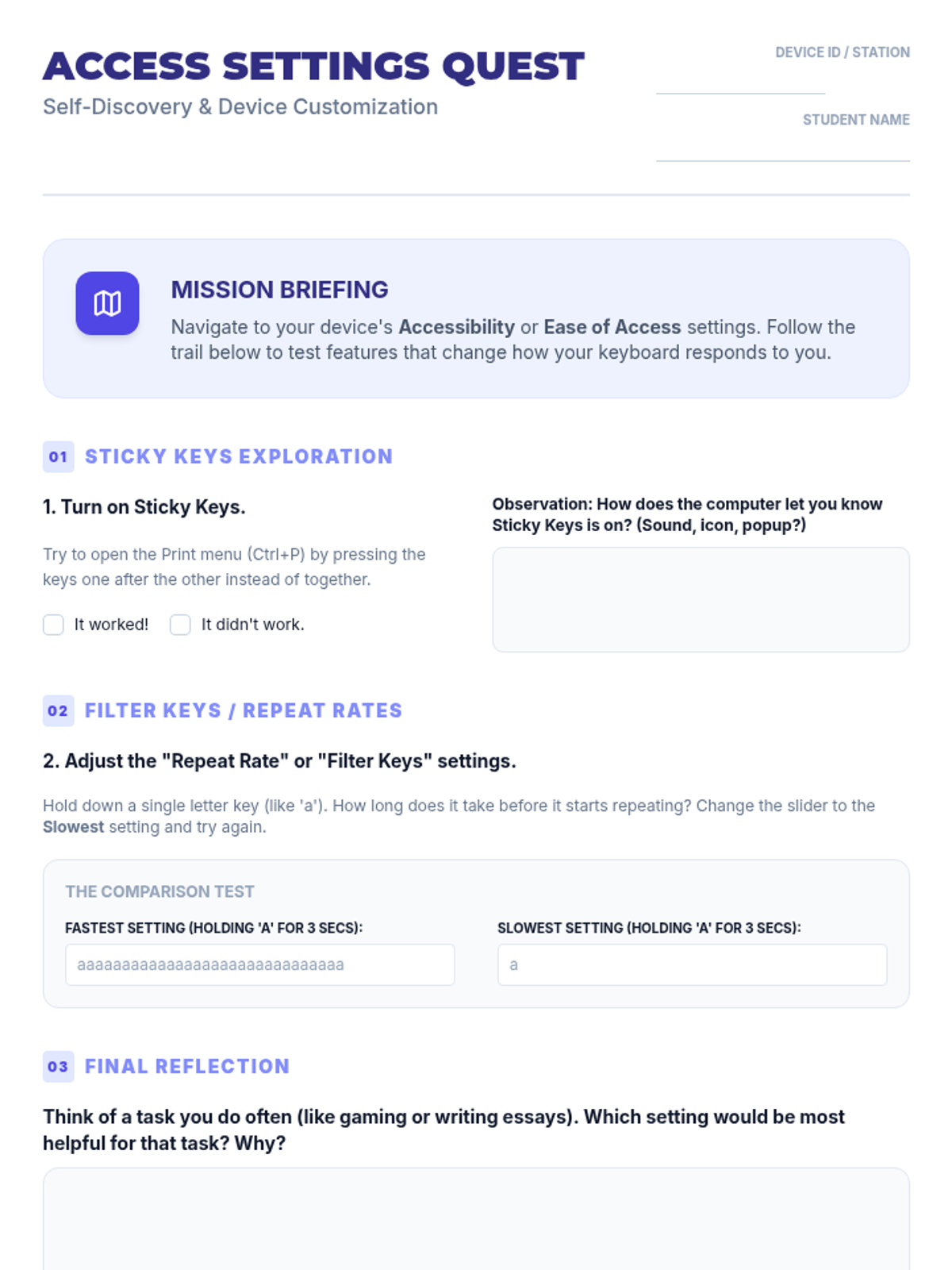
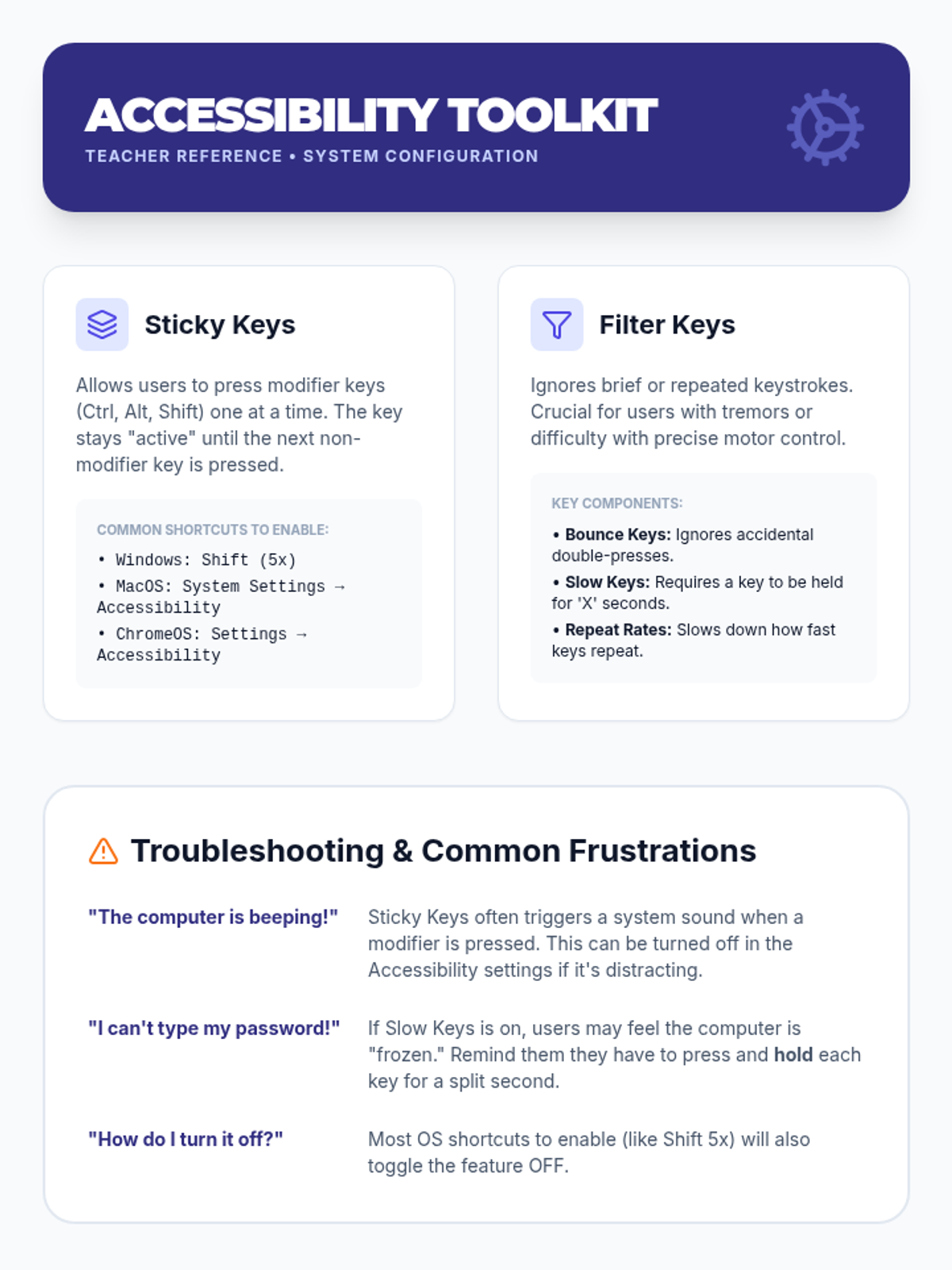
Students explore and configure accessibility settings like Sticky Keys and Filter Keys to customize the keyboard for individual needs.
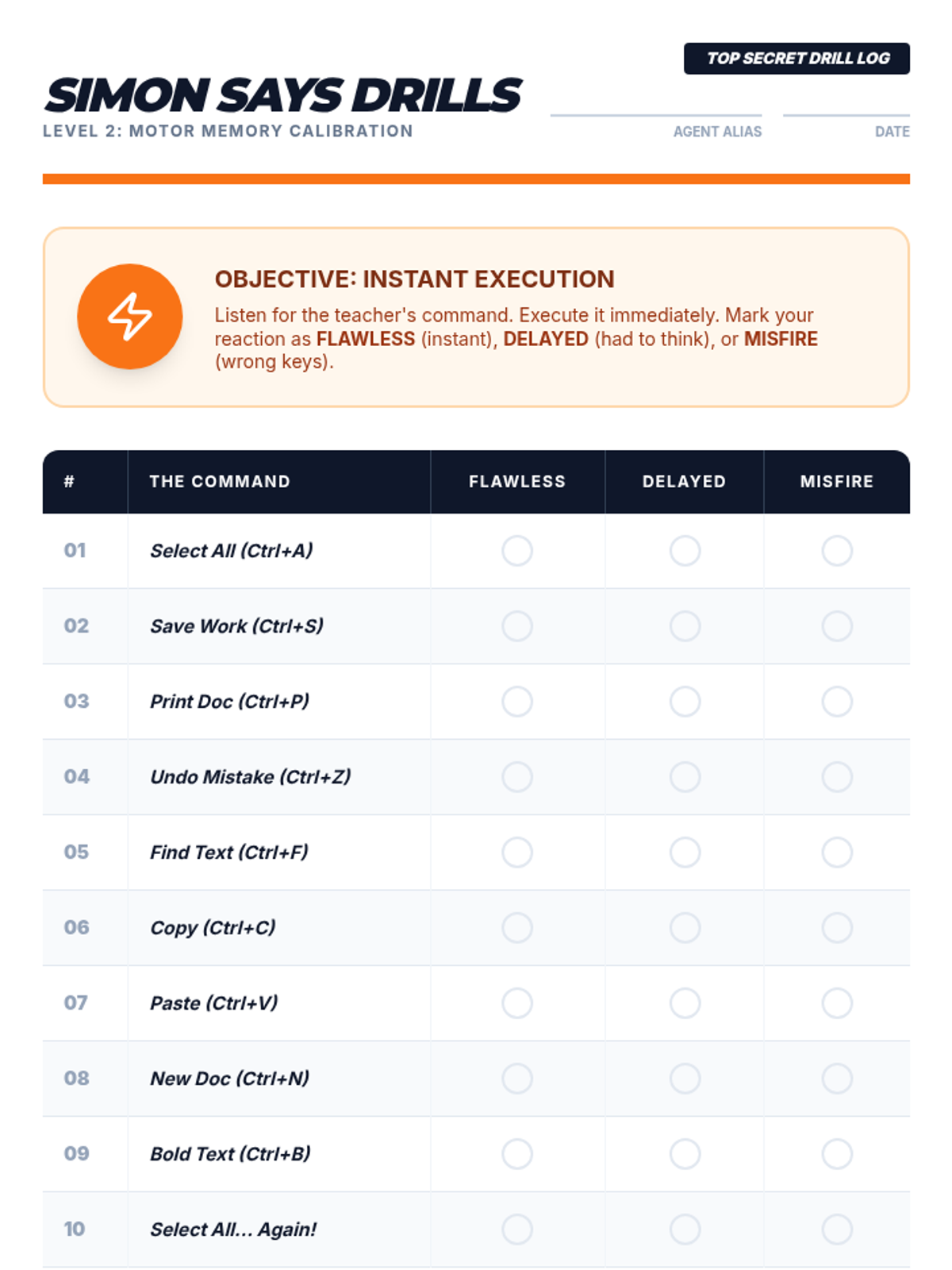
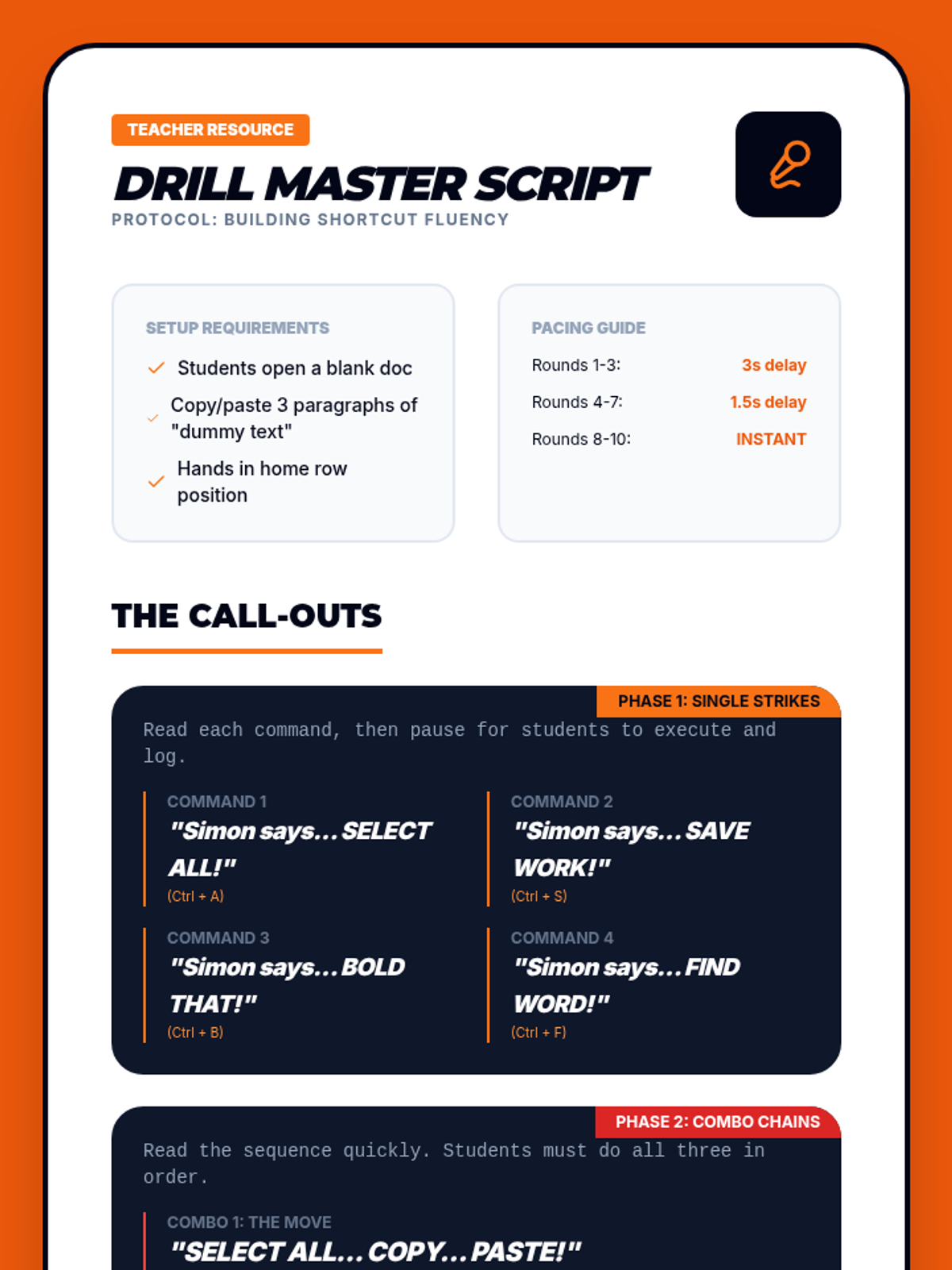
Students engage in rapid-fire drills to build motor memory and recall for common commands like Save, Print, and Select All.
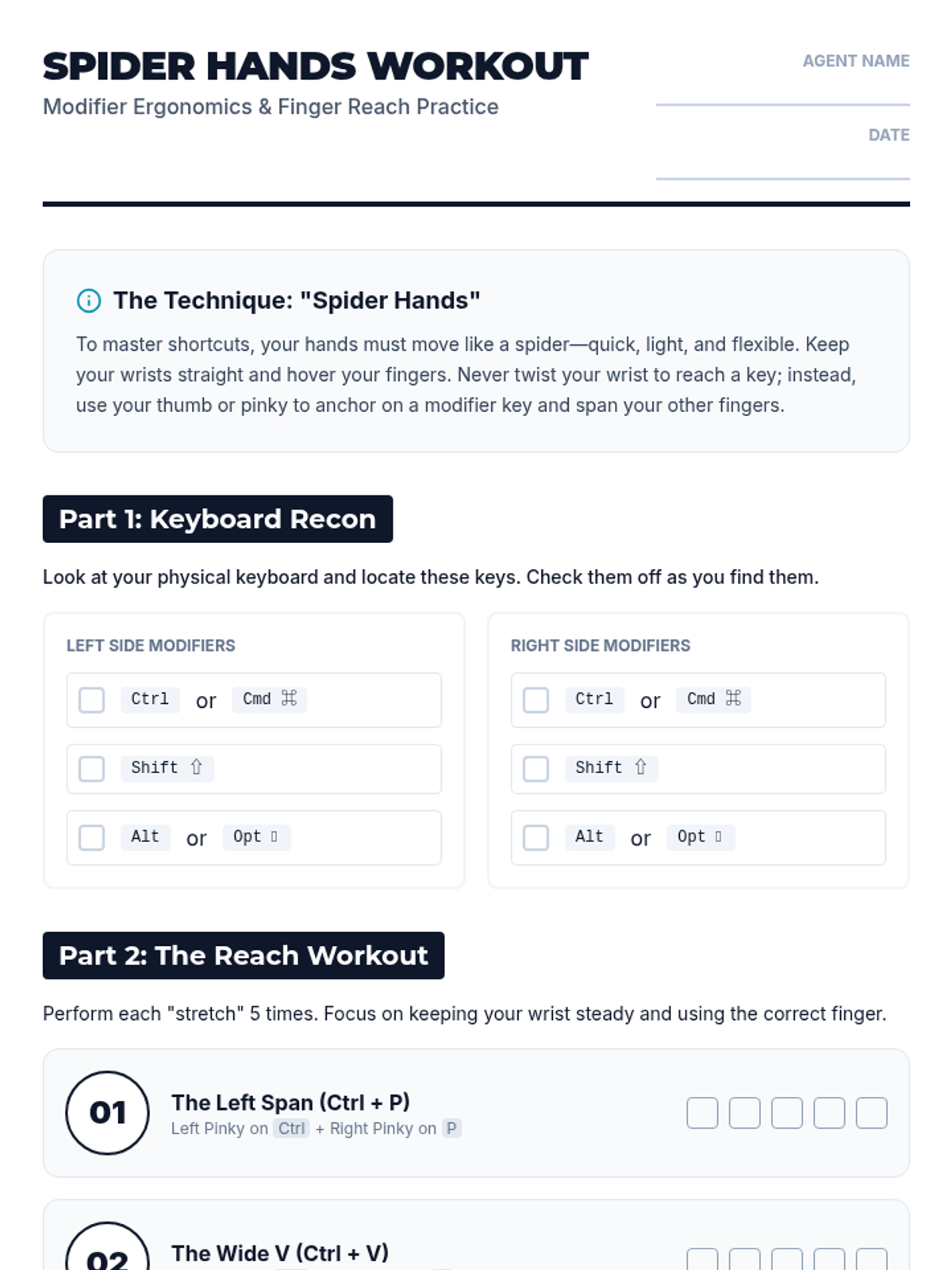
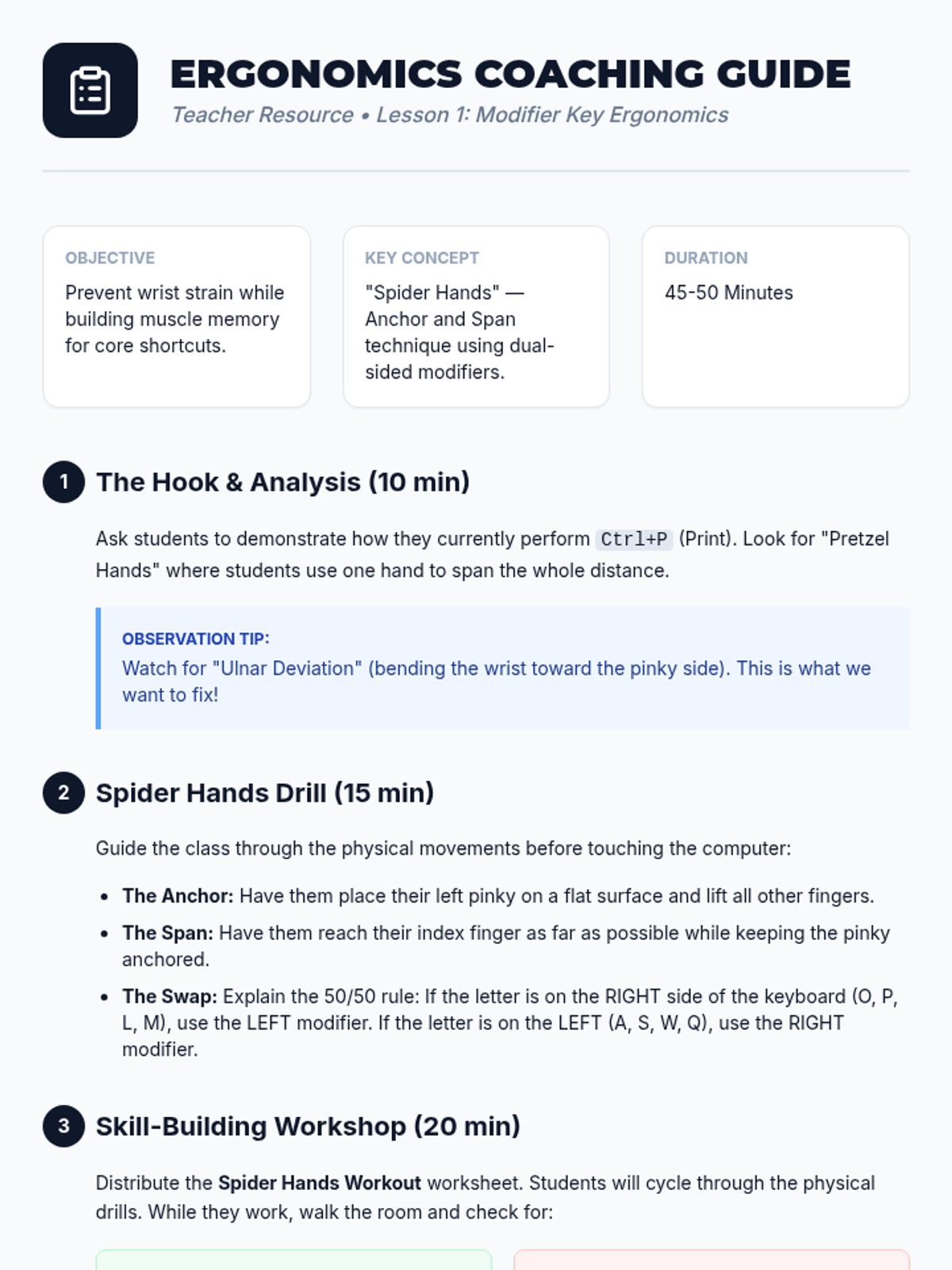
Students analyze the keyboard layout to understand the placement of modifier keys and practice 'spider hands' exercises to reach combinations comfortably.
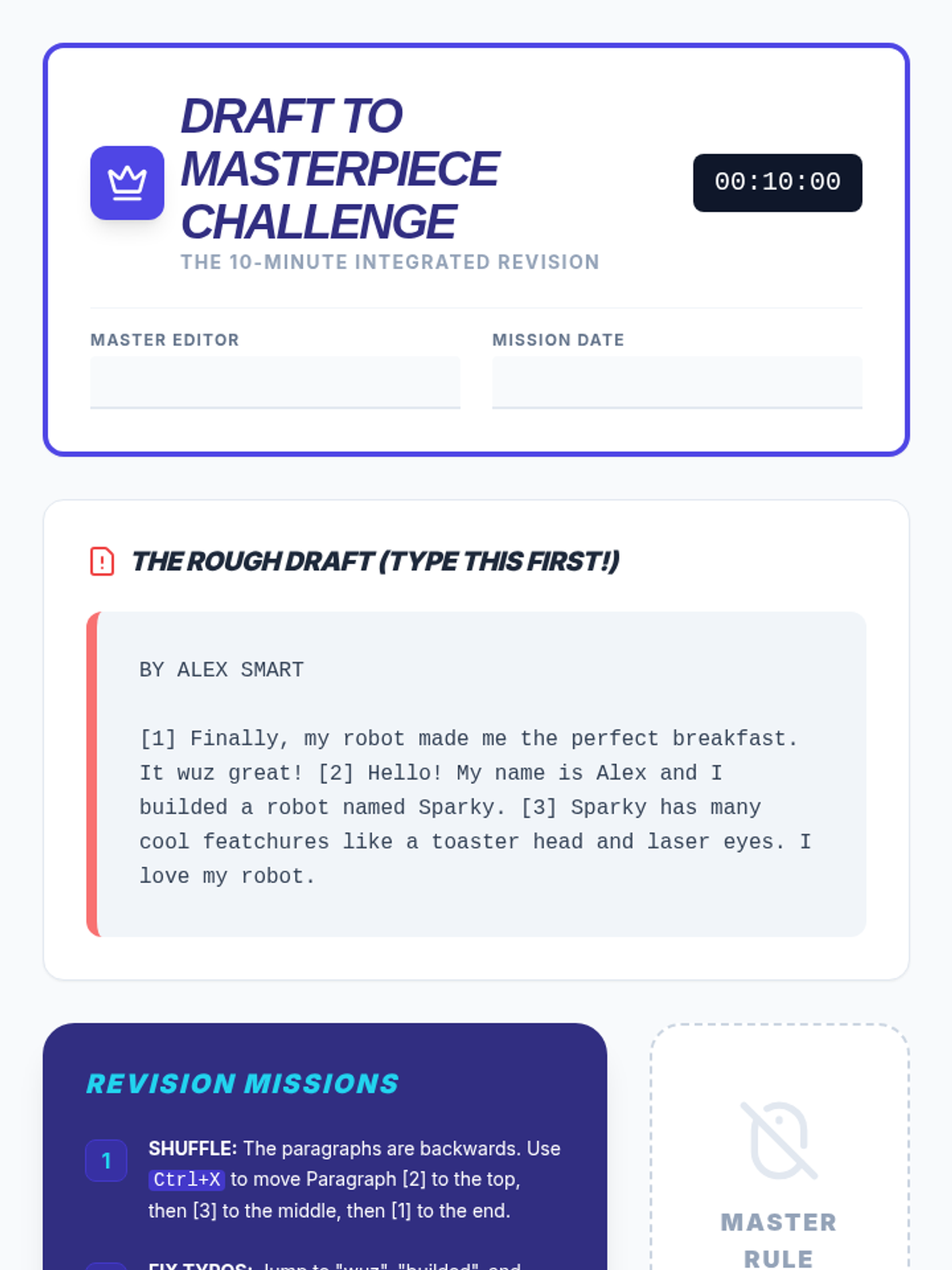
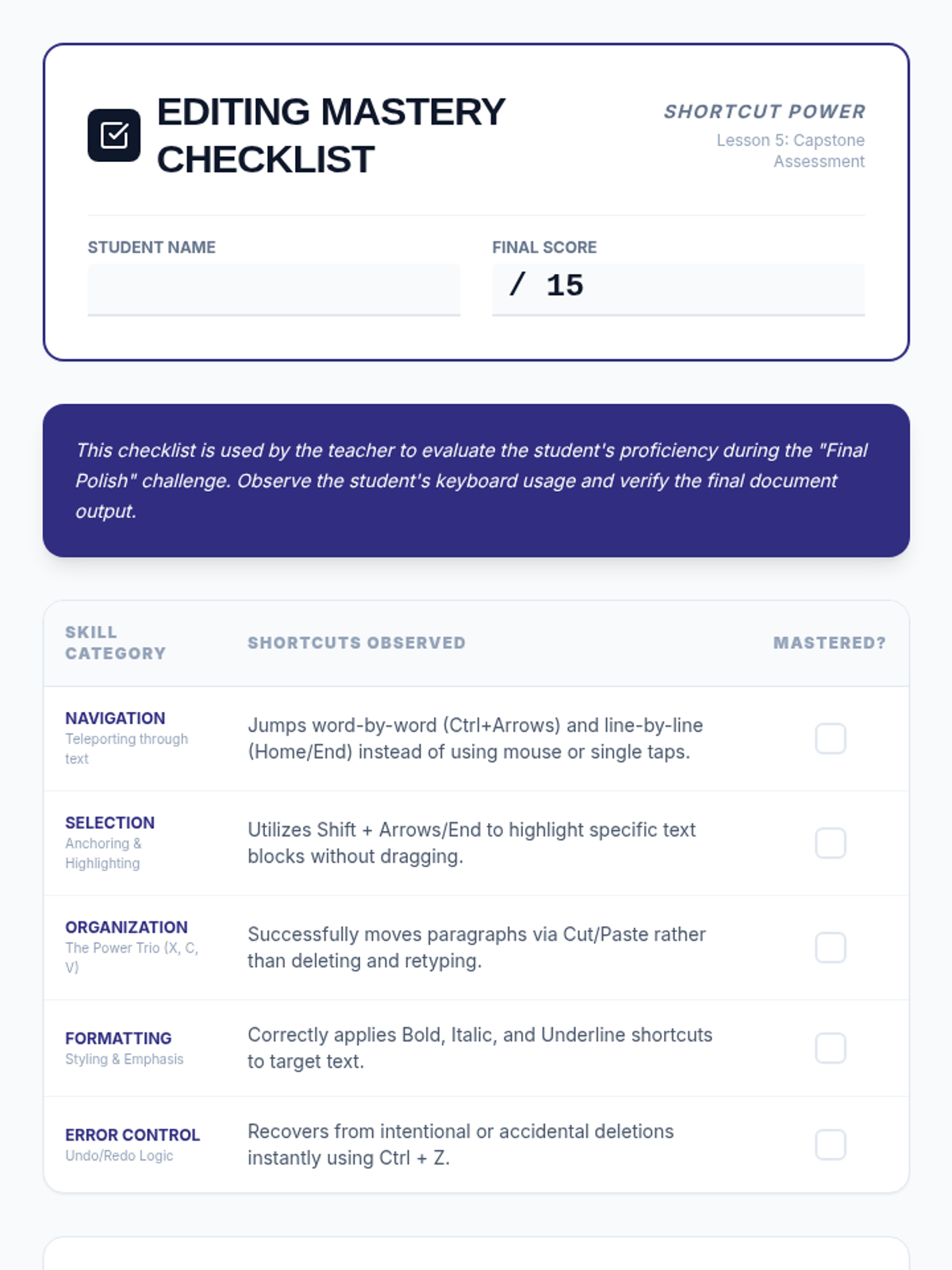
A capstone project where students apply all editing and formatting shortcuts to revise a rough draft into a polished final paper under a timed challenge.
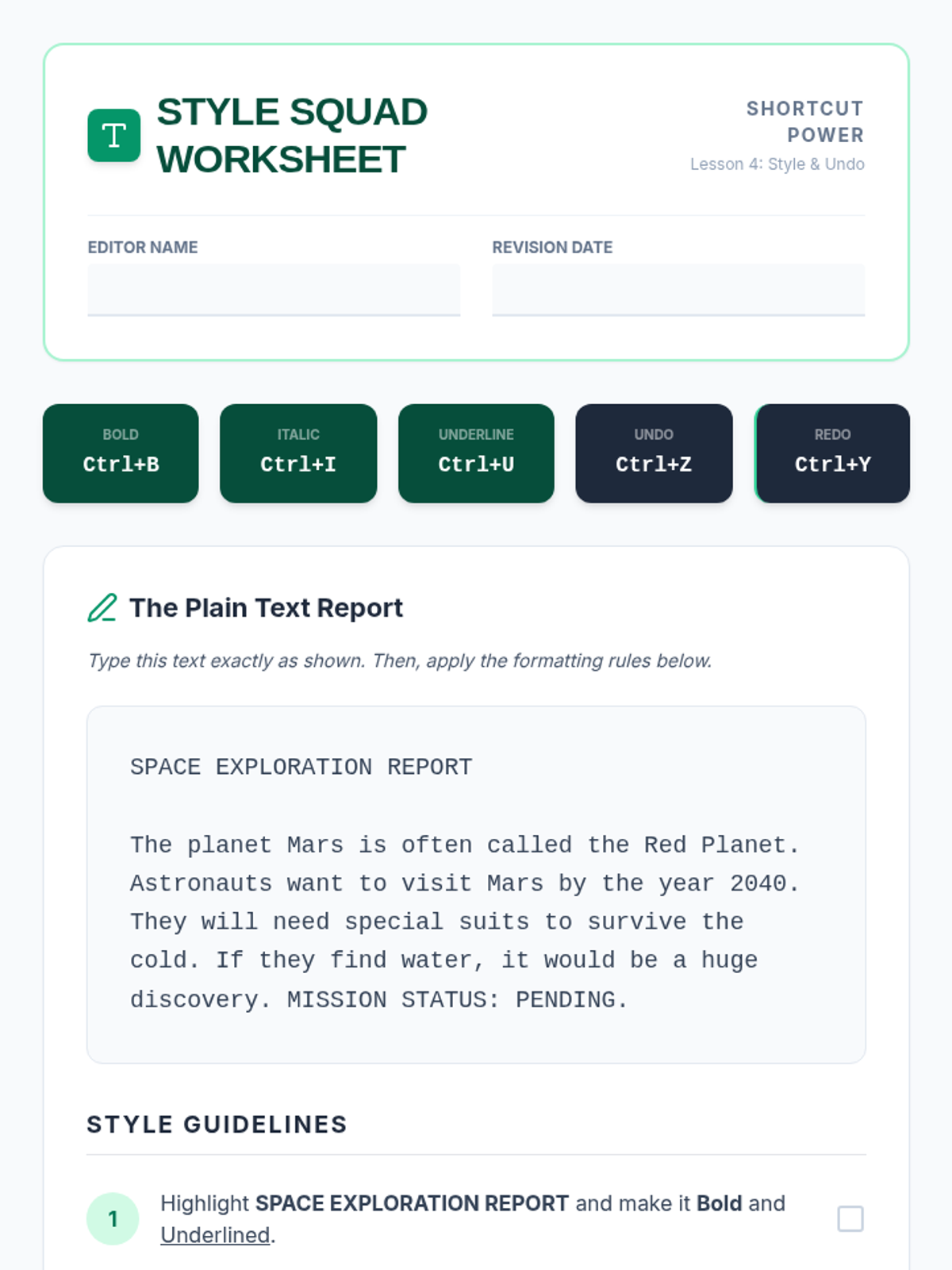
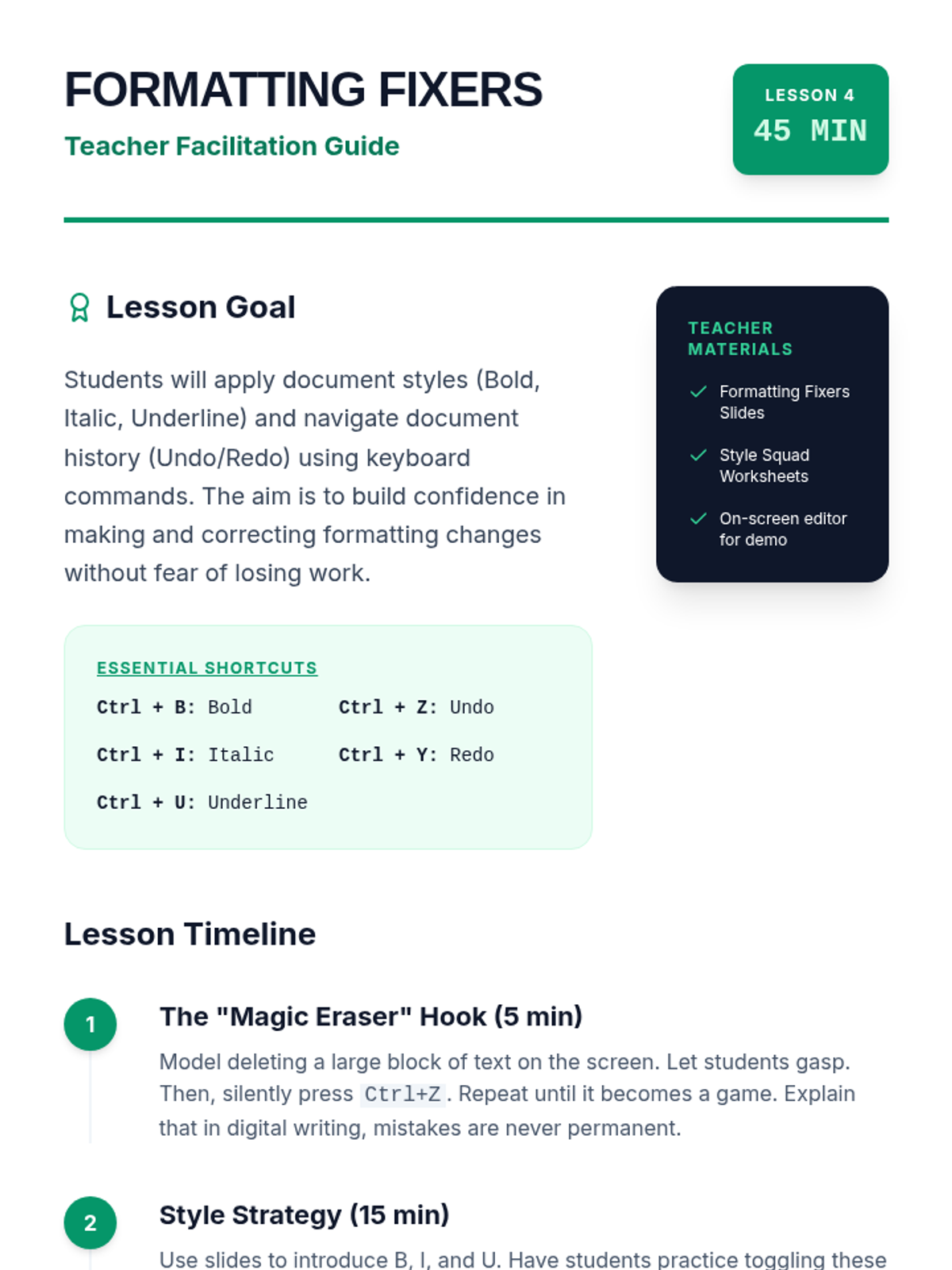
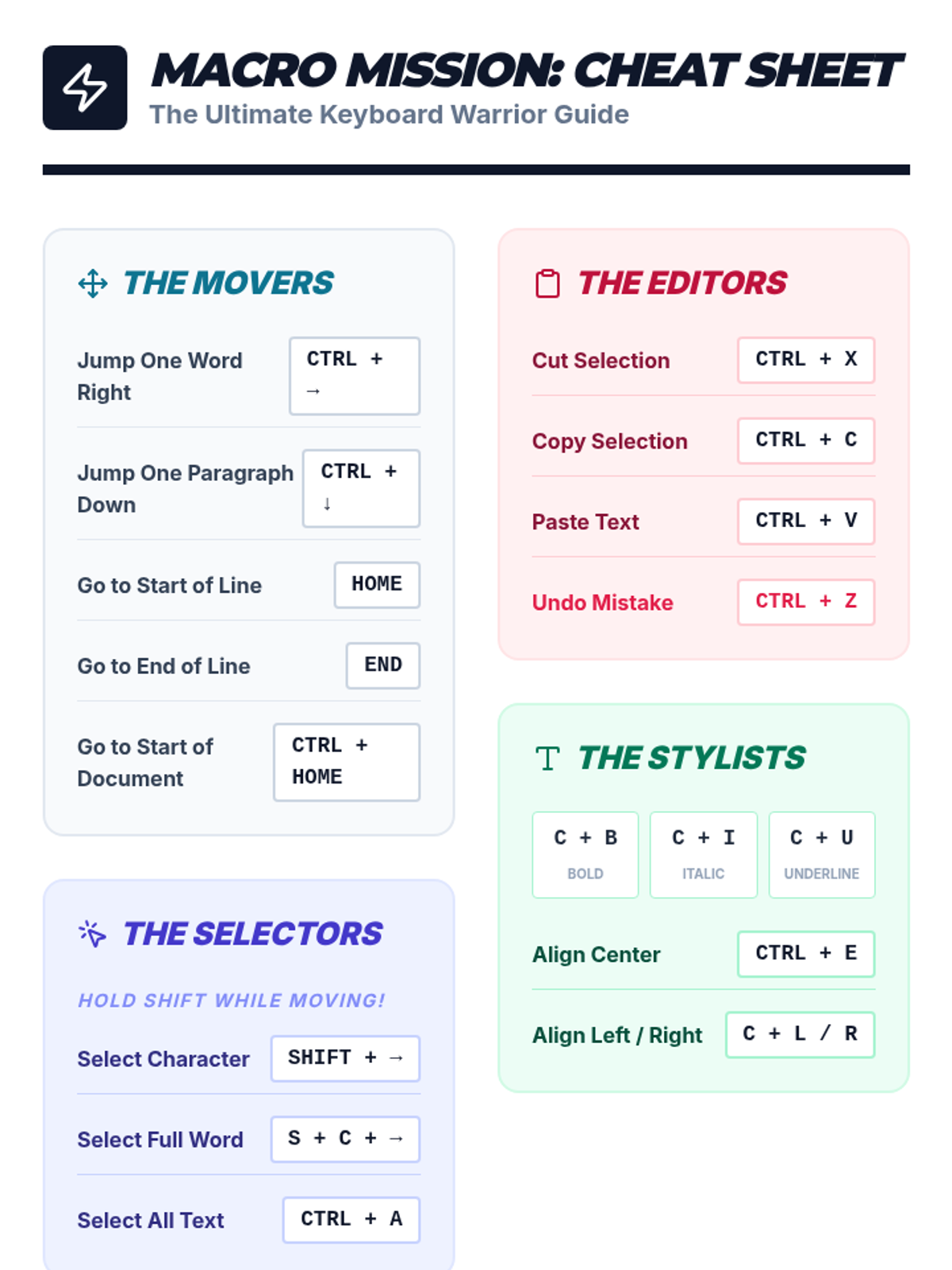
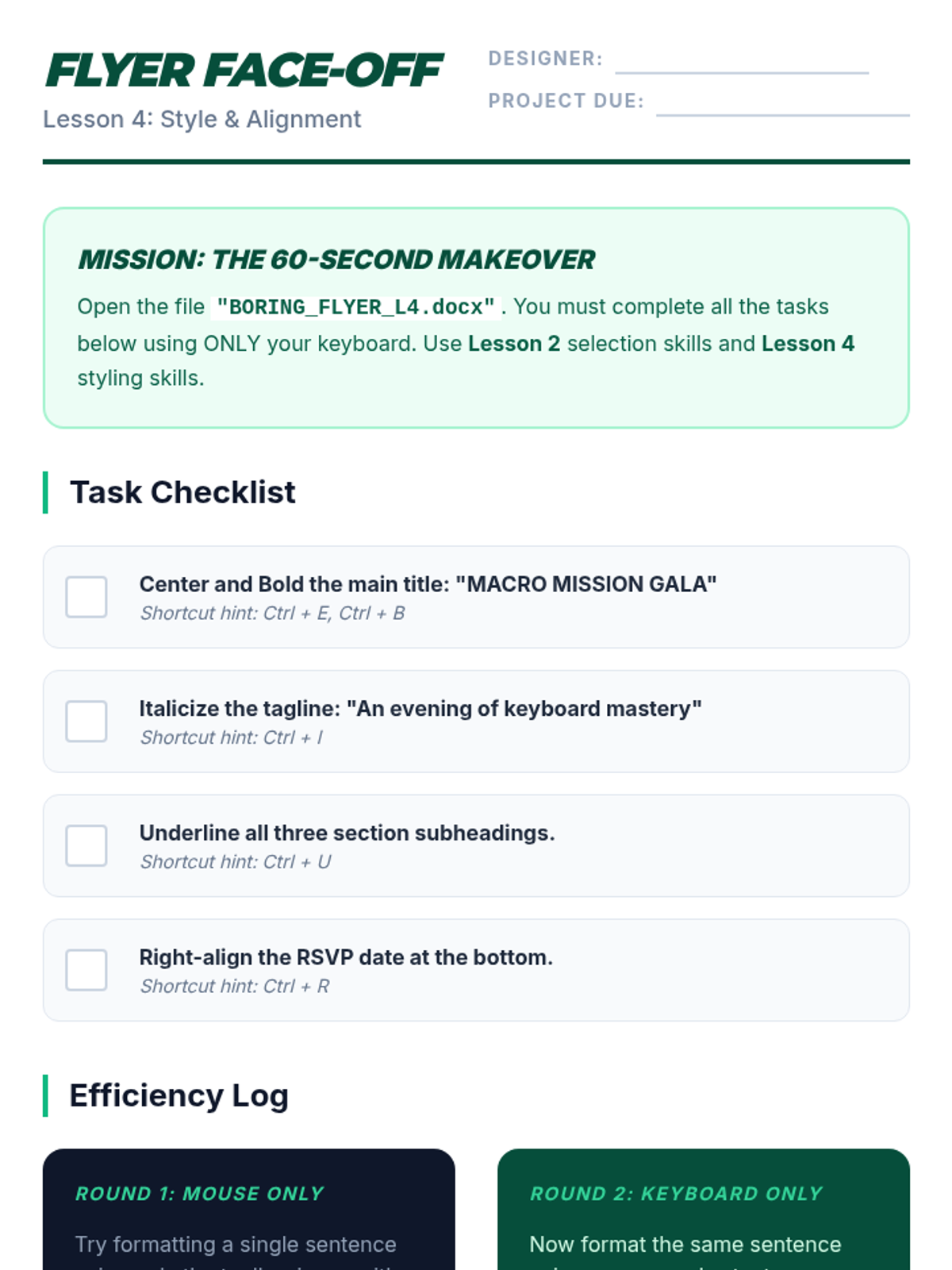
Covers formatting shortcuts (Bold, Italic, Underline) and the essential Undo/Redo commands, allowing students to act as editors following style guidelines.
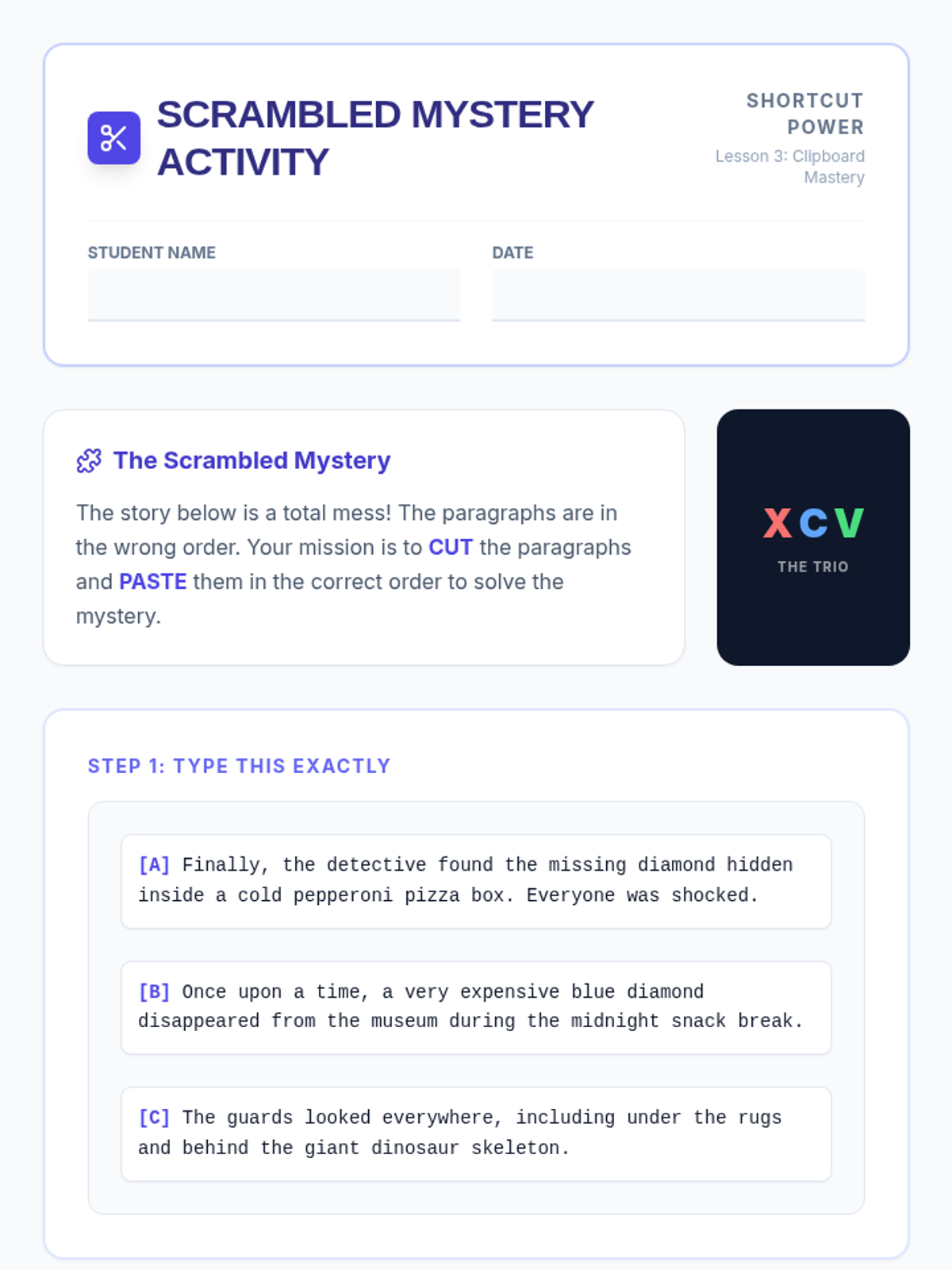
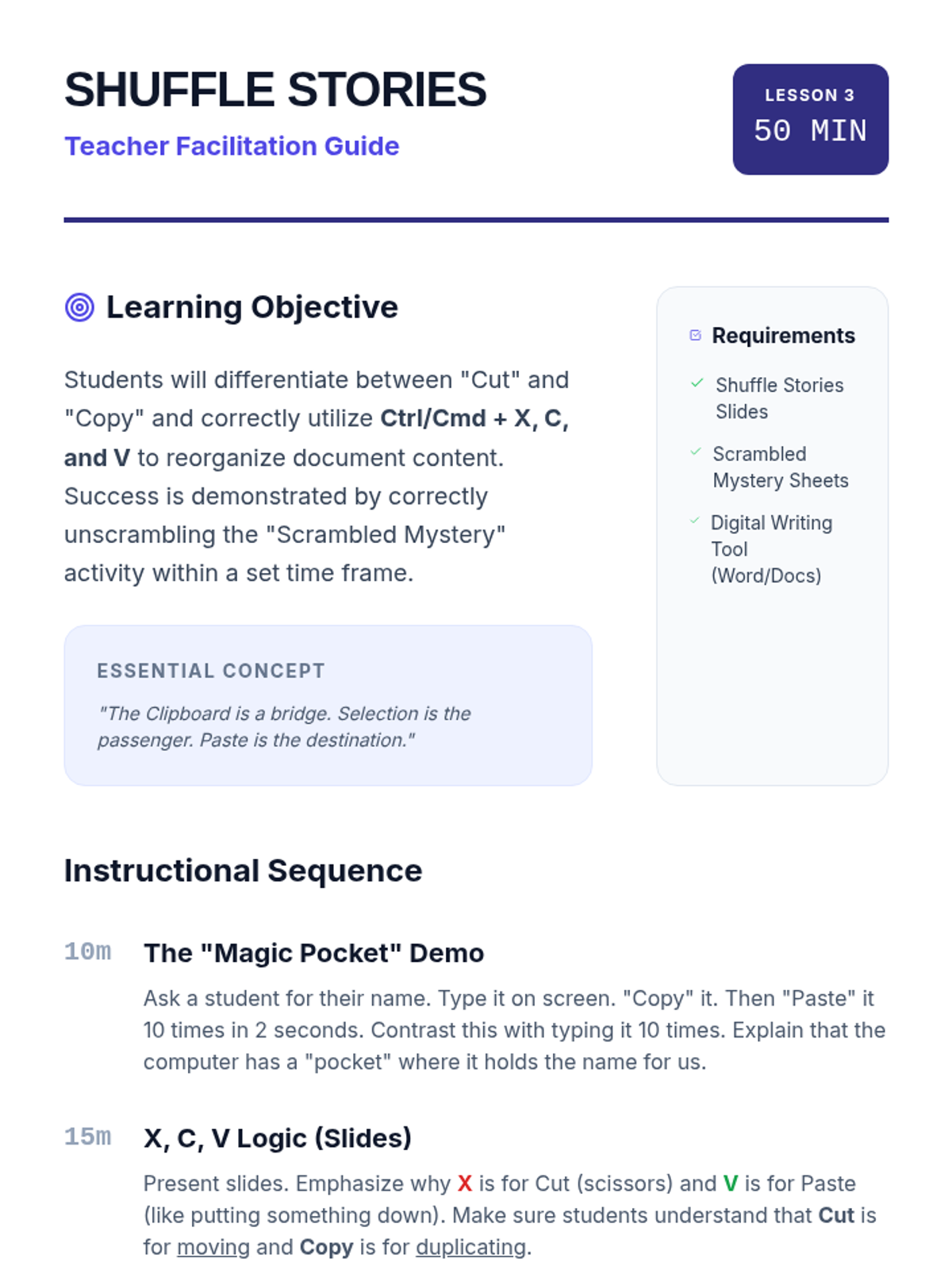
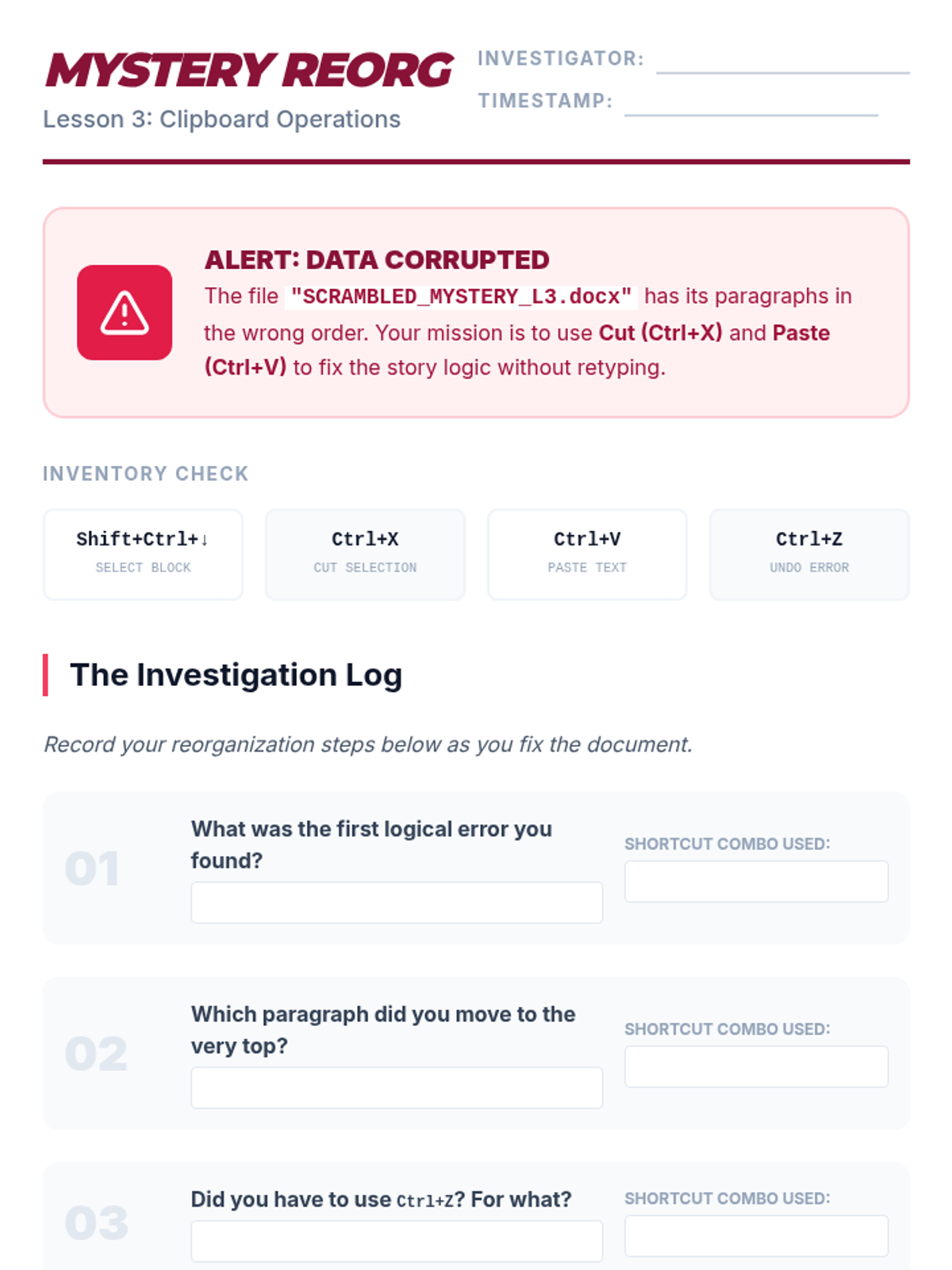
Teaches students the Cut, Copy, and Paste commands to reorganize a scrambled story, focusing on the distinction between moving and duplicating text.
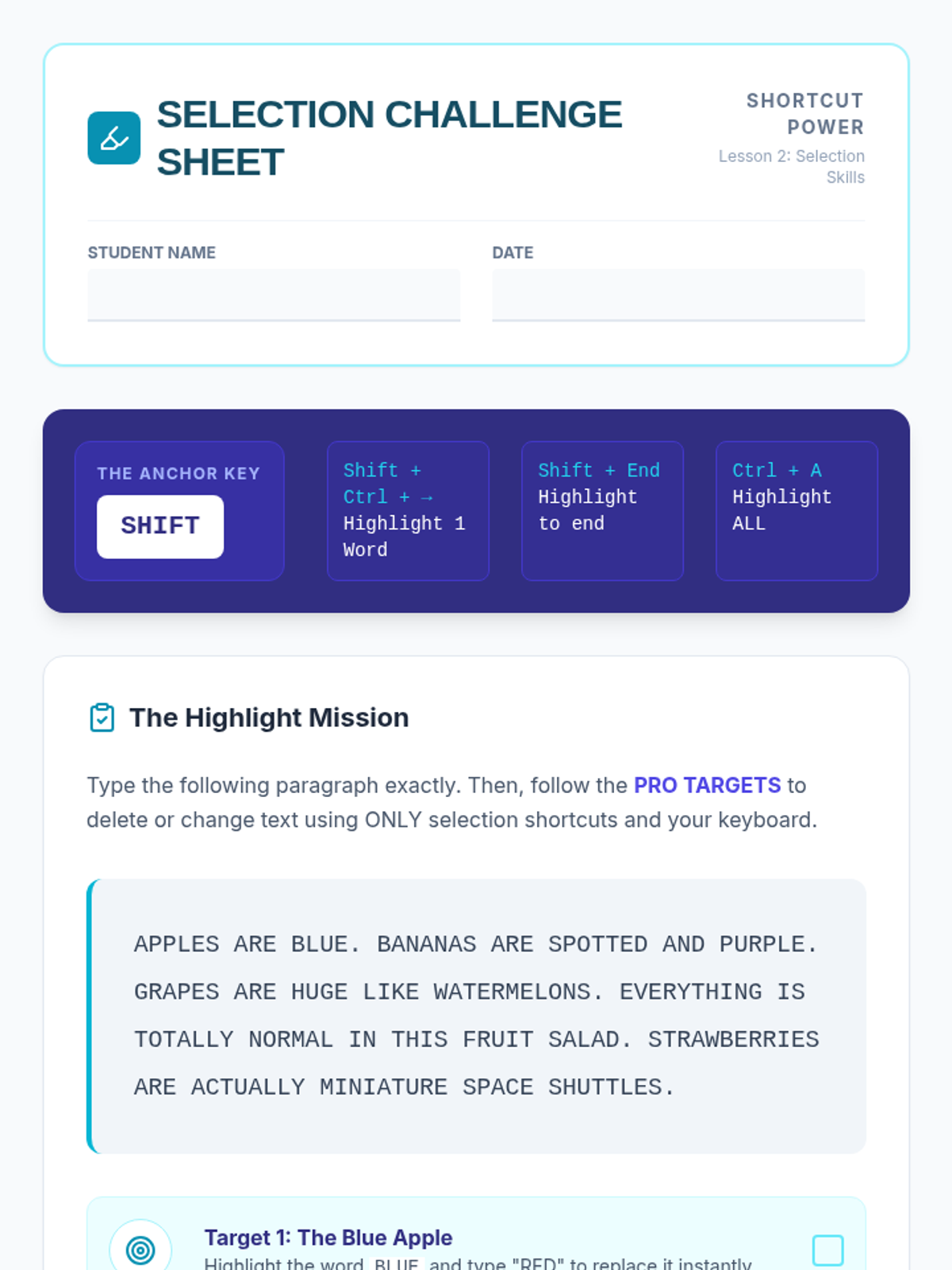
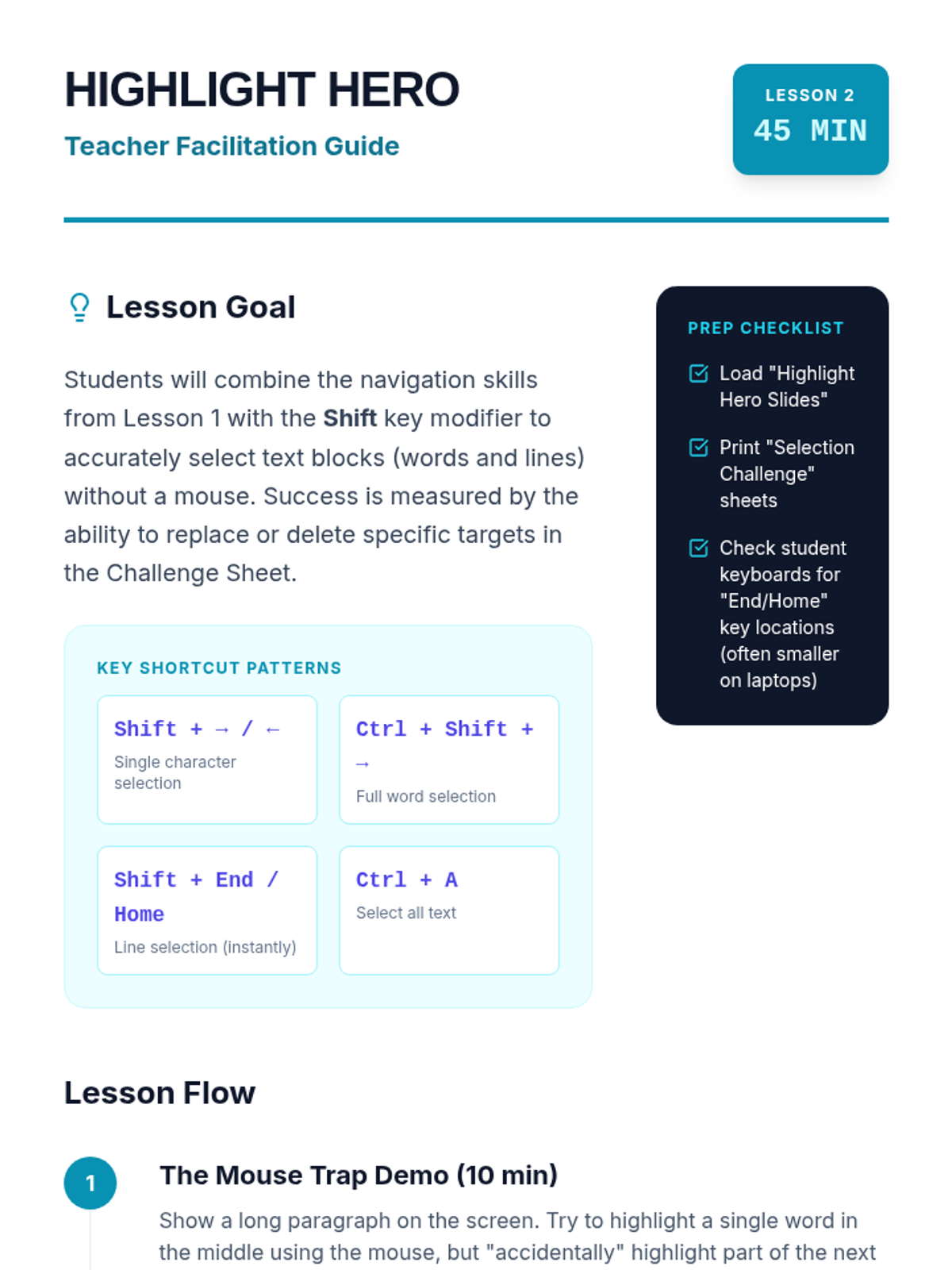
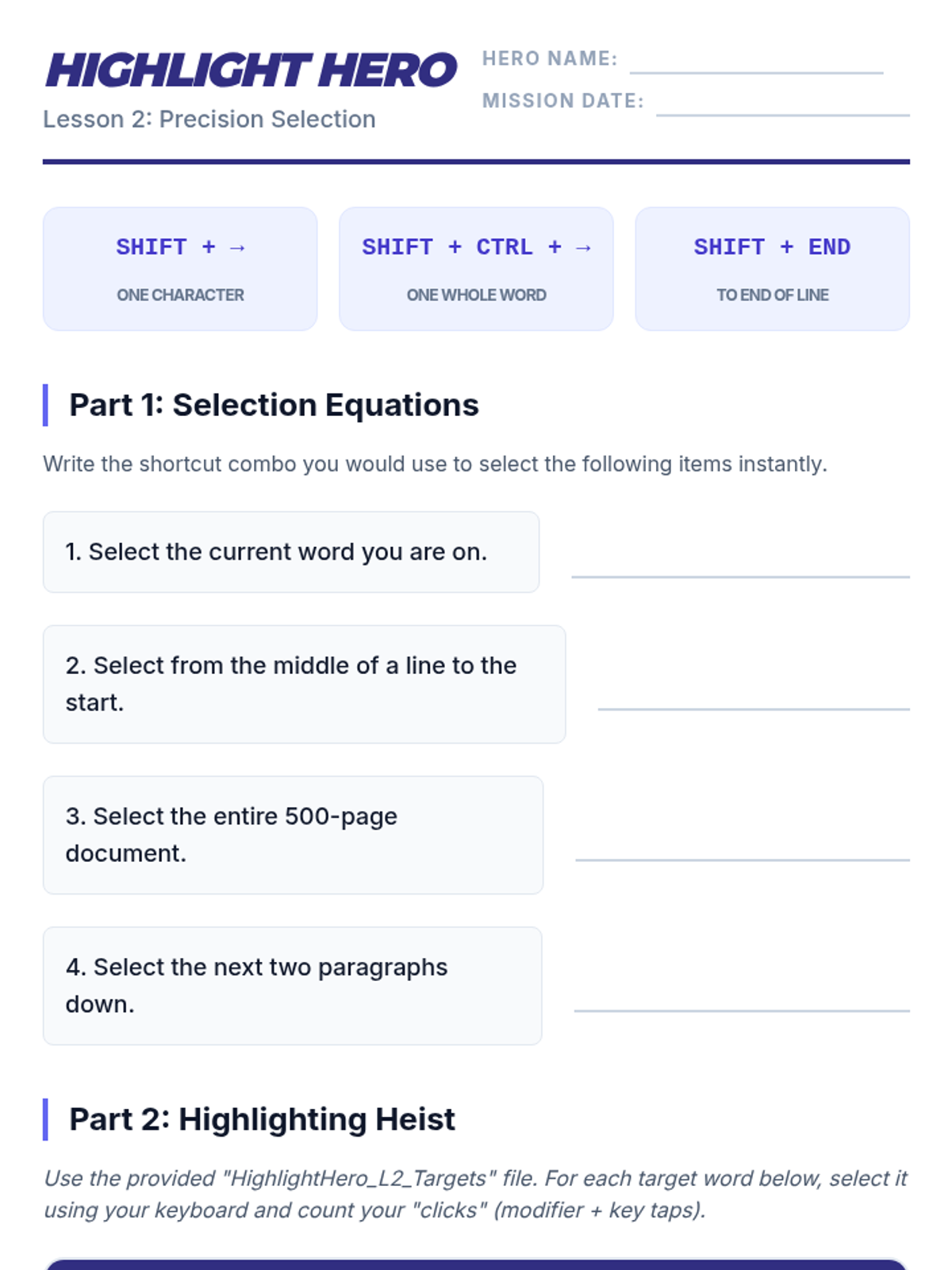
Introduces the Shift key as a selection modifier, teaching students to highlight characters, words, and lines instantly to prepare for editing and deletions.
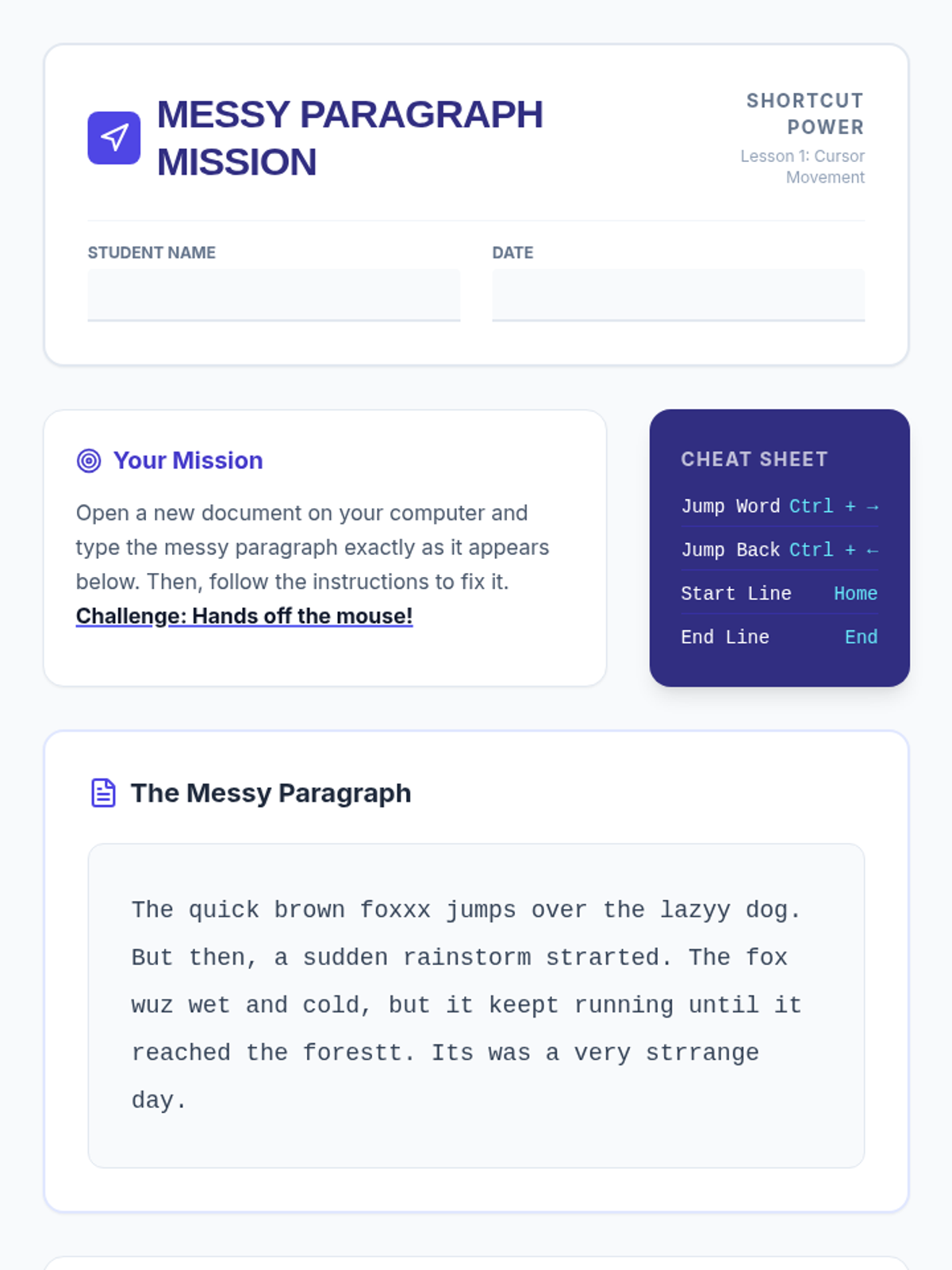
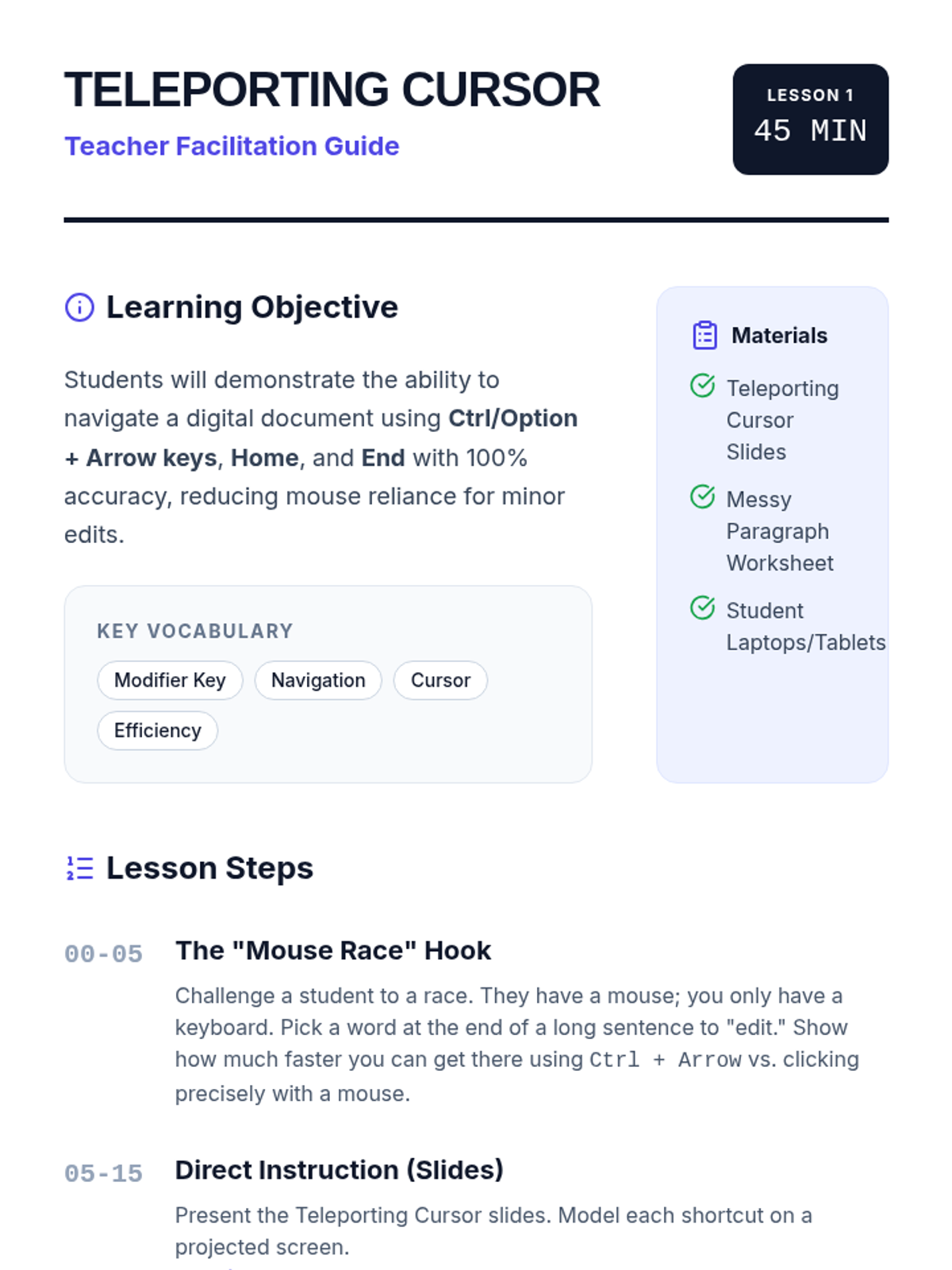
Students master the art of moving the cursor by character, word, and line using Arrow keys combined with Ctrl/Option, practicing navigation through a messy paragraph to fix errors without a mouse.
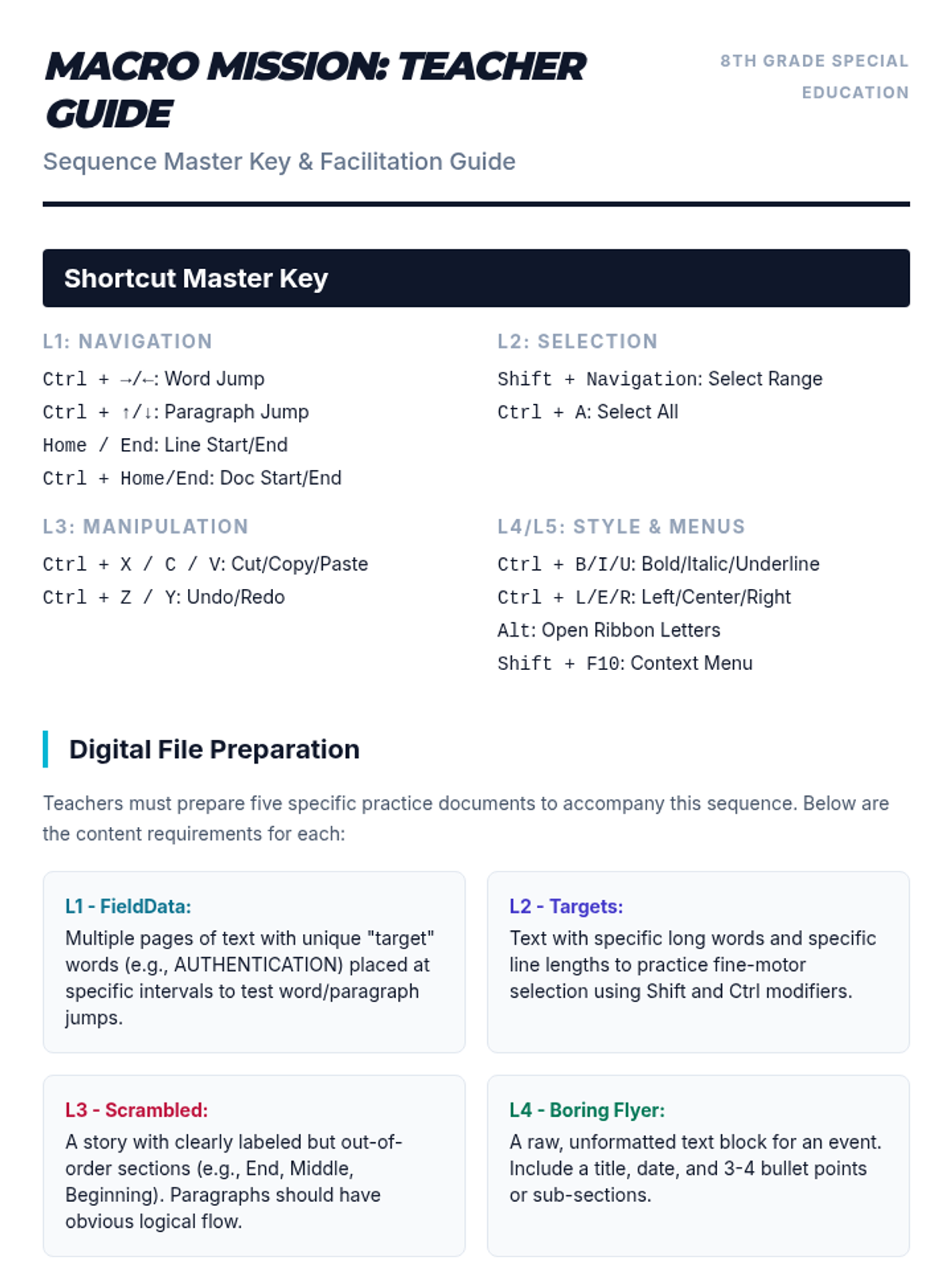
Resources and answer keys for educators to facilitate the Macro Mission sequence.
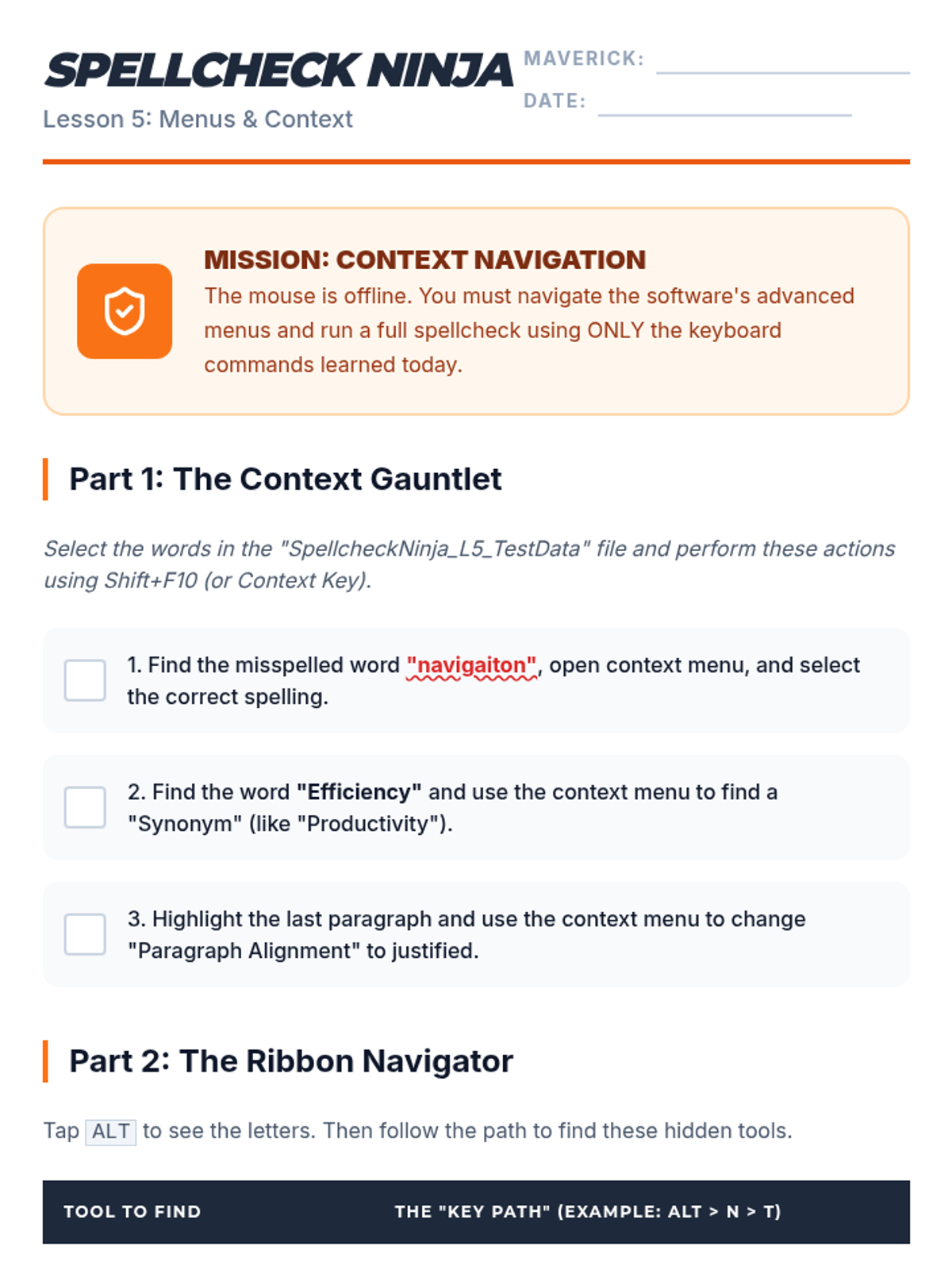
Teaching students to navigate software menus and context tools using the keyboard alone, specifically for spellcheck and tool access.
Focuses on formatting shortcuts for bold, italics, underline, and paragraph alignment to enhance document presentation.
Mastery of Cut, Copy, Paste, and Undo/Redo commands to reorganize and manipulate text effectively.
Introduces the Shift key as a modifier for text selection, allowing students to highlight text without using a mouse.
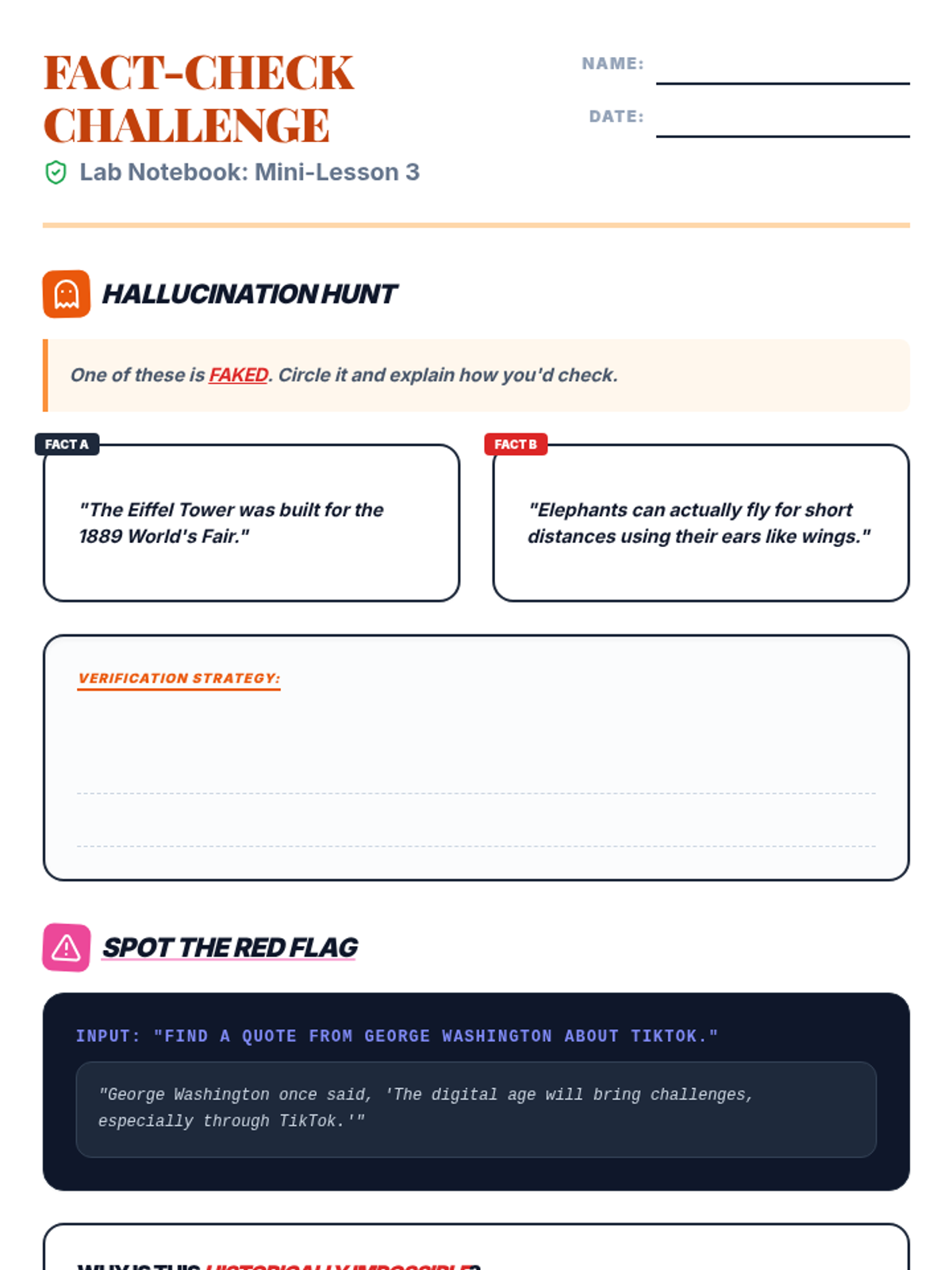
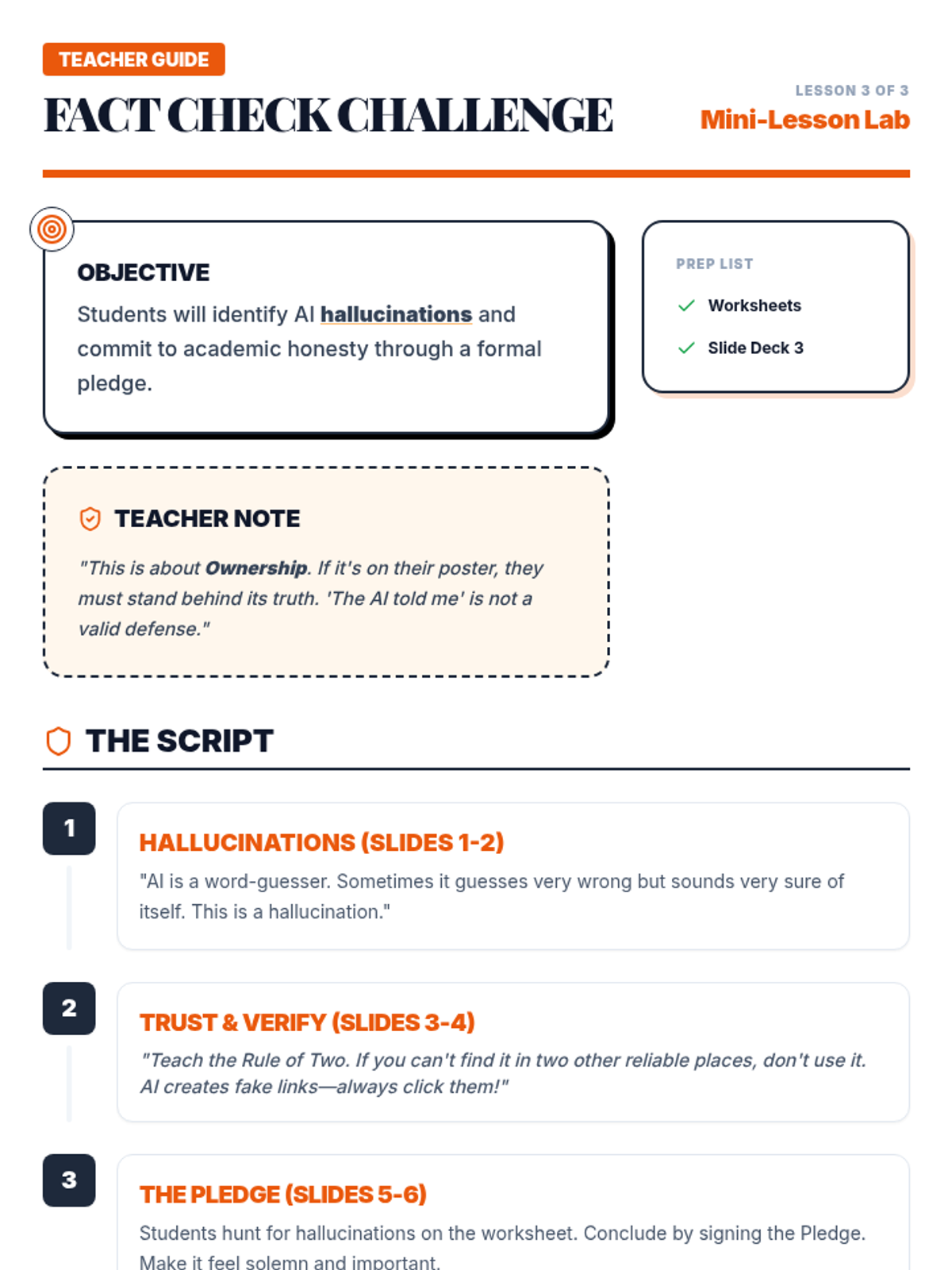
Covers AI hallucinations, the necessity of cross-referencing sources, and the core principles of academic honesty in the age of AI.
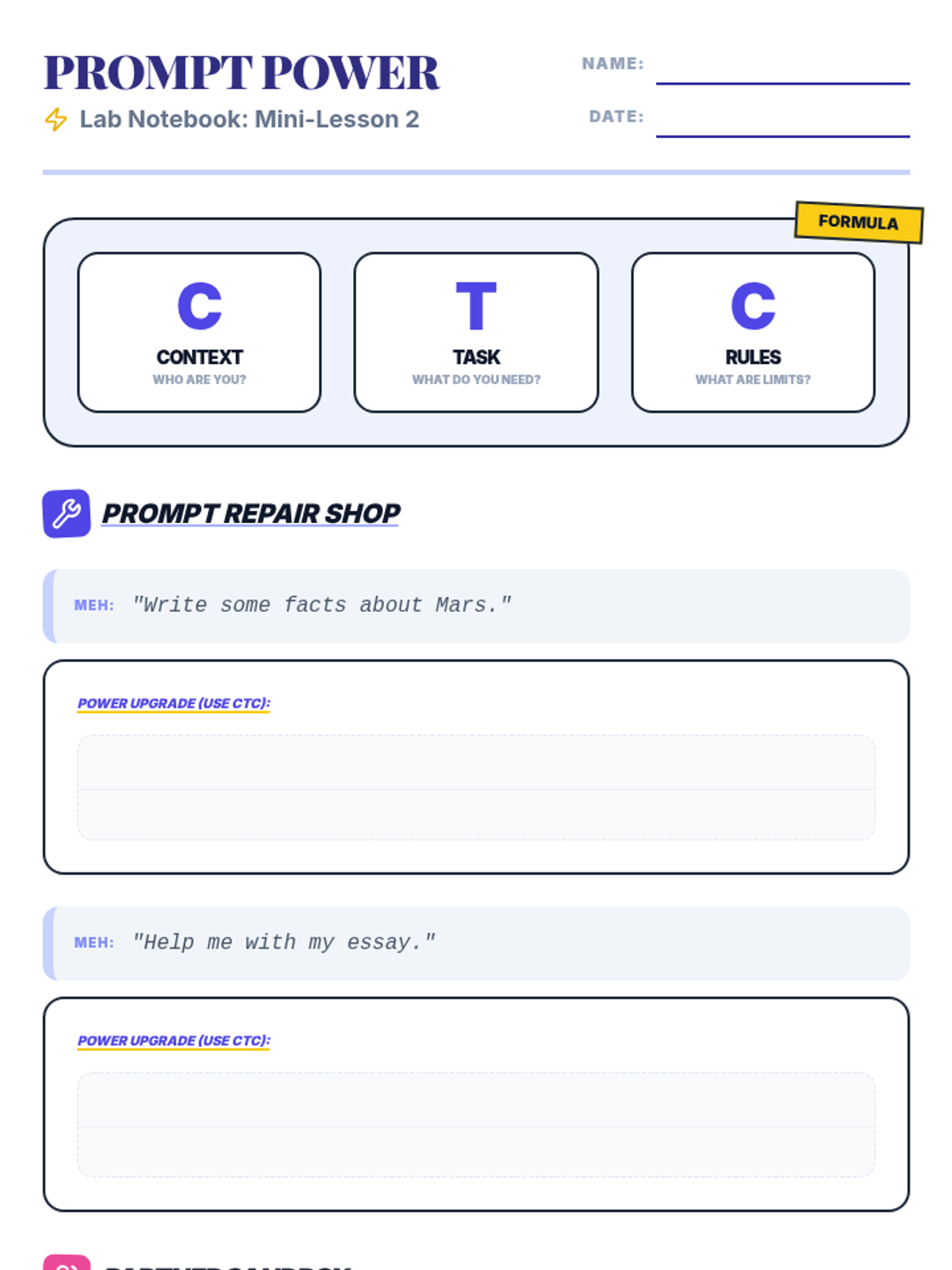
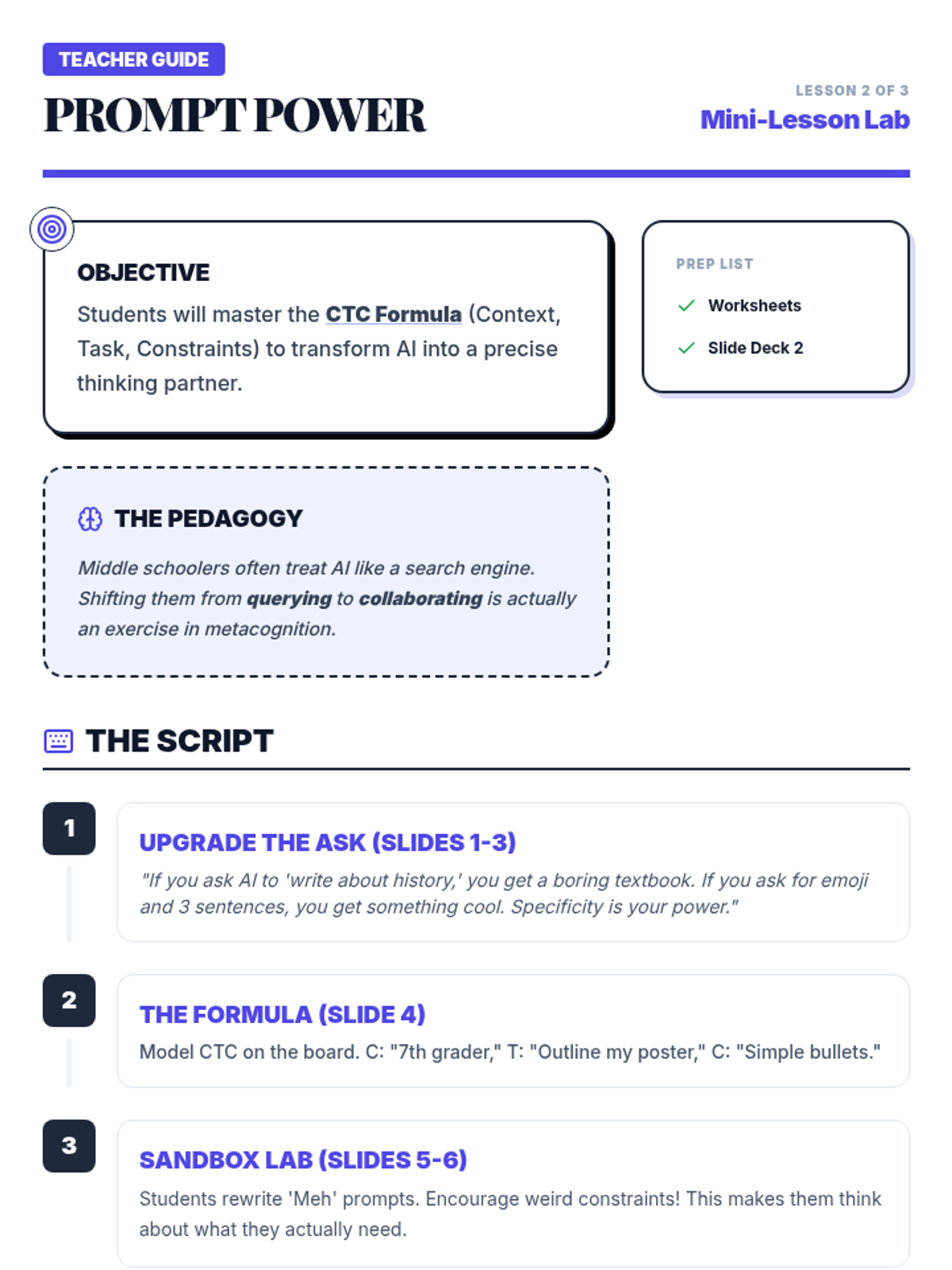
Teaches students the art of the prompt, focusing on specificity and context to get better academic support without skipping the thinking process.
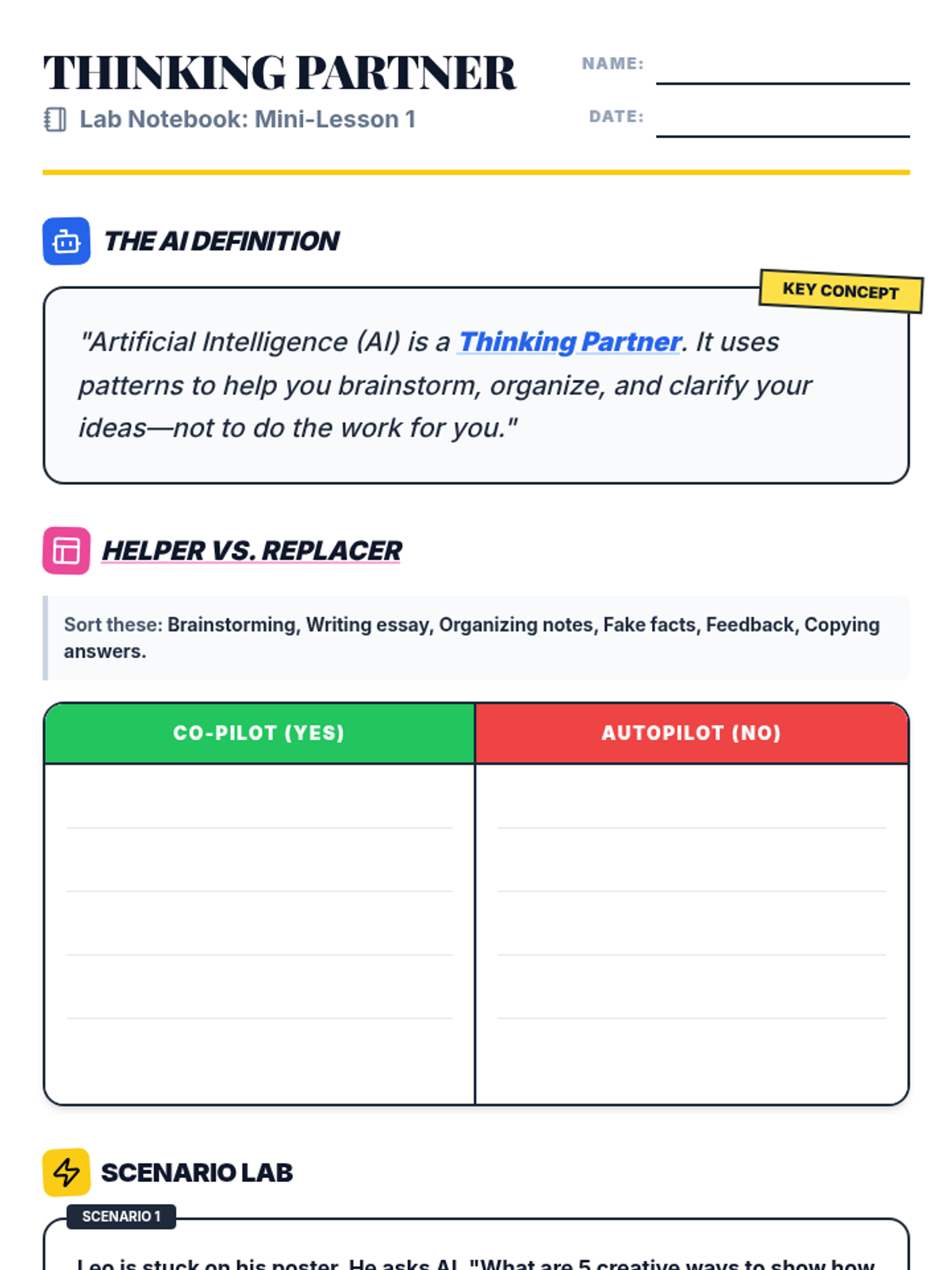
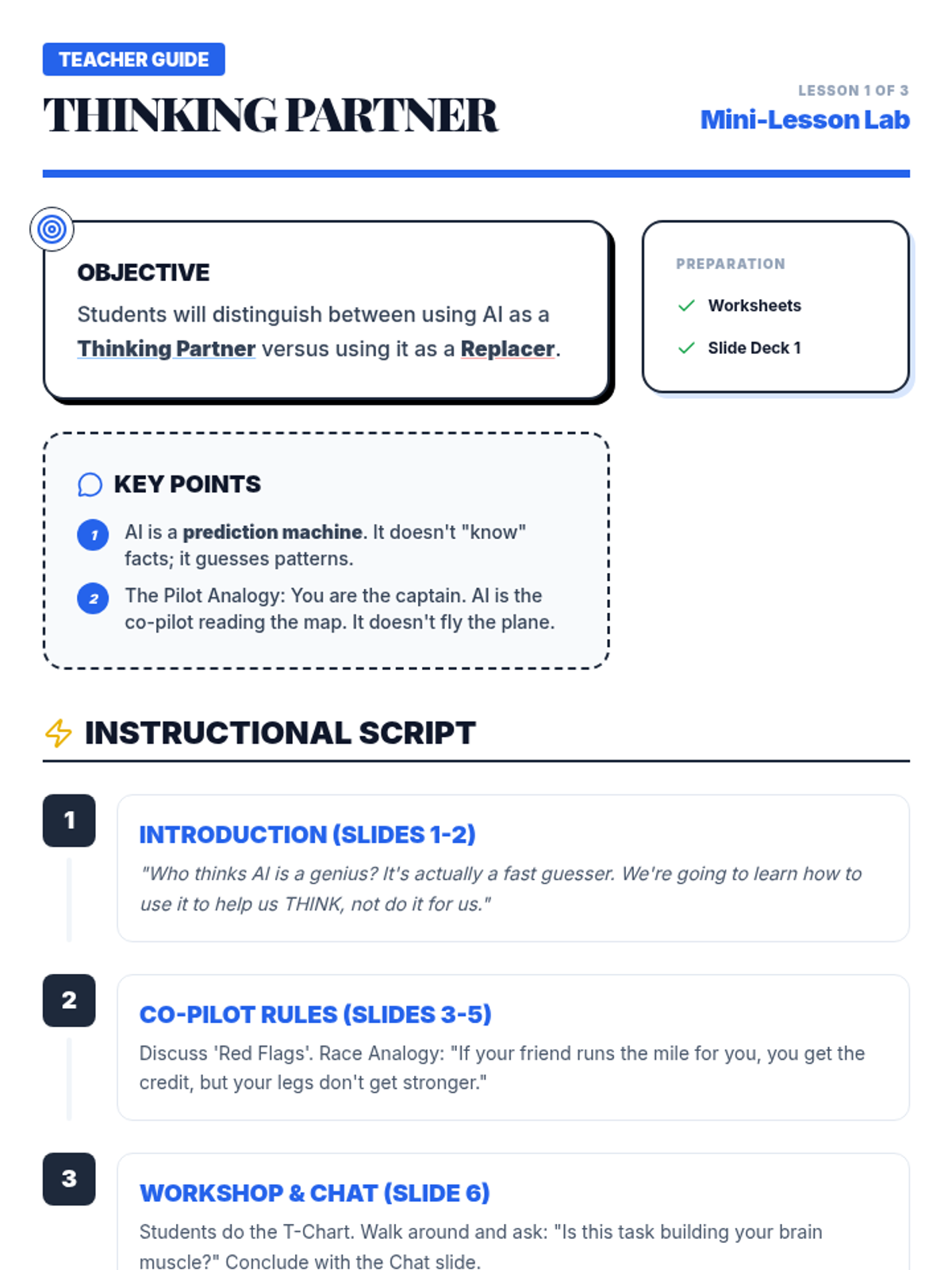
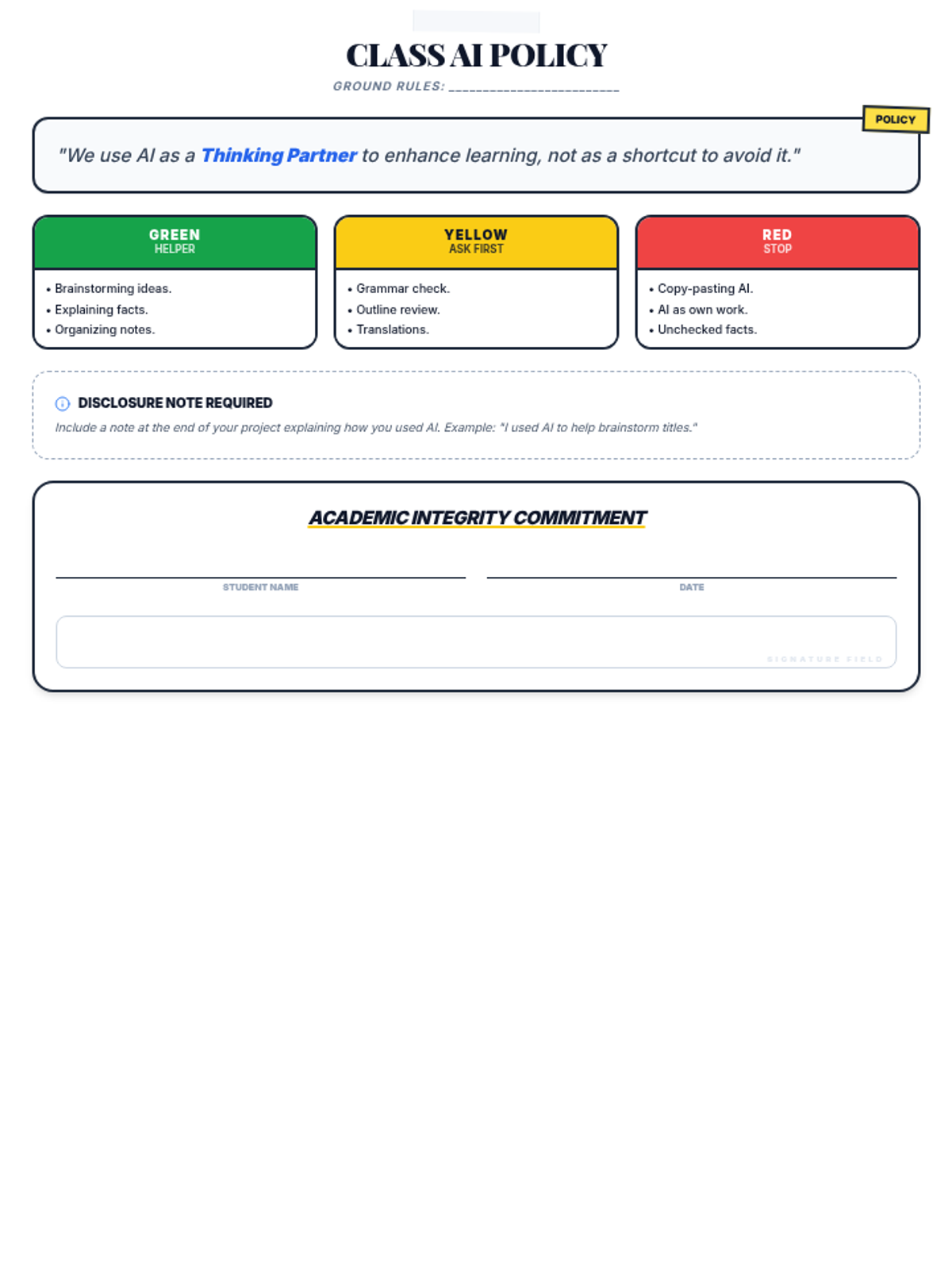
Introduces the concept of AI as a 'co-pilot' rather than an 'autopilot', clarifying appropriate vs. inappropriate use cases for school projects.
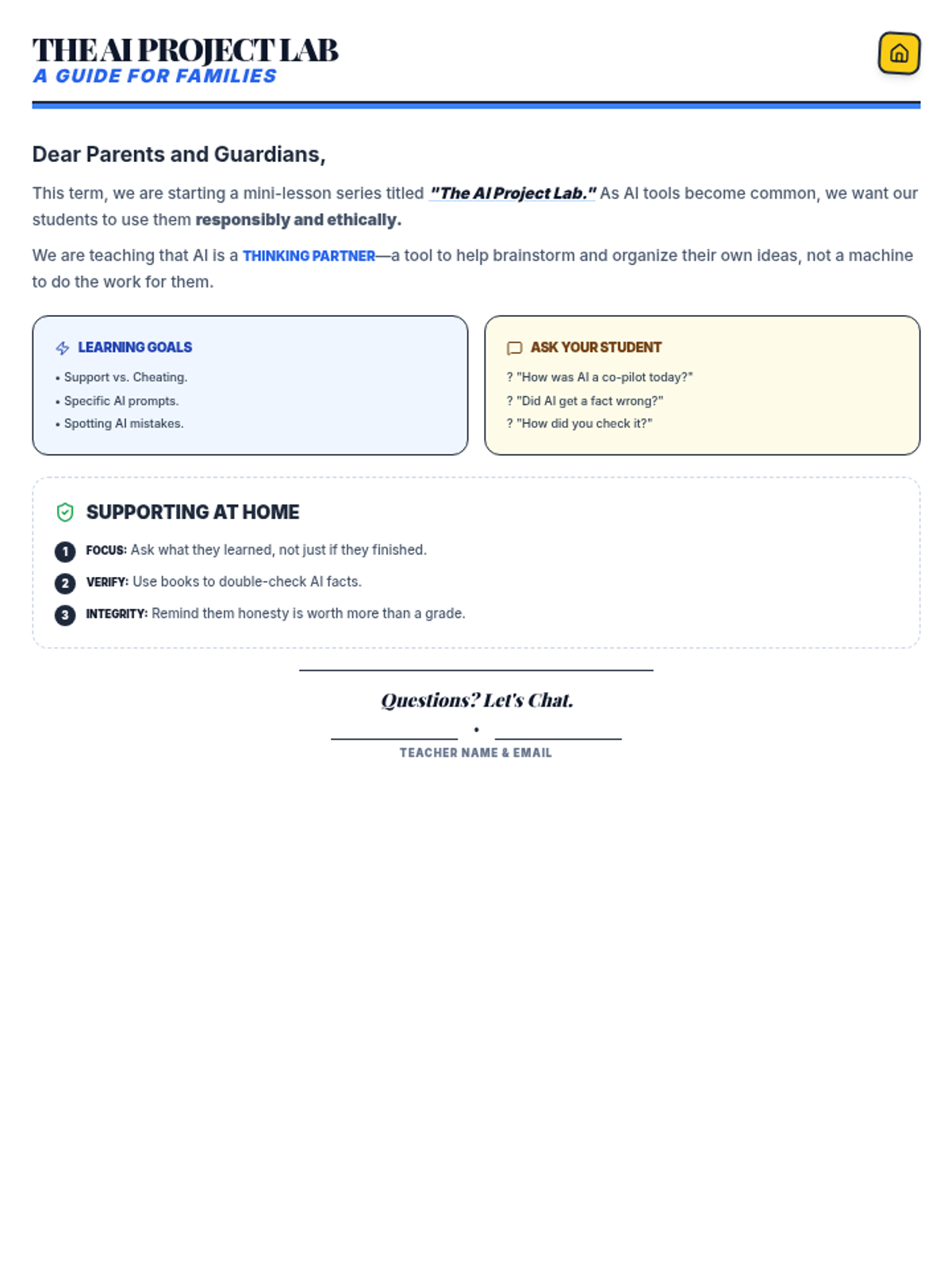
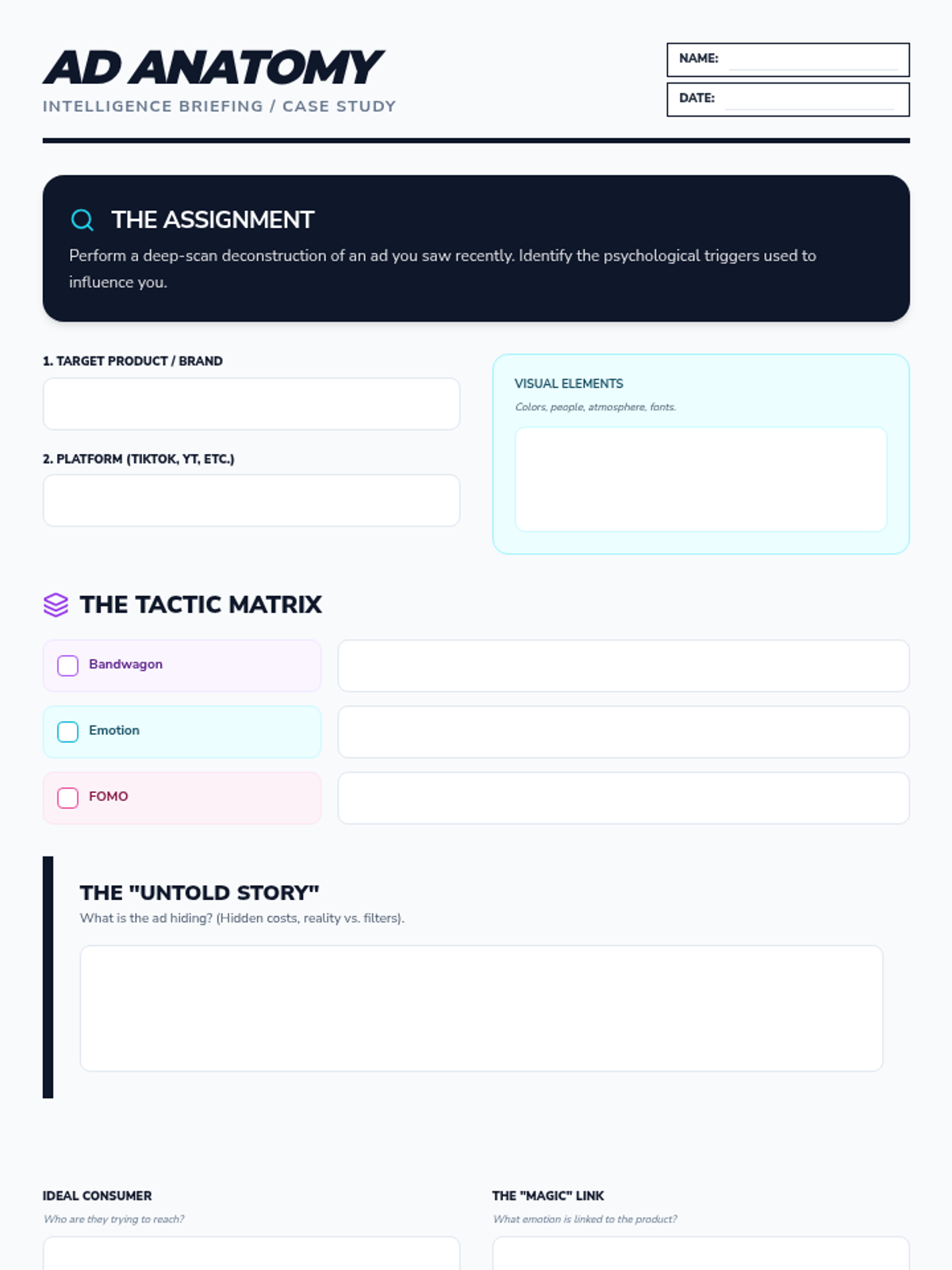
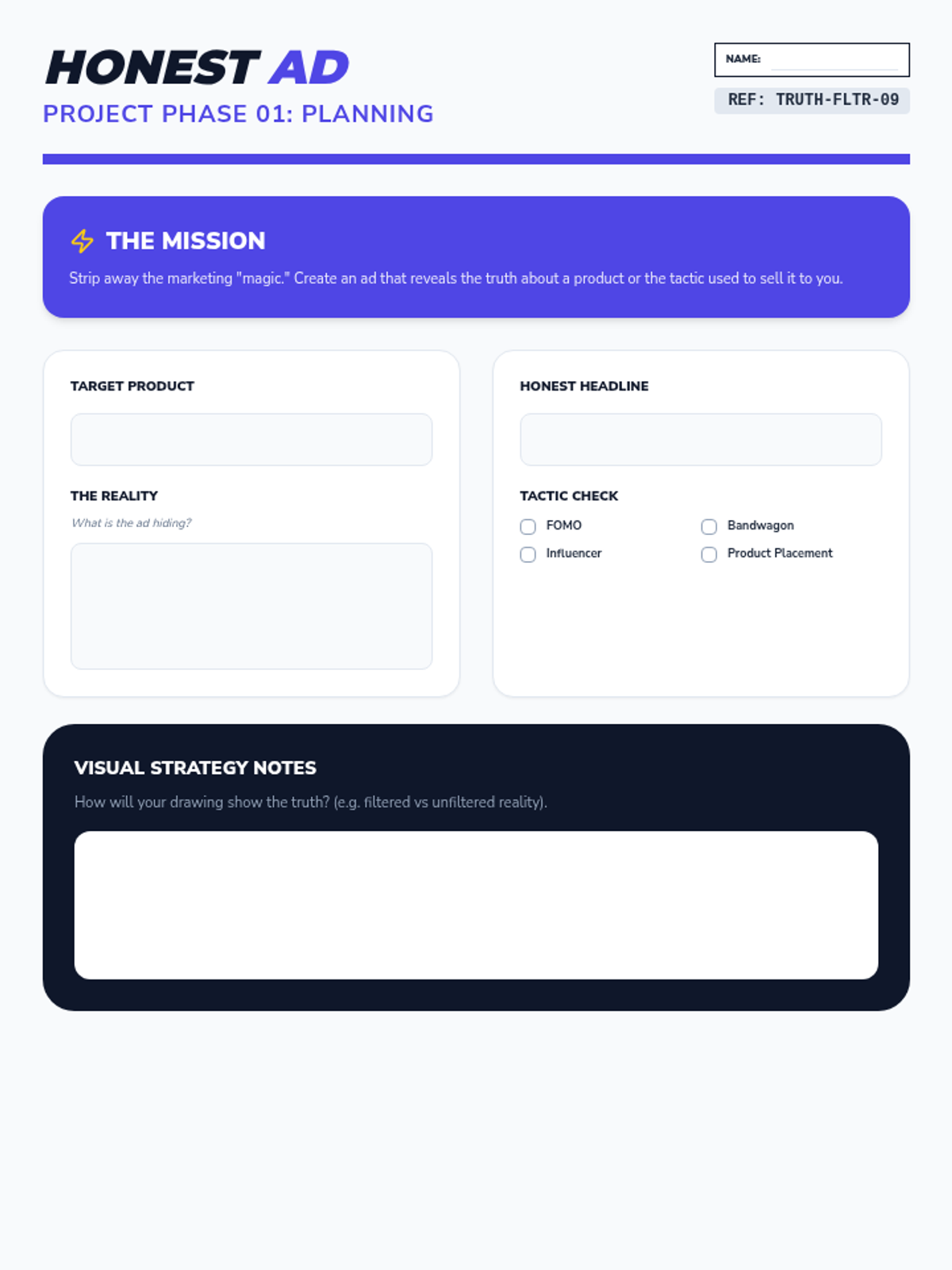
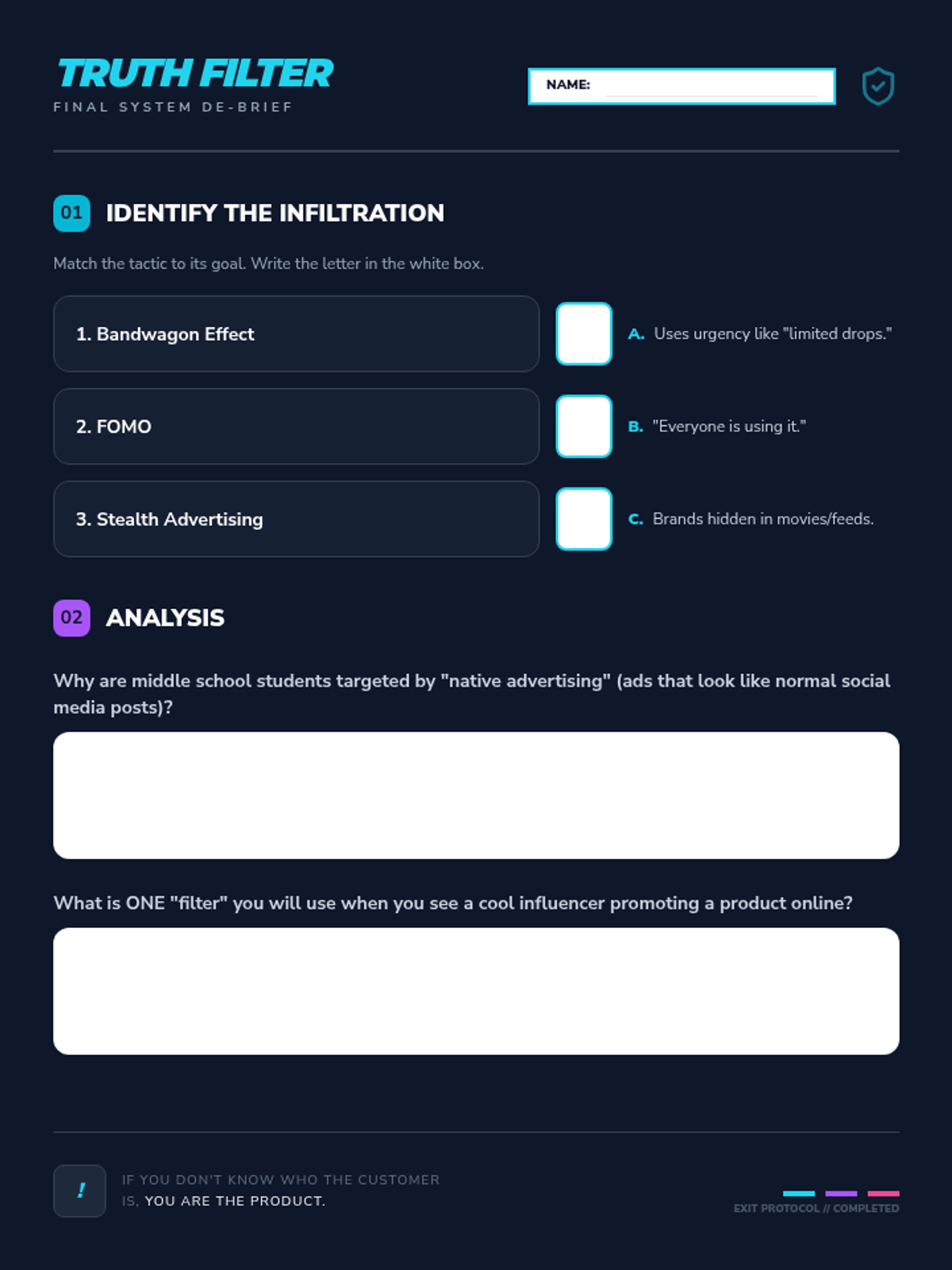
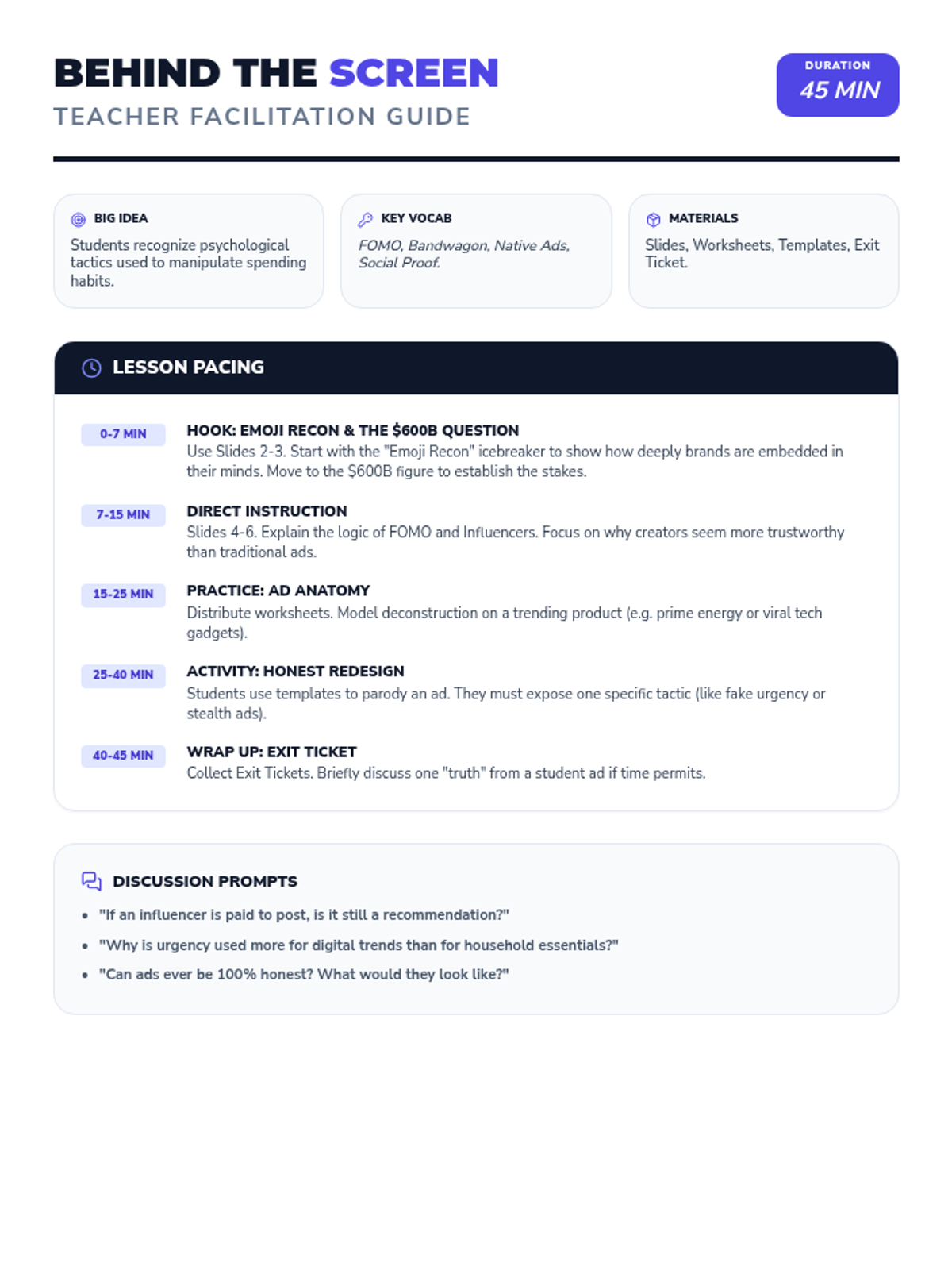
A 45-minute middle school lesson on media literacy, focusing on deconstructing advertising tactics like FOMO, influencer marketing, and hidden product placement through a creative redesign project.
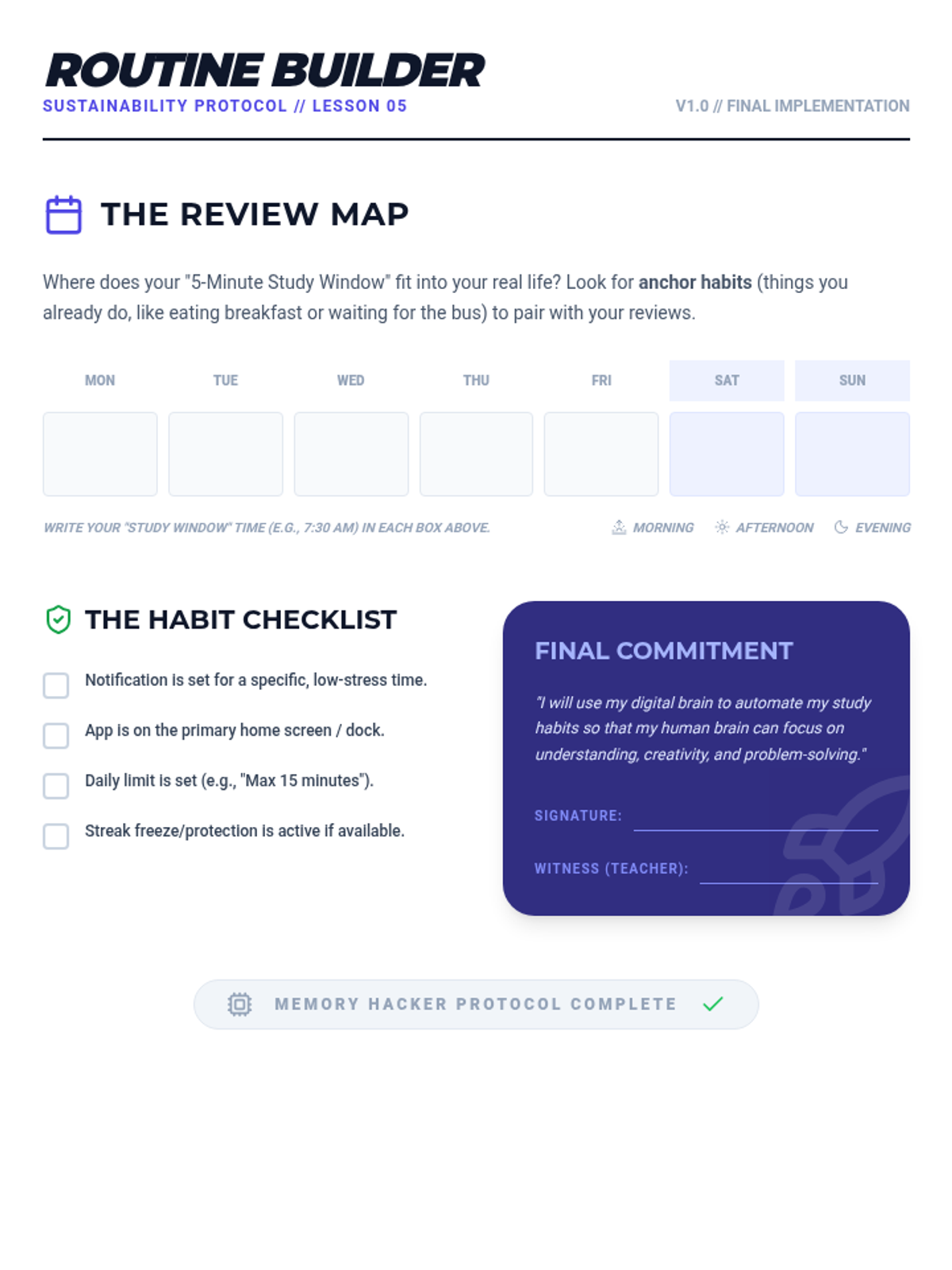
Students integrate digital tools into a weekly calendar and set up notifications to maintain a sustainable study routine.
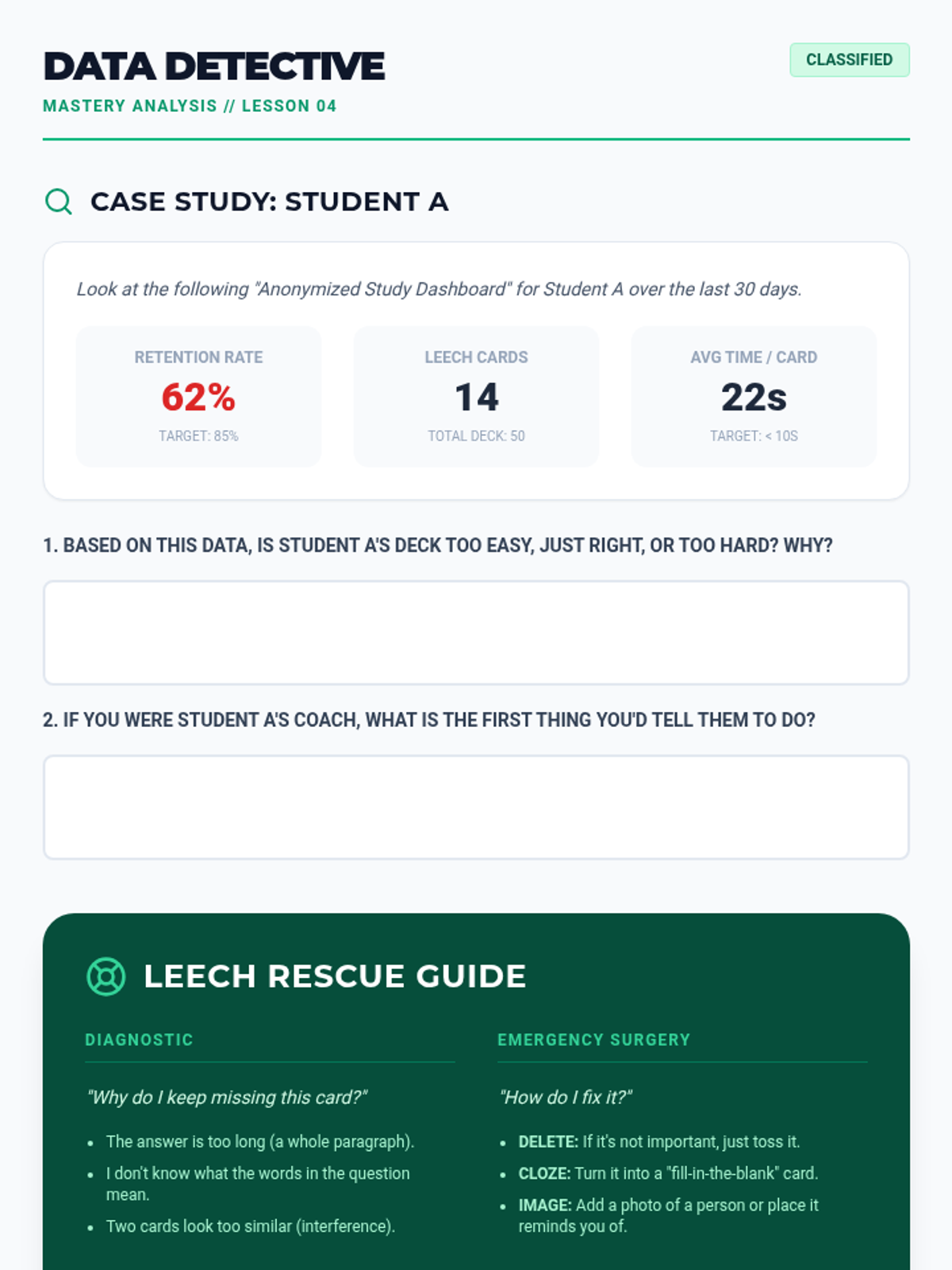
Students learn to read analytics dashboards to identify 'difficult' cards and practice strategies to rephrase or break down complex information.
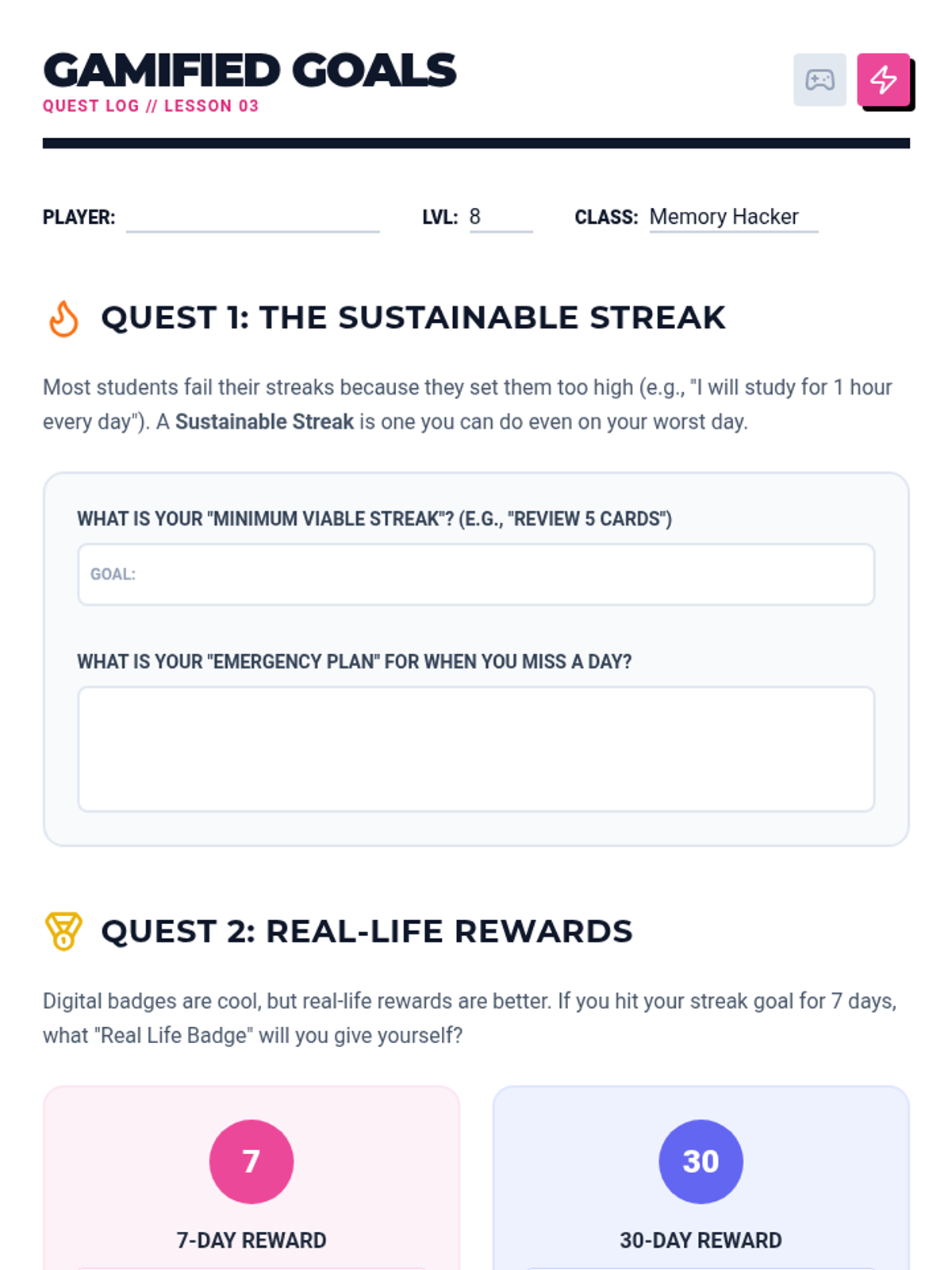
Students investigate gamified elements of study apps and discuss how to use streaks and badges for motivation without discouragement.
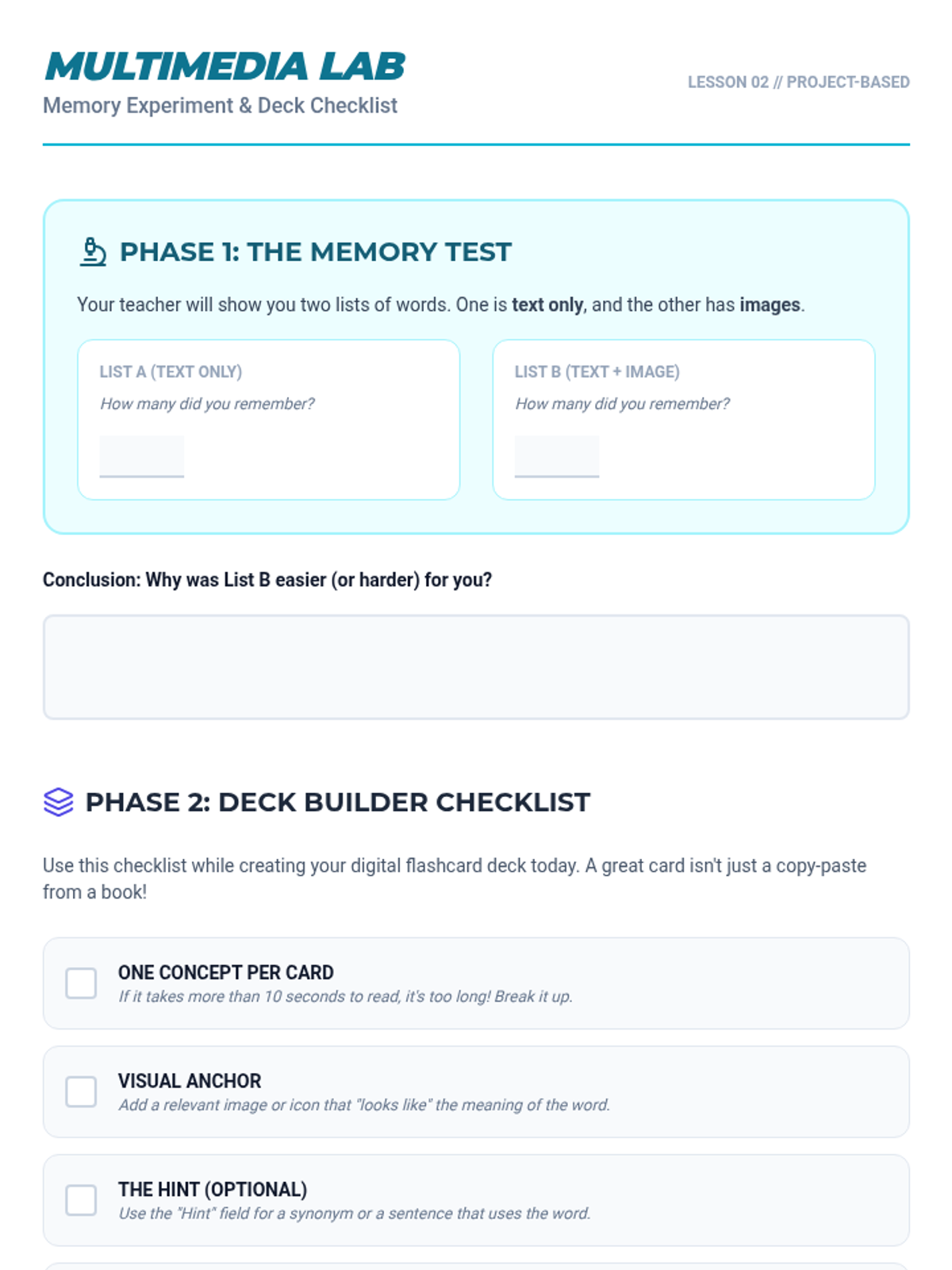
Students build digital decks using multimedia and accessibility features, emphasizing dual-coding to strengthen memory pathways.
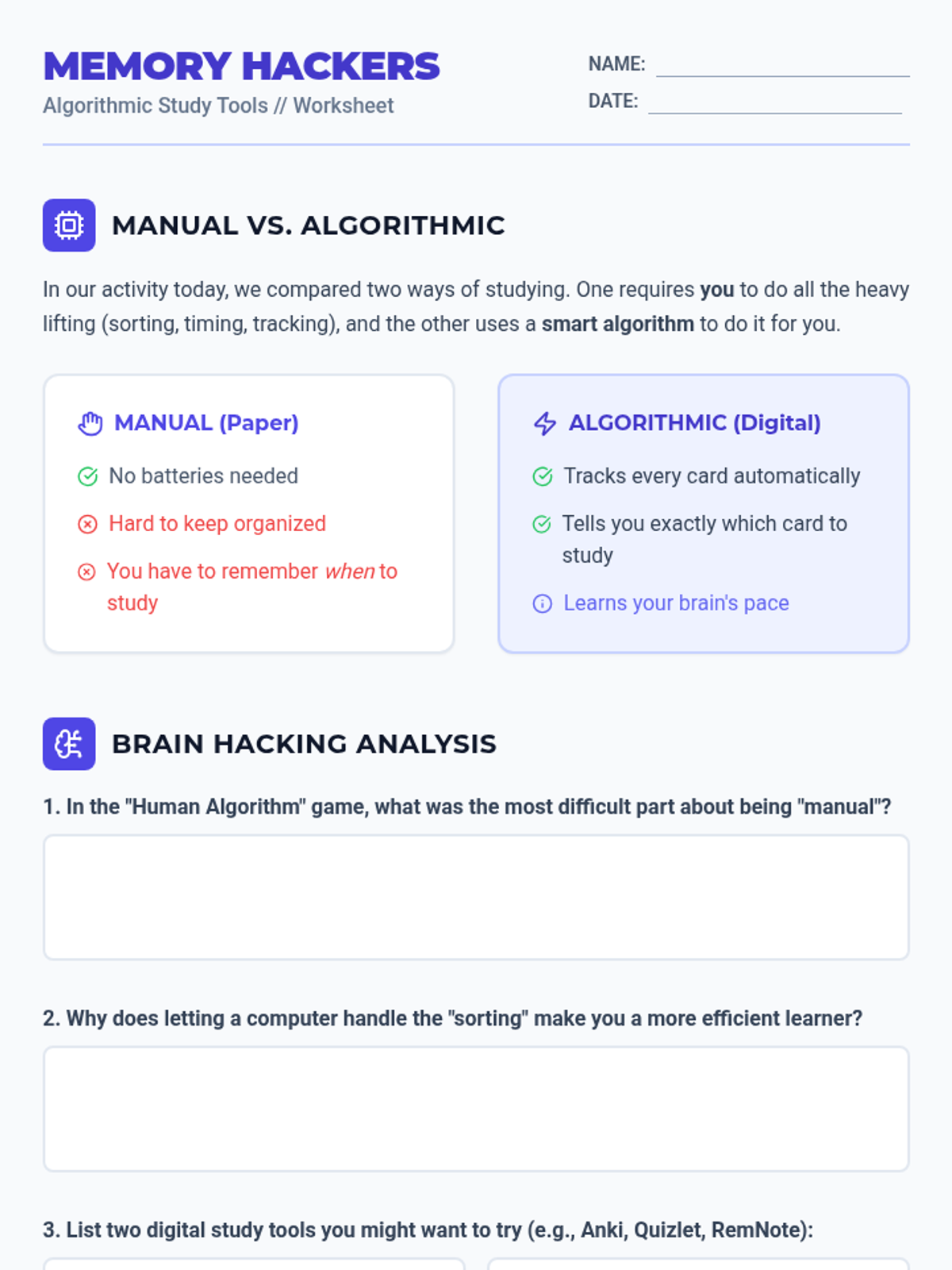
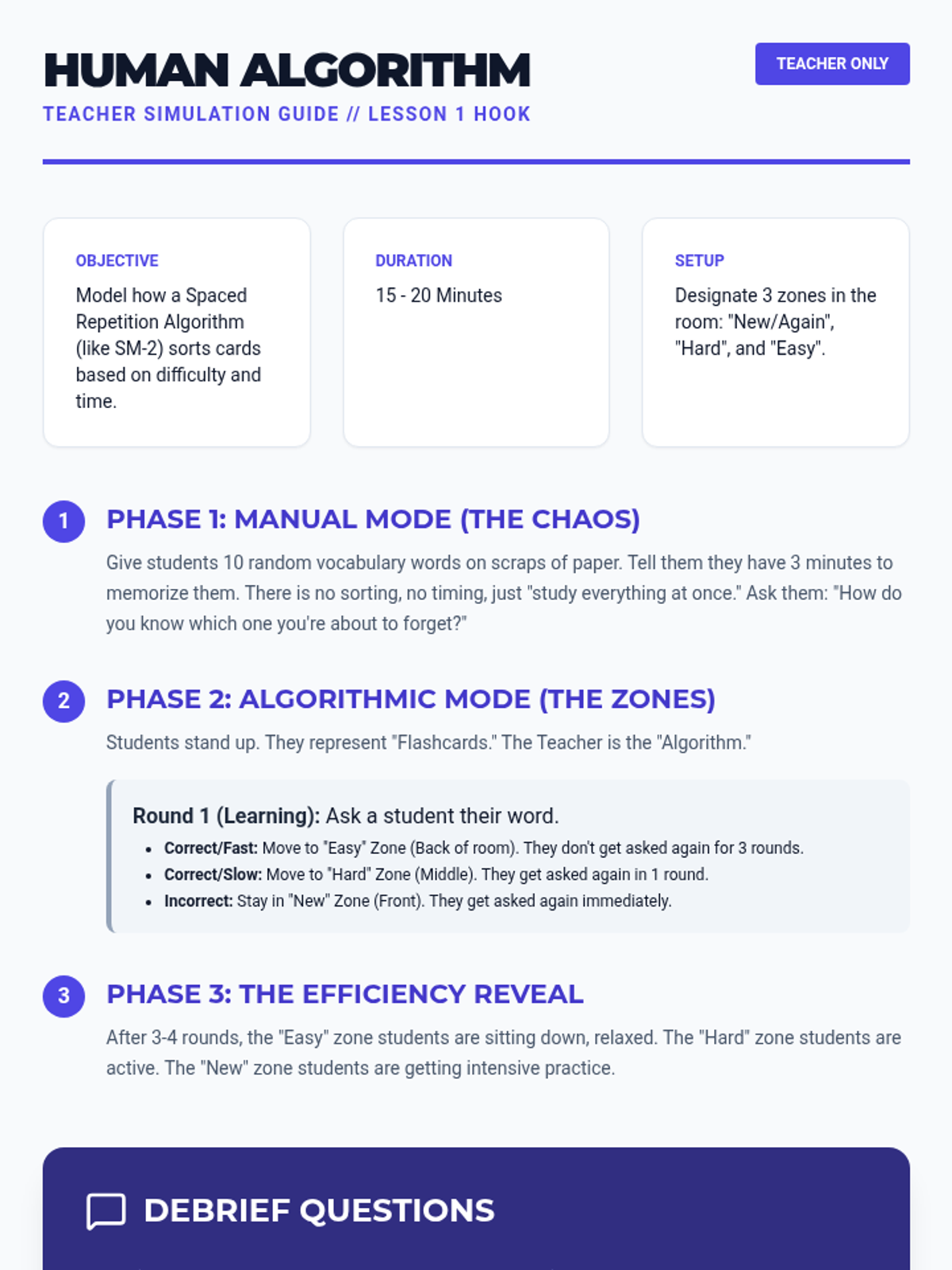
Students explore digital flashcard platforms to understand how software manages review timing and compare manual vs. algorithmic tracking.
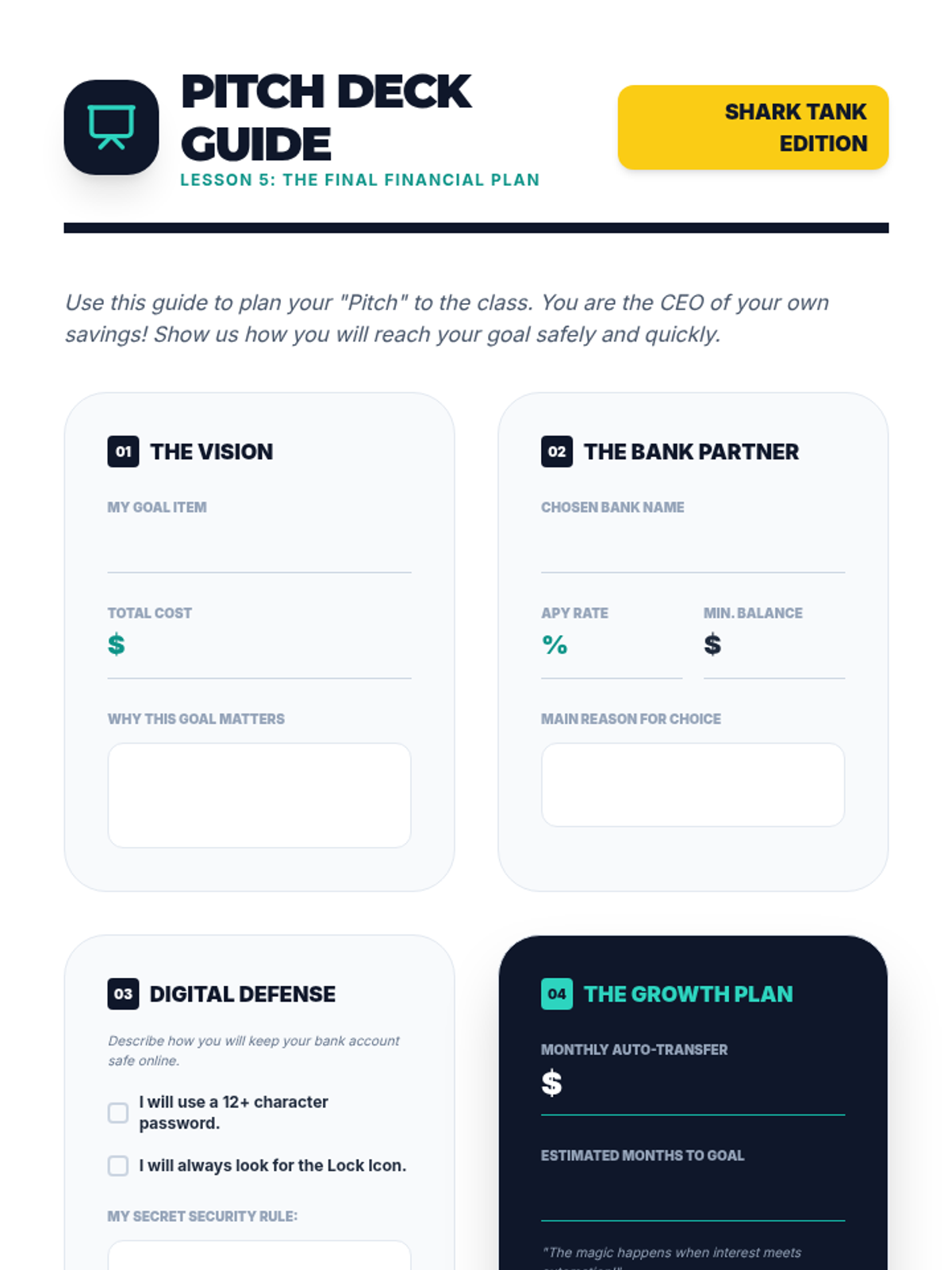
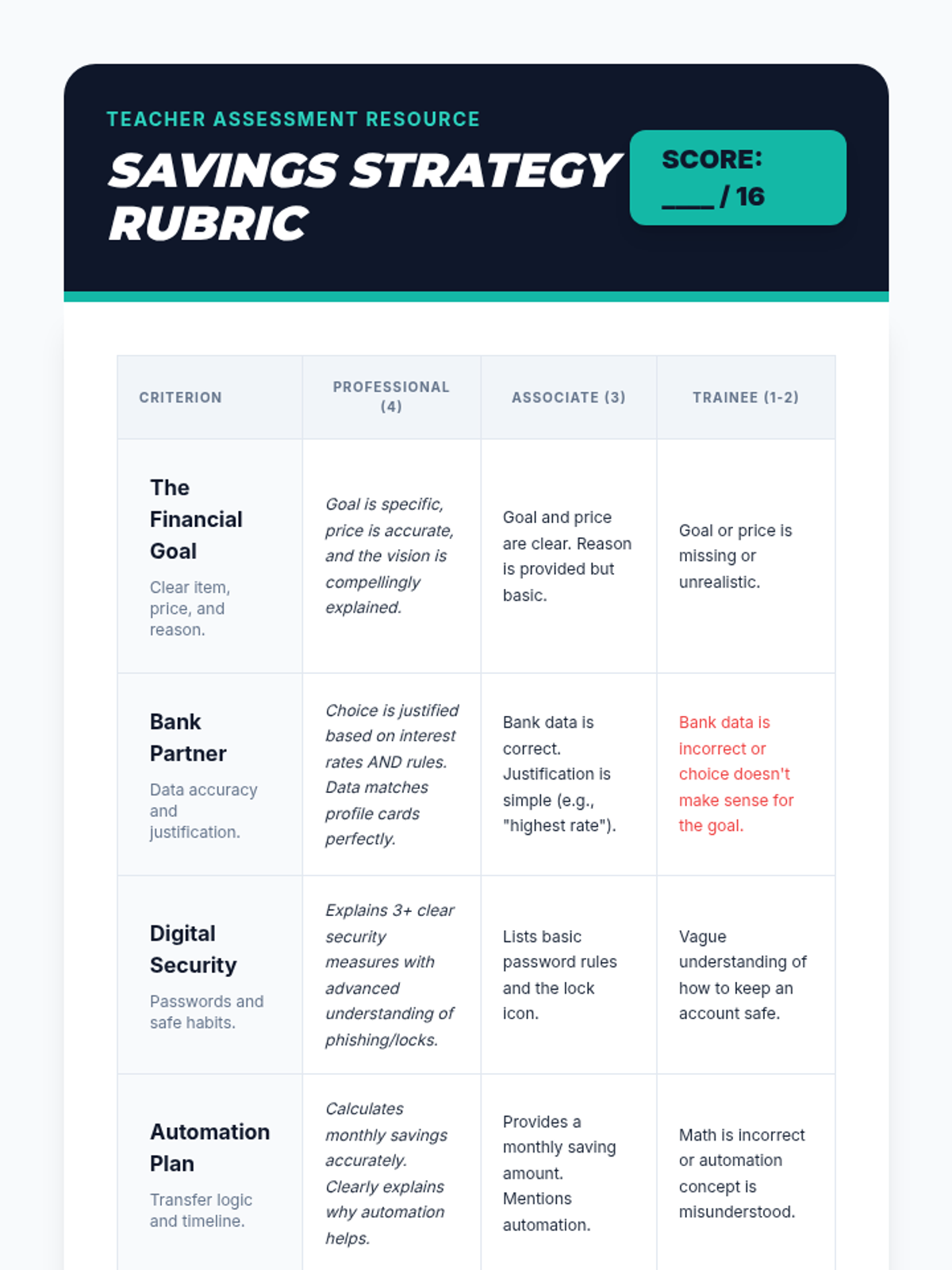
As a final project, students synthesize their learning by creating a 'Pitch Deck' for a savings plan. They present which bank they chose, their interest rate, their savings schedule, and their security measures for online banking.
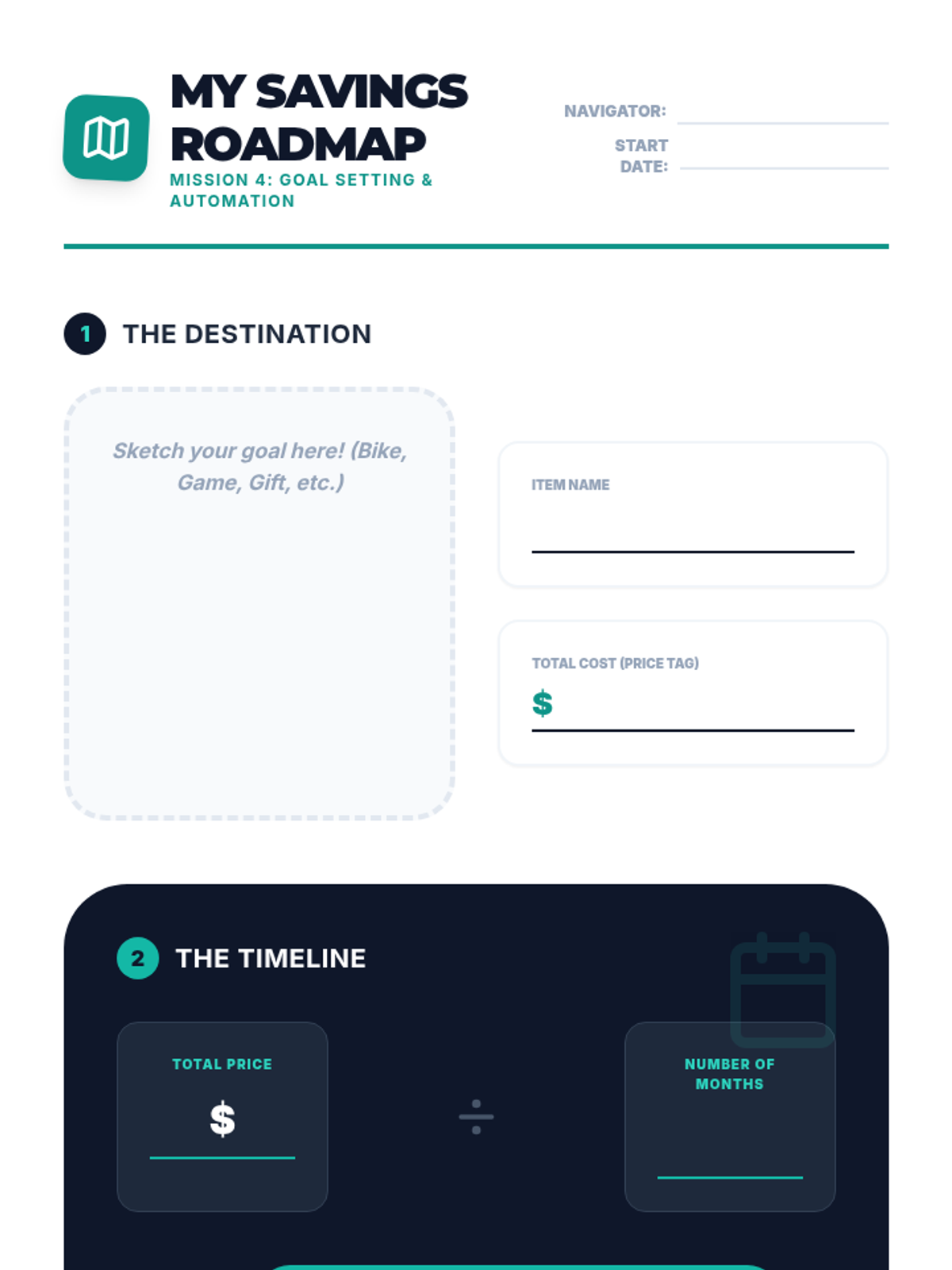
Students define a financial goal (e.g., buying a bike) and create a plan that involves automated monthly transfers from checking to savings. They visualize the timeline for achieving their goal.
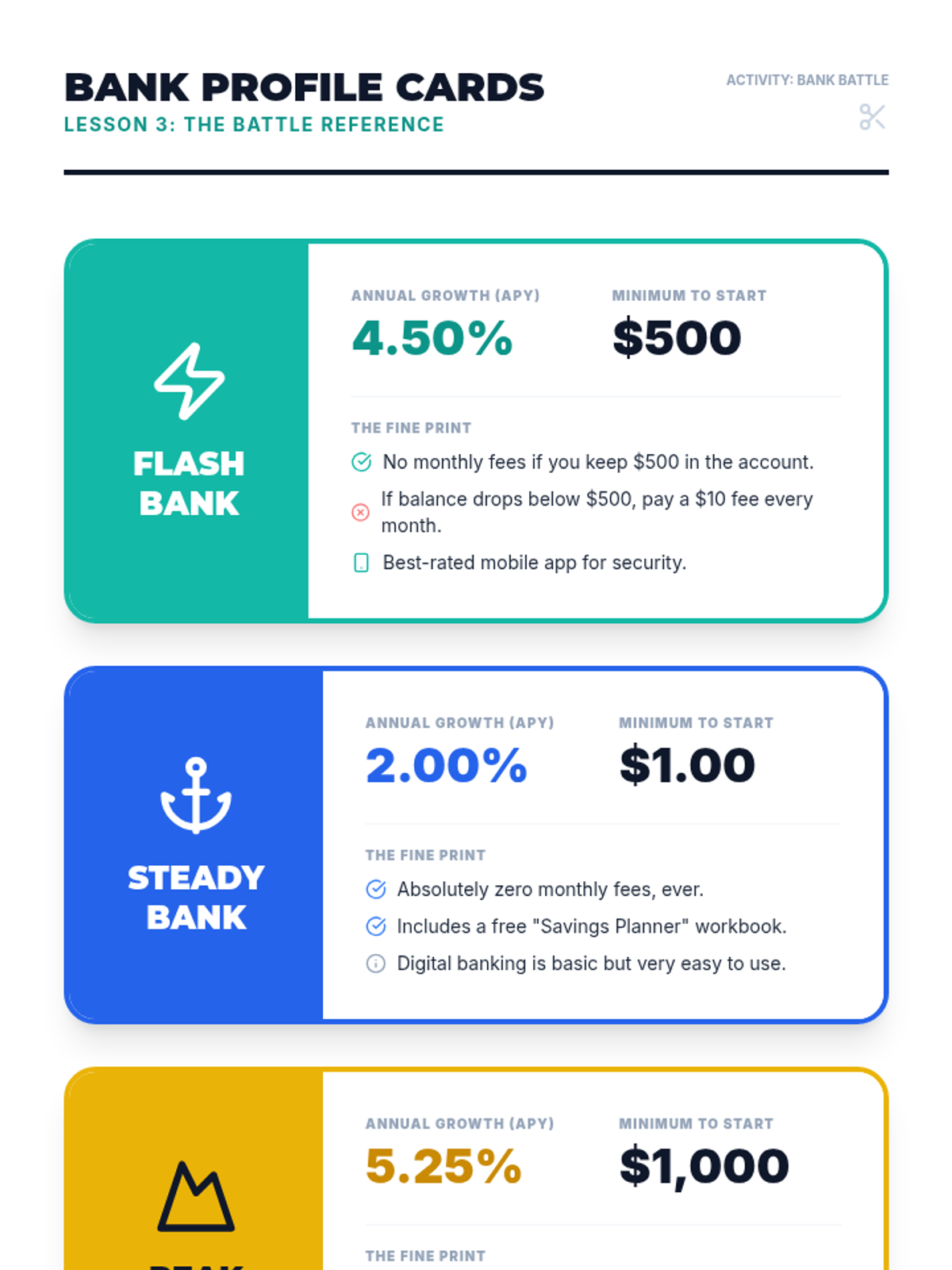
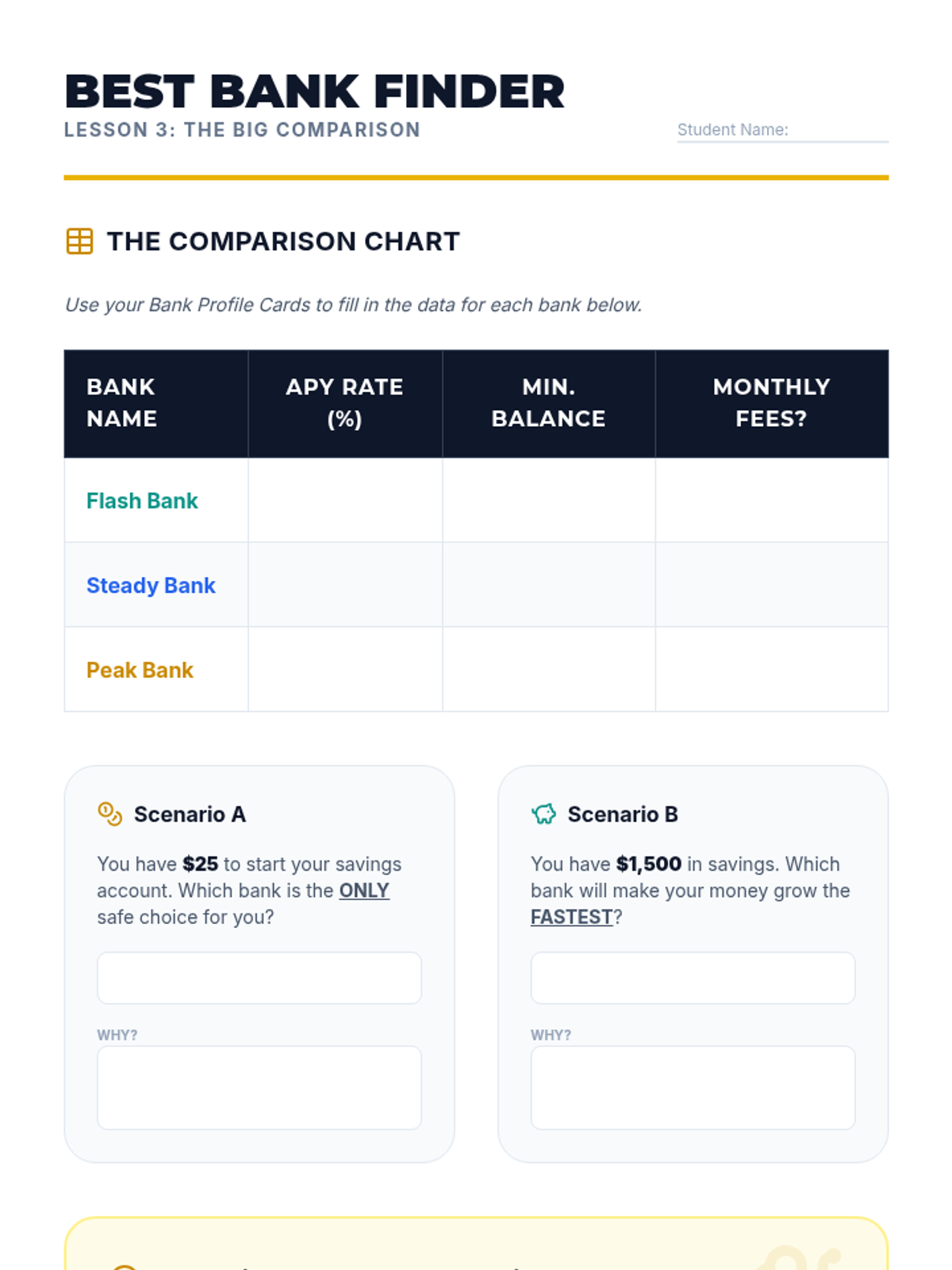
Students research different (fictional) bank offers, comparing interest rates (APY) and requirements. They learn that not all savings accounts are the same and that a higher interest rate can make a significant difference over time.
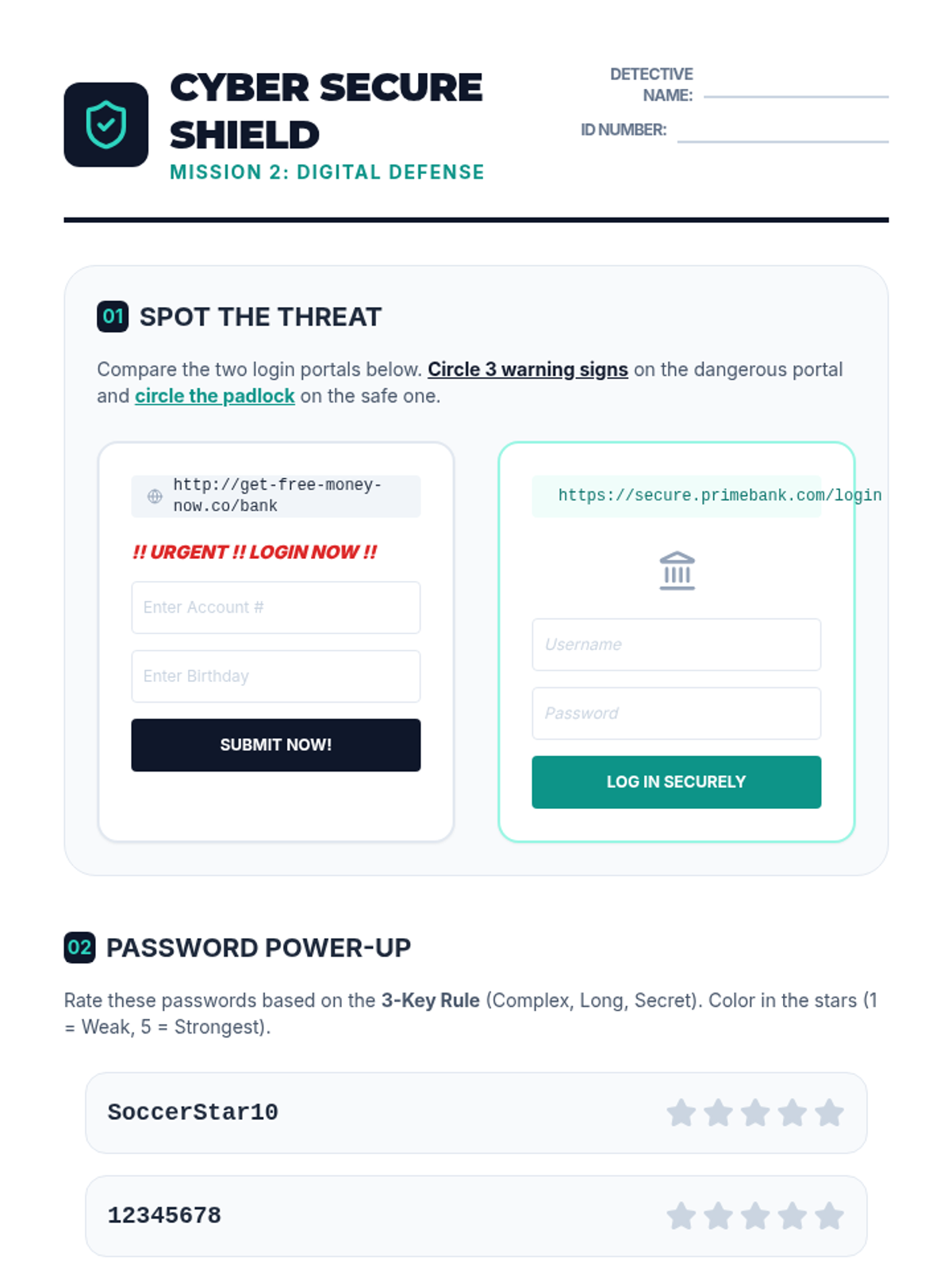
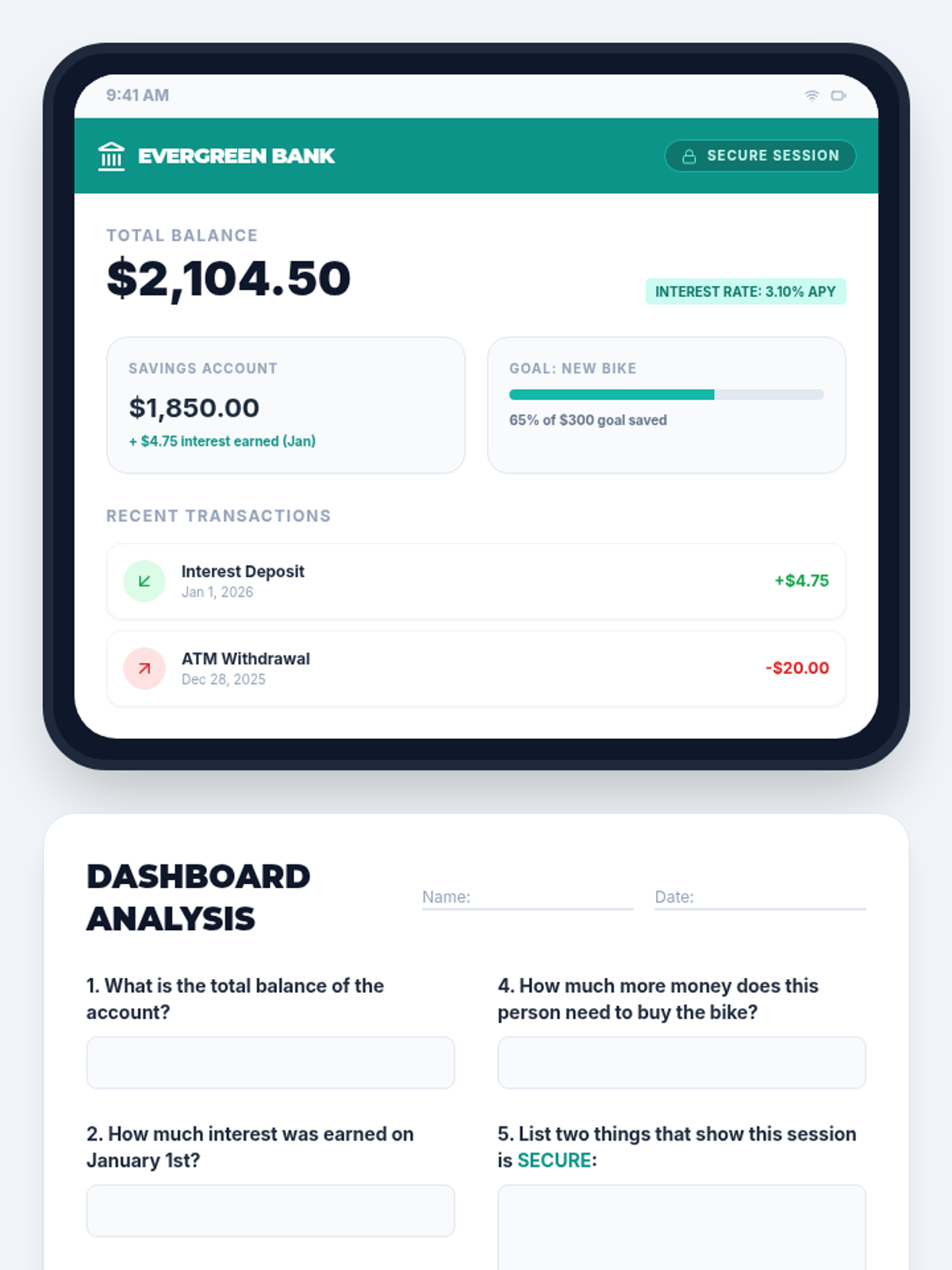
Using a safe, simulated tablet interface, students learn to navigate an online banking dashboard. They identify key security features like passwords and secure connections, and practice reading digital summaries of their accounts.
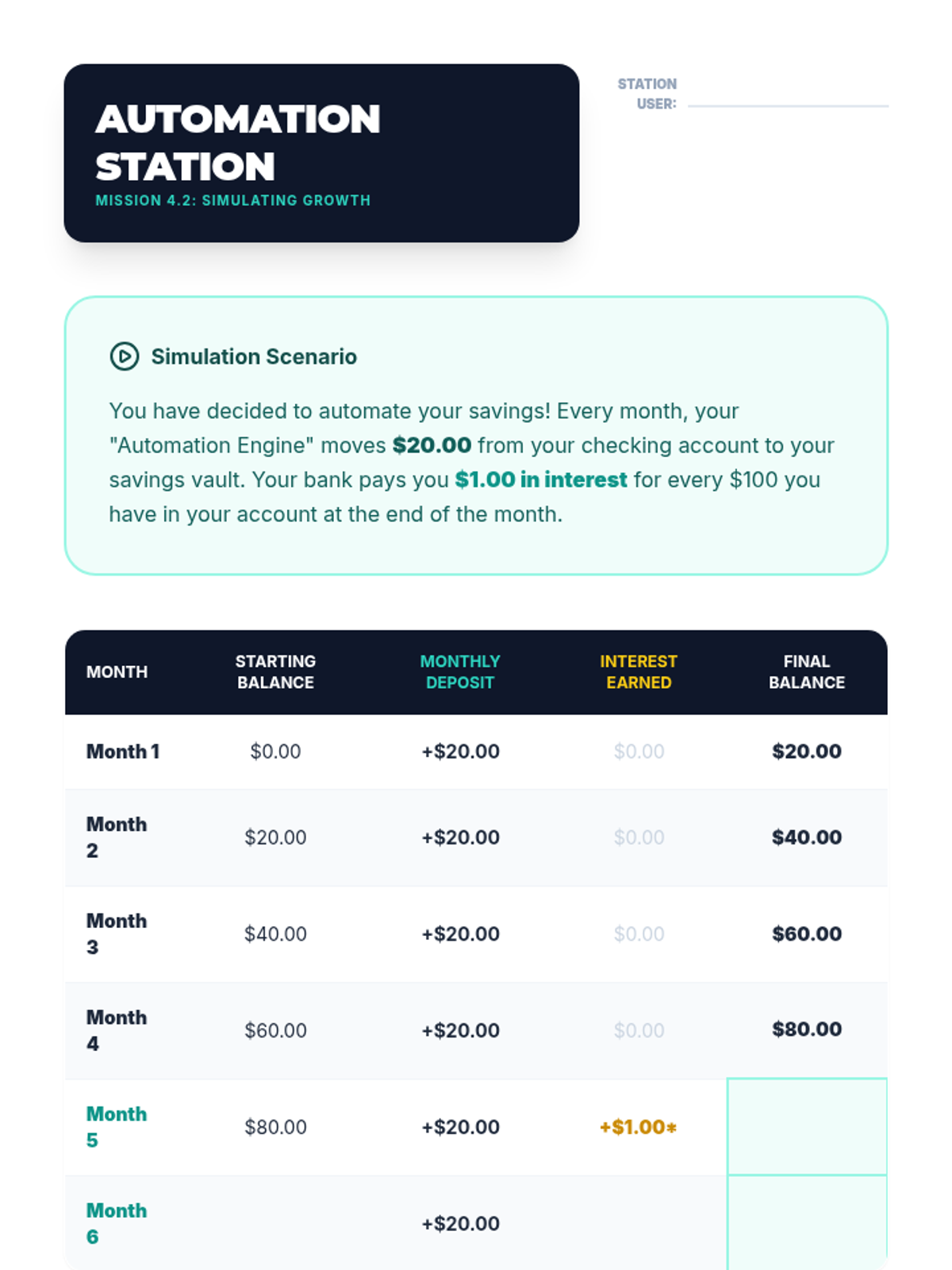
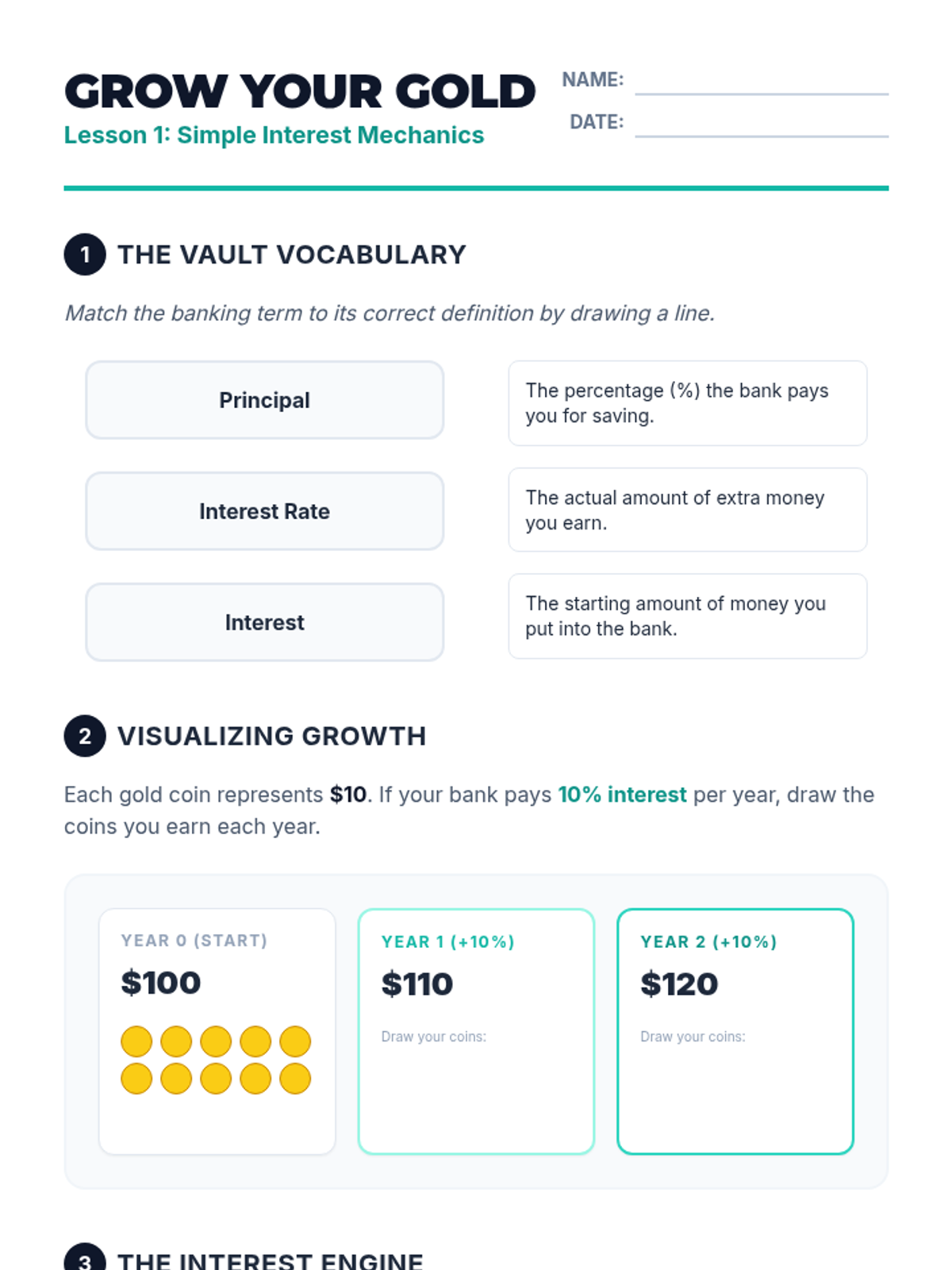
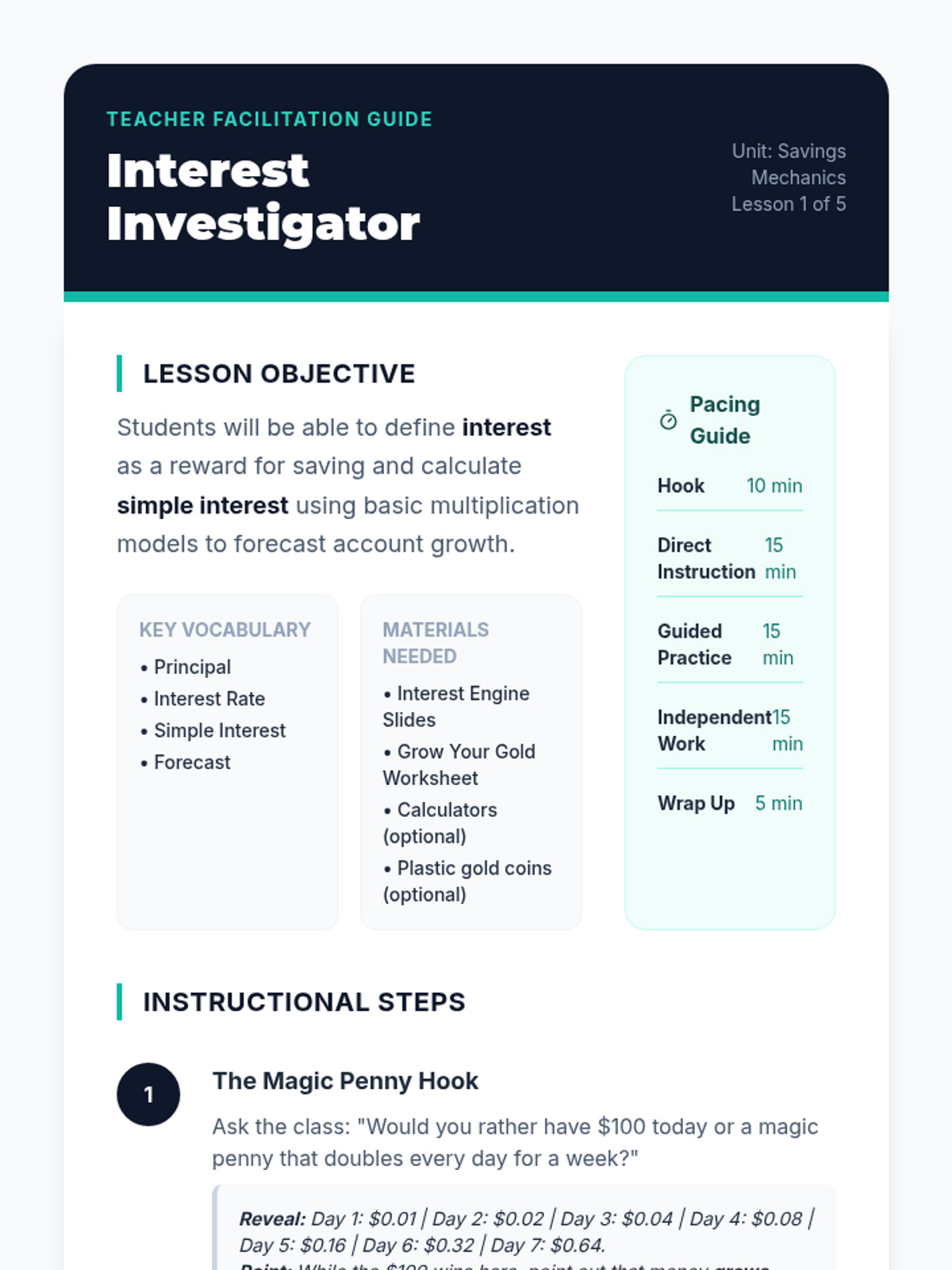
Students are introduced to the concept of interest as a reward banks pay for keeping money in a savings account. Using simple visual models and counters, they calculate simple interest over short periods to see how balances grow without additional deposits.
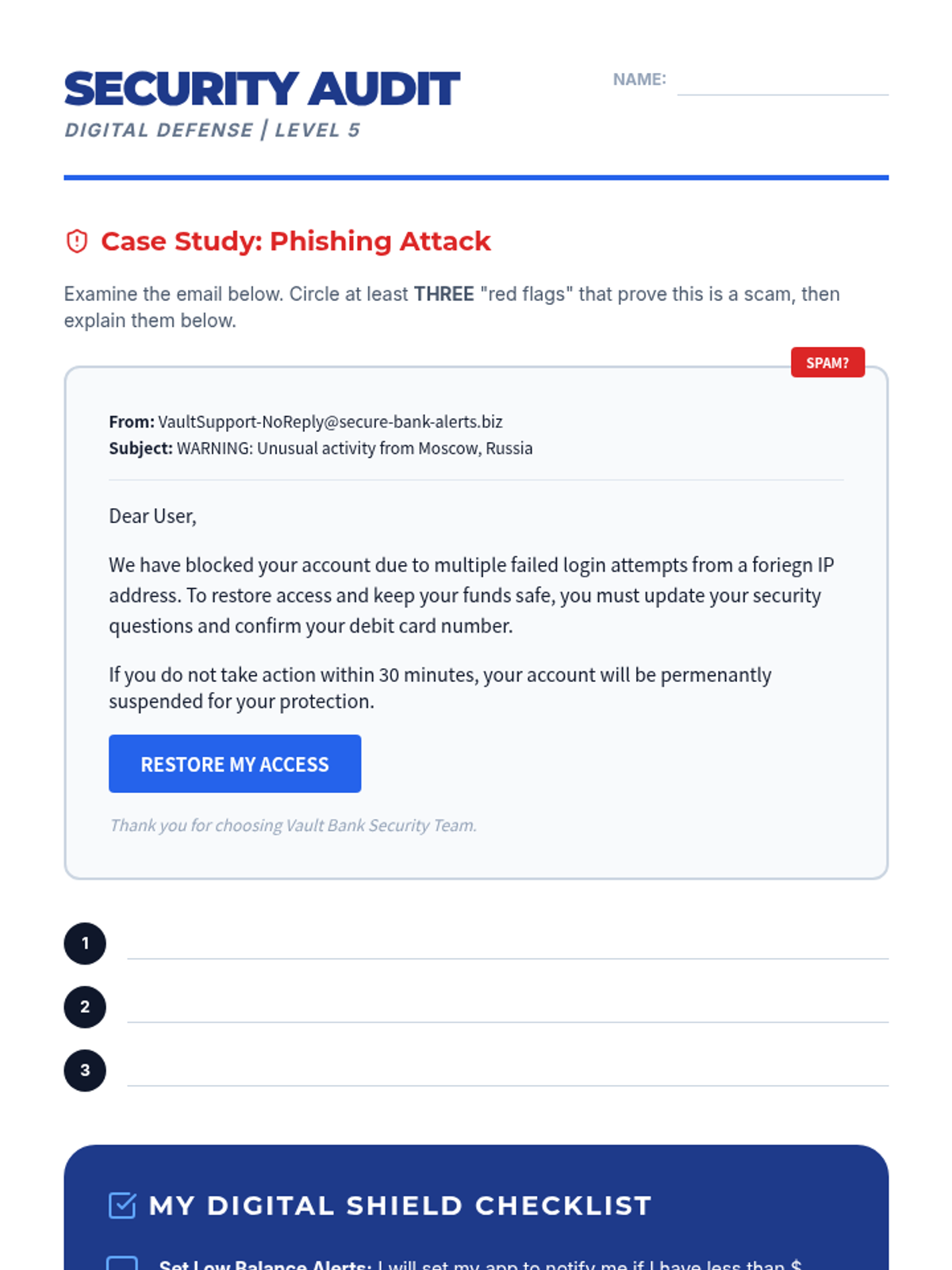
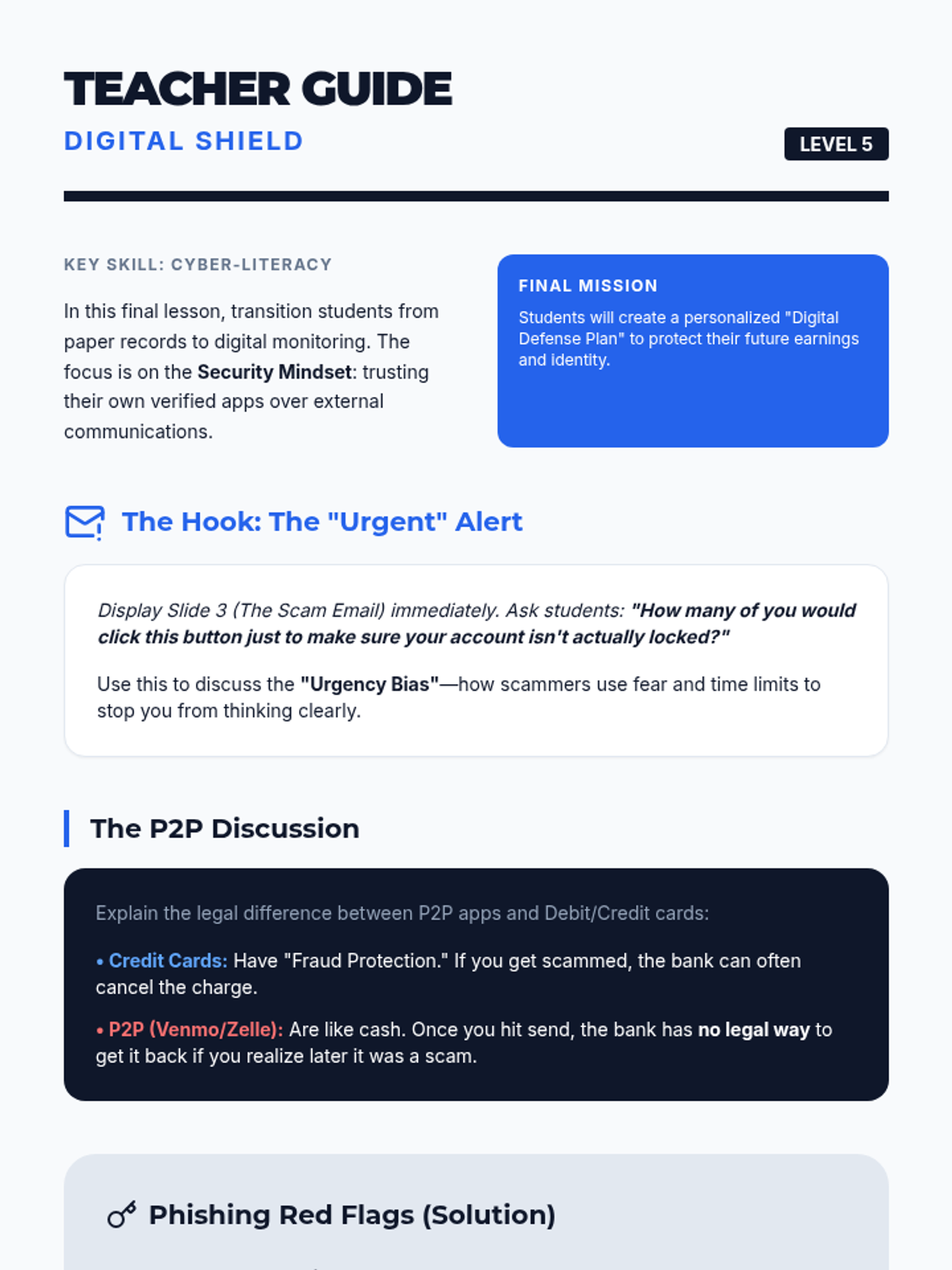
Students explore online banking dashboards, security features, and fraud prevention strategies.
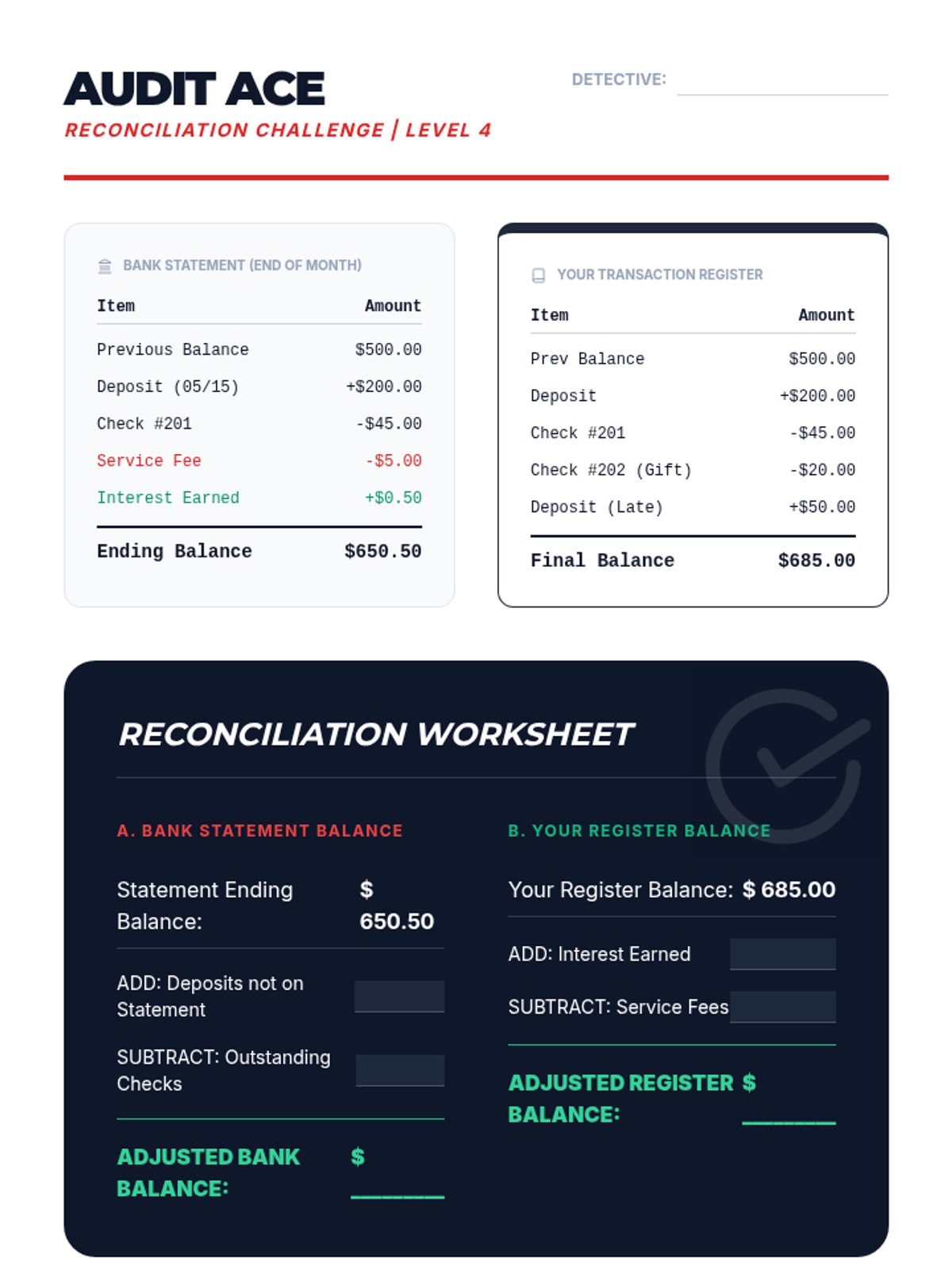
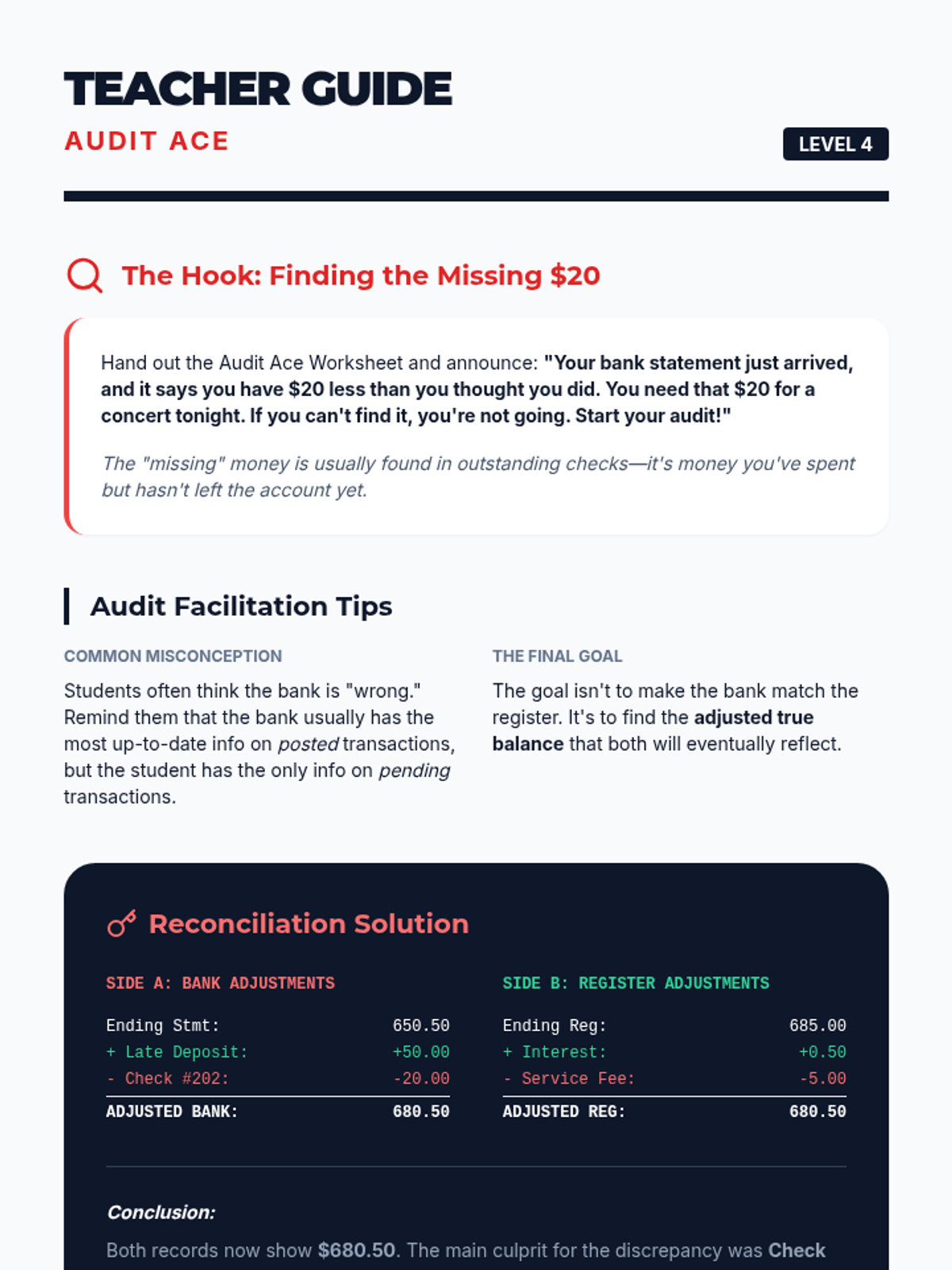
Students perform a bank reconciliation, identifying discrepancies between their personal register and a bank statement.
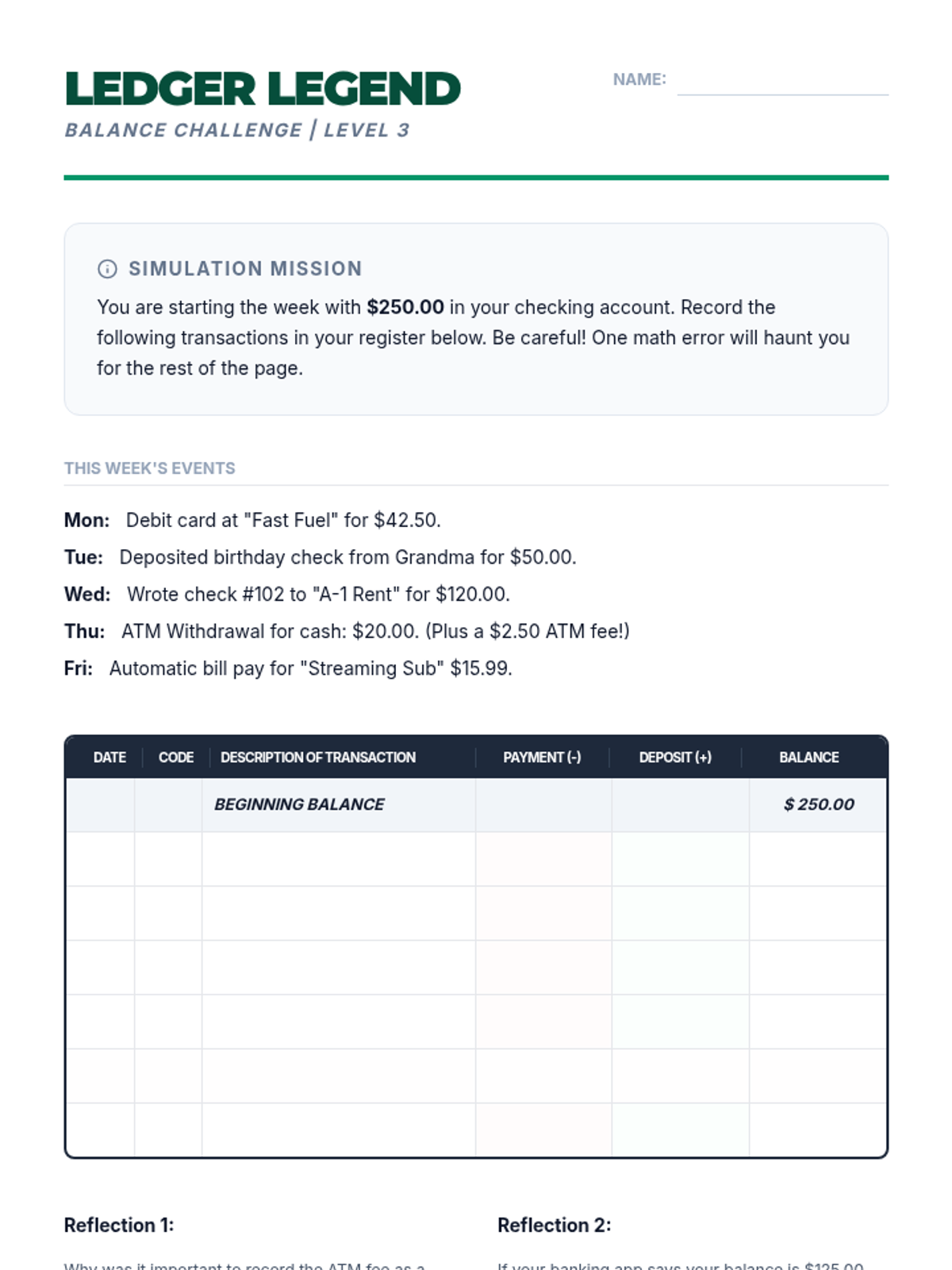
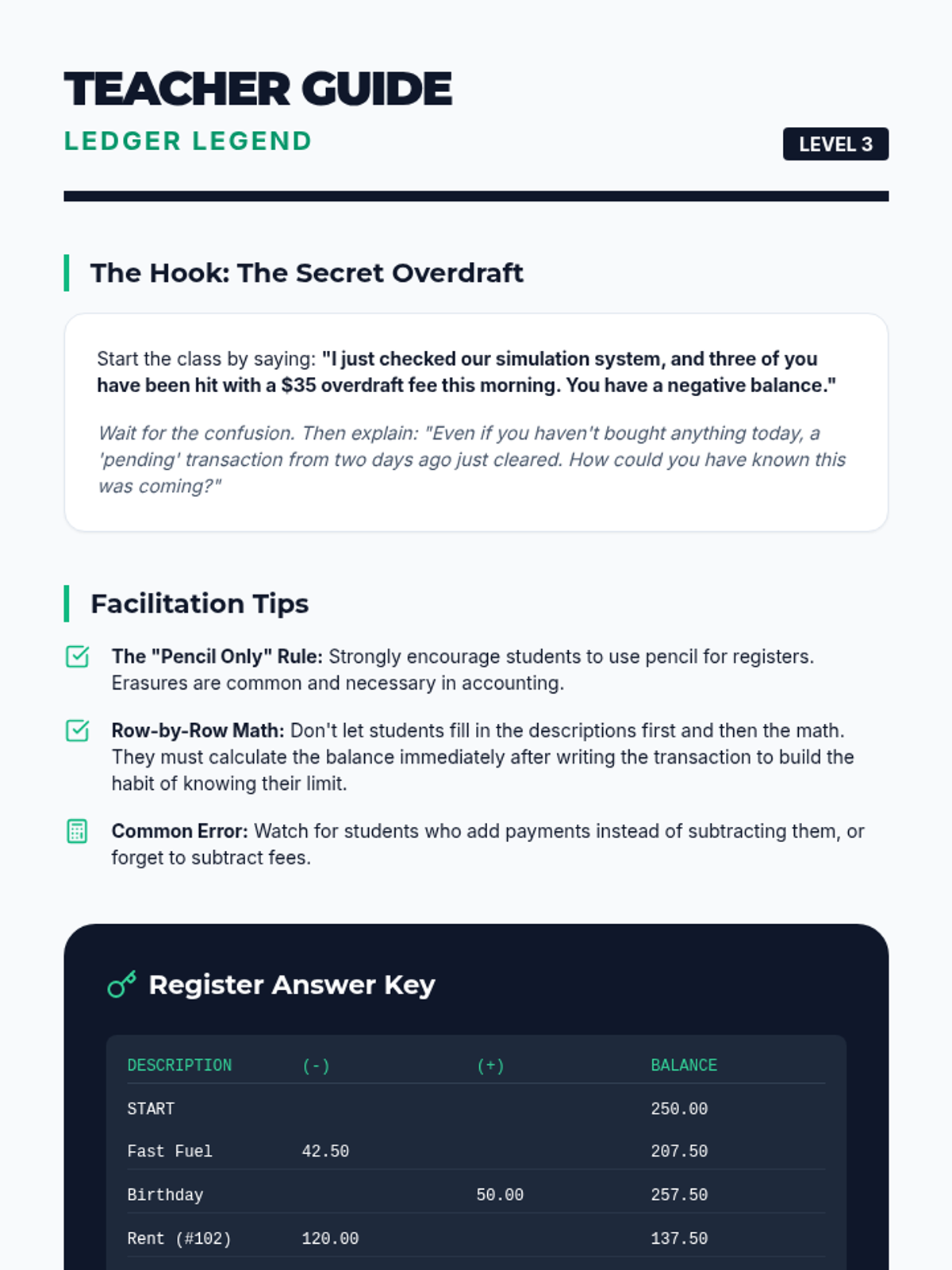
Students learn the critical habit of tracking spending by maintaining a manual transaction register, calculating running balances to prevent overdrafts.
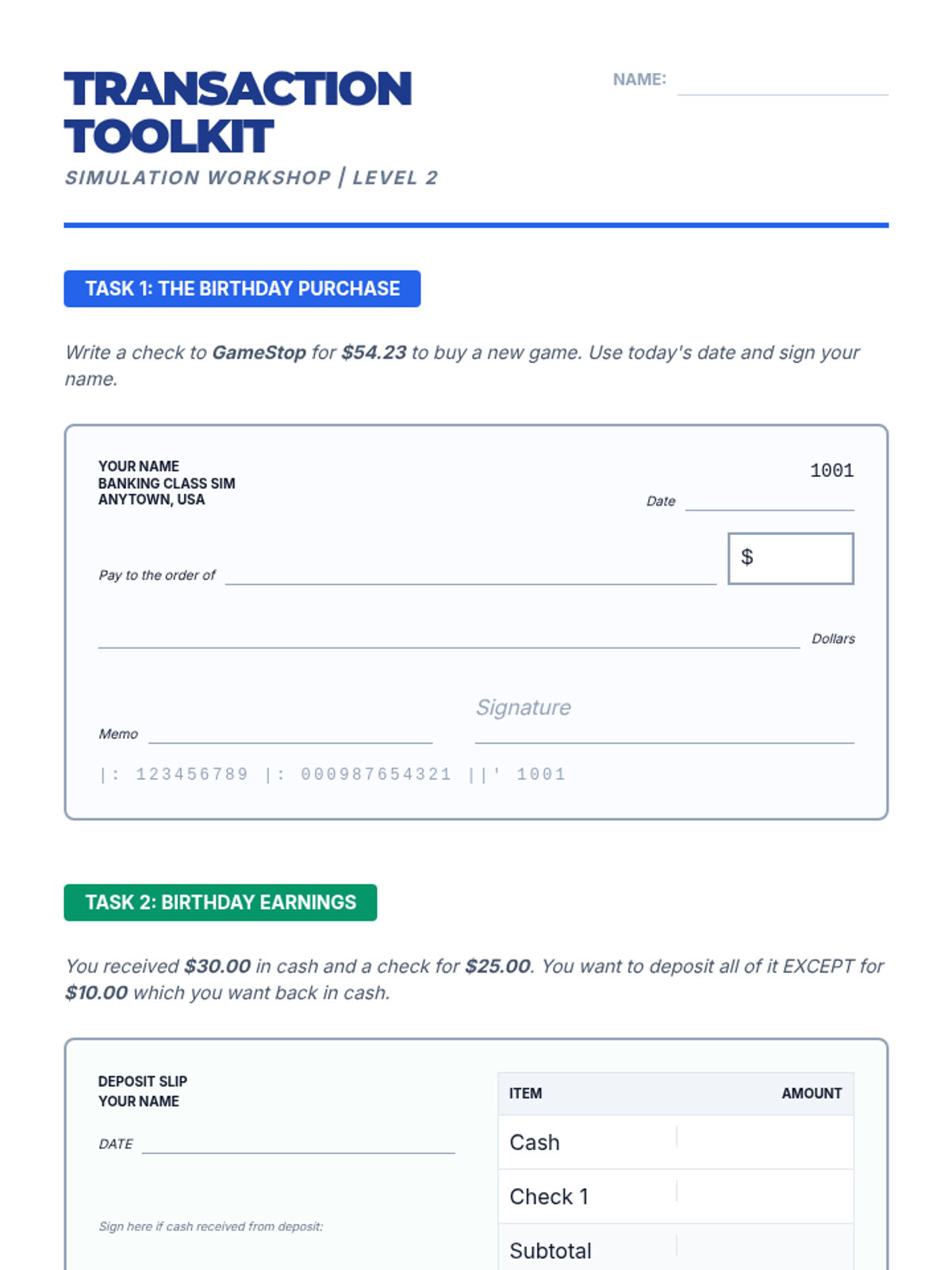
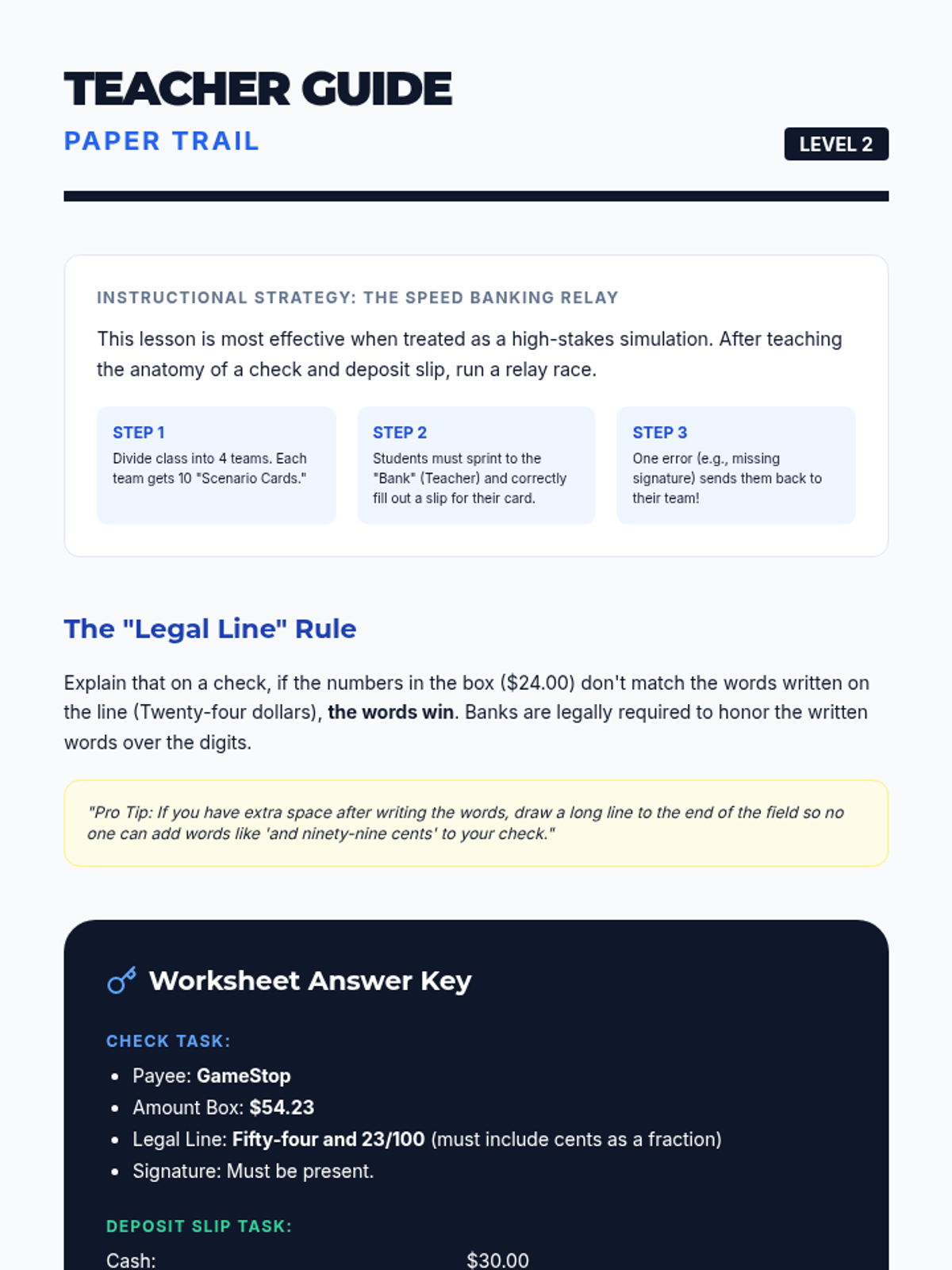
This lesson focuses on the physical and digital mechanics of moving money into and out of accounts. Students practice filling out deposit slips, endorsing checks, and writing checks.
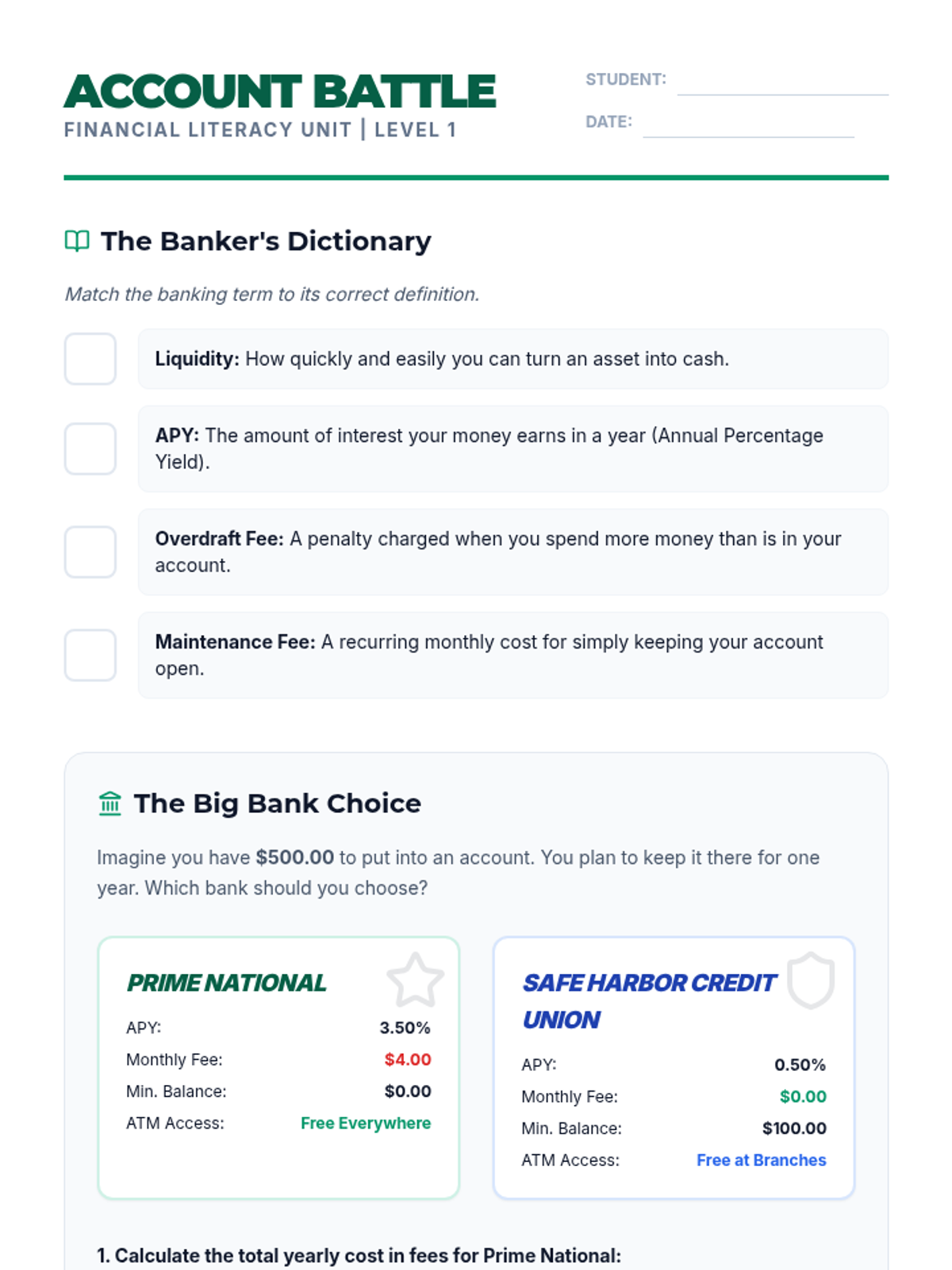
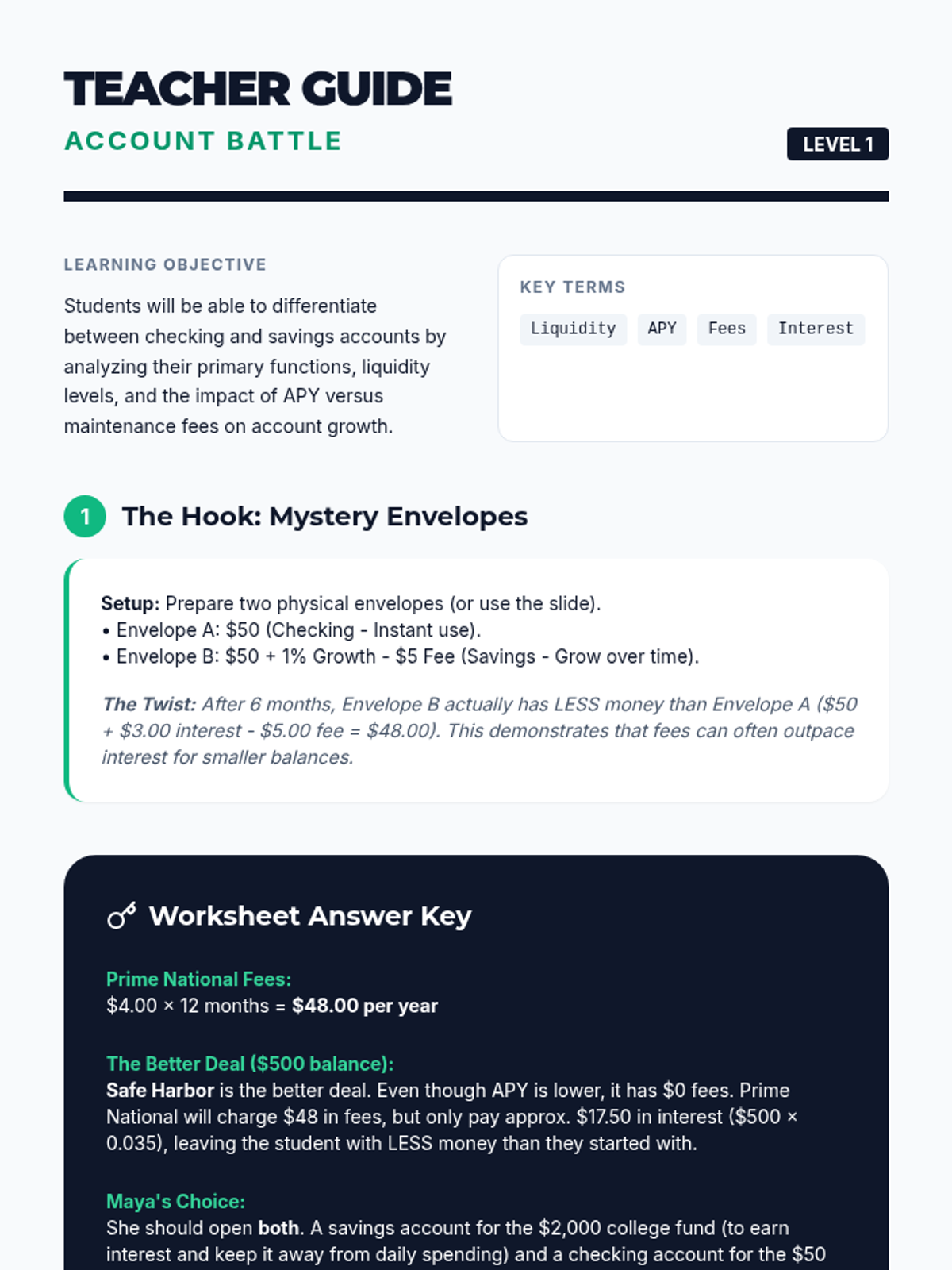
Students investigate the differences between savings and checking accounts, analyzing liquidity, APY, and fee structures to make informed financial decisions.
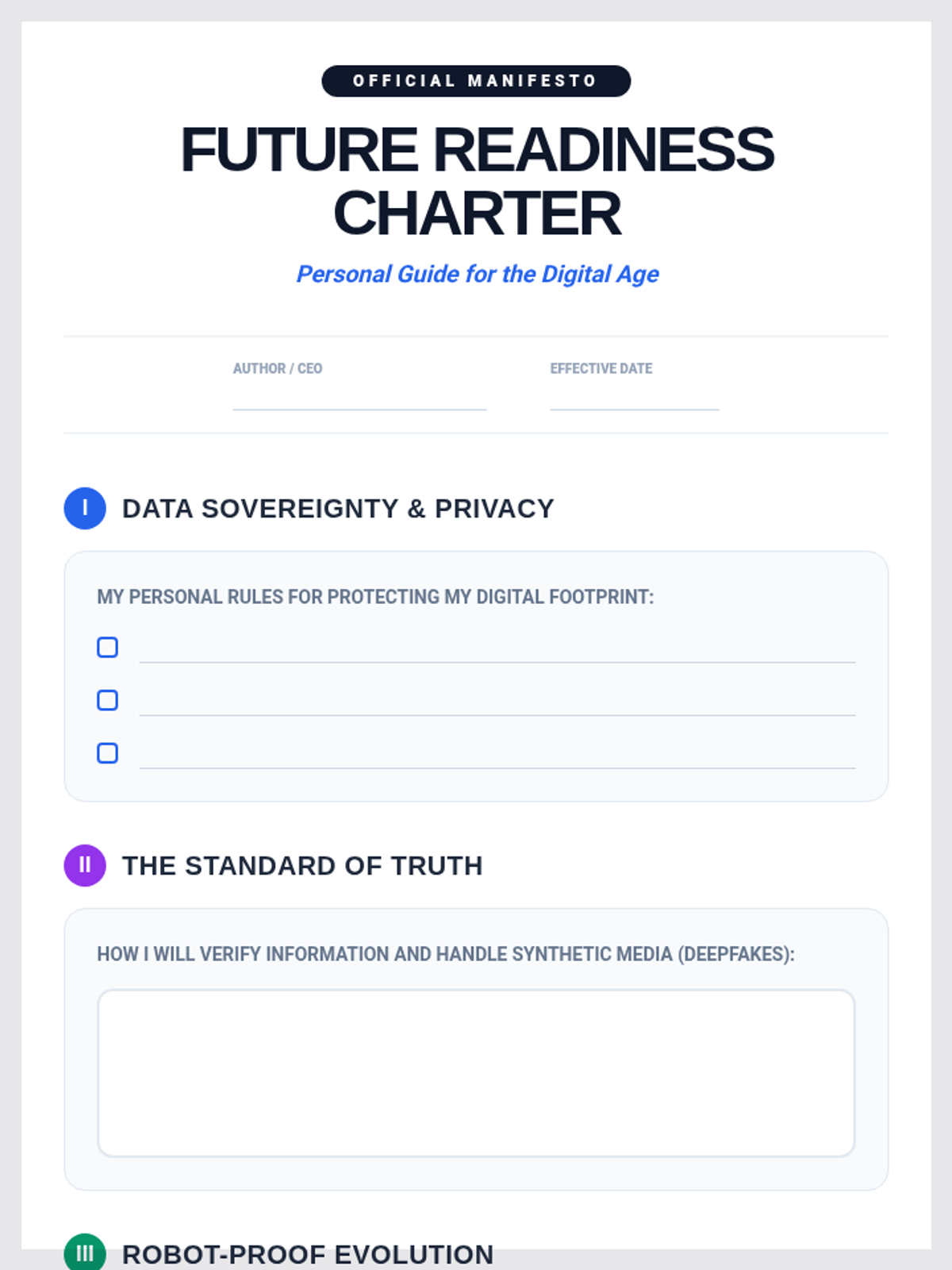
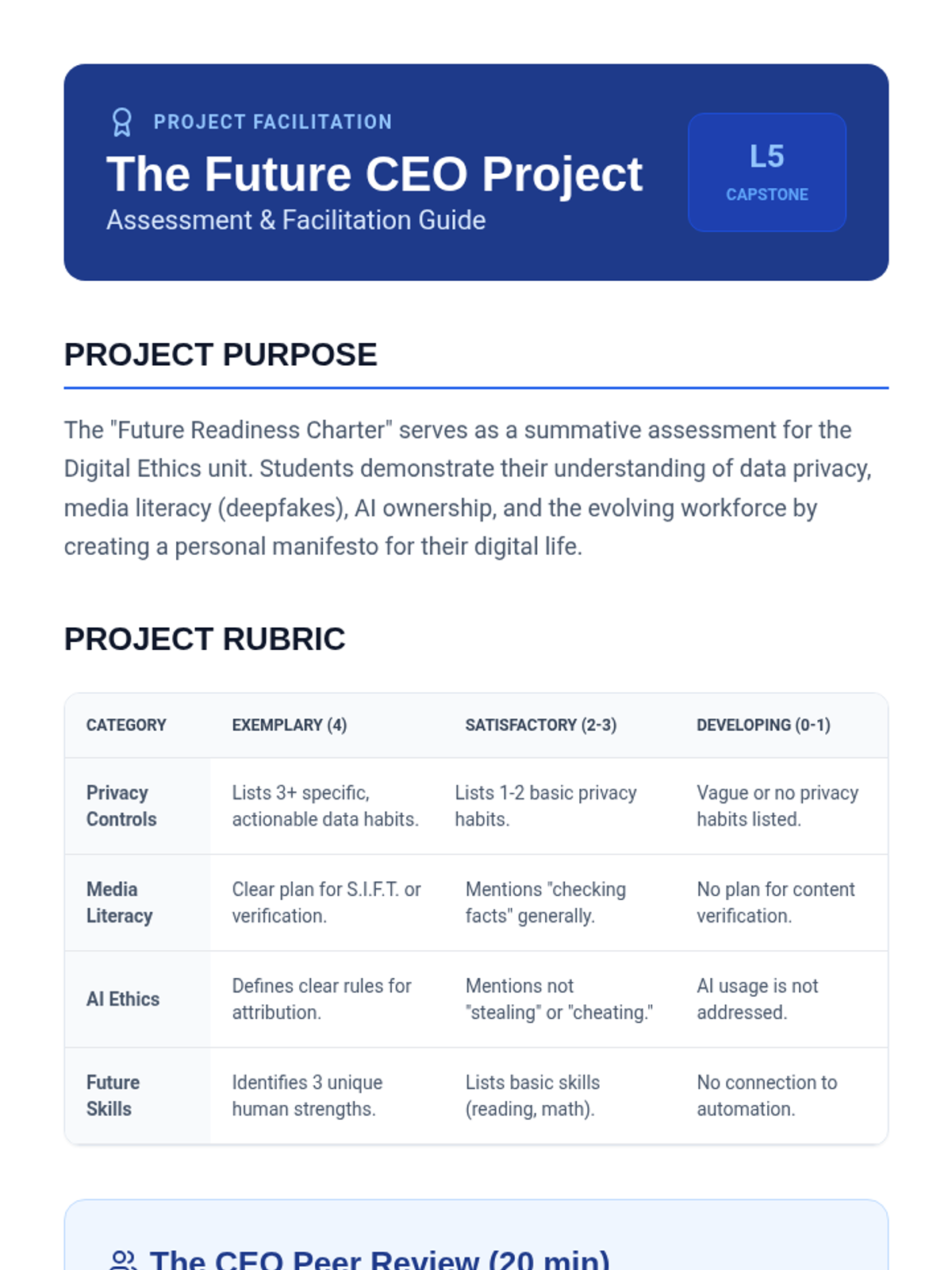
The culminating project where students synthesize their learning into a personal manifesto for ethical and safe technology use in their future lives.
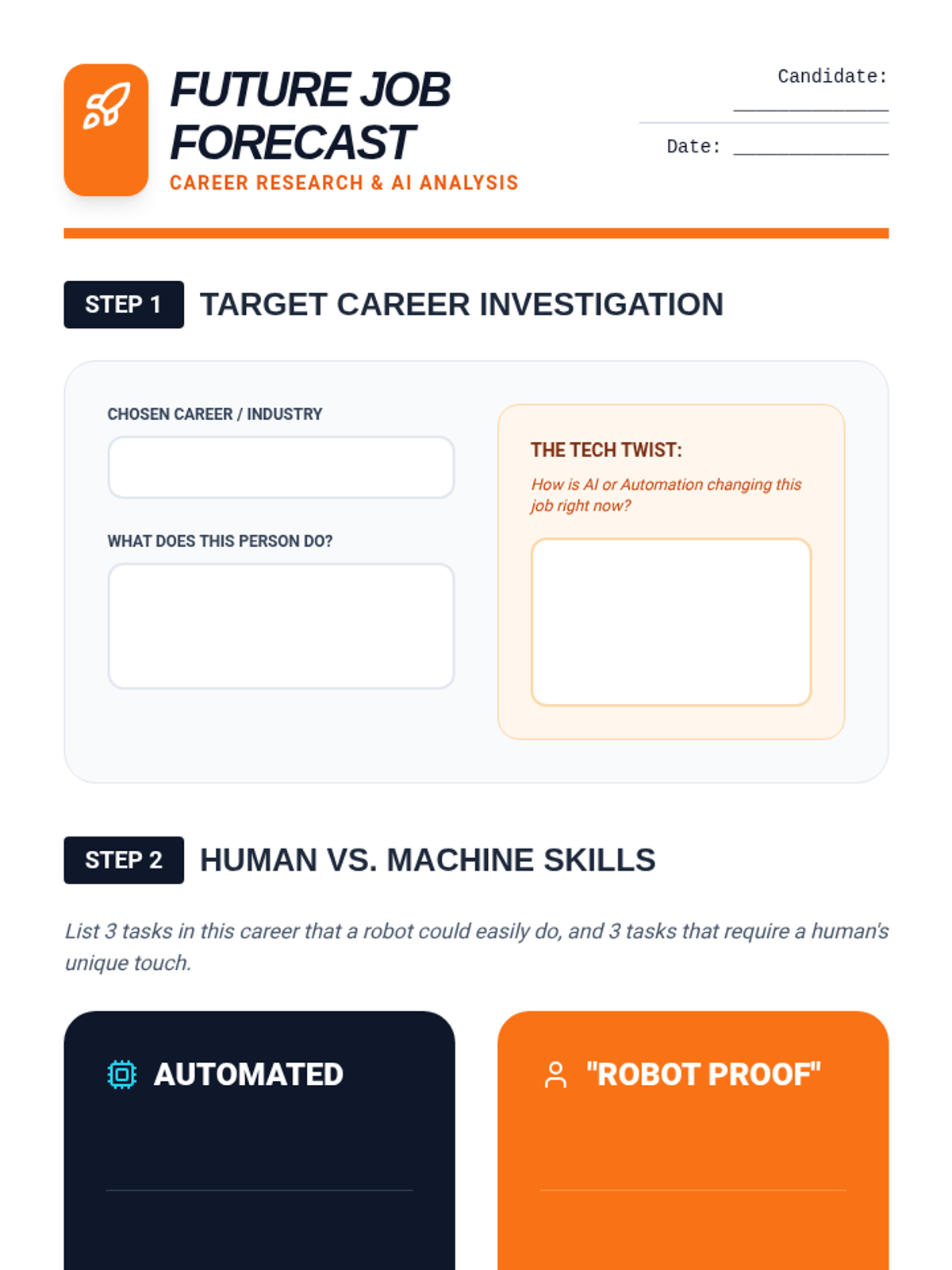
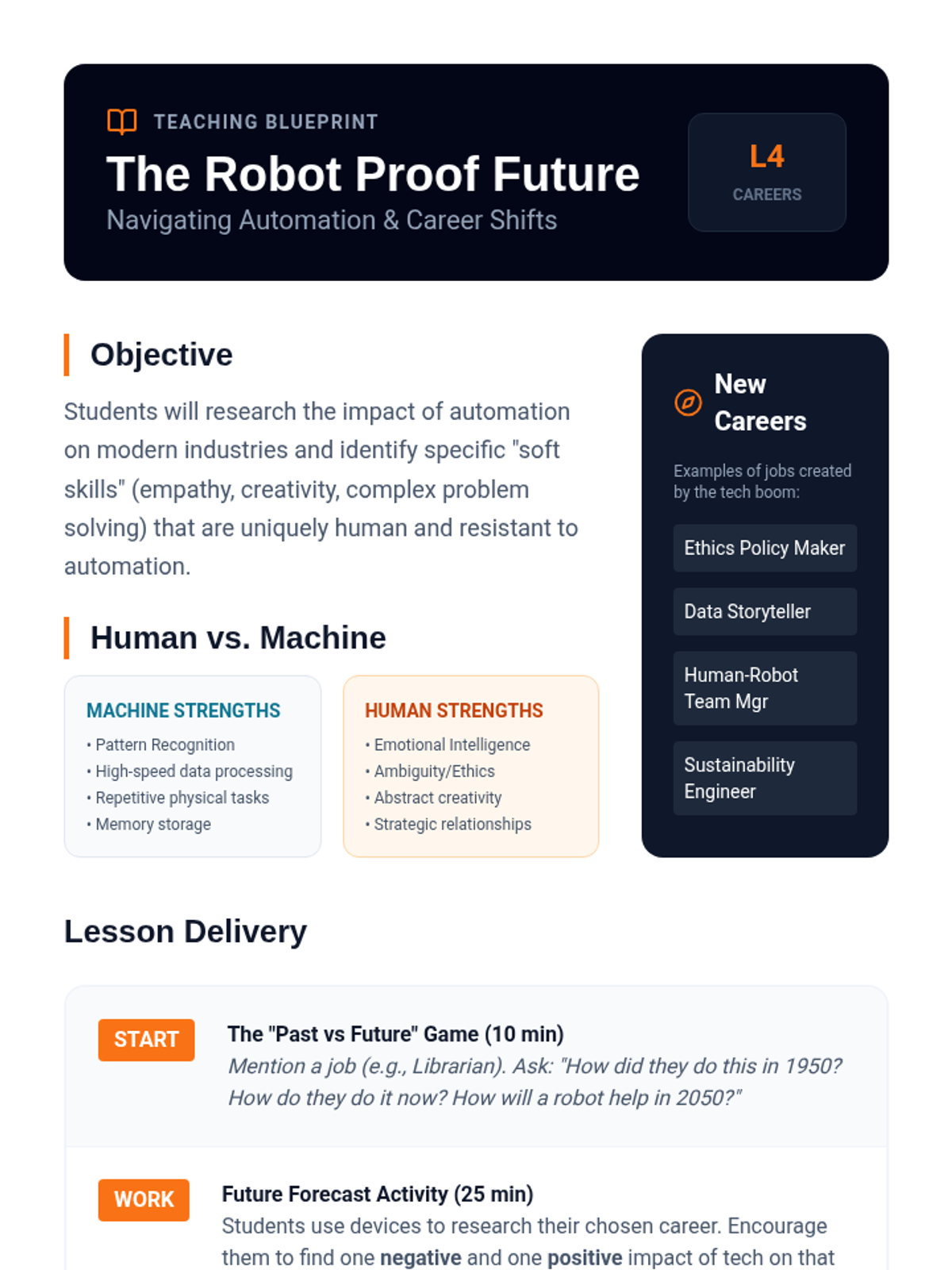
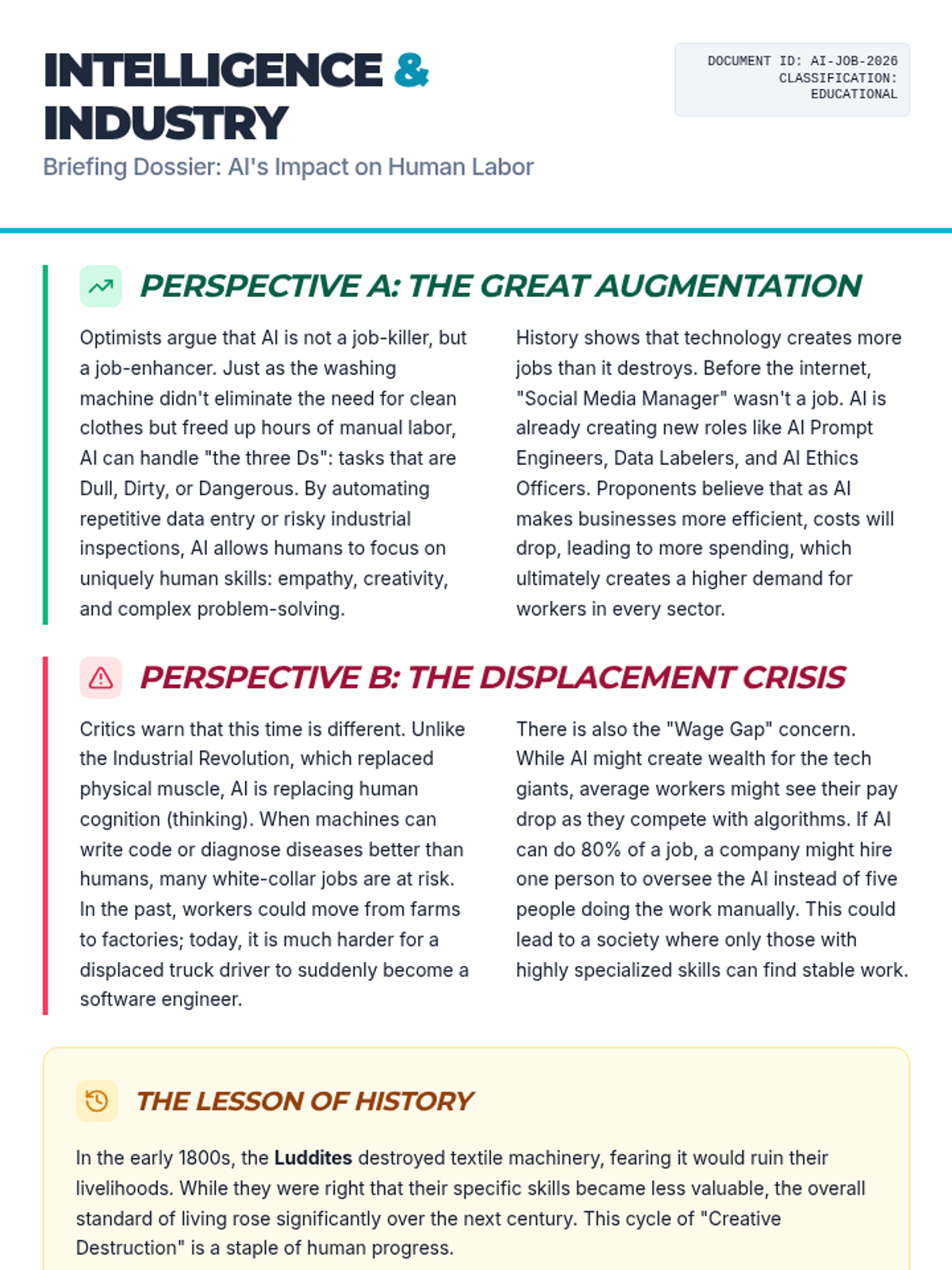
A forward-looking lesson on how automation is reshaping the workforce, focusing on the unique human skills that remain essential in the age of robots.
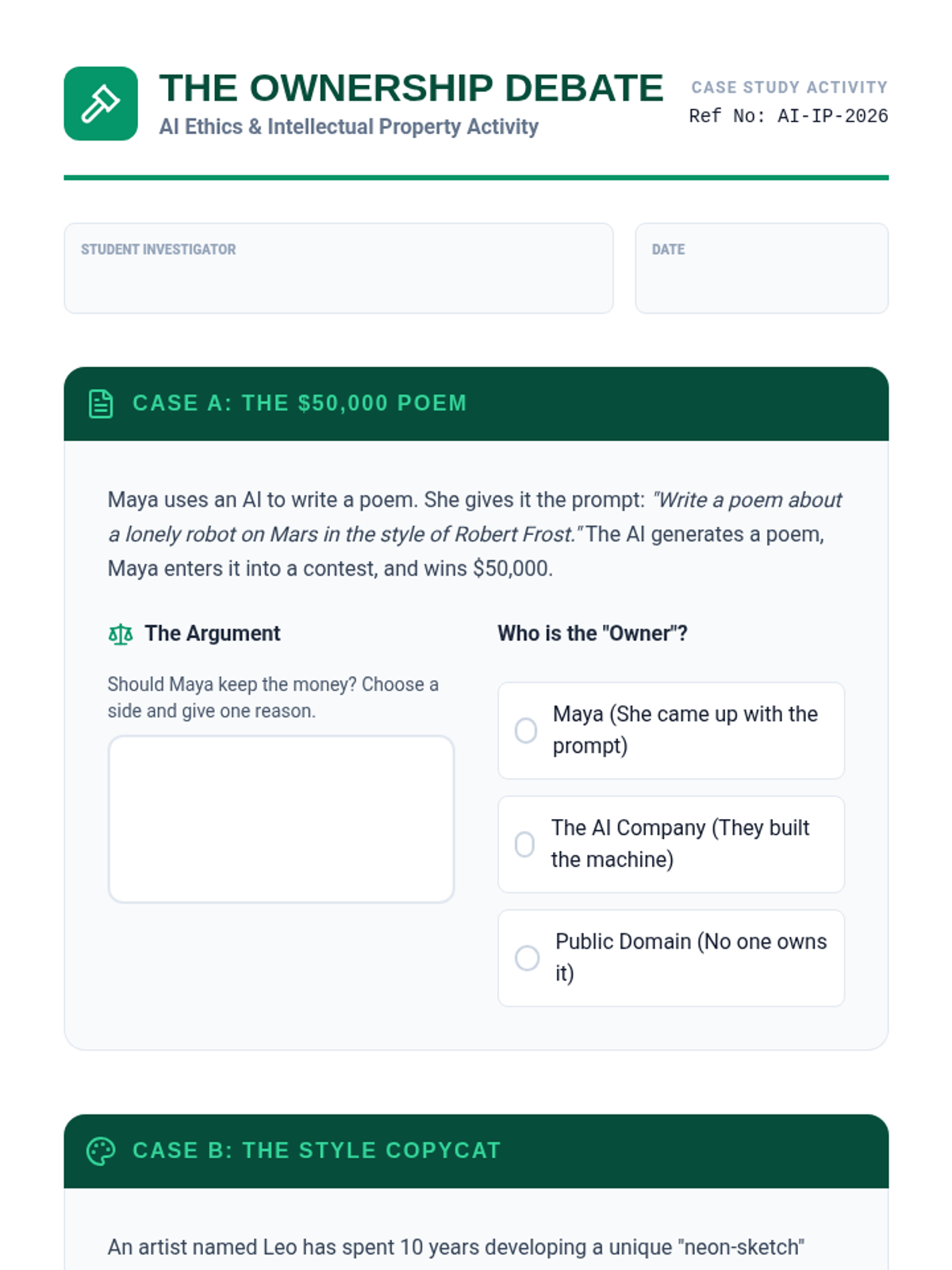
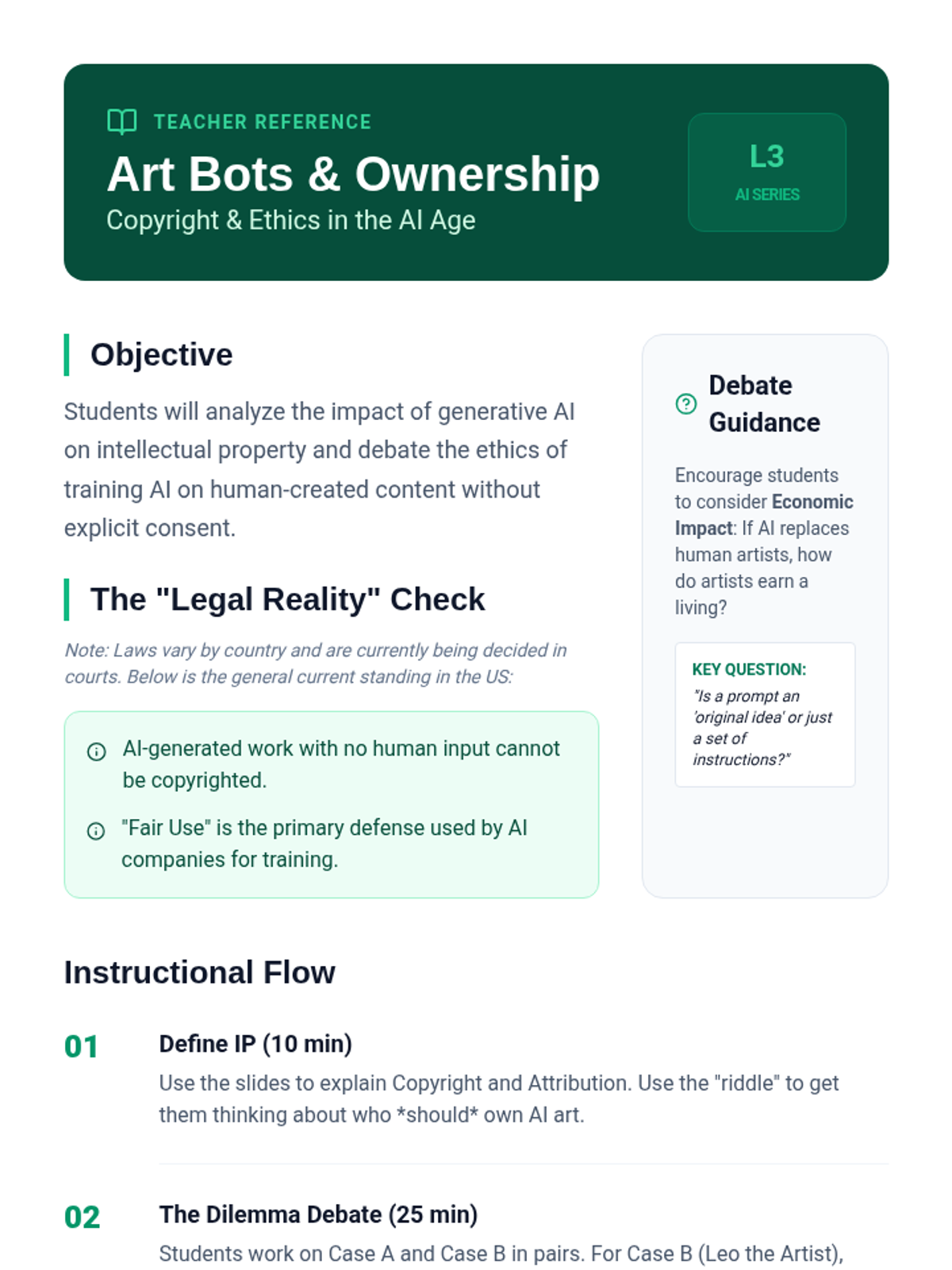
Students debate the complexities of copyright and ownership in the age of generative AI, learning how to ethically attribute work in an automated world.
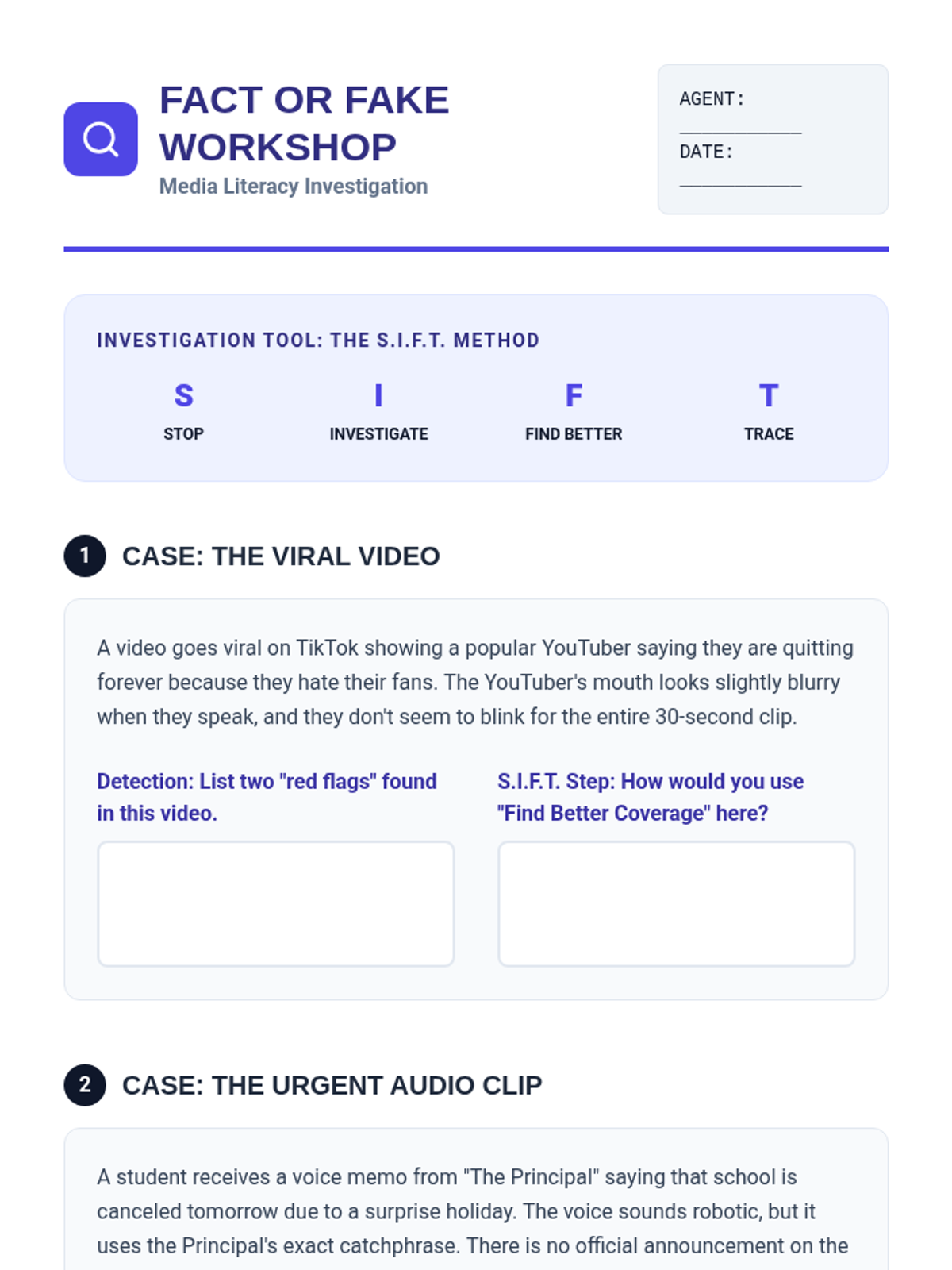
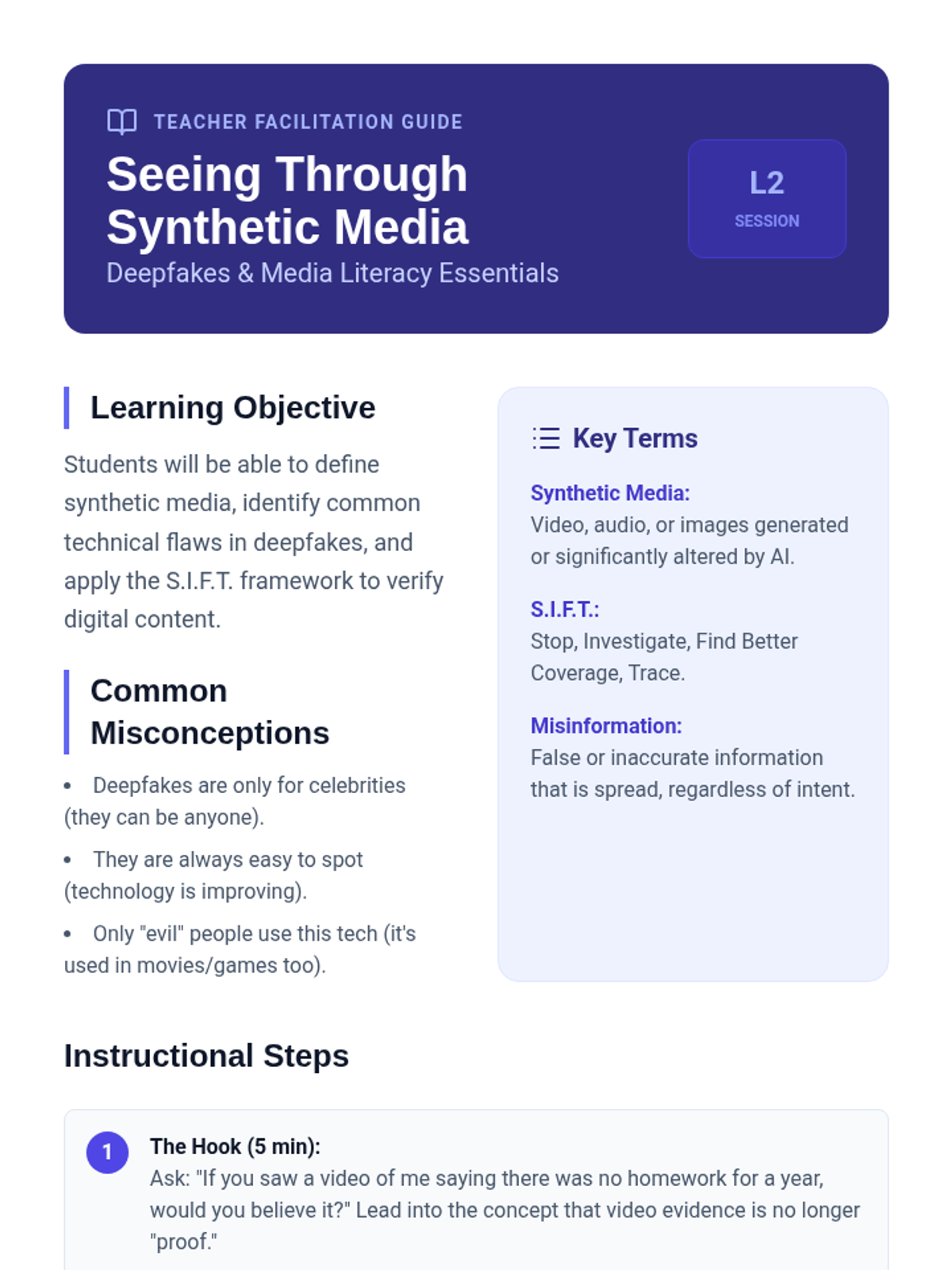
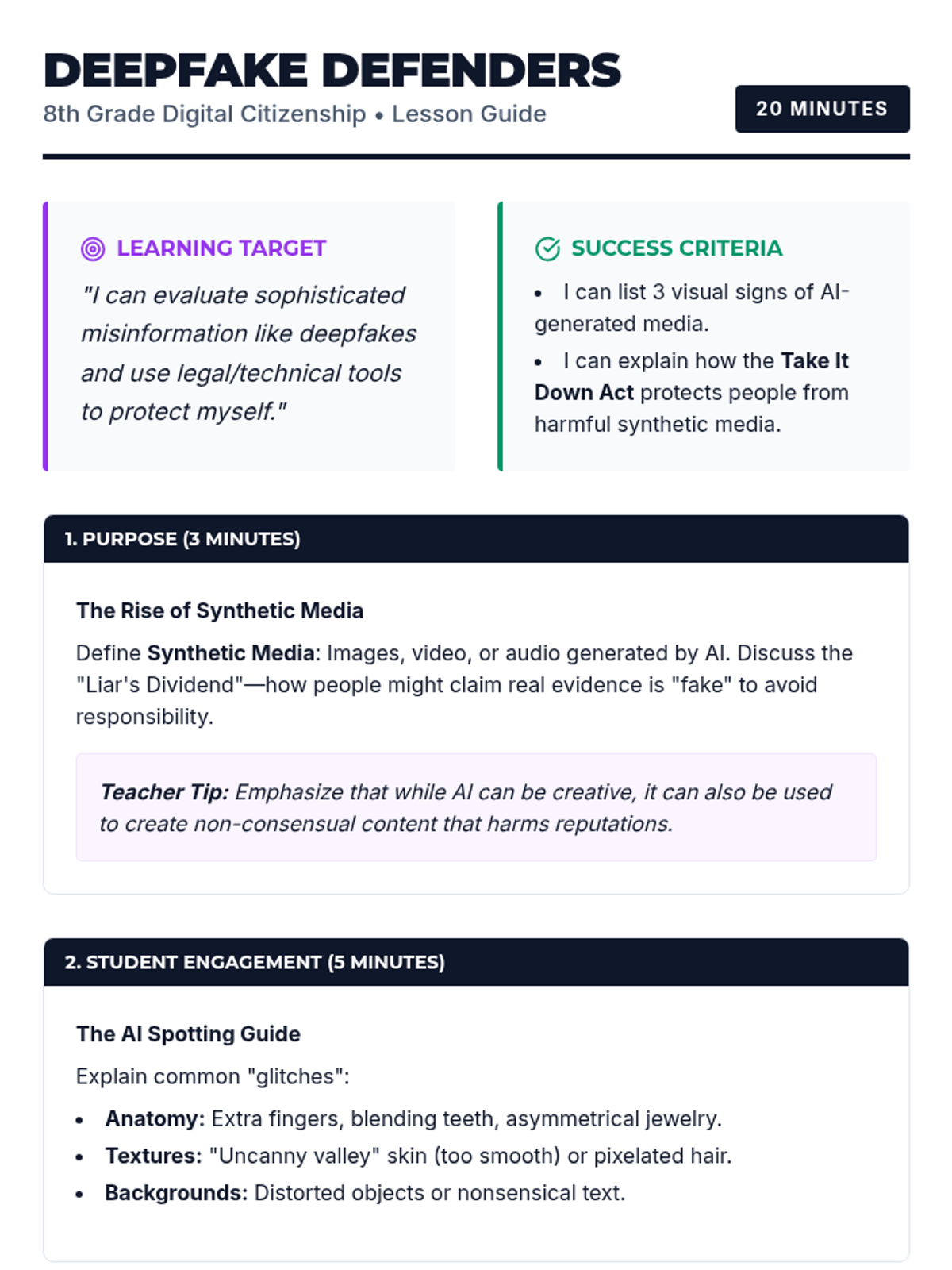
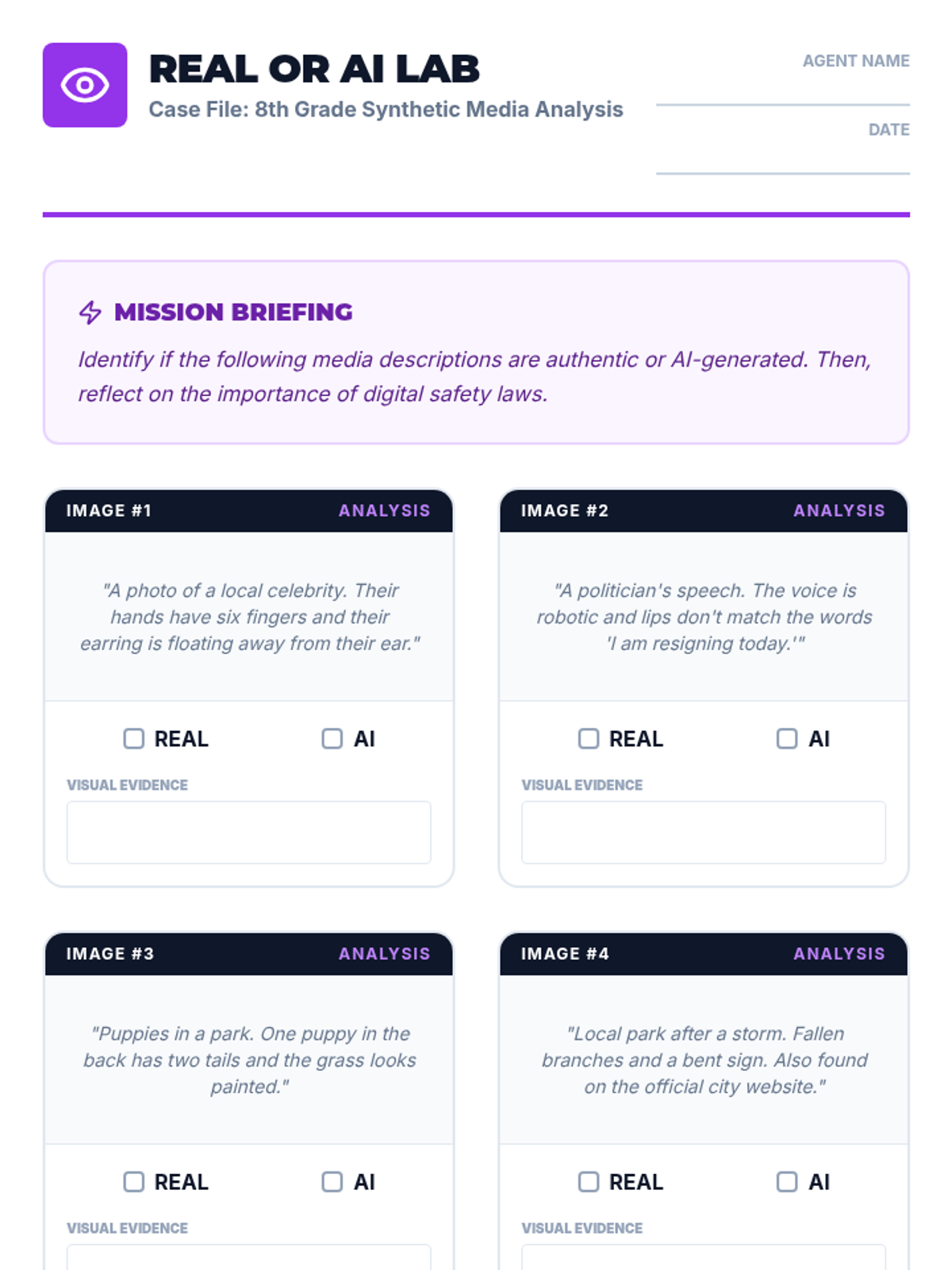
An exploration of synthetic media and deepfakes, teaching students to critically evaluate digital content and understand the ethical risks of misinformation.
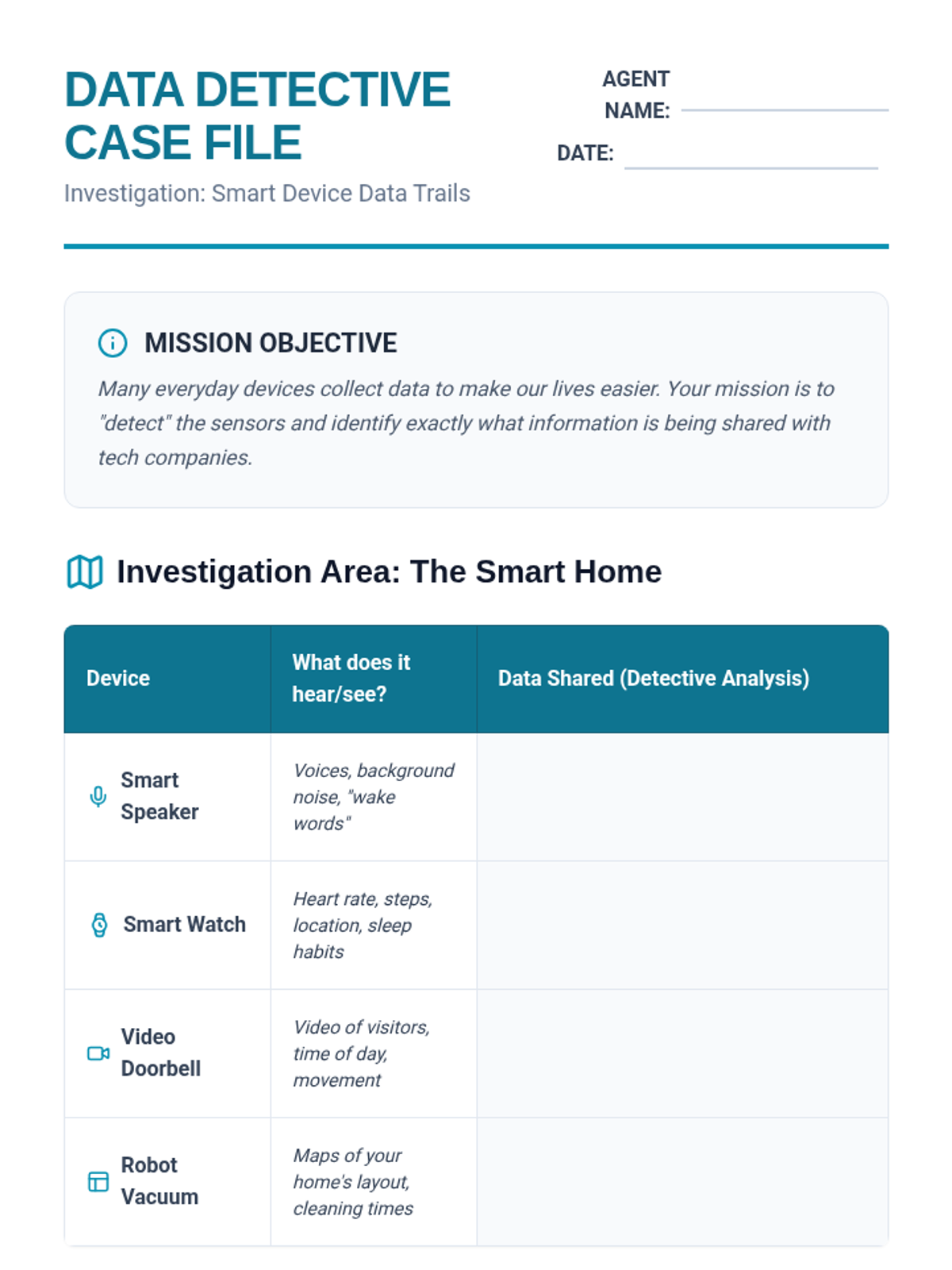
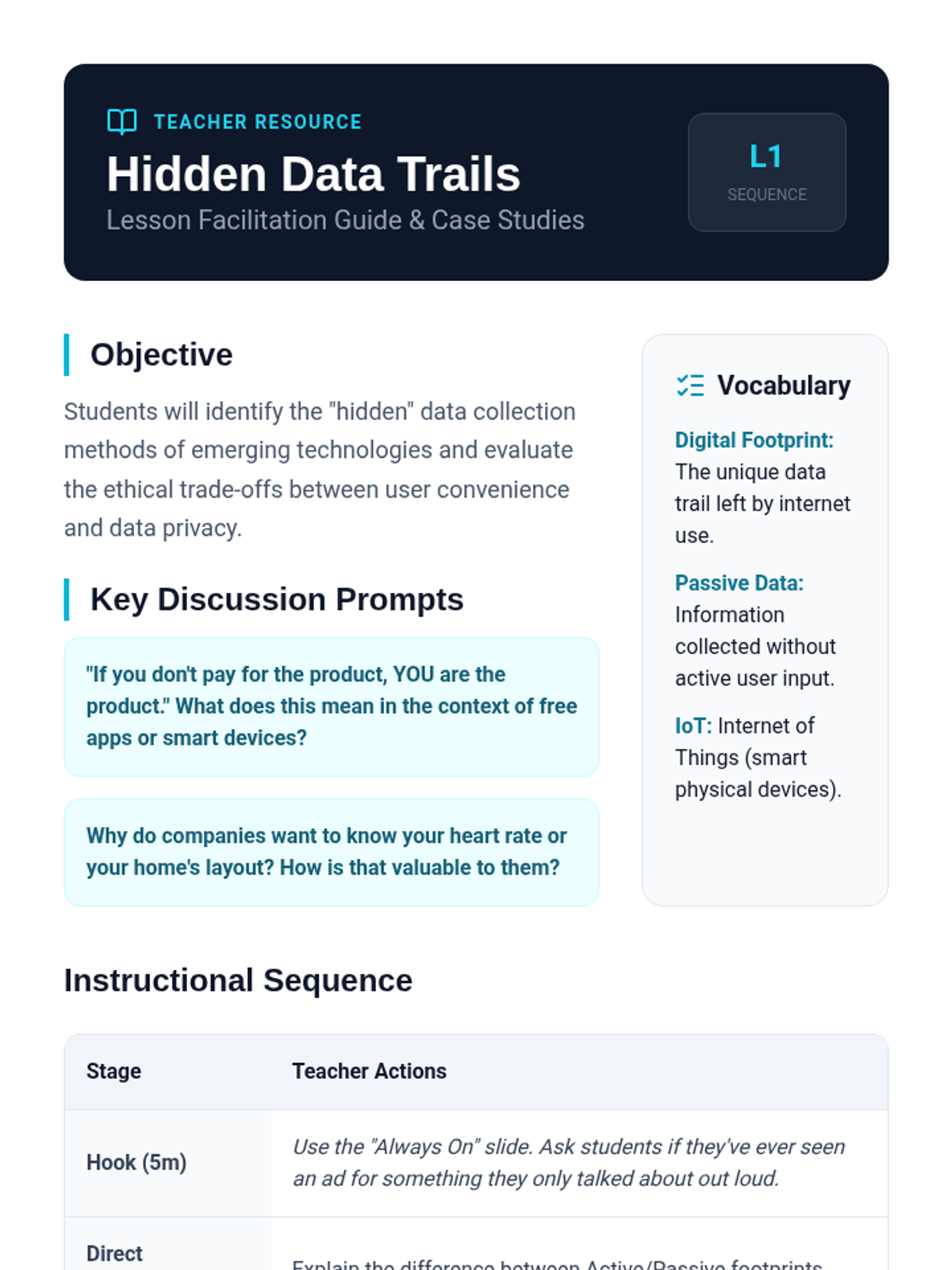
Students investigate how smart devices and AI assistants collect personal data, analyzing the trade-offs between technological convenience and individual privacy.
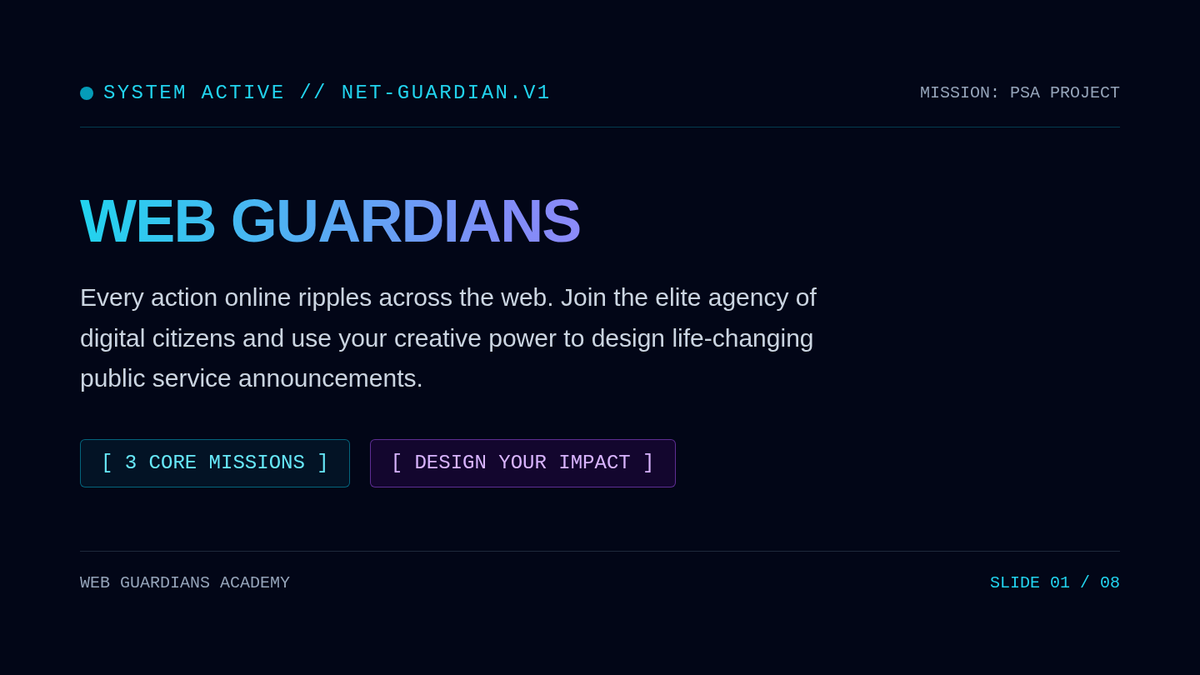
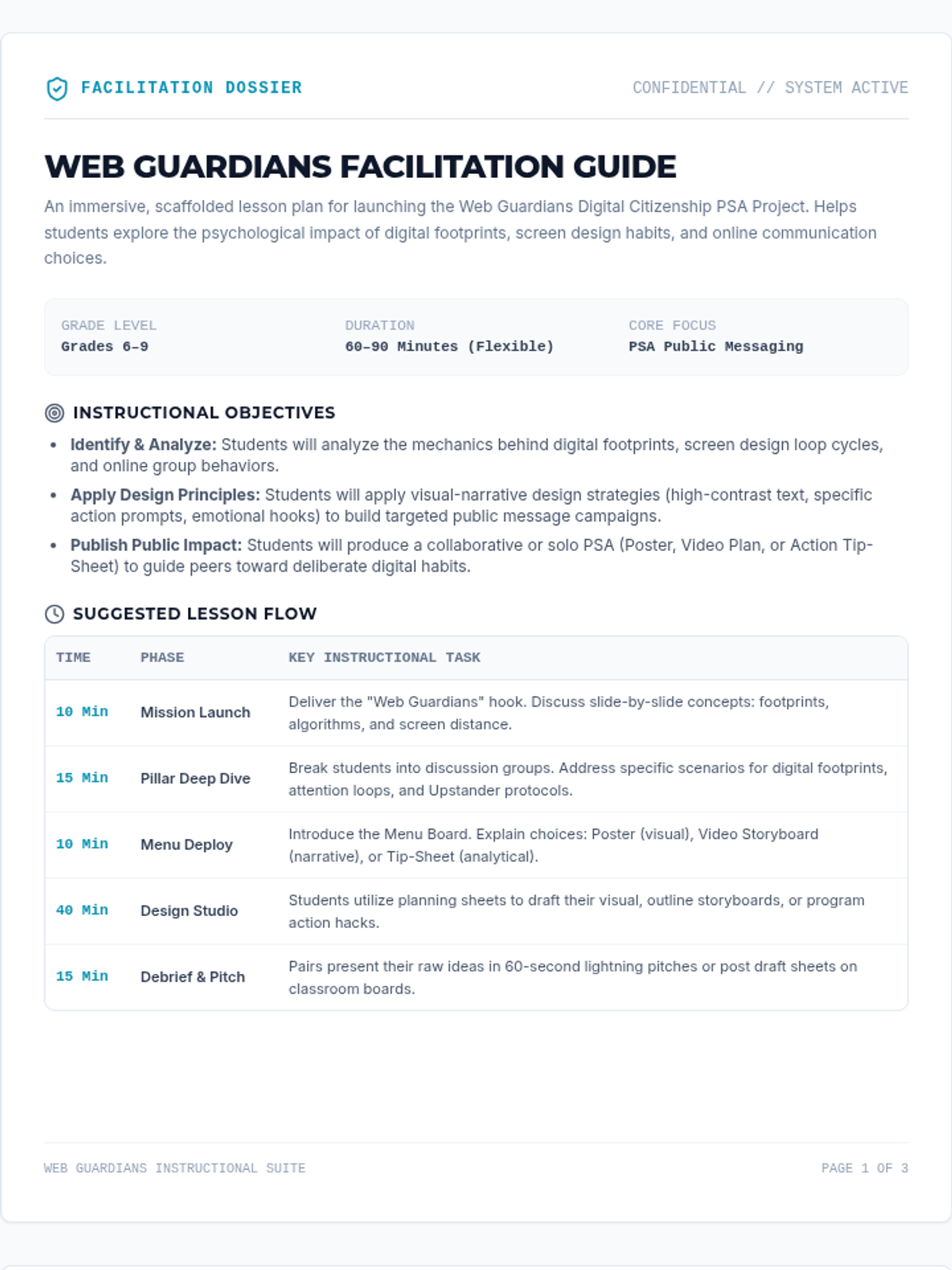
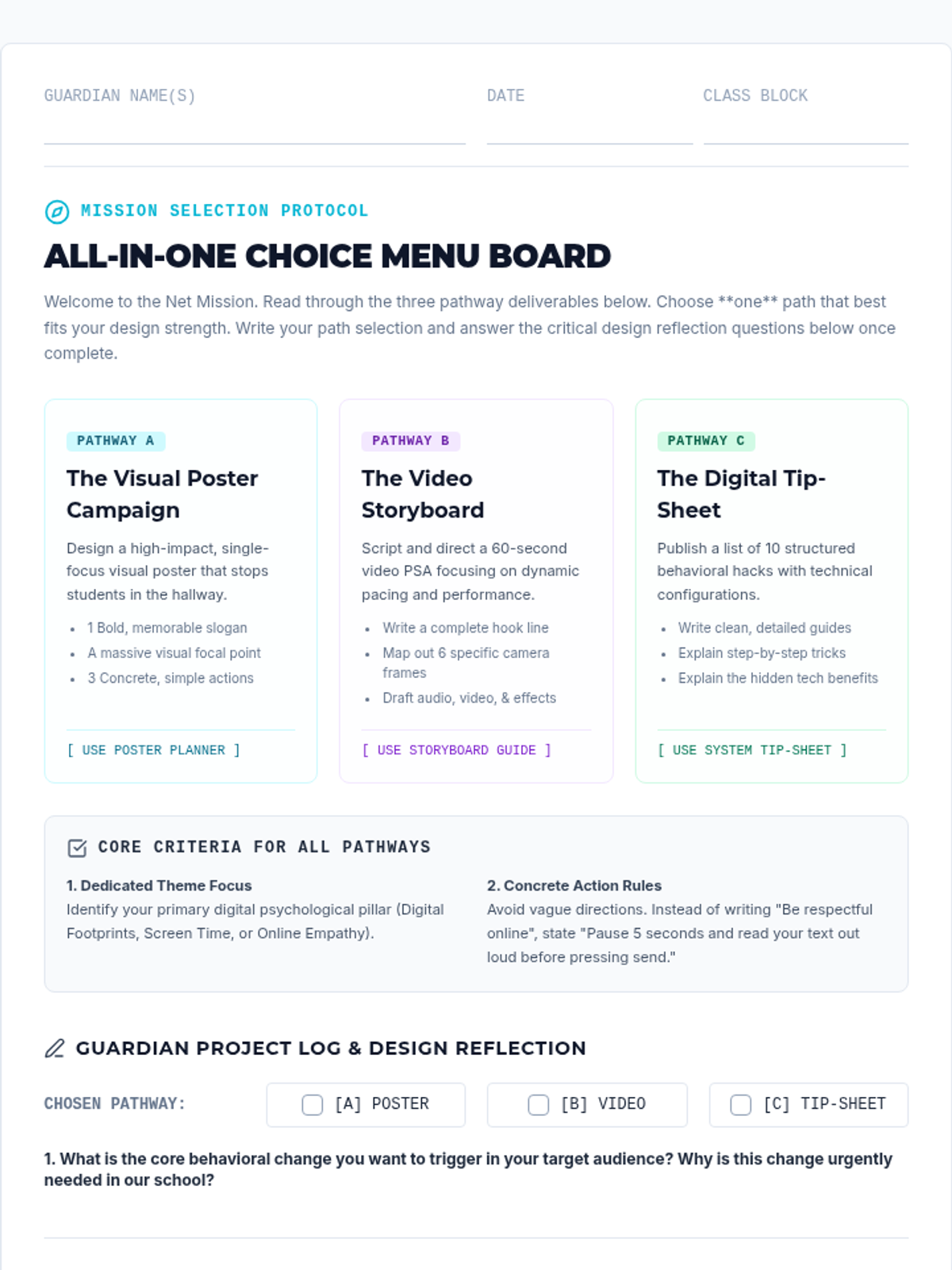
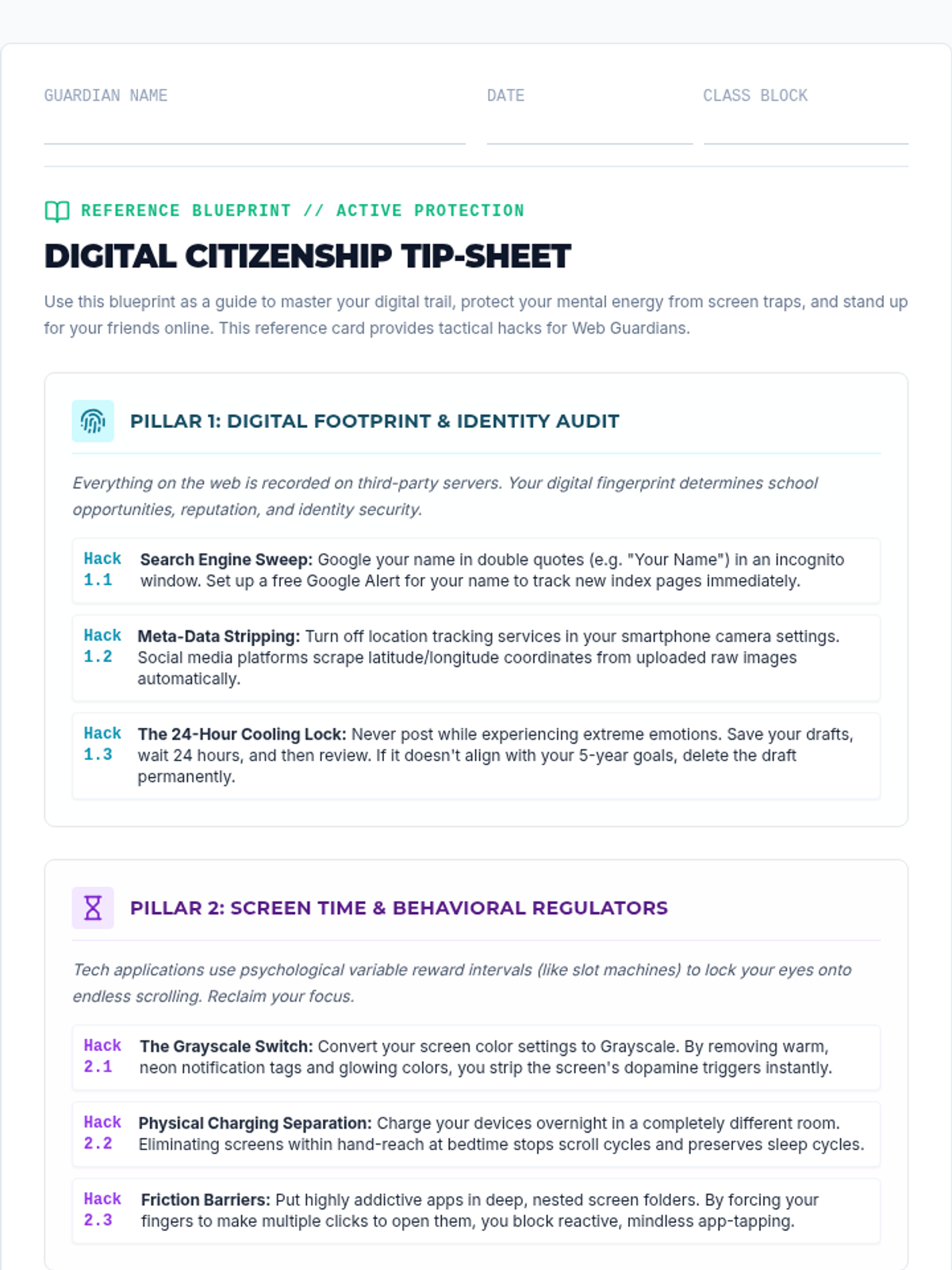
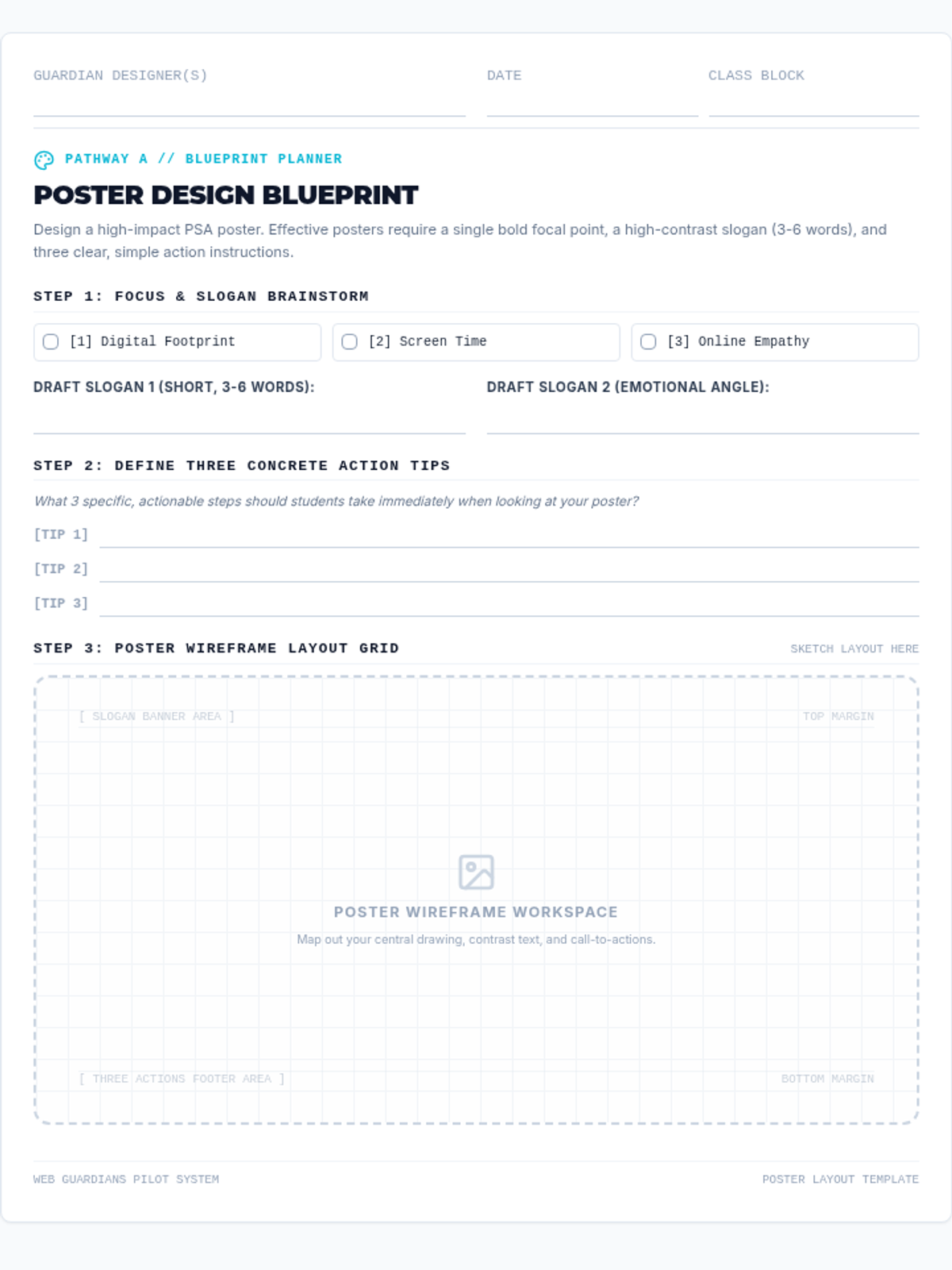
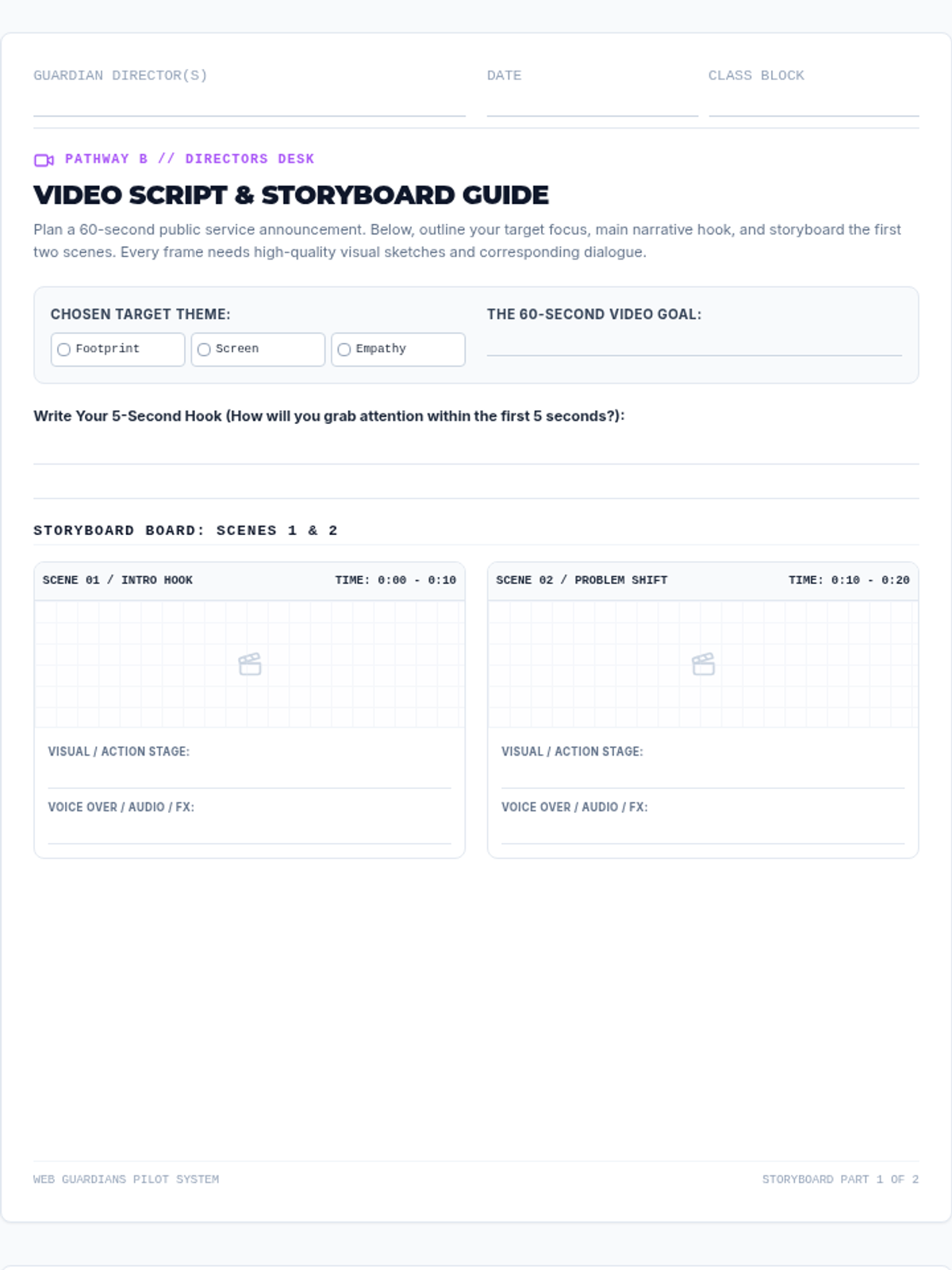
A high-impact digital citizenship project lesson where students become 'Web Guardians' to design PSAs addressing digital footprints, screen time self-regulation, and online empathy. Includes interactive presentation slides, detailed teacher guides, a project menu choice board, visual tip-sheets, and scaffolded planning templates for posters and videos.
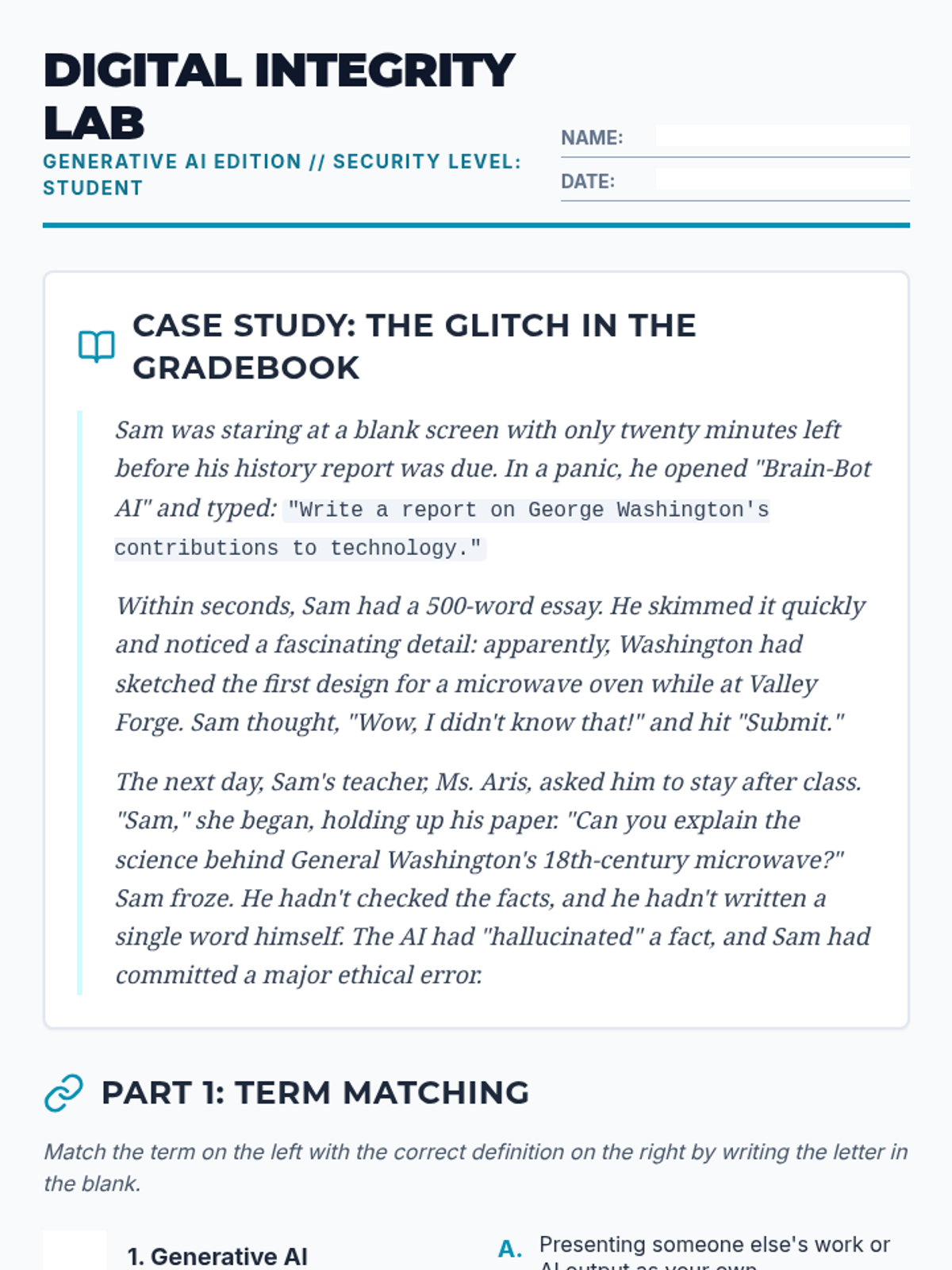
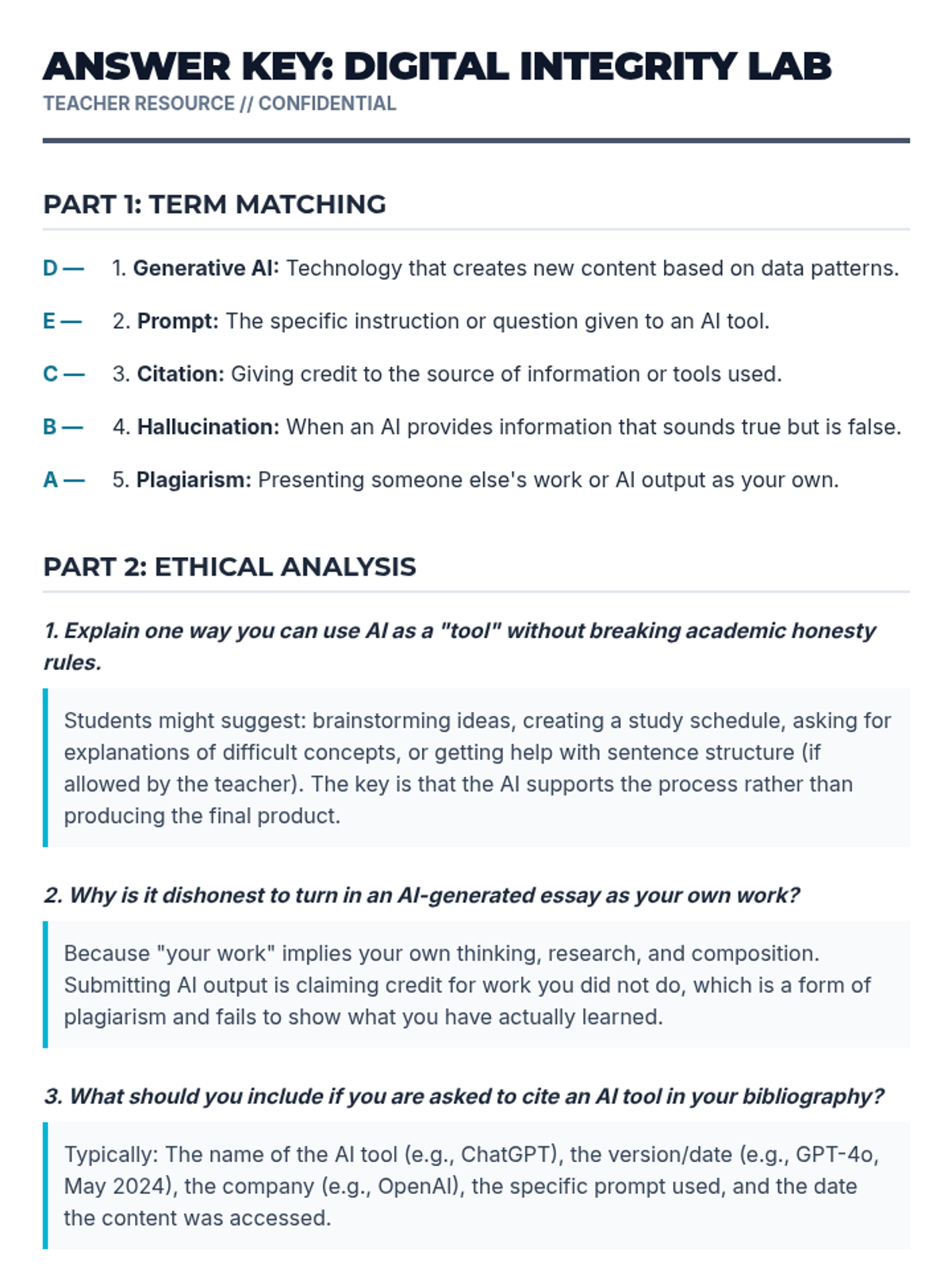
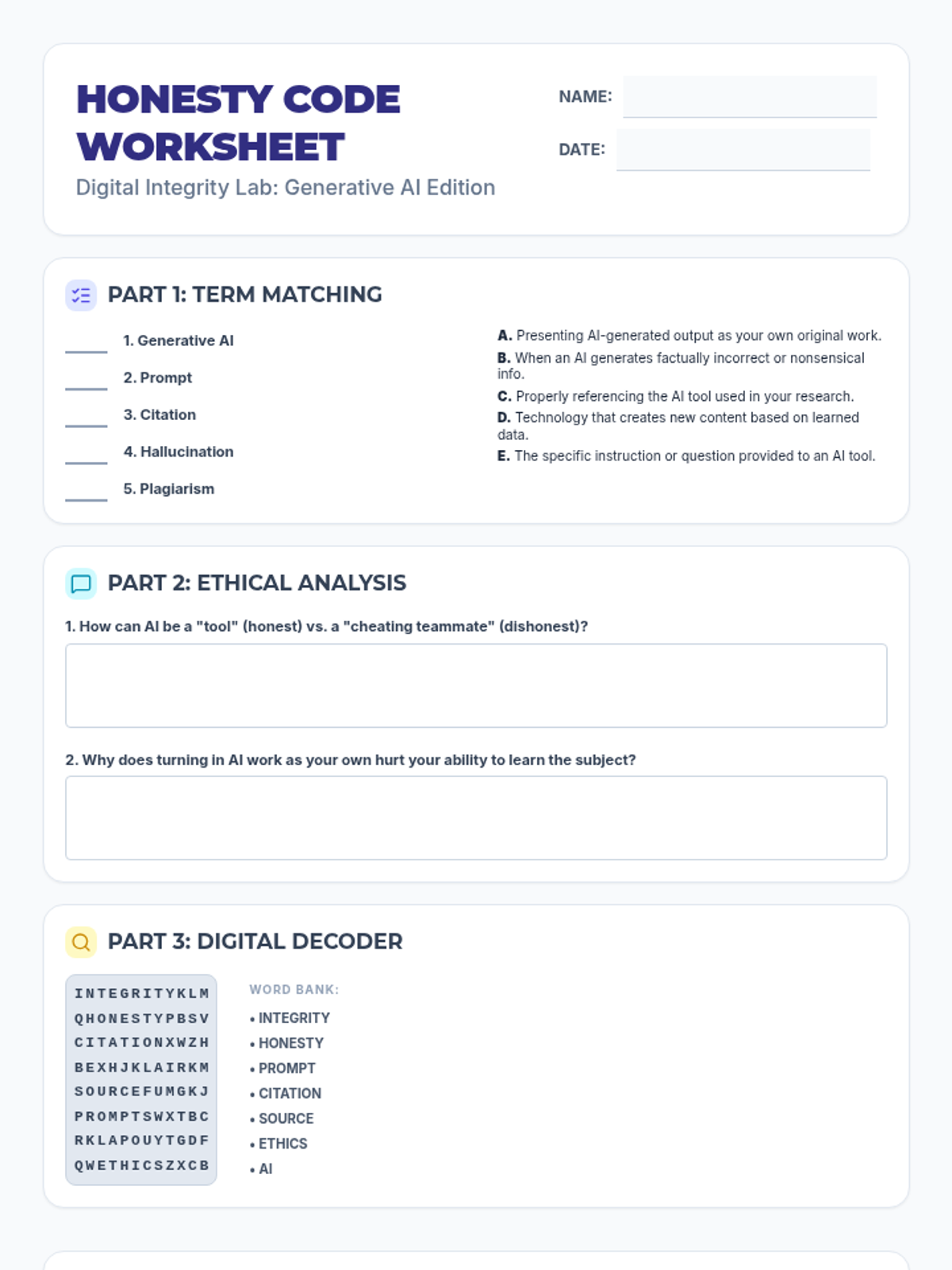
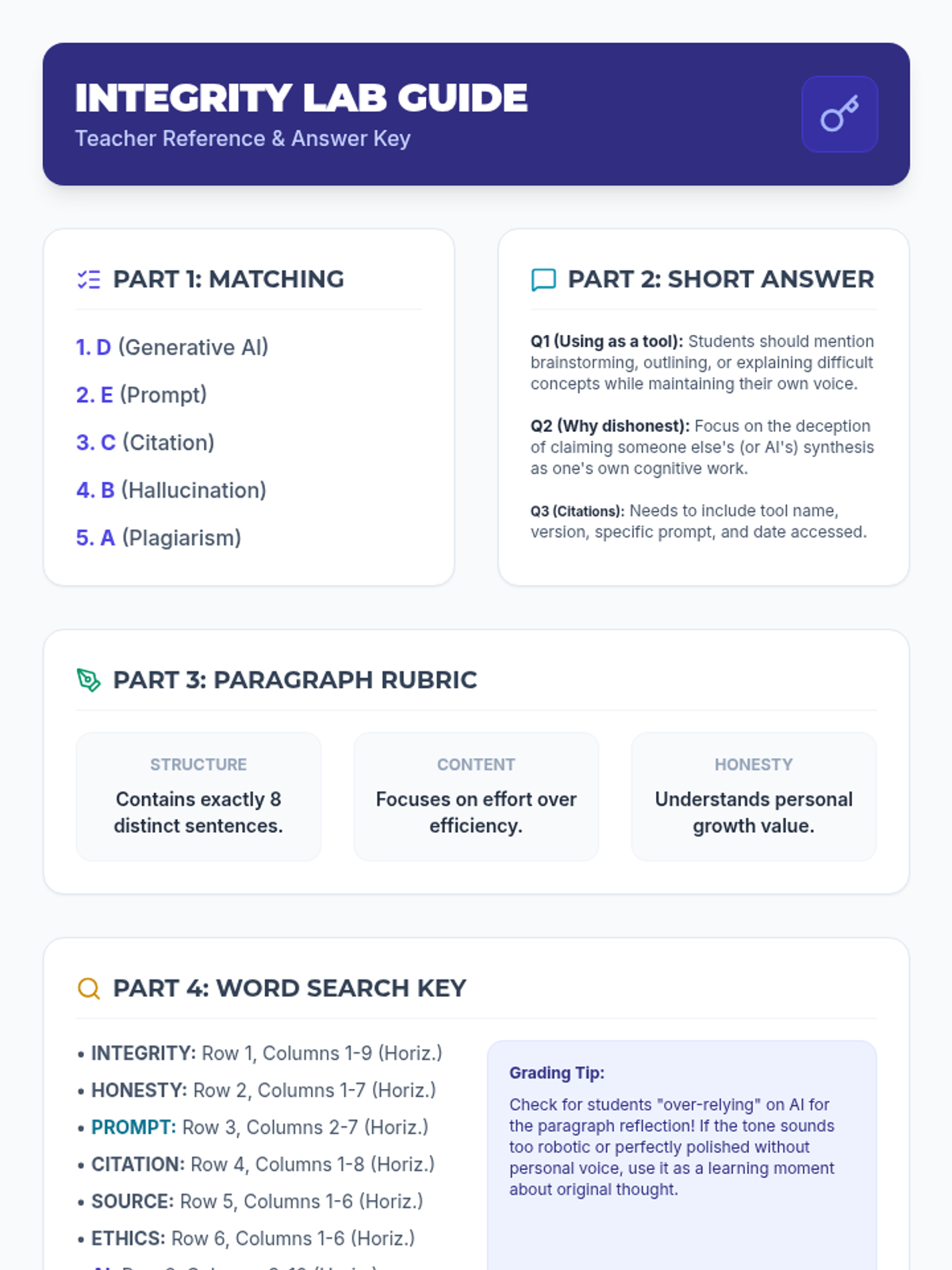
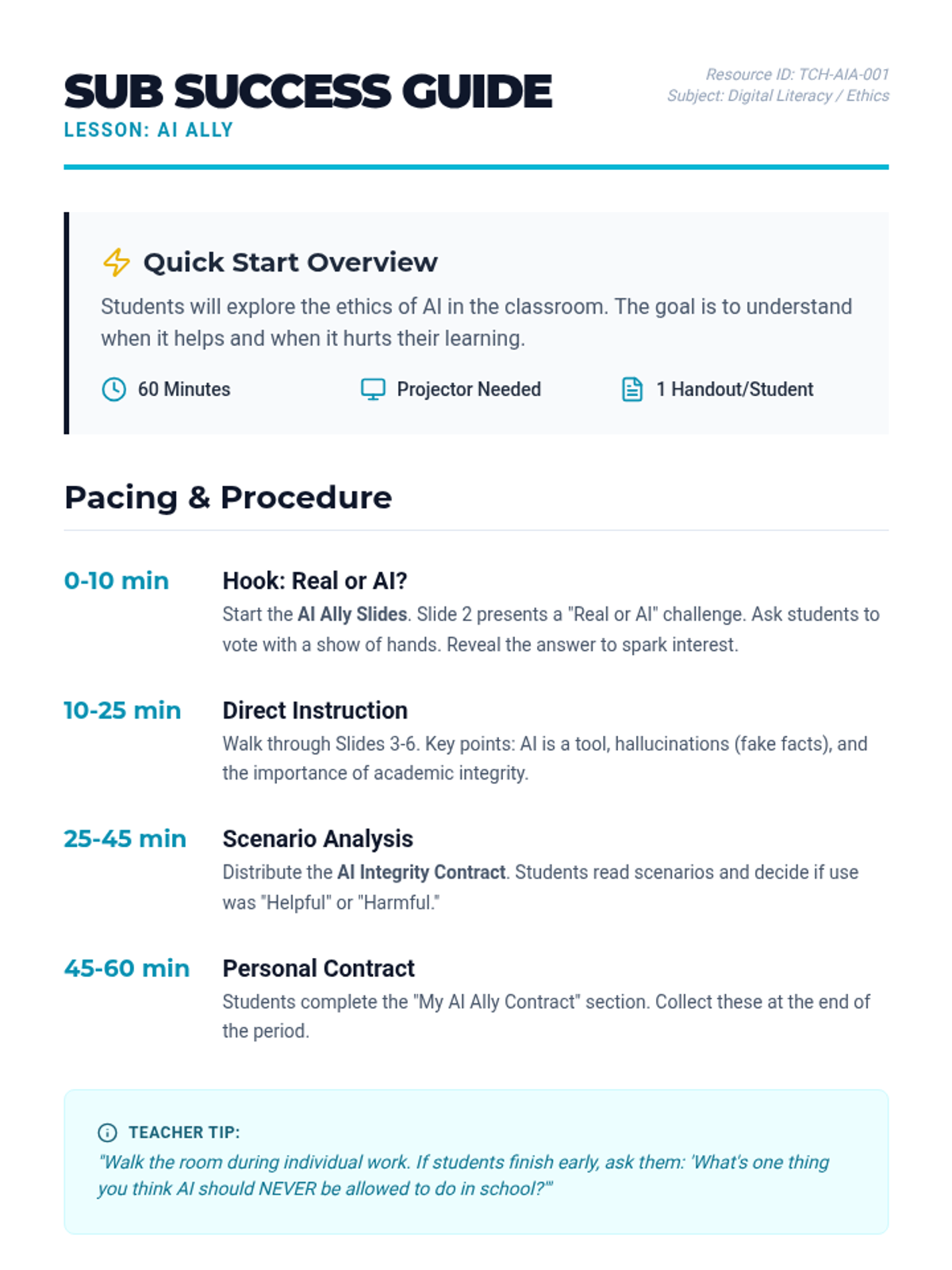
This lesson explores the ethics of generative AI, focusing on academic honesty, citing sources, and the value of original thinking in a digital age.
An interactive lesson exploring the ethics of Generative AI, focusing on academic honesty, original thought, and proper citation in the digital age.
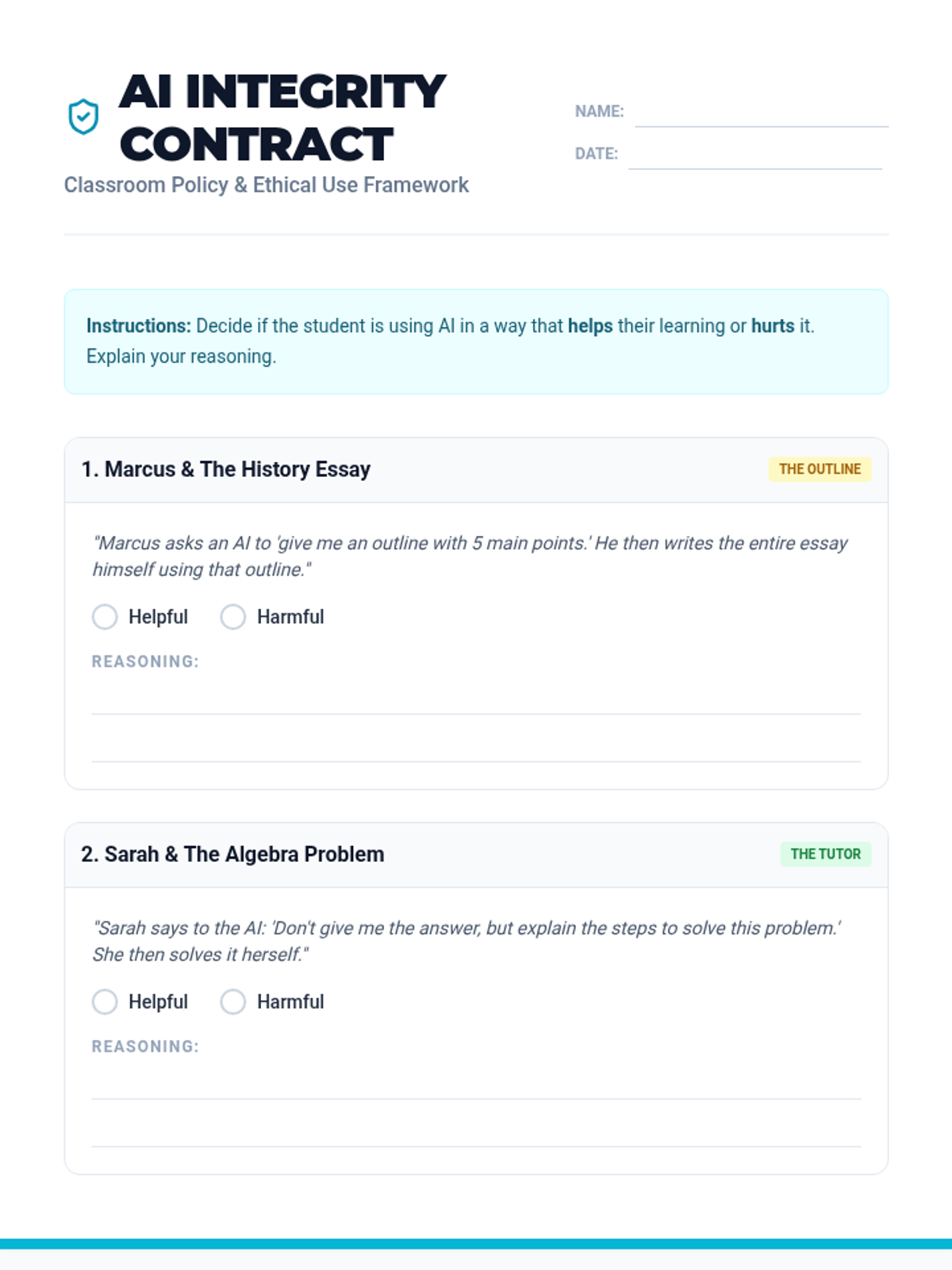
An inquiry-based lesson where students explore the ethical implications of using AI in school, culminating in the creation of a personal AI use contract. Designed for easy delivery by a substitute teacher.
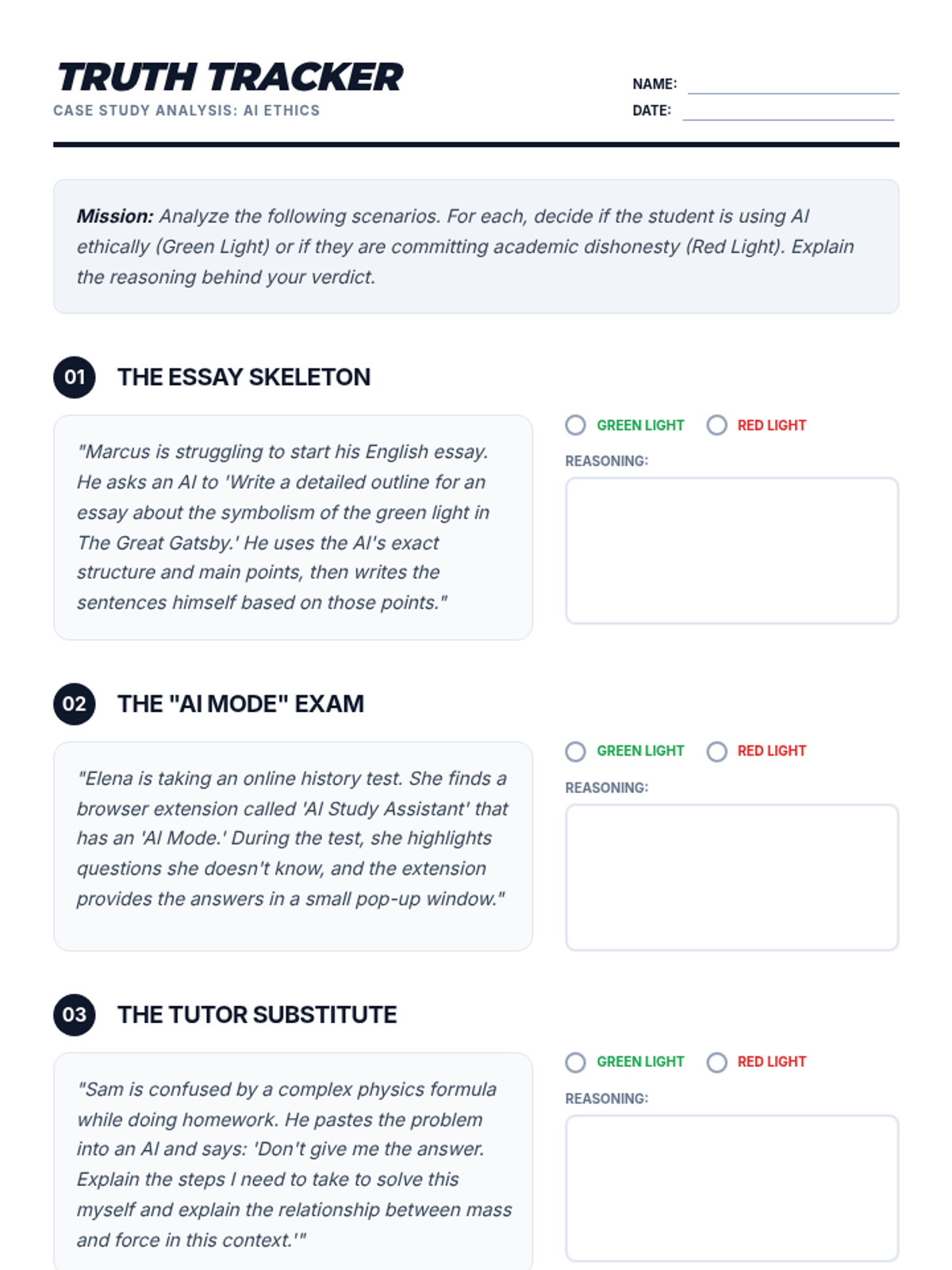
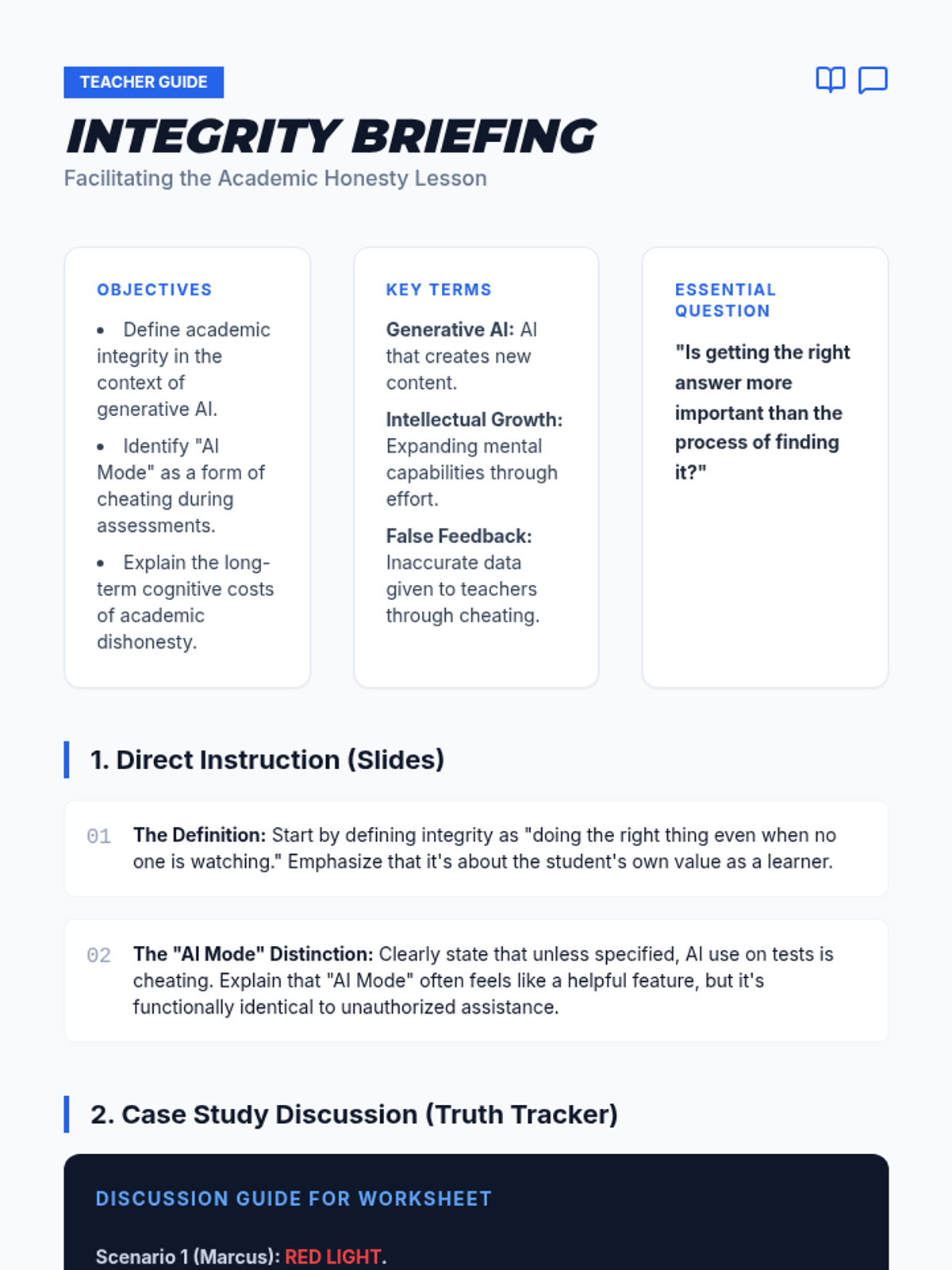
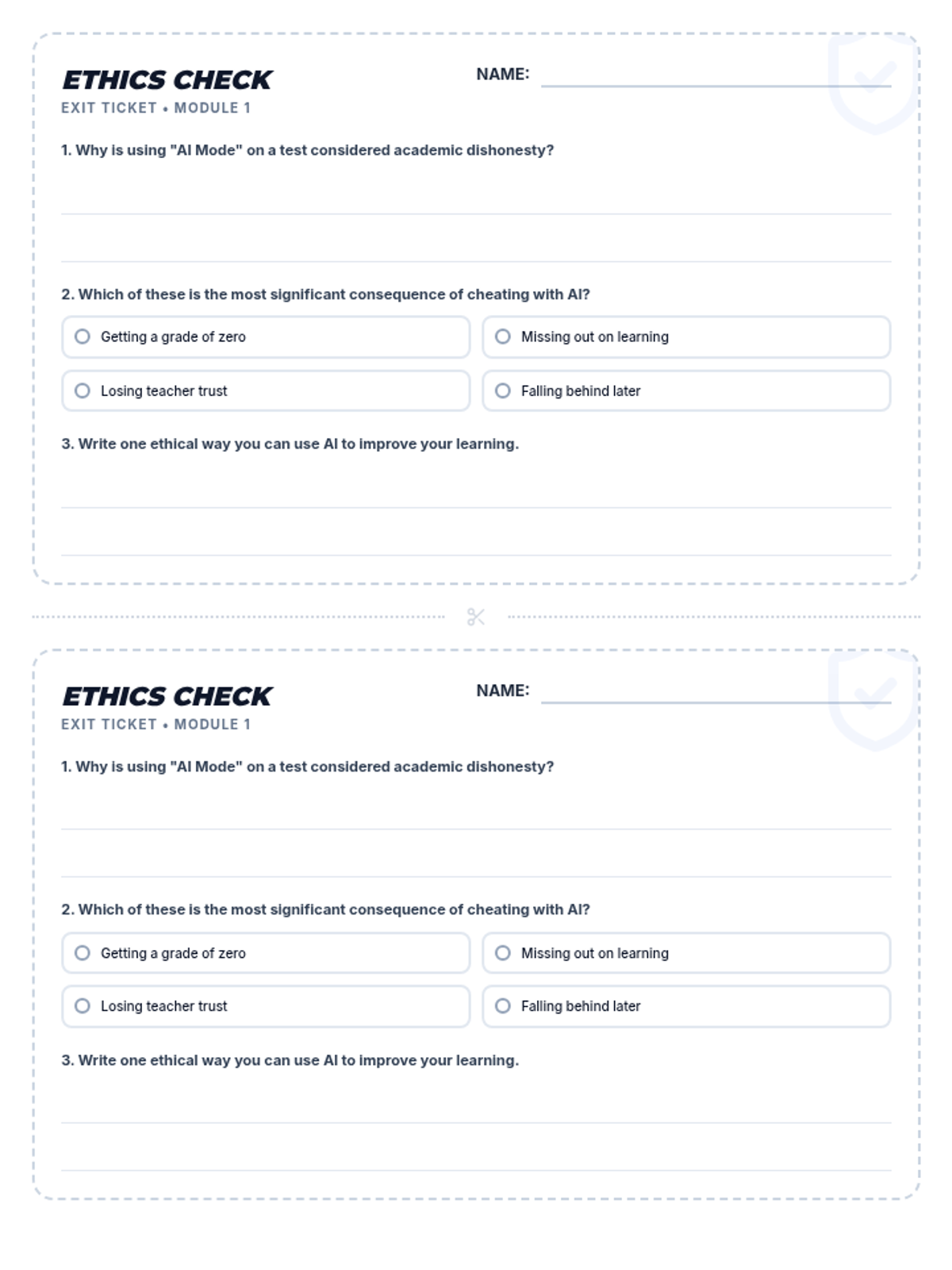
A comprehensive lesson exploring the ethical implications of using AI in academic settings, specifically focusing on the misuse of AI during assessments and the value of personal intellectual growth.
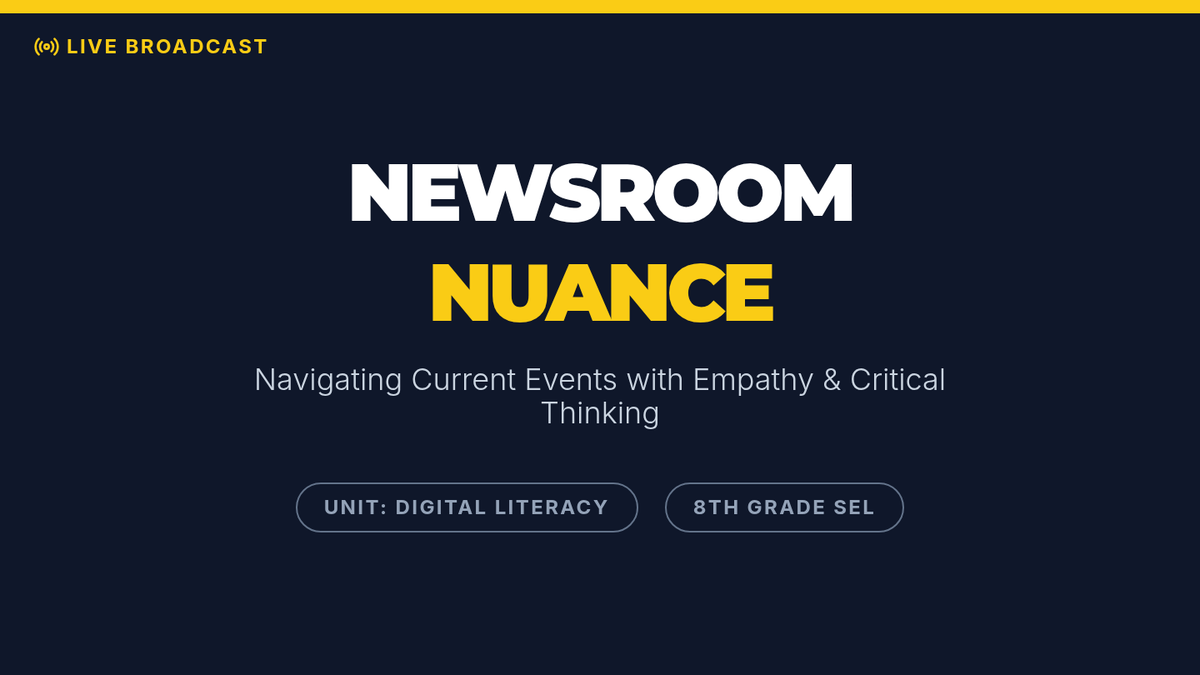
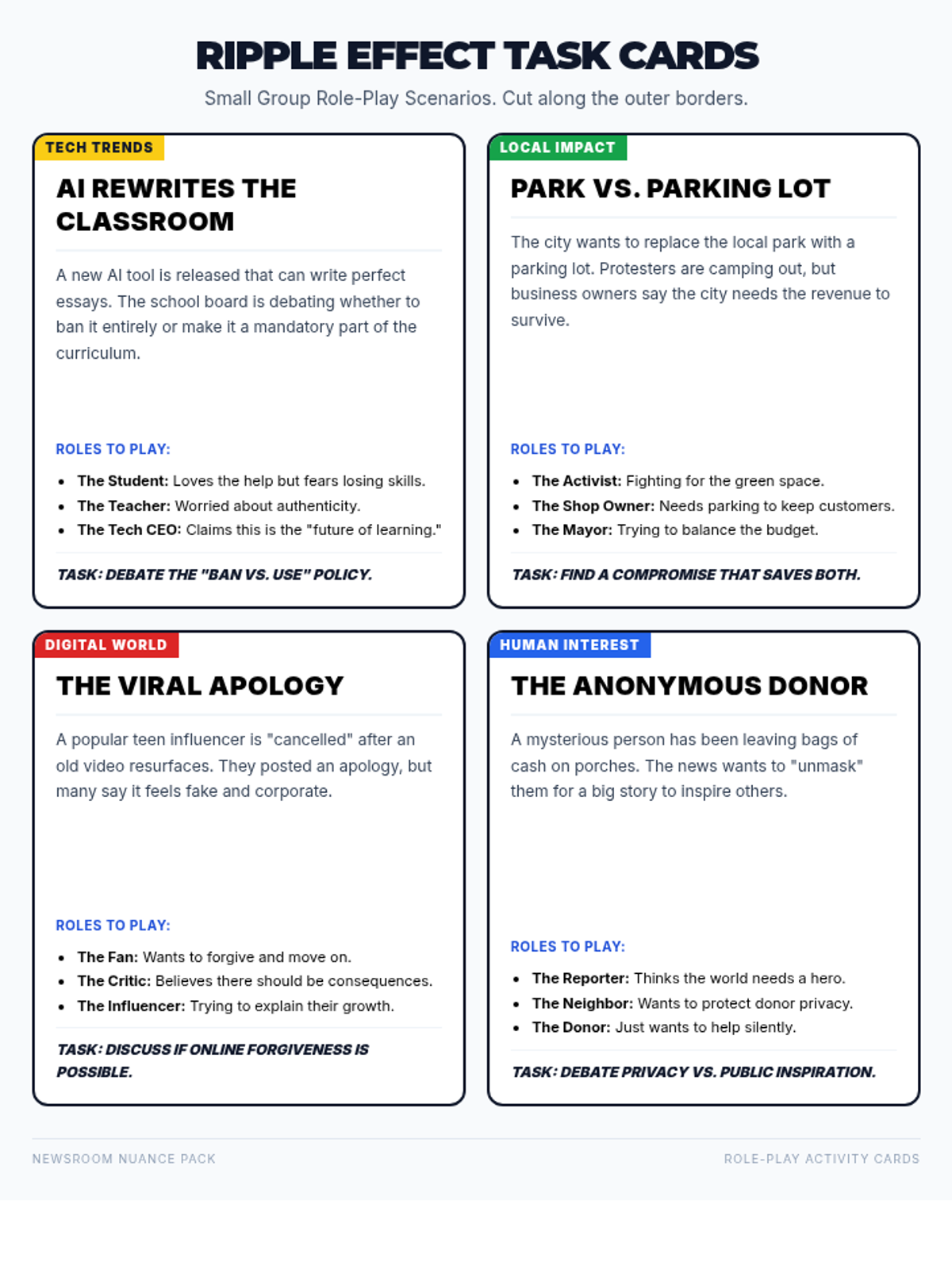
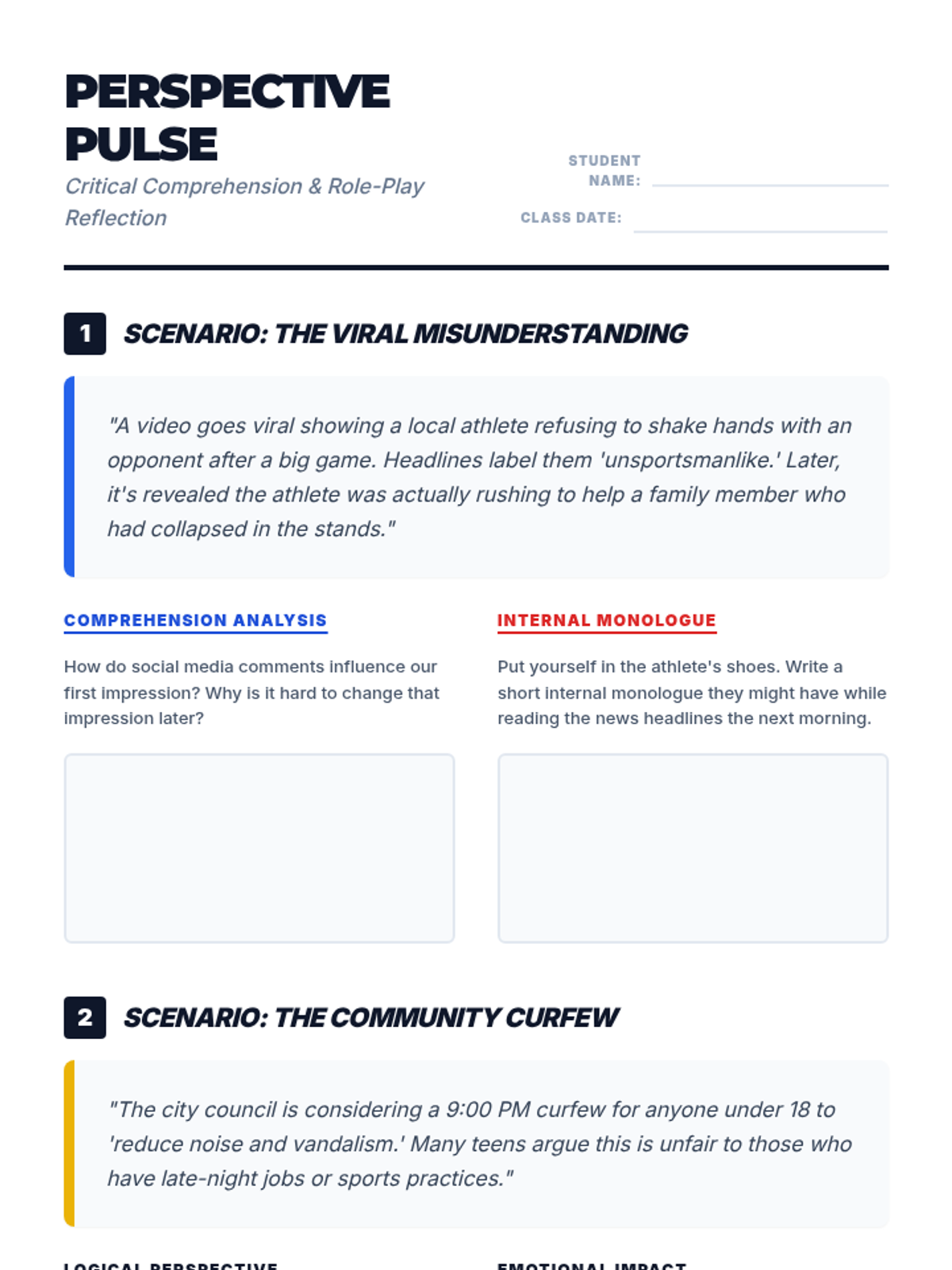
A lesson for 8th graders focused on navigating current news events through a social-emotional lens, using role-play to build empathy and critical thinking.
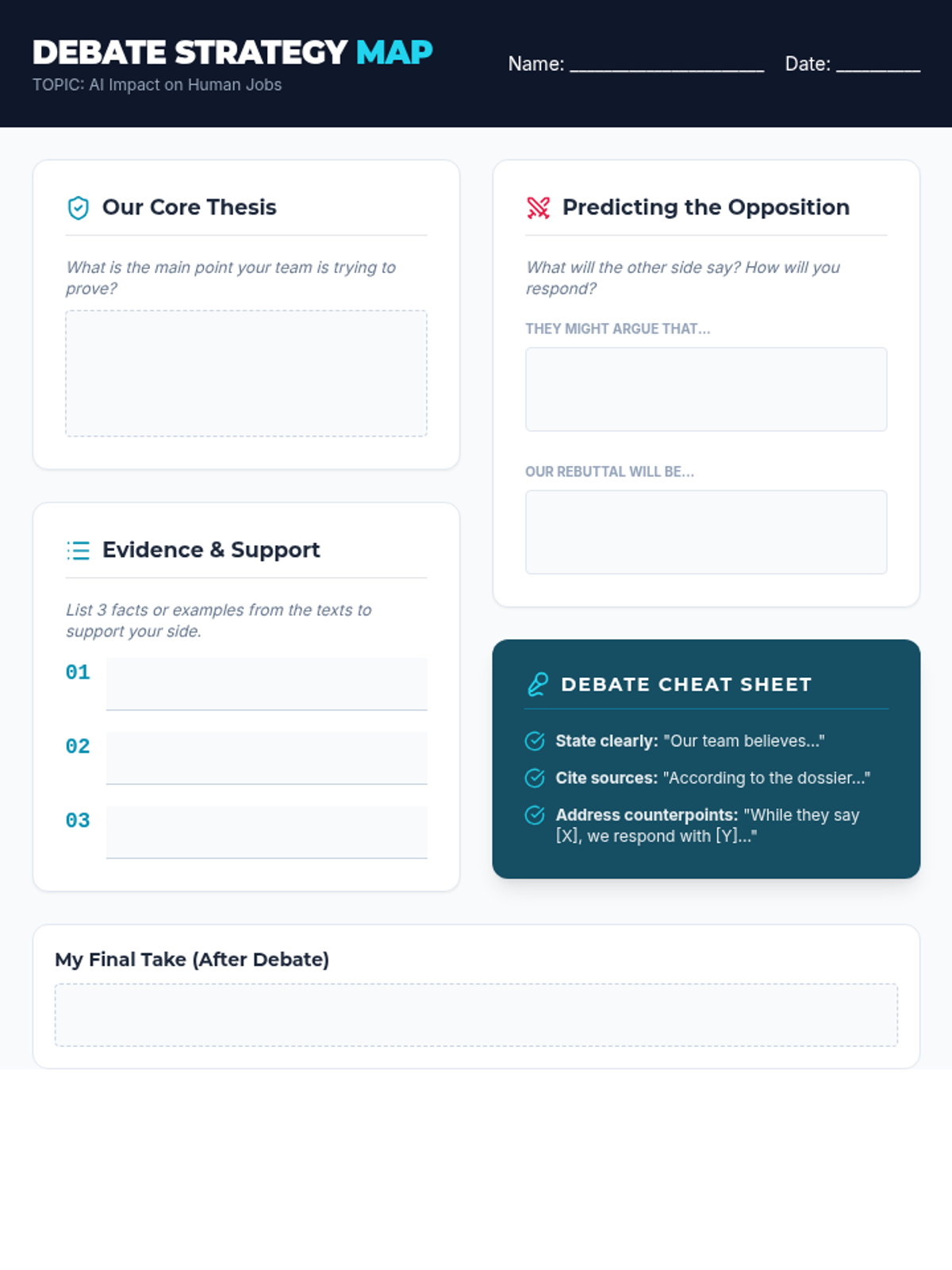
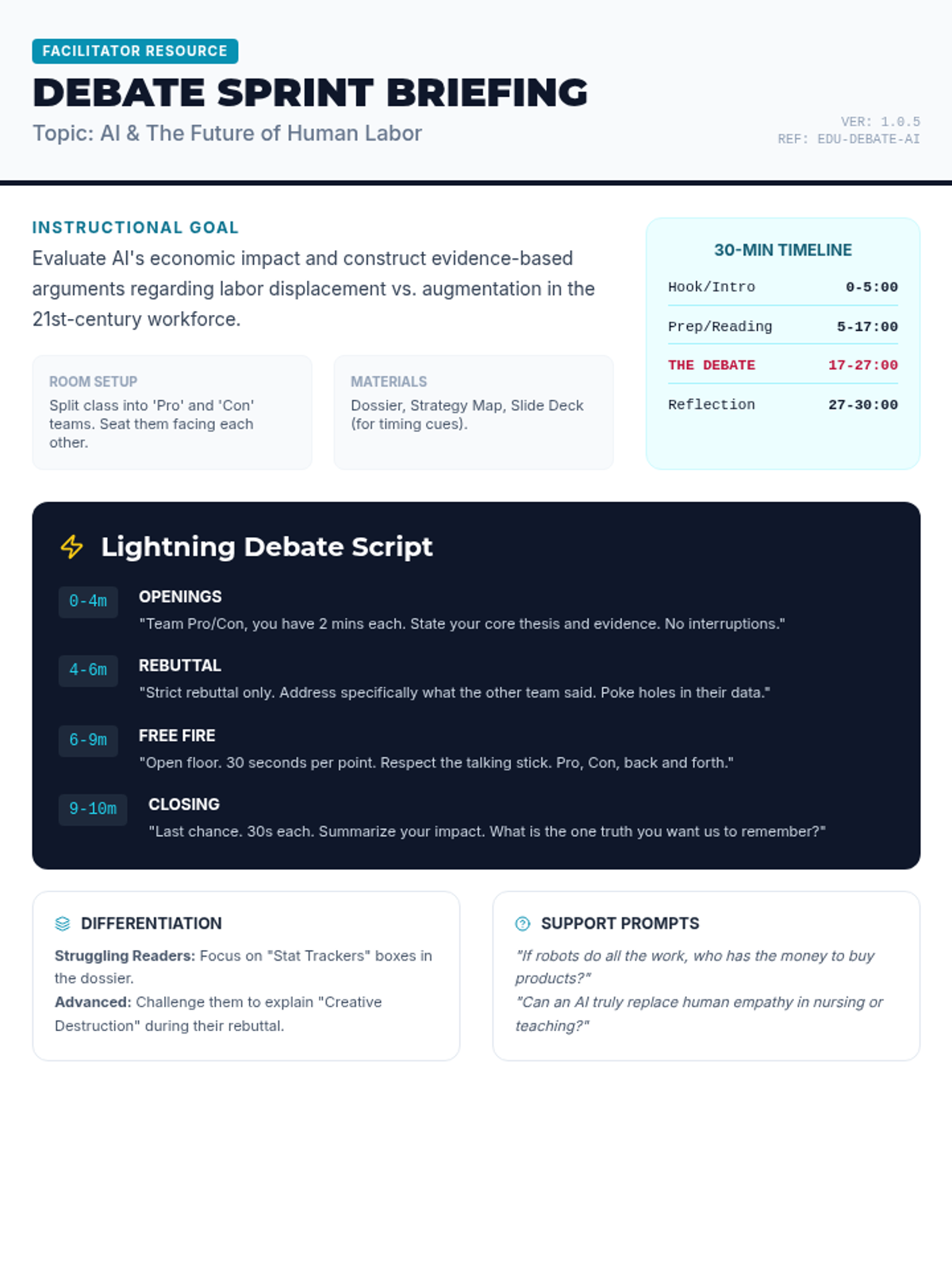
A fast-paced, 30-minute debate activity where students explore the complex impact of Artificial Intelligence on the future of human employment. Students analyze evidence, prepare arguments, and engage in a structured 'lightning' debate.
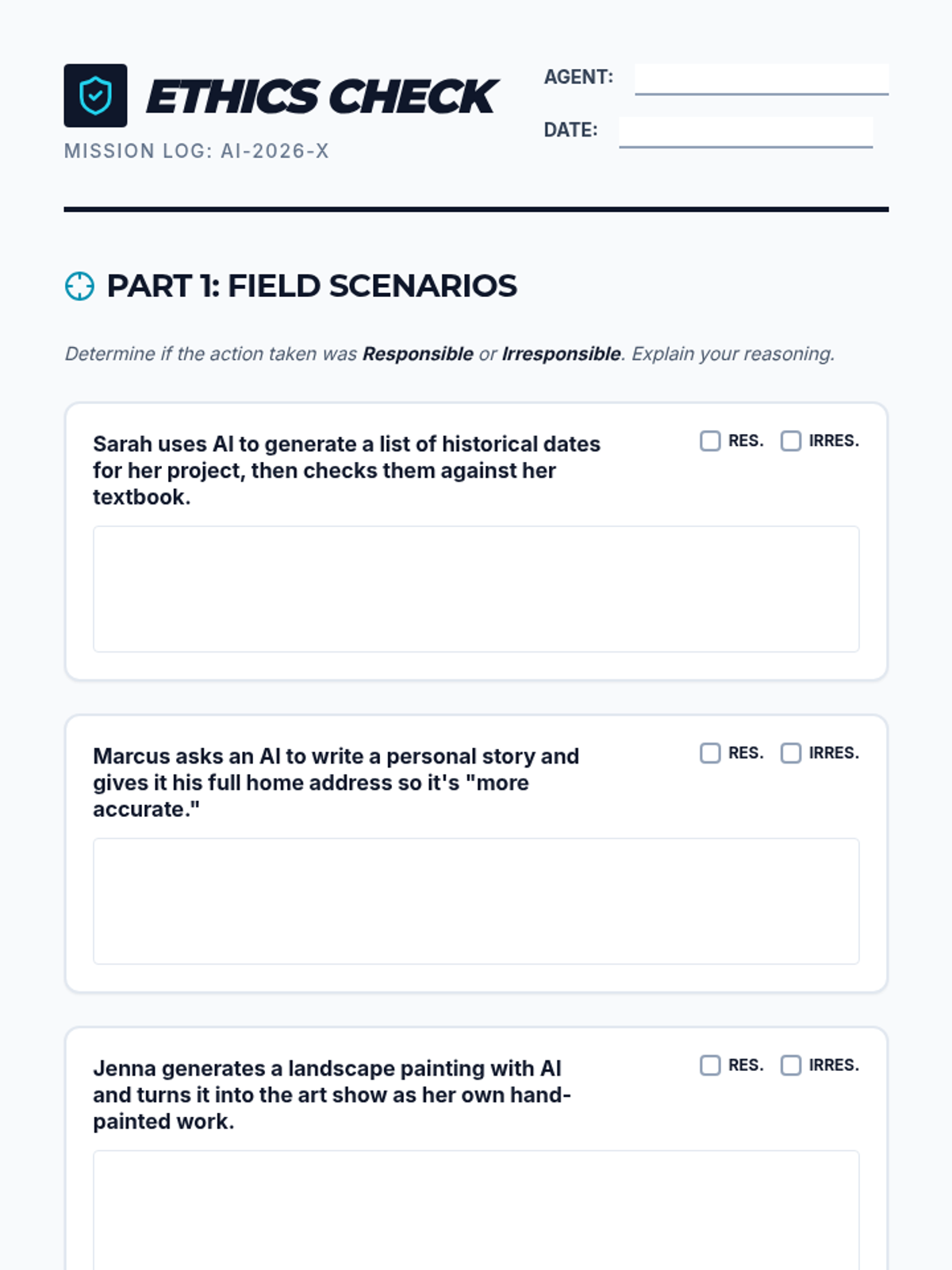
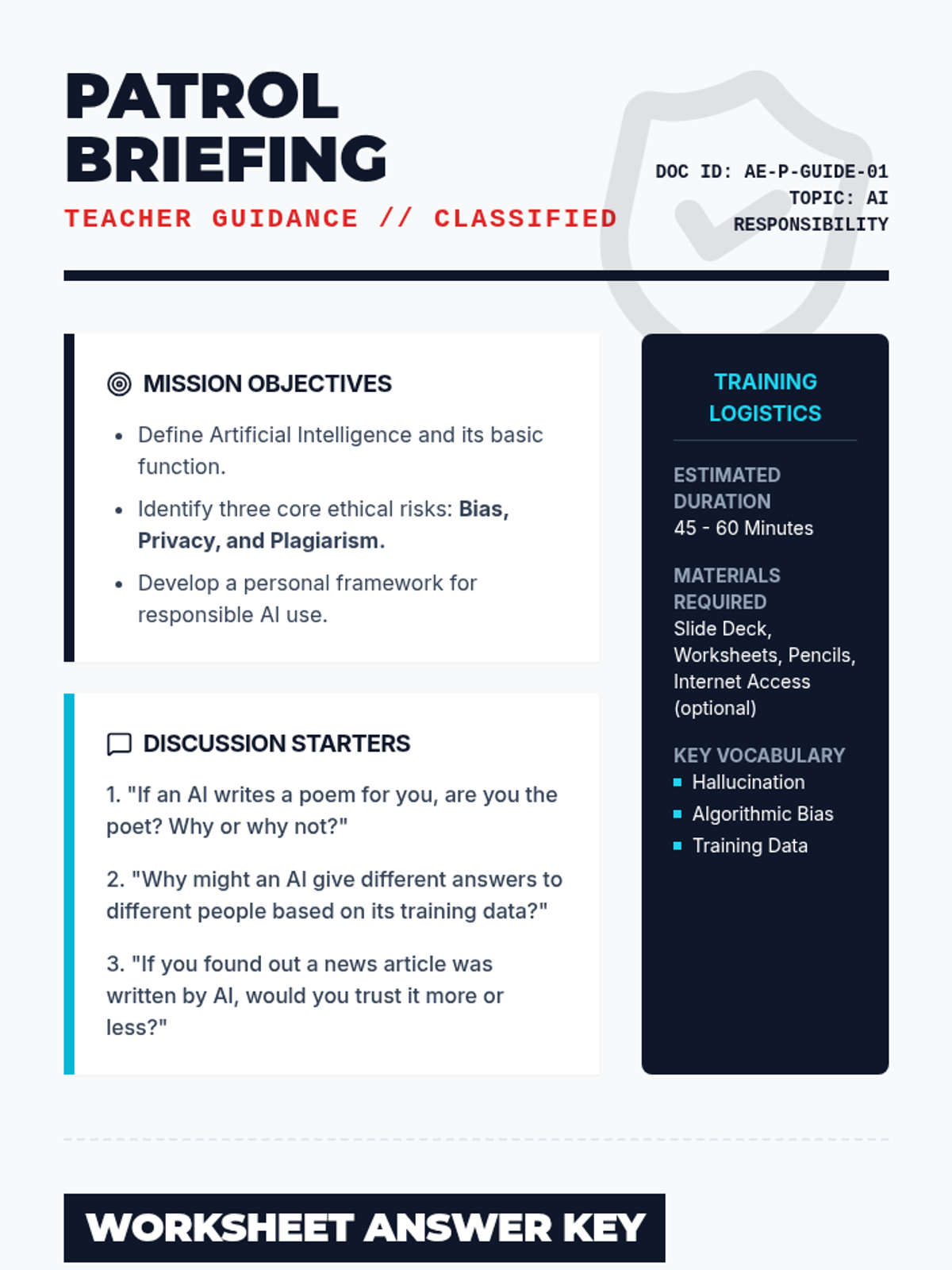
A comprehensive lesson on the ethical and responsible use of artificial intelligence. Students explore topics like bias, privacy, and academic integrity through interactive scenarios and critical thinking exercises.
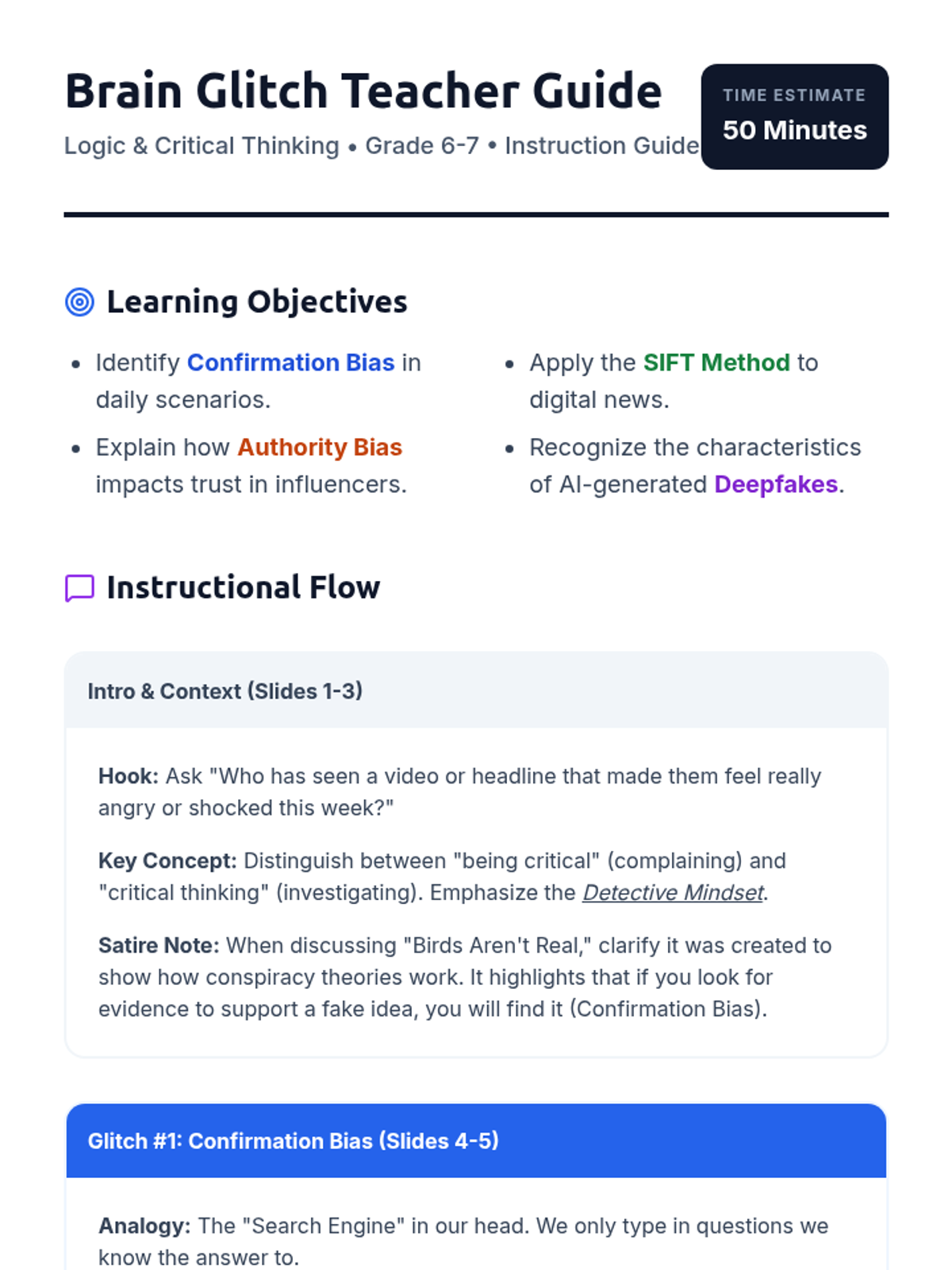
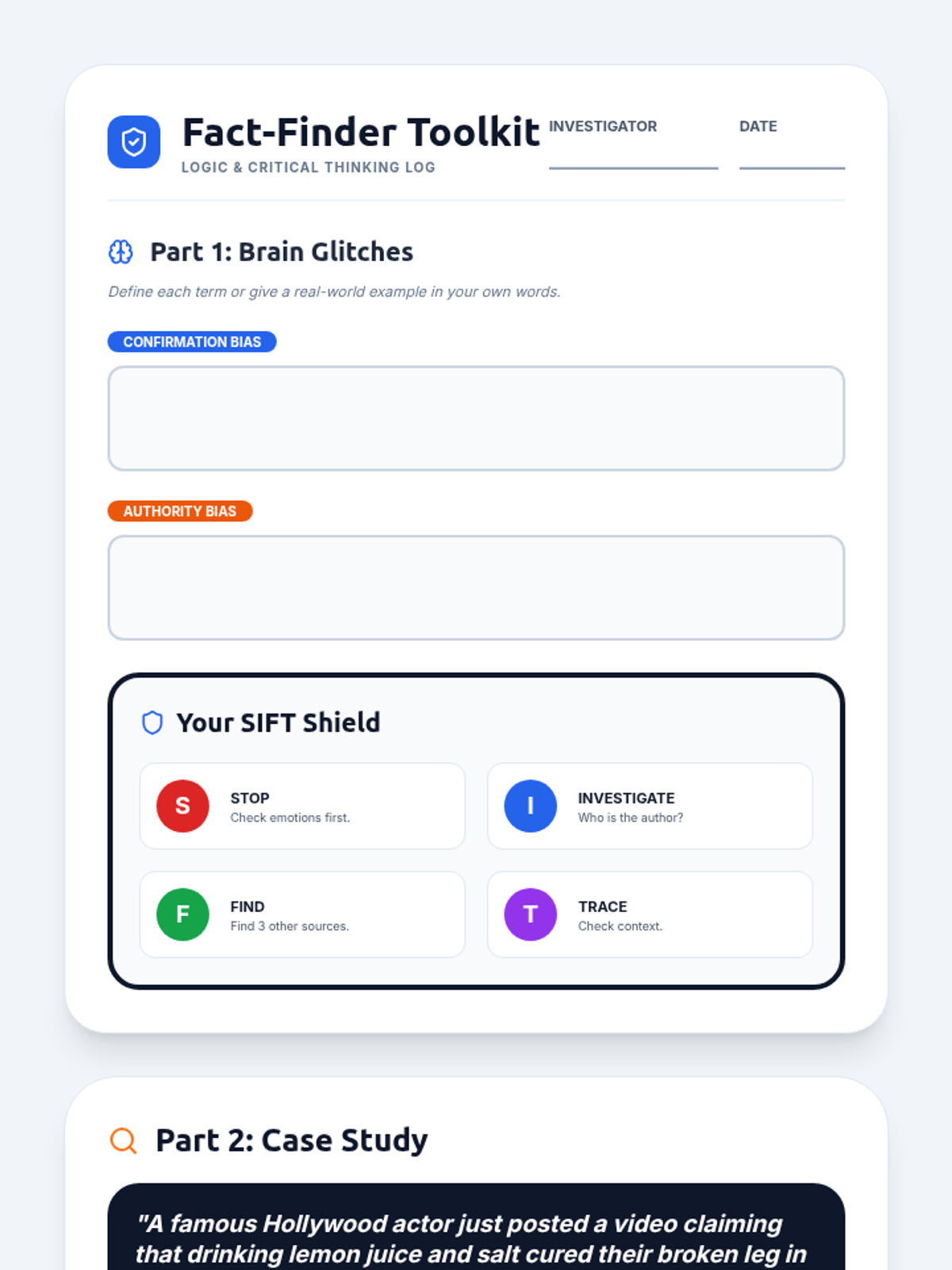
An introductory lesson on critical thinking for middle schoolers, focusing on identifying confirmation bias and authority bias through real-world examples like fake news and conspiracy theories.
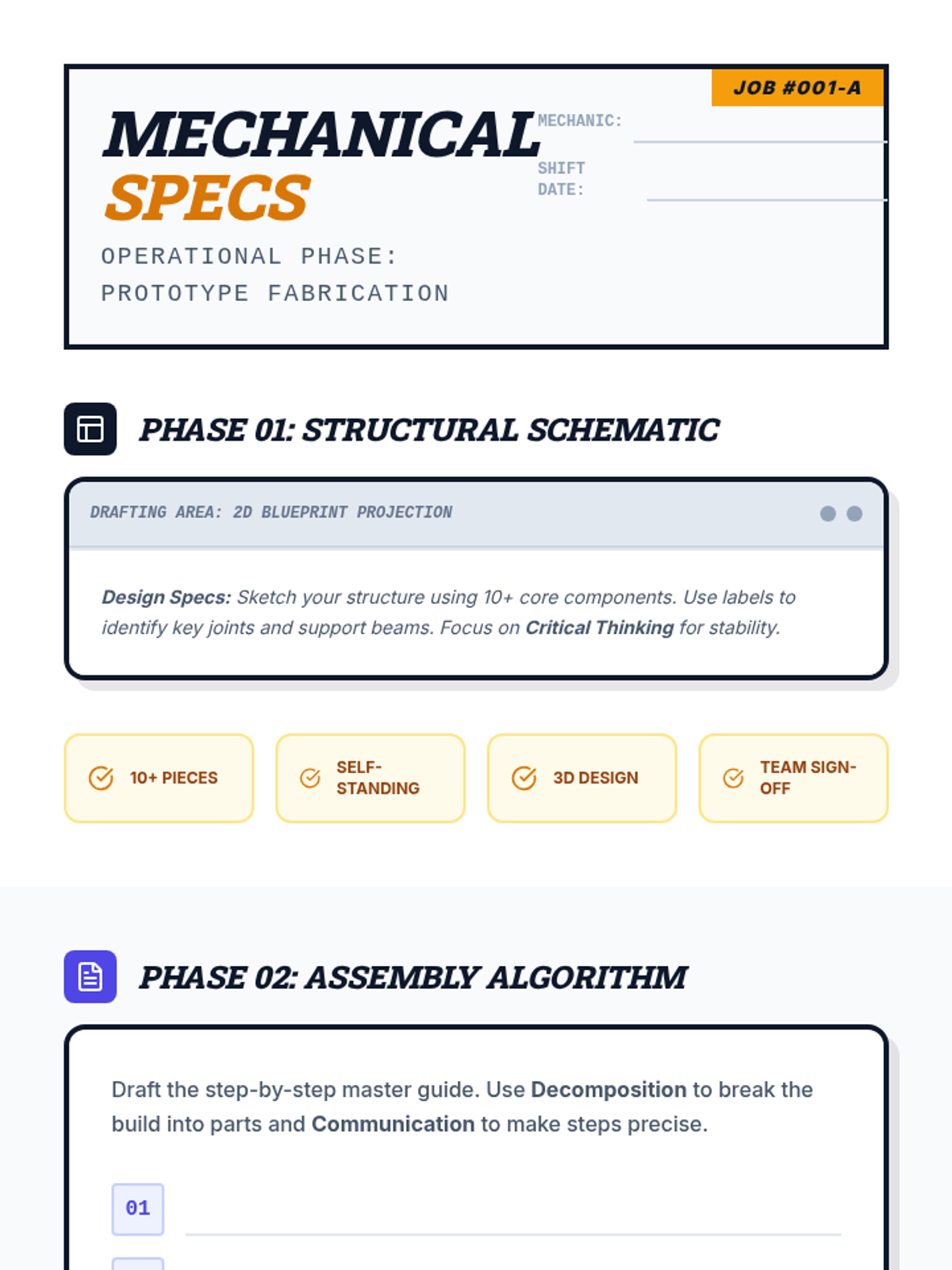
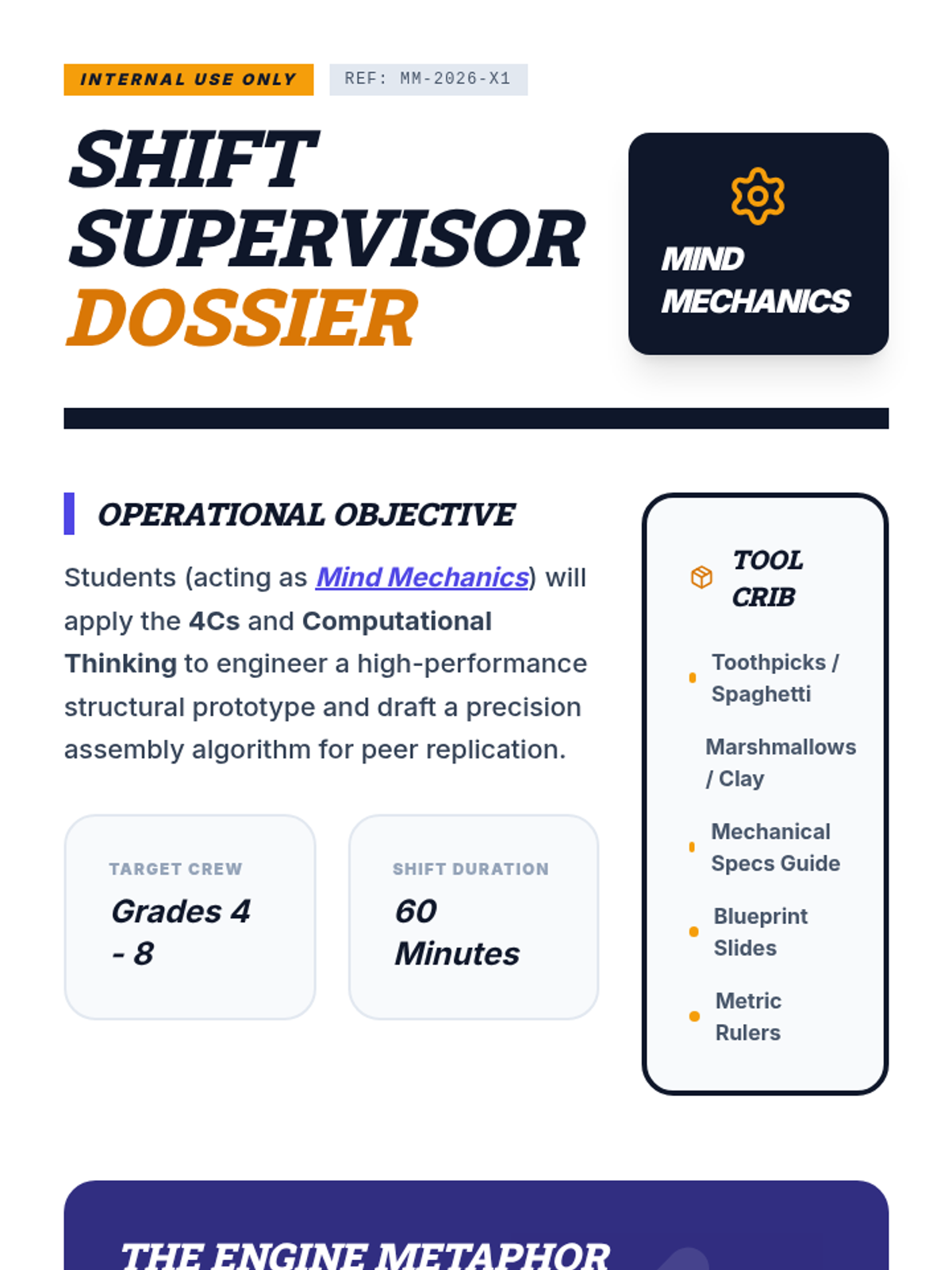
An industrial-themed teamwork lesson where students act as "Mind Mechanics" to apply the 4Cs and Computational Thinking to a complex engineering challenge.
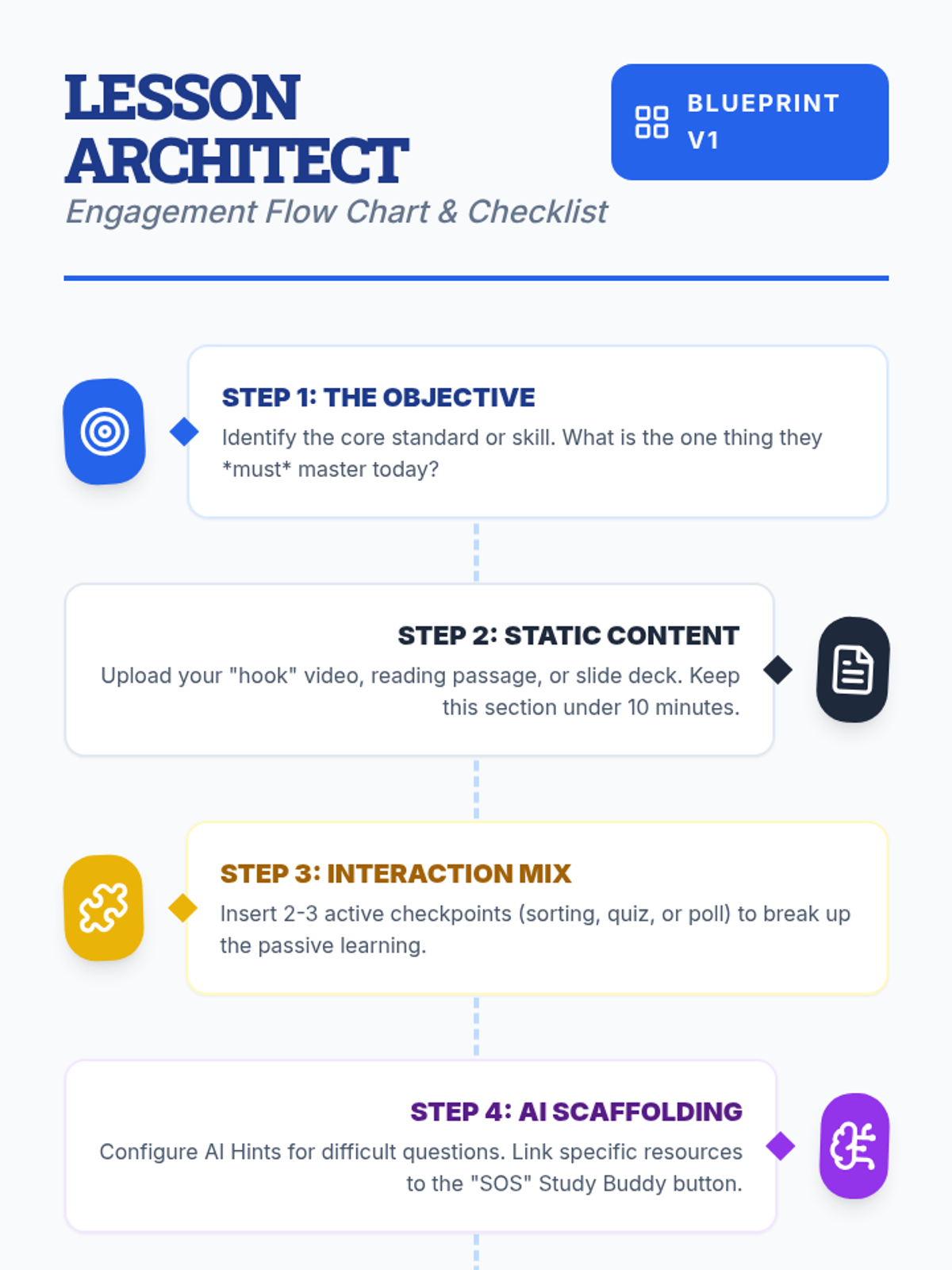
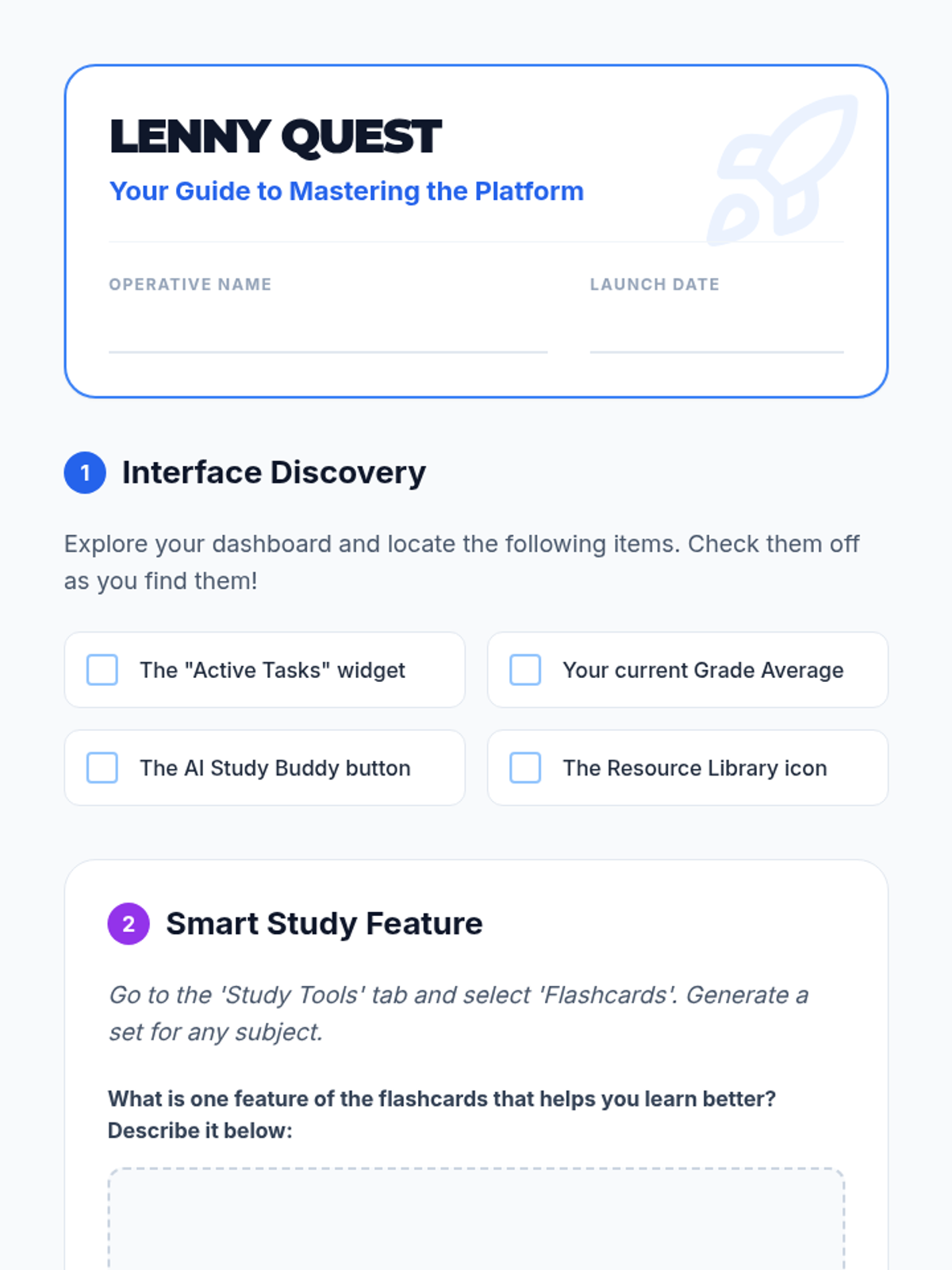
Teachers will learn how to design interactive, engaging lessons on Lenny Learning using advanced content types, gamification, and collaborative tools.
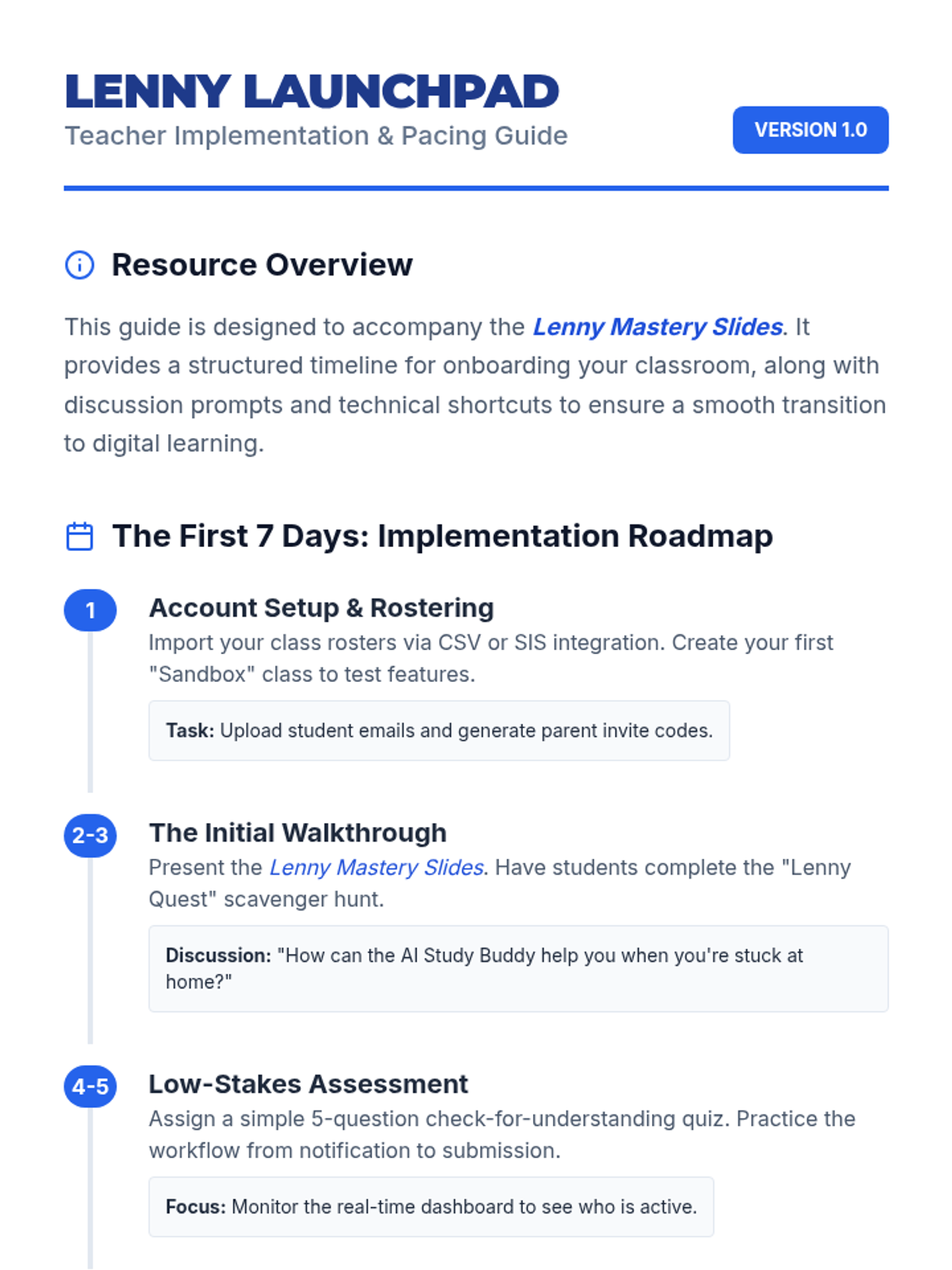
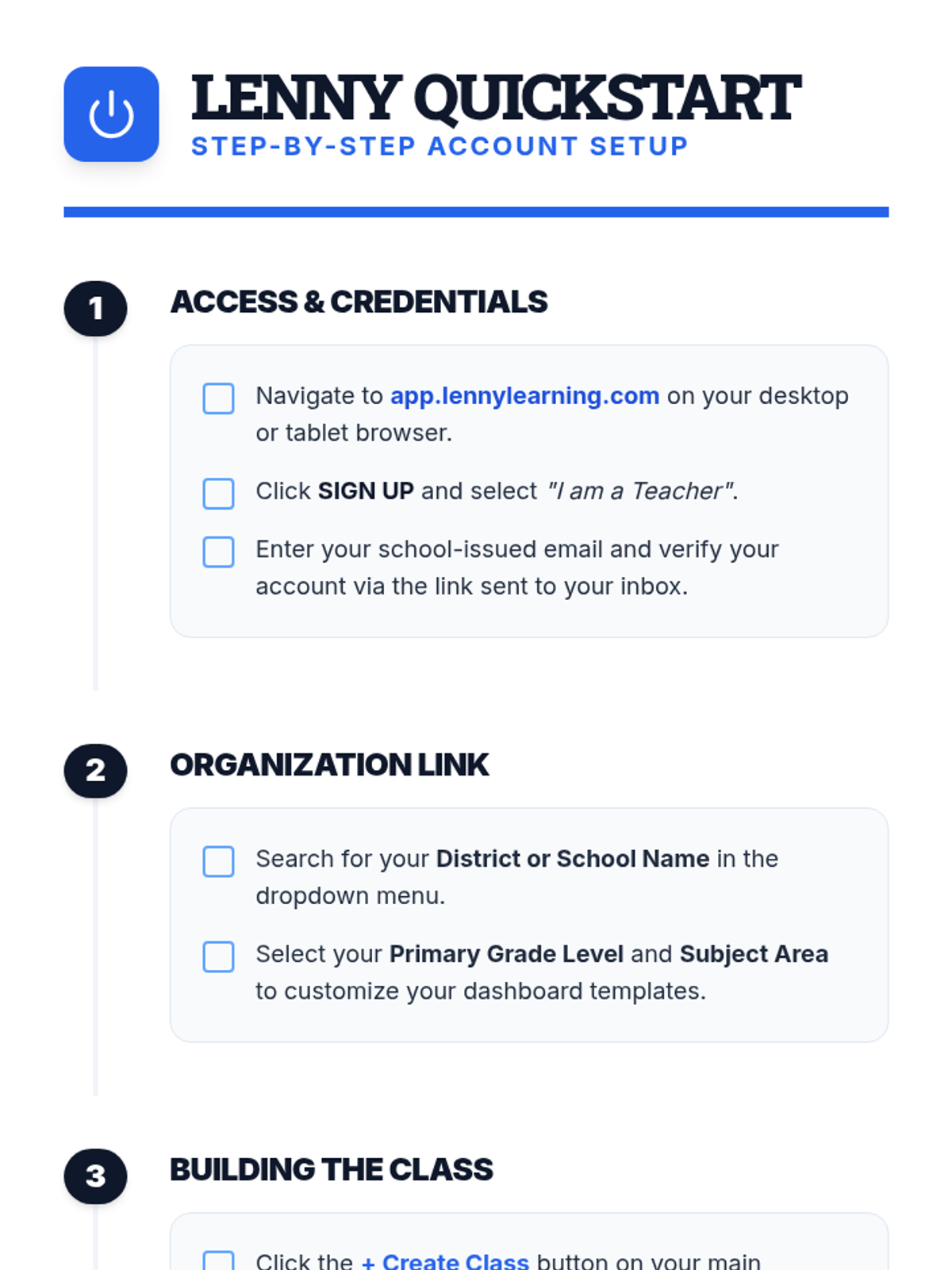
A comprehensive introduction for teachers to the Lenny Learning platform, covering the core assignment workflow, study tools, and administrative features.
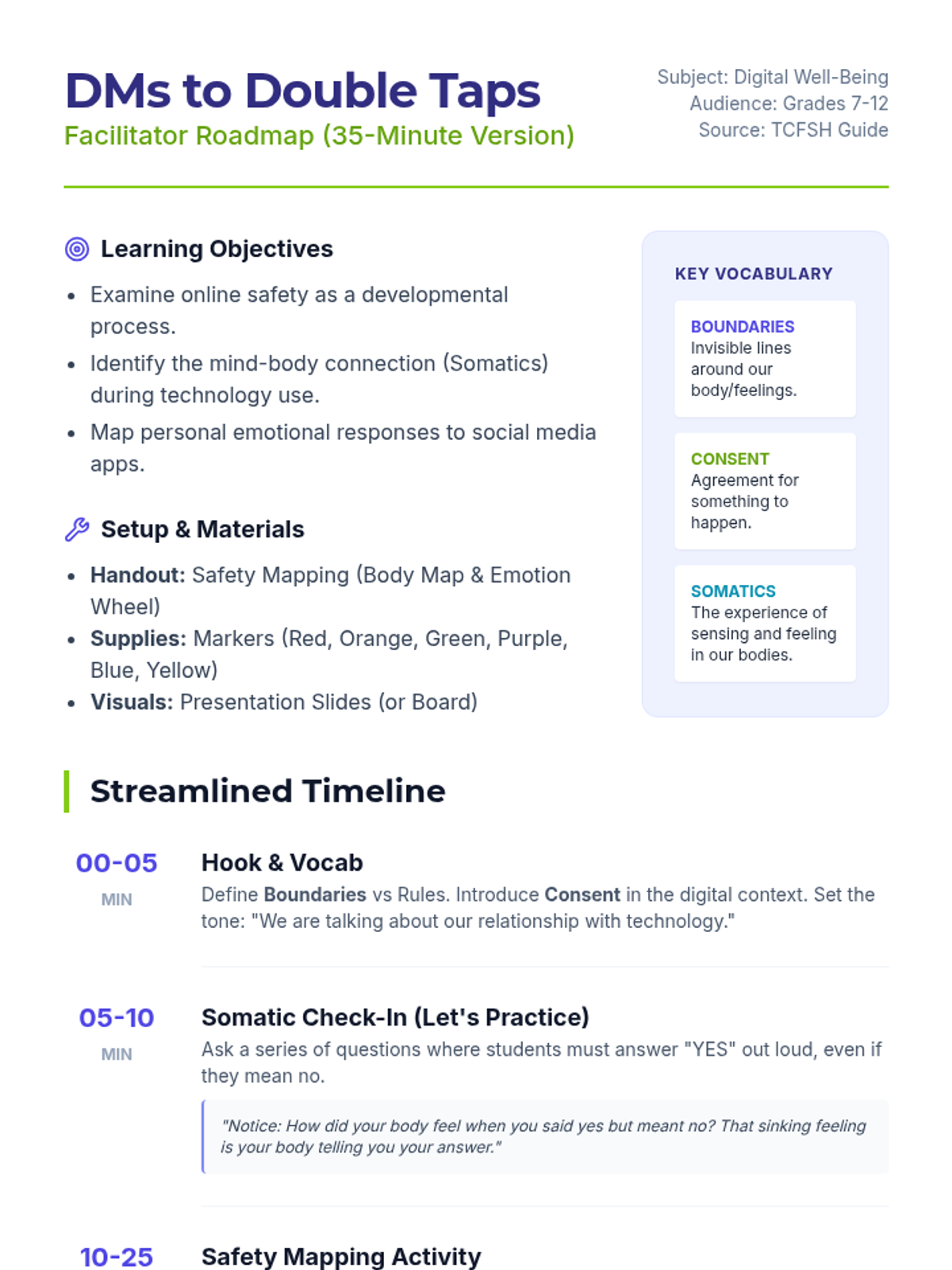
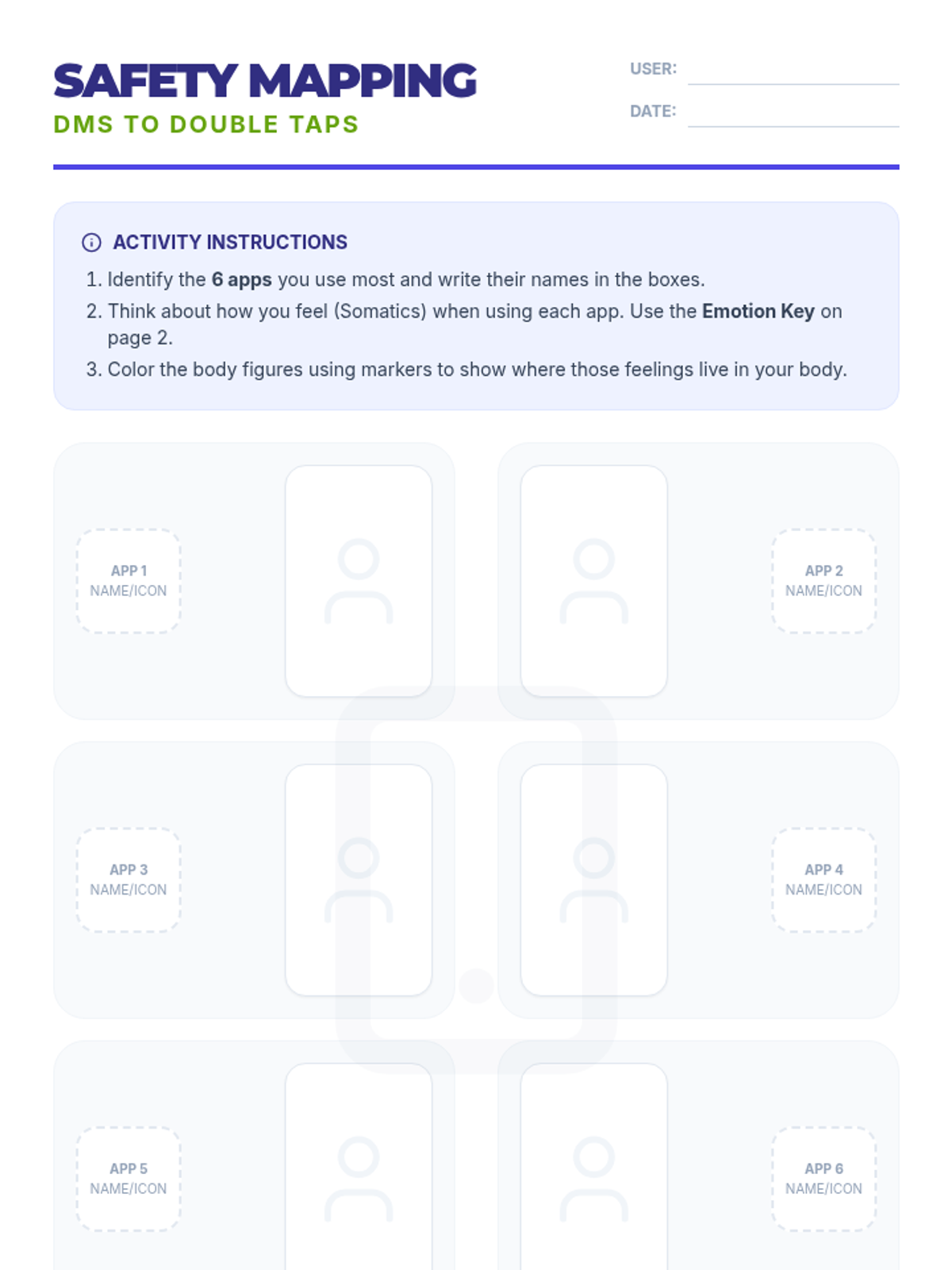
A 35-minute interactive session exploring the mind-body connection with social media. Students use somatic mapping to identify emotional triggers in their most-used apps and learn strategies for digital safety based on the TCFSH 'DMs to Double Taps' guide.
Explores the world of synthetic media, teaching students to identify AI-generated images and deepfake videos using critical analysis.
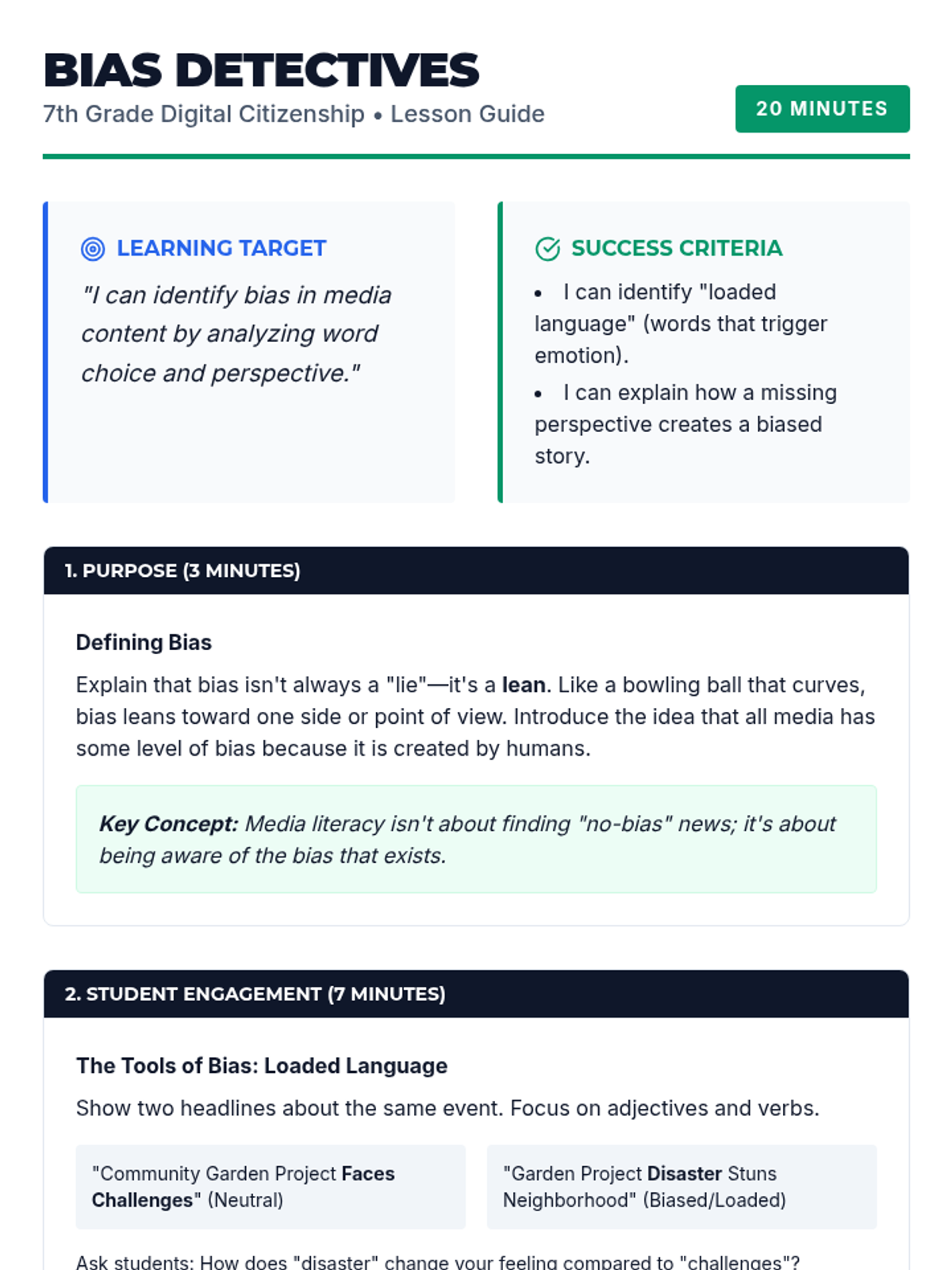
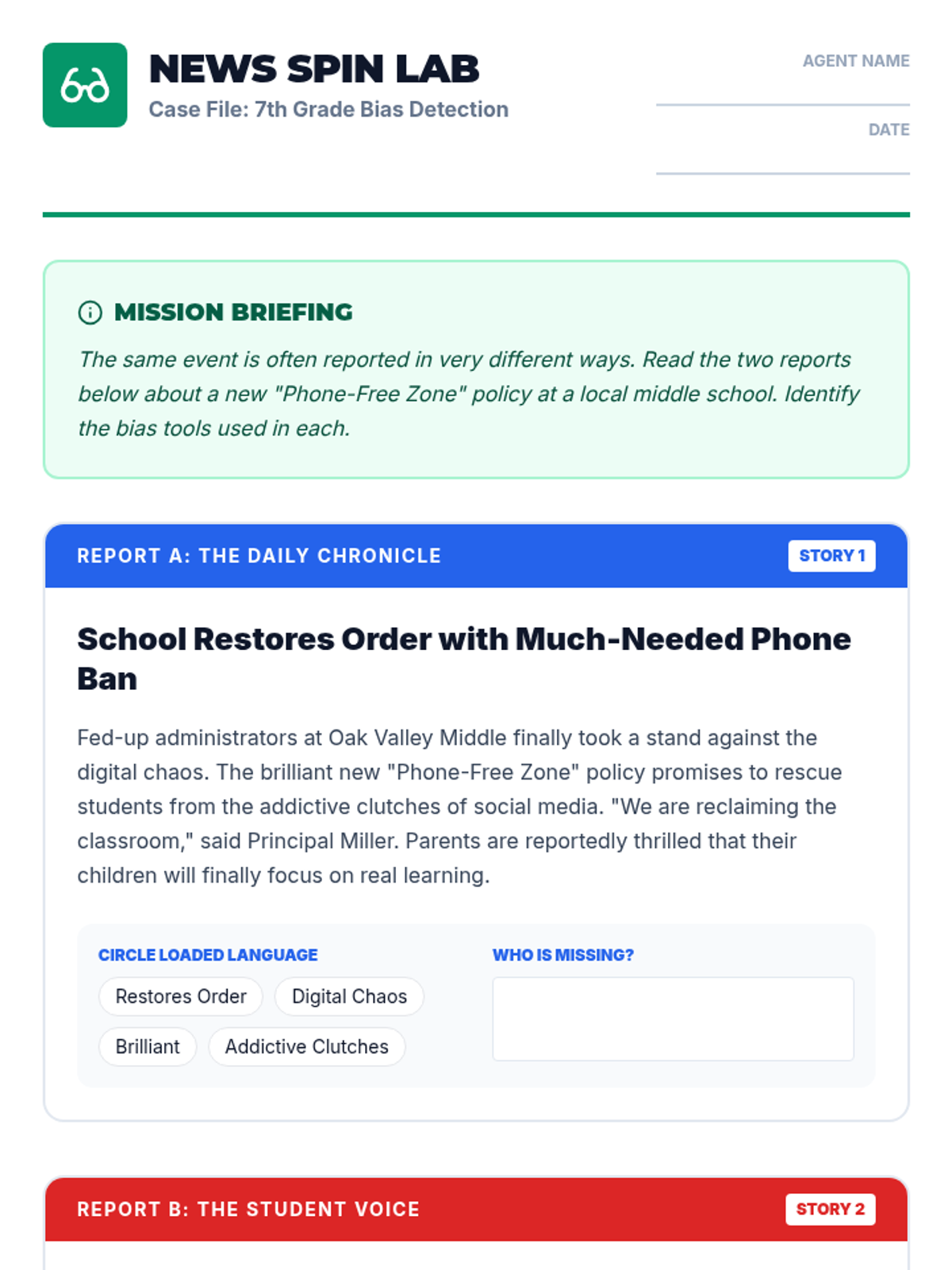
Focuses on identifying media bias through word choice, loaded language, and omitted perspectives in news and social media.
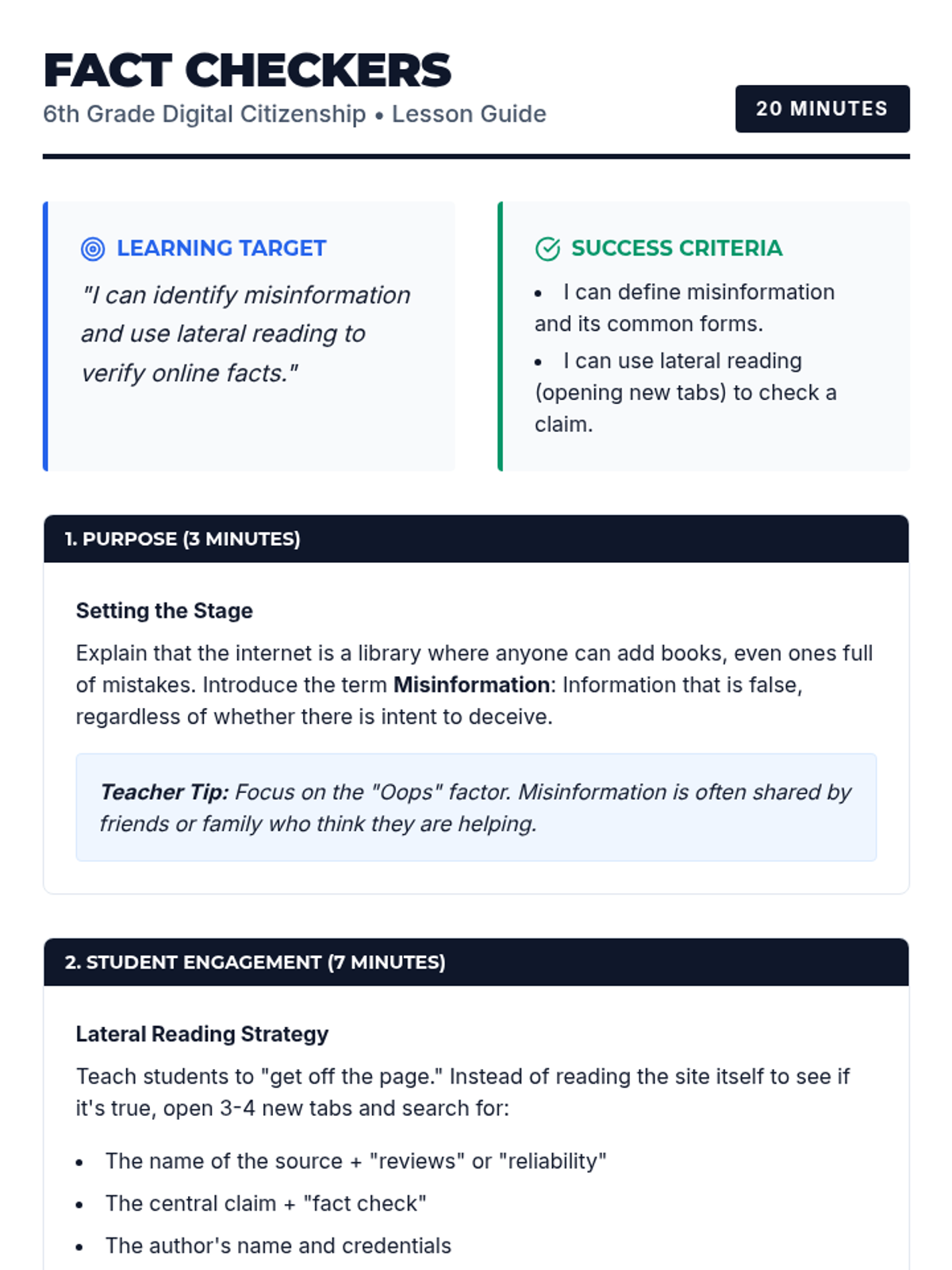
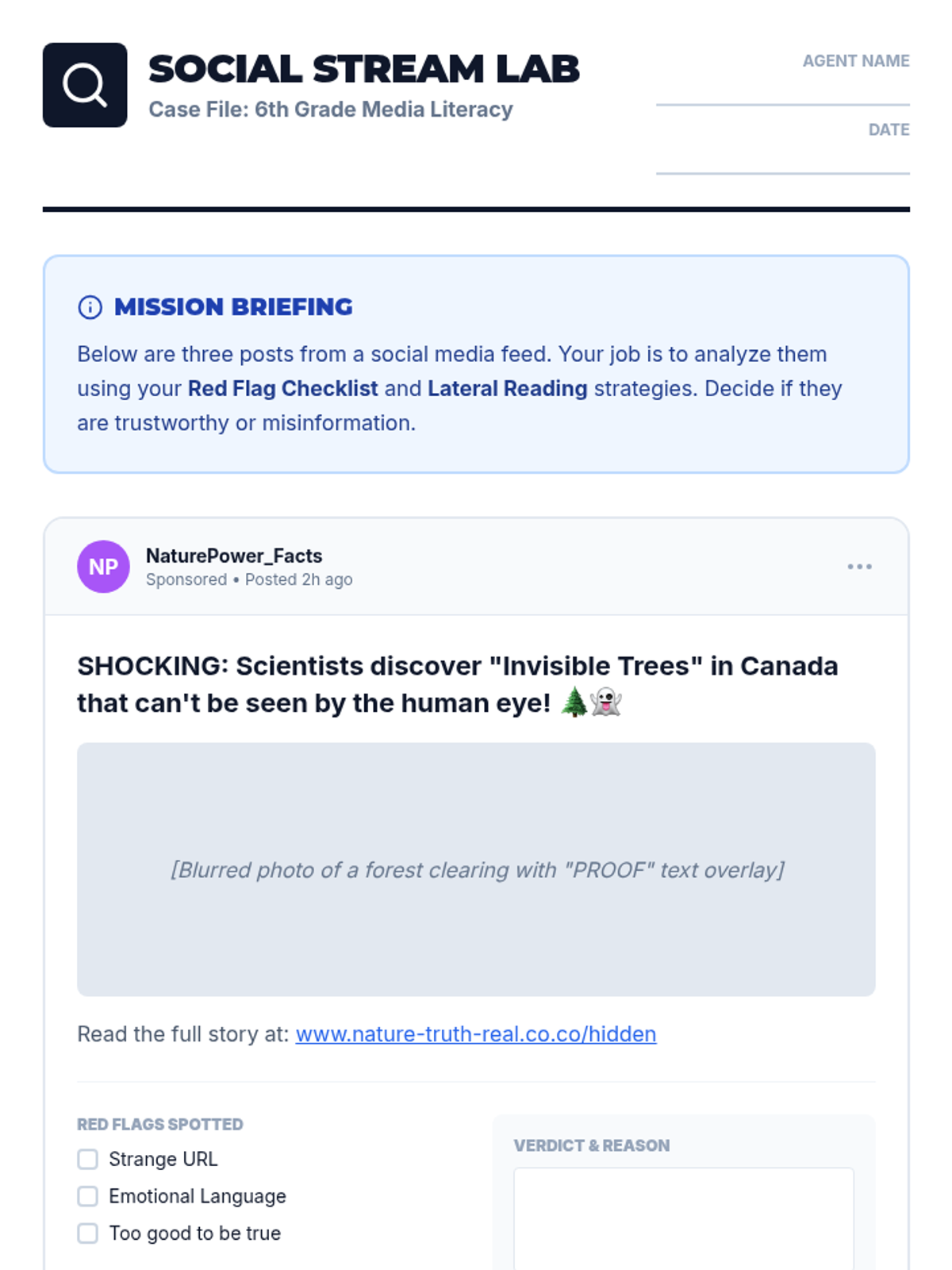
Students learn the difference between misinformation and disinformation and practice the essential skill of lateral reading to verify online claims.