Fundamental hardware proficiency, secure online behavior, and ethical social media engagement. Equips learners with productivity tool mastery, web publishing skills, and critical evaluation of emerging technologies.
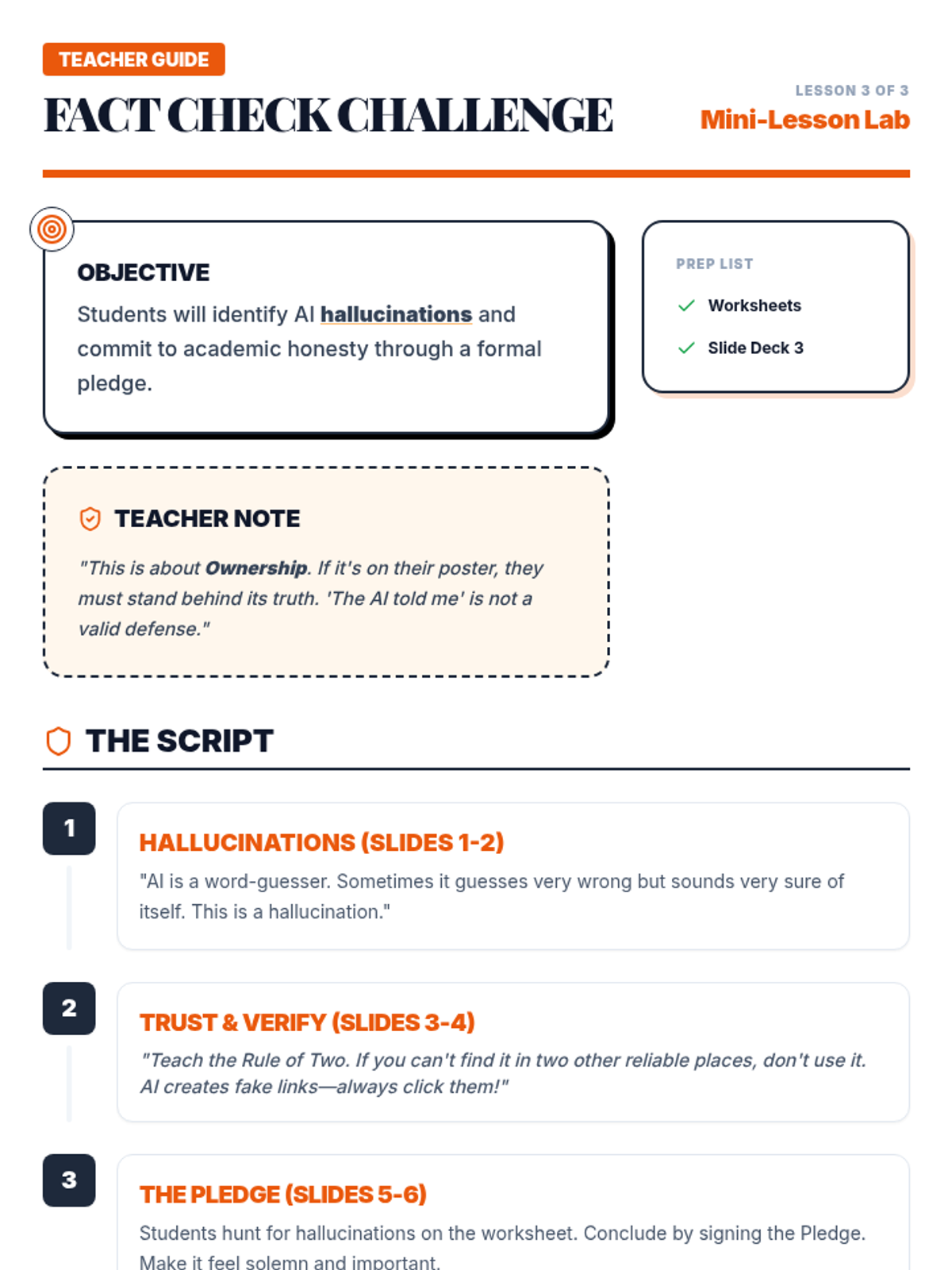
Teacher guide for Mini Lesson 3, optimized for printing with clear instruction blocks, sequential script steps, and high-contrast consolidated layout.
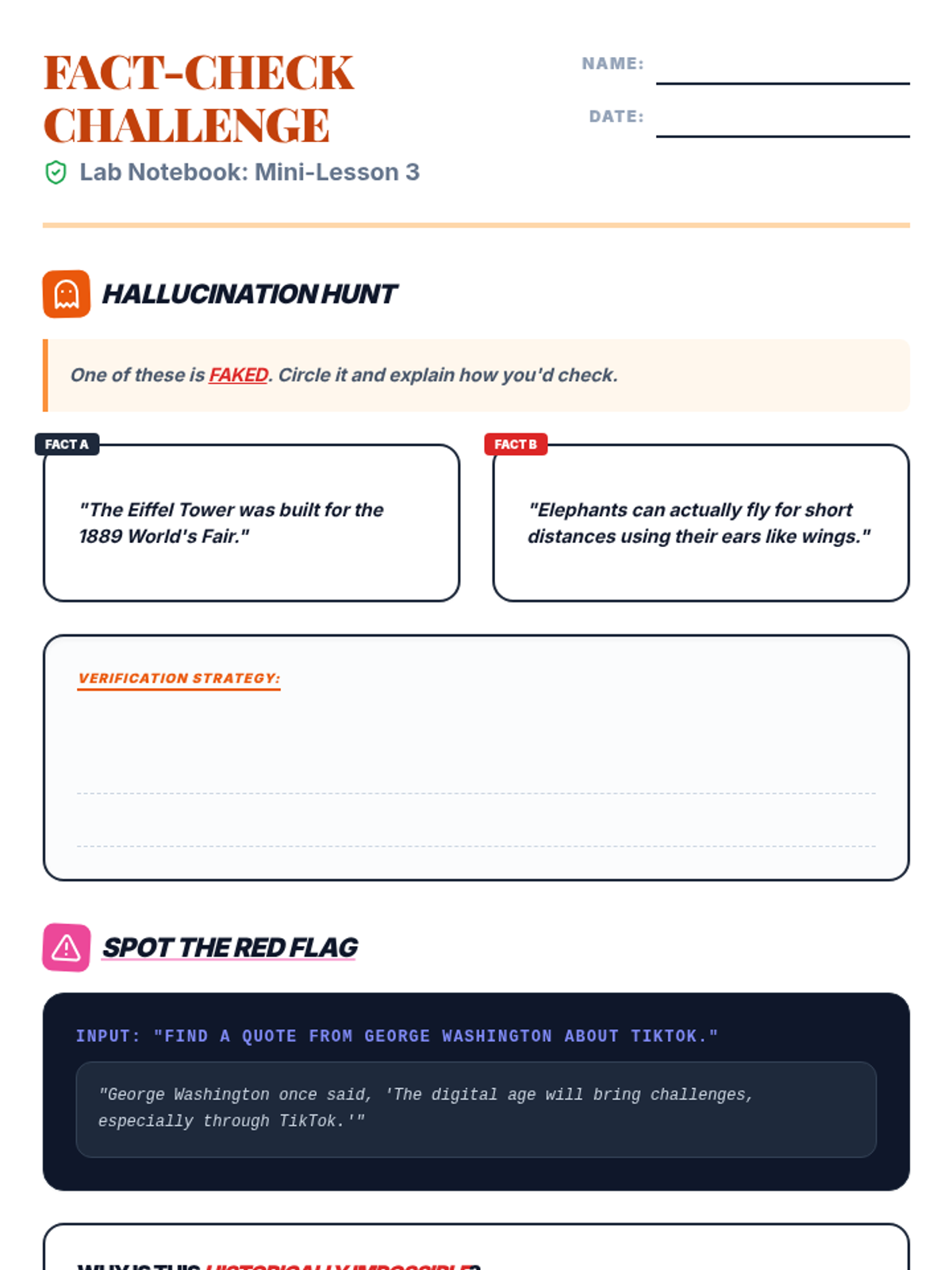
A student worksheet for Mini Lesson 3. Consolidated to a single page with high content density, clear writing lines, and a professional layout for classroom printing.
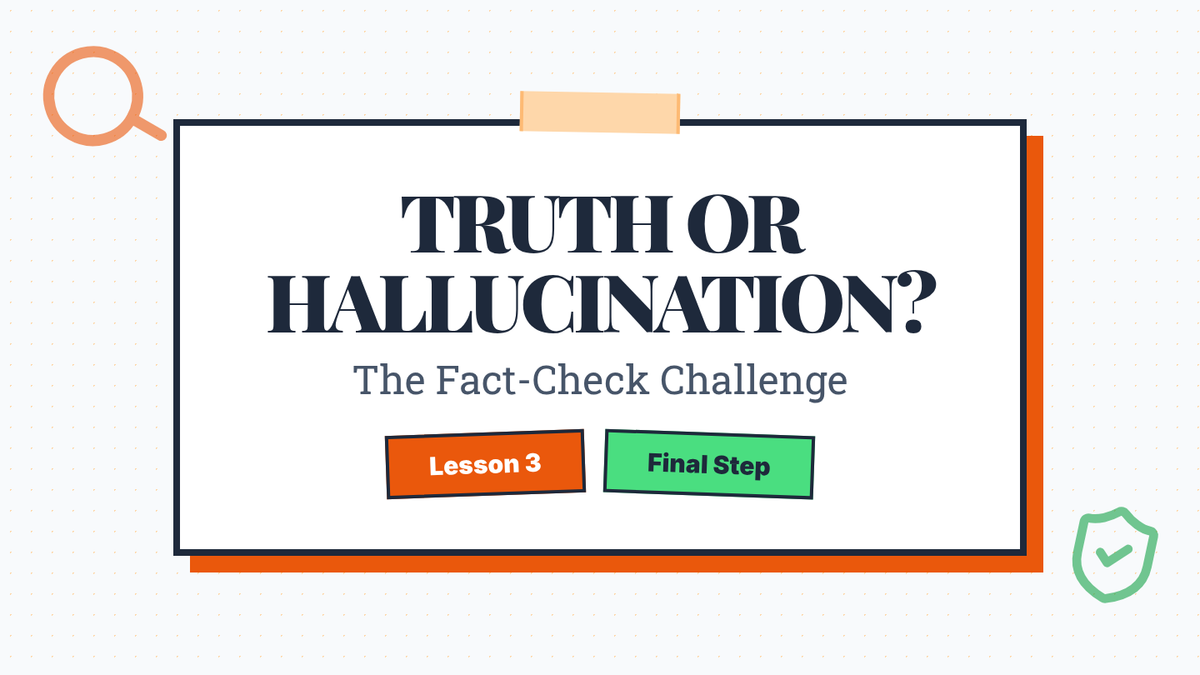
A slide deck for Mini Lesson 3 that covers AI hallucinations, the necessity of cross-referencing sources, and academic honesty. Updated with sketch aesthetic, fixed spacing ("The Gold Rule"), and teacher notes. (Final font size adjustment)
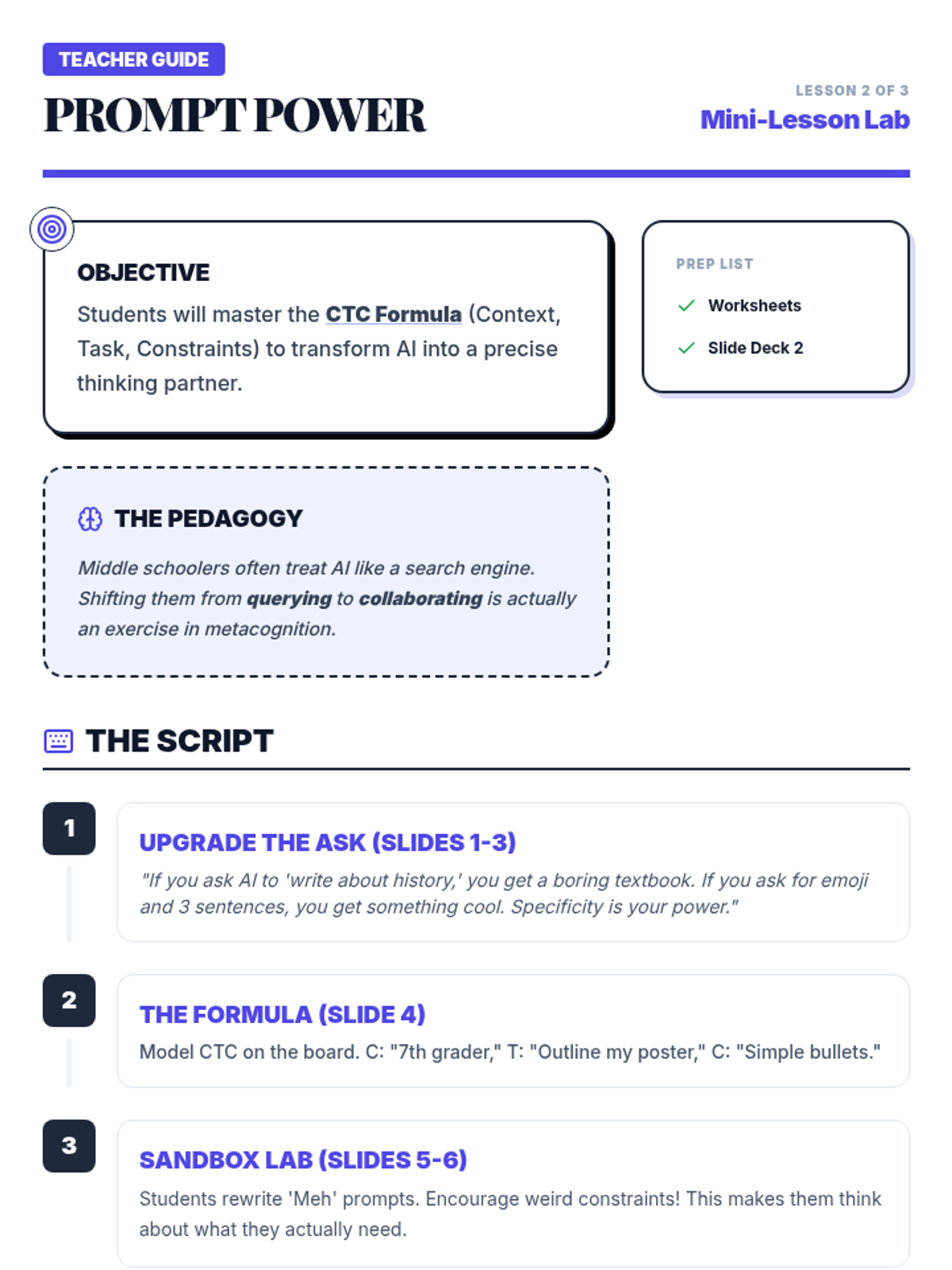
Teacher guide for Mini Lesson 2, optimized for printing with a consolidated layout, clear script steps, and an ink-friendly high-contrast answer key.
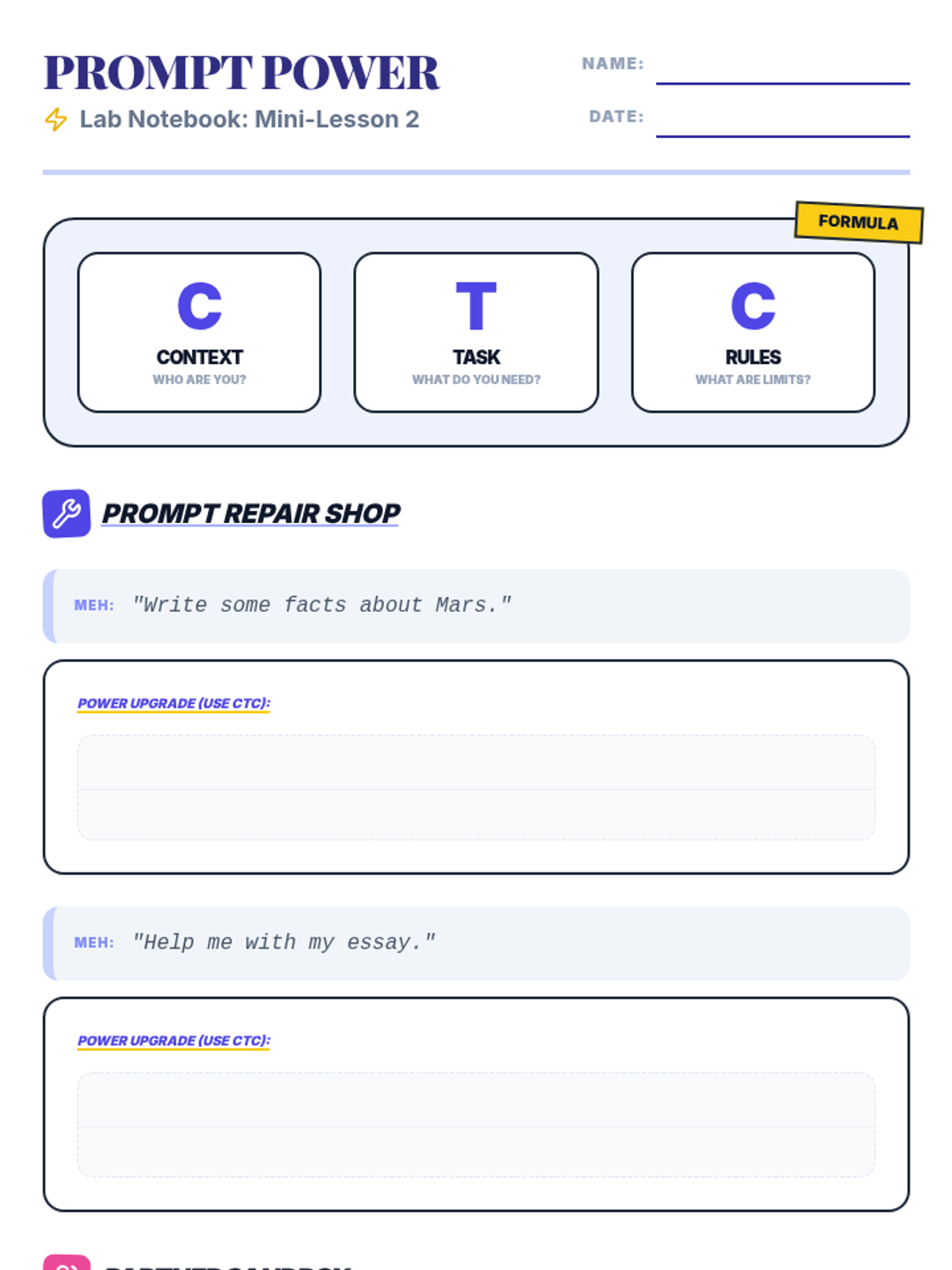
A student worksheet for Mini Lesson 2. Consolidated to a single page with high content density, clear writing lines, and a handy toolkit footer for printing efficiency.
A slide deck for Mini Lesson 2 that teaches students how to write specific, context-heavy AI prompts to get better support for their projects. Updated with sketch aesthetic, CTC formula clarity, and teacher notes. (Final font size adjustment)
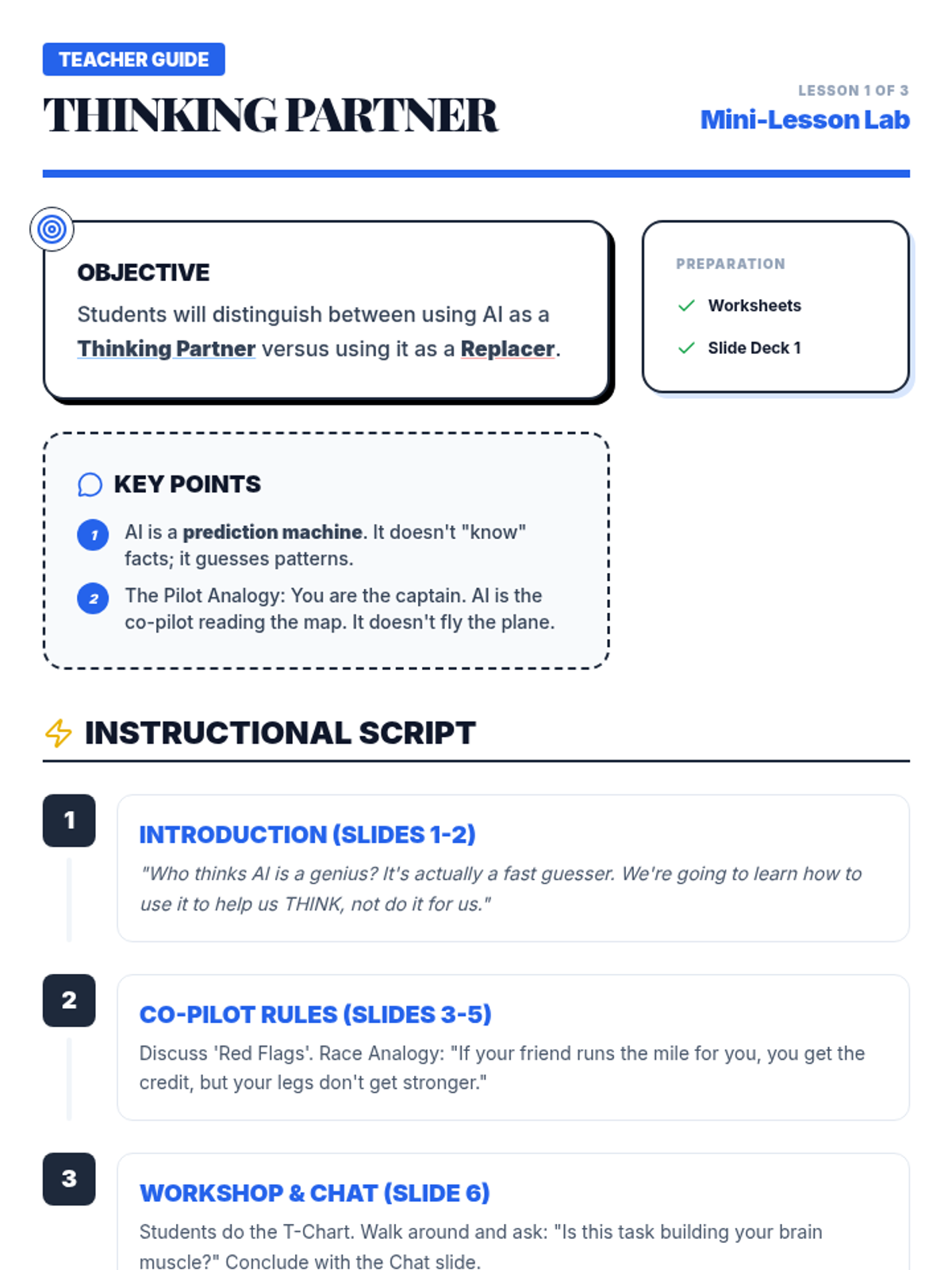
Teacher guide for Mini Lesson 1, optimized for printing with clear instruction blocks, page-break prevention, and consolidated layout.
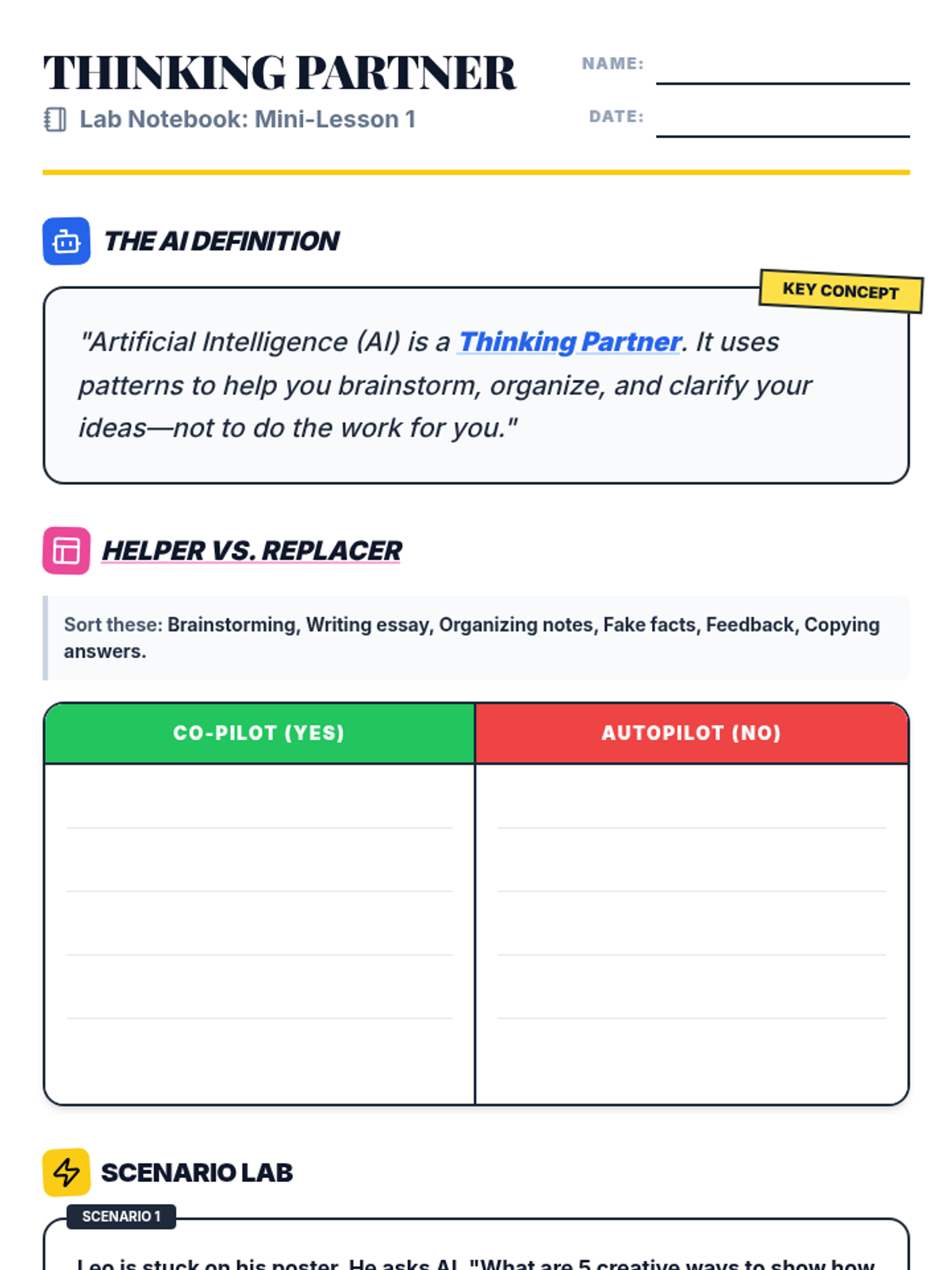
A student worksheet for Mini Lesson 1. Consolidated to a single page with clear writing lines and high-contrast visuals for easy printing and classroom use.
A slide deck for Mini Lesson 1 that introduces AI as a co-pilot for projects, emphasizing the difference between using AI to support thinking versus replacing thinking. Now with teacher notes and sketch aesthetic. (Final font size adjustment)
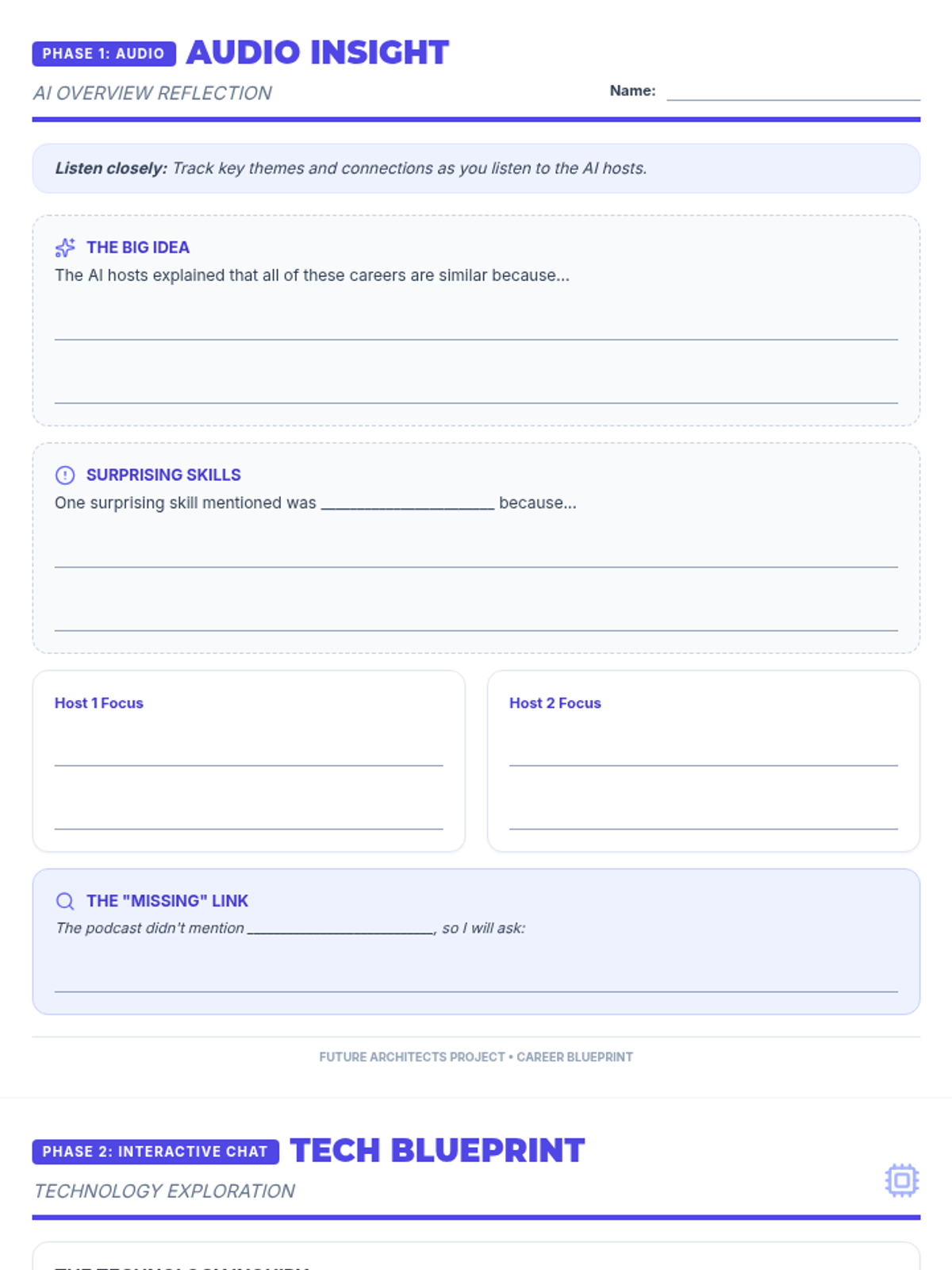
An expanded 2-page reflection worksheet for students to capture insights from the NotebookLM Audio Overview and document their interactive AI chat regarding technology's impact on future careers. Optimized for maximum writing space and condensed to exactly 2 pages.
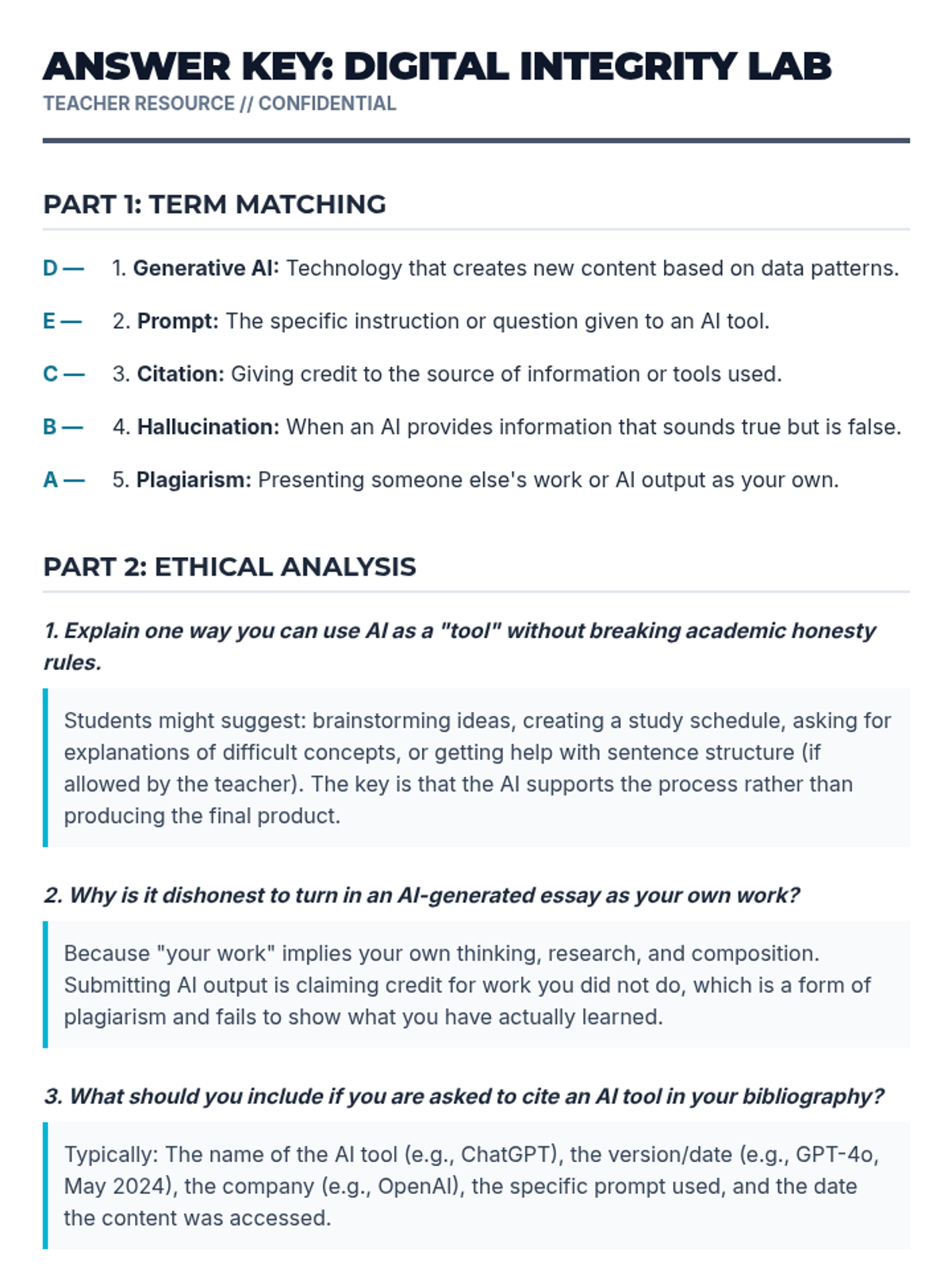
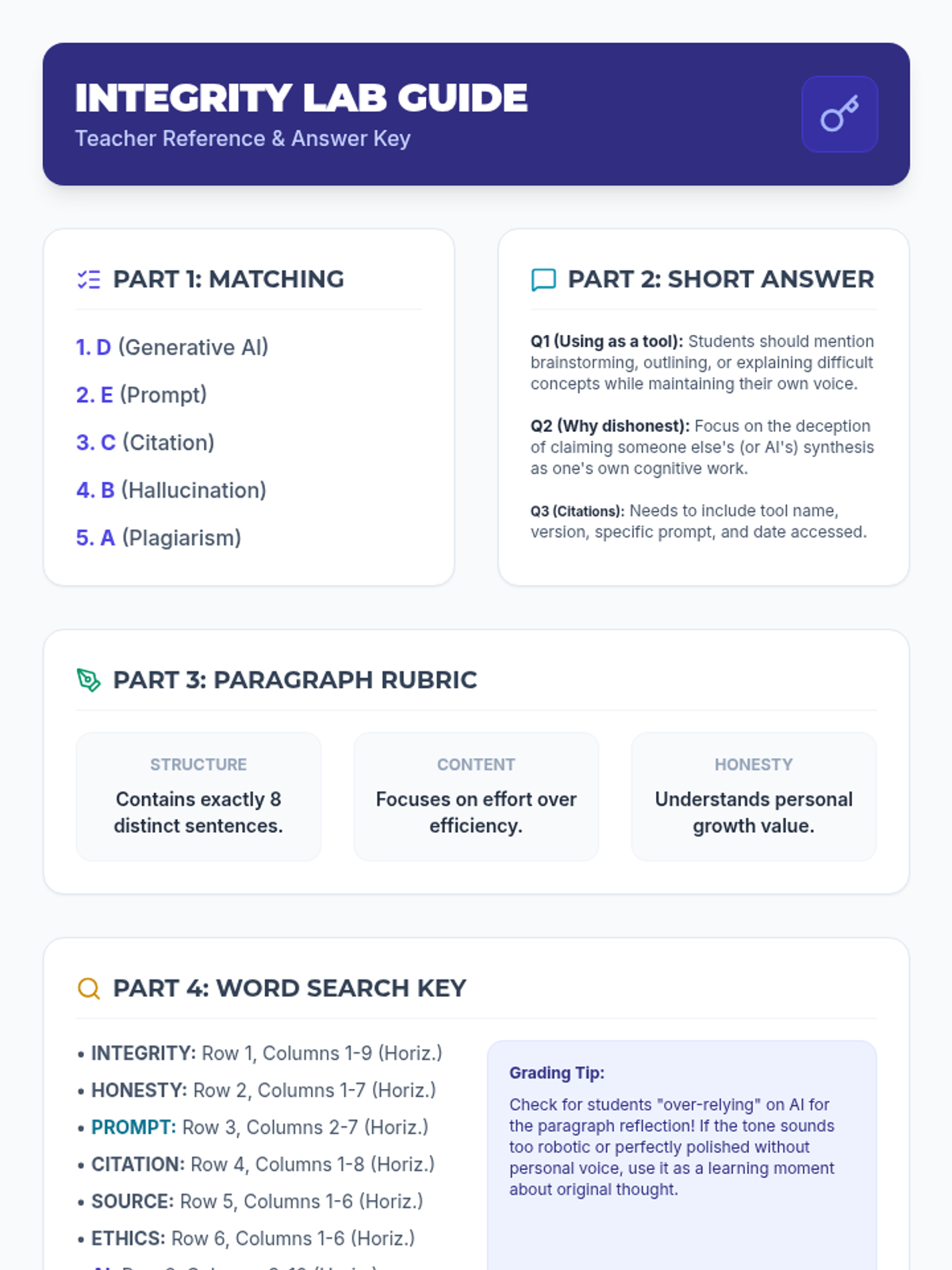
Answer key and teacher grading guide for the Digital Integrity Lab worksheet.
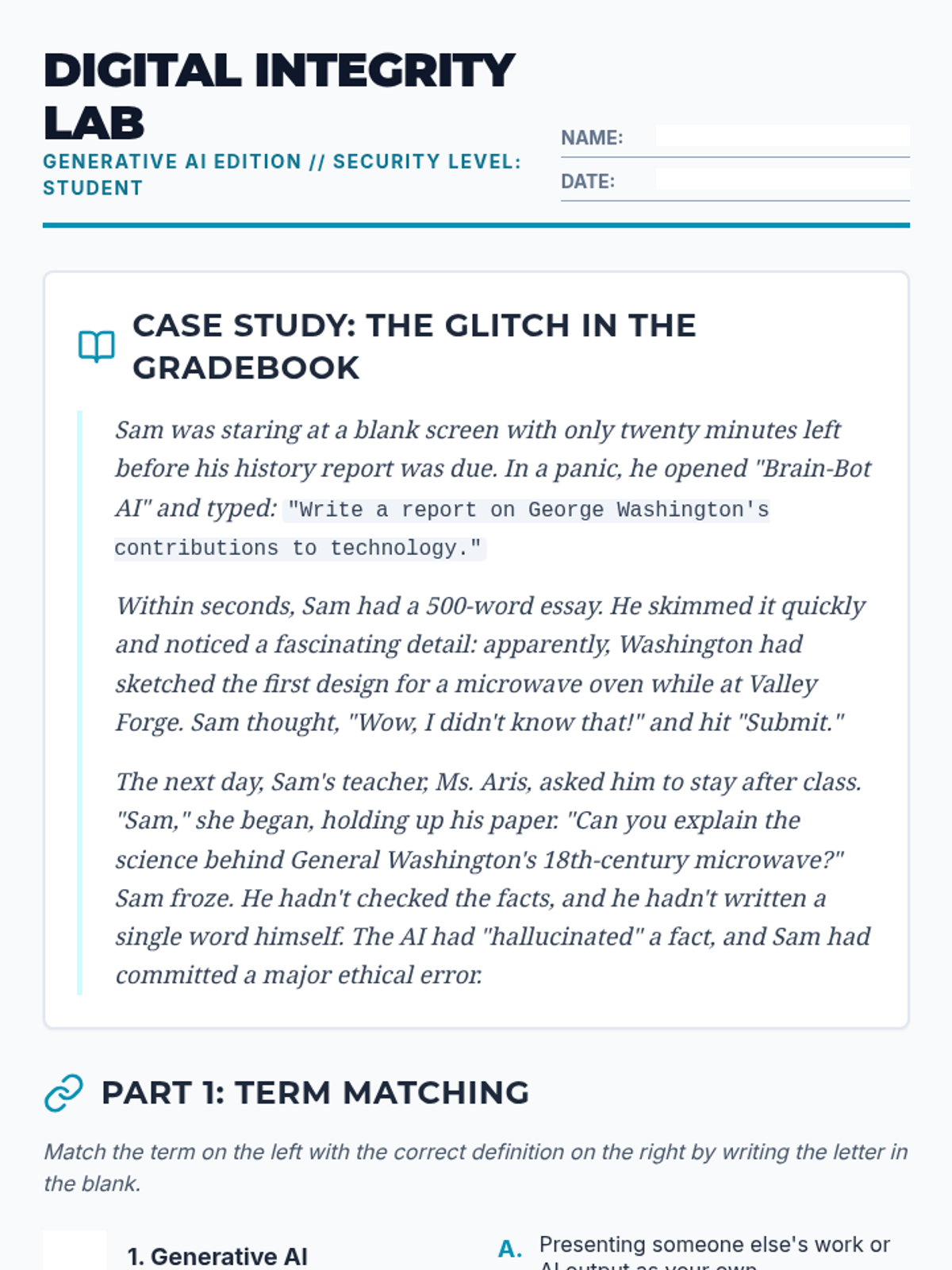
A student worksheet covering AI ethics, terminology, and reflection on academic integrity with a case study story.
Revised teacher guide. Fixed page breaks, added question context to assessment keys, and replaced oversized decorative elements with helpful grading tips.
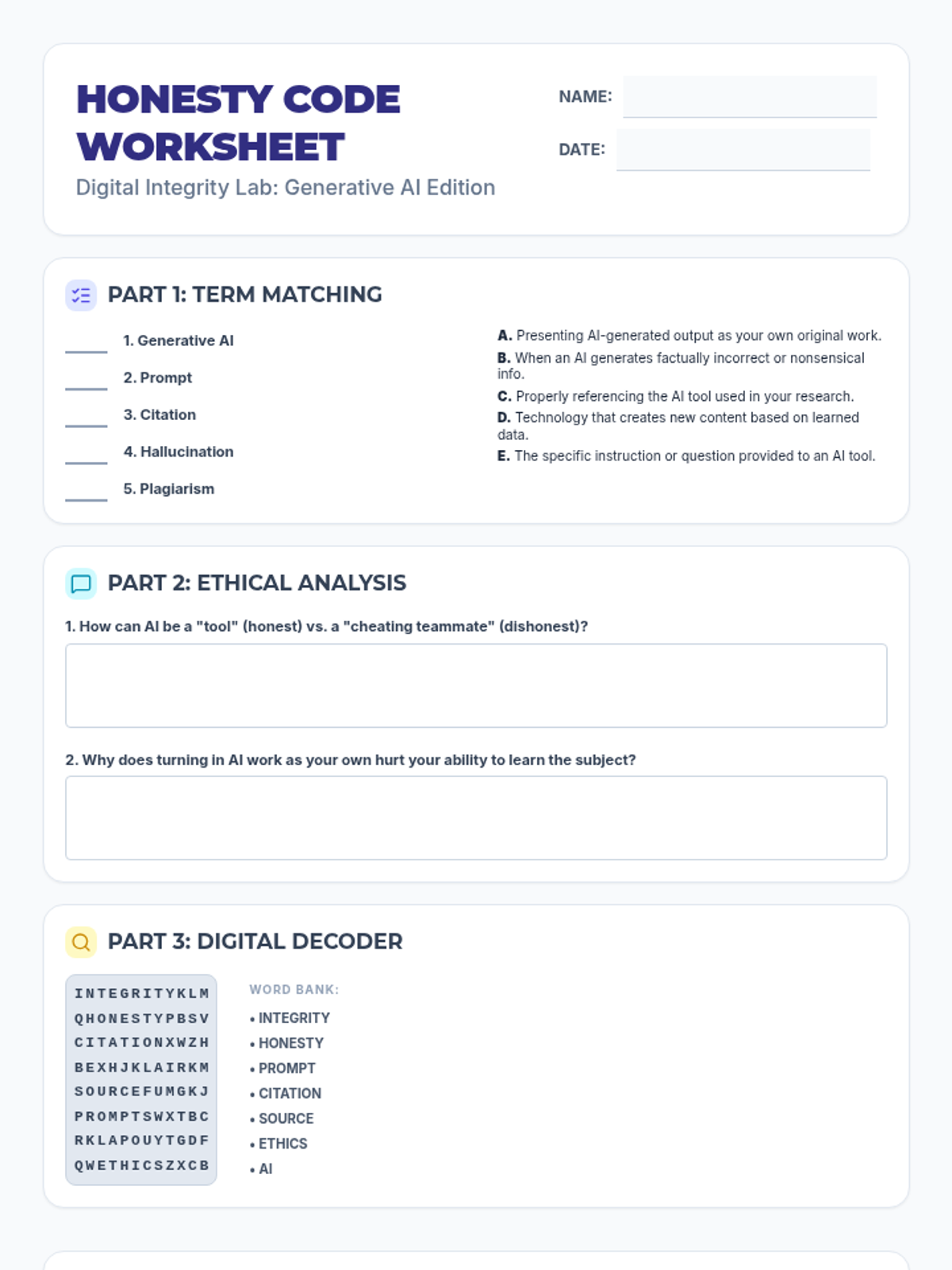
Revised student worksheet. Consolidated Parts 1-3 onto the first page and moved the 8-sentence reflection to the second page for more writing space. Fixed alignment in matching and grid sections. Fixed filler in word search.
Educational slides for introducing students to Generative AI, focusing on definitions, the difference between support and dishonesty, and the importance of citation. Now includes a transition to the worksheet activity.
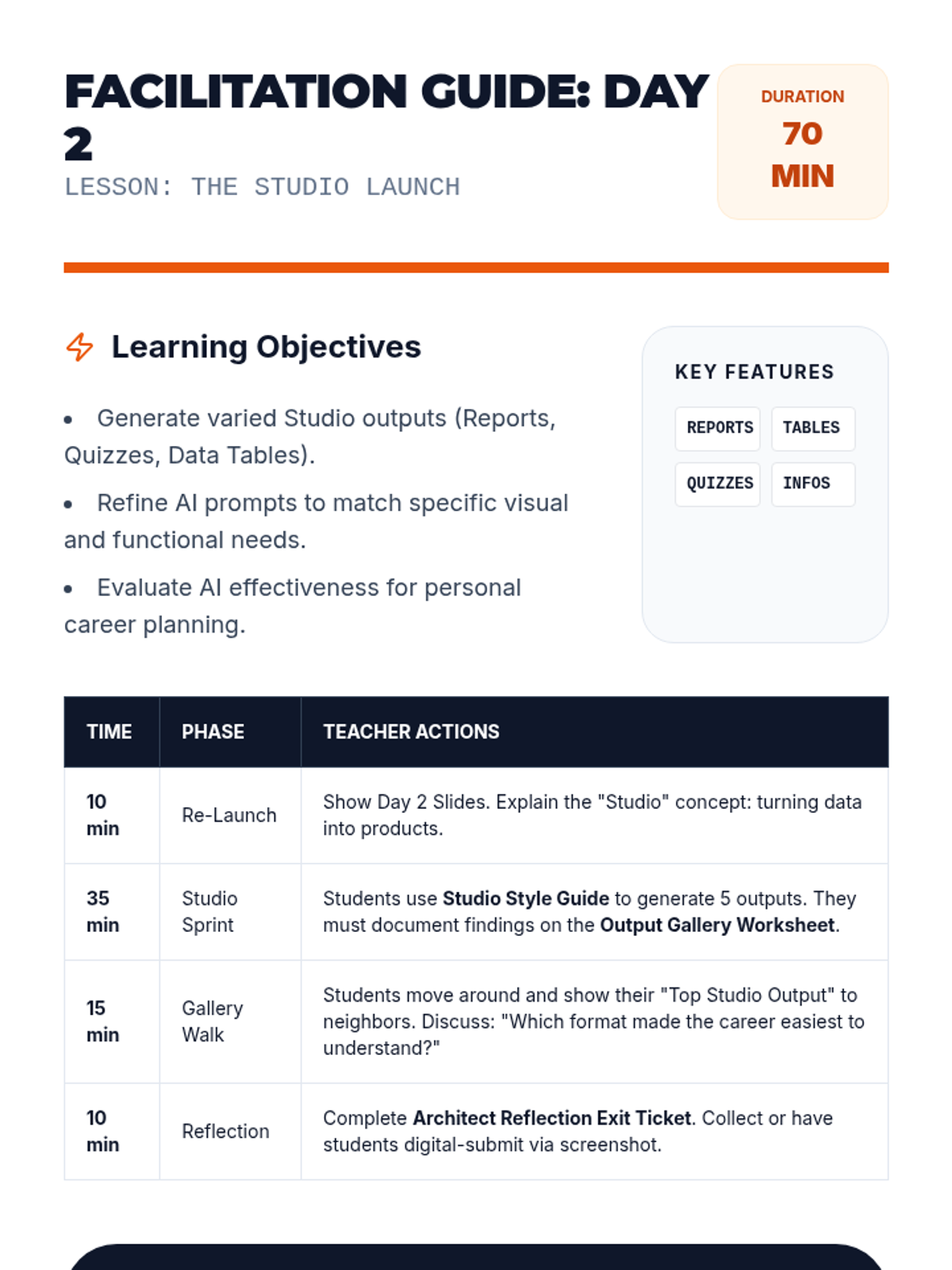
A teacher-facing facilitation guide for Day 2, providing pacing for the 'Studio Sprint' and advanced prompting strategies to maximize student engagement with NotebookLM. Replacing "my careers" with "these careers".
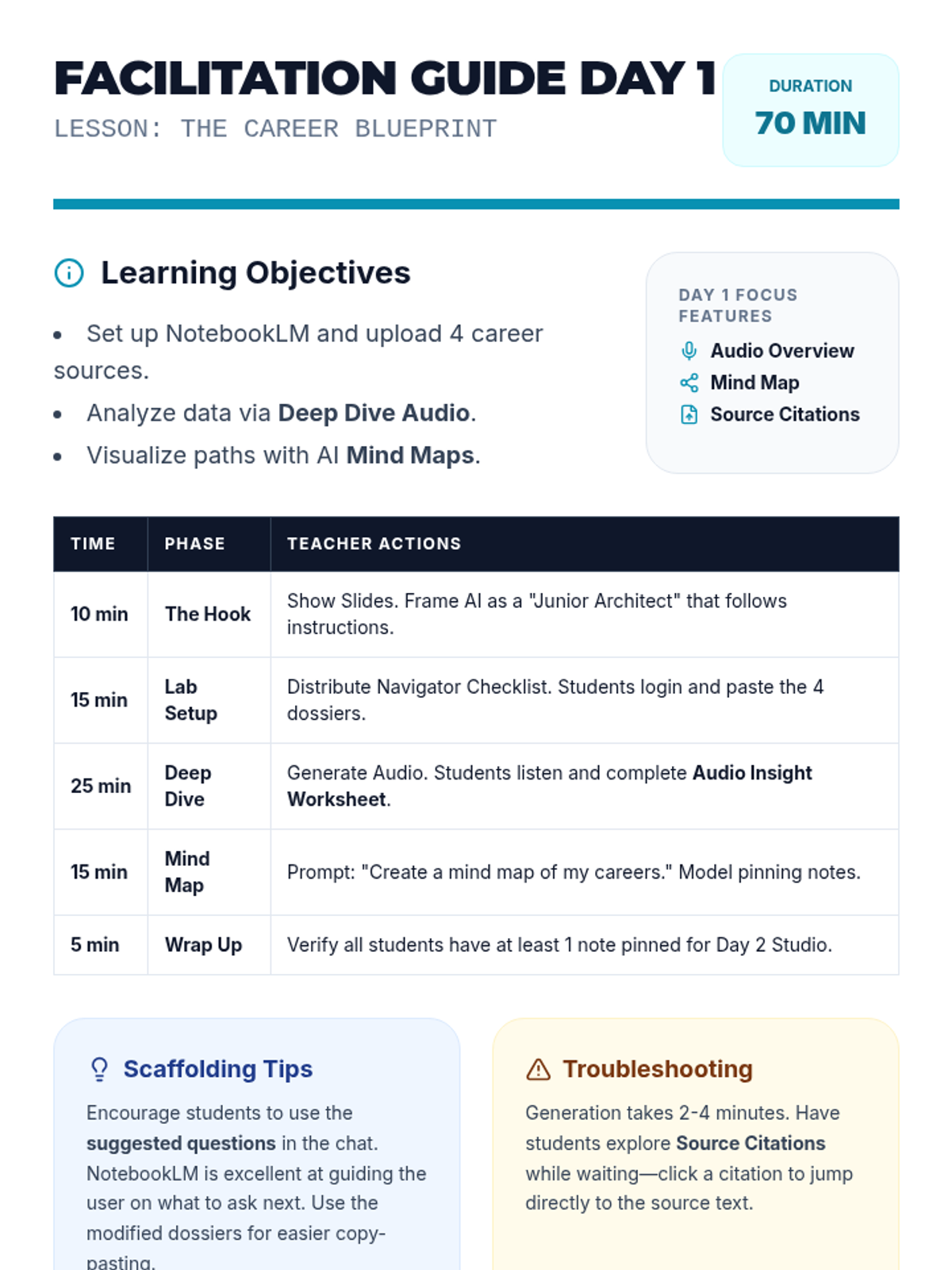
A comprehensive teacher facilitation guide for Day 1, updated to include technical NotebookLM mastery, academic integrity standards, and revised pacing for the expanded slide deck. Now explicitly mentions the Google Classroom flow and the Interactive Mode task. Replacing "my careers" with "these careers".
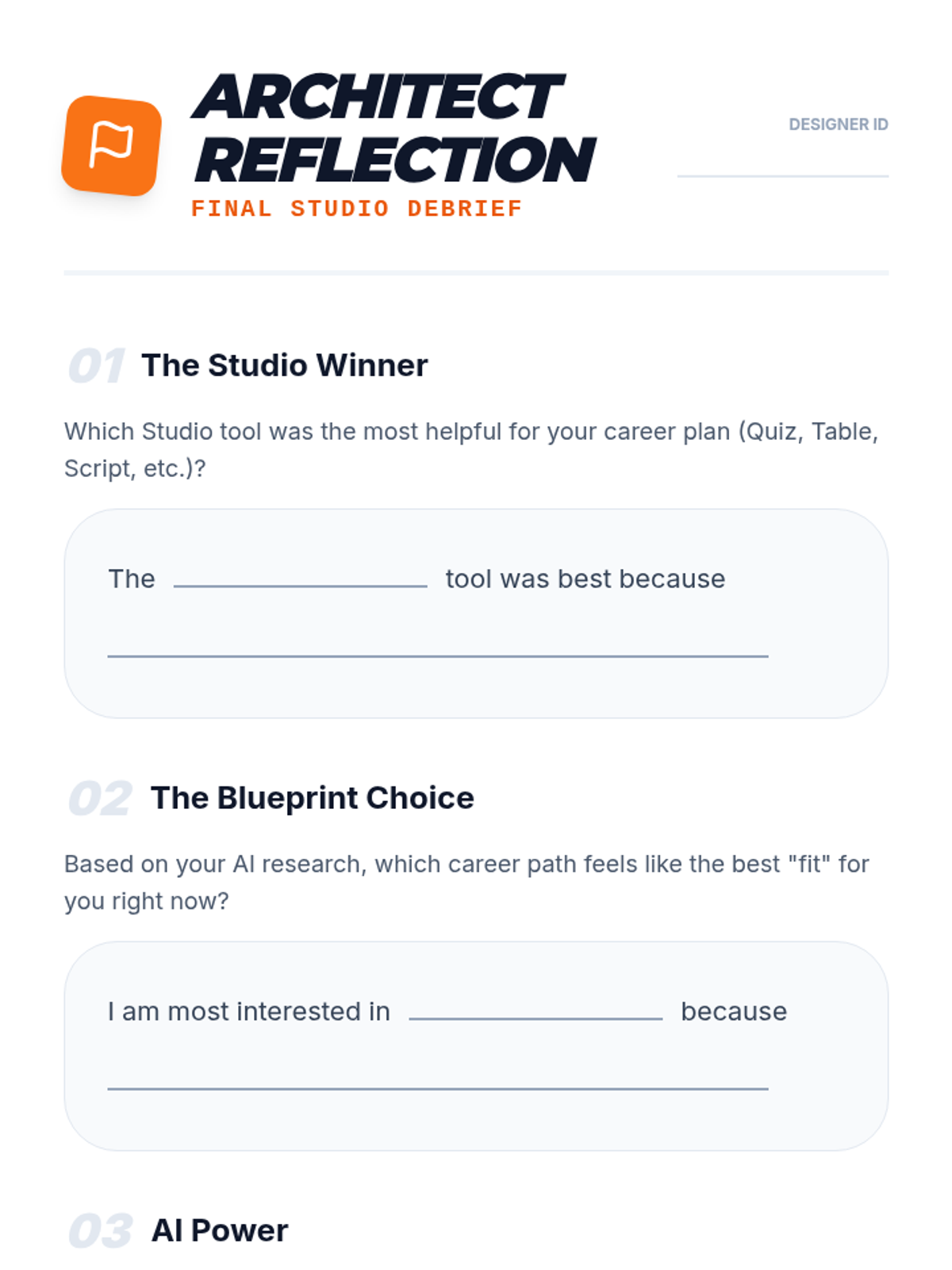
An exit ticket and reflection document for students to evaluate the effectiveness of the different NotebookLM Studio tools and identify their top career interest.
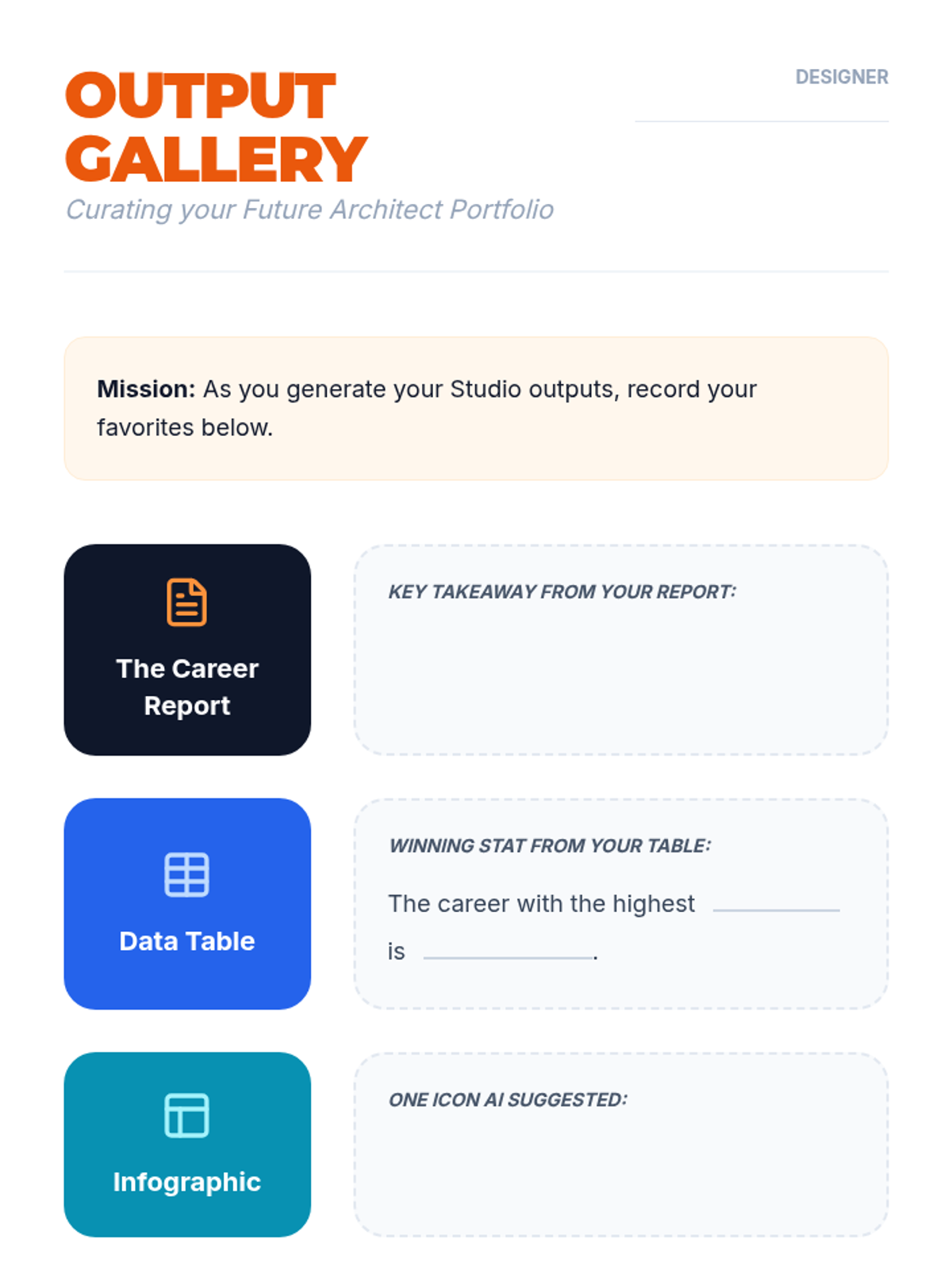
A recording sheet for students to document the results of their NotebookLM Studio outputs, now with a light-themed design for improved readability and printing.
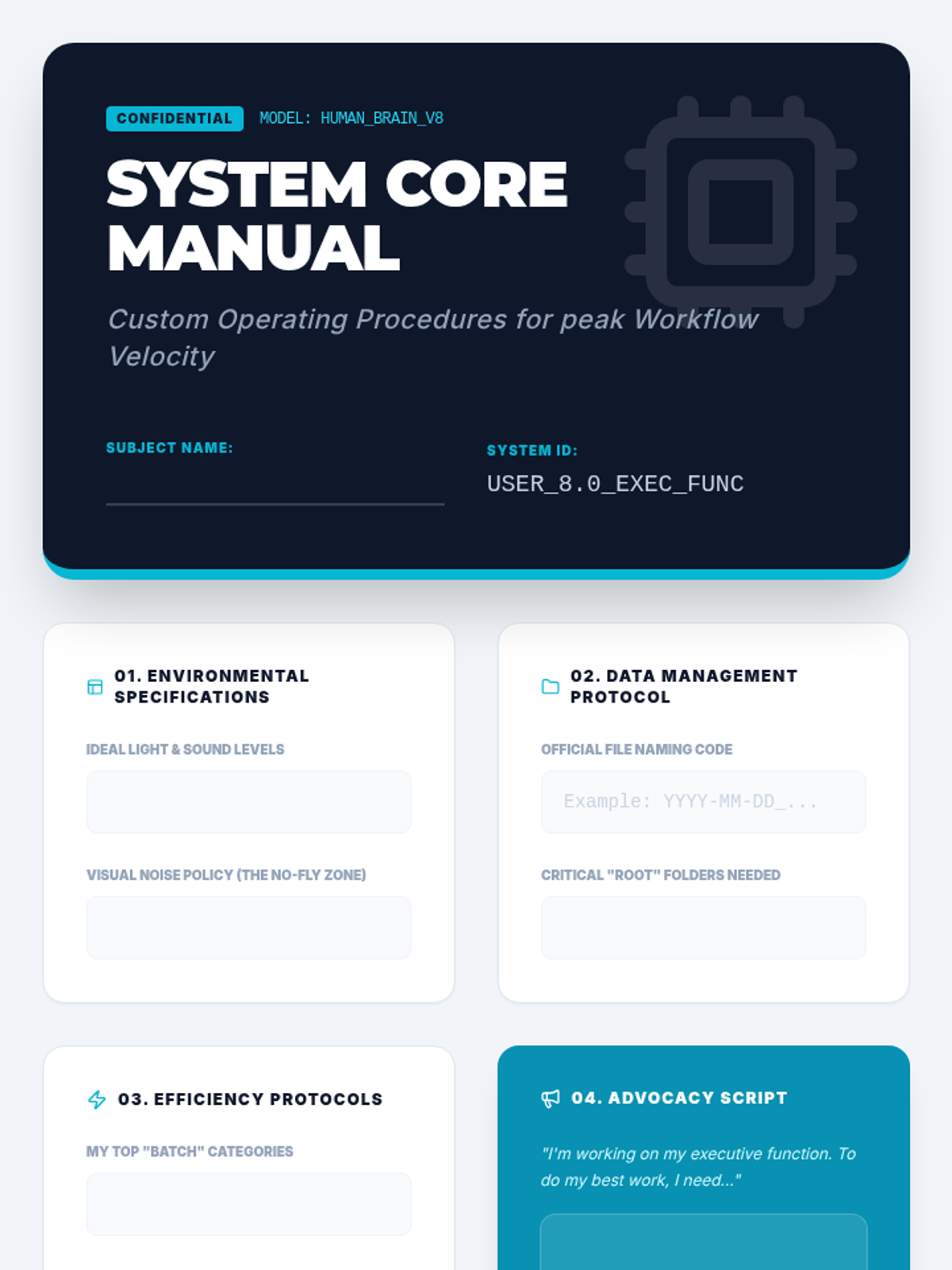
The capstone project template for the sequence. Students synthesize all previous learning into a professional-looking "System Core Manual" that documents their personalized organizational strategies and self-advocacy needs.
Final project presentation guiding students to synthesize their learning into a personal "Operating Manual." Focuses on self-advocacy and developing a set of standard operating procedures for their individual cognitive needs.
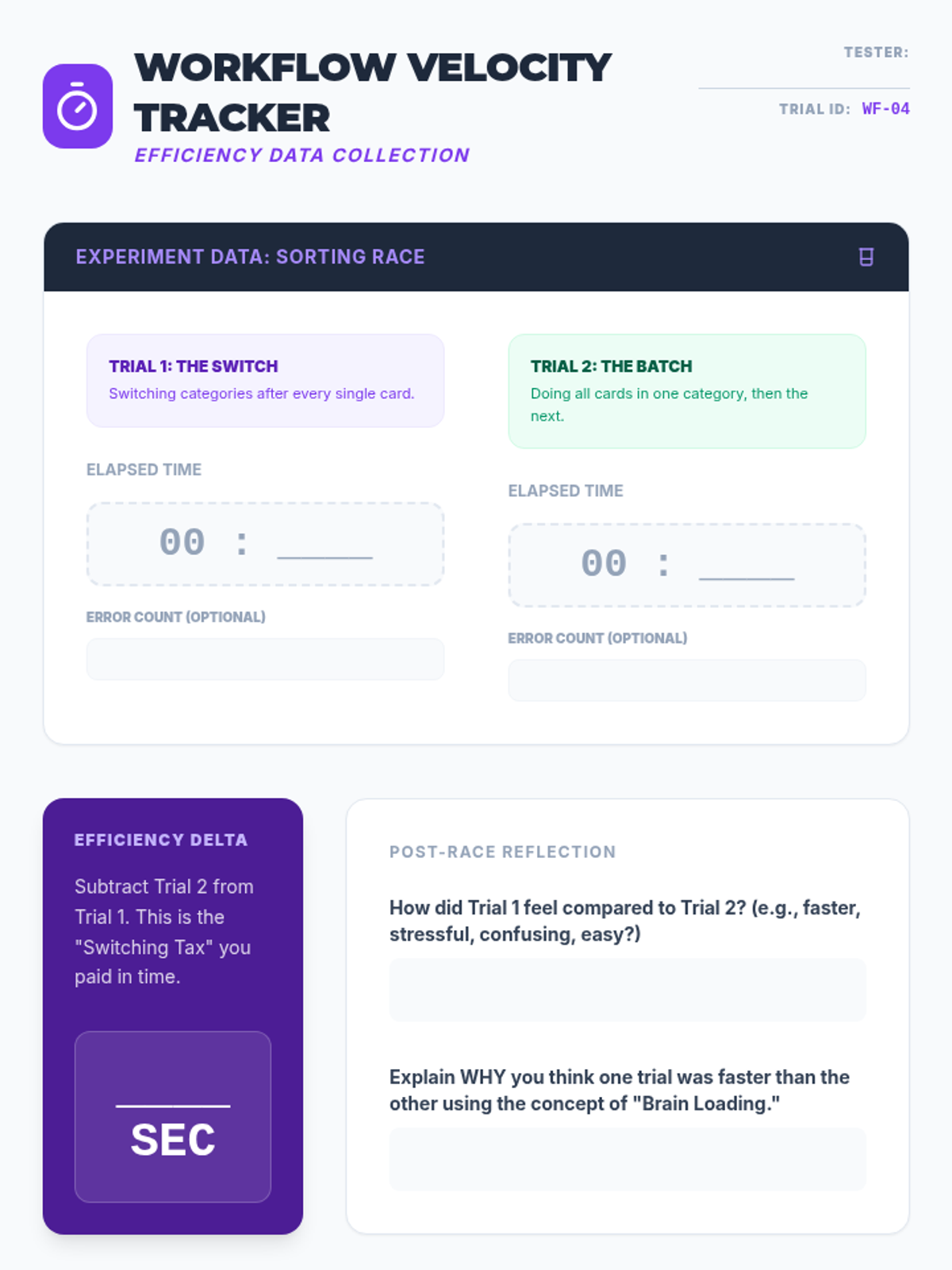
Experimental data tracker for the sorting race. Students record times for sequential versus batched tasks, calculate their efficiency delta, and plan real-world application of batching strategies to their homework.
Slides explaining the concept of task batching versus context switching. Includes instructions for a physical "Sorting Race" experiment to demonstrate the productivity cost of multitasking.
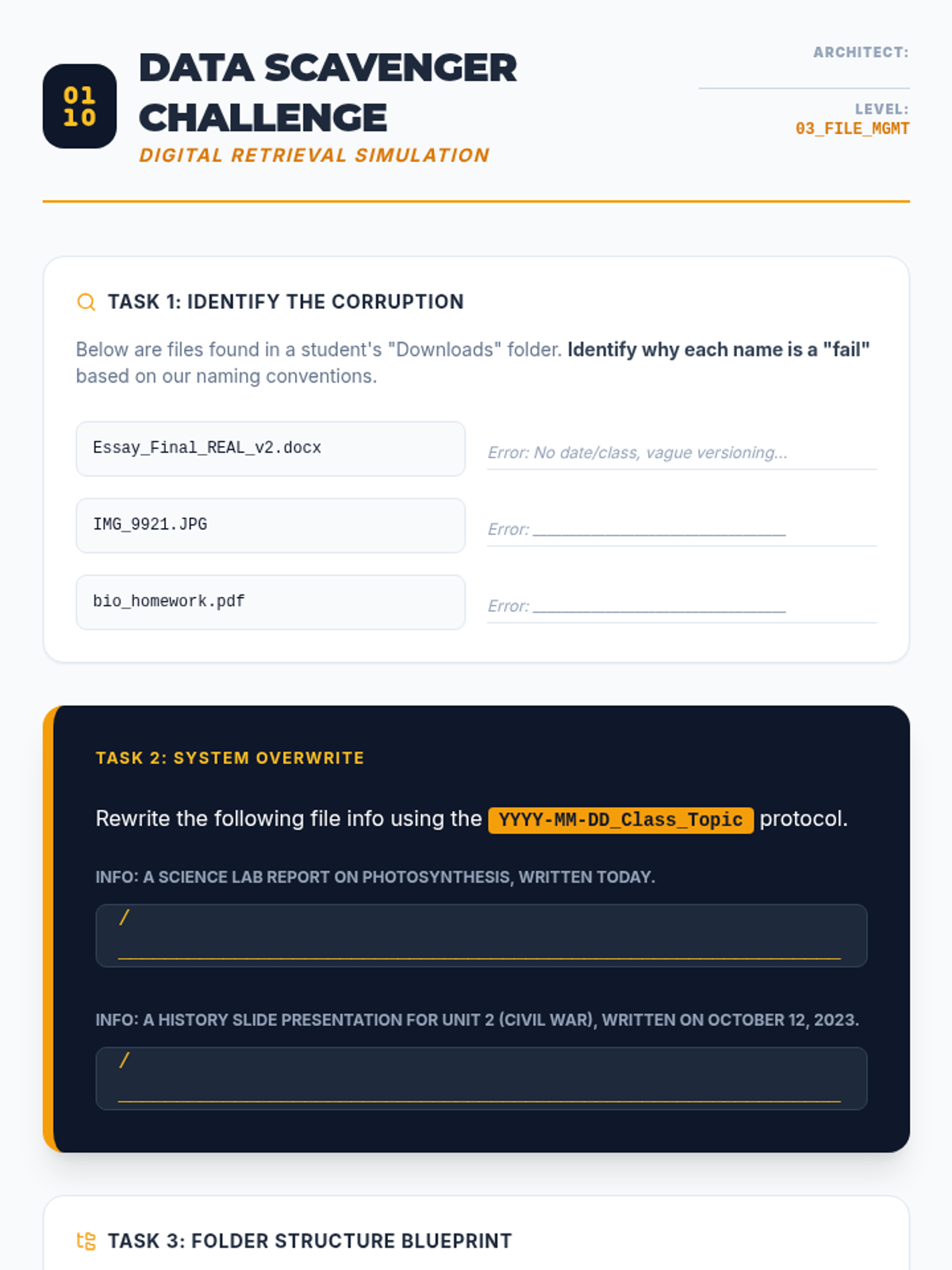
Worksheet practicing file naming conventions and digital hierarchy. Students analyze poorly named files, rewrite them using professional protocols, and design a personalized folder structure.
Slide deck teaching digital file management, focusing on file naming conventions (YYYY-MM-DD format), folder hierarchy architecture, and the "Inbox Zero" strategy for email management.
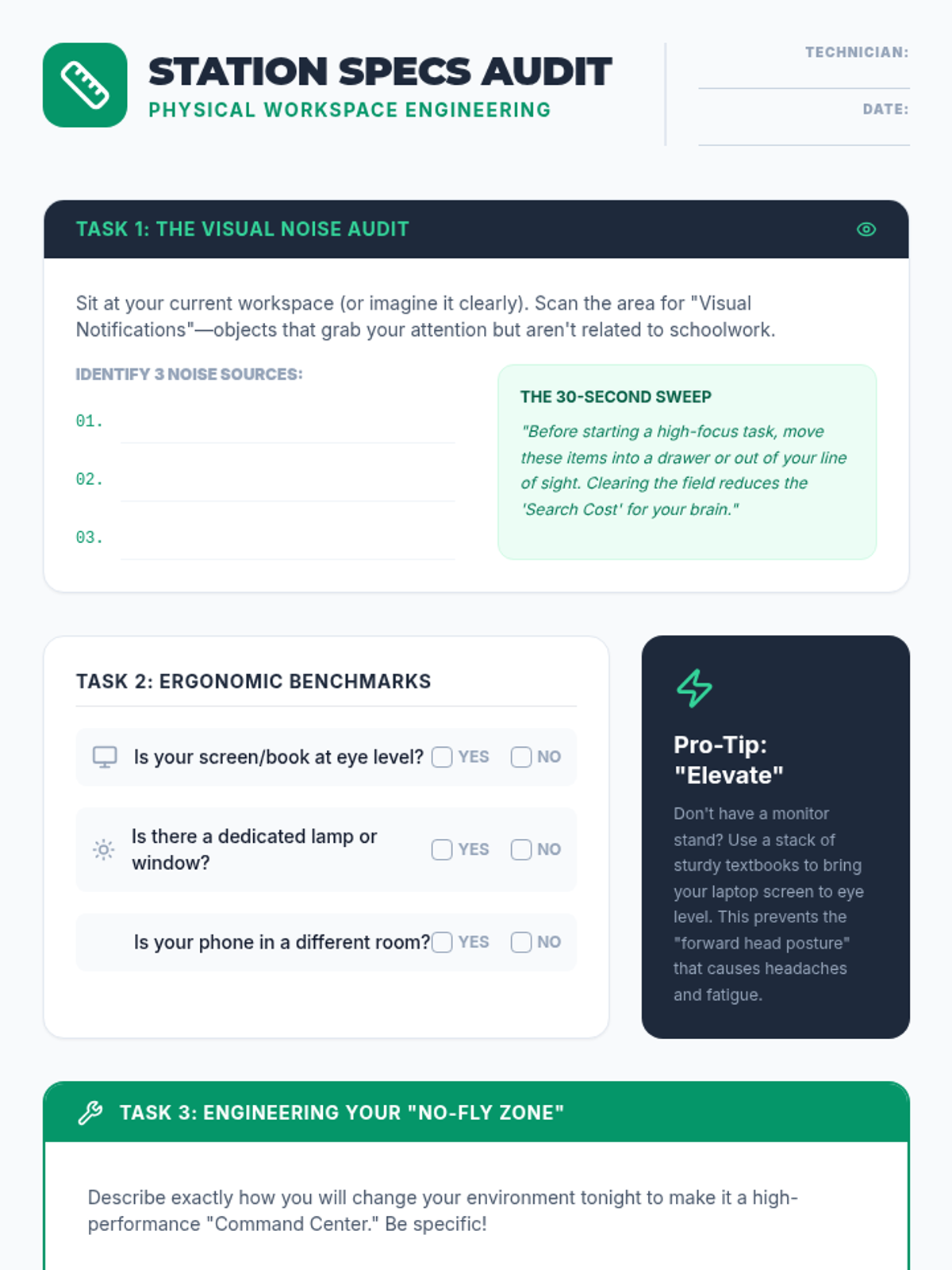
A worksheet for students to audit their current study environment and create a concrete engineering plan to optimize their physical workspace for focus and ergonomics.
Slides focusing on workspace optimization, exploring how physical clutter acts as cognitive noise and introducing the three pillars of environmental design: lighting, ergonomics, and atmosphere.
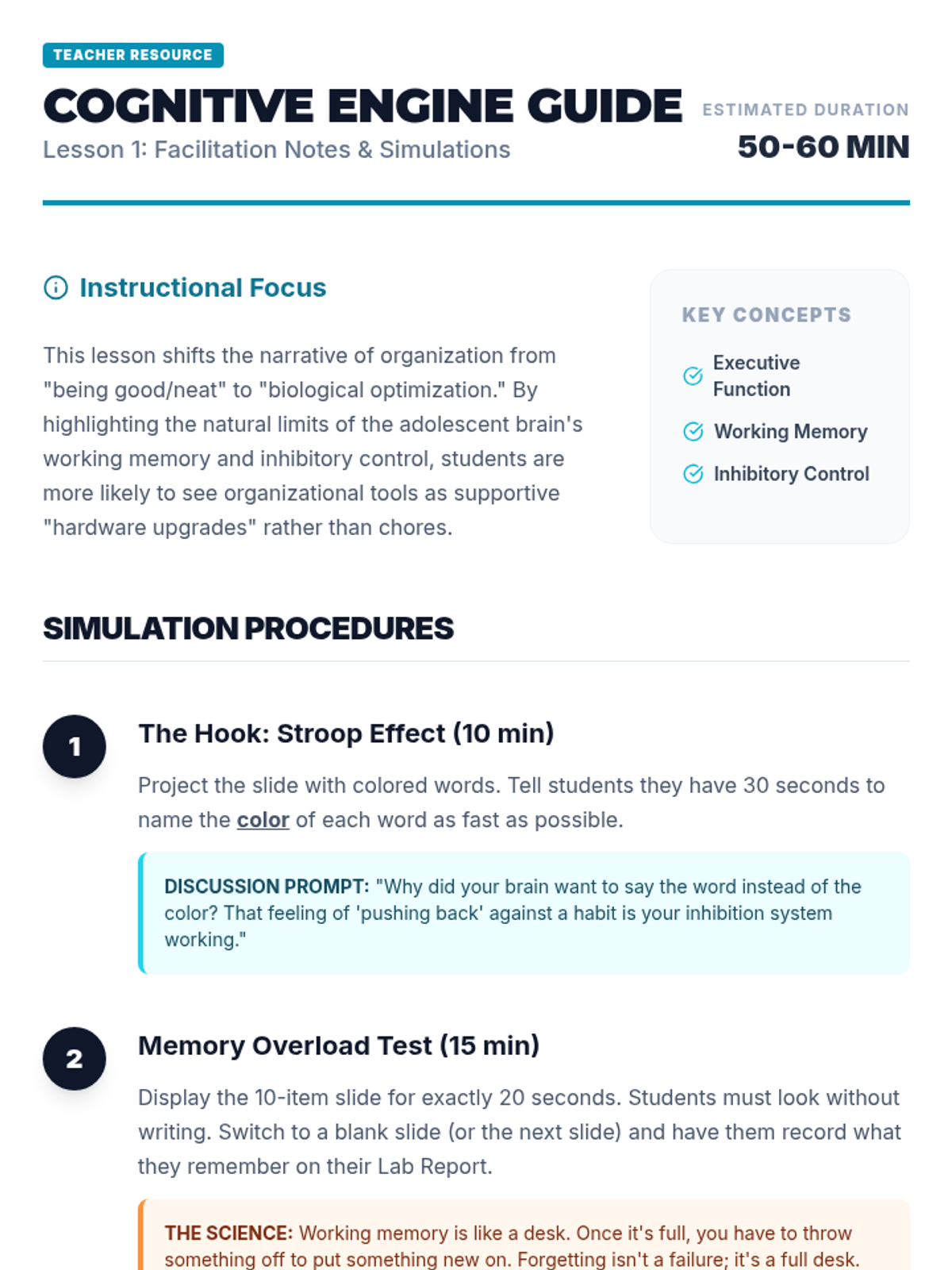
Teacher facilitator guide for the Cognitive Engine lesson, providing step-by-step simulation instructions, discussion prompts, and differentiation strategies.
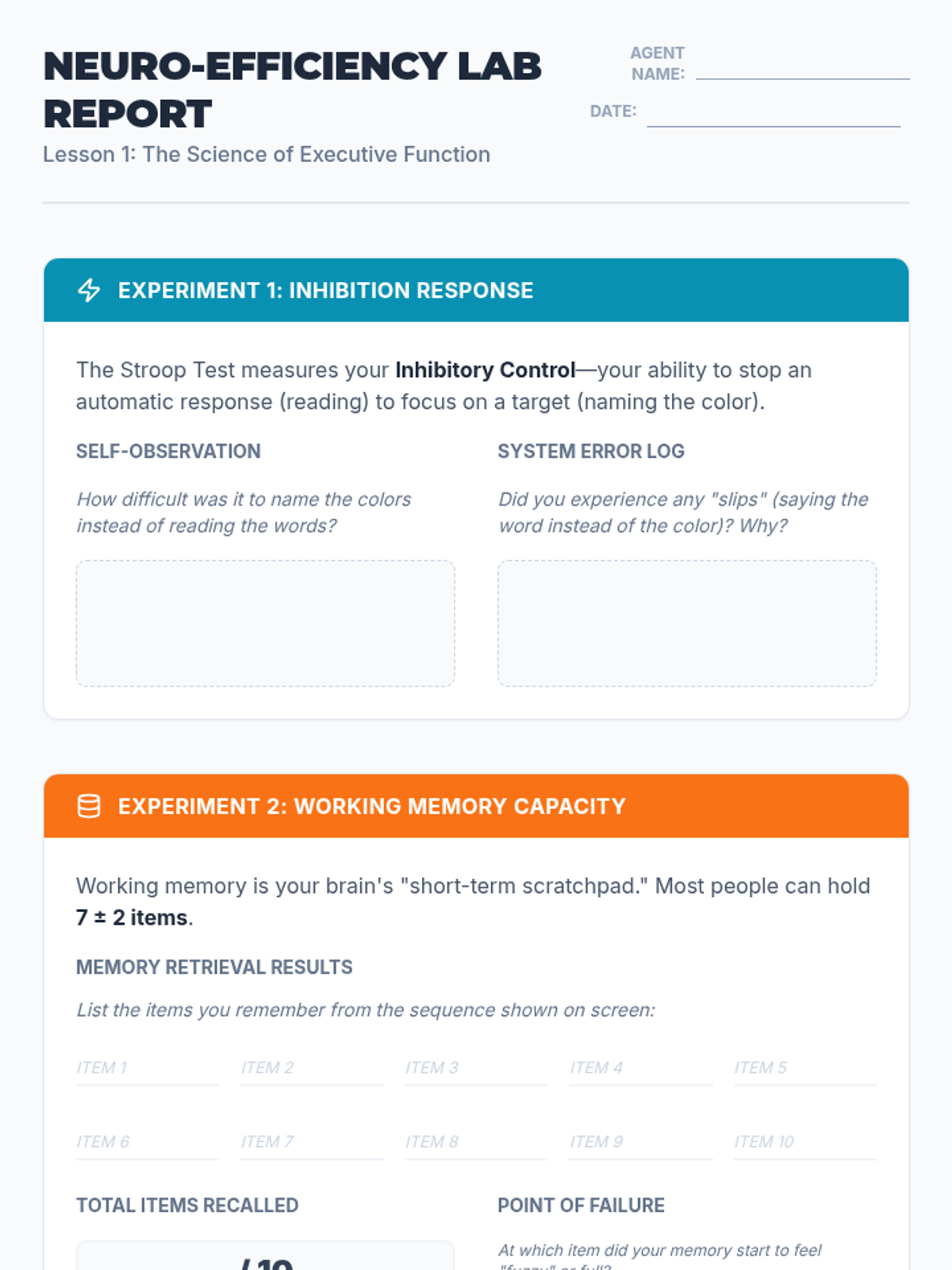
A lab report for students to record and analyze their results from the Stroop Effect and working memory simulations, connecting the biological limits of the brain to the need for organizational systems.
Introductory presentation exploring executive function concepts like working memory and inhibition through interactive simulations like the Stroop Effect and memory tasks.
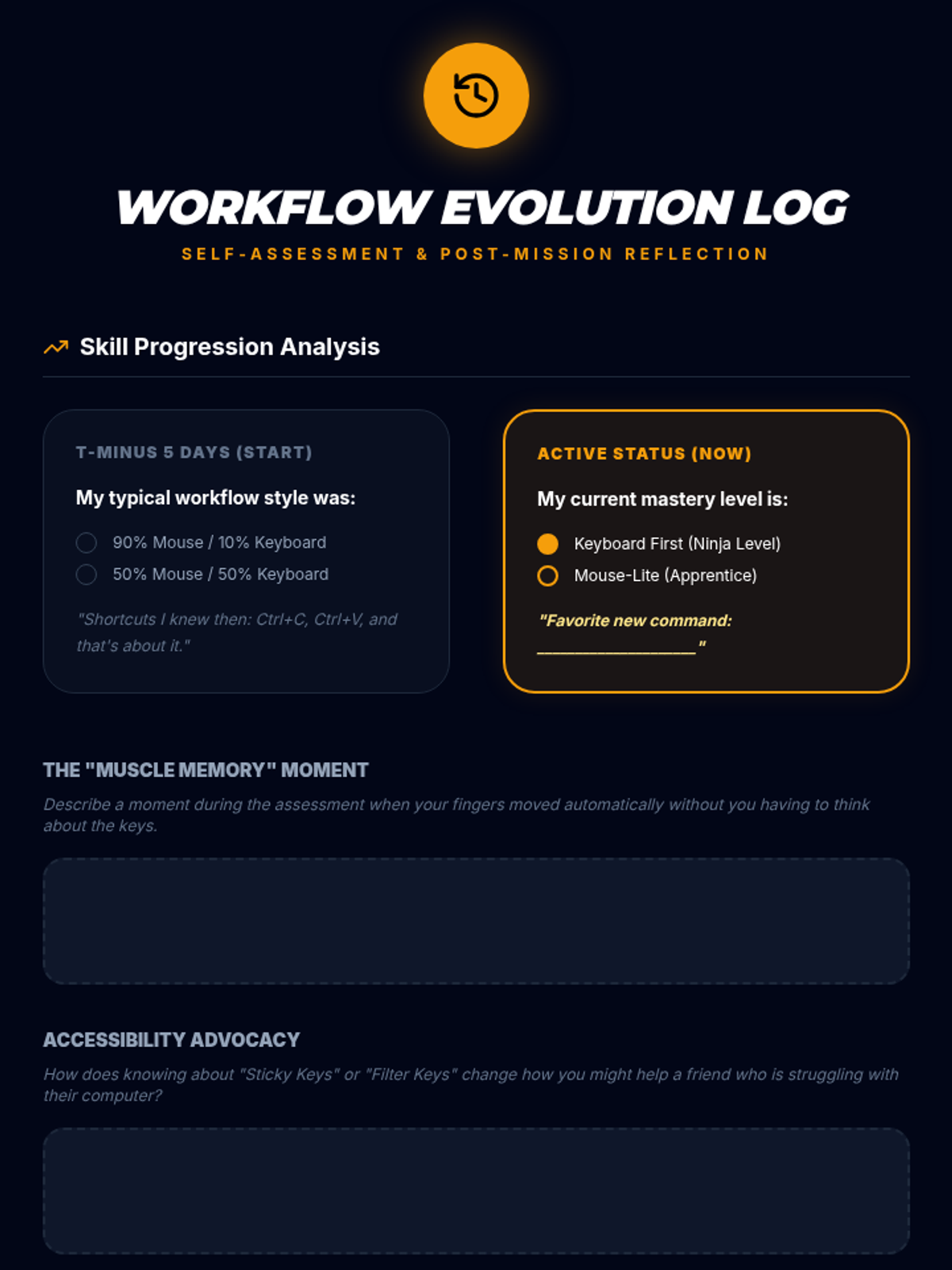
Reflection sheet for students to track their progress from the start to the end of the sequence, focusing on their shift from mouse to keyboard use.
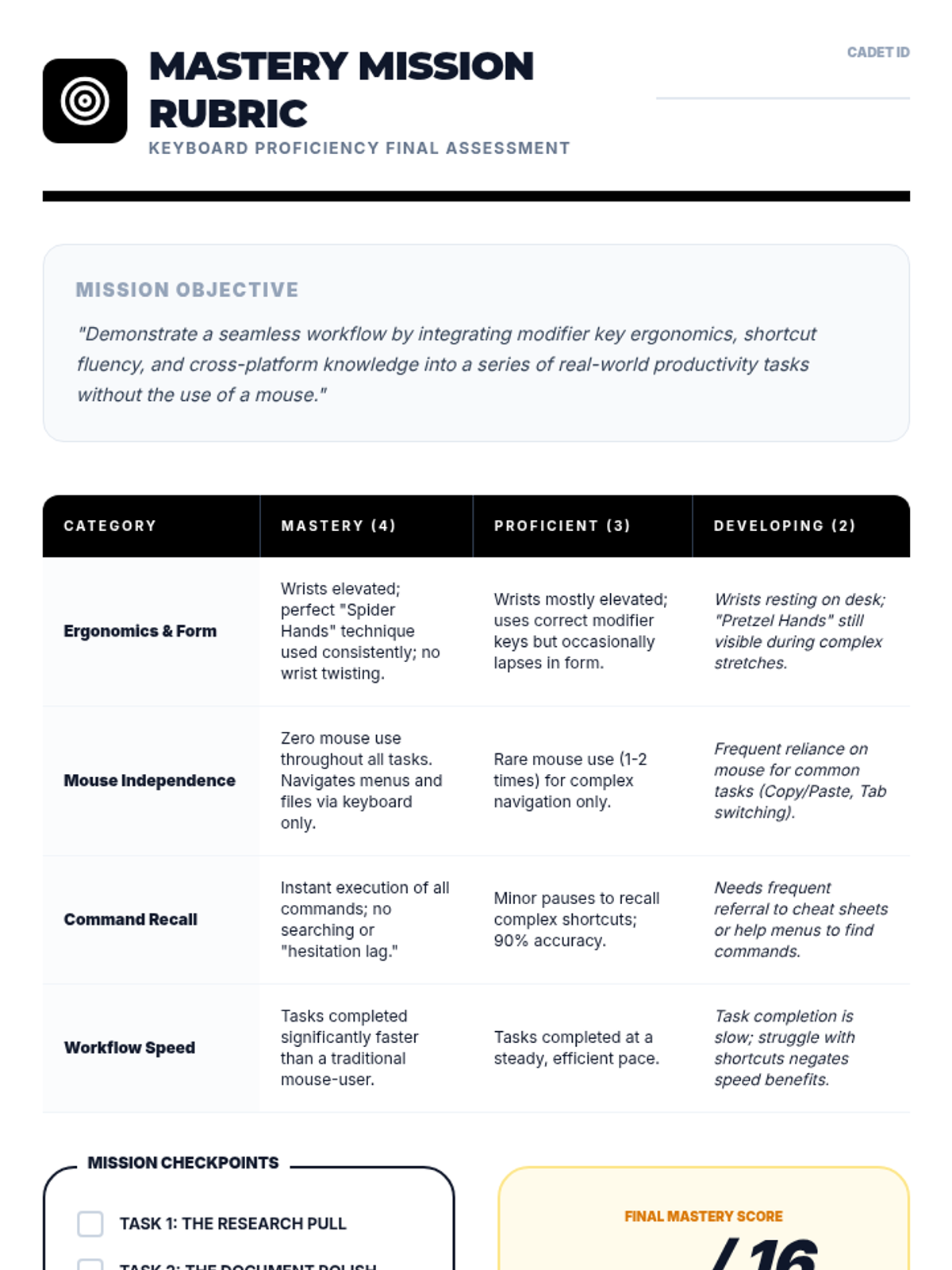
Performance rubric for the final keyboard proficiency assessment, focusing on ergonomics, mouse independence, and speed.
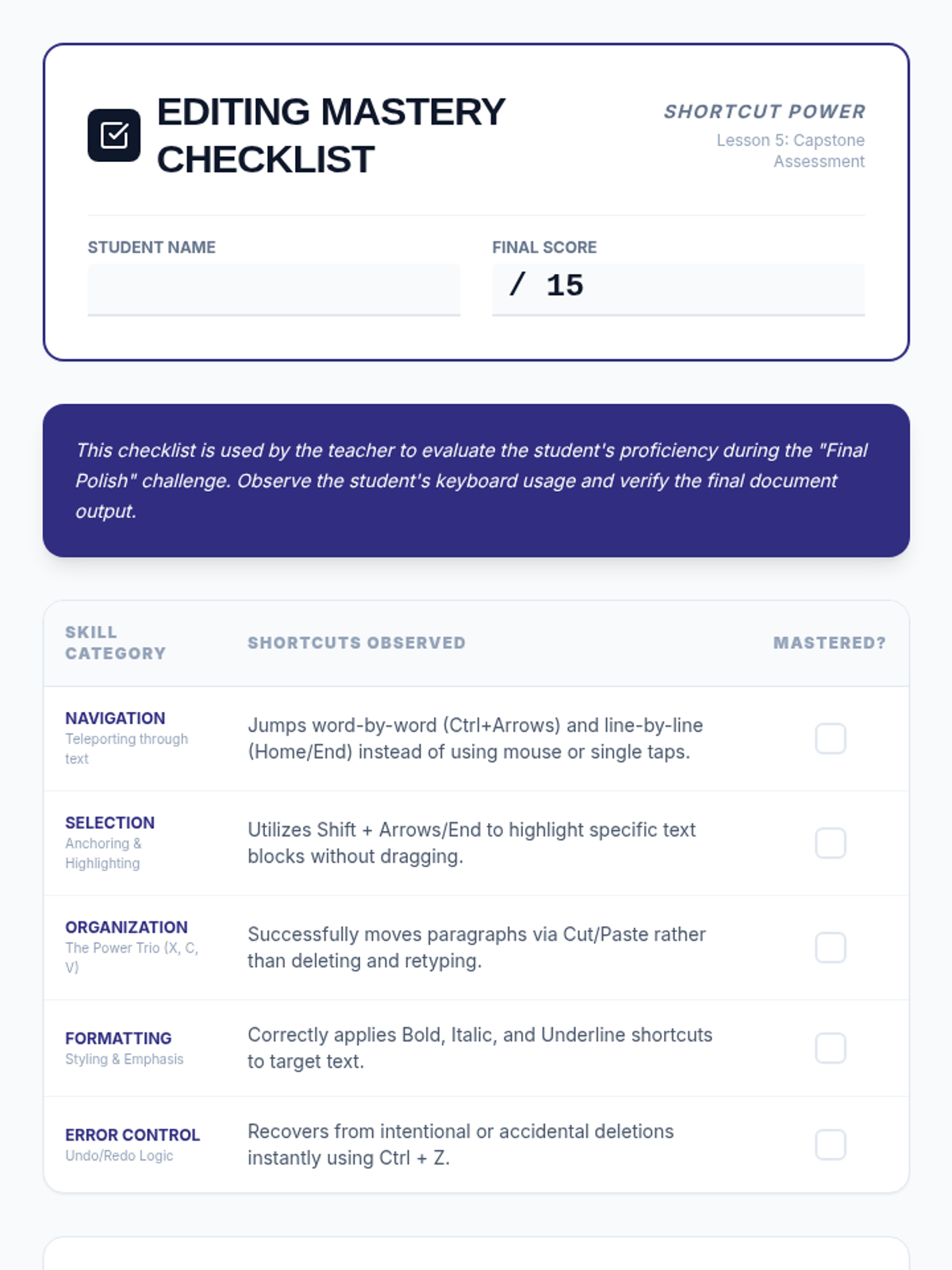
A mastery-based assessment checklist for teachers to evaluate student proficiency across all five lessons. Includes categories for Navigation, Selection, Organization, Formatting, and Error Control, with space for teacher observations on motor efficiency and mouse reliance.
Visual presentation for Lesson 5 outlining the final keyboard proficiency assessment tasks and requirements.
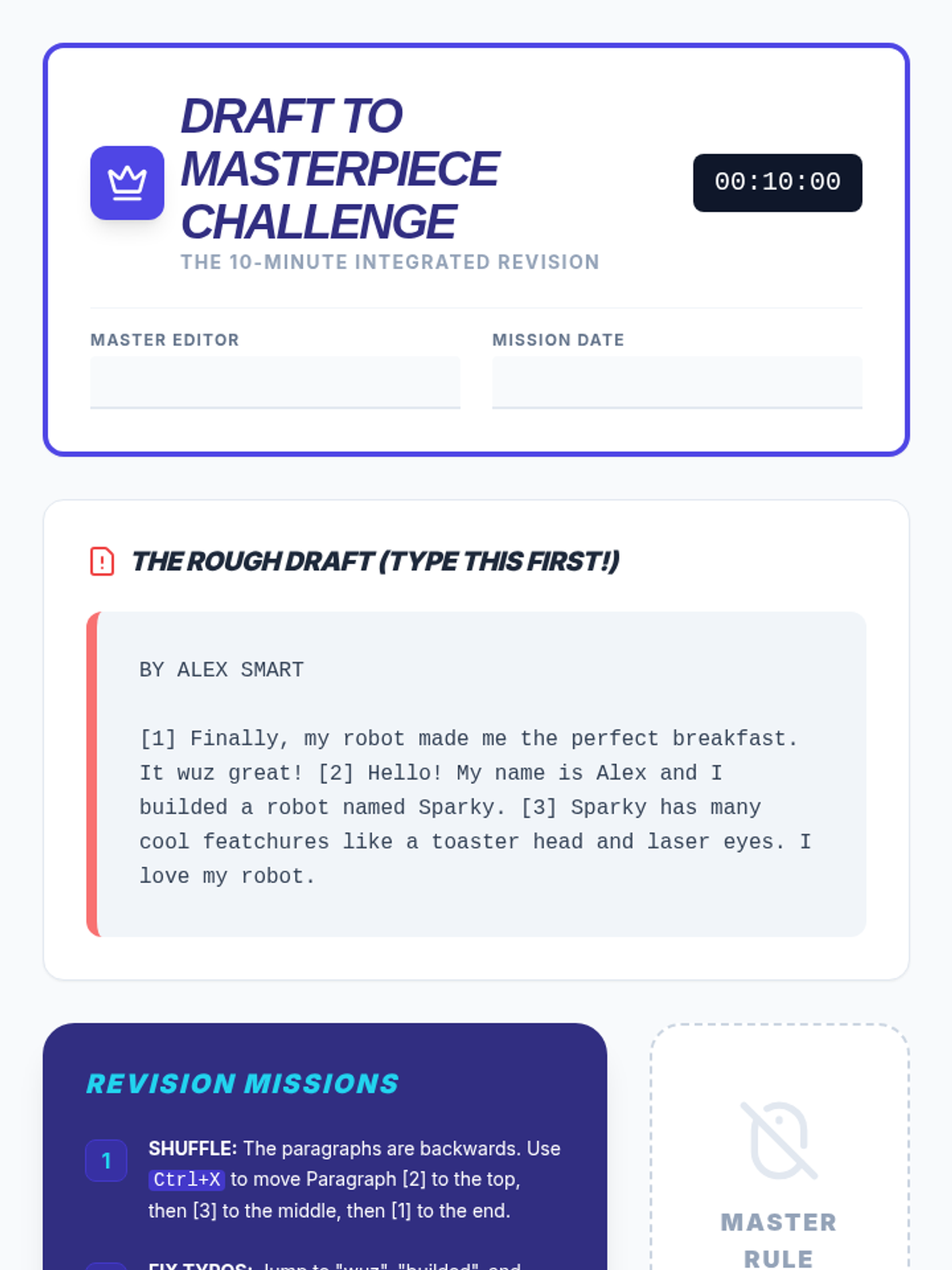
The capstone integrated activity worksheet for the sequence. Students type a deliberately messy and scrambled draft, then apply all navigation, selection, clipboard, and formatting shortcuts to revise it into a final polished report under a timed "no mouse" challenge.
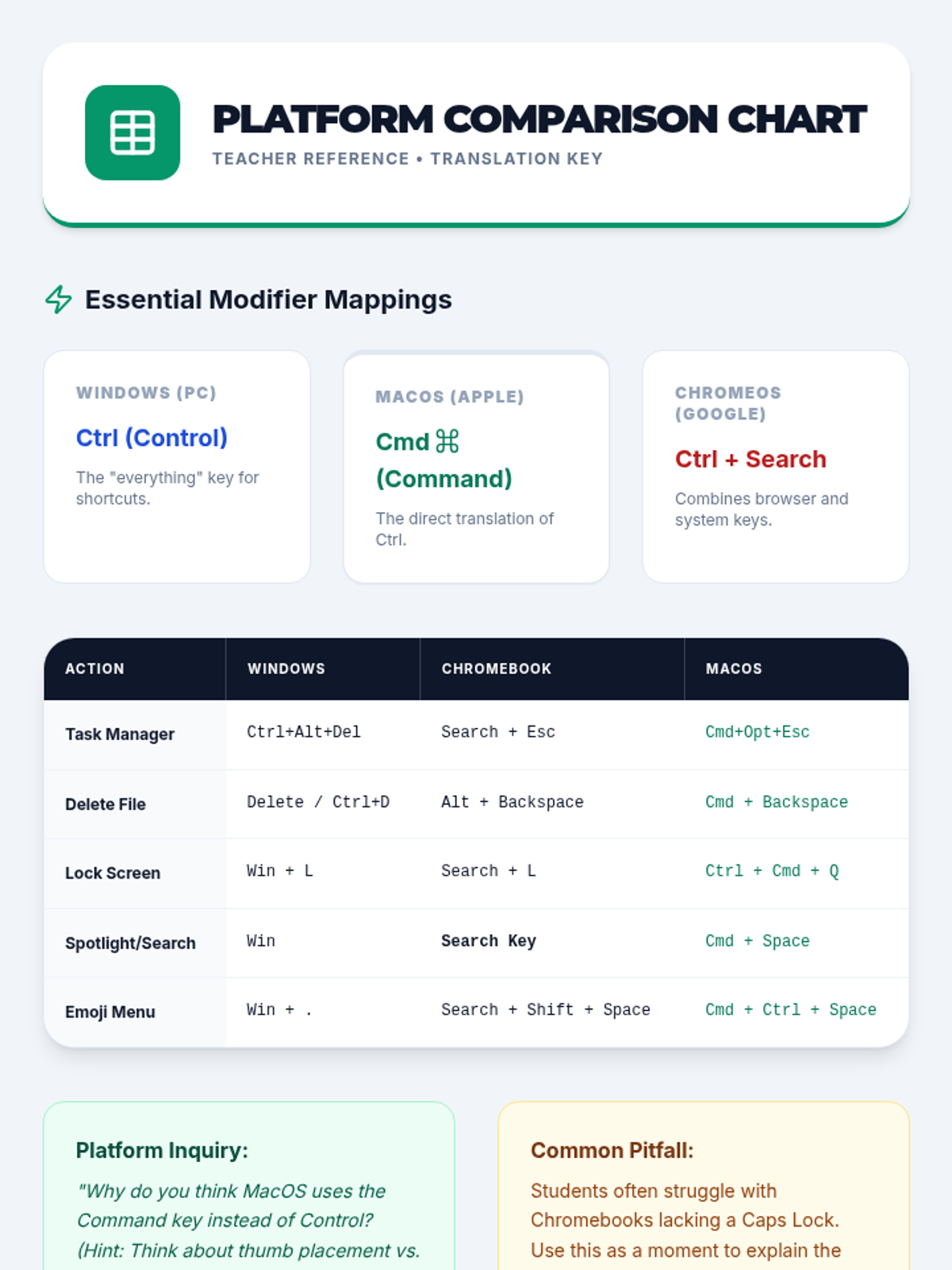
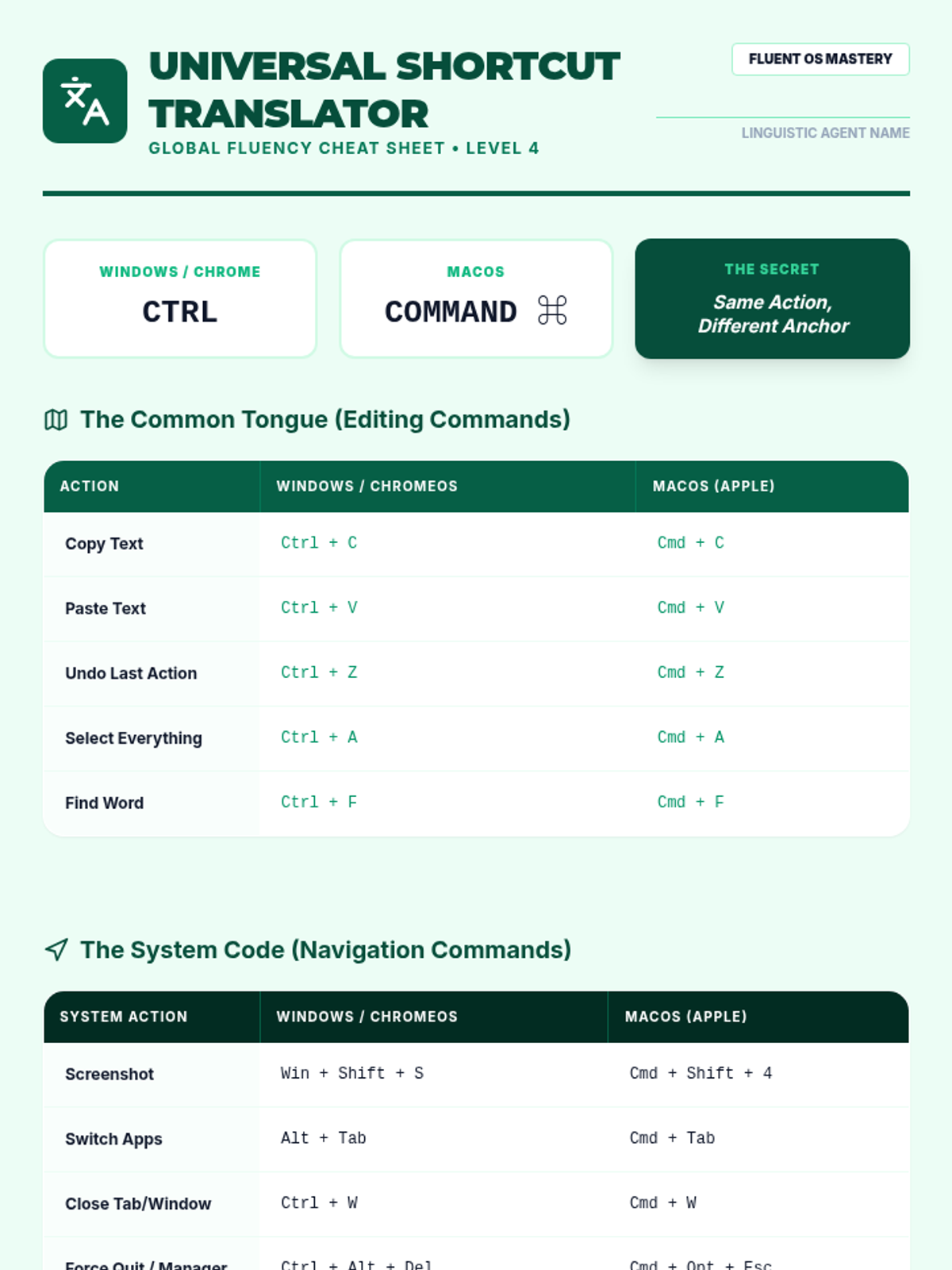
Teacher reference sheet providing a detailed comparison of keyboard shortcuts across Windows, ChromeOS, and macOS.
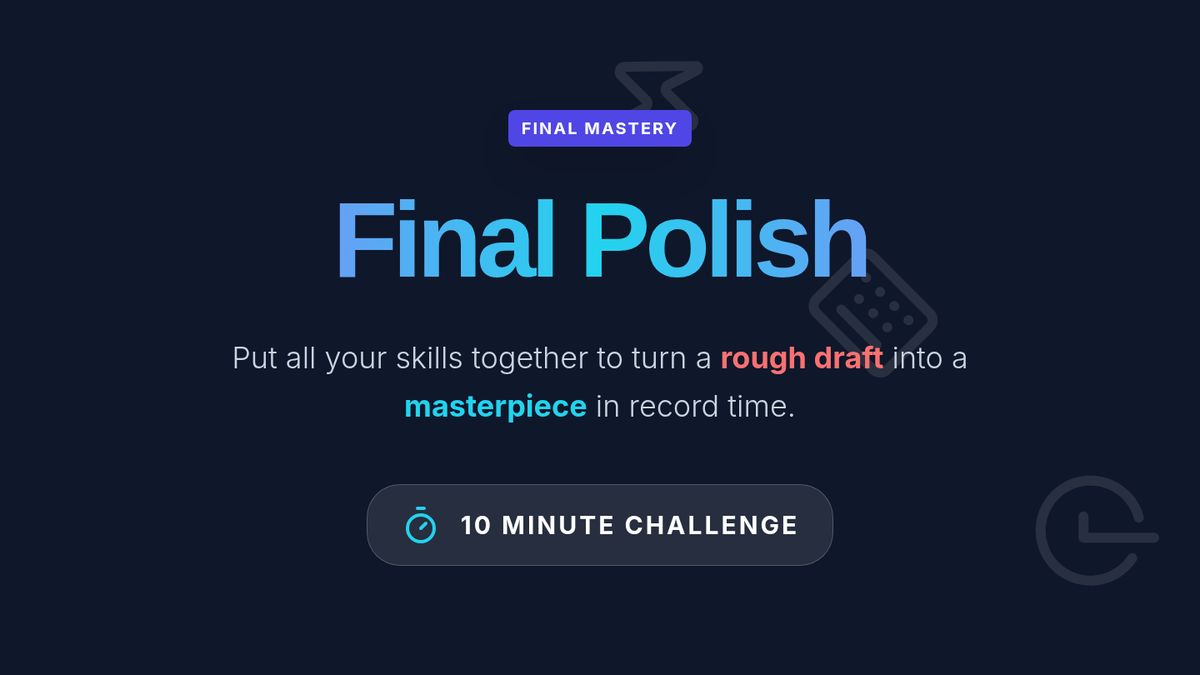
Capstone slide deck for the Final Polish lesson. Summarizes the "Shortcut Arsenal" (Navigate, Select, Move, Style) and presents the 10-minute challenge requirements for students to demonstrate integrated mastery of all document editing shortcuts.
Student cheat sheet template for comparing and translating keyboard shortcuts across Windows, ChromeOS, and macOS.
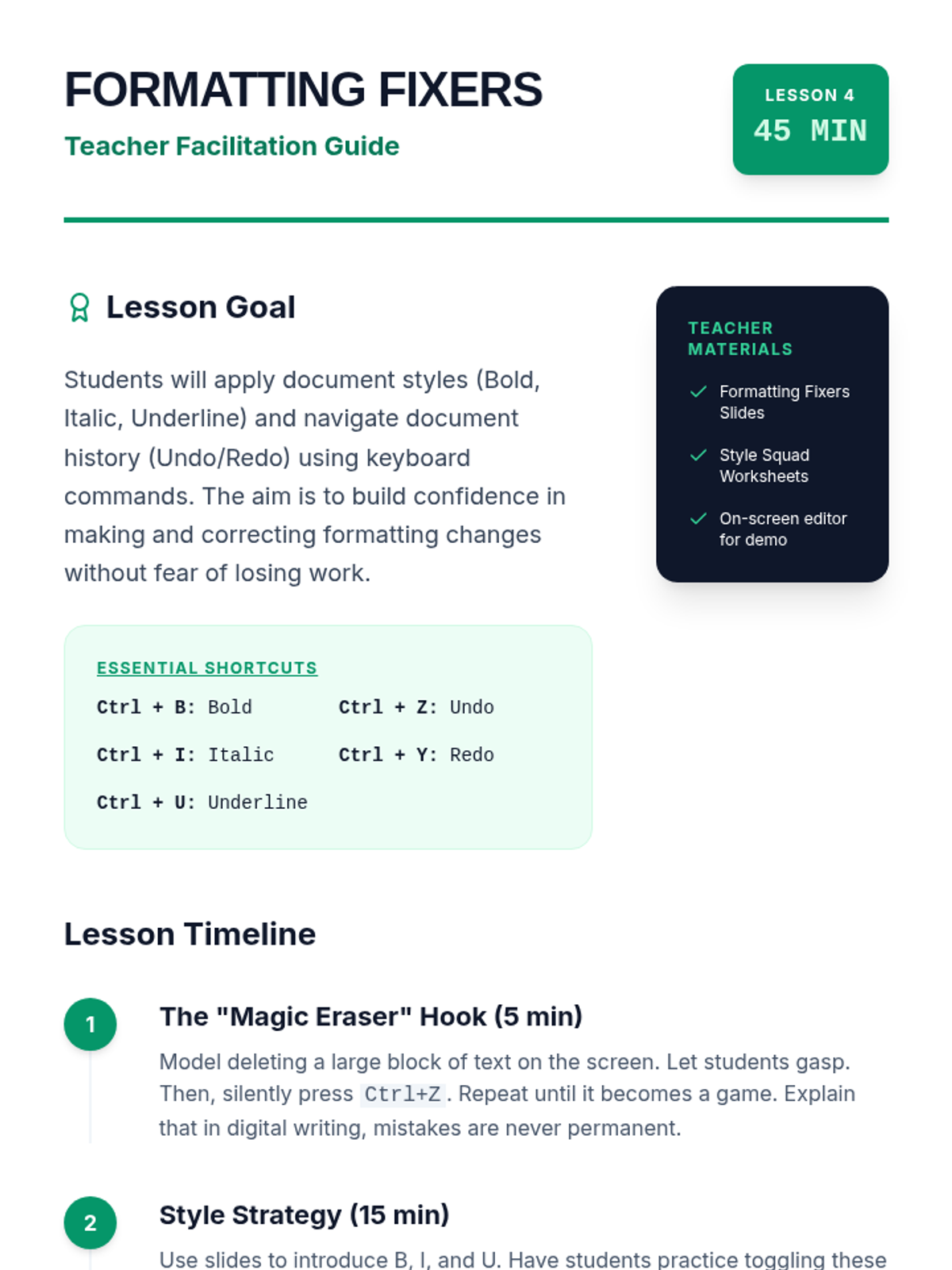
A comprehensive teacher guide for Lesson 4 on formatting and undo strategies. Features a "Magic Eraser" hook, guidance on teaching toggle-based shortcuts, and specific troubleshooting tips for Mac vs. PC users and students with physical fatigue.
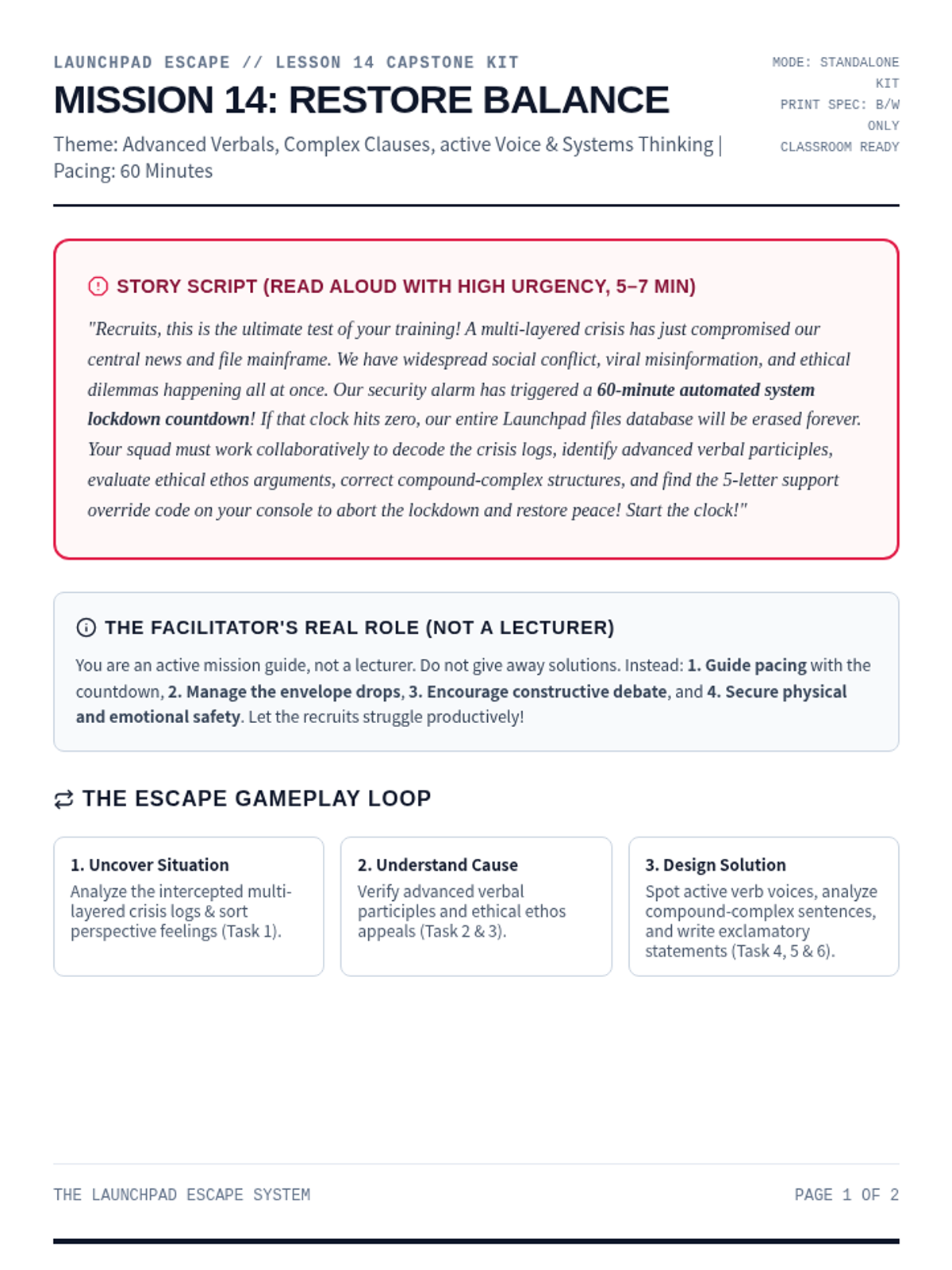
A comprehensive printable facilitator guide for Mission 14: The Capstone Mission. Contains story script, setup checklists, progressive clue mechanics, persuasive appeals endings, and debrief questions.
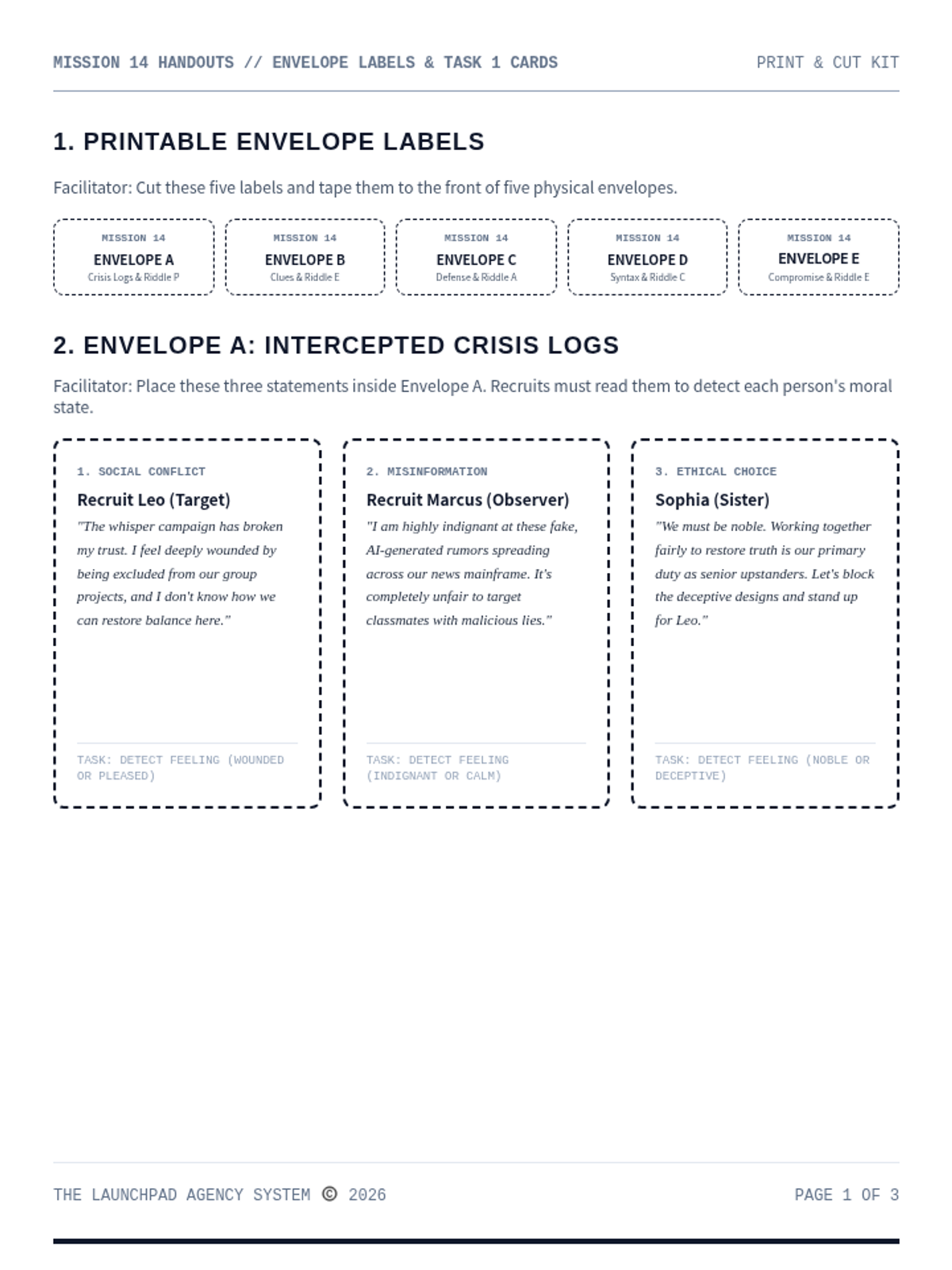
A print-and-cut materials handout kit for Mission 14: The Capstone Mission. Contains envelope labels, printed posts, source cards, and timeline charts.
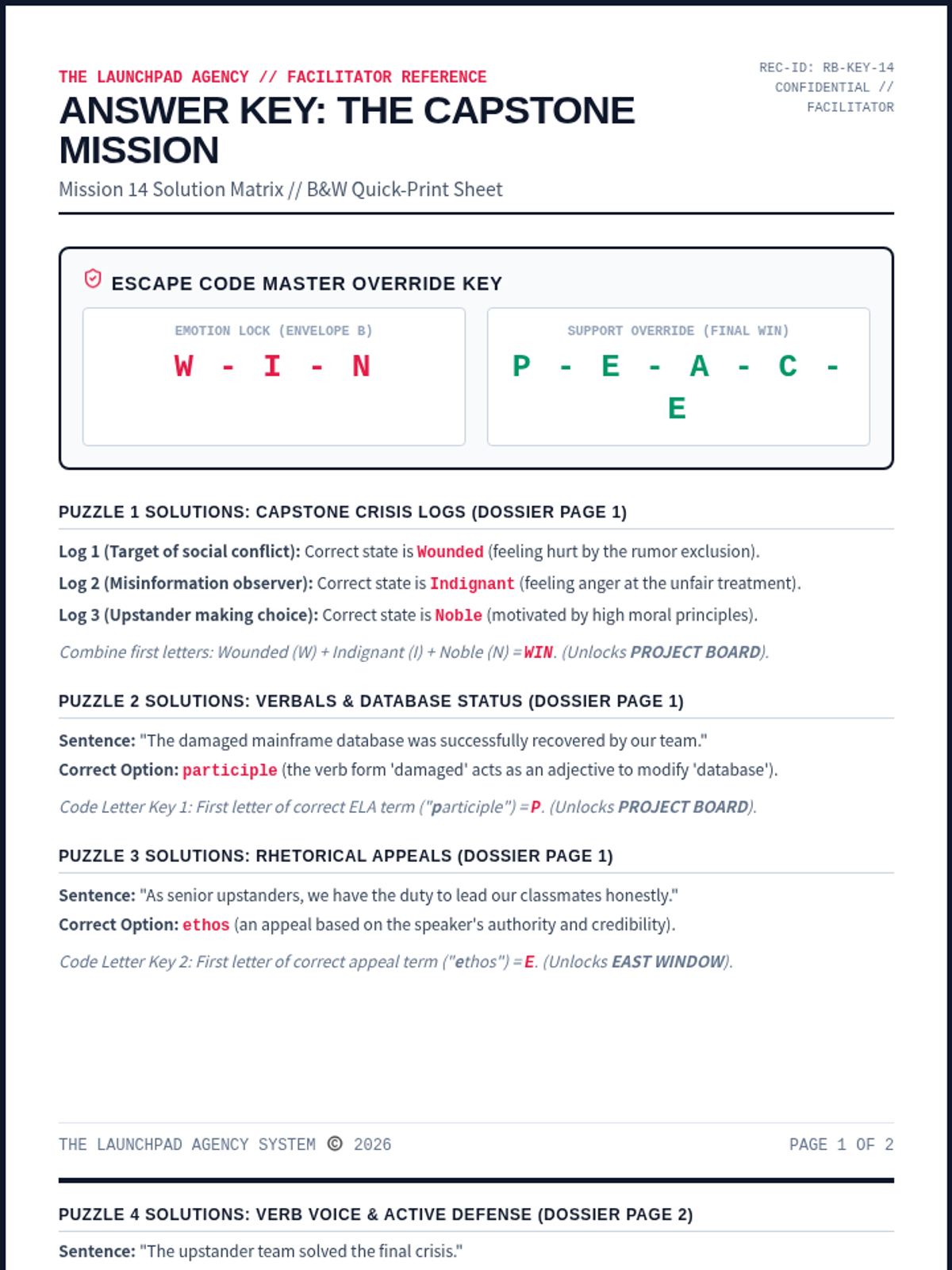
A dedicated facilitator answer key for Mission 14: The Capstone Mission. Contains complete solutions for all ELA/coordinate puzzles, ciphers, and floor map paths, along with rubrics and setup tips.
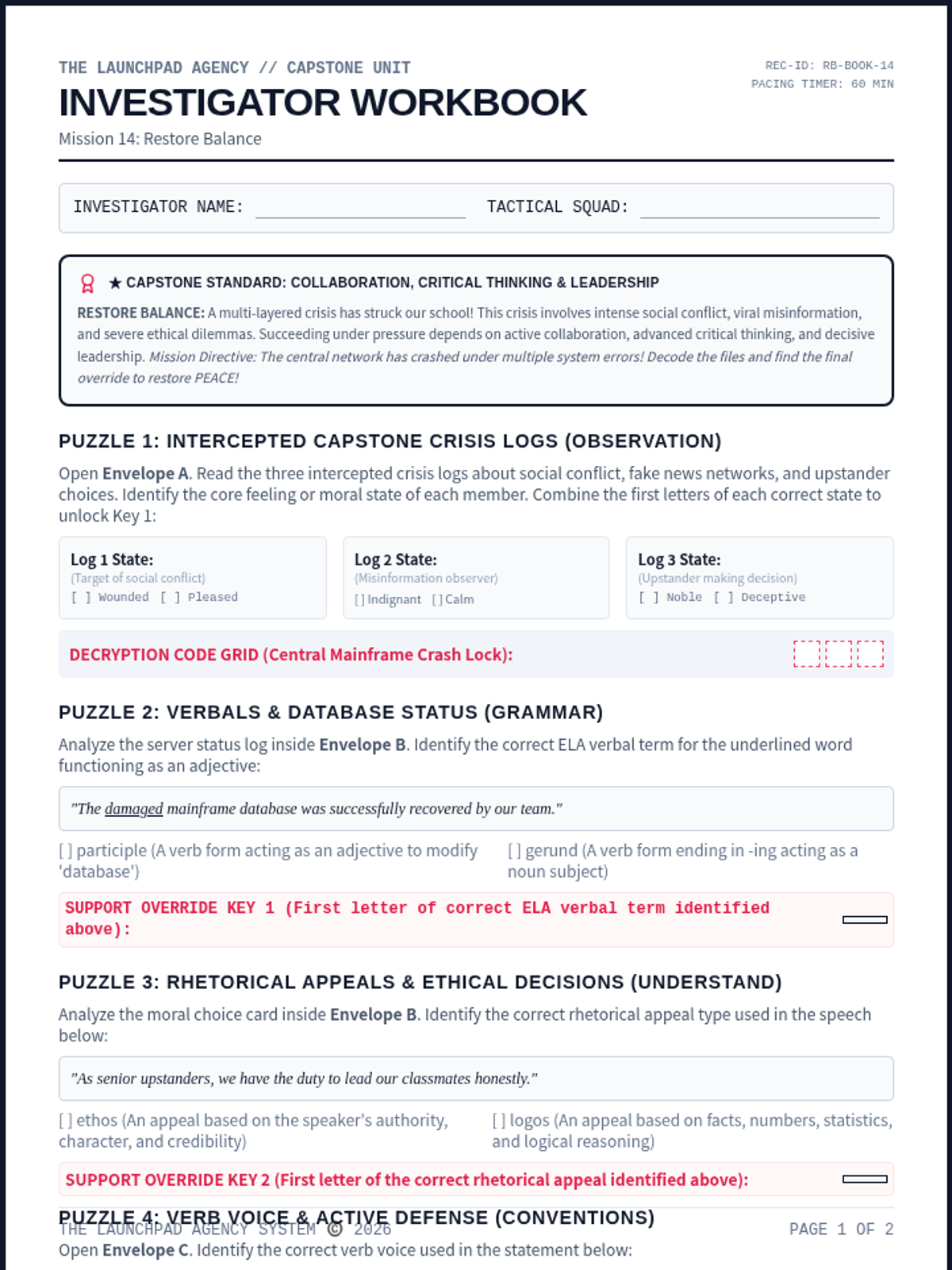
An immersive student-facing escape worksheet. Recruits examine complex social conflict evidence, trace misinformation networks, resolve major ethical dilemmas, and decode the final override.
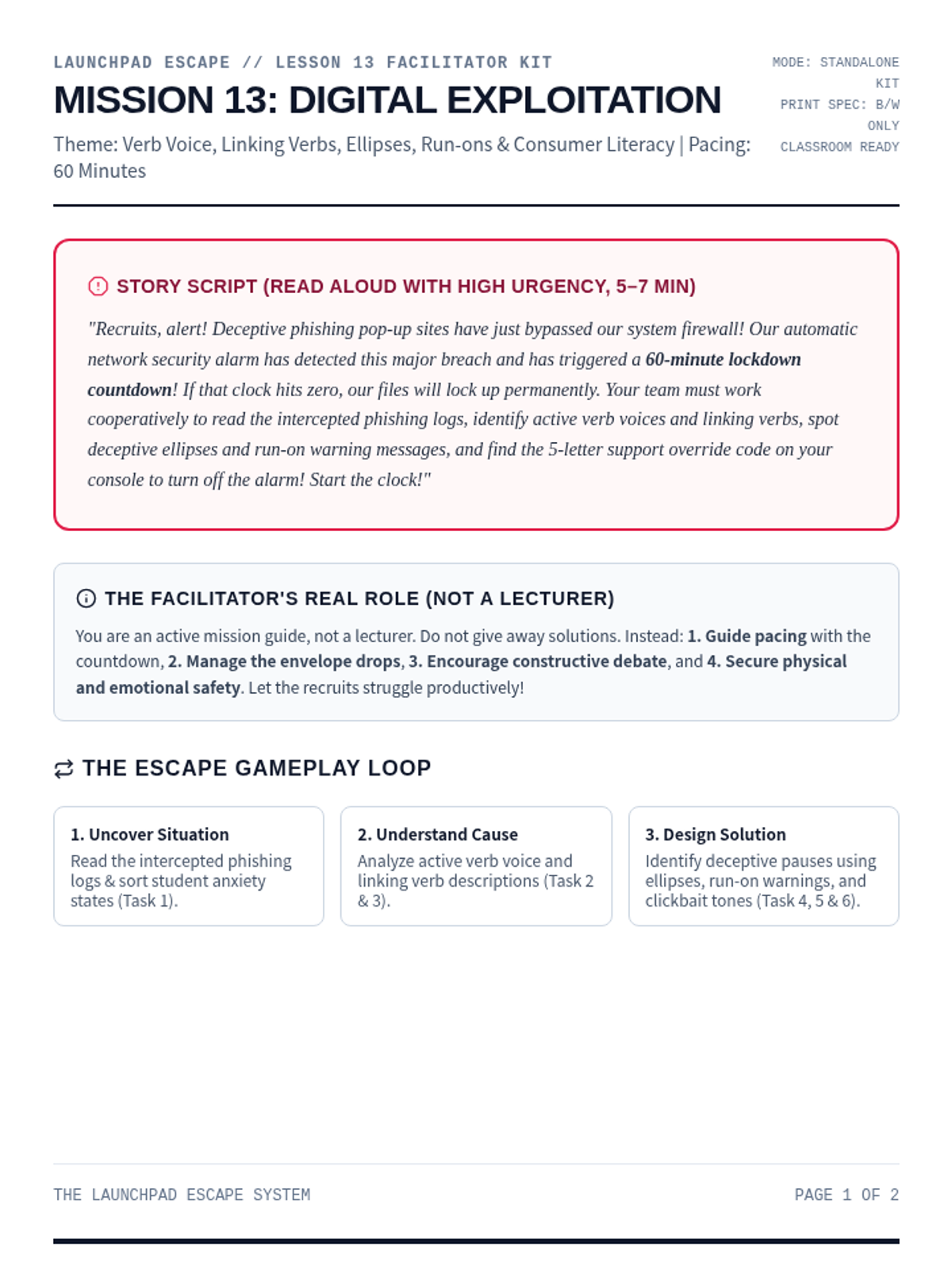
A comprehensive printable facilitator guide for Mission 13: Digital Exploitation. Contains story script, setup checklists, progressive clue mechanics, persuasive appeals endings, and debrief questions.
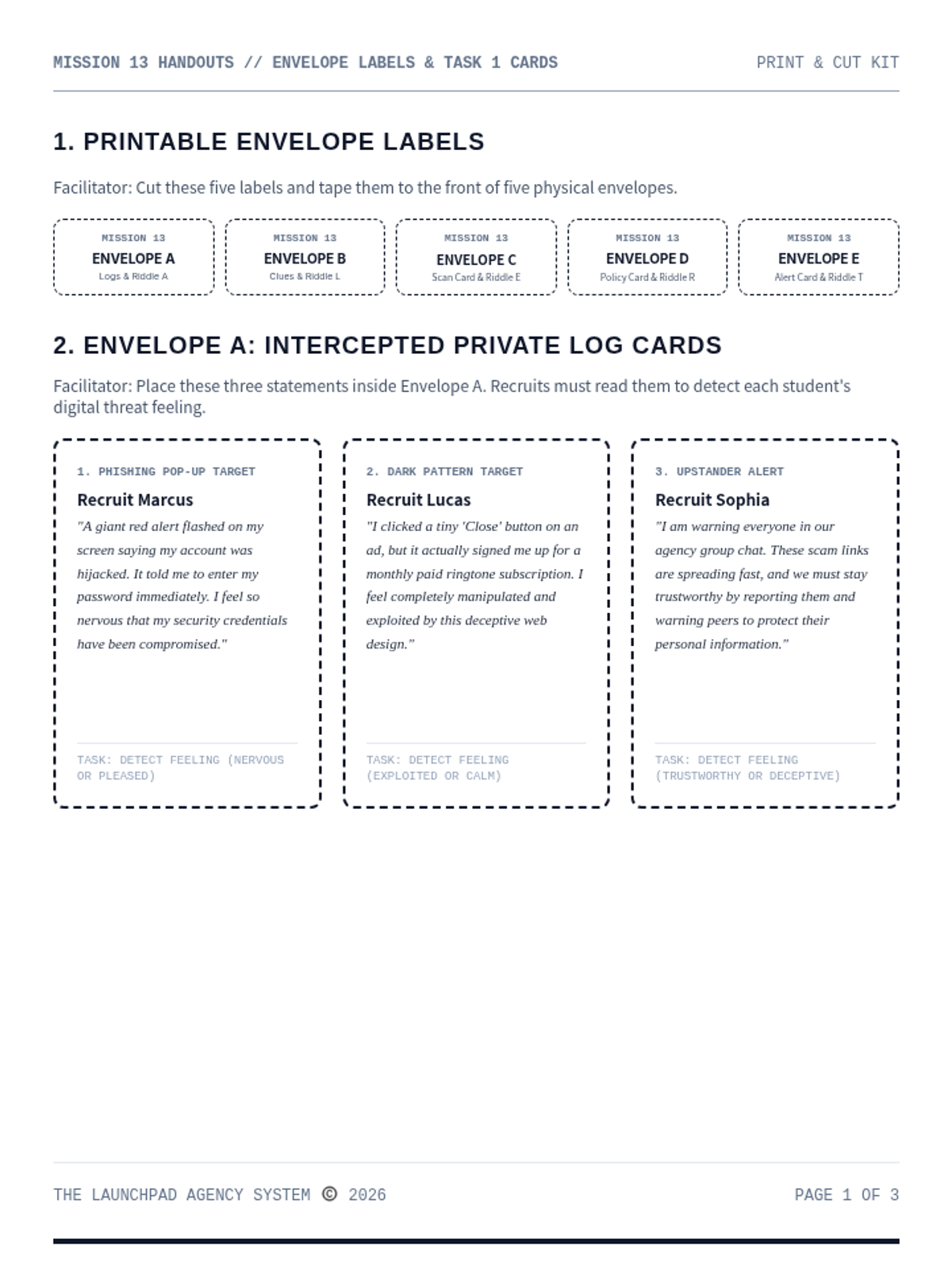
A print-and-cut materials handout kit for Mission 13: Digital Exploitation. Contains envelope labels, student statements, word files, and printable landmark riddle cards.
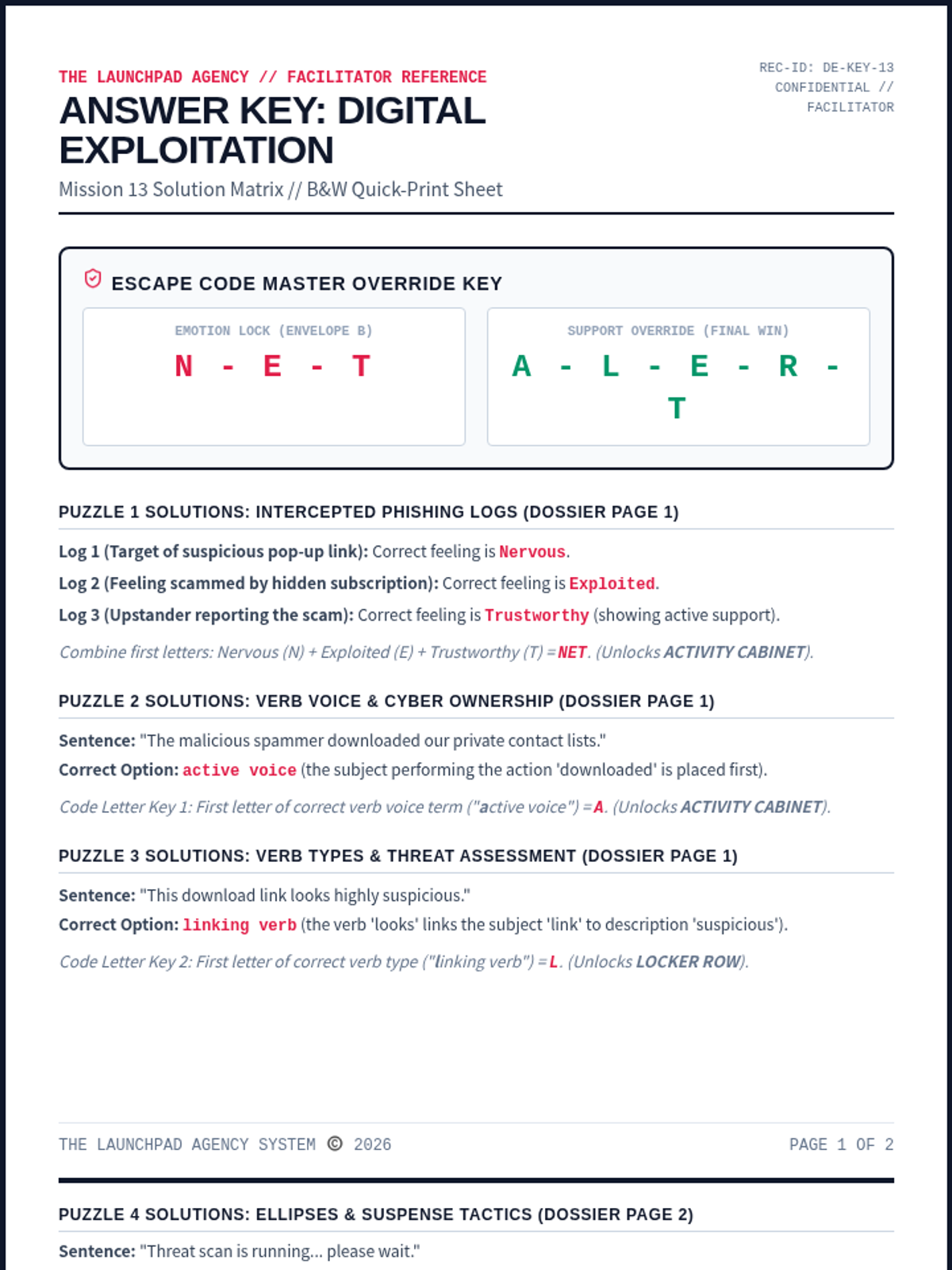
A dedicated facilitator answer key for Mission 13: Digital Exploitation. Contains complete solutions for all ELA/coordinate puzzles, ciphers, and floor map paths, along with rubrics and setup tips.
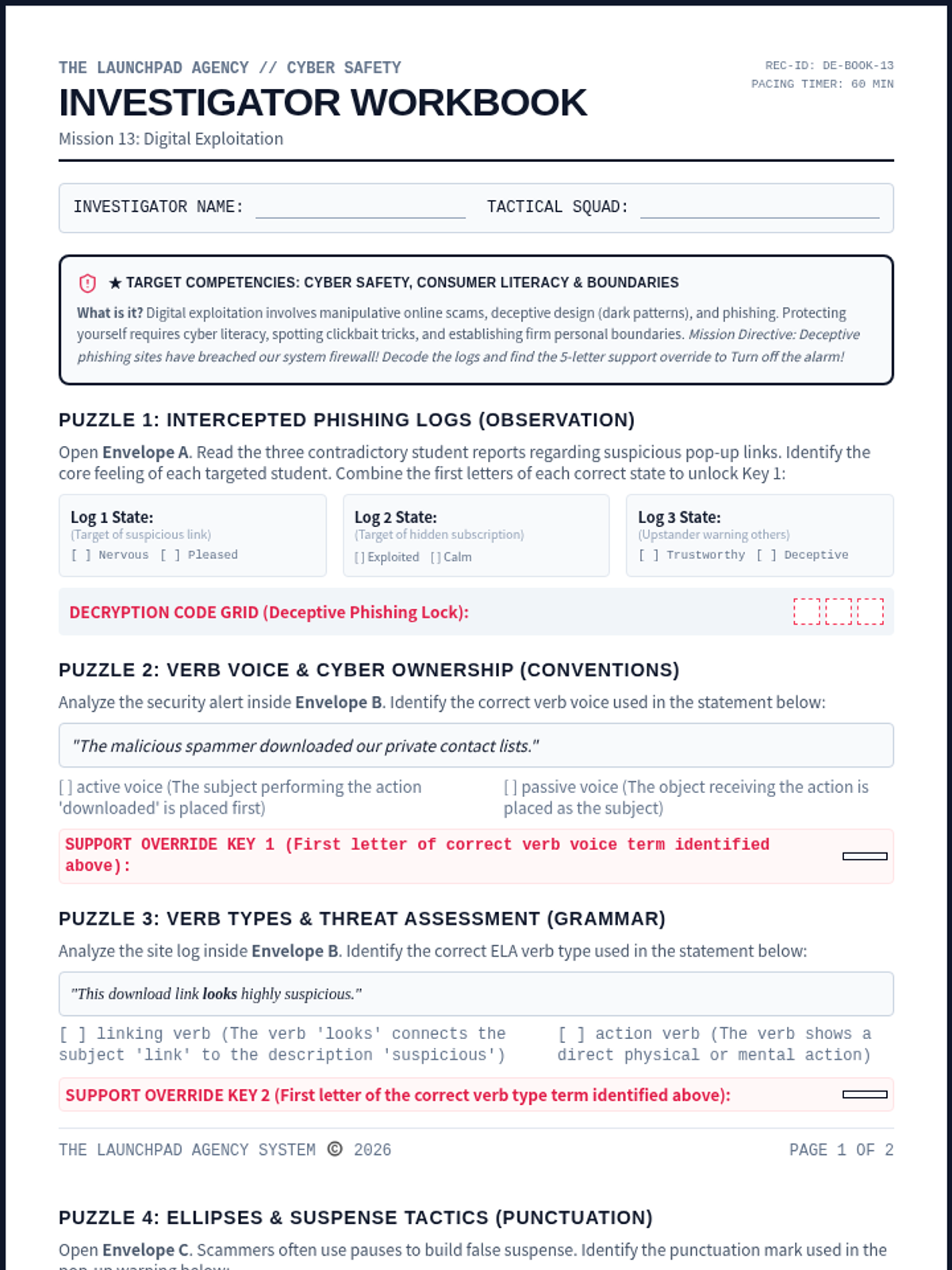
An immersive student-facing escape worksheet. Recruits identify online scams, recognize manipulative dark patterns, and protect personal data. Recruits analyze active verb voices, linking verbs, ellipses punctuation, and deceptive tones to decode the final alert.
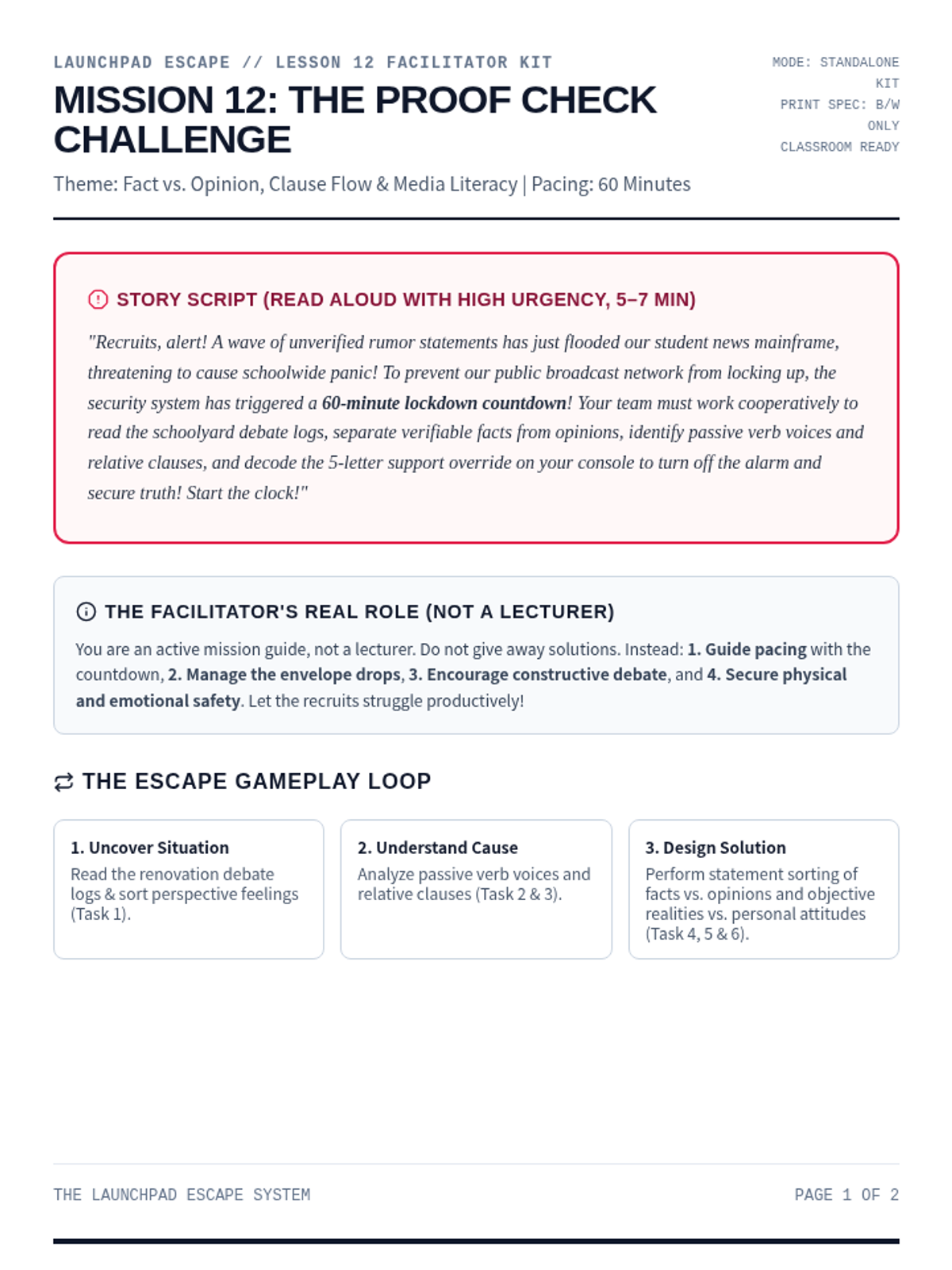
A comprehensive printable facilitator guide for Mission 12: Proof Check. Contains story script, setup checklists, progressive clue mechanics, persuasive appeals endings, and debrief questions.
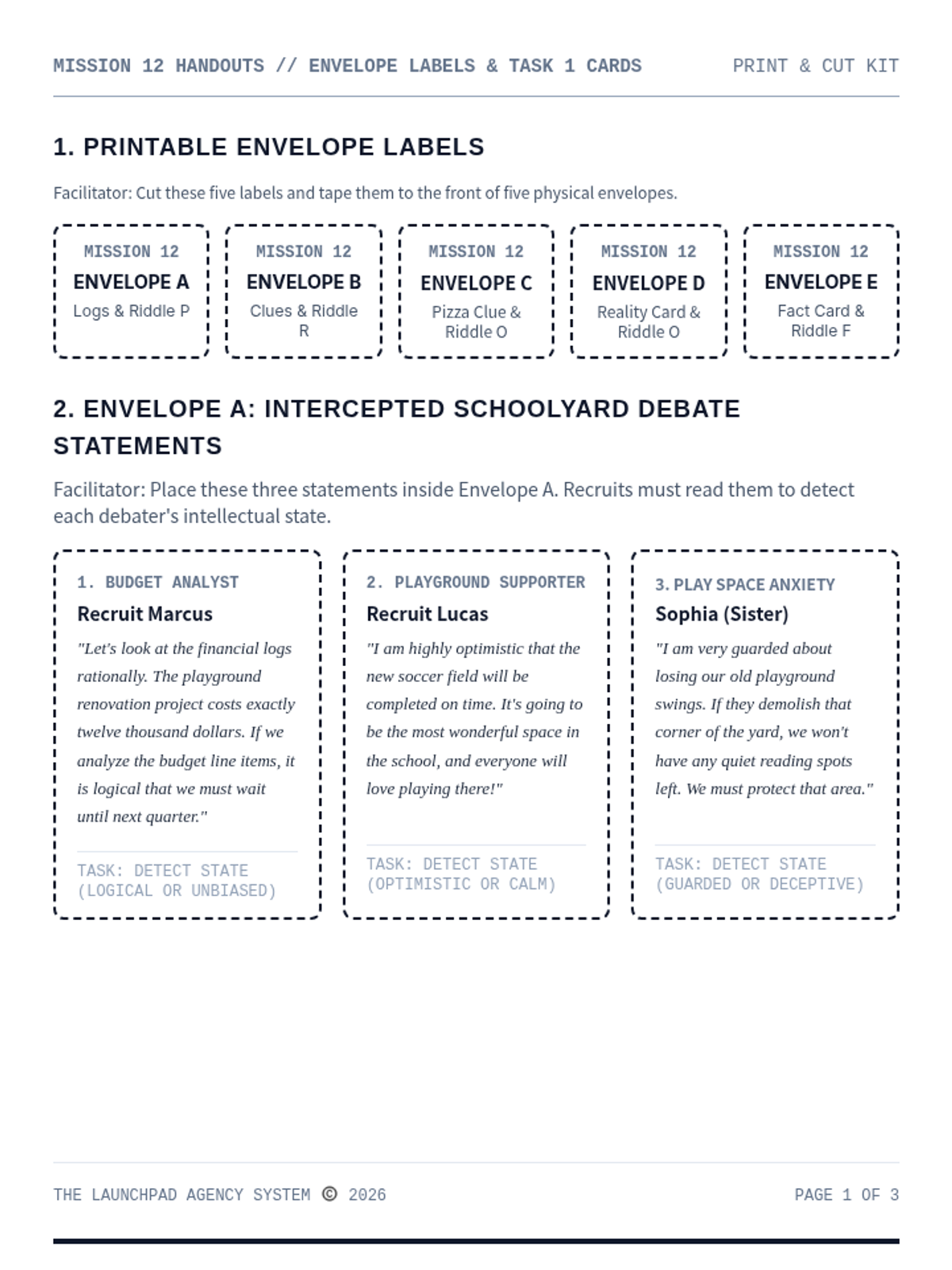
A print-and-cut materials handout kit for Mission 12: Proof Check. Contains envelope labels, student statements, word files, and printable landmark riddle cards.
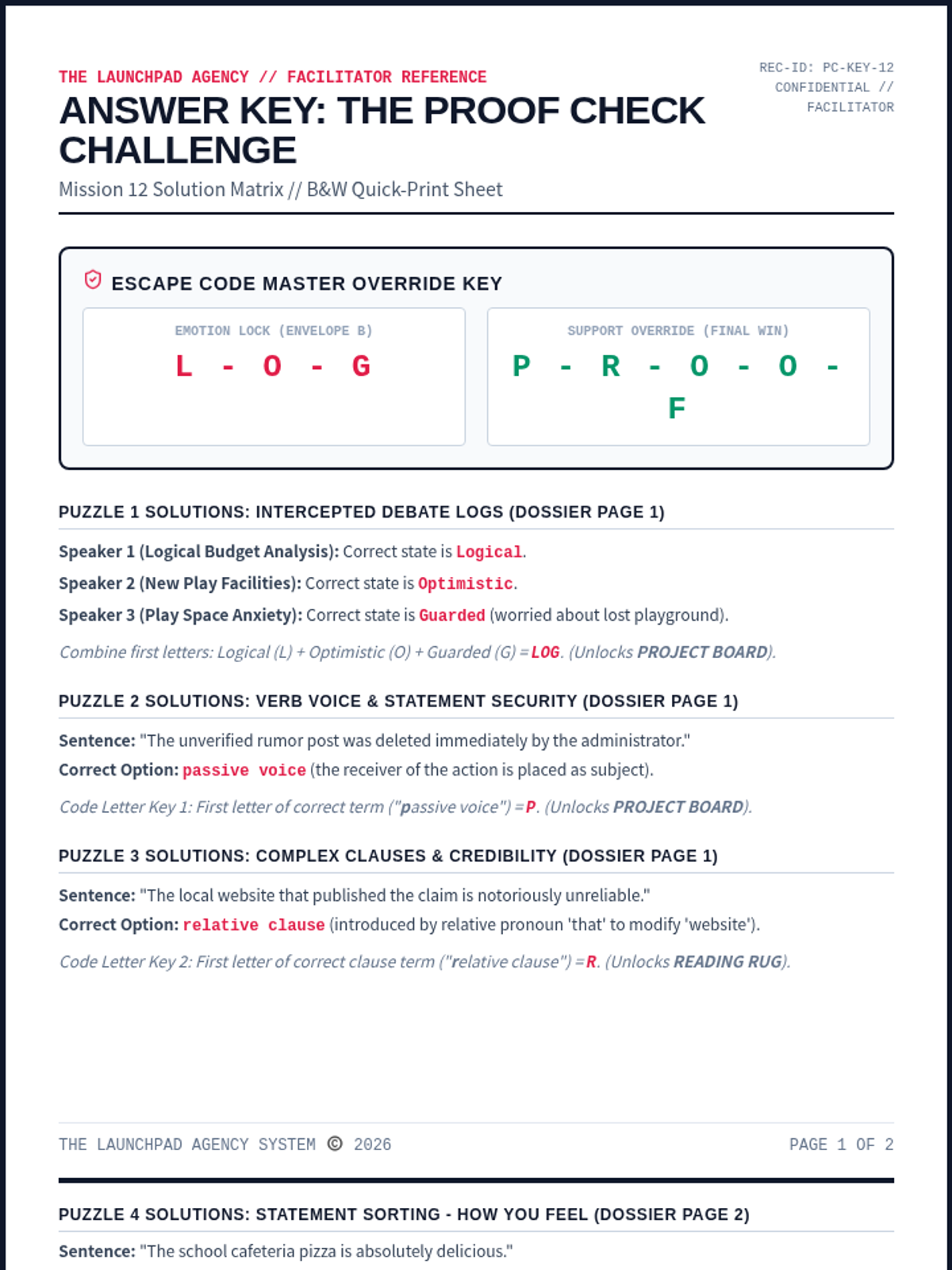
A dedicated facilitator answer key for Mission 12: Proof Check. Contains complete solutions for all ELA/coordinate puzzles, ciphers, and floor map paths, along with rubrics and setup tips.
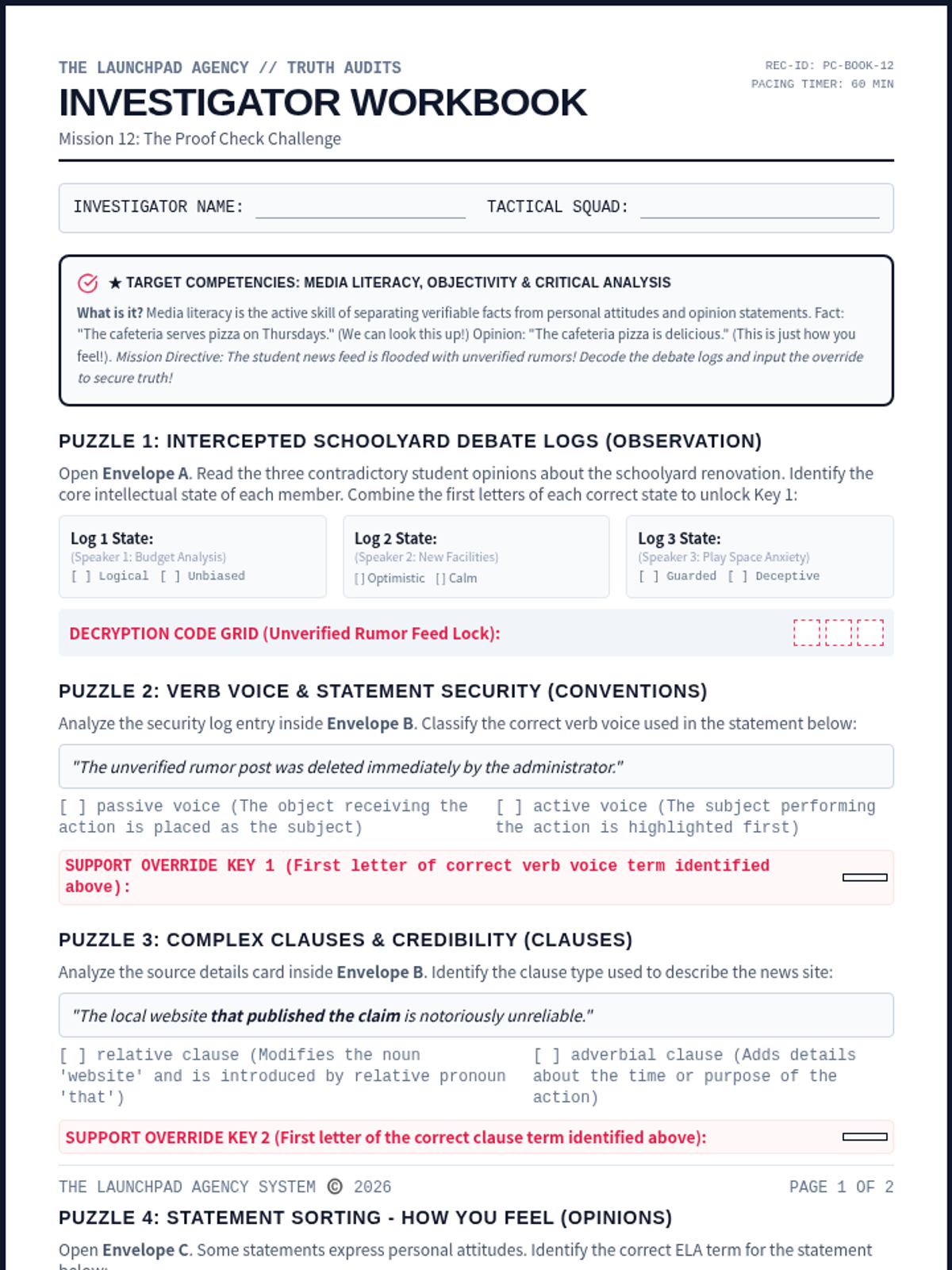
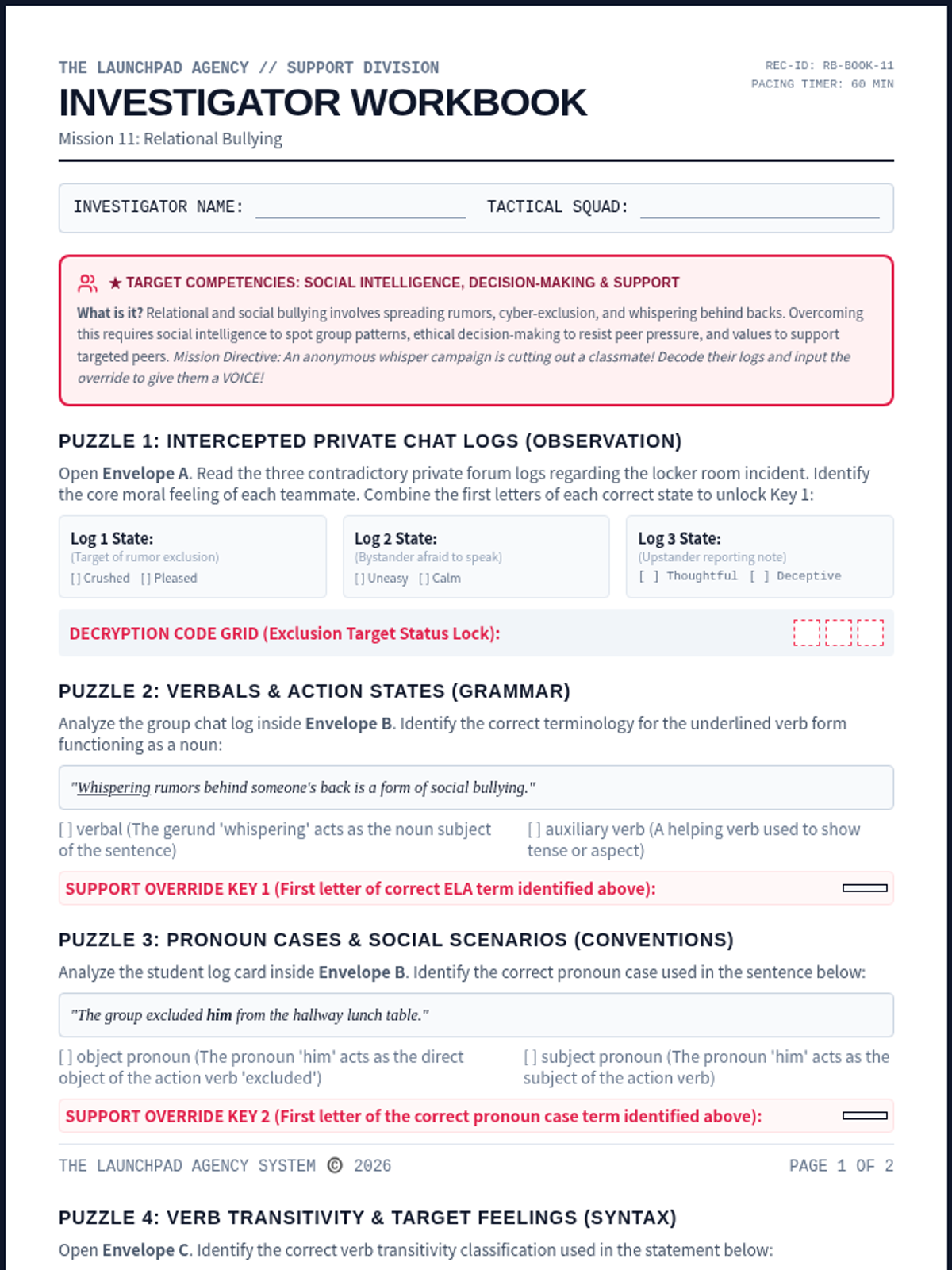
An immersive student-facing escape worksheet. Recruits examine conflicting first-person accounts, analyze relational bullying, identify verbals, object pronouns, intransitive verbs, compound sentences, exclamatory sentence purposes, and solve the override code.
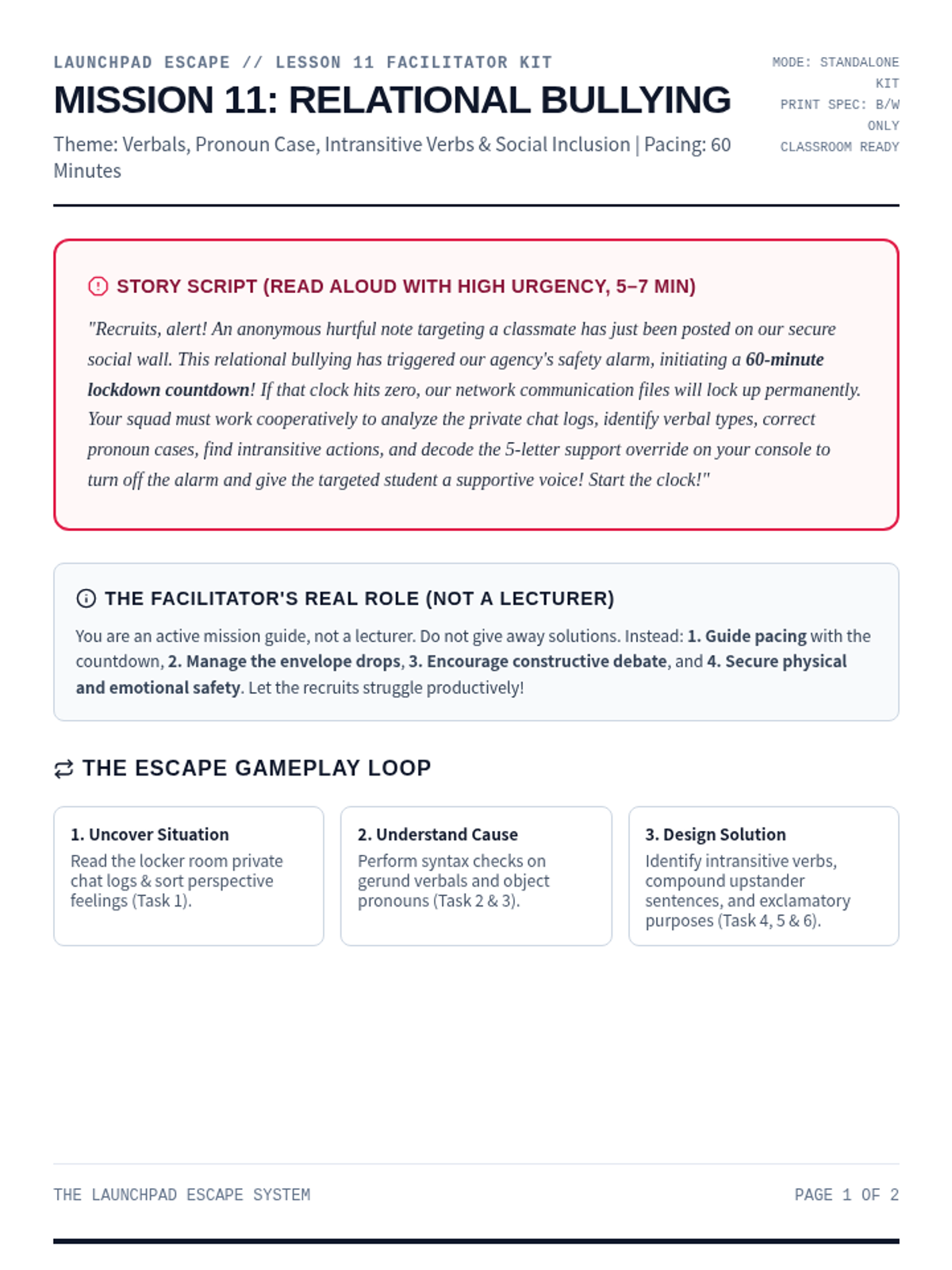
A comprehensive printable facilitator guide for Mission 11: Relational Bullying. Contains story script, setup checklists, progressive clue mechanics, persuasive appeals endings, and debrief questions.
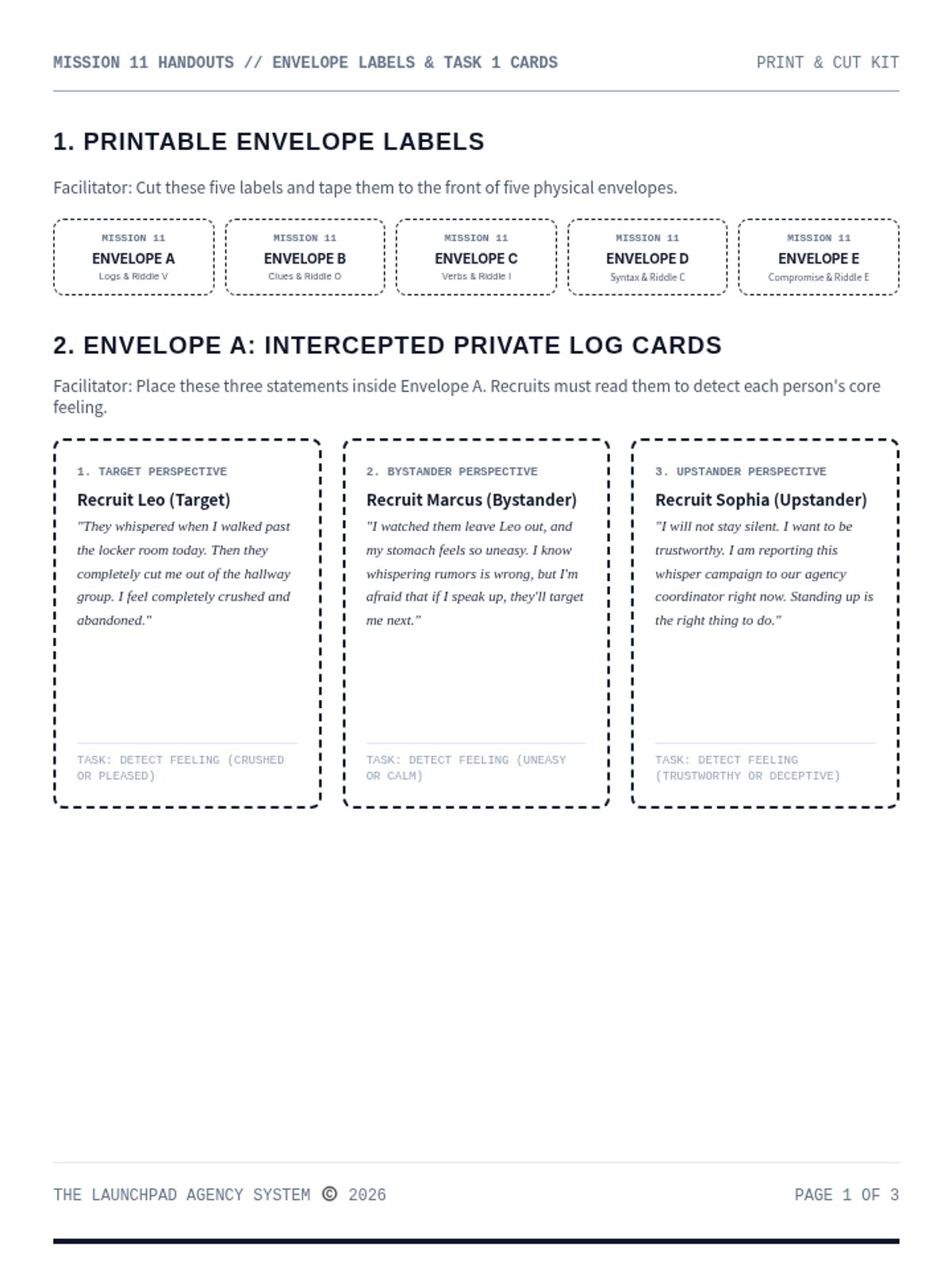
A print-and-cut materials handout kit for Mission 11: Relational Bullying. Contains envelope labels, student statements, word files, and printable landmark riddle cards.
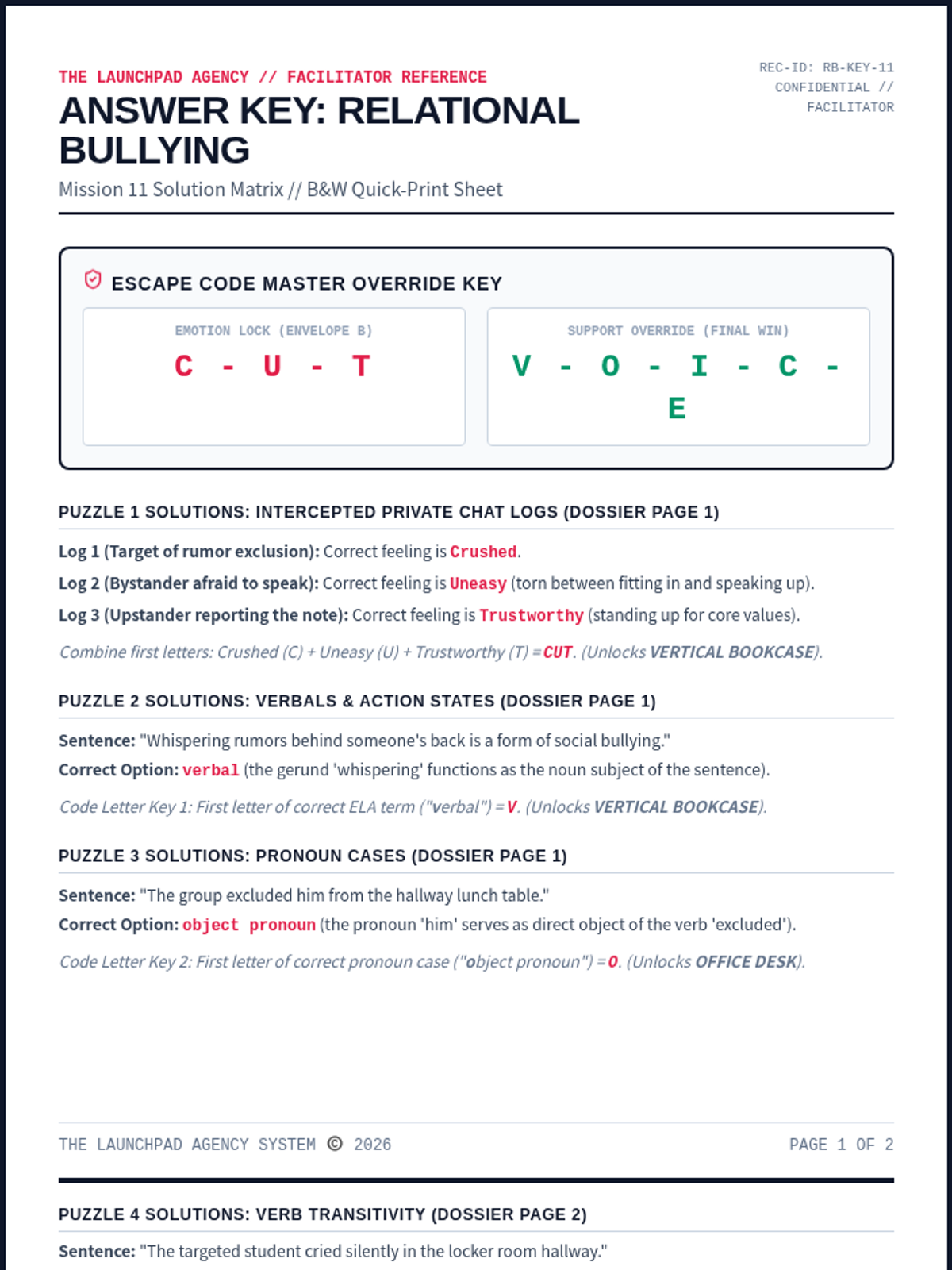
A dedicated facilitator answer key for Mission 11: Relational Bullying. Contains complete solutions for all ELA/coordinate puzzles, ciphers, and floor map paths, along with rubrics and setup tips.
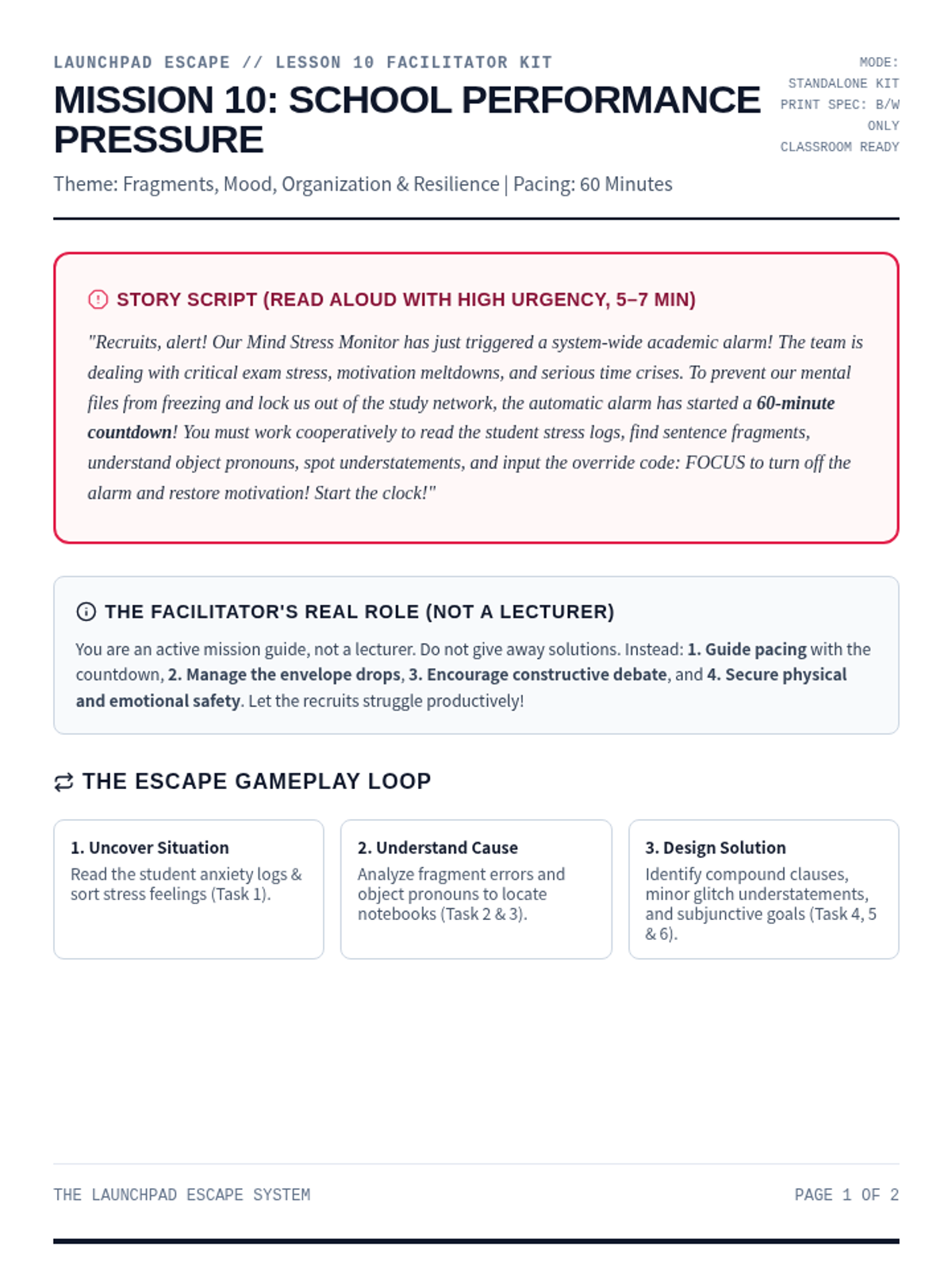
A comprehensive printable facilitator guide for Mission 10: School Performance Pressure. Contains story script, setup checklists, progressive clue mechanics, persuasive appeals endings, and debrief questions.
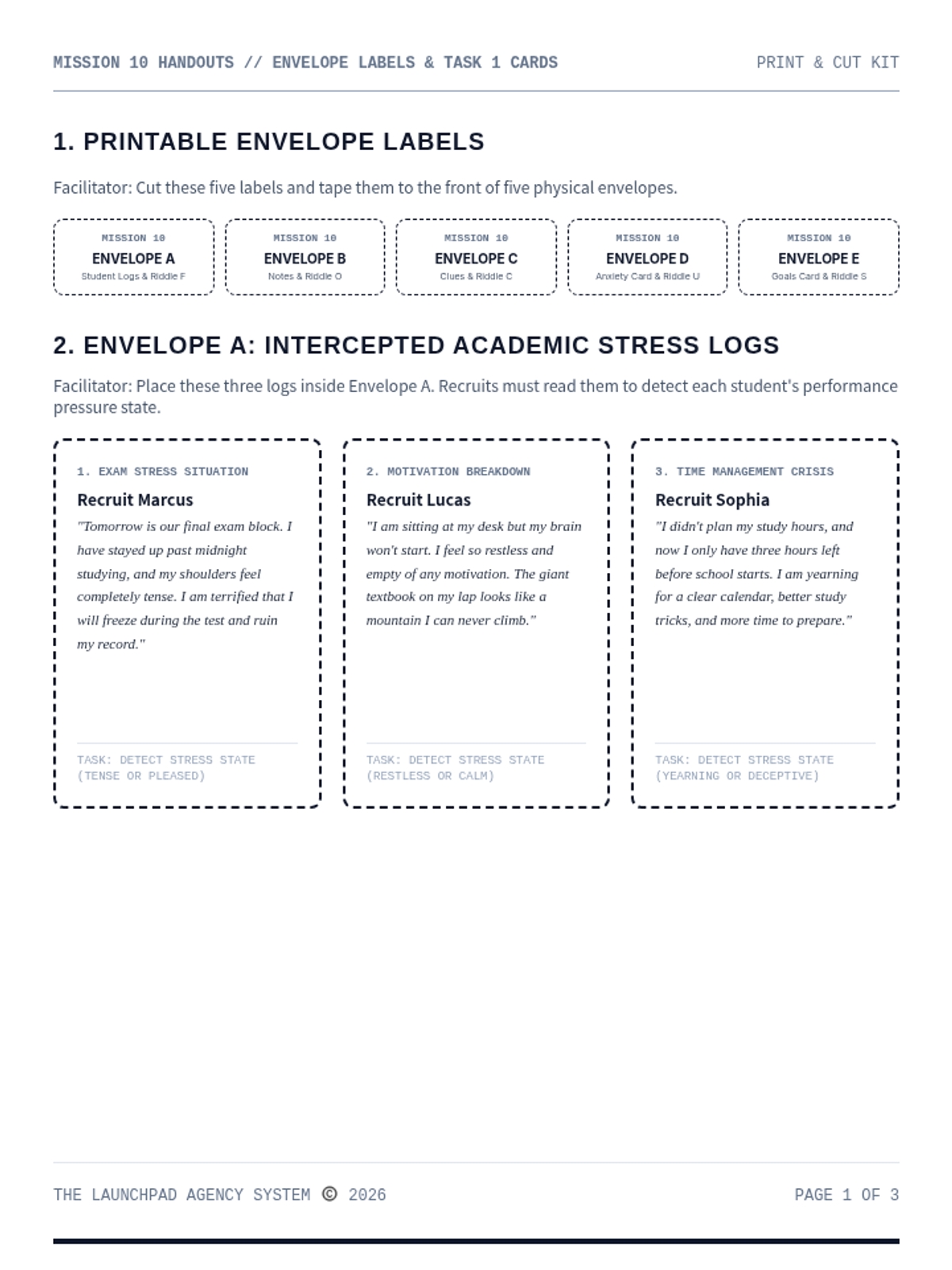
A print-and-cut materials handout kit for Mission 10: School Performance Pressure. Contains envelope labels, student statements, word files, and printable landmark riddle cards.
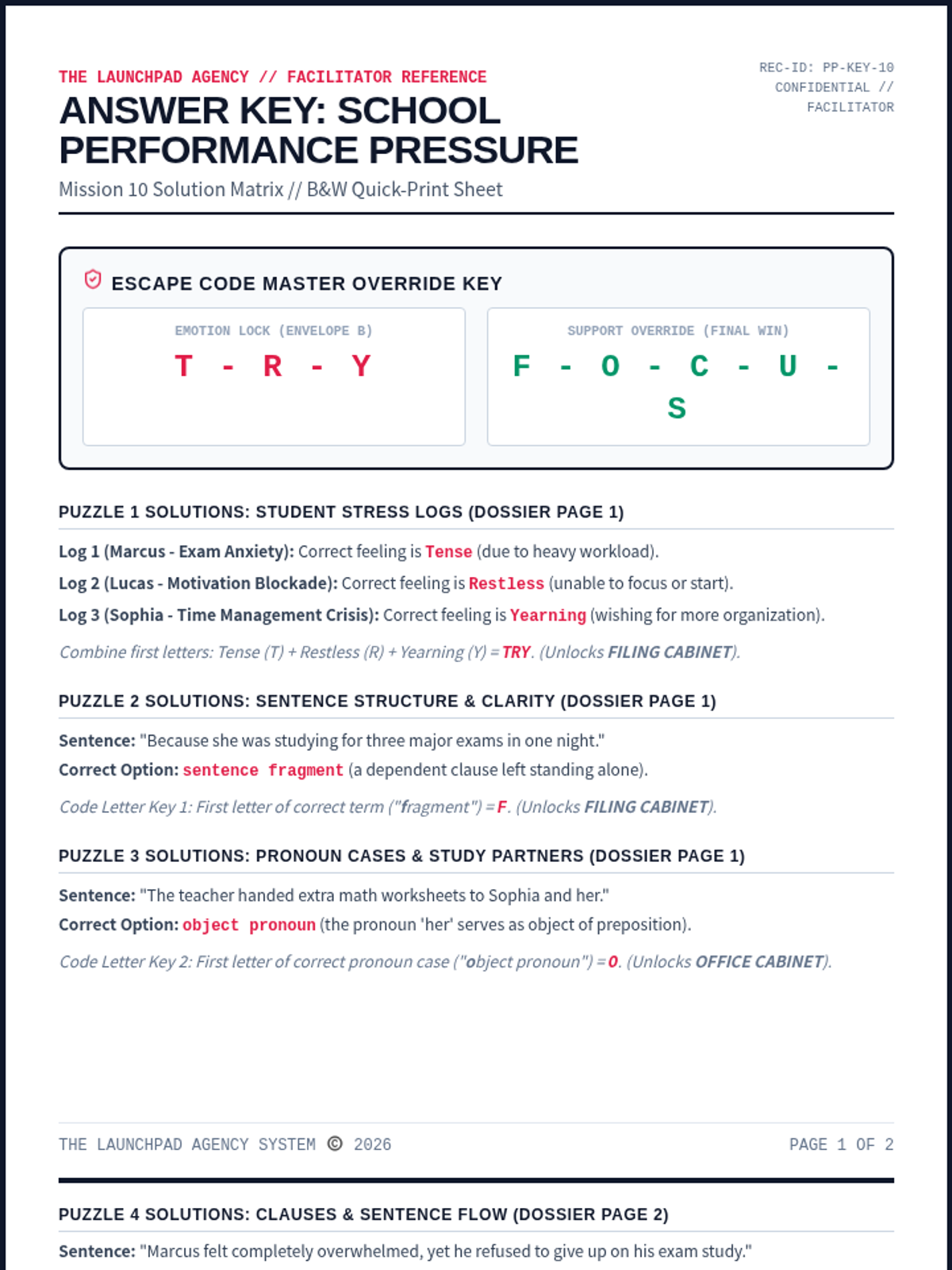
A dedicated facilitator answer key for Mission 10: School Performance Pressure. Contains complete solutions for all ELA/coordinate puzzles, ciphers, and floor map paths, along with rubrics and setup tips.
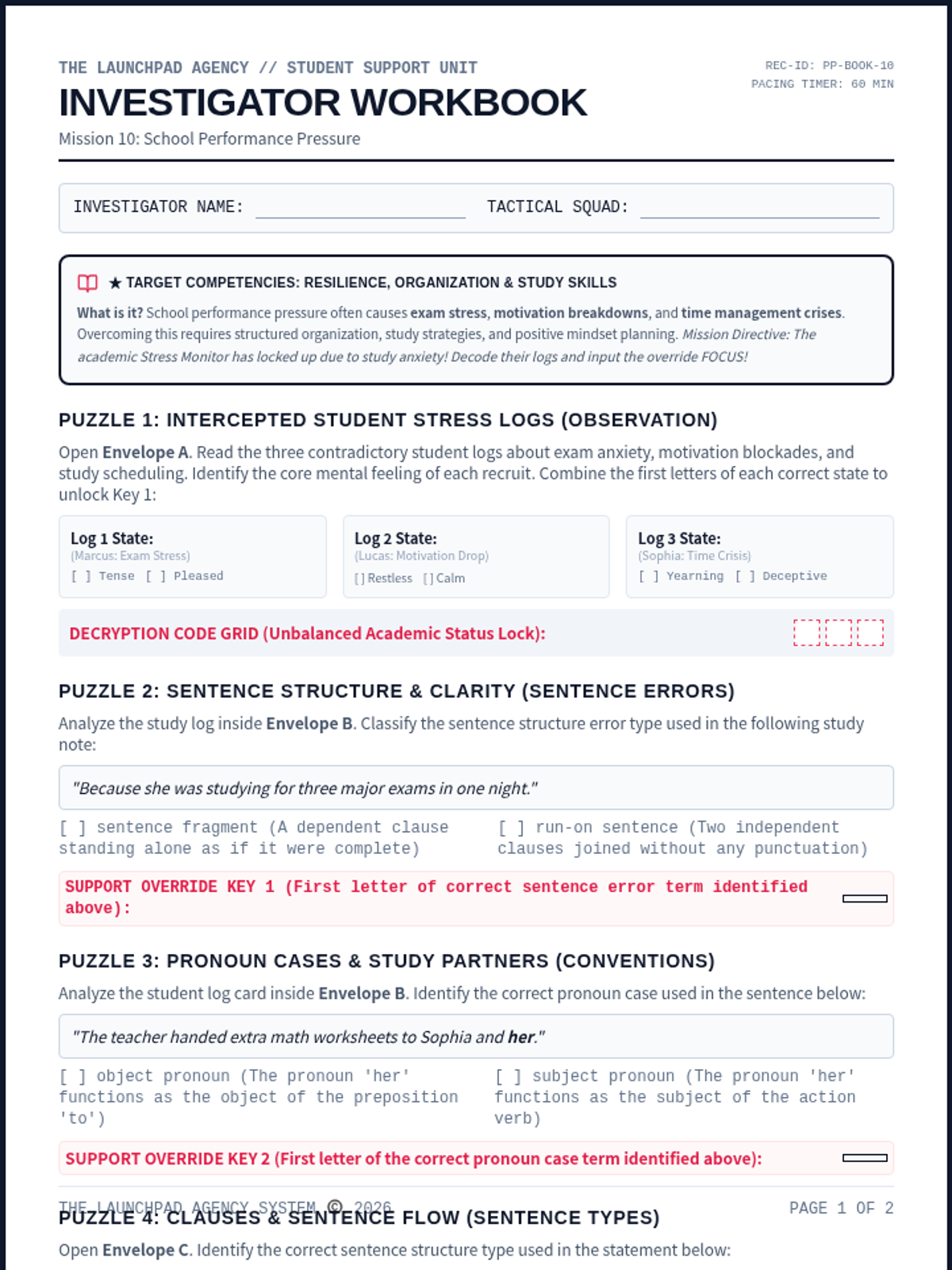
An immersive student-facing escape worksheet. Recruits analyze student logs, build efficient schedules, understand fragments, object pronouns, understatement, subjunctive mood, and decode the final override.
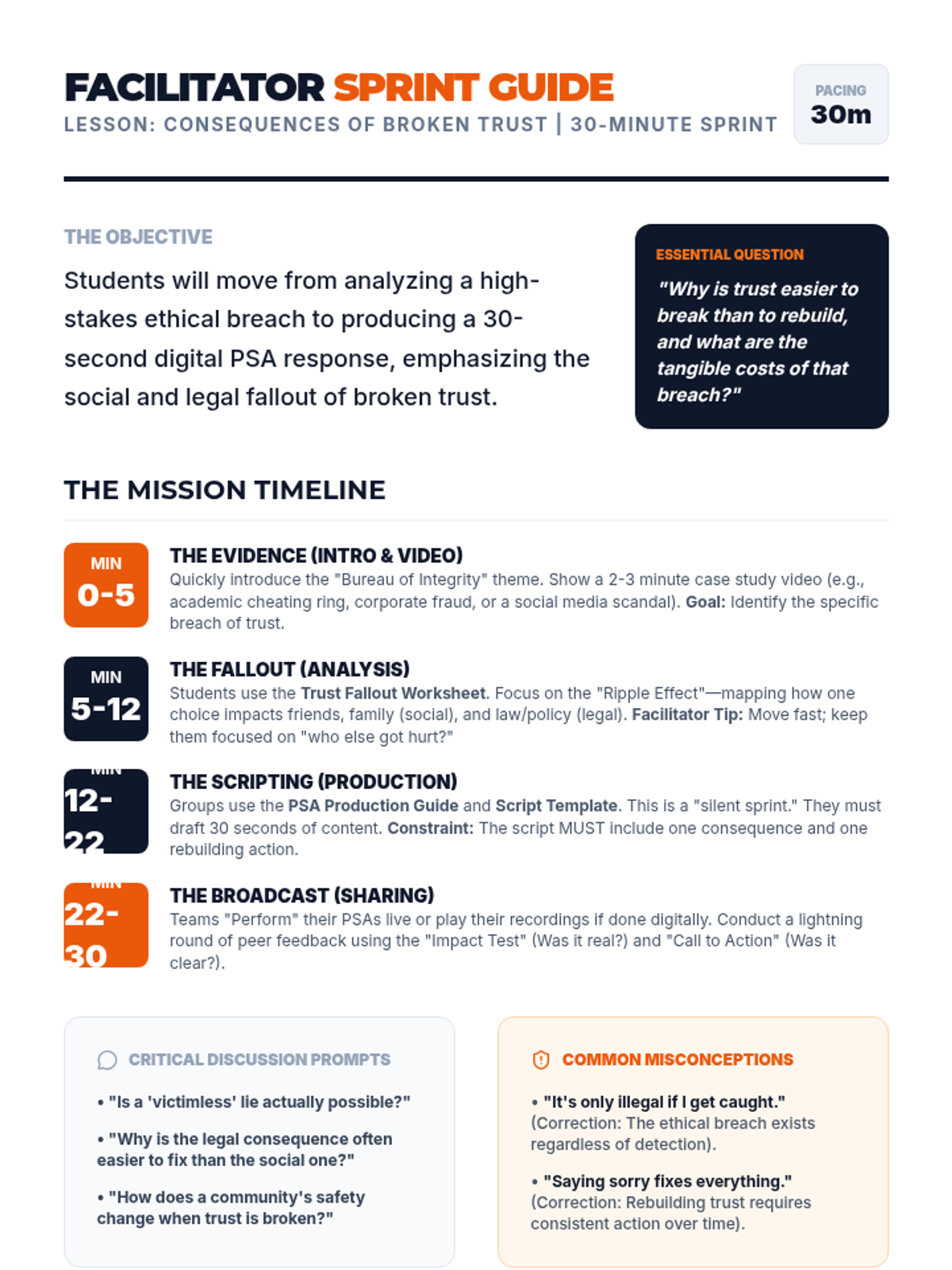
A teacher's facilitation guide for managing the high-intensity 30-minute ethics lesson. Includes a minute-by-minute breakdown, critical discussion prompts, common misconceptions, and differentiation strategies.
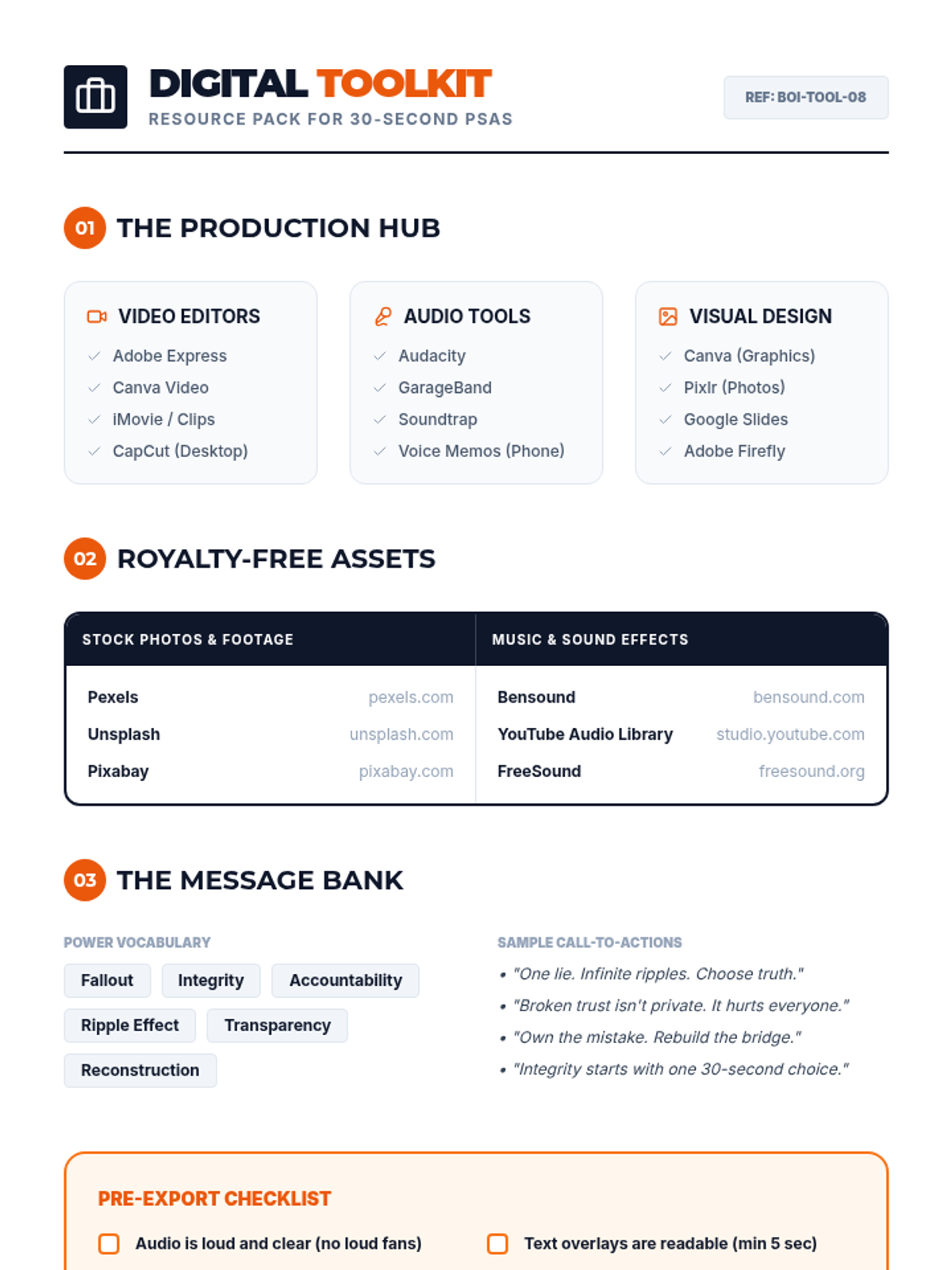
A digital resource toolkit for students creating PSAs. Provides curated lists of video and audio editing apps, royalty-free stock asset libraries, and a "message bank" with power vocabulary and sample call-to-actions.
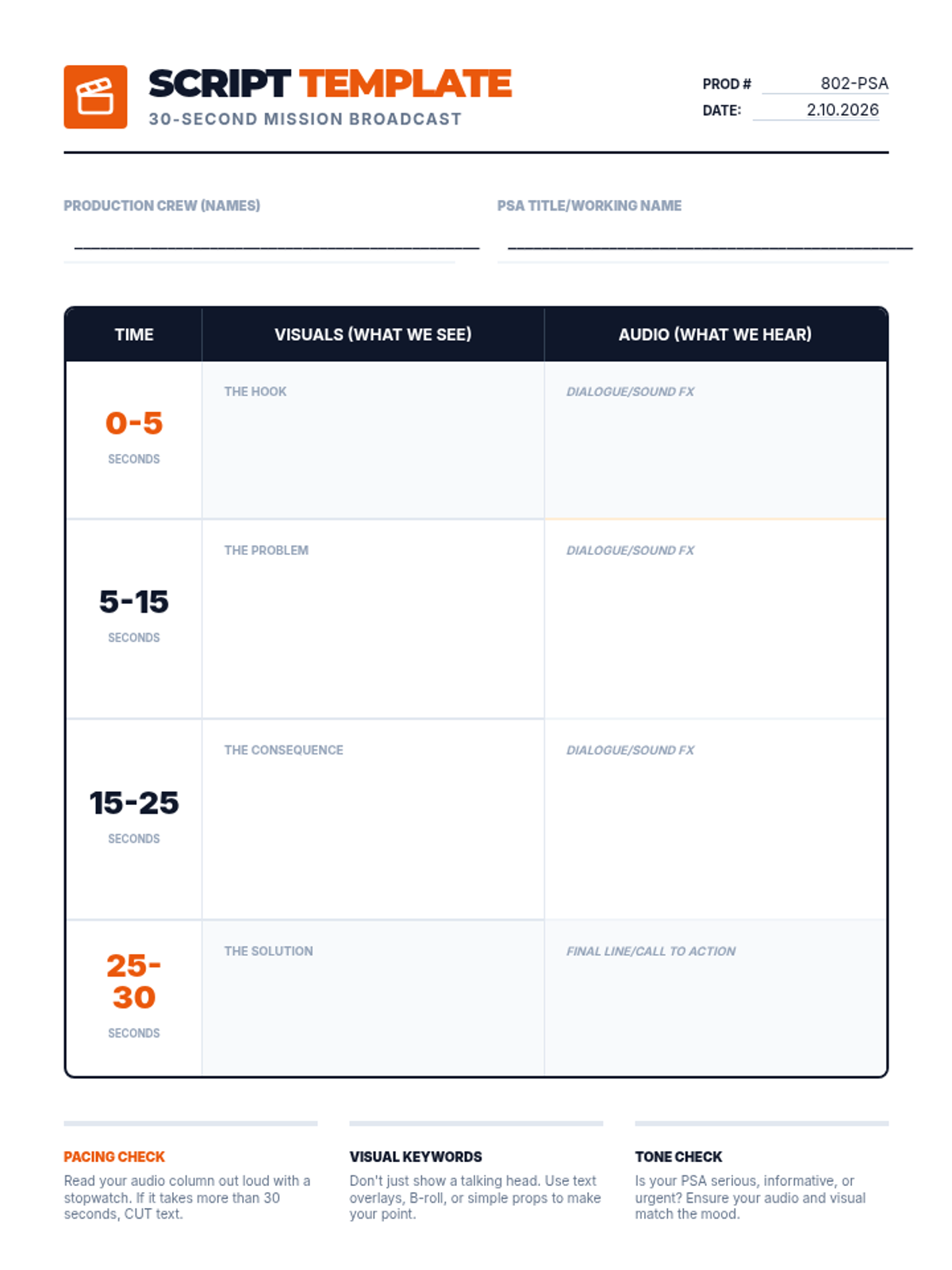
A structured scriptwriting template for students to plan their 30-second digital PSA. Includes timed segments for the hook, problem, consequence, and solution, with dedicated space for visual and audio descriptions.
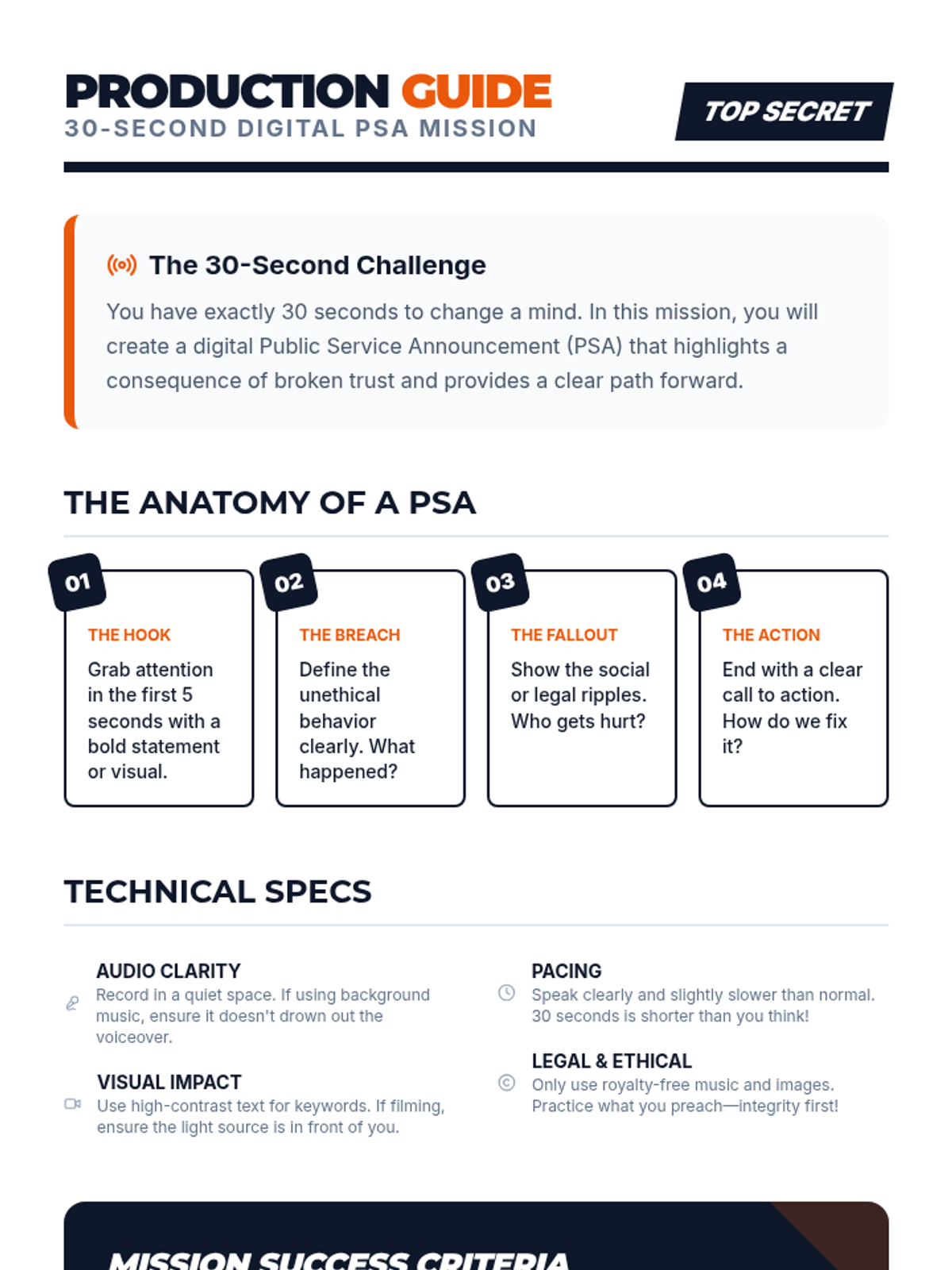
A comprehensive production guide for students to create high-impact 30-second digital PSAs. Includes a breakdown of PSA anatomy, technical specifications, and mission success criteria.
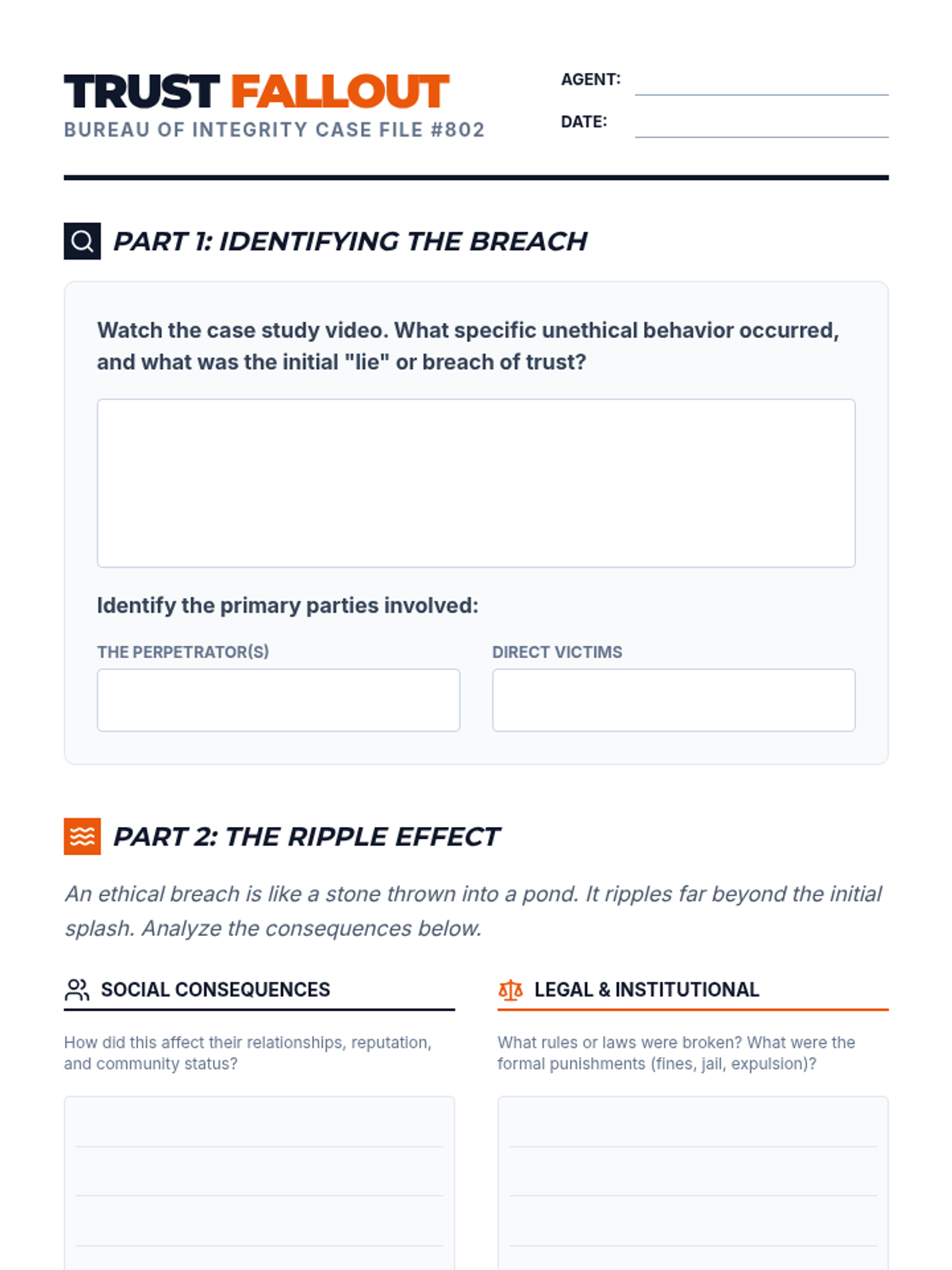
A student analysis worksheet for tracking the social and legal consequences of ethical breaches in a case study. Includes a "ripple effect" analysis and a reconstruction strategy section.
A high-impact slide deck for an 8th-grade ethics lesson. Features an investigative journalism theme with slides for mission briefing, evidence review, consequence analysis, and a 30-second PSA production challenge.
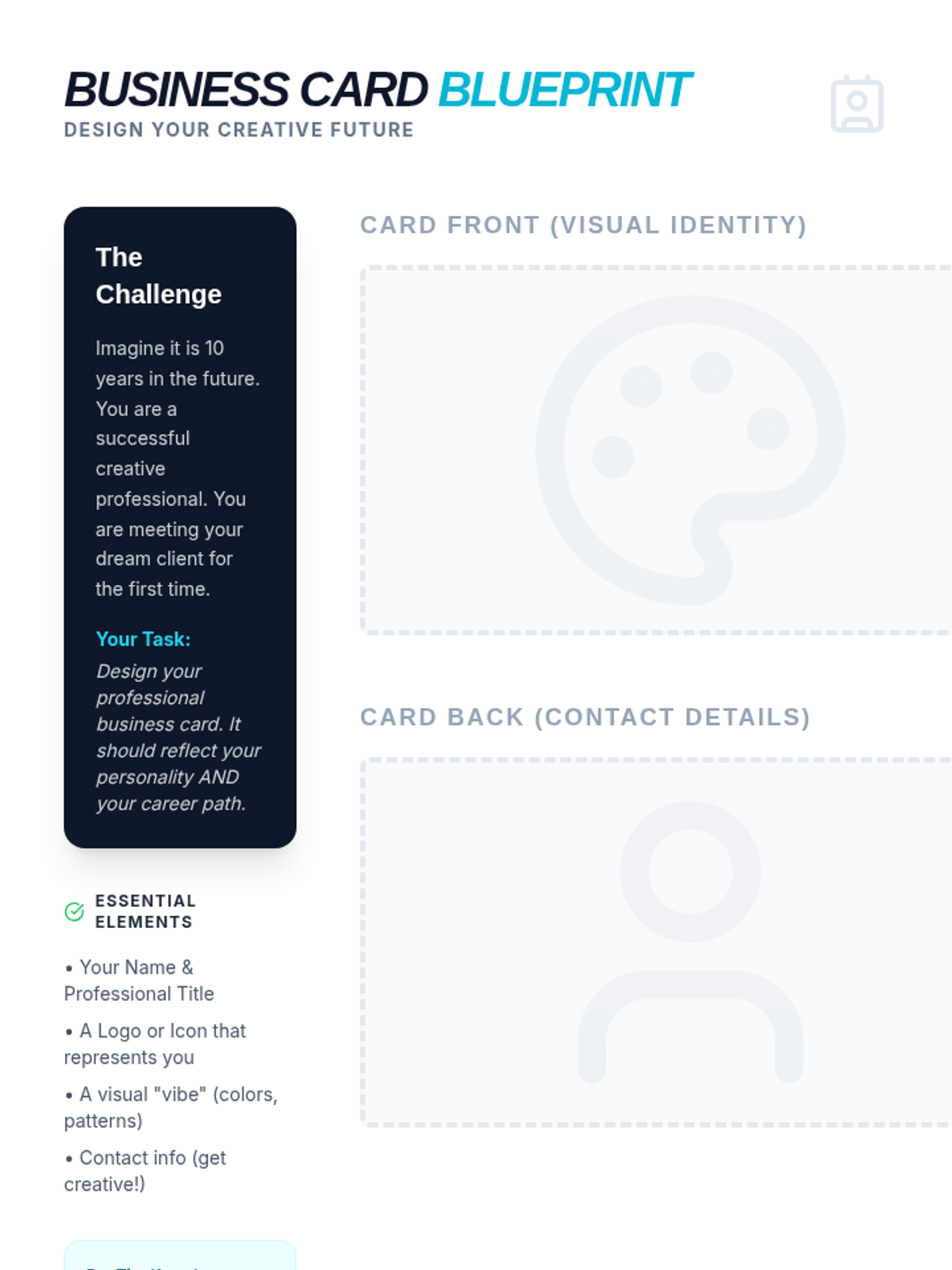
A creative activity where students design their own professional business card for a future art career, including space for front/back designs and a design reflection.
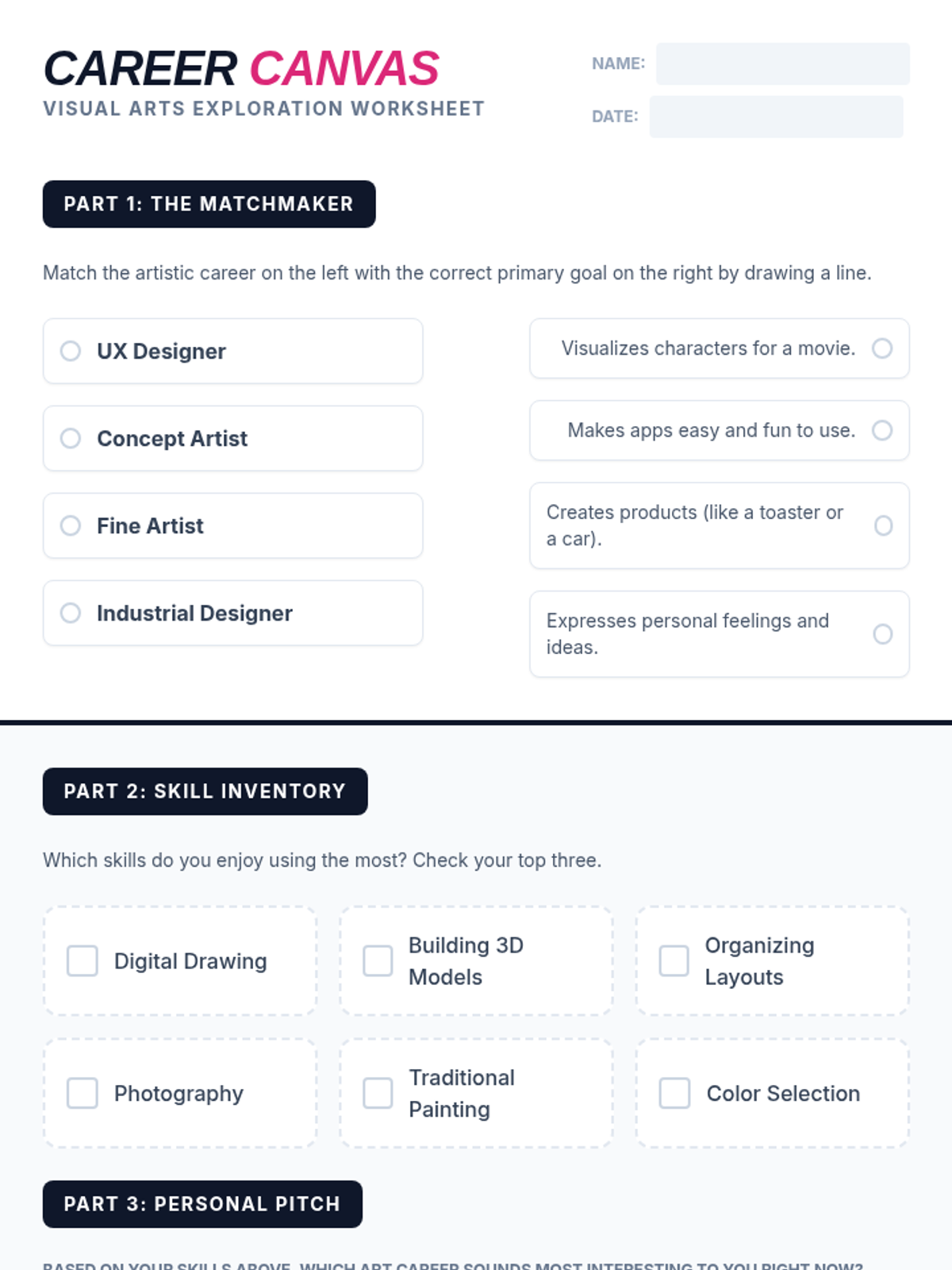
A student worksheet designed to help students explore and reflect on art careers, including a matching activity and a personal skill inventory.
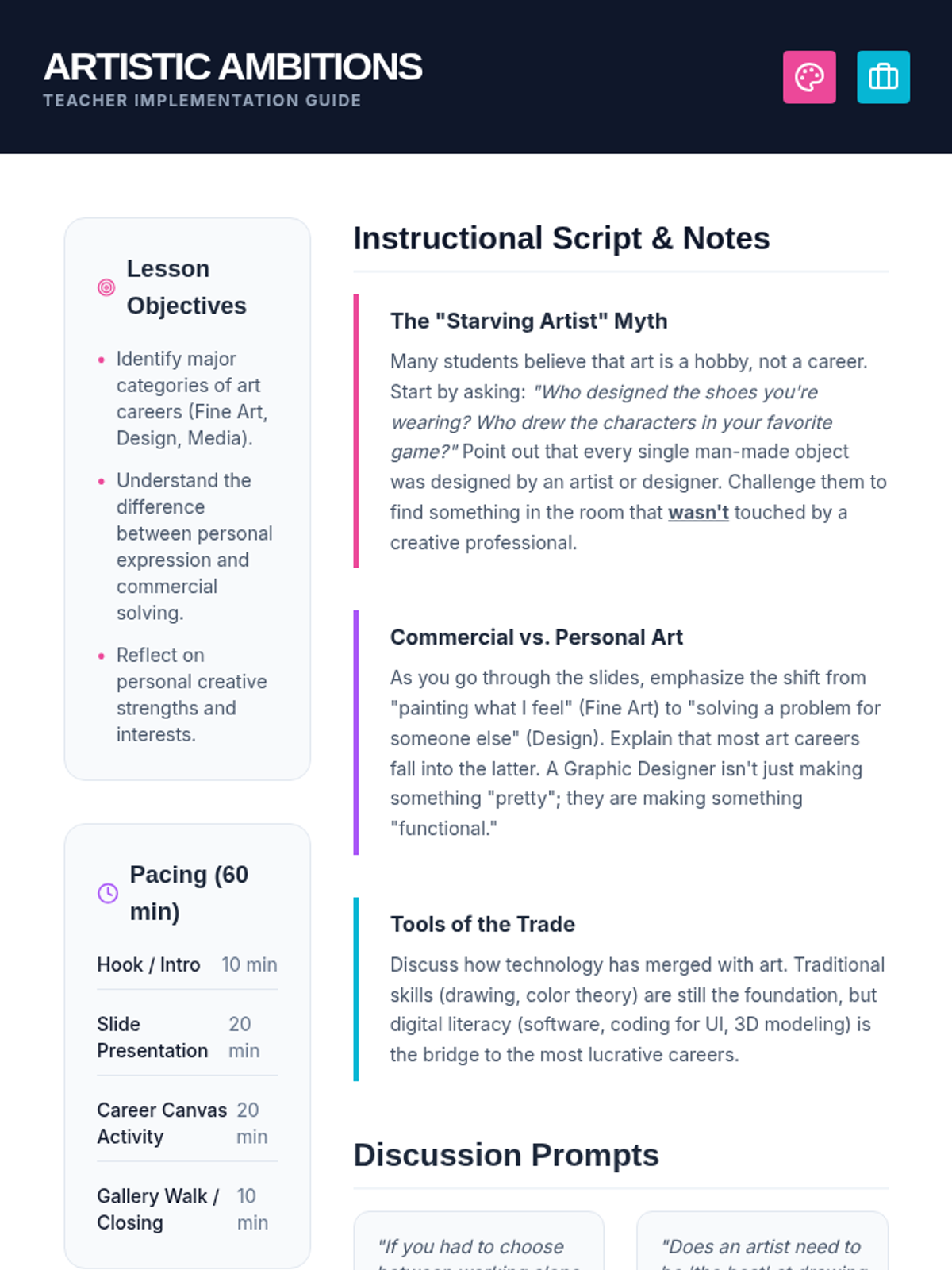
A comprehensive teacher guide for the Artistic Ambitions lesson, including pacing, discussion prompts, and instructional notes to debunk myths about art careers.
A vibrant, high-impact slide deck exploring professional paths in the visual arts, covering fine art, design, media, and architecture.
Session 2 slide deck exploring brand voice, core values, and introductory logo design with design tips and a matching game.
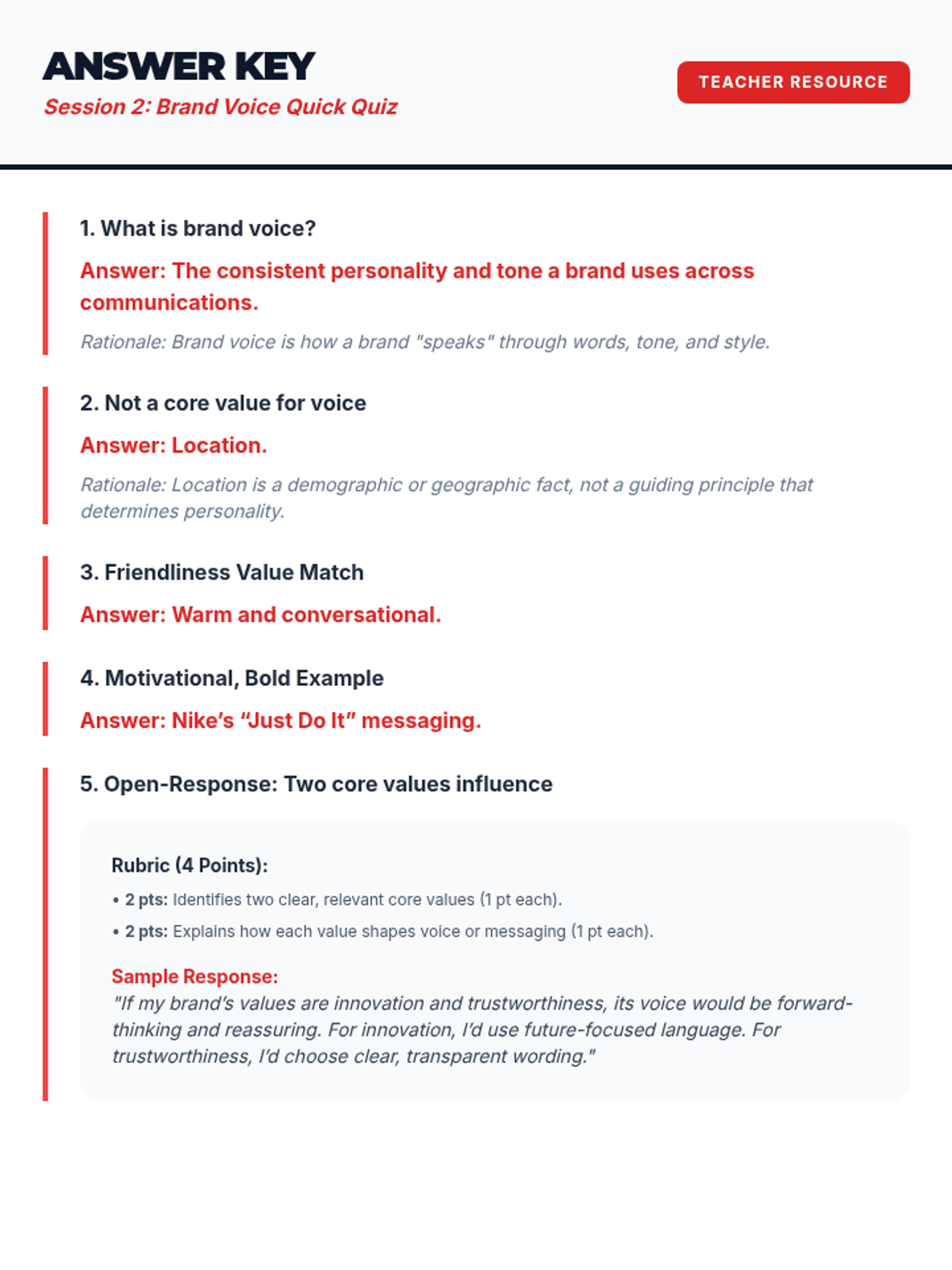
Answer key for the Session 2 Brand Voice Quick Quiz.
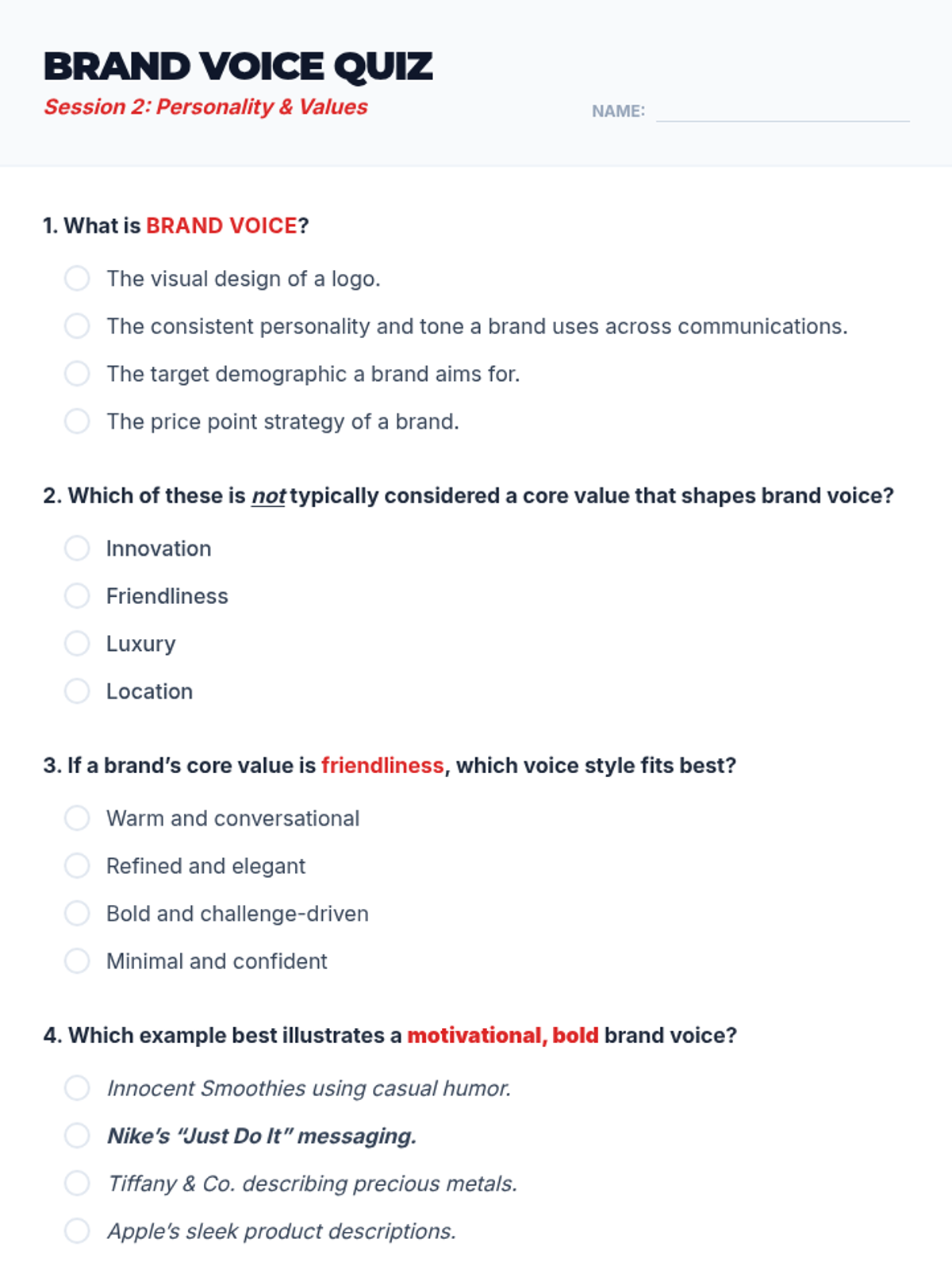
A 5-question quick quiz for Session 2 to assess student understanding of brand voice and values.
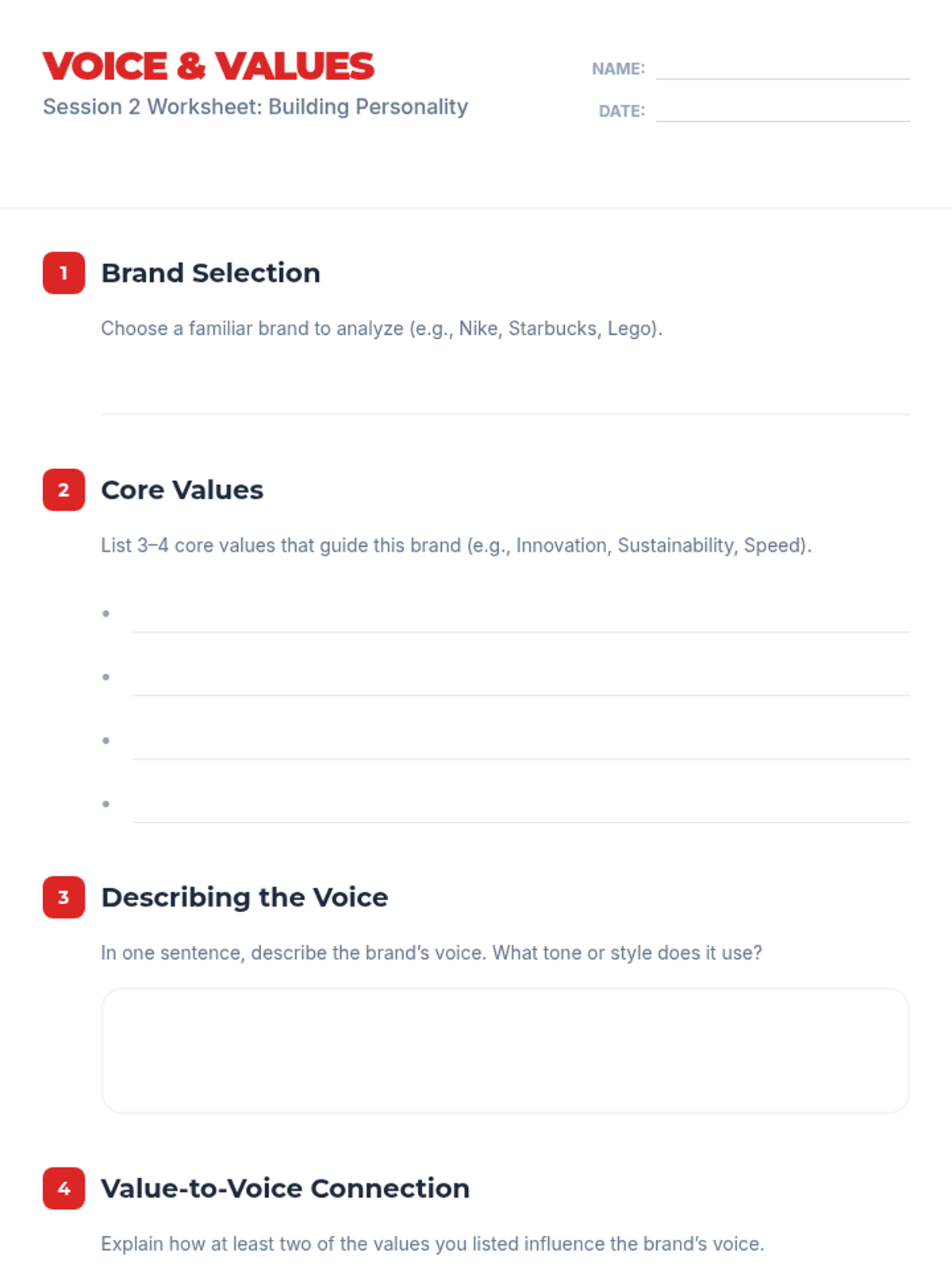
Worksheet for Session 2 where students choose a brand and analyze its core values and brand voice.
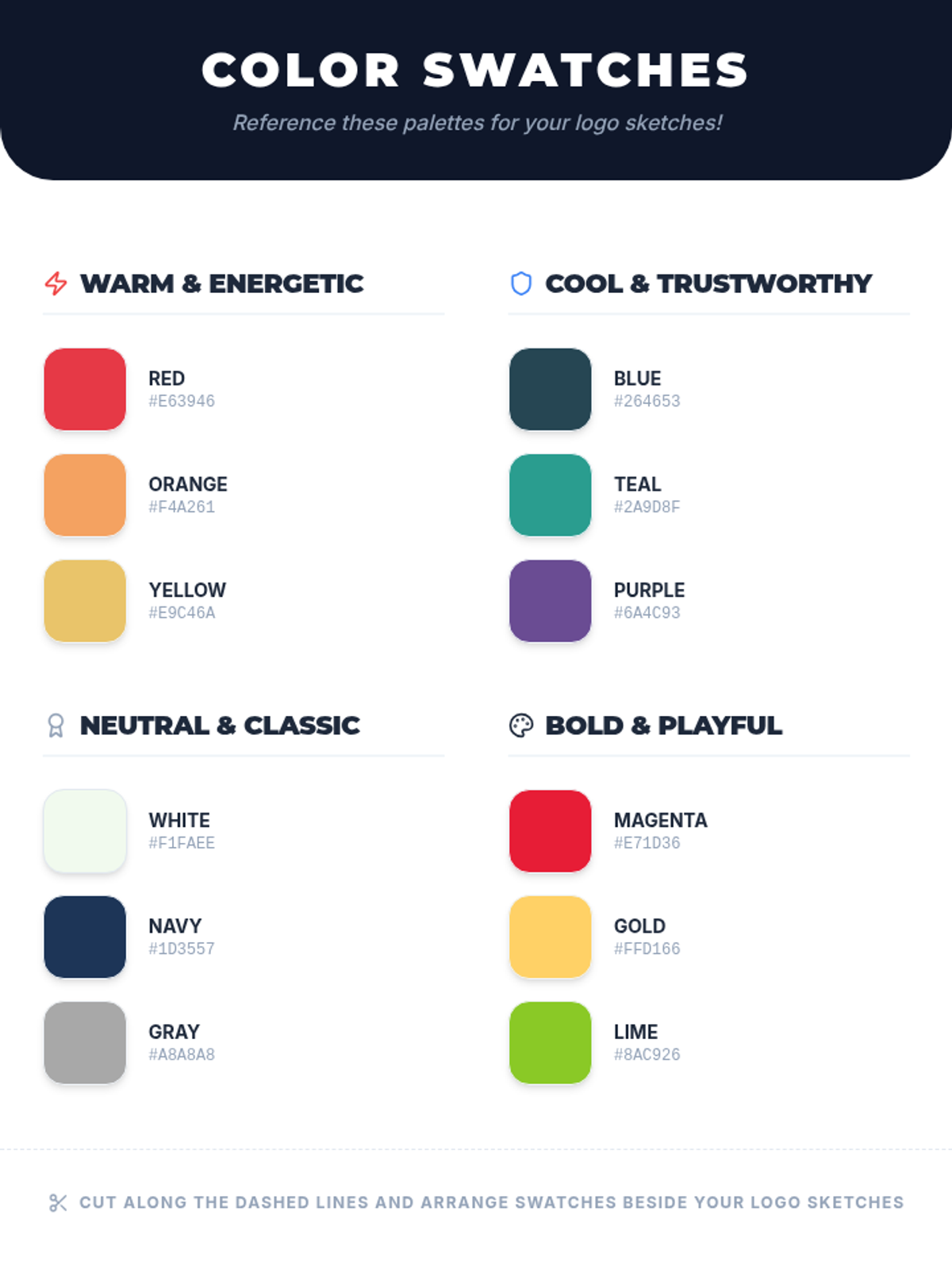
Color scheme reference swatches for Session 2 providing various palettes with hex codes to inform student logo design choices.
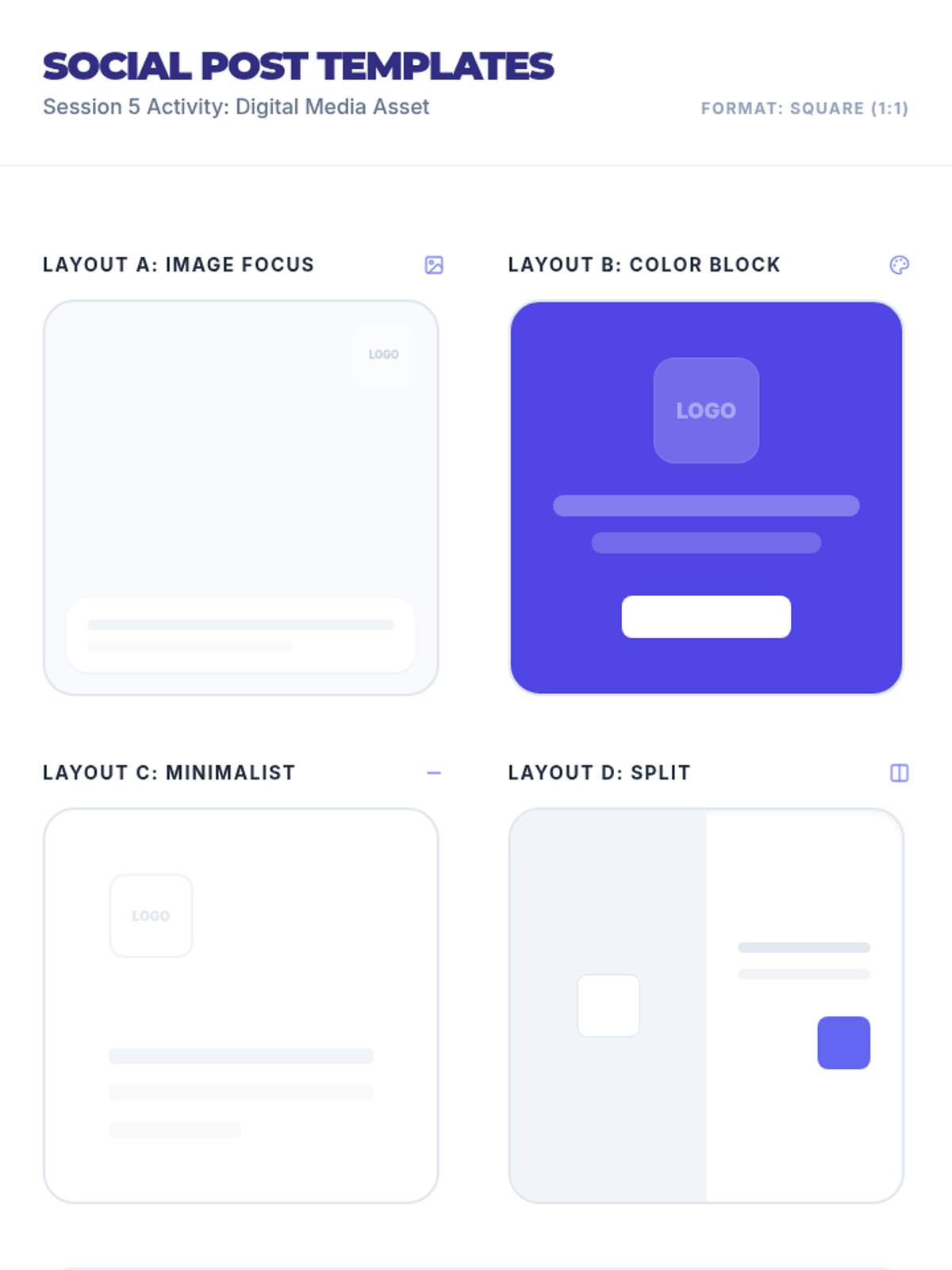
Social media post design templates for Session 5 featuring various layouts (image focus, color block, minimalist, split) in a square format.
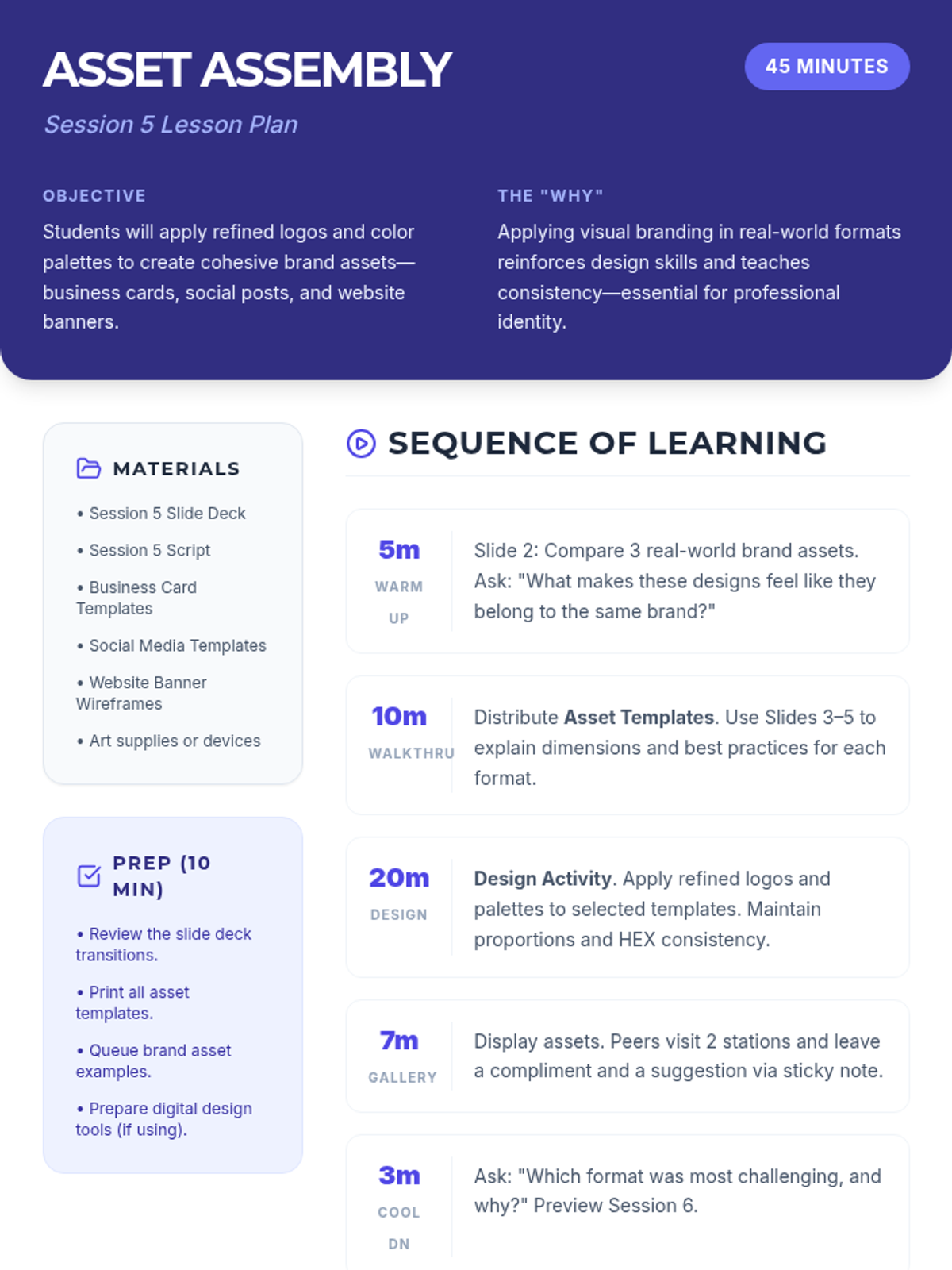
Lesson plan for Session 5 focused on applying branding to real-world assets like business cards, social media posts, and website banners.
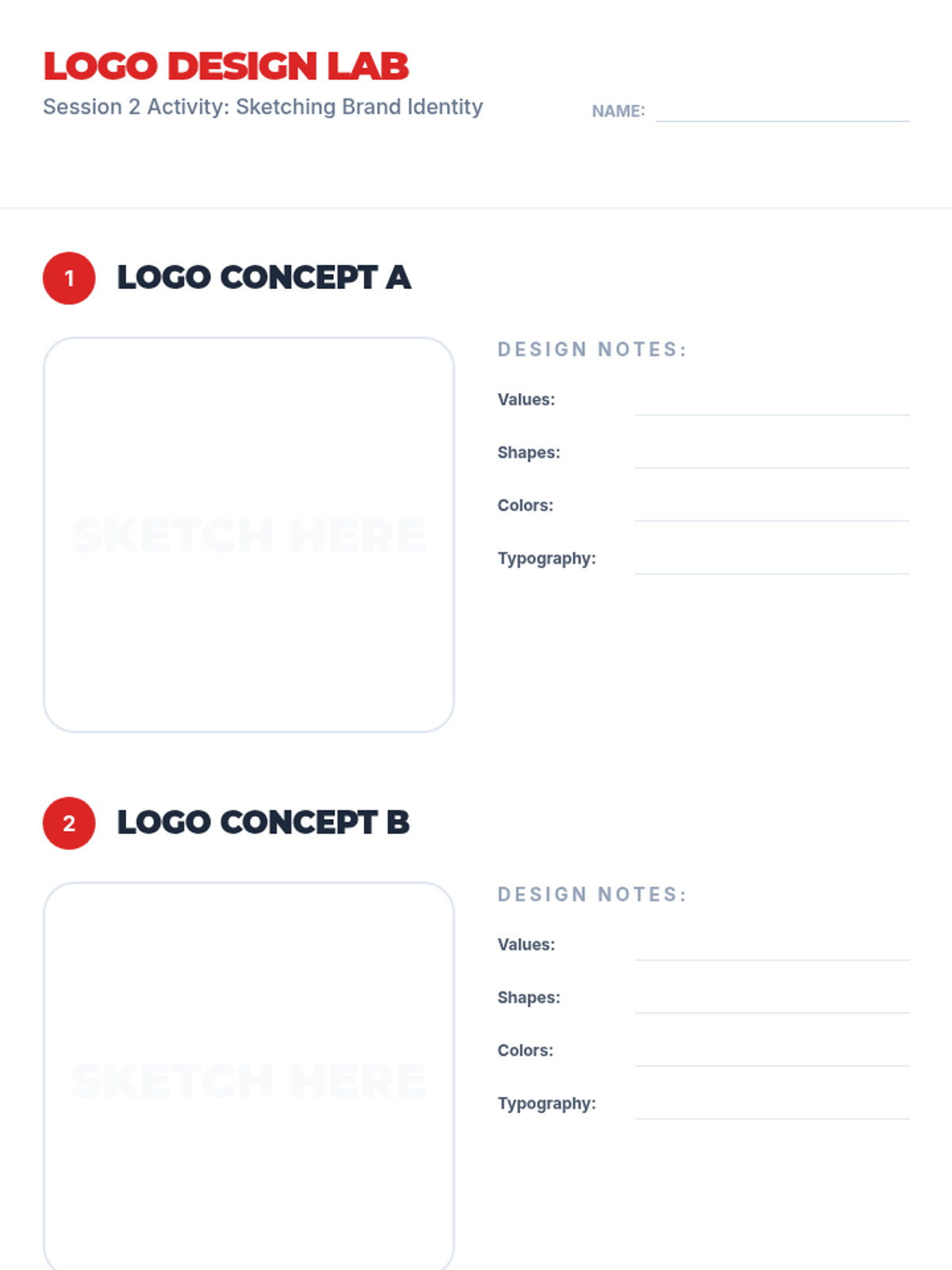
Logo sketching templates for Session 2 where students can concept two different logo versions based on their brand's voice and values.
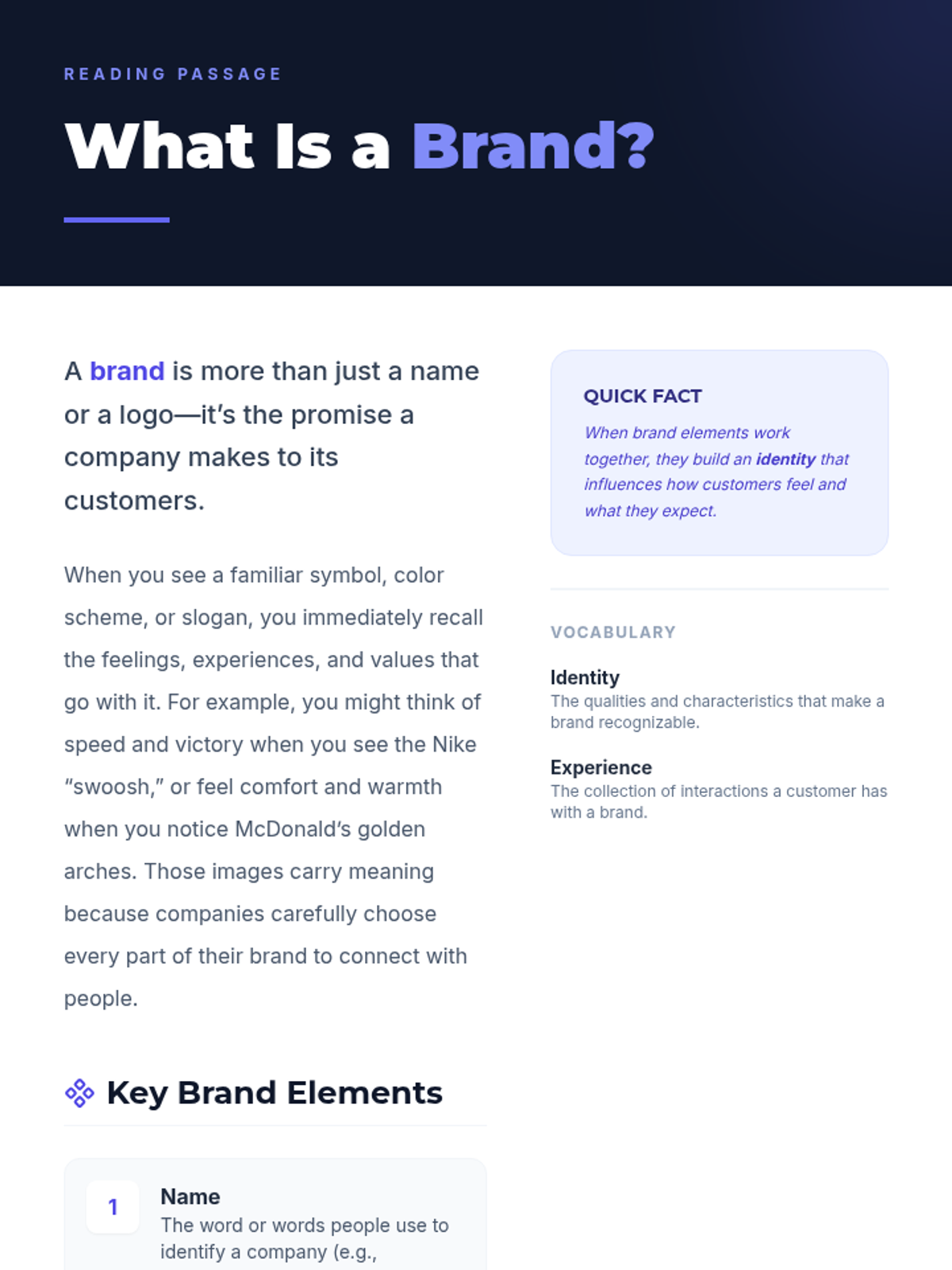
Reading passage for Session 1 defining what a brand is and its key elements with examples.
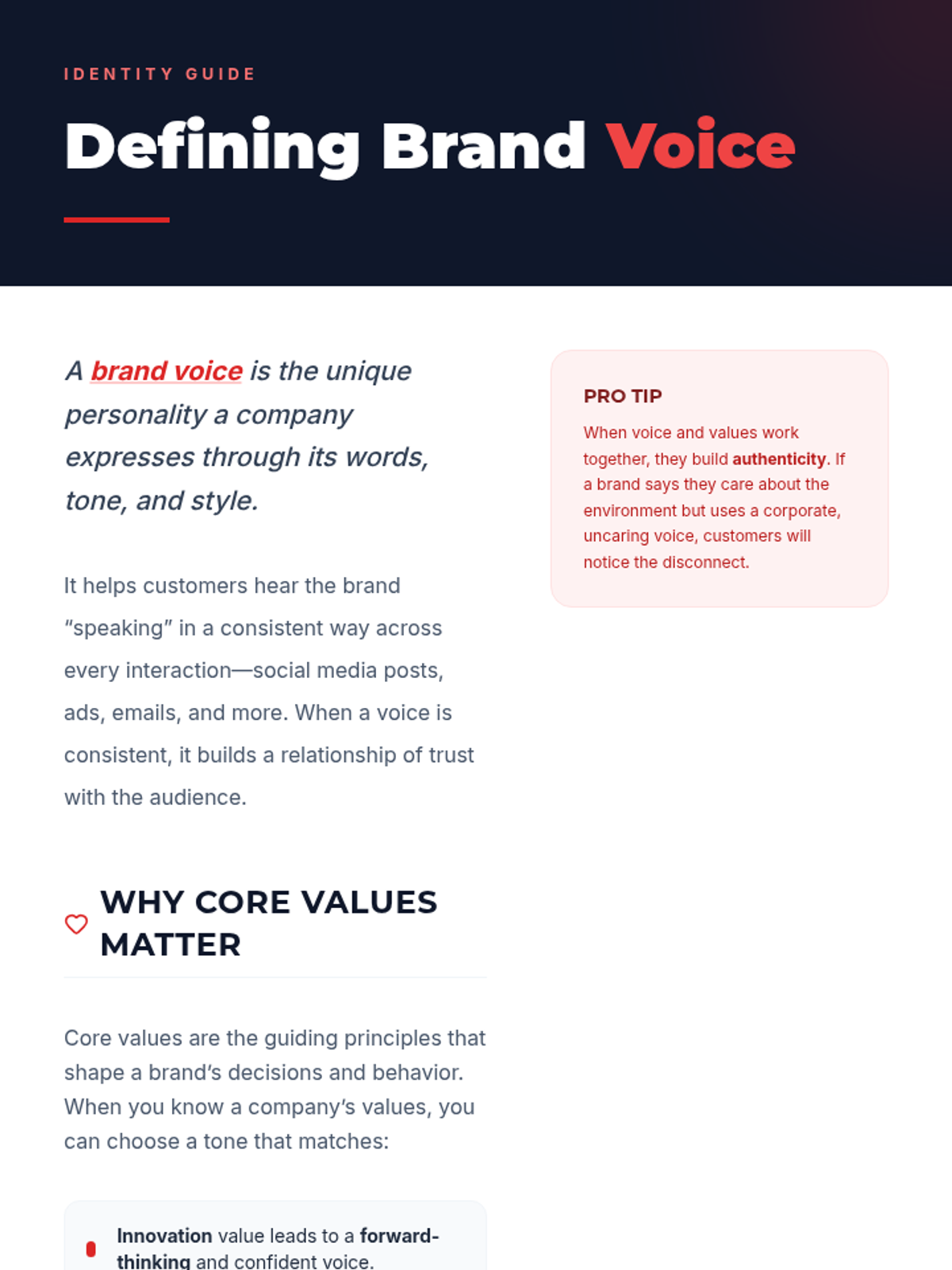
Reading passage for Session 2 defining brand voice and its connection to core values with examples.
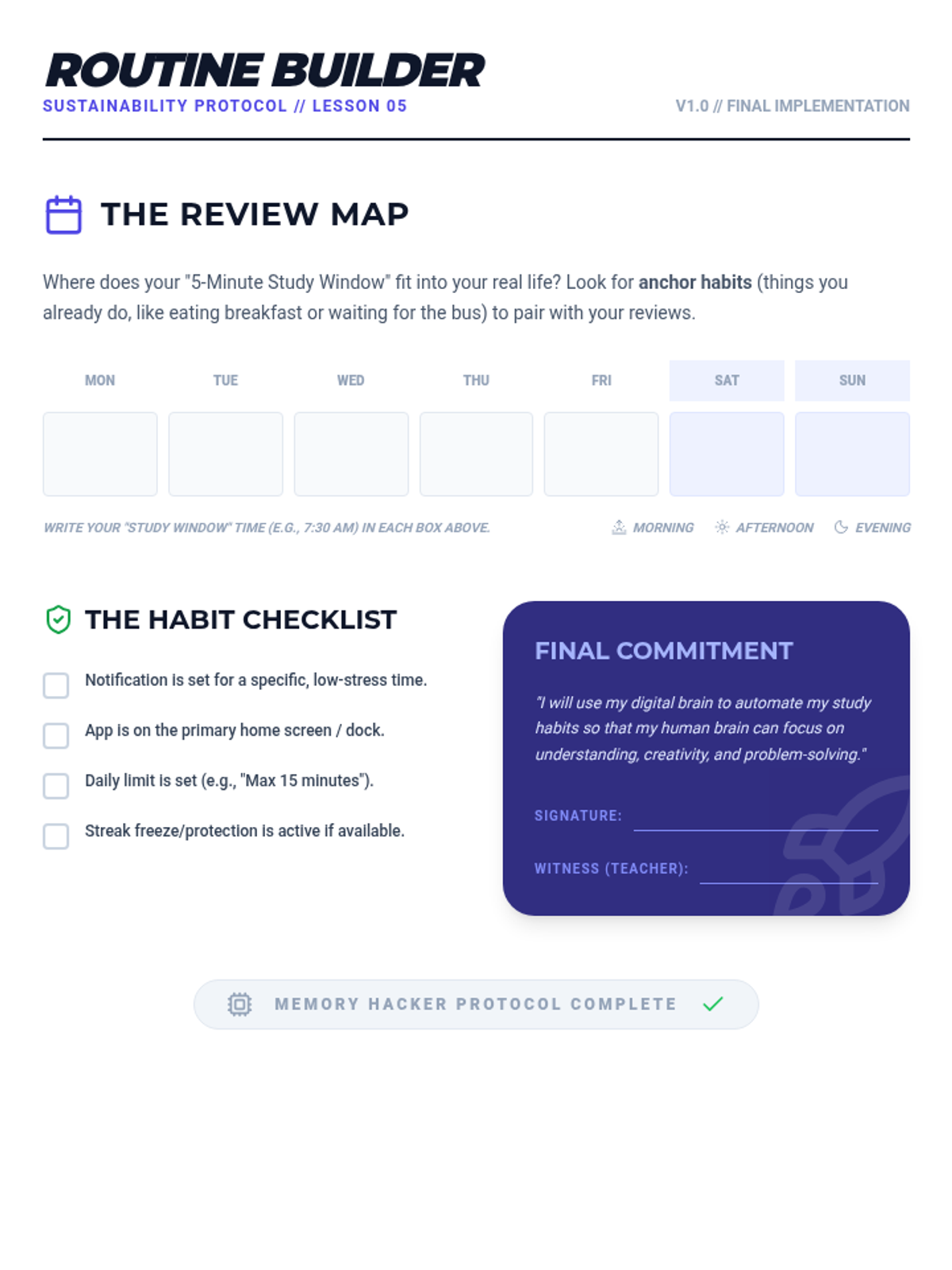
A routine-building worksheet for Lesson 5 including a weekly study planner, a habit setup checklist, and a final commitment contract.
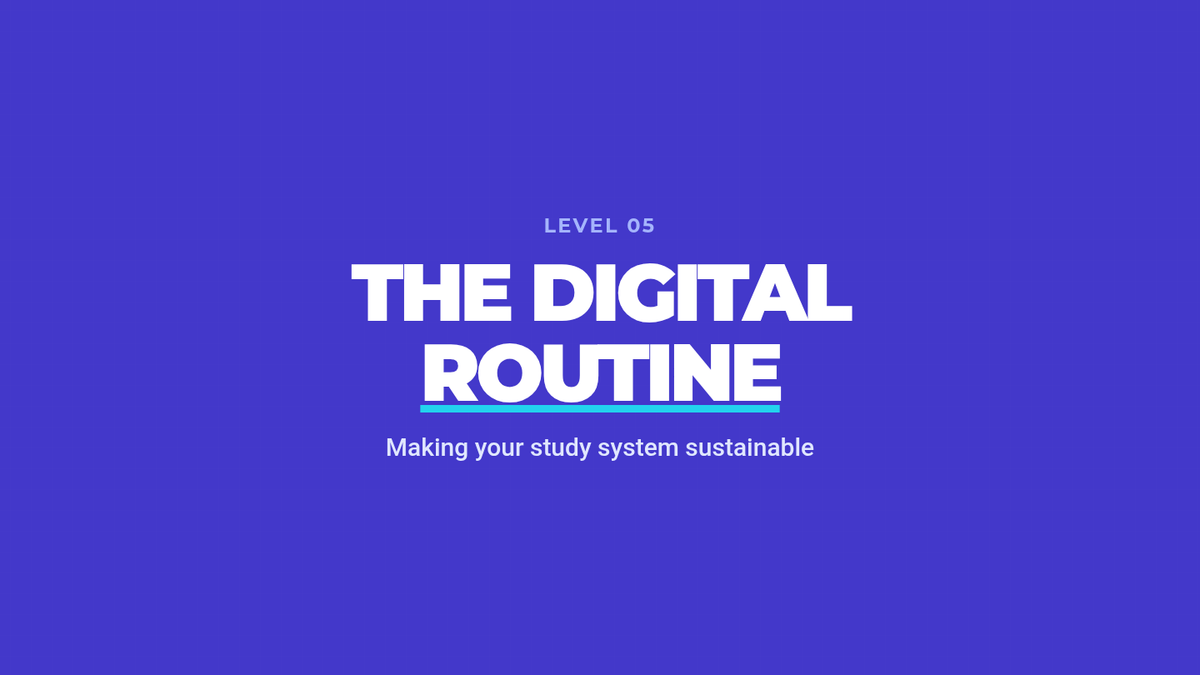
Slide deck for Lesson 5 focusing on building sustainable study routines, managing review backlogs, and setting up notifications.
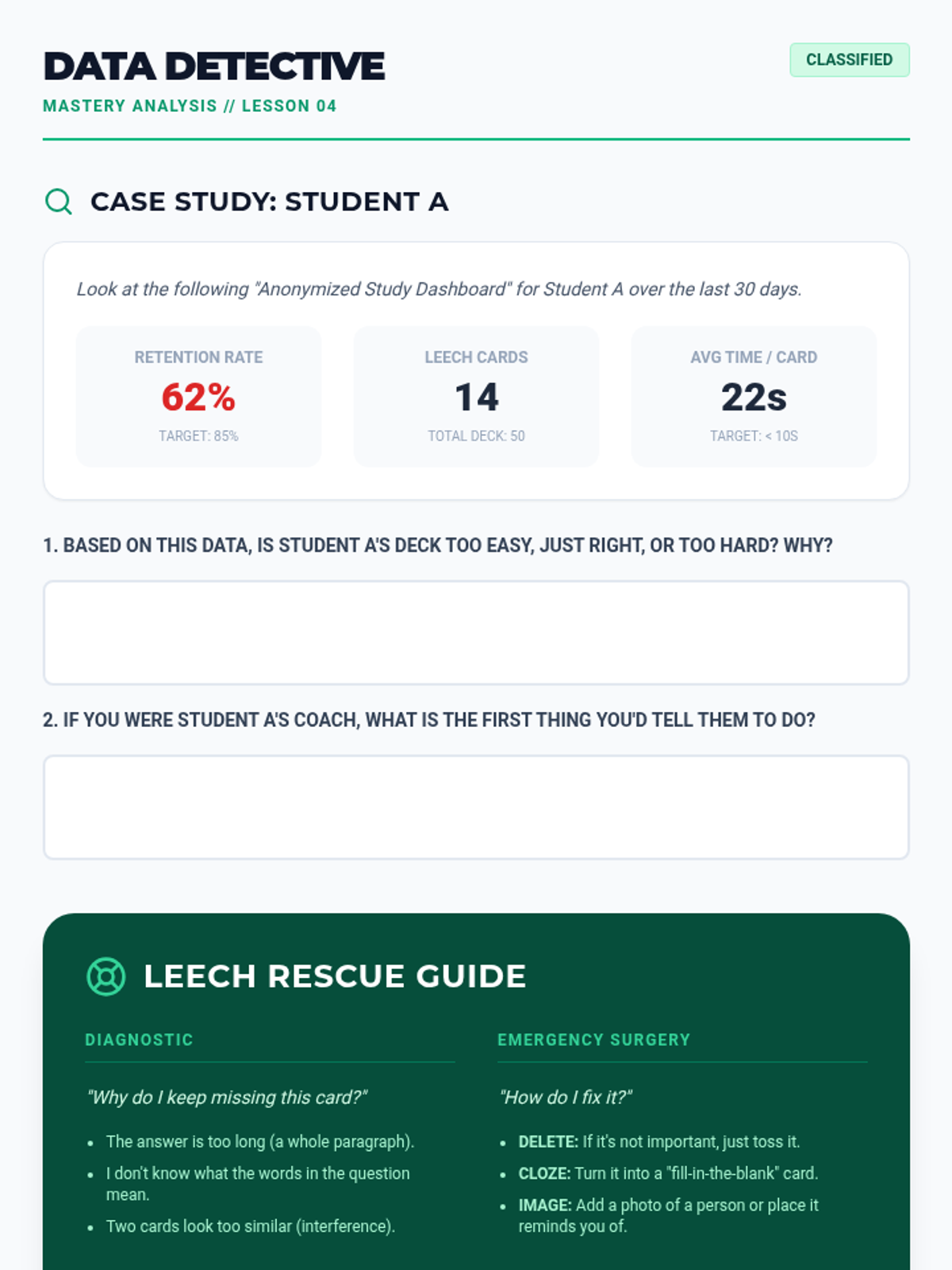
A worksheet for Lesson 4 where students analyze study data to diagnose learning issues and practice "Leech Rescue" strategies for difficult cards.
Slide deck for Lesson 4 explaining how to interpret study data, including retention rates, heatmaps, and identifying "leech" cards.
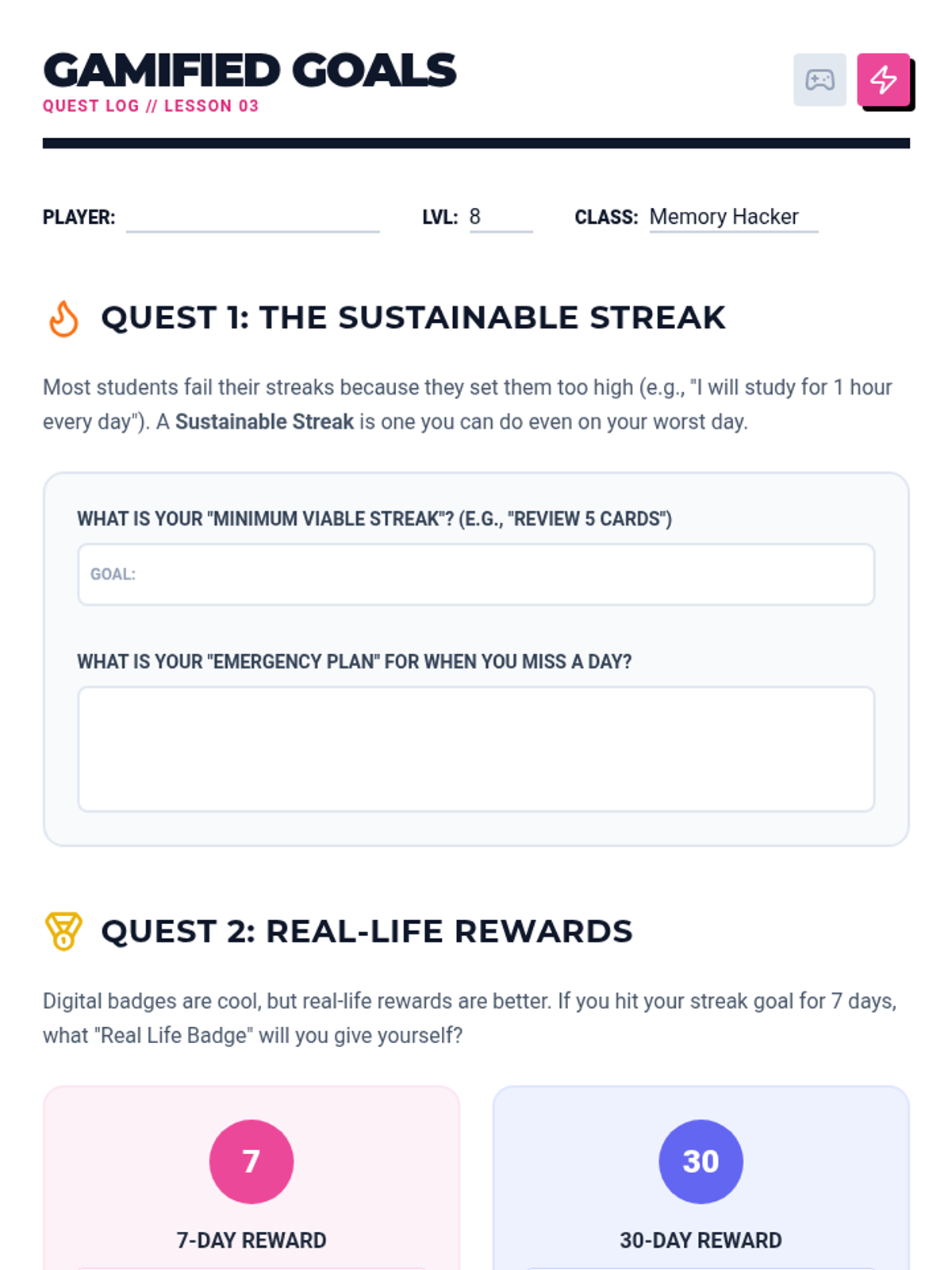
A goal-setting worksheet for Lesson 3 where students define sustainable streaks and real-life rewards for their study habits.
Slide deck for Lesson 3 focusing on gamified elements (streaks, badges, XP) and the psychology of motivation in study apps.
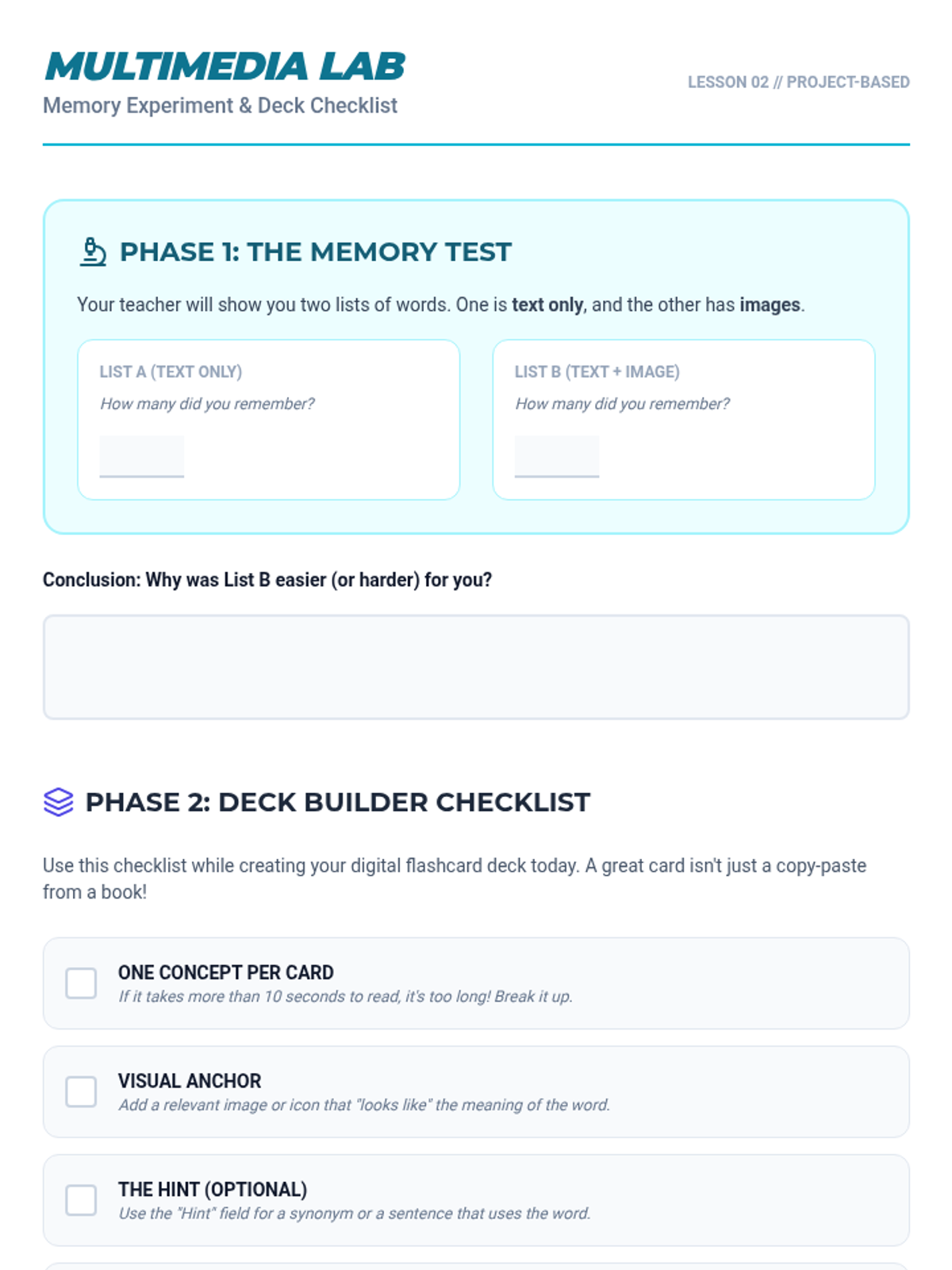
A combined activity sheet and checklist for Lesson 2, including the multimedia memory experiment results and deck design guidelines.
Slide deck for Lesson 2 focusing on dual-coding theory and the use of multimedia (audio, visual) in digital study decks.
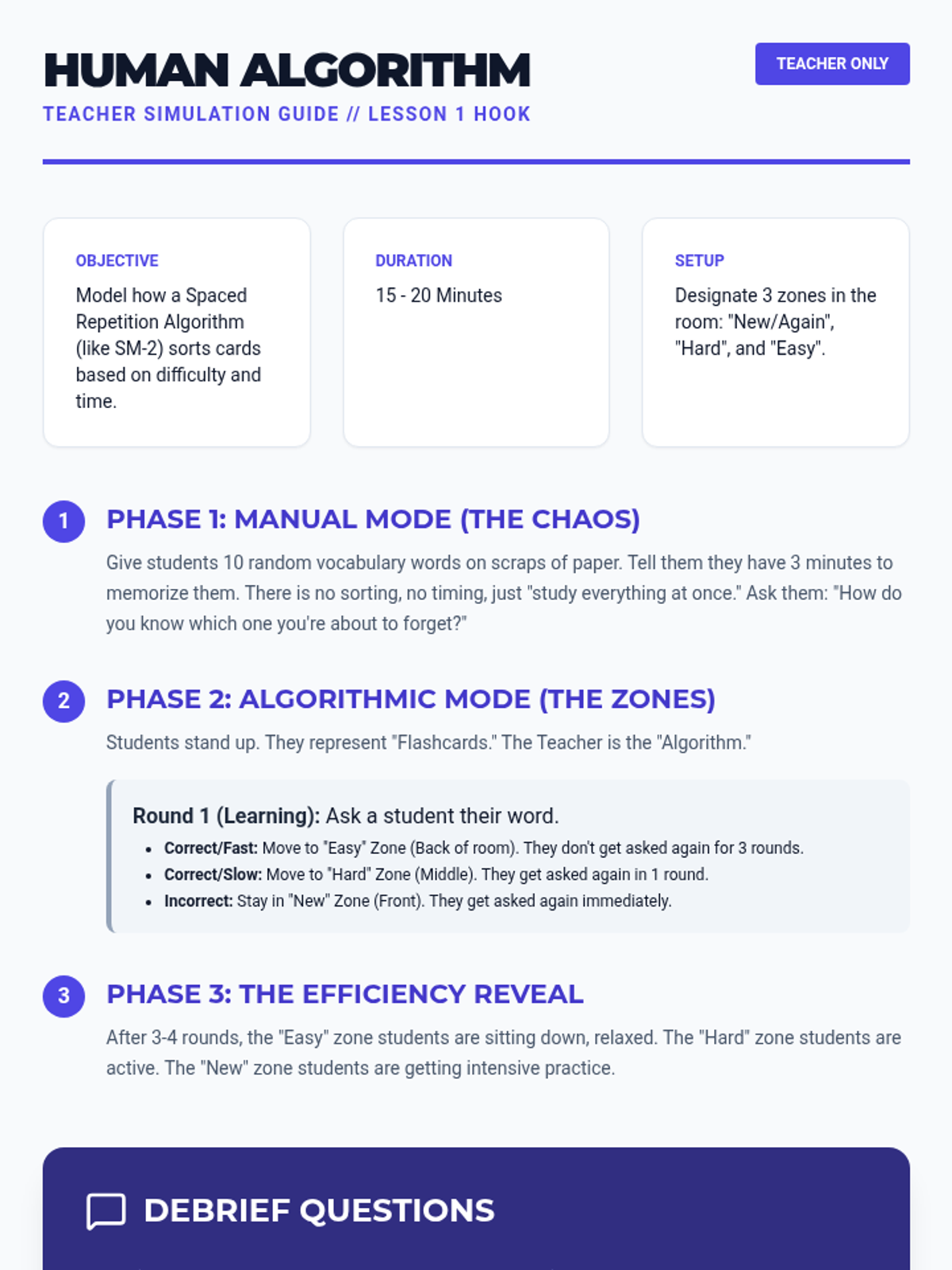
A facilitation guide for the "Human Algorithm" classroom simulation, helping teachers demonstrate how spaced repetition software sorts information.
Introductory slide deck for Lesson 1, explaining the forgetting curve, spaced repetition, and how algorithms automate the study process.
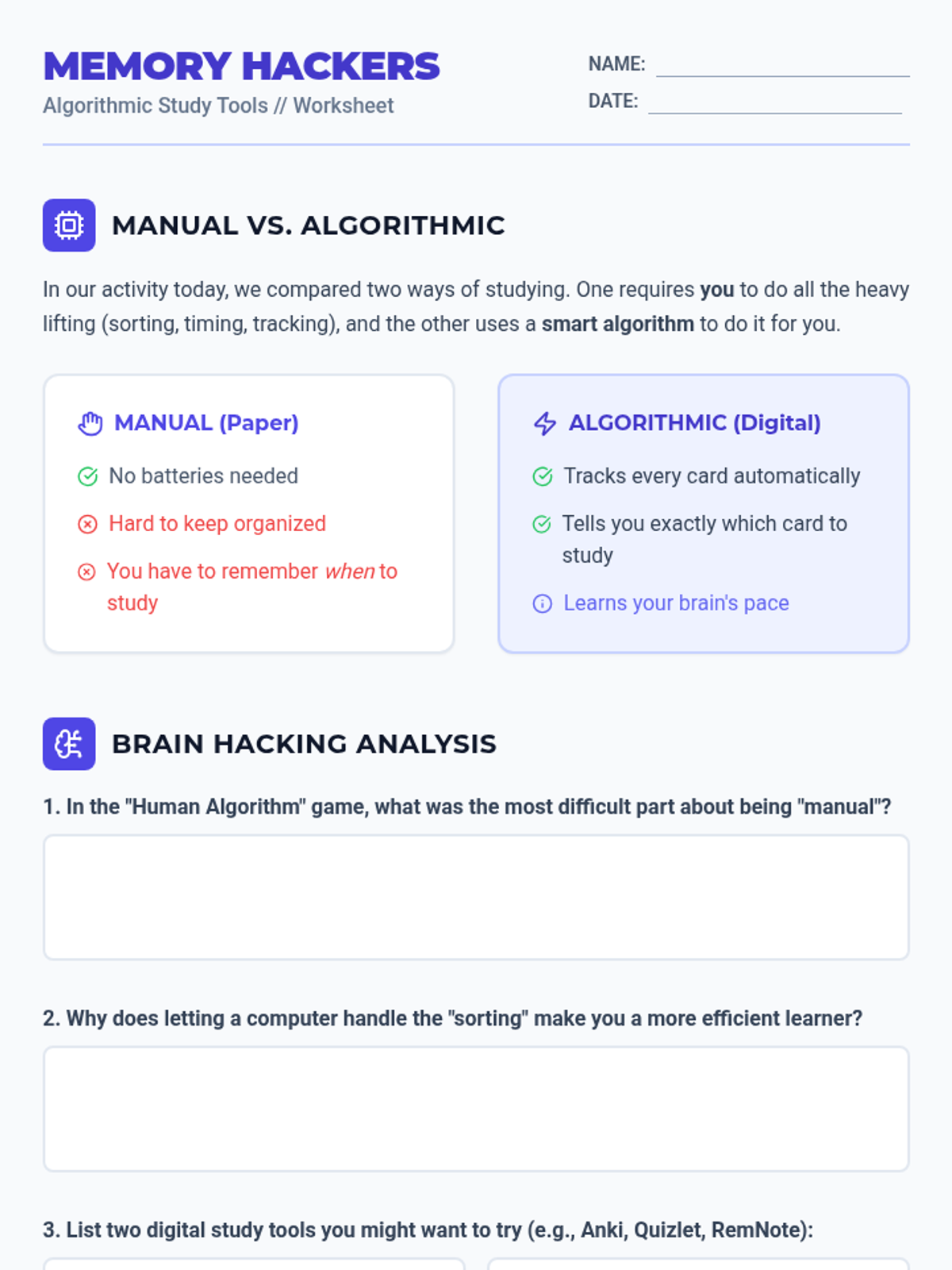
A worksheet for Lesson 1 where students compare manual vs. digital spaced repetition and reflect on the efficiency of algorithmic study tools.
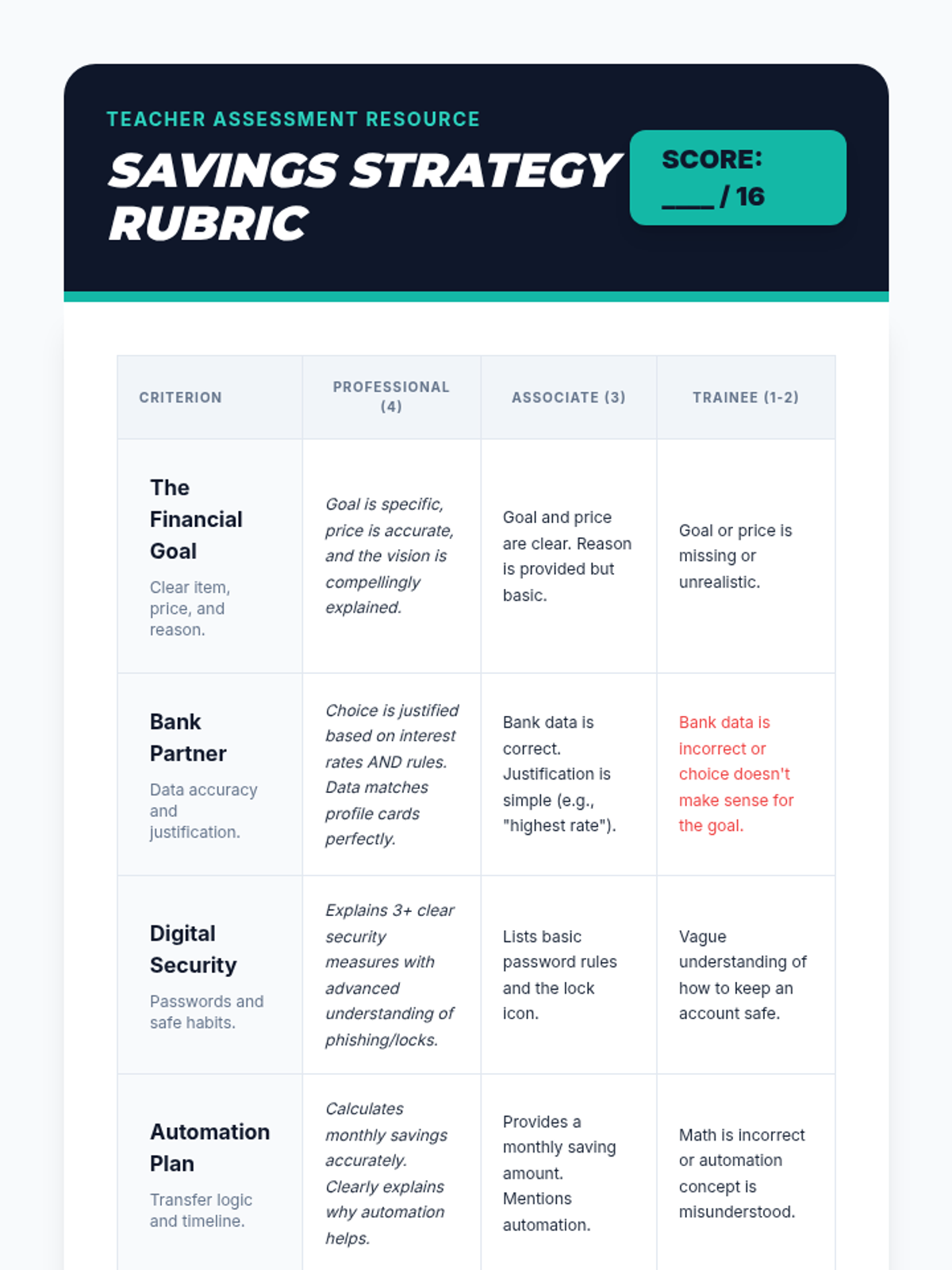
A professional teacher rubric to assess student final presentations on their savings goals, bank choices, and security plans.
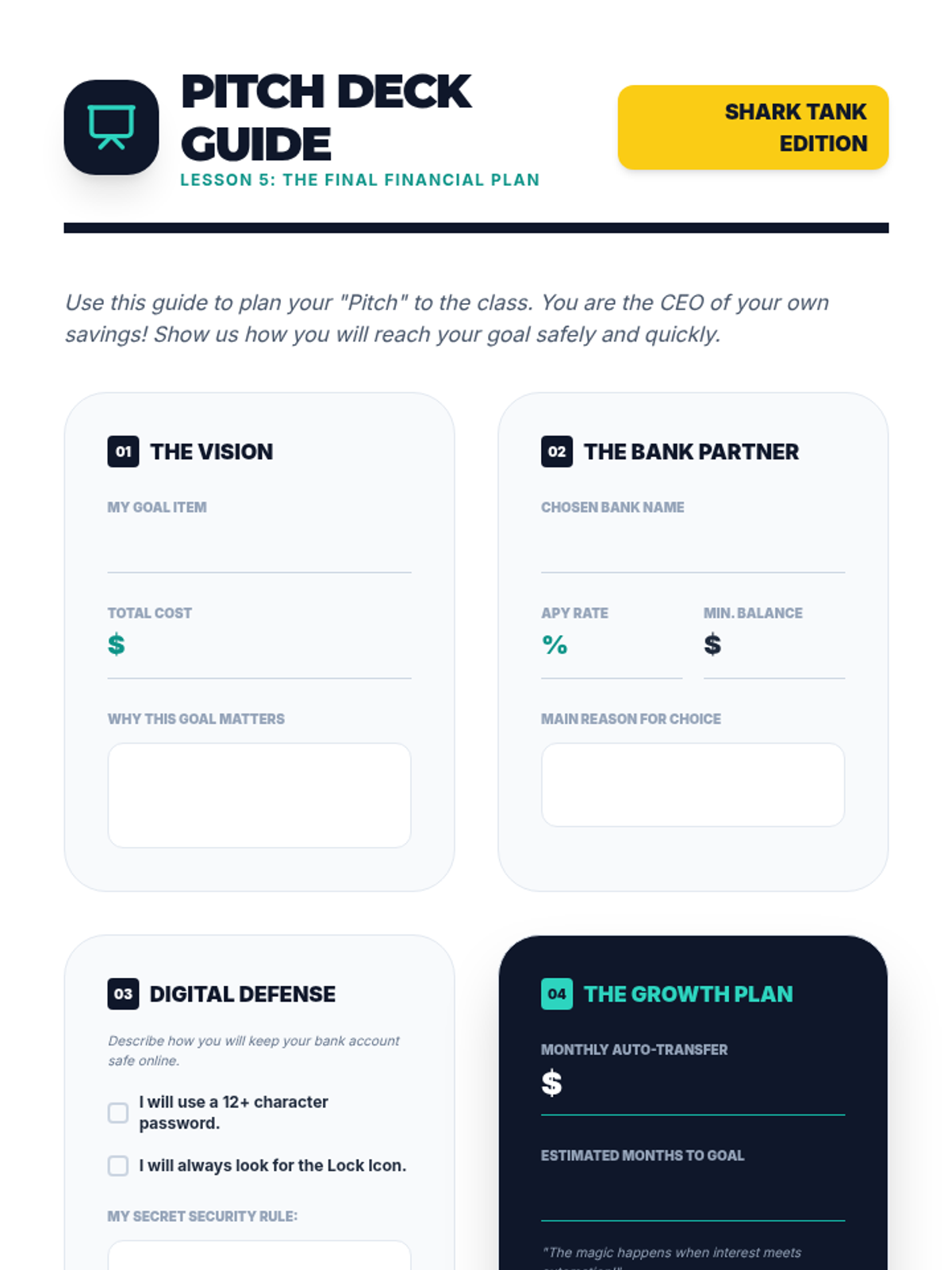
A structured worksheet to help students prepare their final presentation, covering their goal, chosen bank, security plan, and automation schedule.
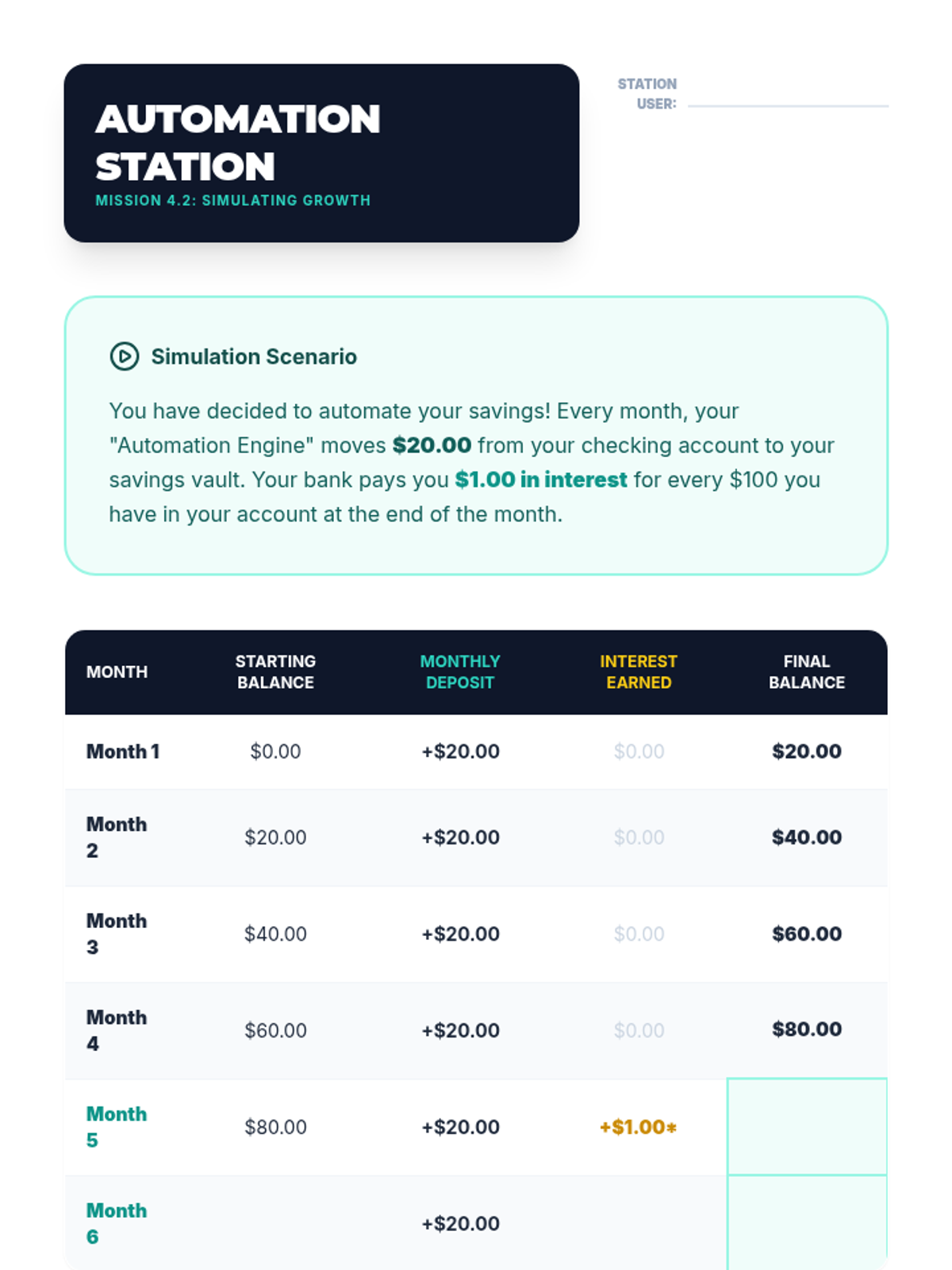
Student activity sheet for Lesson 4 simulating how small, regular transfers and interest grow an account balance over 6 months.
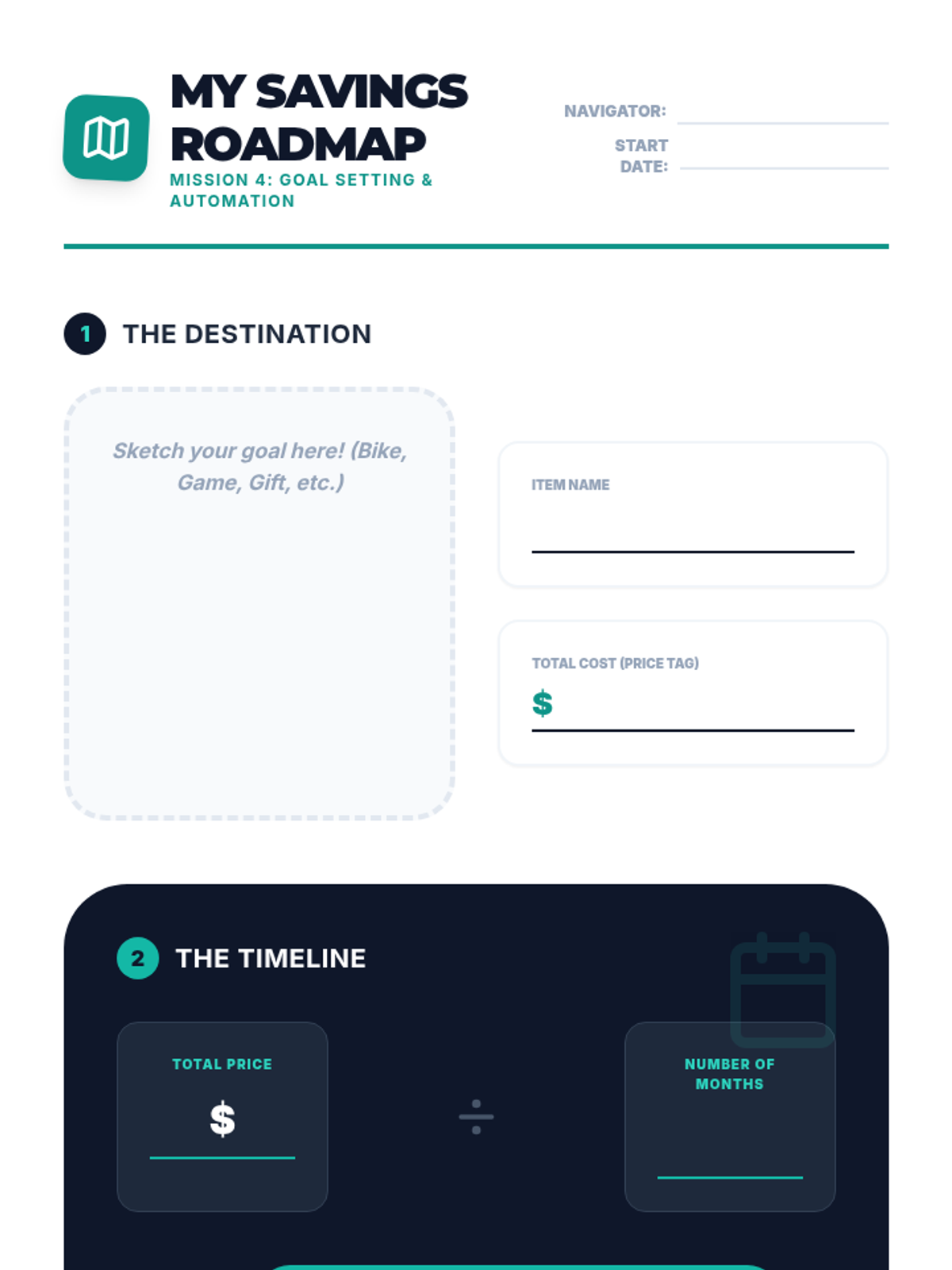
Student worksheet for Lesson 4 where they define a financial goal, calculate the monthly savings required, and sign an automation pledge.
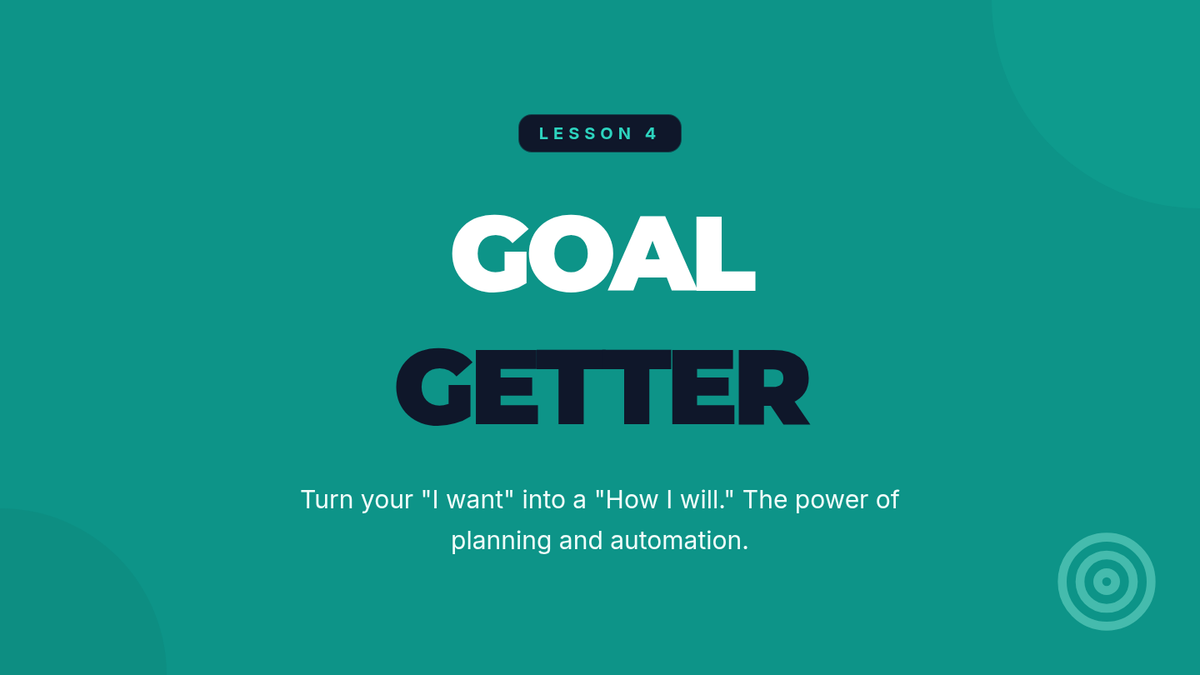
Introductory presentation for Lesson 4, explaining goal setting, the "Pay Yourself First" principle, and automated savings transfers.
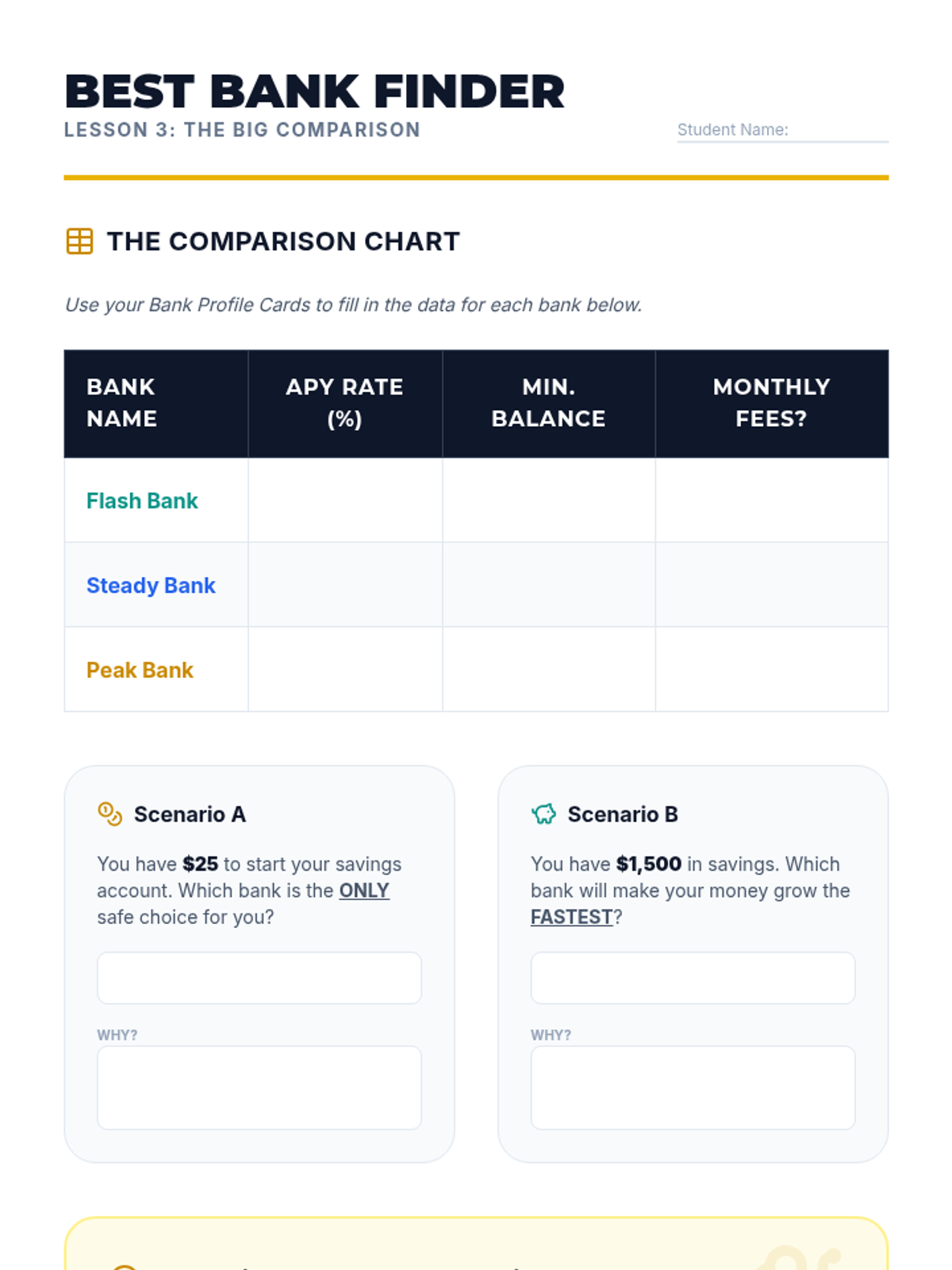
Student worksheet for Lesson 3 focusing on comparing fictional bank offers and understanding the impact of fees versus interest rates.
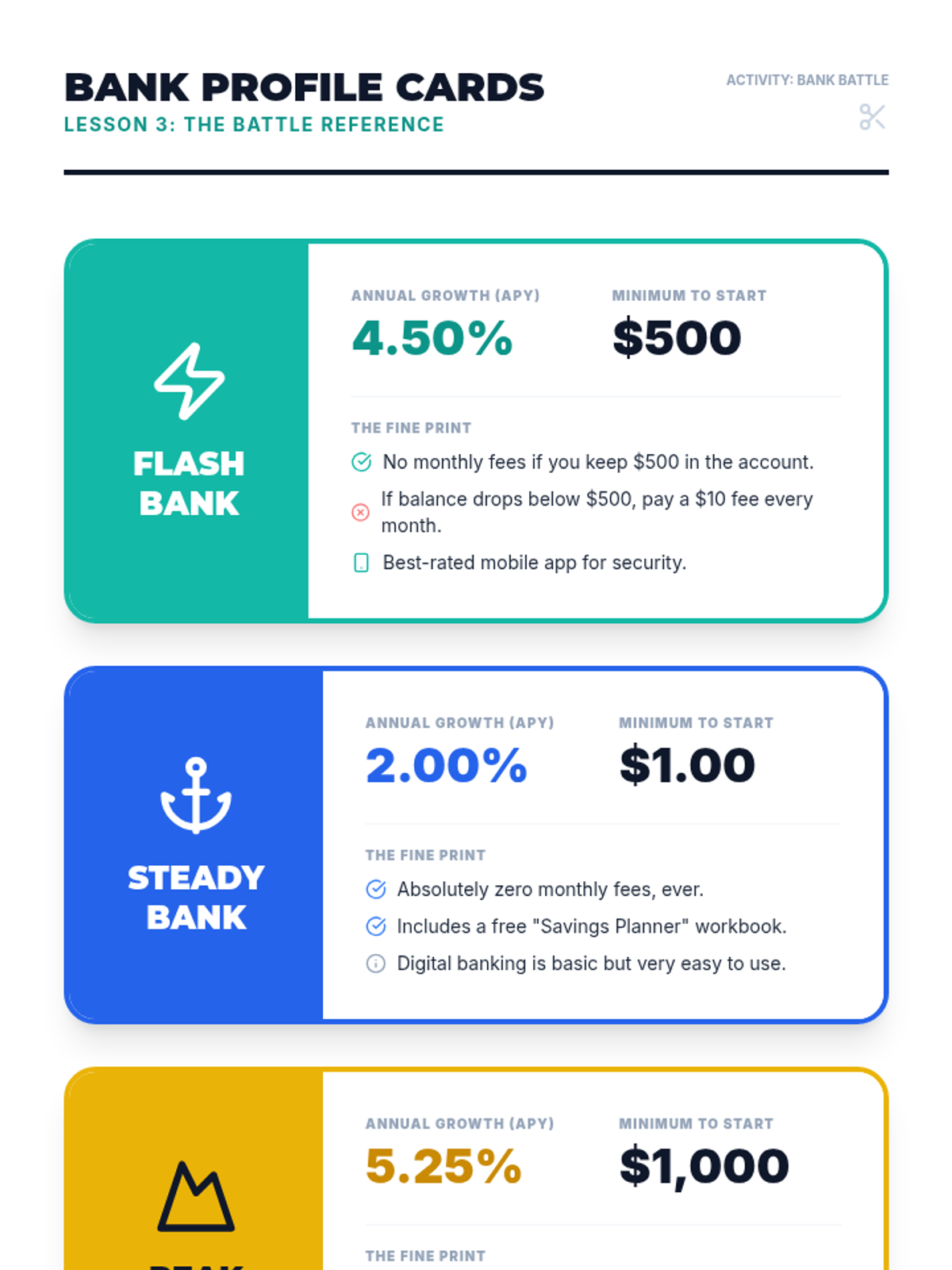
Reference material for Lesson 3 featuring 3 fictional bank profiles with varying interest rates, requirements, and fees.
Introductory presentation for Lesson 3, explaining APY, bank fees, and account requirements in a competitive "Bank Battle" format.
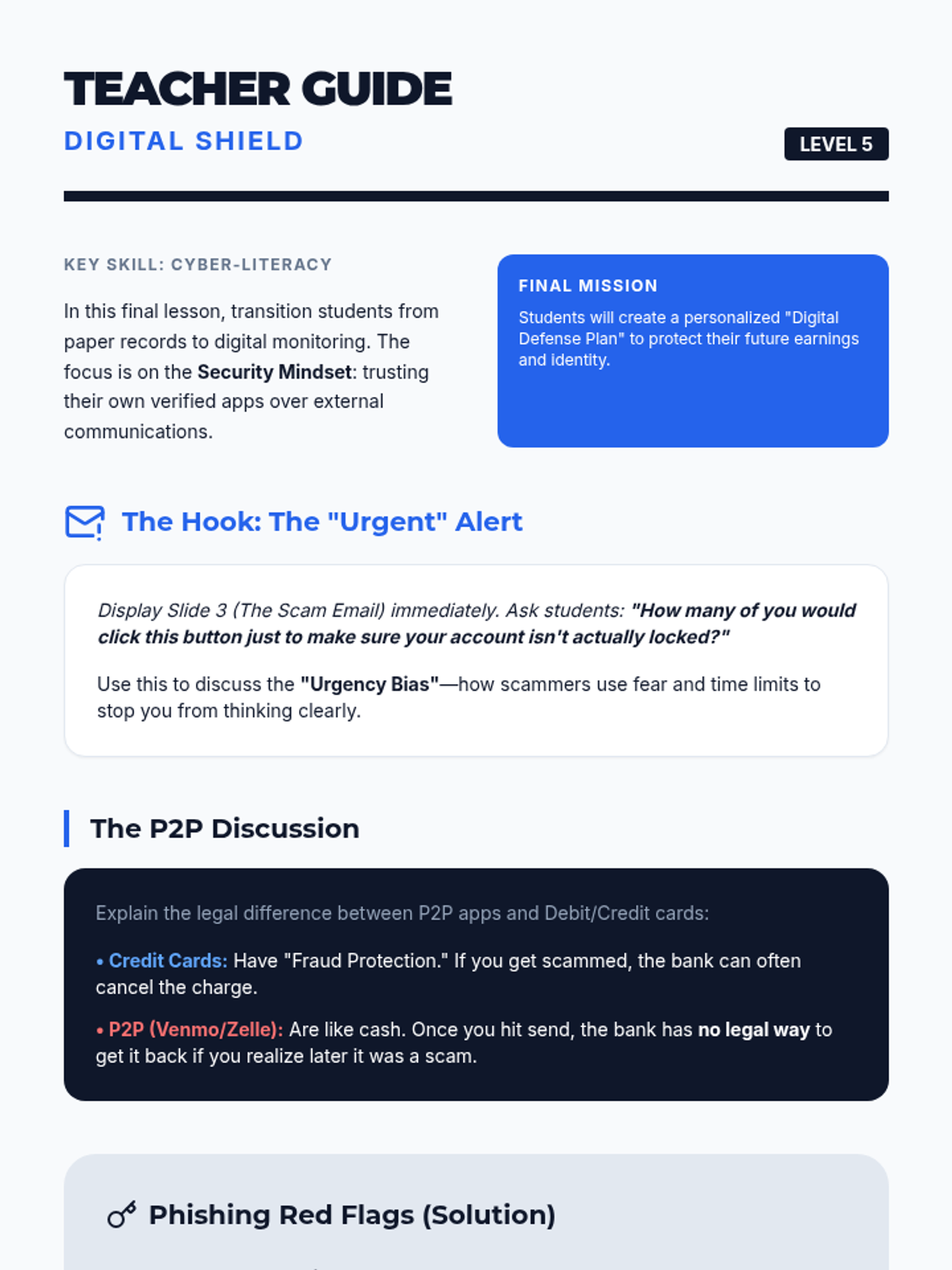
Teacher guide for Lesson 5, including the "Urgent Alert" hook, discussion guide on P2P apps vs credit cards, and the answer key for the phishing analysis.
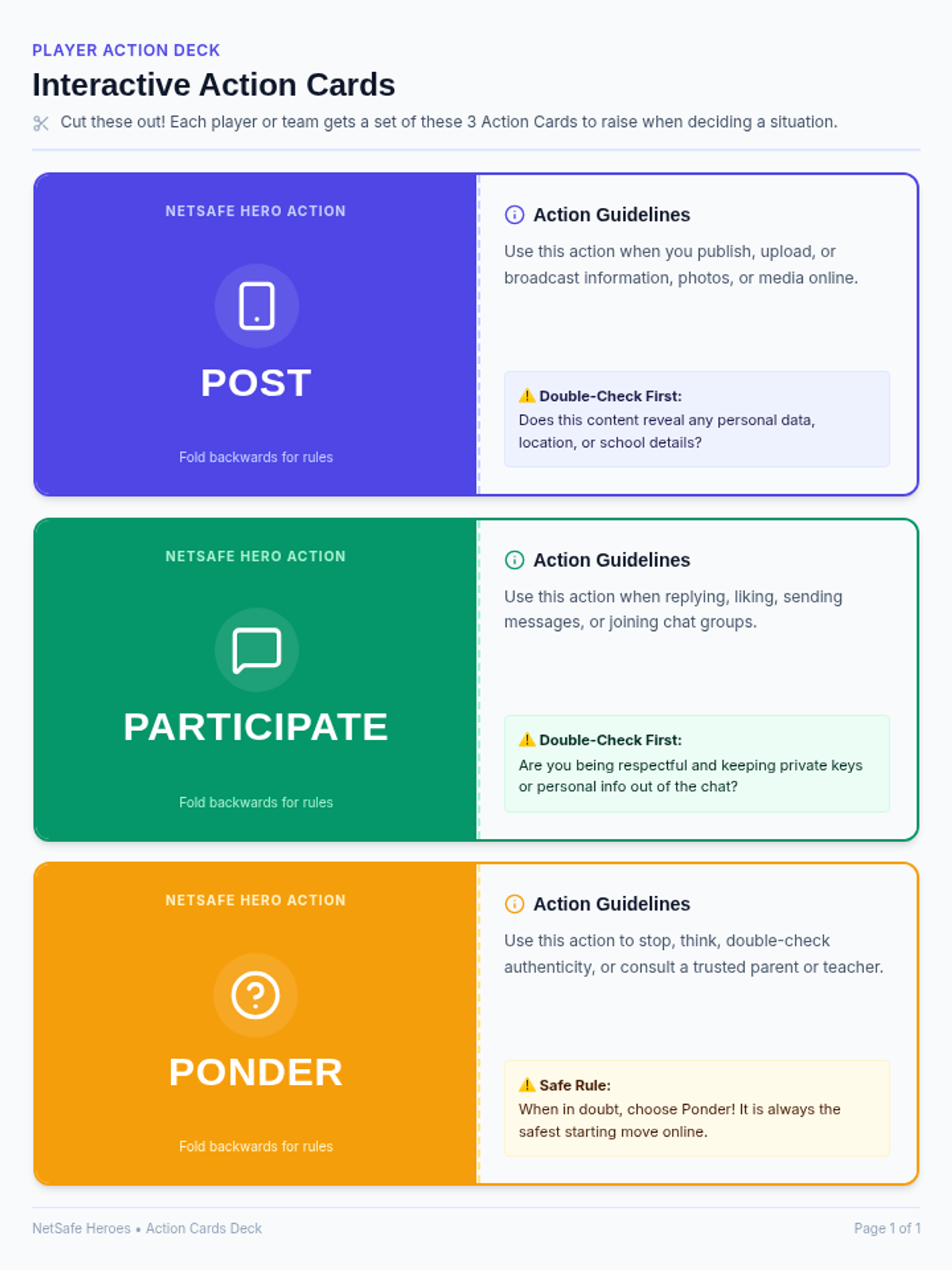
A printable set of 3 double-sided foldable player action cards (Post, Participate, and Ponder) designed for students to hold, discuss, and raise to answer digital safety situations during gameplay.
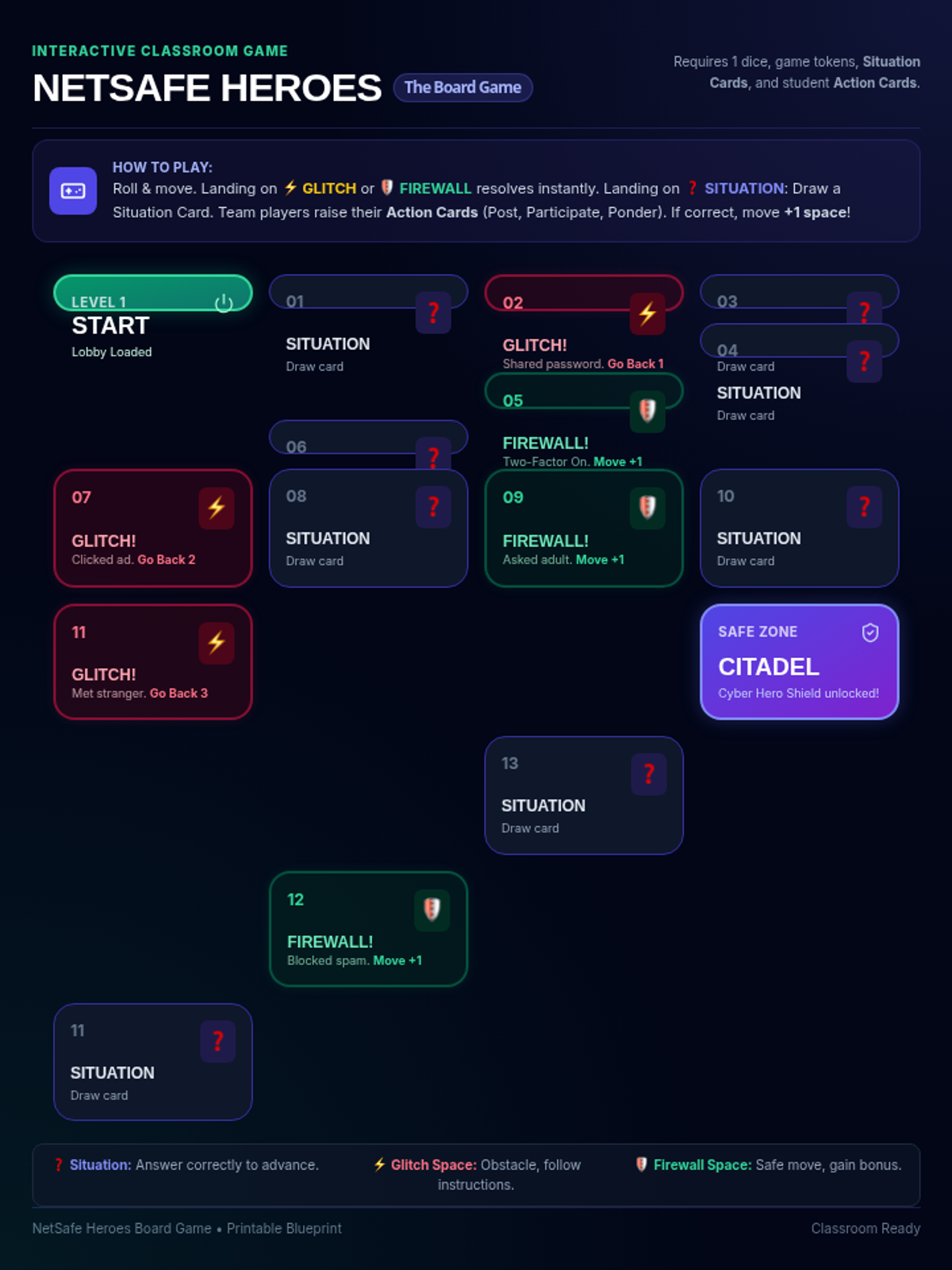
A printable board game layout featuring a winding pathway of digital safety milestones, situation spaces, glitch traps, and firewall boosts designed to be played with the Situation and Action cards.
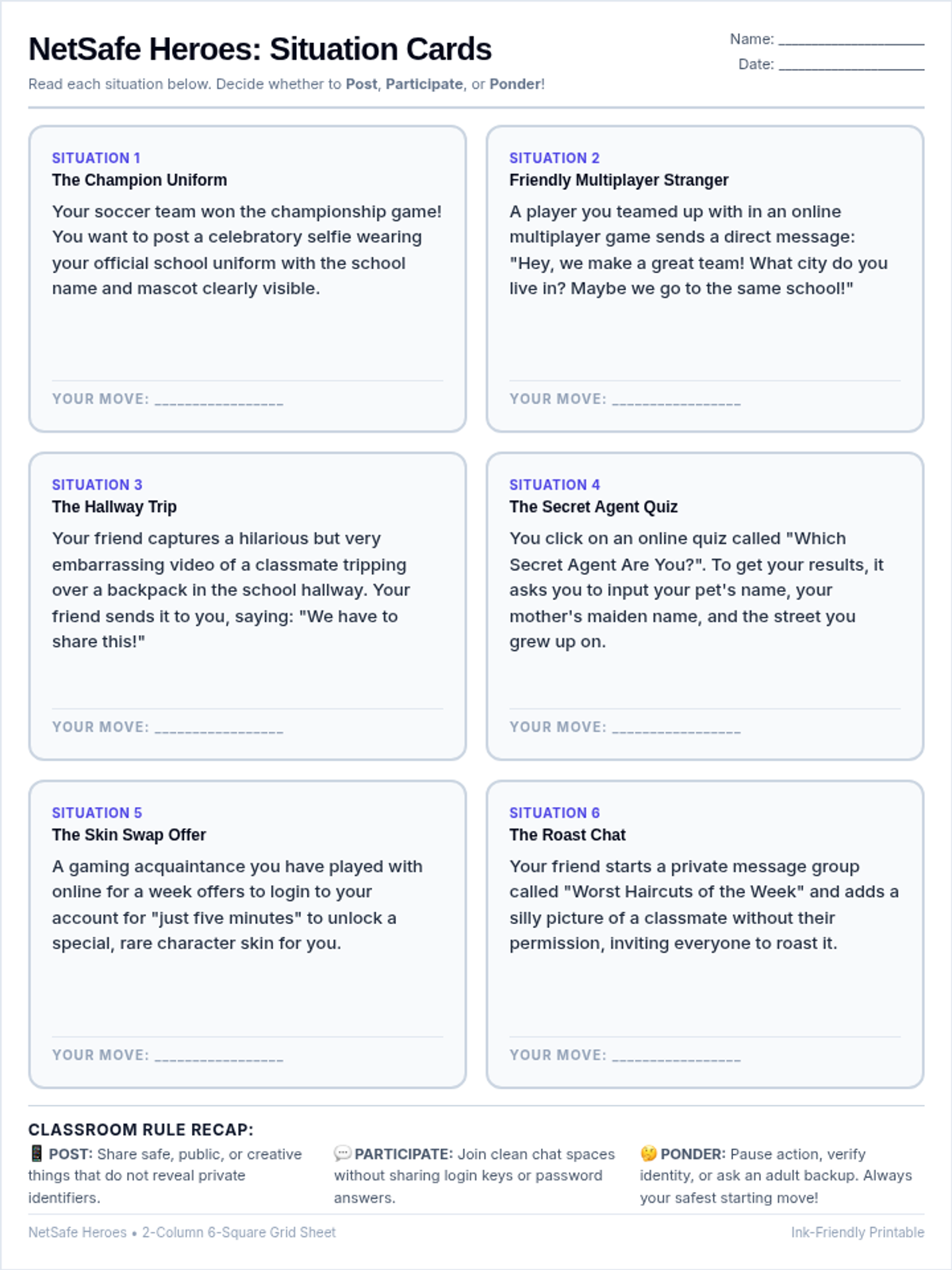
A clean, ink-friendly single-sheet handout displaying the 6 digital safety situations in a beautifully balanced 2-column, 6-square grid, designed with large, easy-to-read text for quick printing.
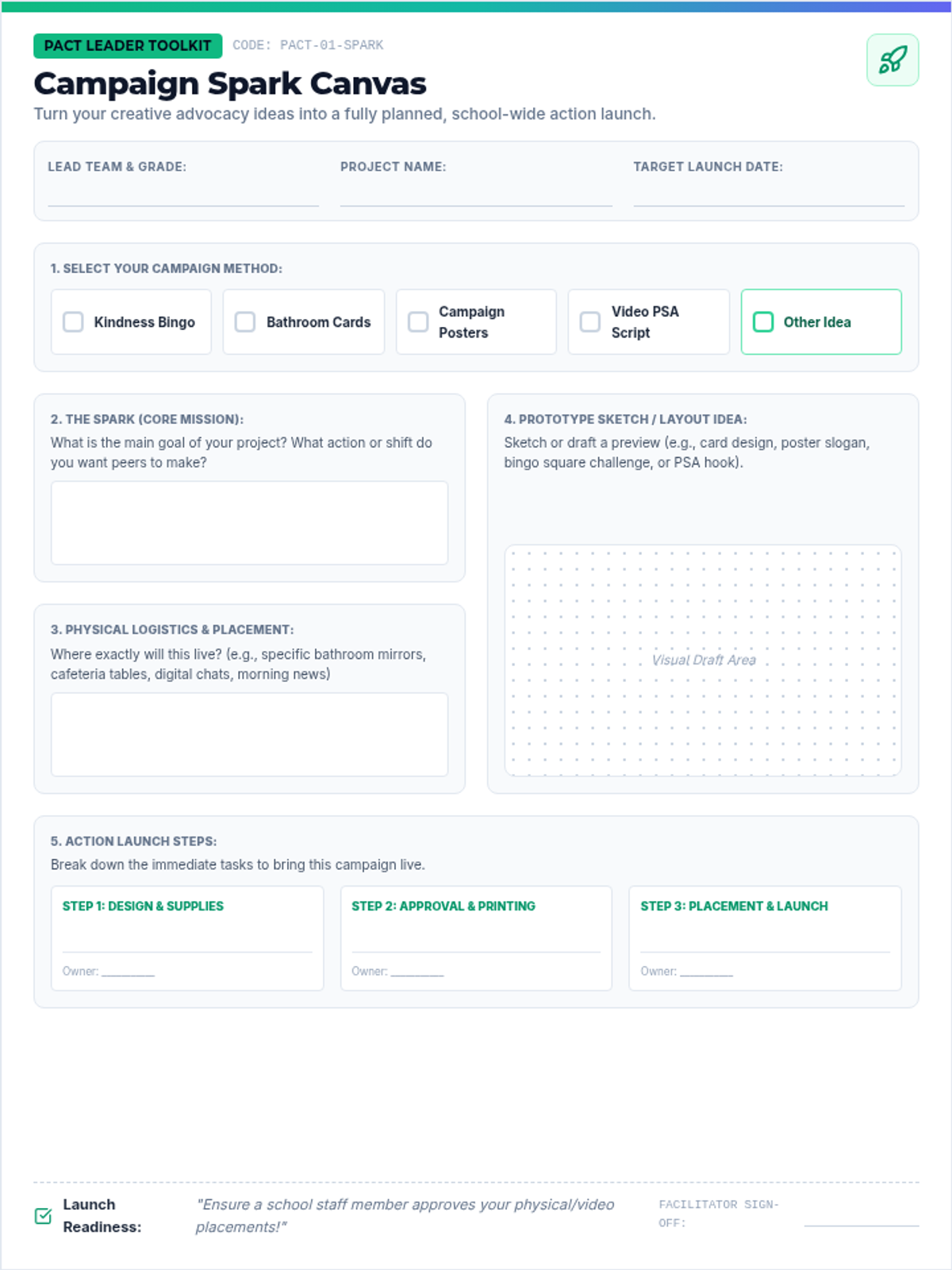
A highly structured, student-friendly project planning canvas designed for PACT leaders to outline, prototype, and launch creative student projects like Kindness Bingo, bathroom cards, posters, and PSAs.
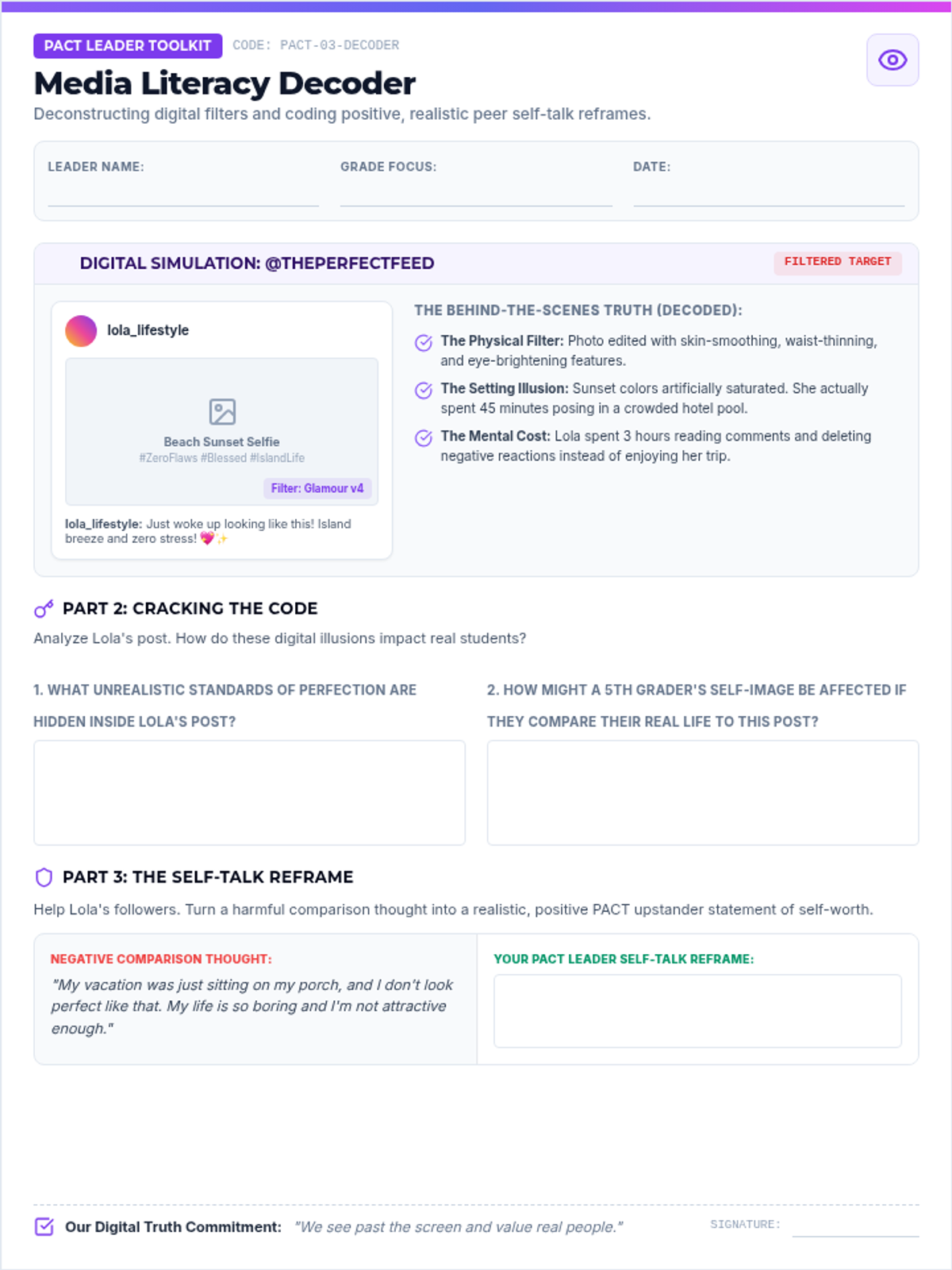
A media literacy and self-talk decoder worksheet for student leaders to analyze digital distortions and practice converting negative comparisons into positive affirmations.
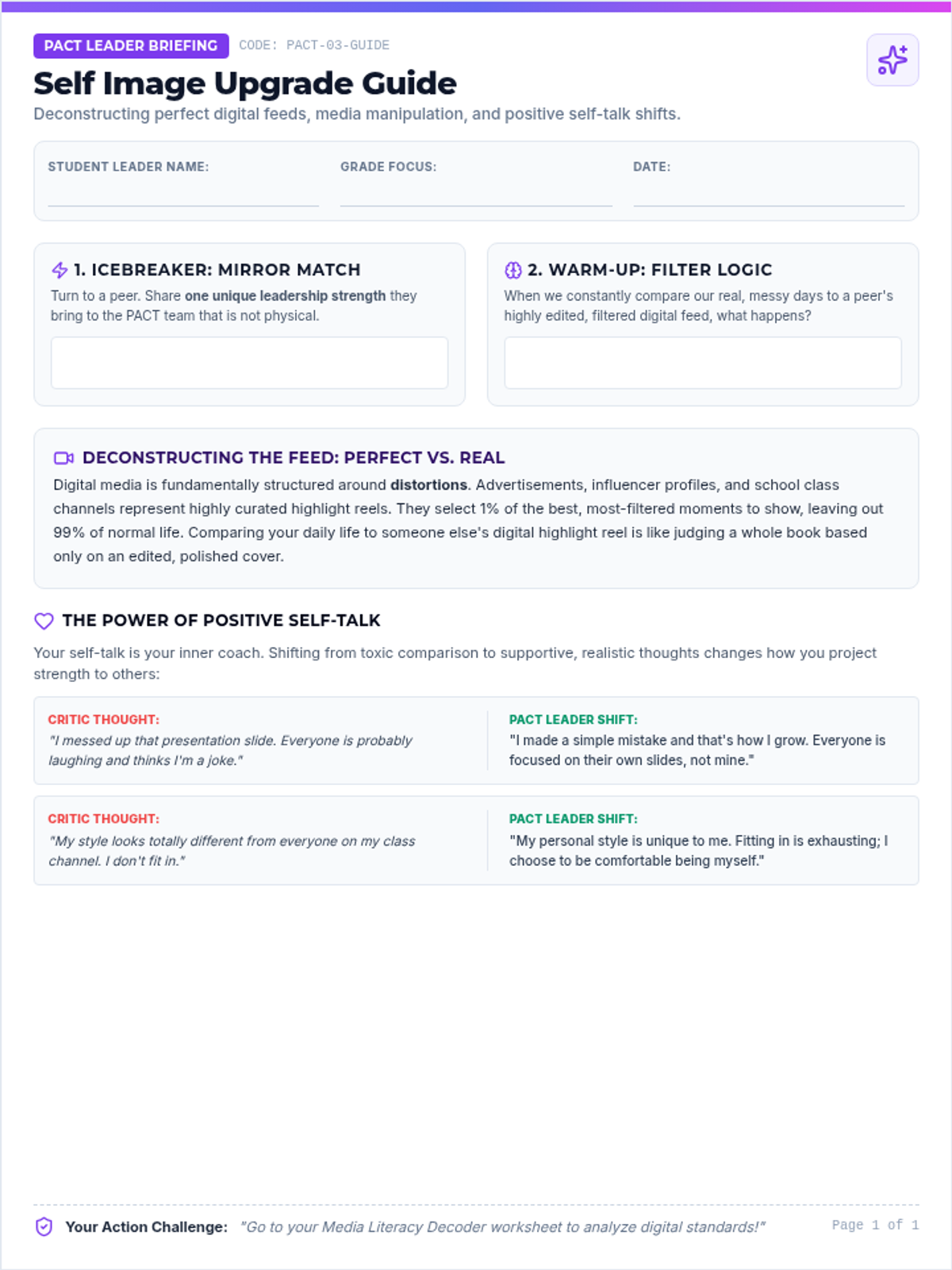
A printable guide detailing digital media literacy, deconstructing filters and perfect feeds, alongside self-talk reframing strategies.
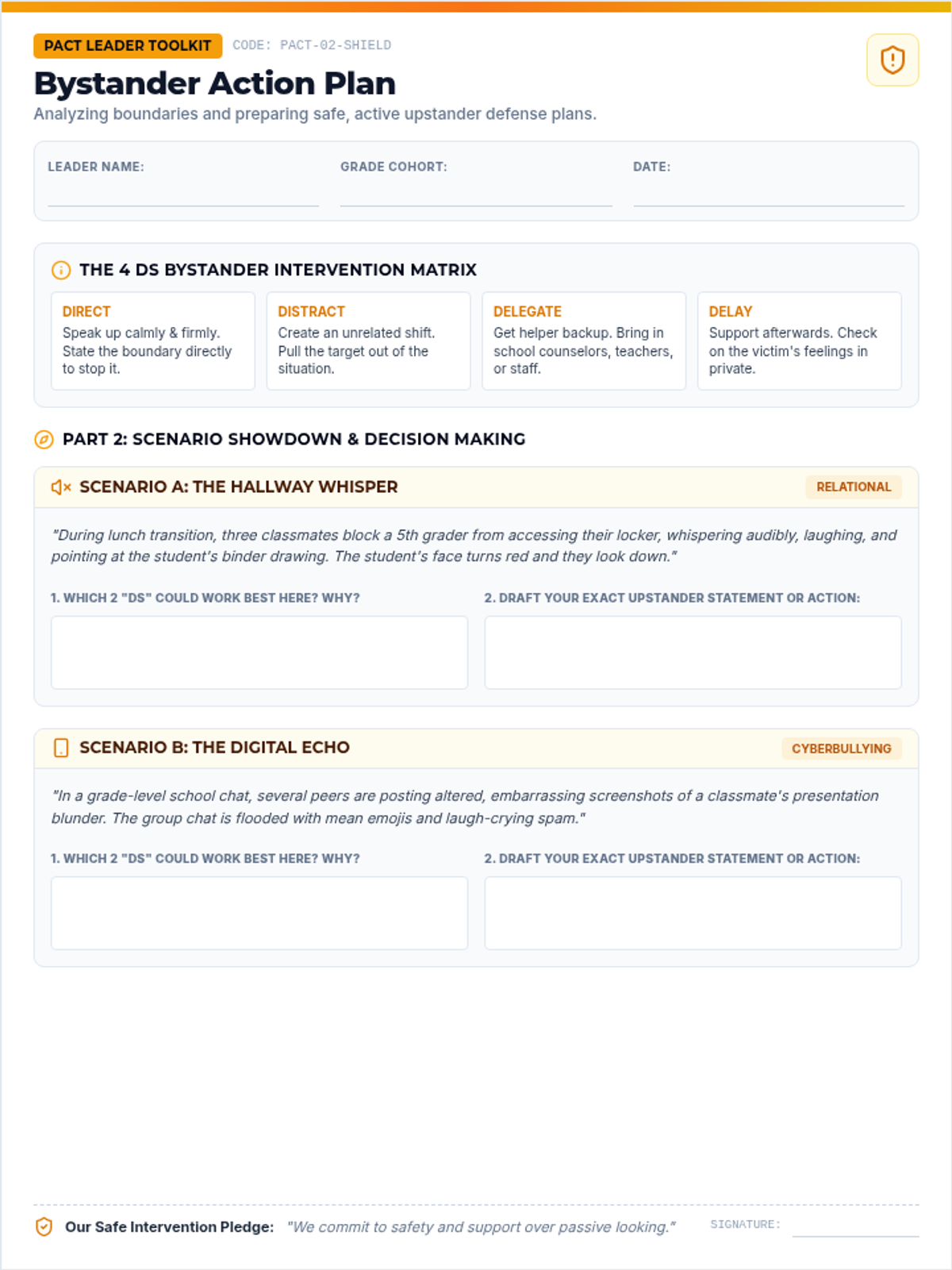
A practical student-facing action planning sheet where PACT leaders analyze real-world bullying scenarios and apply the 4 Ds bystander intervention framework.
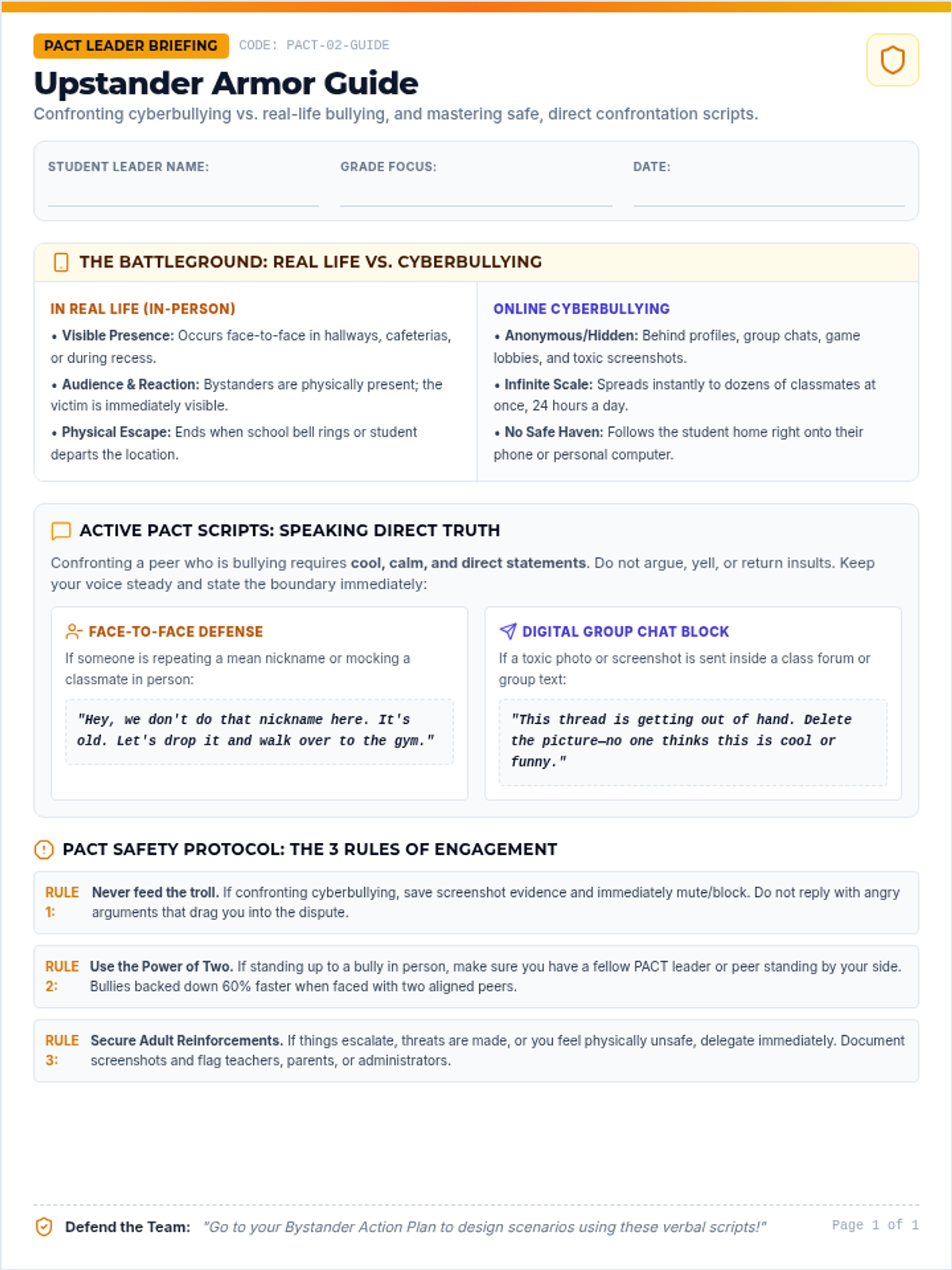
A printable guide detailing the exact differences between face-to-face and online cyberbullying, alongside direct, verbal upstander scripts for confronting bullying behavior safely.
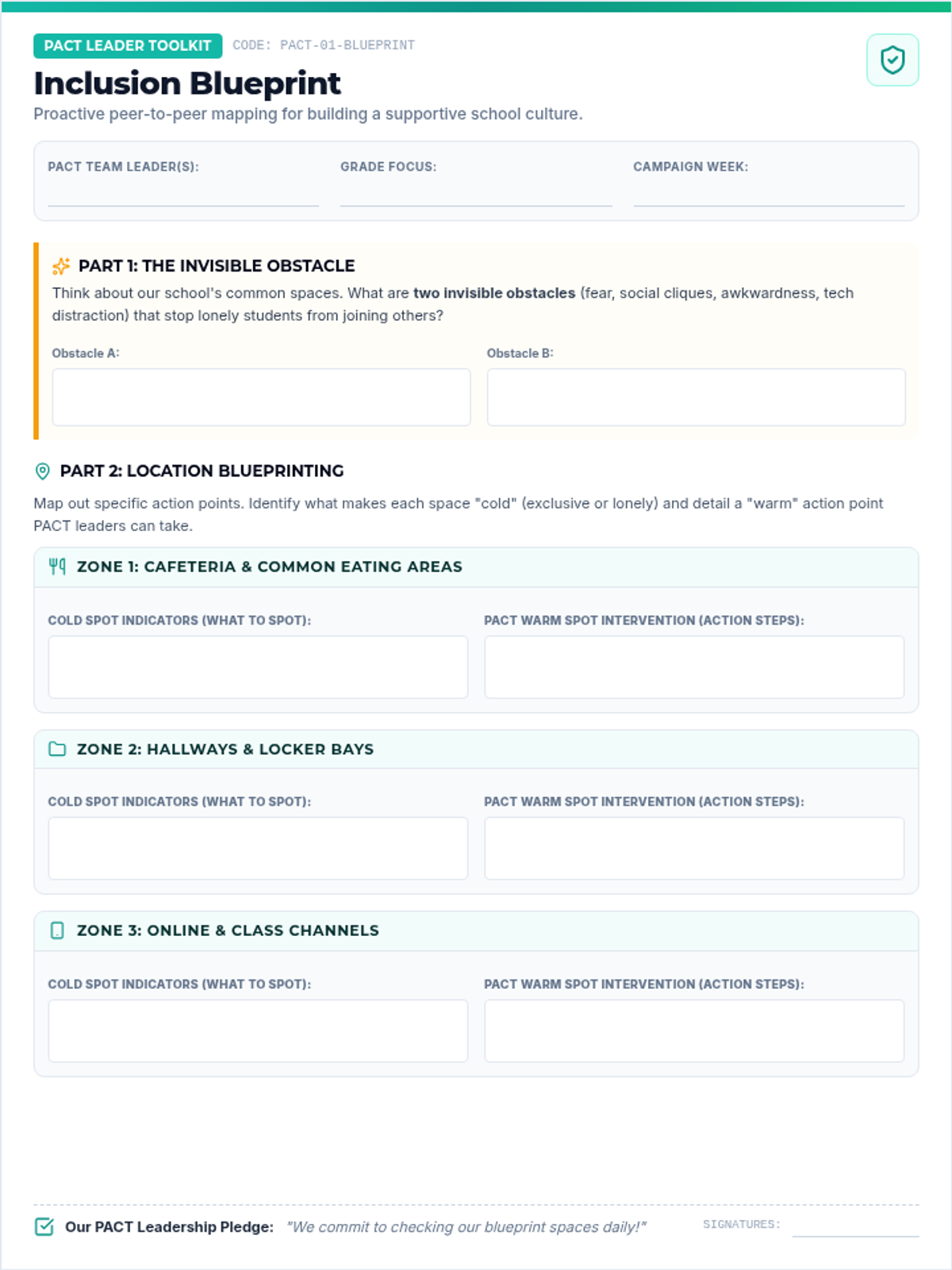
A blueprint planning worksheet for PACT leaders to map out specific, location-based proactive inclusion strategies across their school community.
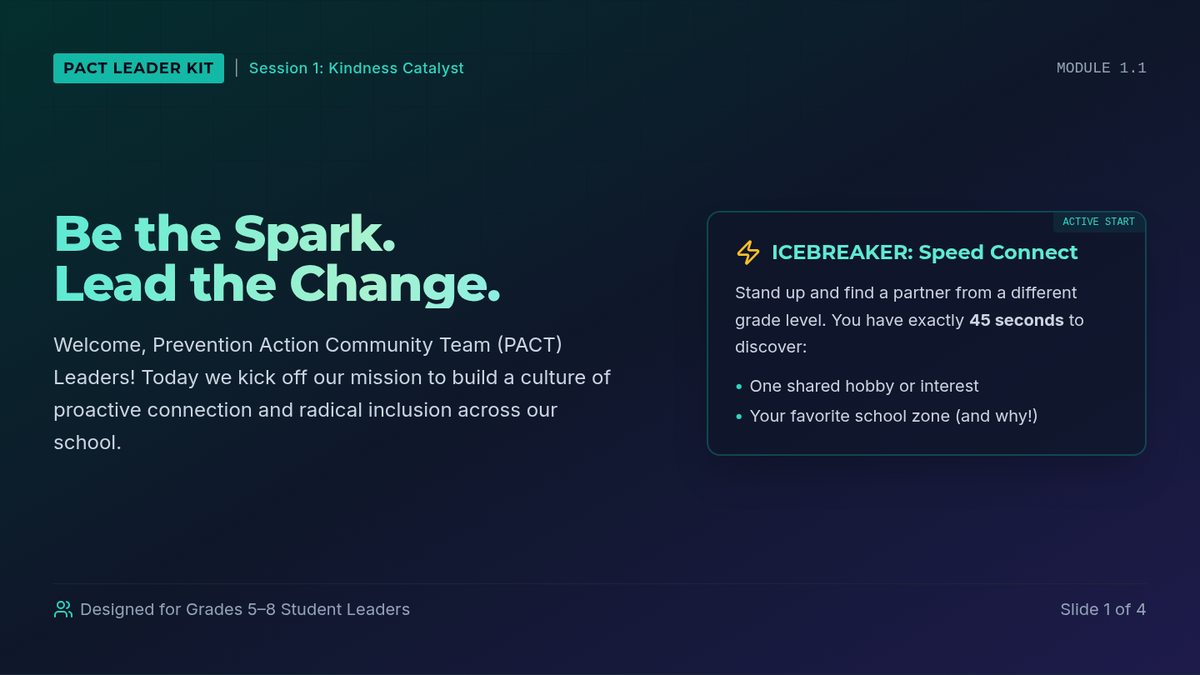
A printable guide for PACT student leaders outlining the campaign's core mission, featuring a group speed-connect icebreaker, a brain warm-up reflection, and proactive kindness checklists.
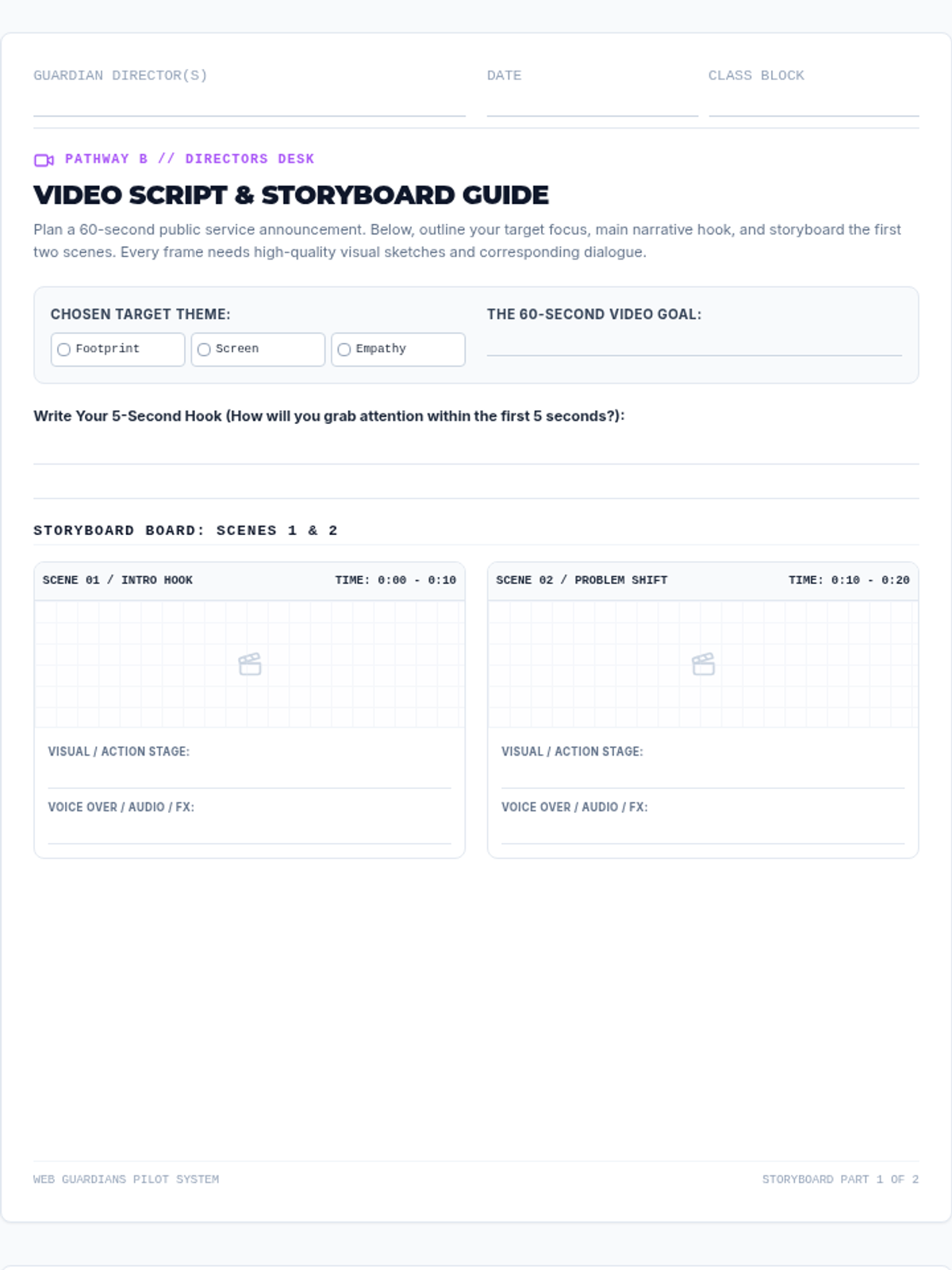
A highly structured video PSA brainstorming and 6-frame storyboard blueprint workbook for students selecting the video deliverable pathway. Features scene timers, separate visual design sketchboxes with subtle grid overlays, and aligned voiceover, stage action, and audio FX script lines.
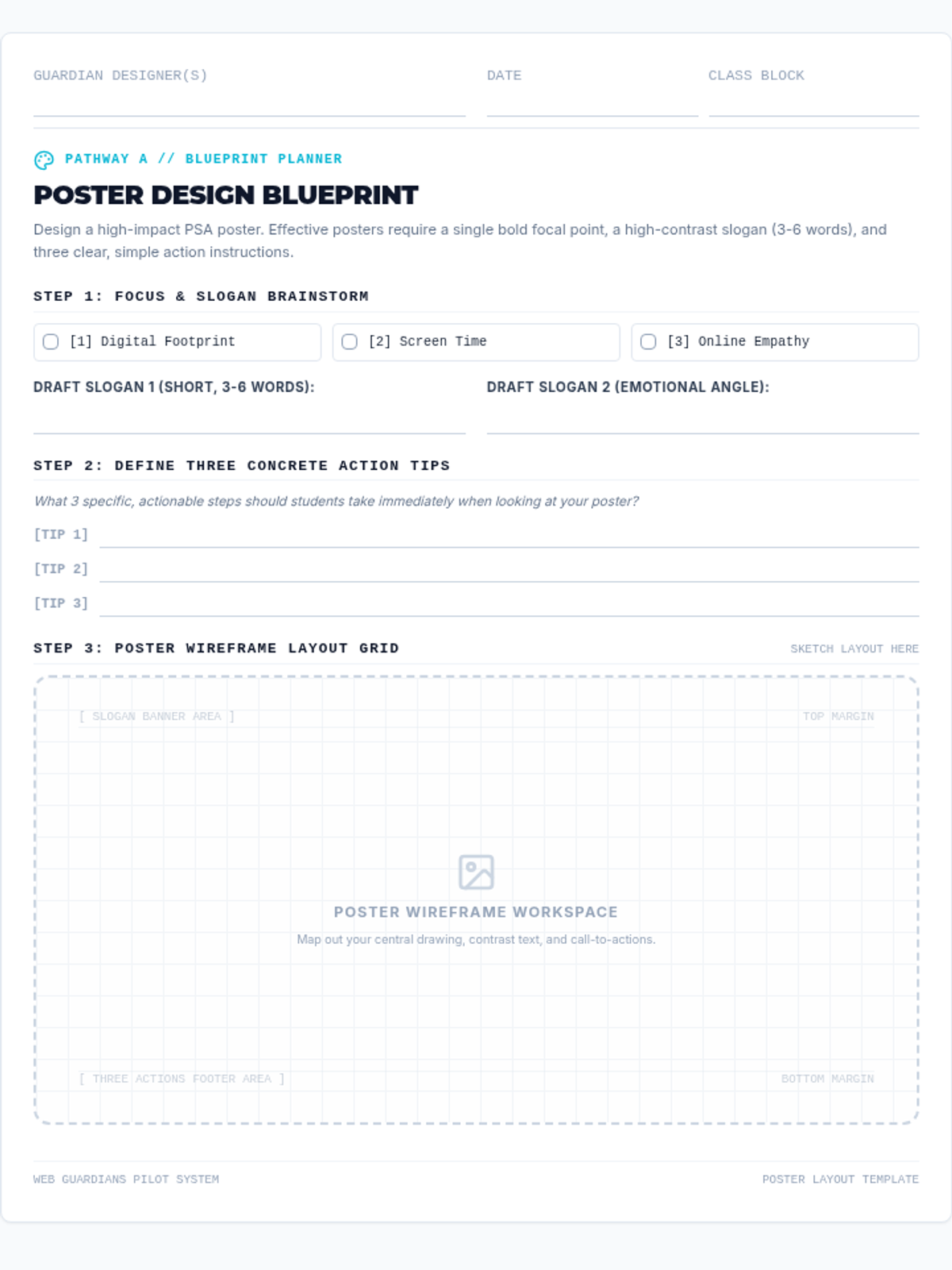
A step-by-step wireframe design and brainstorming template for the Poster choice pathway. Features a dedicated digital citizenship theme checklist, slogan drafting input fields, three actionable prompt planners, and a grid-patterned visual wireframe drawing canvas.
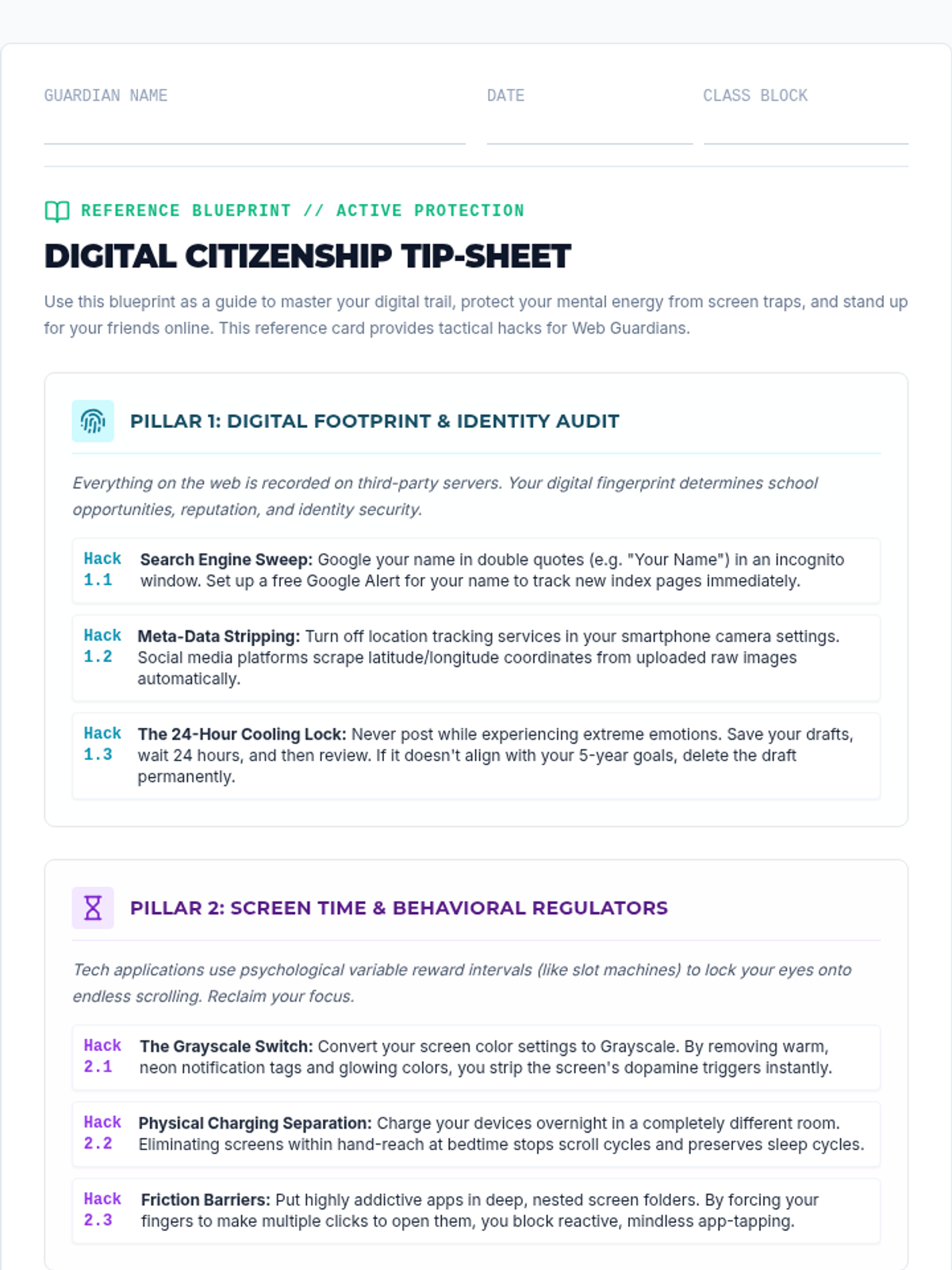
Digital Citizenship Tip-Sheets detailing the core three pillars (Digital Footprint, Screen Time, and Online Empathy). Includes concrete, high-impact technical and mental hacks designed to help middle and high school students audit and secure their digital lives.
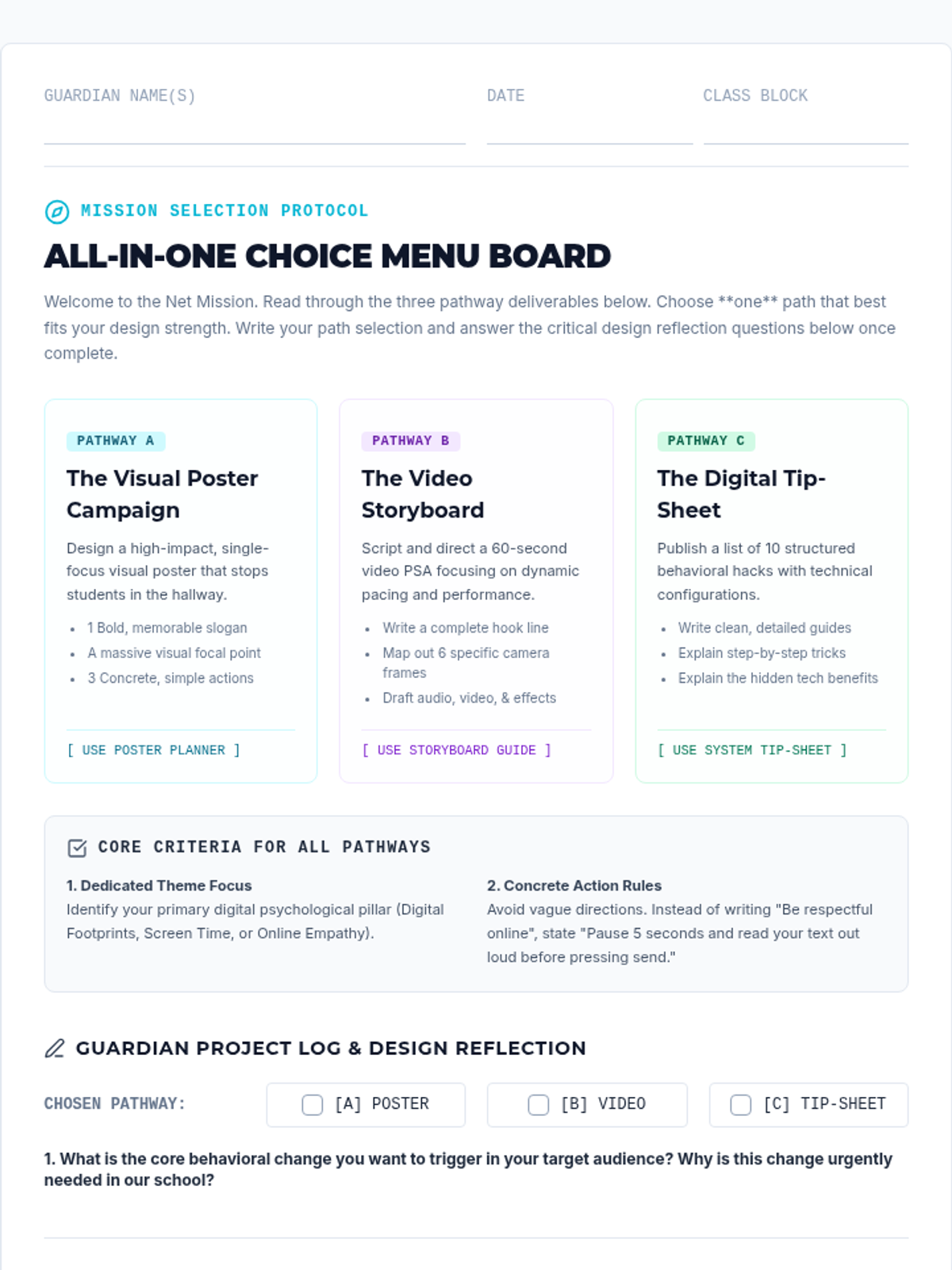
An all-in-one menu choice board document providing students with three alternative project delivery pathways: a visual poster, video storyboard, or digital tip-sheet. Includes student information header, primary criteria checklist, pathway descriptions, and structured reflection questions.
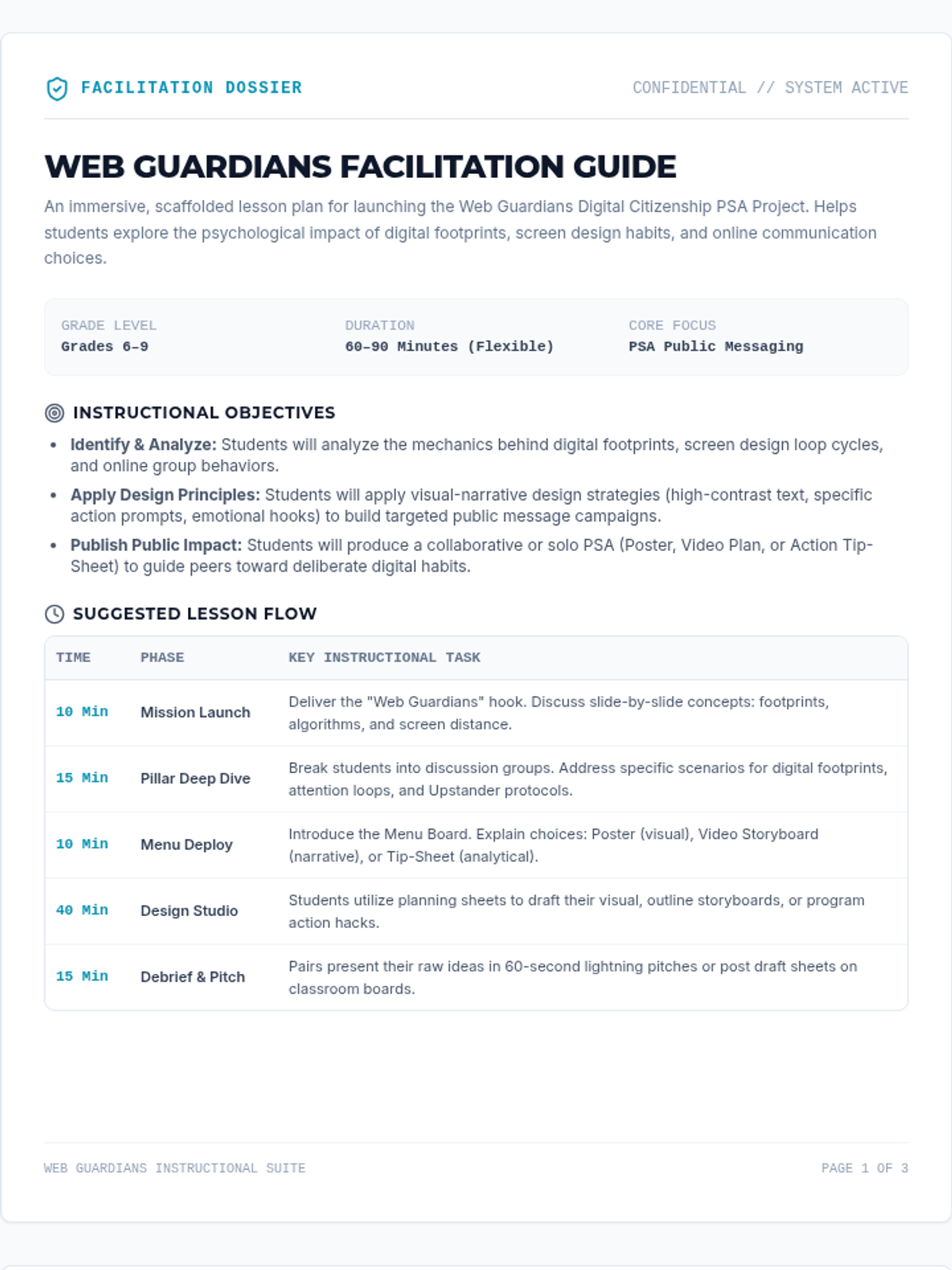
Teacher-facing facilitation guide for the Web Guardians lesson. Features core instructional objectives, a detailed pacing table, critical discussion guides, a grading rubric with performance indicators, and specific differentiation pathways for scaffolded and advanced student learners.
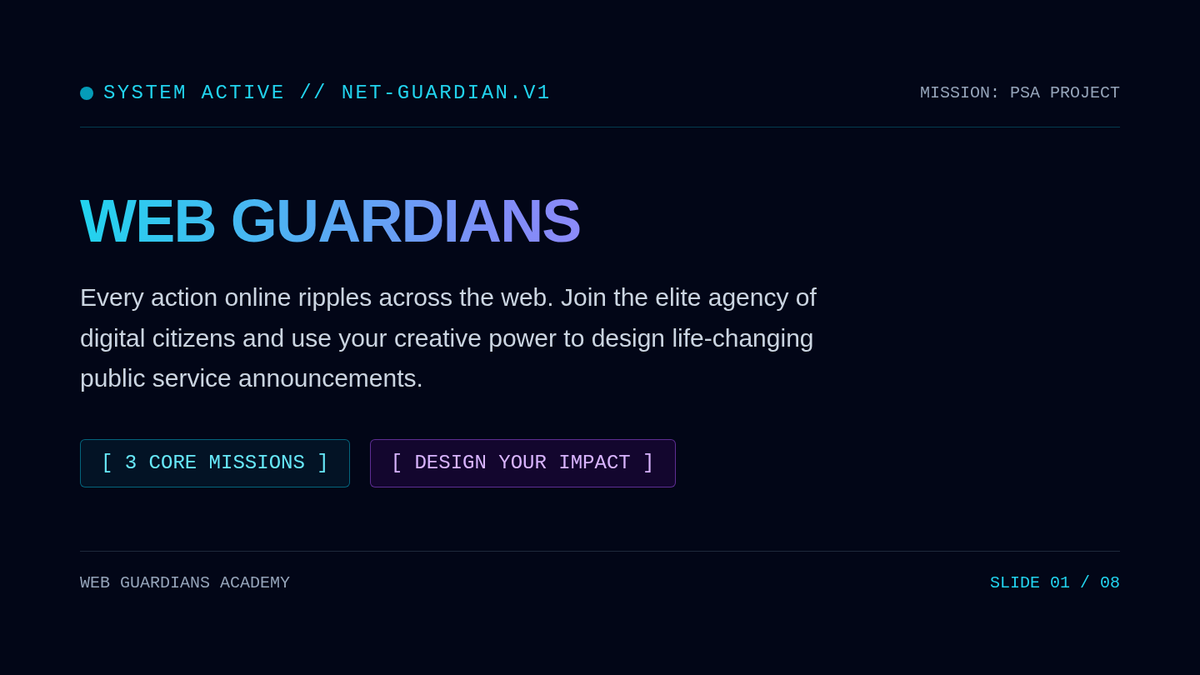
Interactive presentation slide deck introducing the Web Guardians digital citizenship project. Cohesive cyberpunk arcade design featuring thematic deep dives into digital footprint archiving, screen time regulation strategies, and online empathy upstander protocols, accompanied by project menu explanations and visual design principles.
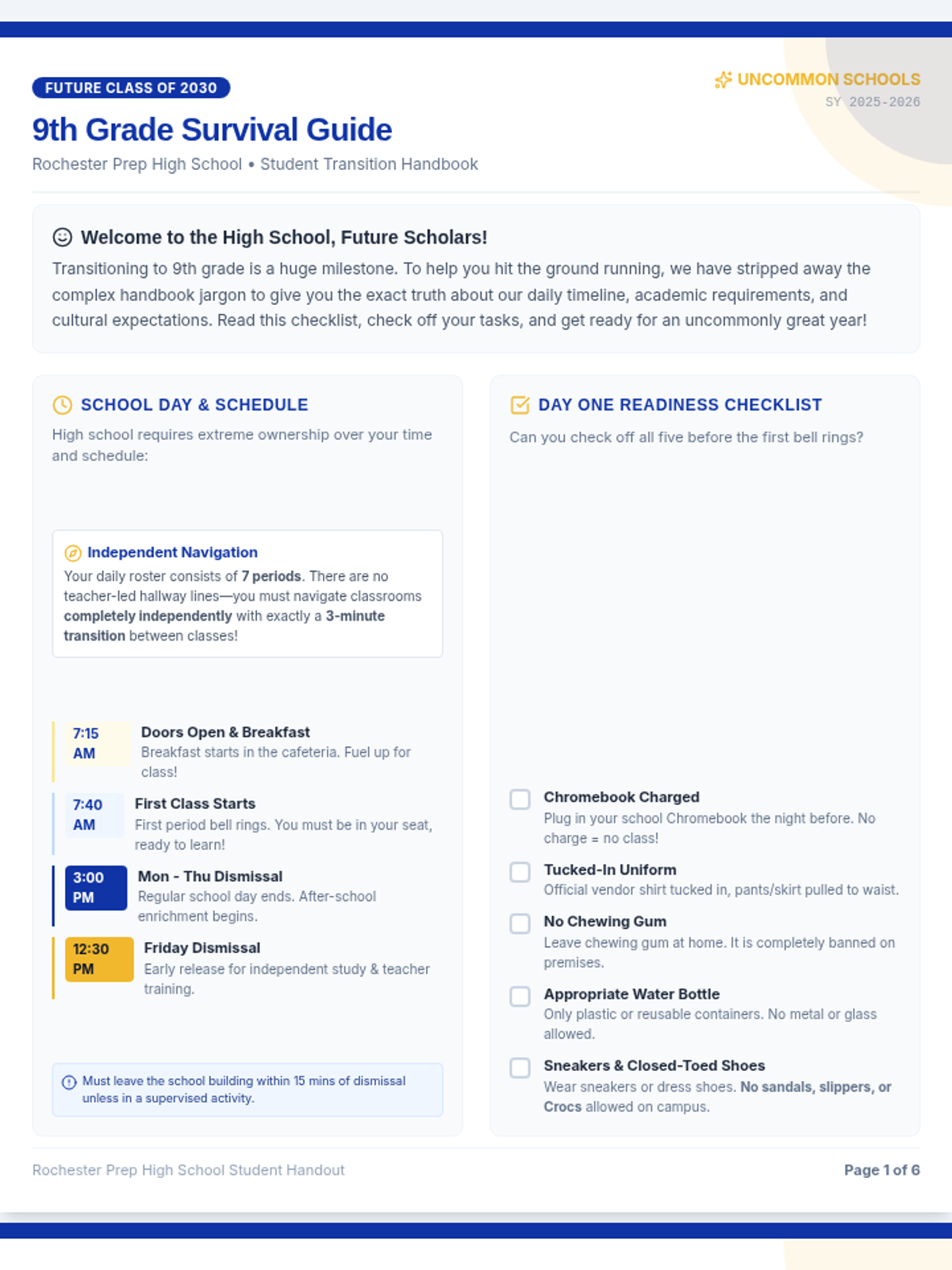
A student-friendly, twelve-slide transition presentation designed for rising 9th graders, de-jargonizing the handbook expectations around academic promotion, cell phones, Chromebooks, hours, and locker search rules, including independent navigation, Google Classroom submissions, and a student-friendly GPA guide.
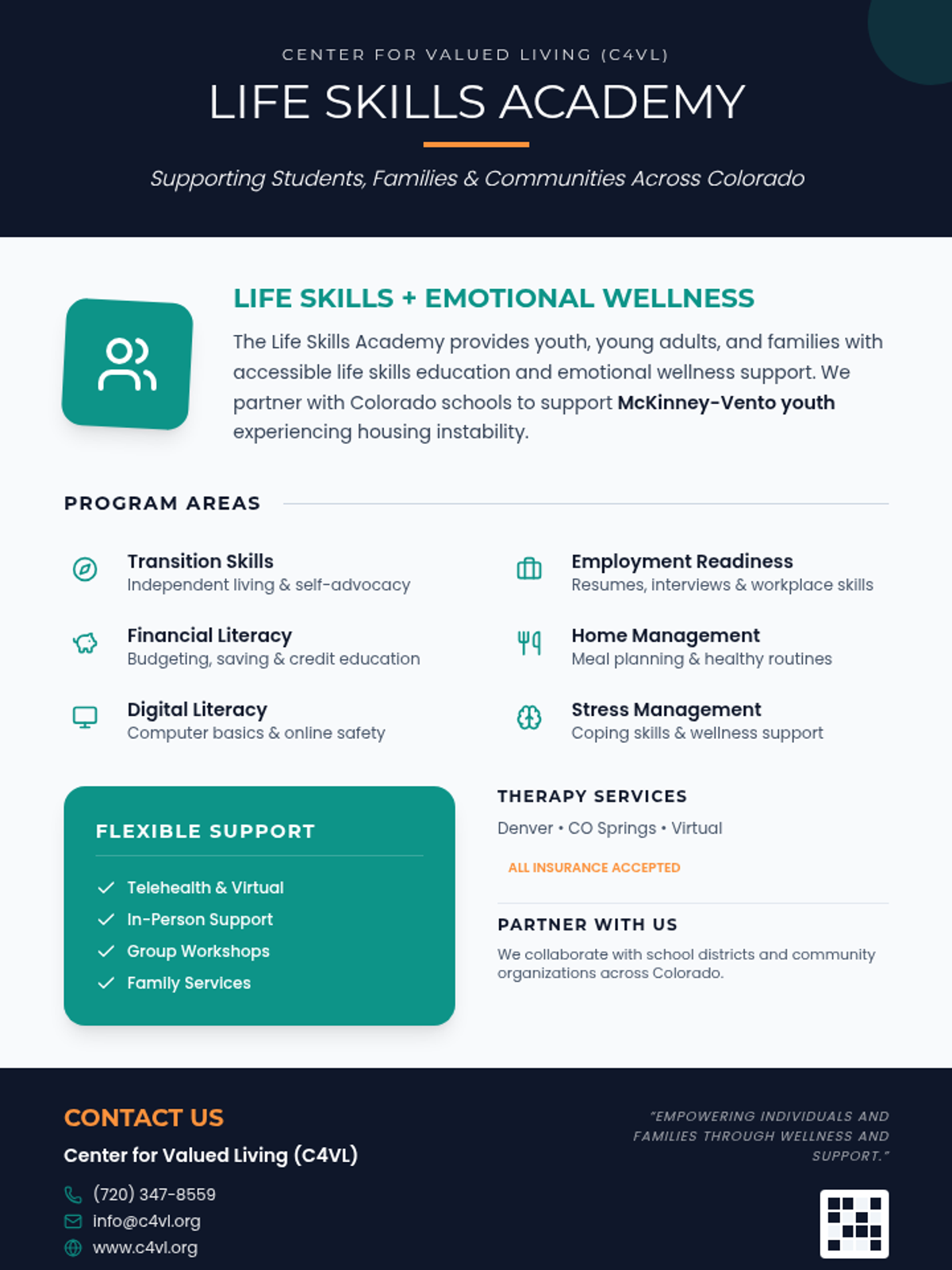
A professional one-page informational flyer for the C4VL Life Skills Academy, featuring a clean teal and navy blue design with sections on program areas, support options, and partnership opportunities.
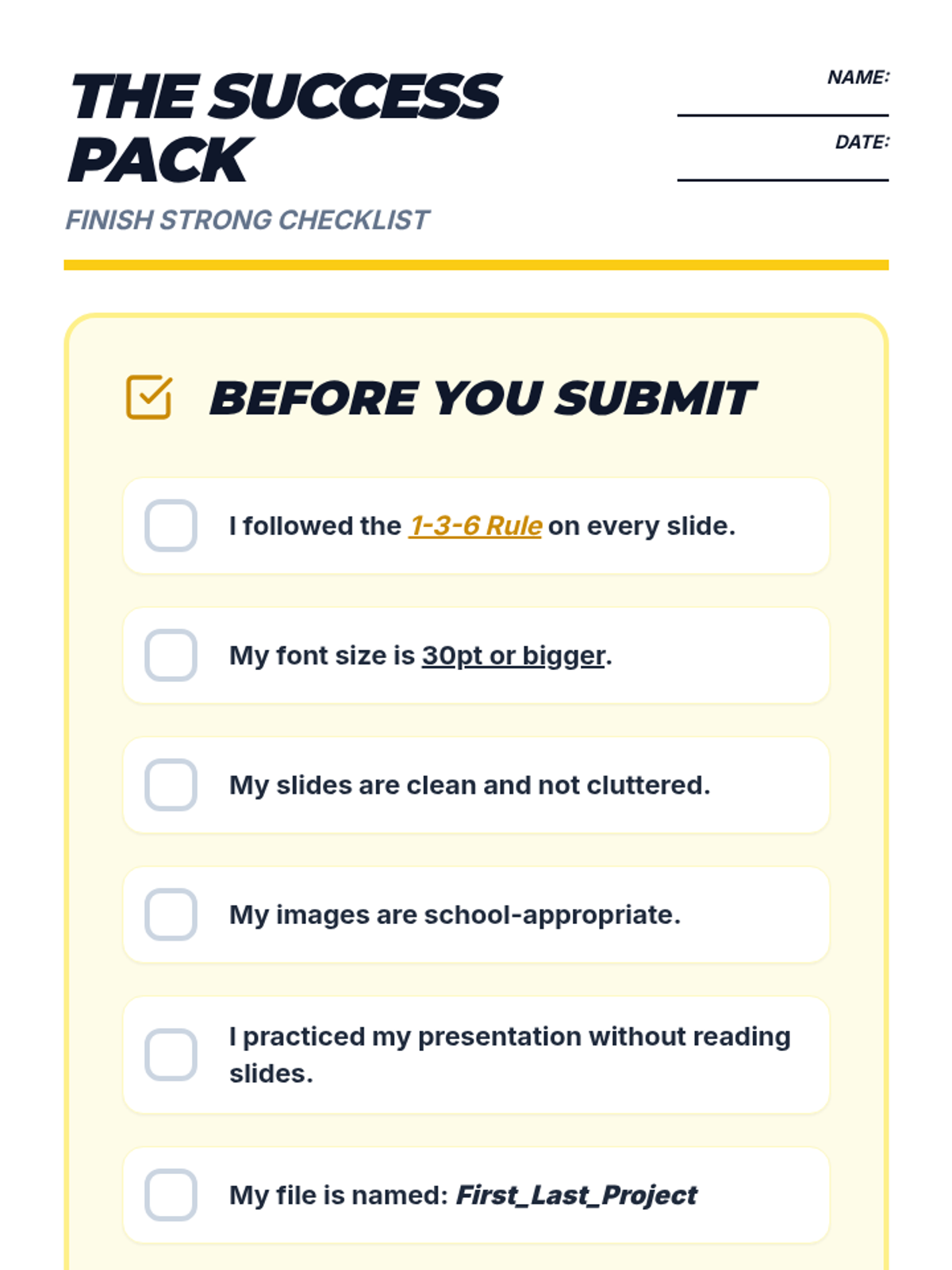
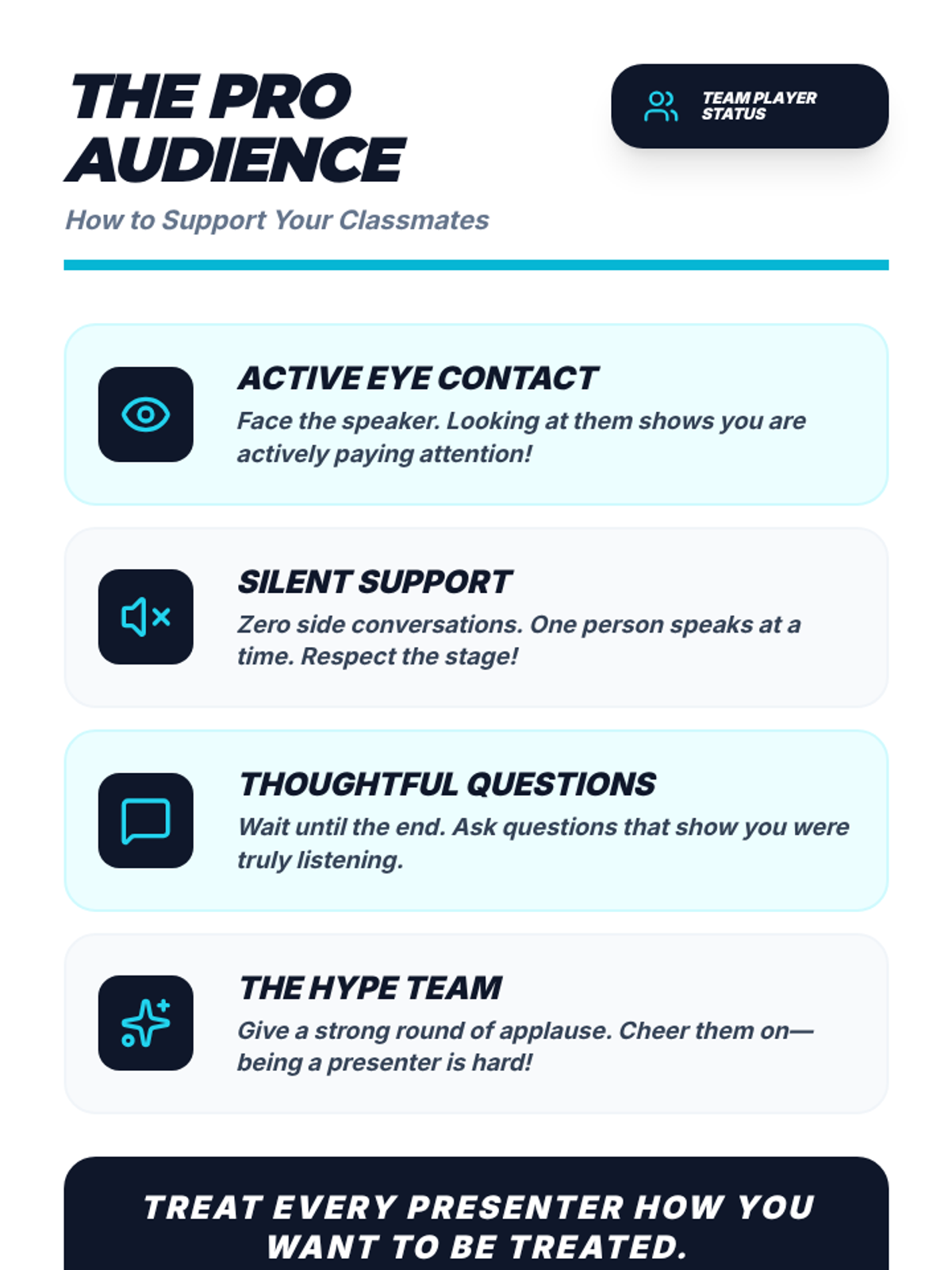
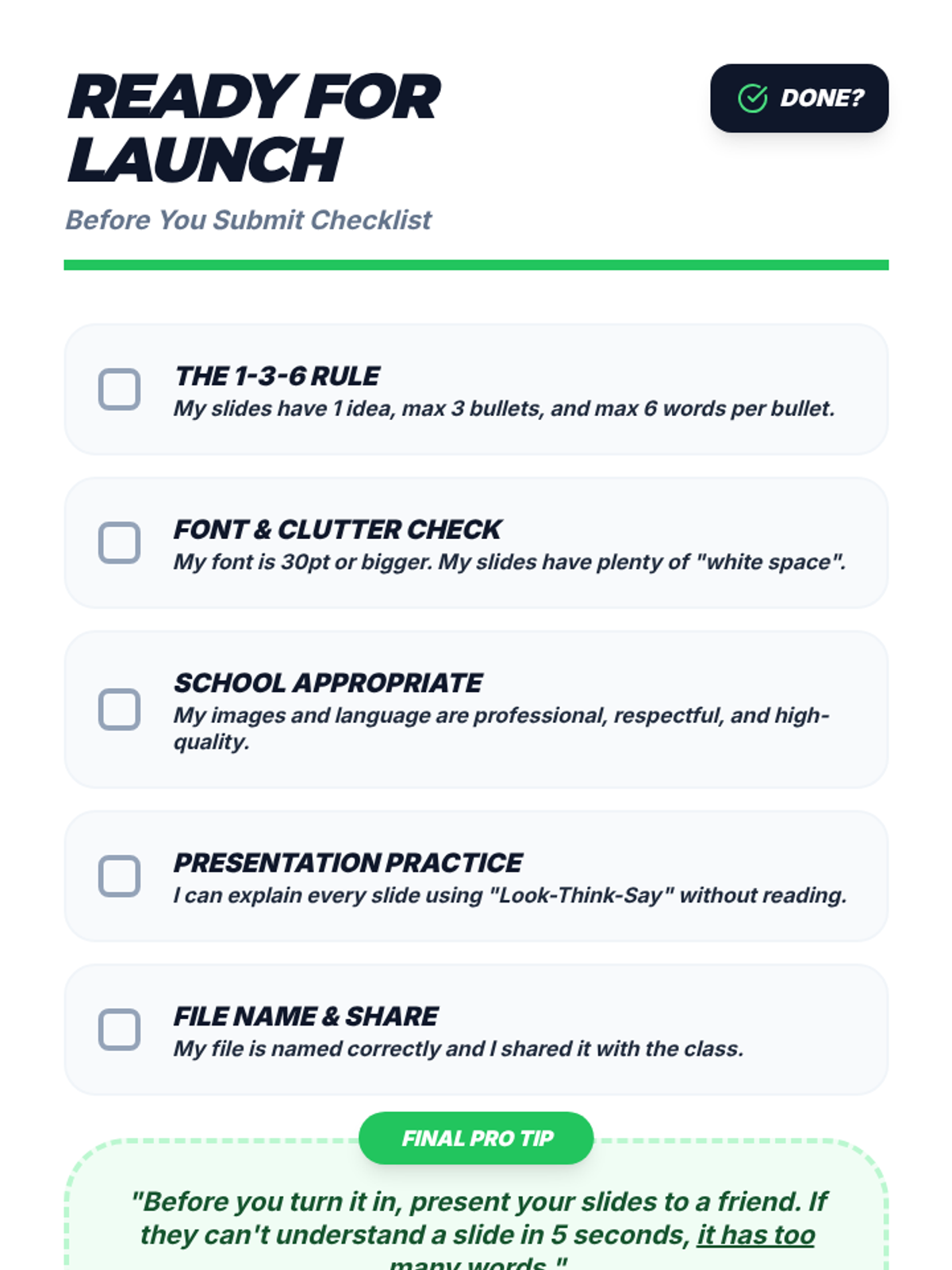
A 2-page success pack for students including a 'Before You Submit' checklist and an 'Audience Expectations' guide to ensure a high-quality presentation experience. Corrected for page breaks and layout consistency. Expanded text size for impact.
A concise and visually engaging guide for students on how to be a respectful and supportive audience member. Corrected for layout, kerning, and single-page fit.
A final 'Before You Submit' checklist page for students to verify their 1-3-6 rule adherence, font readability, image appropriateness, and sharing settings. Consolidated for a clean single-page layout.
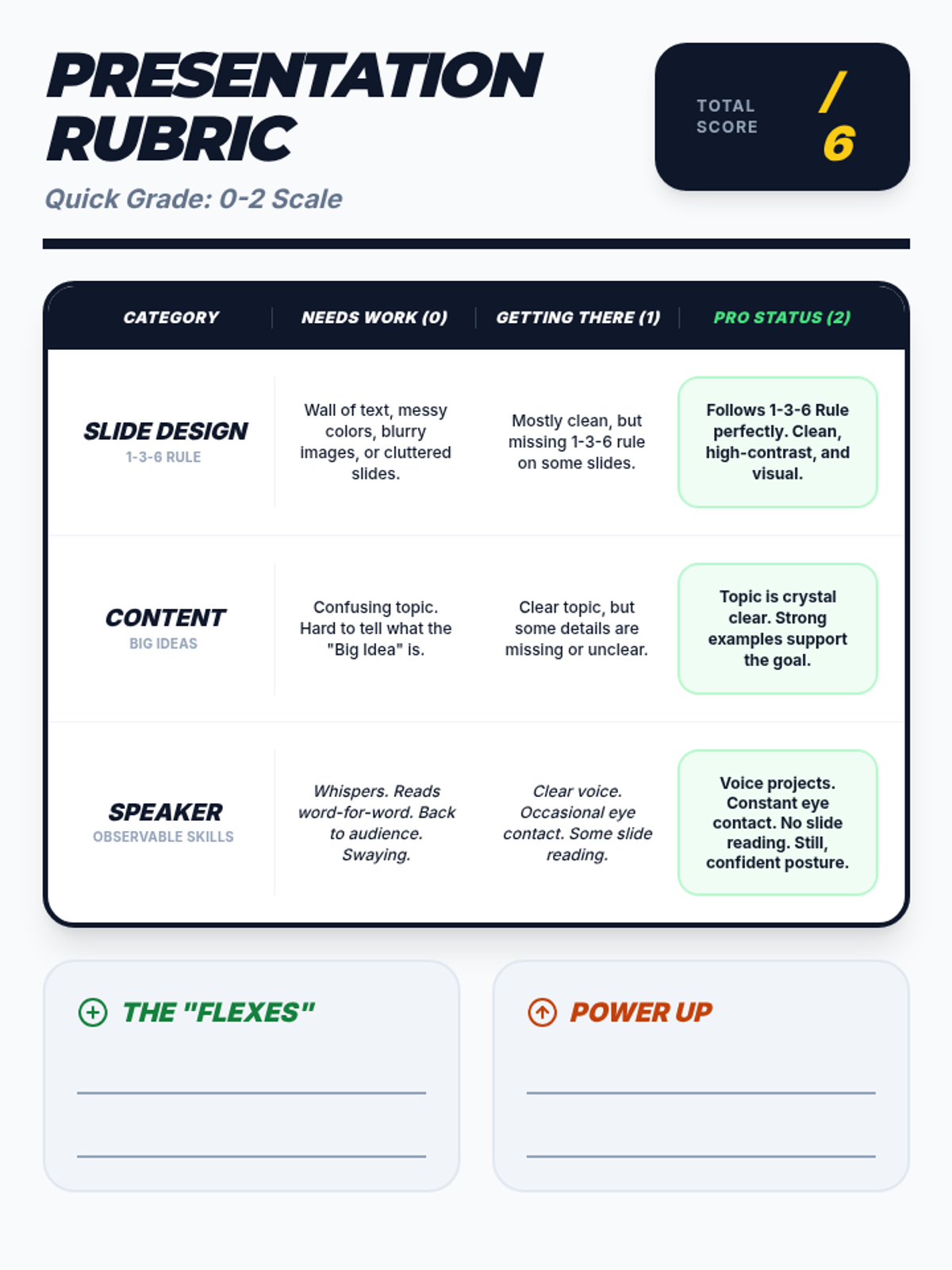
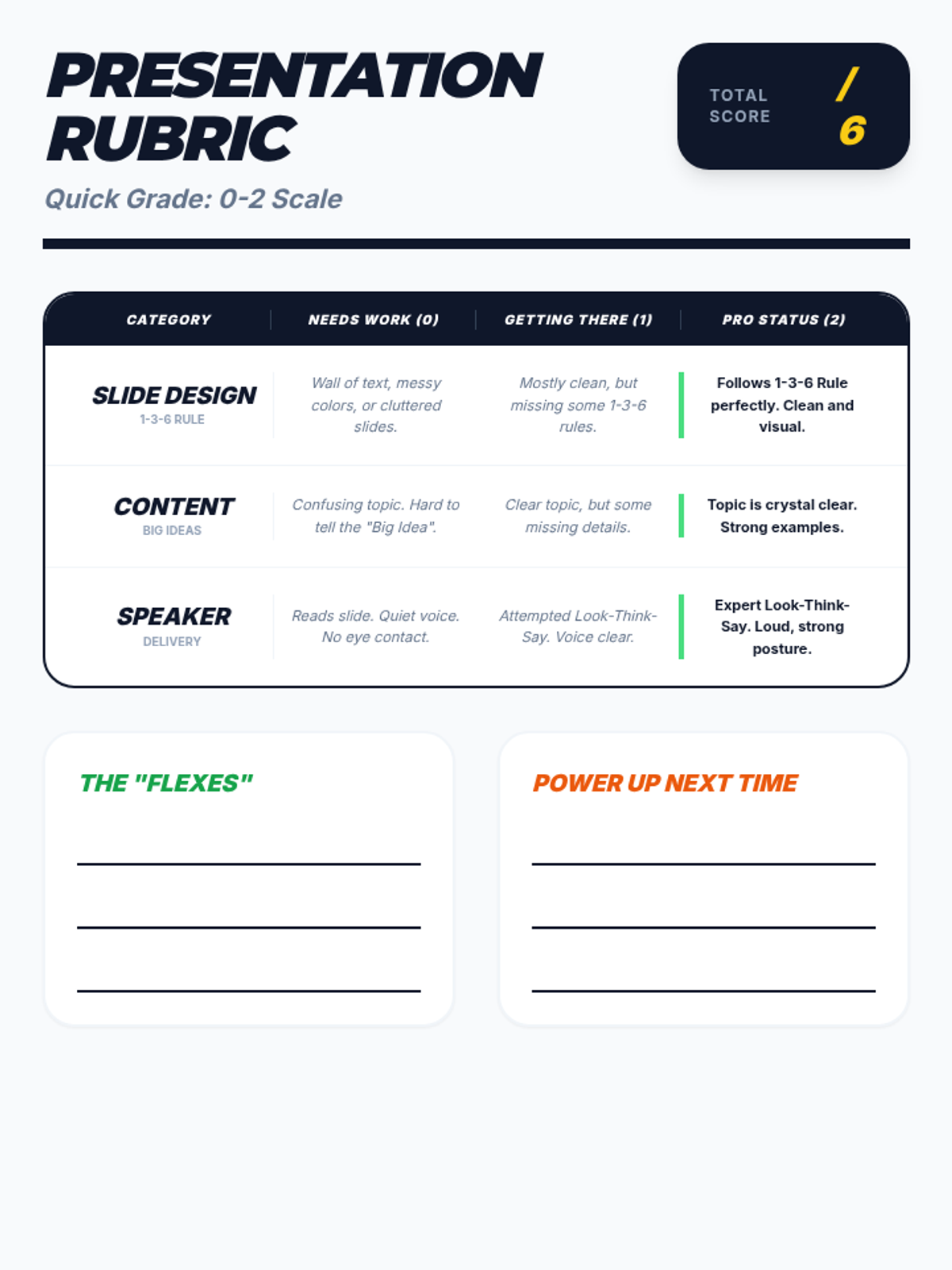
A student-friendly presentation rubric with a 0-2 scale. Revised with specific observable behaviors for speaker skills like voice projection, eye contact, and posture. Corrected for text contrast and consolidated to one page.
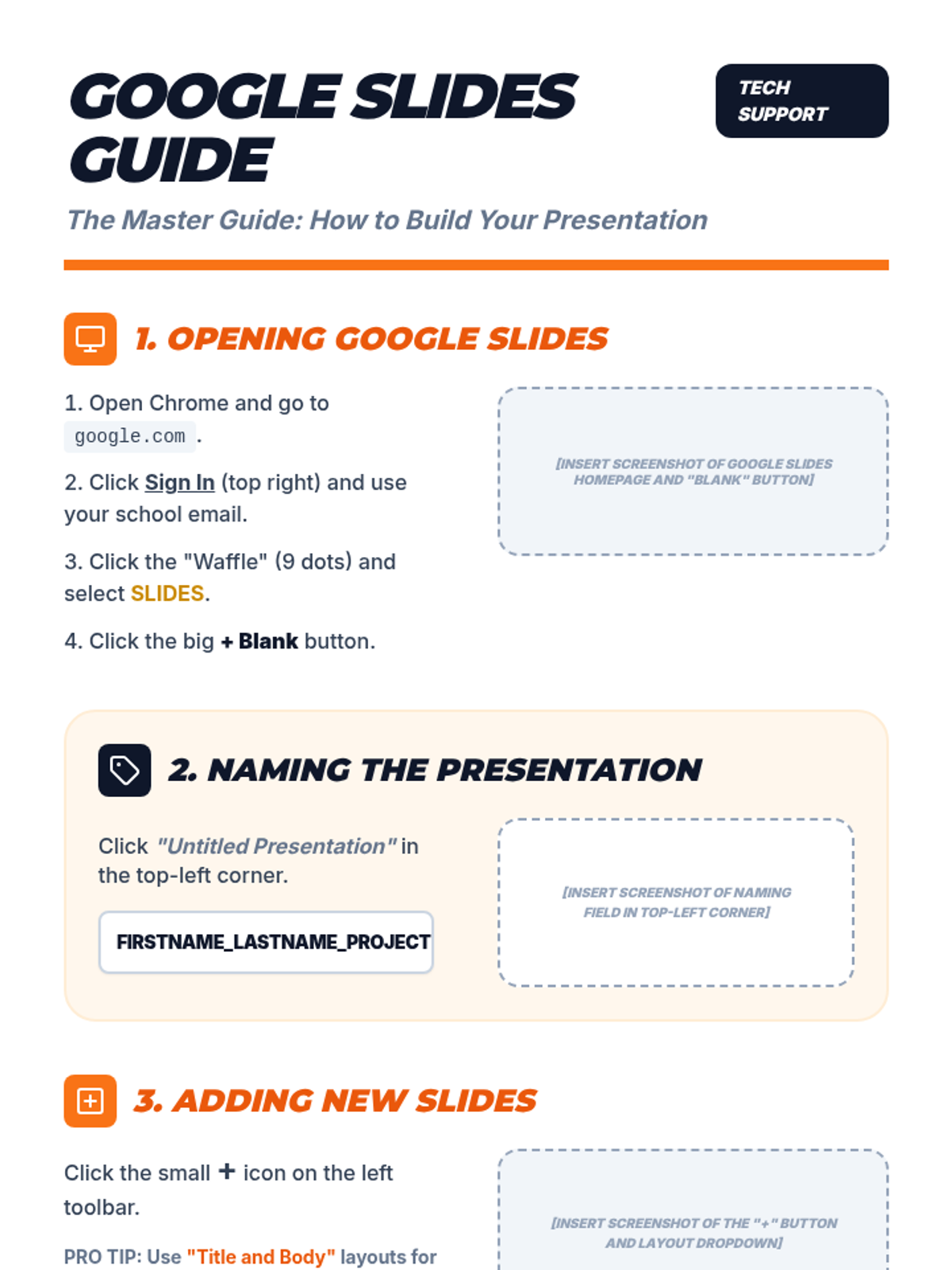
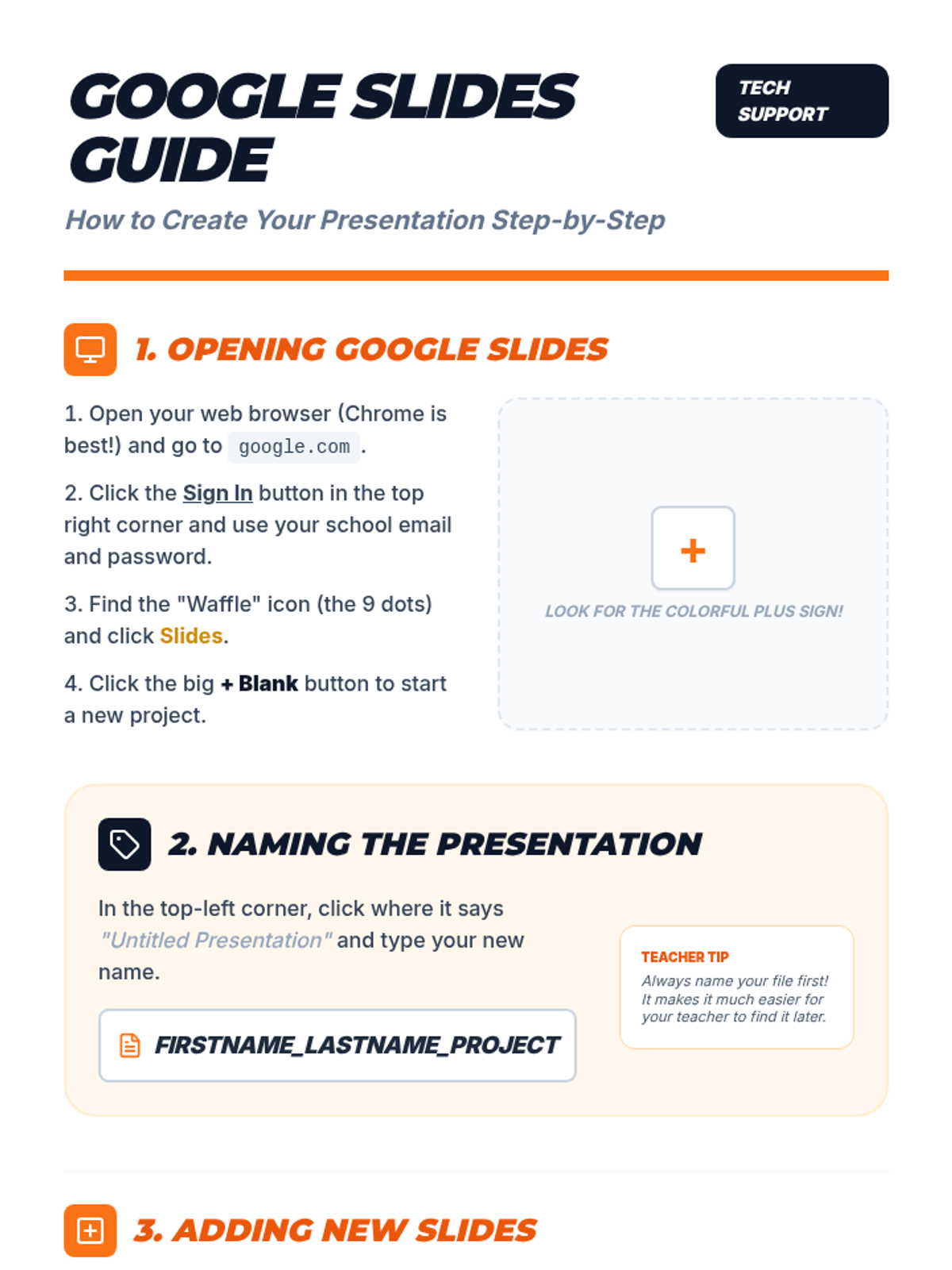
A comprehensive step-by-step instructional guide for middle schoolers on how to physically create, name, design, and share a Google Slides presentation. Corrected with screenshot placeholders, side-by-side models, and presentation crimes.
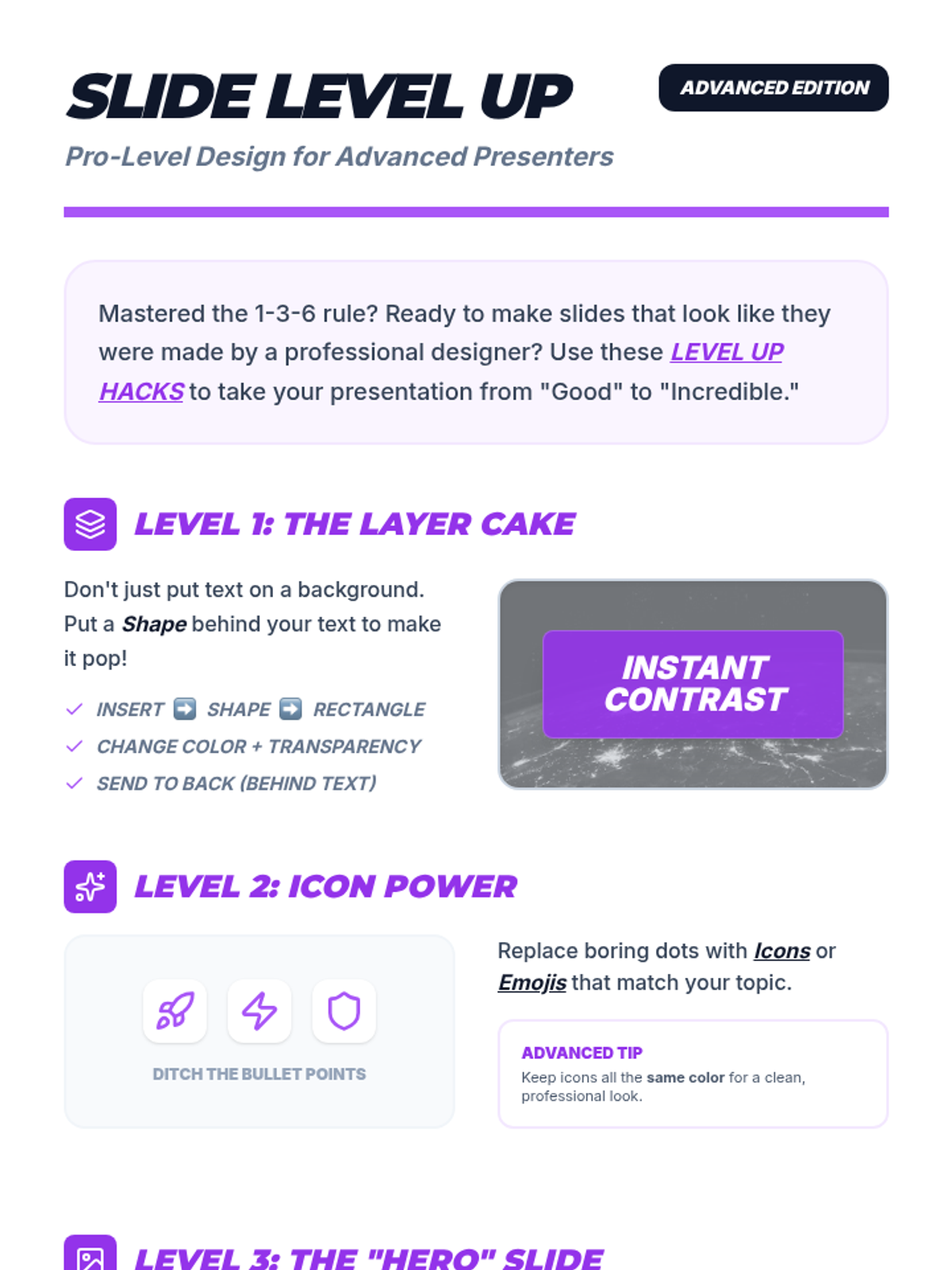
An advanced design guide for middle schoolers to "level up" their slide presentations with pro-level tips on layering, icons, hero images, and color palettes. Corrected for page breaks and layout consistency.
A comprehensive step-by-step instructional guide for middle schoolers on how to physically create, name, design, and share a Google Slides presentation. Corrected for page breaks and layout consistency. Labeled screenshot placeholders included. Improved for accessibility.
A student-friendly presentation rubric with a 0-2 scale across three categories: Slide Design, Content Clarity, and Presentation Skills. Revised for specific observable behaviors and optimized for print.
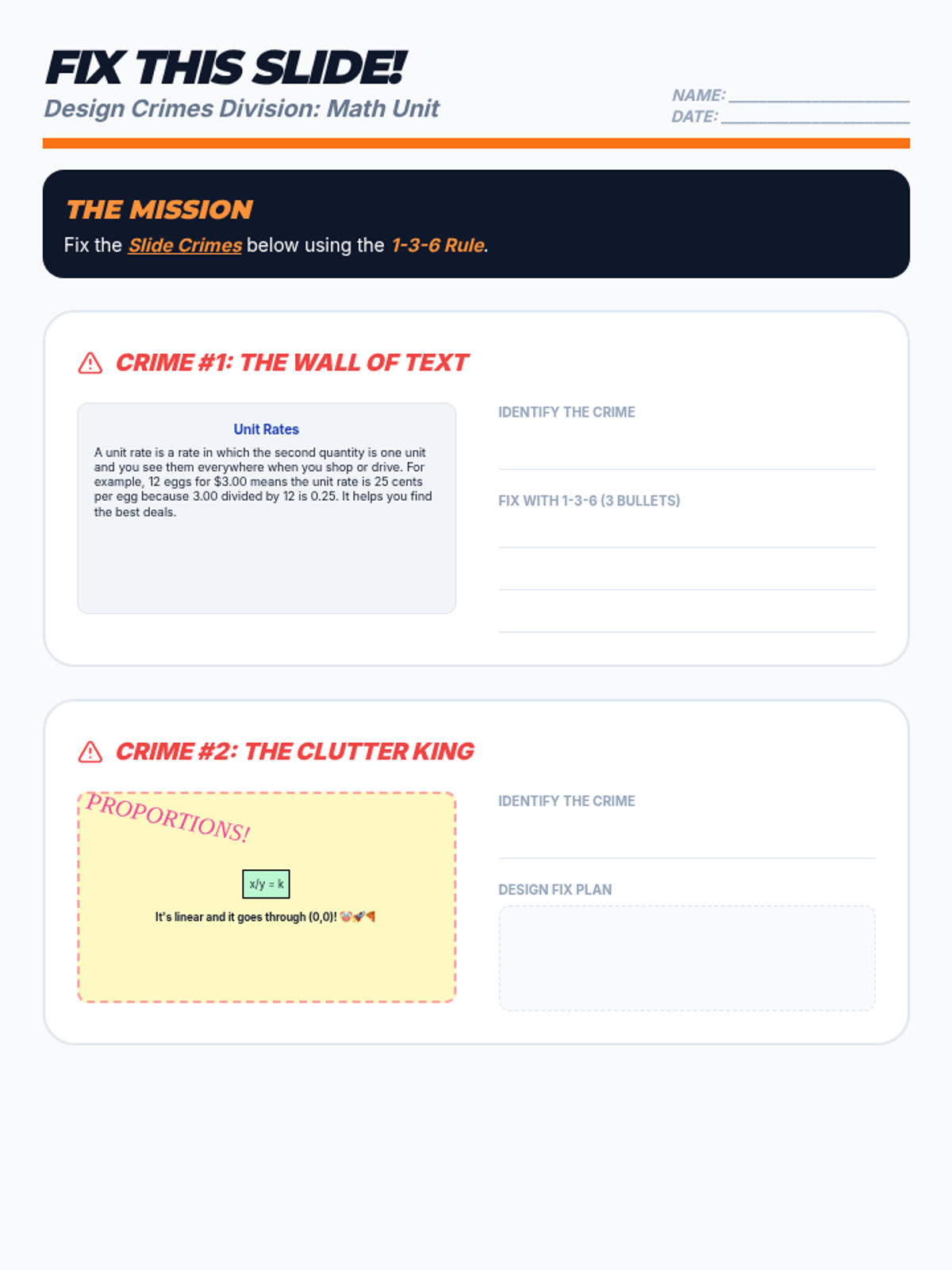
A 'Fix This Slide' activity where students identify design crimes in two math-themed slides and propose improvements based on the 1-3-6 rule. Stacked layout for optimal print fit. Corrected for consistency and work areas. Labeled work areas included.
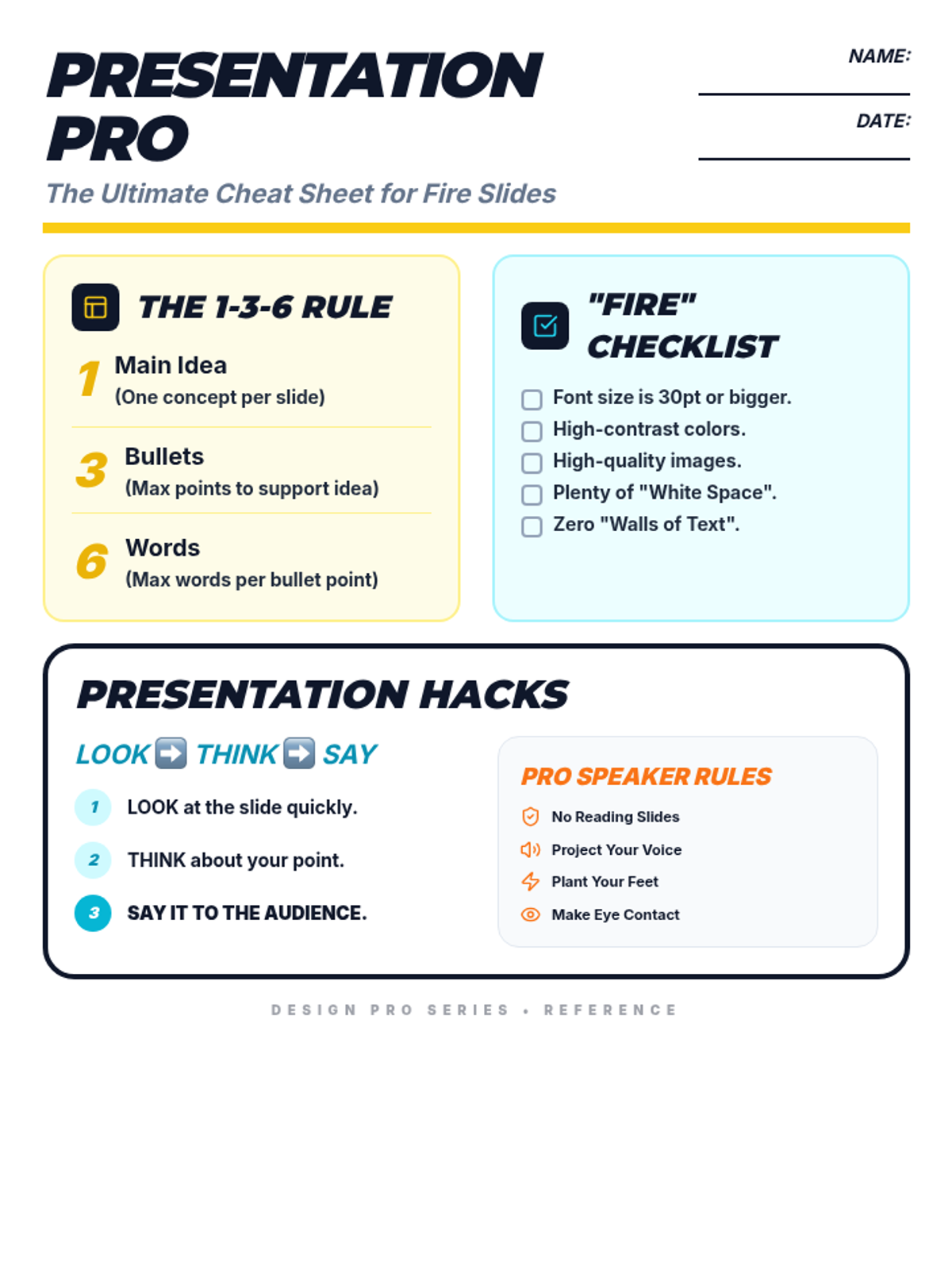
A refined 1-page student handout for presentation skills, featuring the 1-3-6 rule, 'Slide Crimes', and delivery techniques. Corrected for printability and appropriateness. Now includes a small planning area.
A comprehensive teacher deck for three mini-lessons on presentation quality, slide design (1-3-6 rule), and delivery skills (Look-Think-Say). Corrected for contrast, alignment, and student-appropriate language. Now includes Side-by-Side Mars modeling and Presentation Crimes.
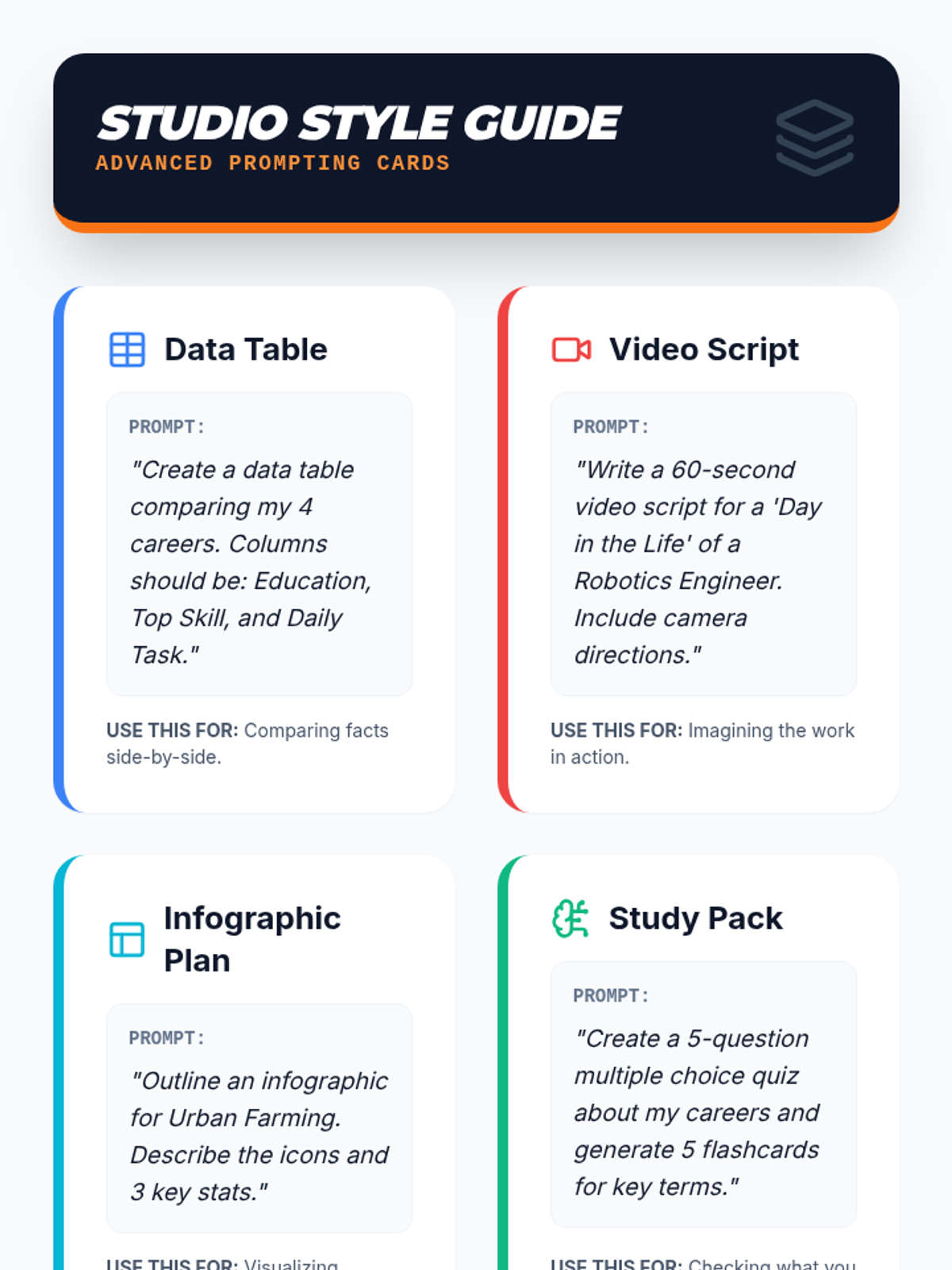
A visual prompt guide featuring specific exemplars and sentence stems to help students generate advanced NotebookLM outputs like data tables, video scripts, infographics, and study packs. Replacing "my careers" with "these careers".
Day 2 slides focusing on the 'Studio' output styles of NotebookLM, featuring specific instructions and prompts for video overviews, data tables, infographics, quizzes, and flashcards. Replacing "my career" with "the career" or "these careers".
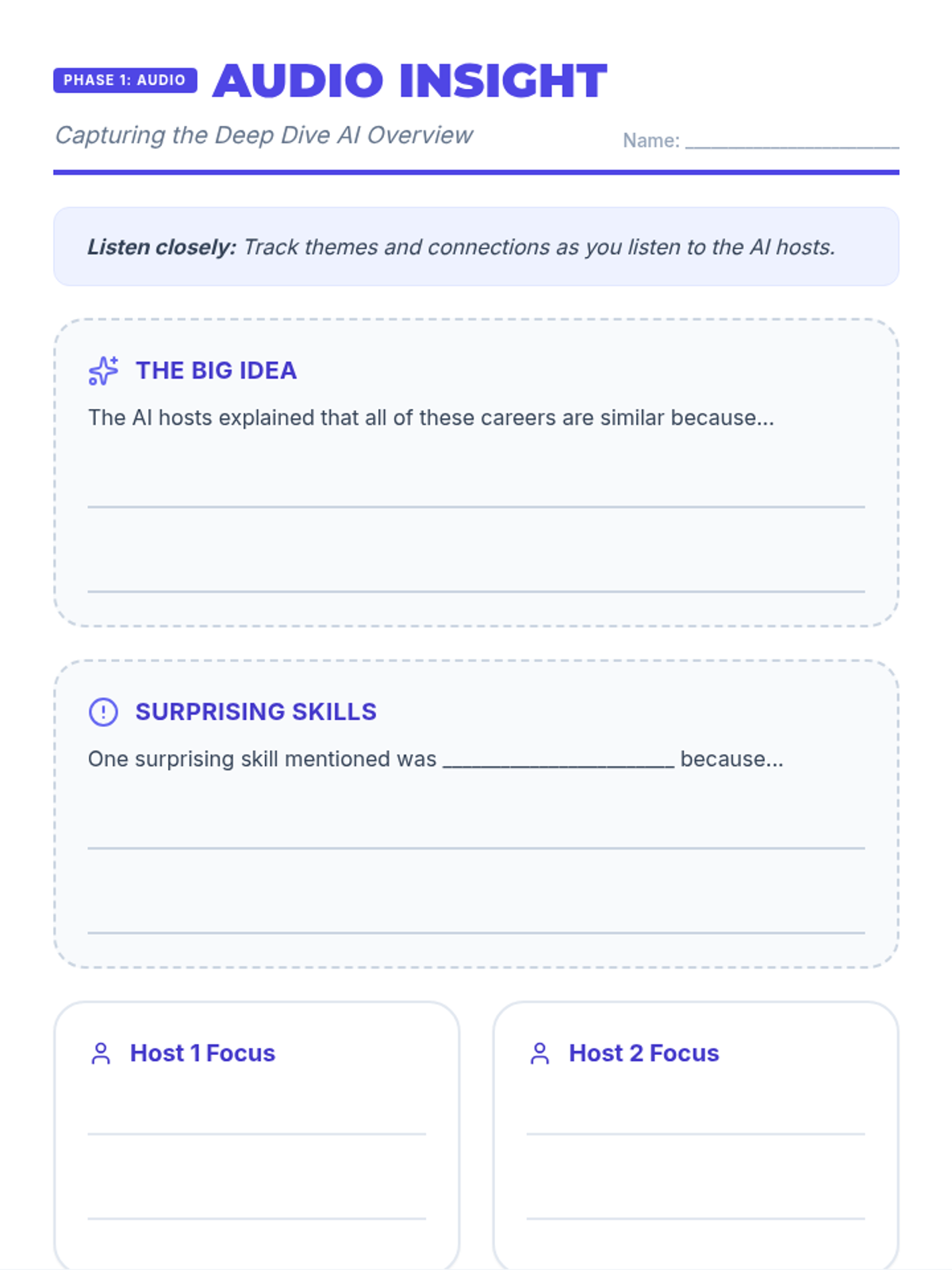
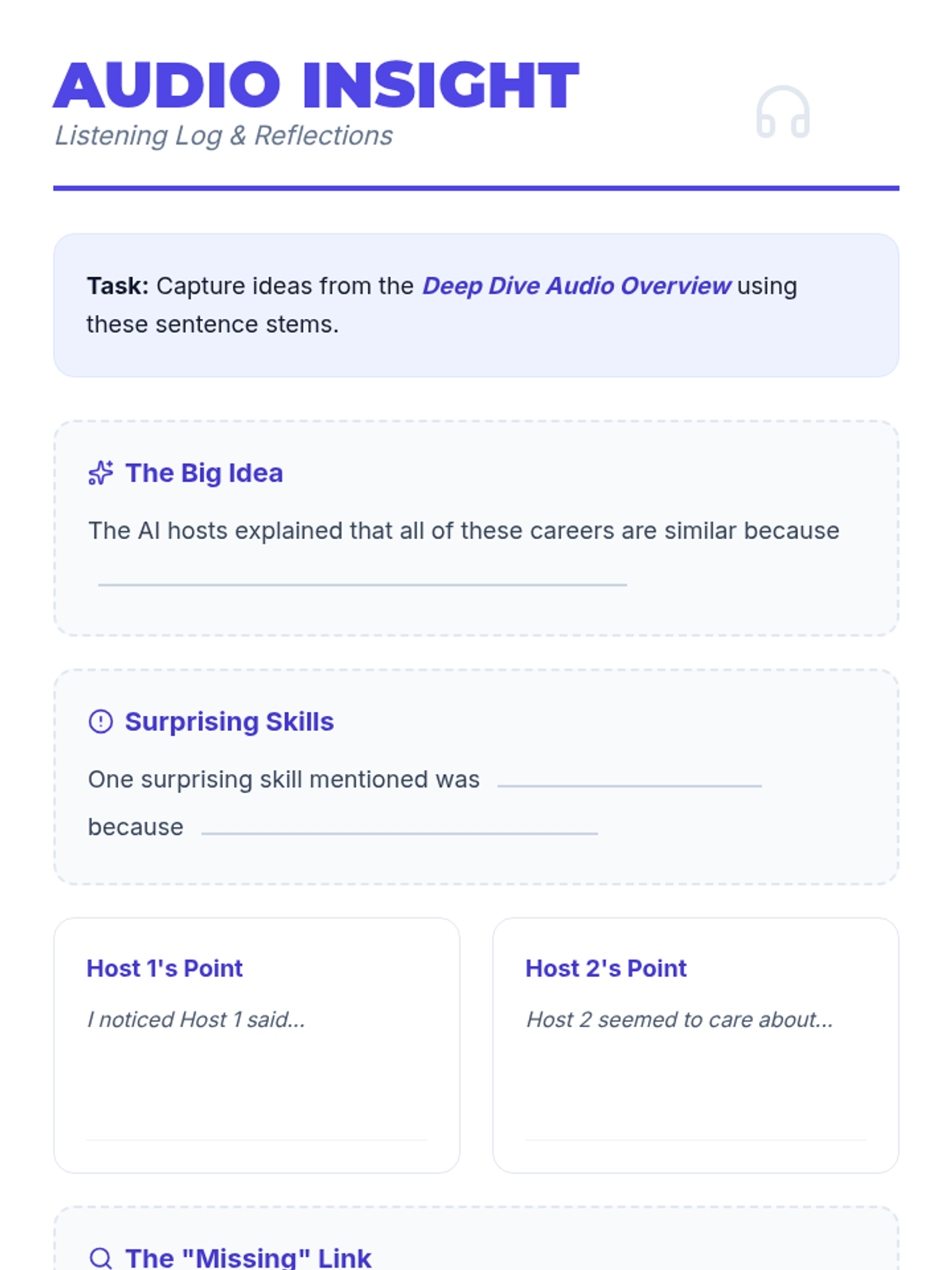
A guided reflection worksheet for students to use while listening to the NotebookLM Audio Overview, featuring sentence stems and designated areas for capturing key takeaways.