Fundamental hardware proficiency, secure online behavior, and ethical social media engagement. Equips learners with productivity tool mastery, web publishing skills, and critical evaluation of emerging technologies.
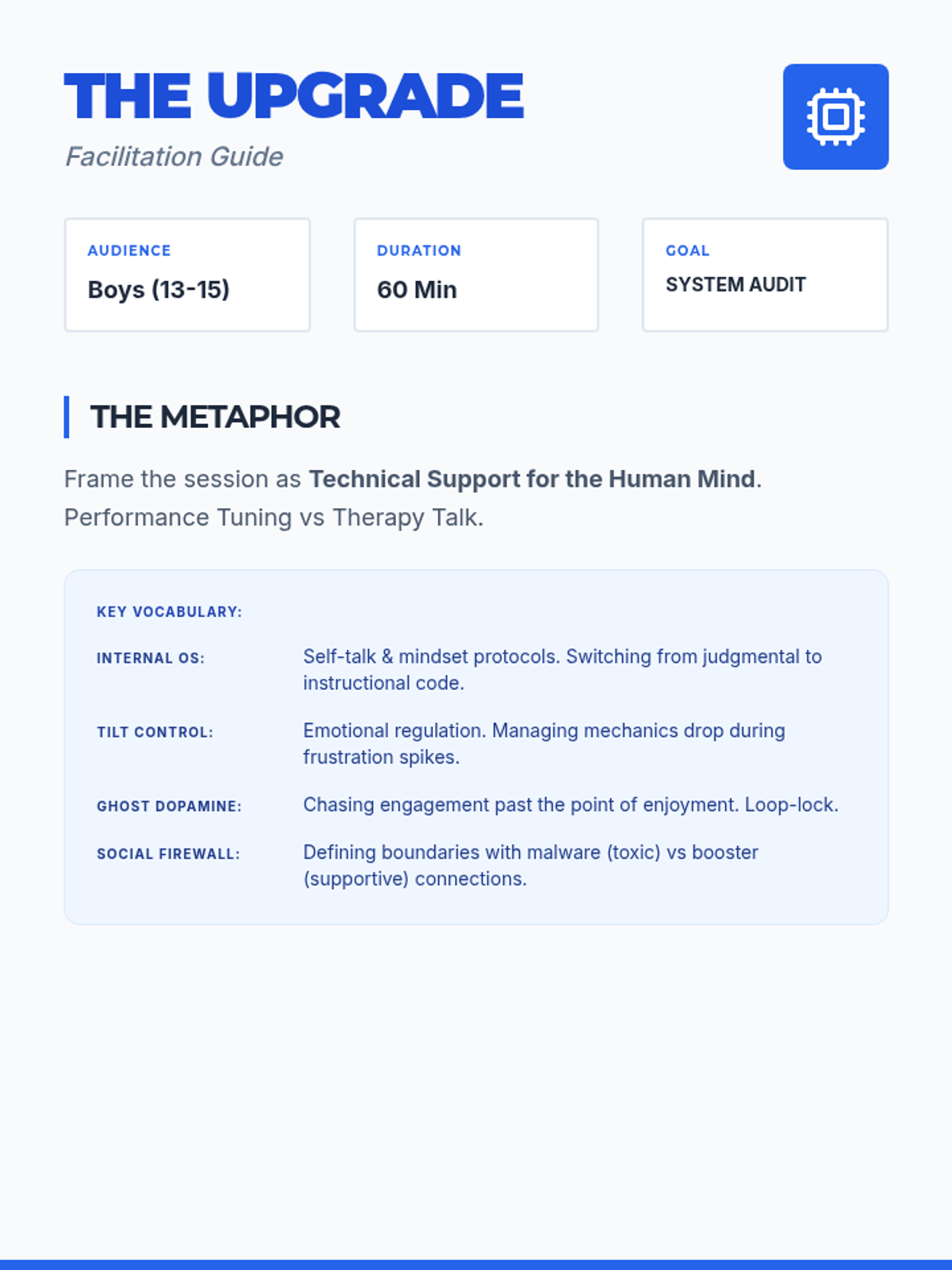
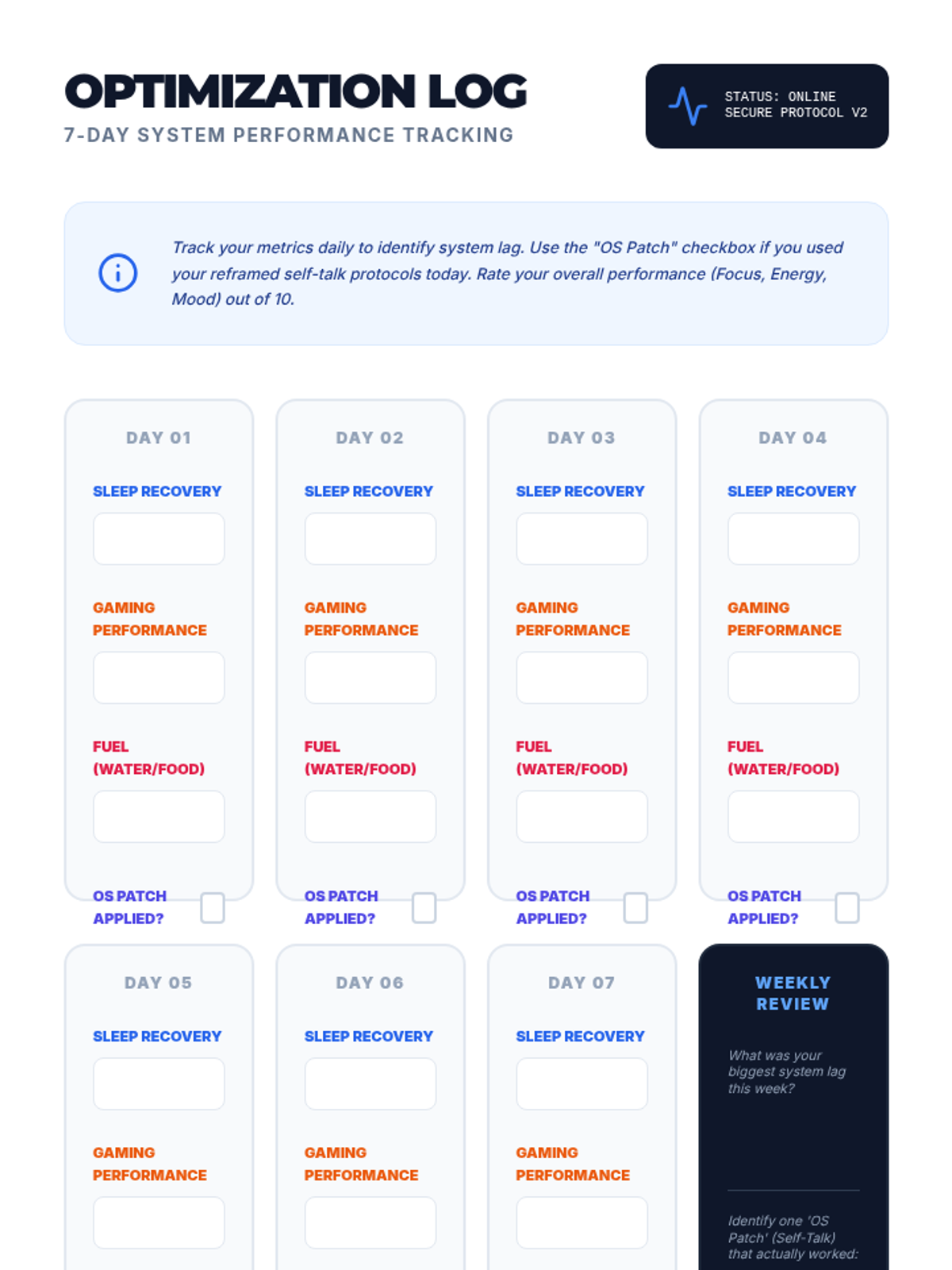
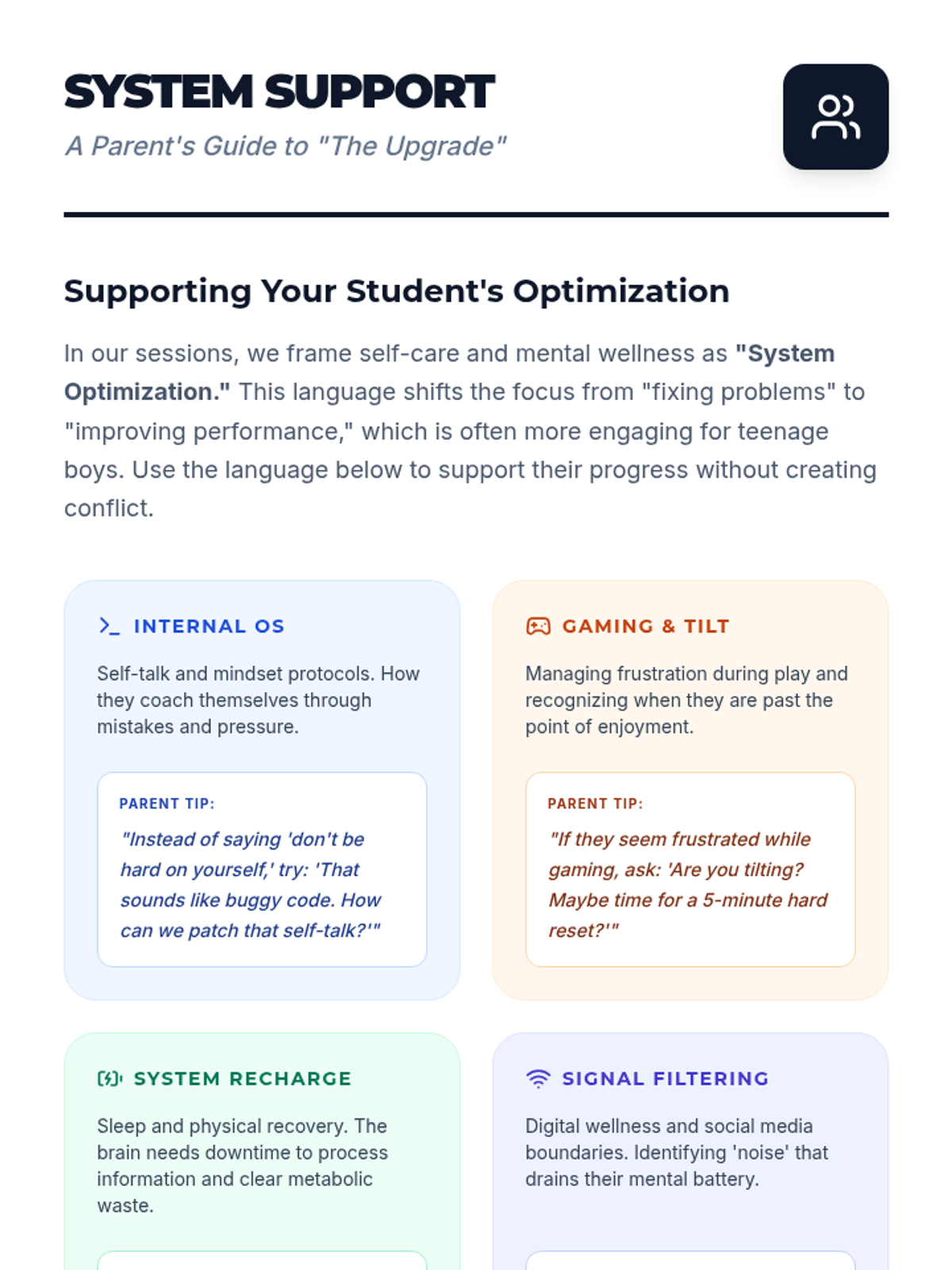
A specialized individual counseling lesson designed for teenage boys, framing self-care and positive self-talk as 'system optimization' for peak performance in digital and physical life.
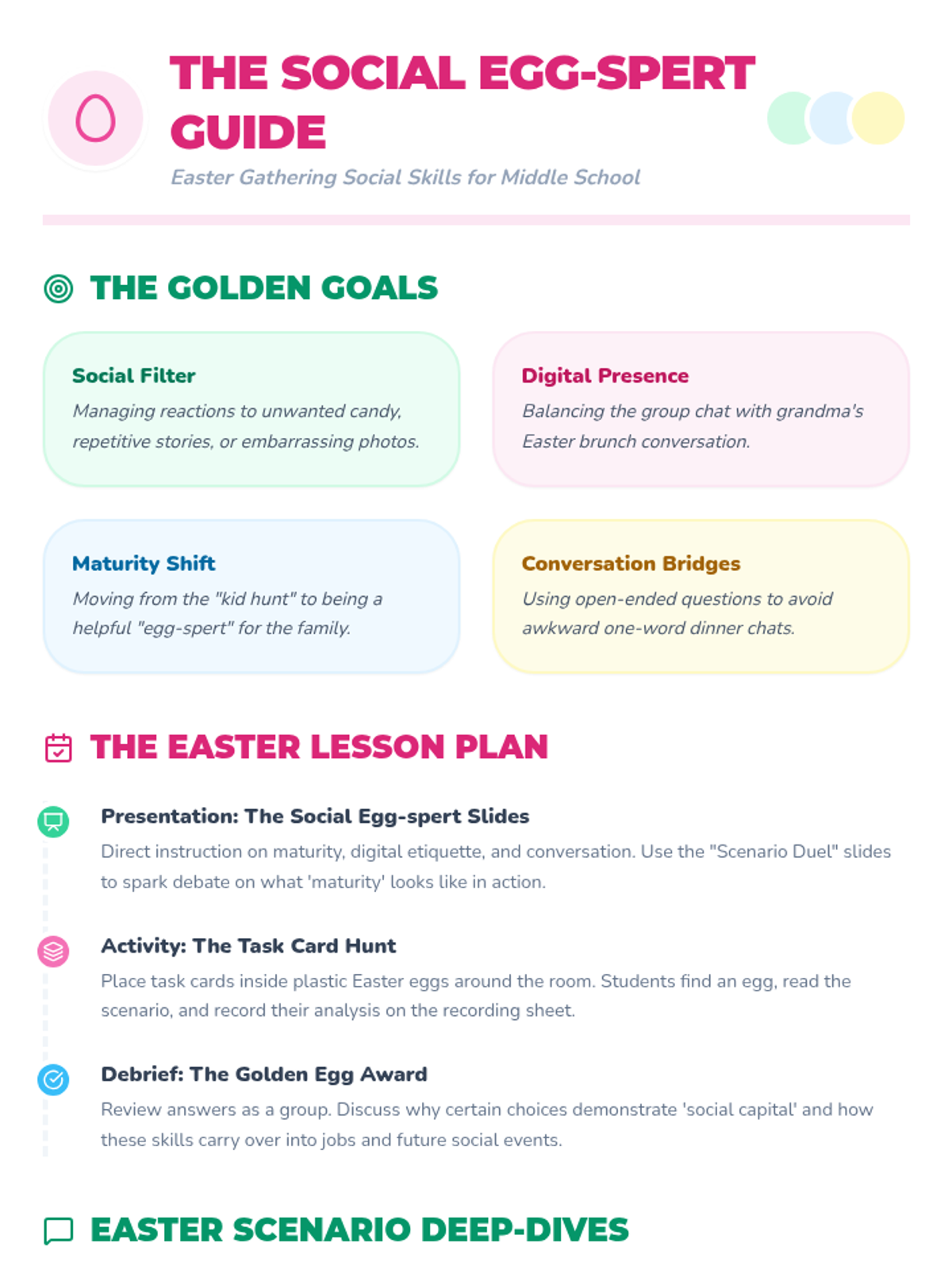
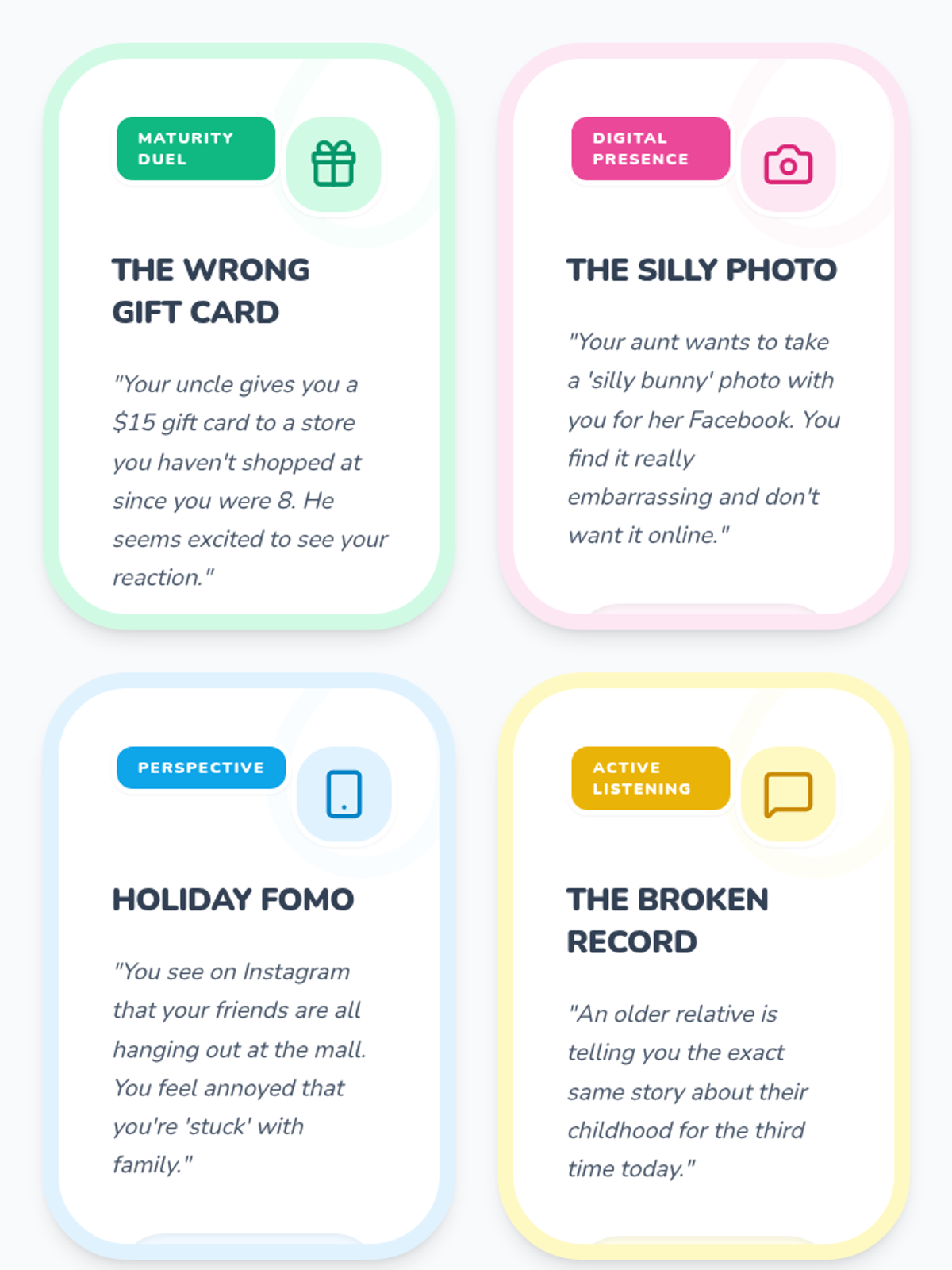
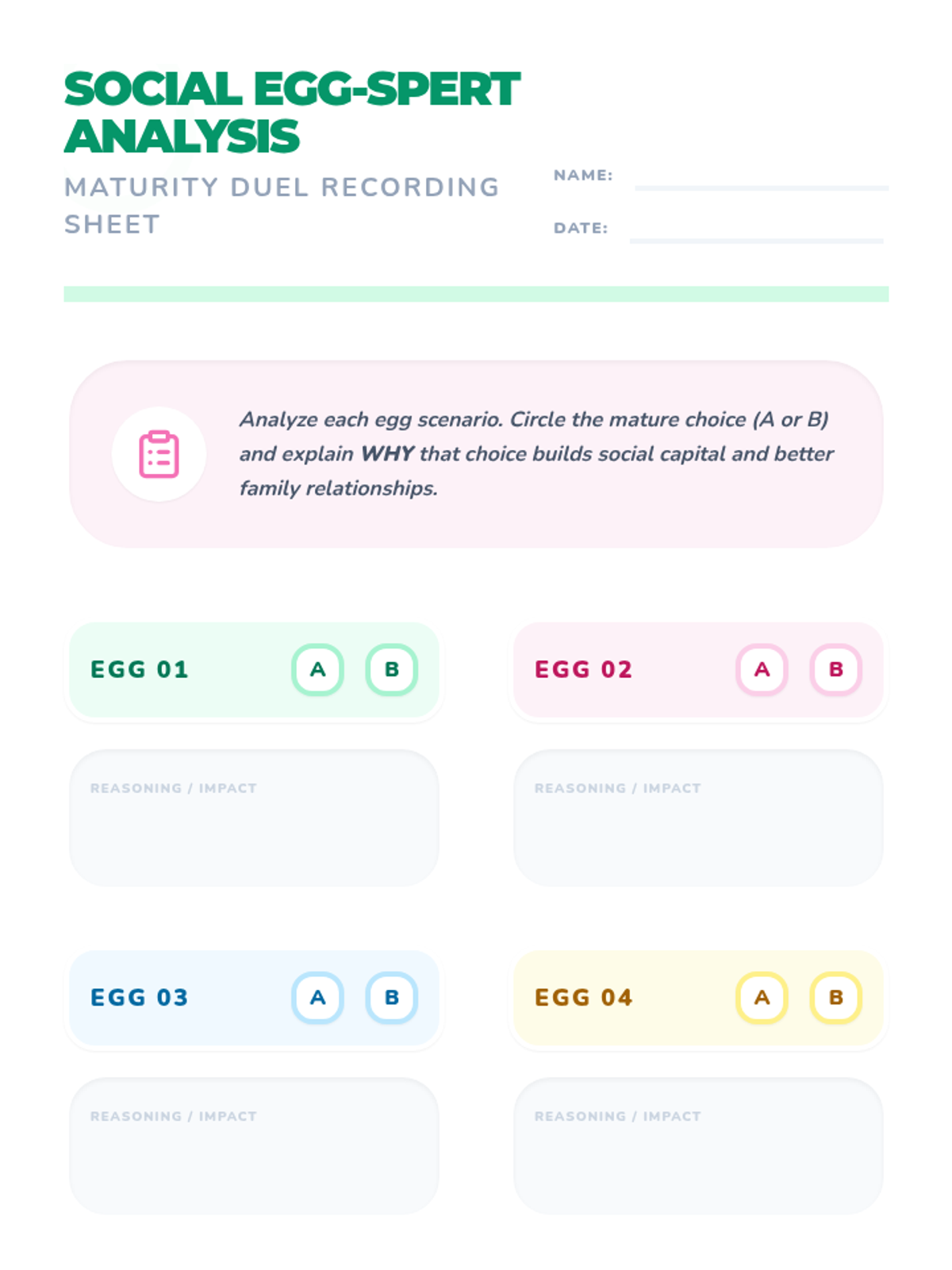
A social skills lesson focused on navigating common holiday situations like family gatherings, egg hunts, and conversations using an Easter theme. Includes interactive slides for group discussion and printable task cards for practice.
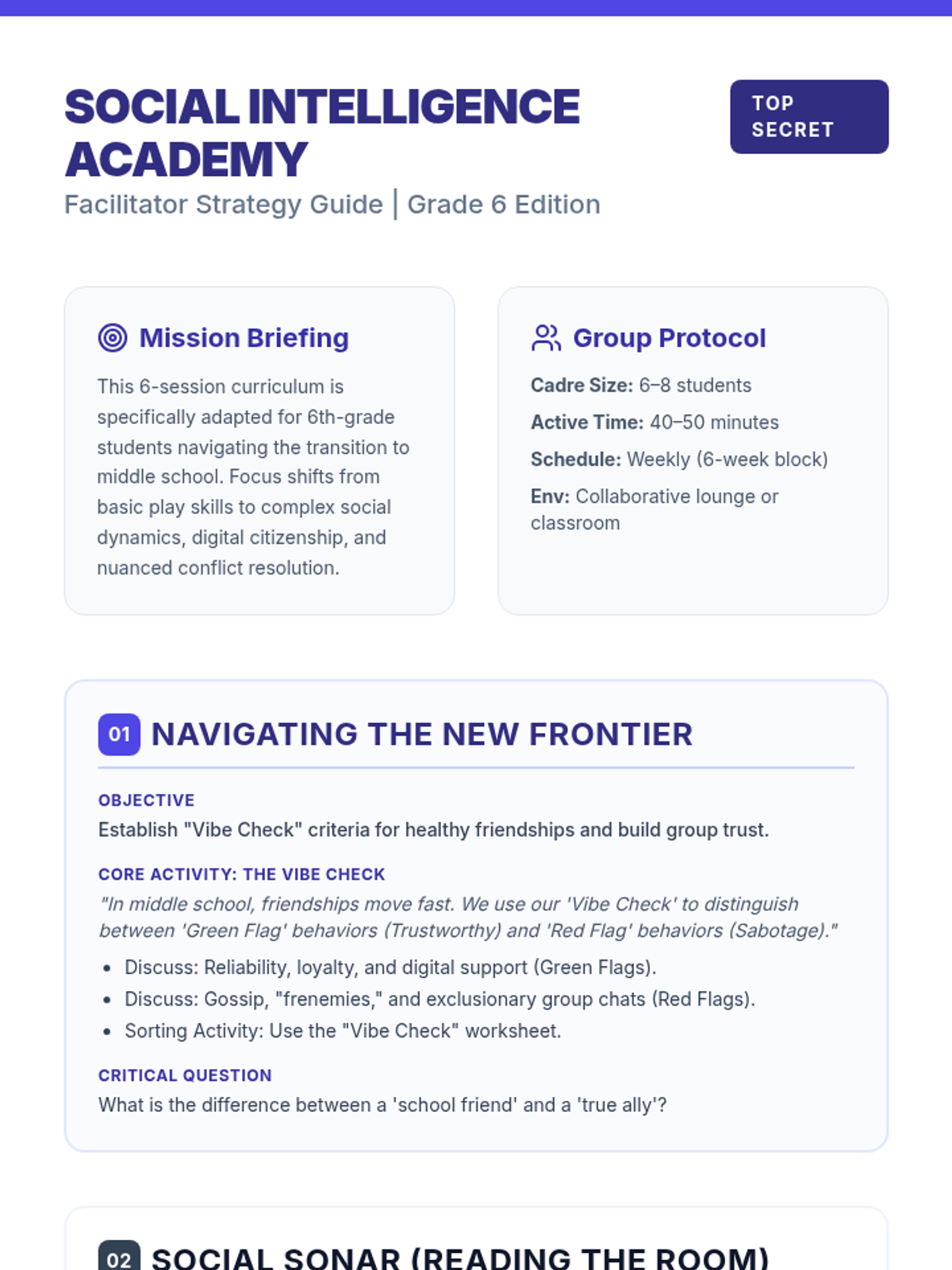
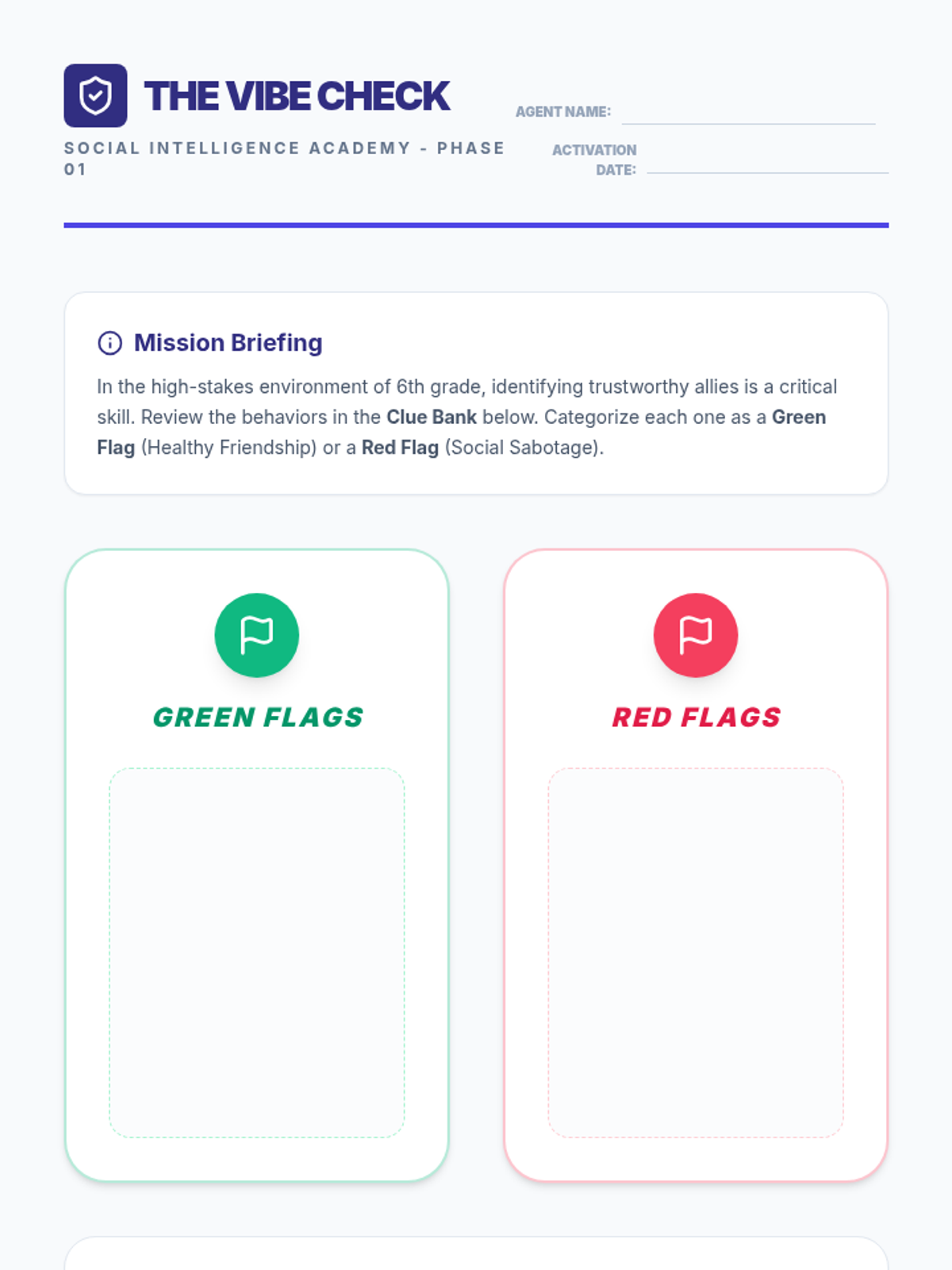
Introduces the Social Intelligence Academy and explores "Vibe Checks"—the criteria for healthy, high-functioning middle school friendships.
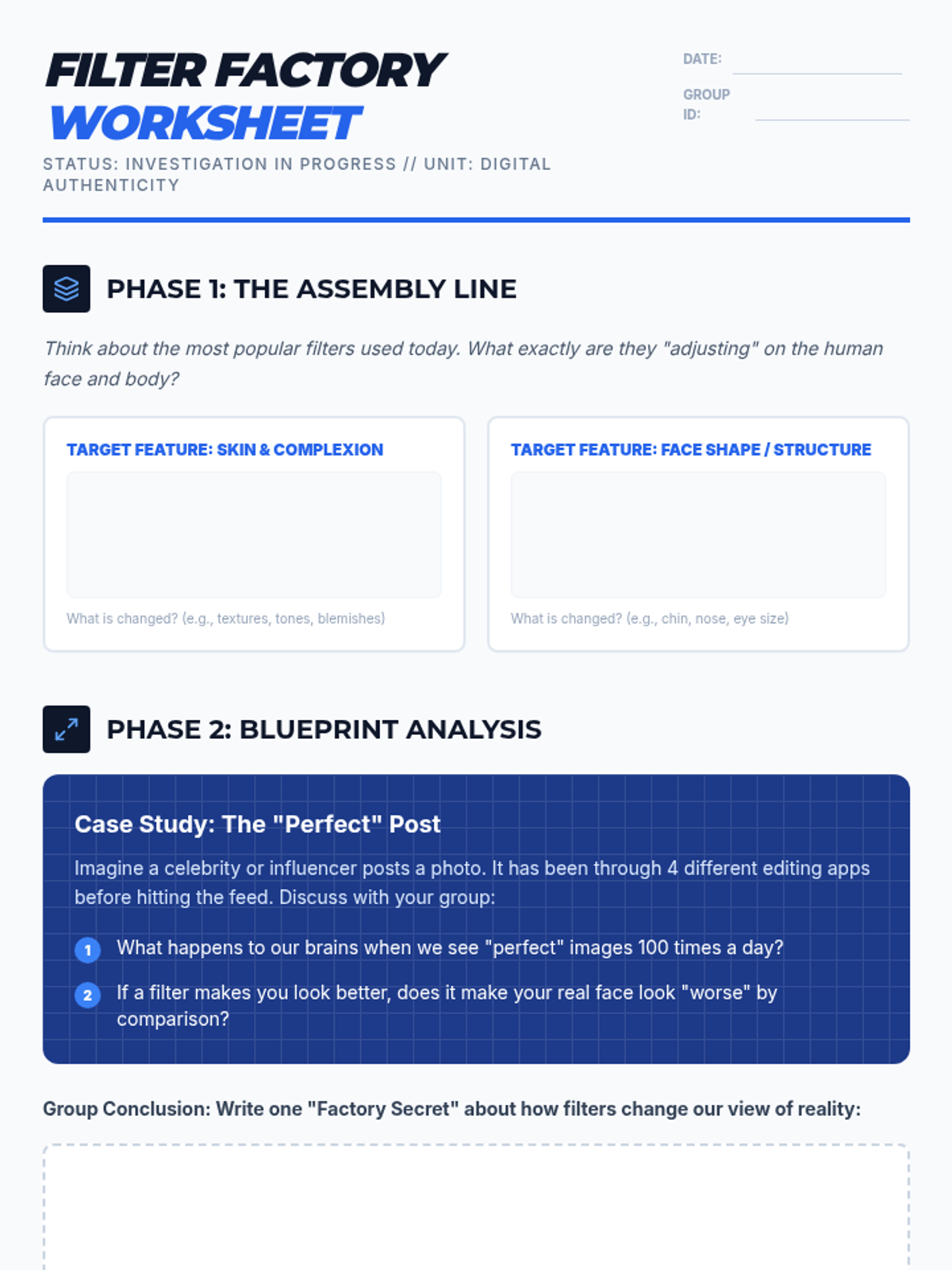
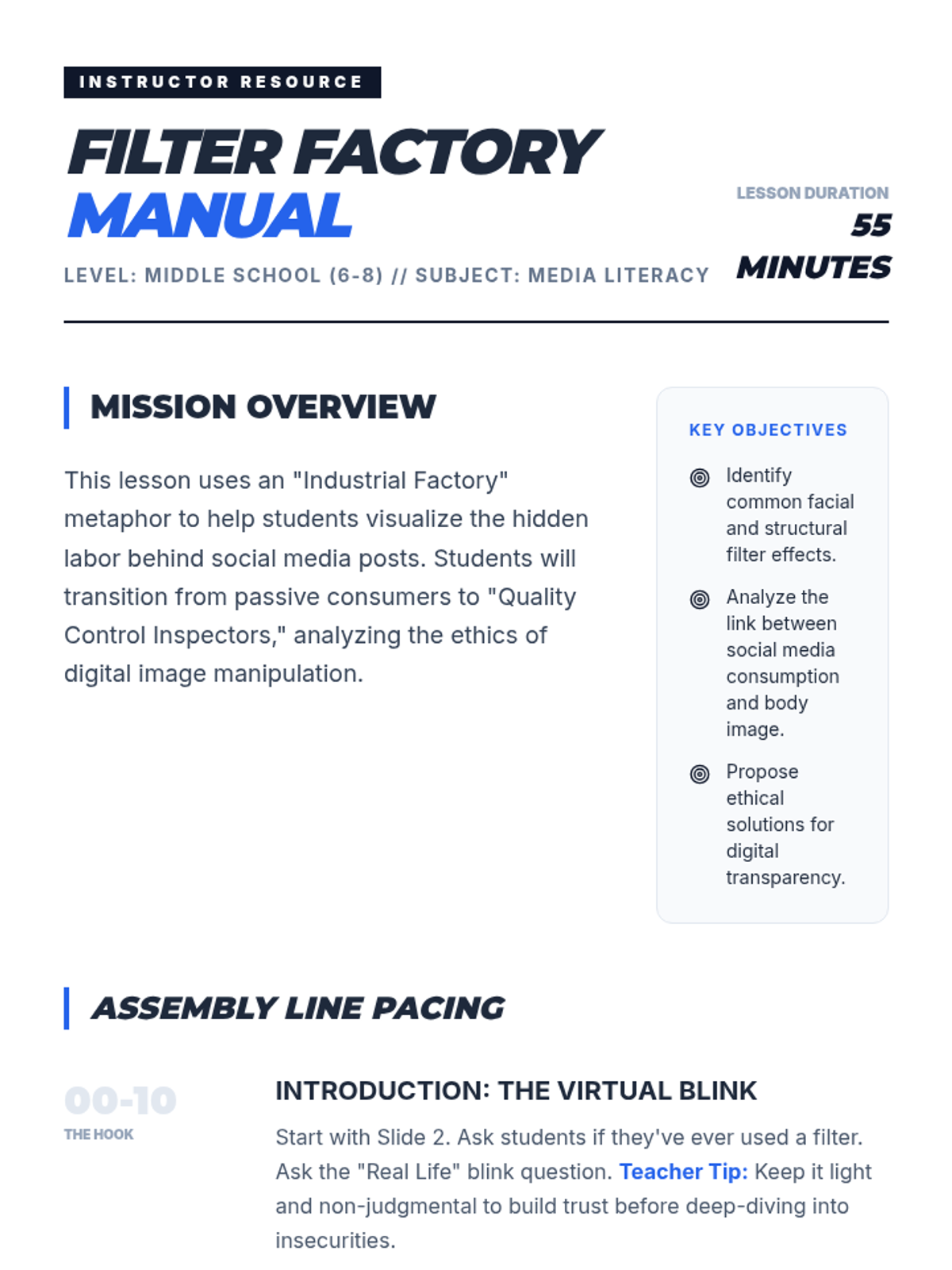
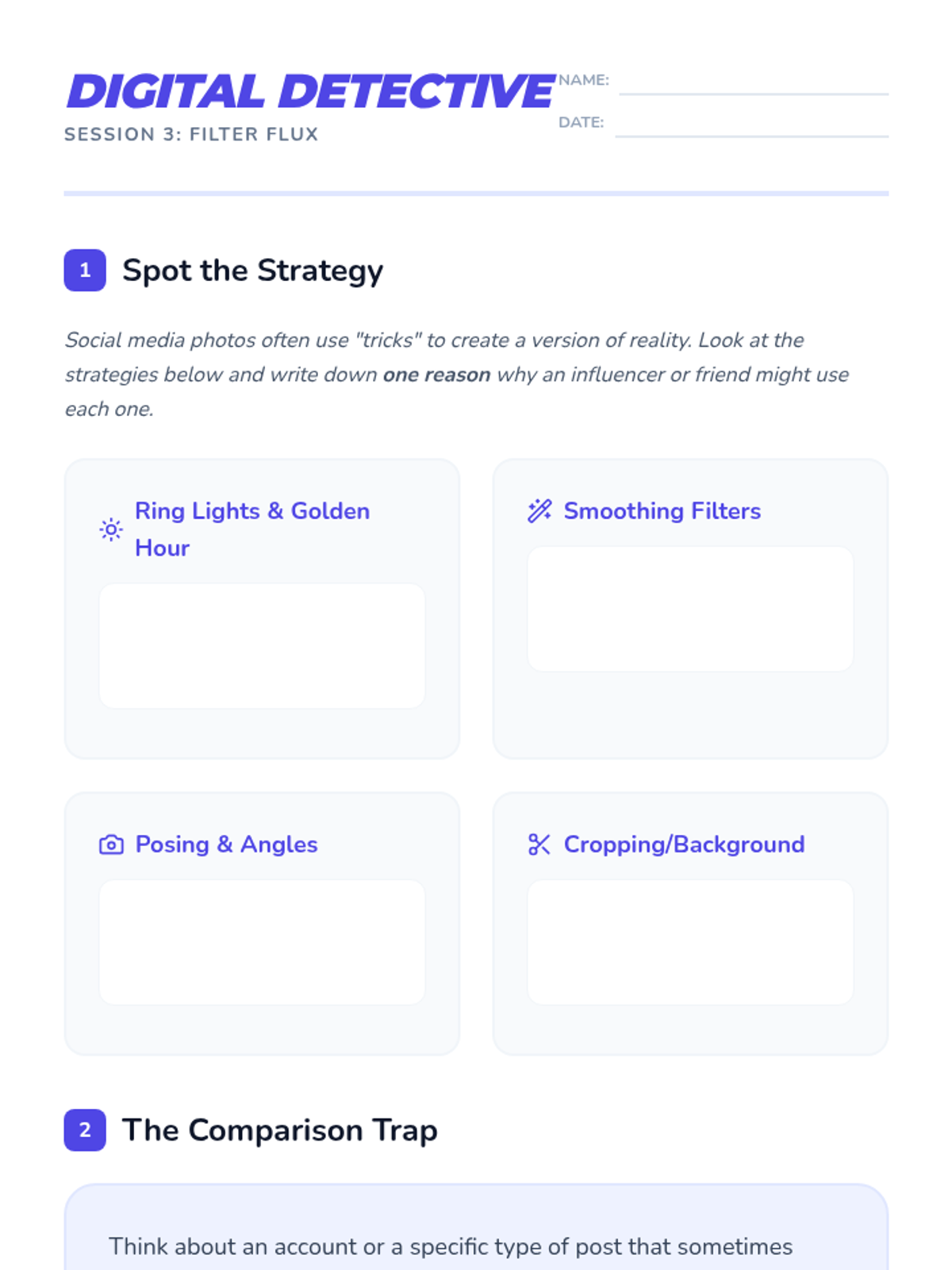
A middle school lesson exploring the impact of social media filters on body image and digital authenticity. Students analyze how images are manipulated and discuss the psychological effects of the 'Filter Factory'.
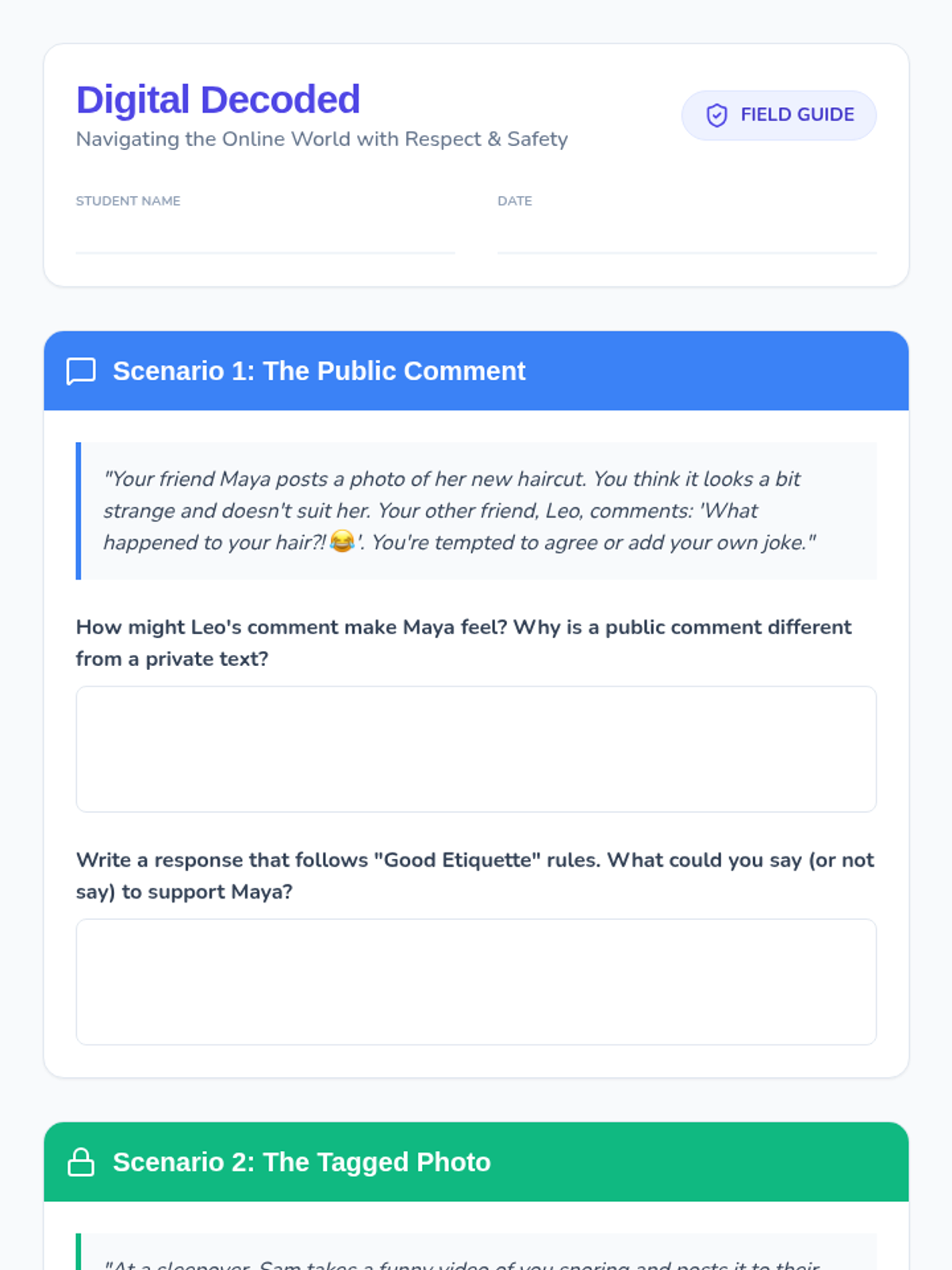
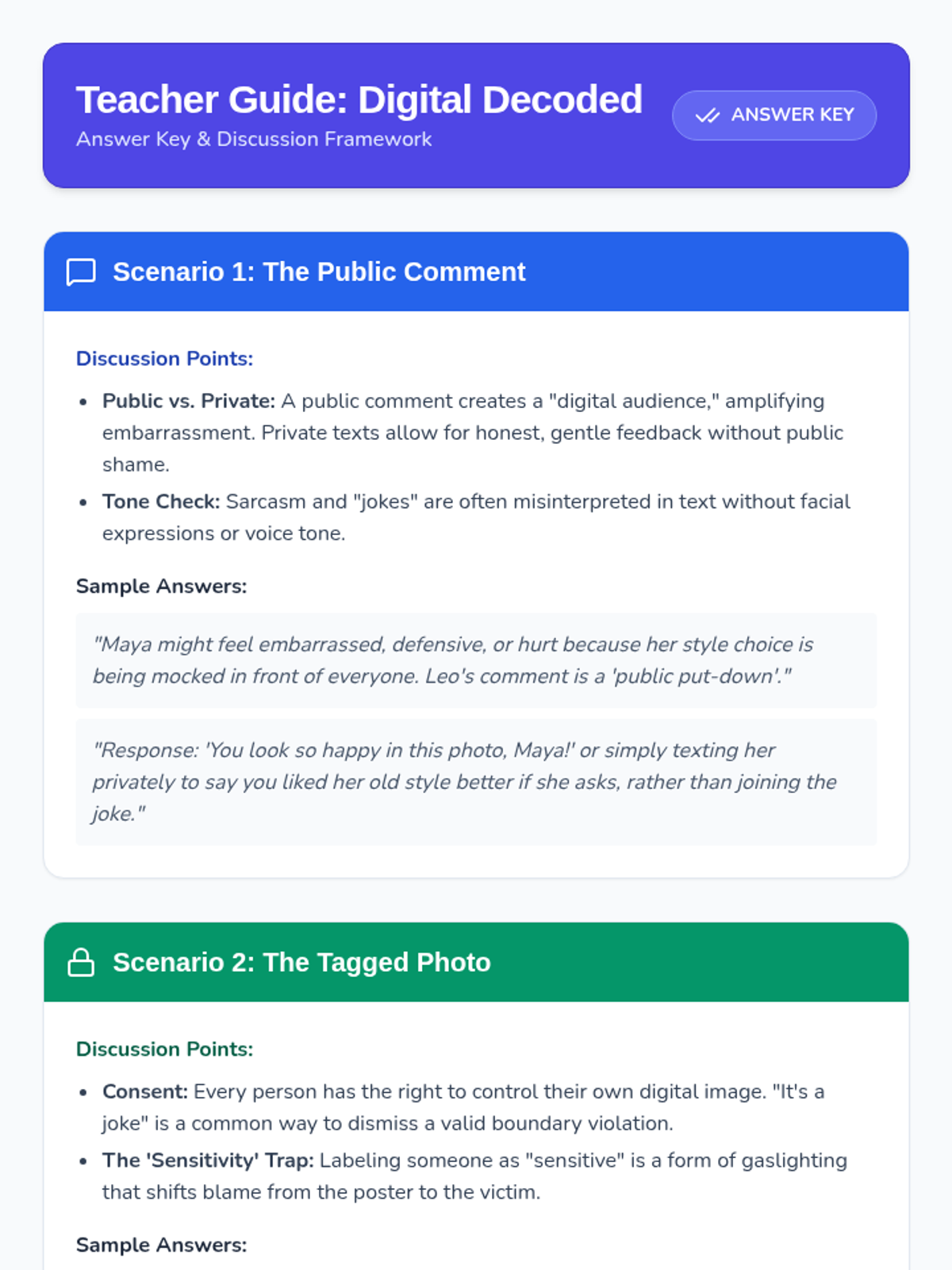
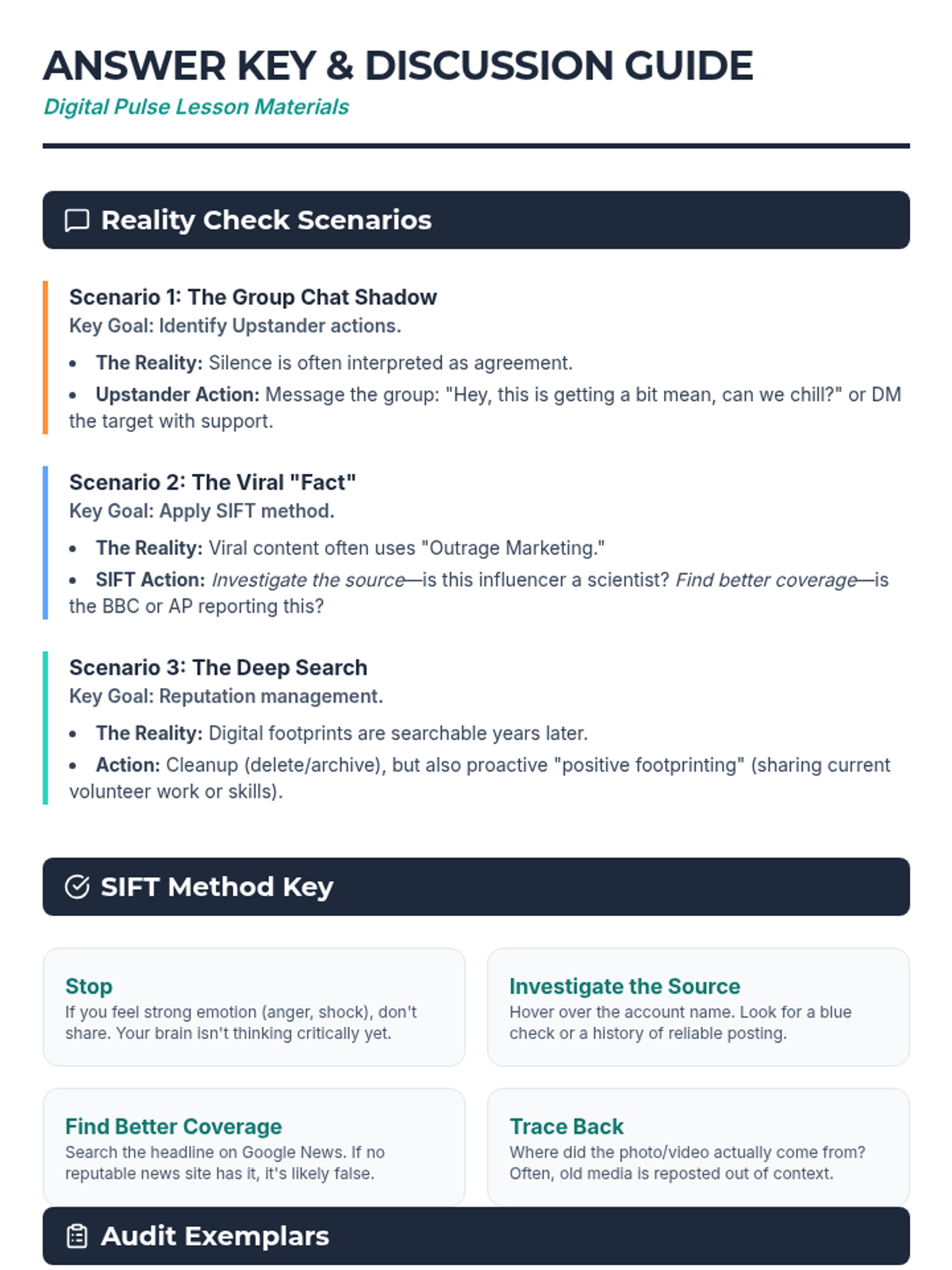
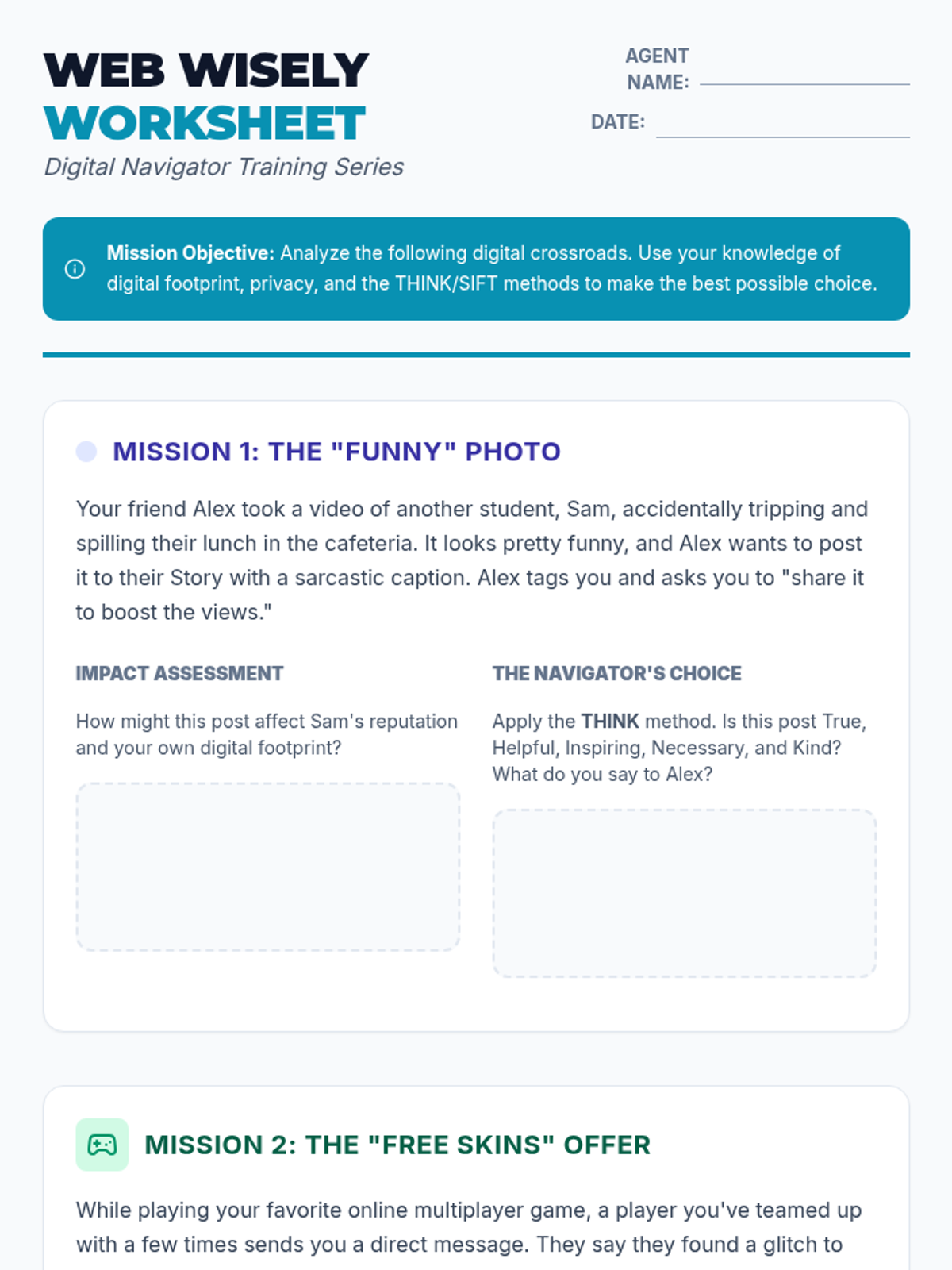
A lesson focused on navigating the complexities of digital life, covering social media etiquette, privacy boundaries, and cyberbullying prevention through realistic scenario-based learning.
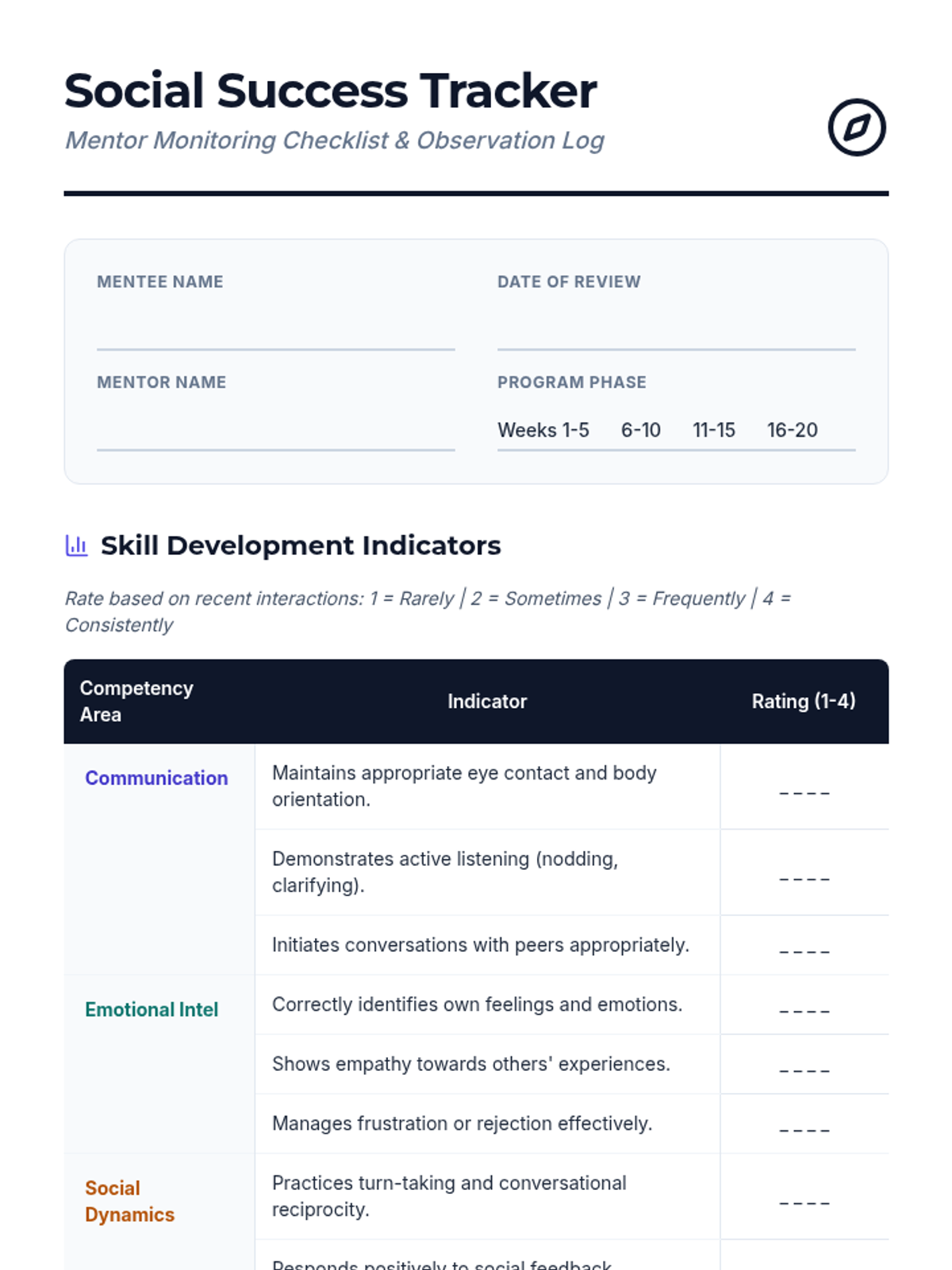
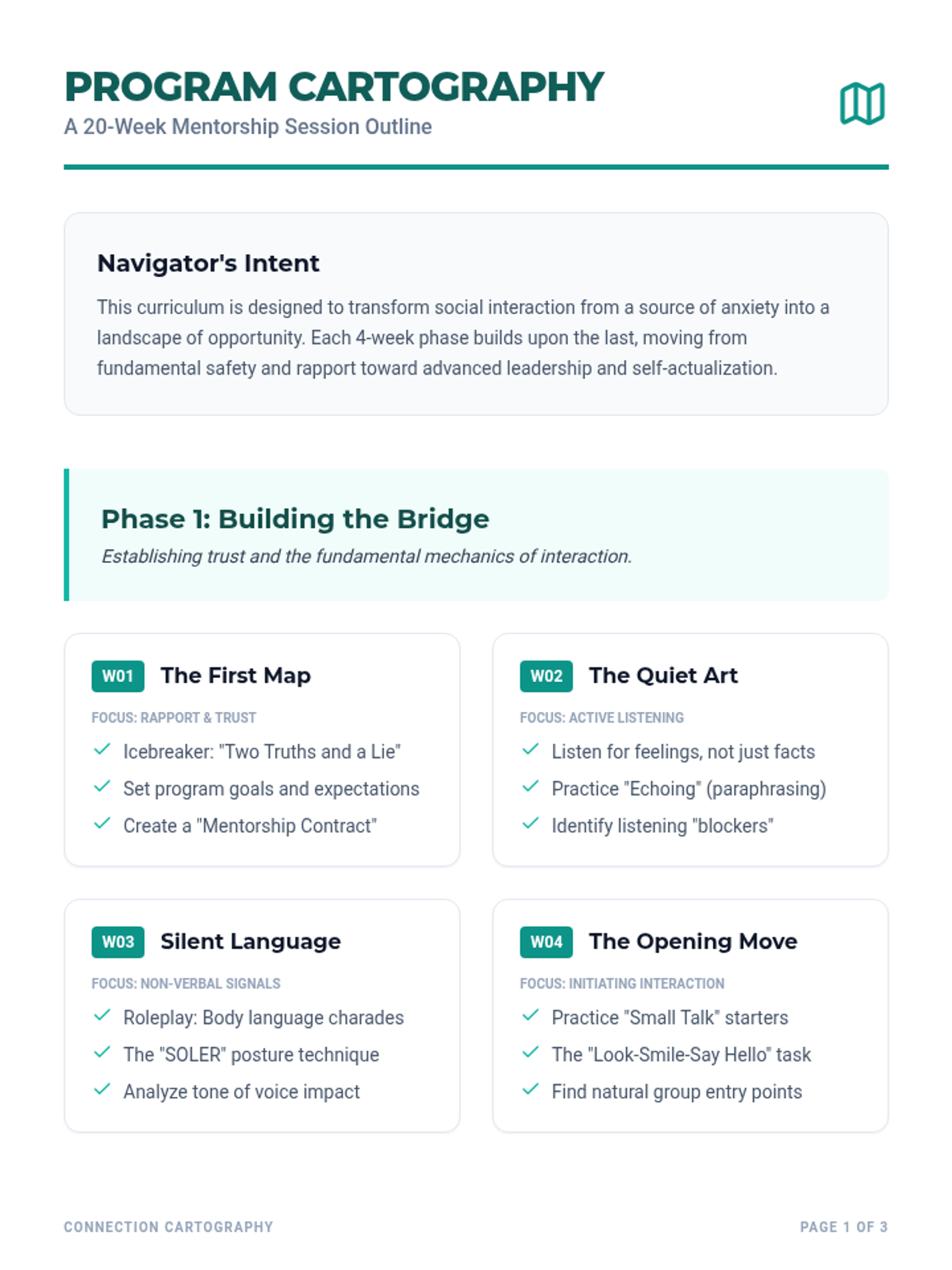
The core foundational resources for mentors to guide their mentees through the 20-session journey.
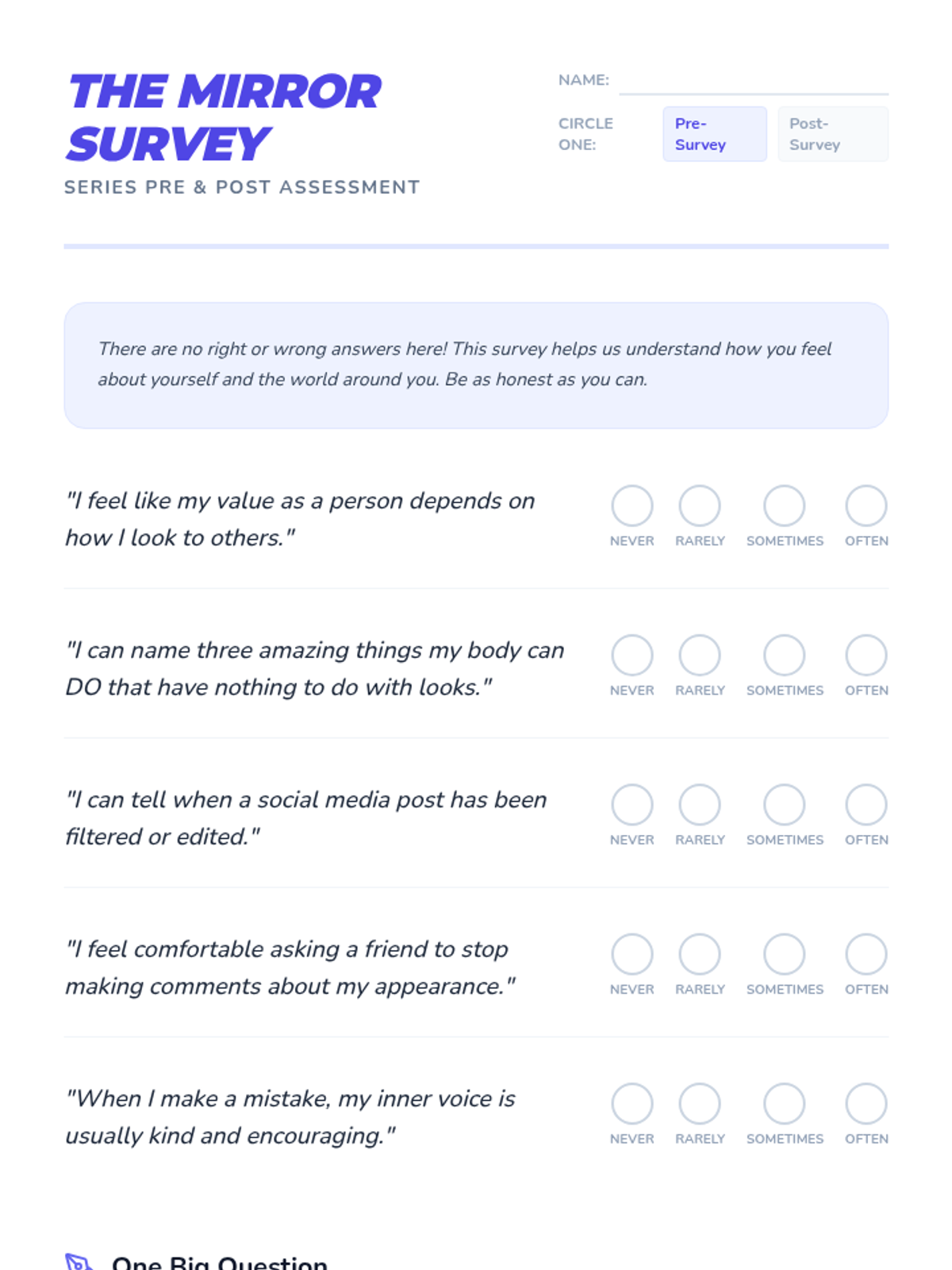
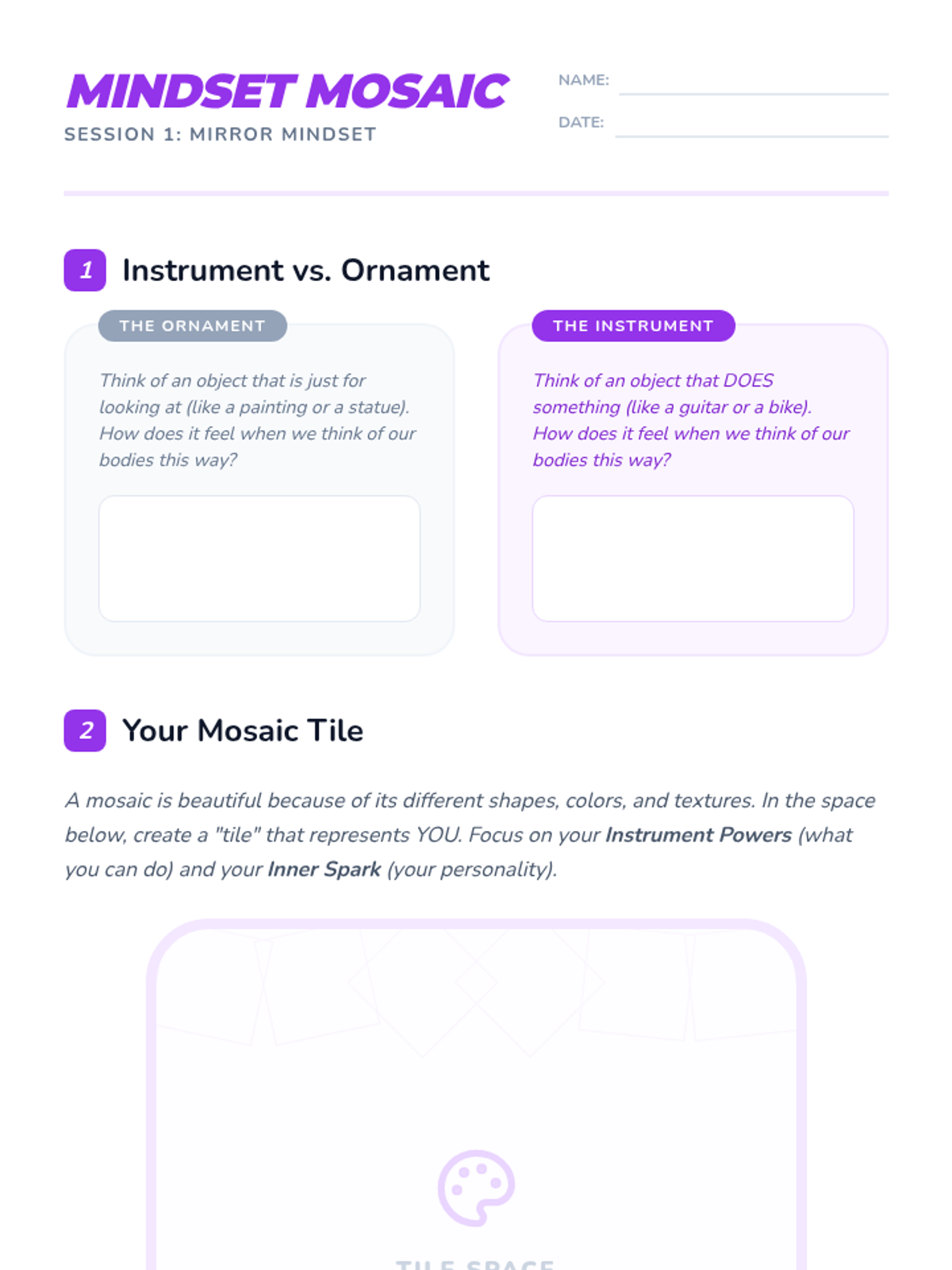
An overview of body diversity, neutrality, and media literacy, shifting focus from ornaments to instruments.
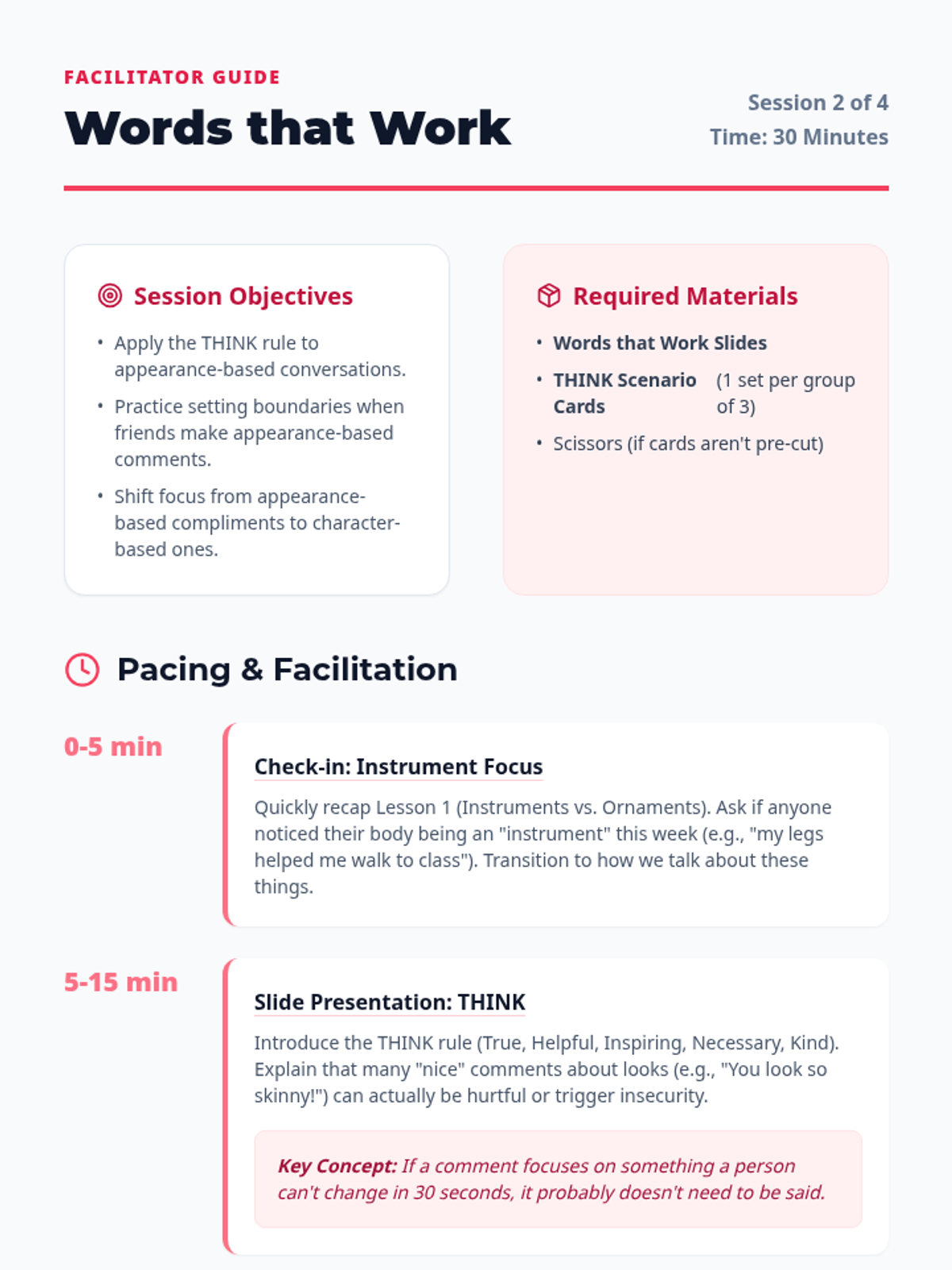
Focusing on interpersonal communication, the THINK rule, setting boundaries, and positive social interactions.
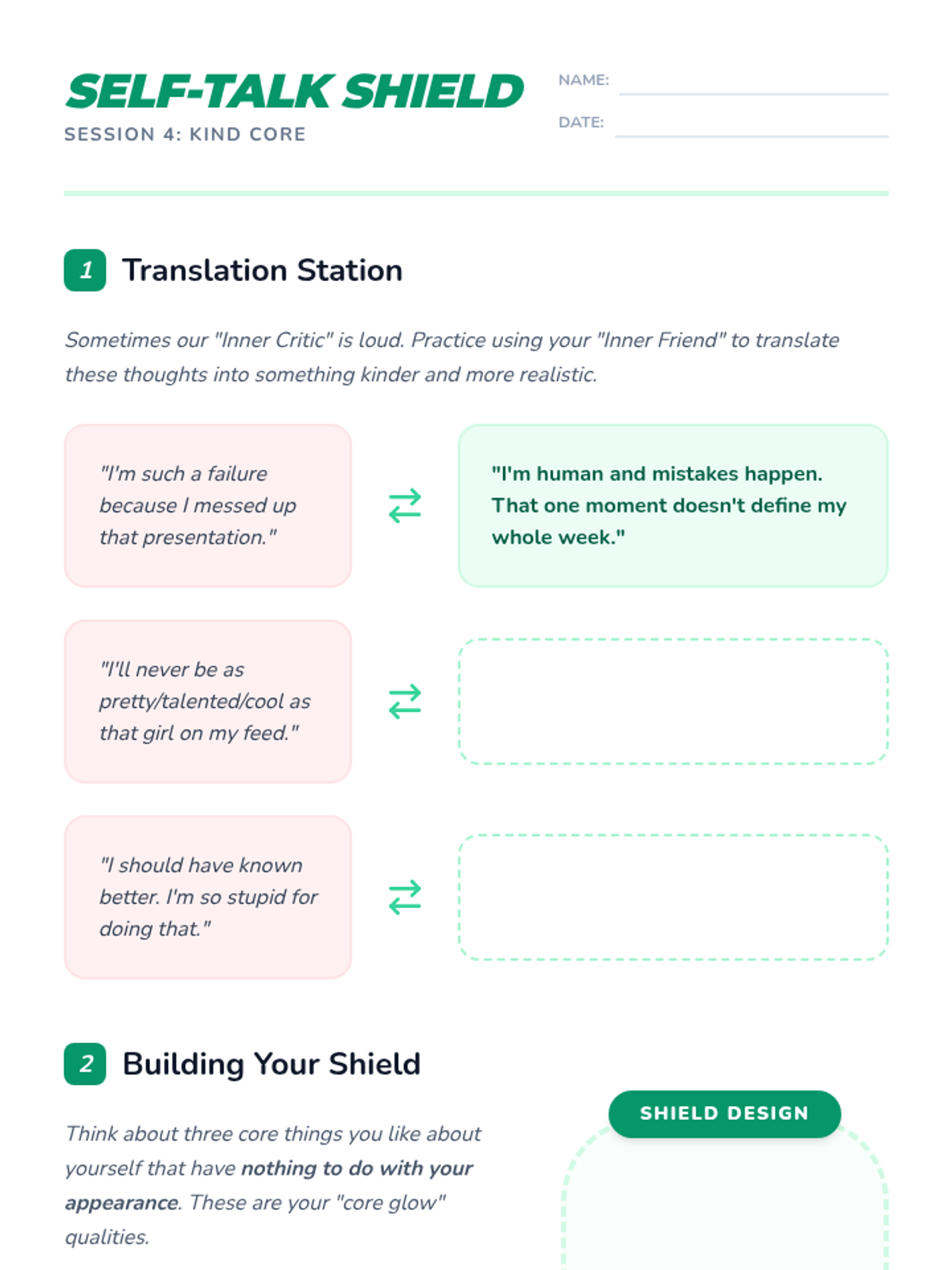
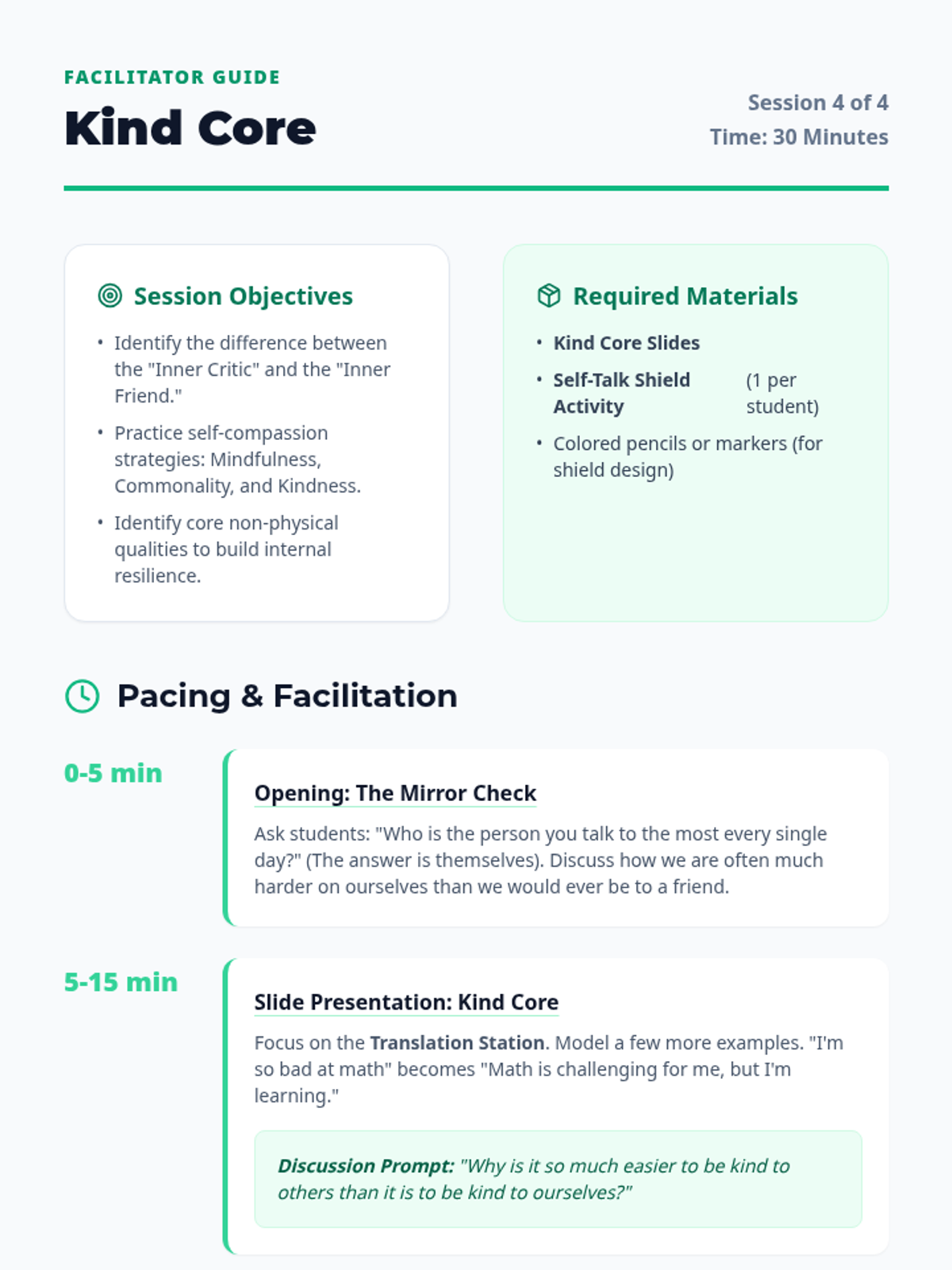
Focusing on building a kinder inner dialogue, transitioning from a self-critical voice to a self-compassionate one, and developing resilience through positive self-talk.
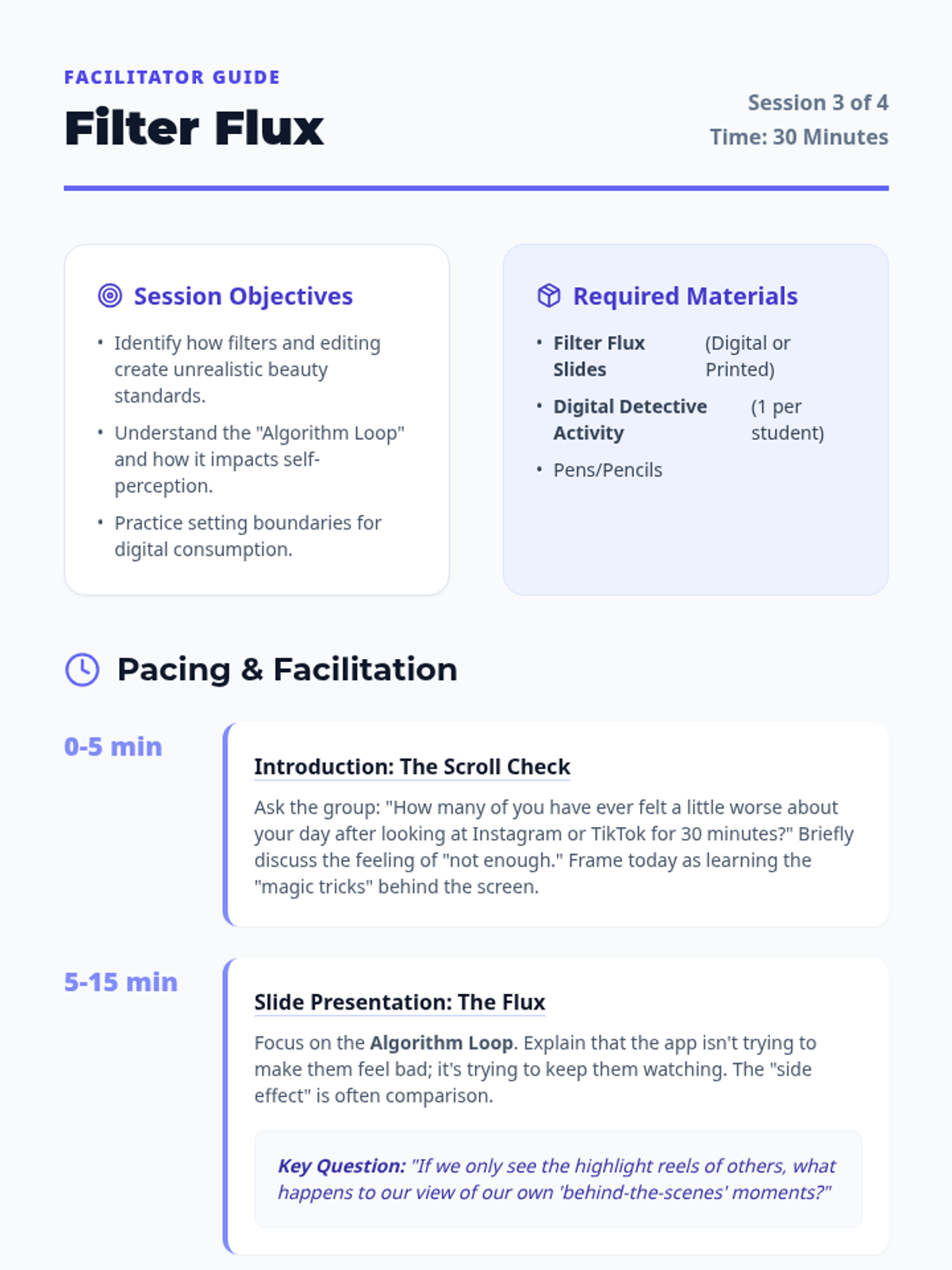
Exploring the world of social media, filters, and algorithms to understand how digital spaces influence our self-perception and how to navigate them authentically.
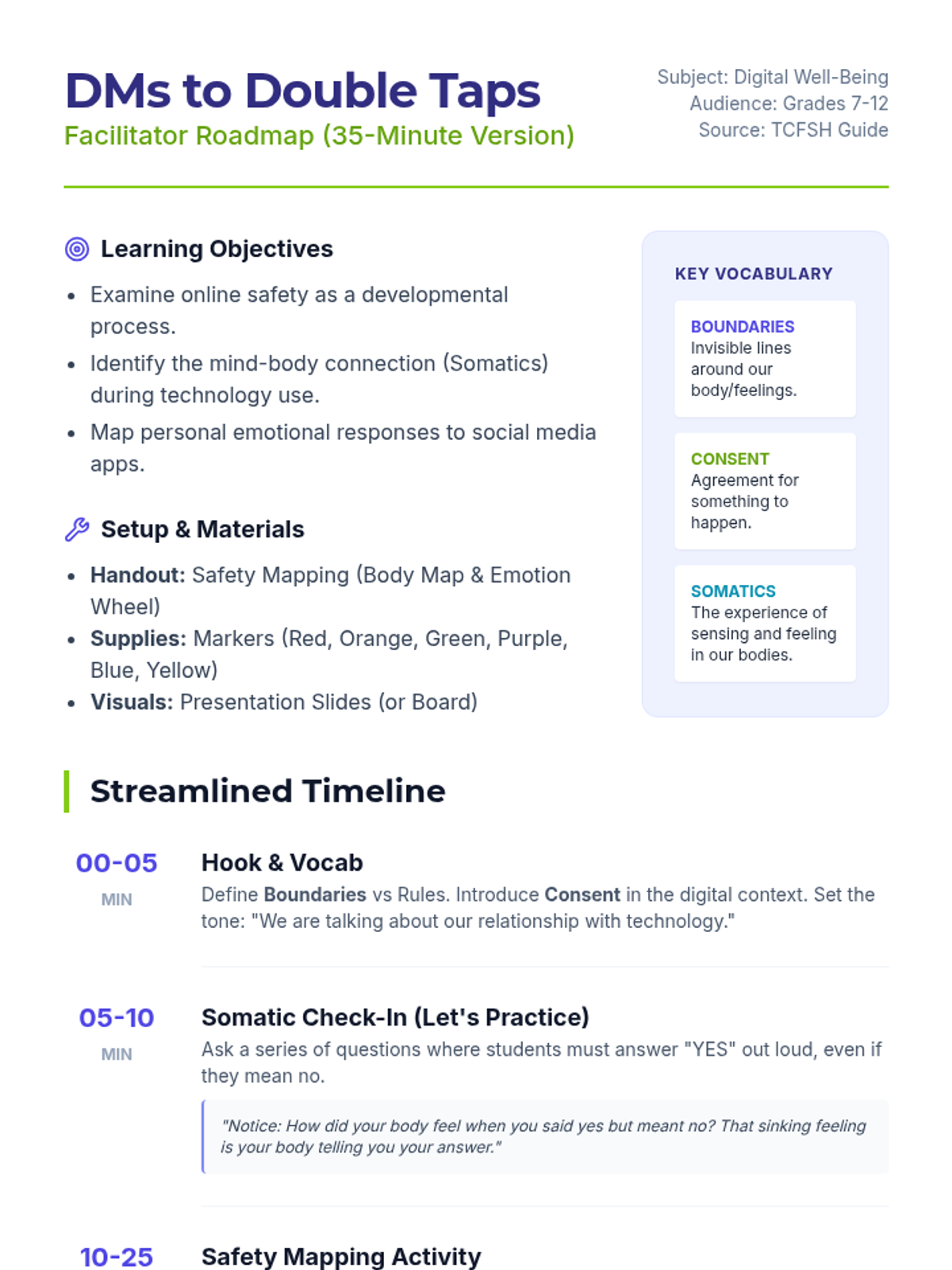
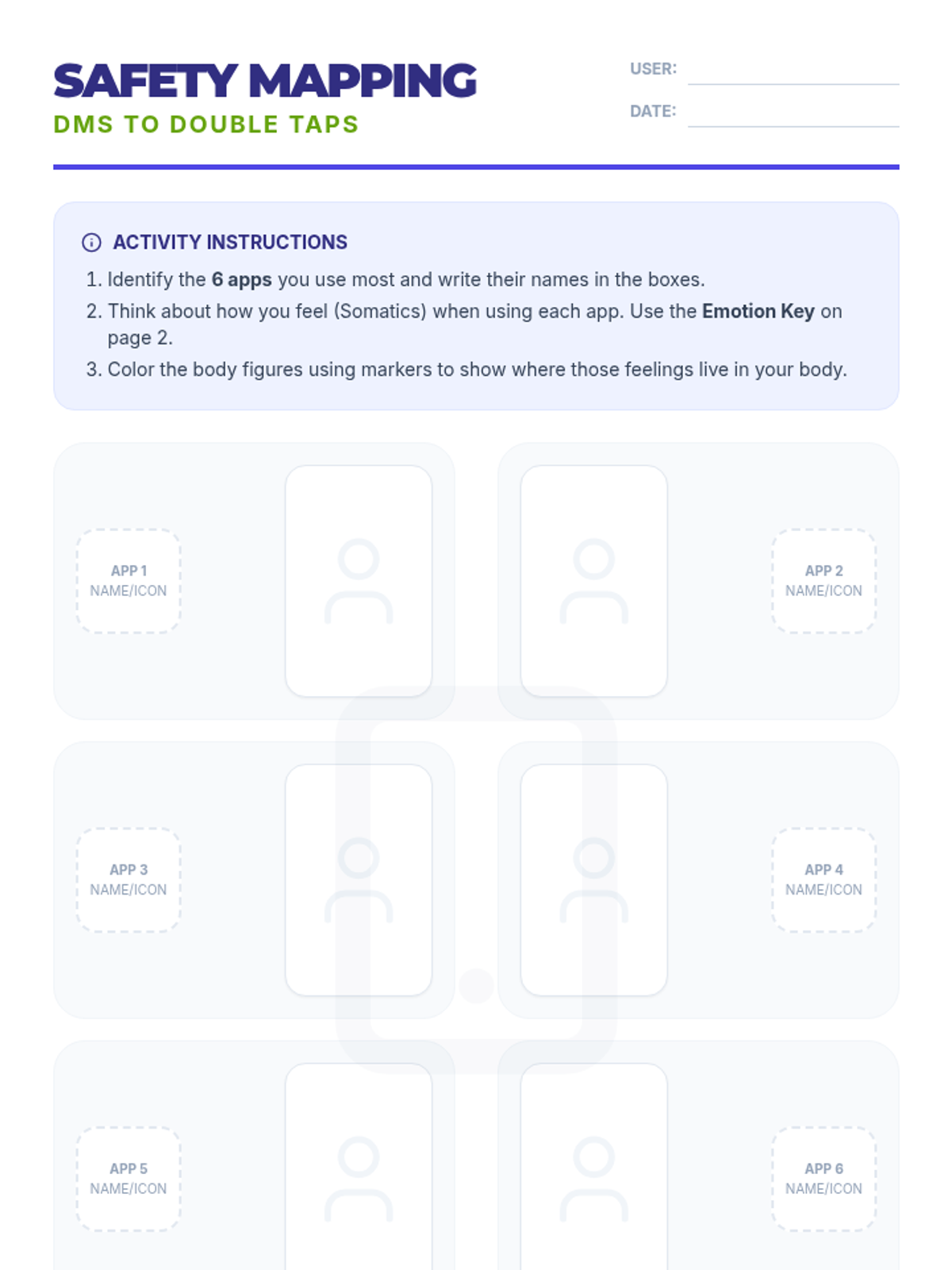
A 35-minute interactive session exploring the mind-body connection with social media. Students use somatic mapping to identify emotional triggers in their most-used apps and learn strategies for digital safety based on the TCFSH 'DMs to Double Taps' guide.
Final group closure and graduation ceremony.
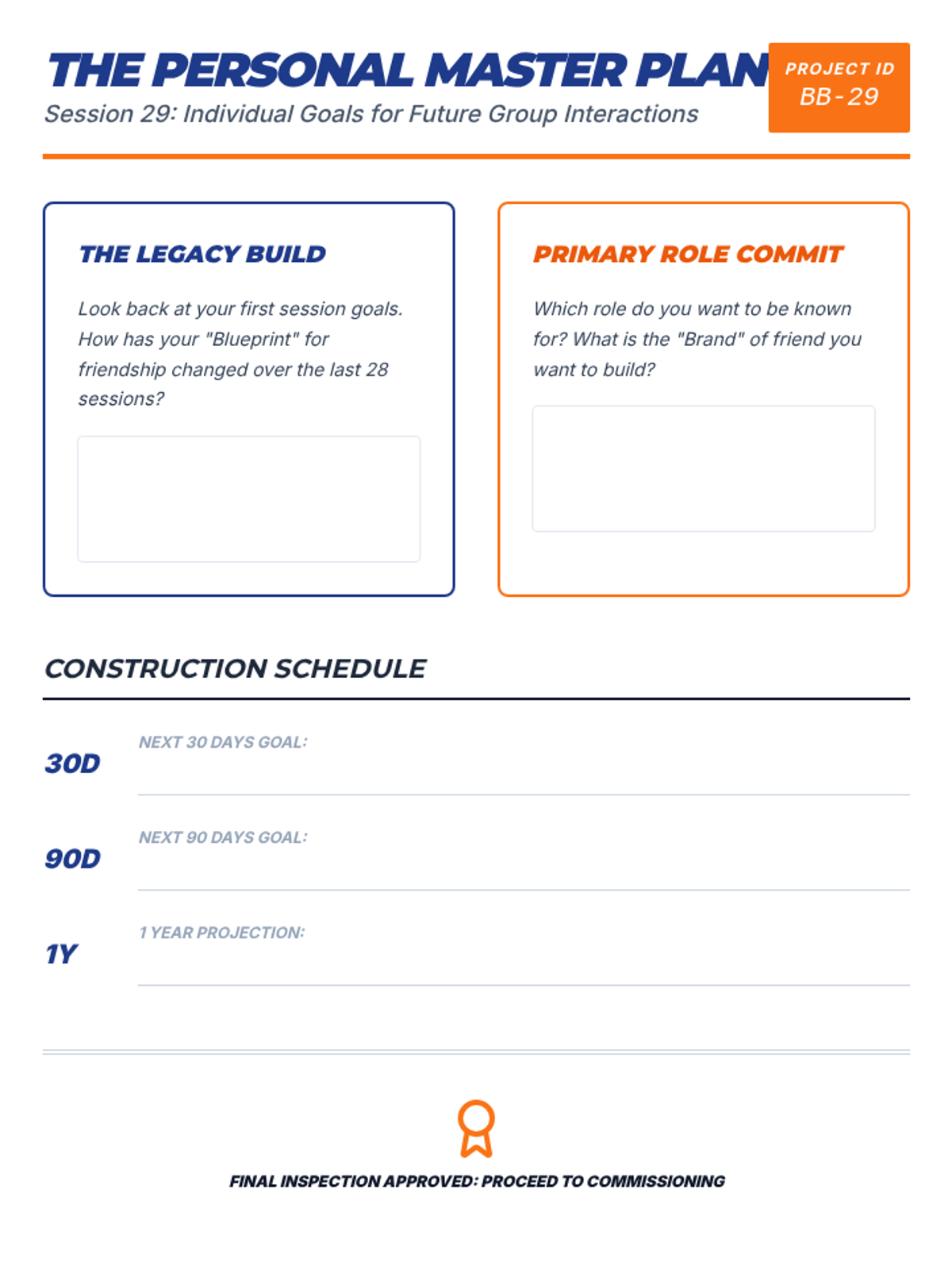
Individual goals for future group interactions.
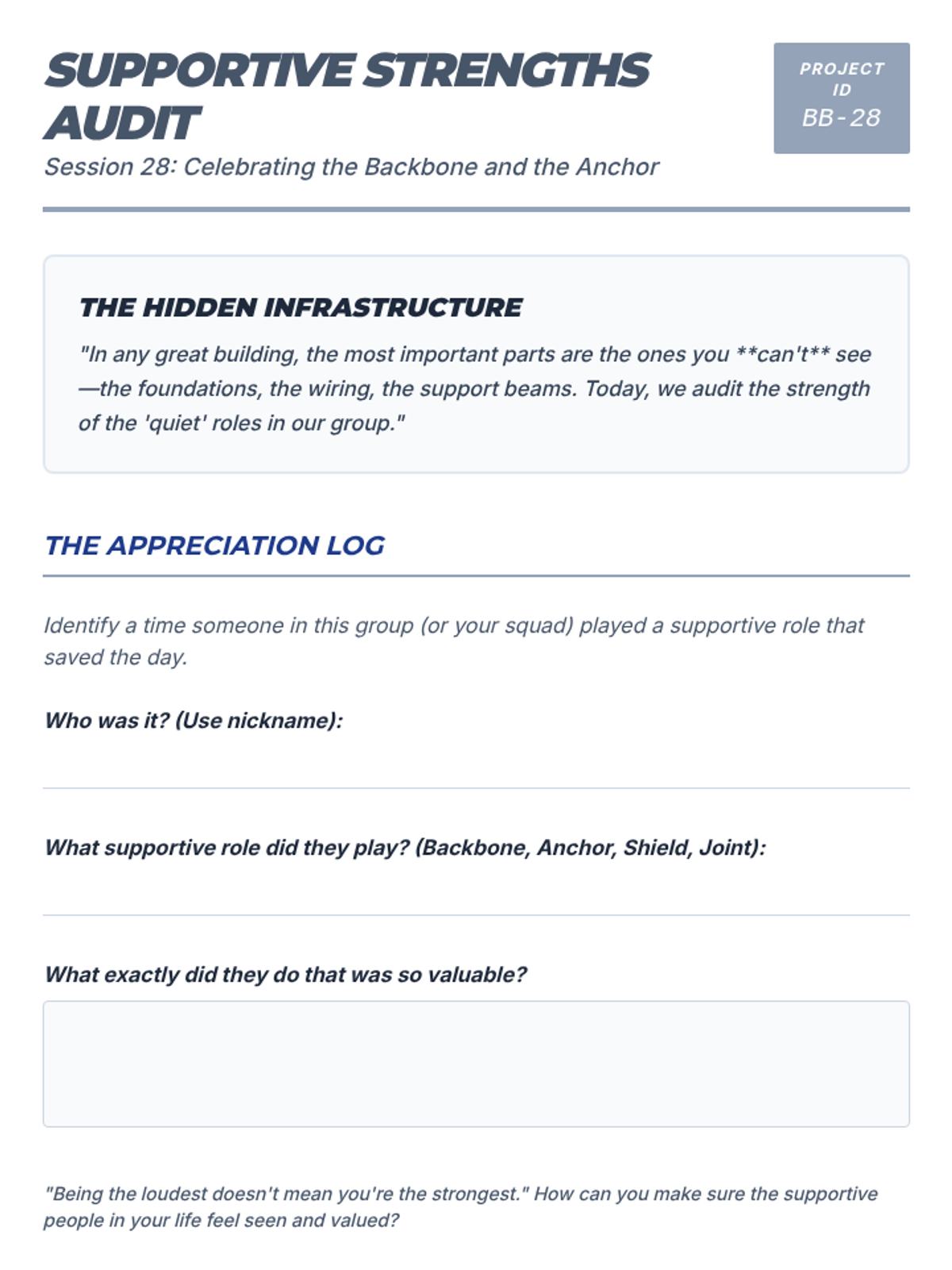
Celebrating the importance of supporting roles (Follower, Loyalist).
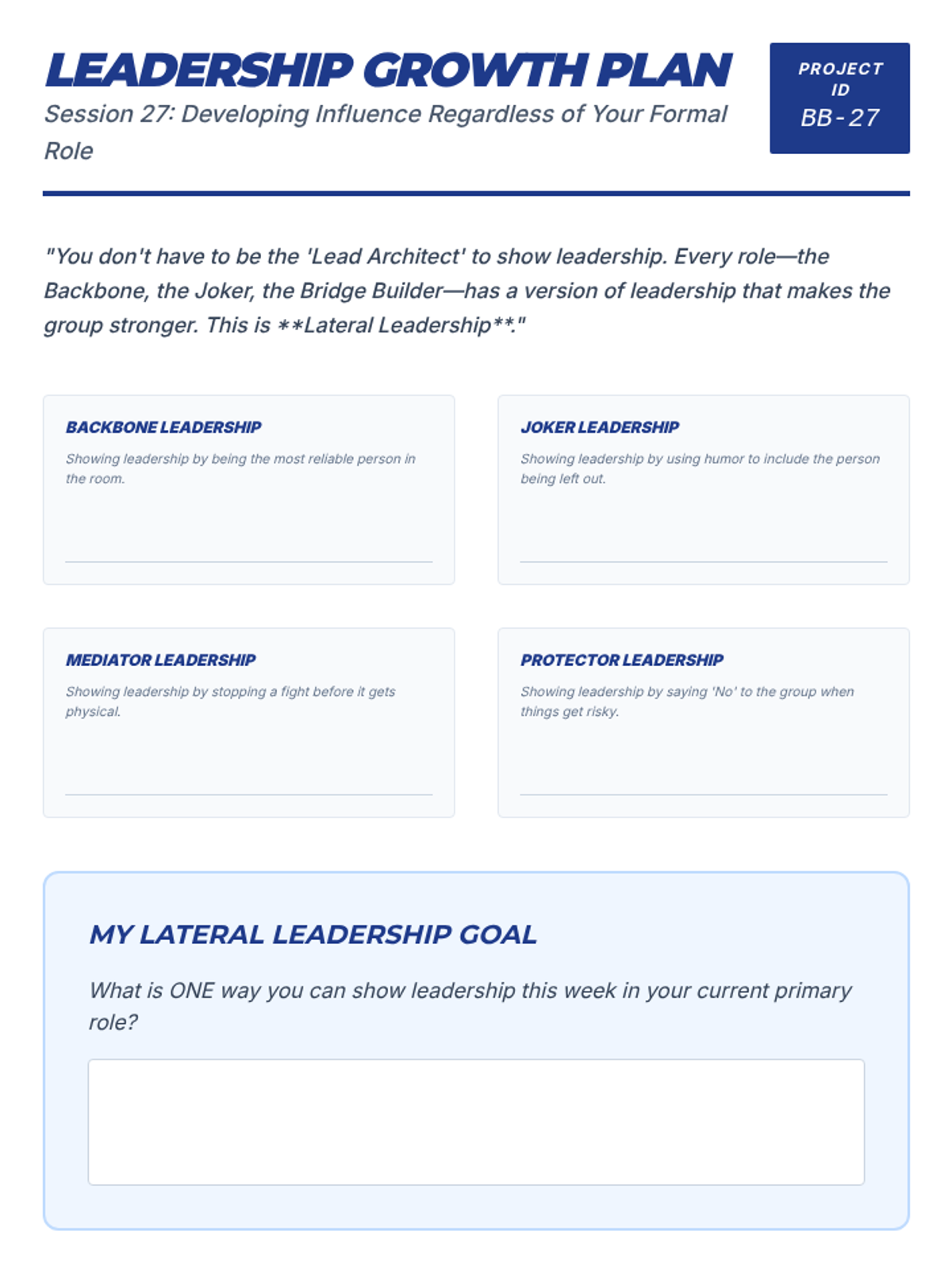
Developing positive leadership traits regardless of formal role.
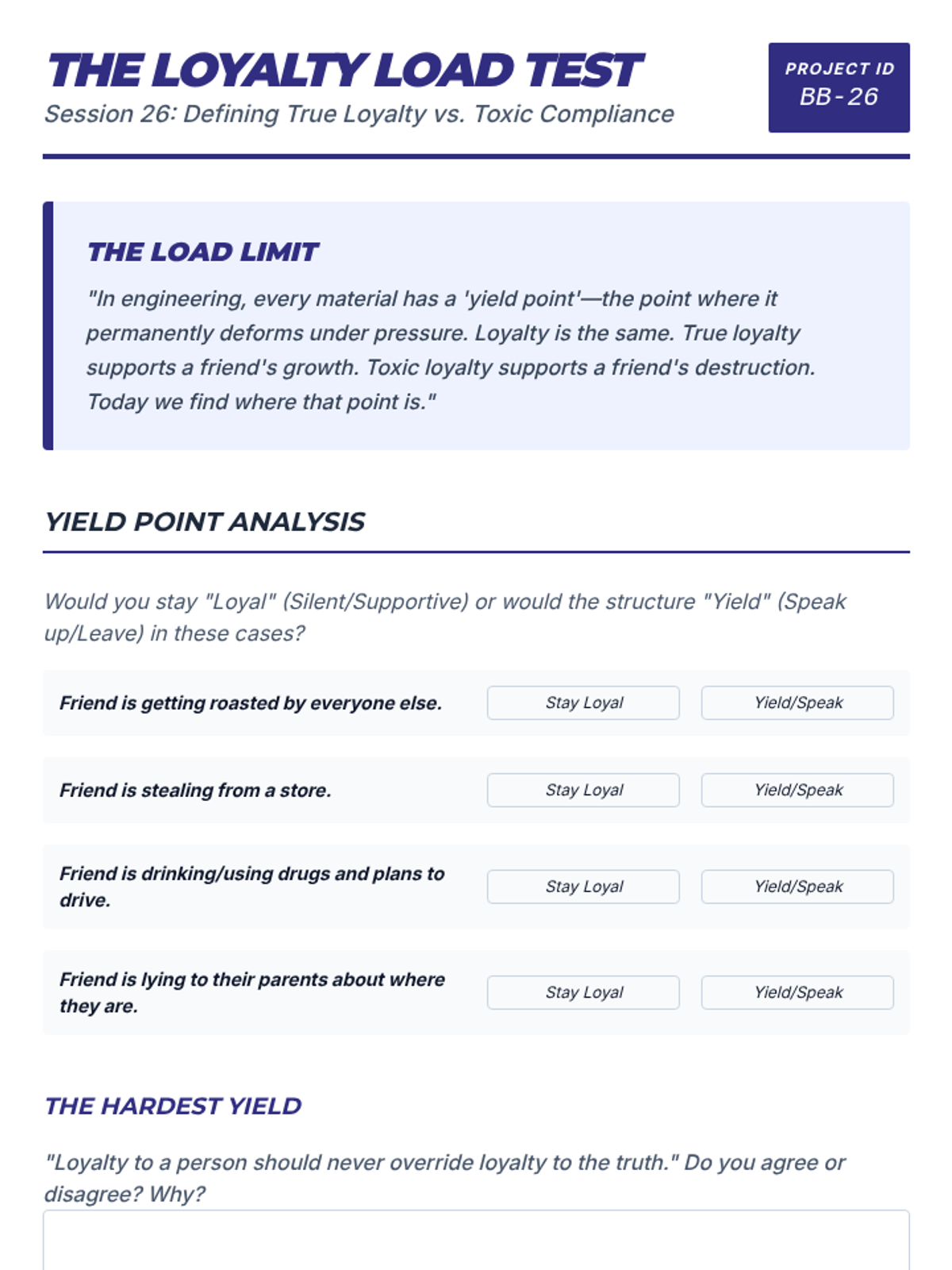
Defining what true loyalty looks like versus toxic compliance.
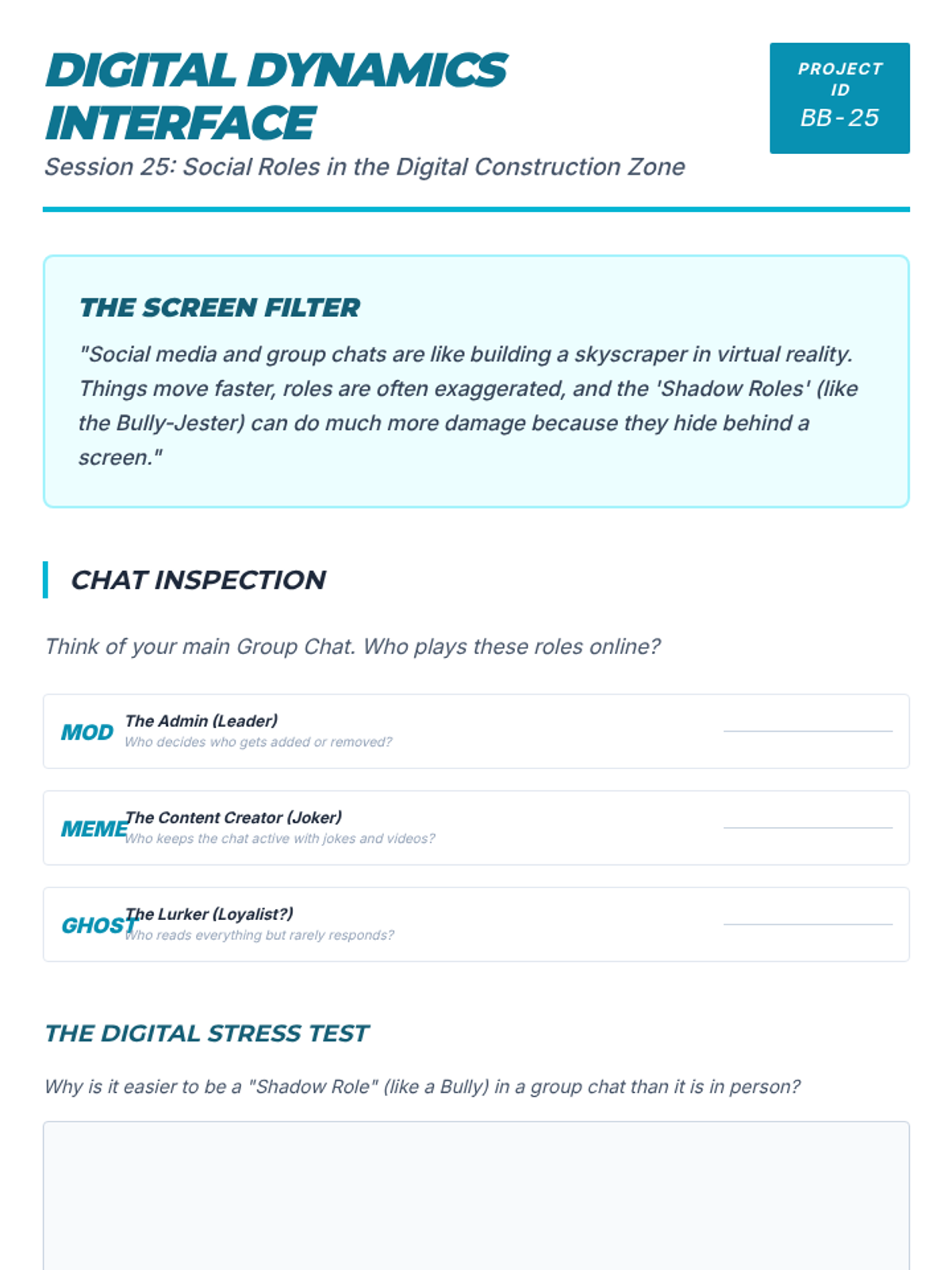
How social media shifts role dynamics and group communication.
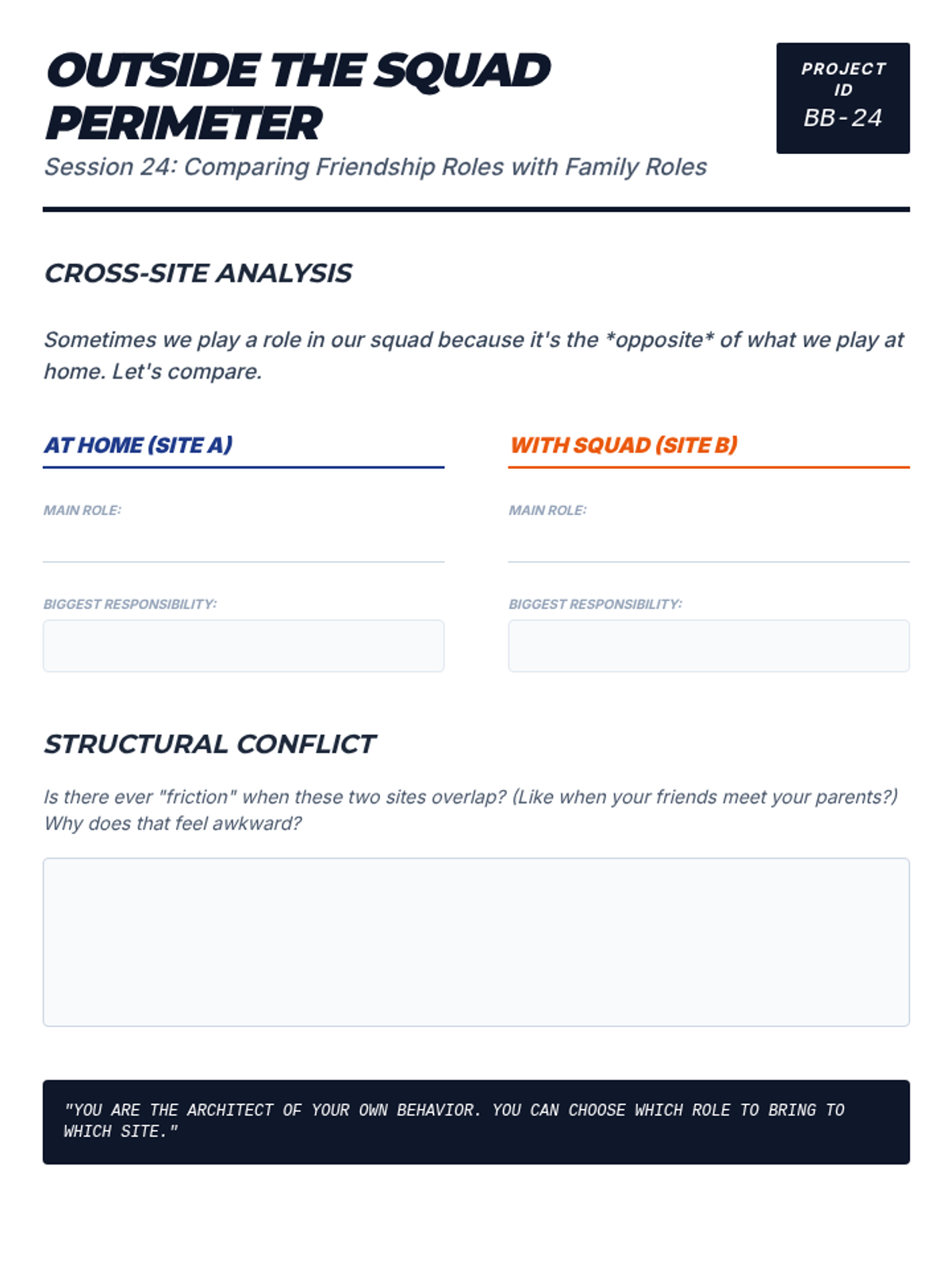
Comparing friendship roles with roles played in families or teams.
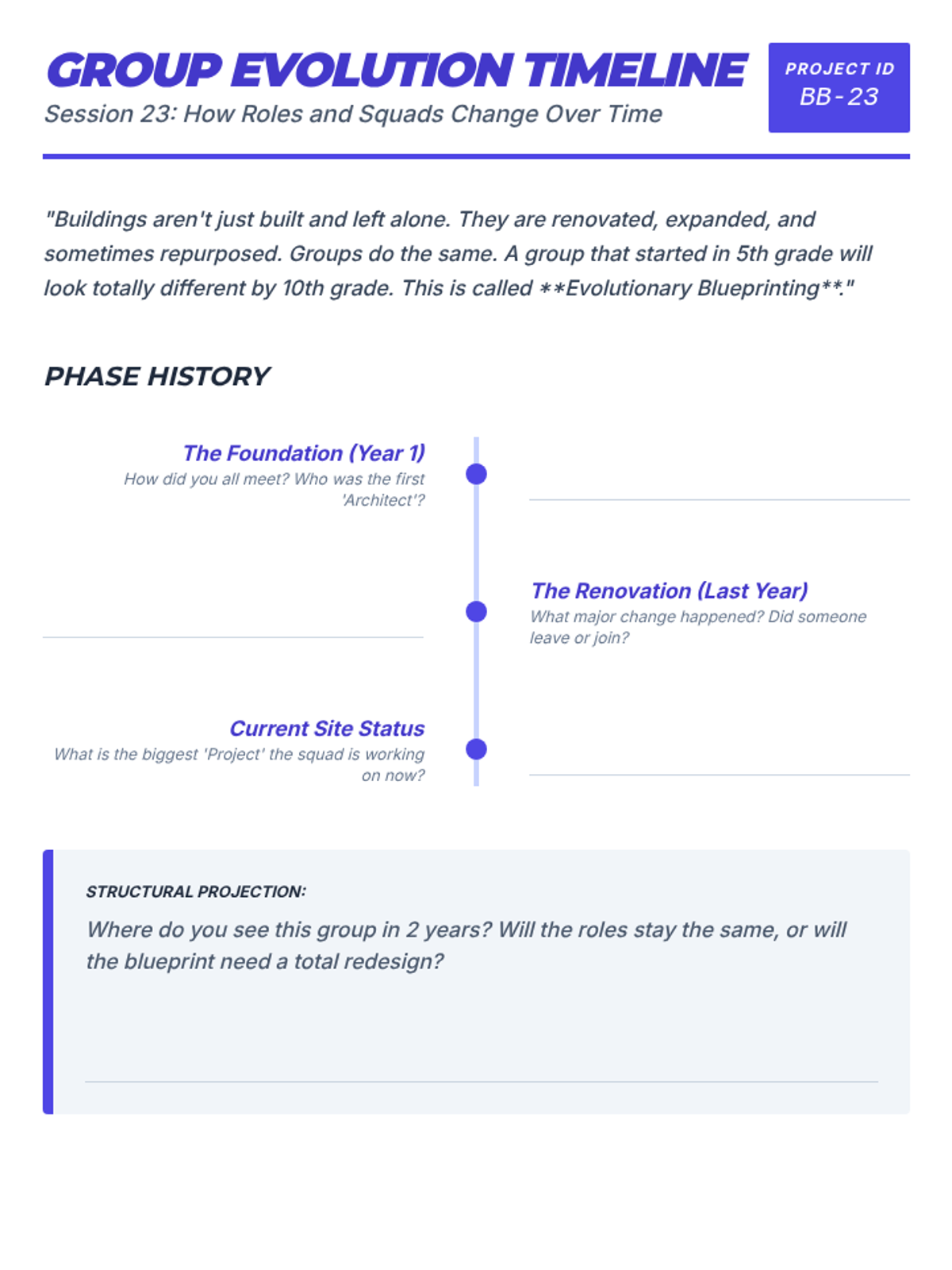
How roles and groups naturally change over months and years.
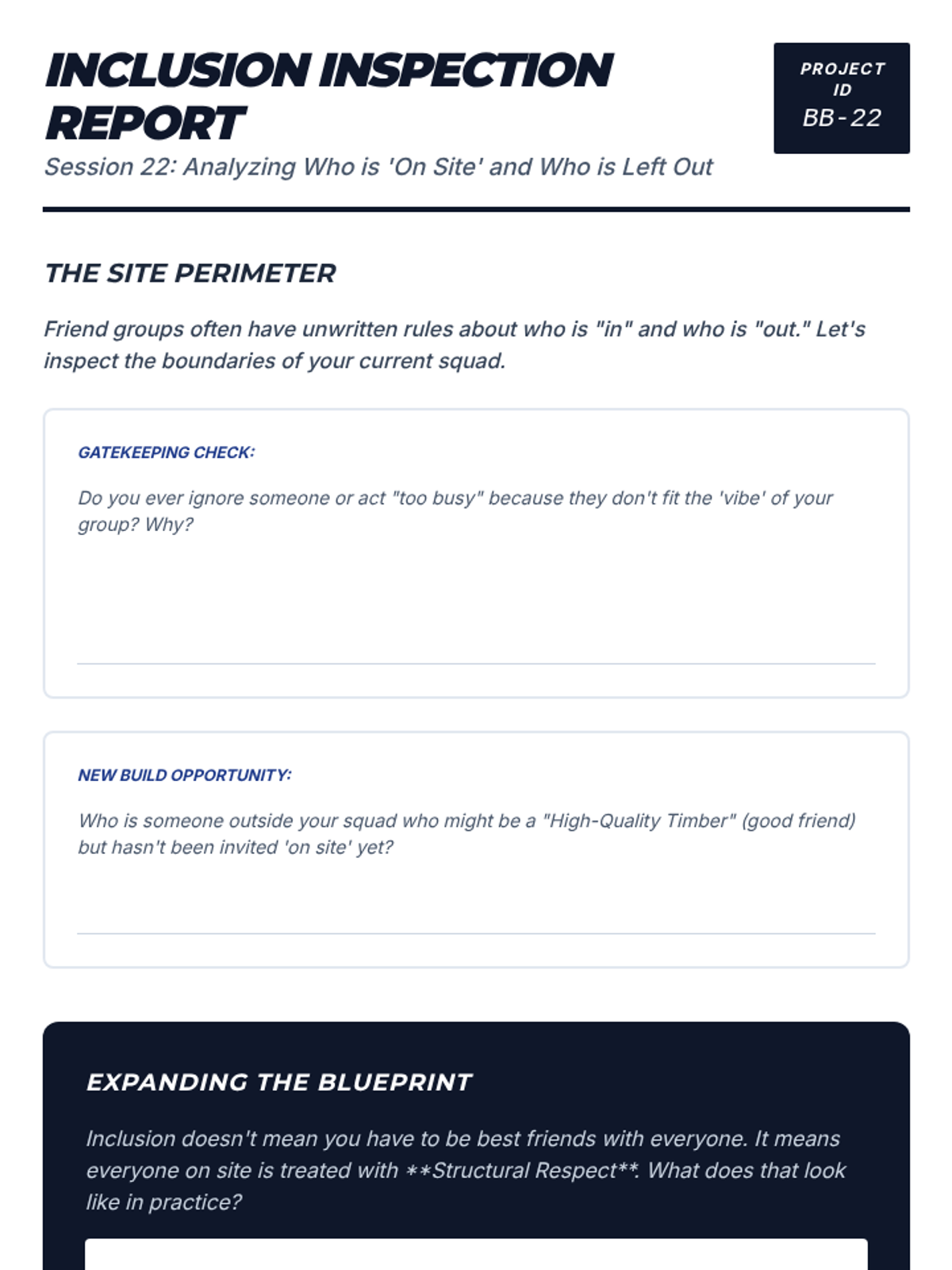
Analyzing who is 'on site' and who is excluded from the group structure.
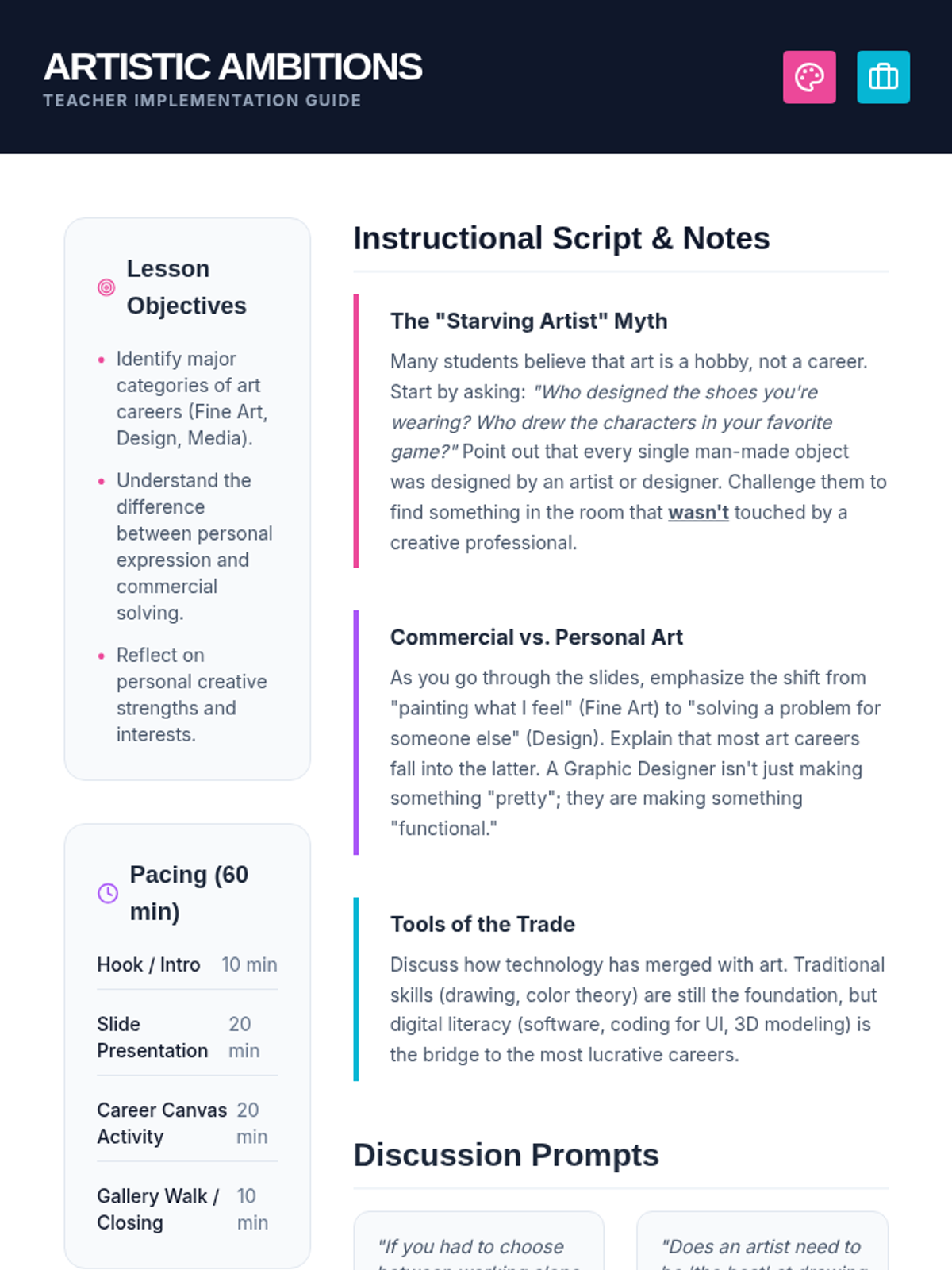
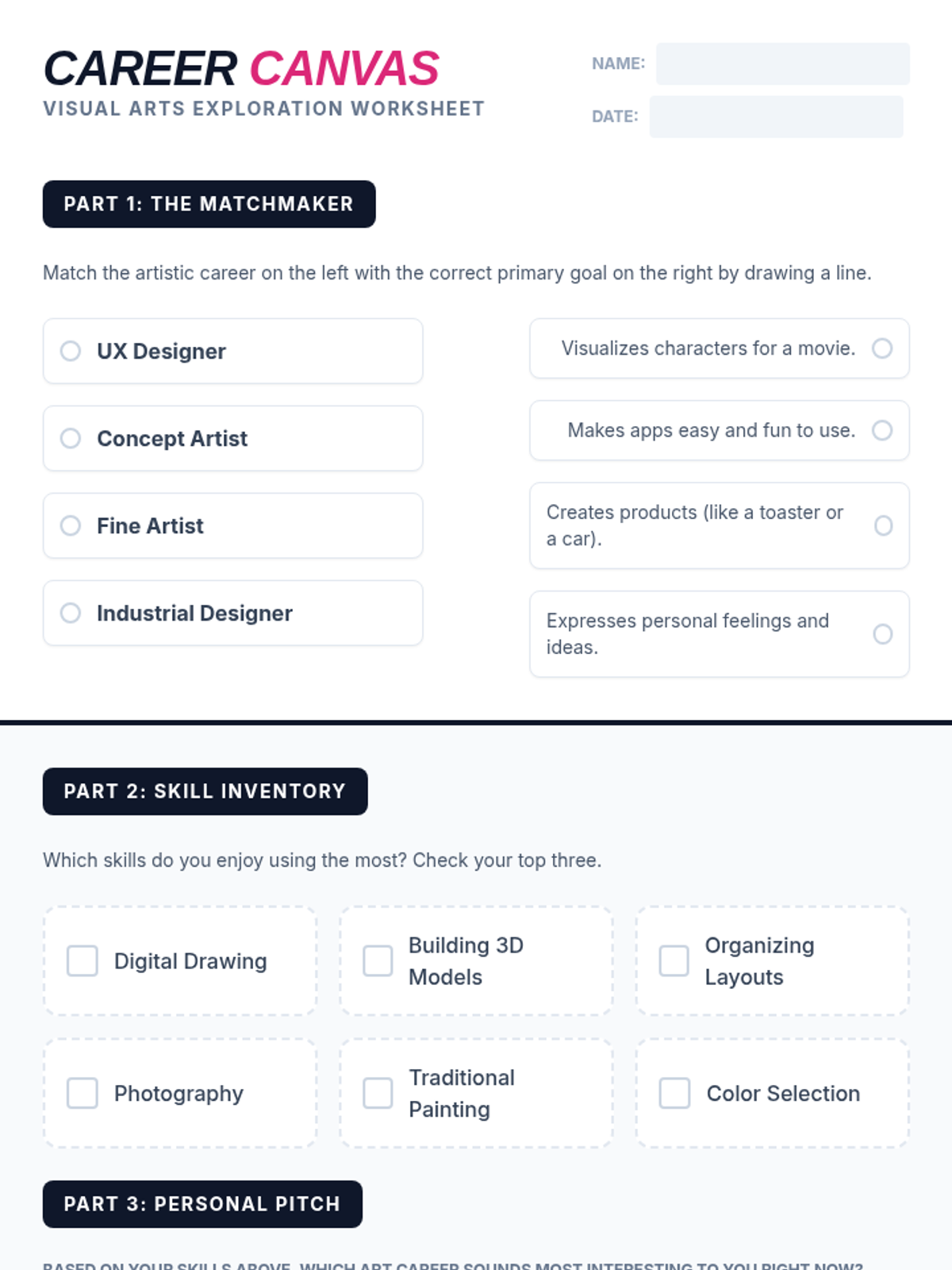
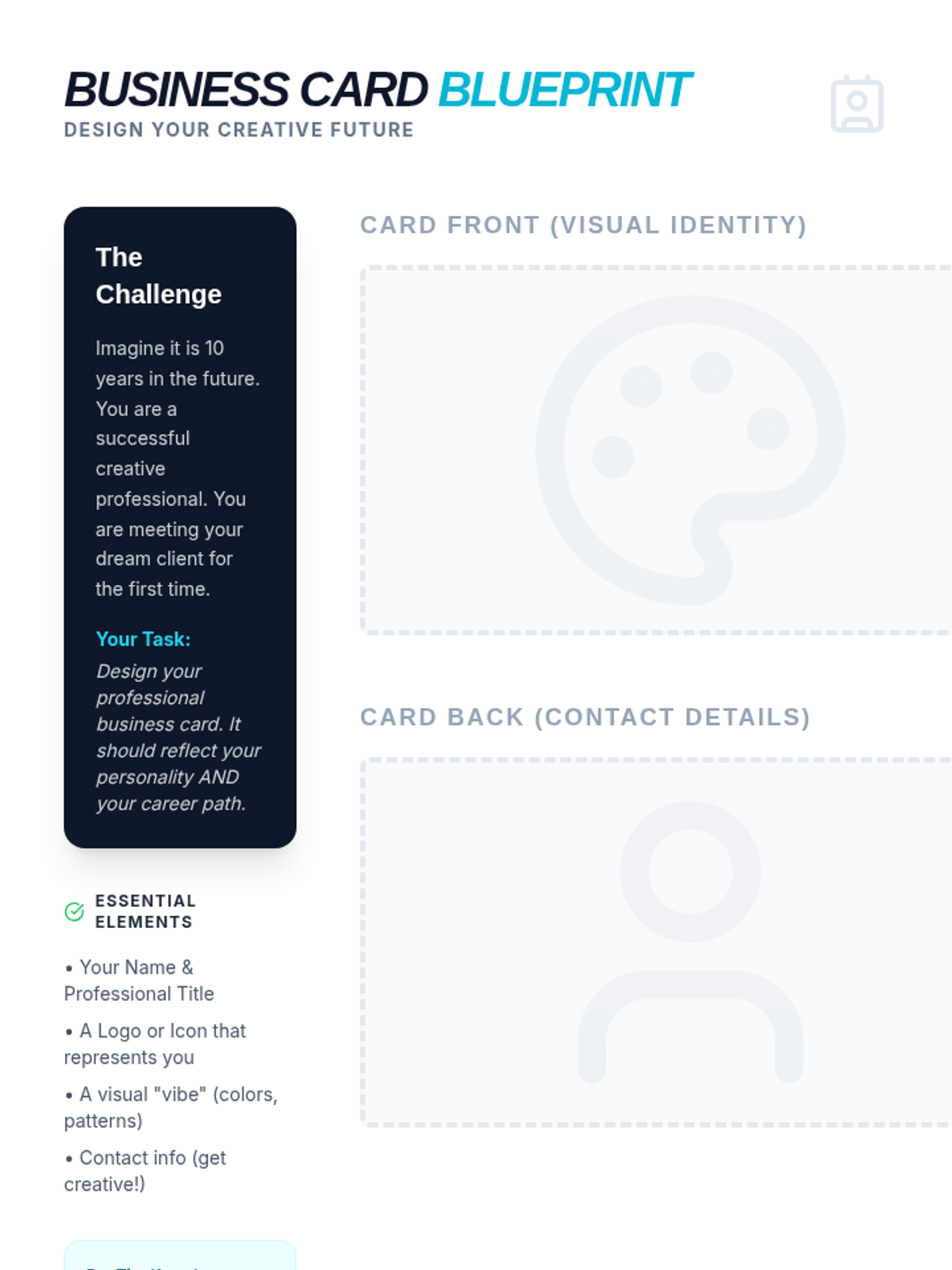
A comprehensive lesson exploring the diverse range of professional paths within the visual arts, from traditional fine arts to digital design and commercial industries.
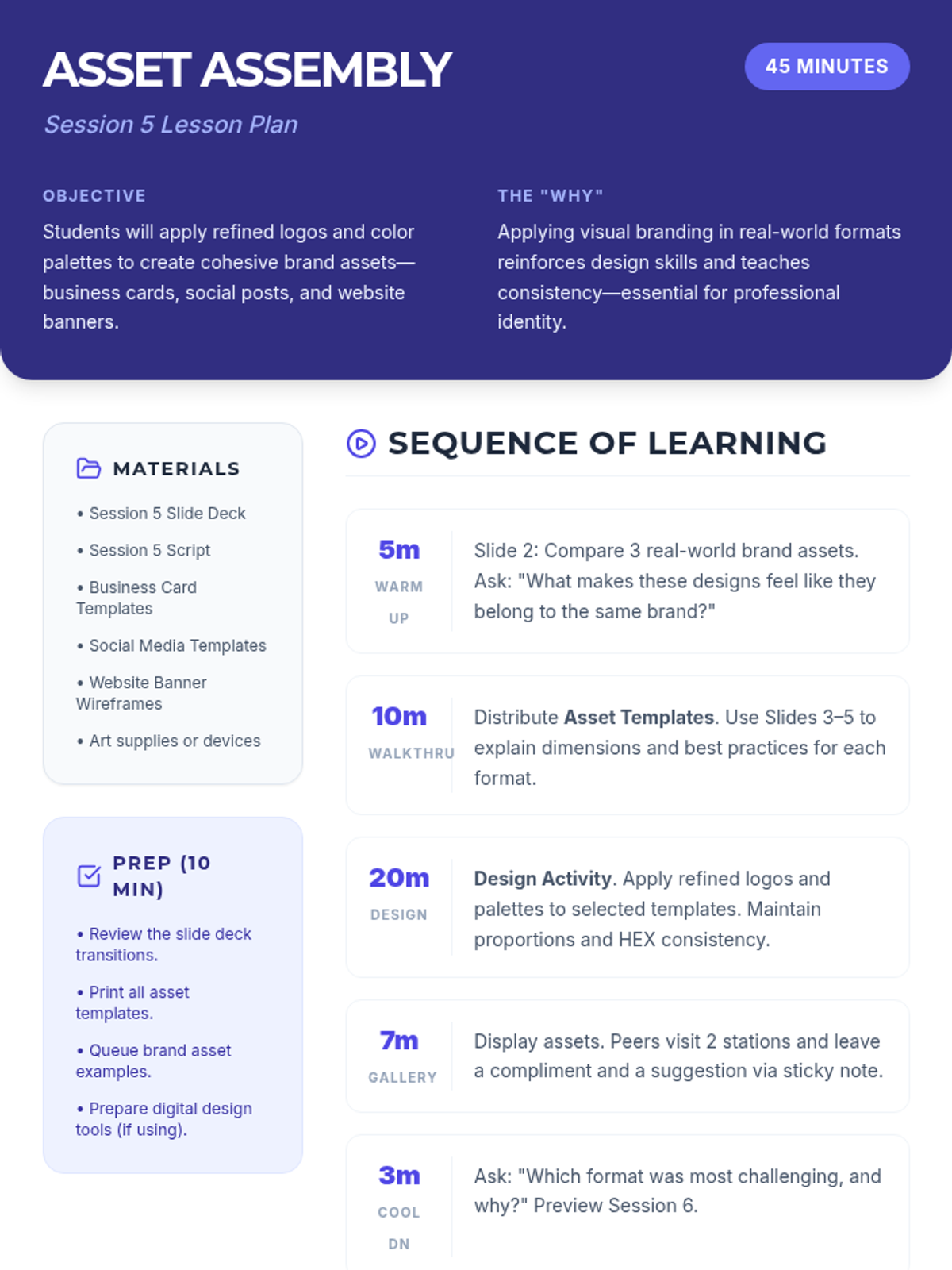
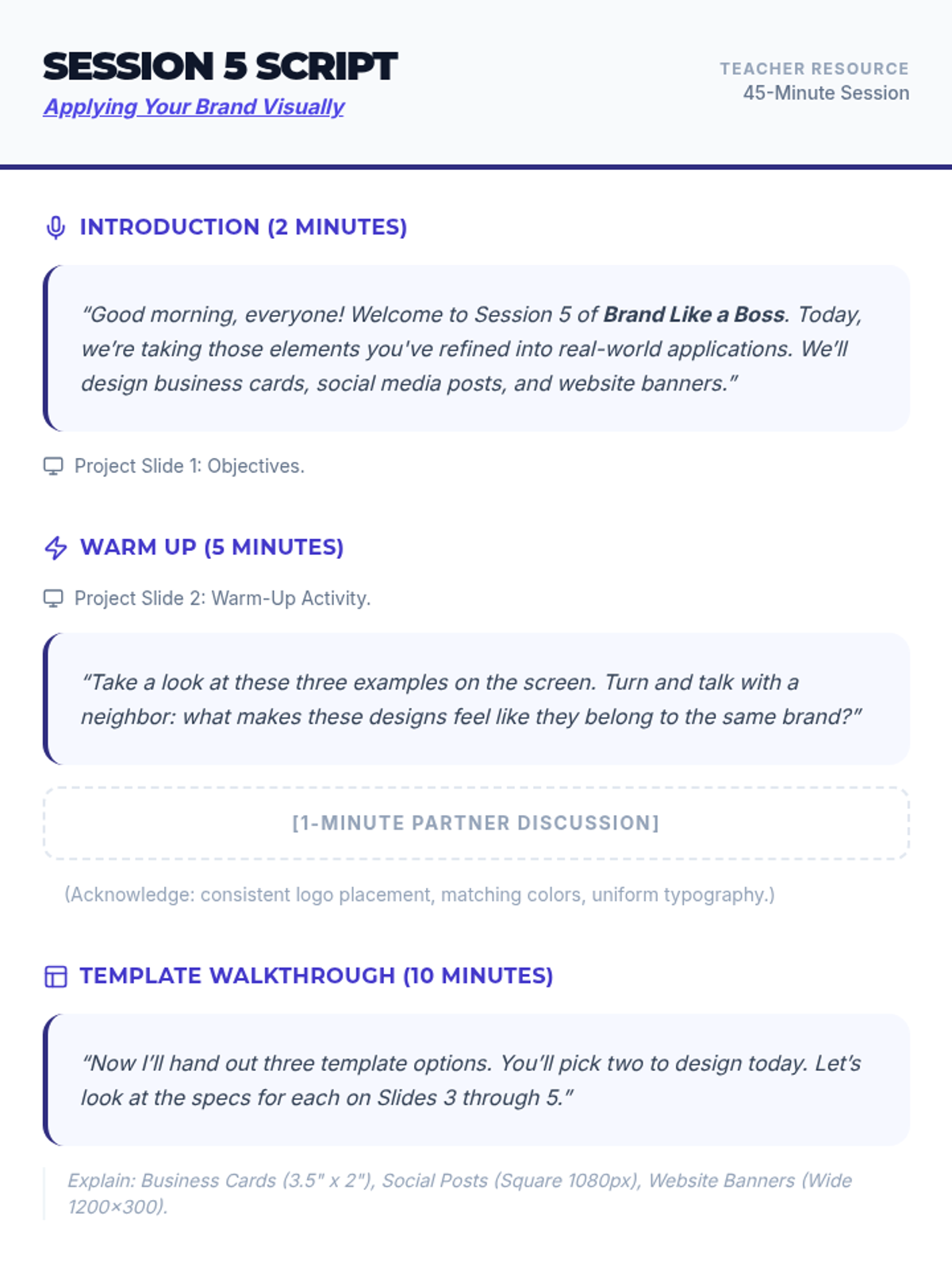
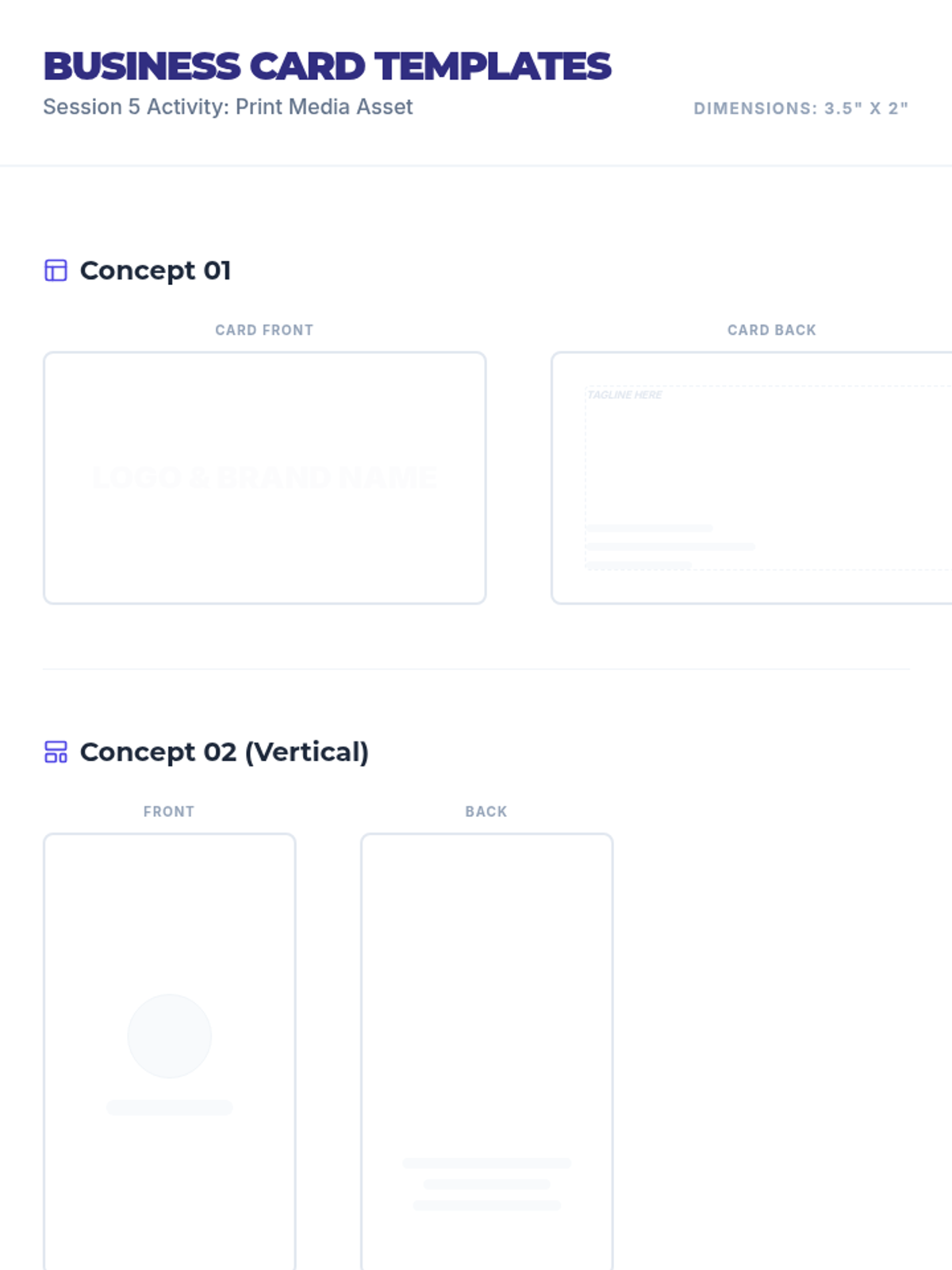
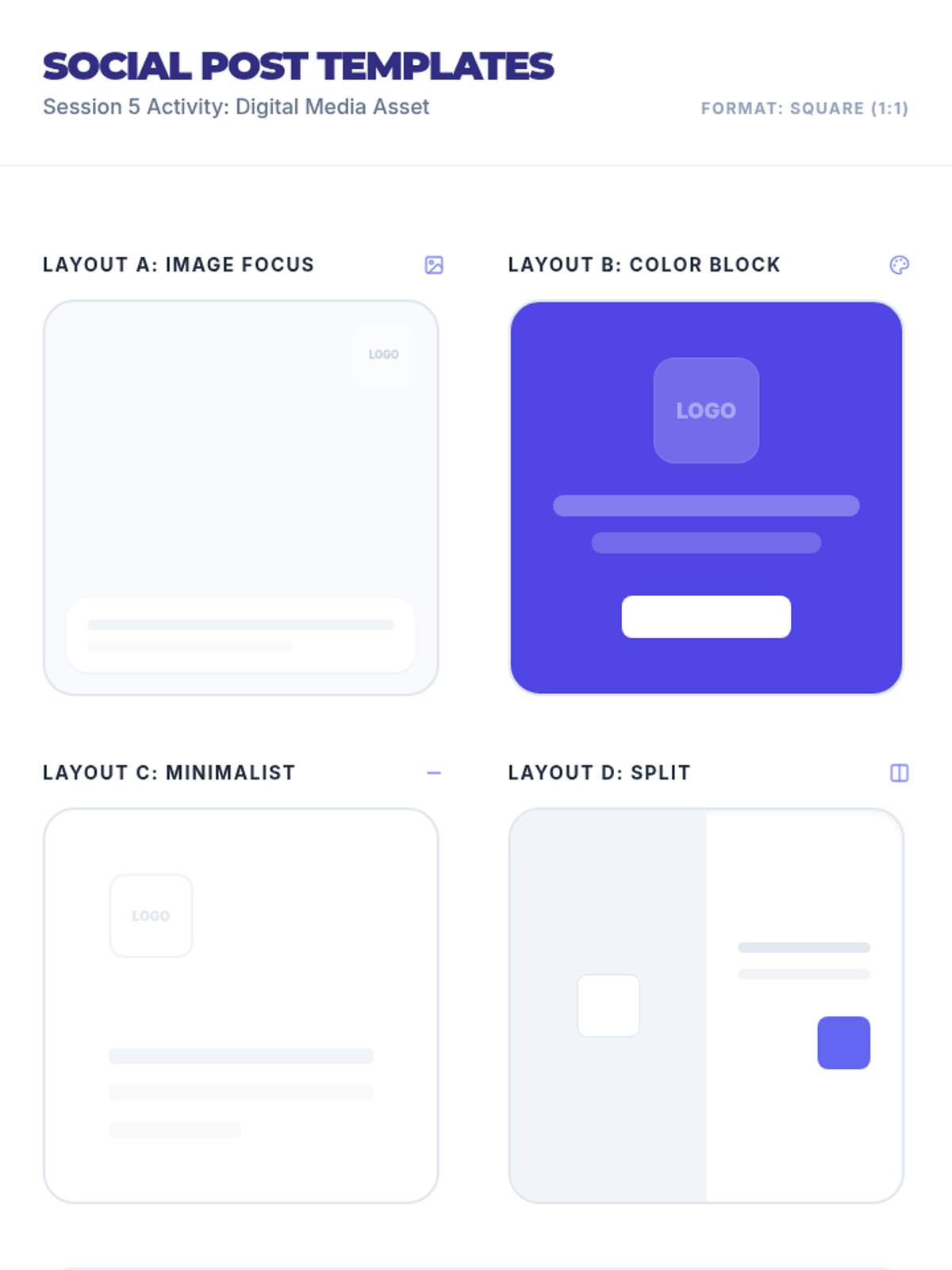
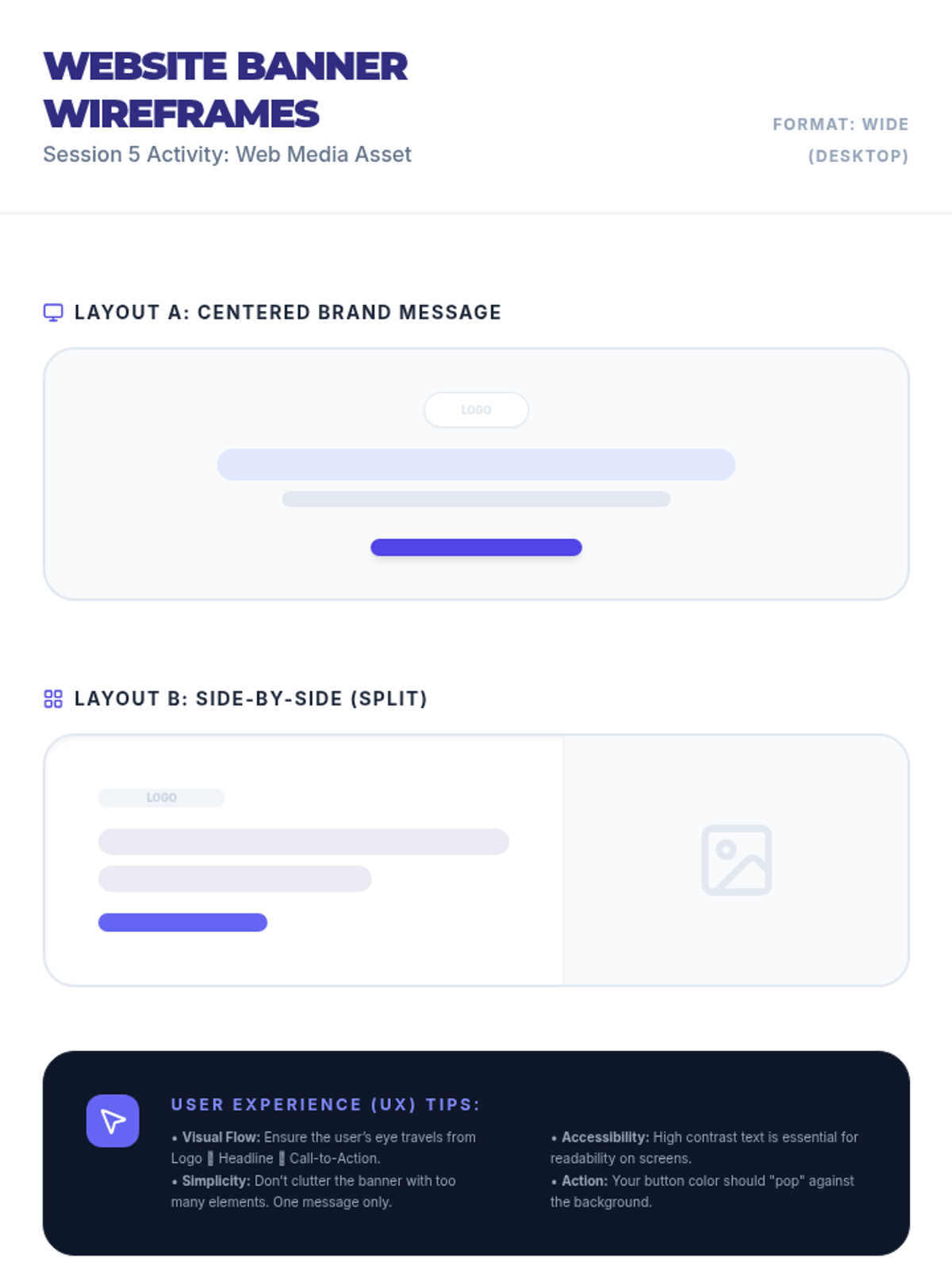
Students apply their branding to real-world assets like business cards, social media posts, and website banners.
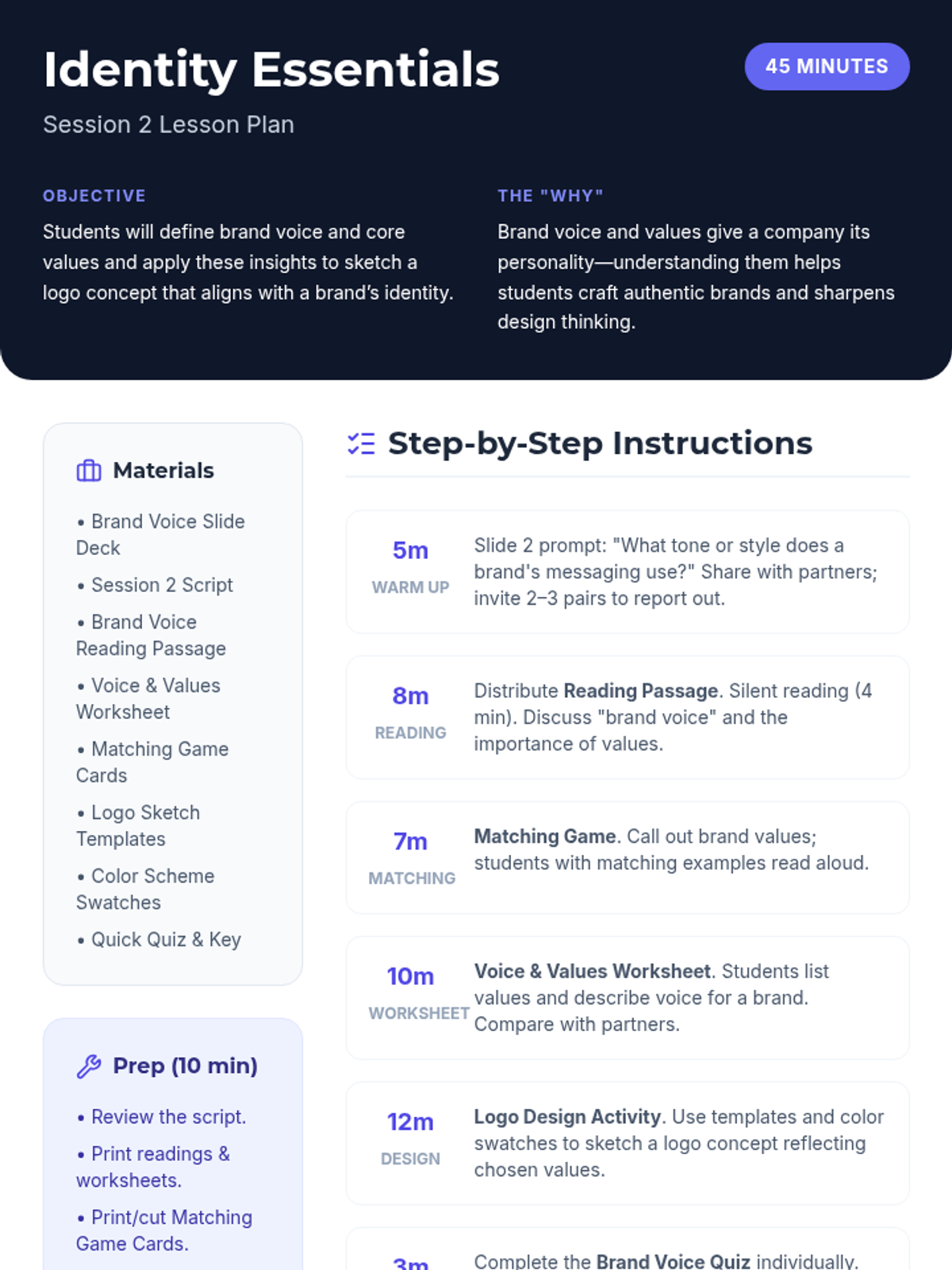
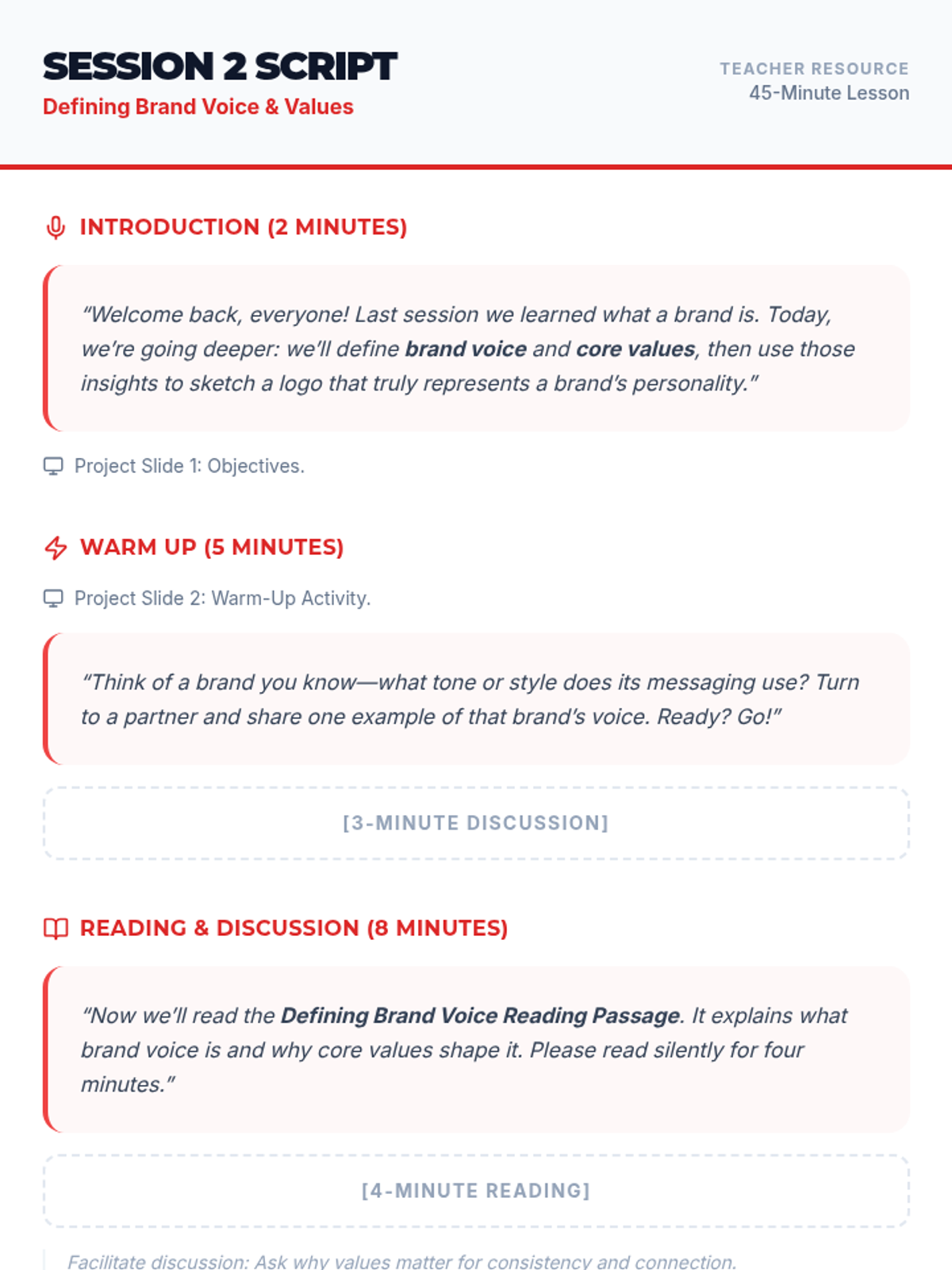
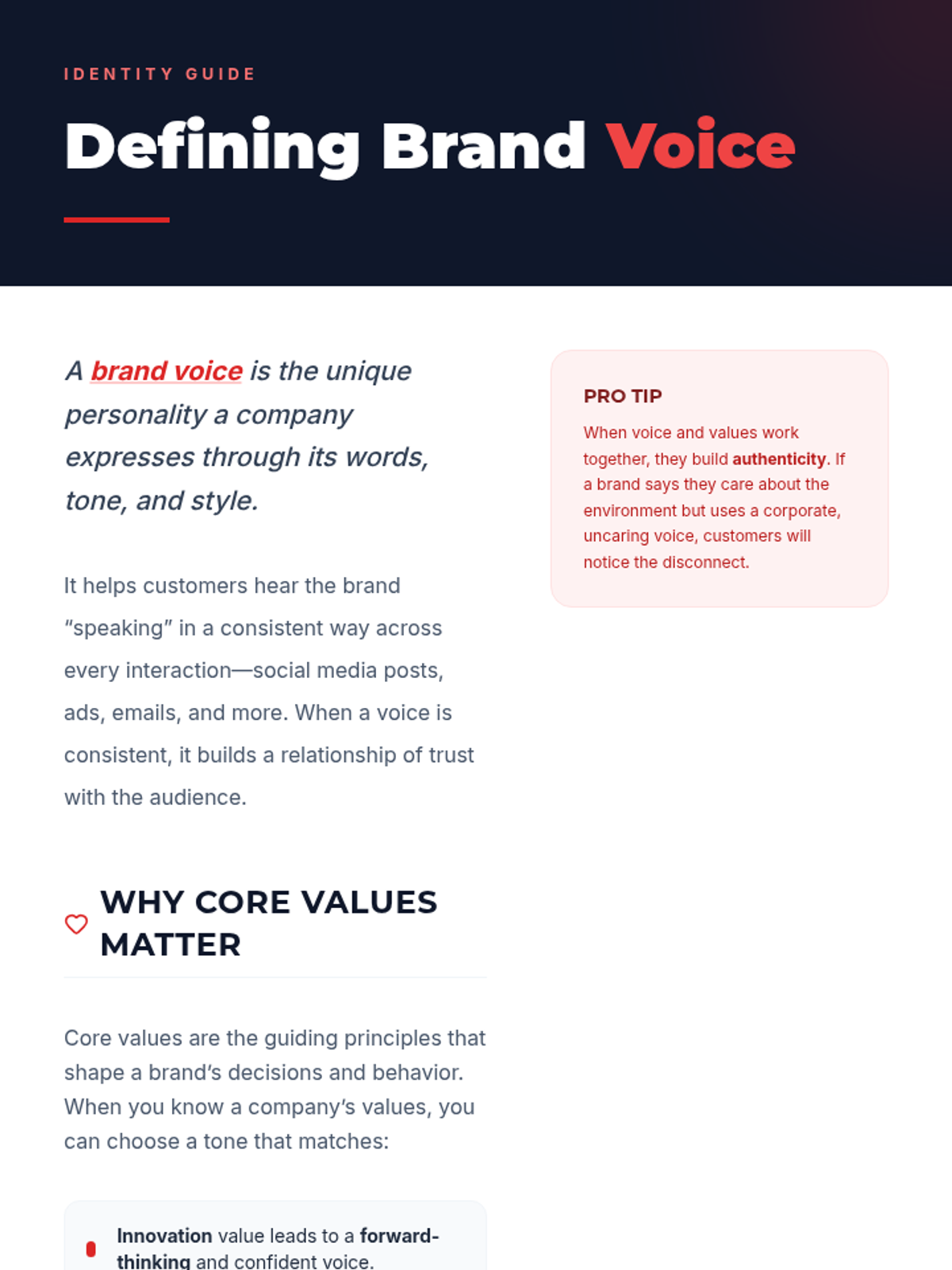
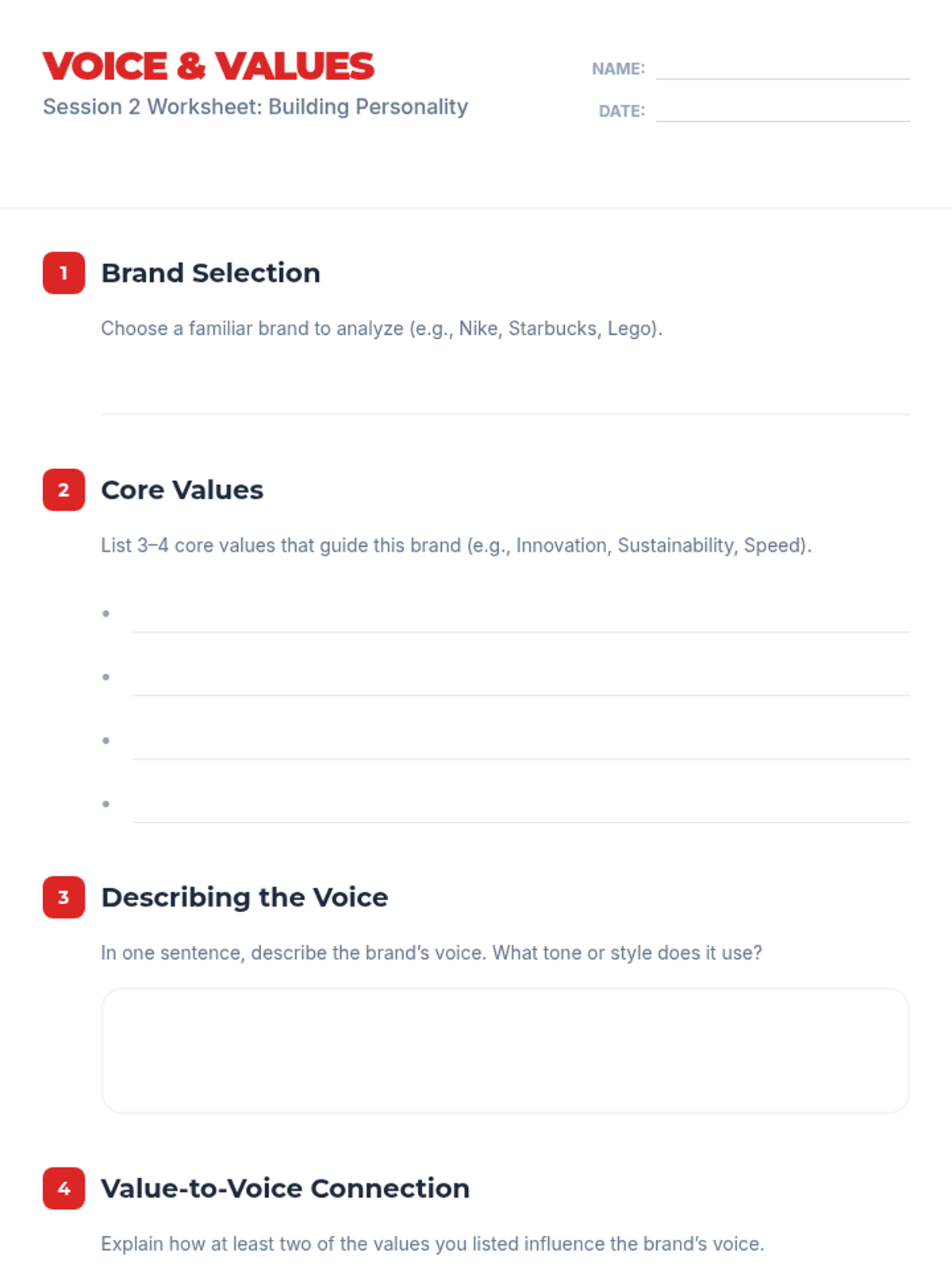
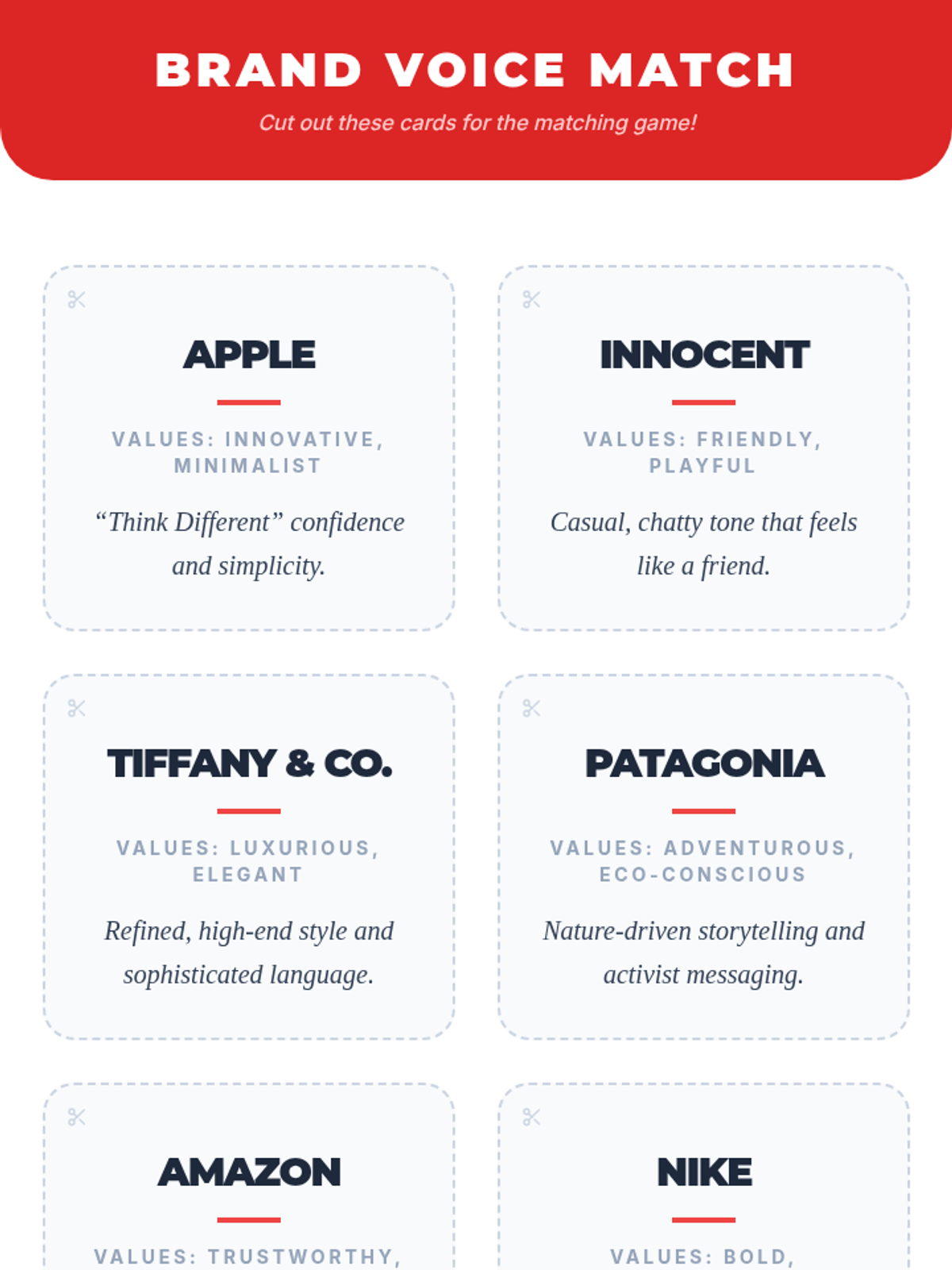
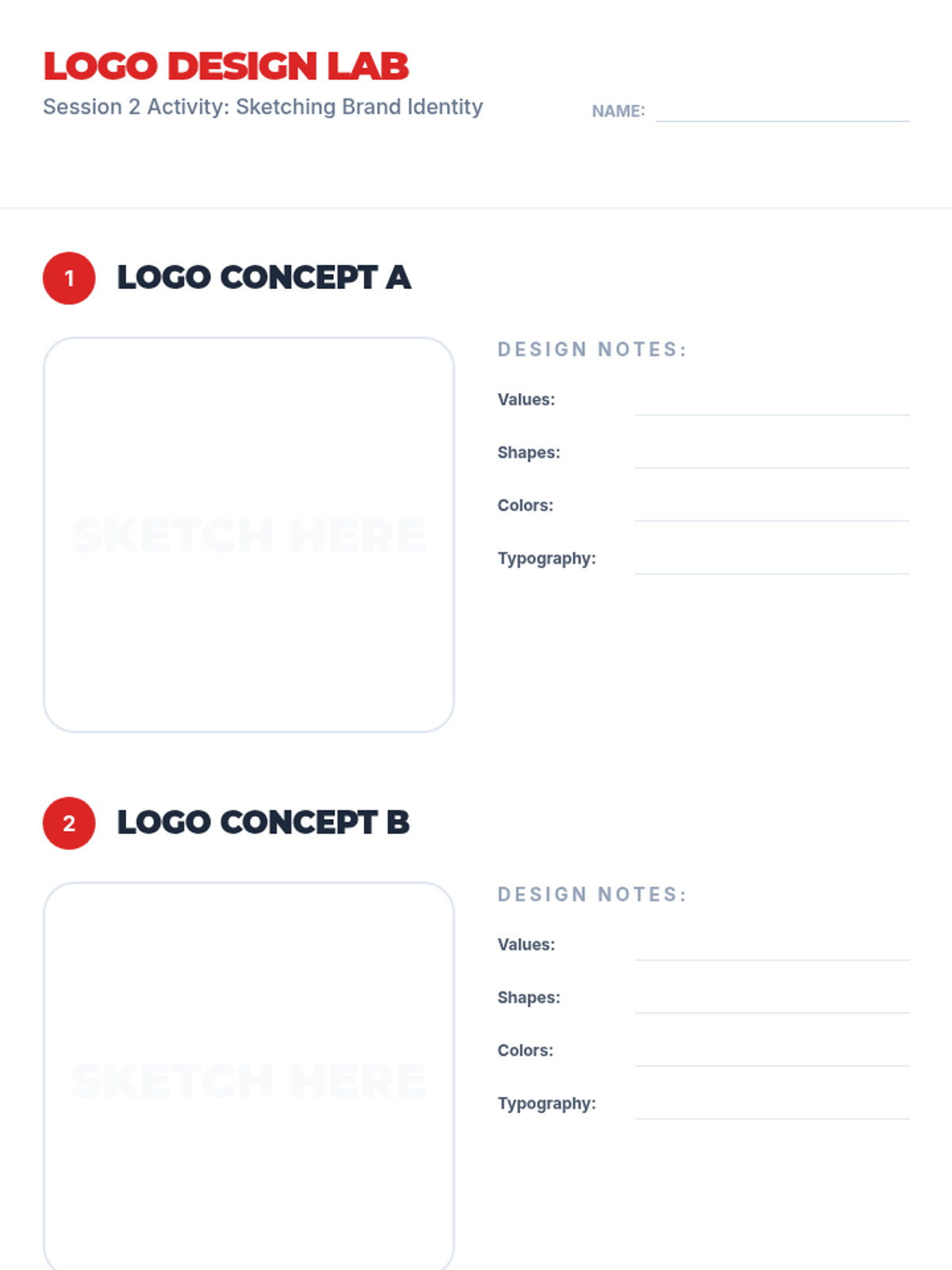
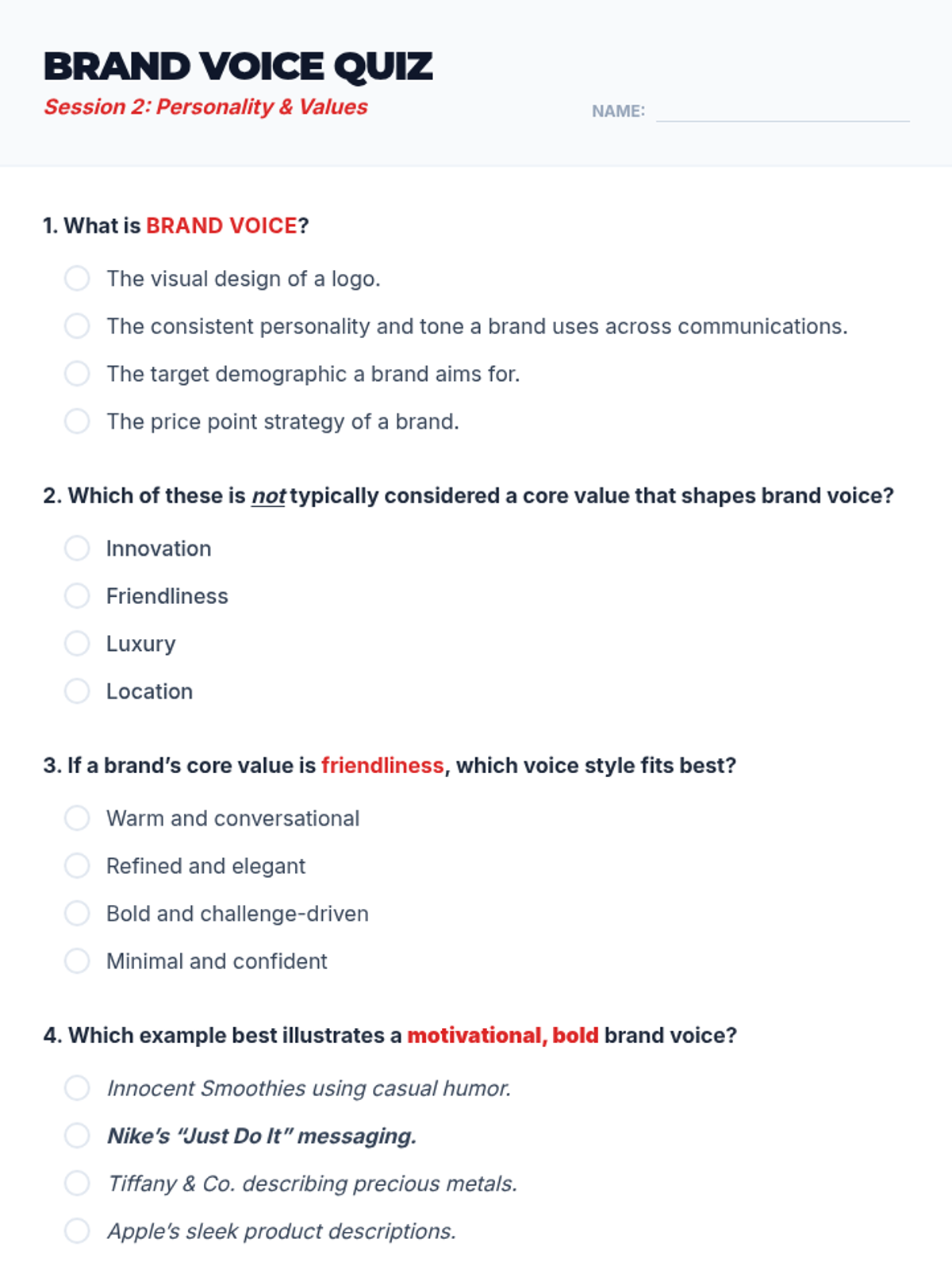
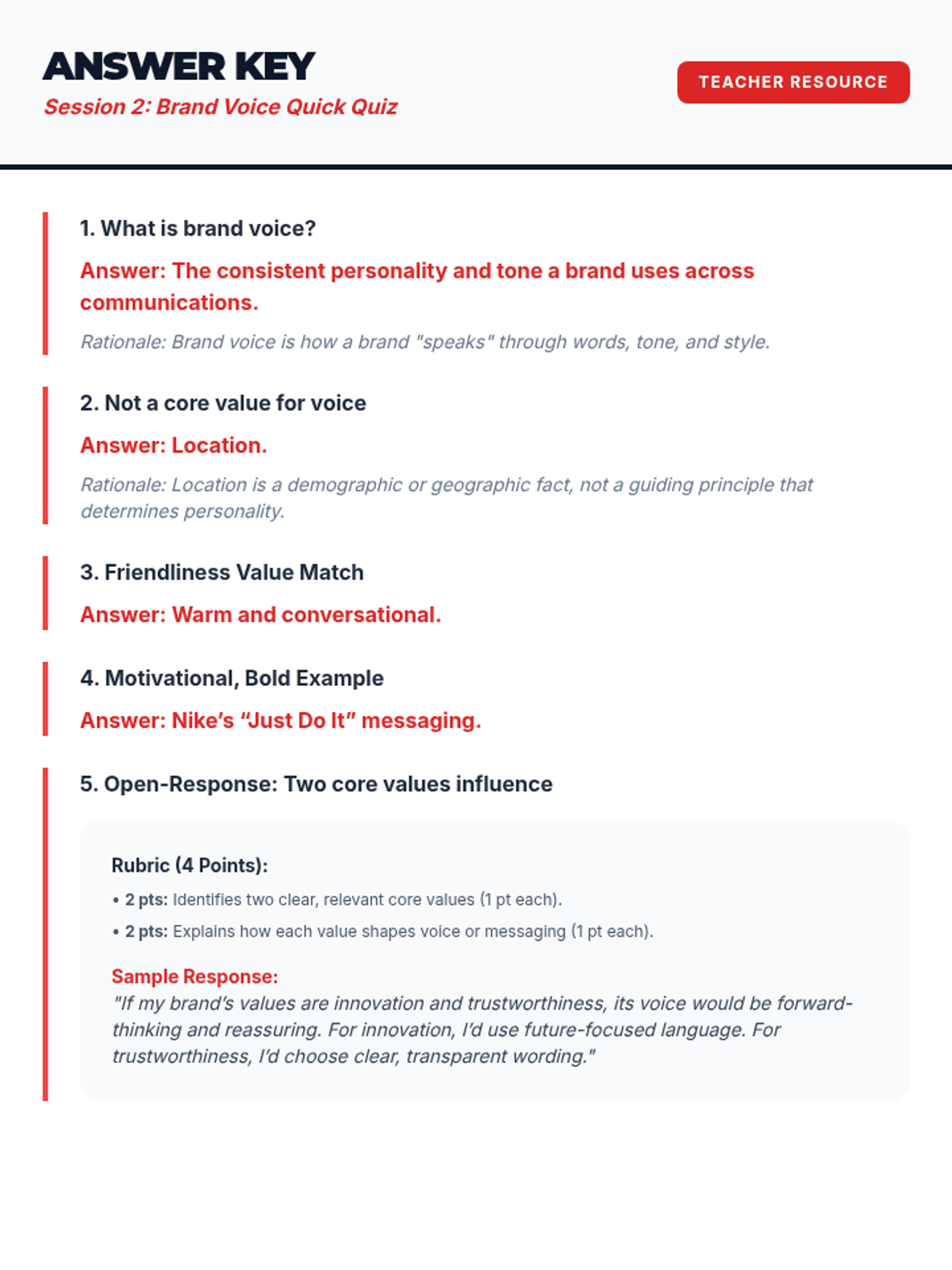
Students explore how brand voice and core values shape identity and begin sketching their own logo concepts.
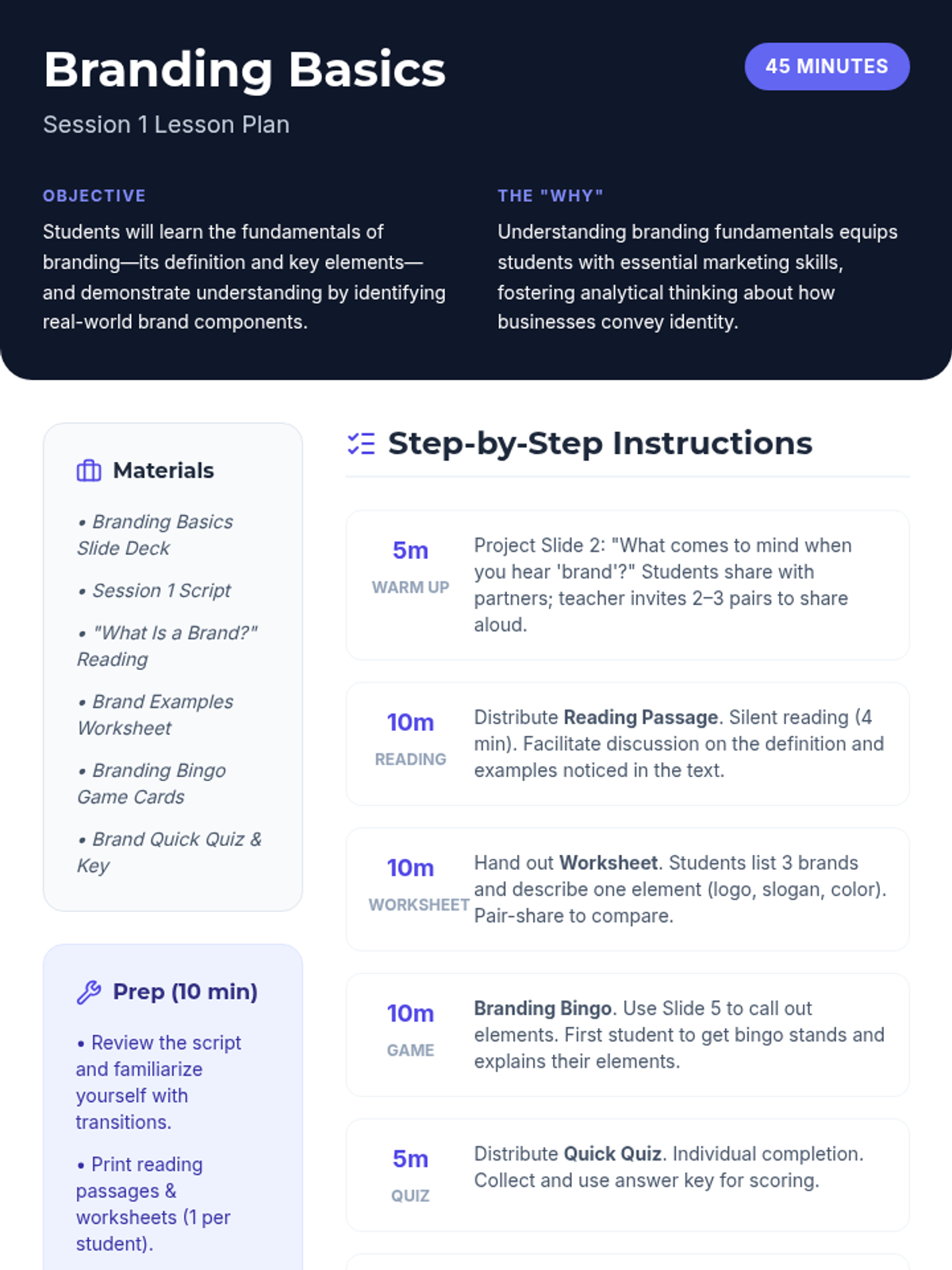
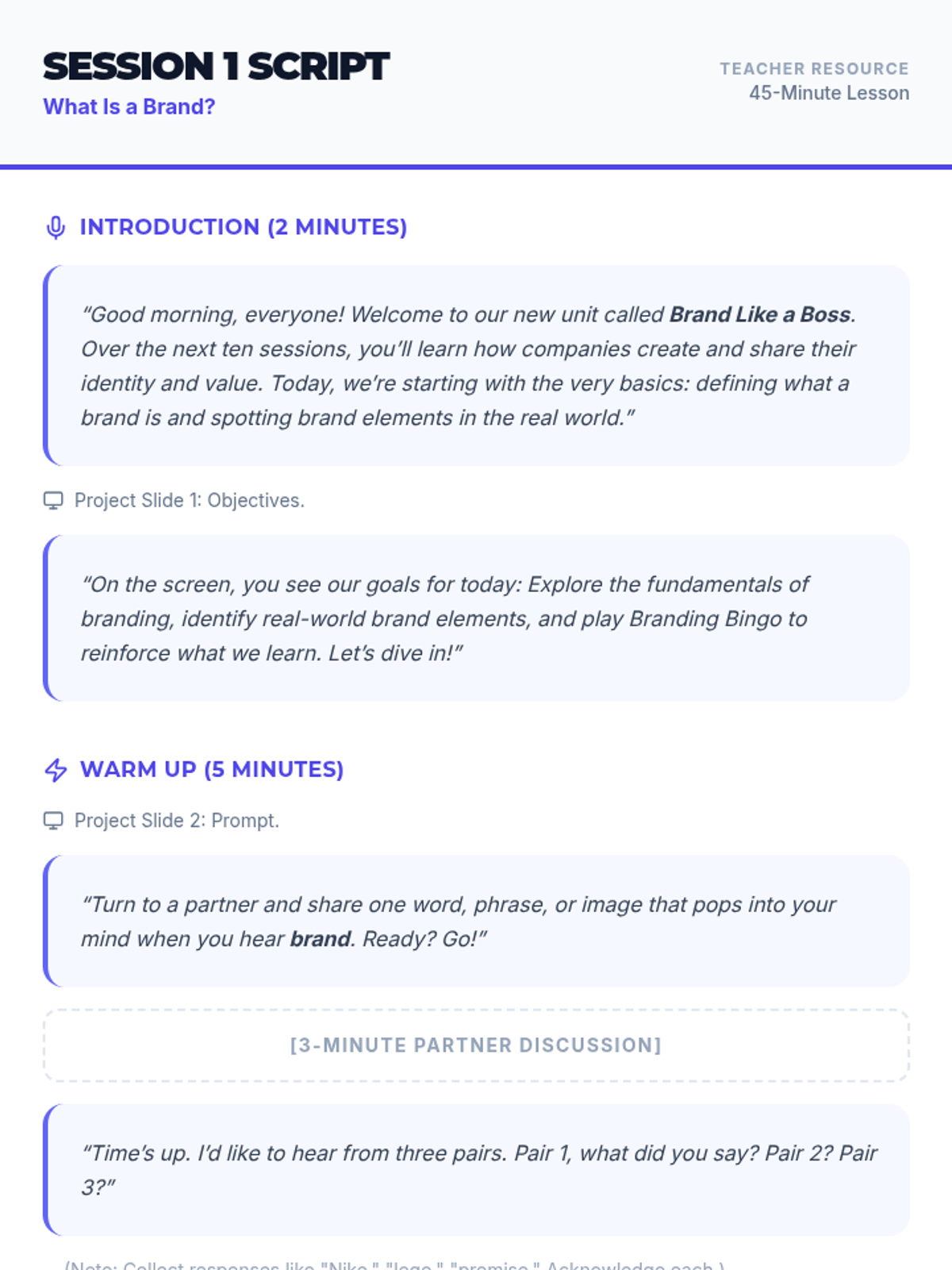
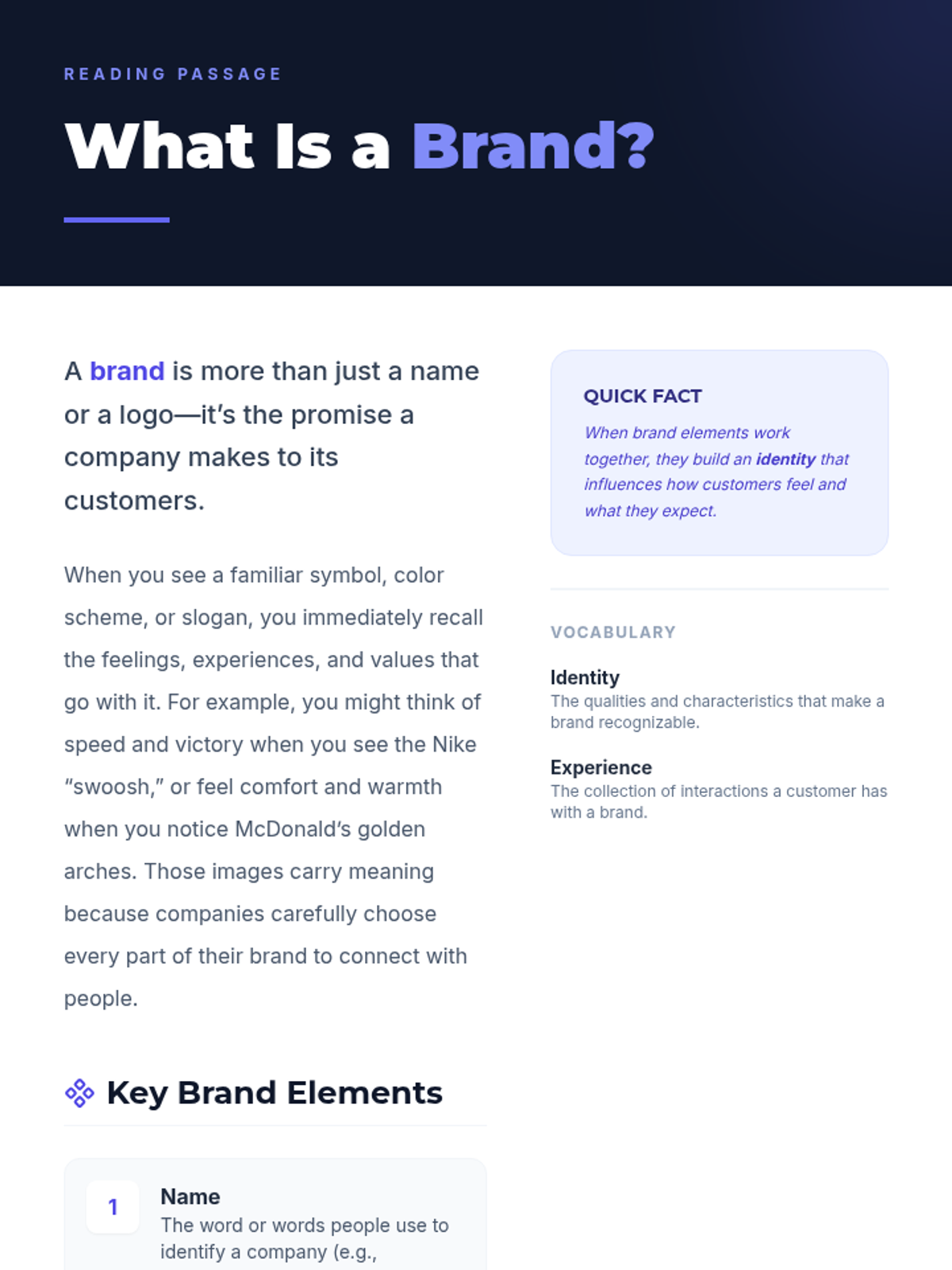
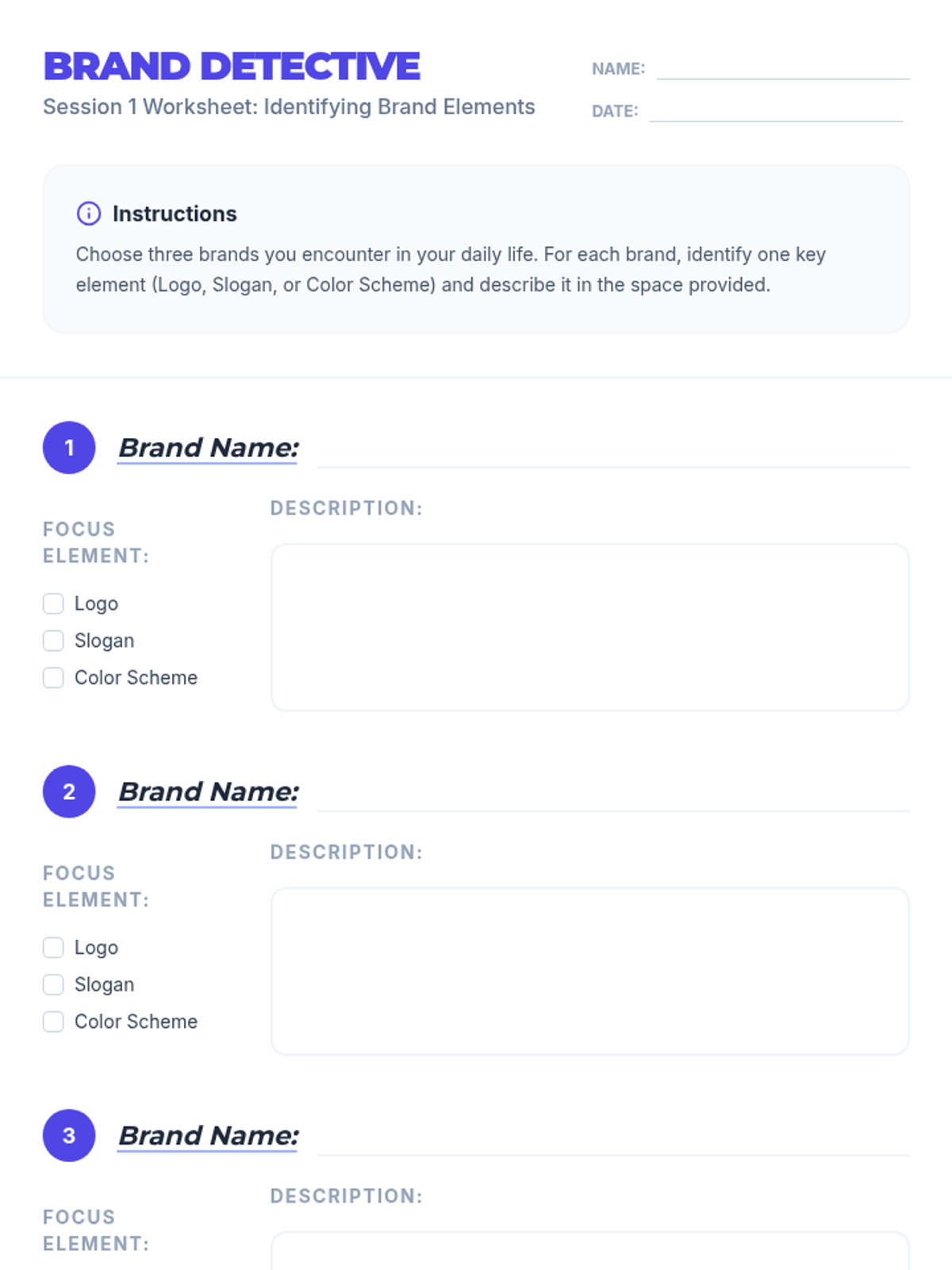
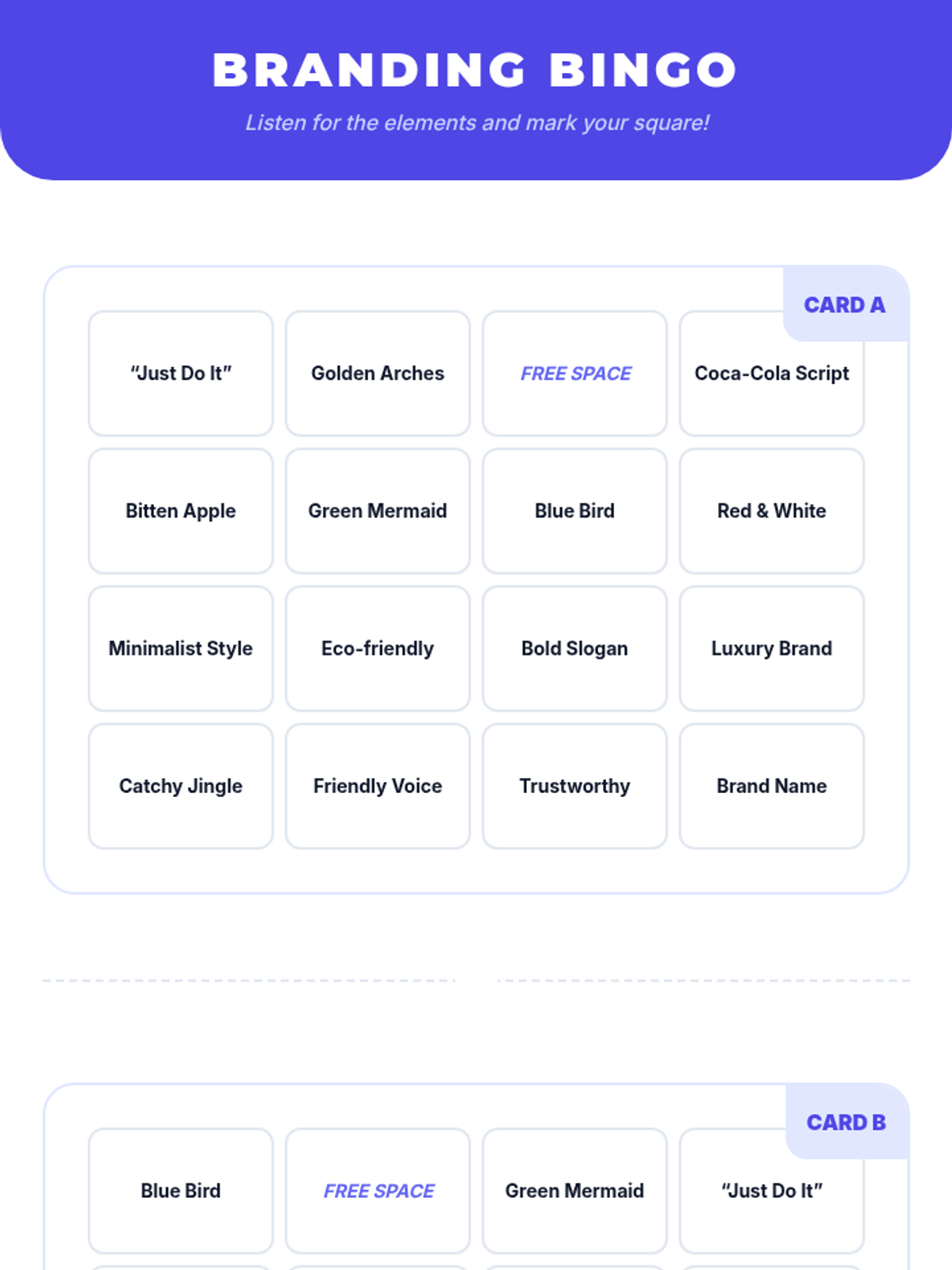
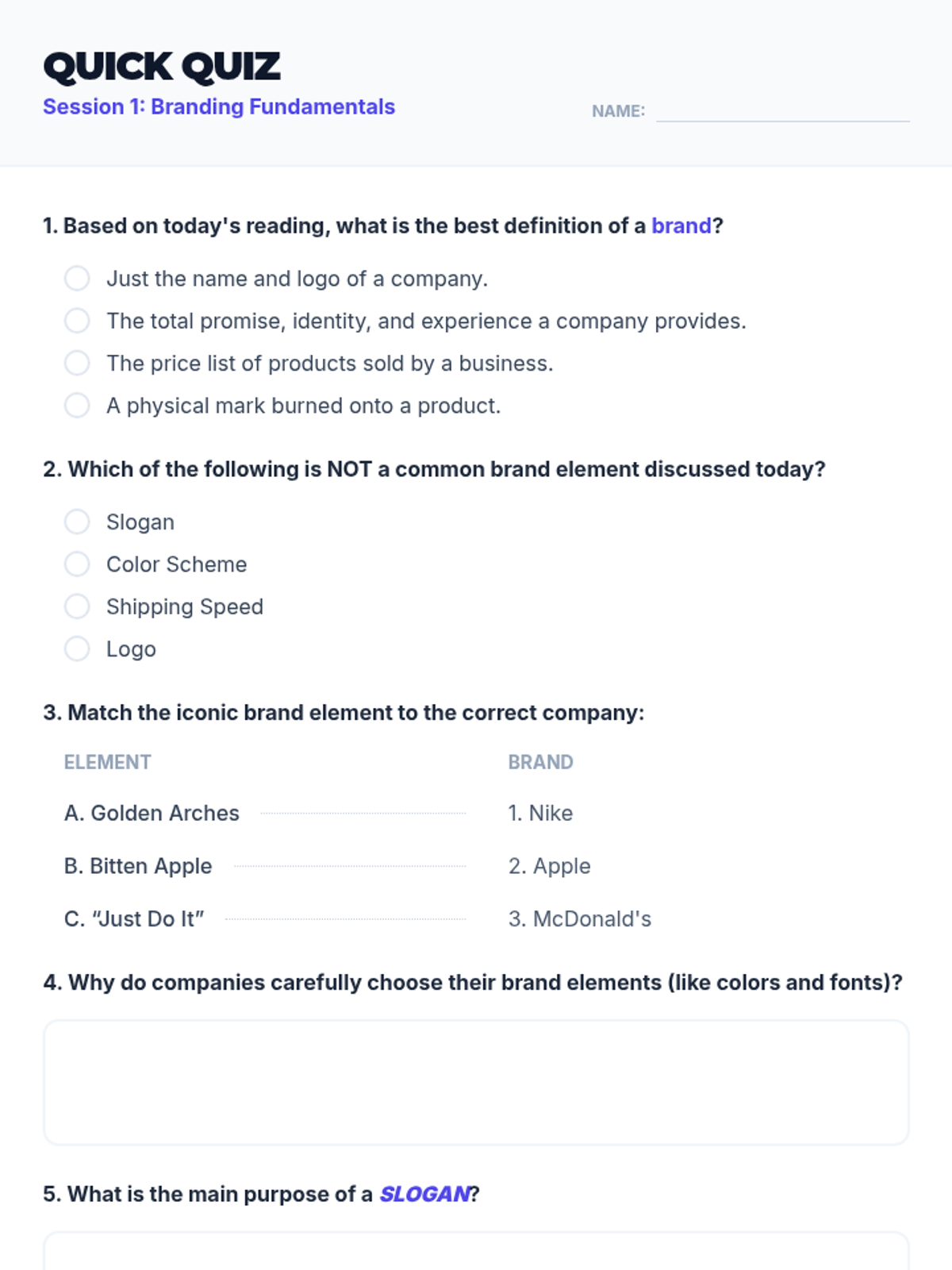
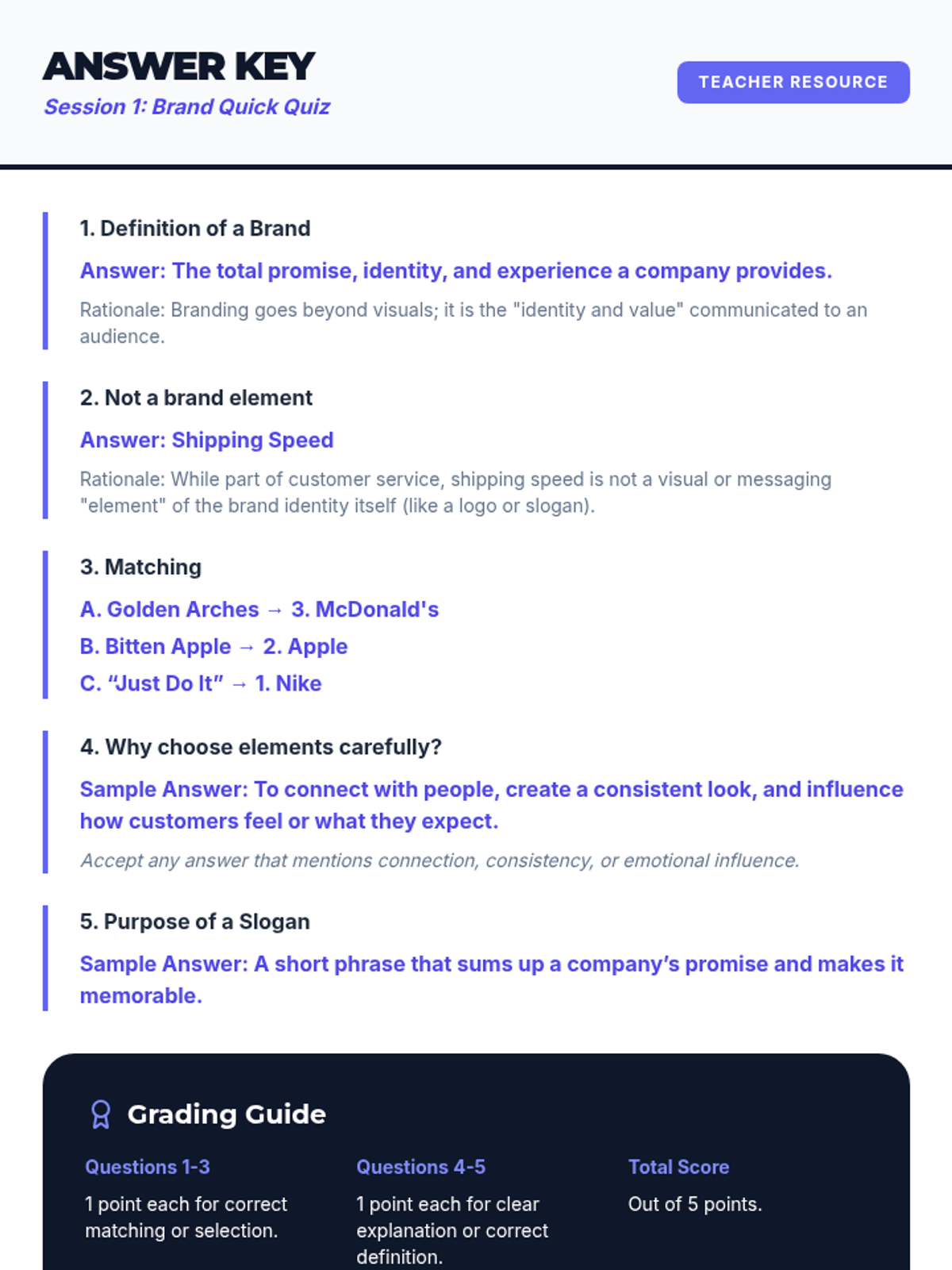
An introductory session defining what a brand is and identifying real-world brand elements through reading and interactive games.
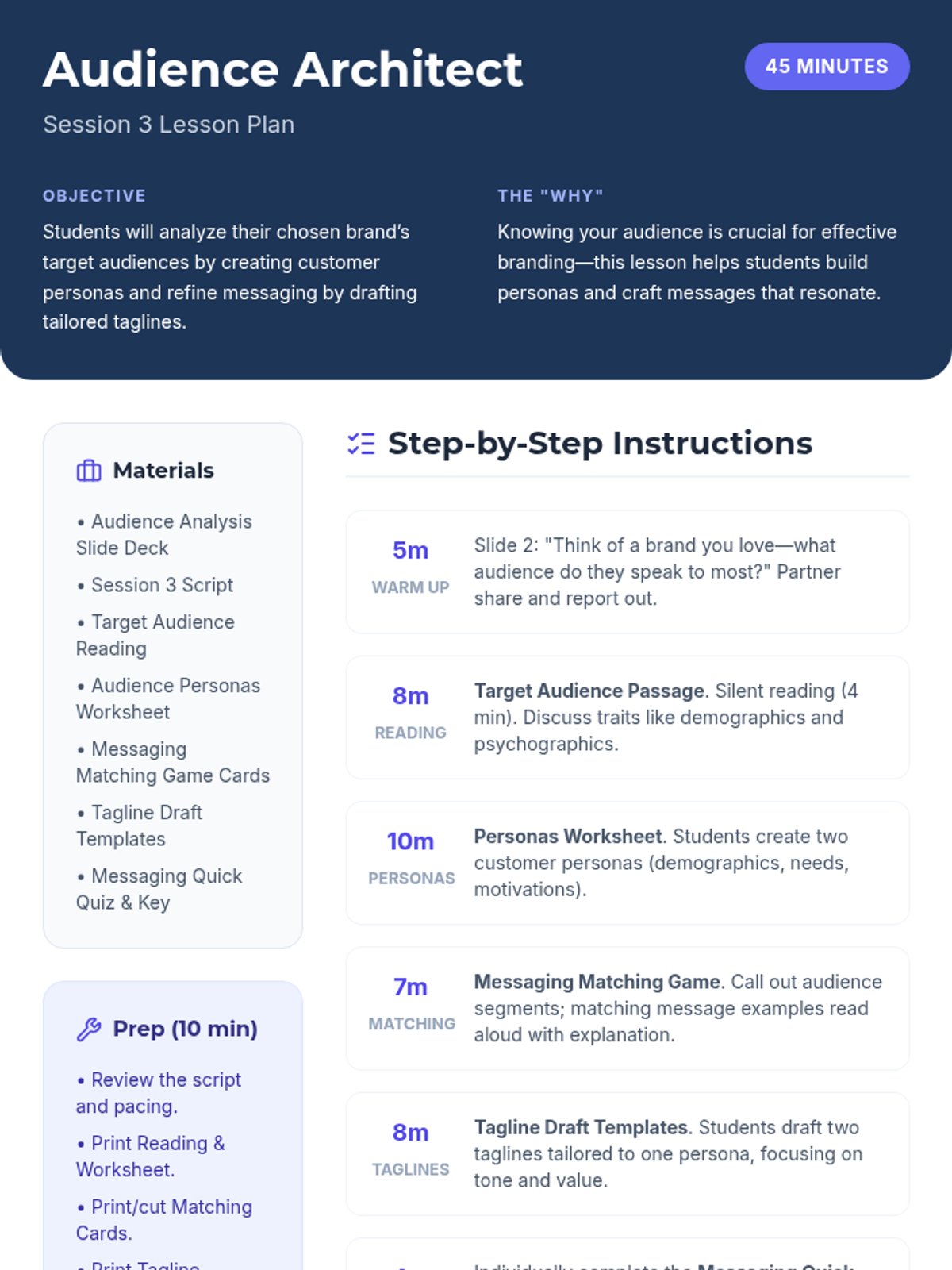
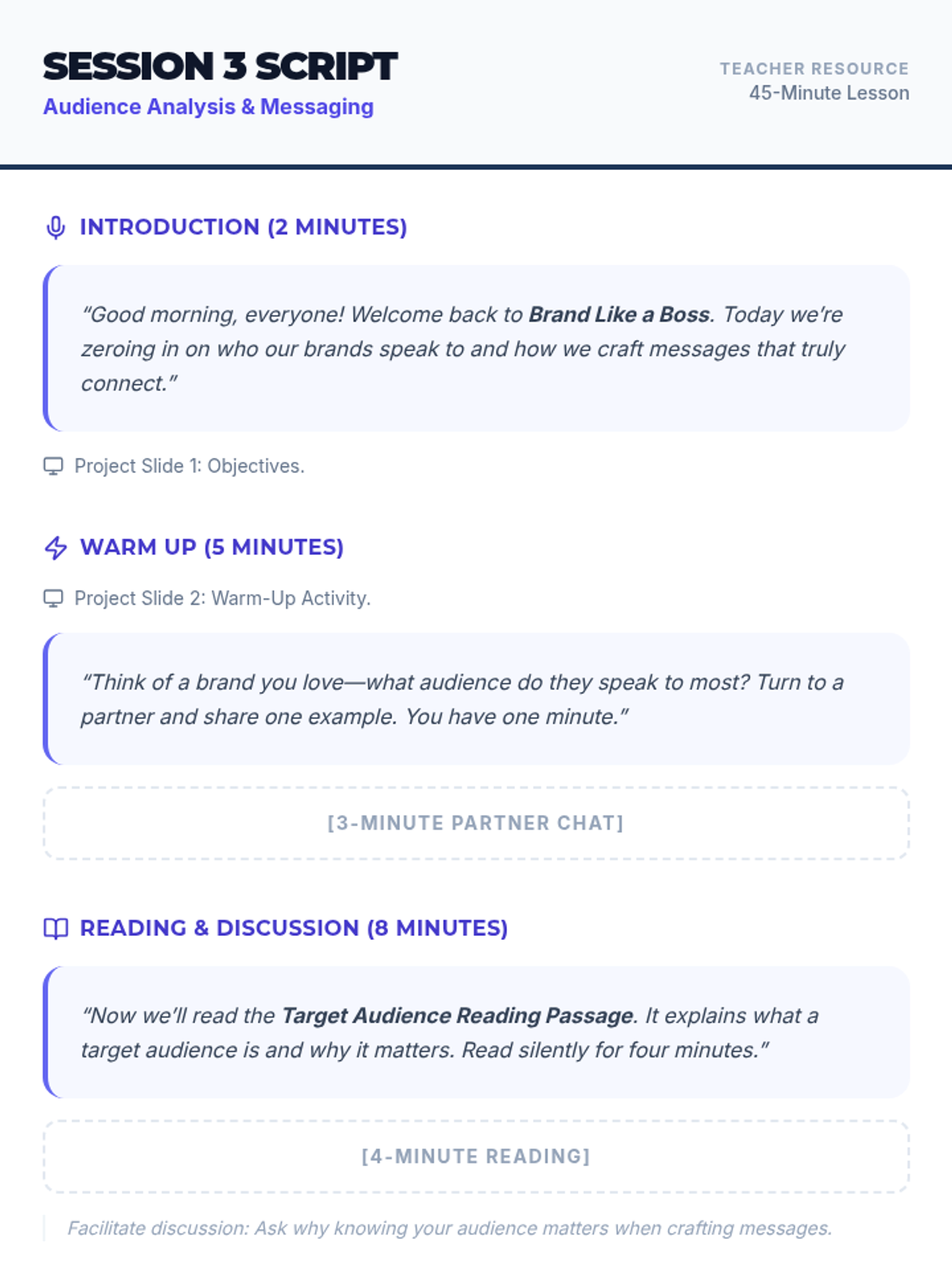
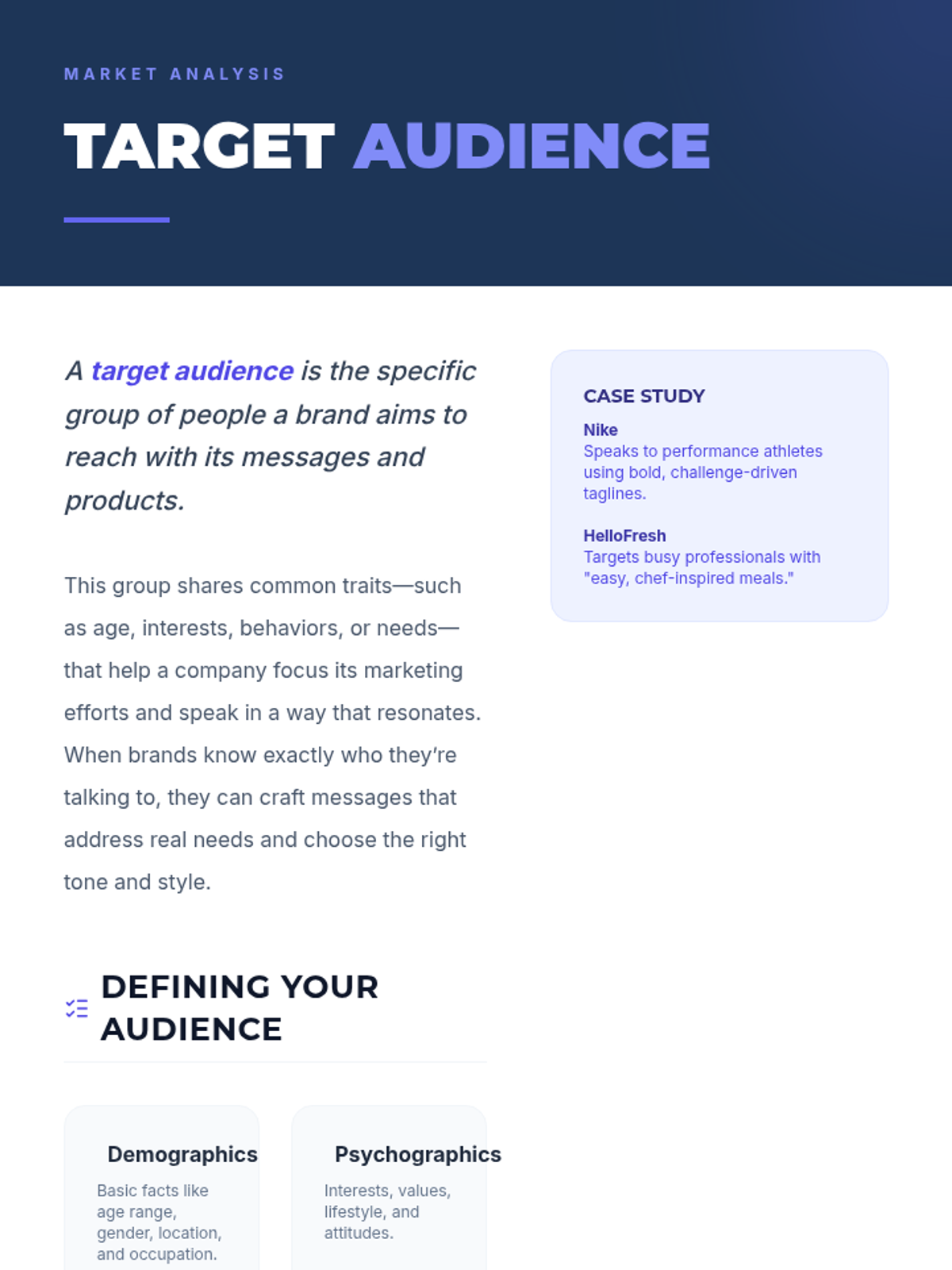
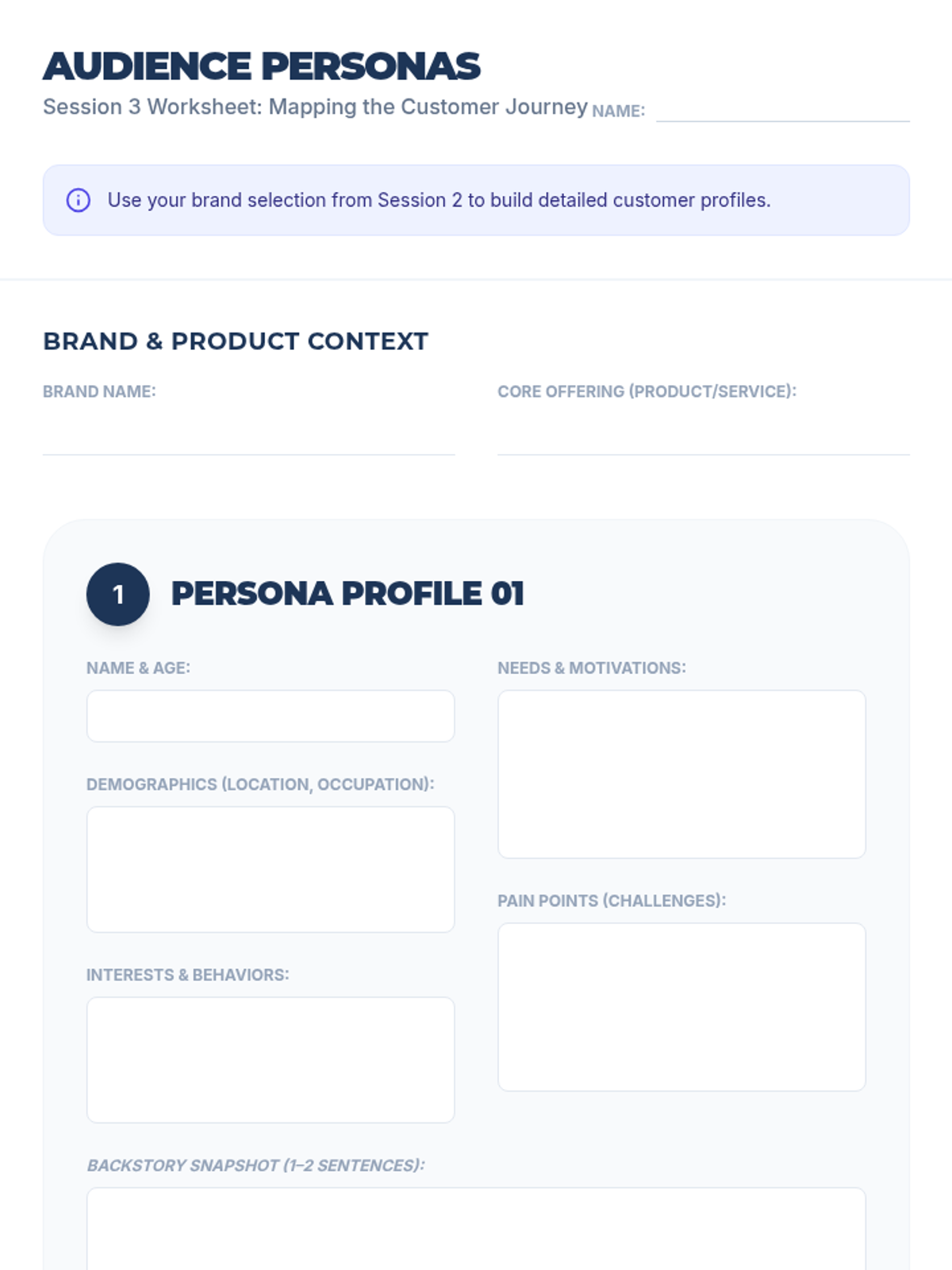
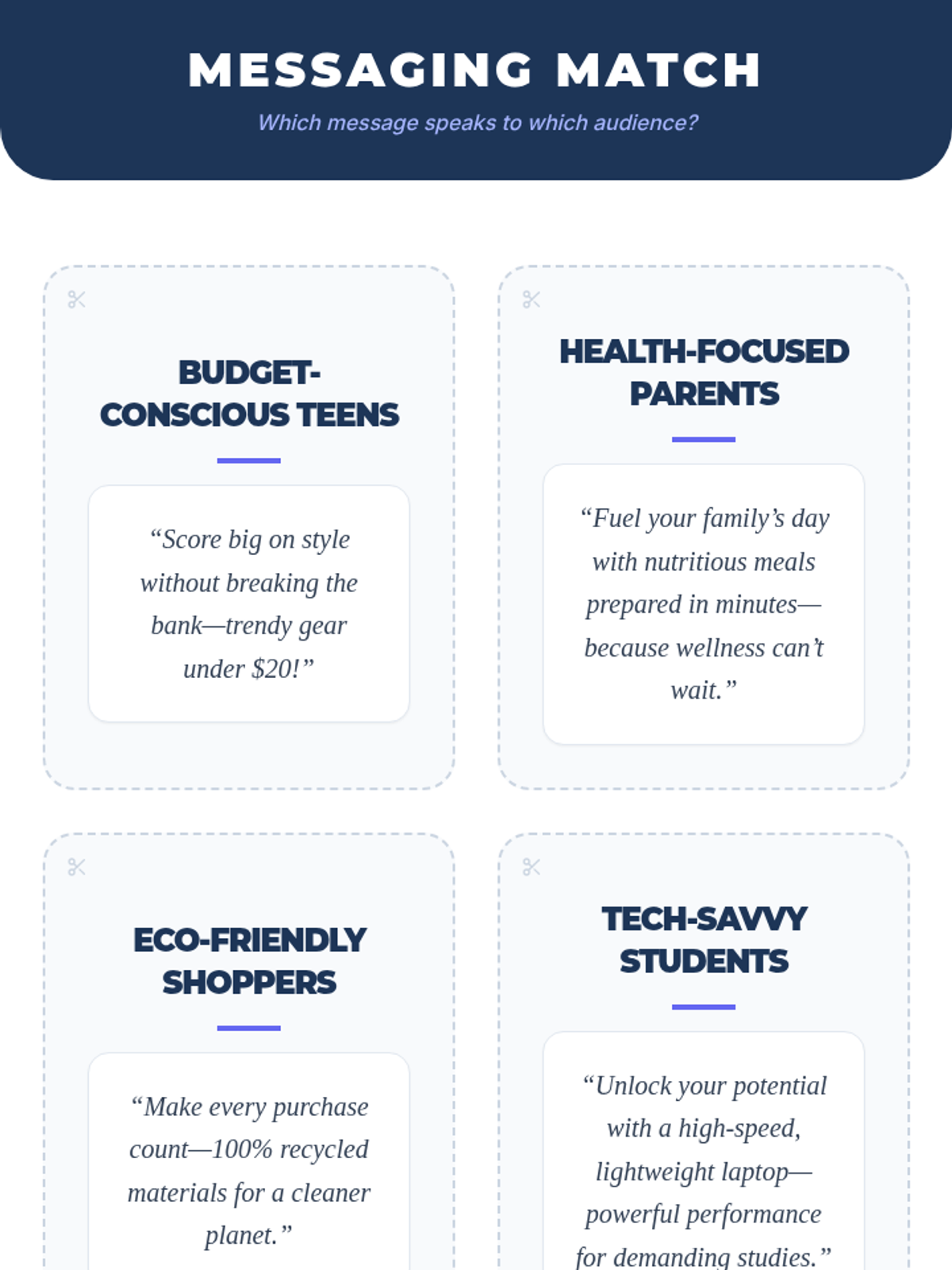
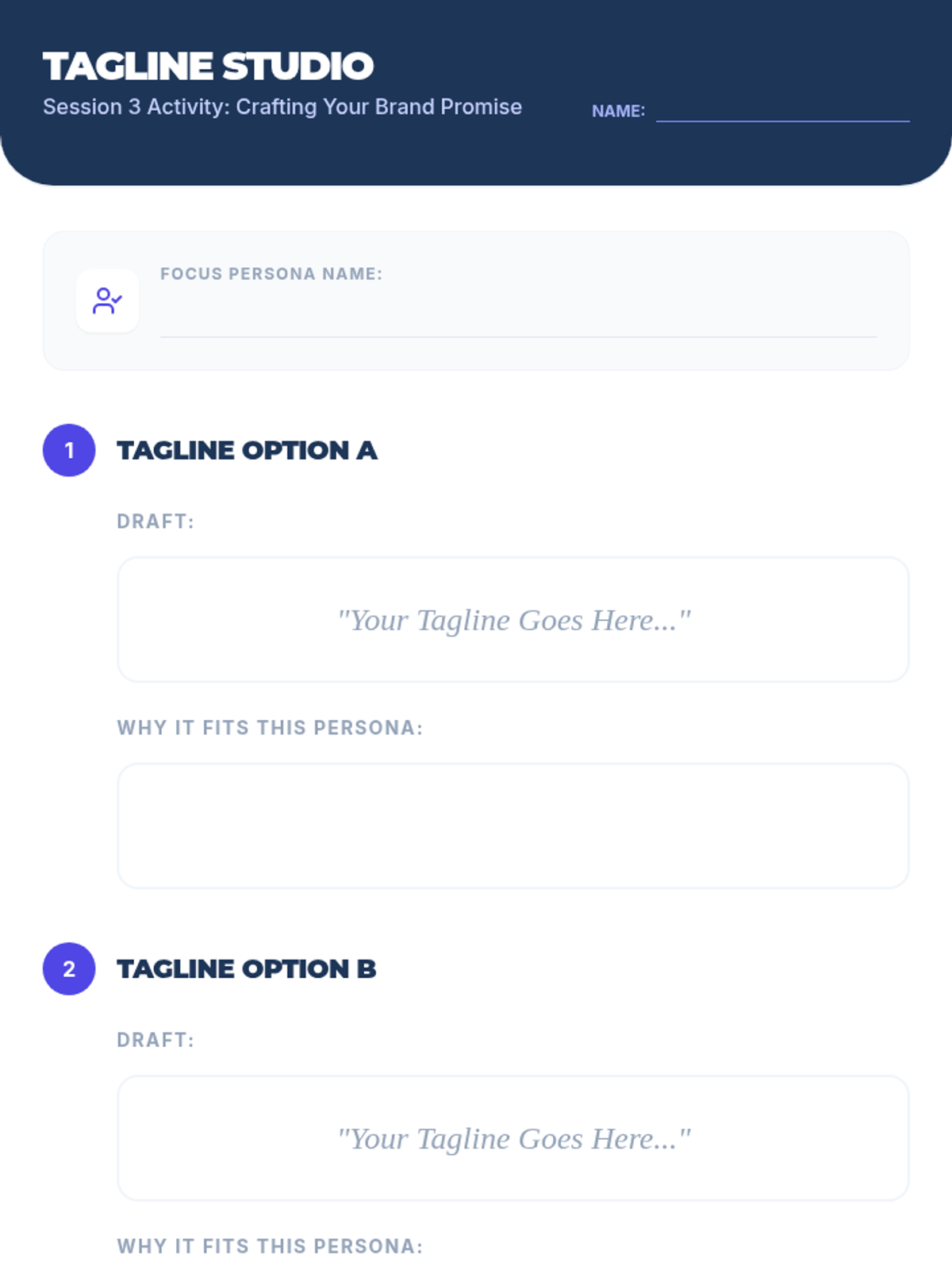
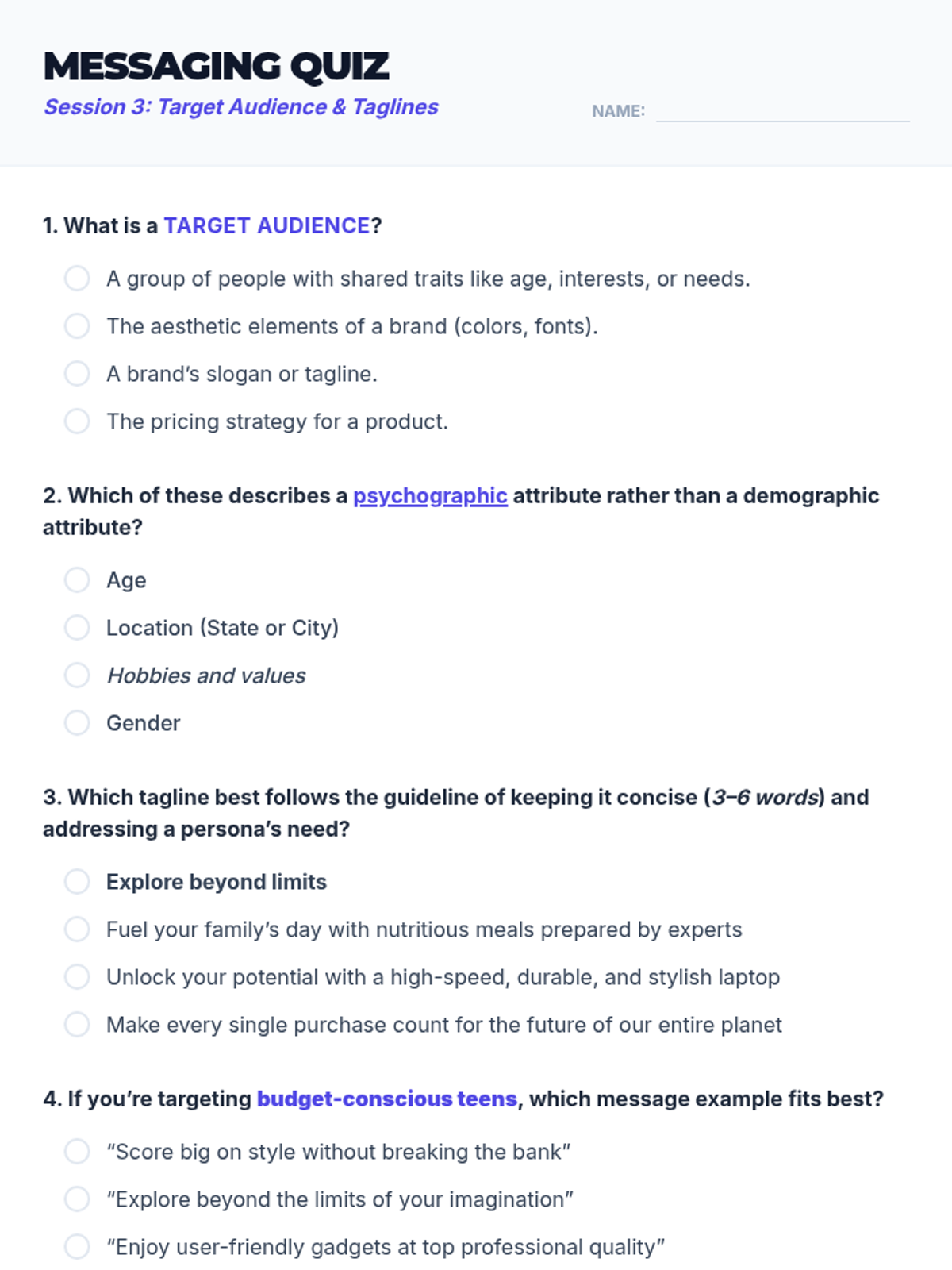
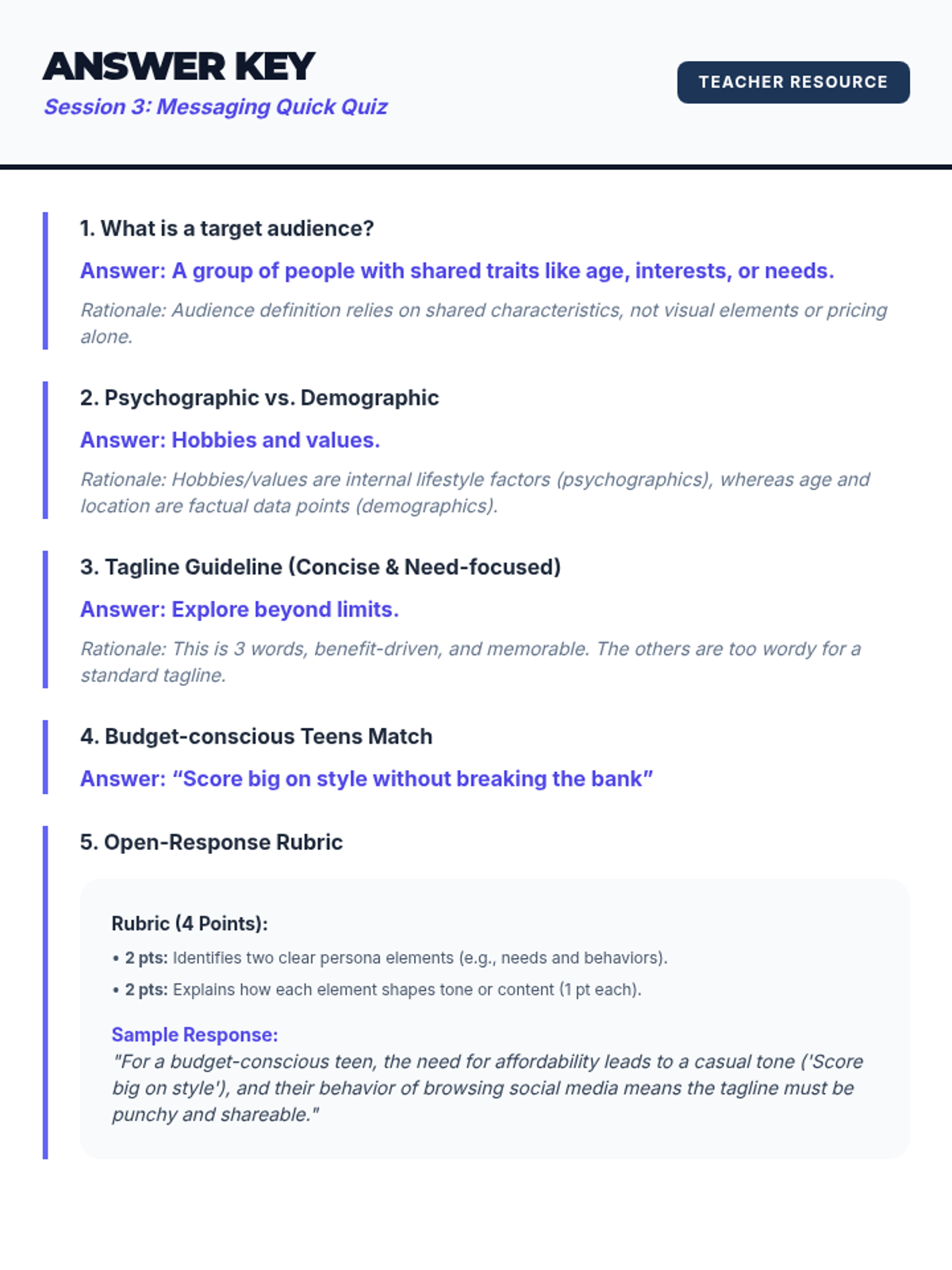
A deep dive into audience analysis, customer personas, and crafting tailored brand messaging through taglines.
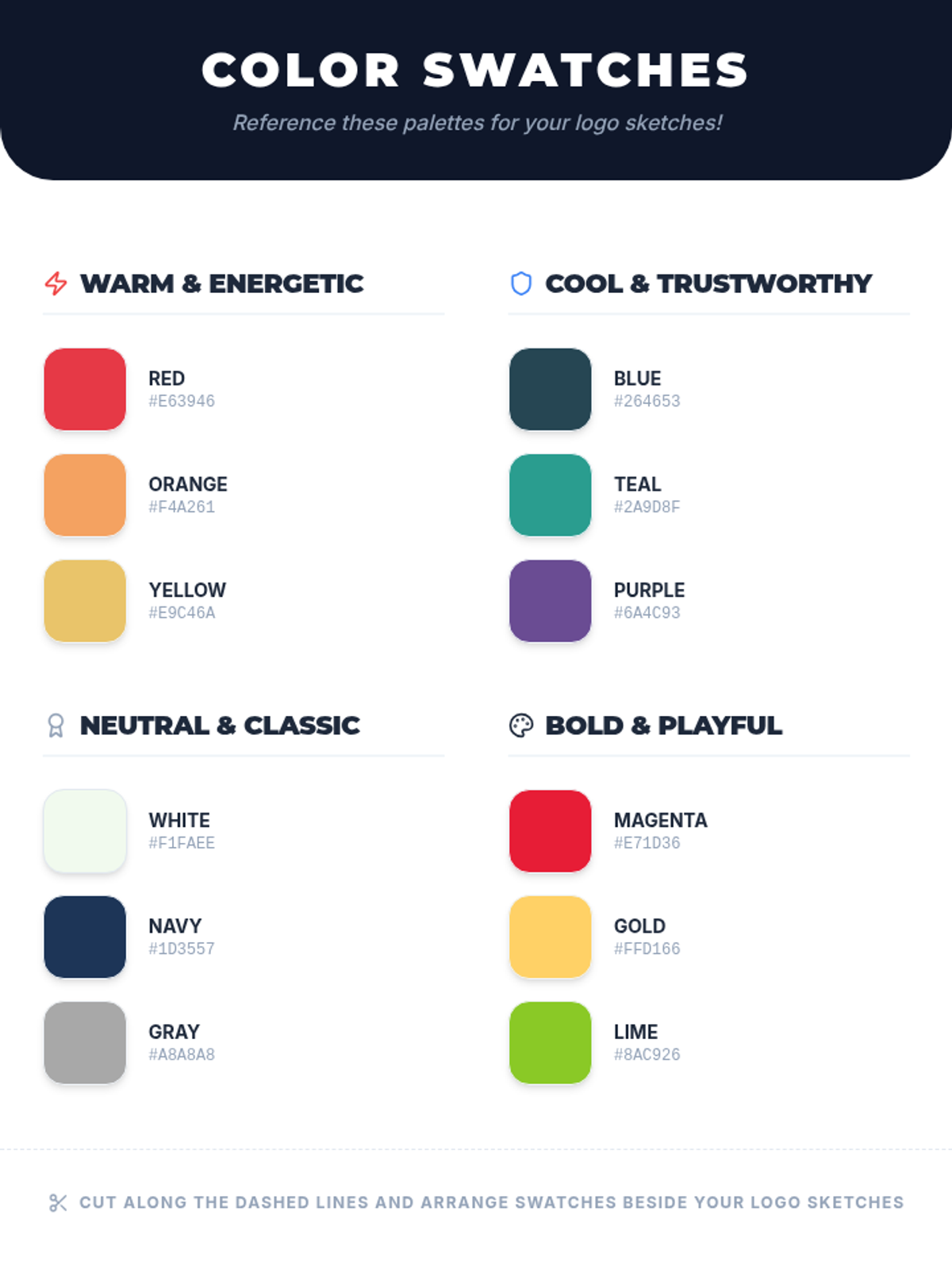
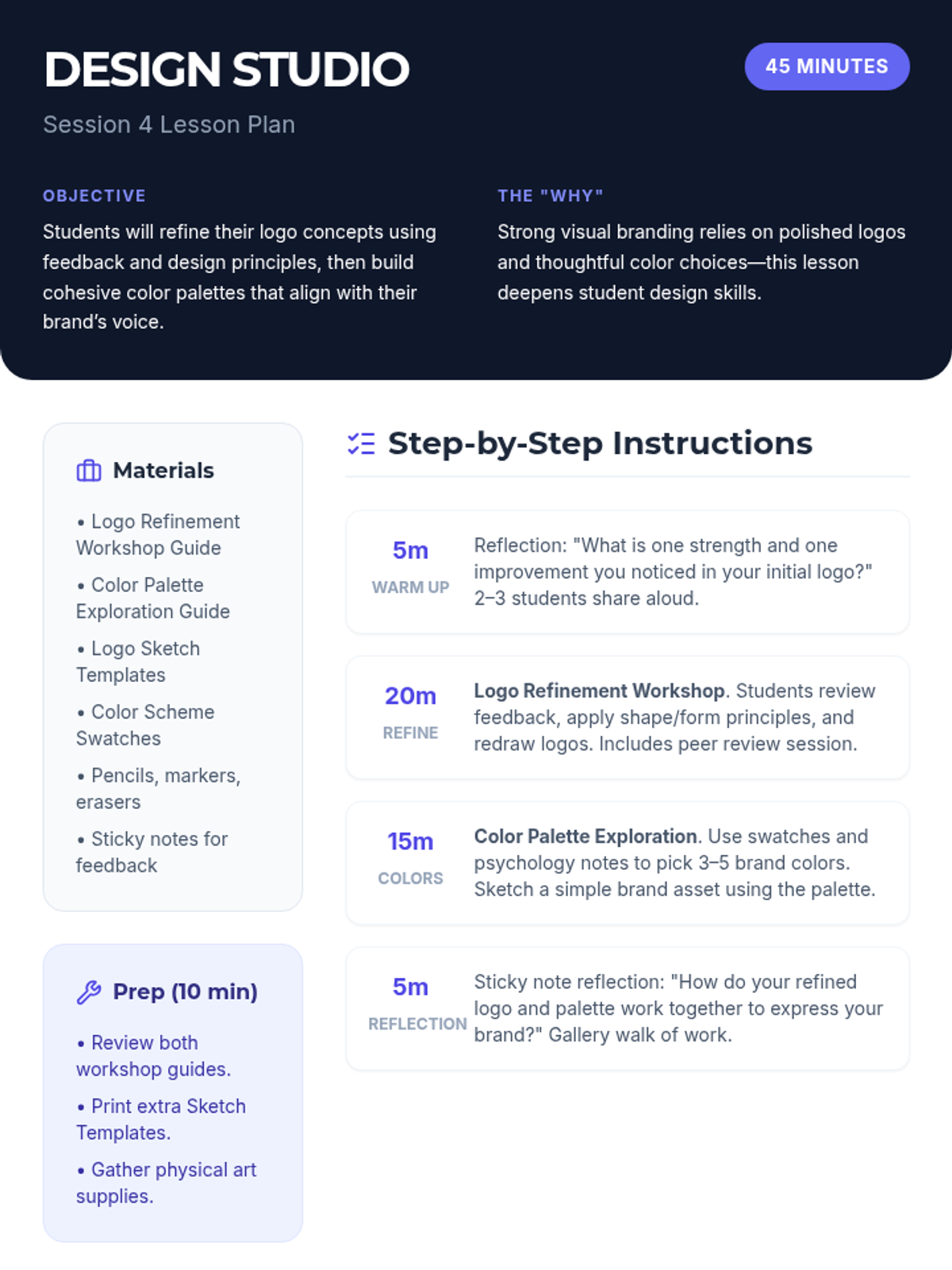
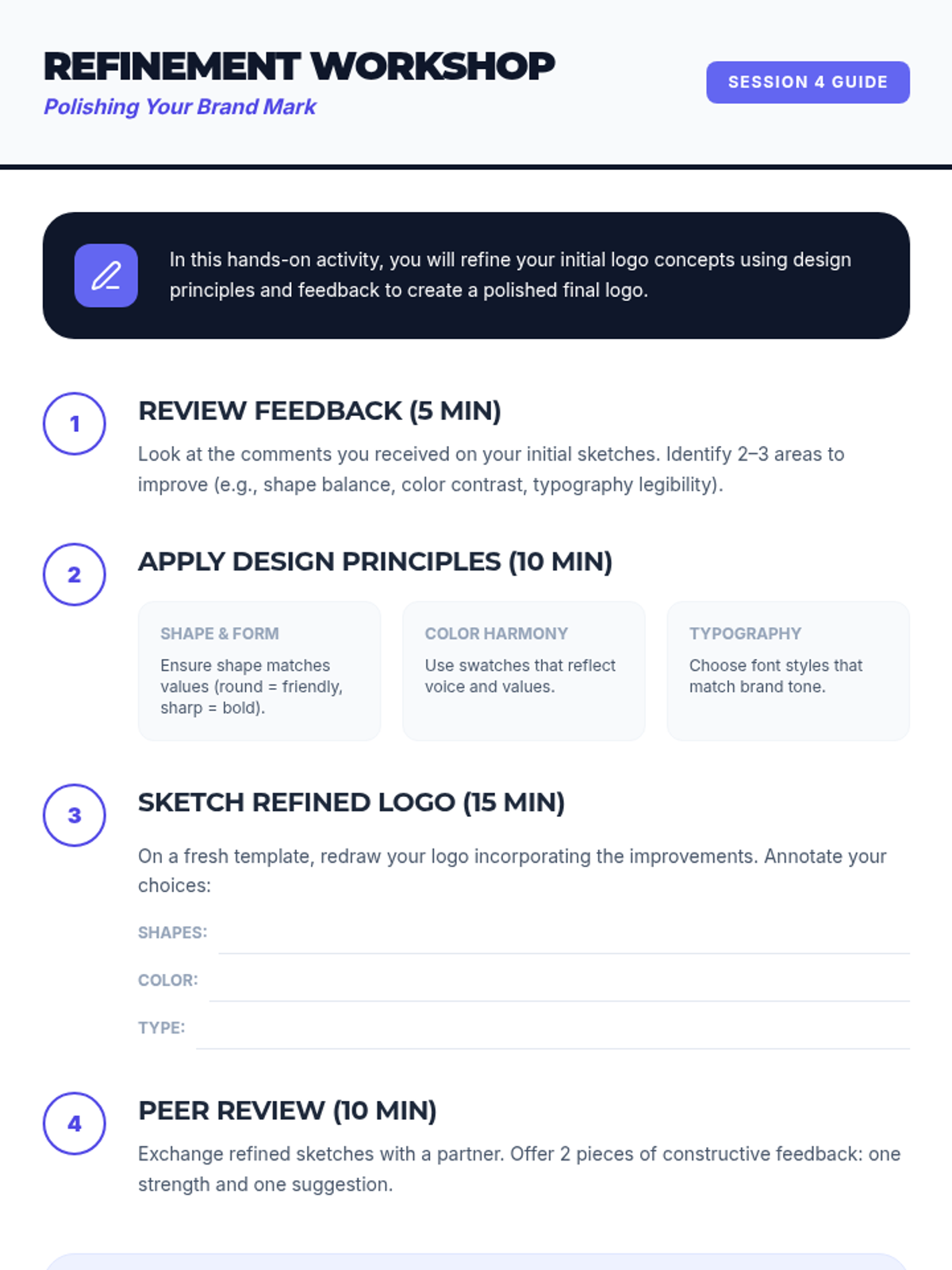
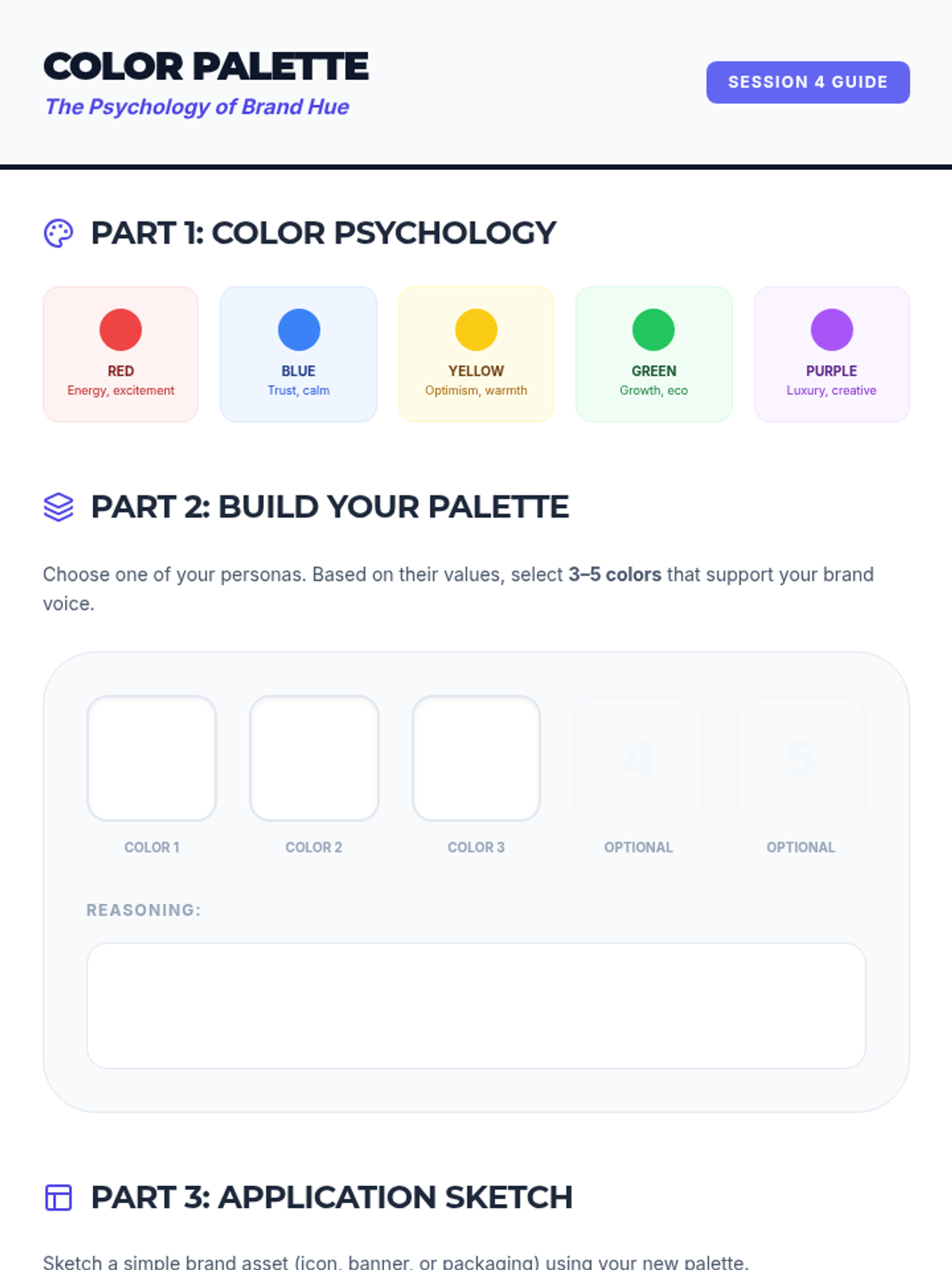
A workshop-style session focused on logo refinement and exploring color psychology to create cohesive palettes.
Teachers will learn how to design interactive, engaging lessons on Lenny Learning using advanced content types, gamification, and collaborative tools.
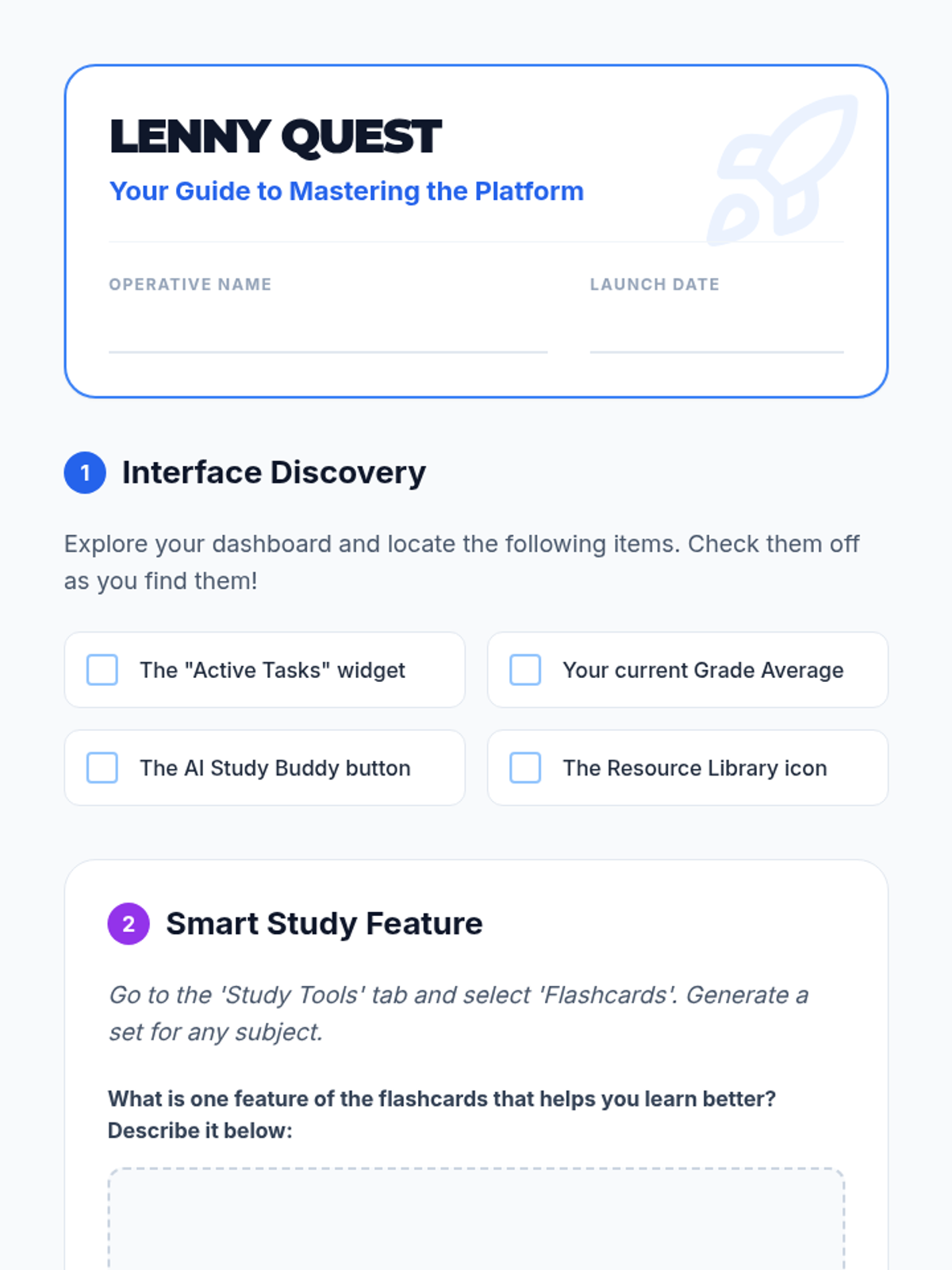
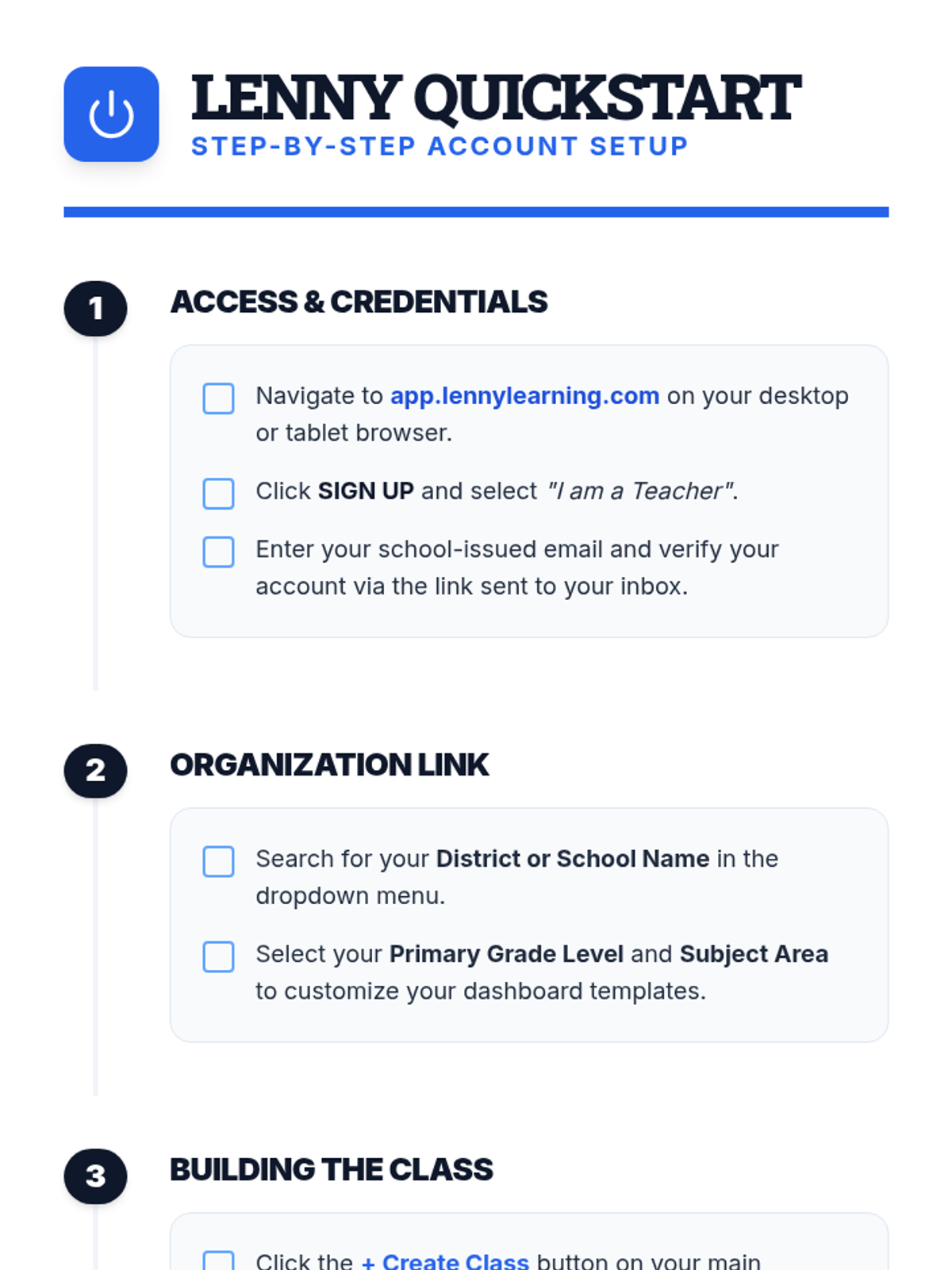
A comprehensive introduction for teachers to the Lenny Learning platform, covering the core assignment workflow, study tools, and administrative features.
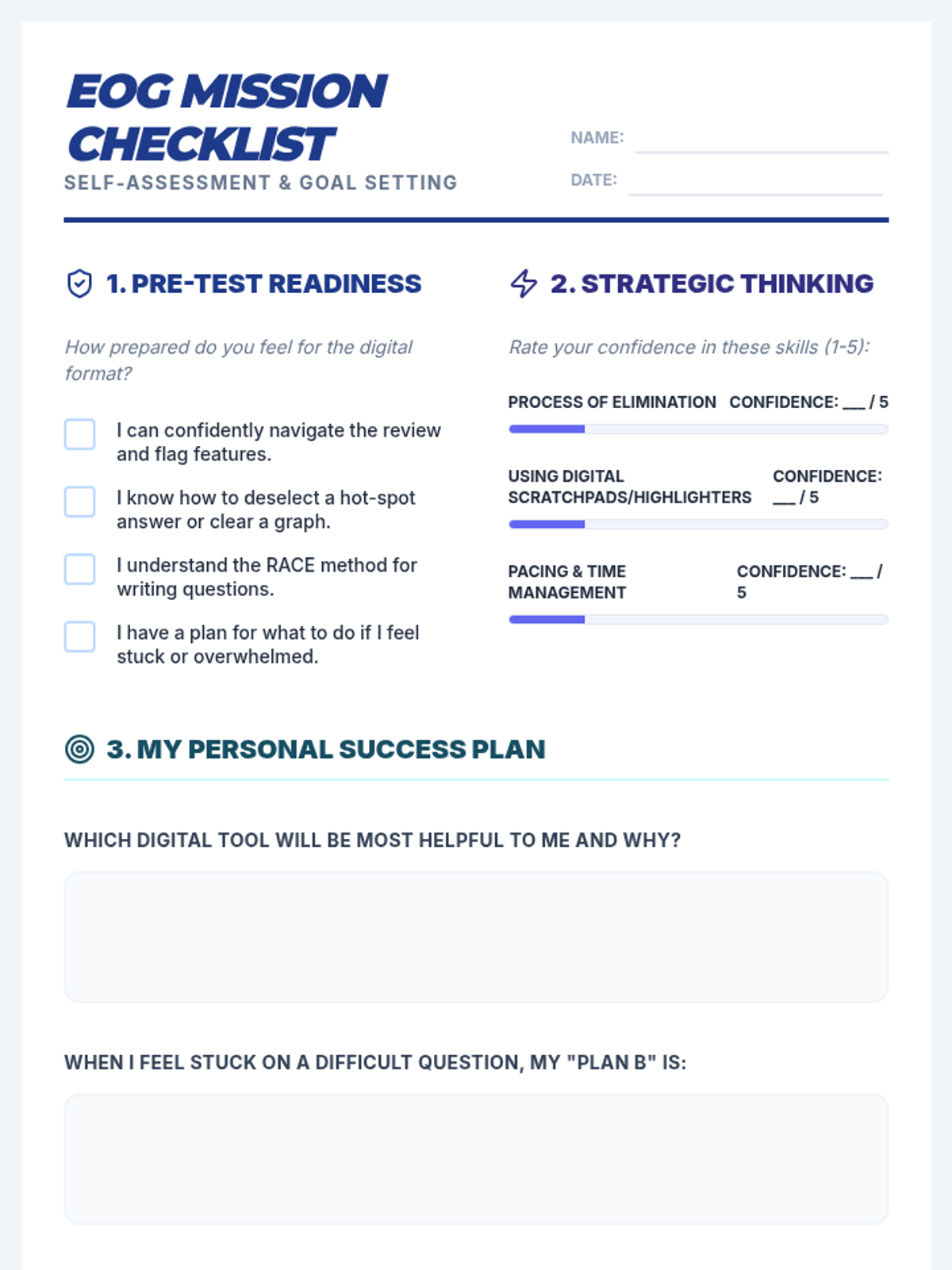
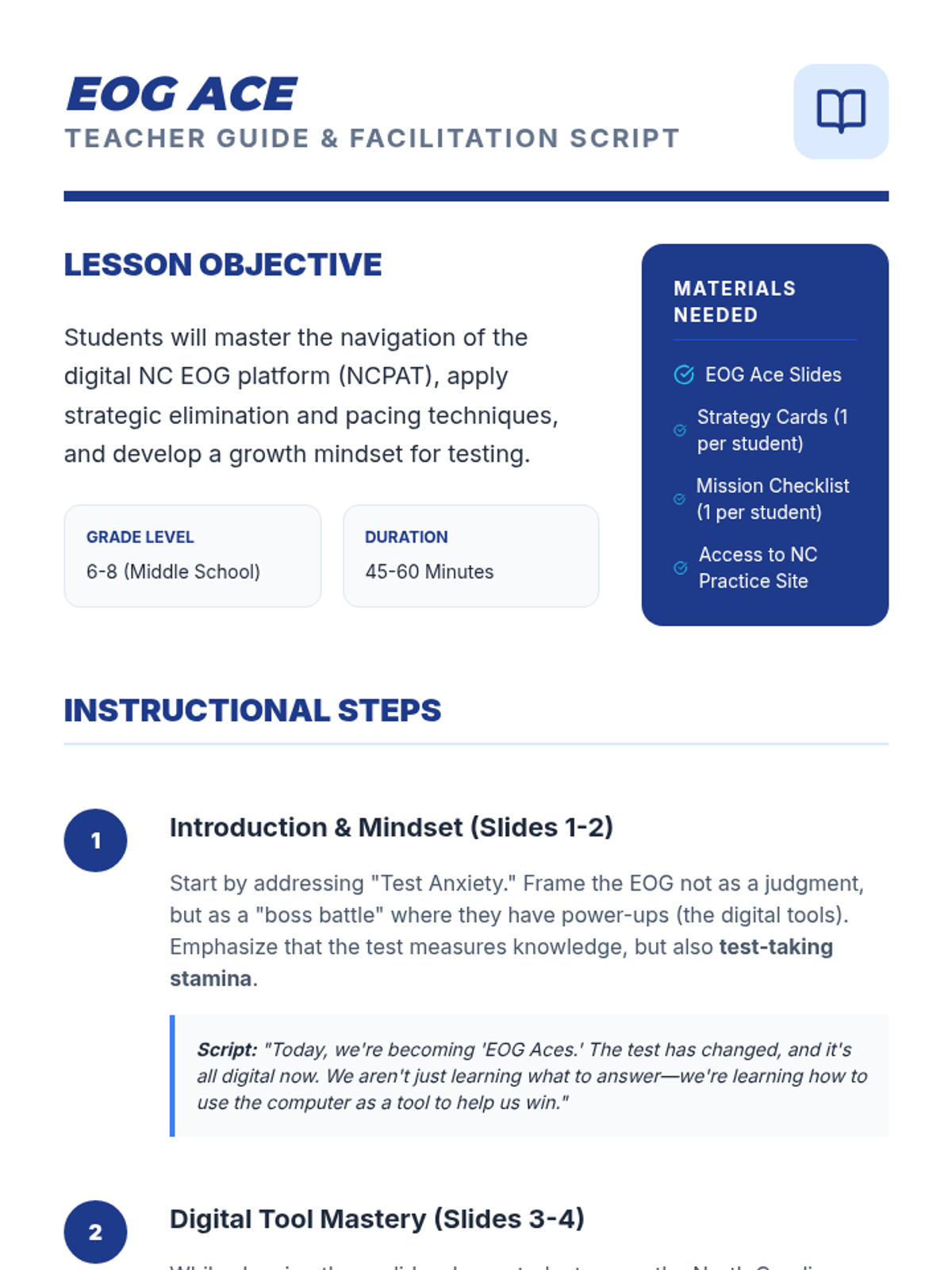
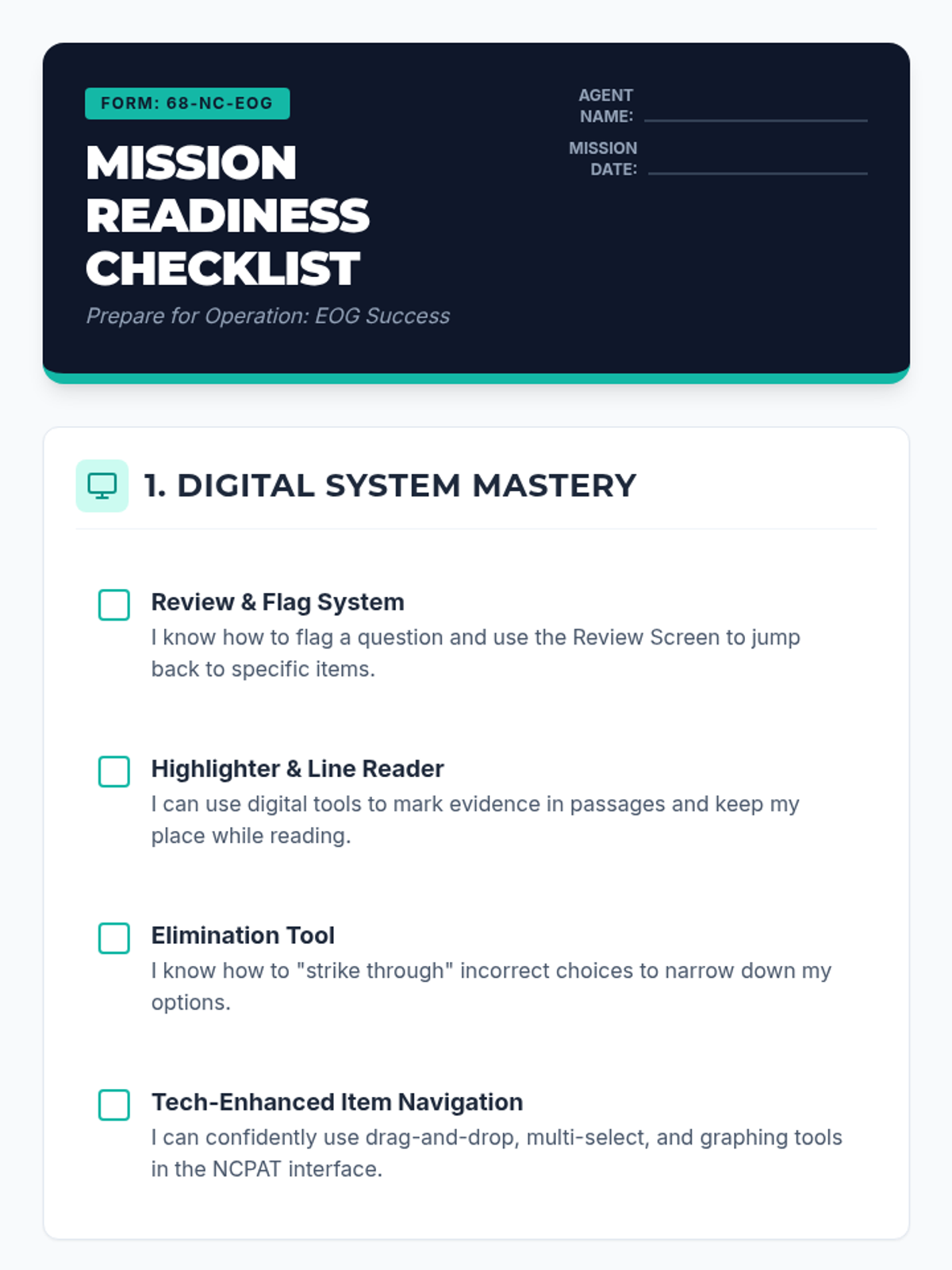
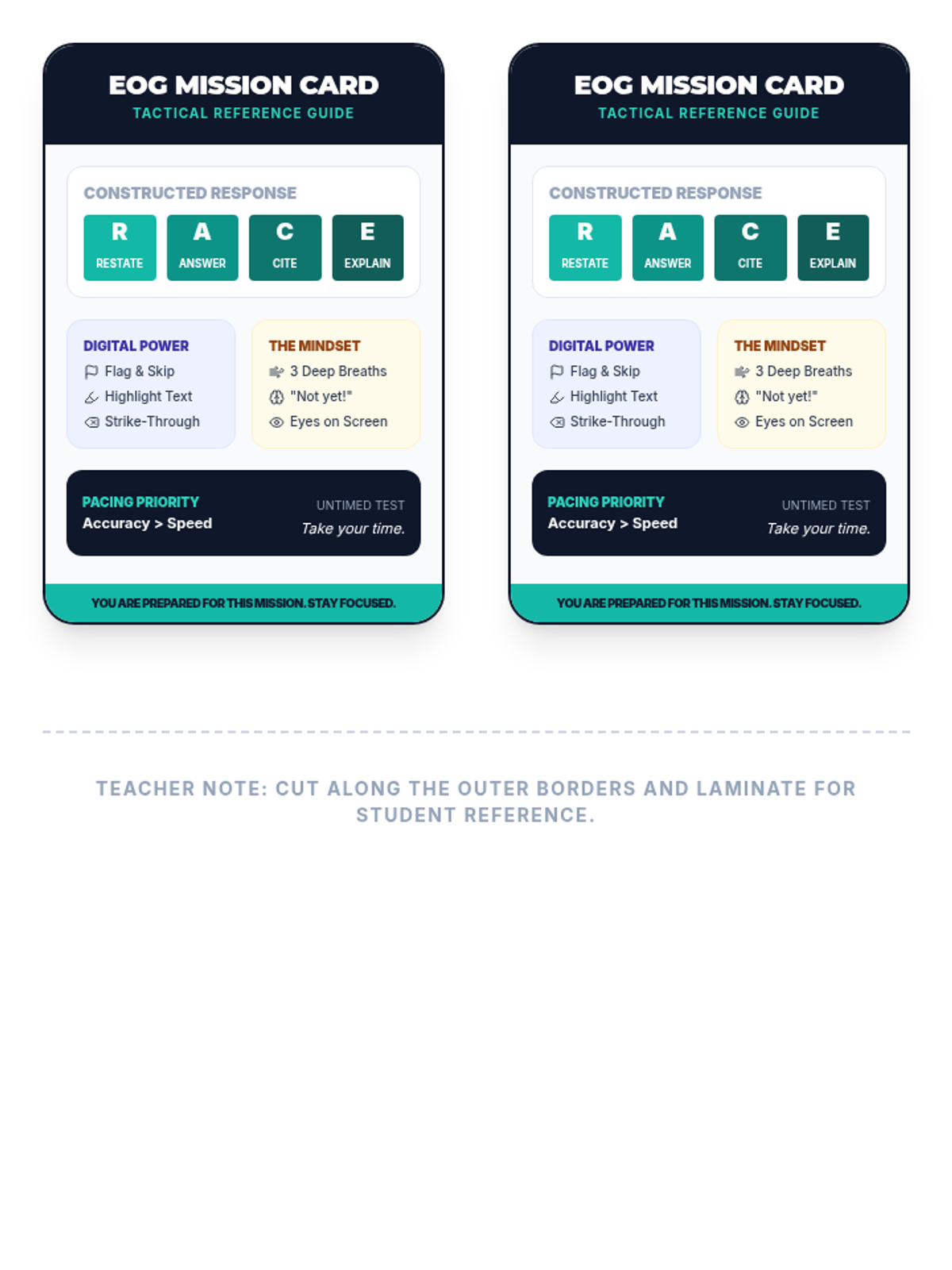
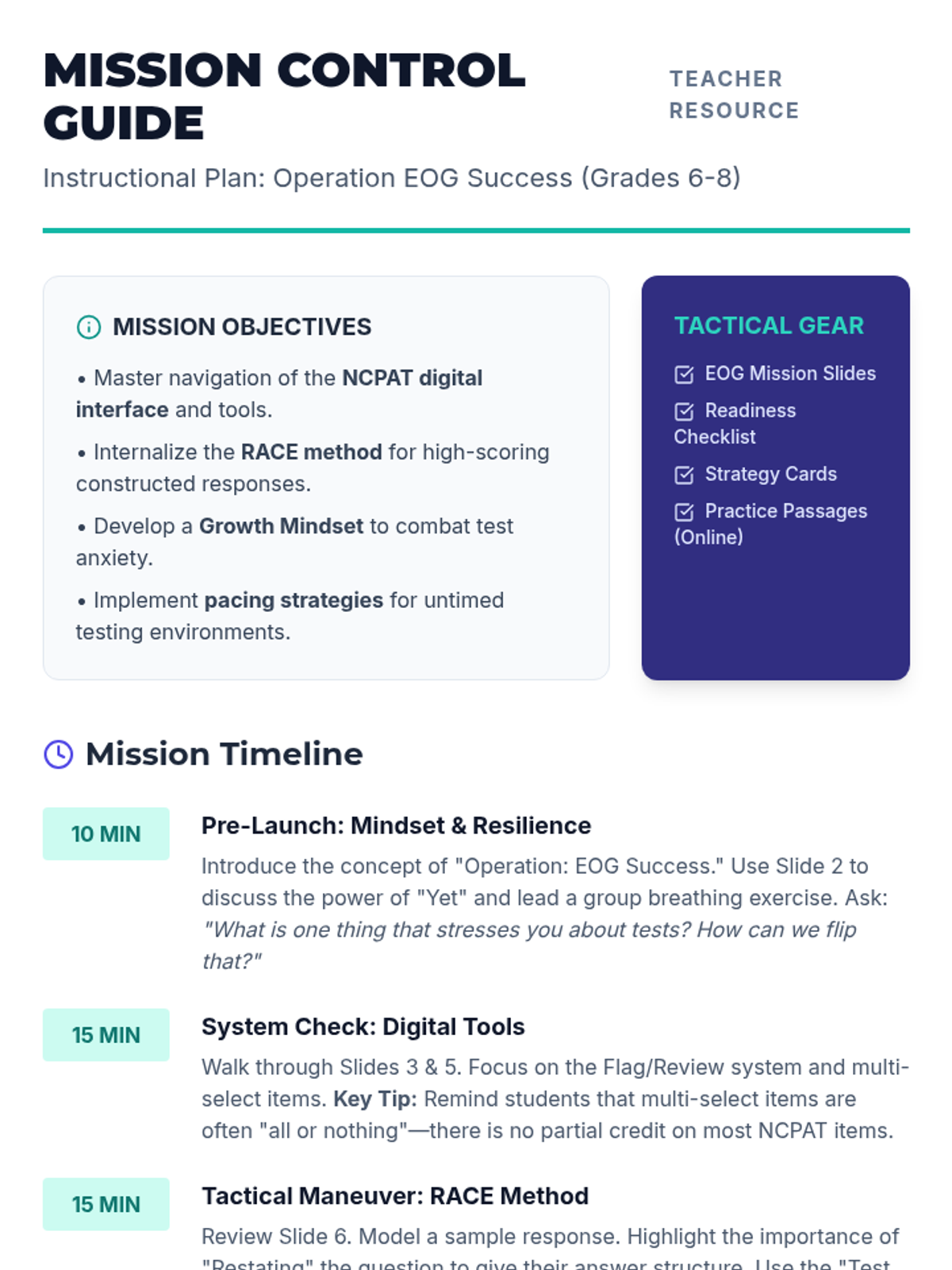
A comprehensive guide for middle schoolers to master the digital NC EOG format, focusing on navigation tools, strategic thinking, and mindset.
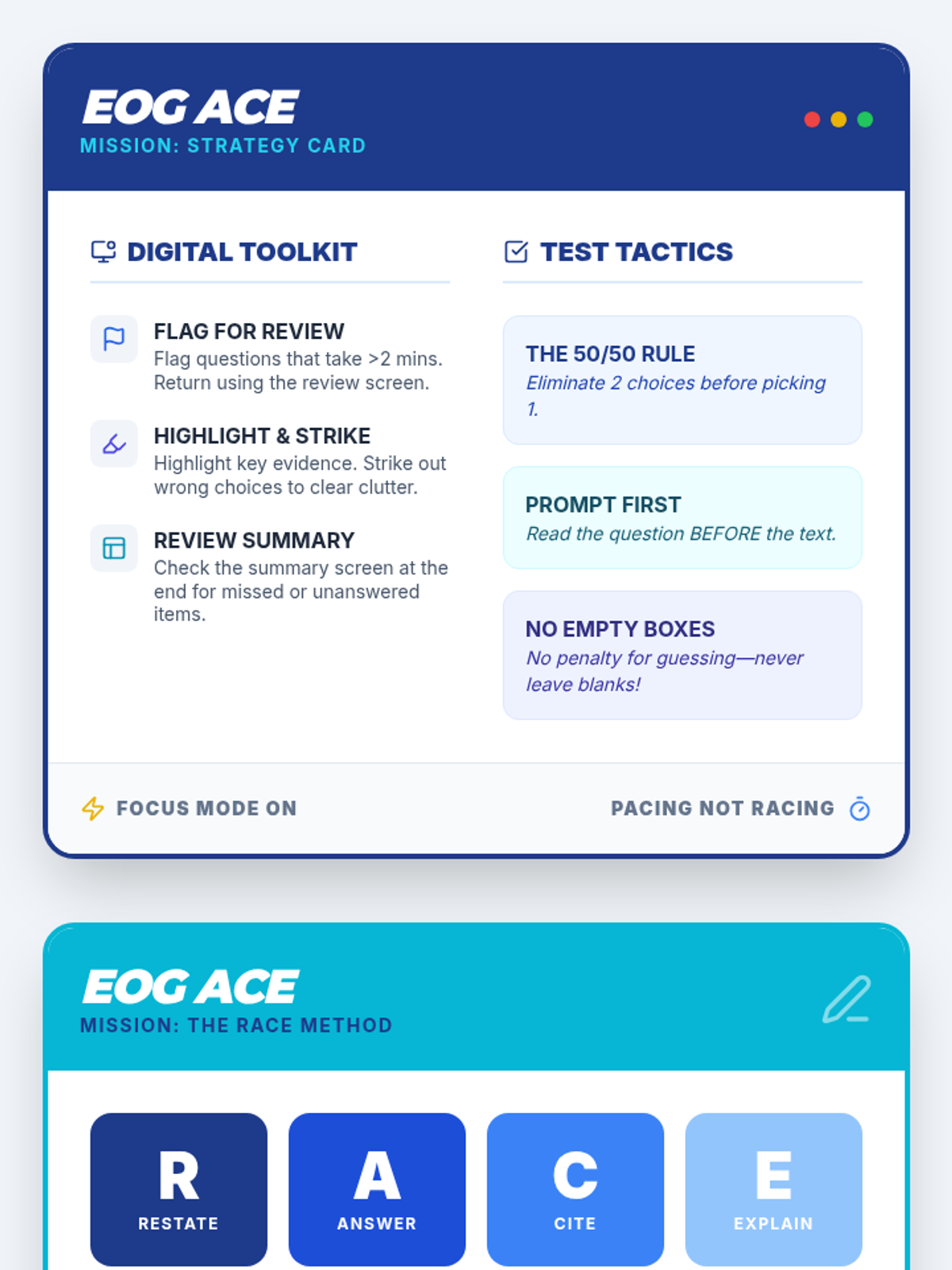
A comprehensive guide for 6th-8th grade students to master the NC EOG digital format, covering NCPAT-specific tools, the RACE method for constructed responses, and growth mindset strategies.
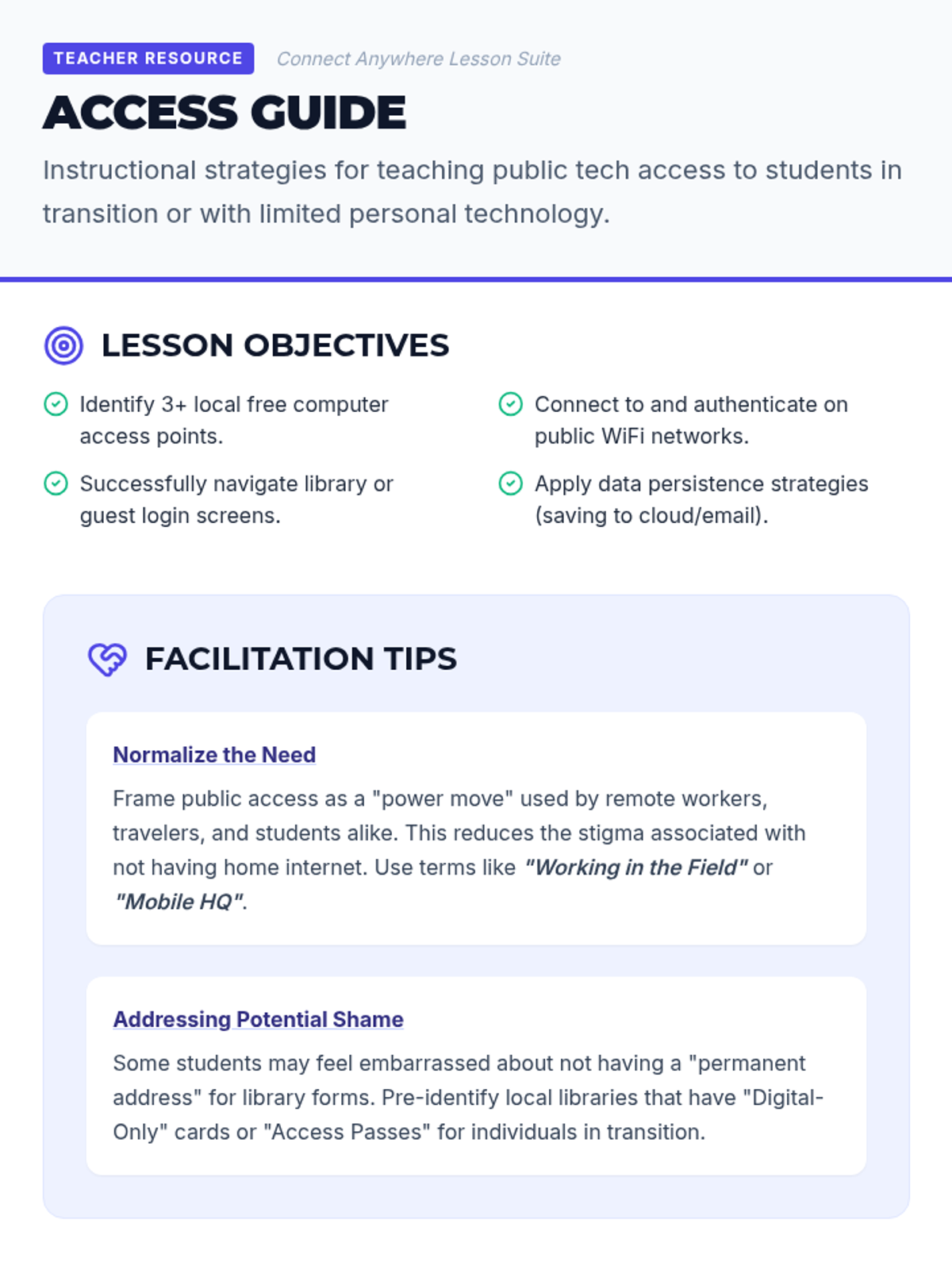
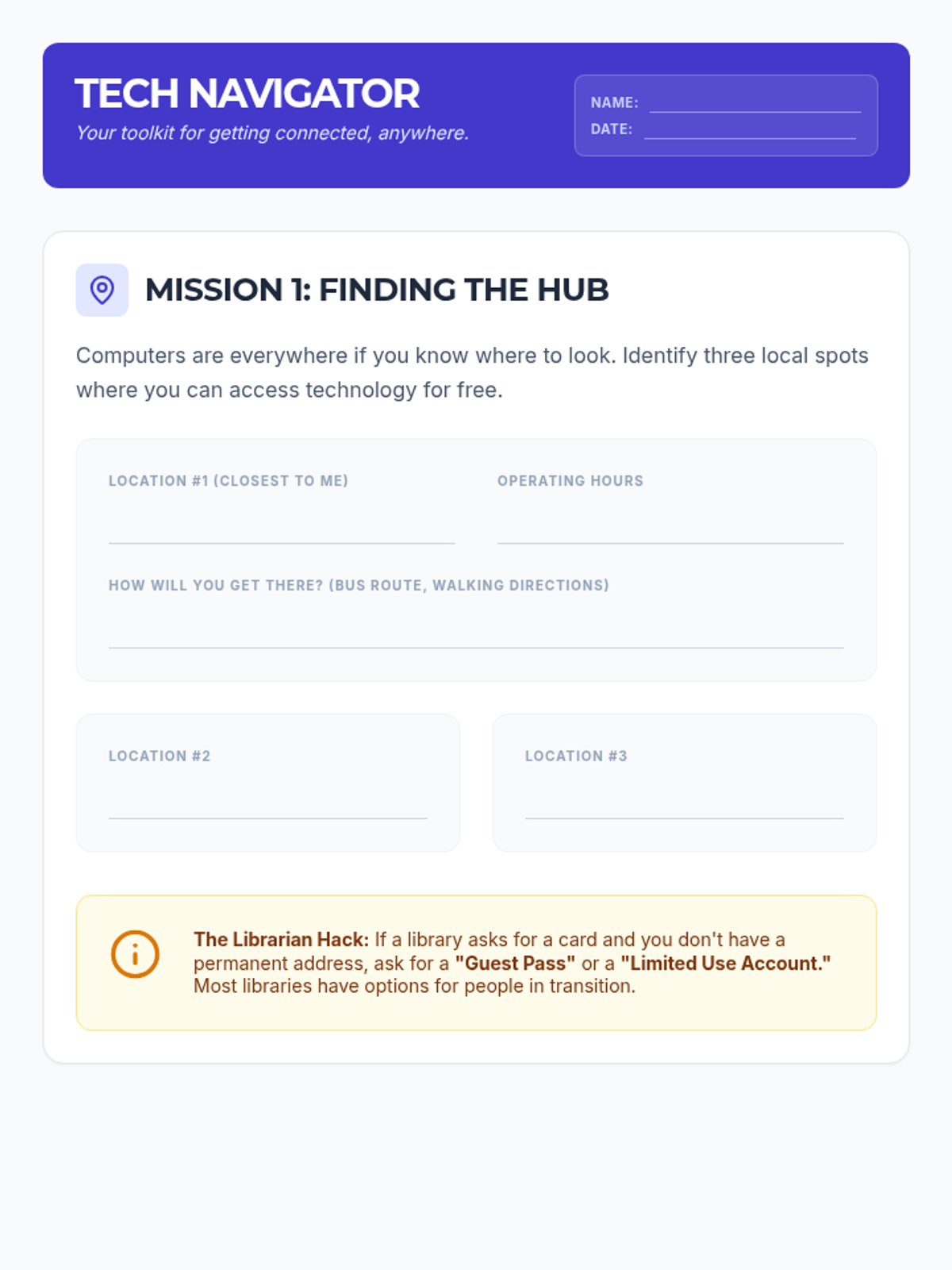
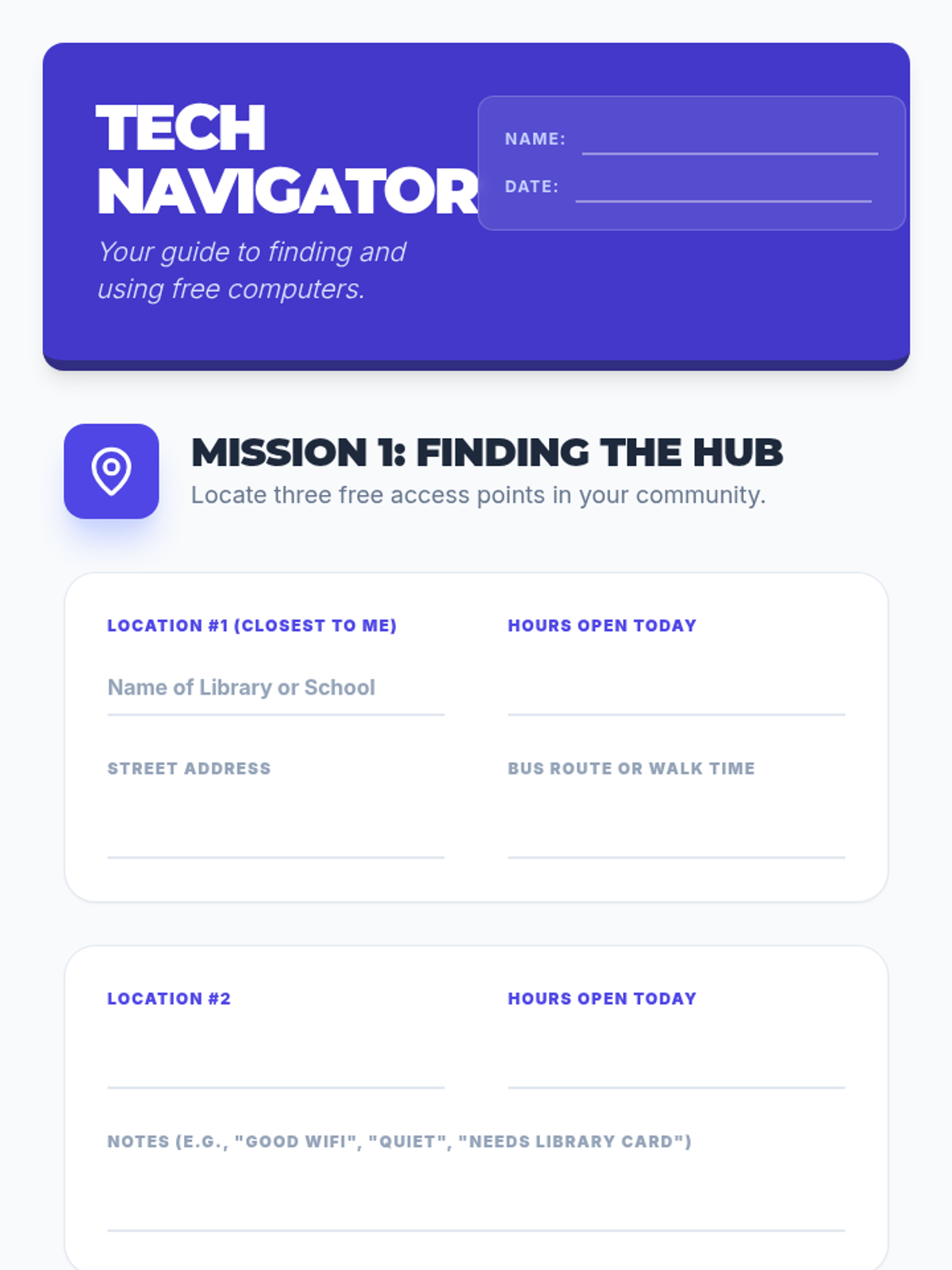
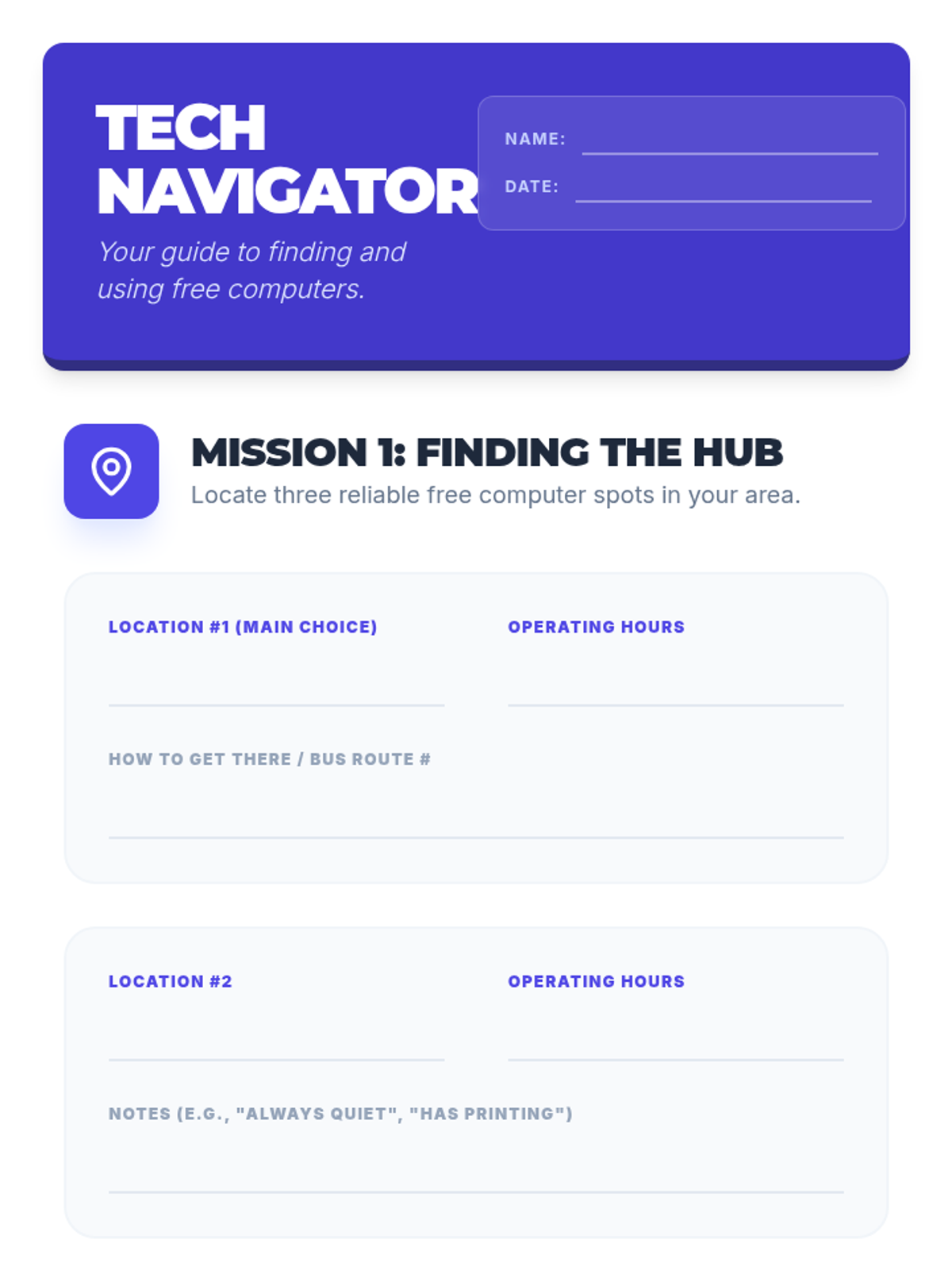
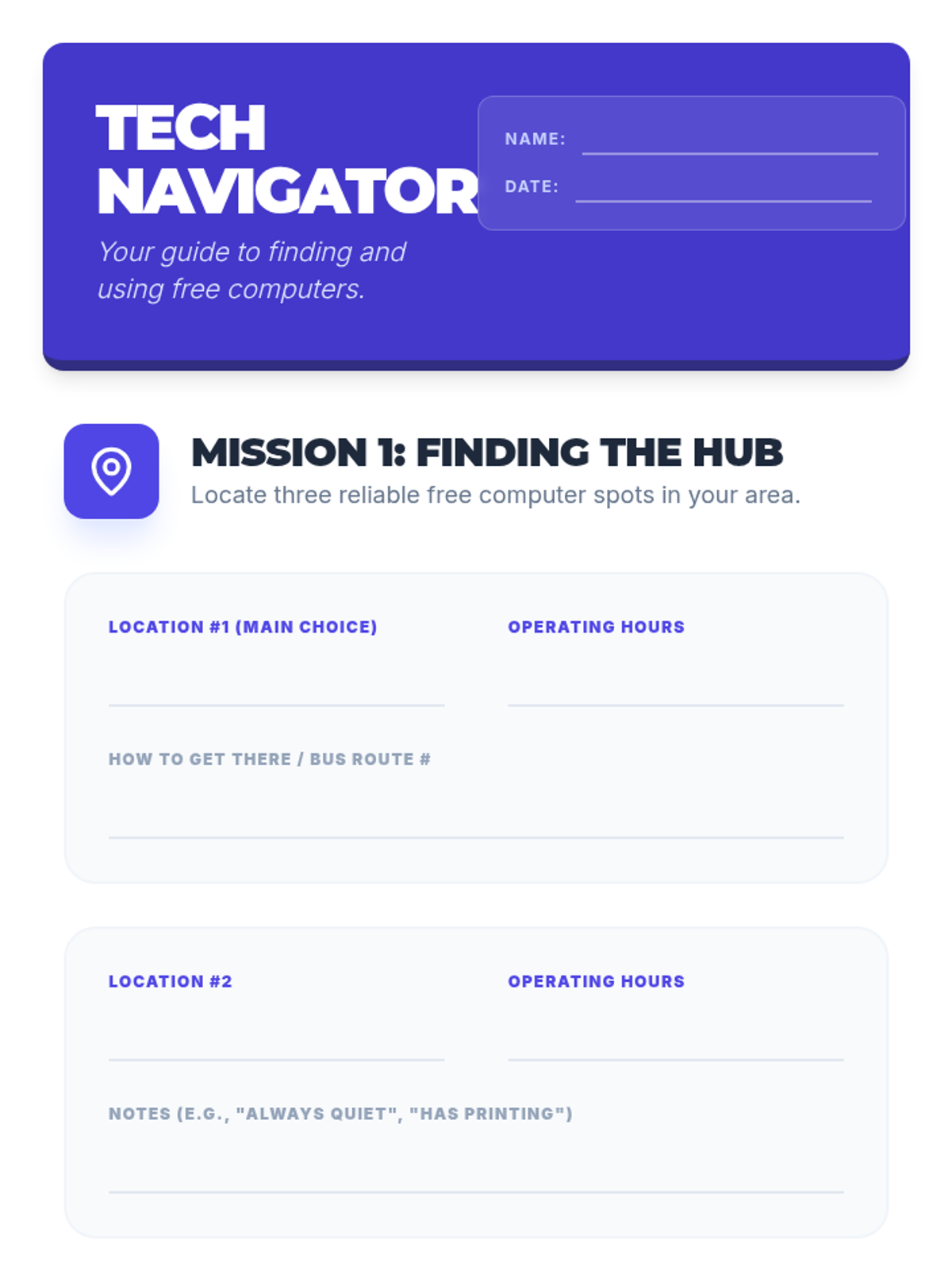
A practical guide for students to find and use public technology resources safely and effectively. This lesson covers locating free computers, navigating public interfaces, and connecting to open WiFi networks.
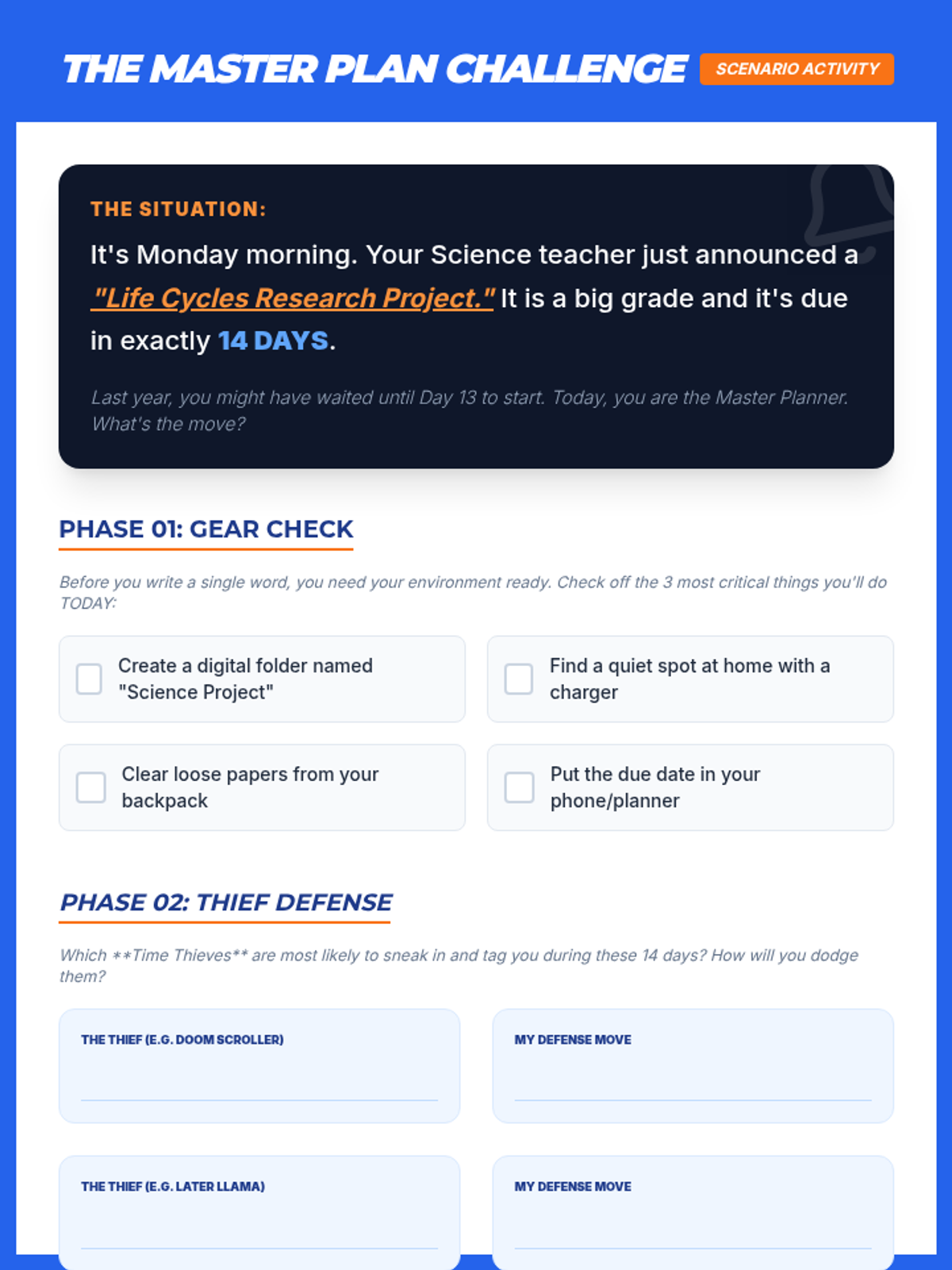
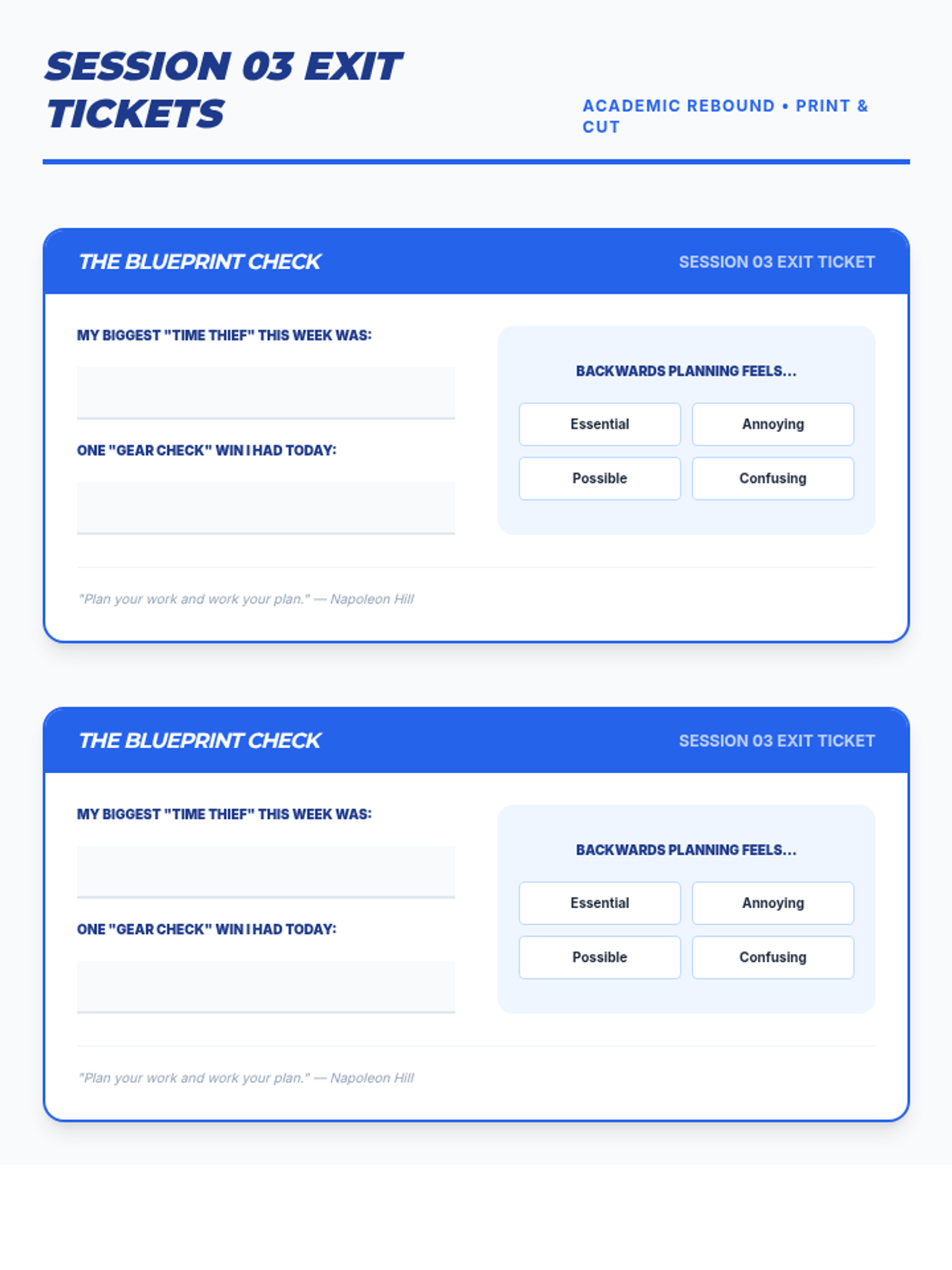
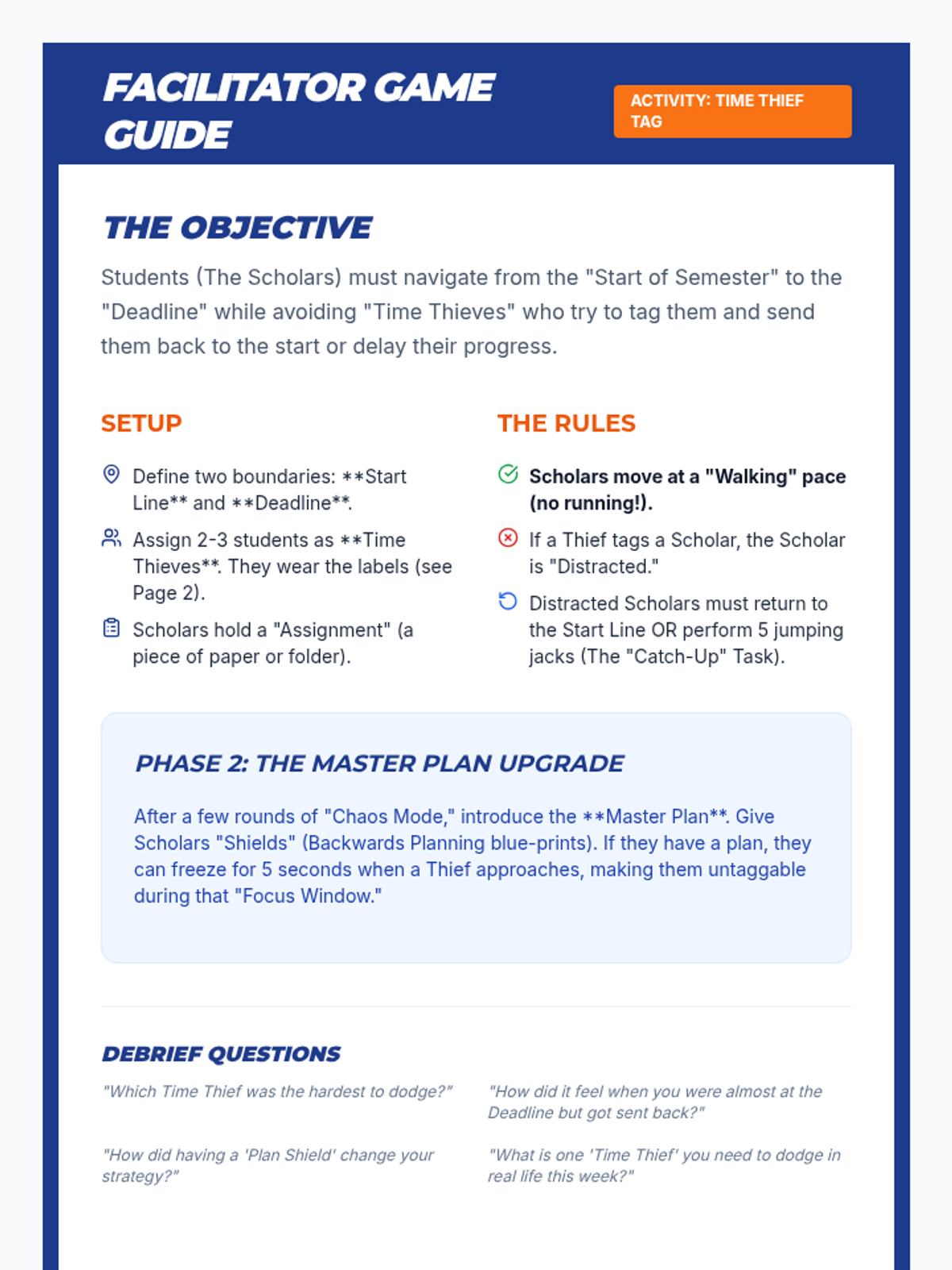
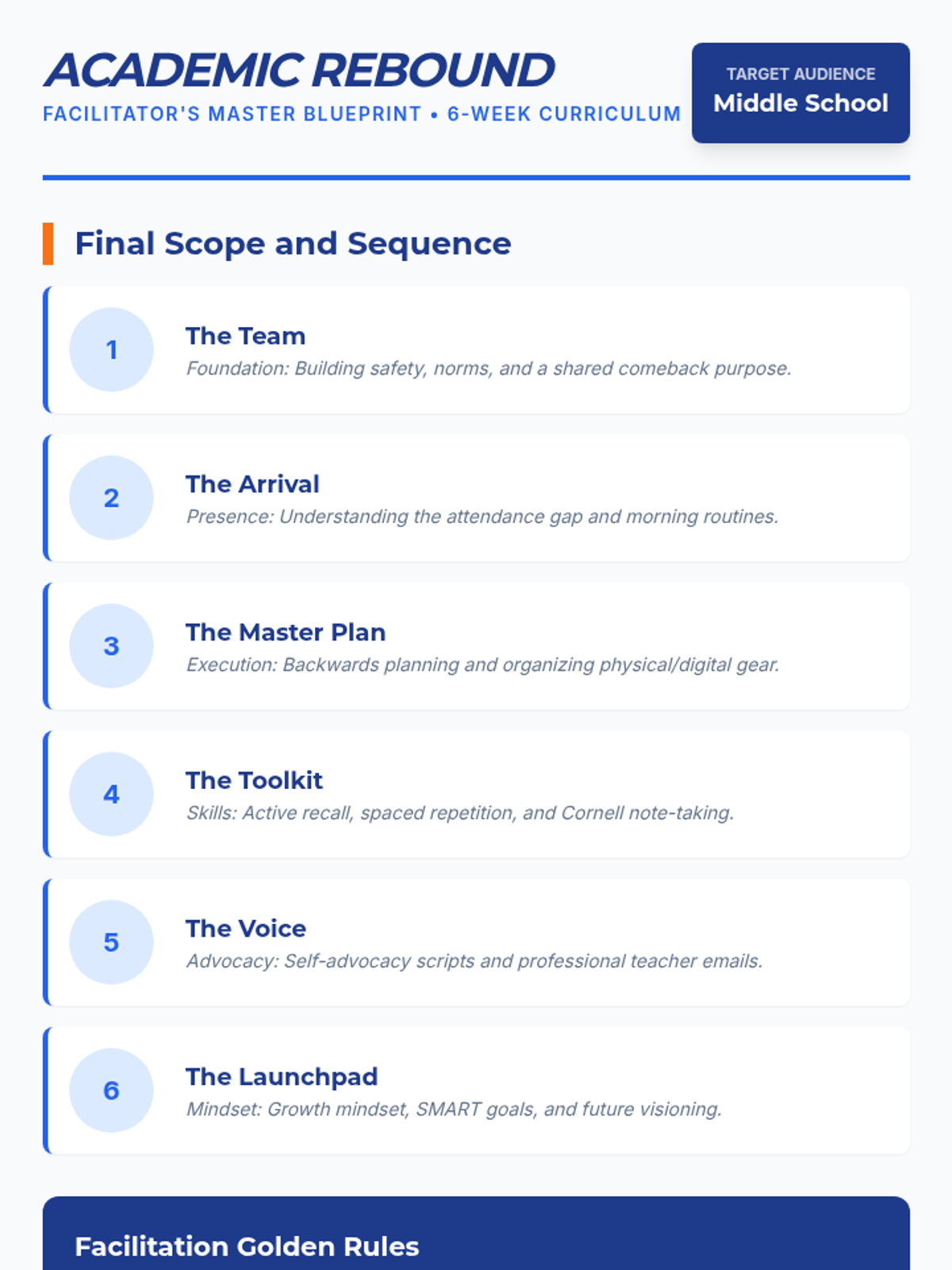
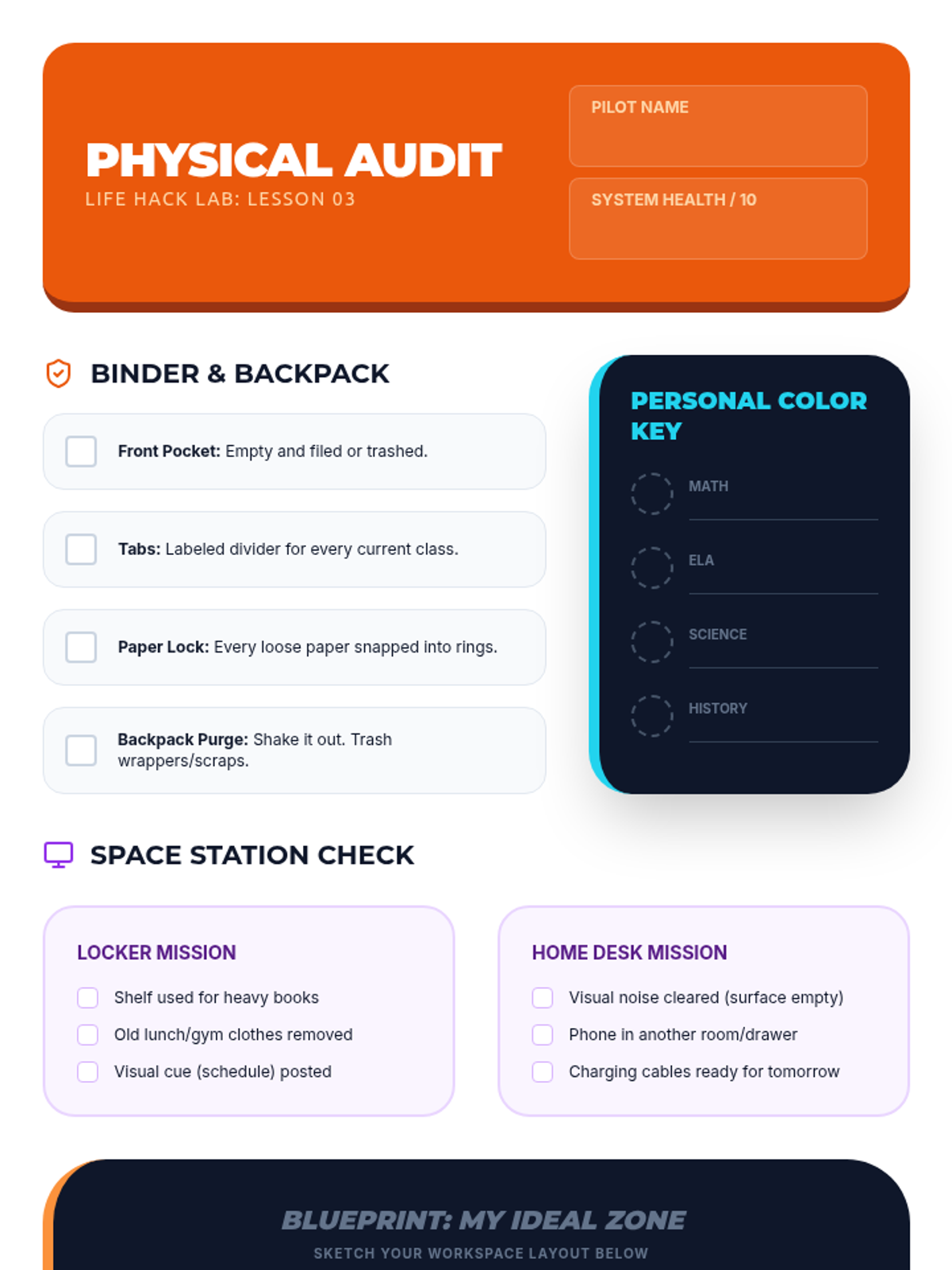
A session focused on the 'how' of school, teaching students to manage their time through backwards planning and organizing their physical and digital learning spaces. Activities include a 'Time Thief' movement game and backpack/folder audits.
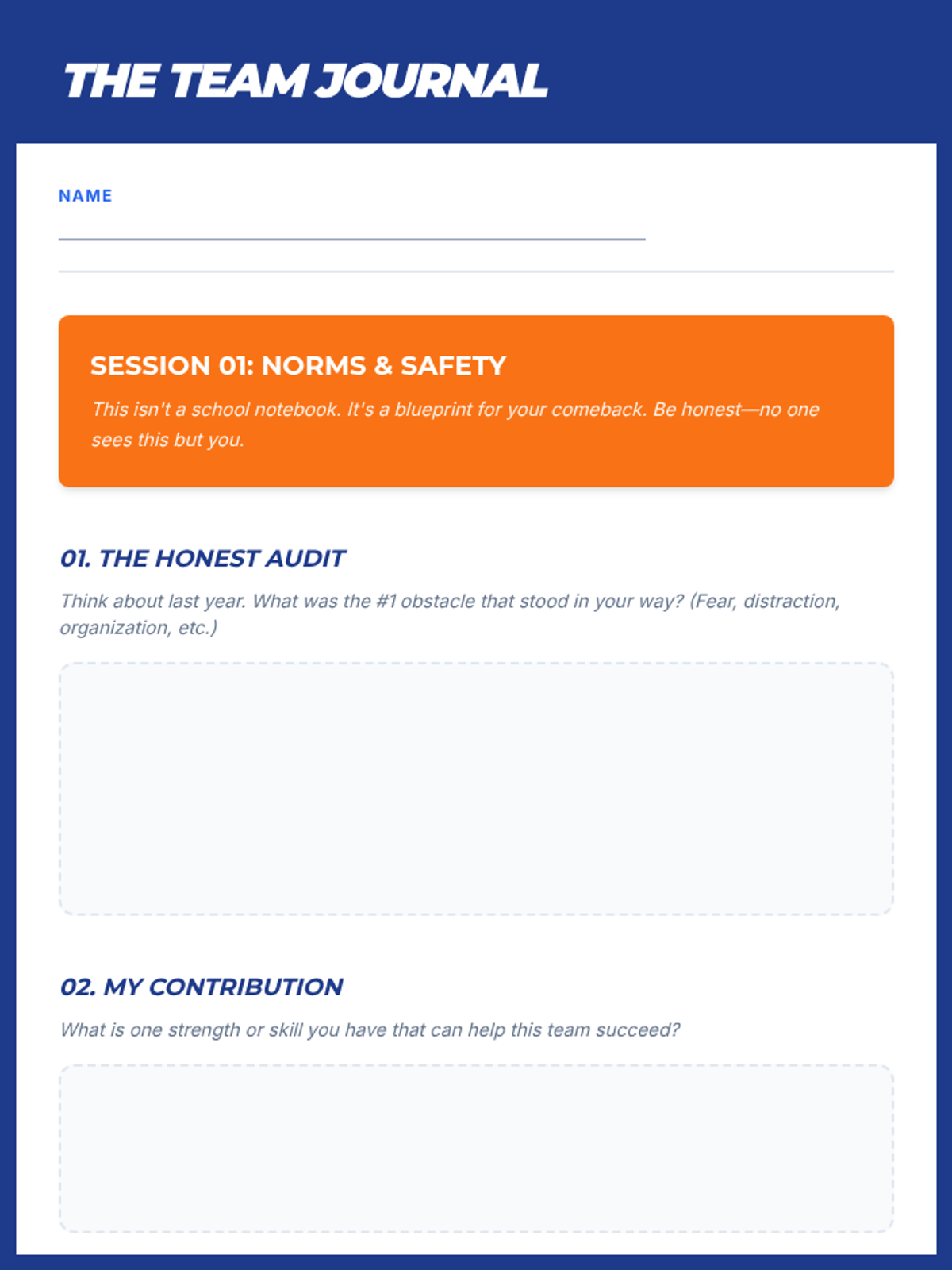
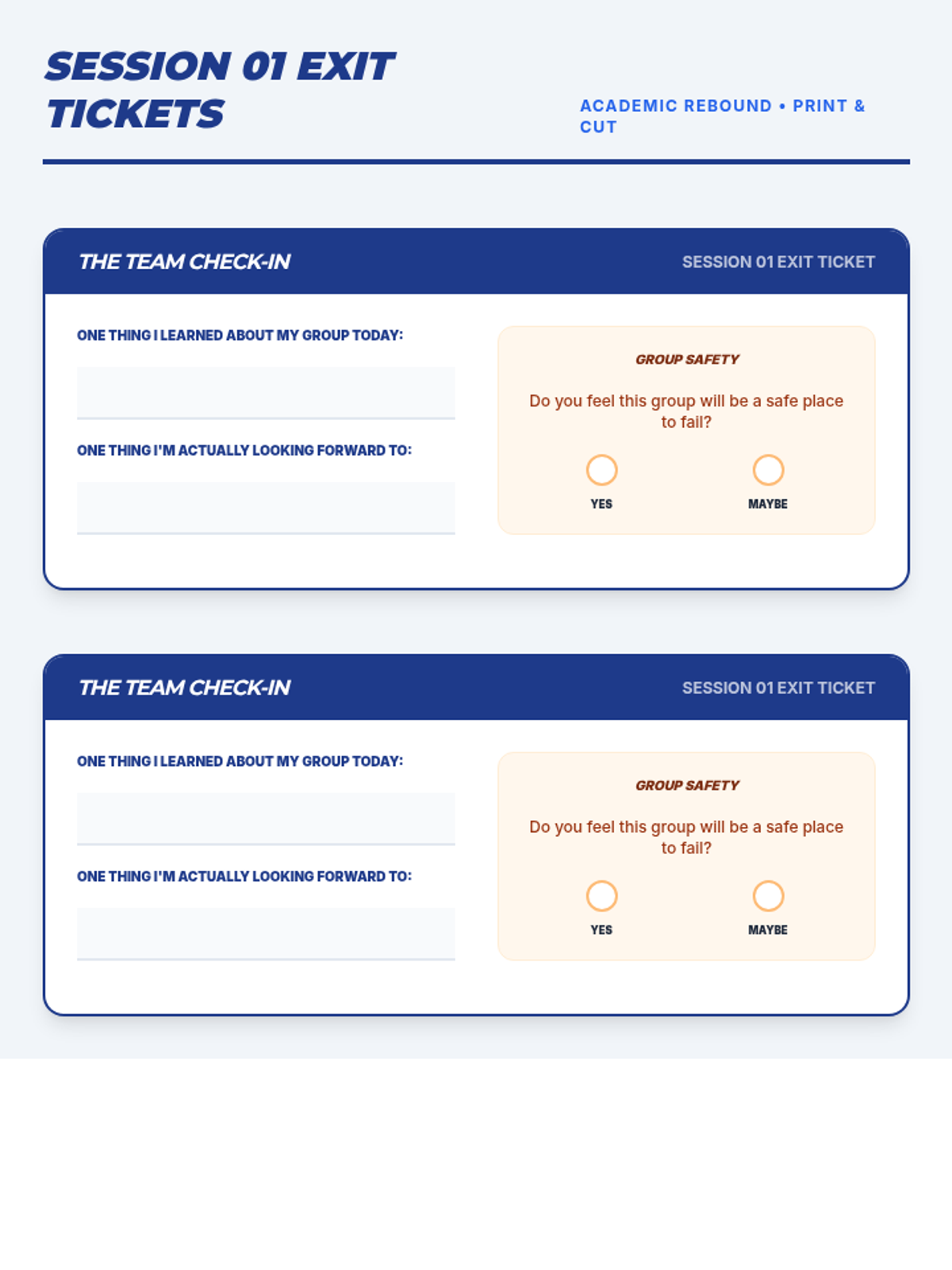
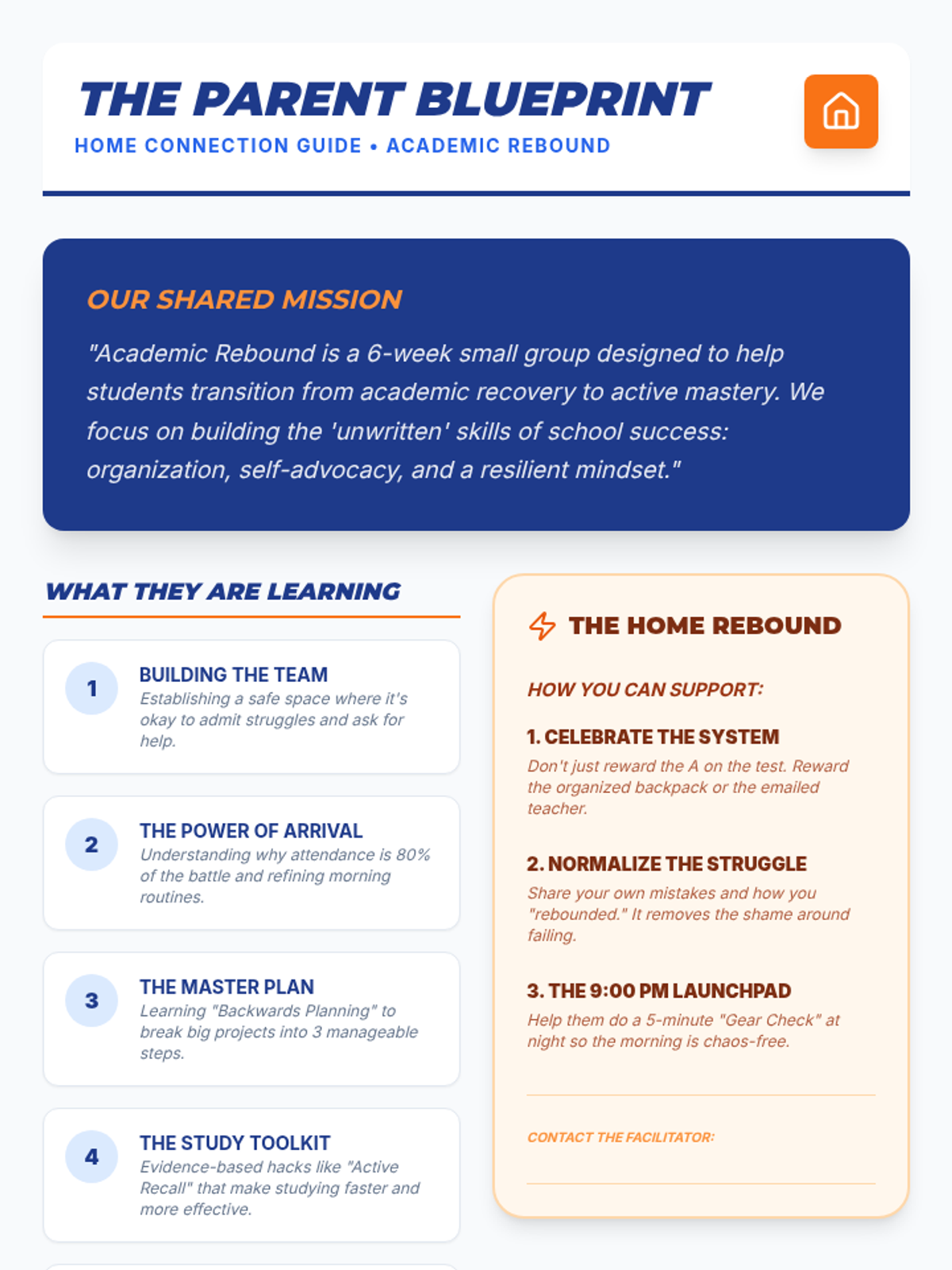
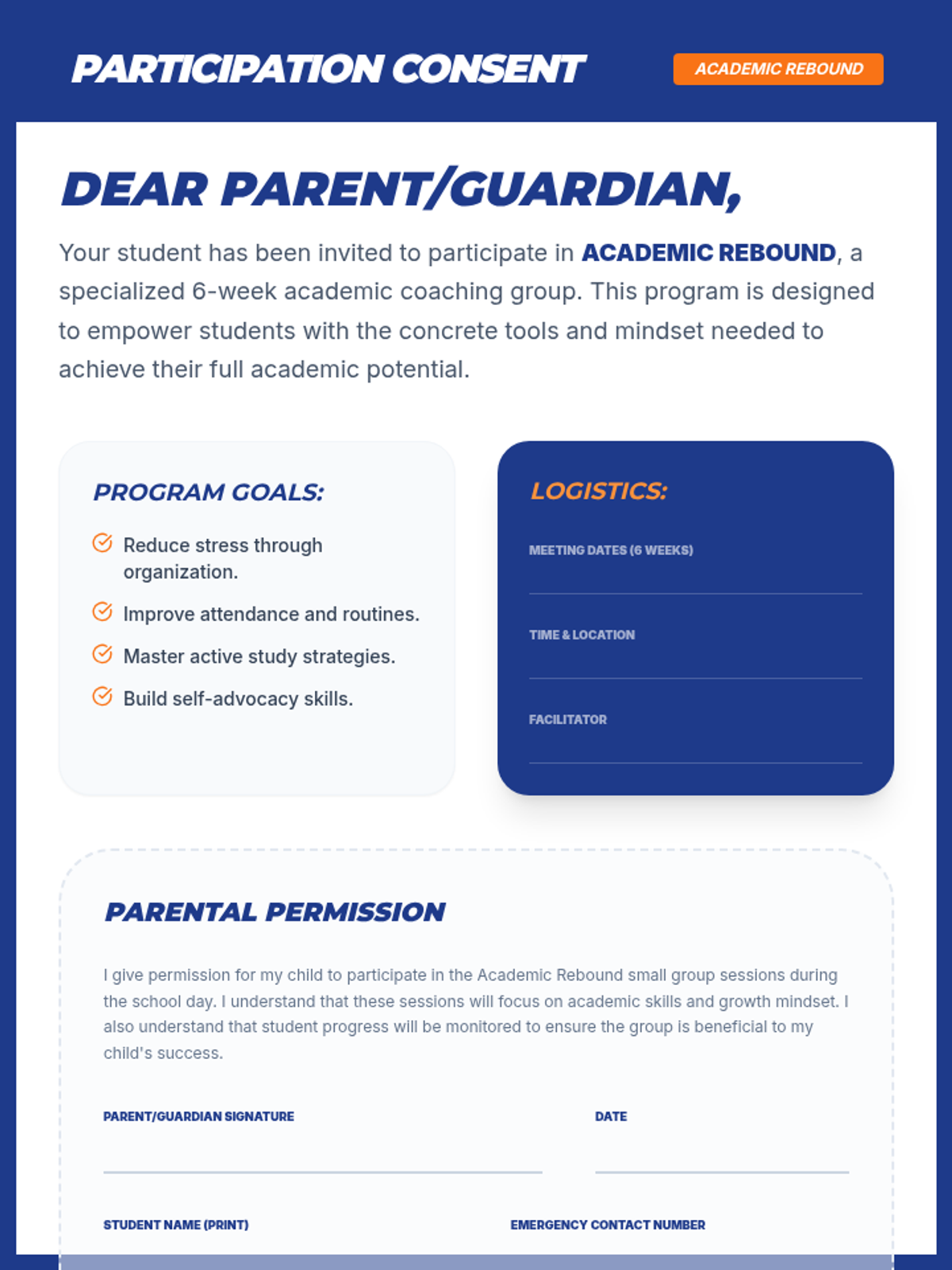
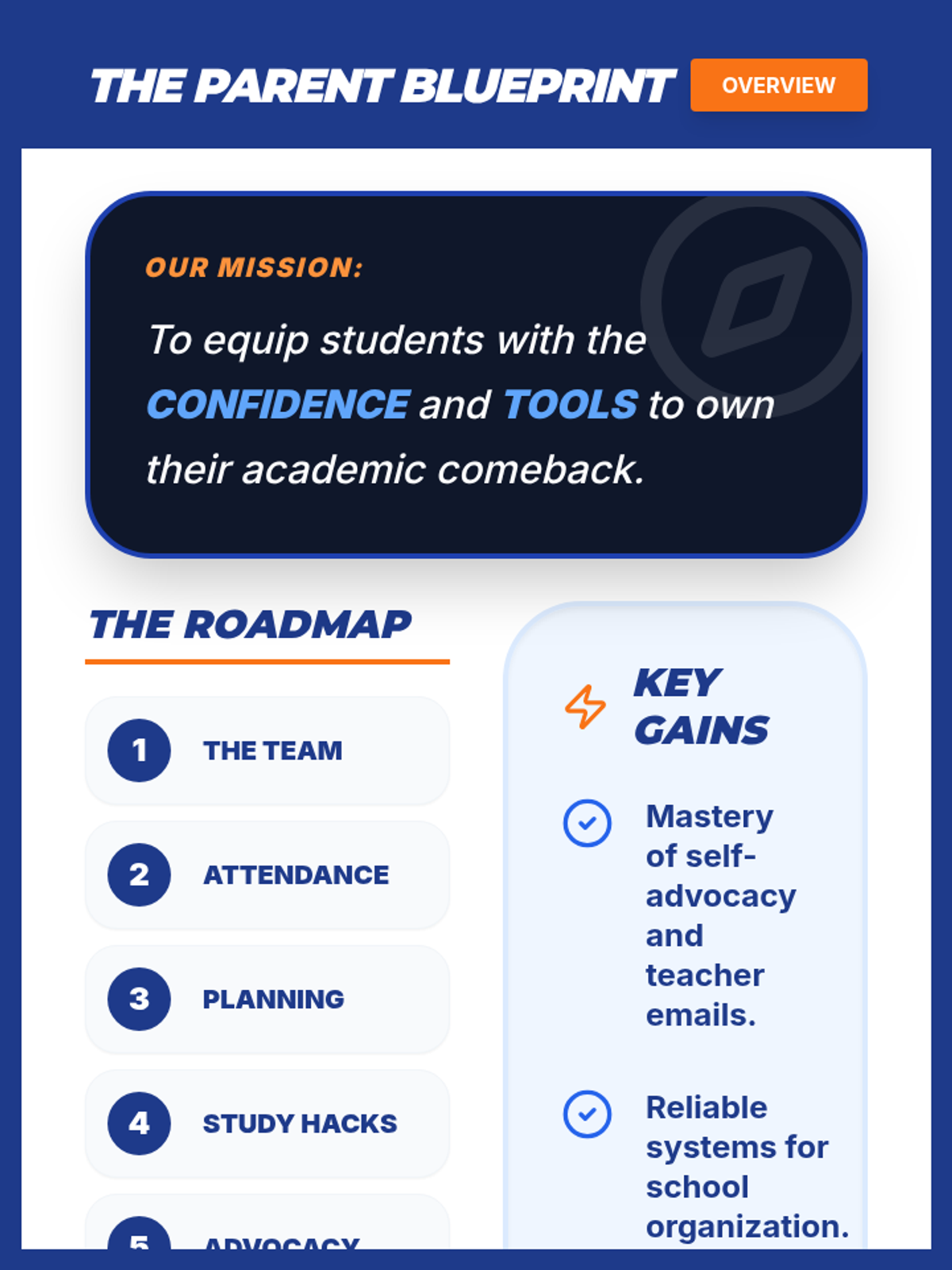
A foundation-building session focused on establishing psychological safety, group norms, and the shared purpose of the Academic Rebound program. Students participate in movement-based activities to build connection and define what they need from each other to succeed.
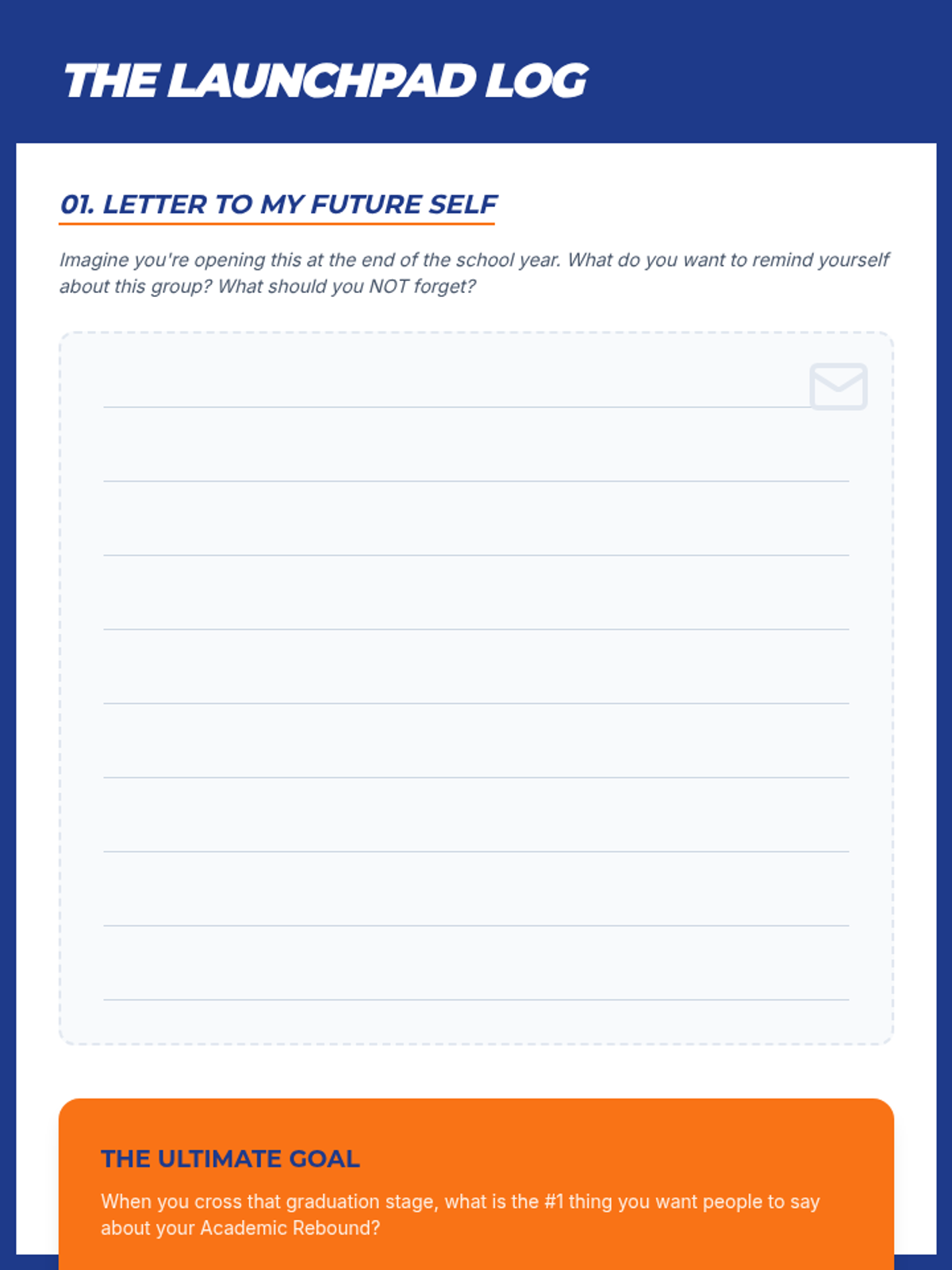
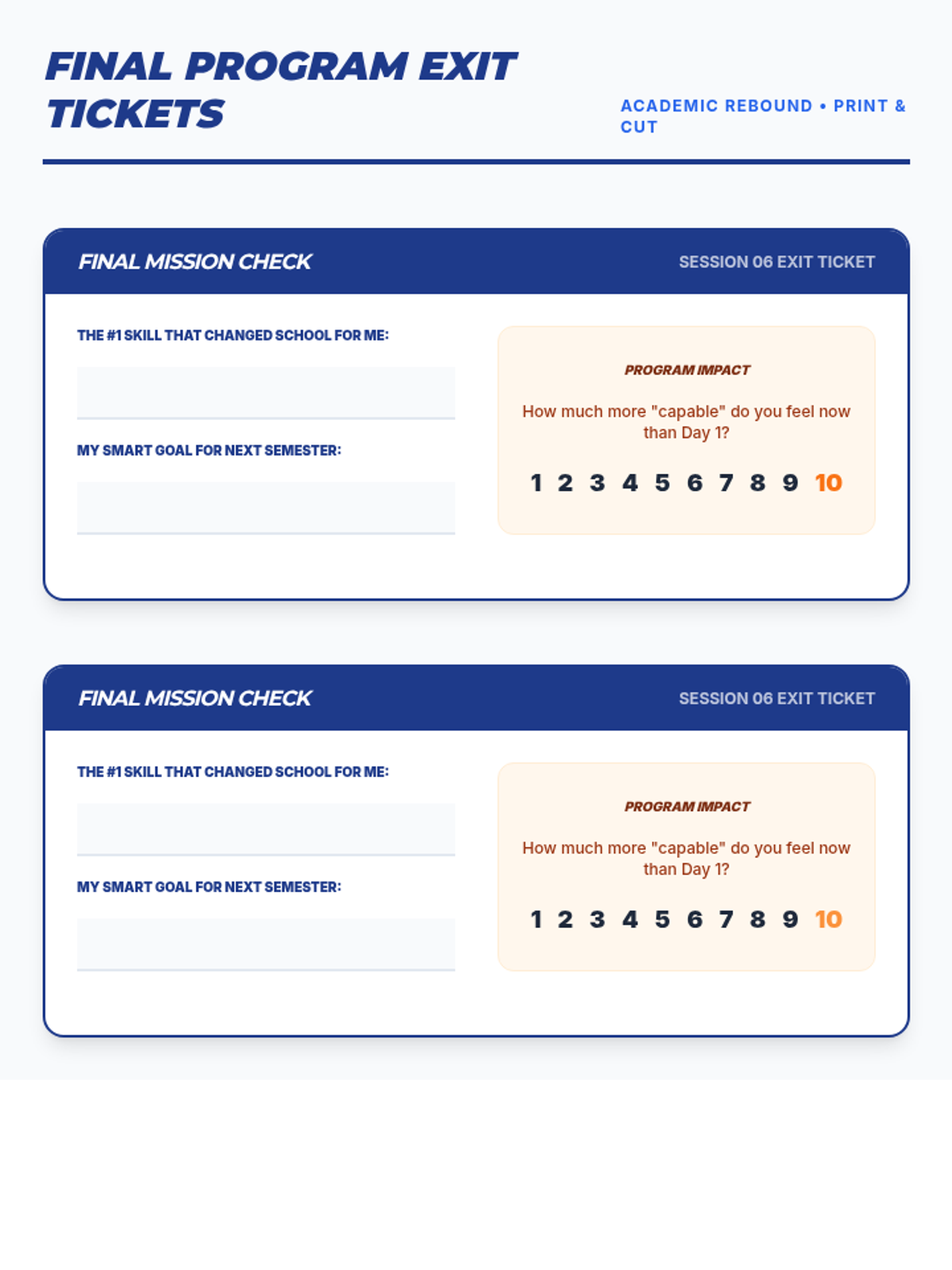
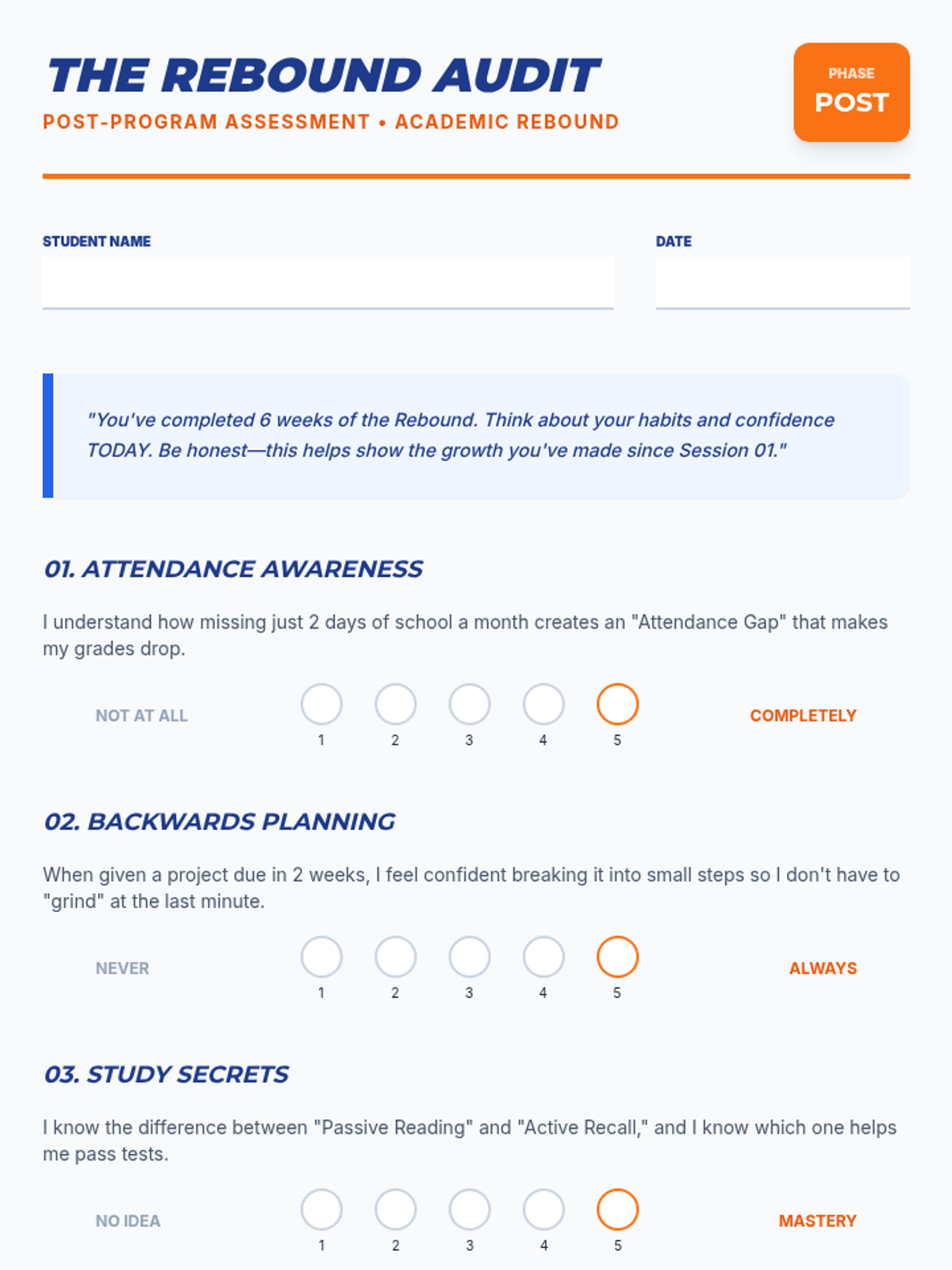
The final session celebrating growth. Students reflect on their progress, set long-term SMART goals with a growth mindset, and participate in a final 'Launchpad' celebration.
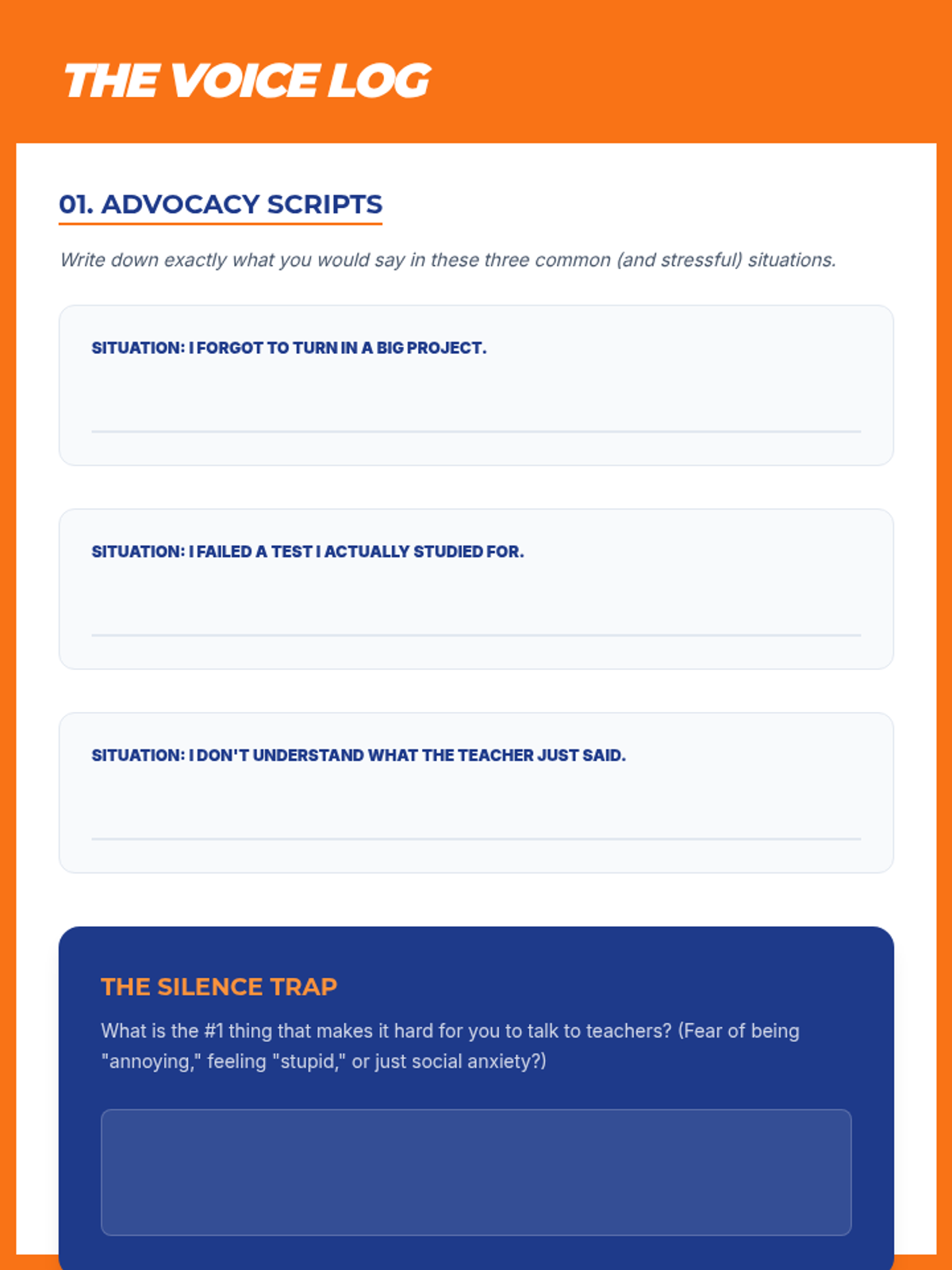
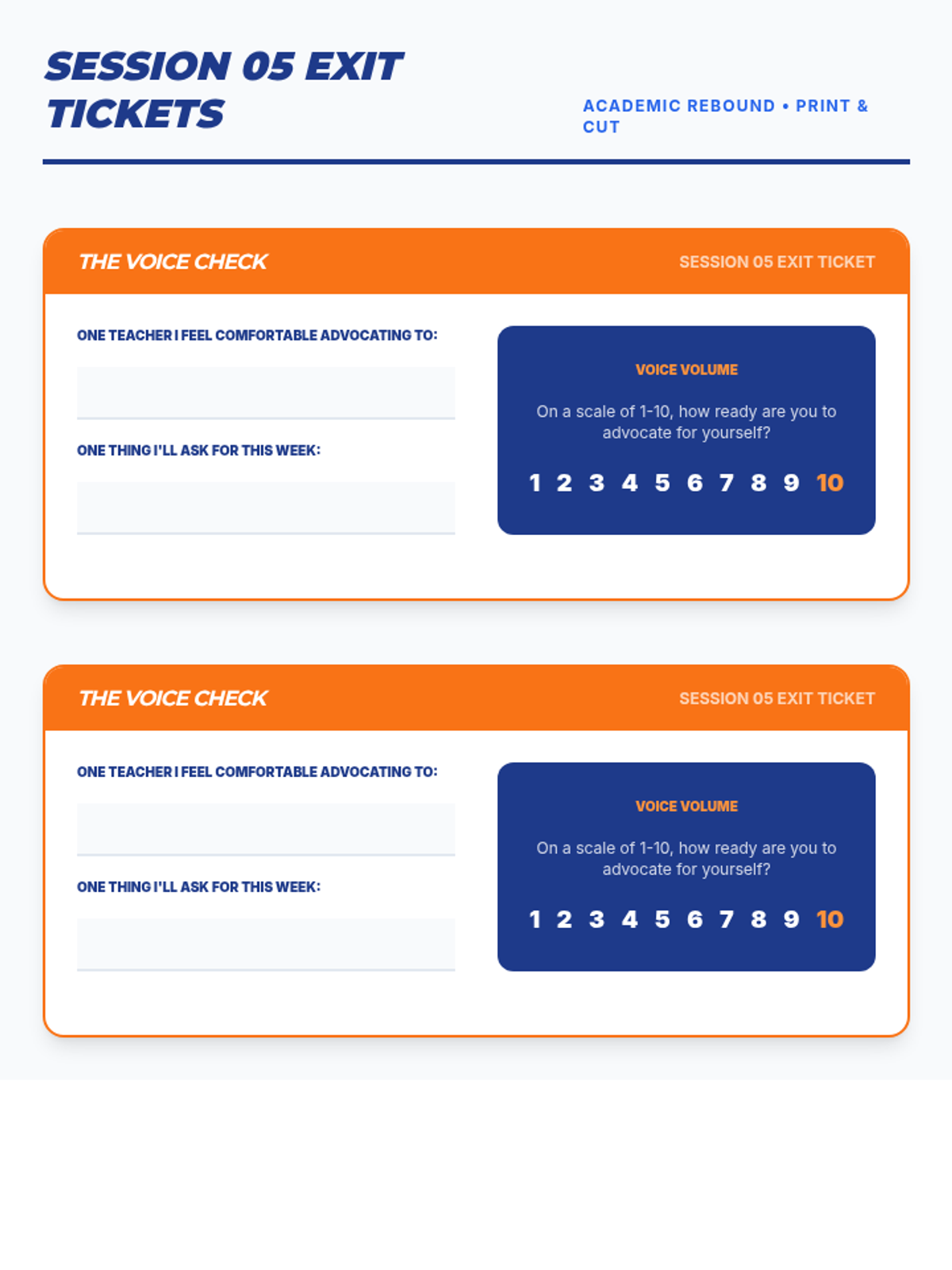
Focused on communication skills, students learn how to advocate for their needs with teachers. Includes role-playing scenarios for asking for help and practicing professional email etiquette.
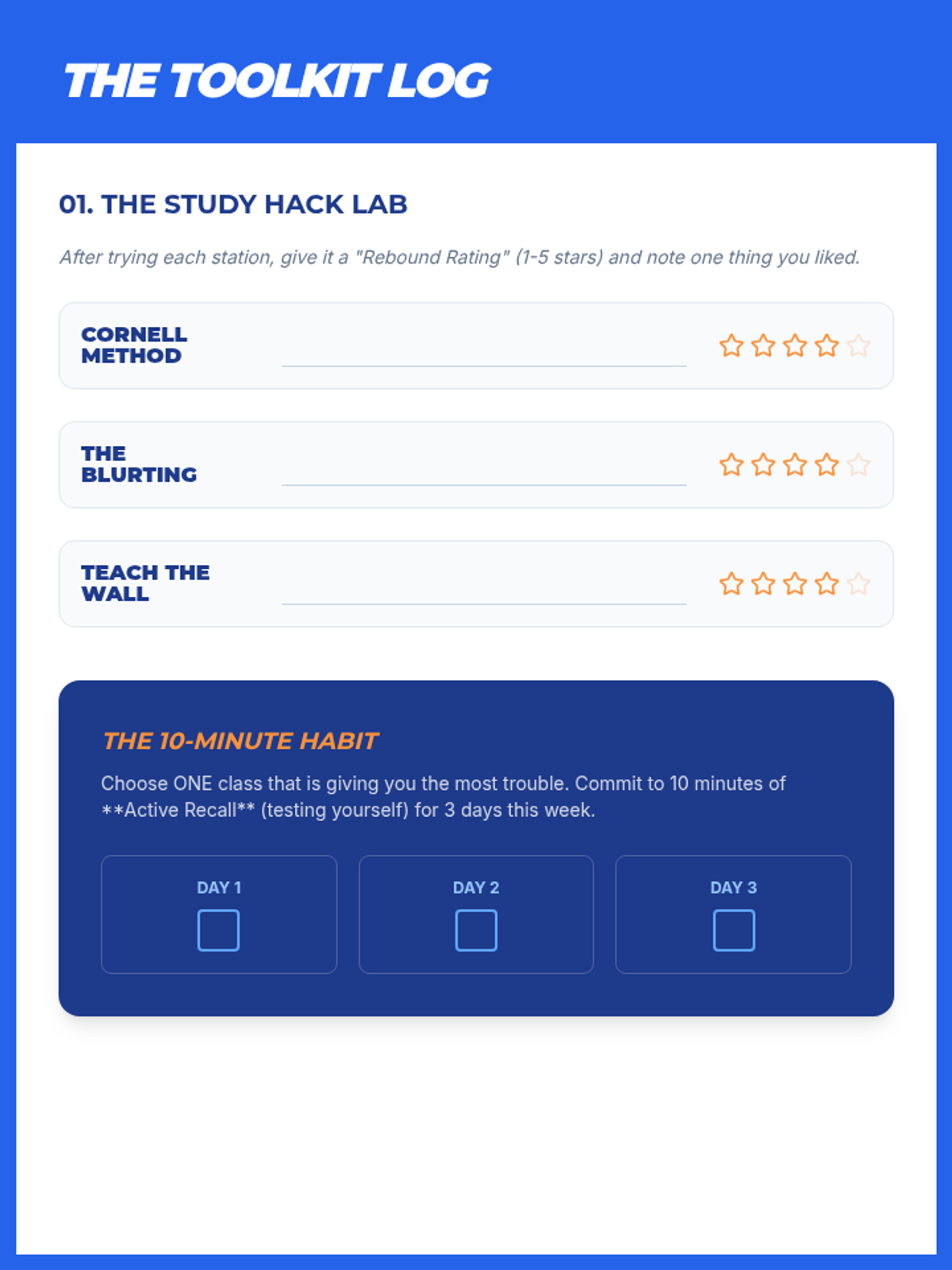
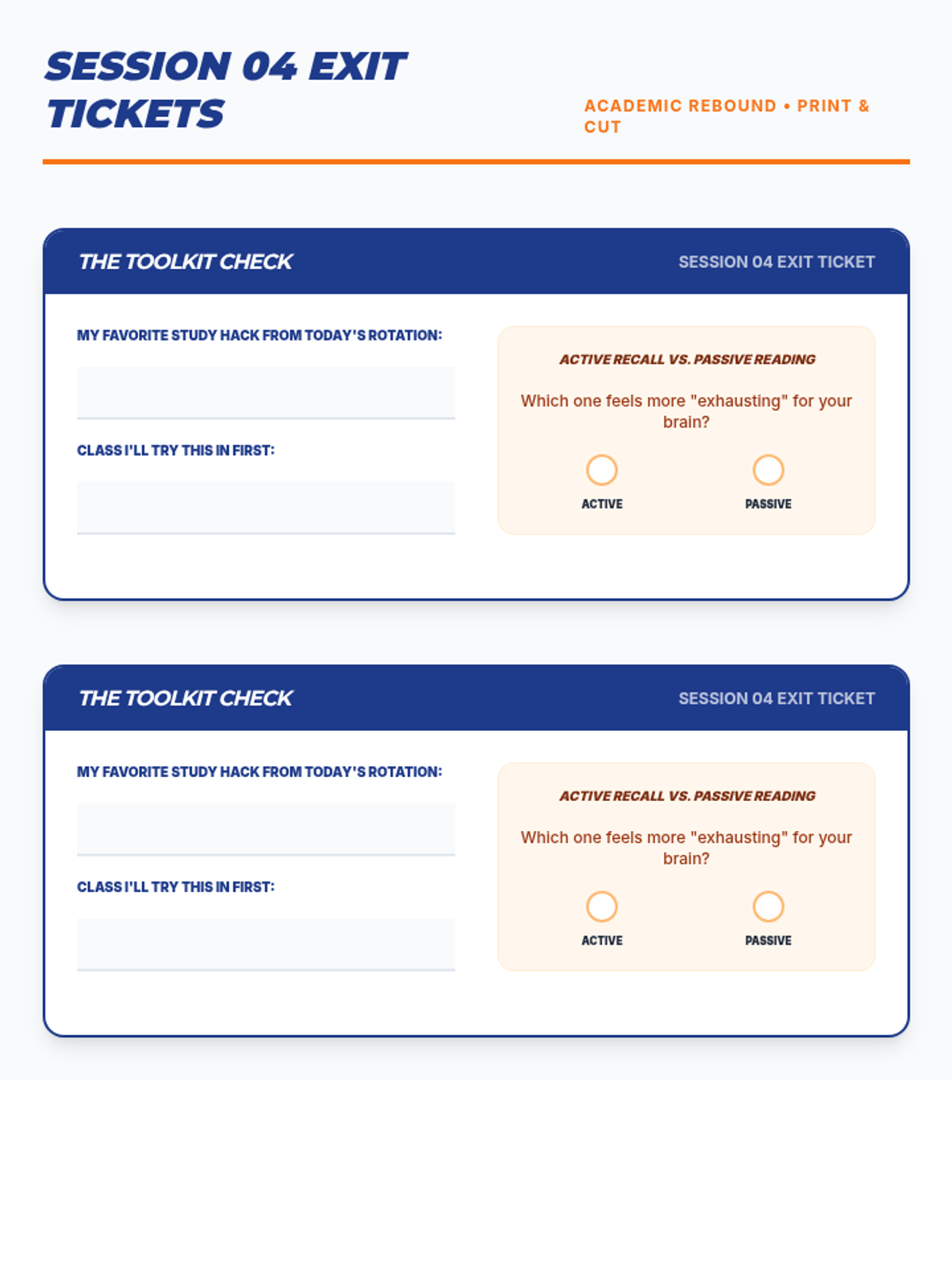
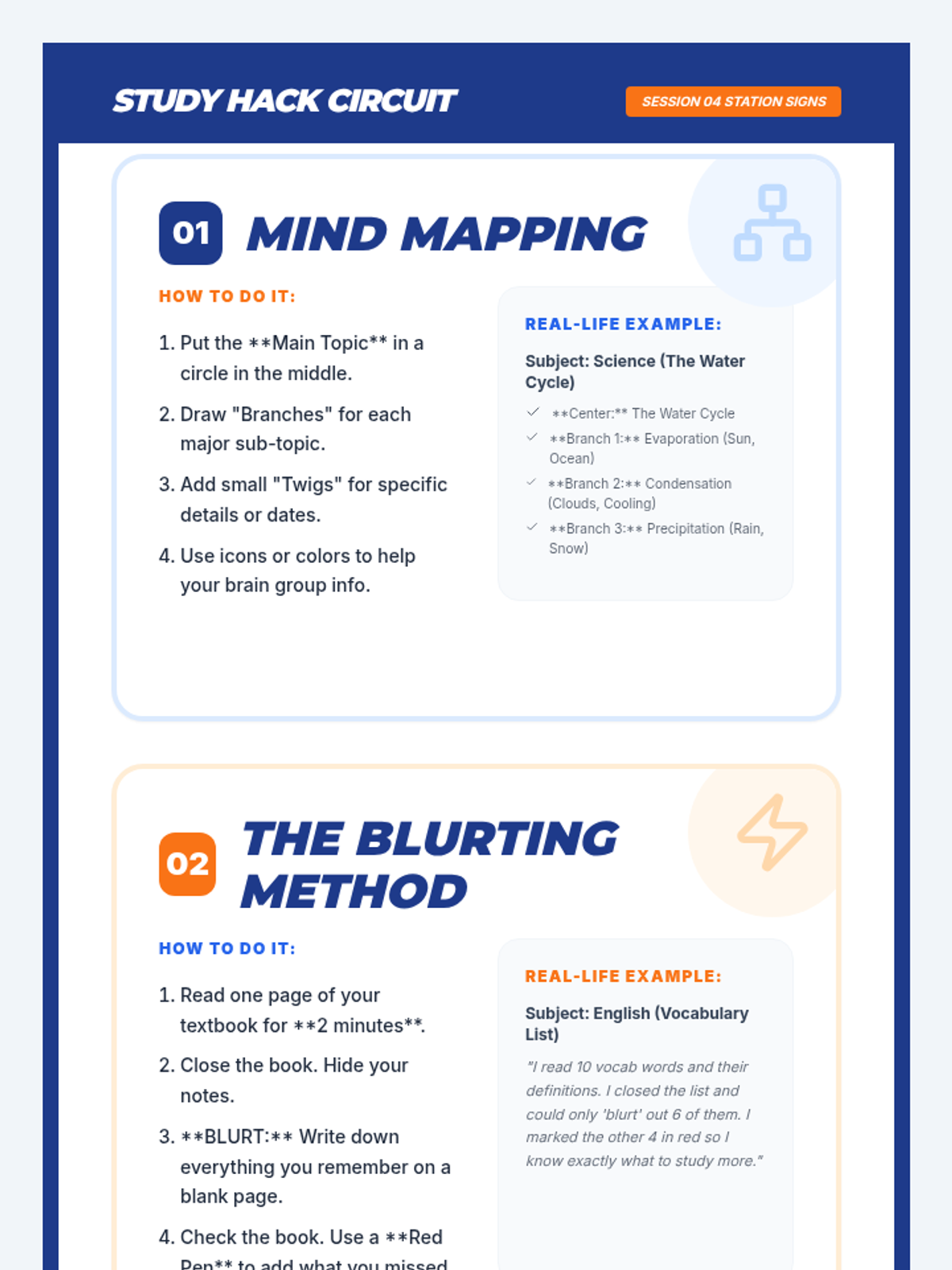
Instruction on active note-taking systems and evidence-based study strategies like active recall and spaced repetition. Students engage in a 'Study Hack' station rotation to test different methods.
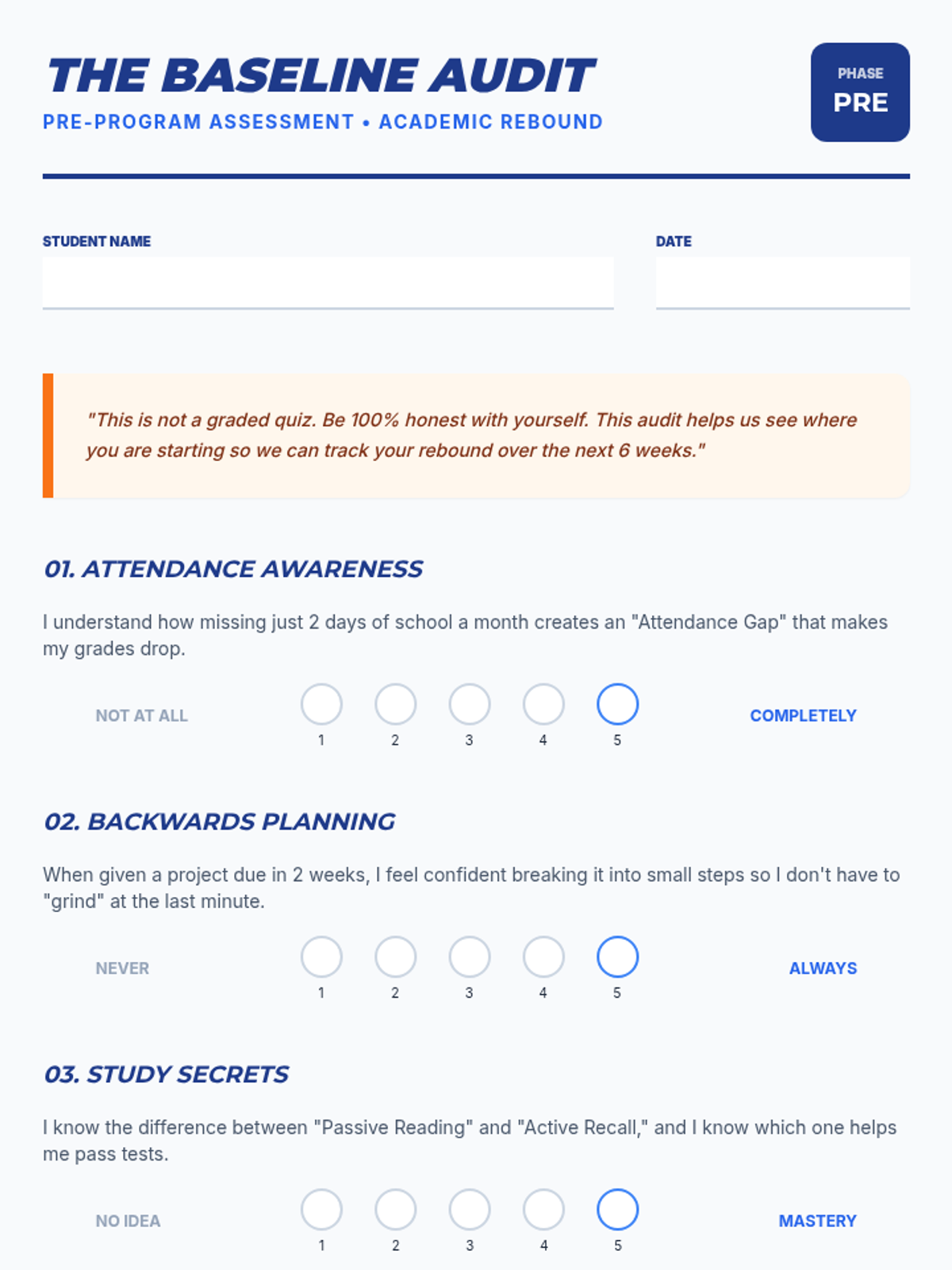
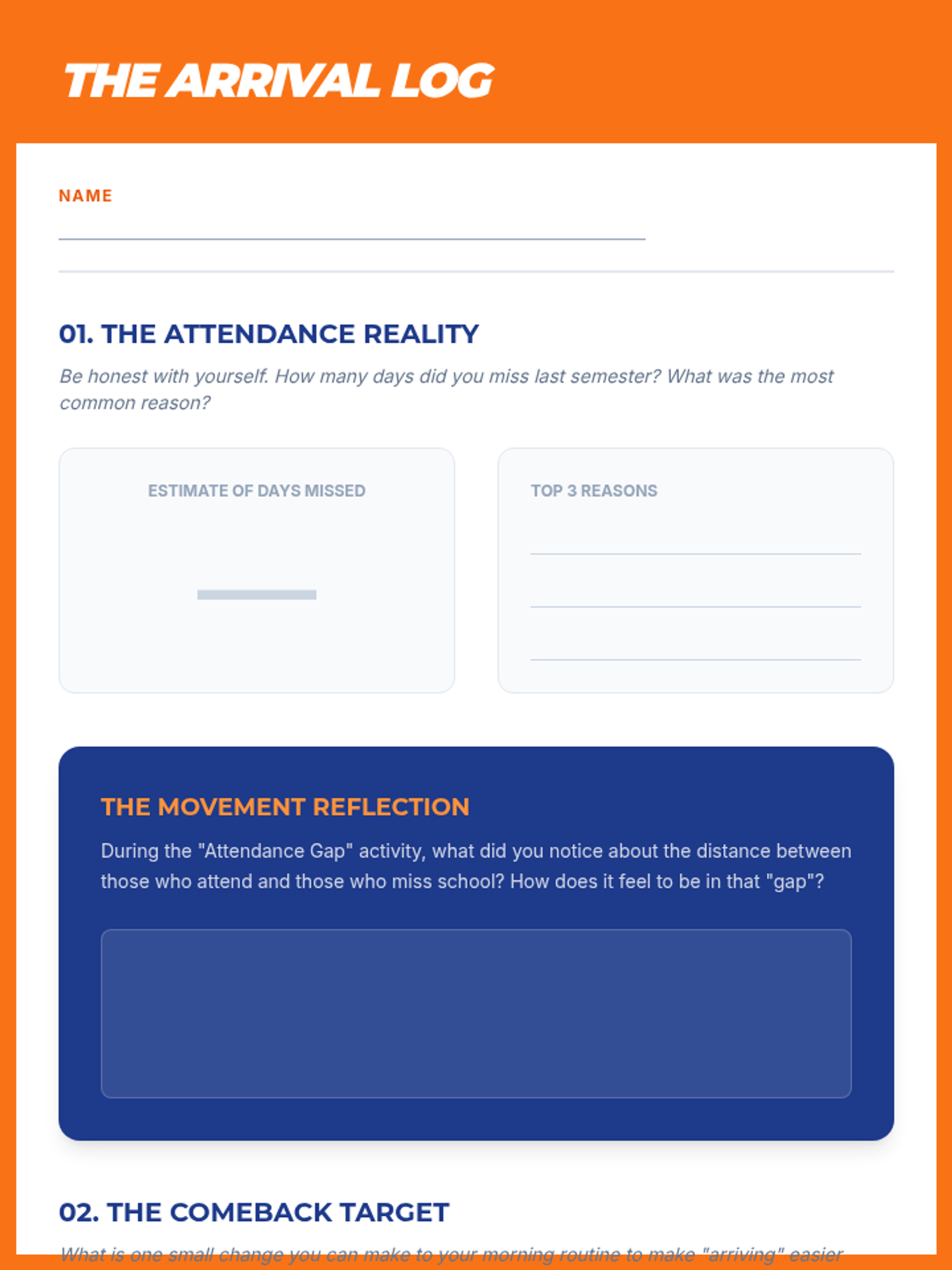
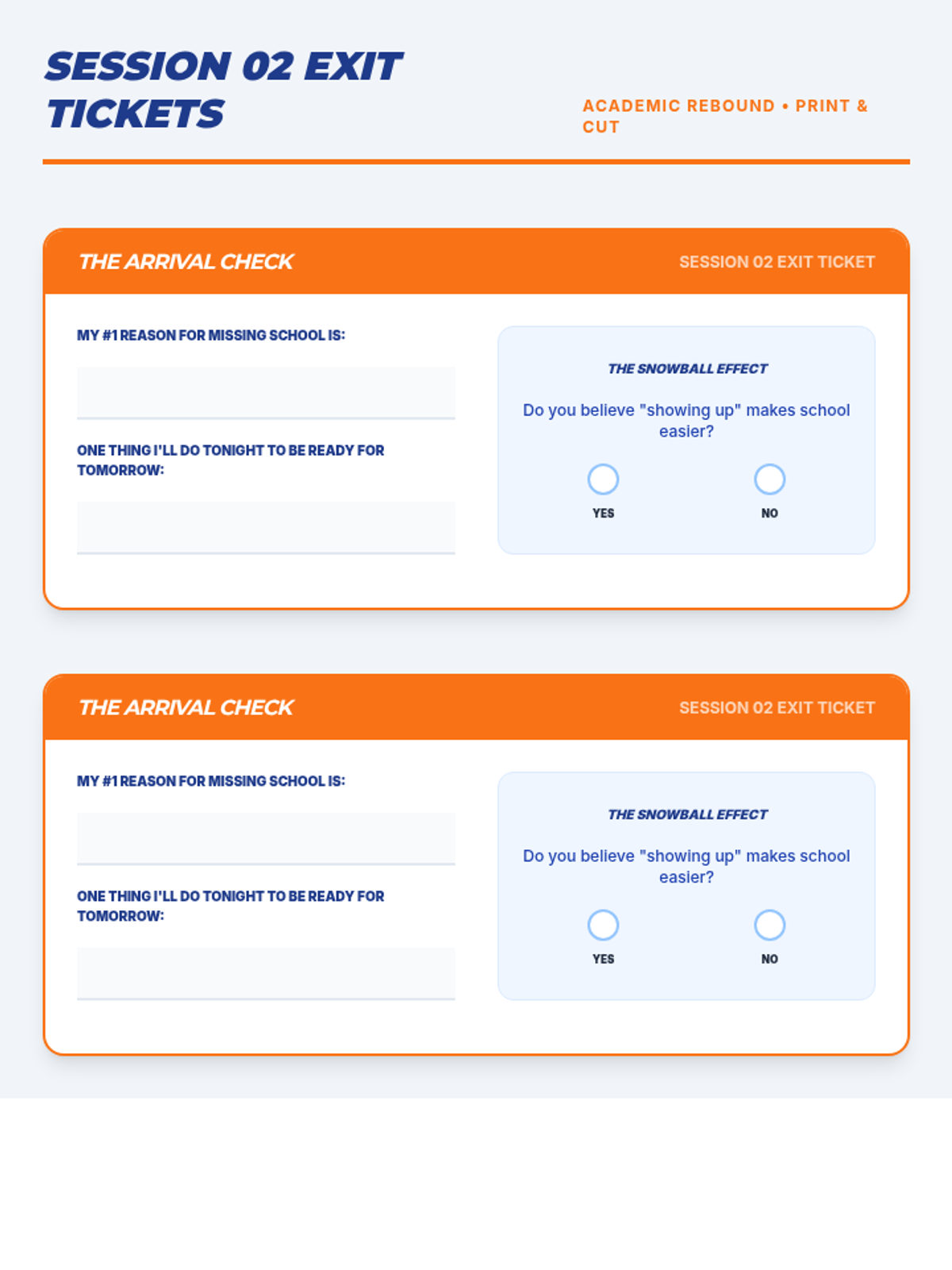
A session focused on the 'why' of attendance. Students explore how being present is the baseline for all academic success and participate in a movement activity that visualizes the 'Attendance Gap' and how missed days snowball into missed opportunities.
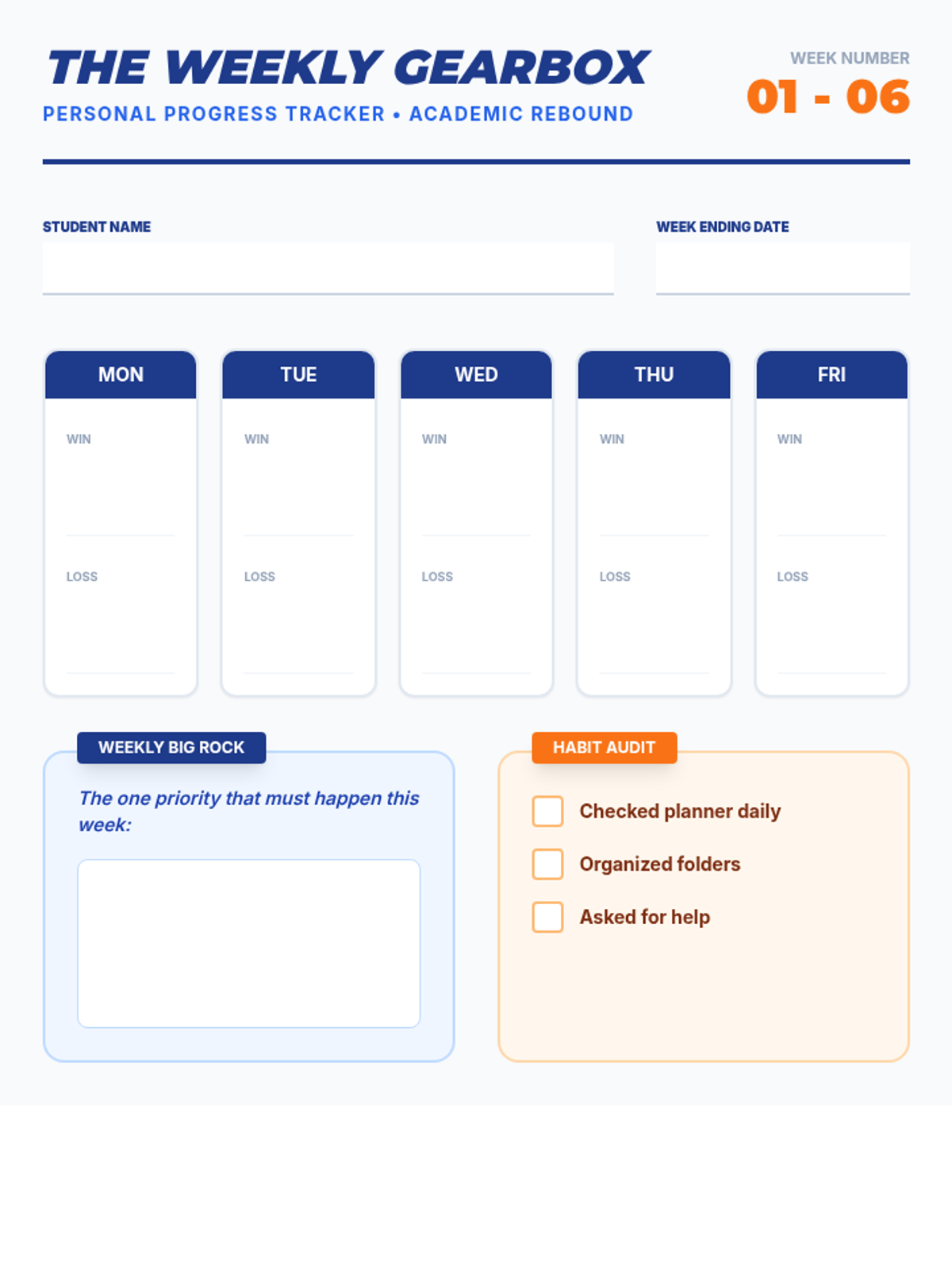
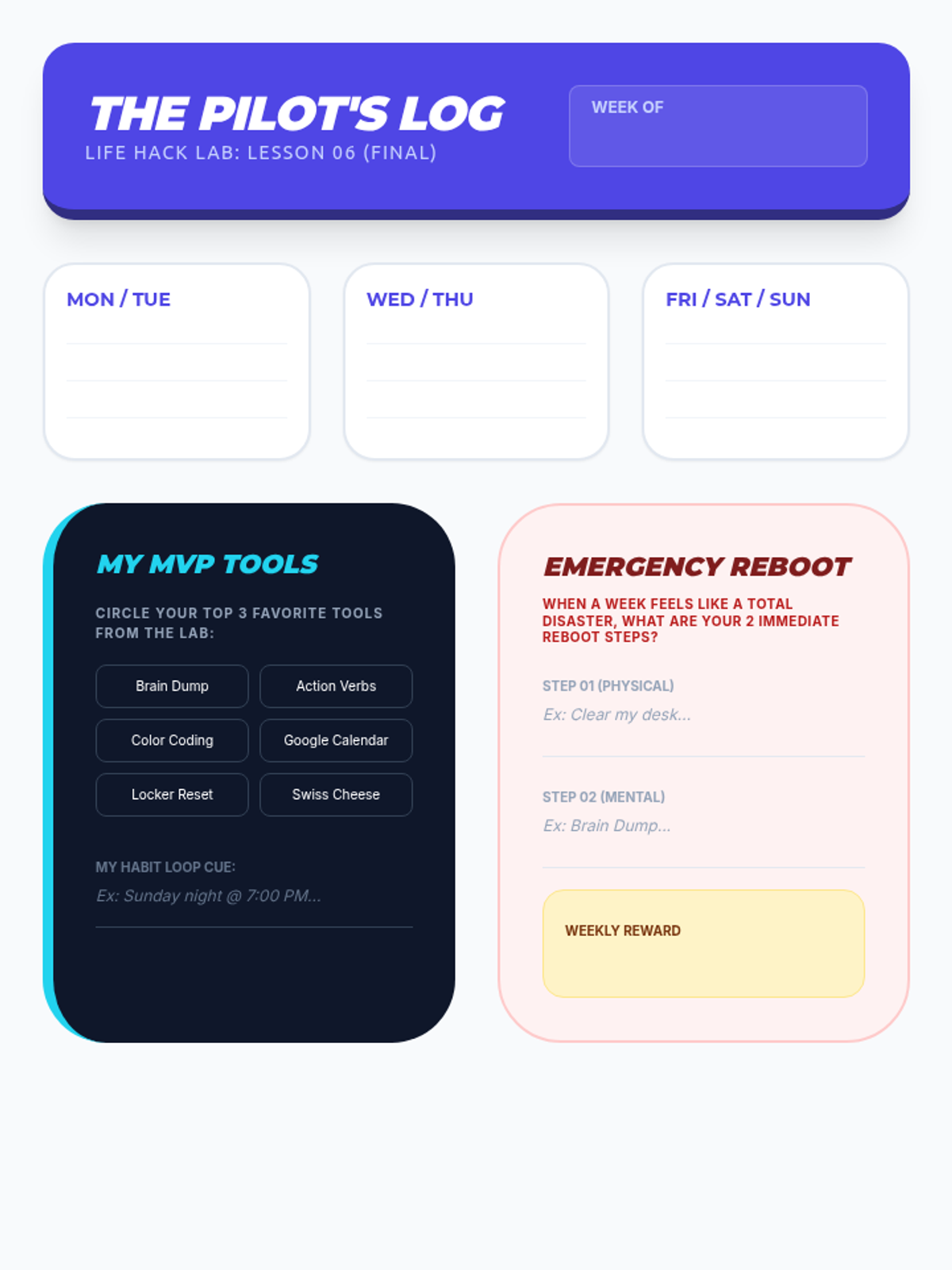
Establishing a weekly planning routine and reflecting on personal executive function tools for long-term success.
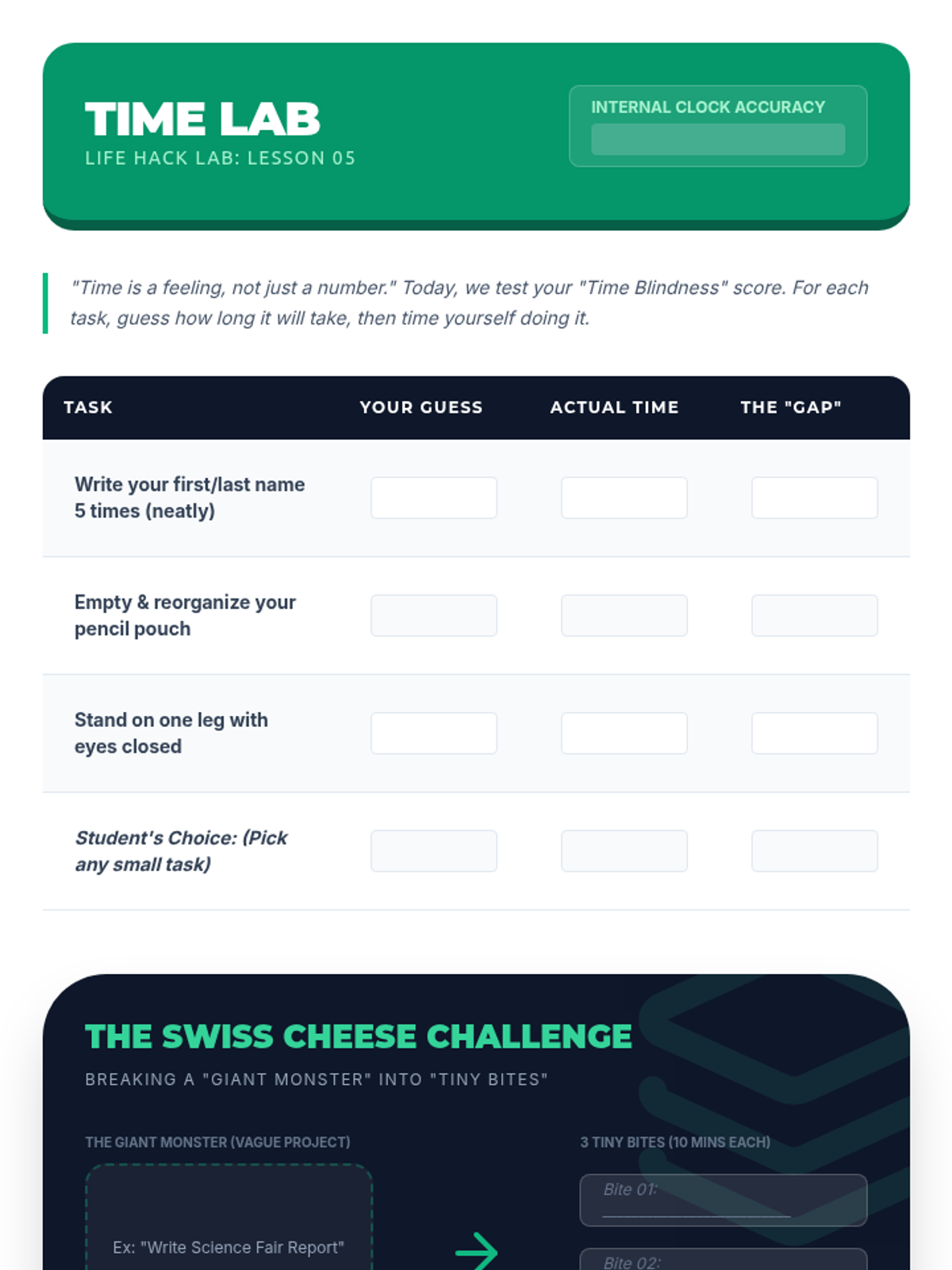
Developing time estimation skills and learning how to break large projects into manageable chunks.
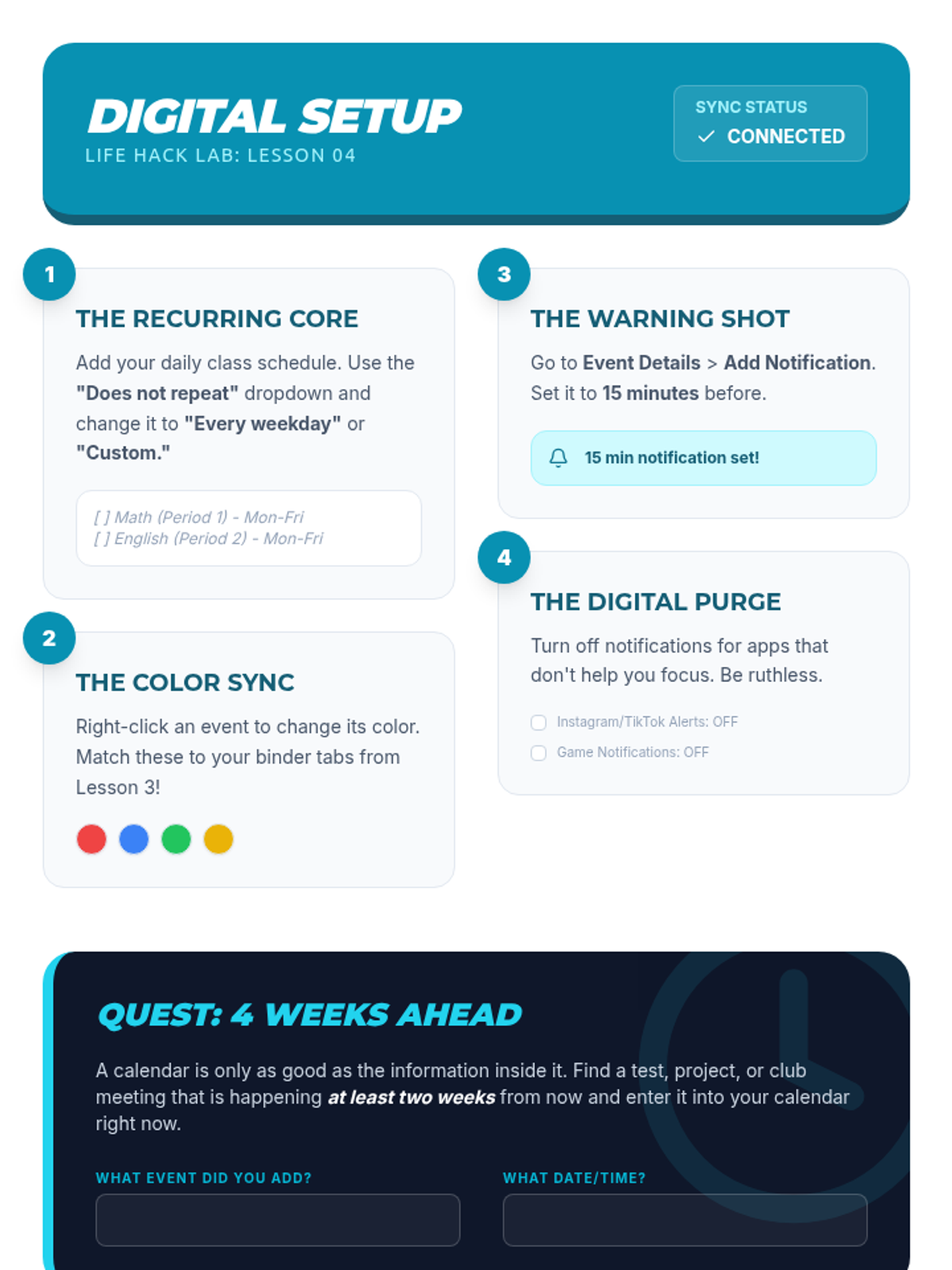
Transitioning to digital organization using Google Calendar, reminders, and managing digital clutter.
Mastering physical organization systems including binders, lockers, and study spaces using color-coding strategies.
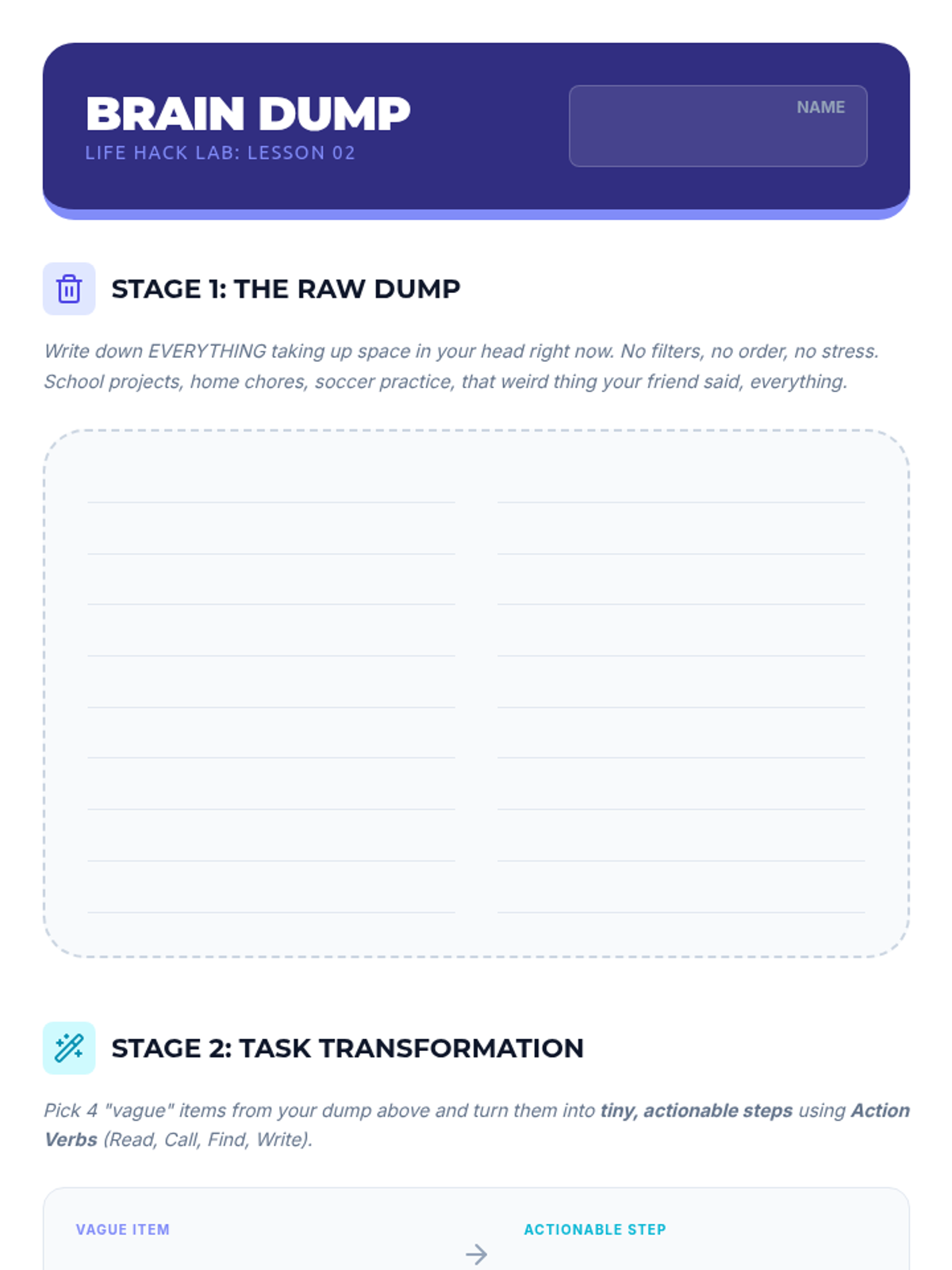
Learning how to create actionable checklists and prioritize tasks effectively using the 'Brain Dump' method.
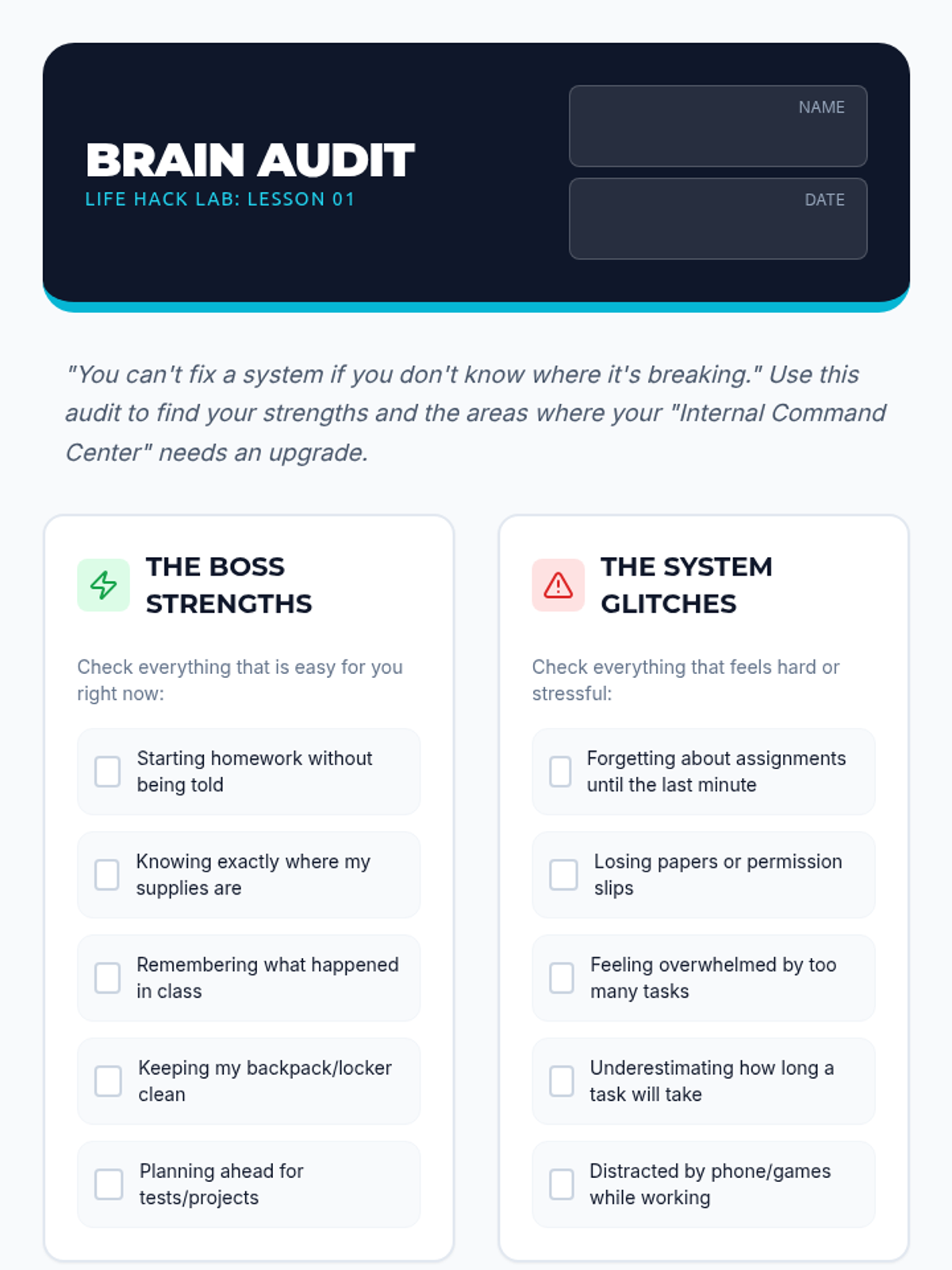
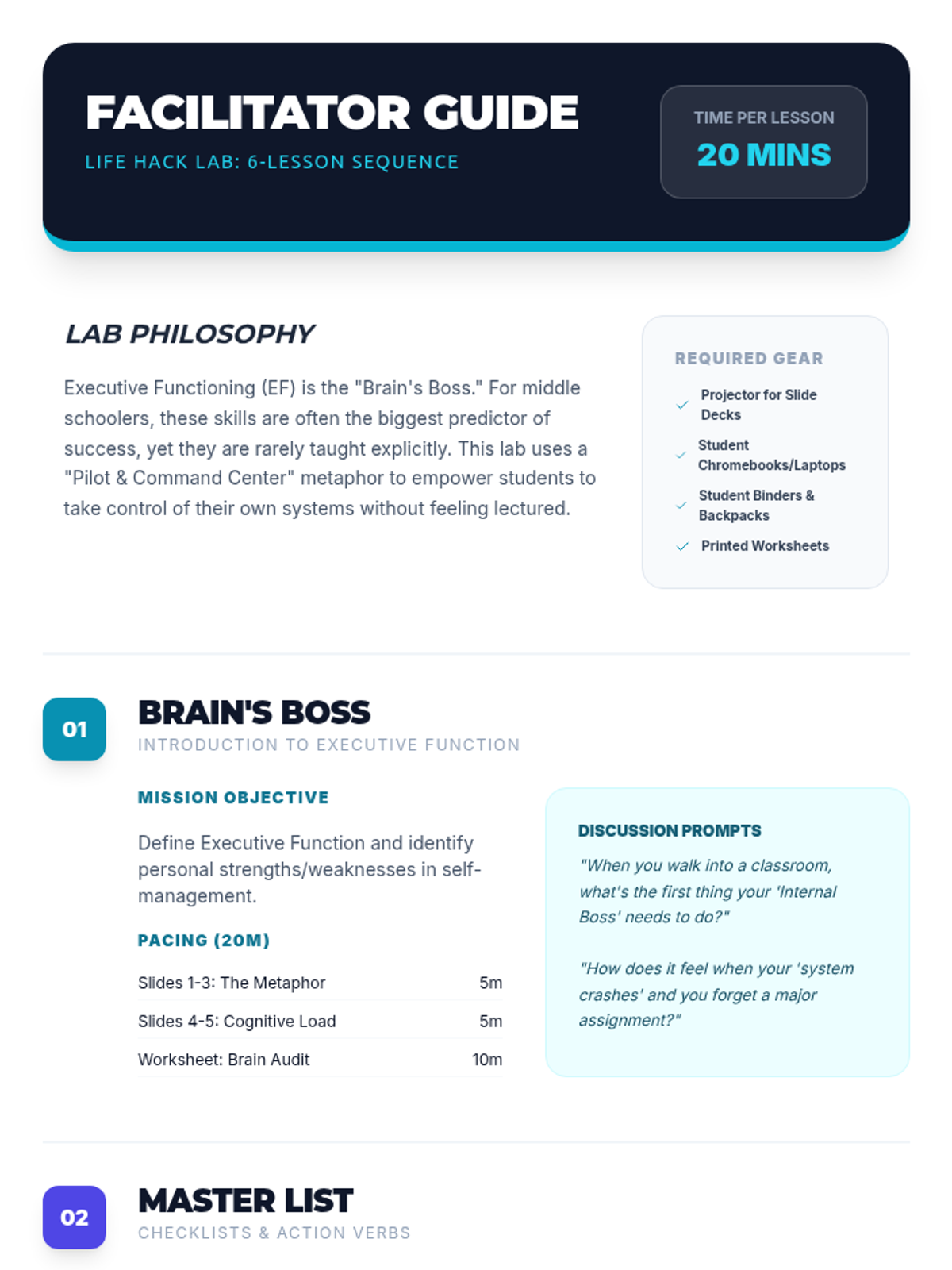
Introduction to the concept of executive function as the 'brain's boss' and the importance of planning for middle school success.
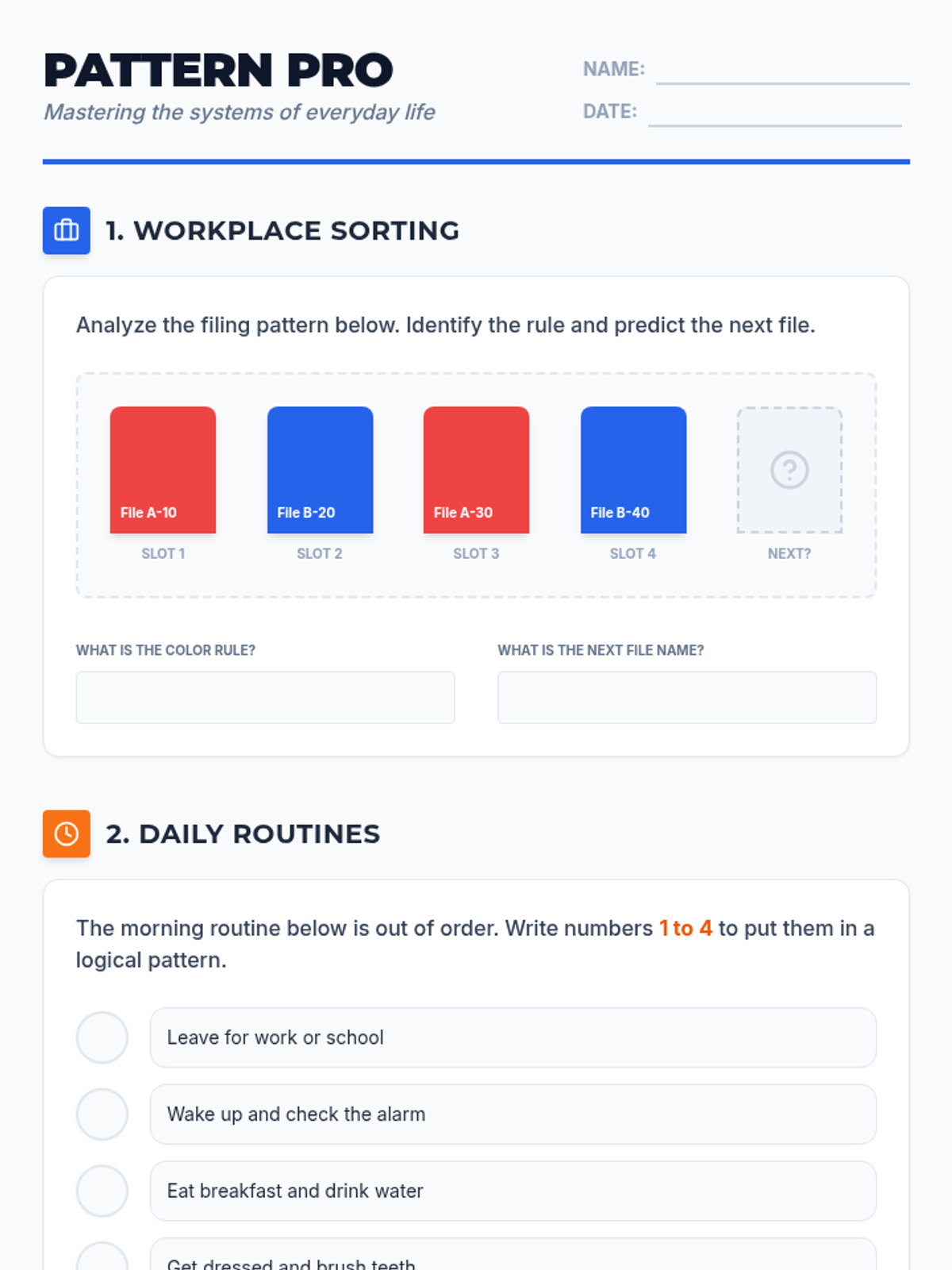
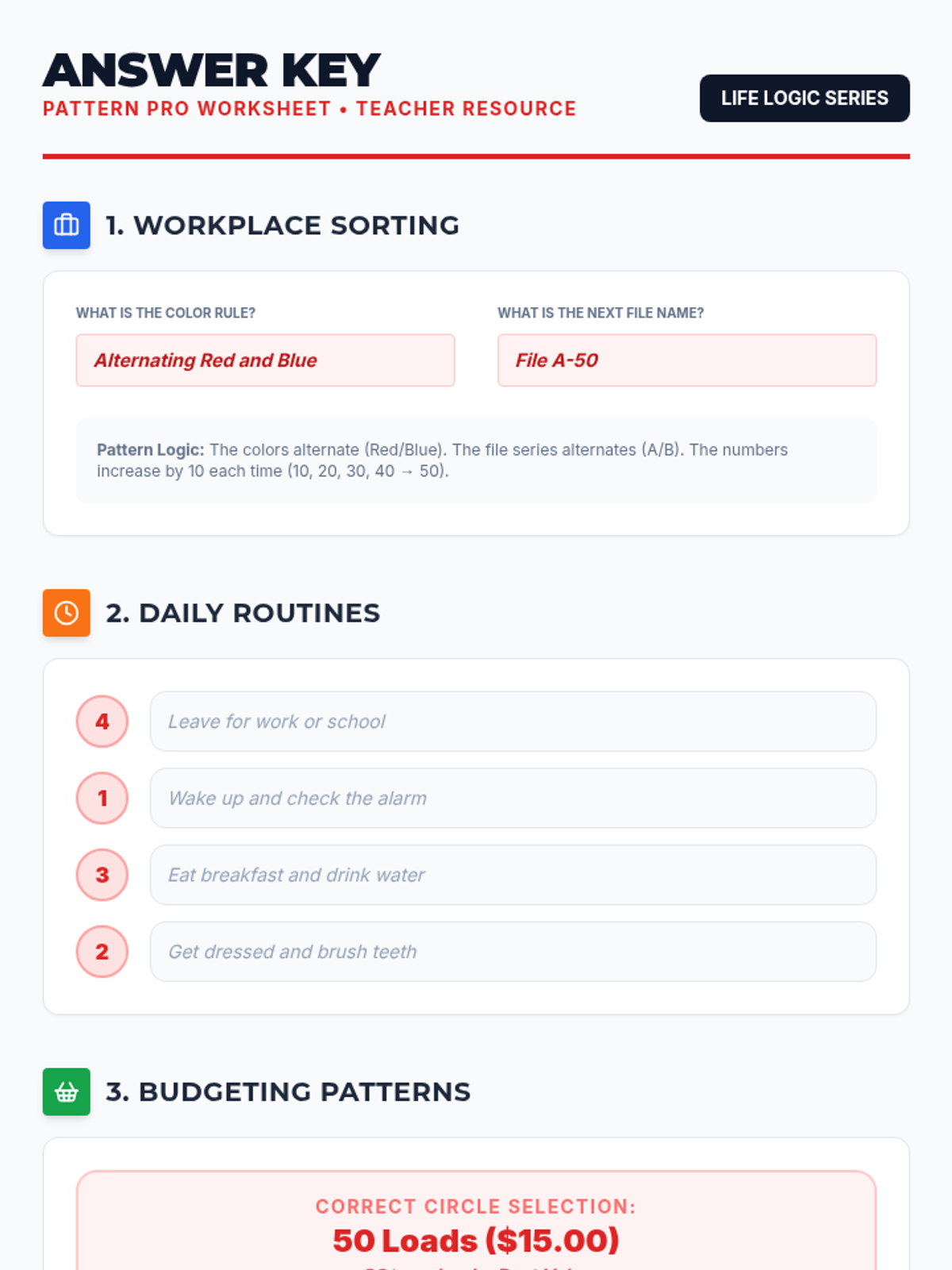
This lesson helps students identify and apply pattern recognition skills across essential life domains, including workplace sorting, daily scheduling, budgeting, and community safety.
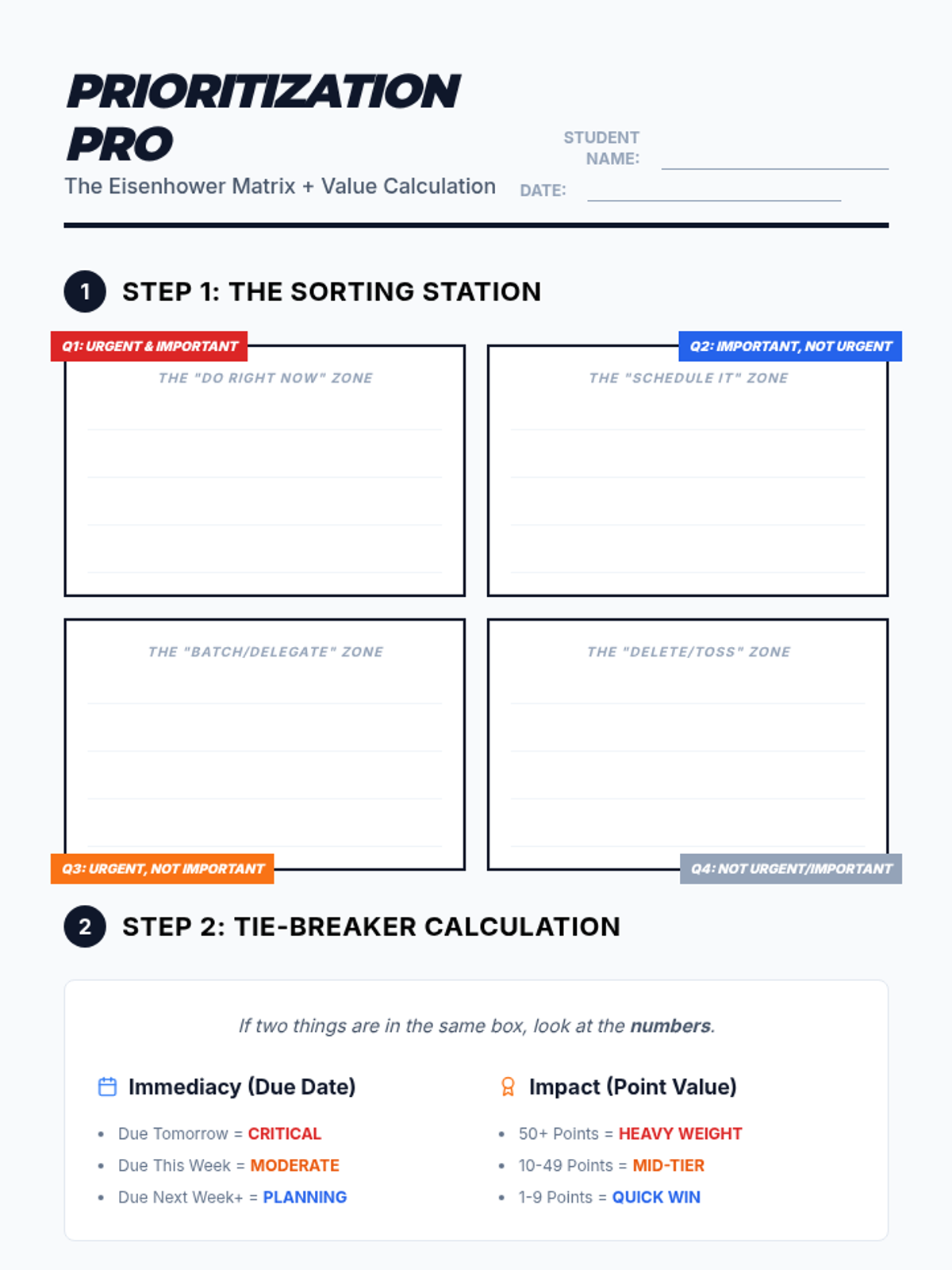
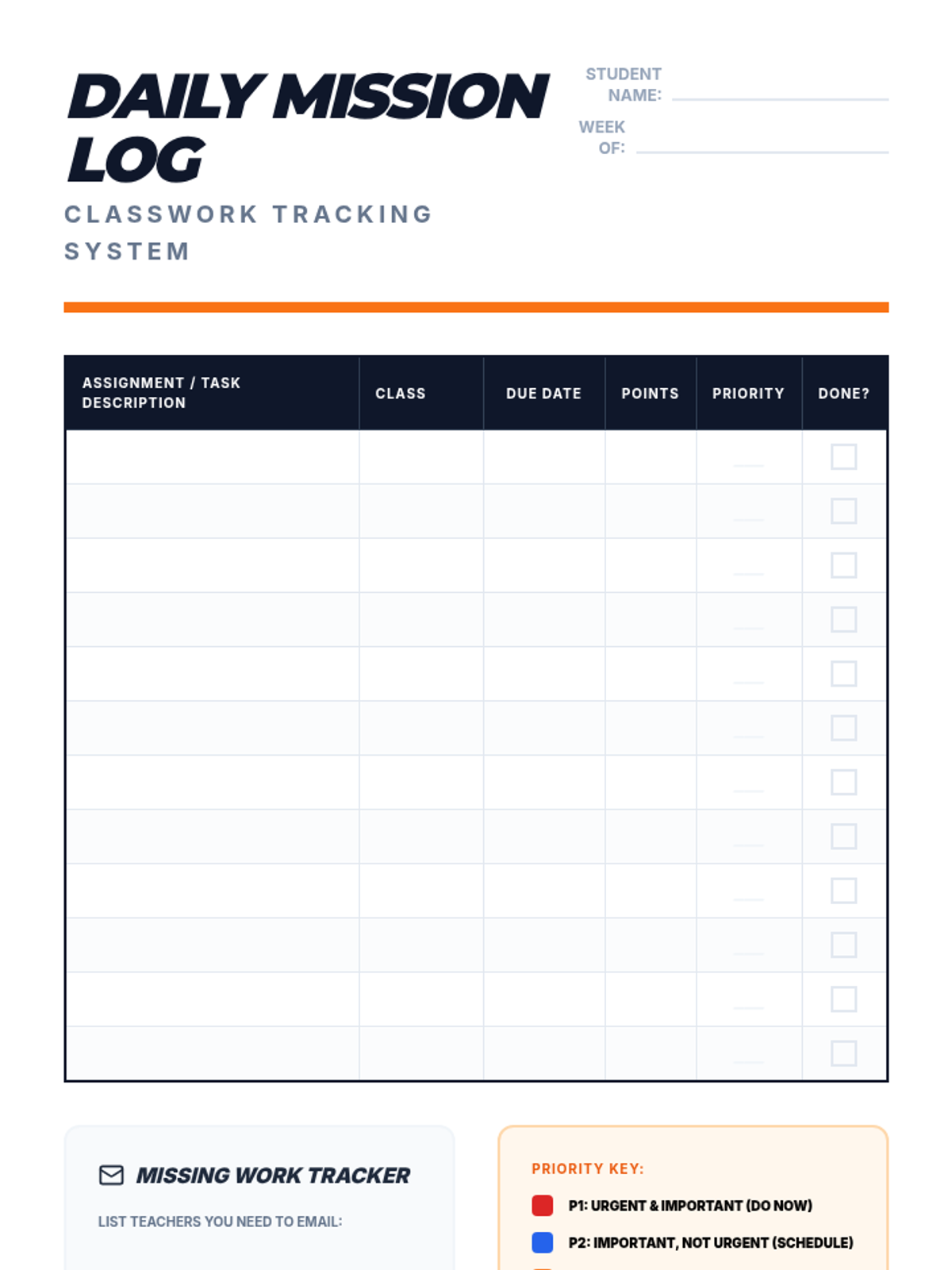
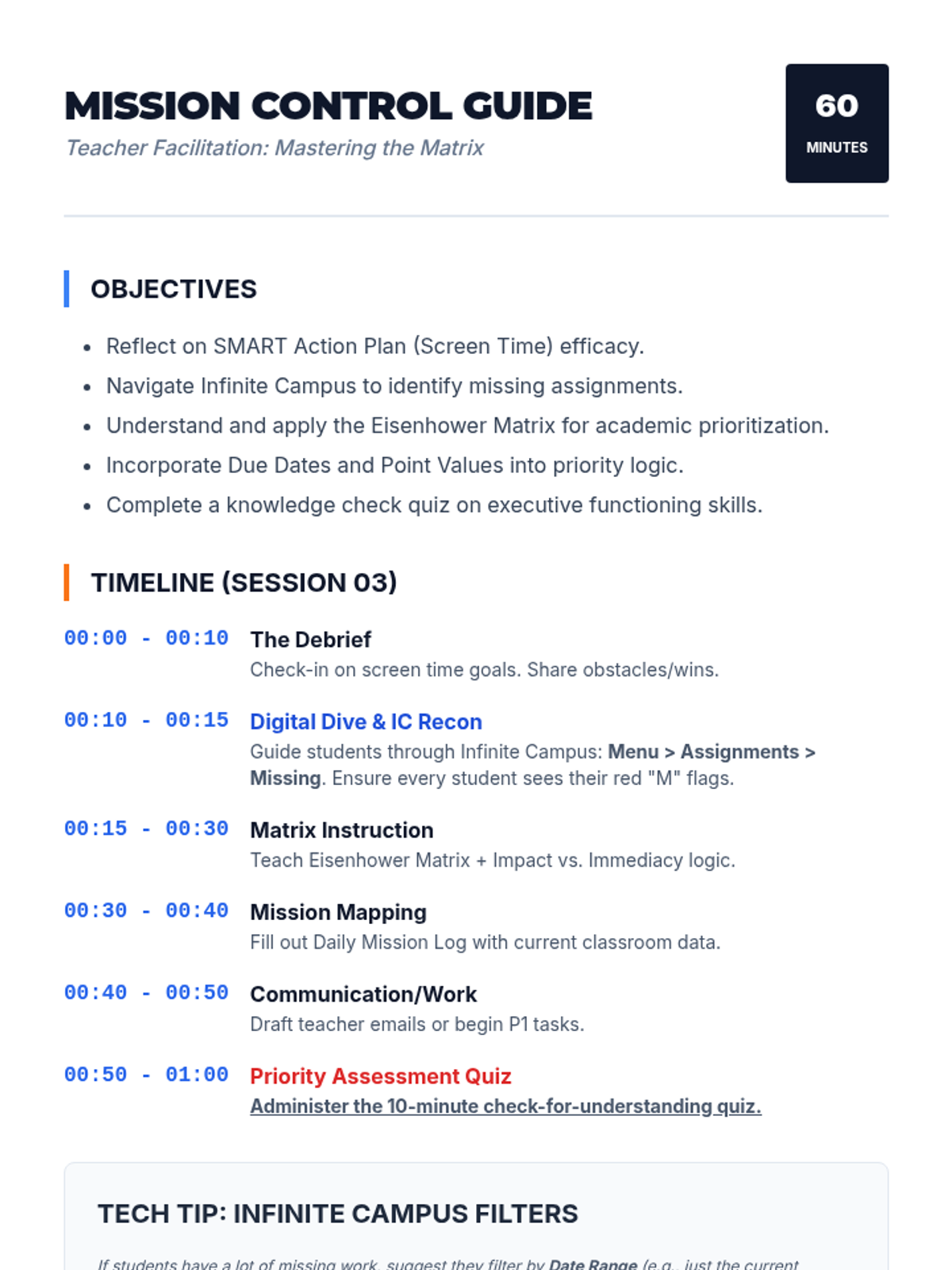
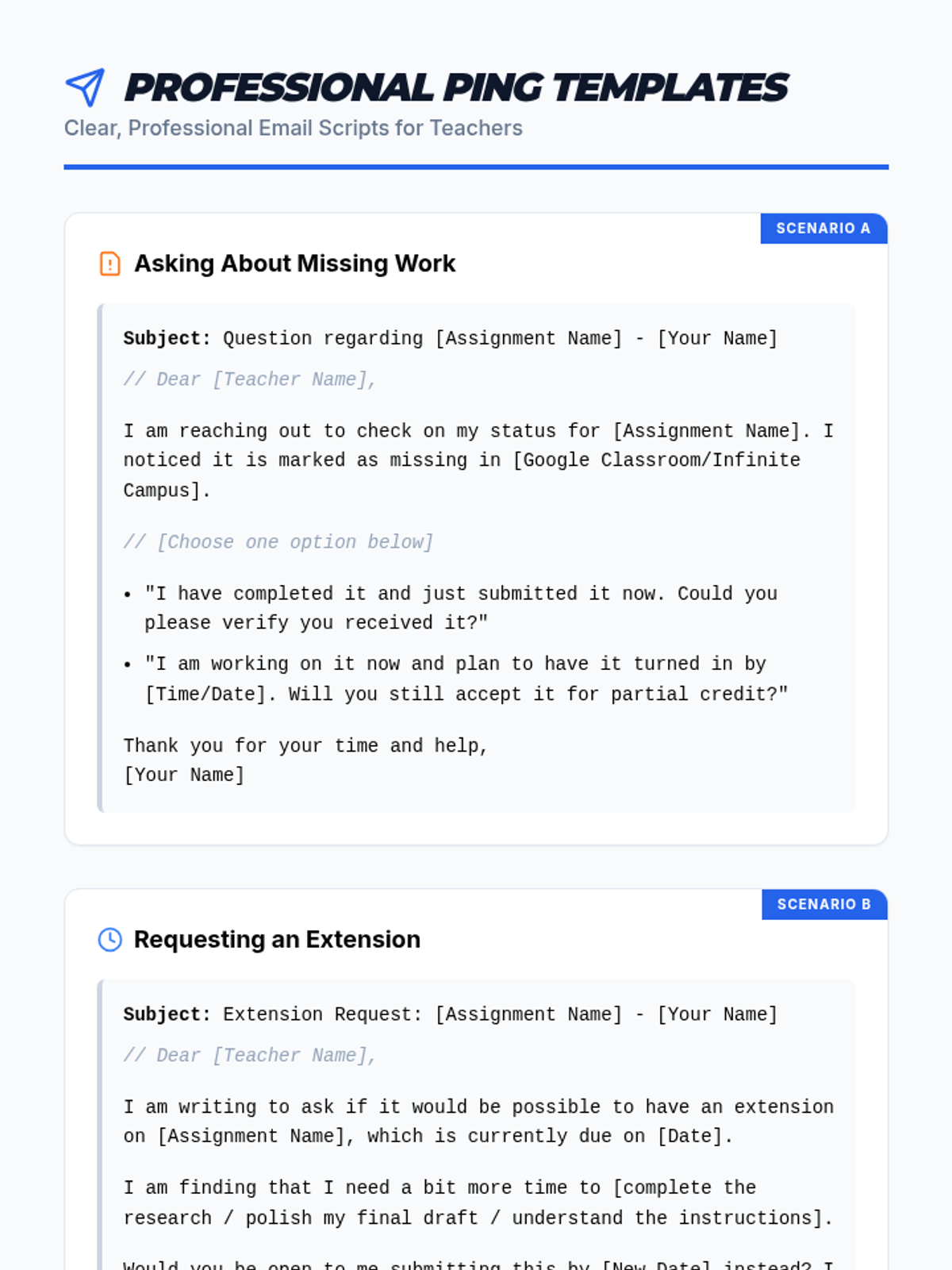
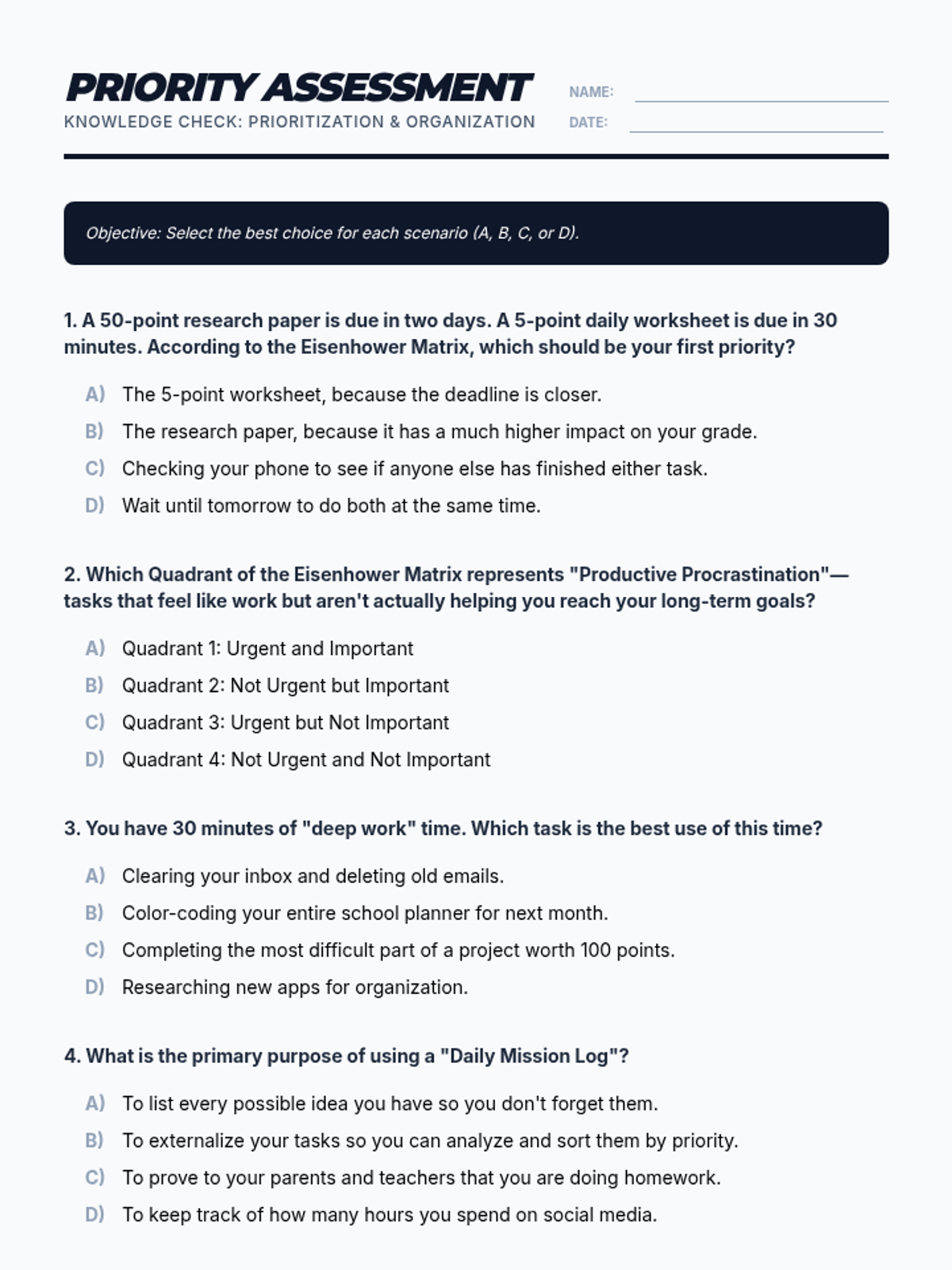
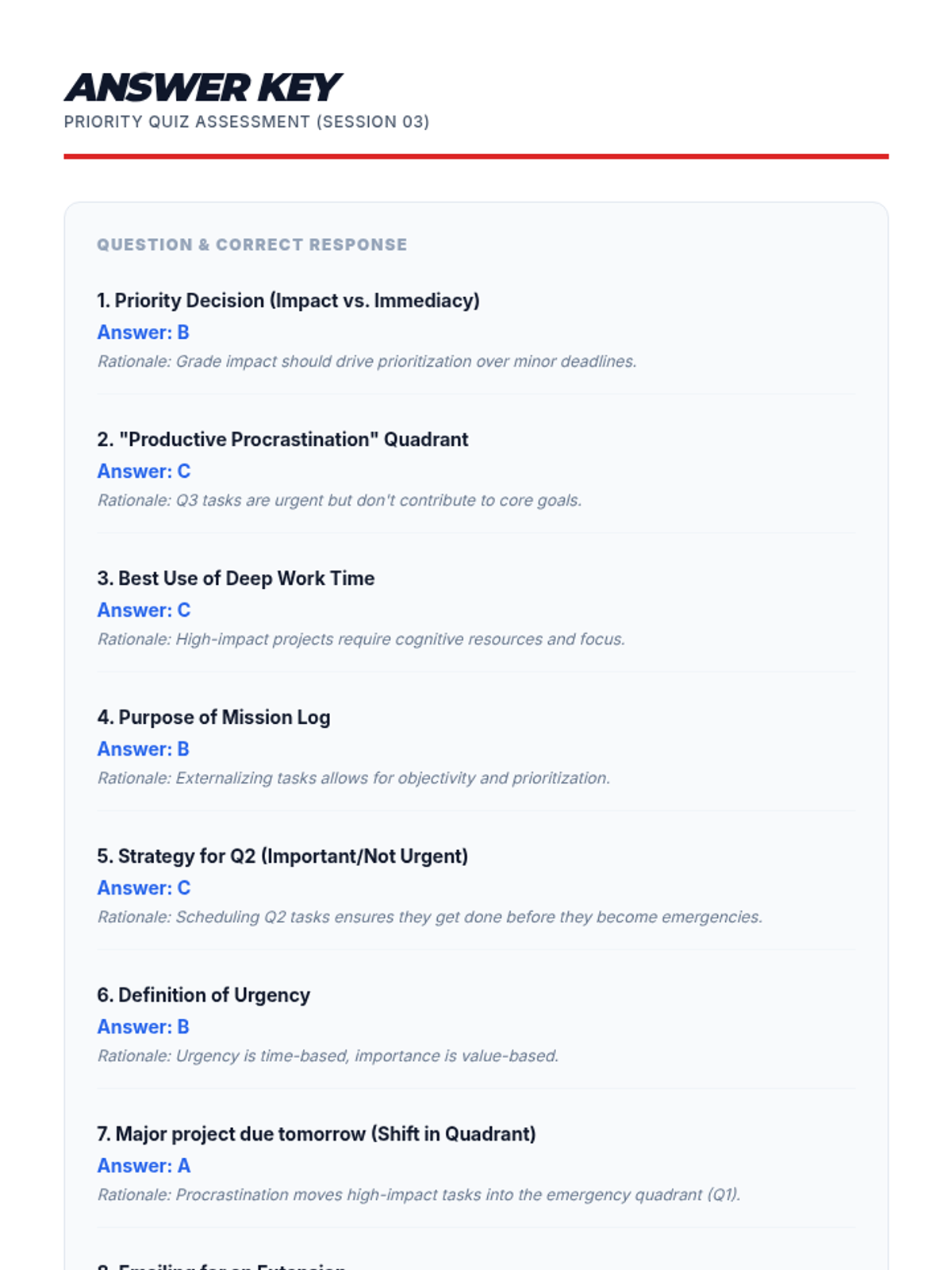
A session focused on executive functioning skills, specifically checking in on screen time goals and teaching assignment prioritization using the Eisenhower Matrix combined with due dates and point values.
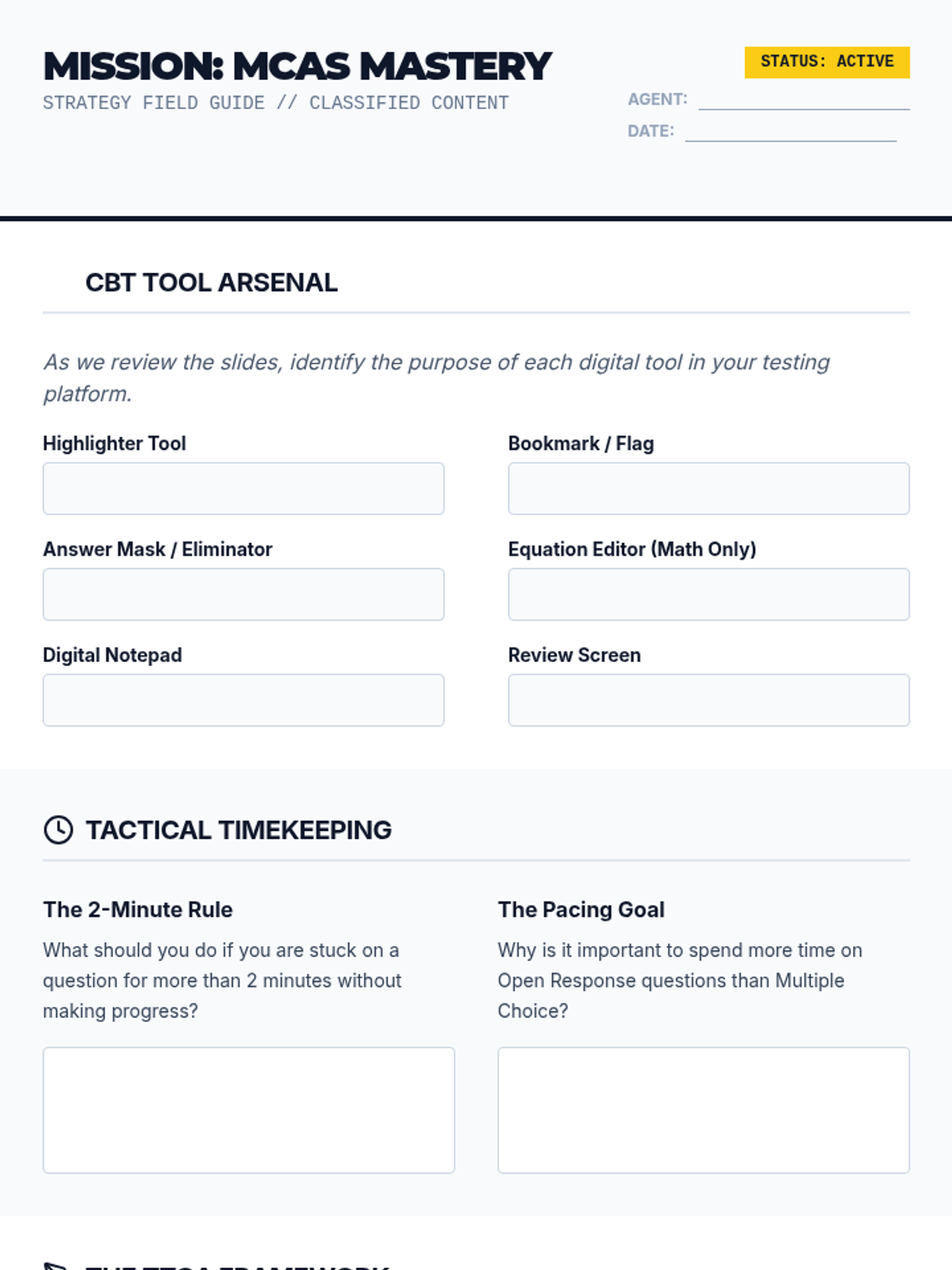
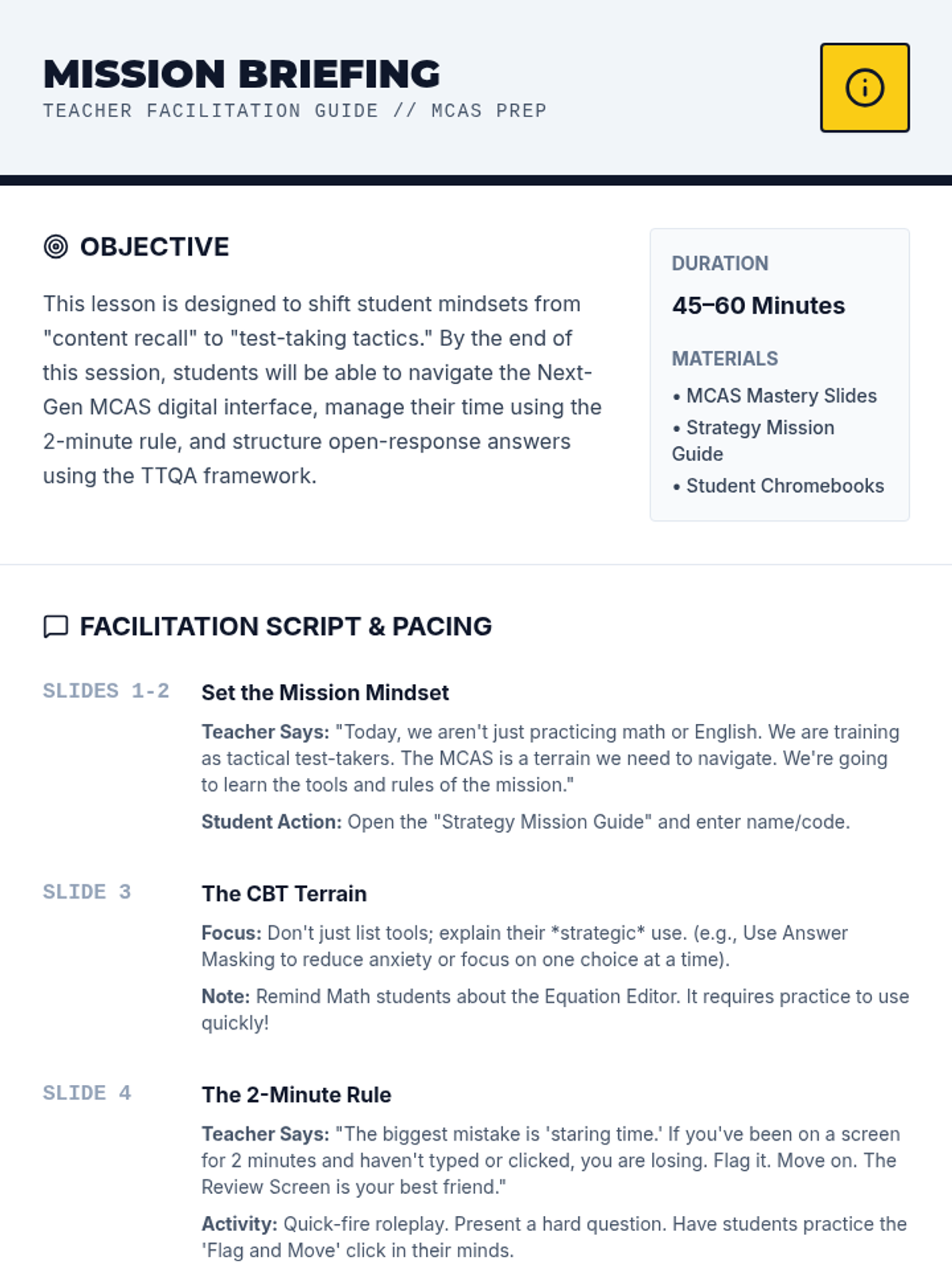
A comprehensive test preparation lesson designed to equip students with tactical strategies for the Next Generation MCAS. This lesson covers computer-based testing tools, time management techniques, and a structured approach to high-scoring open response questions.
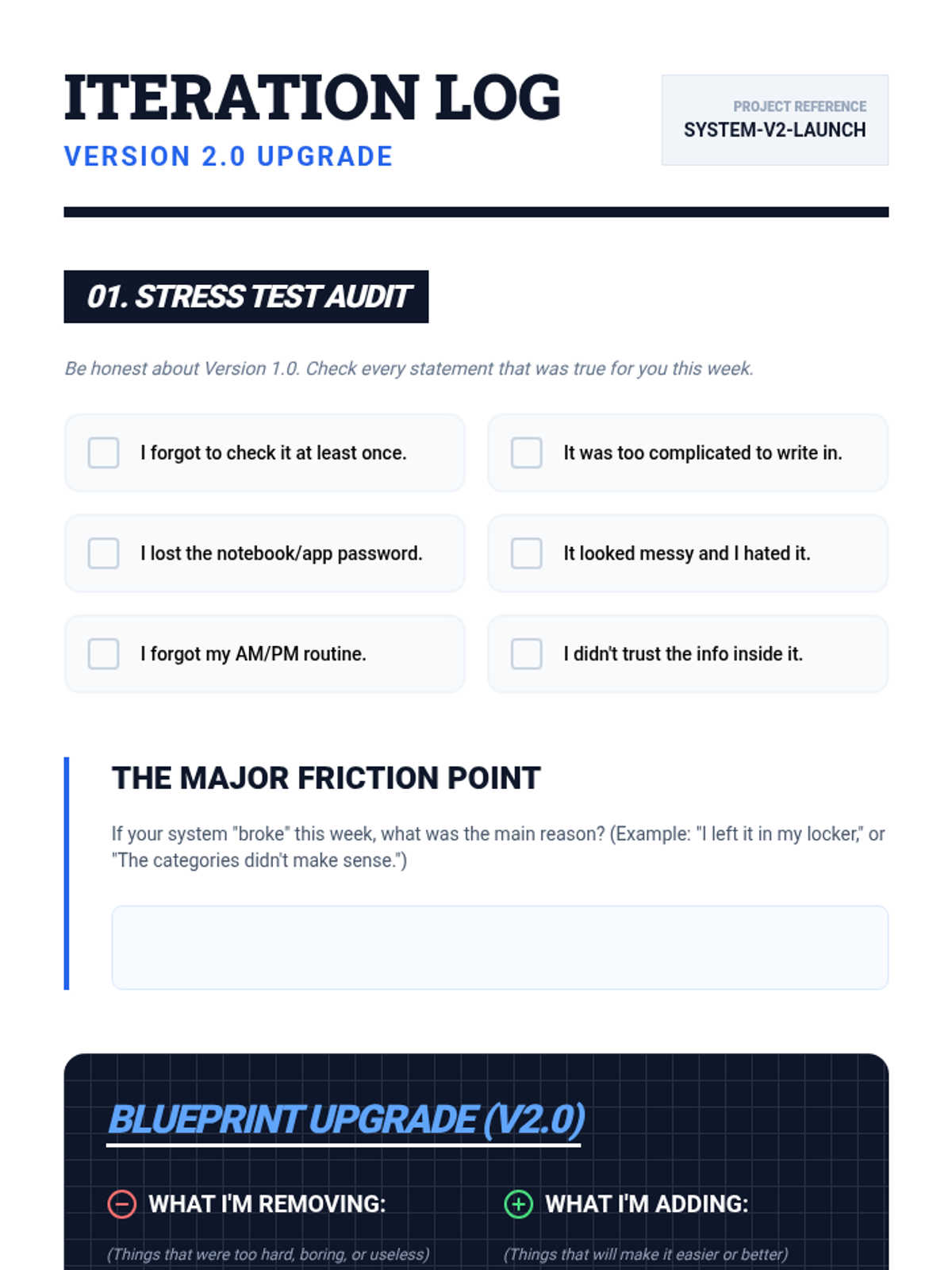
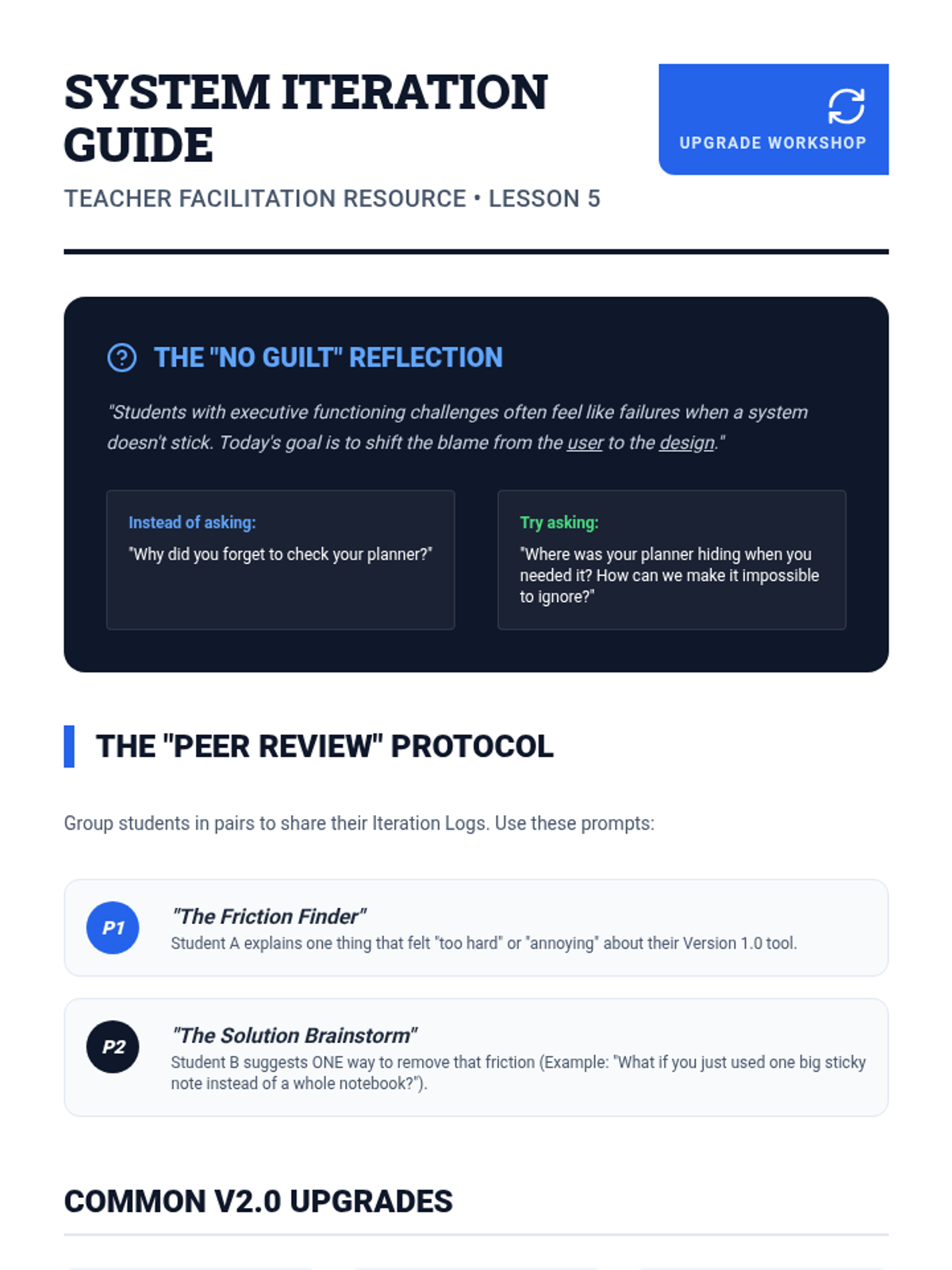
Students evaluate the effectiveness of their systems after initial use, troubleshooting obstacles and iterating on their designs for better long-term adherence.
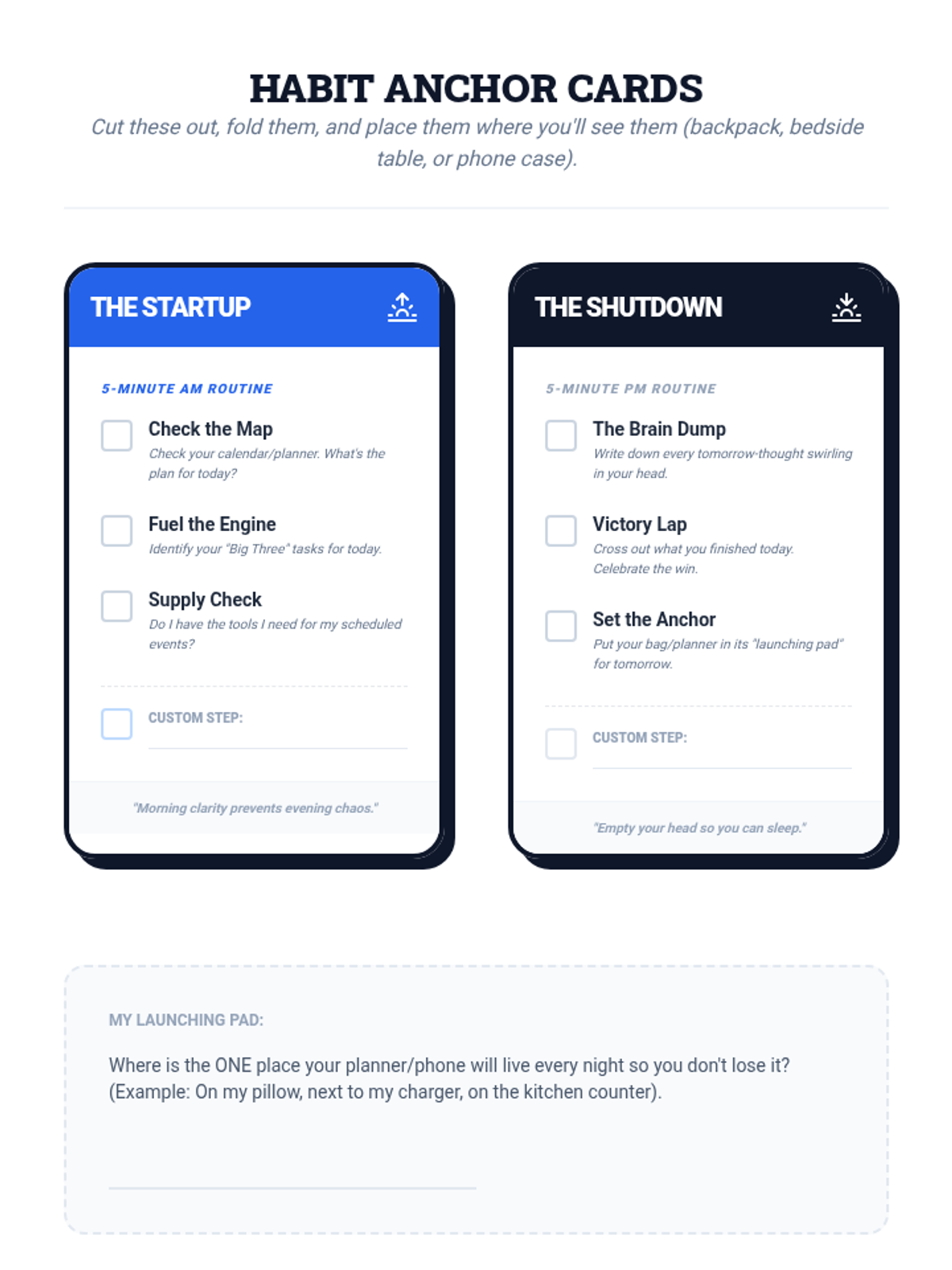
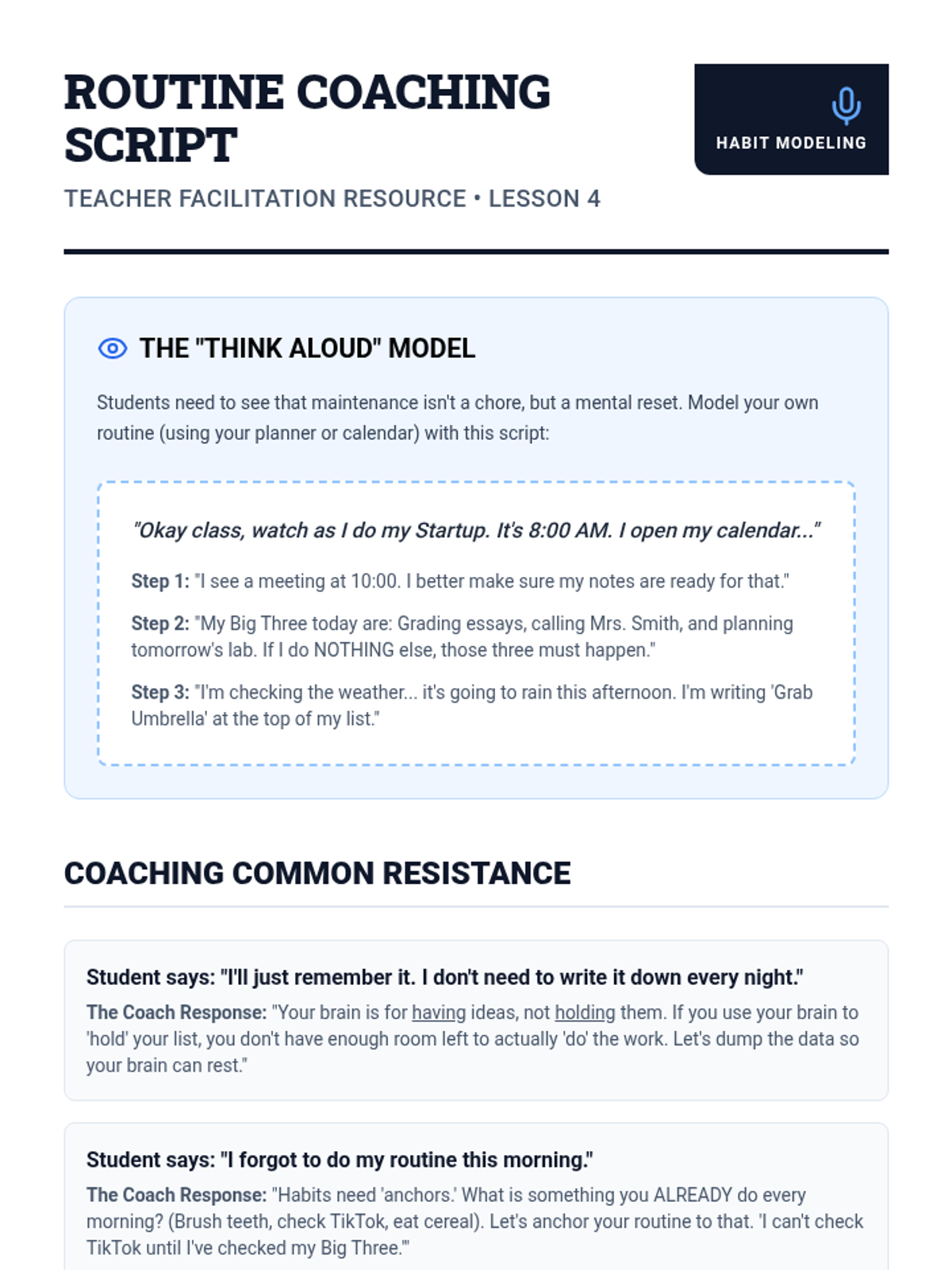
Students develop startup and shutdown routines to ensure their organizational tools stay functional and integrated into their daily lives.
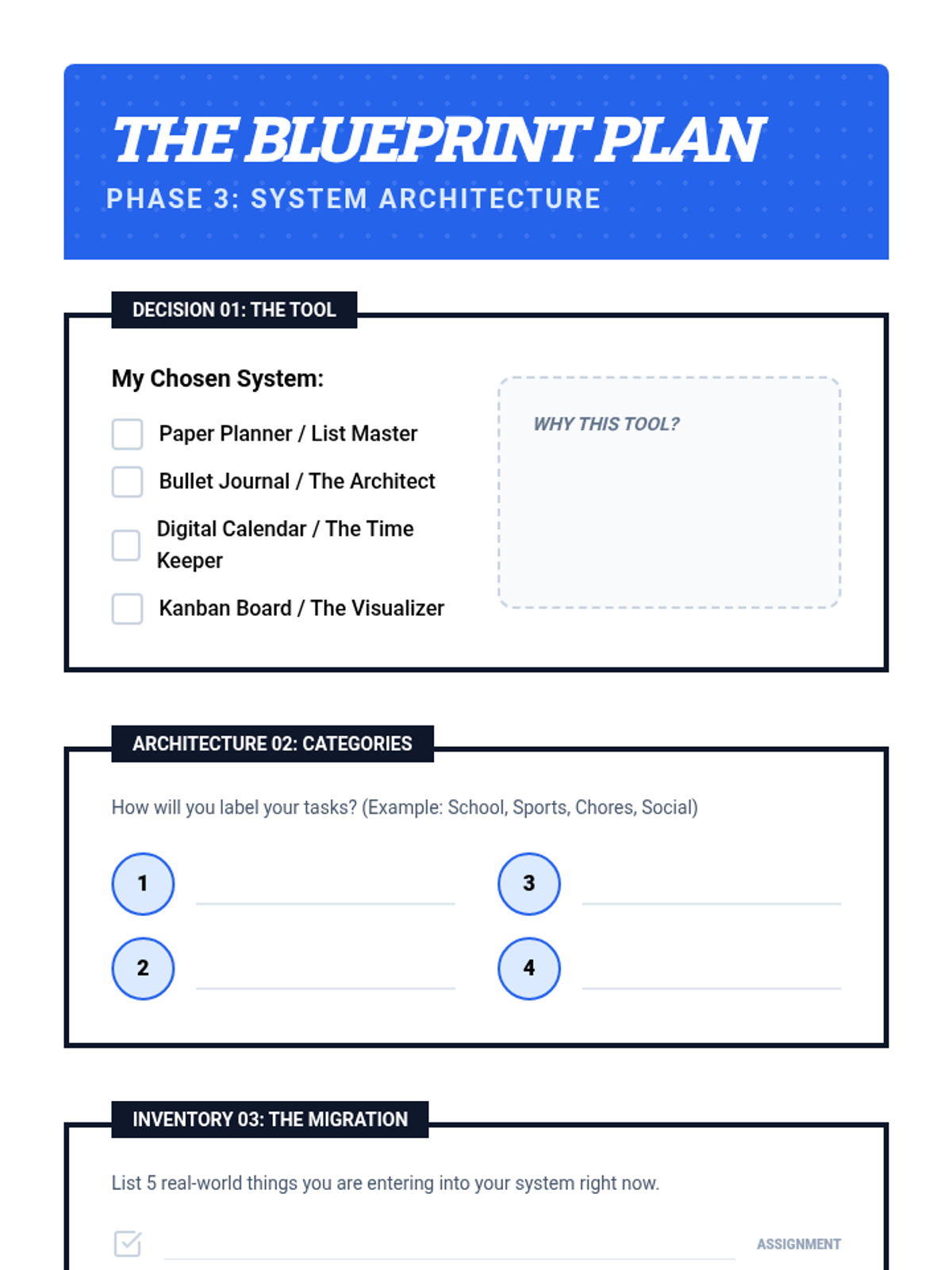
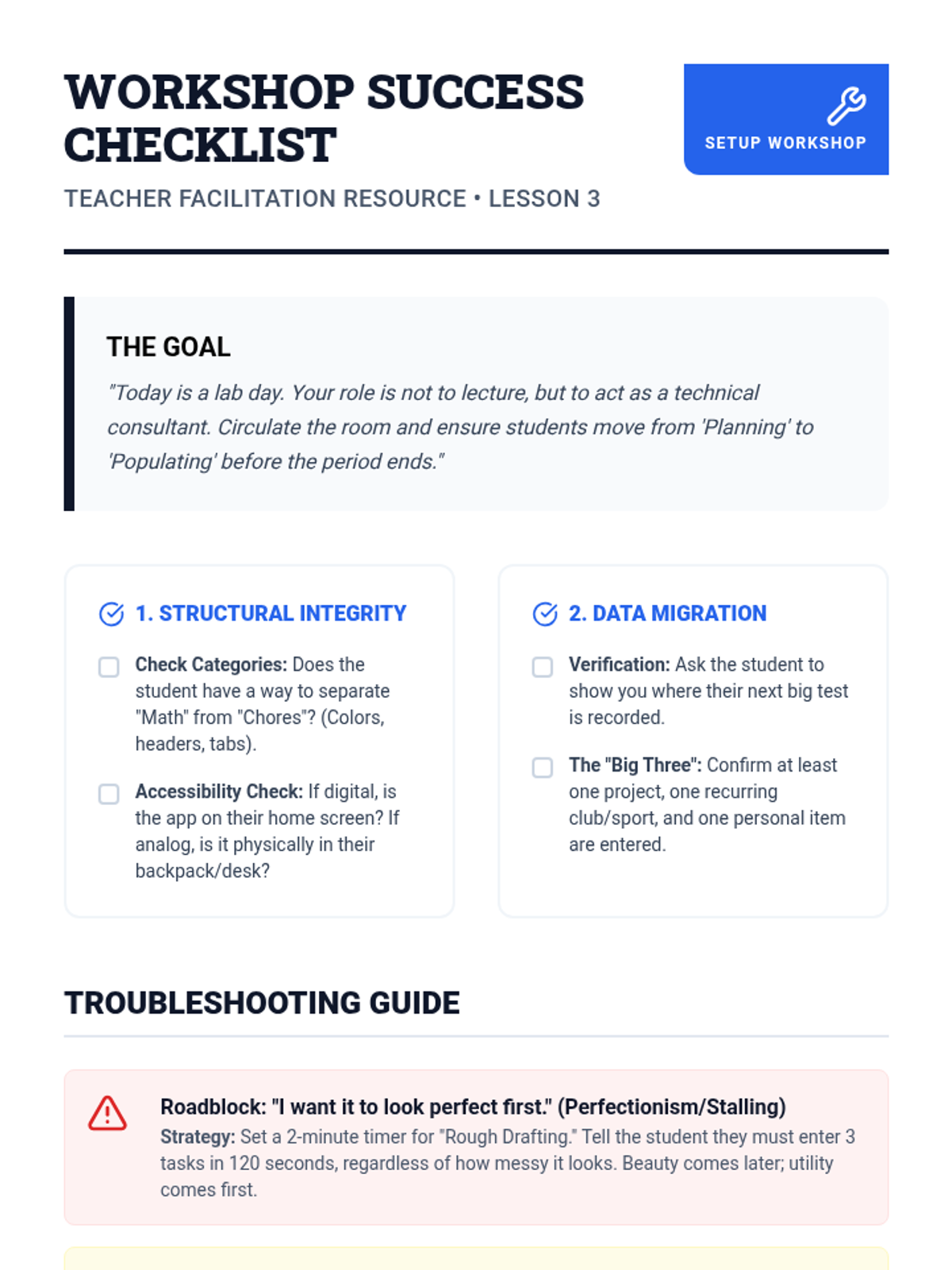
A hands-on workshop where students select their preferred tool and begin the physical or digital setup using real-world assignments and commitments.
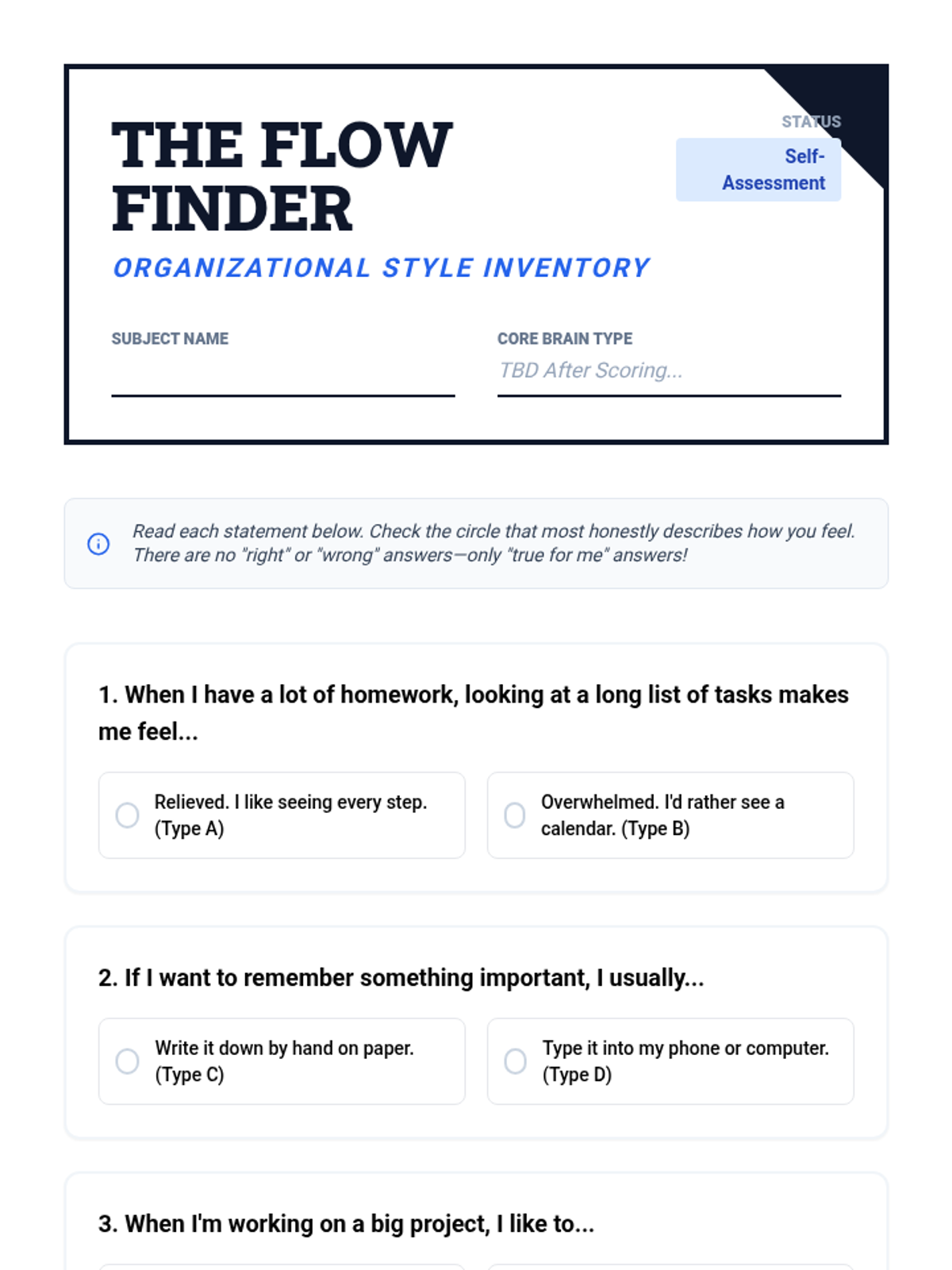
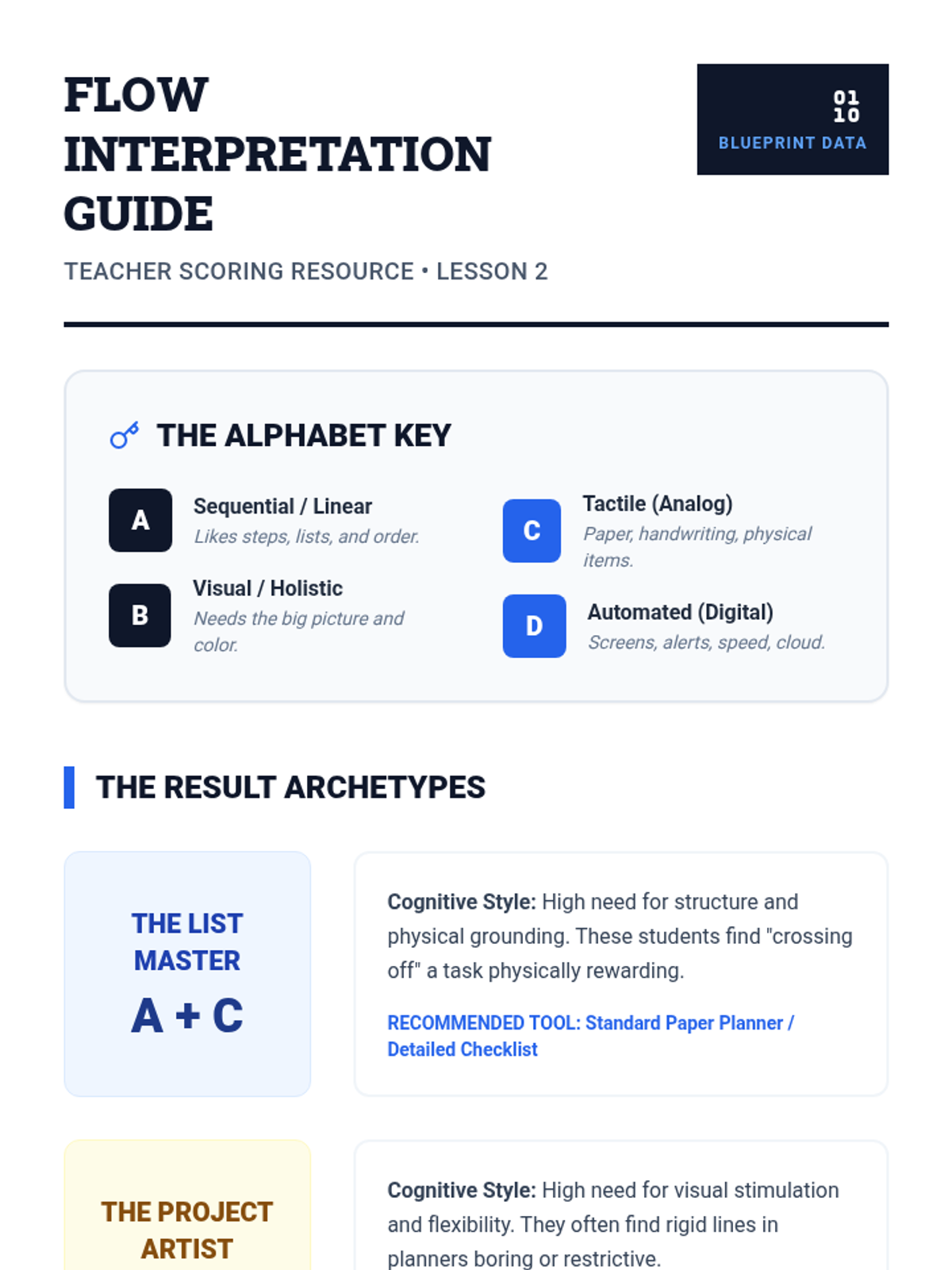
Students assess their own cognitive and learning styles to determine which organizational frameworks align best with their natural habits and strengths.
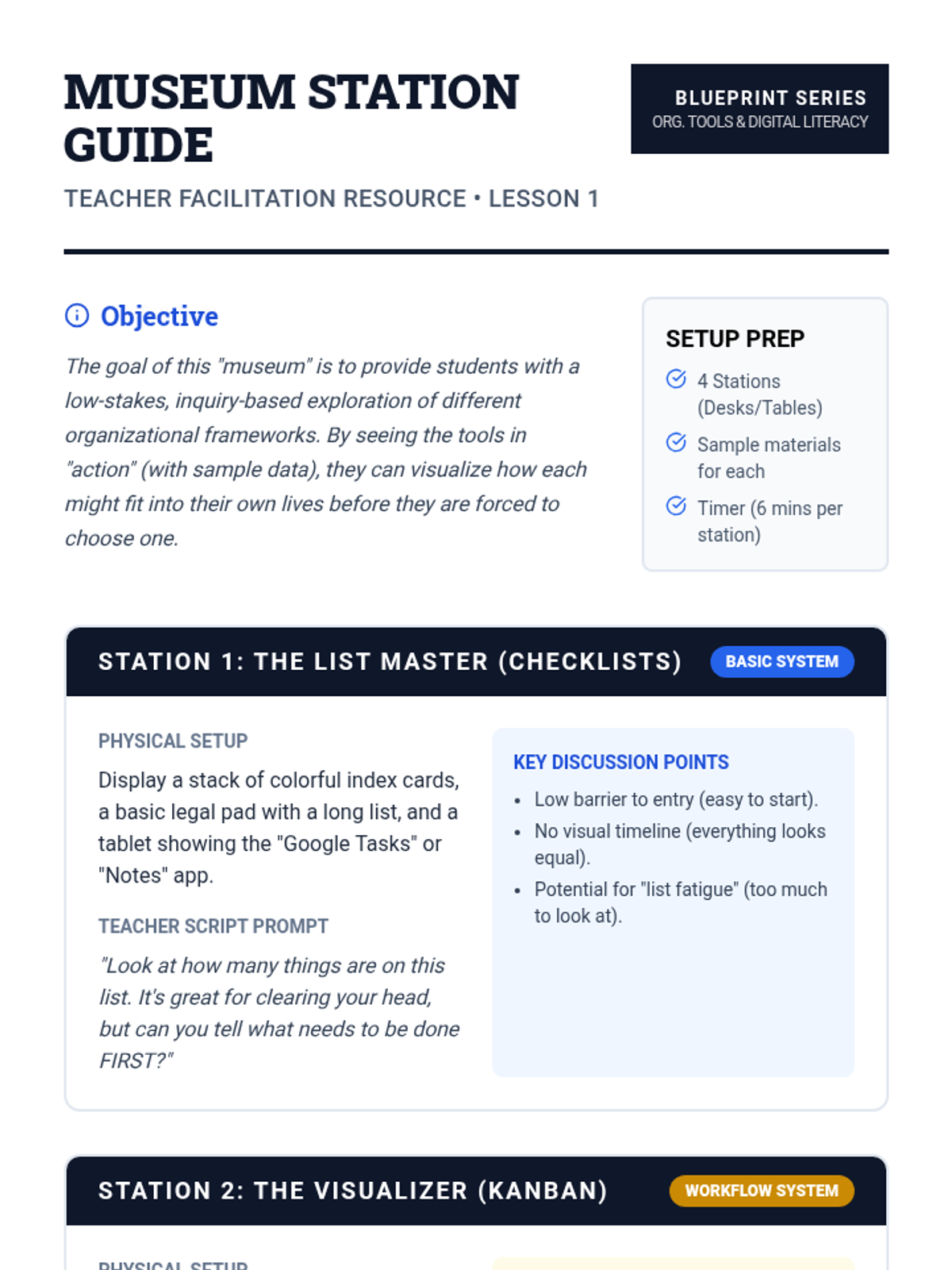
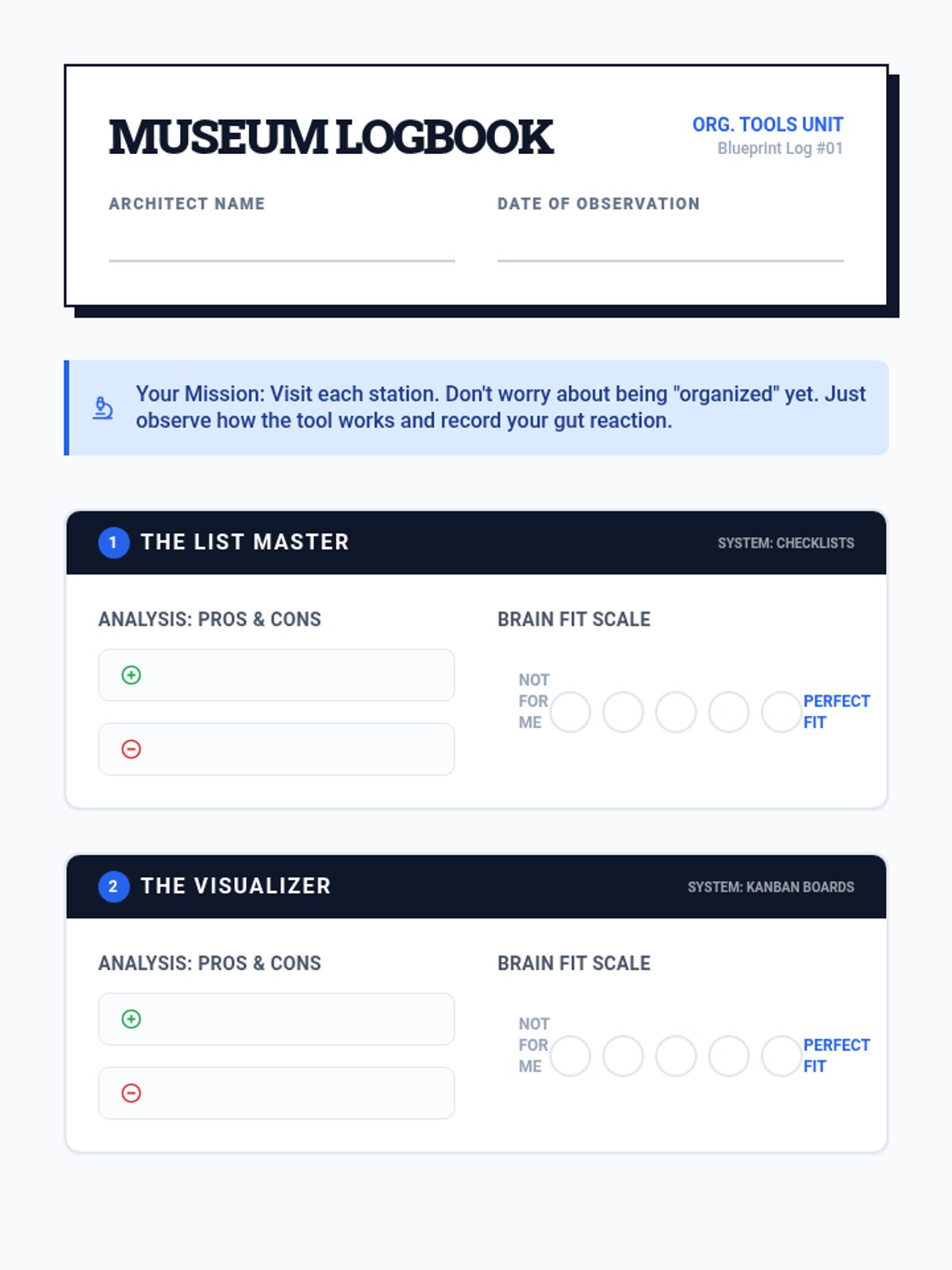
Students explore various organizational tools (Bullet journals, digital calendars, Kanban boards, checklists) through an 'inquiry museum' to analyze pros and cons for their personal lives.
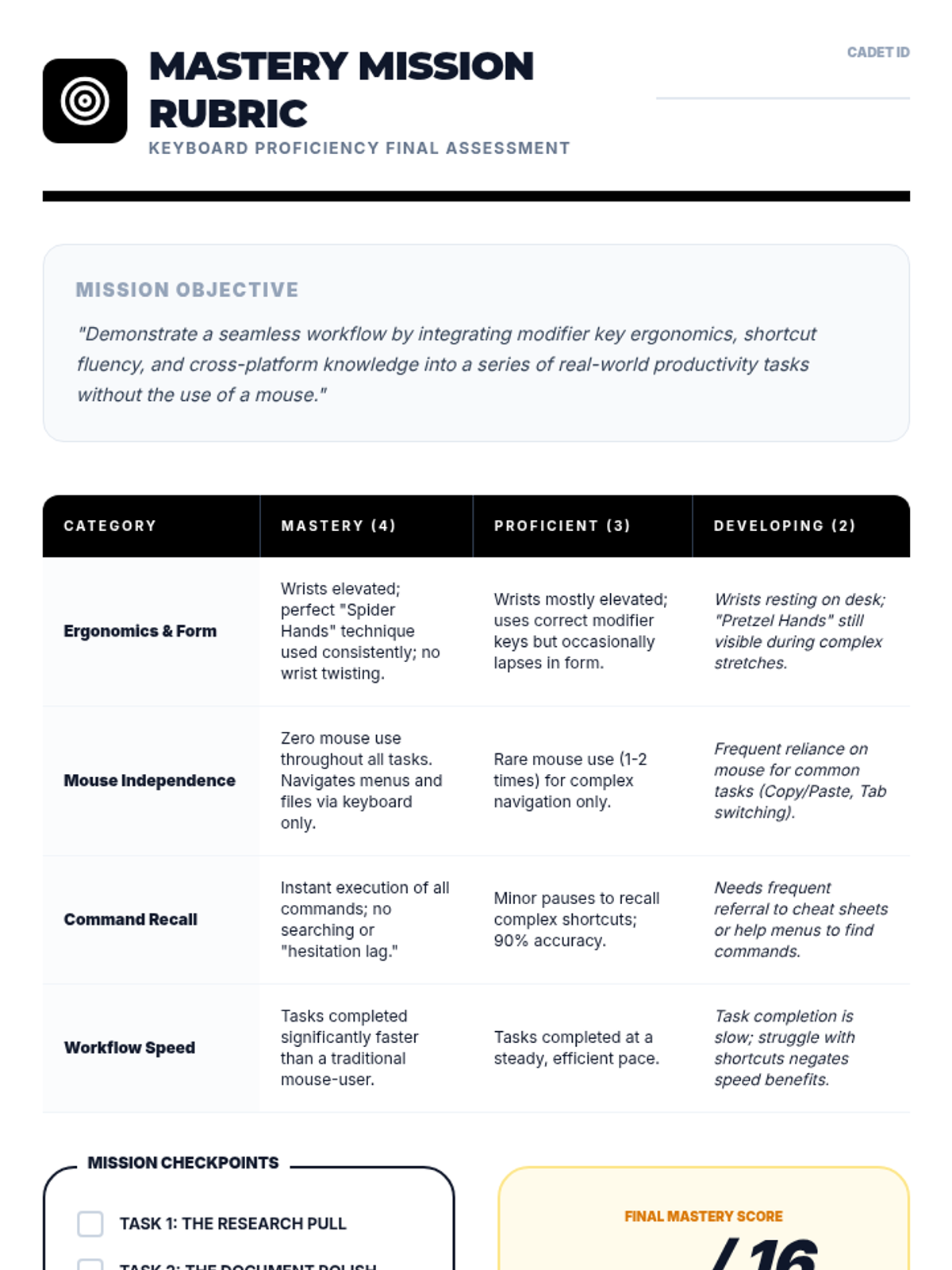
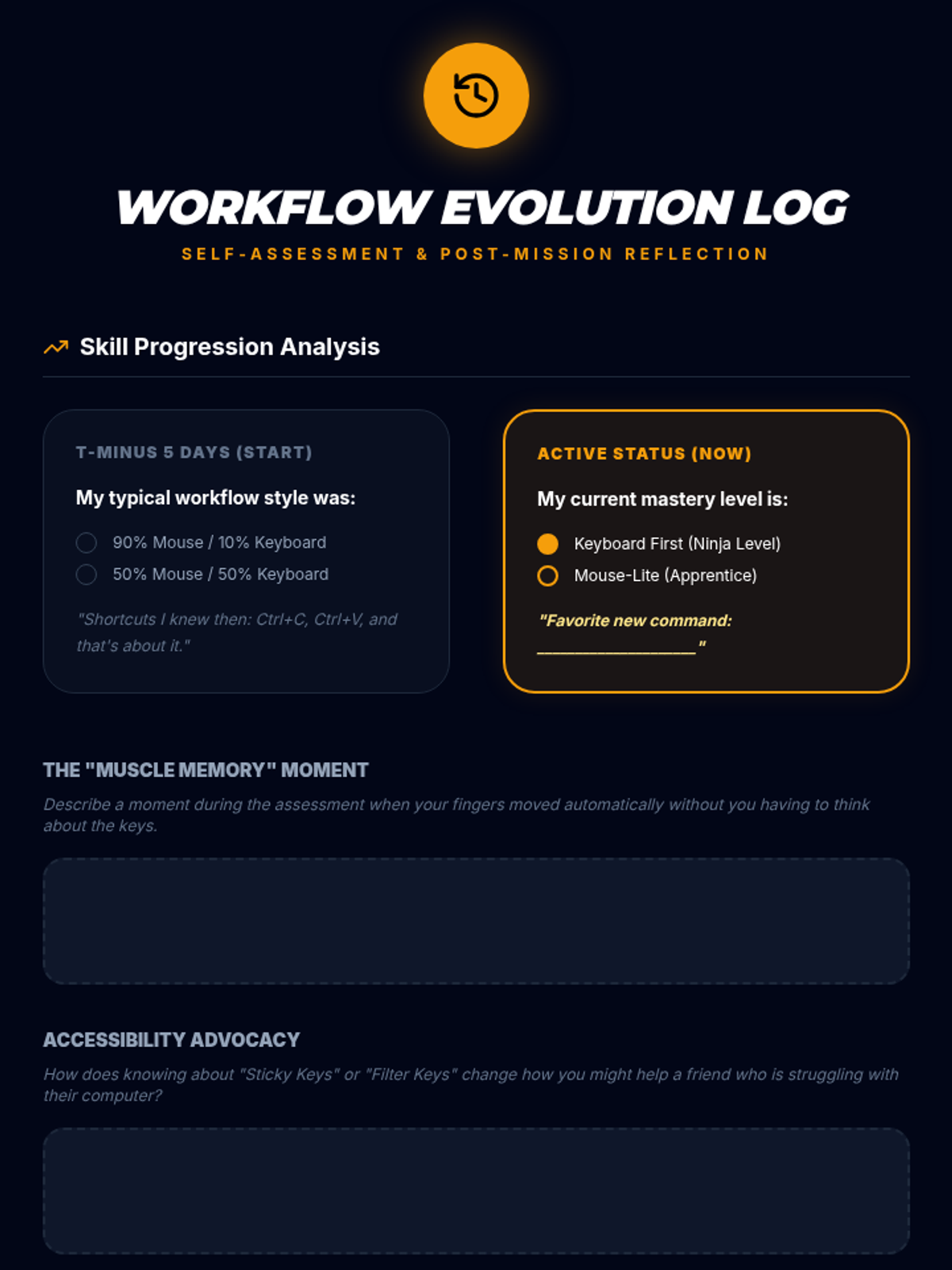
Students demonstrate their efficiency and mastery through real-world workflow tasks and self-assessment of mouse-keyboard balance.
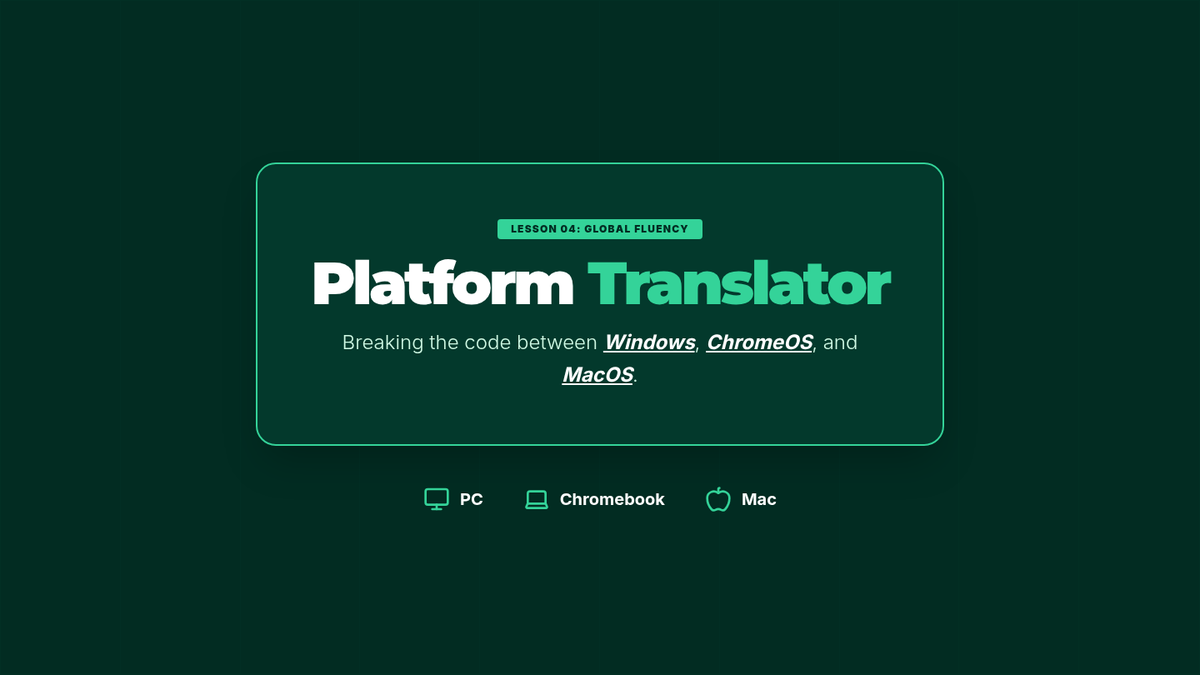
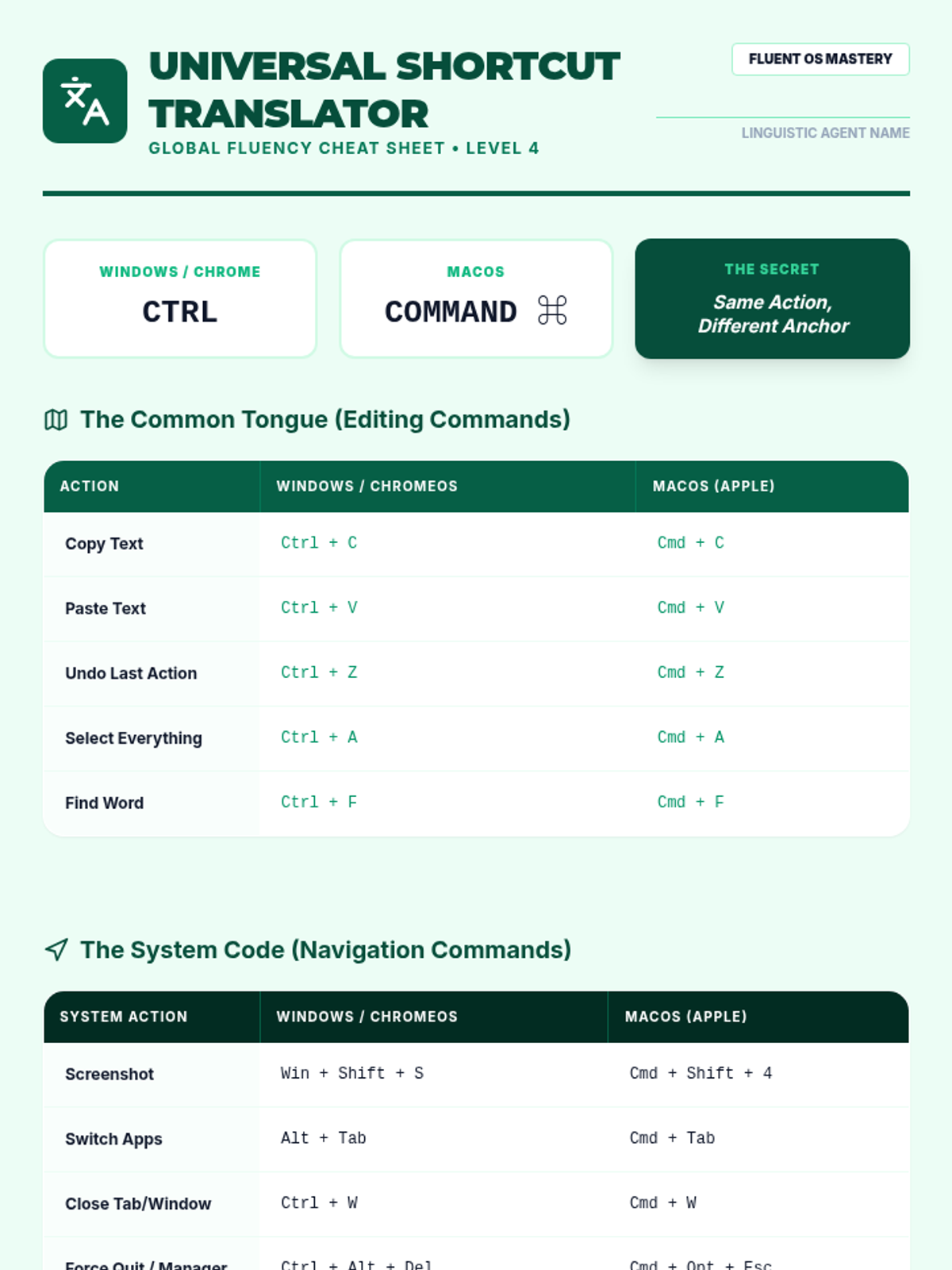
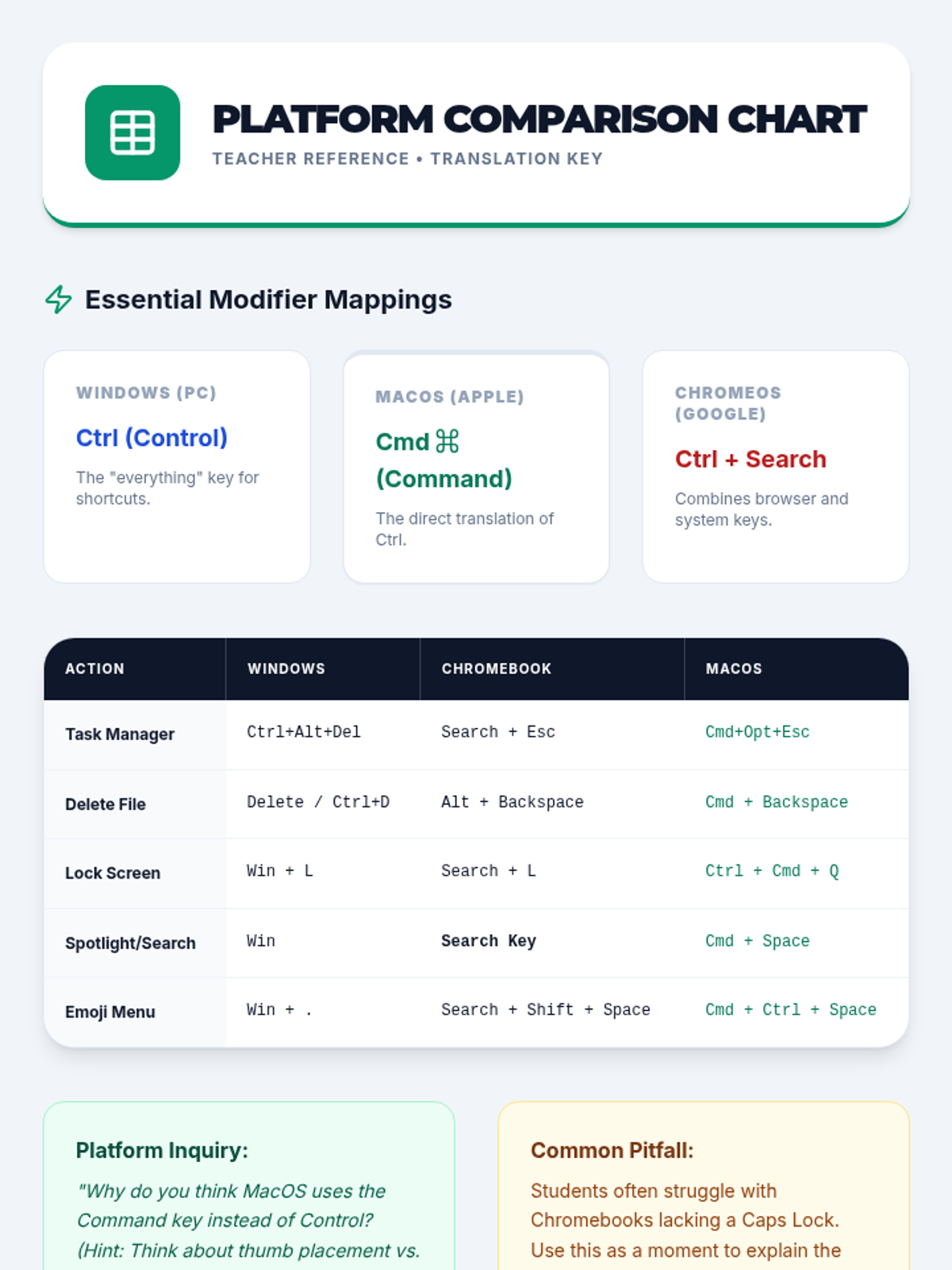
Students compare keyboard shortcuts across different operating systems (Windows, ChromeOS, macOS) and create a translation cheat sheet.
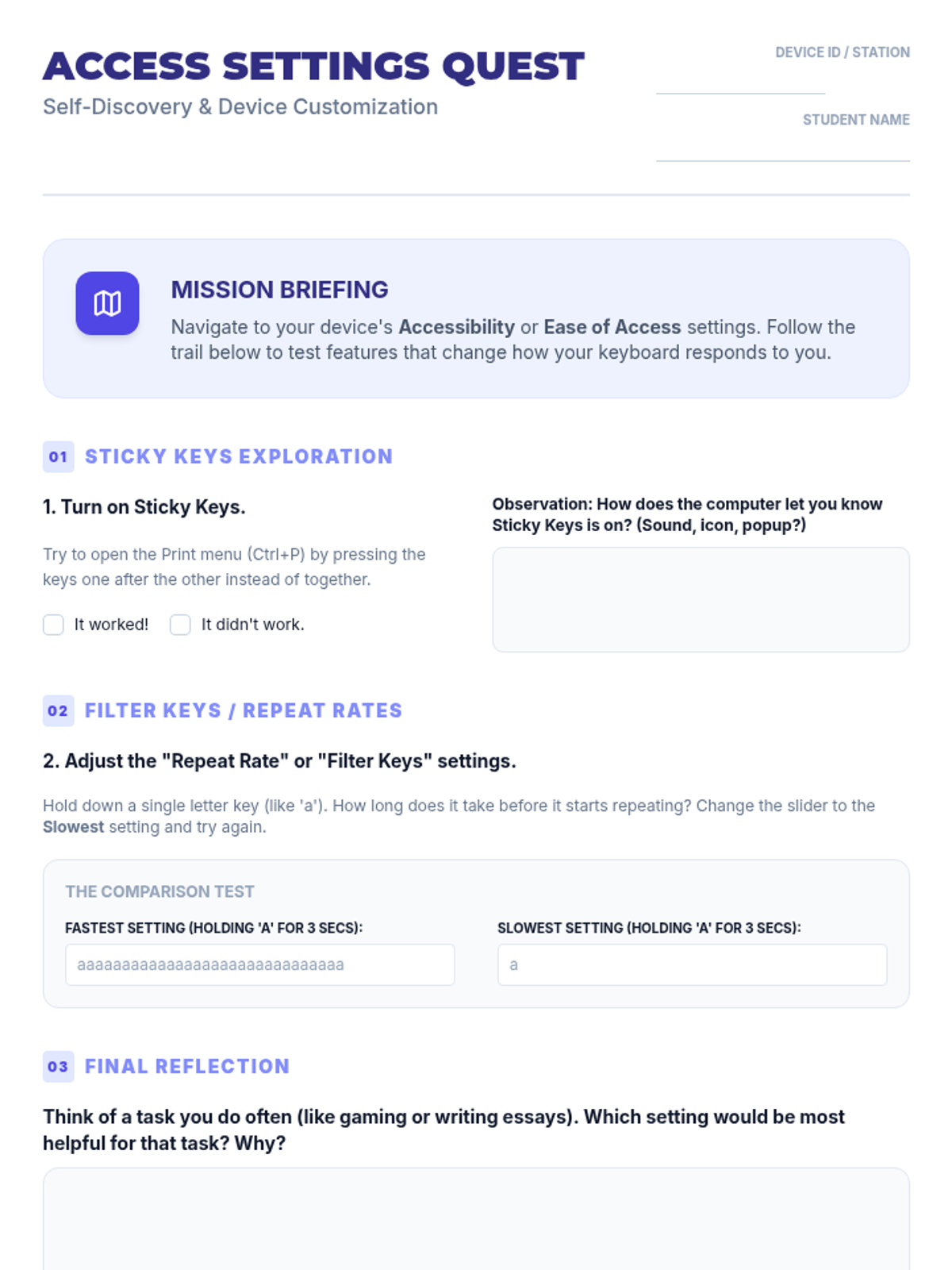
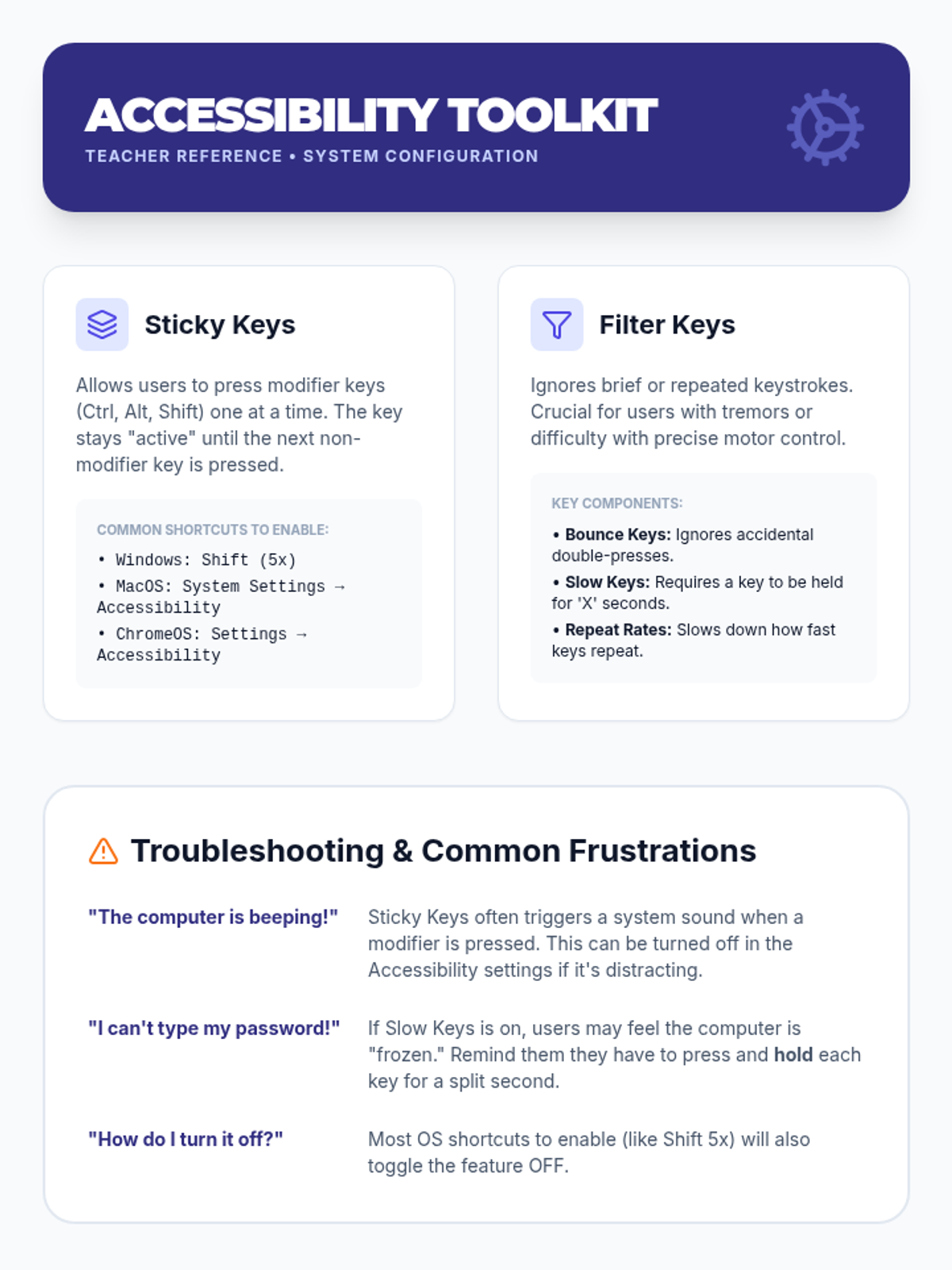
Students explore and configure accessibility settings like Sticky Keys and Filter Keys to customize the keyboard for individual needs.
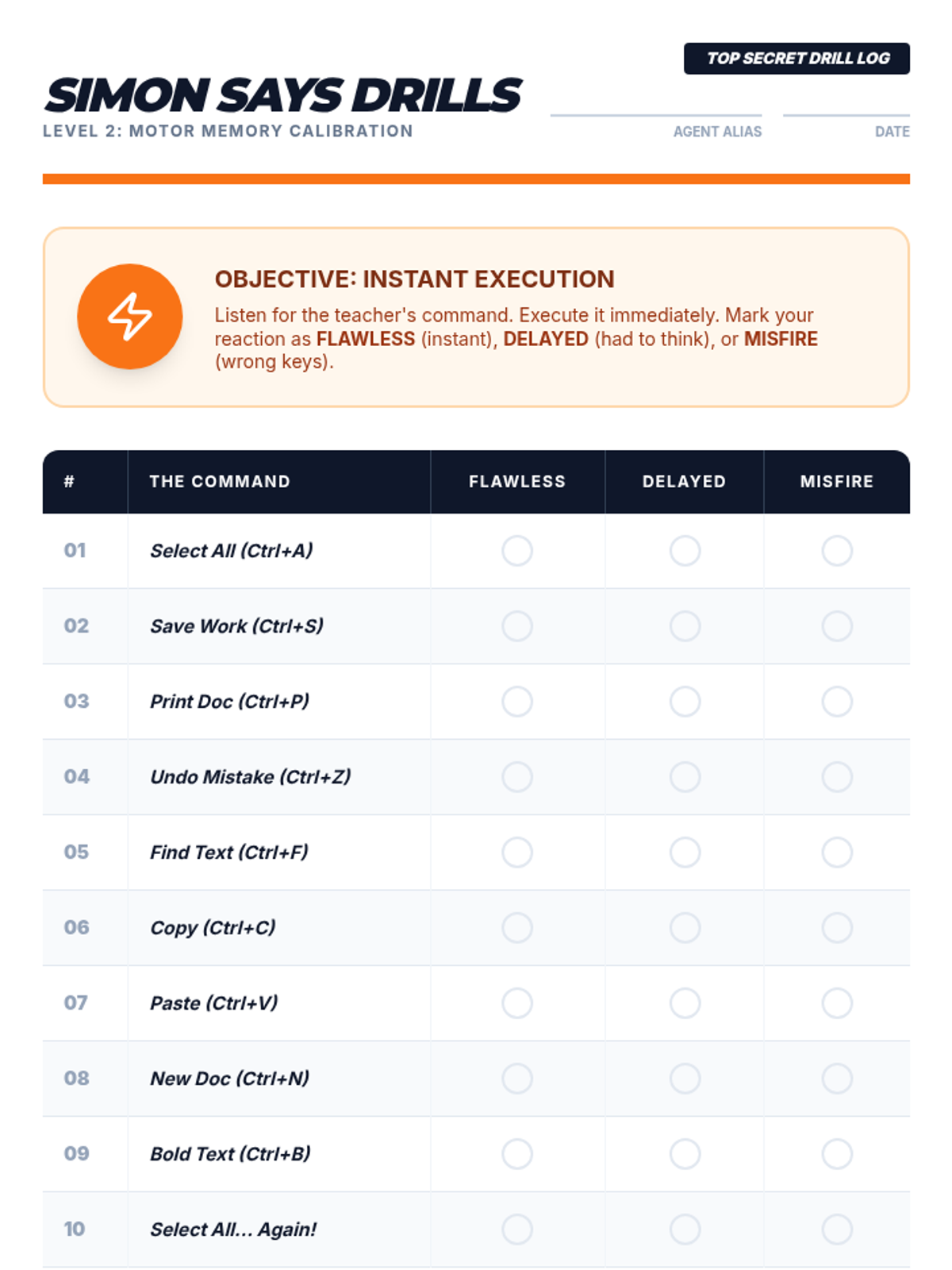
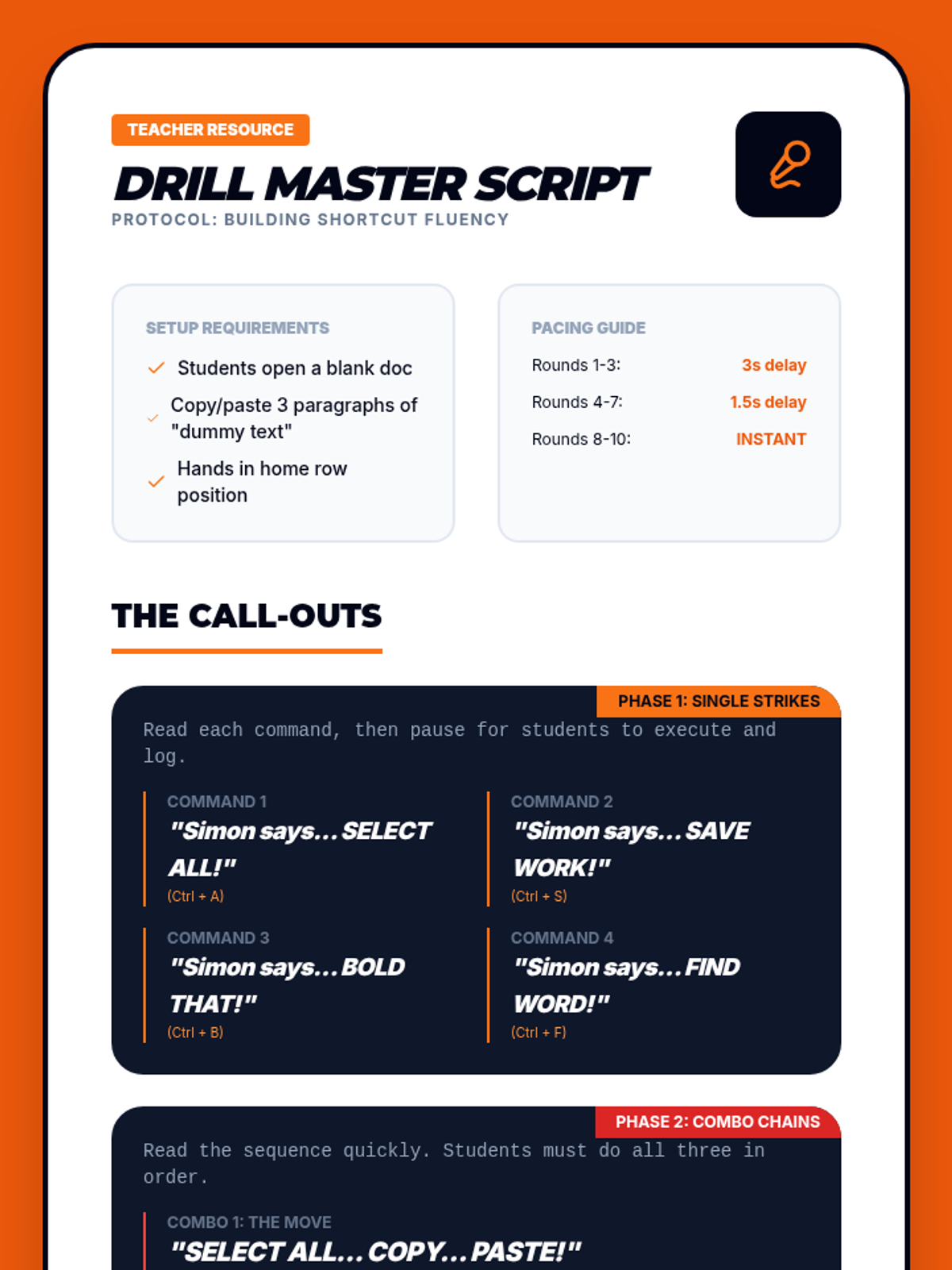
Students engage in rapid-fire drills to build motor memory and recall for common commands like Save, Print, and Select All.
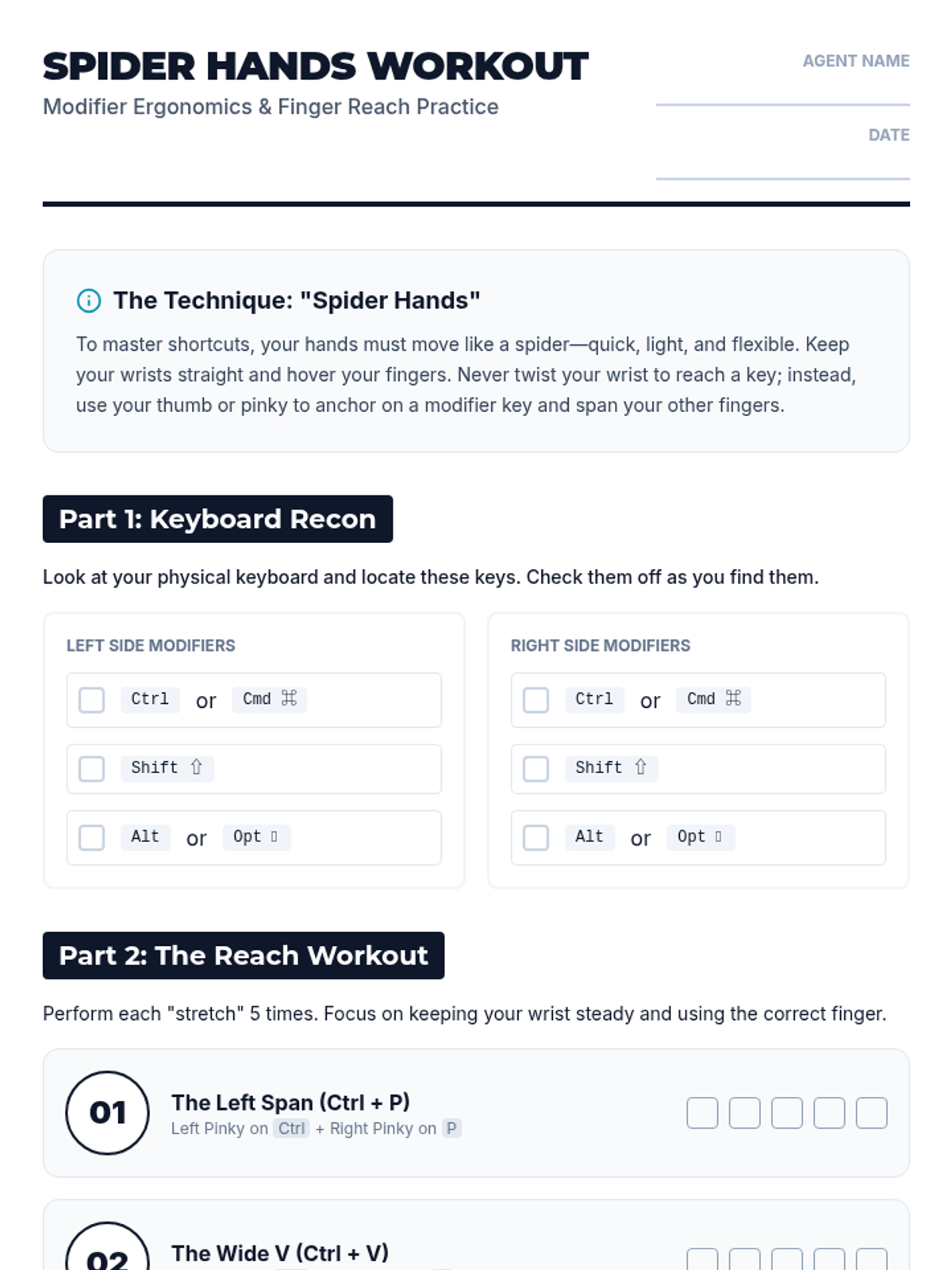
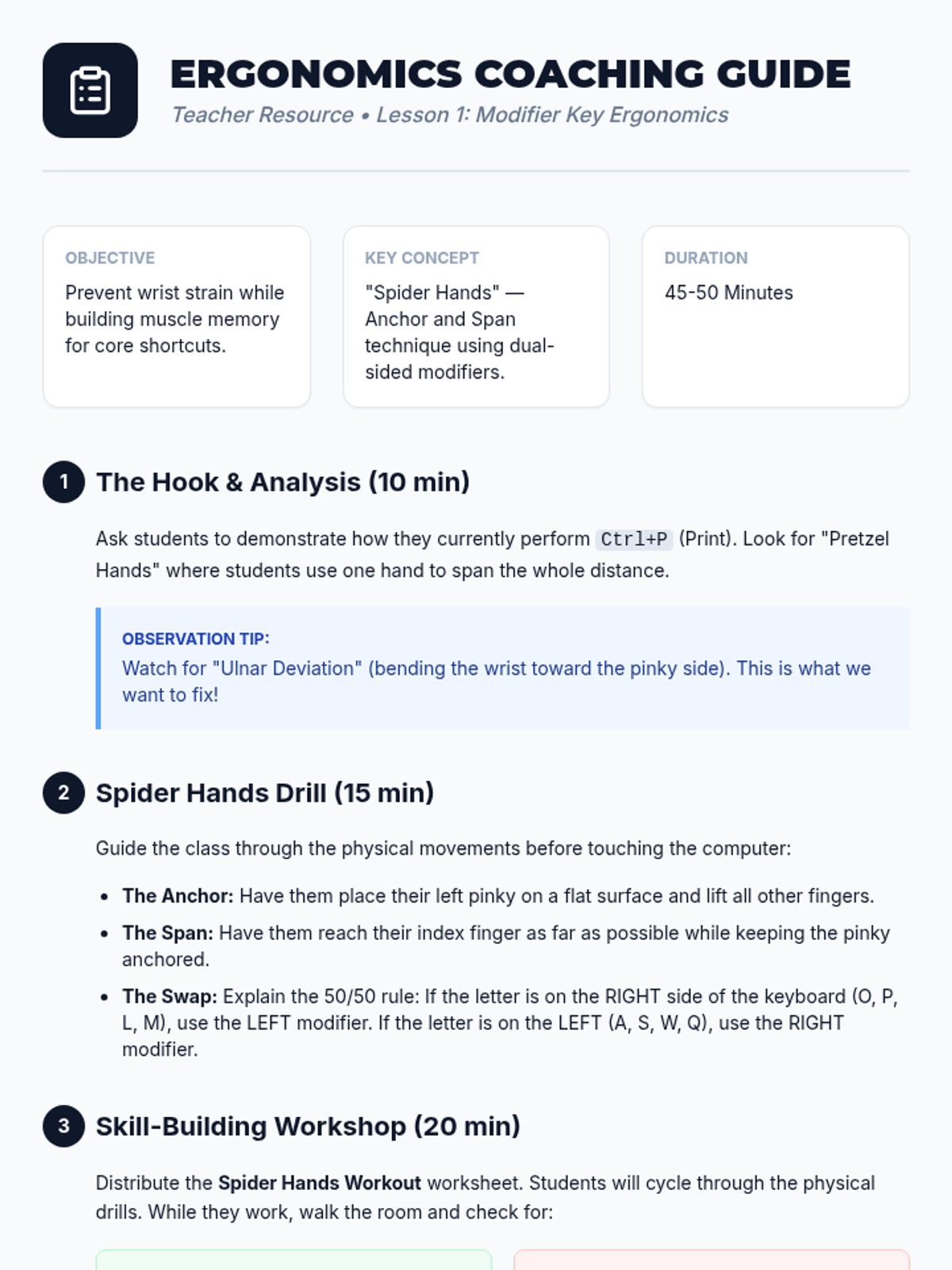
Students analyze the keyboard layout to understand the placement of modifier keys and practice 'spider hands' exercises to reach combinations comfortably.
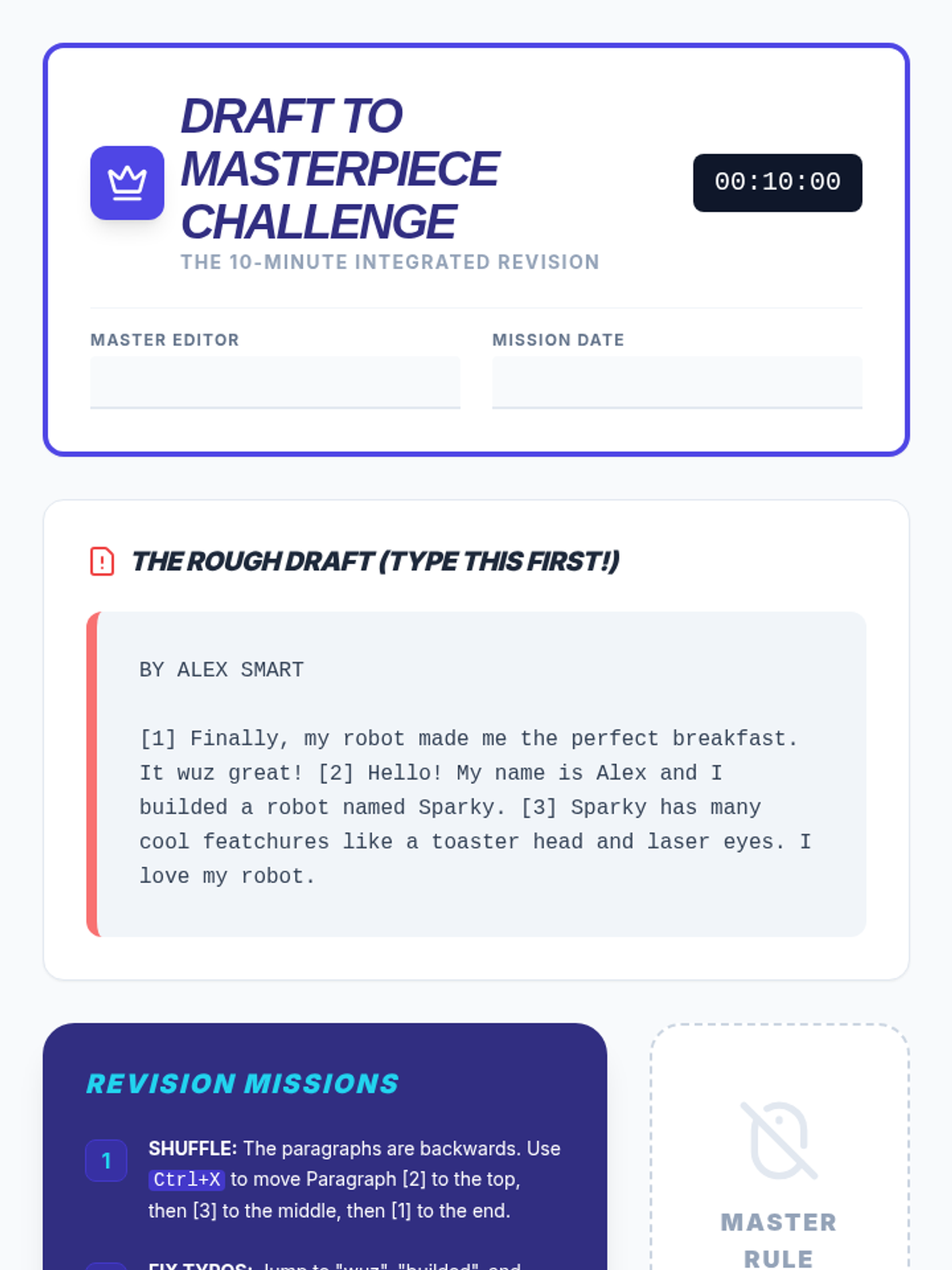
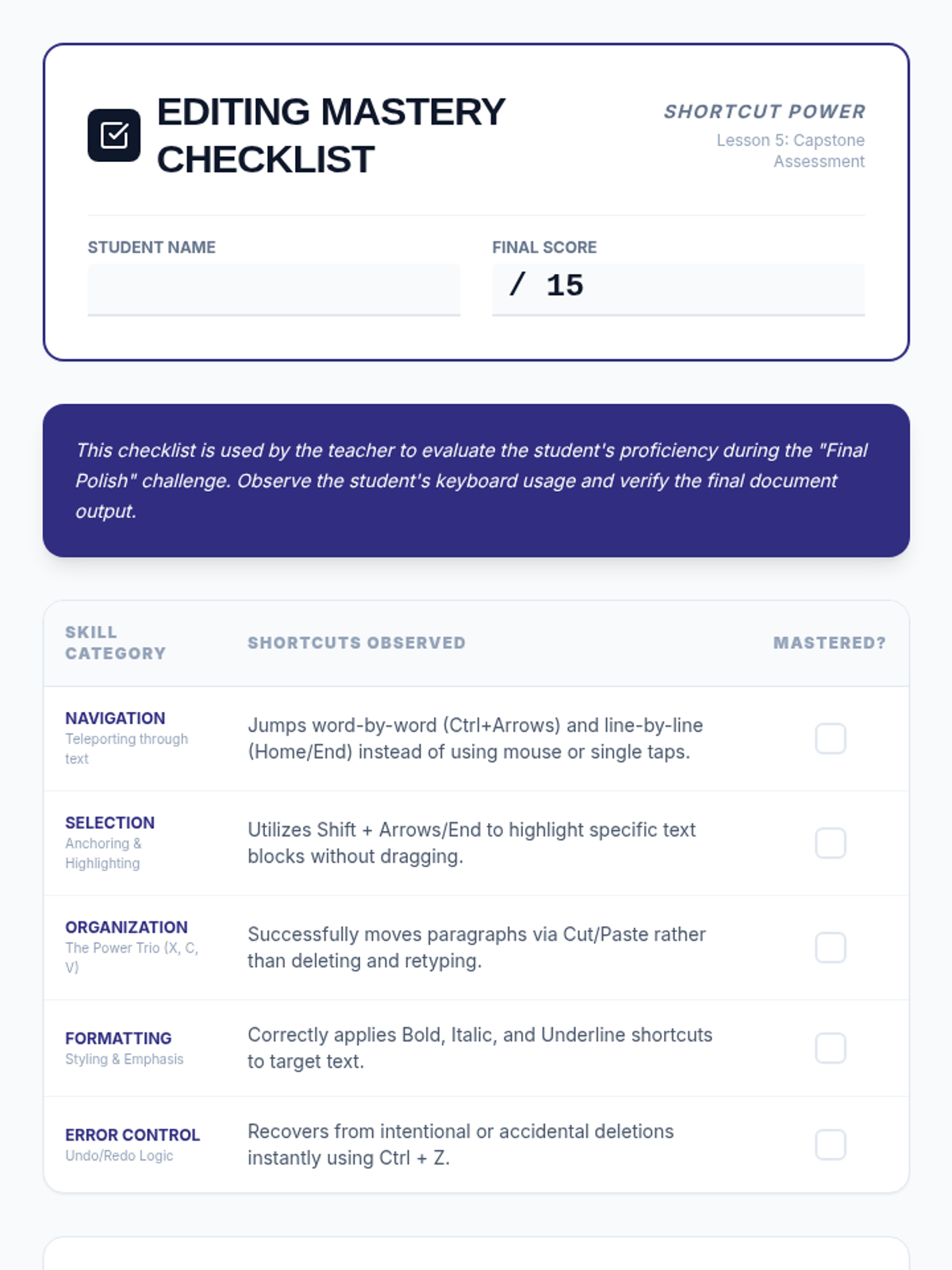
A capstone project where students apply all editing and formatting shortcuts to revise a rough draft into a polished final paper under a timed challenge.
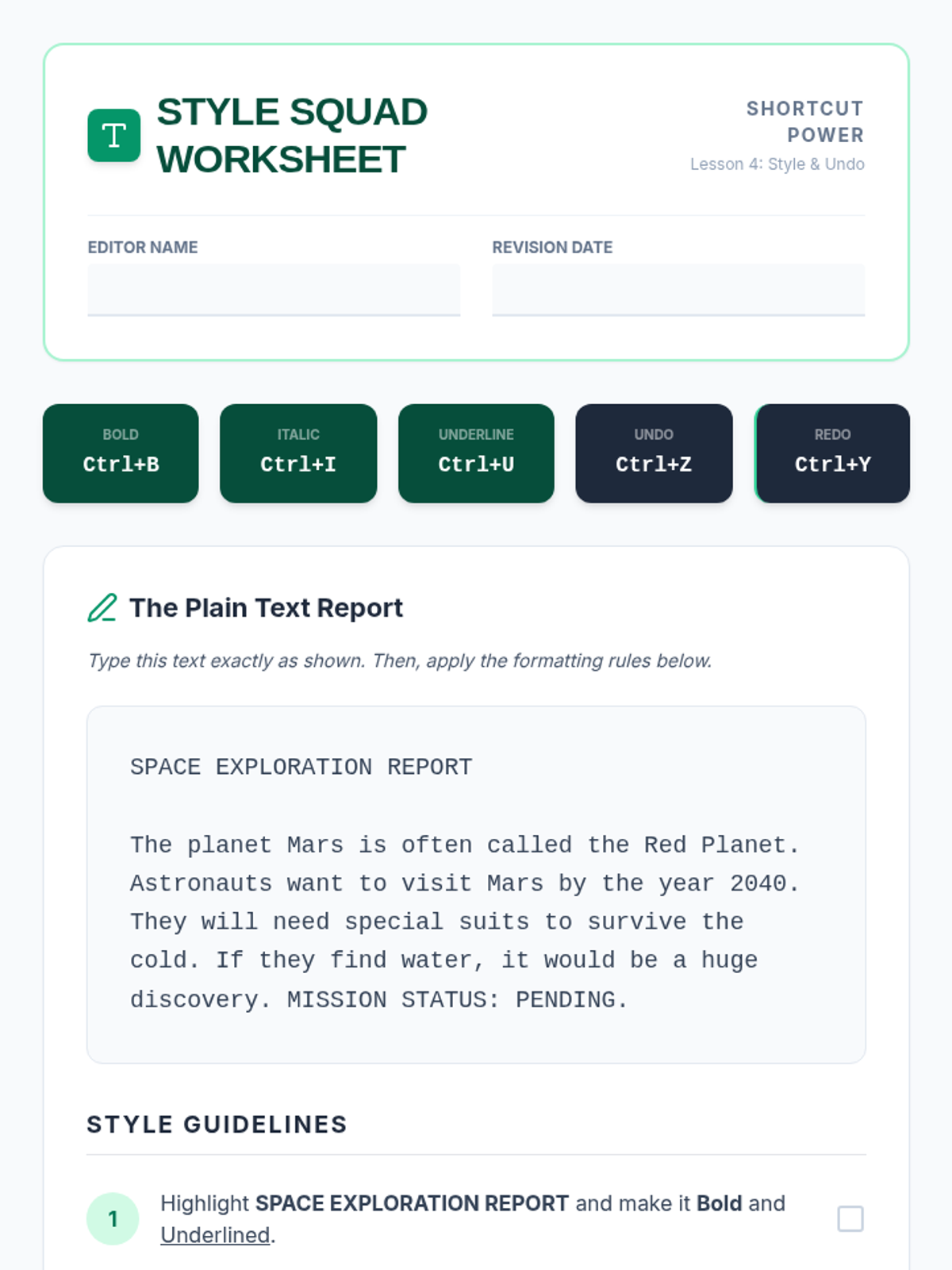
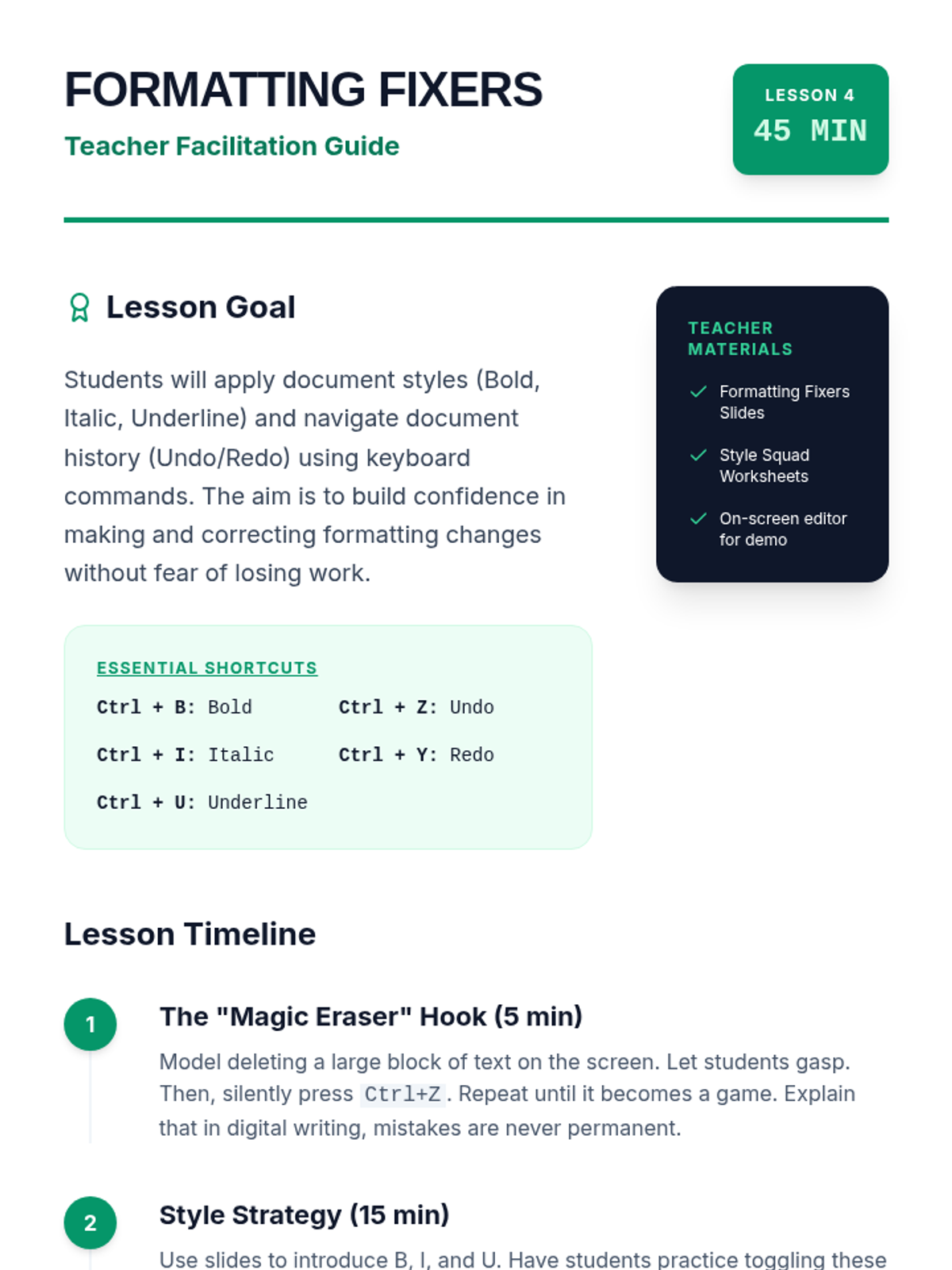
Covers formatting shortcuts (Bold, Italic, Underline) and the essential Undo/Redo commands, allowing students to act as editors following style guidelines.
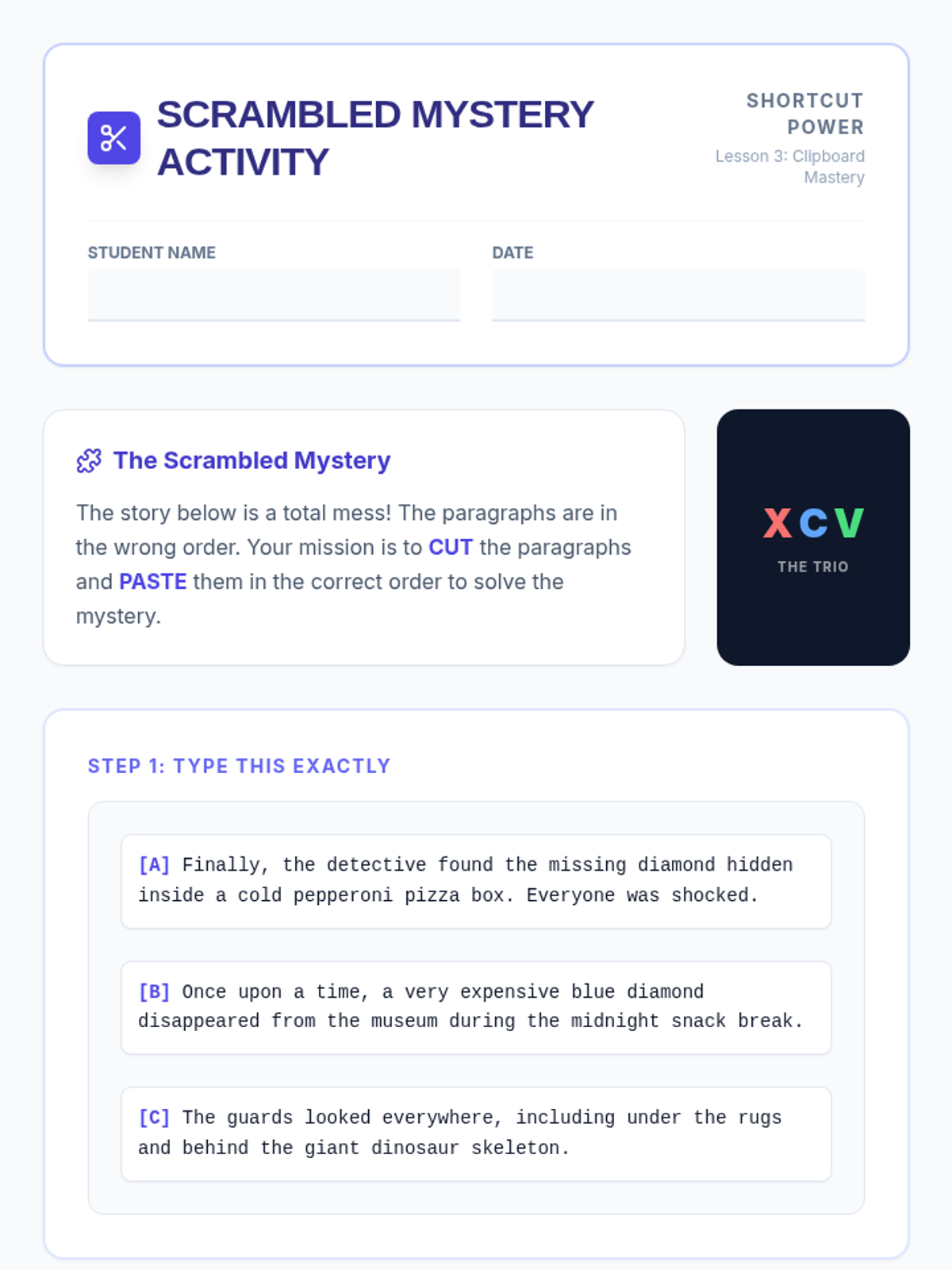
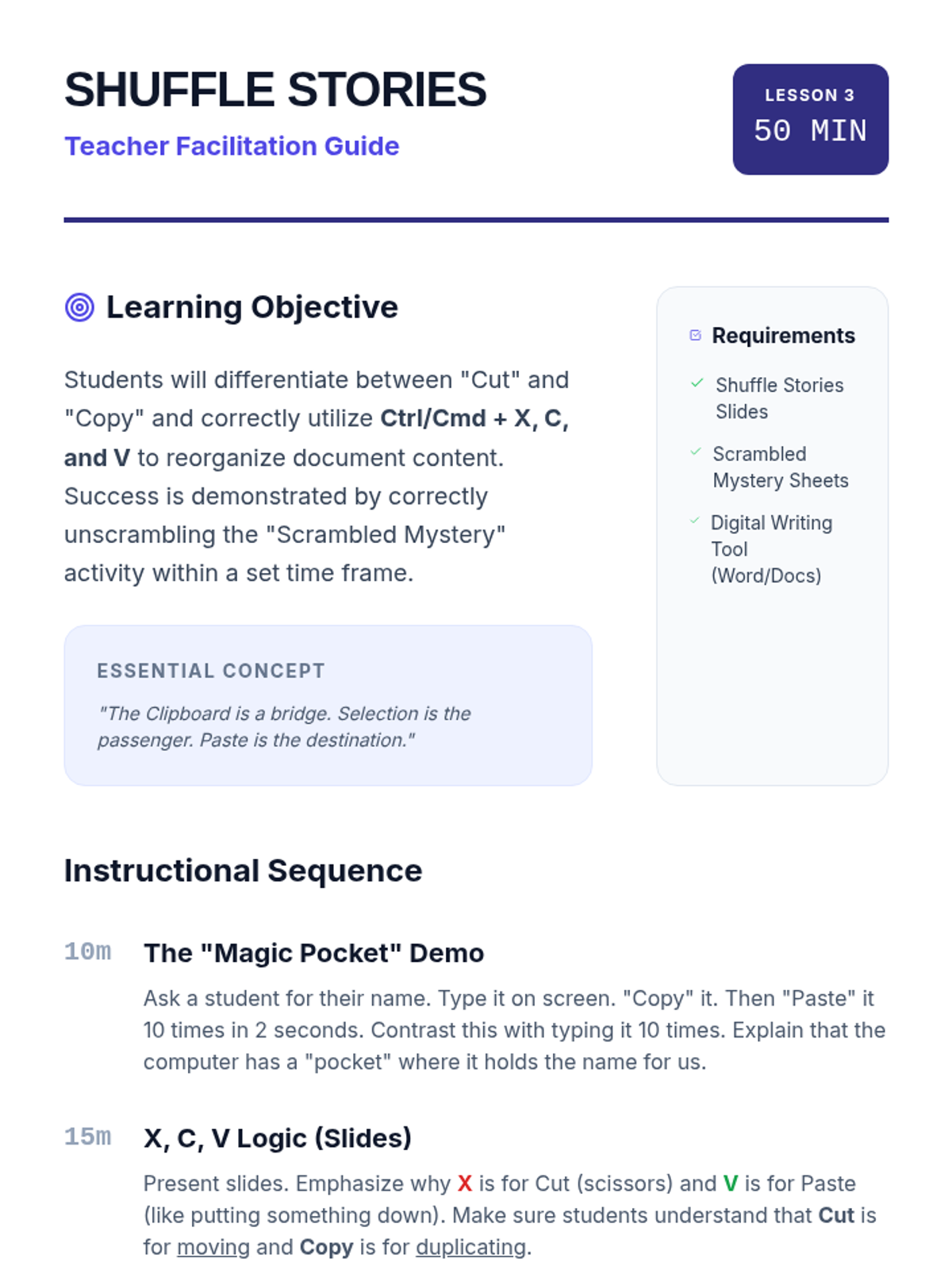
Teaches students the Cut, Copy, and Paste commands to reorganize a scrambled story, focusing on the distinction between moving and duplicating text.
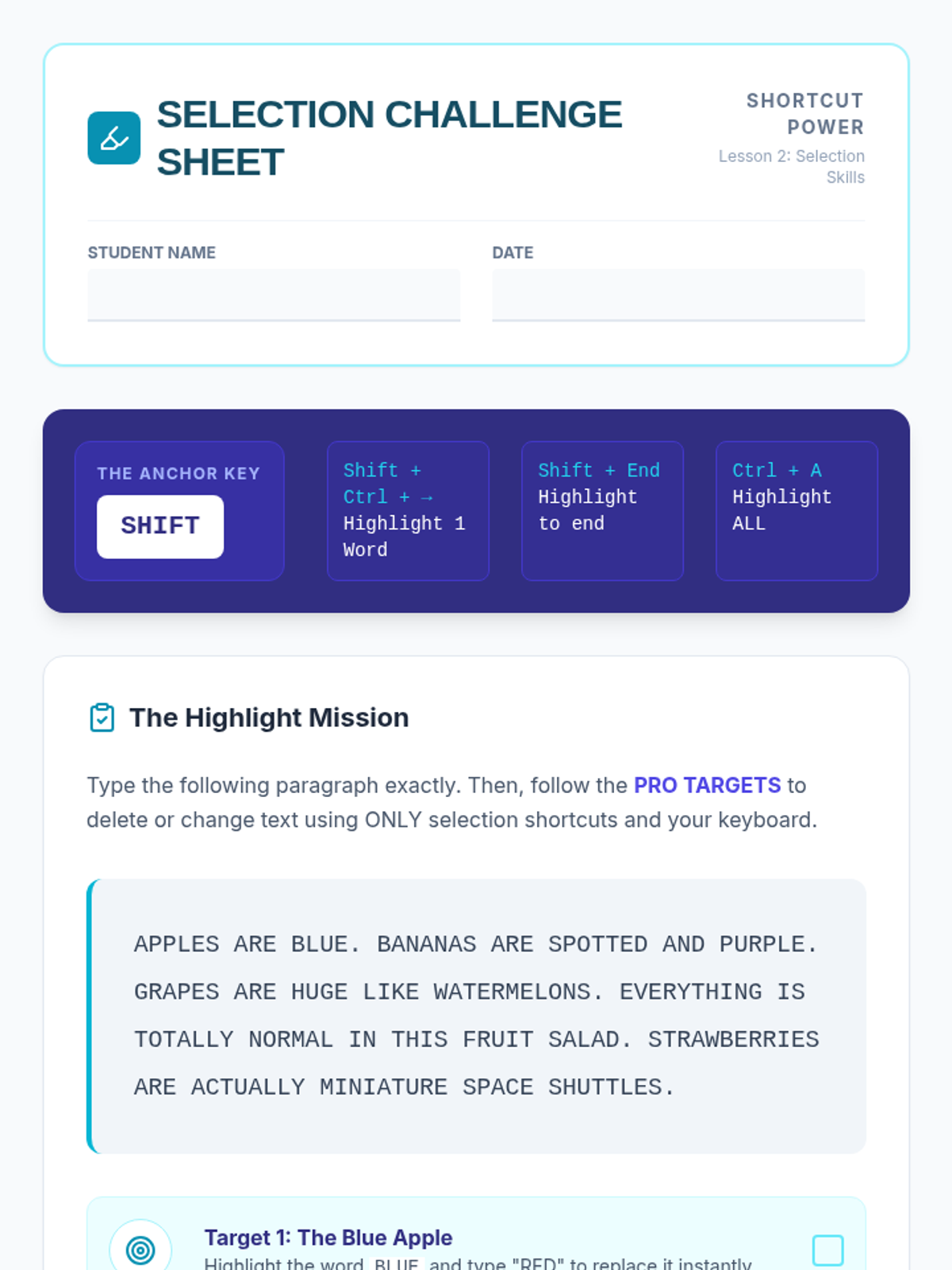
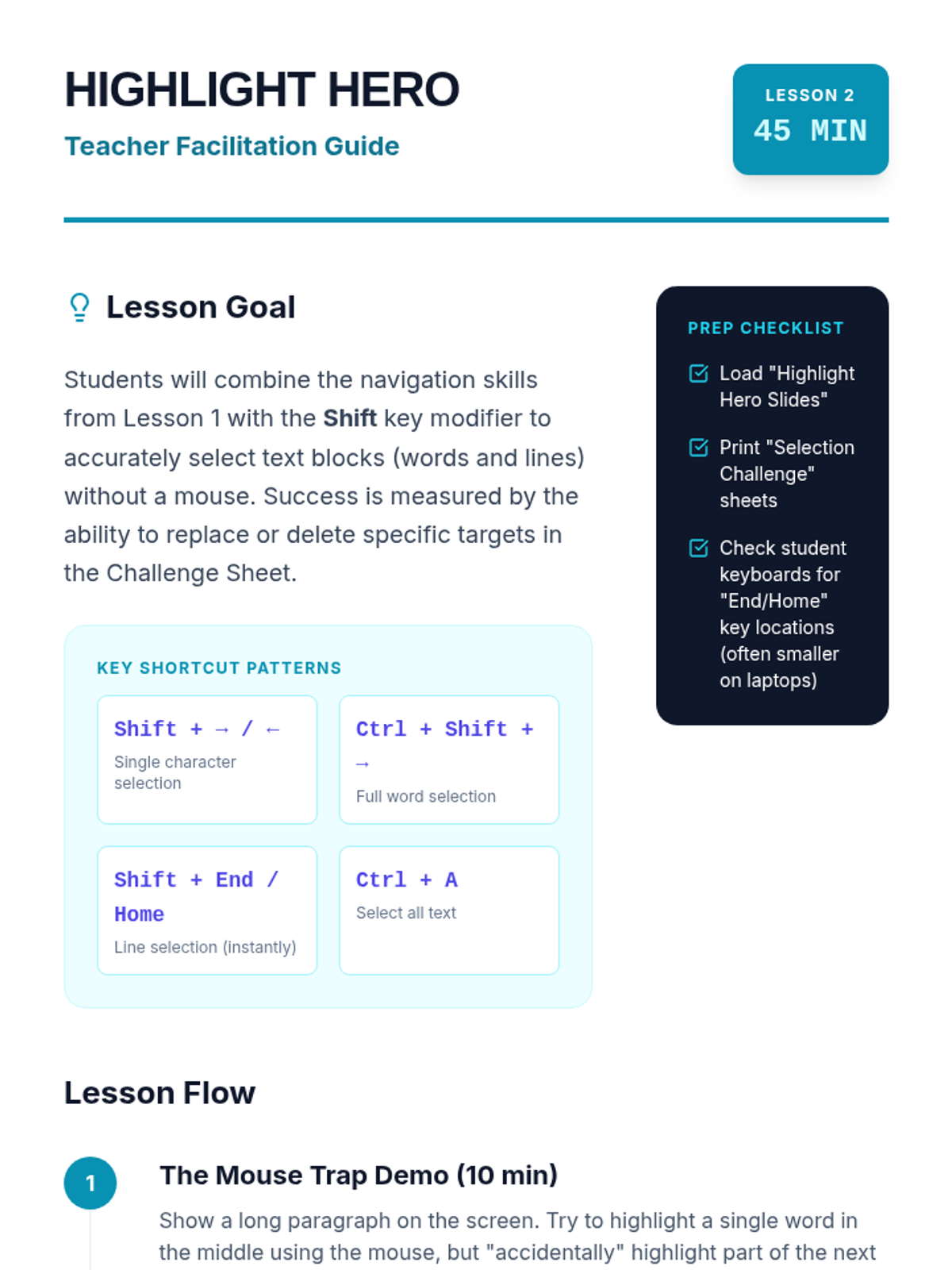
Introduces the Shift key as a selection modifier, teaching students to highlight characters, words, and lines instantly to prepare for editing and deletions.
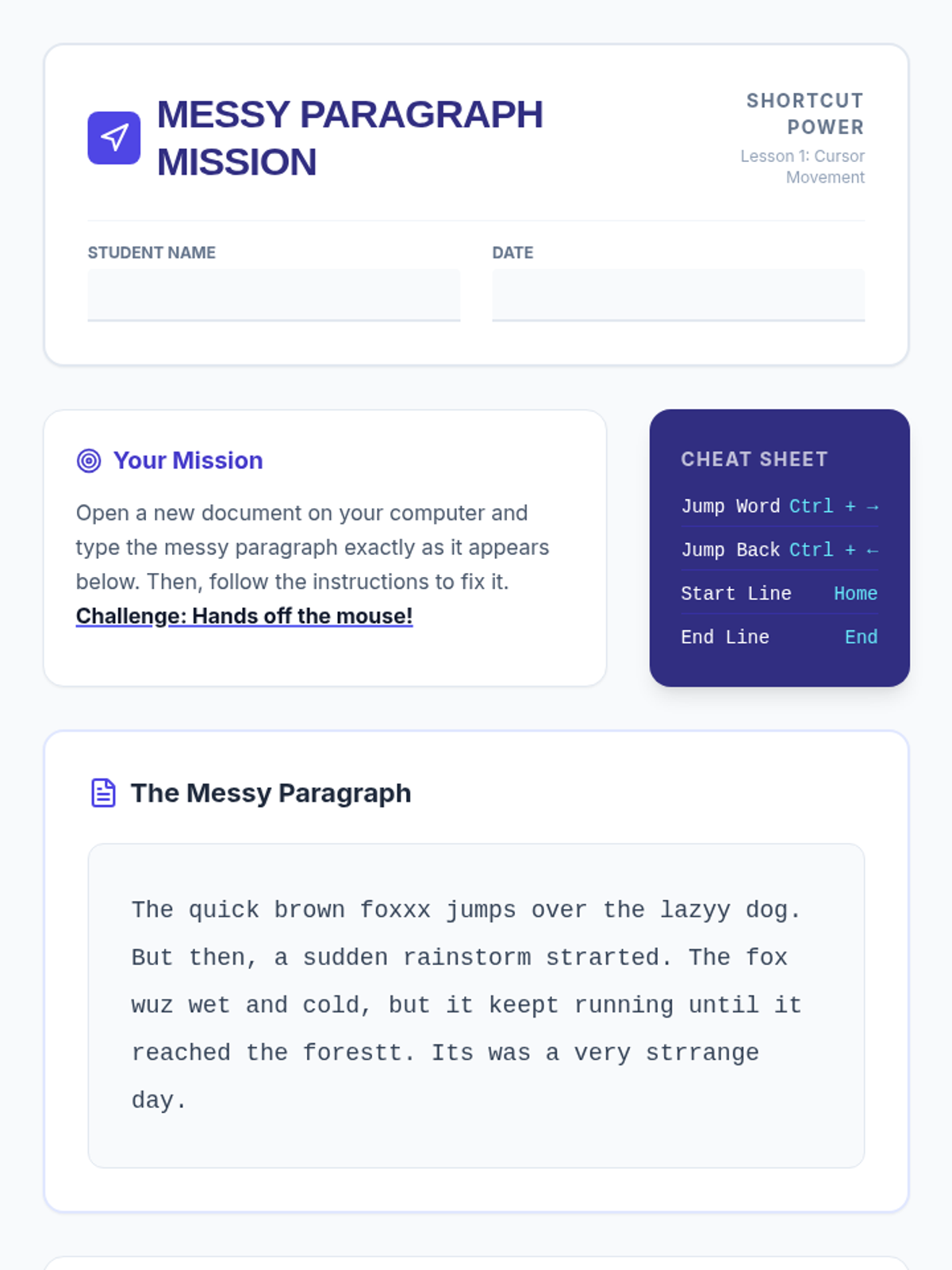
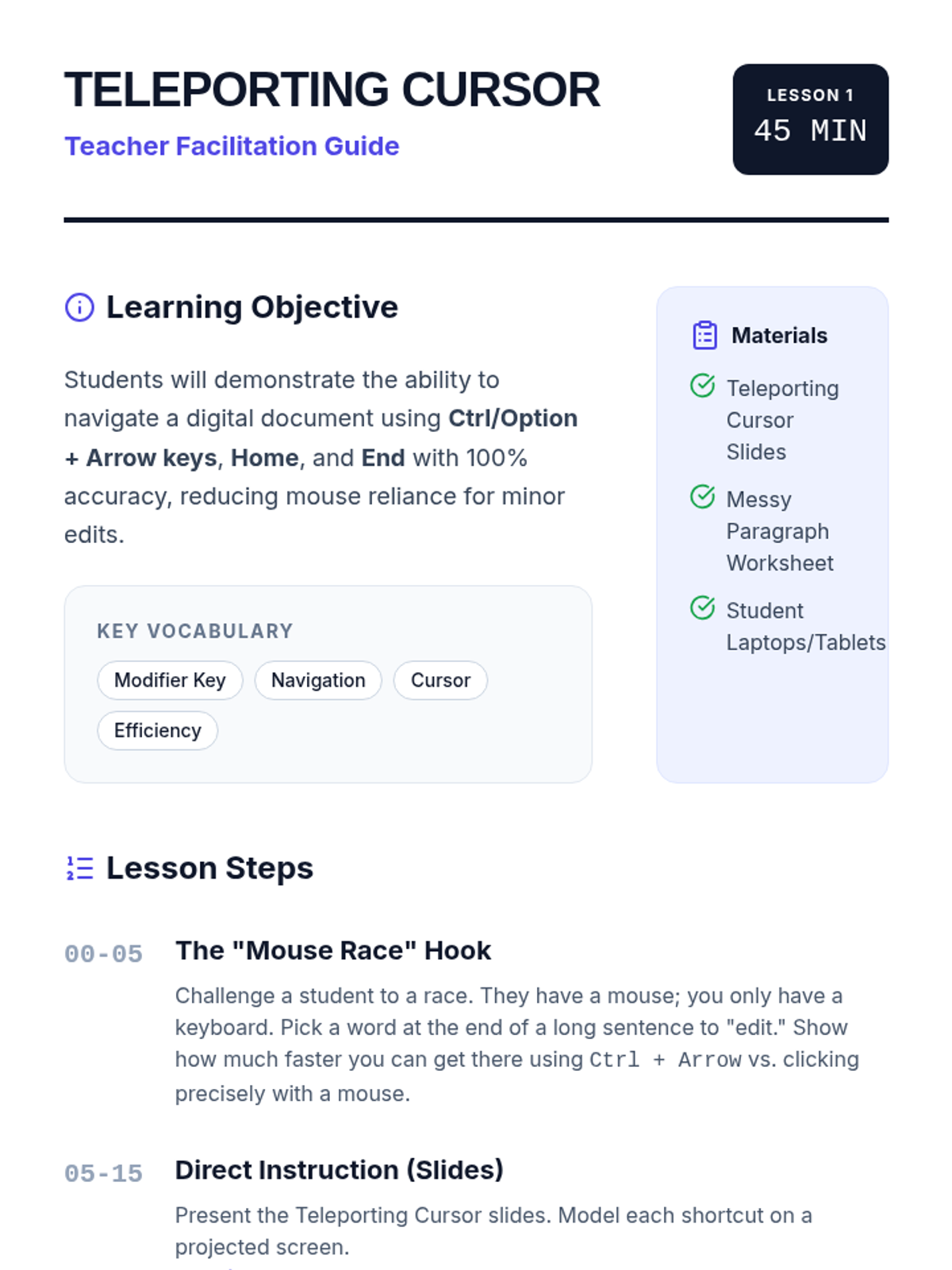
Students master the art of moving the cursor by character, word, and line using Arrow keys combined with Ctrl/Option, practicing navigation through a messy paragraph to fix errors without a mouse.
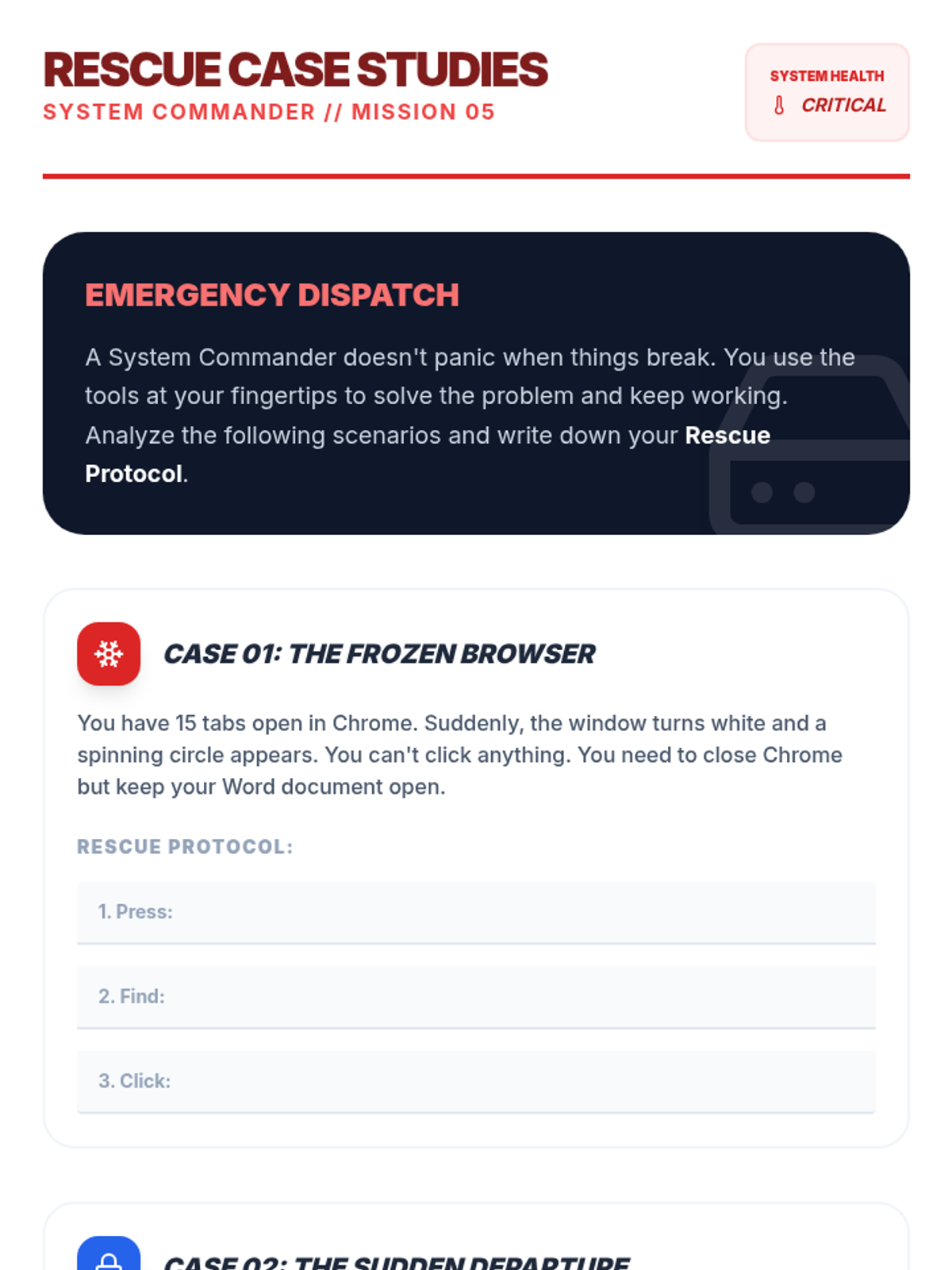
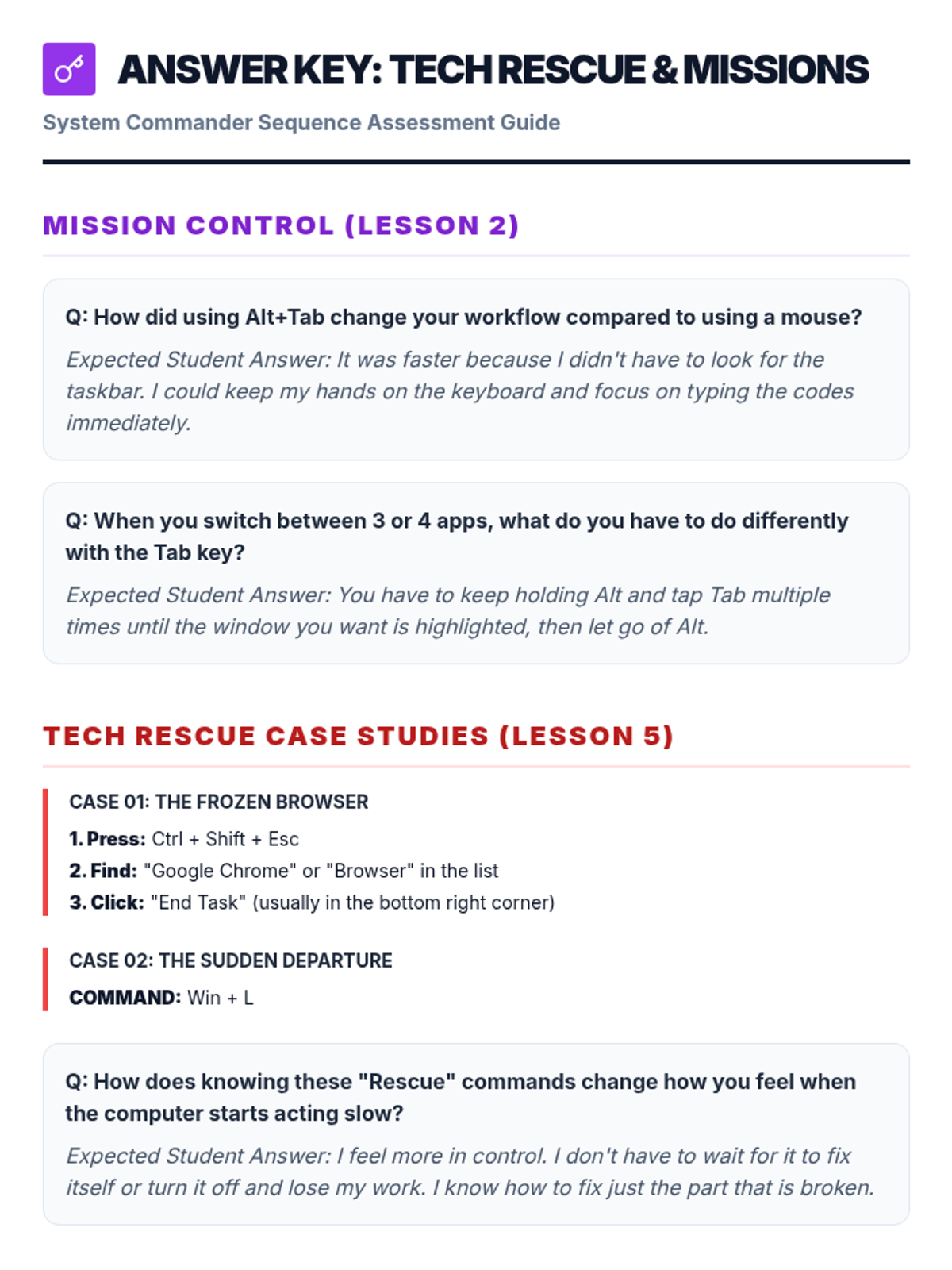
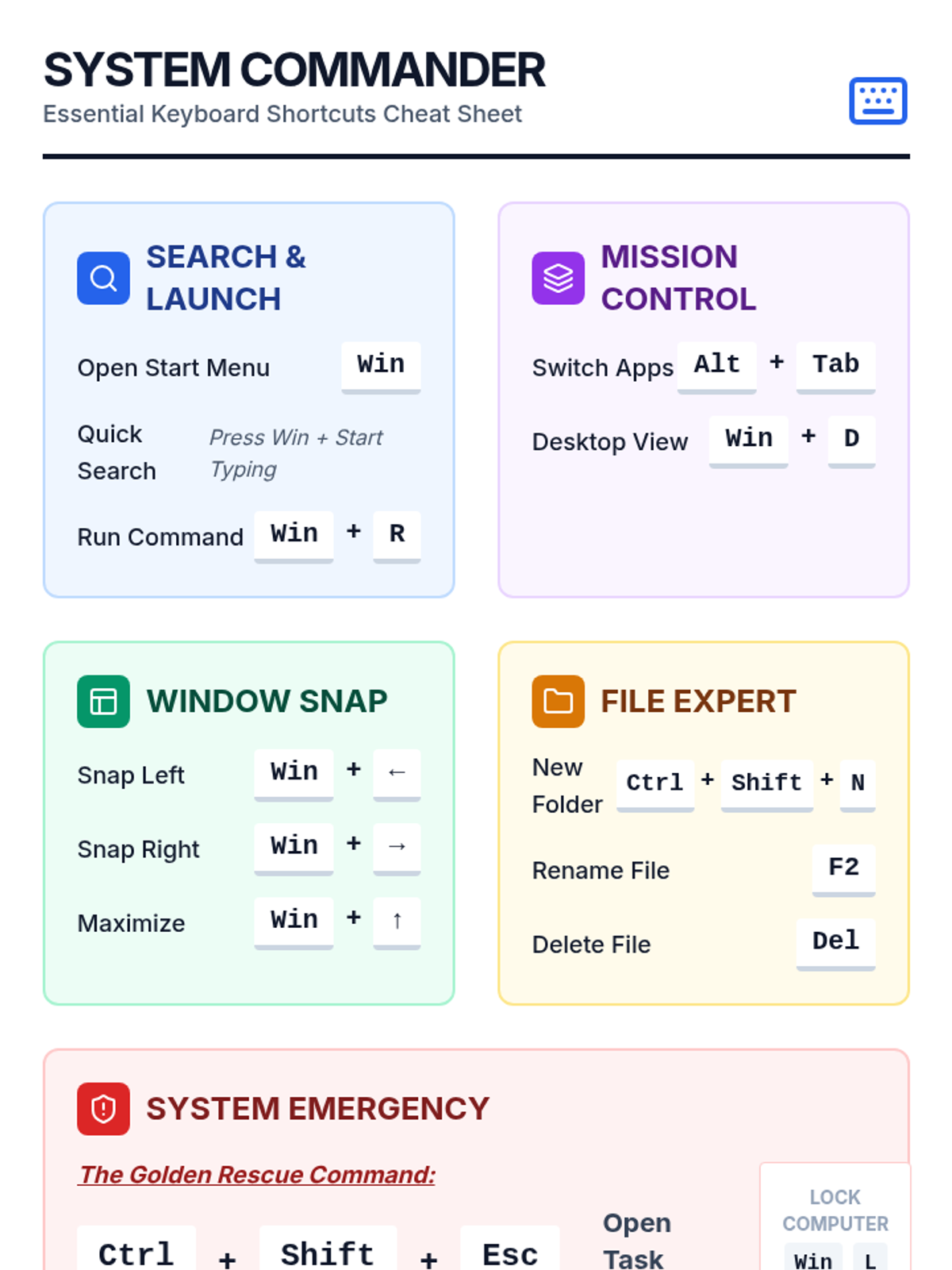
Covers hardware controls and emergency troubleshooting techniques like Task Manager to resolve frozen applications.
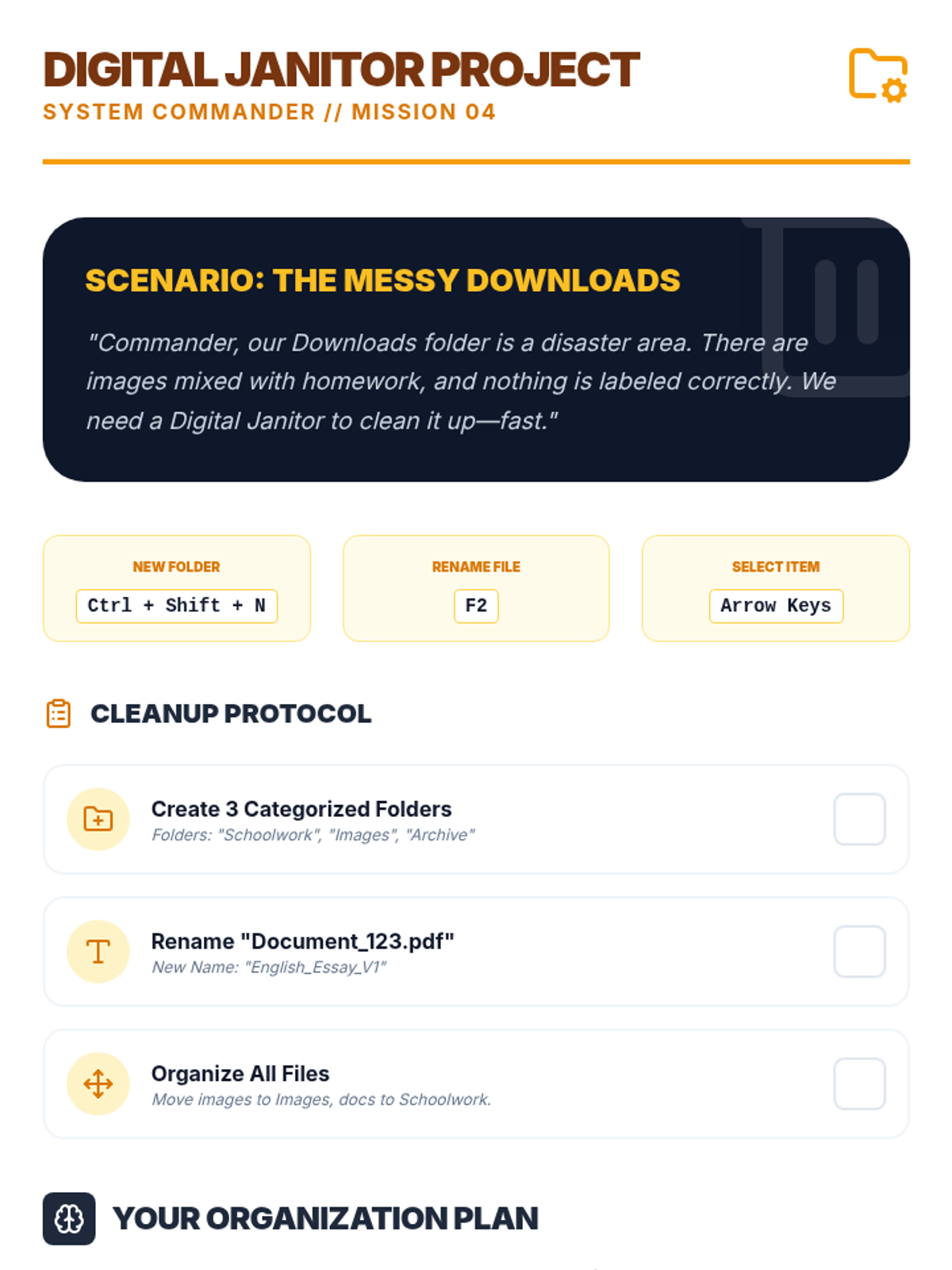
Teaches file system navigation and organization using keyboard shortcuts for renaming, creating folders, and moving files.
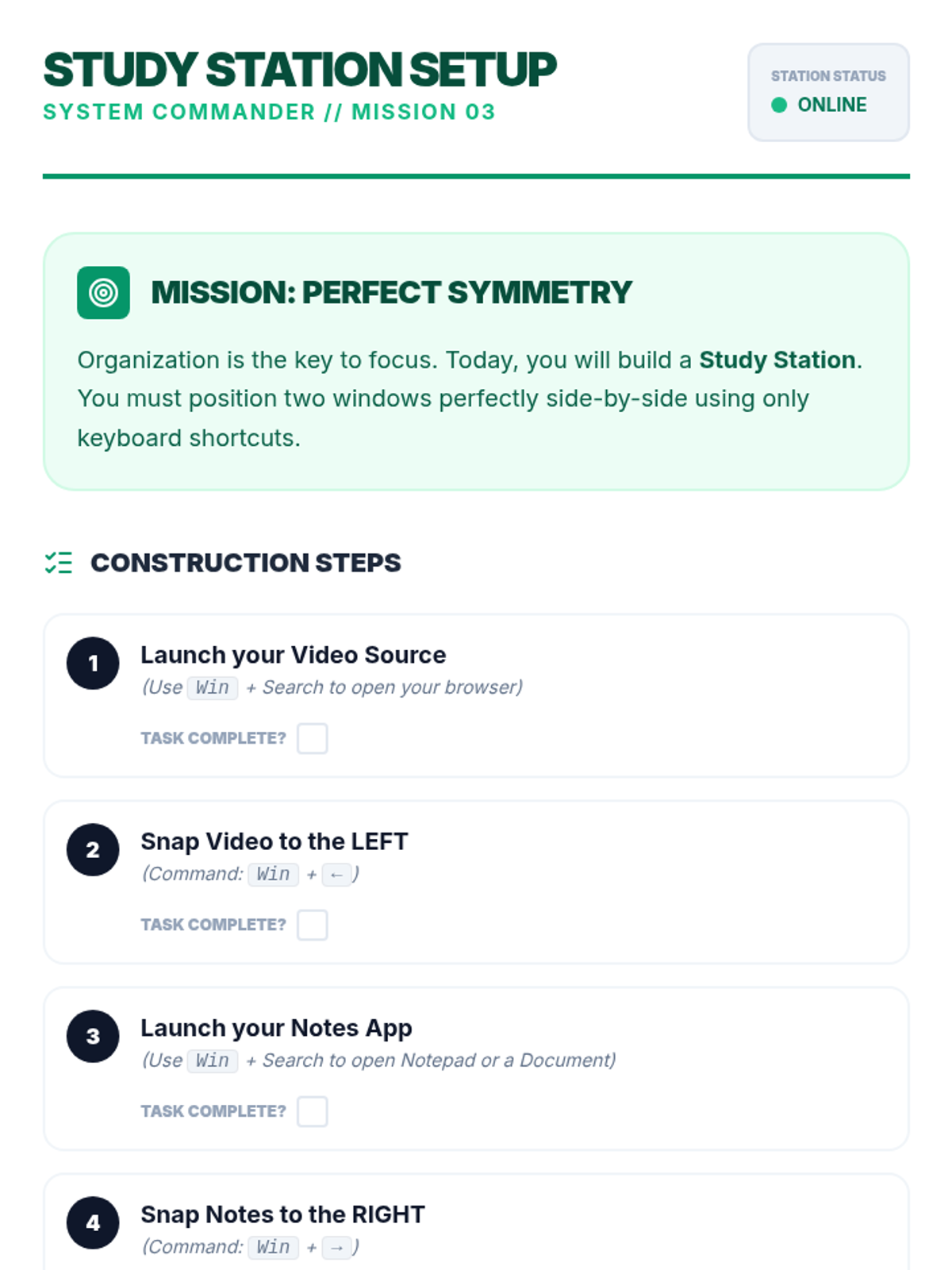
Students learn to organize their digital workspace by snapping windows and managing screen real estate for split-screen productivity.
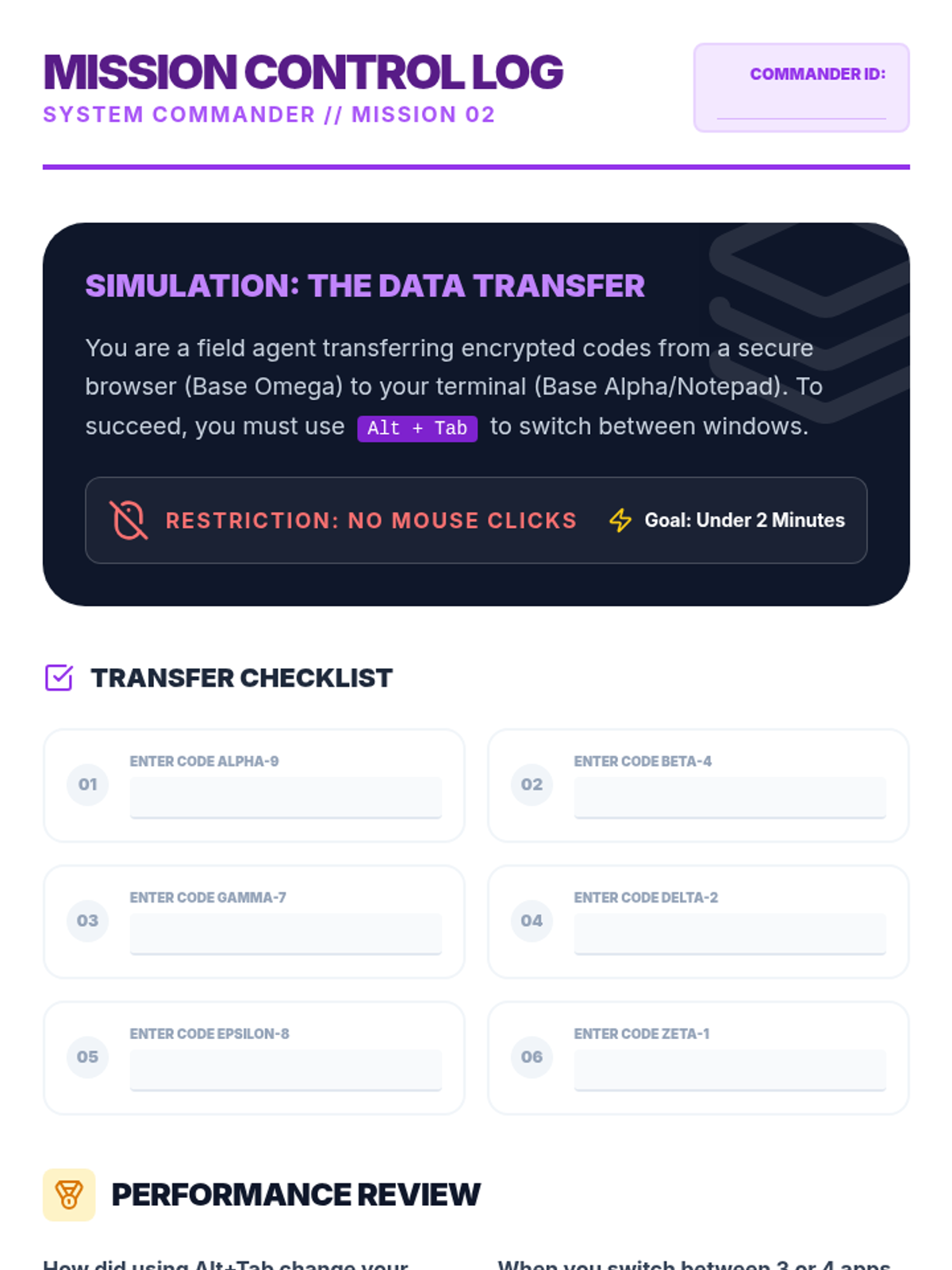
Focuses on the Alt+Tab shortcut to switch between active applications fluidly, simulating real-world multitasking workflows.
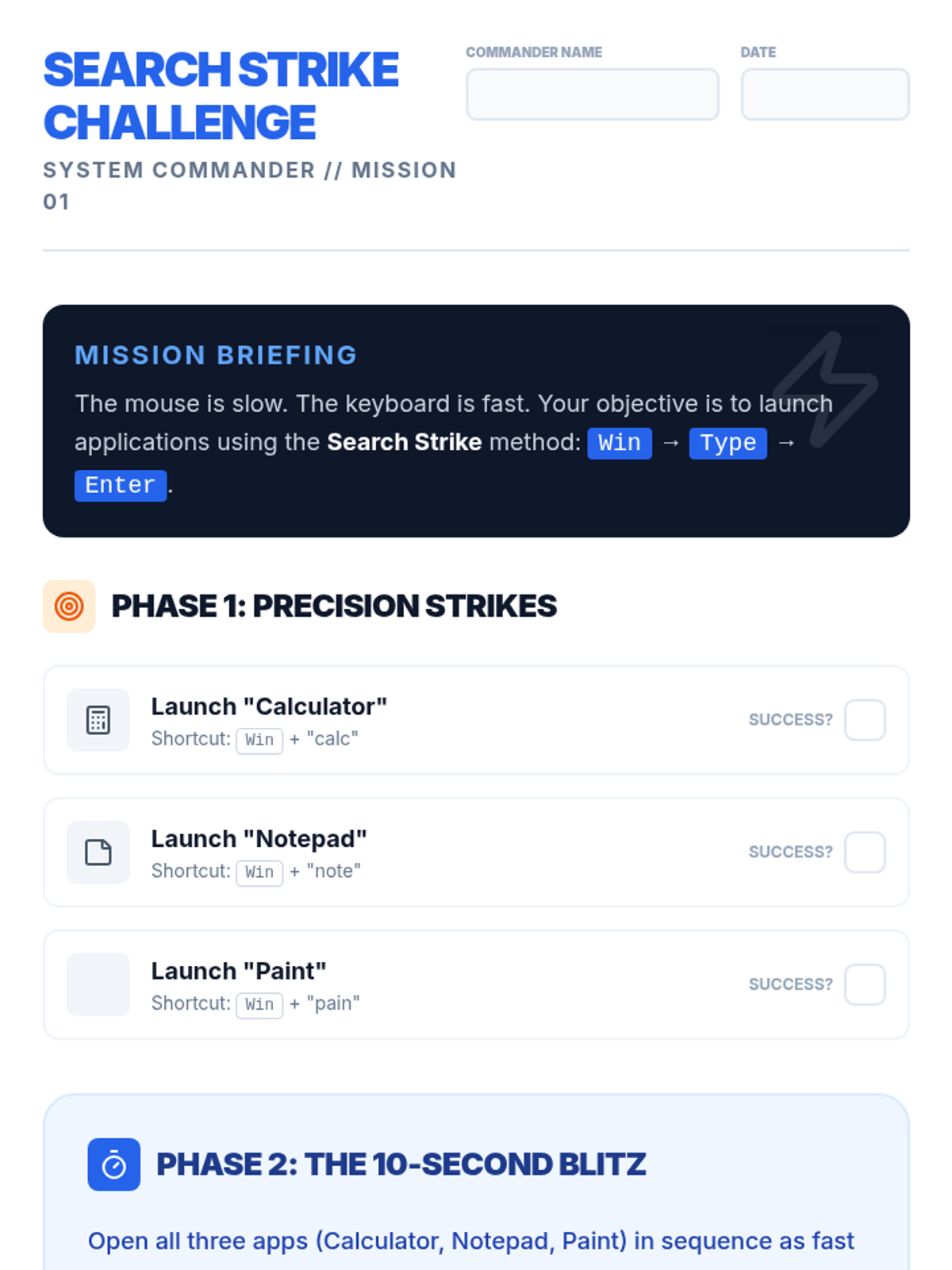
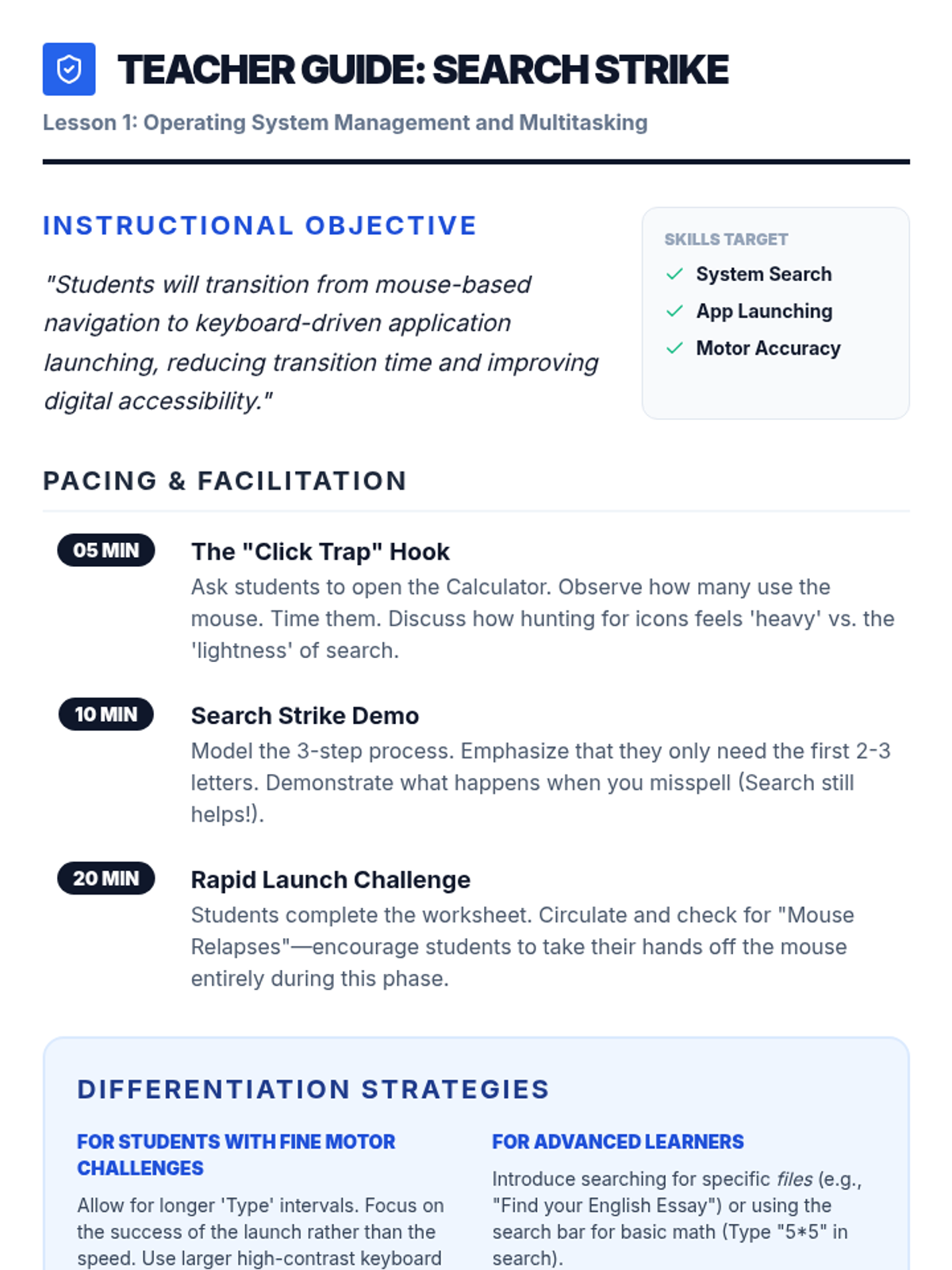
Students master the search bar and Start menu to launch applications and find files instantly without using the mouse.
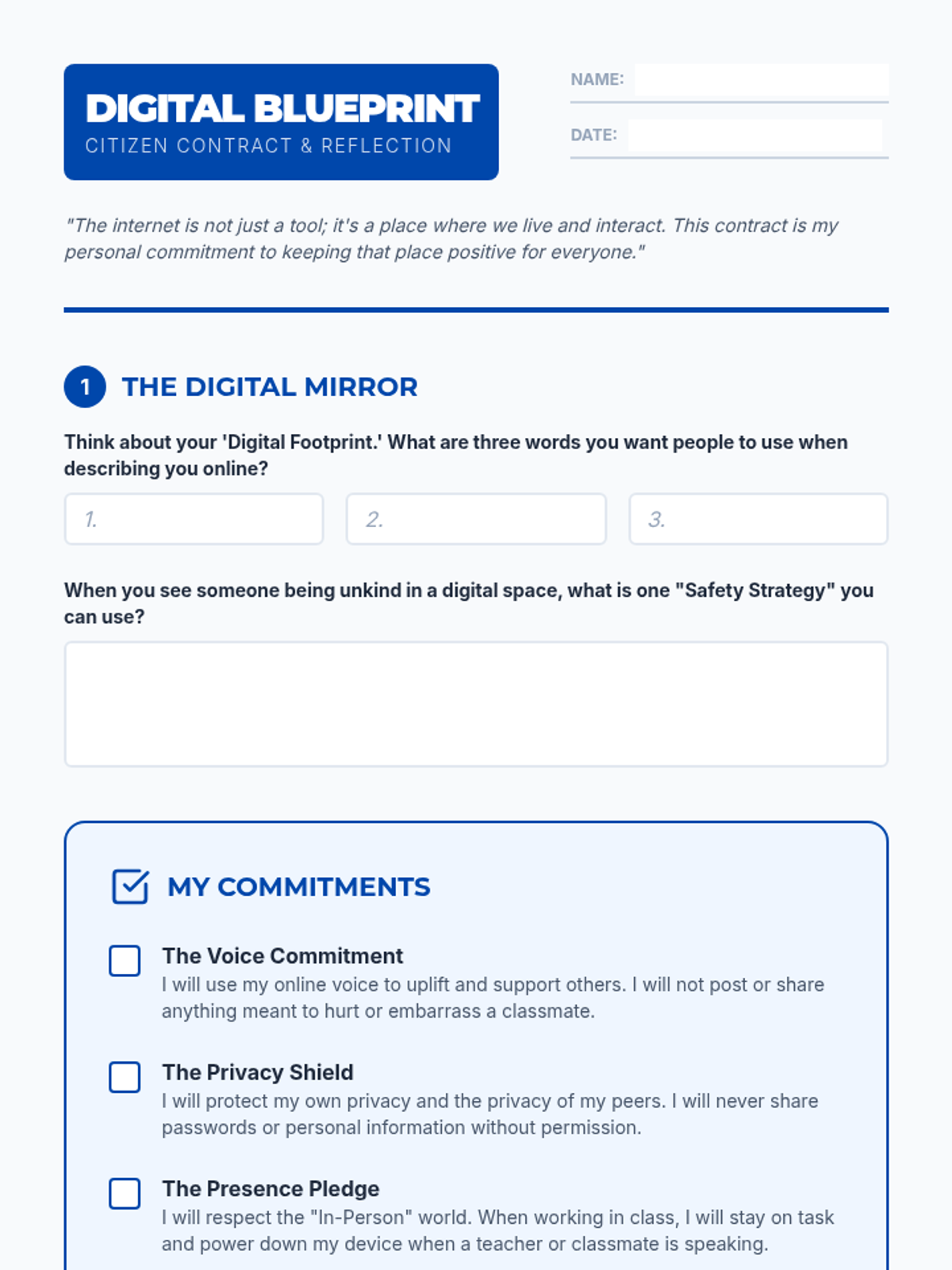
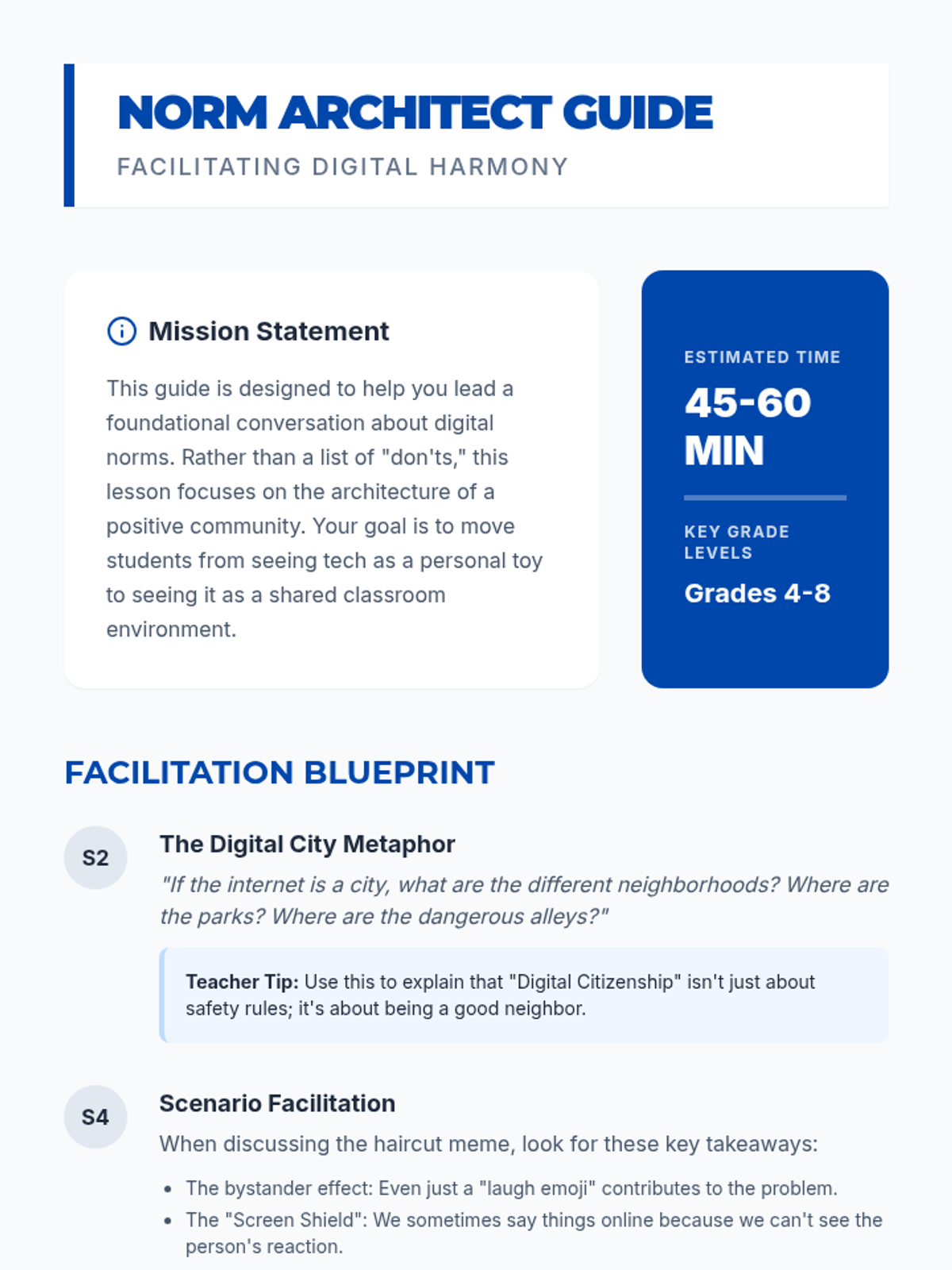
A lesson focused on establishing classroom norms and expectations for digital spaces. Students will explore what it means to be a responsible digital citizen and collaborate to create a shared 'digital blueprint' for their classroom community.
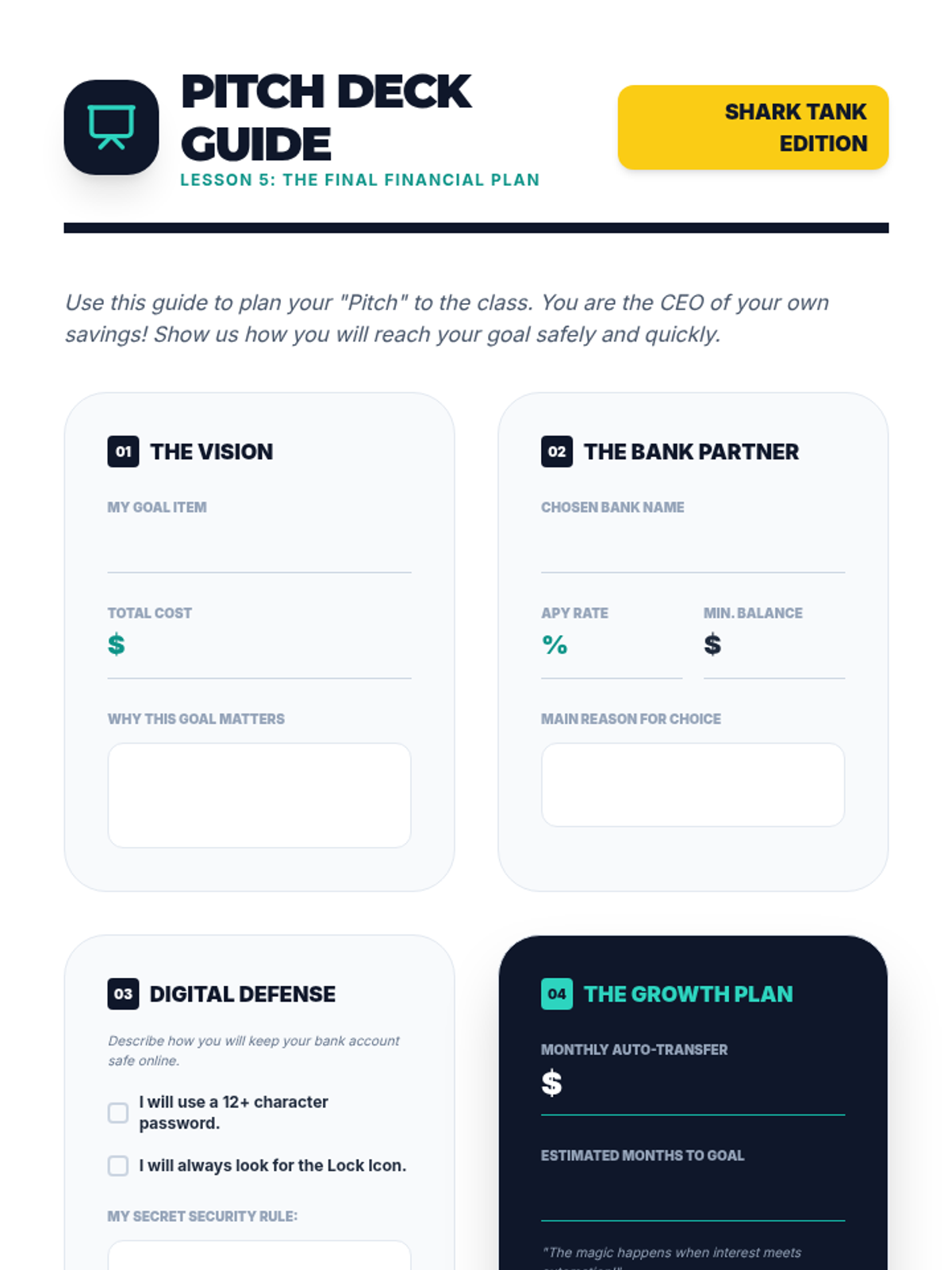
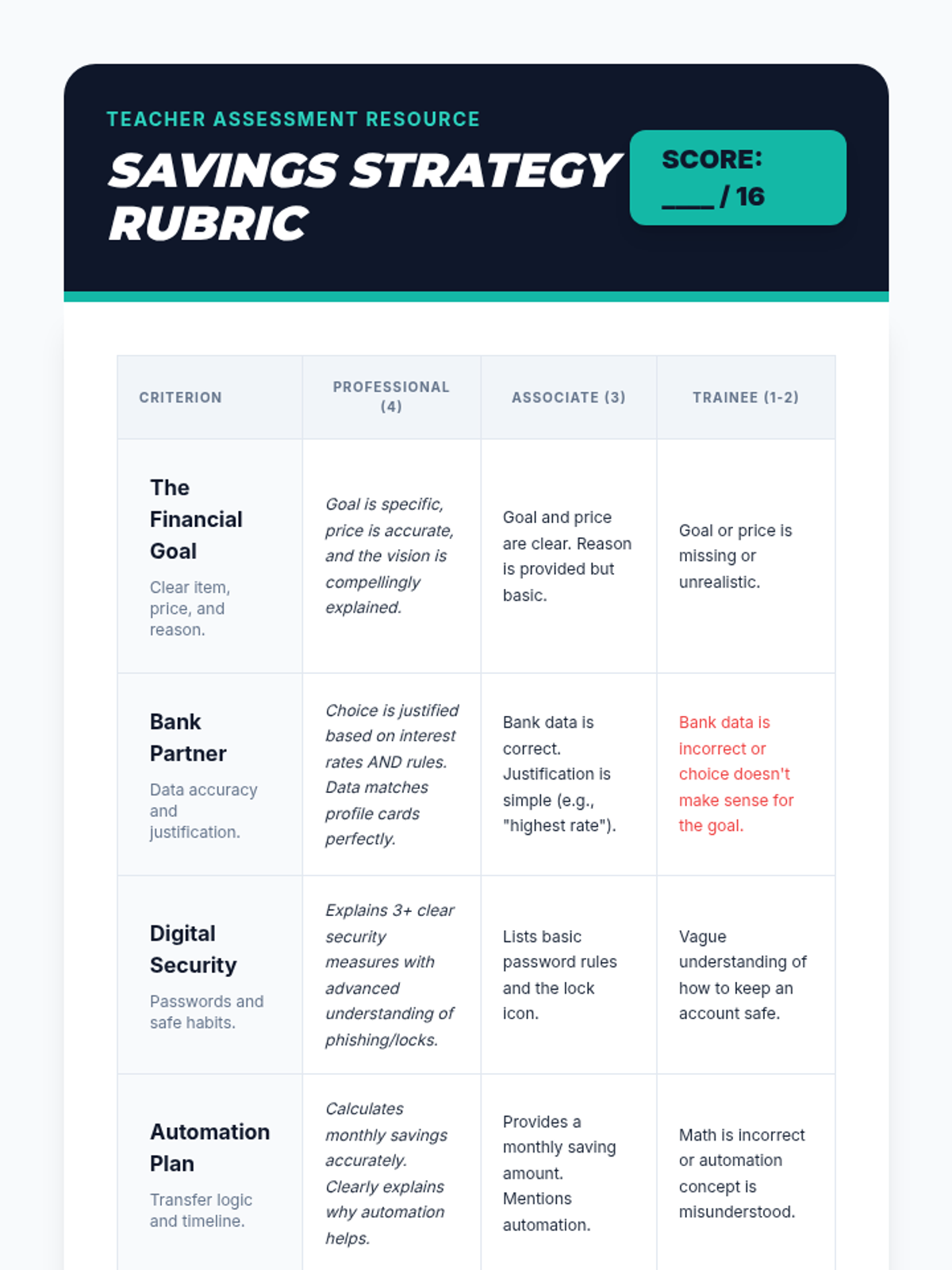
As a final project, students synthesize their learning by creating a 'Pitch Deck' for a savings plan. They present which bank they chose, their interest rate, their savings schedule, and their security measures for online banking.
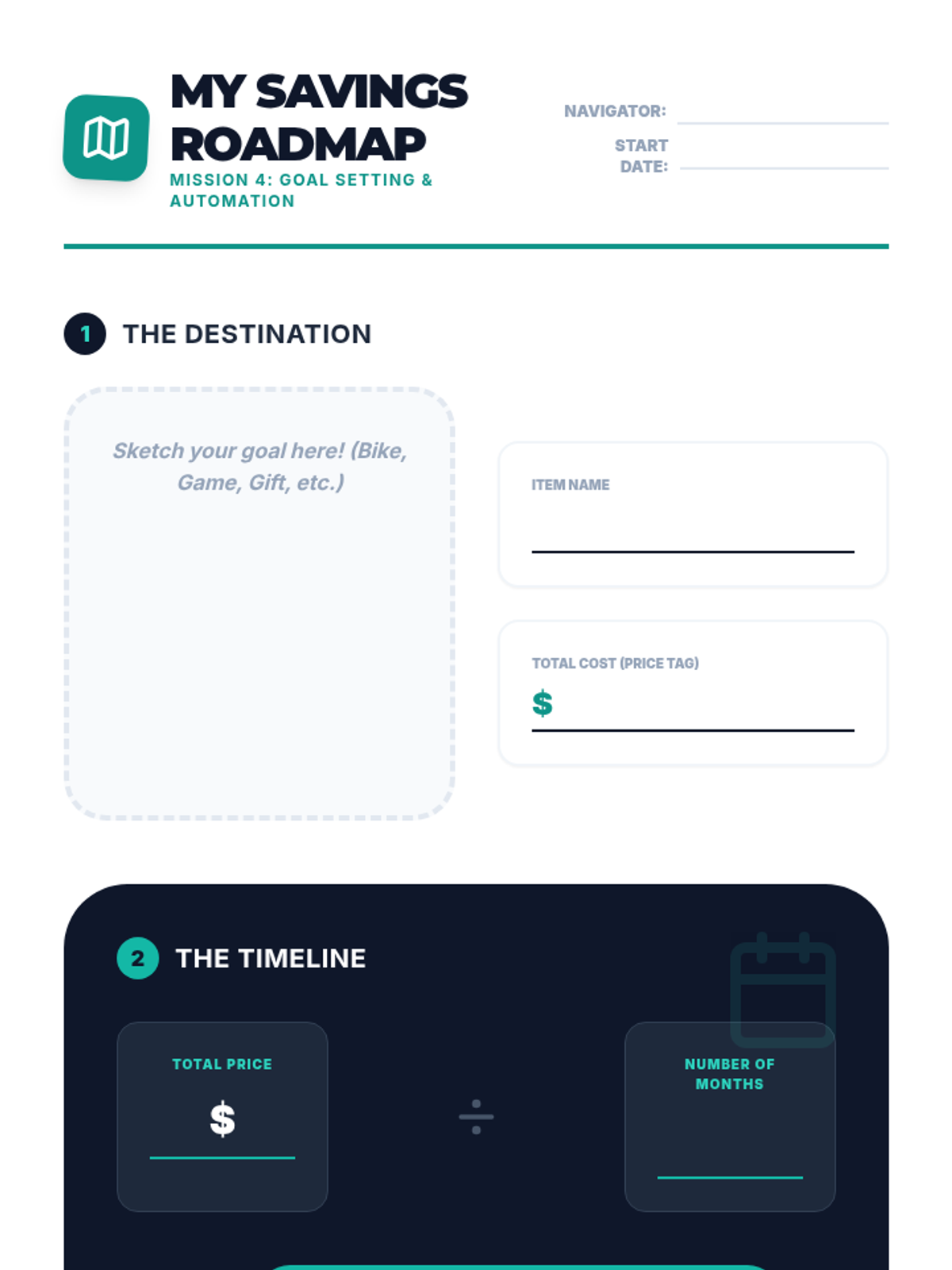
Students define a financial goal (e.g., buying a bike) and create a plan that involves automated monthly transfers from checking to savings. They visualize the timeline for achieving their goal.
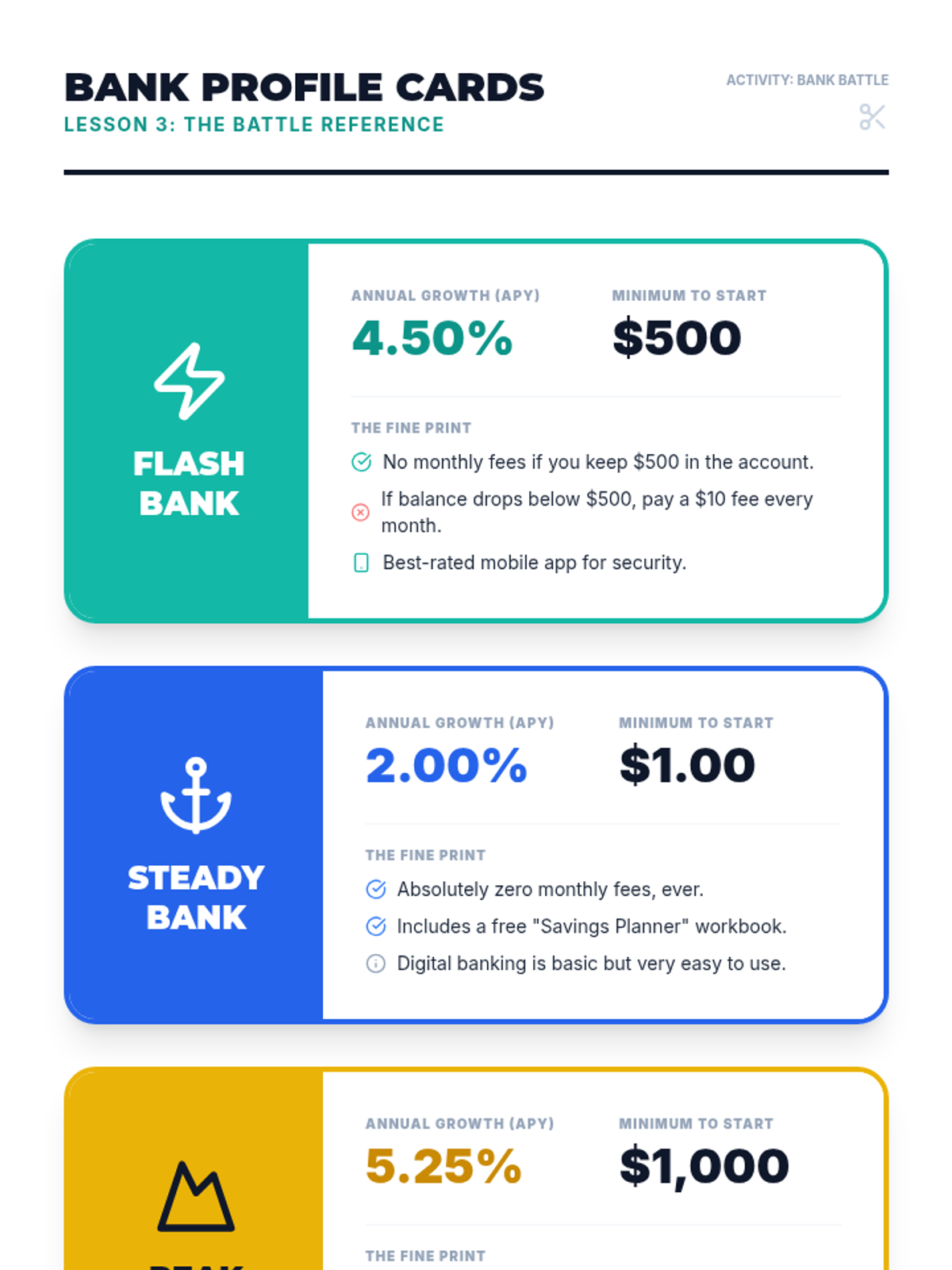
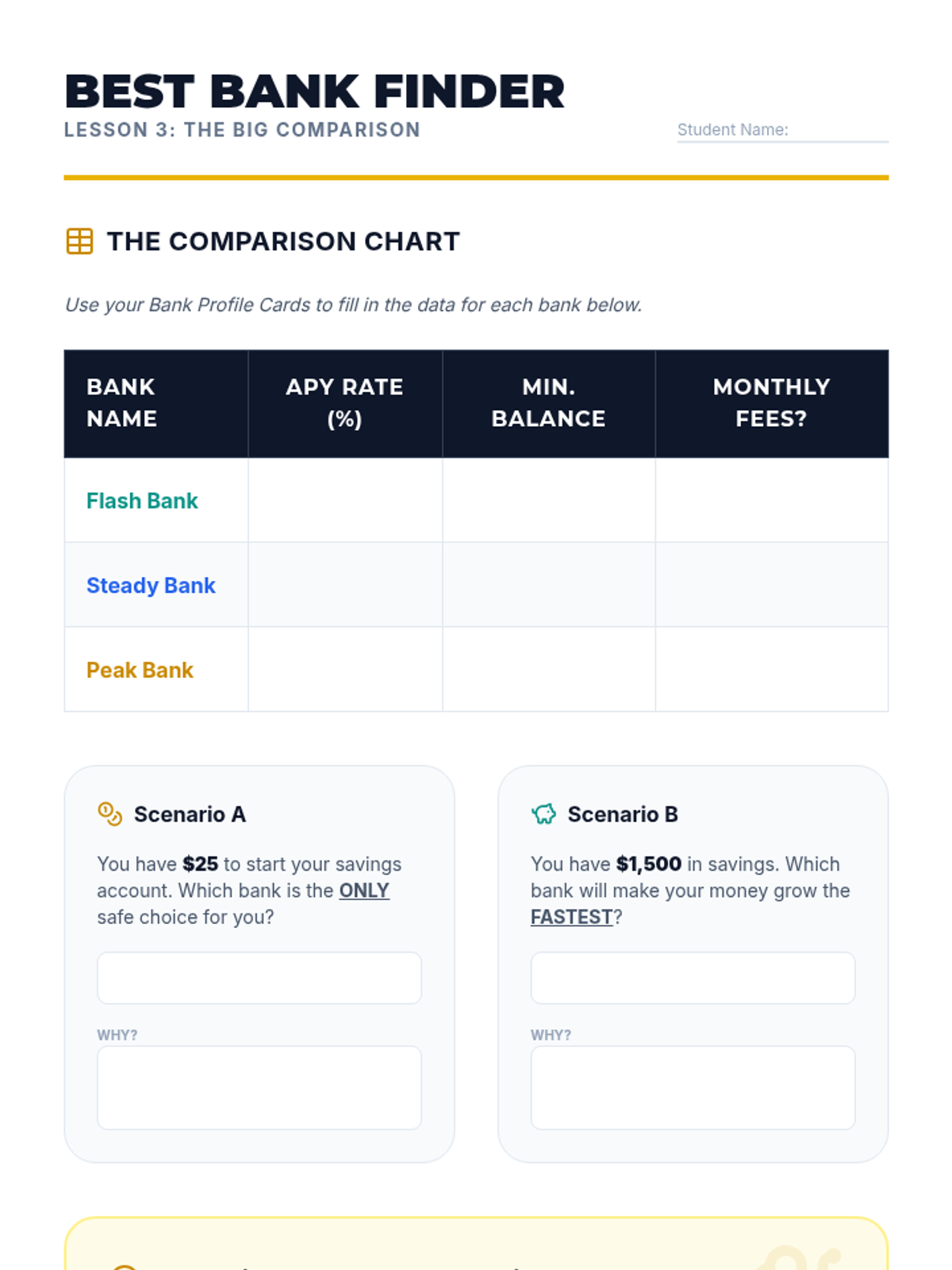
Students research different (fictional) bank offers, comparing interest rates (APY) and requirements. They learn that not all savings accounts are the same and that a higher interest rate can make a significant difference over time.
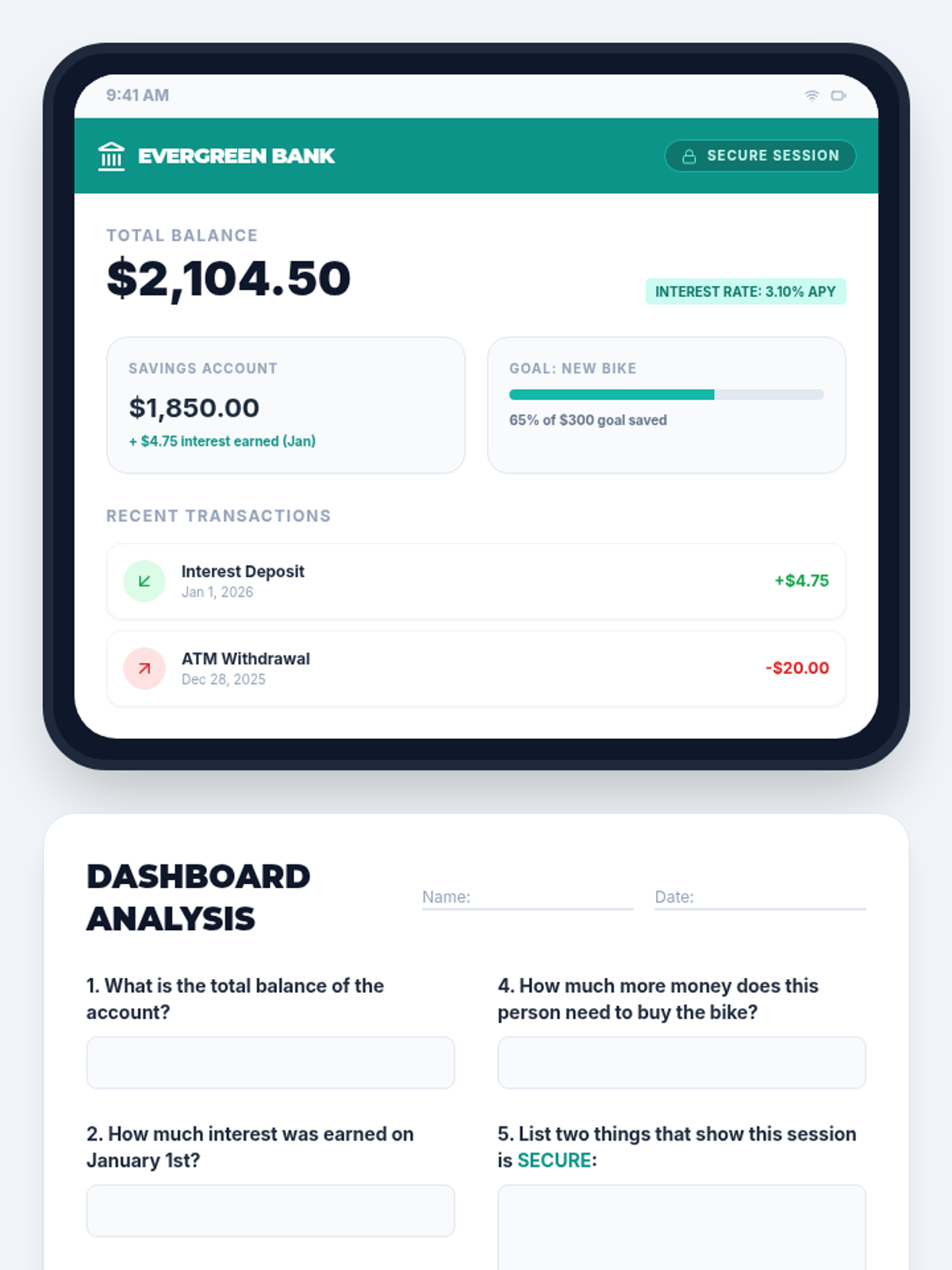
Using a safe, simulated tablet interface, students learn to navigate an online banking dashboard. They identify key security features like passwords and secure connections, and practice reading digital summaries of their accounts.
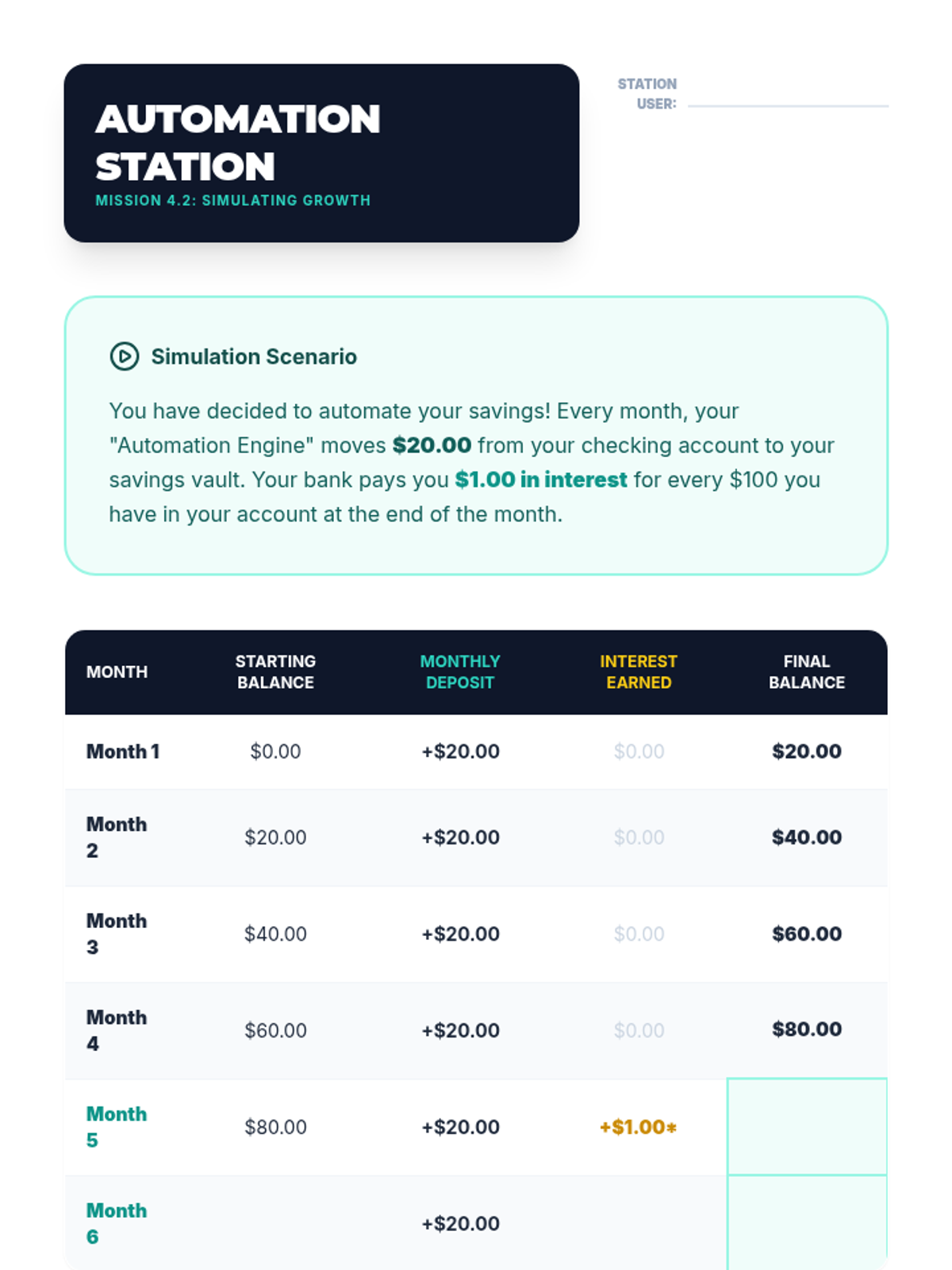
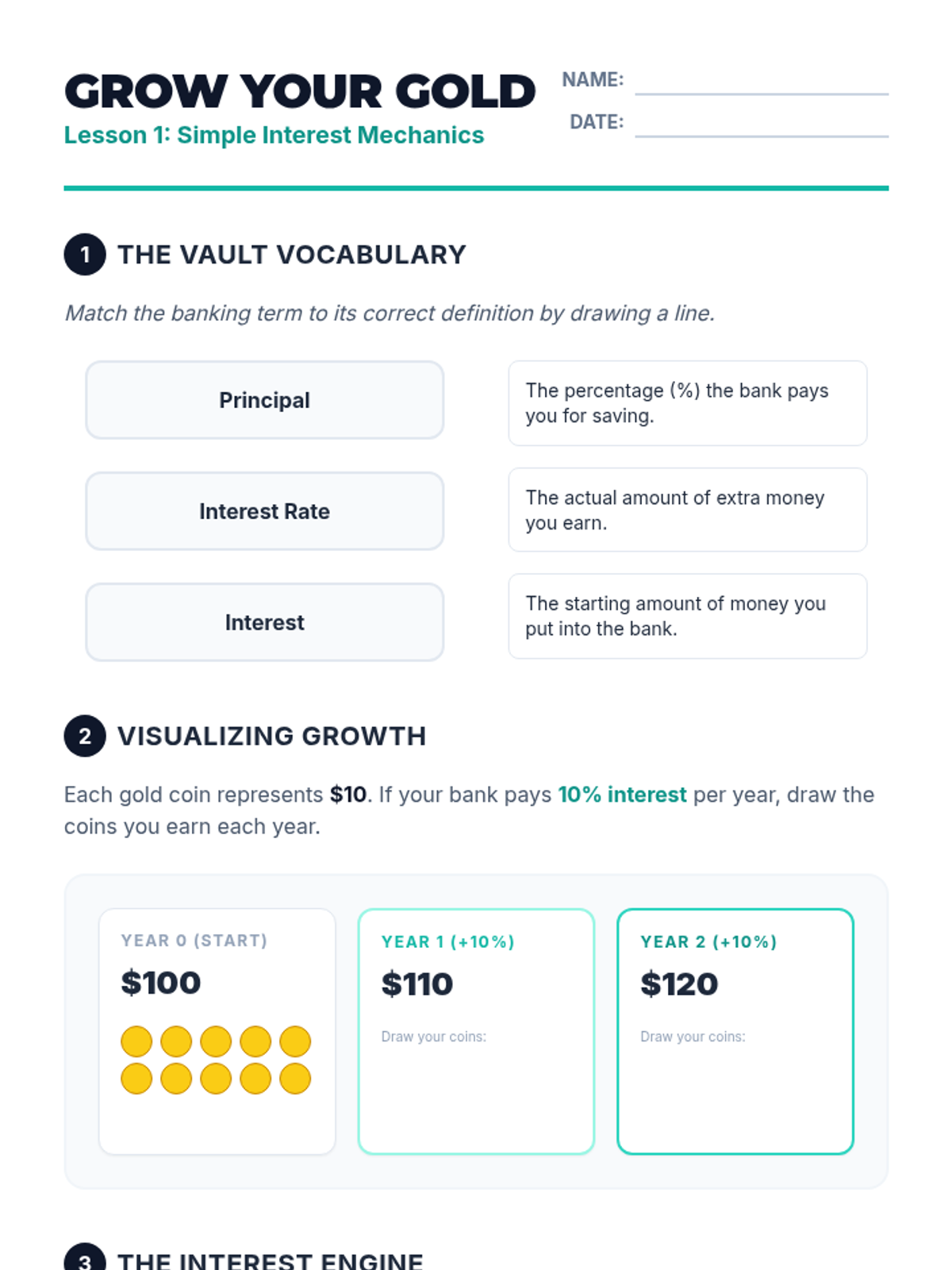
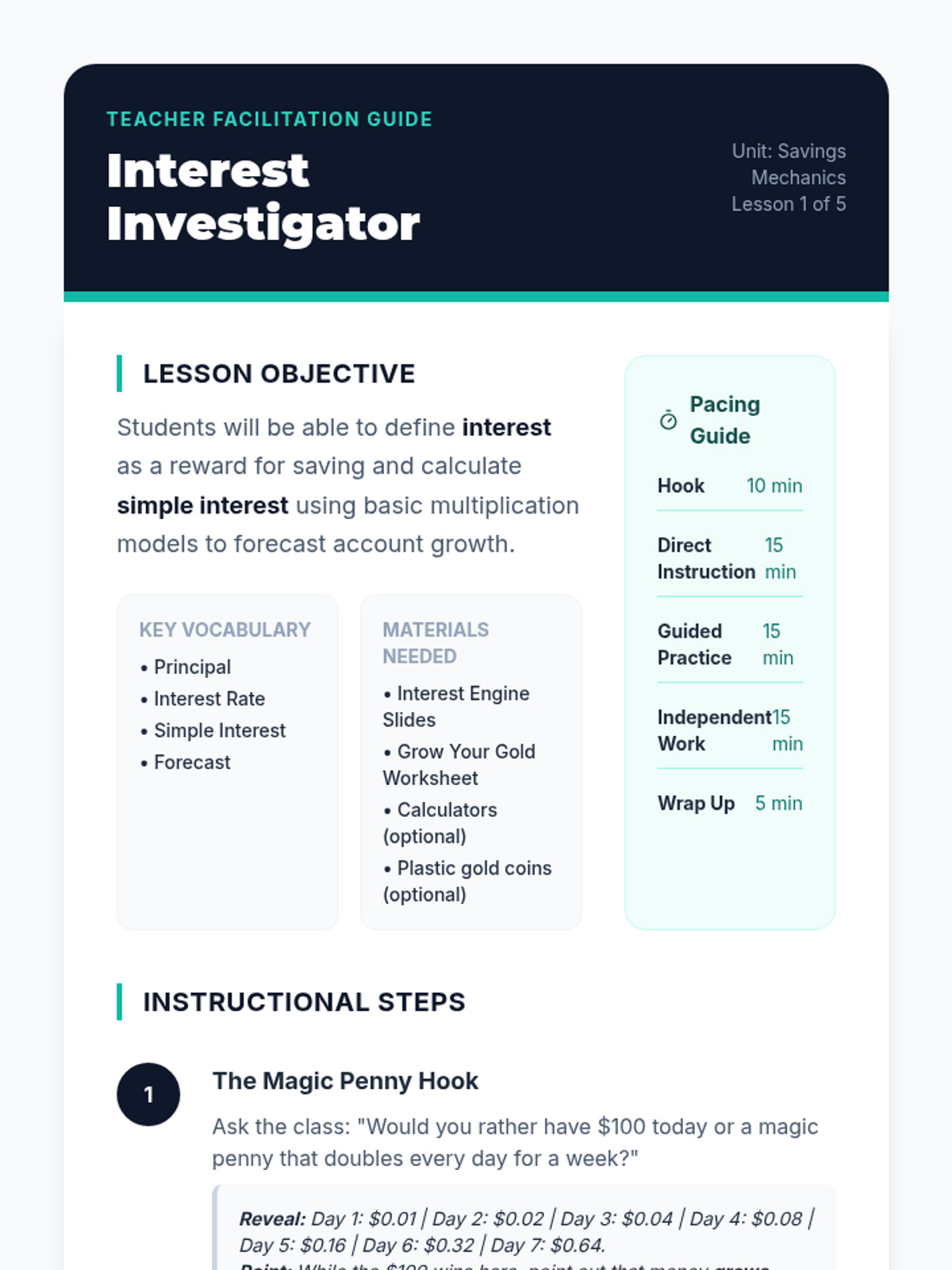
Students are introduced to the concept of interest as a reward banks pay for keeping money in a savings account. Using simple visual models and counters, they calculate simple interest over short periods to see how balances grow without additional deposits.
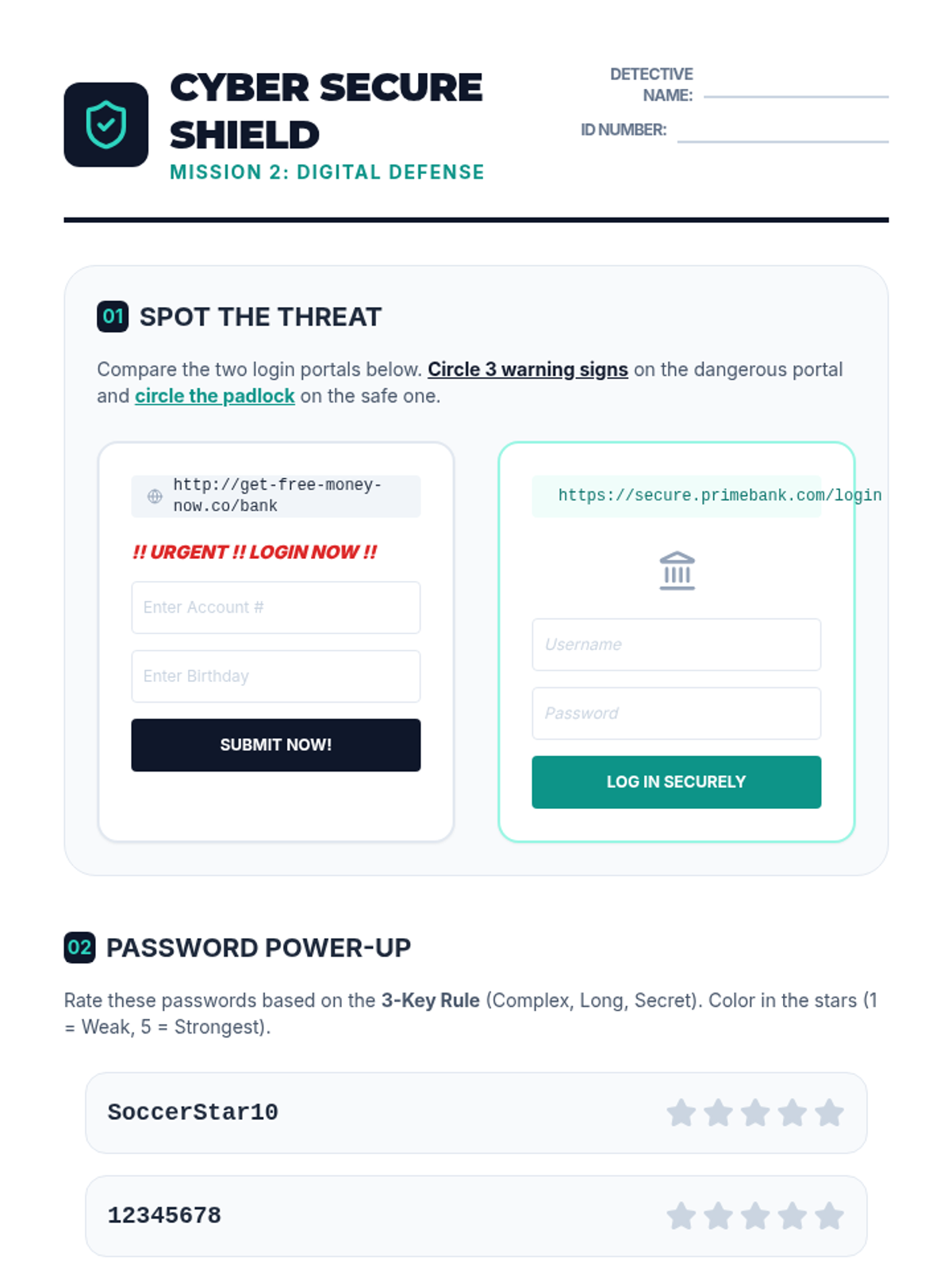
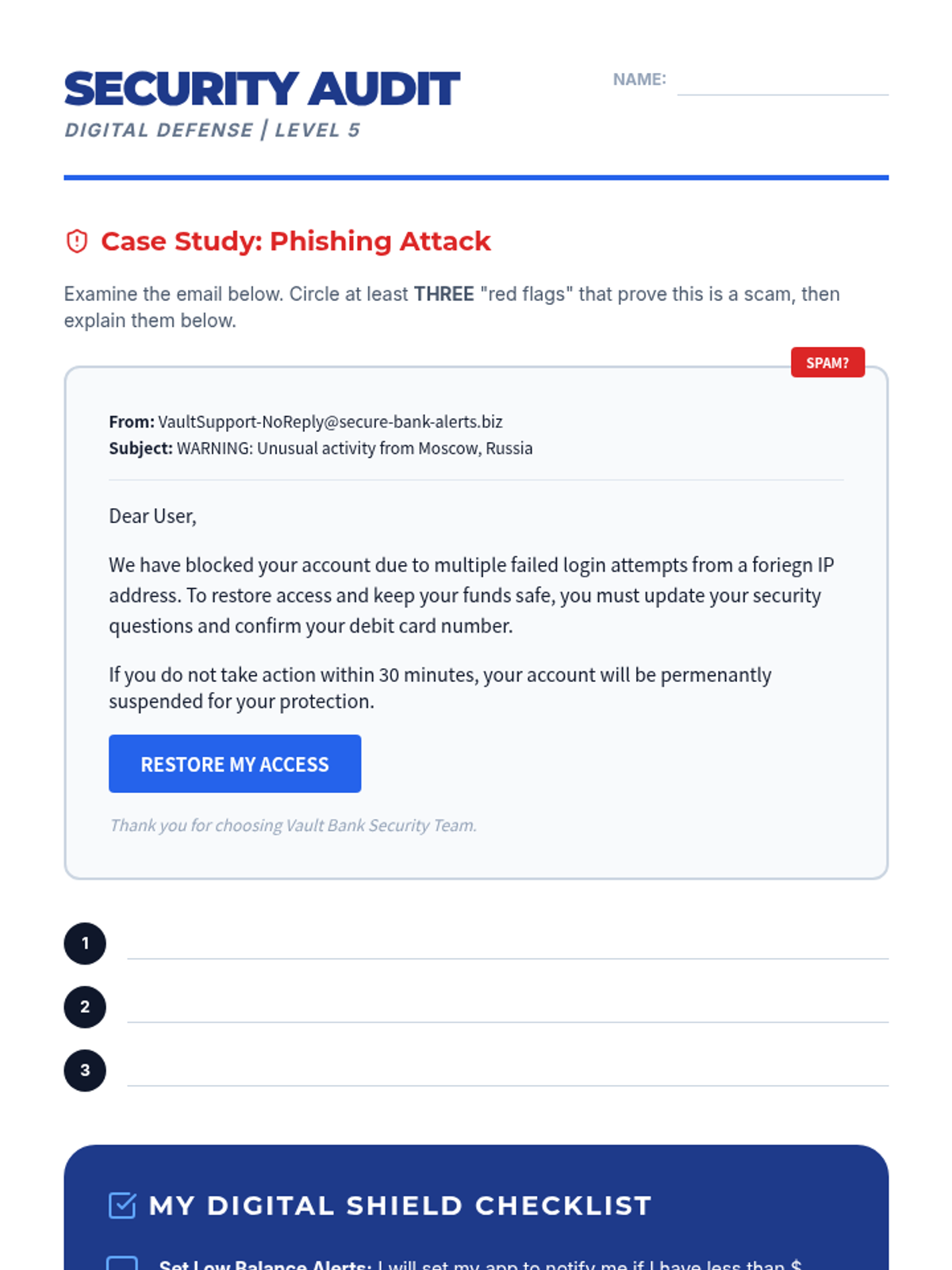
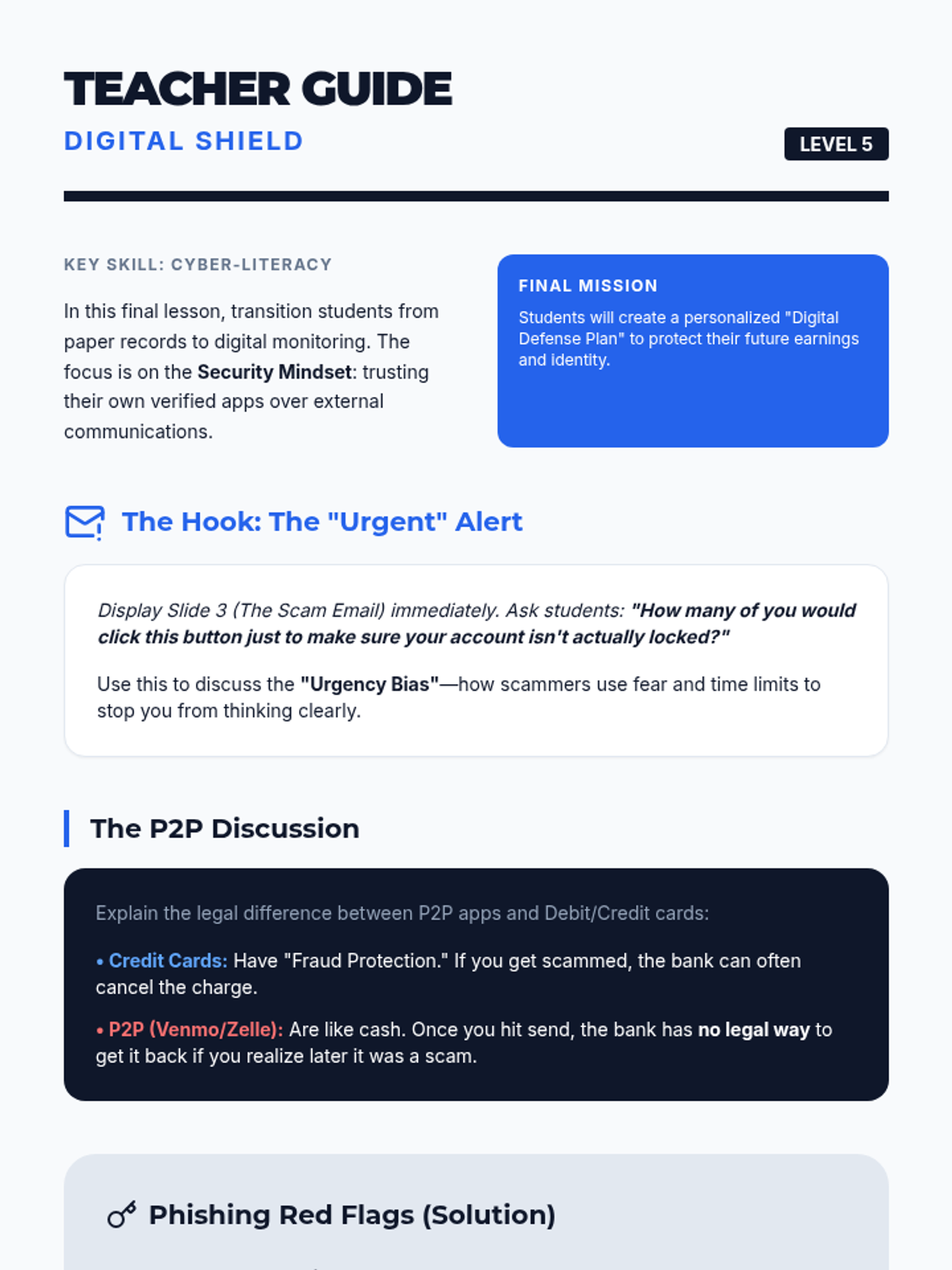
Students explore online banking dashboards, security features, and fraud prevention strategies.
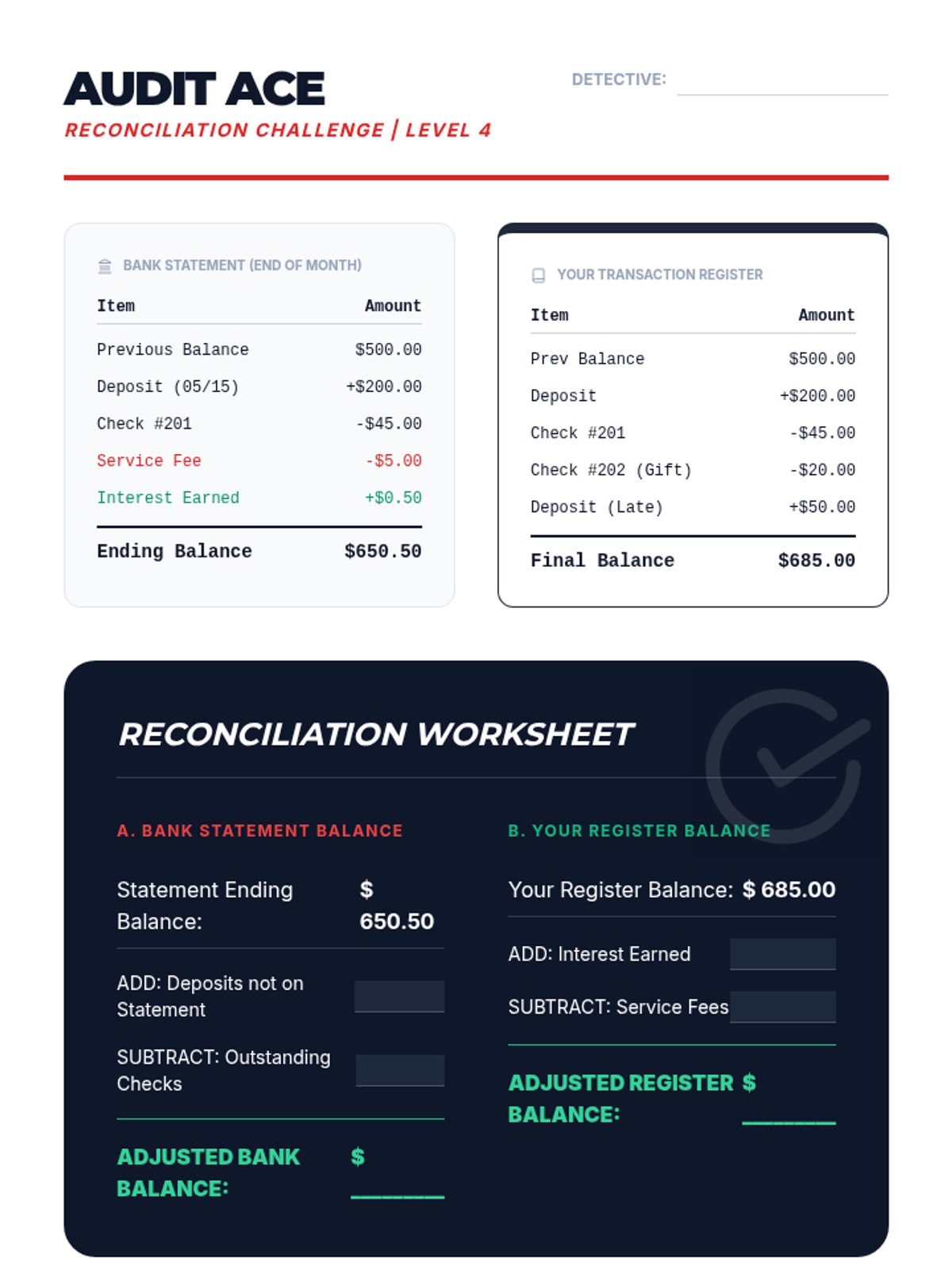
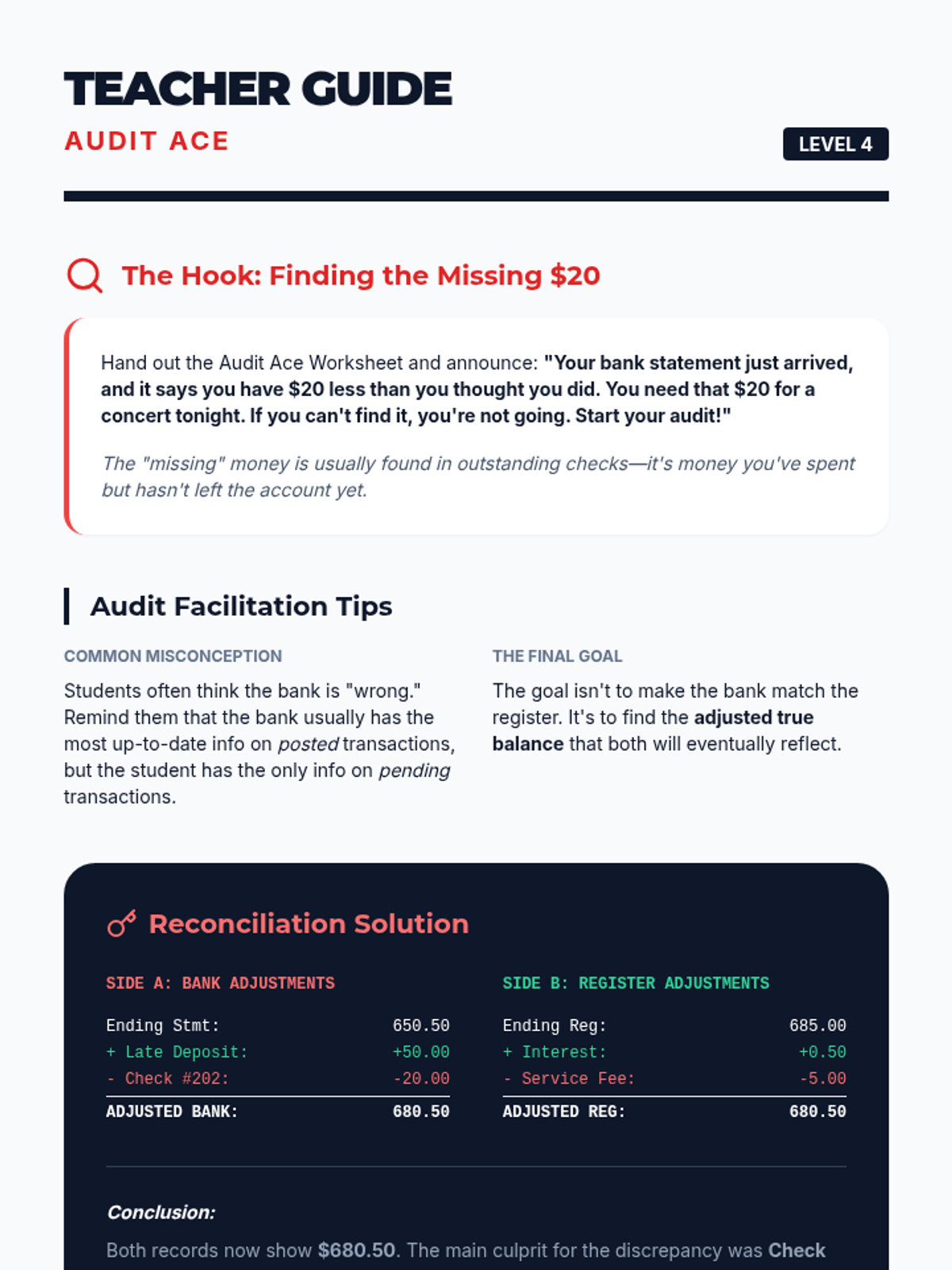
Students perform a bank reconciliation, identifying discrepancies between their personal register and a bank statement.
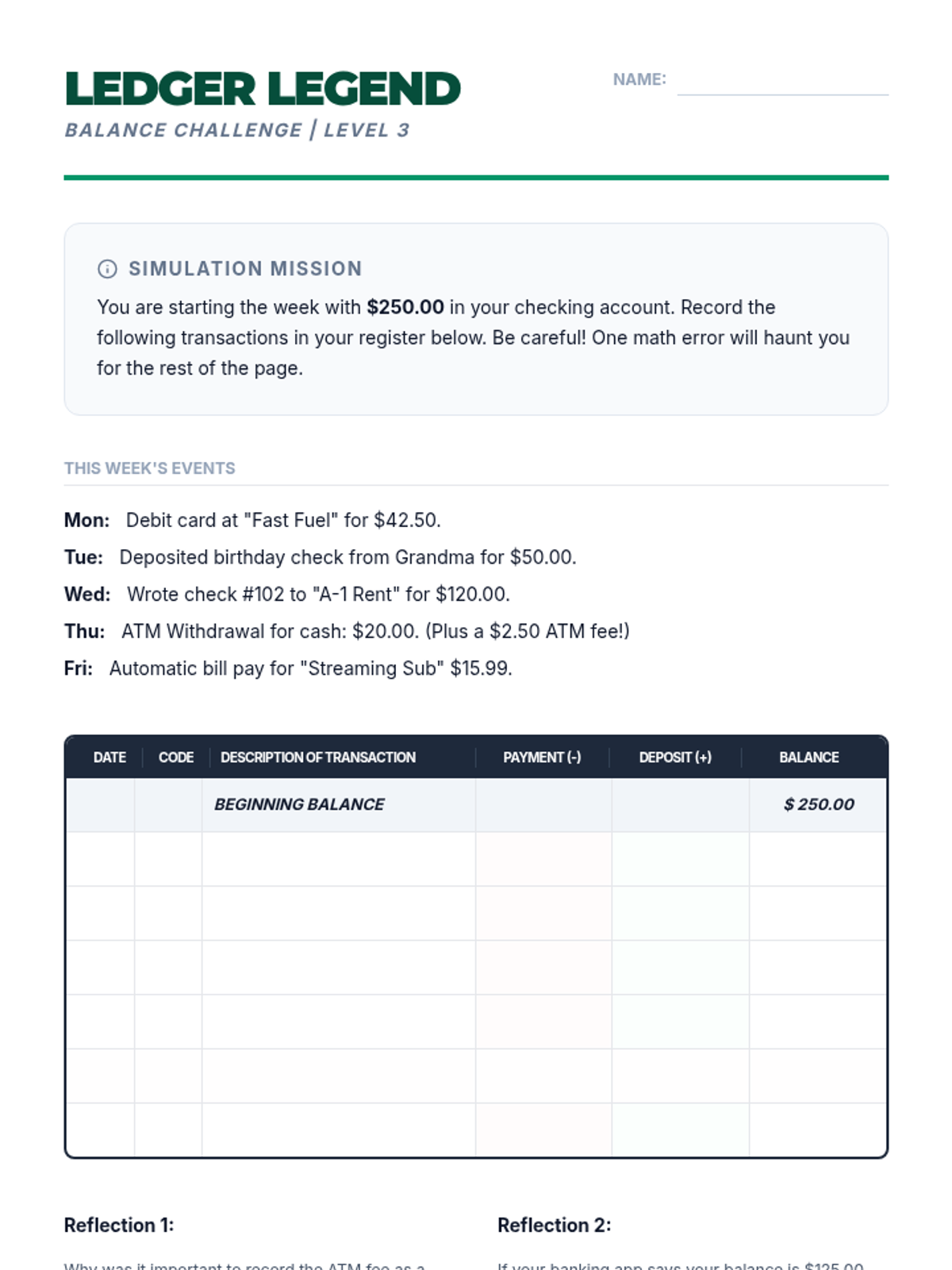
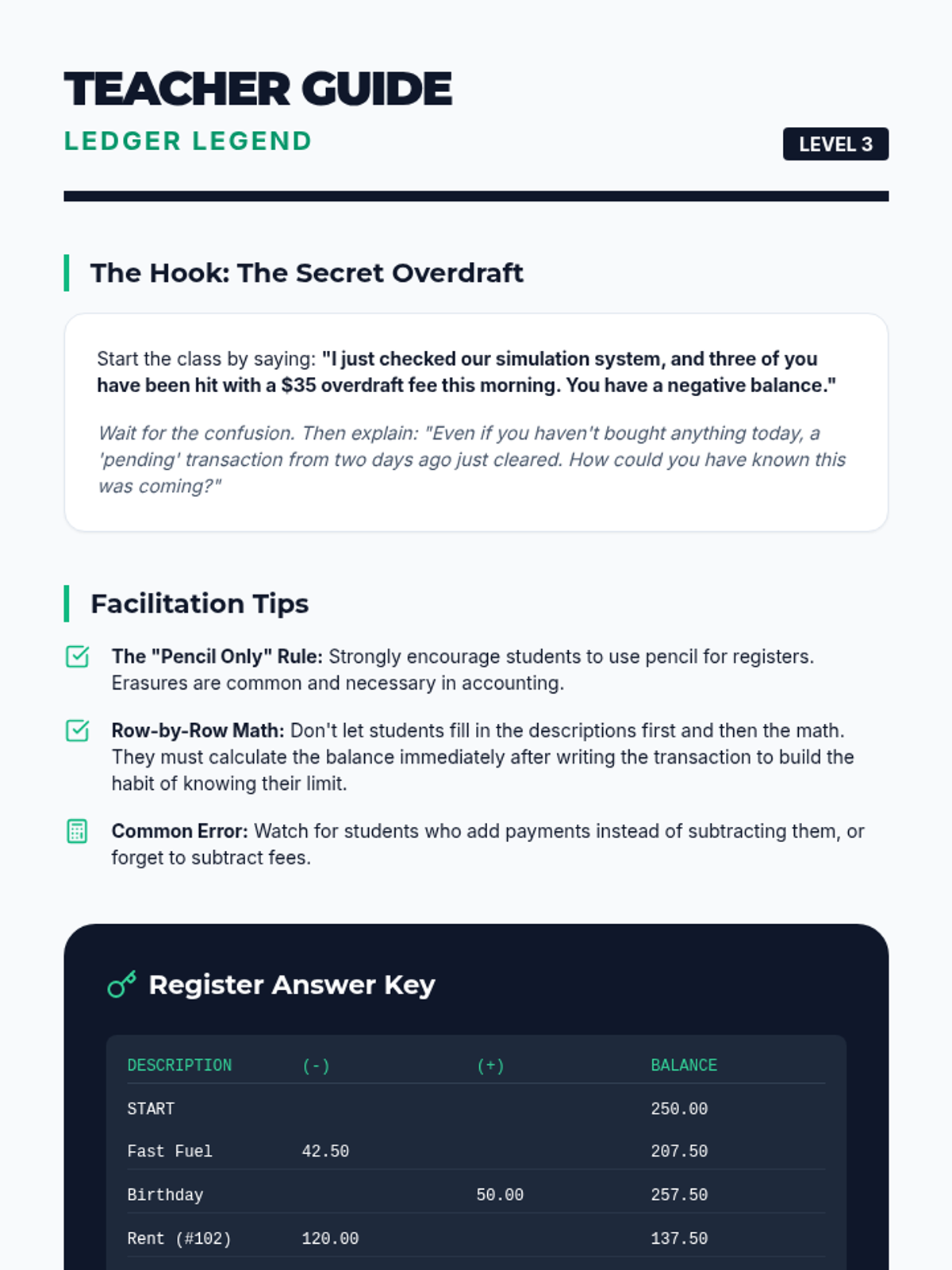
Students learn the critical habit of tracking spending by maintaining a manual transaction register, calculating running balances to prevent overdrafts.
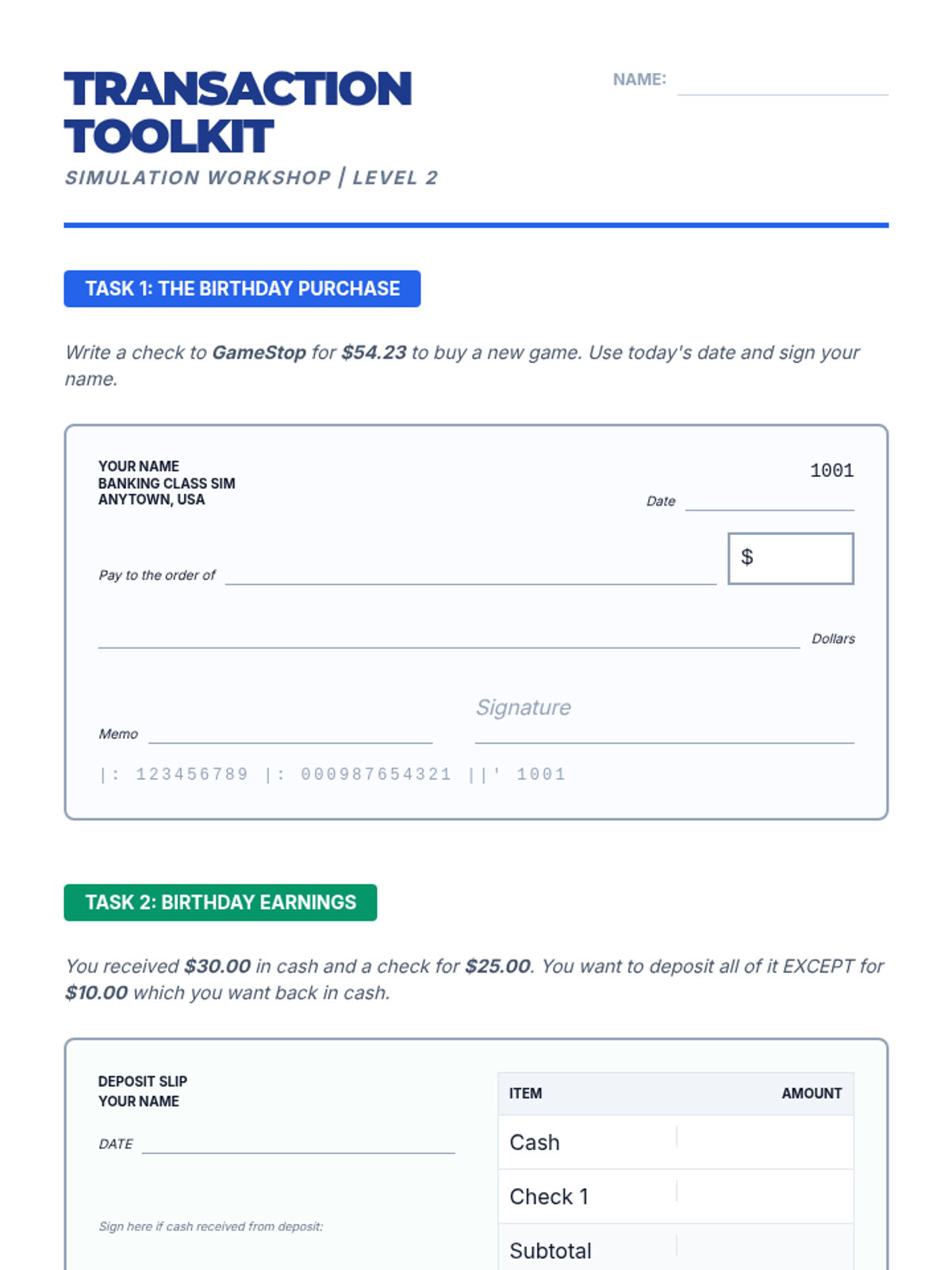
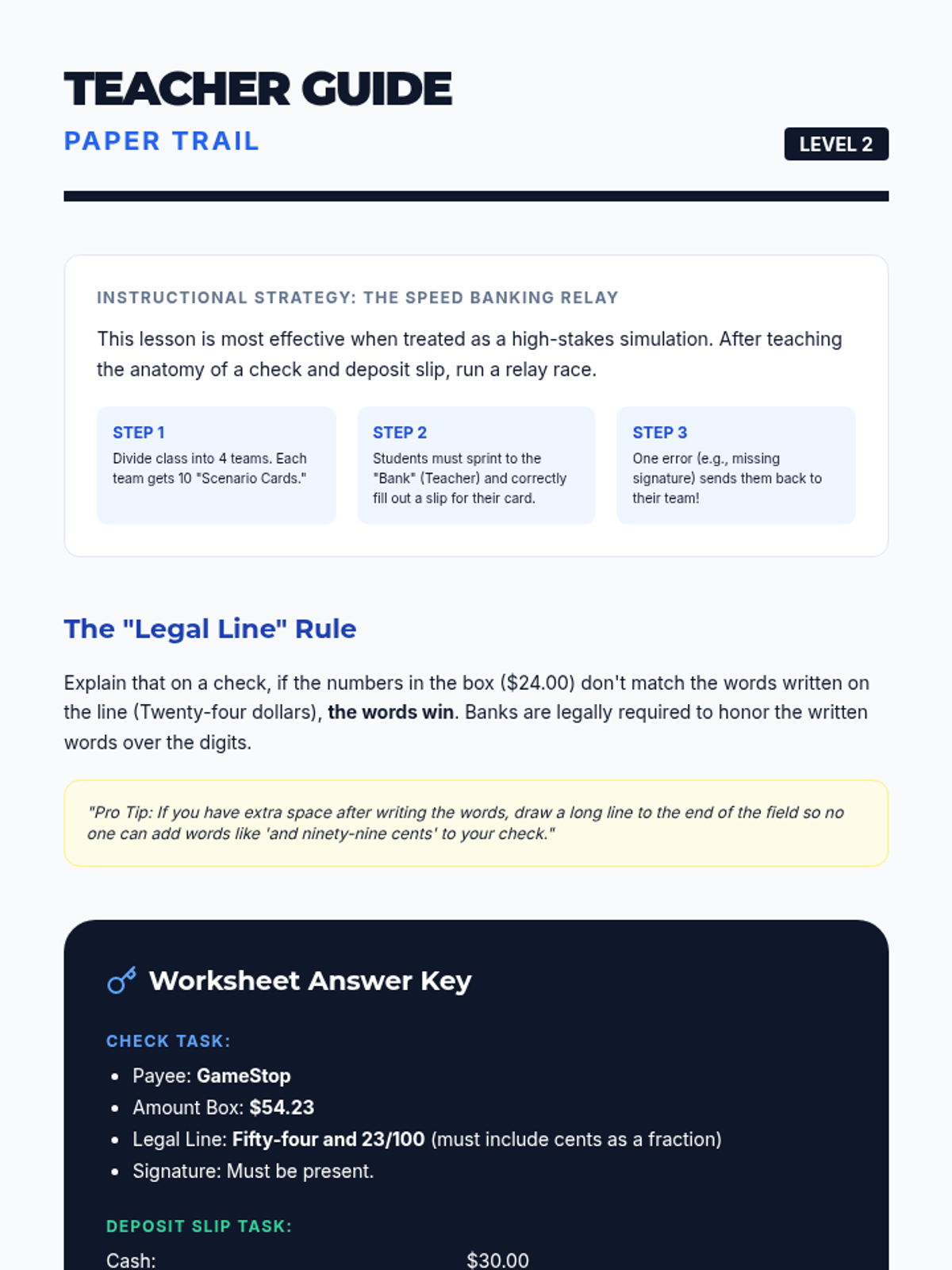
This lesson focuses on the physical and digital mechanics of moving money into and out of accounts. Students practice filling out deposit slips, endorsing checks, and writing checks.
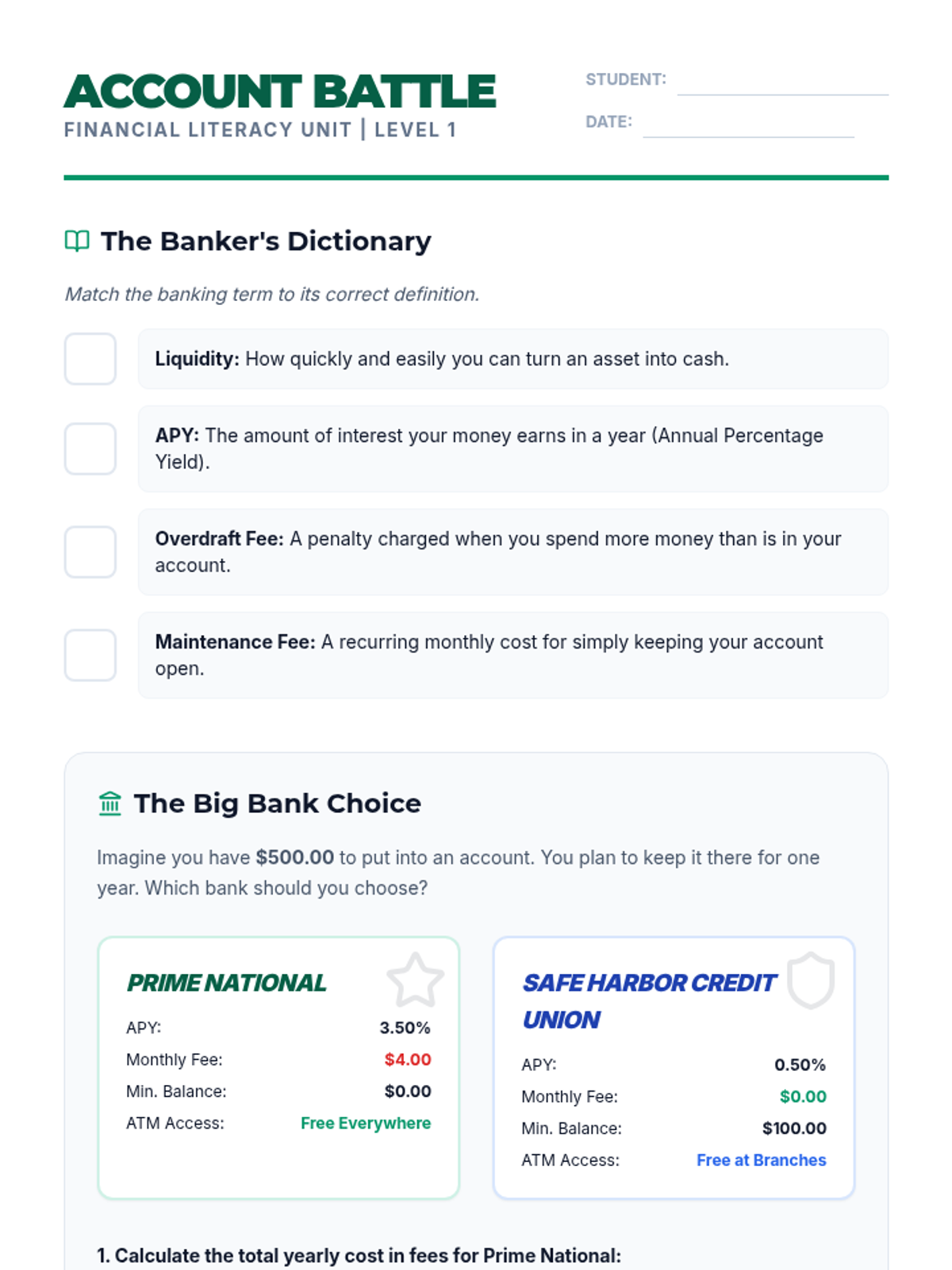
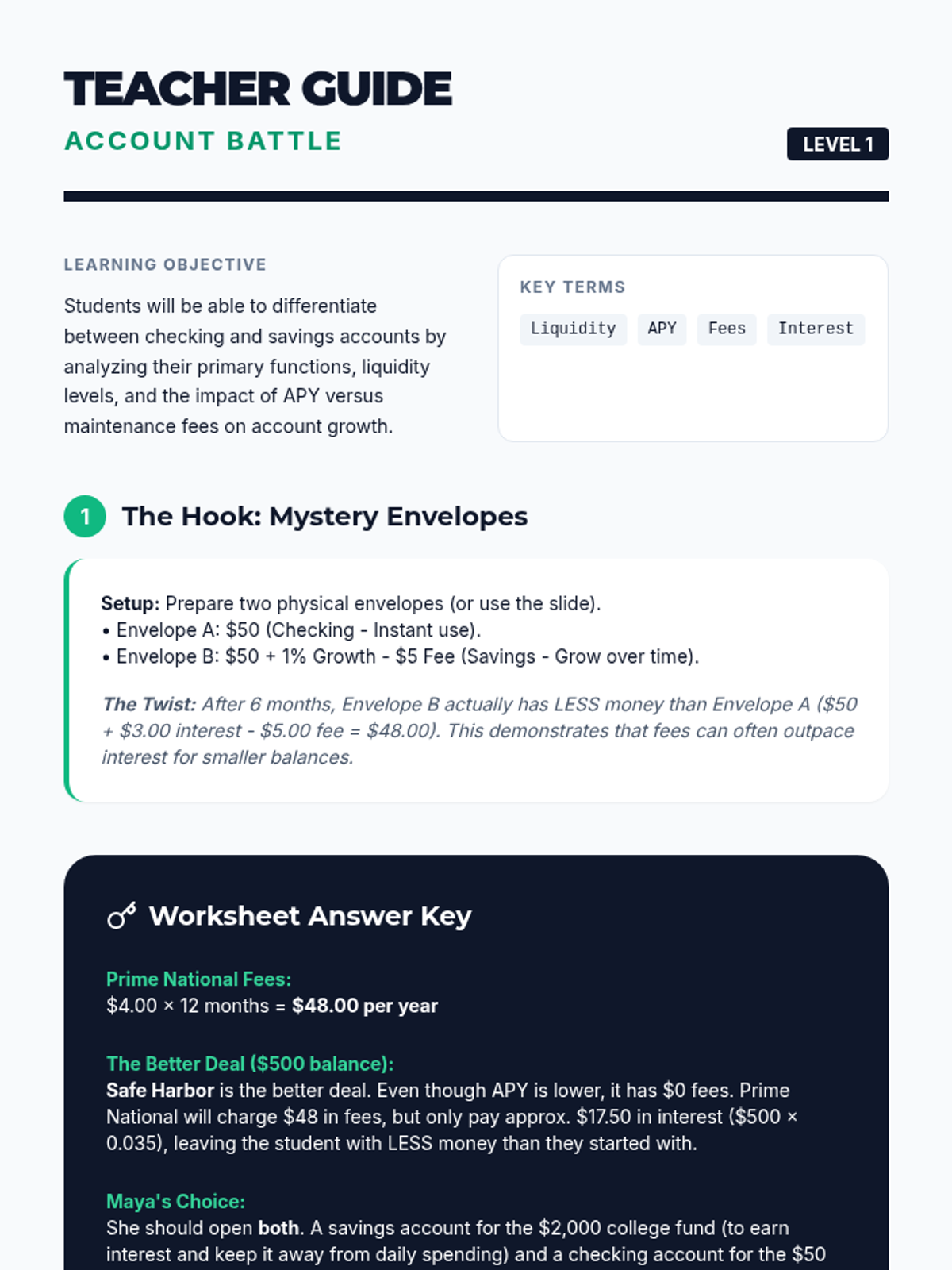
Students investigate the differences between savings and checking accounts, analyzing liquidity, APY, and fee structures to make informed financial decisions.
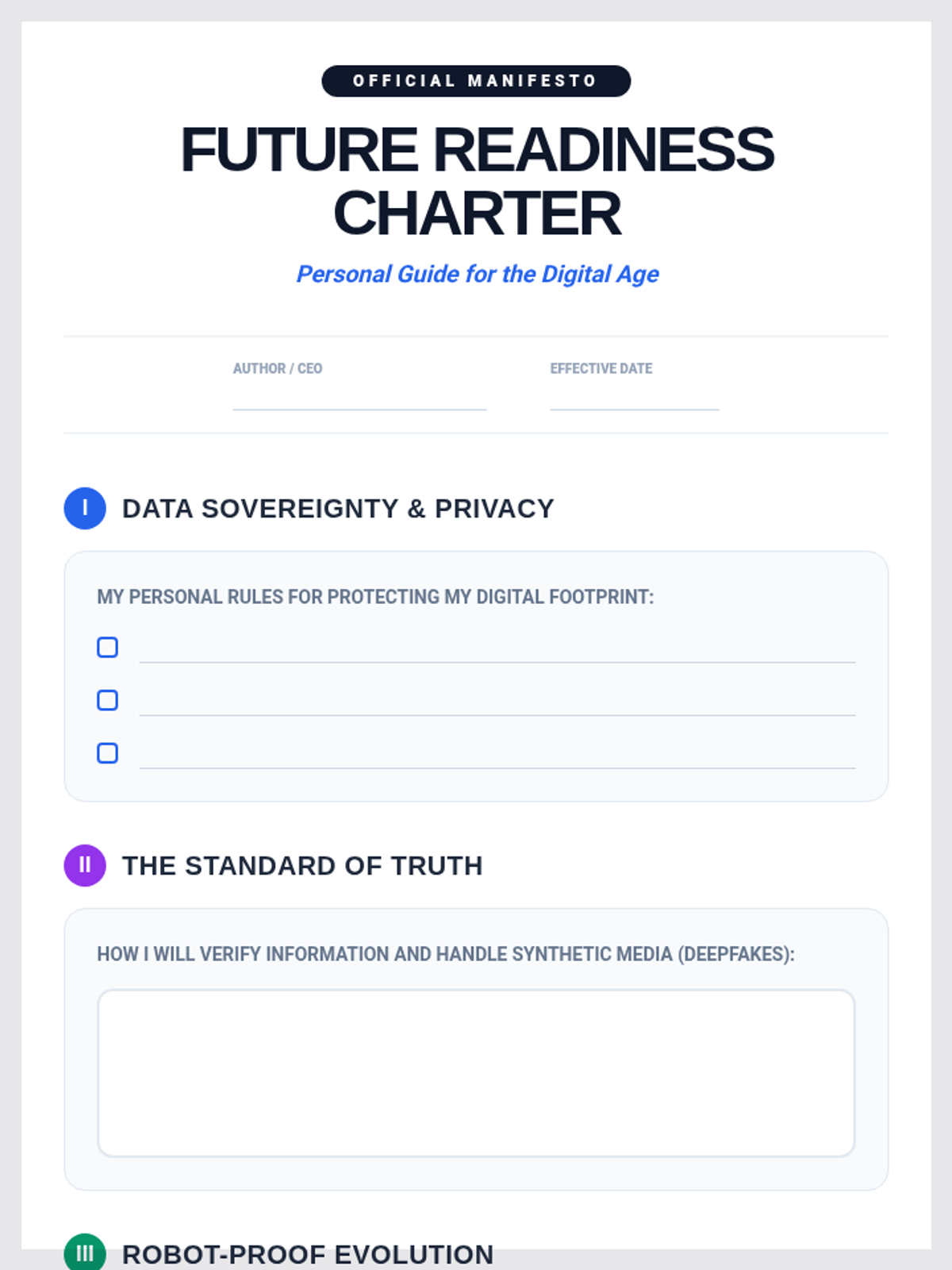
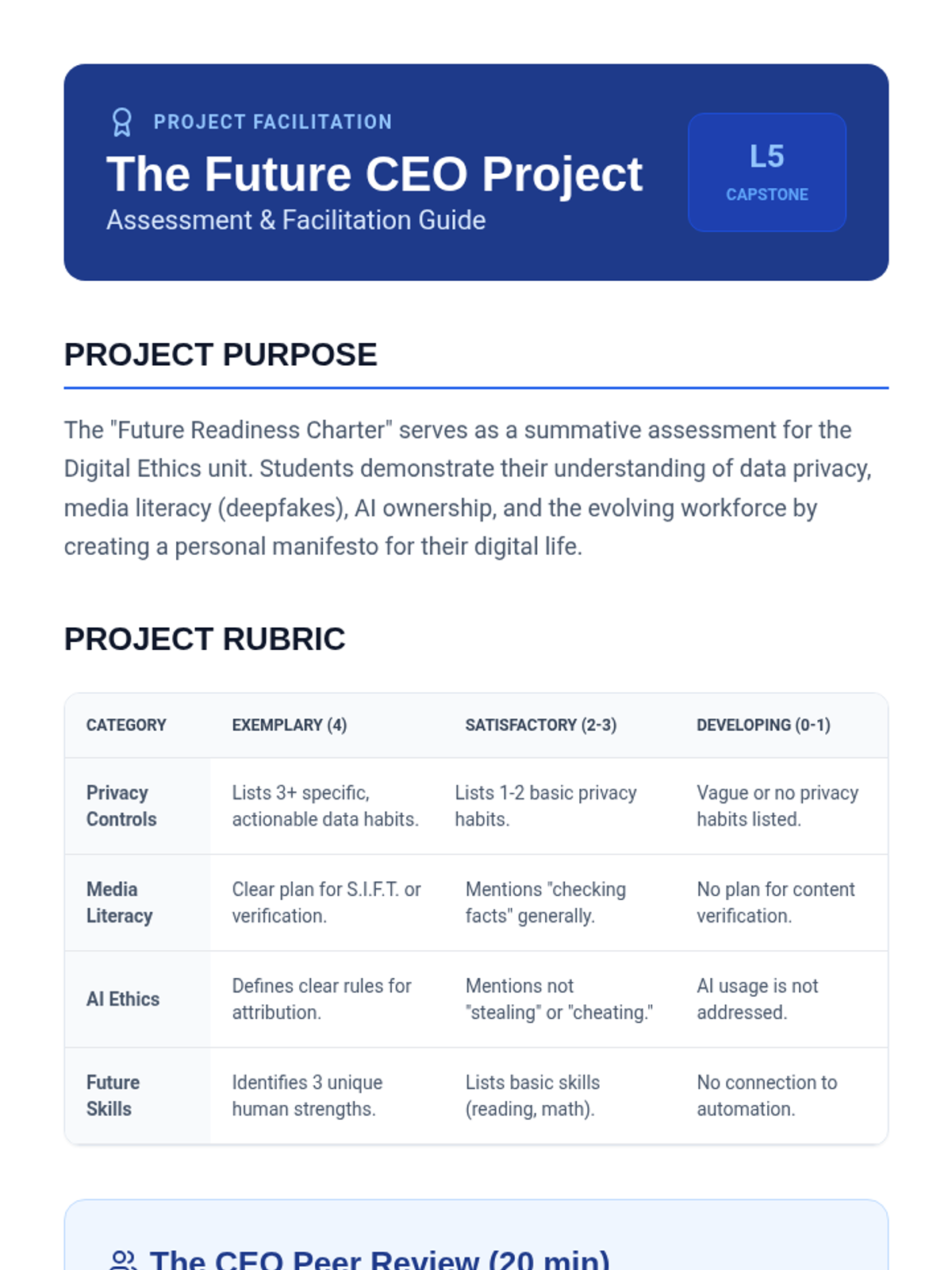
The culminating project where students synthesize their learning into a personal manifesto for ethical and safe technology use in their future lives.
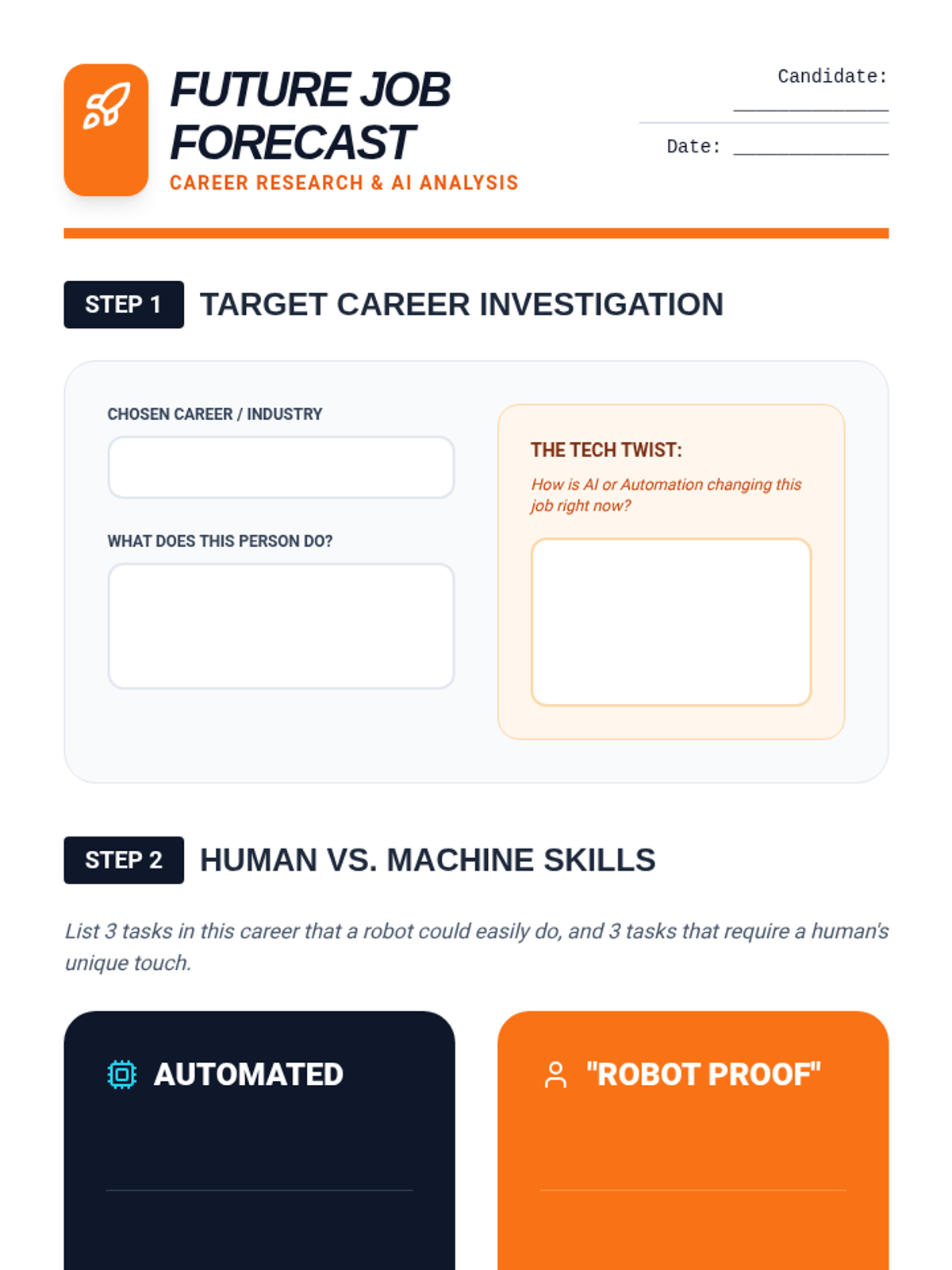
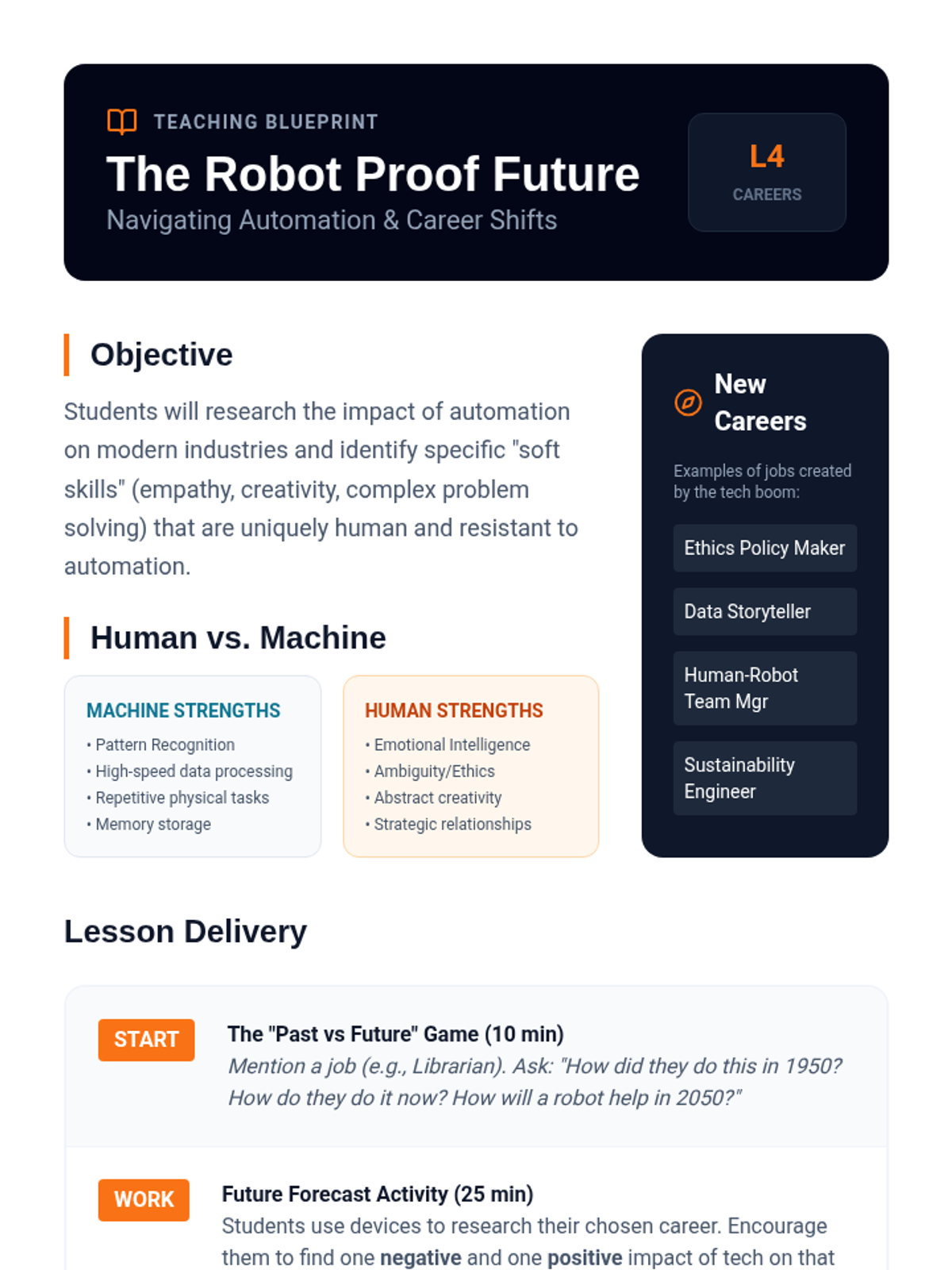
A forward-looking lesson on how automation is reshaping the workforce, focusing on the unique human skills that remain essential in the age of robots.
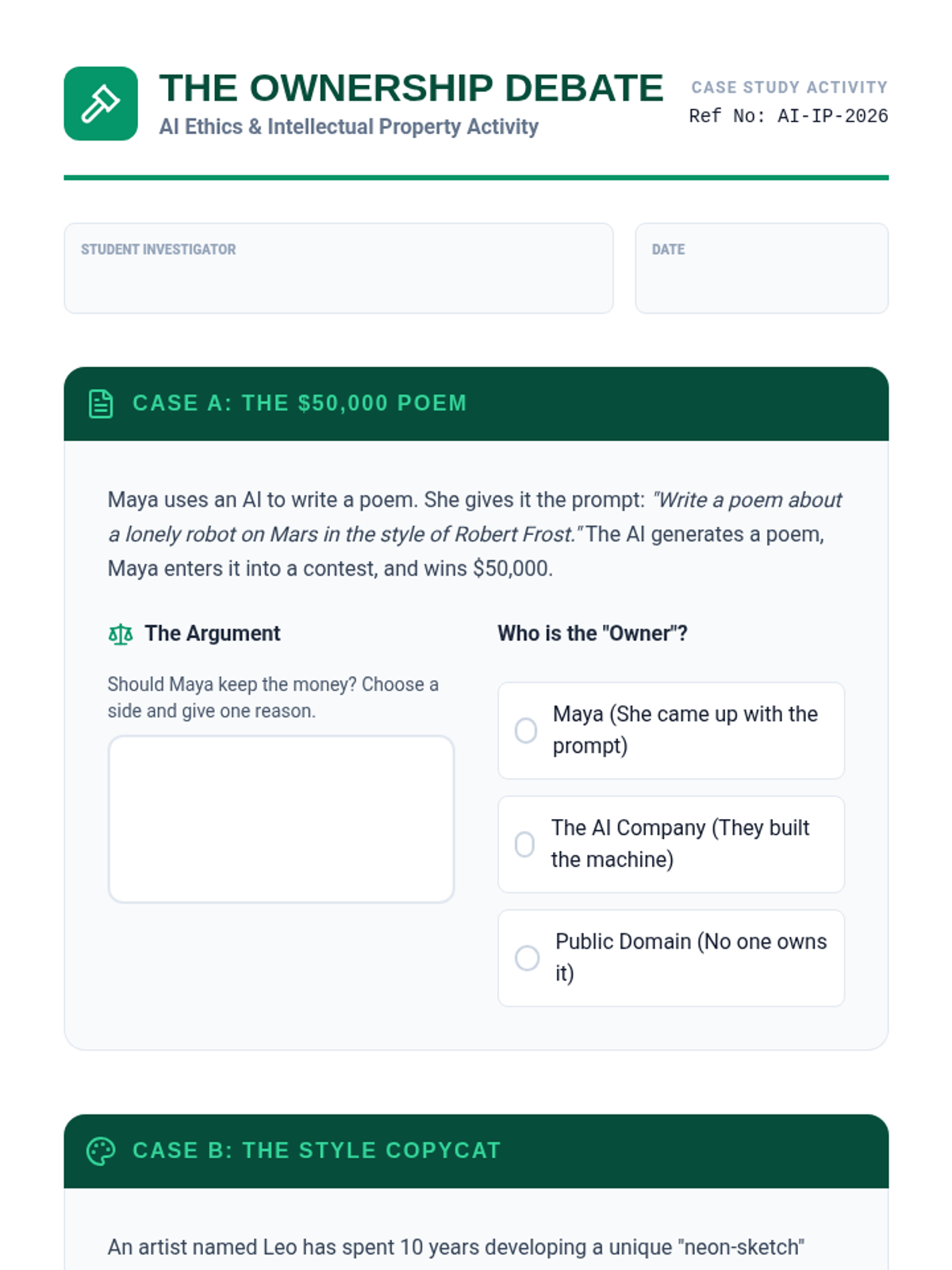
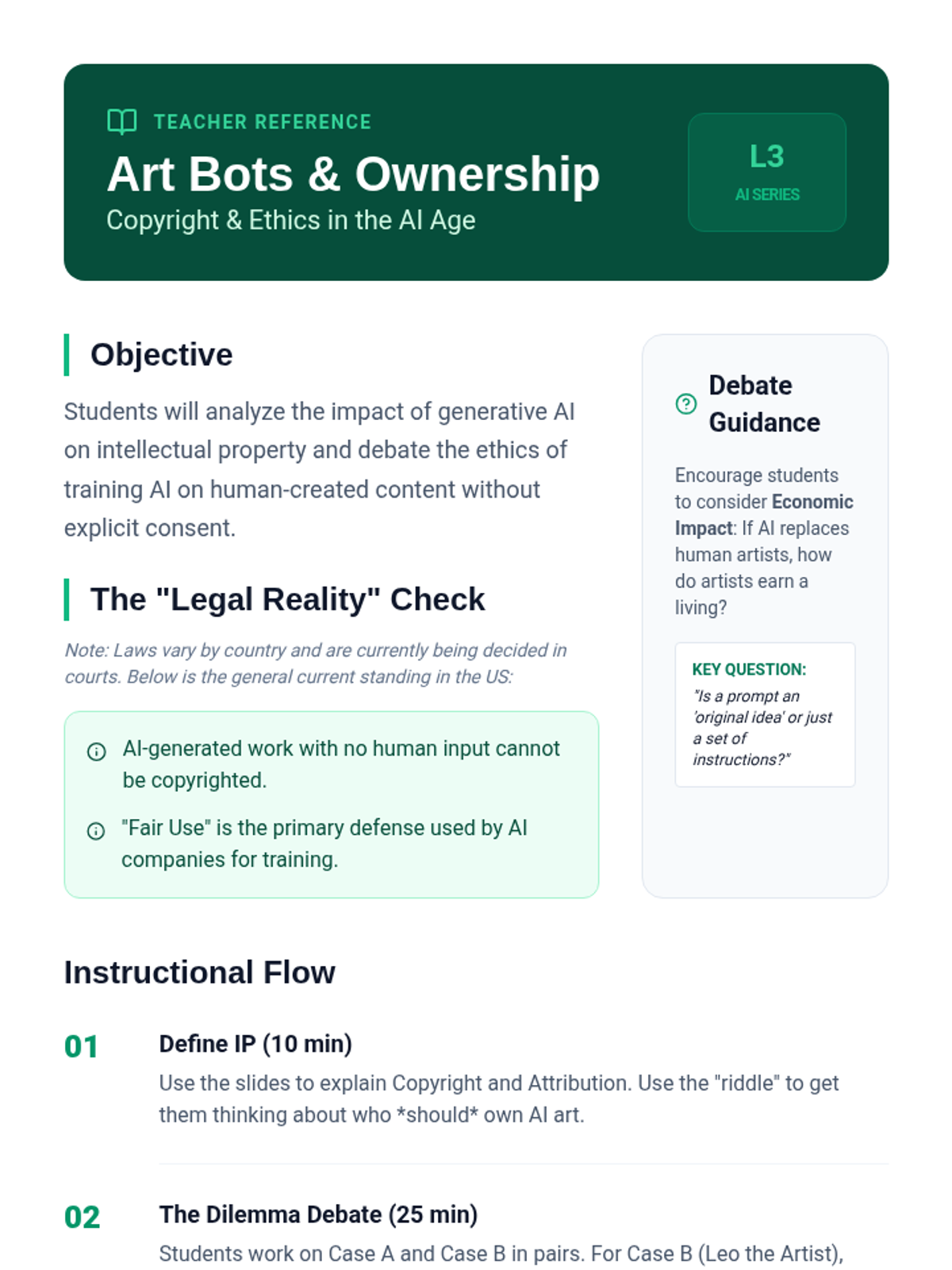
Students debate the complexities of copyright and ownership in the age of generative AI, learning how to ethically attribute work in an automated world.
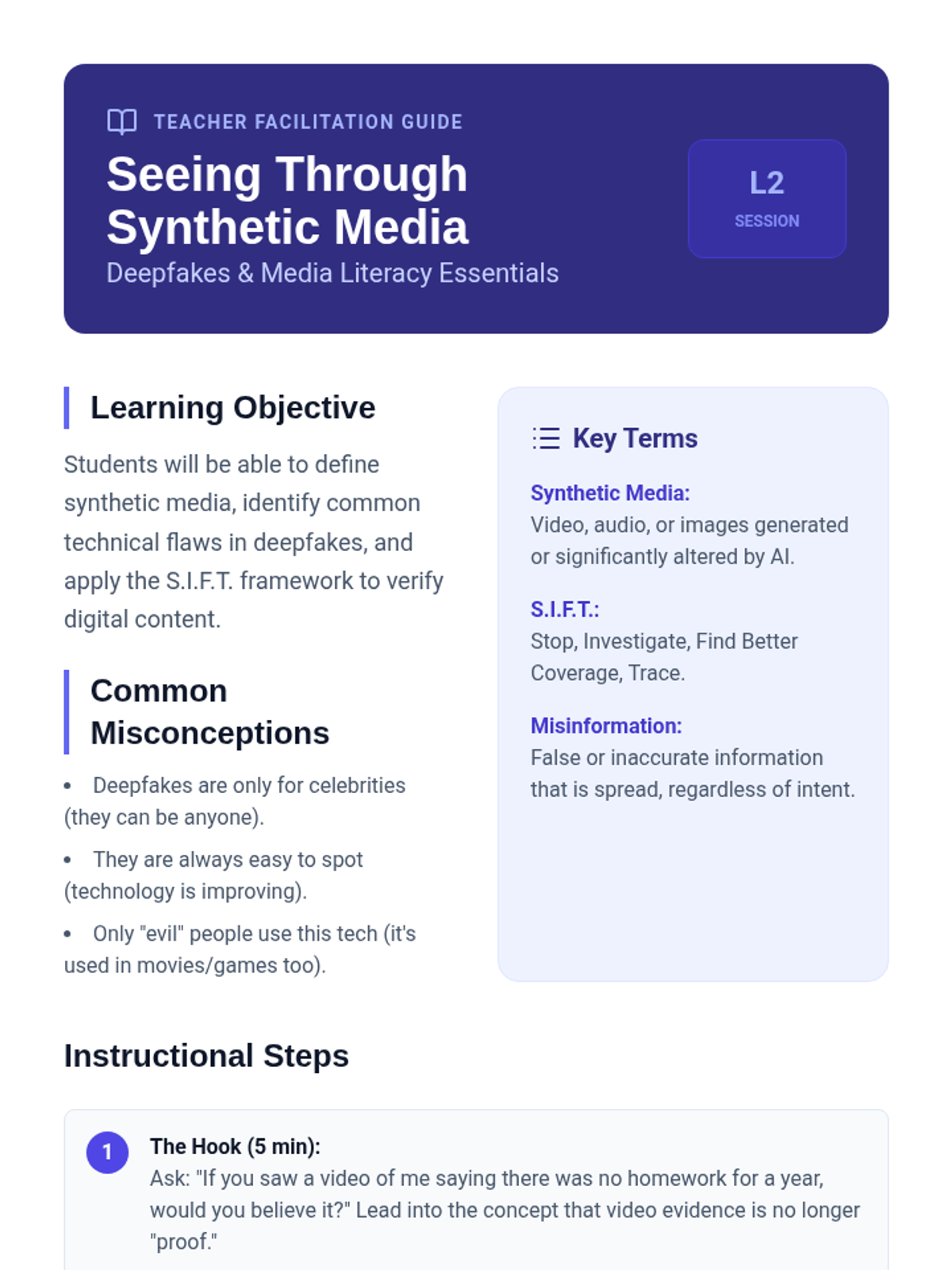
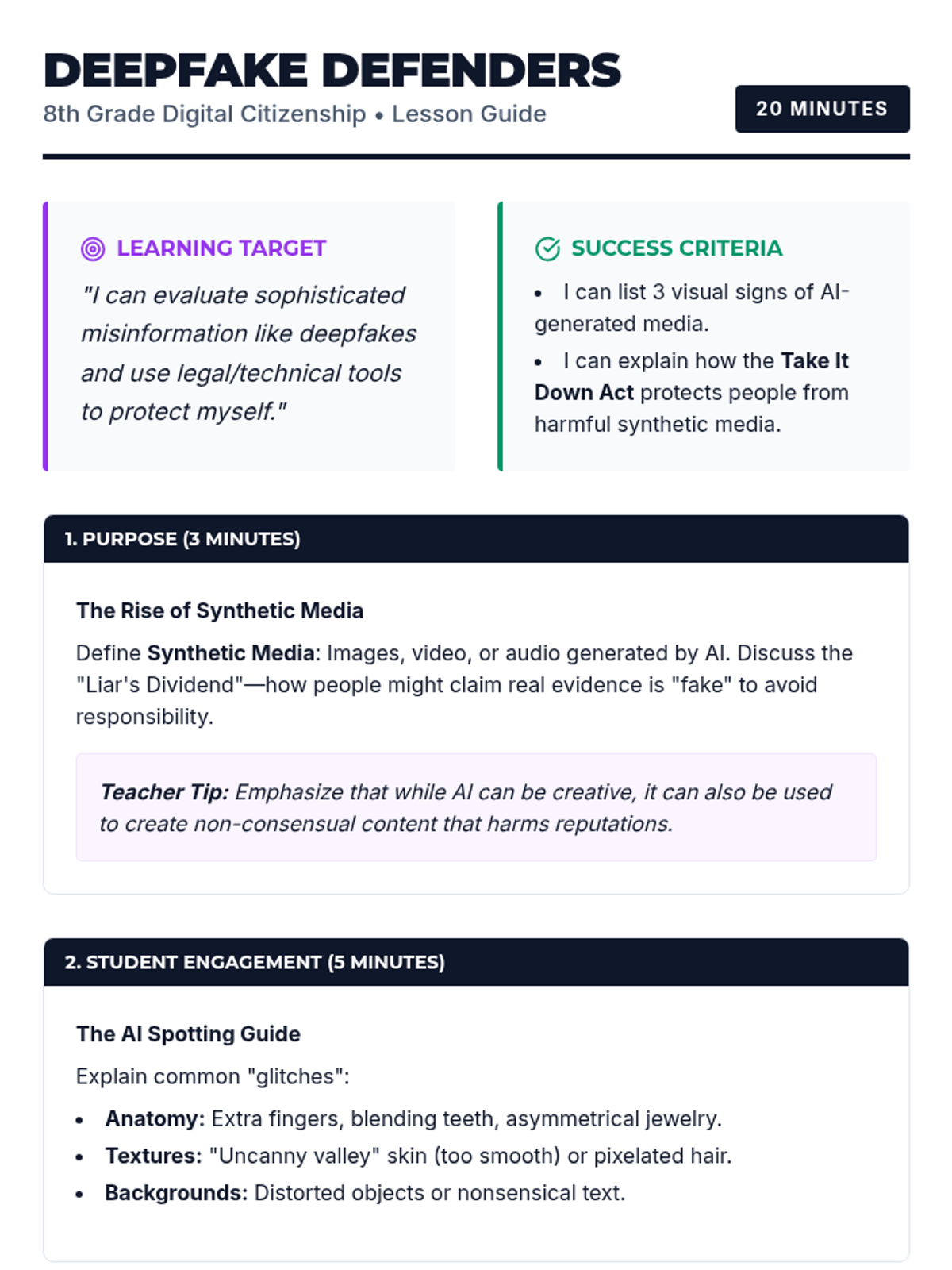
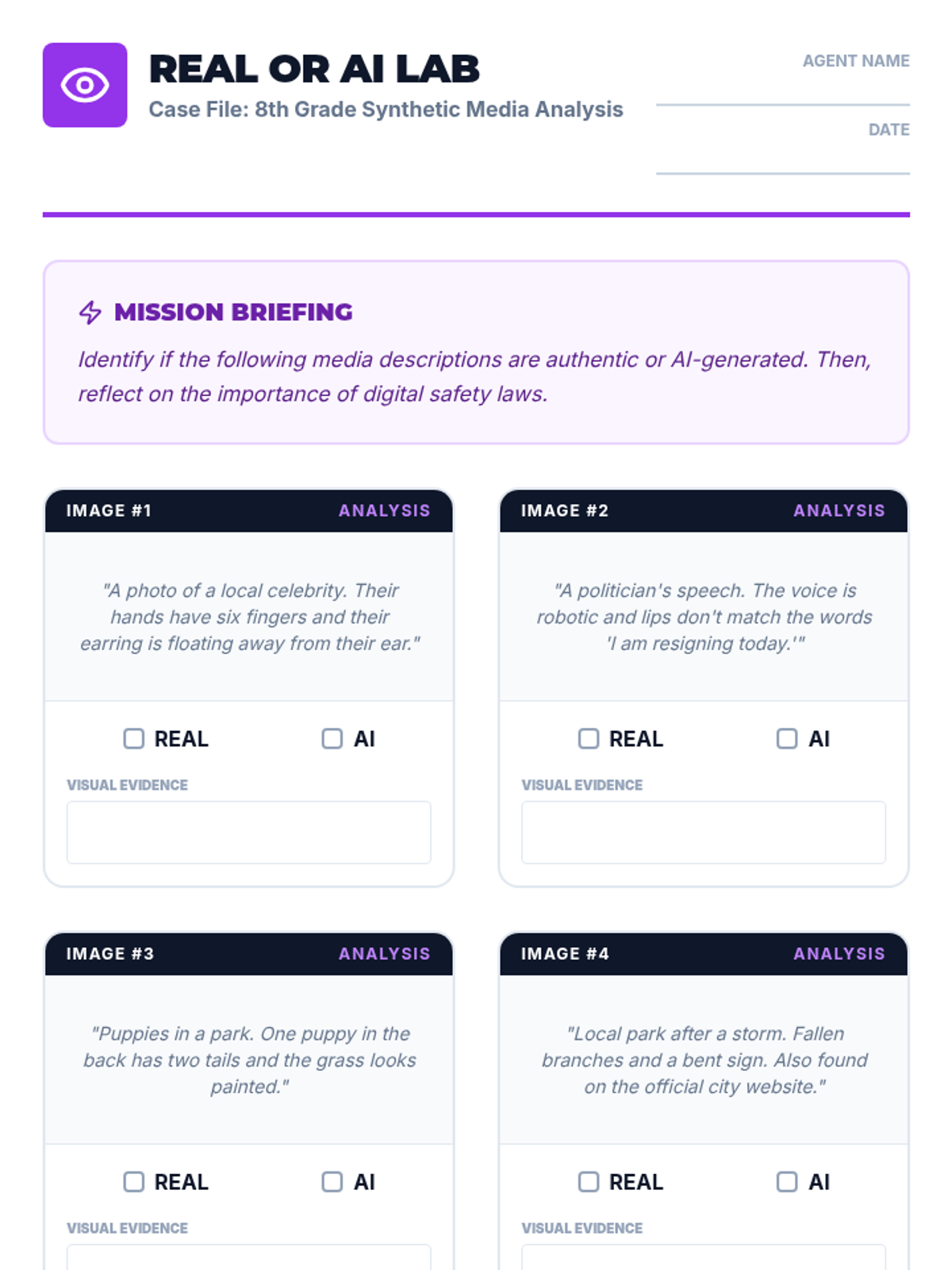
An exploration of synthetic media and deepfakes, teaching students to critically evaluate digital content and understand the ethical risks of misinformation.
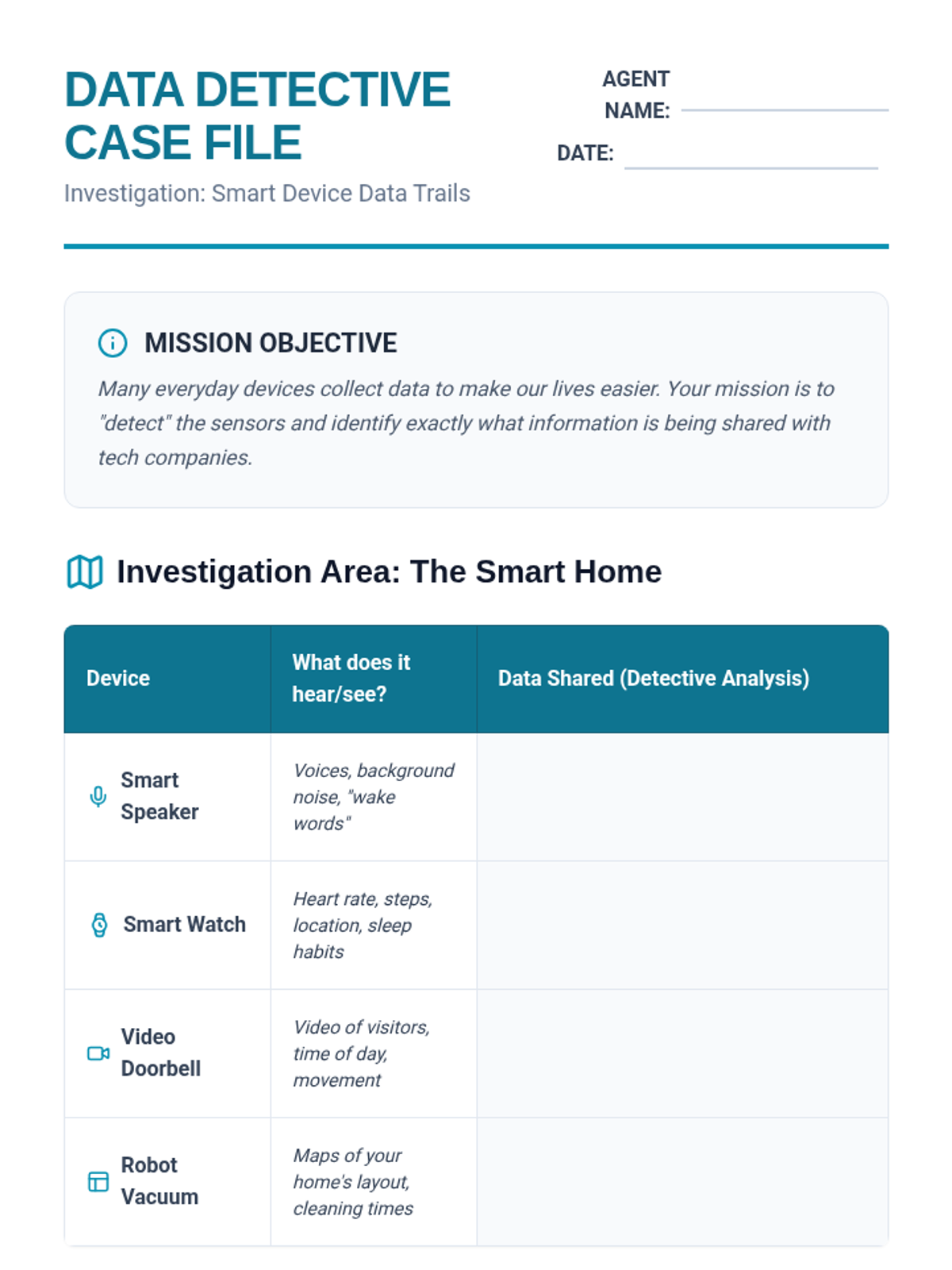
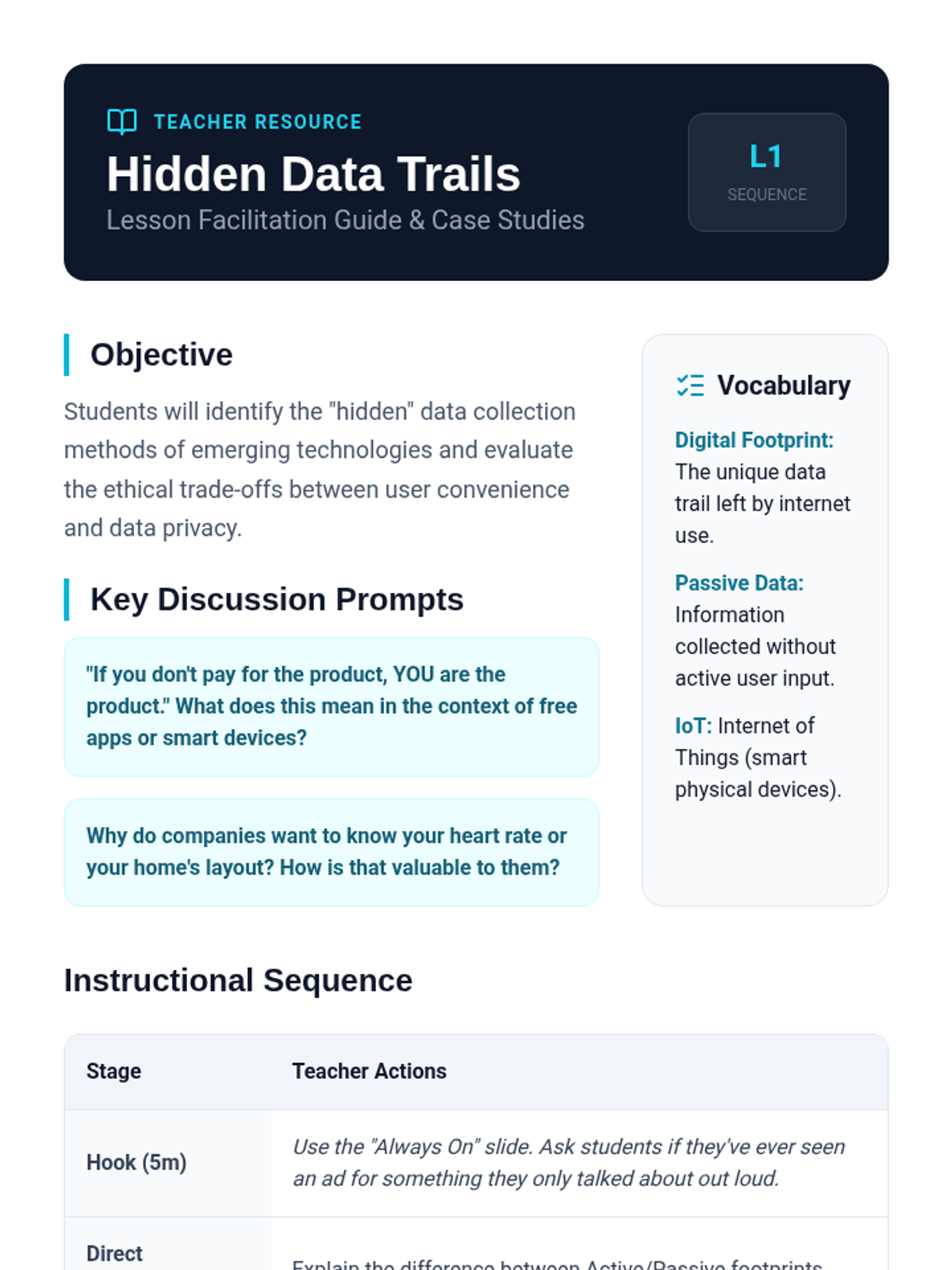
Students investigate how smart devices and AI assistants collect personal data, analyzing the trade-offs between technological convenience and individual privacy.
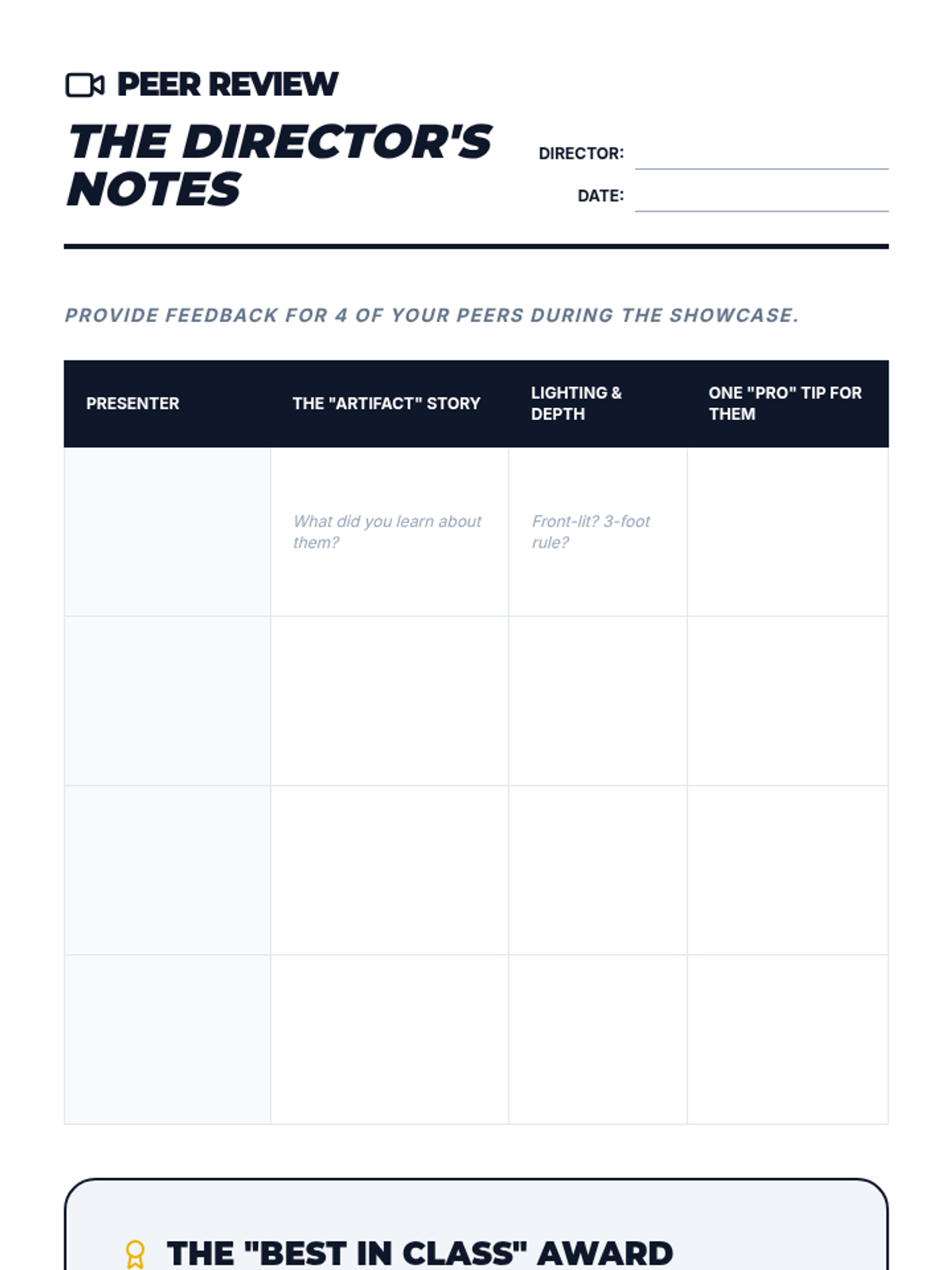
The final presentation where students showcase their 'interview corner' and receive peer feedback based on professional design principles.
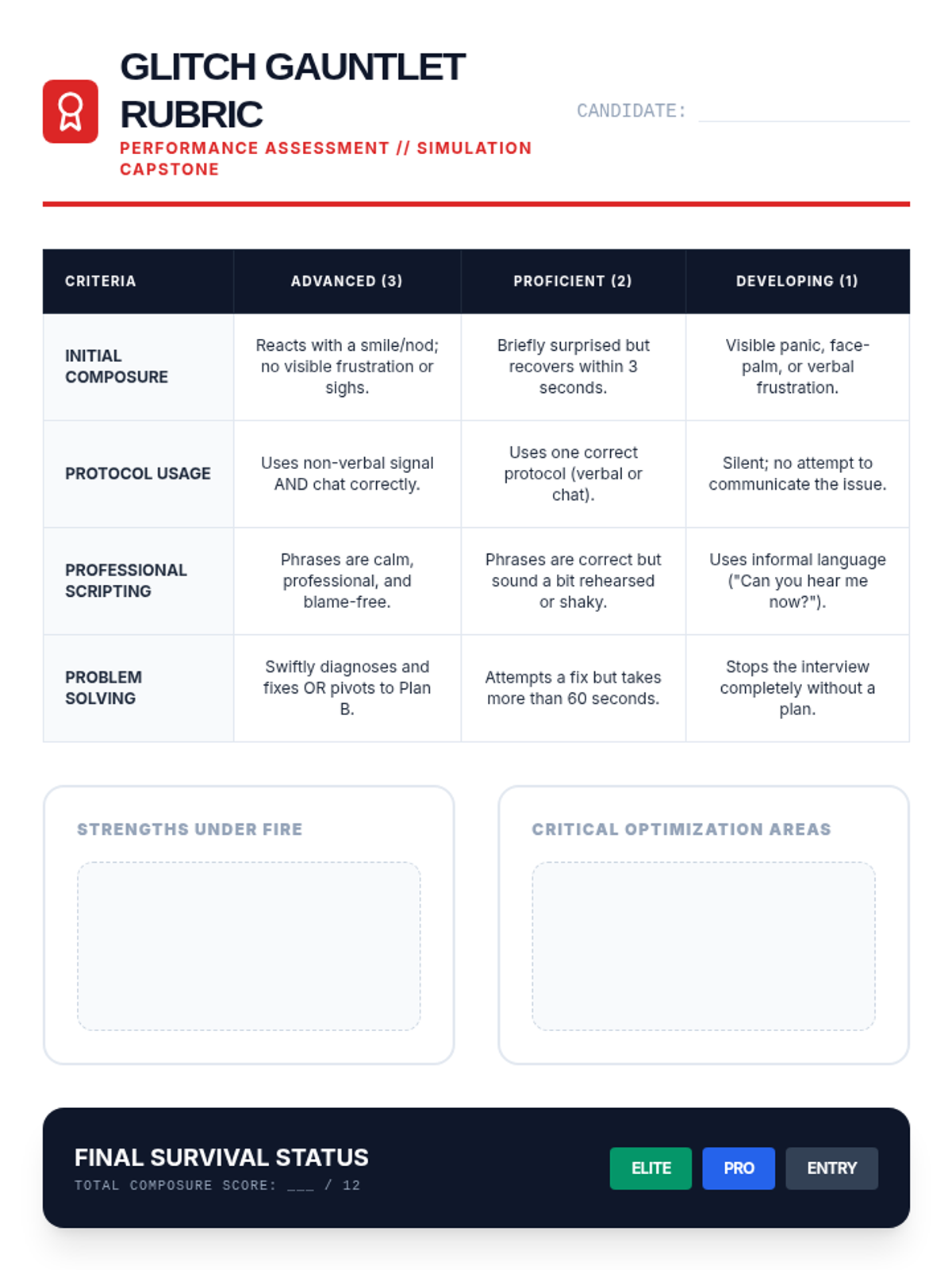
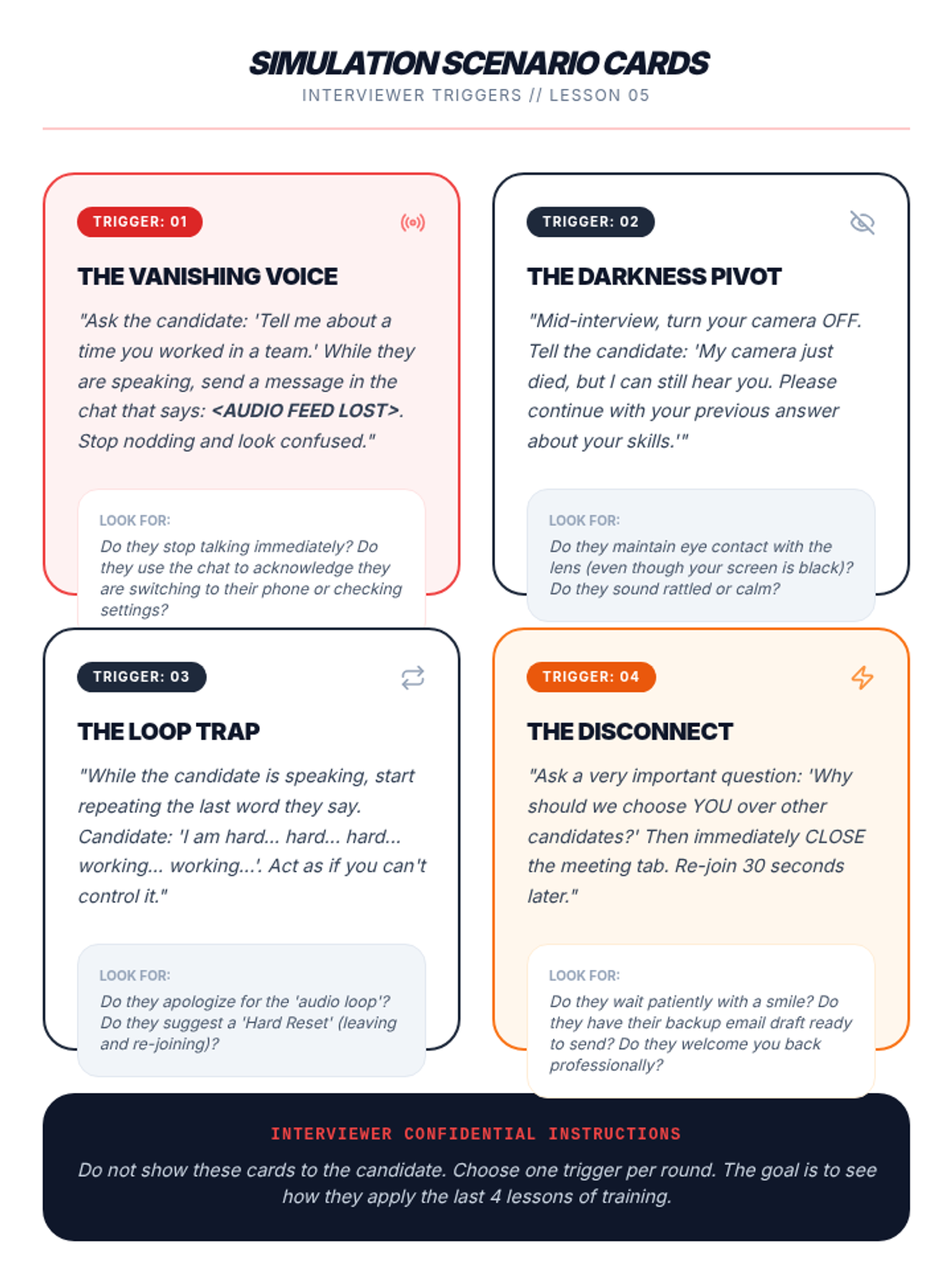
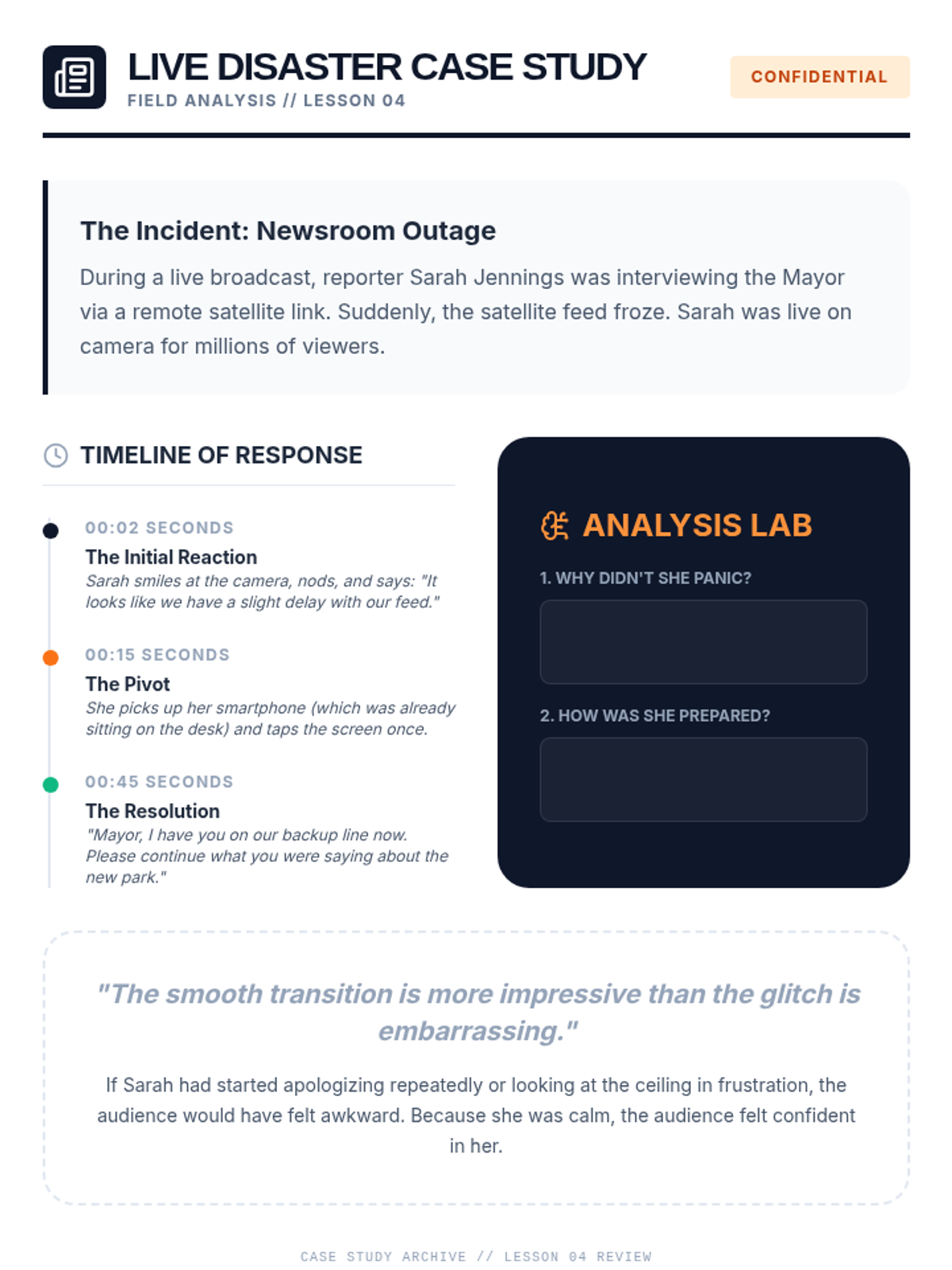
The capstone simulation where students navigate high-pressure 'disaster scenarios' in a mock interview, demonstrating resilience and composure under technological fire.
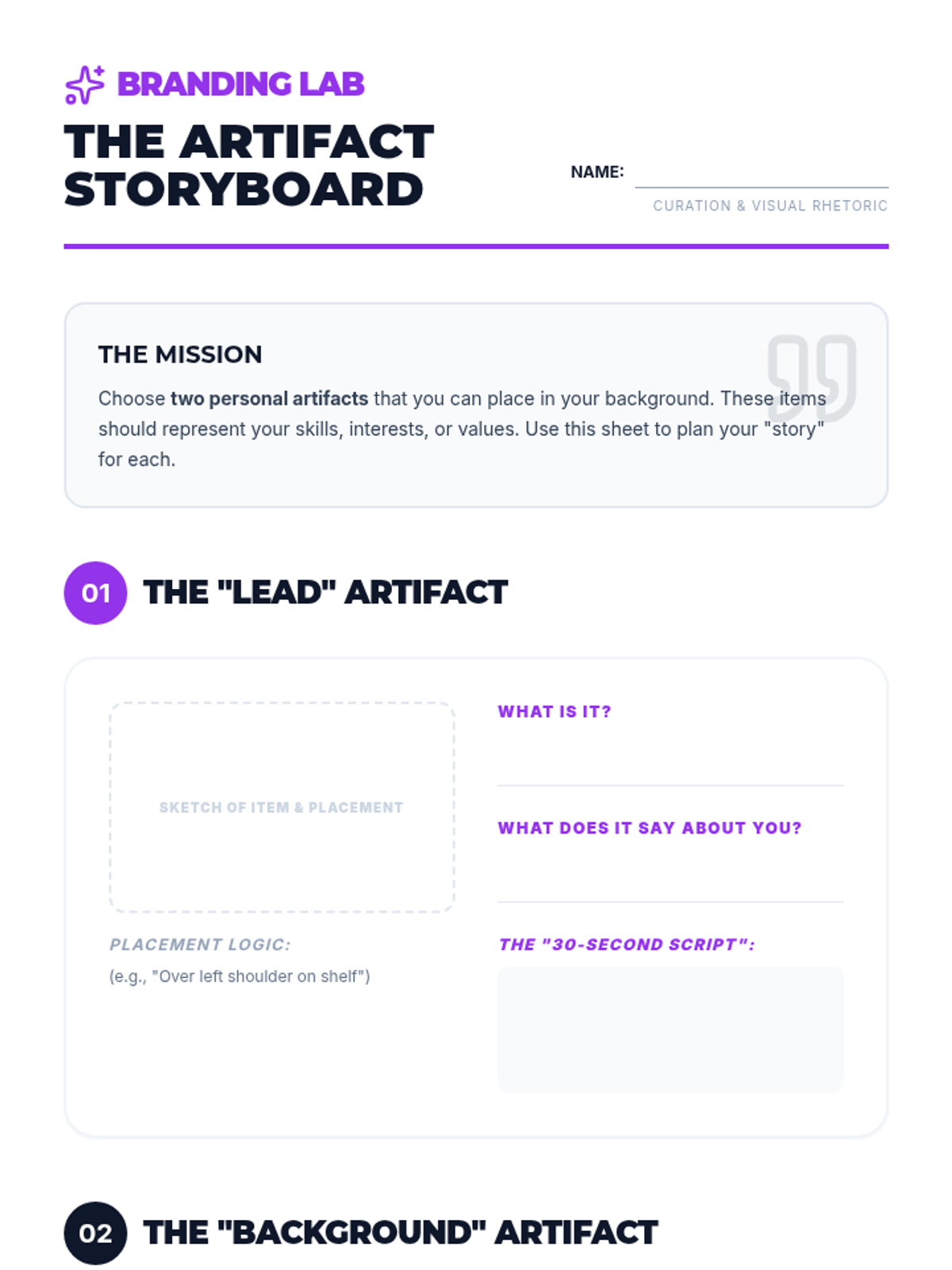
Students select and stage personal artifacts that tell a positive story about their interests, practicing how to use them as conversation starters.
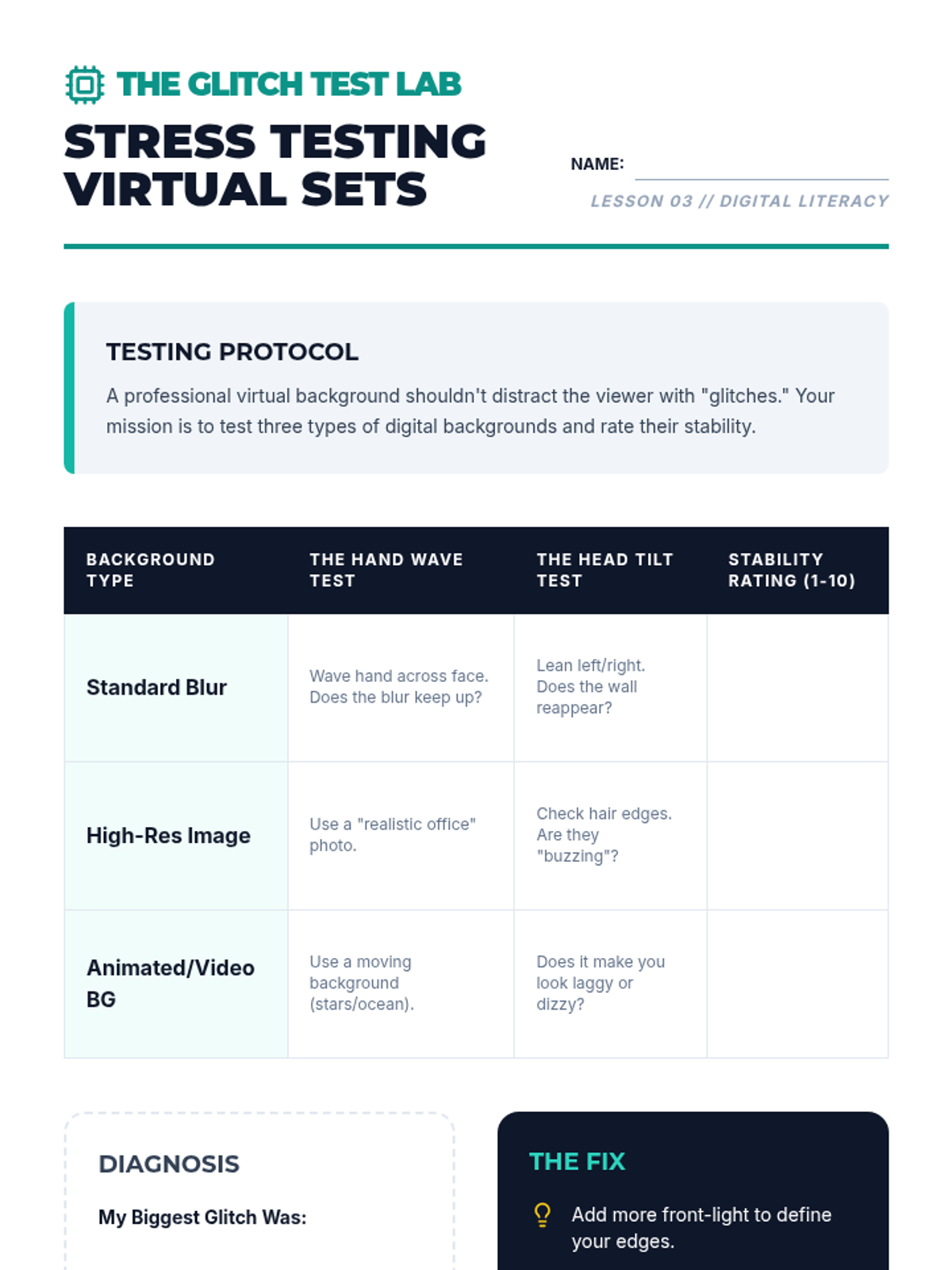
Learners explore the technical do's and don'ts of virtual backgrounds and blurring effects, testing for 'glitching' and professional aesthetics.
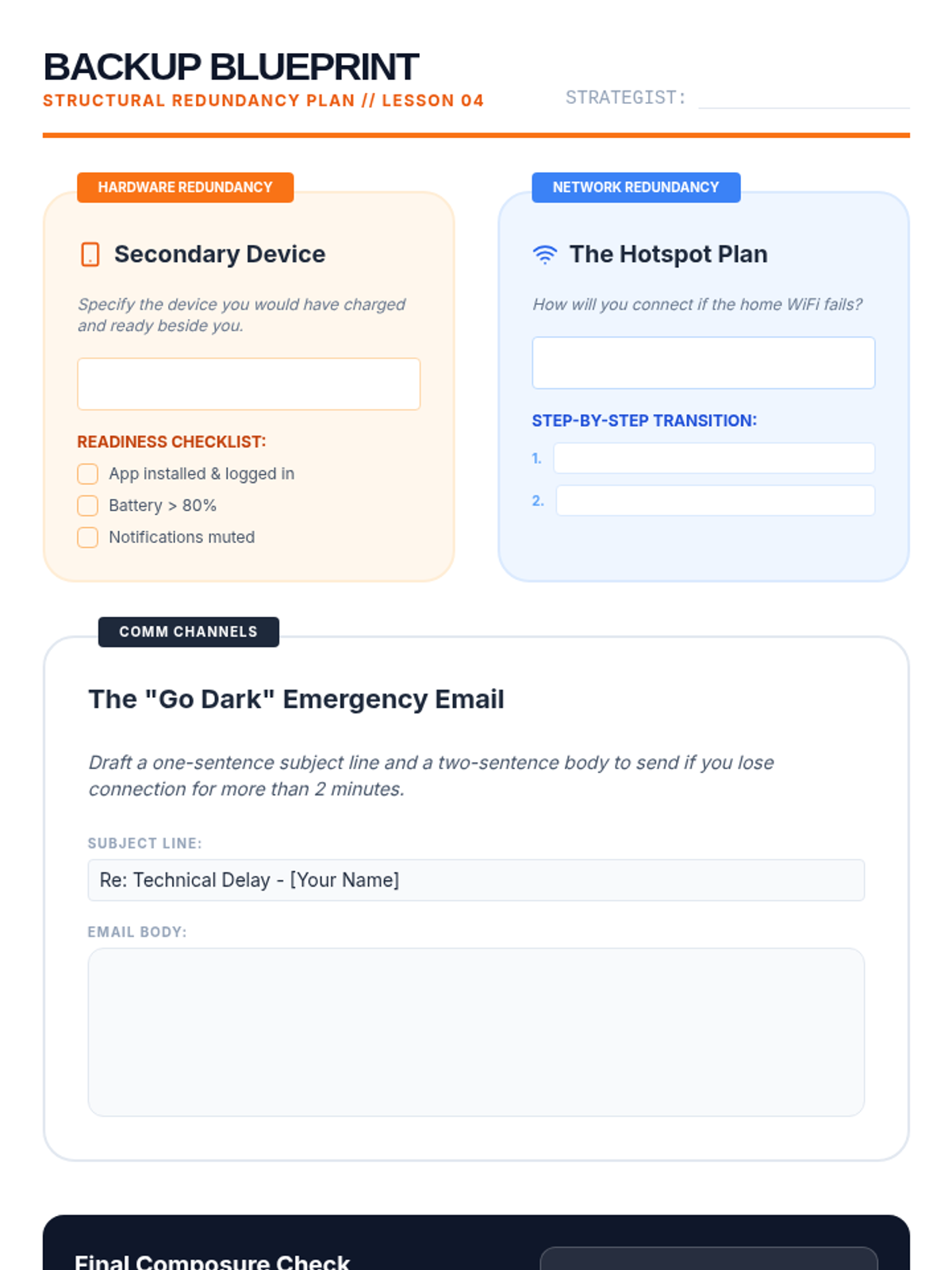
Students build comprehensive contingency plans, including secondary devices and alternate communication channels, to ensure they never truly 'go dark' during an interview.
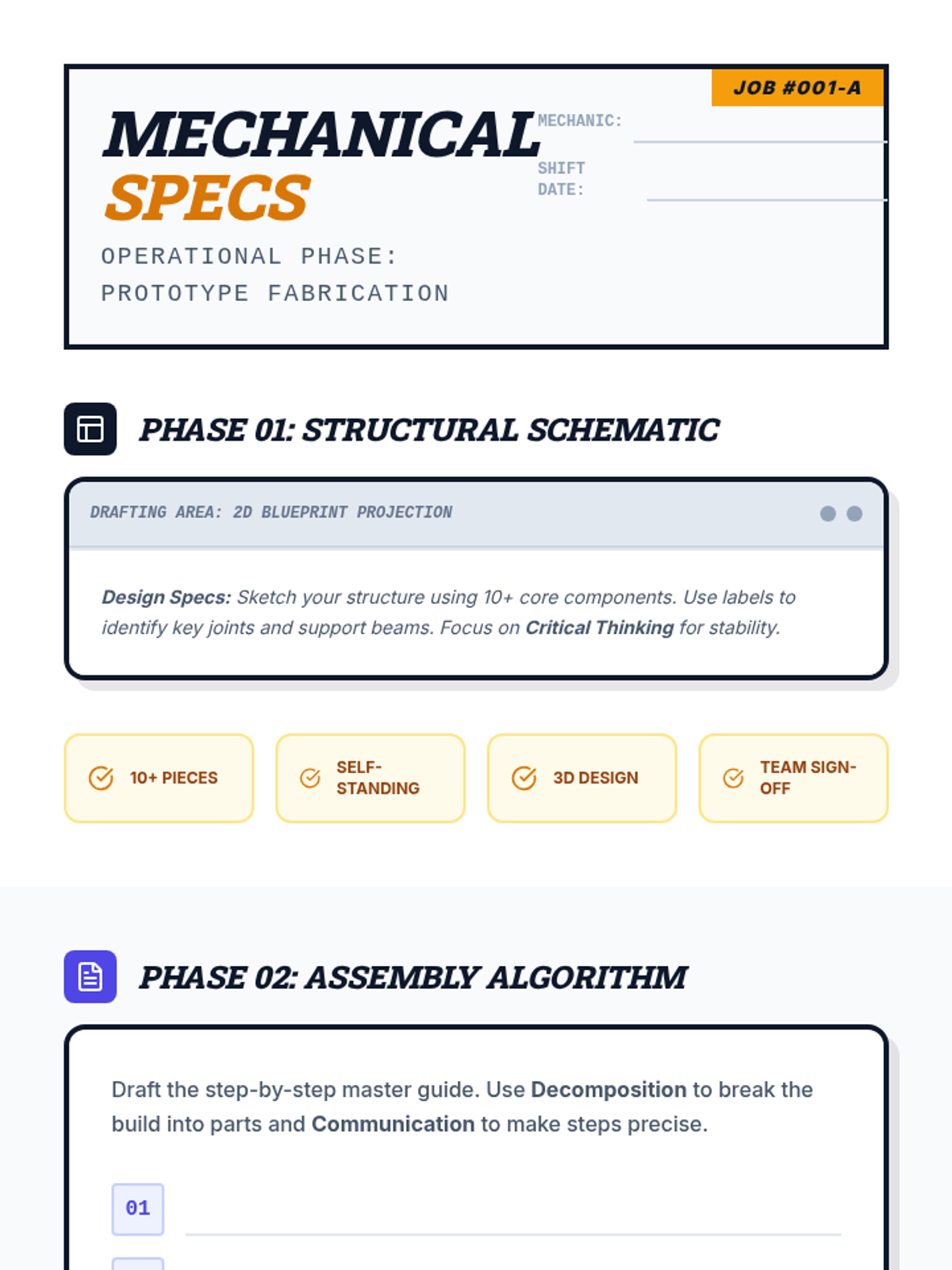
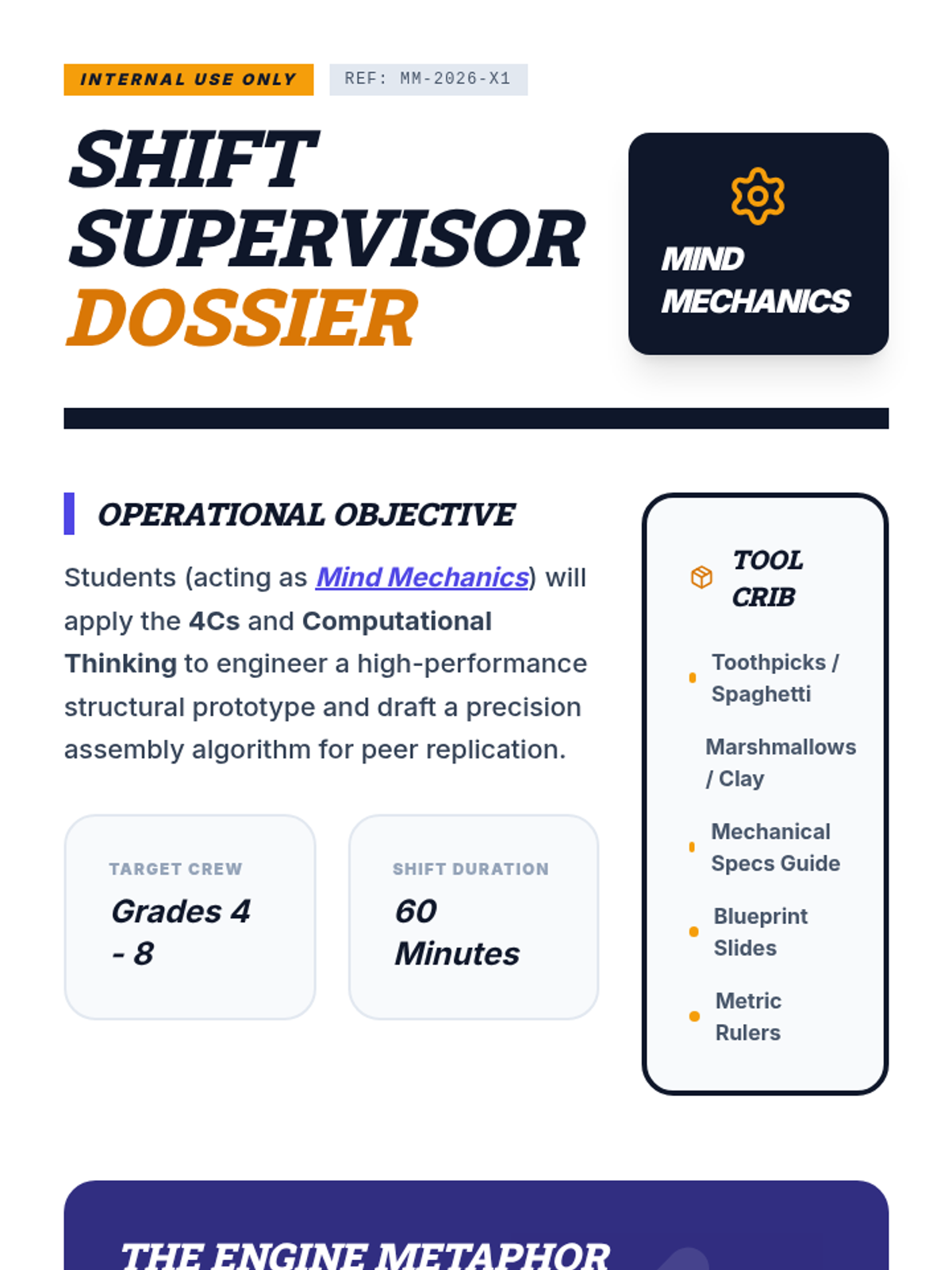
An industrial-themed teamwork lesson where students act as "Mind Mechanics" to apply the 4Cs and Computational Thinking to a complex engineering challenge.
Explores the world of synthetic media, teaching students to identify AI-generated images and deepfake videos using critical analysis.
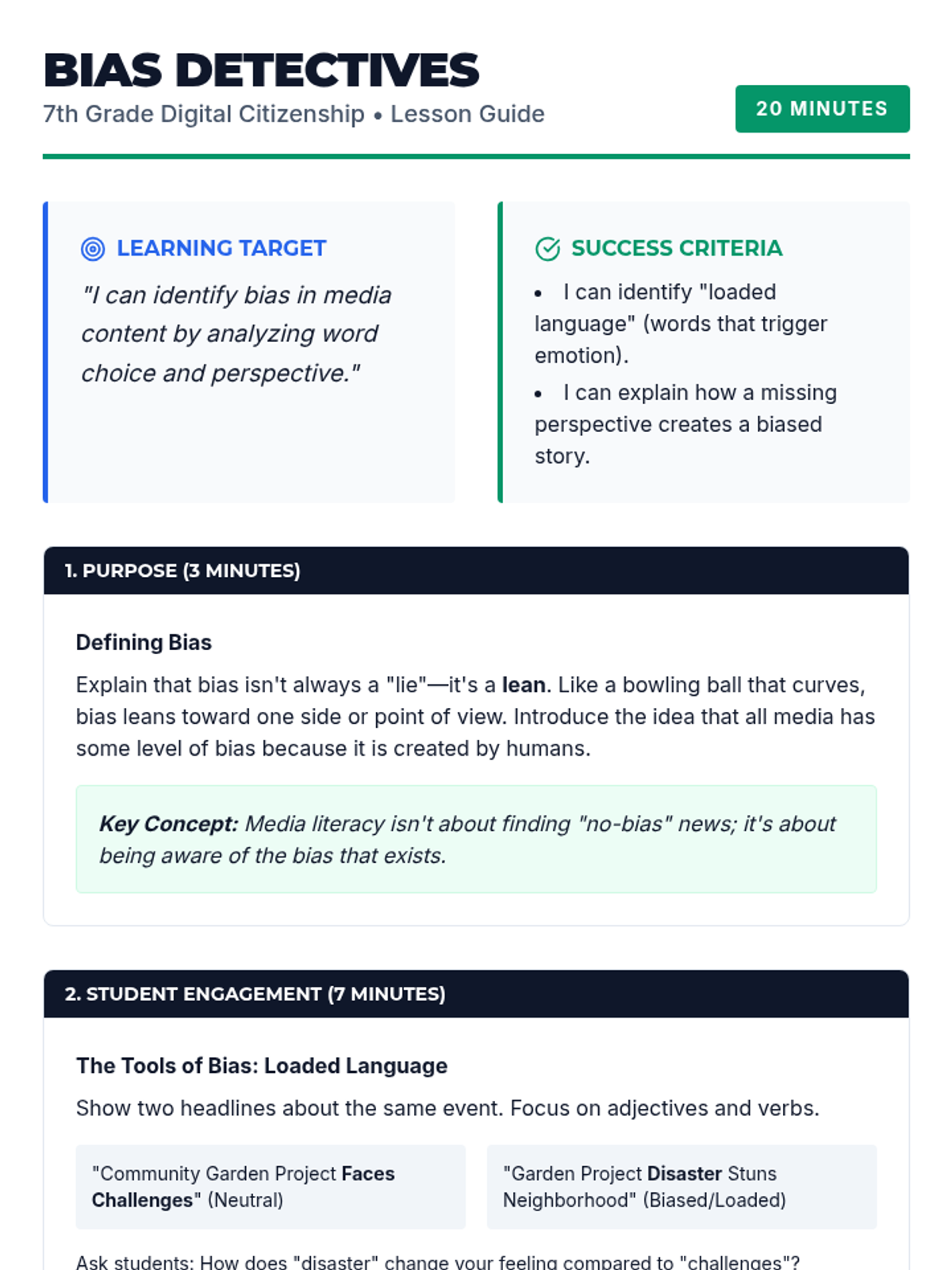
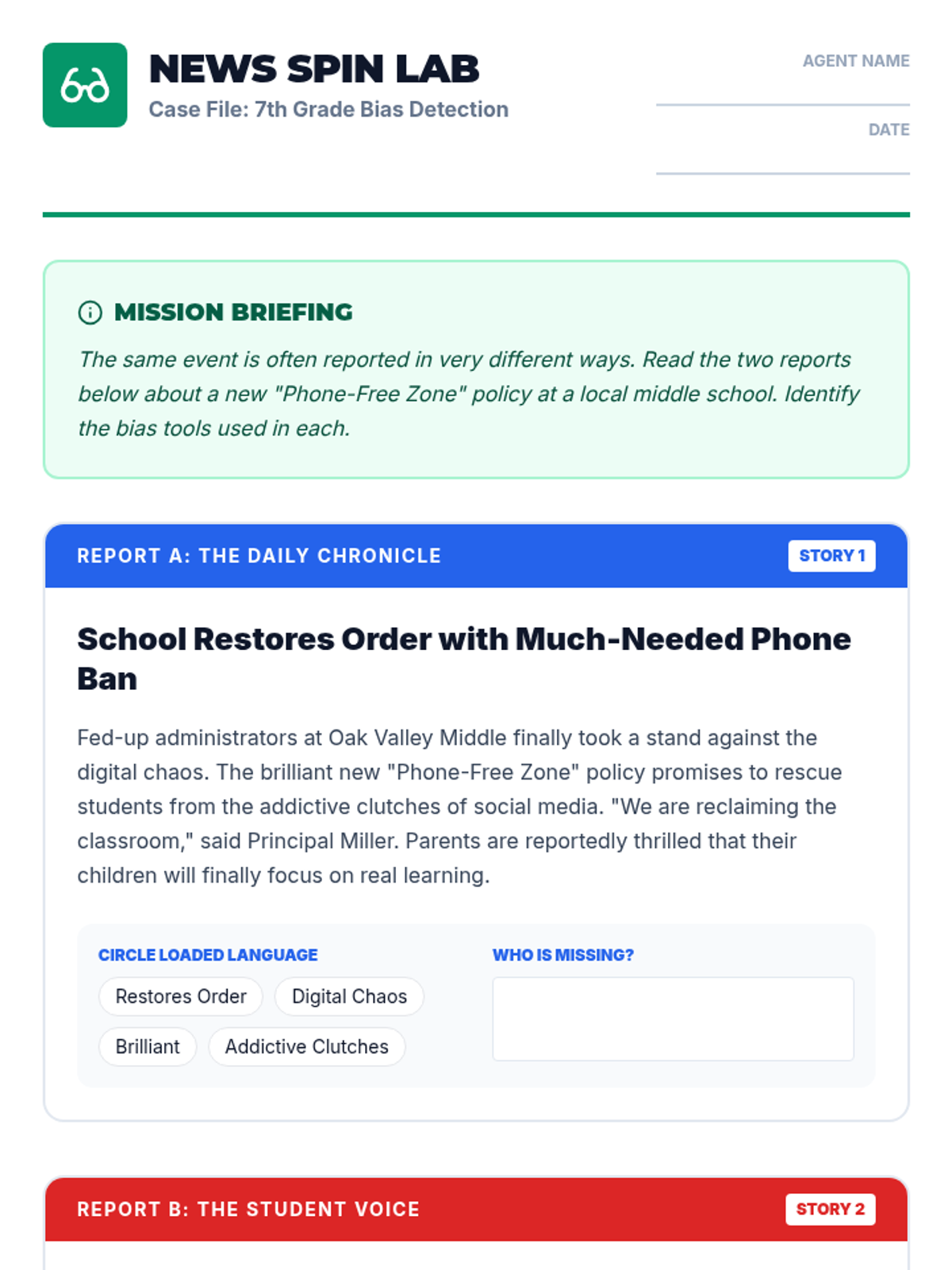
Focuses on identifying media bias through word choice, loaded language, and omitted perspectives in news and social media.
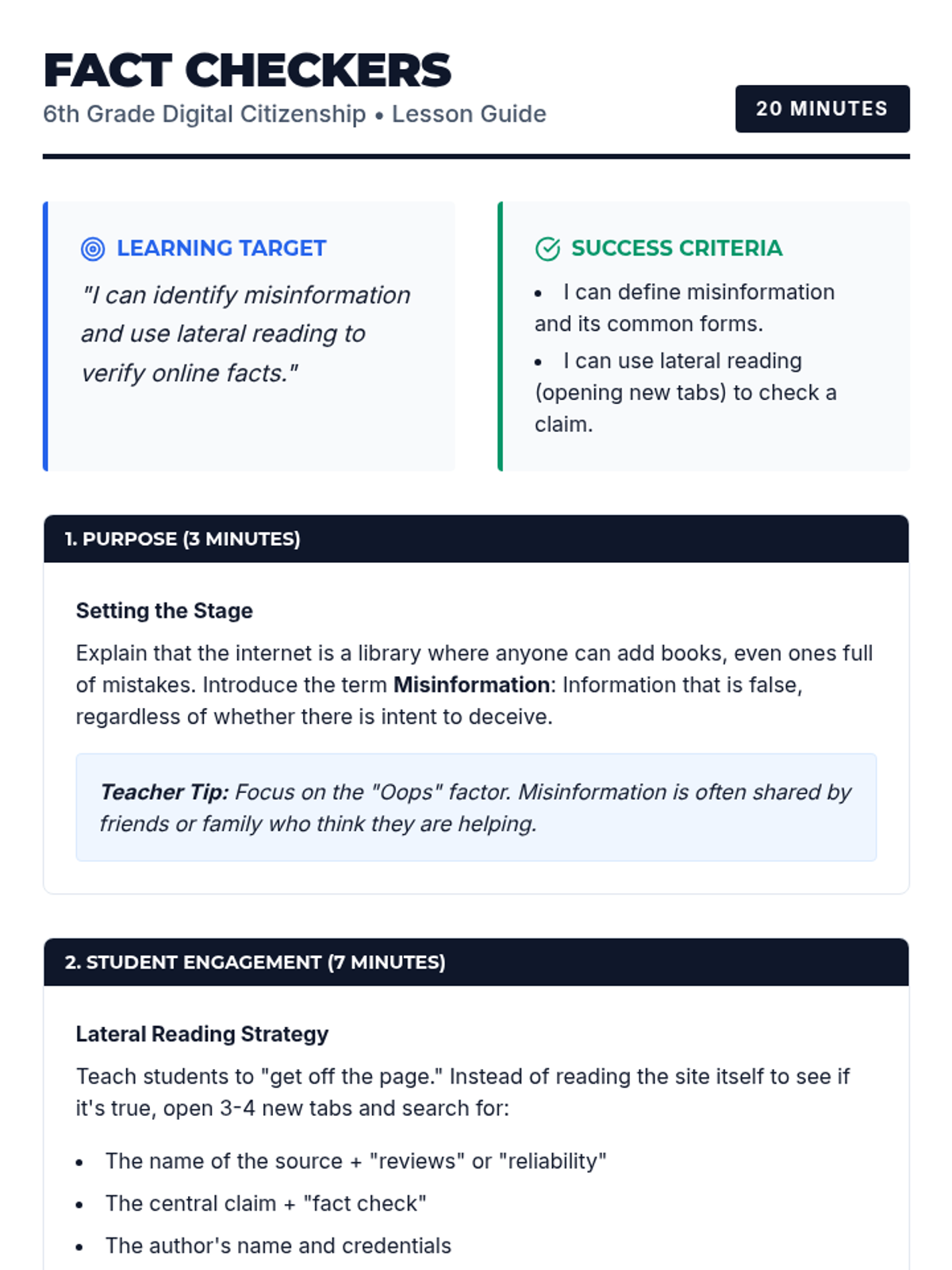
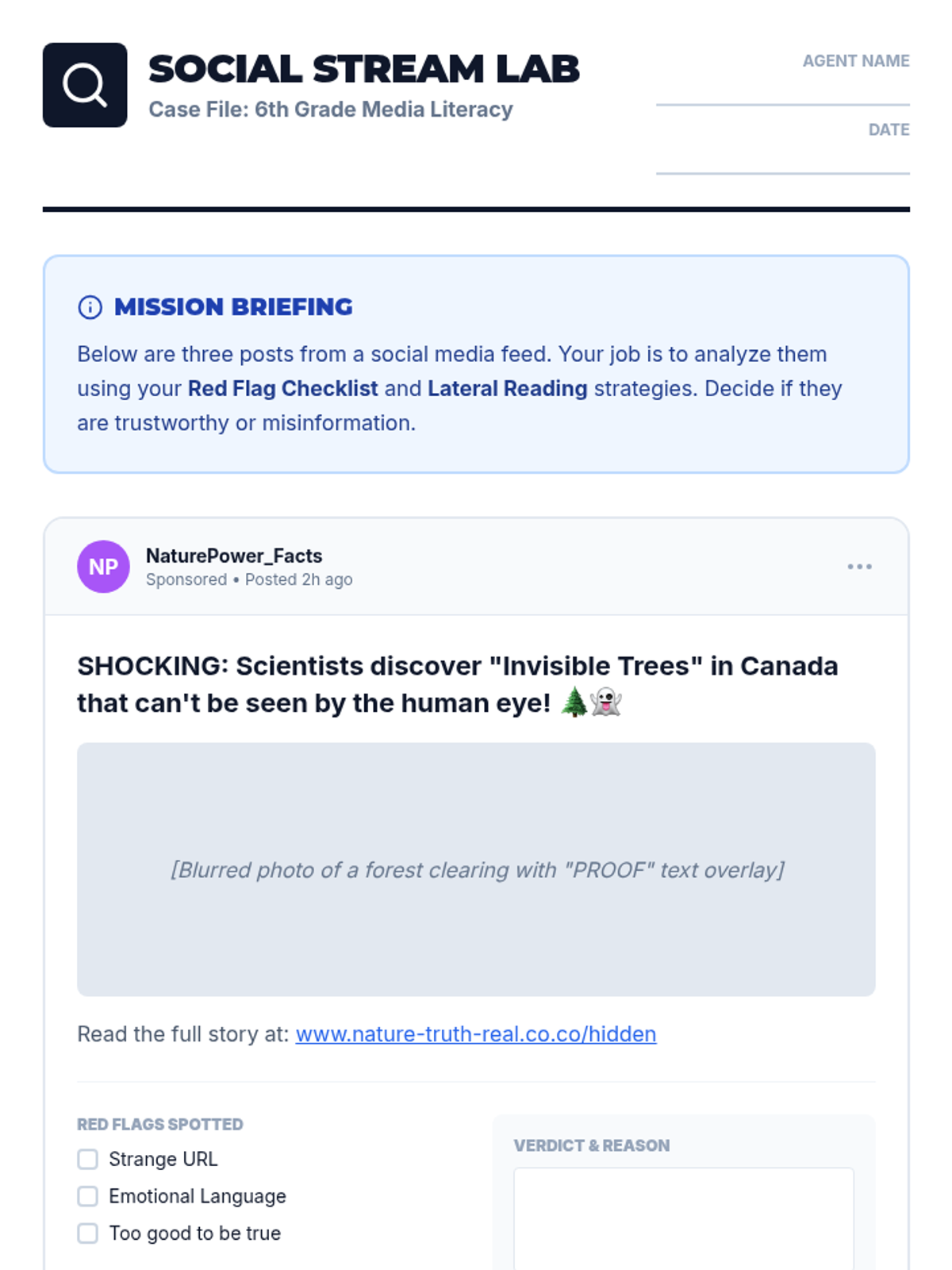
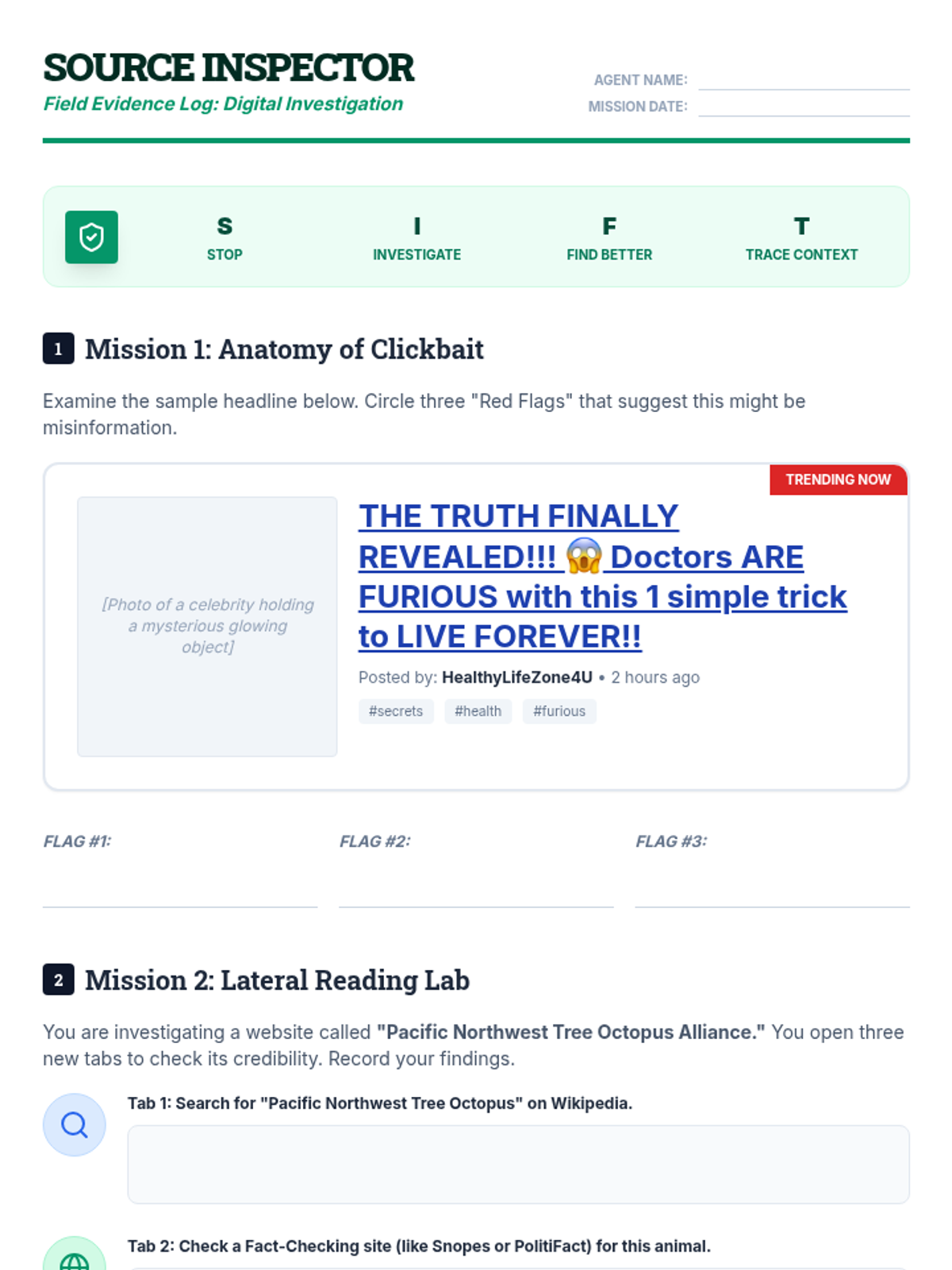
Students learn the difference between misinformation and disinformation and practice the essential skill of lateral reading to verify online claims.
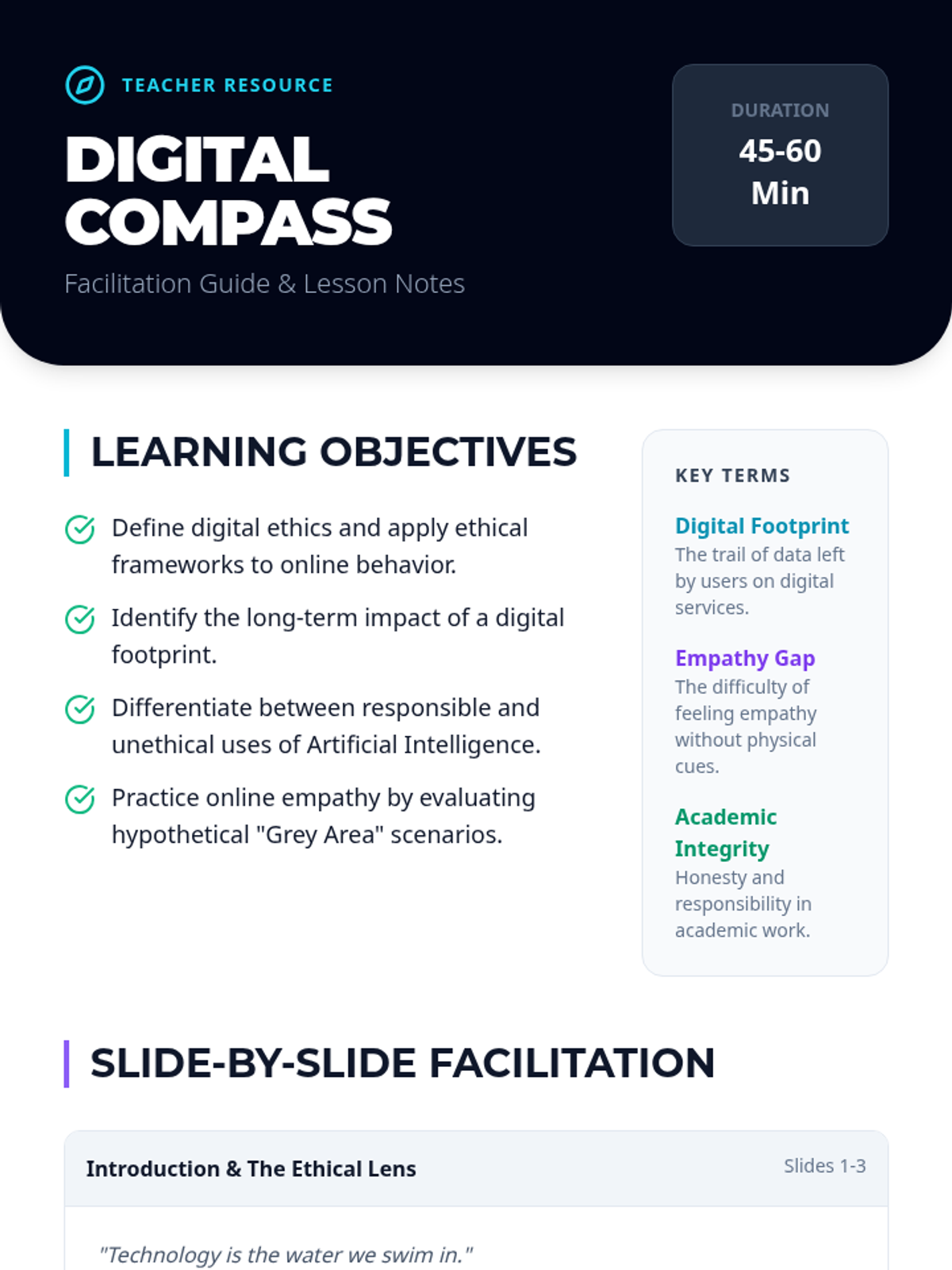
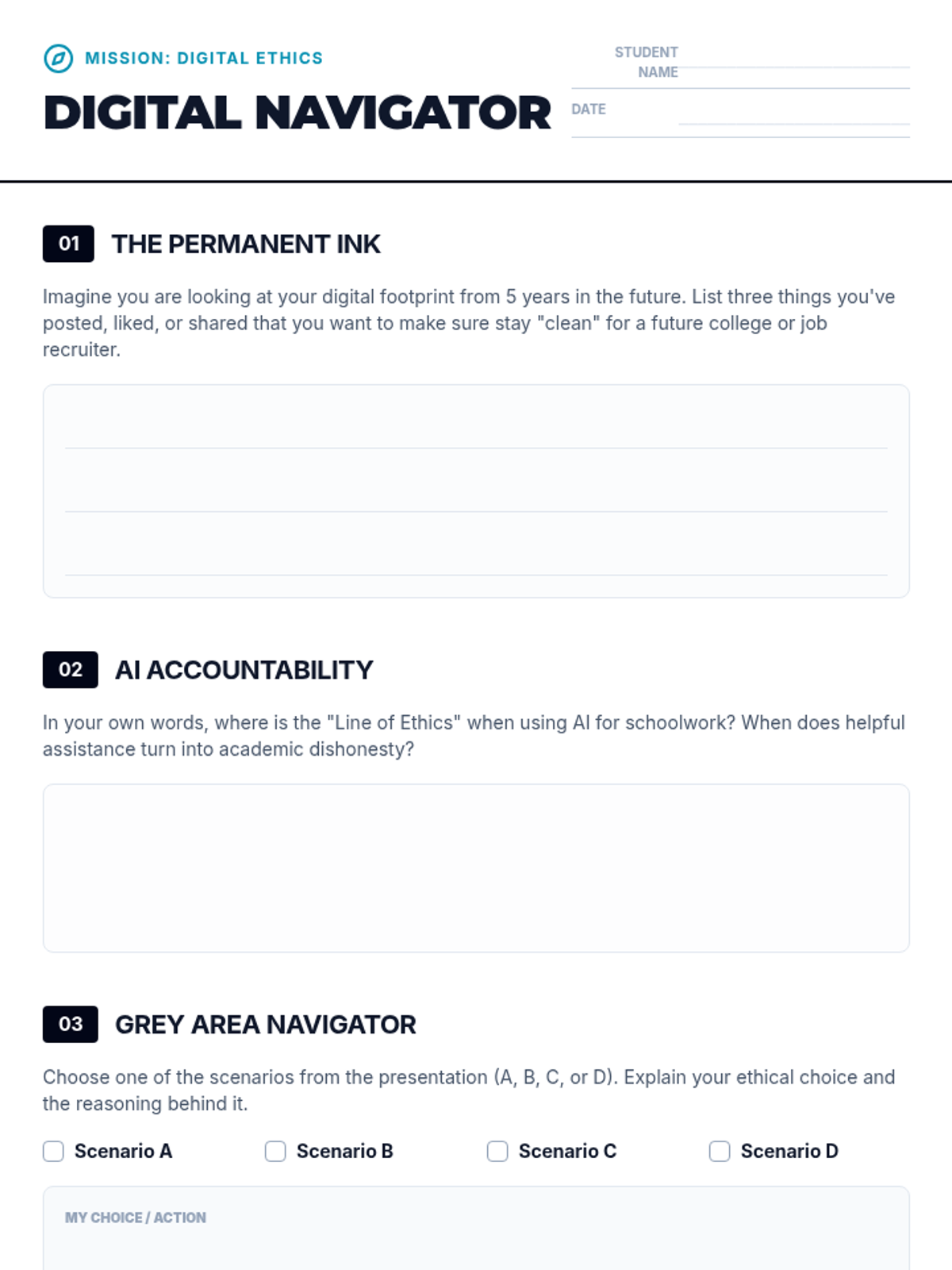
A comprehensive lesson exploring the ethical implications of digital technology use for students, covering privacy, digital footprints, AI responsibility, and online empathy.
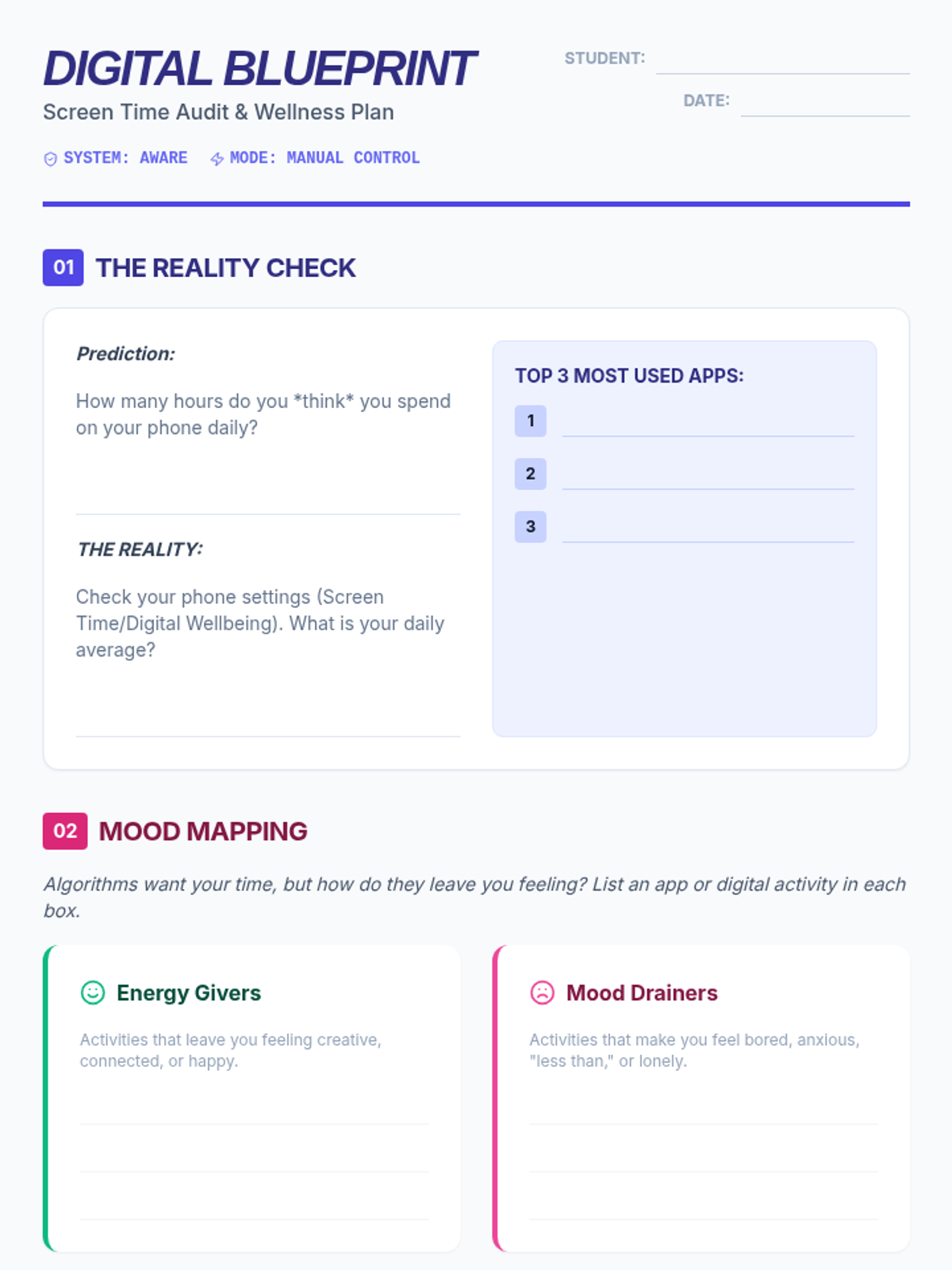
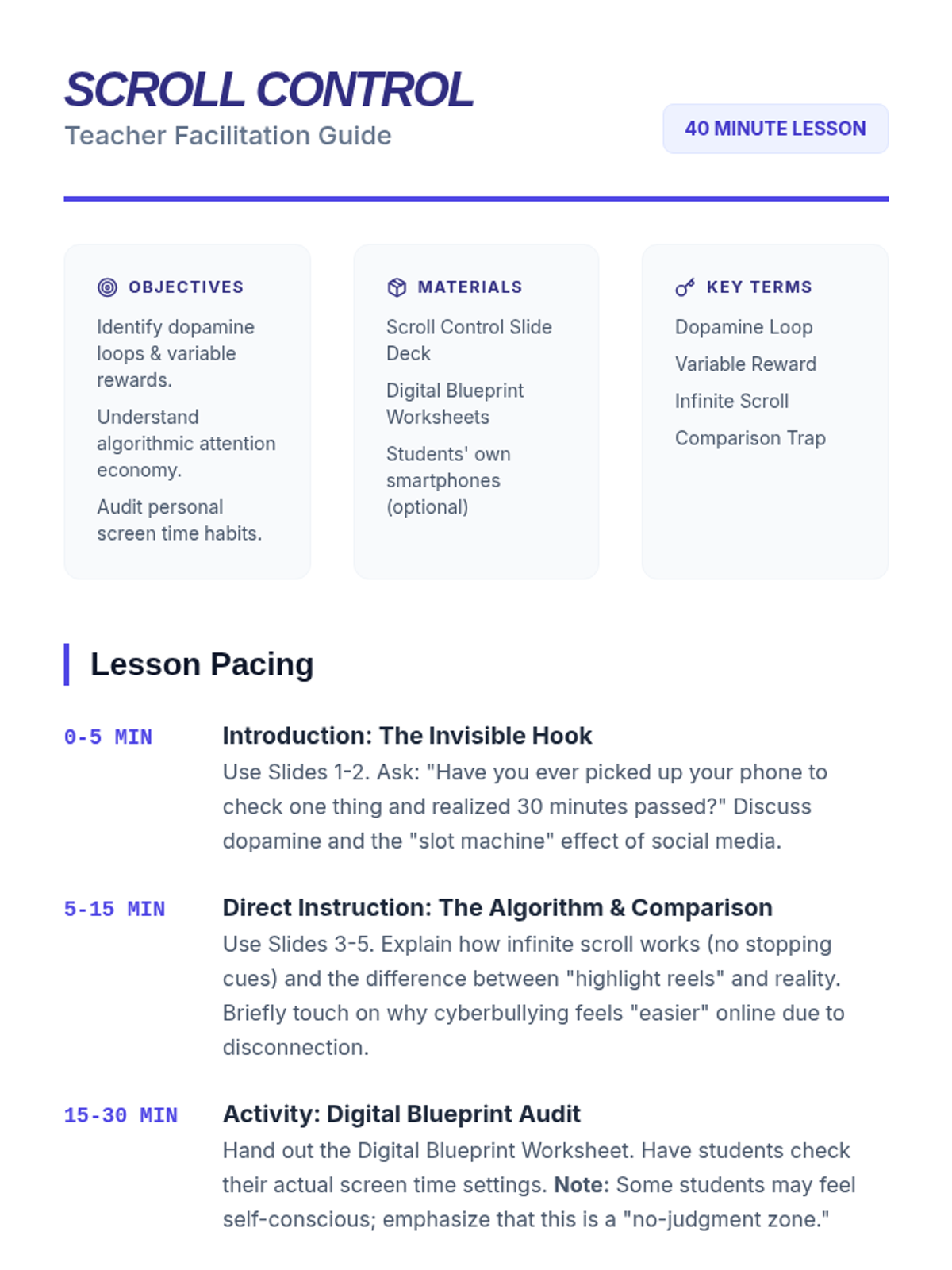
A 40-minute lesson for middle schoolers exploring the impact of social media and screen time on mental health, focusing on dopamine loops, algorithms, and healthy digital boundaries.
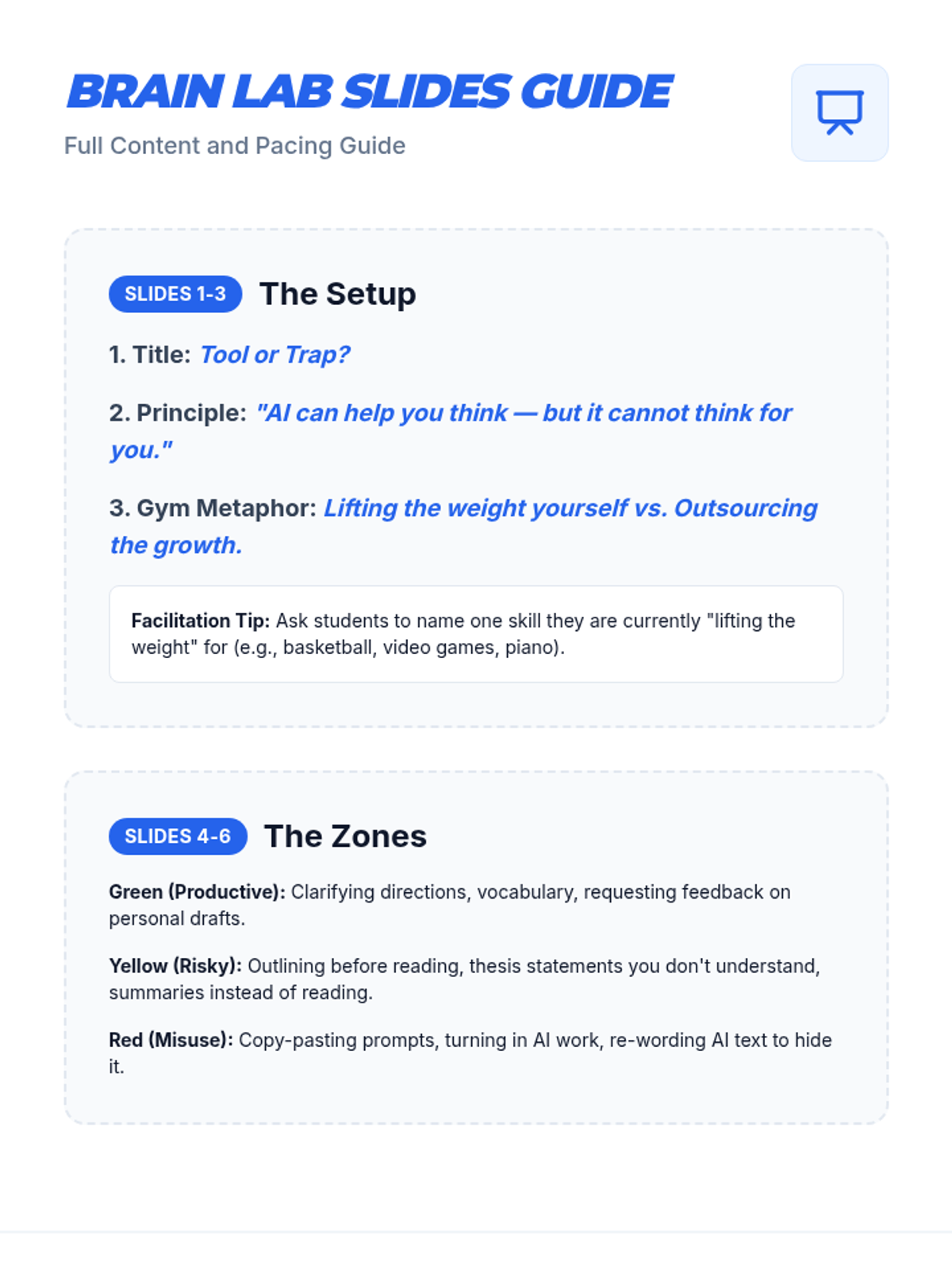
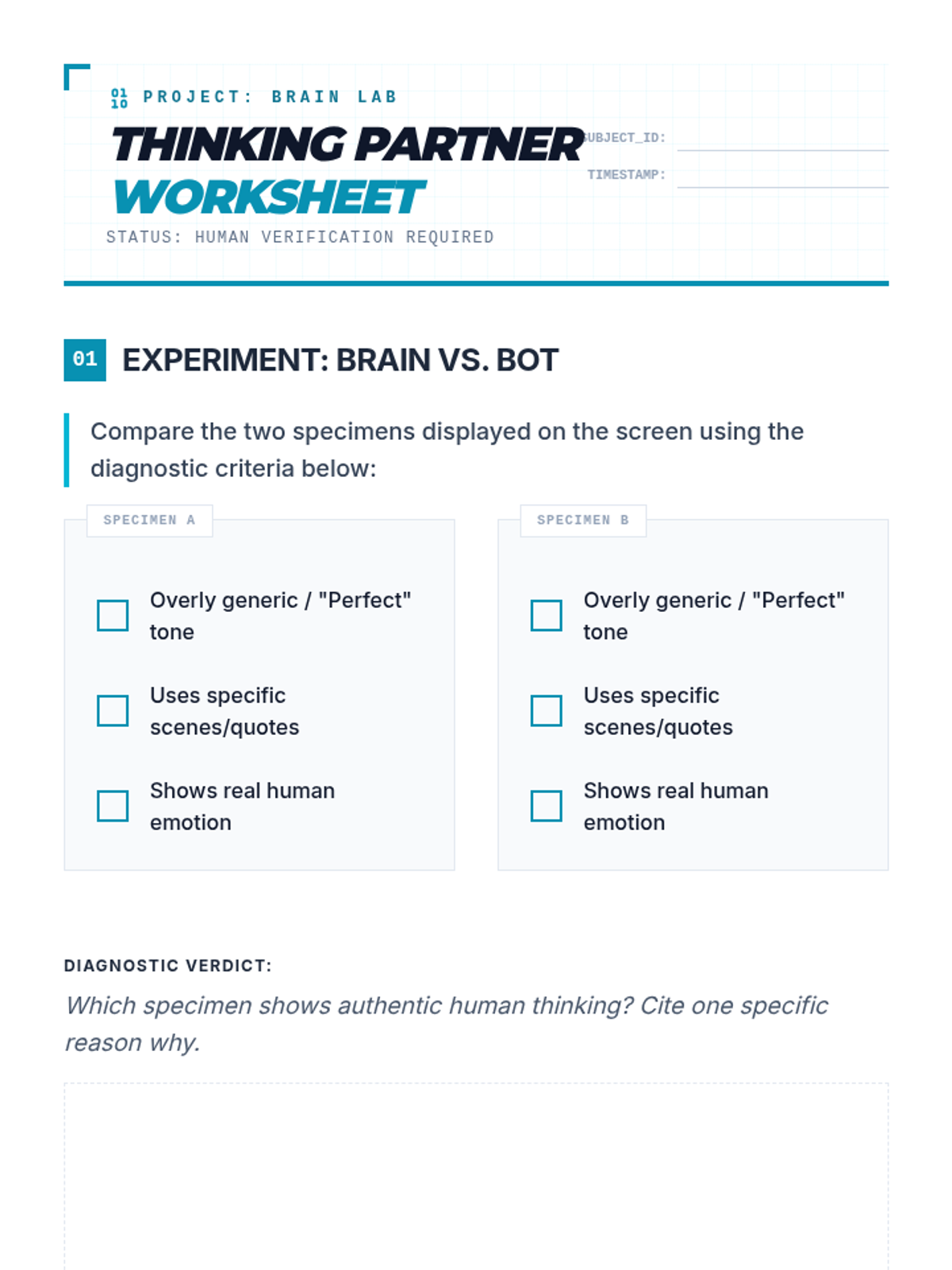
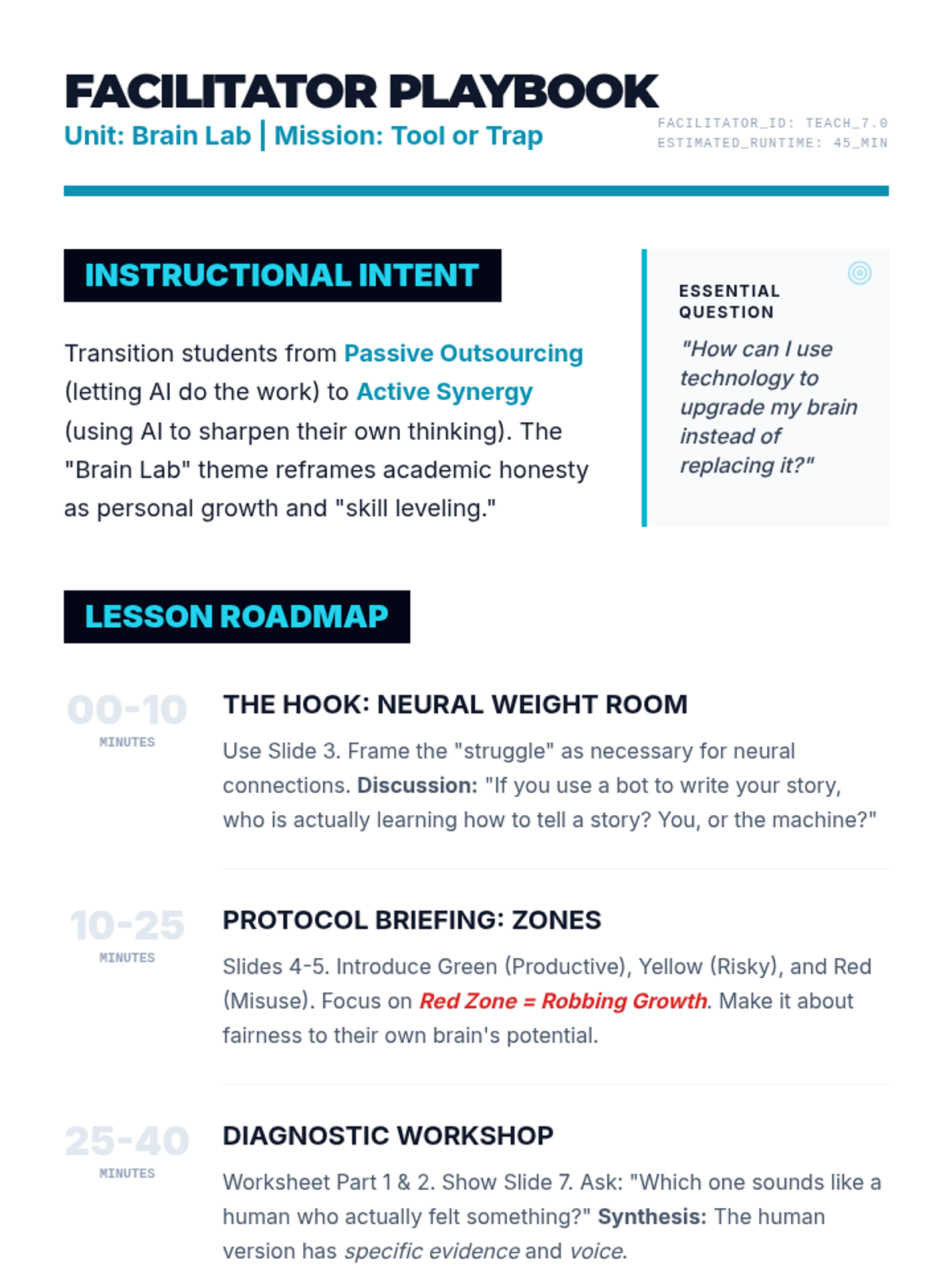
A 45-minute introductory lesson designed for 7th graders to redefine their relationship with AI. It moves students from using AI as an answer generator to using it as a 'thinking partner' through interactive comparisons and a 'Fix the AI' workshop.
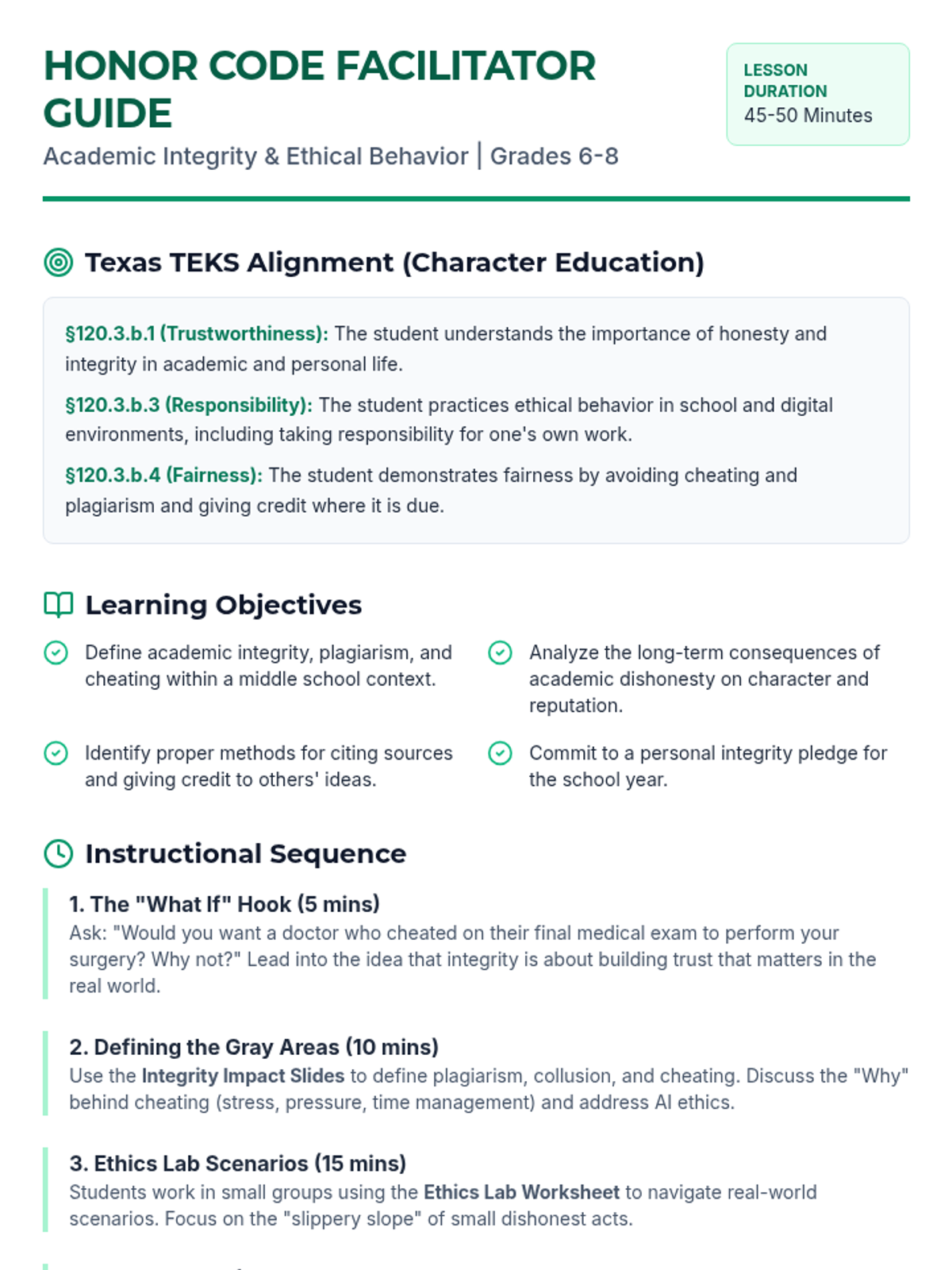
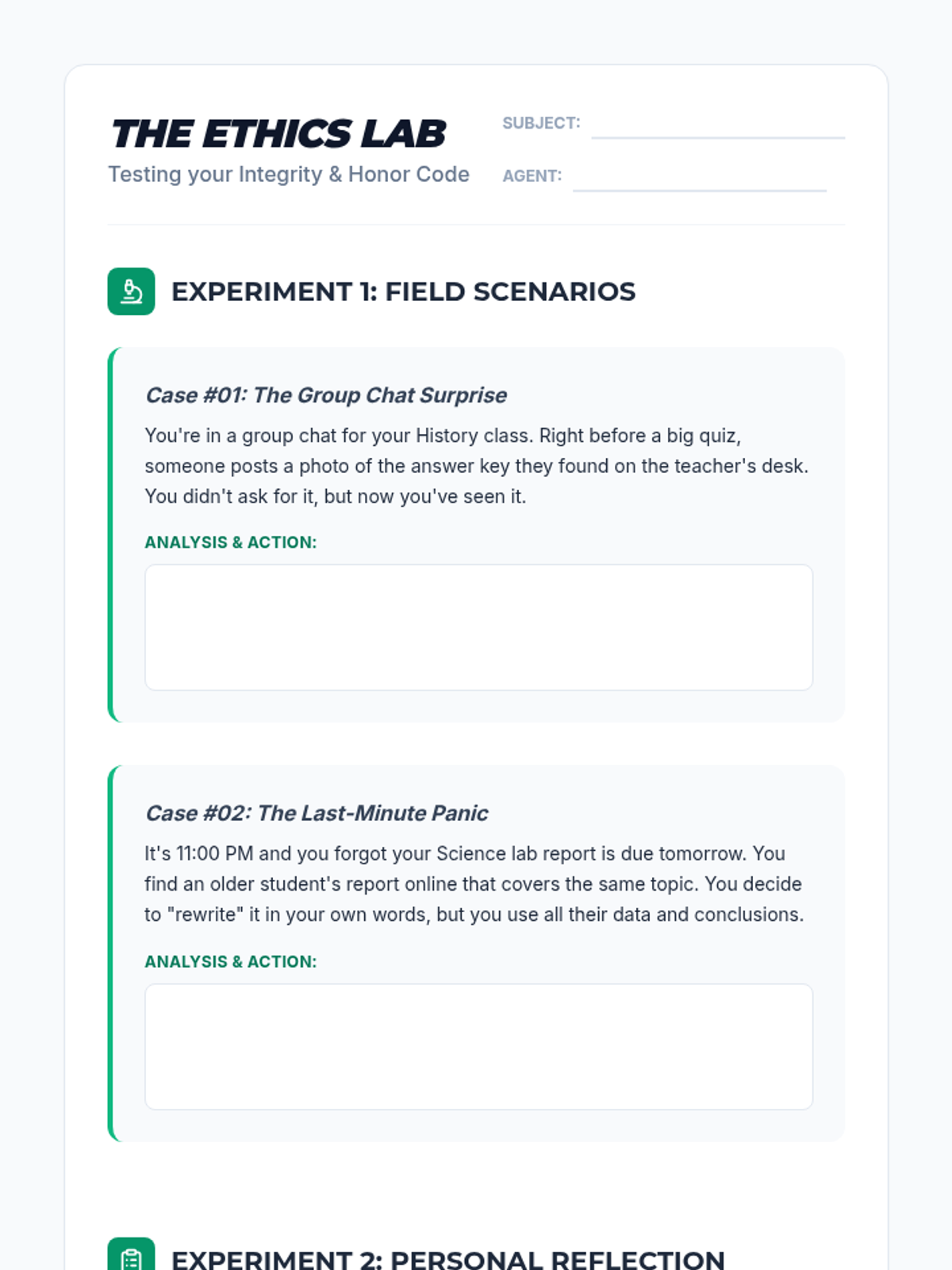
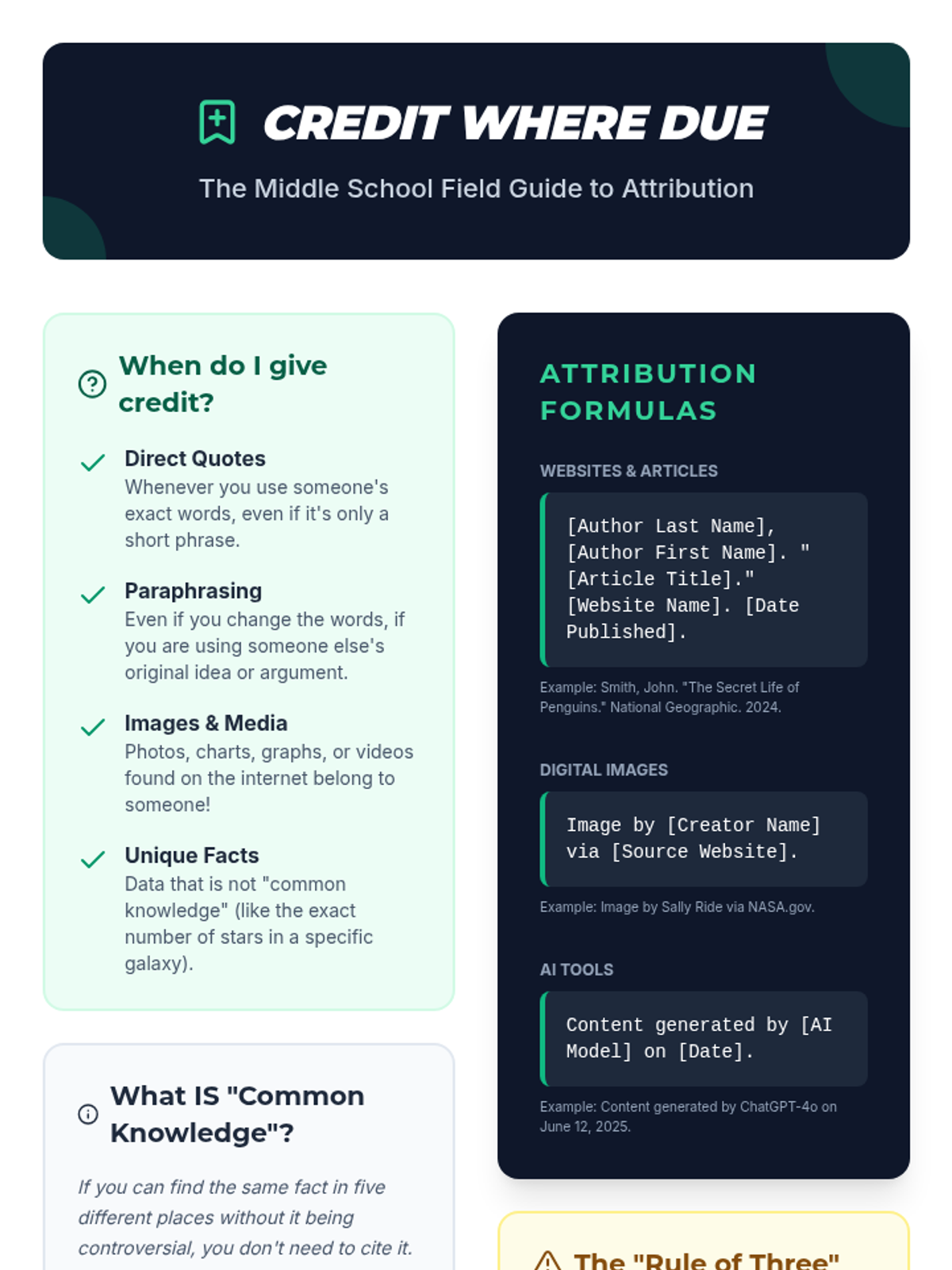
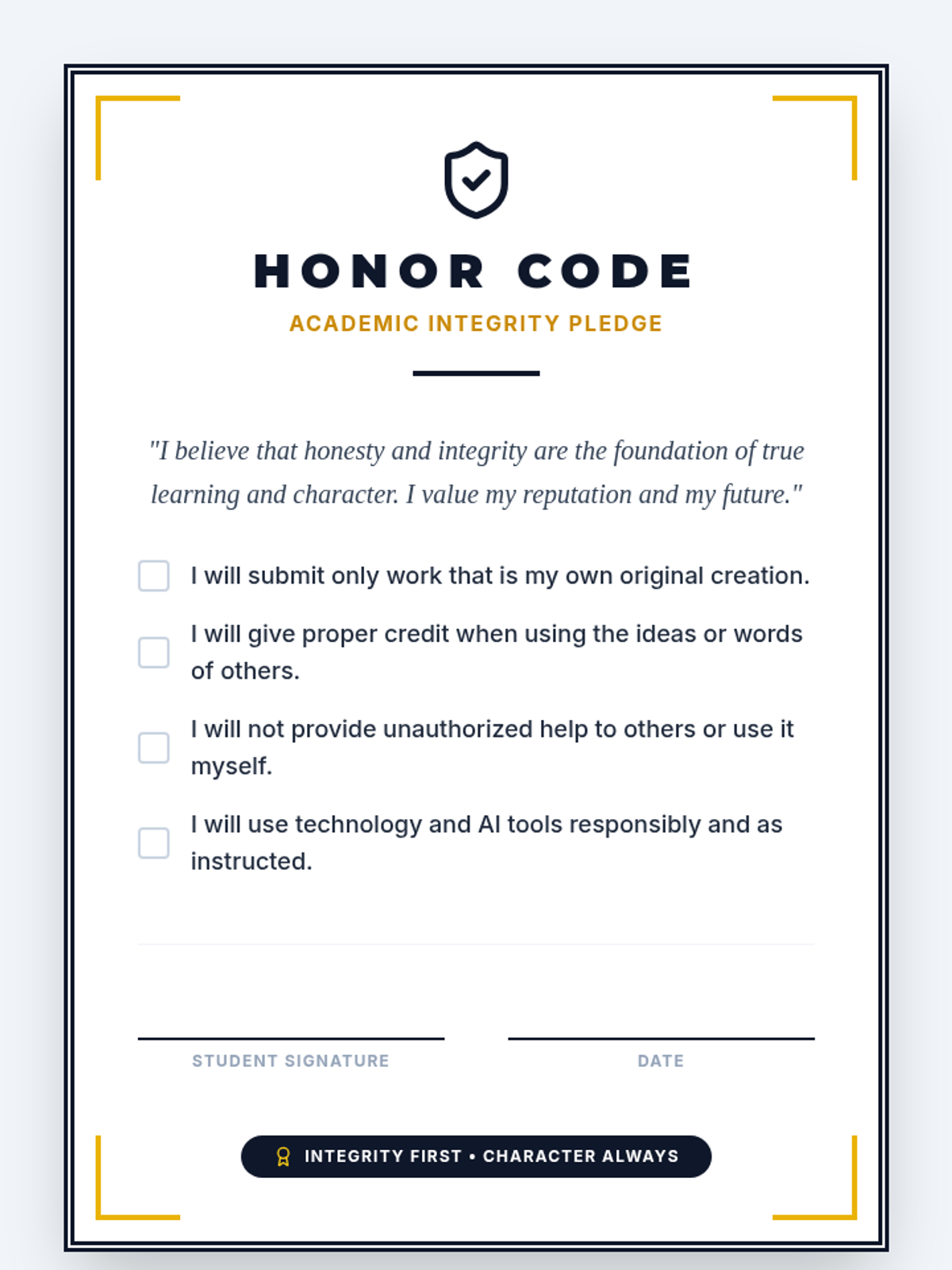
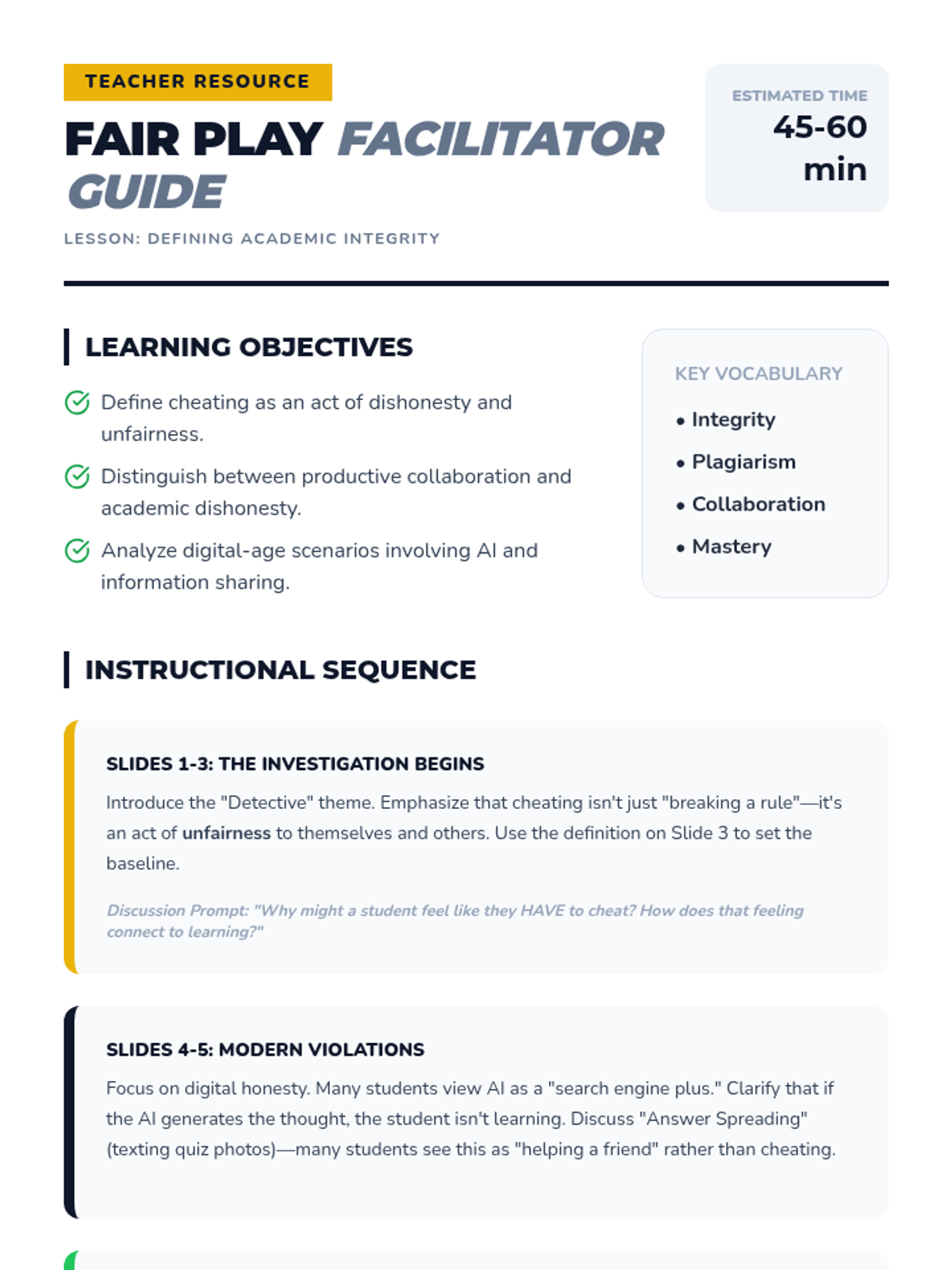
A comprehensive lesson for middle school students exploring the importance of academic integrity, the impact of cheating and plagiarism, and practical strategies for ethical behavior in school and digital spaces. aligned to Texas TEKS for Character Education.
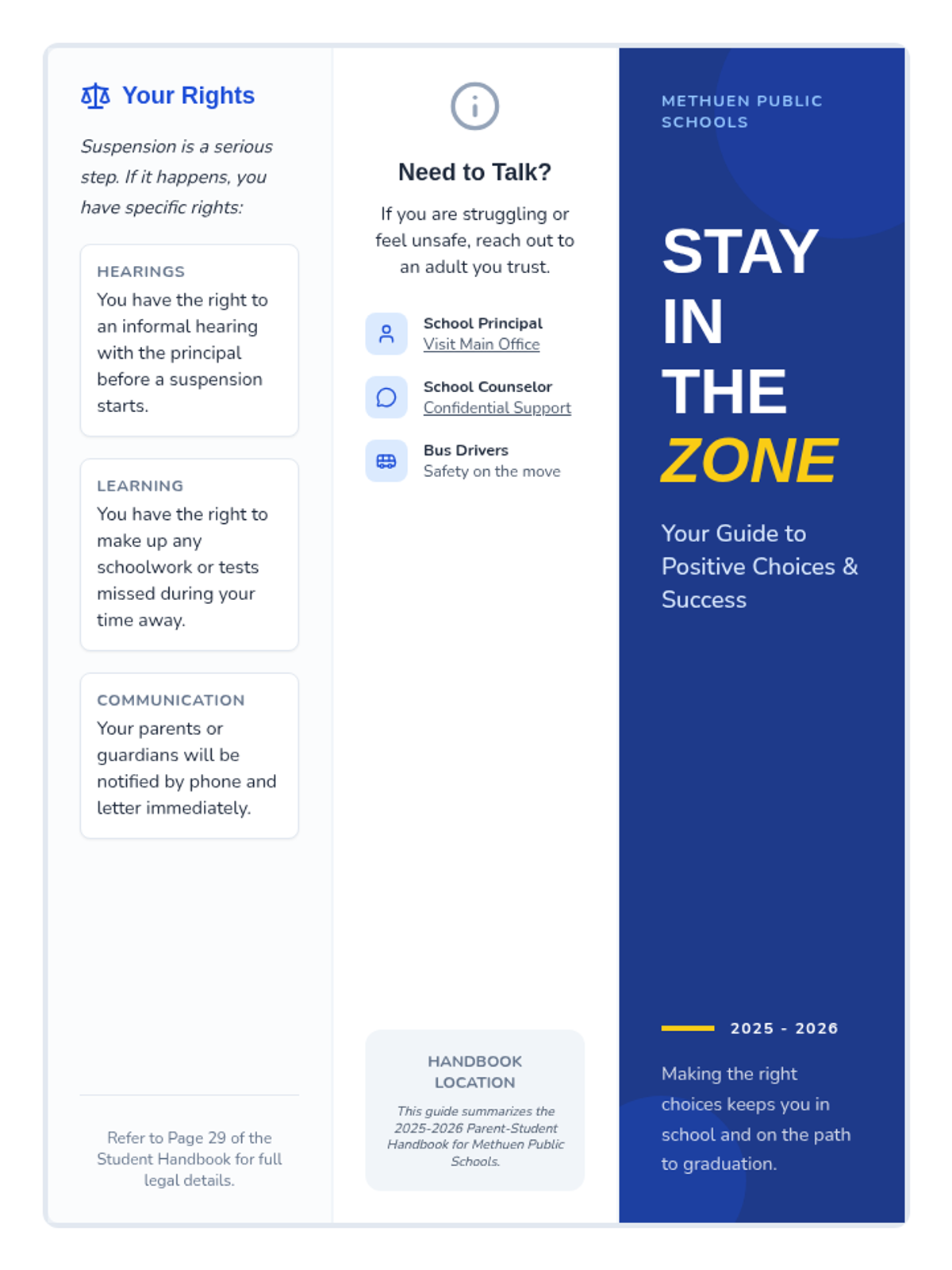
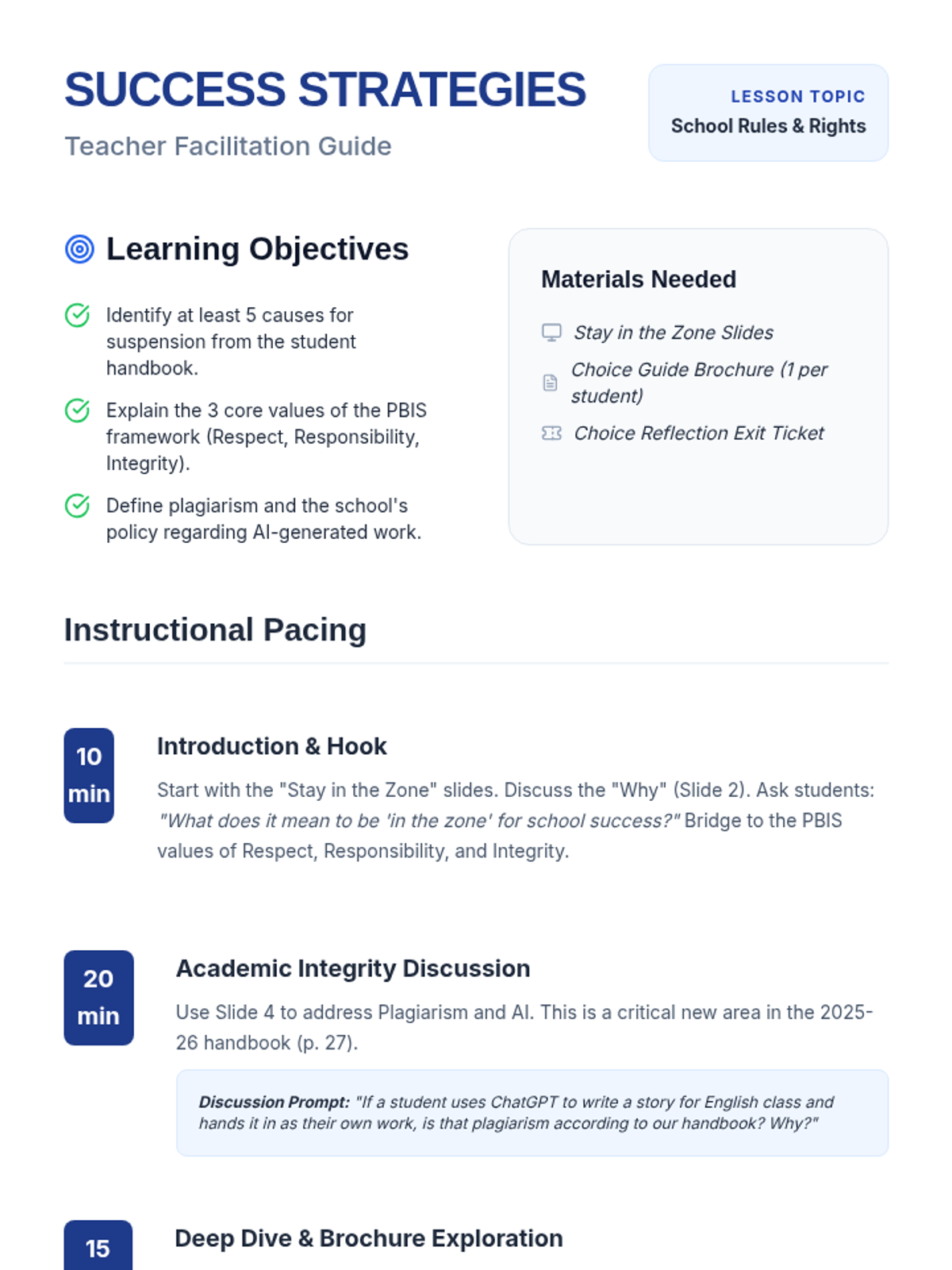
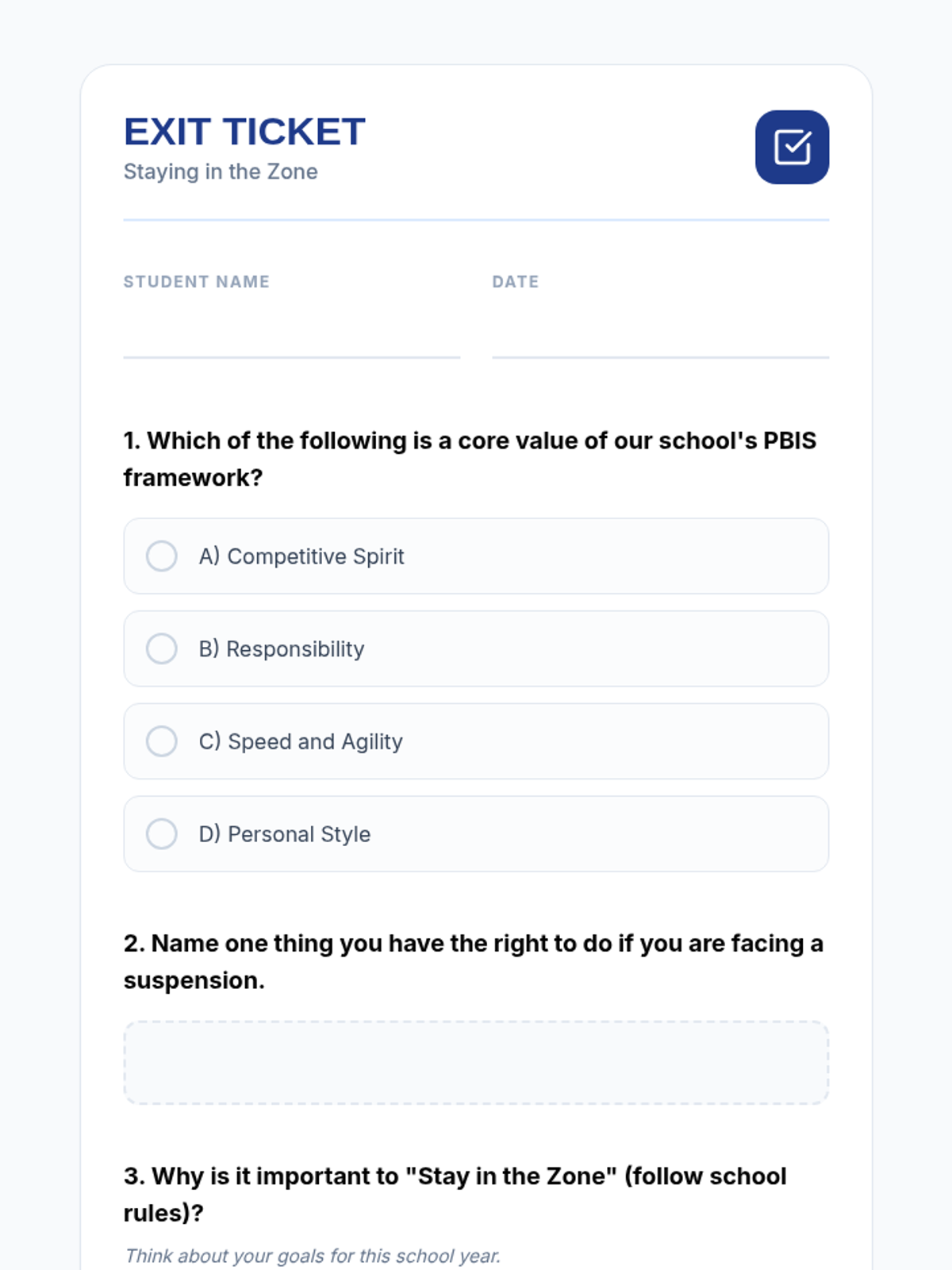
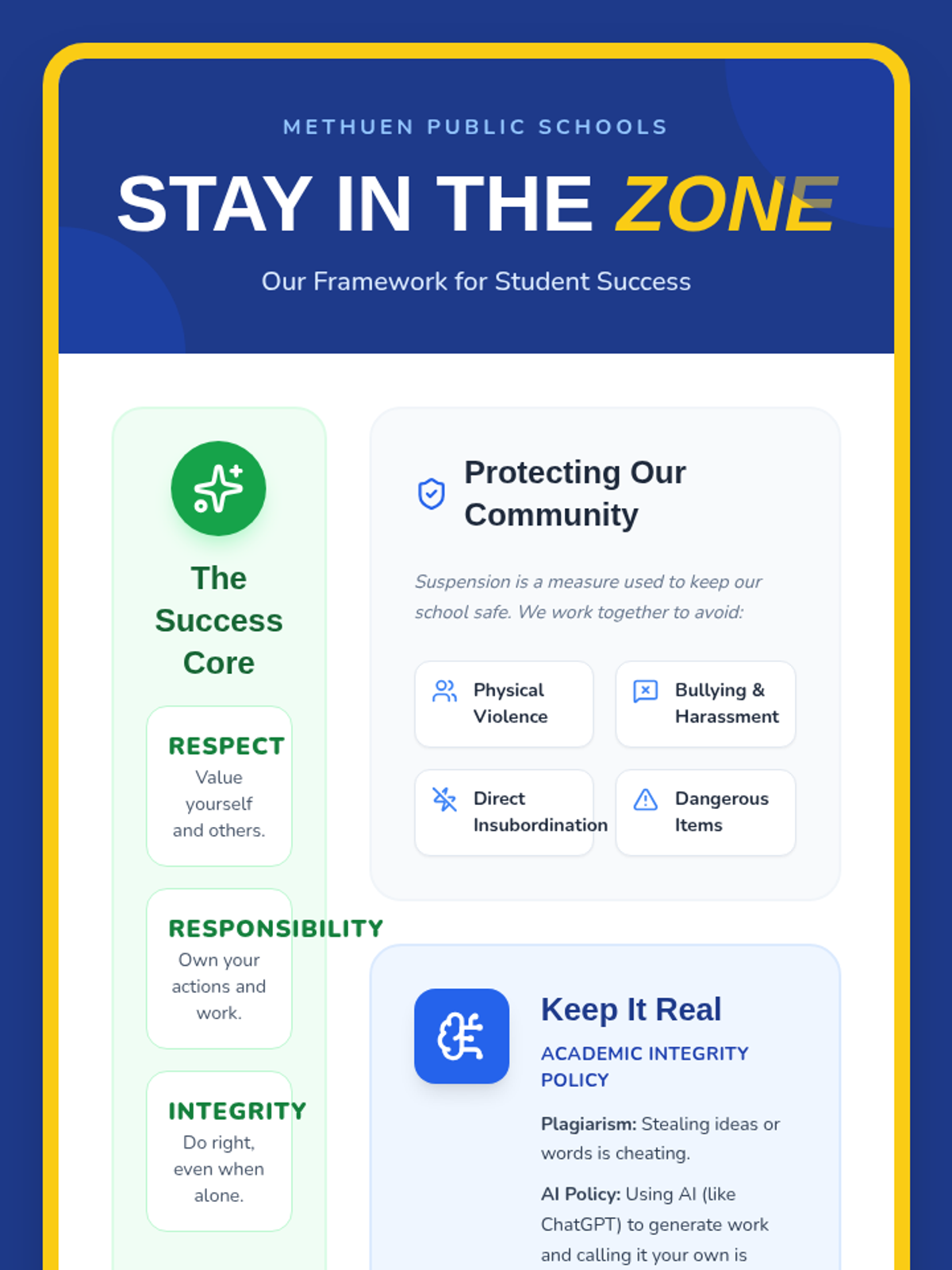
This lesson provides students with a clear, accessible guide to the school's expectations and the specific causes for suspension as outlined in the student handbook. It focuses on translating administrative language into student-friendly terms while highlighting the positive behavioral supports available to them.
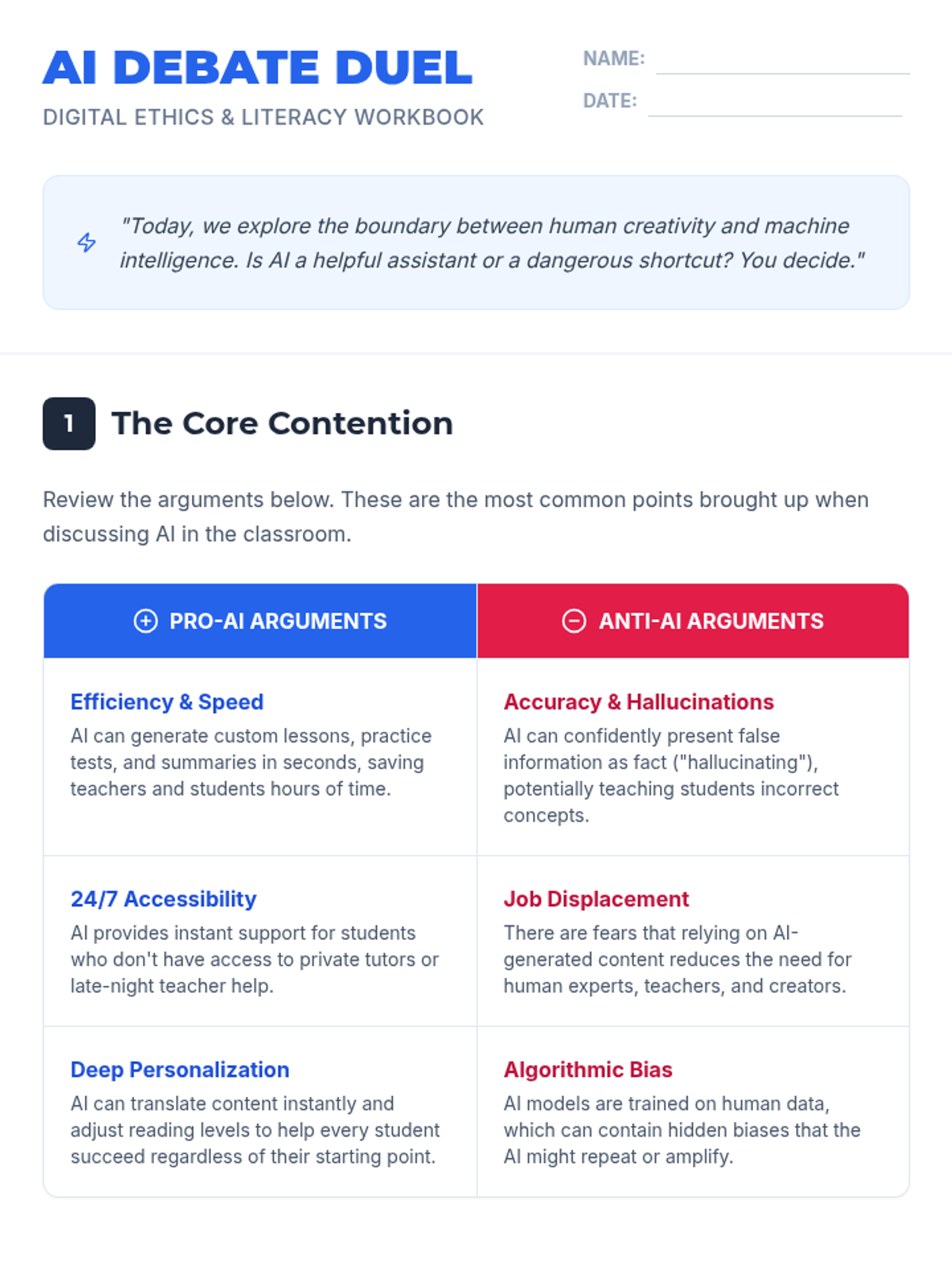
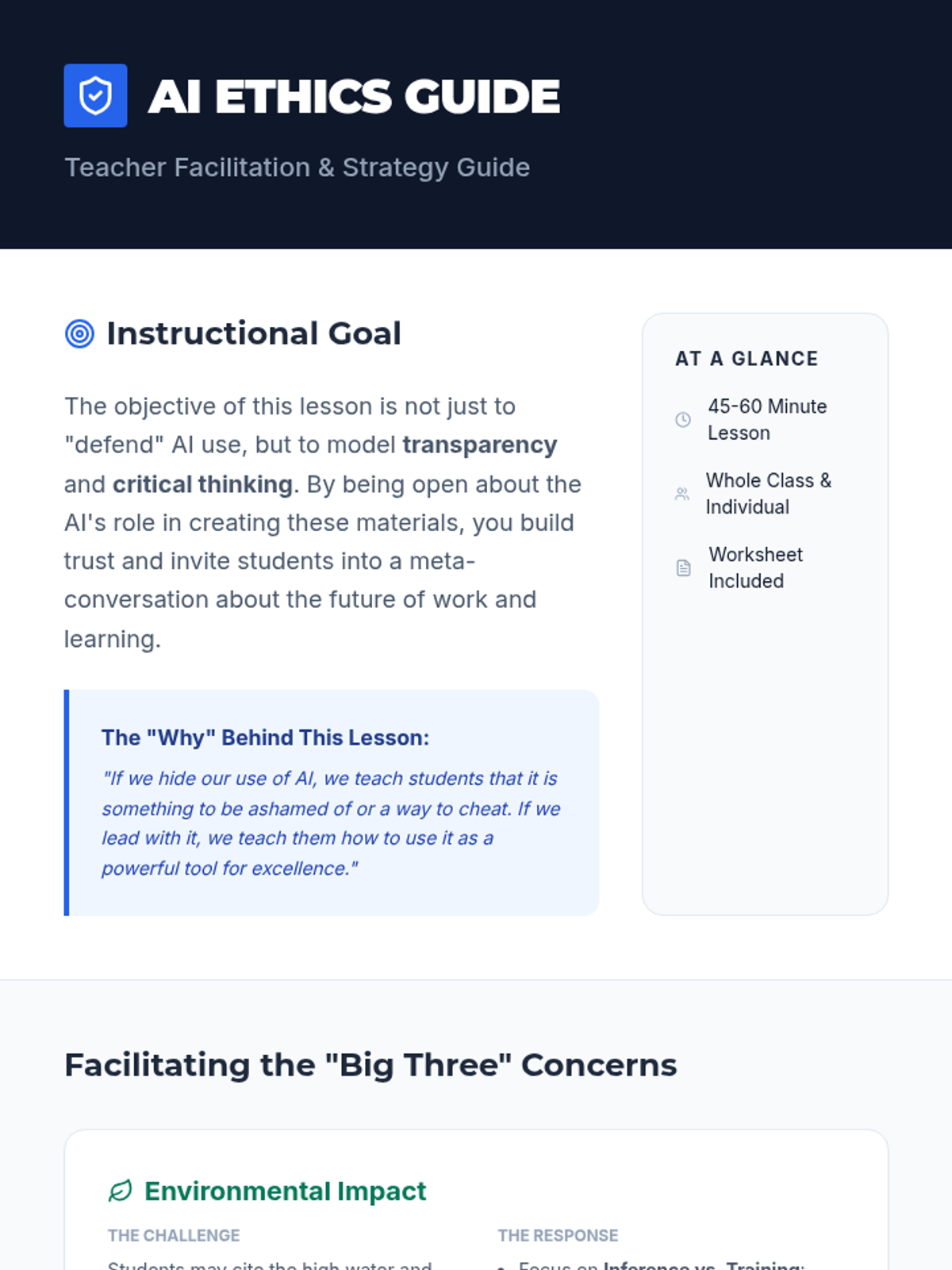
A lesson exploring the ethics and utility of AI-generated educational content, addressing common concerns like environmental impact and job displacement while highlighting the benefits of personalization and accessibility.
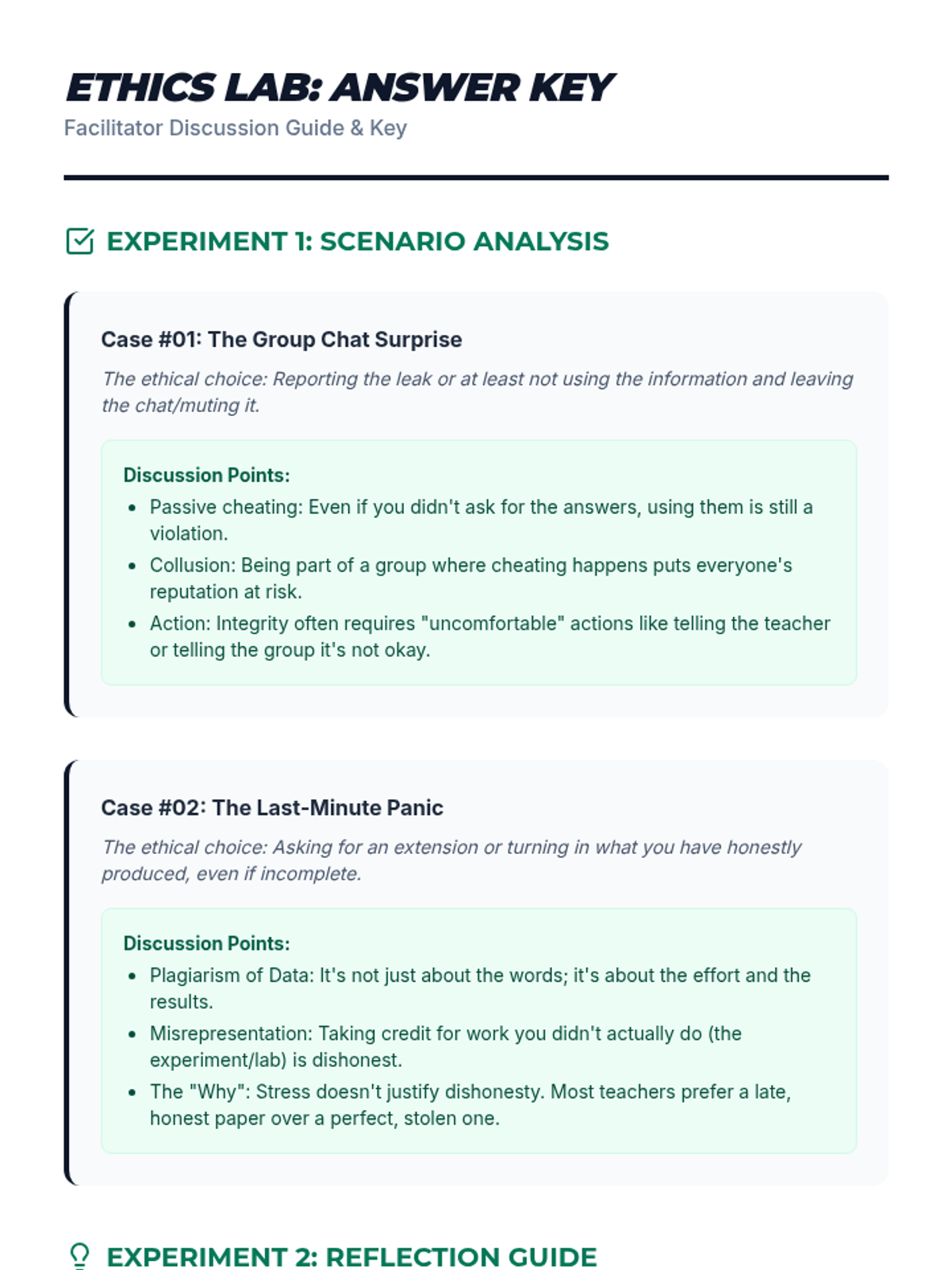
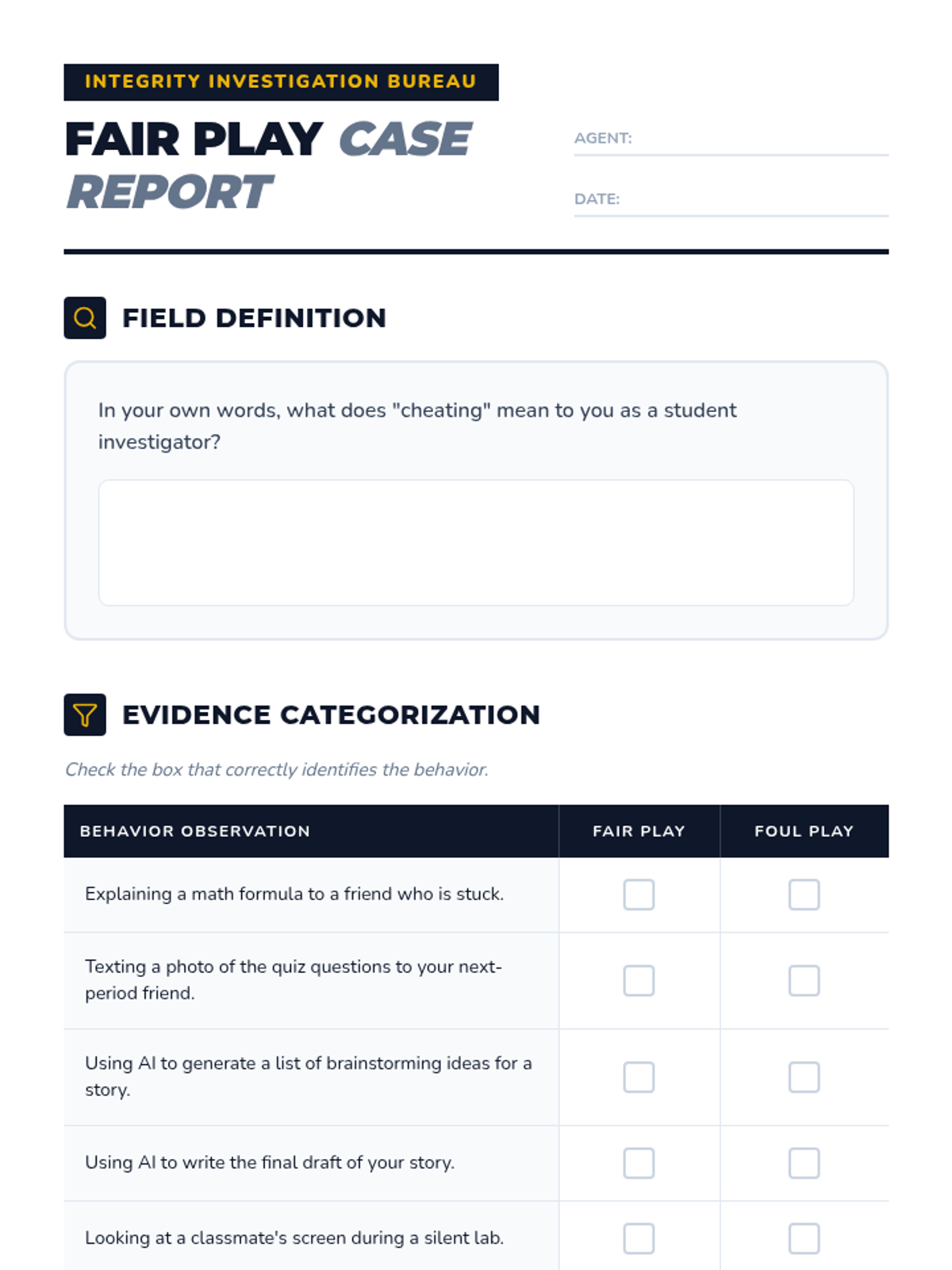
A lesson designed to help students define cheating through real-world scenarios, exploring the difference between collaboration and dishonesty. Students will examine various examples, including digital cheating and plagiarism, to understand the impact on their own learning and community trust.
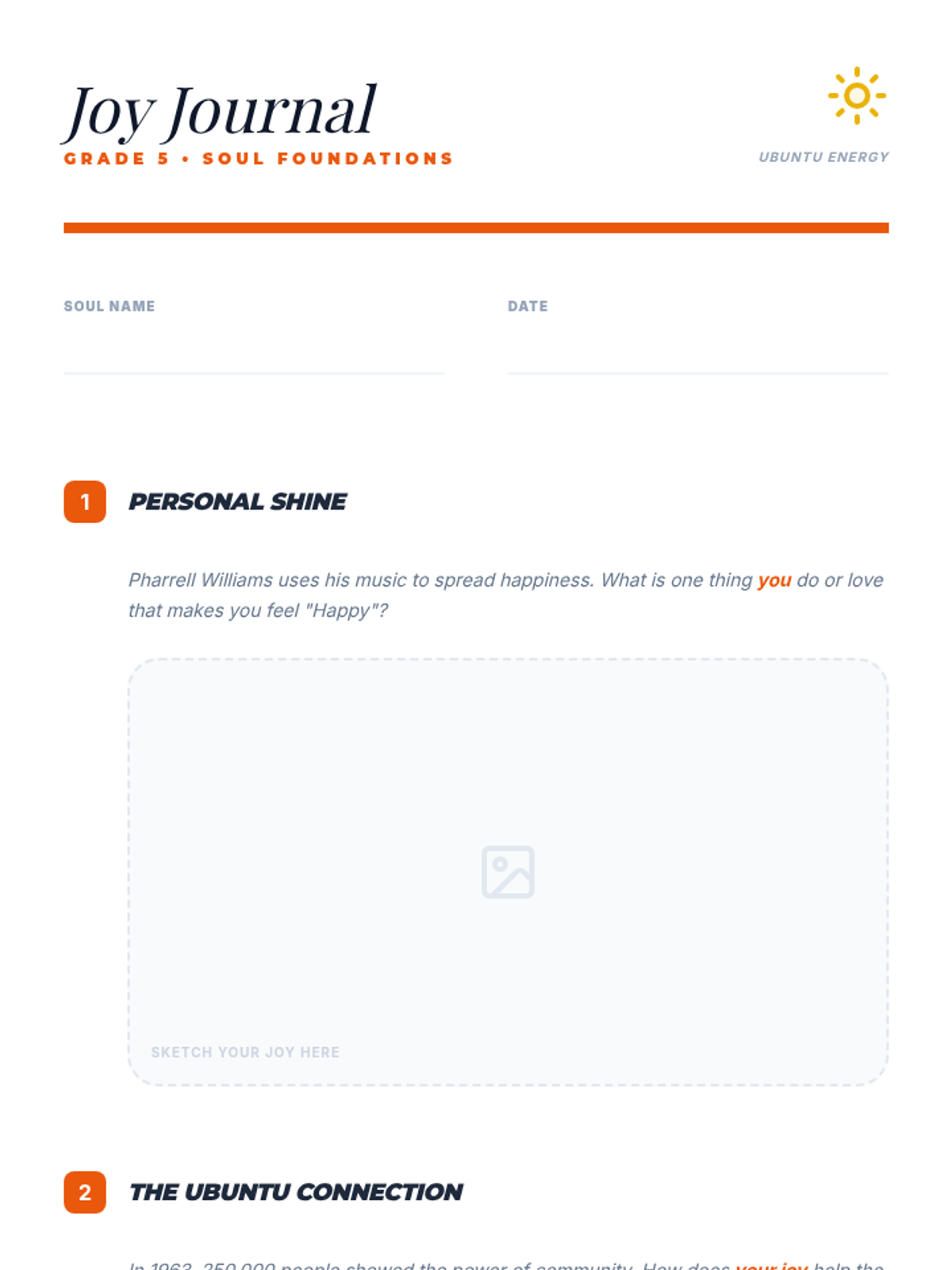
A Grade 5 lesson focusing on the value of Ubuntu, exploring 'Black Boy Joy' through Pharrell Williams and the collective energy of the 1963 March on Washington.
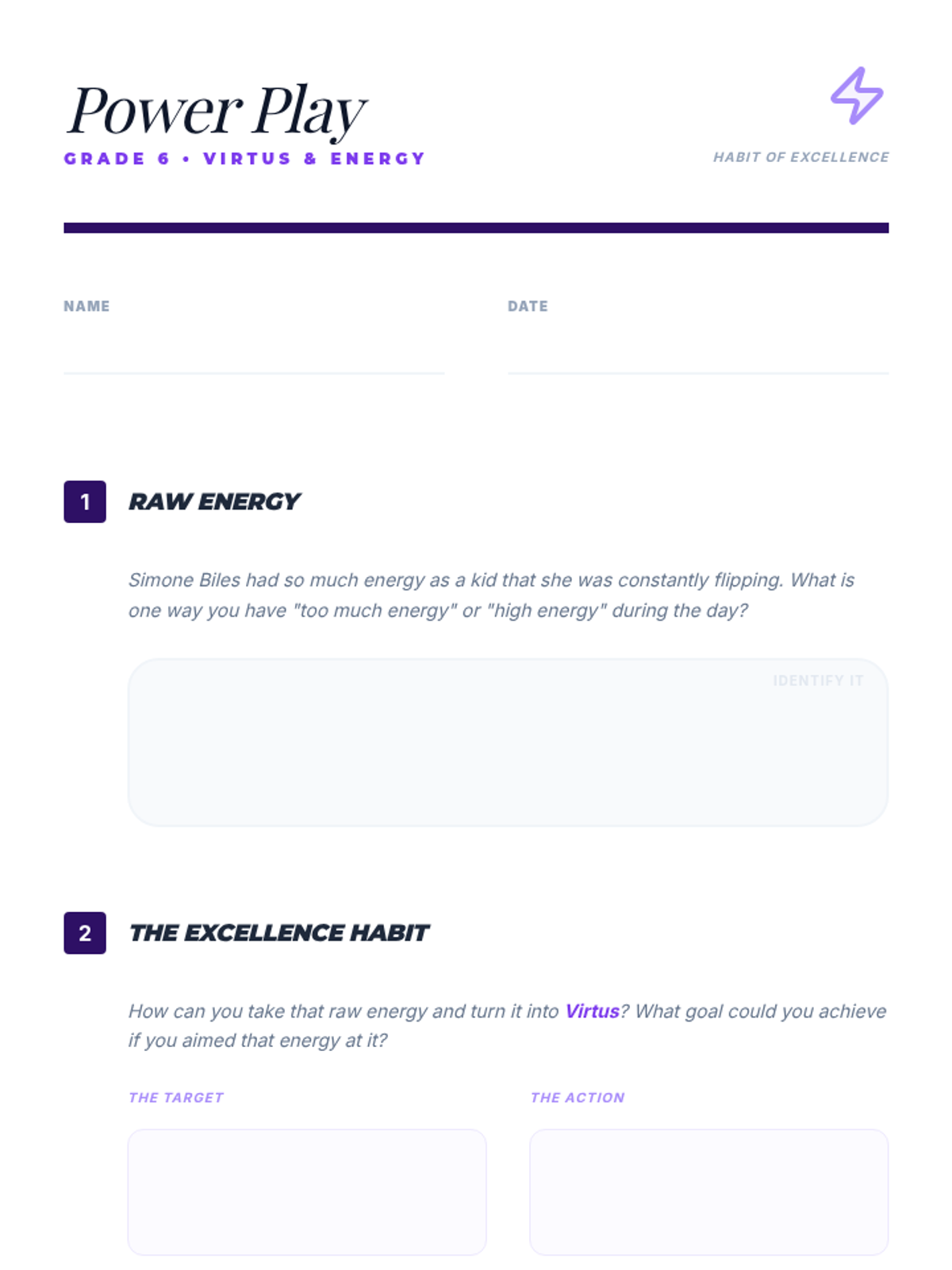
A Grade 6 lesson focusing on Virtus (excellence) and energy, using Simone Biles and the 1968 Olympics to show how personal power can be channeled into advocacy.
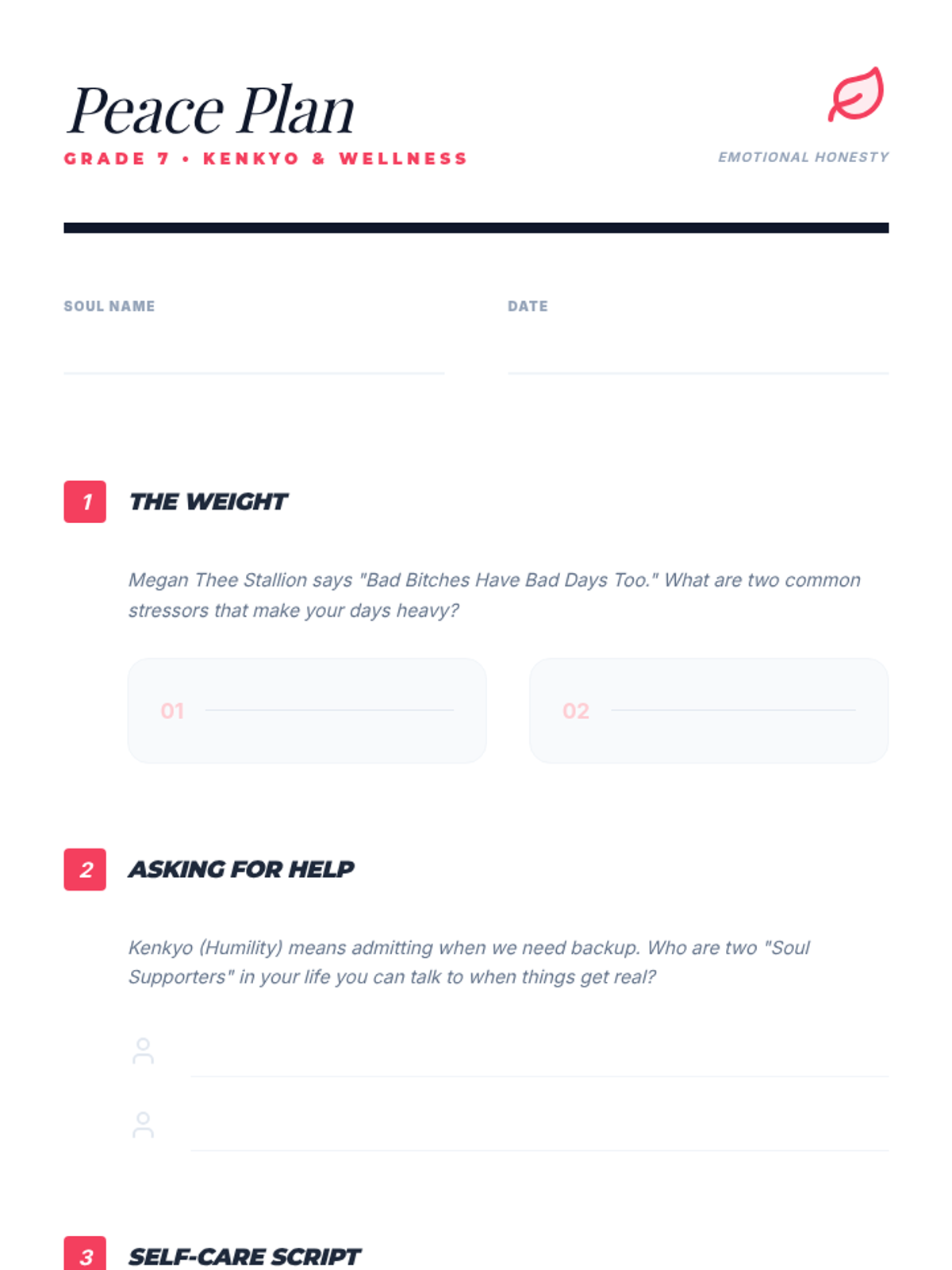
A Grade 7 lesson centered on Kenkyo (humility), focusing on mental health advocacy with Megan Thee Stallion and Kid Cudi to normalize emotional wellness.
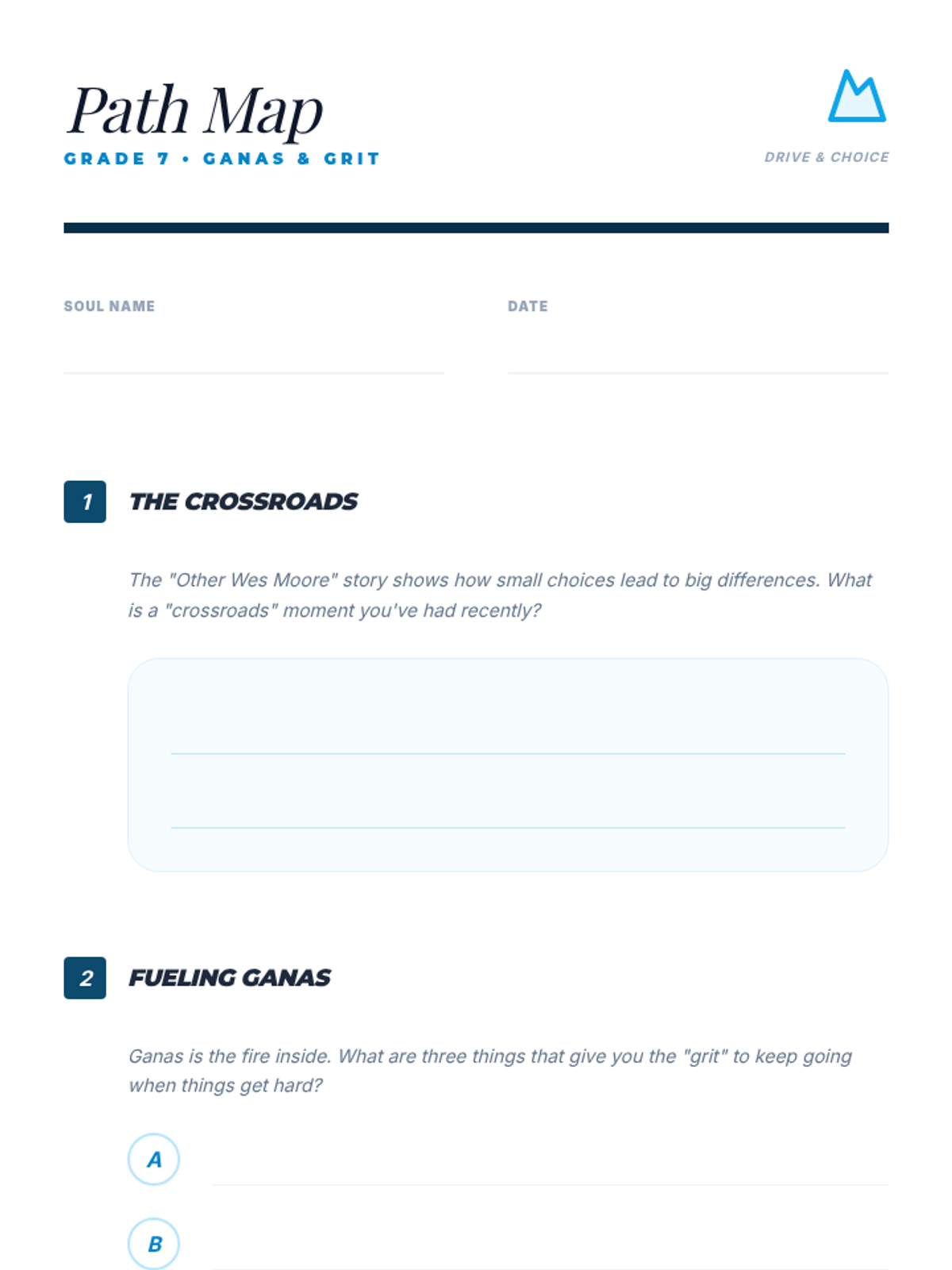
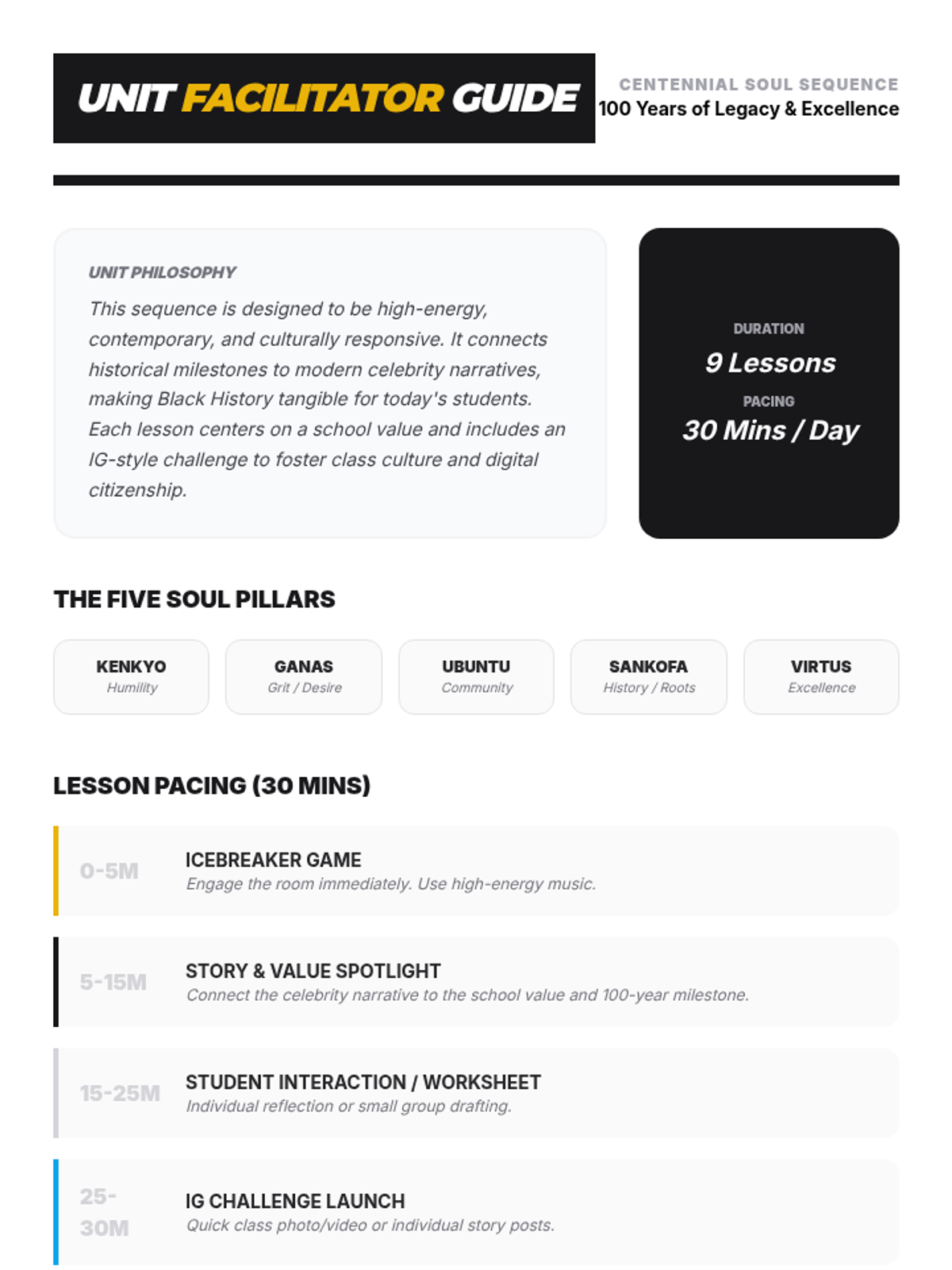
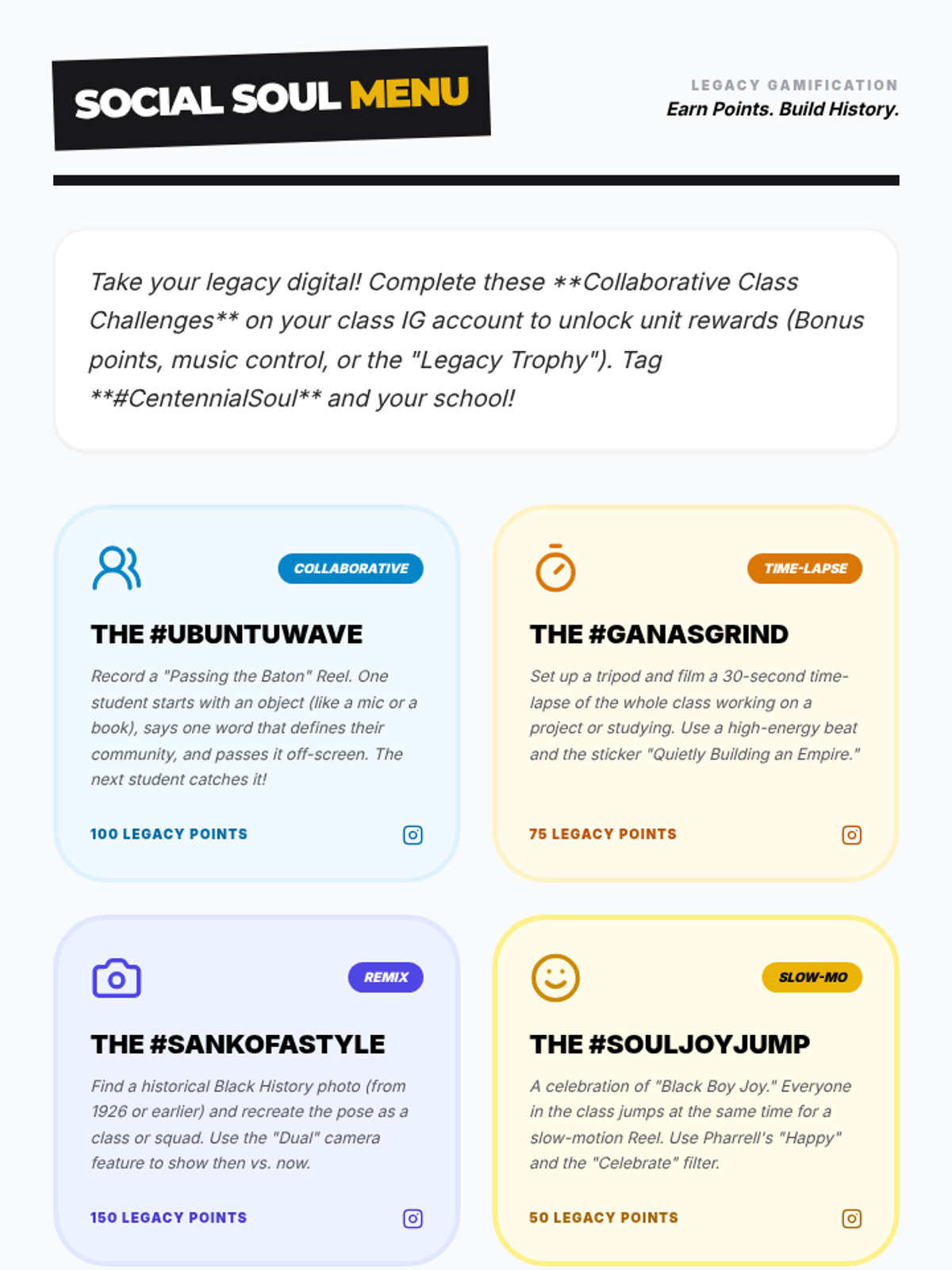
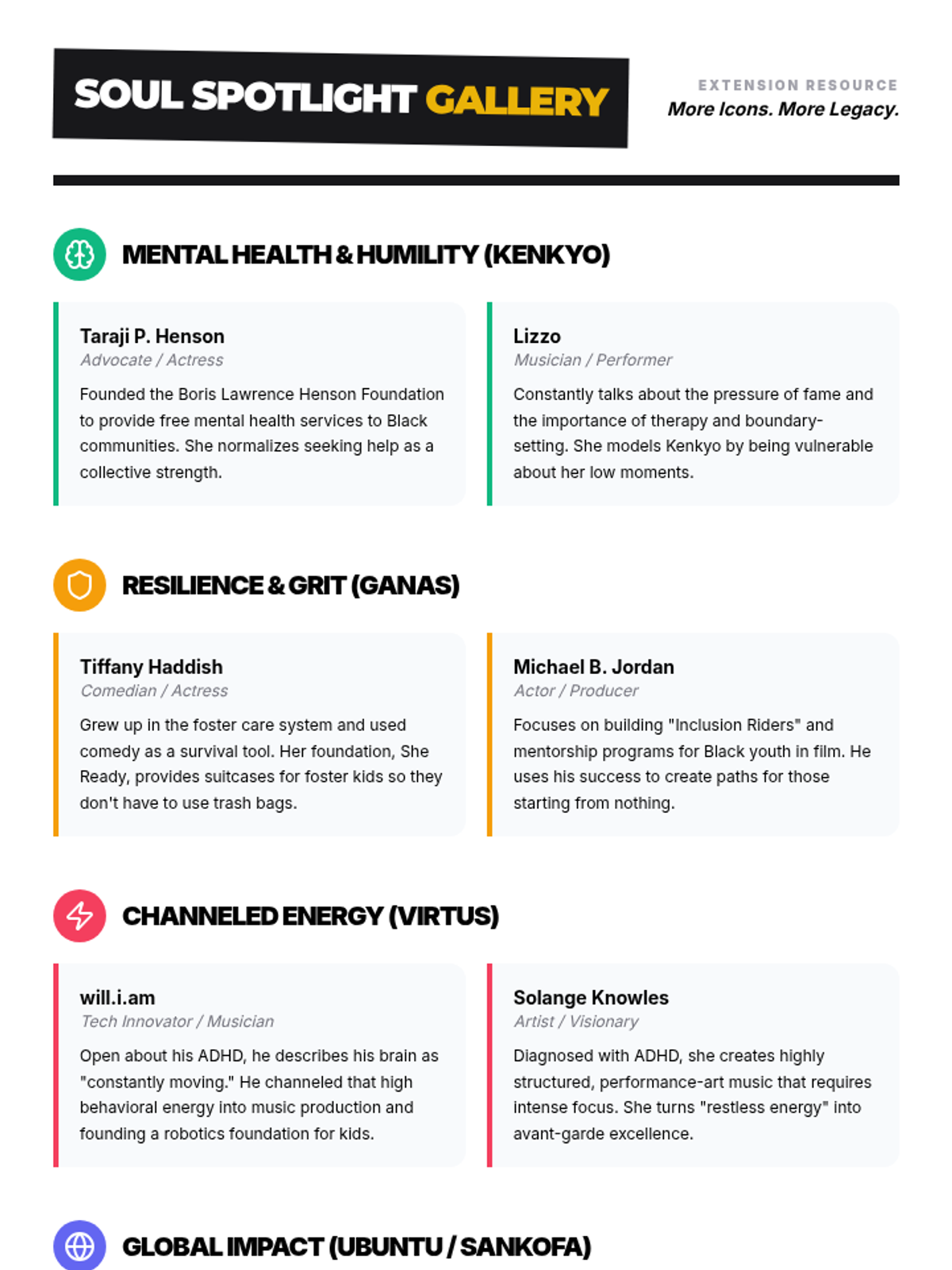
A Grade 7 deep dive into Ganas (grit) and resilience, connecting the narrative of 'The Other Wes Moore' and Jay-Z to the historical excellence of the Harlem Renaissance.
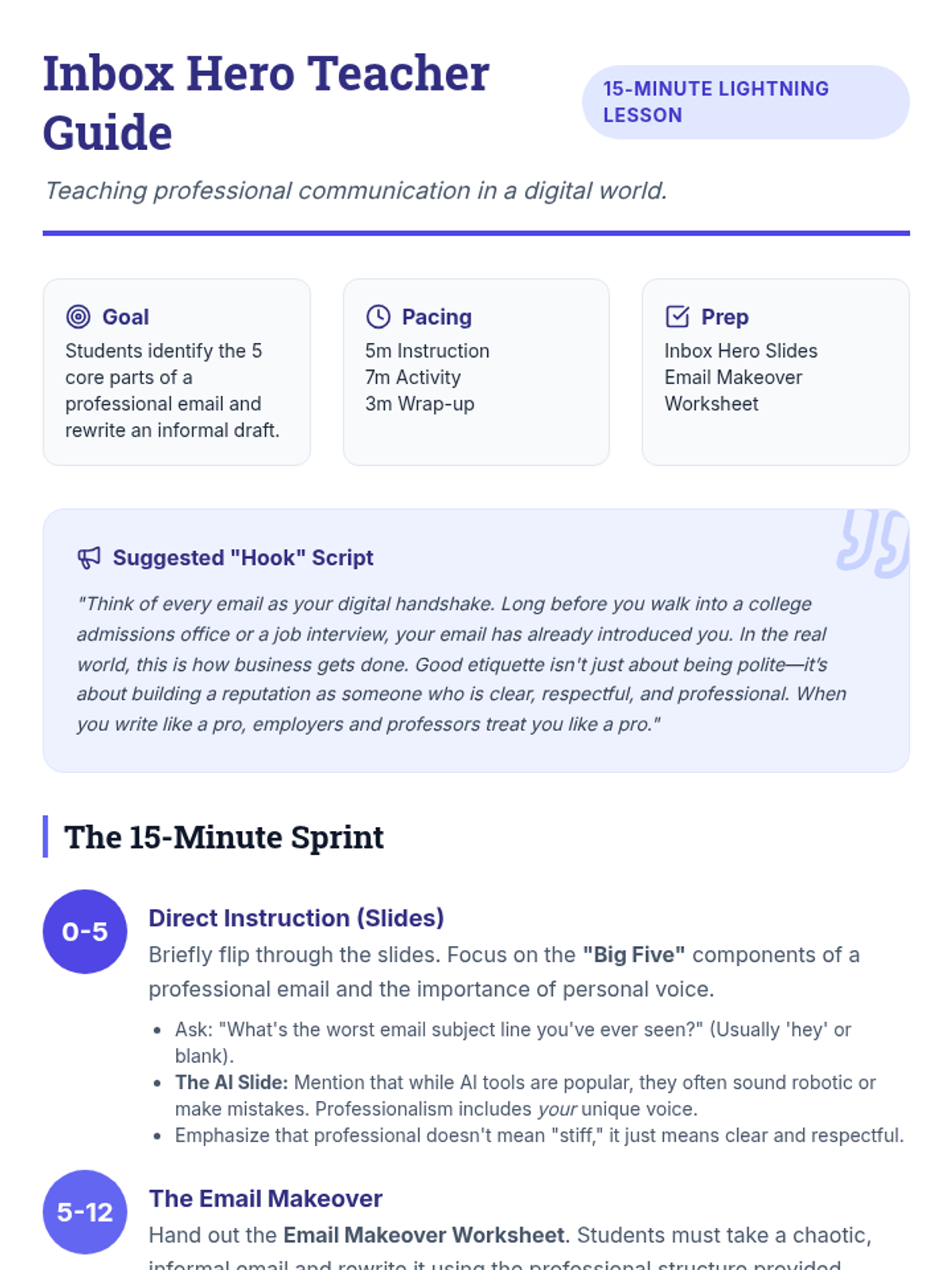
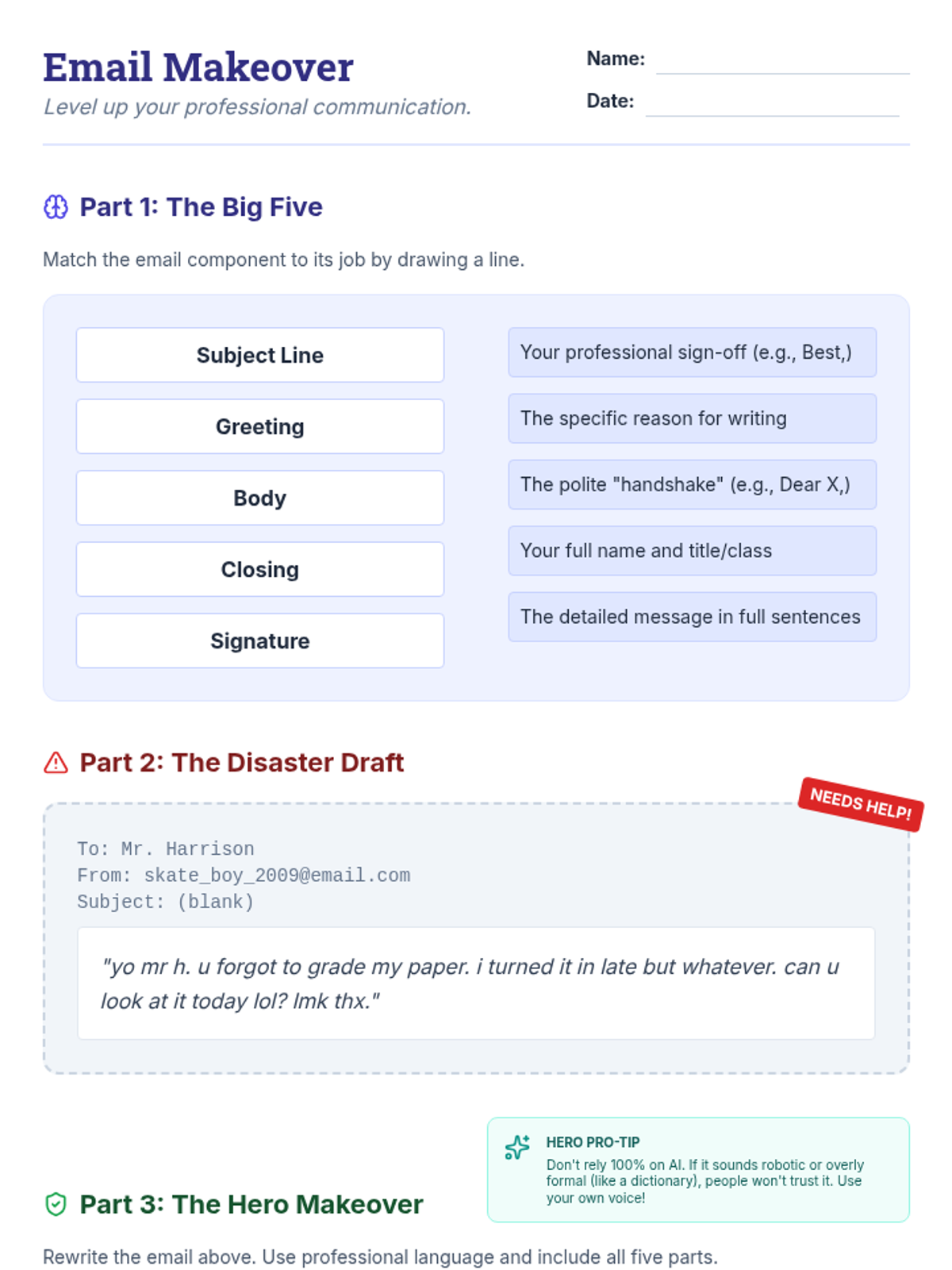
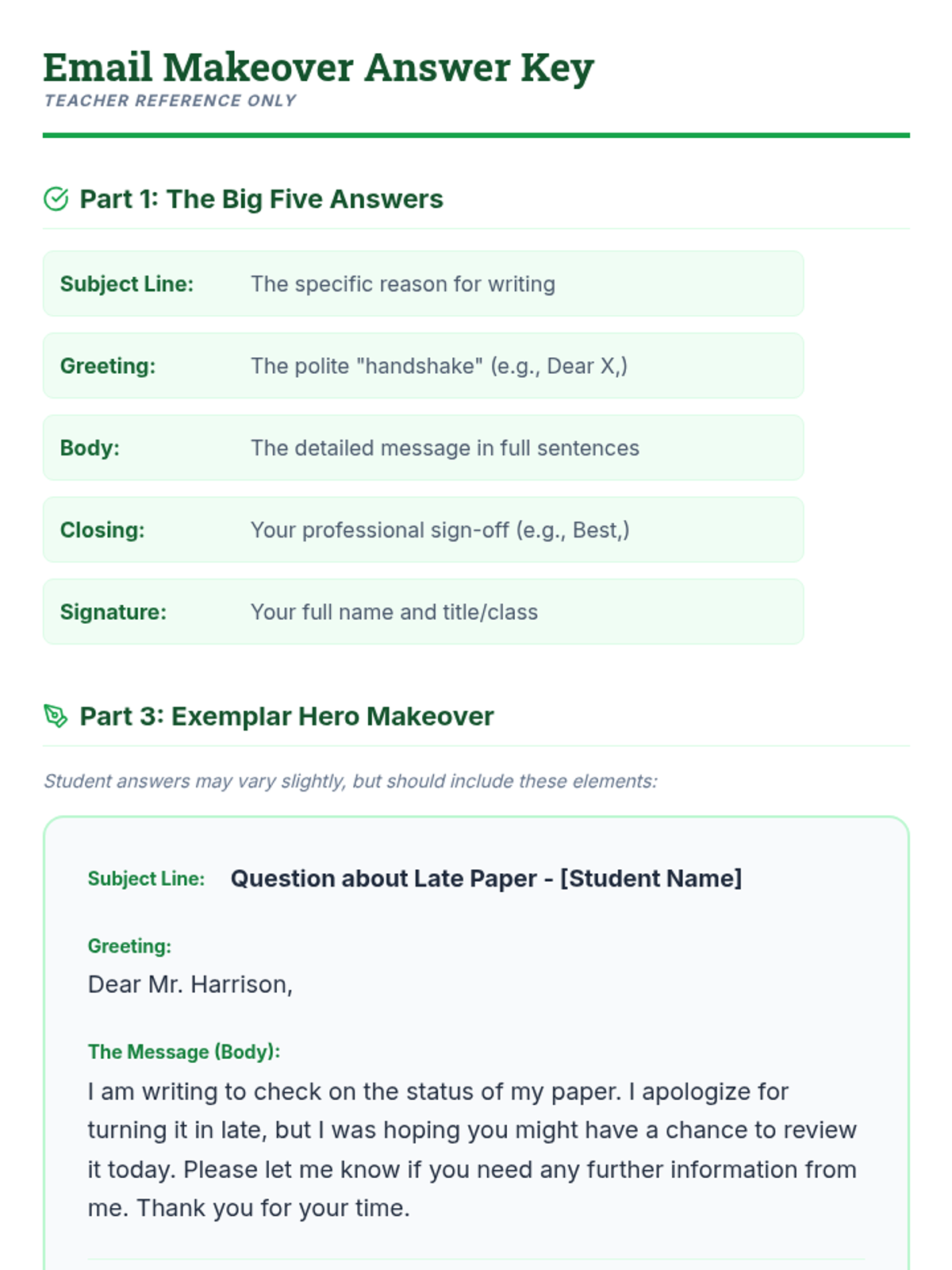
A lightning-fast 15-minute lesson teaching adolescents the essential anatomy of a professional email, featuring a slide deck for instruction and a practical 'makeover' activity.
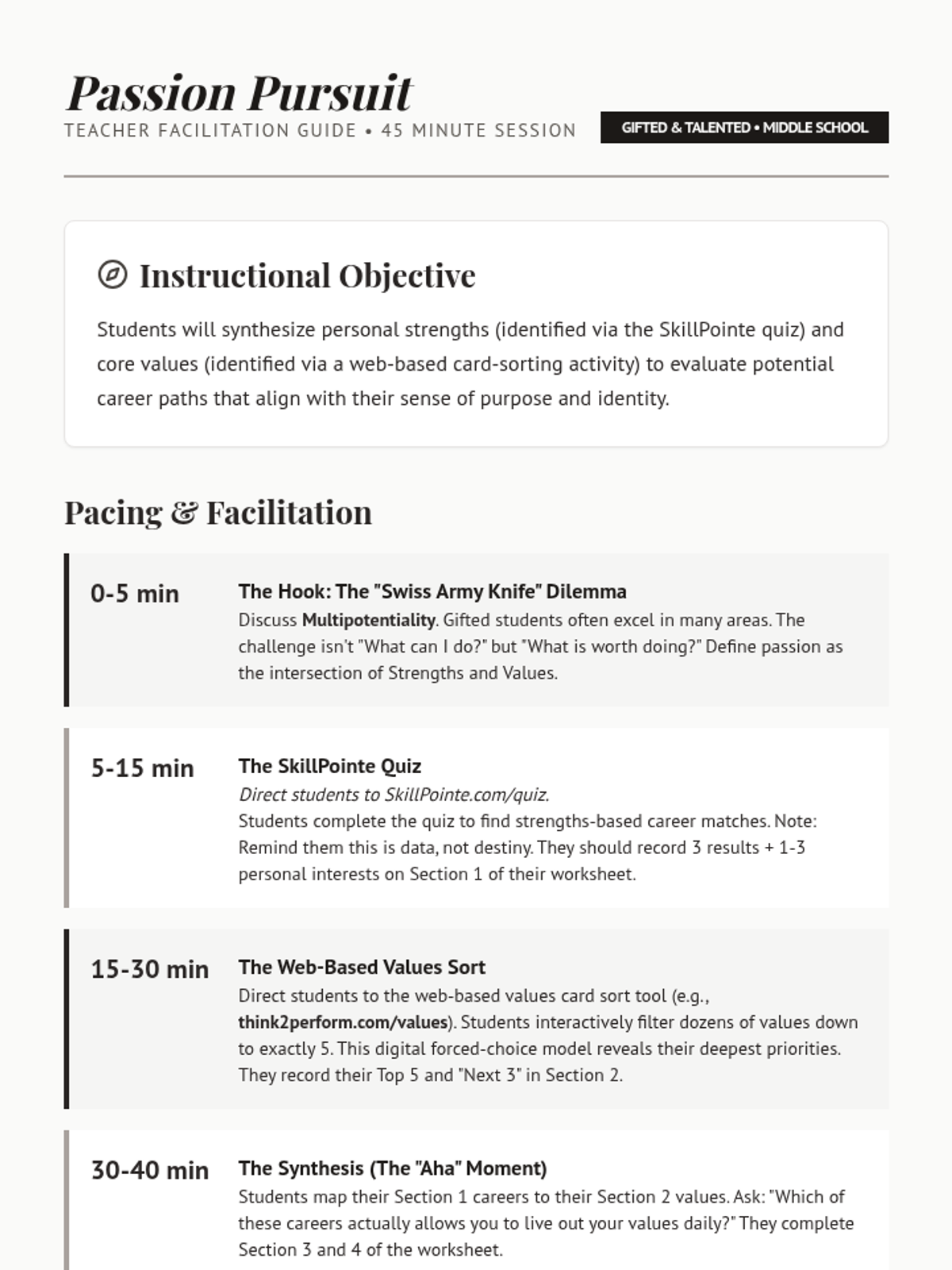
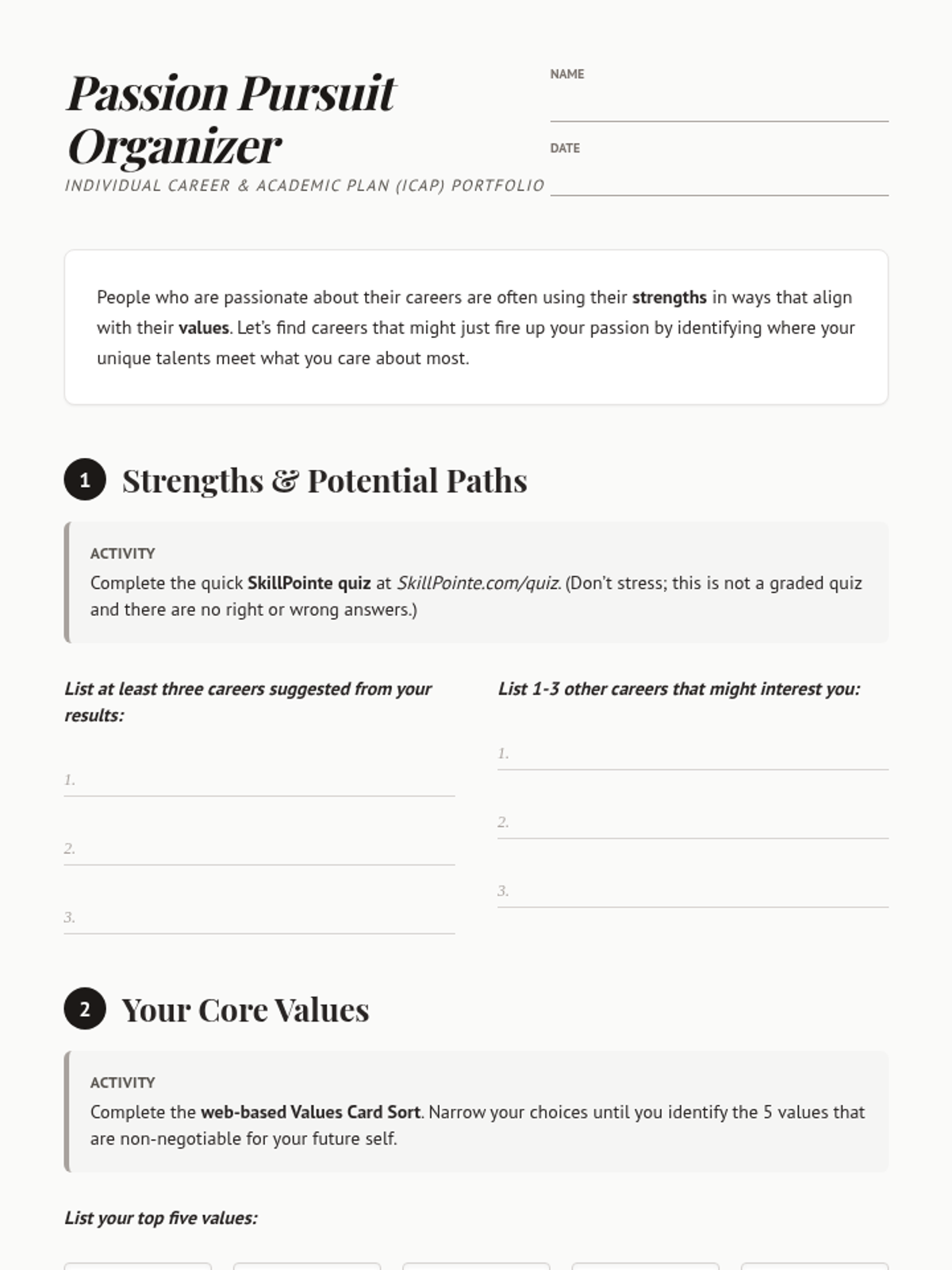
A 45-minute ICAP lesson designed for gifted middle school students to explore the intersection of their personal strengths and core values to identify potential career paths.
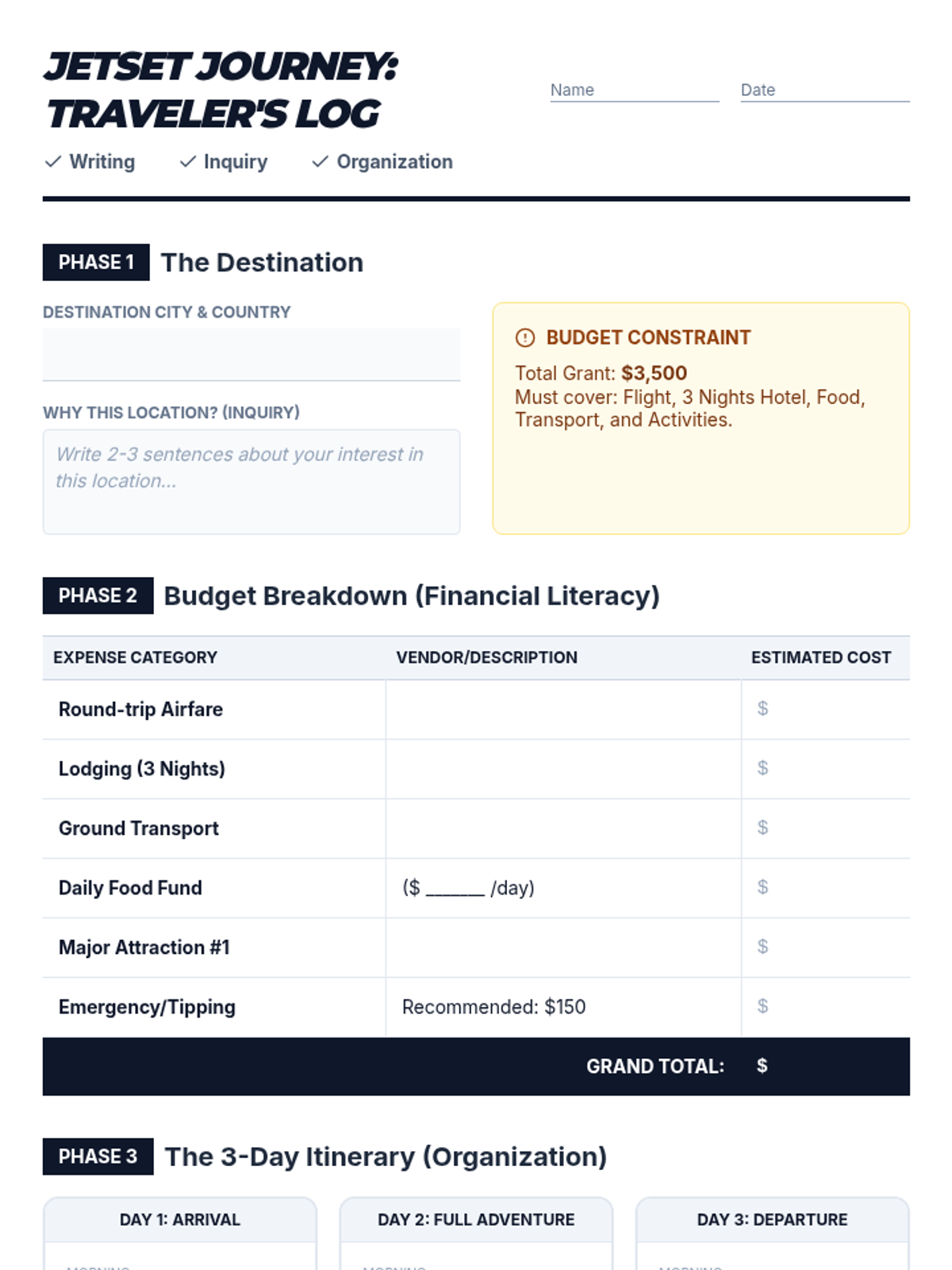
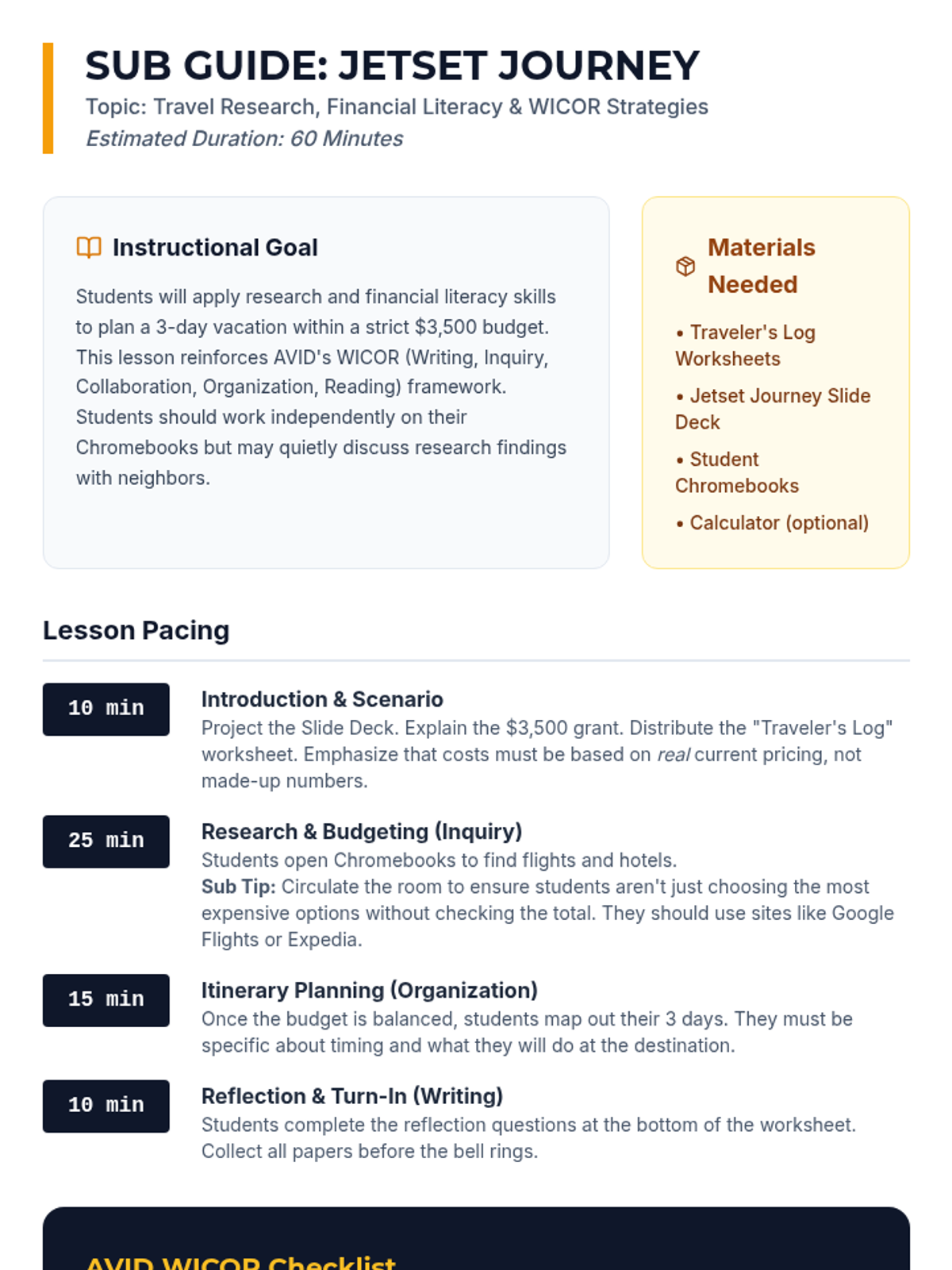
A high-engagement, sub-friendly lesson where AVID students research, budget, and plan a 3-day dream vacation while applying WICOR strategies and financial literacy skills.
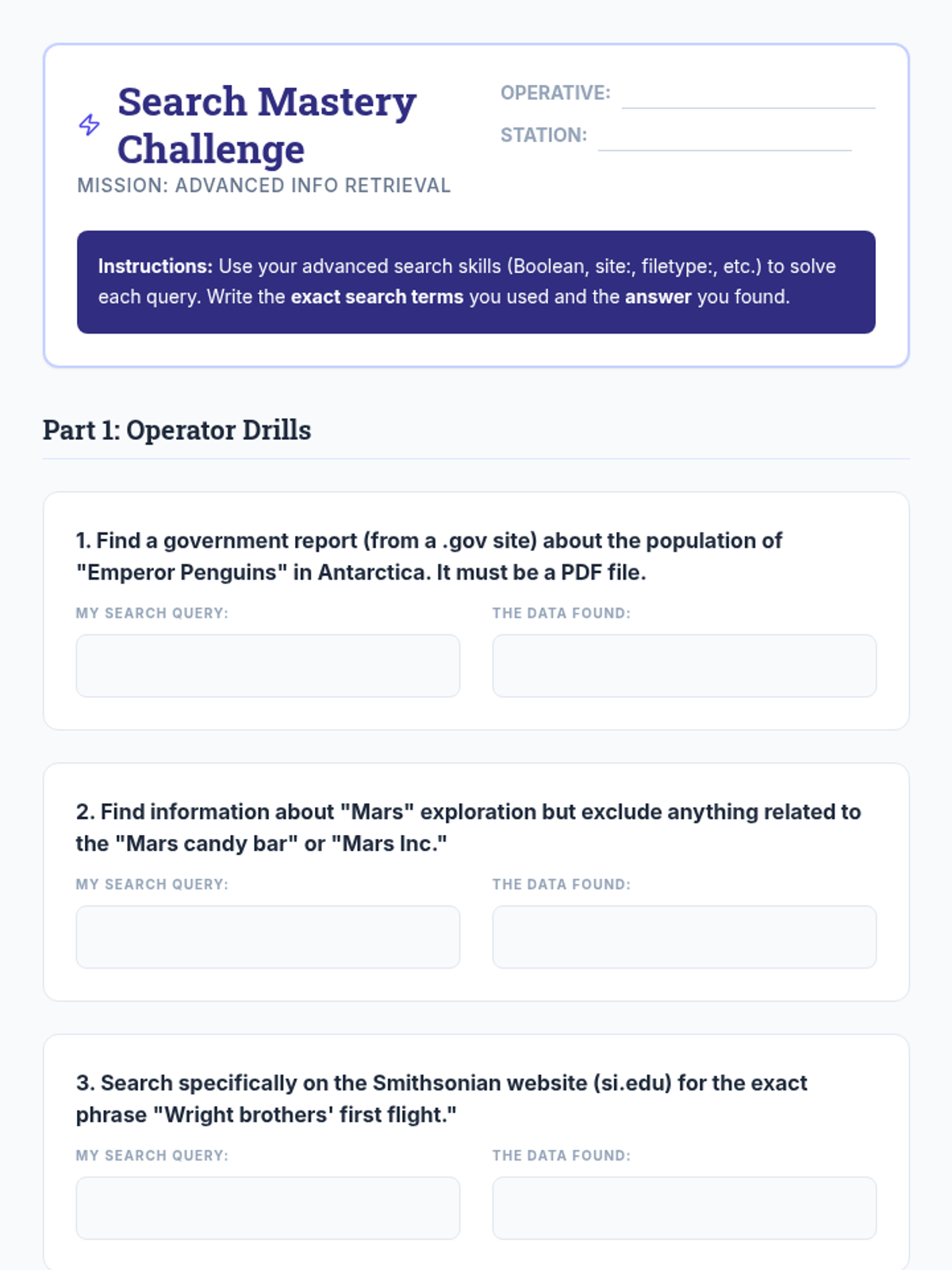
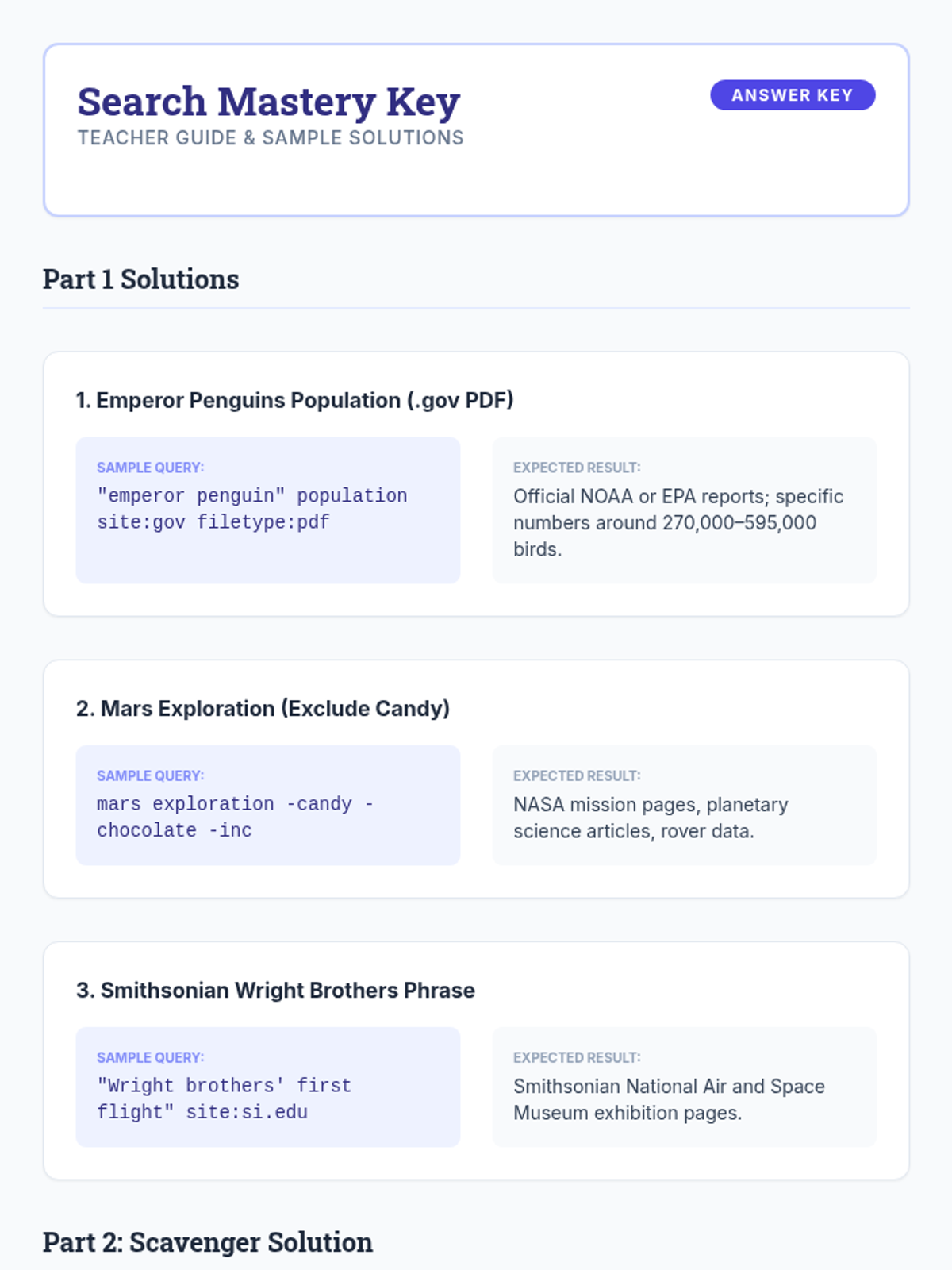
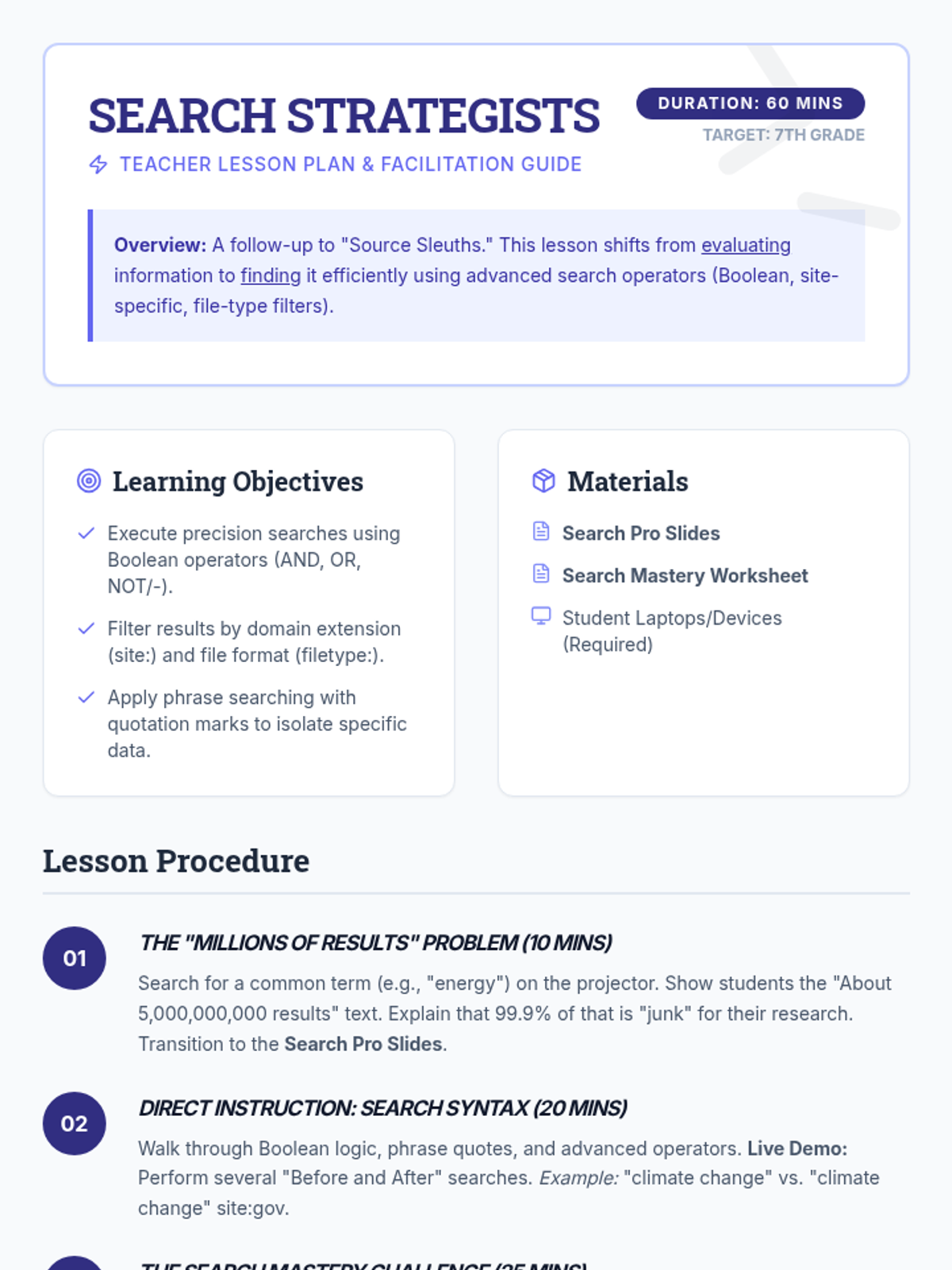
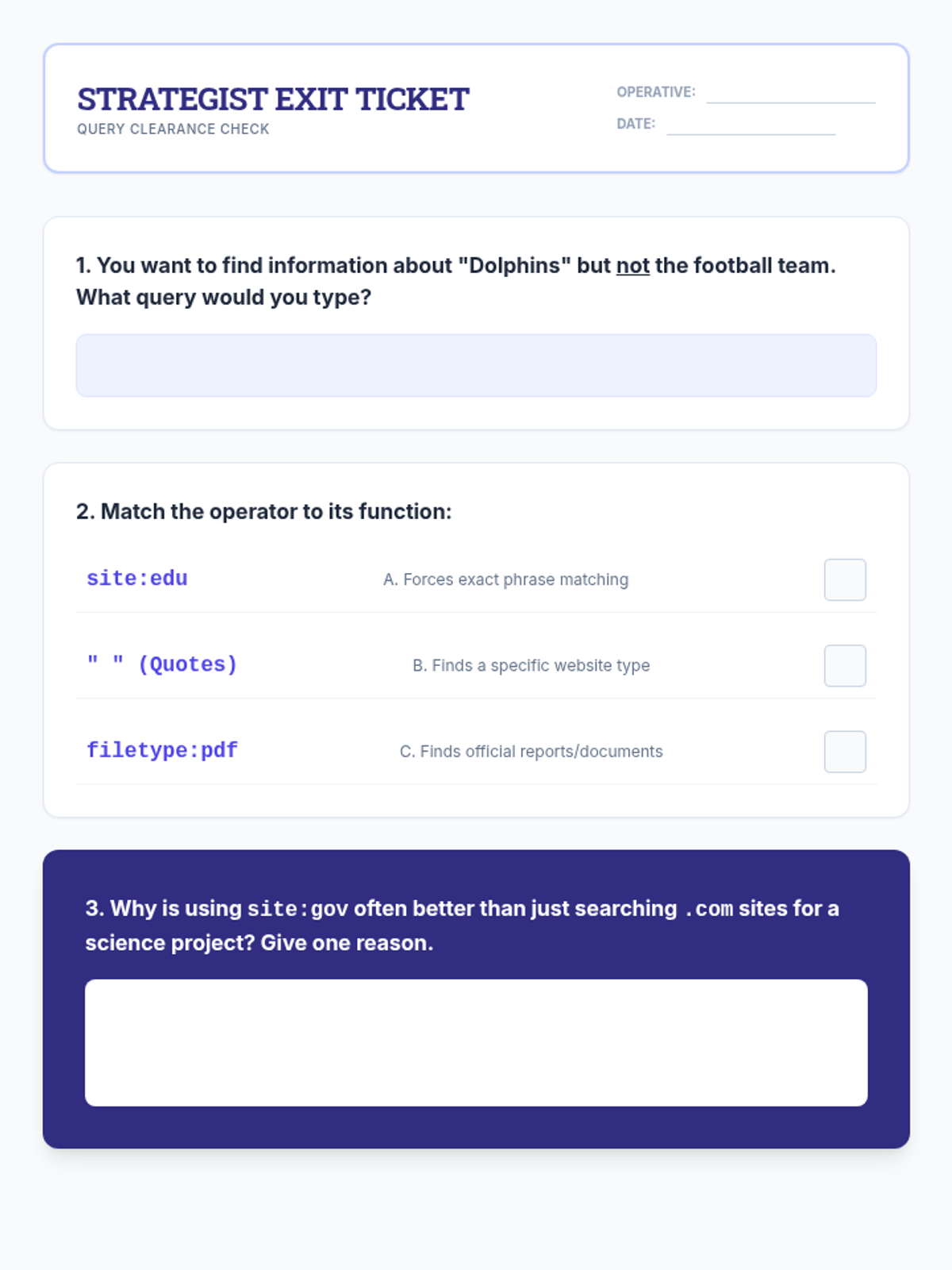
A follow-up lesson focused on advanced search strategies, including Boolean operators, domain-specific searches, and navigating databases to find high-quality information.
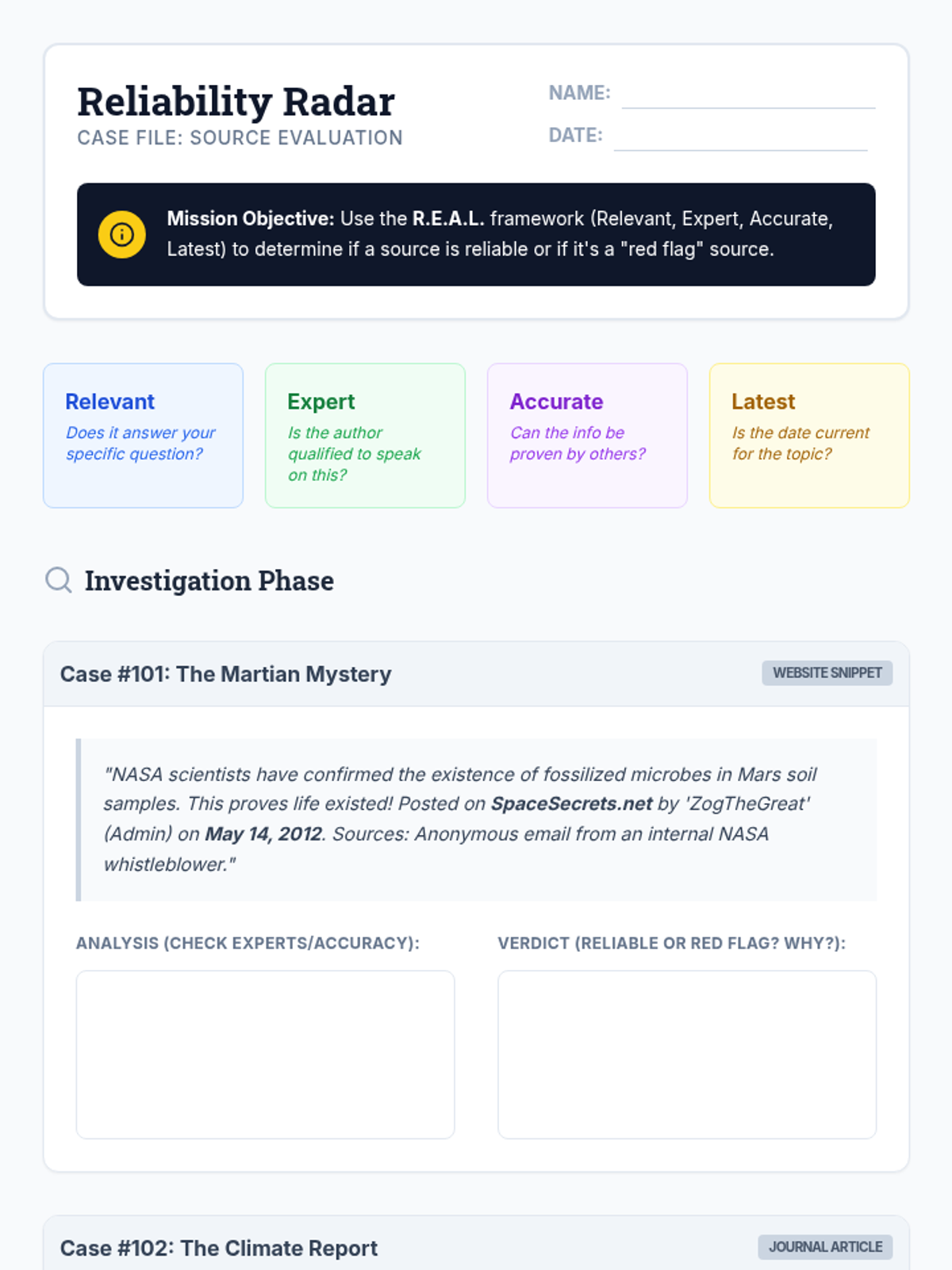
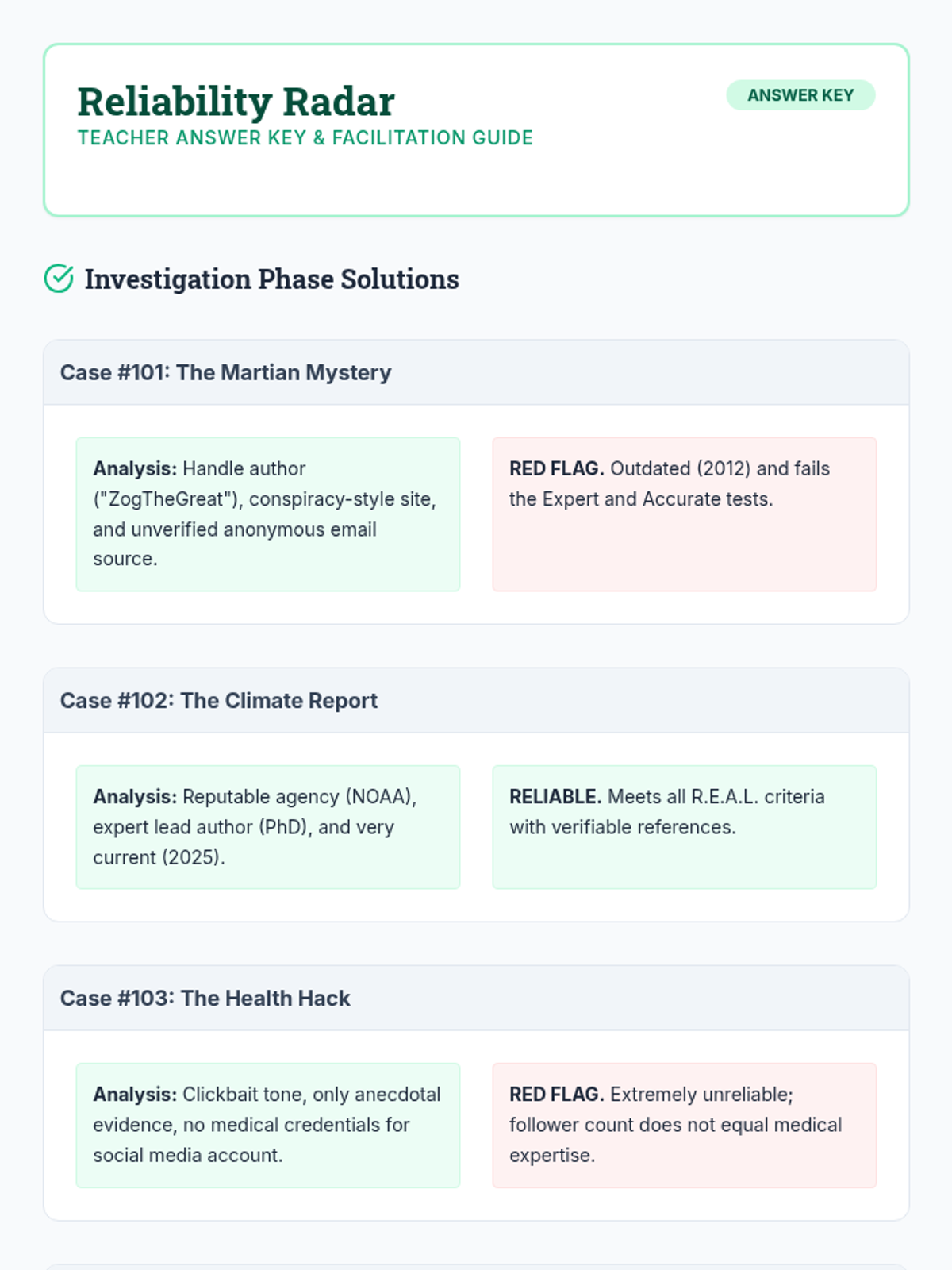
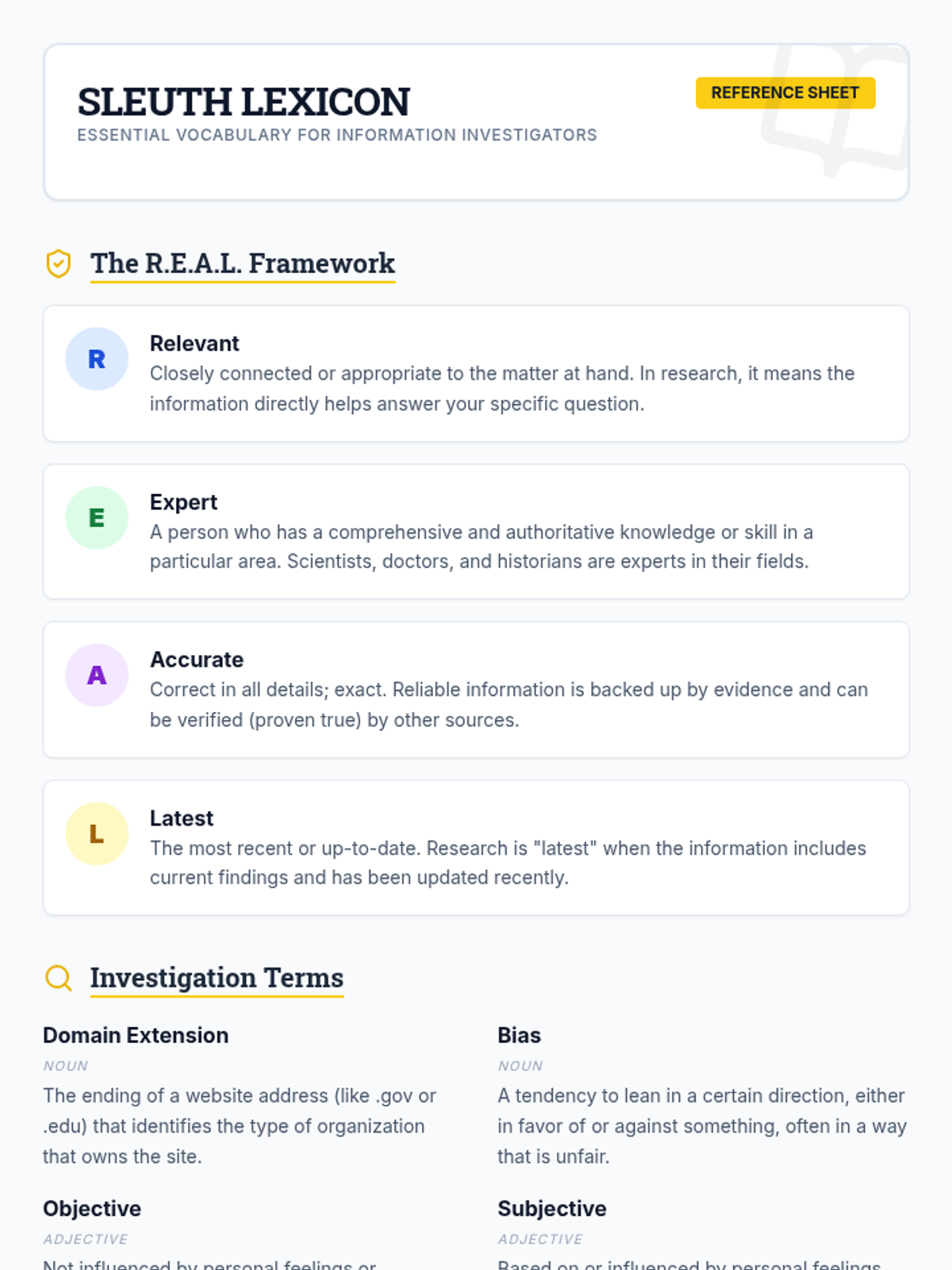
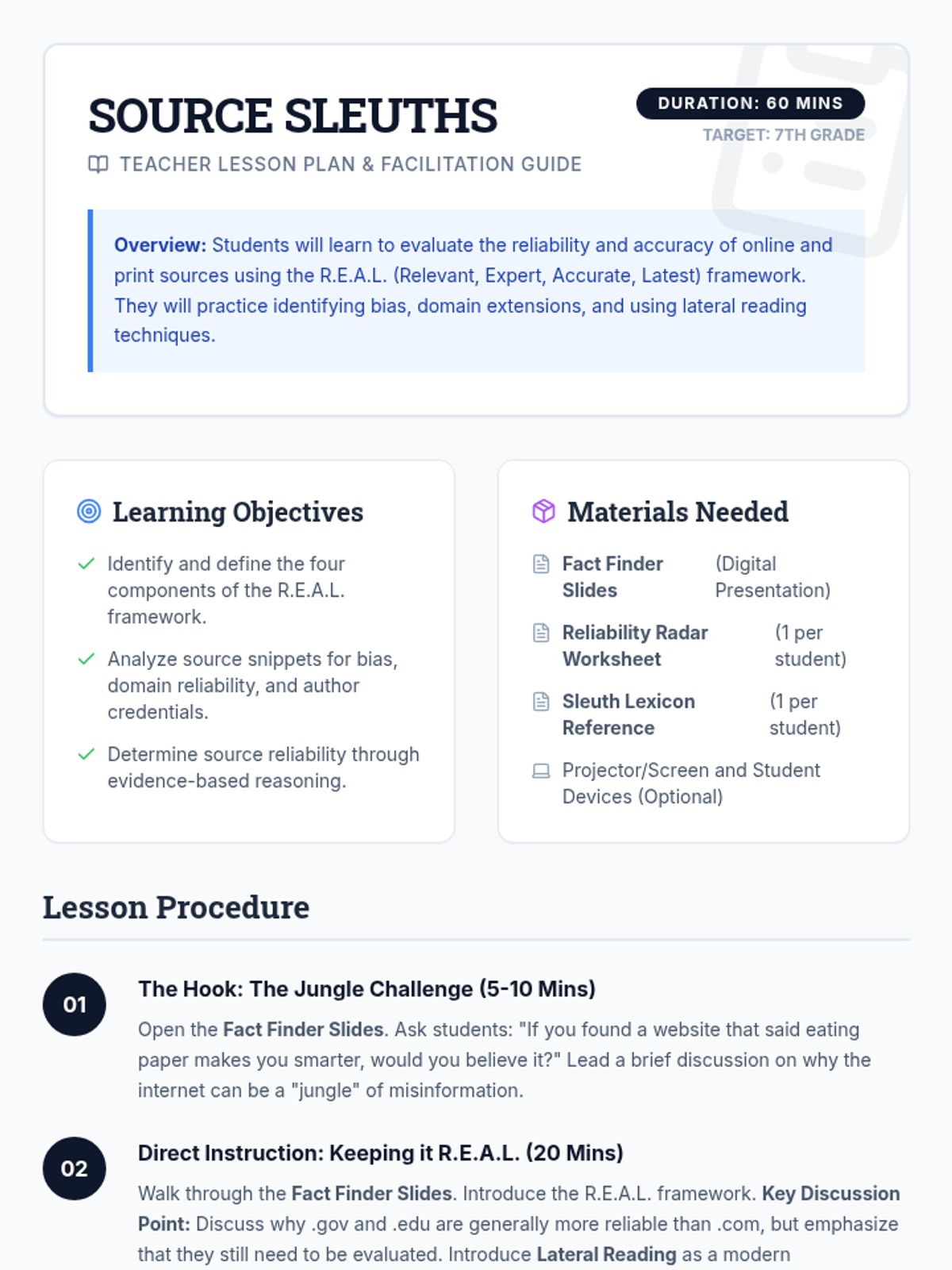
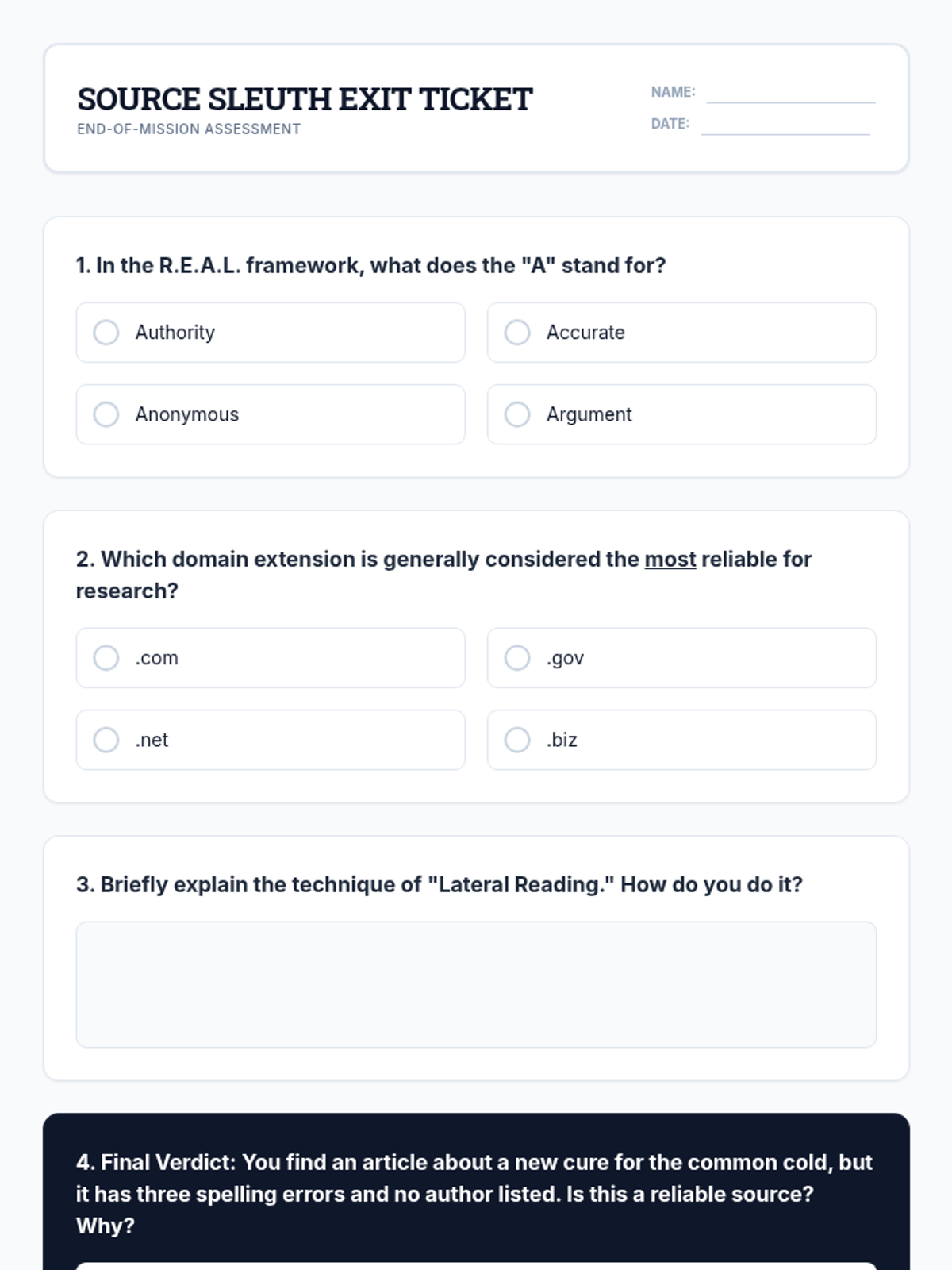
A lesson focused on equipping 7th-grade students with the tools to evaluate the reliability and accuracy of information sources using the R.E.A.L. framework.
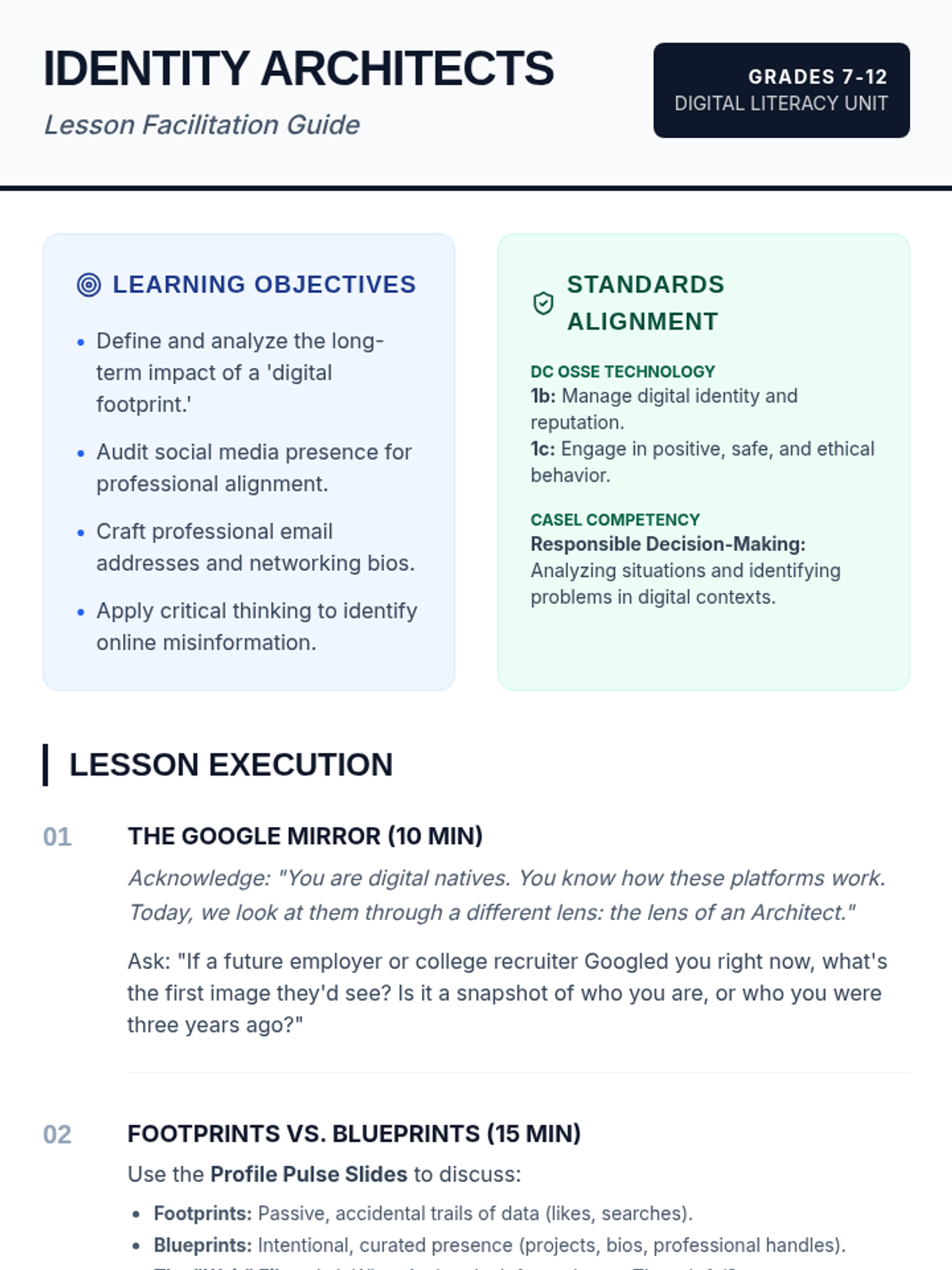
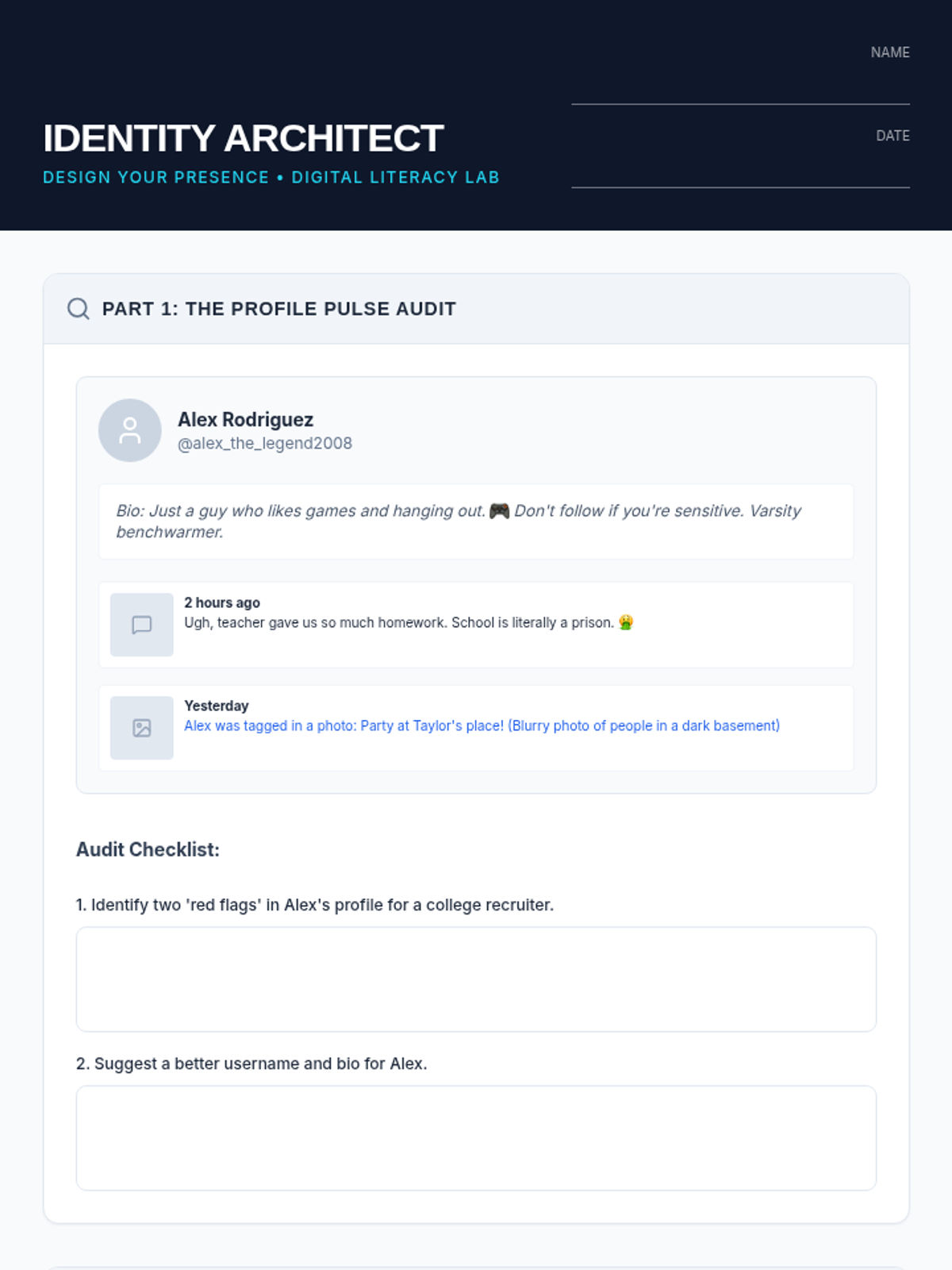
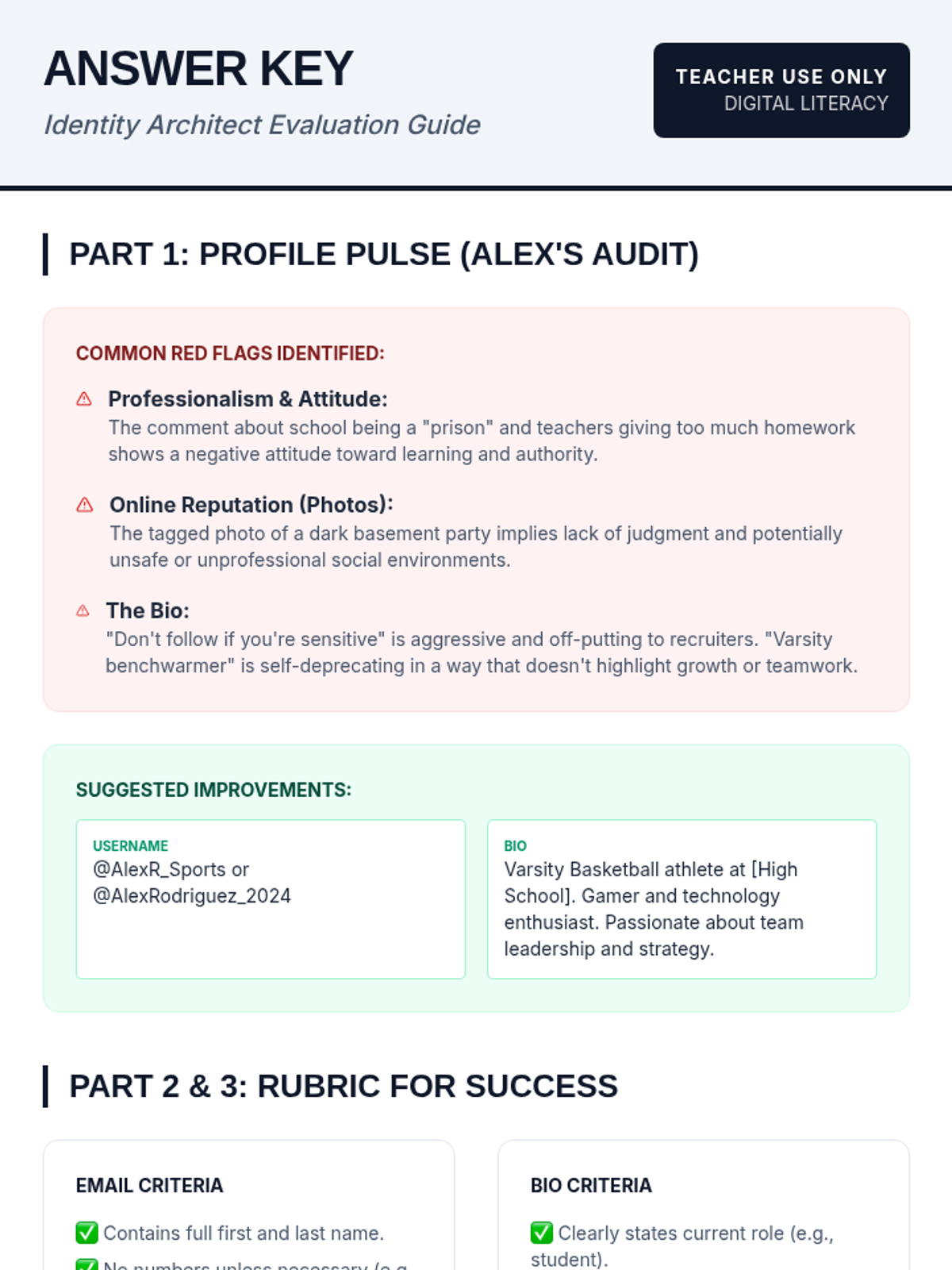
This lesson empowers students to take control of their digital footprints by transforming them into intentional 'digital blueprints.' Students analyze mock social media profiles, practice professional communication, and draft networking bios while navigating online safety and misinformation.
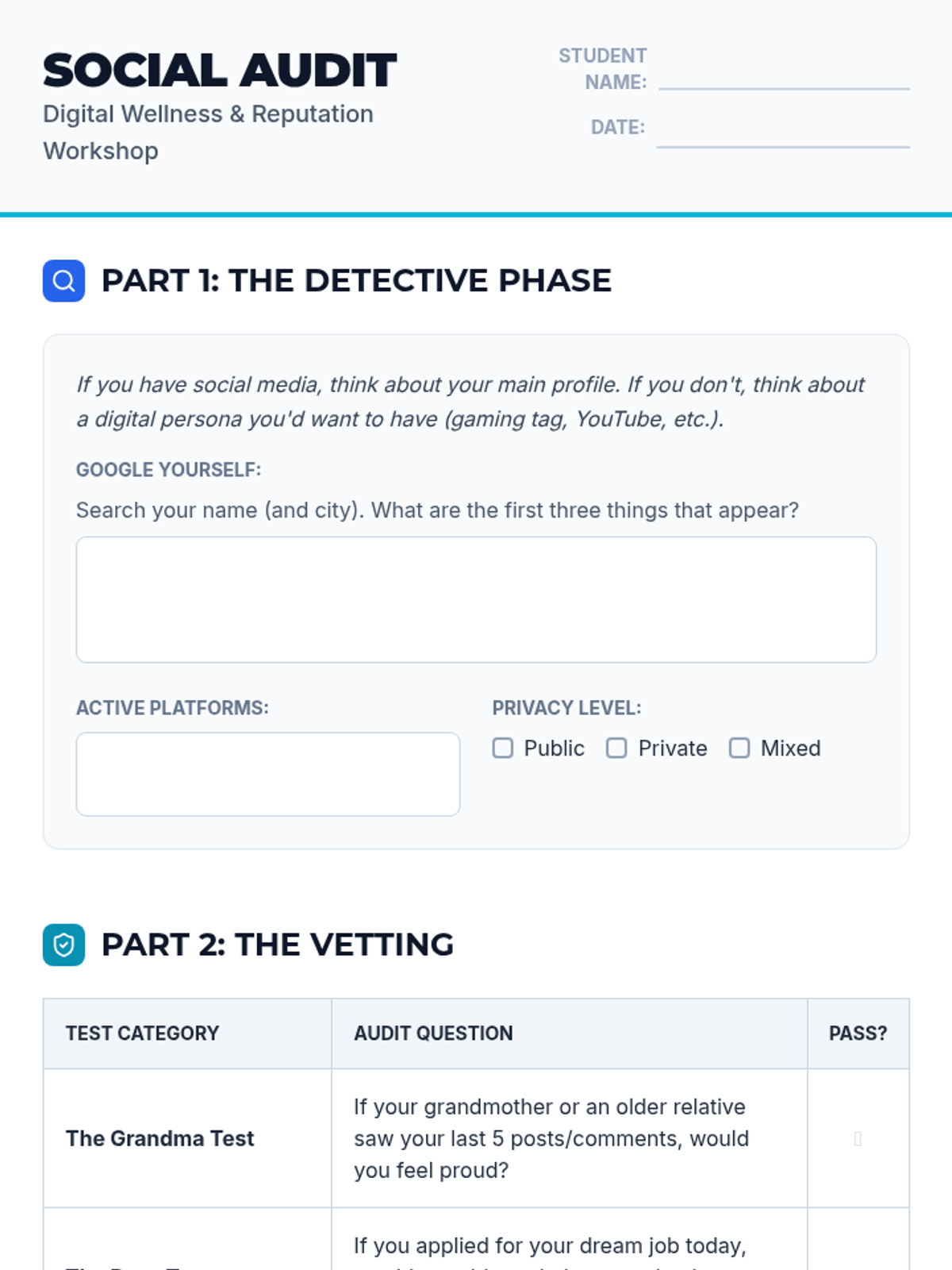
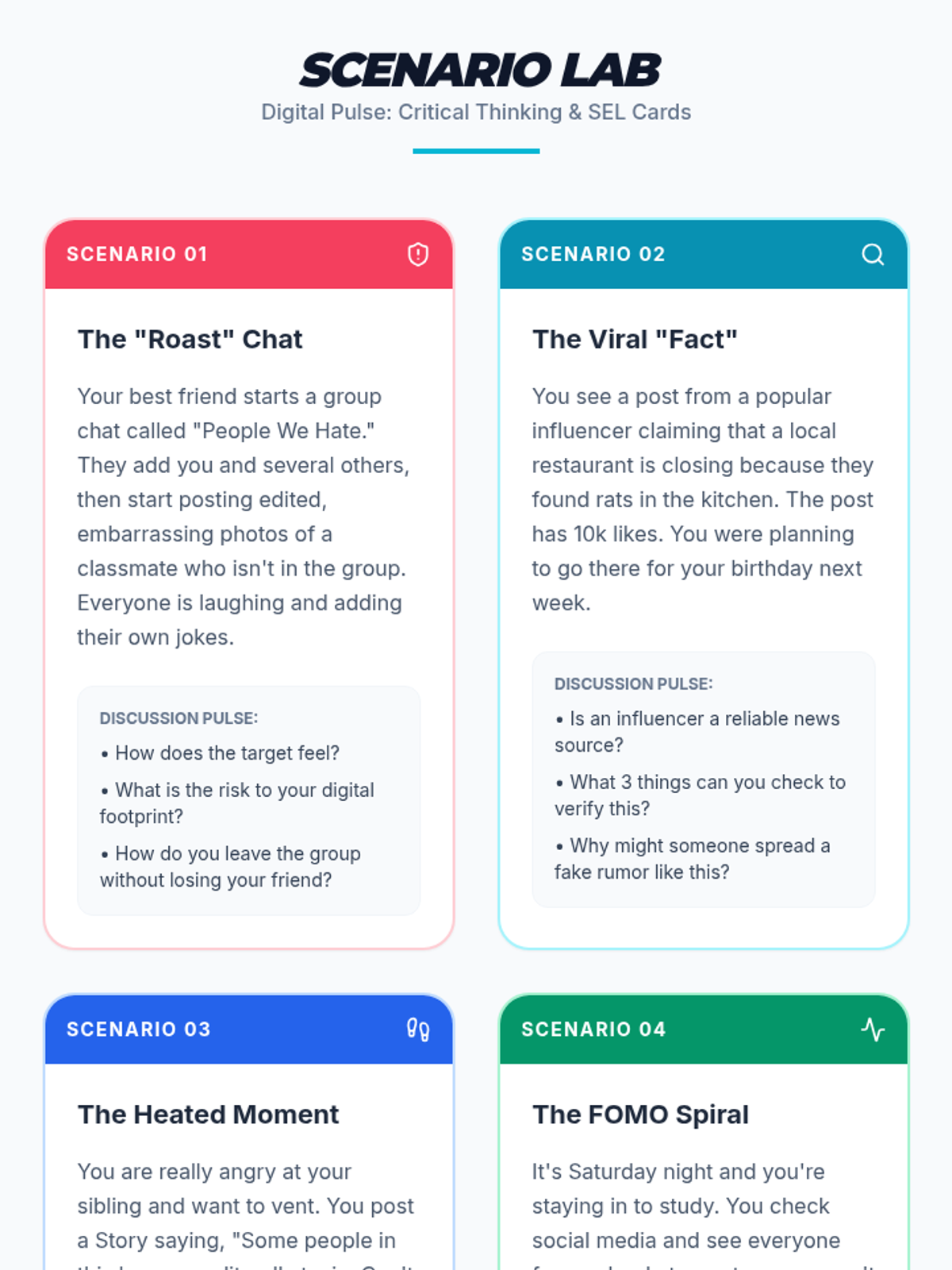
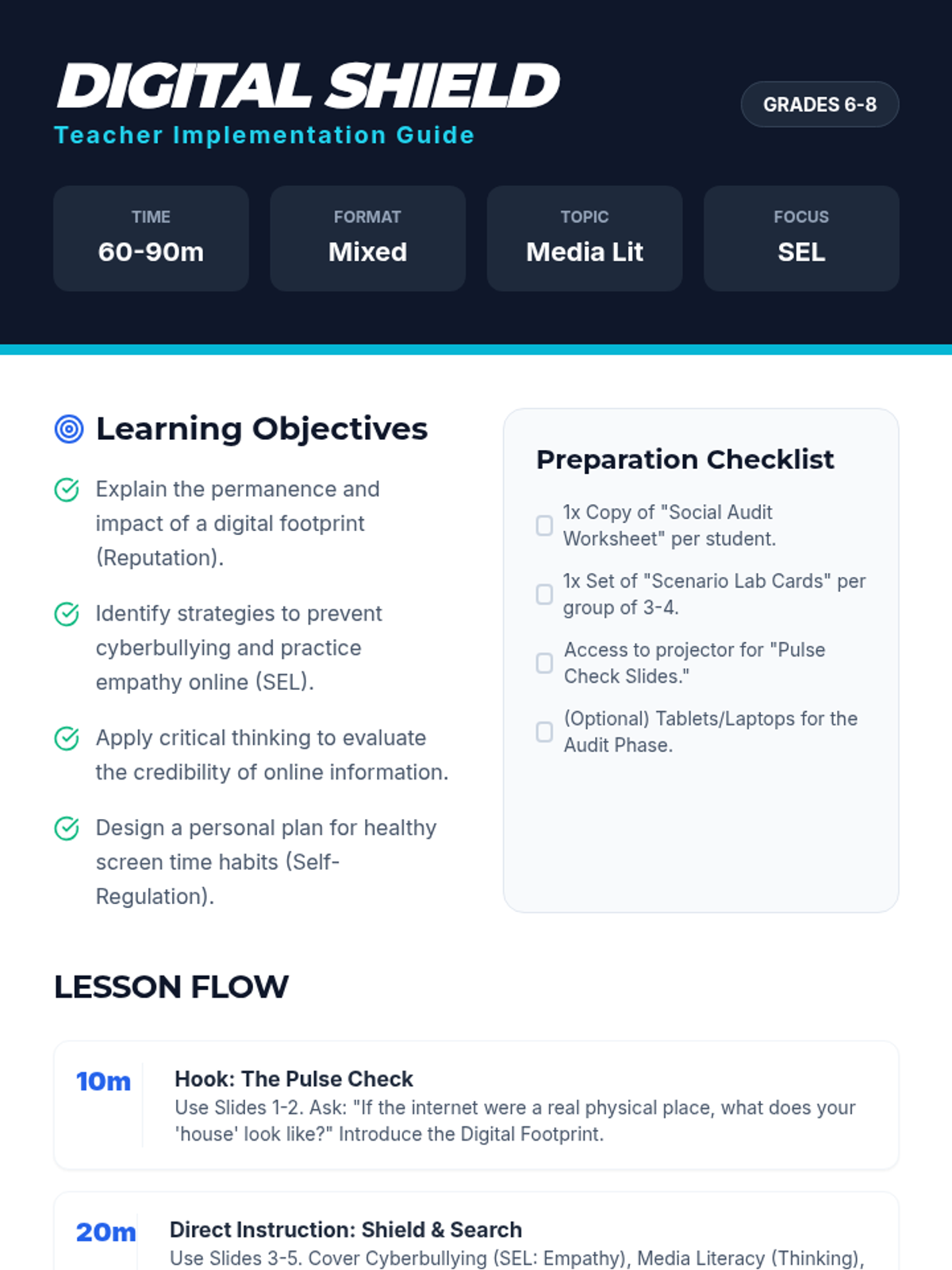
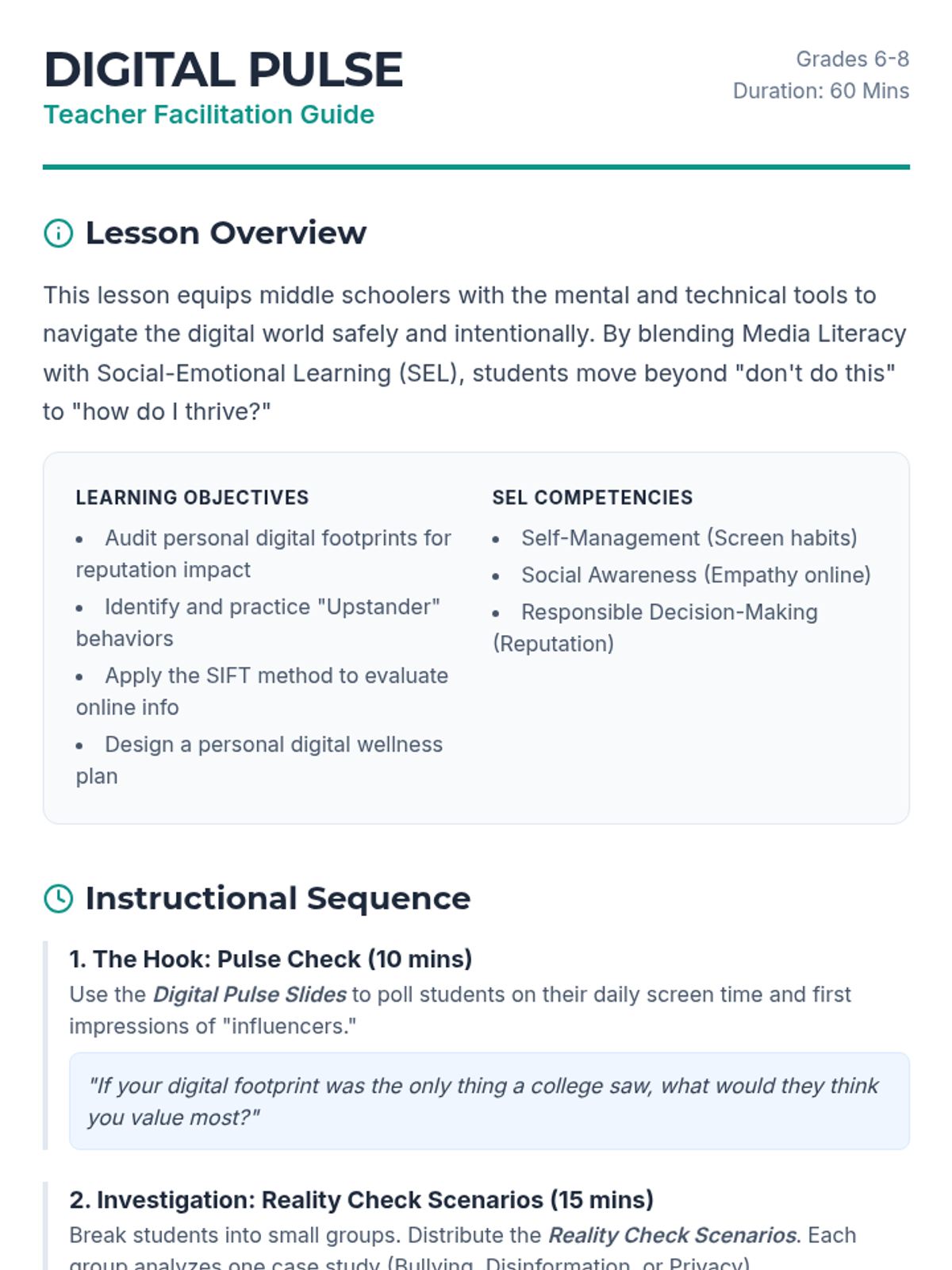
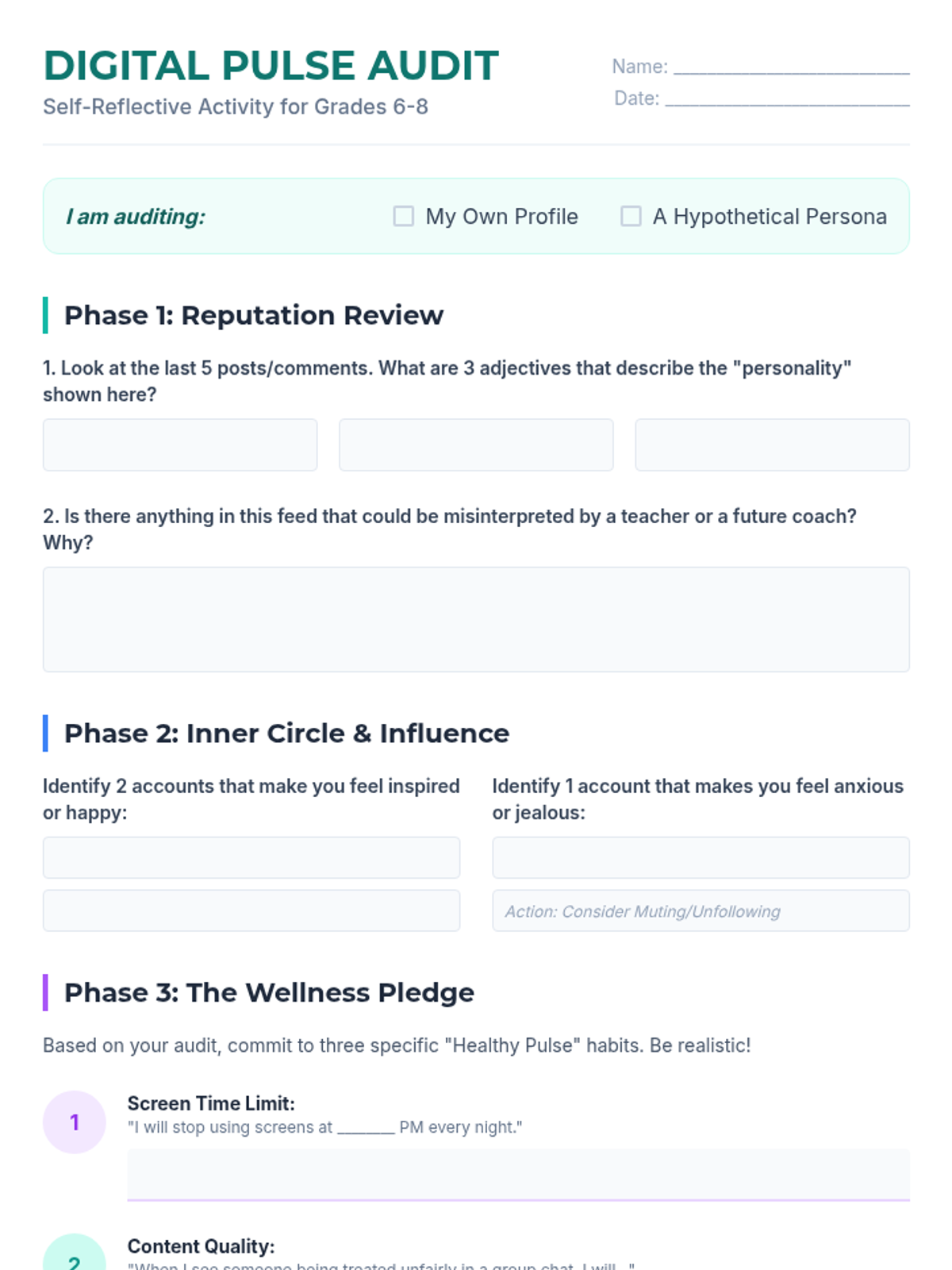
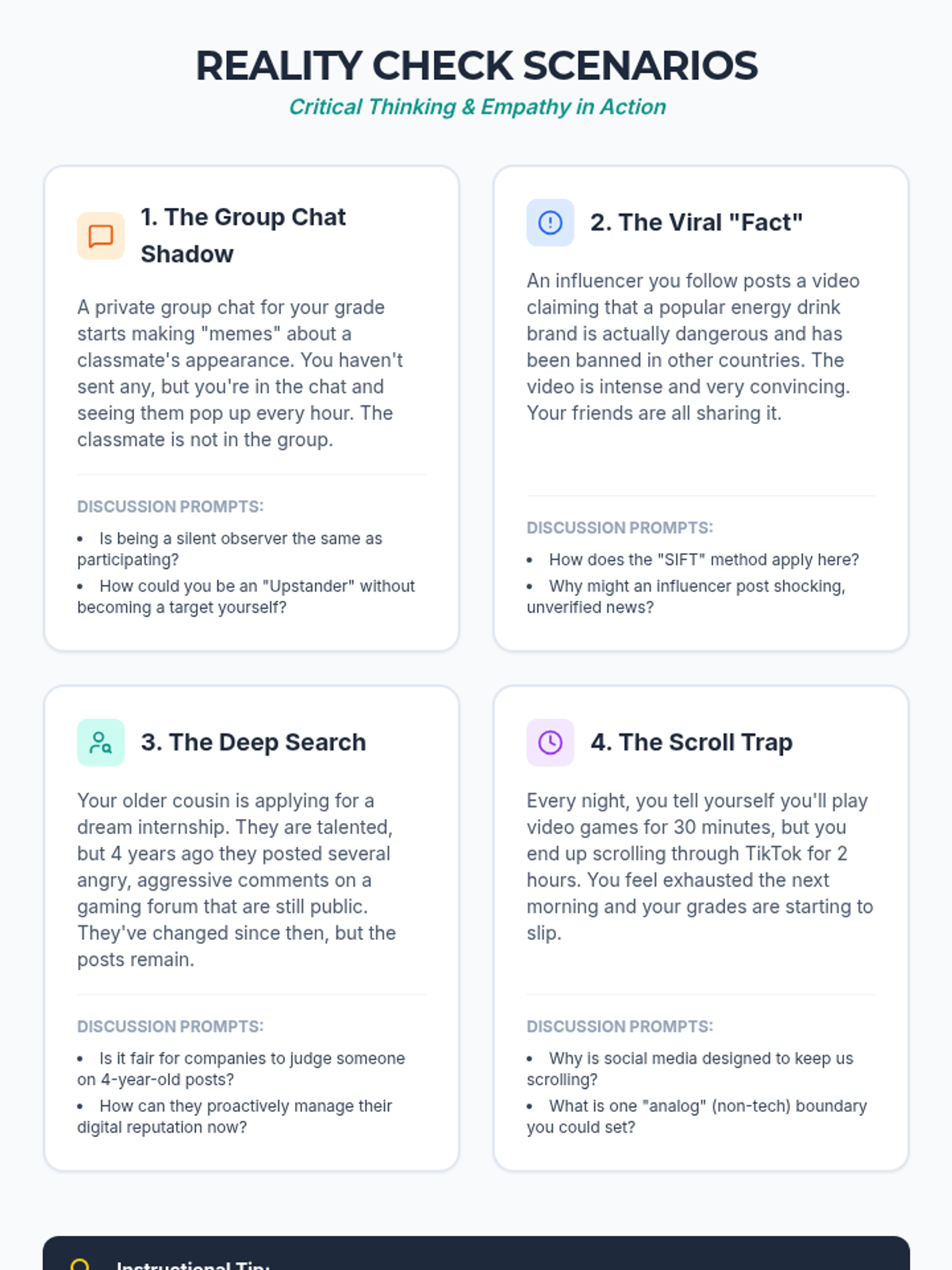
A comprehensive lesson for grades 6-8 focusing on digital wellness, social media literacy, and SEL skills. Students explore digital footprints, cyberbullying prevention, and healthy screen habits through interactive scenarios and a personal social media audit.
A comprehensive middle school lesson focusing on digital wellness, social media literacy, and SEL-aligned online behaviors. Students explore their digital footprint, practice critical media evaluation, and develop healthy screen habits through scenario-based learning and a personal digital audit.
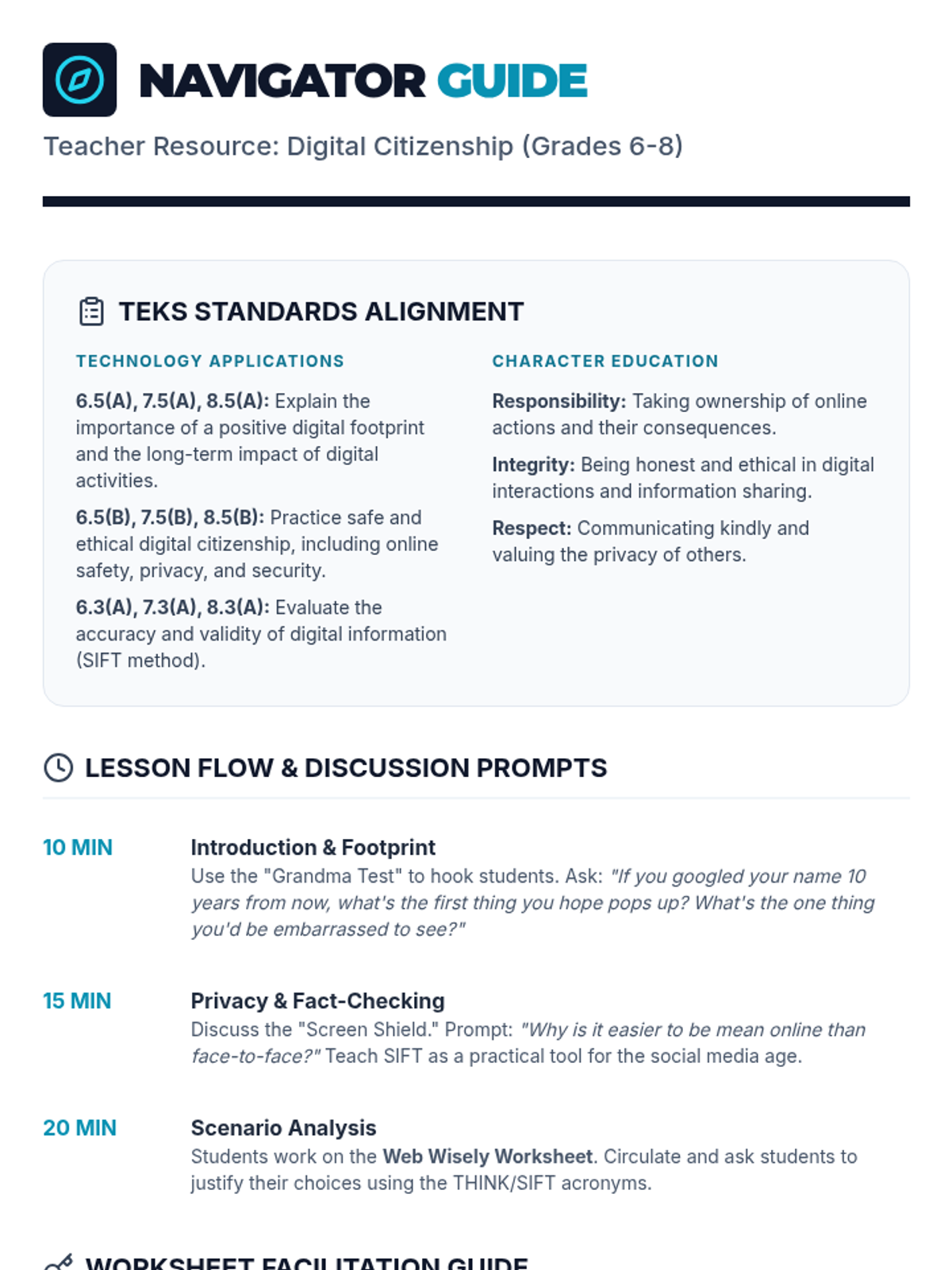
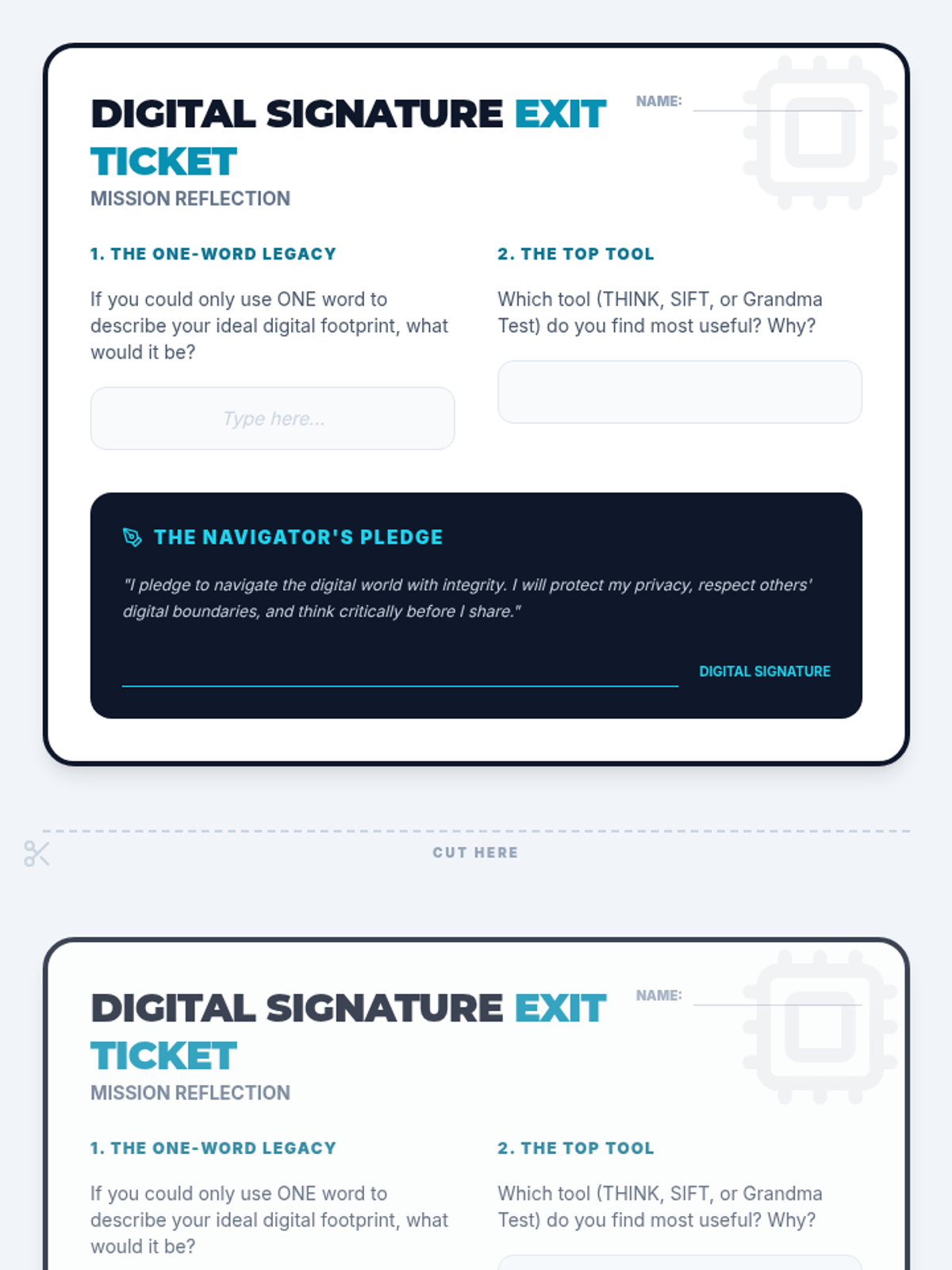
A comprehensive lesson for grades 6-8 focused on digital citizenship, online safety, and responsible communication. Students explore their digital footprint, privacy settings, and ethical decision-making through real-world scenarios in gaming and social media.
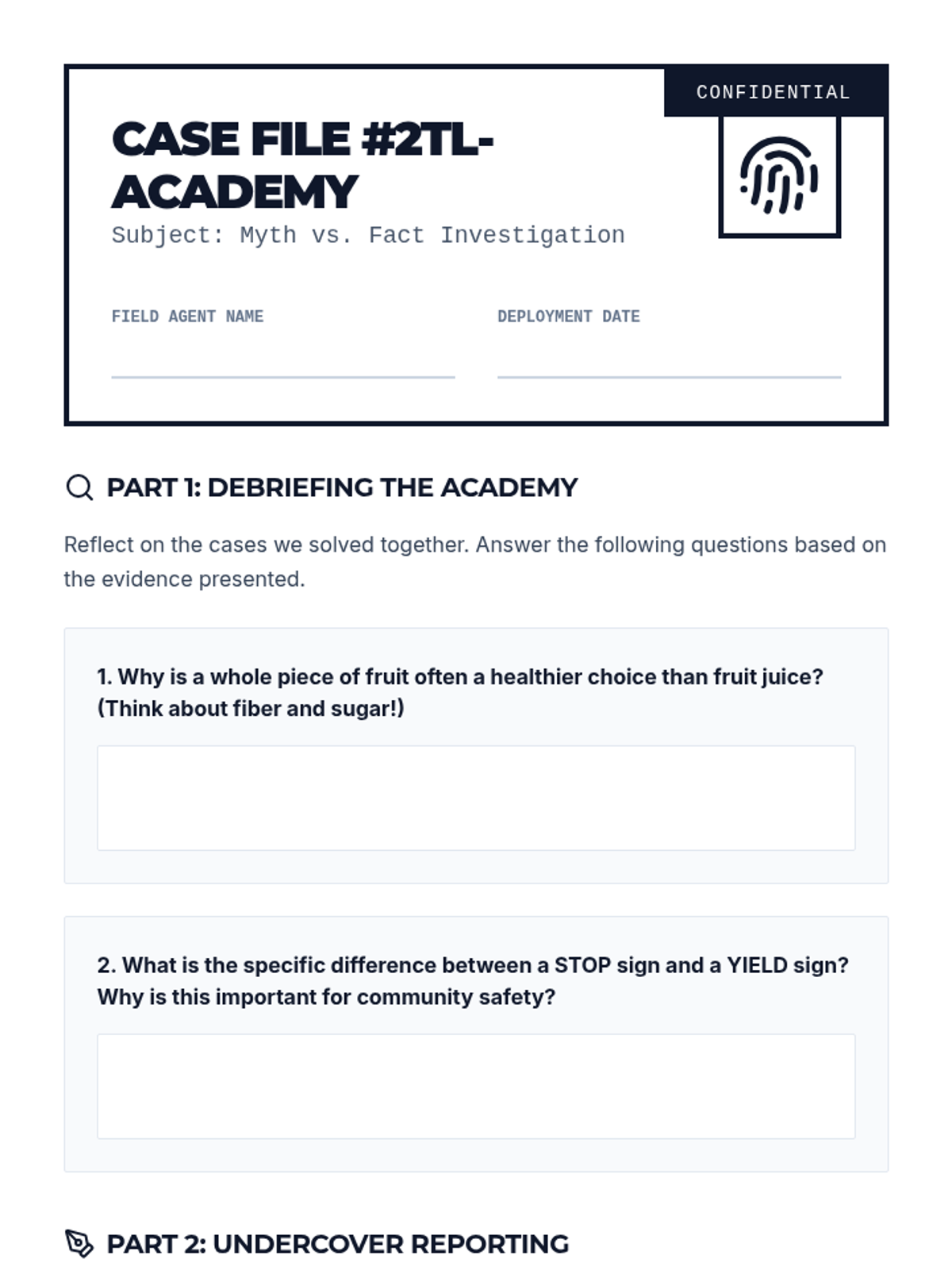
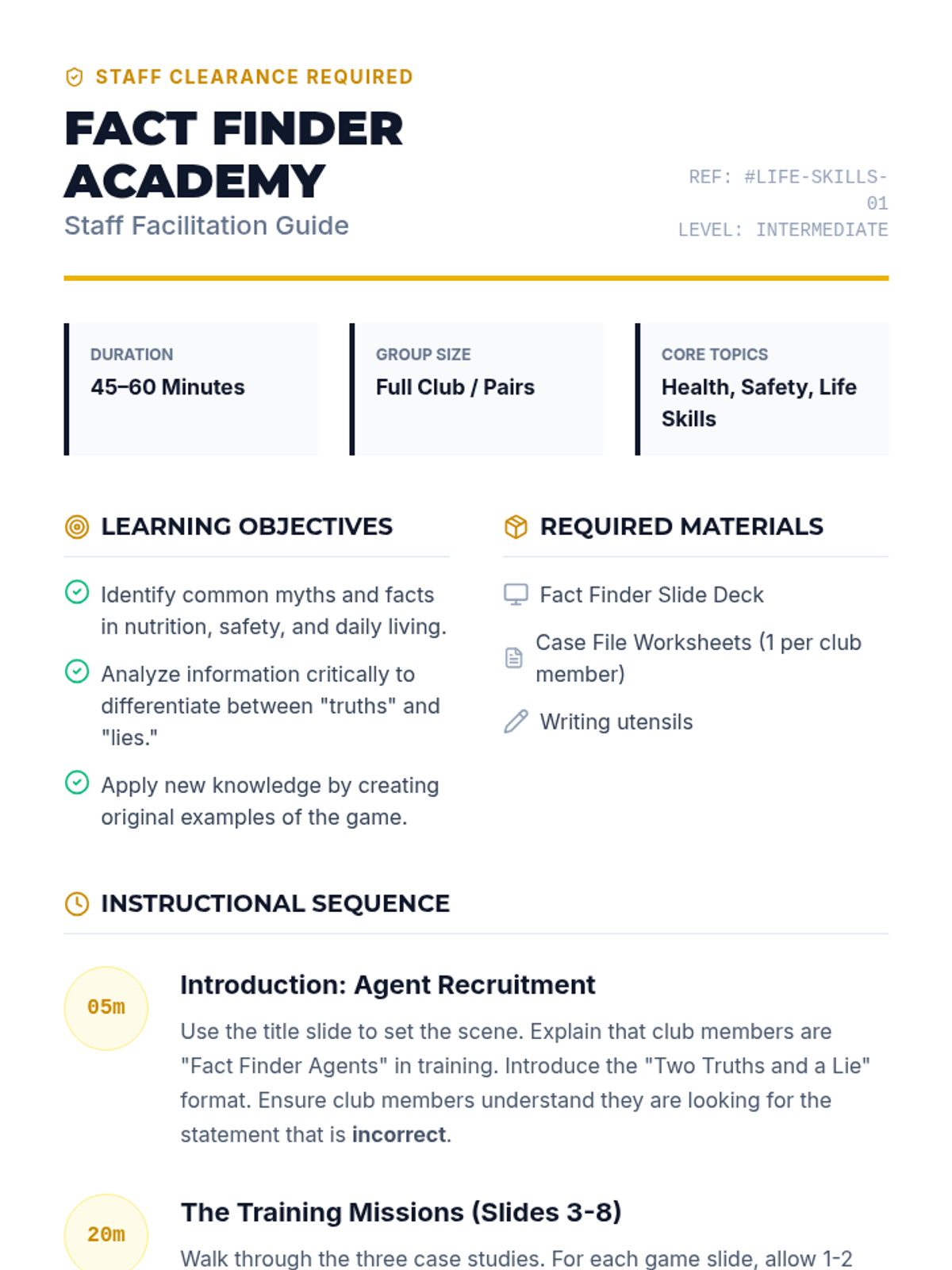
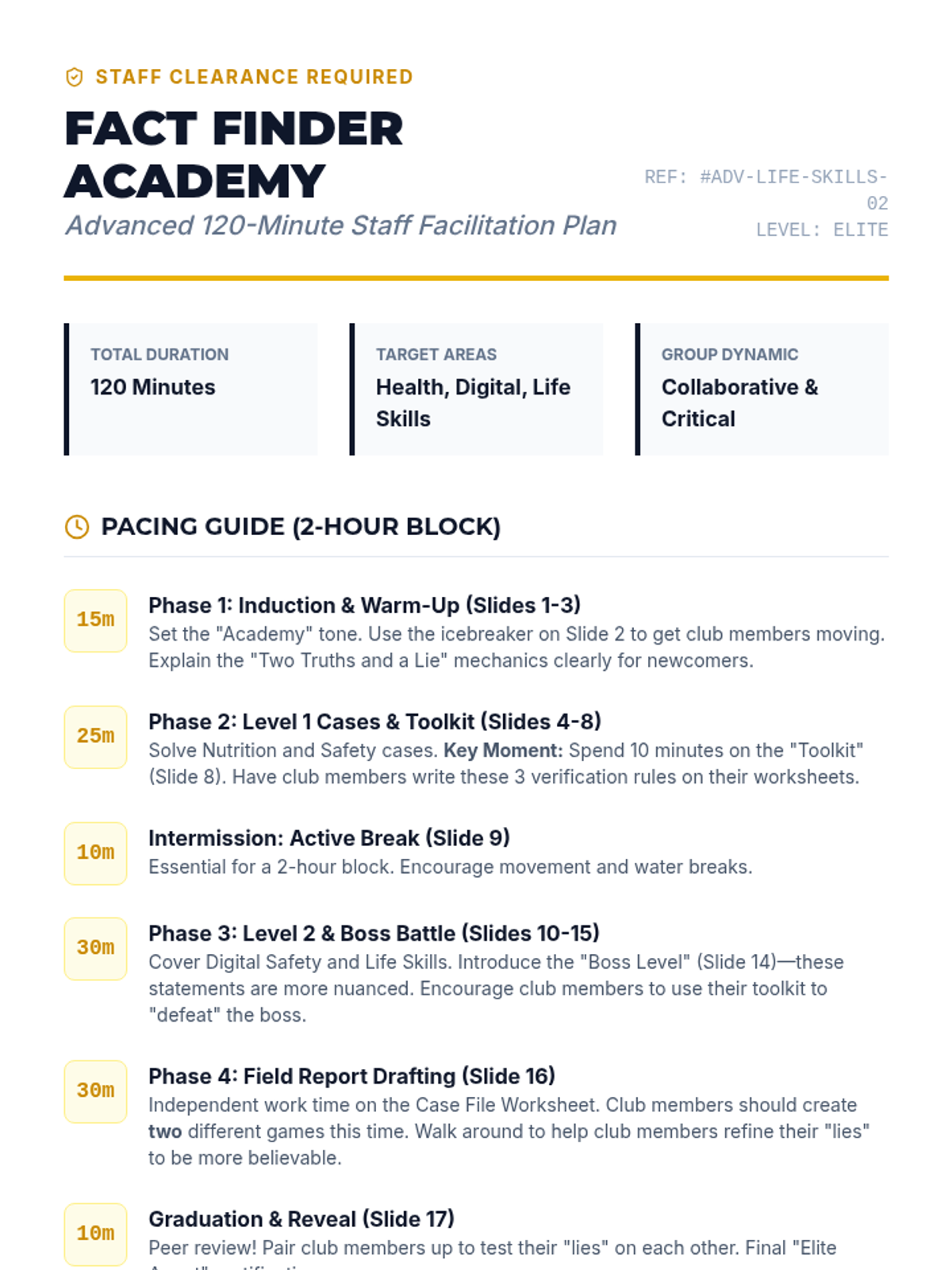
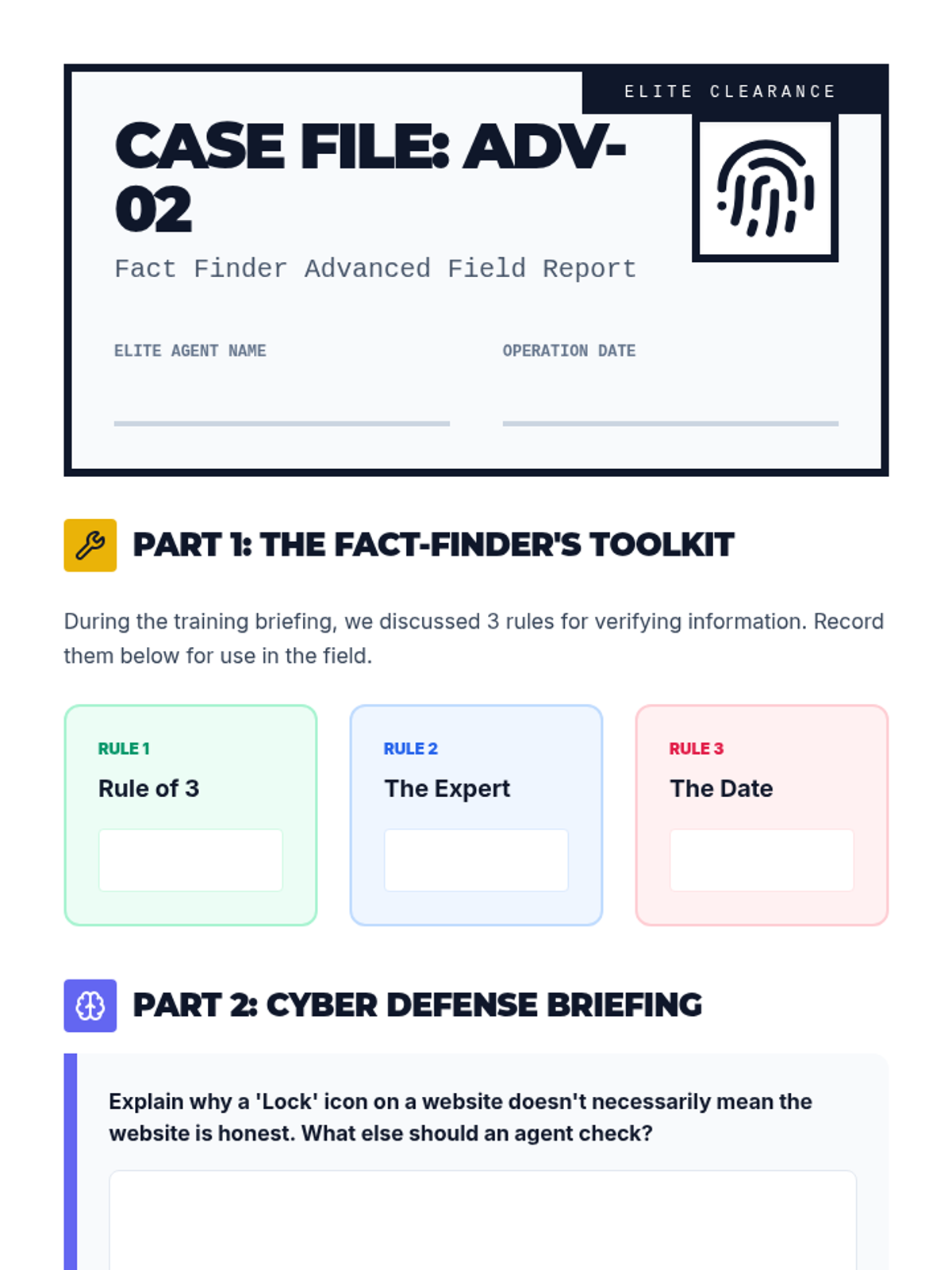
A fun, interactive game-based lesson where club members learn about healthy eating, community safety, and daily living skills by playing Two Truths and a Lie. Club members will act as 'Fact Finders' to identify myths and facts in these key life areas.
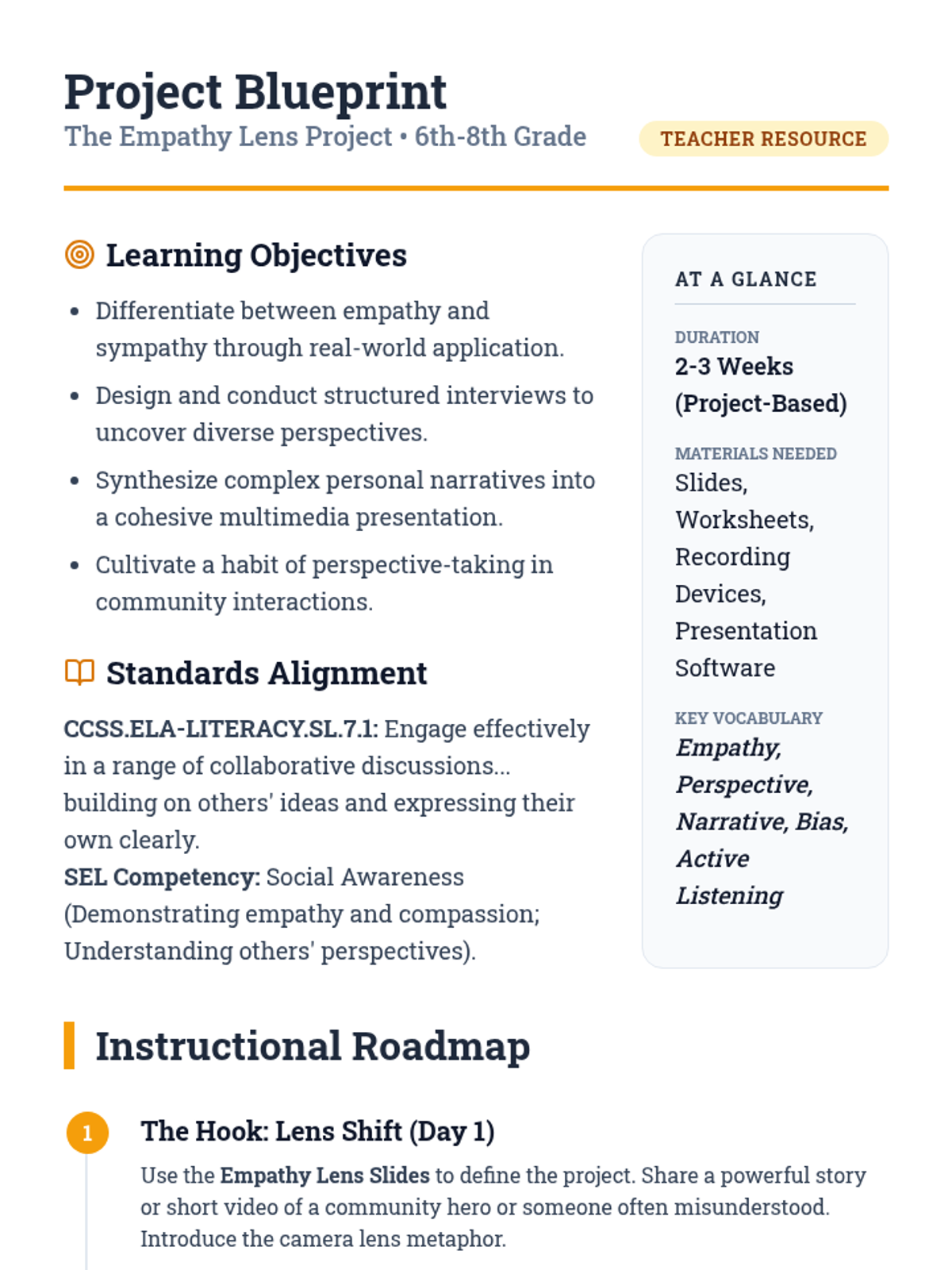
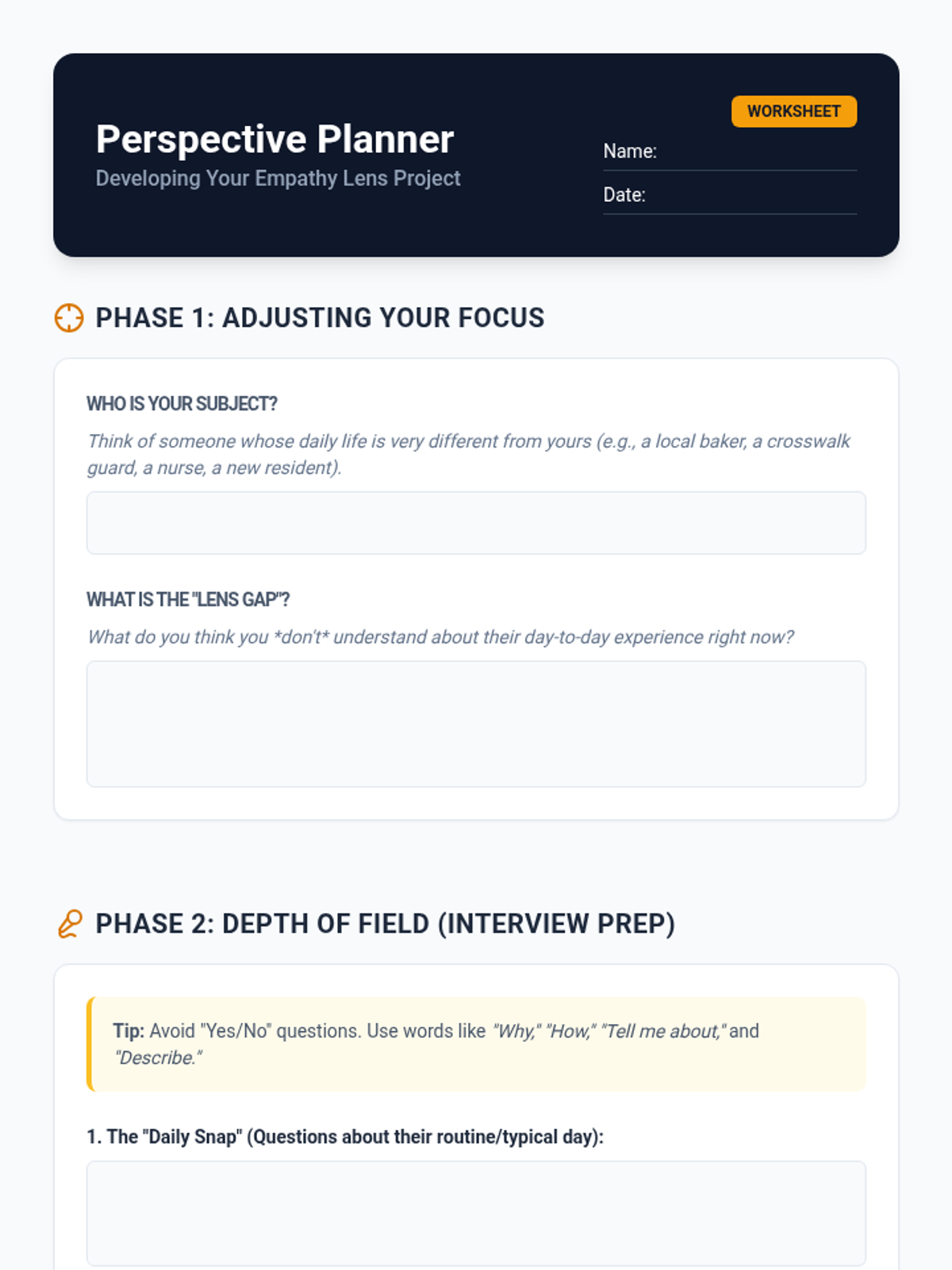
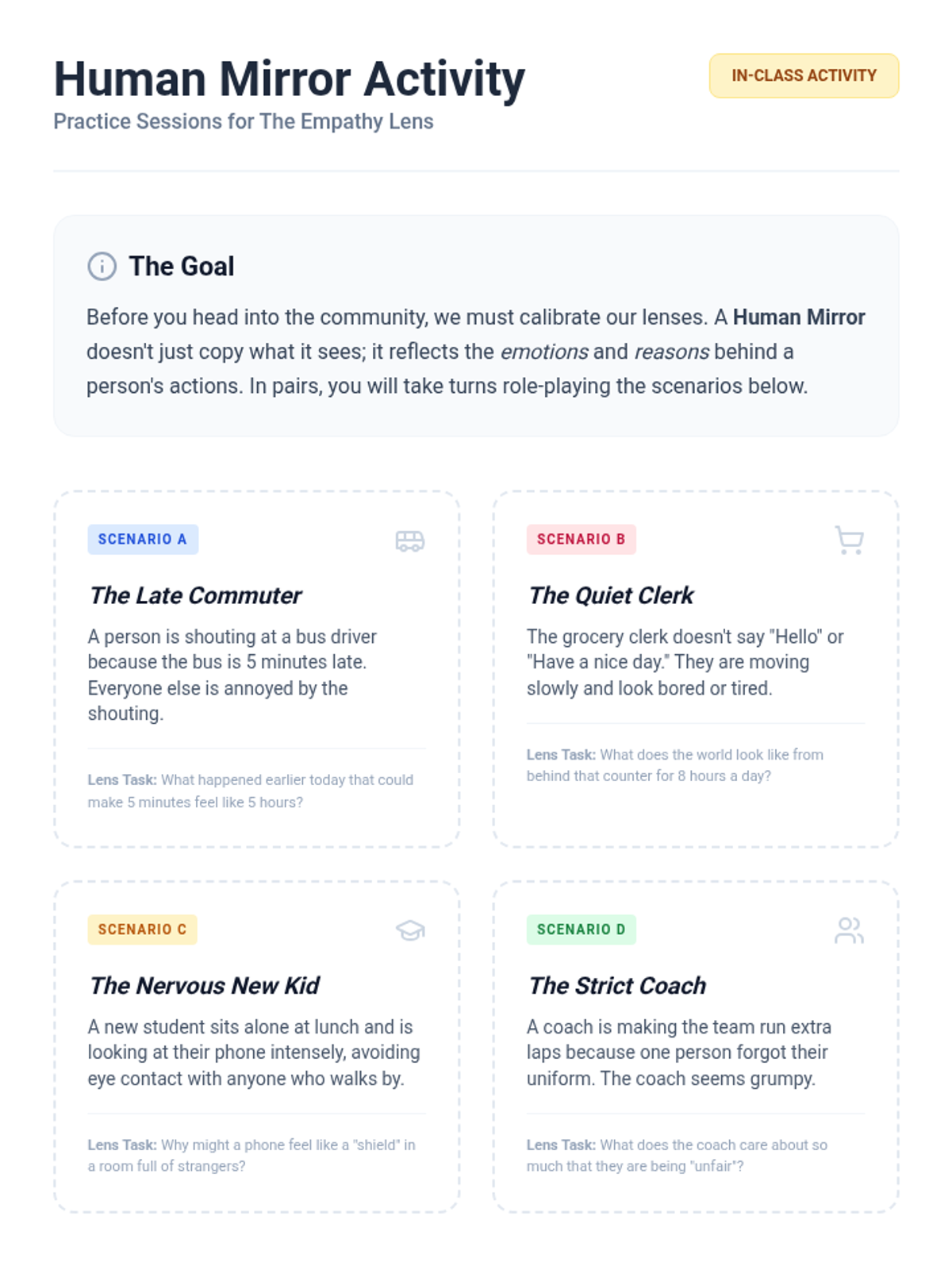
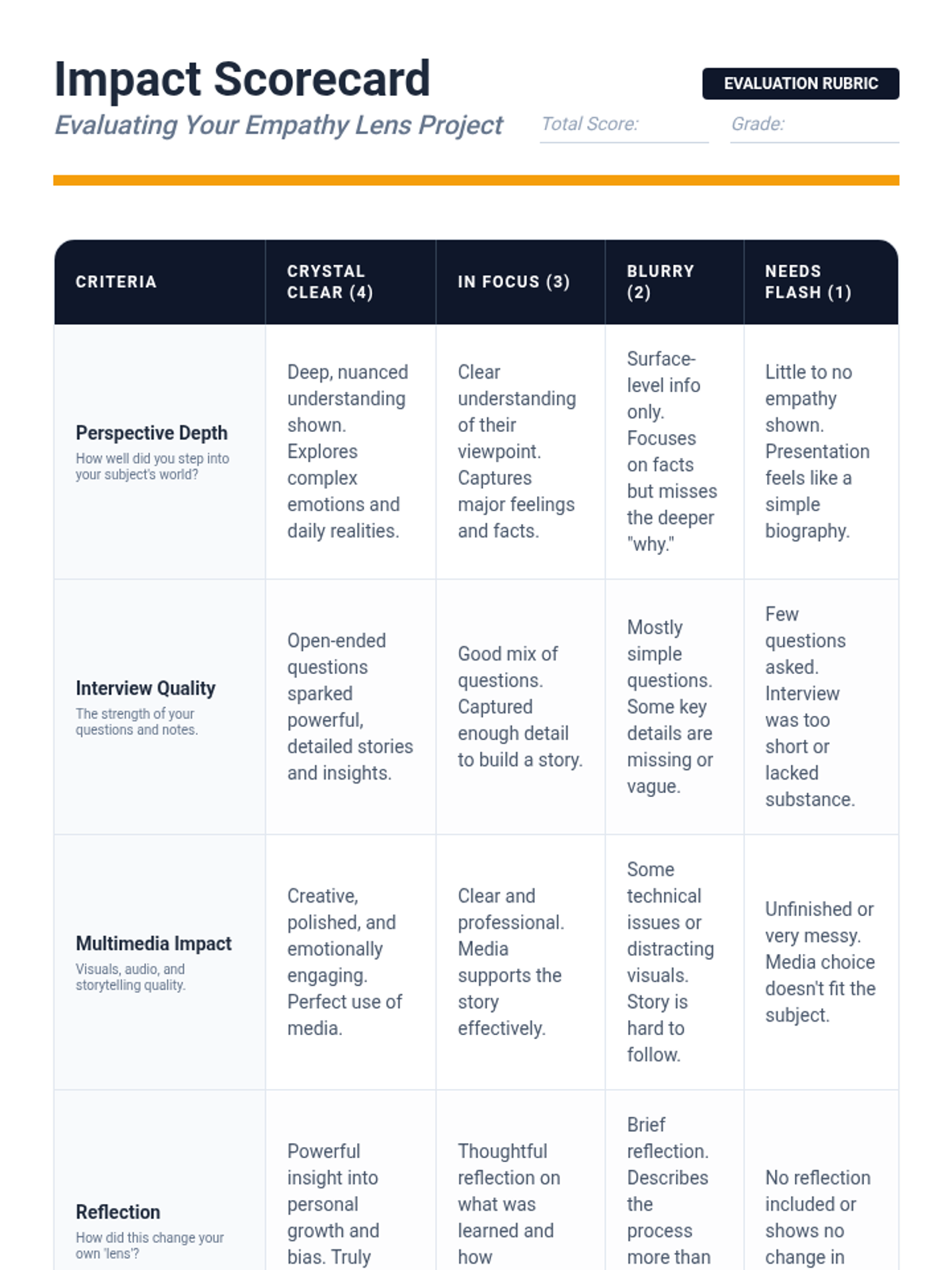
A comprehensive project-based lesson for 6th-8th graders focused on developing empathy through community interviews and multimedia storytelling. Students learn to see the world through the 'lenses' of others to foster compassion and critical thinking.
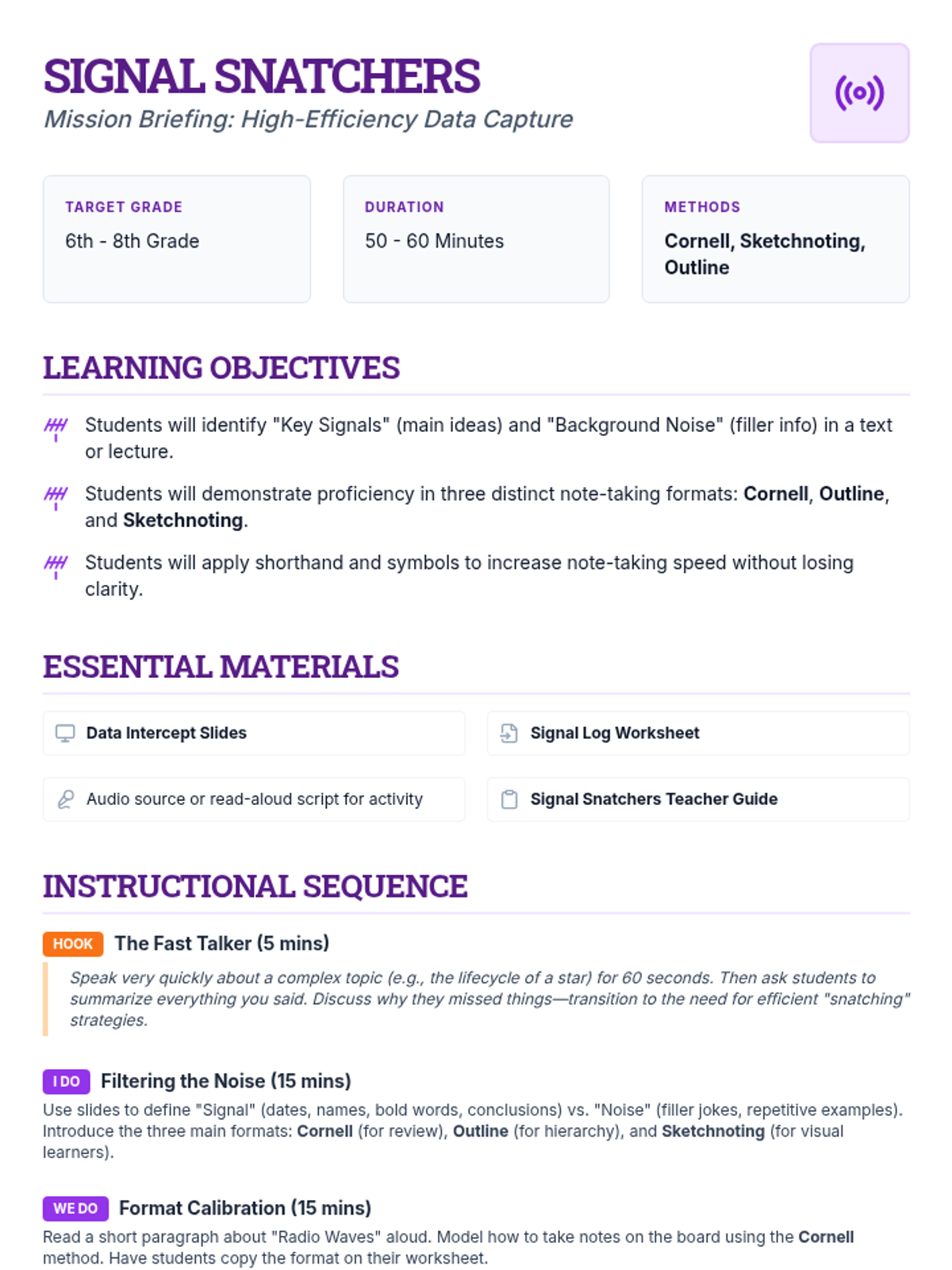
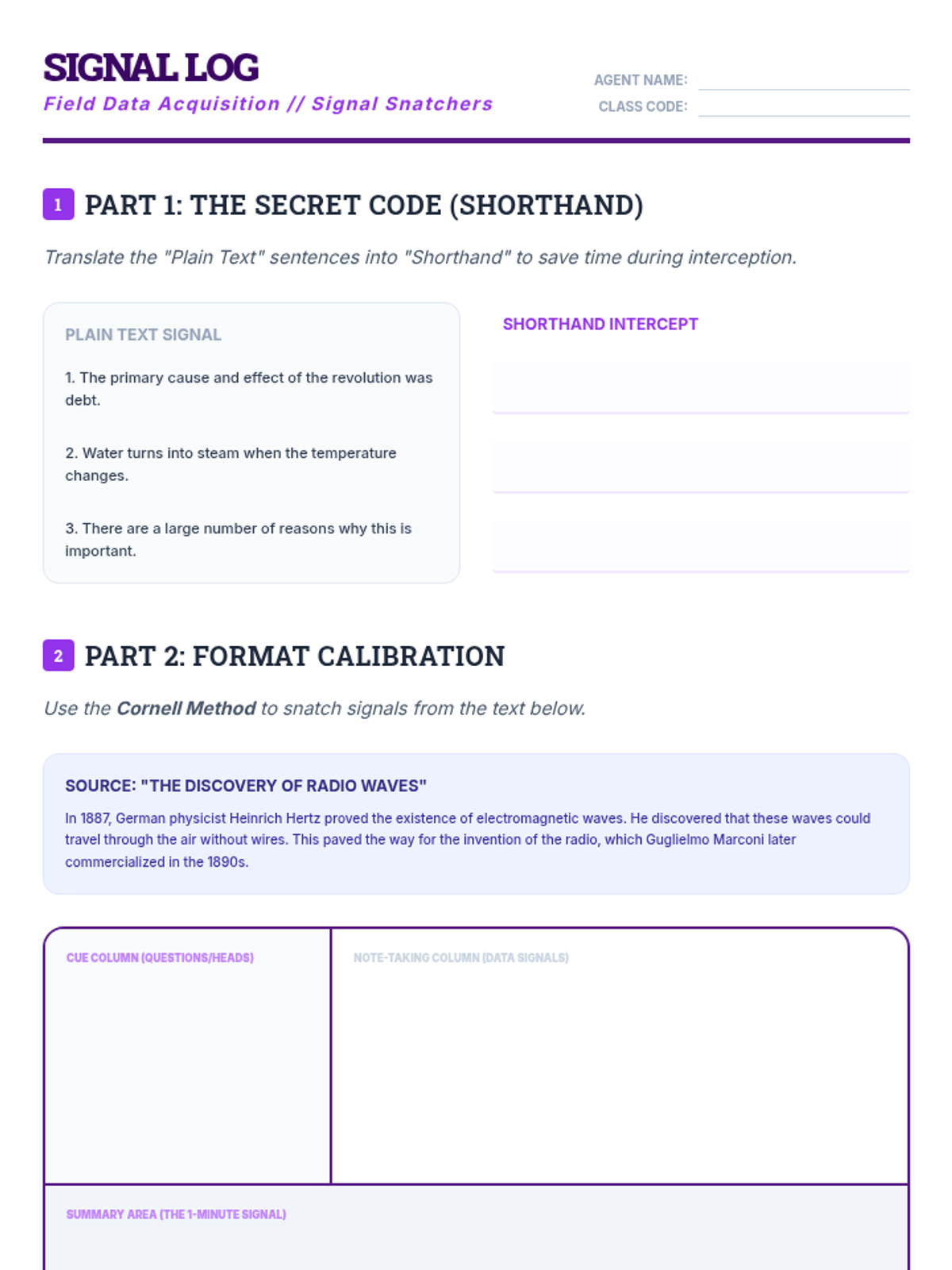
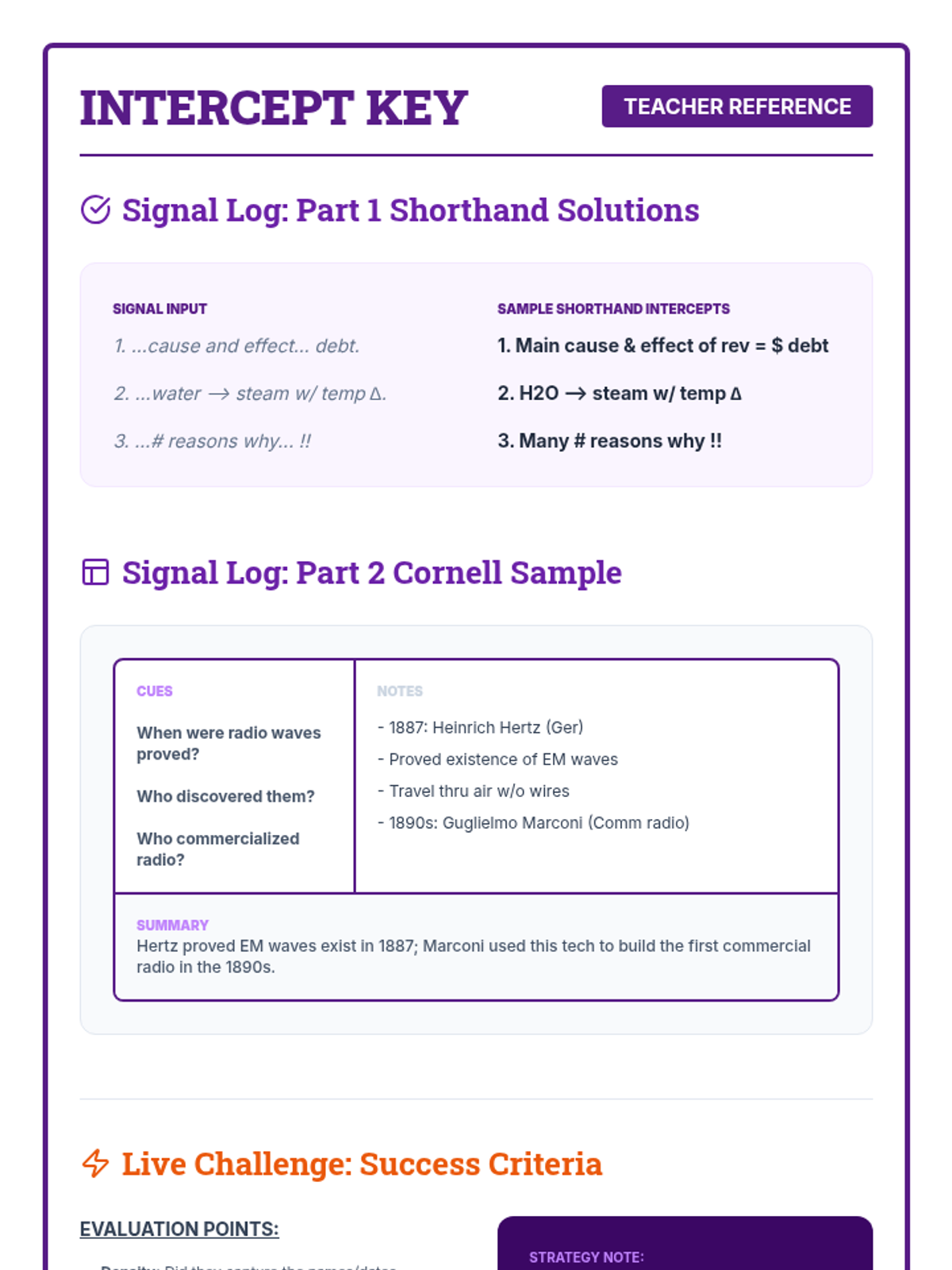
A lesson for middle schoolers on efficient note-taking strategies, introducing the Cornell Method, Sketchnoting, and the Outlining technique to capture and organize key information.
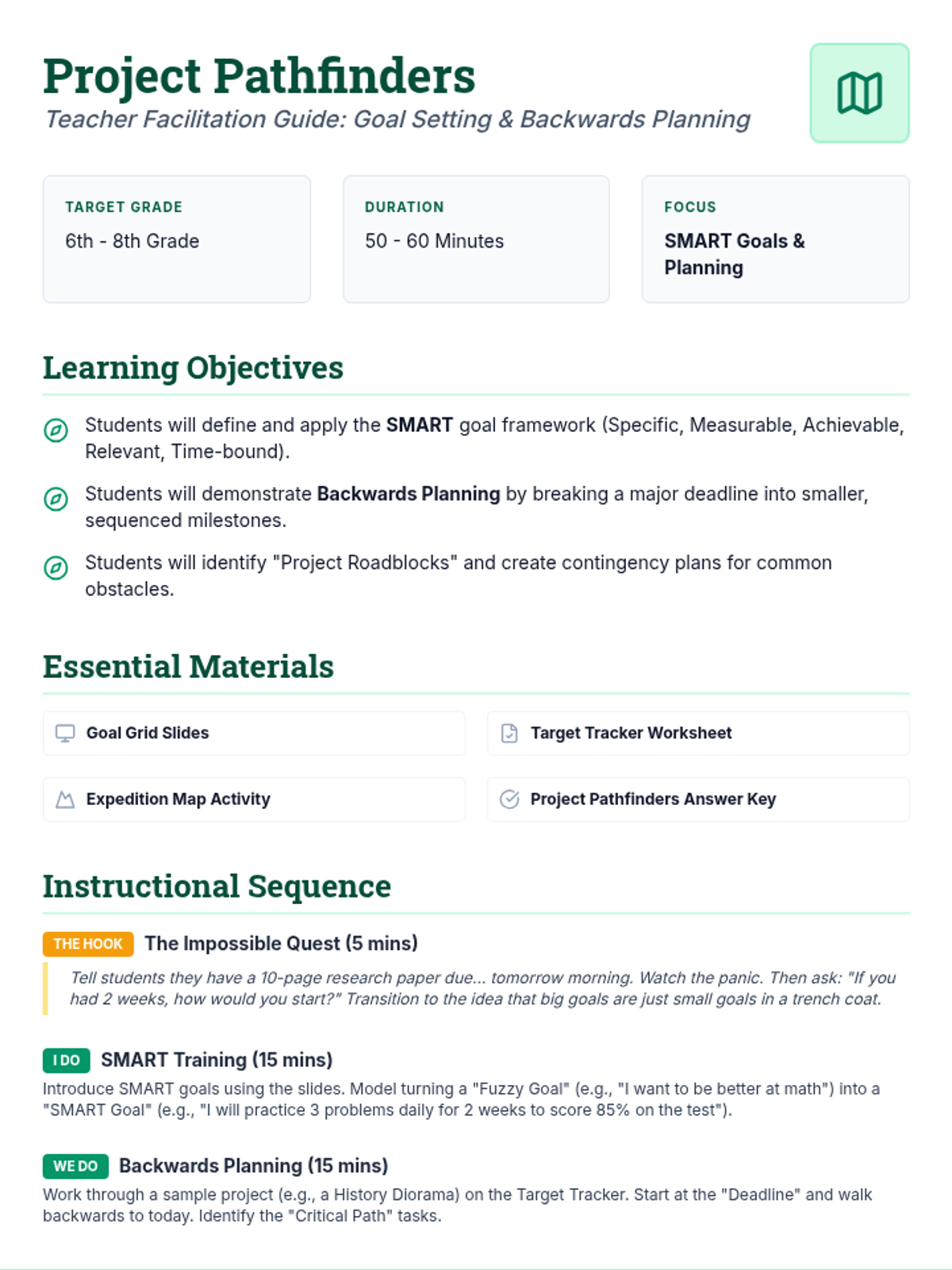
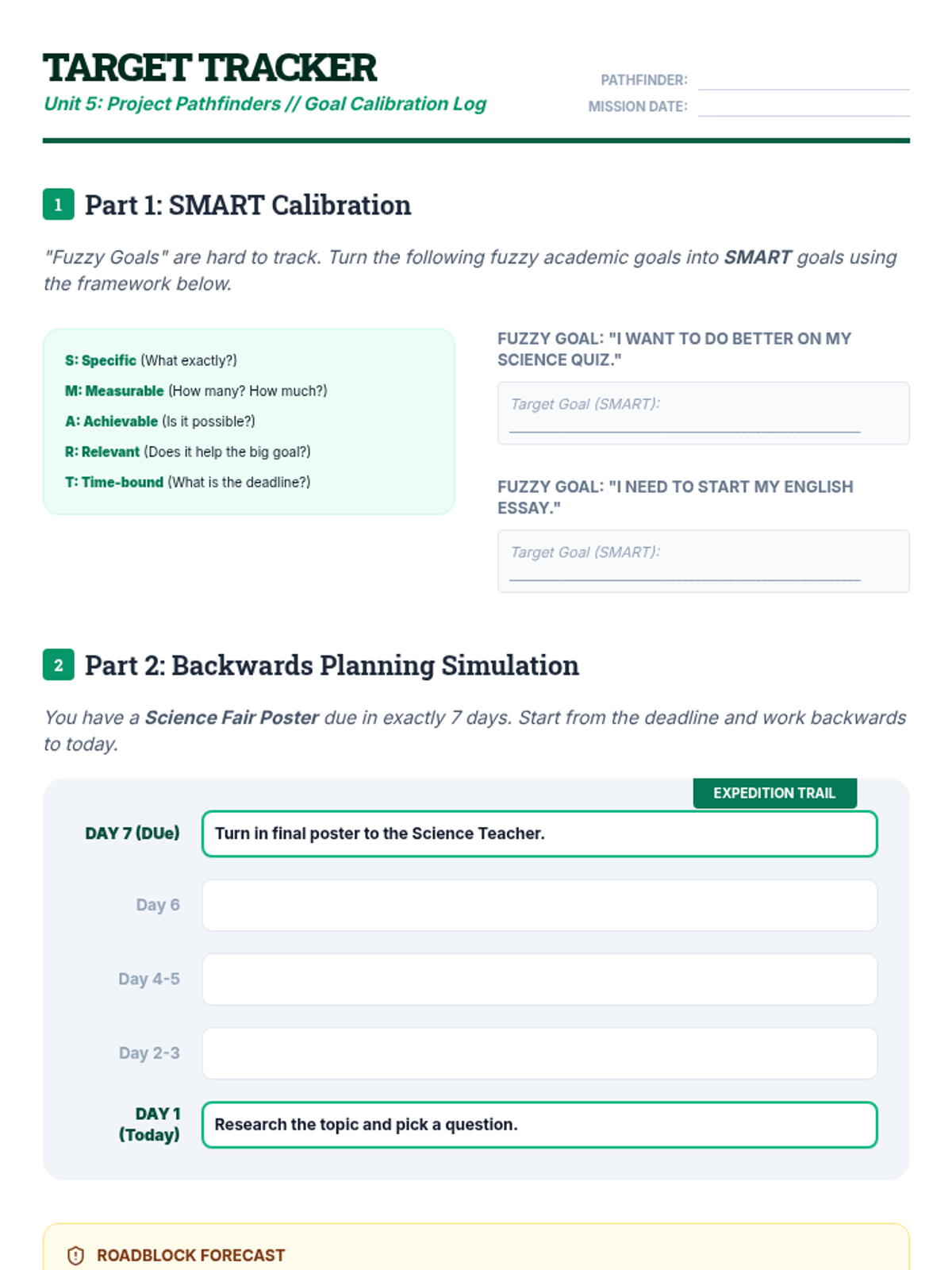
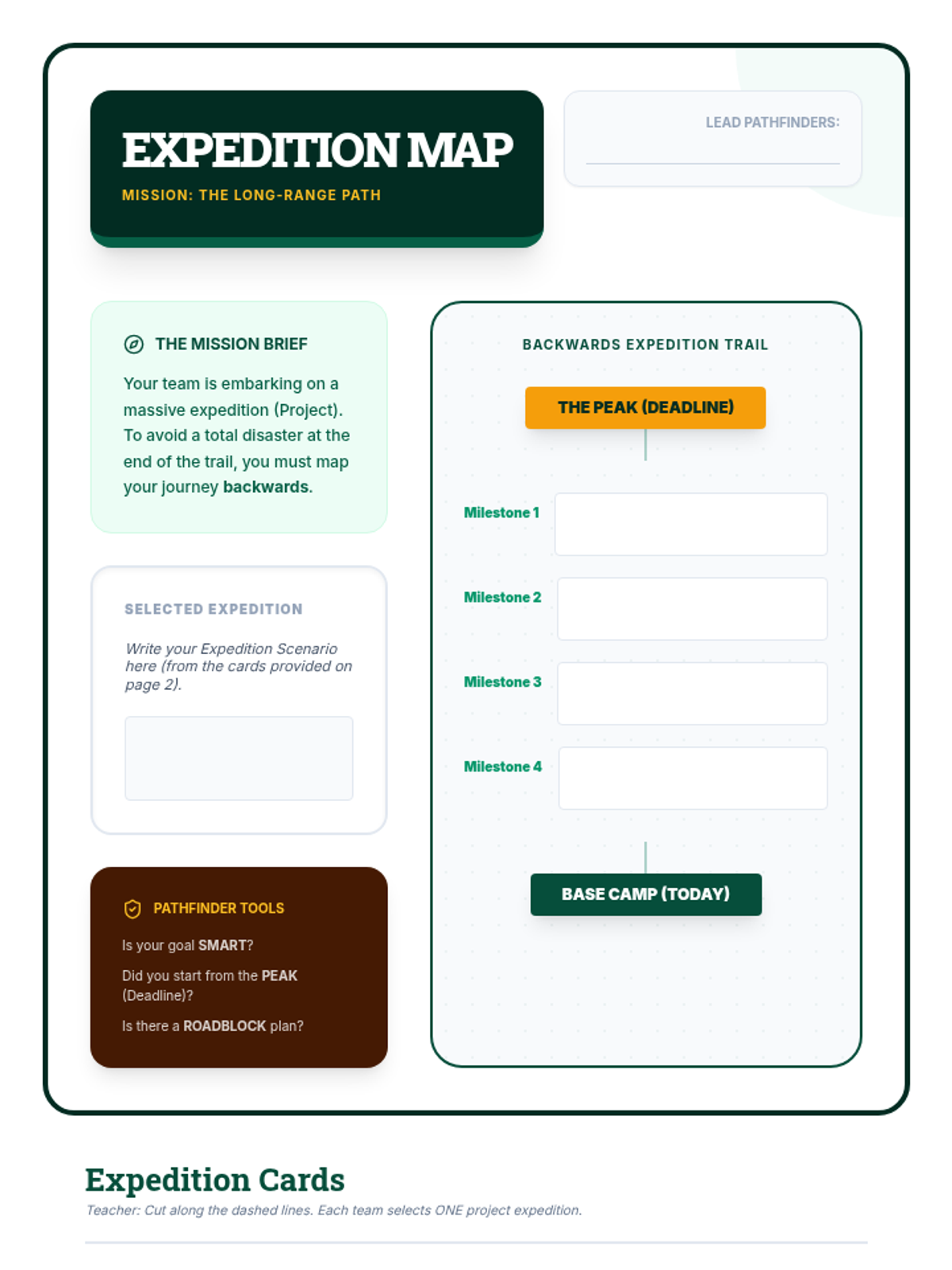
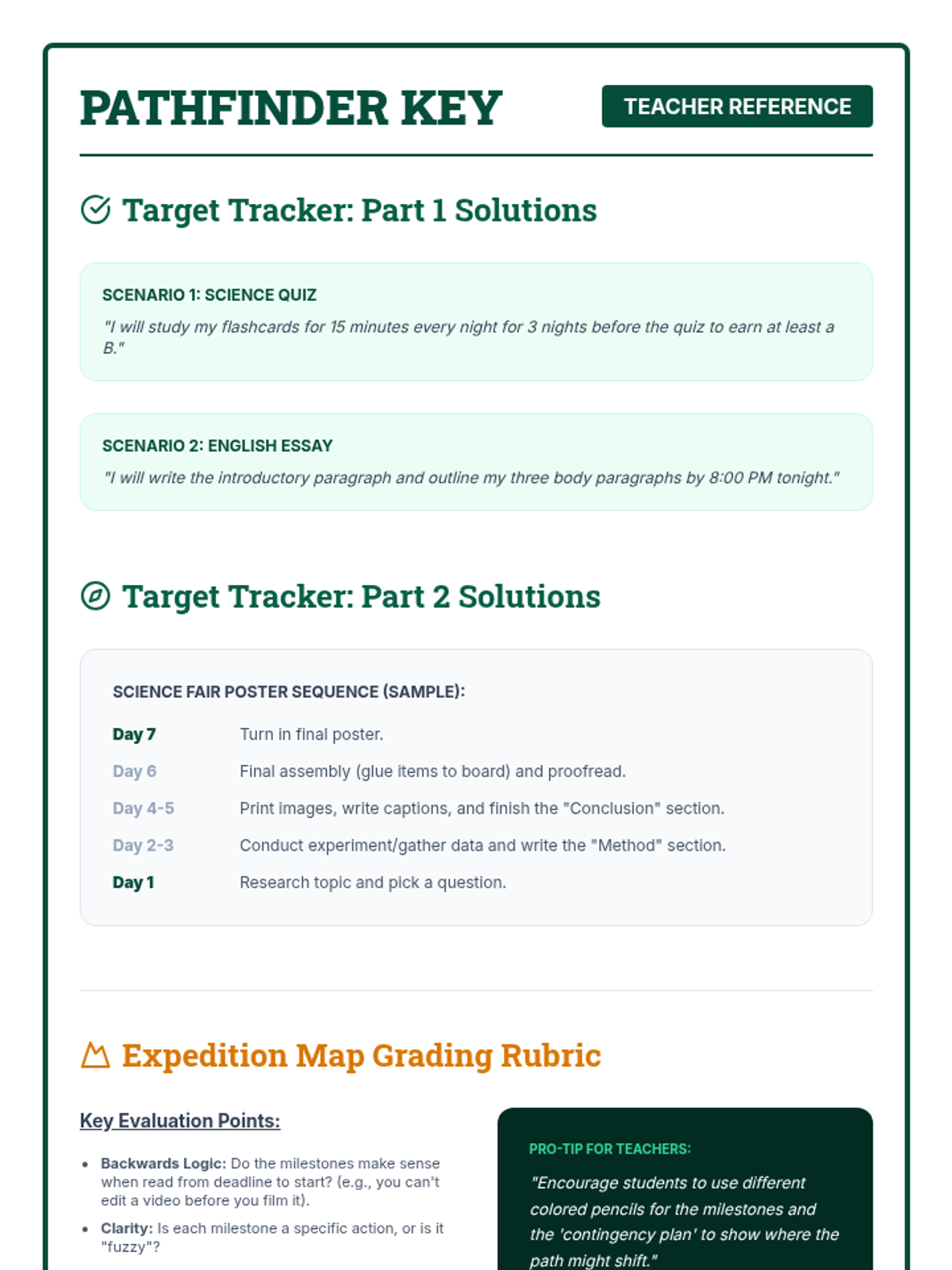
A lesson on long-term project management for middle schoolers, introducing SMART goals and the "Backwards Planning" strategy to tackle major assignments without the last-minute crunch.
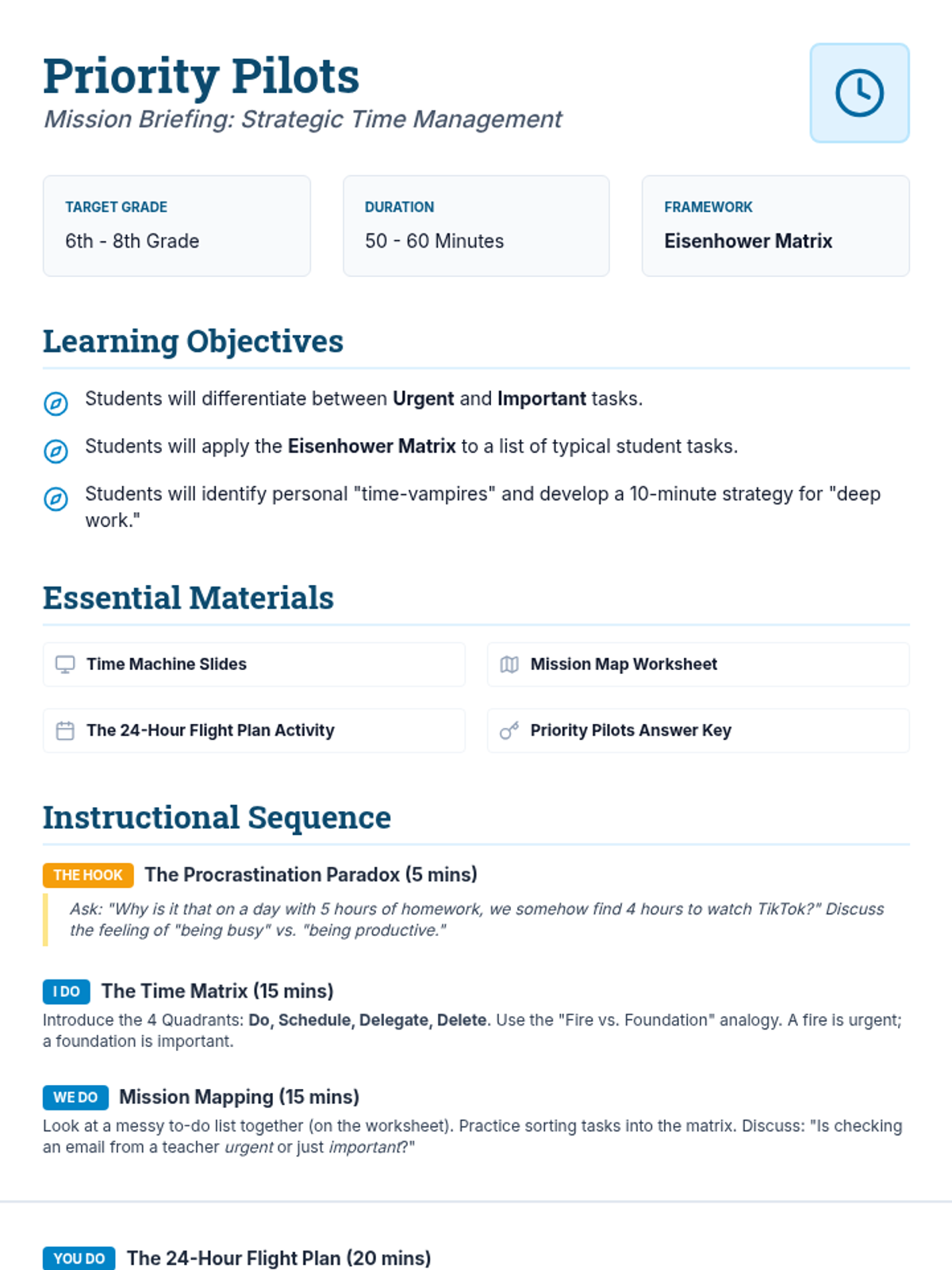
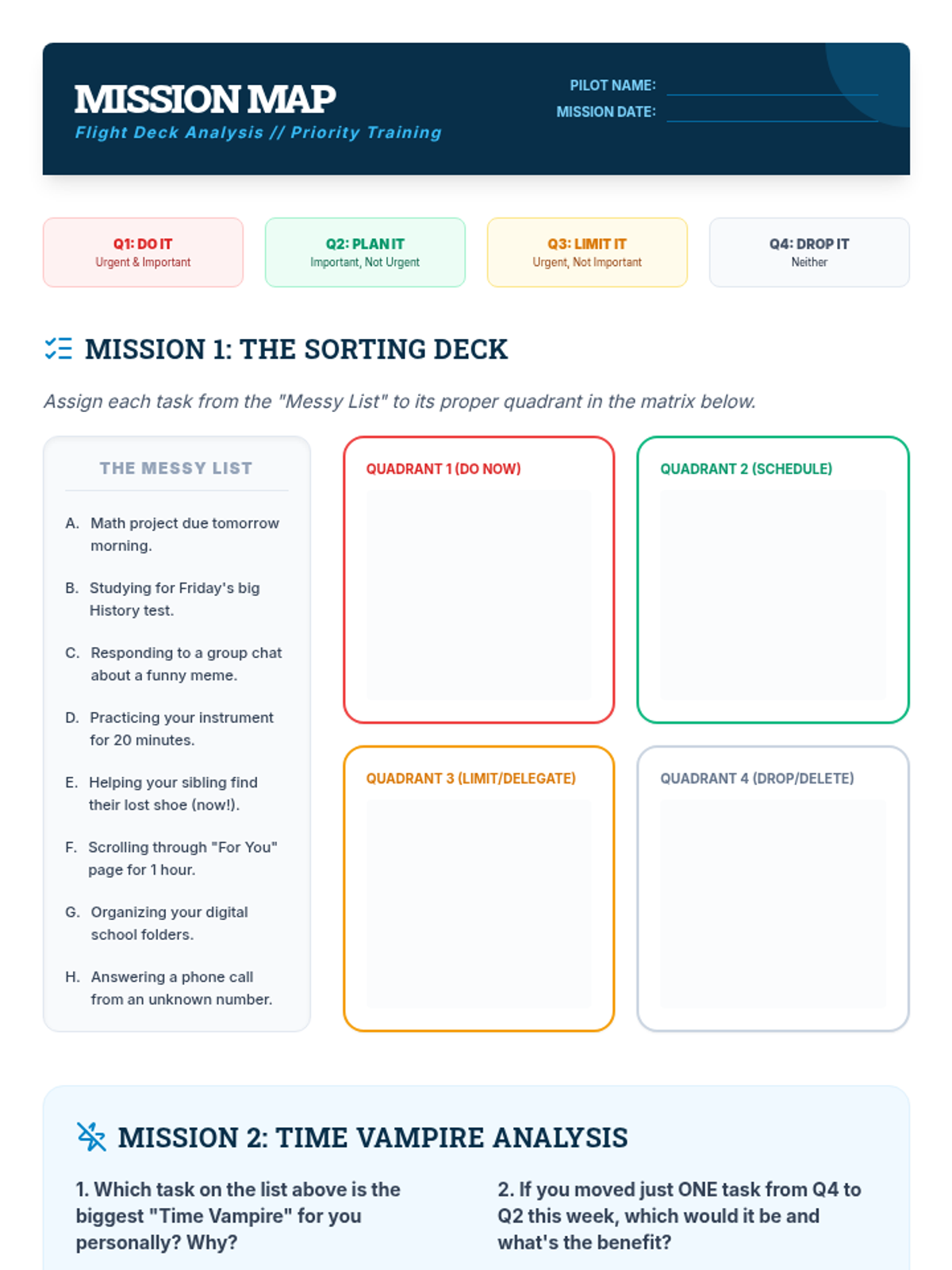
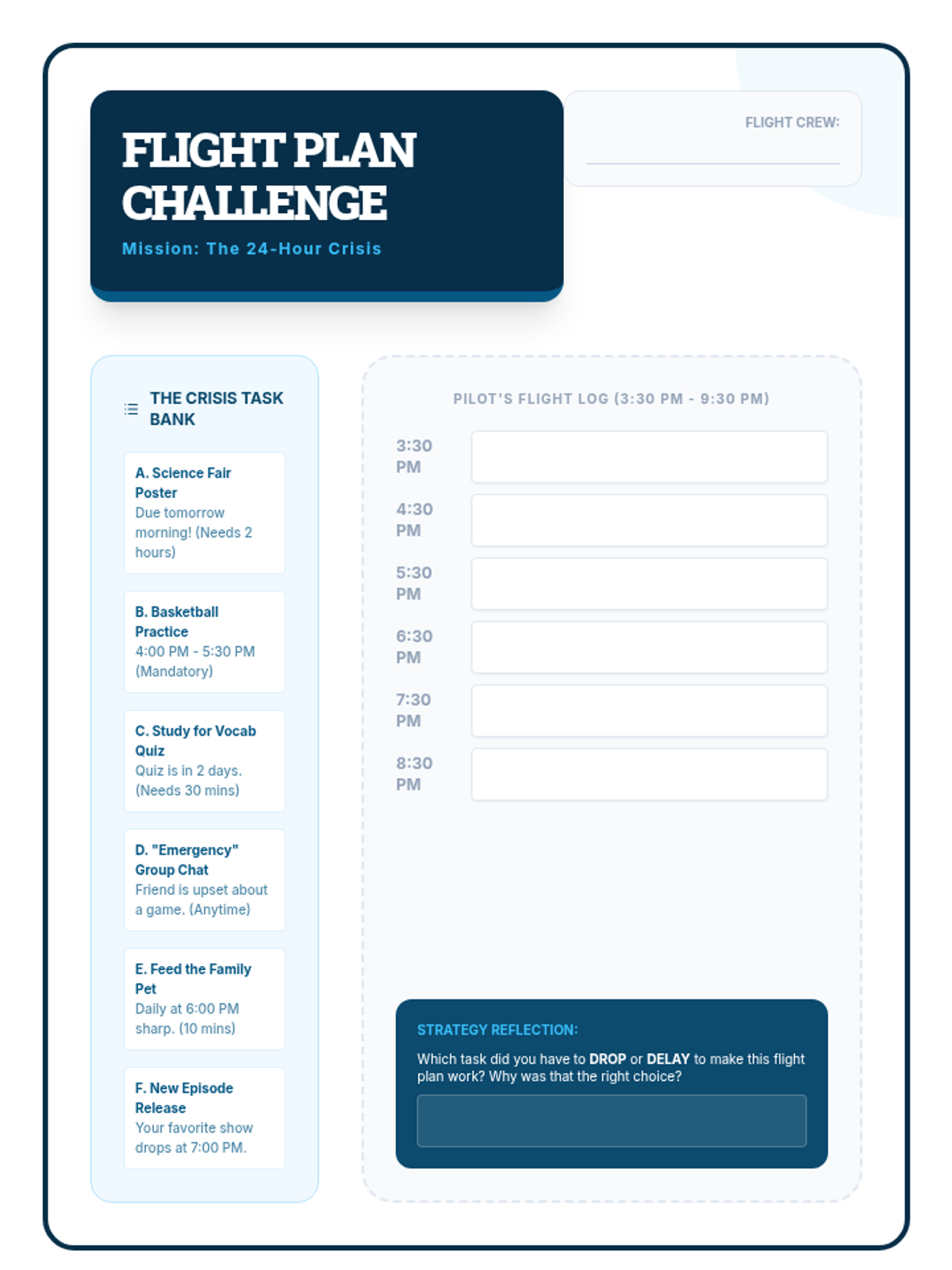
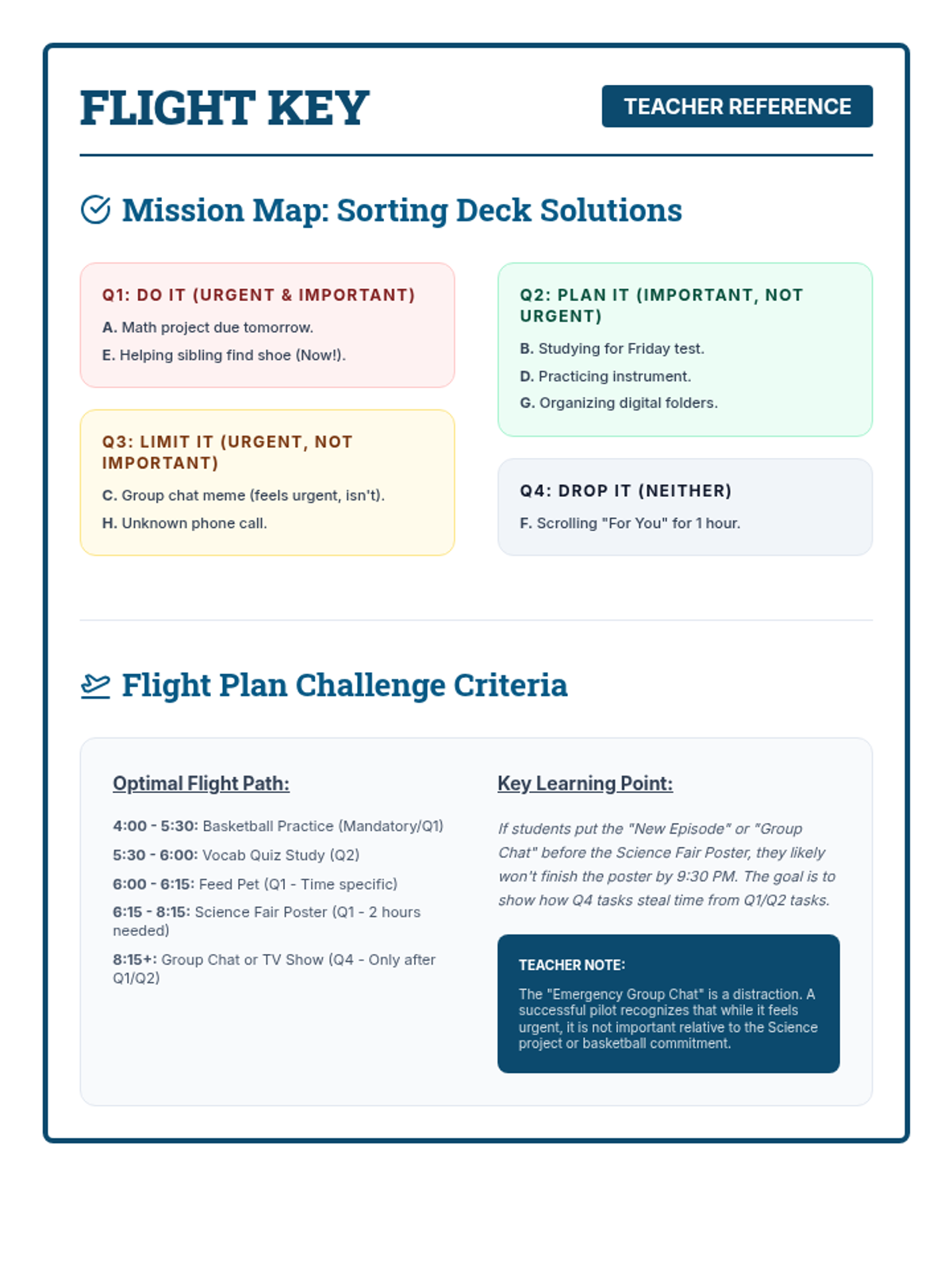
A lesson on time management and task prioritization for middle schoolers, featuring the Eisenhower Matrix and strategies for identifying 'time-wasters' and 'productivity-boosters'.
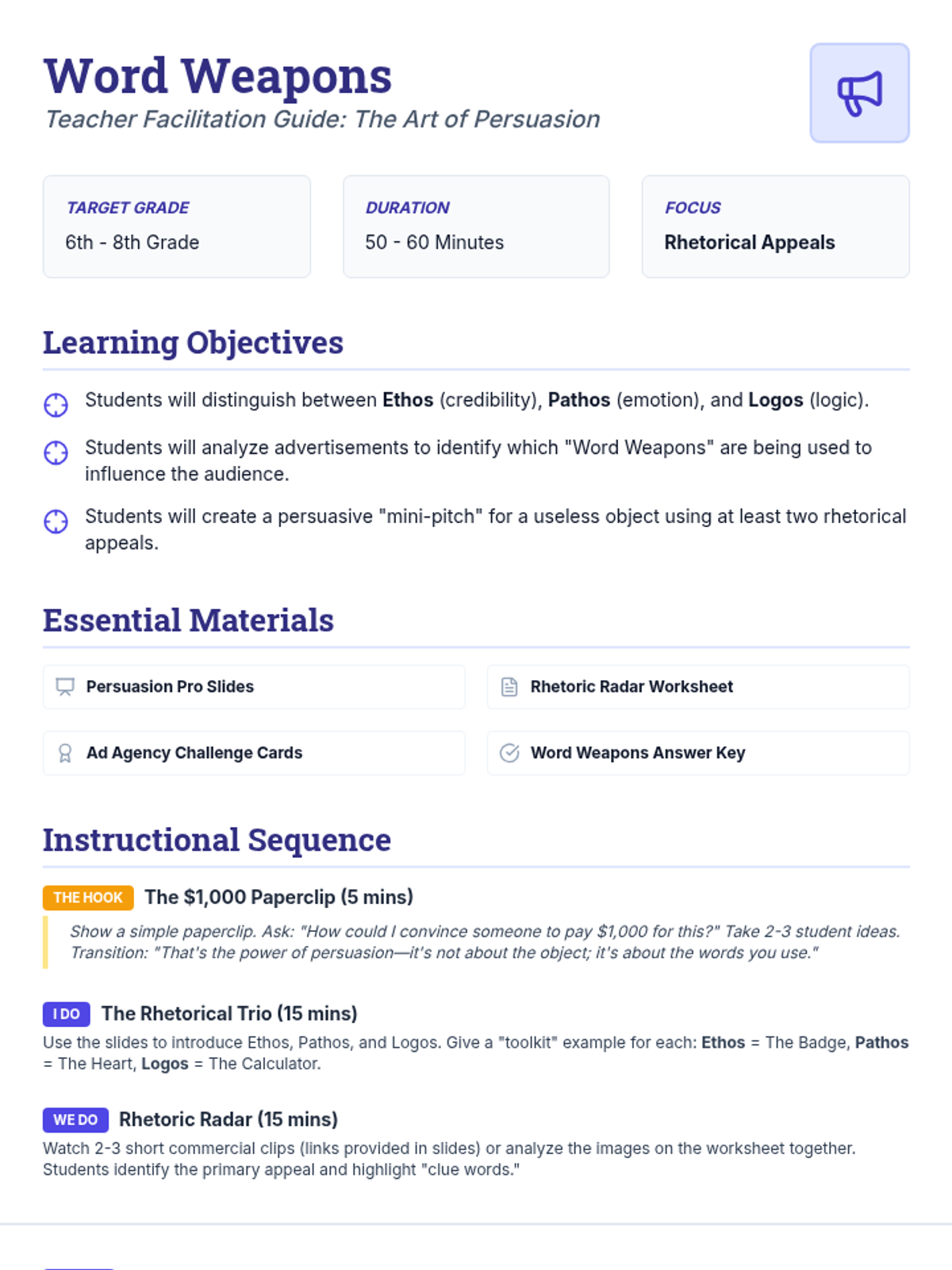
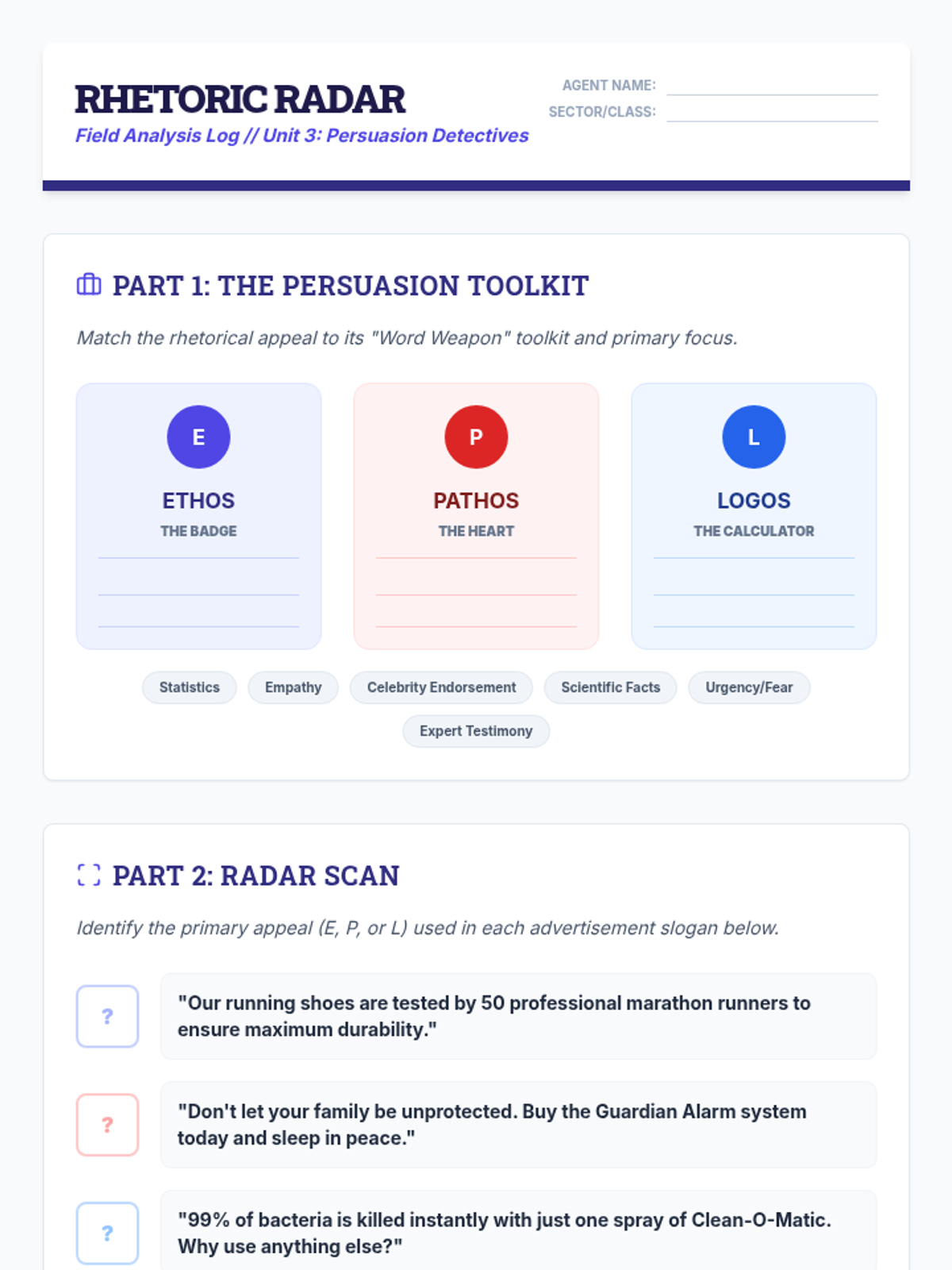
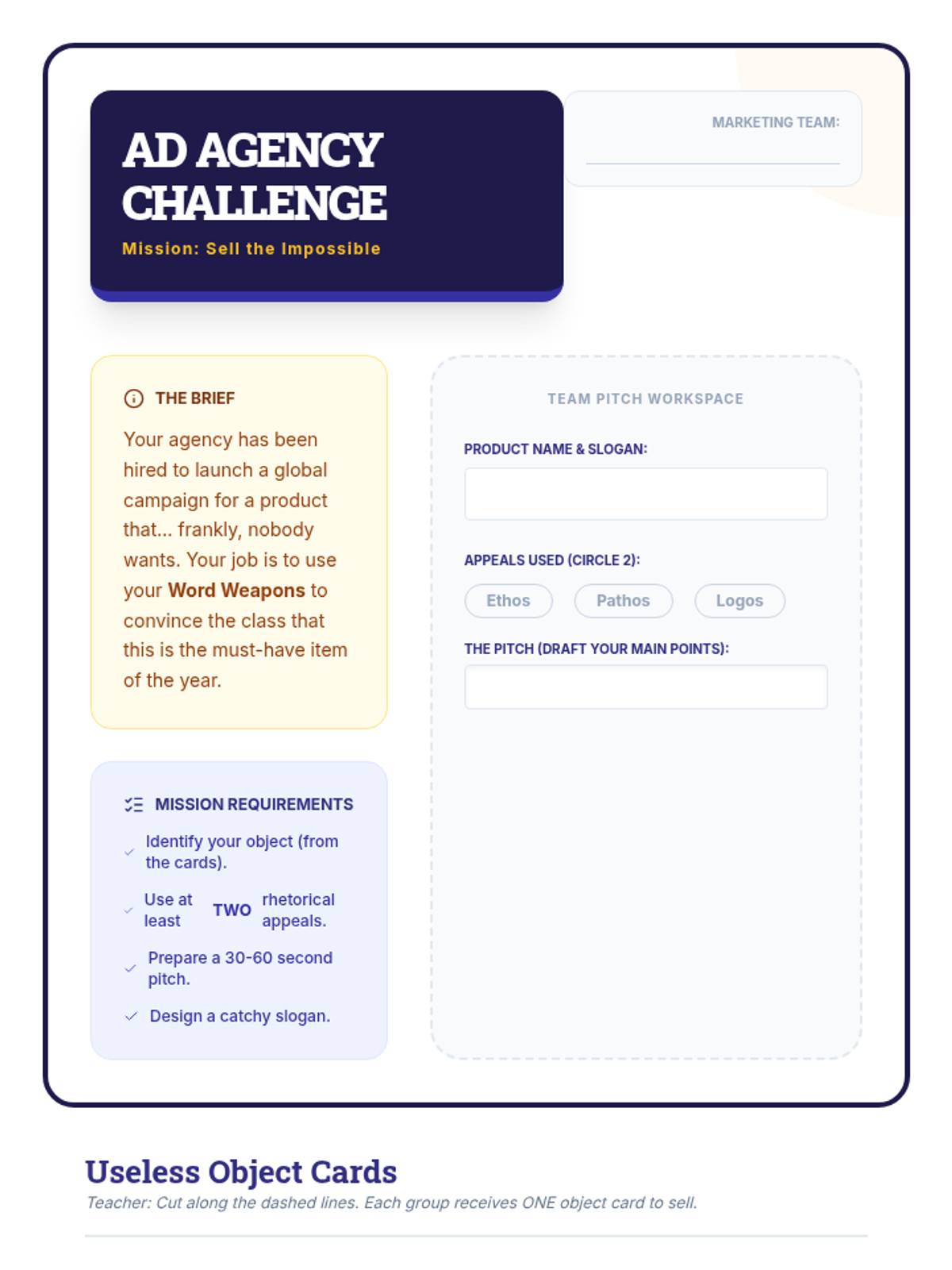
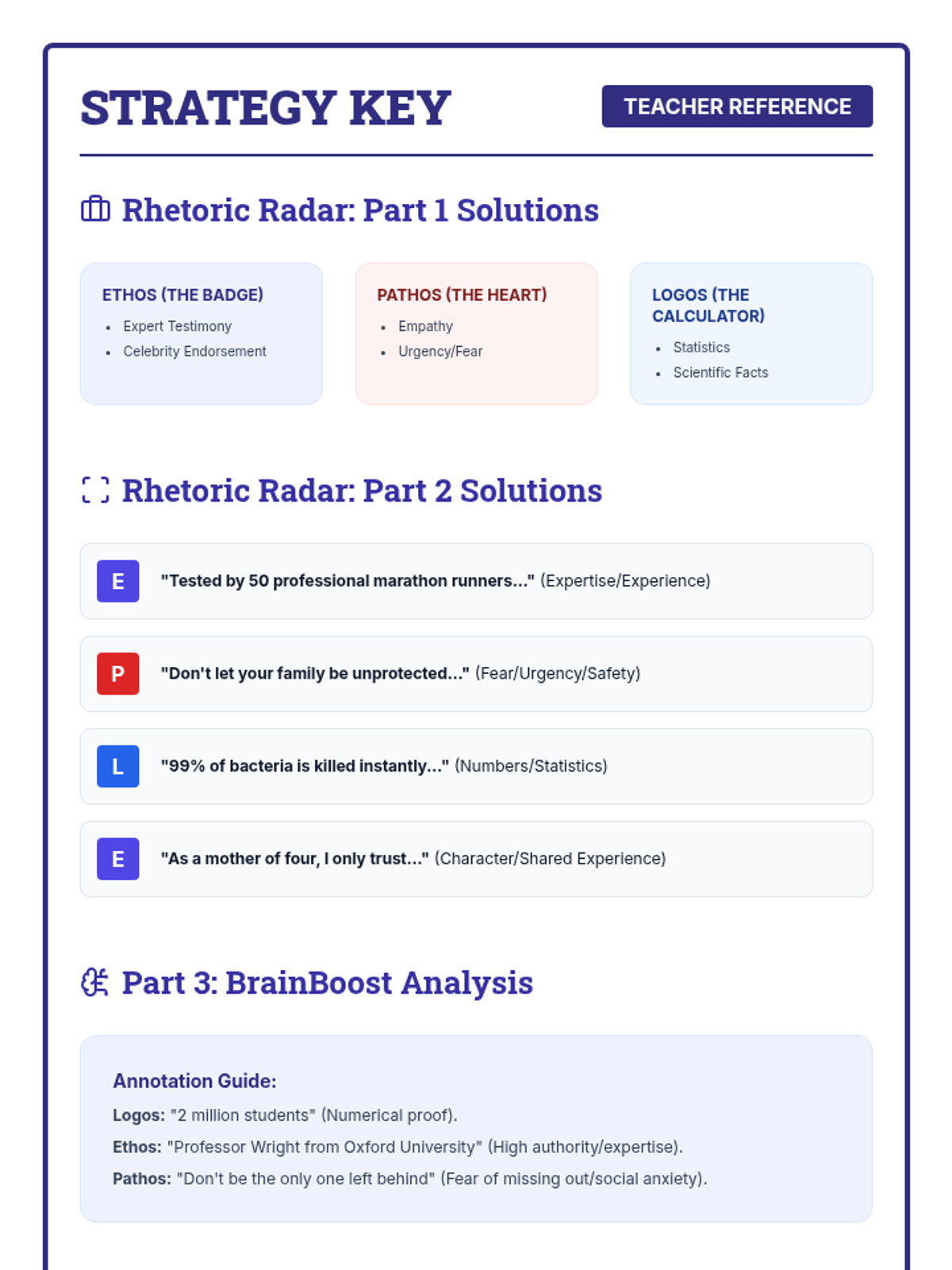
A lesson for middle schoolers on identifying and using persuasive techniques (ethos, pathos, logos) and rhetorical strategies in advertisements and speeches.
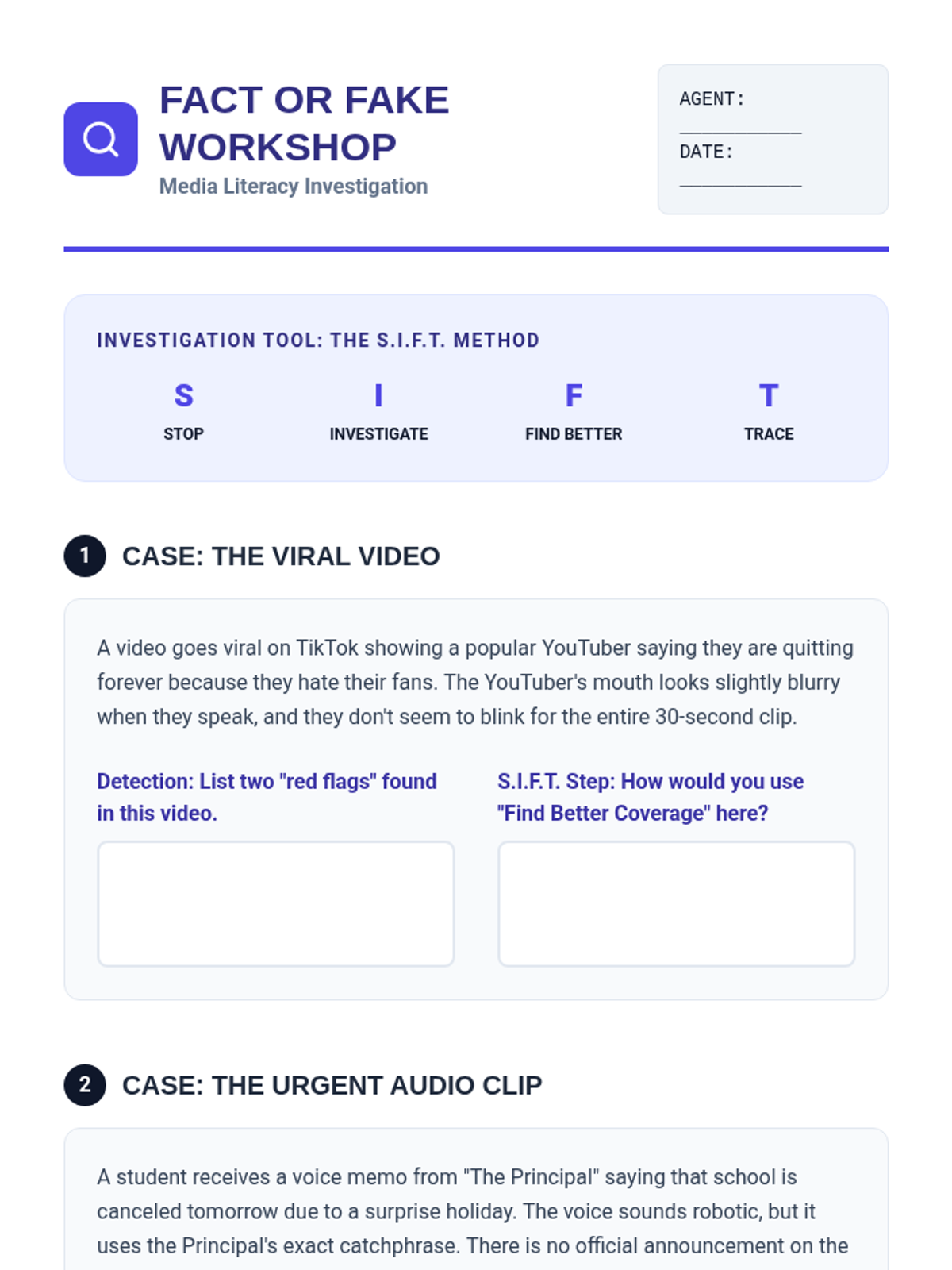
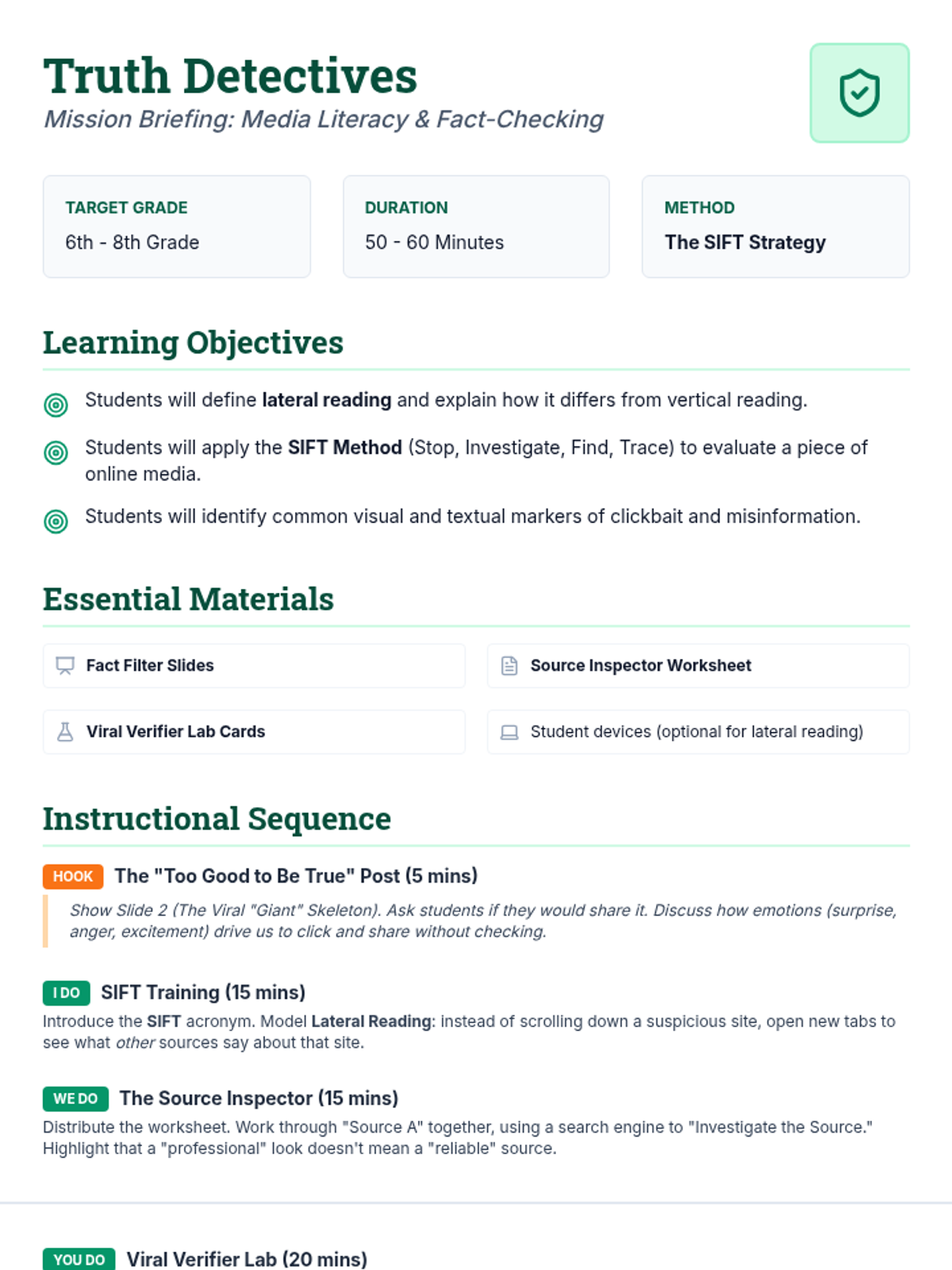
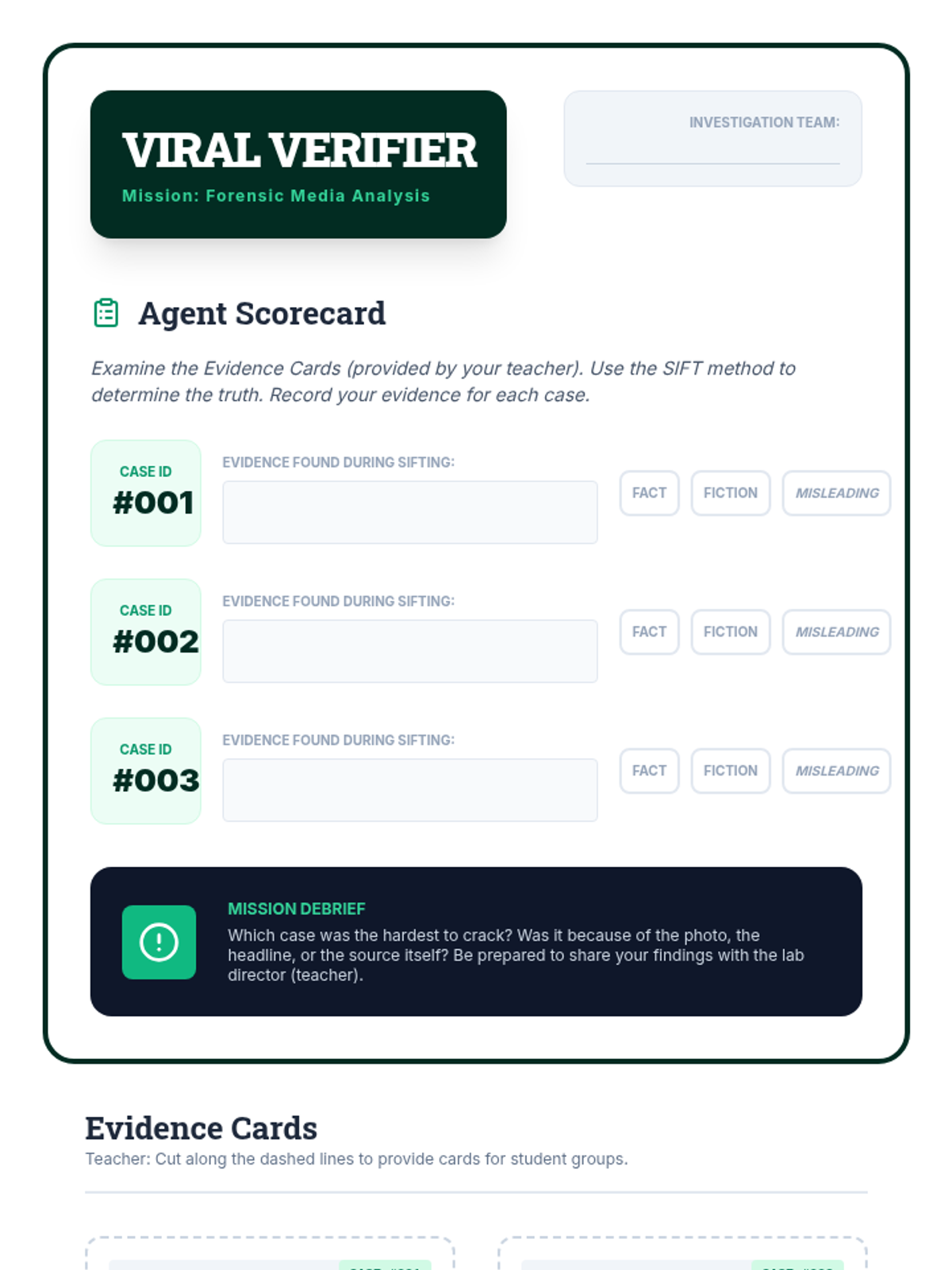
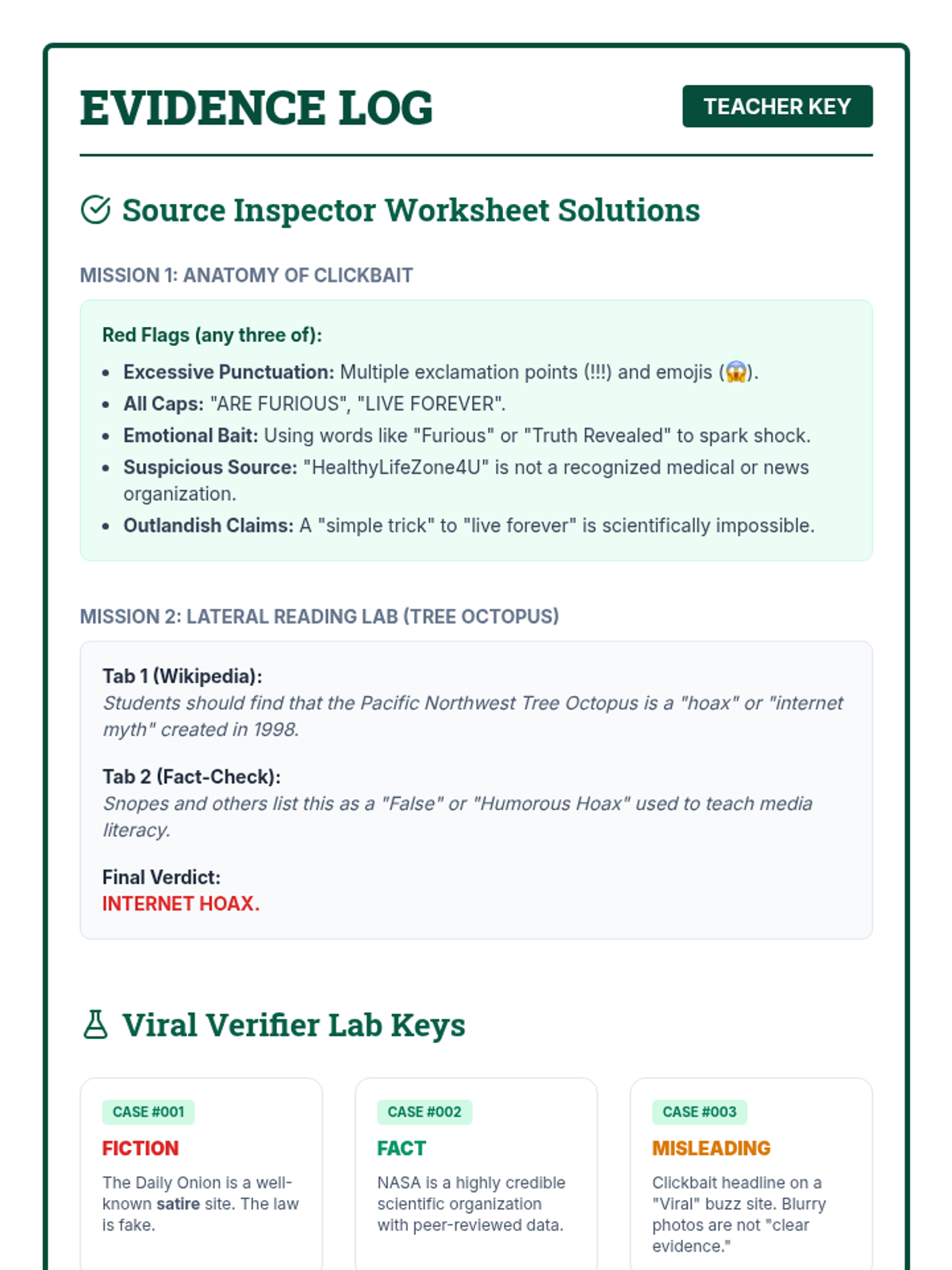
A lesson on digital media literacy for middle schoolers, focusing on the SIFT method to evaluate online information, identify bias, and spot misinformation.
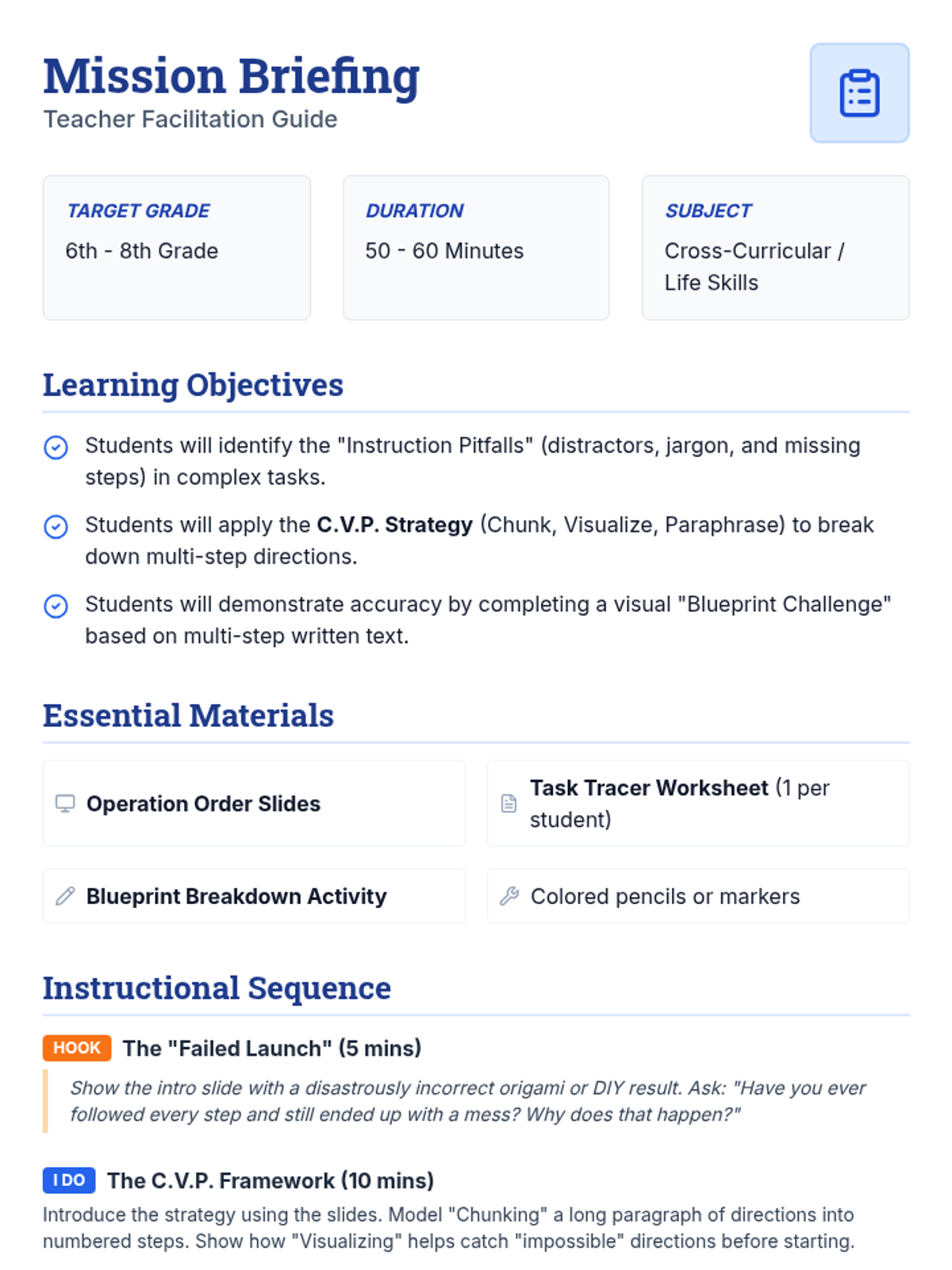
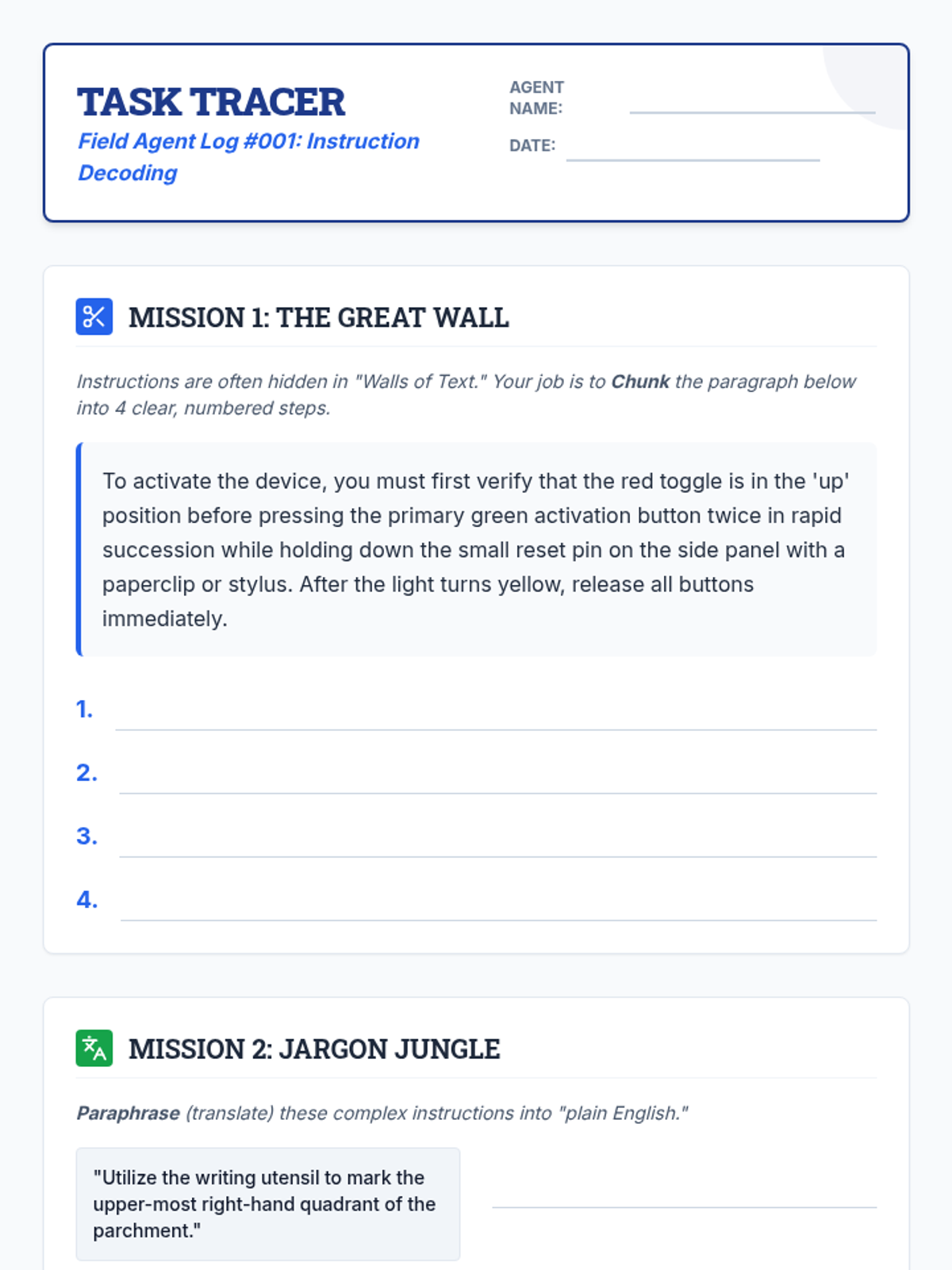
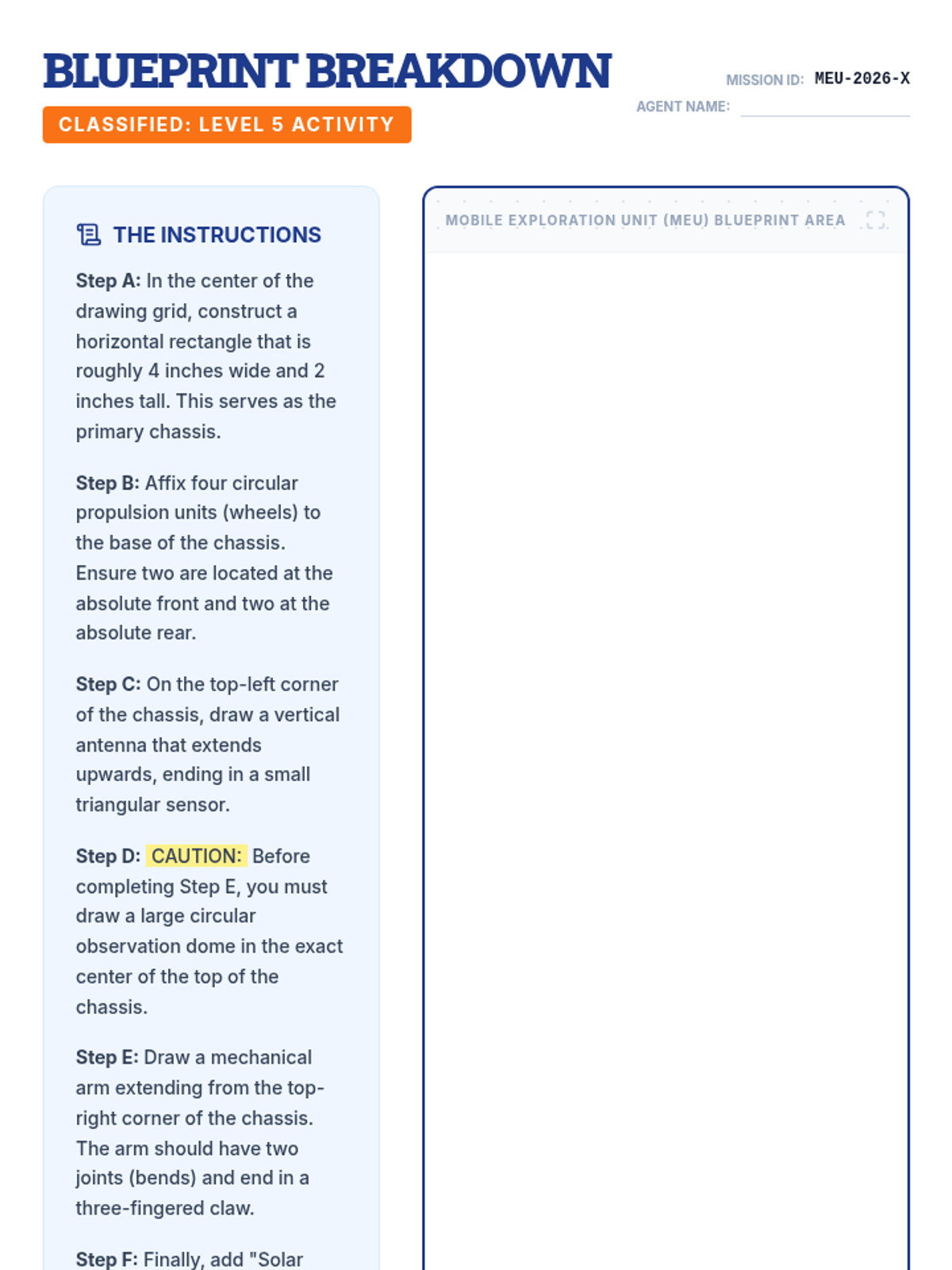
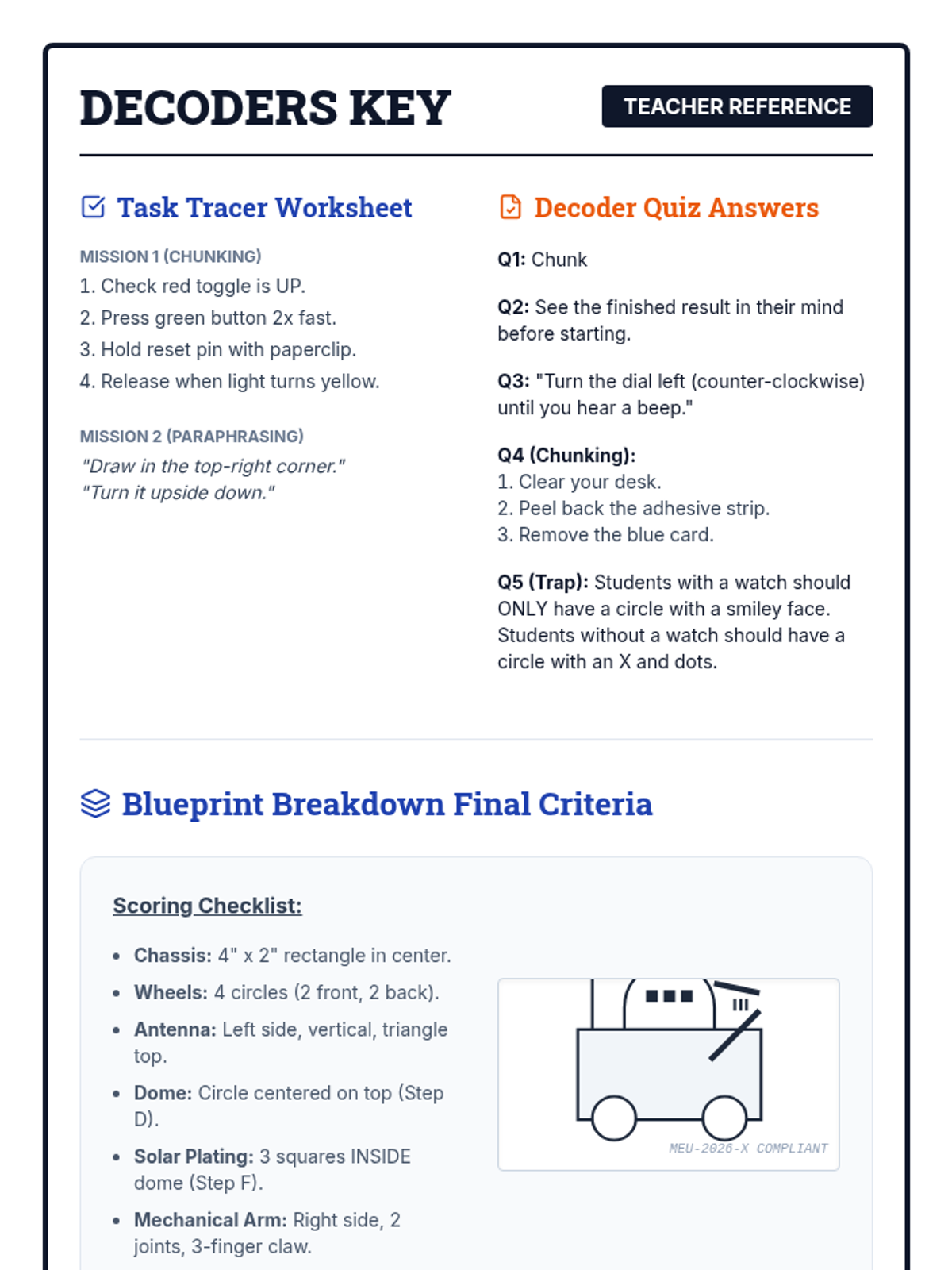
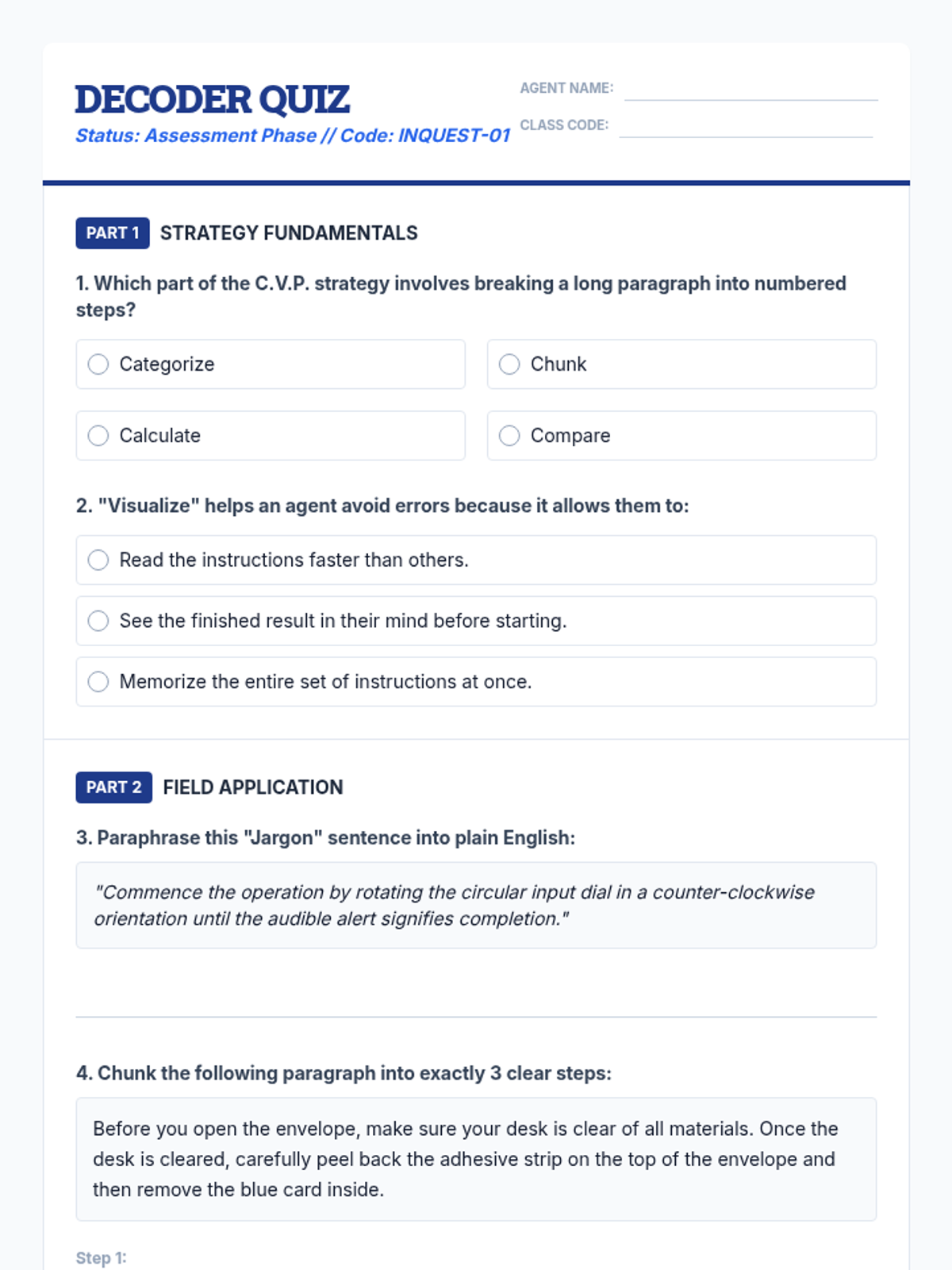
A comprehensive lesson for middle schoolers on breaking down complex, multi-step instructions using chunking, visualization, and paraphrasing strategies.