Fundamental hardware proficiency, secure online behavior, and ethical social media engagement. Equips learners with productivity tool mastery, web publishing skills, and critical evaluation of emerging technologies.
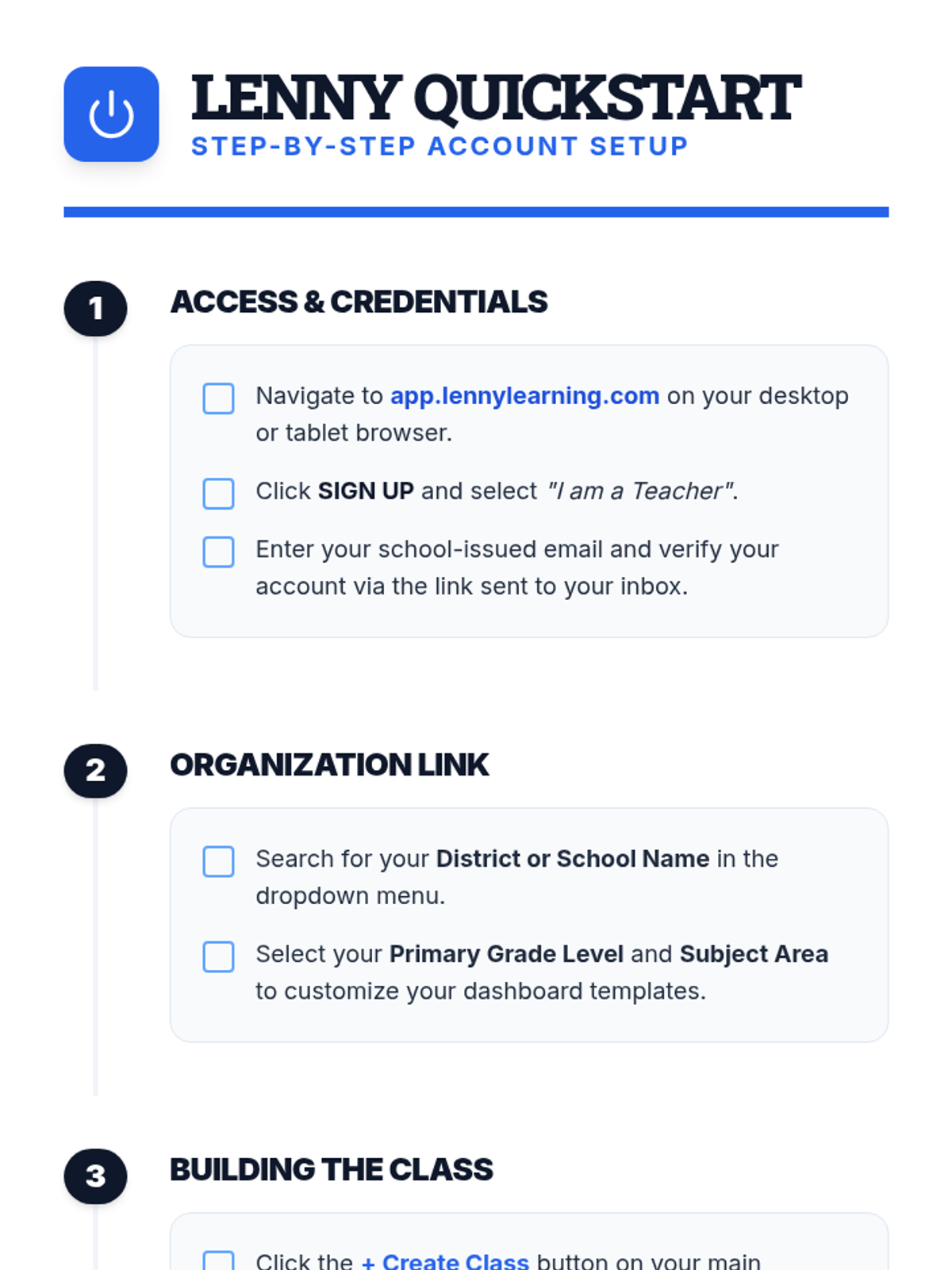
A clear, step-by-step document for teachers on setting up their Lenny Learning account, creating their first class, and onboarding students.
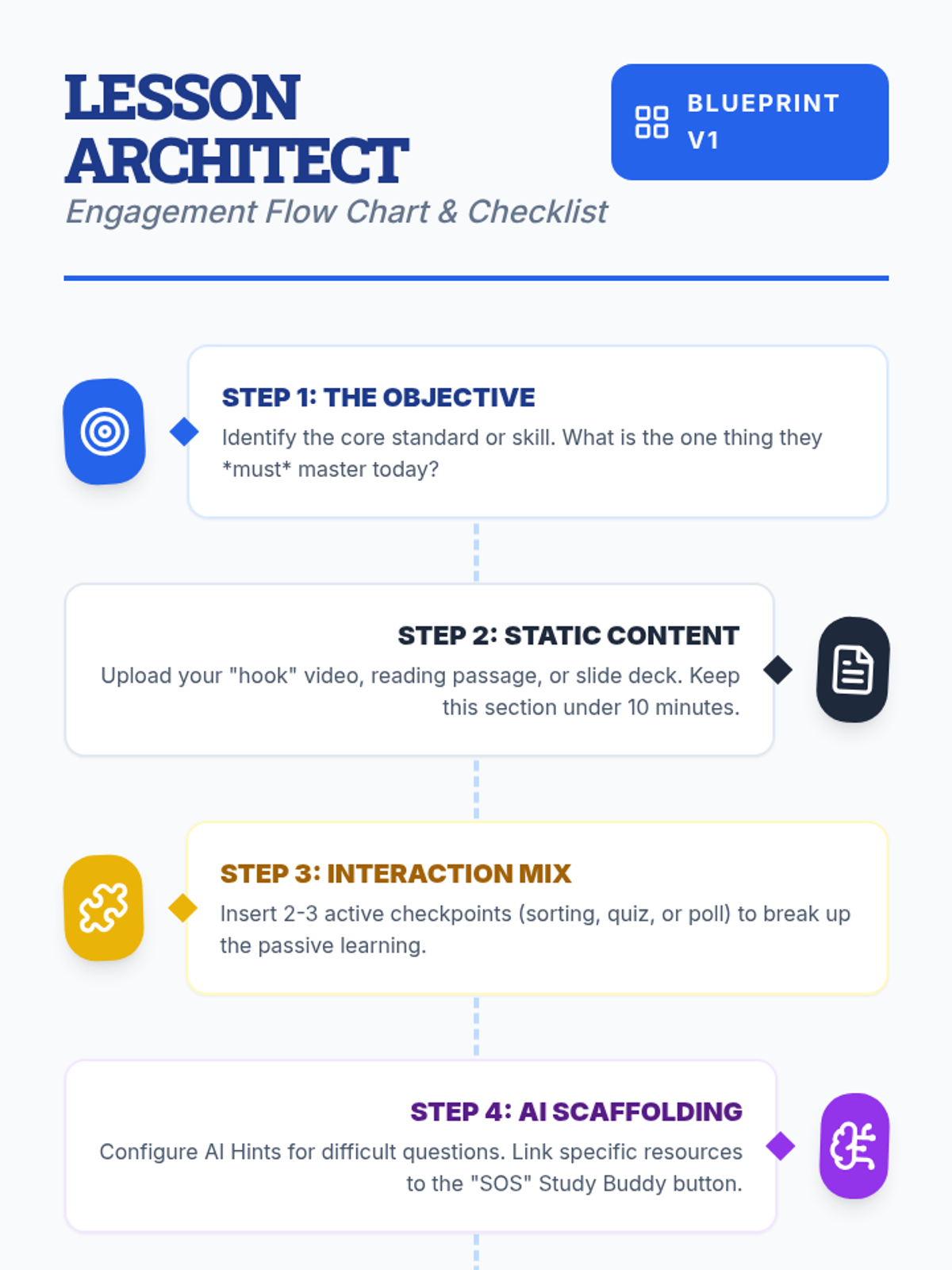
A visual flow chart and checklist for teachers detailing the step-by-step process of designing an engaging lesson on Lenny Learning.
A 10-slide presentation for teachers on designing engaging, interactive lessons using Lenny Learning's advanced features, gamification, and AI support.
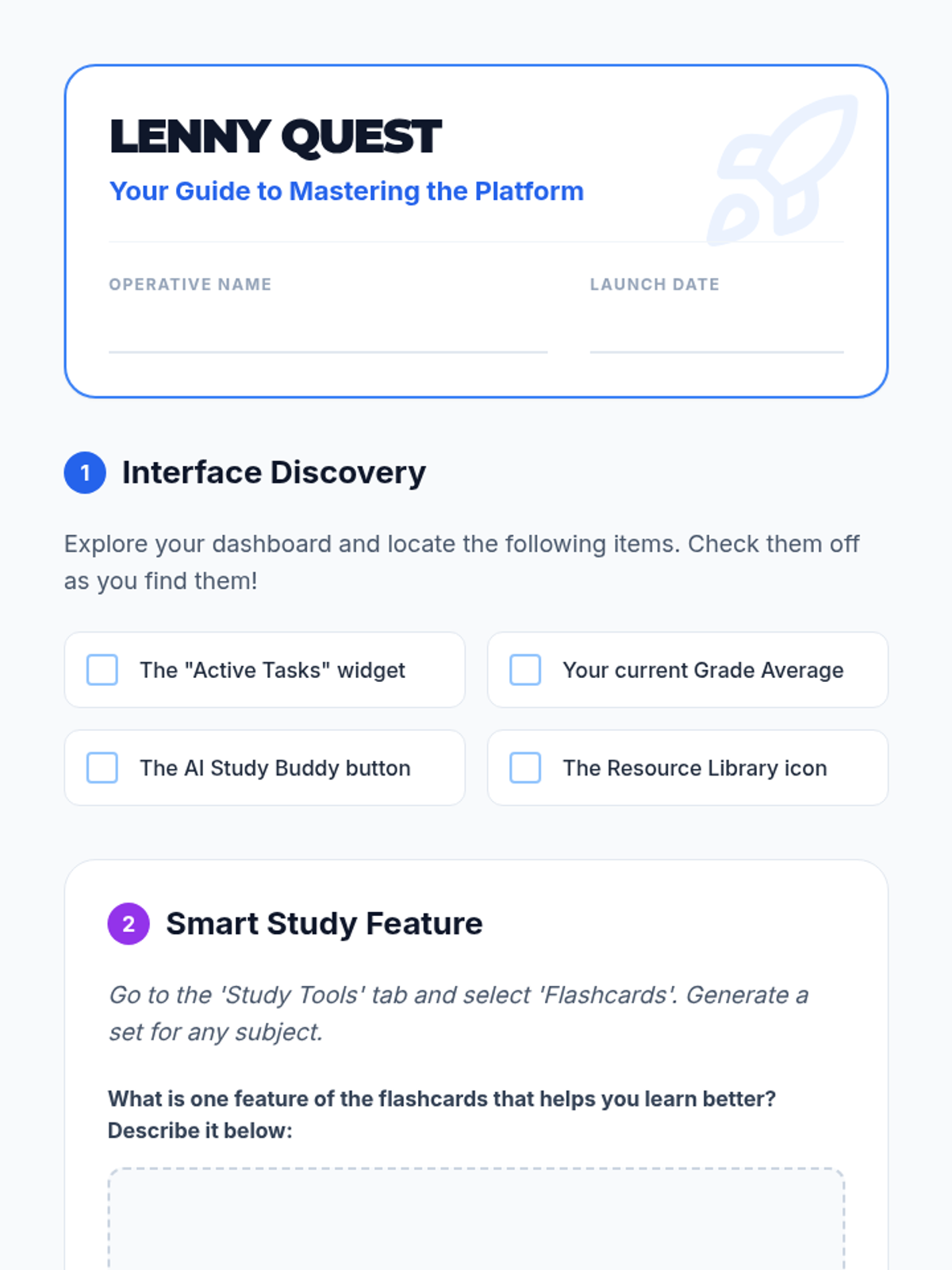
A student-facing scavenger hunt worksheet to help students explore the Lenny Learning interface and features.
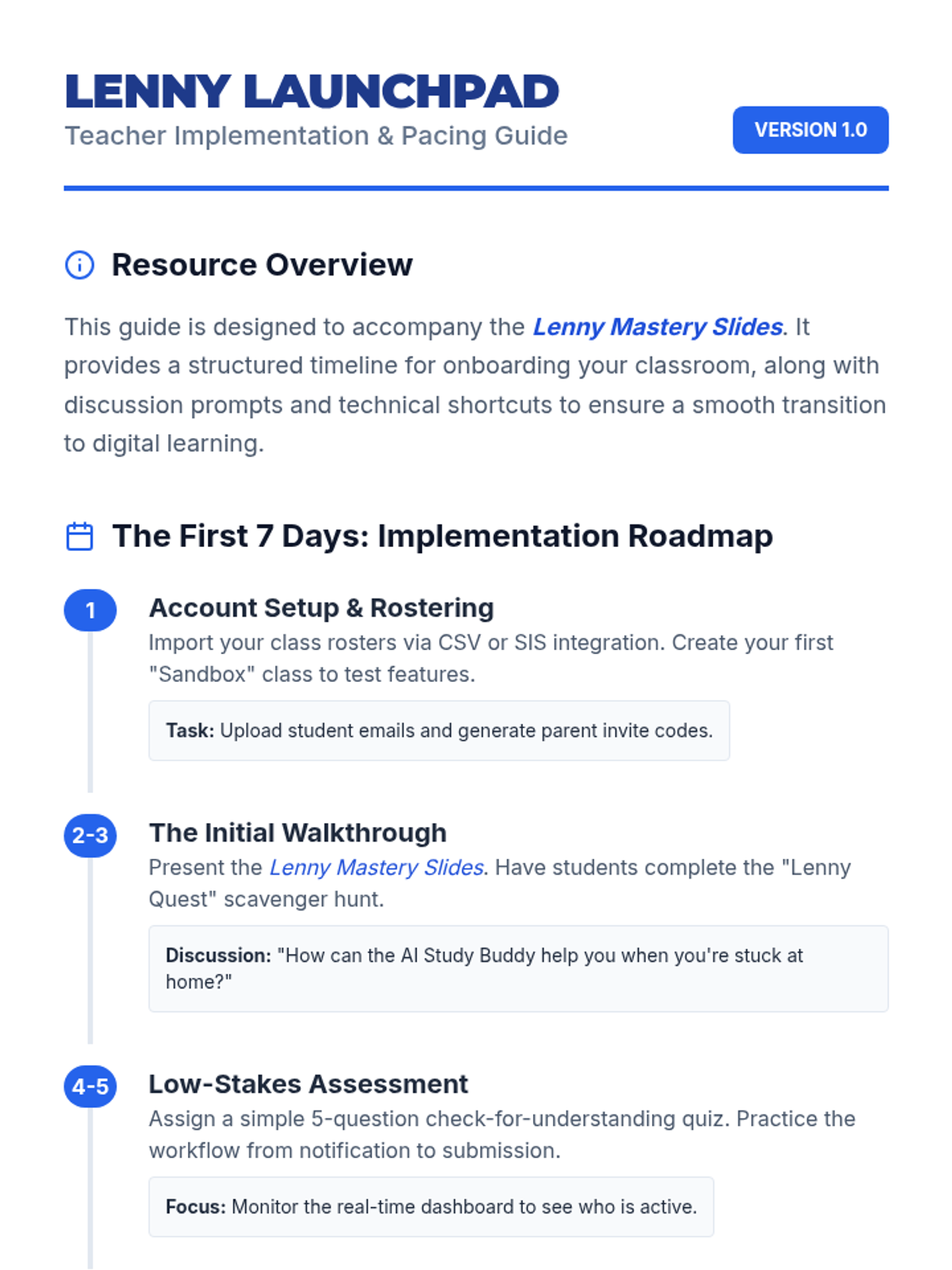
A teacher-facing guide with an onboarding timeline, troubleshooting tips, and classroom management strategies for implementing Lenny Learning.
A 10-slide presentation designed for teachers, providing a beginner-friendly overview of Lenny Learning's assignment workflows, study tools, and dashboard features.
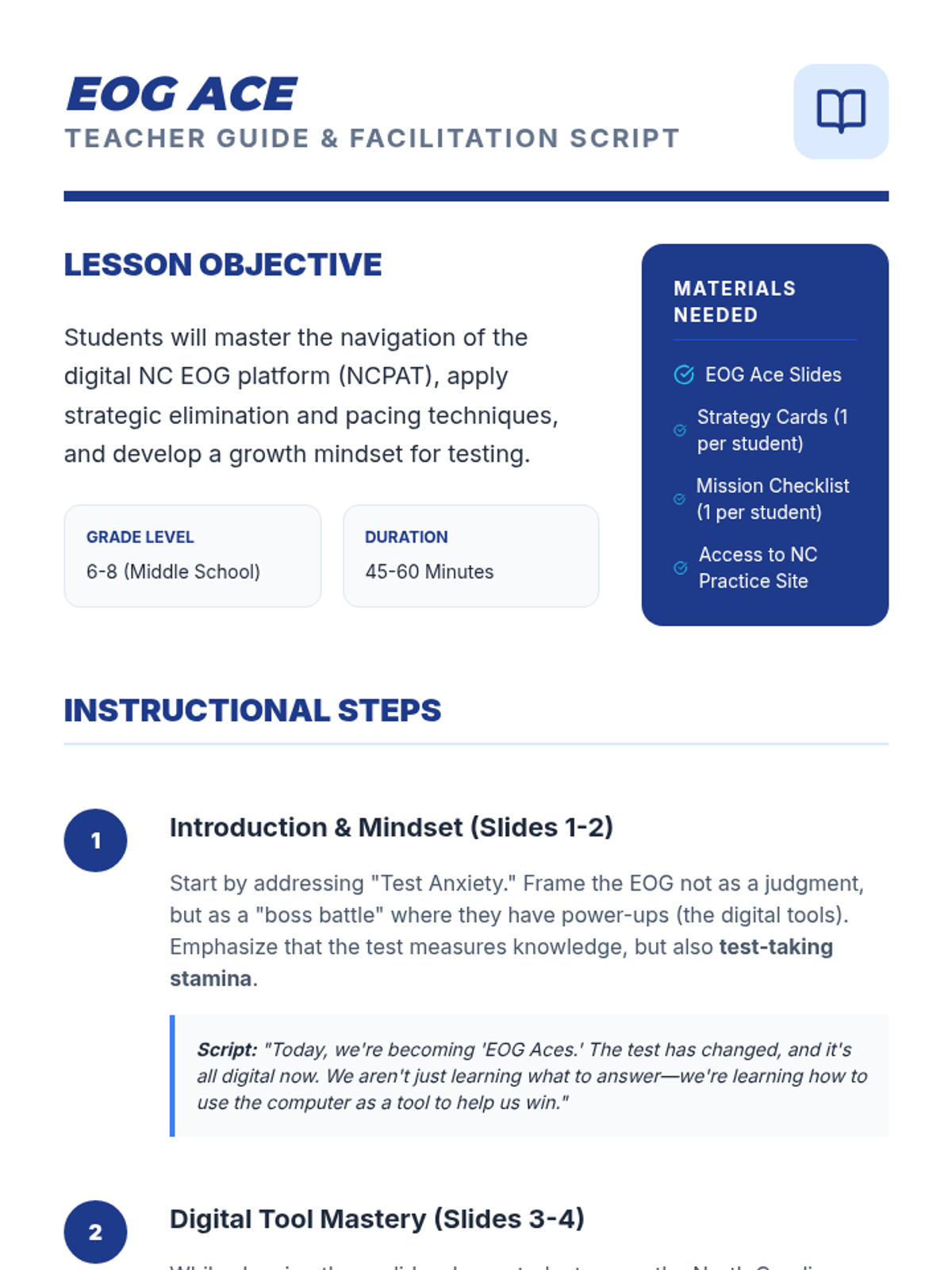
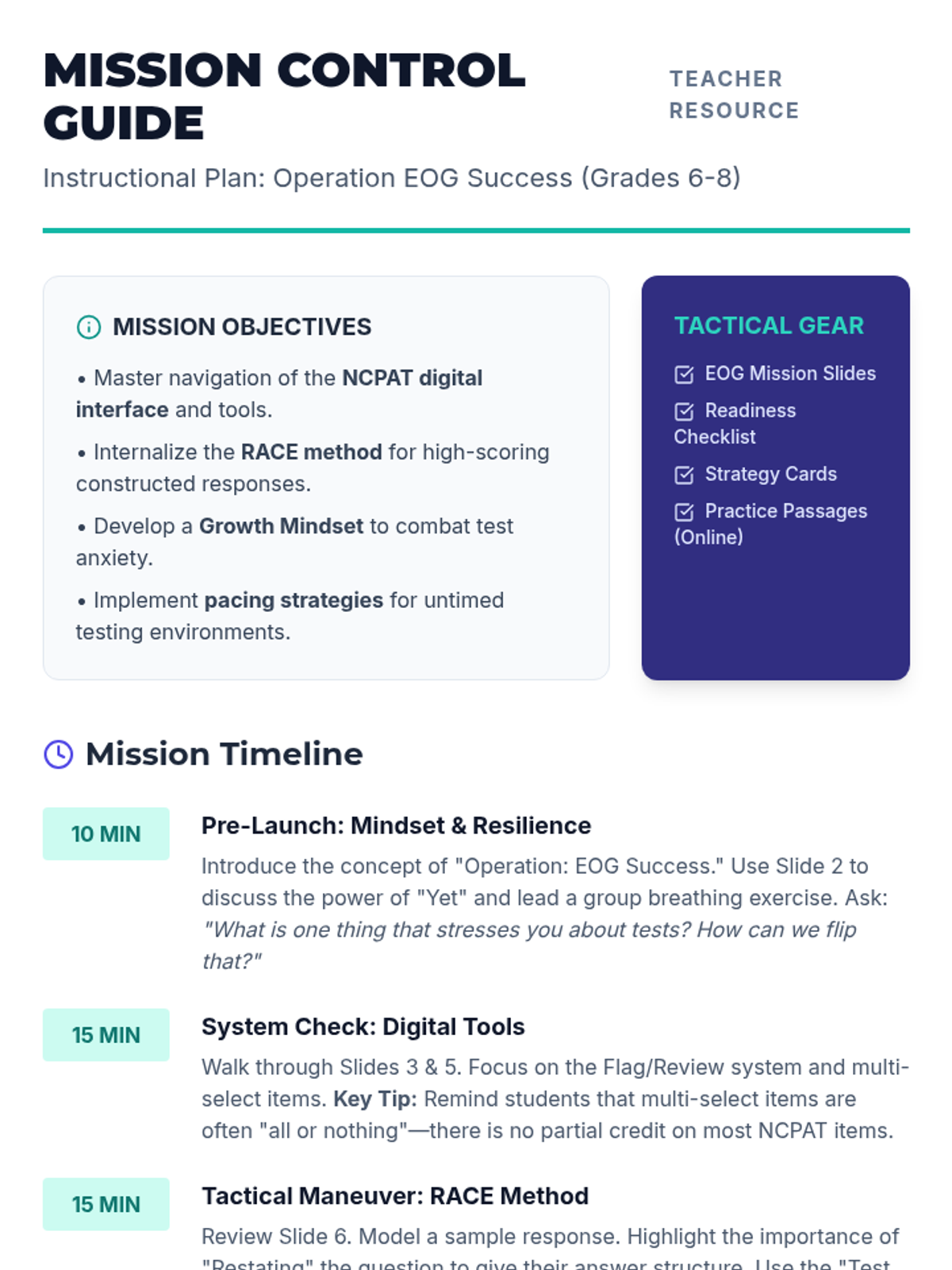
A comprehensive instructional guide for teachers to facilitate the EOG Ace lesson, including pacing, scripting, and tips for demonstrating digital tools.
A student self-assessment worksheet to help middle schoolers reflect on their readiness for the digital NC EOG and set personalized goals for strategy use.
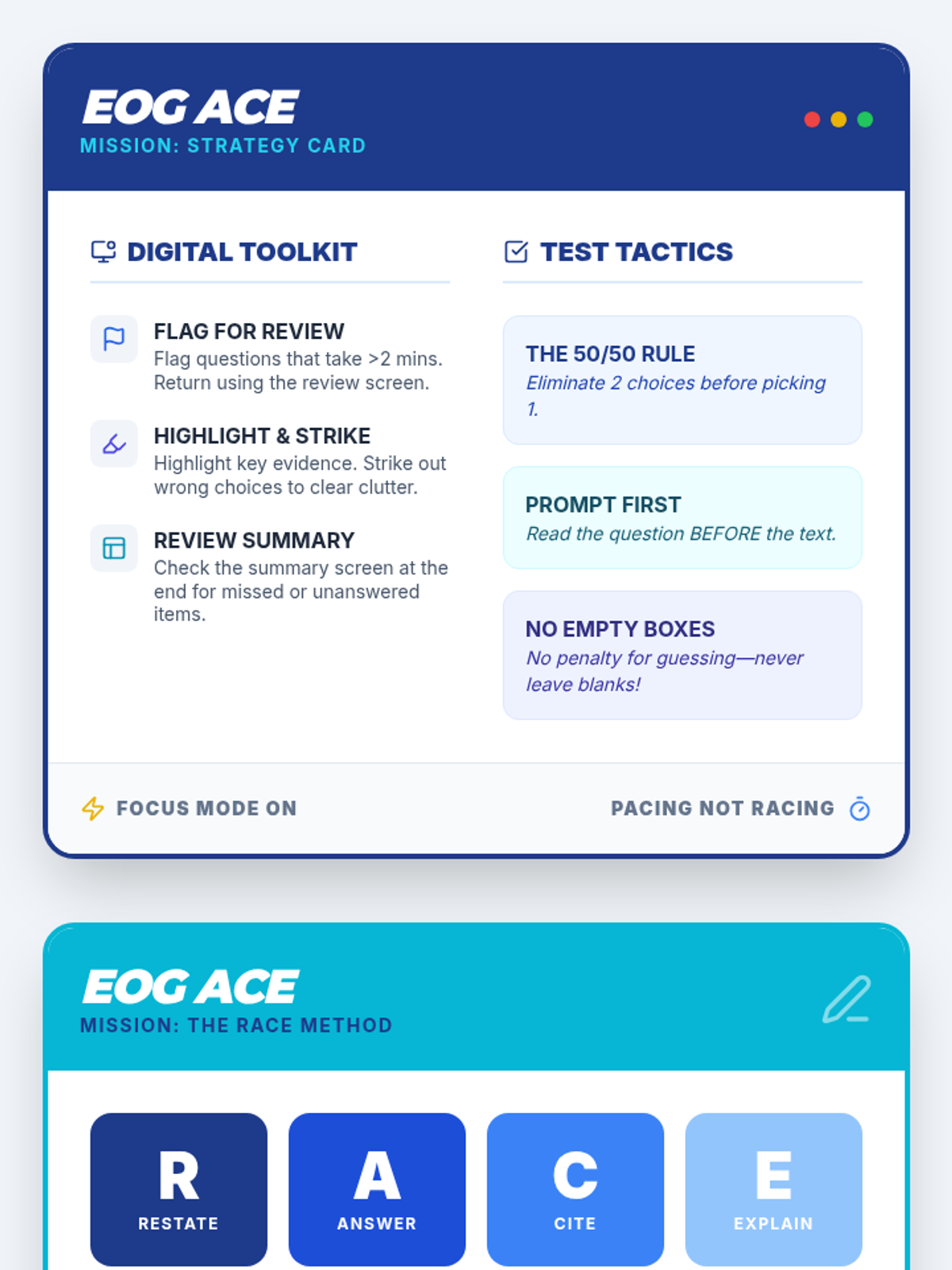
A 2-sided strategy card for students featuring digital tool tips, the RACE method for writing, and tactics for handling technology-enhanced items on the NC EOG.
A 7-slide presentation covering digital NC EOG strategies, including tool mastery, technology-enhanced items, the RACE method for constructed response, and pacing strategies for middle schoolers.
A teacher-facing lesson guide for the 'EOG Mission Control' session, including a detailed timeline, talking points for slides, and tips for addressing common student mistakes.
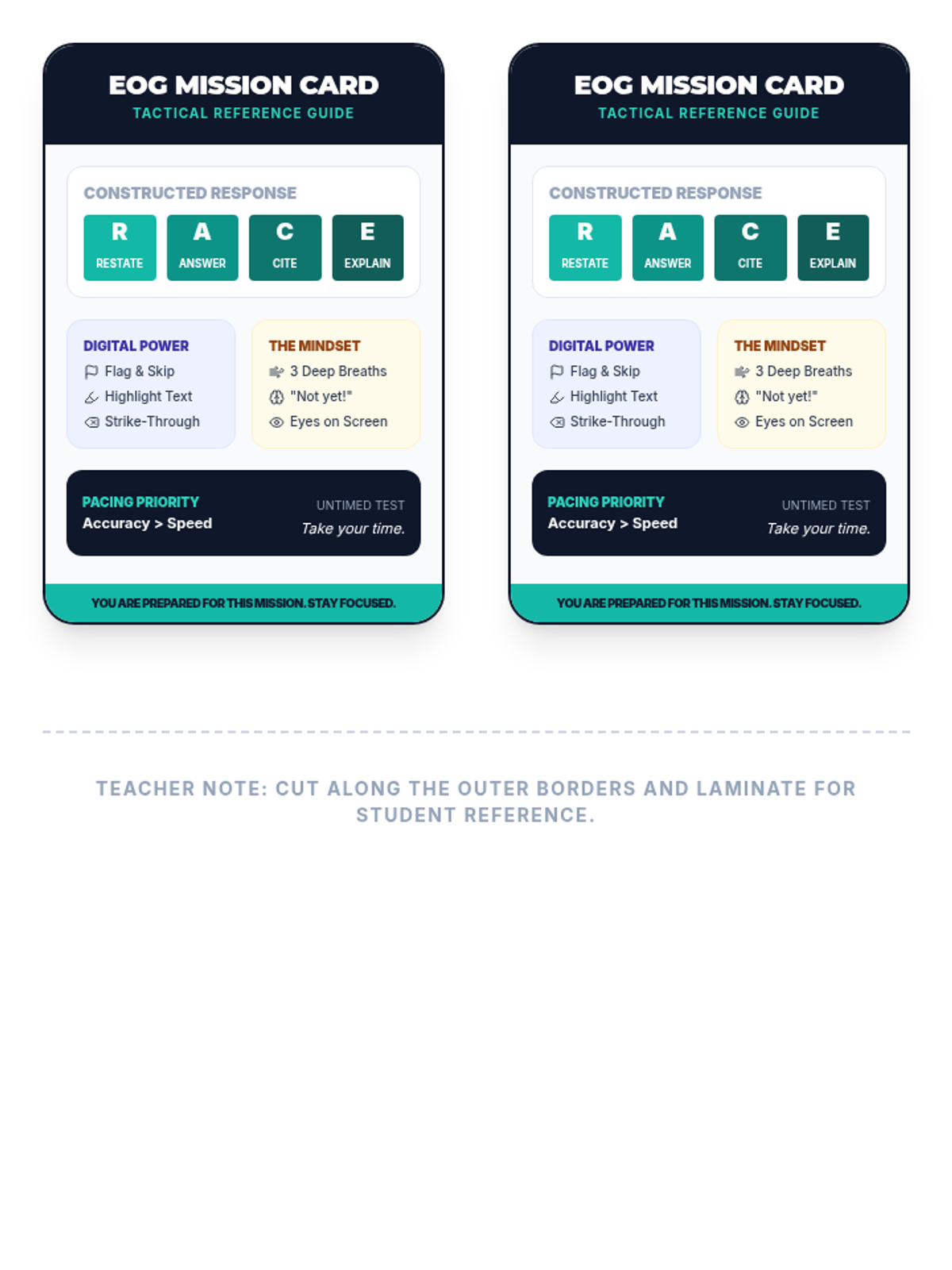
A printable 'Test Smart' strategy card for NC EOG preparation, featuring the RACE method, digital tool reminders, and mindset cues. Designed for desk-side reference.
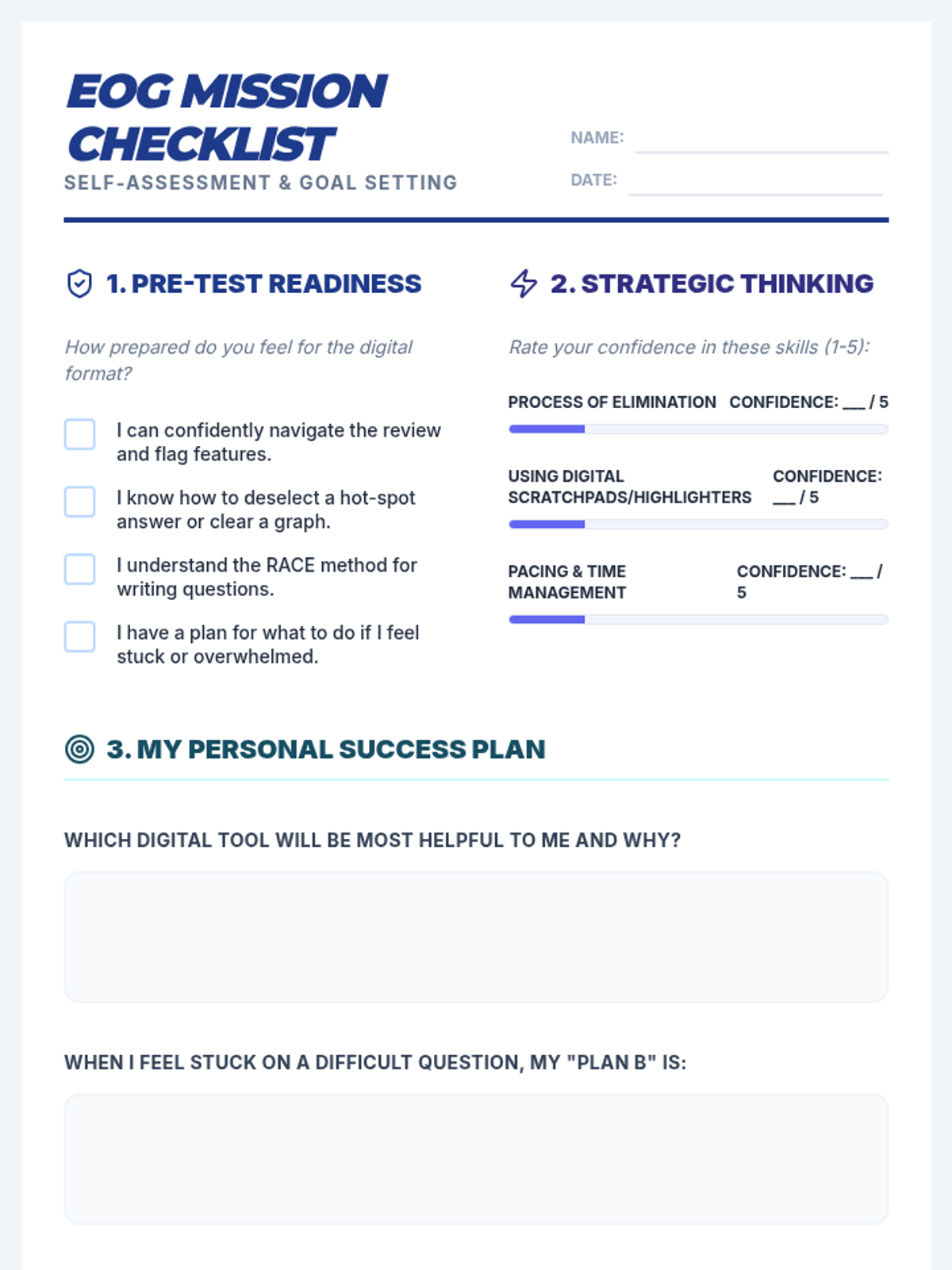
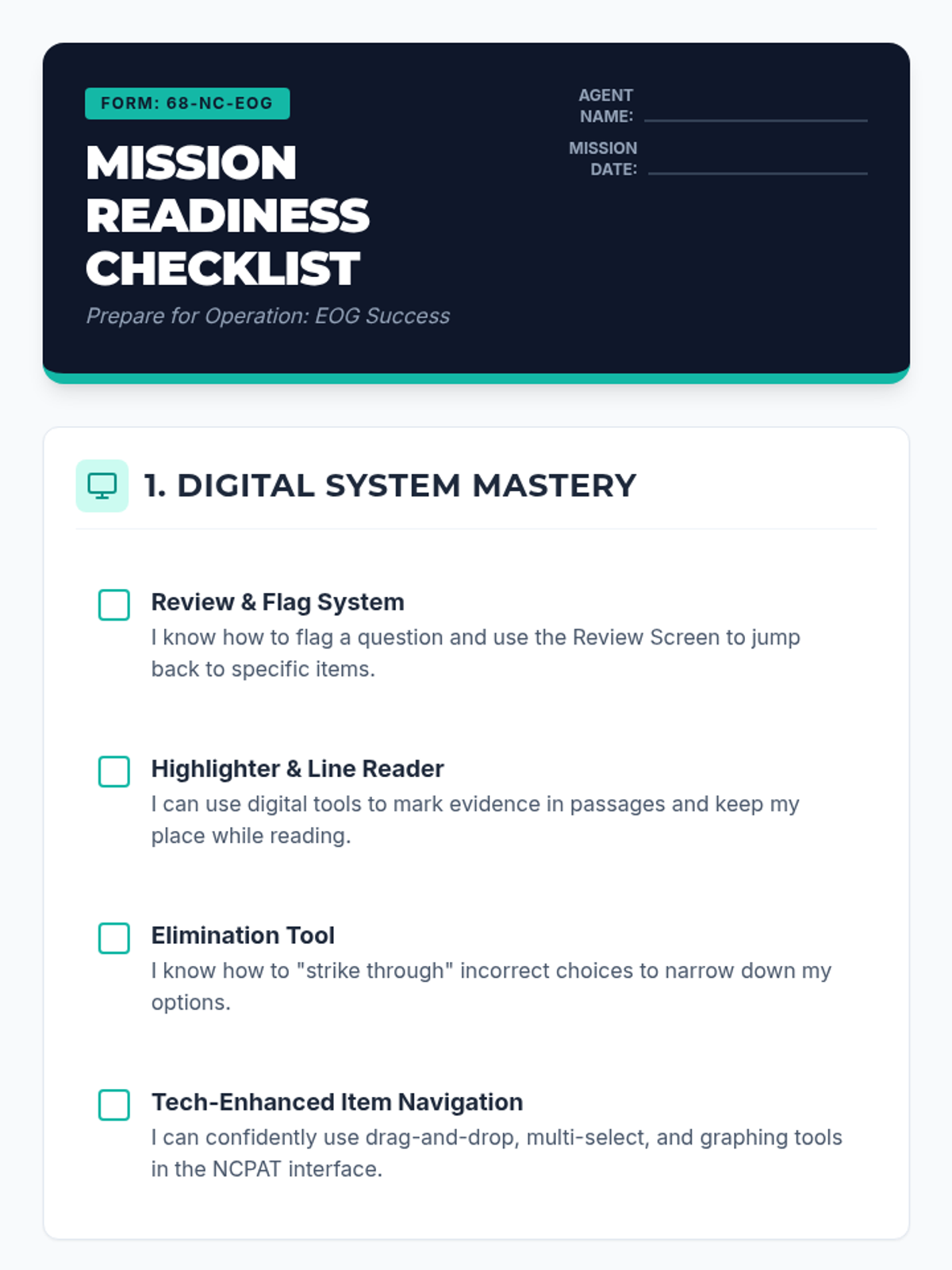
A student-facing self-assessment checklist designed for 6th-8th graders to evaluate their readiness for the NC EOG, covering digital tools, test strategies, and mindset.
A comprehensive slide deck for instructing students on NC EOG digital test-taking strategies, covering the NCPAT interface, the RACE method, and mindset techniques.
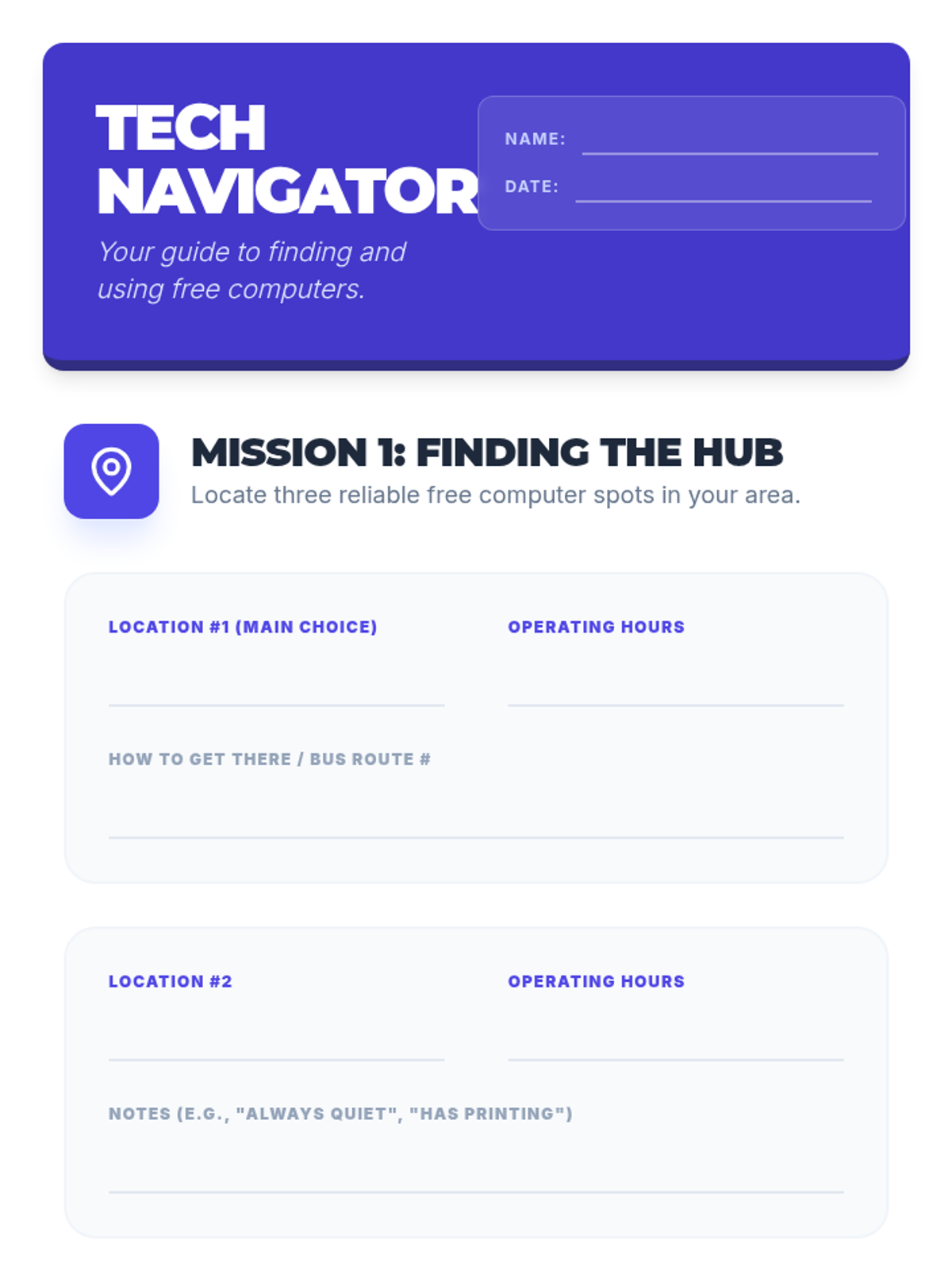
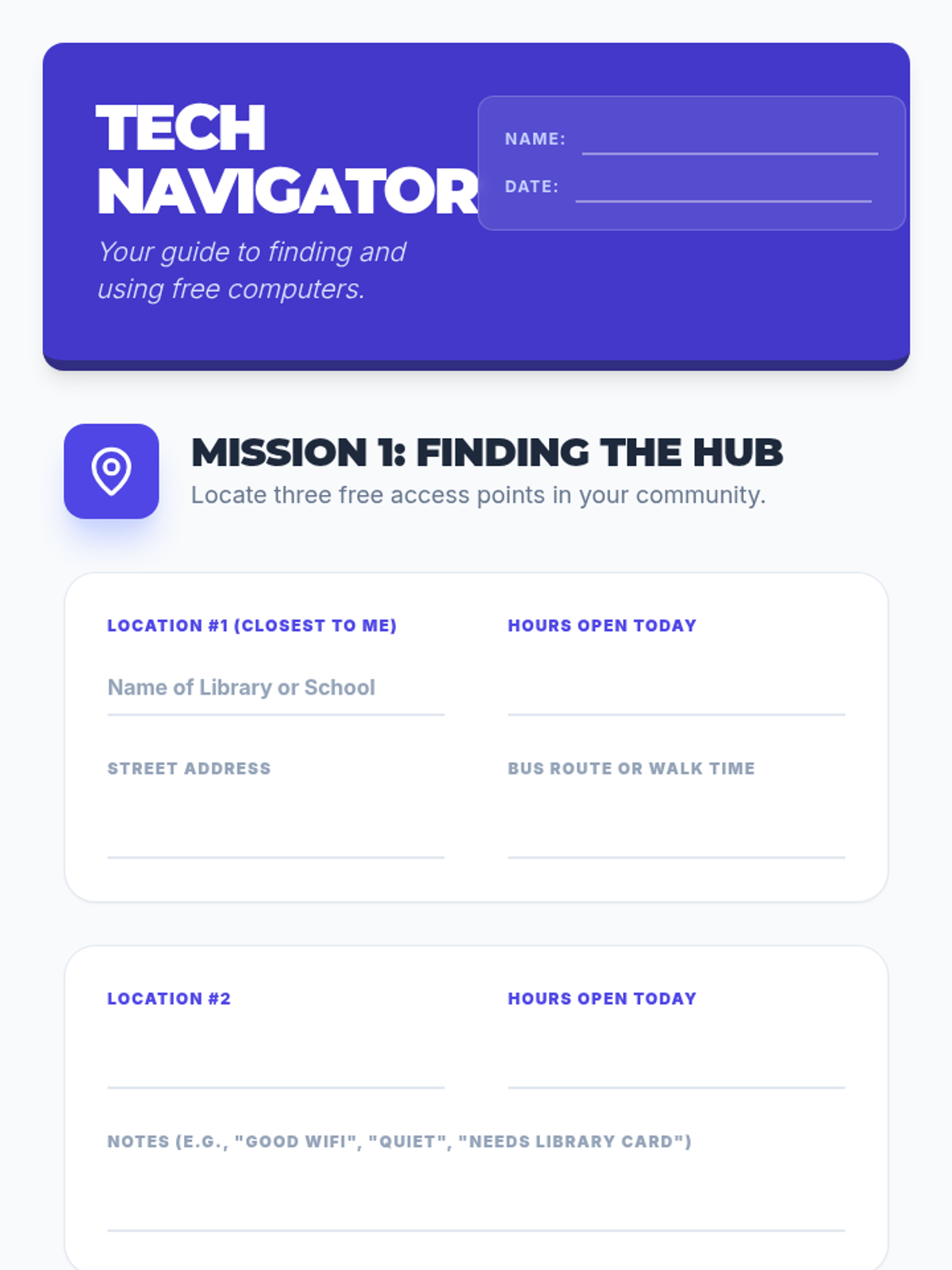
A comprehensive 4-page interactive worksheet designed to teach students how to find free computer access, navigate login screens, connect to public WiFi, and master the desktop interface. Includes an expanded "Login Hero" flowchart and a robust digital survival plan section with white student work areas. Spacing on the Signal Hunter section has been improved for better readability.
A comprehensive 4-page interactive worksheet designed to teach students how to find free computer access, navigate login screens, connect to public WiFi, and master the desktop interface. Includes an expanded "Login Hero" flowchart and a robust digital survival plan section with white student work areas.
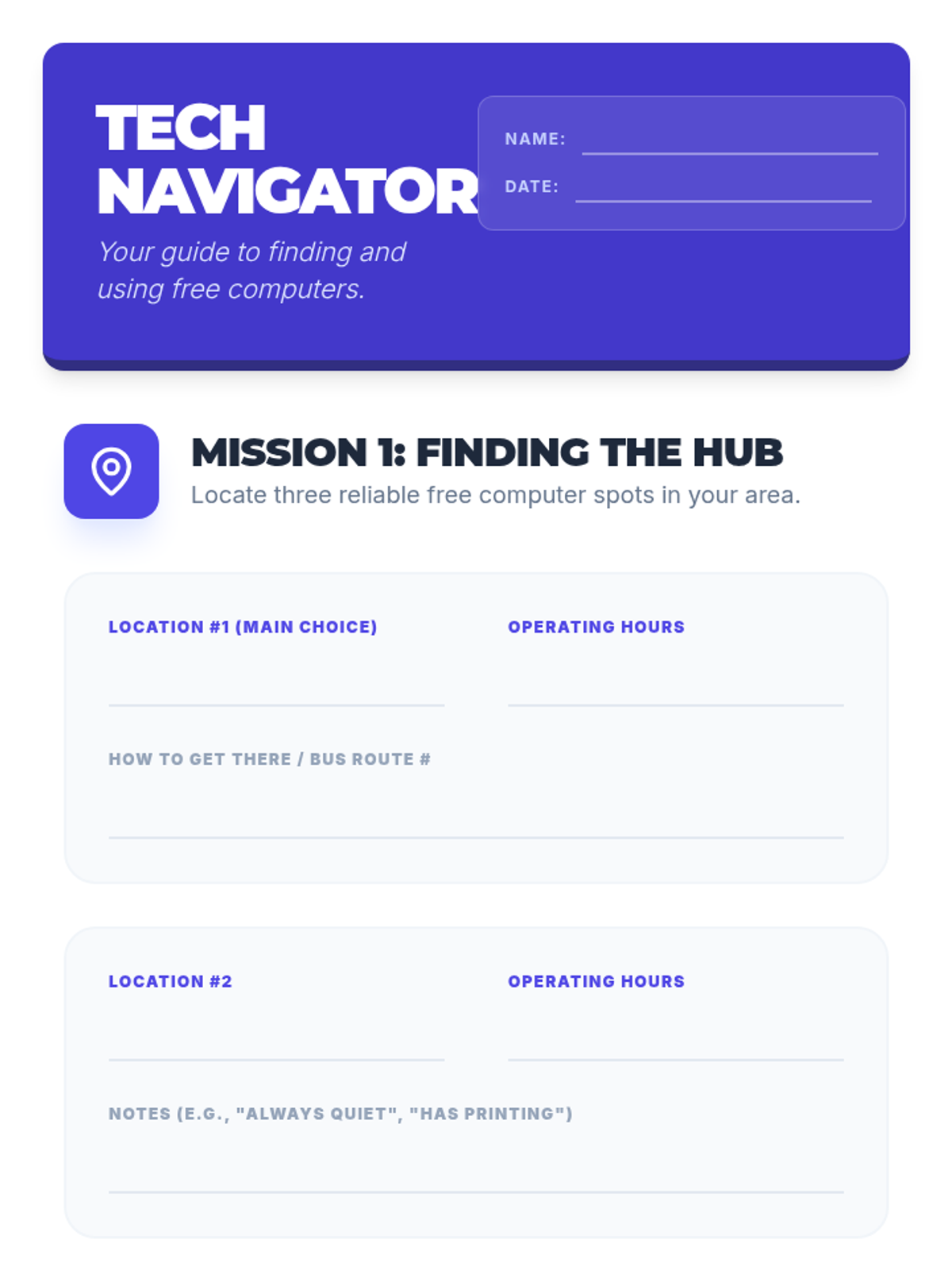
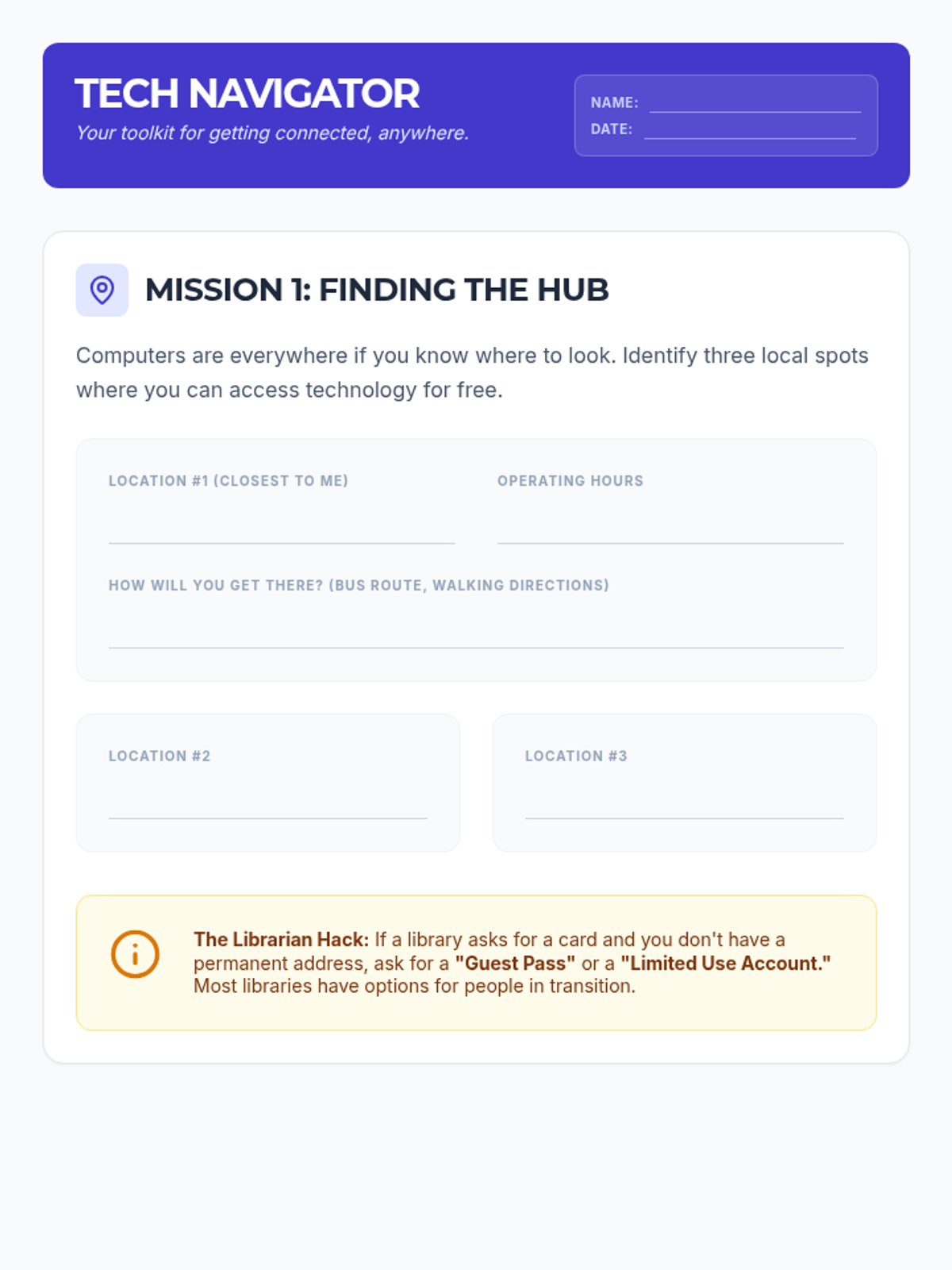
A comprehensive 4-page interactive worksheet designed to teach students how to find free computer access, navigate login screens, connect to public WiFi, and master the desktop/browser interface. Includes expanded sections for local resource planning, digital persistence strategies, and a navigation matching activity.
A compact 3-page interactive worksheet designed to teach students how to find free computer access, navigate login screens, connect to public WiFi, and understand basic desktop navigation. Optimized to fit perfectly within three 8.5x11 printable pages.
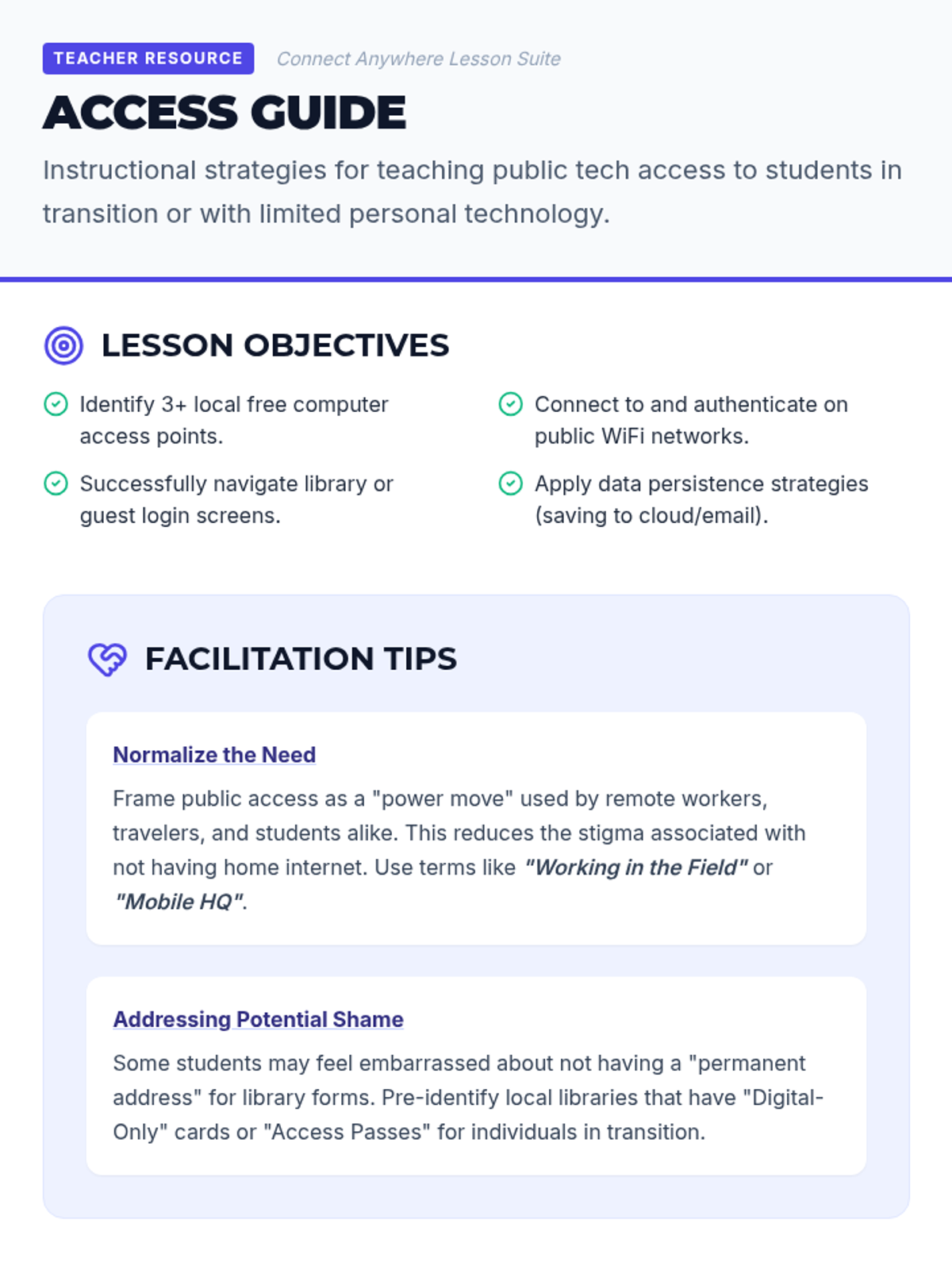
A comprehensive facilitator guide for educators teaching digital access to students in transition. Includes pedagogical tips, solutions for common administrative barriers (like library cards), and classroom activity ideas.
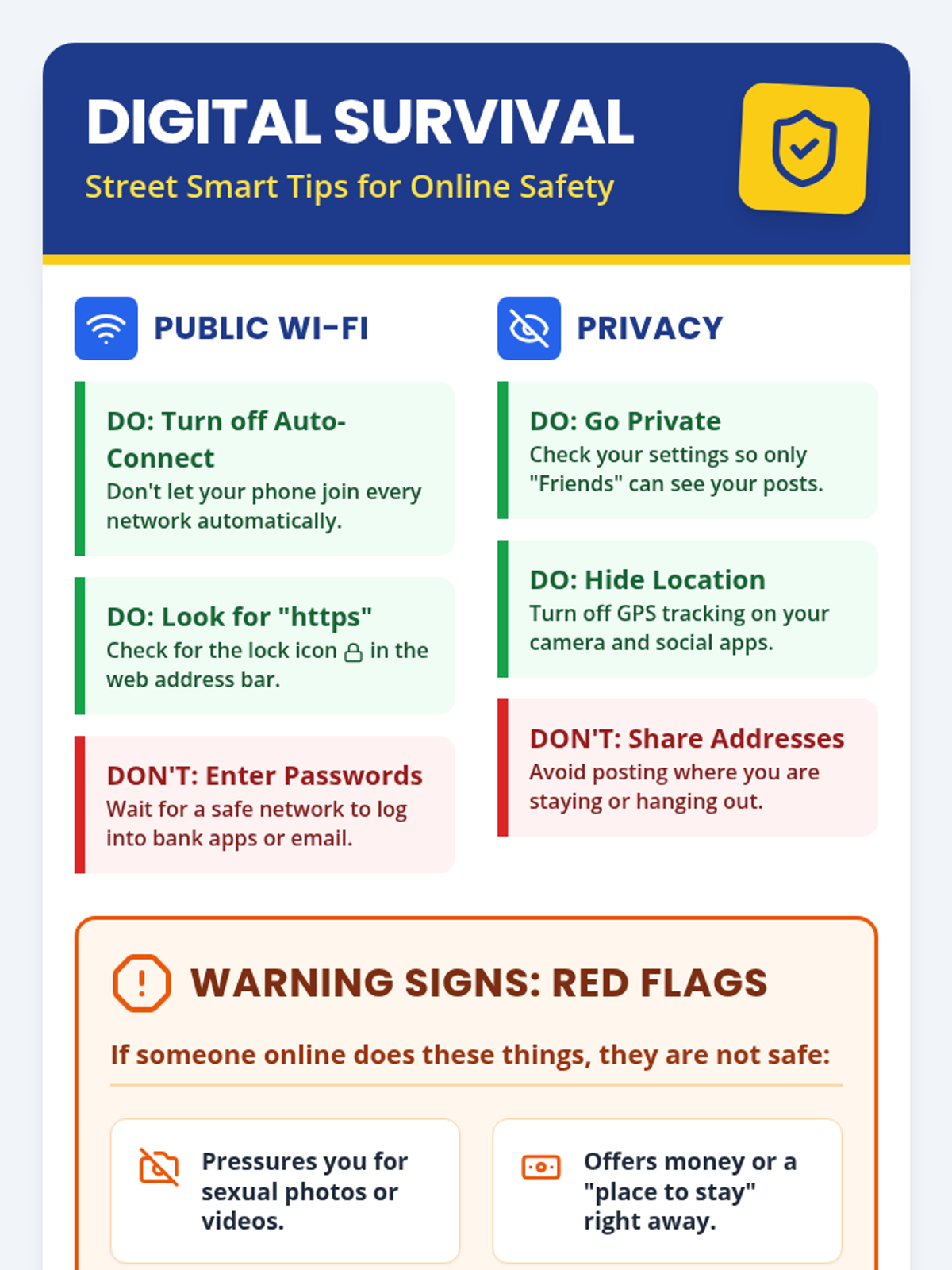
A high-contrast, visual infographic poster designed for neurodivergent youth experiencing homelessness. It provides clear, direct guidance on public Wi-Fi safety, social media privacy, identifying predatory red flags, and safe protocols for meeting online friends in person.
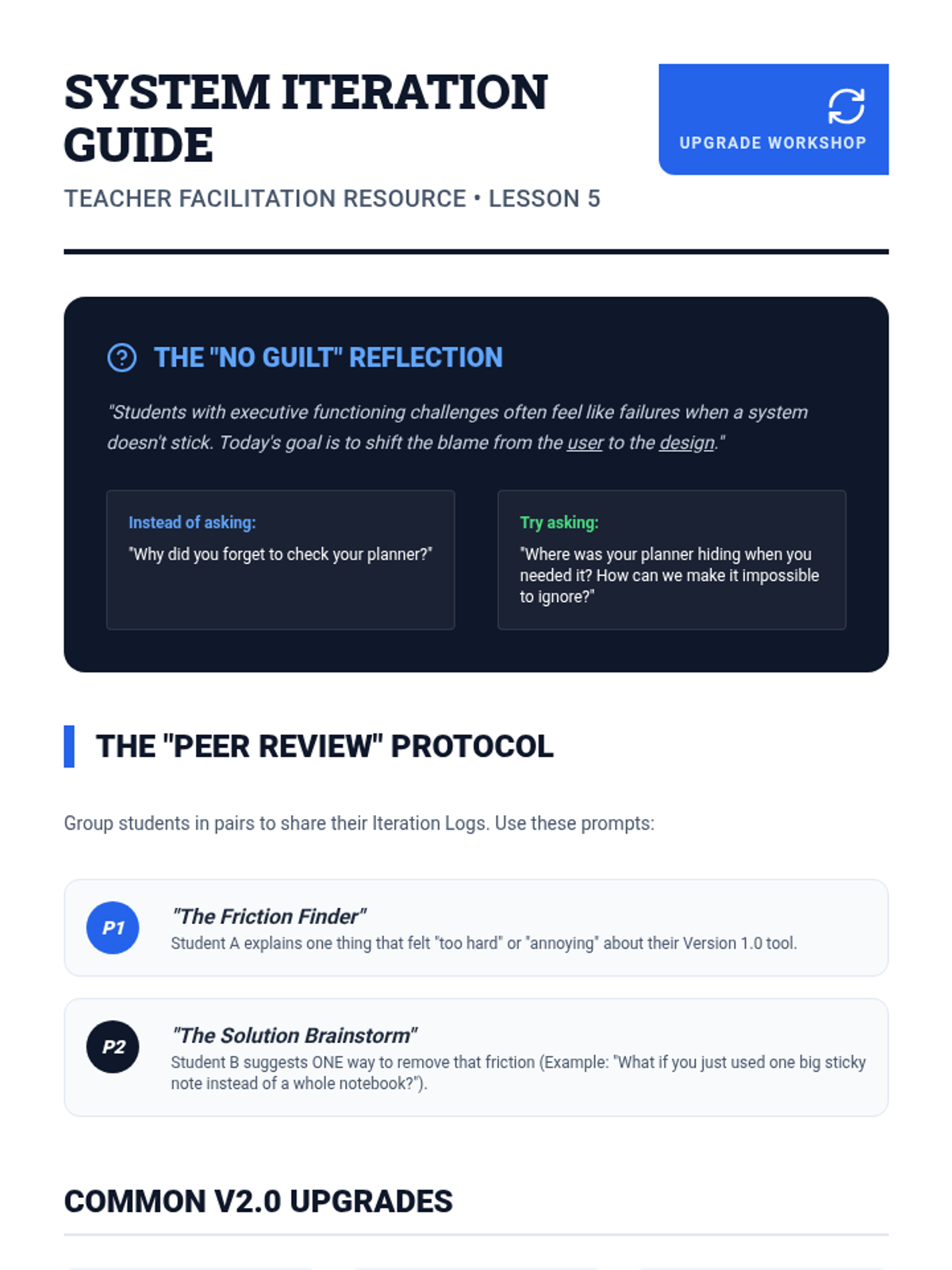
Teacher-facing guide for the 'System Stress Test' lesson, focusing on facilitating student feedback sessions, managing "no-guilt" reflections, and guiding the iteration process.
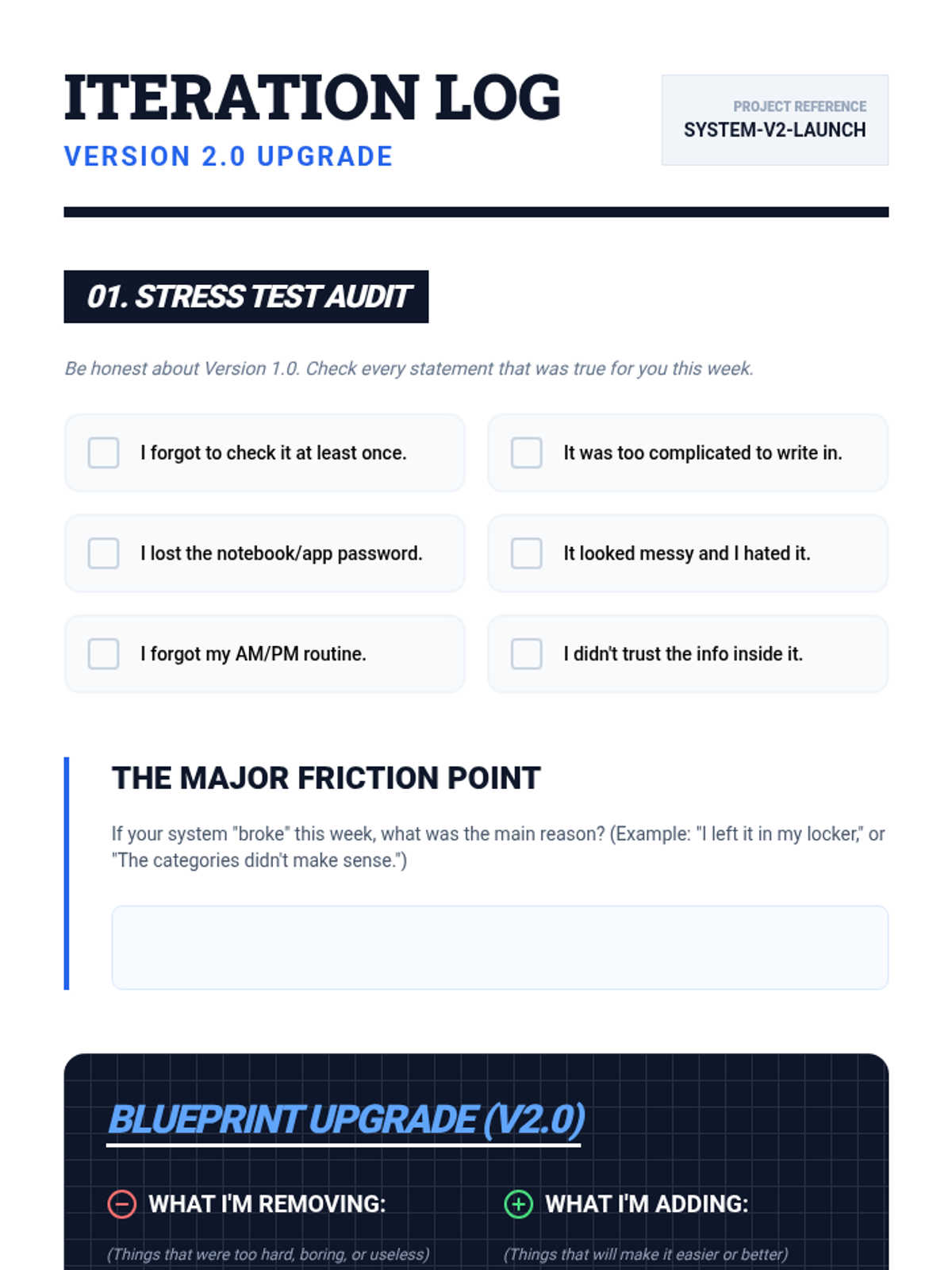
Student iteration log for 'System Stress Test', focusing on evaluating their initial organizational system (Version 1.0) and planning upgrades for better long-term adherence (Version 2.0).
Final presentation for 'System Stress Test', focusing on troubleshooting organizational systems and iterating on designs for better long-term success.
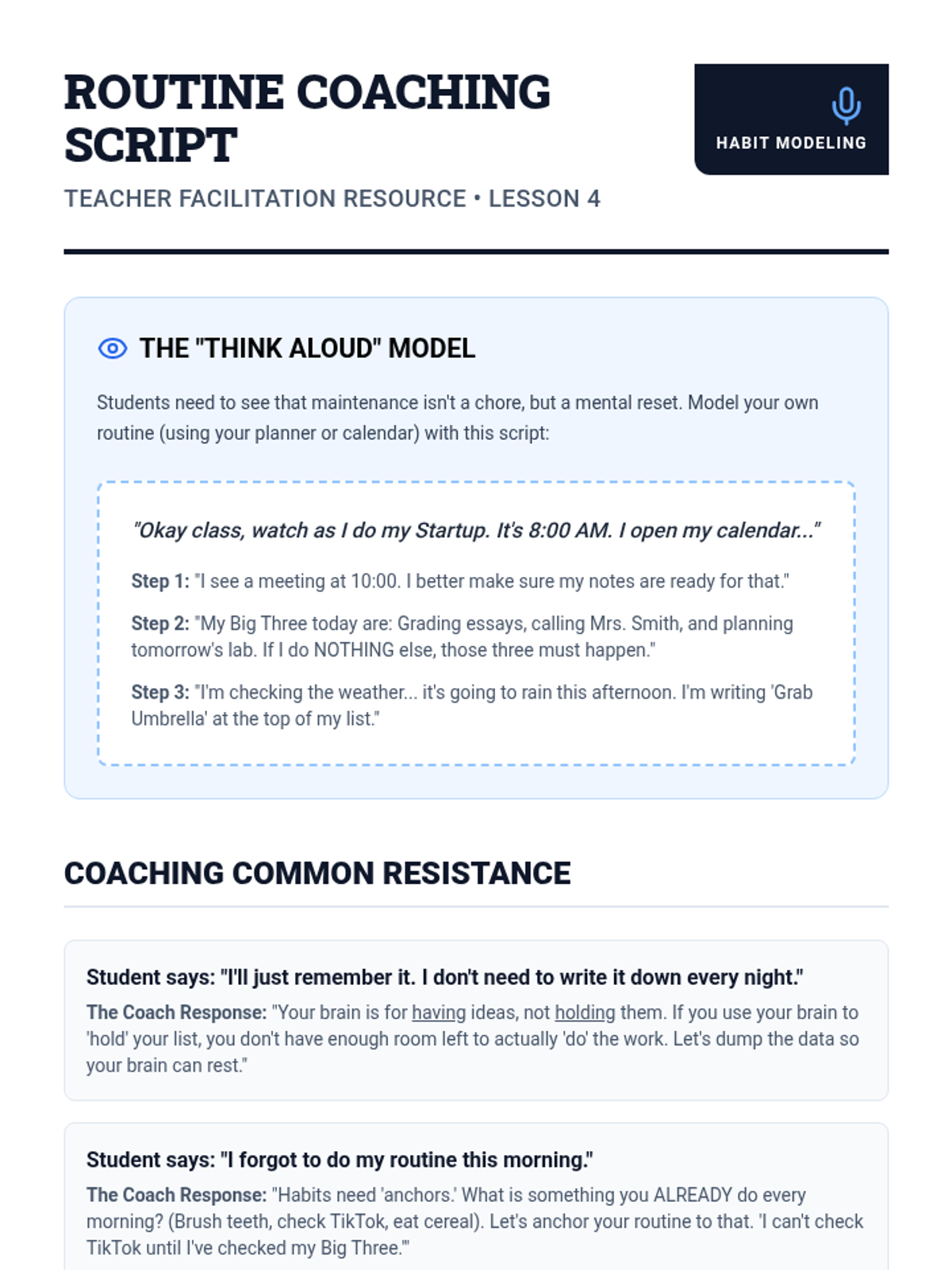
Teacher-facing coaching script and facilitation guide for Lesson 4, focusing on modeling organizational routines and overcoming student resistance to habit formation.
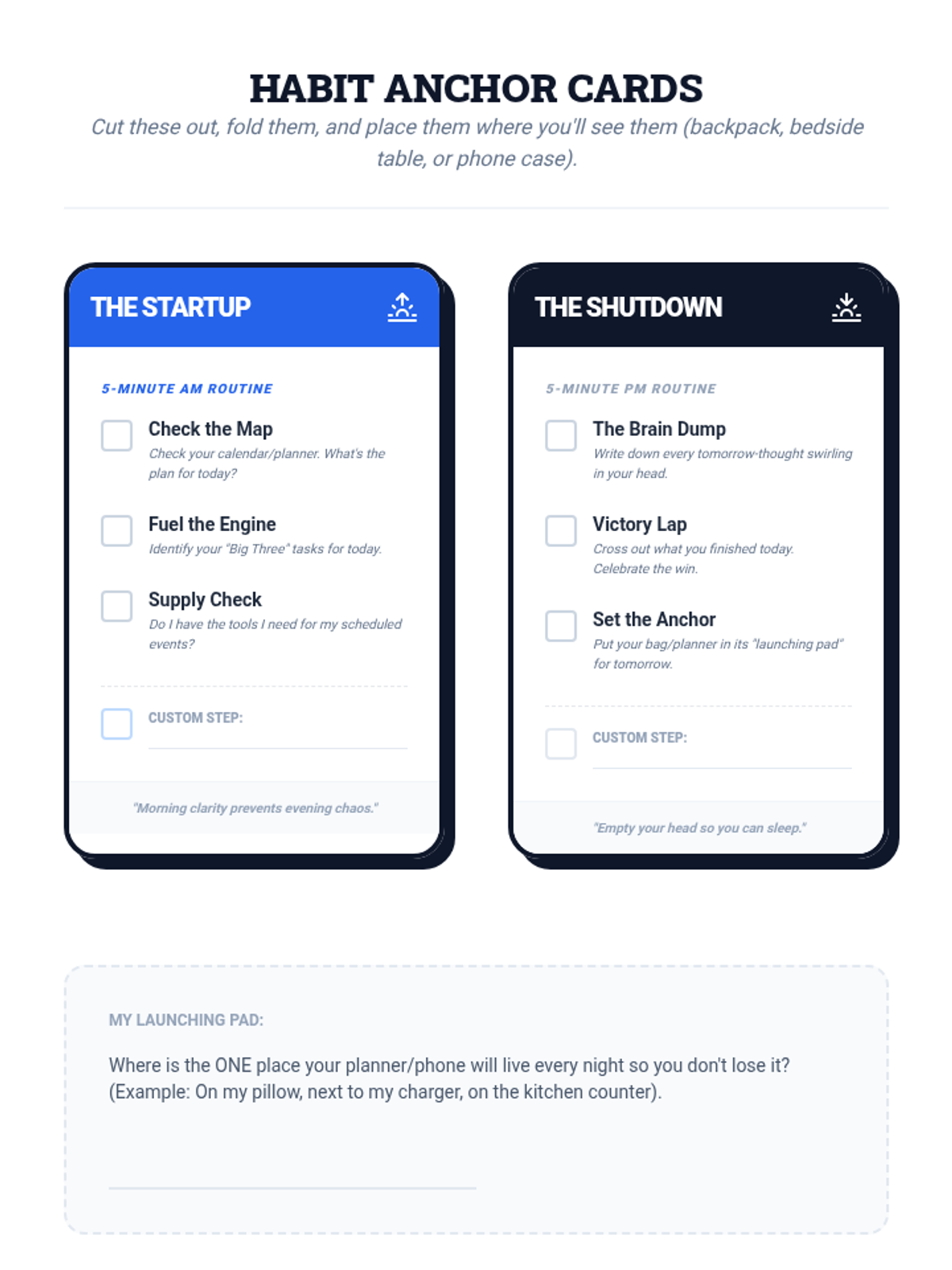
Student activity sheet with printable habit reminder cards for daily organizational system maintenance routines.
Introductory presentation for 'The Maintenance Routine', using the Ferrari analogy to explain the importance of daily startup and shutdown habits for organizational systems.
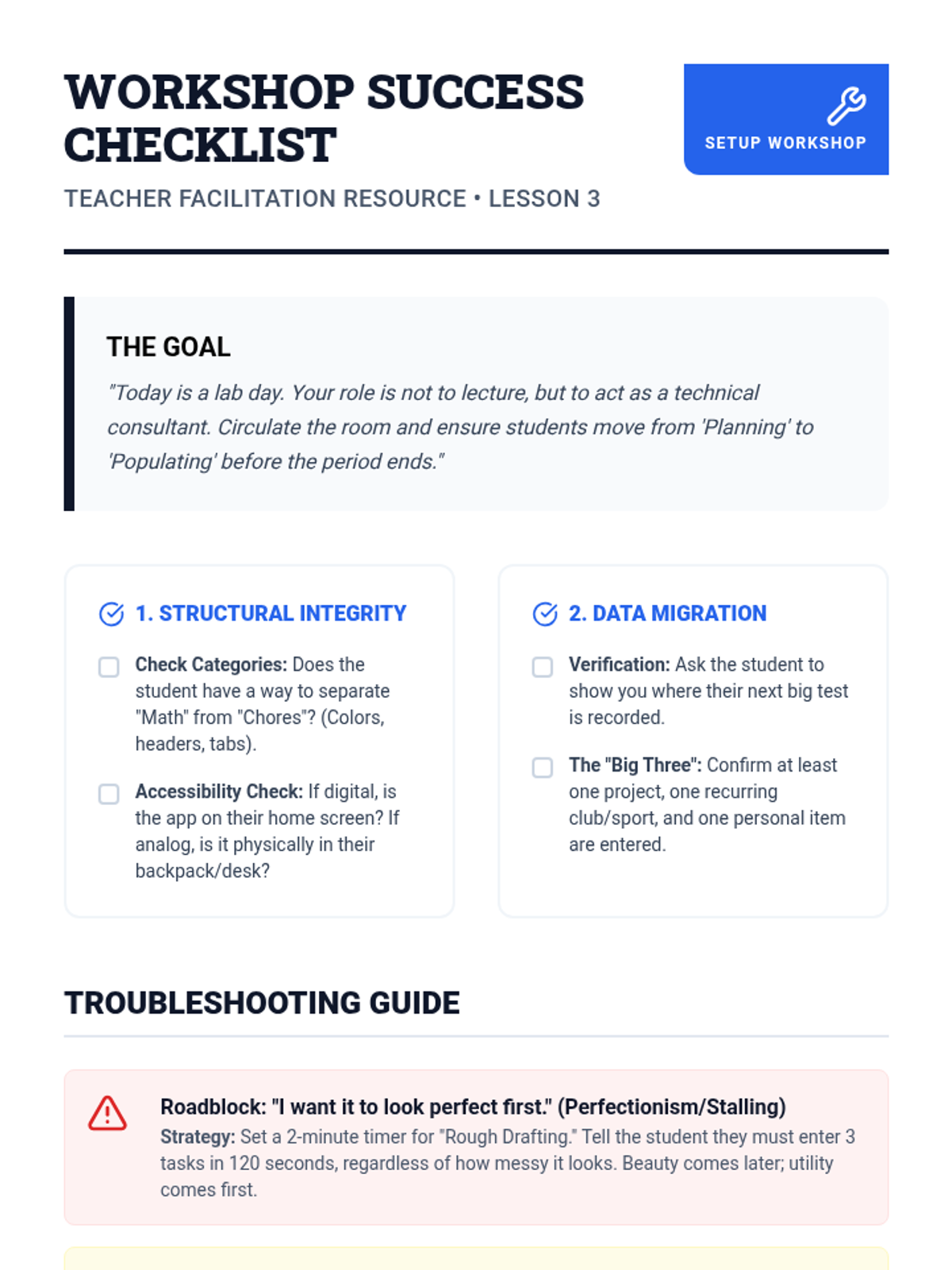
Teacher-facing checklist and facilitation guide for the 'Prototyping a System' workshop, including troubleshooting tips for common student roadblocks like perfectionism or over-engineering.
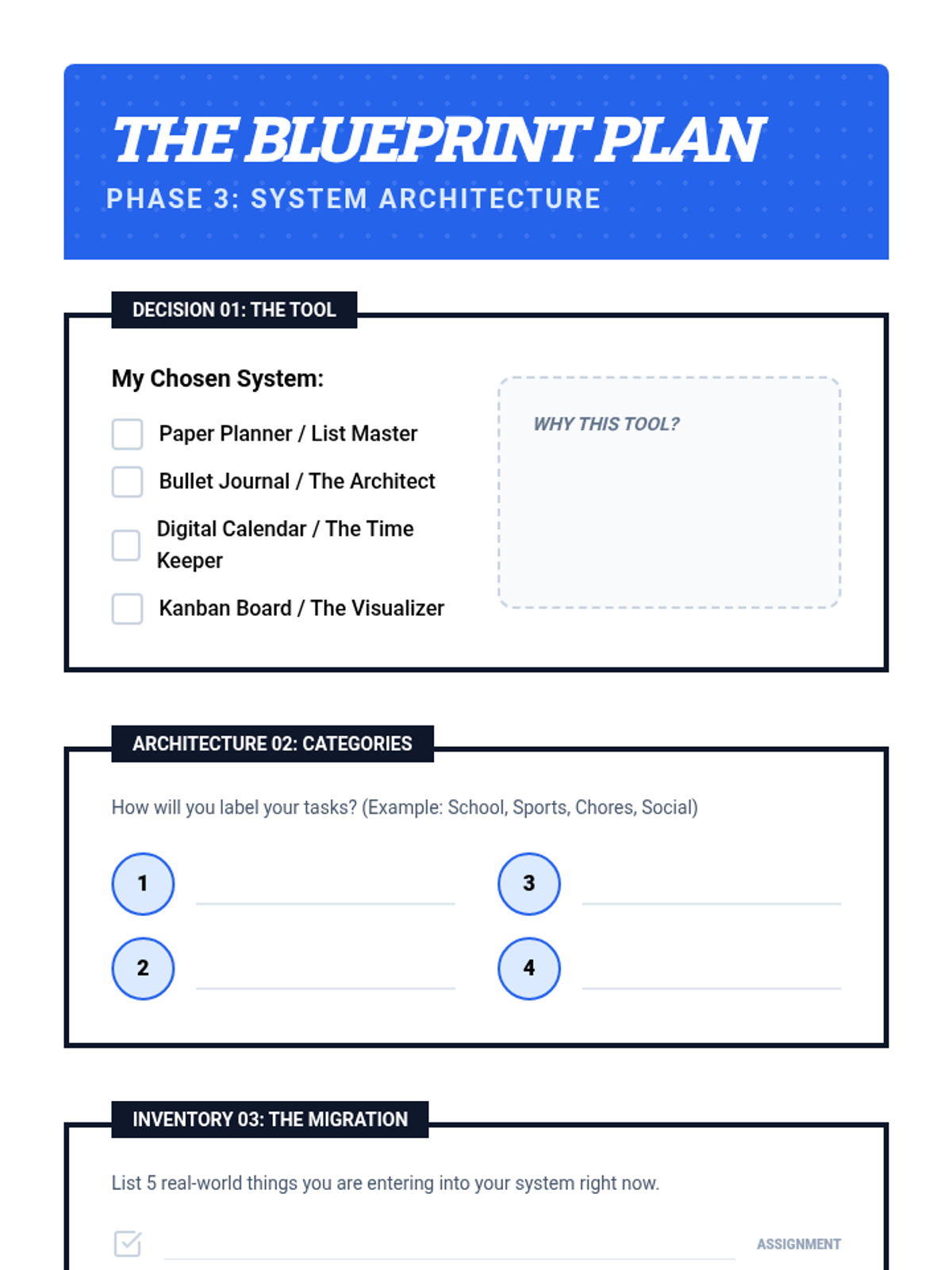
Student blueprint planning sheet for 'Prototyping a System', guiding students through tool choice, category definition, and initial data migration.
Introductory presentation for 'Prototyping a System', guiding students through the setup of their chosen organizational tool.
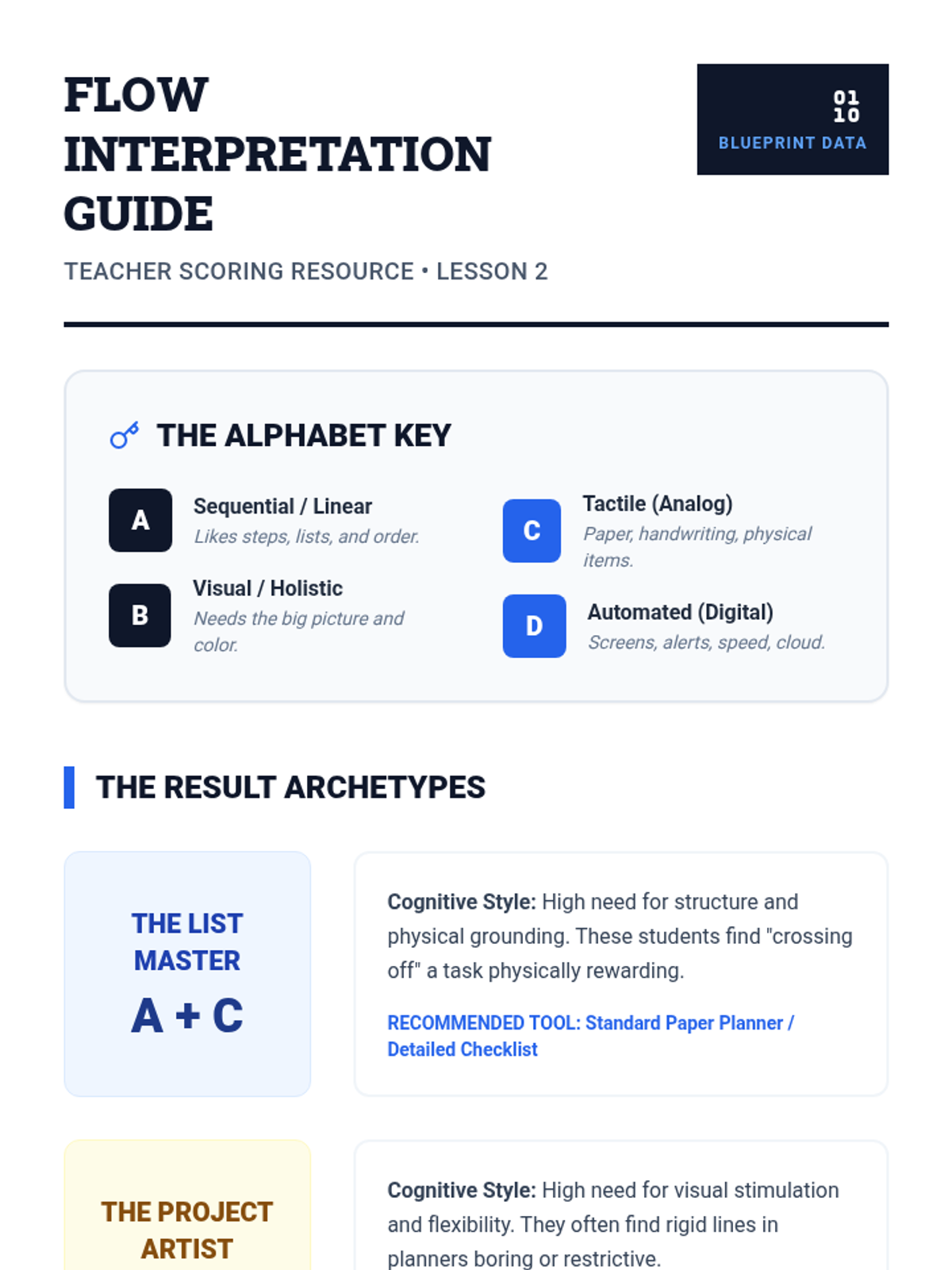
Teacher scoring and interpretation guide for the 'Flow Finder Inventory', helping educators guide students toward the right organizational tools based on their self-assessment results.
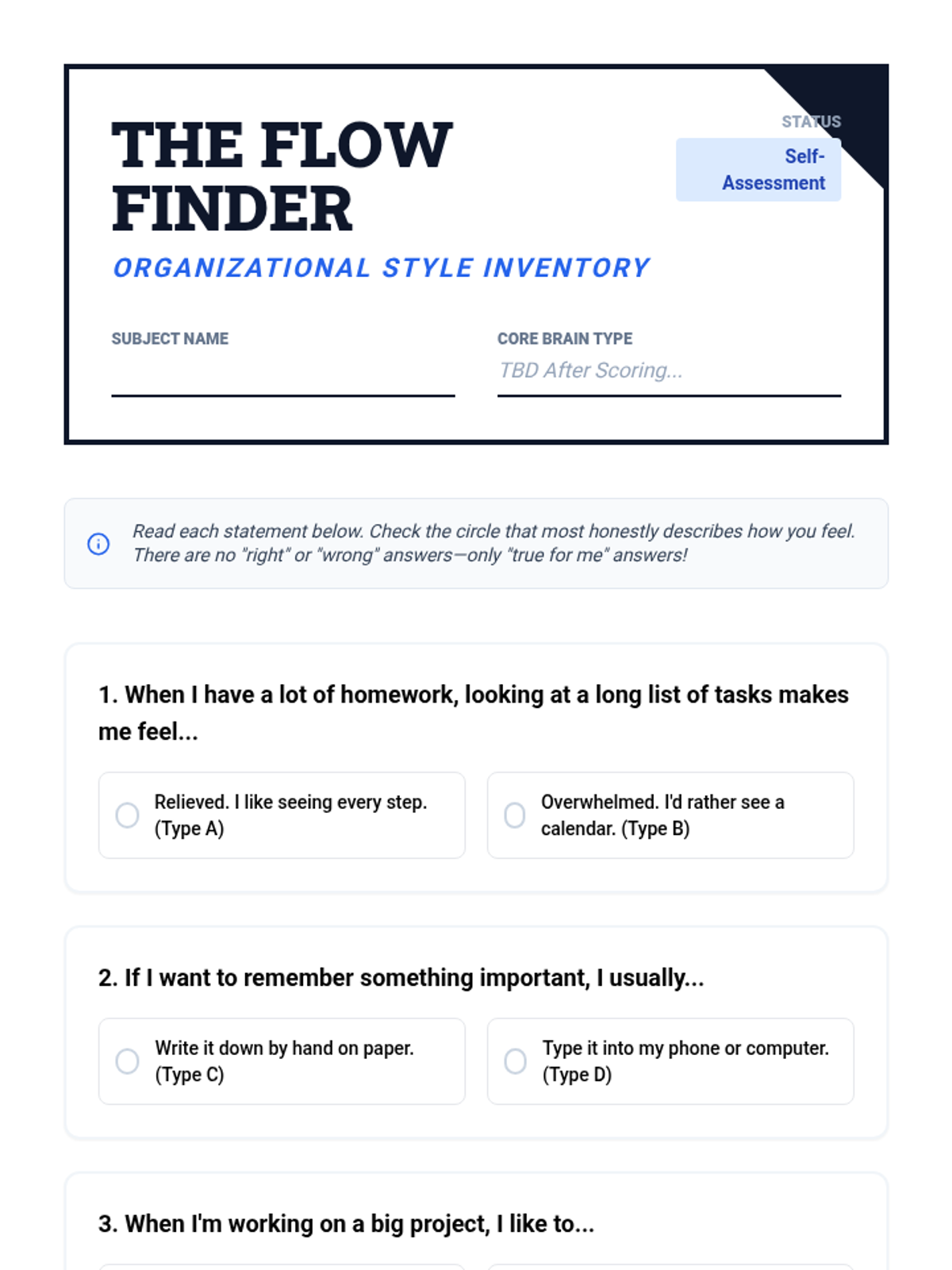
Student self-assessment inventory for 'Know Your Flow', designed to help students identify their cognitive organizational style (Visual, Sequential, Analog, Digital).
Introductory presentation for 'Know Your Flow', helping students understand the link between their learning style and organizational needs.
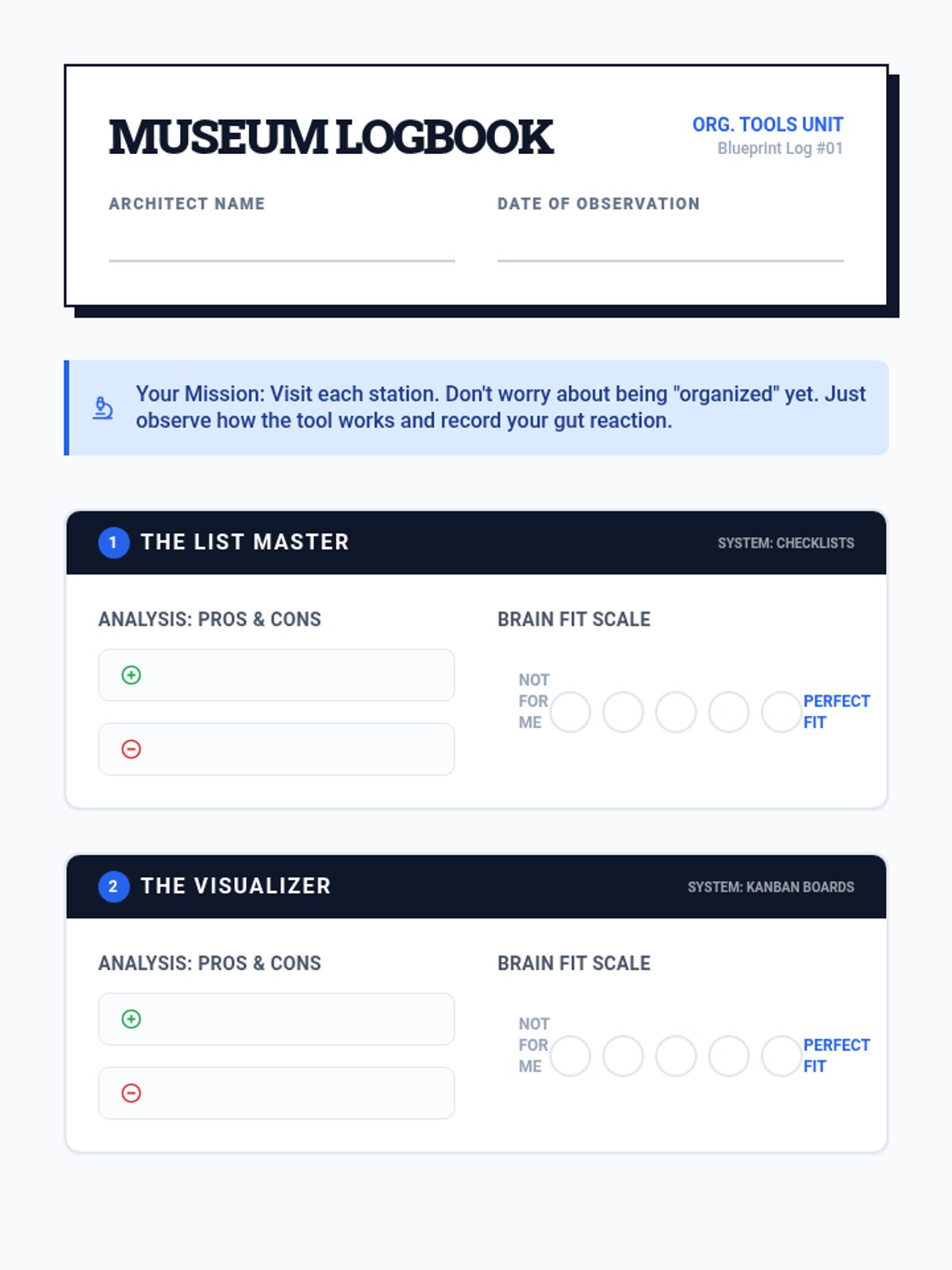
Student activity sheet for 'The Organization Museum' lesson, used to record observations, pros/cons, and personal compatibility with different organizational systems.
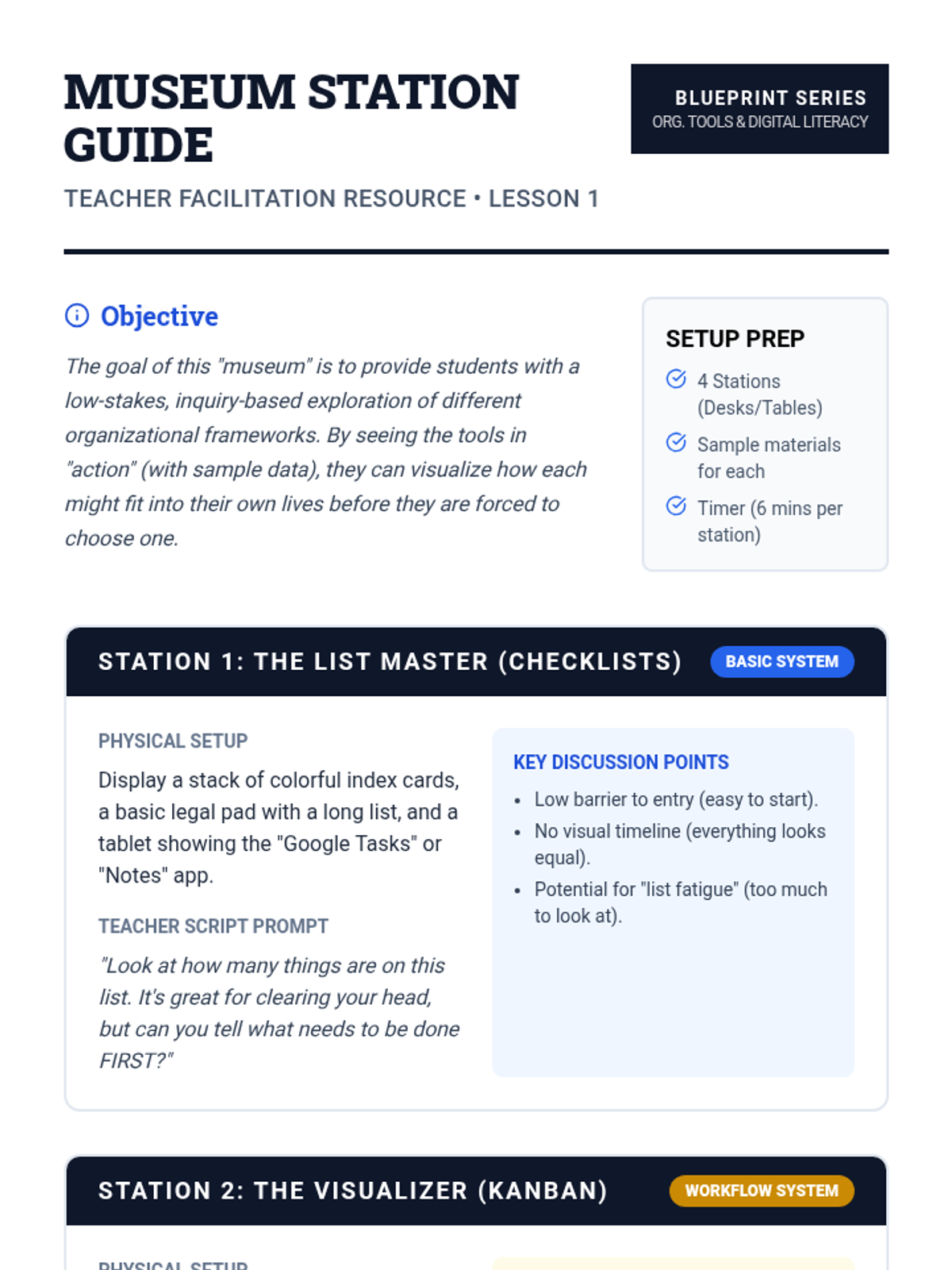
Facilitation guide for teachers to set up and lead the 'Organization Museum' activity, including station setup, scripts, and differentiation tips.
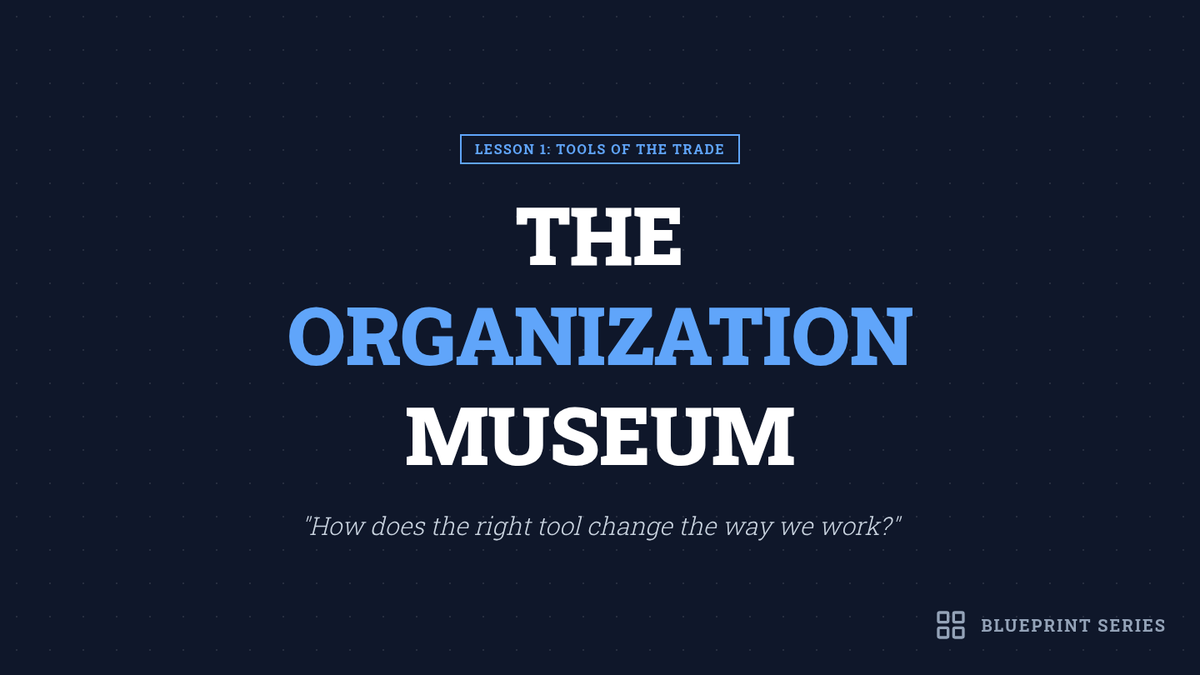
Introductory presentation for 'The Organization Museum' lesson, introducing four core organizational systems: checklists, Kanban boards, digital calendars, and bullet journals.
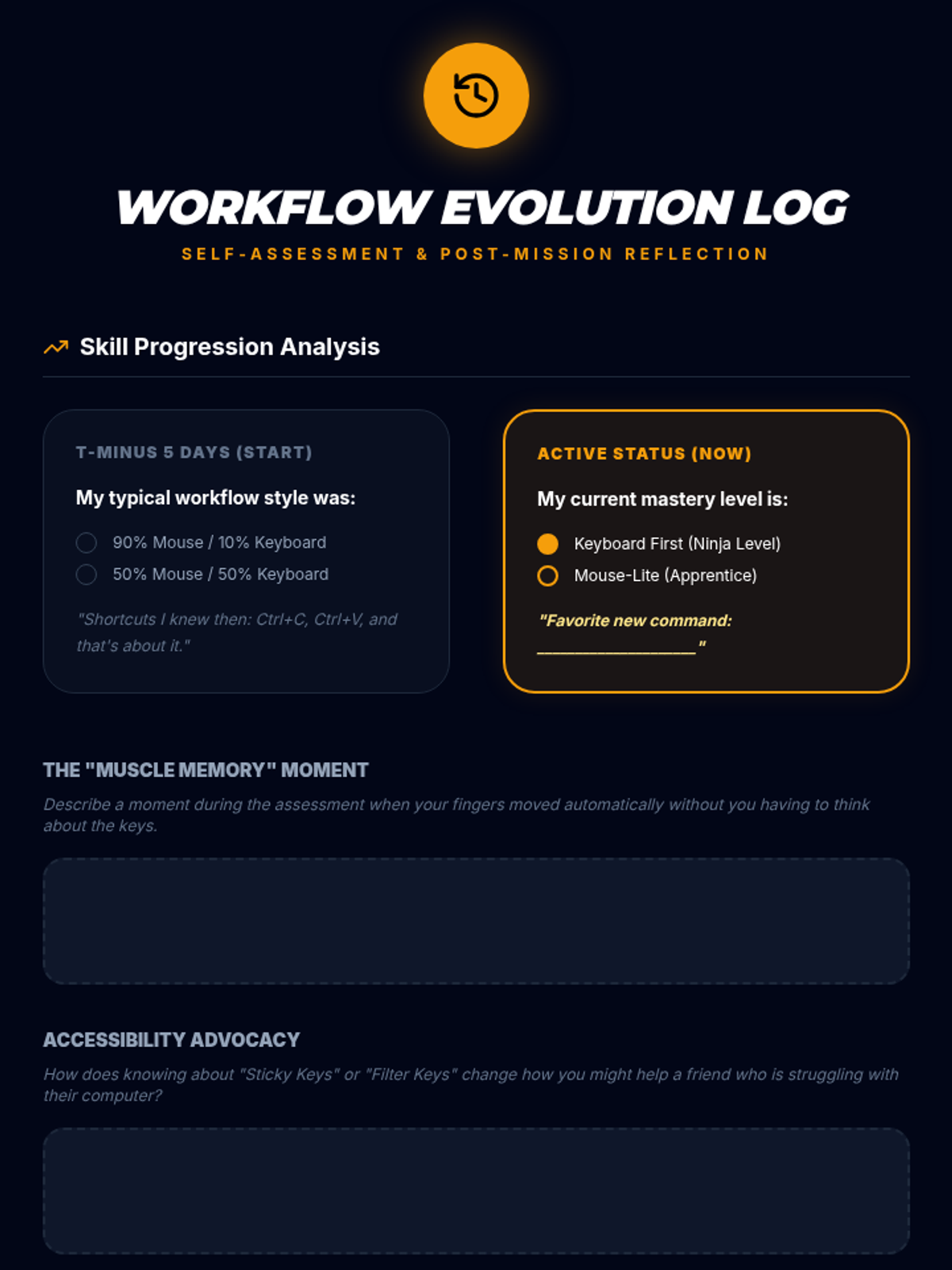
Reflection sheet for students to track their progress from the start to the end of the sequence, focusing on their shift from mouse to keyboard use.
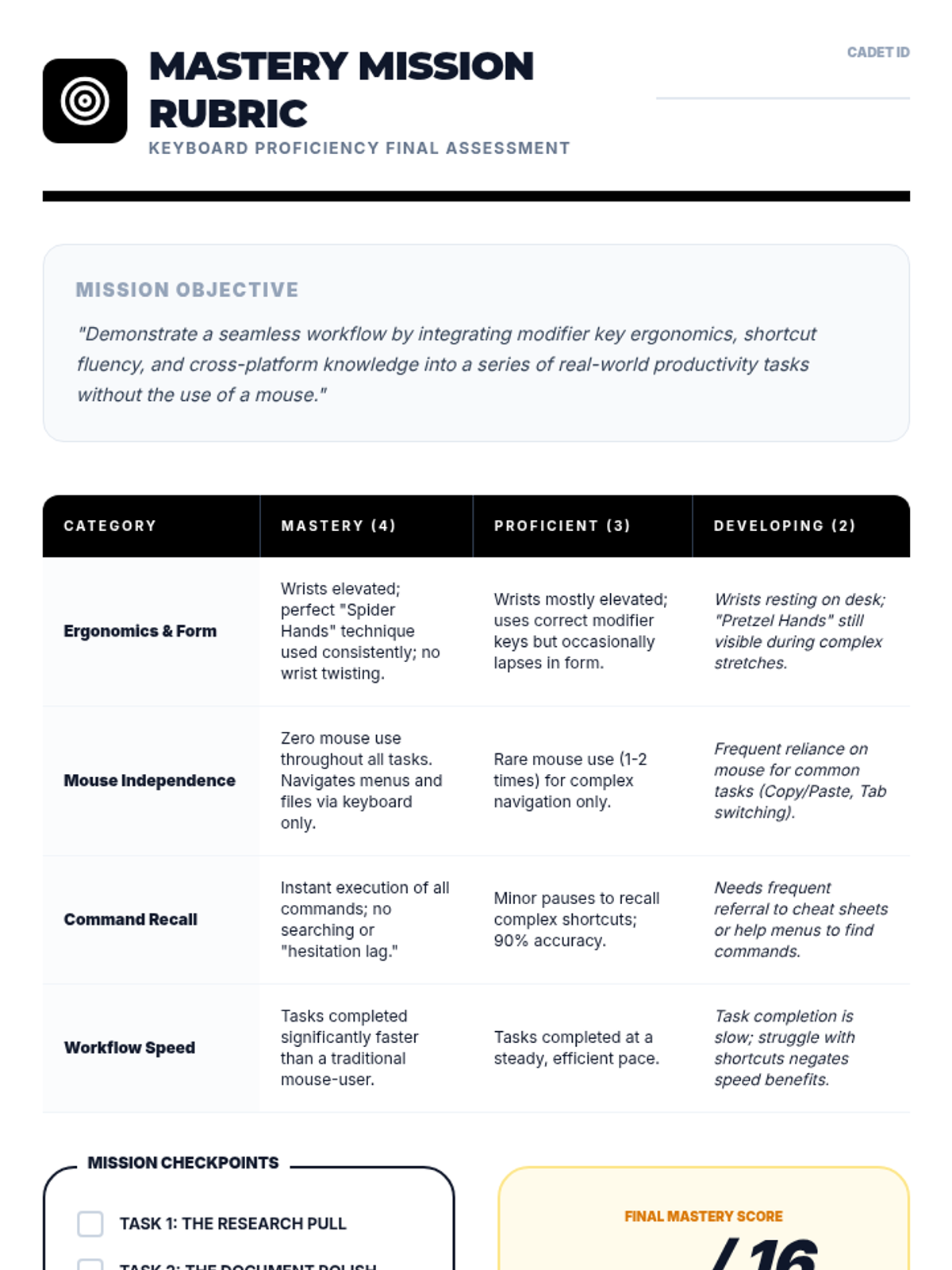
Performance rubric for the final keyboard proficiency assessment, focusing on ergonomics, mouse independence, and speed.
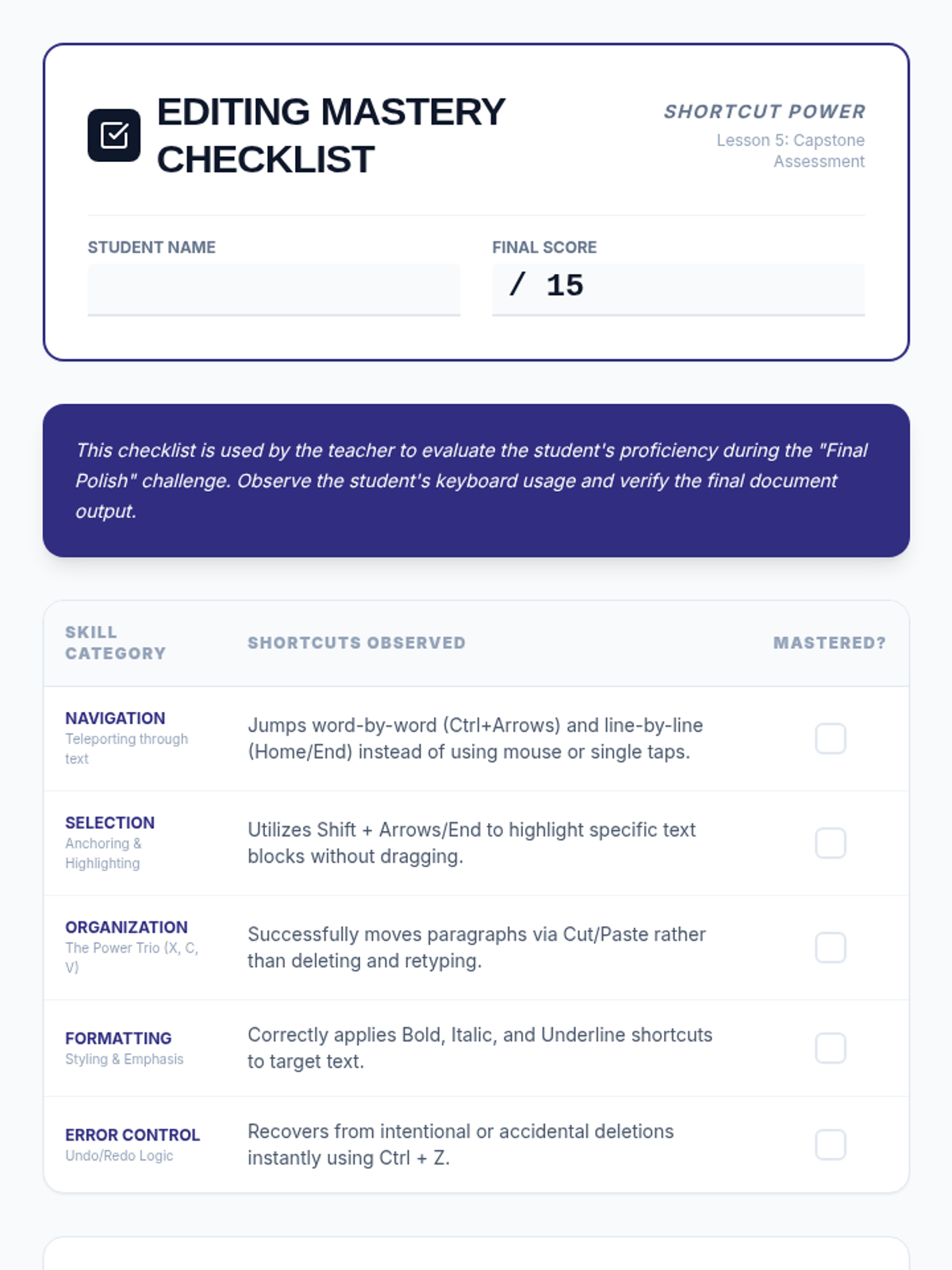
A mastery-based assessment checklist for teachers to evaluate student proficiency across all five lessons. Includes categories for Navigation, Selection, Organization, Formatting, and Error Control, with space for teacher observations on motor efficiency and mouse reliance.
Visual presentation for Lesson 5 outlining the final keyboard proficiency assessment tasks and requirements.
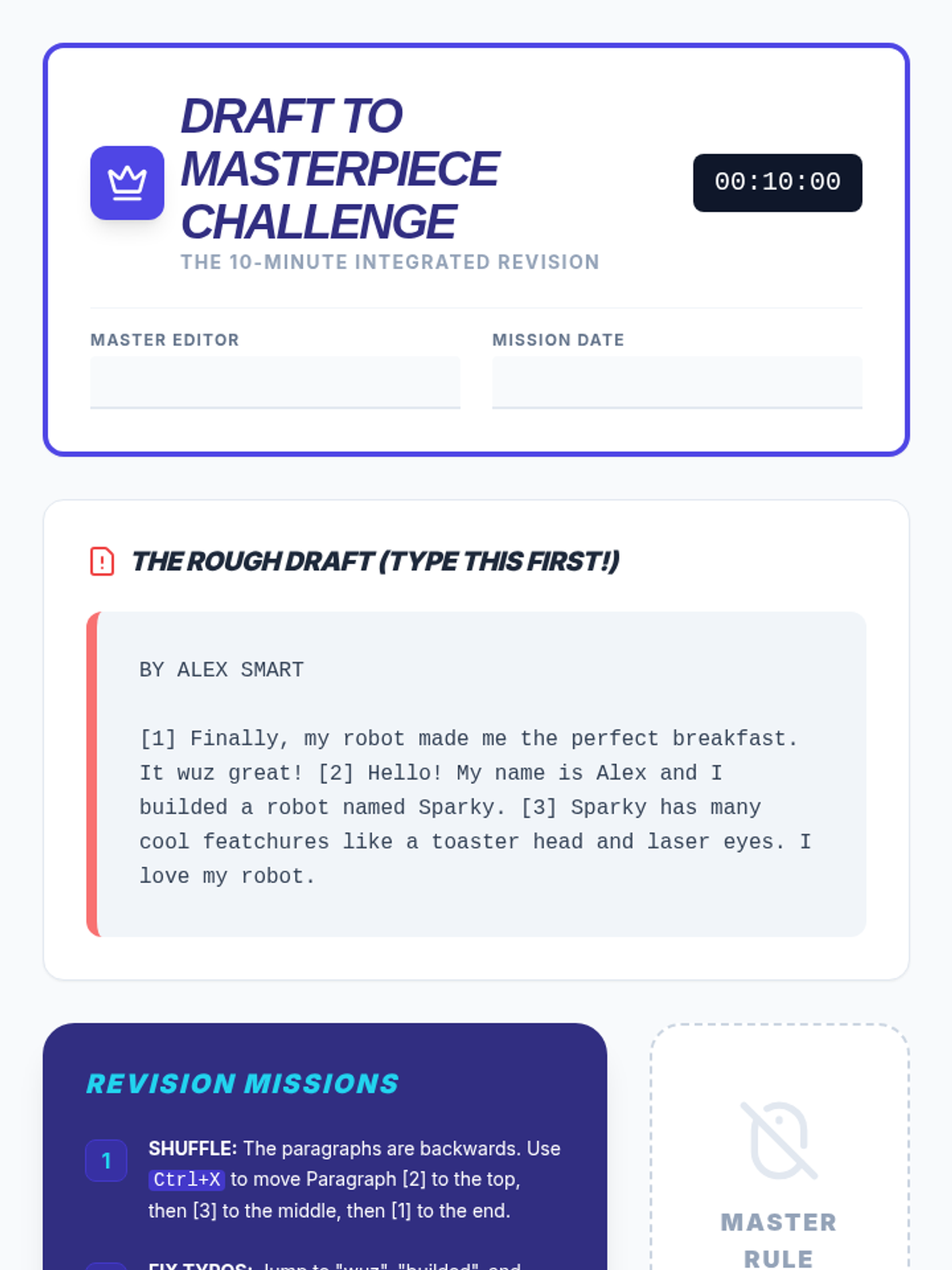
The capstone integrated activity worksheet for the sequence. Students type a deliberately messy and scrambled draft, then apply all navigation, selection, clipboard, and formatting shortcuts to revise it into a final polished report under a timed "no mouse" challenge.
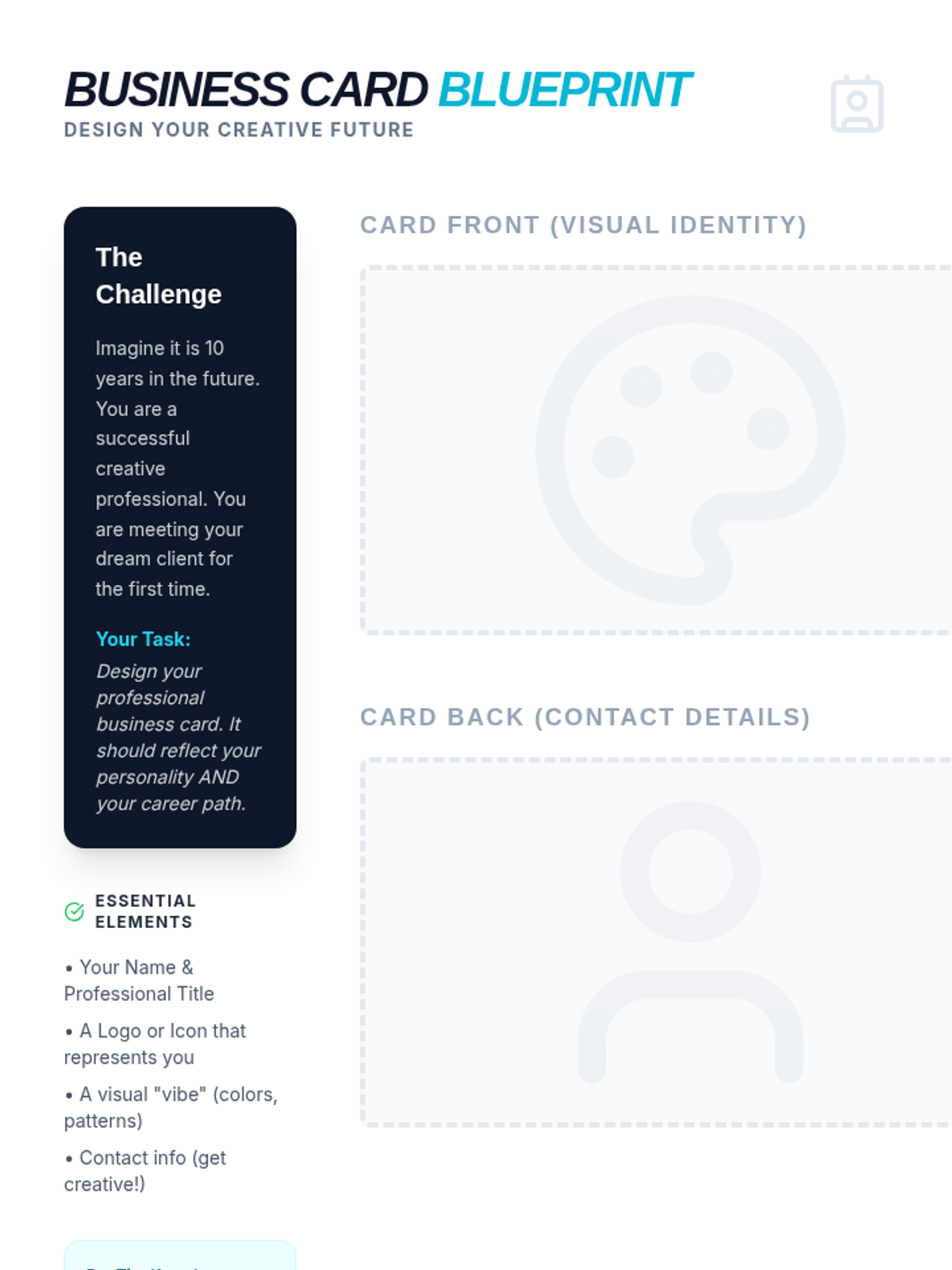
A creative activity where students design their own professional business card for a future art career, including space for front/back designs and a design reflection.
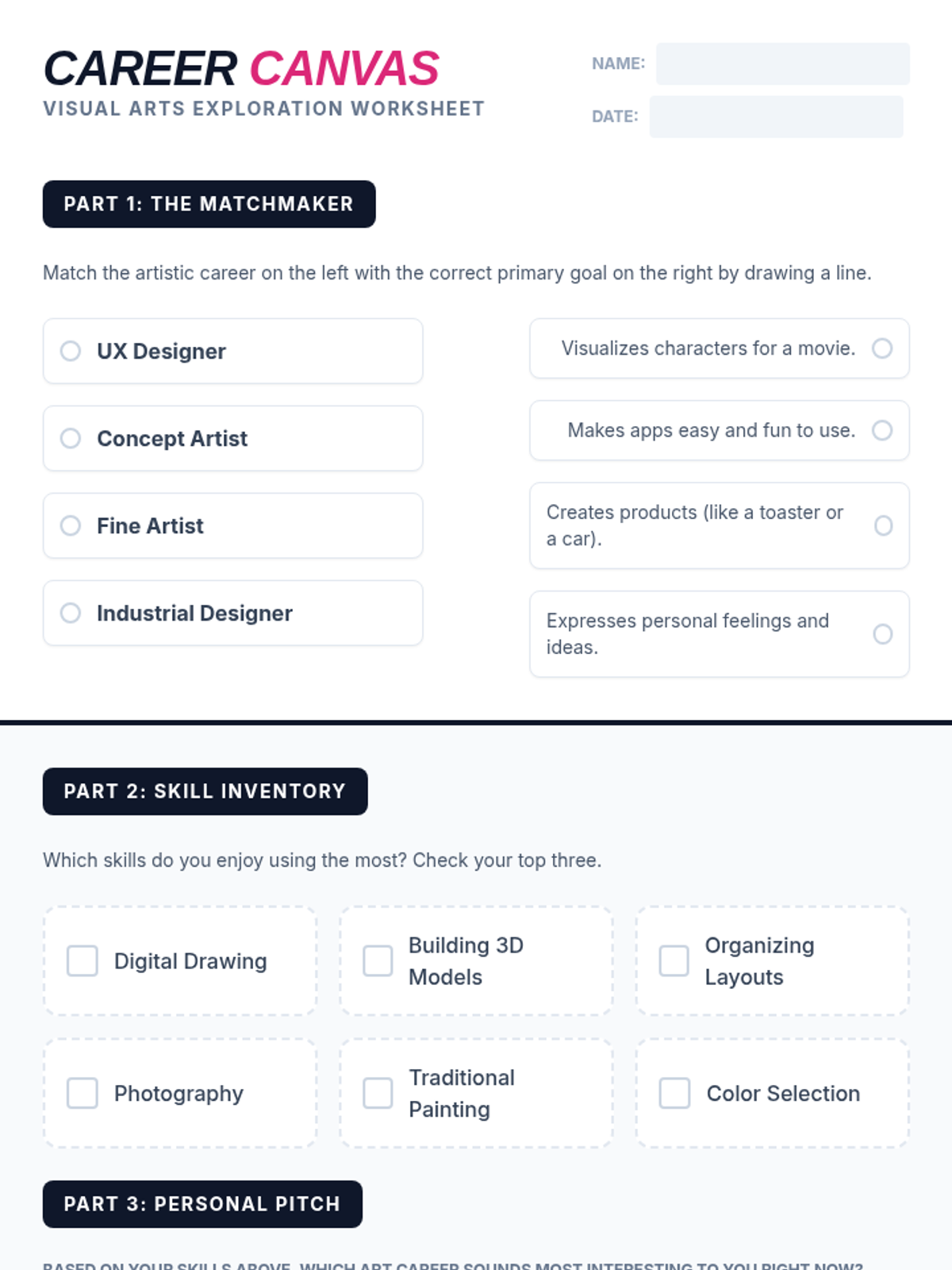
A student worksheet designed to help students explore and reflect on art careers, including a matching activity and a personal skill inventory.
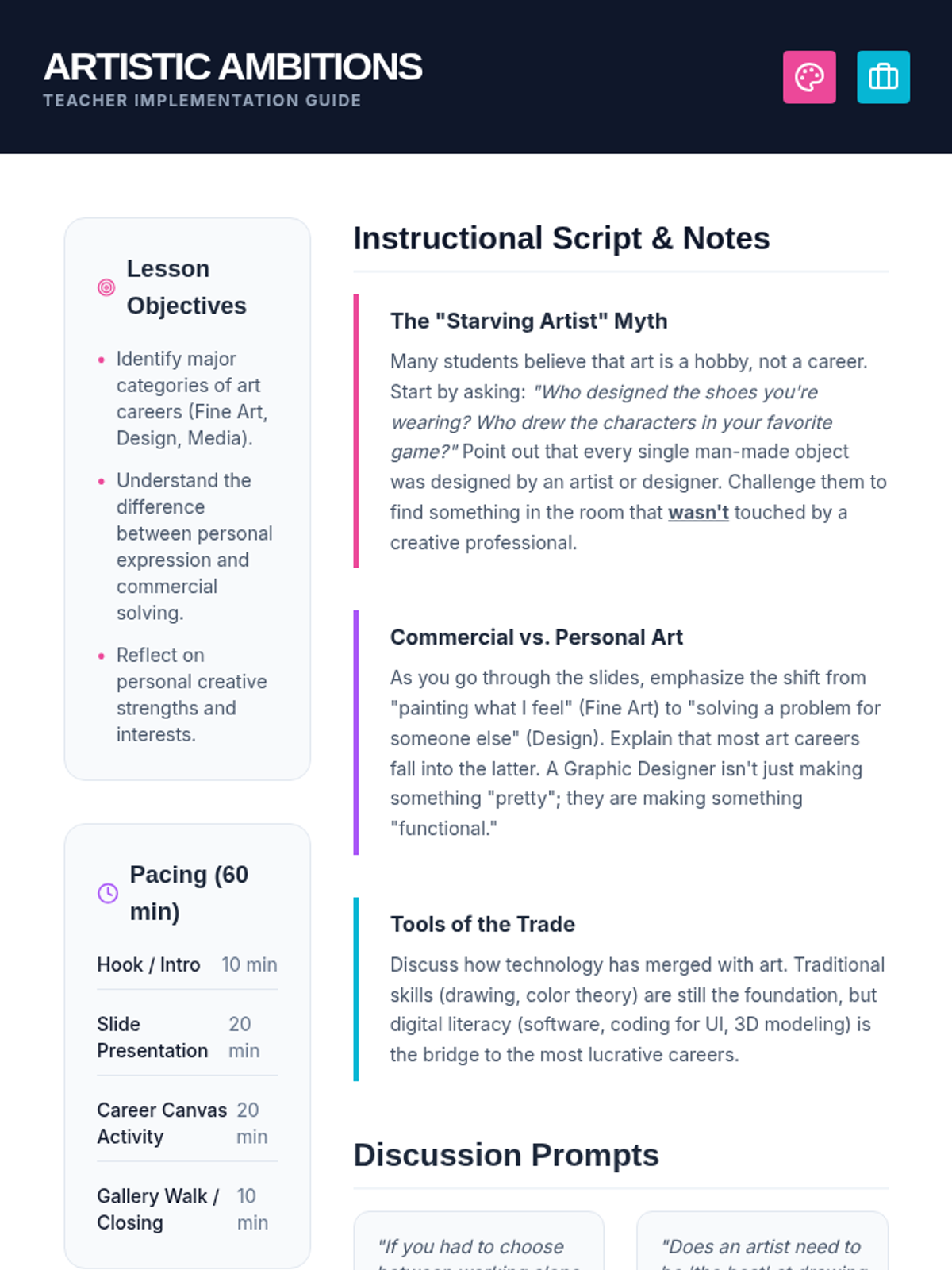
A comprehensive teacher guide for the Artistic Ambitions lesson, including pacing, discussion prompts, and instructional notes to debunk myths about art careers.
A vibrant, high-impact slide deck exploring professional paths in the visual arts, covering fine art, design, media, and architecture.
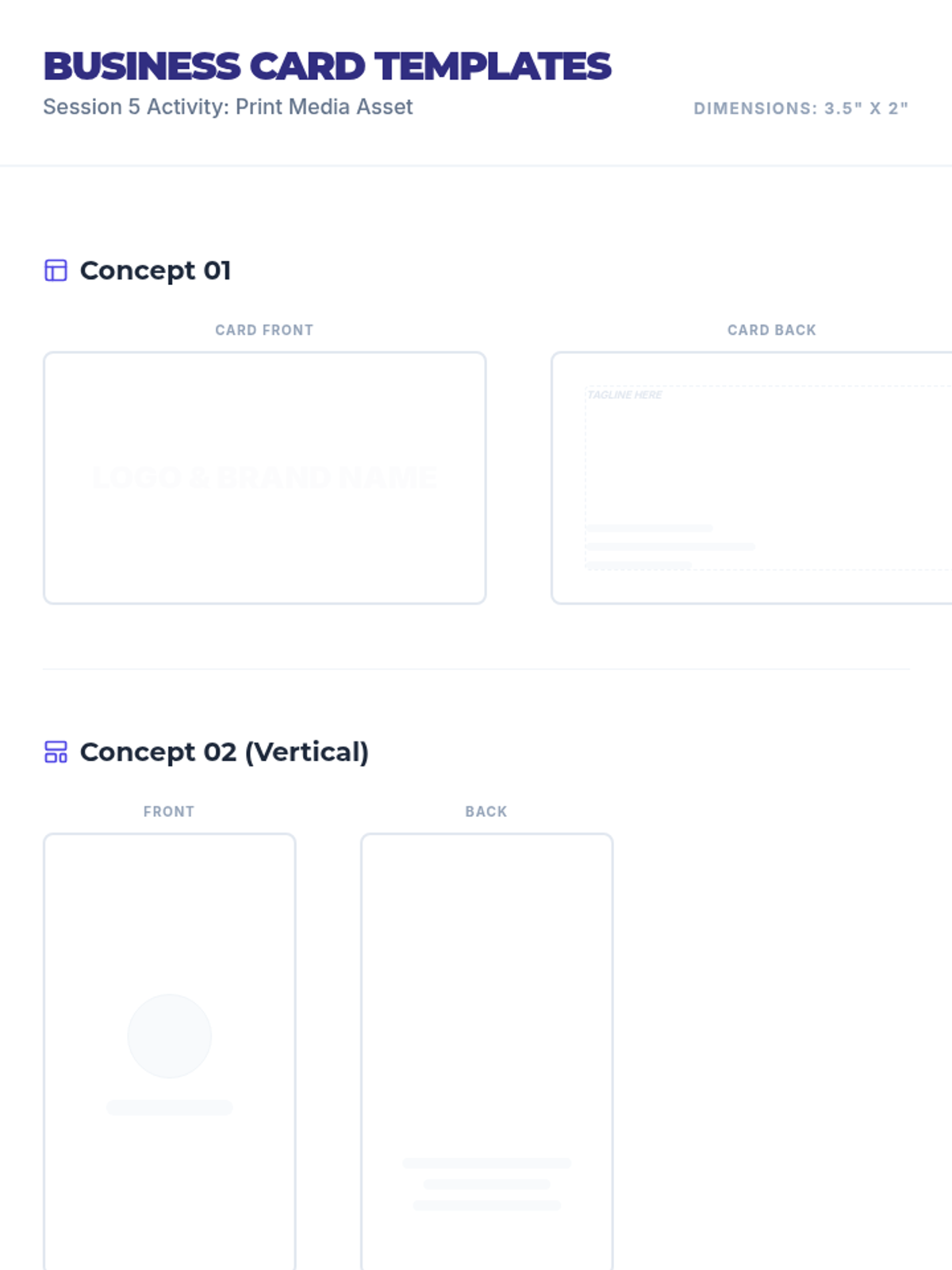
Business card design templates for Session 5 where students apply their branding to a standard 3.5" x 2" format.
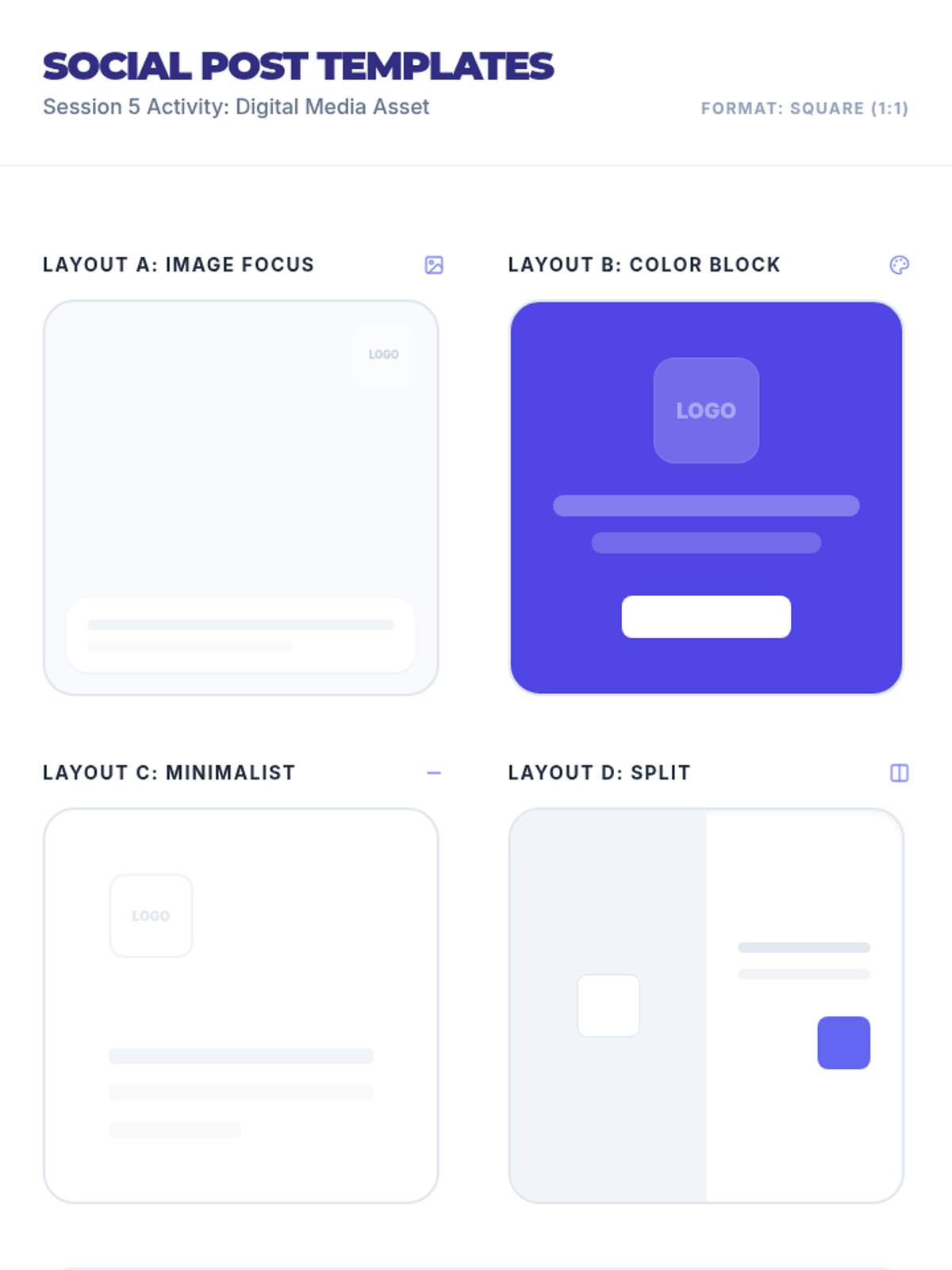
Social media post design templates for Session 5 featuring various layouts (image focus, color block, minimalist, split) in a square format.
Session 2 slide deck exploring brand voice, core values, and introductory logo design with design tips and a matching game.
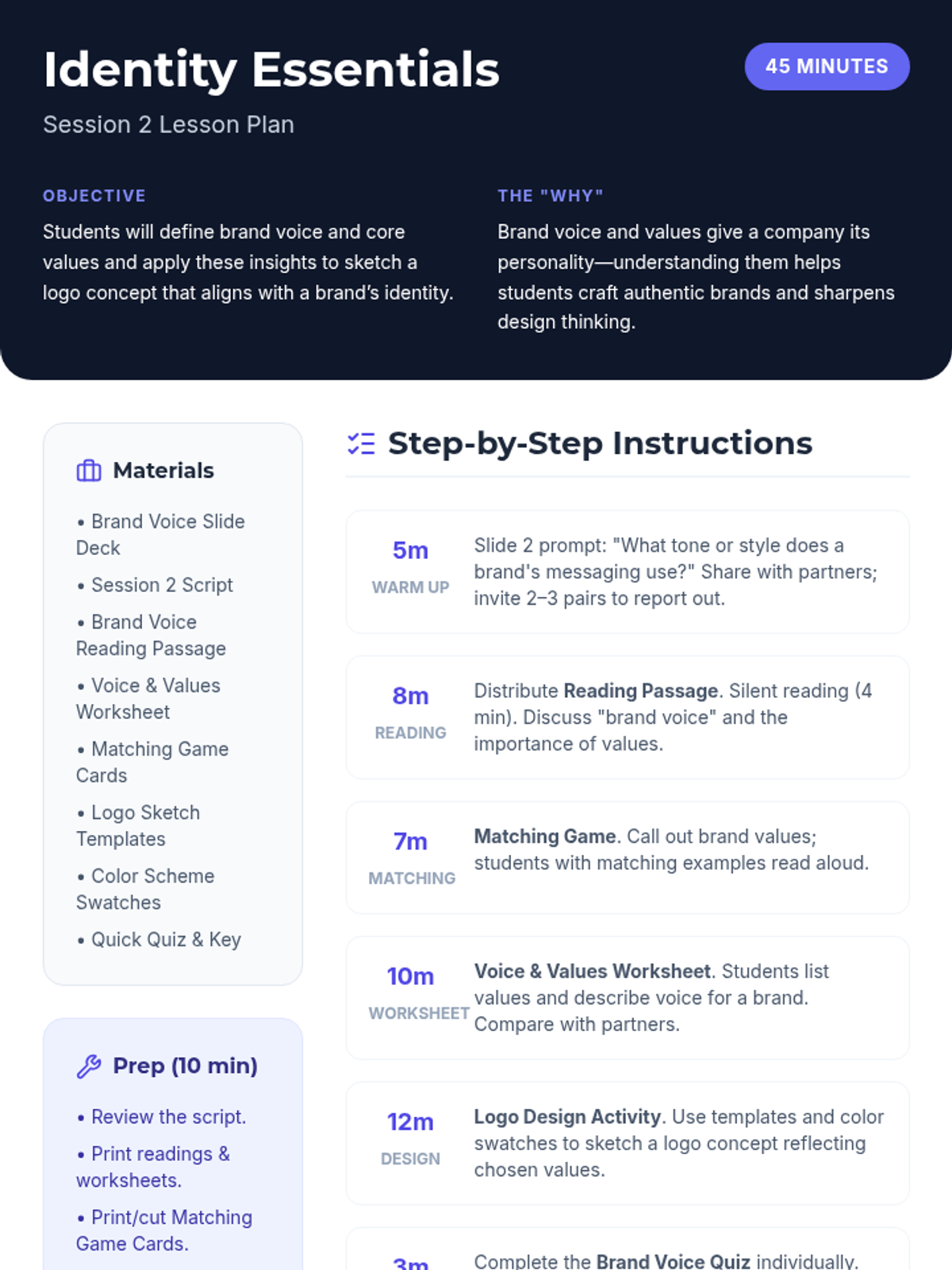
Lesson plan for Session 2 focused on brand voice, core values, and introductory logo design.
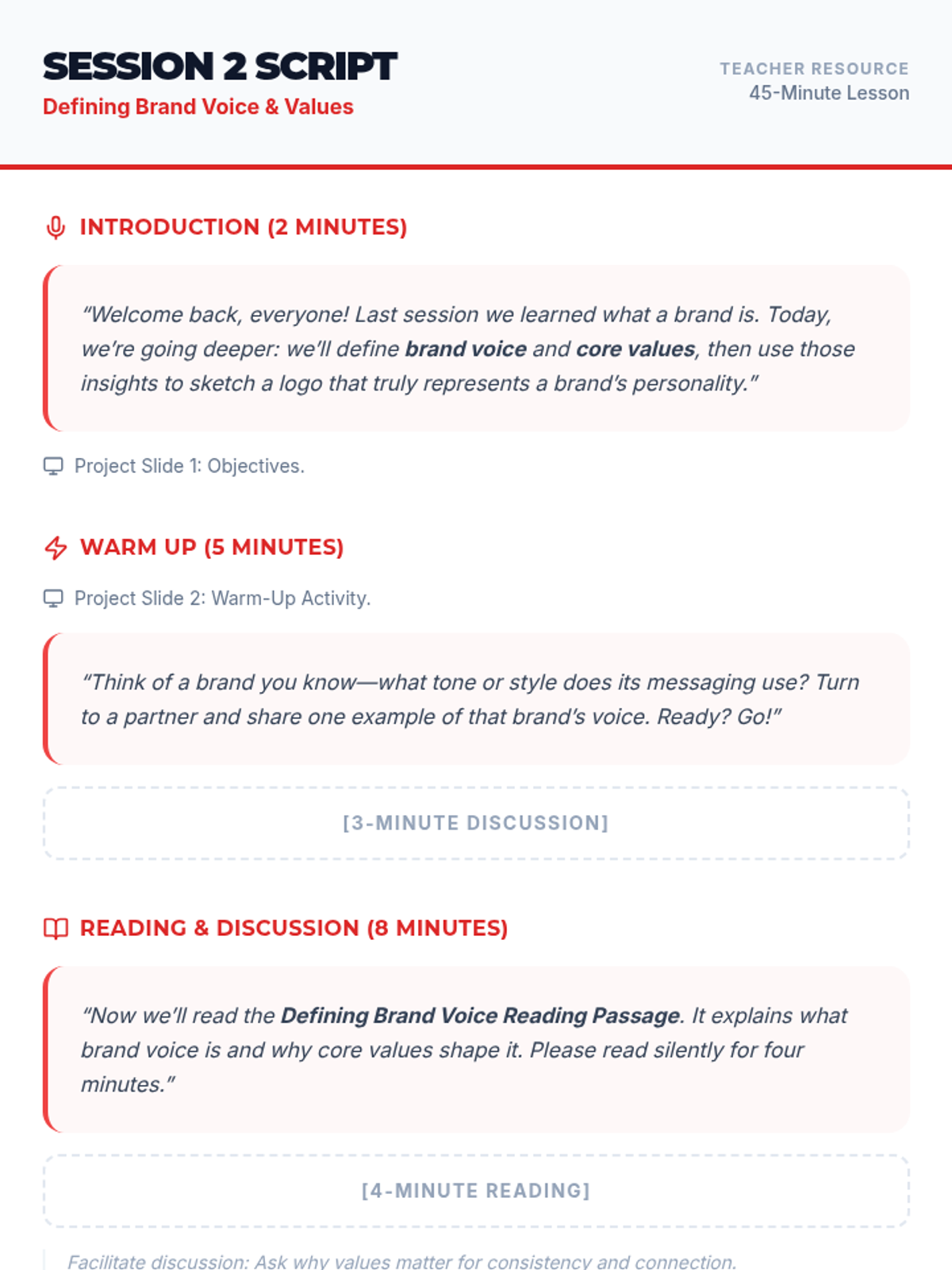
Instructional script for the teacher to facilitate Session 2, including speaking prompts, activity transitions, and slide cues.
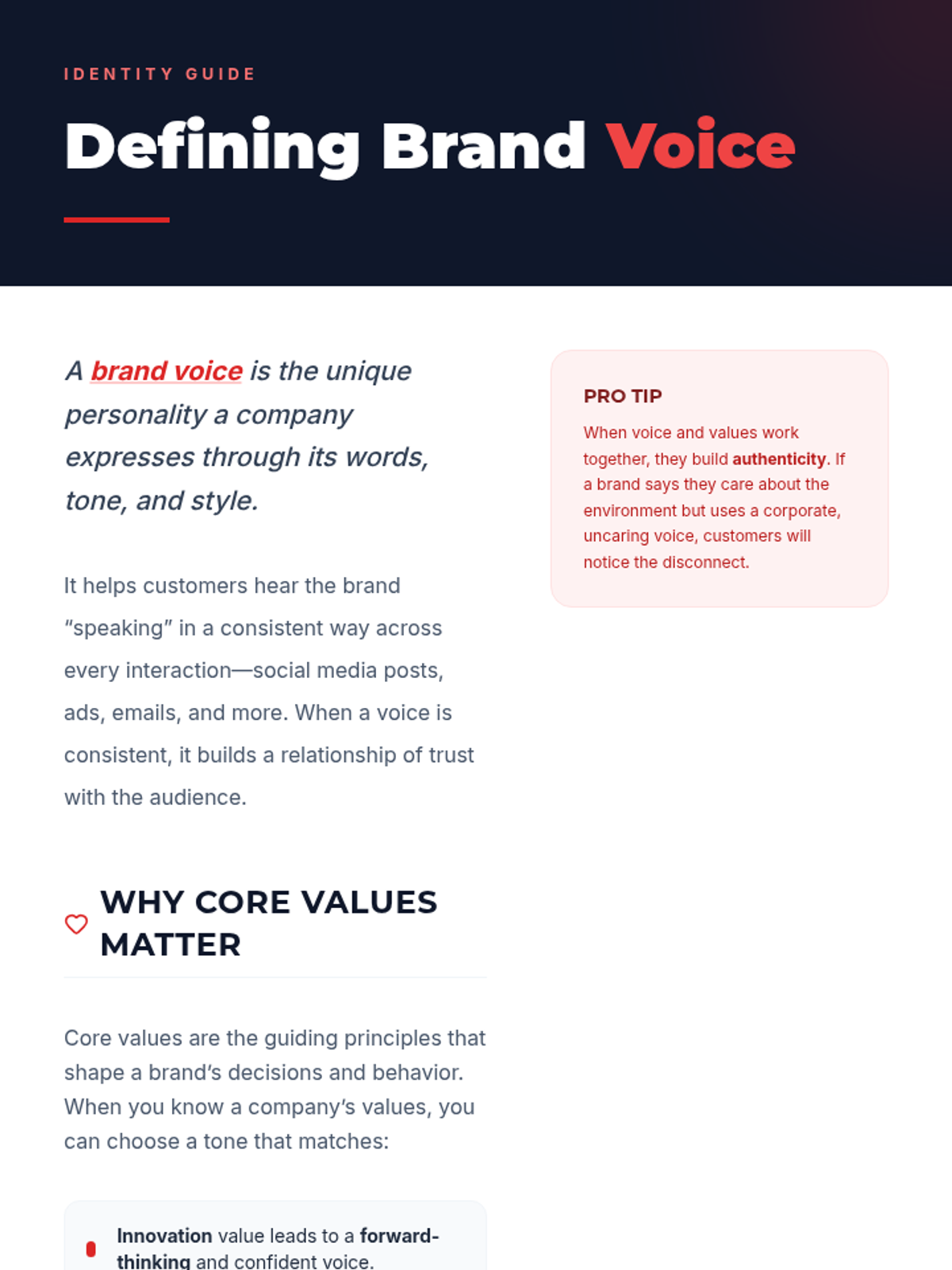
Reading passage for Session 2 defining brand voice and its connection to core values with examples.
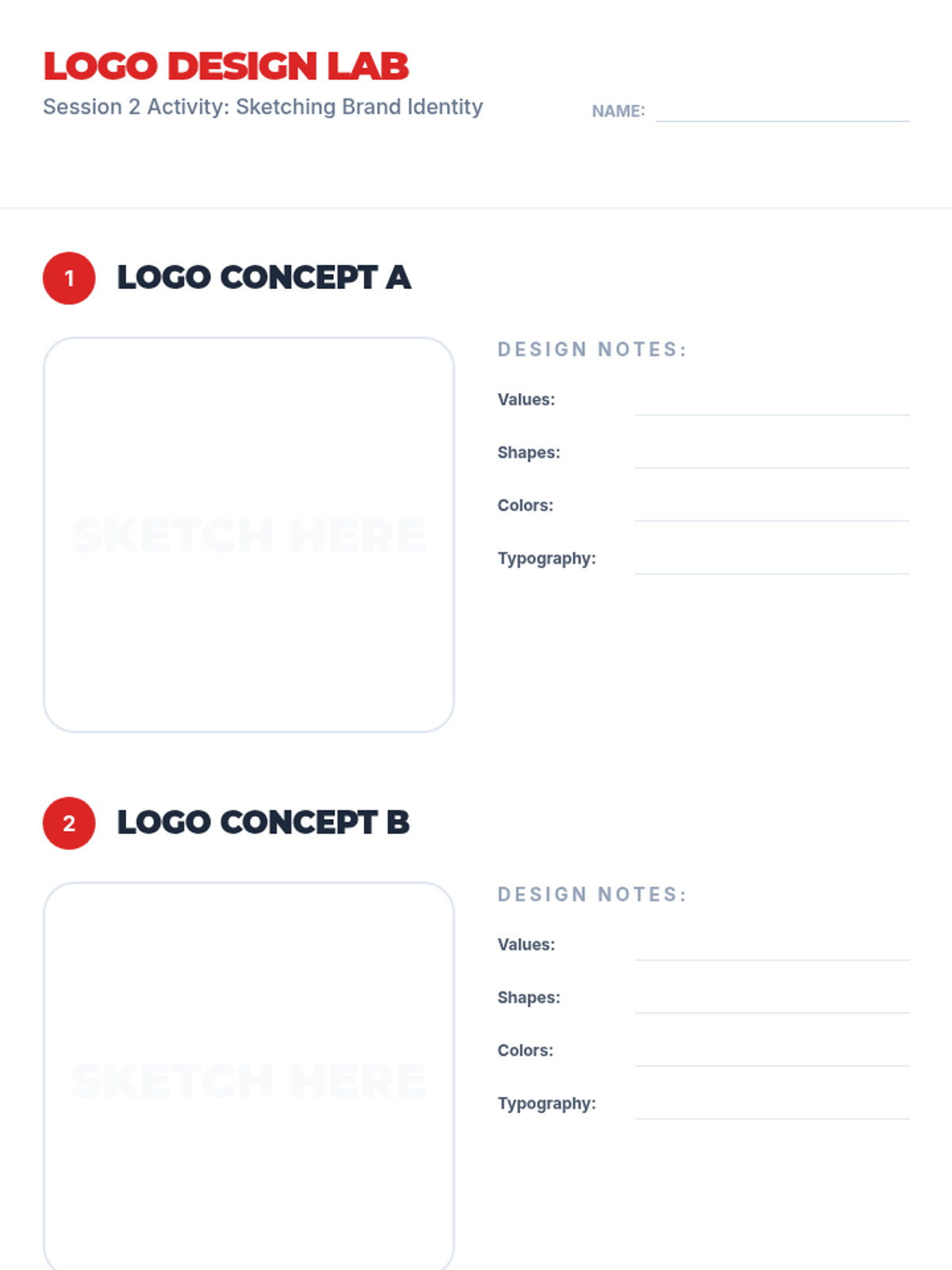
Logo sketching templates for Session 2 where students can concept two different logo versions based on their brand's voice and values.
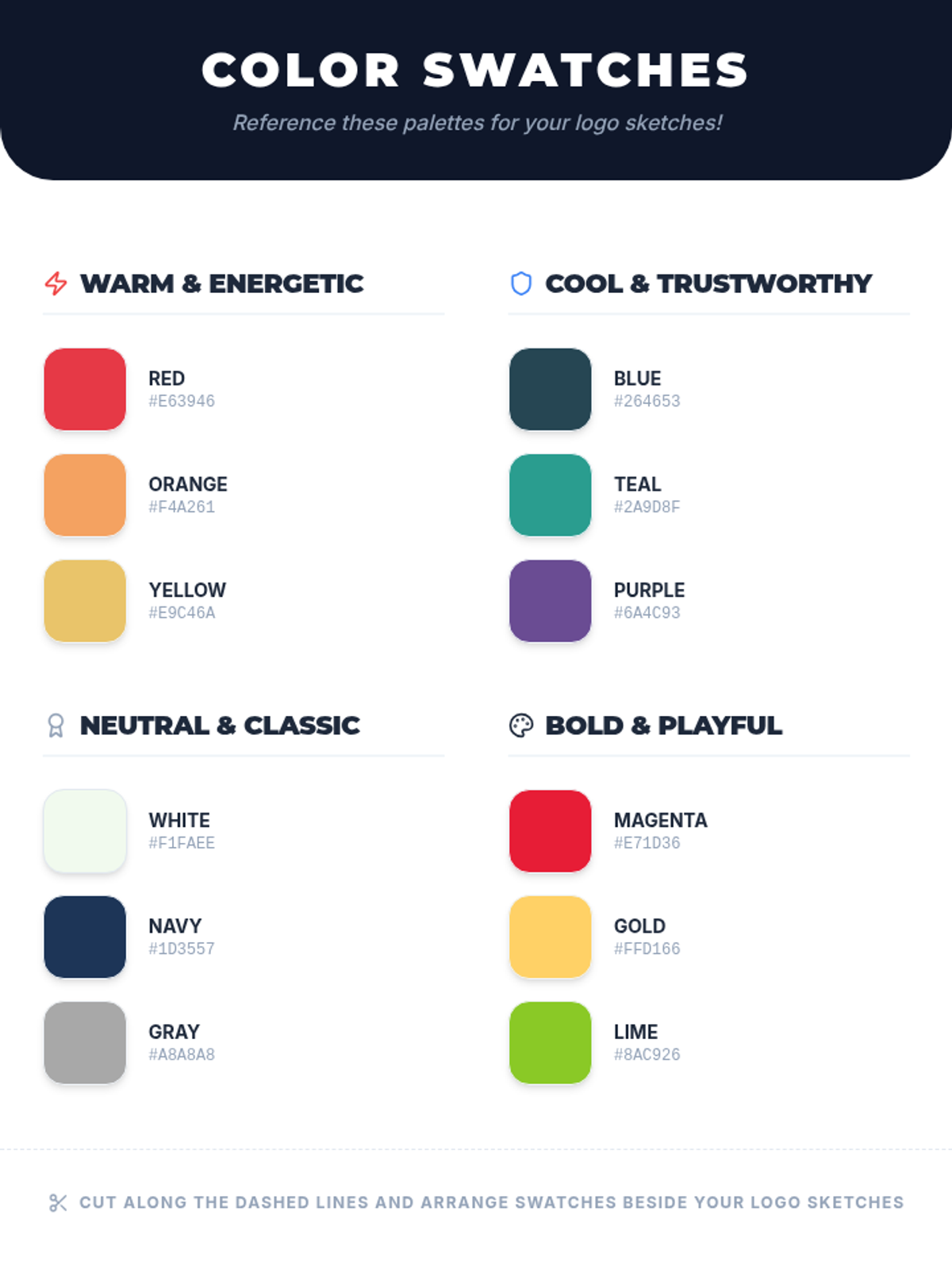
Color scheme reference swatches for Session 2 providing various palettes with hex codes to inform student logo design choices.
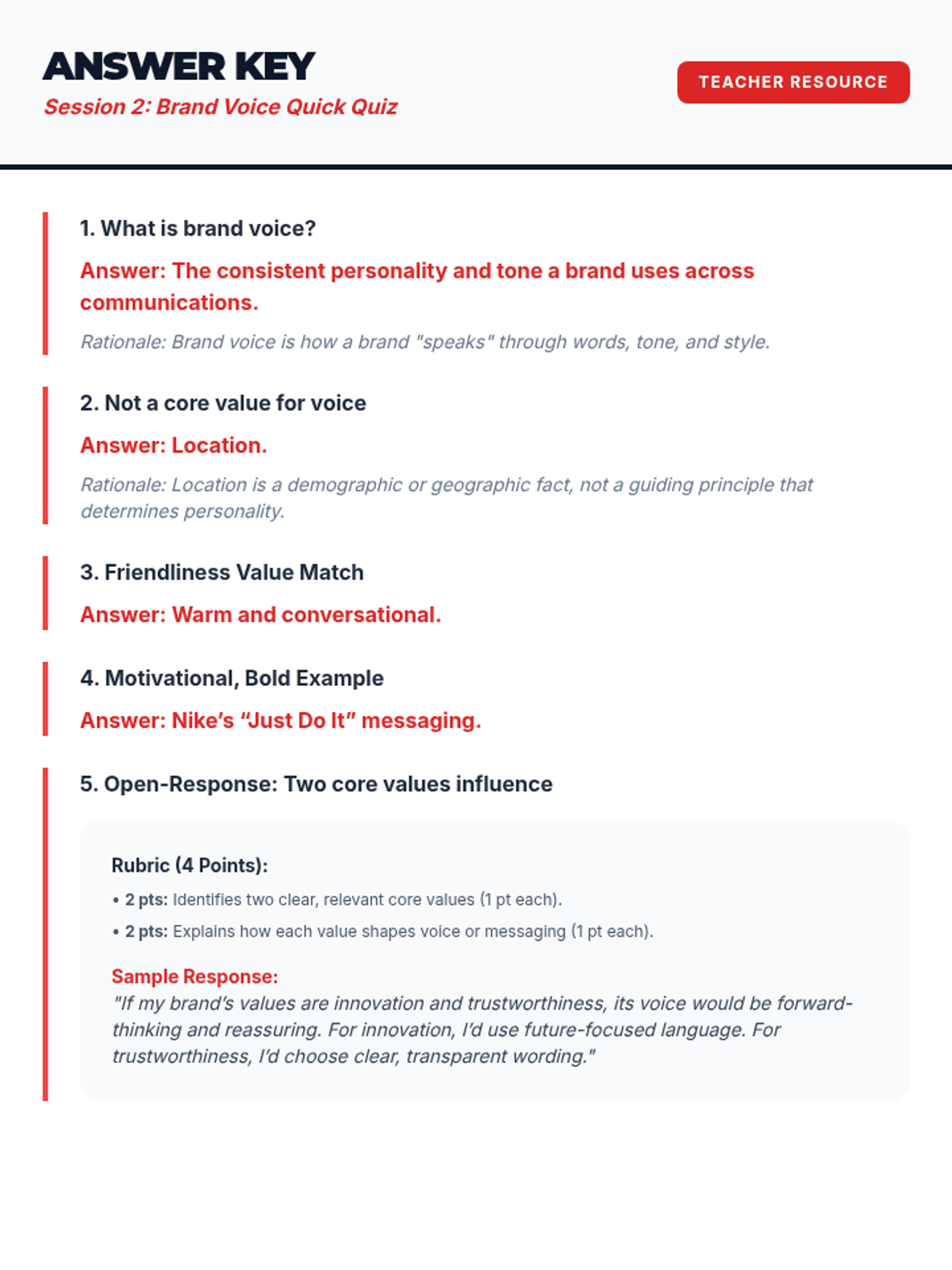
Answer key for the Session 2 Brand Voice Quick Quiz.
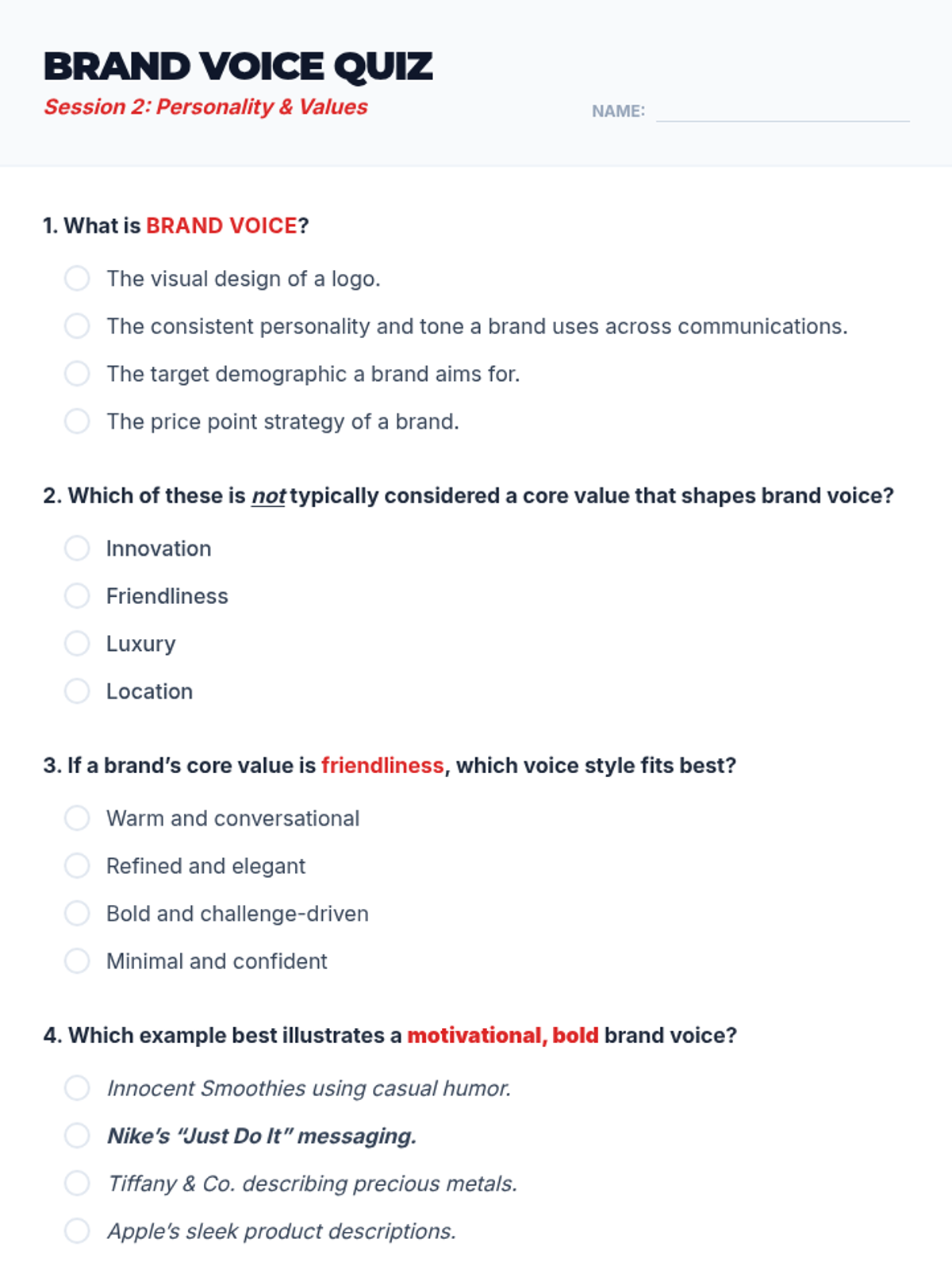
A 5-question quick quiz for Session 2 to assess student understanding of brand voice and values.
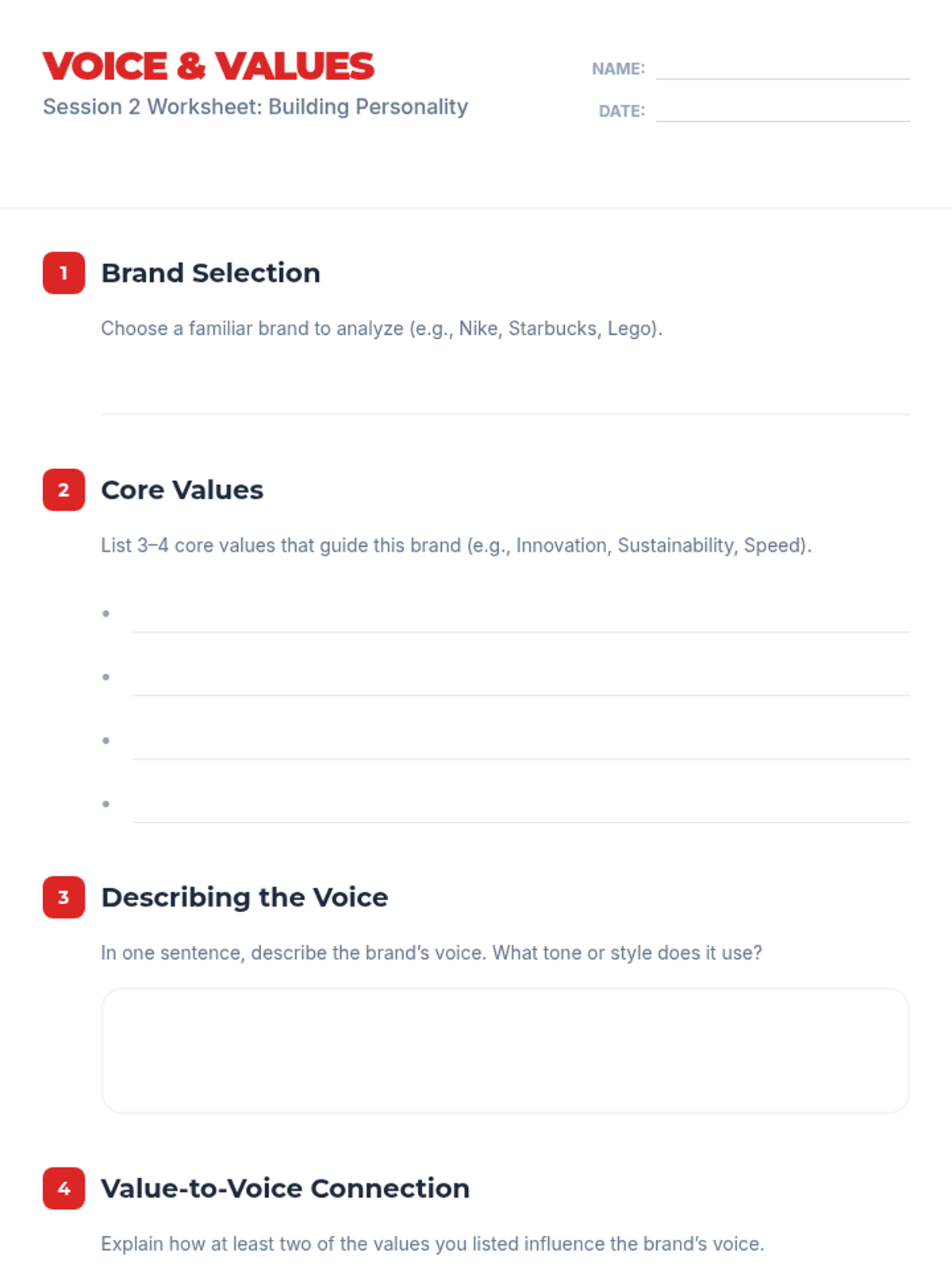
Worksheet for Session 2 where students choose a brand and analyze its core values and brand voice.
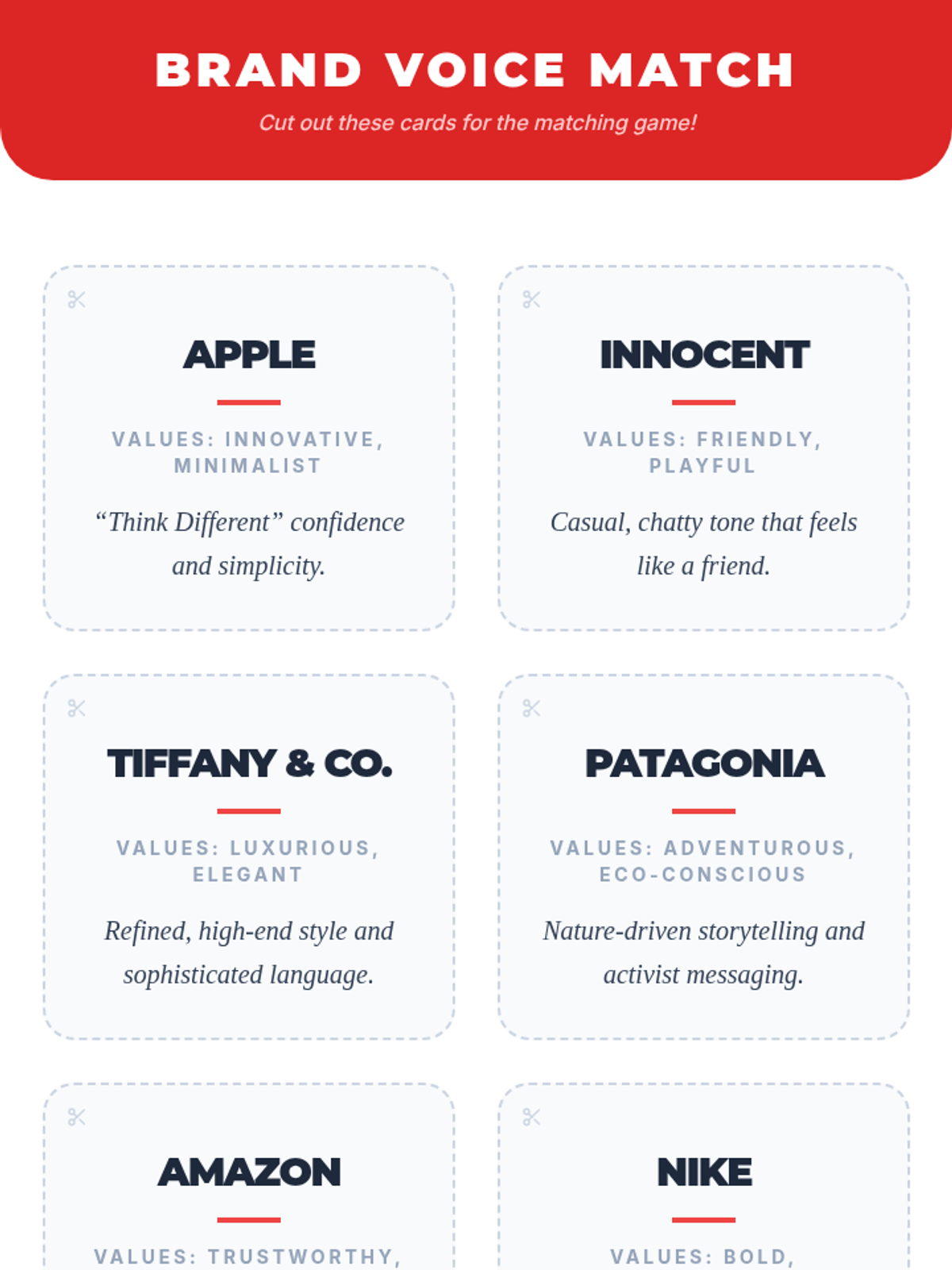
Game cards for Session 2 featuring various brands, their values, and their voice descriptions to be used in a matching activity.
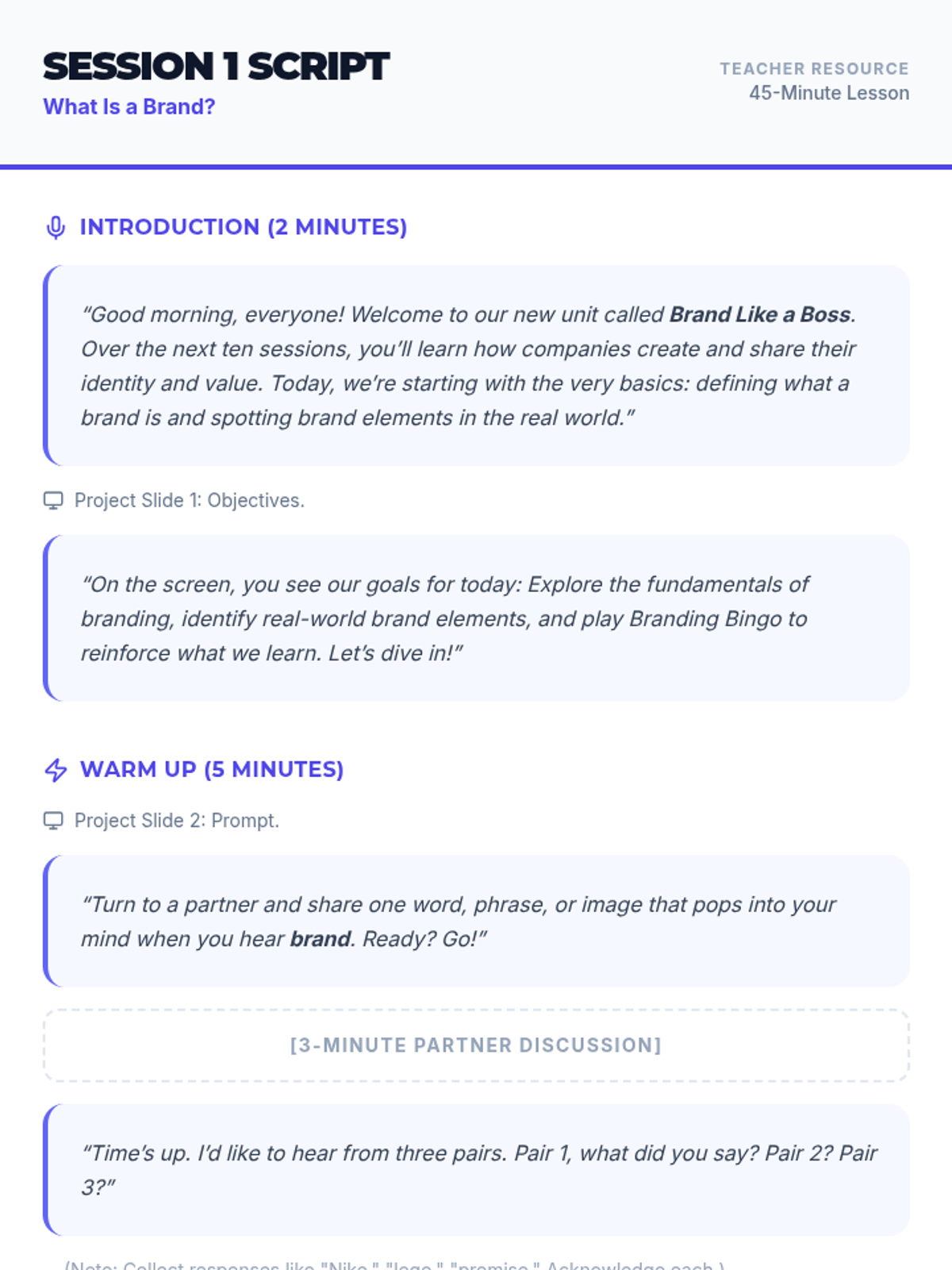
Instructional script for the teacher to facilitate Session 1, including speaking prompts, activity transitions, and slide cues.
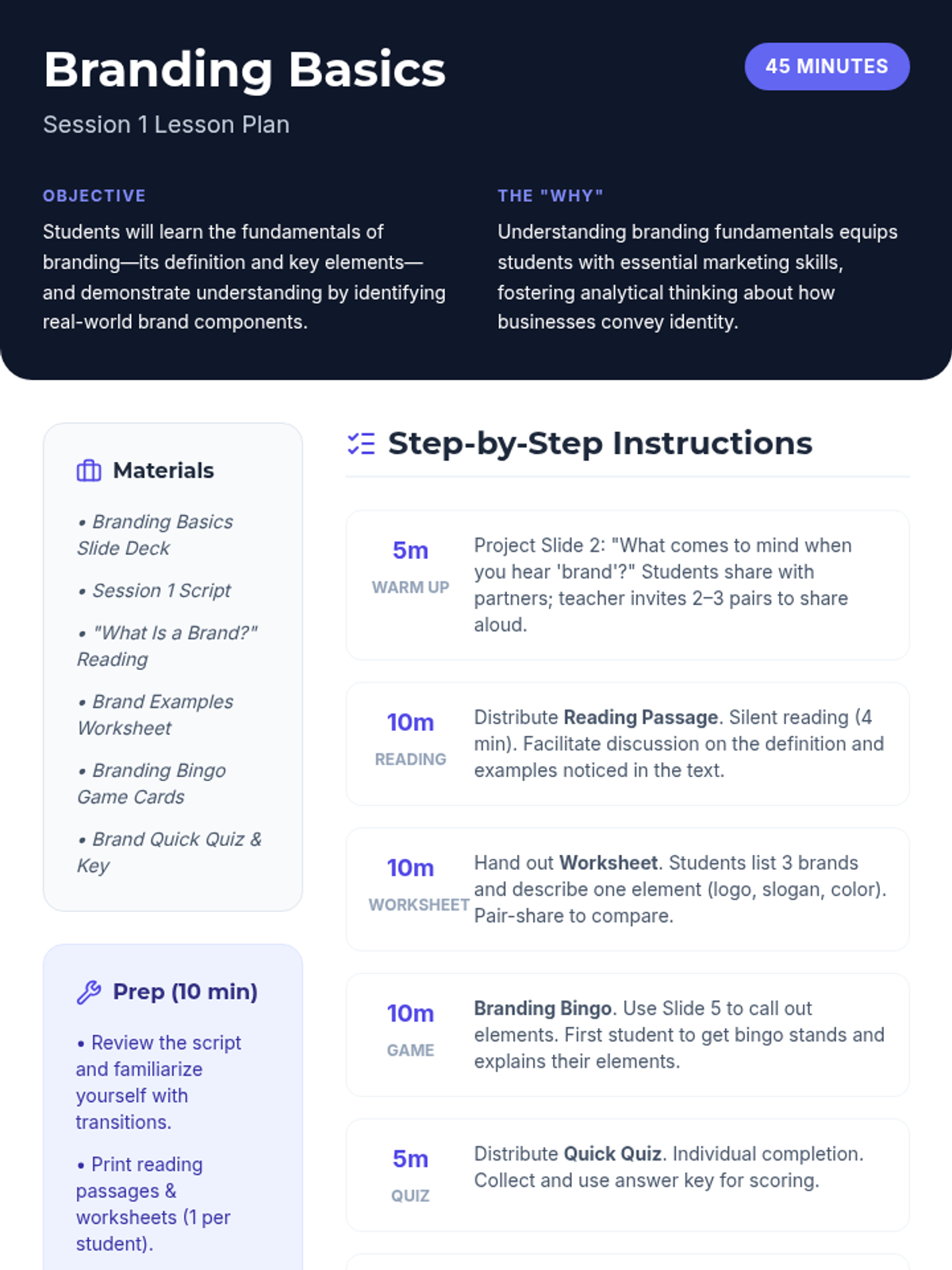
Comprehensive lesson plan for Session 1 including objectives, materials, and a step-by-step instructional guide.
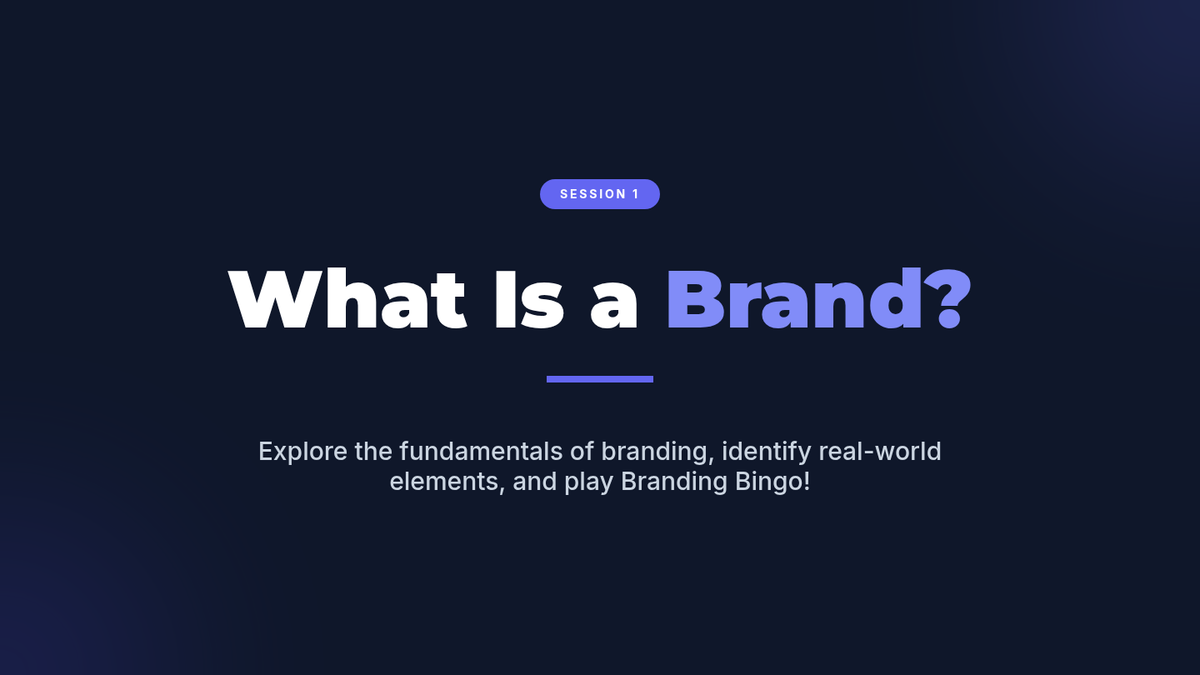
Session 1 slide deck exploring the definition of branding and real-world examples with a Branding Bingo activity.
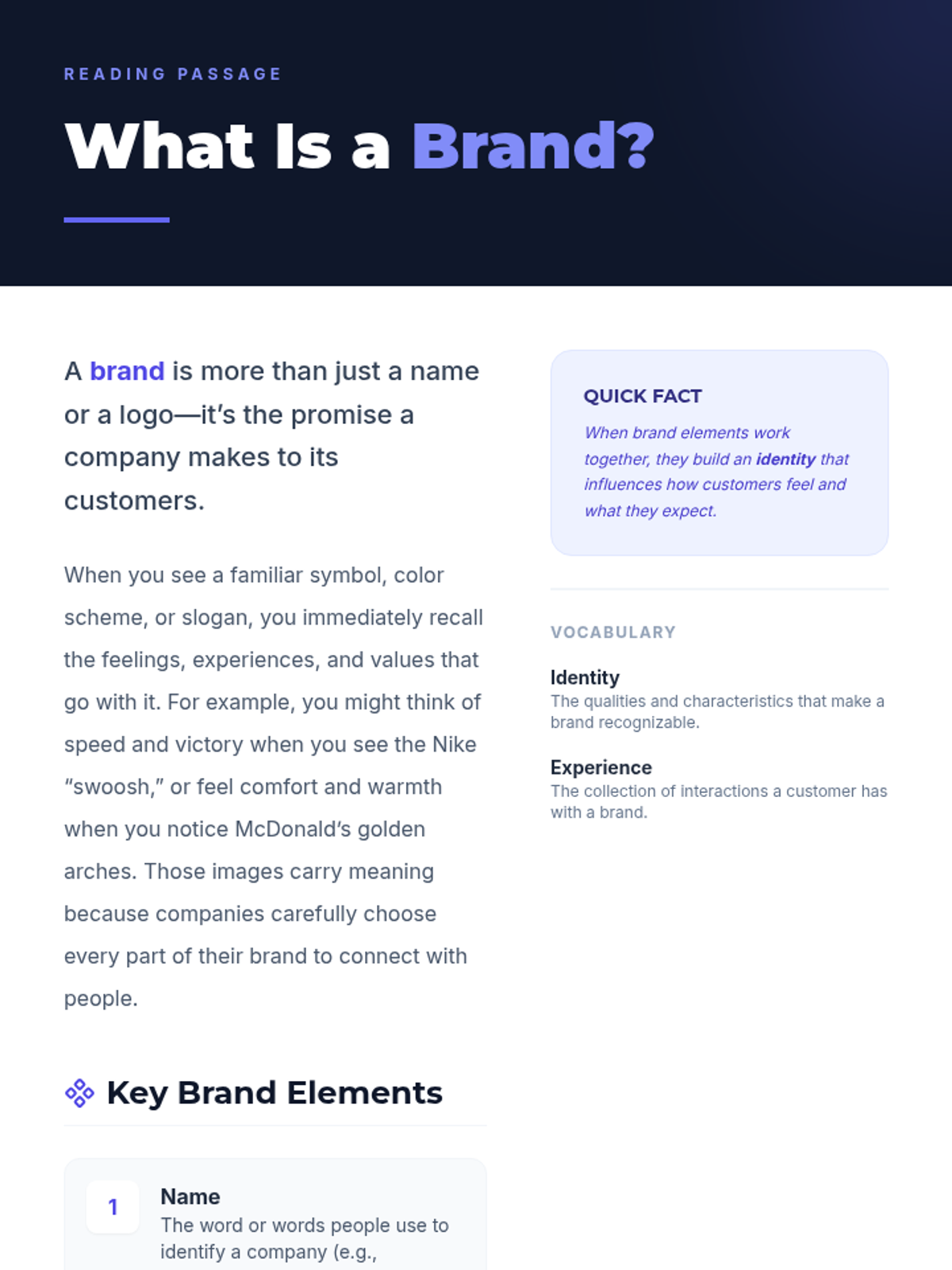
Reading passage for Session 1 defining what a brand is and its key elements with examples.
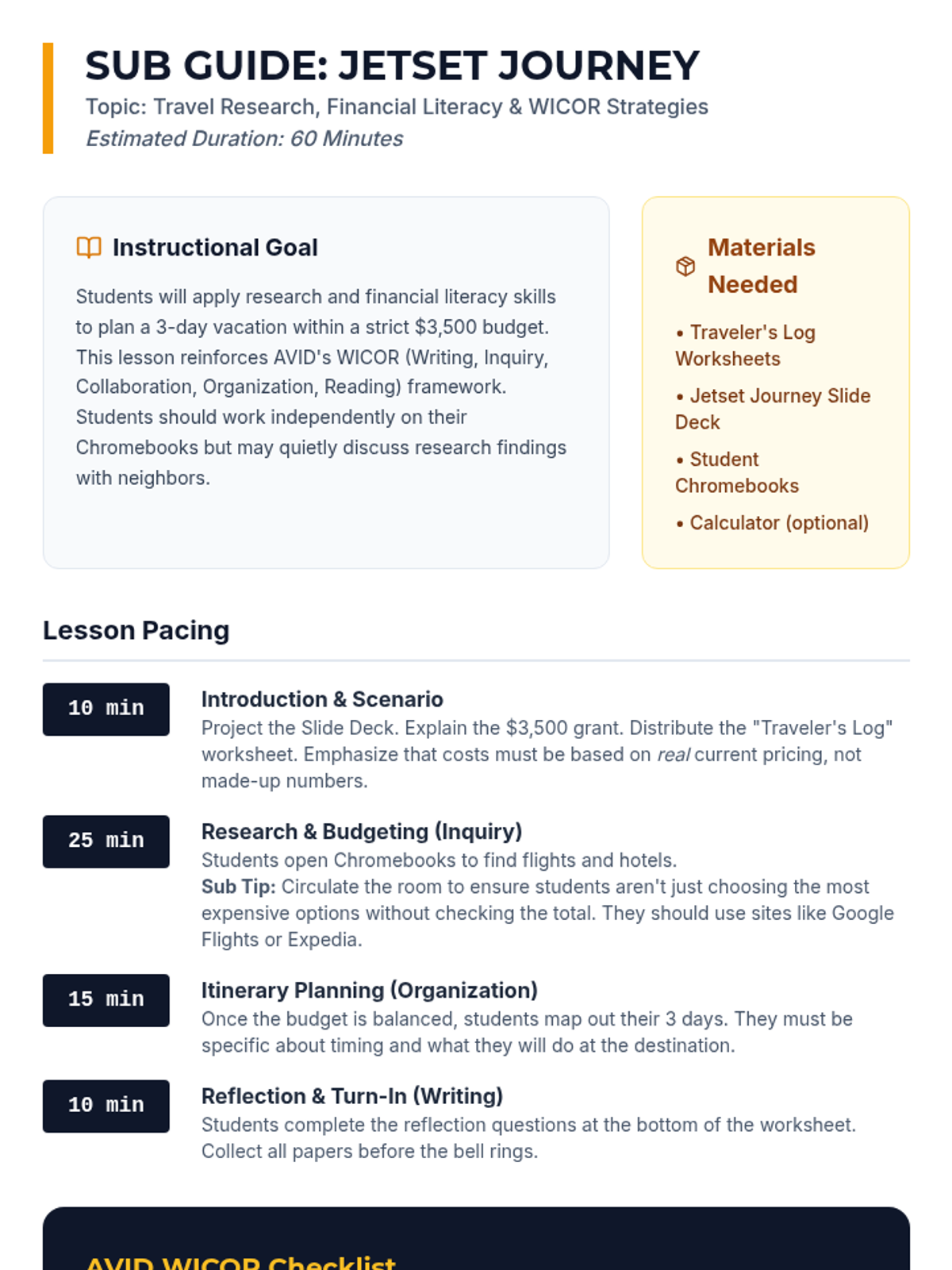
A detailed substitute teacher guide for the "Jetset Journey" lesson, including pacing, WICOR alignment, and classroom management tips for a 60-minute period.
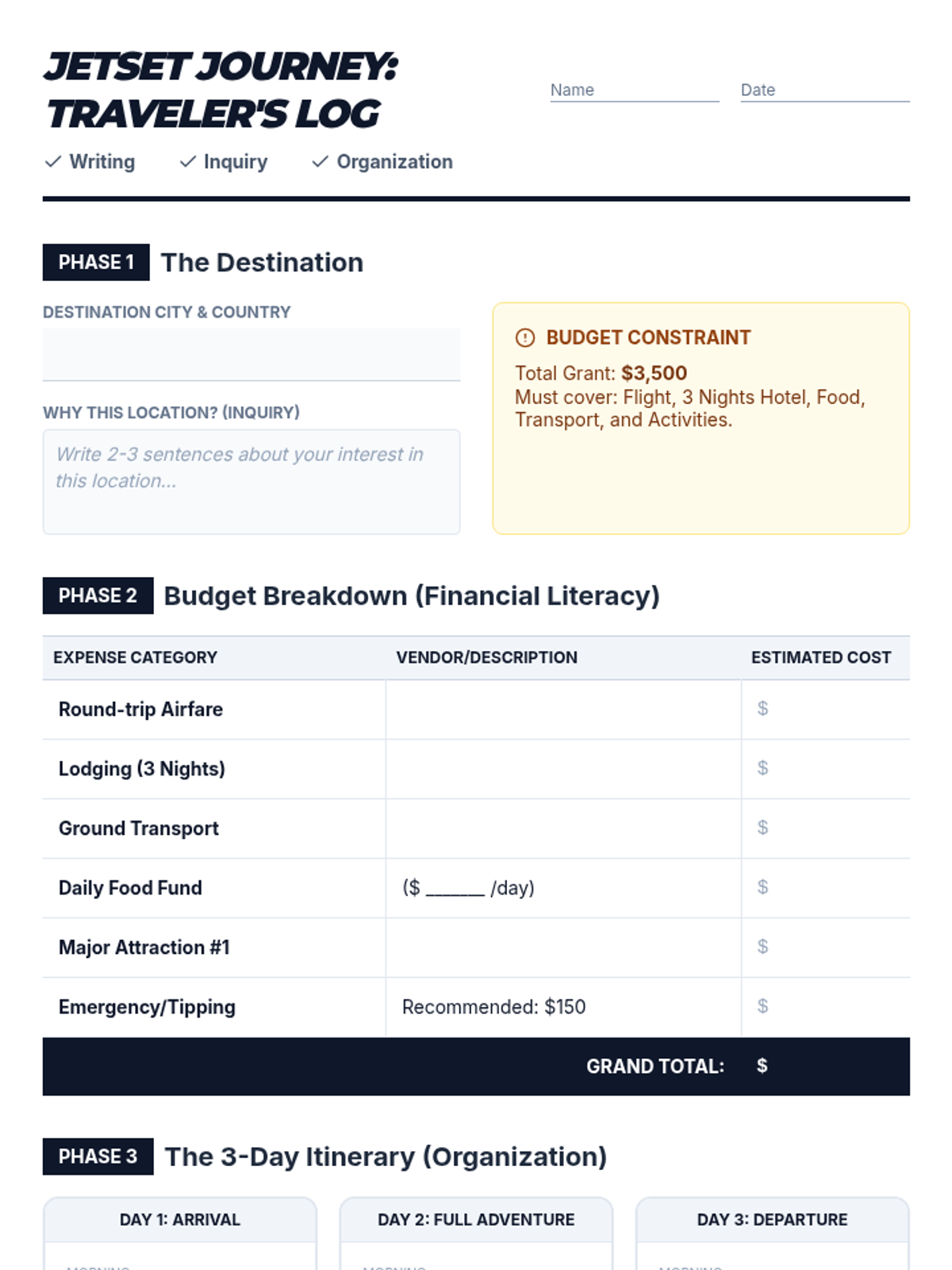
A comprehensive worksheet for AVID students to document their travel research, calculate a detailed budget, and organize a 3-day itinerary, incorporating WICOR reflections.
A visually engaging slide deck designed to guide AVID students through the "Jetset Journey" vacation planning activity, highlighting WICOR strategies and the $3,500 budget constraint.
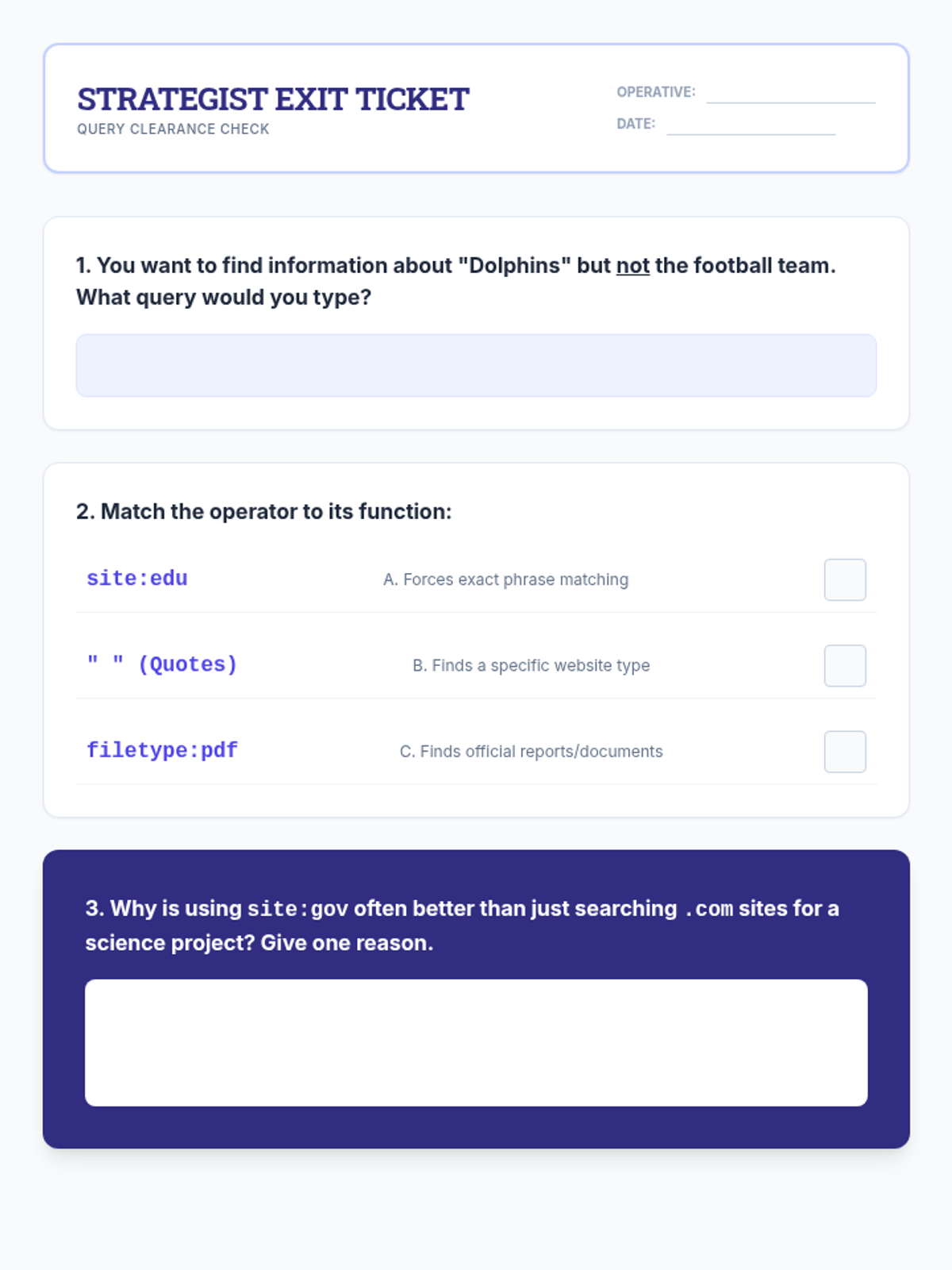
A quick exit ticket to assess student mastery of advanced search operators and their understanding of domain-specific search advantages.
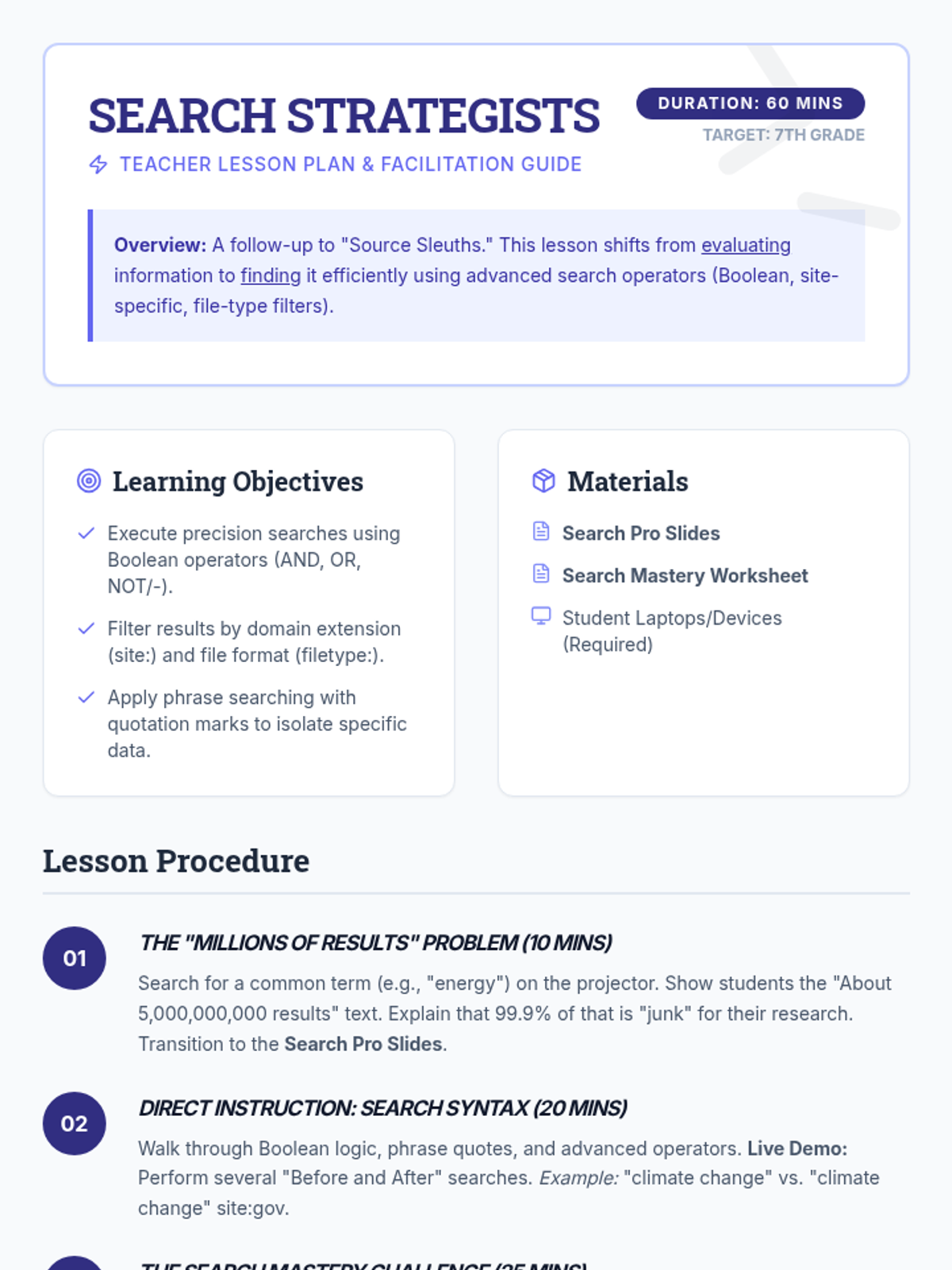
A comprehensive teacher lesson plan for the "Search Strategists" lesson, including learning objectives, a live demo guide, and troubleshooting tips for common student search errors.
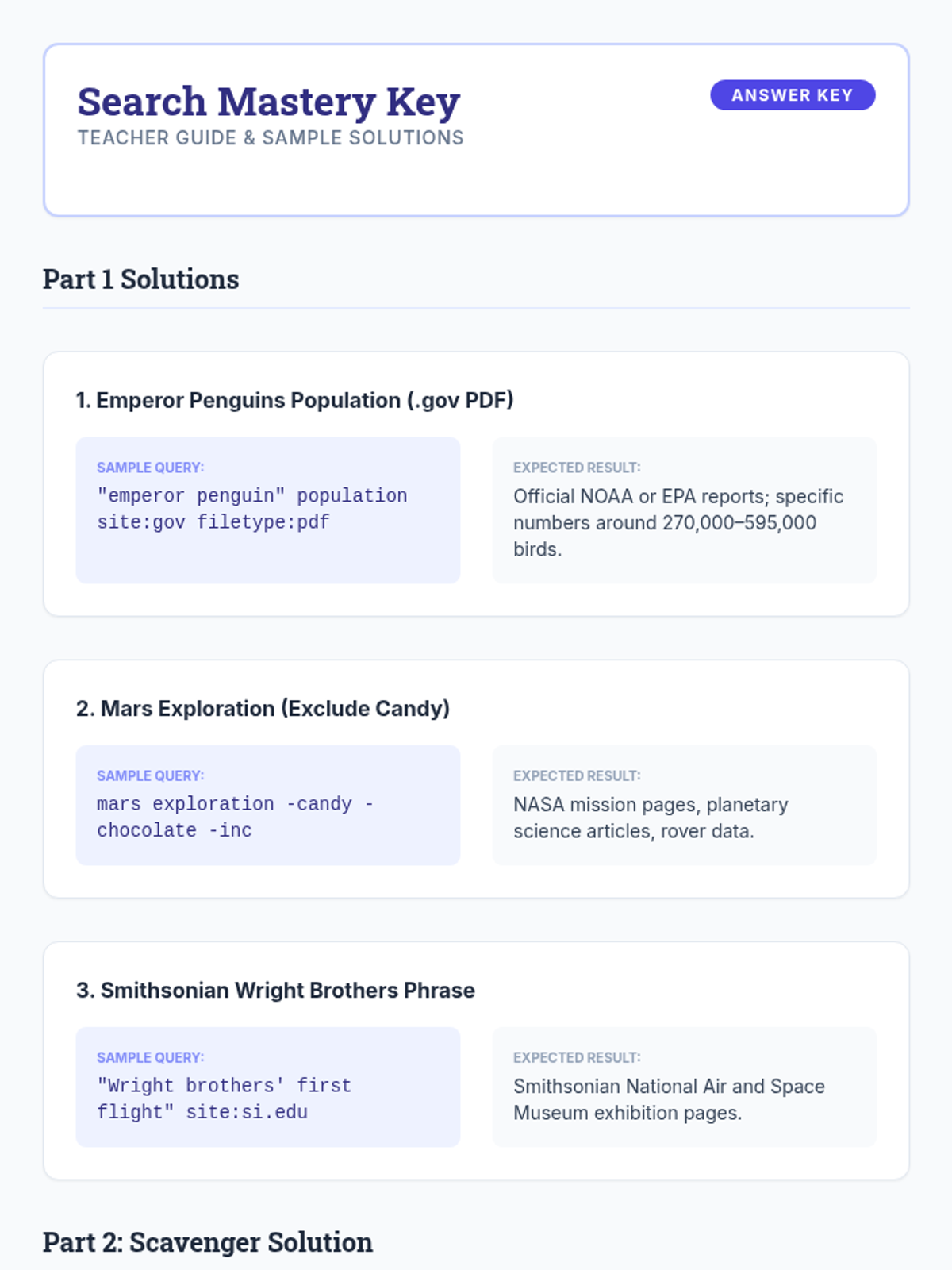
An answer key and teacher facilitation guide for the "Search Mastery Challenge" worksheet, providing sample search queries and expected findings.
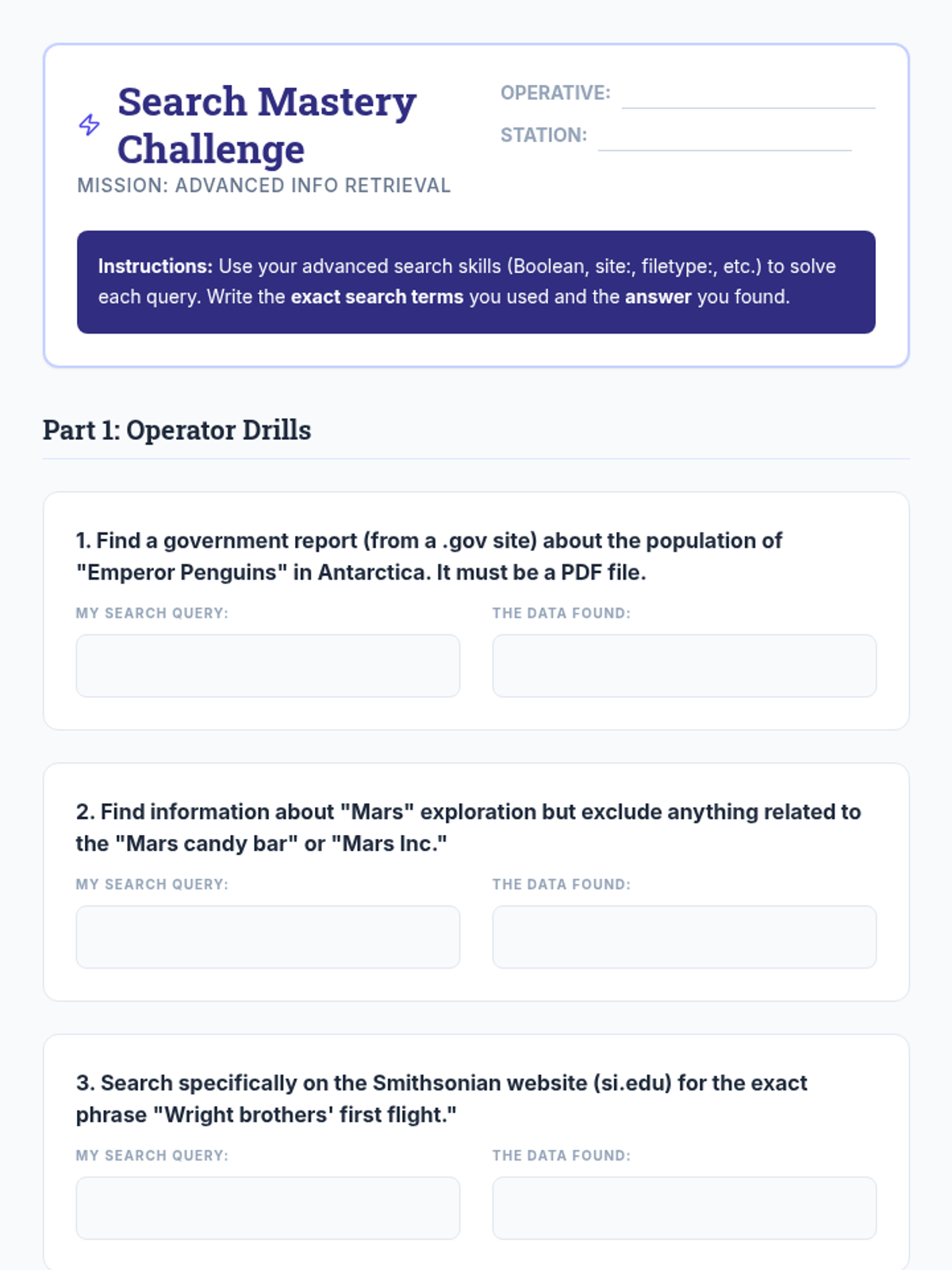
A student worksheet titled "Search Mastery Challenge" where students practice using advanced search operators to find specific facts and reports.
A slide deck for the "Search Strategists" lesson, teaching advanced search techniques like Boolean operators (AND, OR, NOT), phrase searching with quotes, site-specific operators, and file type filters.
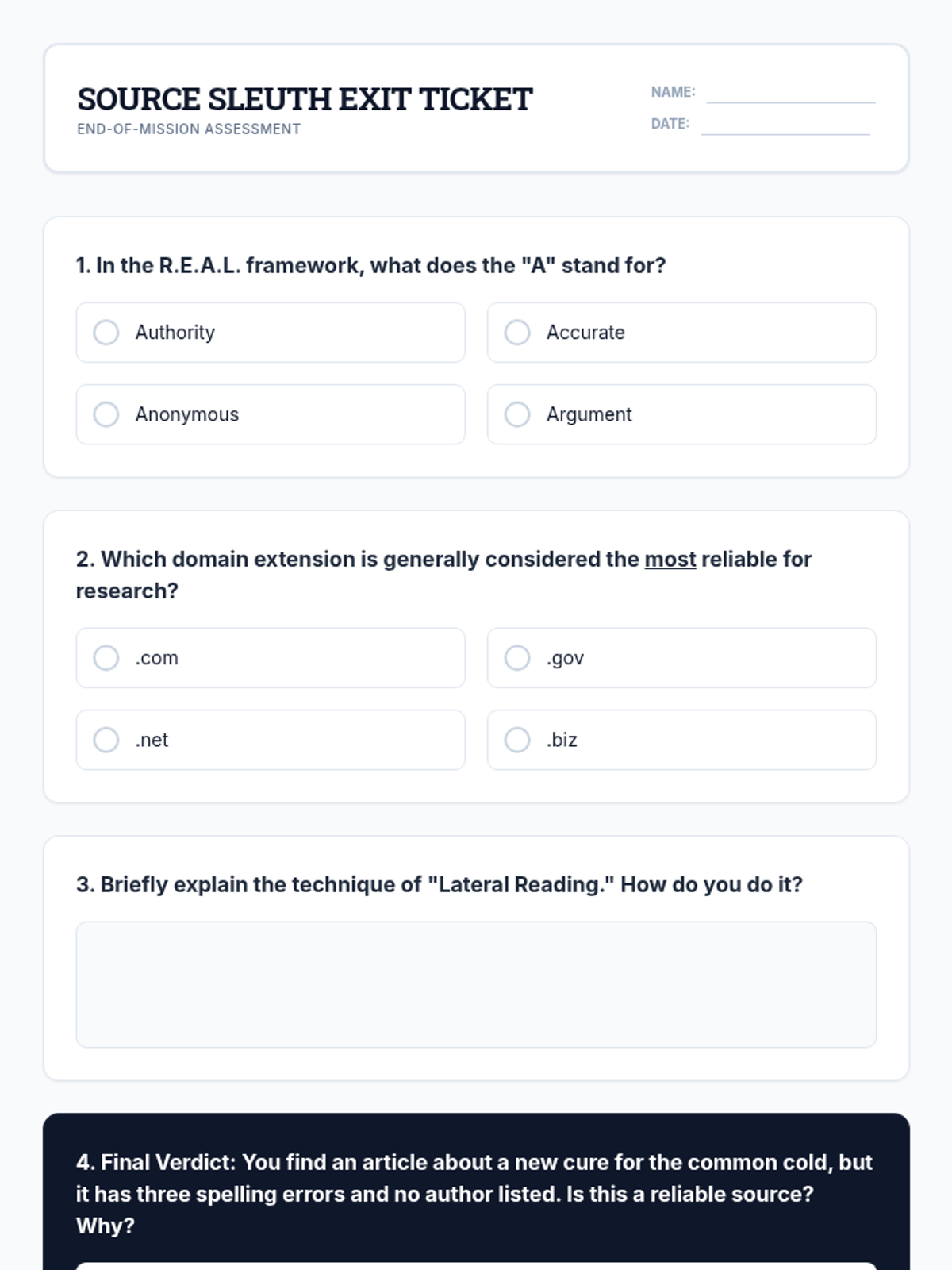
A quick exit ticket to assess student understanding of the R.E.A.L. framework, domain reliability, and lateral reading at the end of the lesson.
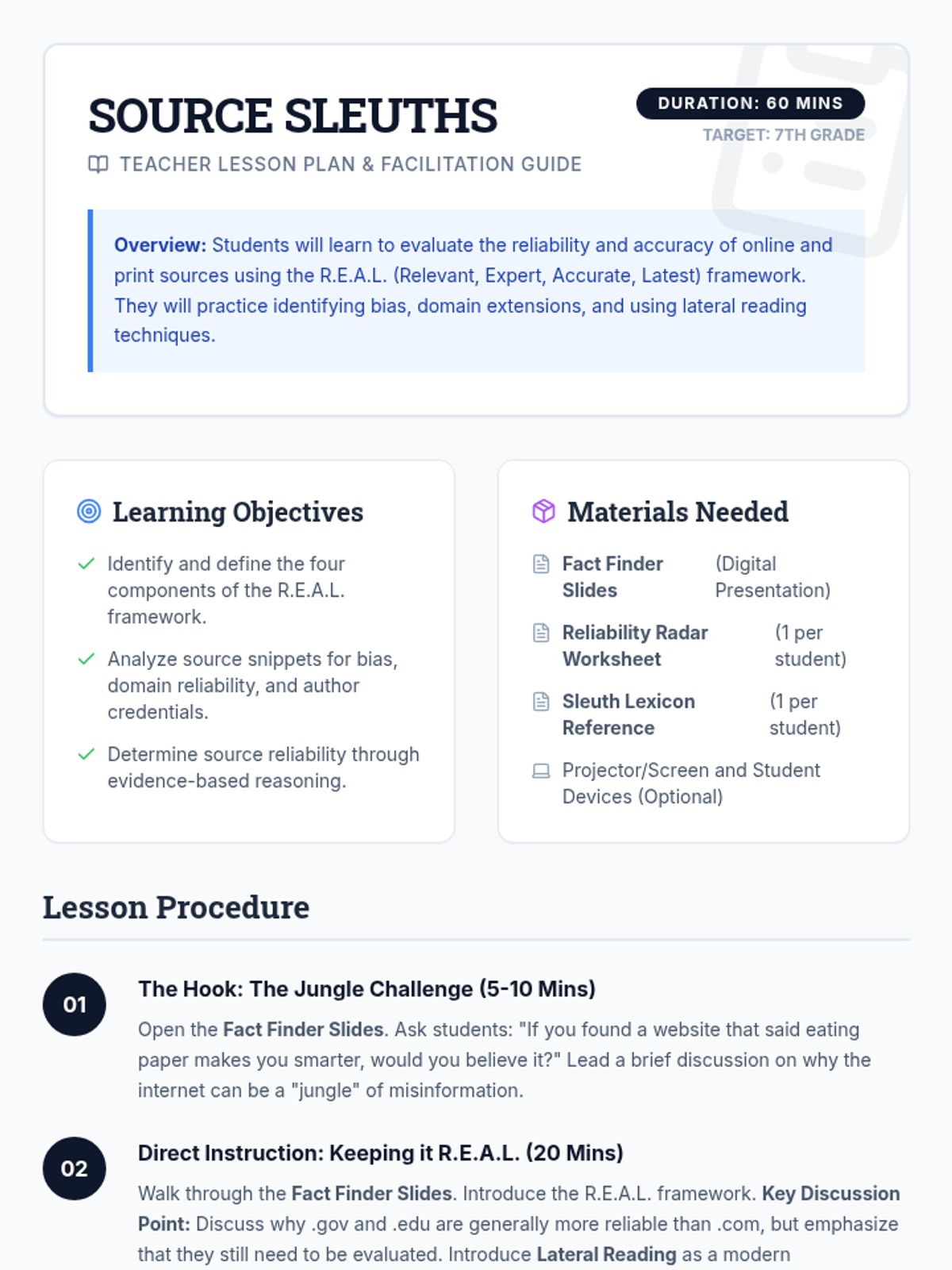
A comprehensive teacher lesson plan for "Source Sleuths," including learning objectives, materials, a timed step-by-step procedure, and differentiation strategies.
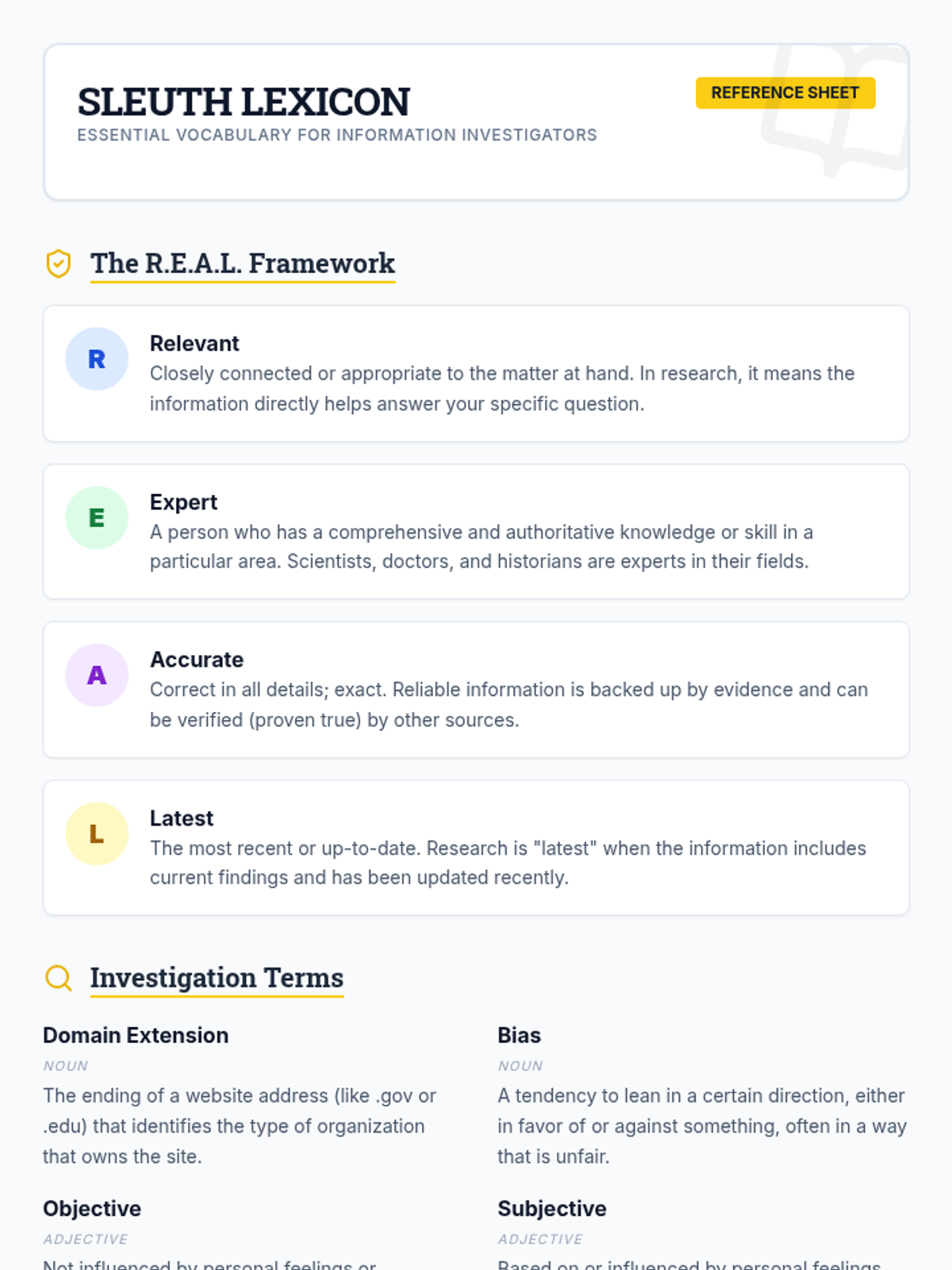
A student reference sheet titled "Sleuth Lexicon" defining core terms related to the R.E.A.L. framework, domain extensions, bias, and lateral reading.
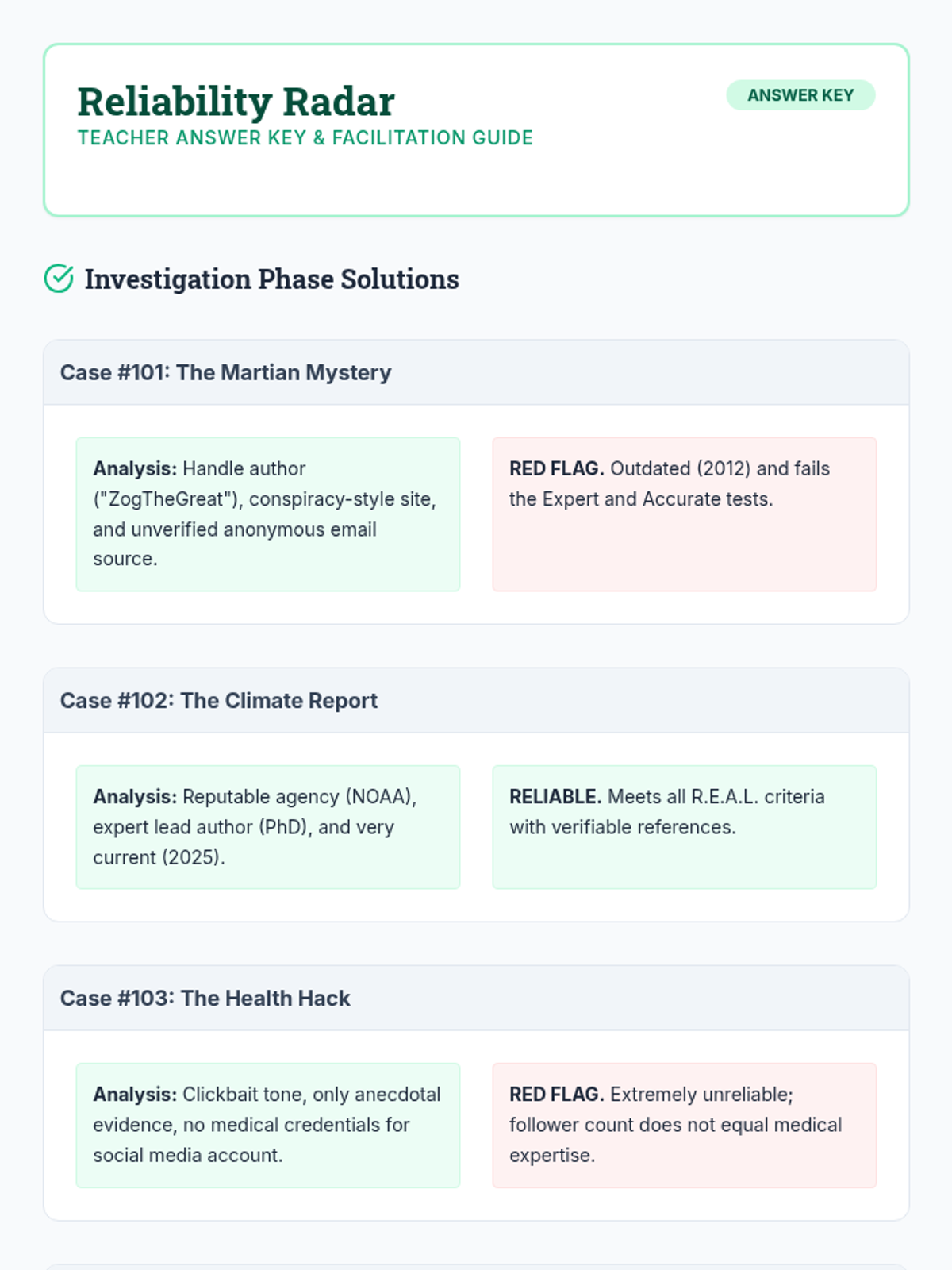
An updated answer key and facilitation guide for the "Reliability Radar" worksheet, now including six case study solutions and justifications.
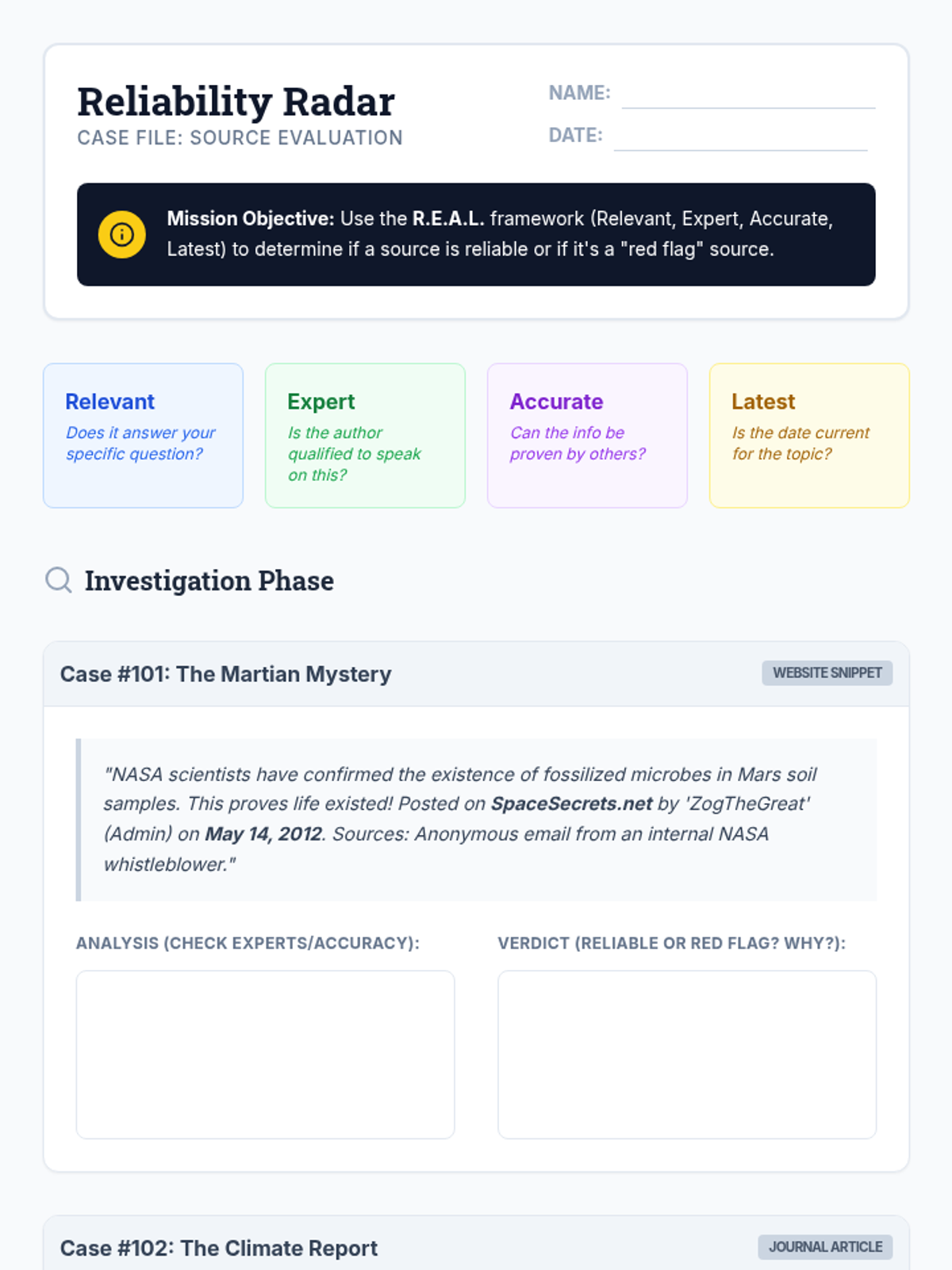
A student worksheet titled "Reliability Radar" featuring six case studies where students must apply the R.E.A.L. framework to evaluate the accuracy and reliability of various information snippets.
An expanded slide deck for the "Source Sleuths" lesson, now including deep dives into domain extensions, identifying bias, and the technique of lateral reading.
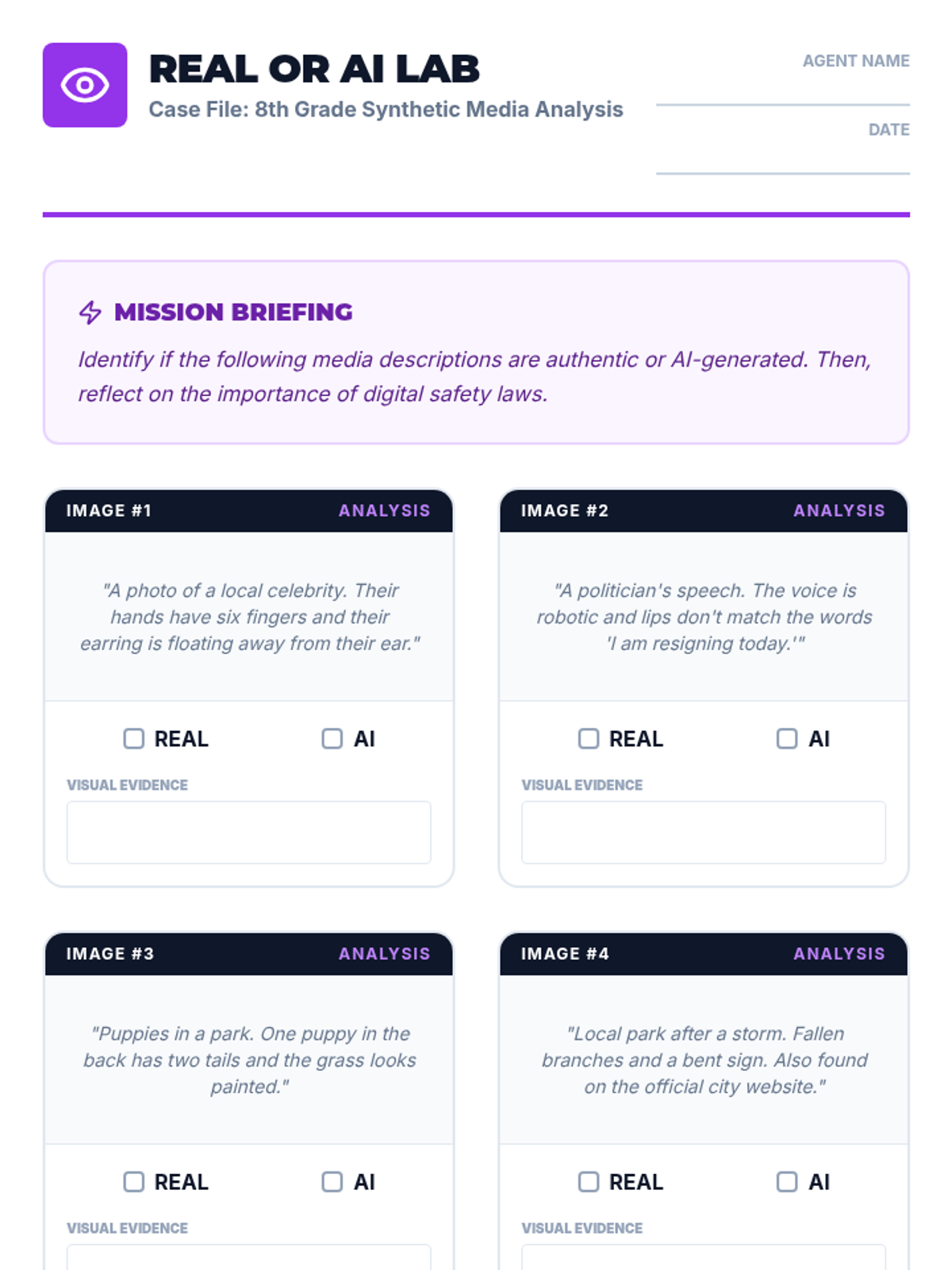
Updated 8th-grade activity sheet with a reflection section on the Take It Down Act. Students analyze image descriptions and then articulate the importance of legal protections in the digital age.
Updated slide deck for 8th-grade students covering deepfake identification and the legal protections offered by the Take It Down Act. Features bold, high-contrast visuals for a sophisticated 8th-grade audience.
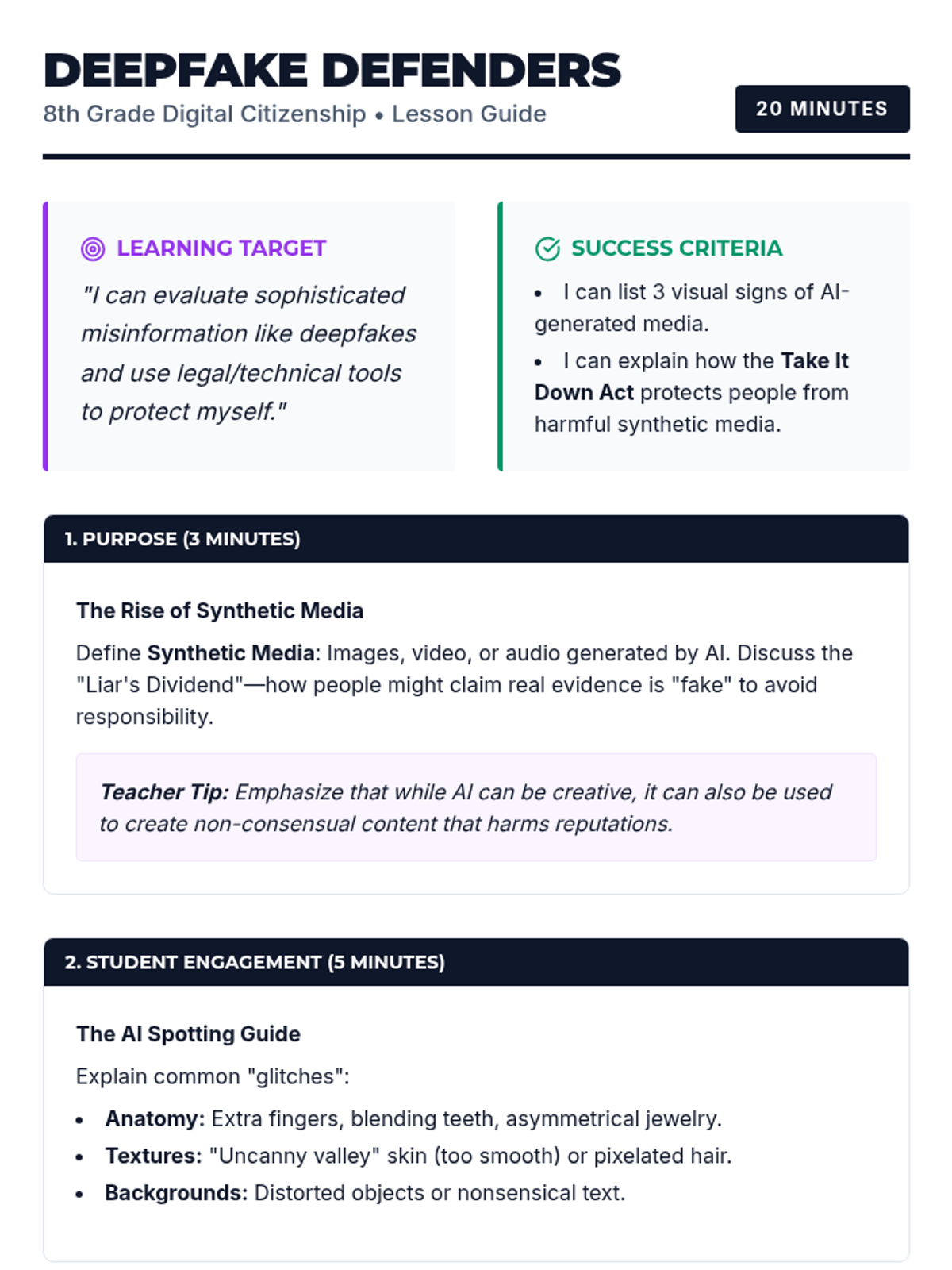
Updated teaching guide for 8th-grade educators including the Take It Down Act and NCMEC's practical tools. Aligned with the 5D+ Instructional Framework to help students navigate and defend against synthetic media.
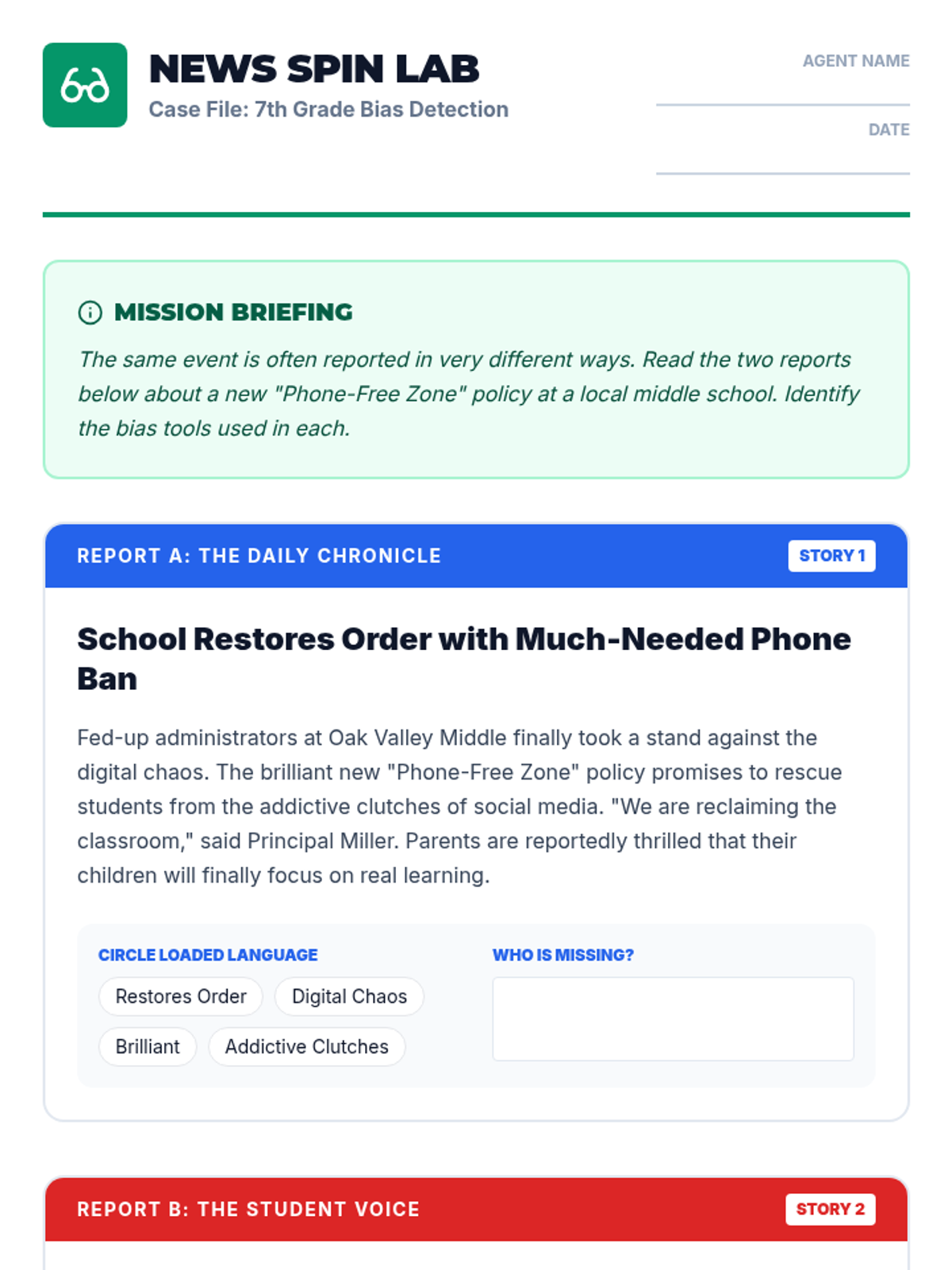
An activity sheet for 7th-grade students to compare two biased news reports on the same topic. Students identify loaded language and missing perspectives to analyze media "spin."
A 6-slide deck for 7th-grade students on identifying media bias. Covers the concept of bias as a "lean," loaded language, and missing perspectives with clear, modern visuals.
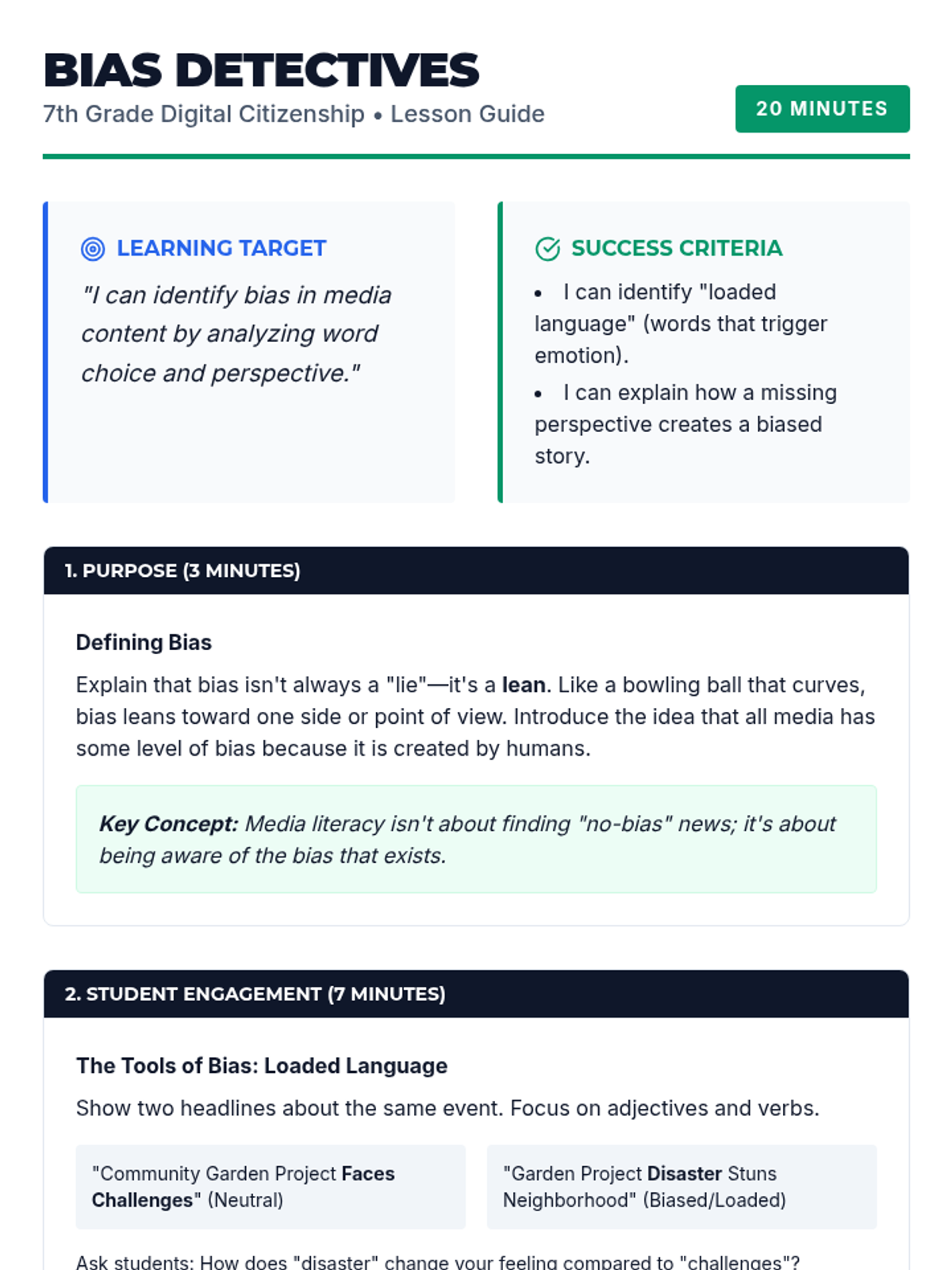
A teacher guide for 7th-grade educators focusing on identifying media bias and loaded language, aligned with the 5D+ Instructional Framework. Includes specific examples of bias and instructional strategies.
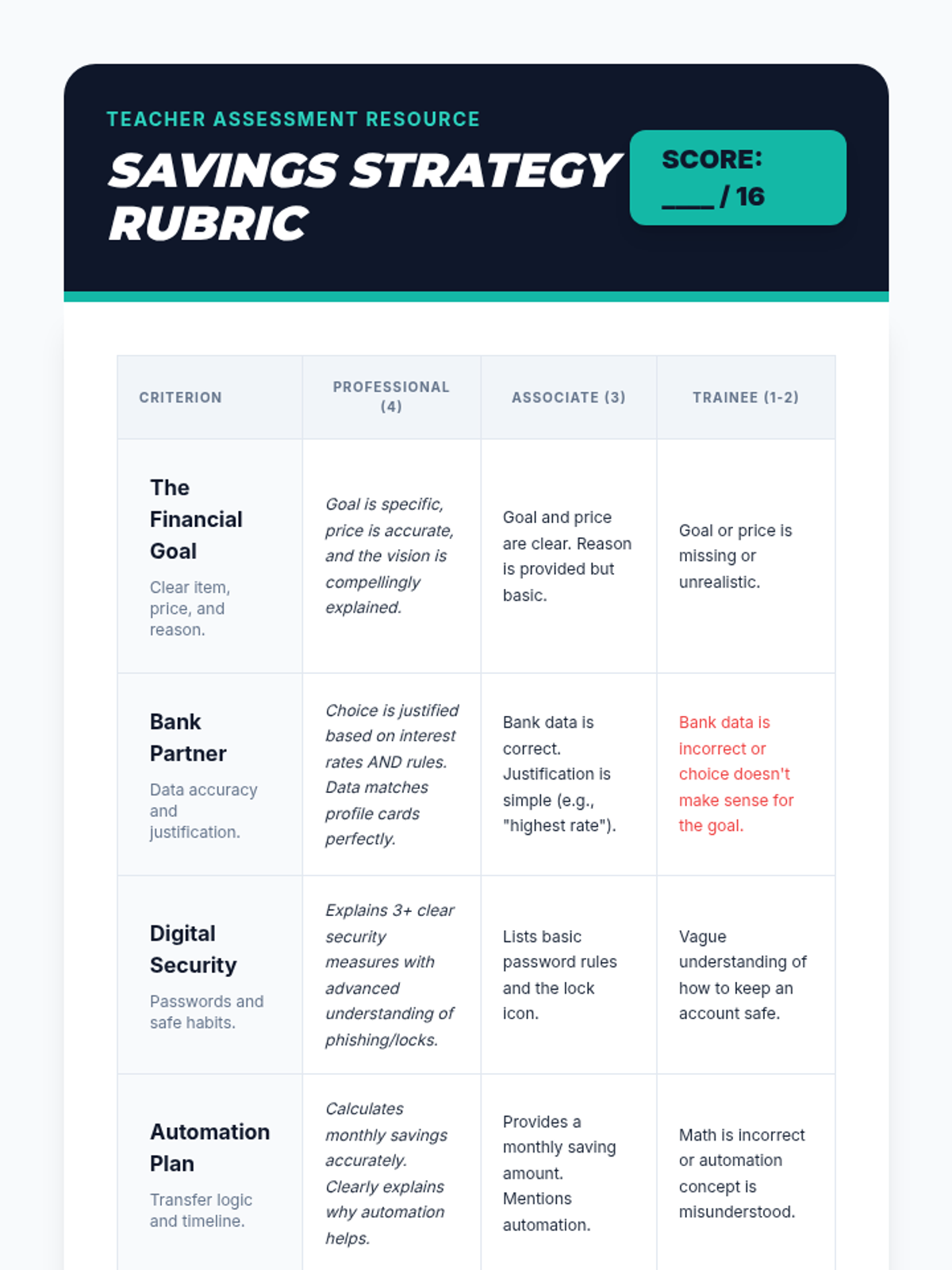
A professional teacher rubric to assess student final presentations on their savings goals, bank choices, and security plans.
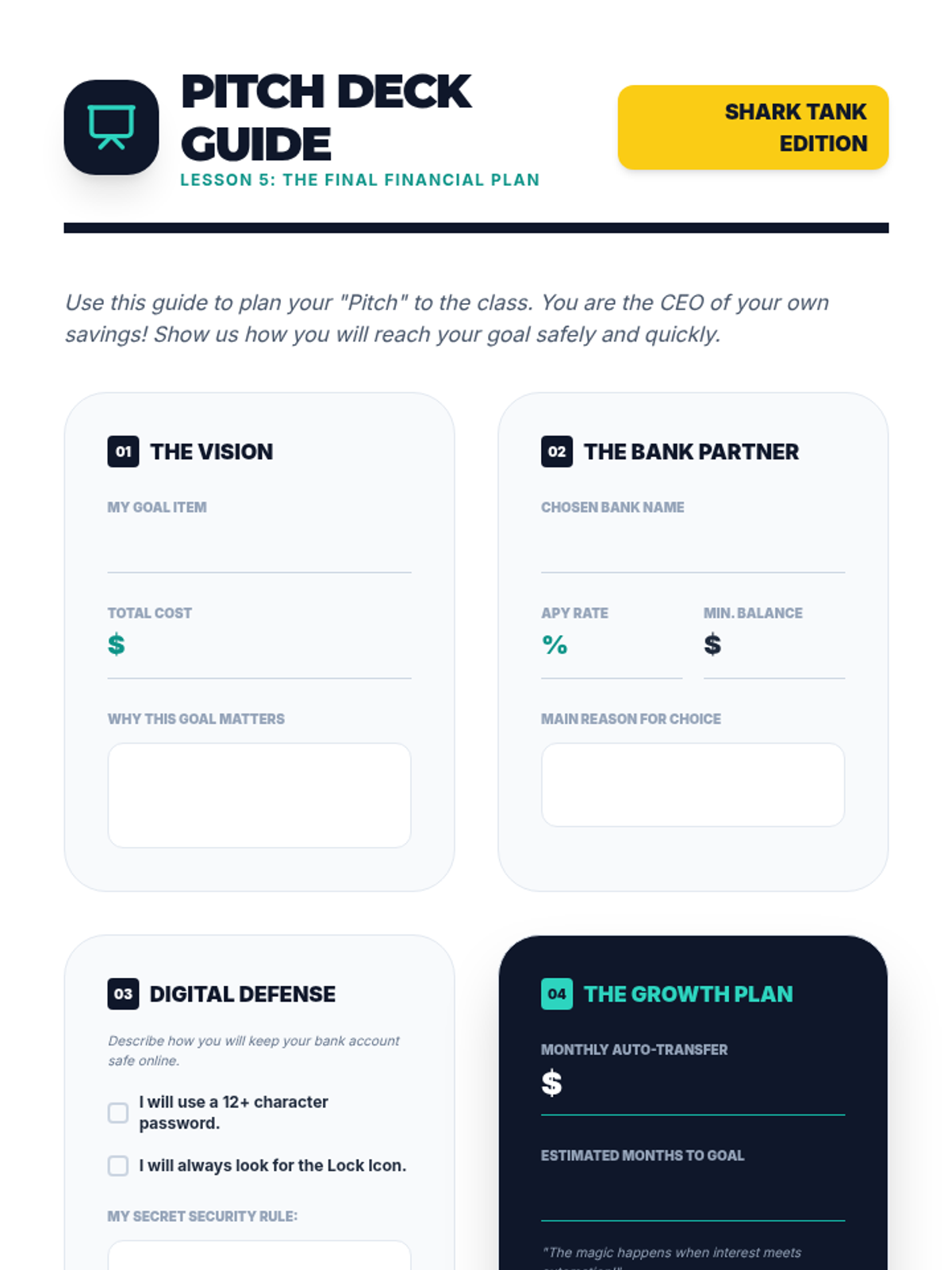
A structured worksheet to help students prepare their final presentation, covering their goal, chosen bank, security plan, and automation schedule.
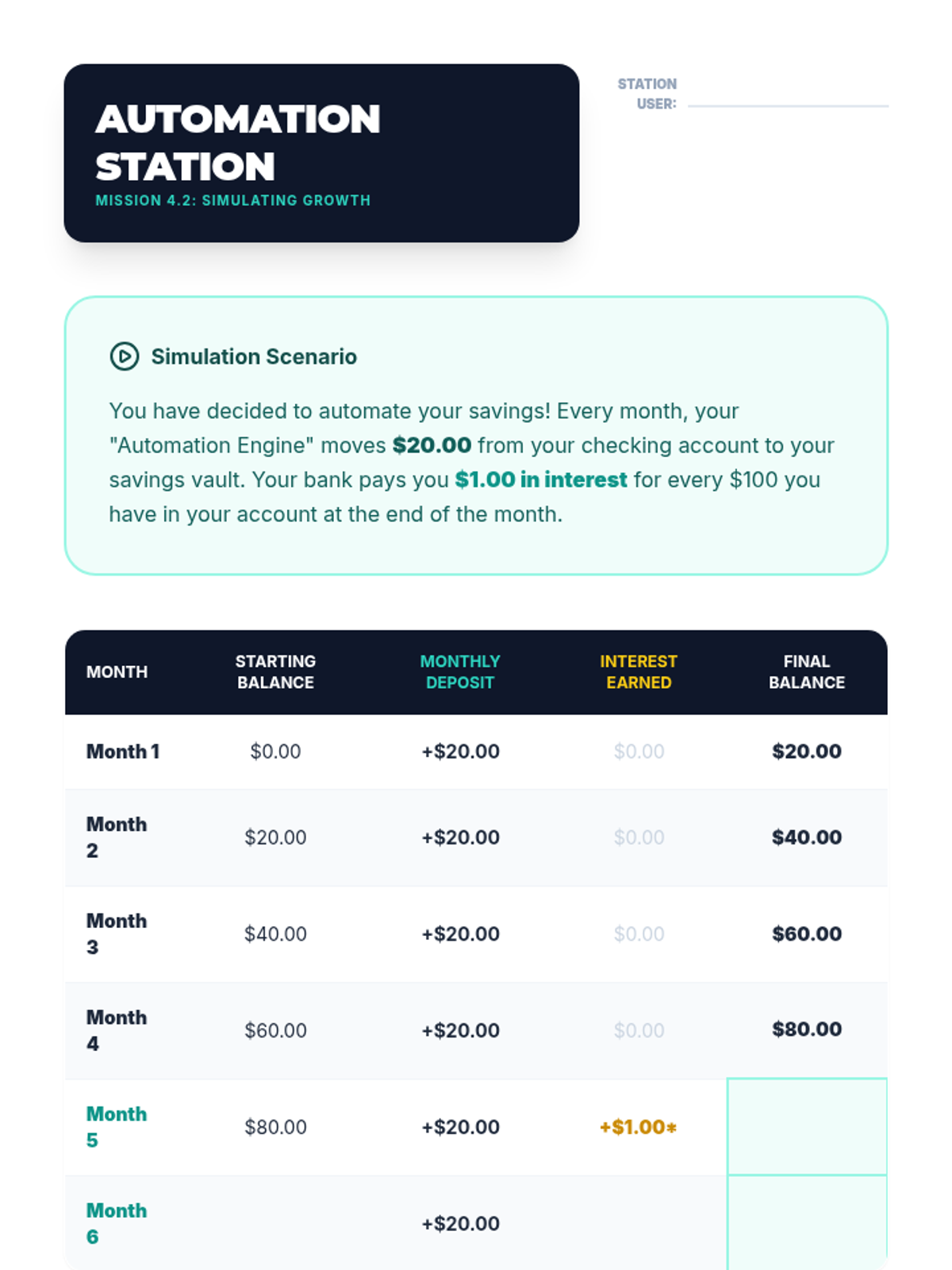
Student activity sheet for Lesson 4 simulating how small, regular transfers and interest grow an account balance over 6 months.
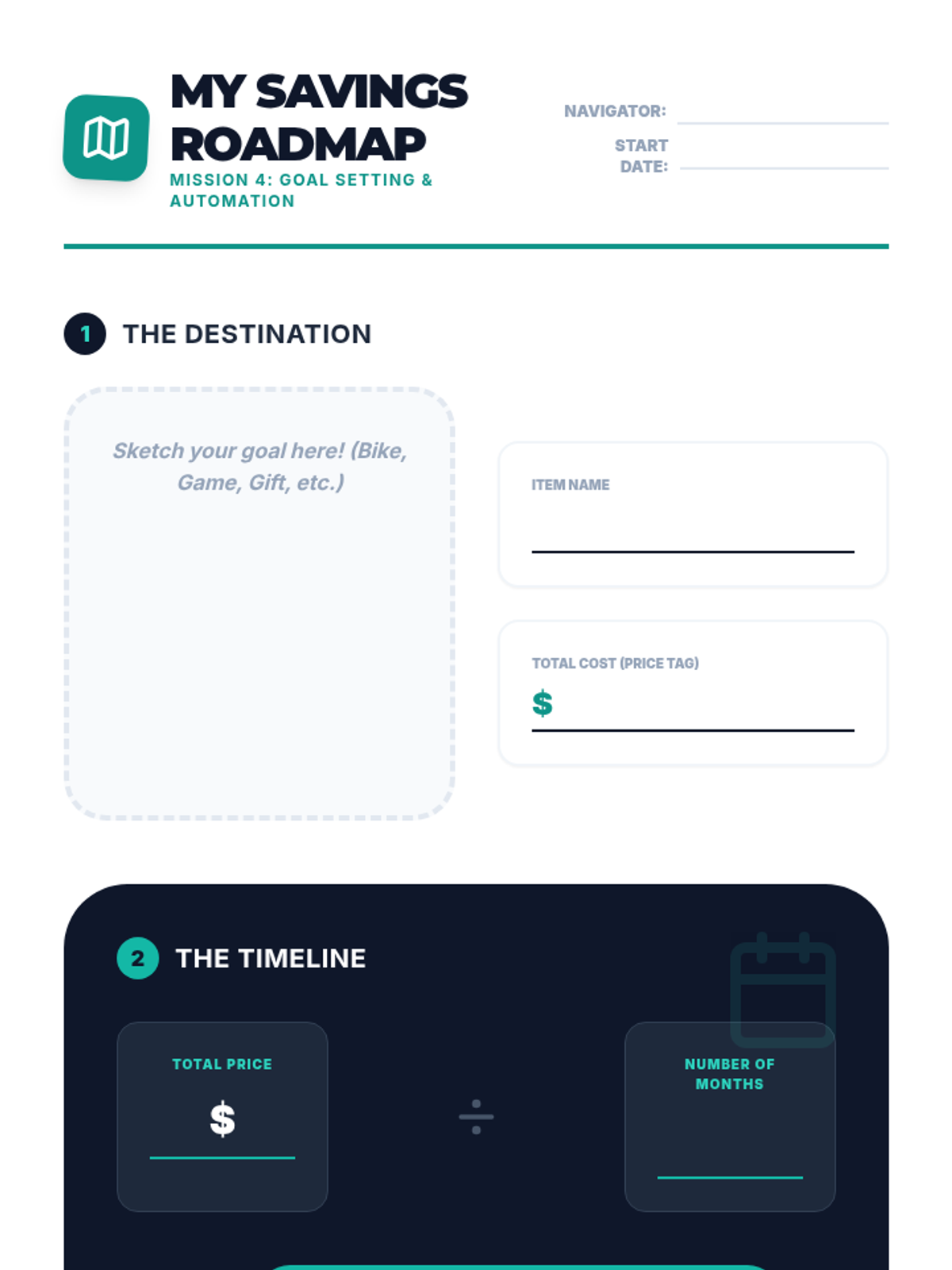
Student worksheet for Lesson 4 where they define a financial goal, calculate the monthly savings required, and sign an automation pledge.
Introductory presentation for Lesson 4, explaining goal setting, the "Pay Yourself First" principle, and automated savings transfers.
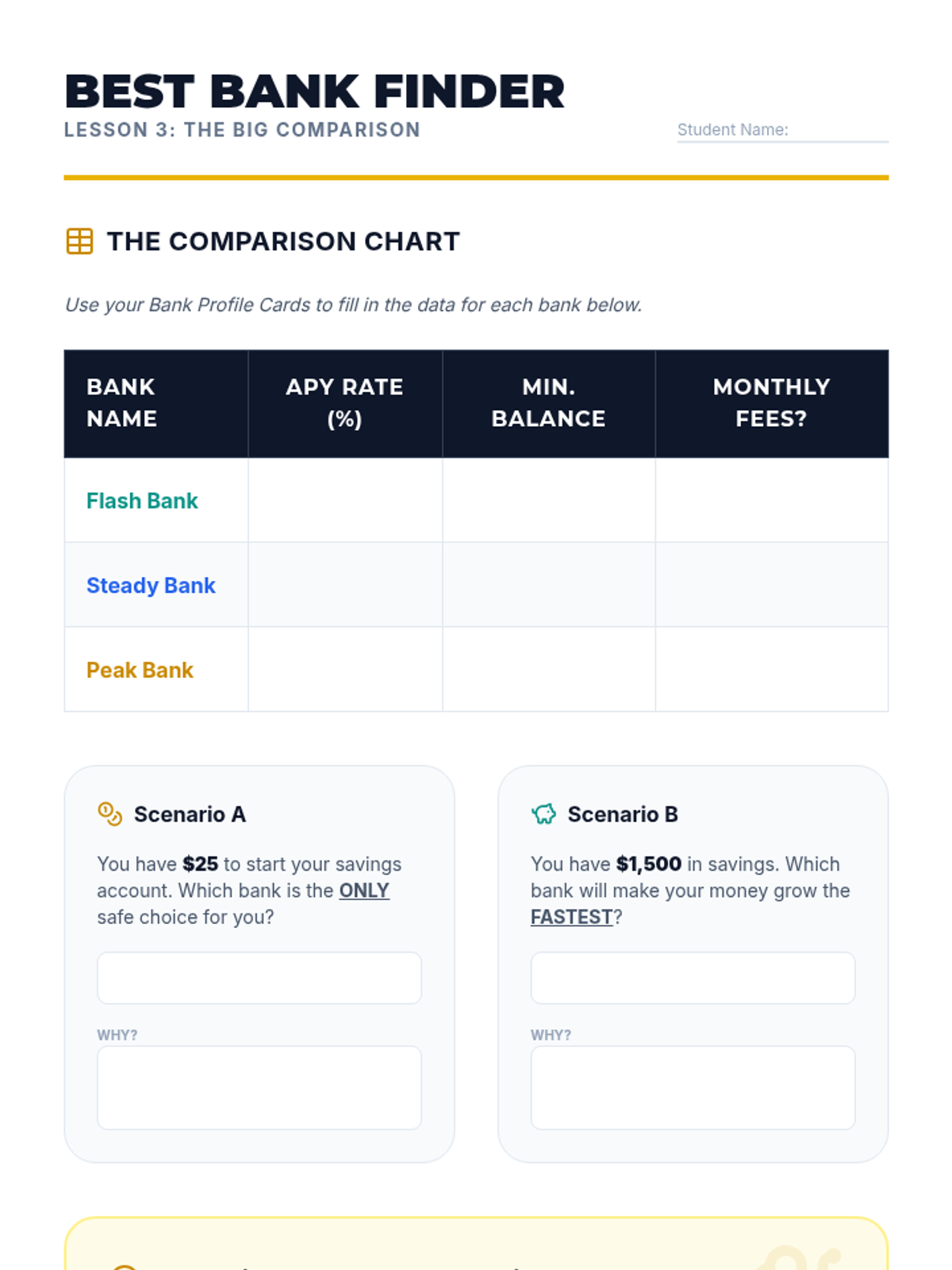
Student worksheet for Lesson 3 focusing on comparing fictional bank offers and understanding the impact of fees versus interest rates.
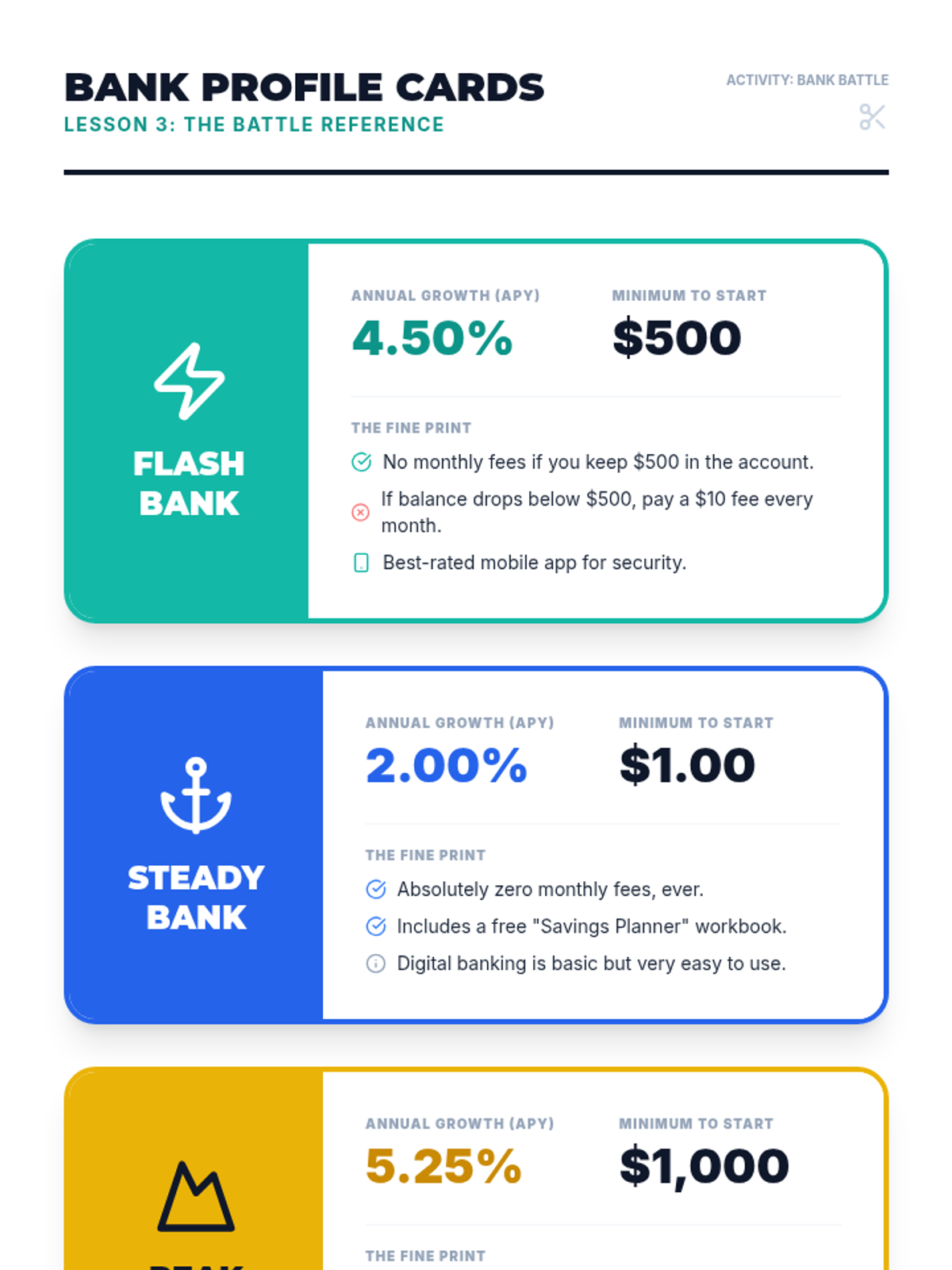
Reference material for Lesson 3 featuring 3 fictional bank profiles with varying interest rates, requirements, and fees.
Introductory presentation for Lesson 3, explaining APY, bank fees, and account requirements in a competitive "Bank Battle" format.
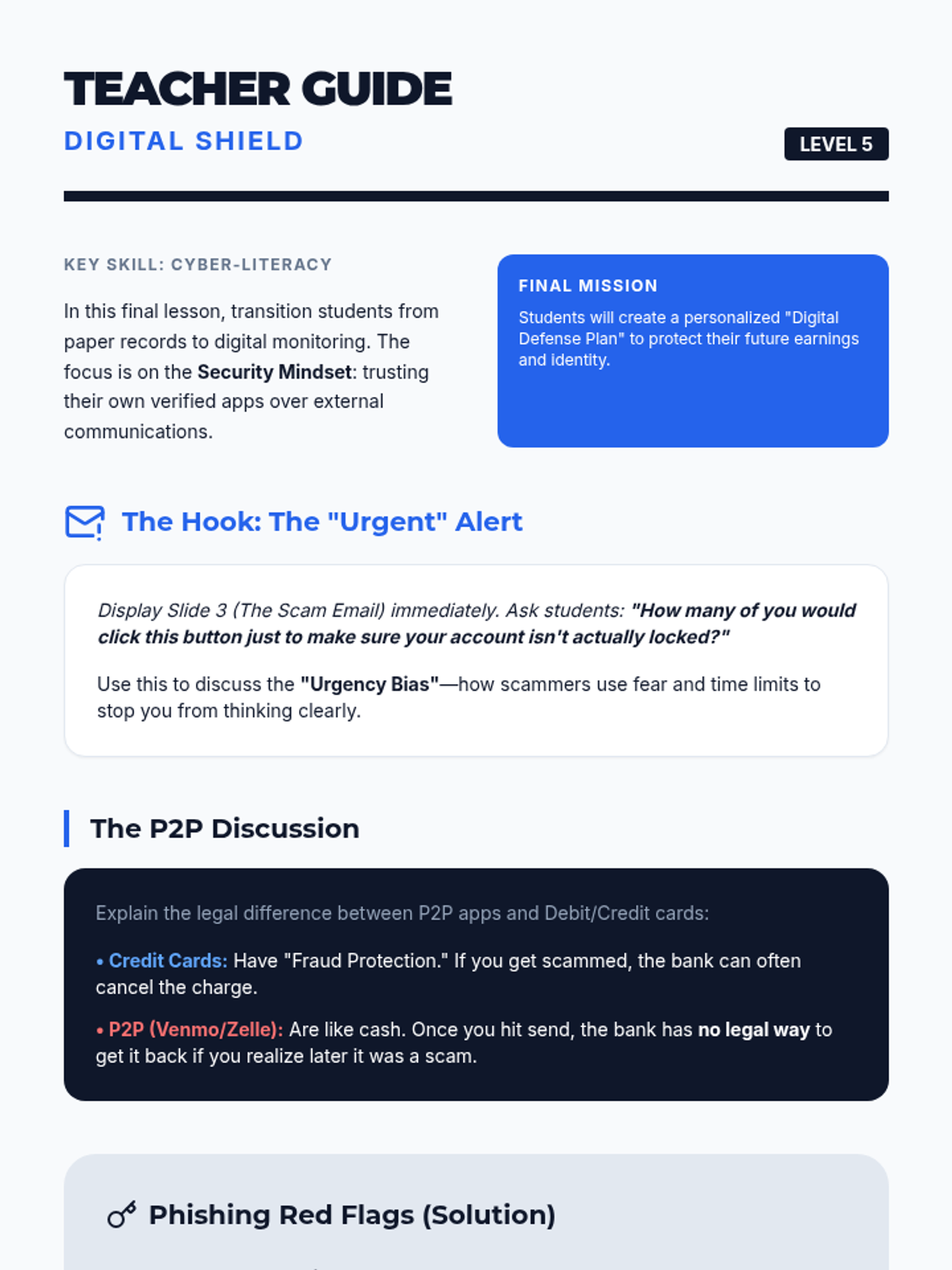
Teacher guide for Lesson 5, including the "Urgent Alert" hook, discussion guide on P2P apps vs credit cards, and the answer key for the phishing analysis.
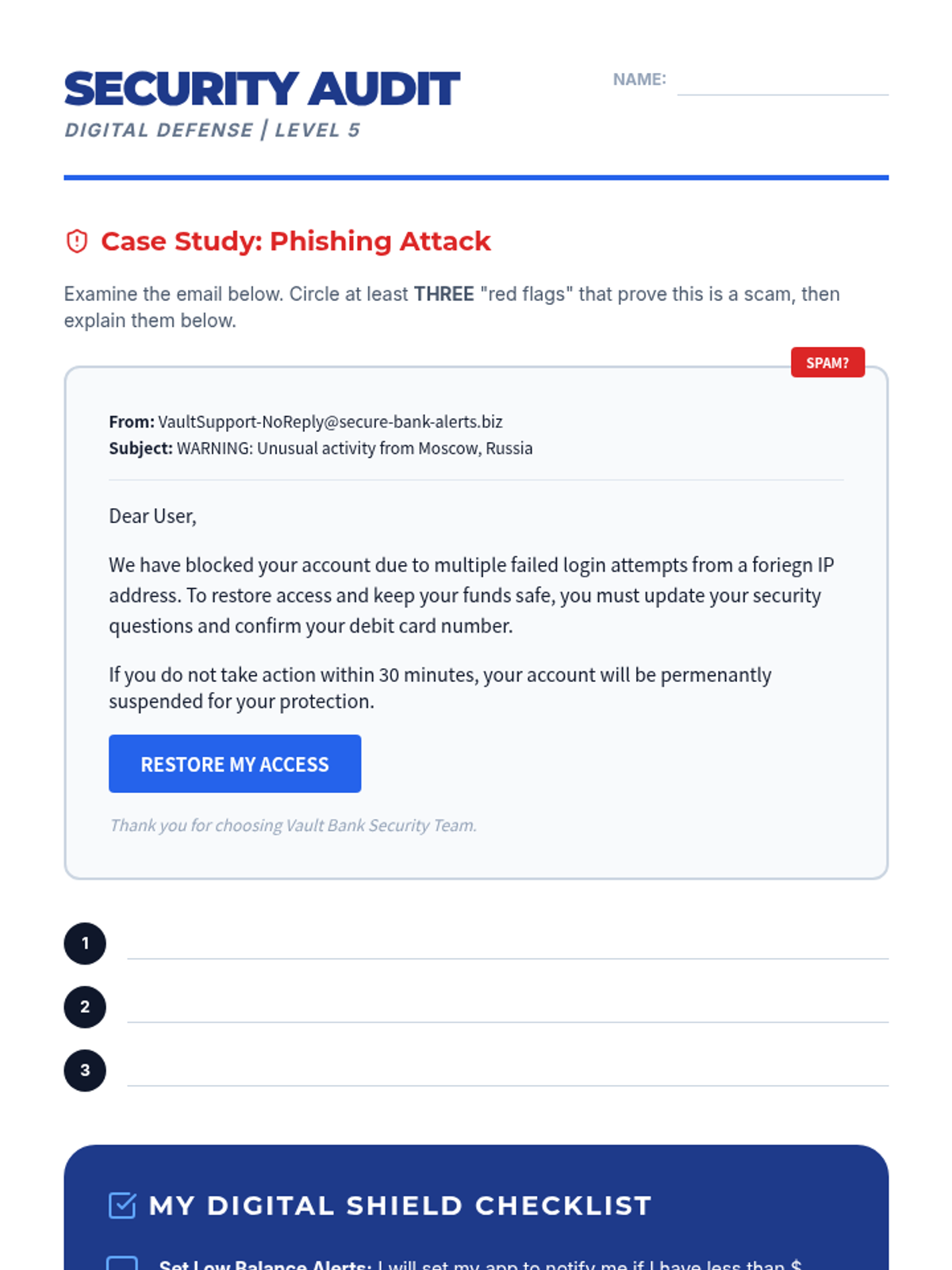
Worksheet for identifying phishing red flags in a sample email and creating a personal digital banking security checklist.
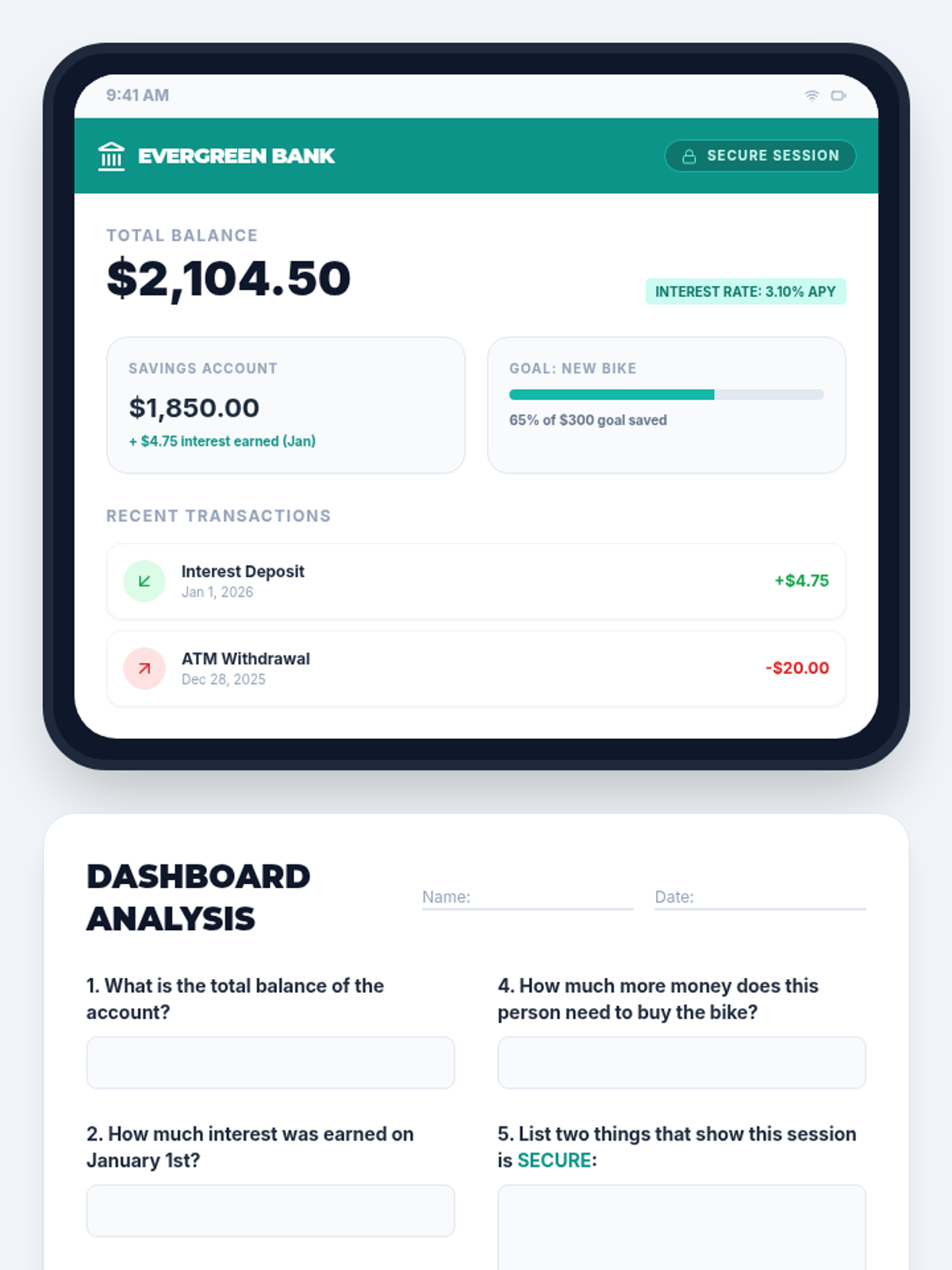
Student worksheet for Lesson 2 focusing on reading a mock digital banking dashboard to extract account information.
Slides for Lesson 5 exploring online banking dashboards, security features, and fraud prevention strategies.
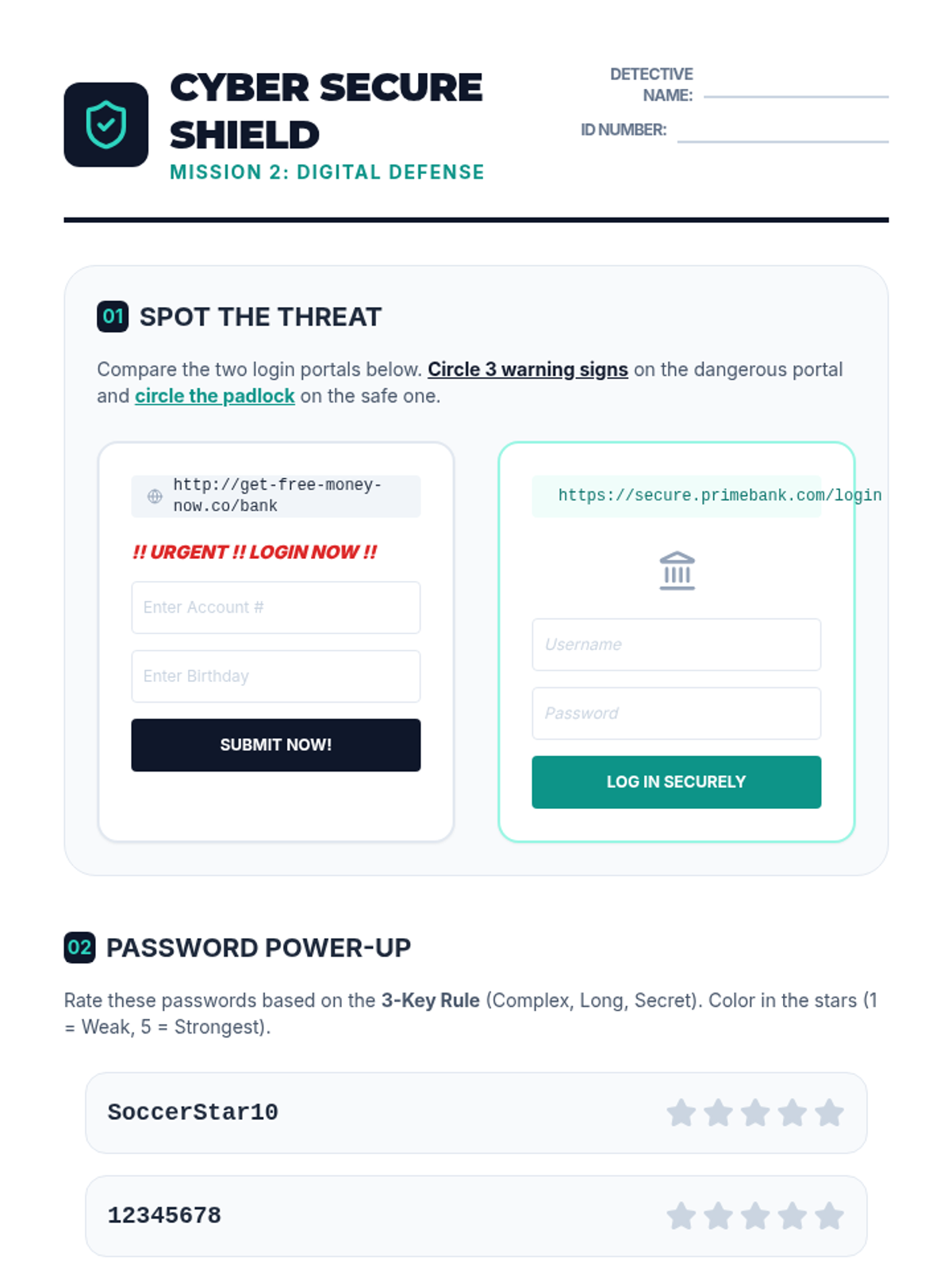
Student worksheet for Lesson 2 focusing on identifying phishing attempts and creating secure passwords.
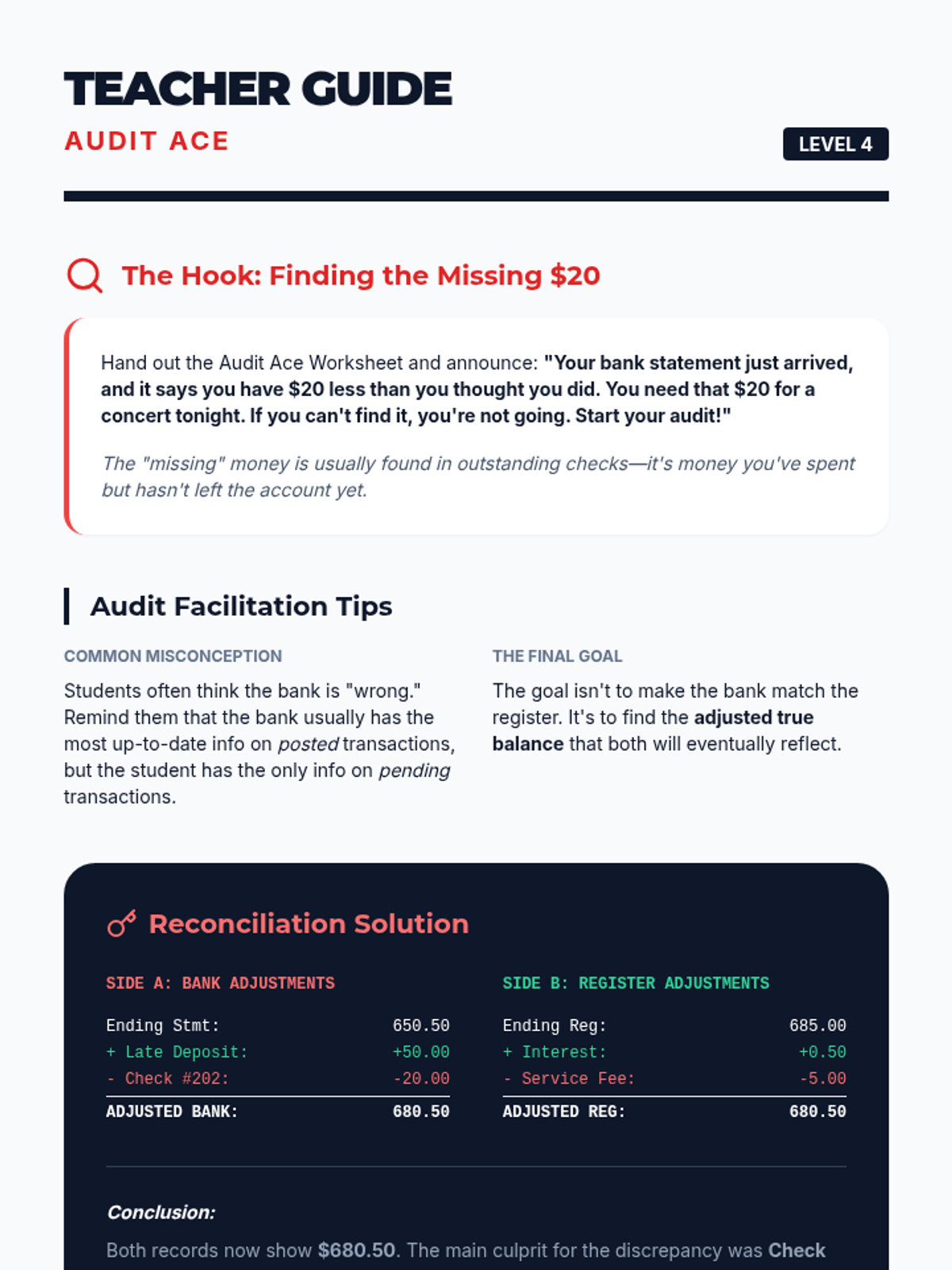
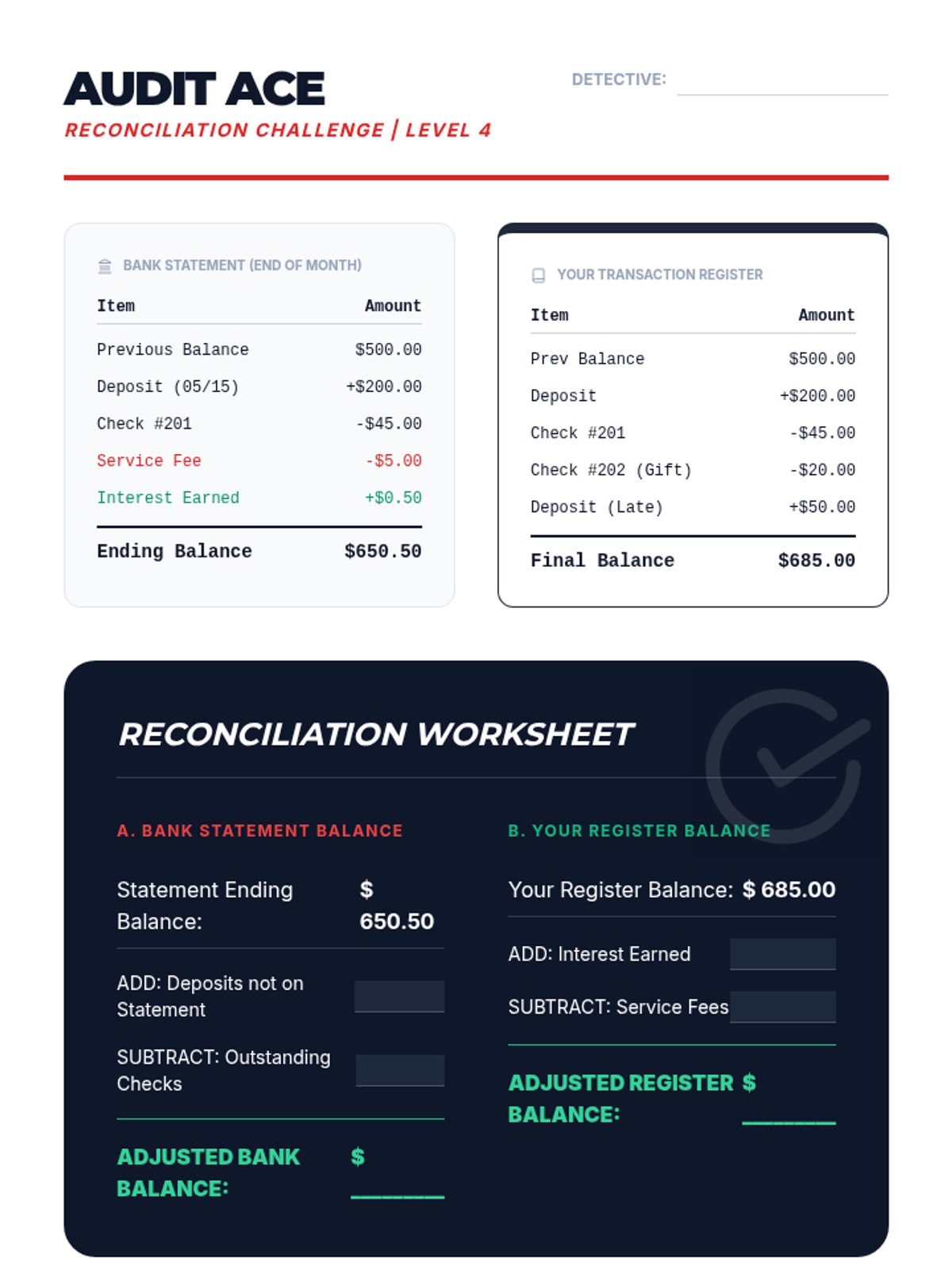
Teacher guide for Lesson 4, including the "Missing $20" hook, facilitation tips for reconciliation, and the full answer key for the audit challenge.
Worksheet for performing a bank reconciliation, identifying discrepancies between a provided bank statement and a personal transaction register.
Introductory presentation for Lesson 2, explaining dashboard features, security indicators, and password best practices.
Slides for Lesson 4 explaining why bank statements and registers differ and providing a step-by-step guide to the reconciliation process.
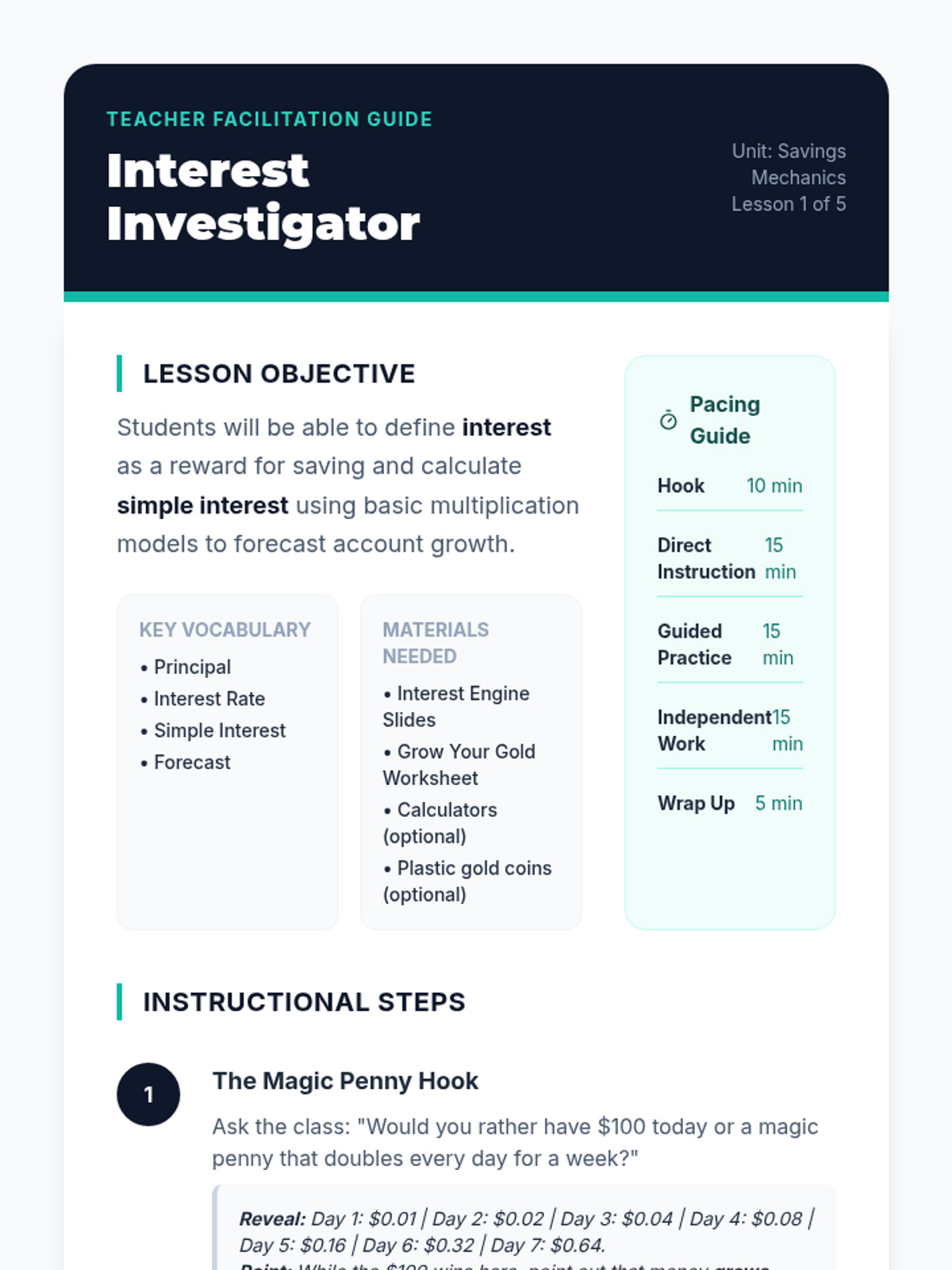
Teacher facilitation guide for Lesson 1, including pacing, hook explanation, guided instruction steps, and answer key.
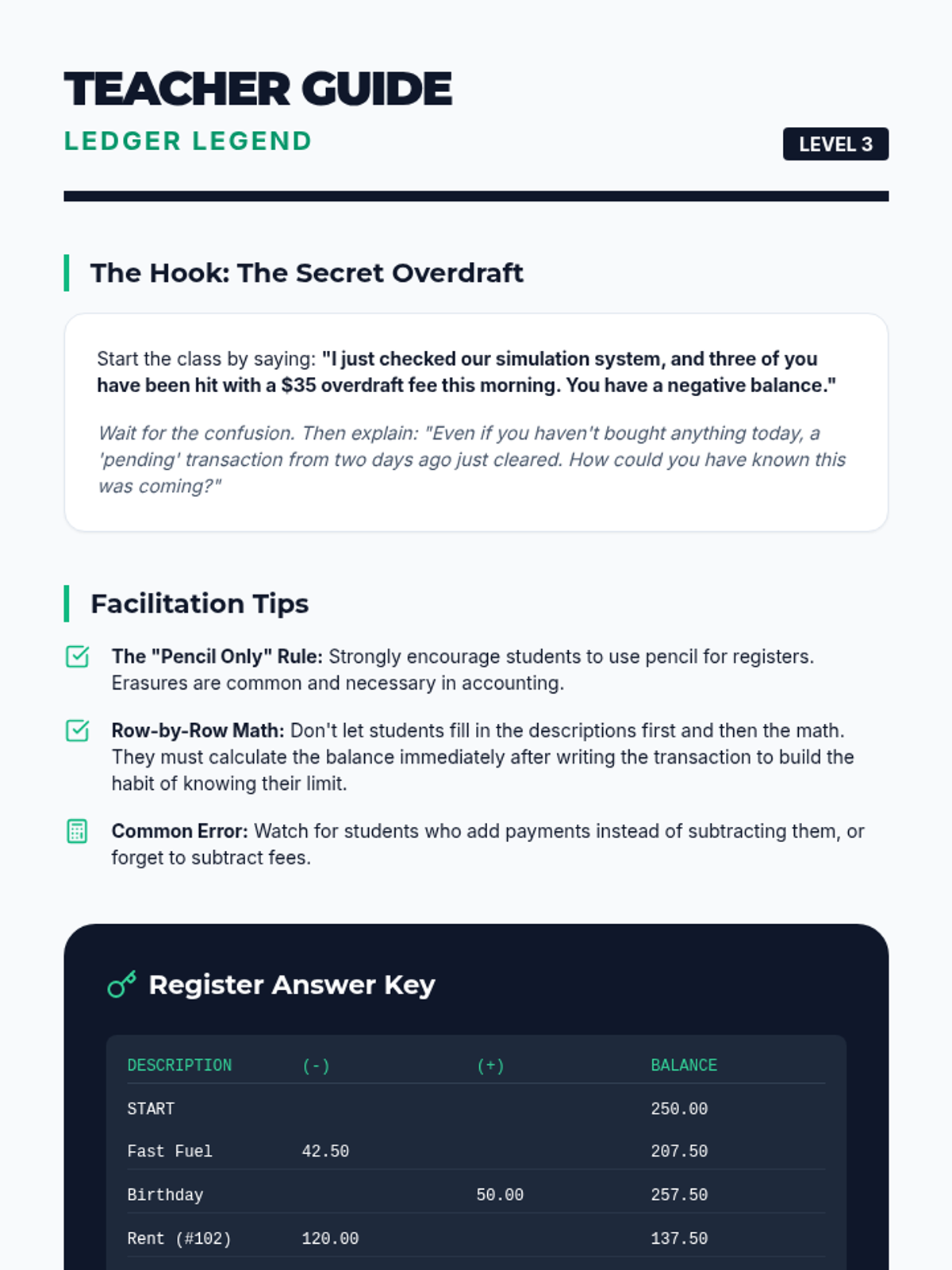
Teacher guide for Lesson 3, including the secret overdraft hook, facilitation tips for maintaining a register, and the full answer key for the simulation.
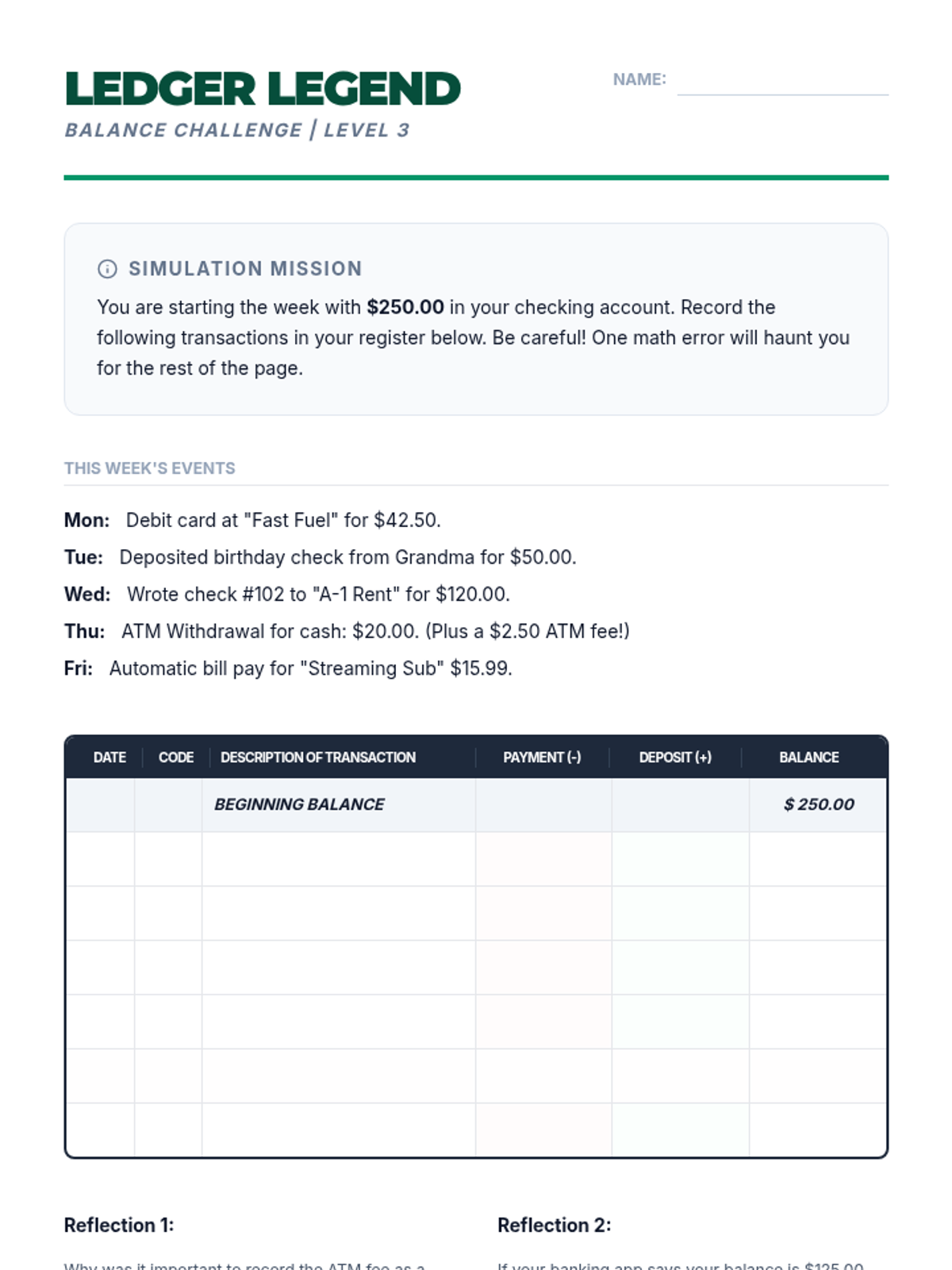
Worksheet for practicing maintaining a manual transaction register, including scenario-based entries and running balance calculations.
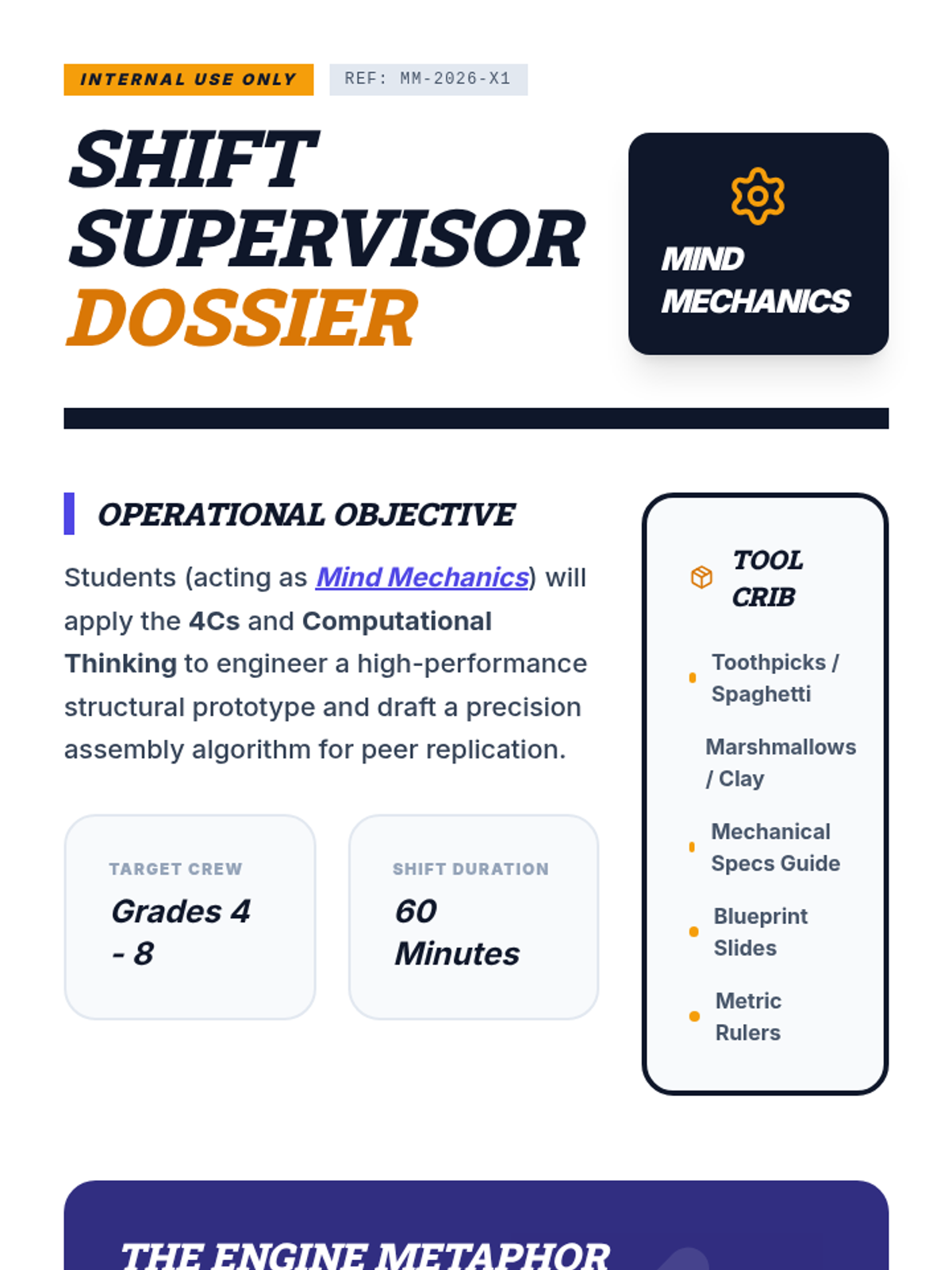
A detailed mission dossier for teachers, including lesson flow, materials list, and instructional strategies for teaching the 4Cs and Computational Thinking.
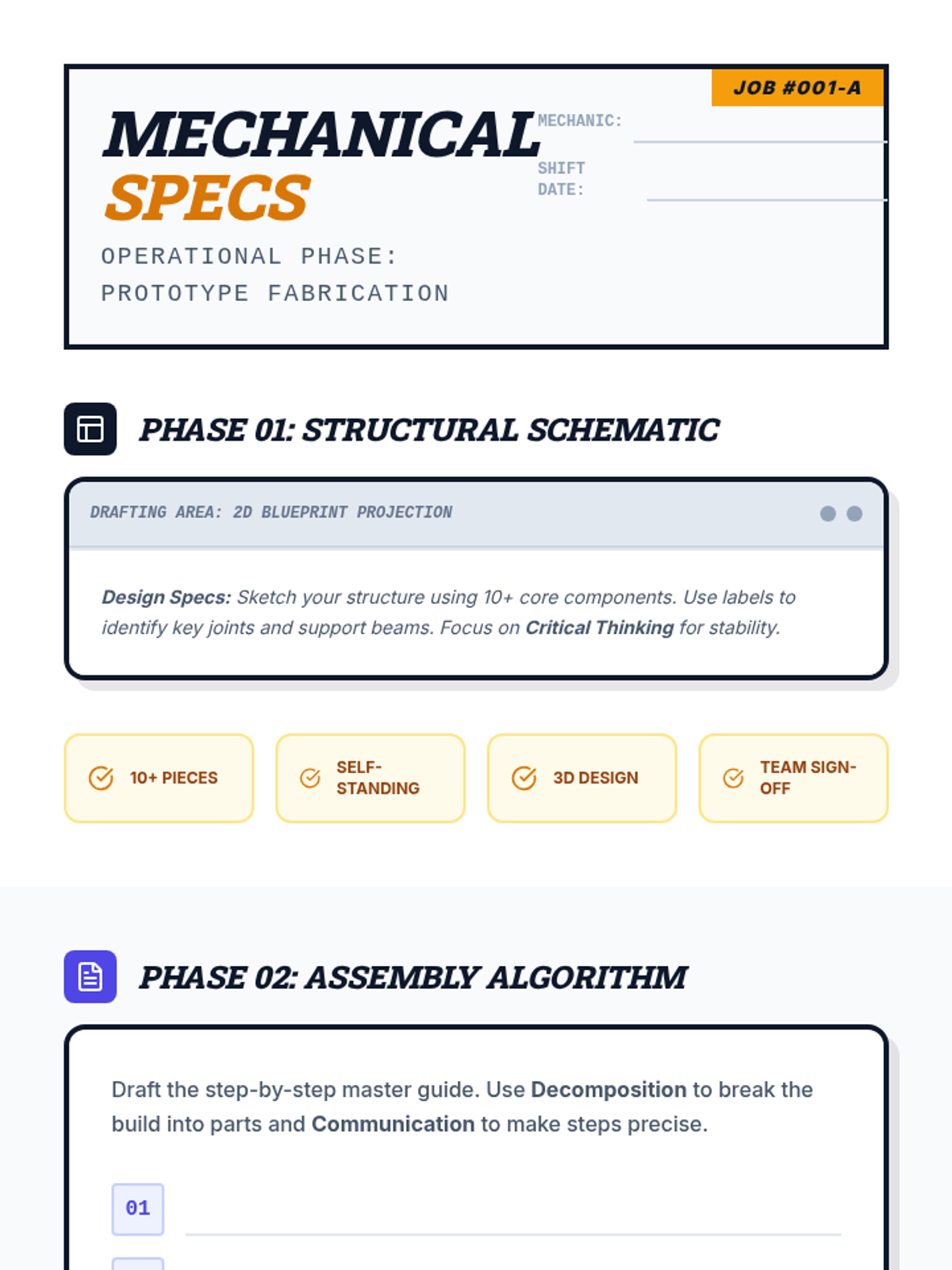
An industrial-themed field guide for students to design their structural prototype, write their assembly algorithm, and reflect on their use of the 4Cs and Computational Thinking.
A high-energy, industrial-themed slide deck that introduces the 4Cs and Computational Thinking with large, high-contrast text and a modern workshop aesthetic.
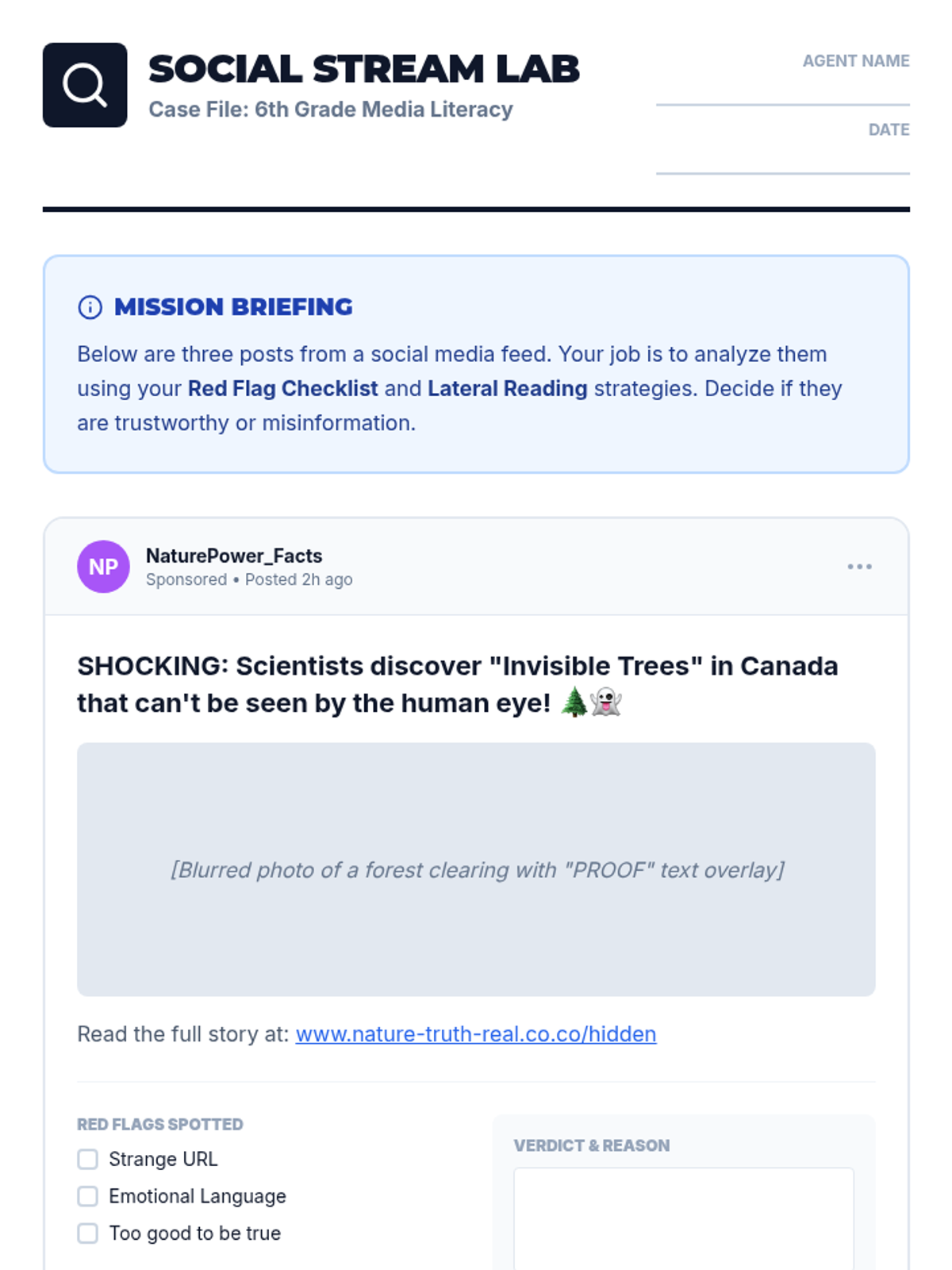
A hands-on activity sheet where 6th-grade students analyze simulated social media posts to practice lateral reading and identifying misinformation red flags.
A 6-slide deck for 6th-grade students on identifying misinformation and practicing lateral reading. Features high-contrast, modern design with clear visual guides for digital detective strategies.
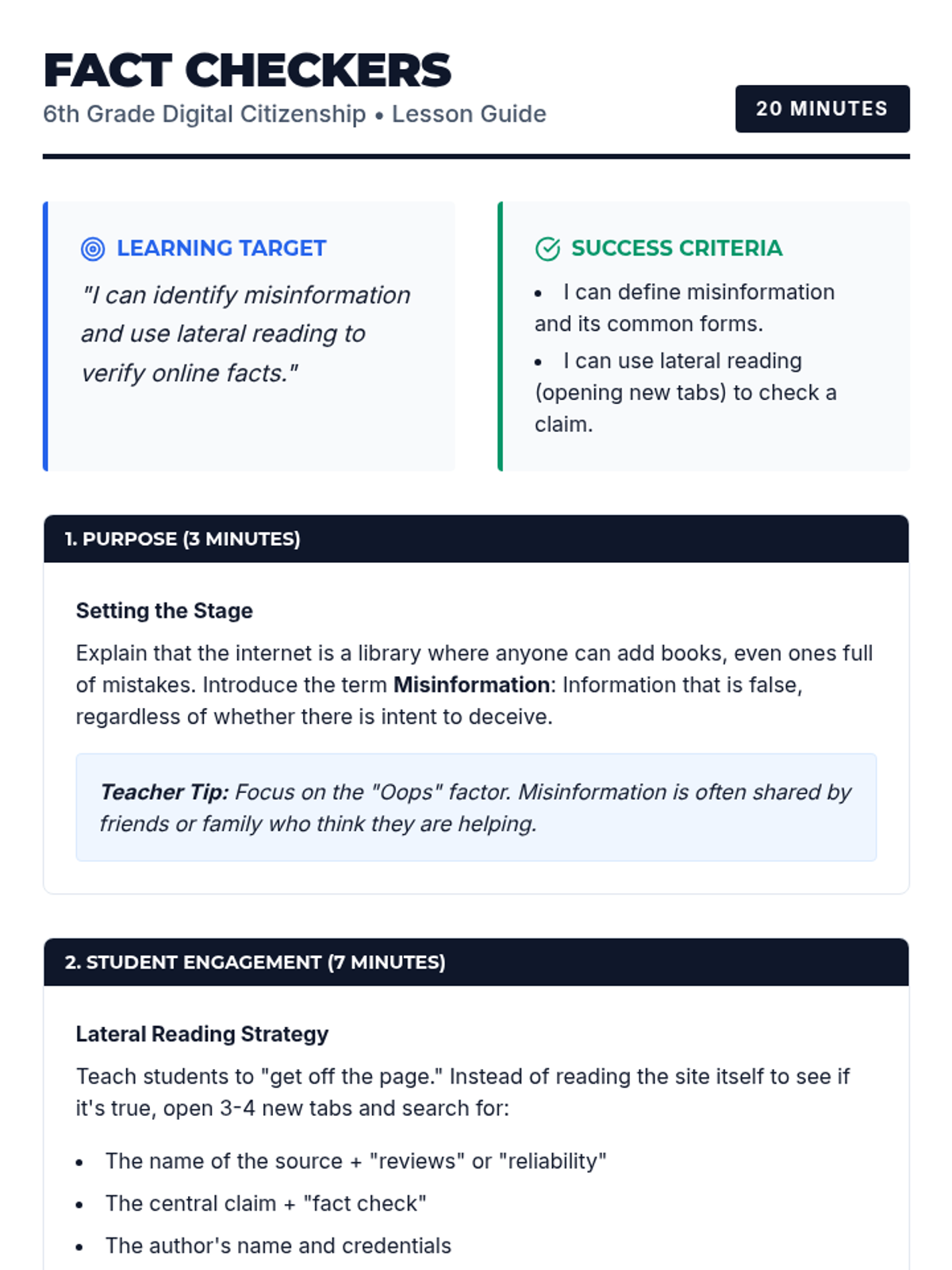
A comprehensive teaching guide for 6th-grade educators on misinformation and lateral reading, aligned with the 5D+ Instructional Framework. Includes learning targets, success criteria, and specific instructional steps.
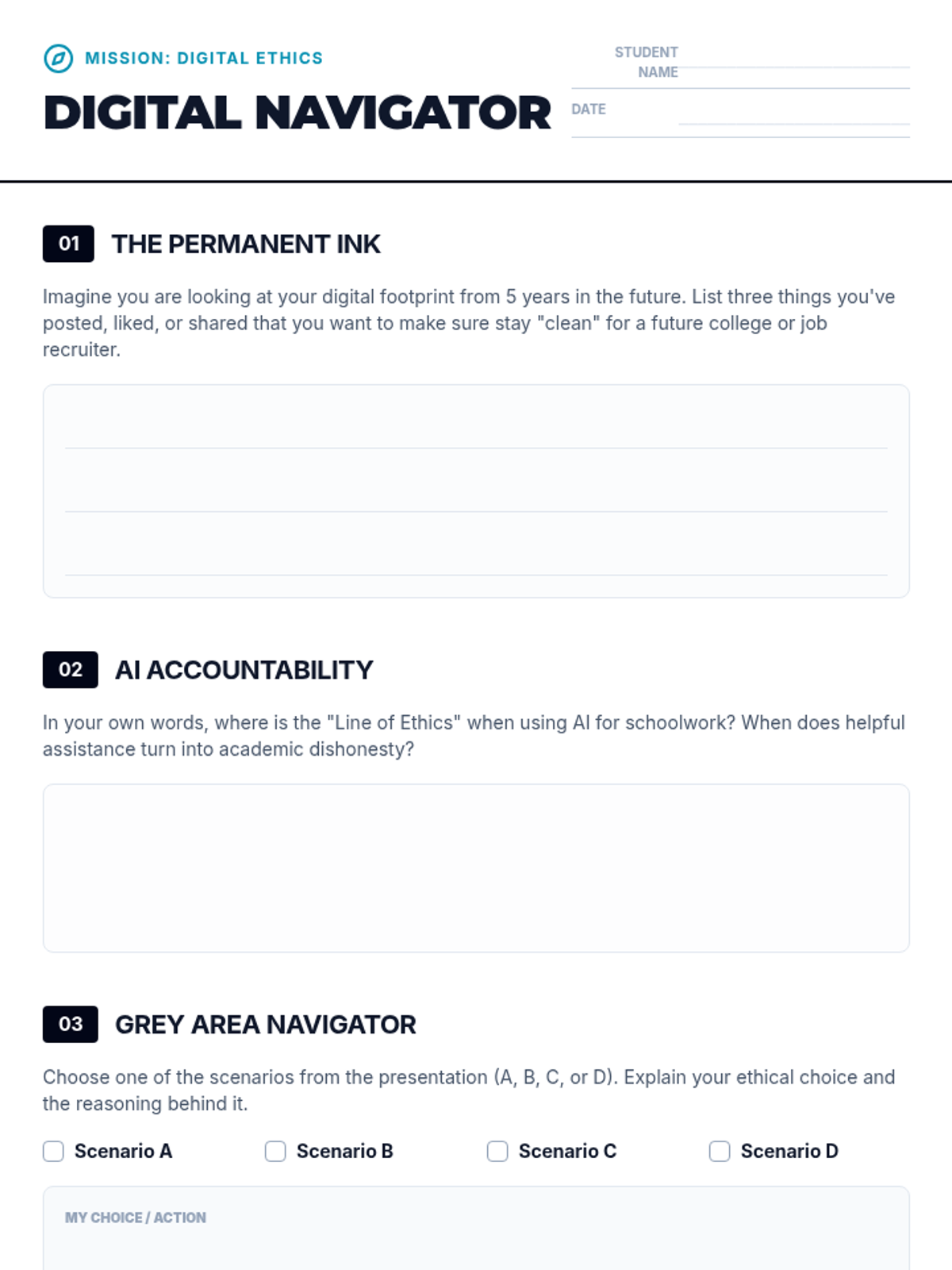
A reflective student worksheet designed to accompany the Digital Compass lesson, providing space for personal reflection on digital footprints, AI use, and ethical scenarios.
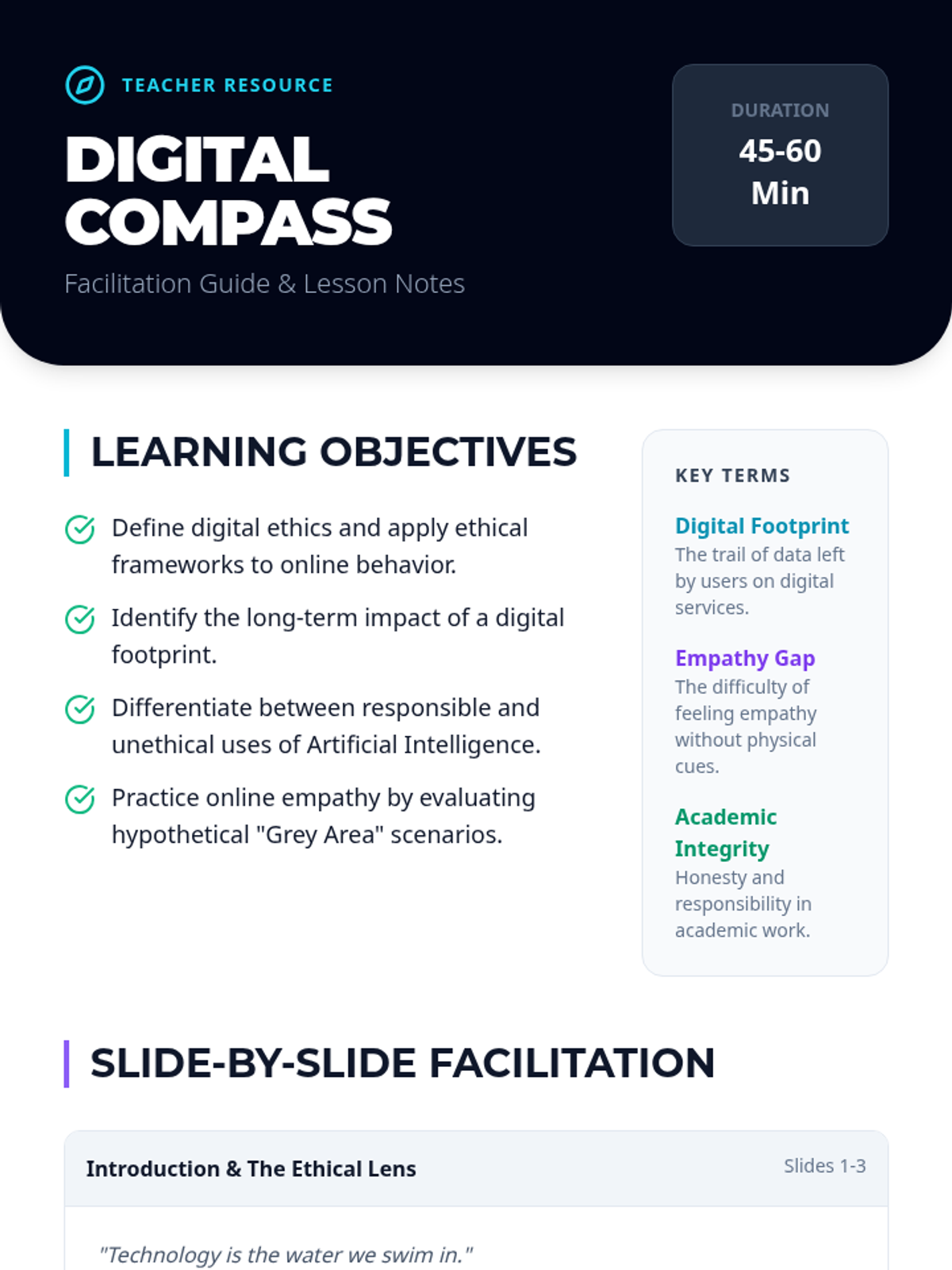
A detailed facilitation guide for teachers to deliver the Digital Compass lesson, including learning objectives, slide-by-slide notes, and discussion prompts.
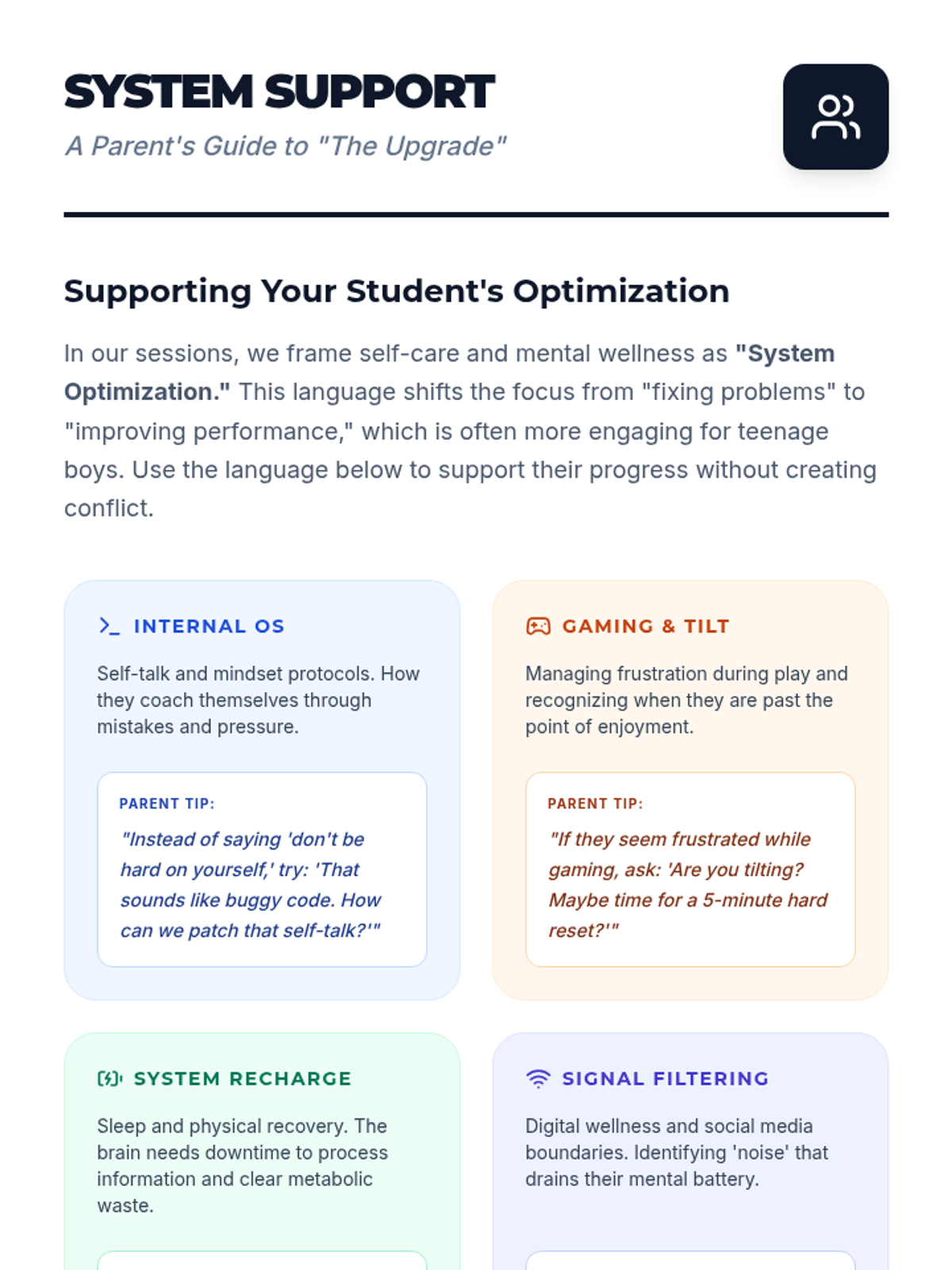
A parent-facing handout that explains the 'System Optimization' metaphor used in the lesson. It provides practical tips for parents to support their son's self-care using the same tech-inspired language to reduce conflict and increase engagement.
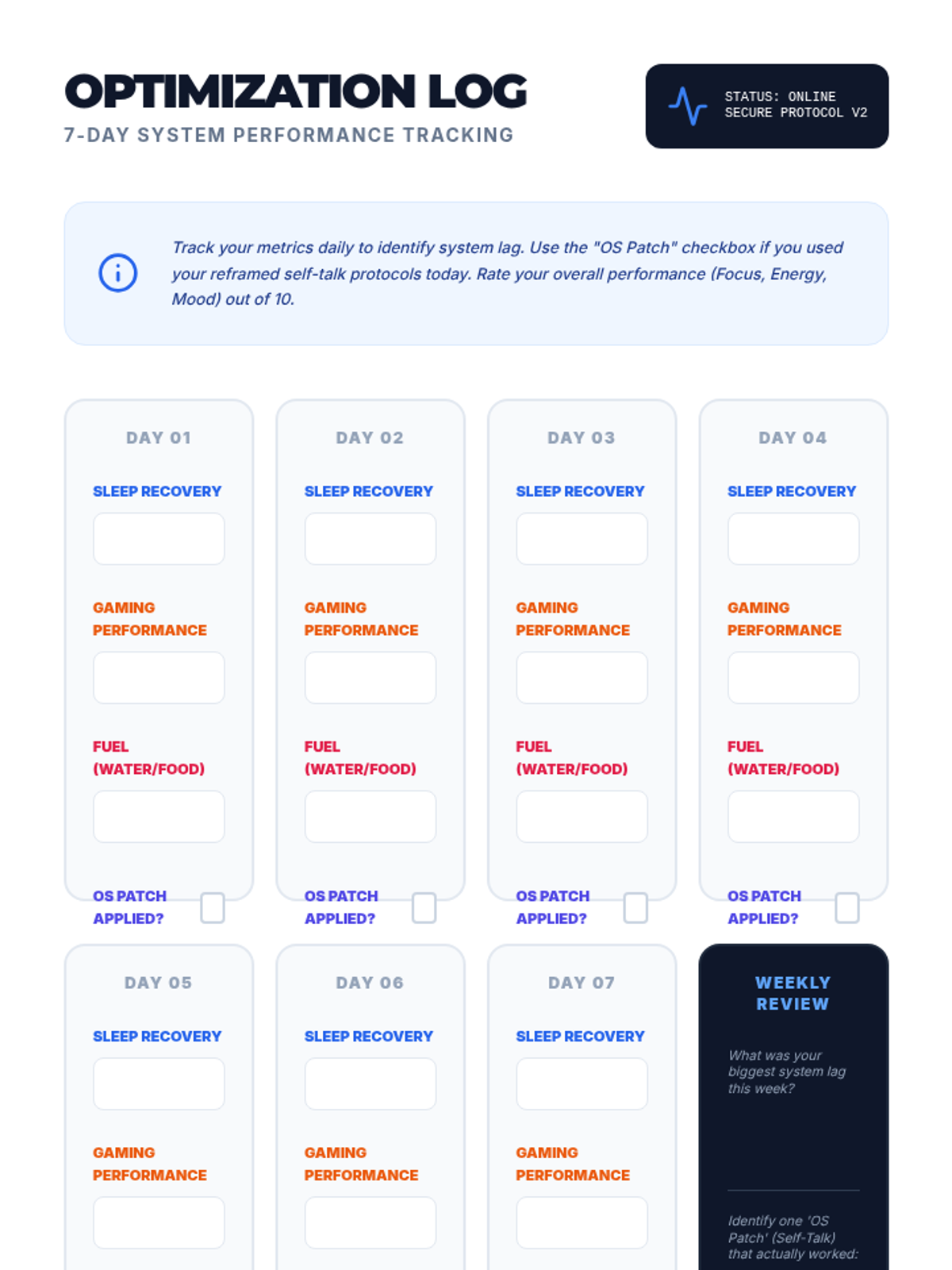
A high-tech student tracking sheet for monitoring sleep, gaming time, nutrition, and self-talk updates over a 7-day period. Designed to look like a system performance dashboard. It features large handwriting areas and clear, readable text.
A sleek, tech-inspired student workbook that guides teenage boys through reframing their self-talk as an 'Internal OS' and auditing their digital wellness and sleep habits. Features specialized work areas for system optimization protocols and now includes a video game performance audit and tilt management page.
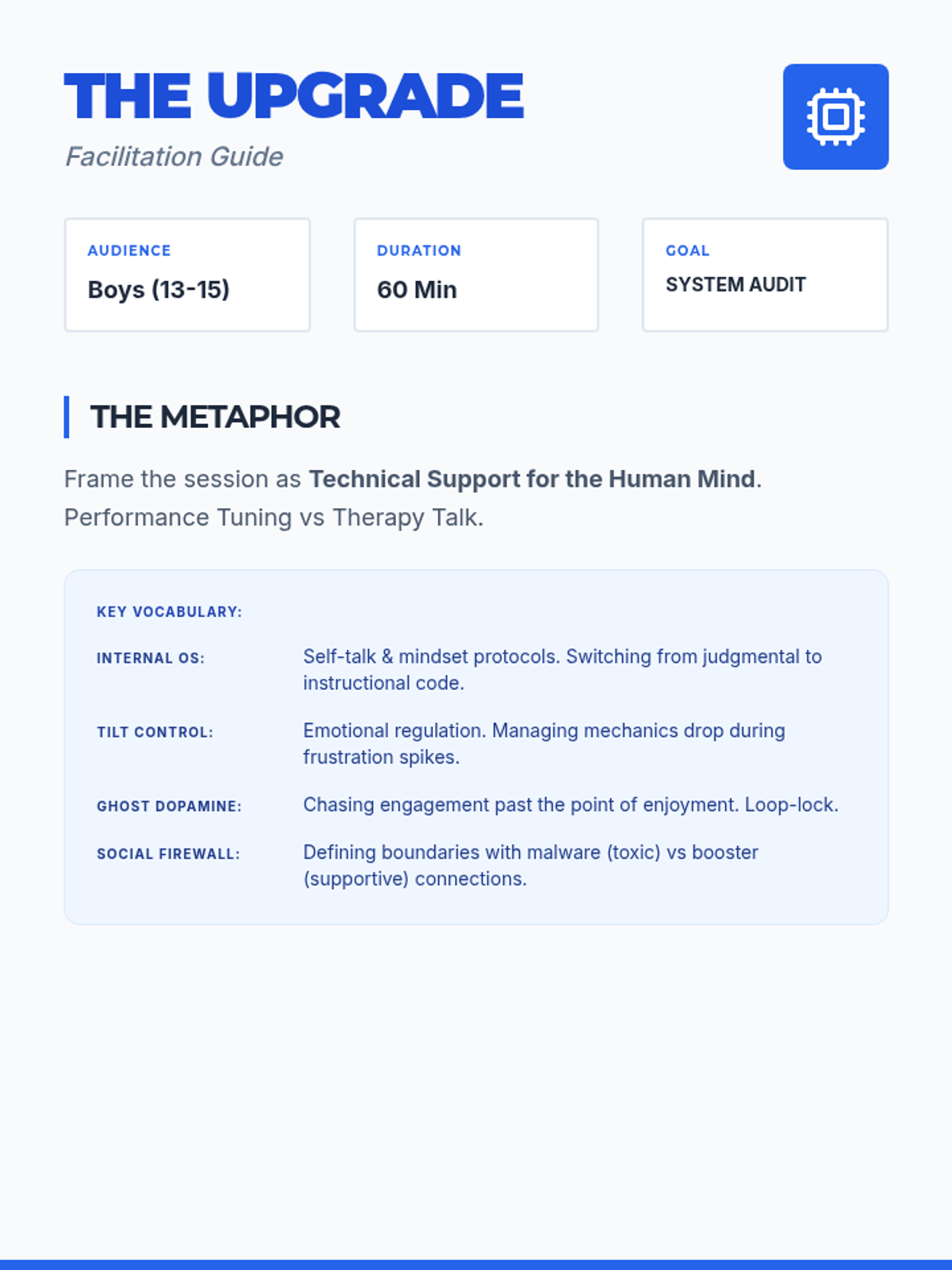
A professional facilitation guide for counselors that frames self-care and positive self-talk through a 'system optimization' metaphor designed to engage 14-year-old boys. It includes discussion prompts, key vocabulary, and psychological reframing strategies.
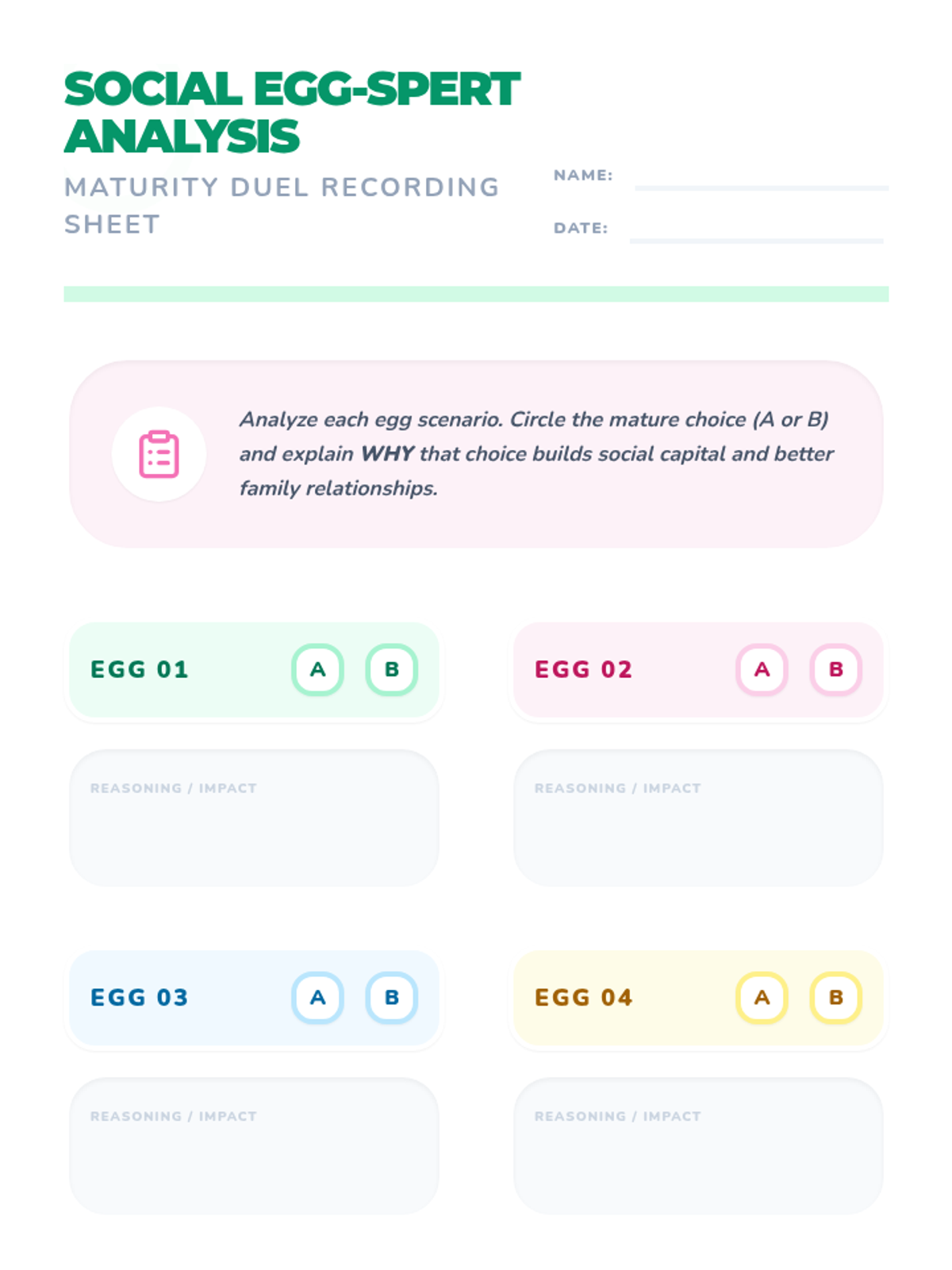
A student-facing recording sheet redesigned for middle school, emphasizing social analysis, reasoning, and reflection on maturity and perspective-taking. Now with an Easter-themed design.
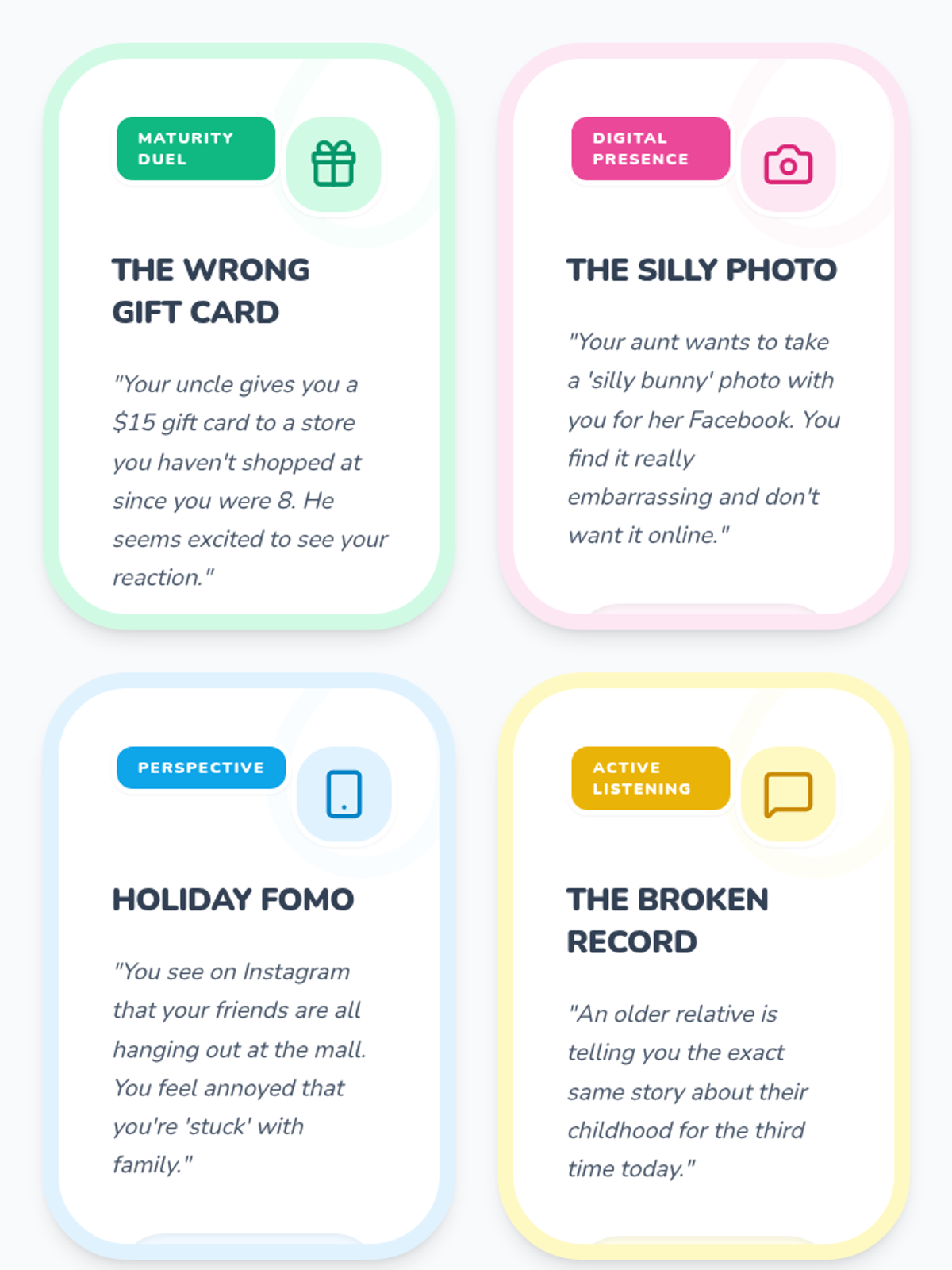
A set of 8 social skills task cards redesigned for middle school students, focusing on digital etiquette, social media boundaries, maturity, and complex family dynamics. Now featuring a heavy Easter theme with eggs and pastel borders.
An expanded slide deck that includes 8 scenario practice slides based on the task cards. Each practice slide features a tricky spring situation and two identical-looking choices for group discussion. Redesigned with a heavy Easter theme and optimized font sizes for visibility. All scenario prompts and options have been resized to ensure they fit correctly within the slides. All text is at least 24px (text-2xl).
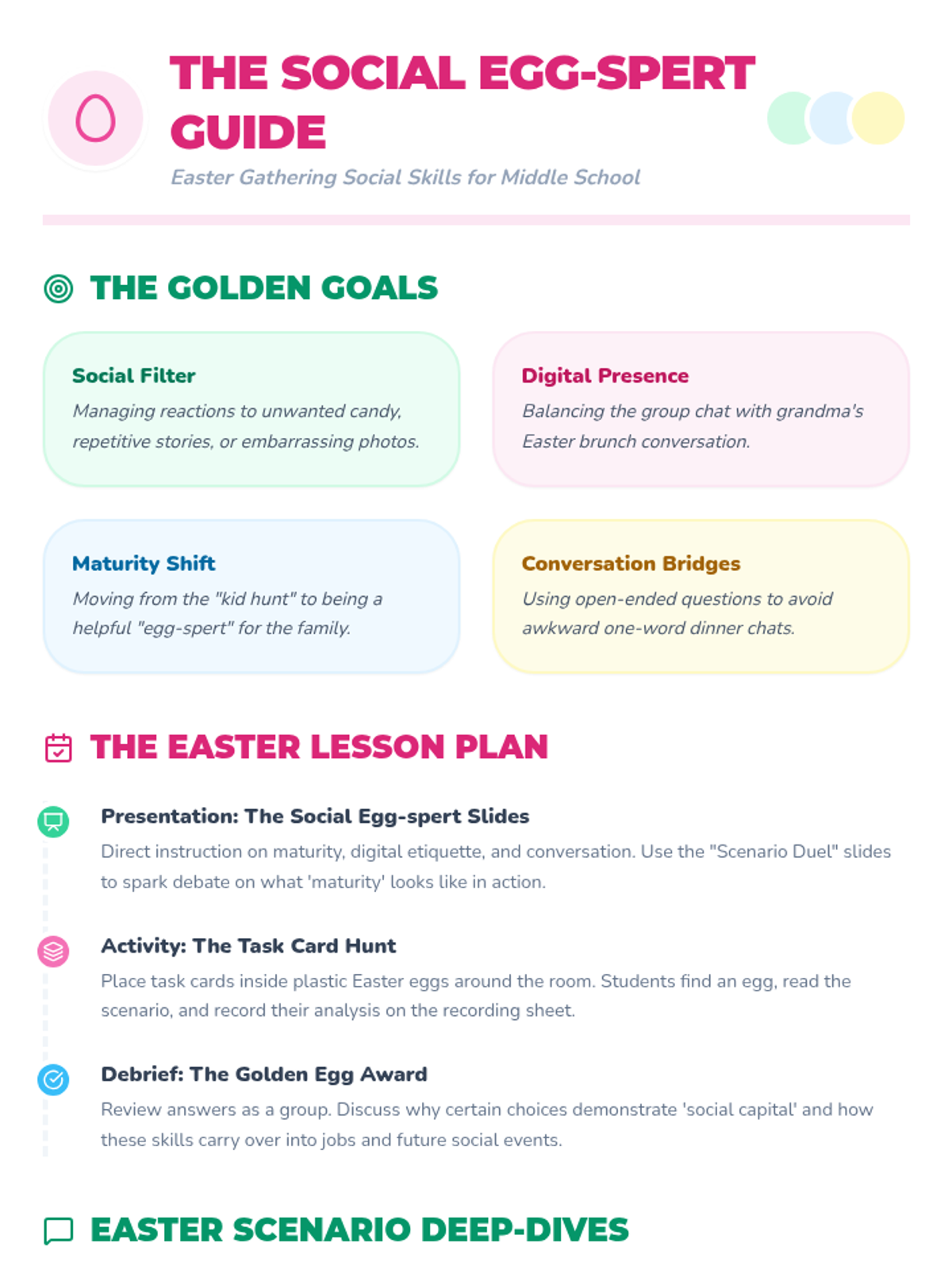
A teacher-facing guide outlining the learning objectives and facilitation strategies for the Spring Social Skills lesson. Redesigned with a heavy Easter theme (eggs, pastels, and terminology) for middle schoolers.
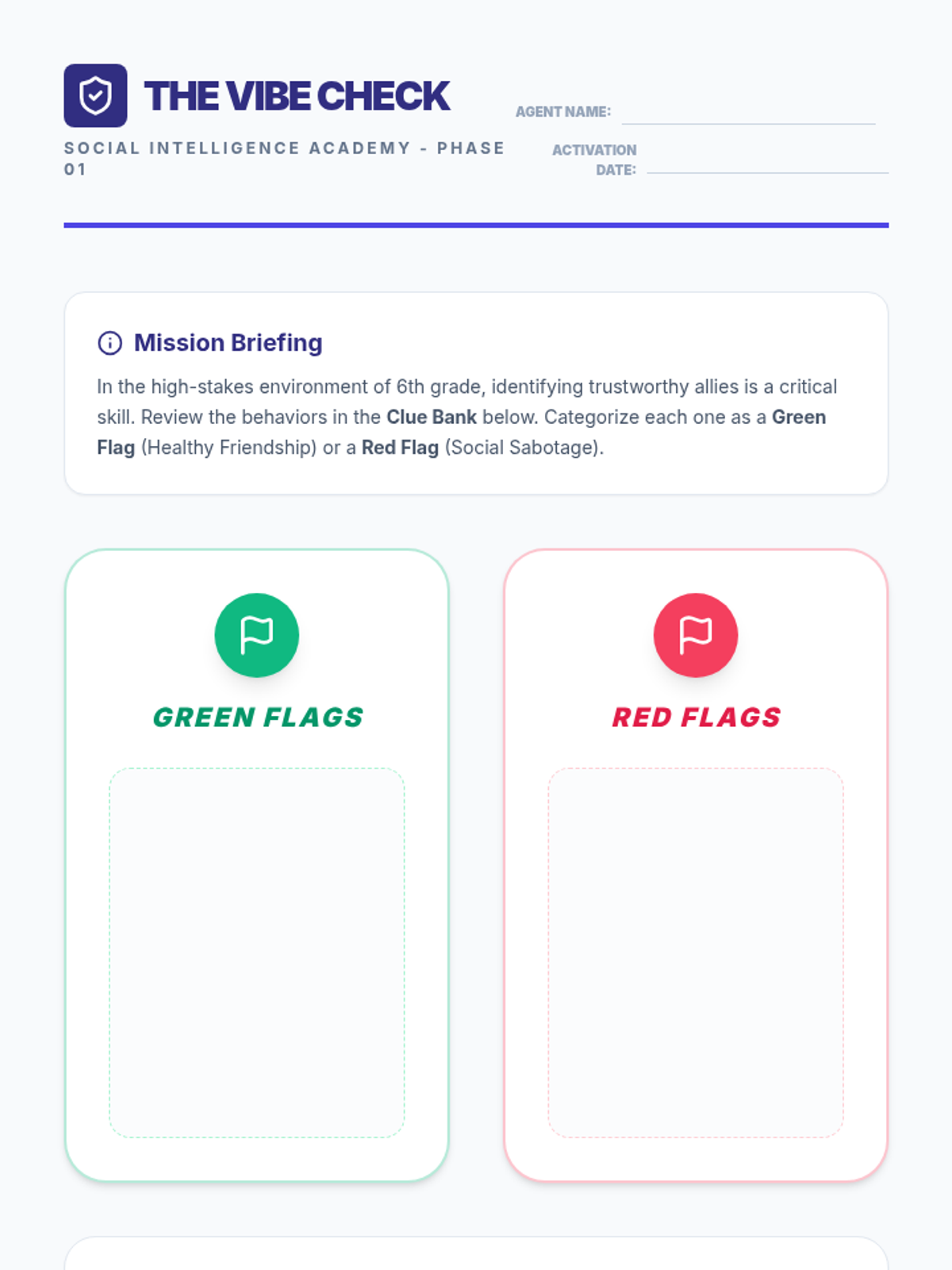
A sophisticated Session 1 worksheet for 6th graders where they categorize friendship behaviors as Green Flags or Red Flags, focusing on realistic middle school scenarios like group chats and rumors.
A modern, tech-inspired 4-slide presentation for Session 1 of the Social Intelligence Academy, focusing on "Vibe Checks" and healthy friendship markers for 6th graders.
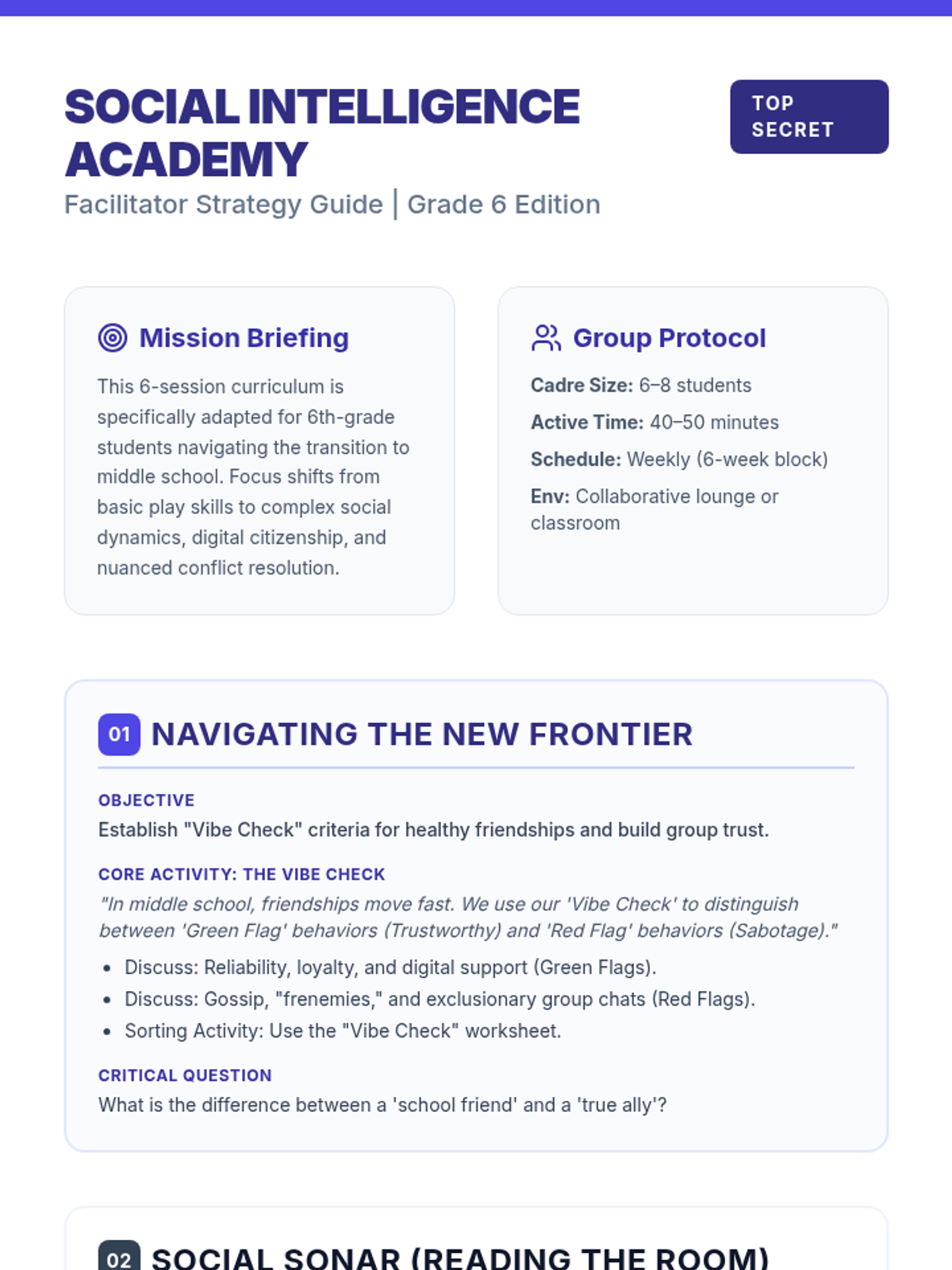
A sophisticated 3-page guide for middle school educators, adapting the Social Intelligence Academy curriculum for 6th graders with a focus on digital dynamics, nuanced social cues, and mature conflict resolution.
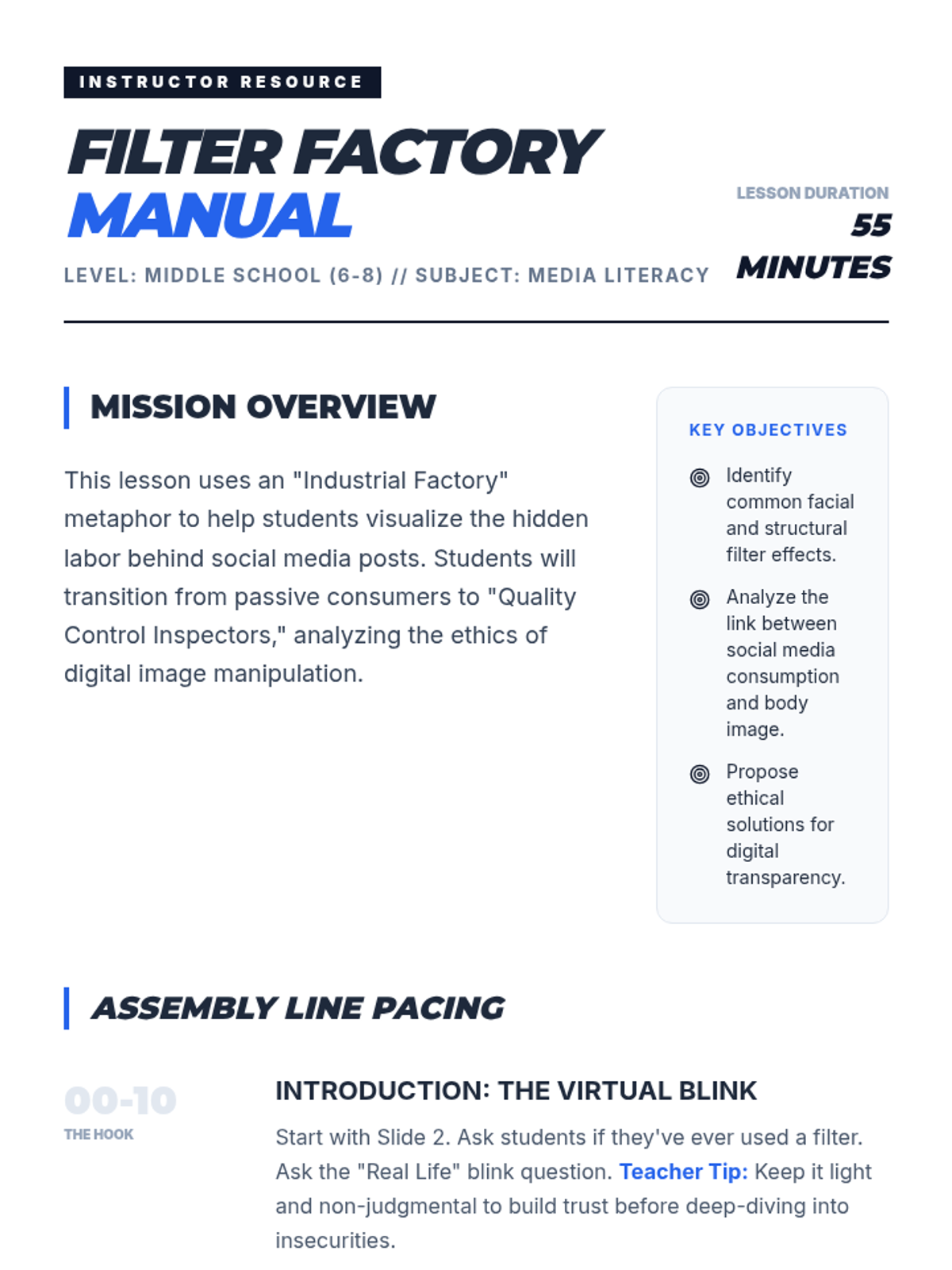
A comprehensive facilitator guide for the 'Filter Factory' lesson. It includes a minute-by-minute pacing guide, discussion probes, differentiation strategies, and pedagogical tips for teaching middle schoolers about digital authenticity.
An engaging presentation for the 'Filter Factory' lesson. It visually breaks down the 'assembly line' of social media modification, discusses psychological impacts, and provides instructions for group work.
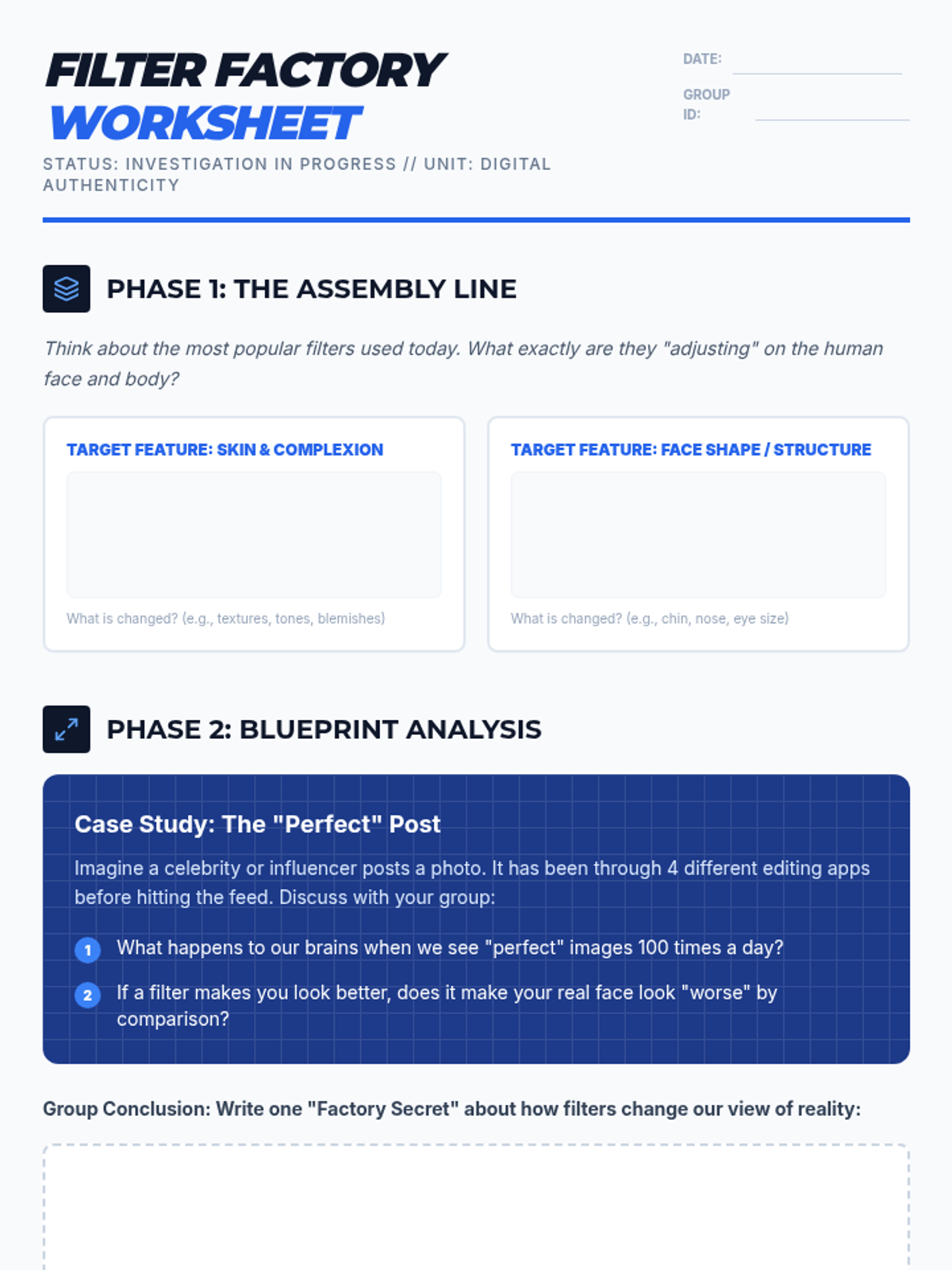
An industrial-themed small group worksheet for middle school students to analyze the 'Filter Factory' of social media. Includes activities on identifying filter effects, discussing body image ethics, and creating authenticity labels for digital content.
An instructional slide deck designed to introduce the core principles of digital citizenship, focusing on social media etiquette, privacy boundaries, and cyberbullying prevention through the 'Three Pillars' framework.
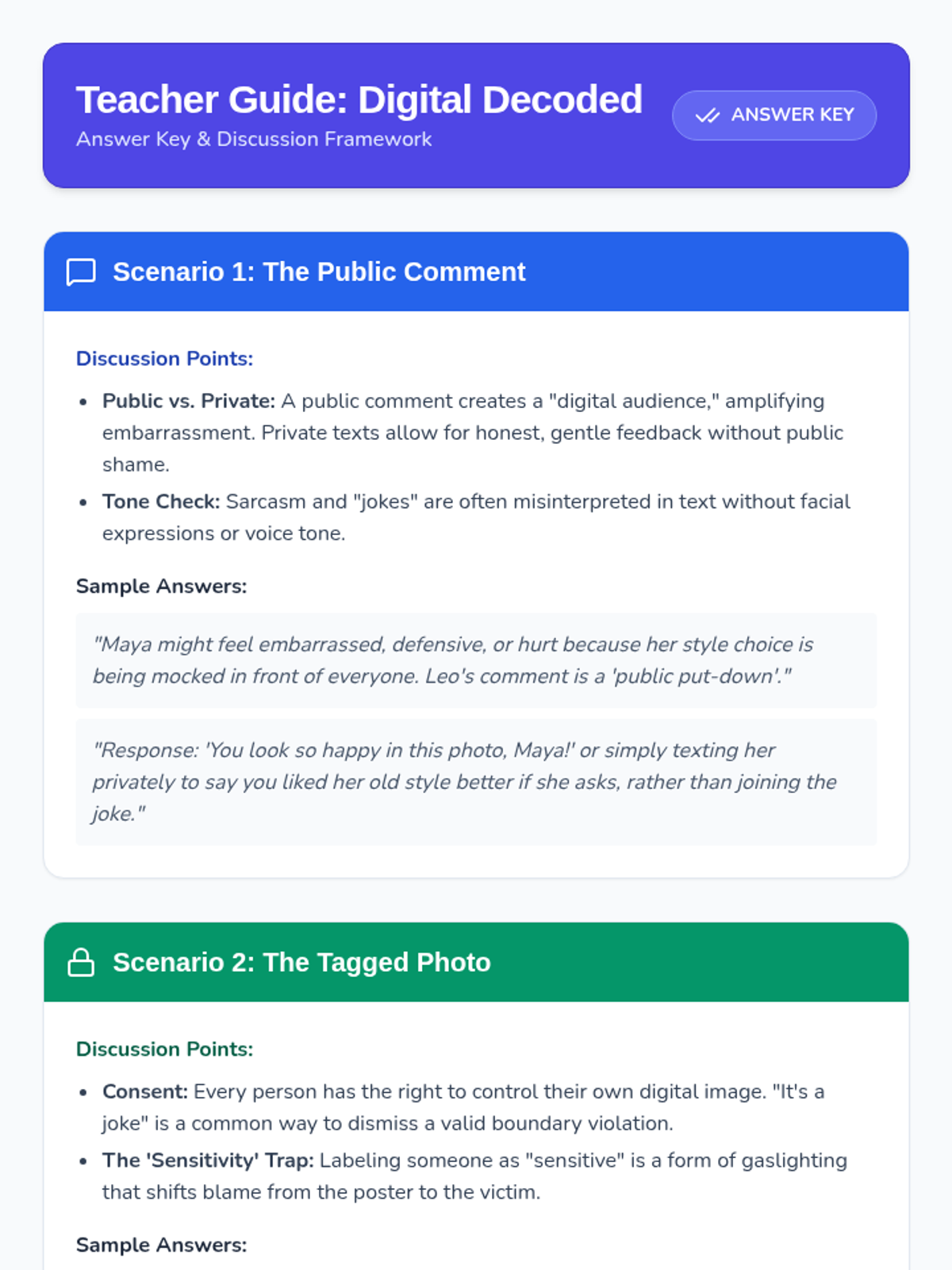
A teacher-facing answer key and discussion guide for the Digital Decoded worksheet, providing sample student responses, key discussion points, and instructional tips for facilitating conversations on digital ethics.
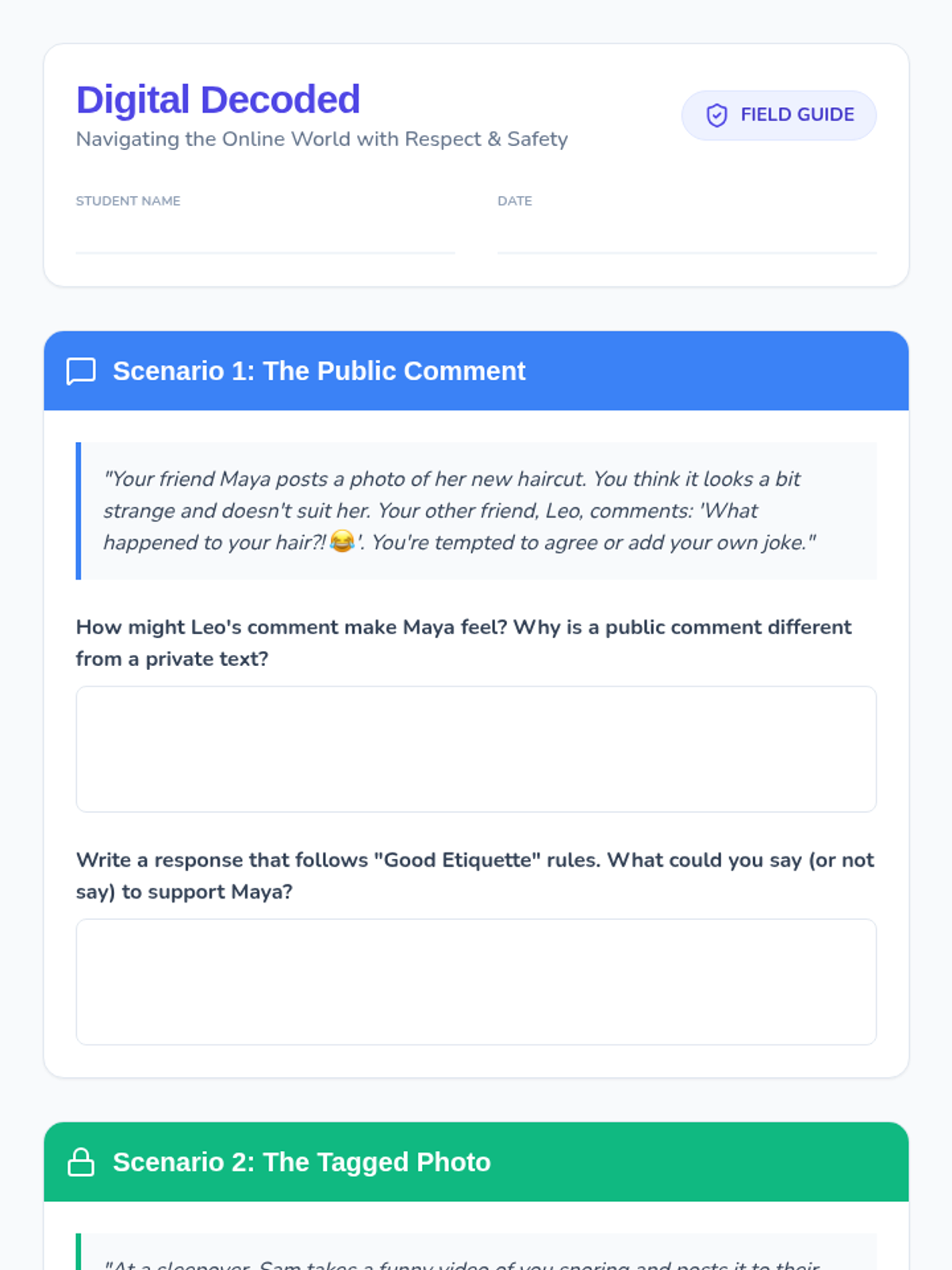
A student worksheet featuring three realistic digital conflict scenarios covering social media etiquette, privacy boundaries, and cyberbullying with dedicated space for written responses and reflection.
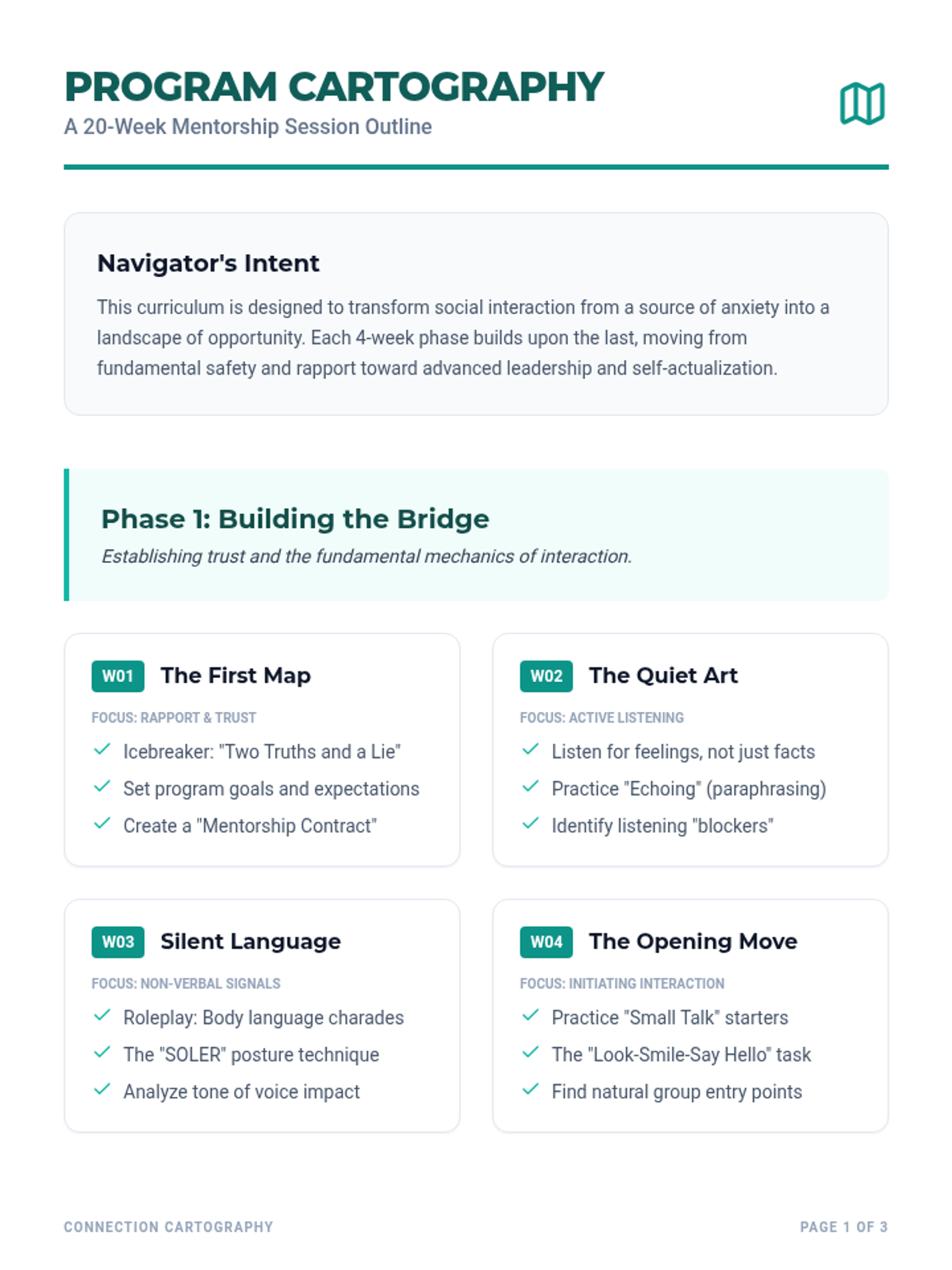
A detailed 20-week curriculum guide for mentors, featuring session objectives, activities, and a progression from basic rapport to advanced peer leadership.
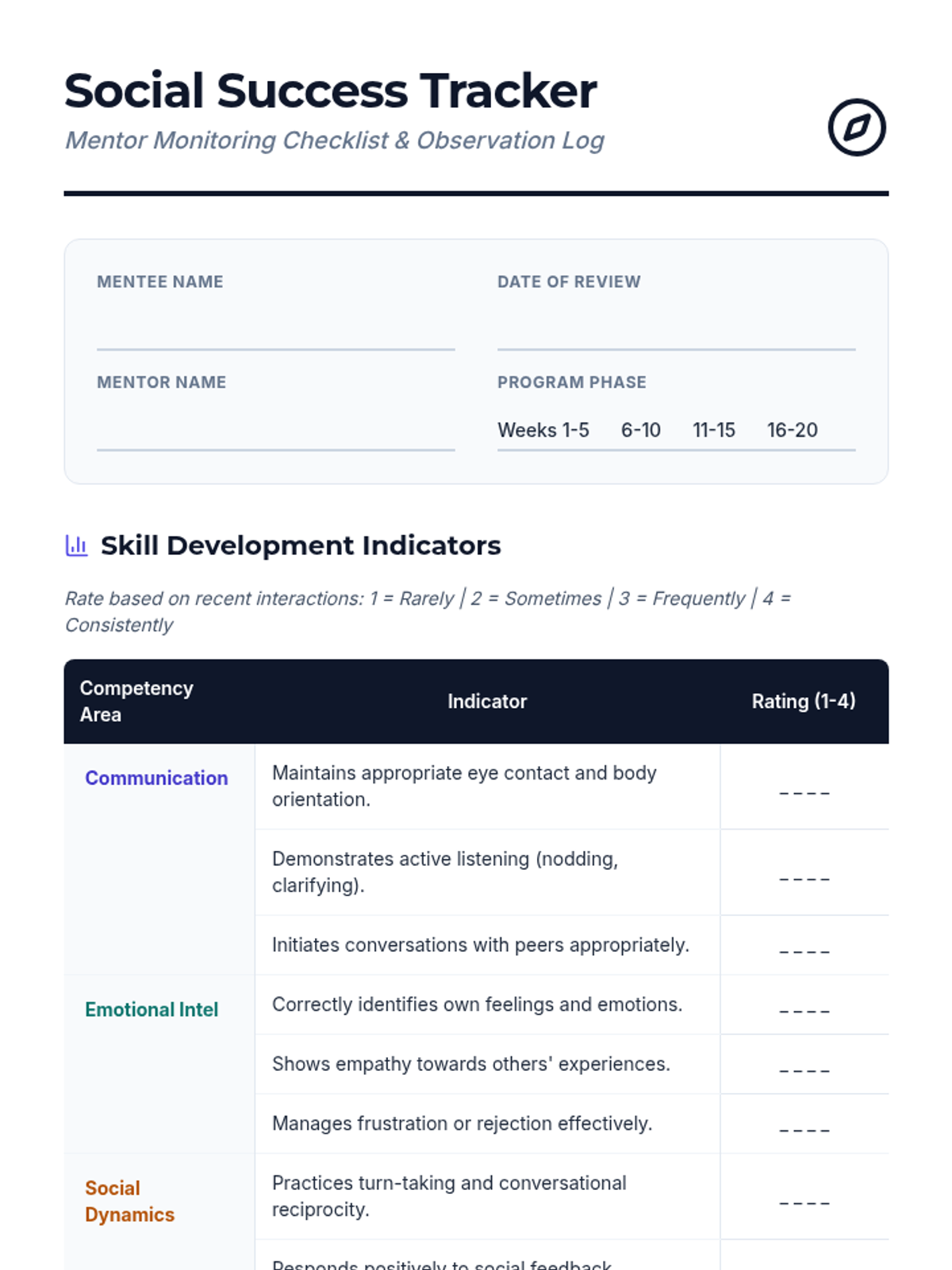
A comprehensive monitoring checklist for mentors to track their mentees' progress across communication, emotional intelligence, and social dynamics.
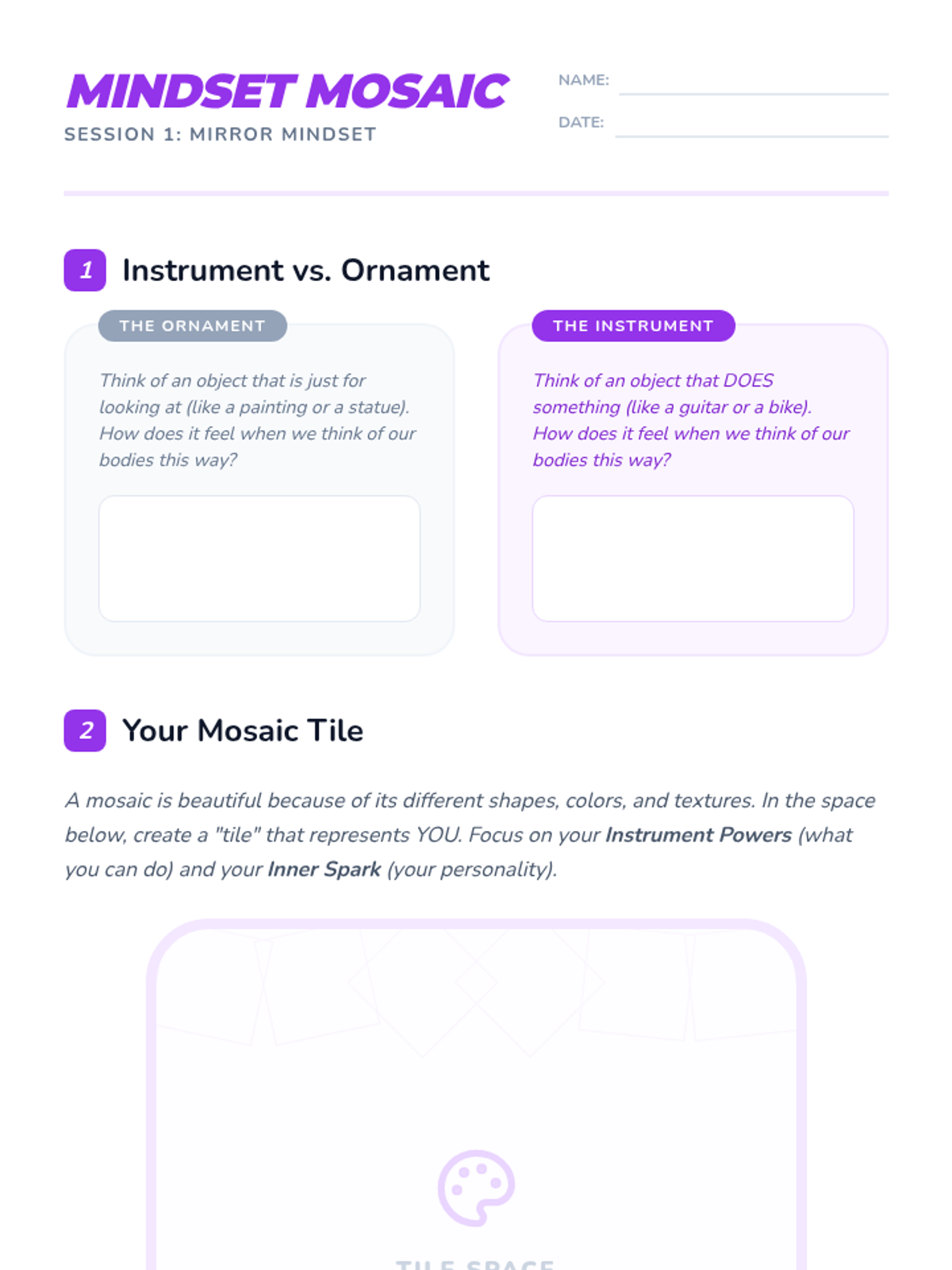
A redesigned, high-detail student worksheet for Lesson 1, featuring sections on body neutrality (Instrument vs. Ornament), a mosaic drawing area, and a media literacy reflection.
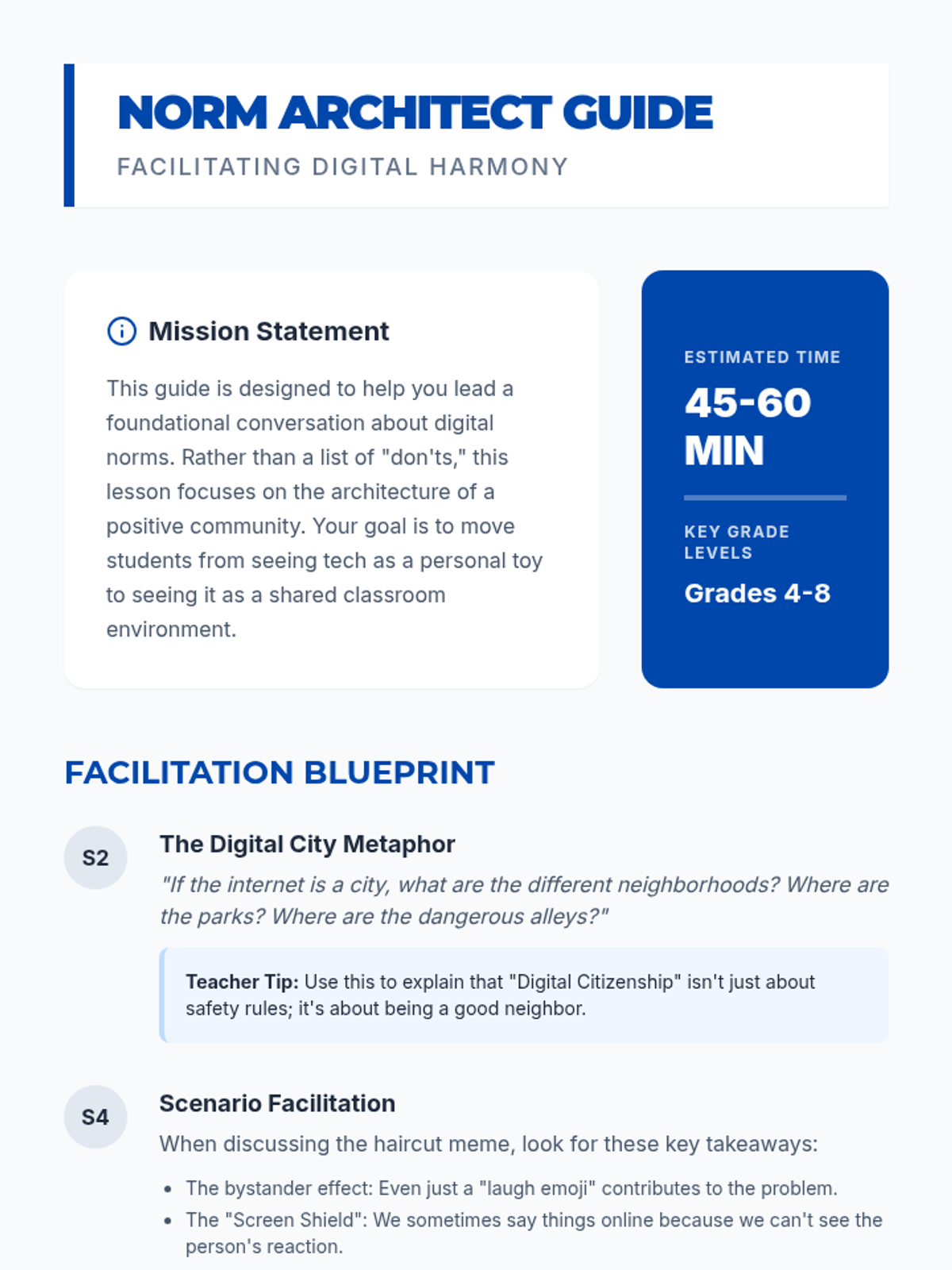
A teacher facilitation guide for the Digital Harmony lesson, including discussion prompts, classroom management strategies for tech, and pedagogical tips.
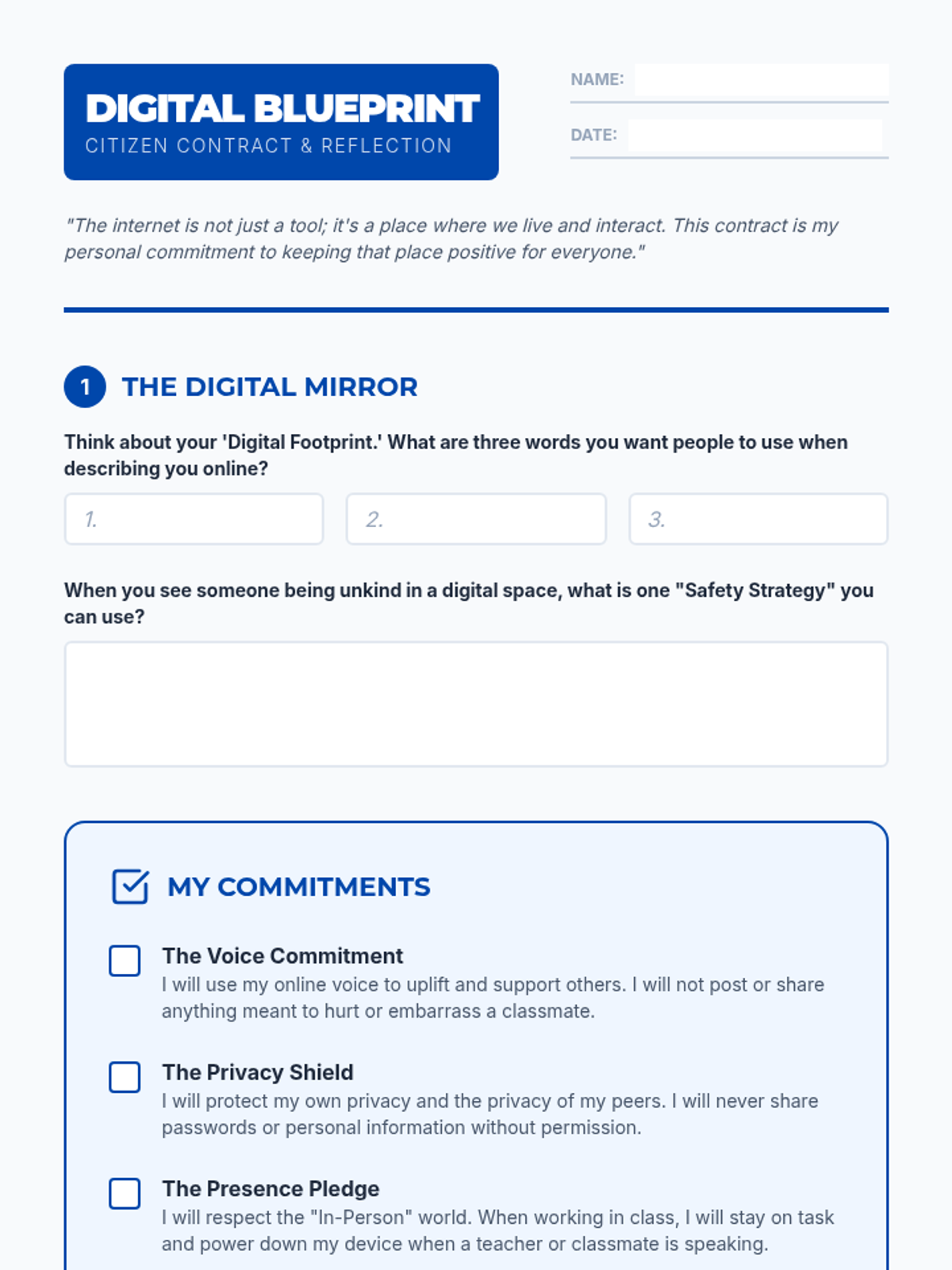
A reflective contract for students to define their personal digital norms, commit to responsible tech use, and consider their digital footprint.
A visual presentation for introducing digital citizenship concepts, exploring safety, respect, and balance in digital spaces, and facilitating a collaborative discussion on classroom expectations.