Fundamental hardware proficiency, secure online behavior, and ethical social media engagement. Equips learners with productivity tool mastery, web publishing skills, and critical evaluation of emerging technologies.
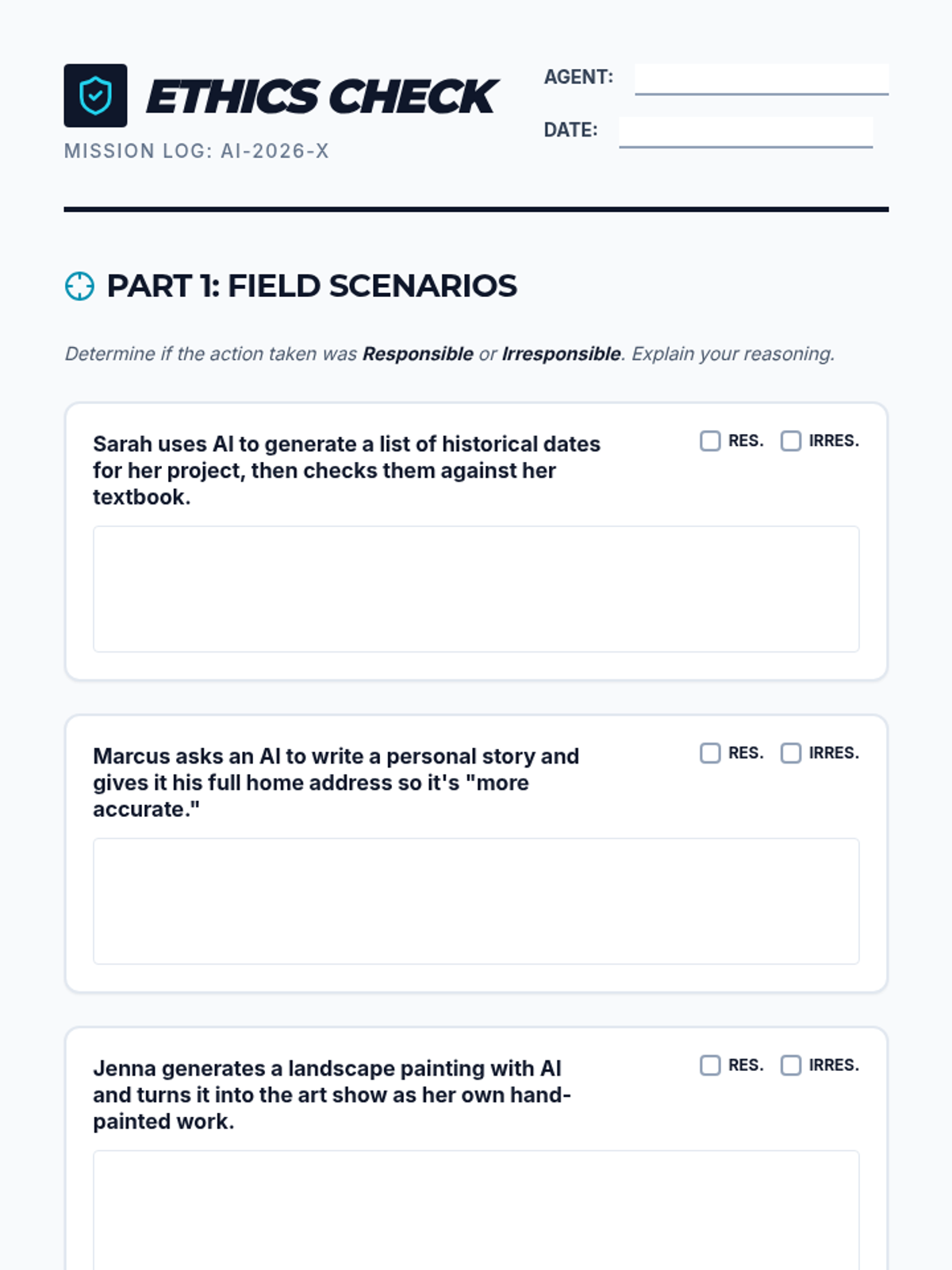
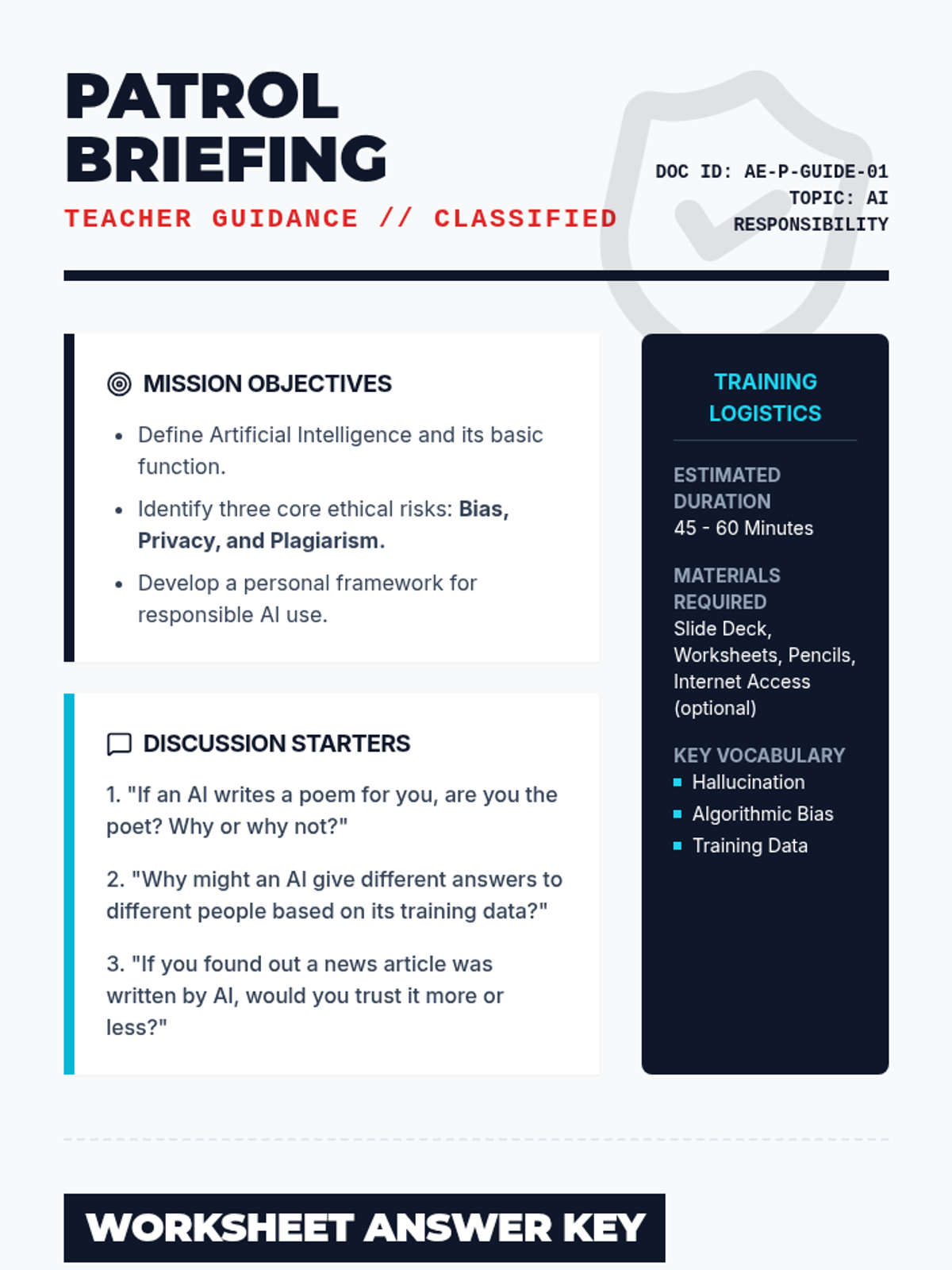
A comprehensive lesson on the ethical and responsible use of artificial intelligence. Students explore topics like bias, privacy, and academic integrity through interactive scenarios and critical thinking exercises.
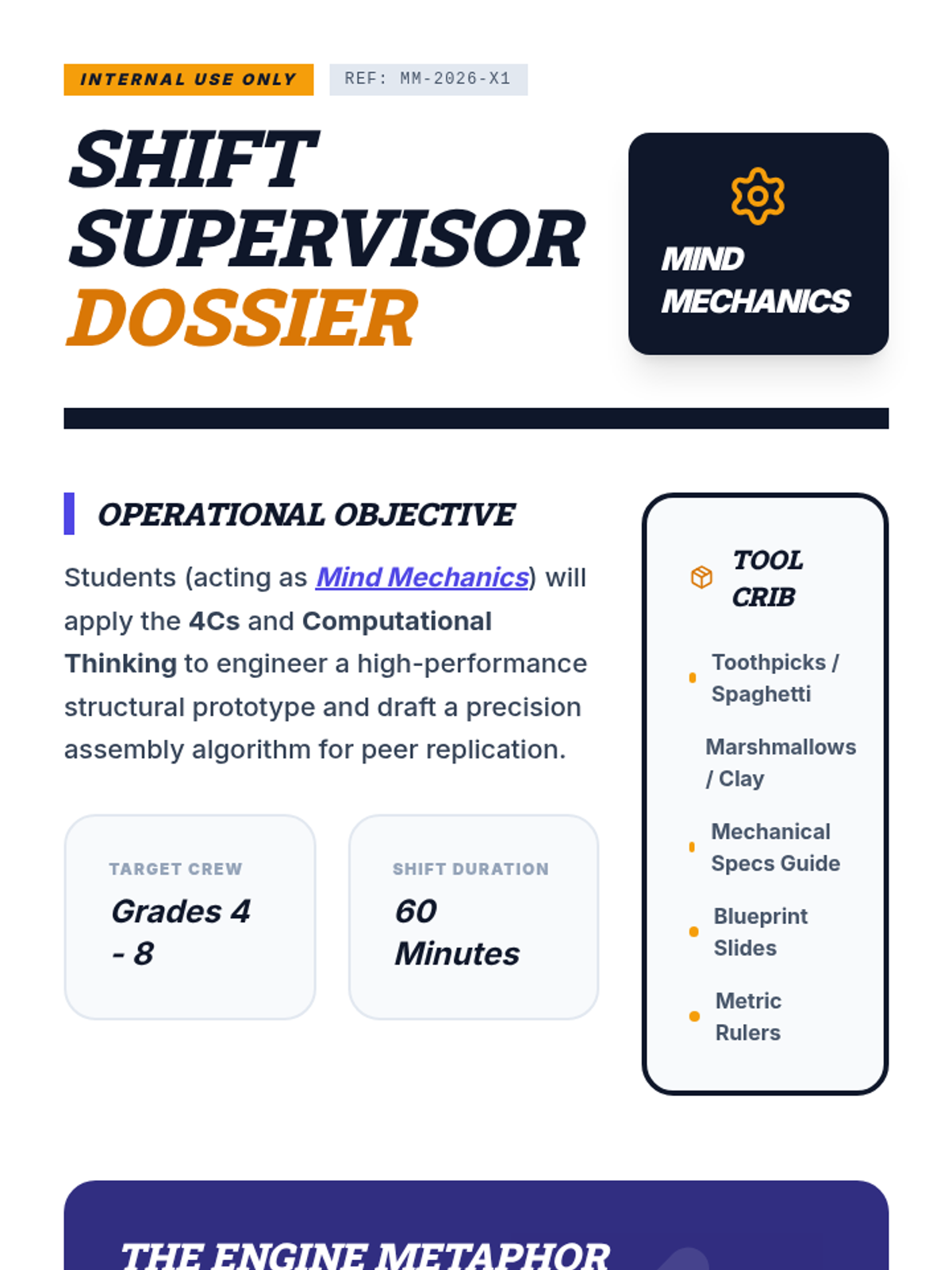
An industrial-themed teamwork lesson where students act as "Mind Mechanics" to apply the 4Cs and Computational Thinking to a complex engineering challenge.
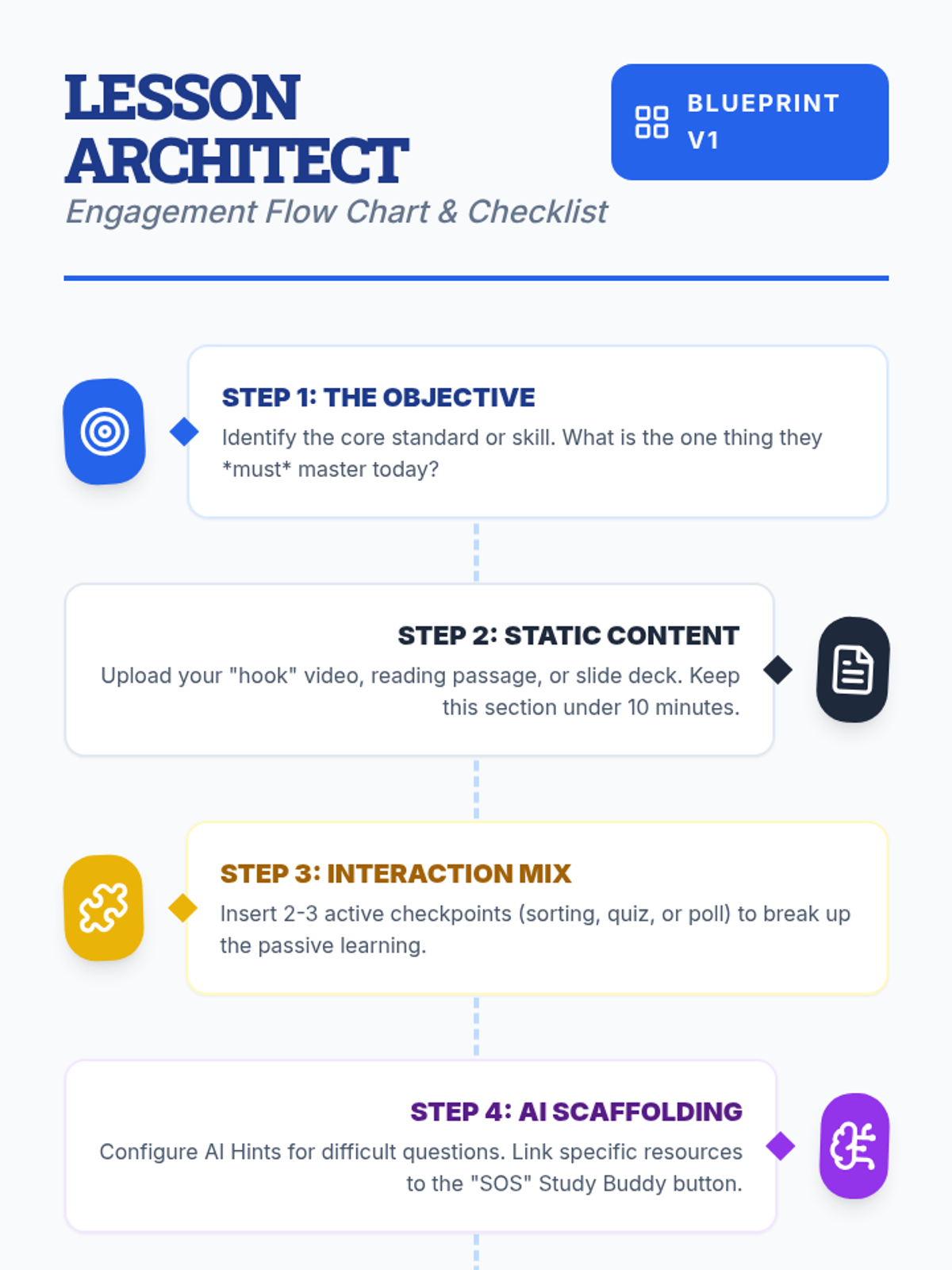
Teachers will learn how to design interactive, engaging lessons on Lenny Learning using advanced content types, gamification, and collaborative tools.
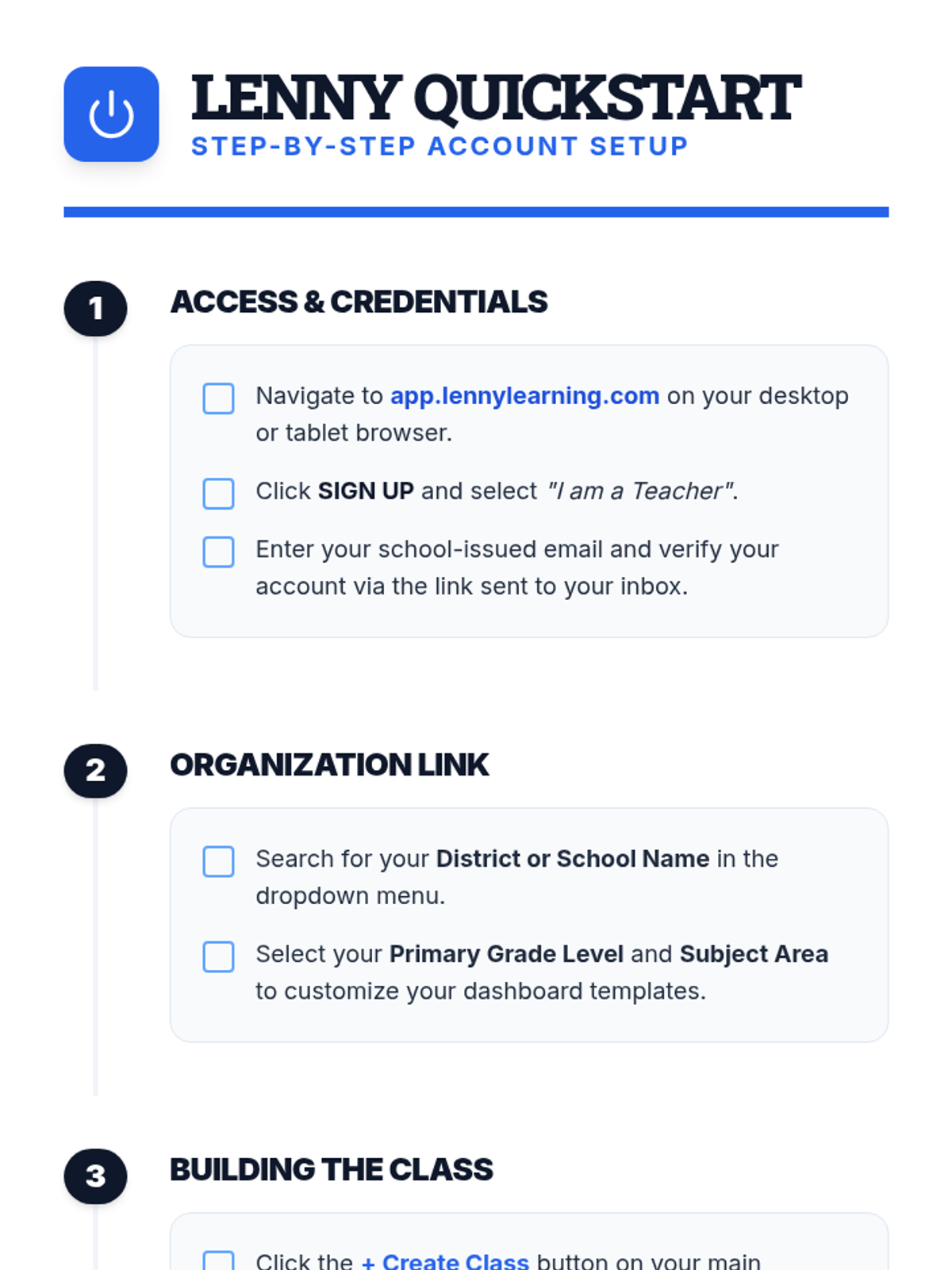
A comprehensive introduction for teachers to the Lenny Learning platform, covering the core assignment workflow, study tools, and administrative features.
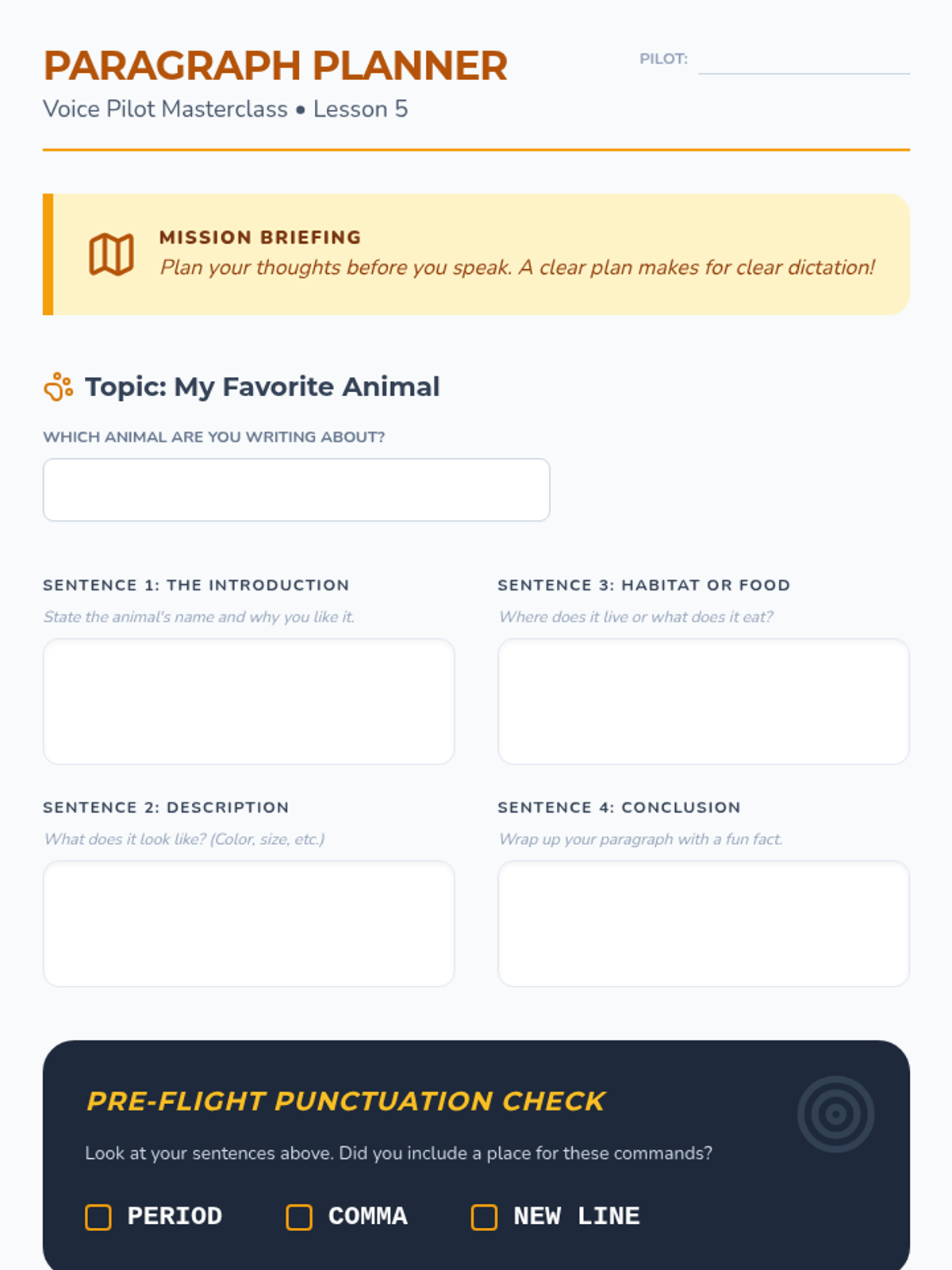
The culminating project where students plan and dictate a full paragraph. They use all previously learned skills to create a clean, accurate draft.
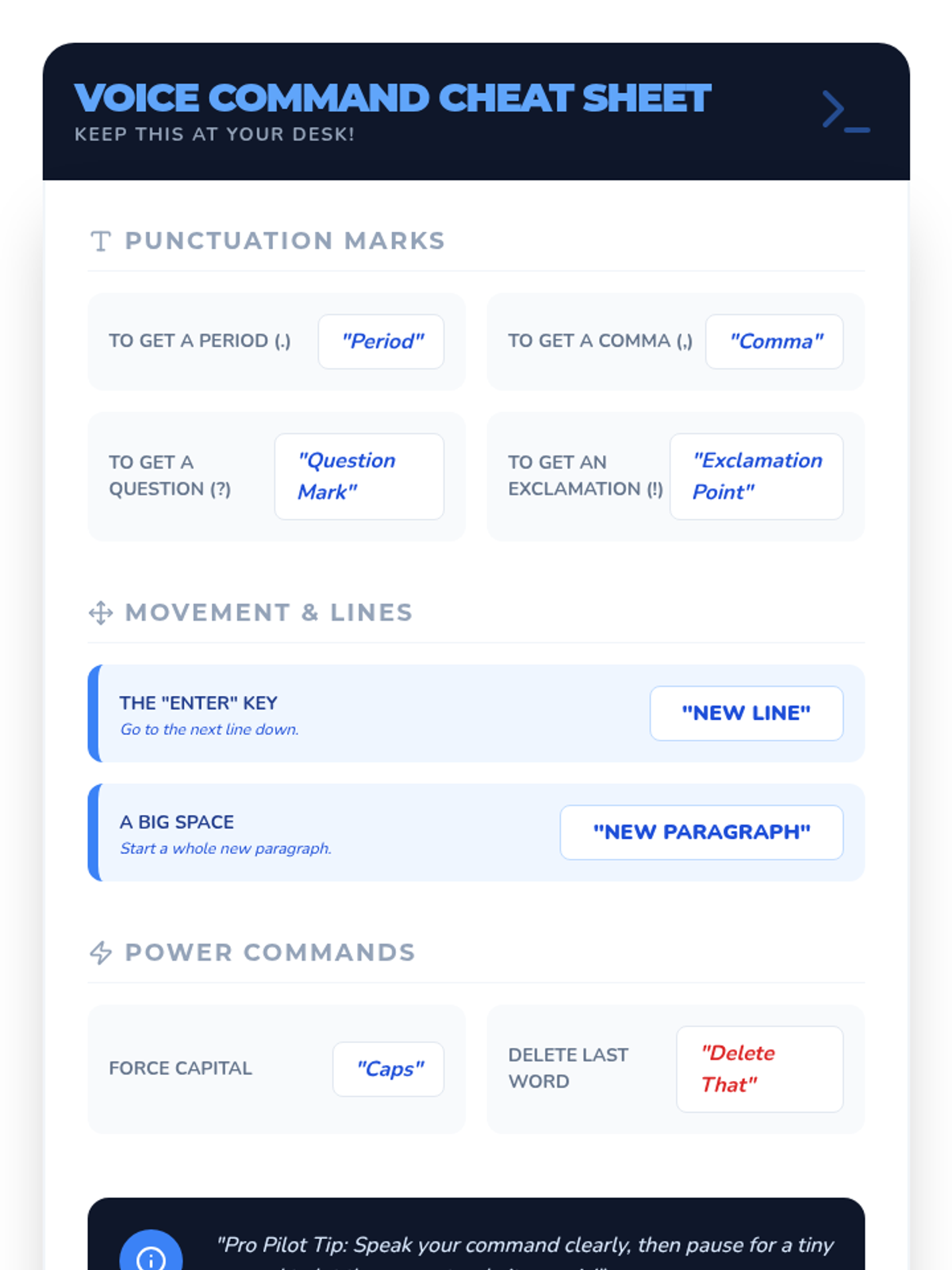
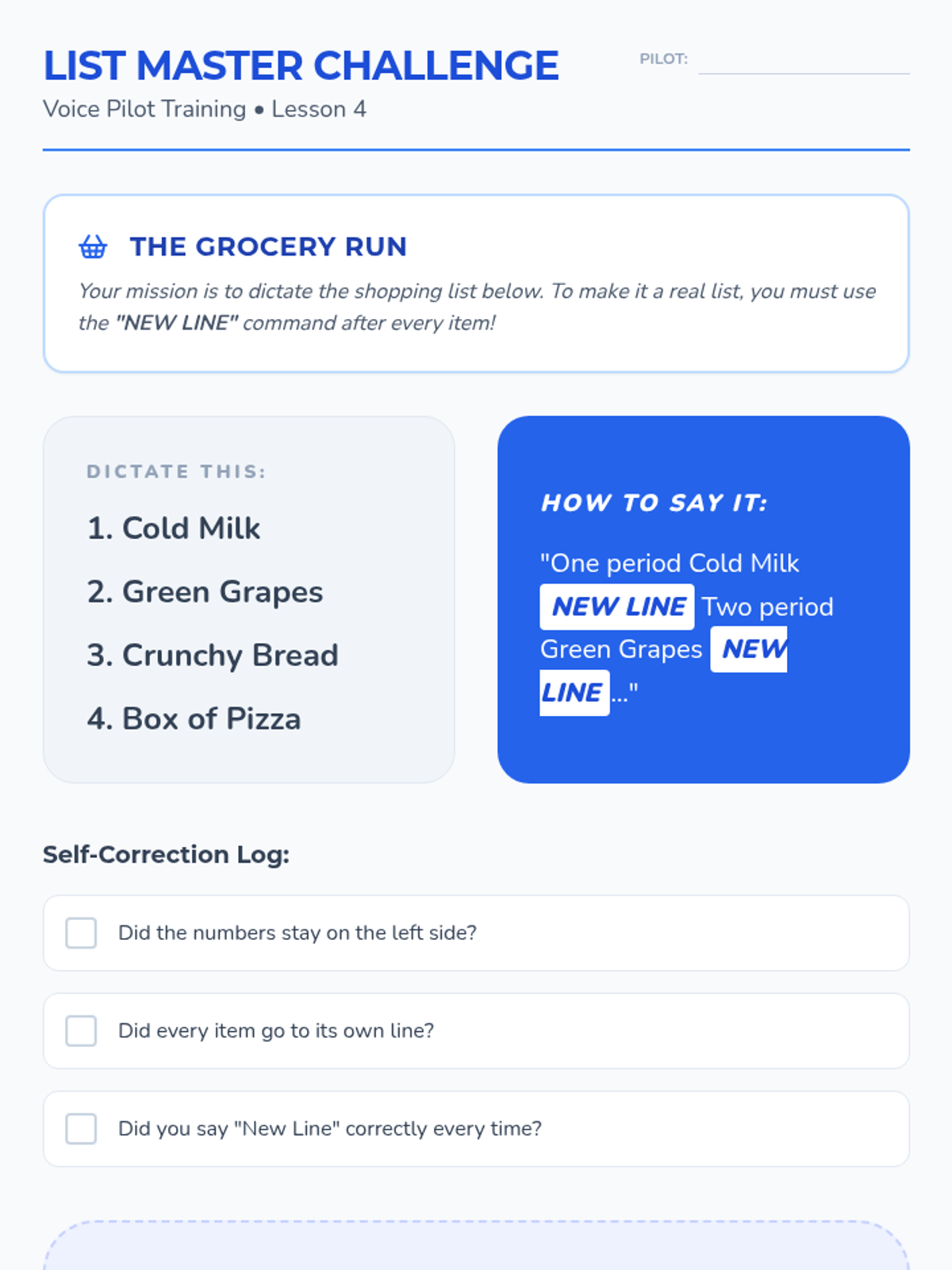
Introduces commands for layout, including new lines, paragraphs, and basic capitalization. Students practice structuring simple lists and letters.
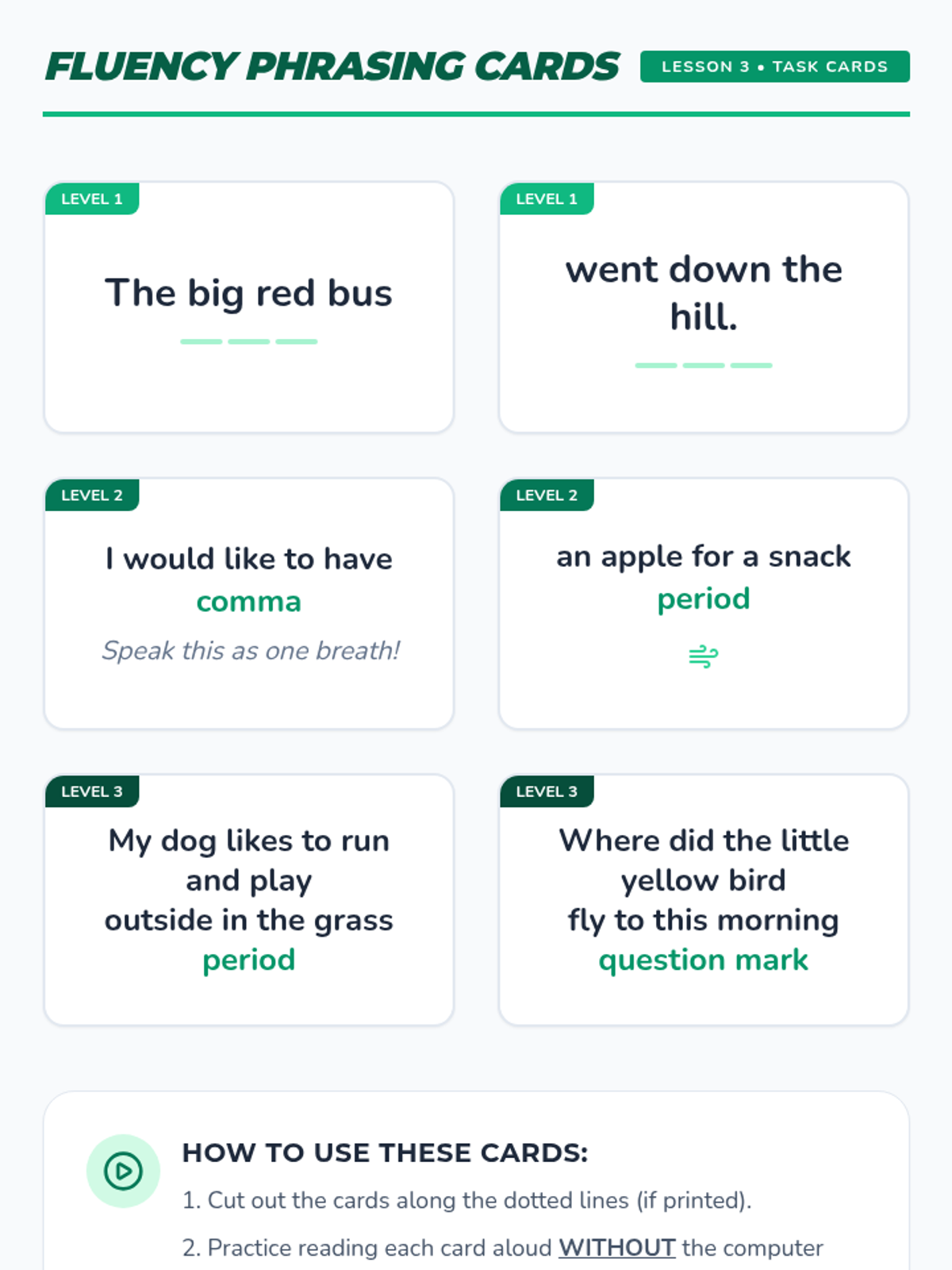
Teaches students to speak in complete thought groups rather than isolated words. This improves AI context recognition and transcription accuracy.
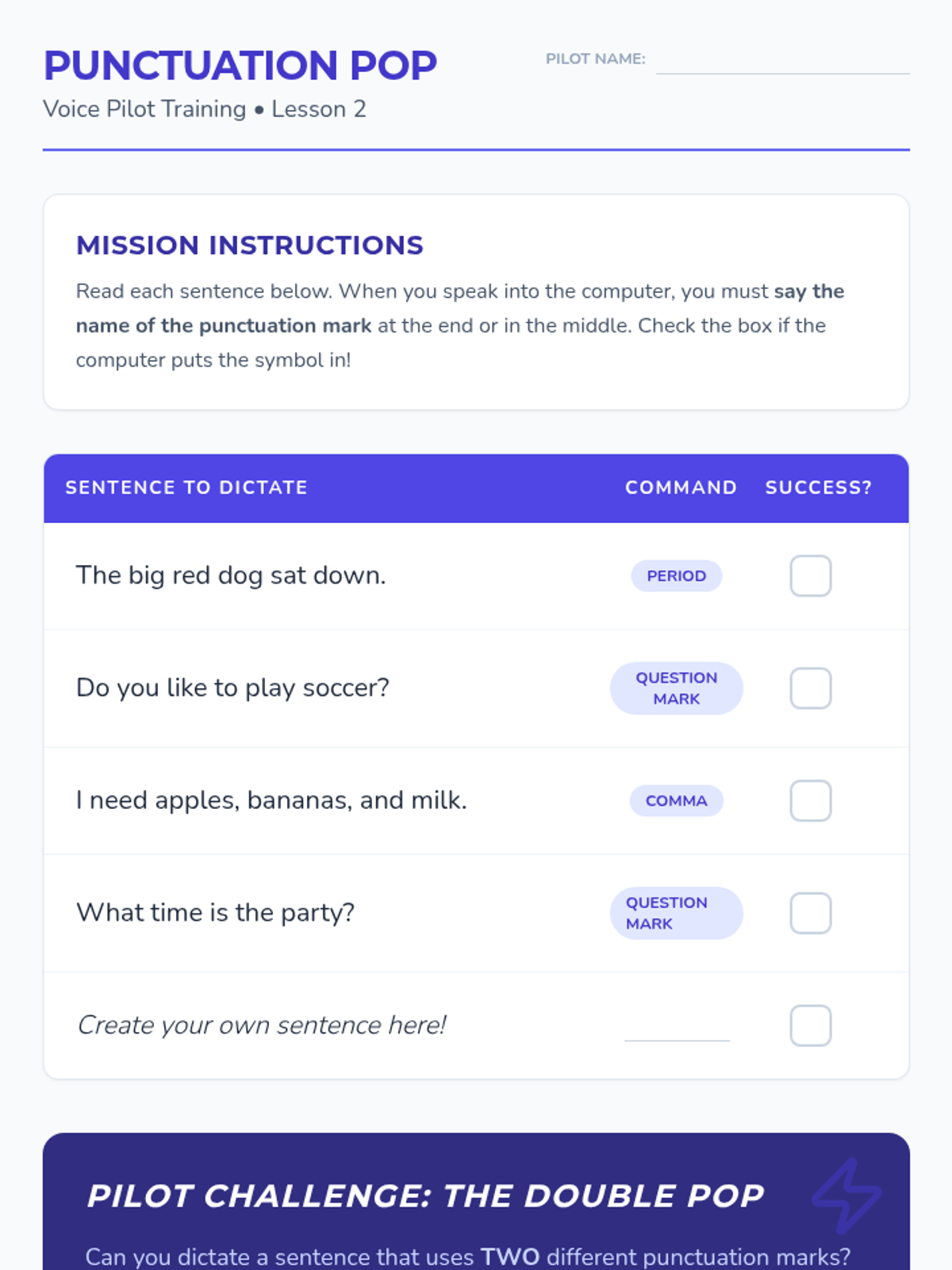
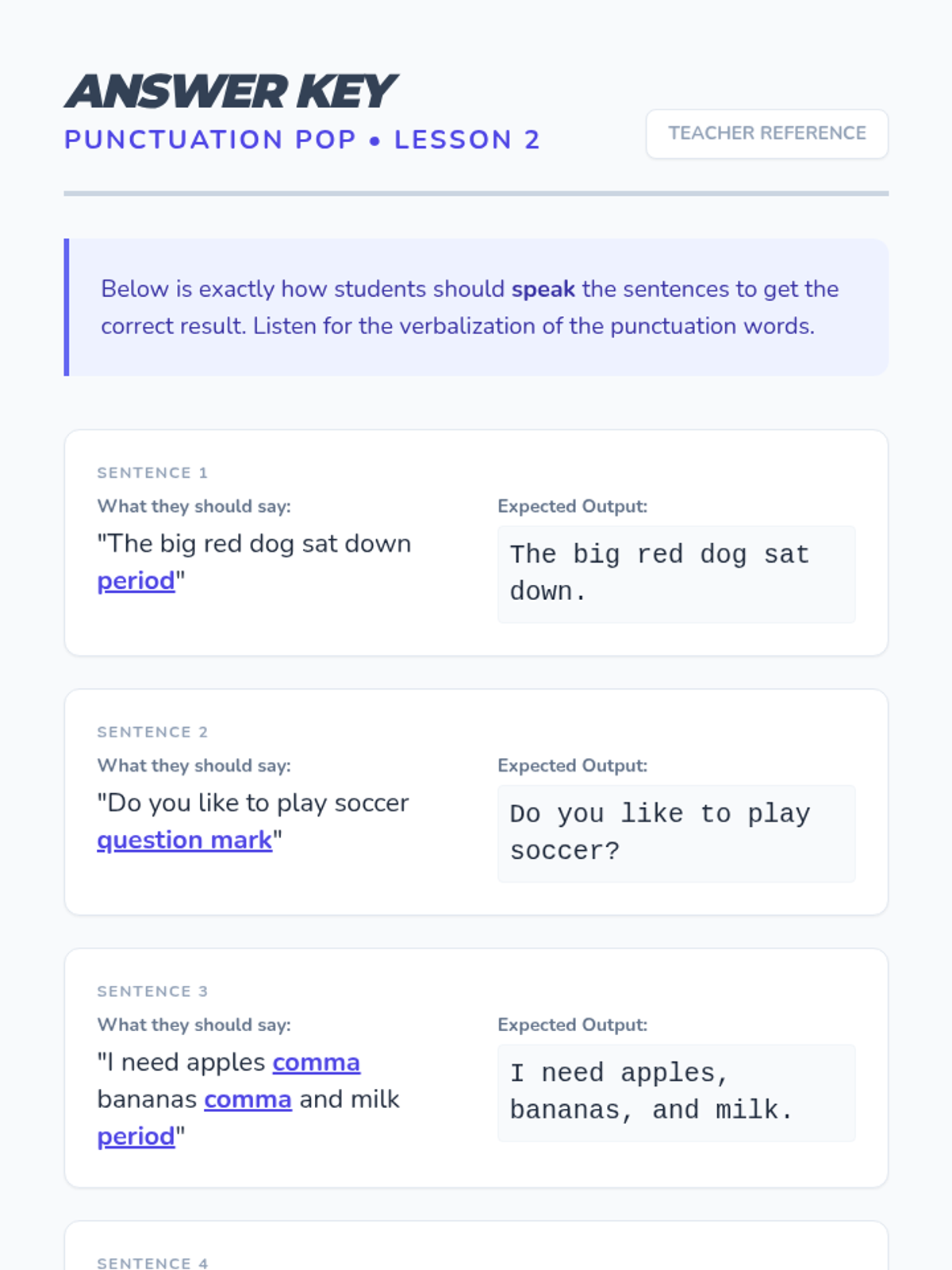
Focuses on the verbal commands for period, comma, and question mark. Students practice integrating these commands naturally into their spoken sentences.
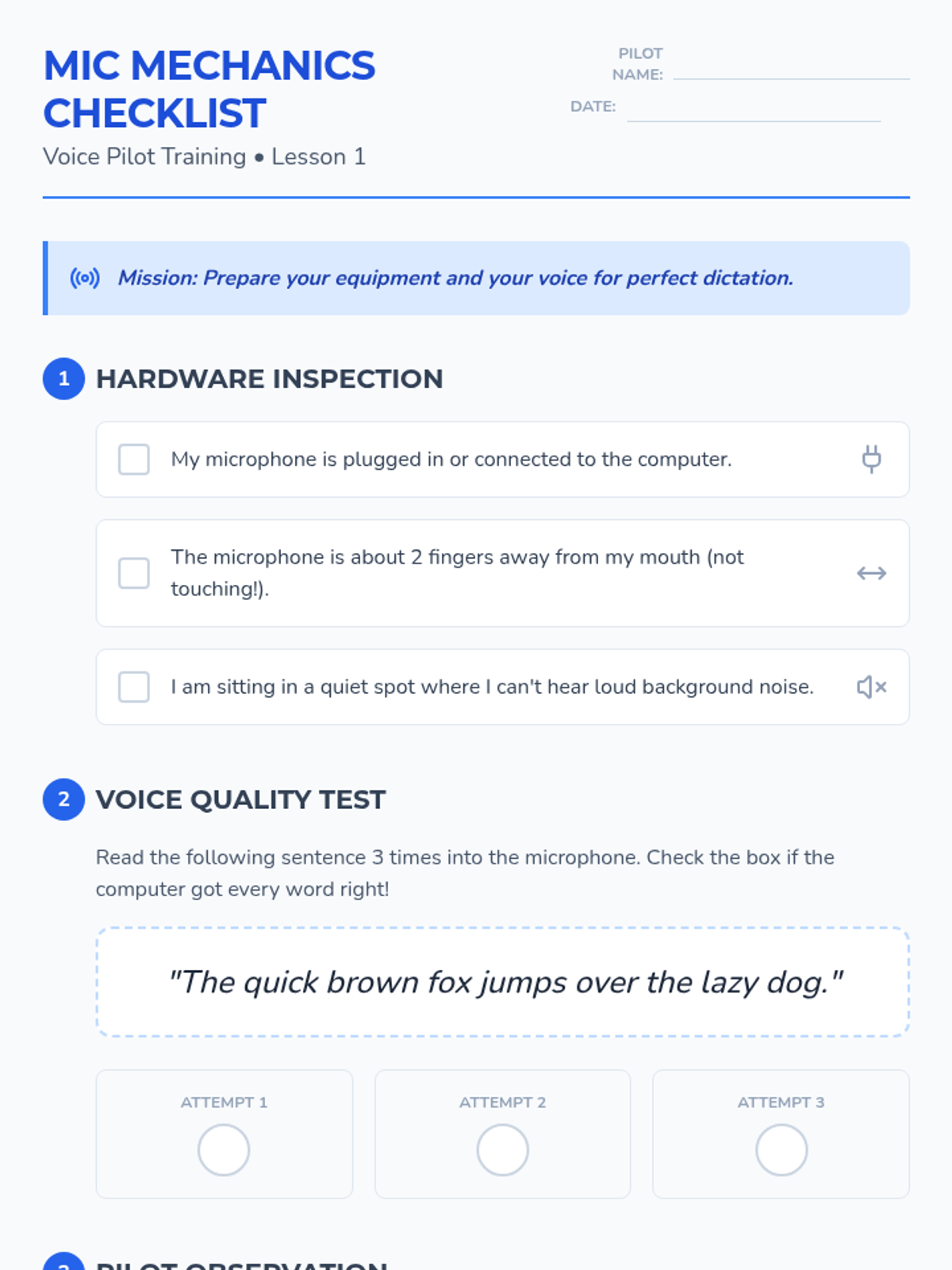
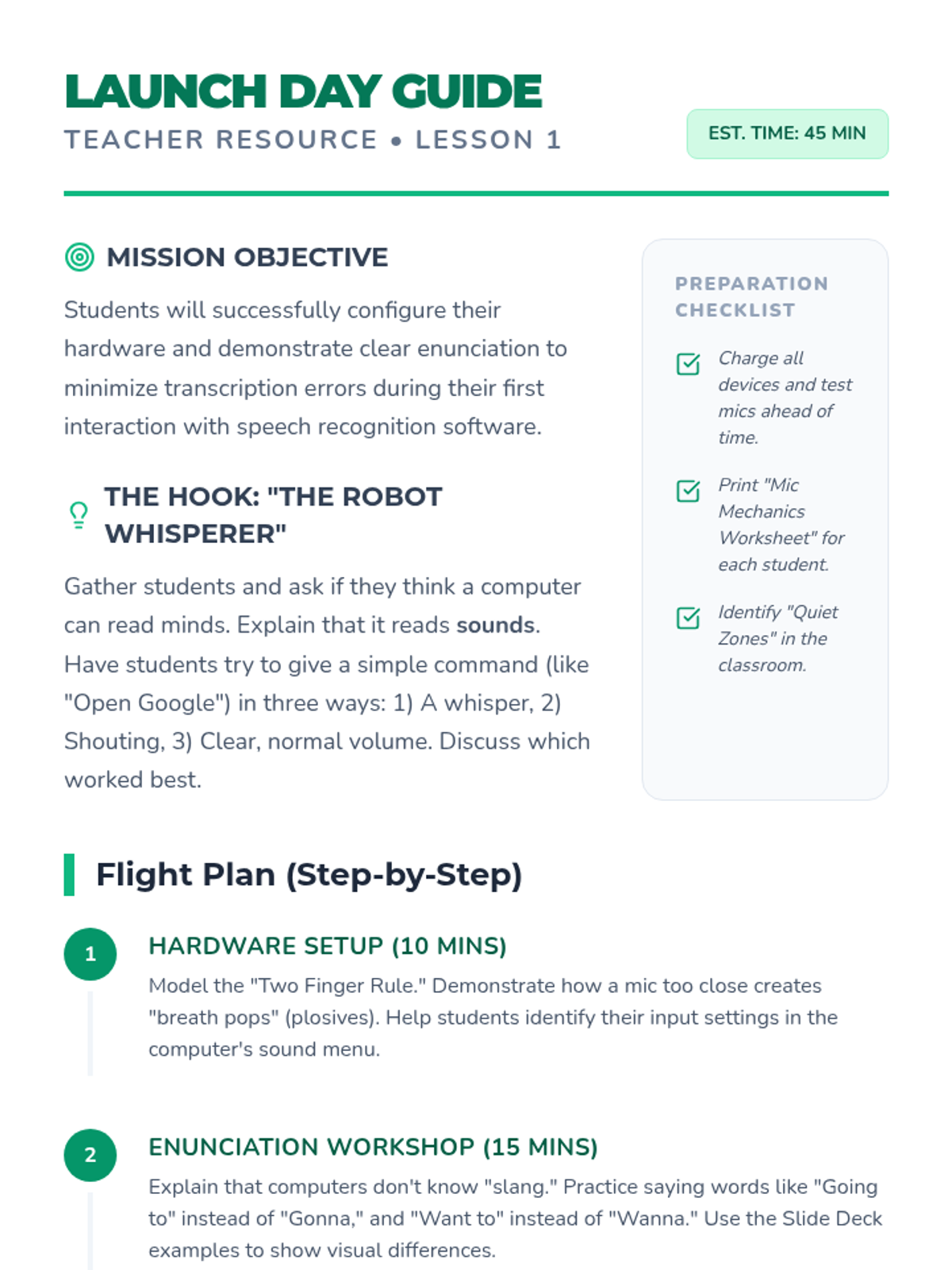
Students explore microphone setup and the importance of clear enunciation. They learn how distance and volume affect software accuracy through hands-on testing.
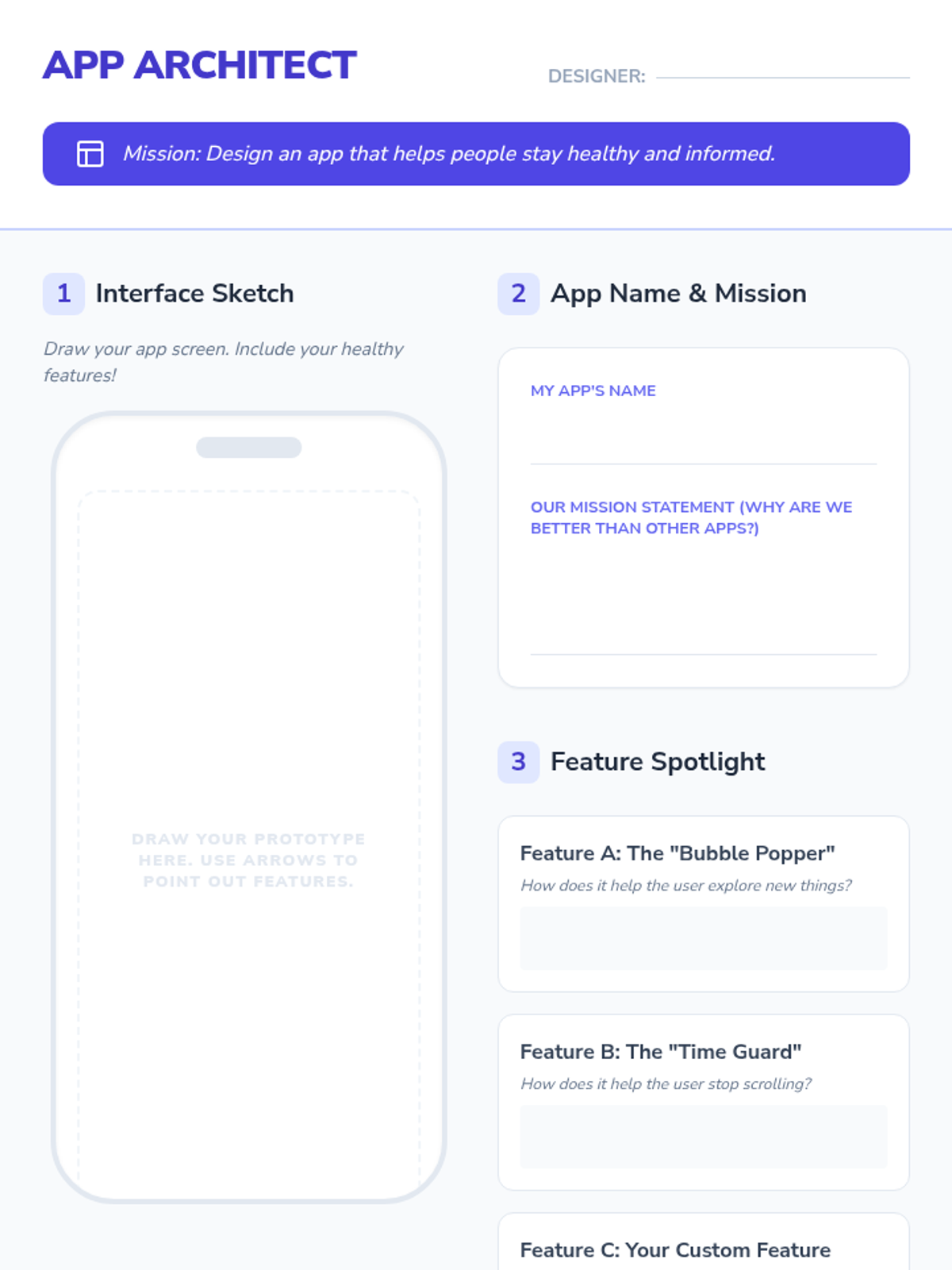
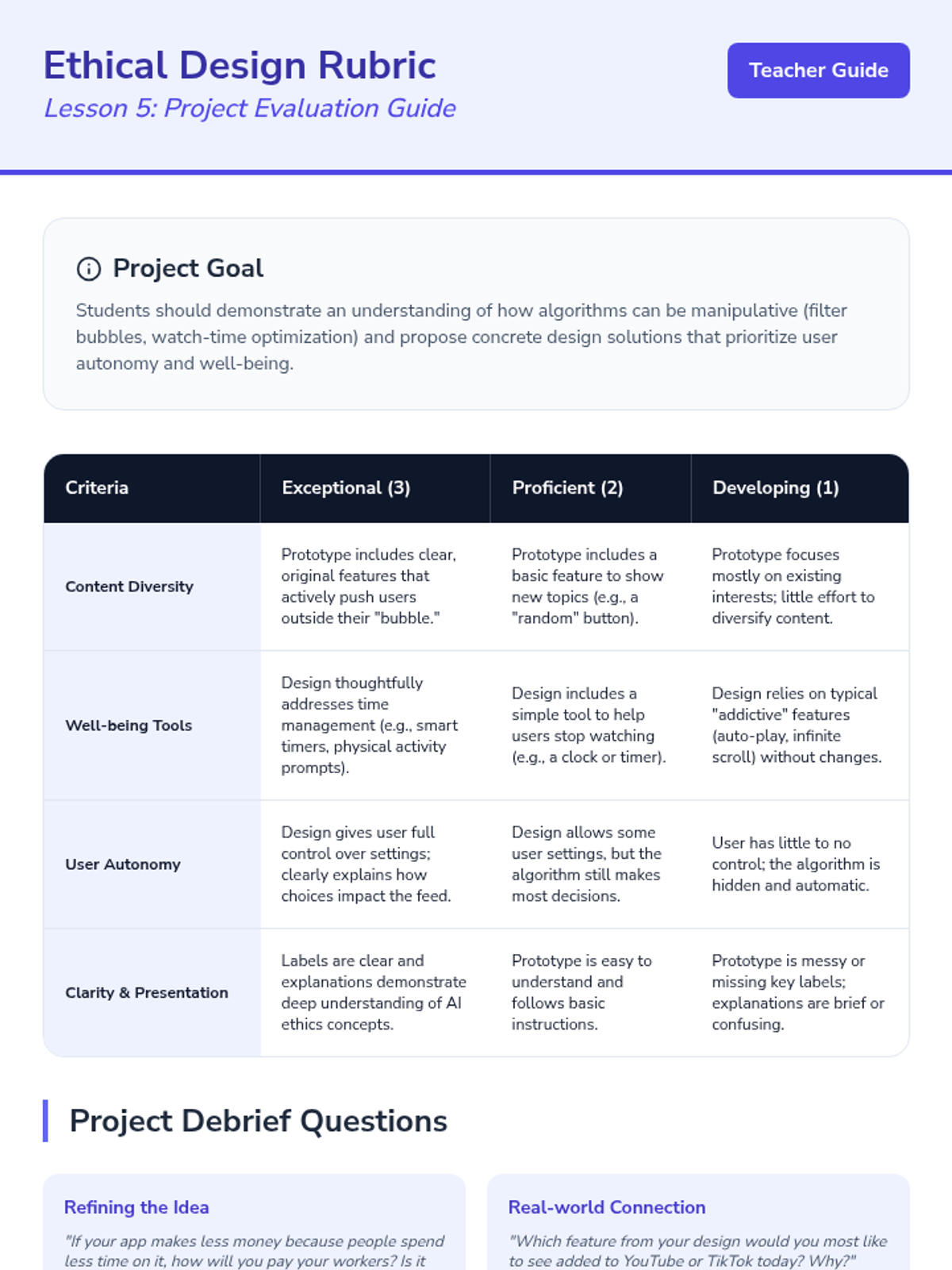
Students prototype a user interface for a video app that prioritizes user well-being over watch time. They present features that help users explore diverse topics.
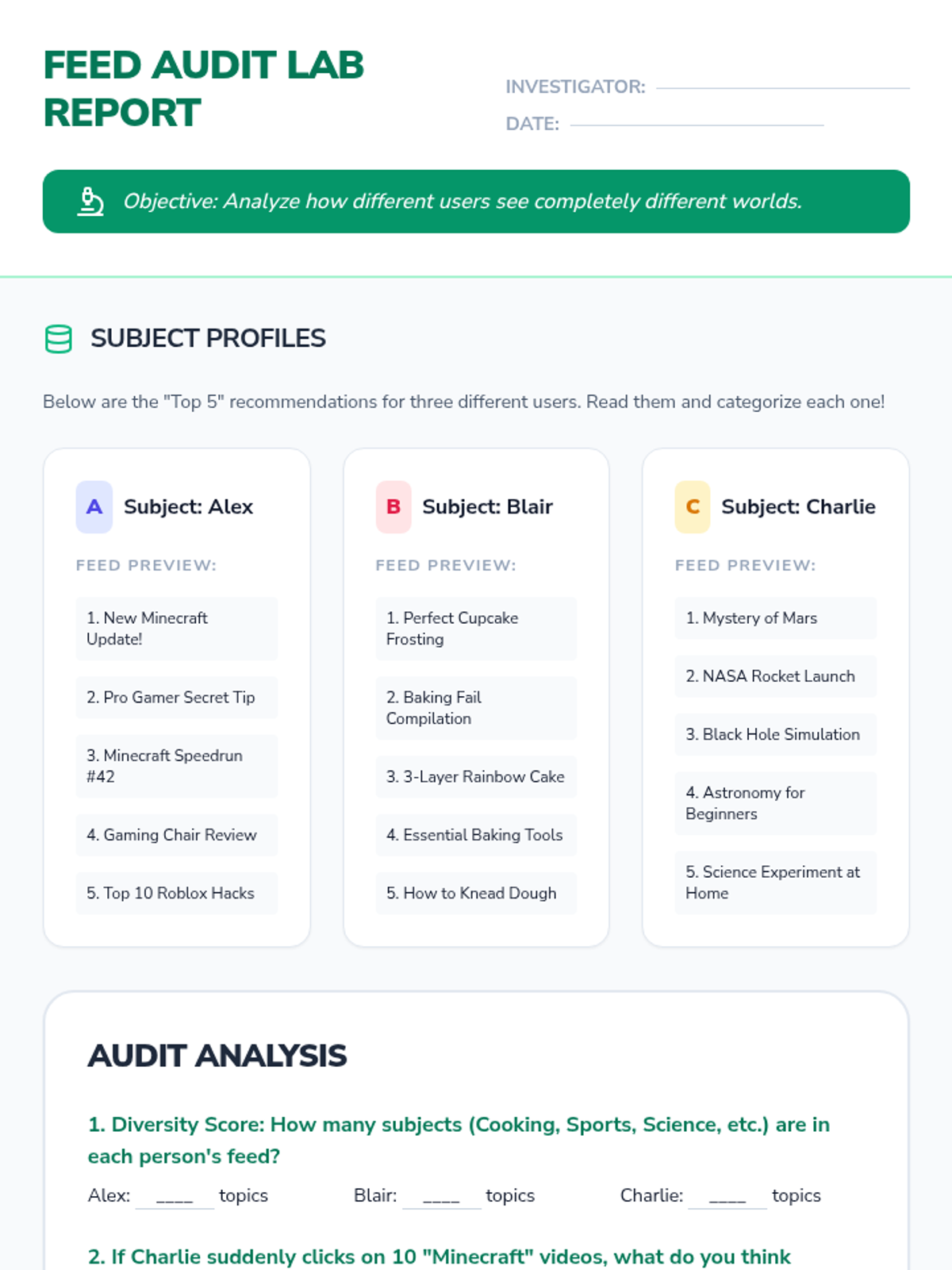
Students conduct a 'Feed Audit' (using mock profiles) to see how quickly a feed changes based on interaction. They discuss how much control the user has versus the algorithm.
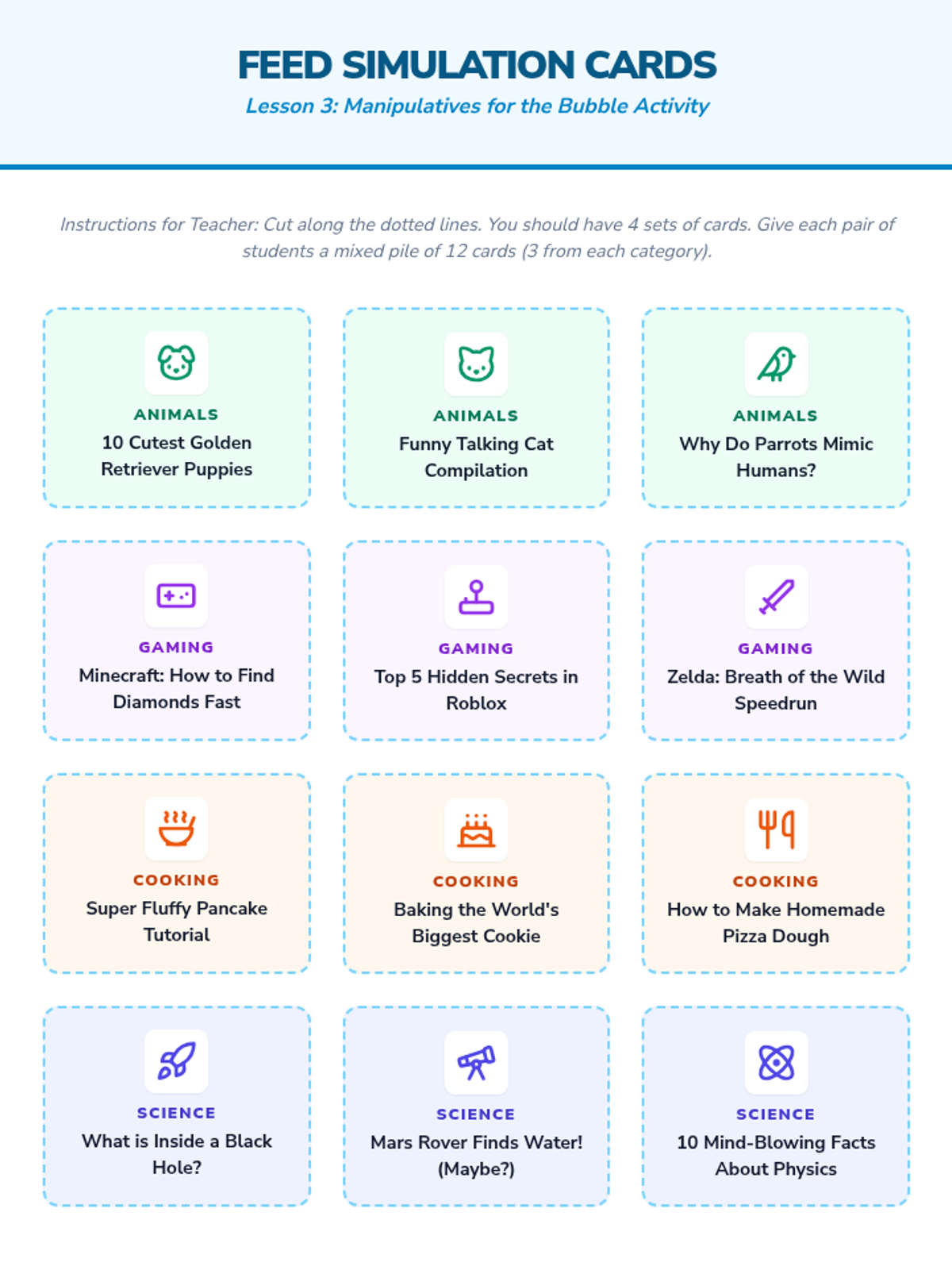
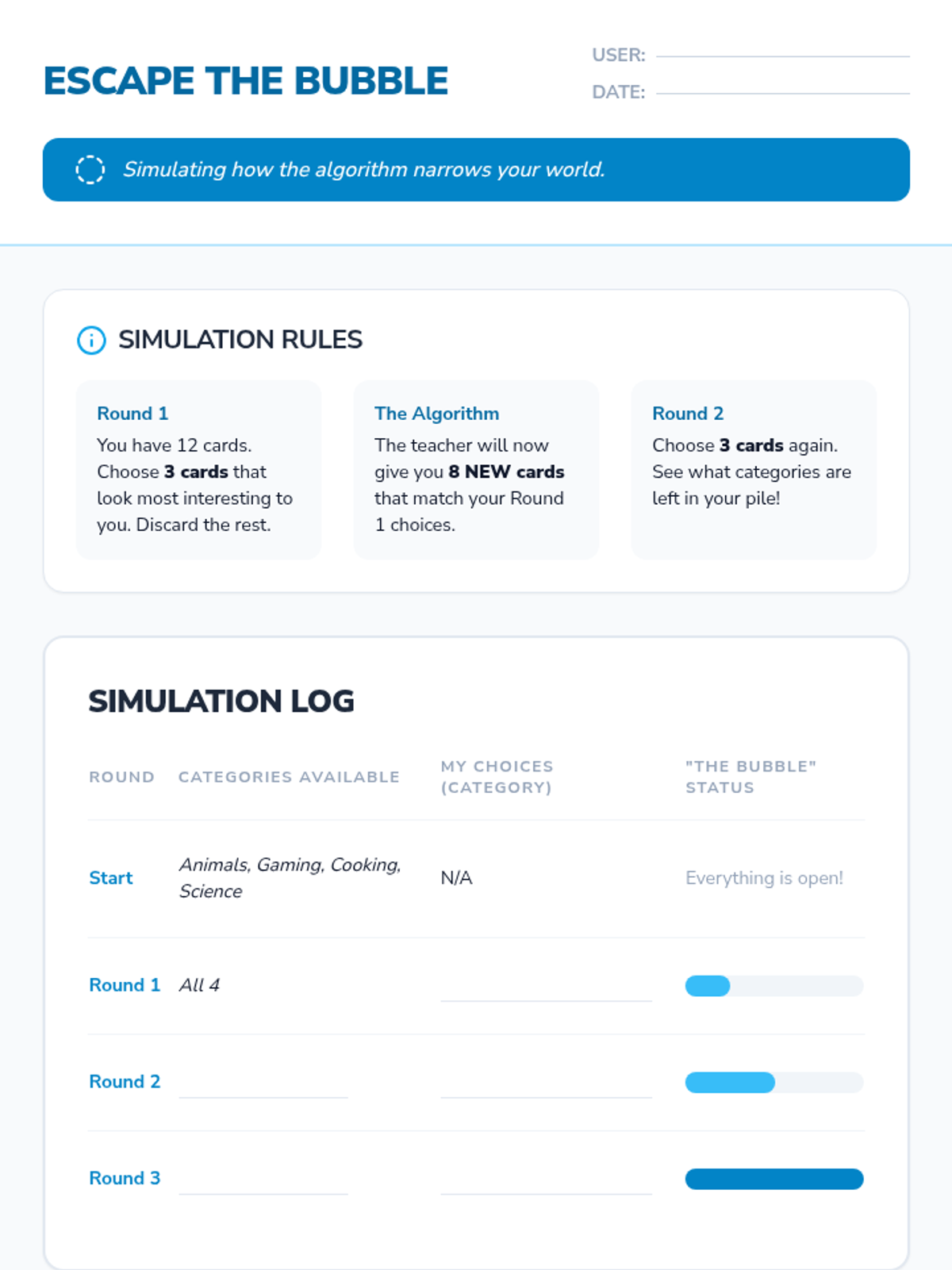
Through a simulation, students see how clicking only on one type of topic eventually removes all other topics from a feed. They define 'filter bubble' and discuss the downsides of only seeing things you agree with.
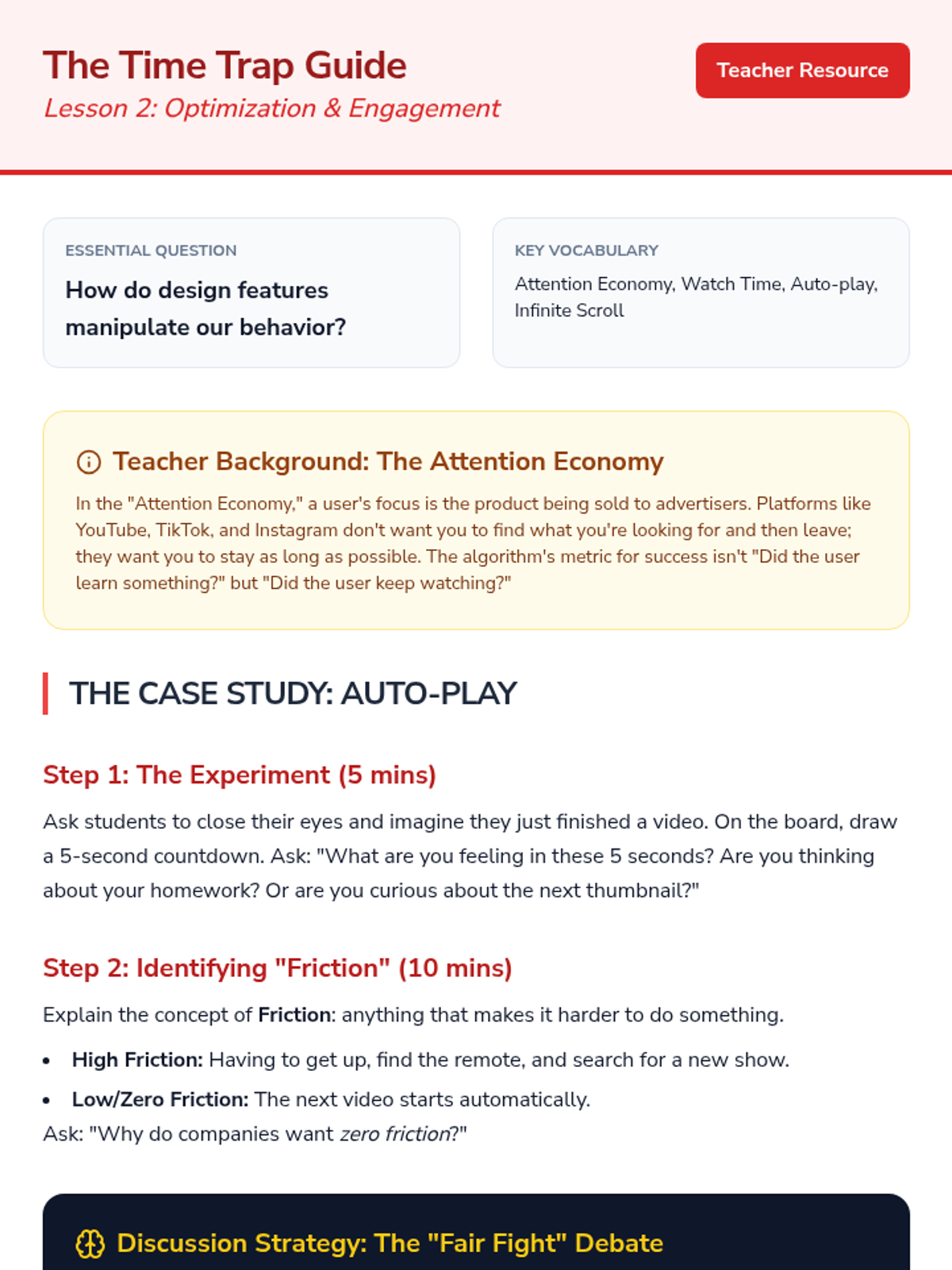
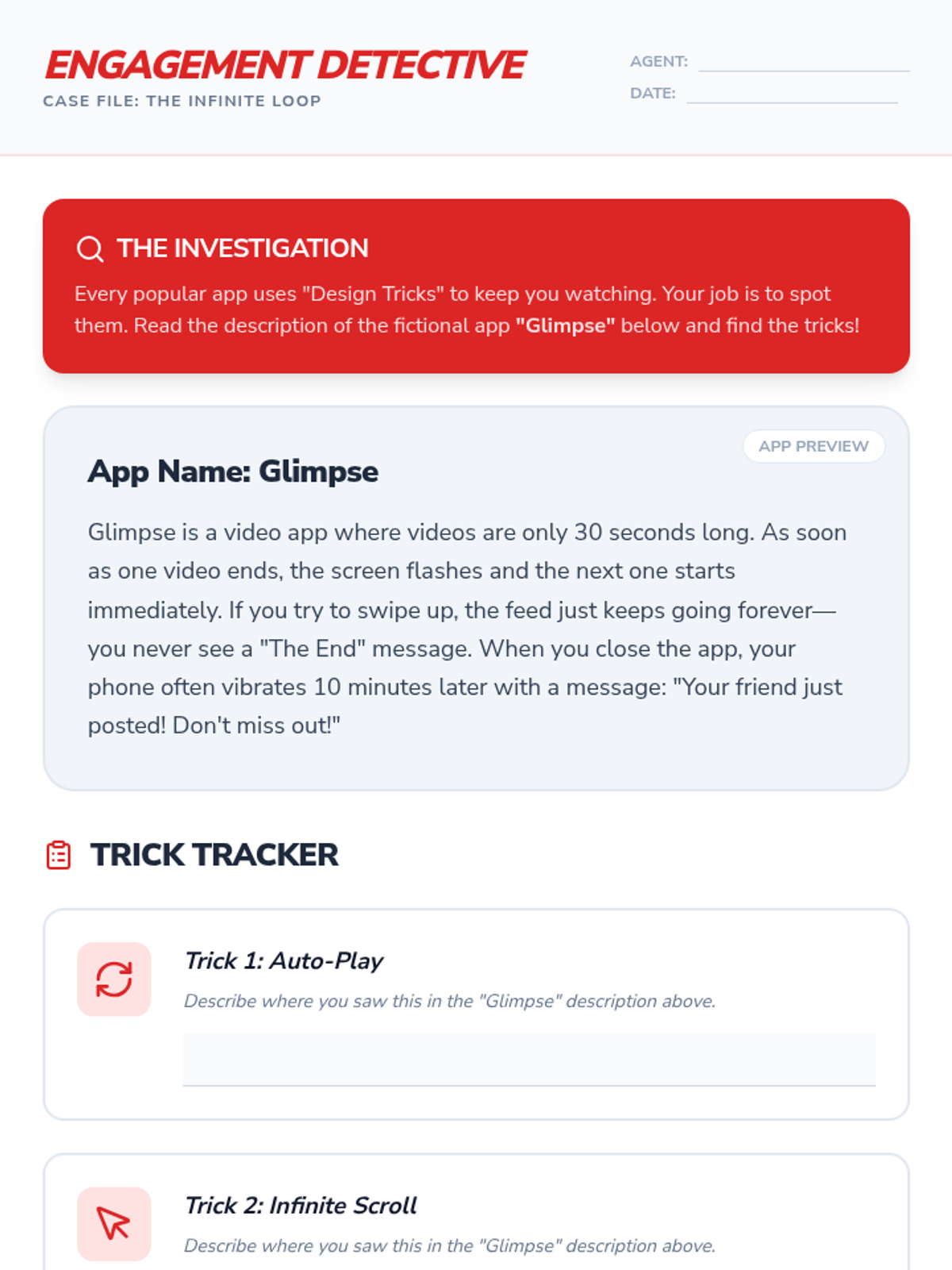
Students explore the goal of most entertainment algorithms: maximizing time spent on the platform. They discuss the concept of the 'infinite scroll' and auto-play features.
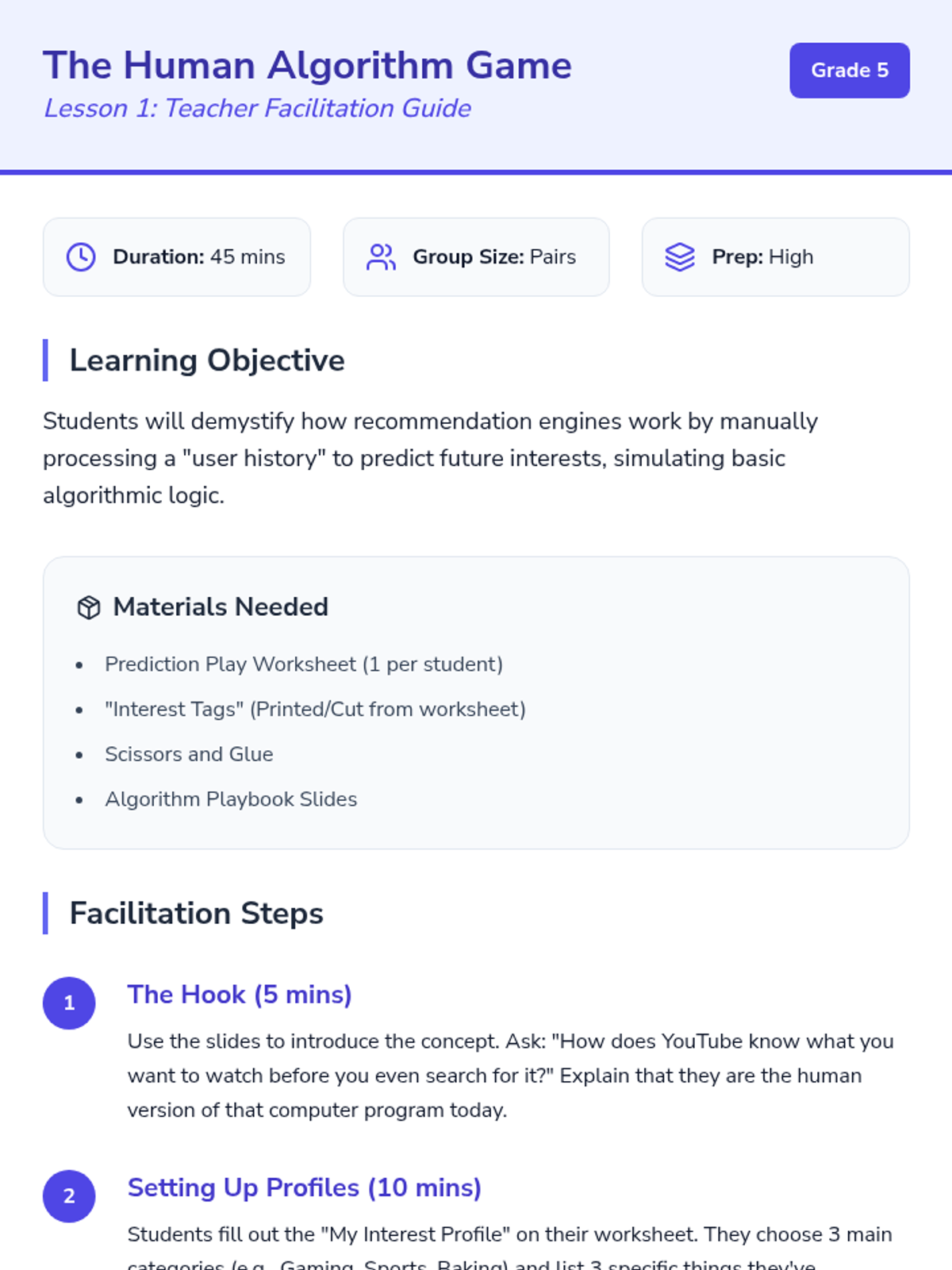
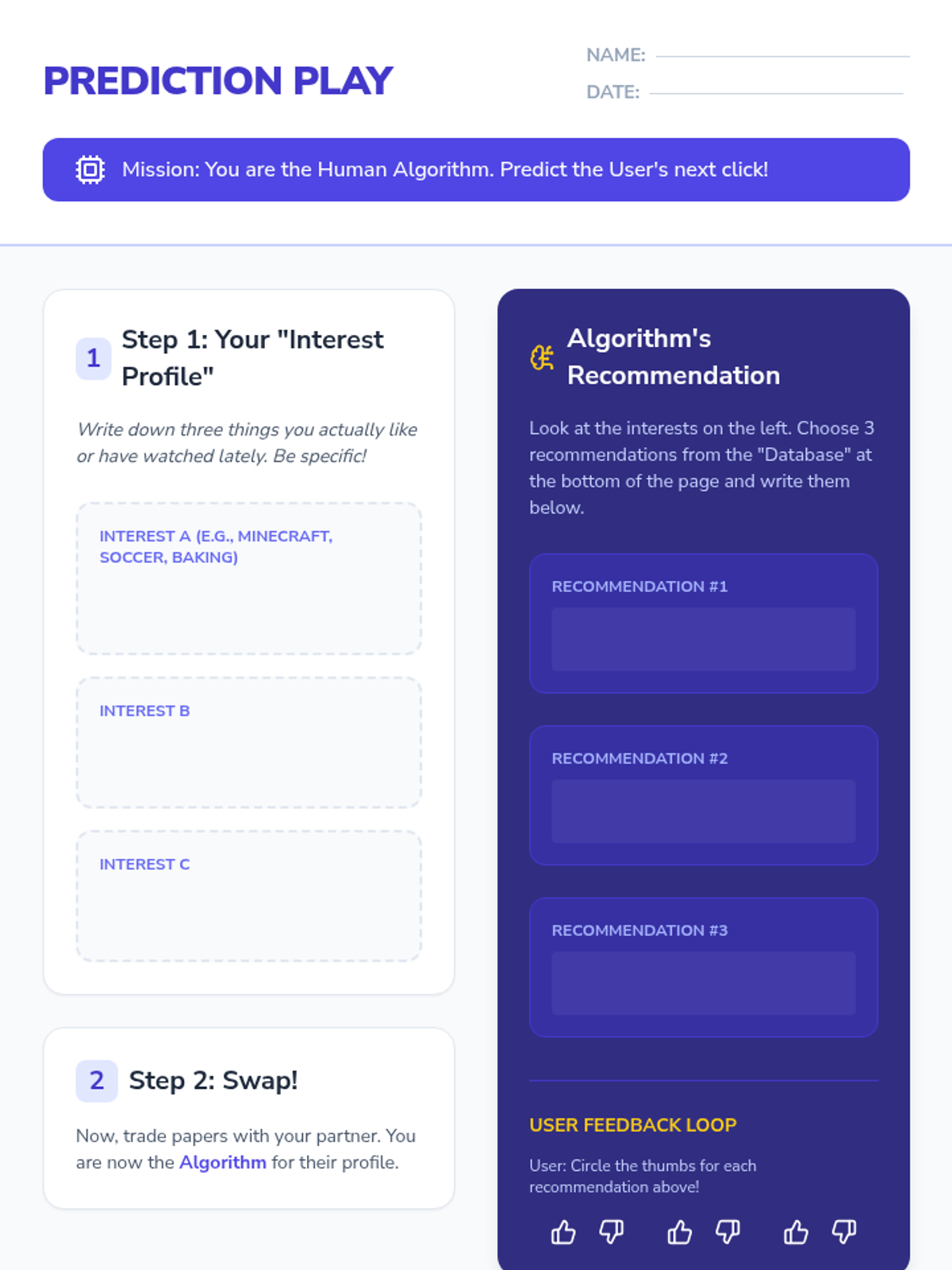
Students play a paper-based game where they act as the 'algorithm,' predicting what a partner wants to see next based on their past choices. This demystifies the concept of prediction based on history.
An introduction to AI chatbots, focusing on the concepts of input and output as a way to understand how digital systems respond to human communication.
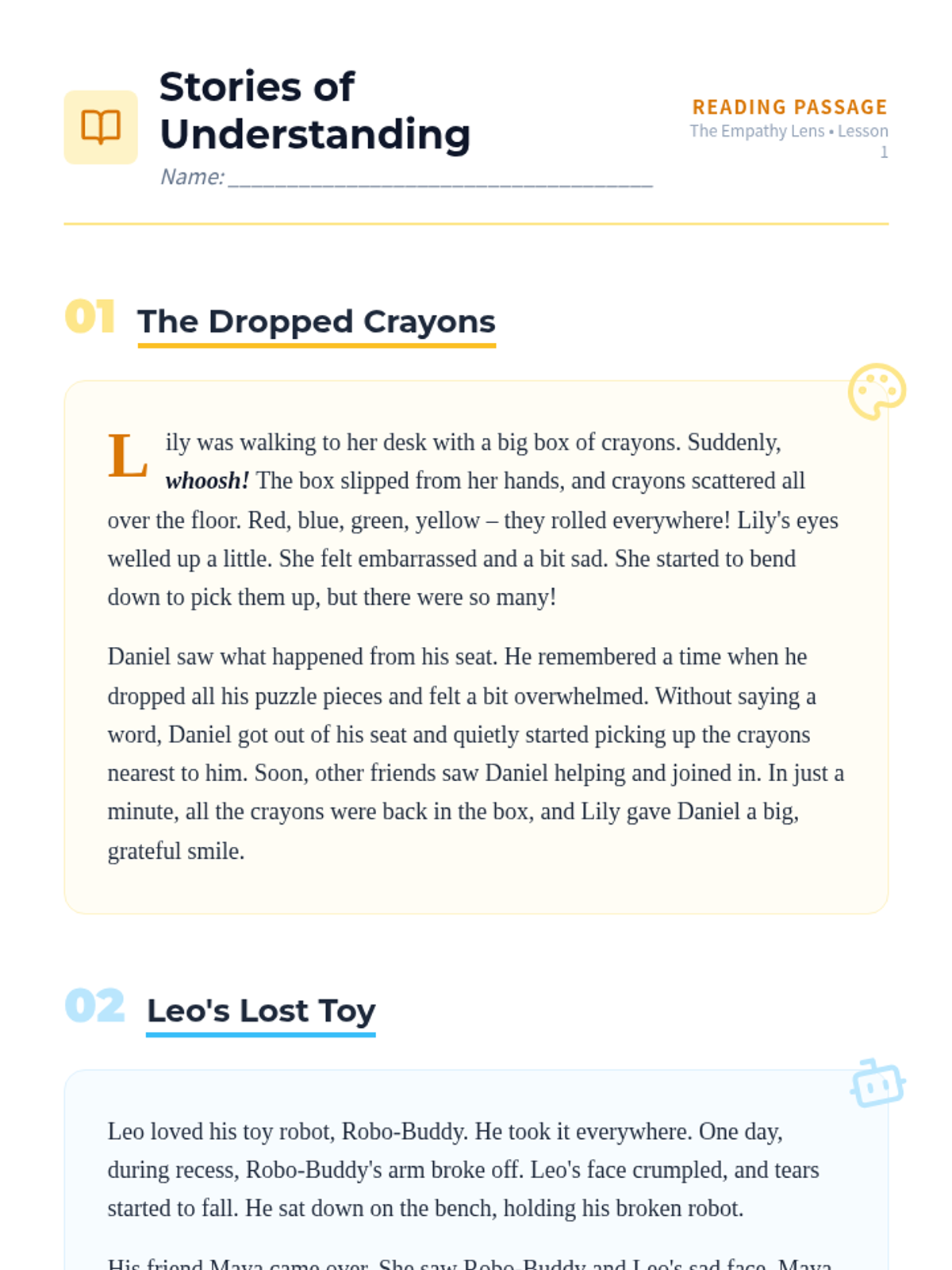
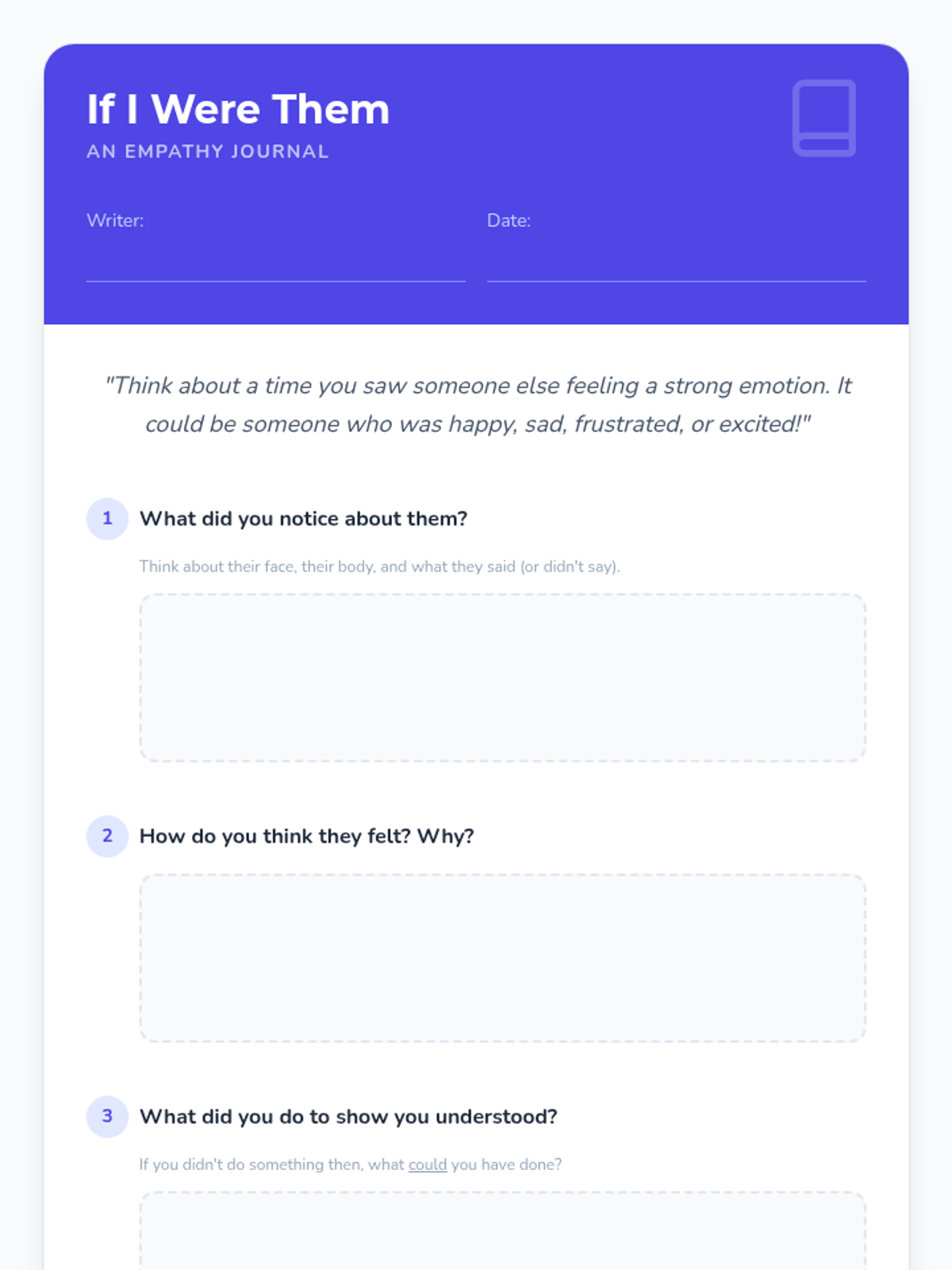
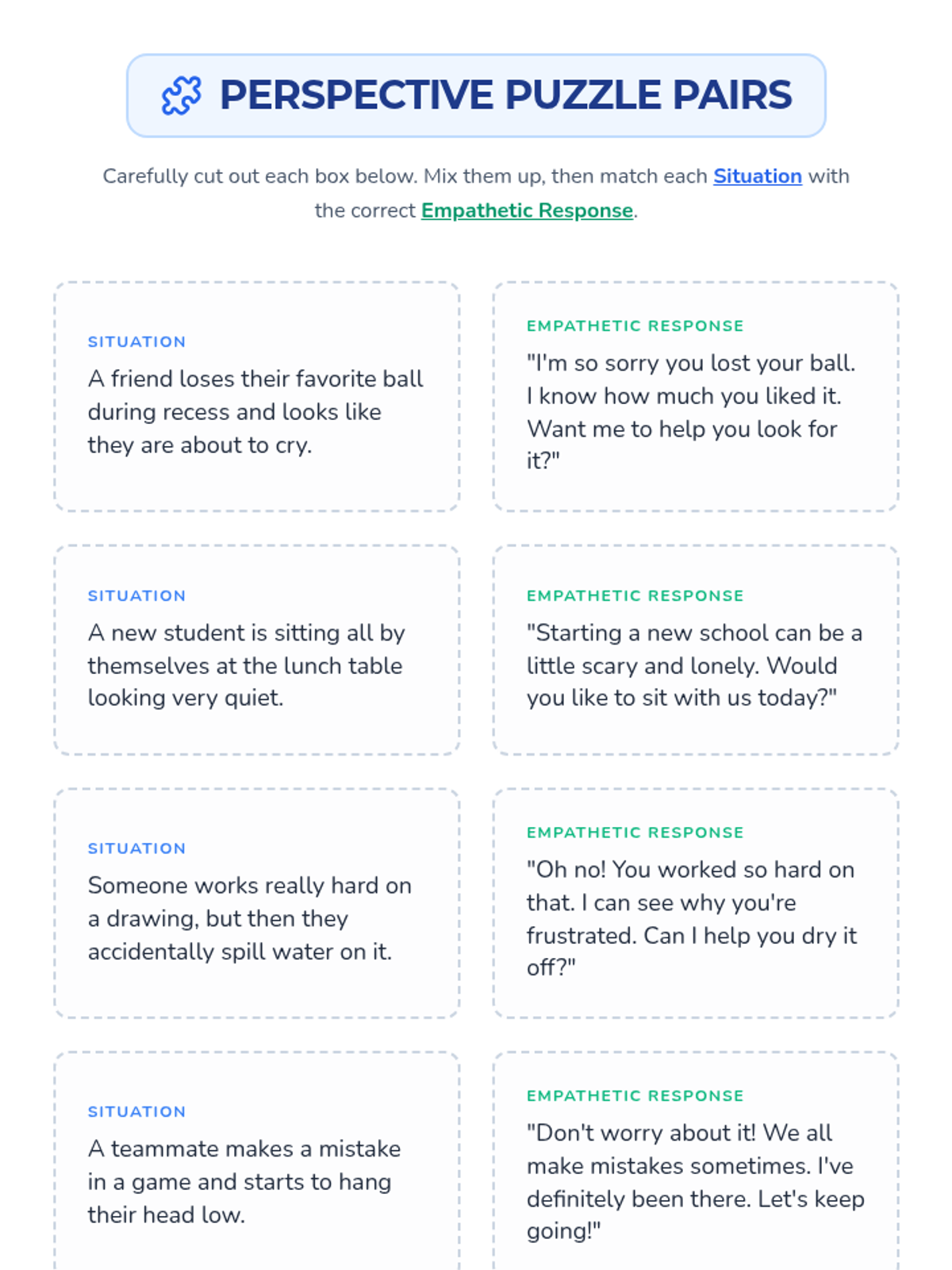
Students explore the concept of empathy by 'stepping into someone else's shoes' through reading, discussion, and personal reflection activities.
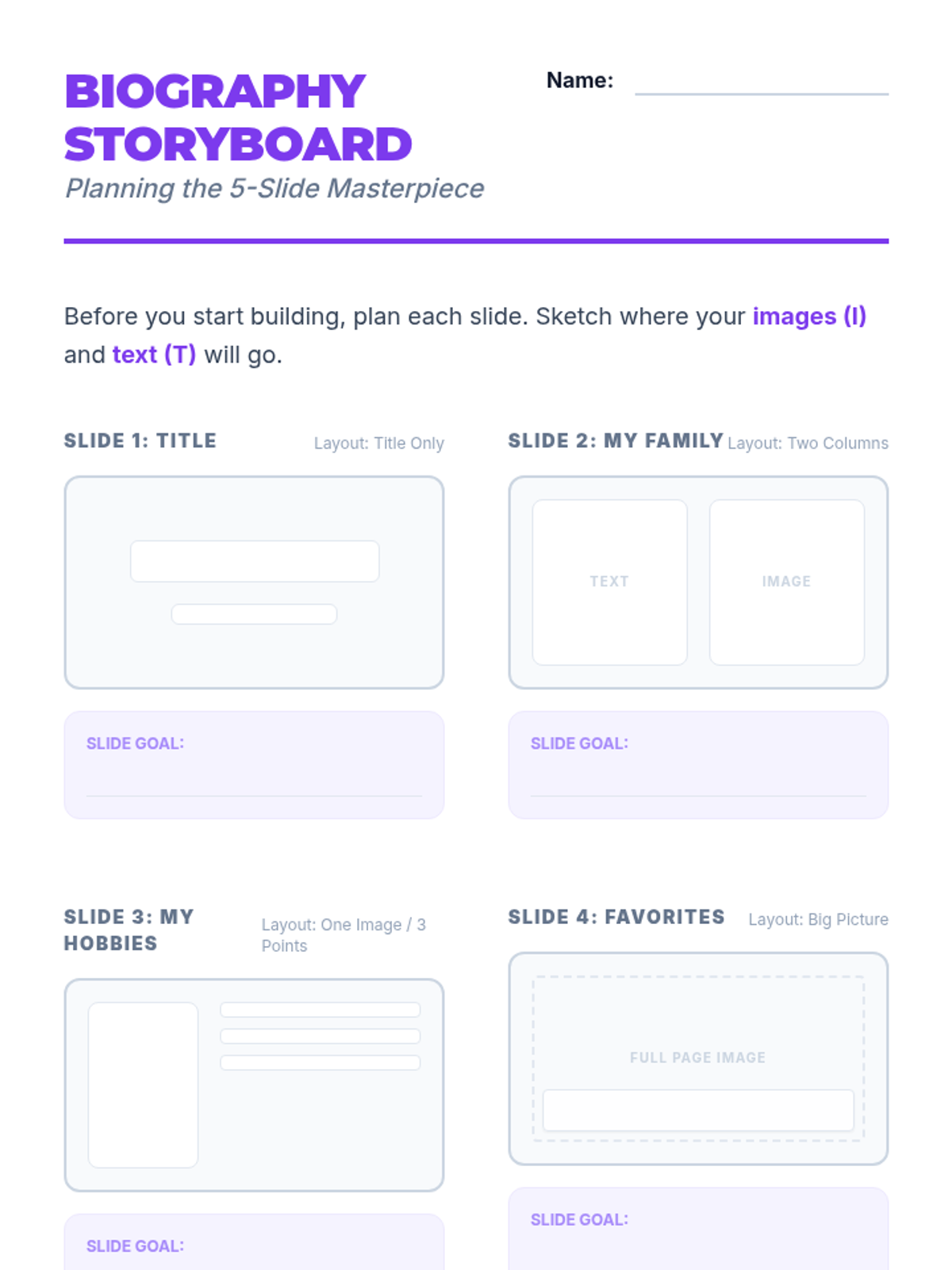
Students synthesize their skills by creating and sharing a 5-slide digital biography presentation.
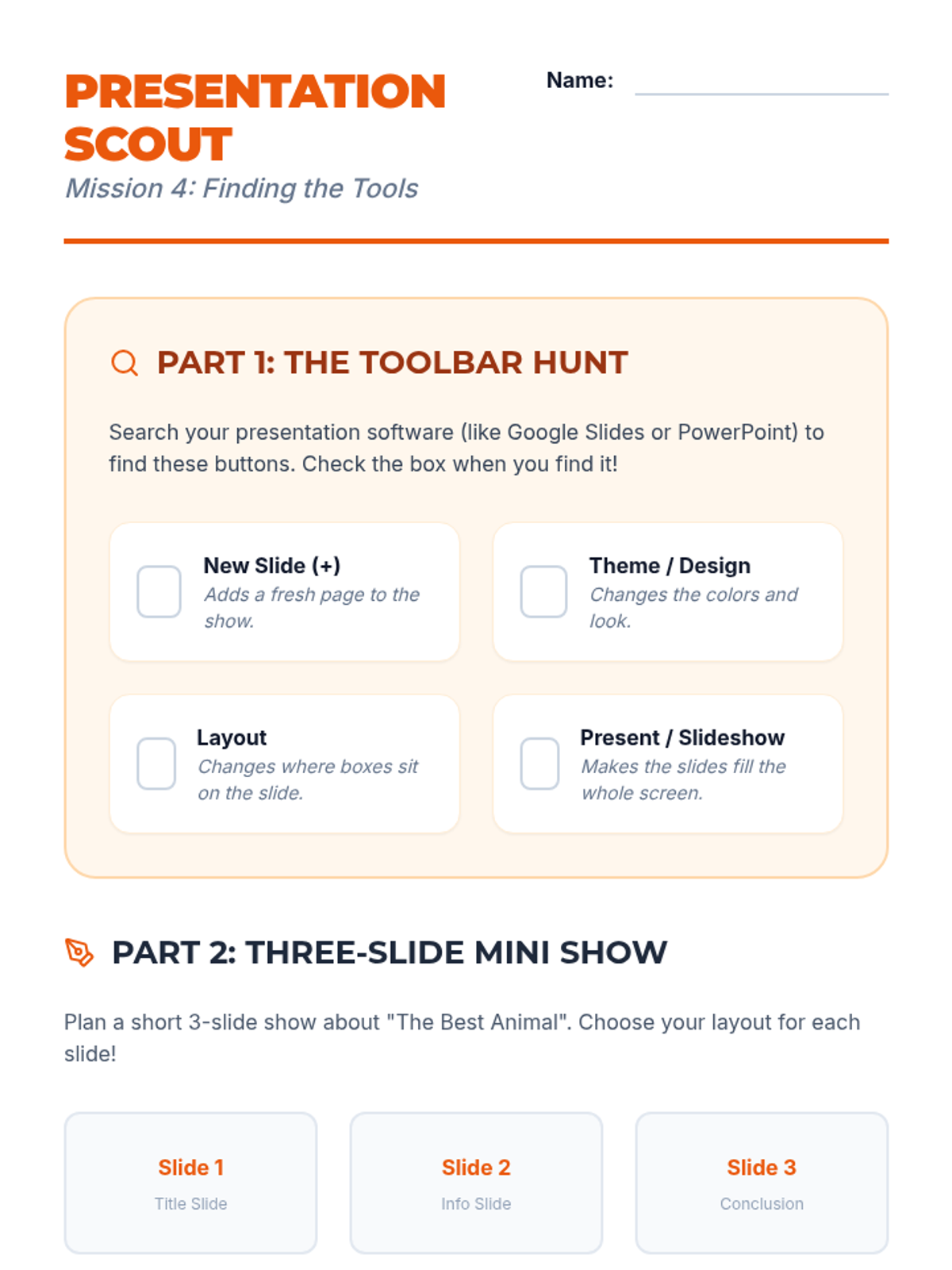
Students transition to presentation software, exploring slide layouts, themes, and content organization.
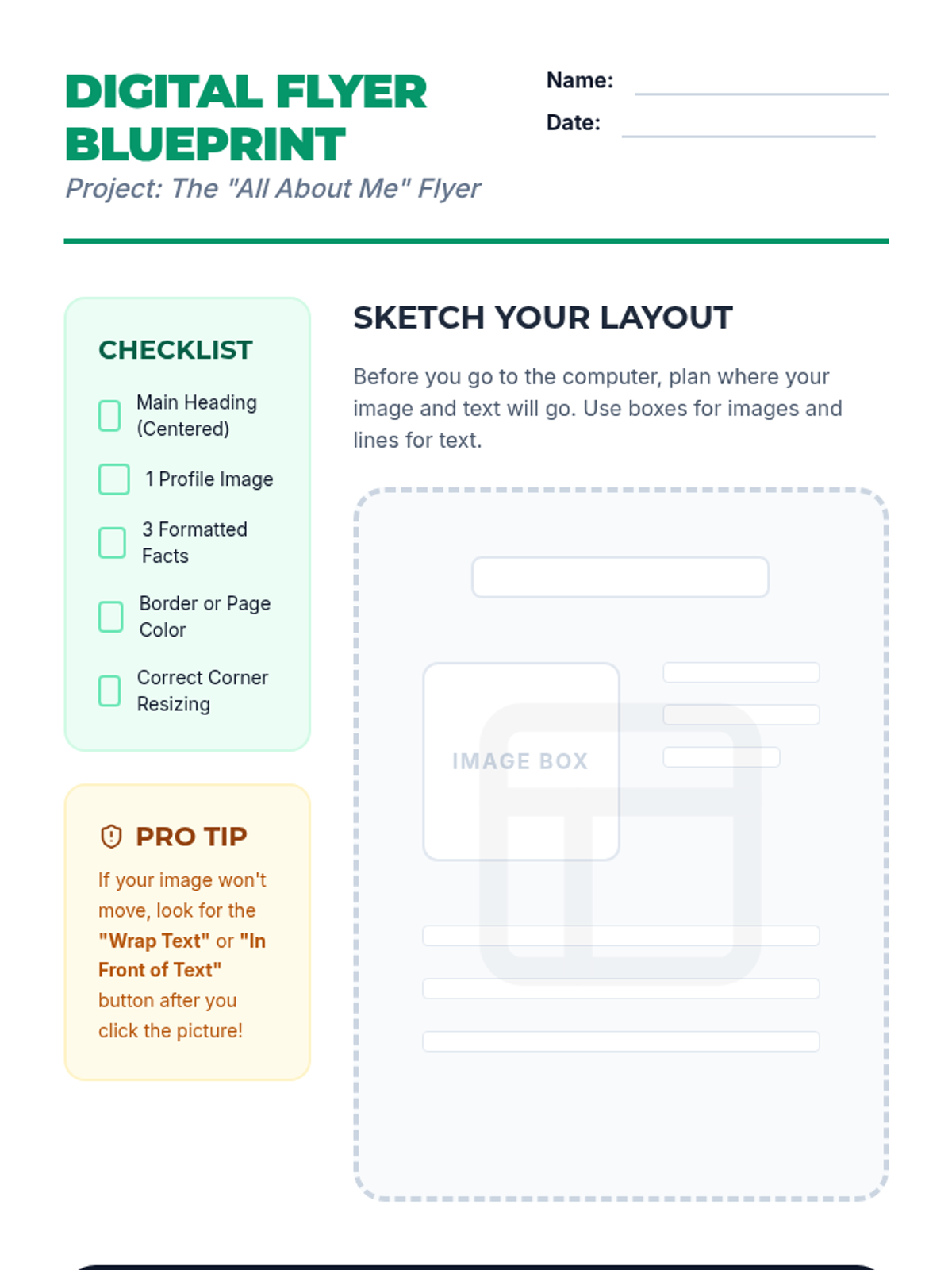
Students learn to insert, resize, and position images within a document to create a visually engaging 'About Me' flyer.
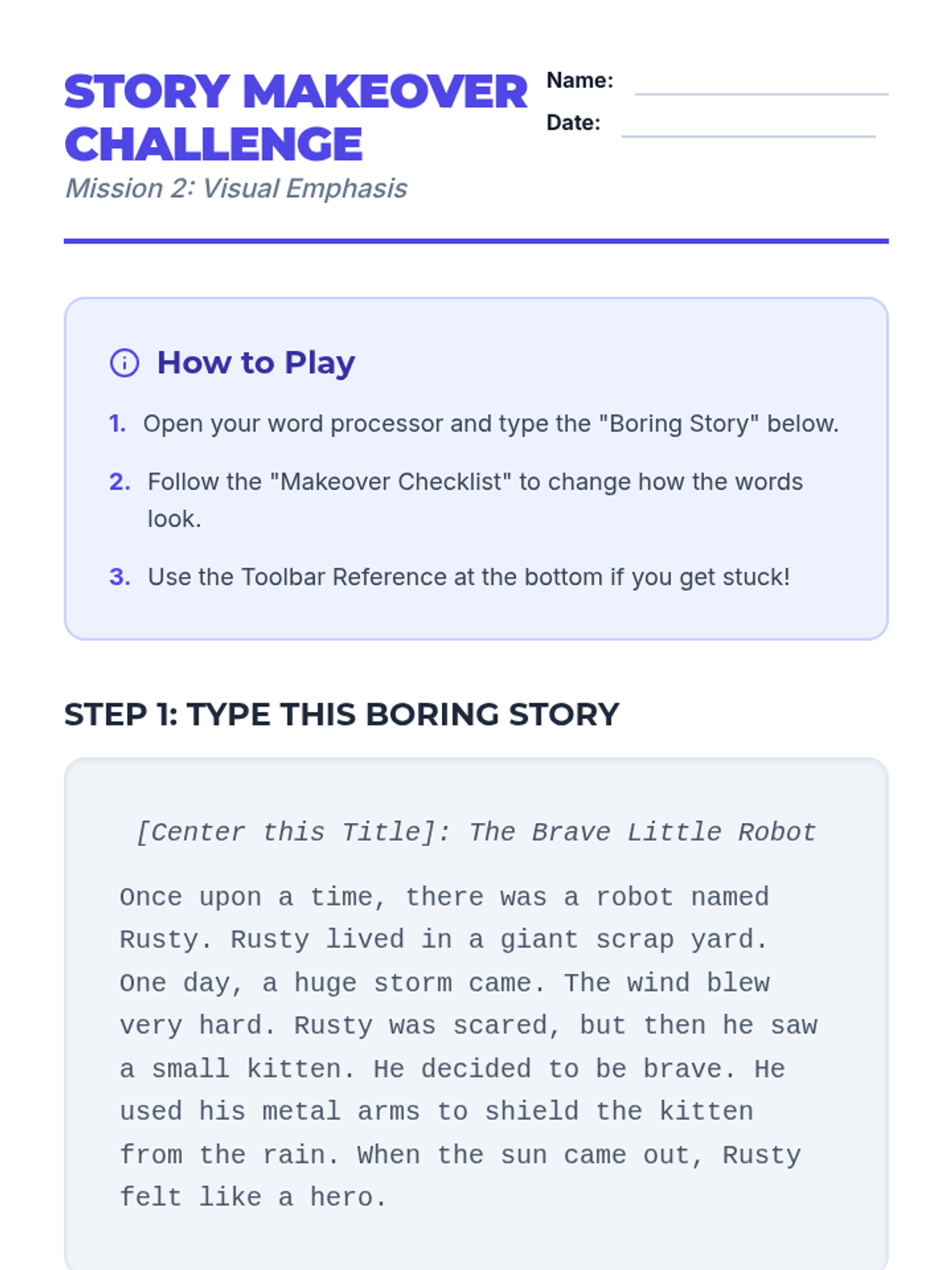
Students explore text formatting tools like font, size, color, and style to emphasize key information in a document.
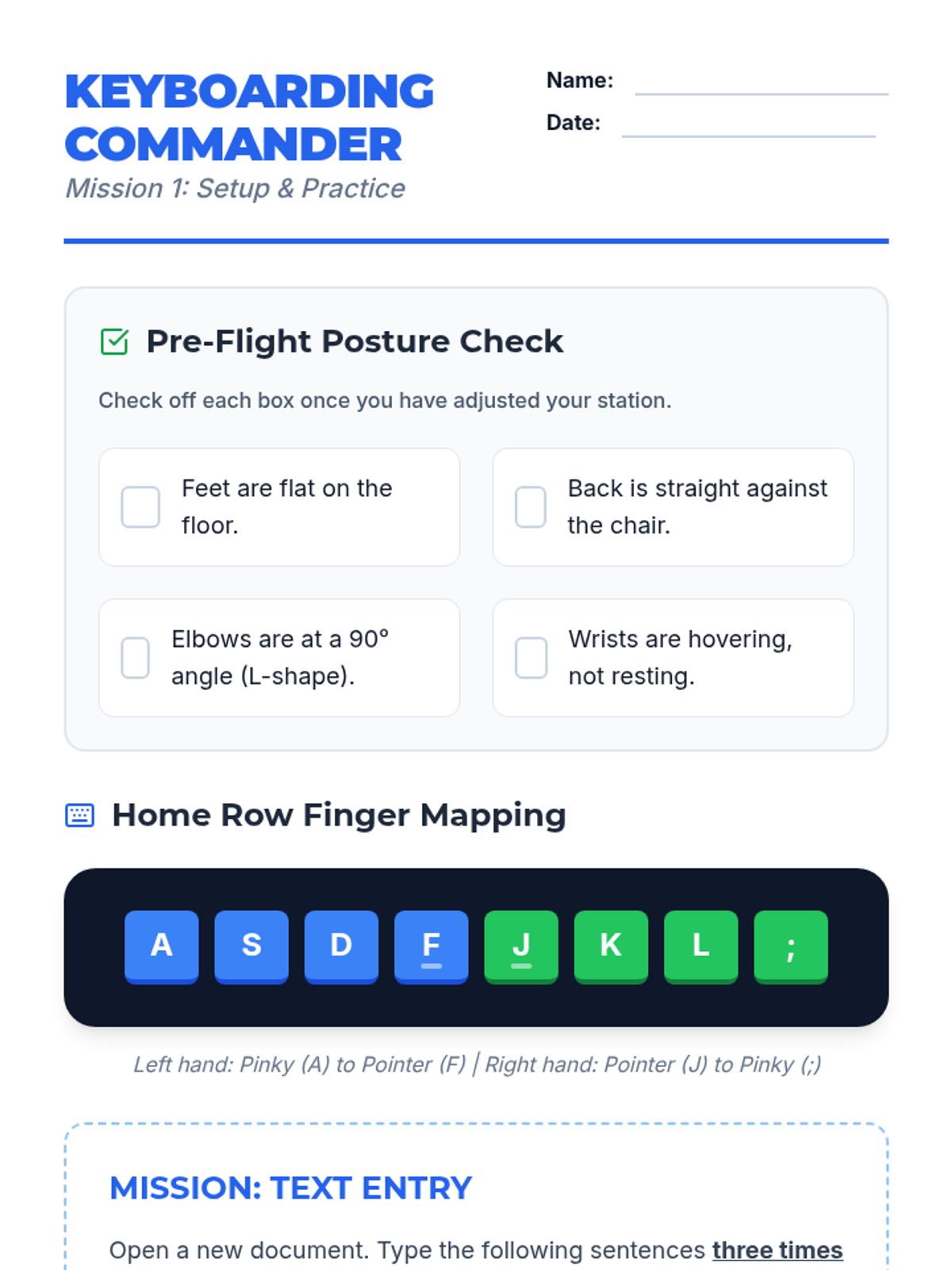
Students learn keyboard layout, home row positioning, and proper posture while practicing accuracy with short sentences.
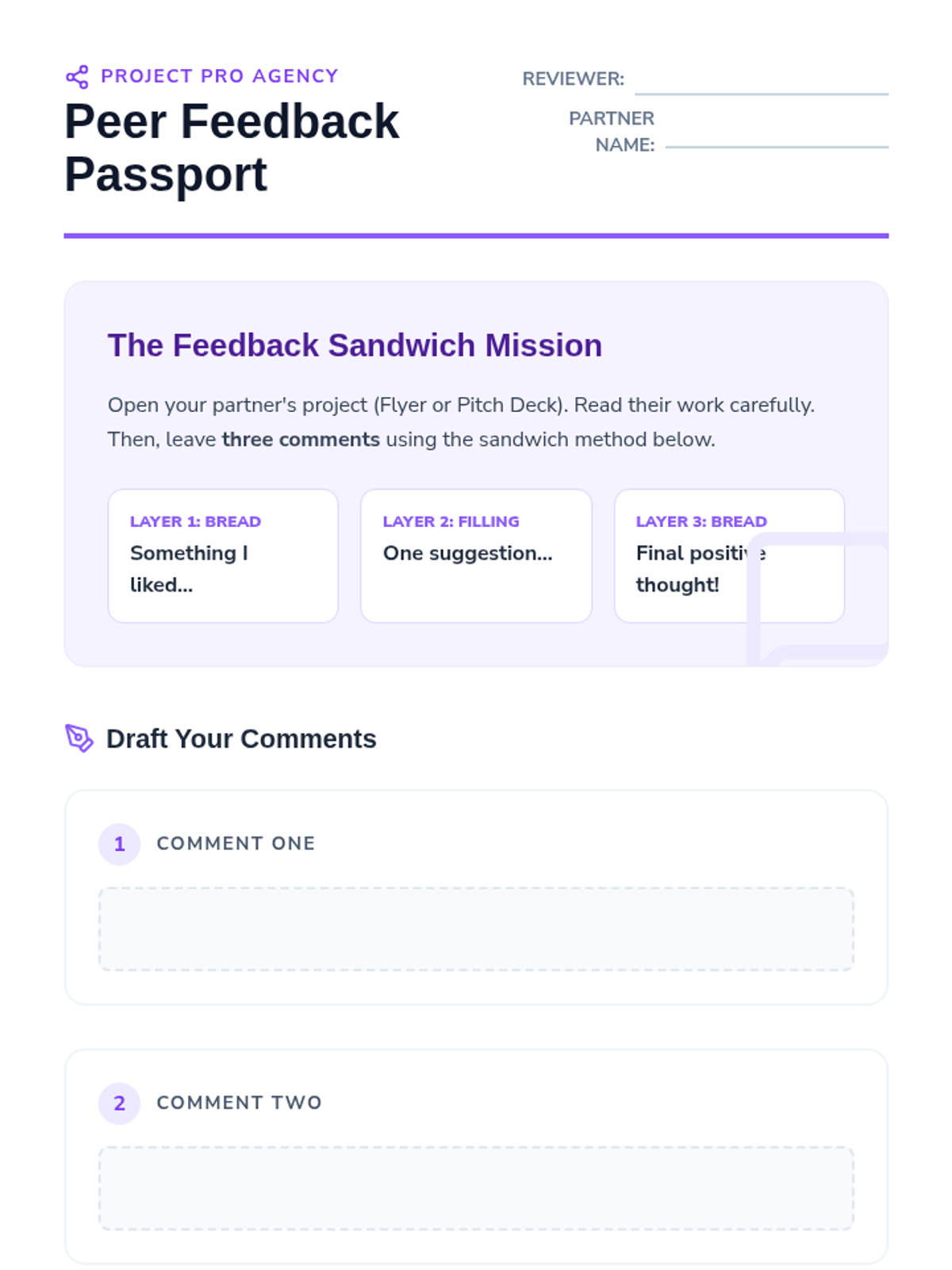
The final stage focuses on cloud-based collaboration, where students share files and provide constructive peer feedback through digital comments.
Students design a slide deck to pitch their event ideas, learning the difference between reading-focused documents and presentation visuals.
Students explore word processing tools to create professional flyers, focusing on typography, alignment, and visual hierarchy.
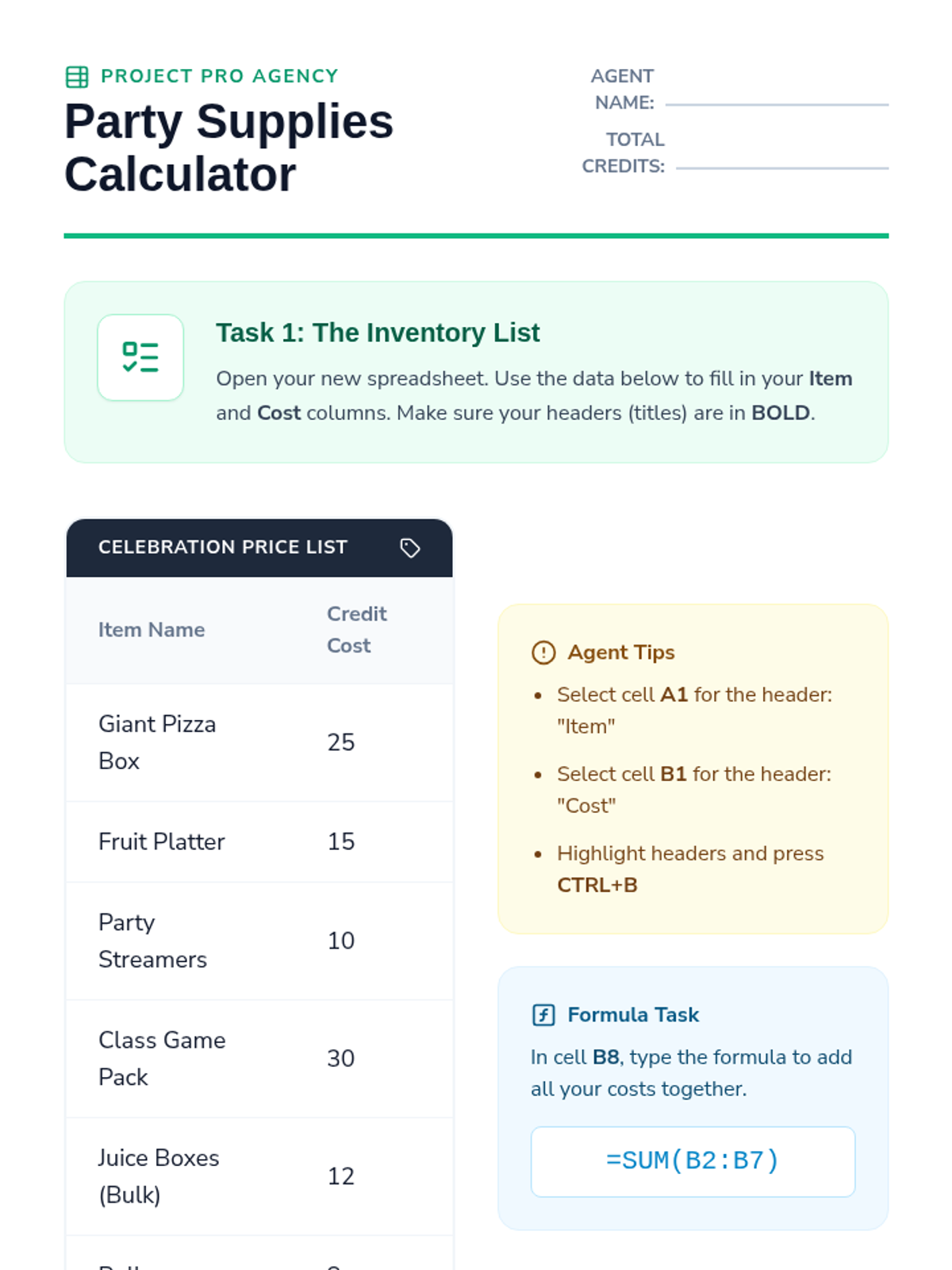
Introduction to spreadsheet software where students organize supply lists and use basic formulas to manage a party budget.
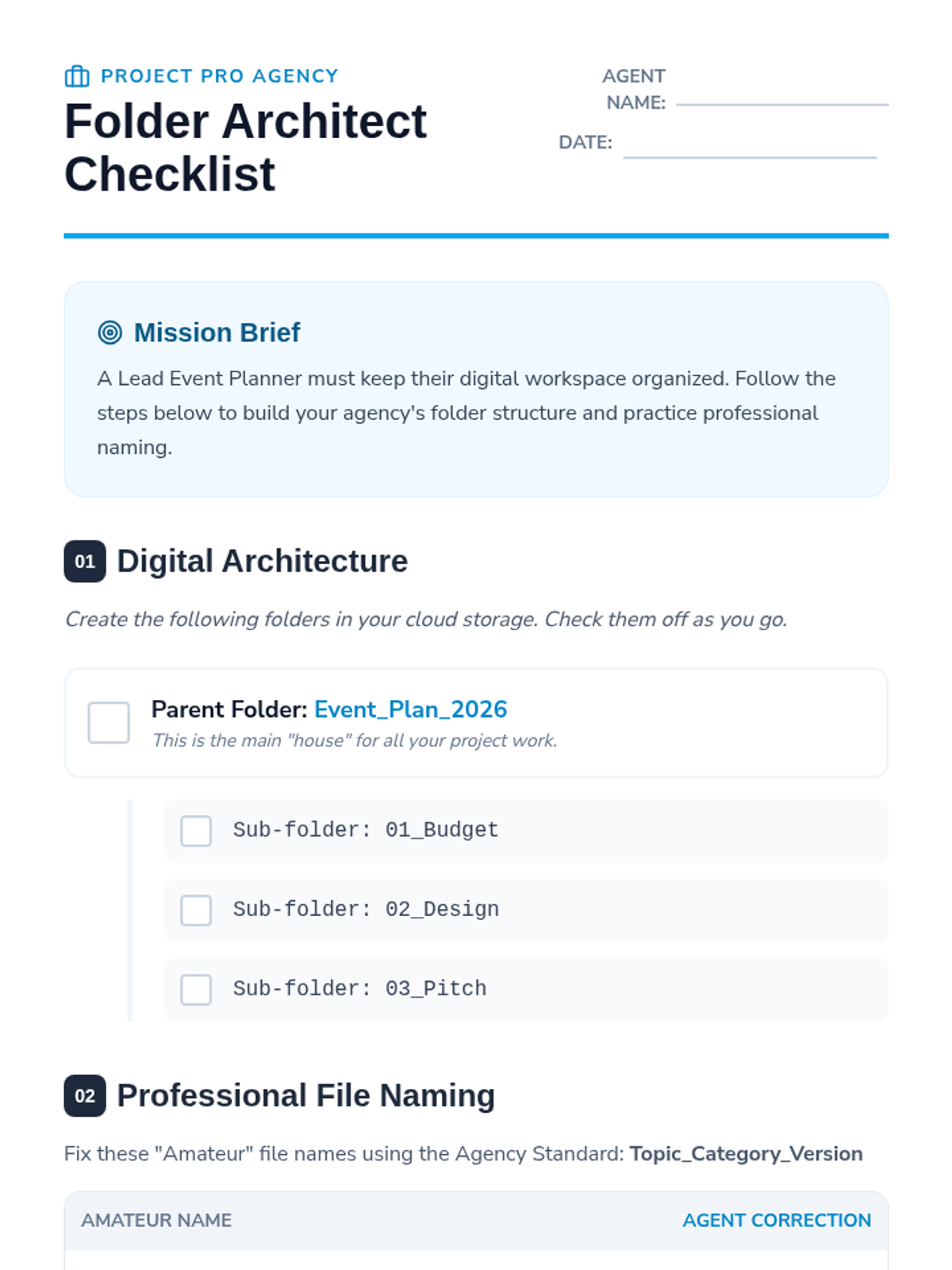
Students learn the foundations of digital organization by mastering cloud storage, folder structures, and professional file naming conventions.
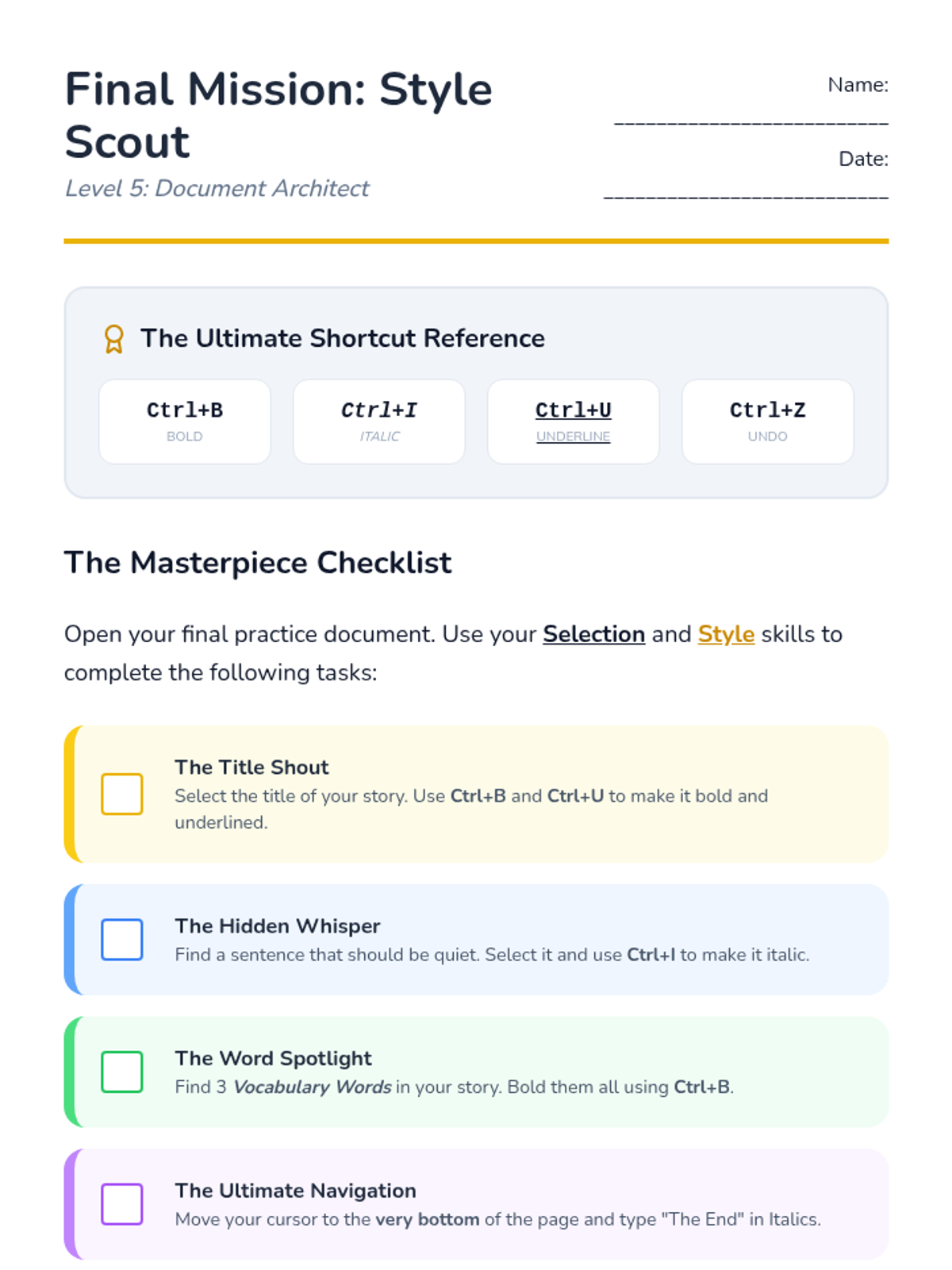
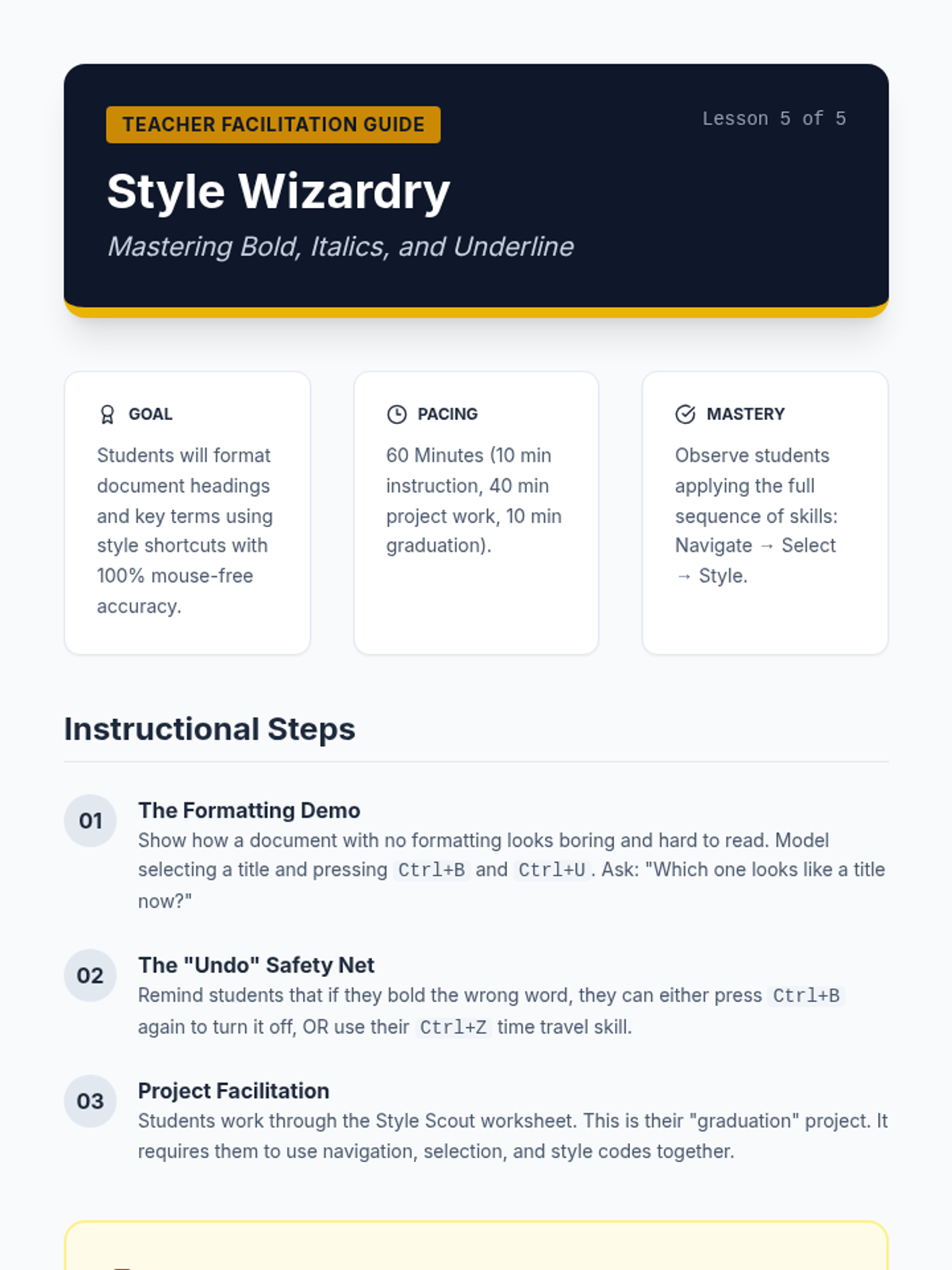
Students apply Bold, Italics, and Underline shortcuts to emphasize and design their documents.
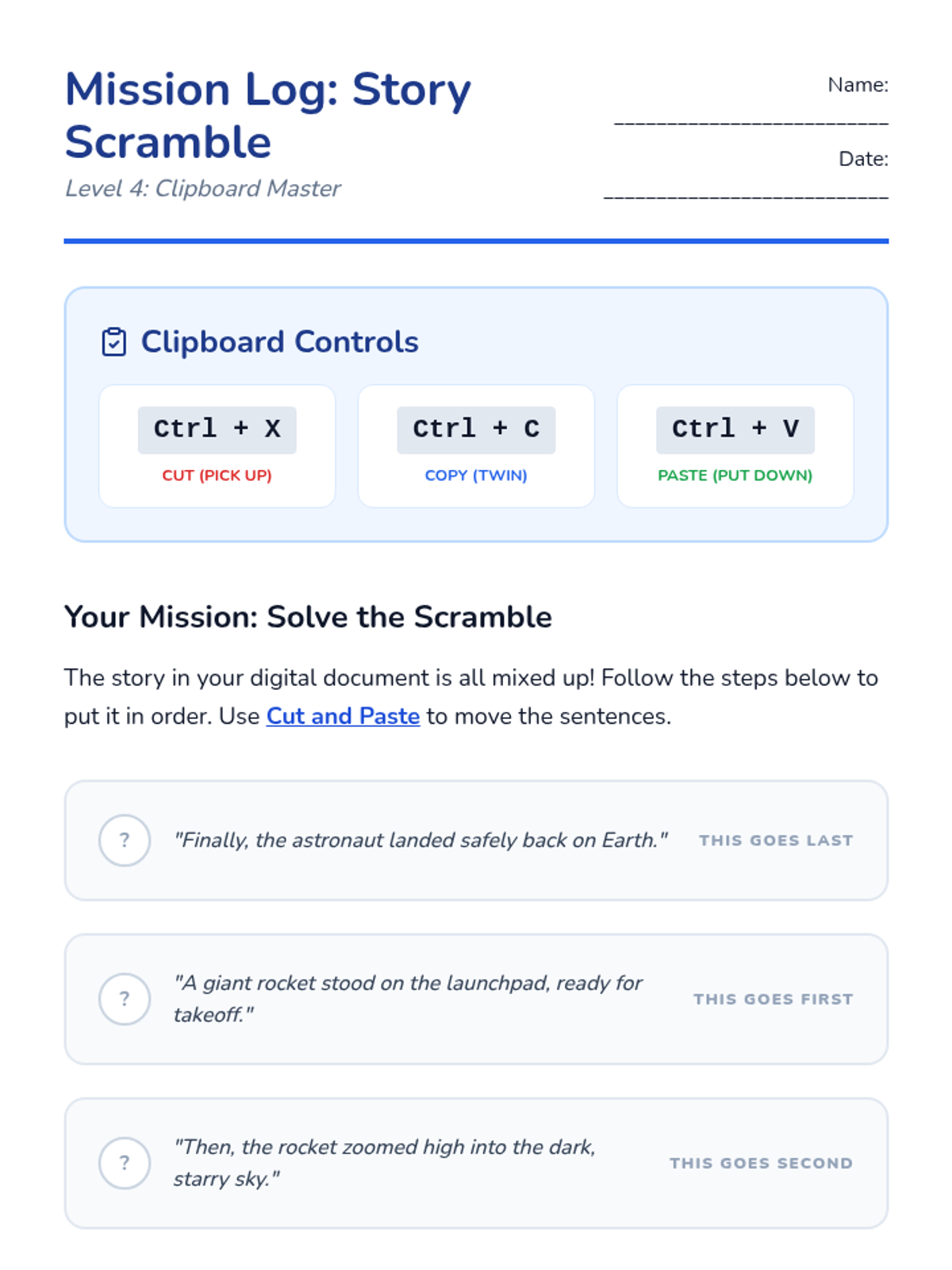
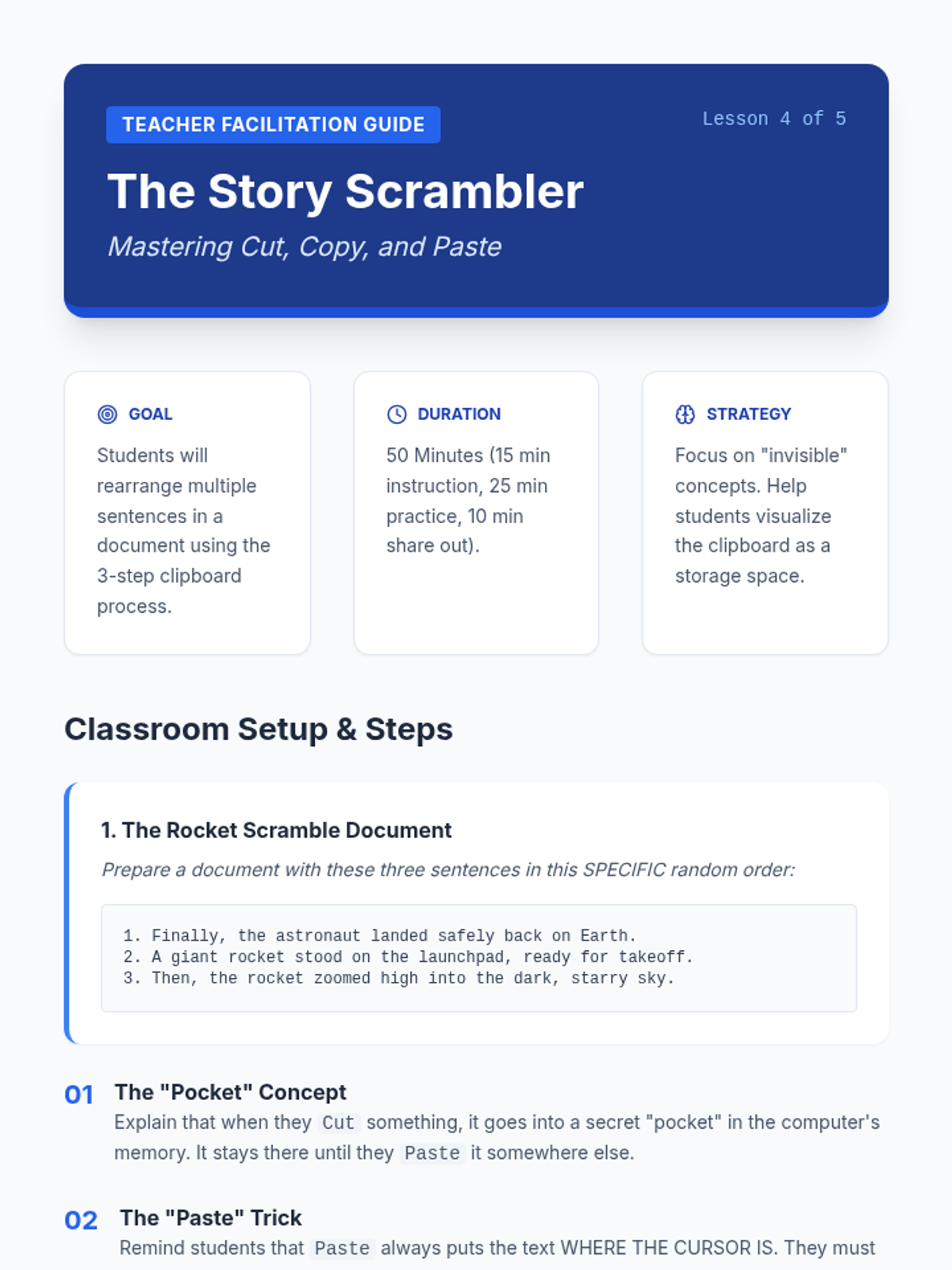
Covers essential clipboard shortcuts (Ctrl+C, Ctrl+X, Ctrl+V) to rearrange and organize text efficiently.
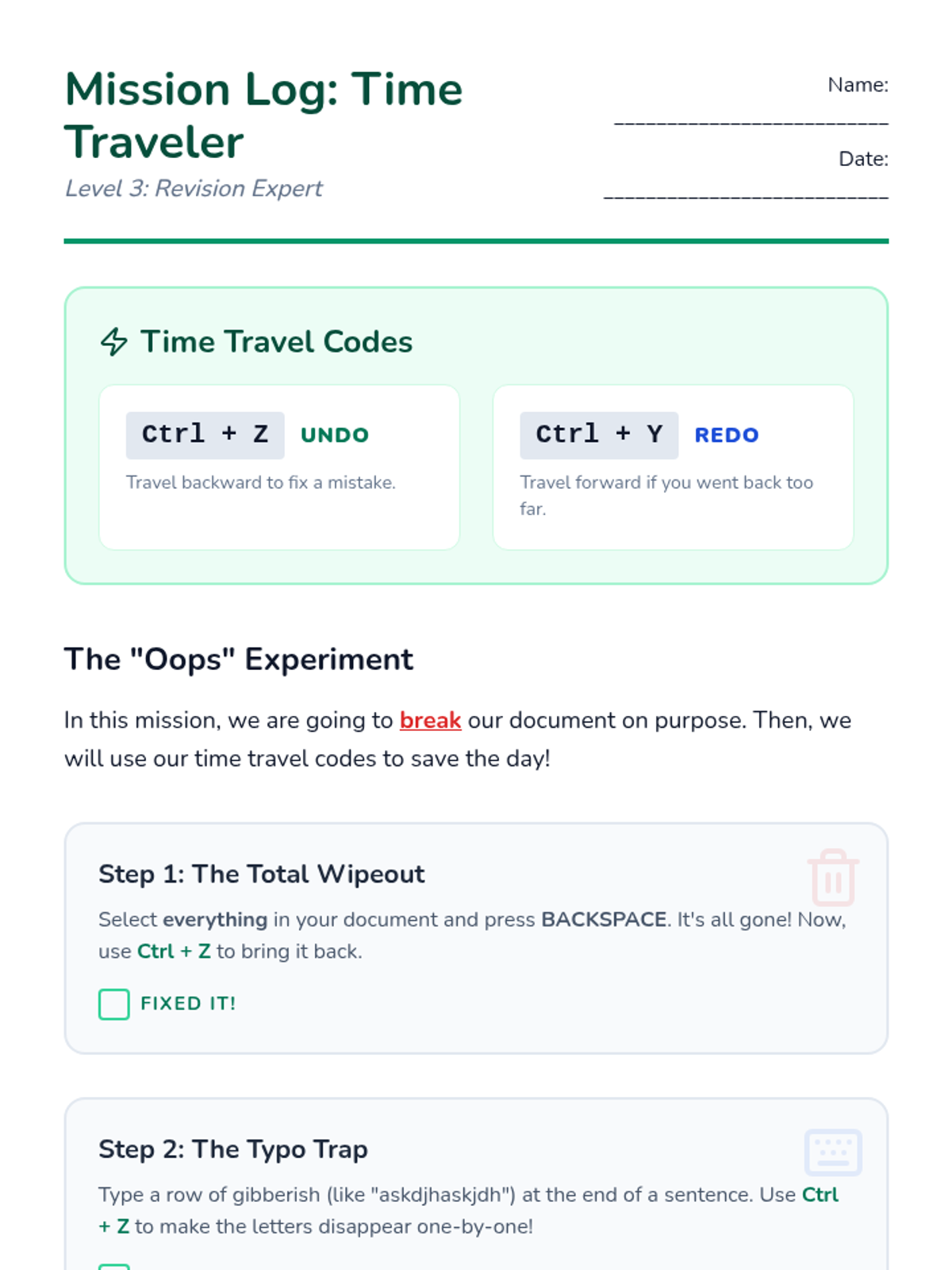
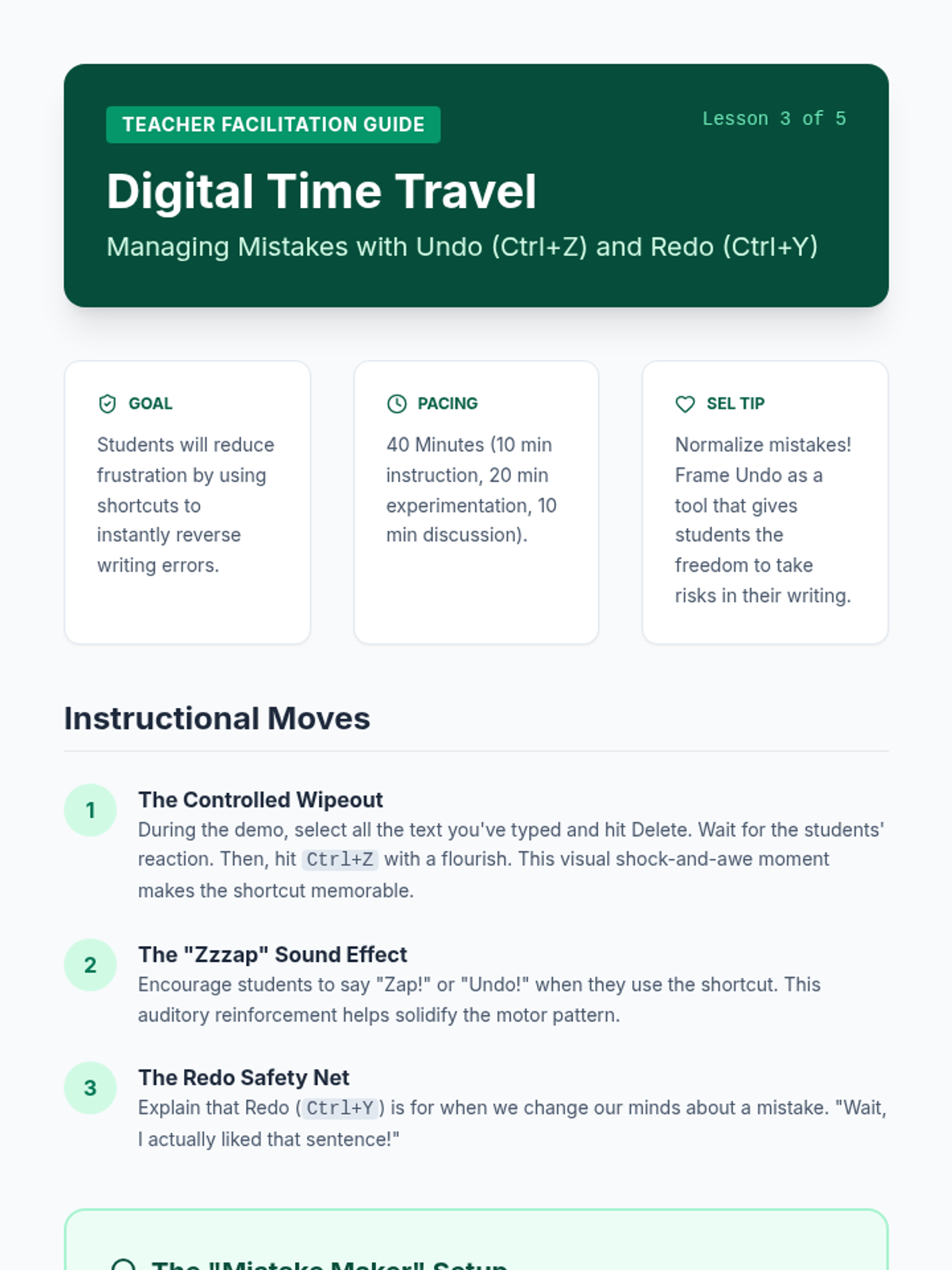
Students explore Ctrl+Z (Undo) and Ctrl+Y (Redo) as safety nets for writing and error recovery.
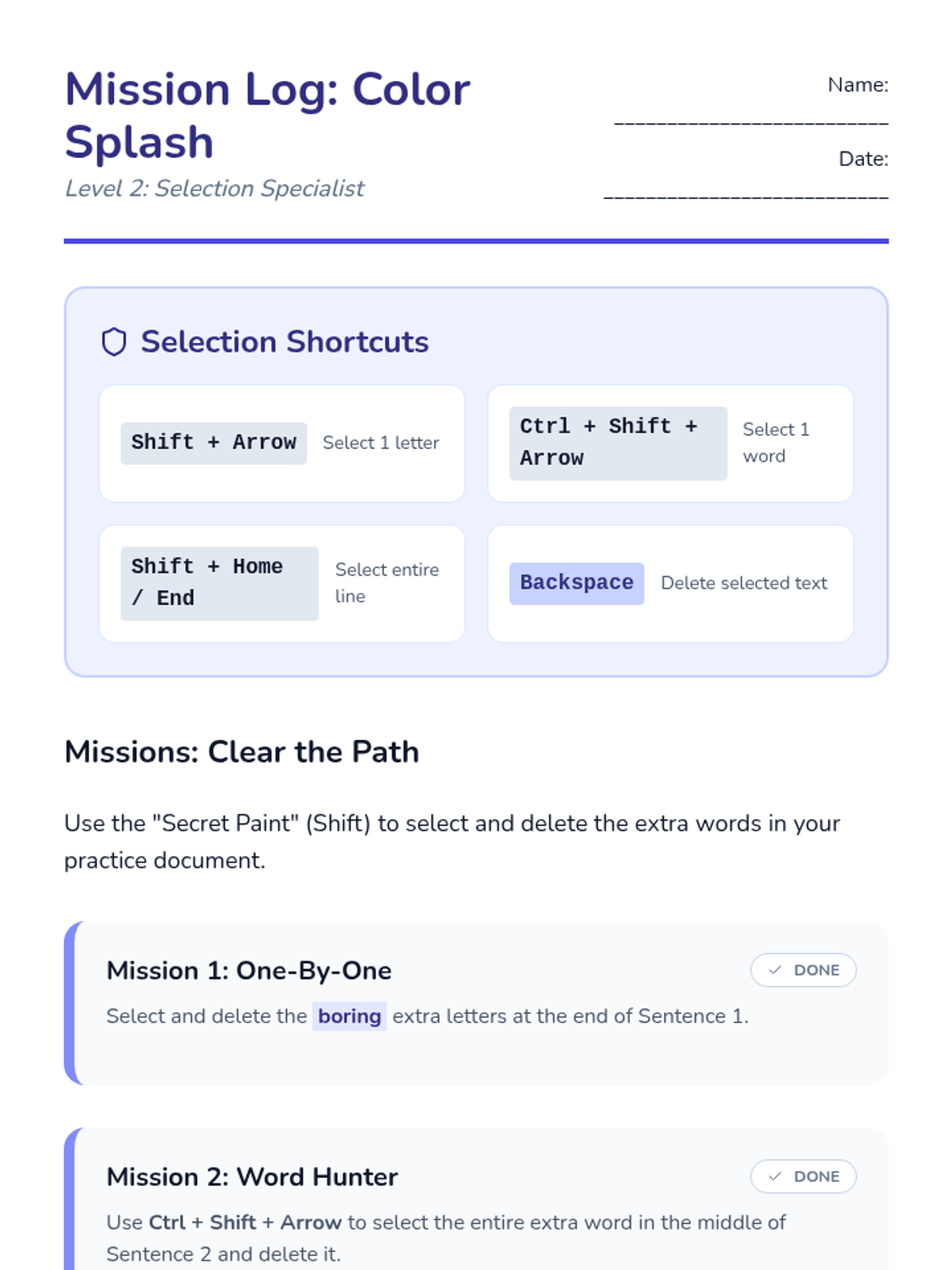
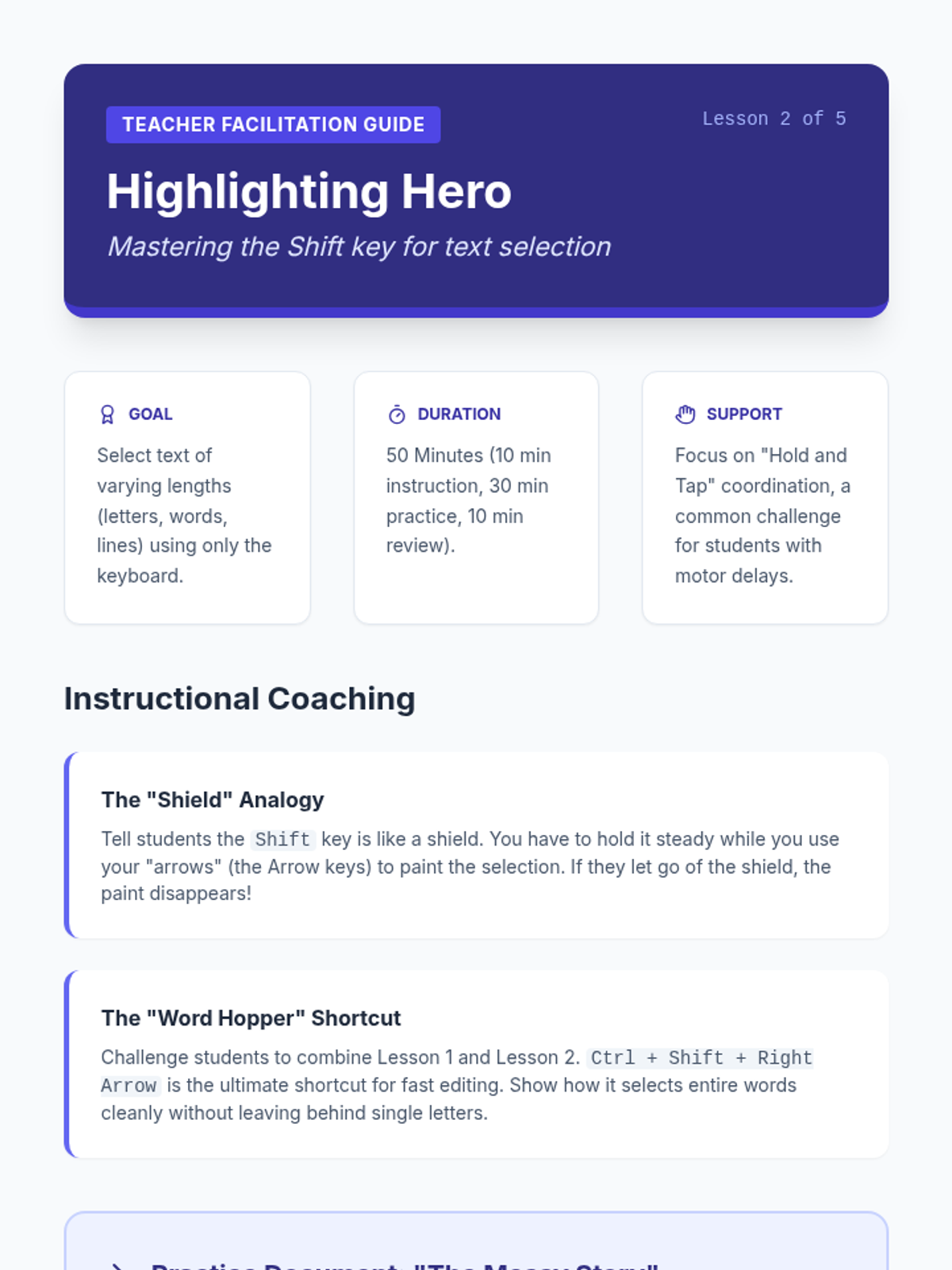
Learners practice highlighting text using the Shift key combined with arrows to prepare for formatting or deletion.
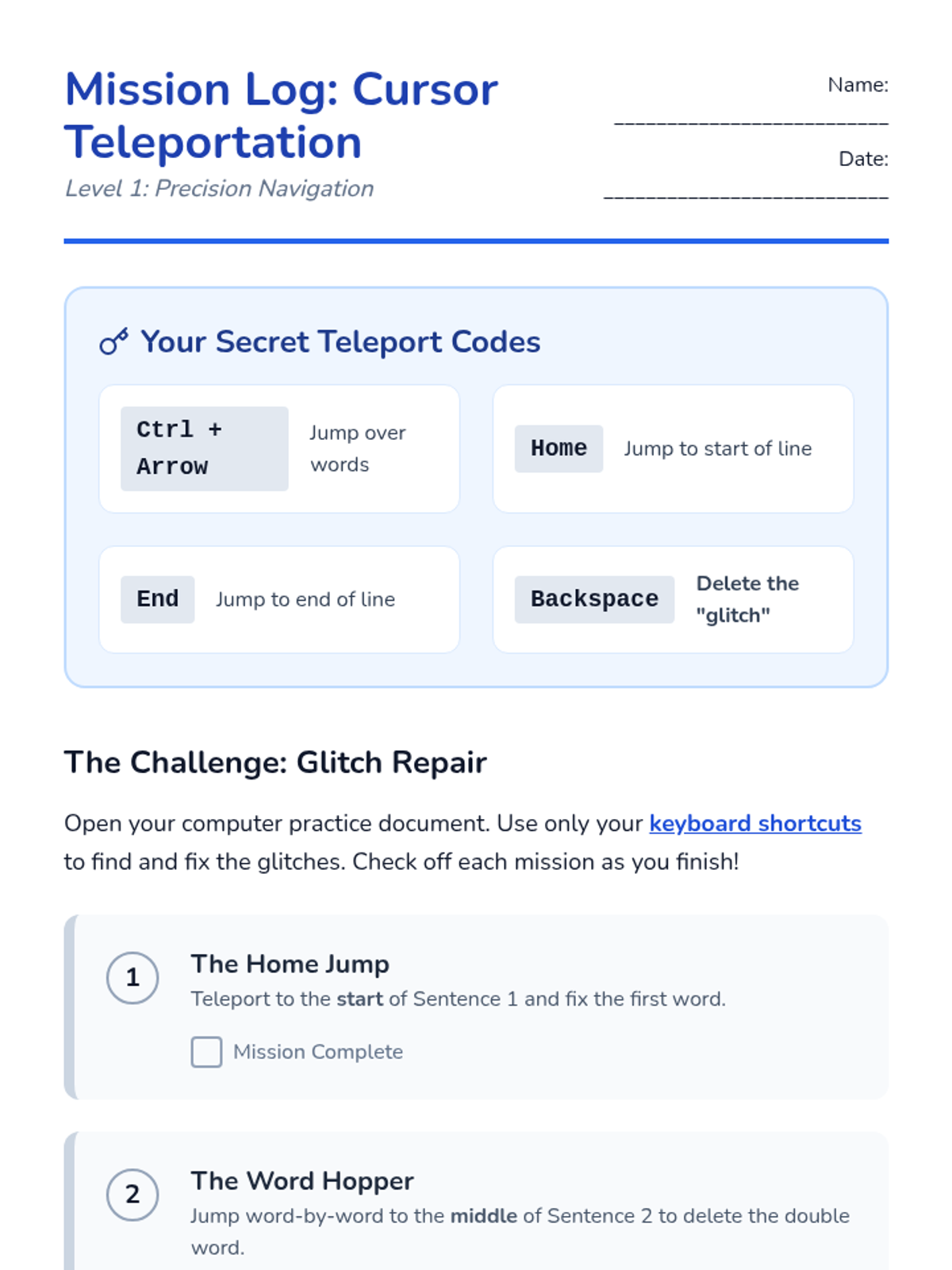
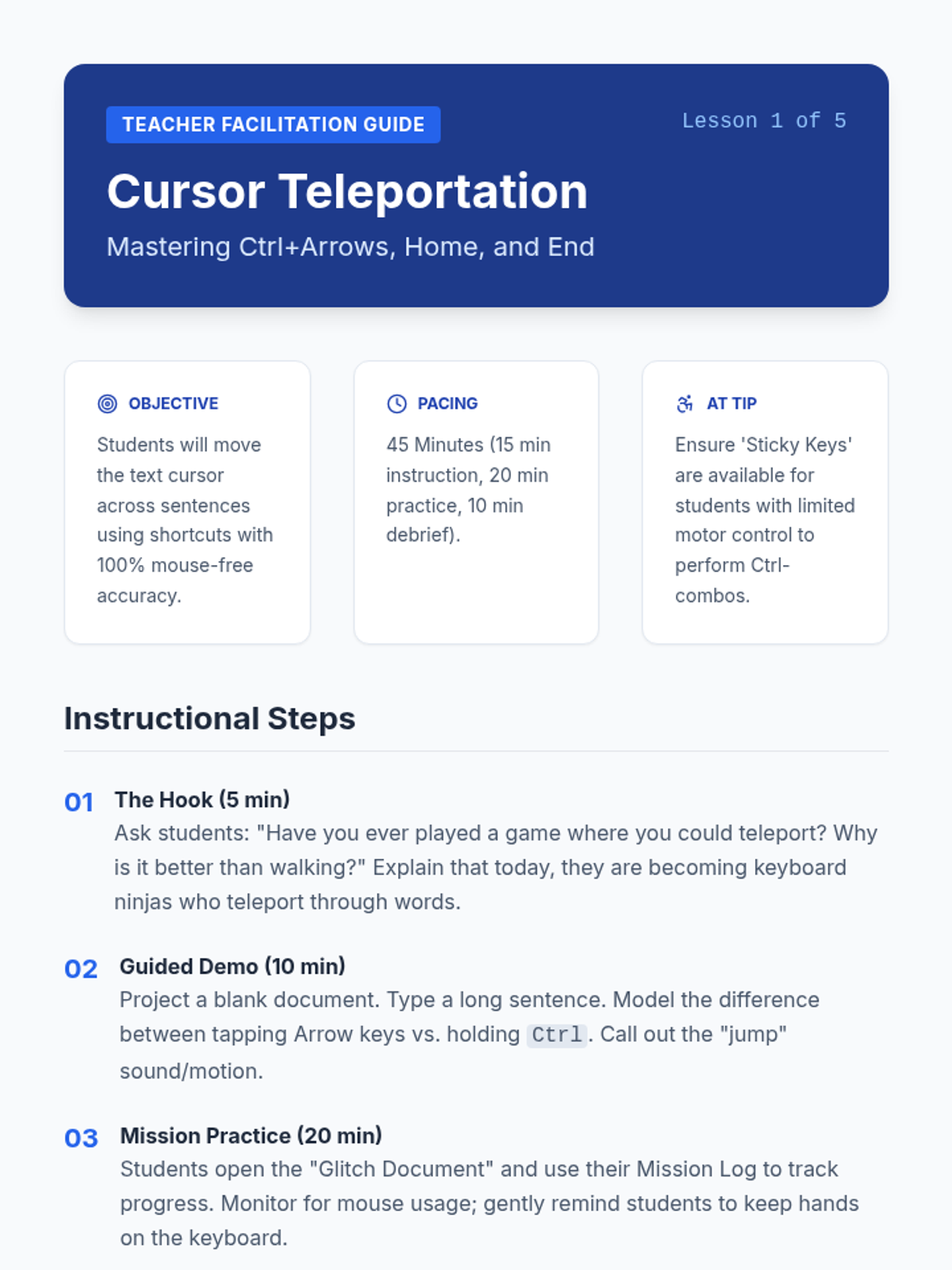
Students learn to move the text cursor word-by-word (Ctrl+Arrow) and to the start/end of lines (Home/End) to fix typos quickly.
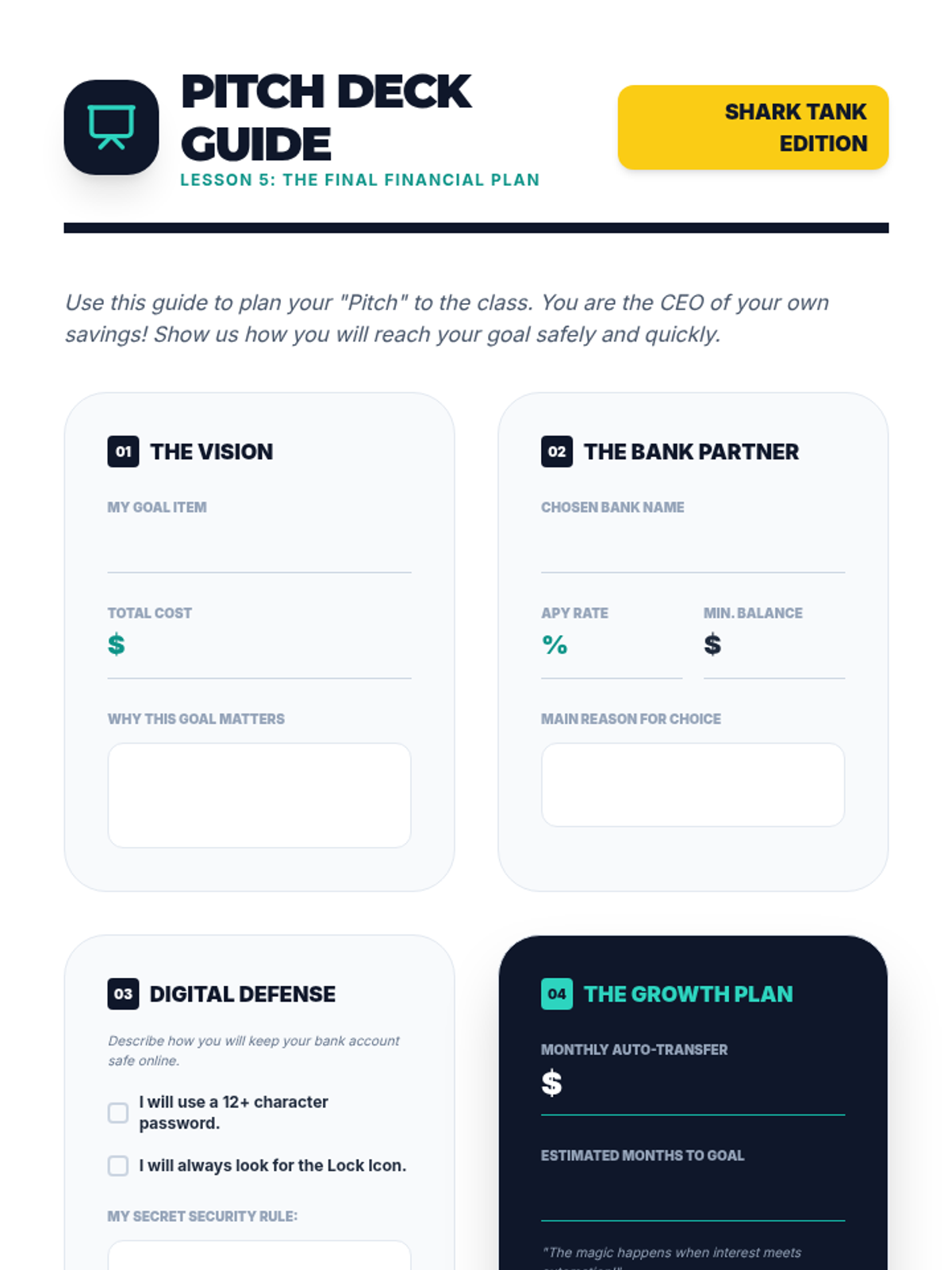
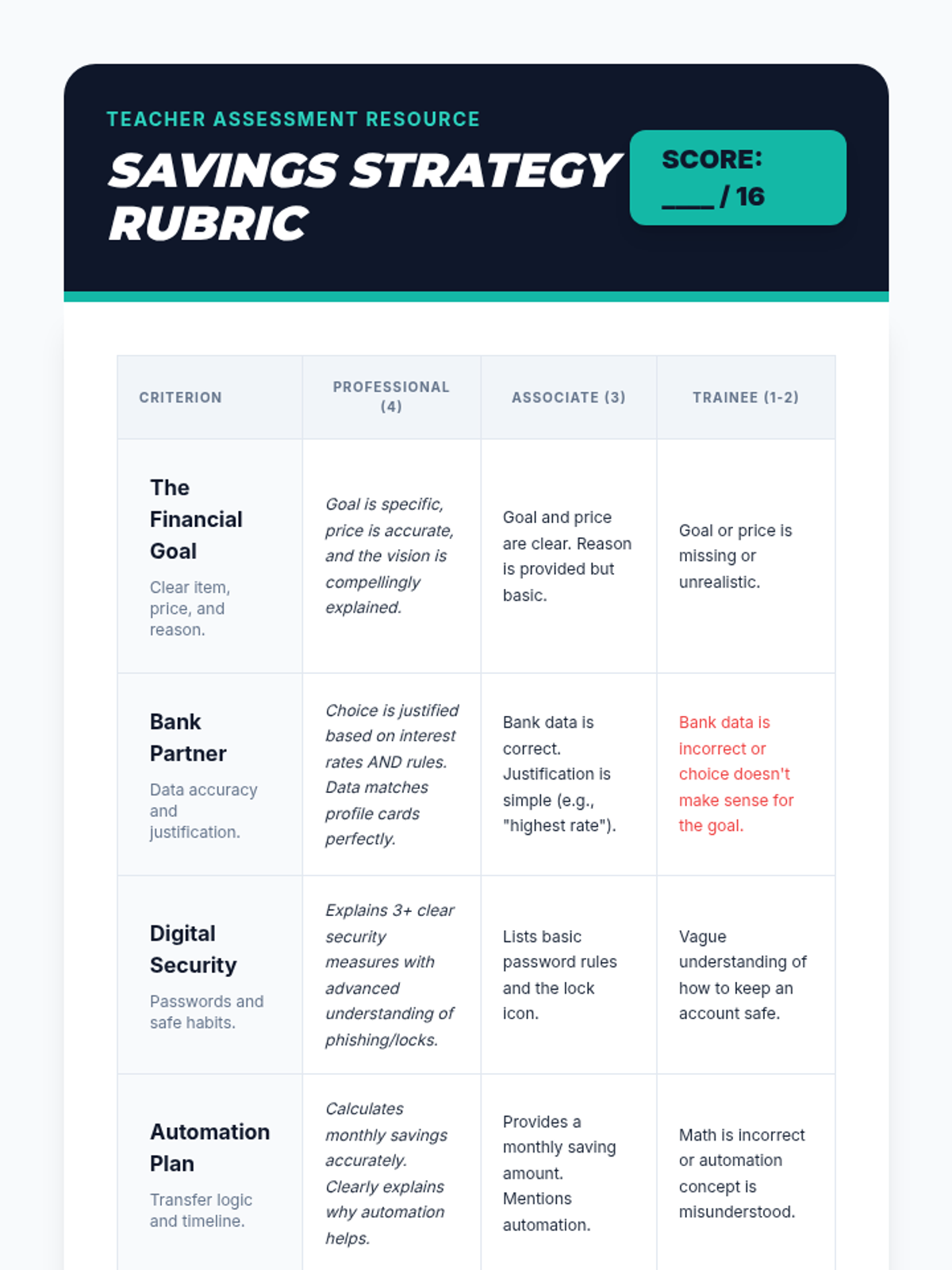
As a final project, students synthesize their learning by creating a 'Pitch Deck' for a savings plan. They present which bank they chose, their interest rate, their savings schedule, and their security measures for online banking.
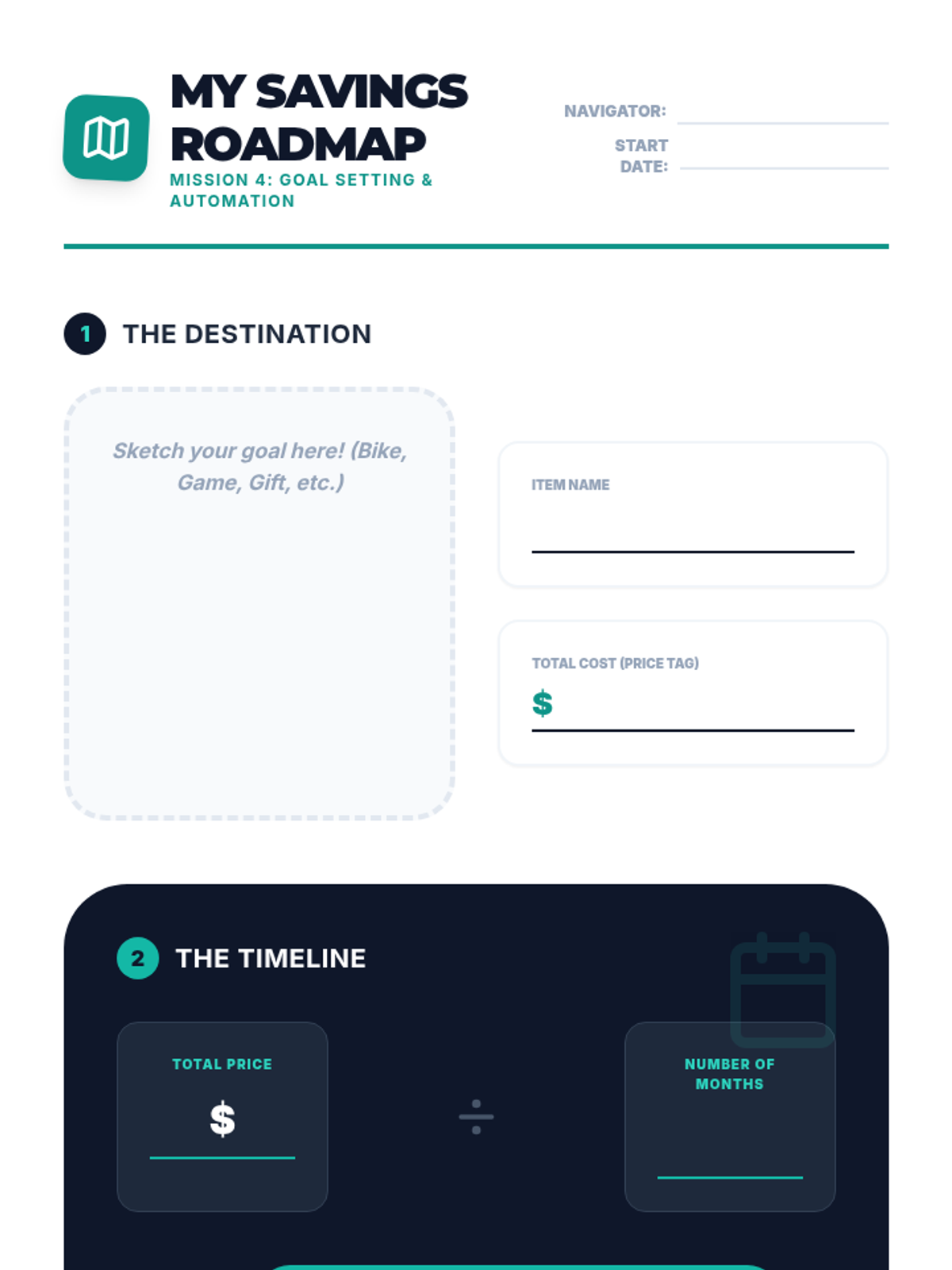
Students define a financial goal (e.g., buying a bike) and create a plan that involves automated monthly transfers from checking to savings. They visualize the timeline for achieving their goal.
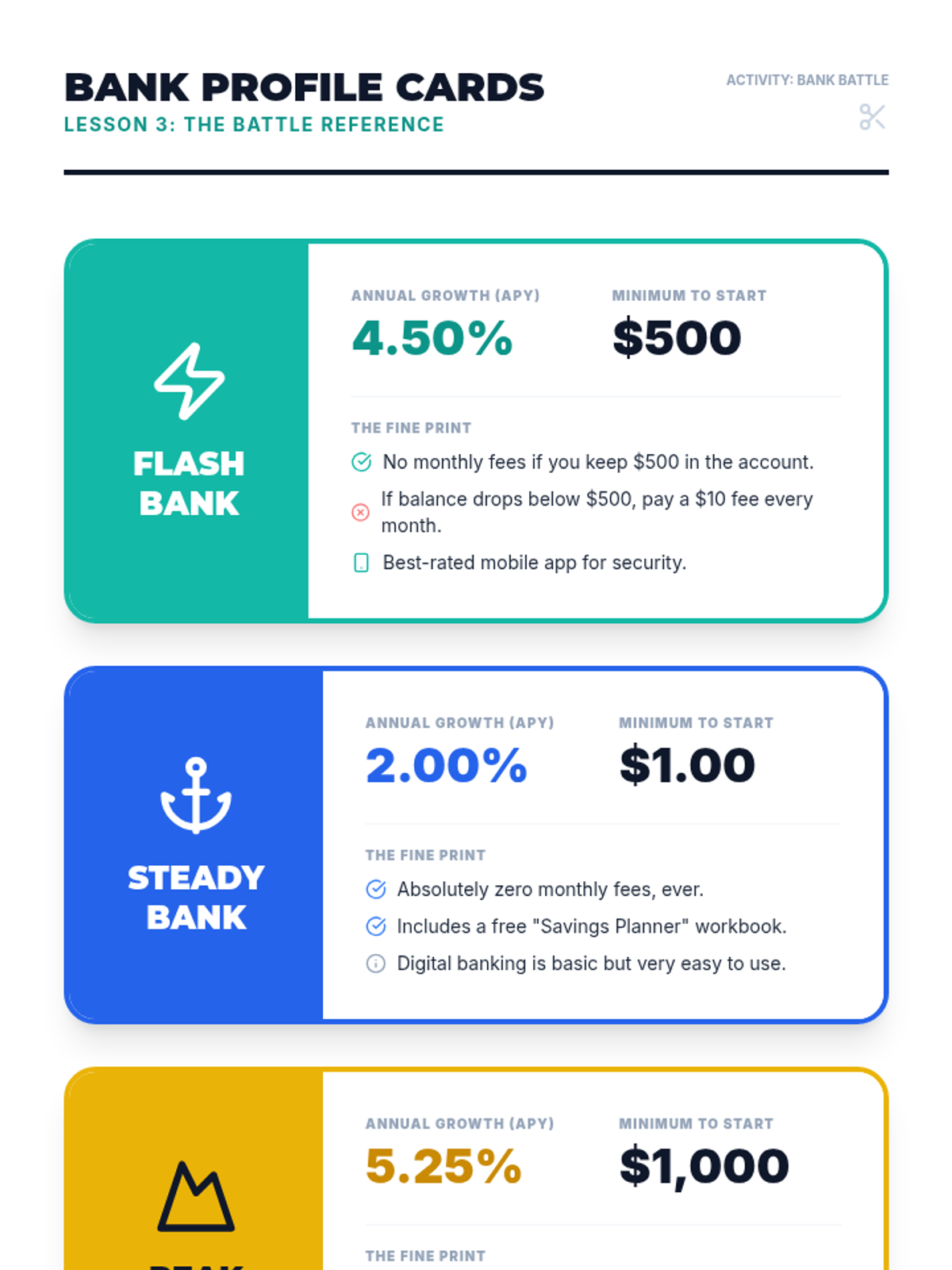
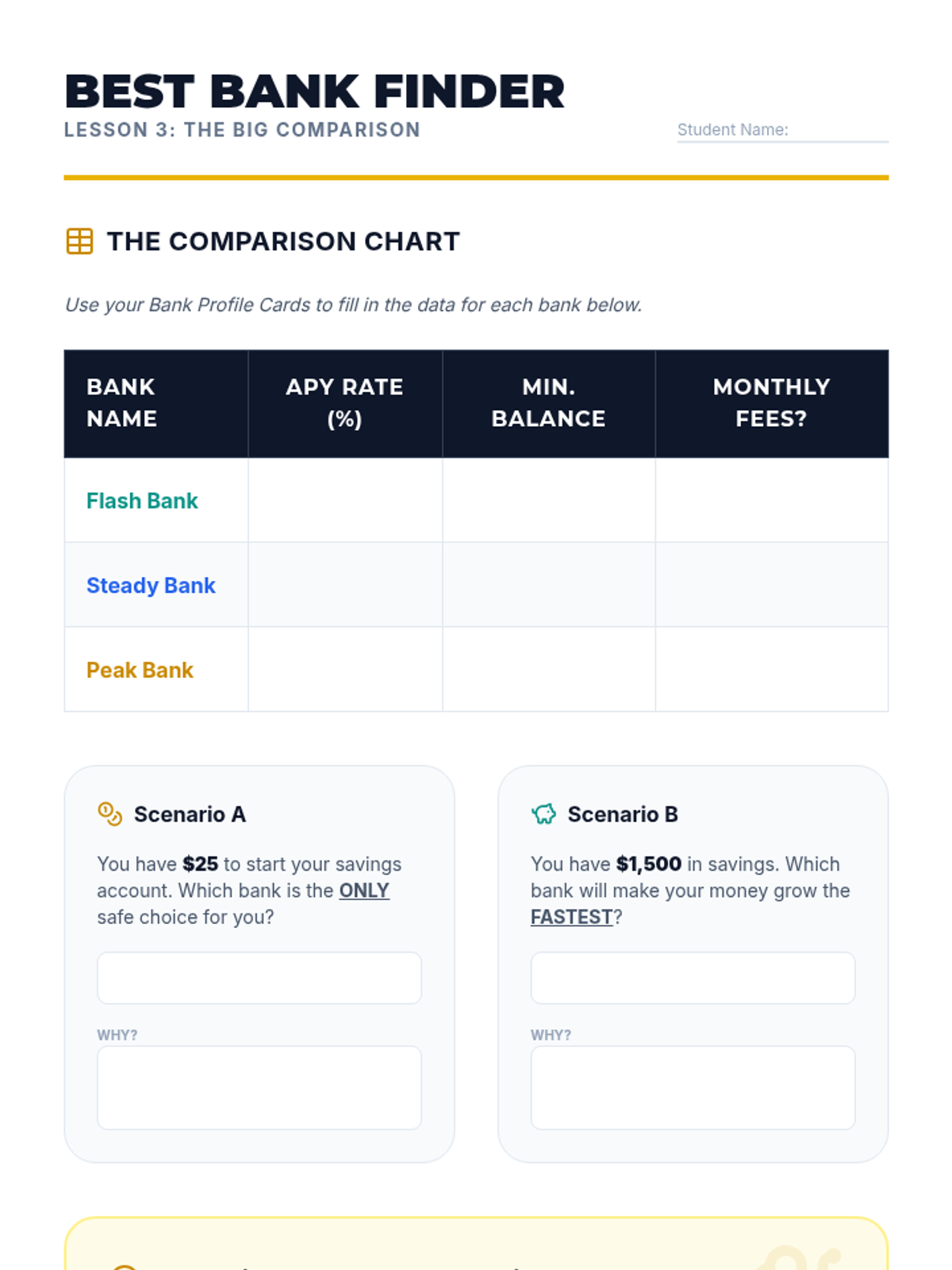
Students research different (fictional) bank offers, comparing interest rates (APY) and requirements. They learn that not all savings accounts are the same and that a higher interest rate can make a significant difference over time.
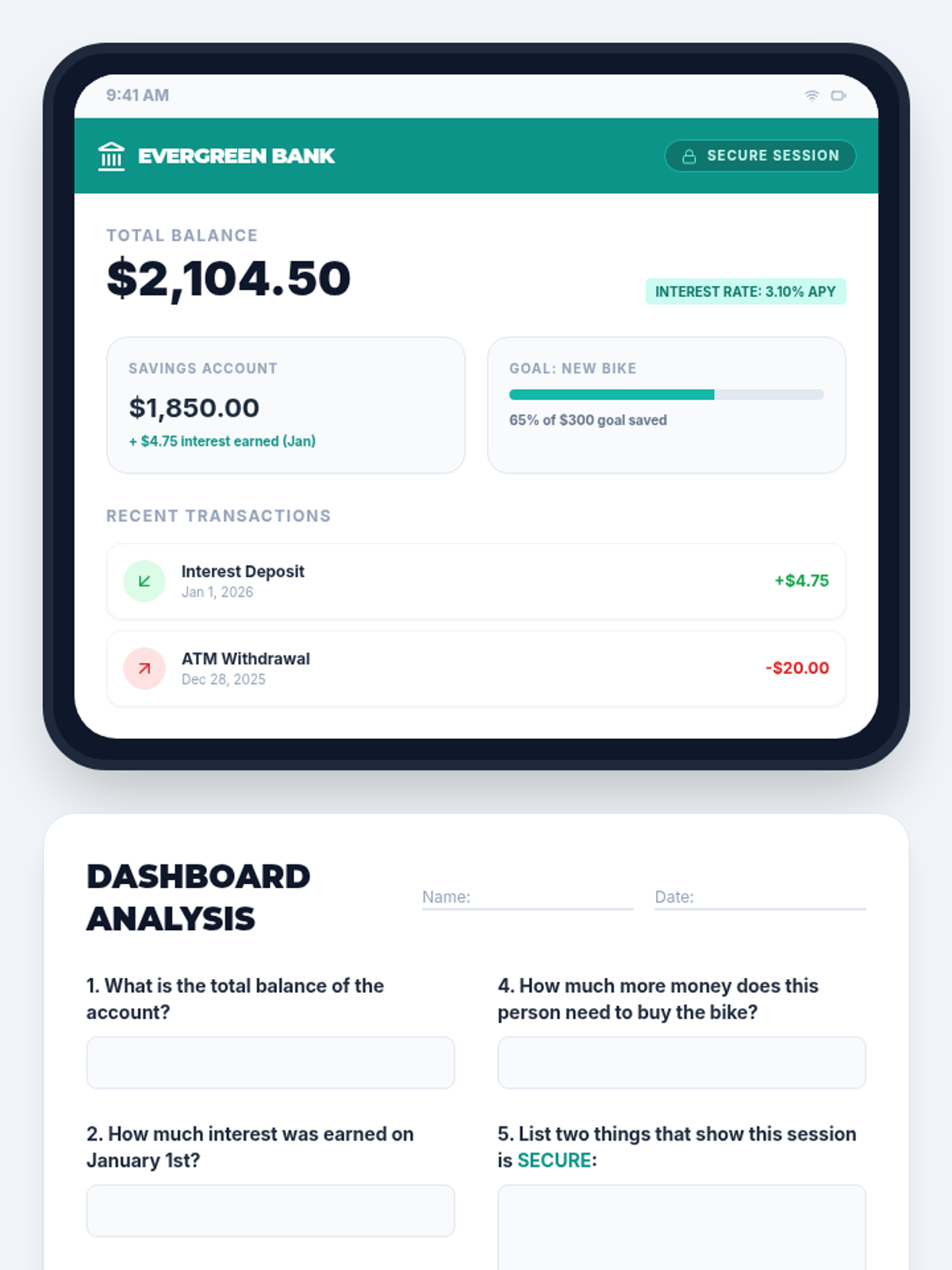
Using a safe, simulated tablet interface, students learn to navigate an online banking dashboard. They identify key security features like passwords and secure connections, and practice reading digital summaries of their accounts.
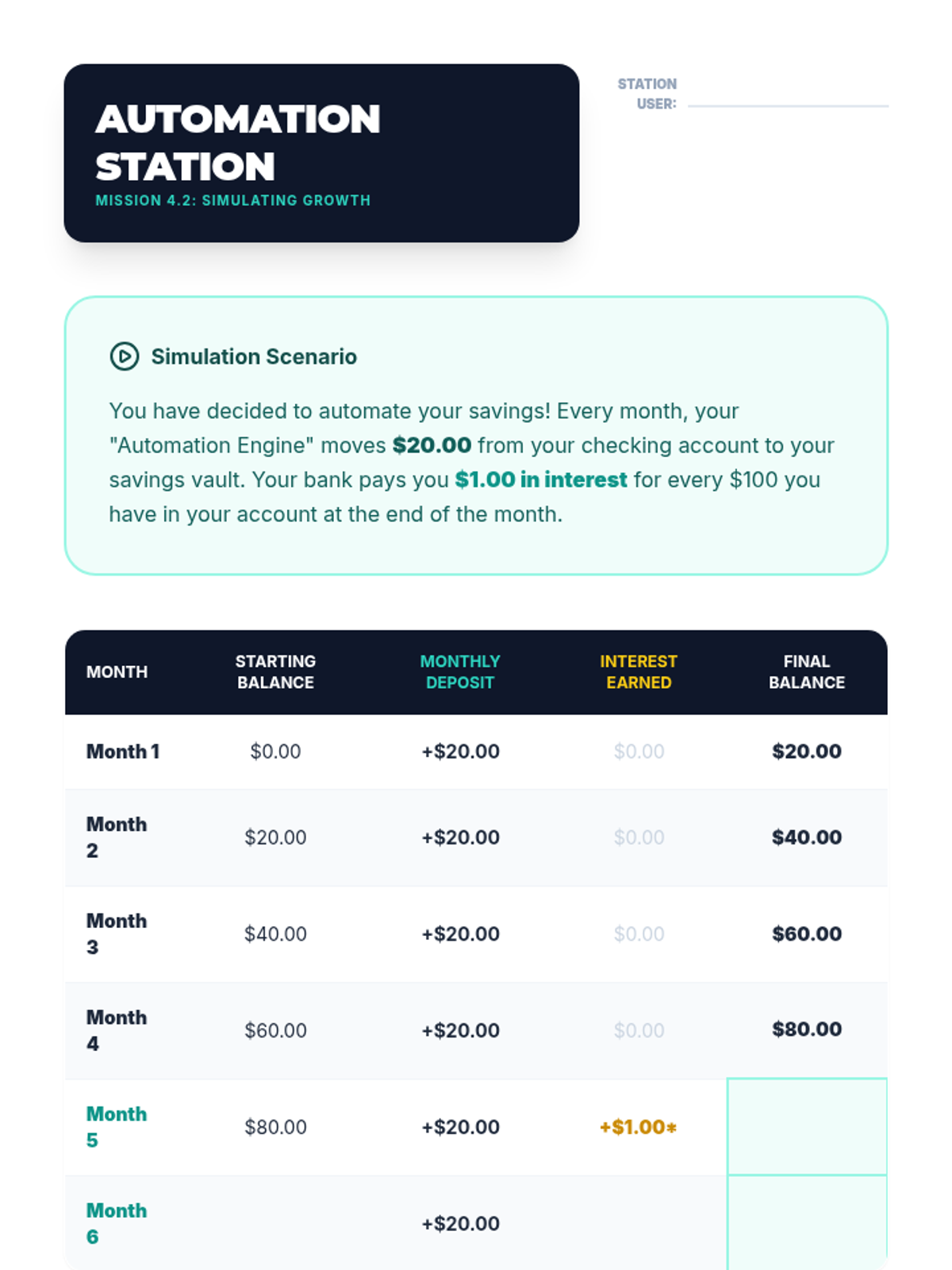
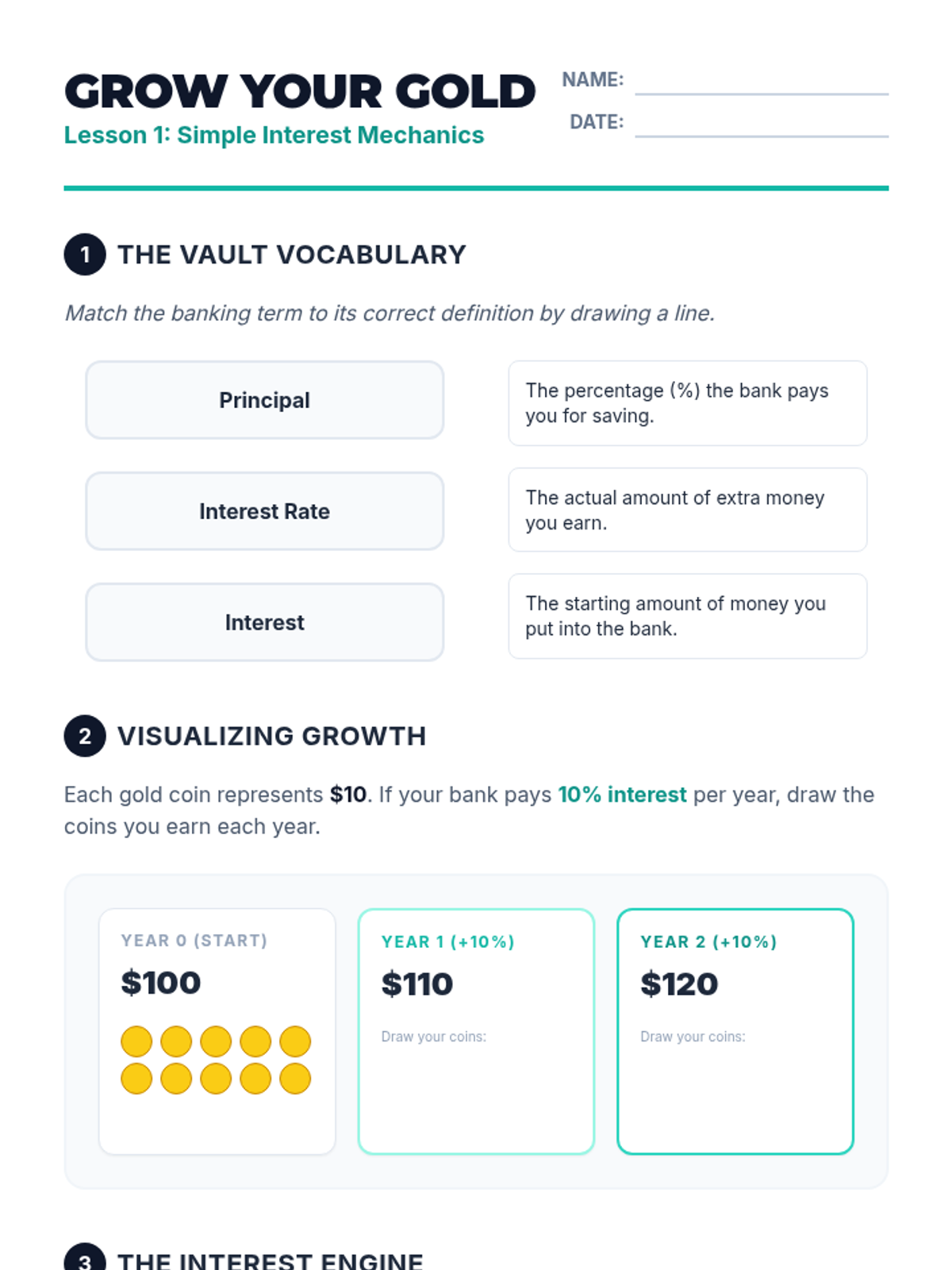
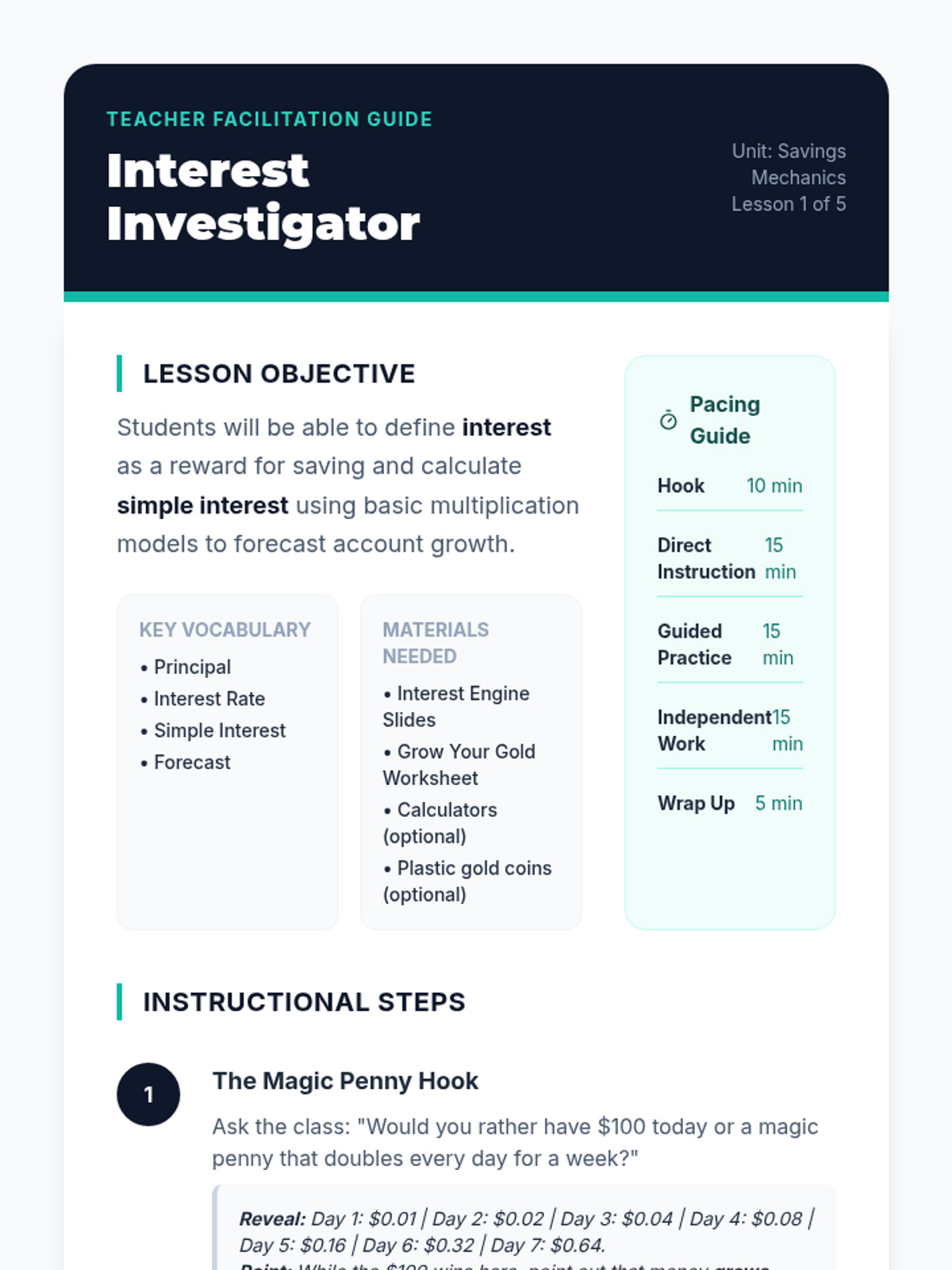
Students are introduced to the concept of interest as a reward banks pay for keeping money in a savings account. Using simple visual models and counters, they calculate simple interest over short periods to see how balances grow without additional deposits.
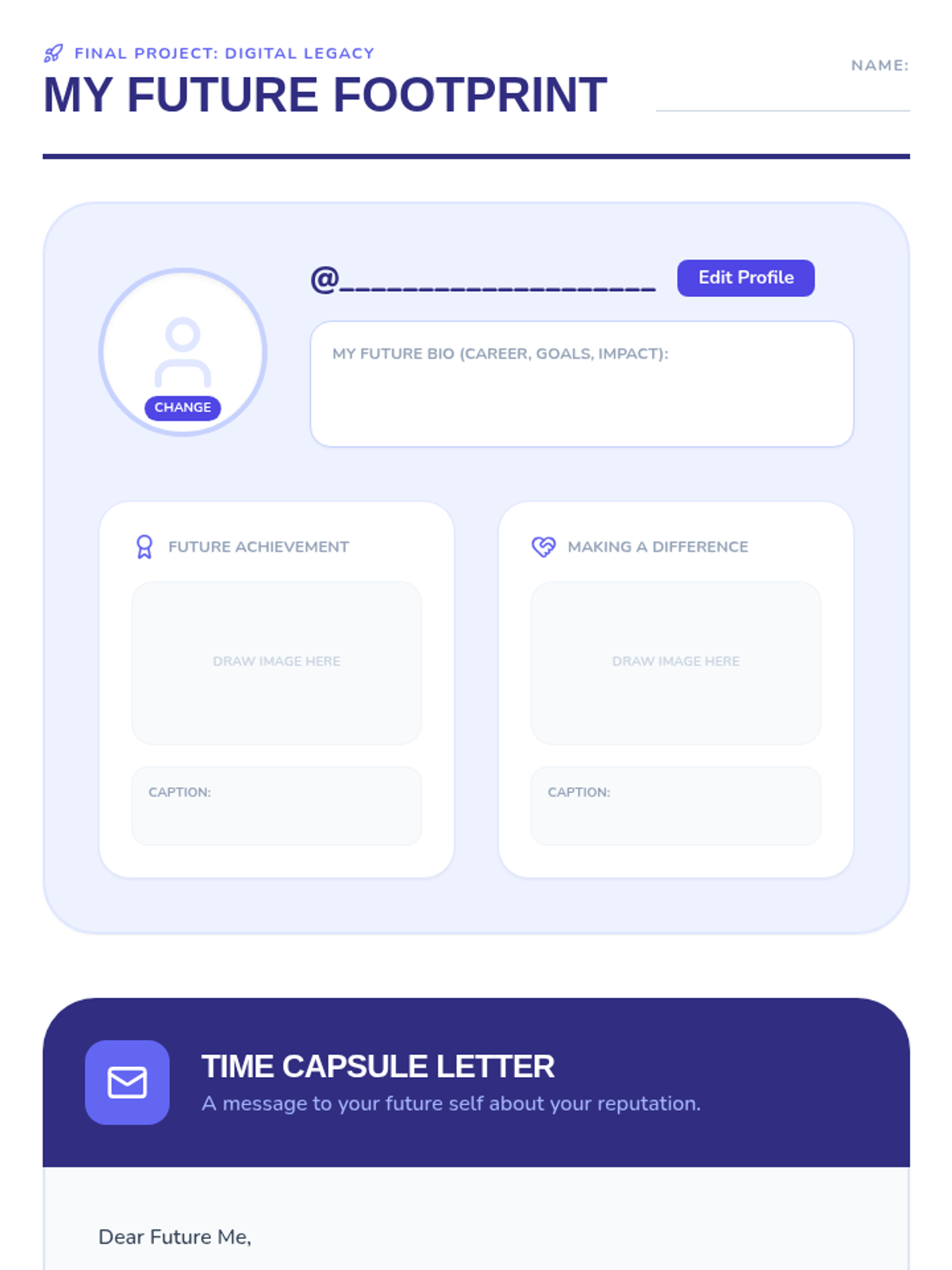
As a final project, students design a mock profile for their future selves and write a 'time capsule' letter about protecting their reputation.
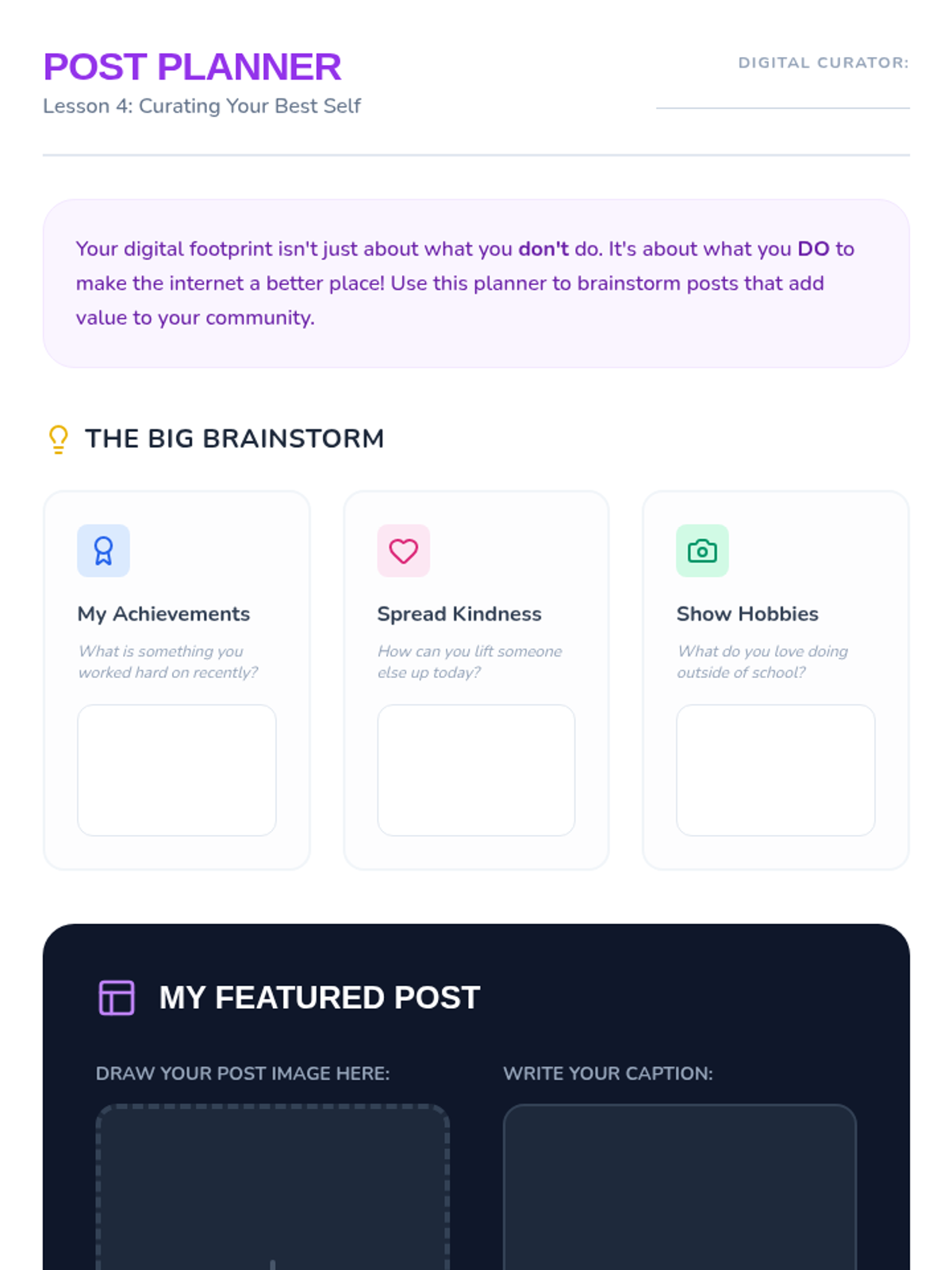
Students shift to proactive content creation, brainstorming ways to showcase hobbies and kindness online to add value to their community.
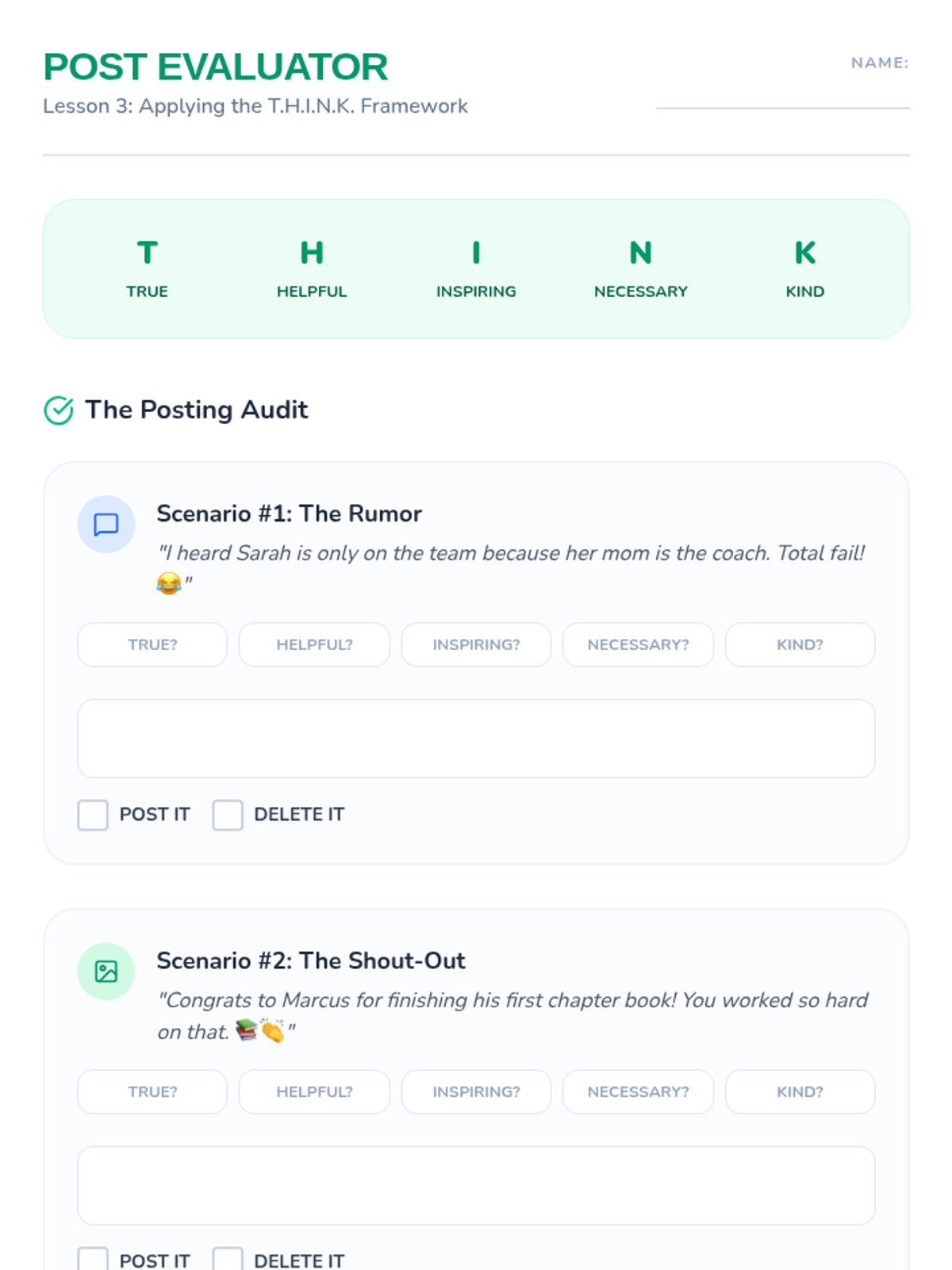
Students learn the T.H.I.N.K. framework (True, Helpful, Inspiring, Necessary, Kind) and apply it to sample posts, using the 'toothpaste challenge' to illustrate the permanent nature of online sharing.
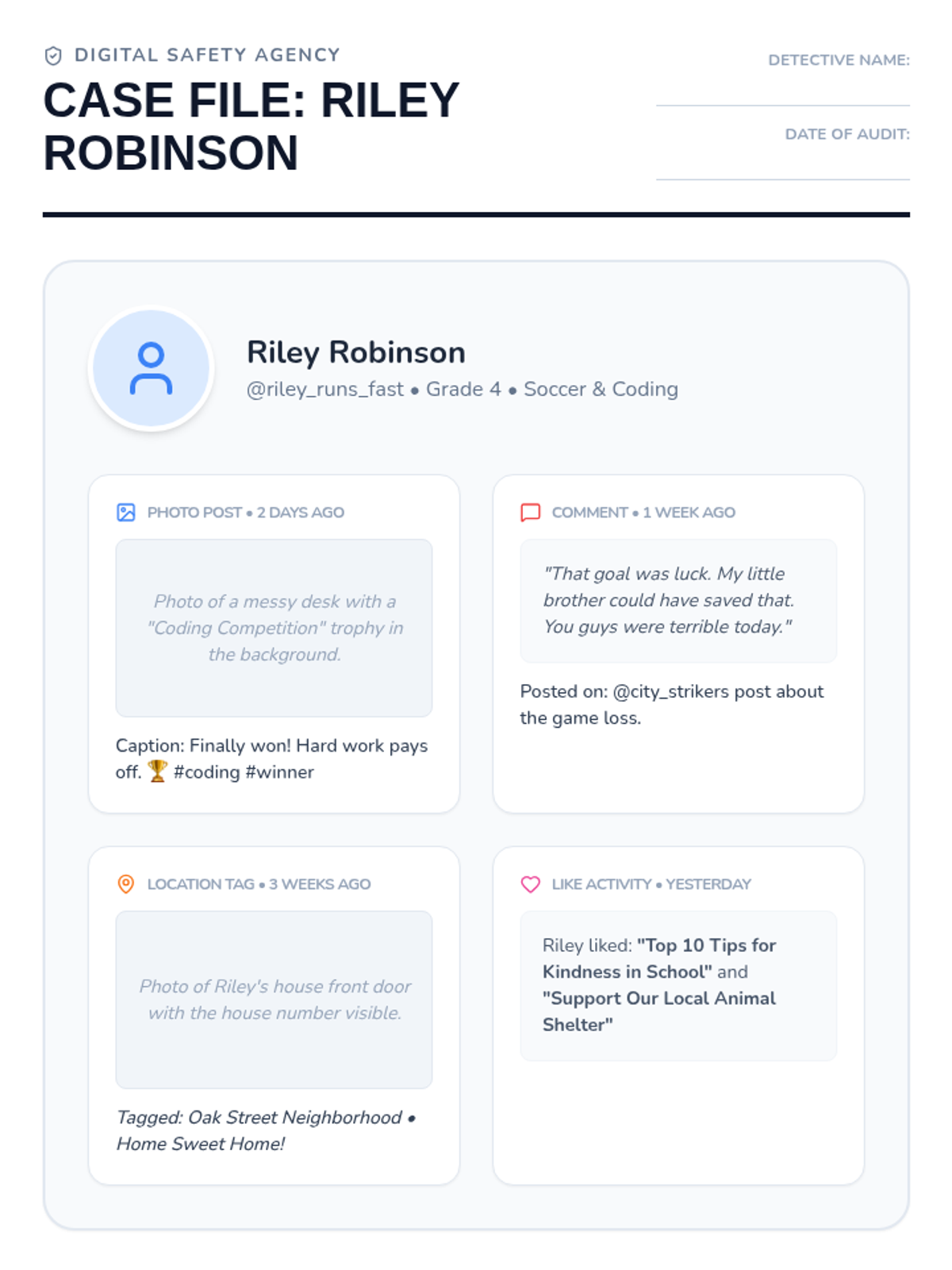
Students become digital detectives, examining a fictional student's profile to decide if it represents a positive or negative footprint based on evidence and inferences.
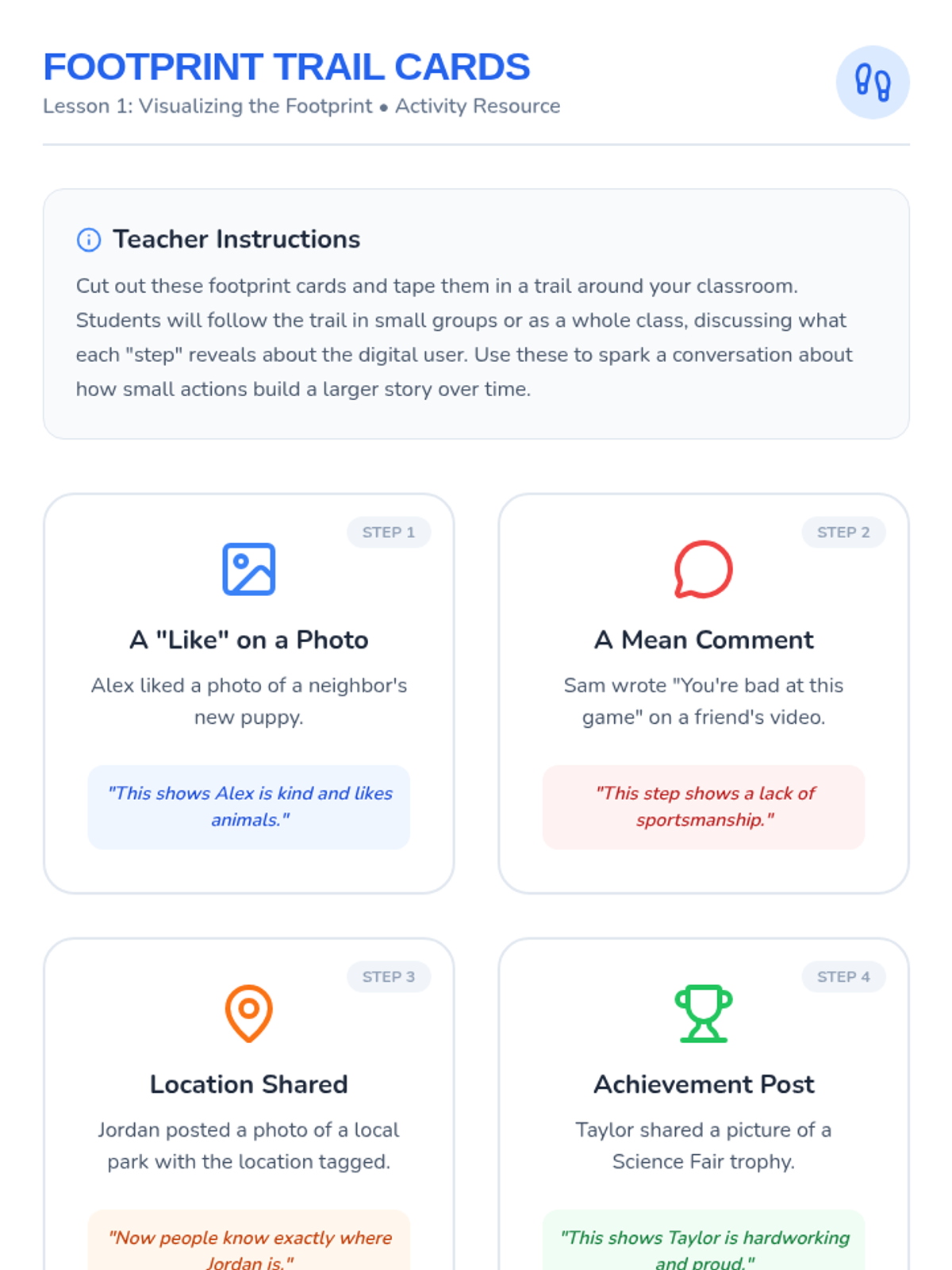
Students follow a physical trail of footprints in the classroom to discuss how steps are permanent and traceable online, using the 'Invisible Ink' hook to symbolize data persistence.
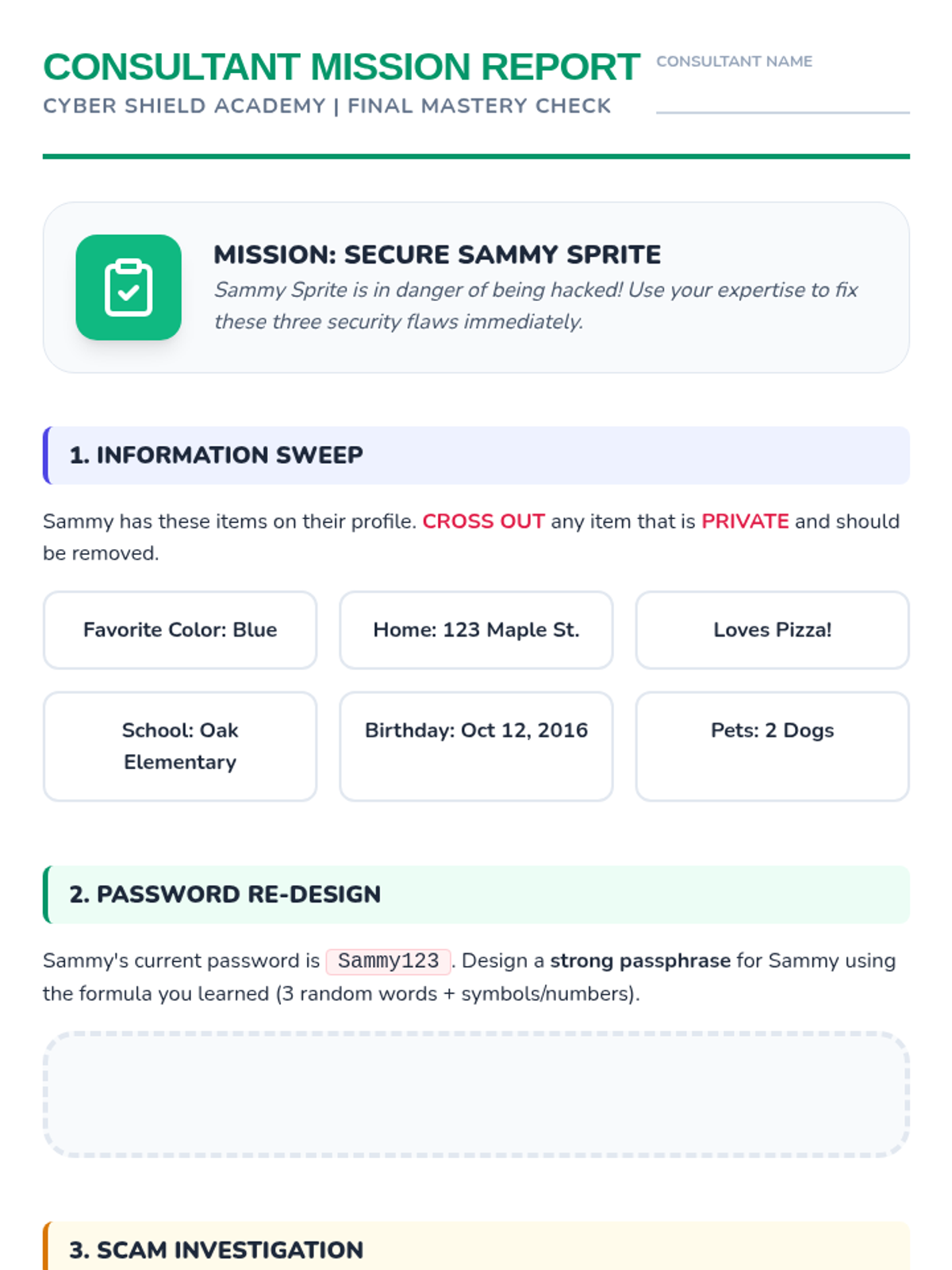
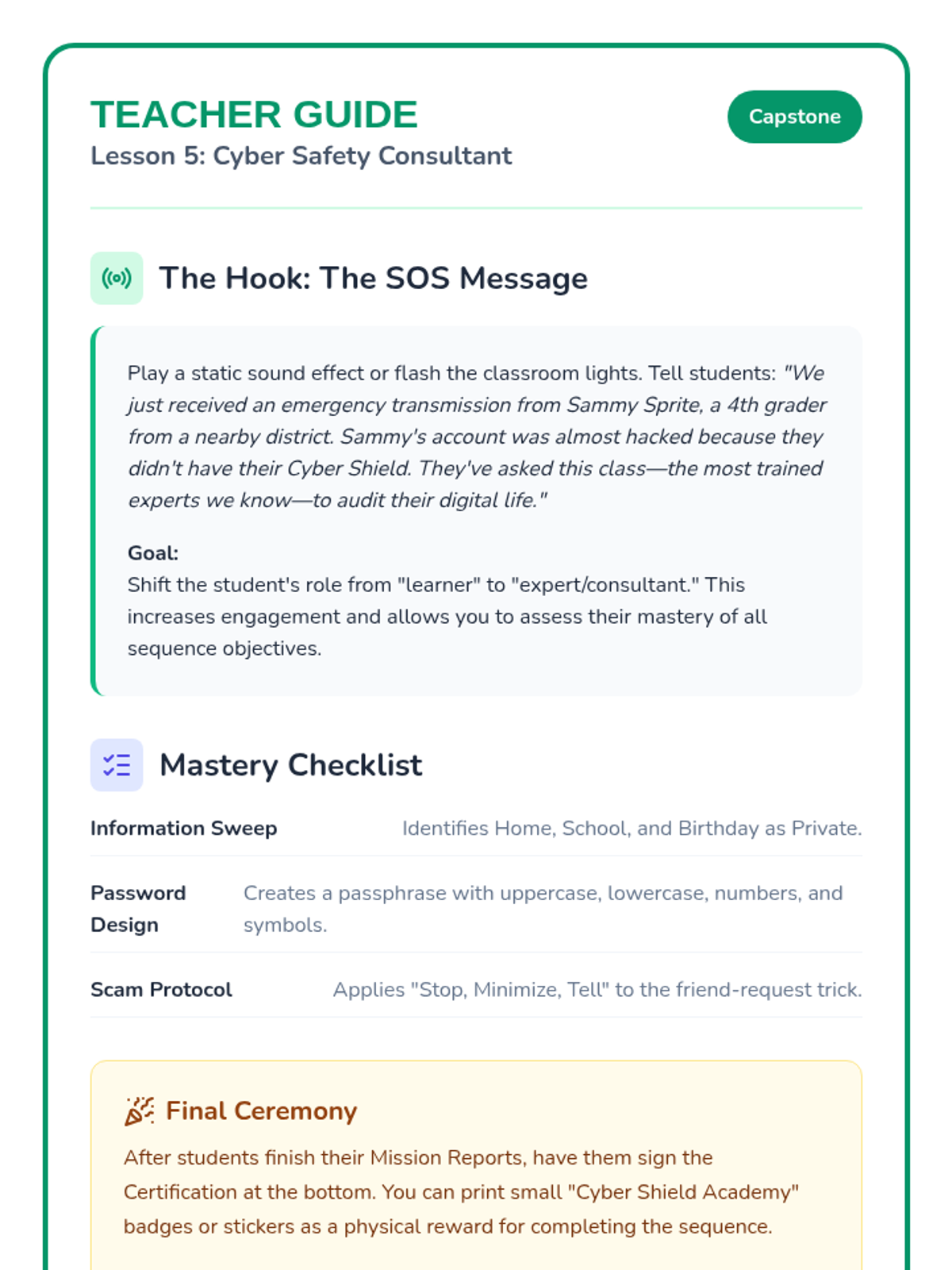
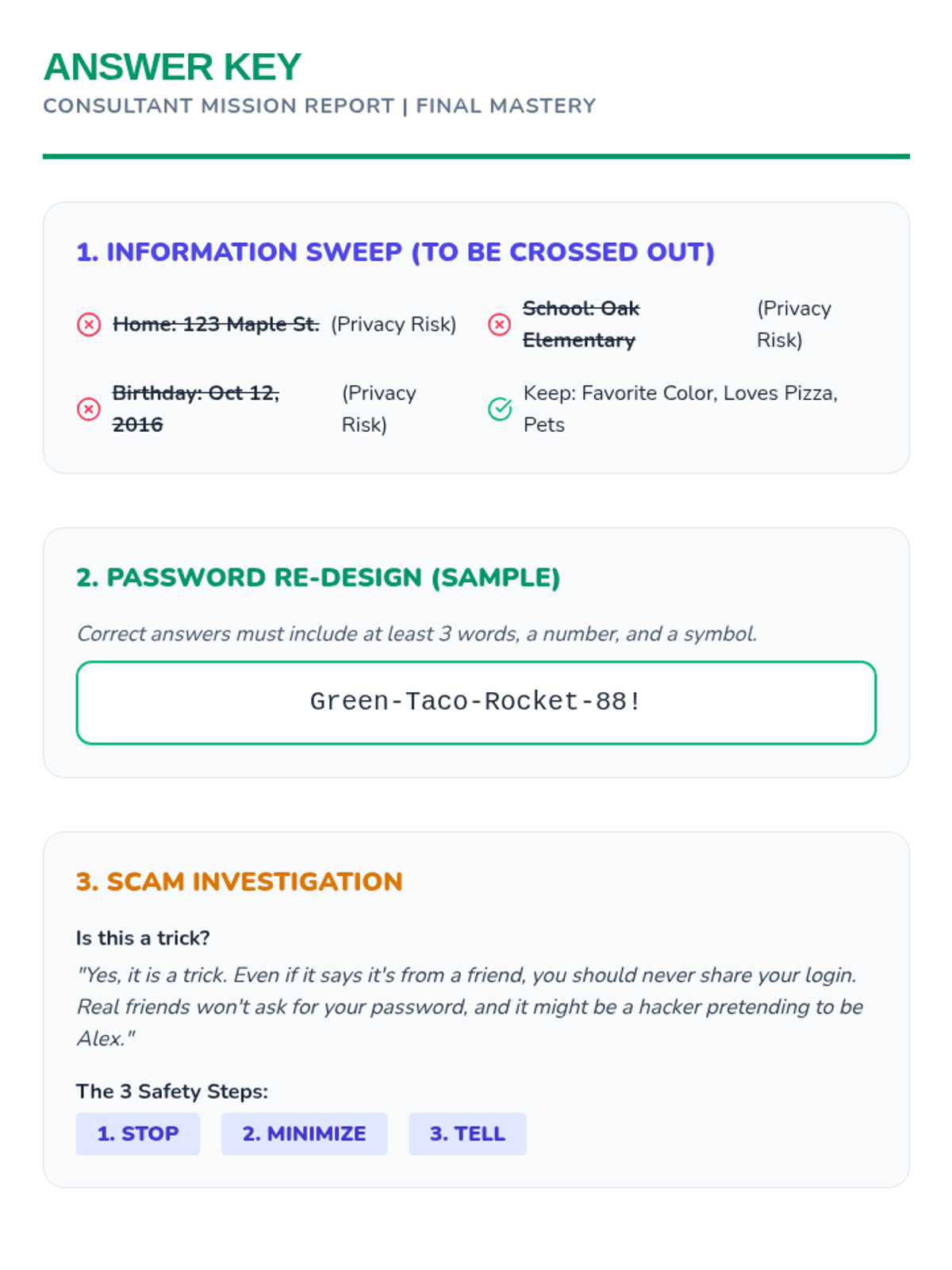
Students apply all learned skills to secure a fictional character's digital life in a final 'Cyber Safety Consultant' mission.
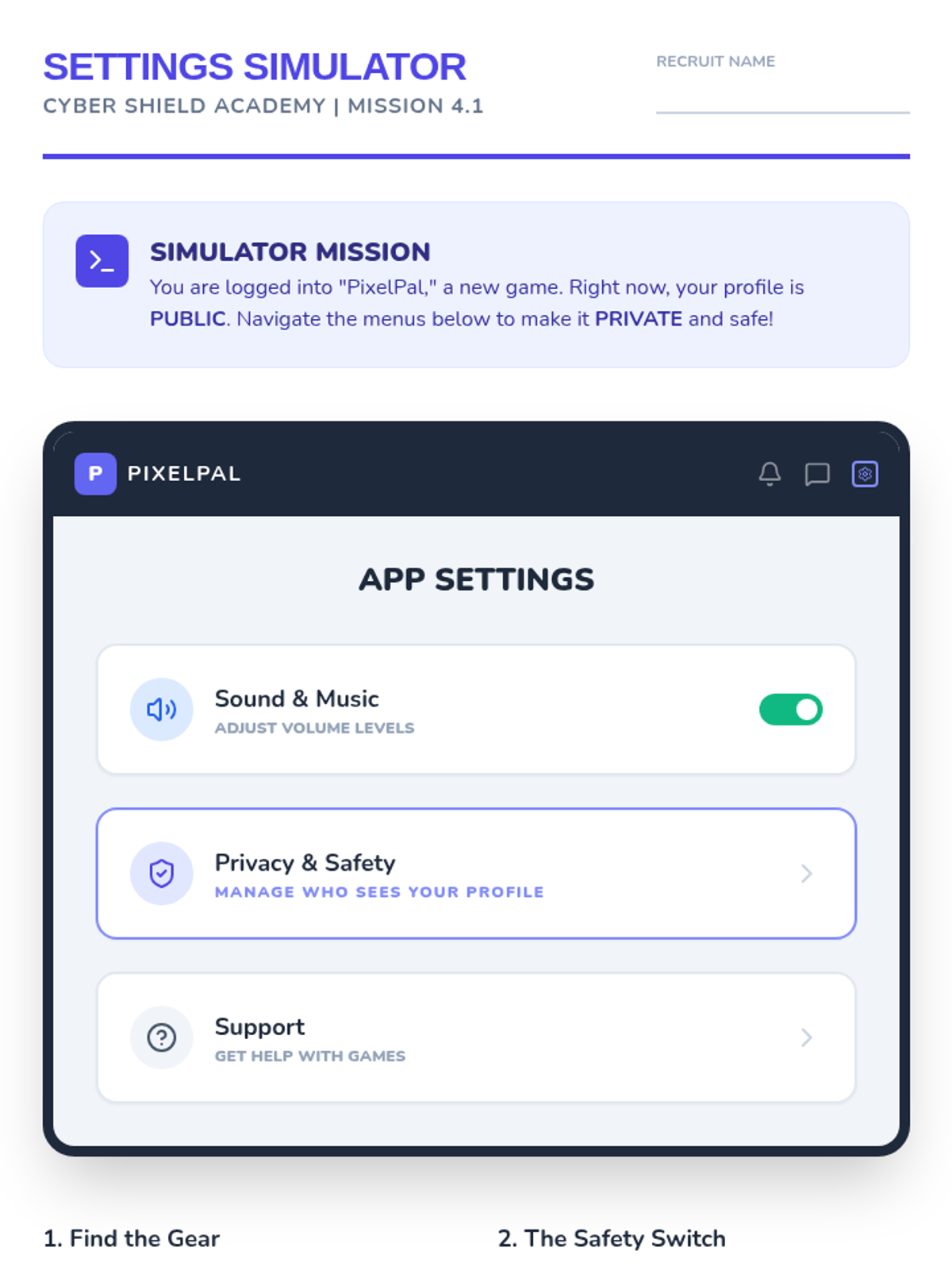
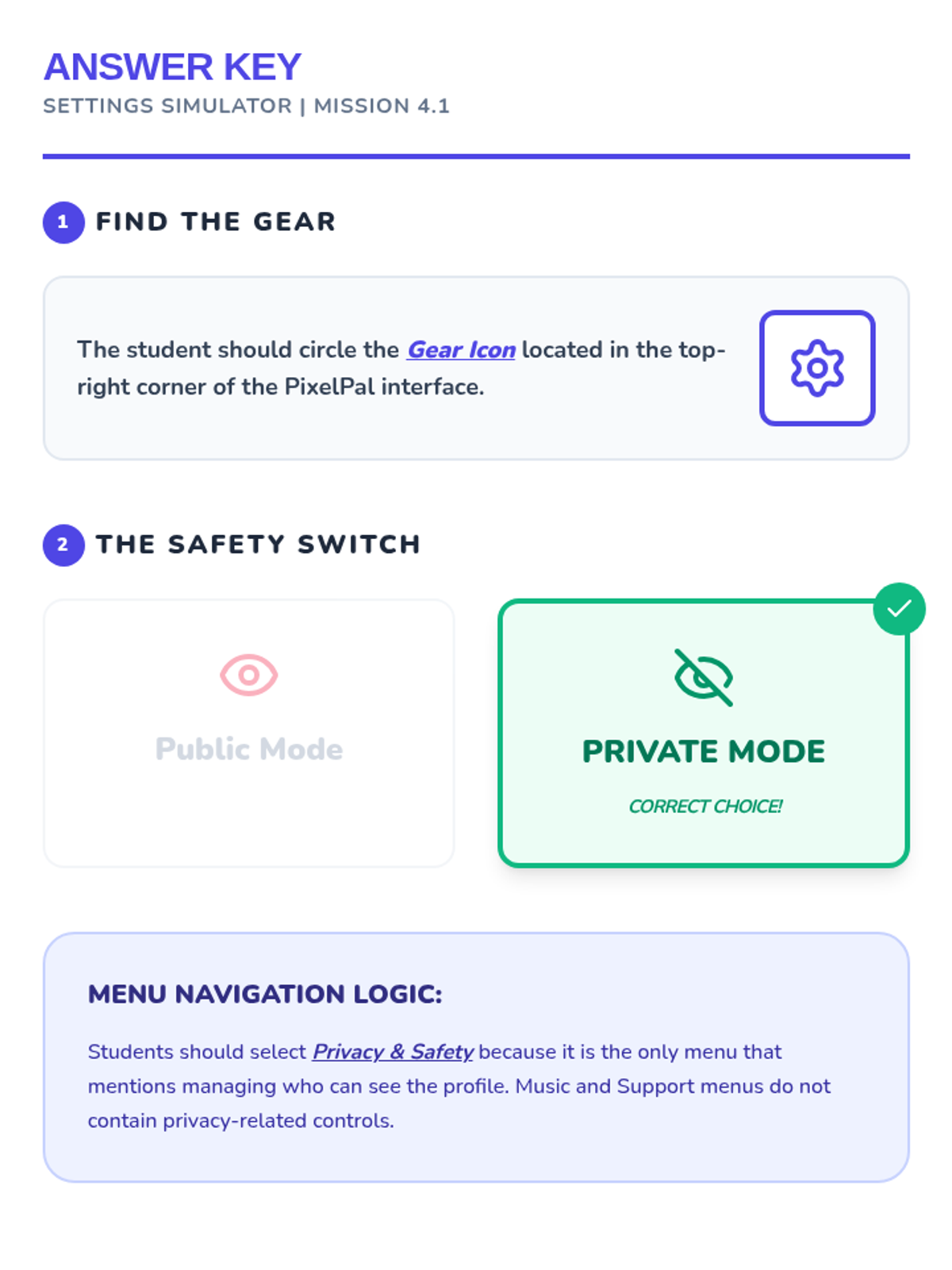
Students explore digital privacy settings and understand how to manage who can see their information.
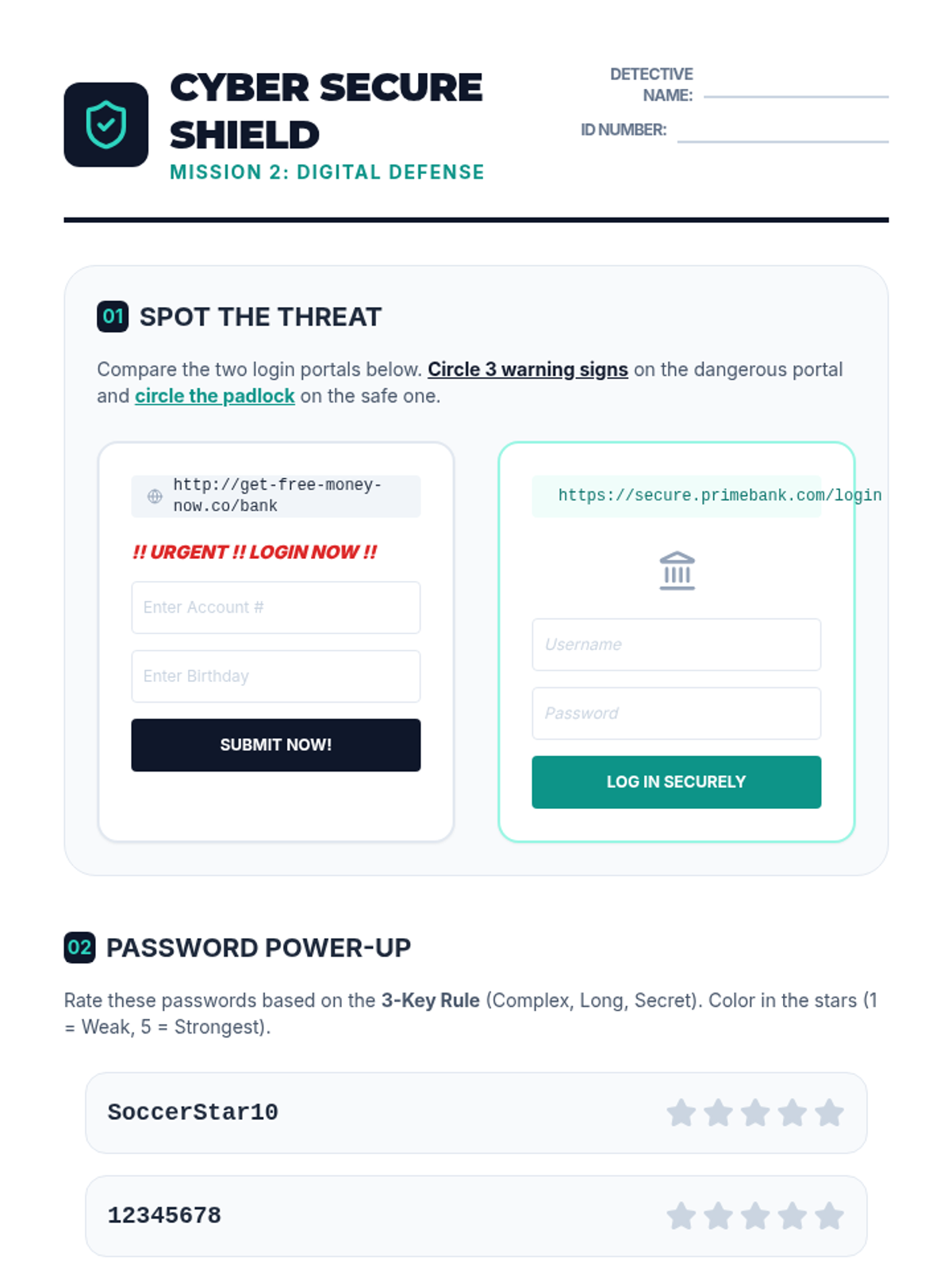
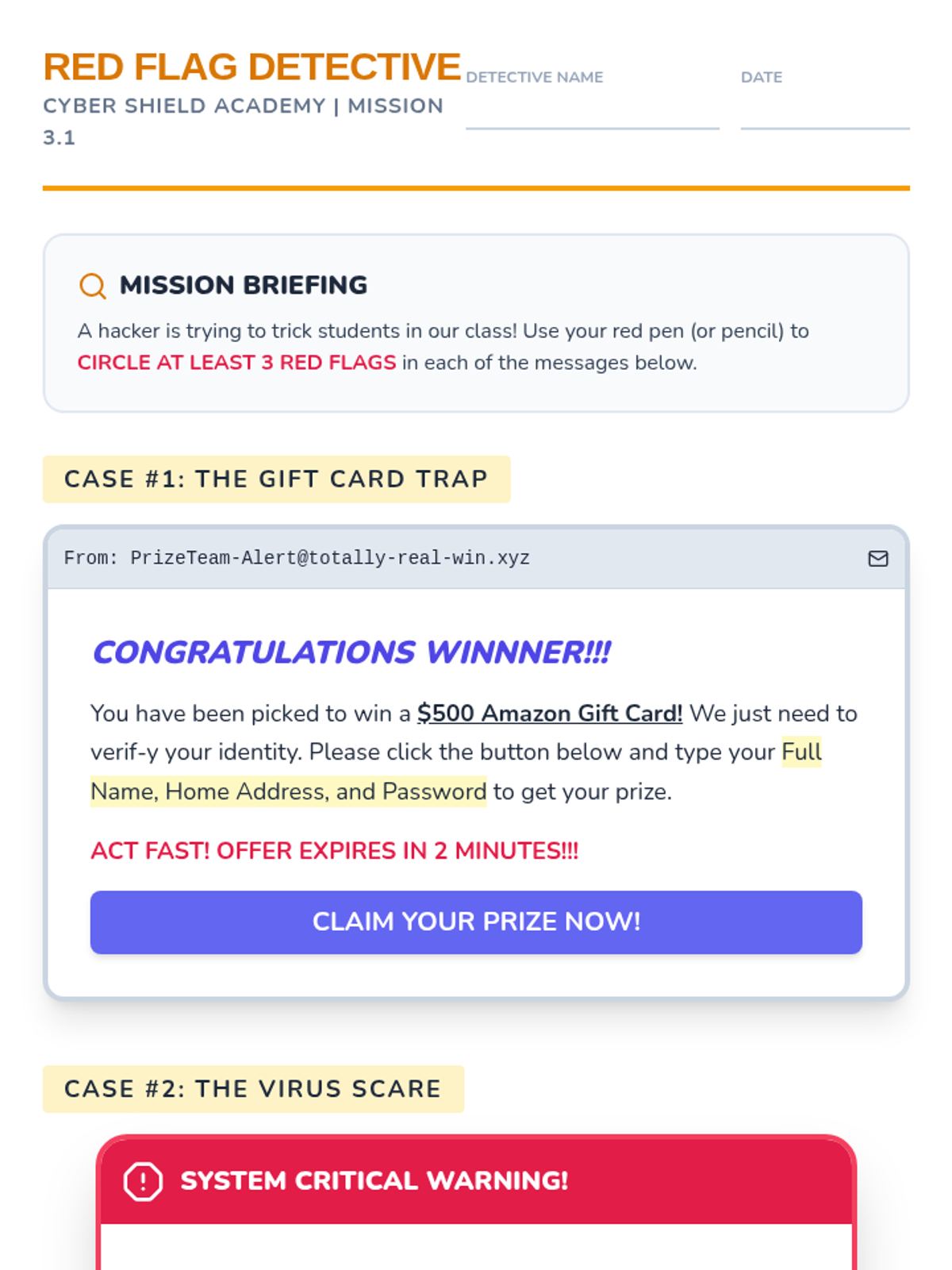
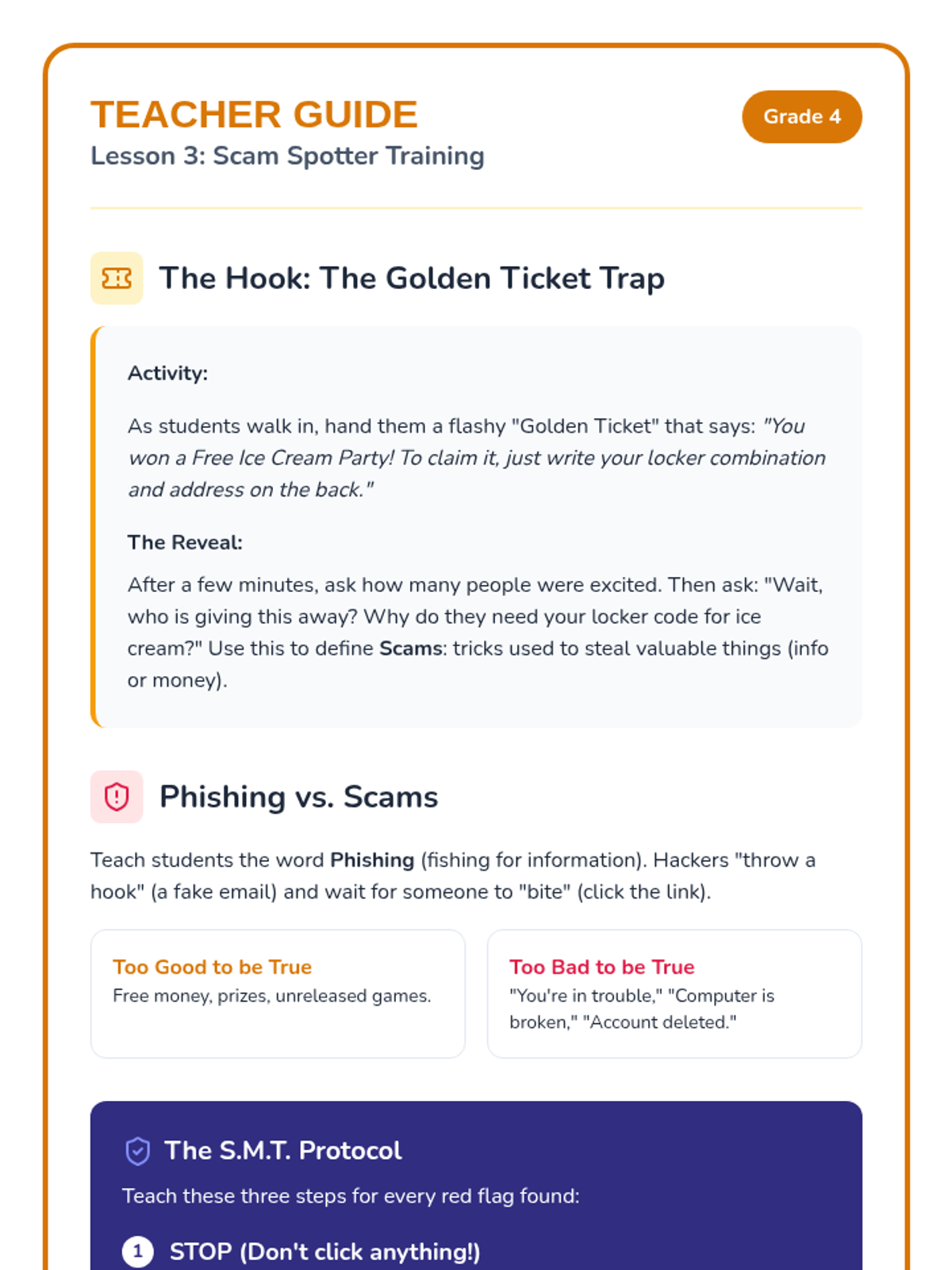
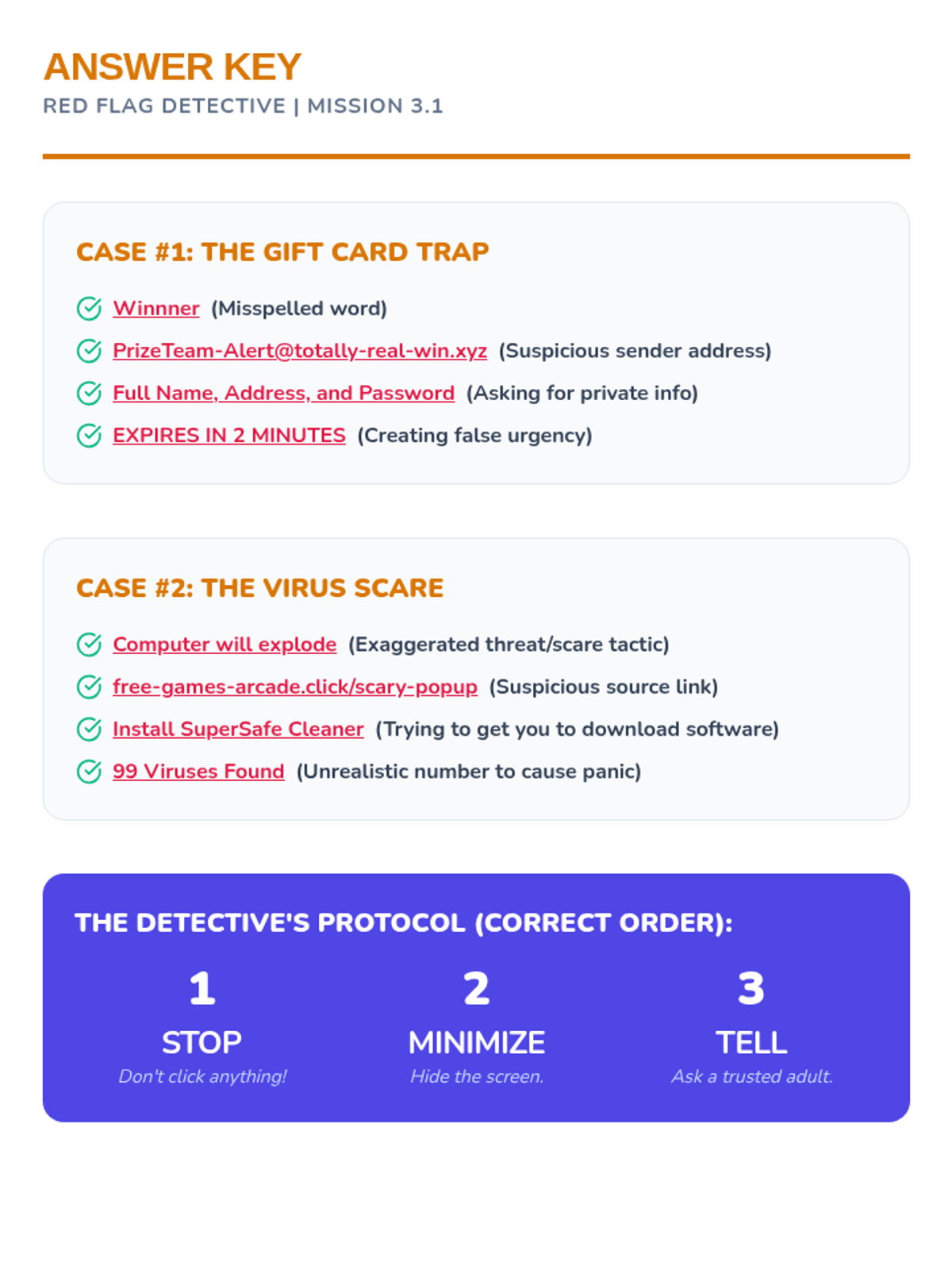
Students learn to identify red flags in digital communication, such as phishing emails and deceptive pop-ups.
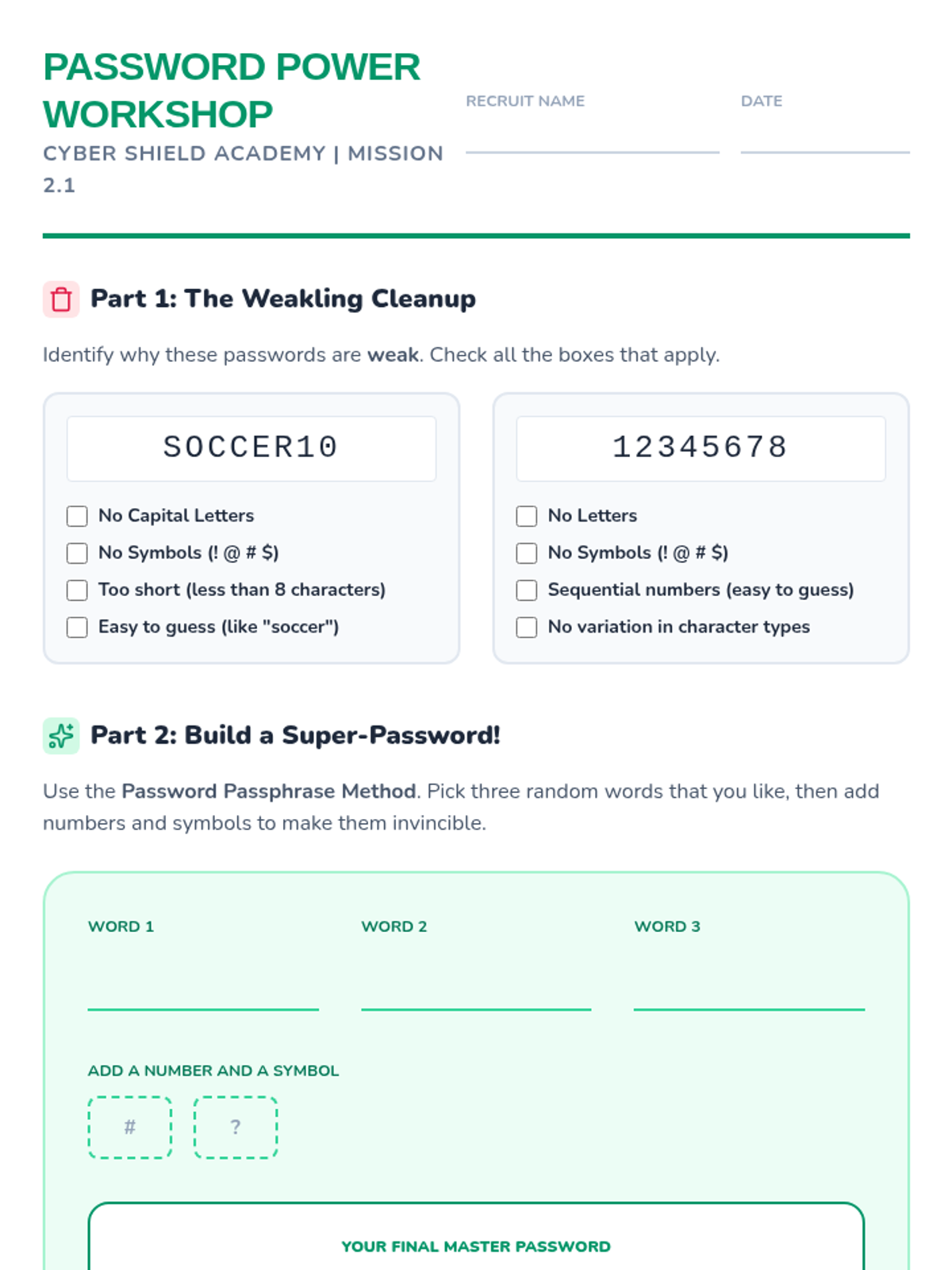
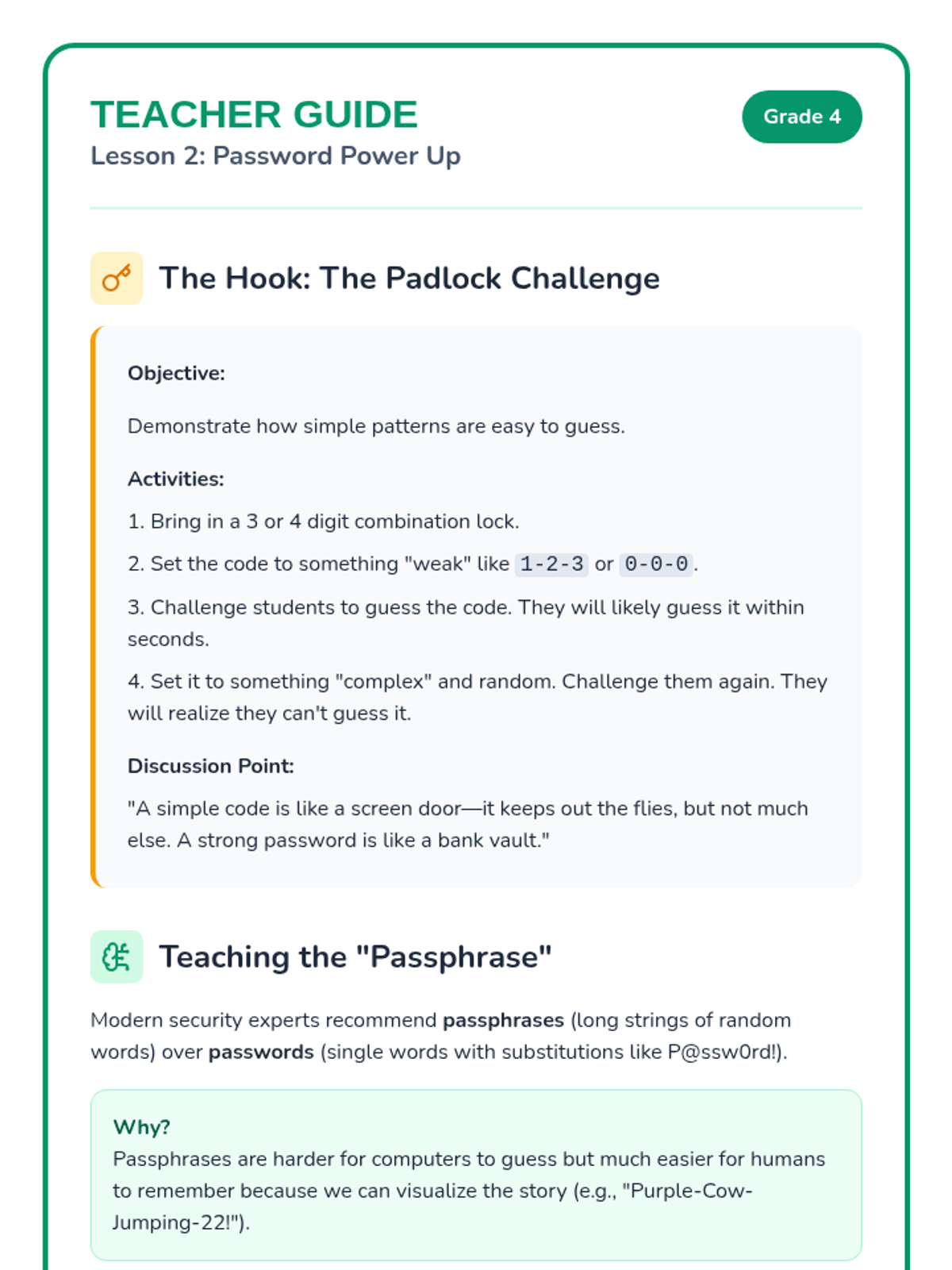
Students learn the anatomy of a secure password and practice creating complex, memorable passphrases.
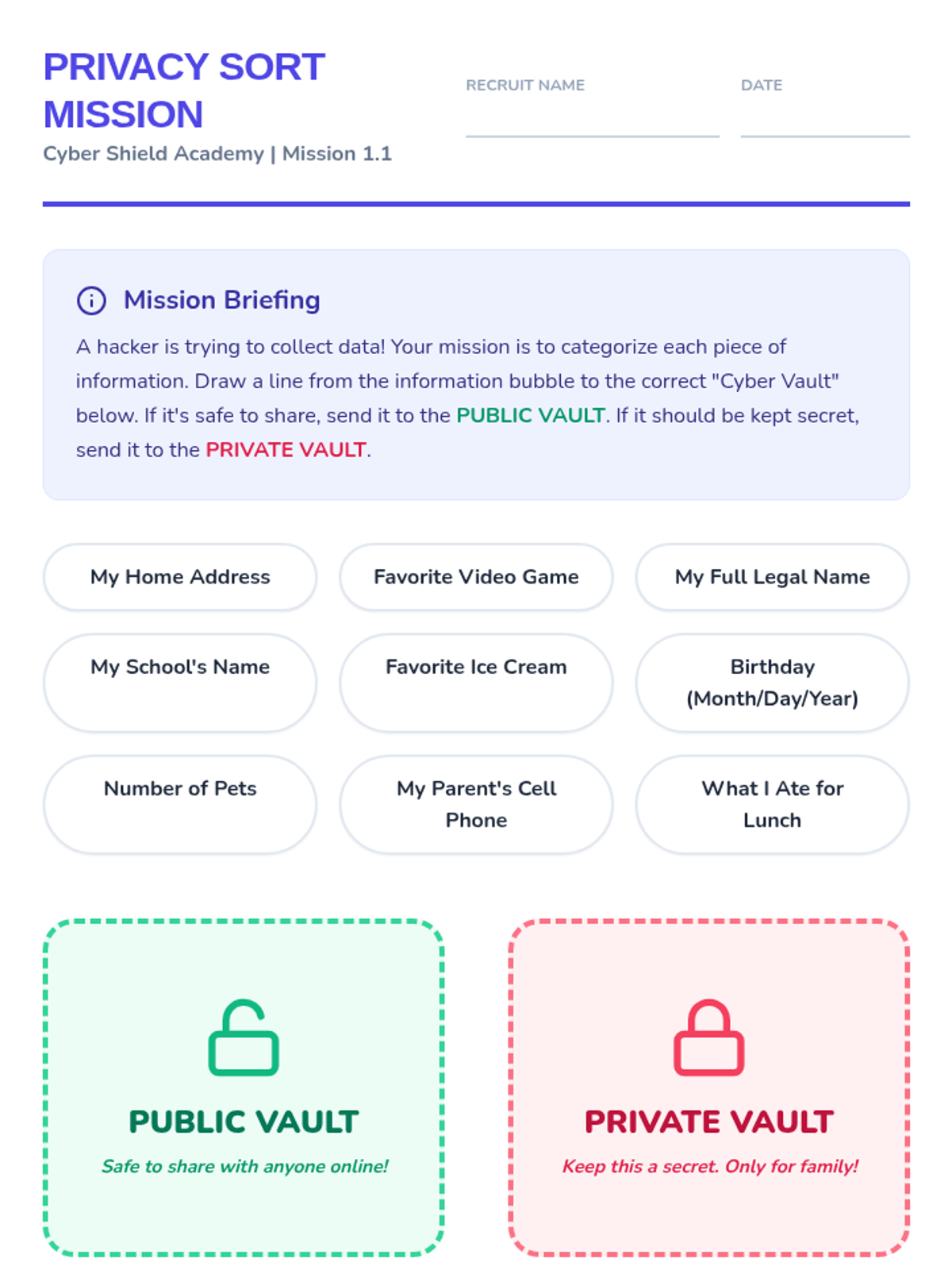
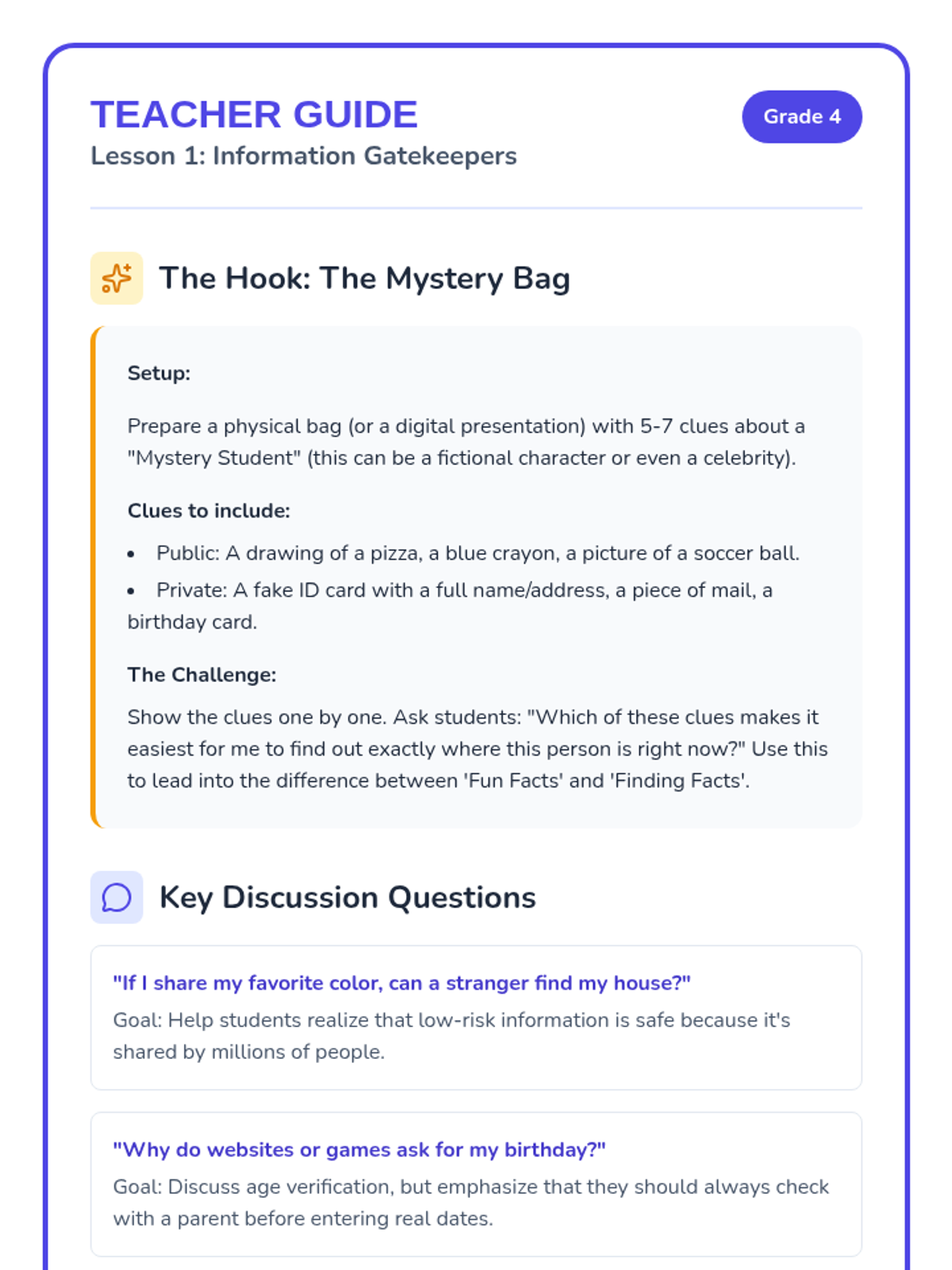
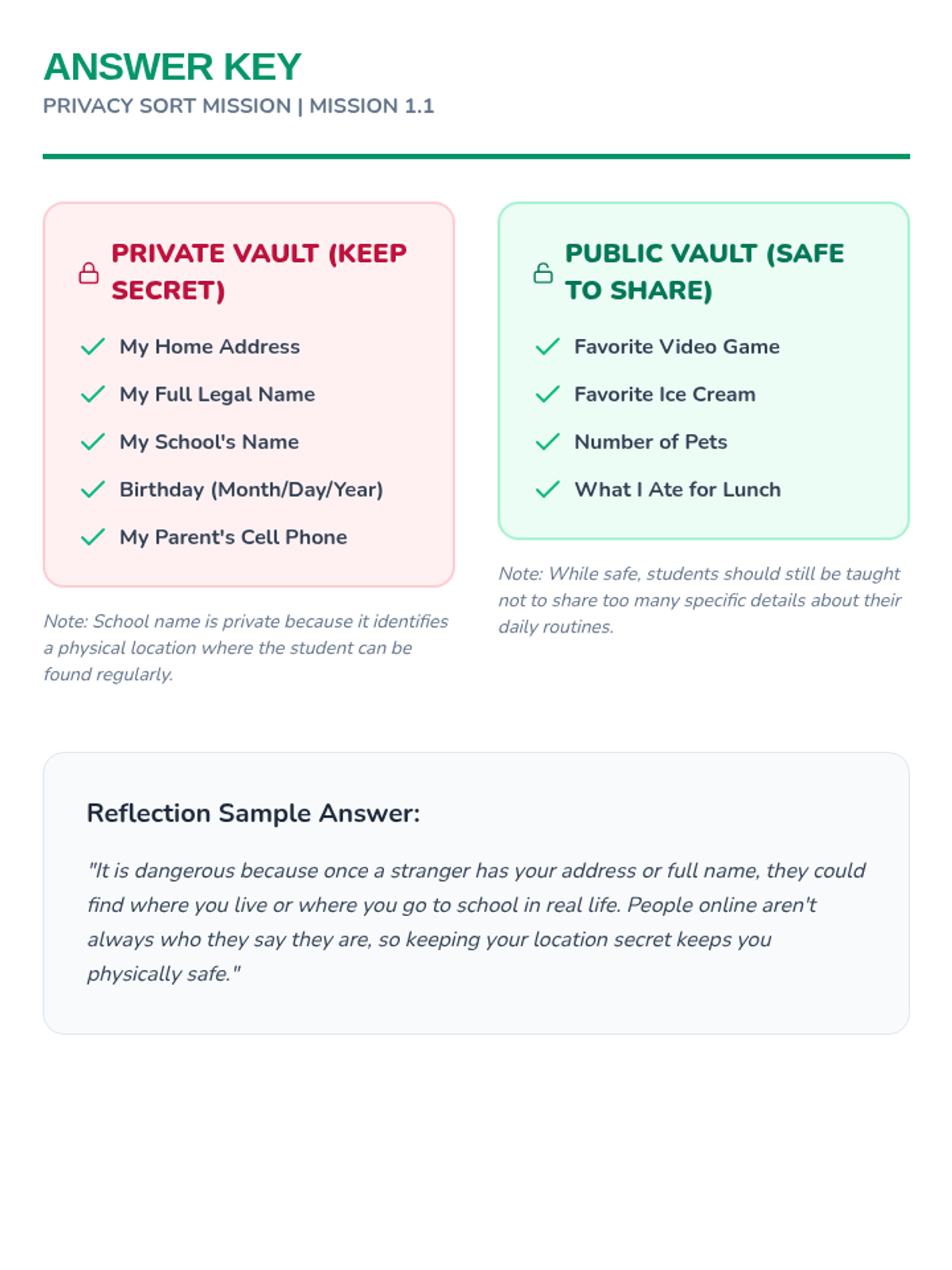
Students distinguish between personal, private information and public information to understand what is safe to share online.
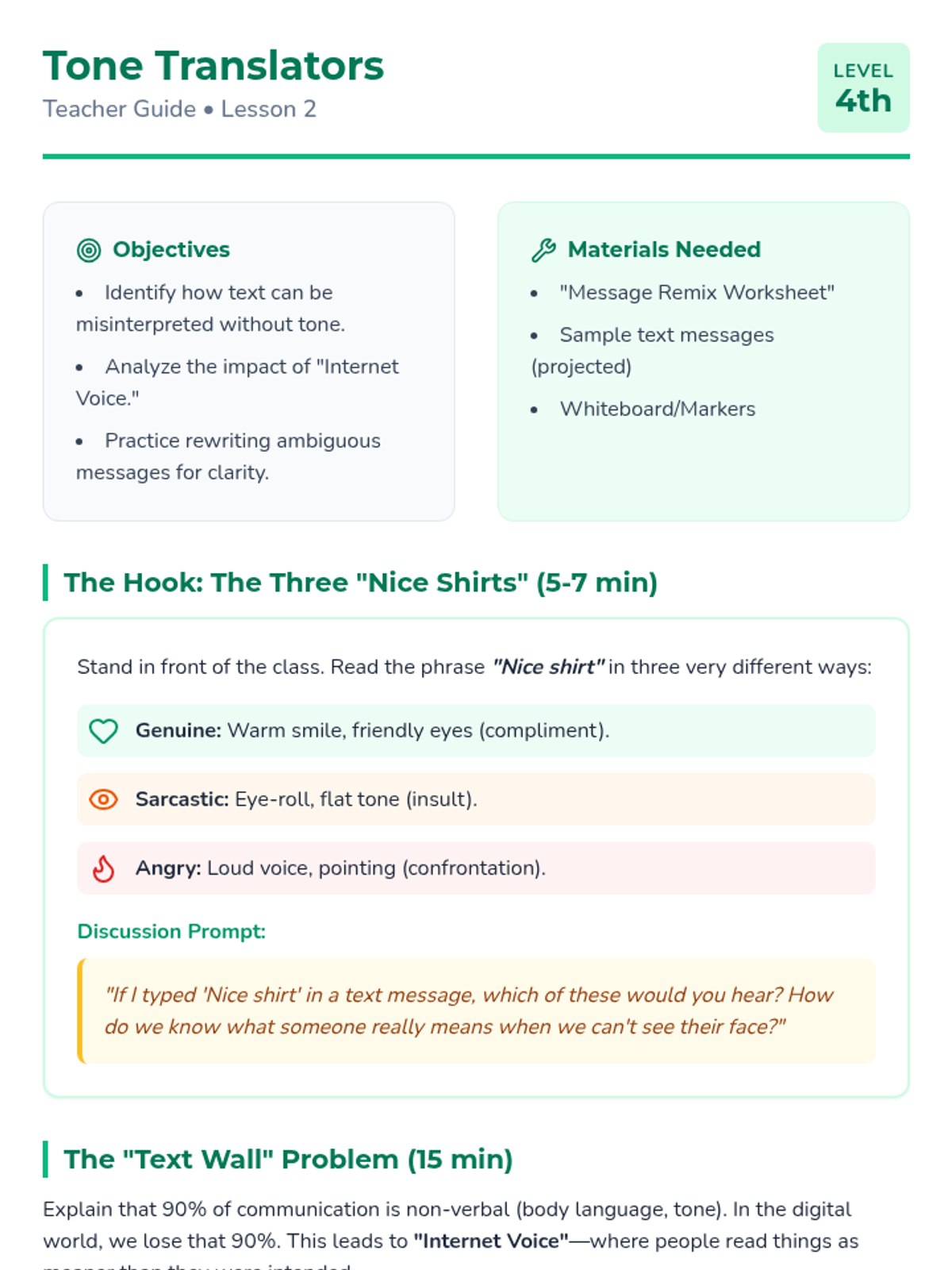
Students analyze how the absence of facial expressions and voice tone can lead to misunderstandings in text messages. They rewrite ambiguous messages to make them clearer and kinder.
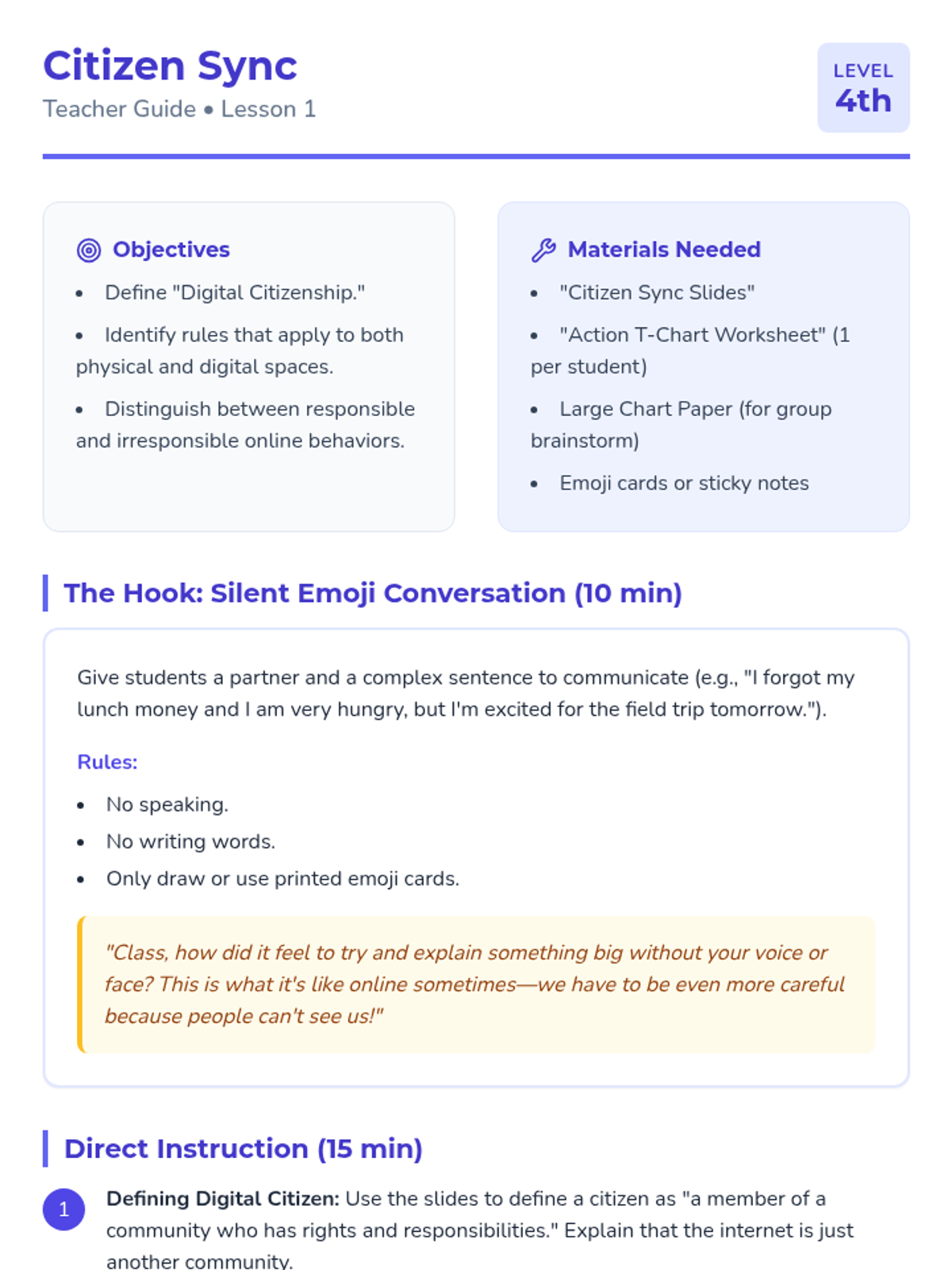
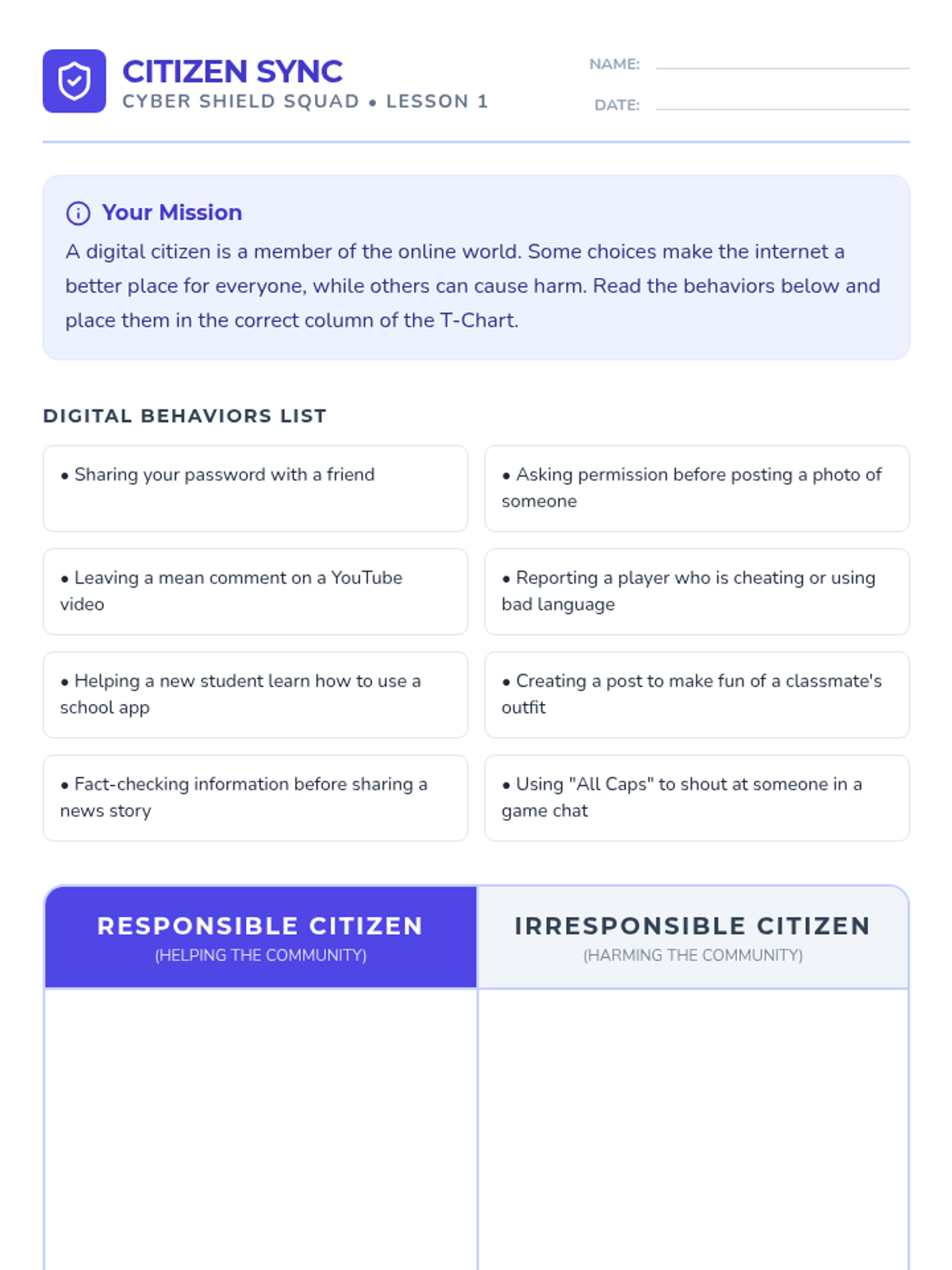
Students explore the concept of a 'digital citizen' and compare rules of the physical classroom to rules of the internet. They collaborate to create a T-chart of responsible vs. irresponsible online behaviors.
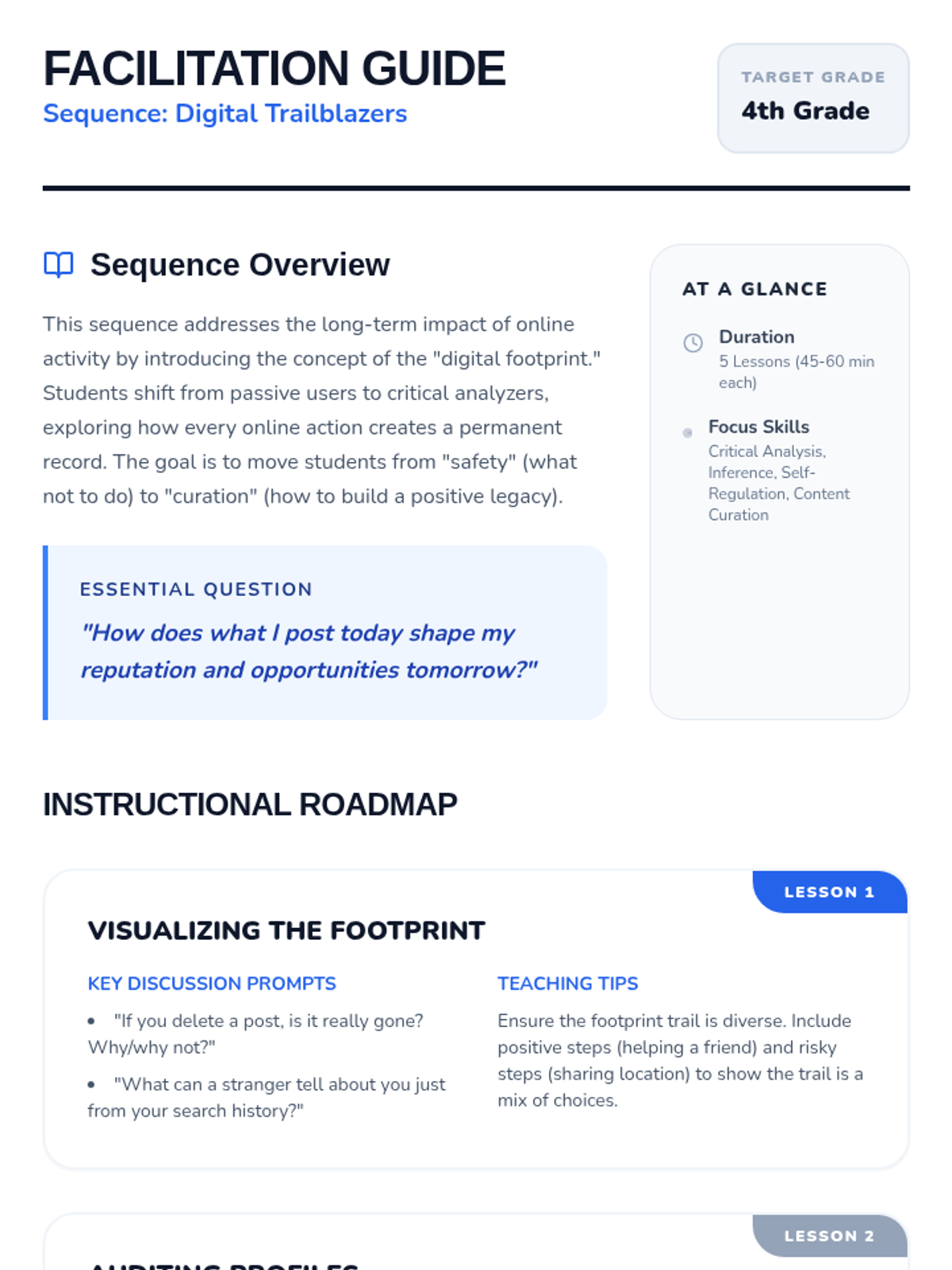
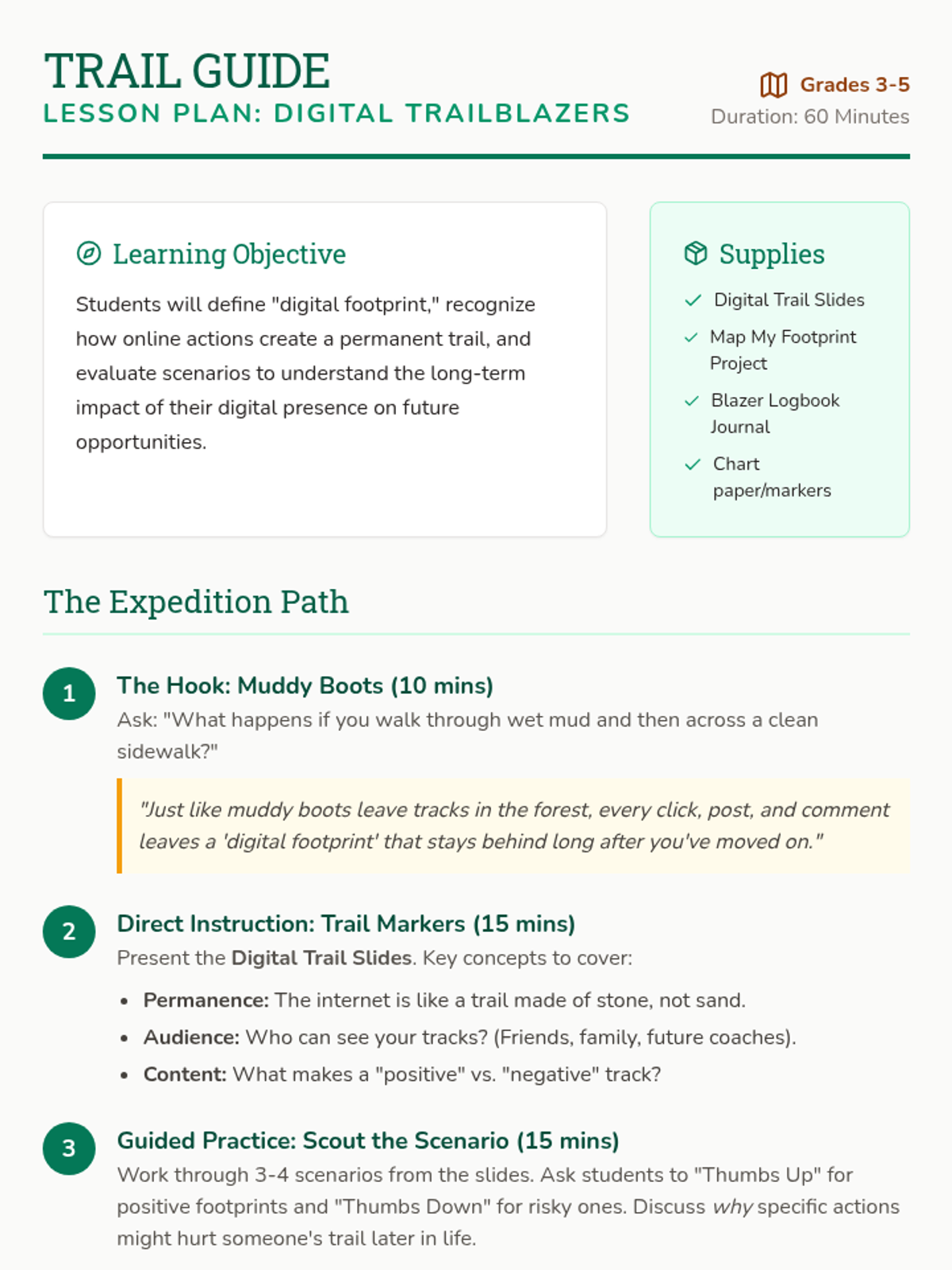
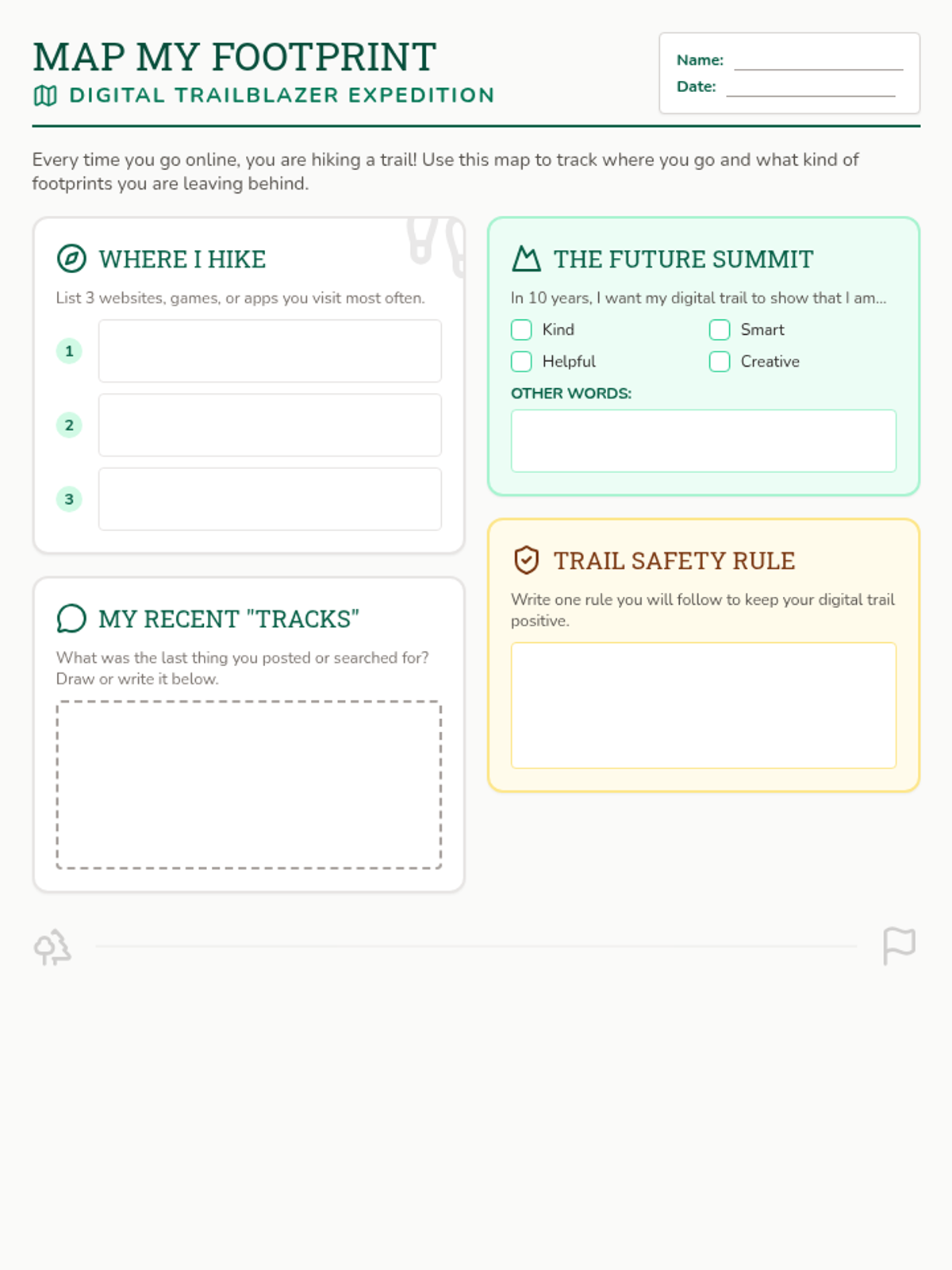
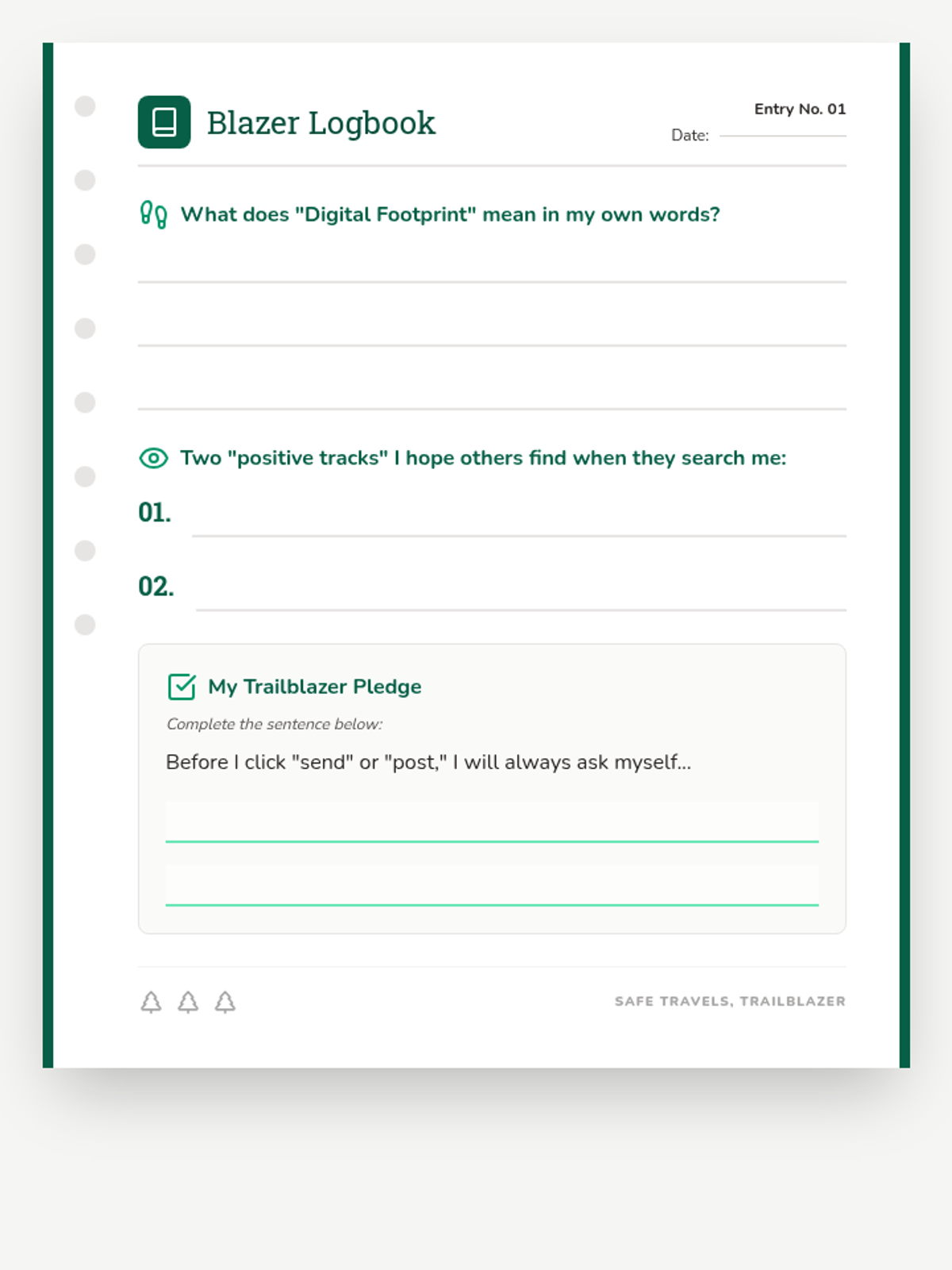
A lesson for grades 3-5 on digital footprints, using a wilderness trail analogy to explore how online actions leave lasting marks and affect future opportunities.
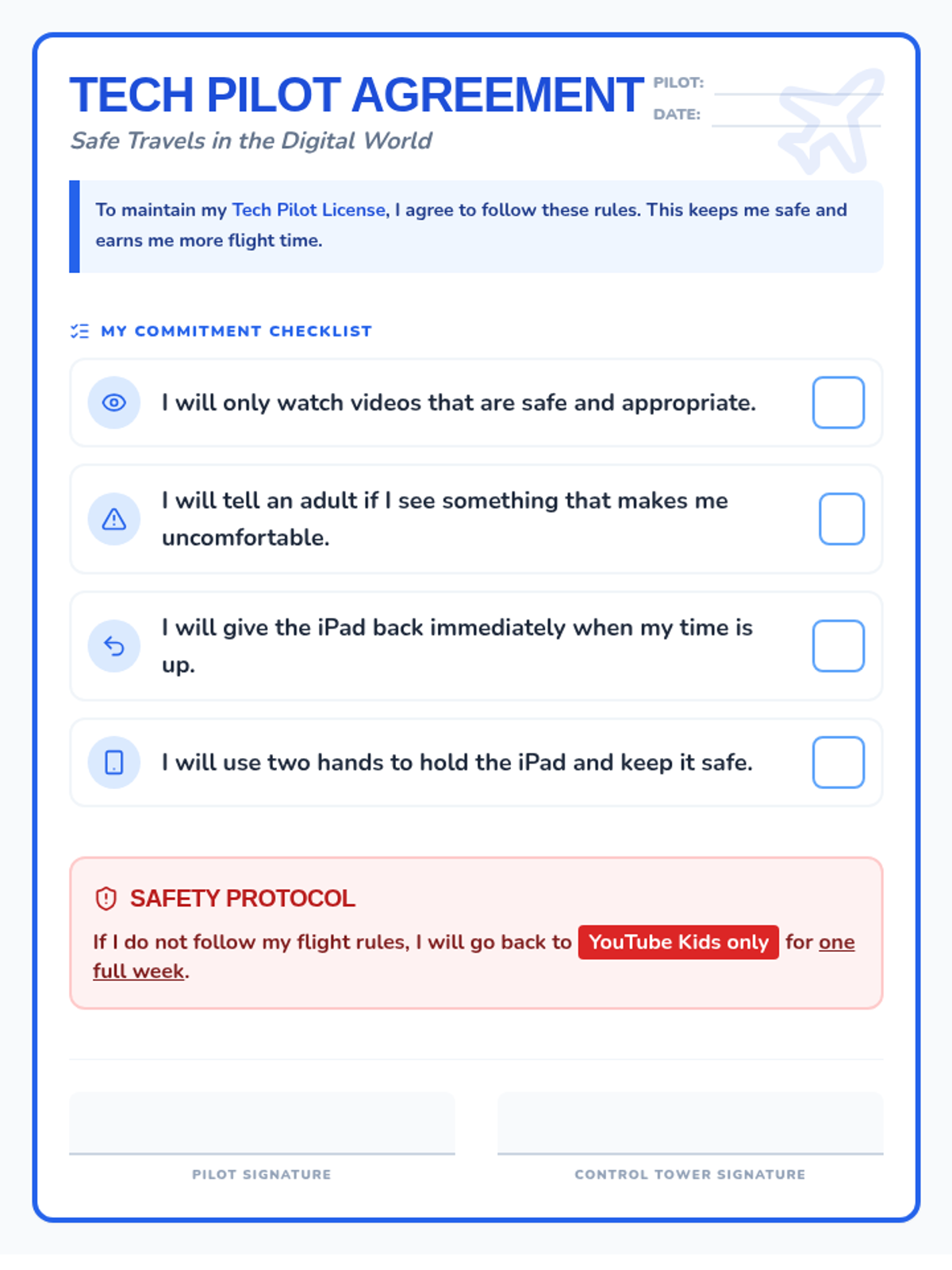
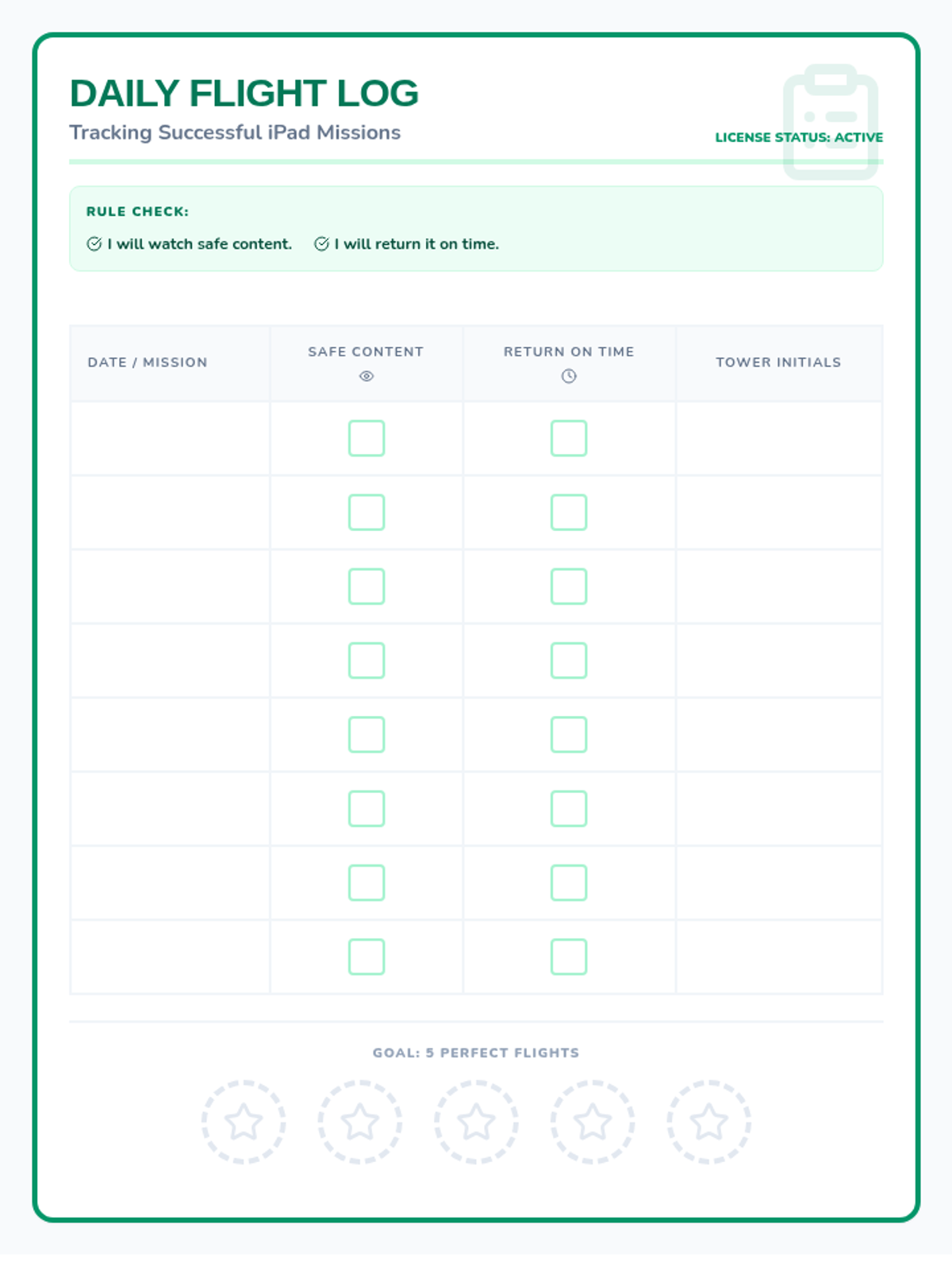
A lesson focused on establishing clear boundaries and accountability for iPad and YouTube usage, using a 'Tech Pilot' theme to frame digital responsibility.
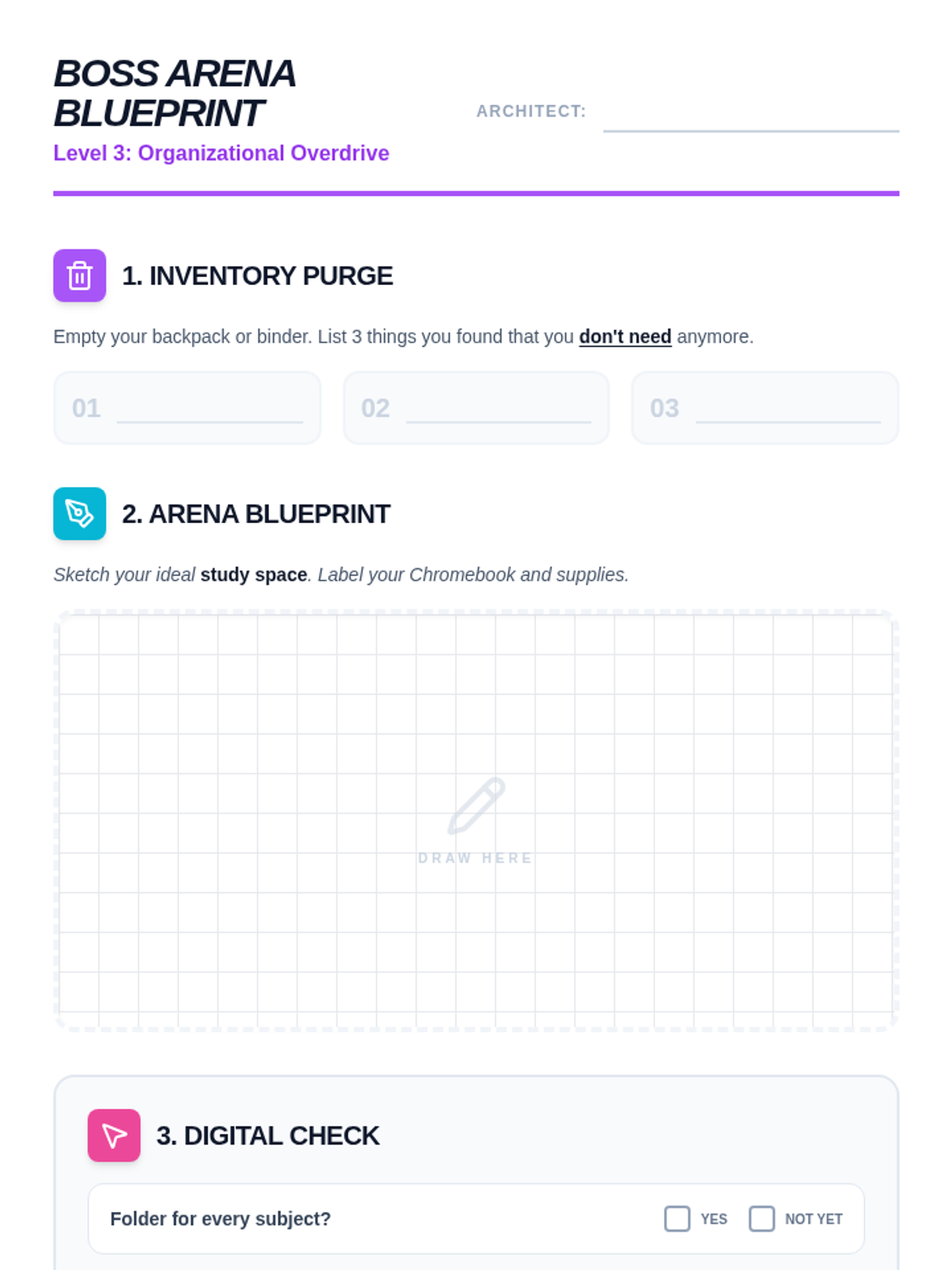
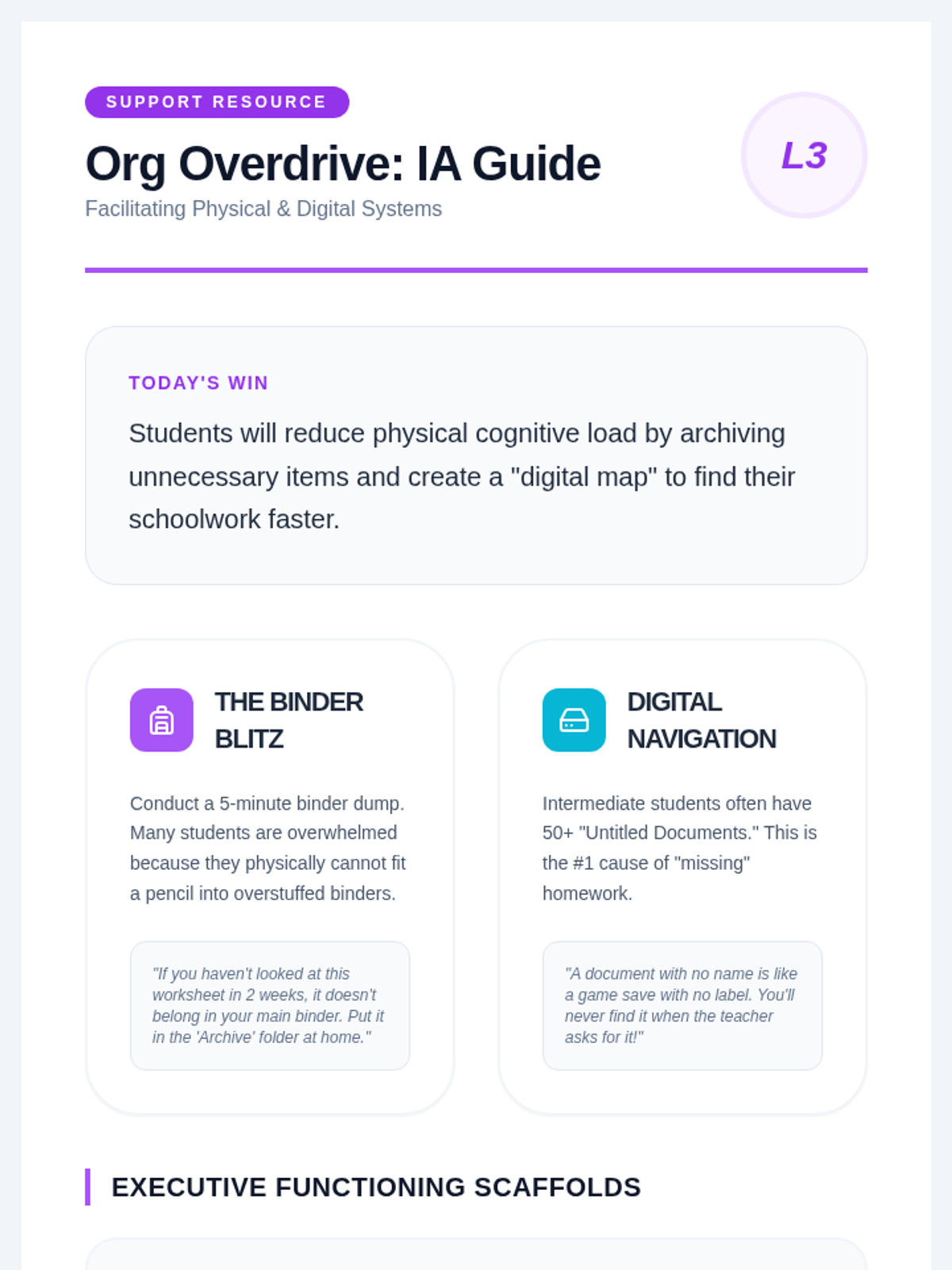
Focuses on physical and digital organization. Students learn to curate their 'inventory' (backpacks/binders) and design a distraction-free 'boss arena' for studying.
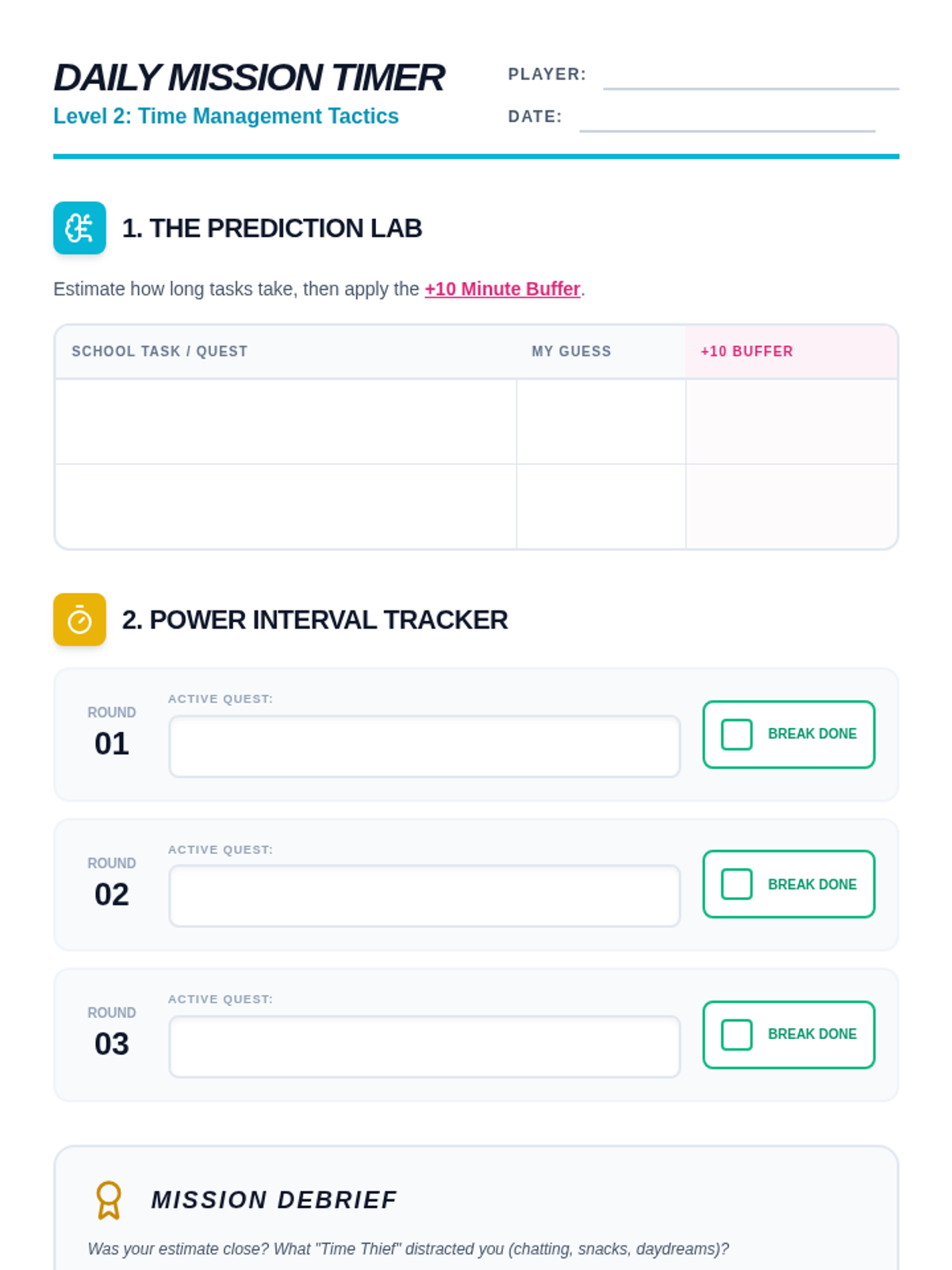
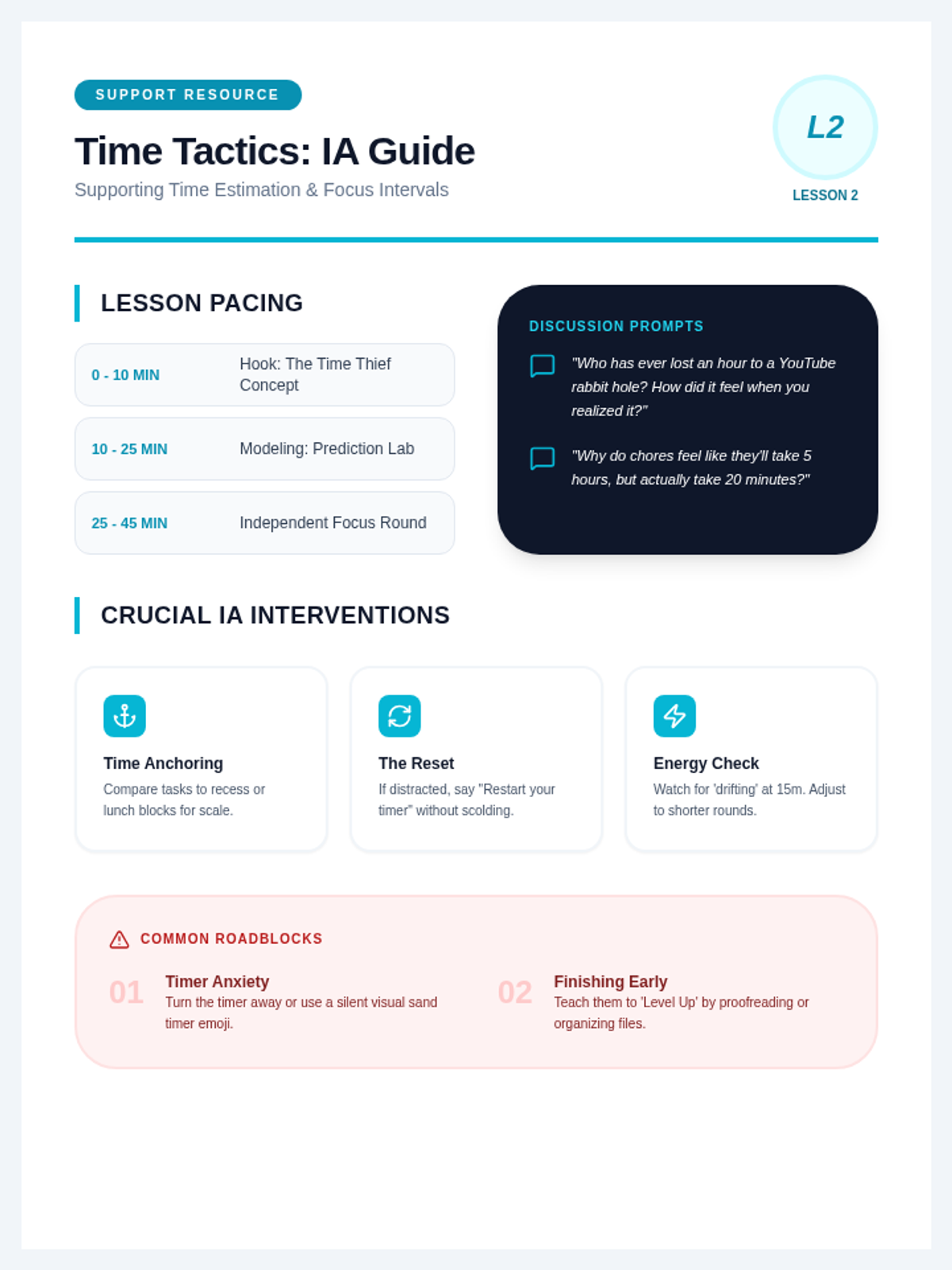
An exploration of 'time blindness' and estimation. Students learn to use the Pomodoro technique (Power Intervals) and create realistic schedules for their school day.
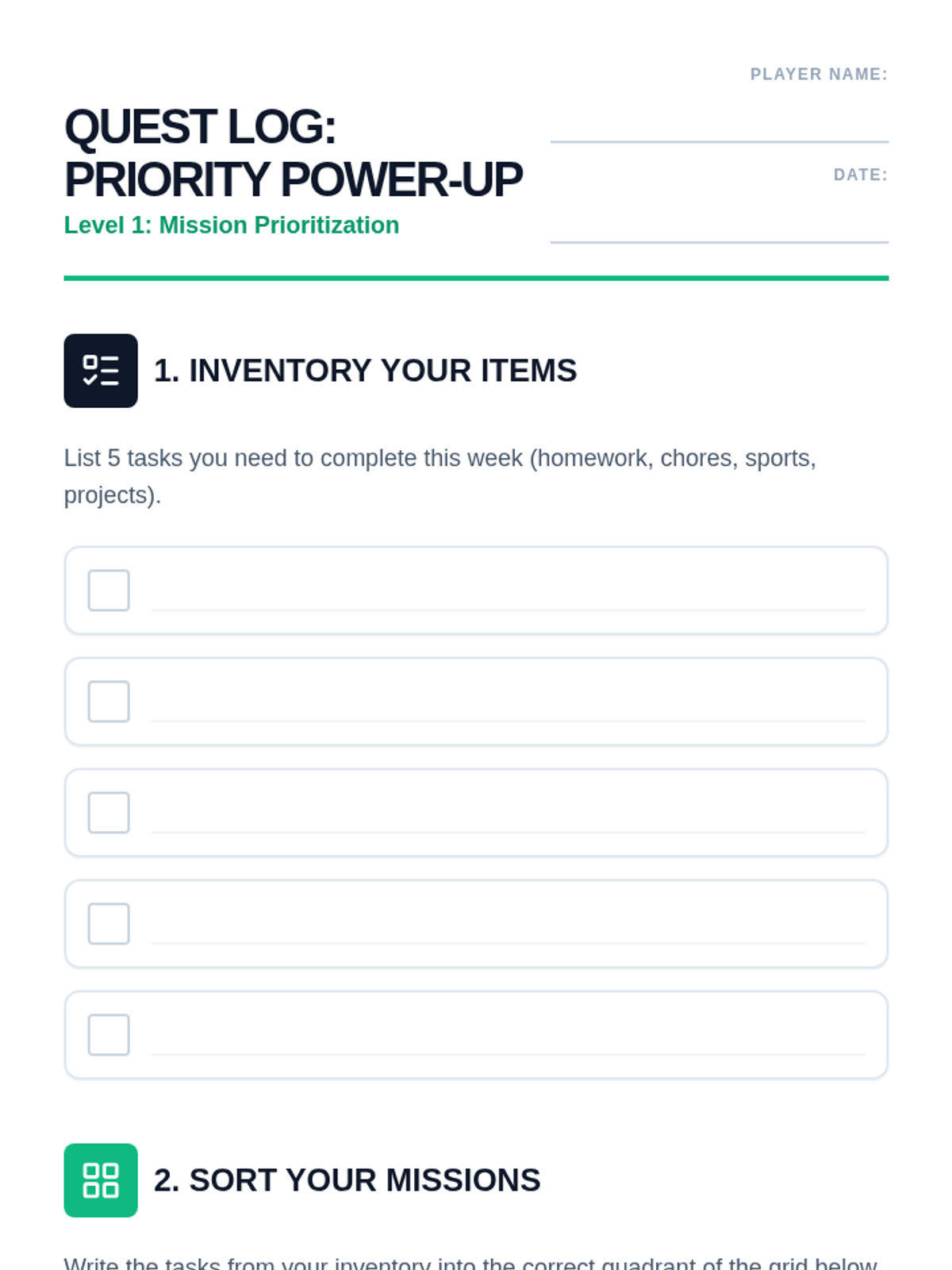
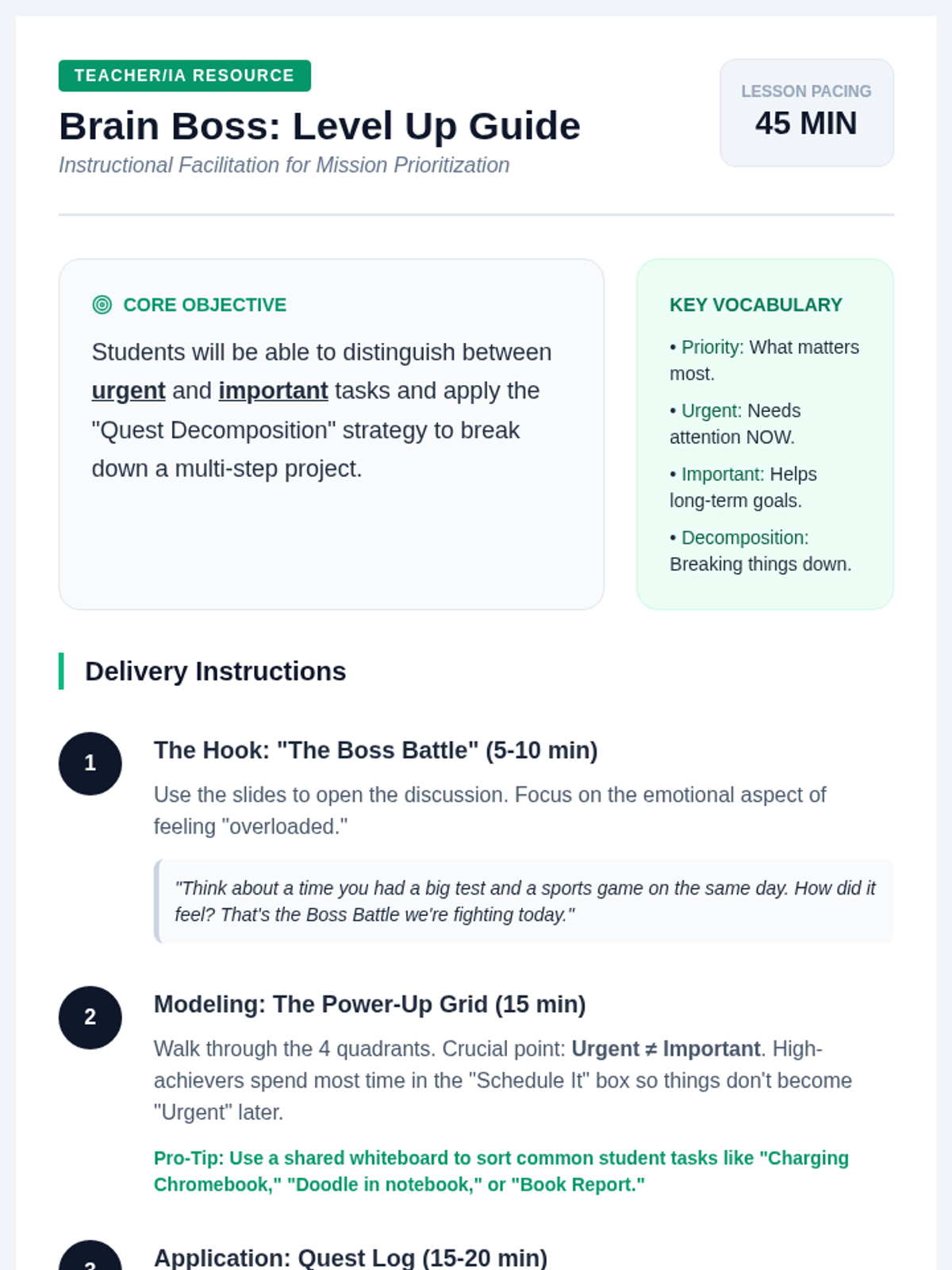
Students learn how to categorize tasks using the 'Urgent vs. Important' matrix, renamed as the Priority Power-Up grid. They will practice breaking down large tasks into smaller, manageable 'quests'.
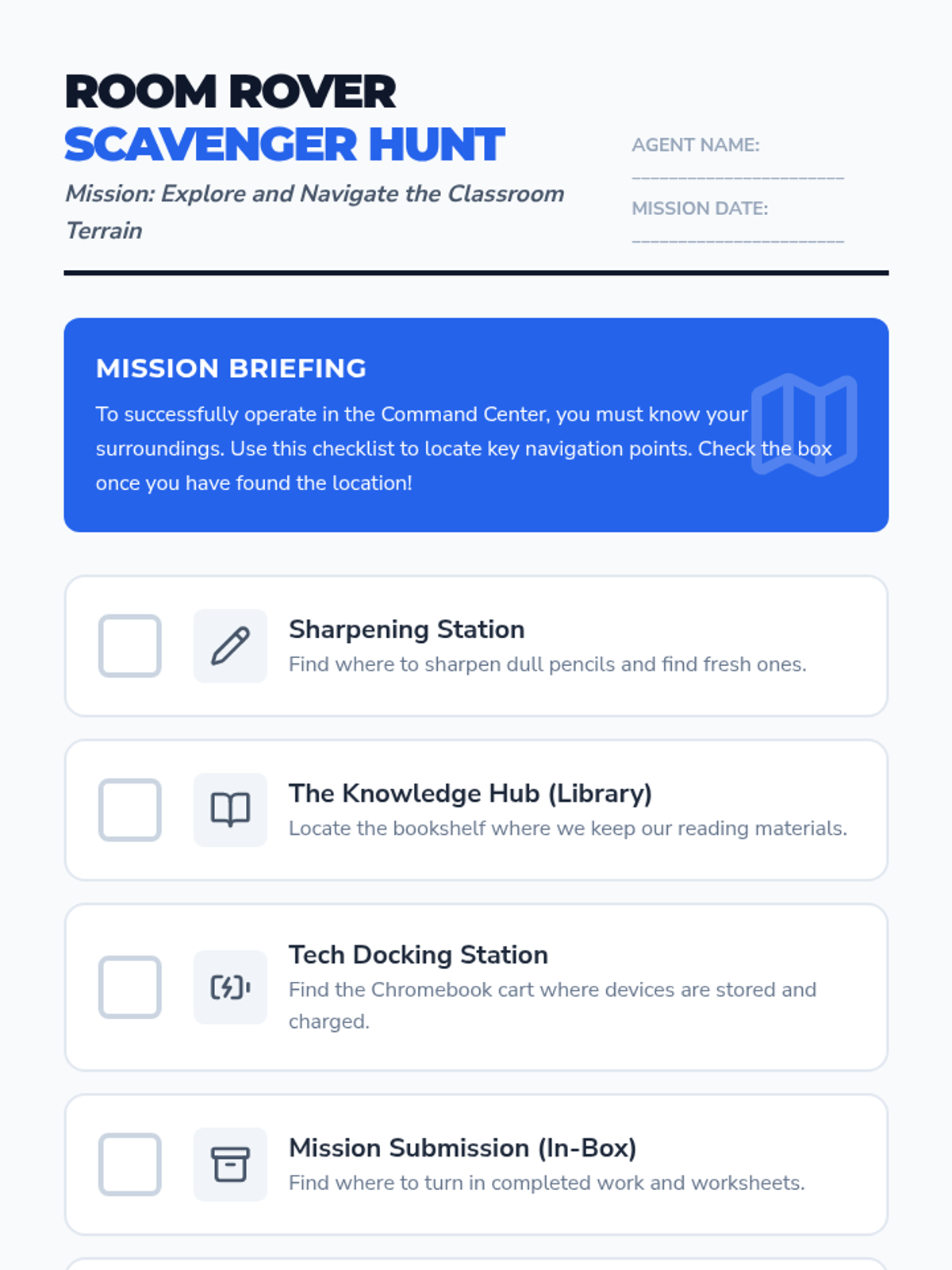
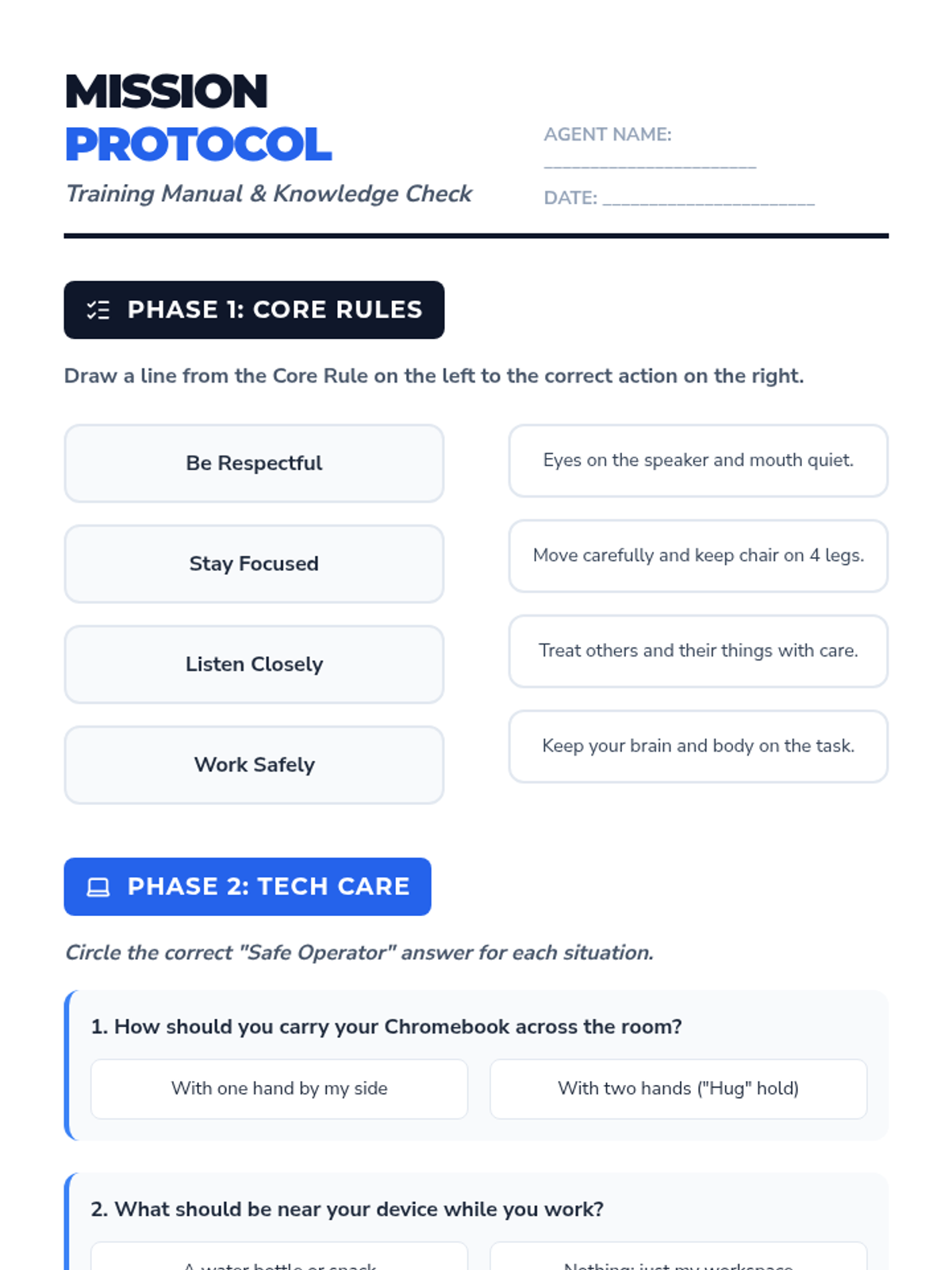
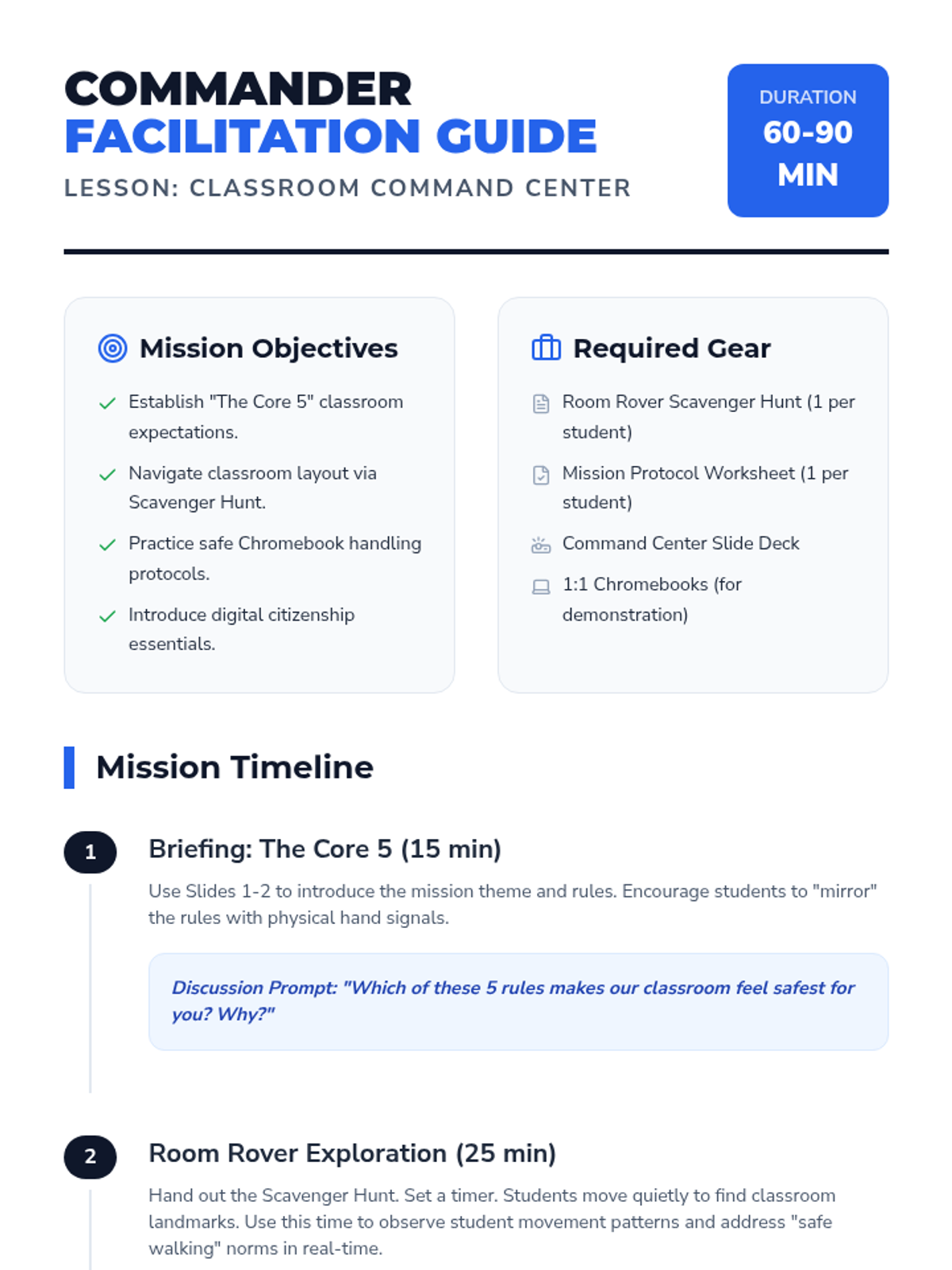
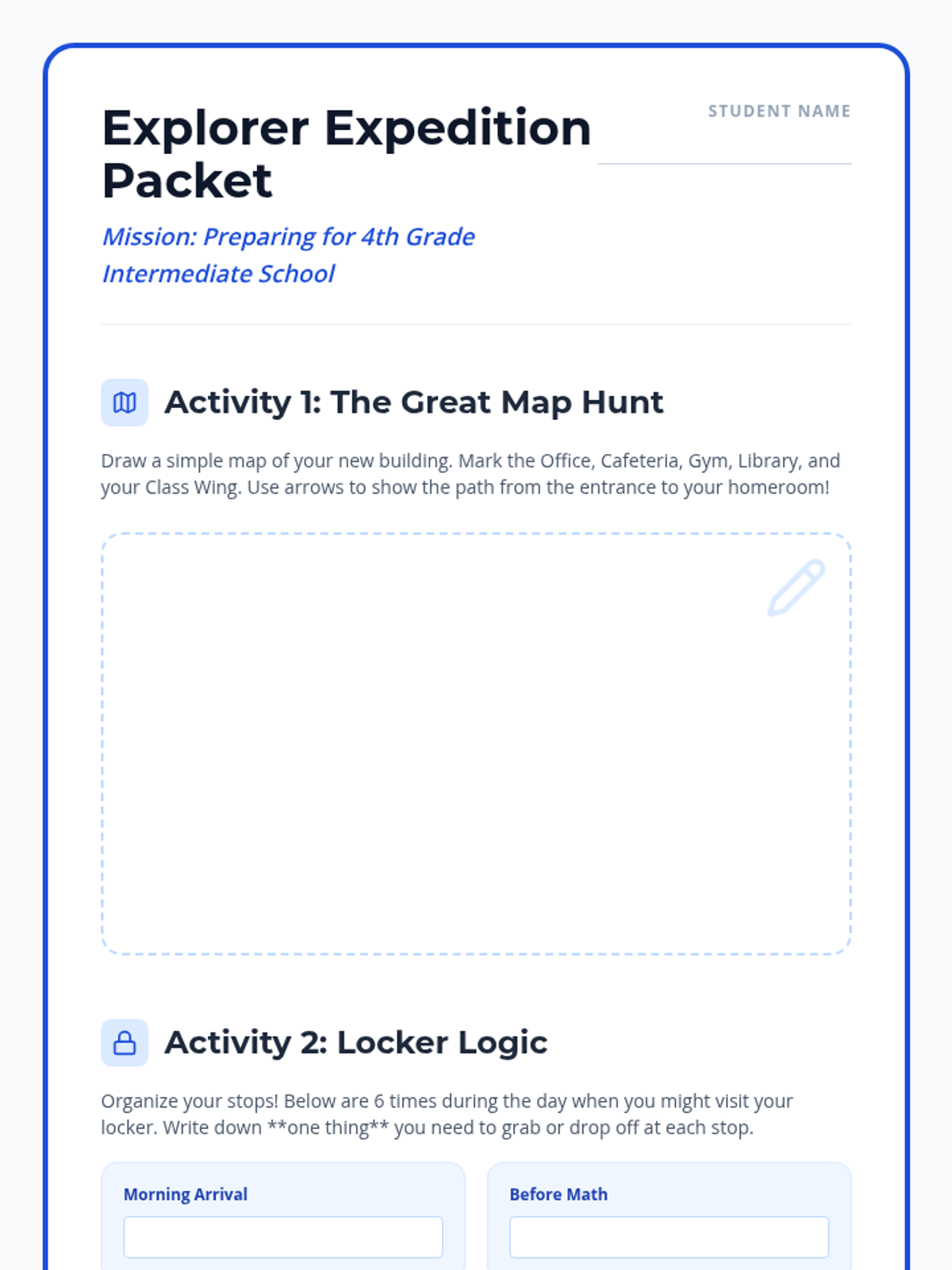
A comprehensive first-day lesson to establish classroom norms, physical space navigation, and digital responsibility. Includes instruction on Chromebook care and digital citizenship.
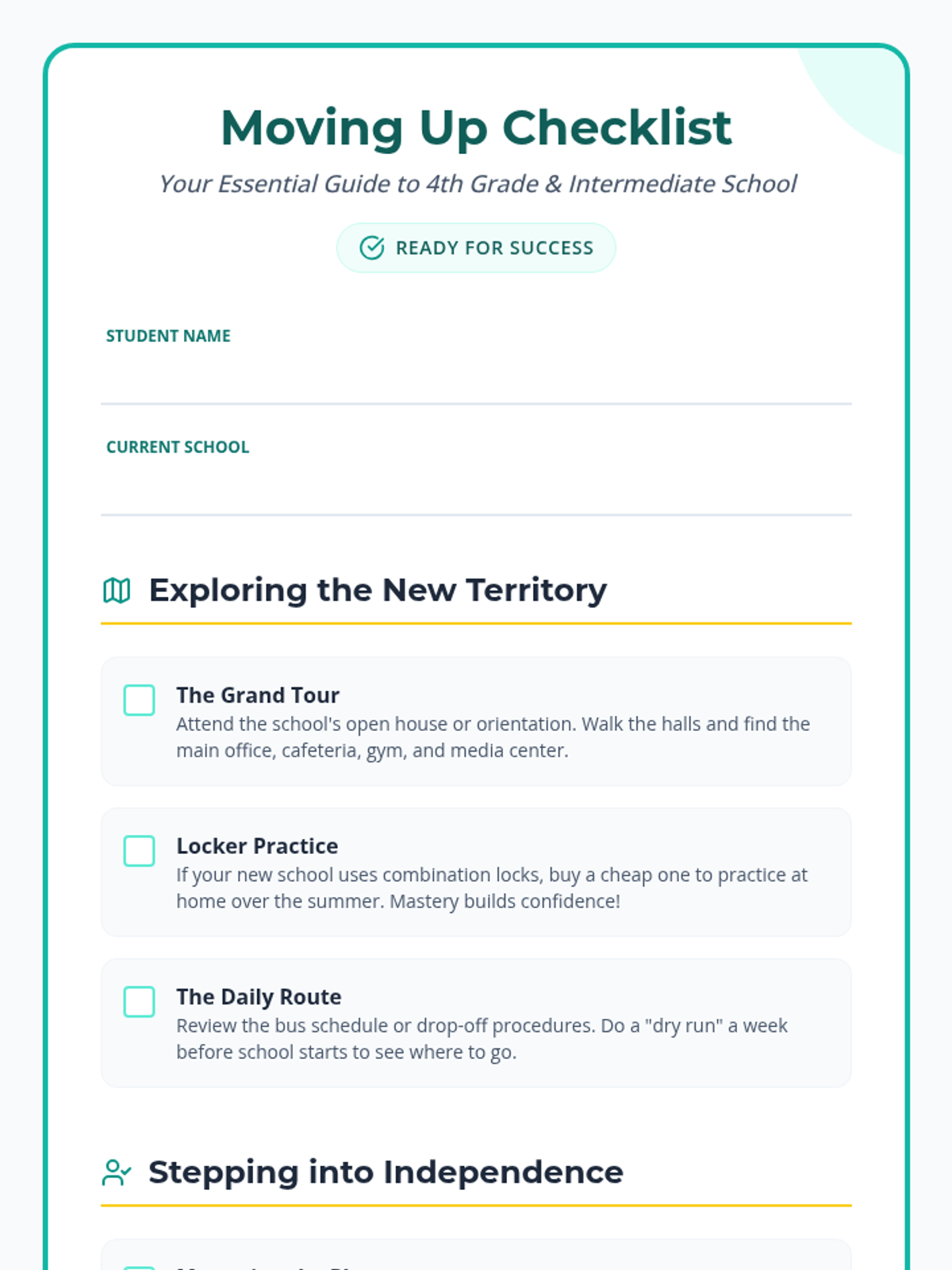
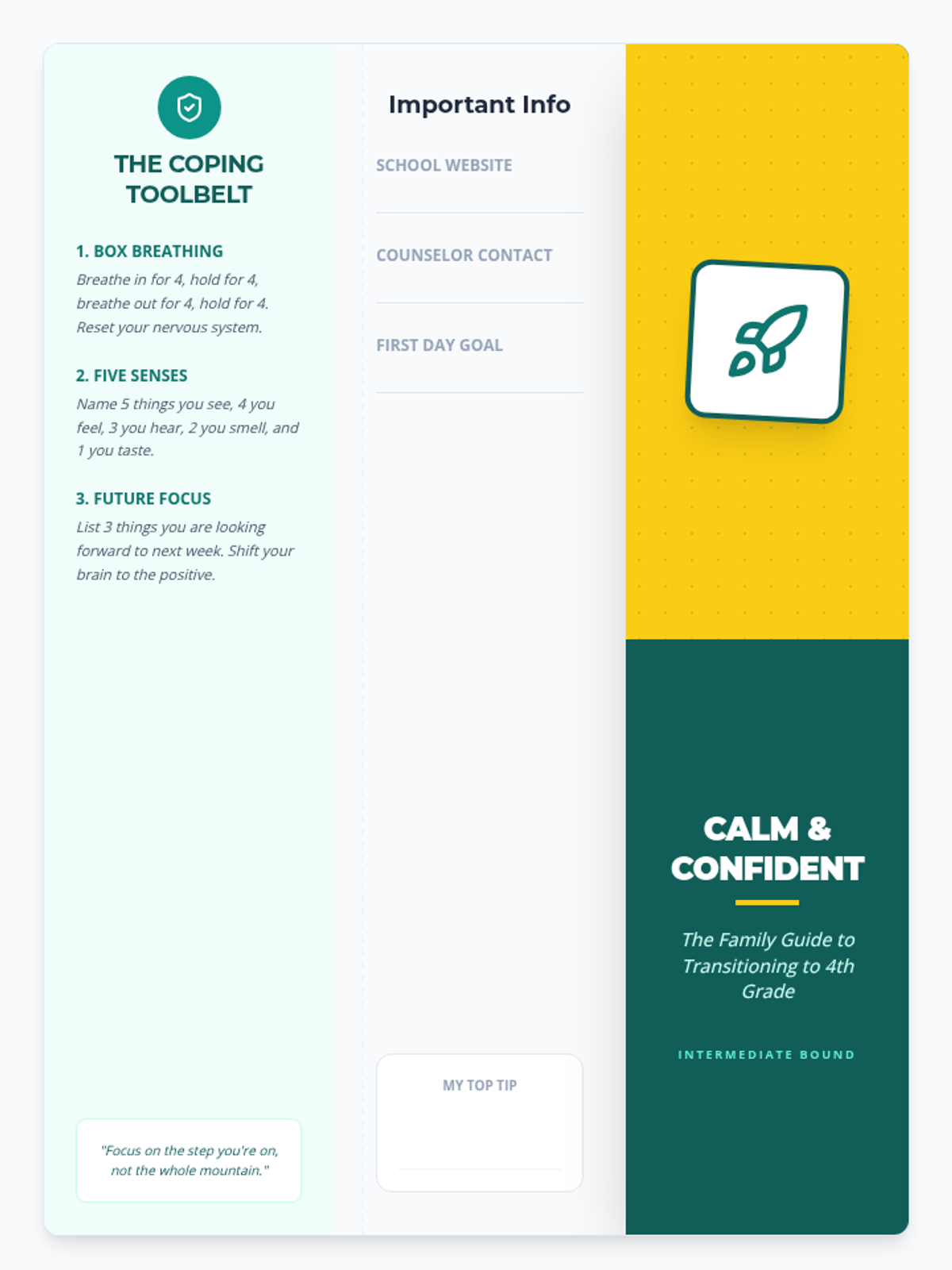
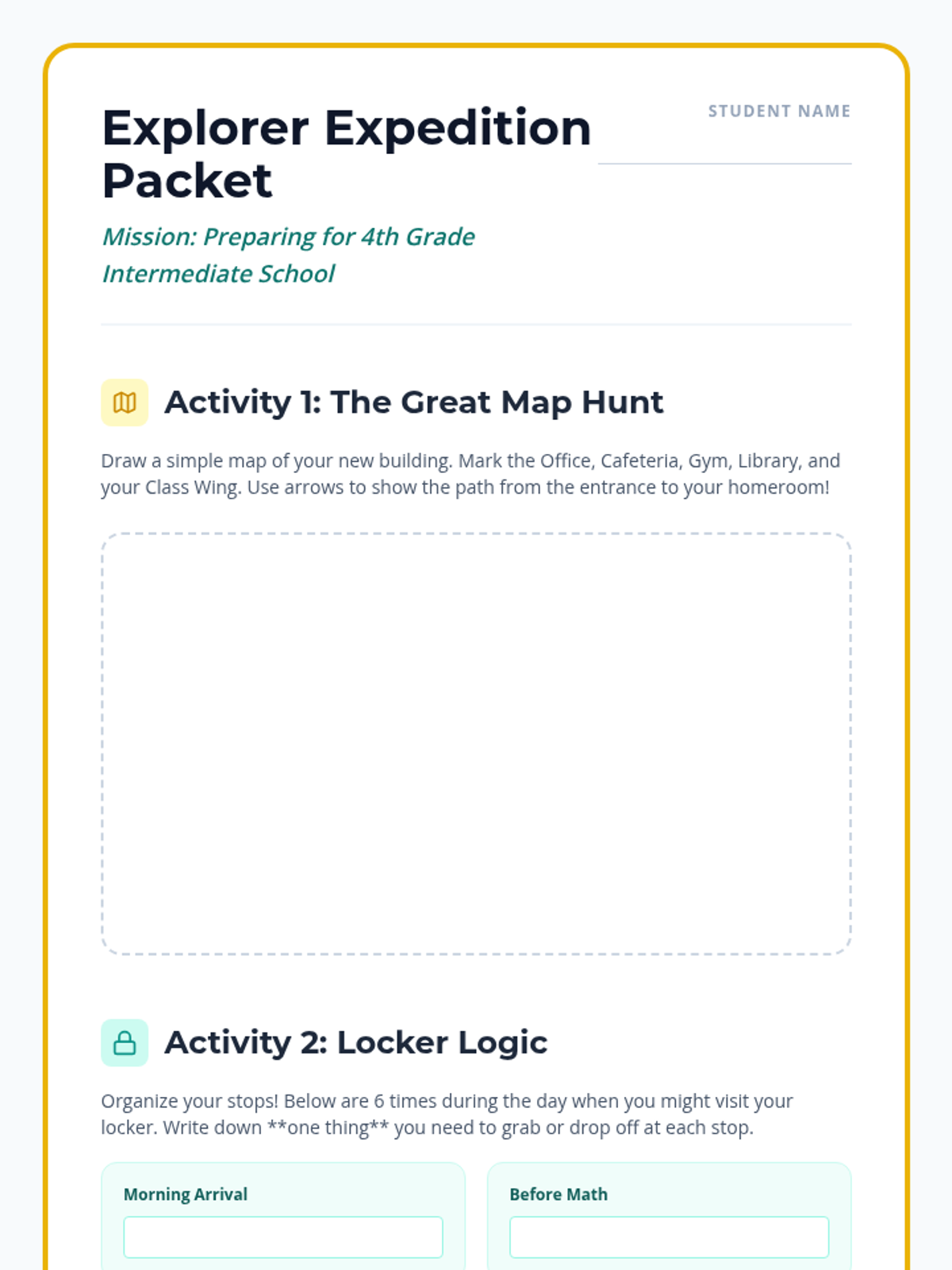
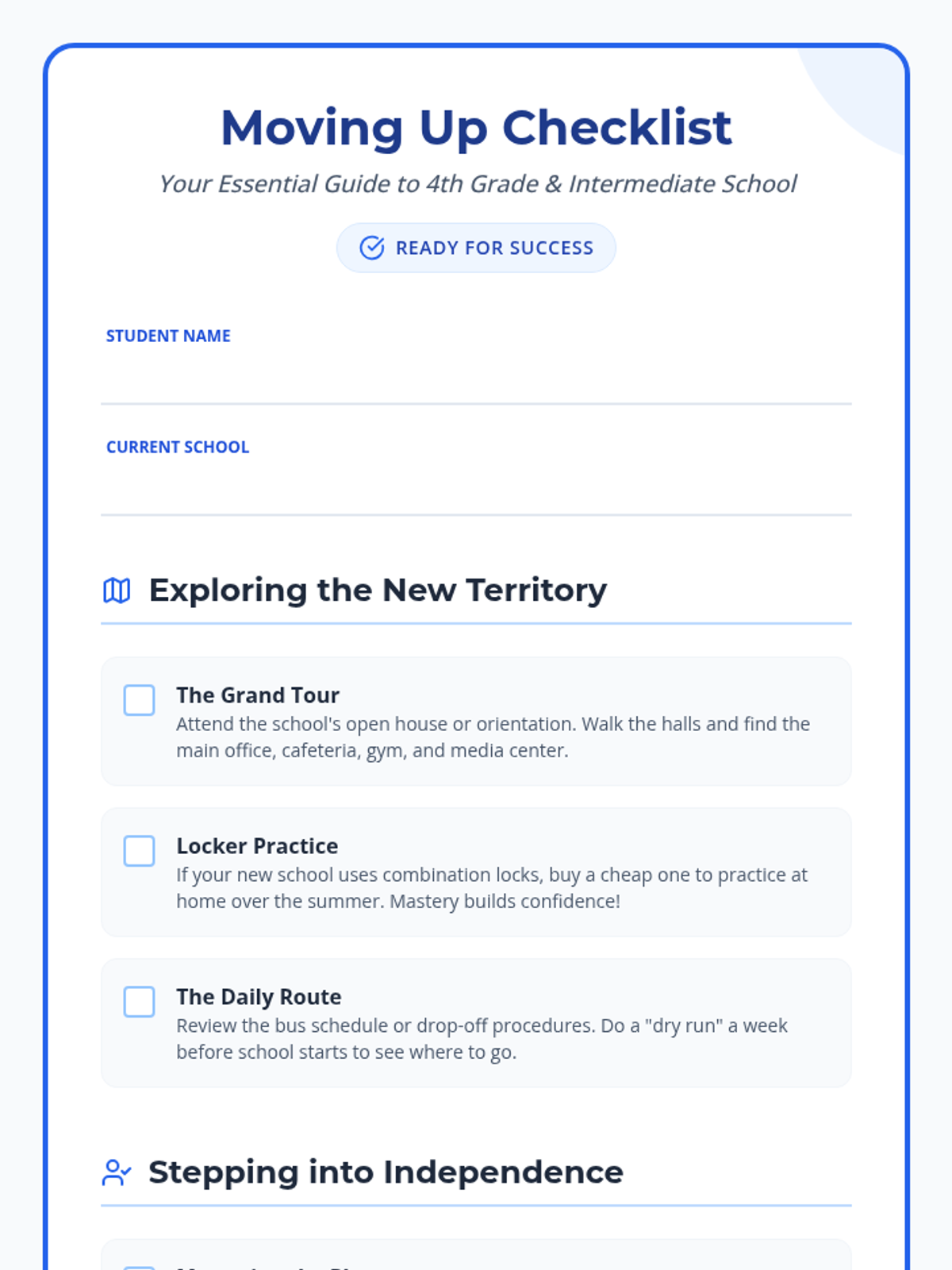
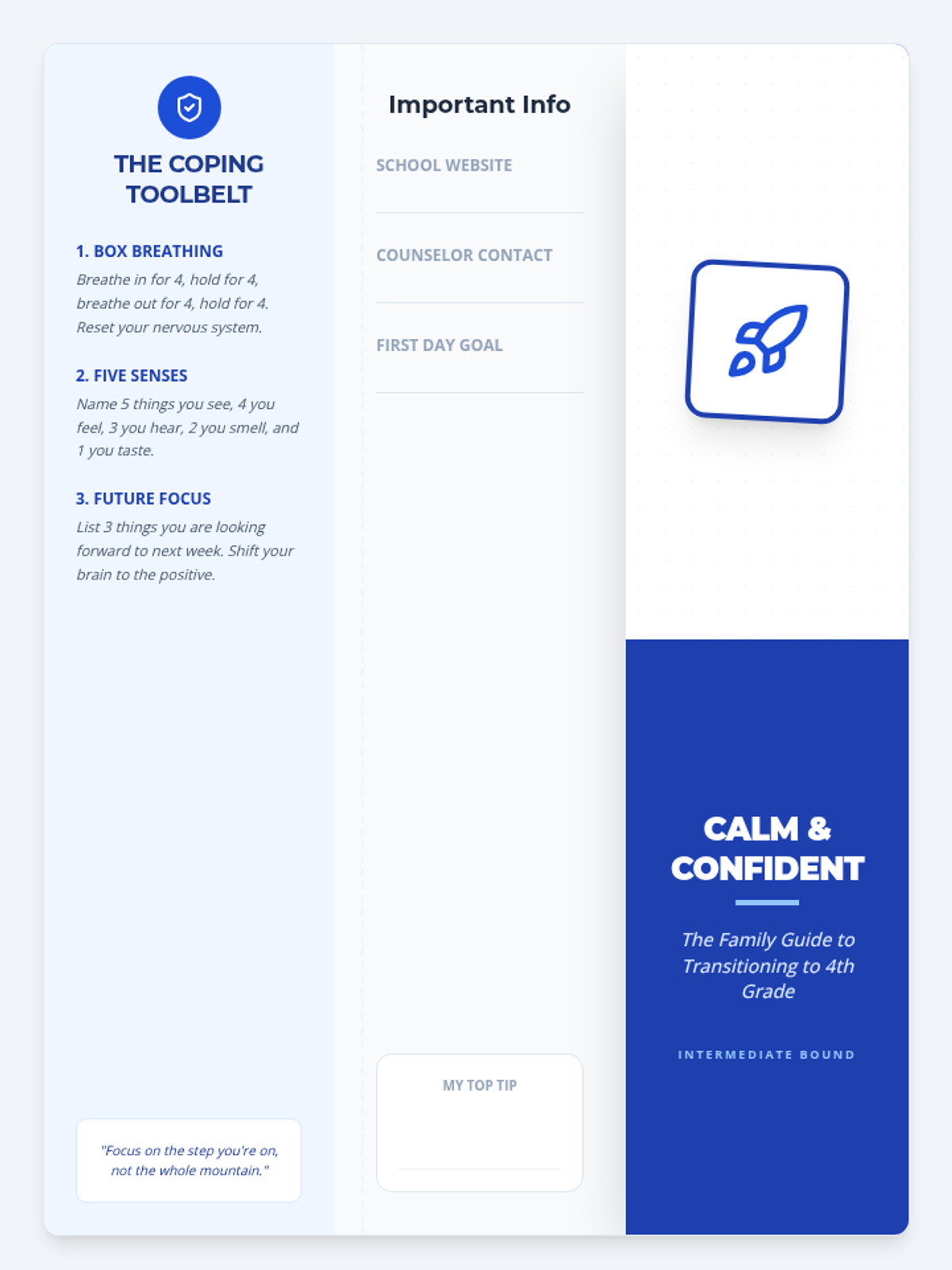
A collection of resources to help families navigate the transition to 4th grade, covering logistics, emotional strategies, and fun preparation activities.
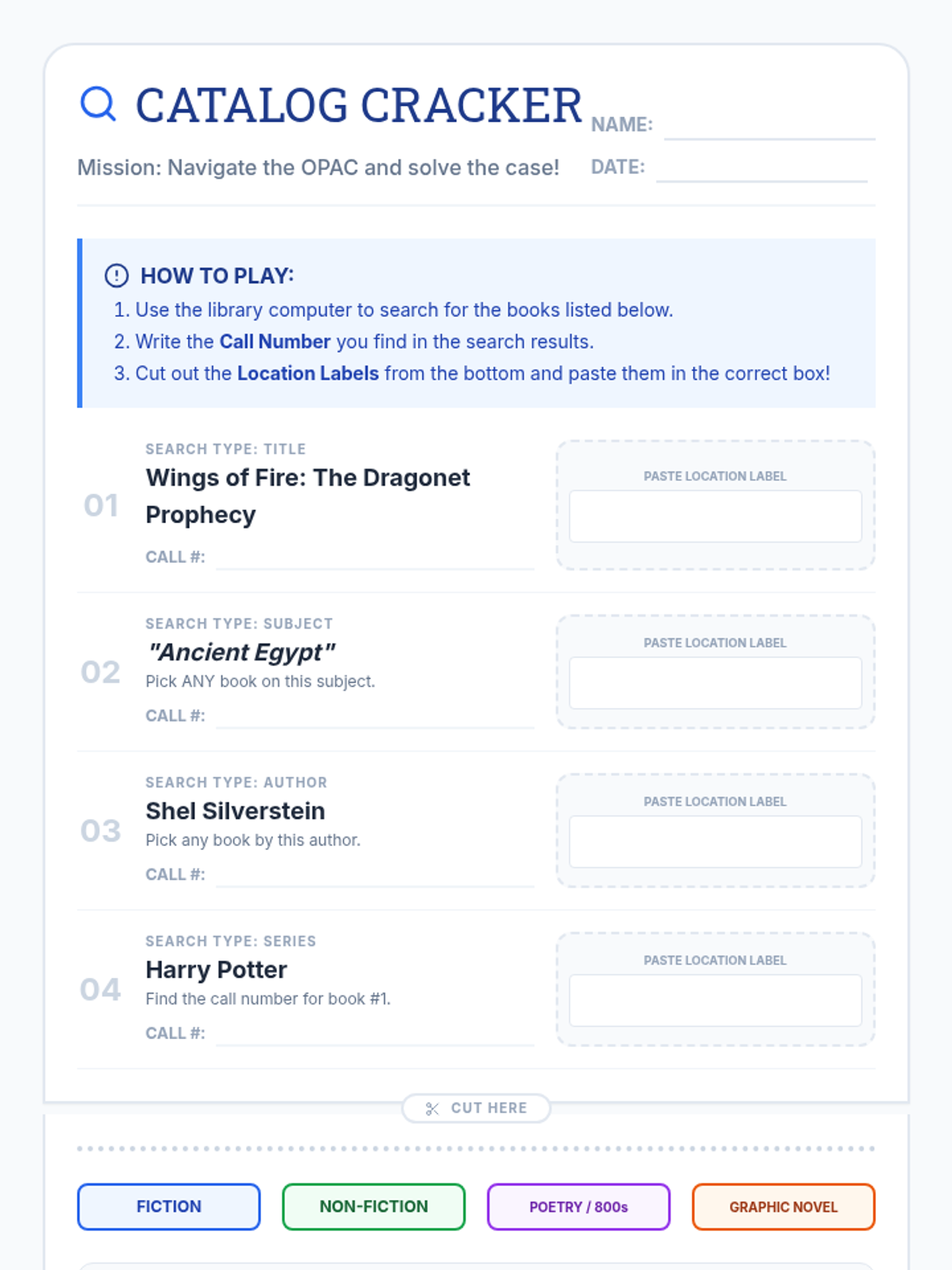
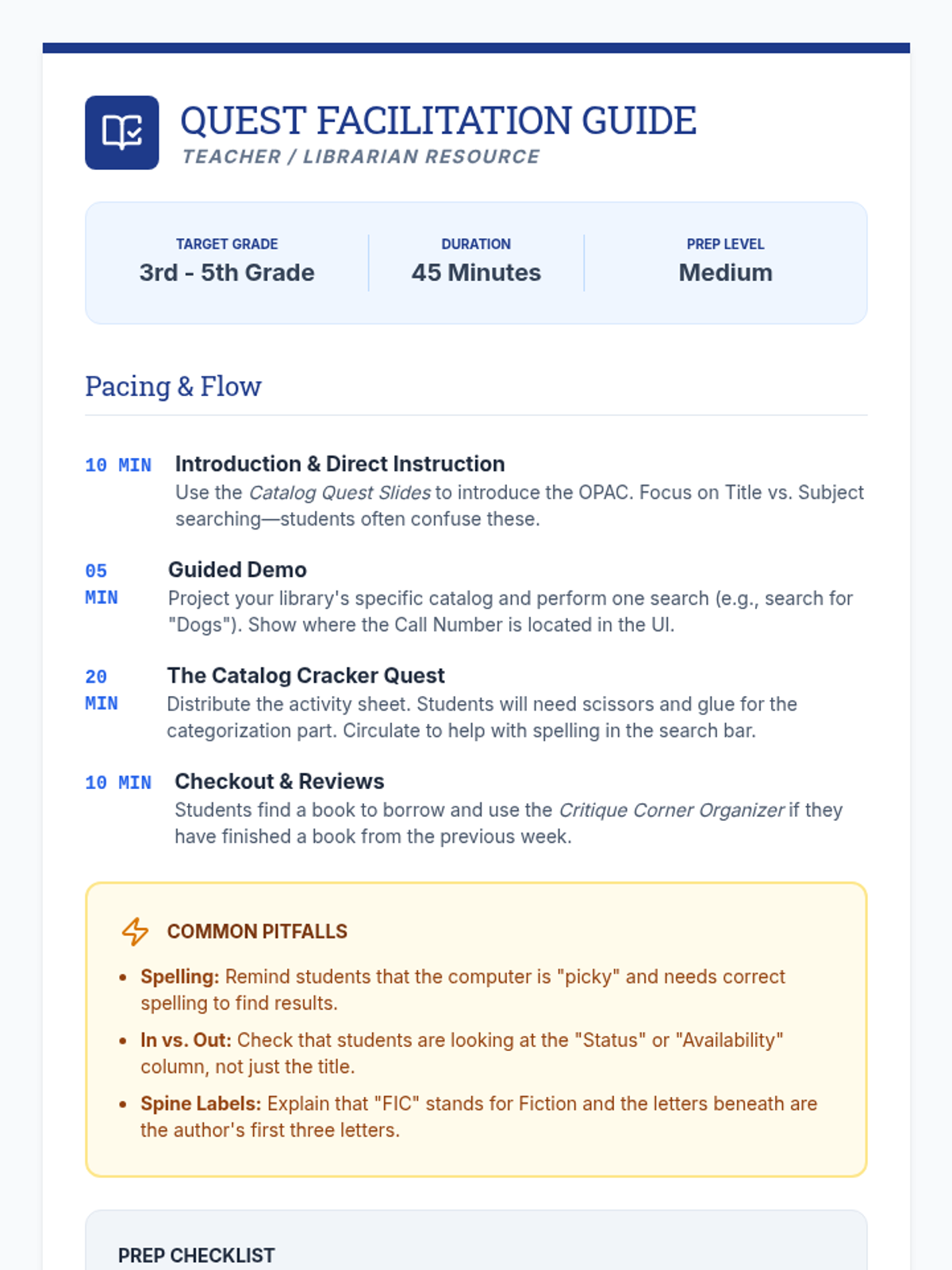
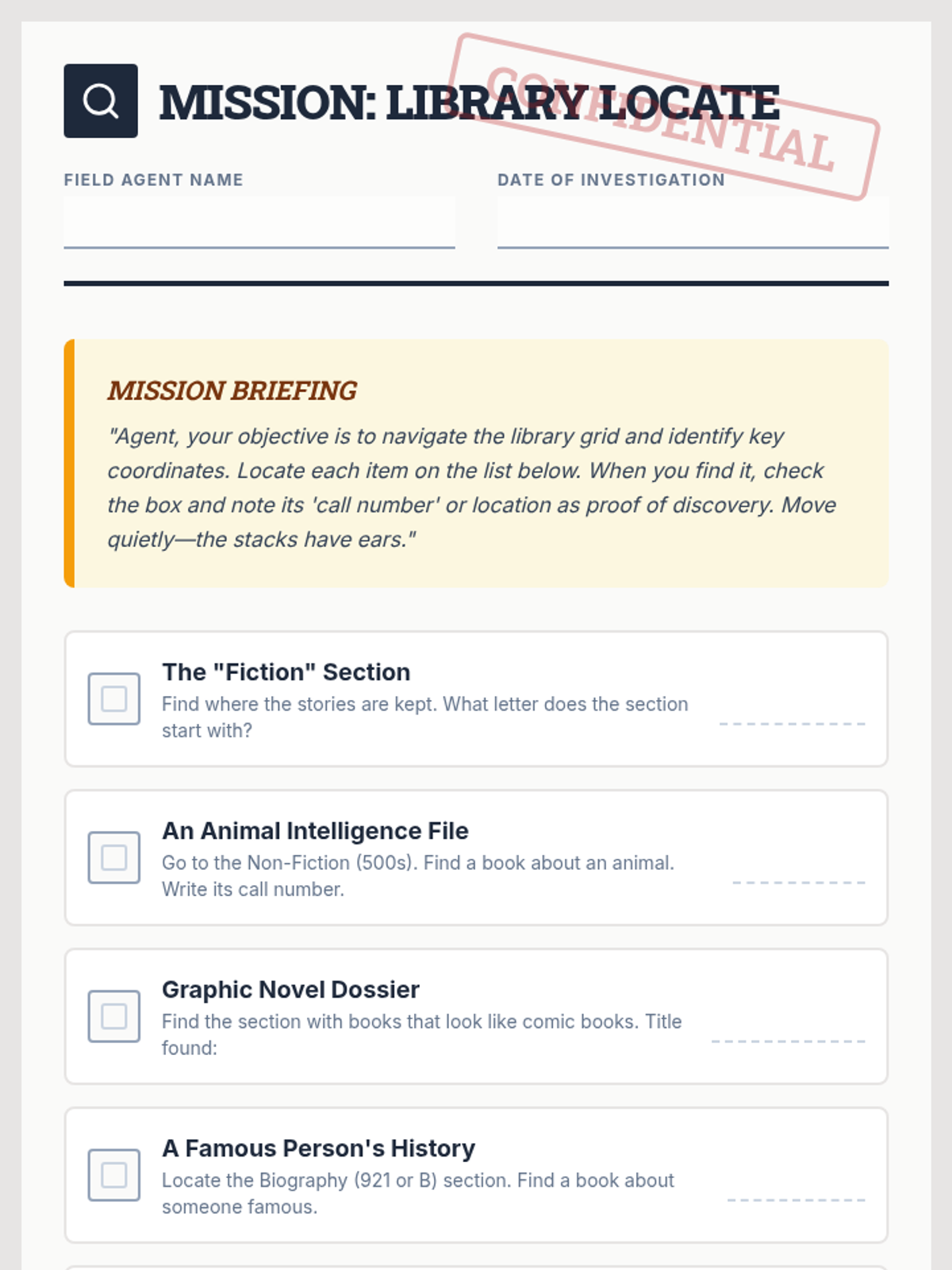
Students will learn how to navigate the online library catalog, understand call numbers, and practice finding books on the shelves through a hands-on scavenger hunt.
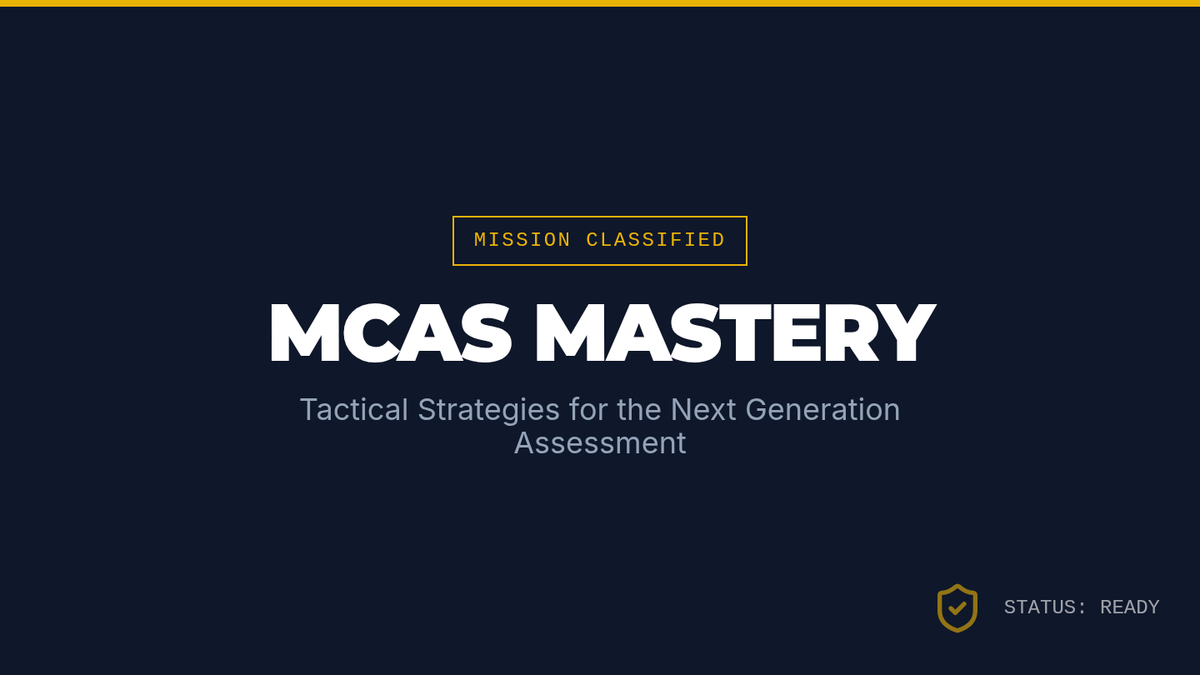
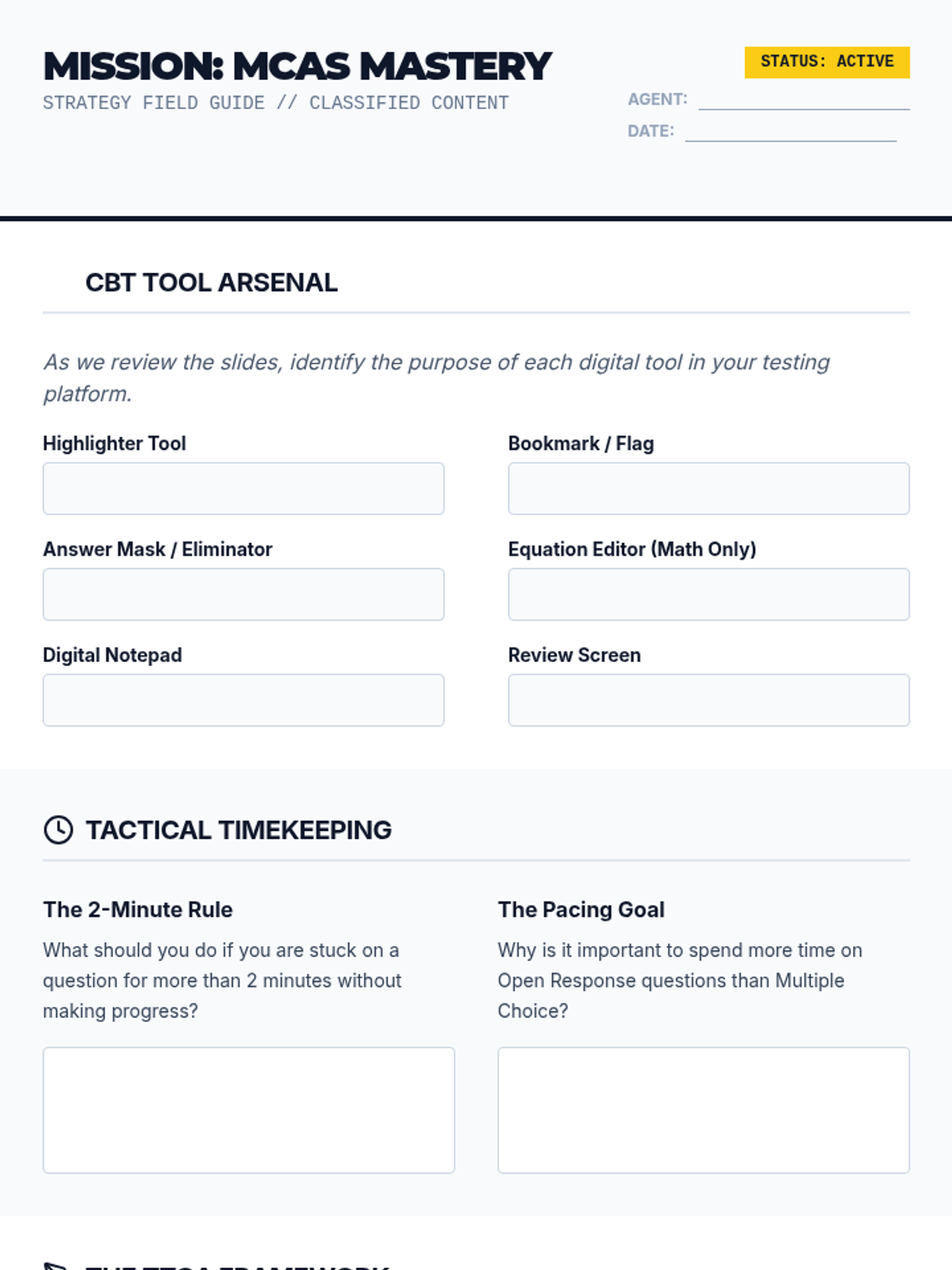
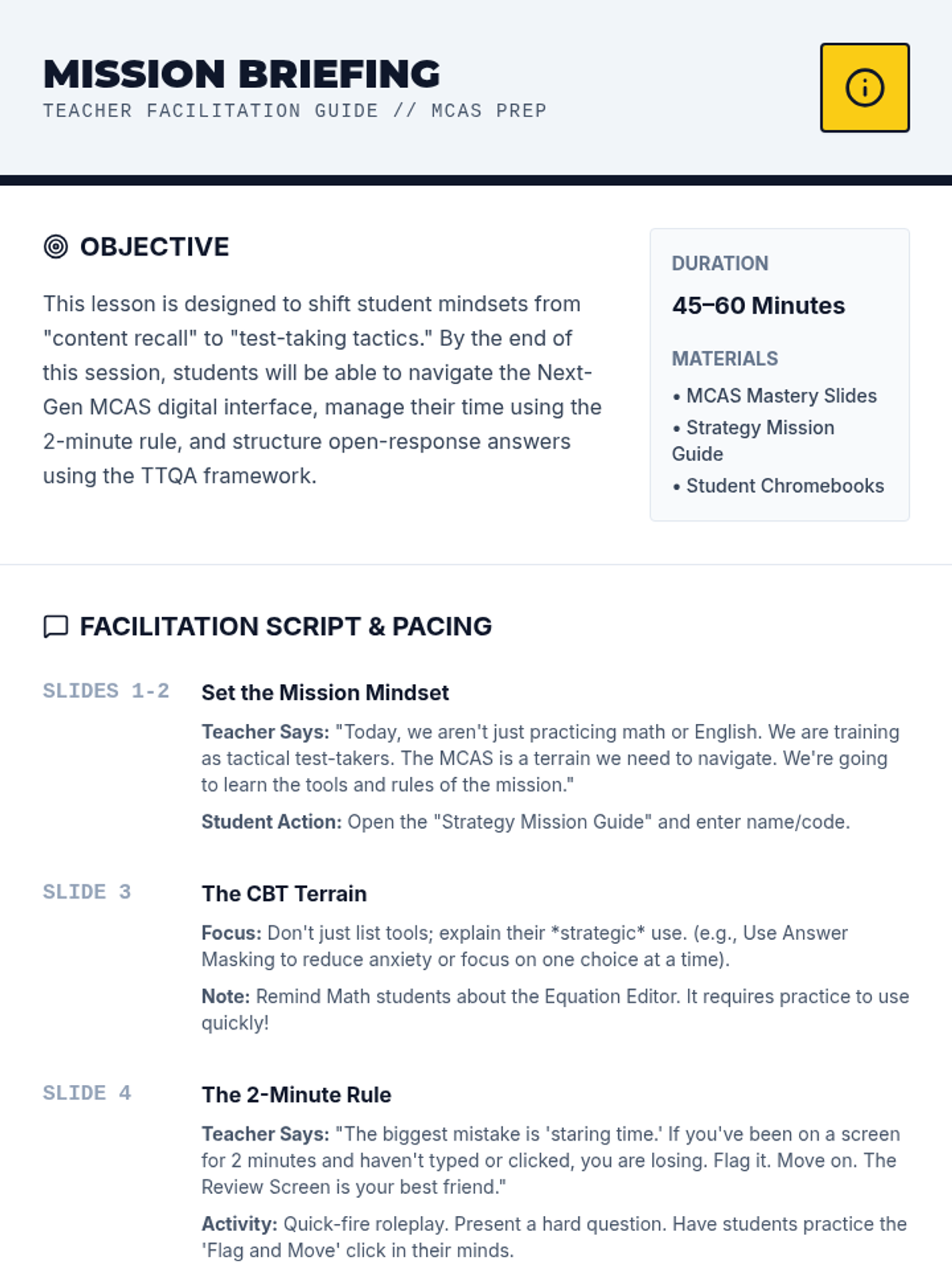
A comprehensive test preparation lesson designed to equip students with tactical strategies for the Next Generation MCAS. This lesson covers computer-based testing tools, time management techniques, and a structured approach to high-scoring open response questions.
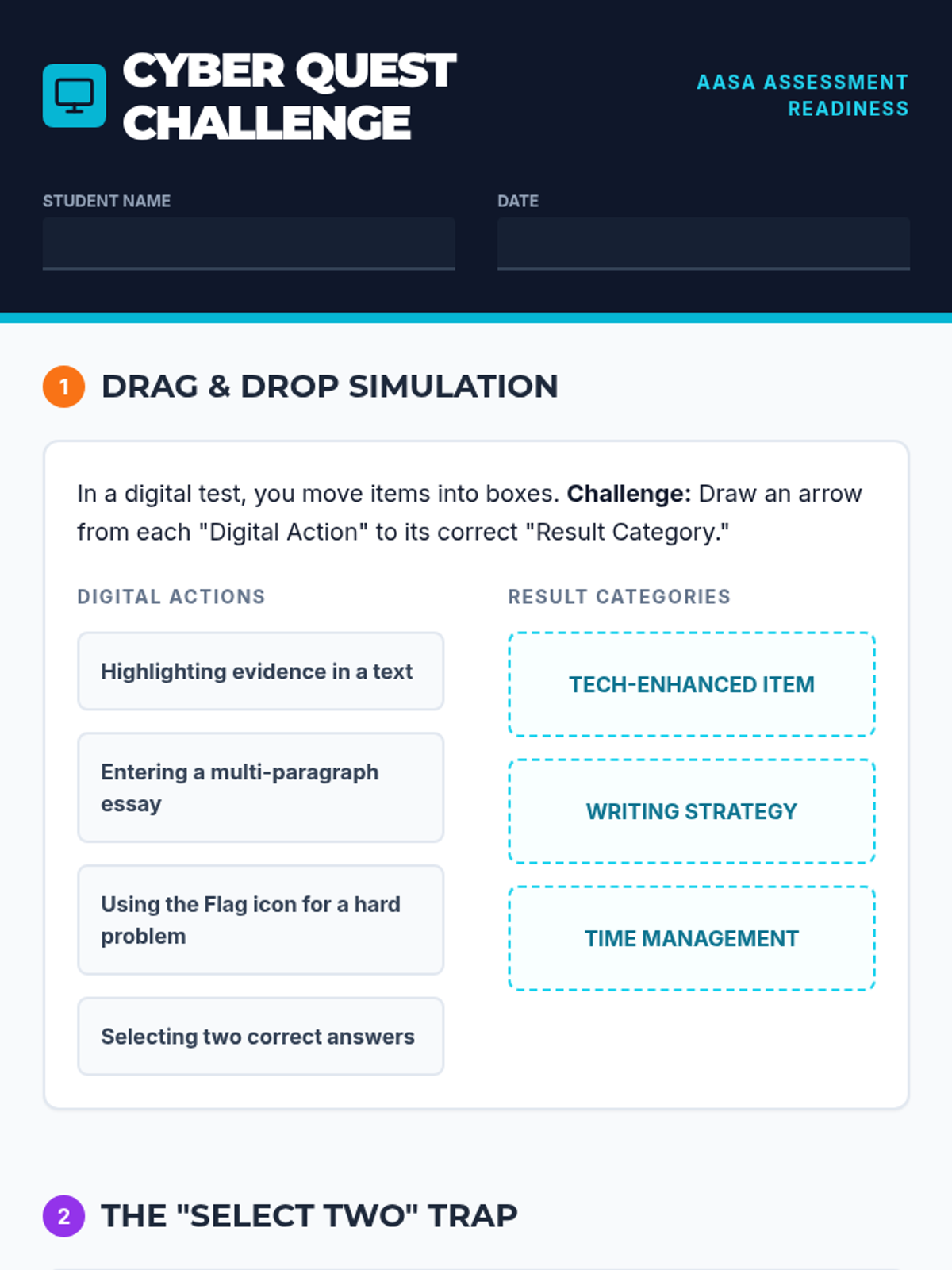
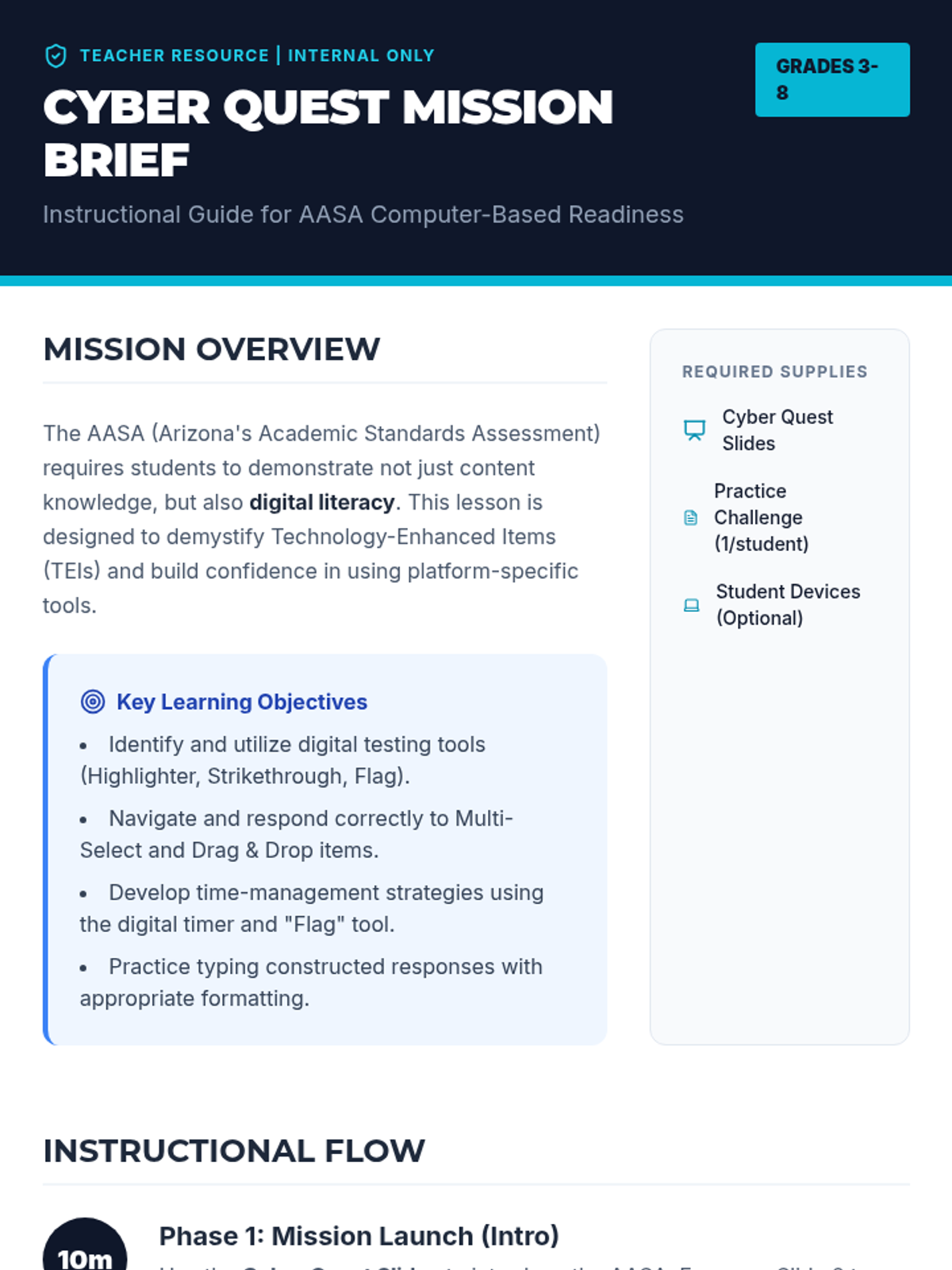
A comprehensive lesson focused on preparing students for Arizona's computer-based state assessments (AASA), covering technology-enhanced items, digital tools, and time management strategies.
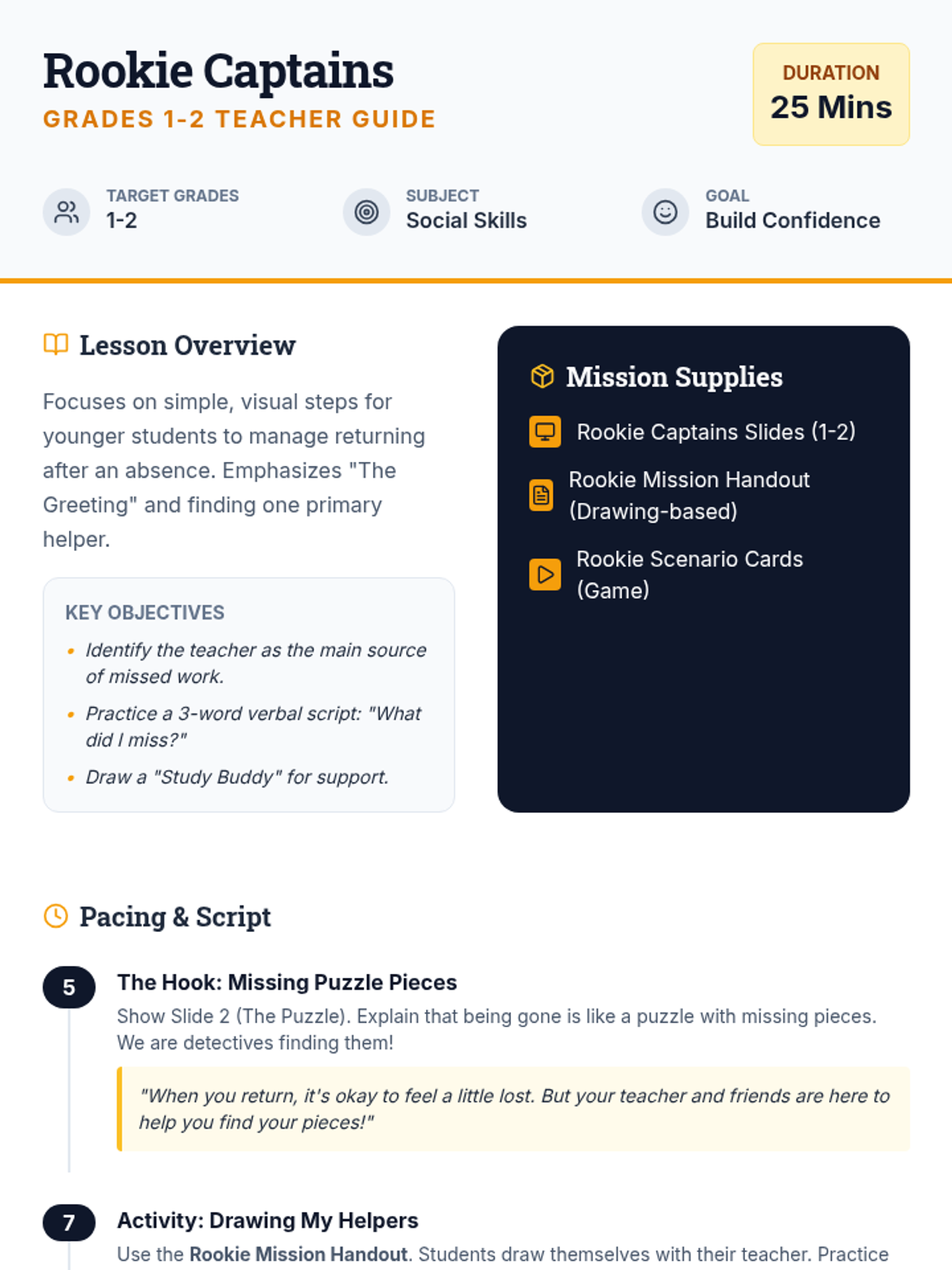
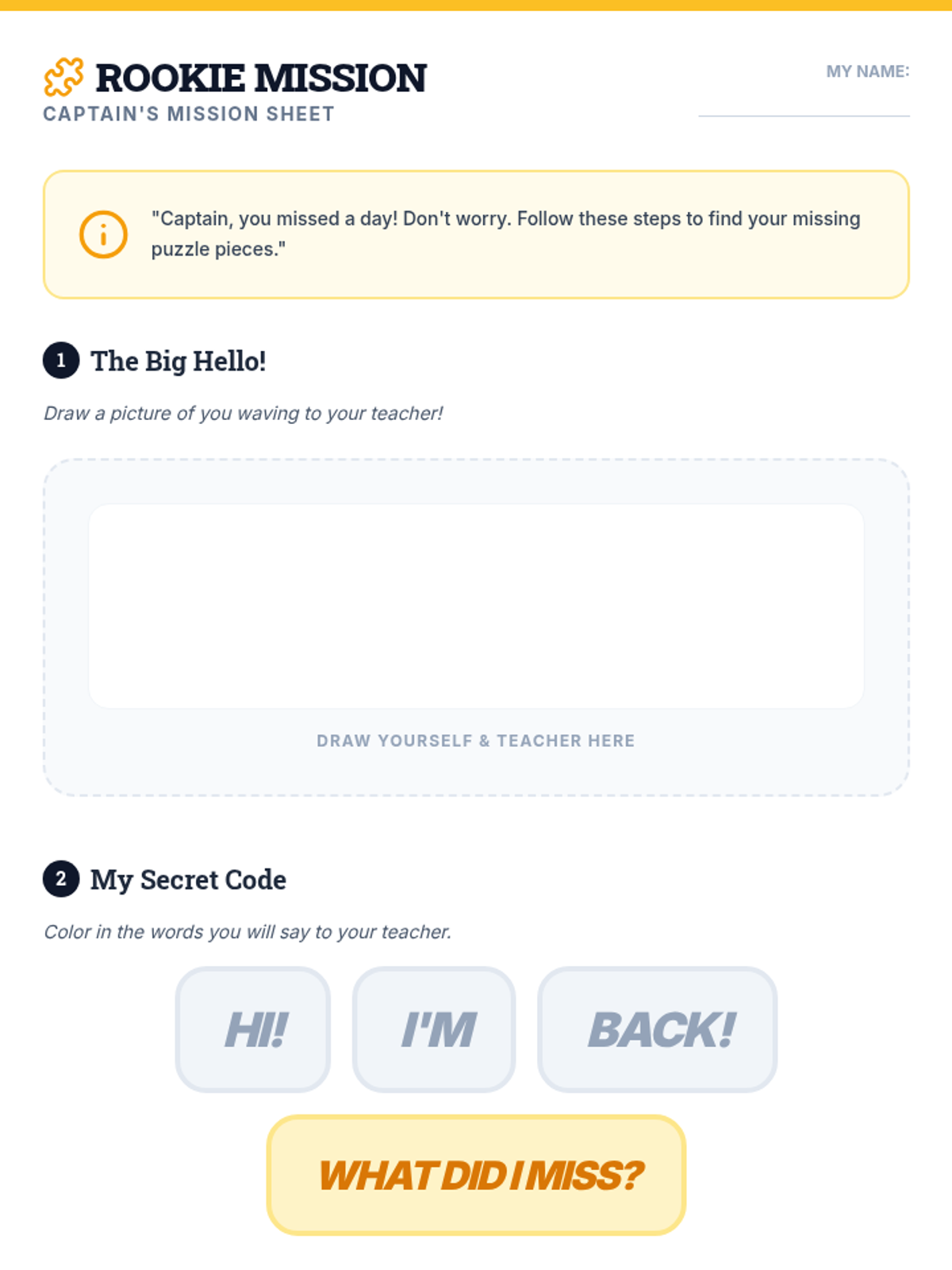
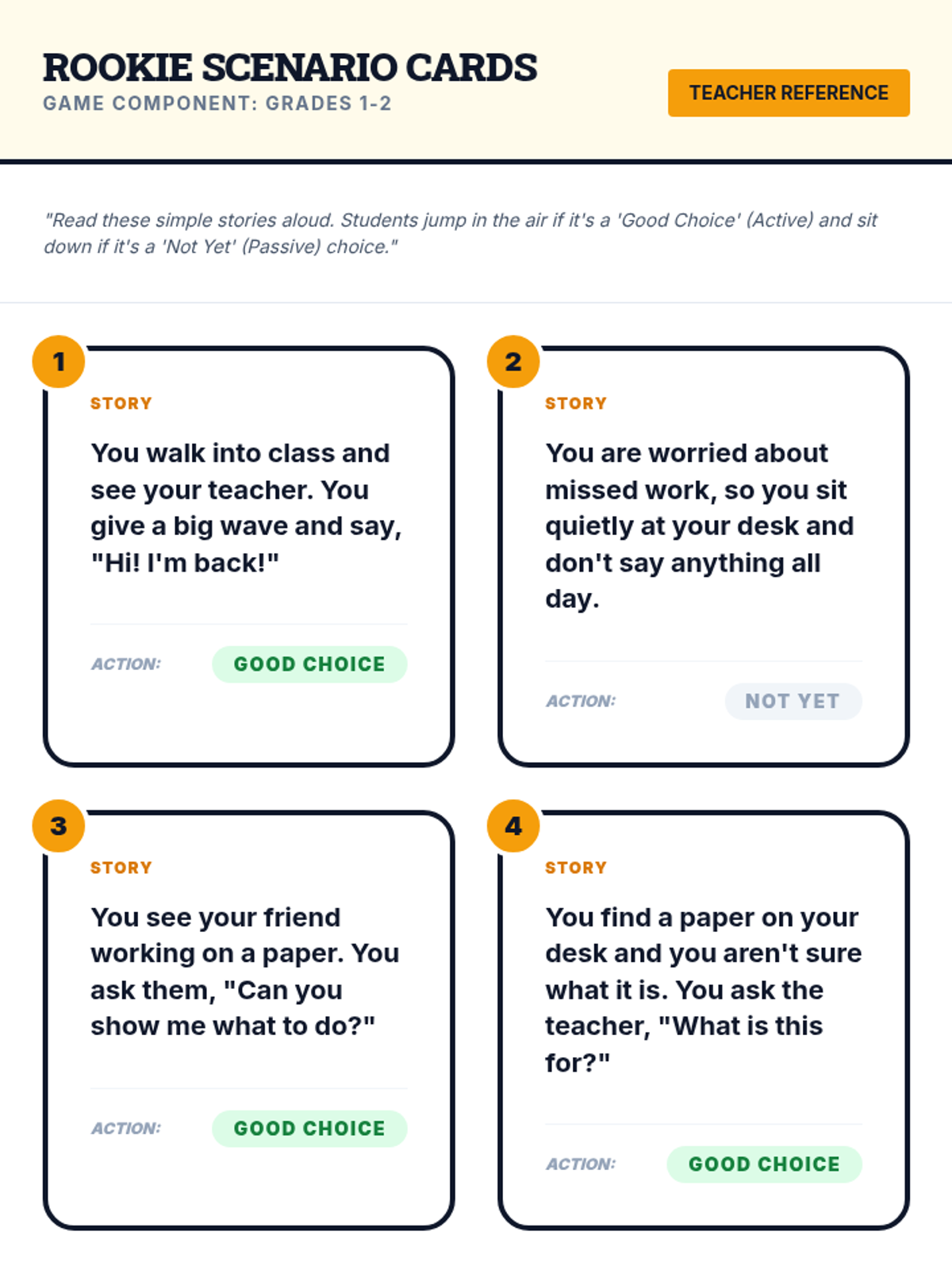
A 25-minute lesson tailored for grades 1-2 focusing on simple, actionable steps to catch up after an absence through drawing and verbal scripts.
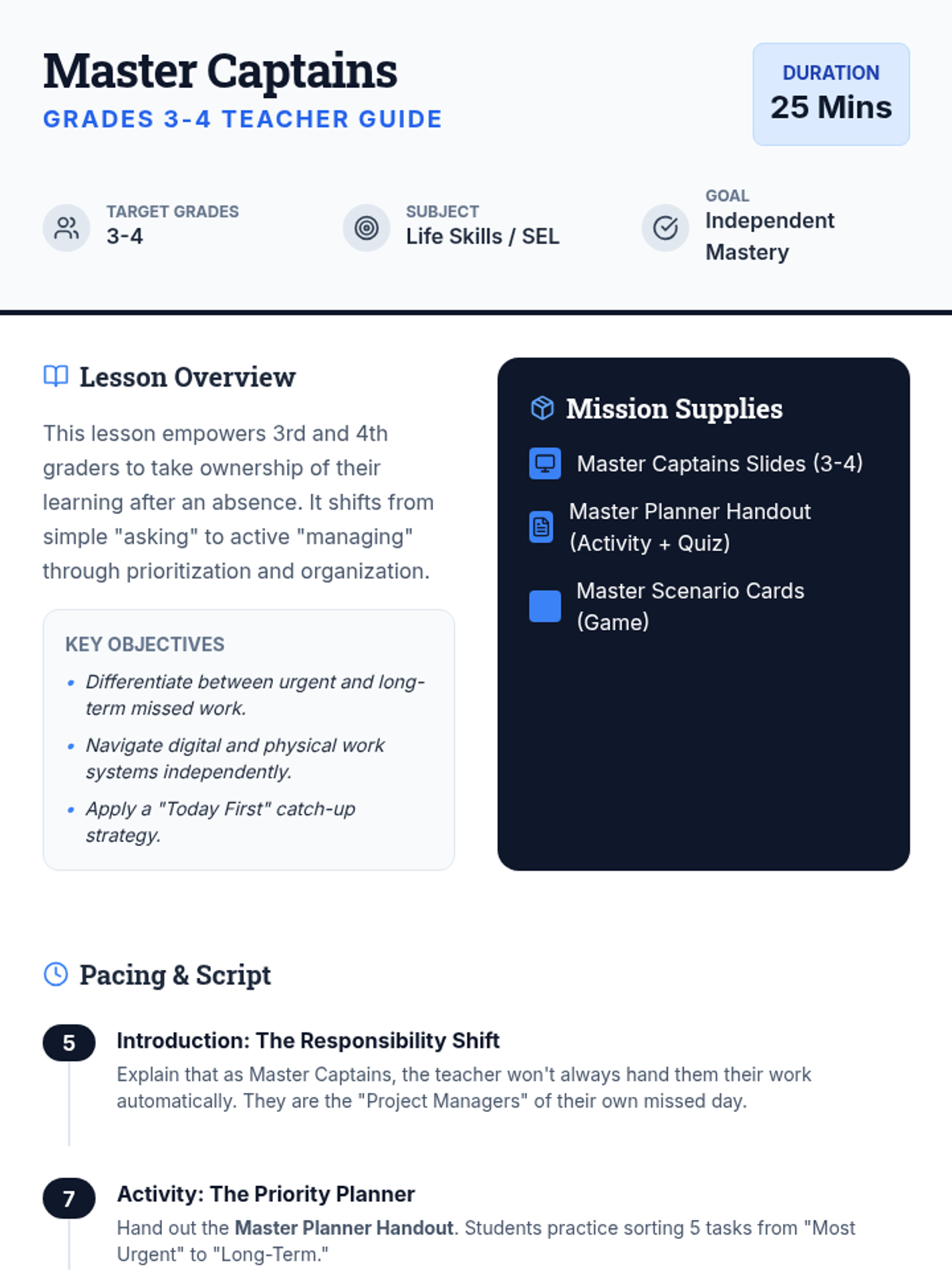
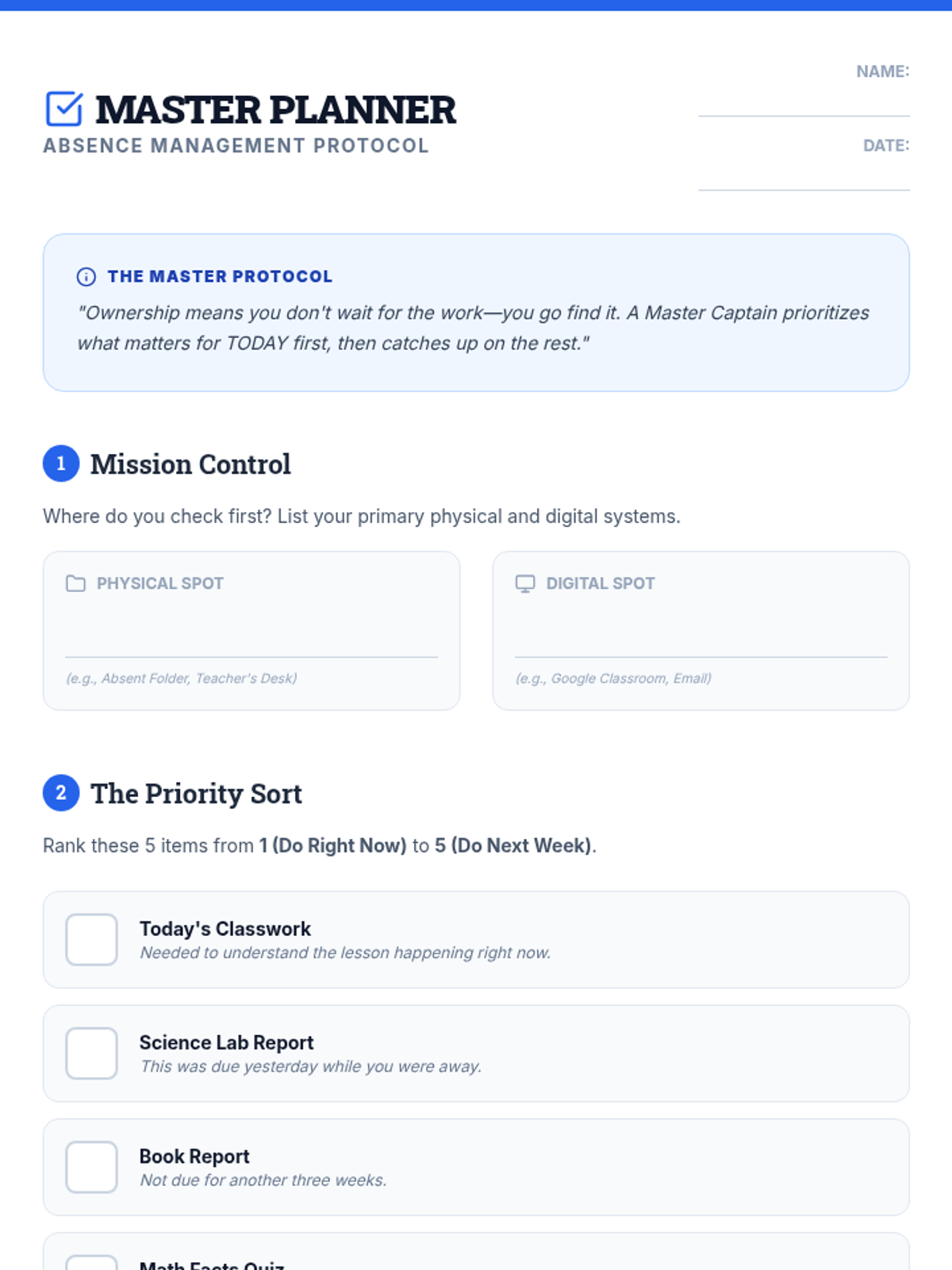
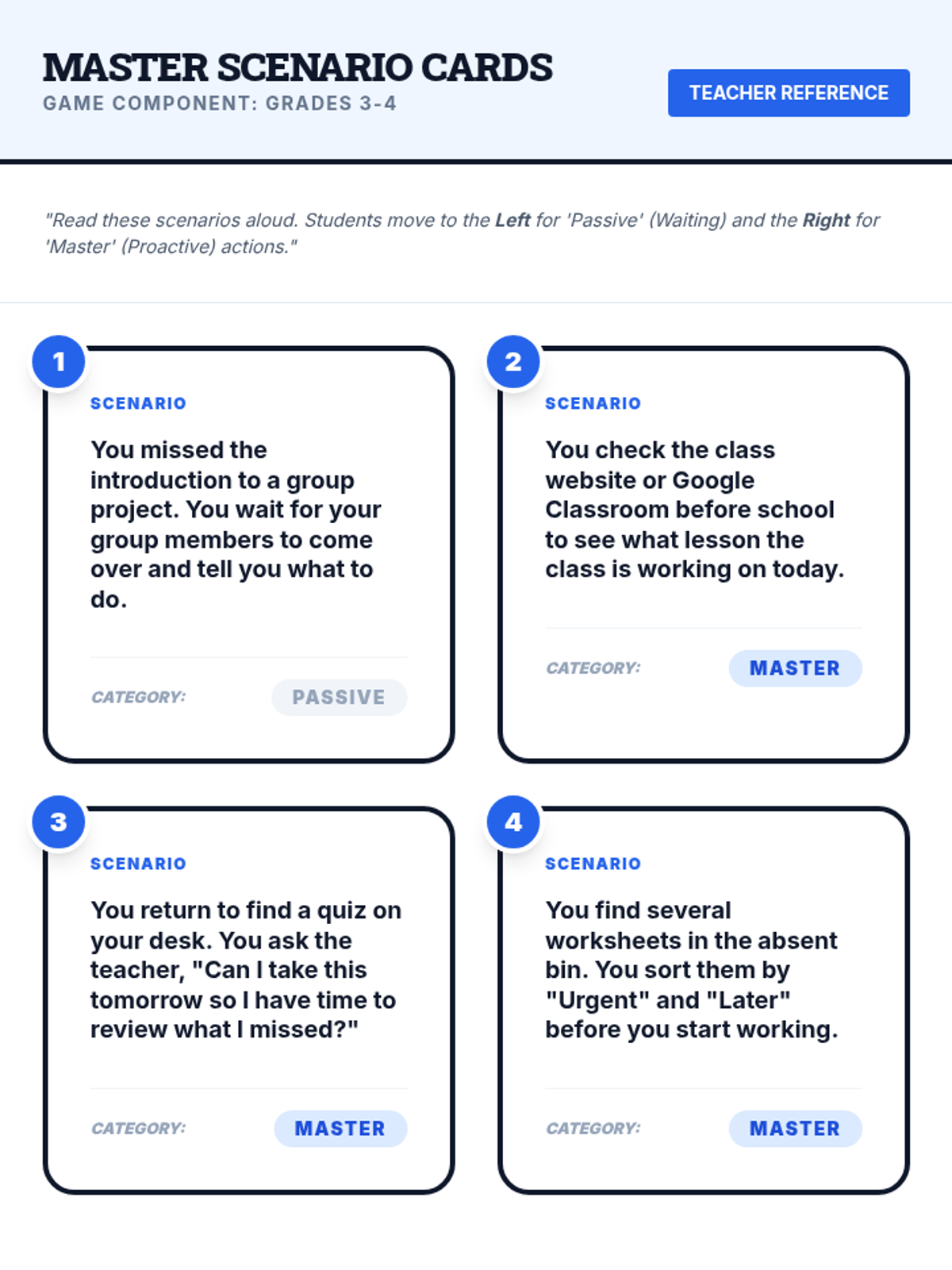
An advanced 25-minute lesson for grades 3-4 that focuses on independent work management, prioritizing tasks, and proactive communication with teachers after an absence.
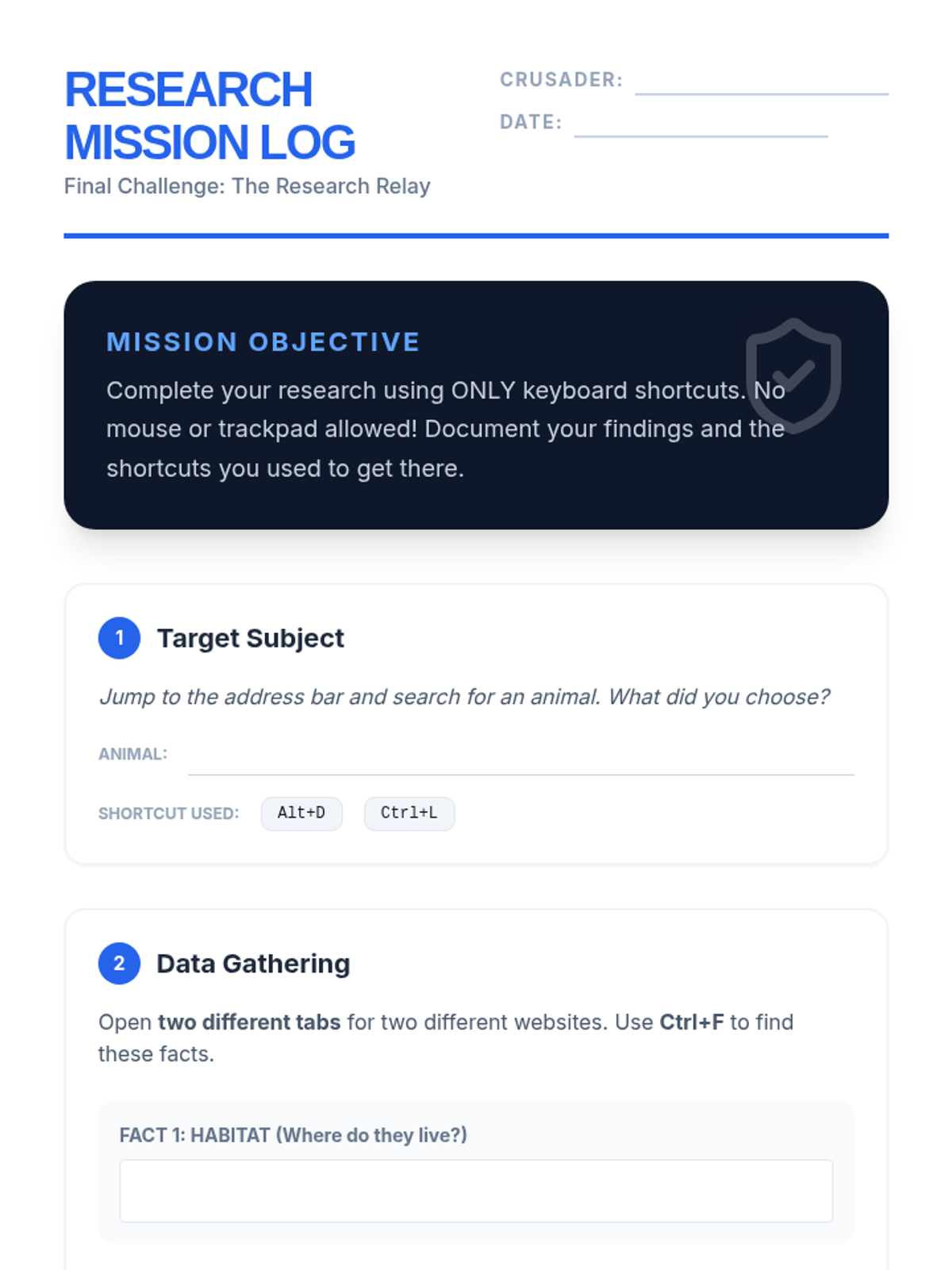
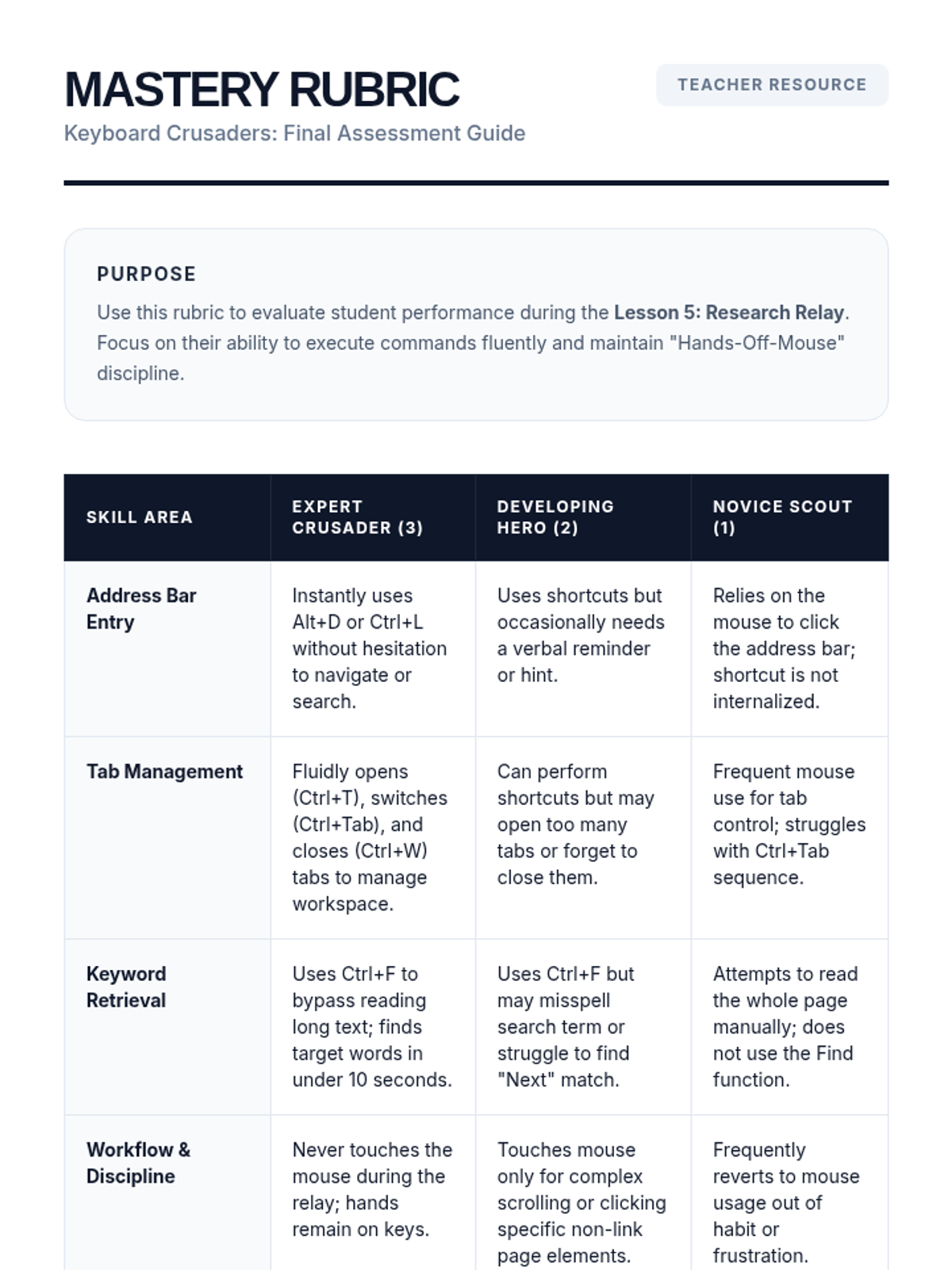
Students apply all learned shortcuts to complete a multi-stage research task, demonstrating mastery of keyboard-only browser navigation.
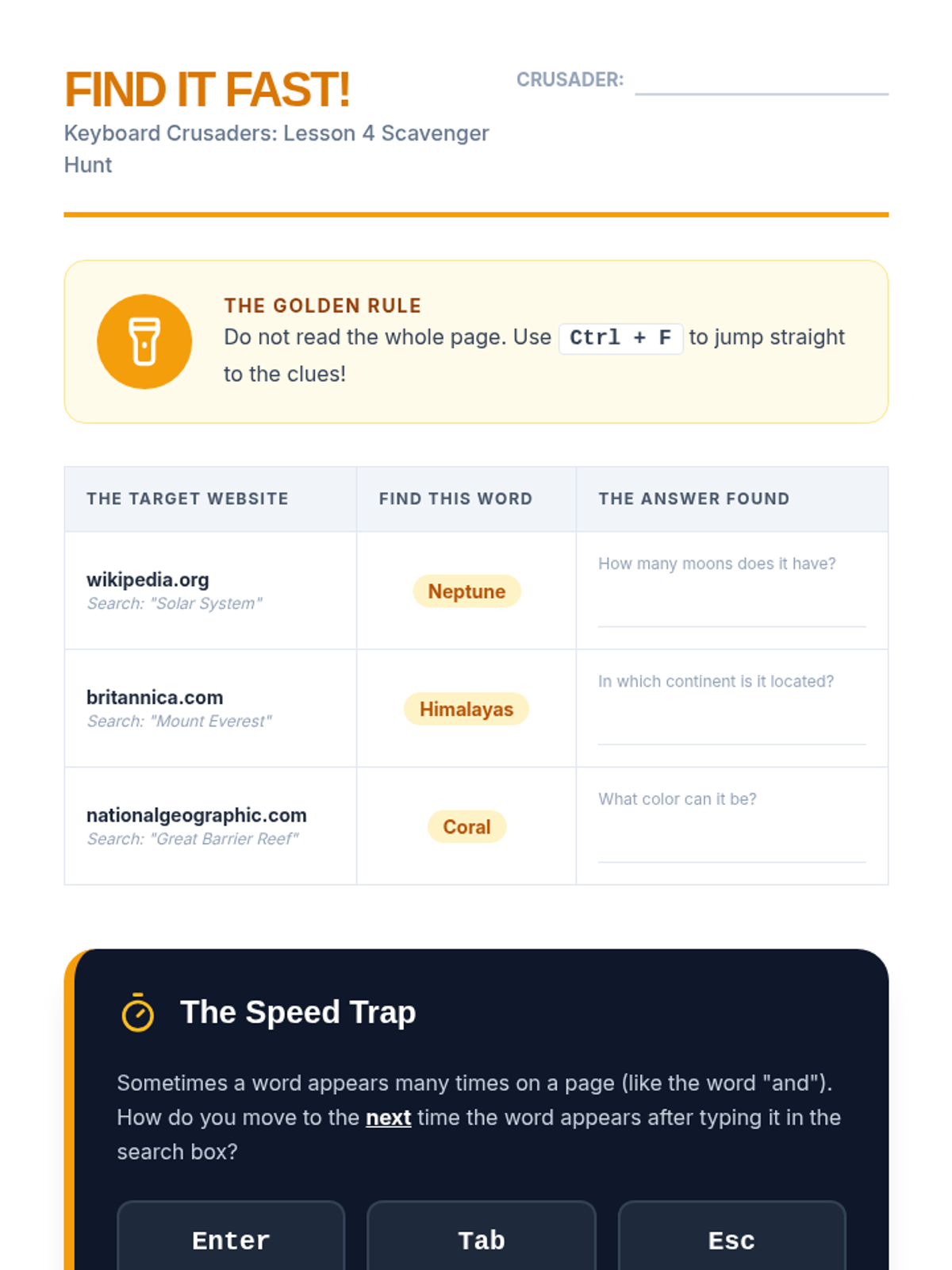
This lesson introduces the 'Find' function (Ctrl+F) to locate specific keywords on cluttered webpages quickly.
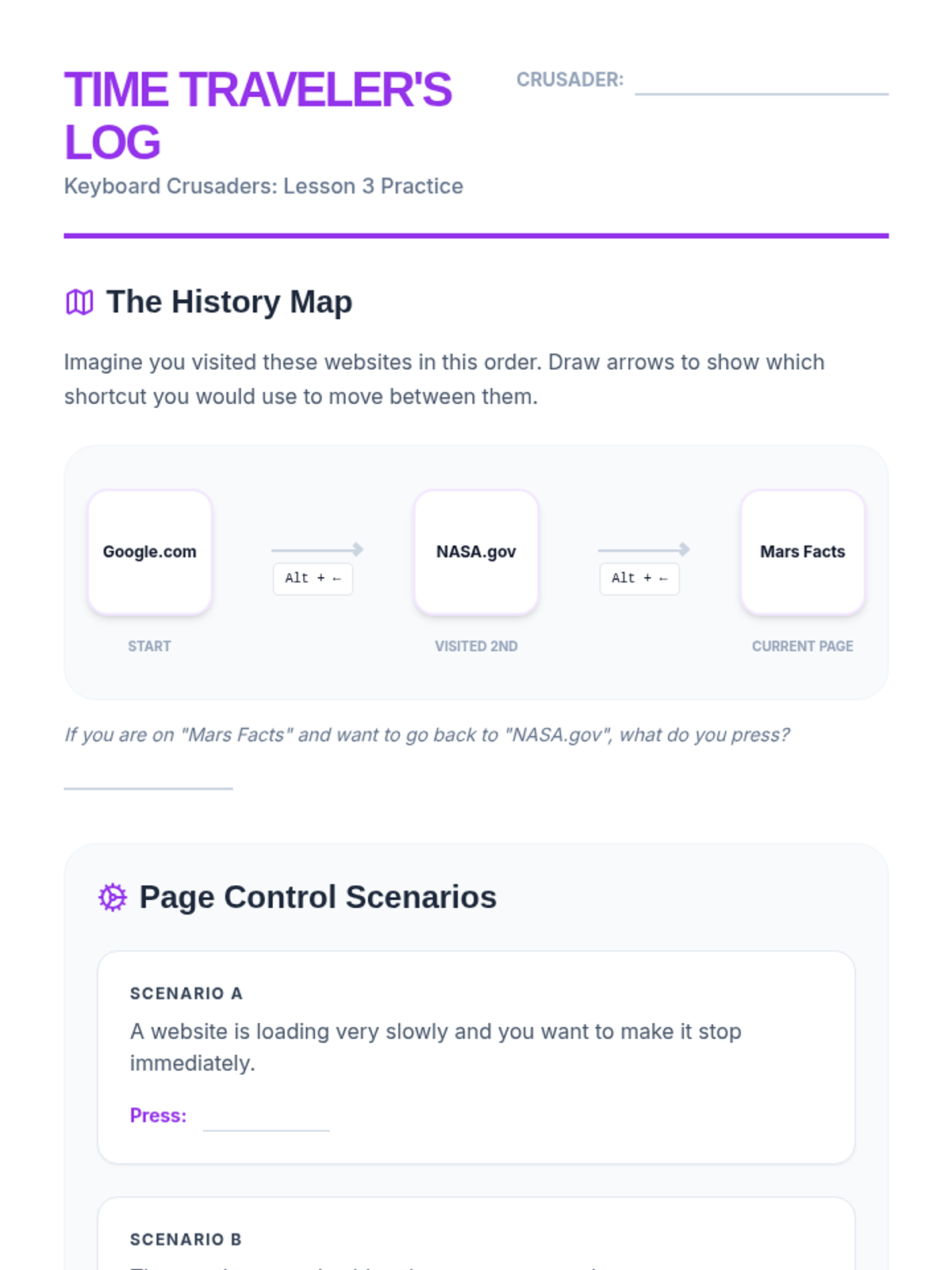
Students use shortcuts to navigate browsing history, refresh pages, and stop loading, allowing for fluid web exploration.
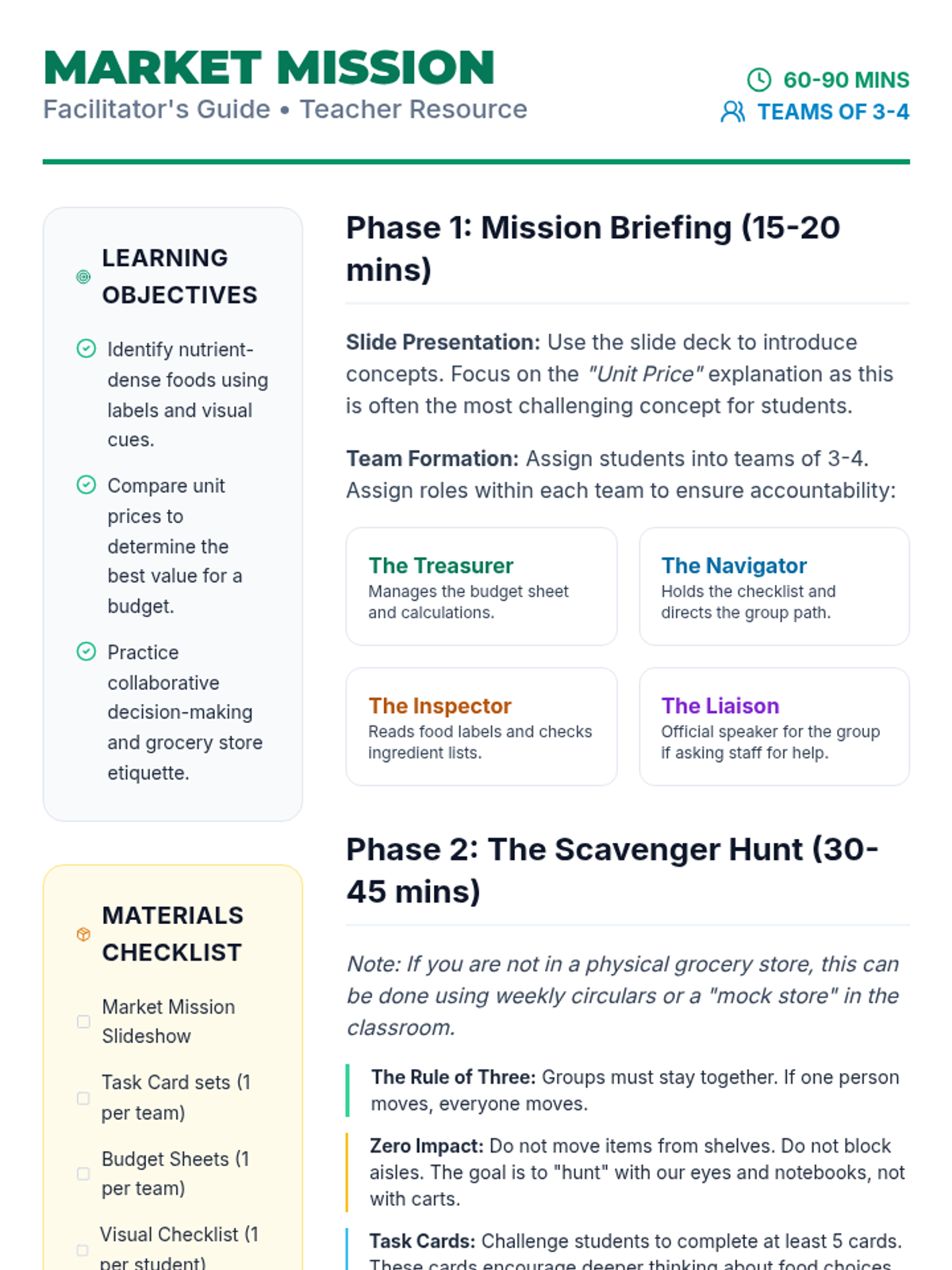
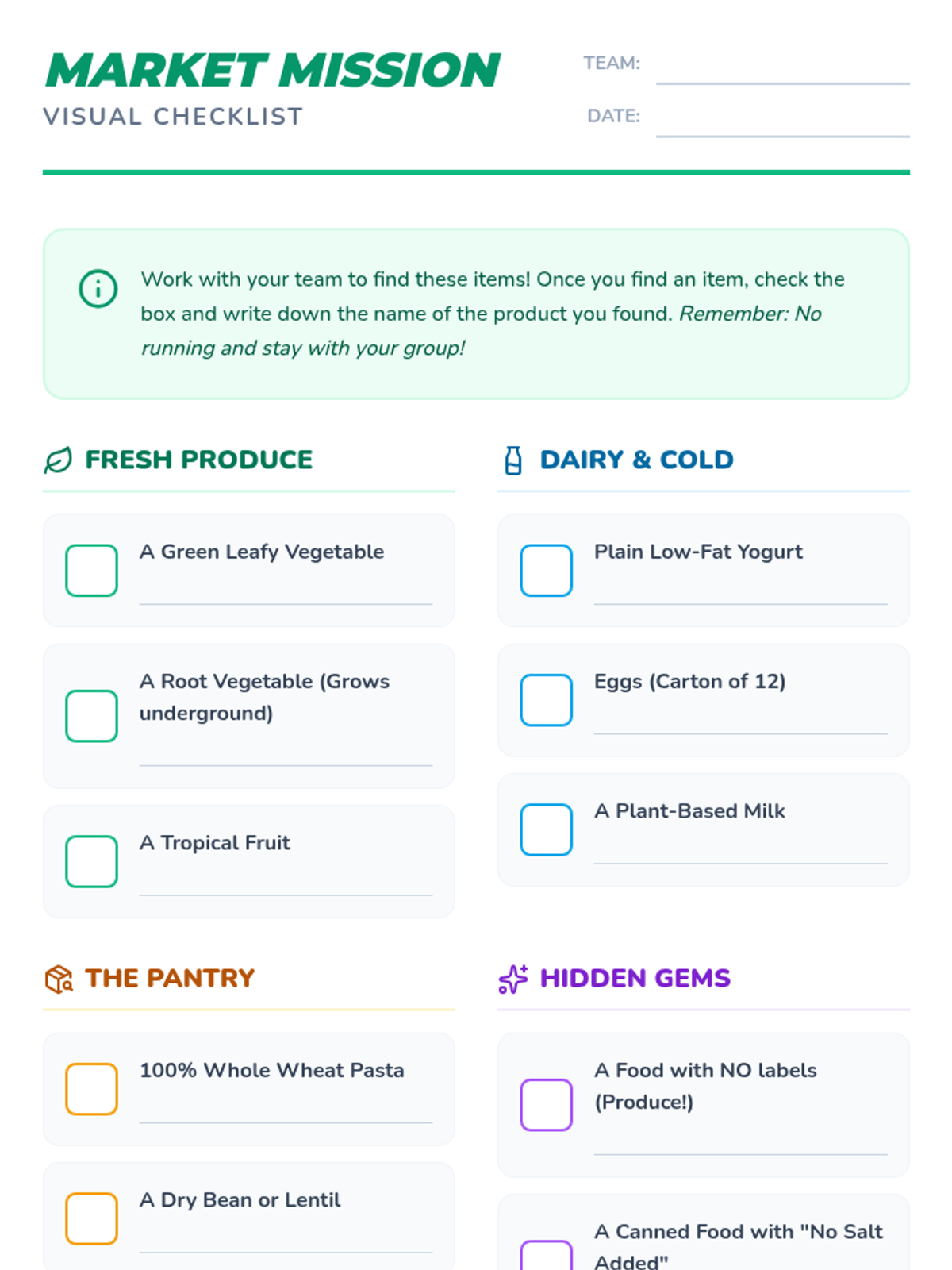
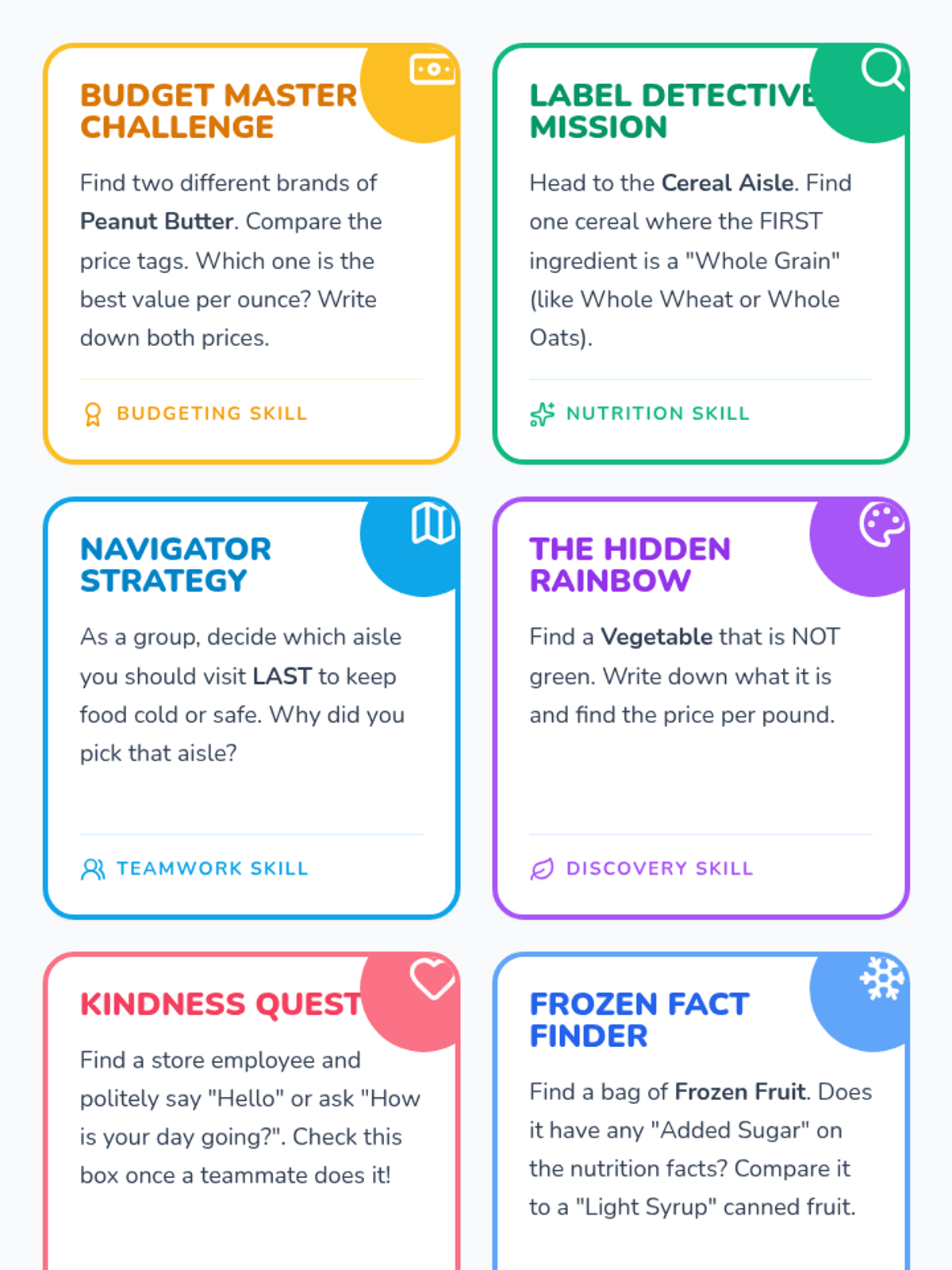
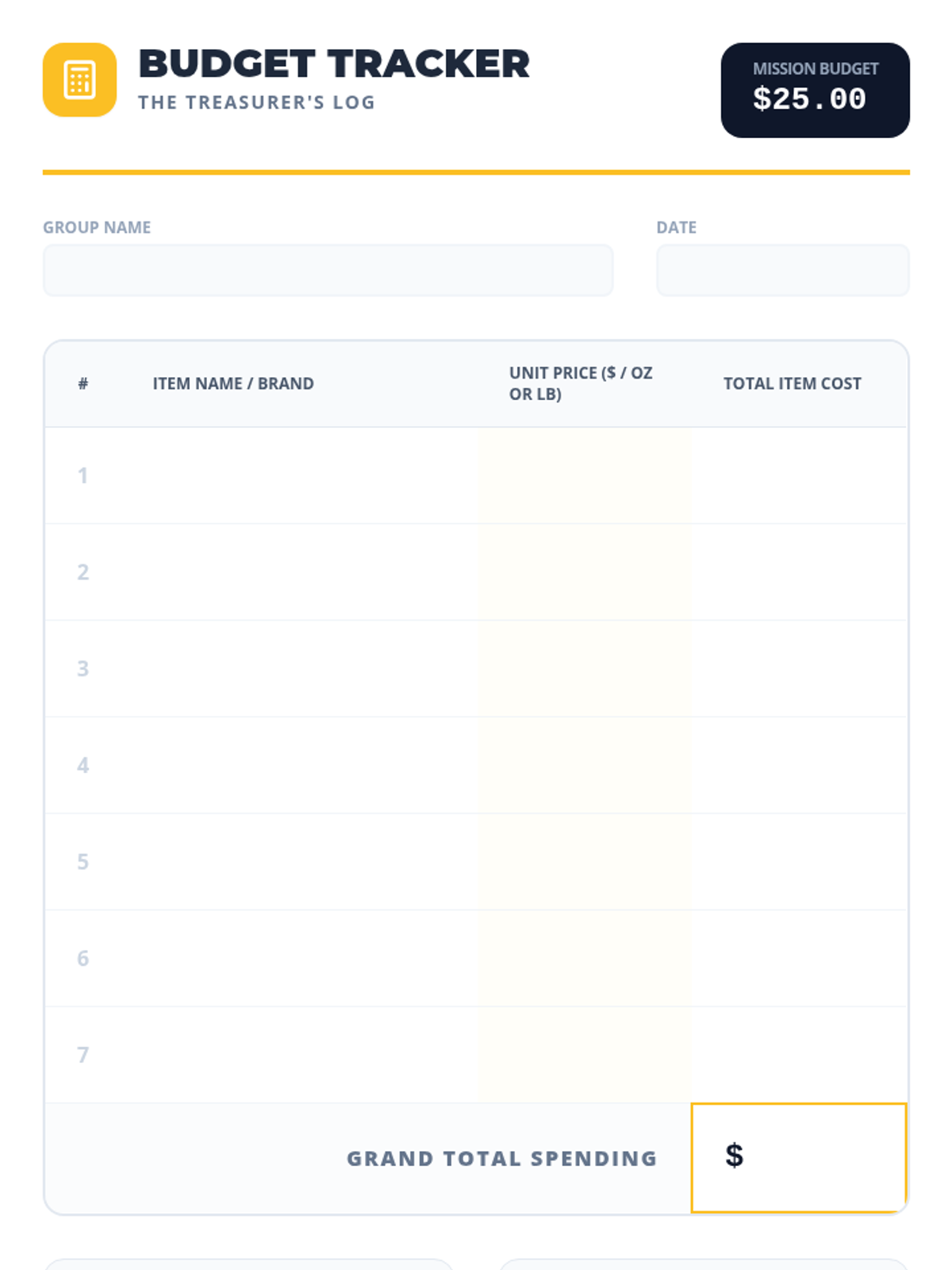
A group-building scavenger hunt where students work in teams to identify healthy foods, manage a budget, and practice social skills in a real-world grocery setting.
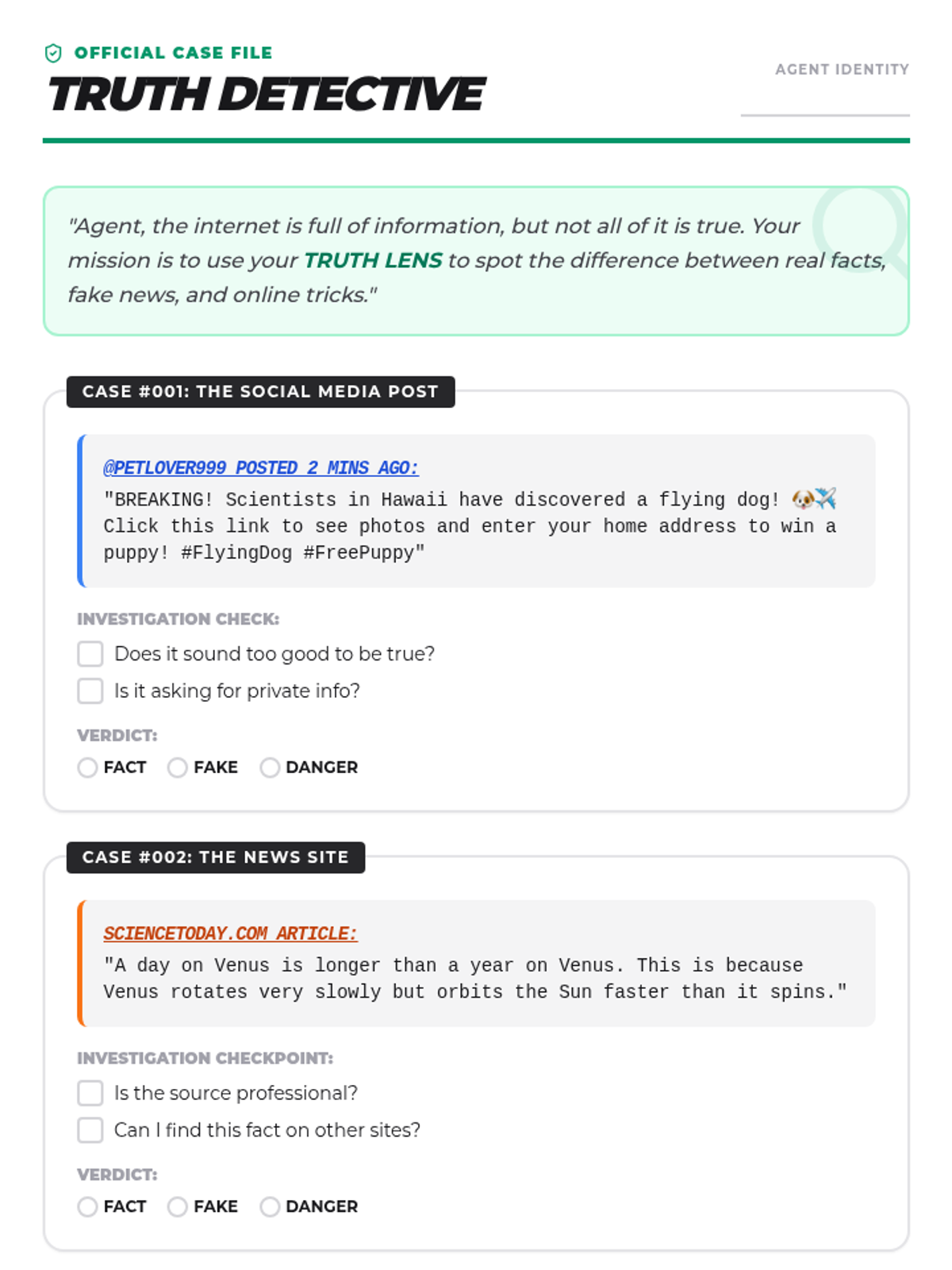
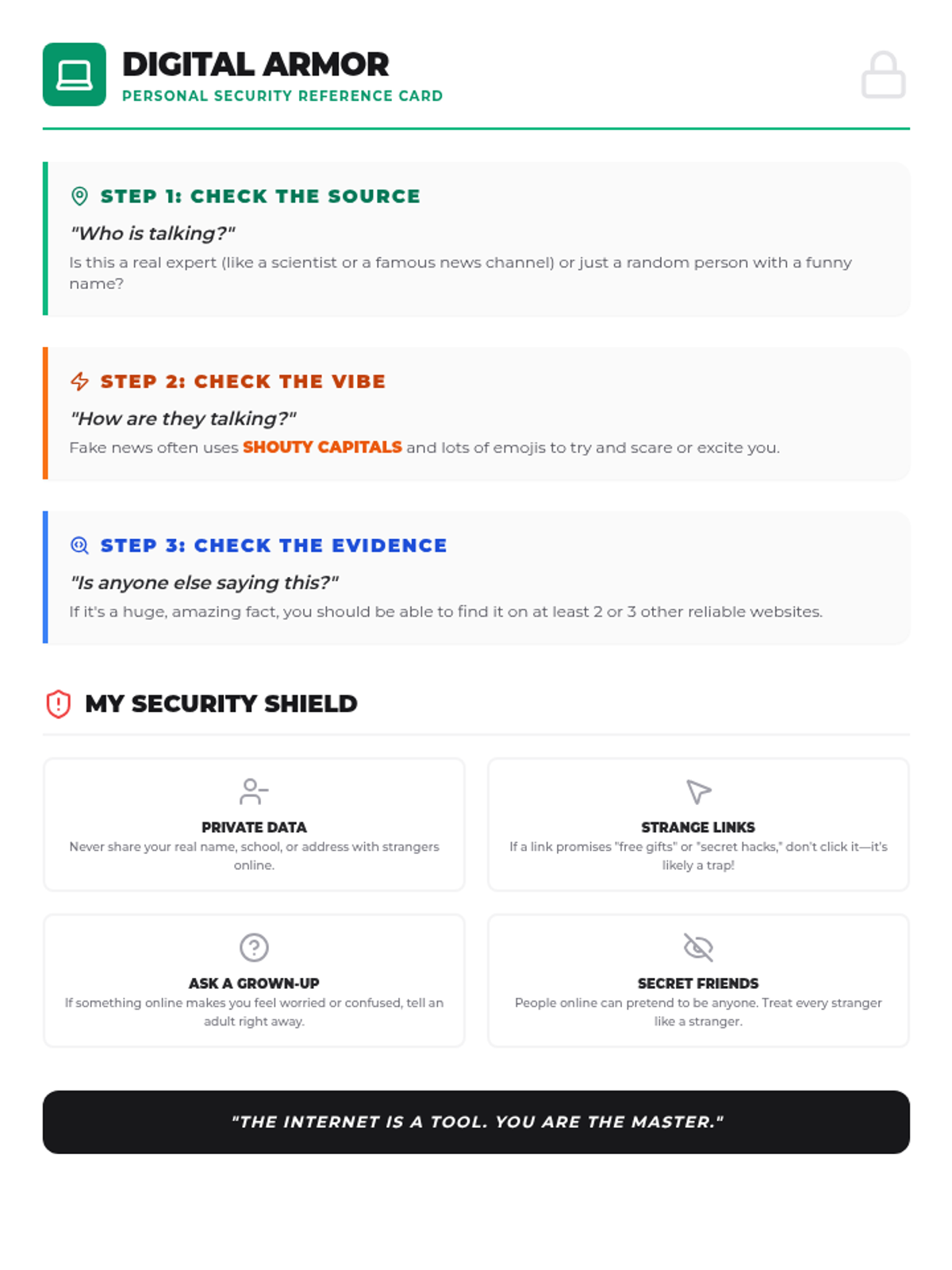
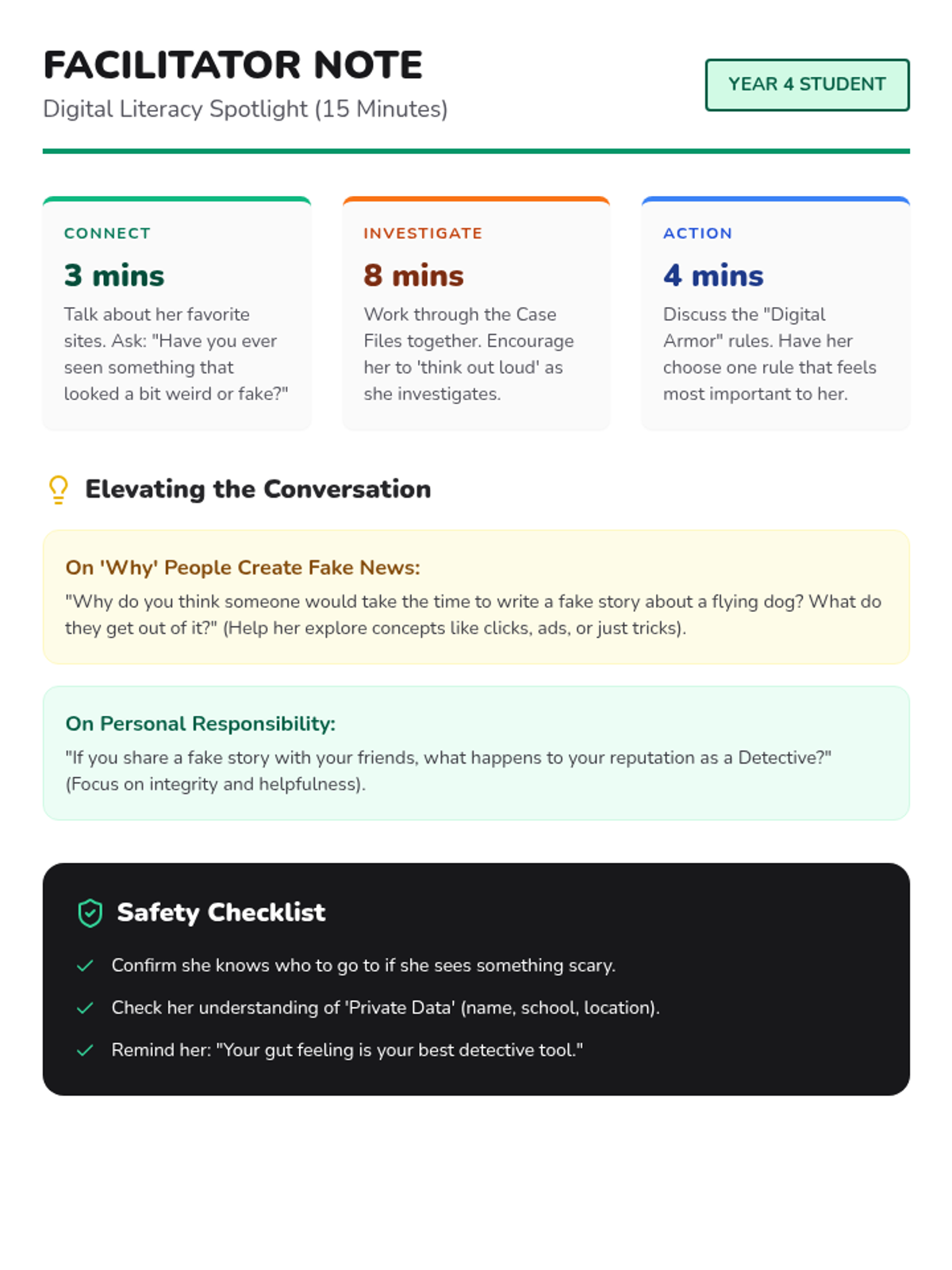
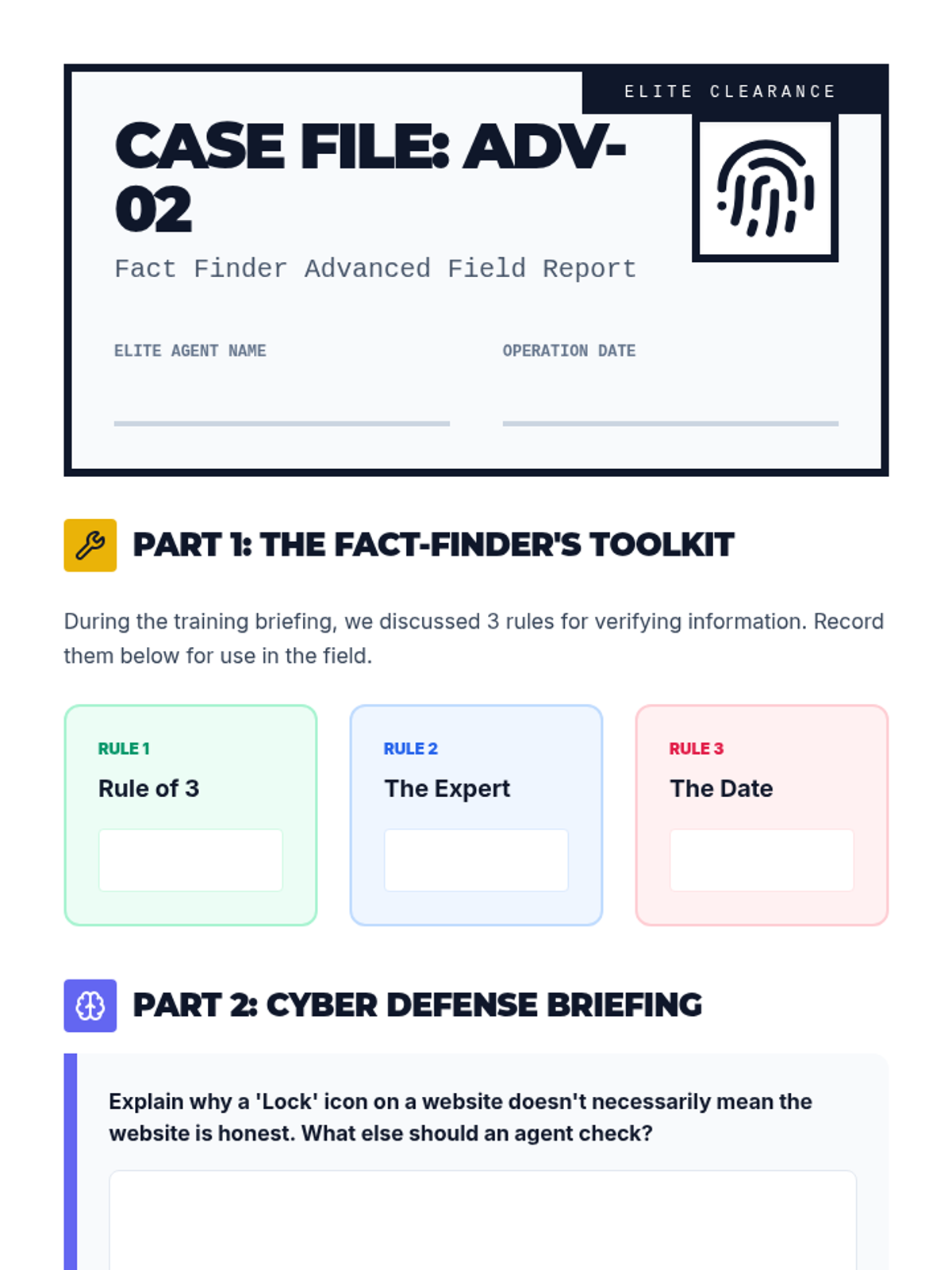
A fast-paced digital literacy session designed for a bright Year 4 student to practice fact-checking, spotting misinformation, and staying safe in online environments.
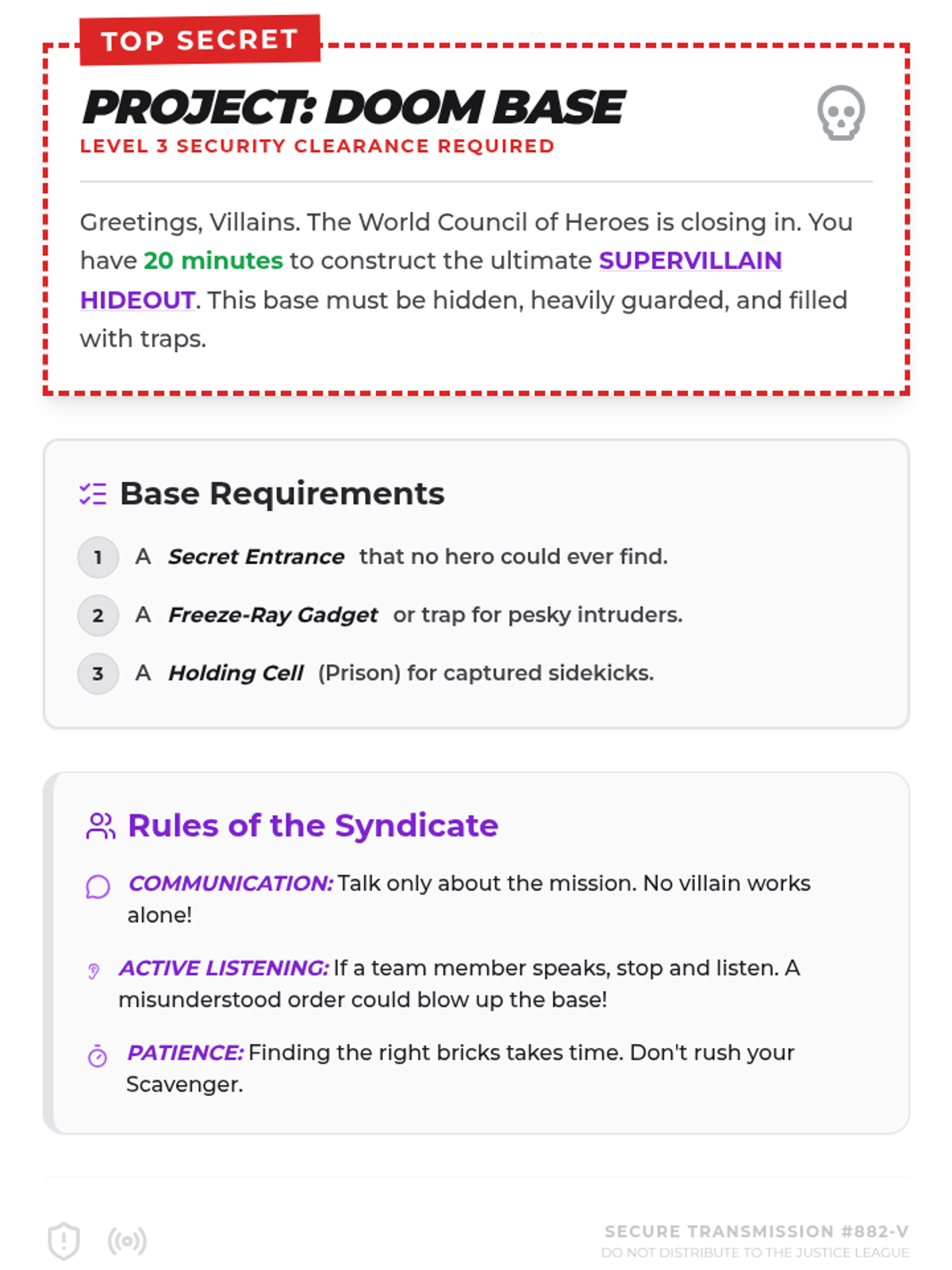
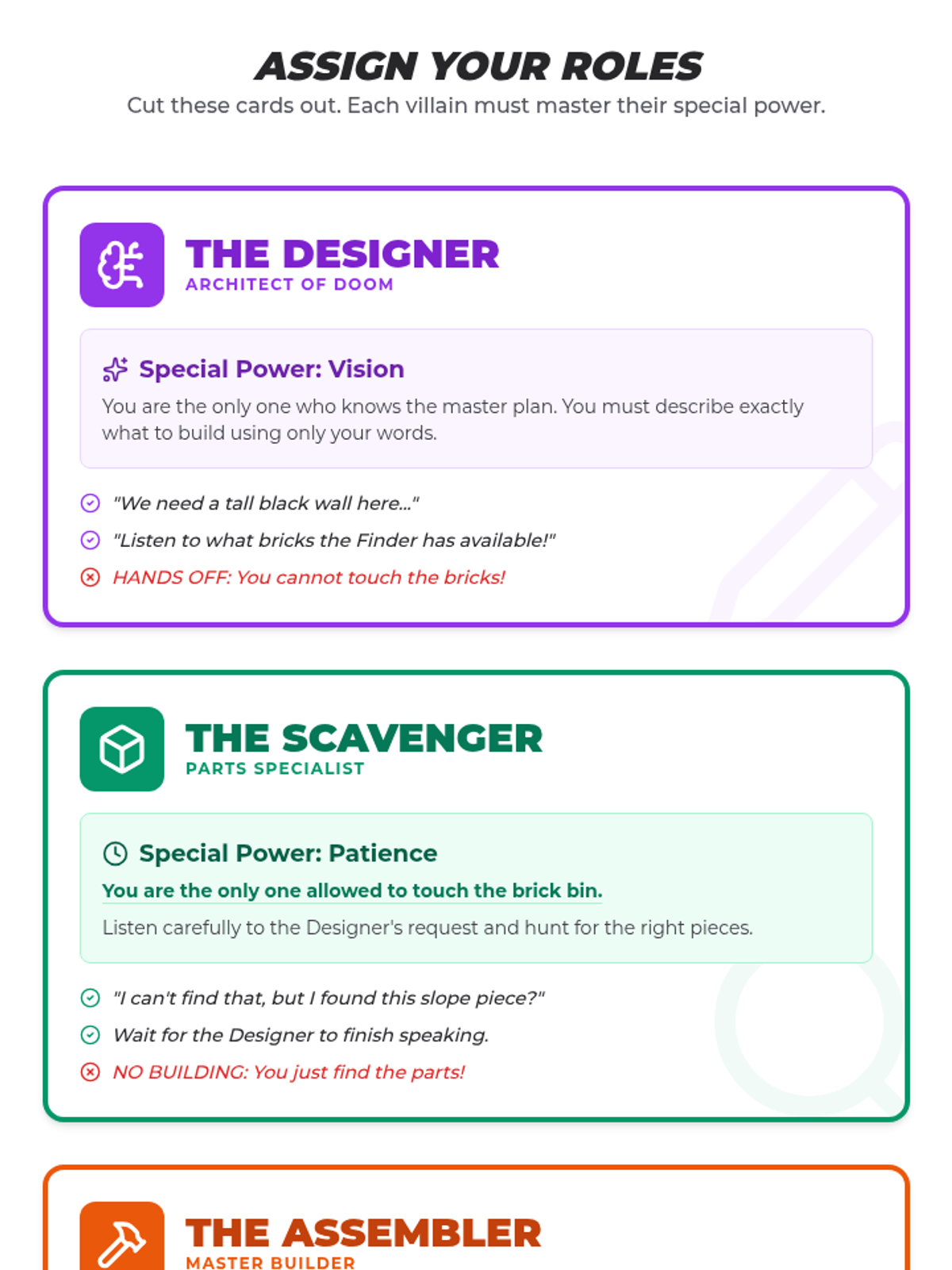
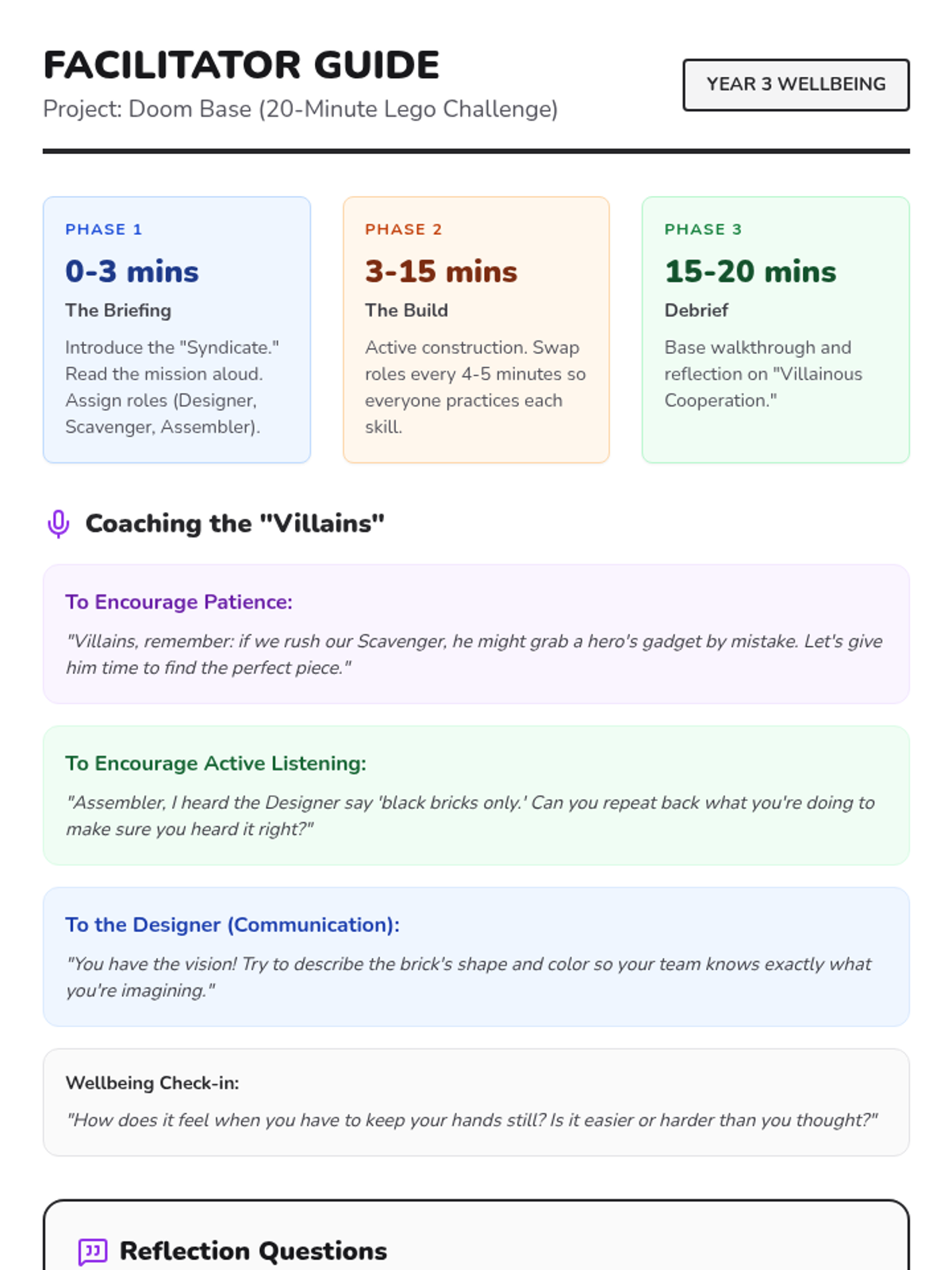
A high-energy, cooperative Lego building challenge designed for a small group of boys to practice communication, patience, and active listening within a 'Supervillain Hideout' theme.
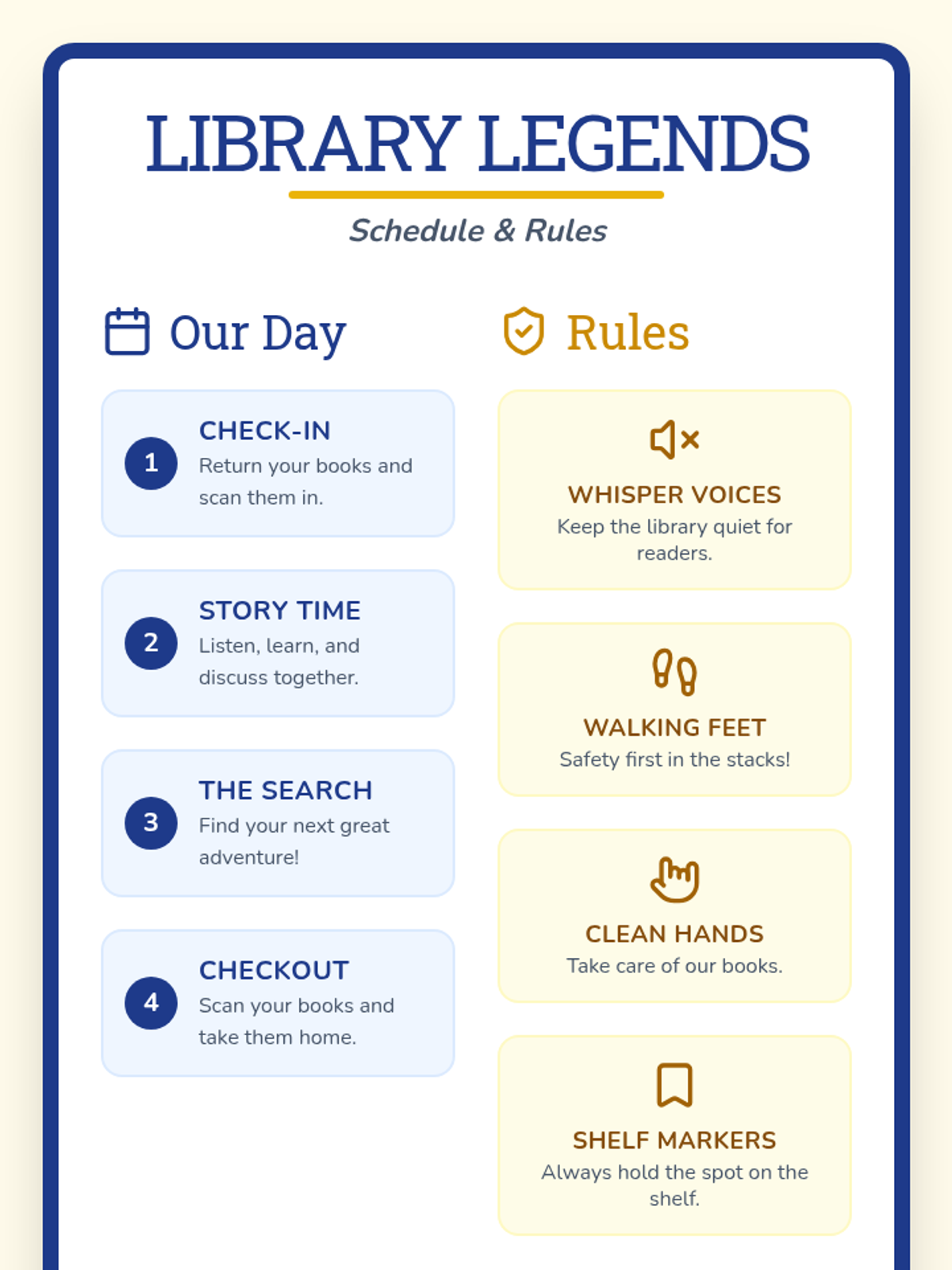
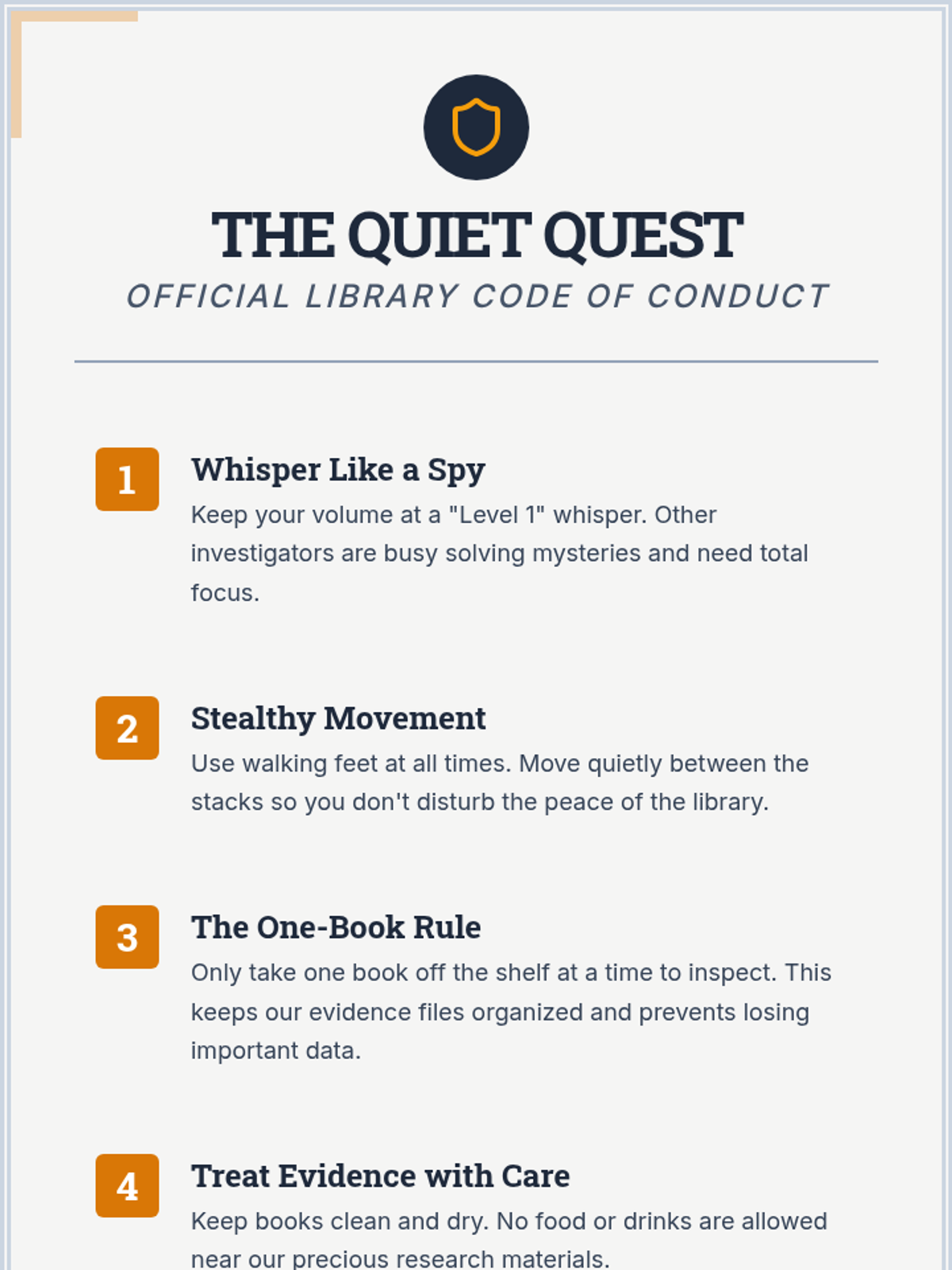
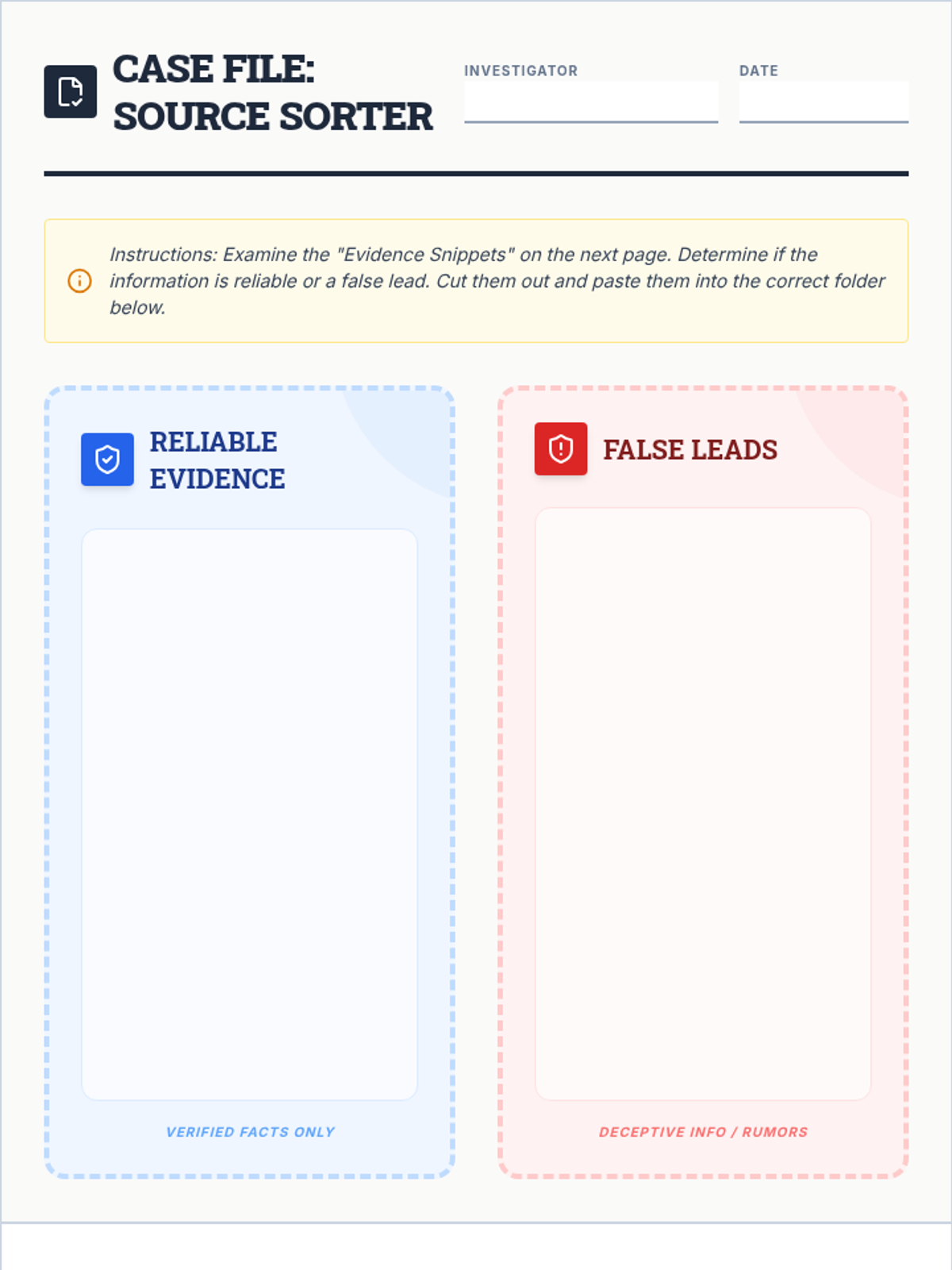
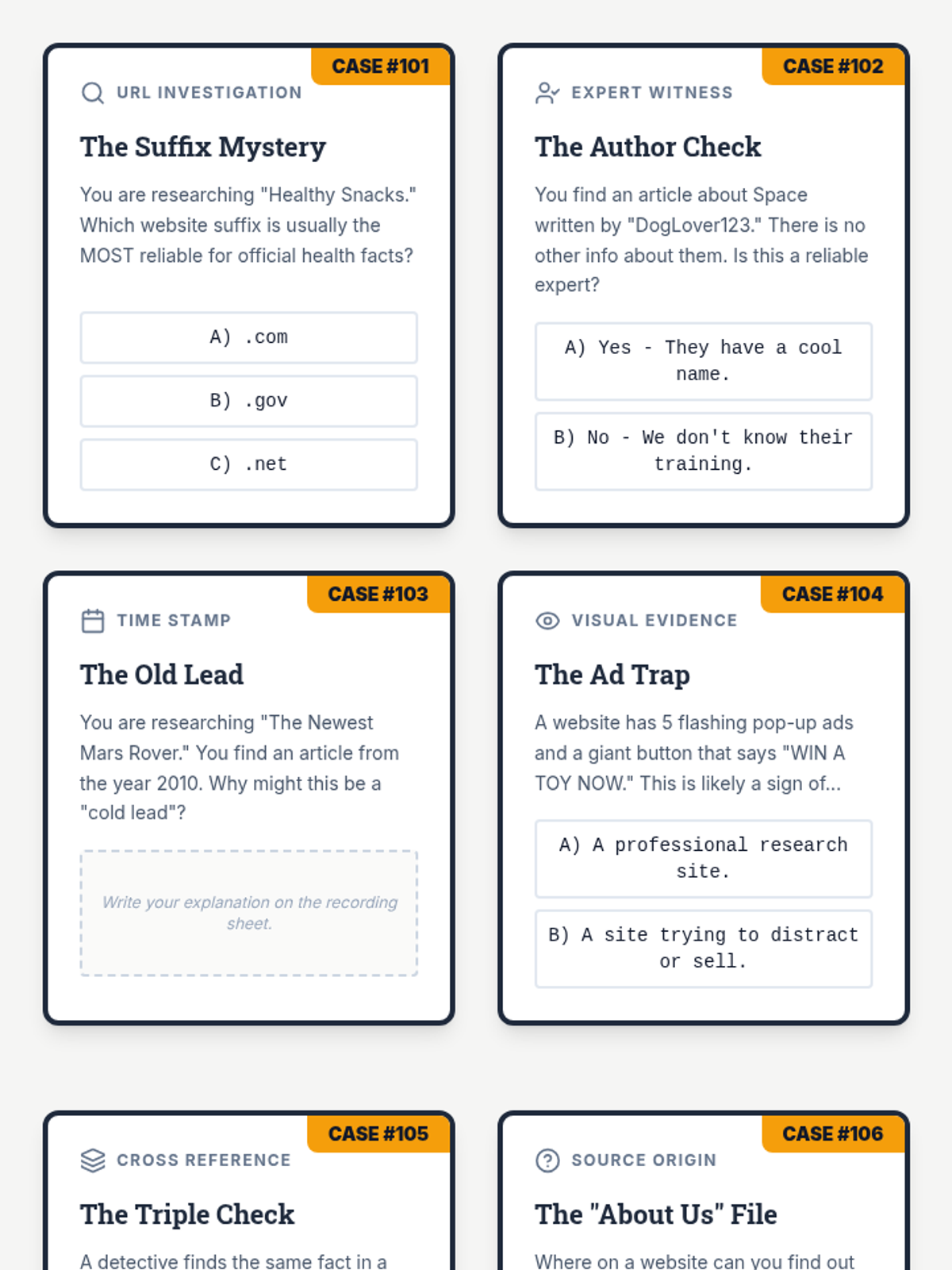
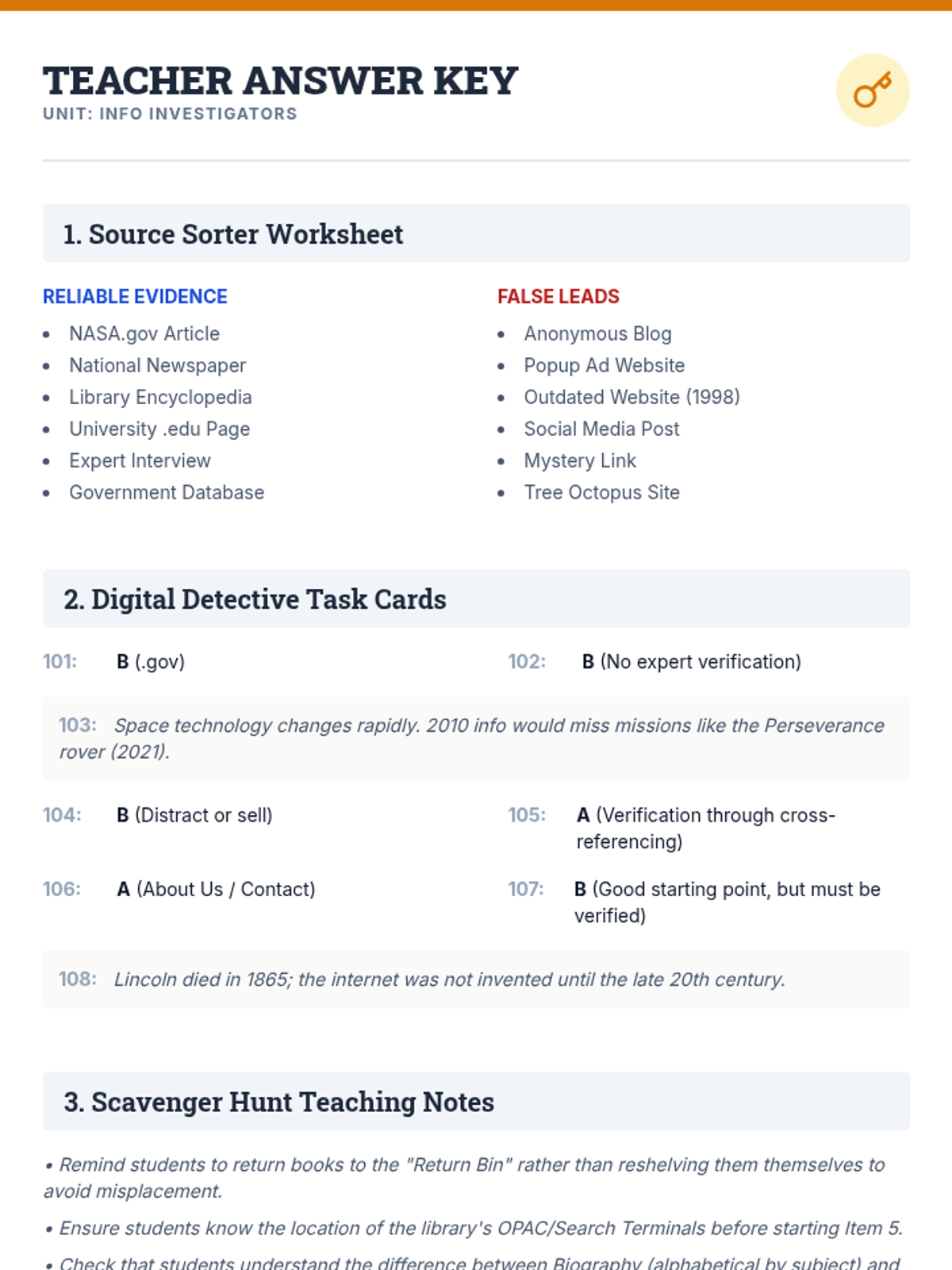
A comprehensive set of resources to teach students how to navigate the physical library and critically evaluate online information using a detective-themed approach.
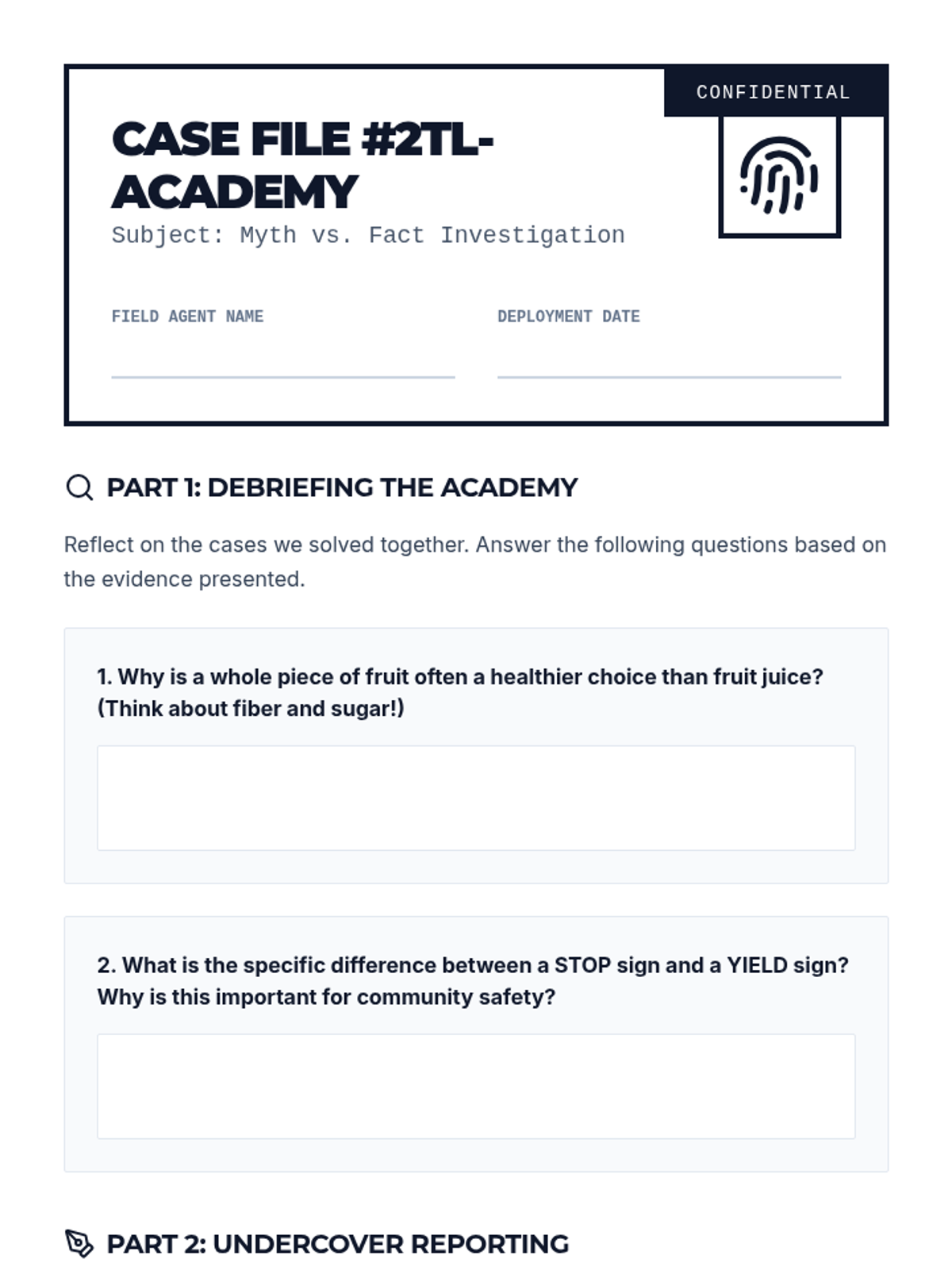
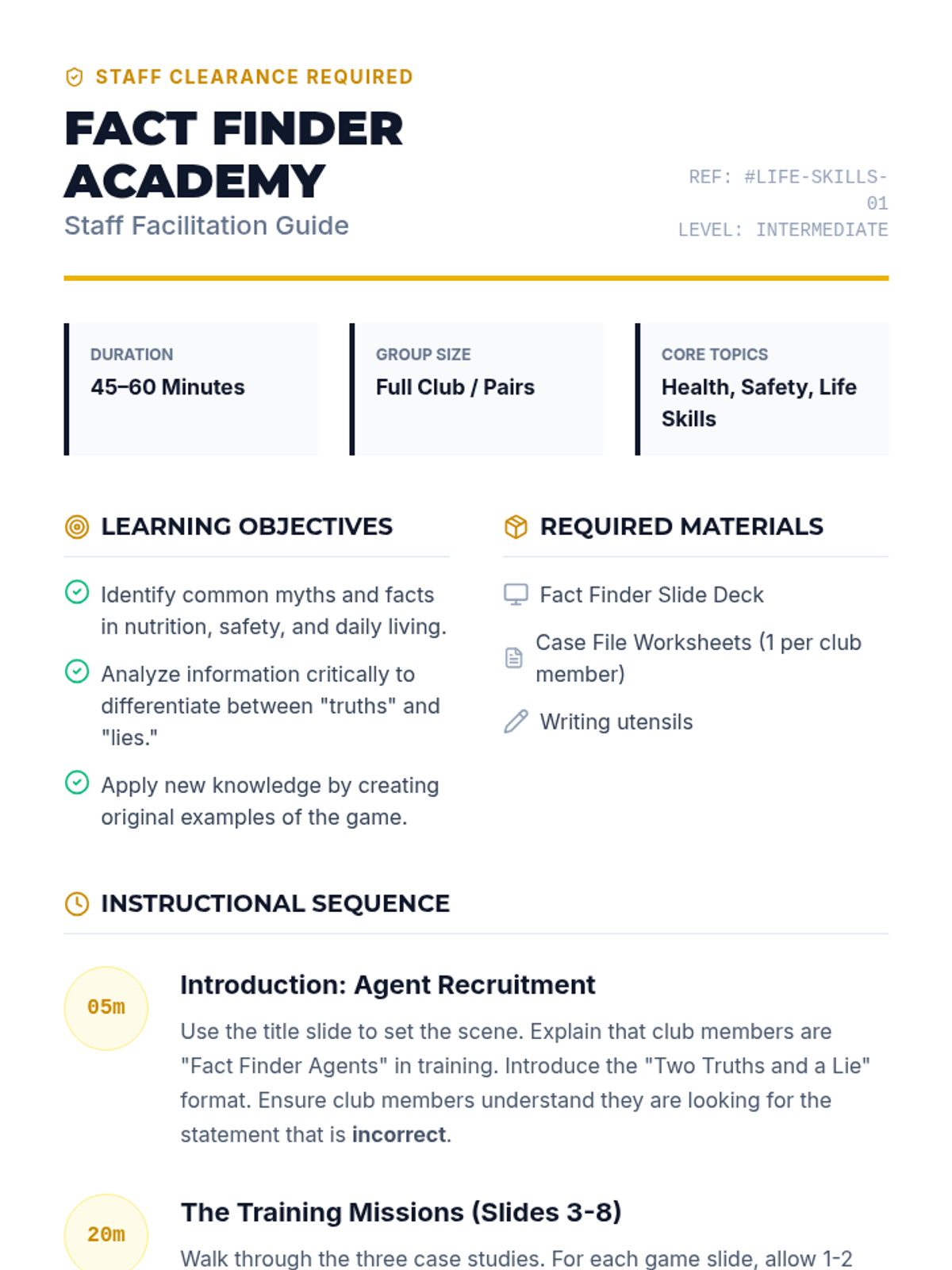
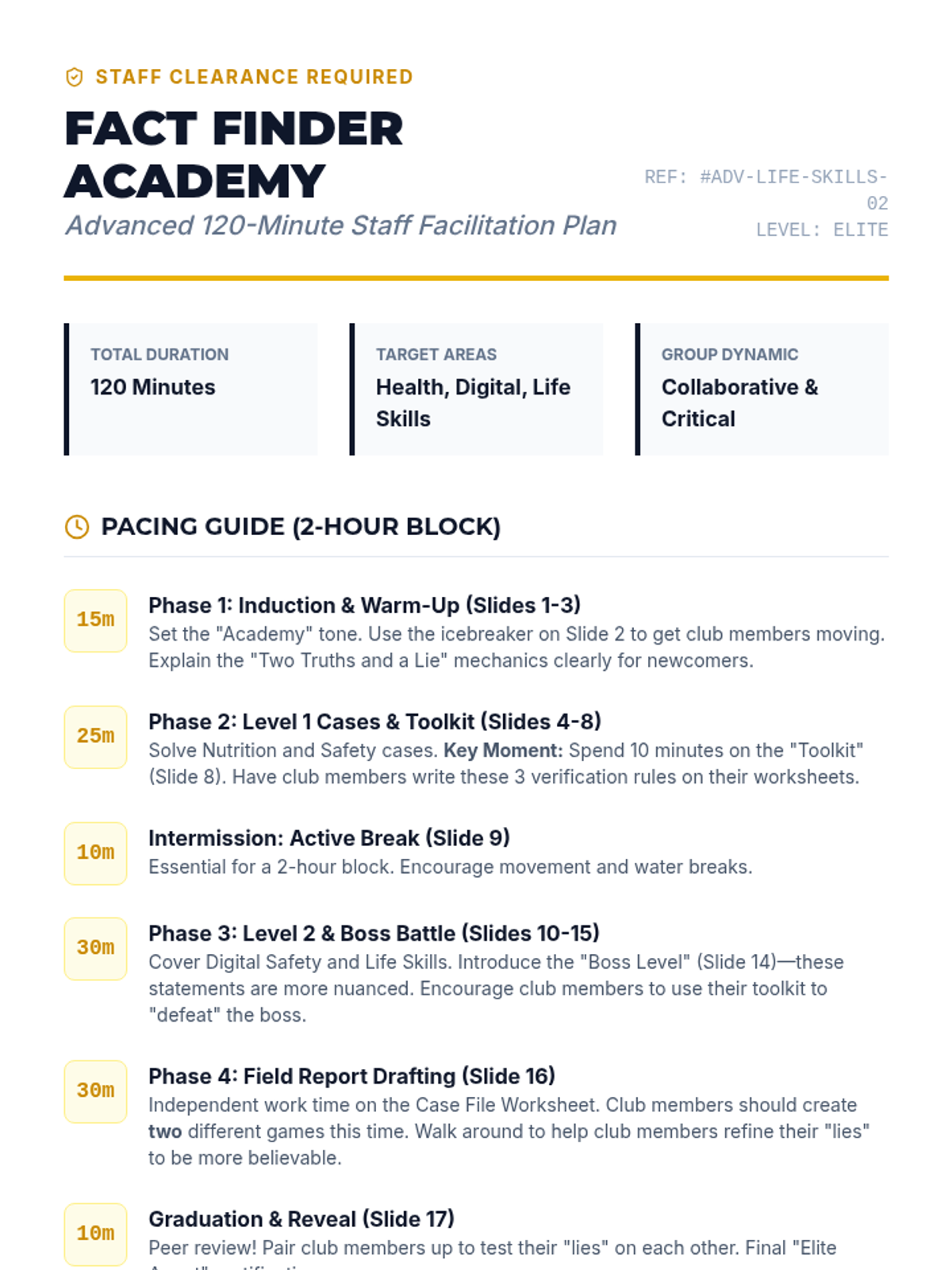
A fun, interactive game-based lesson where club members learn about healthy eating, community safety, and daily living skills by playing Two Truths and a Lie. Club members will act as 'Fact Finders' to identify myths and facts in these key life areas.
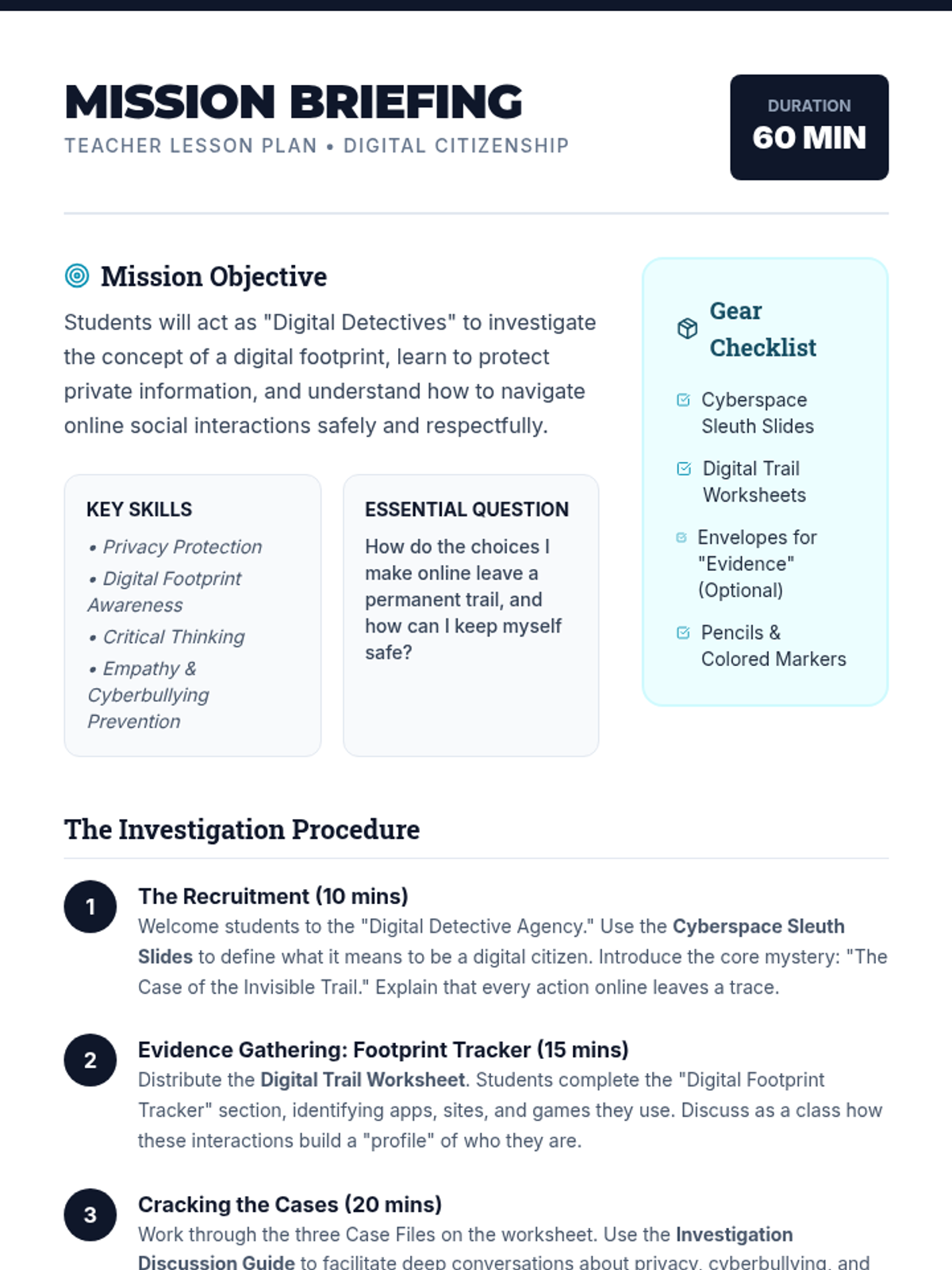
A comprehensive lesson for 3rd-5th graders on digital citizenship, focusing on online safety, privacy, and digital footprints through a detective-themed agency experience.
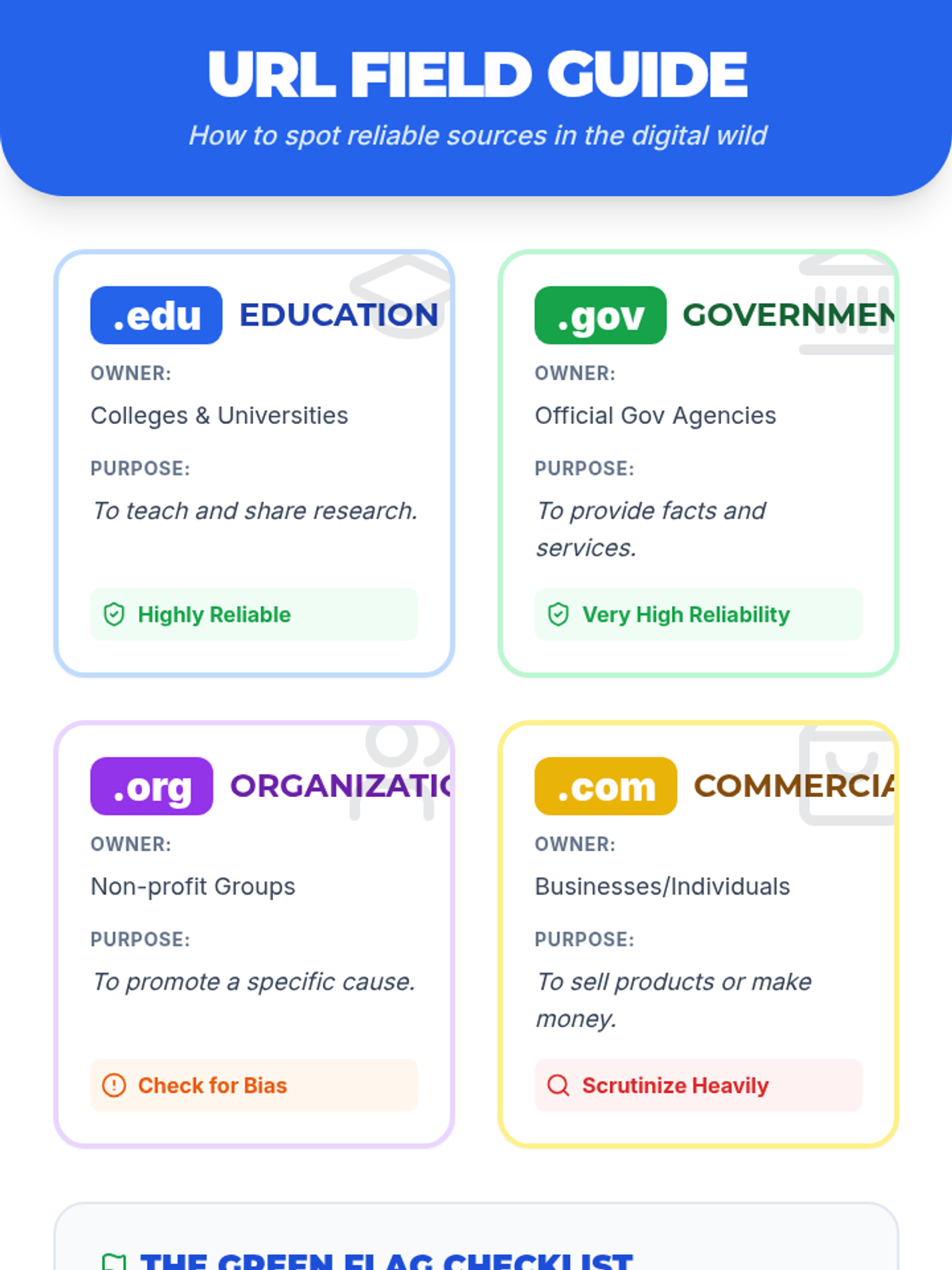
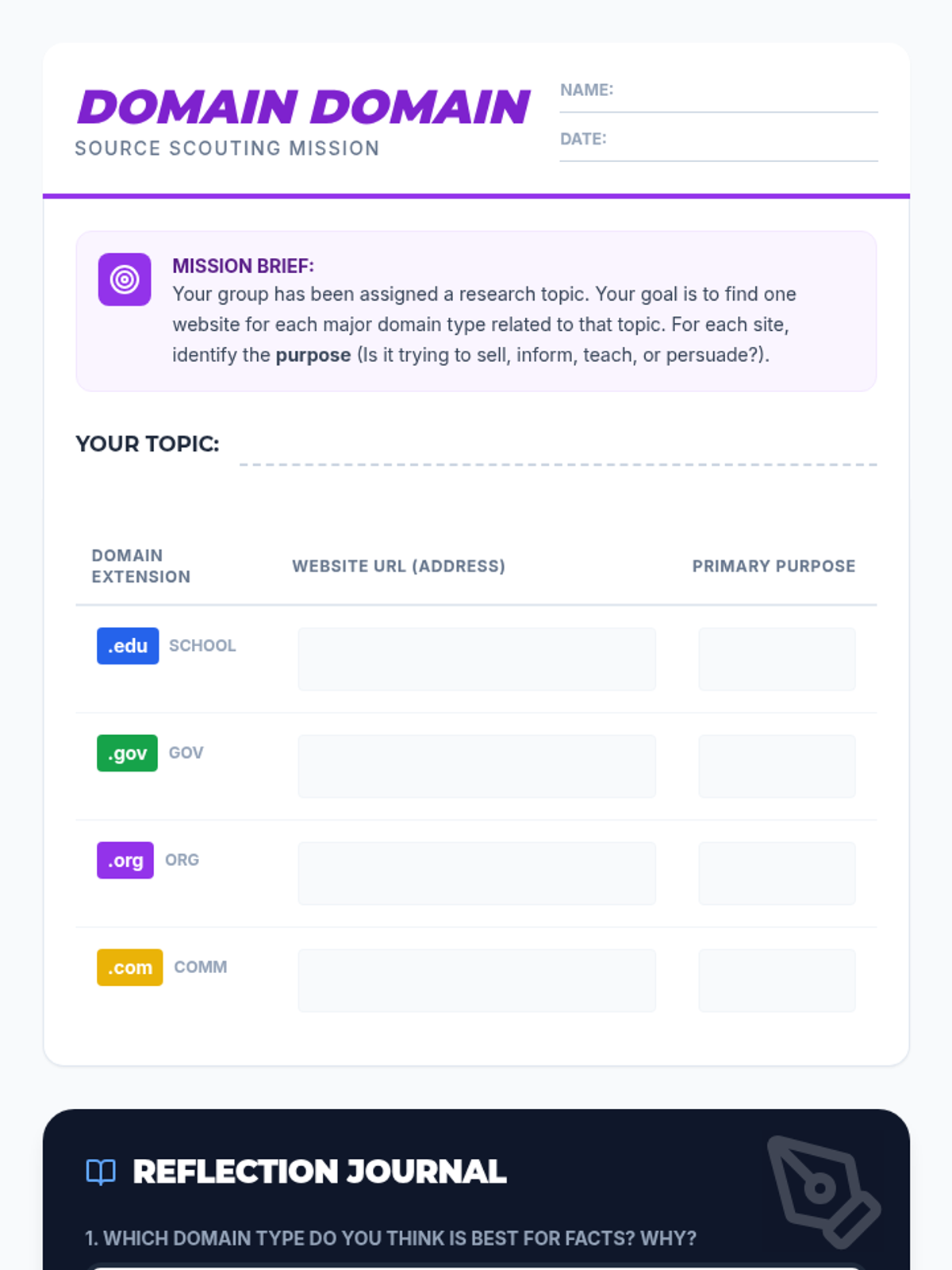
A lesson focused on evaluating source reliability through domain extensions. Students learn to distinguish between .com, .org, .gov, and .edu and investigate how a website's purpose impacts its credibility.
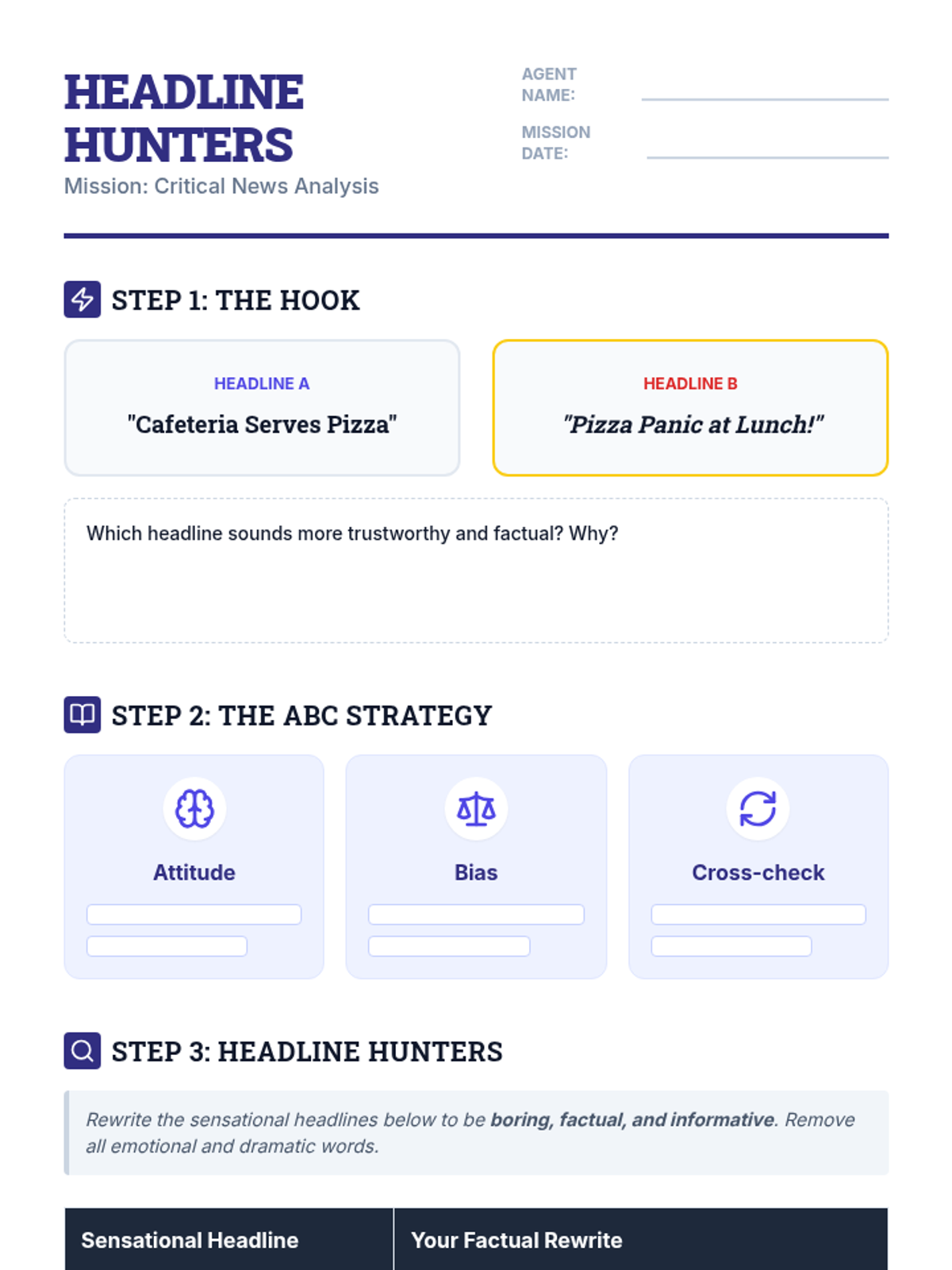
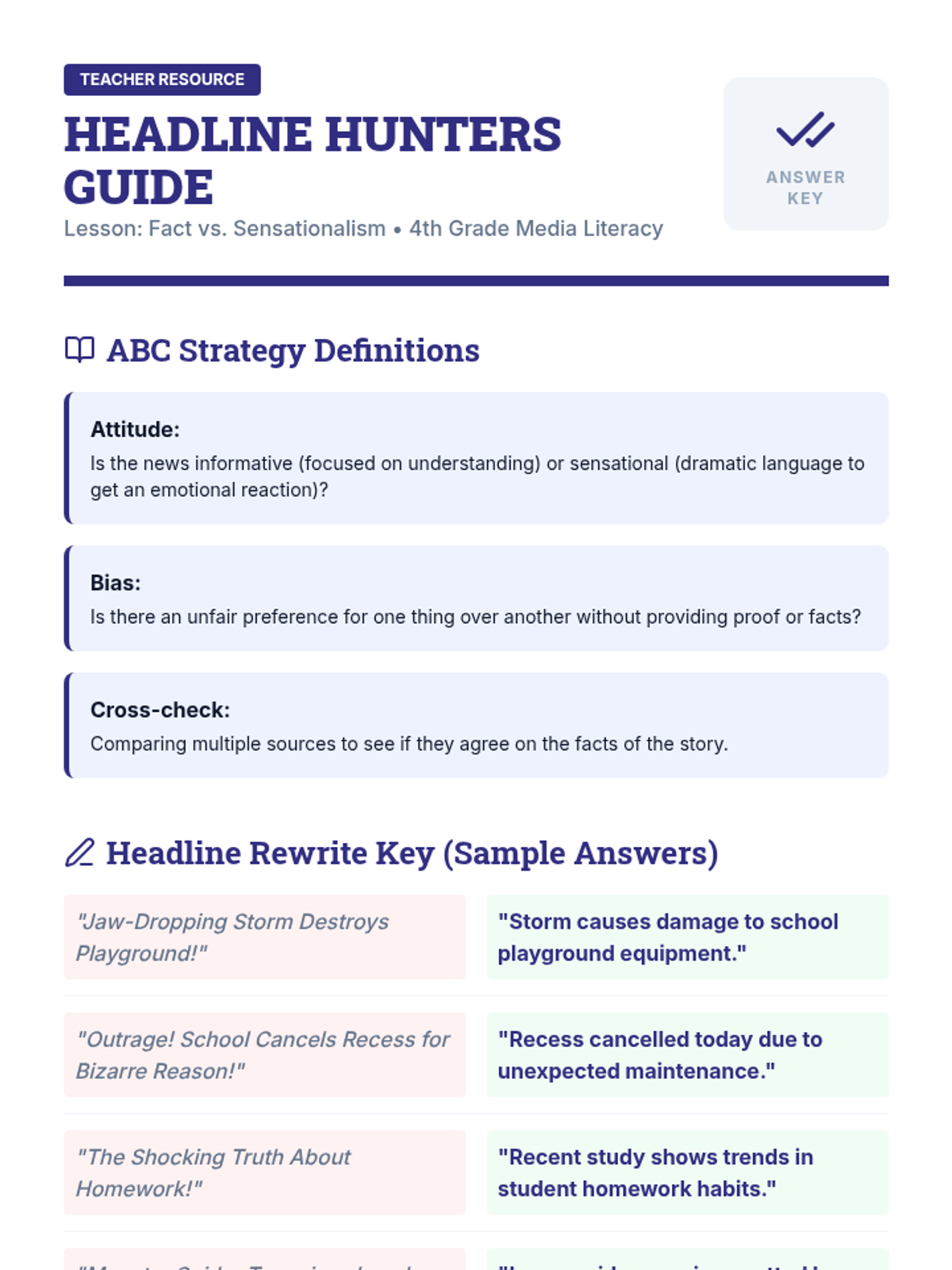
A 4th-grade lesson on media literacy, teaching students to distinguish between factual information and sensationalized language using the 'ABC' strategy (Attitude, Bias, Cross-check). Students will analyze headlines and practice rewriting dramatic stories into boring, factual reports.
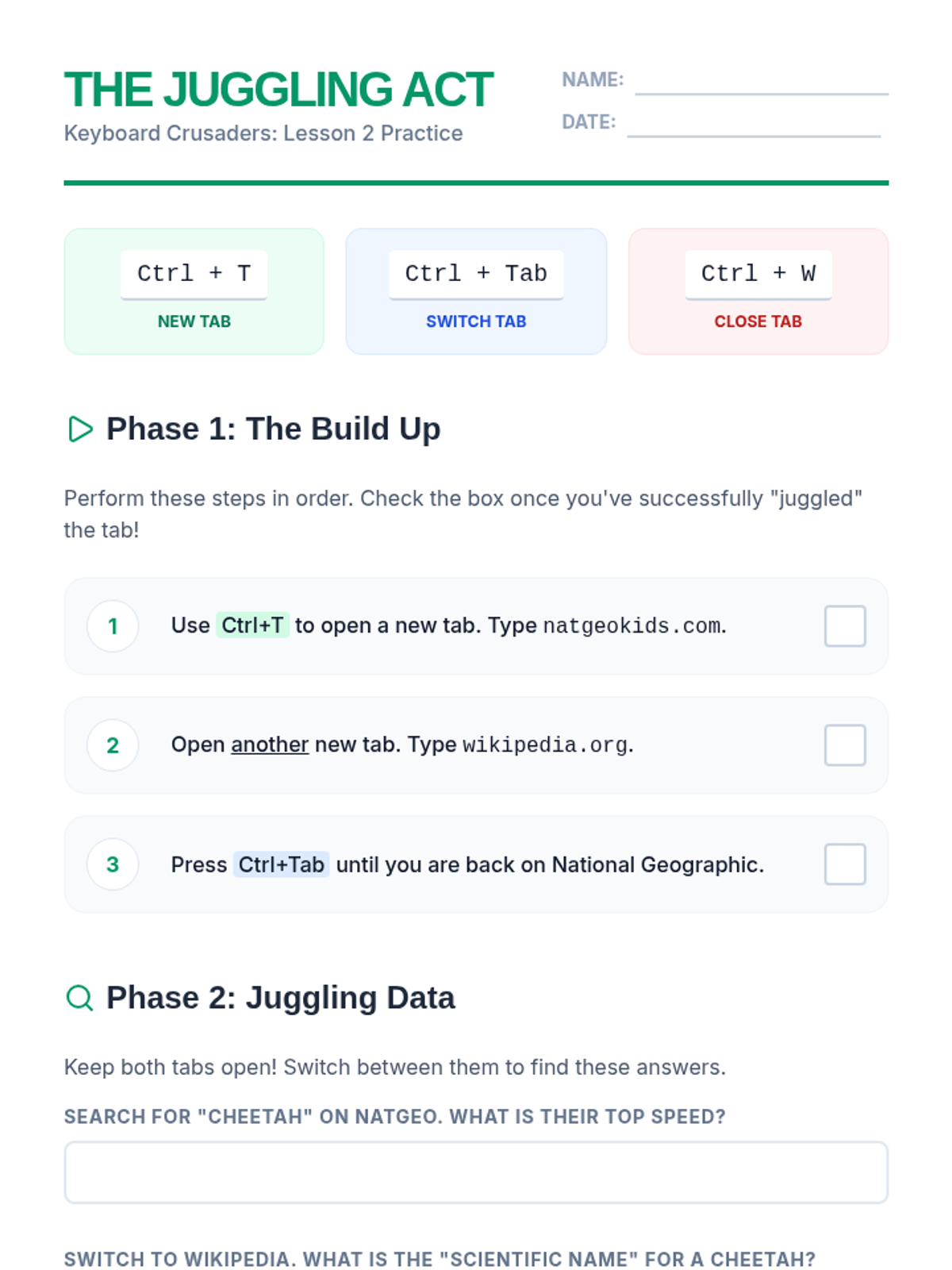
Learners practice opening, closing, and switching between browser tabs to manage multiple online resources efficiently.
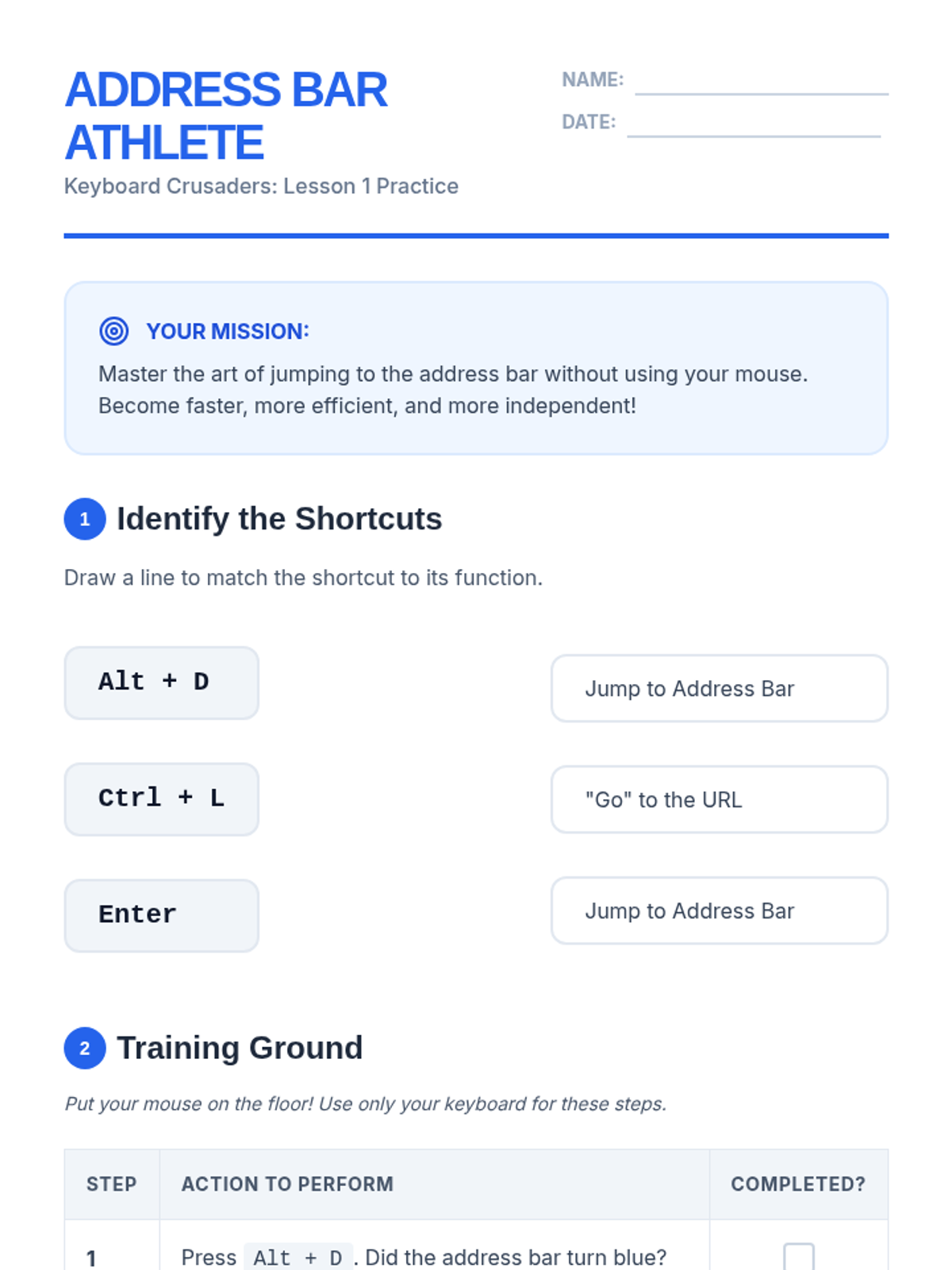
Students learn to jump to the address bar quickly using shortcuts like Alt+D or Ctrl+L to type URLs or search terms without a mouse.
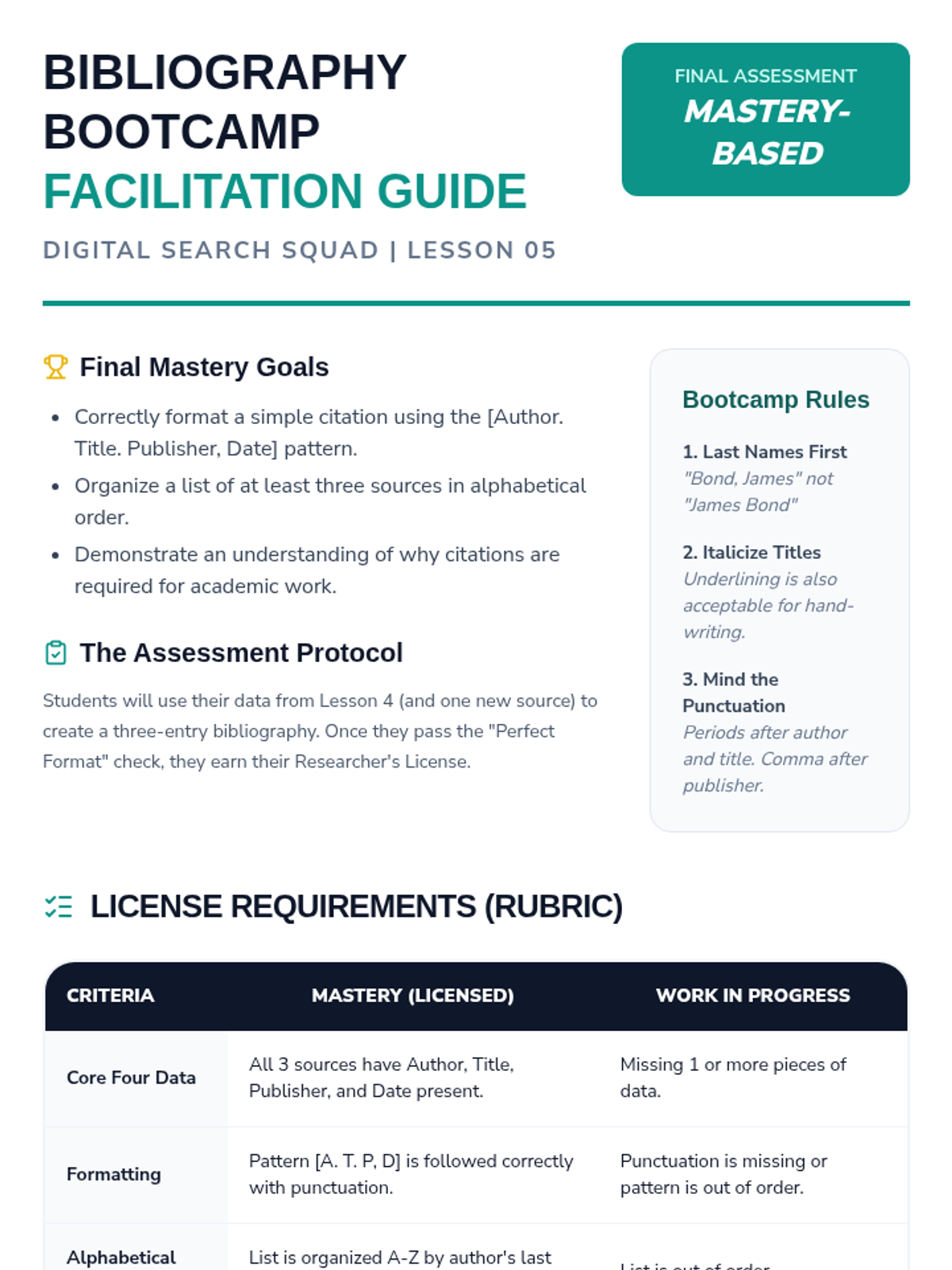
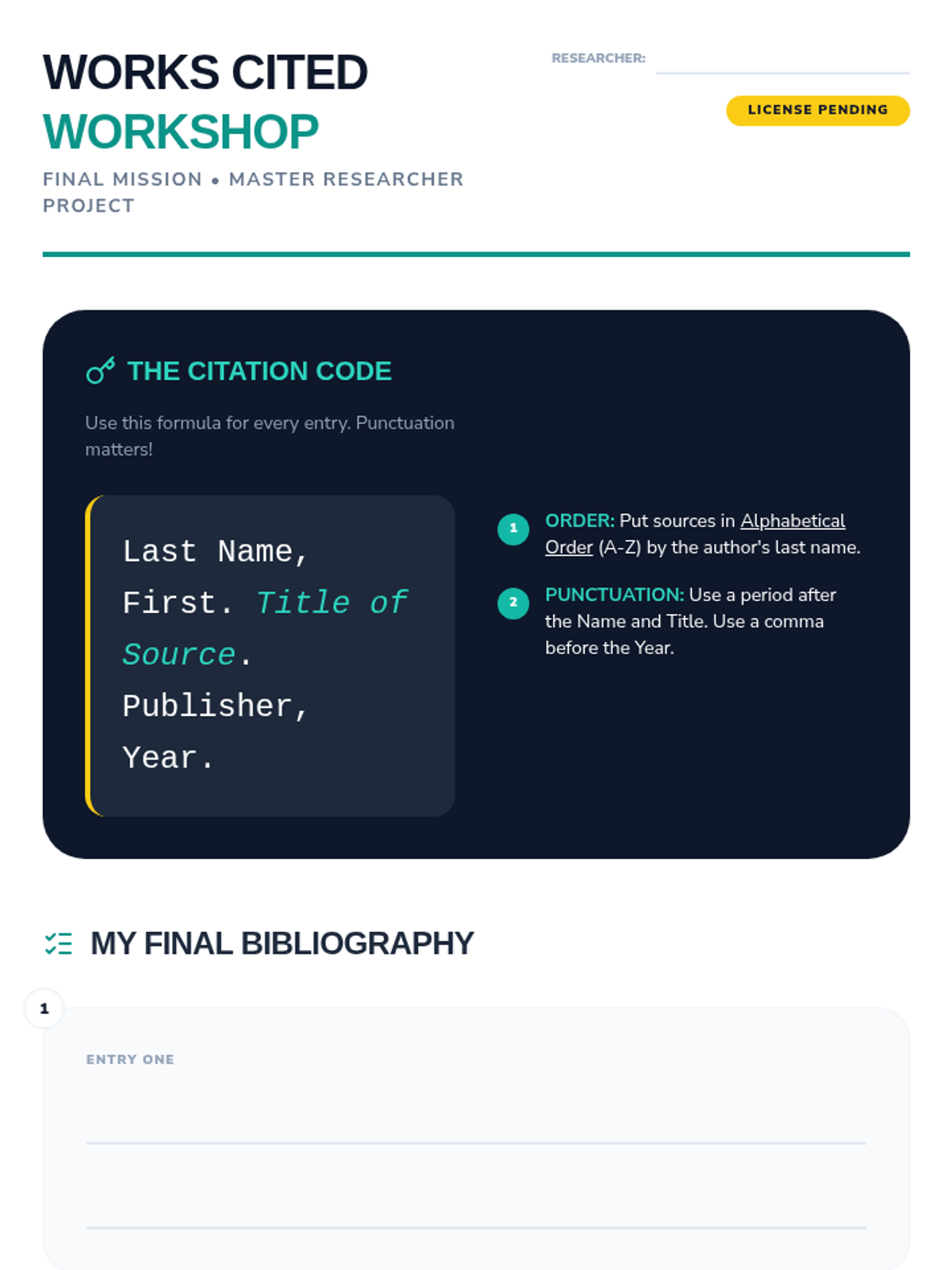
In this final project, students compile their research into a correctly formatted bibliography to earn their 'Researcher's License'.
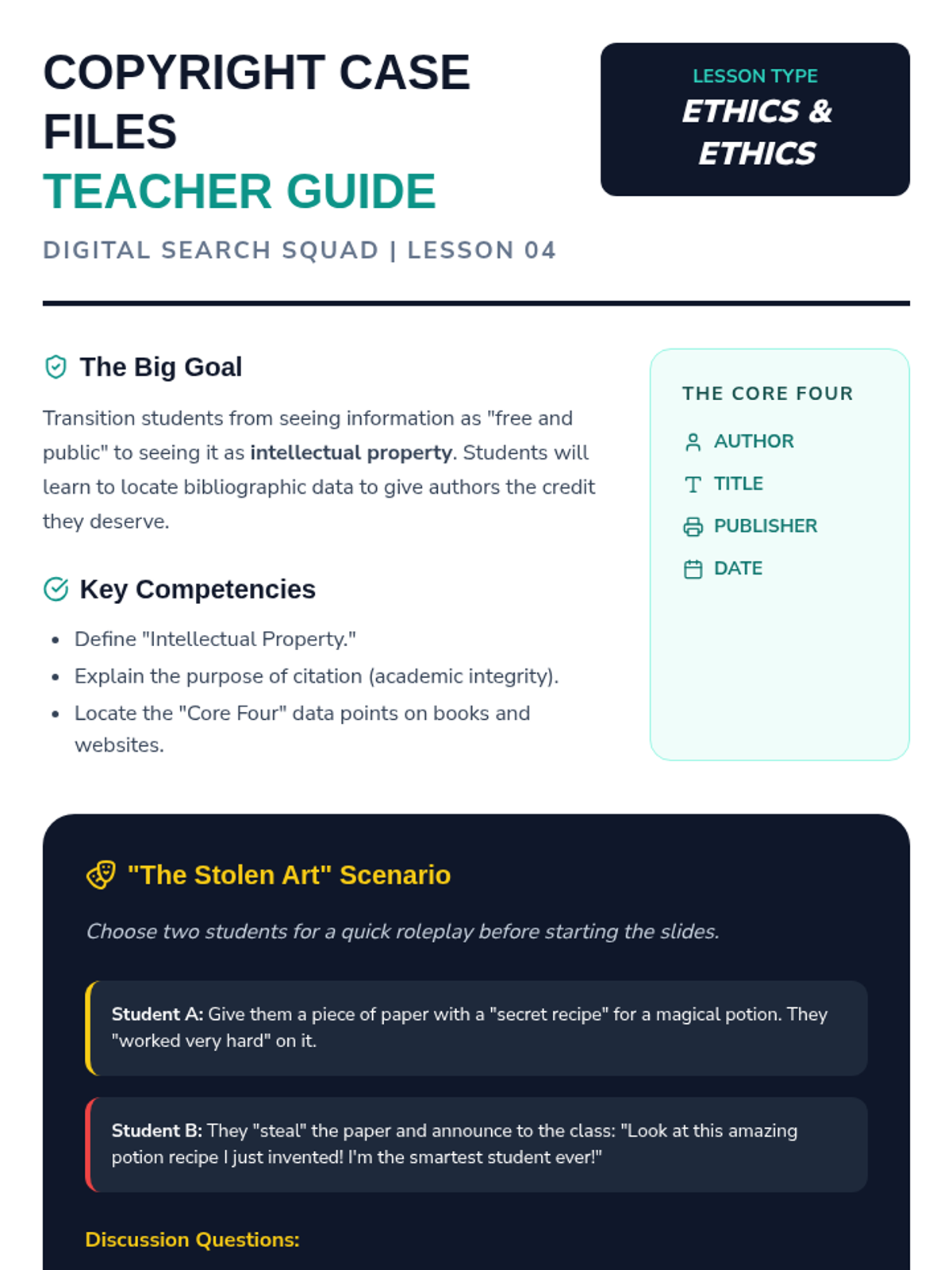
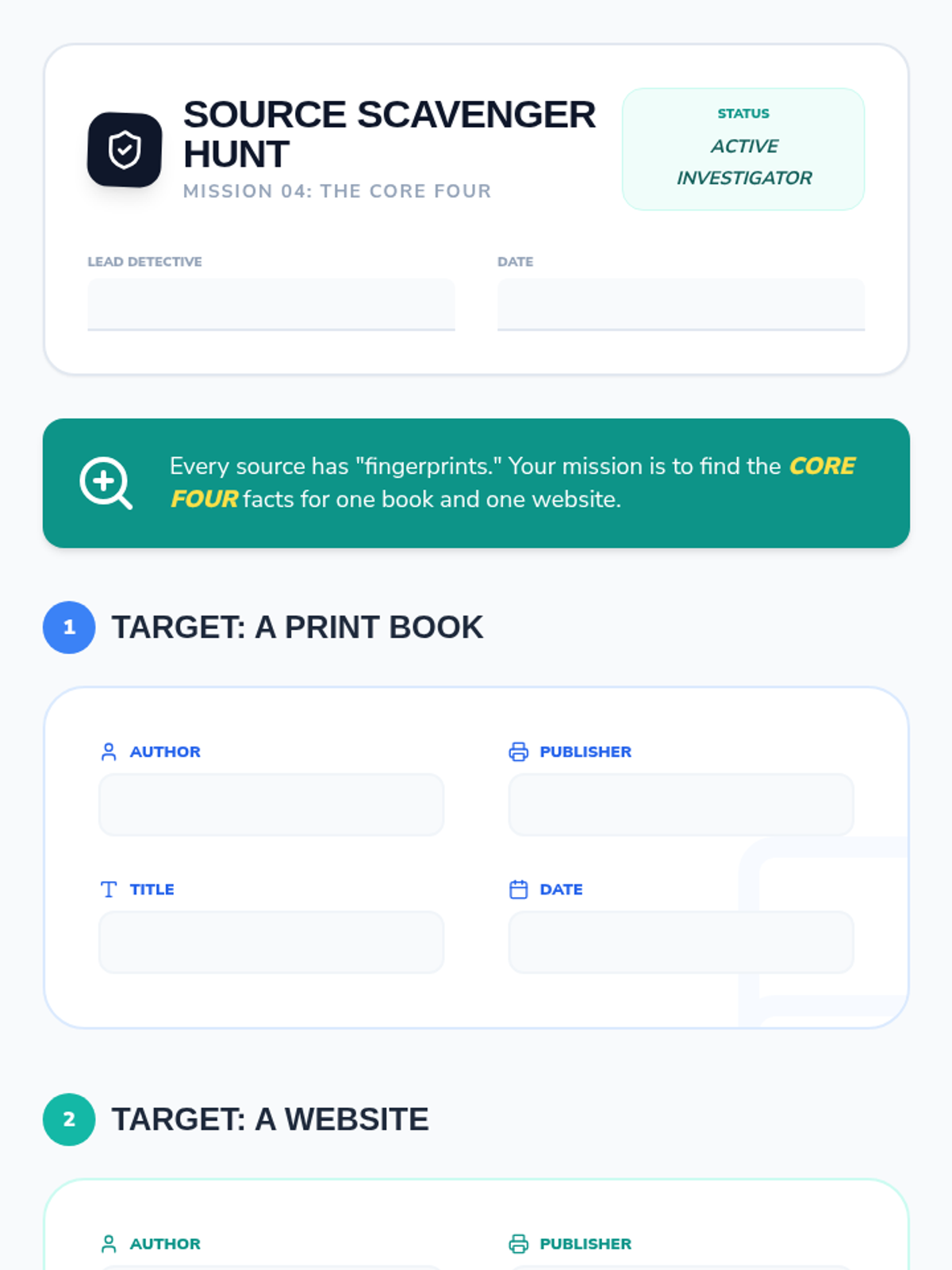
An introduction to intellectual property and the 'why' behind citation, teaching students to locate key bibliographic data on various sources.
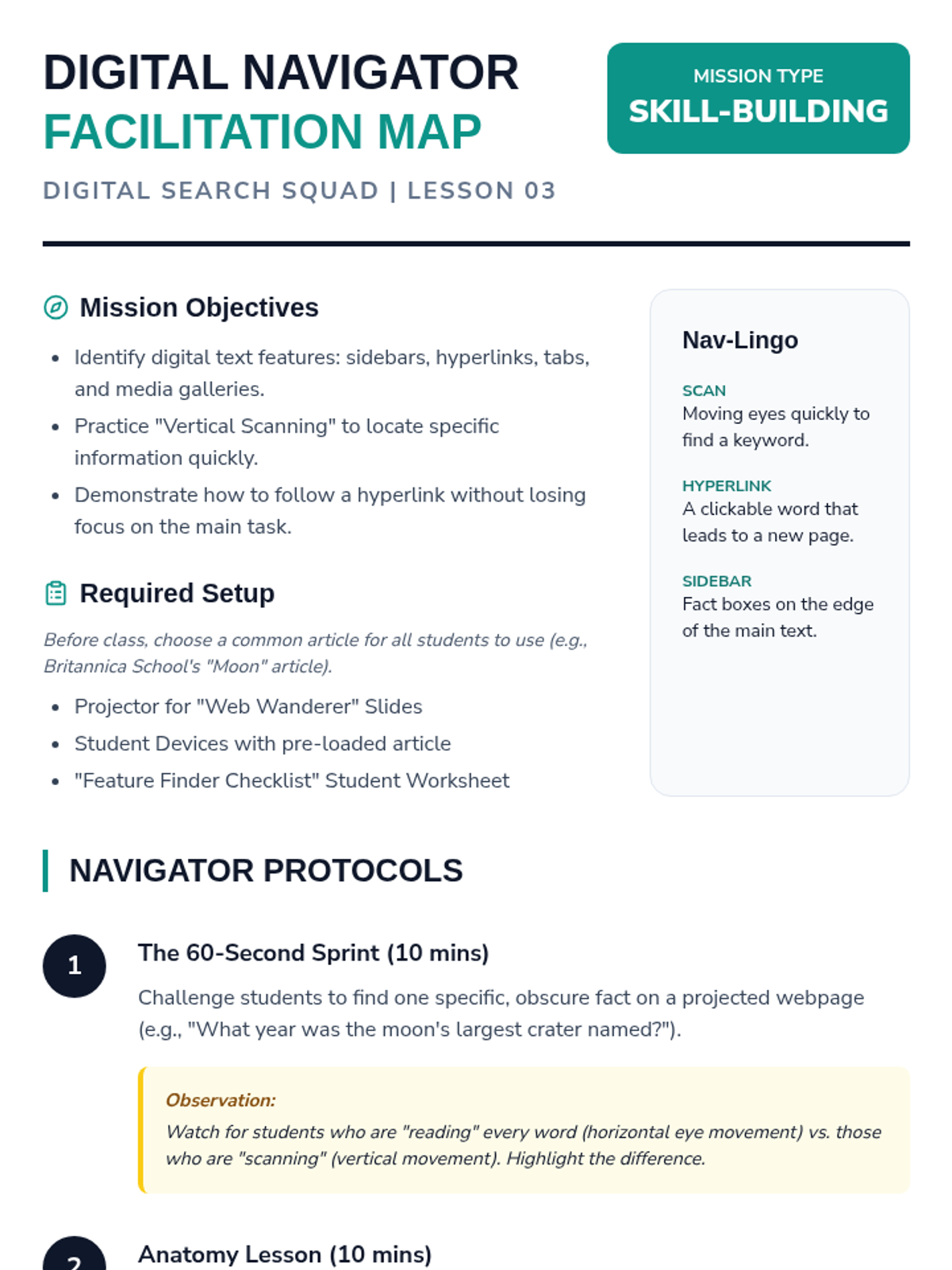
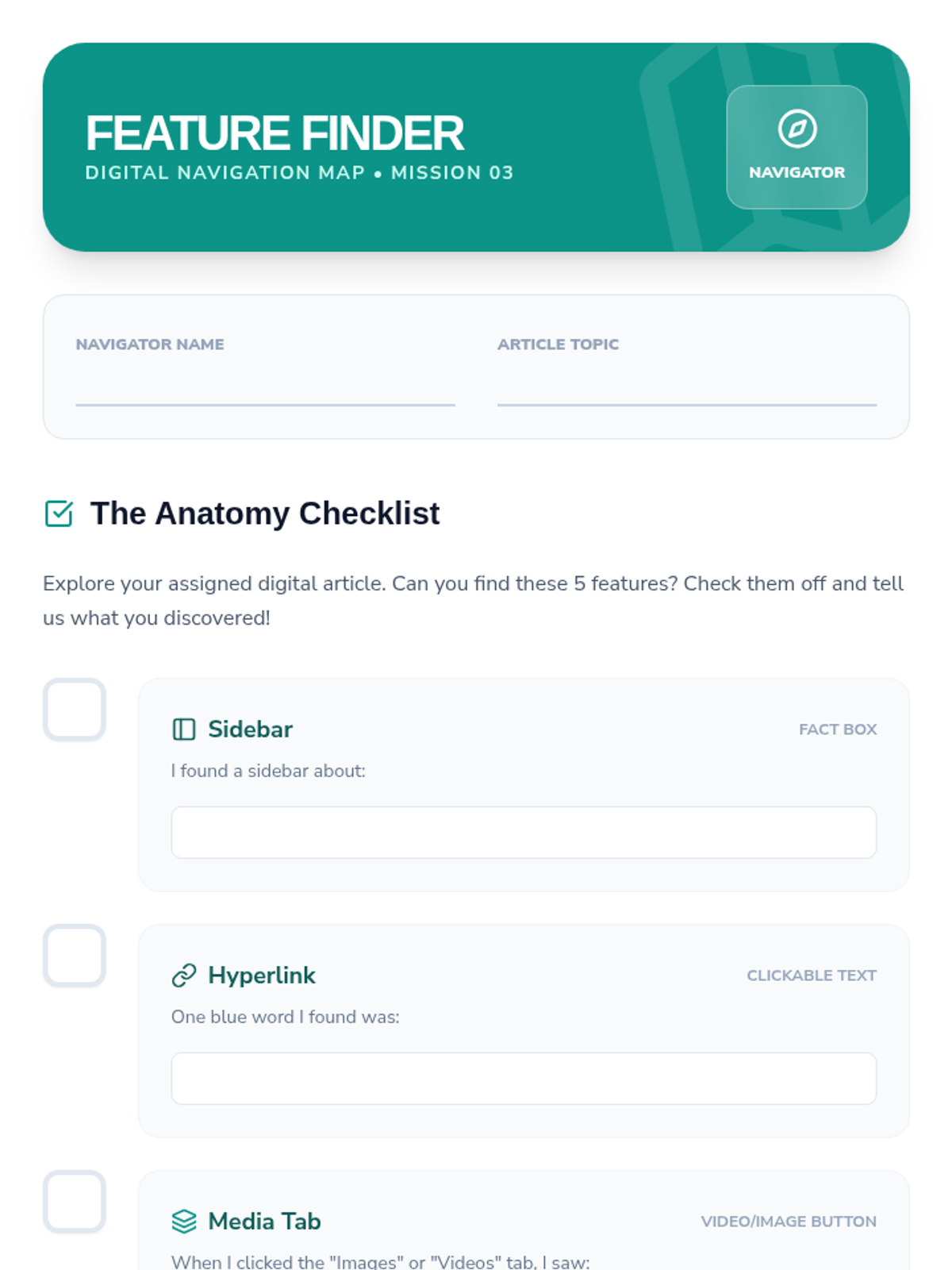
Students explore digital text features like sidebars and hyperlinks while practicing scanning techniques to find information quickly.
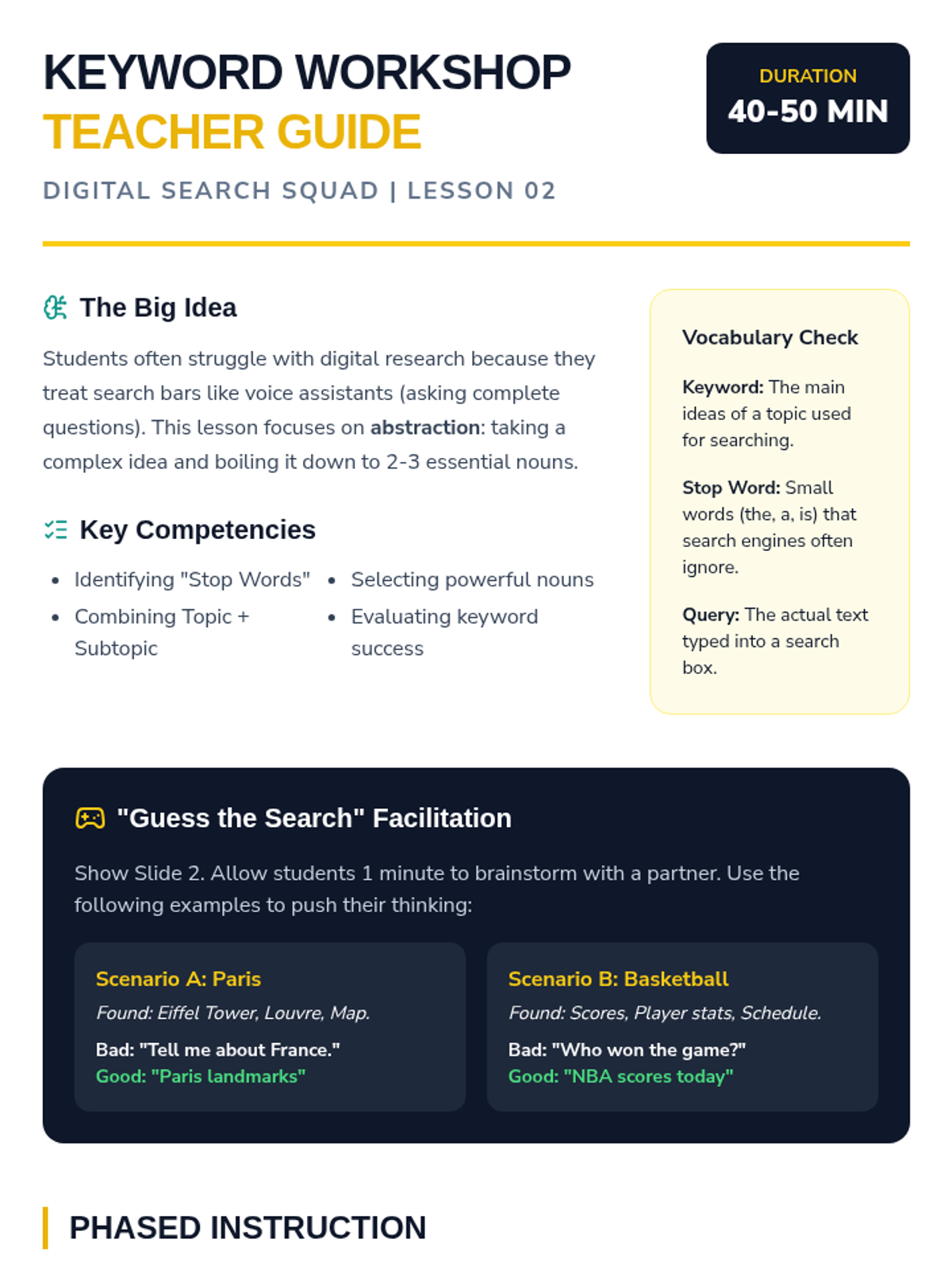
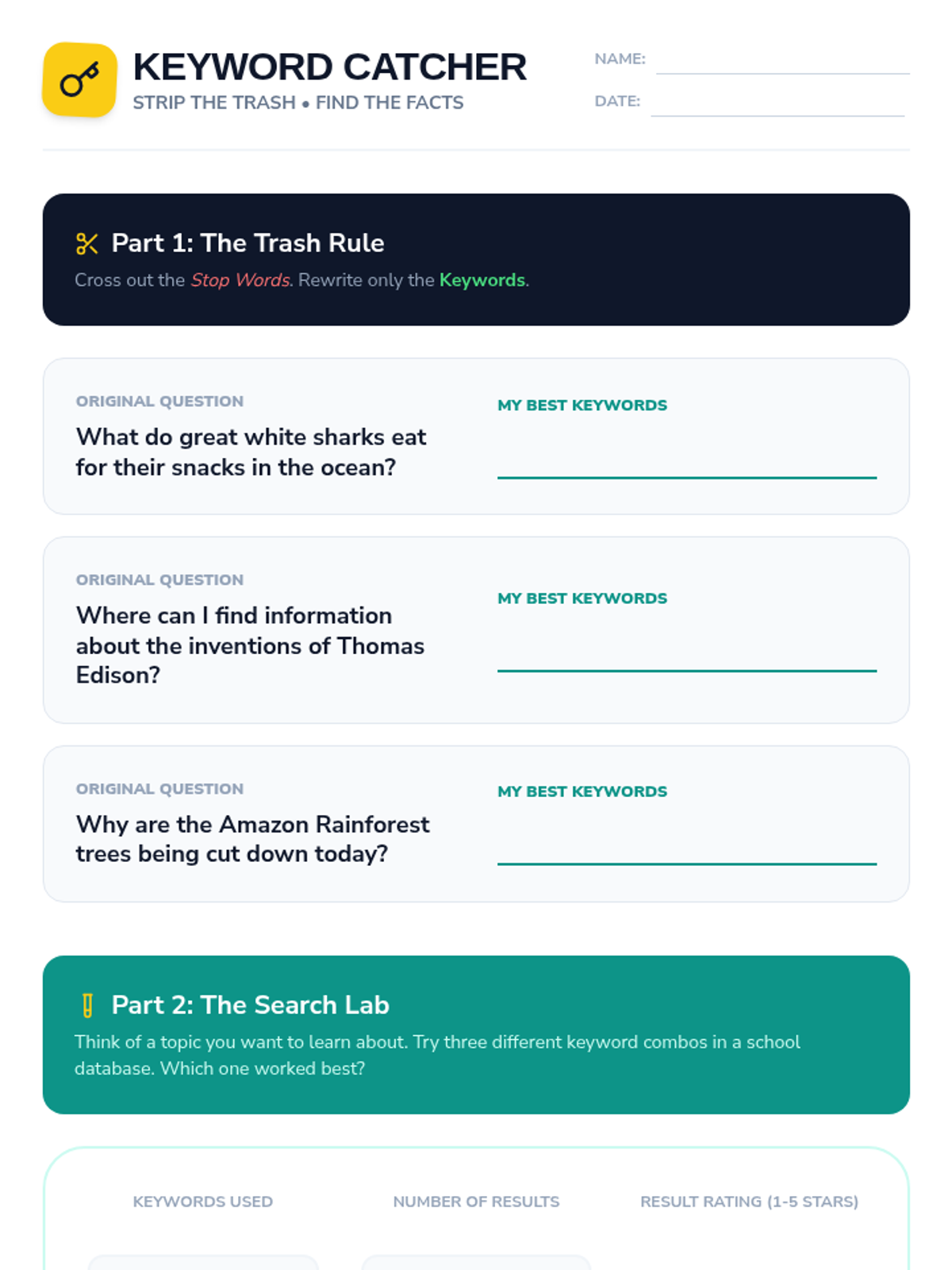
Learners practice distilling research questions into effective keywords and test different combinations to see how they impact search results.
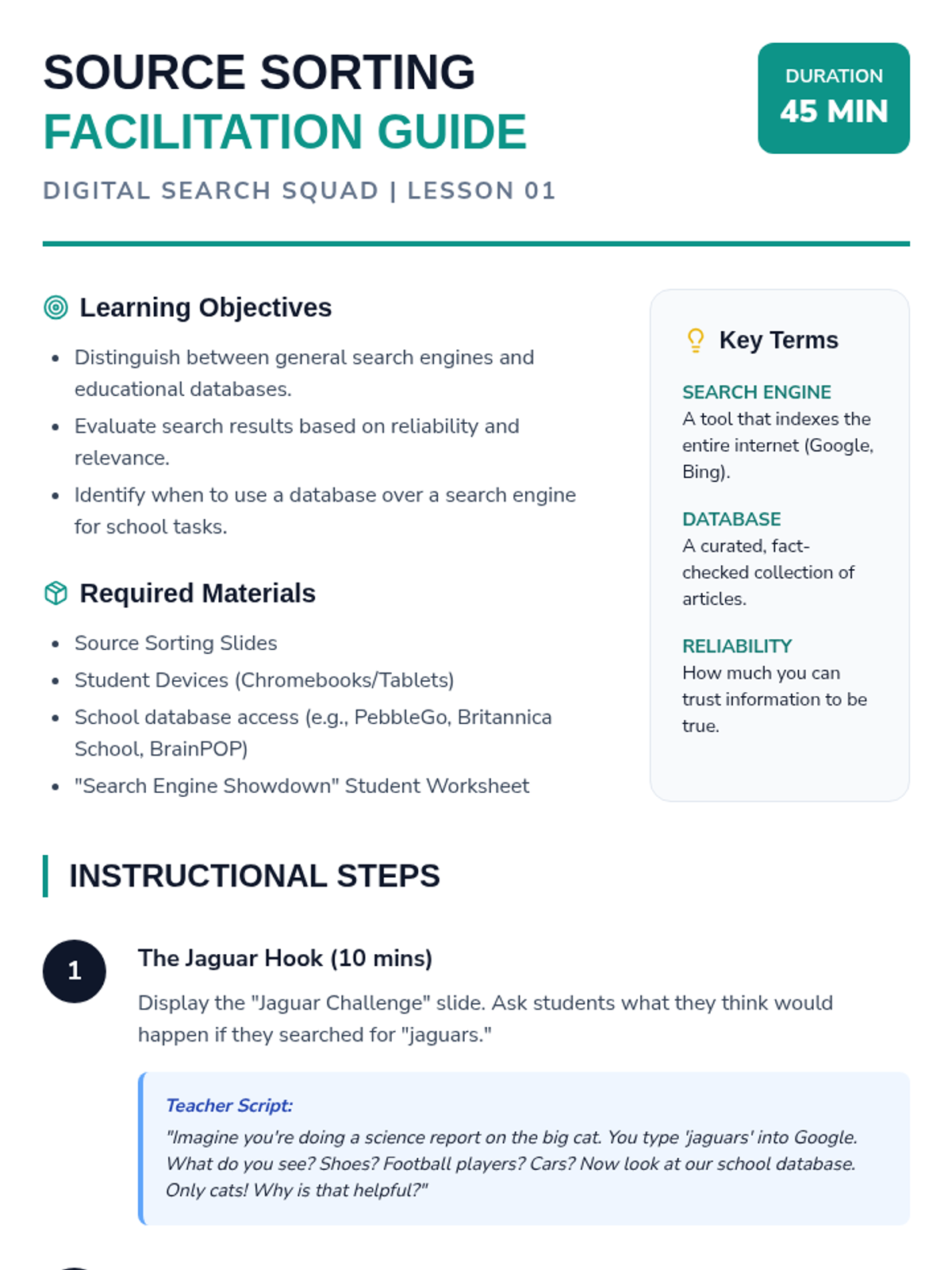
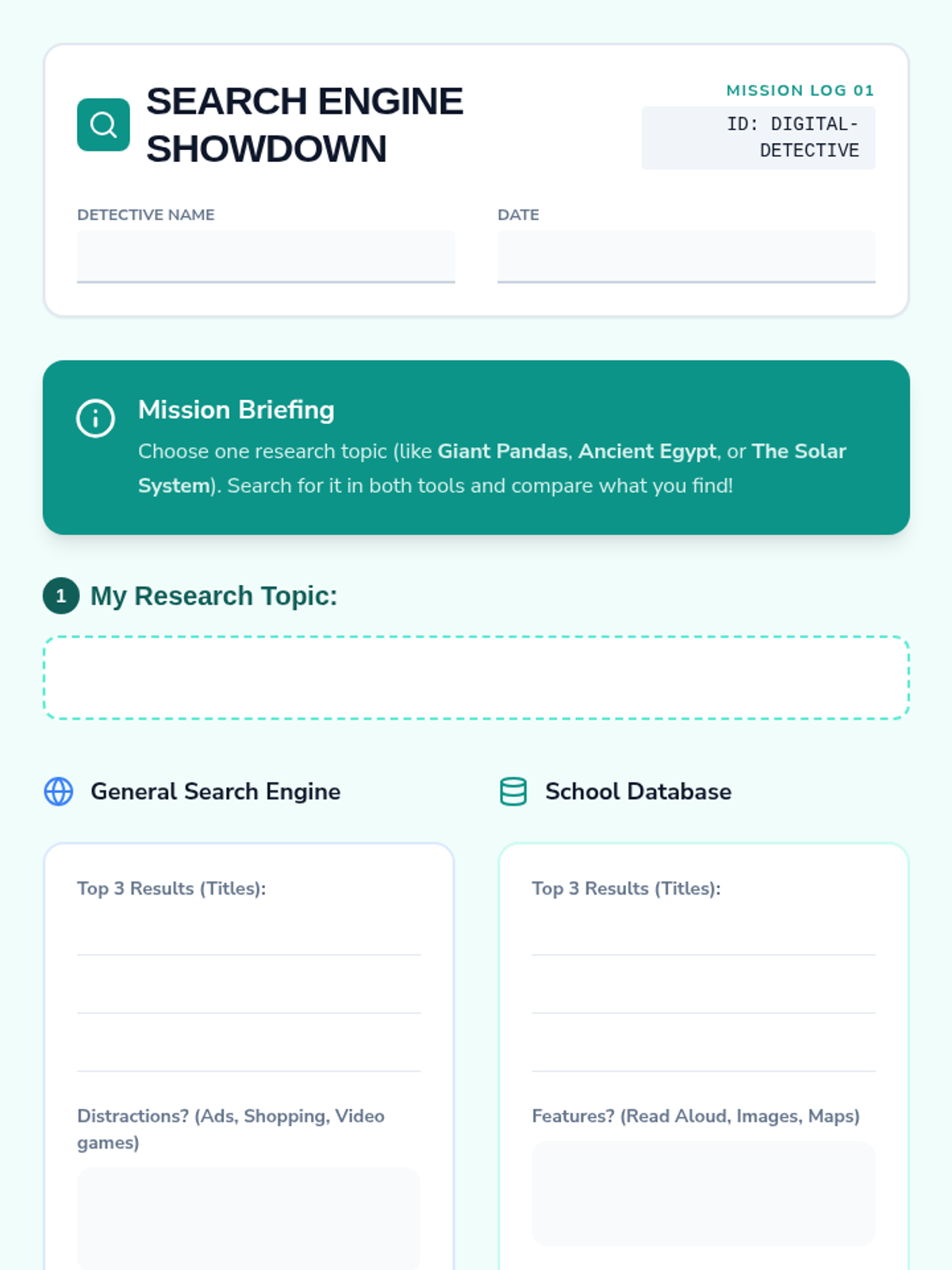
Students compare general search engines with curated databases to understand reliability and organization, using a 'jaguars' search simulation to see the difference in focus.
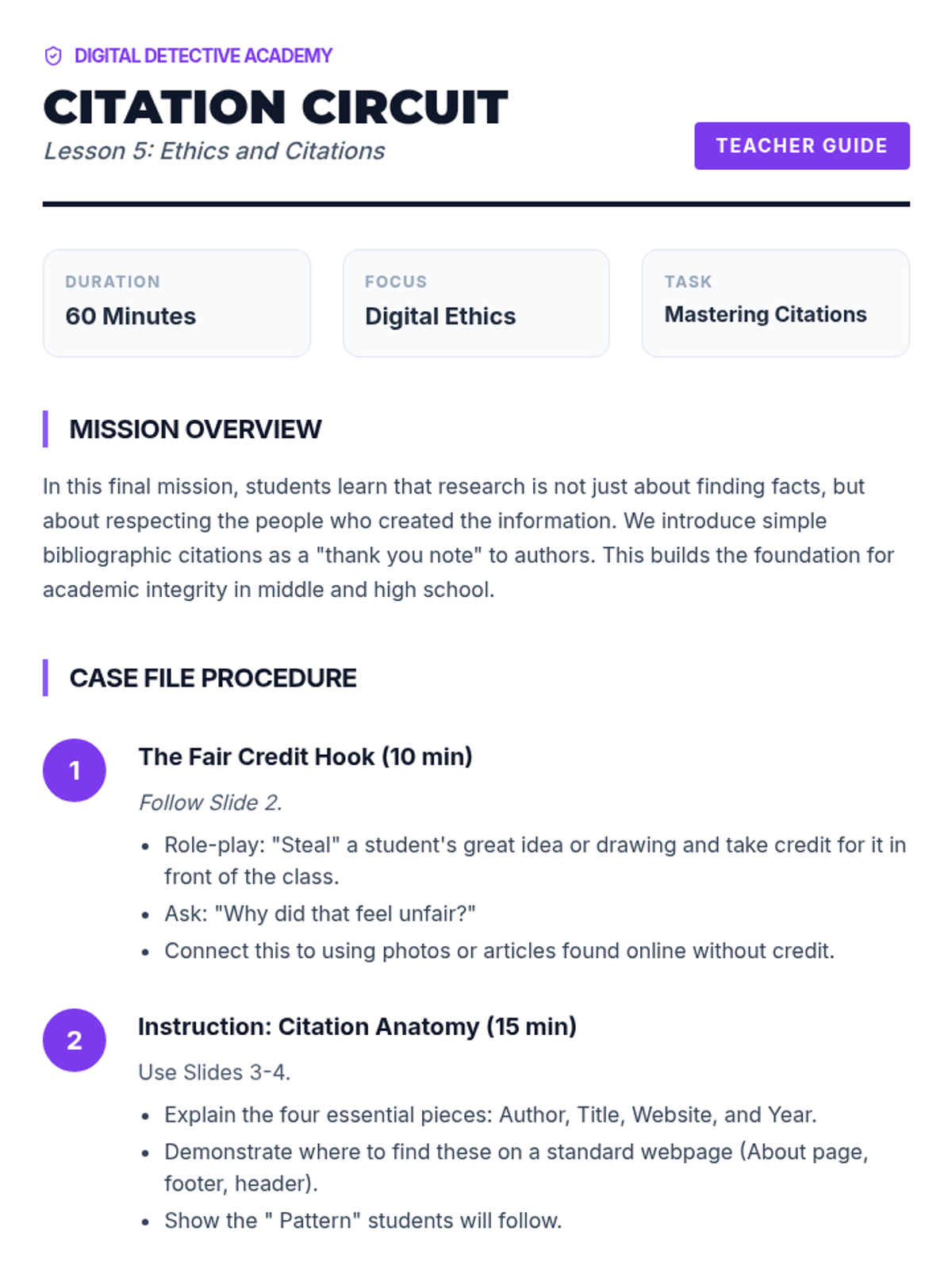
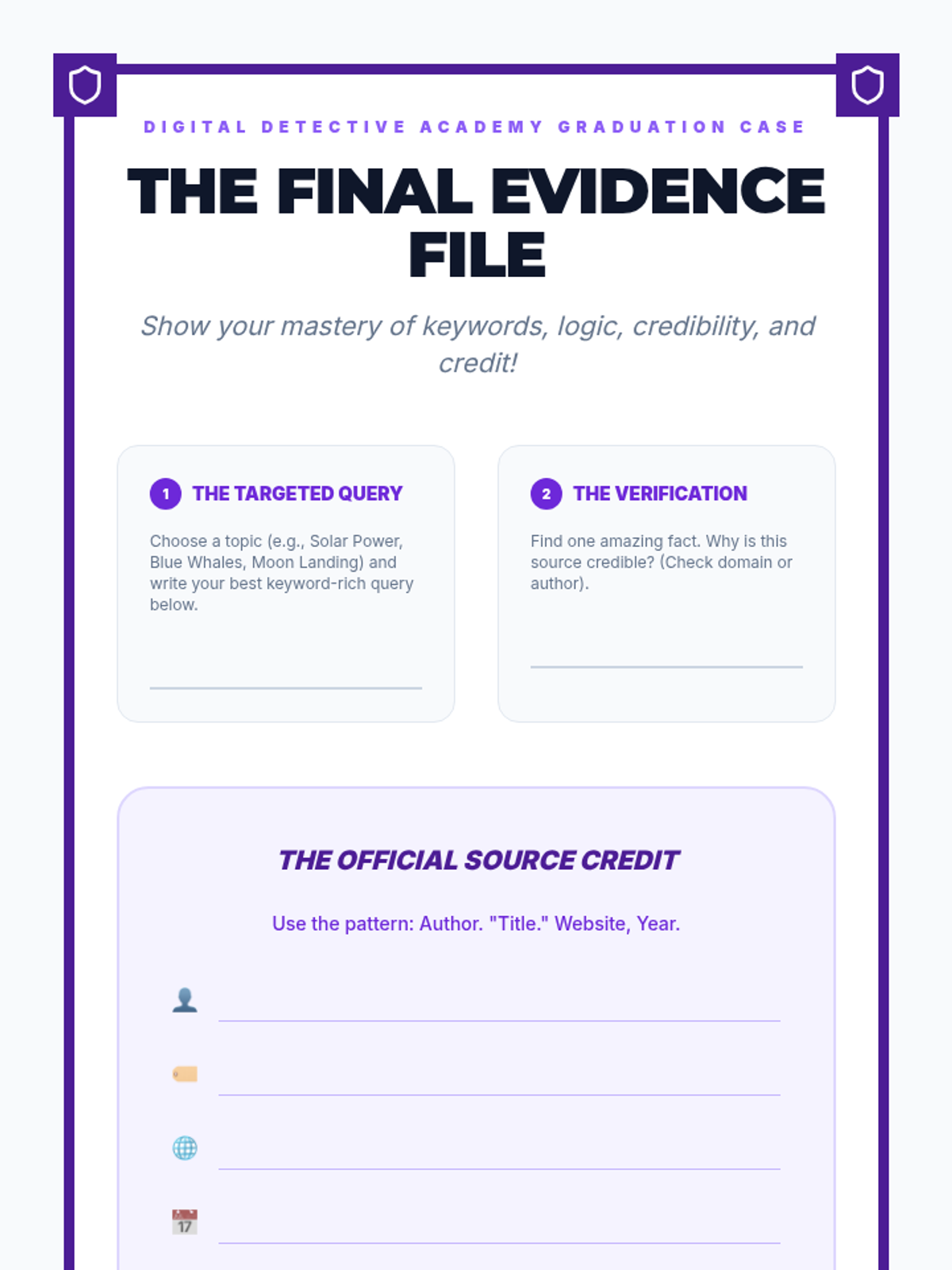
Students explore the ethical side of digital research. They learn about intellectual property, the importance of giving credit to authors, and how to create simple, age-appropriate citations for websites and images.