Fundamental hardware proficiency, secure online behavior, and ethical social media engagement. Equips learners with productivity tool mastery, web publishing skills, and critical evaluation of emerging technologies.
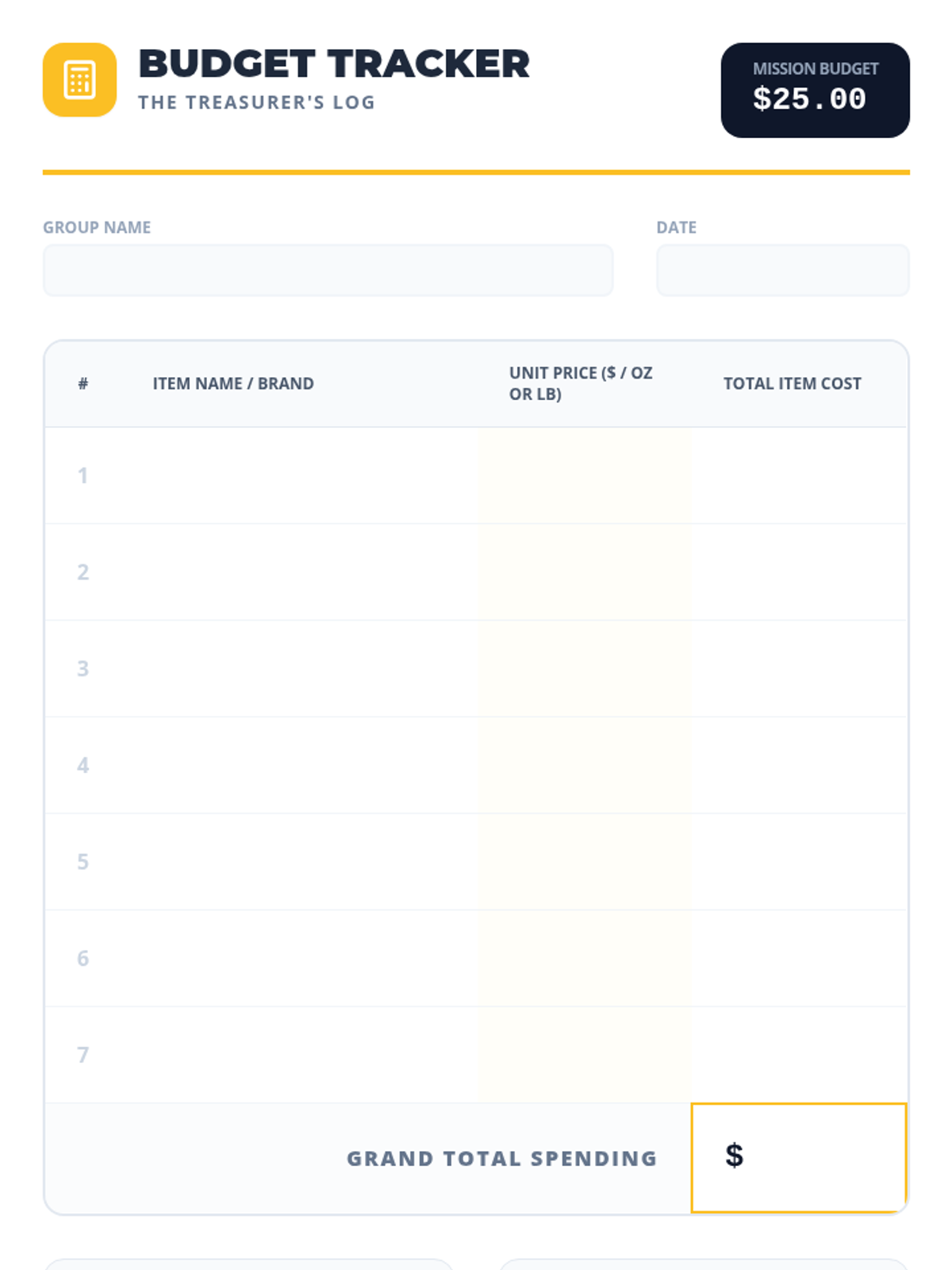
A specialized tracking sheet for the team 'Treasurer' to log grocery items, record unit prices, and calculate total spending within a $25 budget.
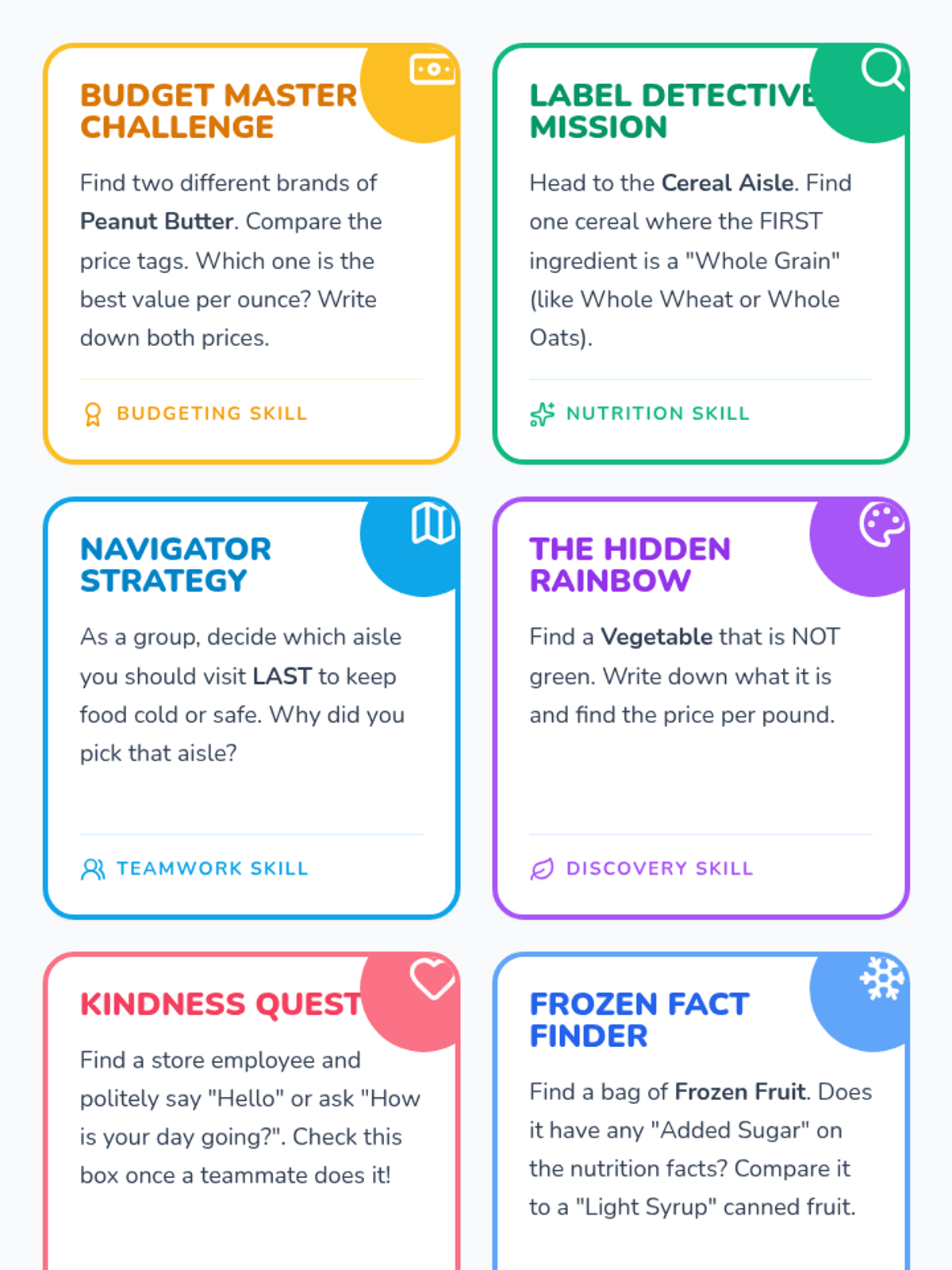
A set of 6 printable task cards that challenge student teams to perform specific missions involving nutrition, budgeting, and social skills in an online setting.
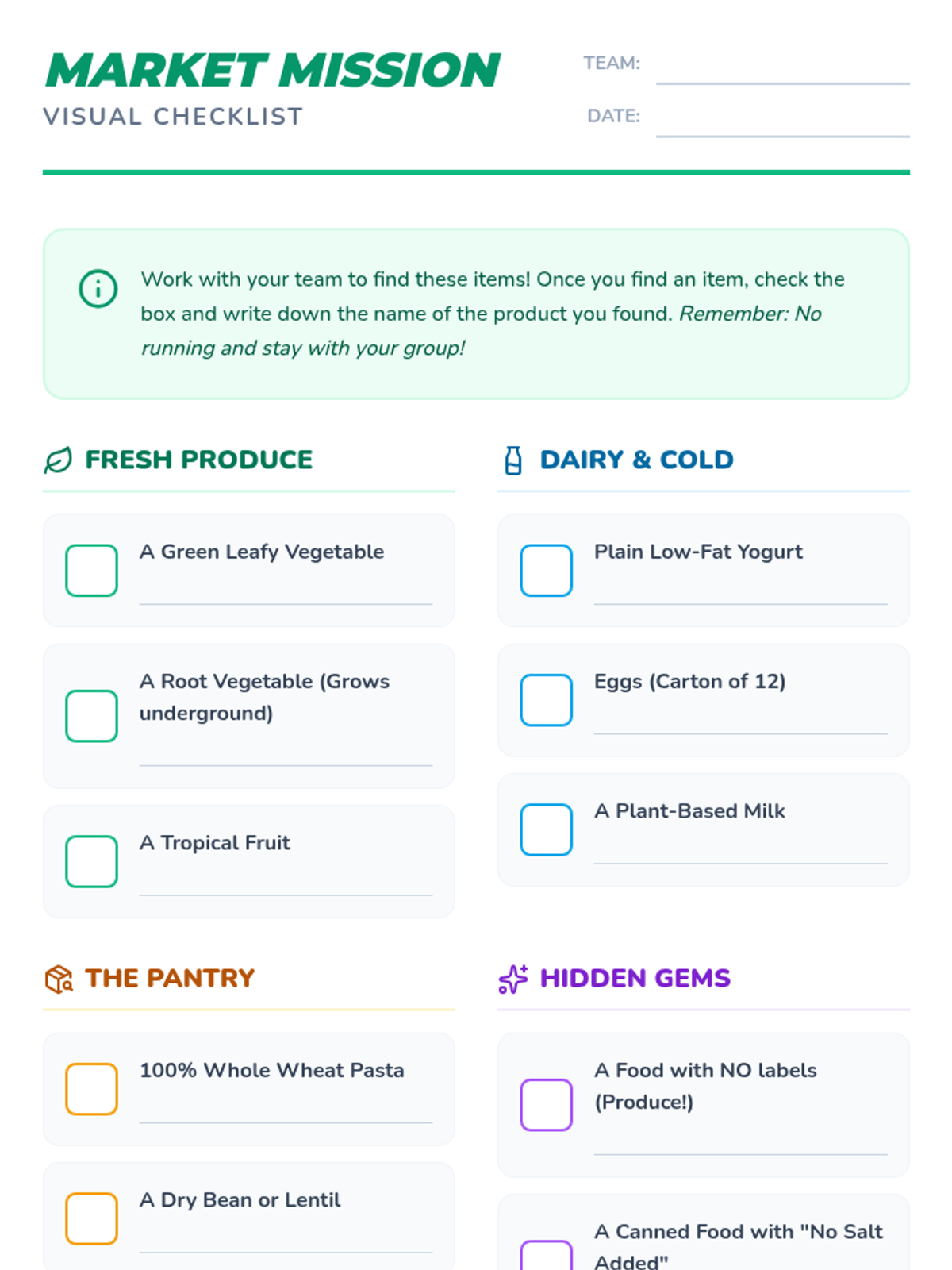
A visual checklist with icons and checkboxes for students to identify healthy grocery items across various departments.
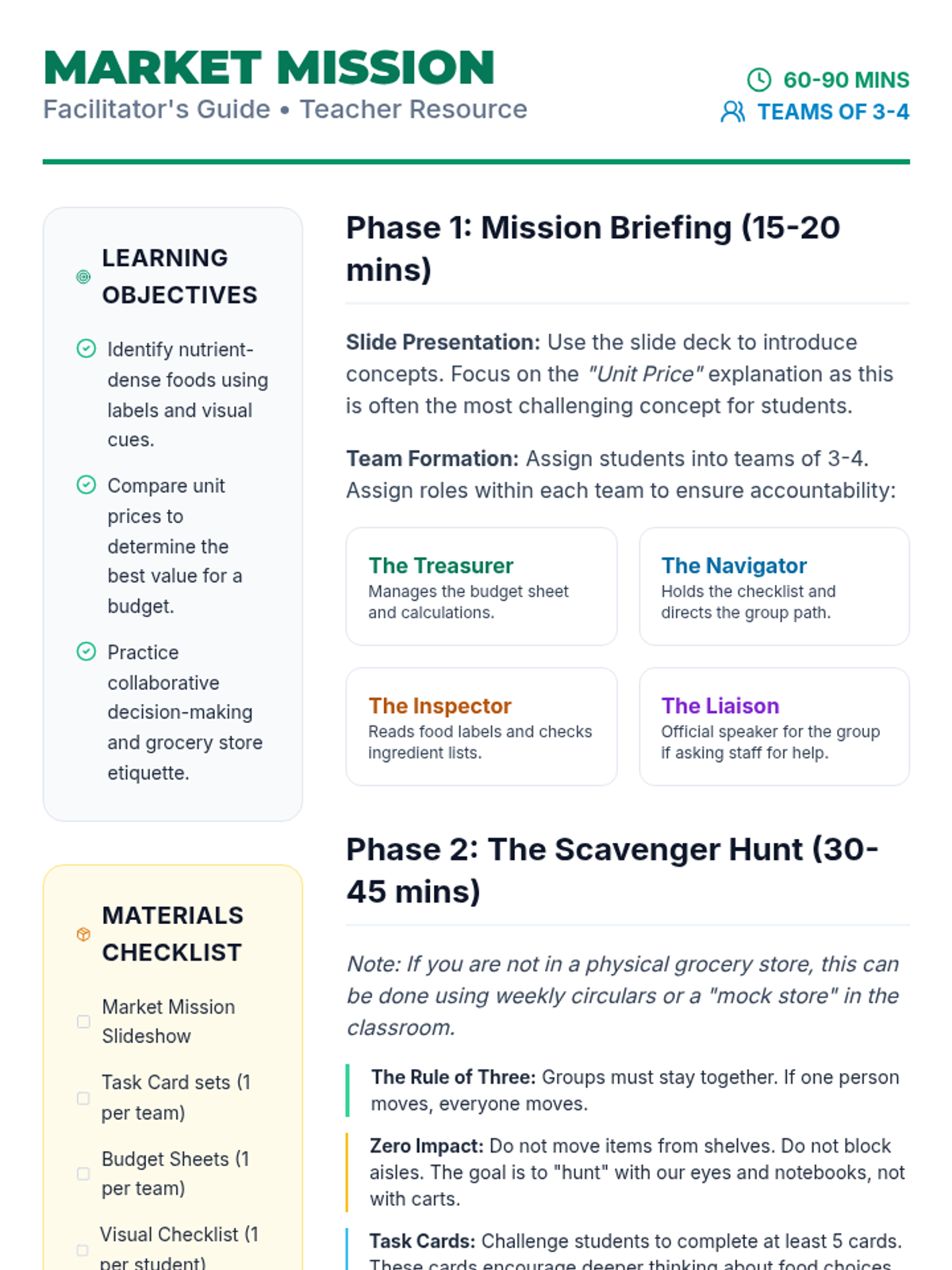
A comprehensive guide for teachers and facilitators to lead the Market Mission online scavenger hunt, including learning objectives, team roles, and debrief questions.
A vibrant, visual slide deck that introduces the Market Mission online scavenger hunt, covering digital searching tips, budgeting basics, and online teamwork expectations.
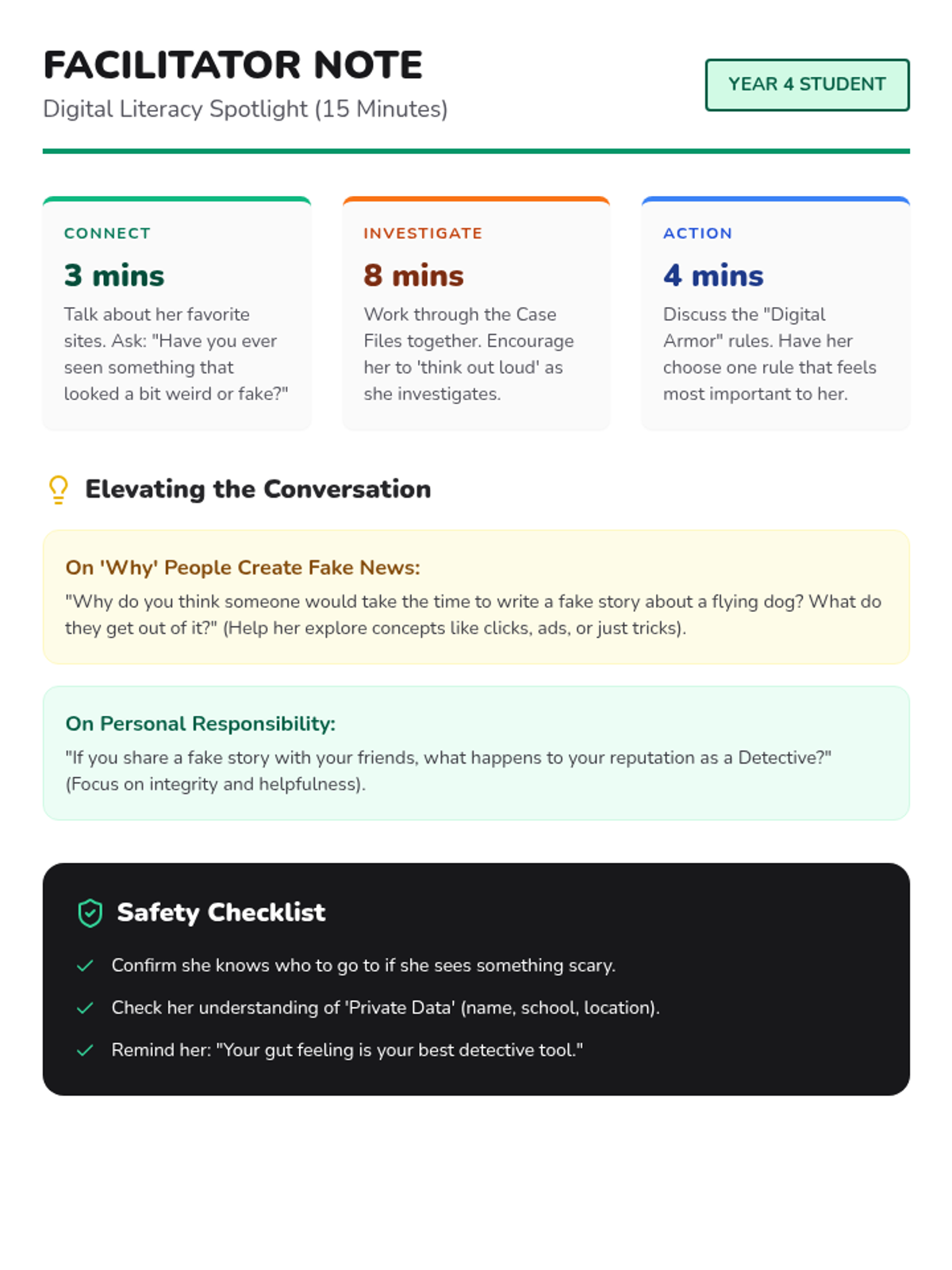
A coaching guide for the facilitator to lead a 15-minute digital literacy and online safety session with a bright Year 4 student.
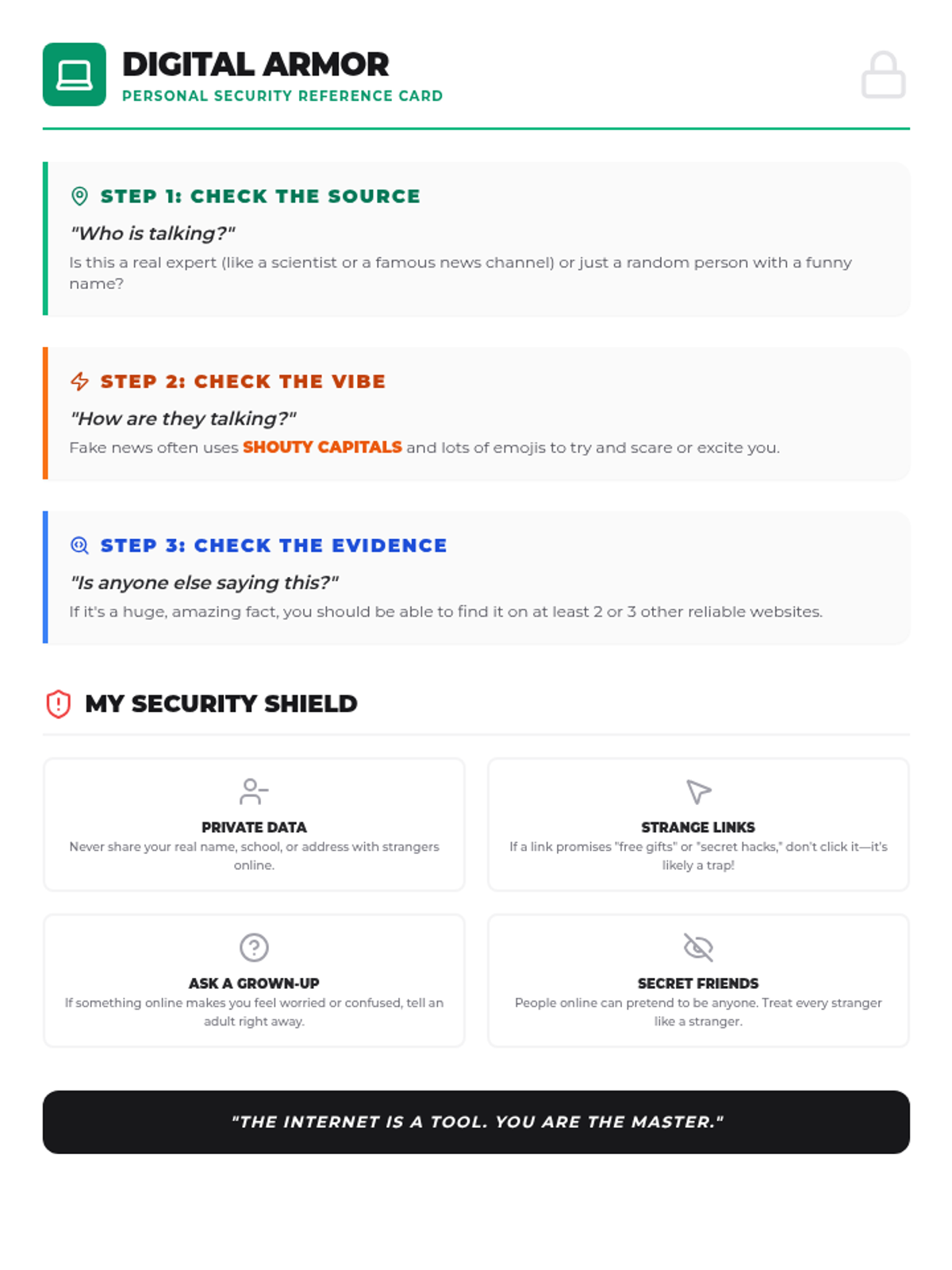
A print-friendly reference card for students with a 3-step fact-checking process and essential online safety rules.
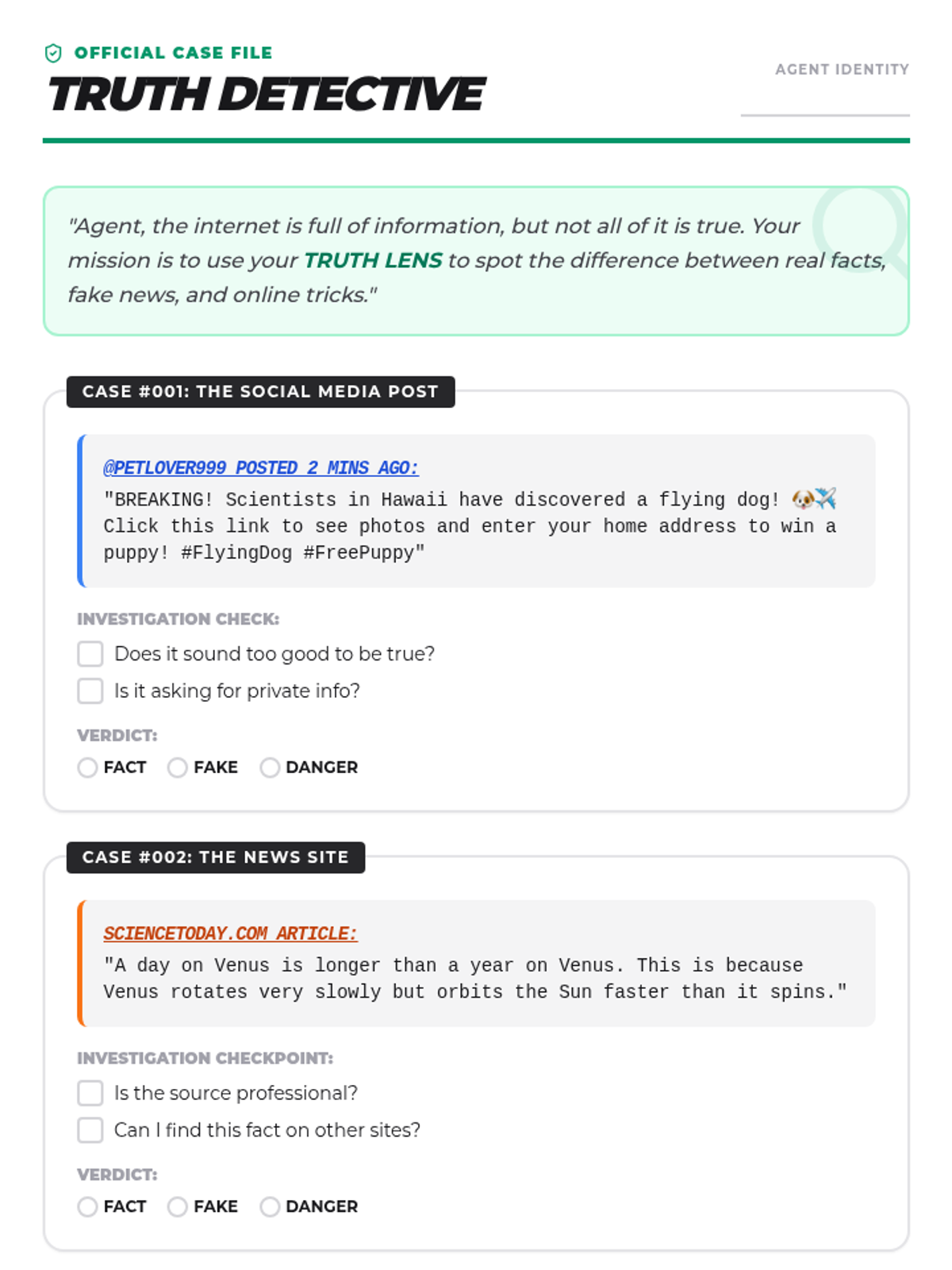
A 'Case File' style worksheet for a student to investigate online content, identifying fake news, real facts, and potential online dangers.
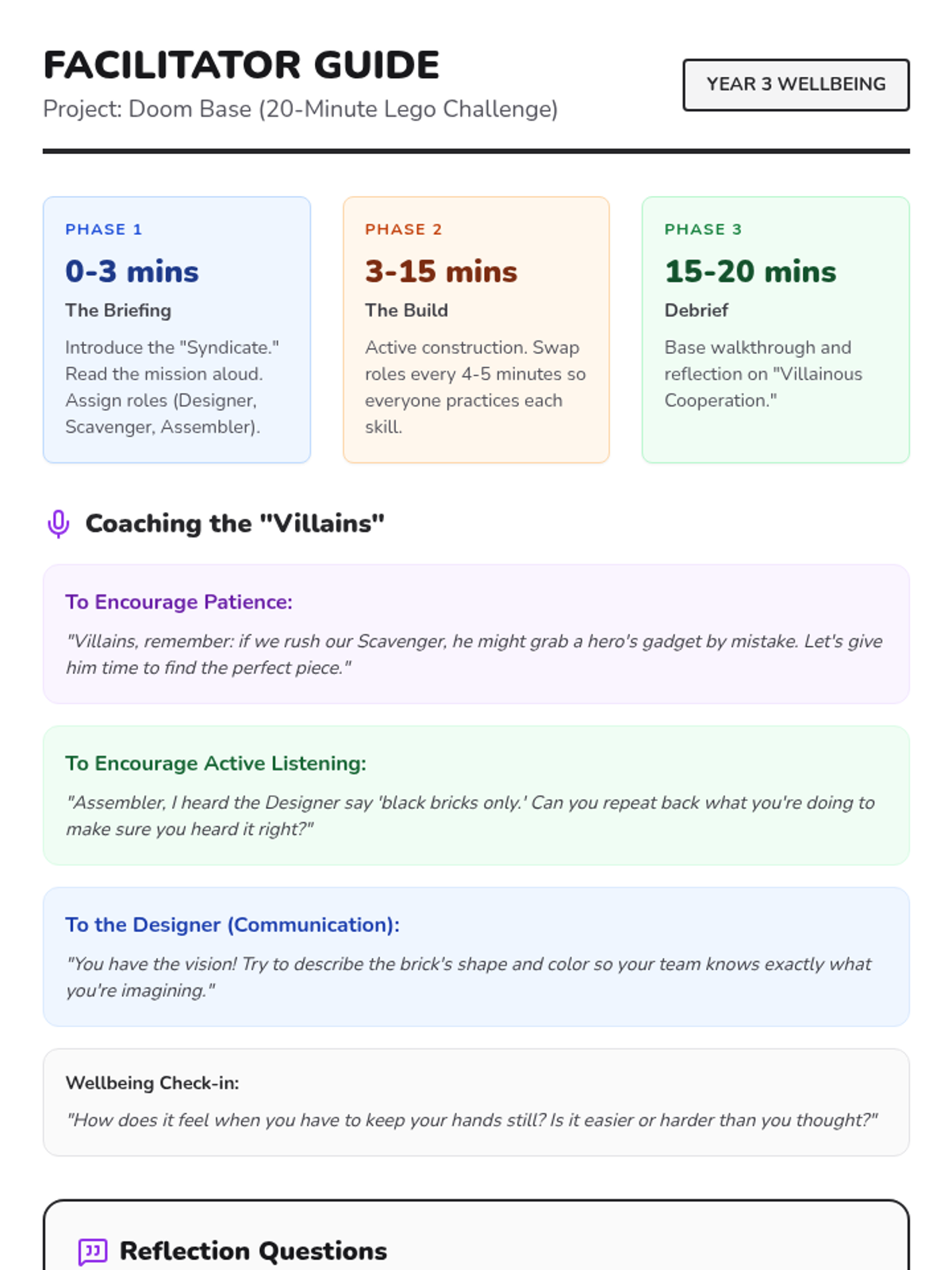
A facilitator guide for the teacher or wellbeing coach, providing a session timeline, coaching prompts for social skills, and reflection questions for the end of the activity. (Print-friendly version)
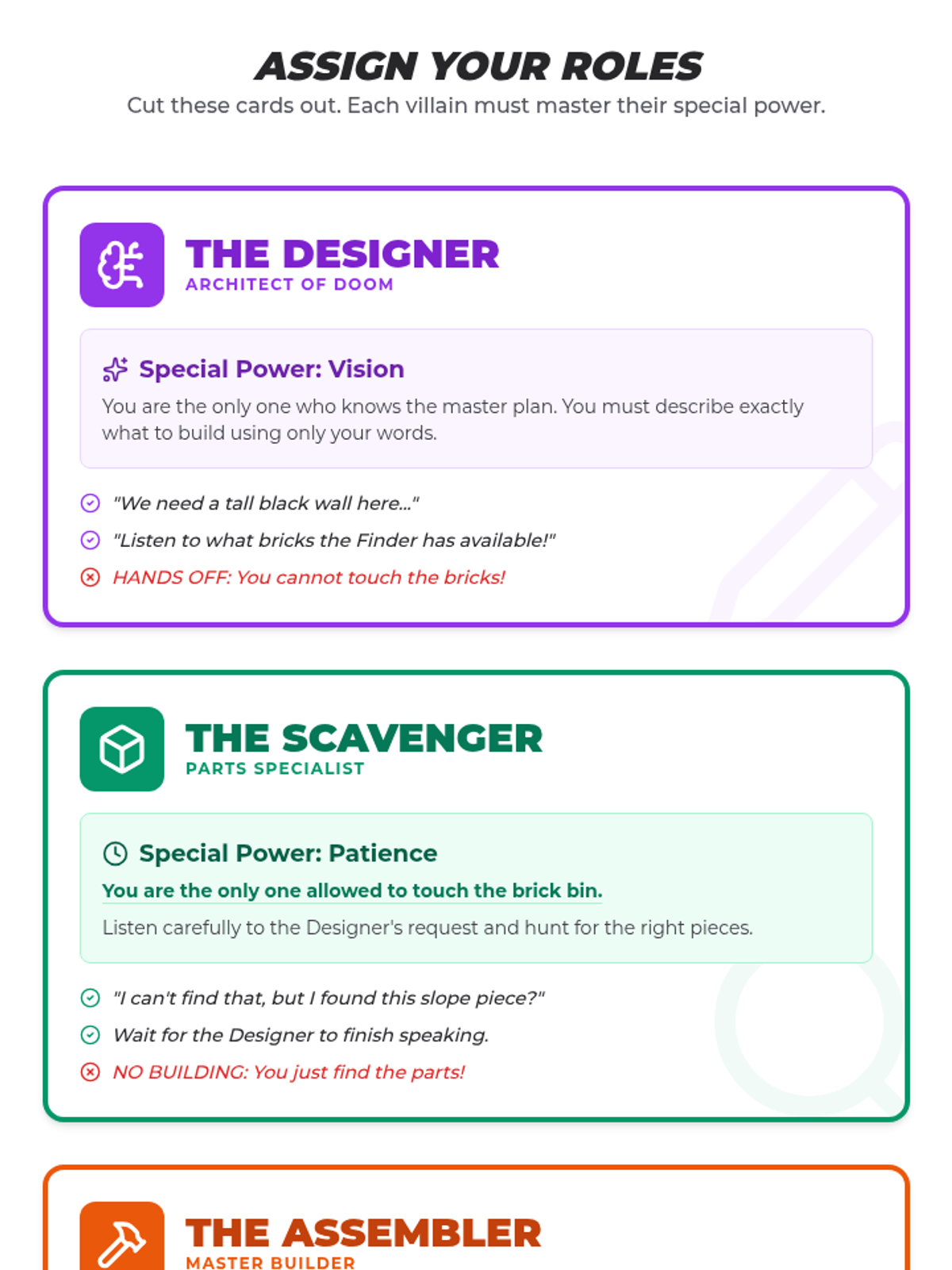
Individual role cards for the Lego challenge (Designer, Scavenger, Master Builder) that clearly define each student's specific responsibilities and restrictions to encourage cooperation. (Print-friendly version)
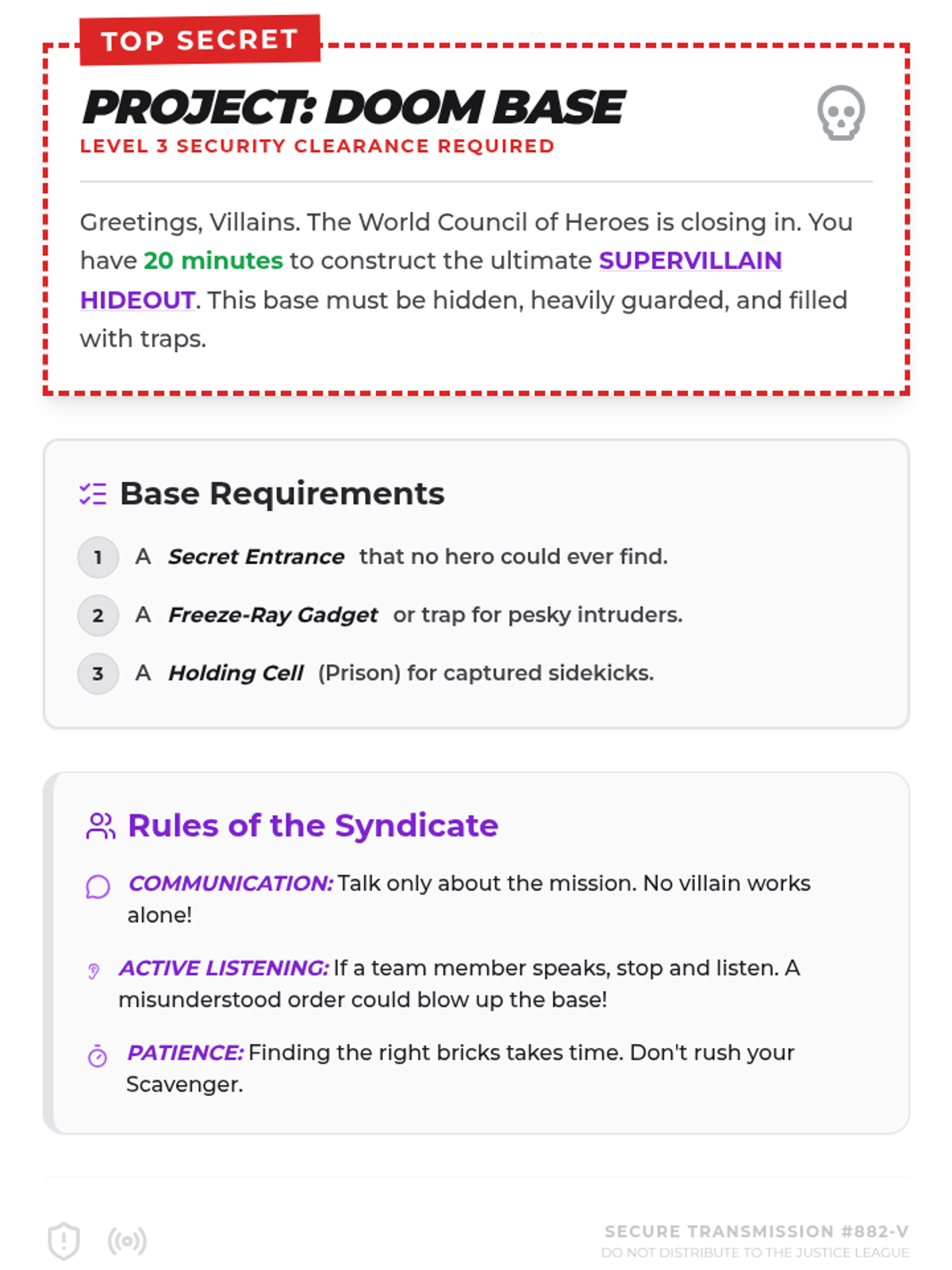
A comic-book style mission briefing sheet for a Lego building challenge, outlining the requirements for a Supervillain Hideout and the rules for group cooperation. (Print-friendly version)
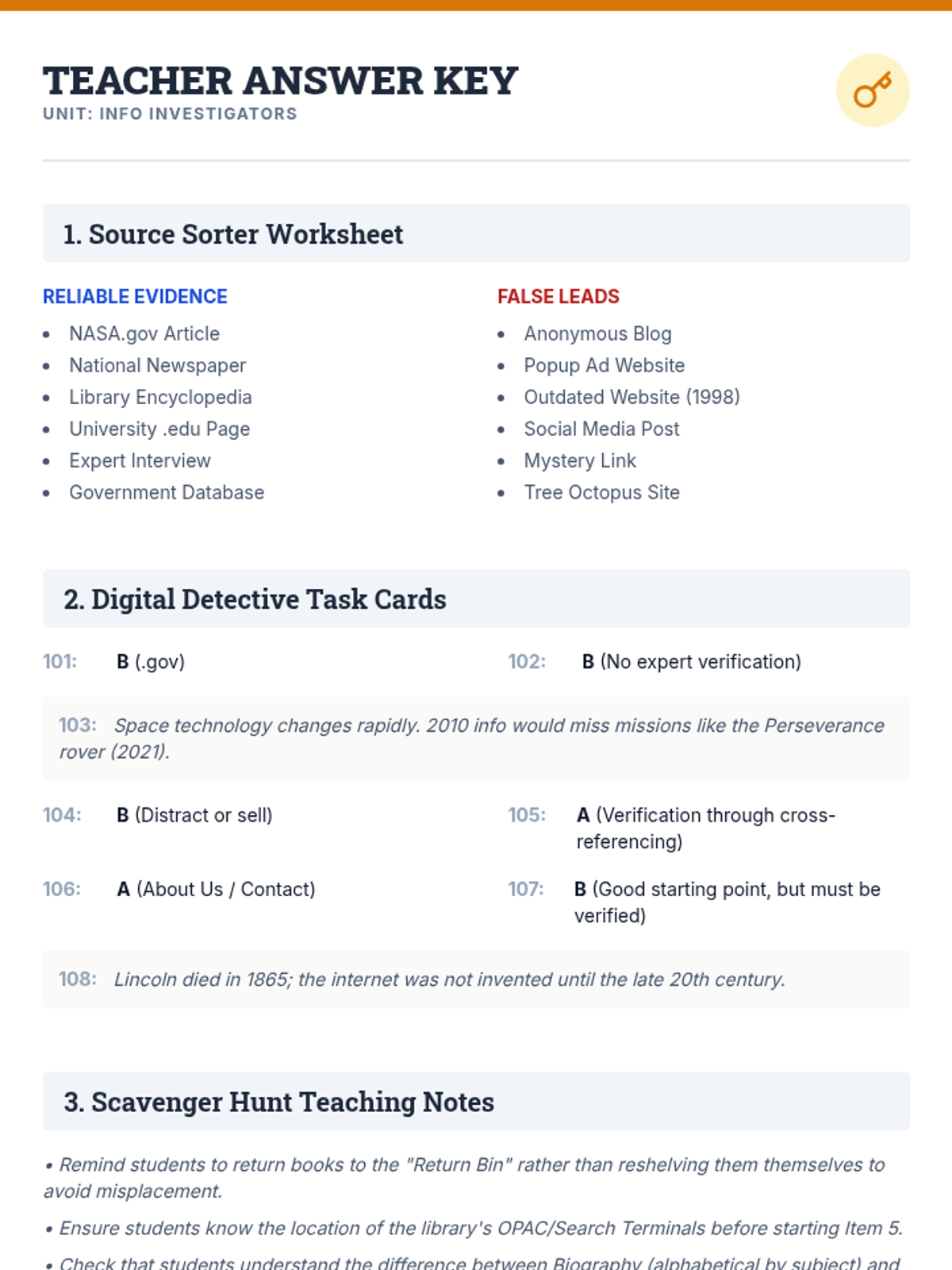
A comprehensive teacher answer key and instructional guide for the Info Investigators library skills lesson.
A detective-themed presentation introducing students to library navigation, the Dewey Decimal System, and online source evaluation techniques.
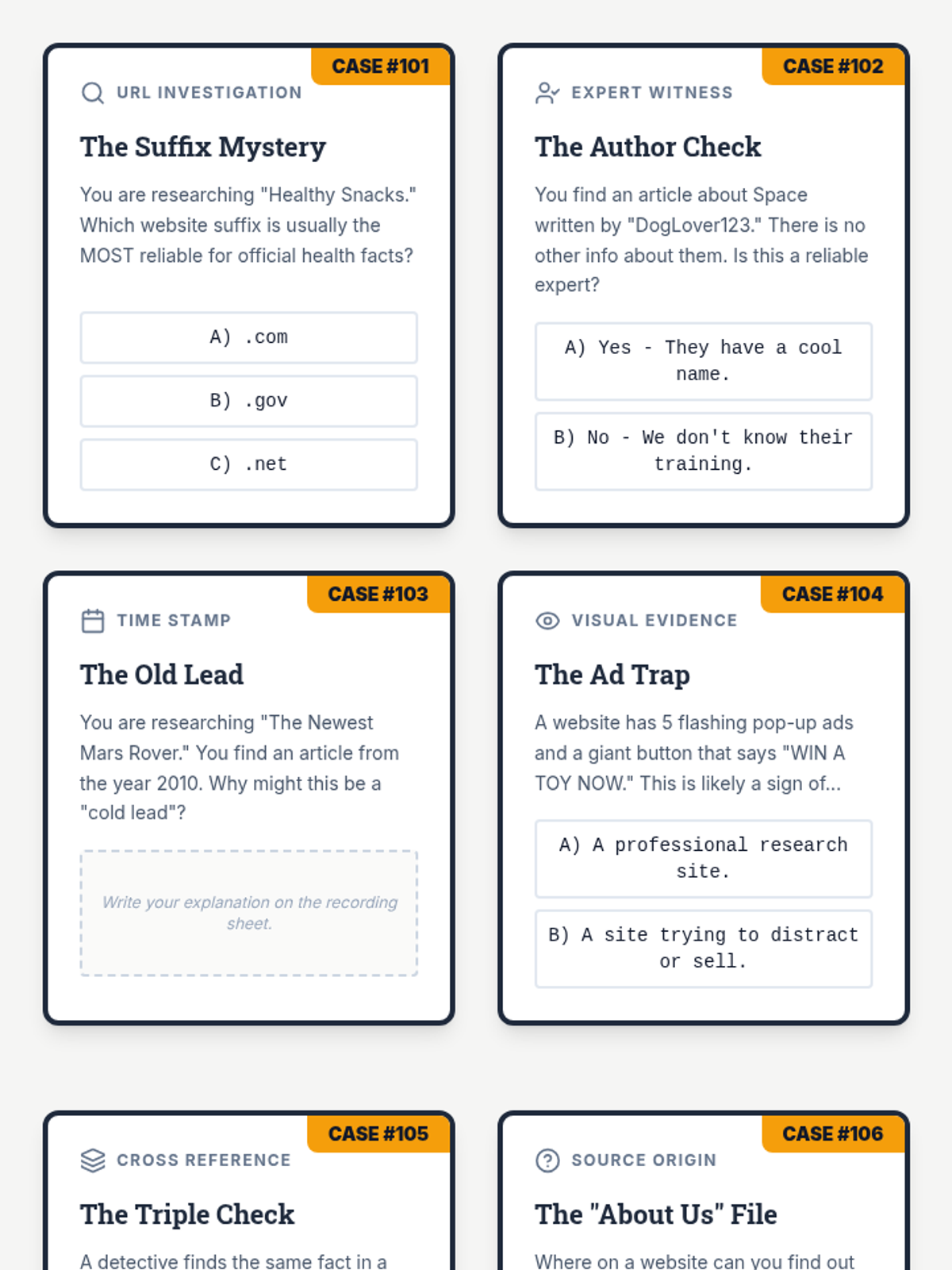
A set of 8 detective-themed task cards for evaluating digital information reliability, including a student recording sheet.
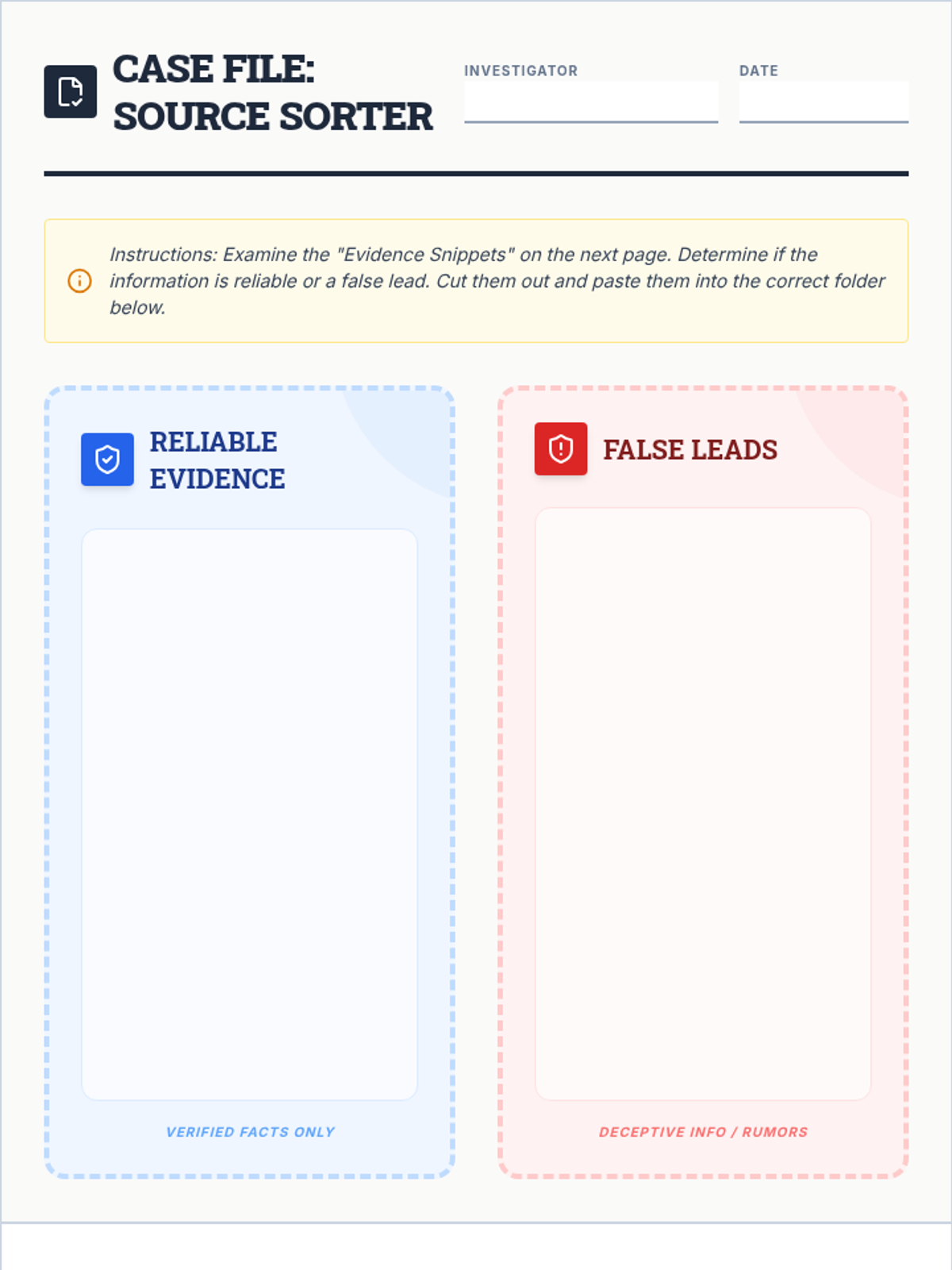
A cut-and-paste sorting worksheet where students evaluate various information sources and categorize them as reliable evidence or false leads.
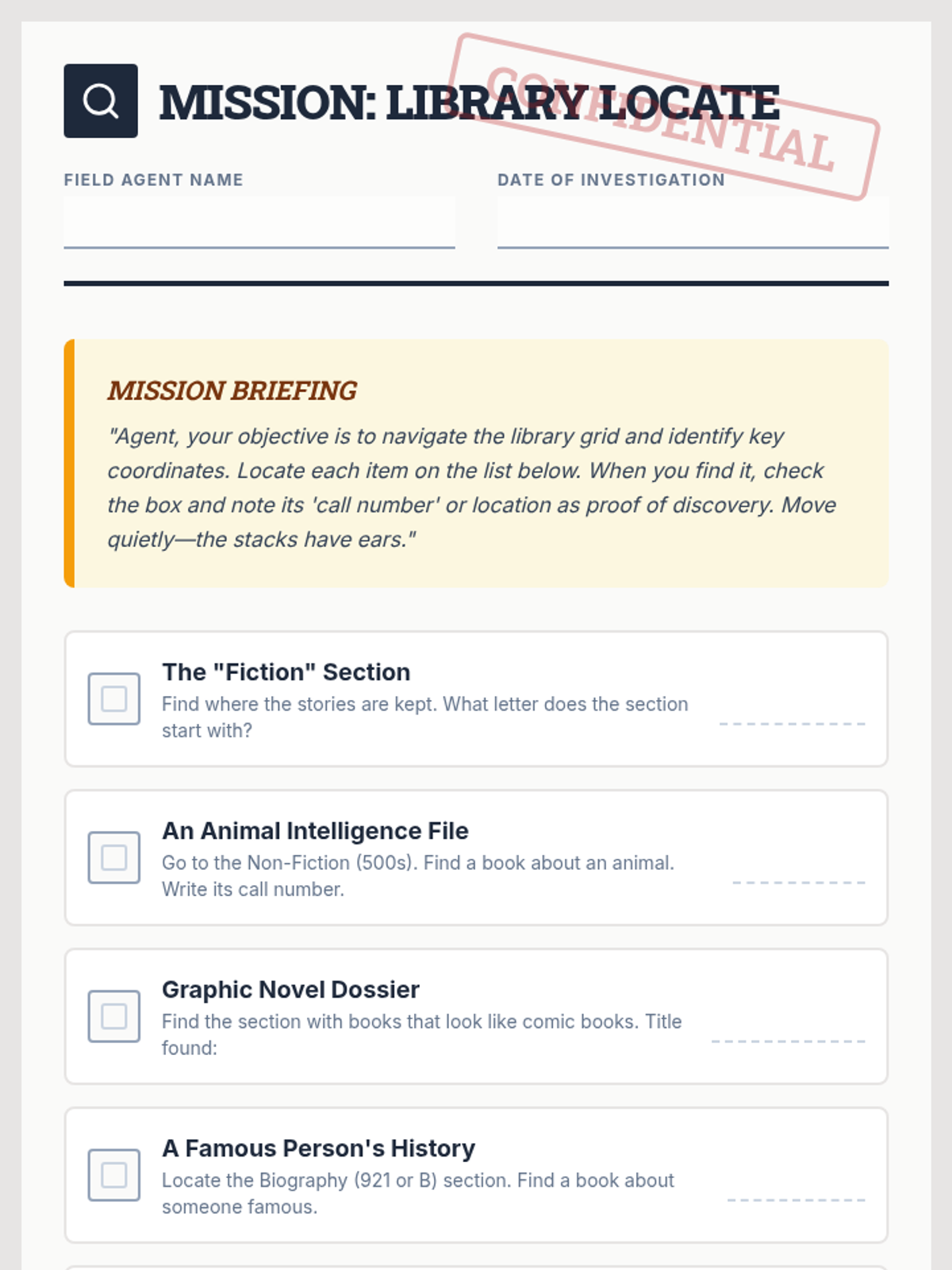
A library scavenger hunt document designed as a confidential mission briefing for students to find key library locations and items, updated to remove shelf markers.
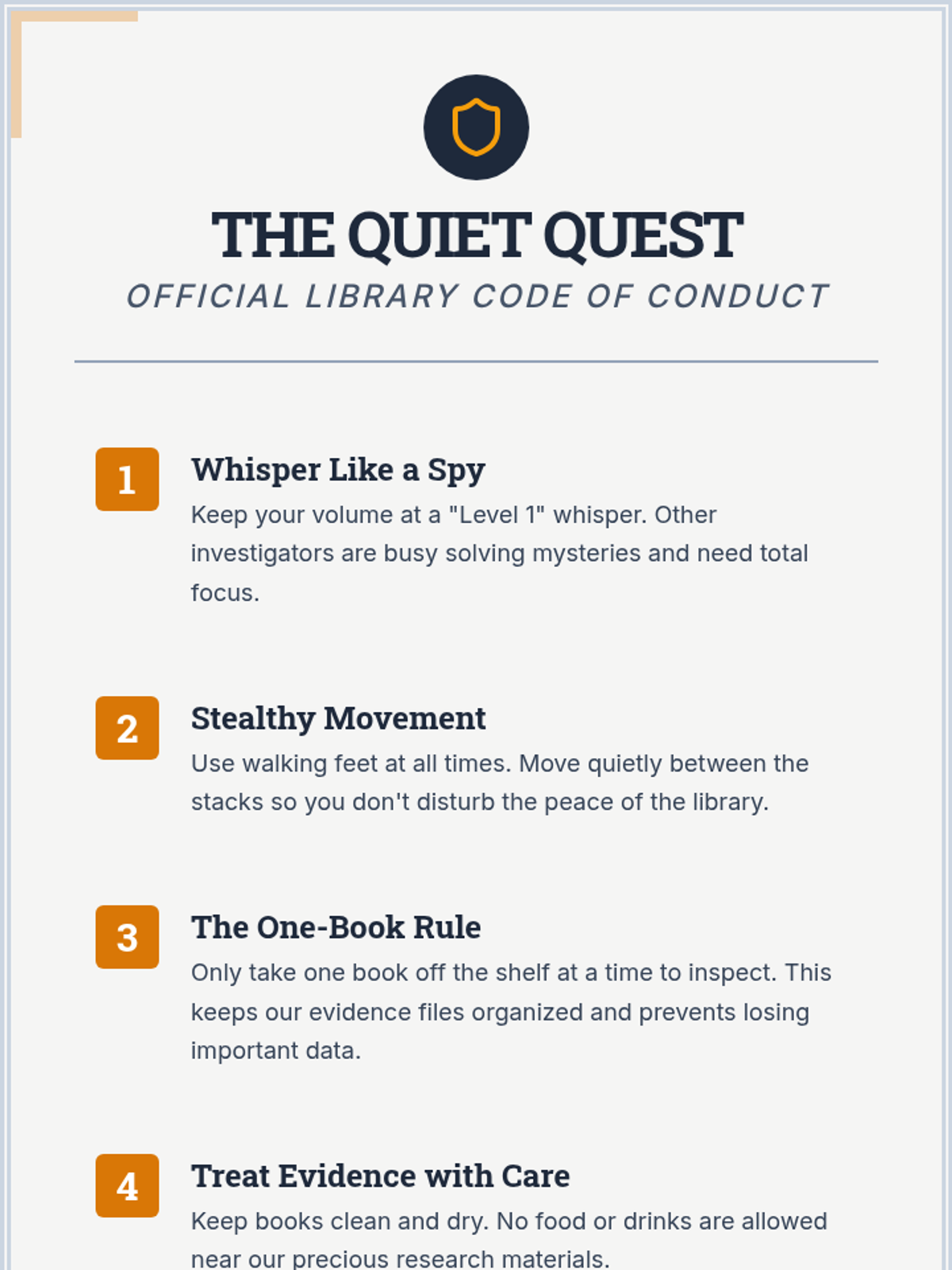
A detective-themed anchor chart outlining five key library rules for student behavior and book care, updated to exclude shelf markers.
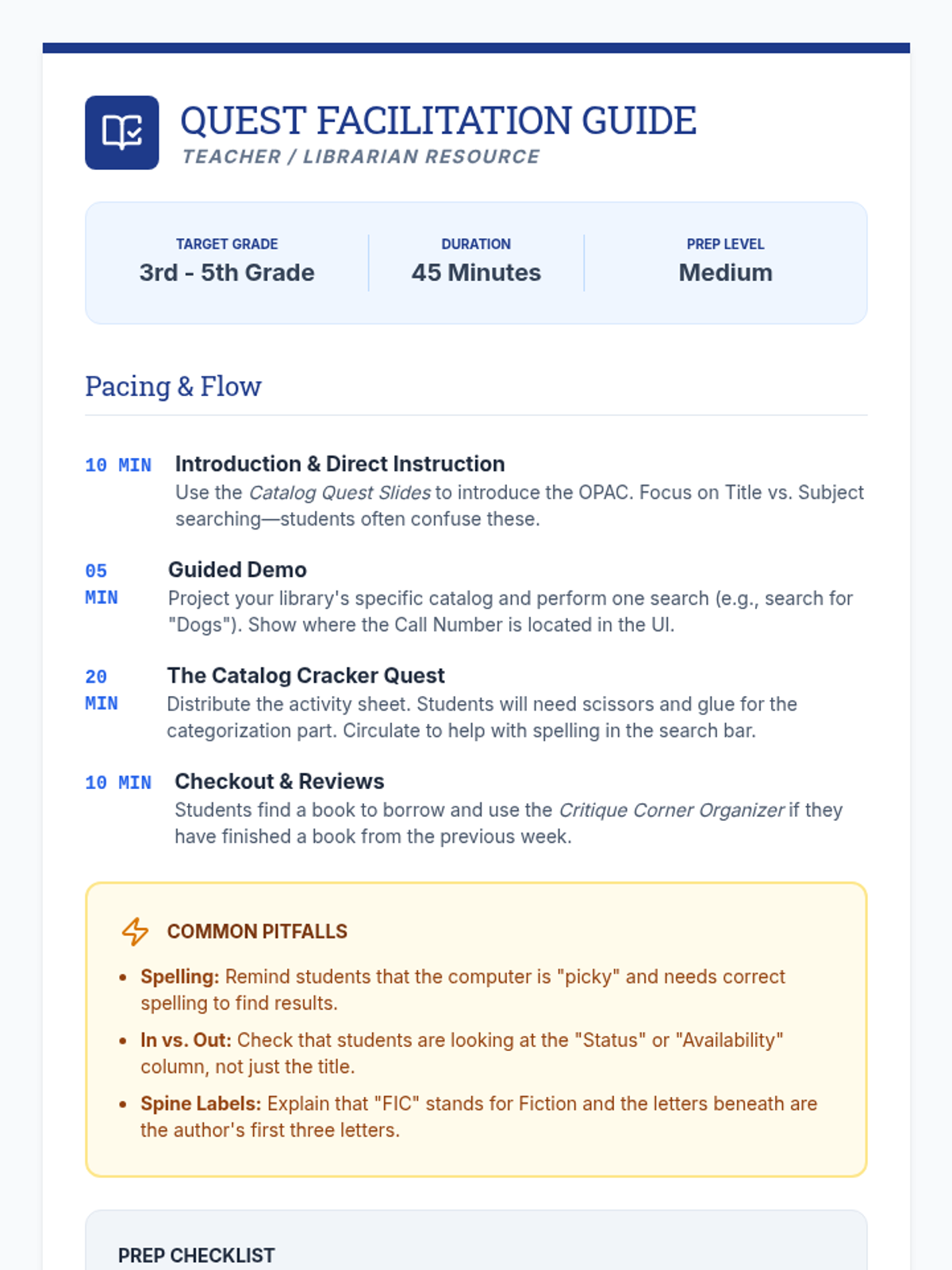
A facilitator guide for librarians and teachers, featuring a 45-minute pacing guide, common student misconceptions, and a preparation checklist.
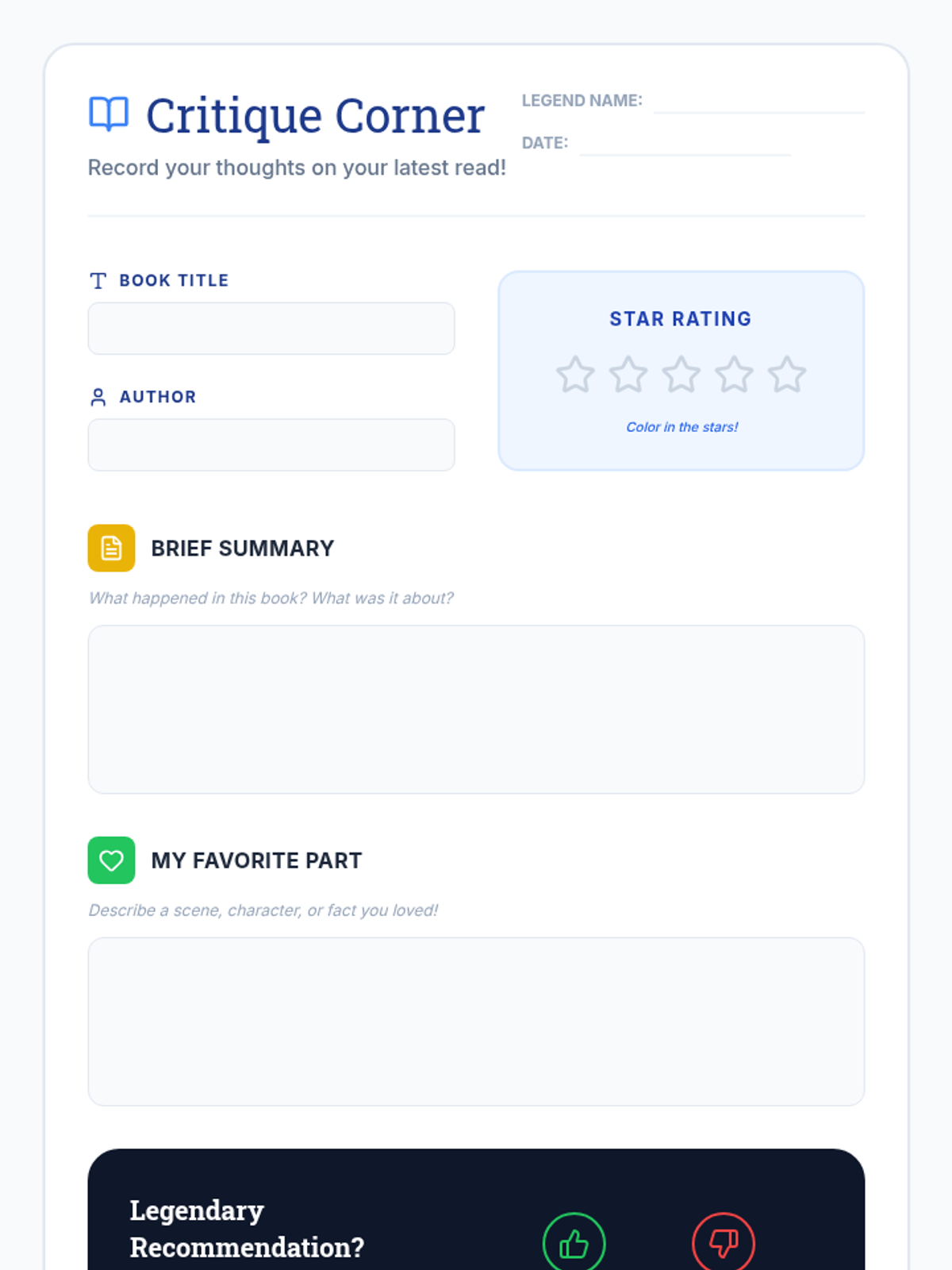
A clean, visually appealing book review worksheet for students to record summaries, star ratings, and recommendations.
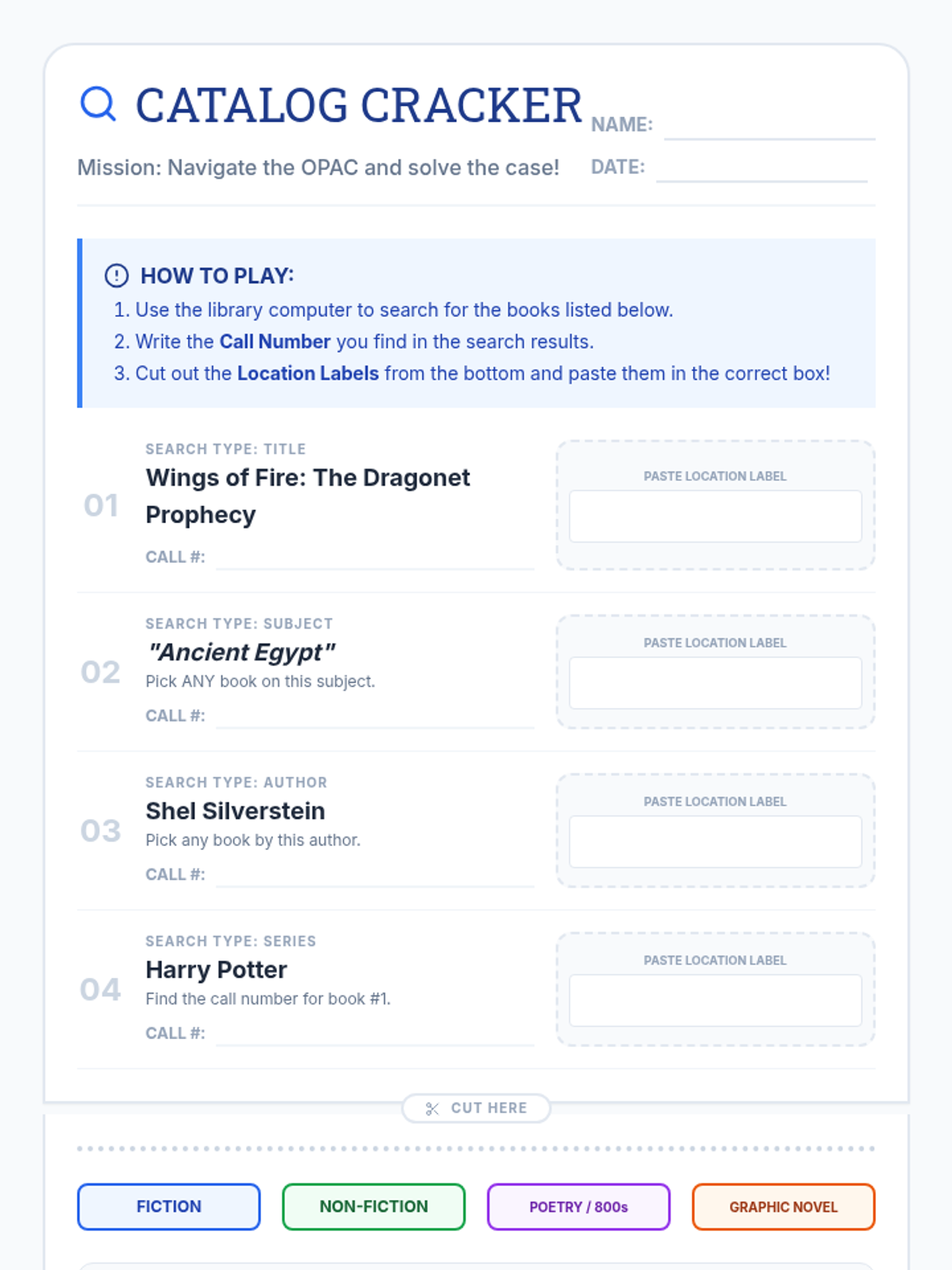
A "Detective Case File" themed scavenger hunt where students search for specific titles, subjects, or authors in the catalog, record call numbers, and paste category labels. Expanded to 4 search types.
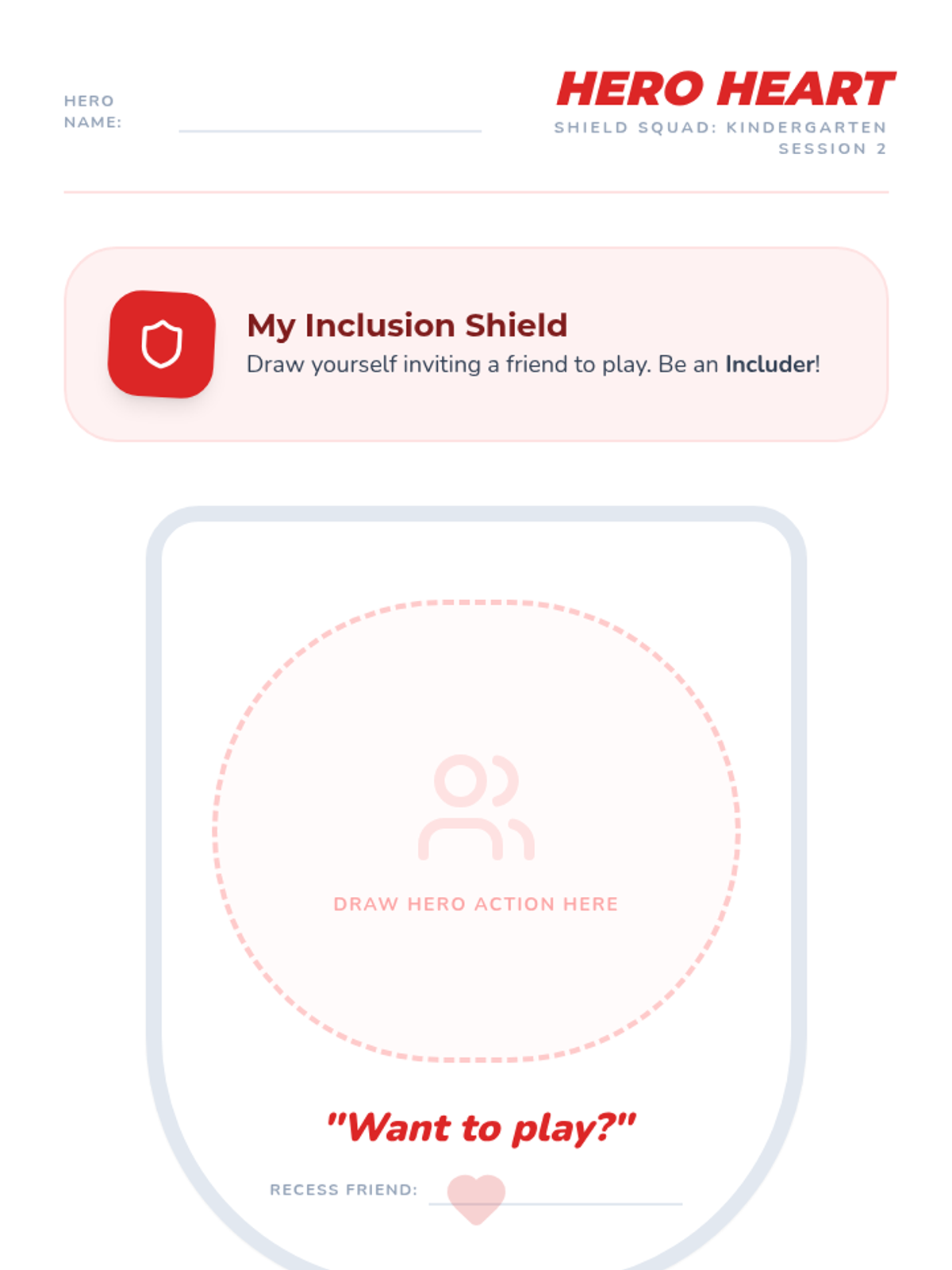
A creative drawing and strategy reinforcement worksheet for Kindergarten. Features a large shield area for students to draw inclusive actions and reminders for the Stop-Walk-Talk strategy.
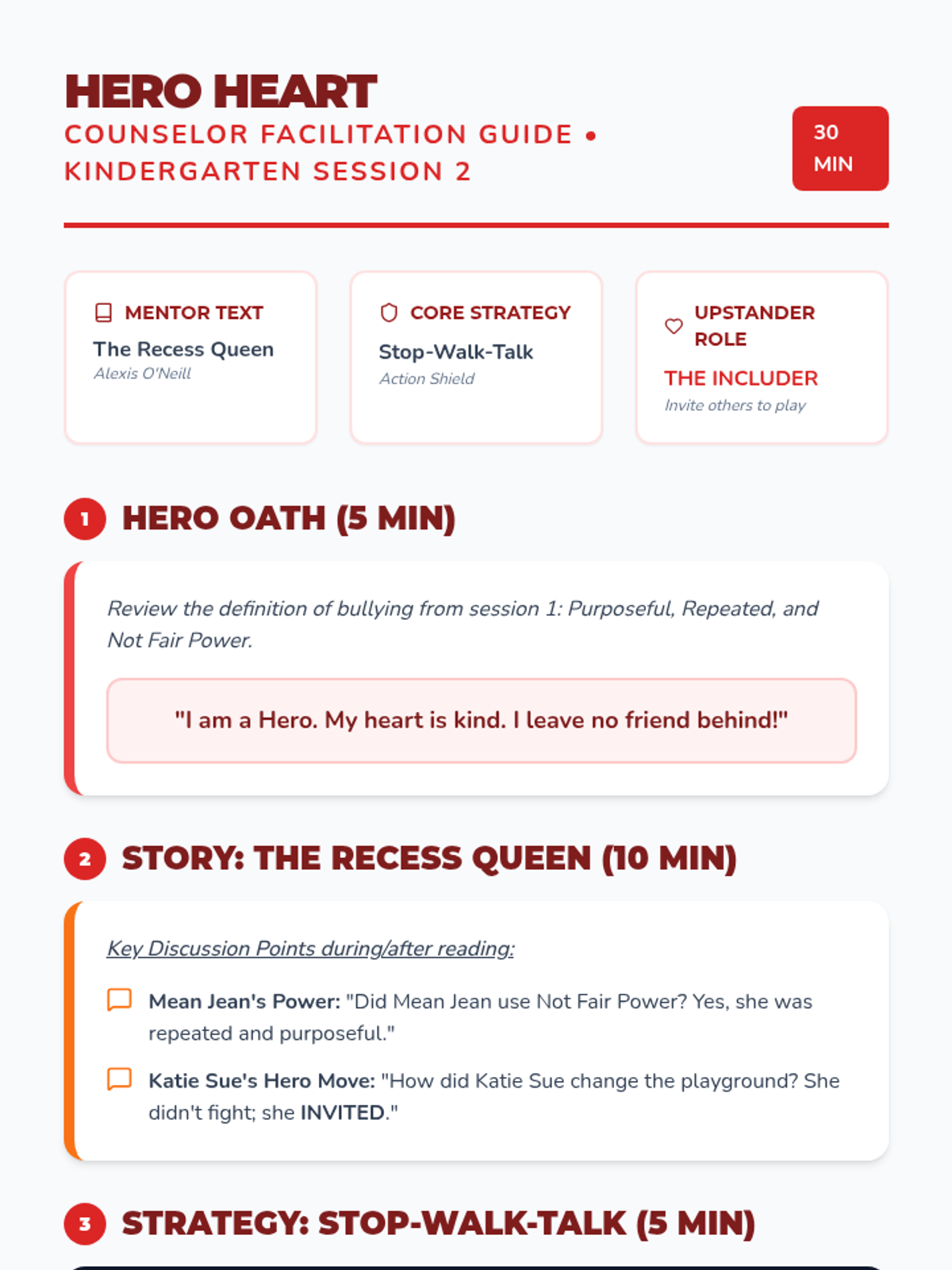
Counselor guide for Kindergarten using 'The Recess Queen' by Alexis O'Neill. Includes lesson script, Stop-Walk-Talk strategy review, and instructions for the Hero Heart Shield activity.
Slide deck for Kindergarten Hero Heart, featuring 'The Recess Queen' by Alexis O'Neill. Focuses on the role of the 'Includer', the Stop-Walk-Talk strategy, and identifying bullying vs. conflict.
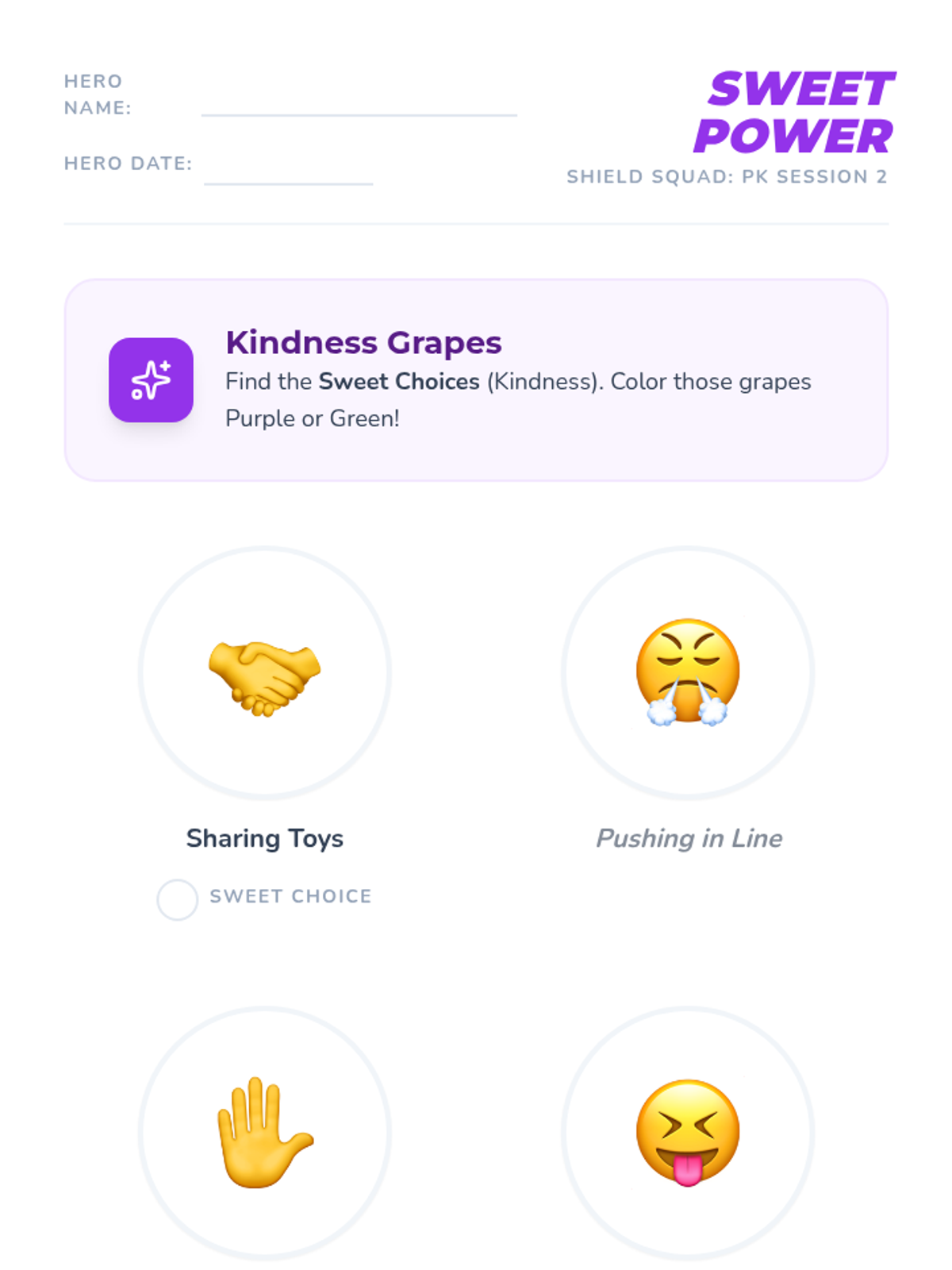
A visual sorting and drawing worksheet for PK students to distinguish between kind and mean choices. Features large icons for non-readers and a creative drawing area for personal kindness moves.
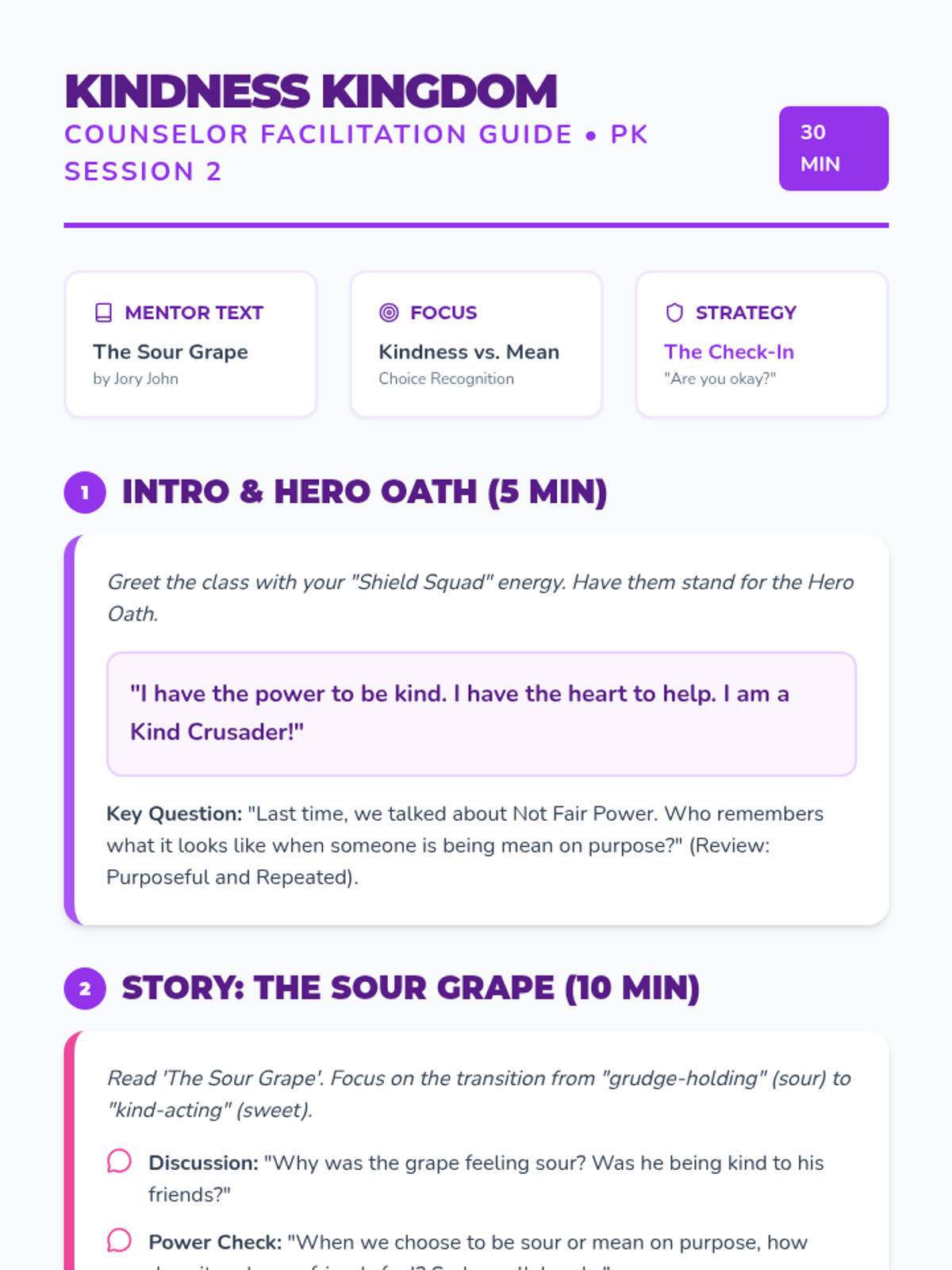
Counselor guide for PK using 'The Sour Grape' by Jory John. Includes lesson script, Hero Oath, and instructions for the Kindness Grapes sorting/coloring activity.
Slide deck for PK Kindness Kingdom, featuring 'The Sour Grape' by Jory John. Focuses on identifying purposeful mean behavior vs. kind choices and introduces the 'Check-In' upstander strategy.
Slide deck for 4th grade Upstander Elite, featuring 'Confessions of a Former Bully' by Trudy Ludwig, the bullying circle, and power shift strategies. Optimized for high contrast and fixed rendering.
Slide deck for 3rd grade Power Protectors, featuring 'Tease Monster' by Julia Cook, bullying definitions, and the 4 upstander power moves. Optimized for classroom delivery.
Legacy reflection handout for 5th-6th grade. Features status auditing, a leadership move brainstorm, and a school legacy pledge with high-contrast work areas.
Slide deck for 6th grade Social Leadership, exploring school culture audits, 'Restart' themes, and building a legacy of advocacy. Optimized for high contrast and fixed rendering. Includes conflict vs bullying comparison.
Slide deck for 5th grade Impact Influencers, exploring 'Zero' by Kathryn Otoshi, social capital as power, and single significant events in cyberbullying. Optimized for high contrast and fixed rendering. Includes conflict vs bullying comparison.
Slide deck for 2nd grade Inclusion Squad, featuring 'The Invisible Boy' by Trudy Ludwig, bullying definitions, and specific includer strategies. Optimized for visual engagement.
Slide deck for 1st grade Friendship Force, featuring 'Trouble Talk' by Trudy Ludwig, bullying definitions, and the seesaw model of power. Optimized for high contrast and fixed icon rendering.
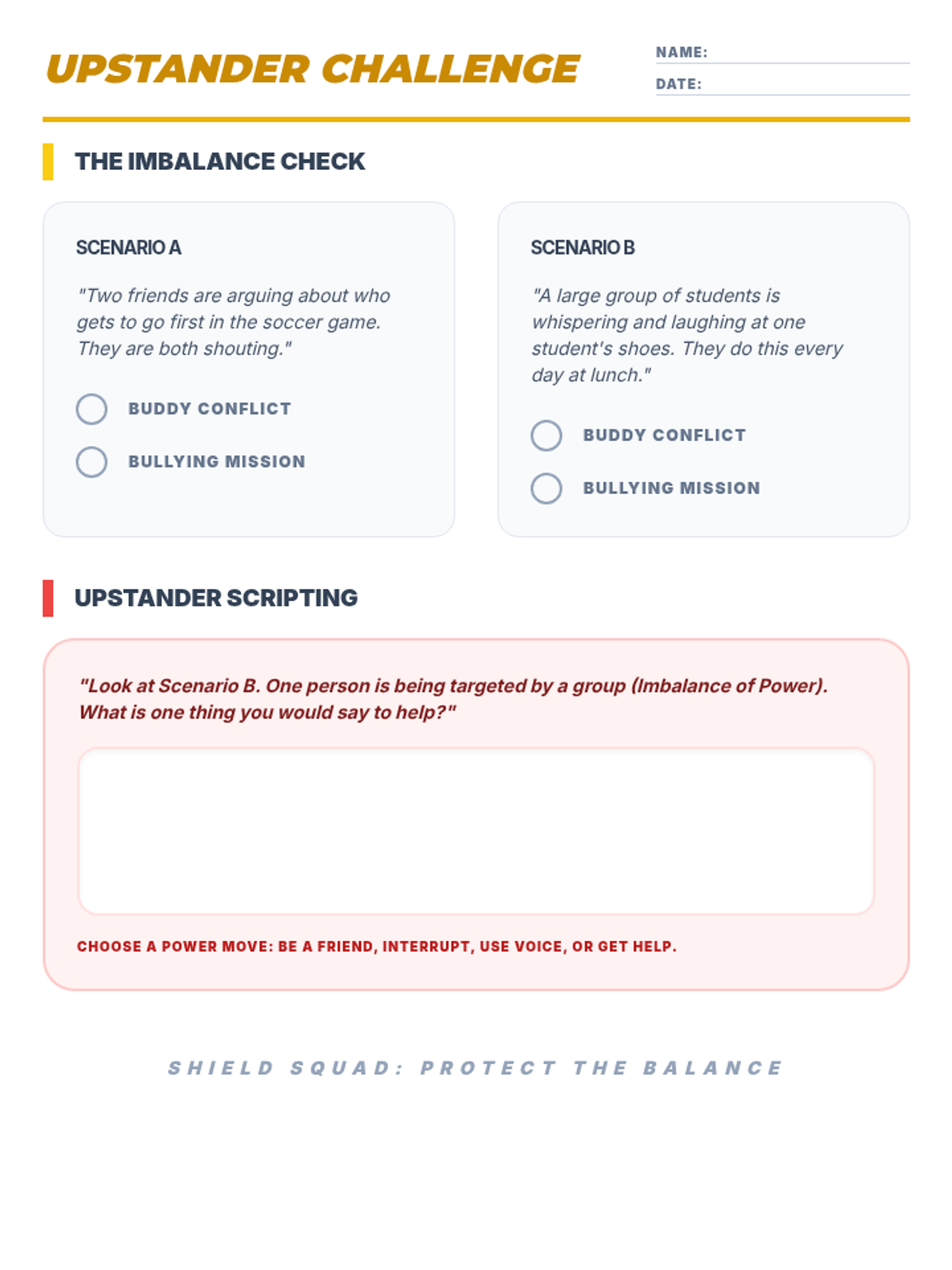
Upstander challenge handout for 3rd-4th grade. Features scenario sorting between conflict and bullying based on imbalance of power, plus a writing area for upstander scripting.
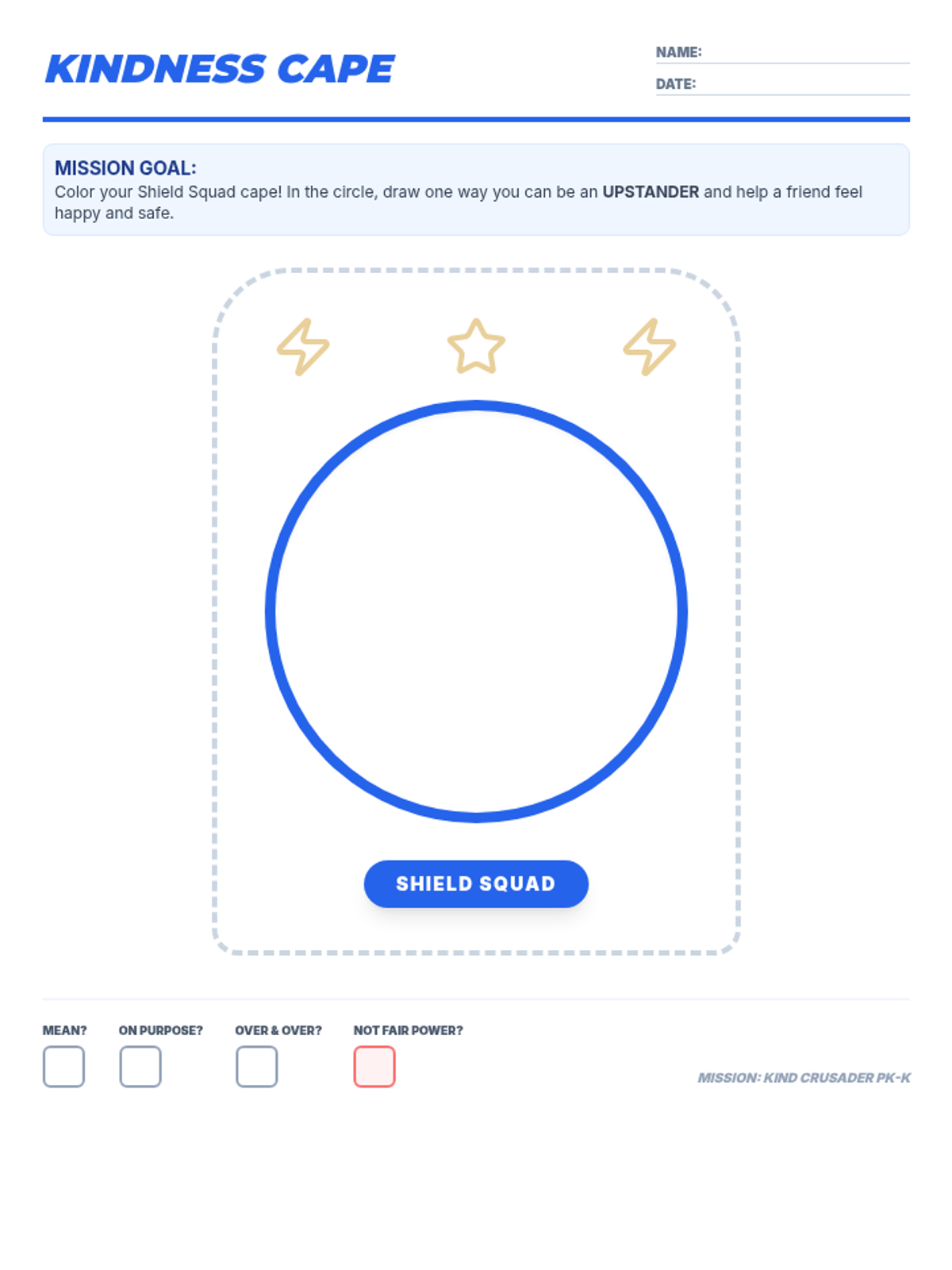
Creative drawing and coloring worksheet for PK-K students. High-contrast printable with a focus on upstander actions and the core bullying definition checkboxes.
Slide deck for Kinder Kindness Knights, featuring 'Bully B.E.A.N.S.' by Julia Cook, bullying definitions, and hero roles. Optimized for high contrast and fixed rendering.
Slide deck for PK Kind Crusaders, featuring 'One' by Kathryn Otoshi, bullying definitions, and the Stop-Walk-Talk strategy. Optimized for high contrast, clear lesson transitions, and verbatim definitions.
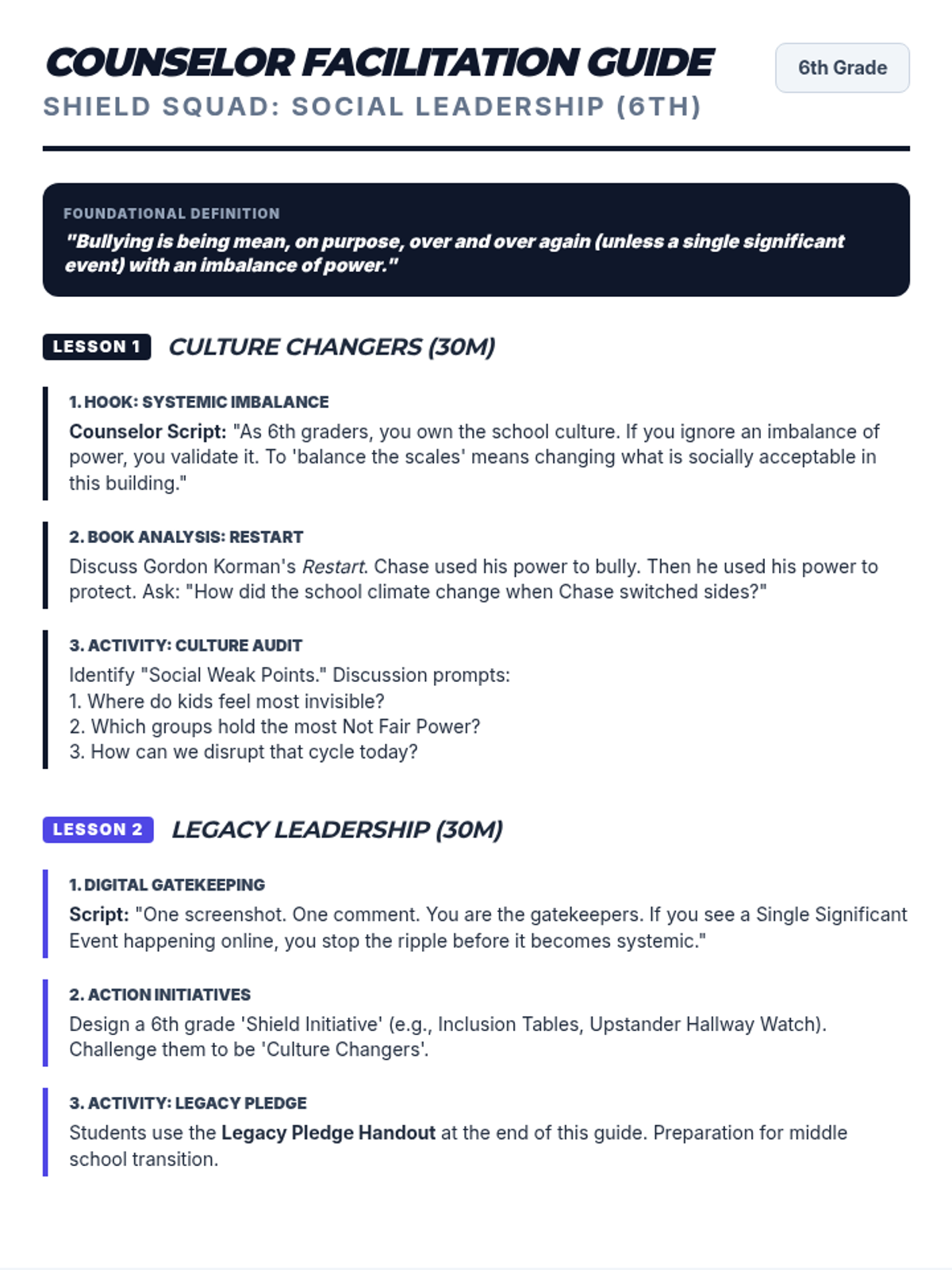
Counselor guide for 6th grade using 'Restart' by Gordon Korman to explore school culture and legacy. Includes the printable Legacy Pledge handout page. Fixes header spacing and box height.
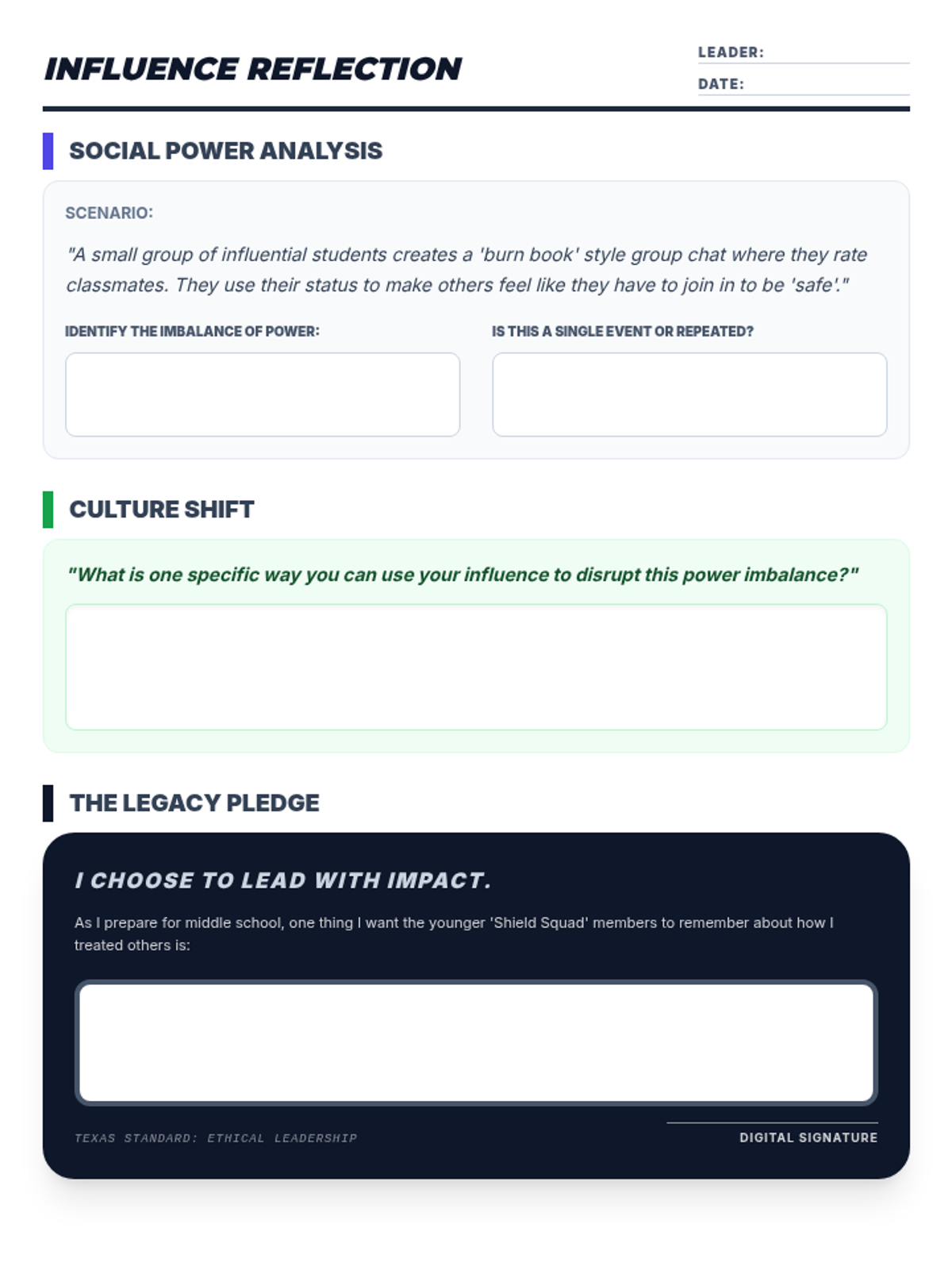
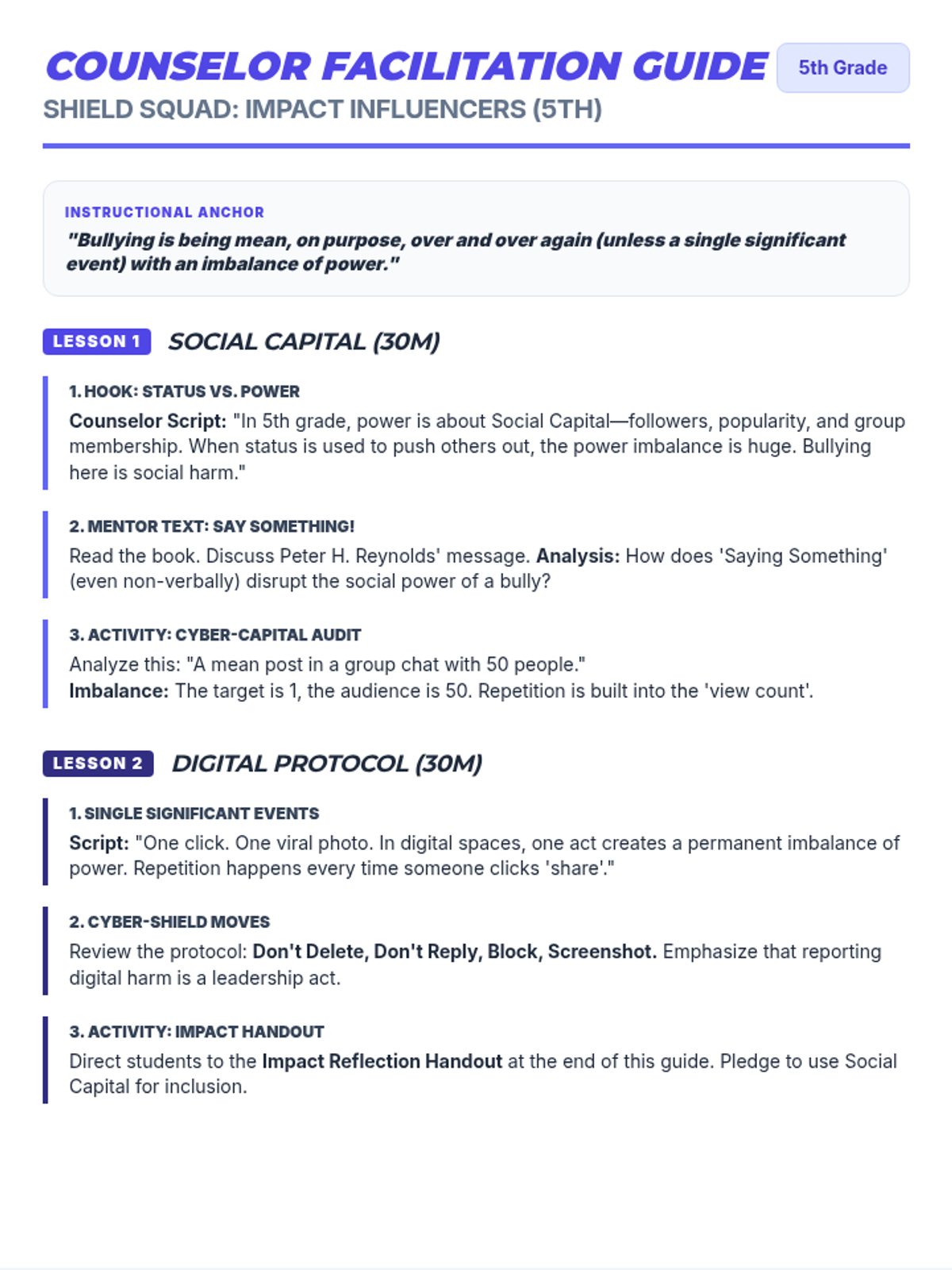
Counselor guide for 5th grade using 'Zero' by Kathryn Otoshi to explore social capital, cyberbullying, and influencer responsibility. Includes the printable Impact Reflection case study and pledge handout page.
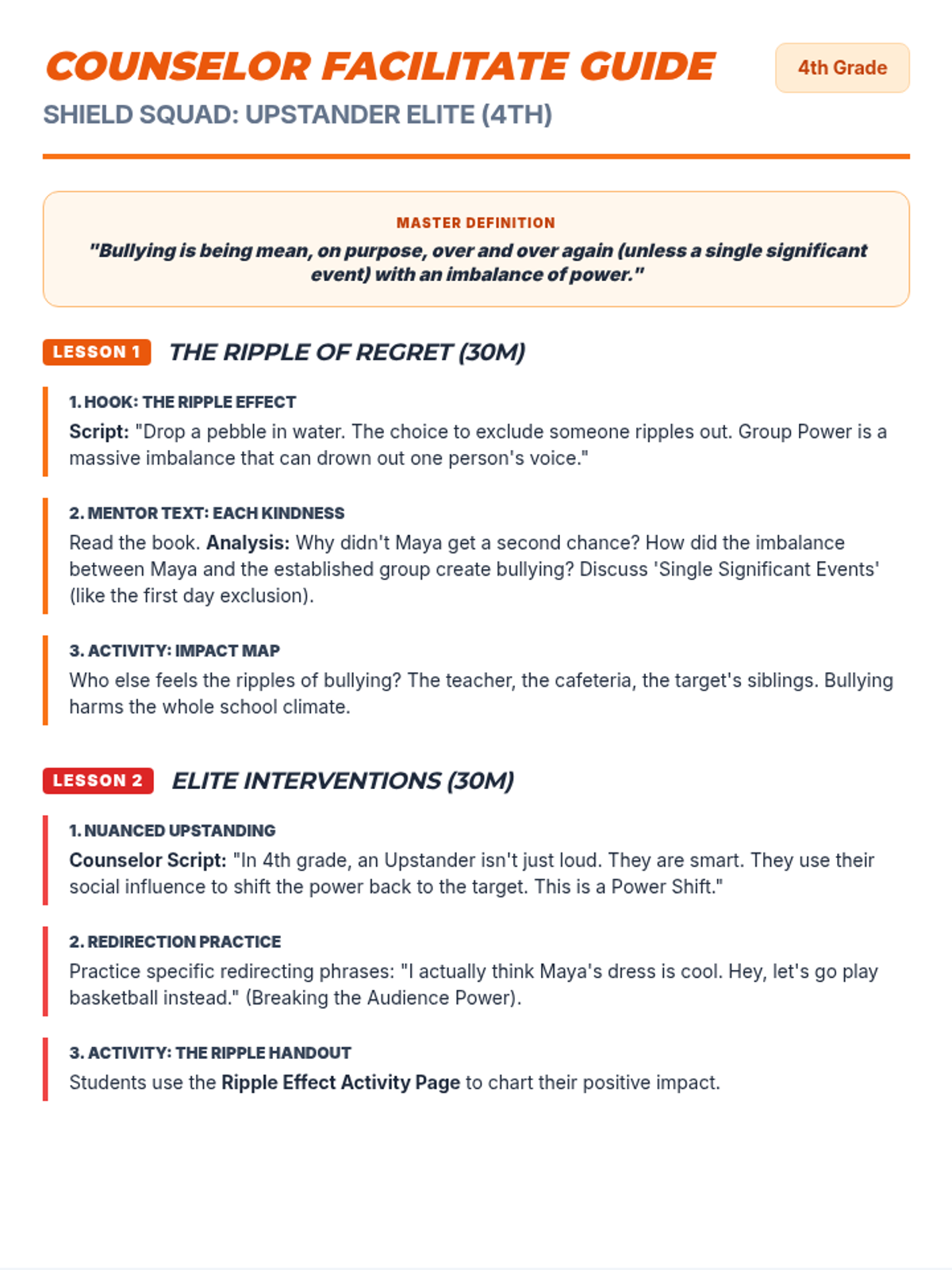
Counselor guide for 4th grade using 'Confessions of a Former Bully' by Trudy Ludwig to explore roles and power shifts. Includes the printable Ripple Effect activity page with expanded writing areas. Fixes grammar and layout issues.
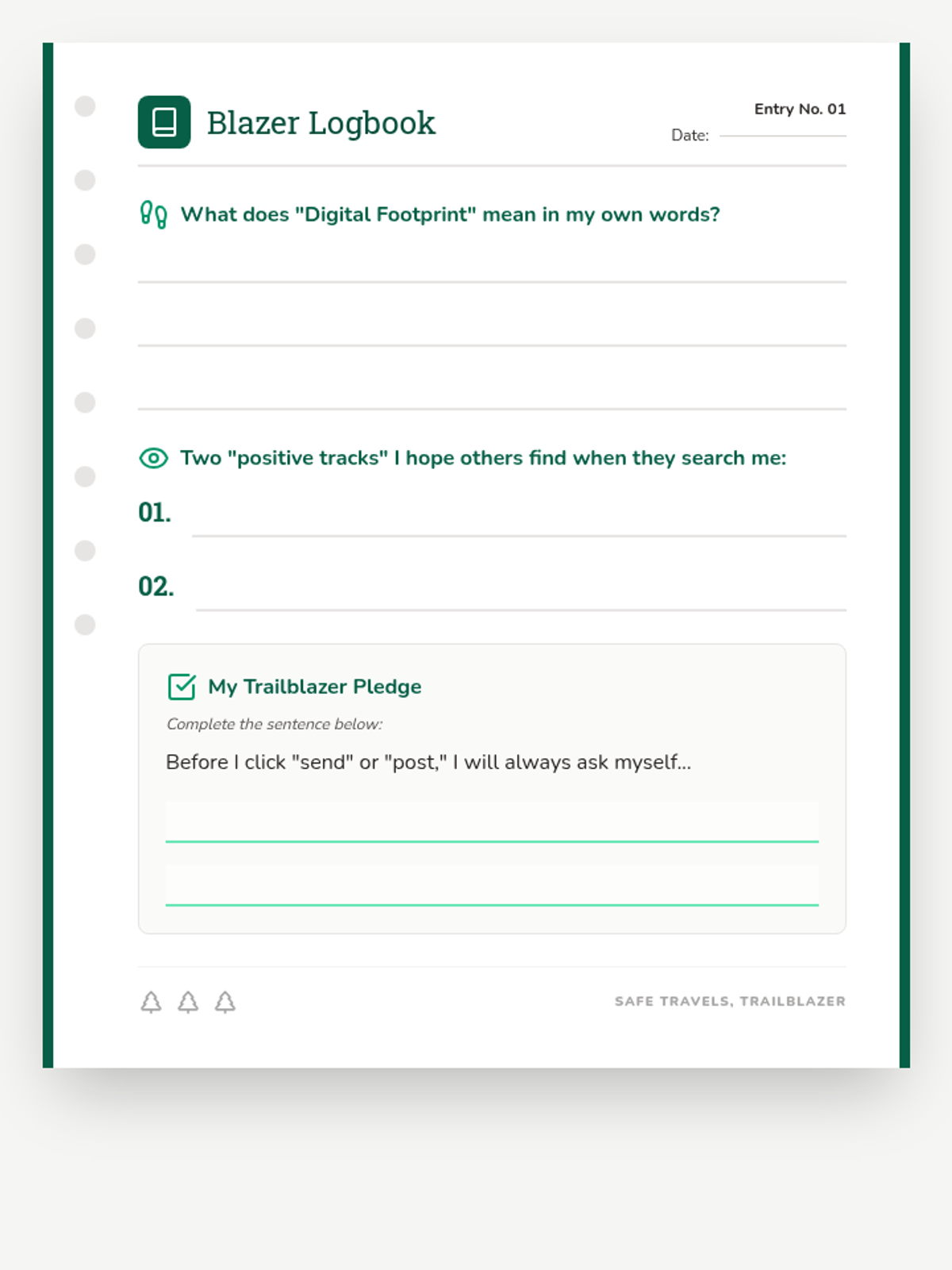
A reflection journal sheet for students to define their digital footprint and make a personal pledge to maintain a positive online trail.
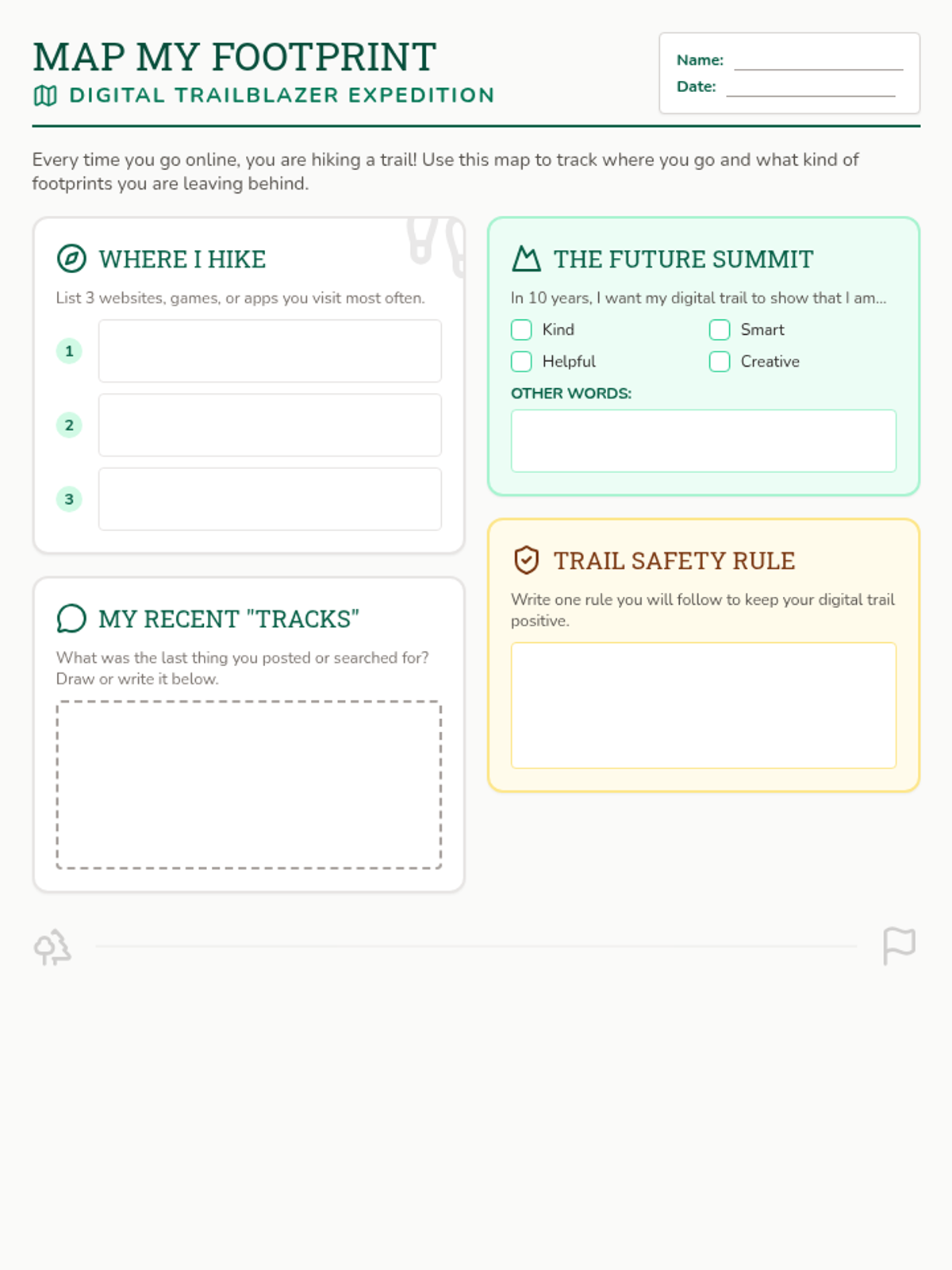
A student project sheet where children map their online activities, identify their "digital tracks," and set goals for a positive future online presence.
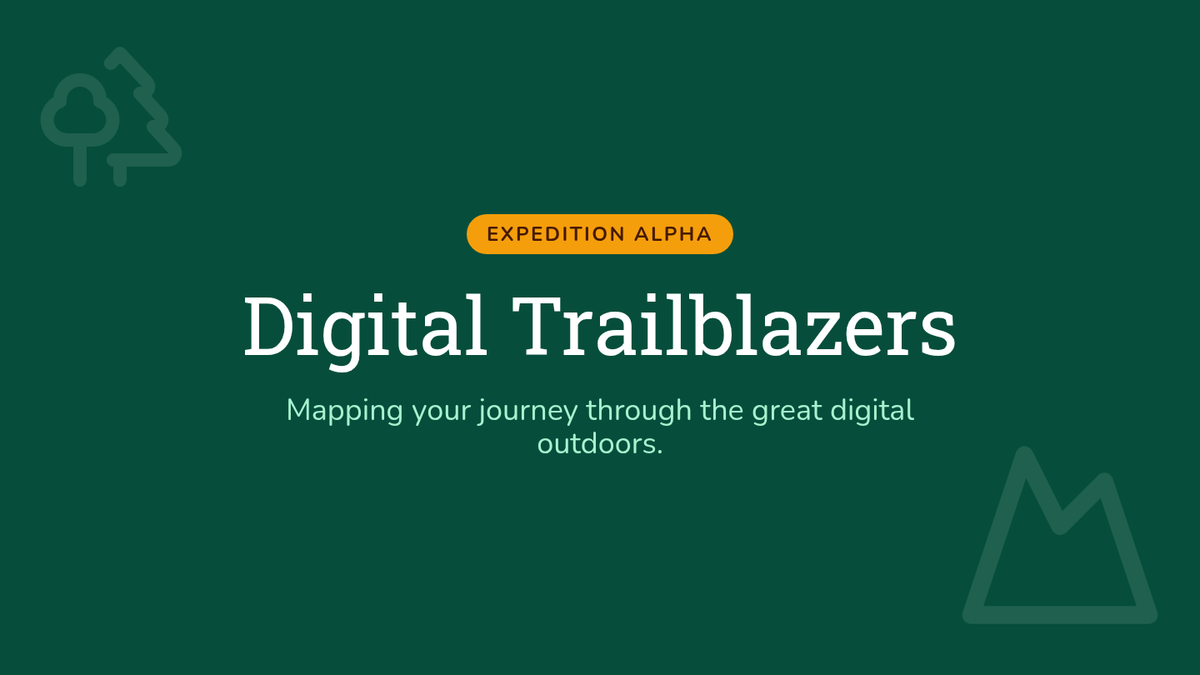
A dynamic 6-slide presentation for grades 3-5 that uses wilderness motifs to teach digital footprint concepts, permanence, and future impact.
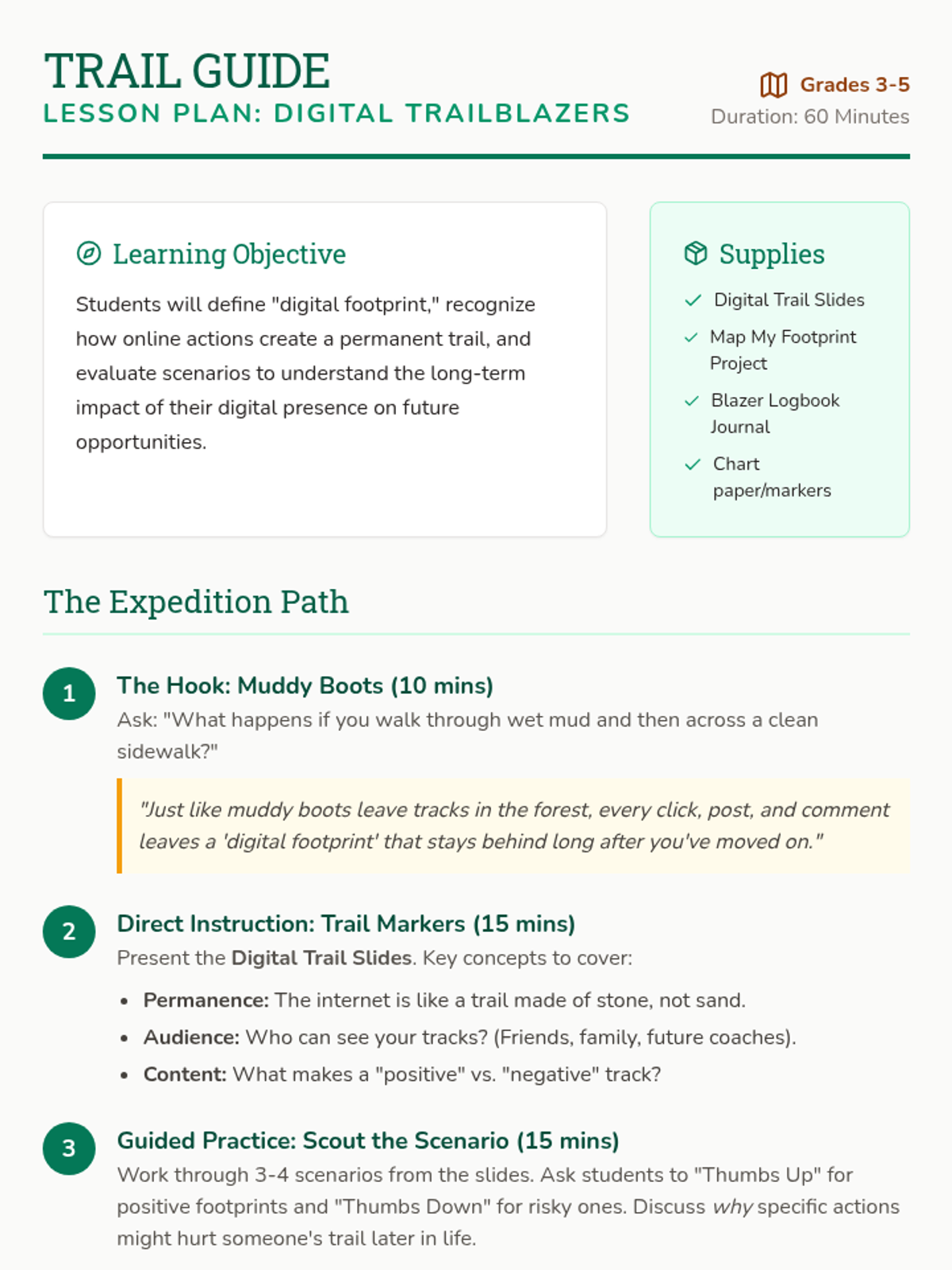
A comprehensive teacher's guide for the Digital Trailblazers lesson, featuring a wilderness-themed instructional path, learning objectives, and delivery tips for grades 3-5.
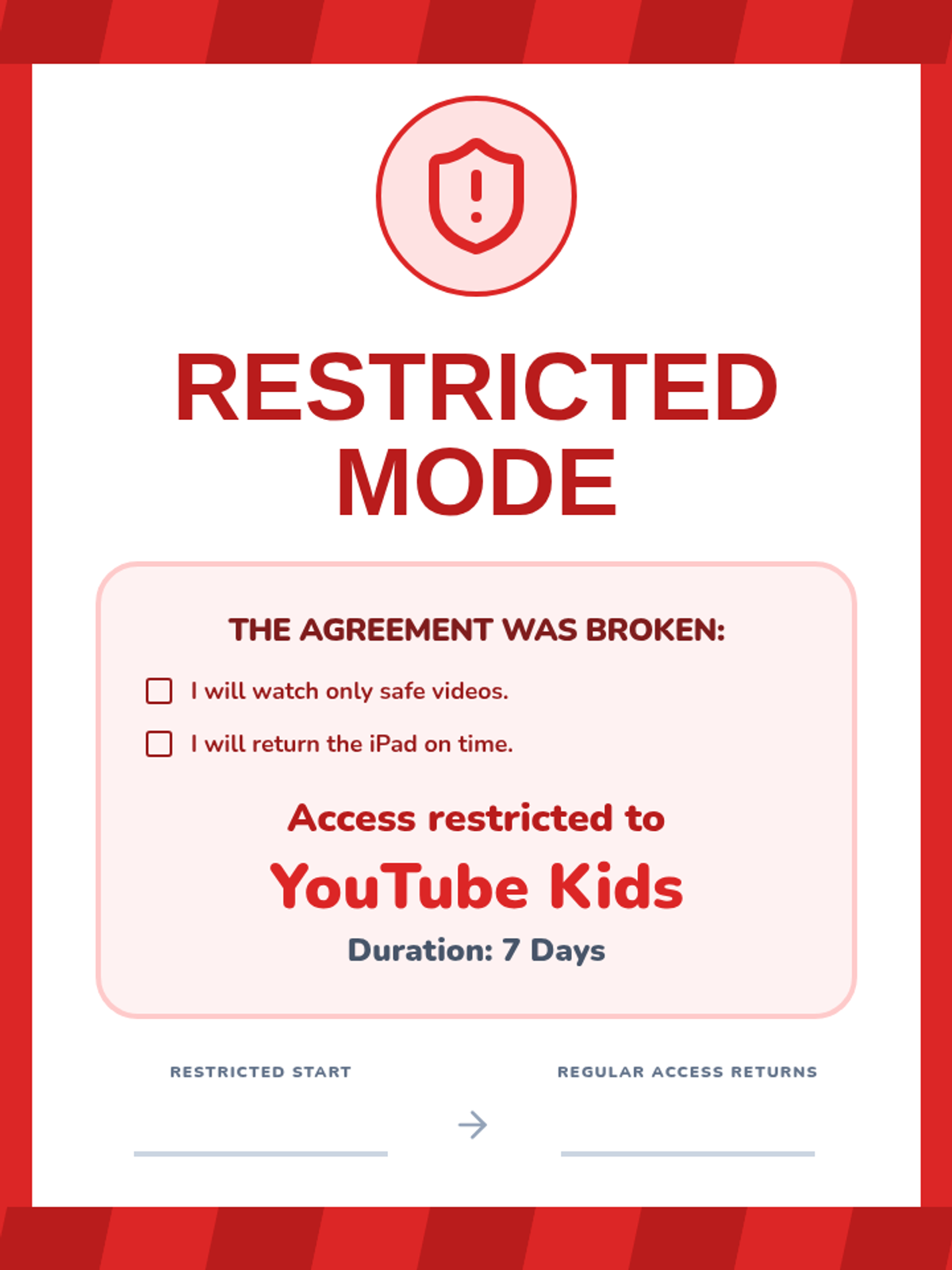
A visual notice for restricted iPad use, now including the broken 'I will' statements as a reminder and optimized for full-page impact.
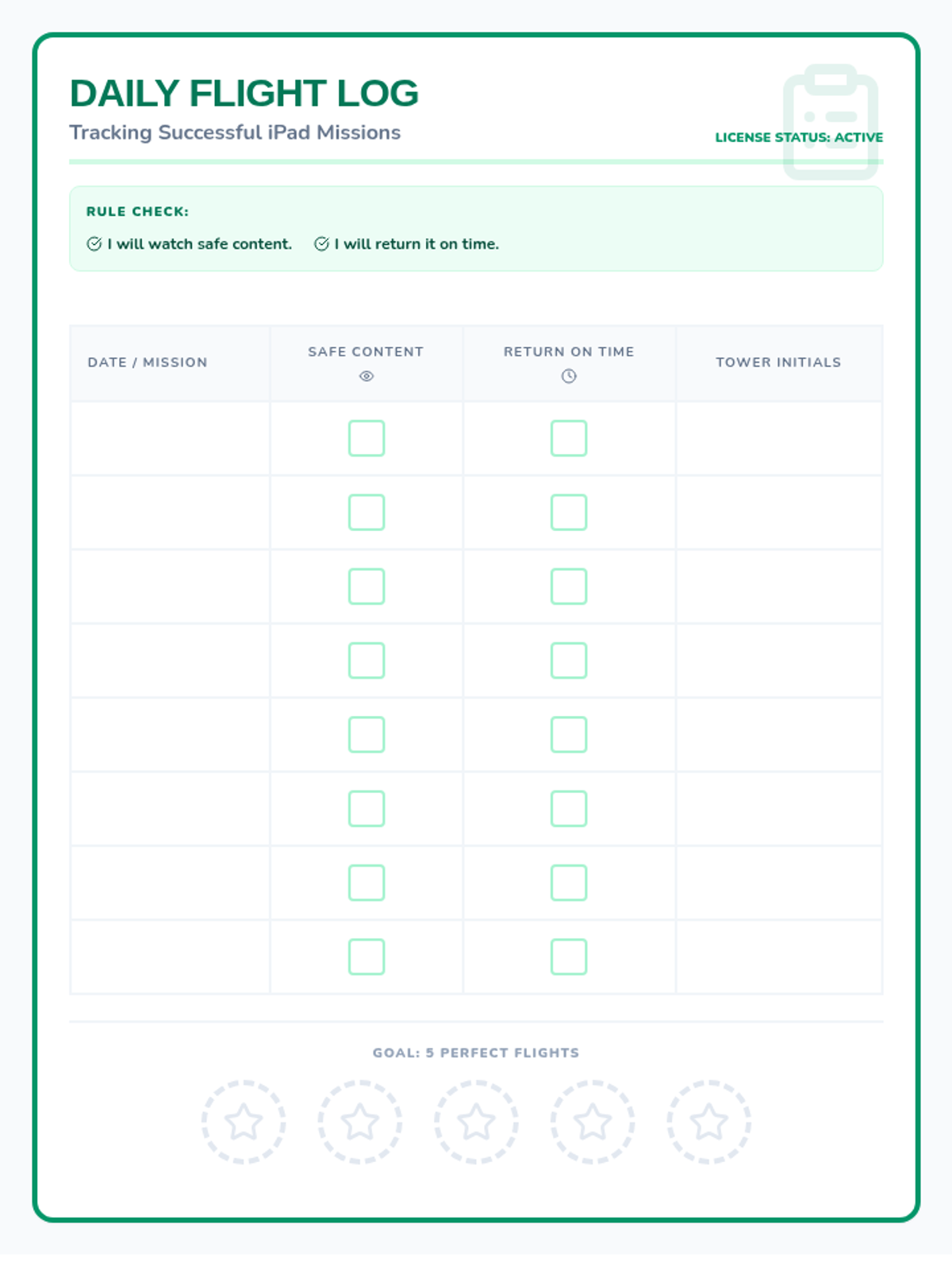
A tracking log for student iPad use, updated with 'I will' rule reminders and optimized for single-page layout.
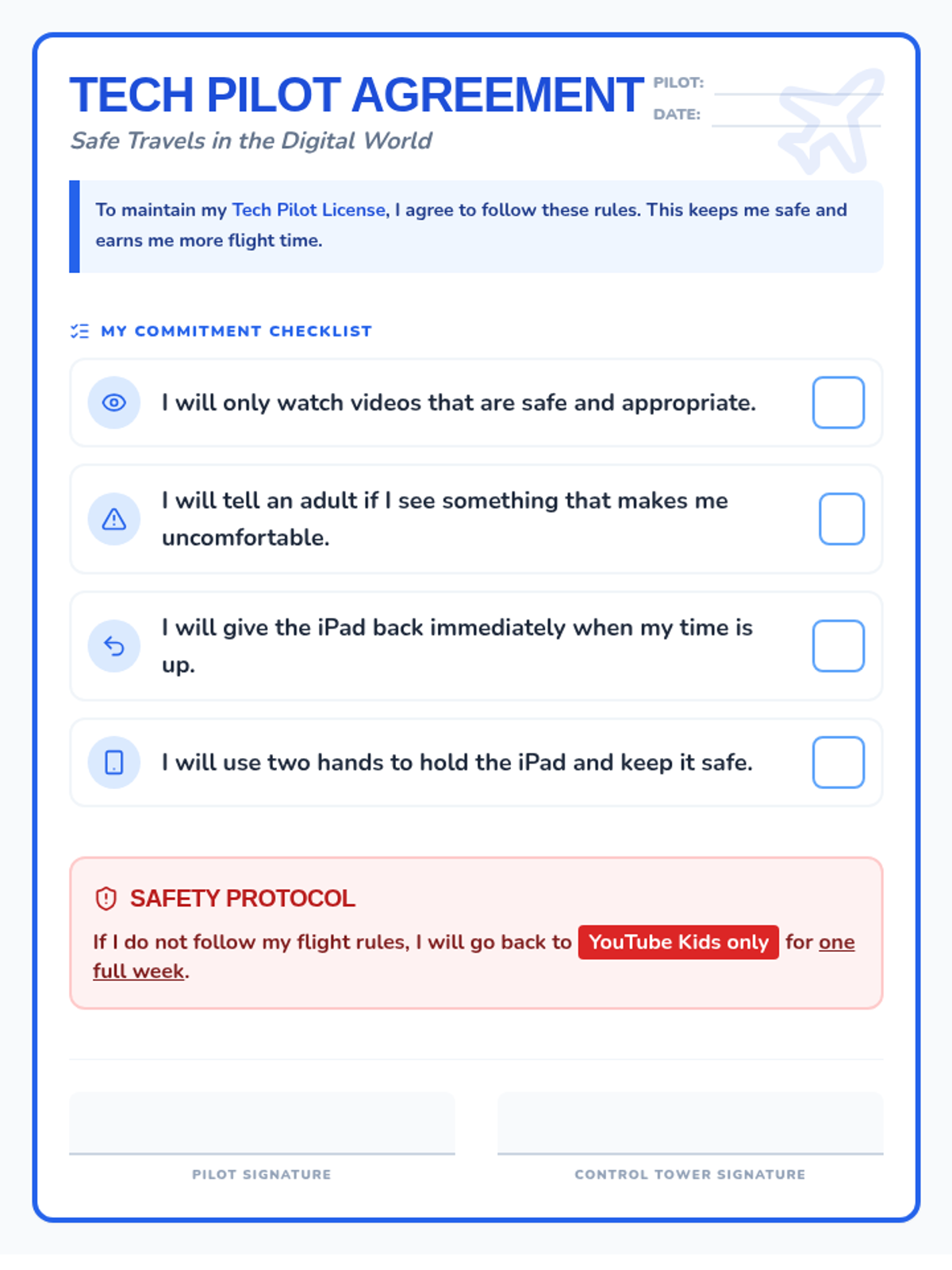
A revised student iPad and YouTube use contract featuring 'I will' statements, visual icons, and clear consequences, optimized for single-page printing.
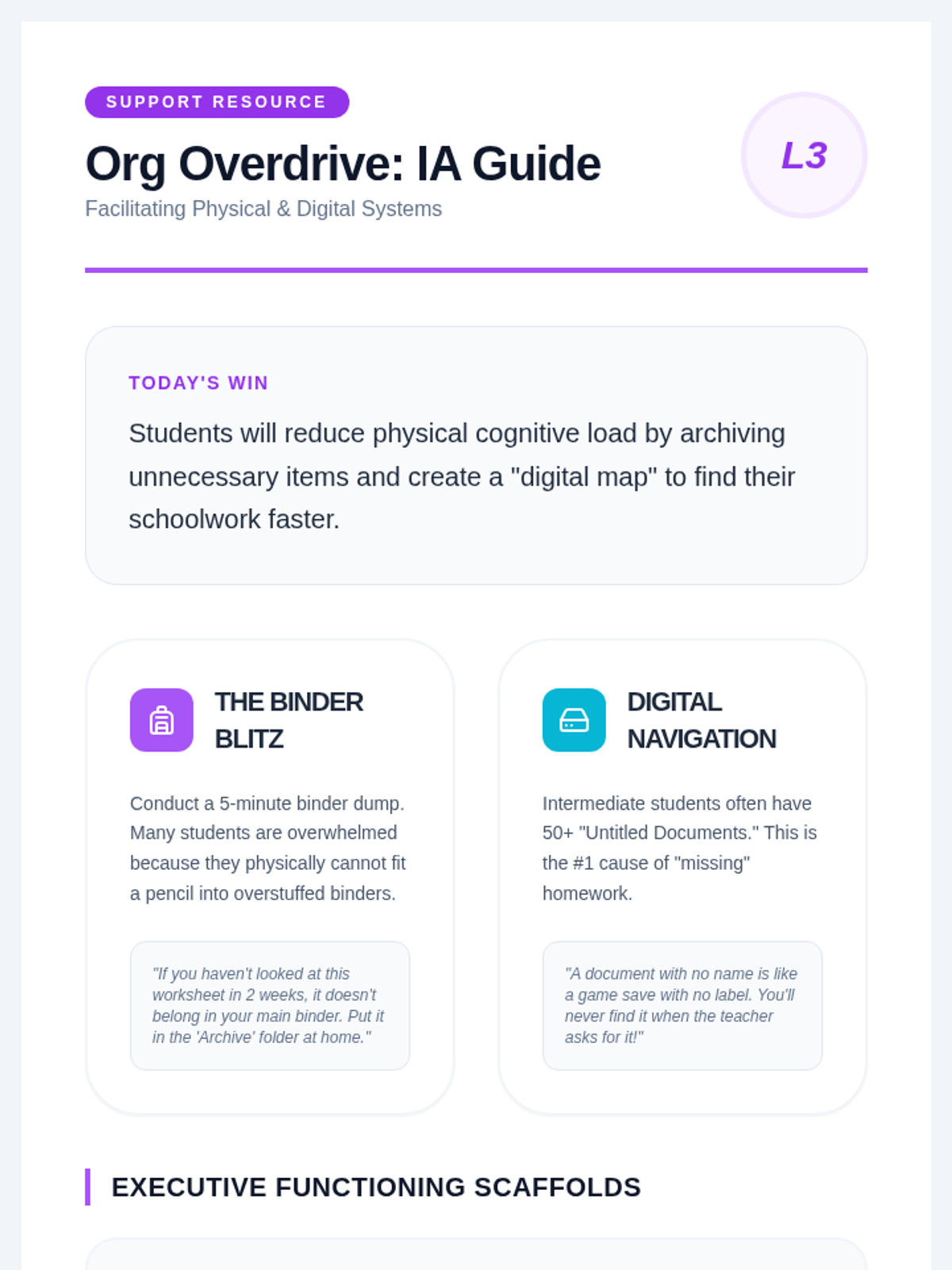
A guide for IAs on facilitating physical and digital organization lessons. Provides actionable strategies for 'The Binder Blitz' and digital file management, including specific scripting and weekly maintenance routines.
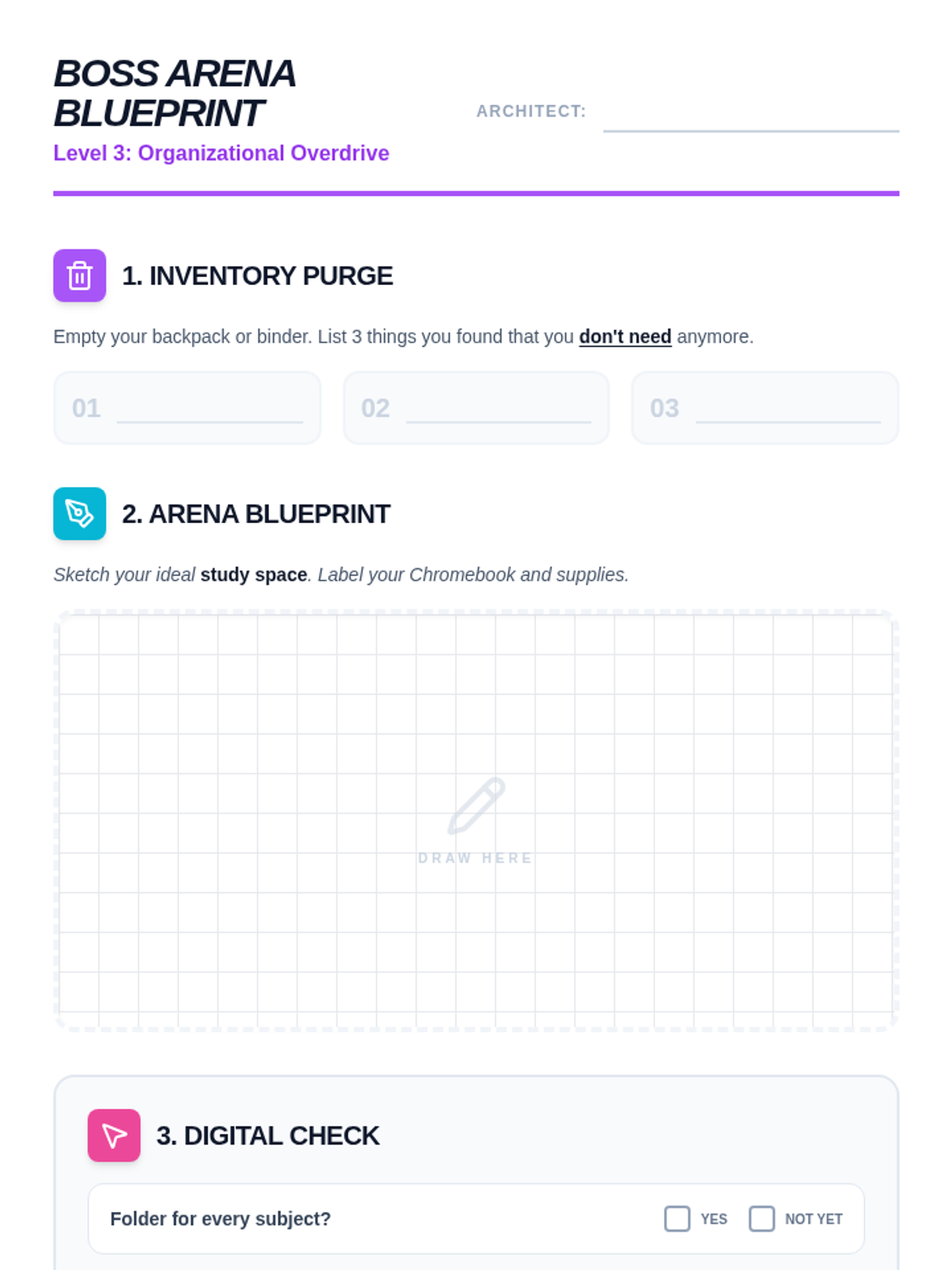
A visual worksheet for organizing physical and digital spaces. Includes a 'Purge' list for cleaning backpacks, a blueprint drawing area for designing a study space, and a digital checklist for organizing computer files. High-engagement design for intermediate students.
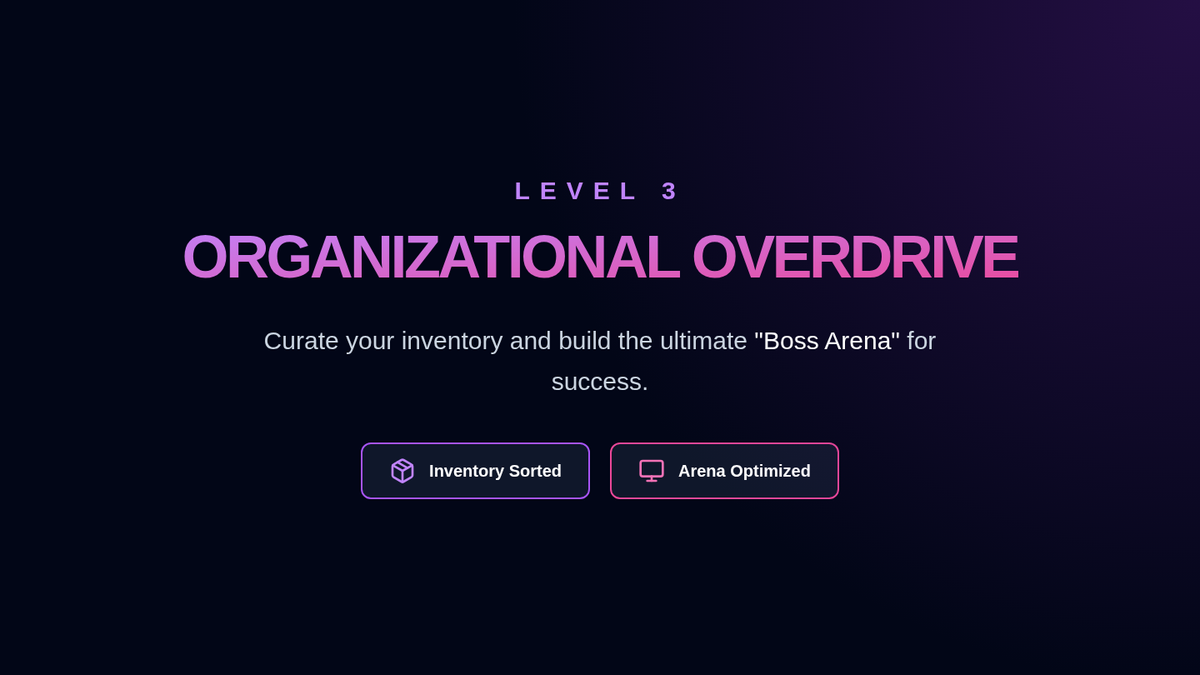
Slides for Lesson 3 focused on physical and digital organization. Introduces the concepts of 'Inventory Management' for binders/backpacks and 'Arena Optimization' for the study environment. Uses modern gaming aesthetics to keep students engaged in organizational habits.
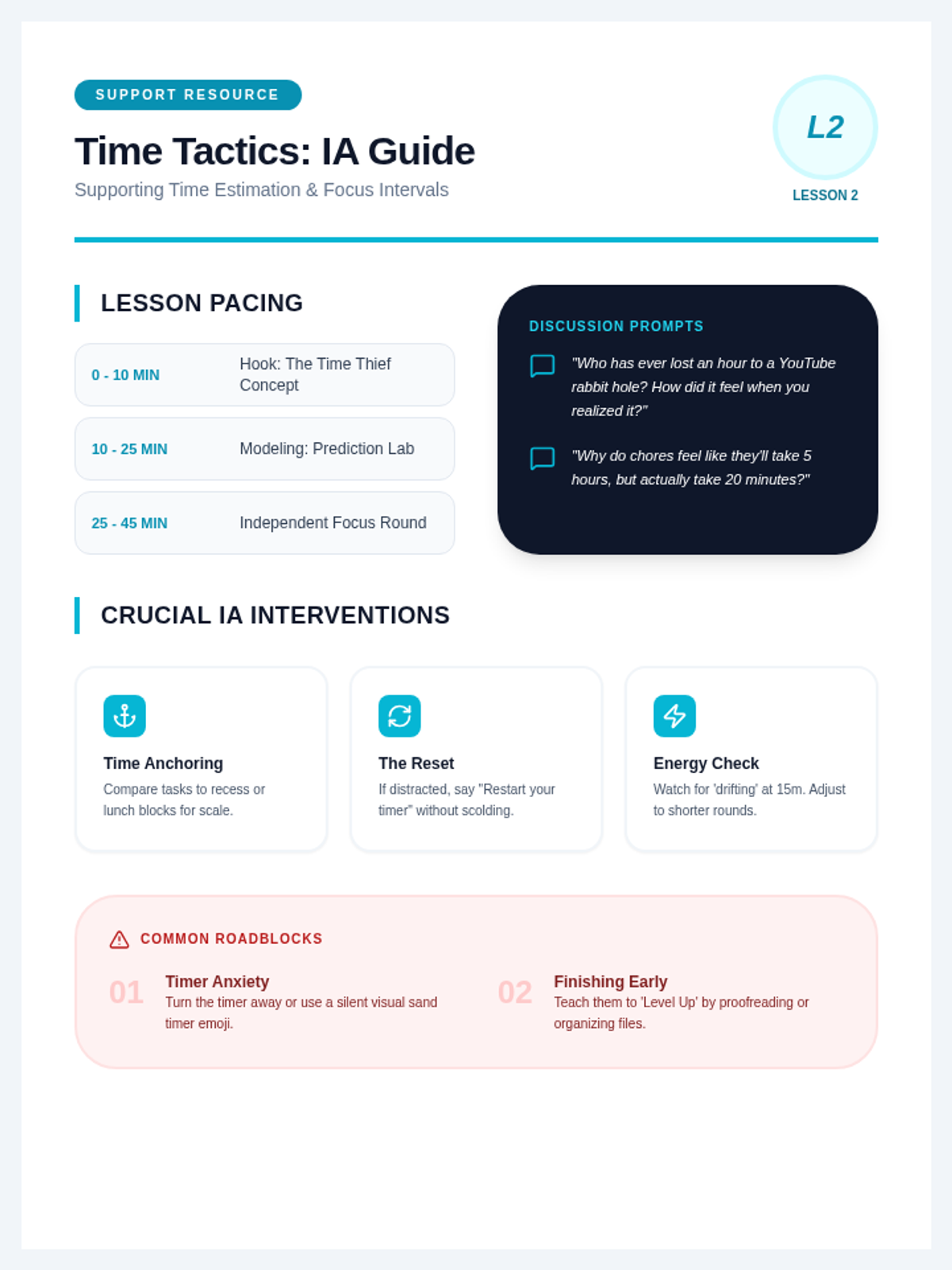
A facilitation resource for IAs providing specific strategies for supporting students with time management. Includes discussion prompts, pacing advice, and troubleshooting tips for addressing 'time blindness' and timer anxiety.
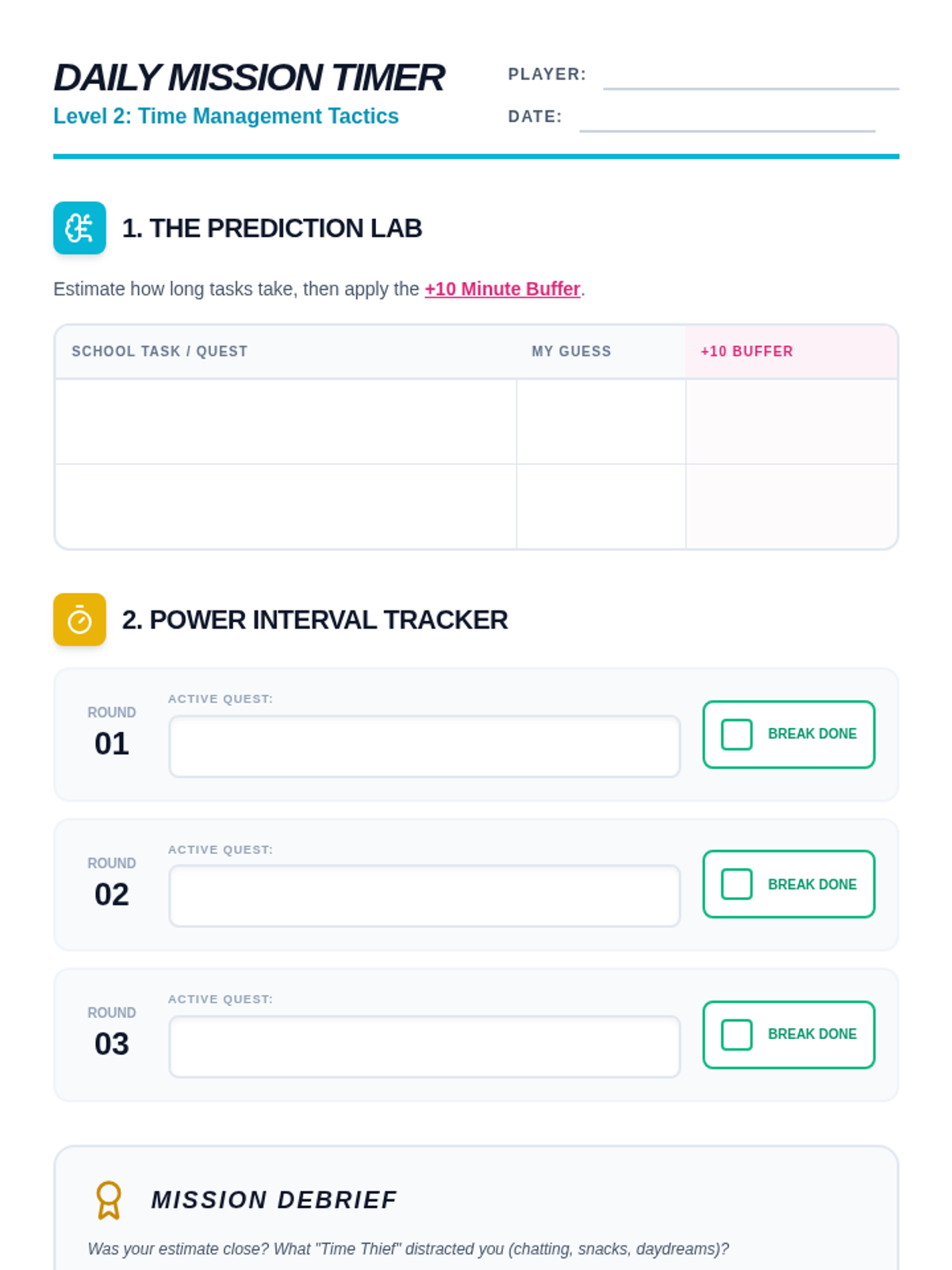
A time-tracking and scheduling worksheet for intermediate students. Features a 'Prediction Lab' for estimating task duration and a 'Power Interval Tracker' to implement the Pomodoro technique. Designed with clear work areas for students to record their progress.
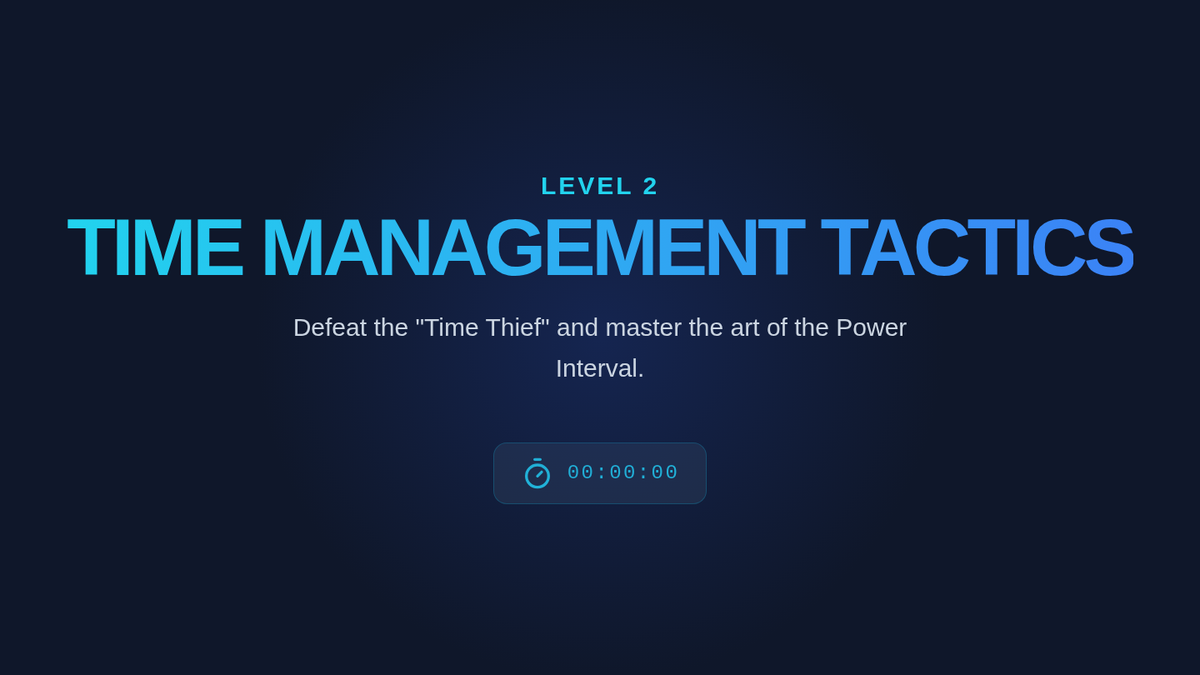
Presentation slides for Lesson 2, focusing on time estimation and the Pomodoro (Power Interval) technique. Uses high-energy, gaming-inspired visuals to teach intermediate students about 'time blindness' and scheduling buffers.
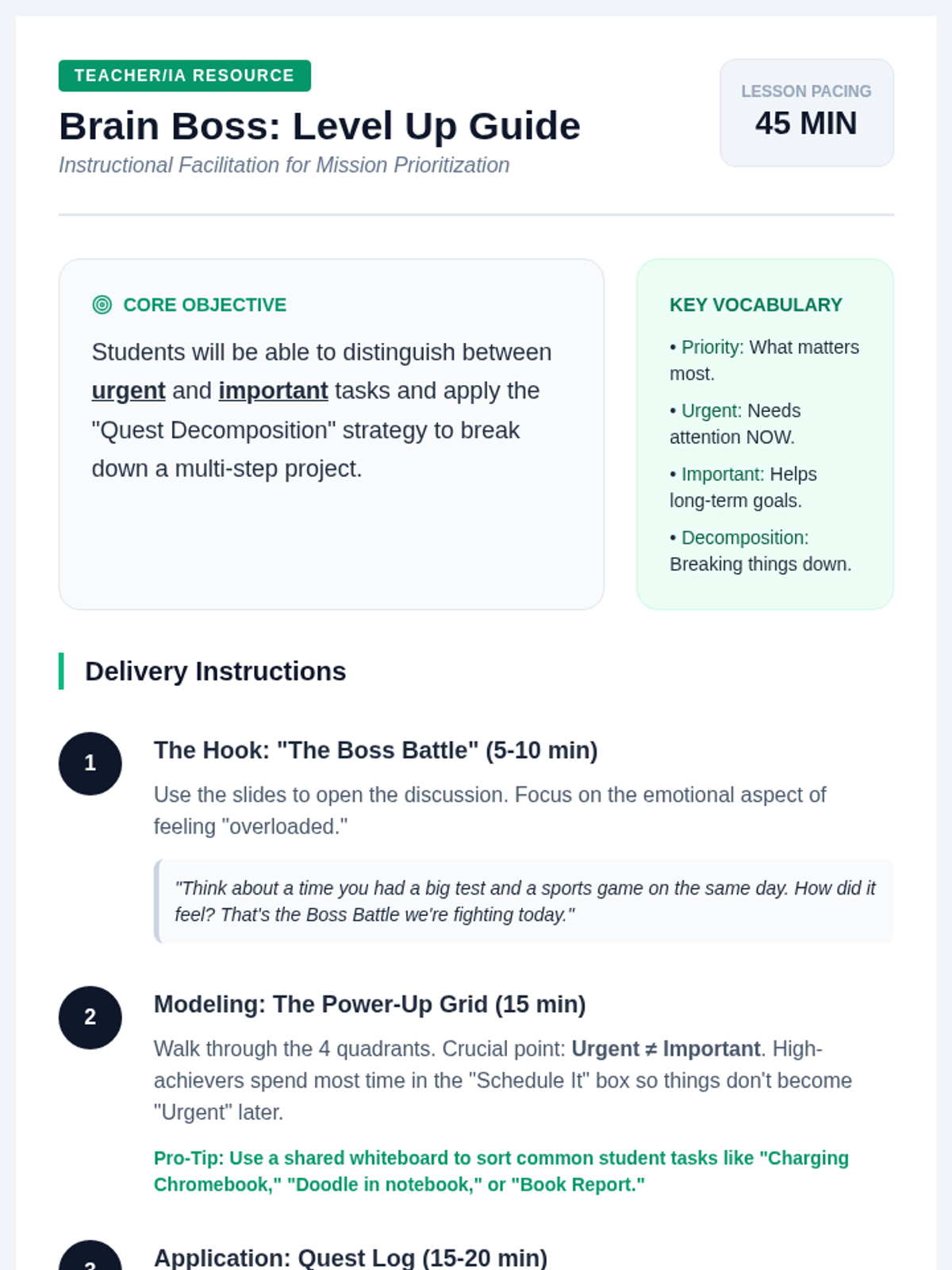
A facilitation guide for teachers and IAs, providing pacing, discussion prompts, delivery instructions, and differentiation strategies for the Mission Prioritization lesson. Includes specific tips for supporting intermediate students with executive functioning challenges.
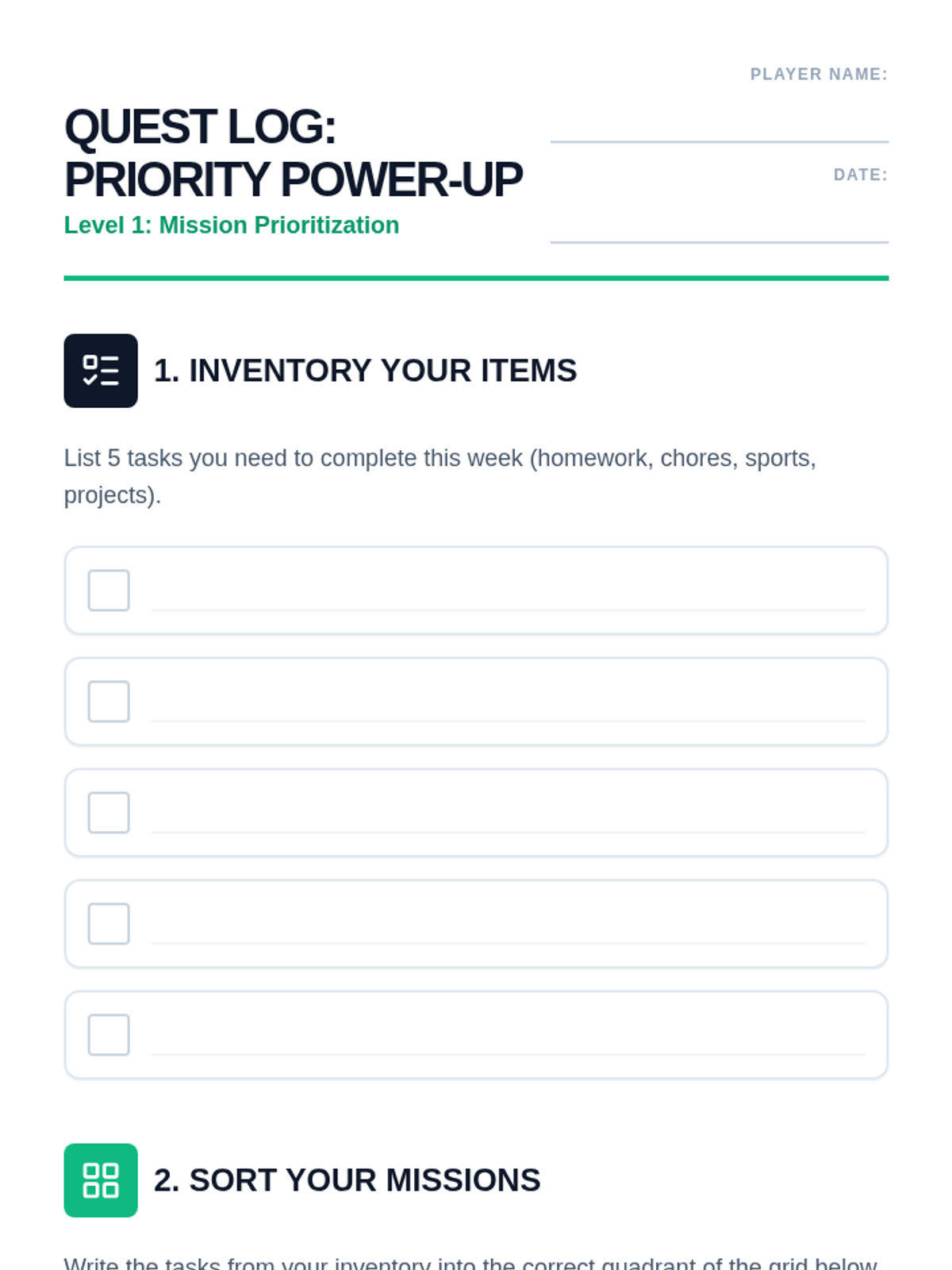
A task management worksheet for intermediate students. Includes an 'Inventory' section for brainstorming tasks, a 2x2 priority grid for sorting, and a 'Quest Decomposition' area for breaking down complex assignments. Designed for handwriting with clear student work areas.
Interactive slides for Lesson 1 of Brain Boss, introducing students to the Priority Power-Up grid and the concept of 'Quest Decomposition' for large assignments. High-contrast, retro-game aesthetic designed for engagement.
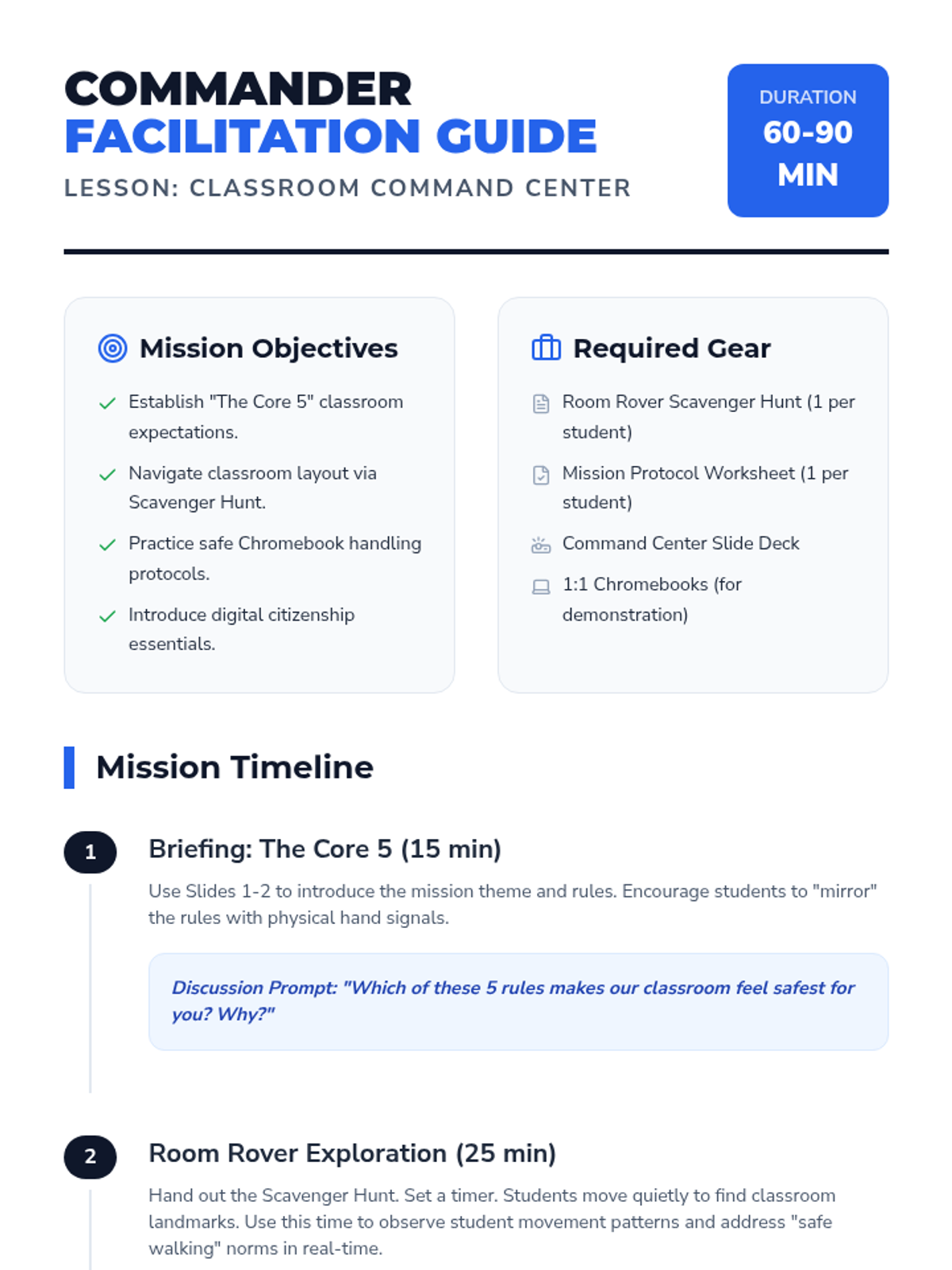
A comprehensive facilitation guide for teachers to deliver the Classroom Command Center lesson, including pacing, discussion prompts, and differentiation strategies.
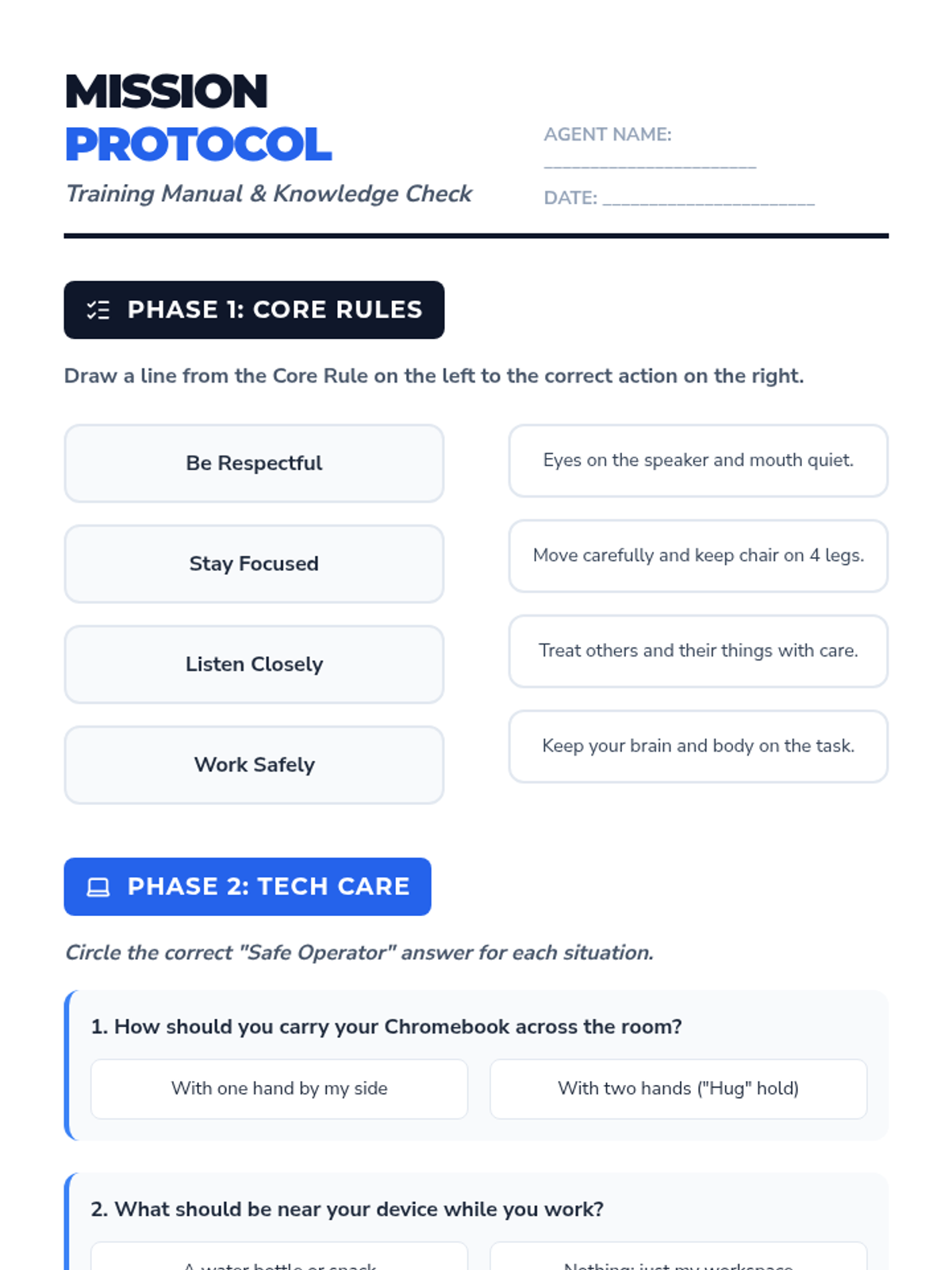
A worksheet reinforcing classroom rules, tech care protocols, and digital citizenship basics.
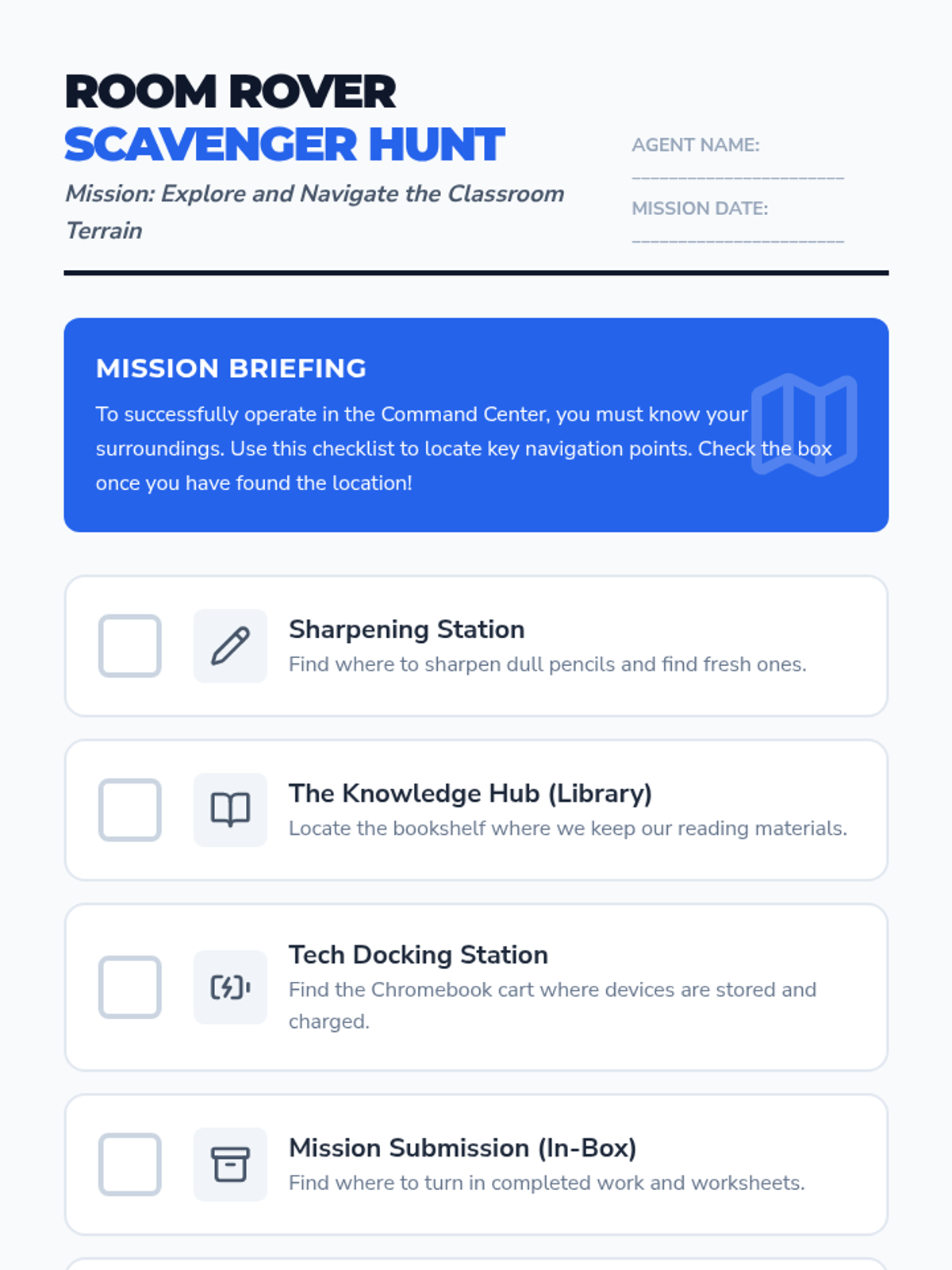
A printable checklist for students to explore and identify key locations in their new classroom.
An interactive slide deck introducing classroom rules, tech care protocols, and digital citizenship basics with a "Mission Control" visual theme.
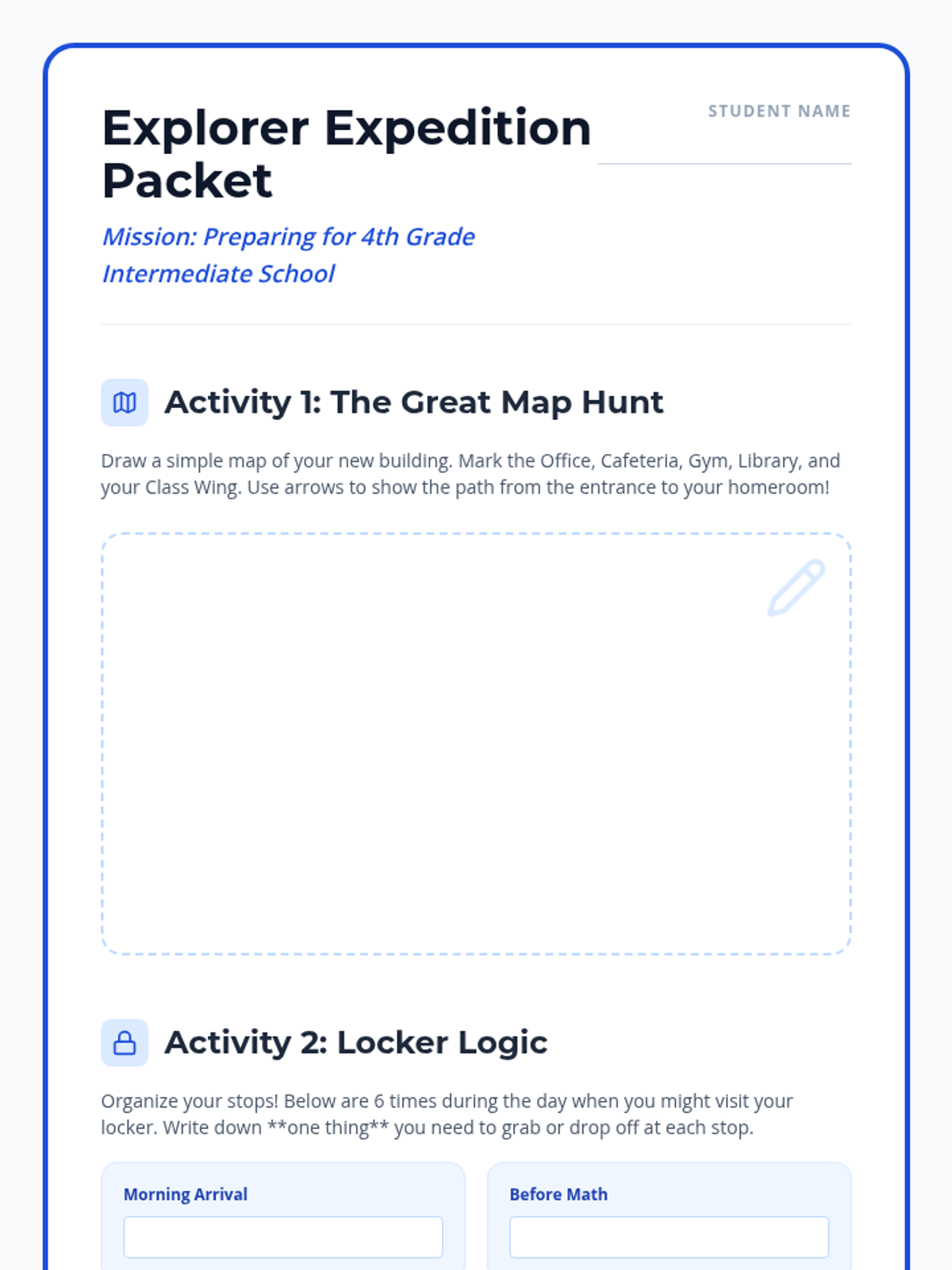
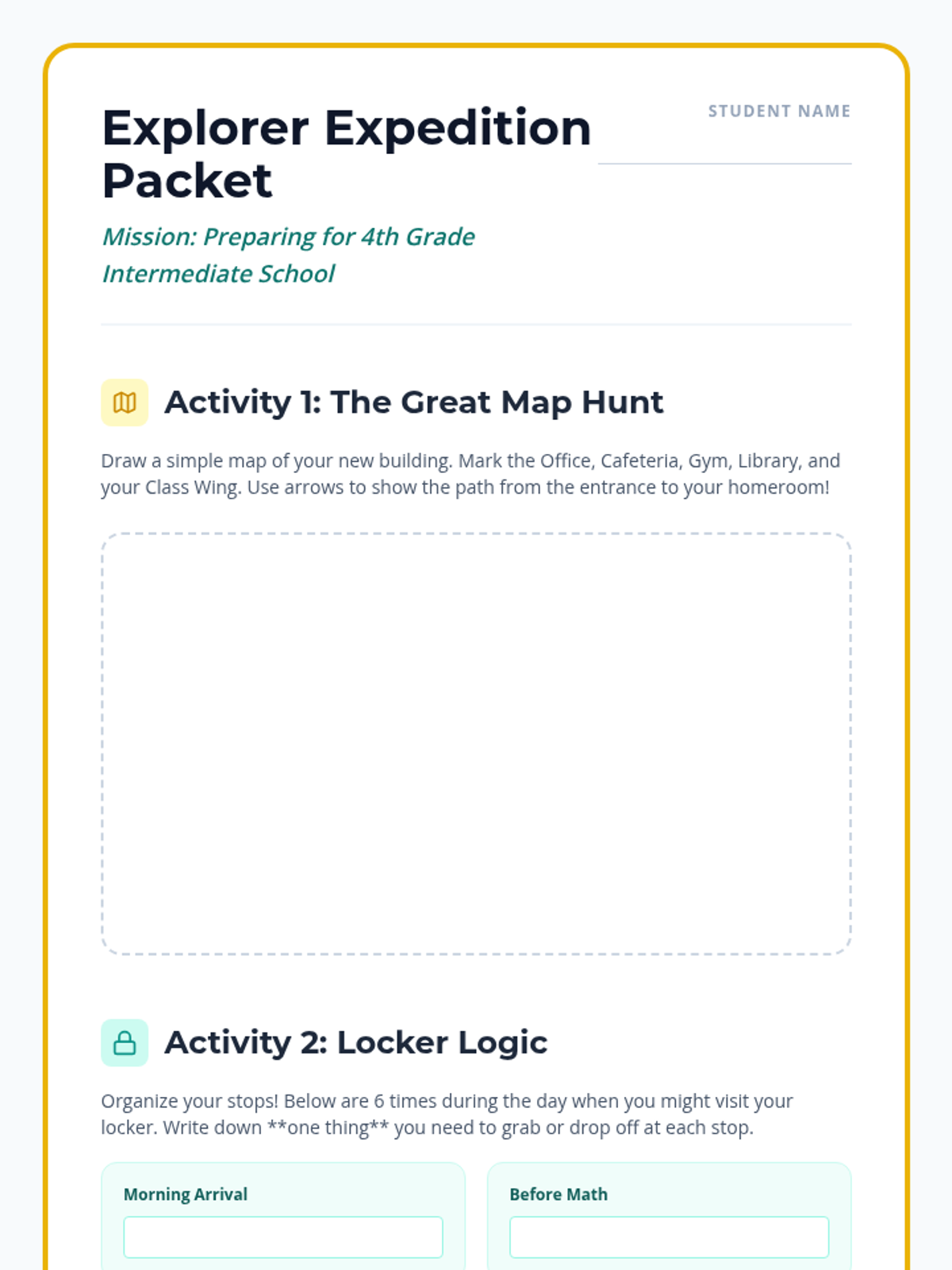
A fun student activity packet, updated with a professional blue and white theme.
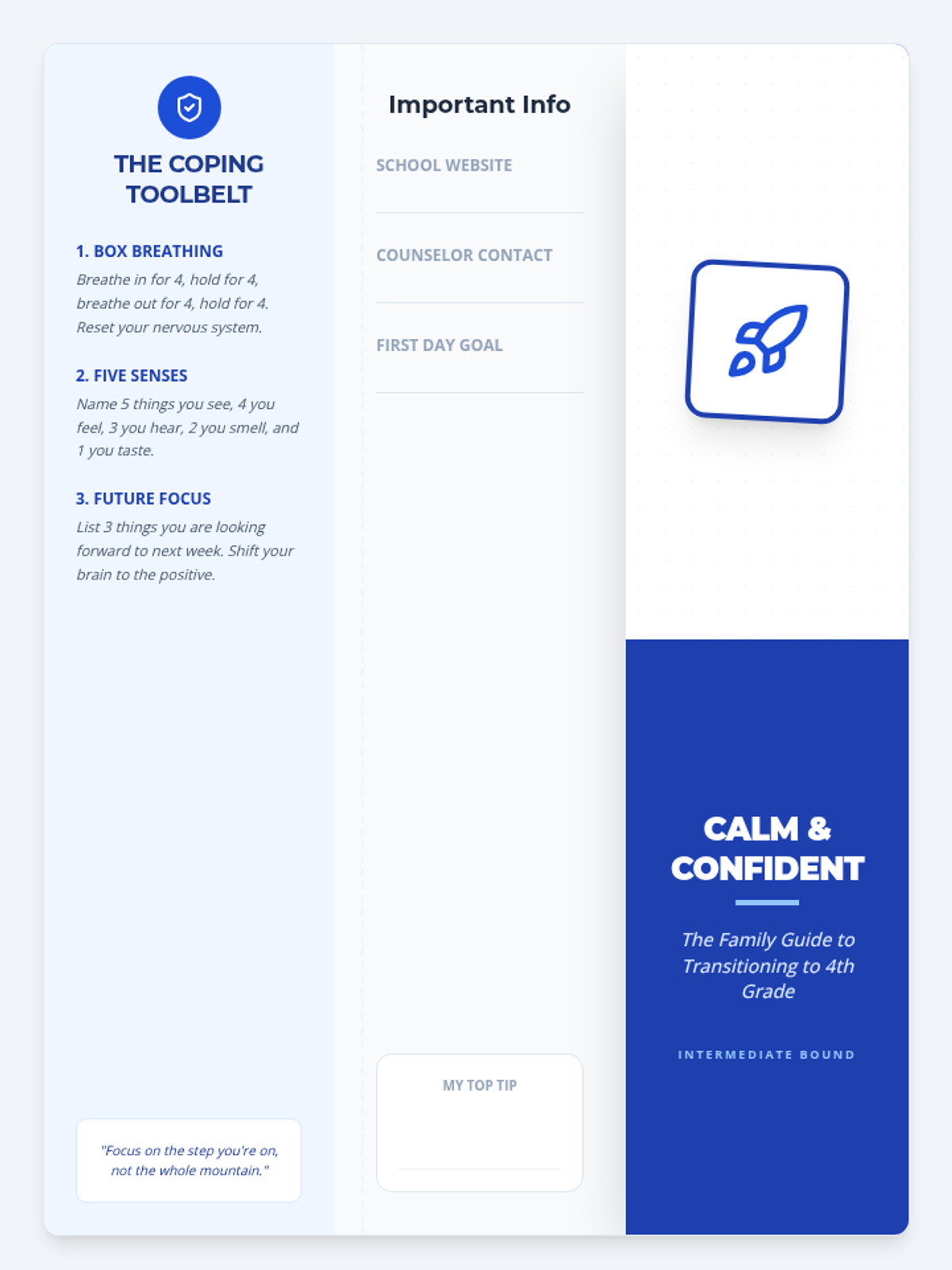
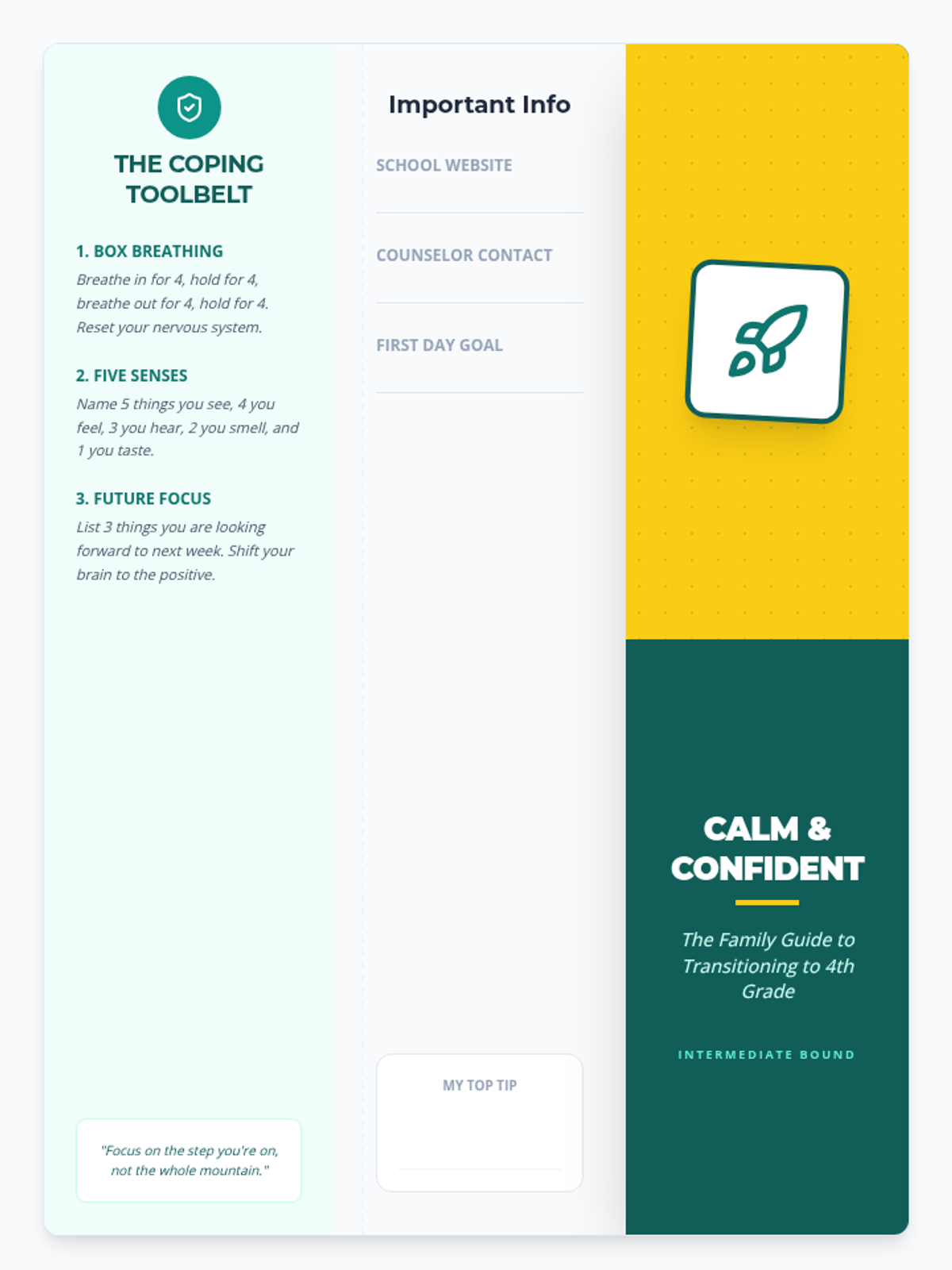
A two-page printable brochure providing emotional coping strategies, now updated with a clean blue and white theme.
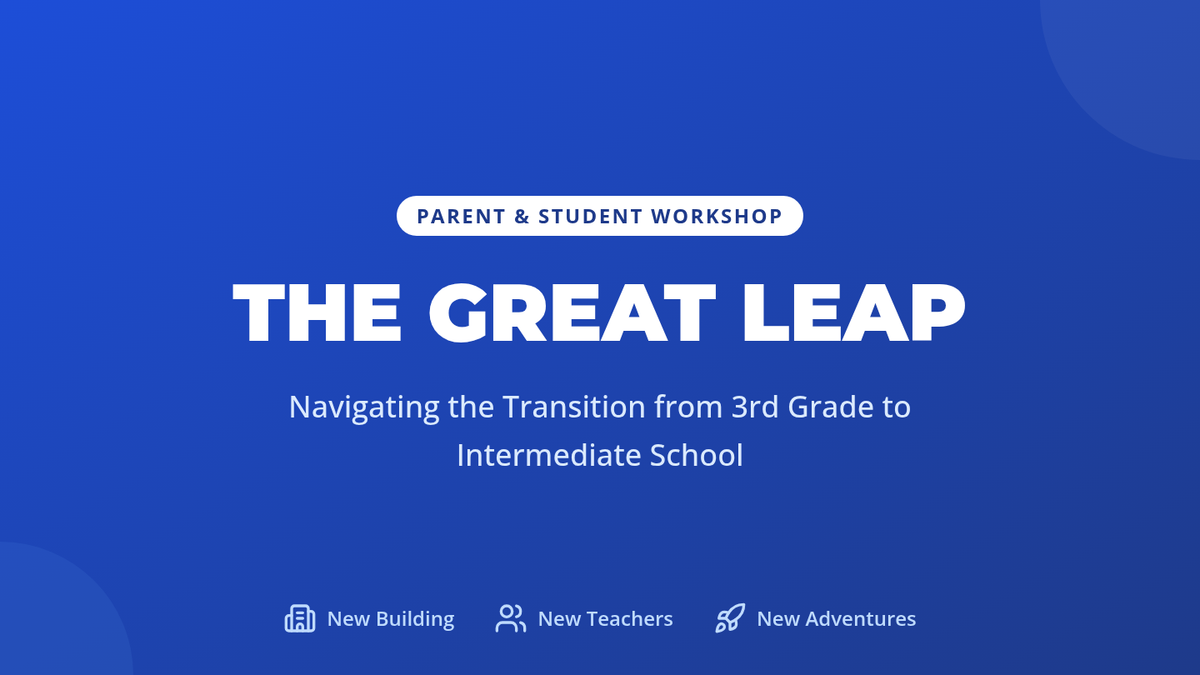
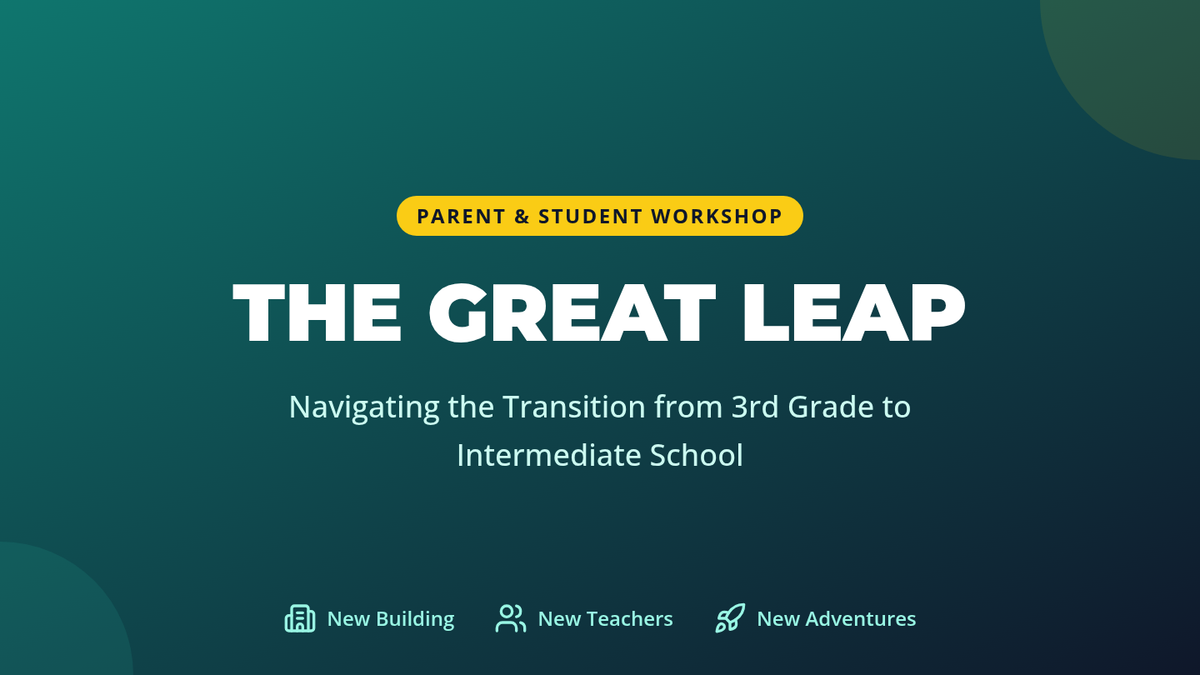
A visual presentation for parents and students explaining the key changes in 4th grade, updated with a professional blue and white theme.
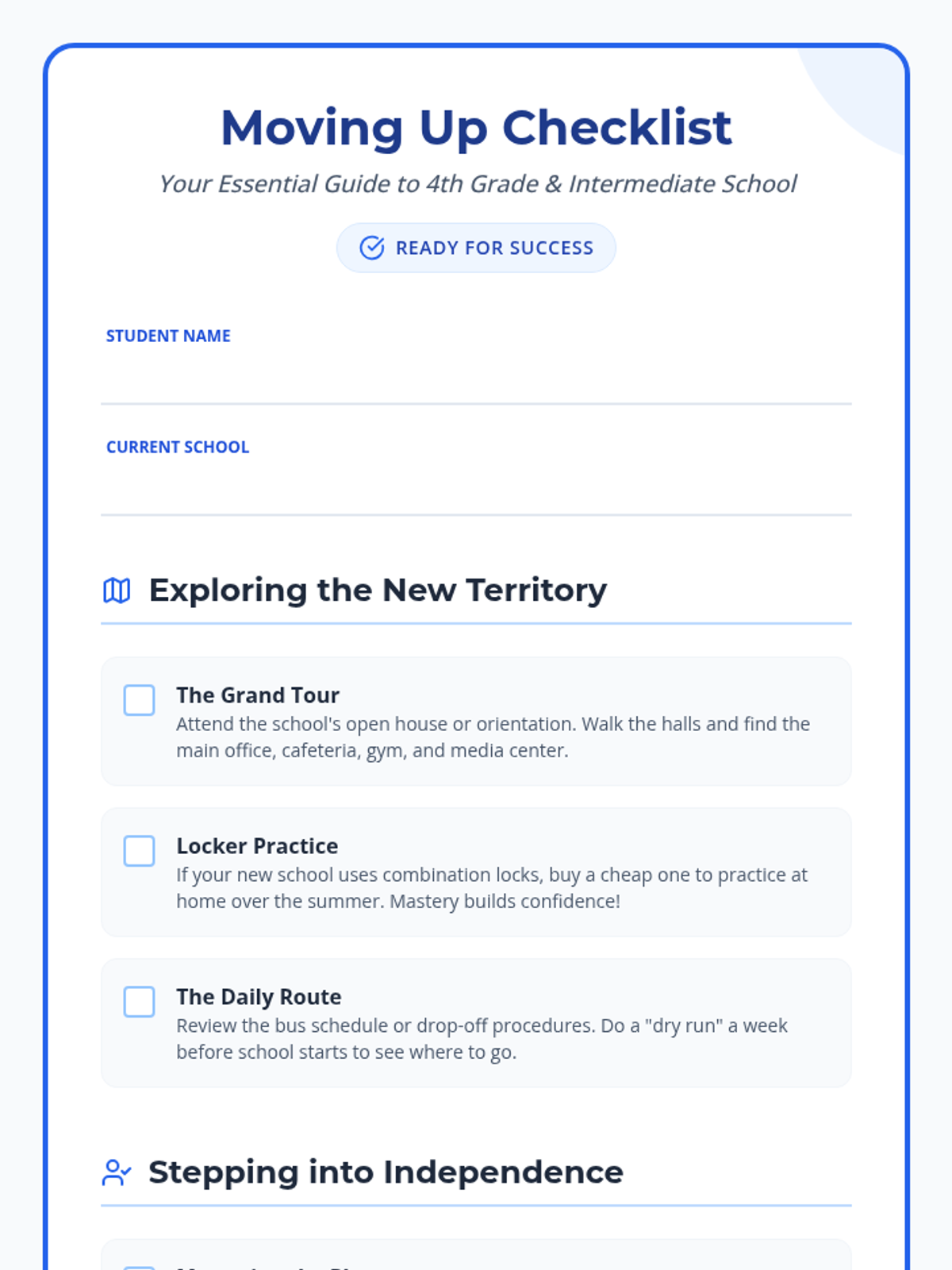
A comprehensive transition checklist for parents and students to complete together, updated with a professional blue and white theme.
A fun activity packet for students to complete at home, including a school map drawing activity, locker routine practice, a teacher contact log, and a self-reflection letter.
A two-page printable brochure (designed to be folded) providing emotional coping strategies for both parents and students, including specific tools for managing anxiety and a first-month action plan.
A visual presentation for parents and students explaining the key changes in 4th grade, including the building layout, multiple teachers, and strategies for managing transition anxiety.
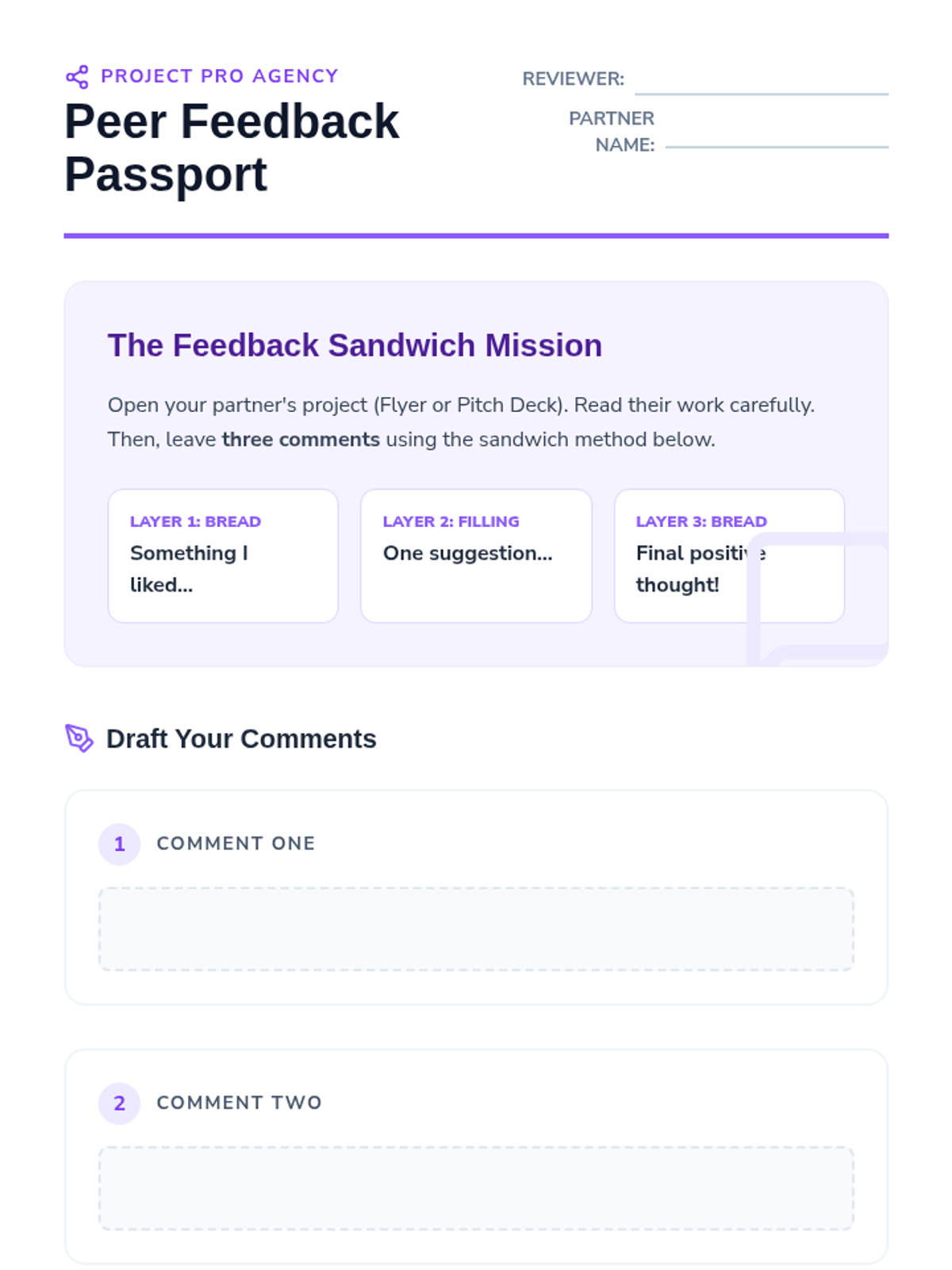
A guide for students to draft and leave constructive digital comments on their peers' event planning materials.
Slides for the cloud collaboration lesson, focusing on digital citizenship, etiquette, and the "Feedback Sandwich" method for peer review.
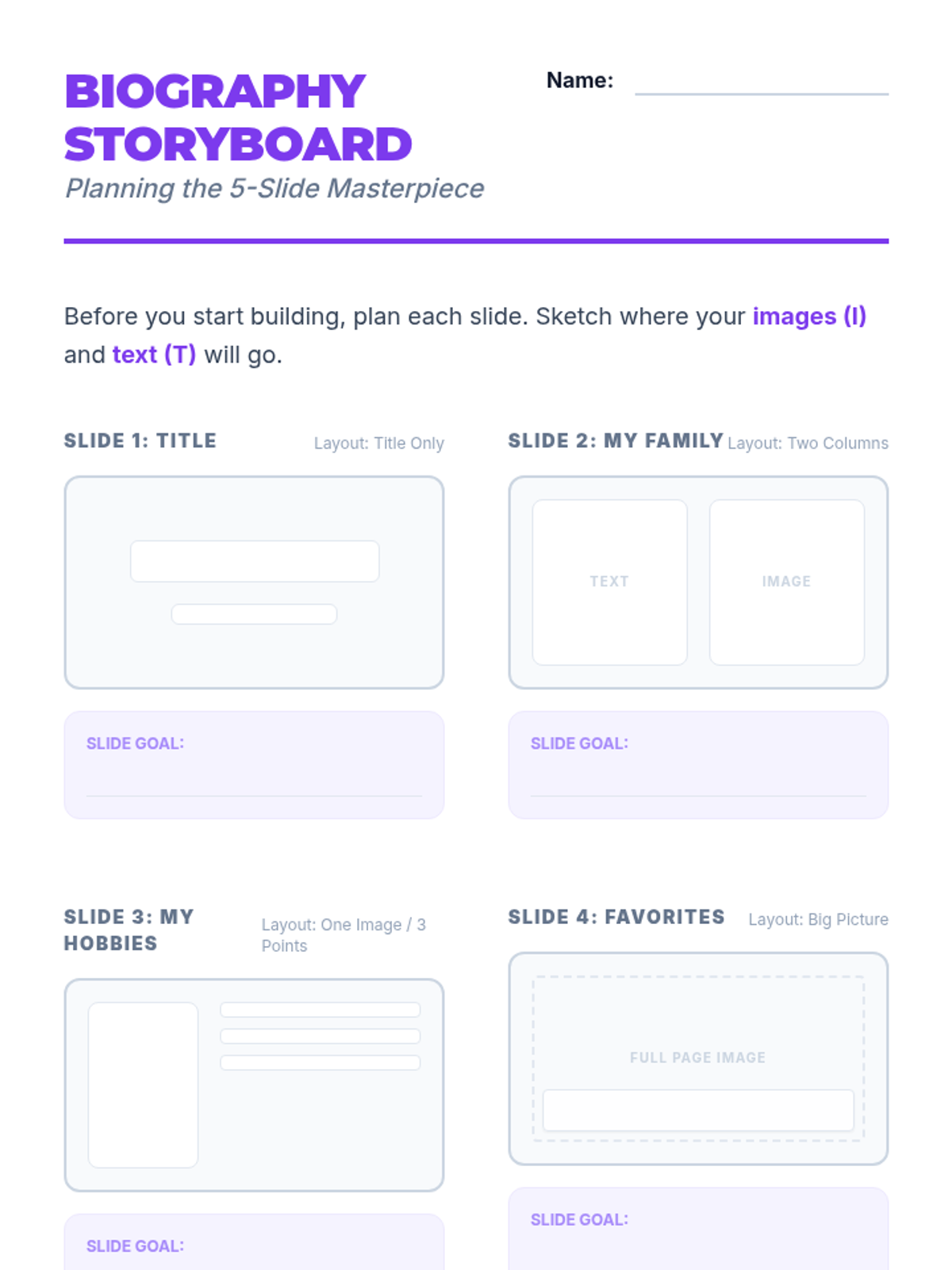
A comprehensive storyboard planner for the 5-slide digital biography, including layout sketches and feedback cards for the gallery walk.
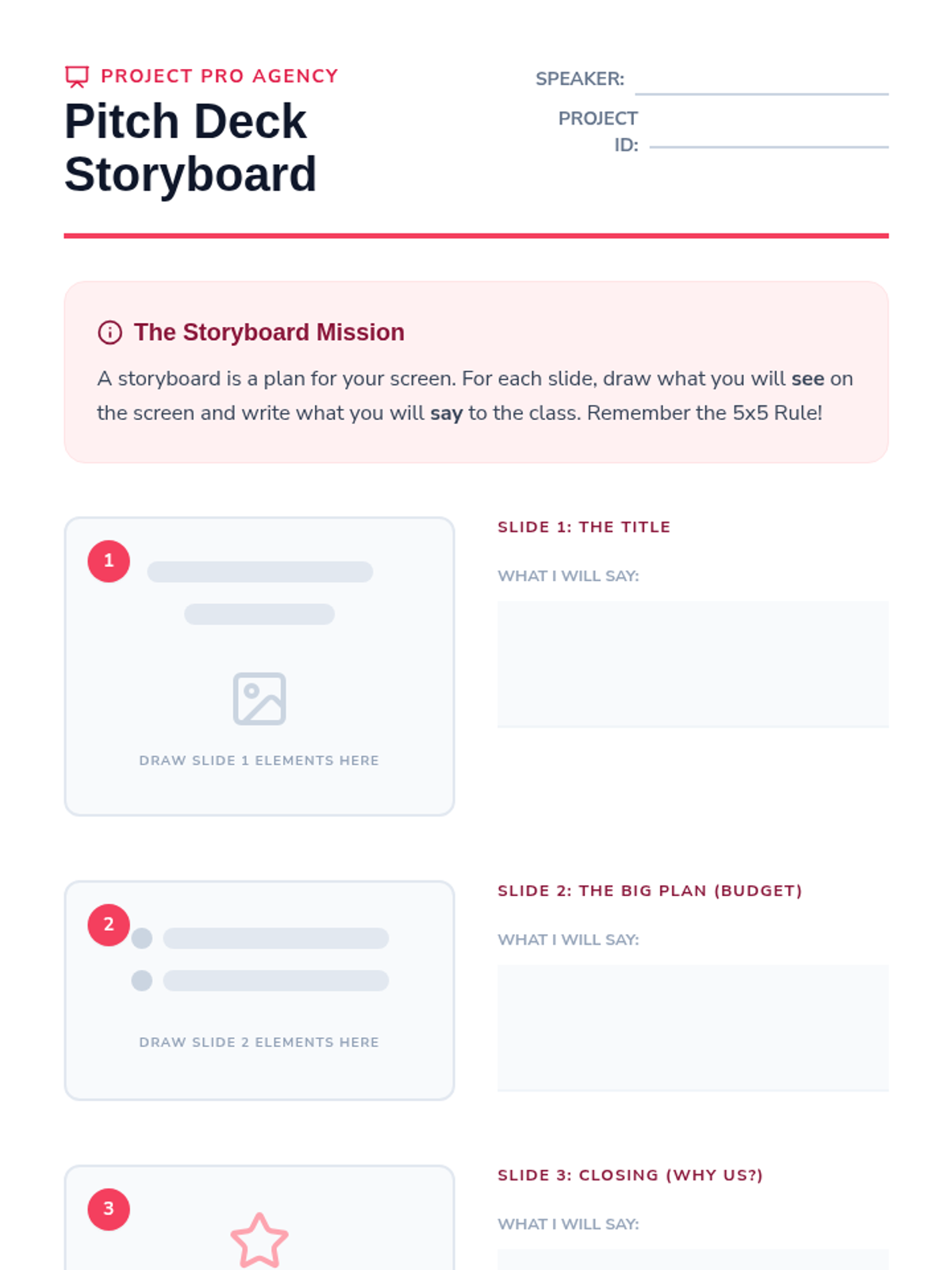
A storyboard planning sheet for students to sketch out their slide content and write their presentation script.
Project instruction slides for the Final Digital Biography, outlining the 5-slide challenge, mastery goals, and the concluding gallery walk activity.
Introductory slides for the presentation lesson, distinguishing between reading-focused documents and speaker-focused presentation visuals.
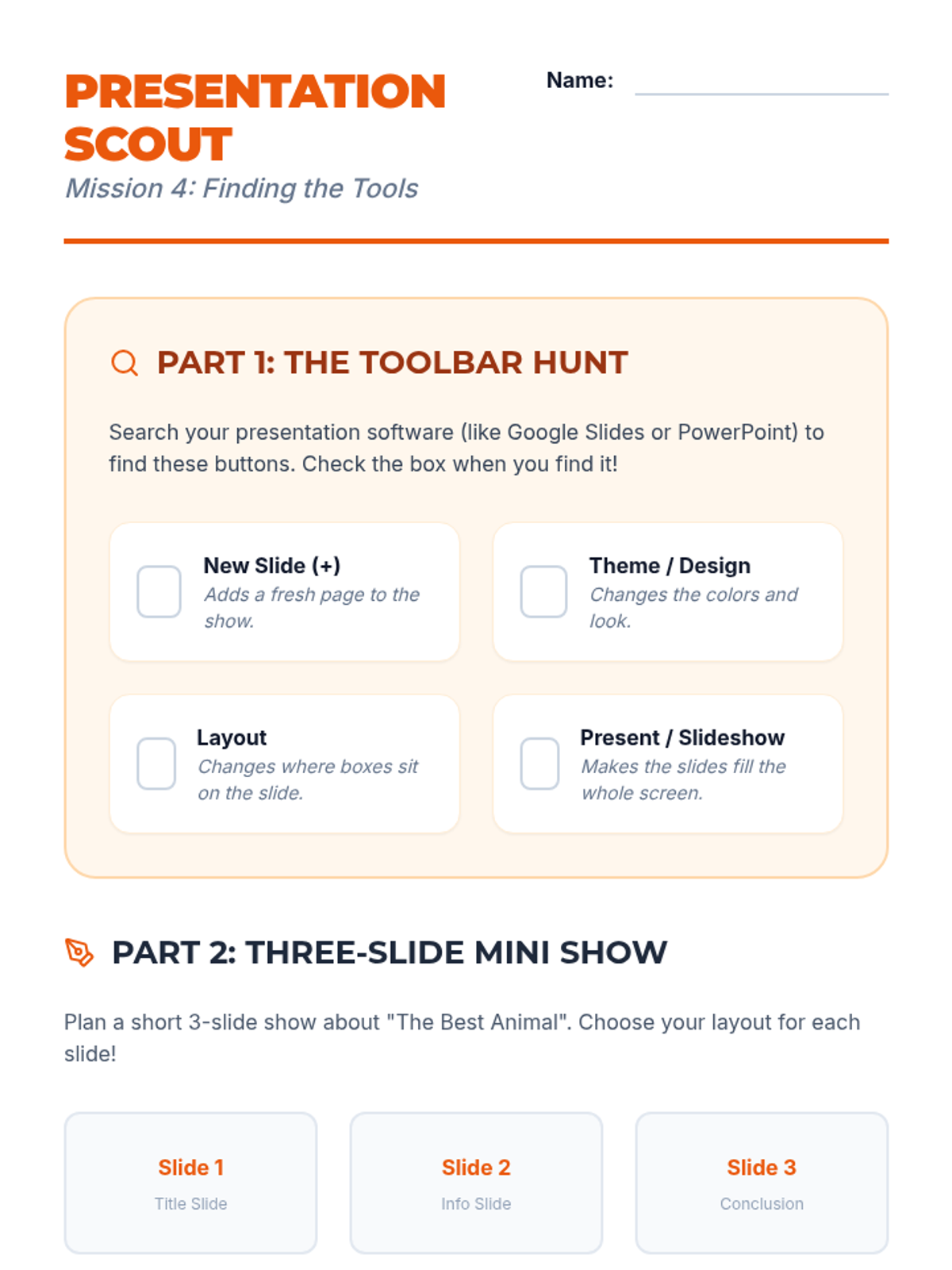
A combined activity sheet including a toolbar scavenger hunt for presentation software and a planning guide for a student's first three-slide presentation.
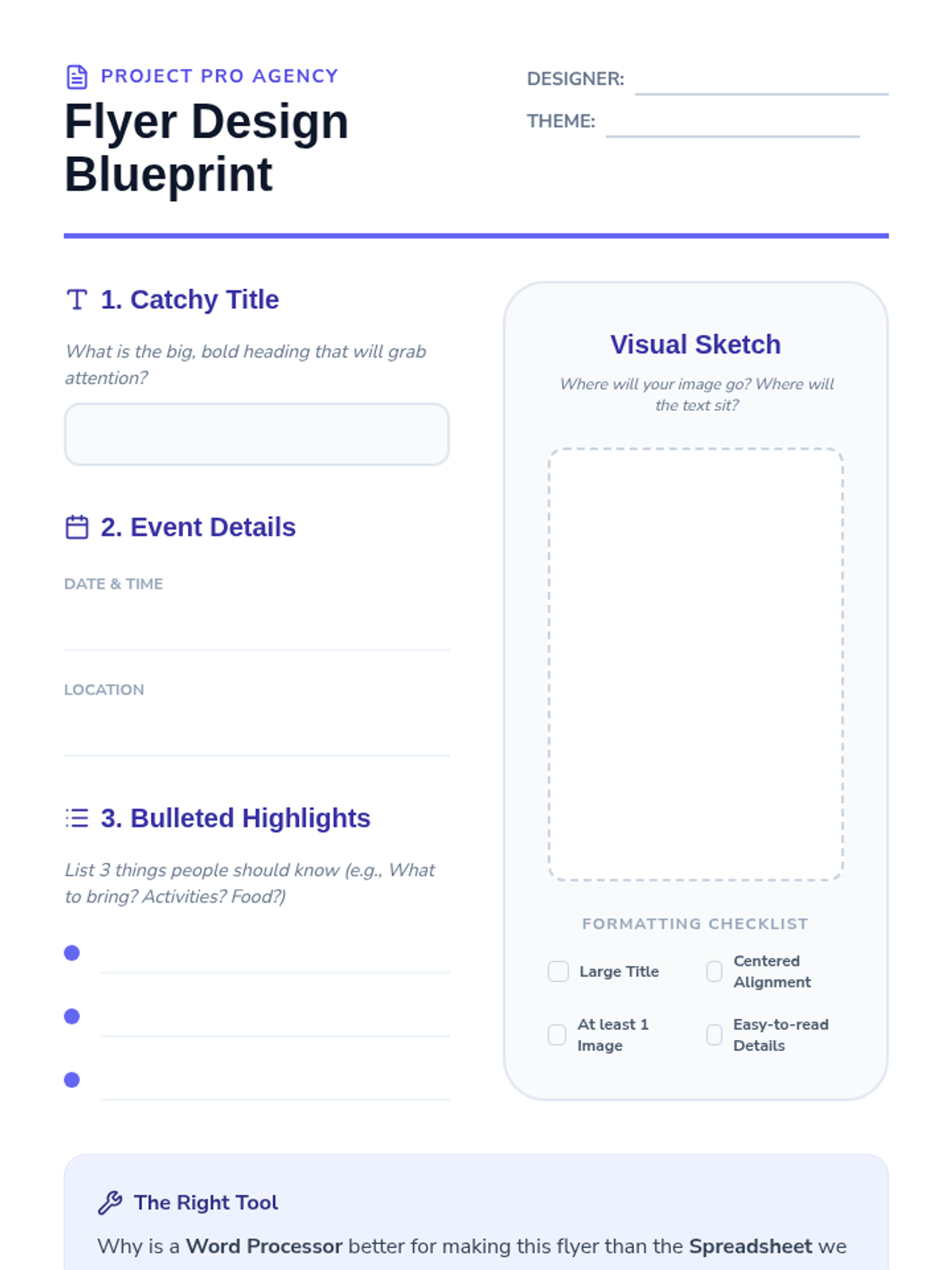
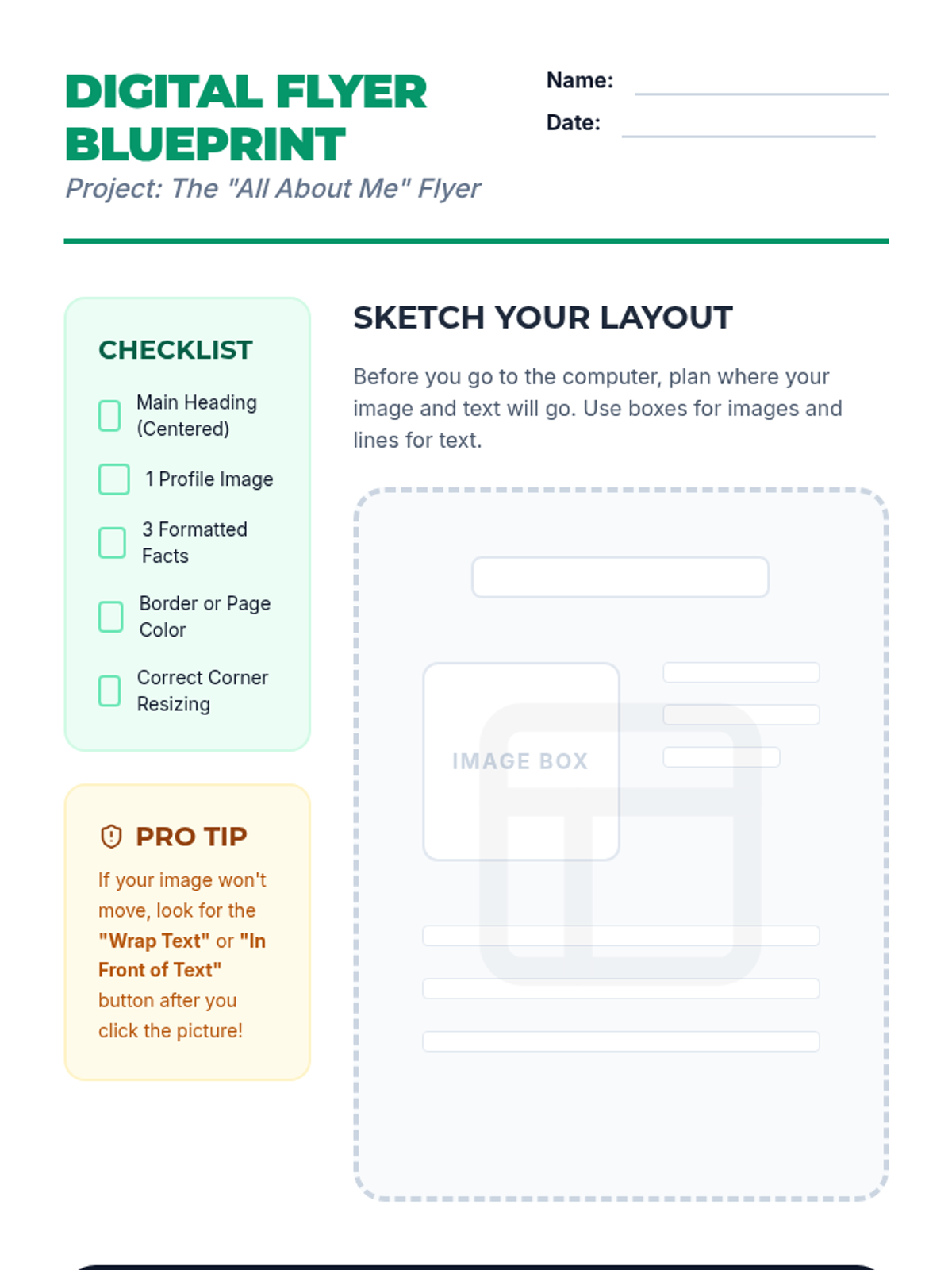
A planning sheet for students to sketch and organize their flyer design before moving to word processing software.
Slides introducing presentation software, contrasting documents with slides, and exploring themes, layouts, and toolbar navigation.
Slides for the document design lesson, focusing on typography, alignment, visual hierarchy, and using bulleted lists in word processing software.
A planning document for the 'All About Me' flyer project, featuring a requirements checklist, a sketch area for layout design, and tips for digital citizenship.
Instructional slides for inserting, resizing (via corners), and positioning images within a document, leading into an 'About Me' flyer project.
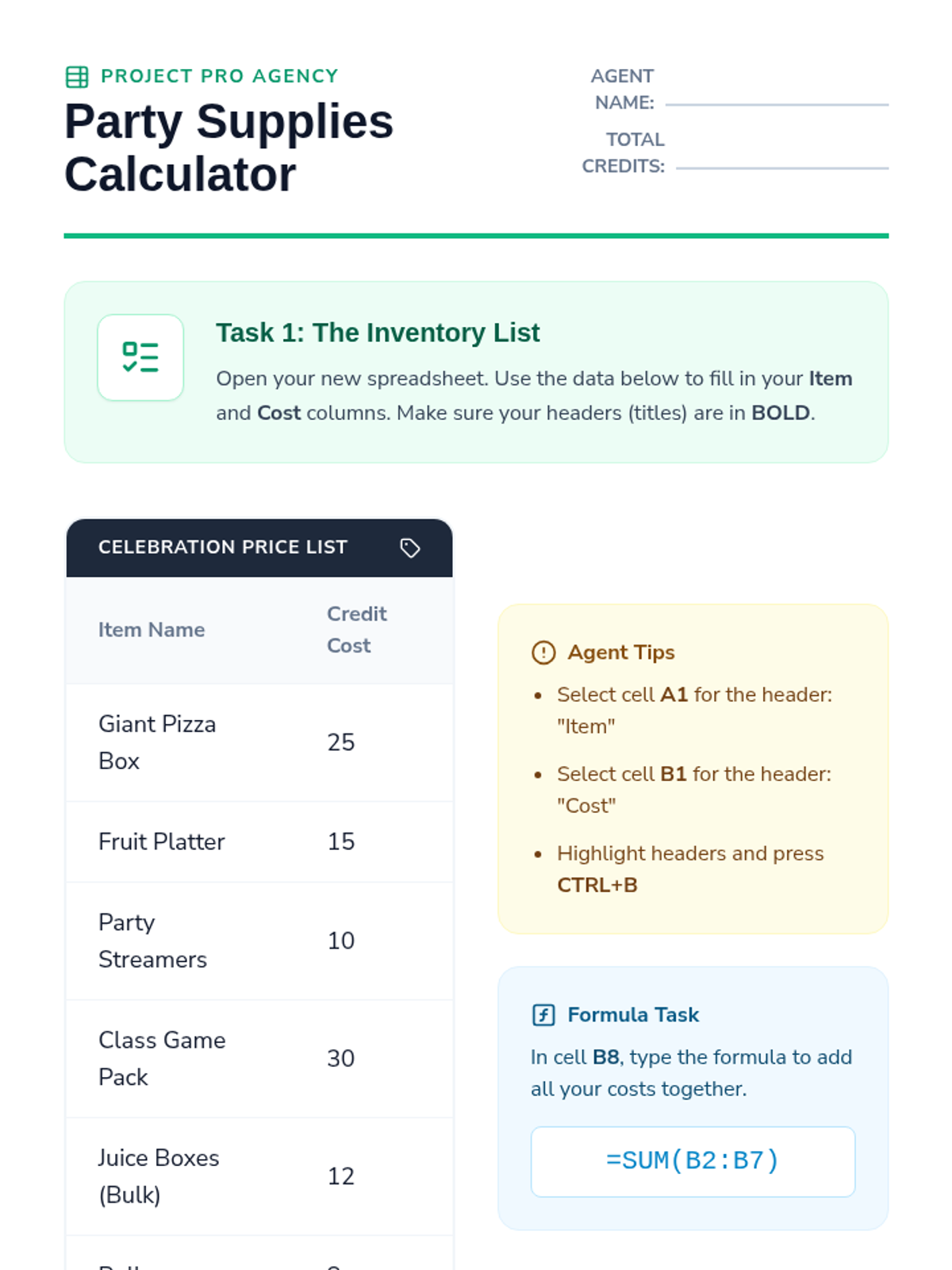
An activity sheet guiding students to input data and formulas into a spreadsheet to manage a party budget.
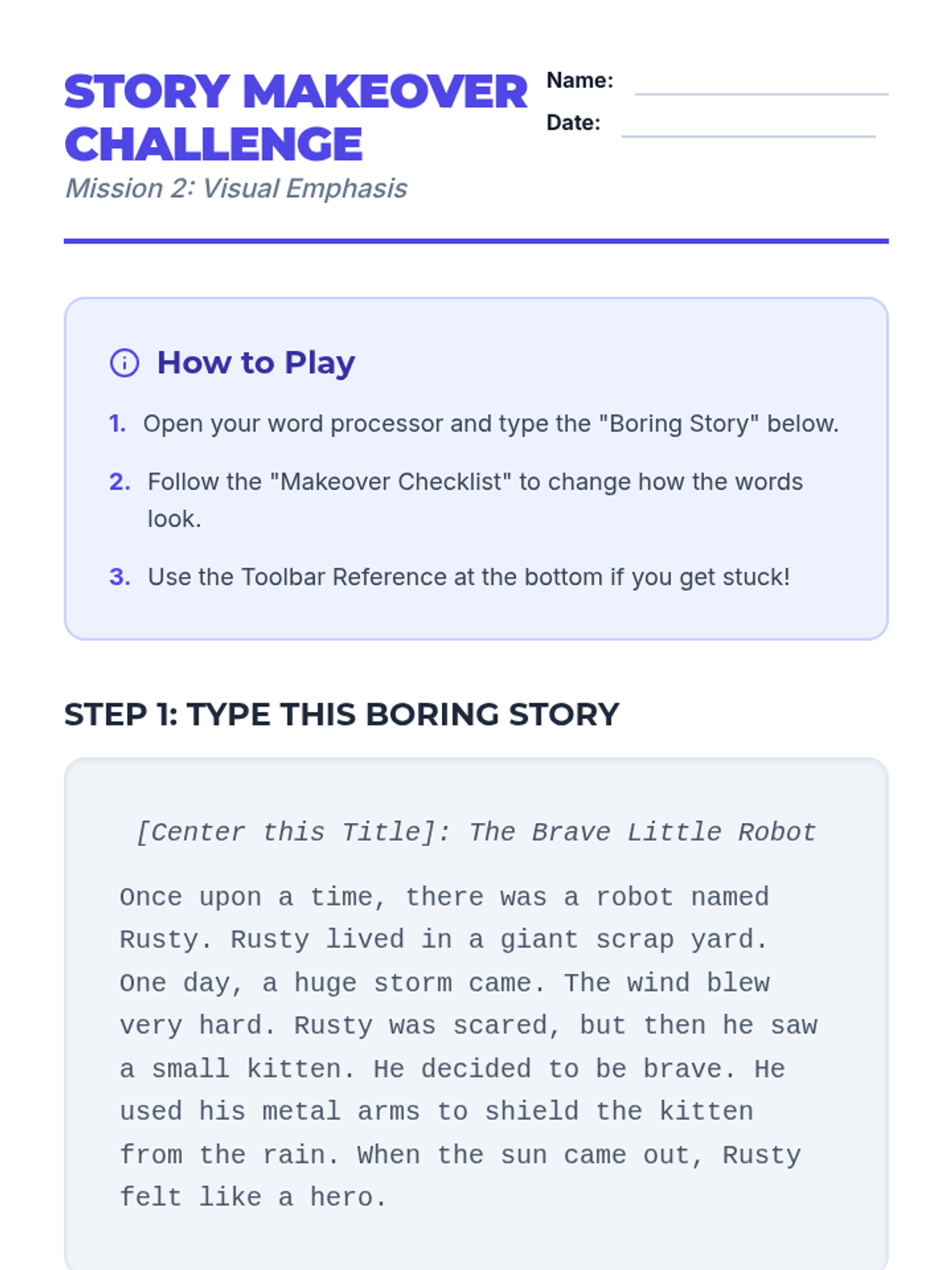
A step-by-step activity sheet where students type a plain story and apply specific formatting changes to transform its visual impact.
Introductory slides for the spreadsheet lesson, covering the anatomy of a grid (rows, columns, cells) and basic SUM formulas for budgeting.
Visual slides for teaching text formatting basics (fonts, styles, color) with a focus on visual hierarchy and selection techniques.
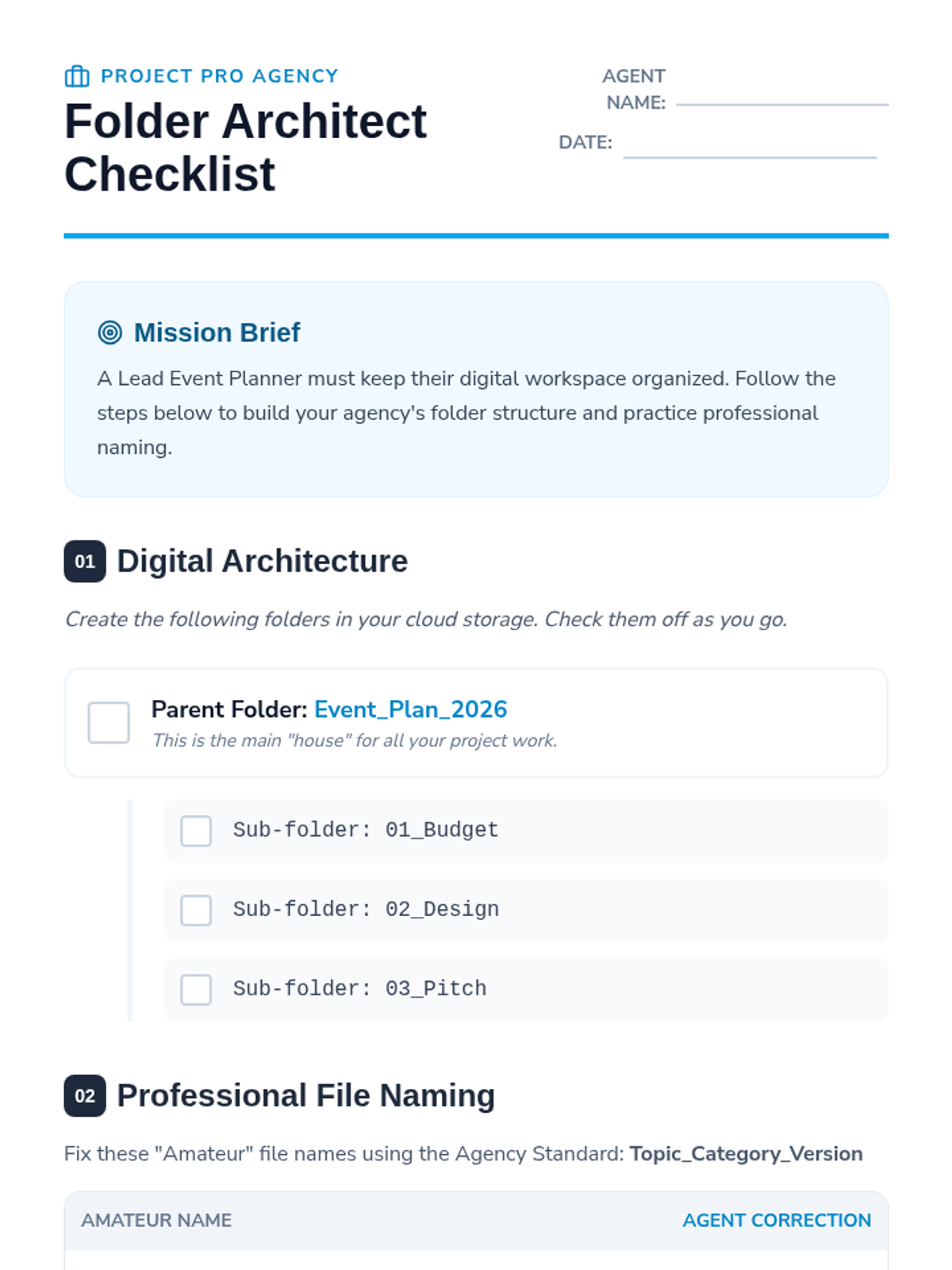
A worksheet for students to practice creating folder structures and professional file naming conventions within their cloud storage.
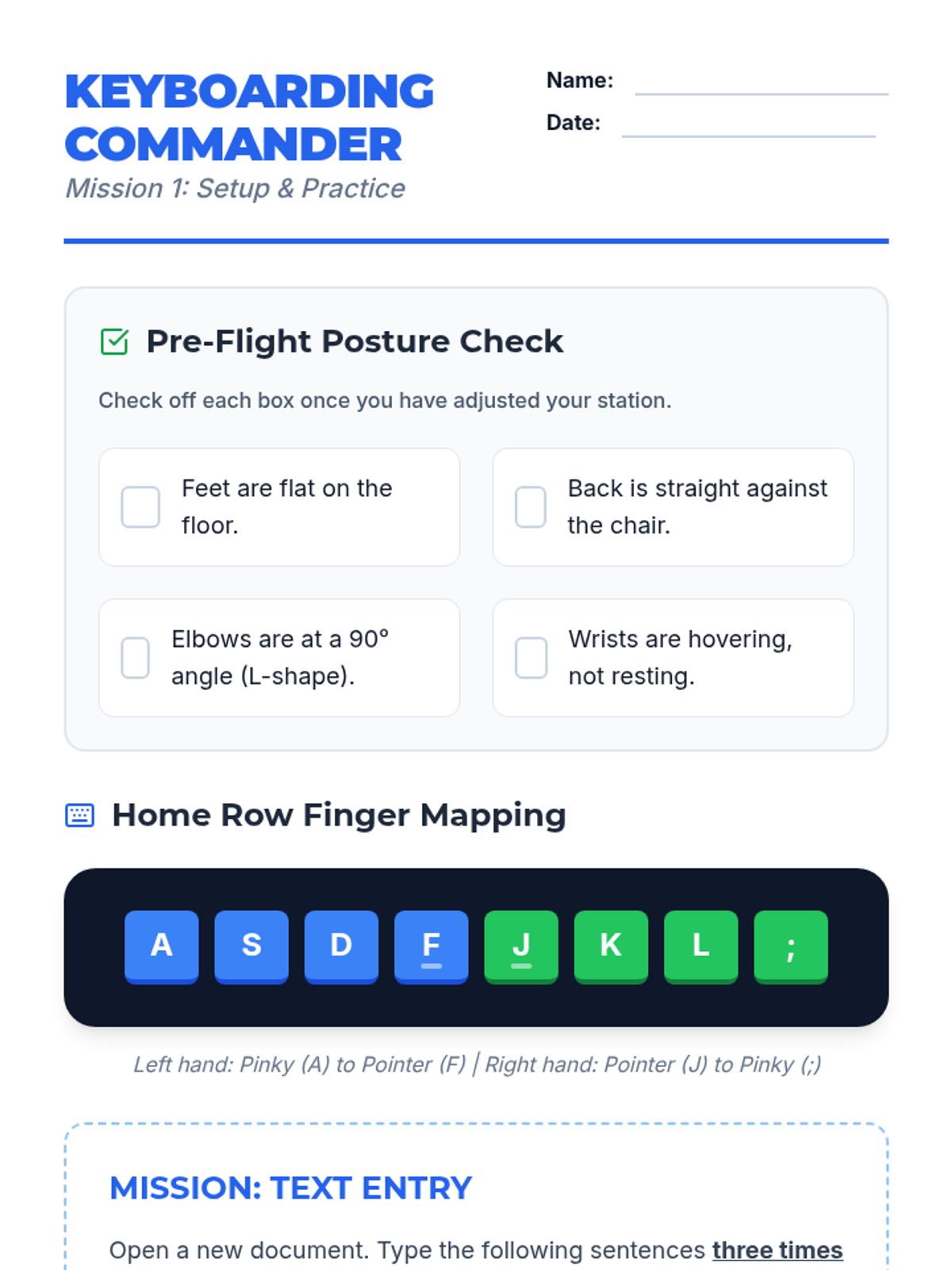
A student worksheet providing a posture checklist, home row finger mapping, and a typing practice mission for initial text entry skills.
Introductory slides for keyboarding basics, covering posture, home row positioning, and the 'Accuracy Over Speed' mindset for 3rd graders.
Introductory slides for the digital organization lesson, featuring the "Project Pro Agency" theme, cloud storage concepts, and folder naming conventions. Updated with larger text for accessibility.
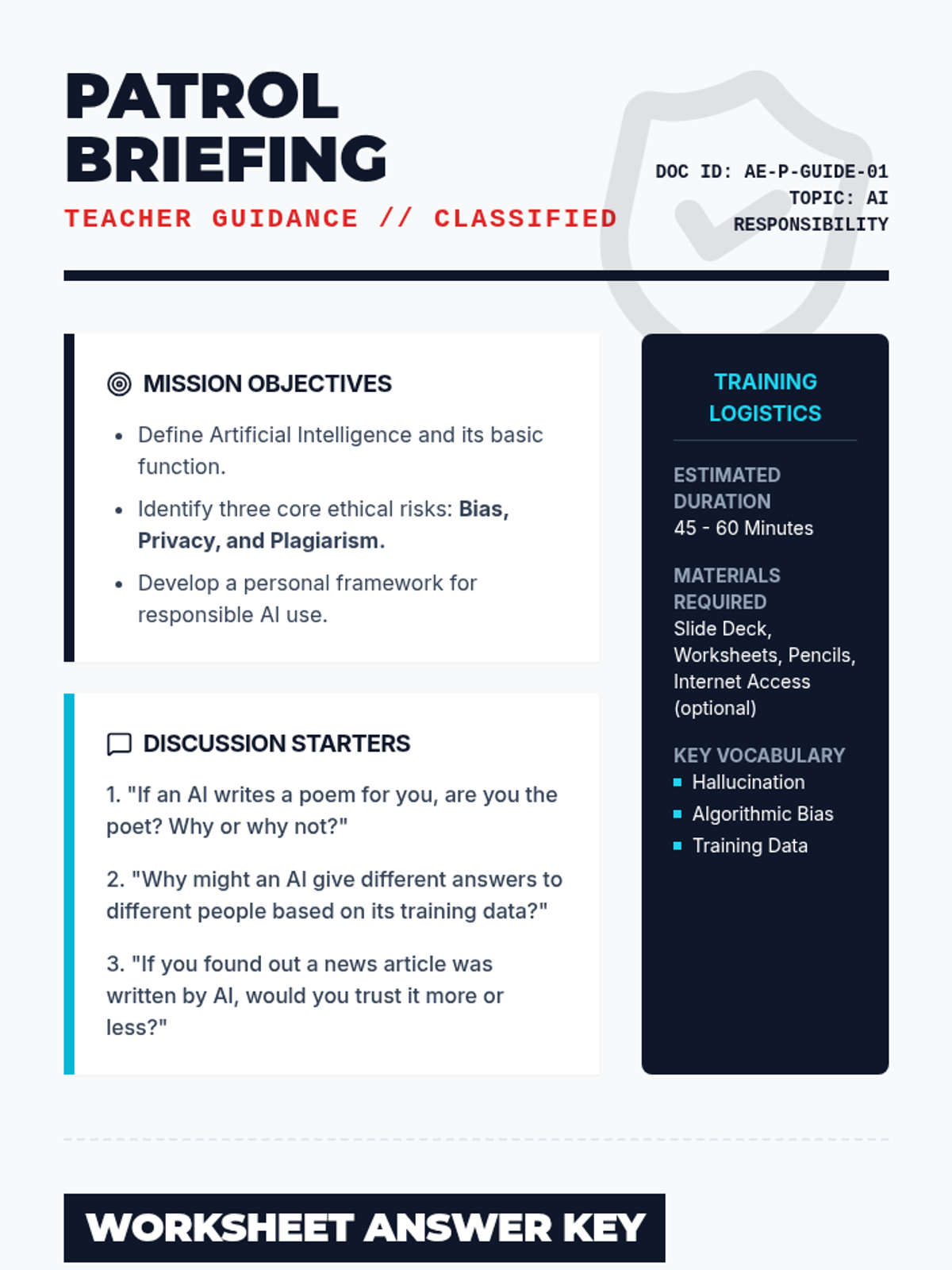
A detailed teacher-facing guide for the "Ethics Patrol" lesson. Includes lesson objectives, discussion prompts, a worksheet answer key, and strategic teaching tips for addressing AI responsibility.
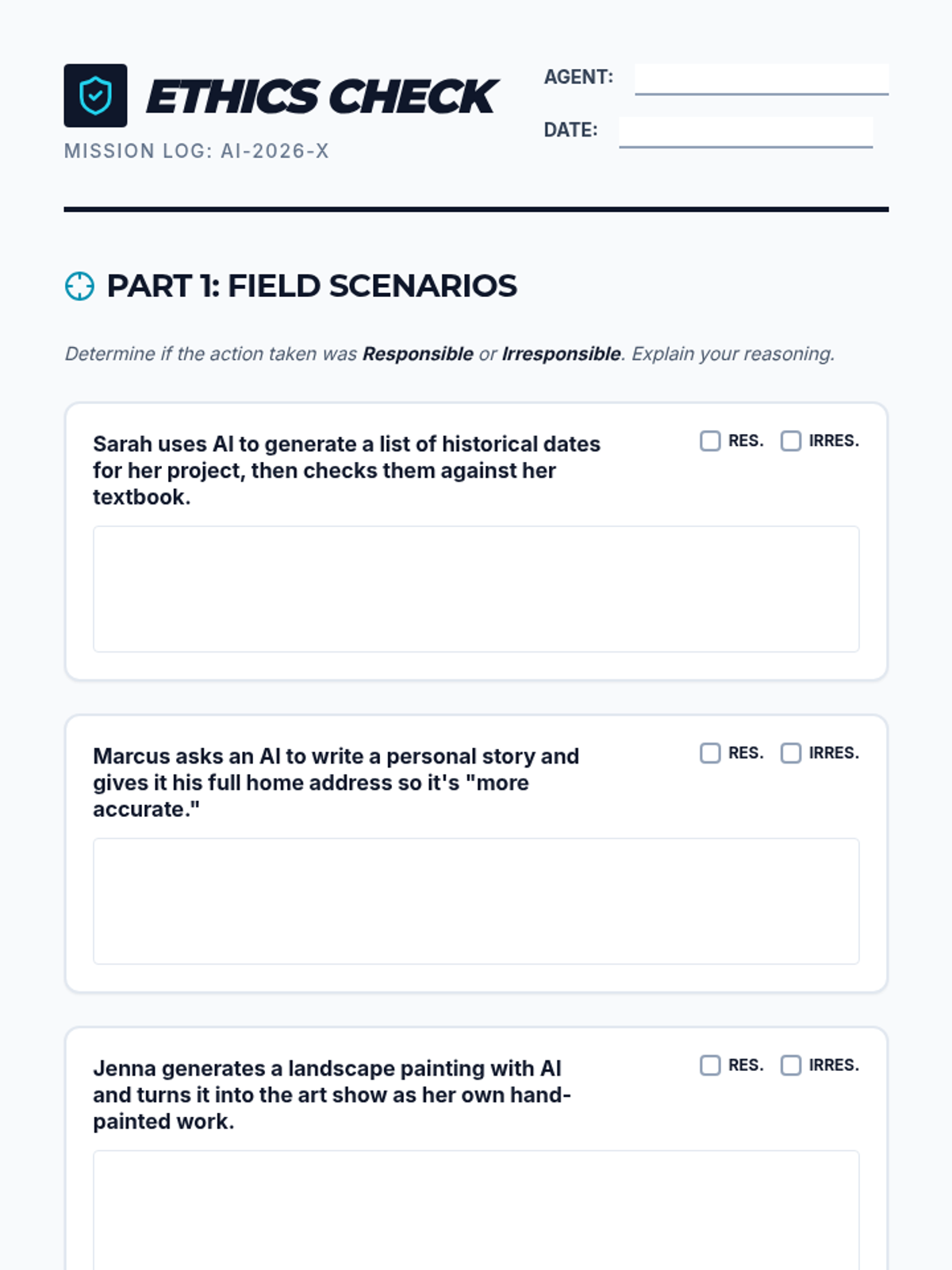
A student-facing worksheet where they analyze real-world AI use cases, identify privacy risks, and design their own ethical AI solution. Includes a signature section for the "Ethics Patrol Pledge".
A visually engaging slide deck designed for the "Ethics Patrol" lesson. It covers the basics of AI, ethical pitfalls like bias and privacy, and a real-world scenario to prompt classroom discussion.
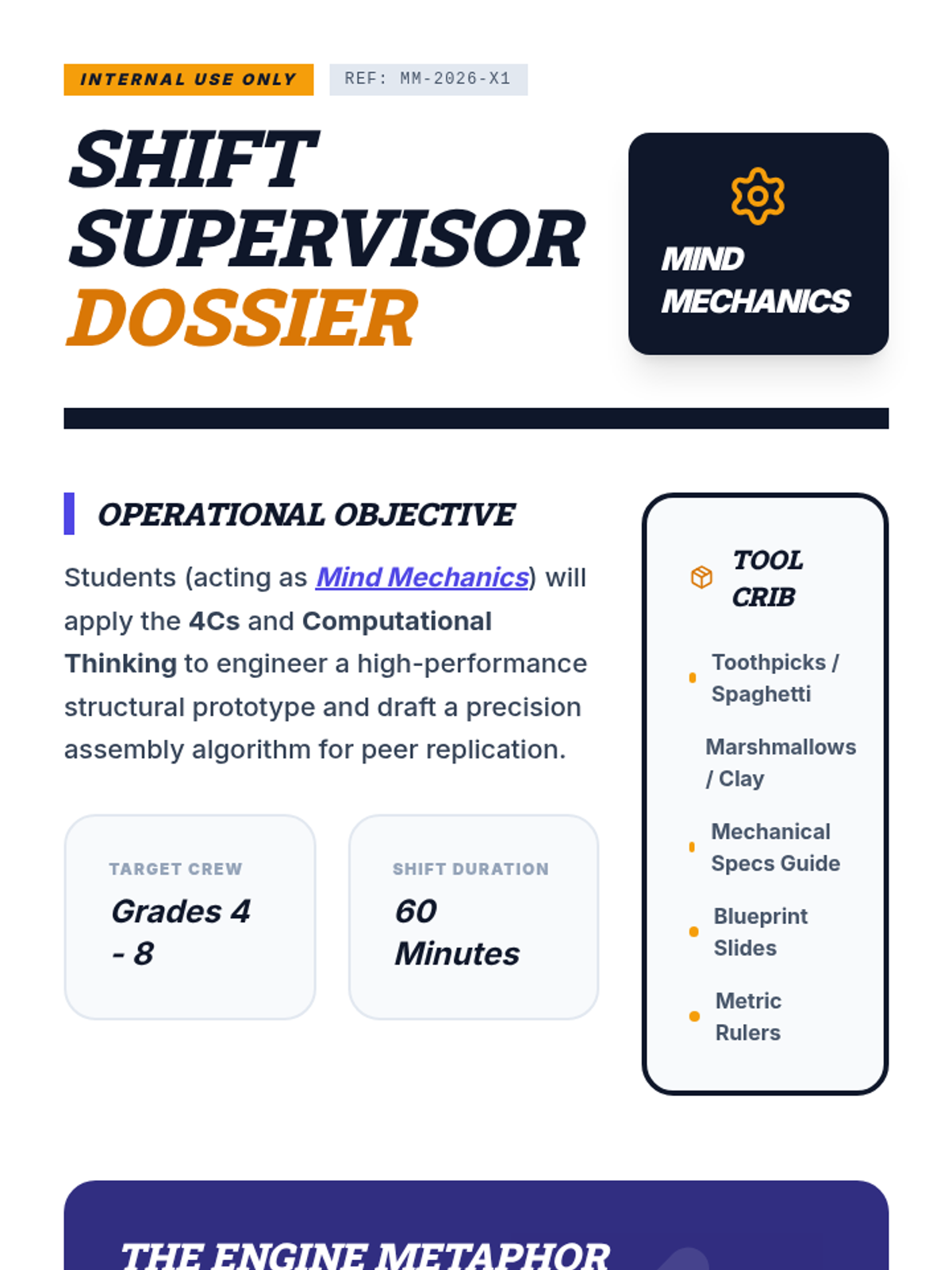
A detailed mission dossier for teachers, including lesson flow, materials list, and instructional strategies for teaching the 4Cs and Computational Thinking.
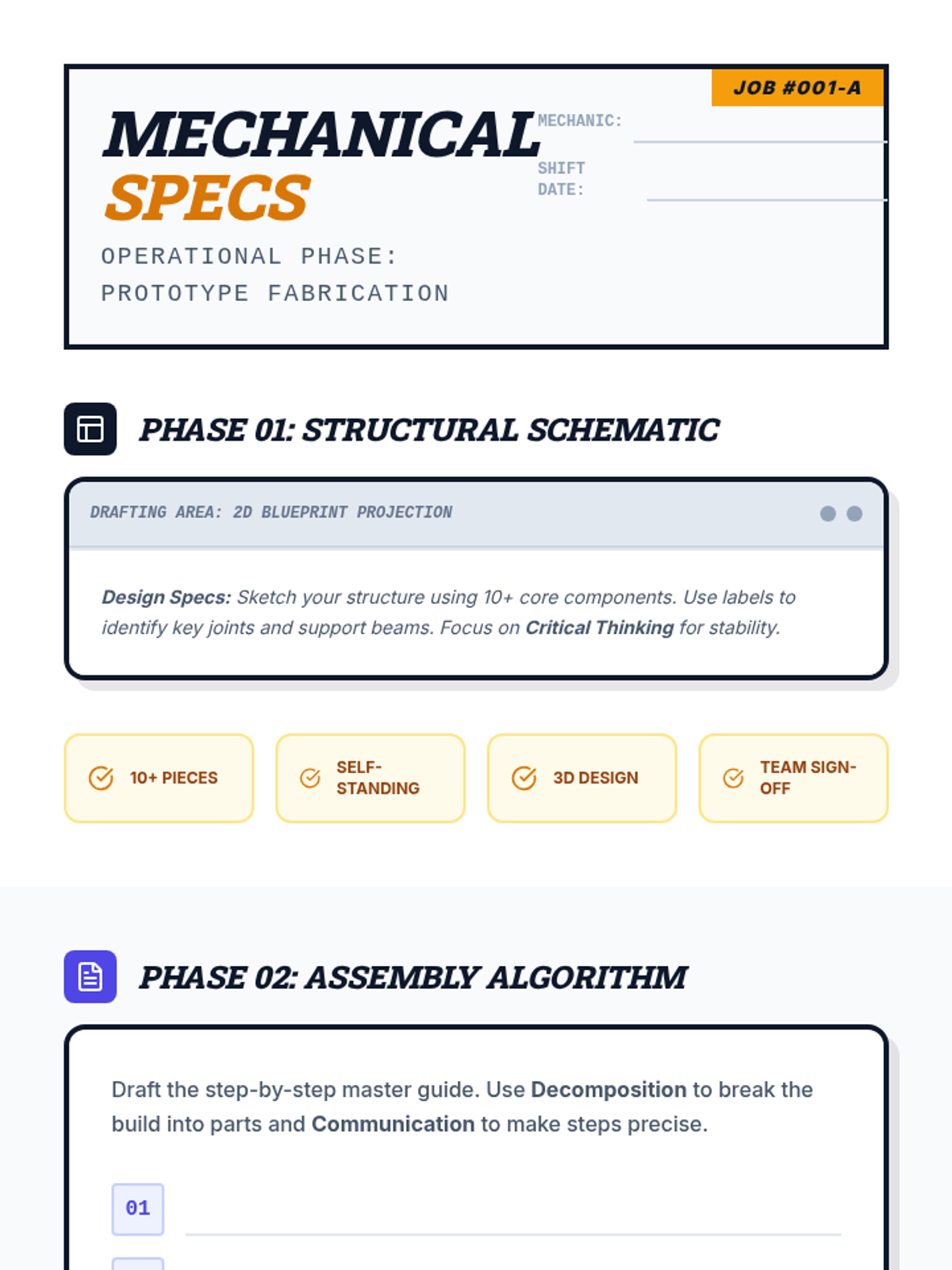
An industrial-themed field guide for students to design their structural prototype, write their assembly algorithm, and reflect on their use of the 4Cs and Computational Thinking.
A high-energy, industrial-themed slide deck that introduces the 4Cs and Computational Thinking with large, high-contrast text and a modern workshop aesthetic.
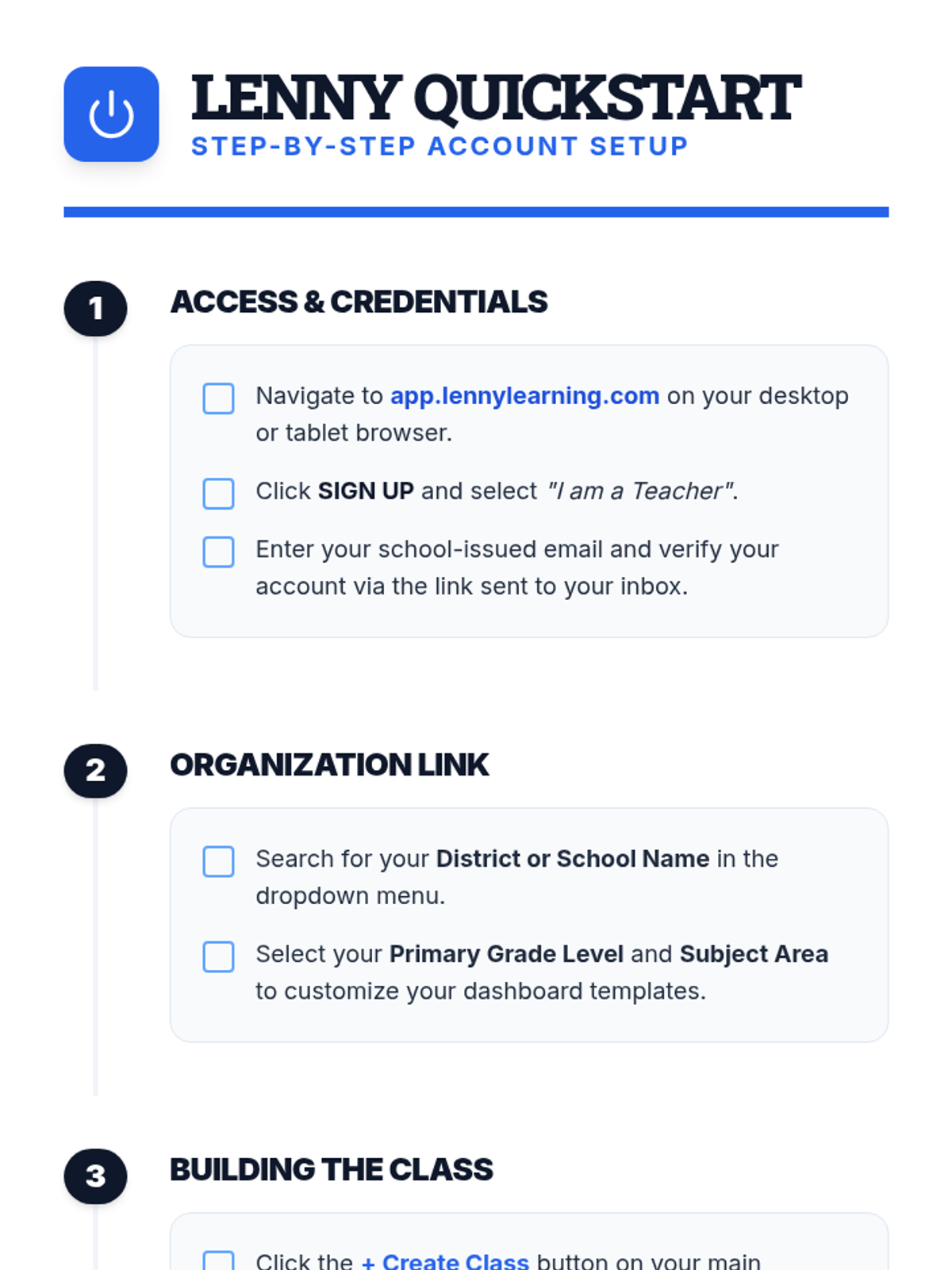
A clear, step-by-step document for teachers on setting up their Lenny Learning account, creating their first class, and onboarding students.
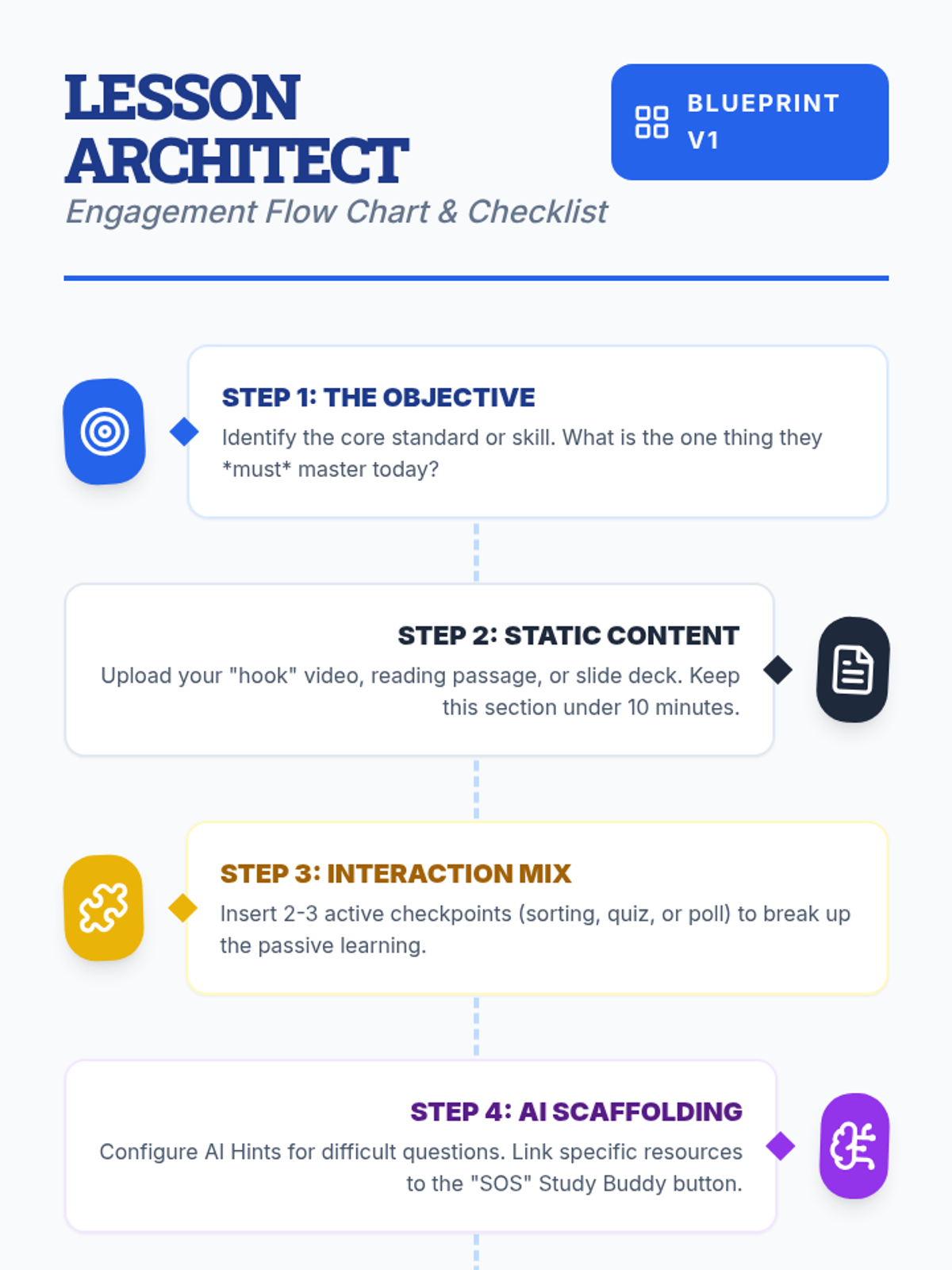
A visual flow chart and checklist for teachers detailing the step-by-step process of designing an engaging lesson on Lenny Learning.
A 10-slide presentation for teachers on designing engaging, interactive lessons using Lenny Learning's advanced features, gamification, and AI support.
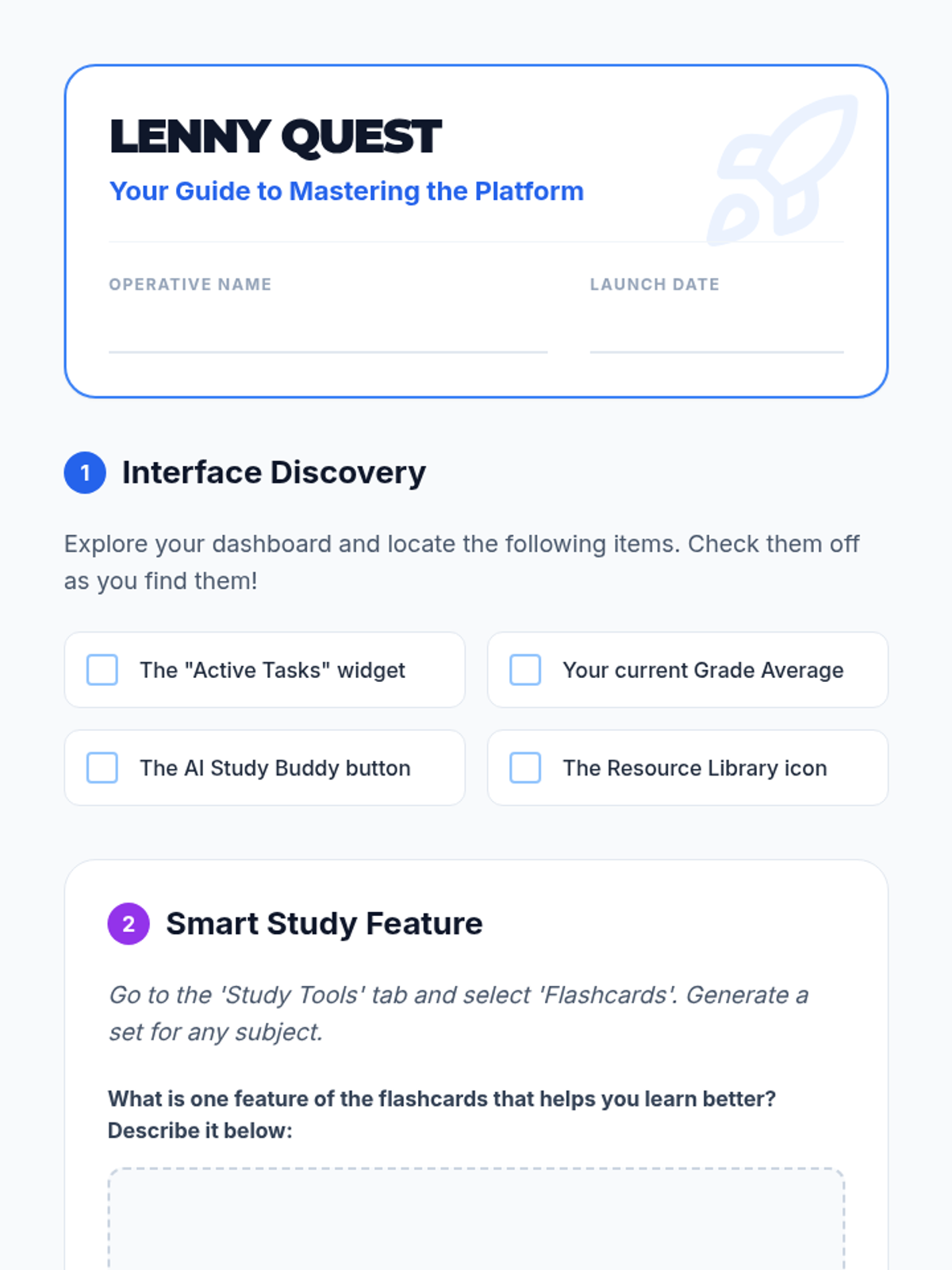
A student-facing scavenger hunt worksheet to help students explore the Lenny Learning interface and features.
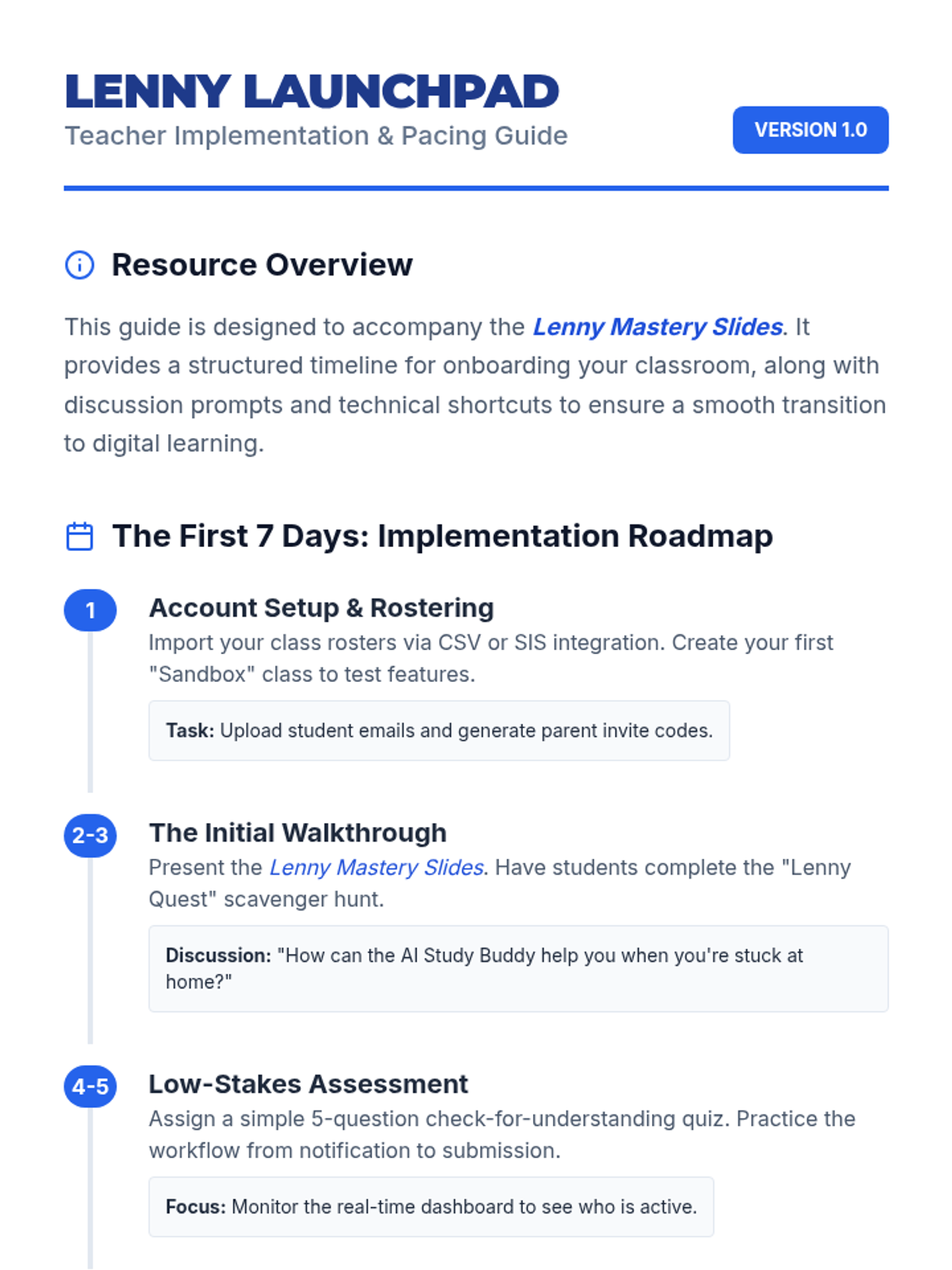
A teacher-facing guide with an onboarding timeline, troubleshooting tips, and classroom management strategies for implementing Lenny Learning.
A 10-slide presentation designed for teachers, providing a beginner-friendly overview of Lenny Learning's assignment workflows, study tools, and dashboard features.
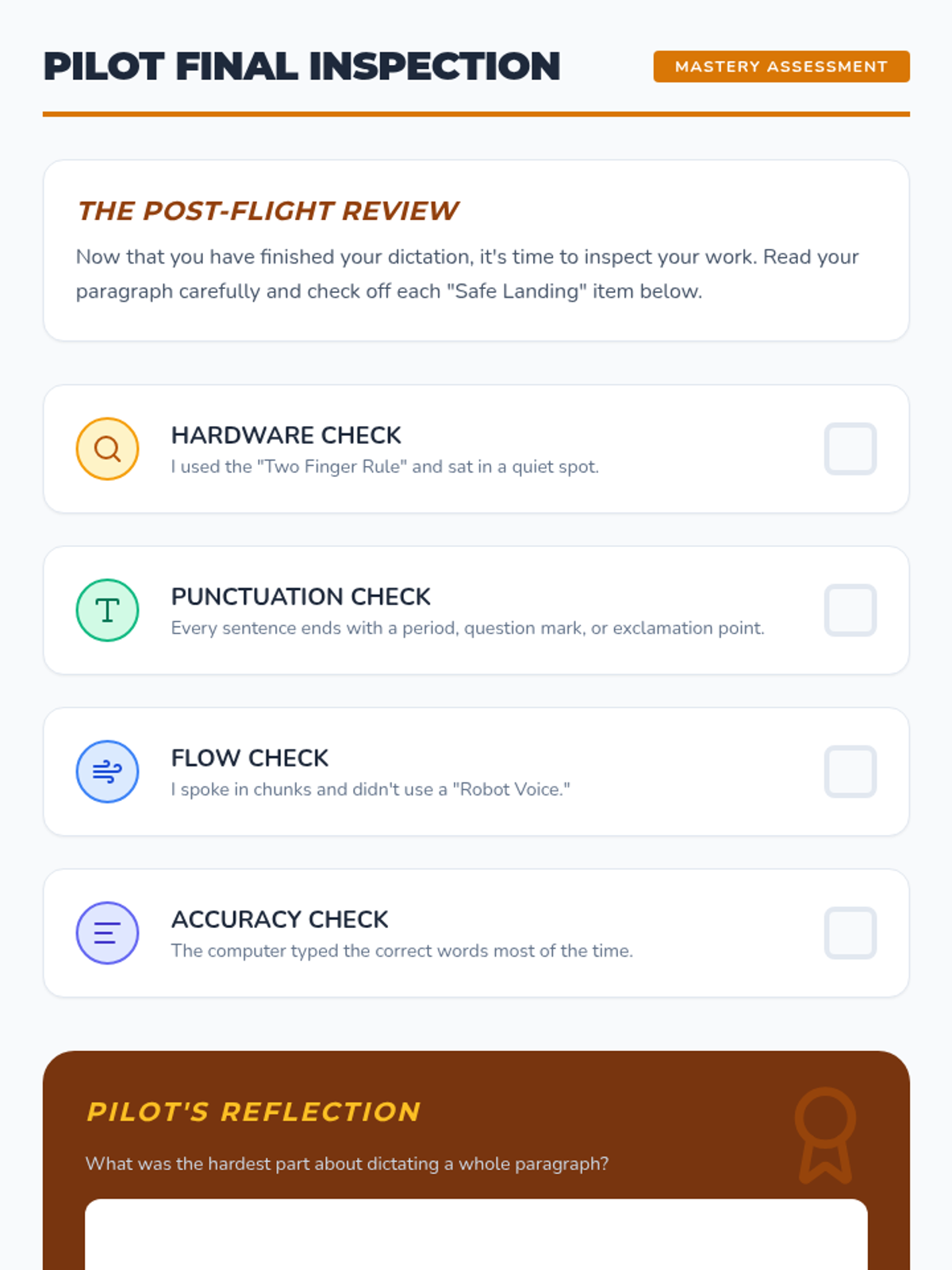
A self-assessment and reflection checklist for the final lesson, allowing students to evaluate their own dictation performance.
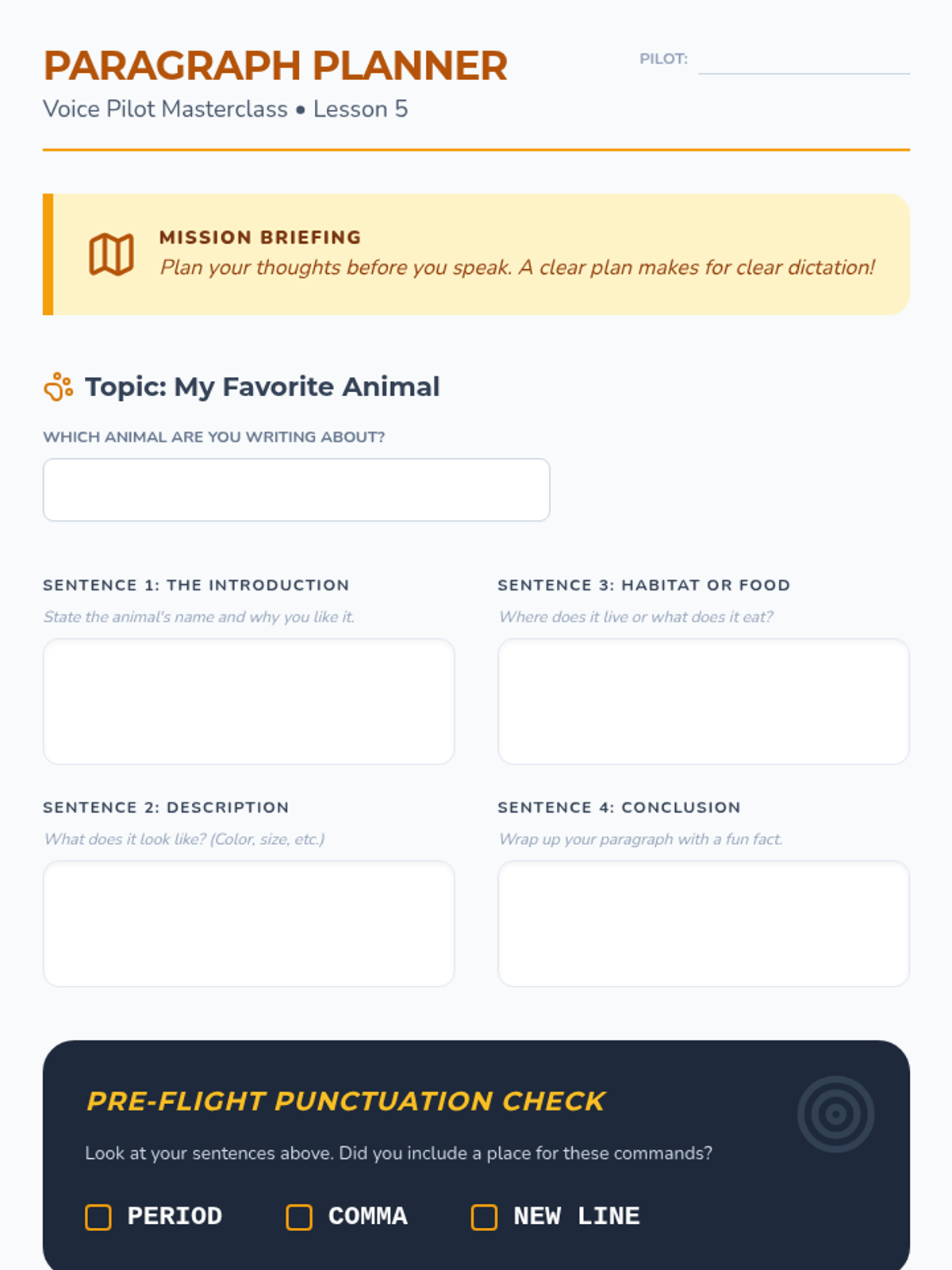
A graphic organizer for Lesson 5 to help students plan the content of their animal paragraph before they begin dictation.
Culminating slide deck for Lesson 5, guiding students through the process of dictating a complete paragraph and troubleshooting their work.
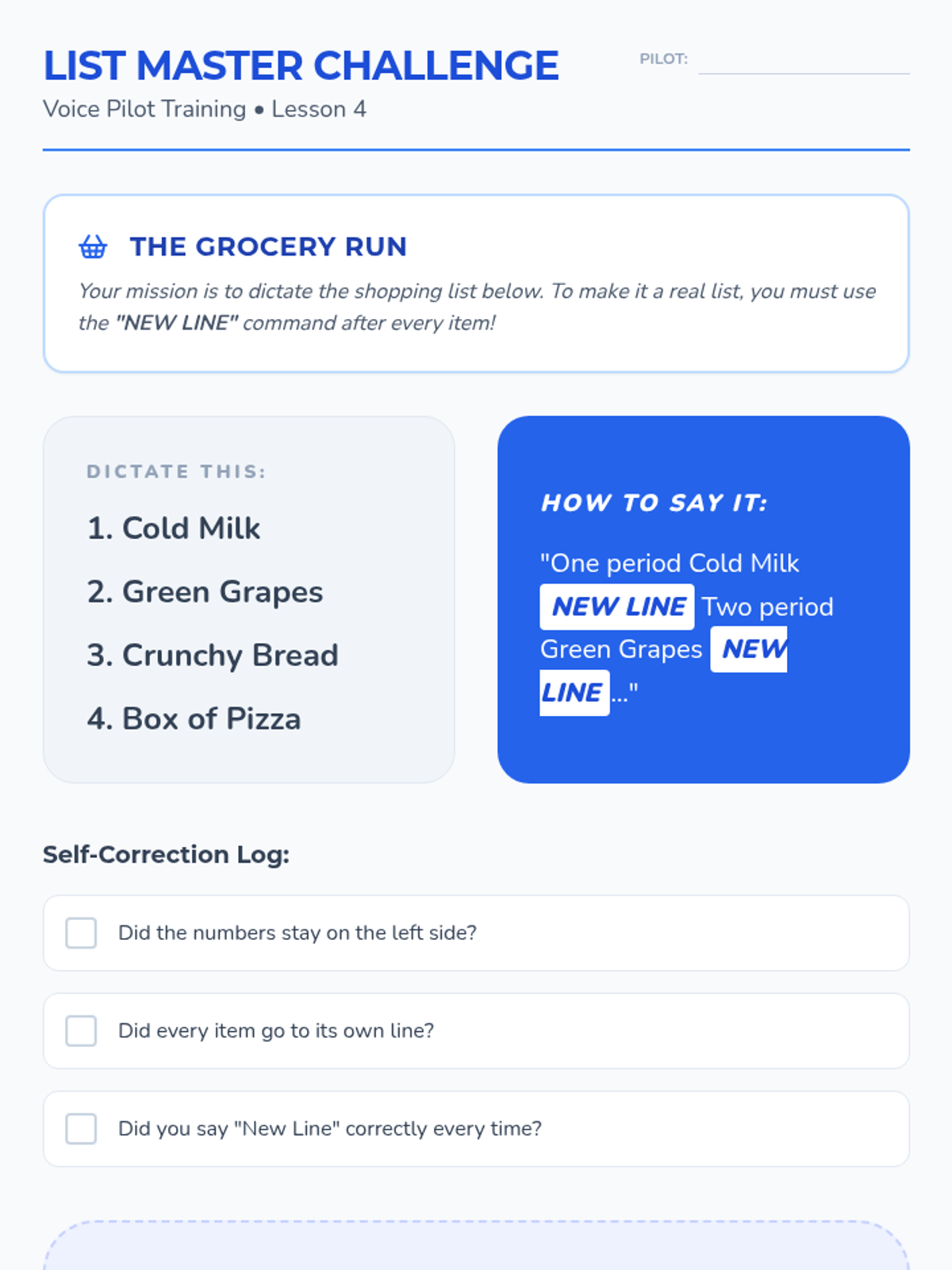
Student activity for Lesson 4 where students practice list creation and vertical document formatting using the "new line" voice command.
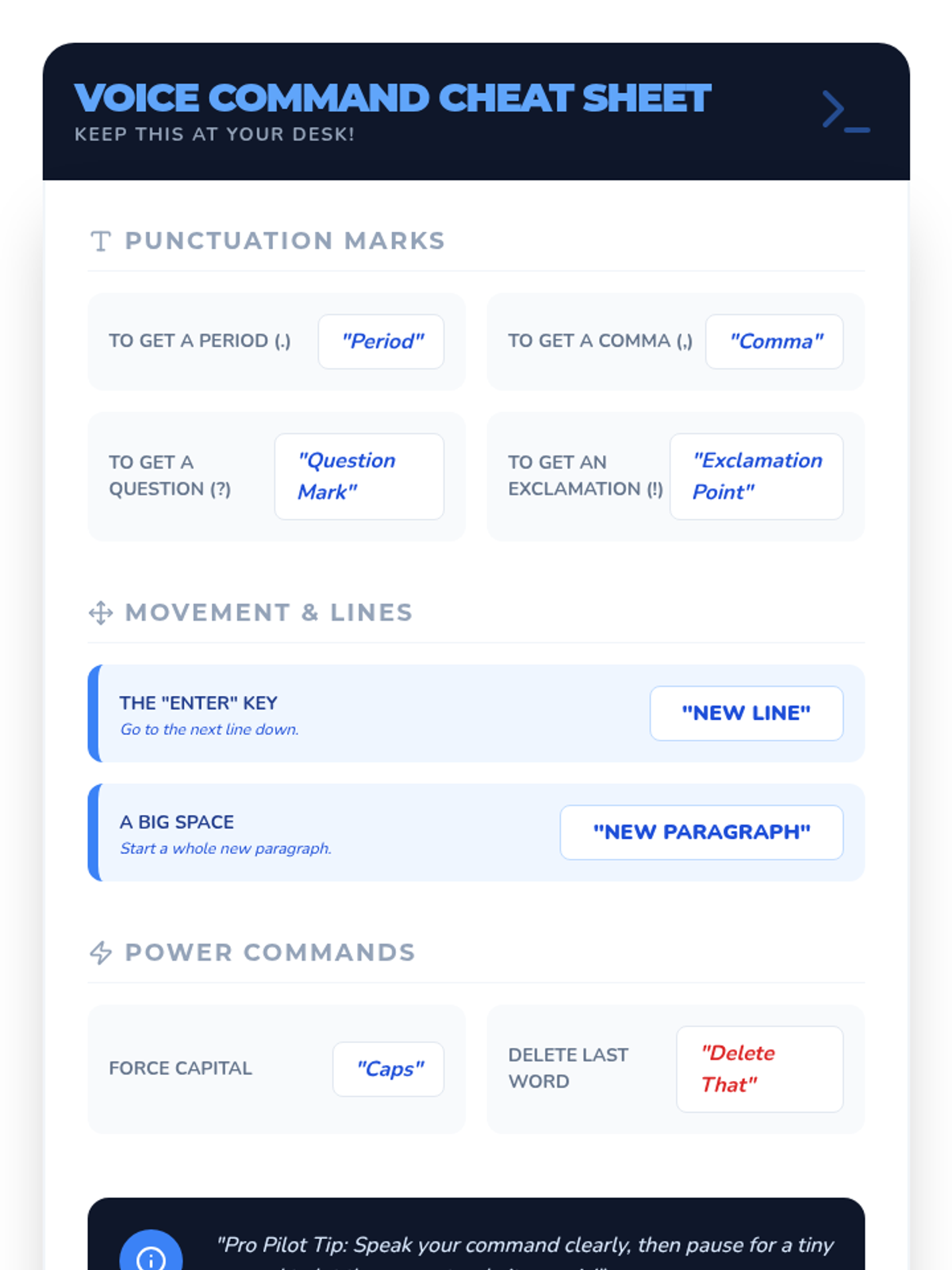
A quick-reference reference sheet for students listing all major speech-to-text commands for punctuation, formatting, and simple editing.
Lesson 4 slides covering advanced structural commands like "new line," "new paragraph," and "caps."
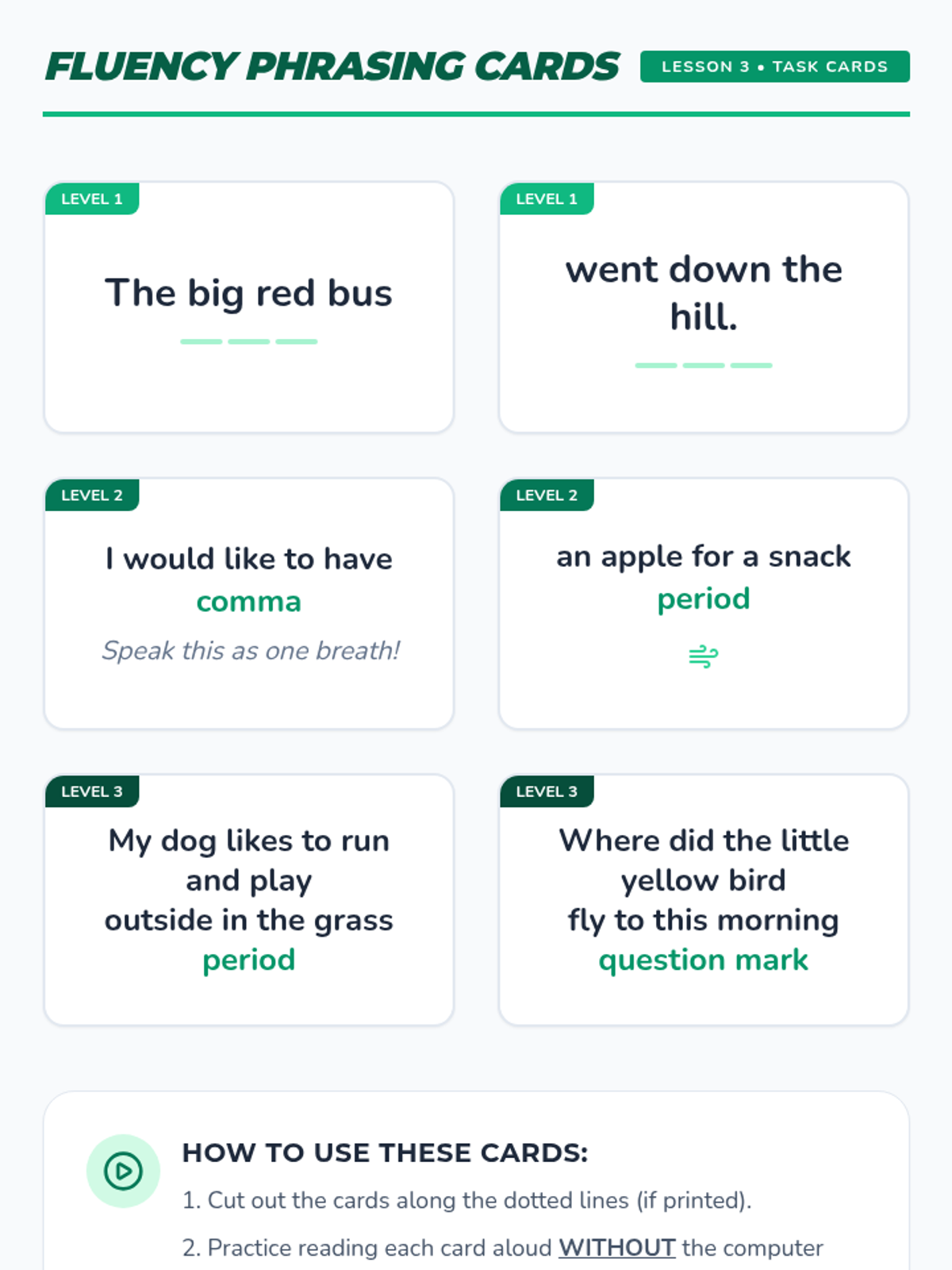
Task cards for students to practice reading and dictating phrases of increasing length and complexity using natural pacing.
Lesson 3 slide deck focusing on pacing and phrasing, emphasizing the "chunking" method over "robot voice" dictation.
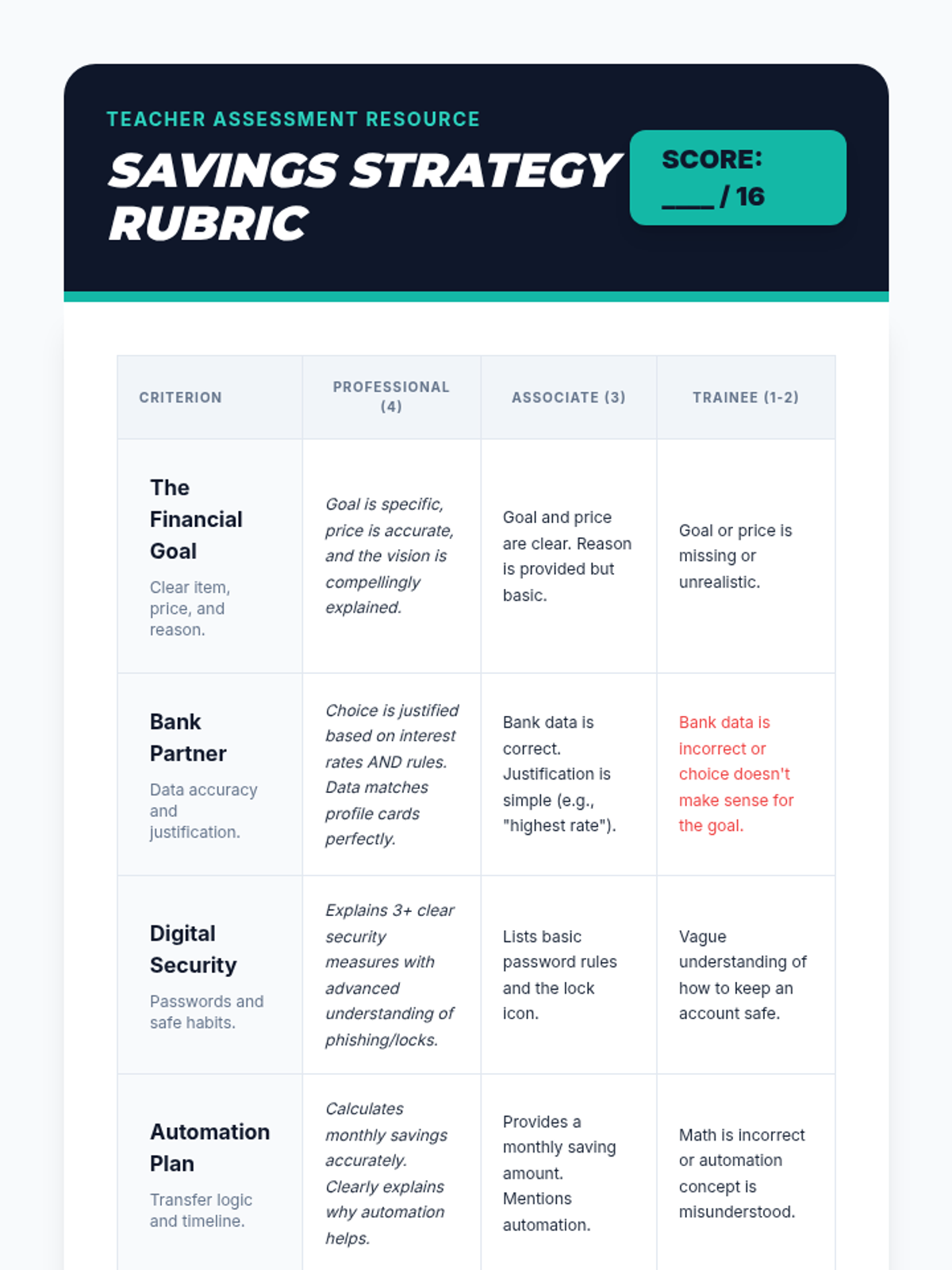
A professional teacher rubric to assess student final presentations on their savings goals, bank choices, and security plans.
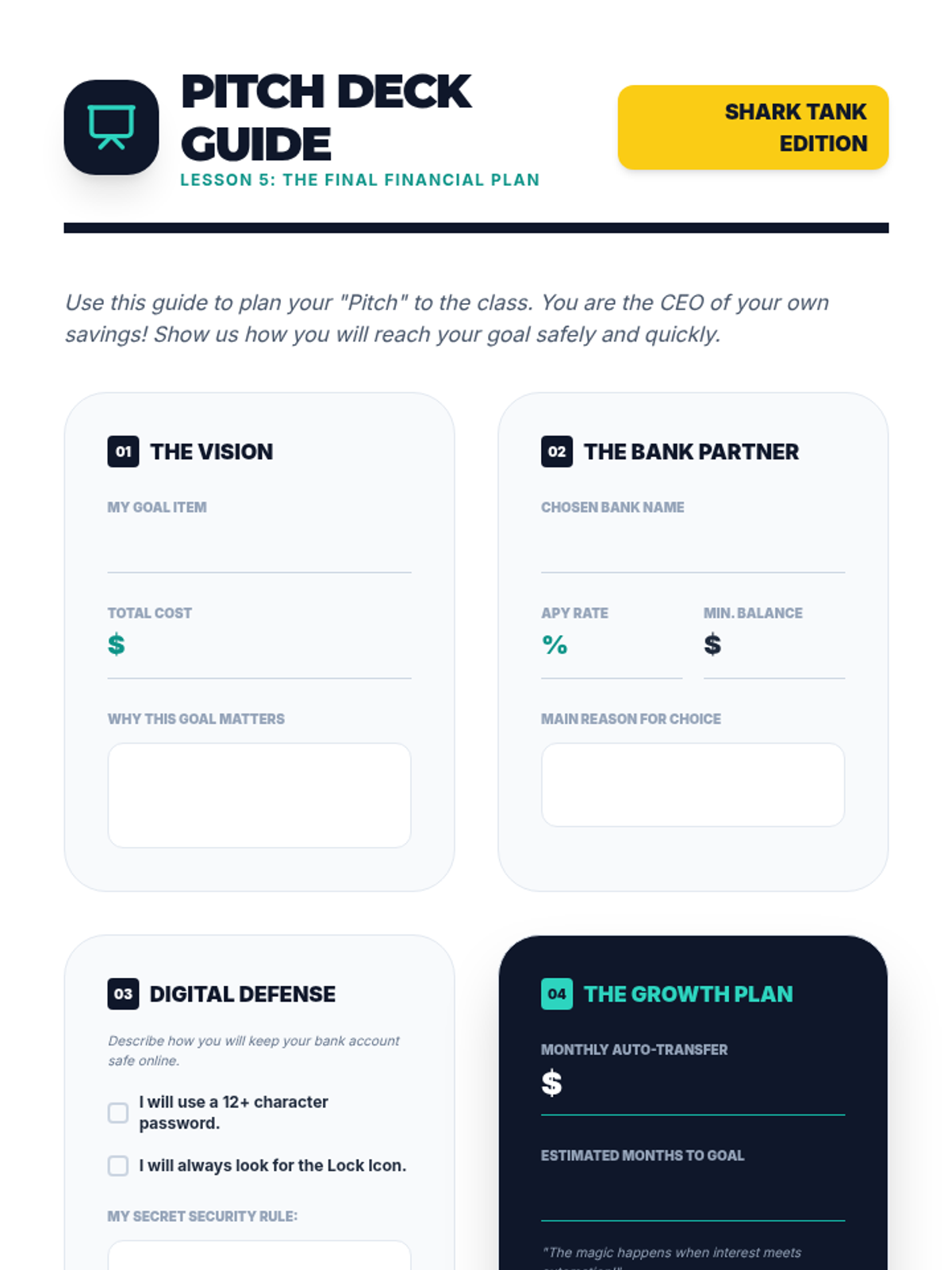
A structured worksheet to help students prepare their final presentation, covering their goal, chosen bank, security plan, and automation schedule.
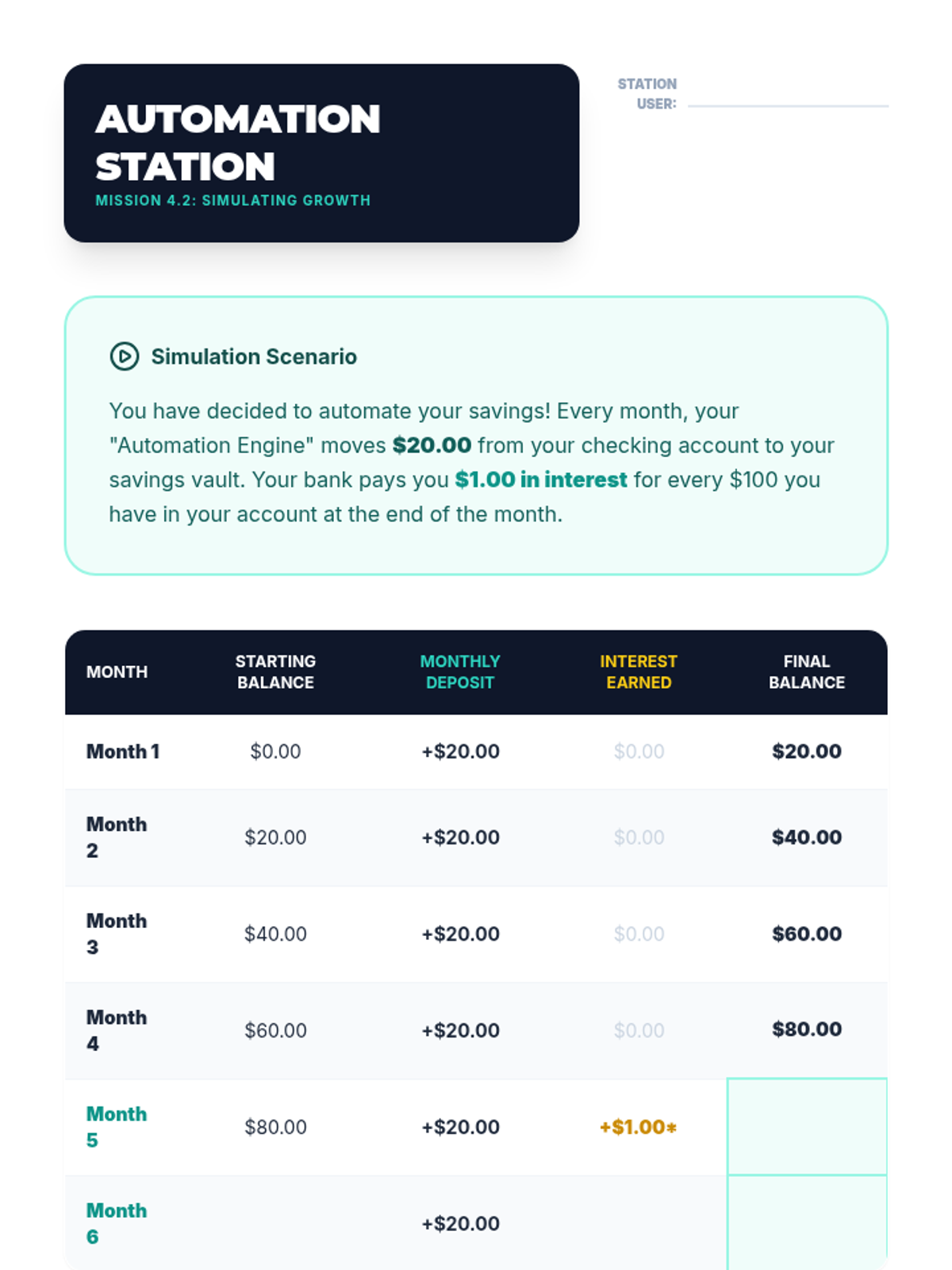
Student activity sheet for Lesson 4 simulating how small, regular transfers and interest grow an account balance over 6 months.
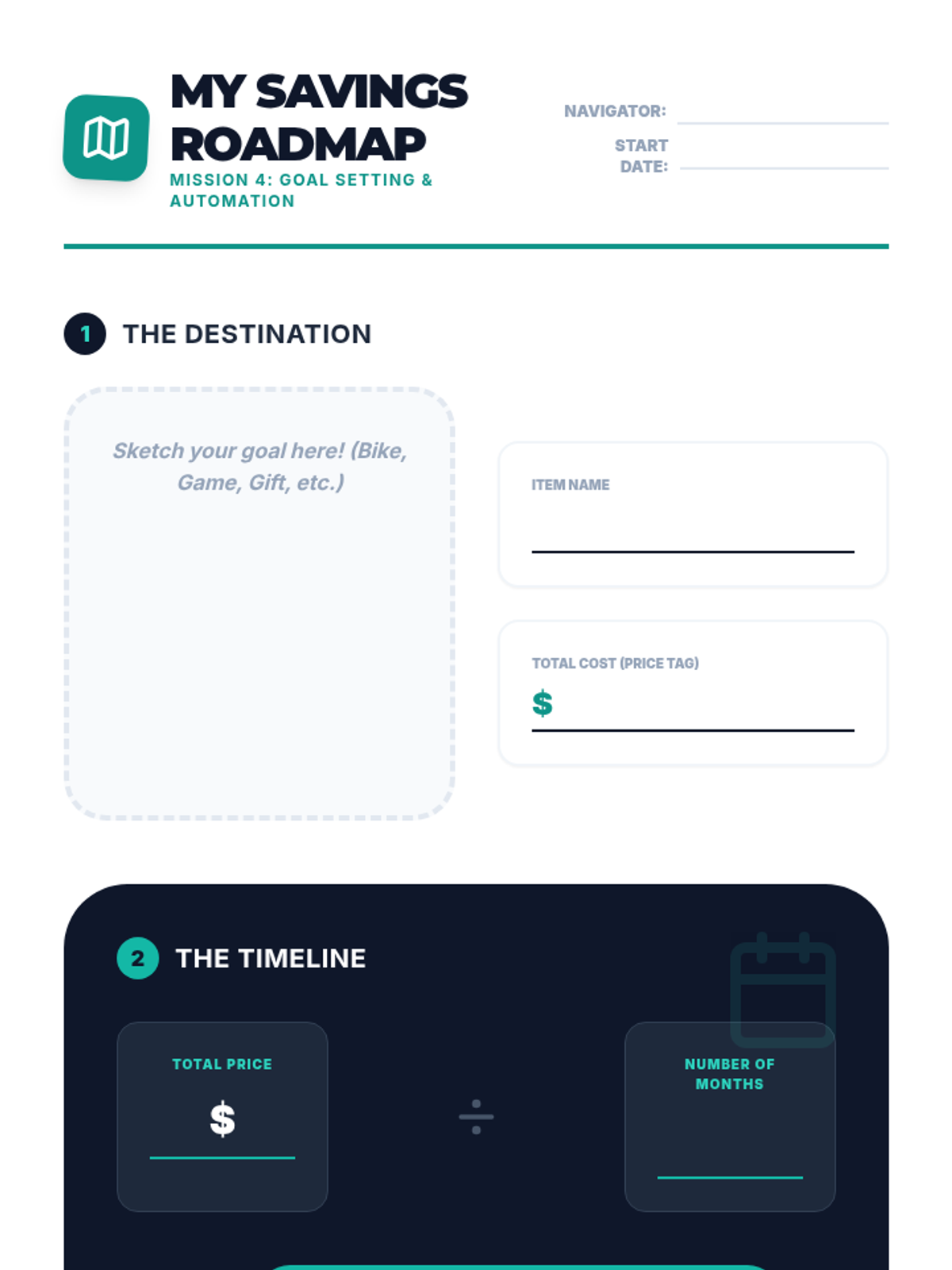
Student worksheet for Lesson 4 where they define a financial goal, calculate the monthly savings required, and sign an automation pledge.
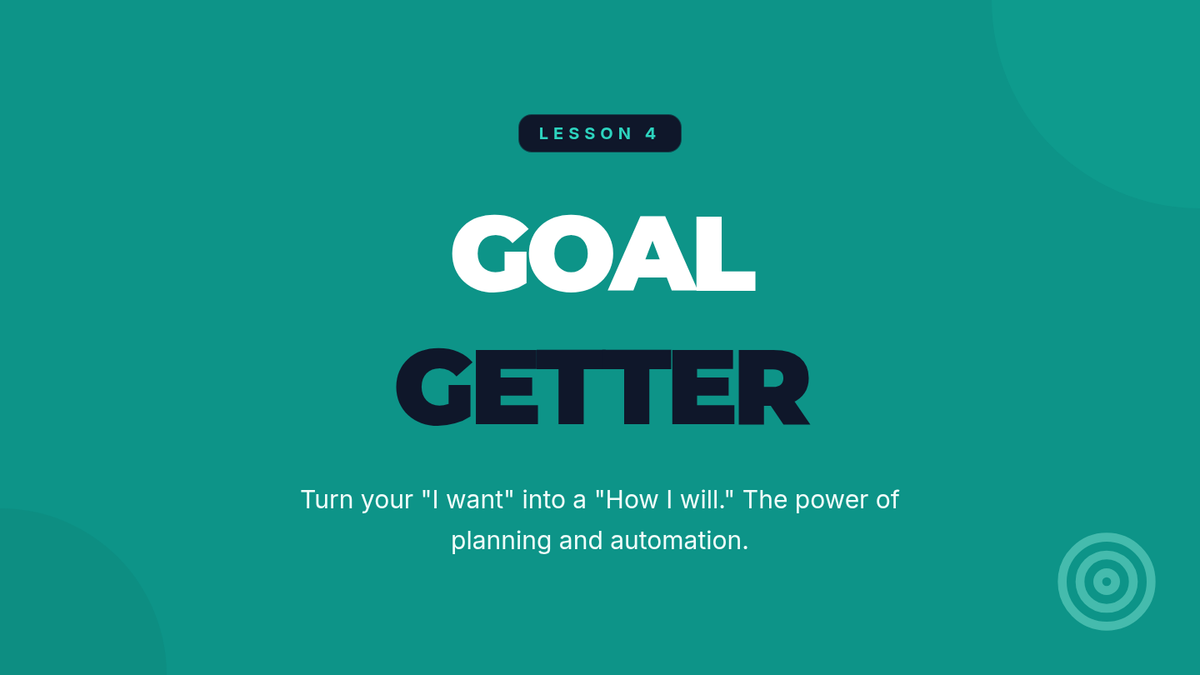
Introductory presentation for Lesson 4, explaining goal setting, the "Pay Yourself First" principle, and automated savings transfers.
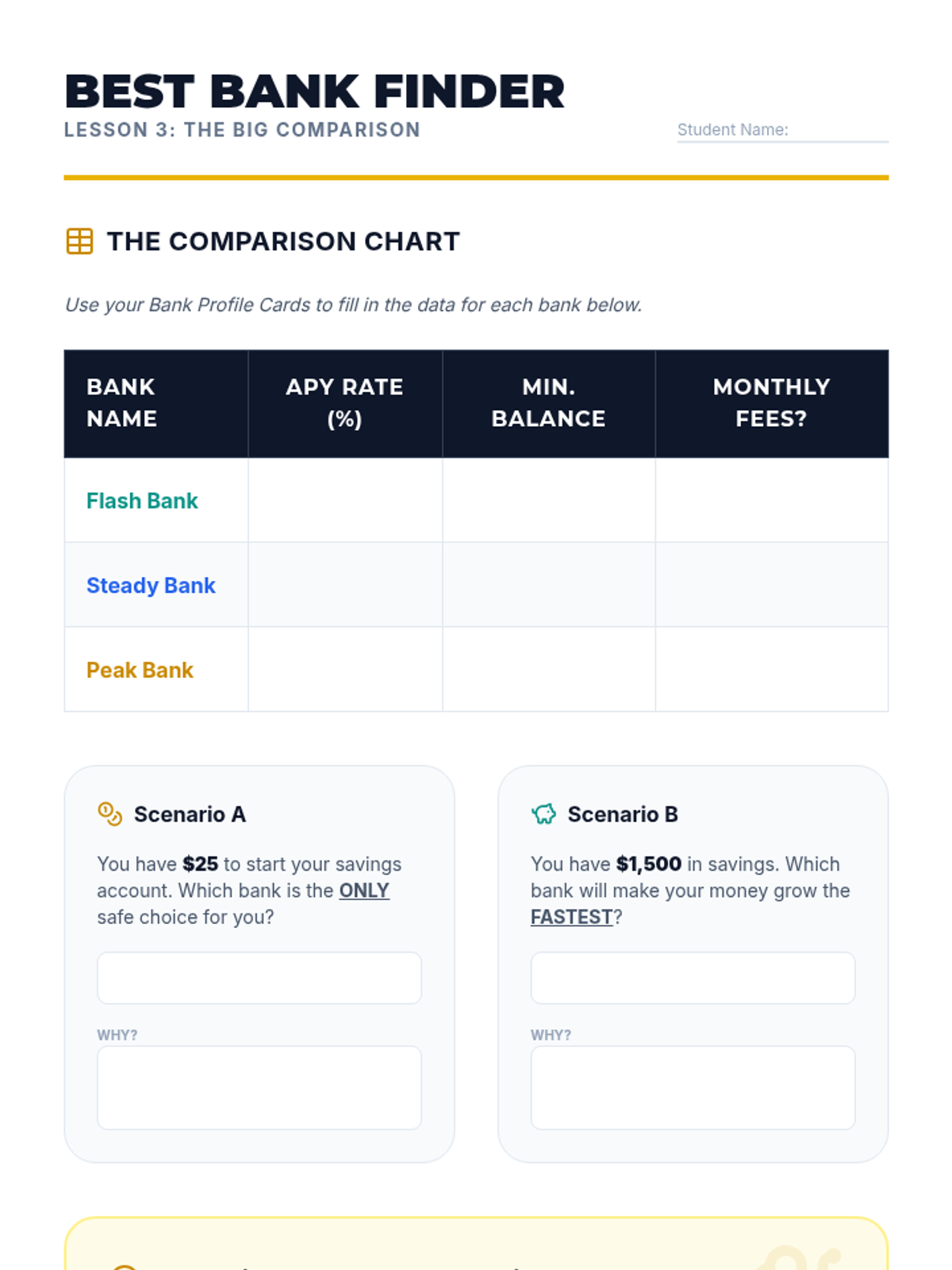
Student worksheet for Lesson 3 focusing on comparing fictional bank offers and understanding the impact of fees versus interest rates.
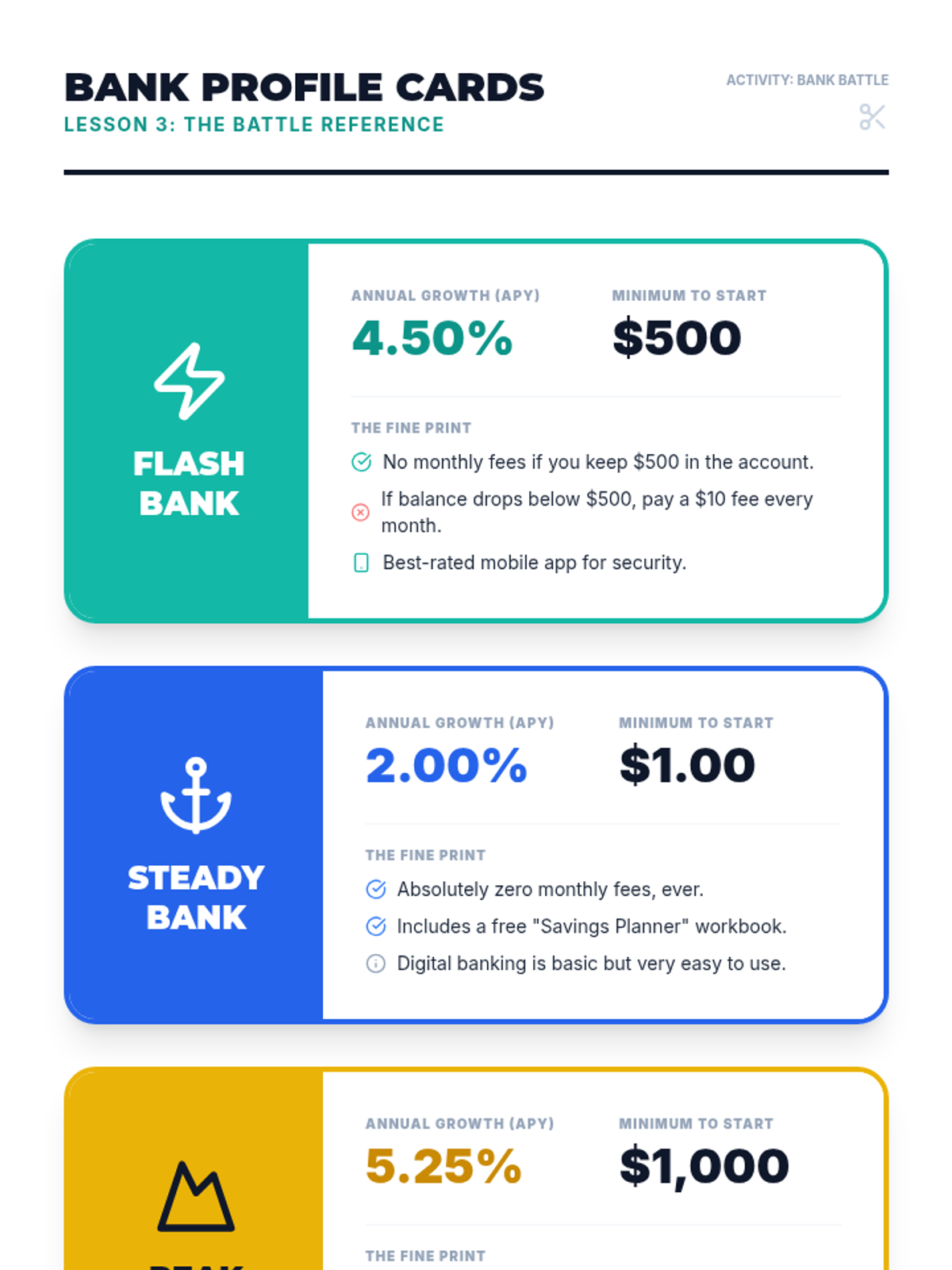
Reference material for Lesson 3 featuring 3 fictional bank profiles with varying interest rates, requirements, and fees.
Introductory presentation for Lesson 3, explaining APY, bank fees, and account requirements in a competitive "Bank Battle" format.
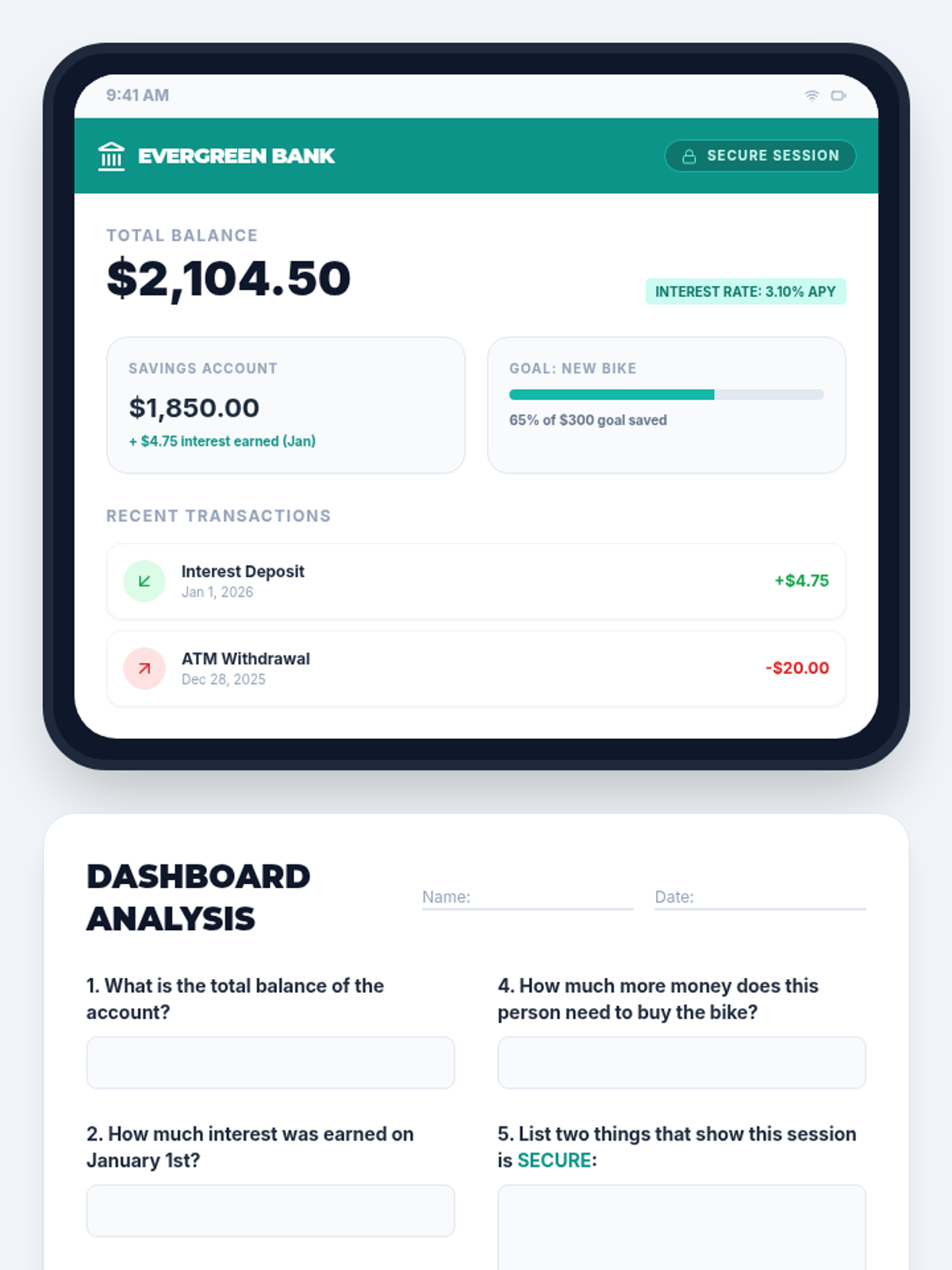
Student worksheet for Lesson 2 focusing on reading a mock digital banking dashboard to extract account information.
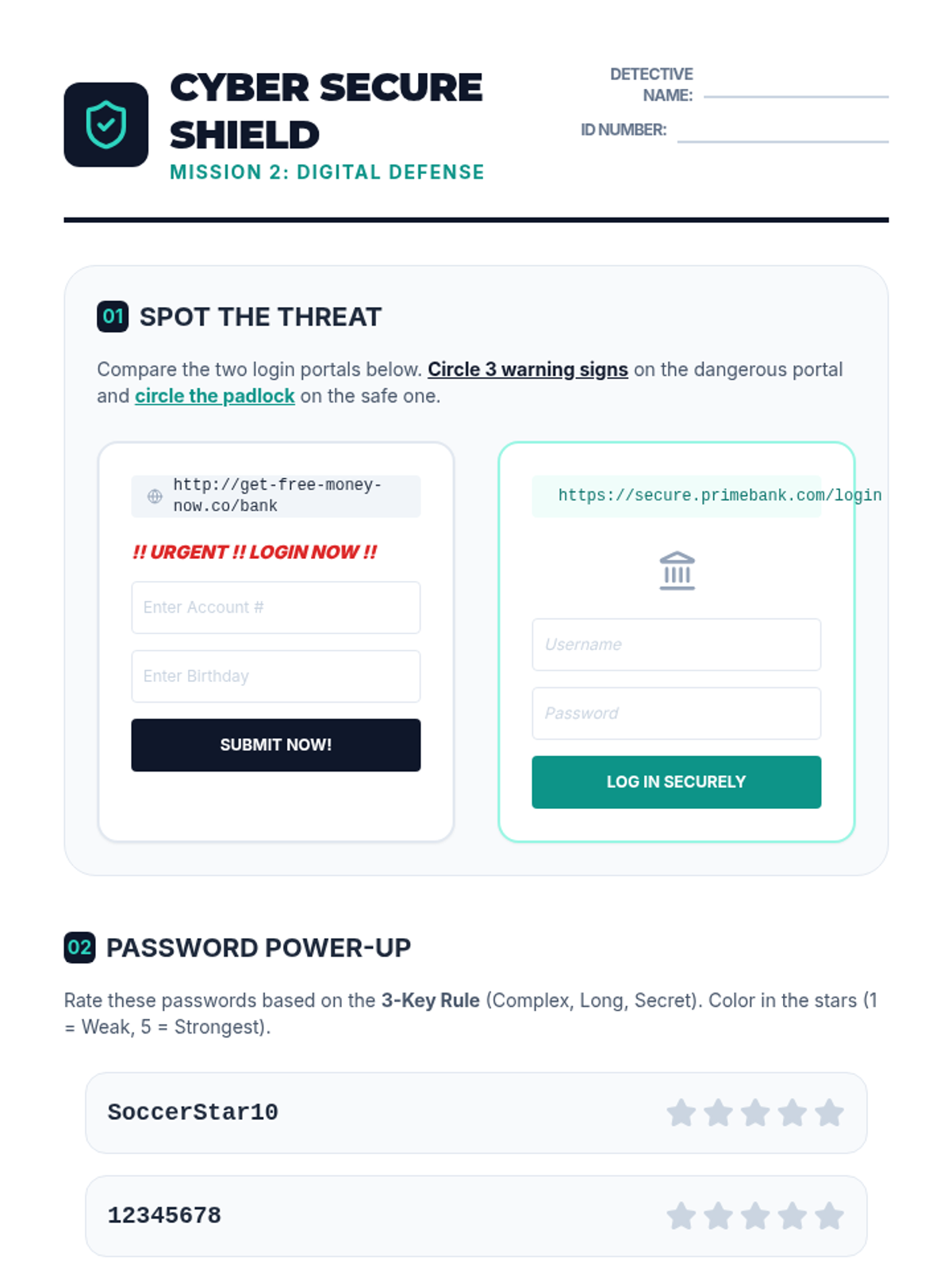
Student worksheet for Lesson 2 focusing on identifying phishing attempts and creating secure passwords.
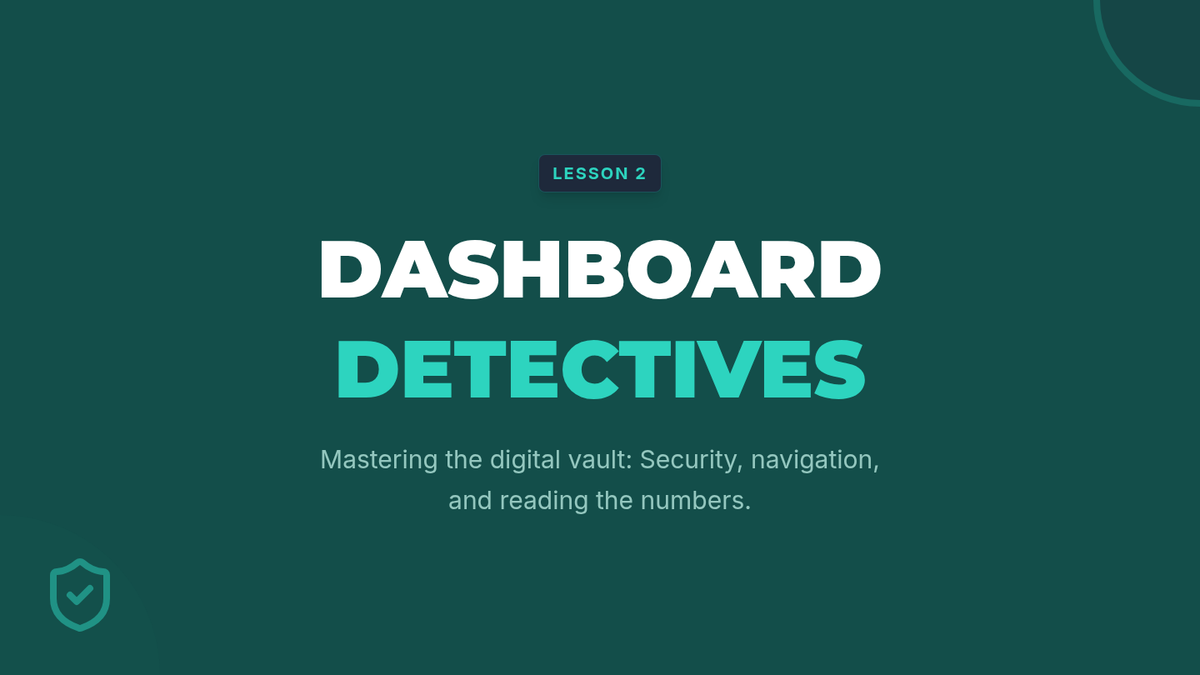
Introductory presentation for Lesson 2, explaining dashboard features, security indicators, and password best practices.
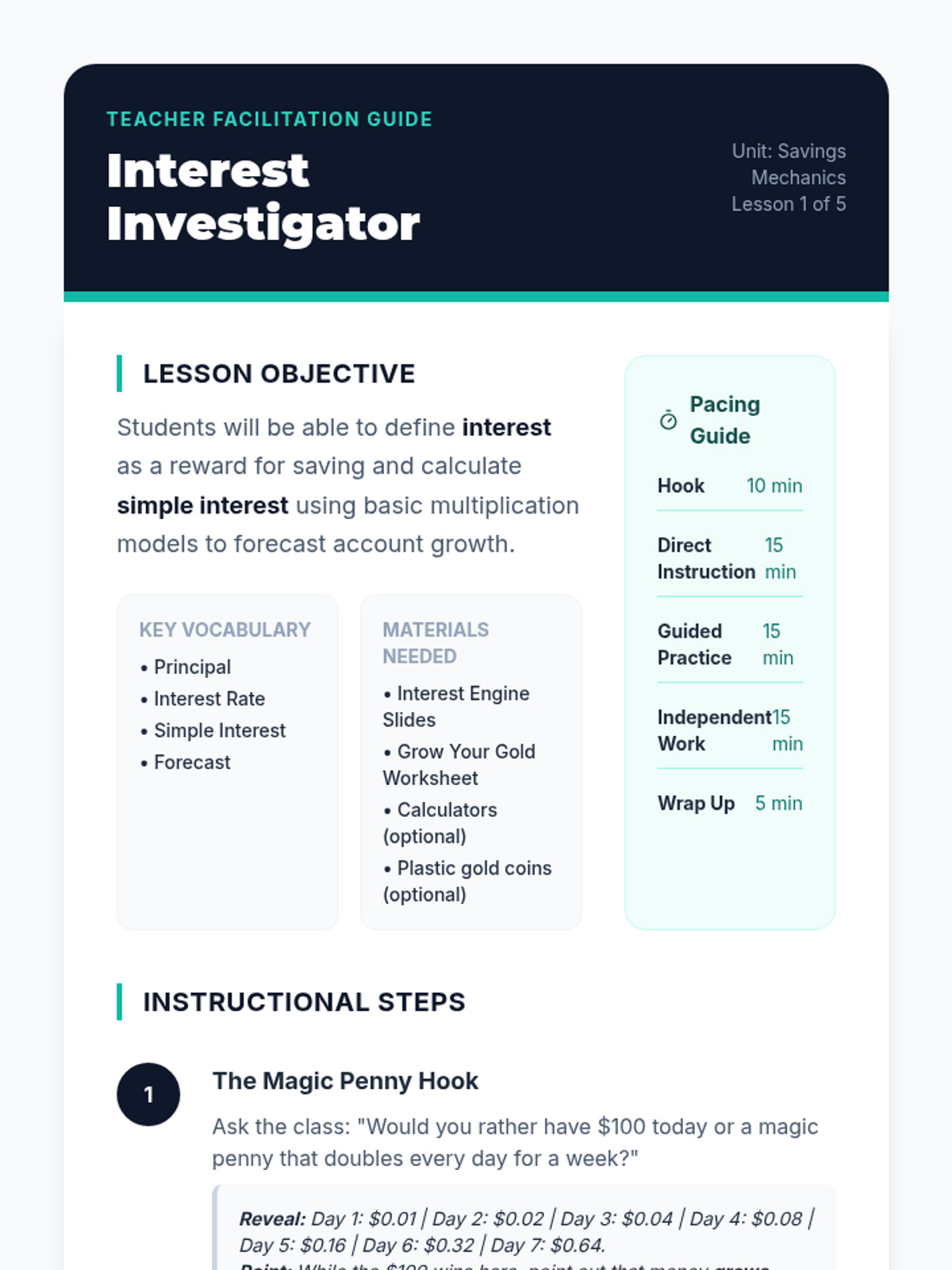
Teacher facilitation guide for Lesson 1, including pacing, hook explanation, guided instruction steps, and answer key.
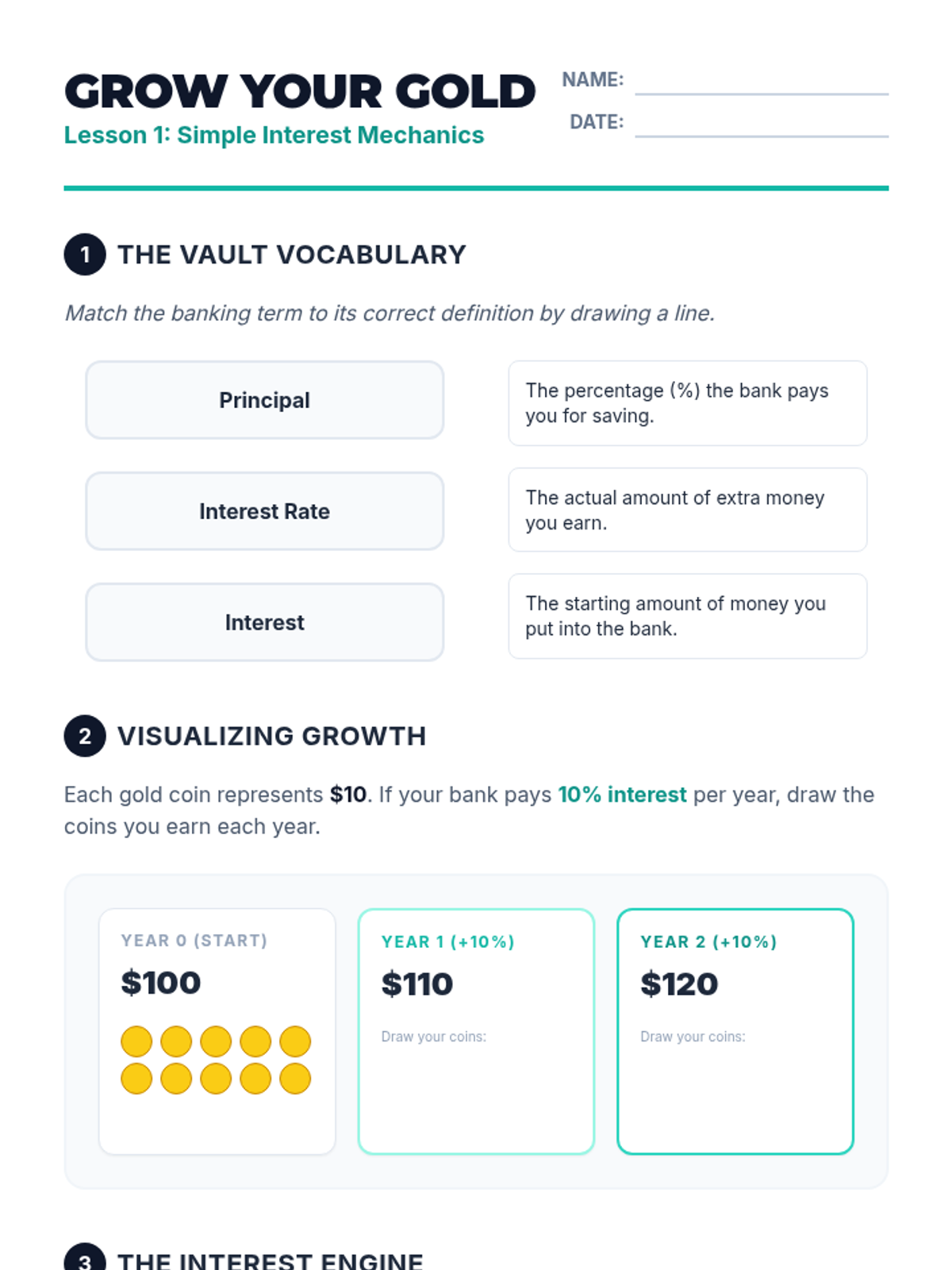
Student worksheet for Lesson 1, featuring vocabulary matching, visual growth modeling, and simple interest calculations.
Introductory presentation for Lesson 1, explaining interest as a concept and the simple interest formula with visual models.
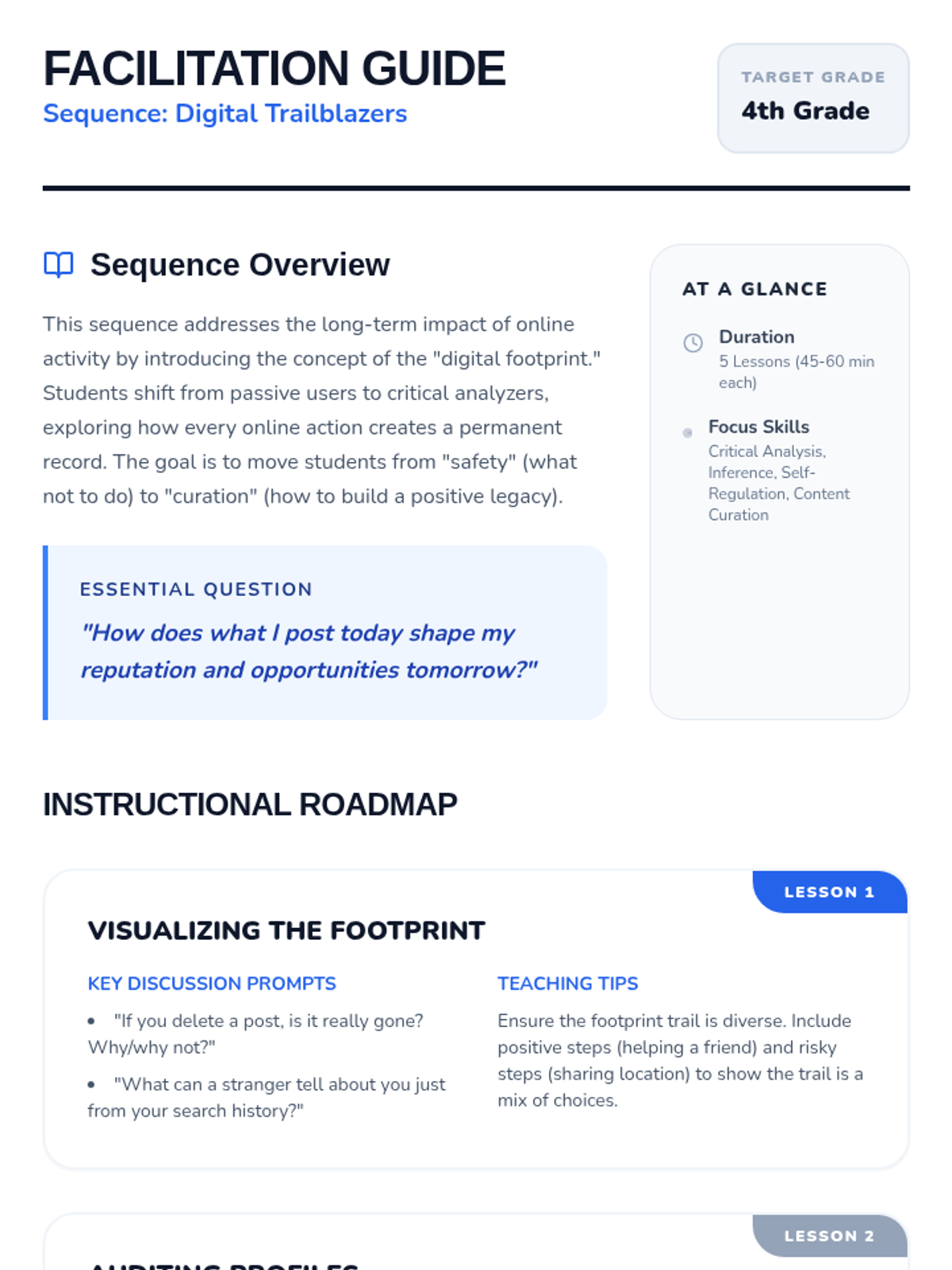
A comprehensive teacher facilitation guide for the Digital Trailblazers sequence, including lesson objectives, discussion prompts, teaching tips, and differentiation strategies.
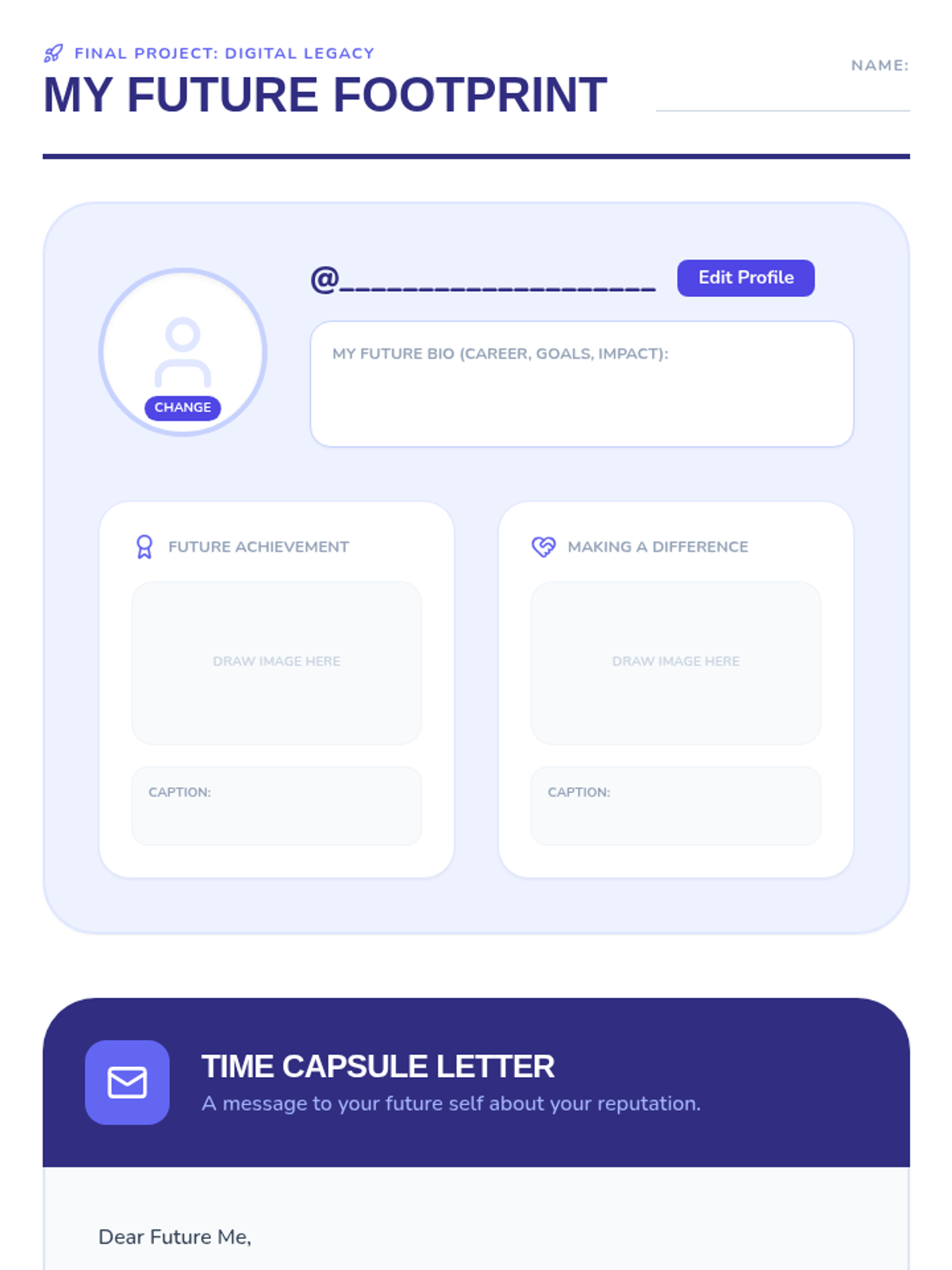
A culminating project document where students design a mock social media profile for their future selves and write a time capsule letter promising to protect their digital reputation.
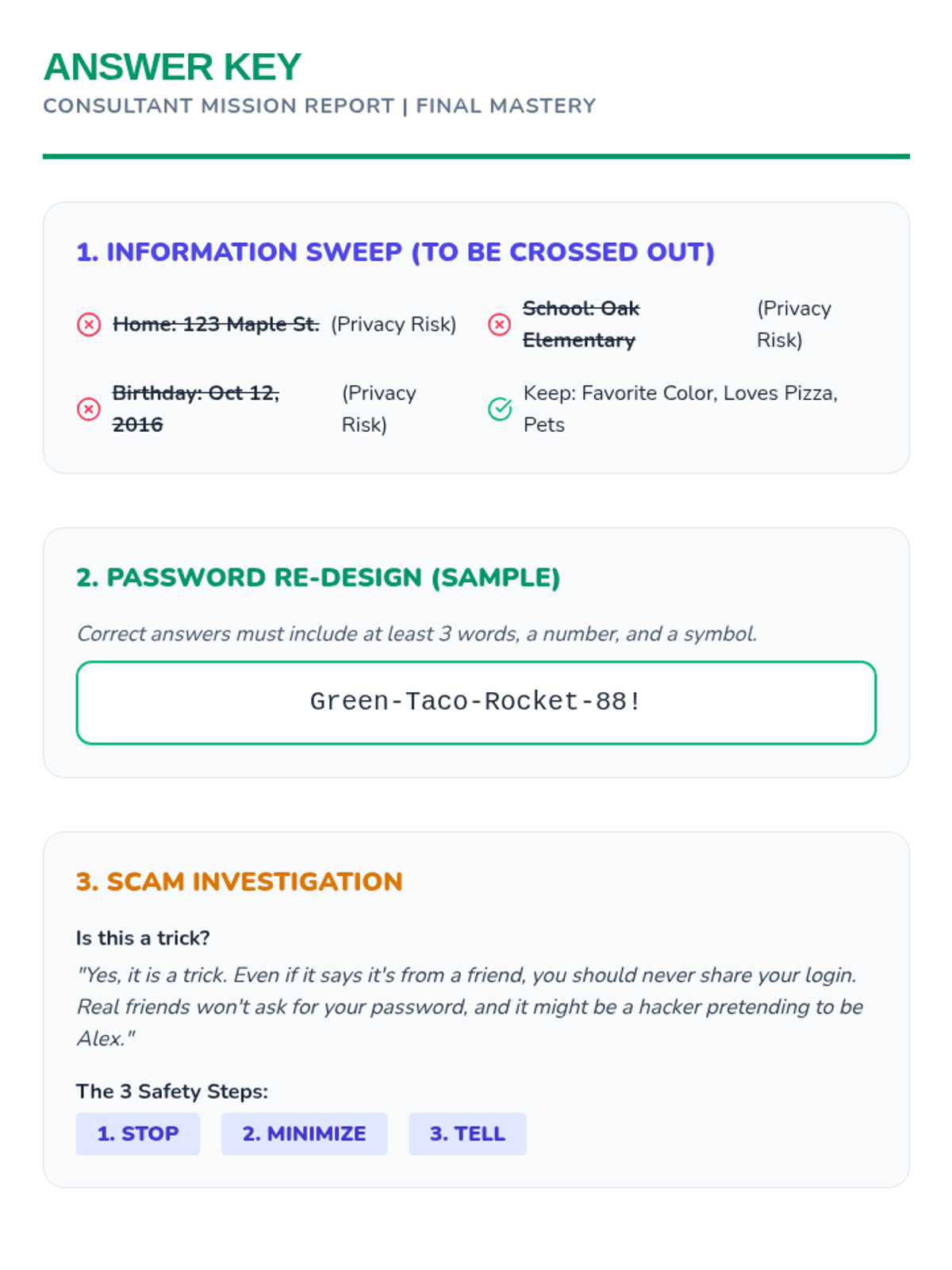
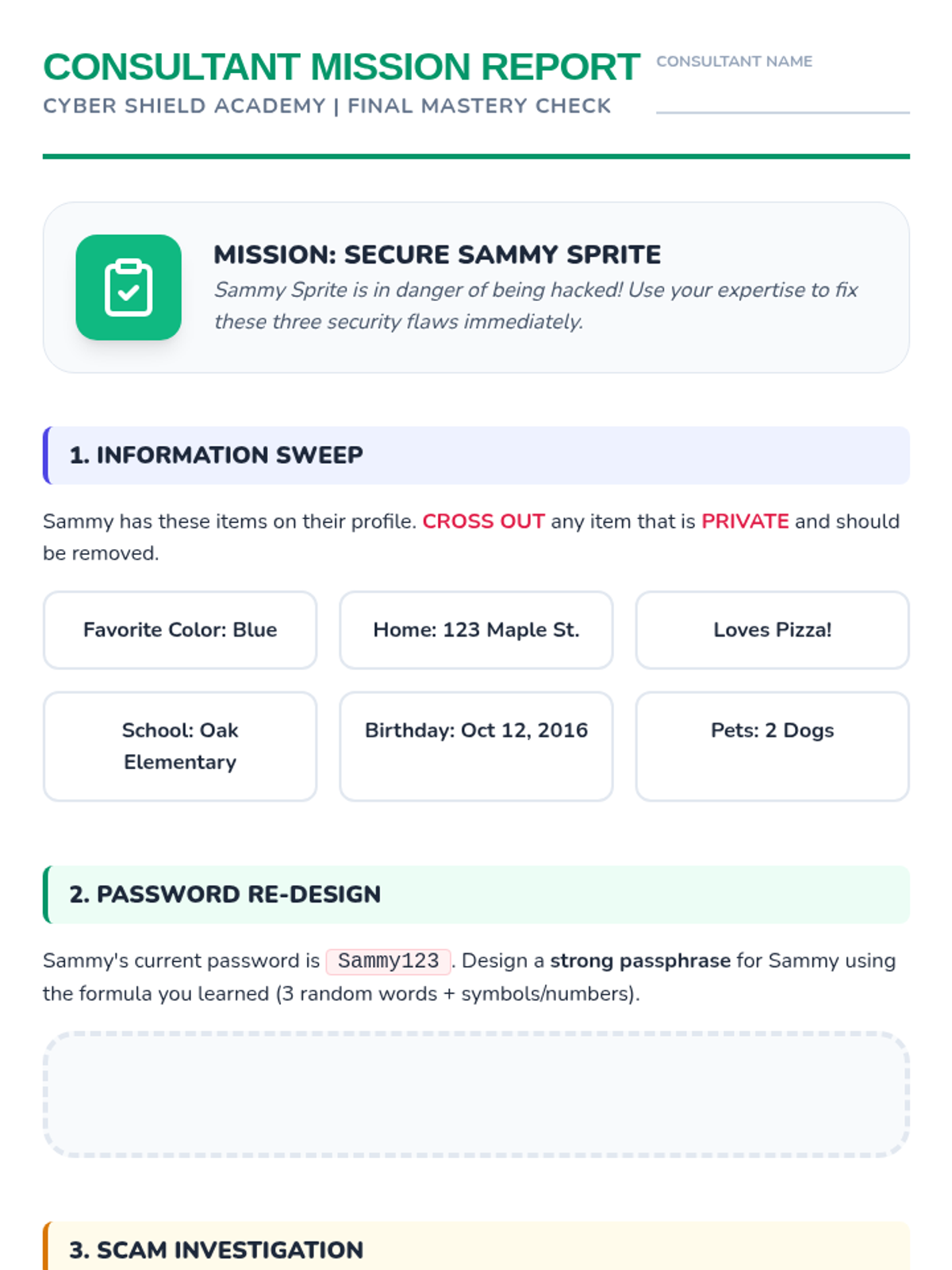
Answer key for the final Consultant Mission Report, outlining the correct privacy removals, password criteria, and scam protocol steps.
A slide deck introducing the final project: designing a future digital profile and writing a time capsule letter to ensure a positive digital legacy.
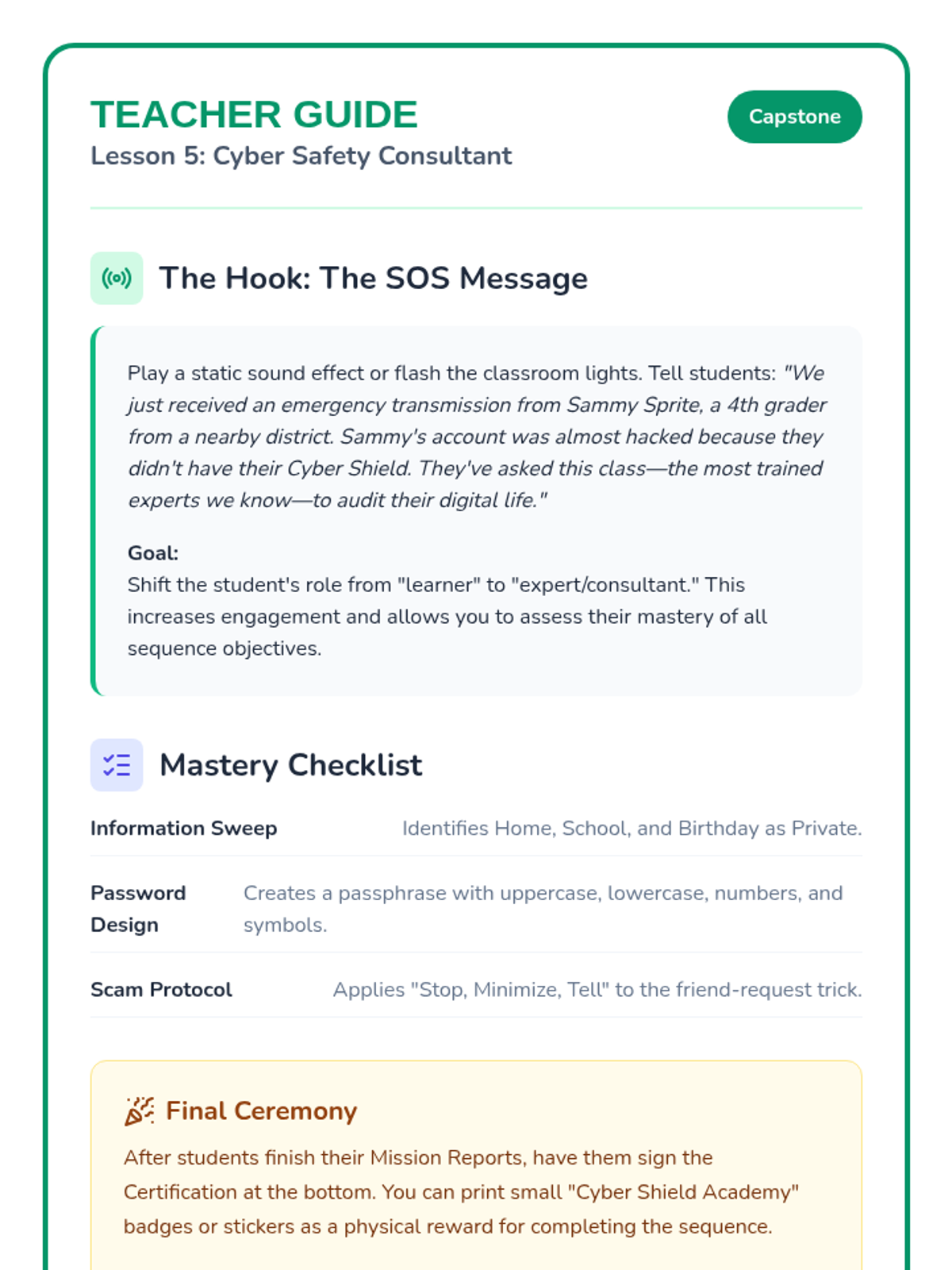
Teacher's guide for the final mission, providing a facilitation script for the SOS hook and a mastery checklist for assessment.
The final assessment worksheet where students apply all learned skills to fix a fictional character's security risks and earn their 'Cyber Shield' certification.