Stop-and-think strategies, impulse management, and SMART goal setting for personal growth. Develops internal motivation, stress reduction techniques, and resilience through proactive planning and monitoring.
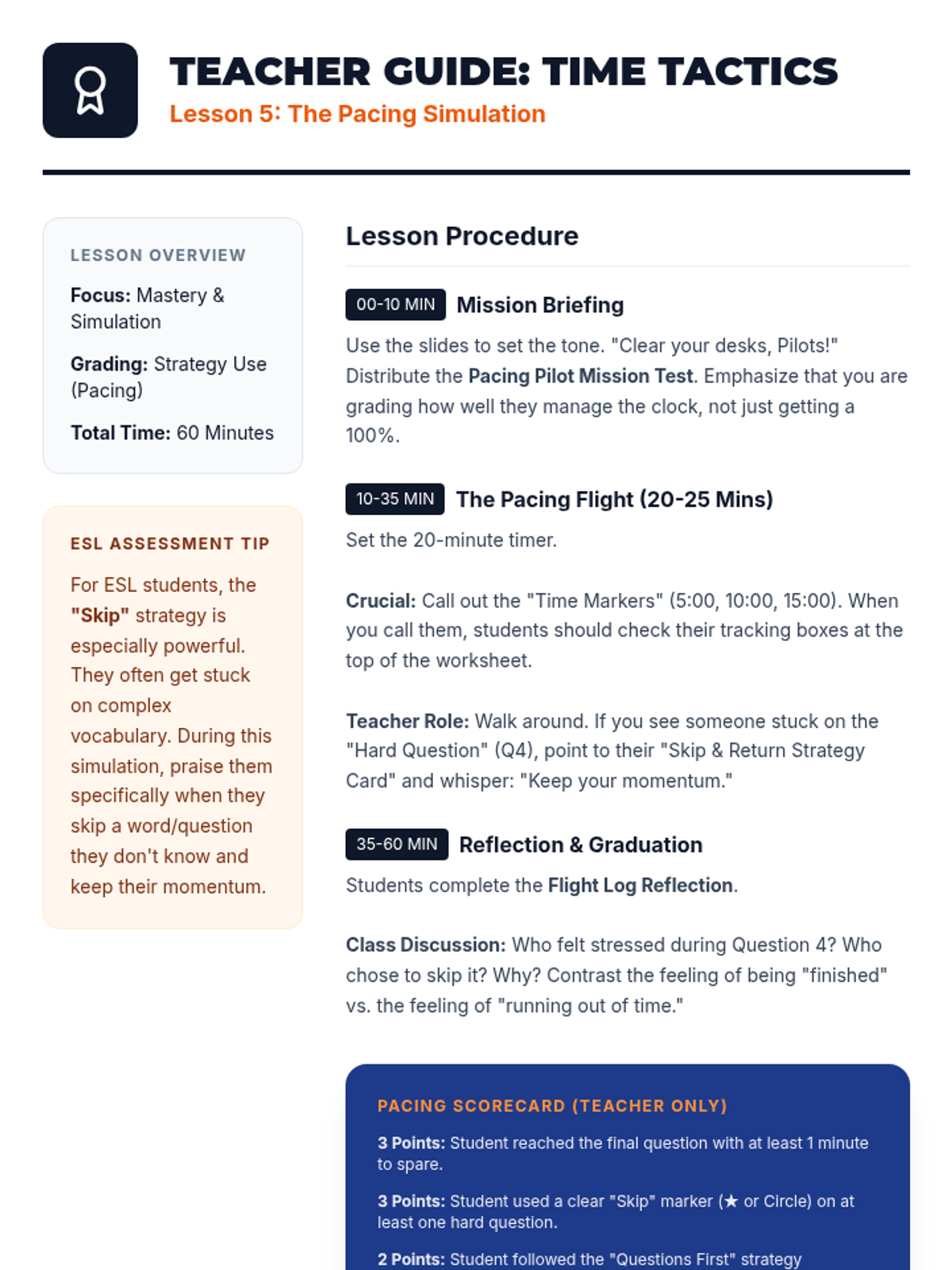
Teacher guidance for the Lesson 5 simulation, including timing calls, teacher observation tips, and a scoring rubric for student pacing behavior.
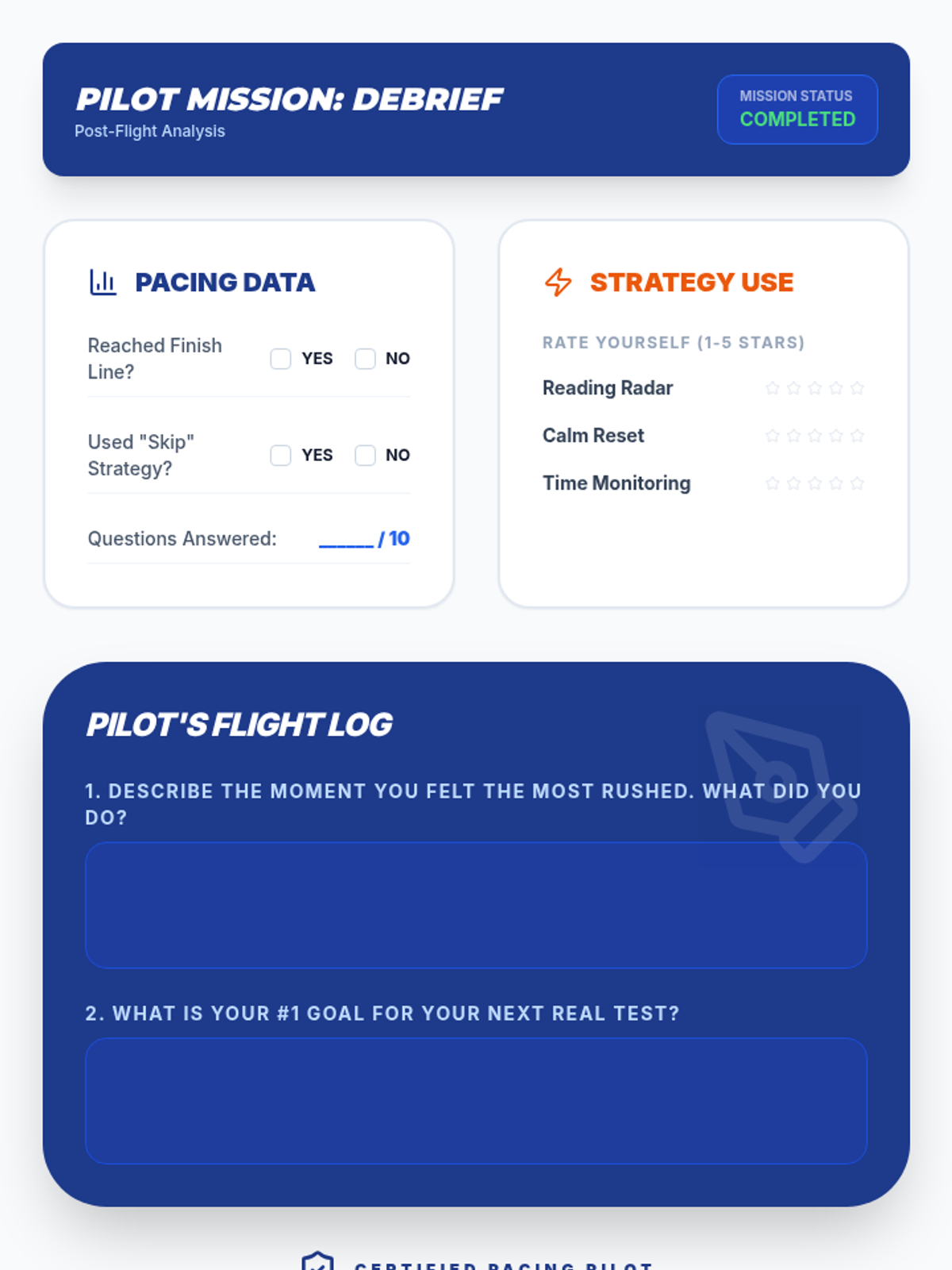
The Lesson 5 reflection and debrief worksheet where students analyze their performance during the simulation and rate their strategy use.
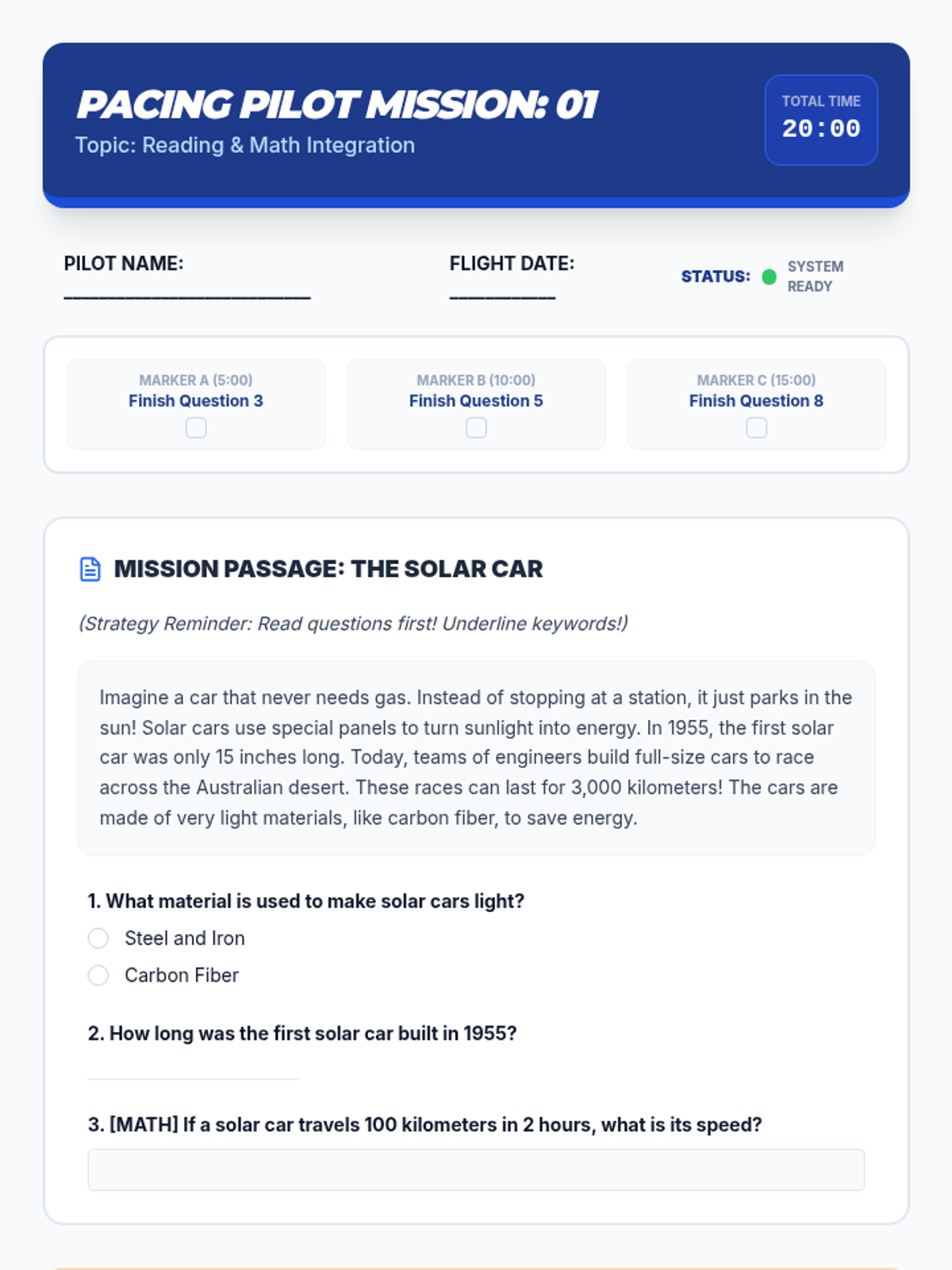
The first page of the Lesson 5 simulation test, designed to test pacing with a passage, integrated math, and a strategically 'hard' question to prompt skipping.
Final slide deck for Lesson 5, featuring the pacing simulation briefing, mission rules, and time markers for the practice test.
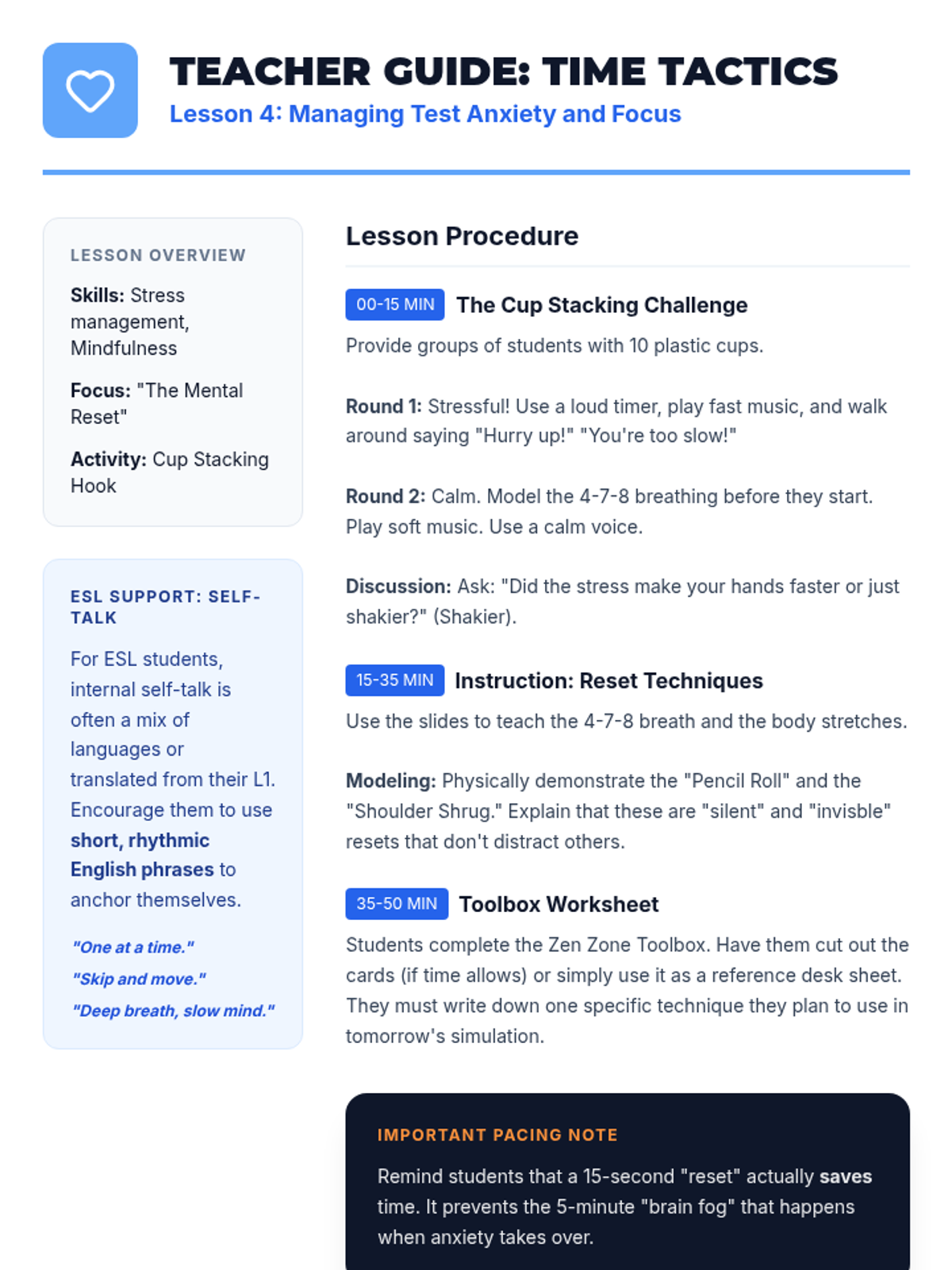
Teacher guidance for Lesson 4, including managing the cup-stacking challenge and modeling reset techniques for ESL students.
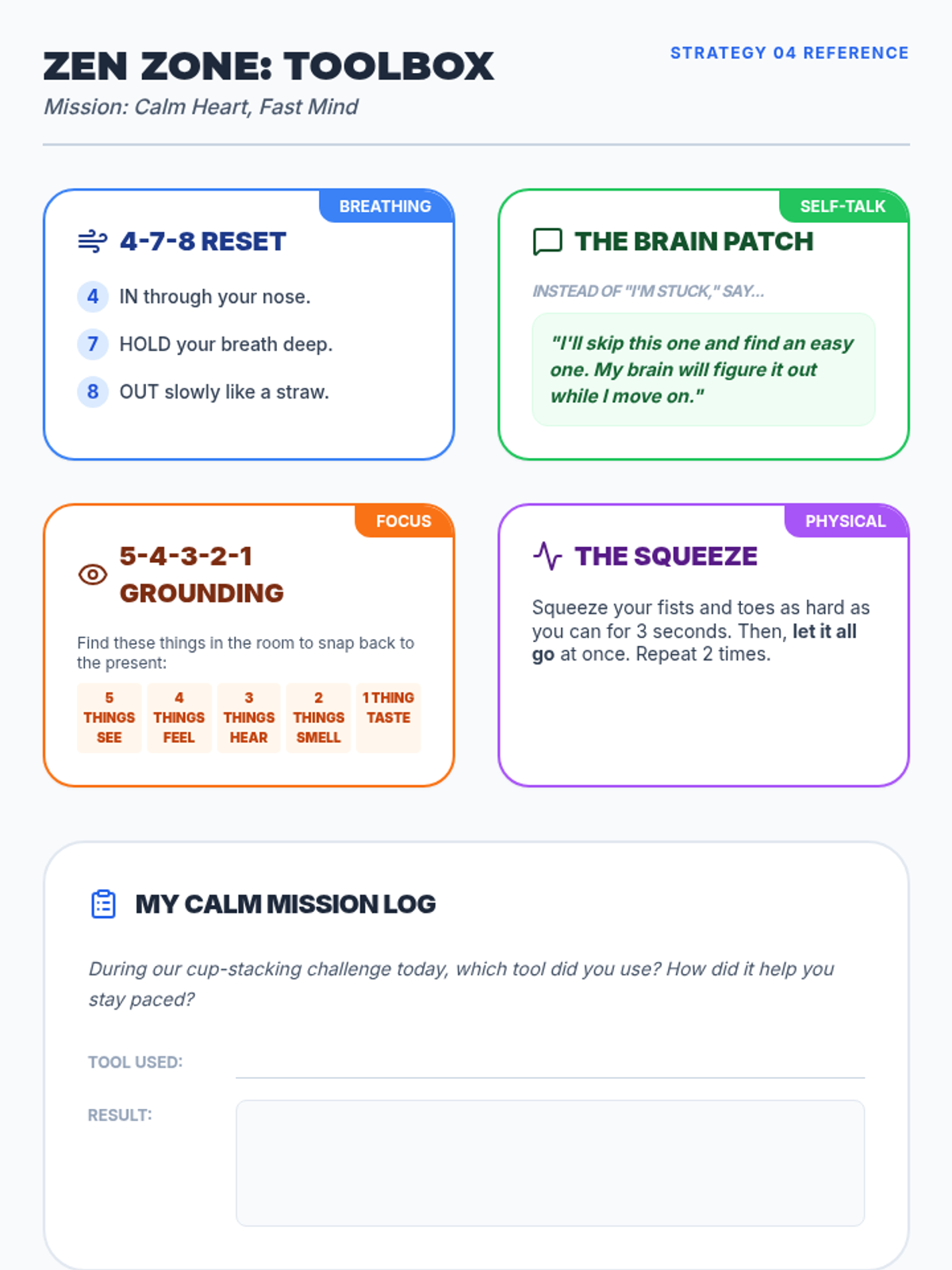
A resource sheet for Lesson 4 with 'Zen Zone' strategy cards (breathing, self-talk, grounding, physical reset) and a practice log for the cup-stacking activity.
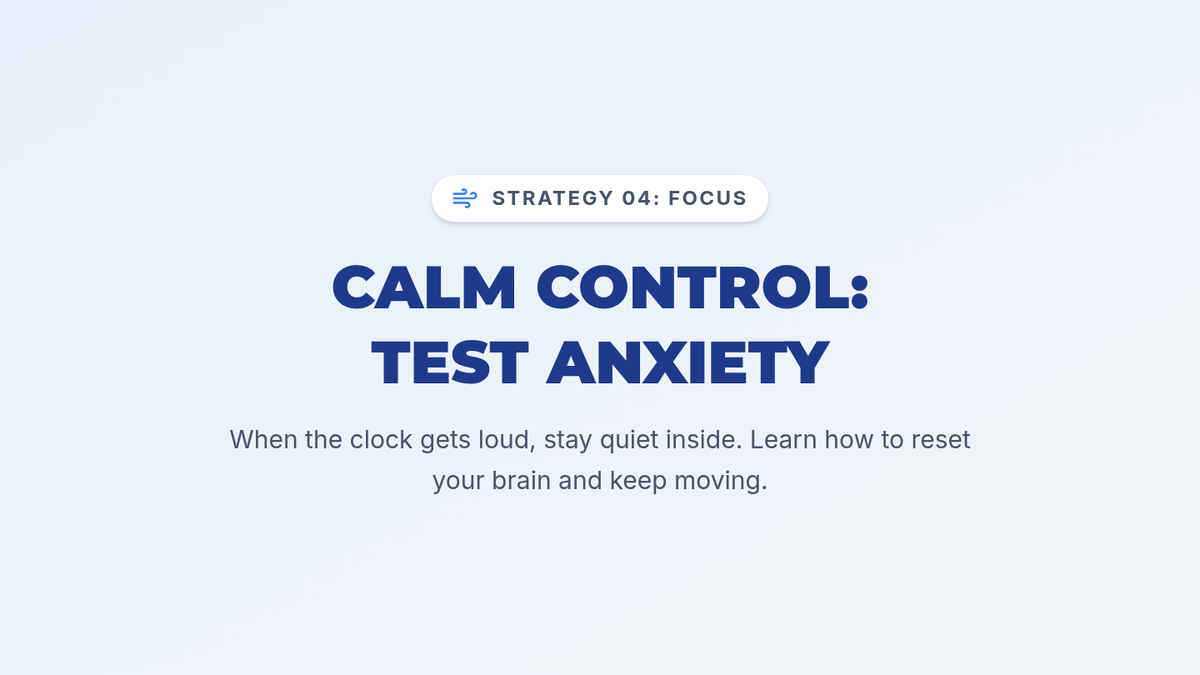
Slide deck for Lesson 4 on managing test anxiety, featuring breathing techniques, positive self-talk, and in-seat physical resets.
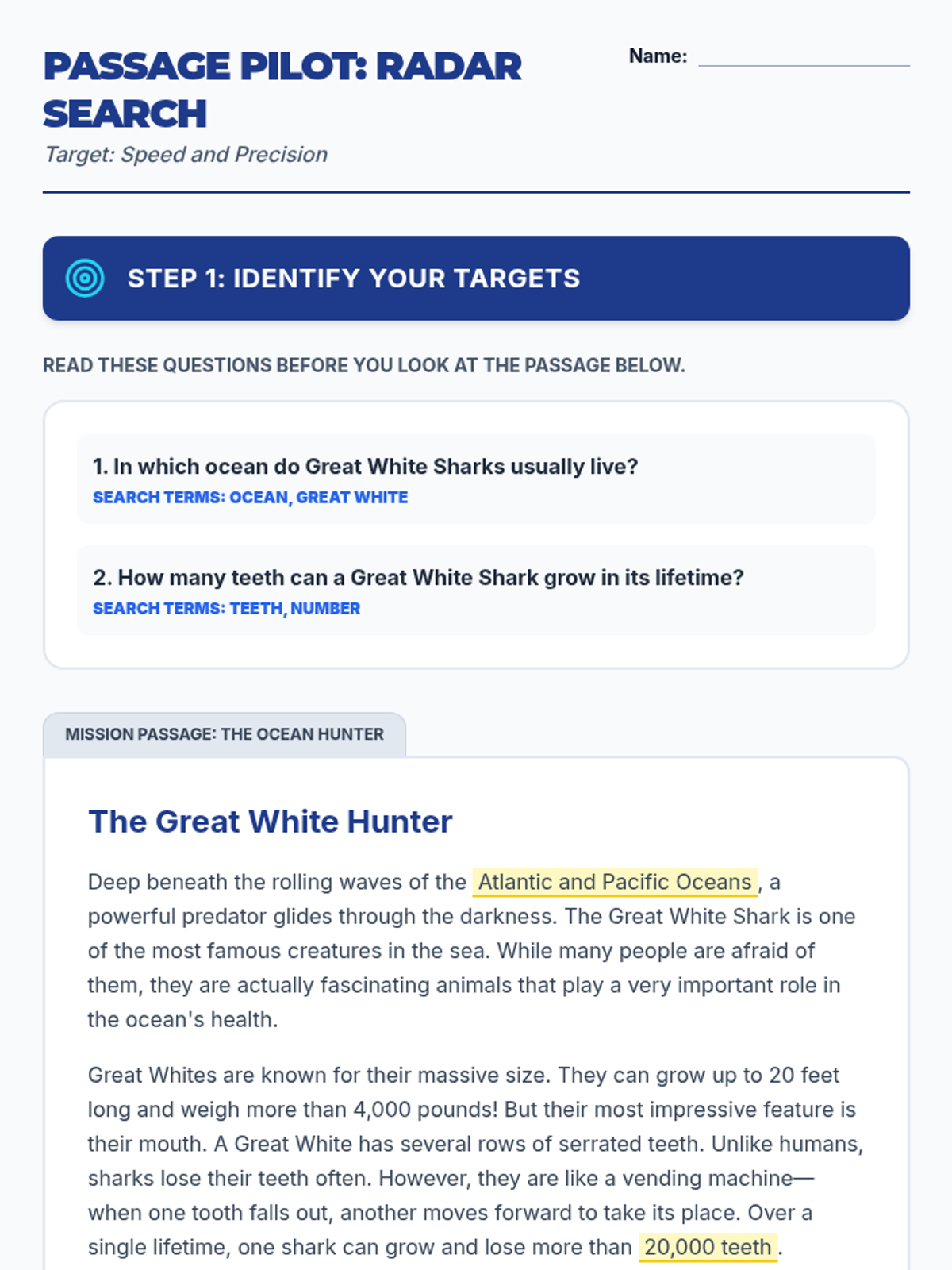
A practice worksheet for Lesson 3 that uses a short passage about sharks to help students practice the 'Questions First' and 'Keyword Search' strategies.
Slide deck for Lesson 3 on handling long passages, teaching the 'Questions First' strategy and skimming techniques to save time.
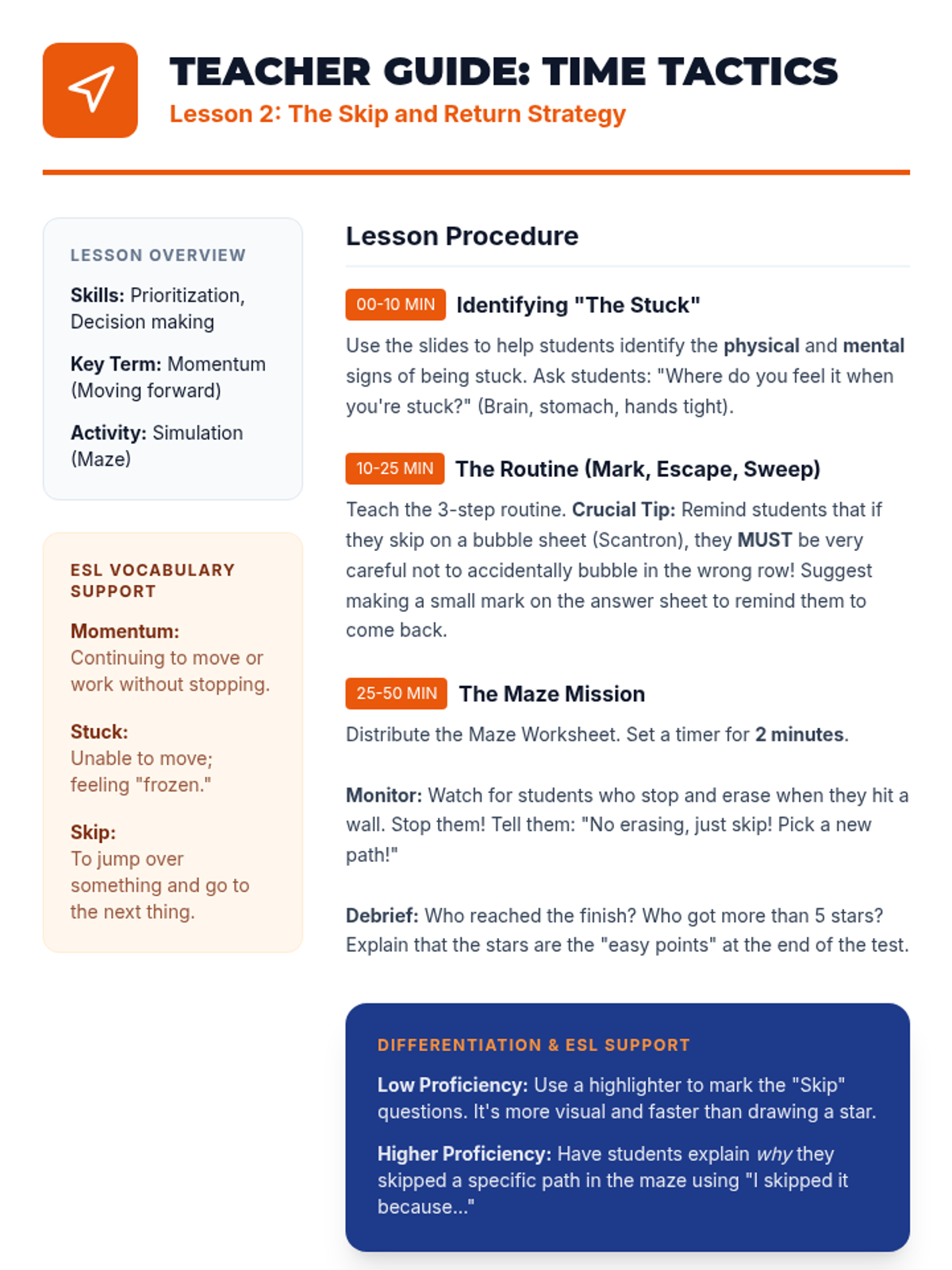
Teacher guidance for Lesson 2, including momentum concepts, ESL vocabulary support, and maze simulation management.
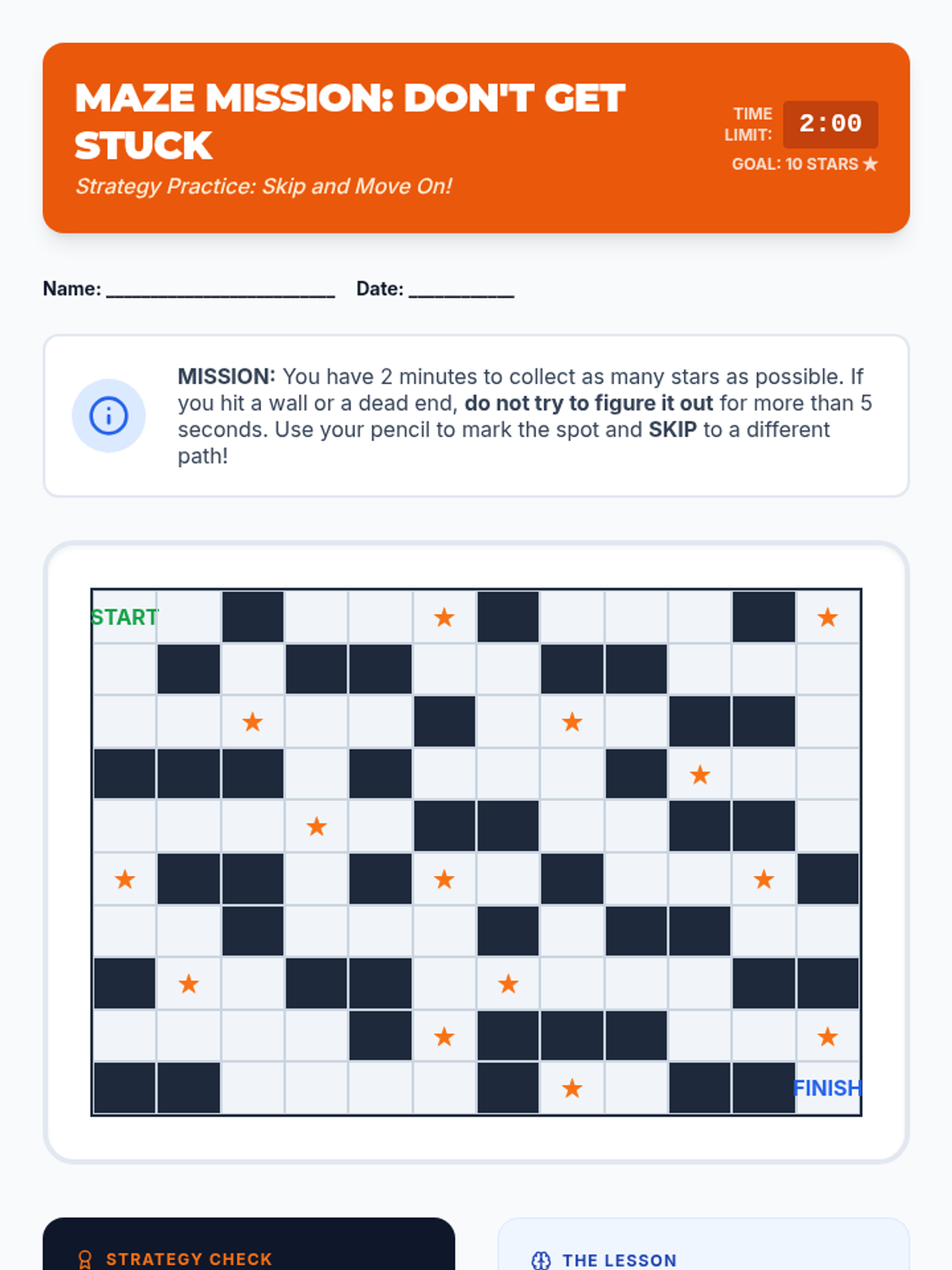
A timed maze activity for Lesson 2 that simulates the 'Skip and Return' strategy by forcing students to avoid dead ends to reach the goal.
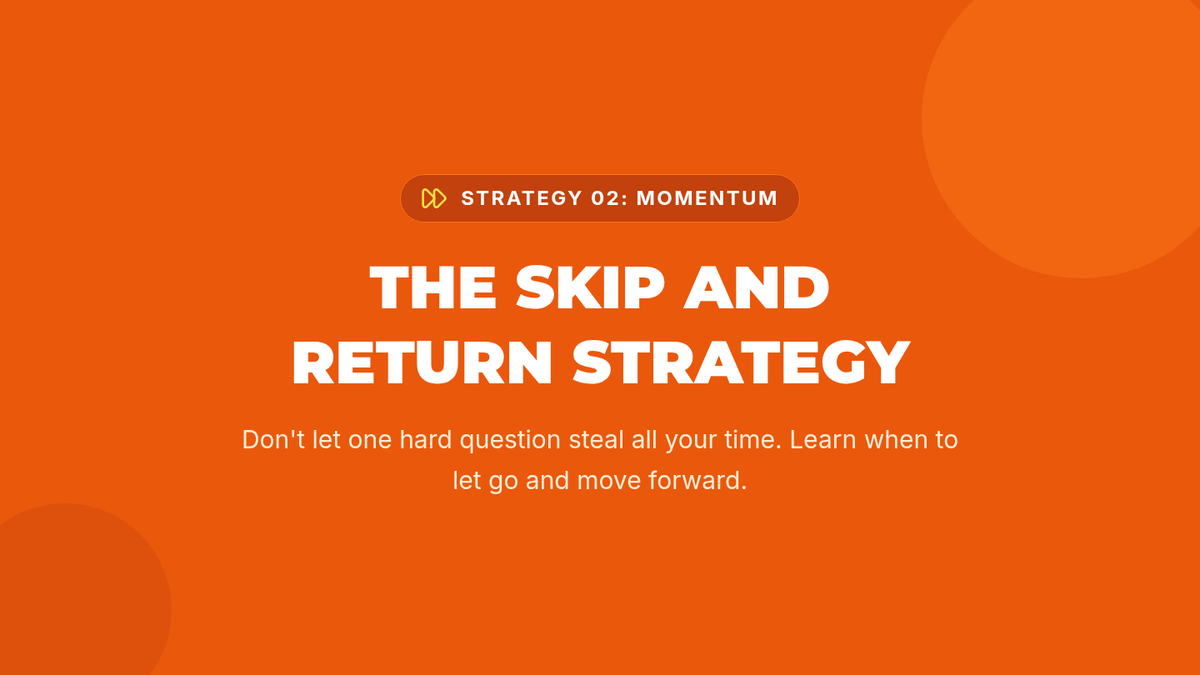
Slide deck for Lesson 2 teaching the 'Skip and Return' strategy, focusing on recognizing when you're stuck and the benefits of skipping.
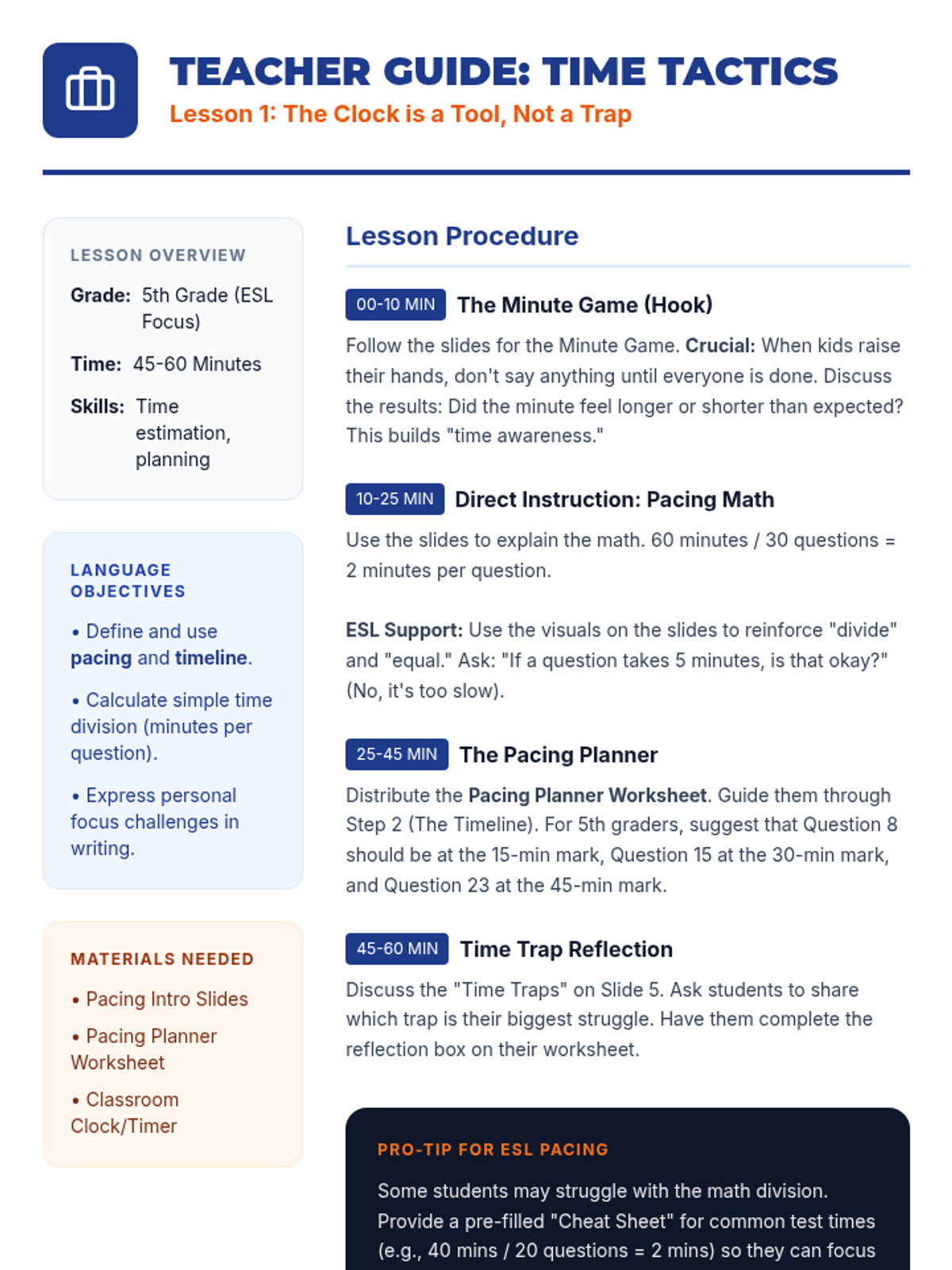
Teacher guidance for Lesson 1, including language objectives, step-by-step procedures, and ESL-specific instructional tips.
Introductory slide deck for Lesson 1 on pacing, featuring the 'Minute Game' hook, the math of pacing, and common time traps.
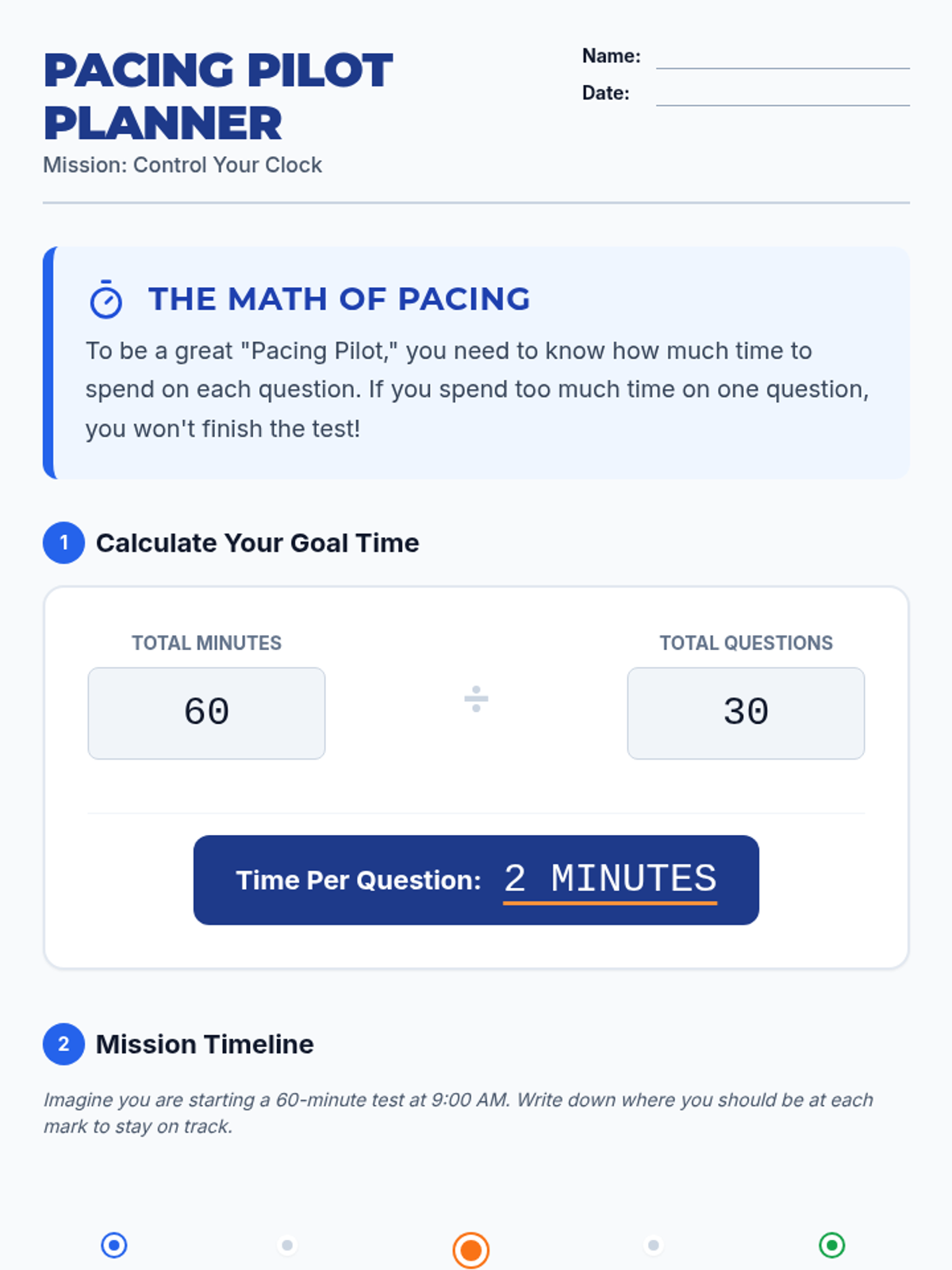
A visual pacing planner worksheet for Lesson 1, helping students calculate time per question and map out a test timeline.
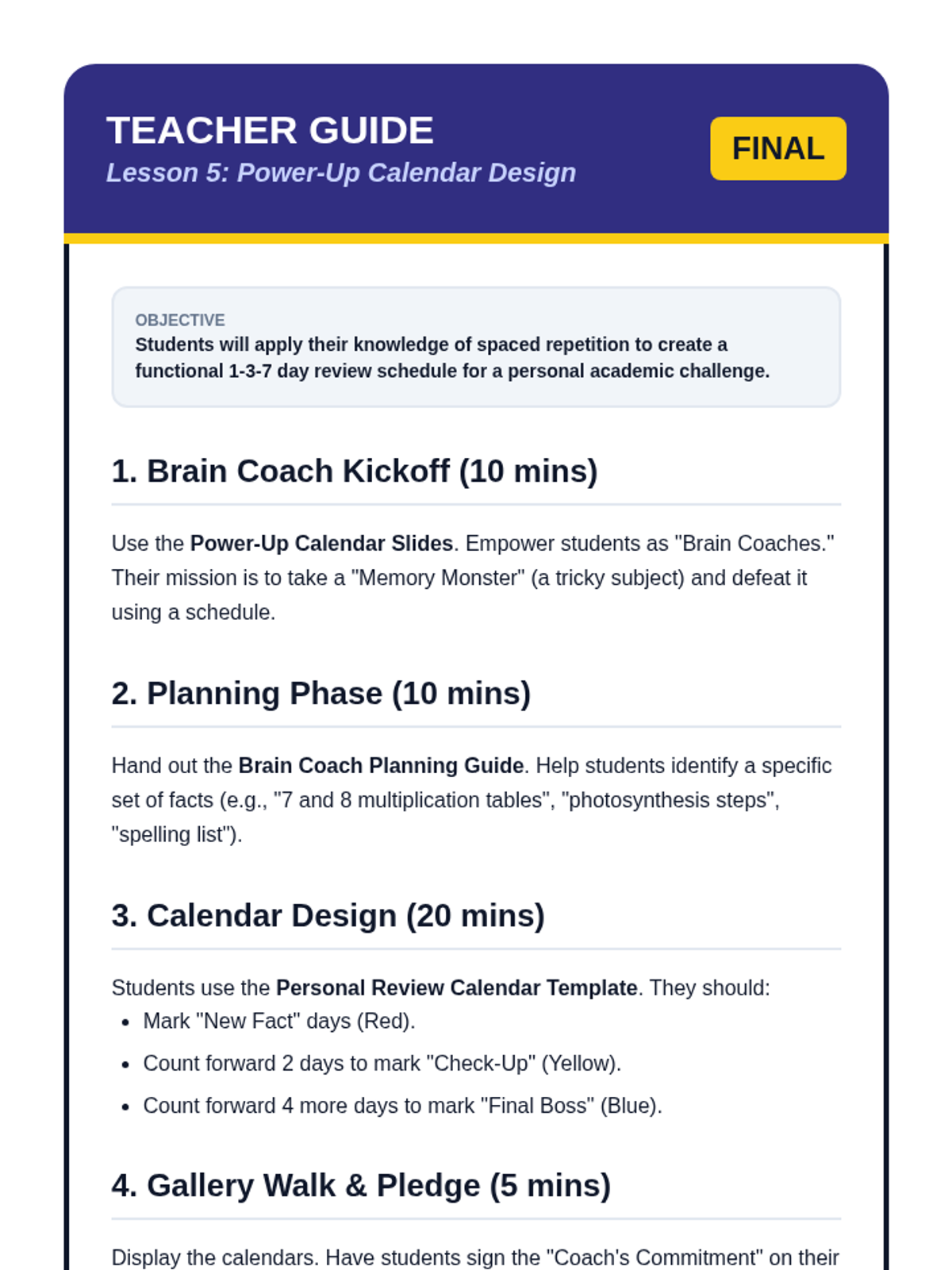
A teacher guide for the final lesson, providing instructions for the project-based calendar creation and tips for student self-regulation.
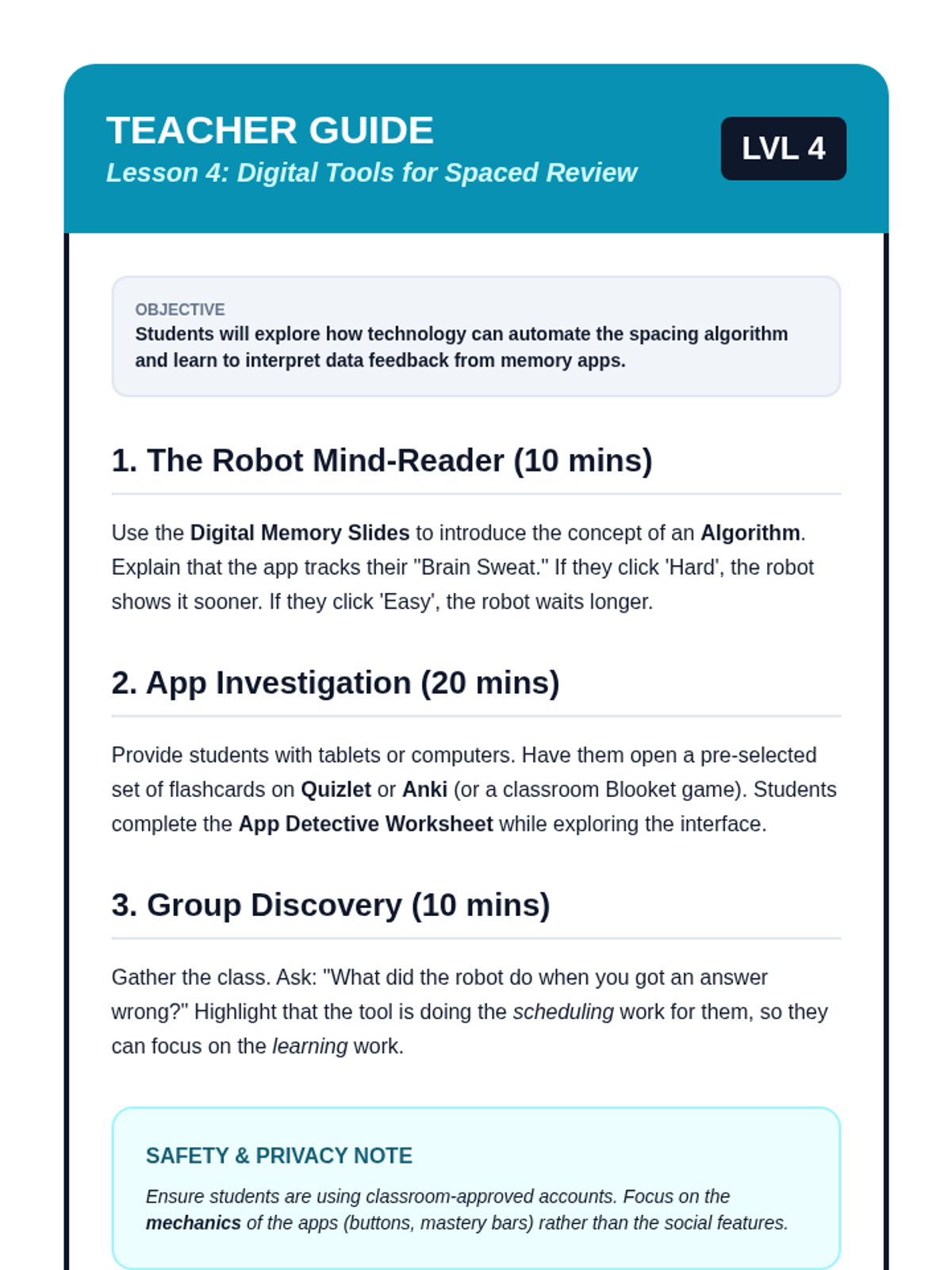
A teacher guide for Lesson 4, explaining how to introduce the concept of algorithms and manage the digital tool investigation.
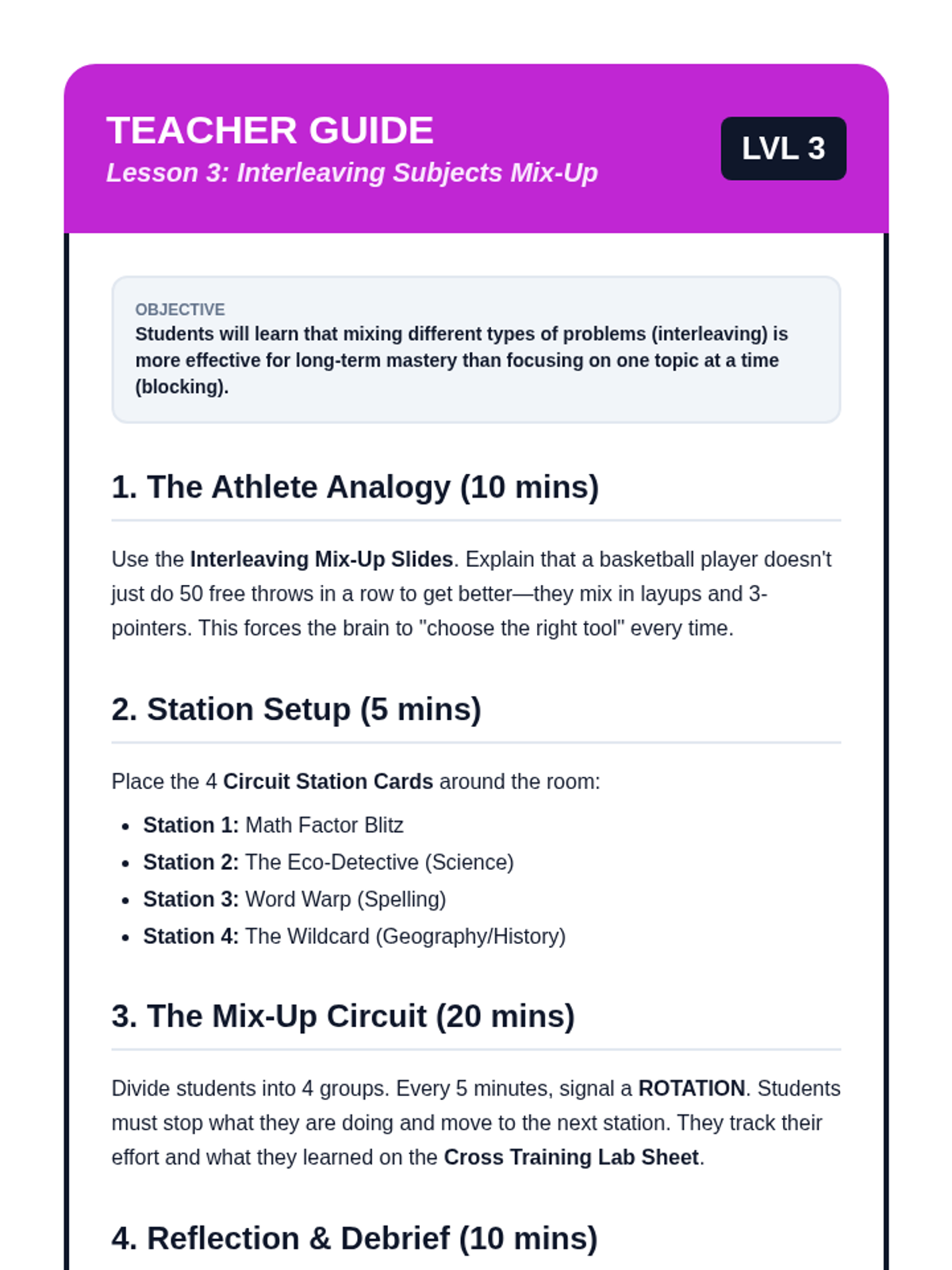
A teacher guide for Lesson 3, detailing the circuit station setup and explaining how to lead the discussion on interleaving vs. blocked practice.
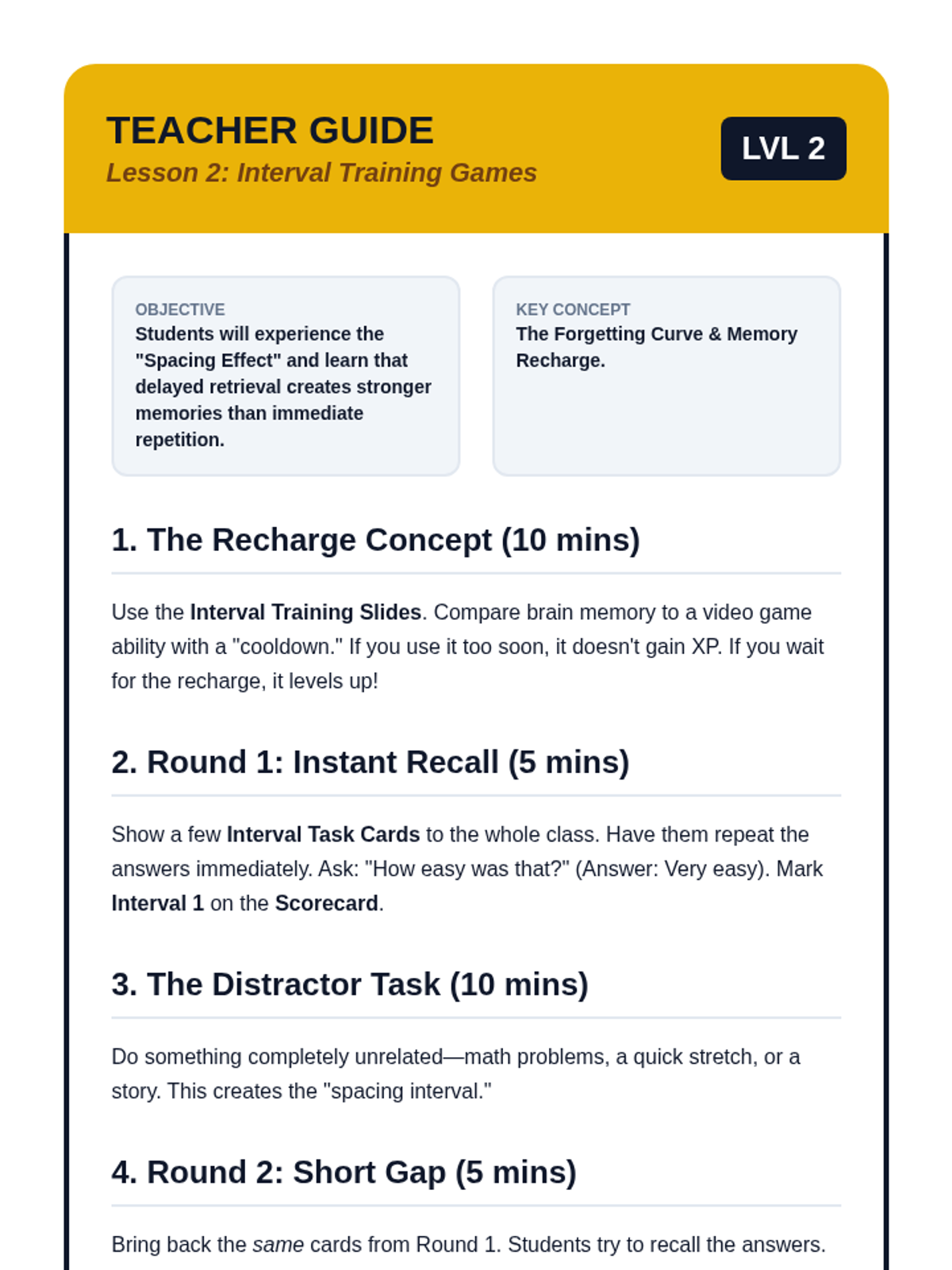
A teacher's instructional guide for Lesson 2, outlining the procedure for the interval training game and explaining how to facilitate the "recharge" concept.
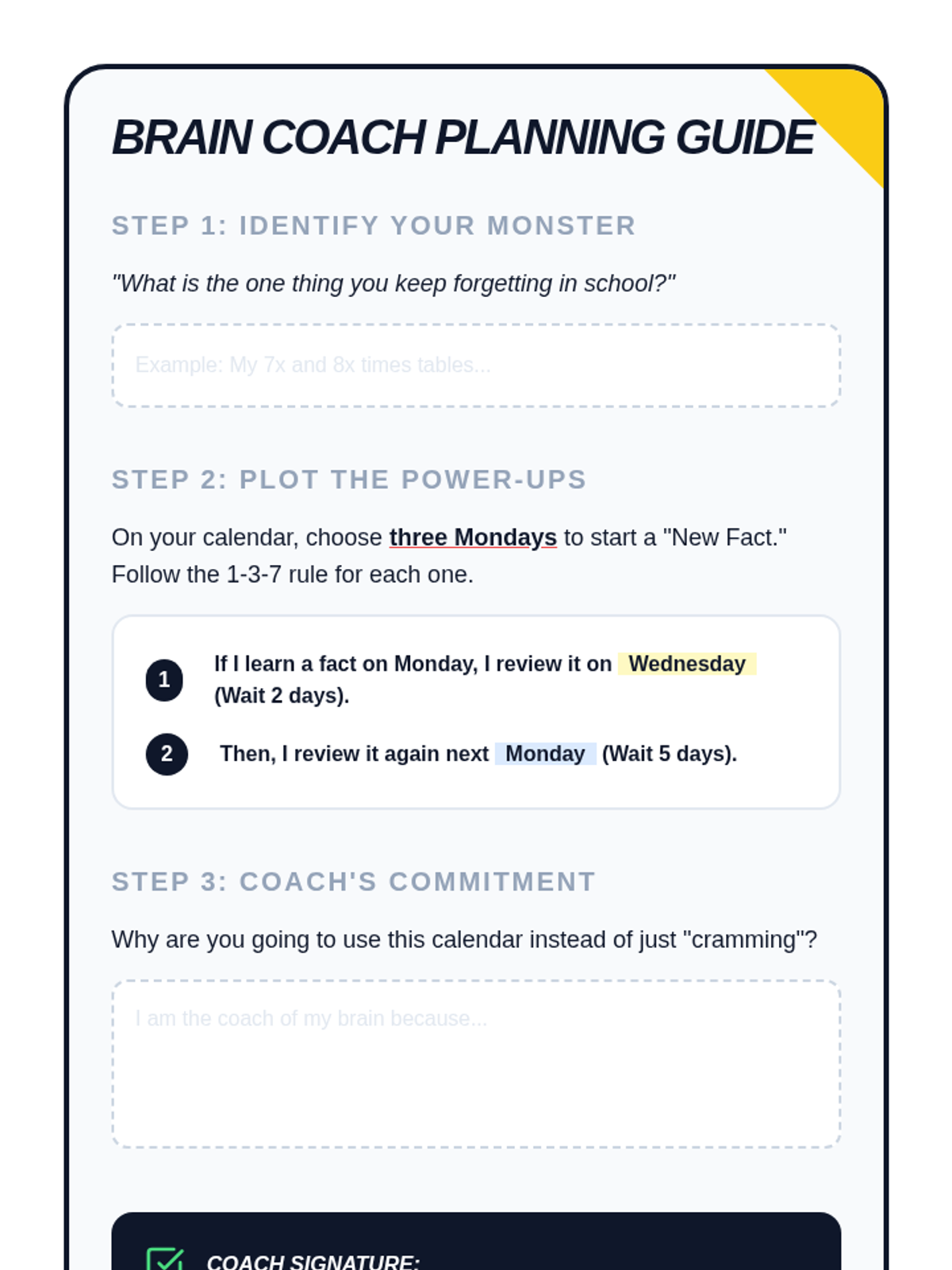
A planning guide to help students think through their personal calendar design. It prompts them to identify their academic challenges and explains the practical application of the 1-3-7 day spacing rule.
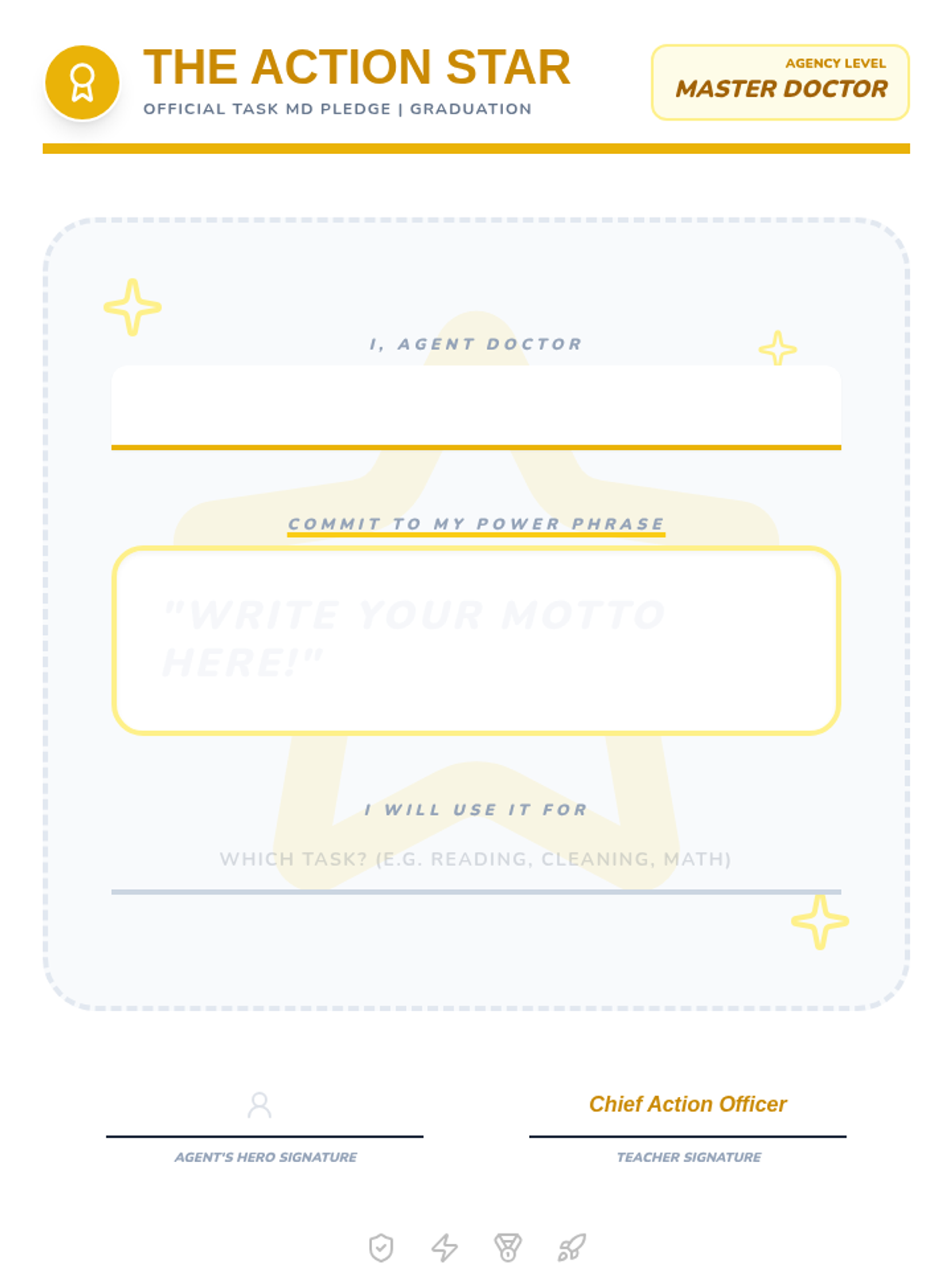
A student worksheet for the final lesson, where students write their personal 'Power Phrase' motto on a star-themed pledge sheet to be displayed on the 'Wall of Action'.
Engaging slides for Lesson 5 that guide the student self-reflection process and introduce the 'Wall of Action' graduation ceremony.
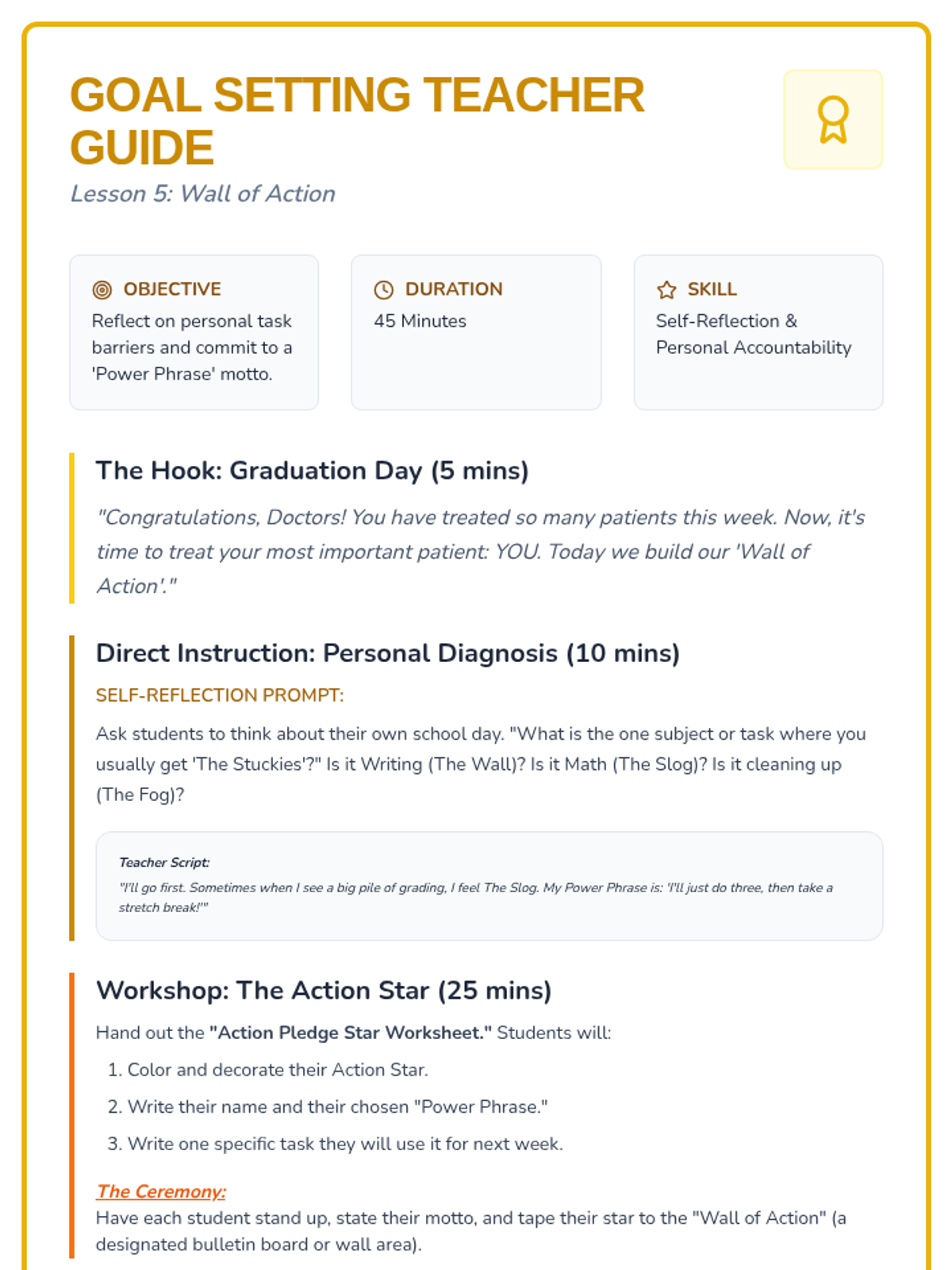
A comprehensive teacher's guide for the fifth lesson, focused on student self-reflection and creating a 'Wall of Action' with personal self-talk mottos.
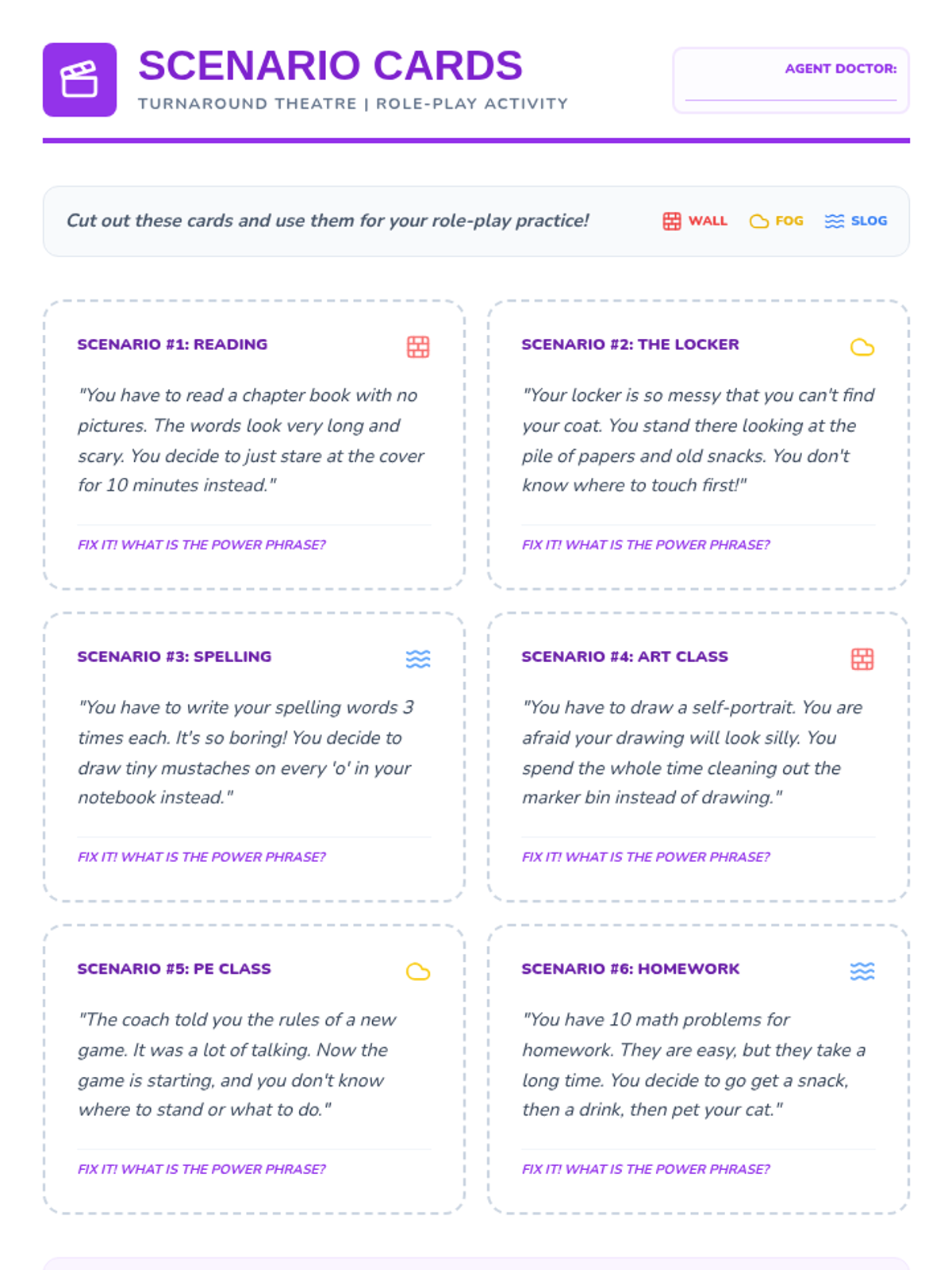
A set of role-play scenario cards for Lesson 4, allowing students to practice diagnosing barriers (Wall, Fog, Slog) and delivering self-talk prescriptions.
Engaging slides for Lesson 4 that guide the "Freeze and Fix" improvisational game and present role-play scenarios for students to practice self-talk solutions.
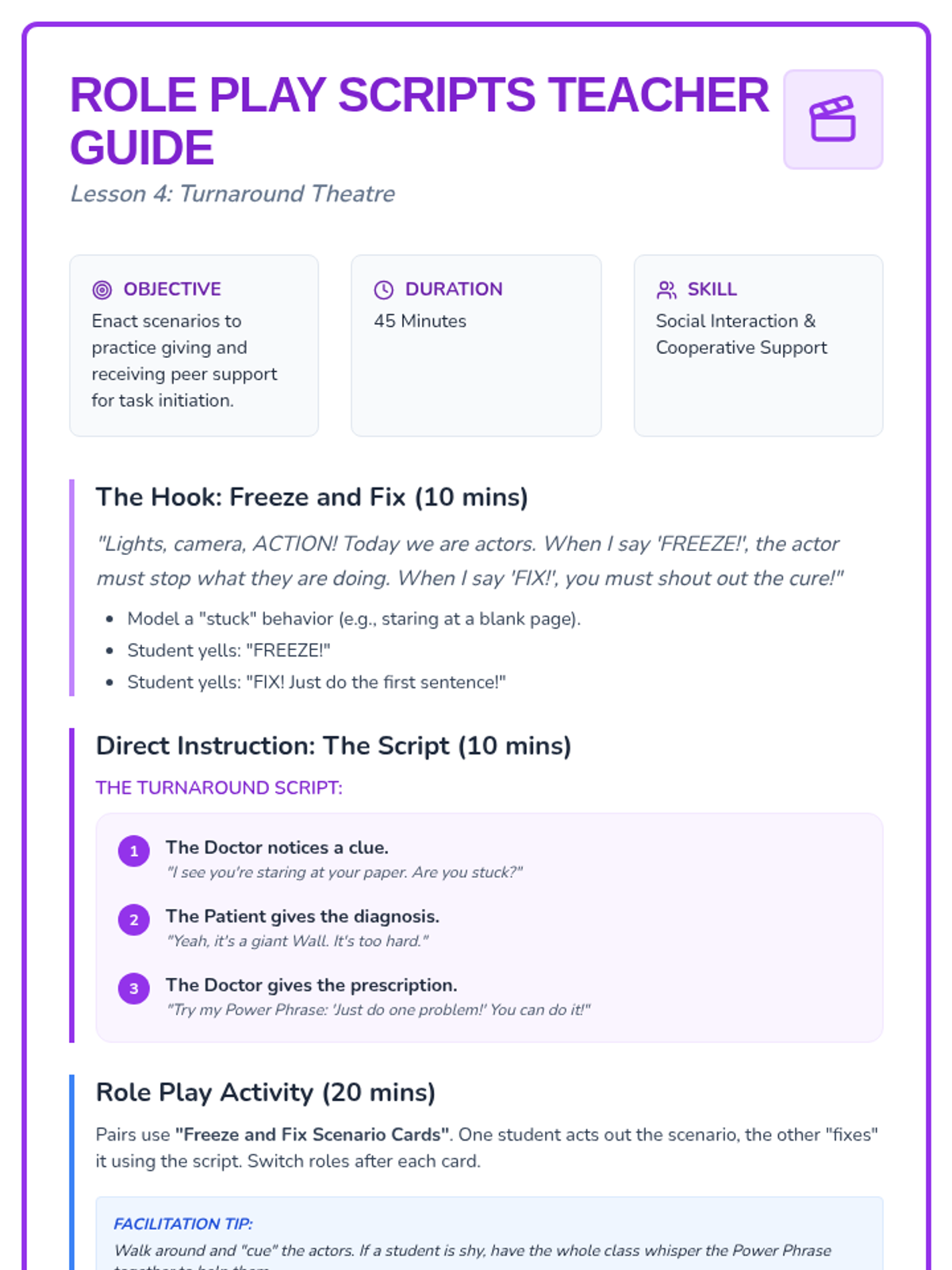
A comprehensive teacher's guide for the fourth lesson, outlining role-playing scripts and the "Freeze and Fix" improvisational activity.
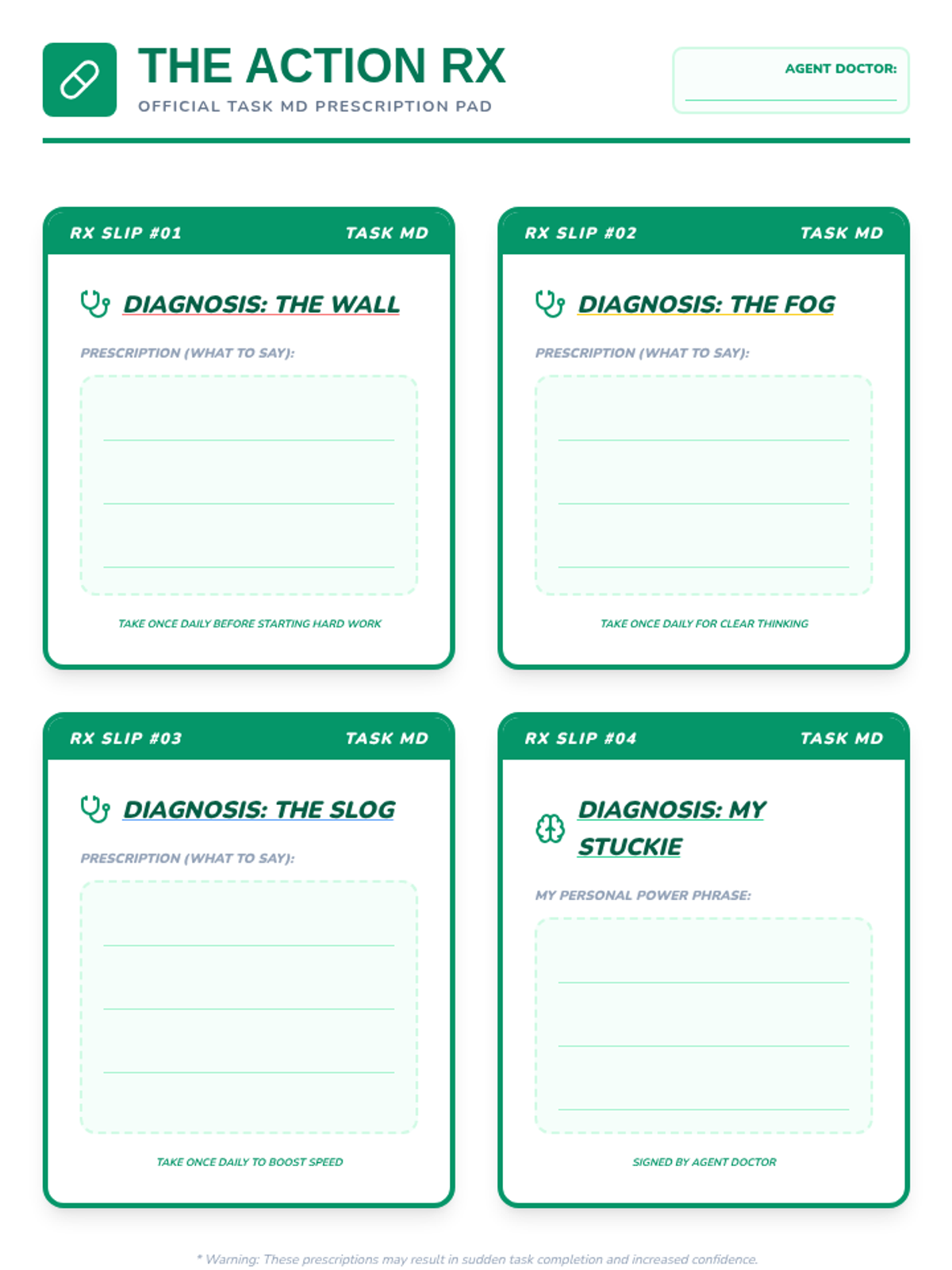
A student worksheet for the third lesson, using an oversized 'prescription pad' design to practice writing self-talk power phrases for different task barriers.
Engaging slides for Lesson 3 that match specific self-talk 'prescriptions' to diagnosed problems like boredom and difficulty.
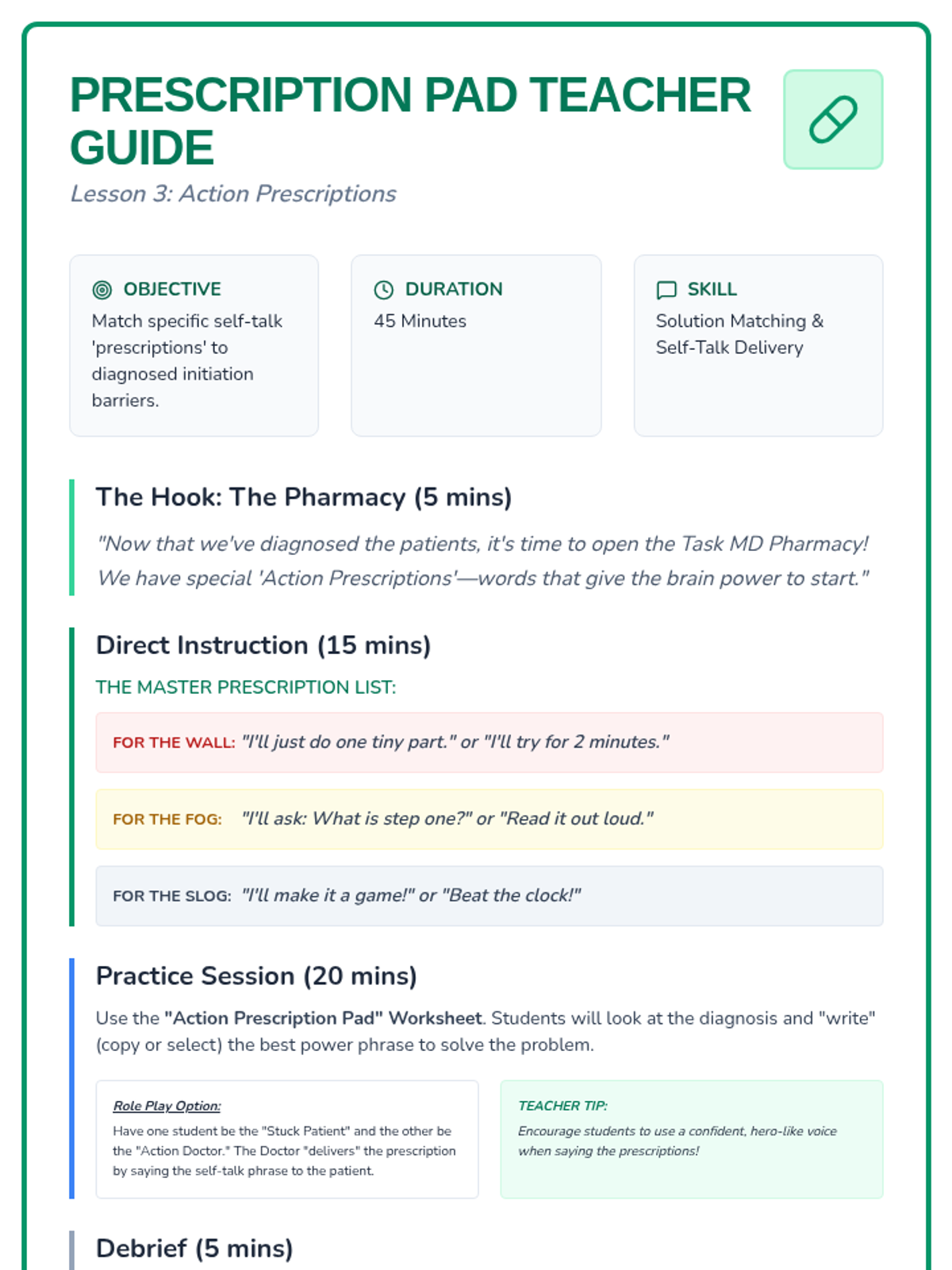
A comprehensive teacher's guide for the third lesson, matching specific self-talk 'prescriptions' to diagnosed problems like boredom and difficulty.
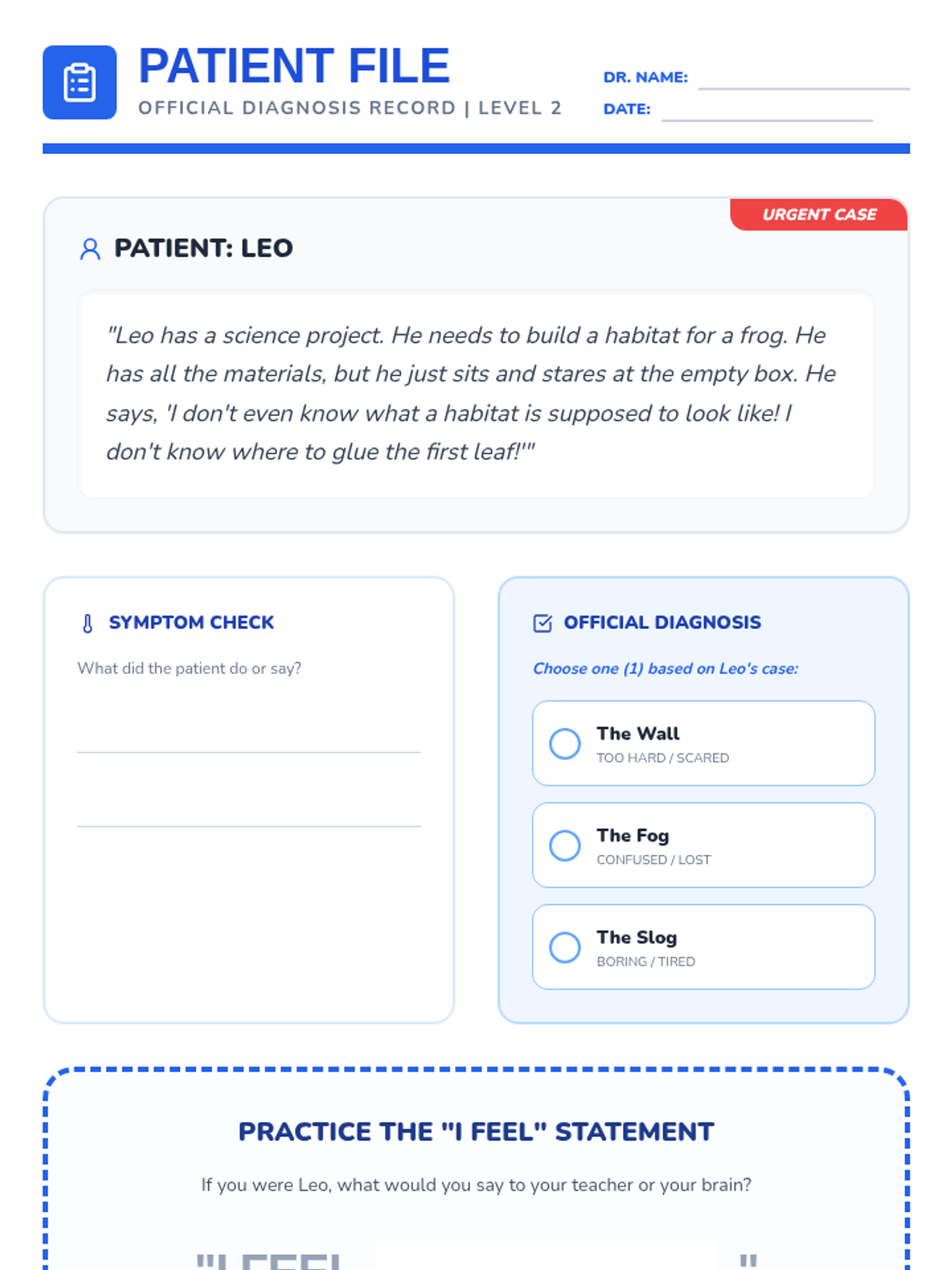
A student worksheet for the second lesson, acting as a 'Patient File' where students diagnose a character's barrier to task initiation and practice 'I feel' statements.
Engaging slides for Lesson 2 that introduce the metaphors of "The Wall," "The Fog," and "The Slog" to help students diagnose their task initiation barriers.
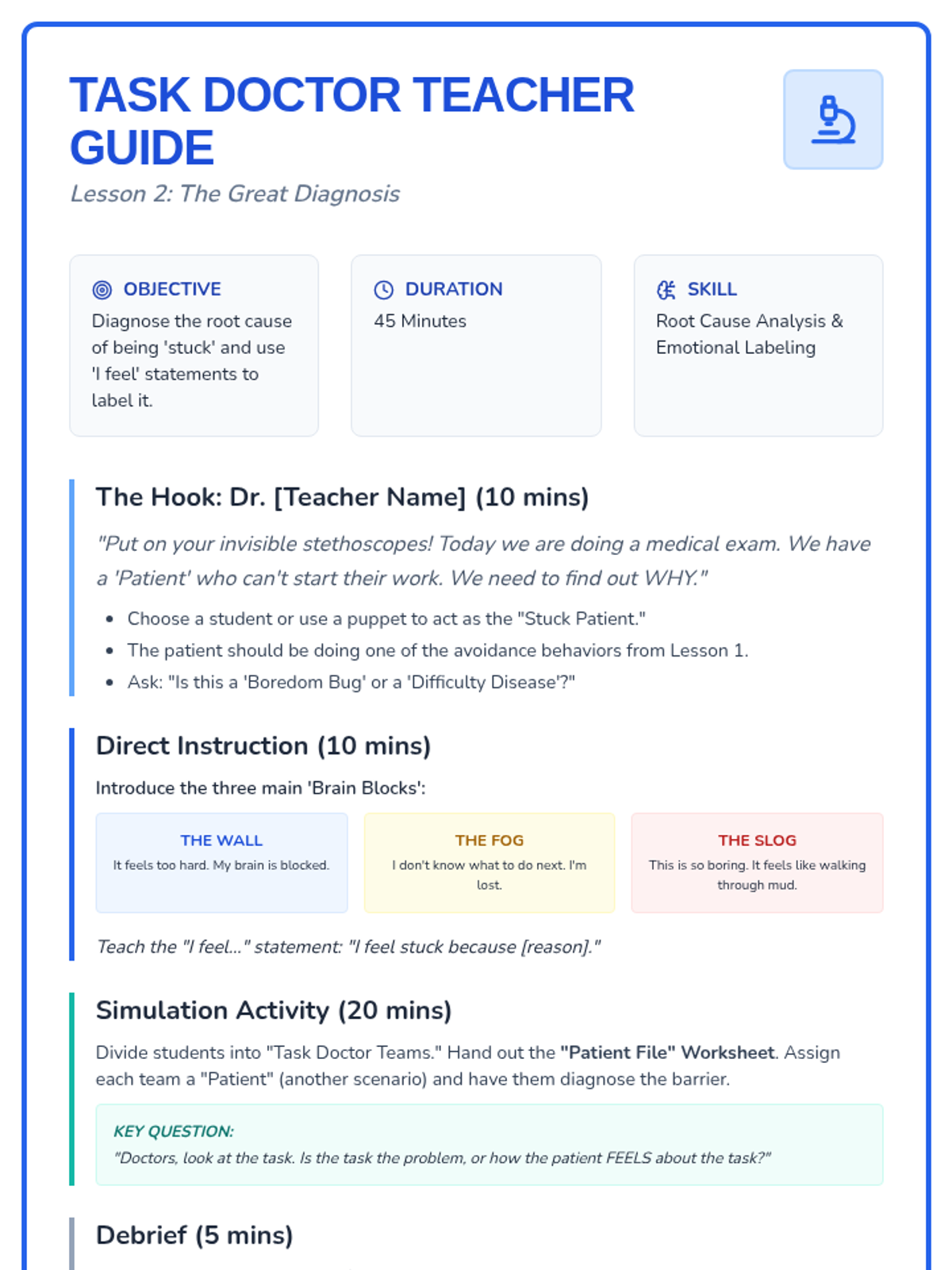
A comprehensive teacher's guide for the second lesson, focusing on diagnosing the root causes of task avoidance using 'I feel' statements.
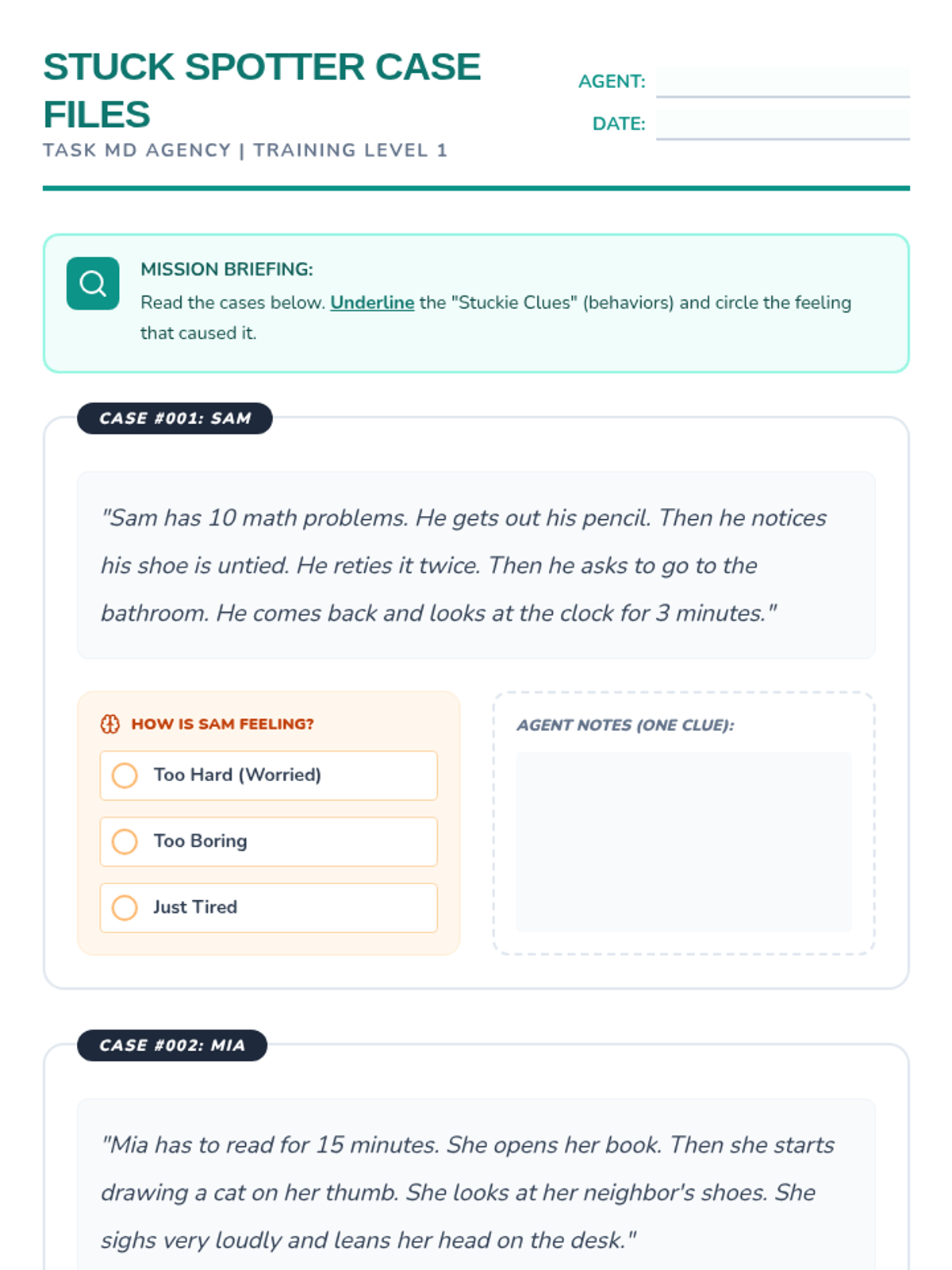
A student worksheet for the first lesson, allowing students to practice identifying avoidance behaviors in character scenarios and reflecting on their own habits.
Engaging slides for Lesson 1 that define "The Stuckies," identify common avoidance behaviors, and introduce the emotional causes behind them.
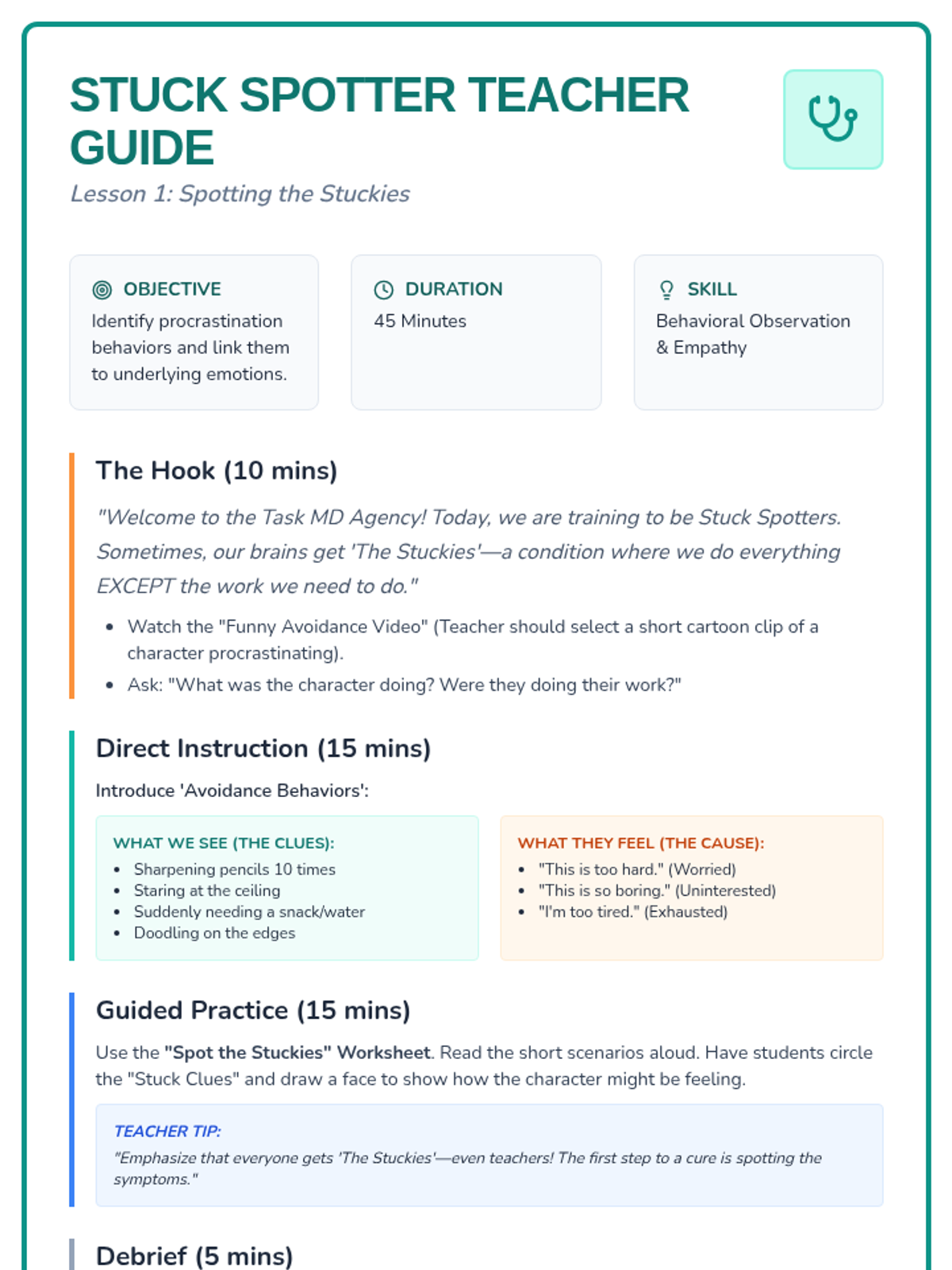
A comprehensive teacher's guide for the first lesson, outlining objectives, hook activities, and step-by-step instructions for identifying avoidance behaviors.
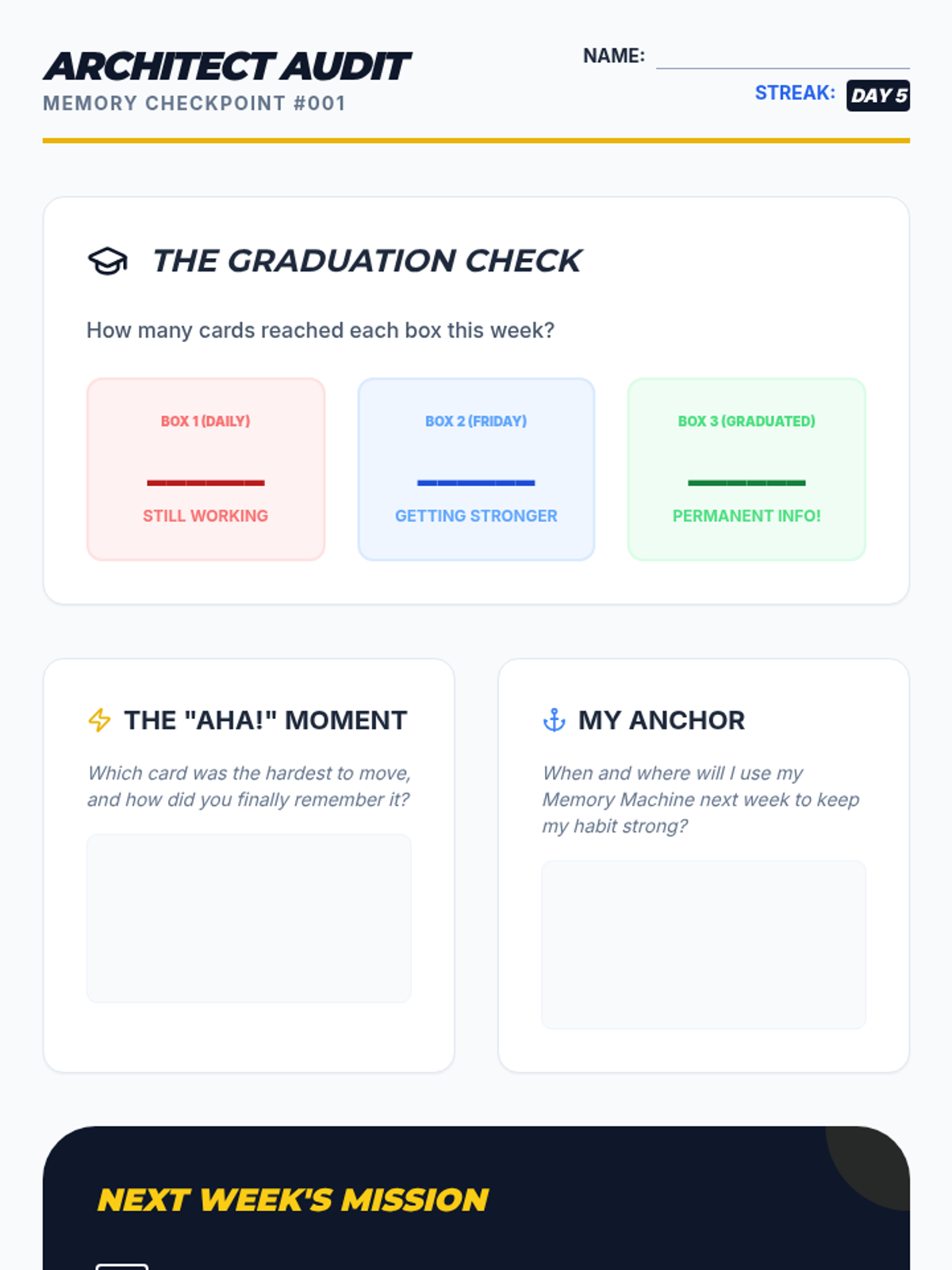
A self-reflection and assessment worksheet for students to track their progress after the first week of using the Leitner System, set goals, and reflect on habit formation.
Slides for the final reflection lesson, focusing on consistency, habit-building strategies (like anchoring), and troubleshooting common study challenges.
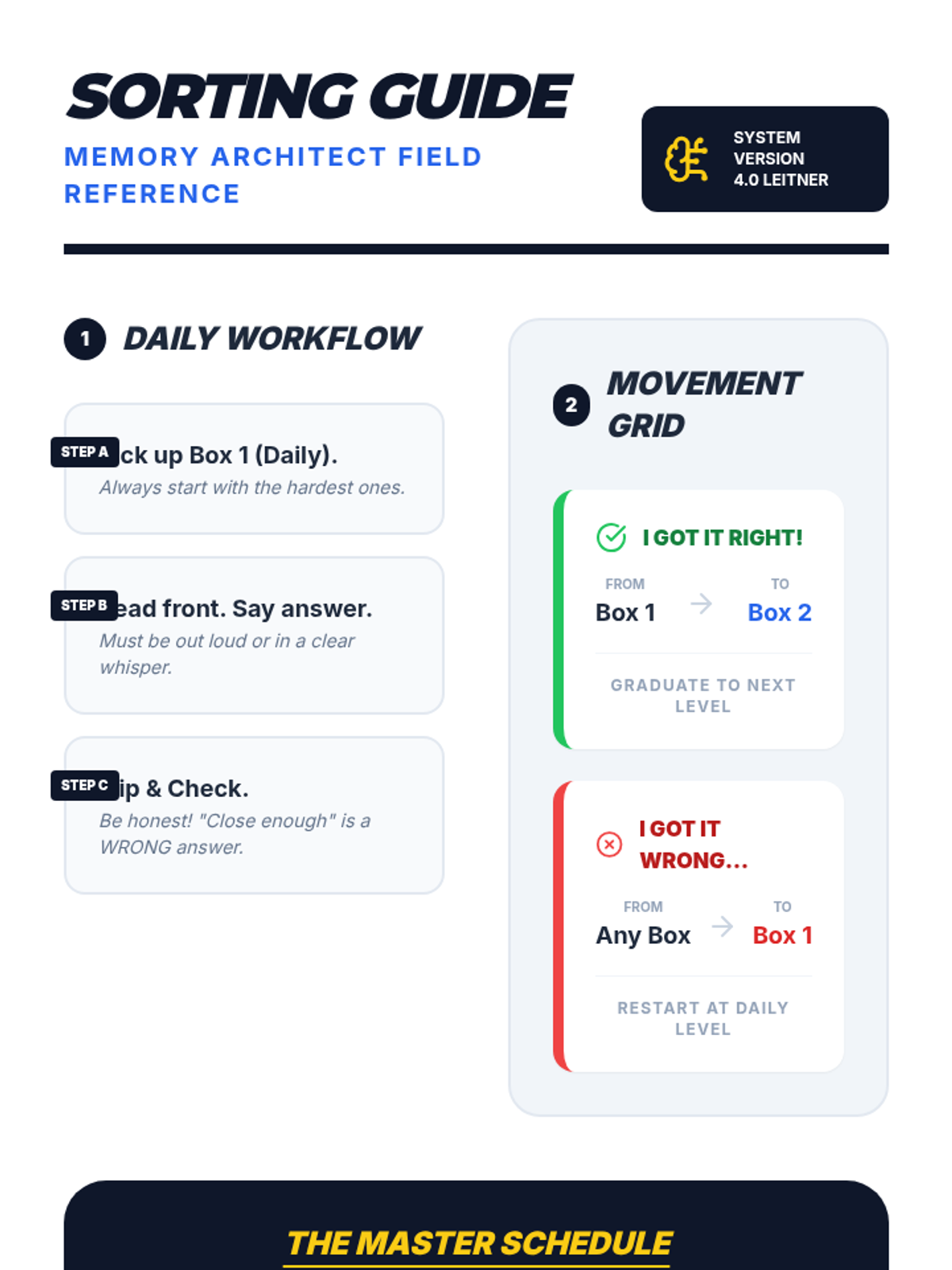
A visual cheat sheet for students to keep at their desks, summarizing the Leitner sorting rules and weekly study schedule.
Slides for 'The Sorting Routine' lesson, providing a step-by-step guide on how to perform daily reviews and the logic for 'falling back' when a card is forgotten.
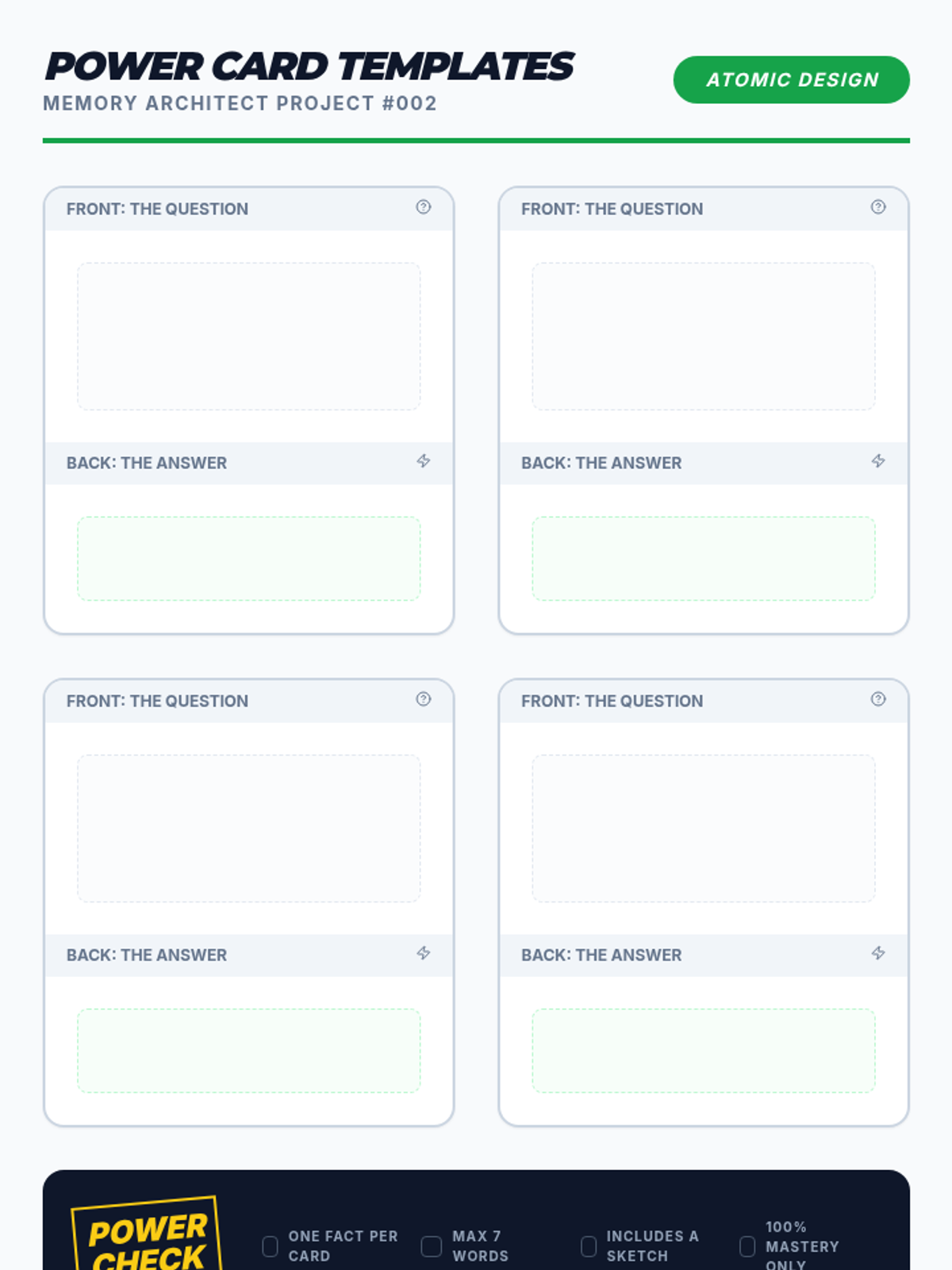
Worksheet with templates for students to practice creating 'Power Cards,' including a quality checklist for self-assessment.
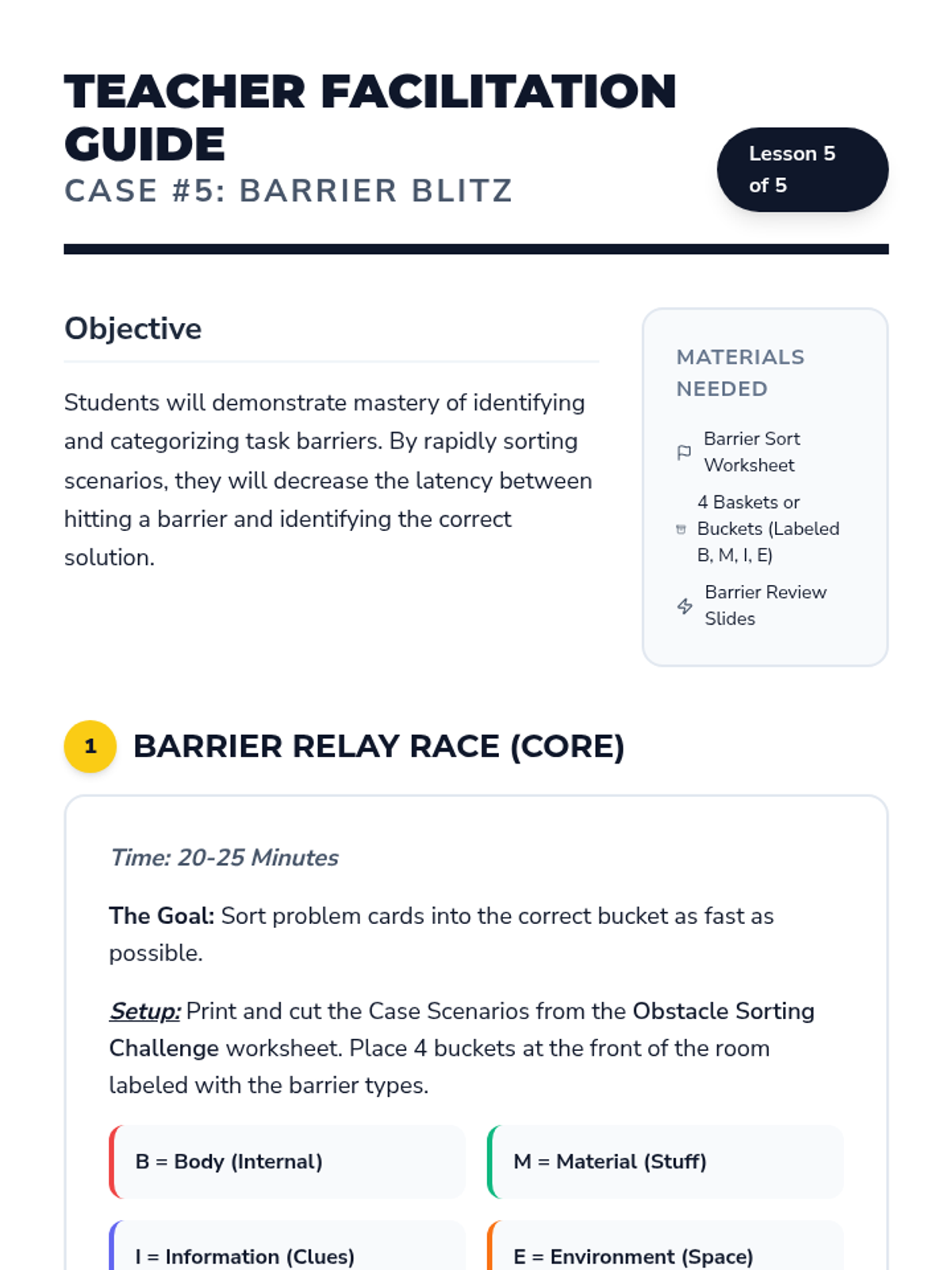
A teacher facilitation guide for Lesson 5, including instructions for the 'Barrier Relay Race' and a unit conclusion.
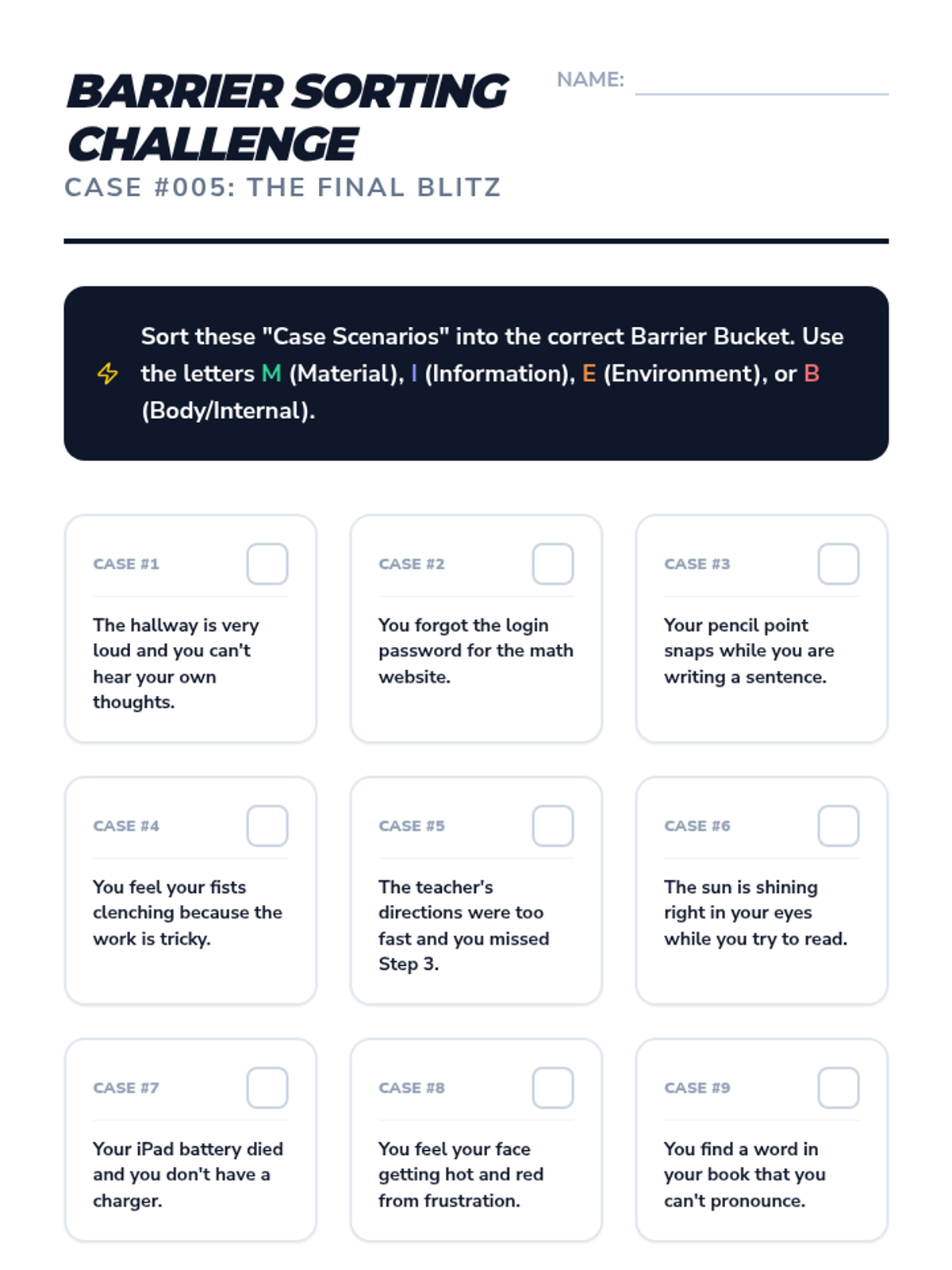
A culminating sorting activity where students categorize various problem scenarios into the four task barrier types.
A culminating slide deck for the 'Barrier Blitz' lesson, reviewing all 4 types of task barriers and preparing students for the final sorting activity.
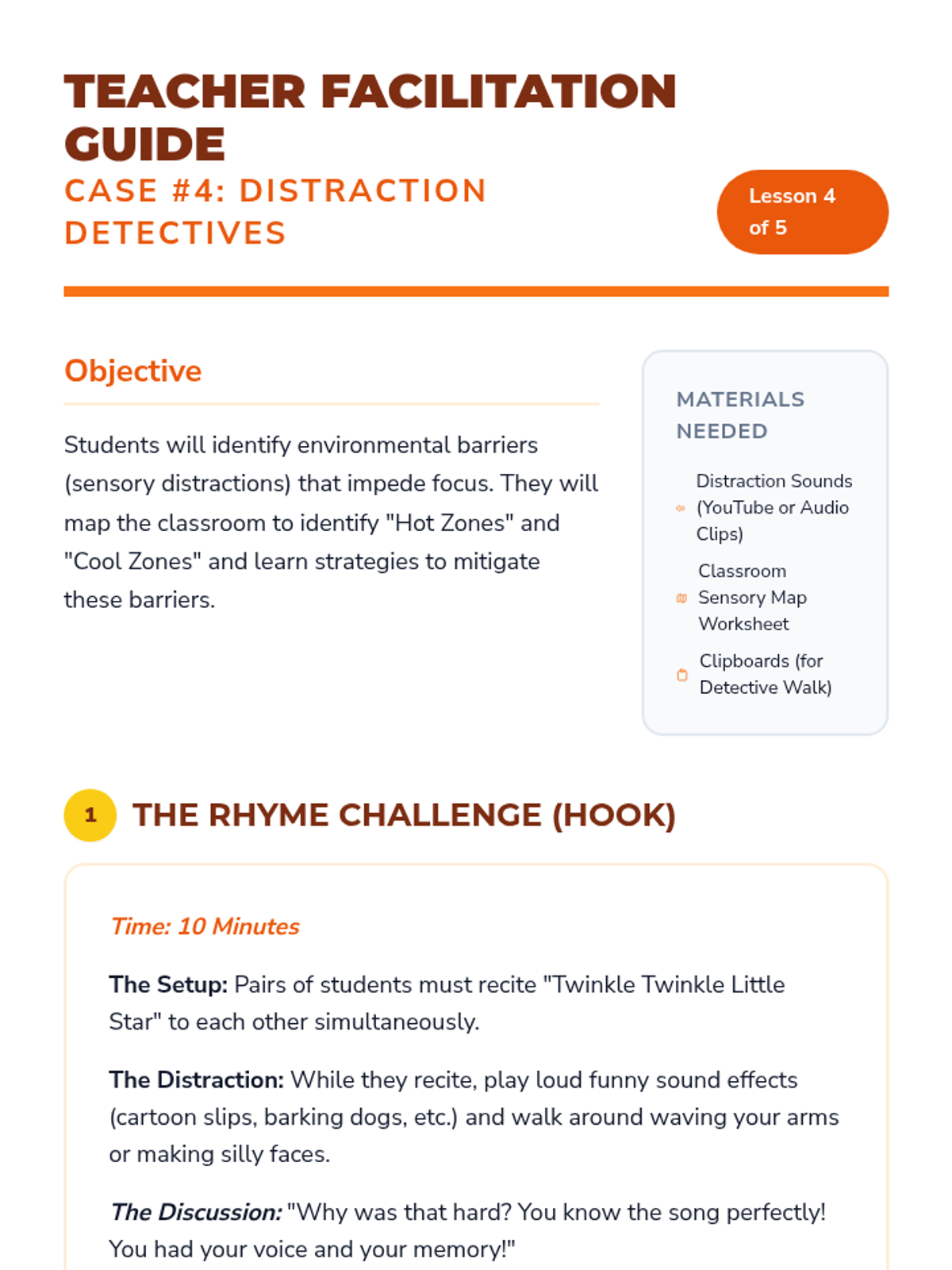
A teacher facilitation guide for Lesson 4, including instructions for the 'Stakeout Walk' and sensory mapping activity.
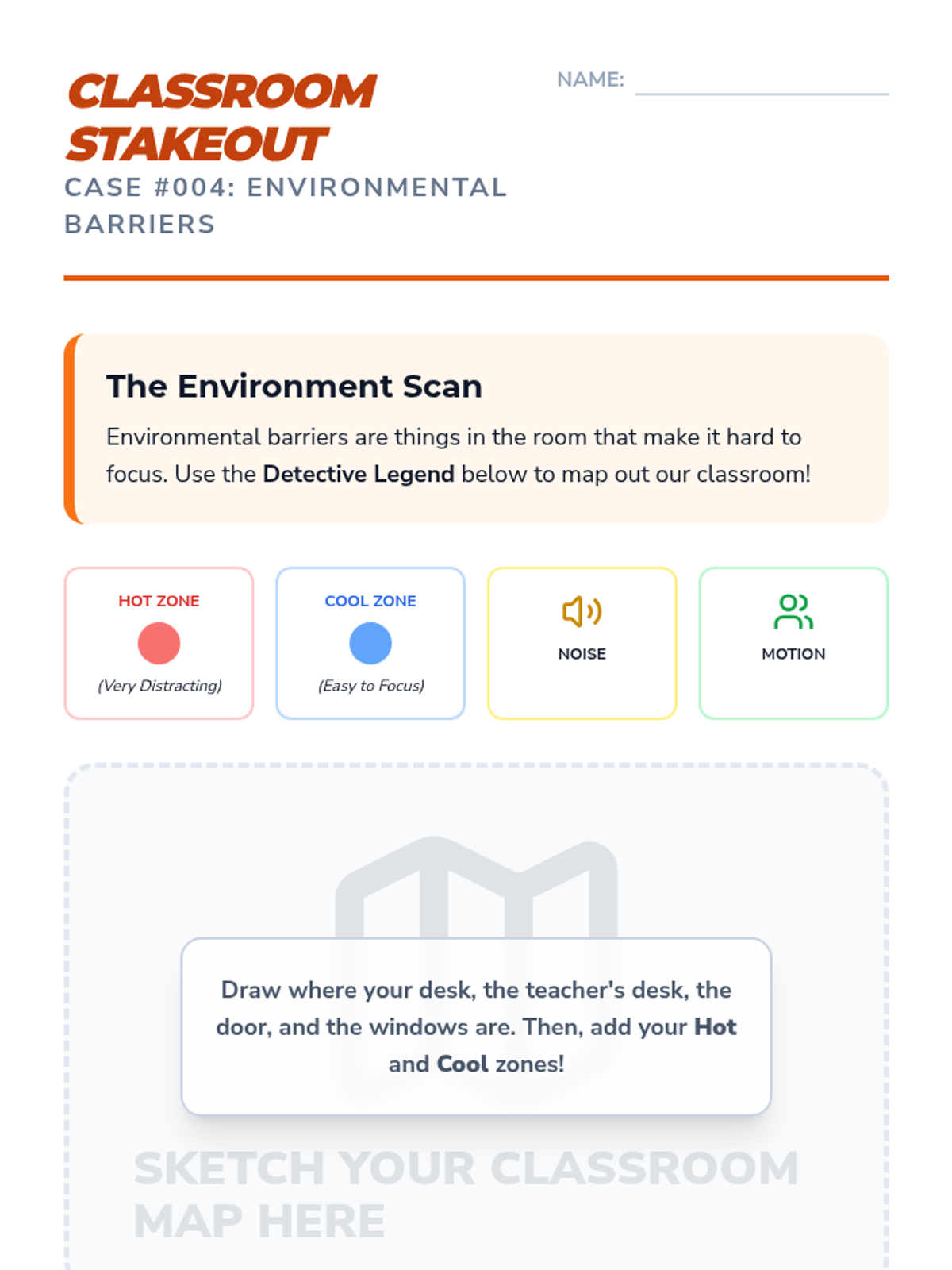
A mapping activity for students to identify 'Hot' and 'Cool' sensory zones in their classroom to manage environmental distractions.
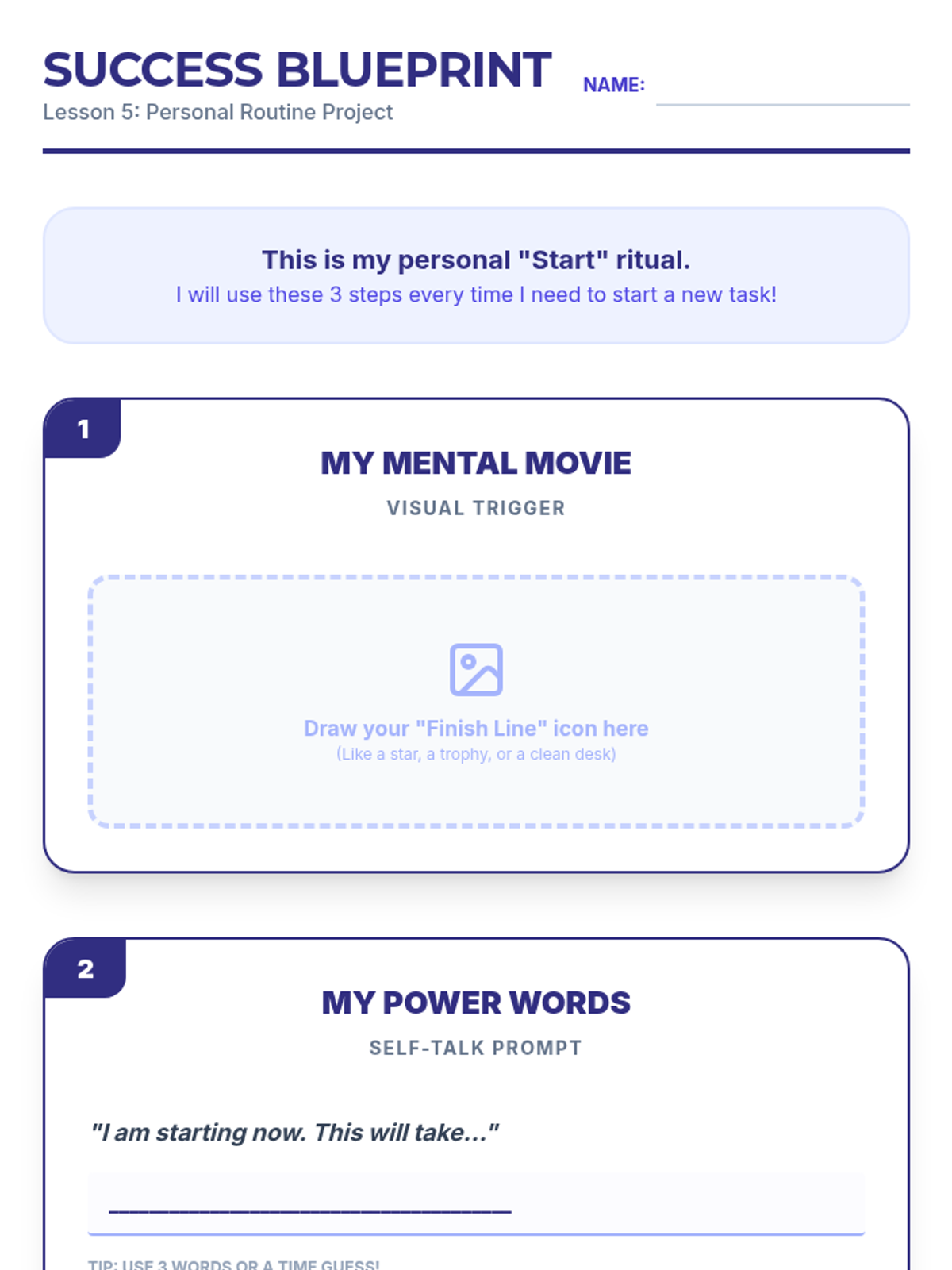
Final project worksheet for Lesson 5, where students synthesize everything they have learned to create a personal three-step 'Success Blueprint' for starting tasks.
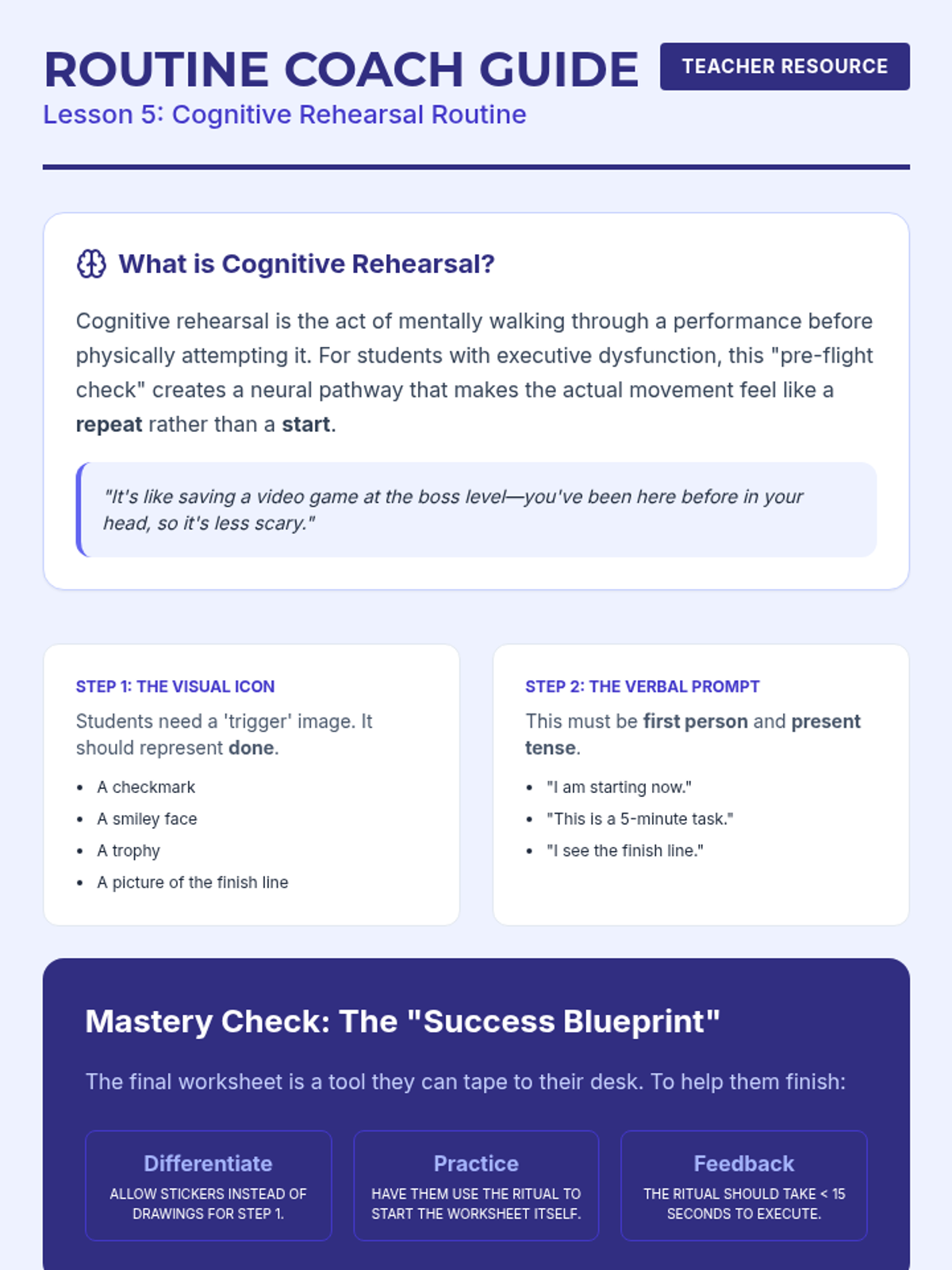
Teacher guide for Lesson 5, focusing on cognitive rehearsal and providing instructions for supporting students as they design their own success rituals.
Slides for Lesson 5, guiding students through the final project of creating their own personal 'Success Ritual' for task initiation.
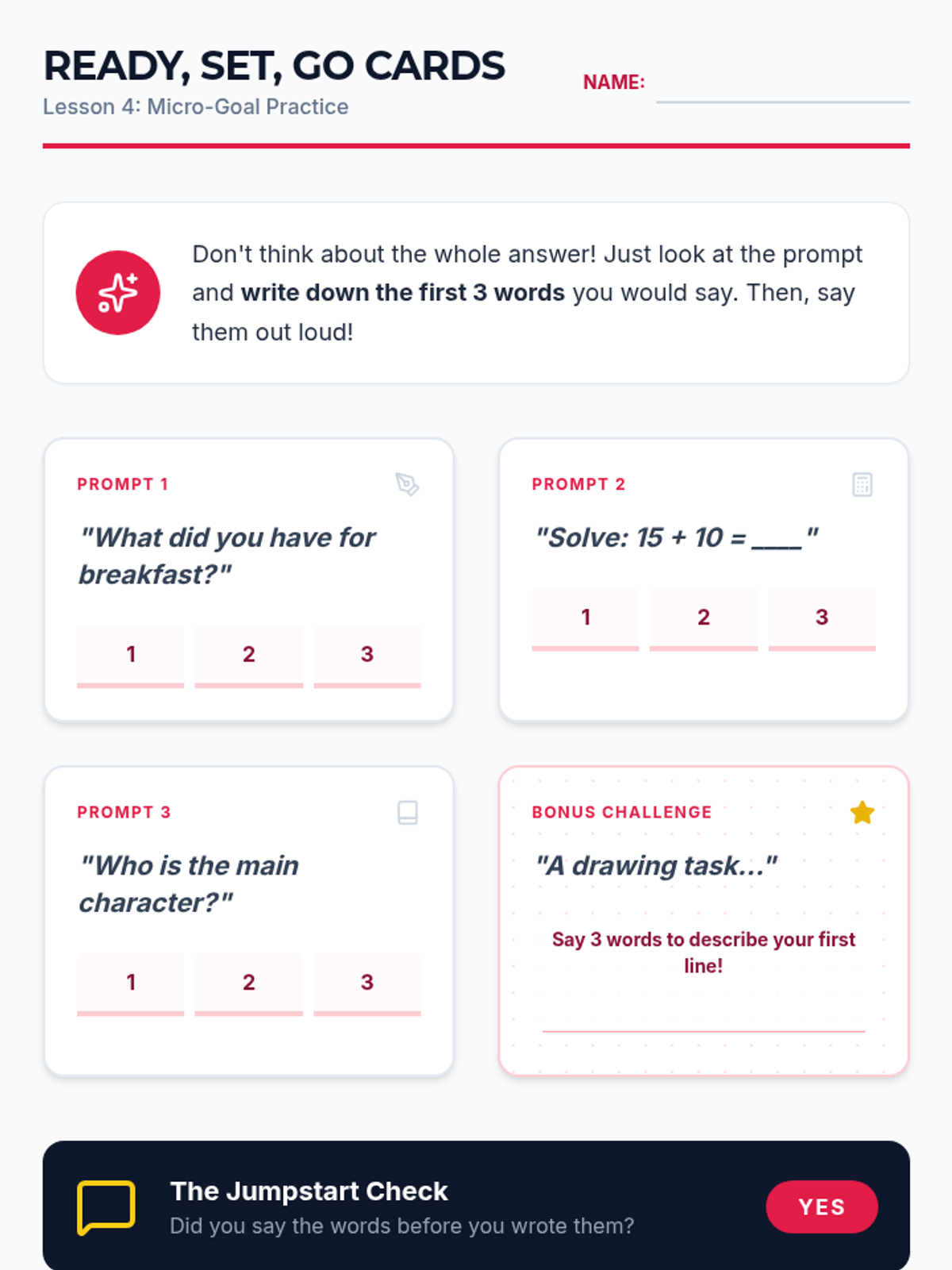
Student practice worksheet for Lesson 4, featuring prompt cards where students practice identifying and writing the first three words of a response.
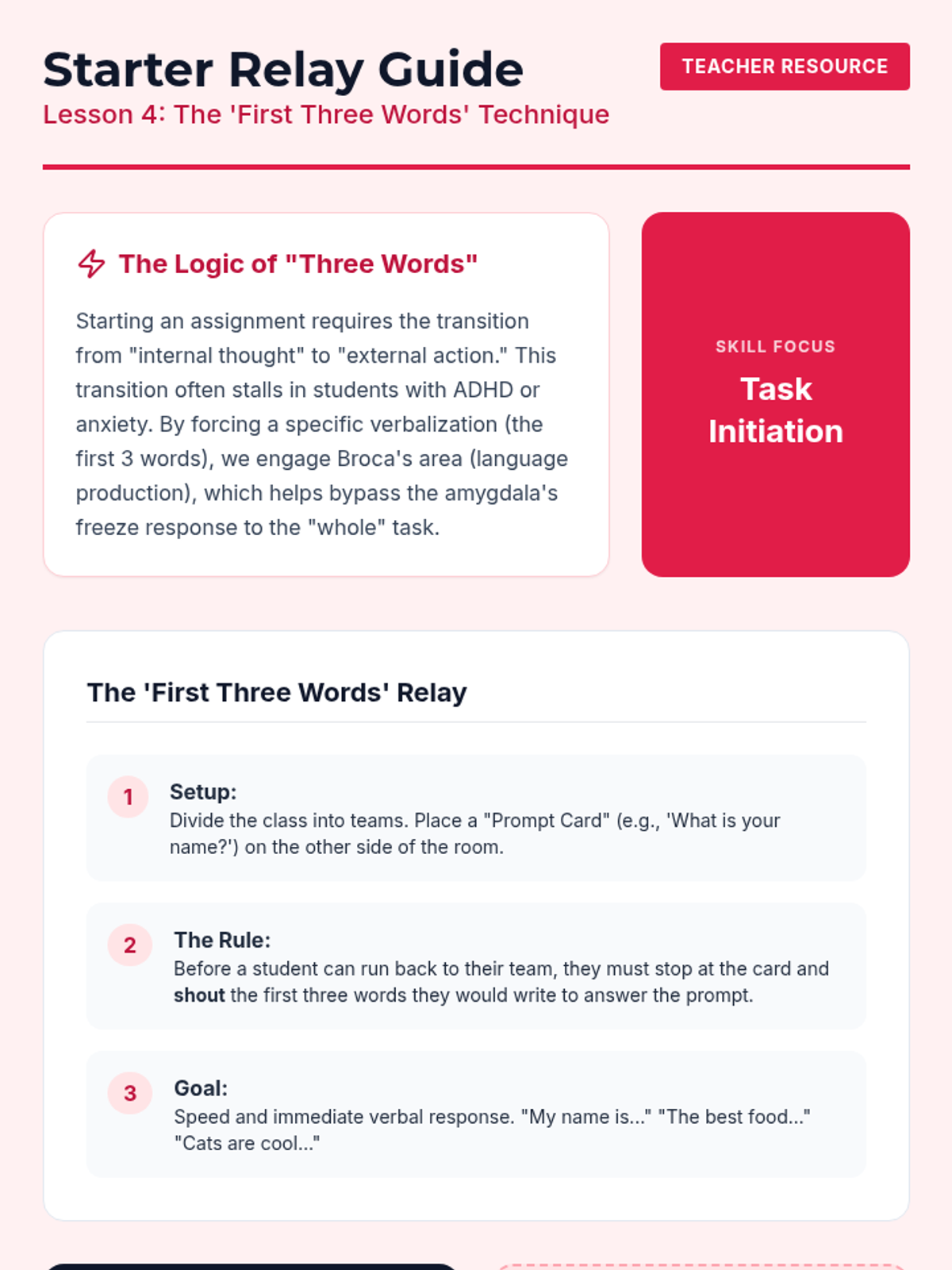
Teacher guide for Lesson 4, explaining the neurological basis for the 'First Three Words' technique and providing instructions for the relay race activity.
Slides for Lesson 4 introducing the 'First Three Words' technique—a micro-goal strategy to break the paralysis of starting a new task.
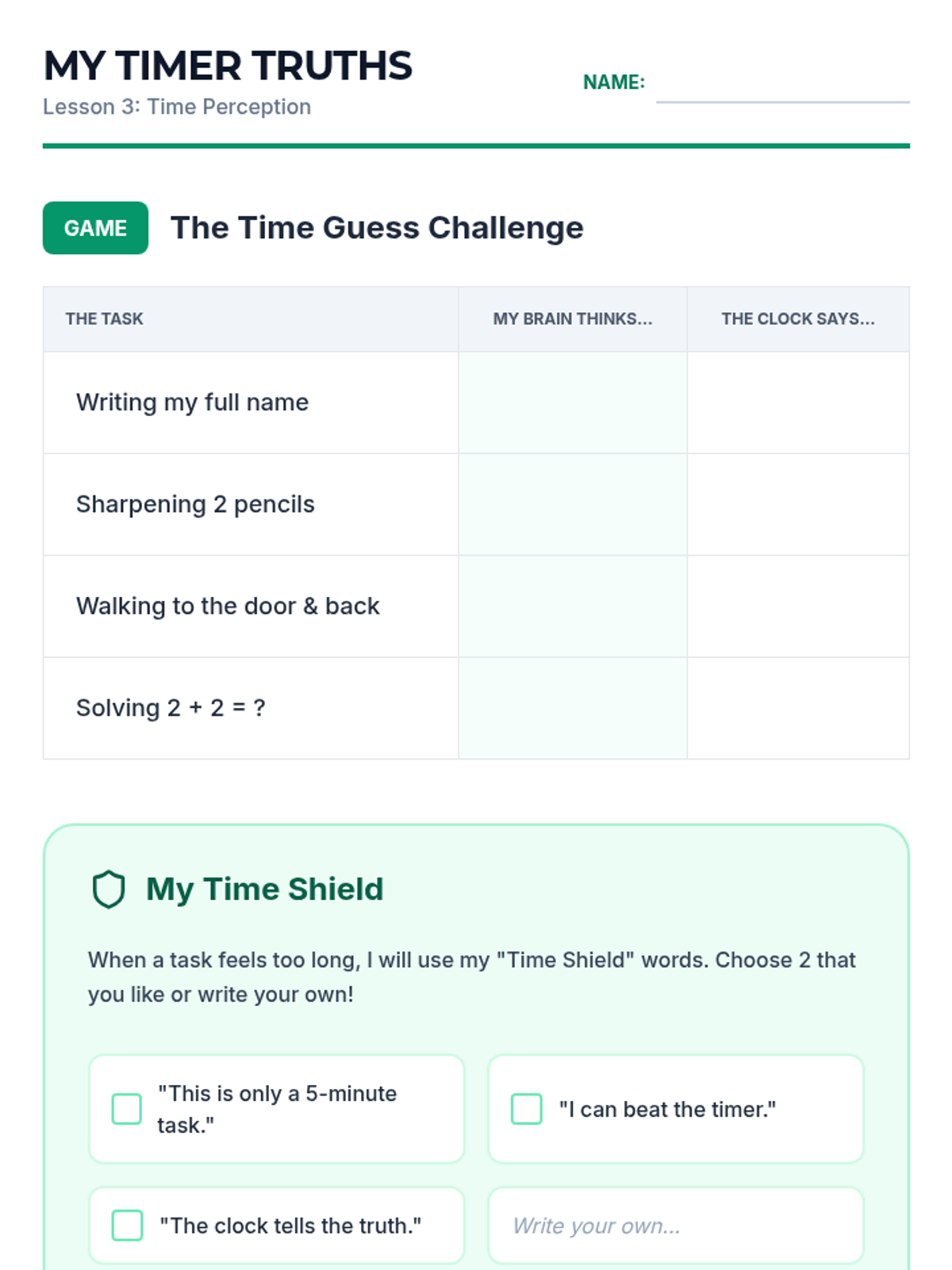
Student worksheet for Lesson 3, where students compare their time predictions with actual results and select self-talk phrases to manage overwhelm.
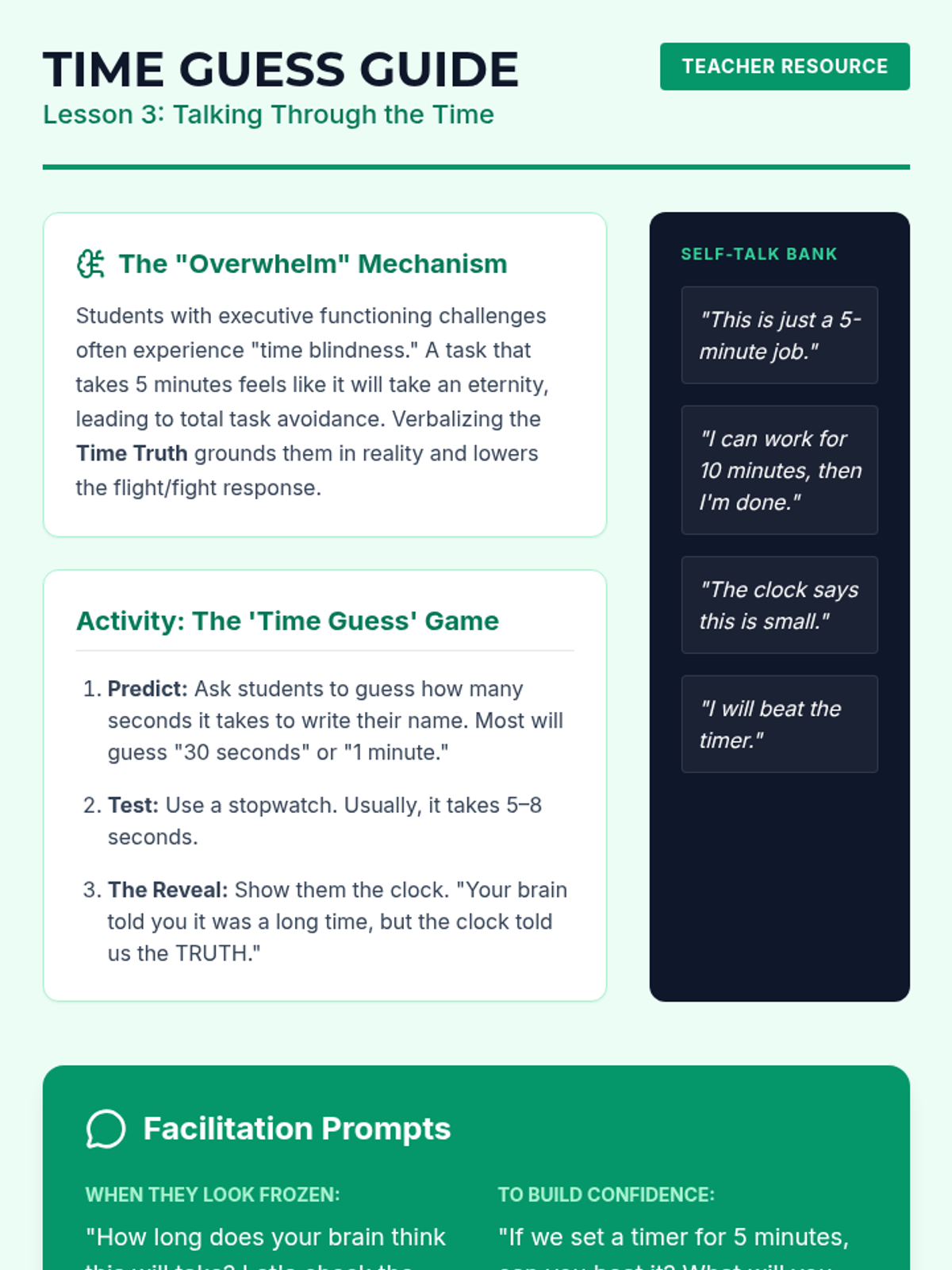
Teacher guide for Lesson 3, focusing on time blindness and providing strategies for using time estimation and self-talk to reduce student anxiety.
Slides for Lesson 3 on time estimation and using calming self-talk to reduce the anxiety of starting long or complex tasks.
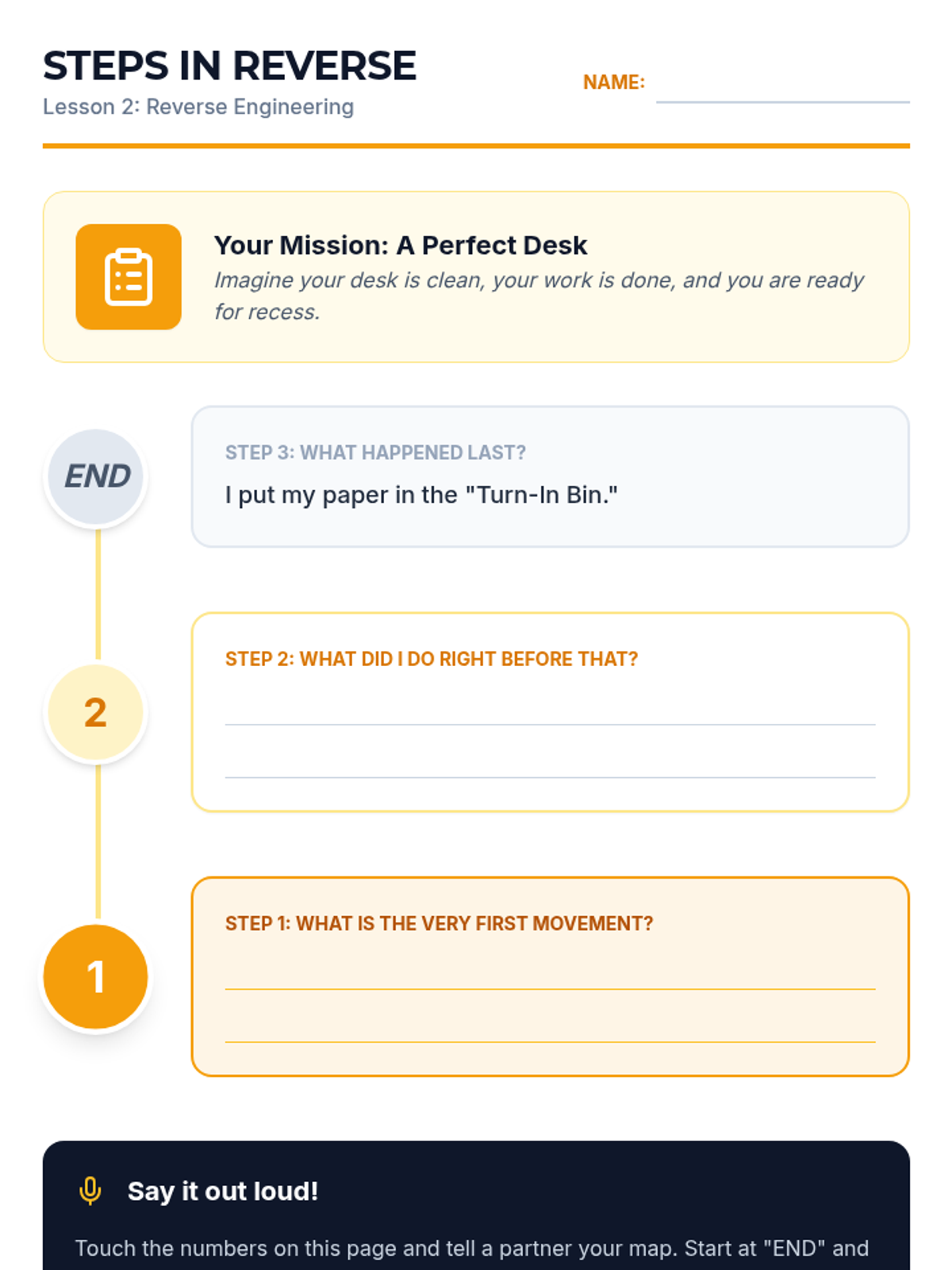
Student worksheet for Lesson 2, guiding students through mapping a task backward from completion to the very first physical movement.
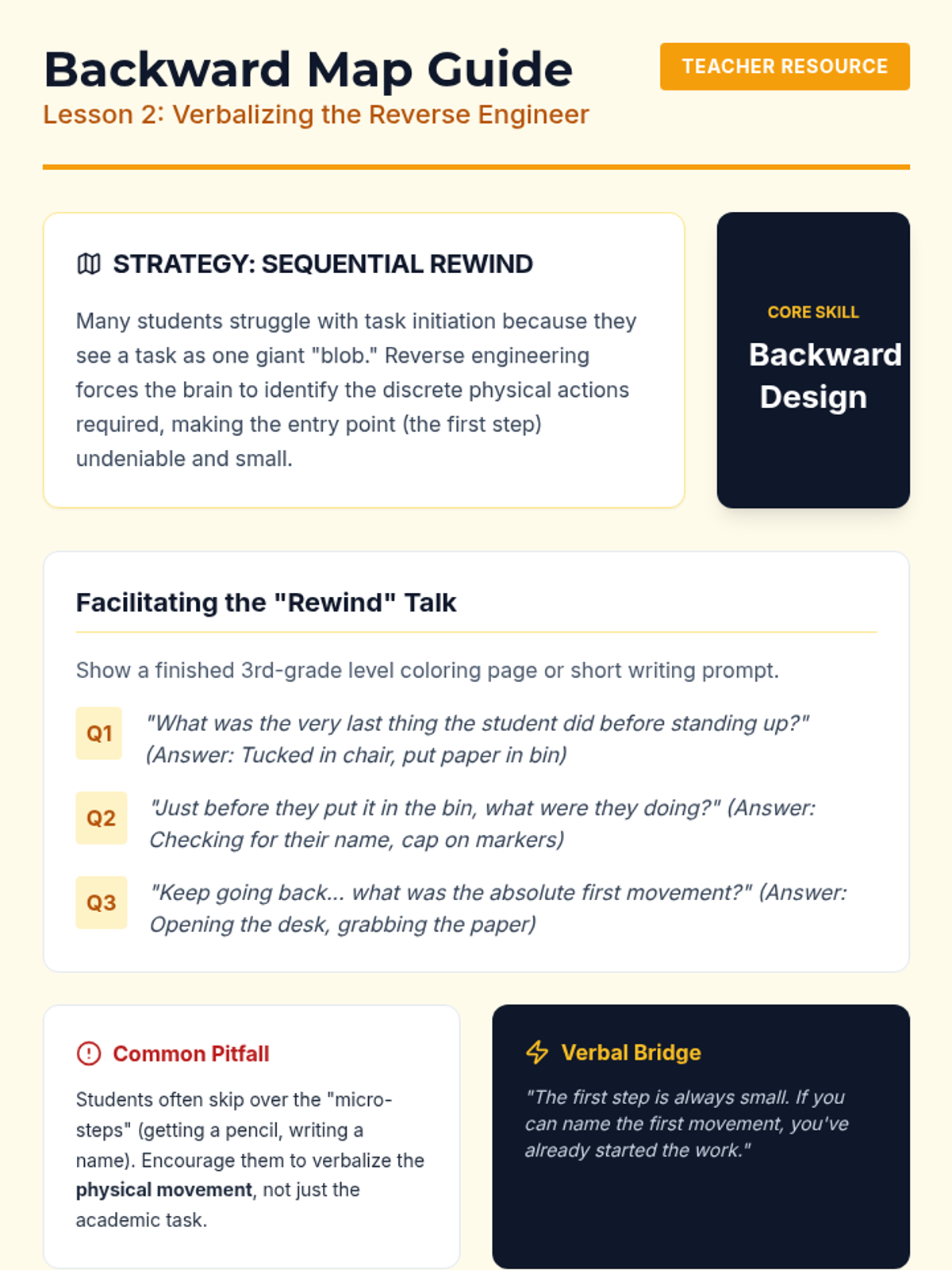
Teacher guide for Lesson 2, outlining the sequential rewind strategy and providing prompts for facilitating backward mapping discussions.
Slides for Lesson 2 focusing on 'Reverse Engineering'—mapping out tasks backward from completion to identify the clear first step.
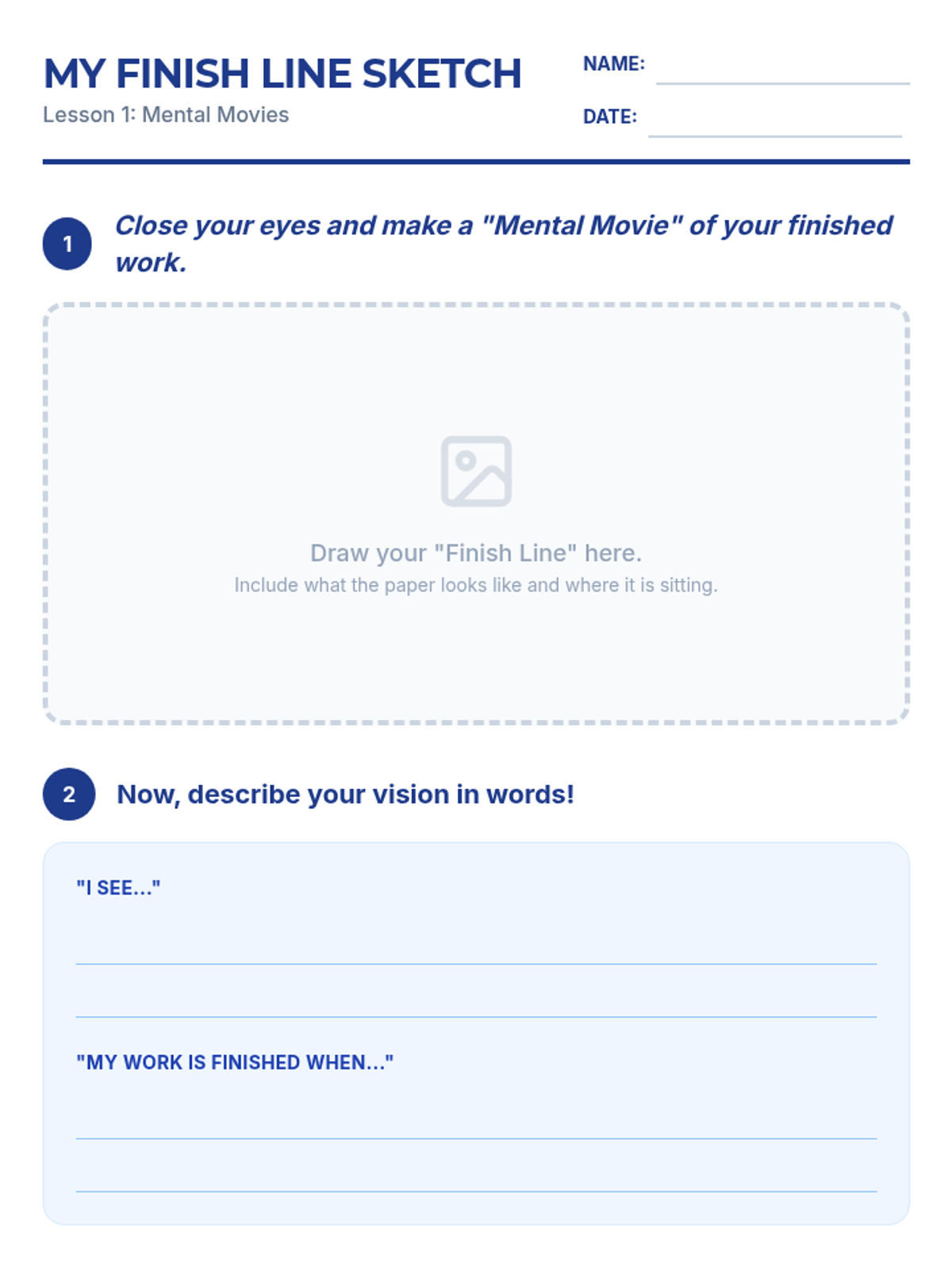
Student worksheet for Lesson 1, where students draw their 'finish line' and describe it using specific sentence starters.
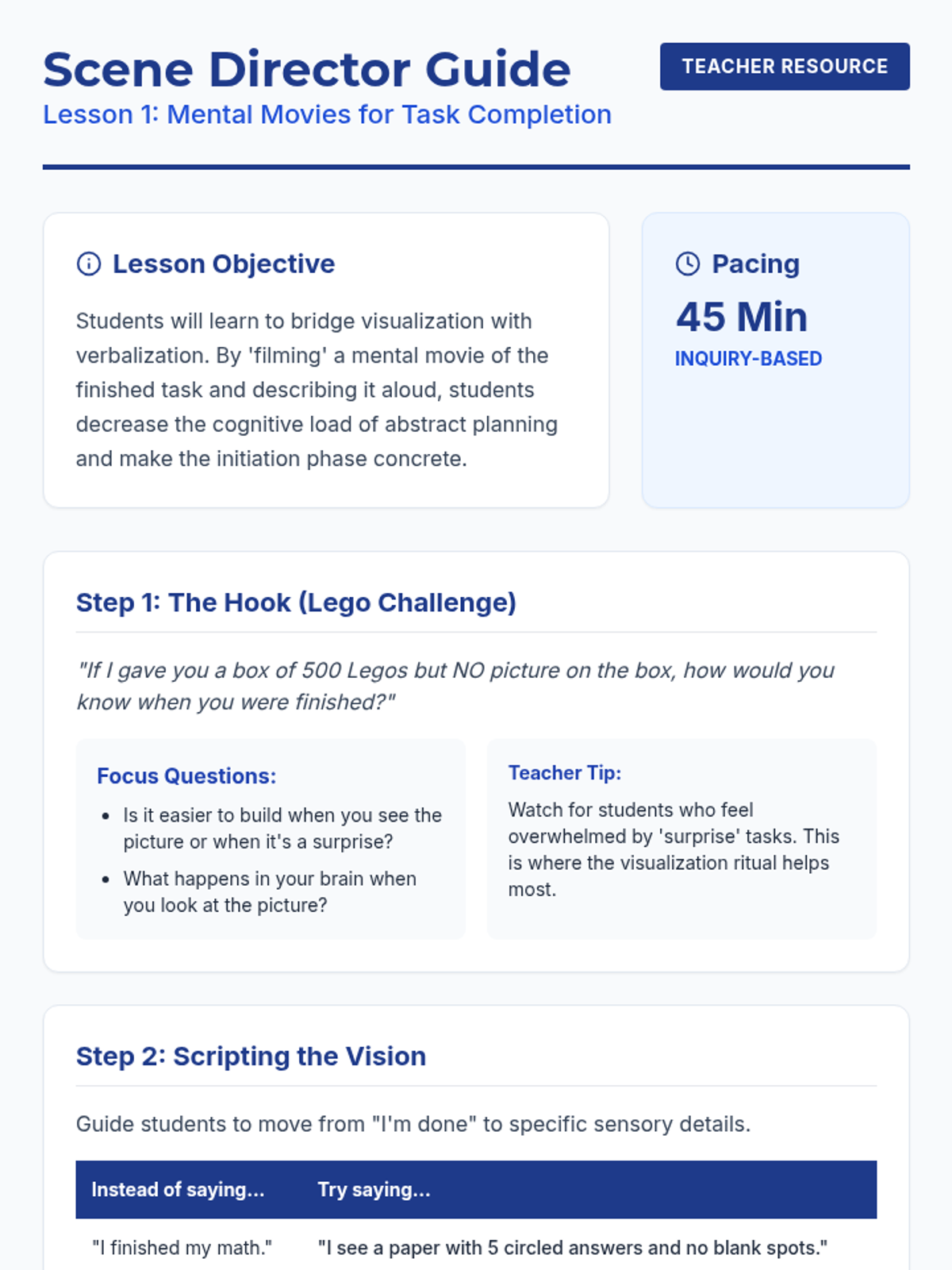
Teacher guide for Lesson 1, providing discussion prompts, focus questions, and scripting examples for teaching mental visualization techniques.
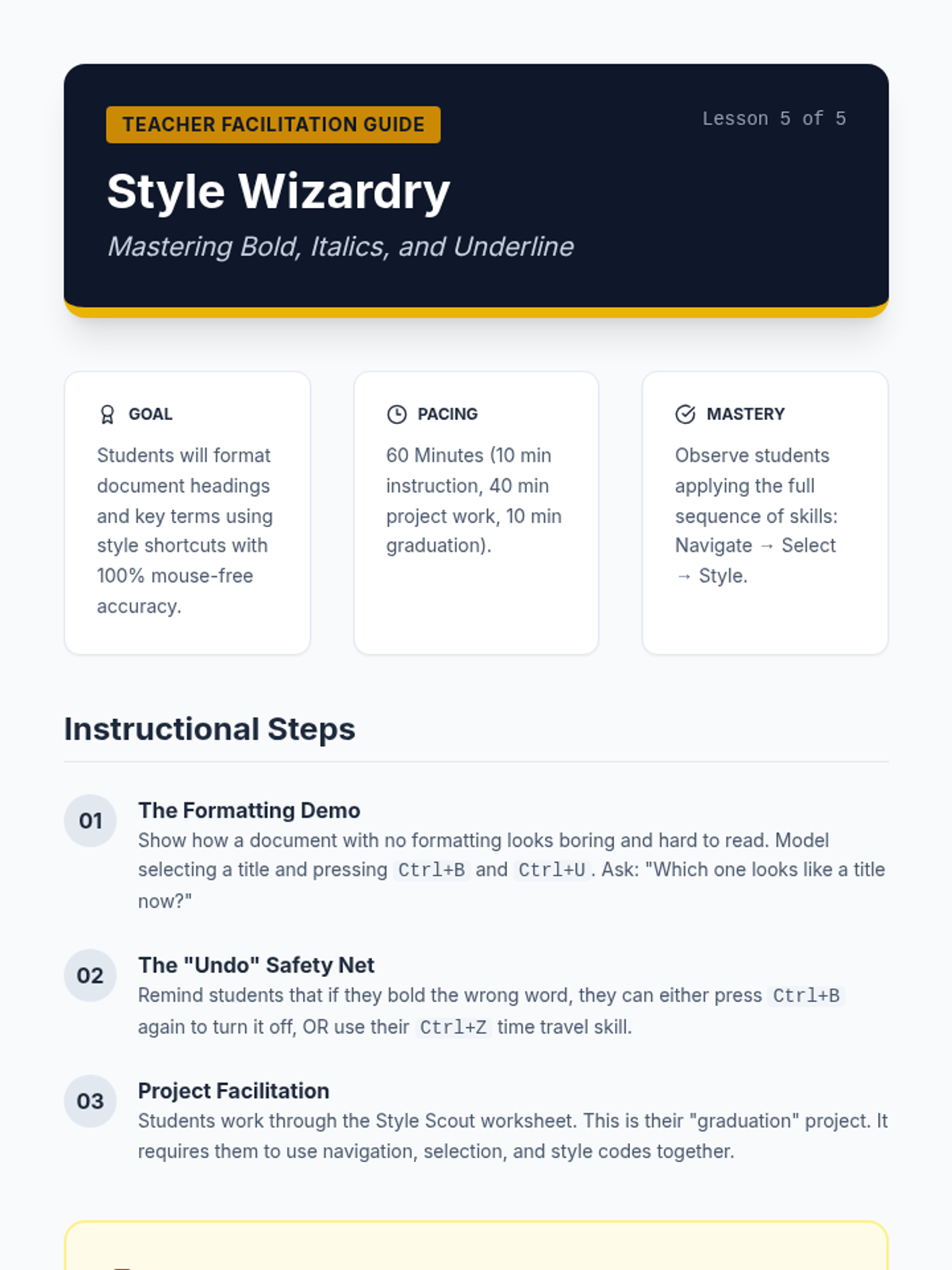
Teacher facilitation guide for Lesson 5, including pacing, instructional steps, and project rubrics for the final document design project.
Slides for Lesson 1 introducing the concept of 'Mental Movies'—visualizing the finished state of a task to help with initiation.
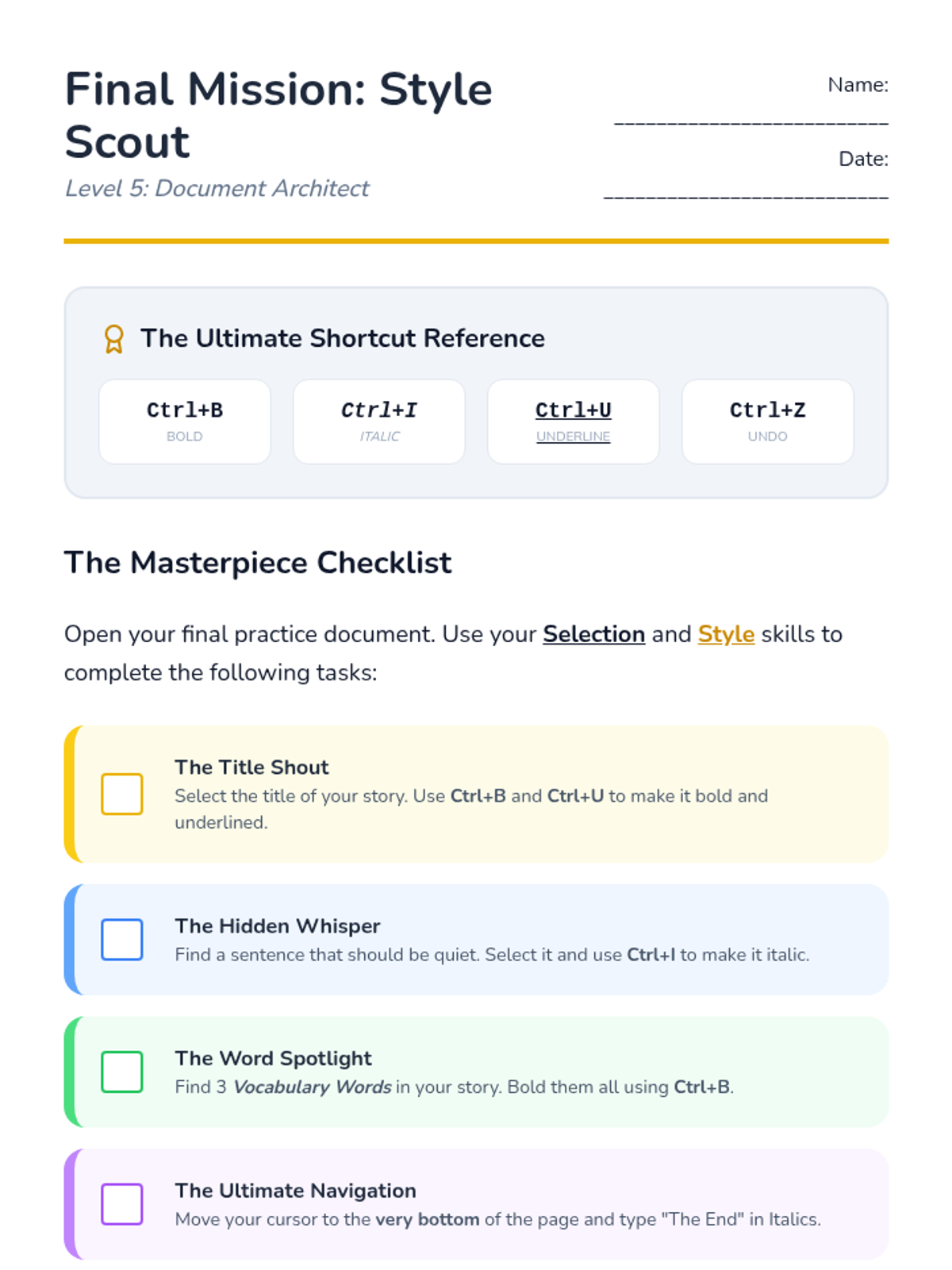
Final project checklist for Lesson 5. Students apply Bold, Italics, and Underline shortcuts to a document and reflect on their mastery of all keyboard shortcuts learned in the sequence.
Introductory slide deck for Lesson 5, teaching students the Bold (Ctrl+B), Italics (Ctrl+I), and Underline (Ctrl+U) shortcuts for document formatting.
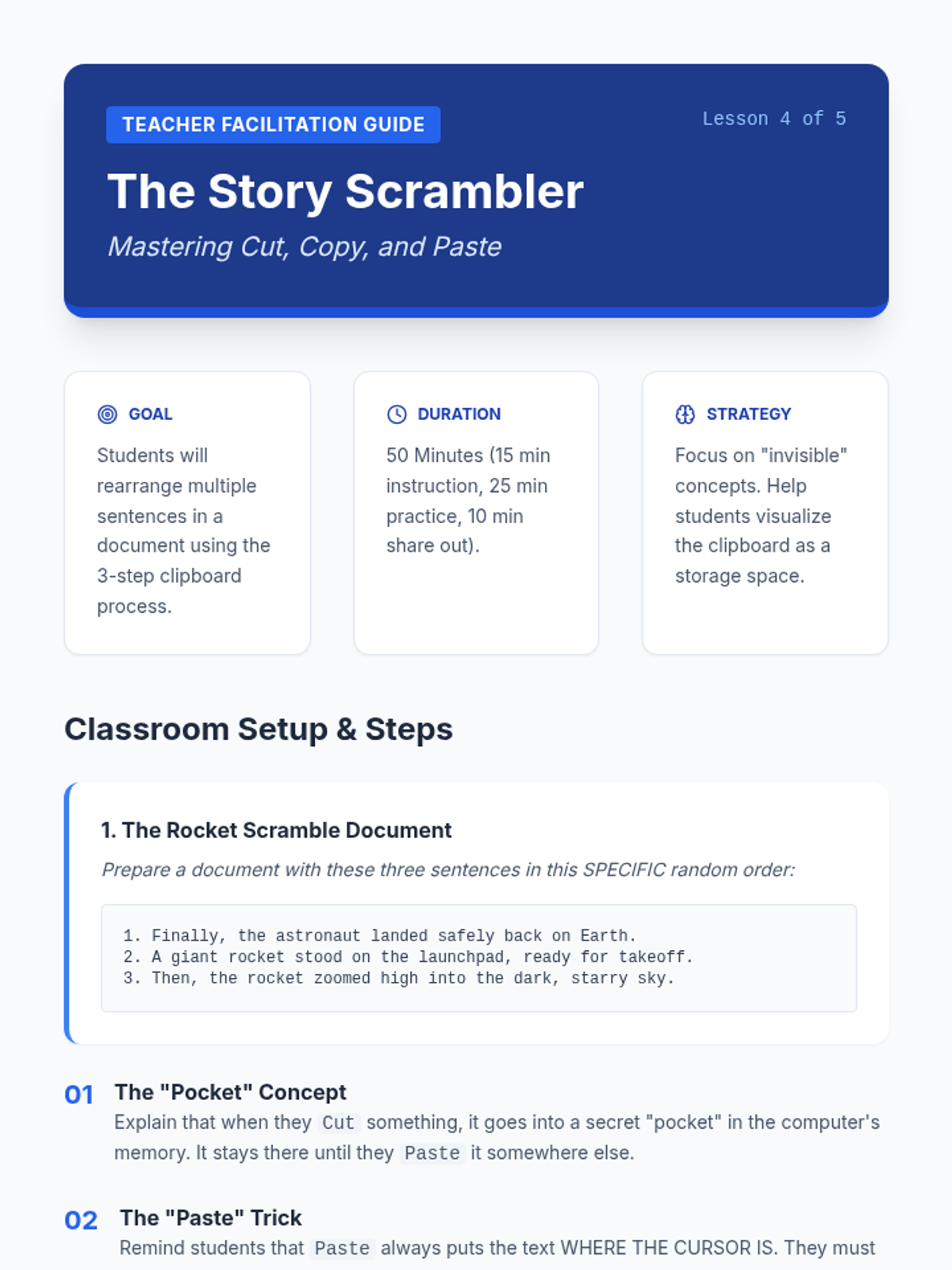
Teacher facilitation guide for Lesson 4, focusing on the mechanics of Cut, Copy, and Paste. Includes troubleshooting for common "clipboard loss" and document setup.
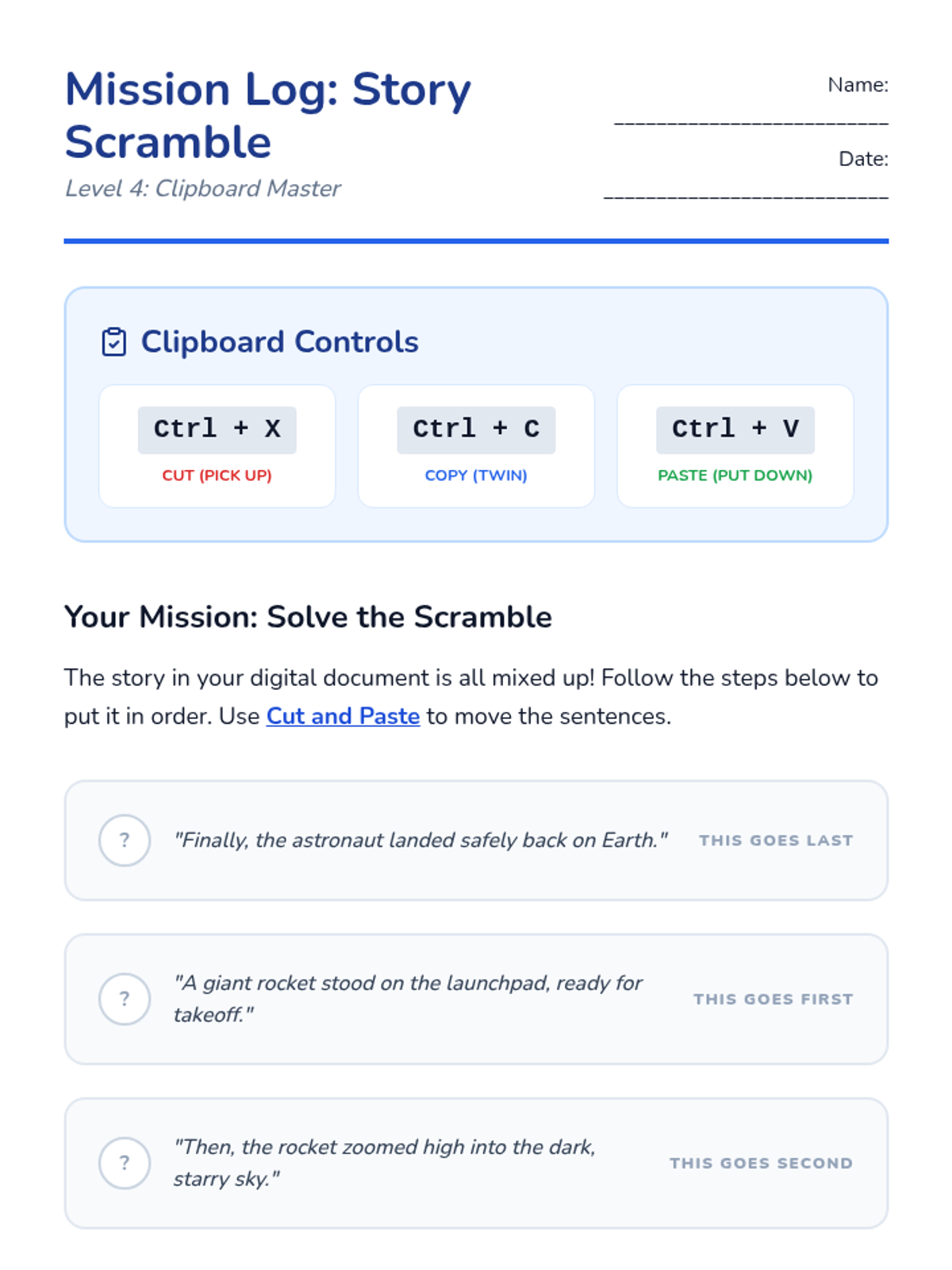
Student mission log for practicing the Story Scramble activity. Students use Cut and Paste to rearrange sentences in a digital document based on the clues provided.
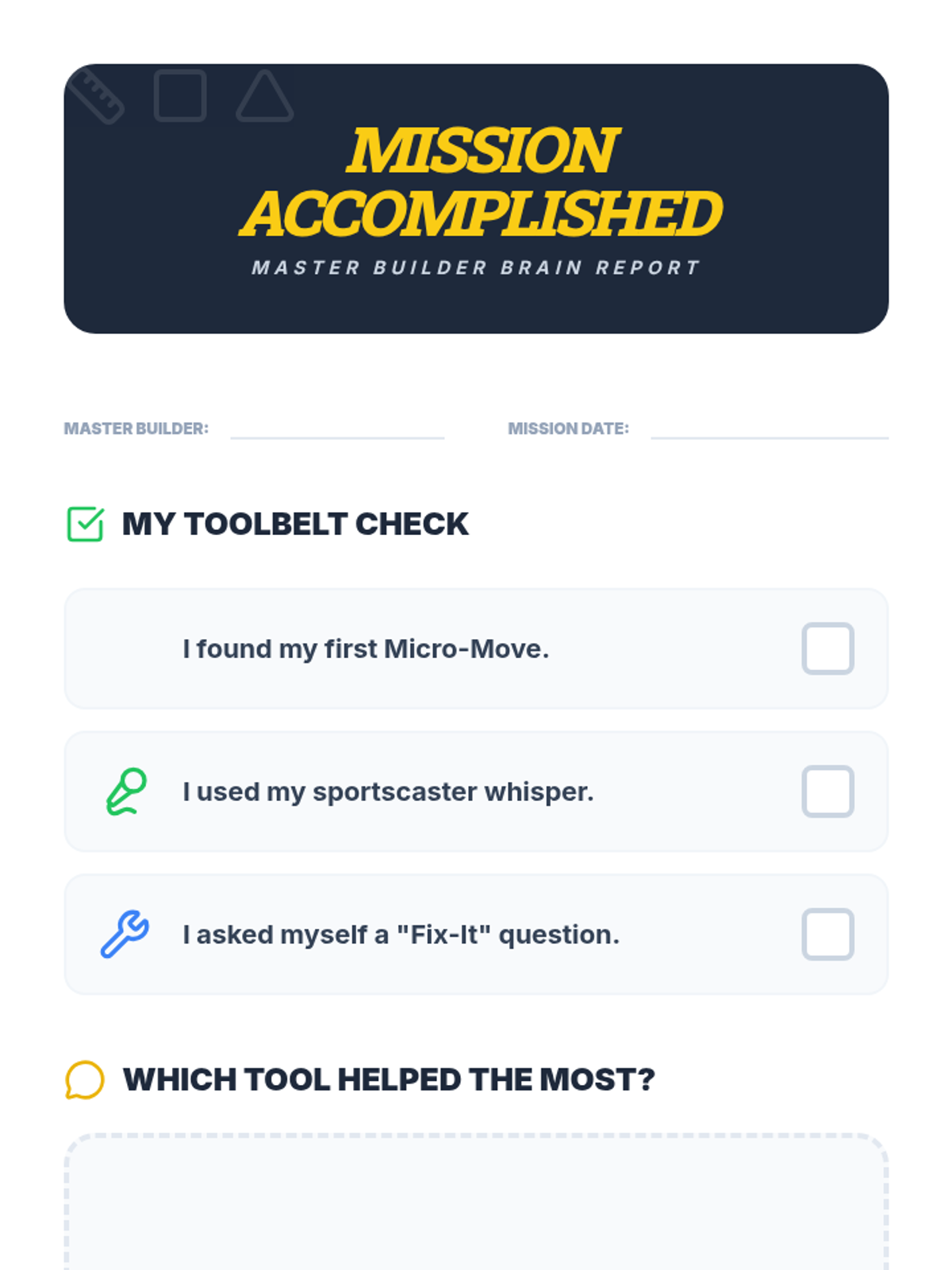
Student self-assessment and reflection worksheet for the final mission of the Builder Brain sequence.
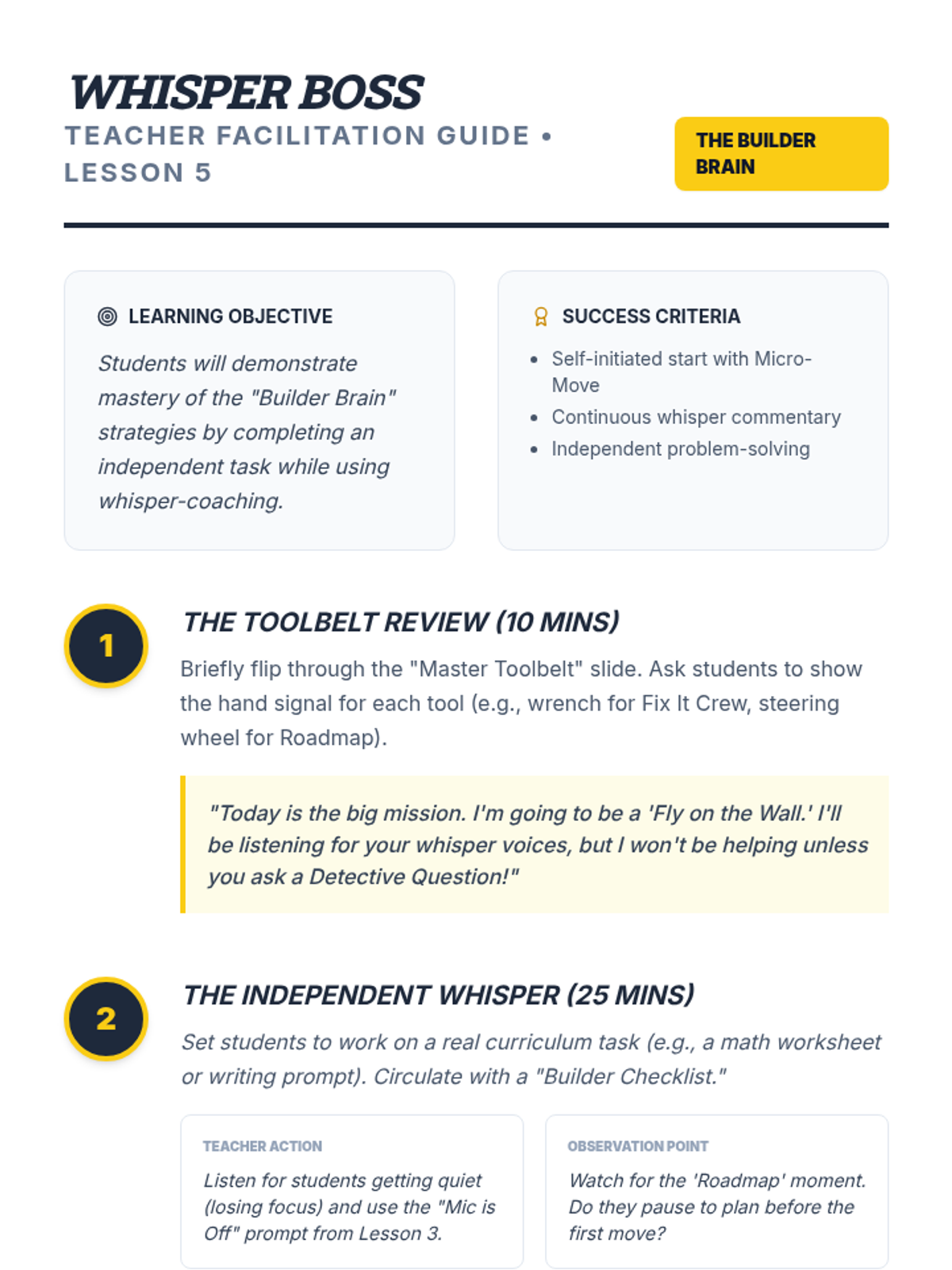
Teacher guide for Lesson 5: Master Builder, focusing on the culminating 'Whisper Challenge' and assessment of all self-talk strategies.
Visual presentation for Lesson 5: Master Builder, teaching students to apply all self-talk strategies to independent work.
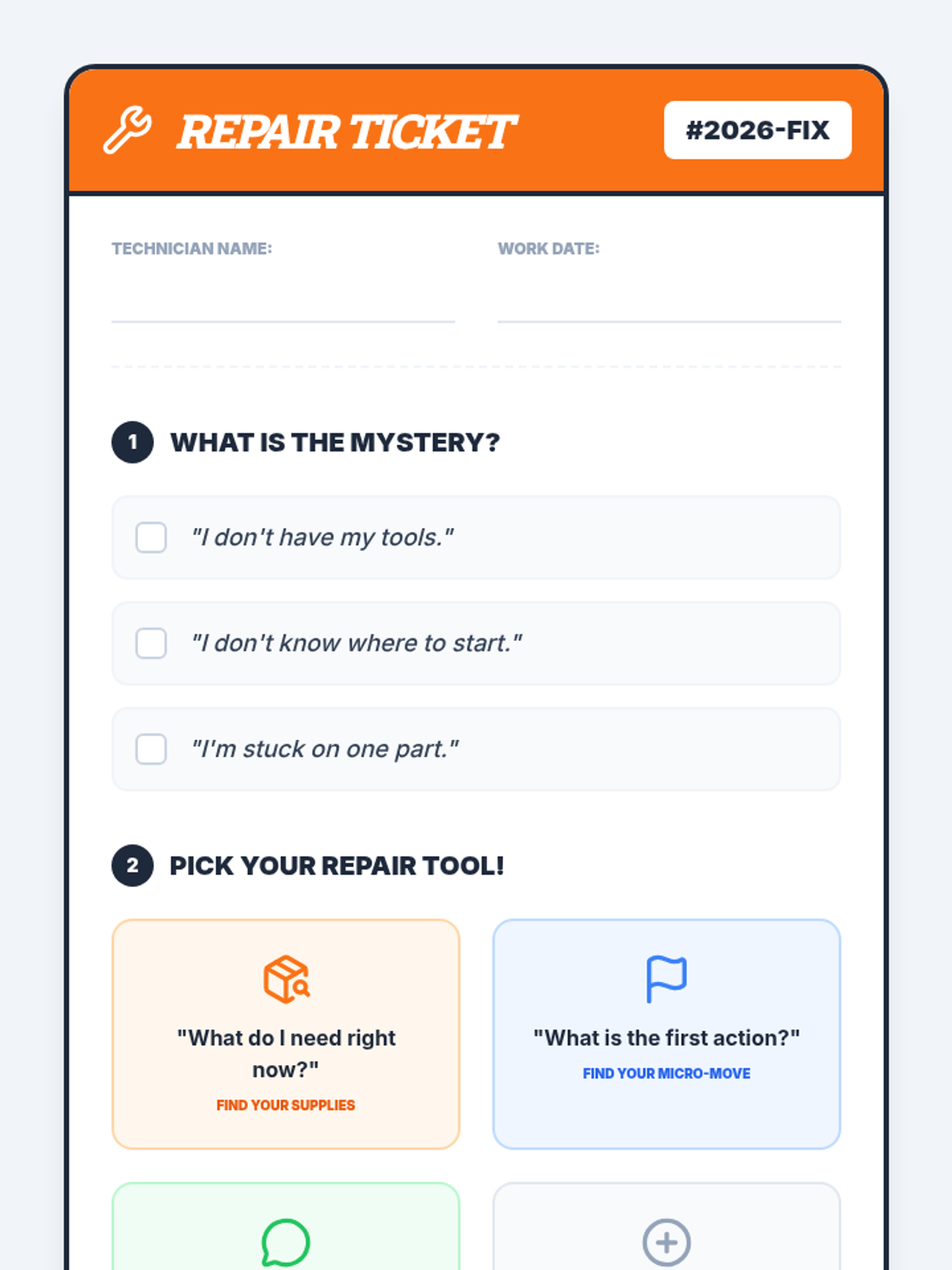
Student worksheet designed as a 'repair ticket' for choosing problem-solving questions when stuck on a task.
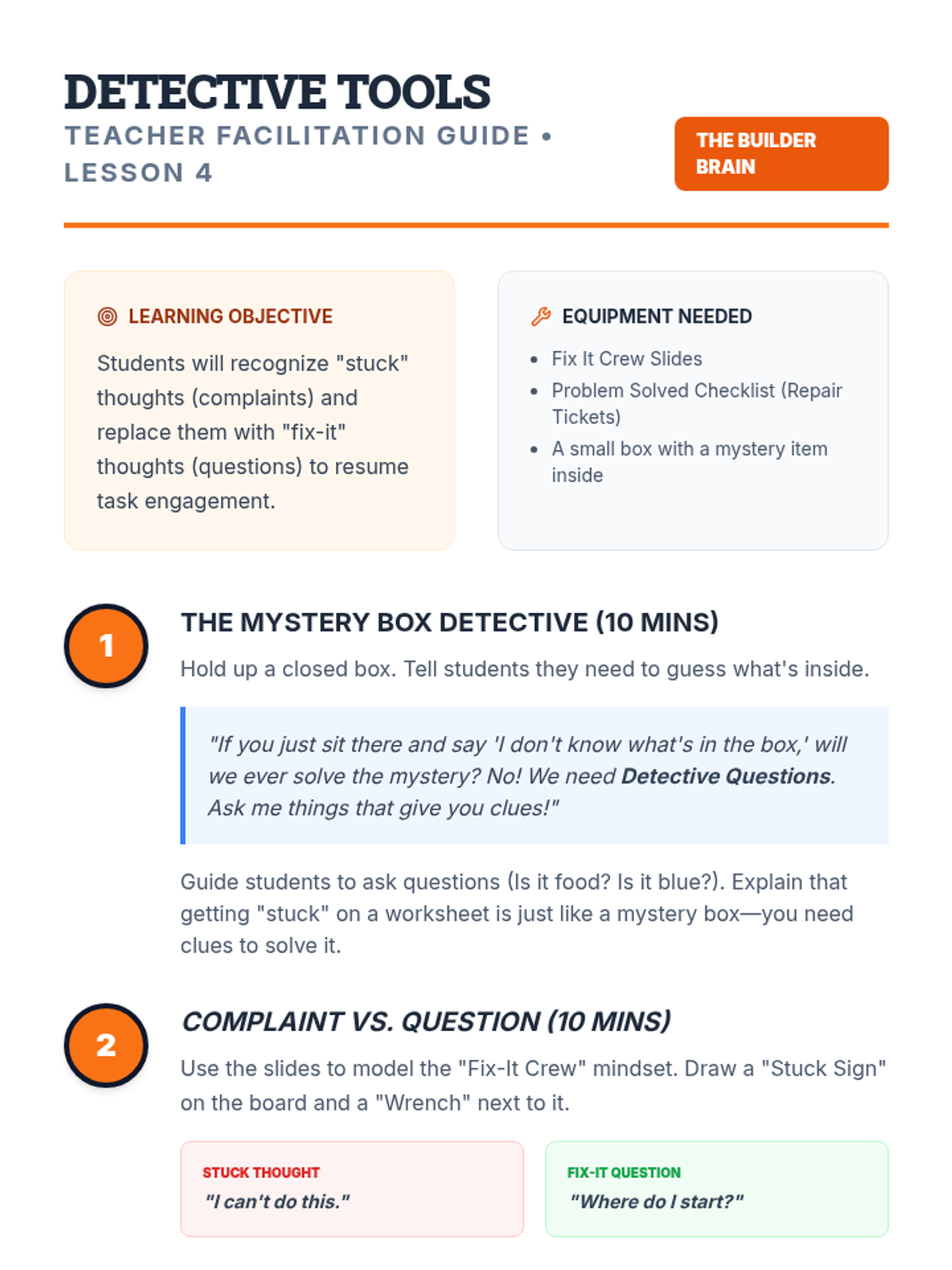
Teacher guide for Lesson 4: Fix It Crew, focusing on teaching students to ask themselves specific questions when they get stuck.
Final slides for the task prioritization sequence, guiding students through gathering information and making their real-world plan.
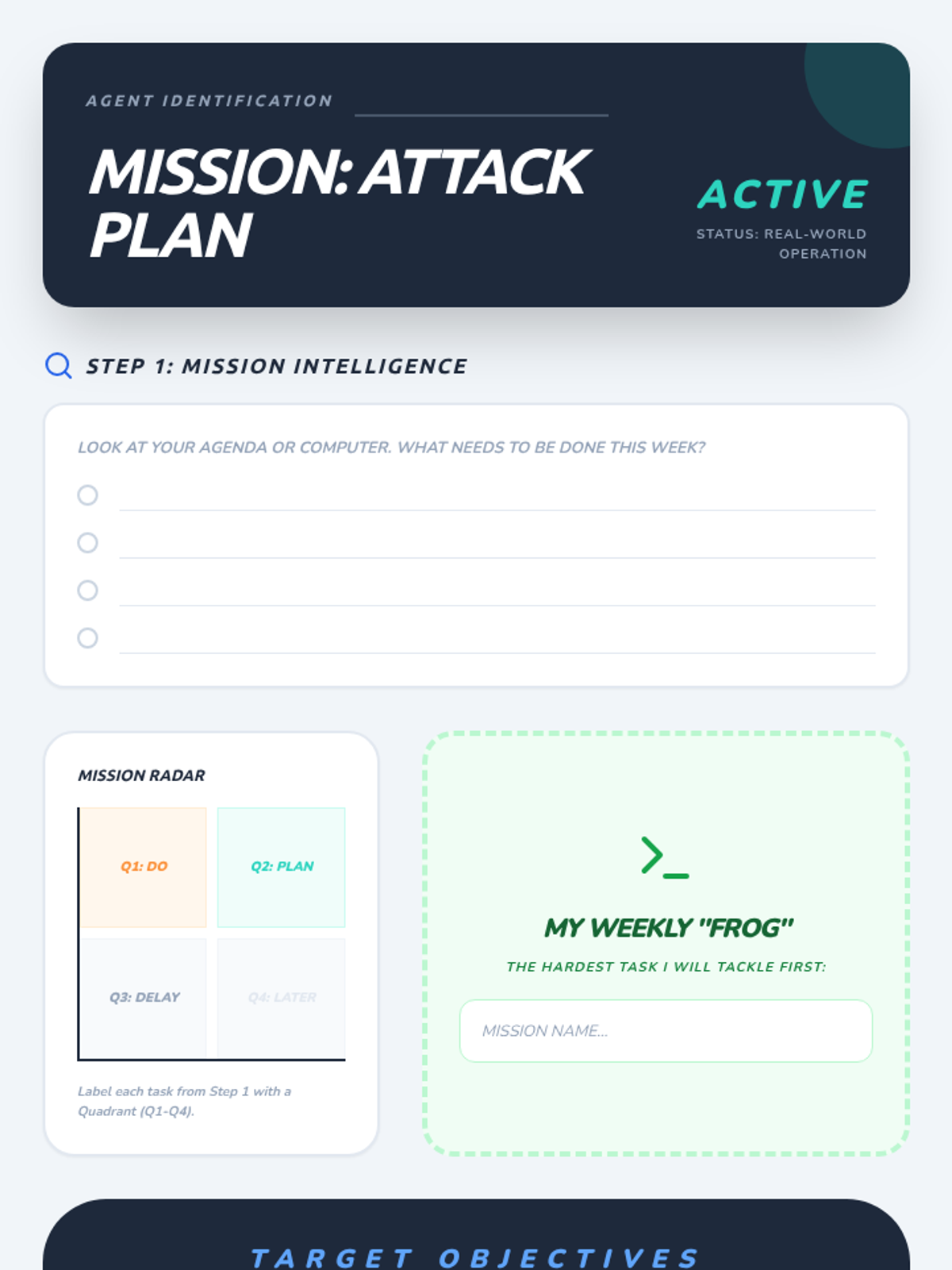
The final application worksheet where students list their actual weekly tasks, categorize them in the radar matrix, identify their "Frog," and rank their top 3 objectives.
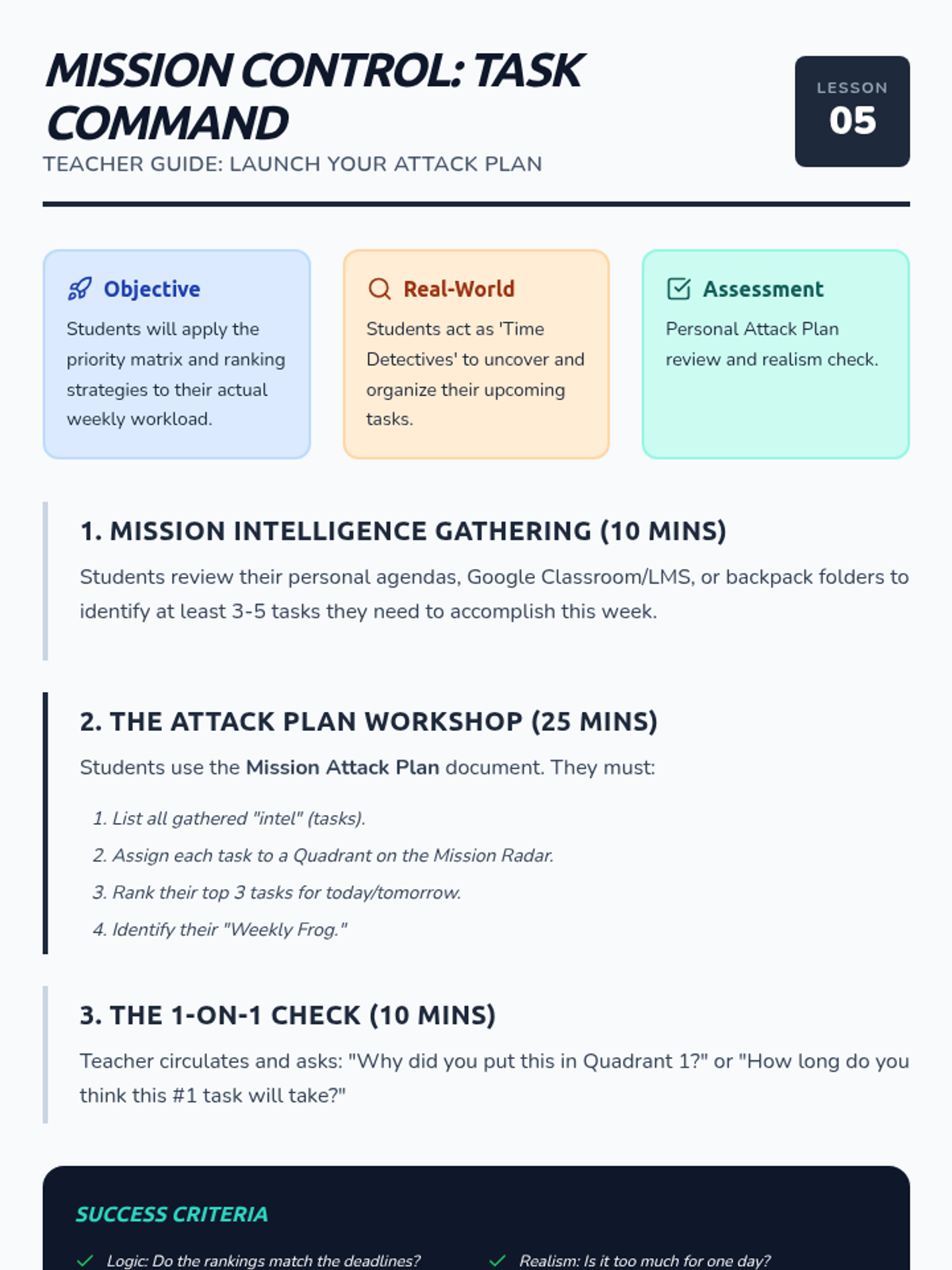
Teacher guide for the final lesson, where students apply all prioritization strategies to their own real-world academic tasks.
Visual presentation for Lesson 4, demonstrating the 1-2-3 ranking system and decision-making criteria.
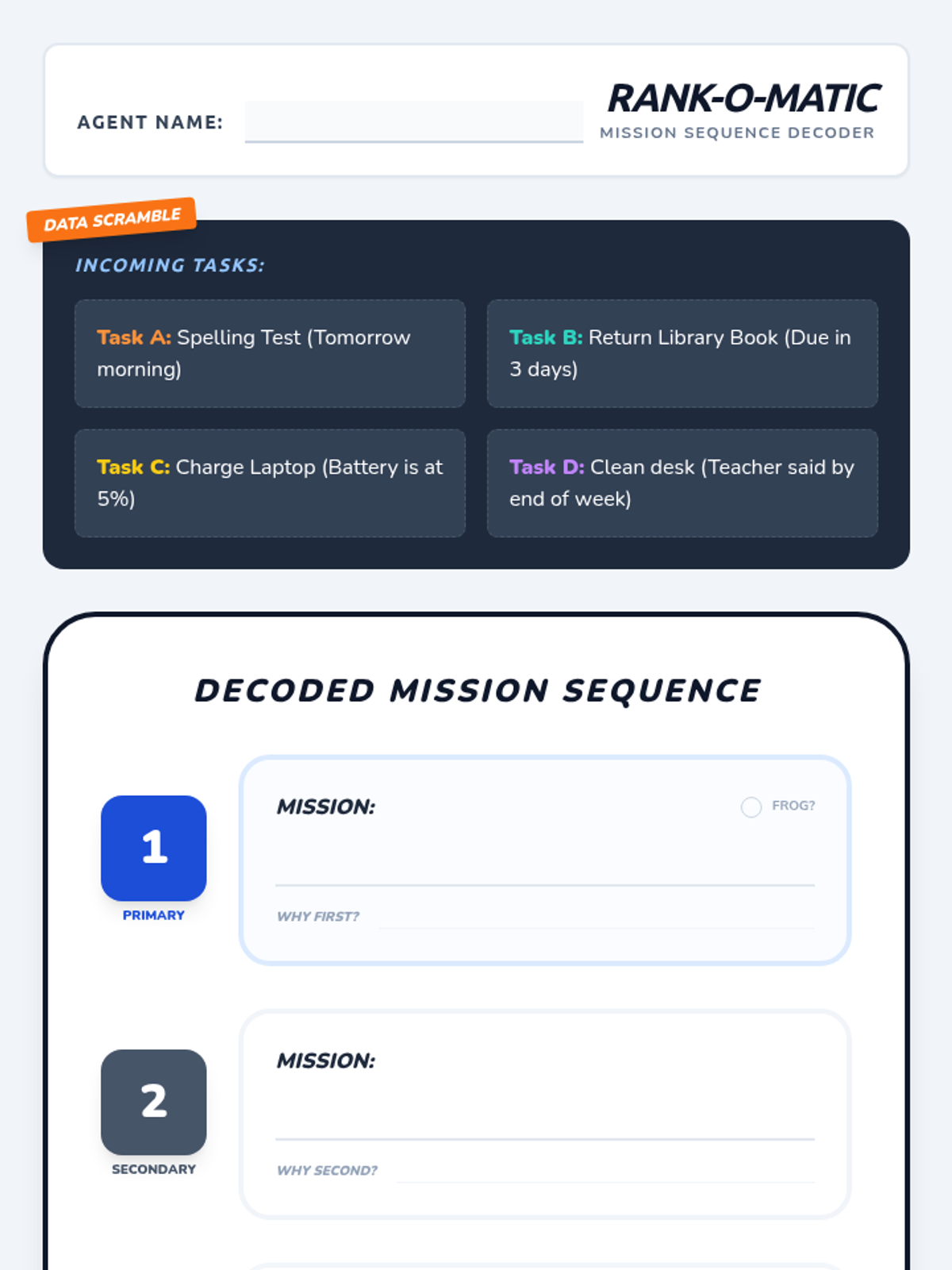
Worksheet for Lesson 4 where students practice ranking four provided tasks into a 1-2-3 sequence with justifications.
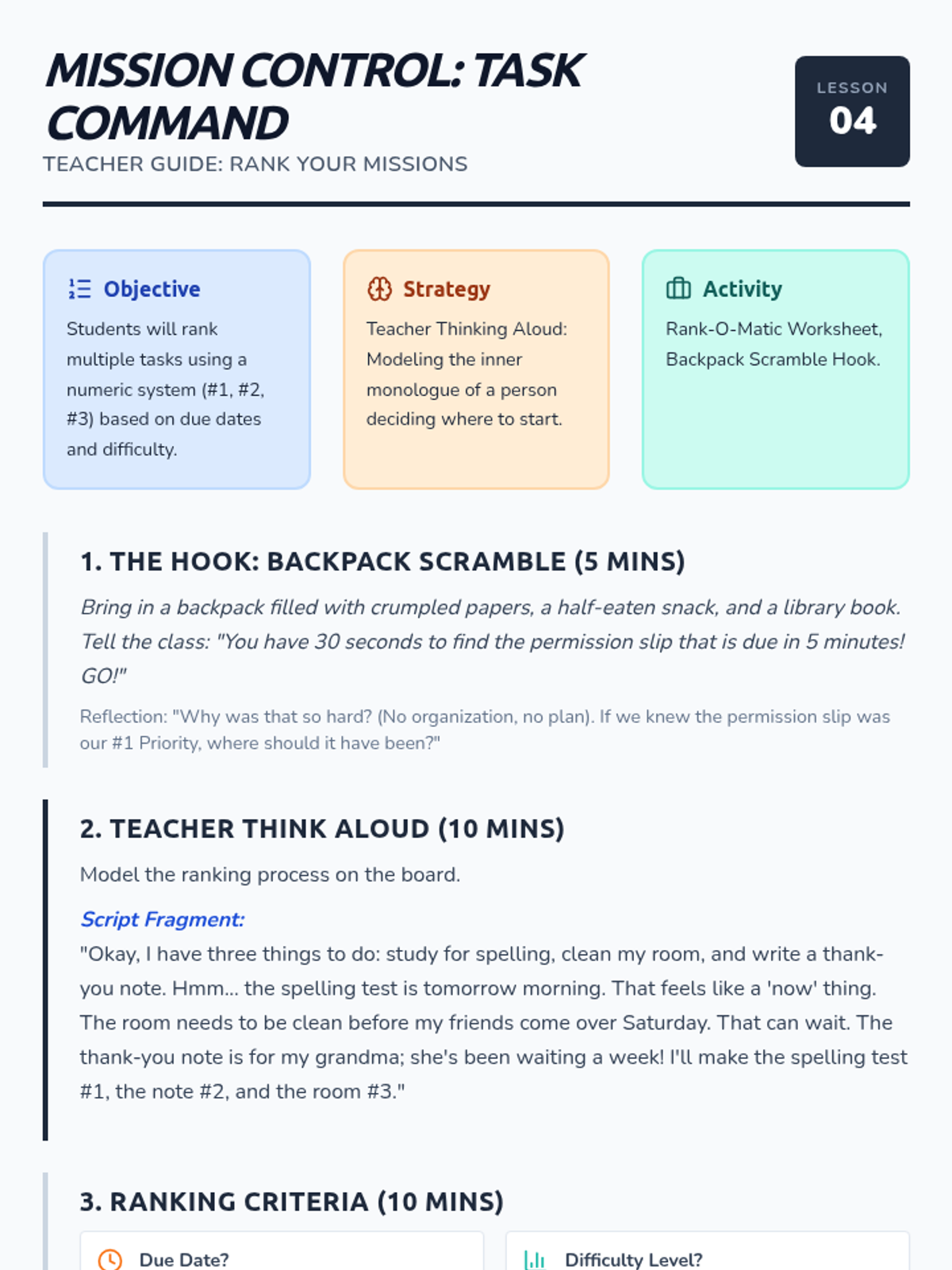
Teacher guide for Lesson 4, introducing numeric ranking systems and featuring a "Think Aloud" modeling script.
Visual presentation for Lesson 3, defining the "Eat the Frog" strategy and categorizing "Have-To" vs. "Want-To" tasks.
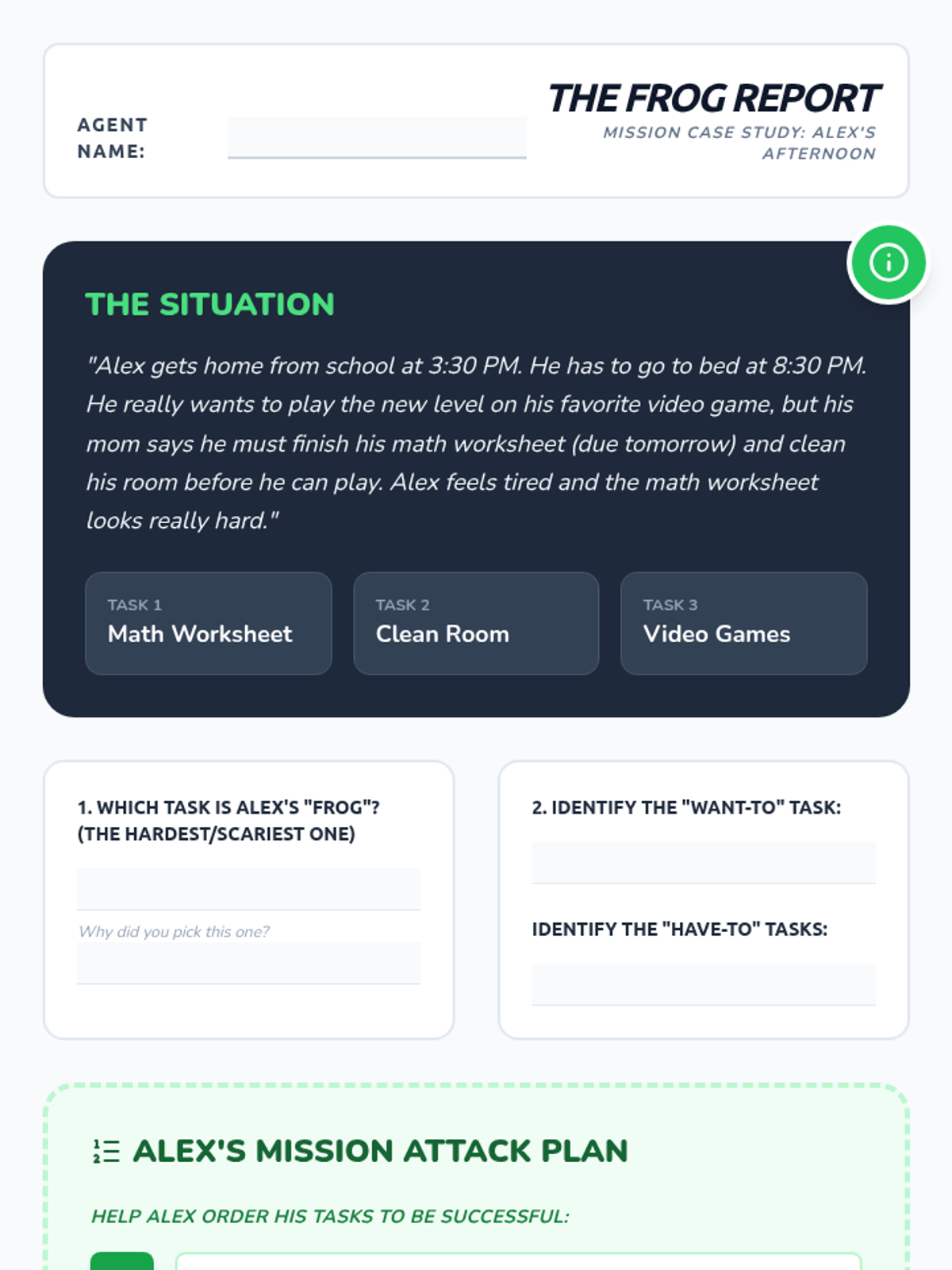
Case study worksheet for Lesson 3 where students analyze a peer's schedule and apply the "Eat the Frog" strategy.
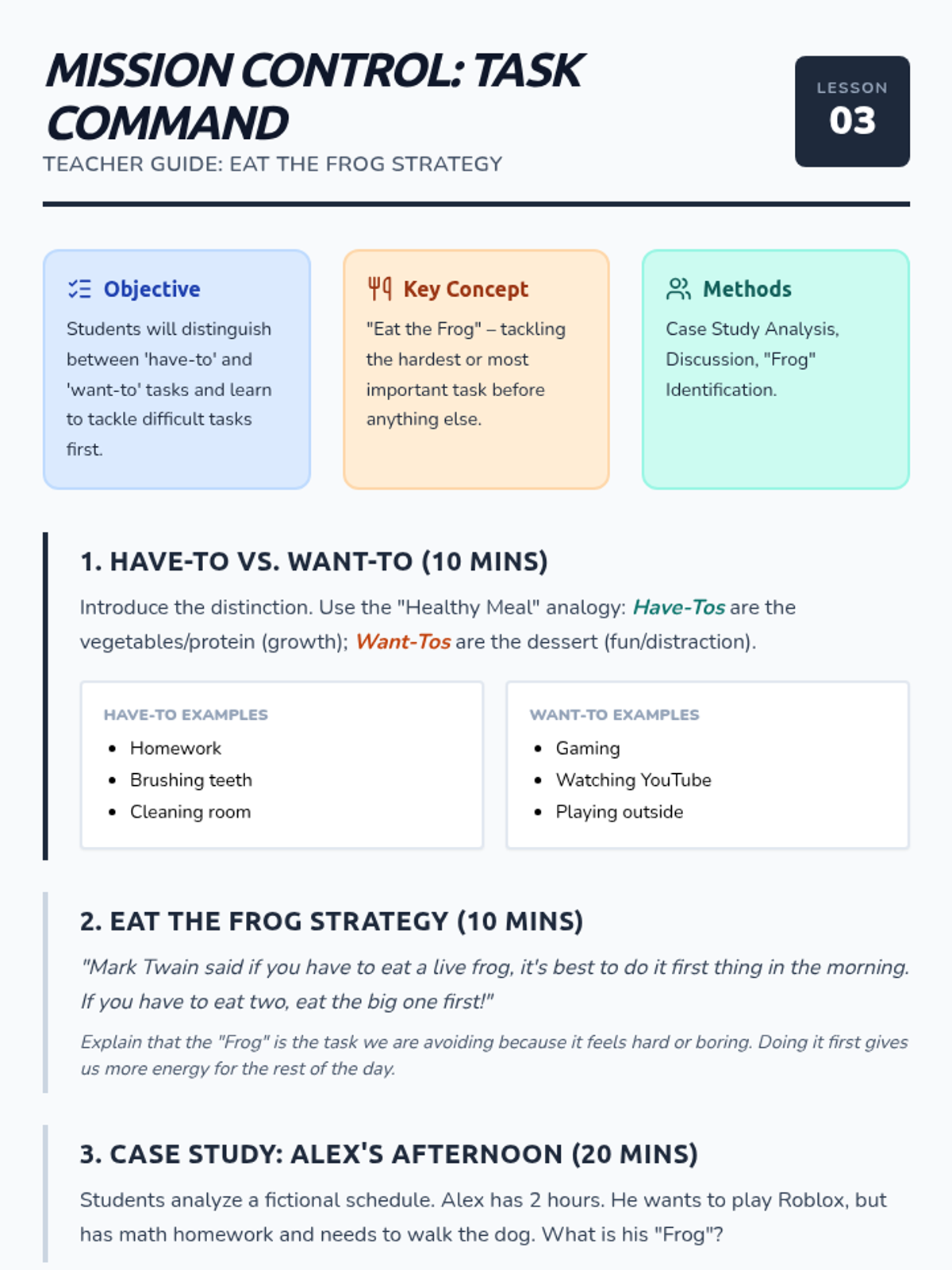
Teacher guide for Lesson 3, focusing on the "Eat the Frog" strategy and distinguishing between obligations and desires.
Visual presentation for Lesson 2, illustrating the 2x2 priority matrix and identifying the "Urgent Trap."
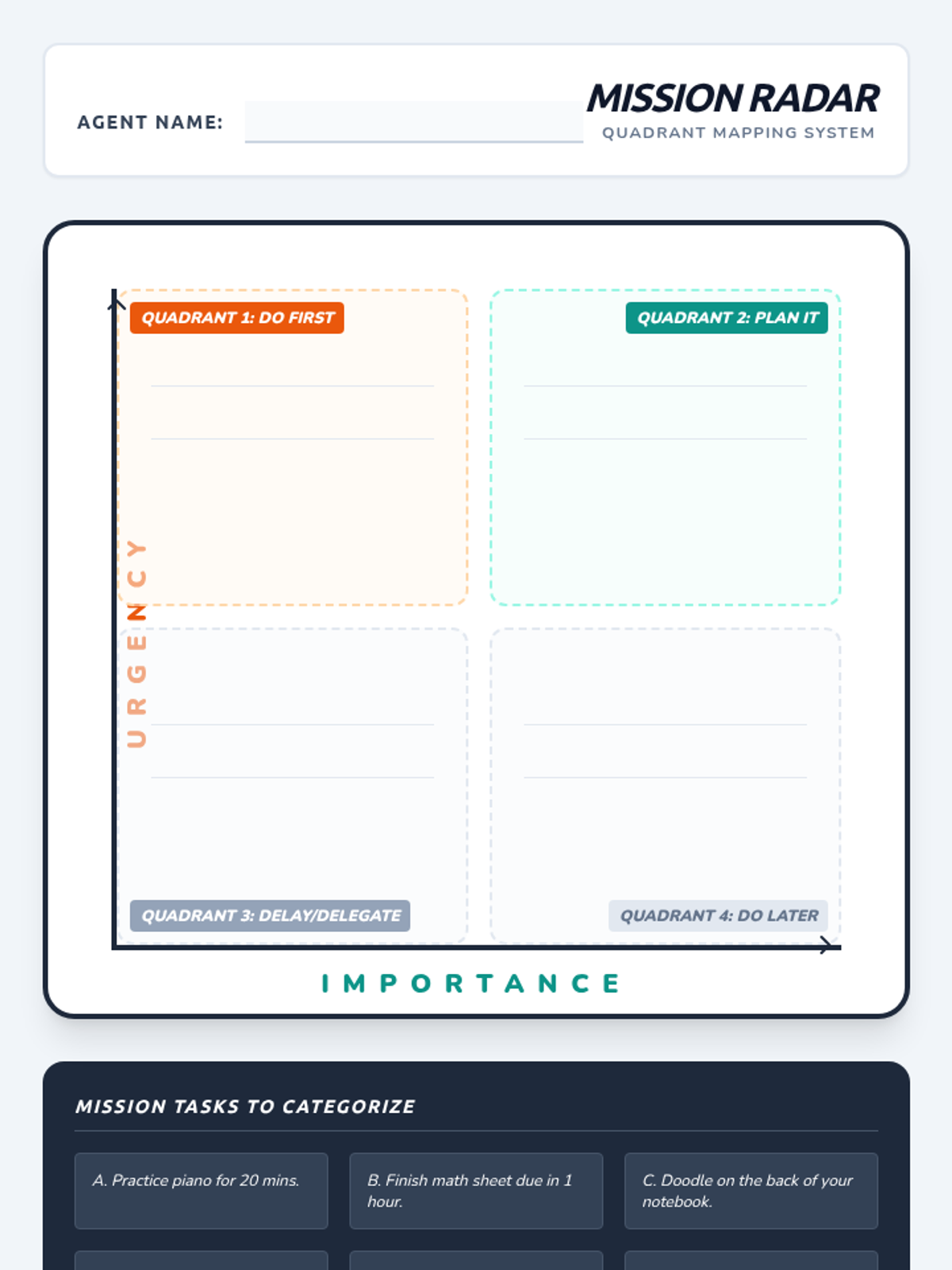
A visual matrix worksheet for students to map six common tasks into the four priority quadrants.
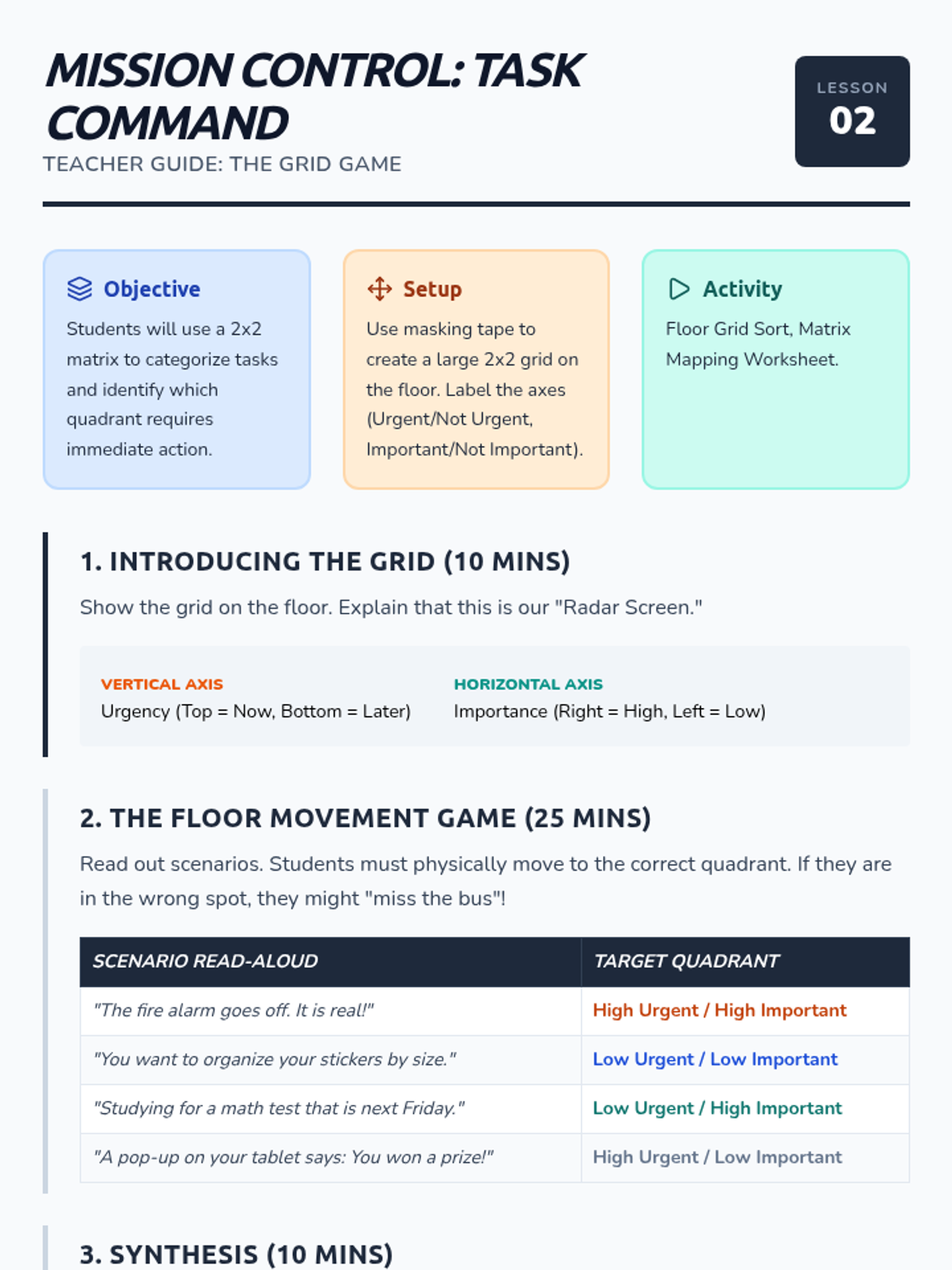
Teacher guide for Lesson 2, including the Floor Matrix activity setup, scenarios, and instructional flow.
Introductory slides for the task prioritization sequence, defining urgency and importance with visual hooks.
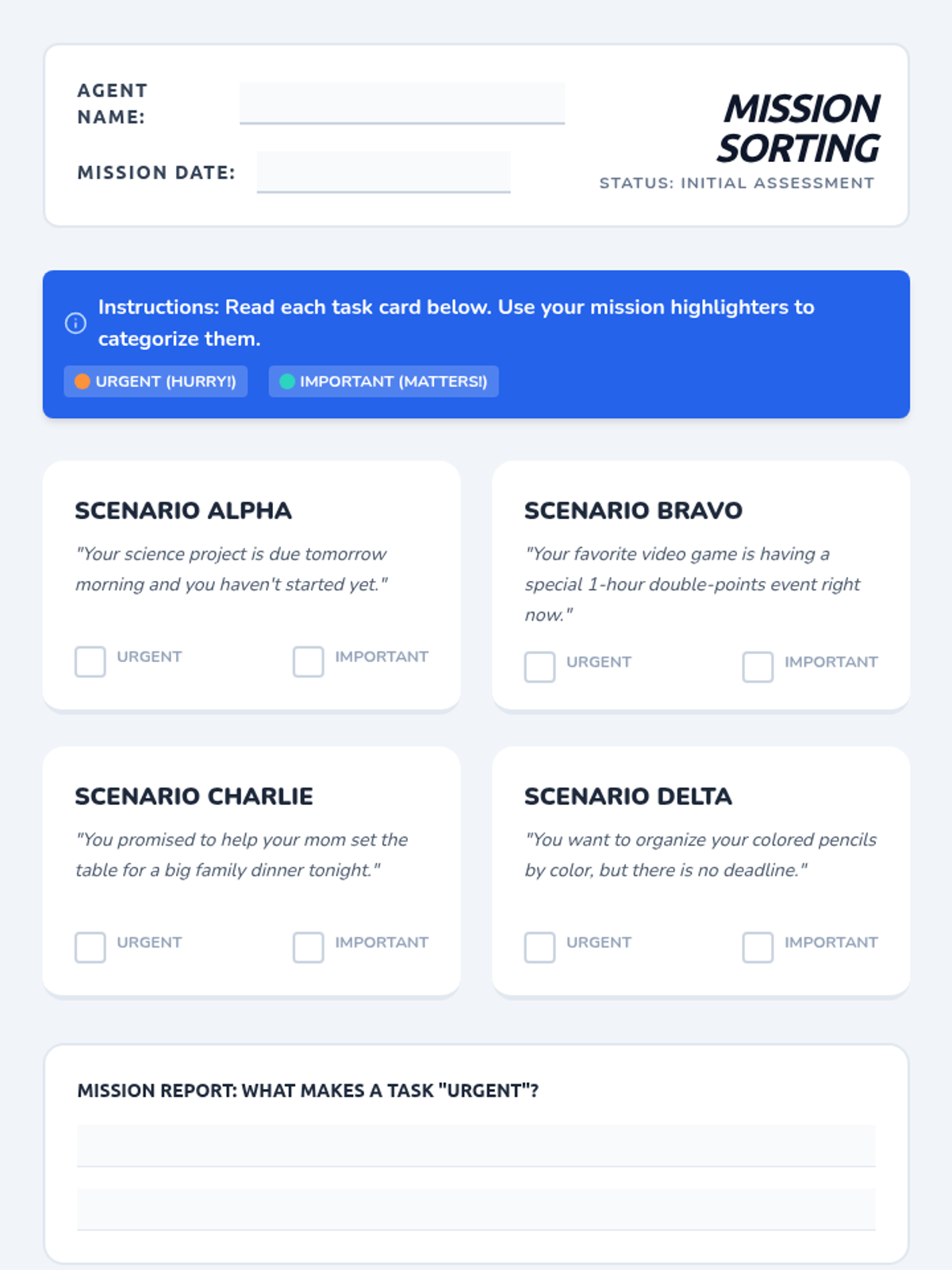
A student worksheet with four scenarios to categorize by urgency and importance, designed for the first lesson of the task prioritization sequence.
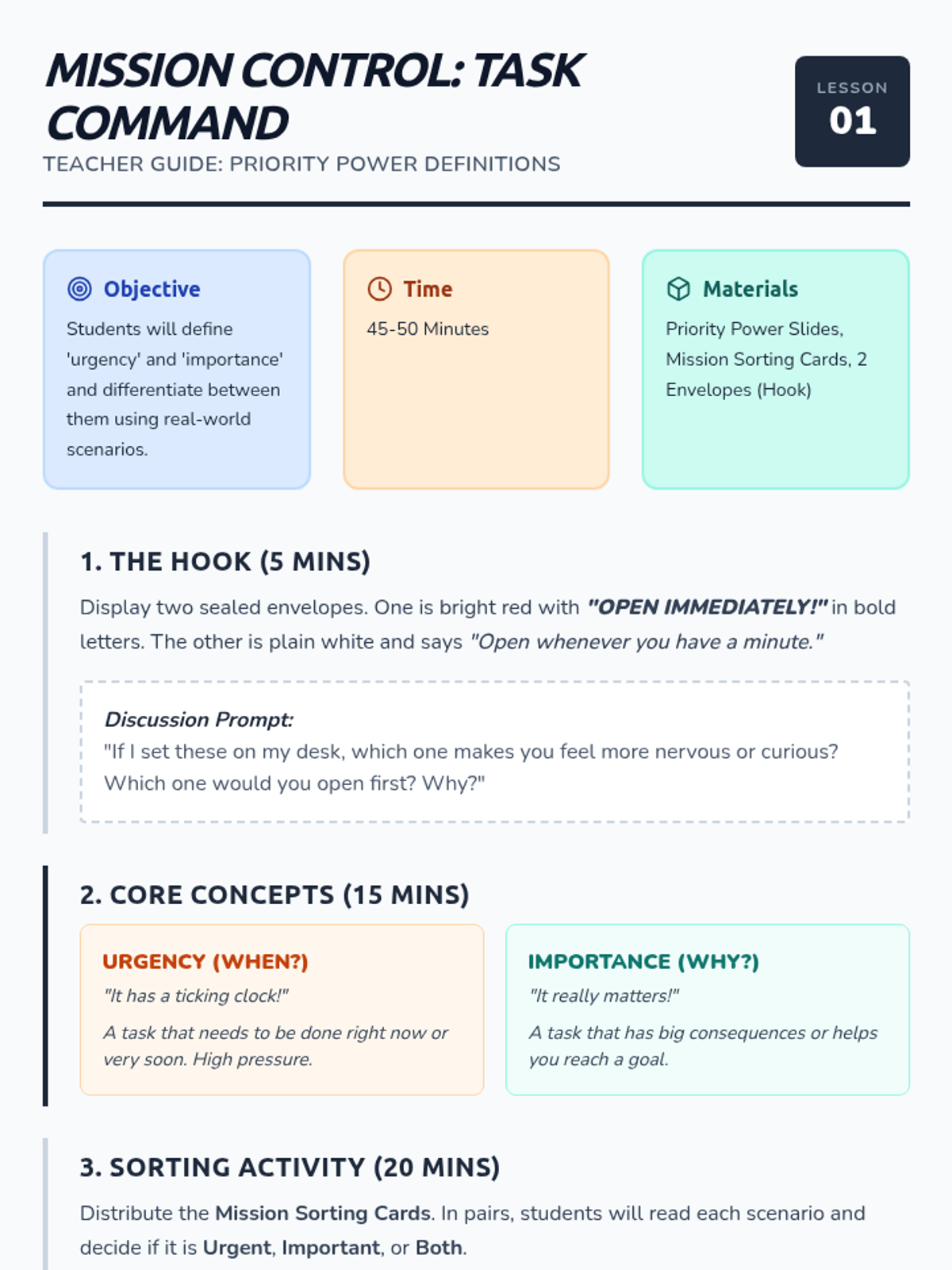
A teacher guide for the first lesson on task prioritization, featuring vocabulary definitions, instructional flow, and a discussion hook.