Fundamental hardware proficiency, secure online behavior, and ethical social media engagement. Equips learners with productivity tool mastery, web publishing skills, and critical evaluation of emerging technologies.
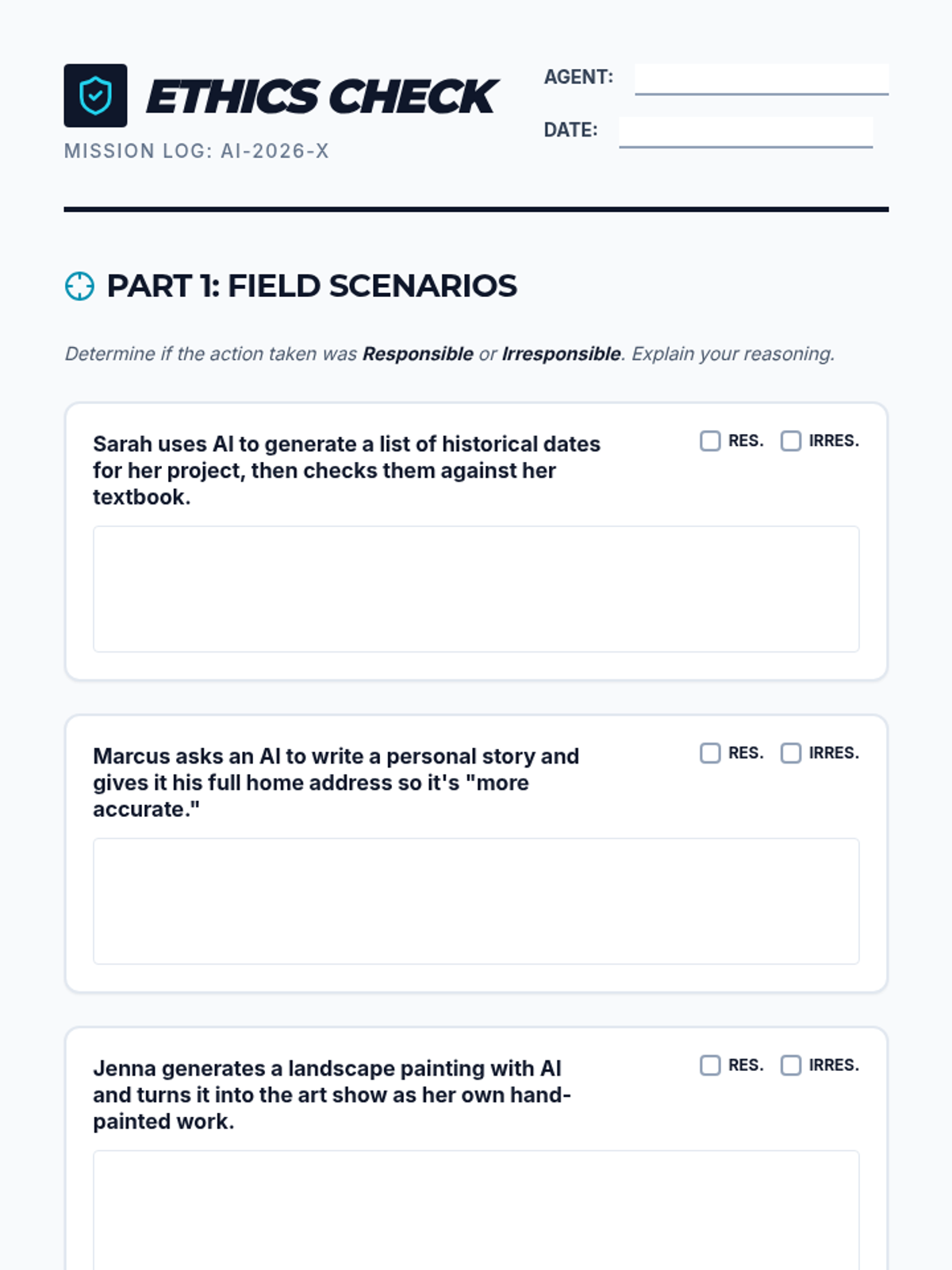
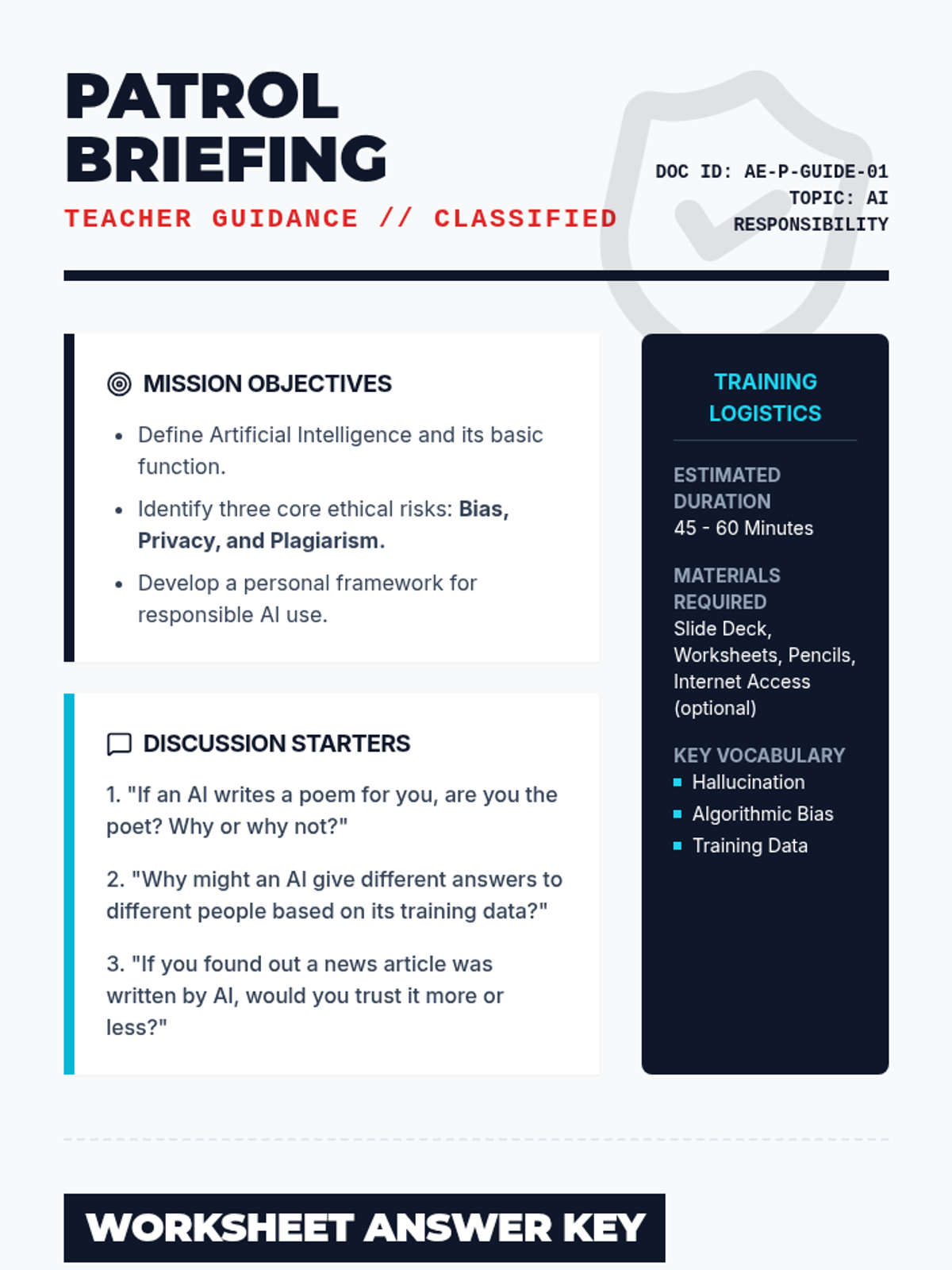
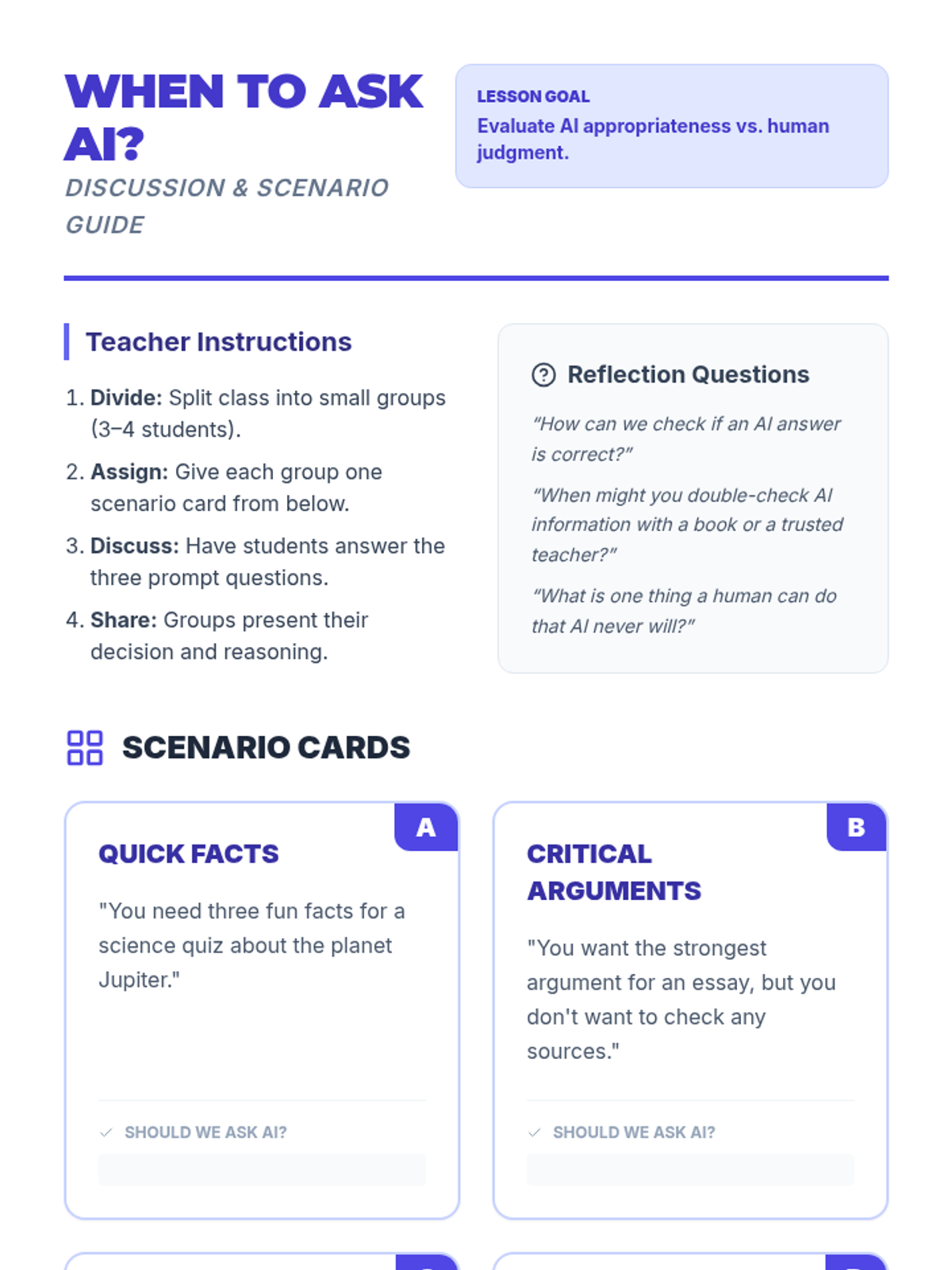
A comprehensive lesson on the ethical and responsible use of artificial intelligence. Students explore topics like bias, privacy, and academic integrity through interactive scenarios and critical thinking exercises.
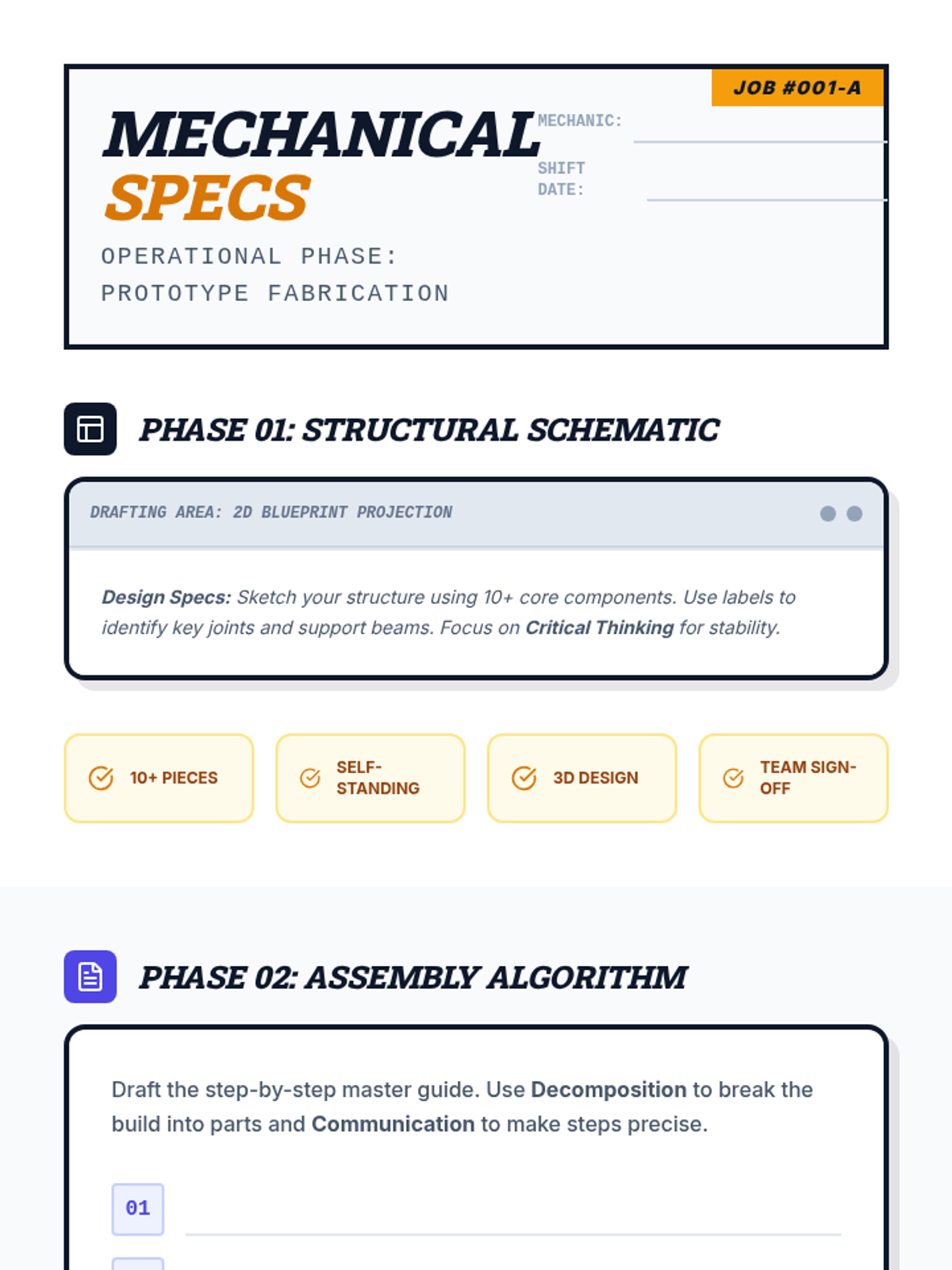
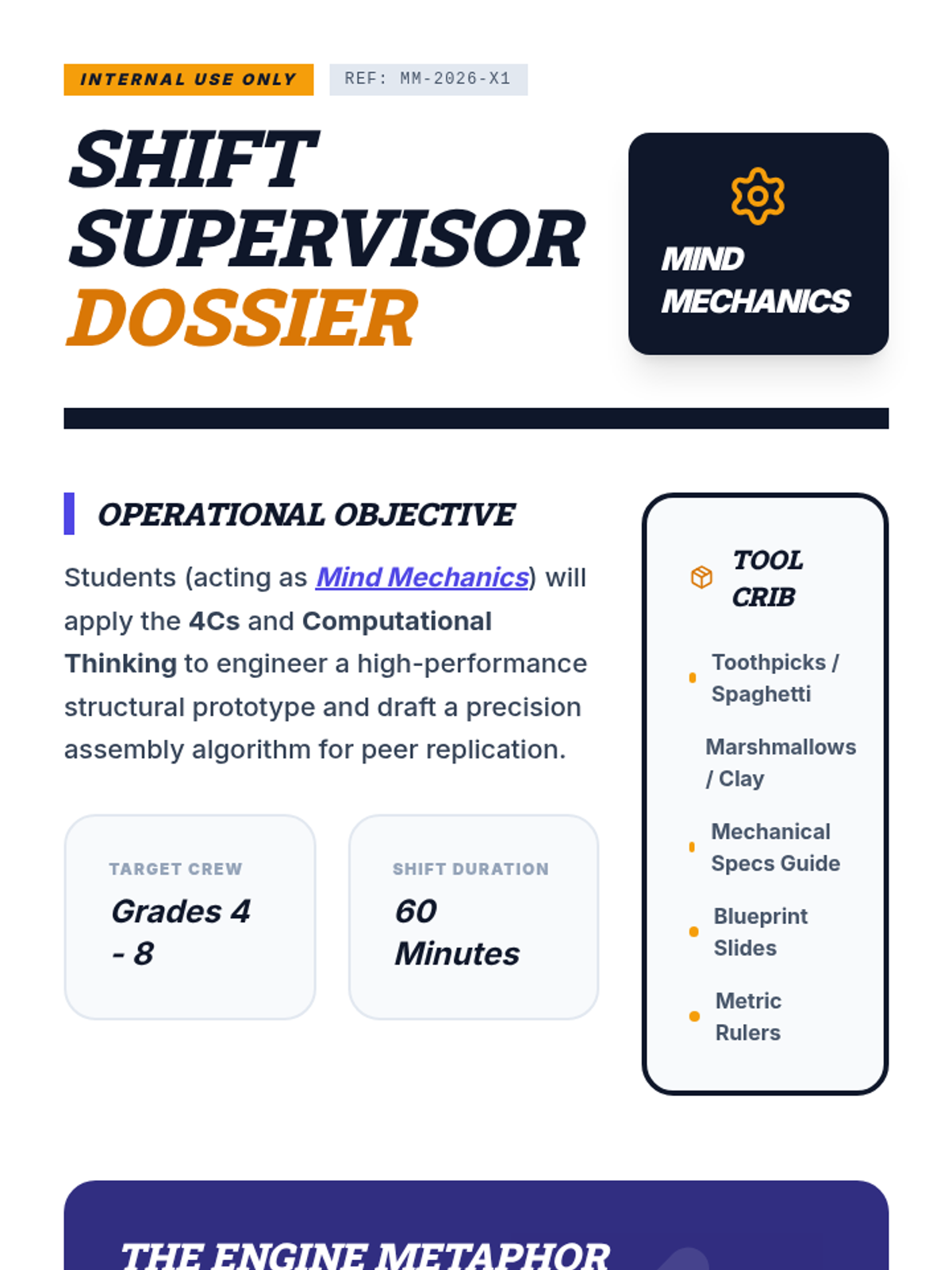
An industrial-themed teamwork lesson where students act as "Mind Mechanics" to apply the 4Cs and Computational Thinking to a complex engineering challenge.
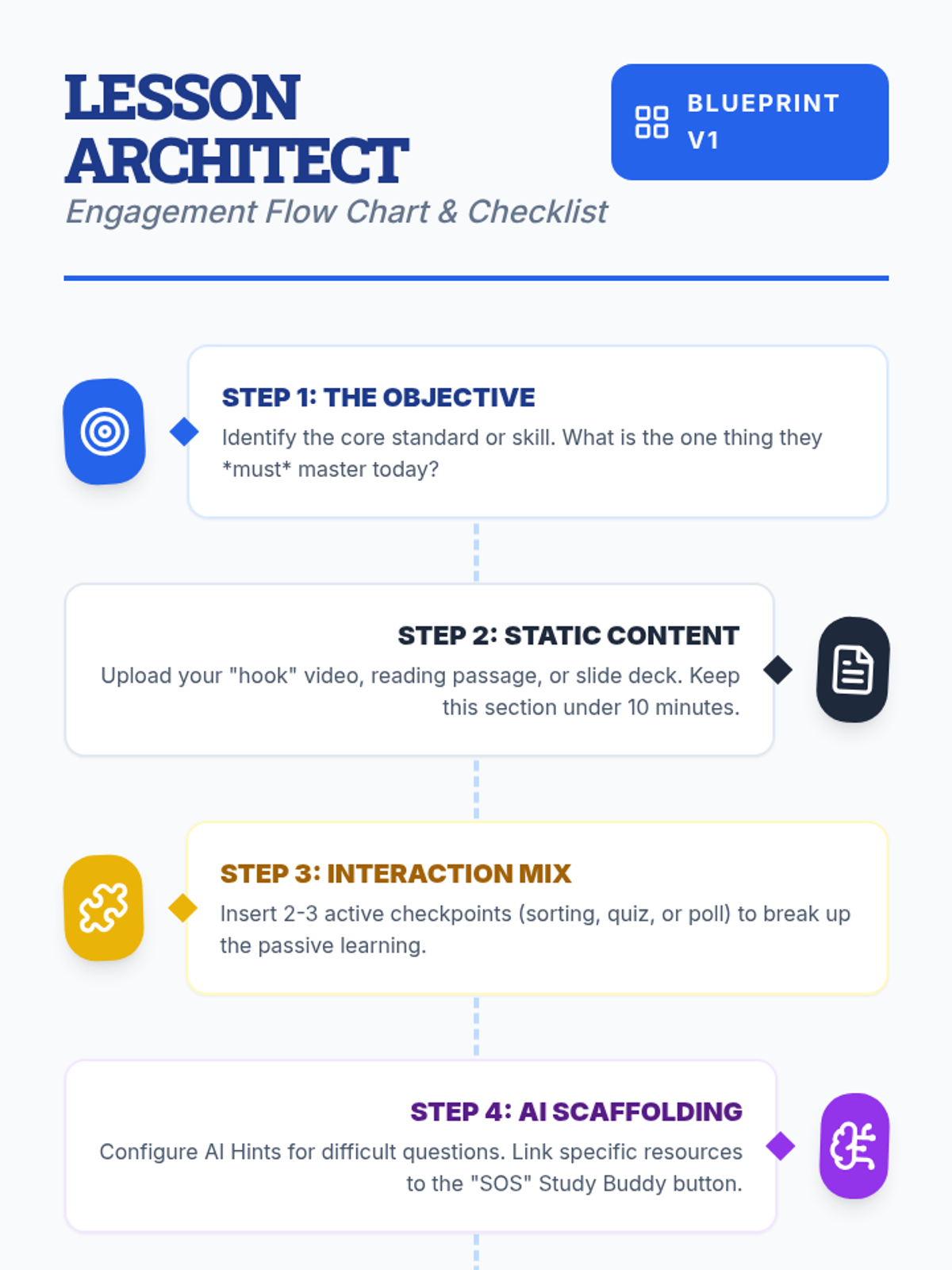
Teachers will learn how to design interactive, engaging lessons on Lenny Learning using advanced content types, gamification, and collaborative tools.
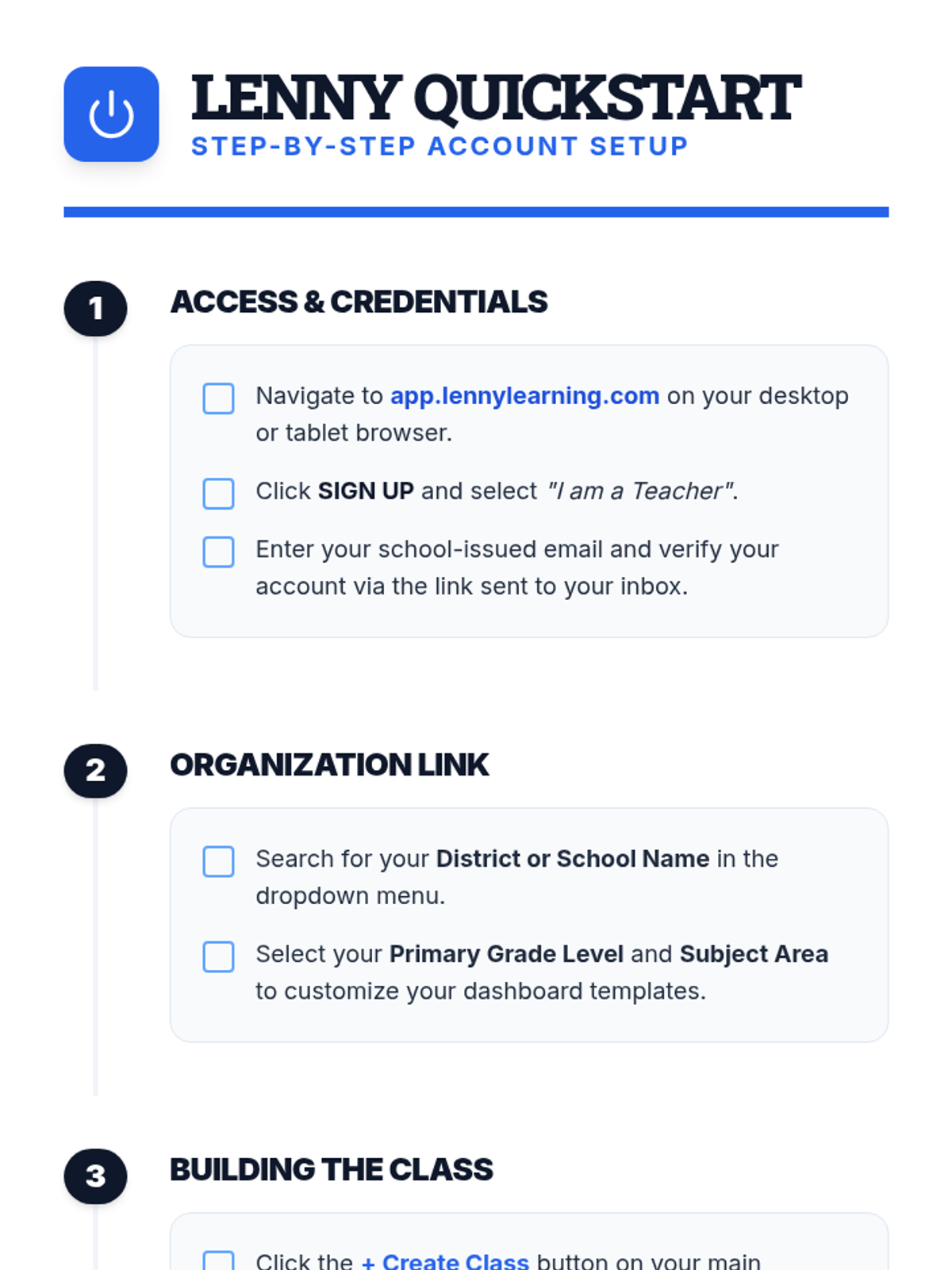
A comprehensive introduction for teachers to the Lenny Learning platform, covering the core assignment workflow, study tools, and administrative features.
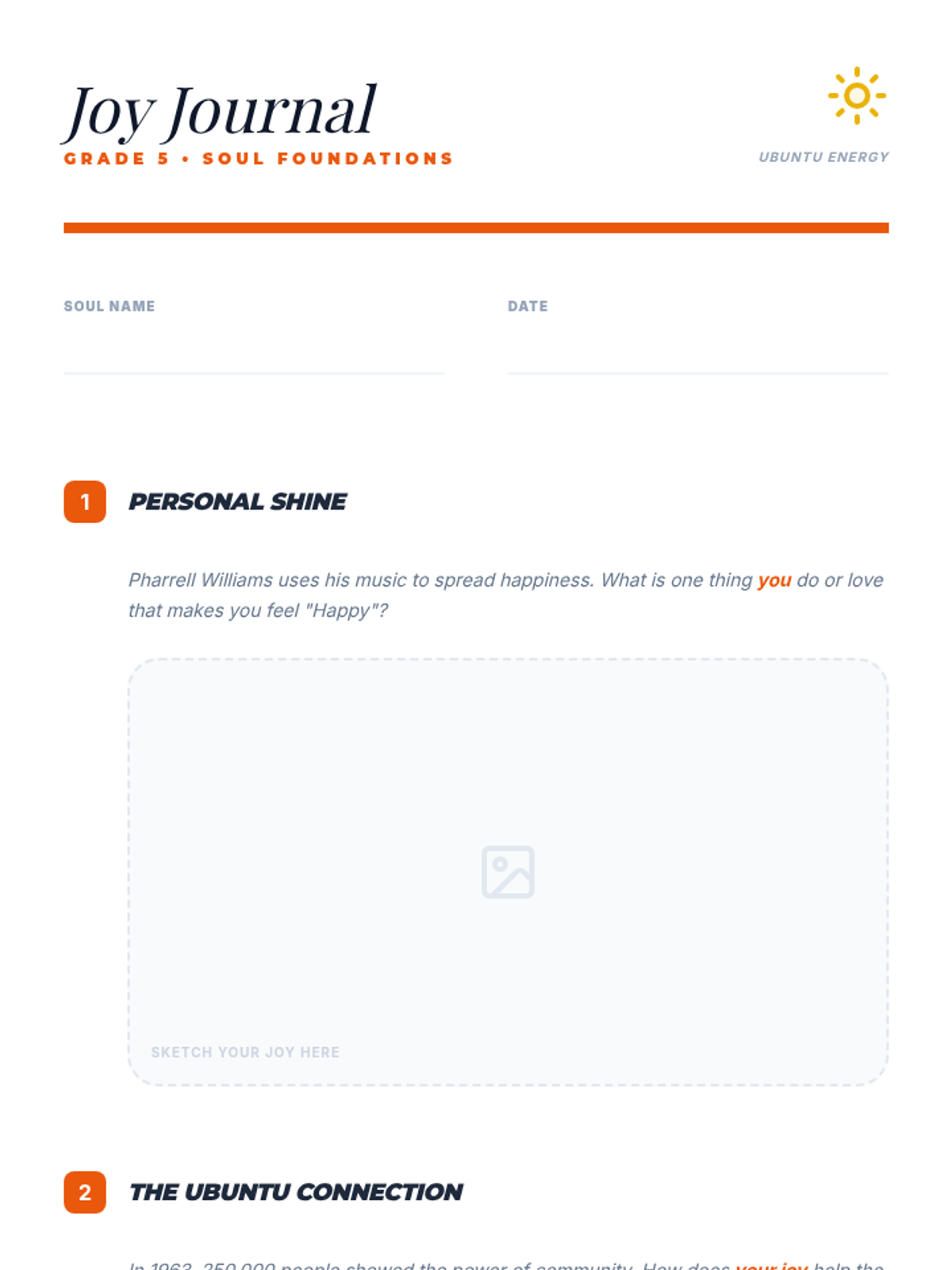
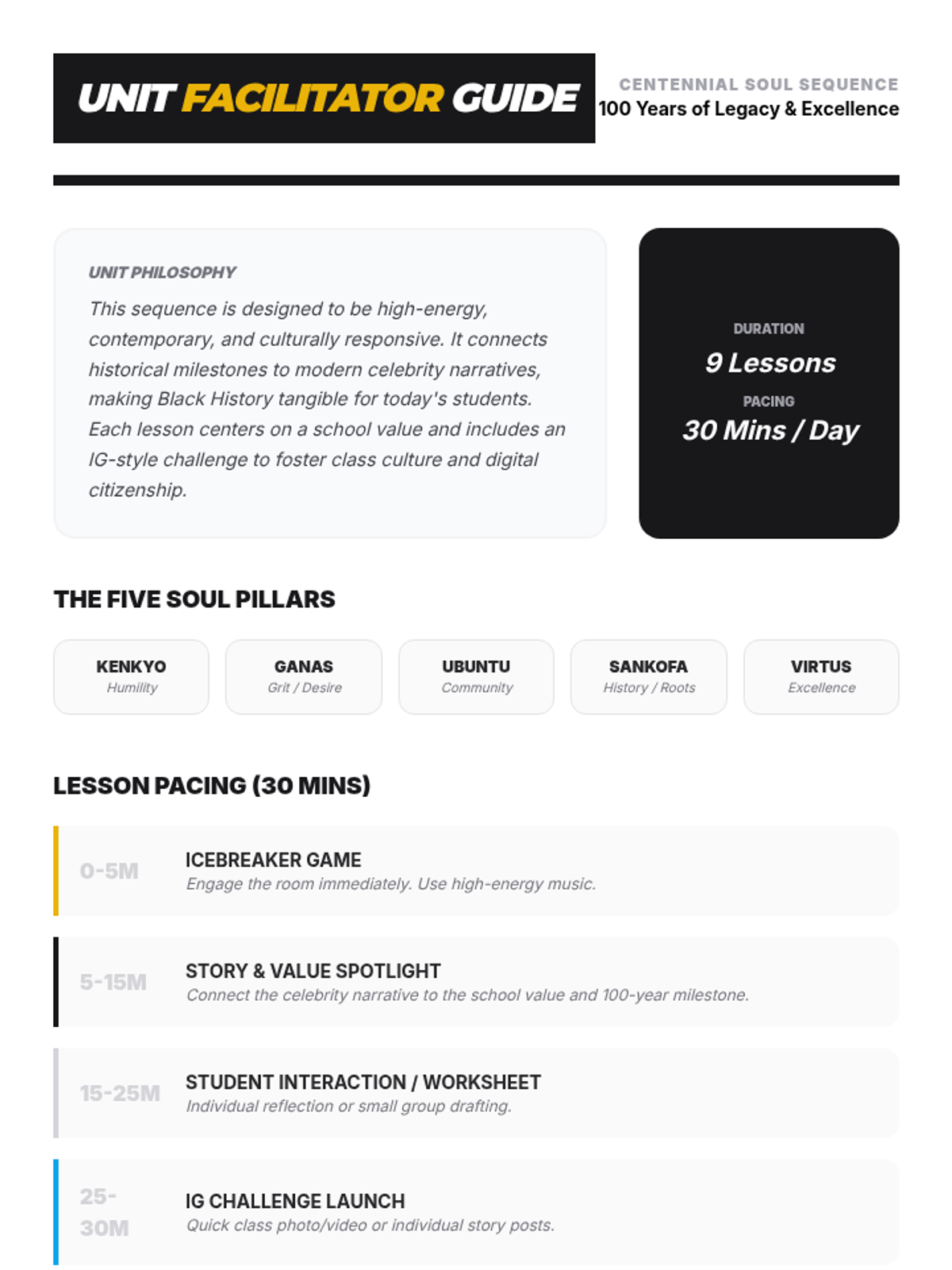
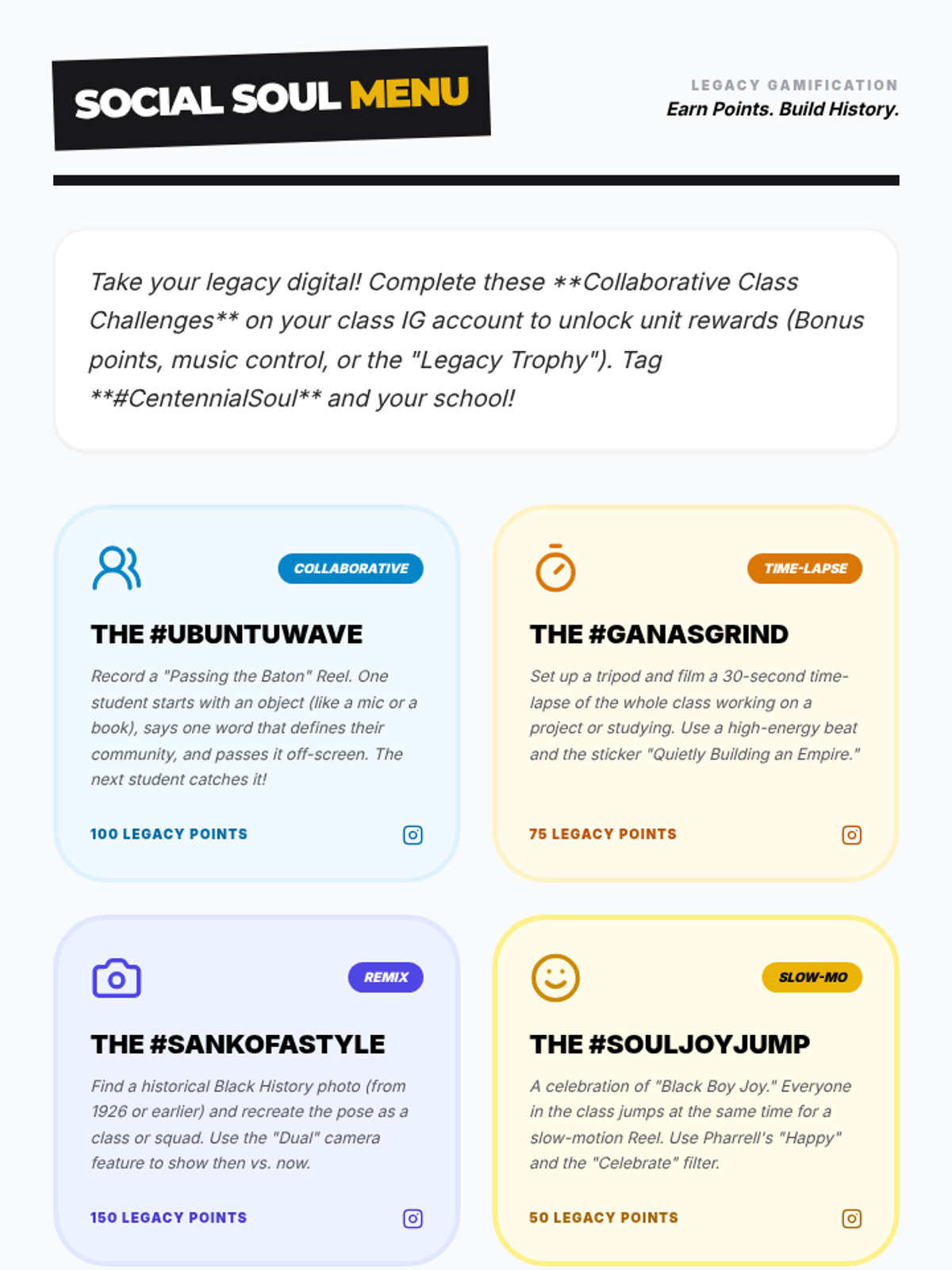
A Grade 5 lesson focusing on the value of Ubuntu, exploring 'Black Boy Joy' through Pharrell Williams and the collective energy of the 1963 March on Washington.
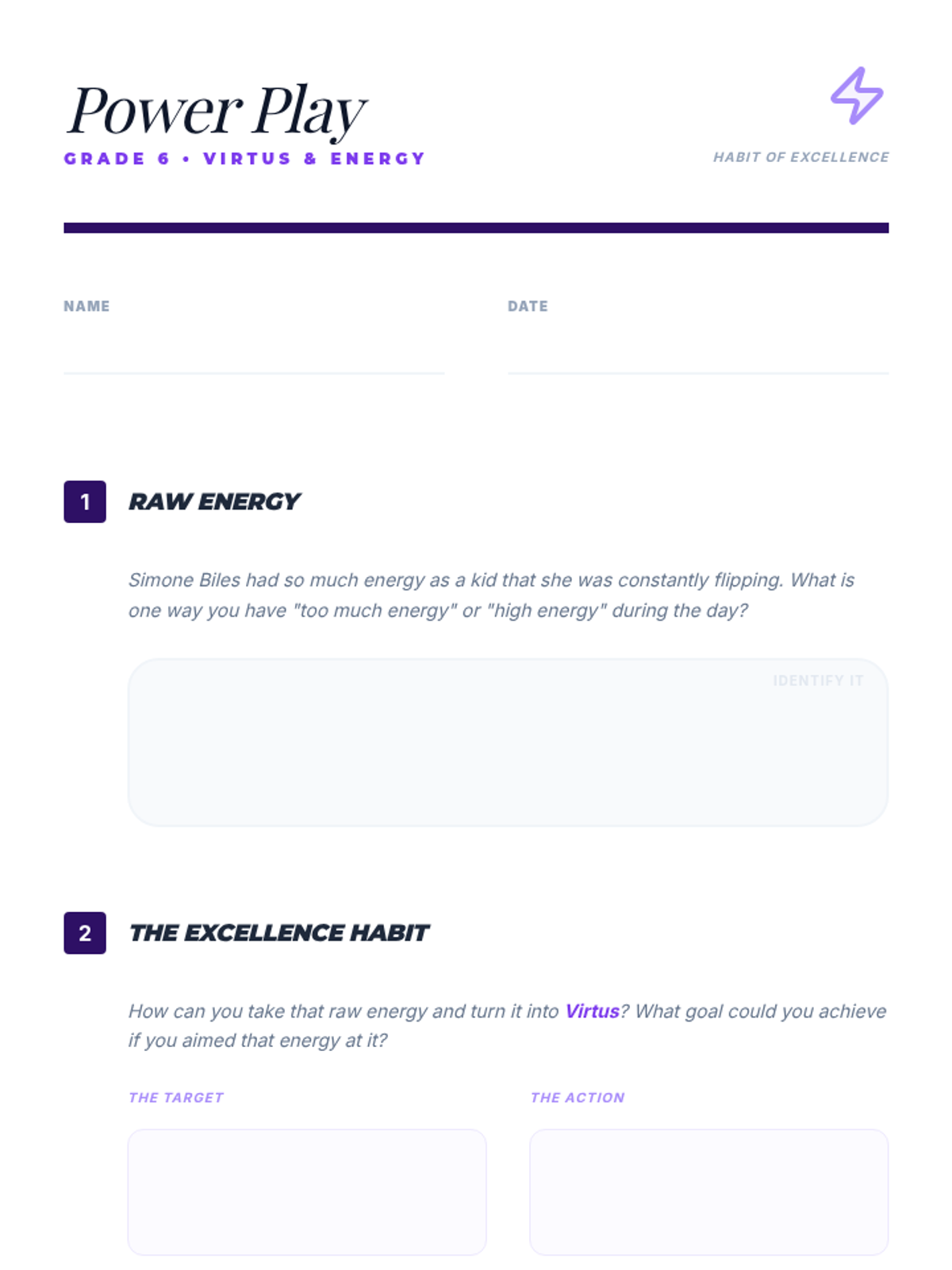
A Grade 6 lesson focusing on Virtus (excellence) and energy, using Simone Biles and the 1968 Olympics to show how personal power can be channeled into advocacy.
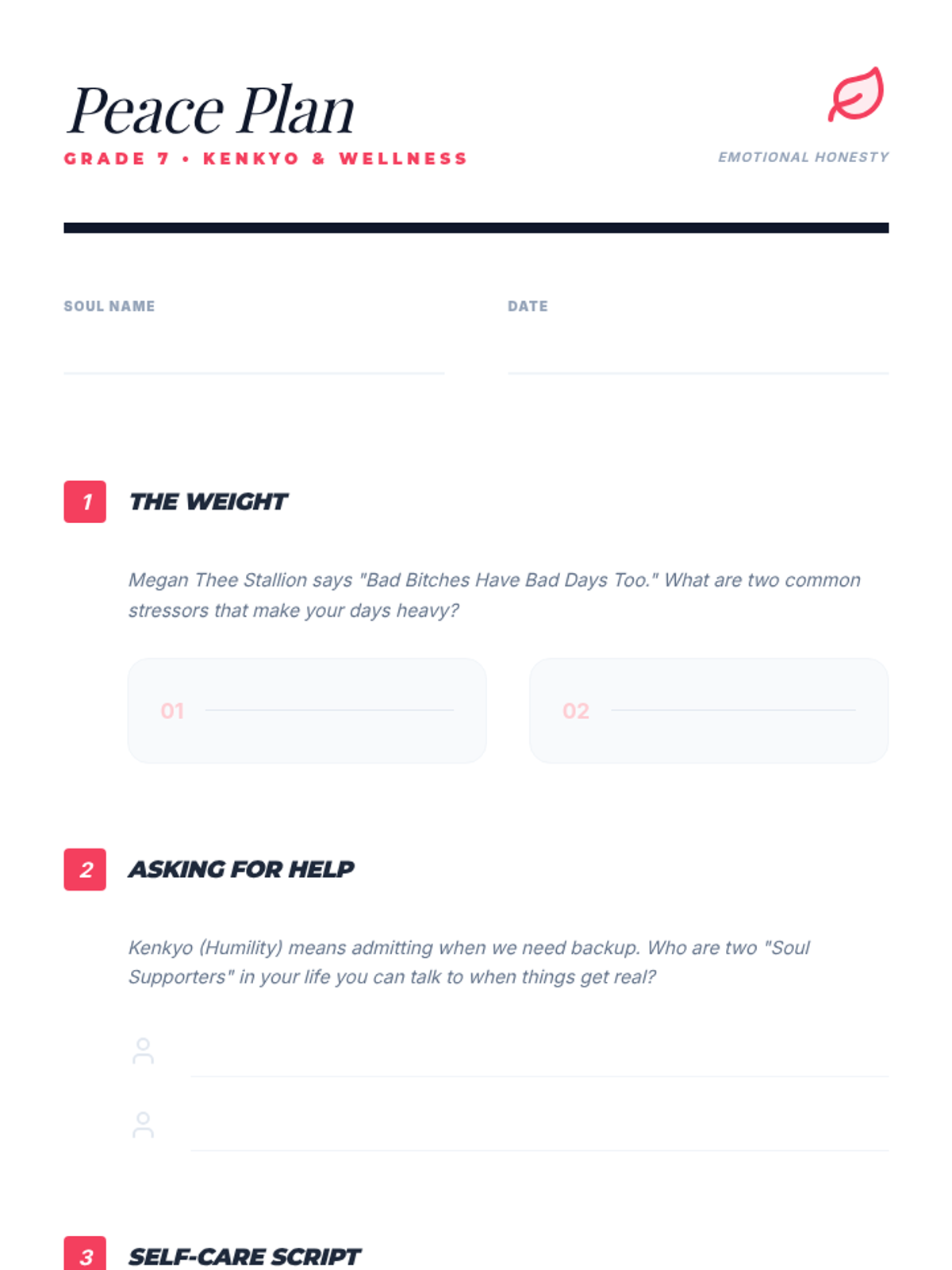
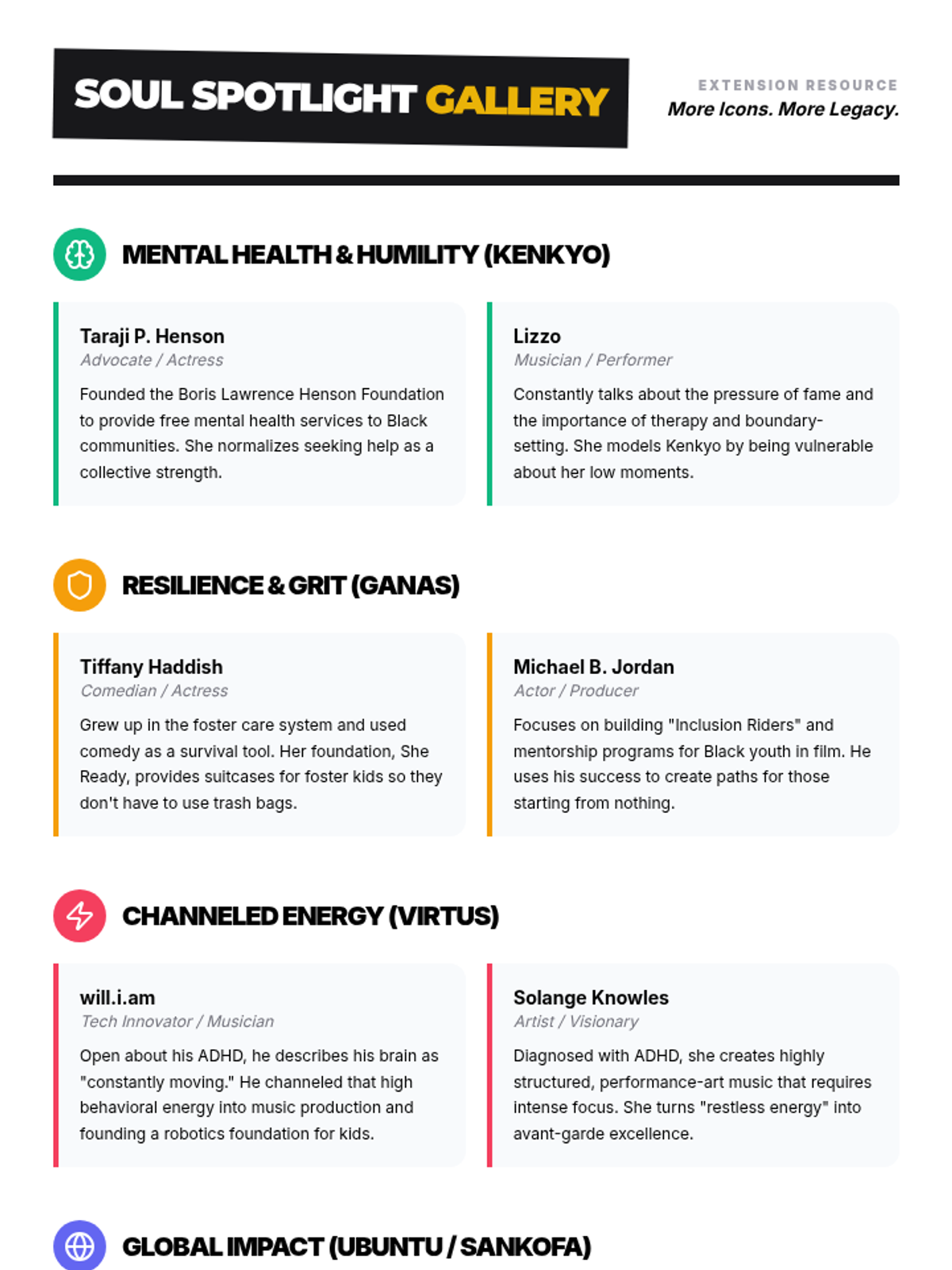
A Grade 7 lesson centered on Kenkyo (humility), focusing on mental health advocacy with Megan Thee Stallion and Kid Cudi to normalize emotional wellness.
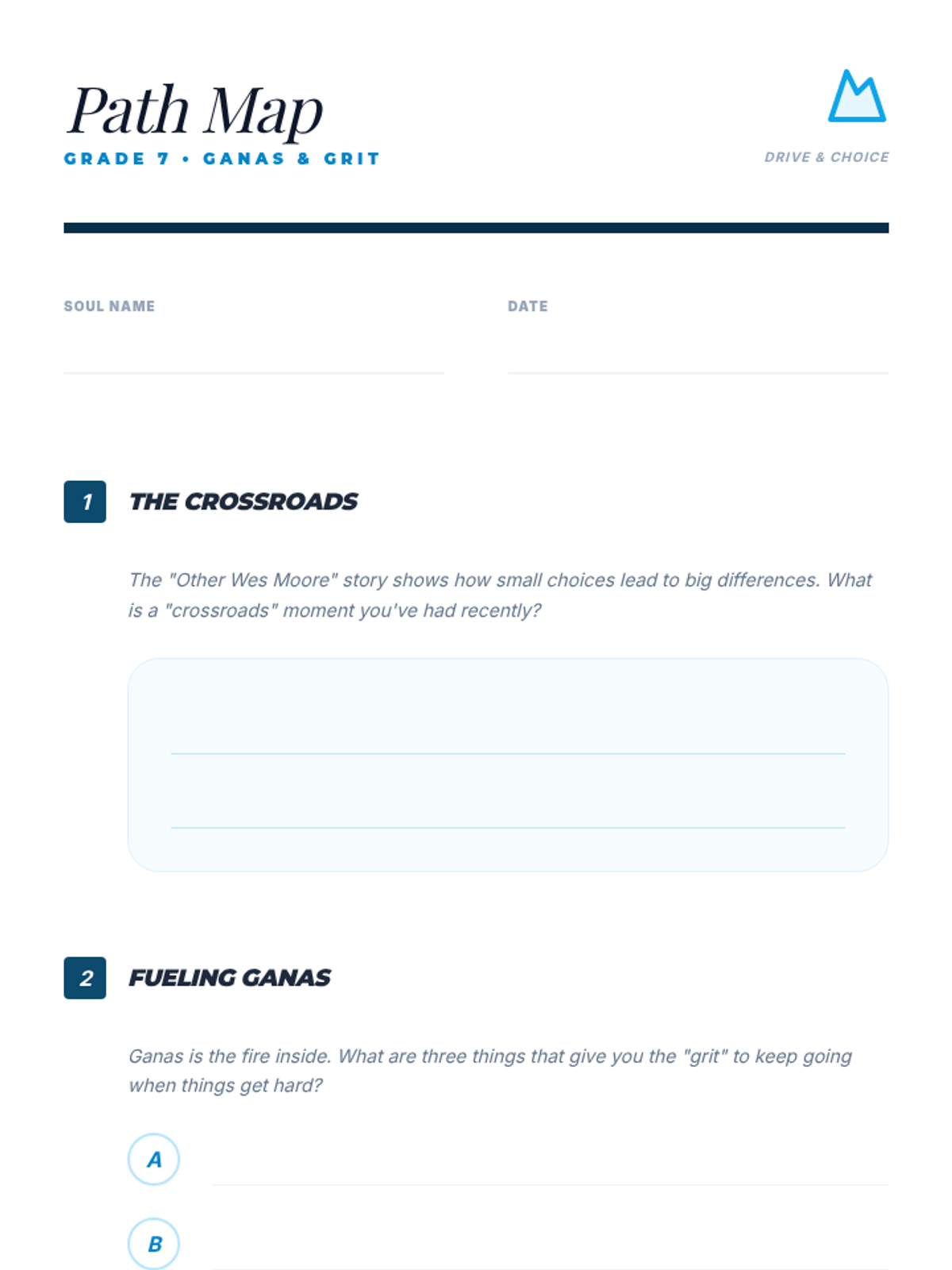
A Grade 7 deep dive into Ganas (grit) and resilience, connecting the narrative of 'The Other Wes Moore' and Jay-Z to the historical excellence of the Harlem Renaissance.
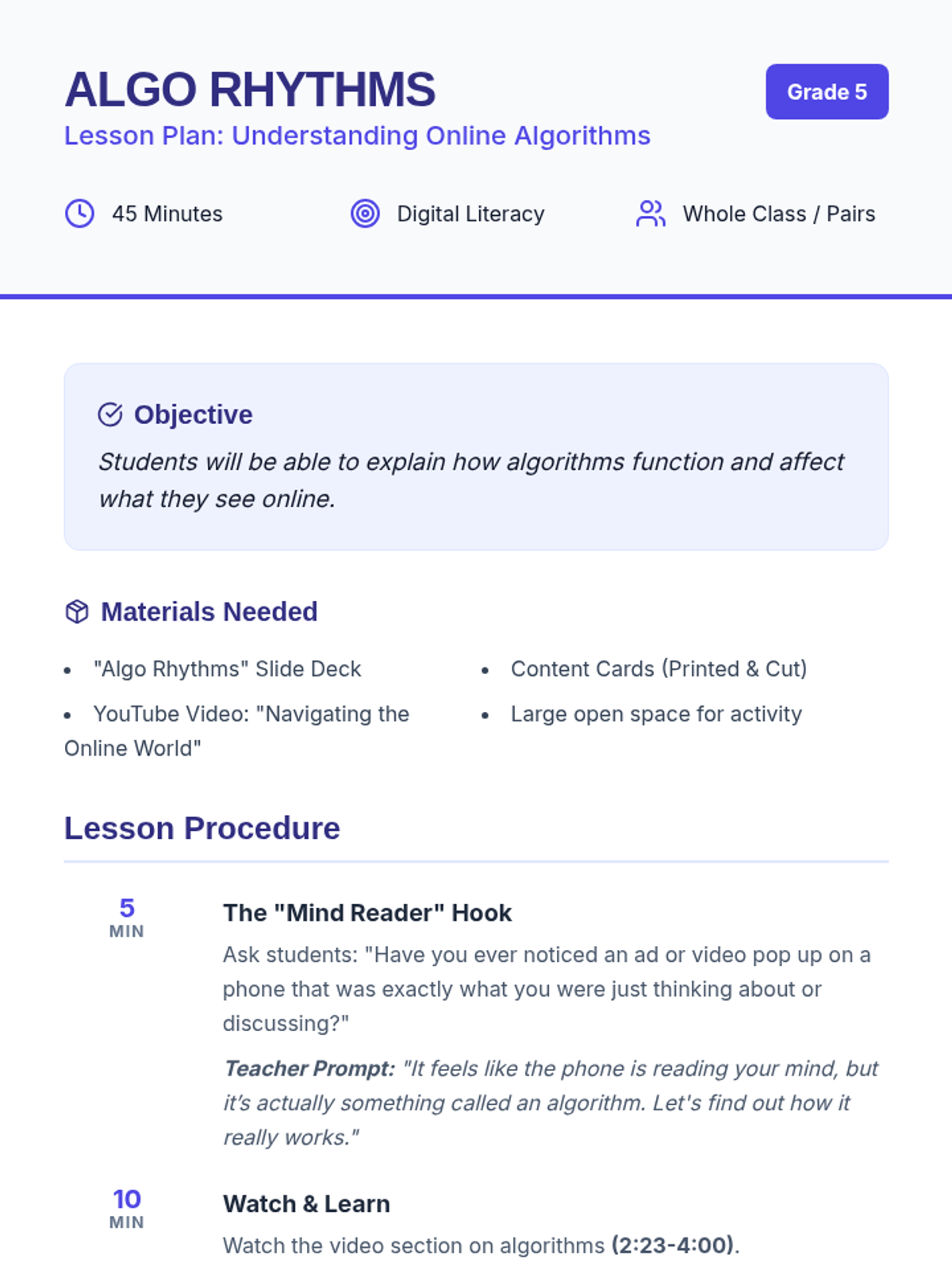
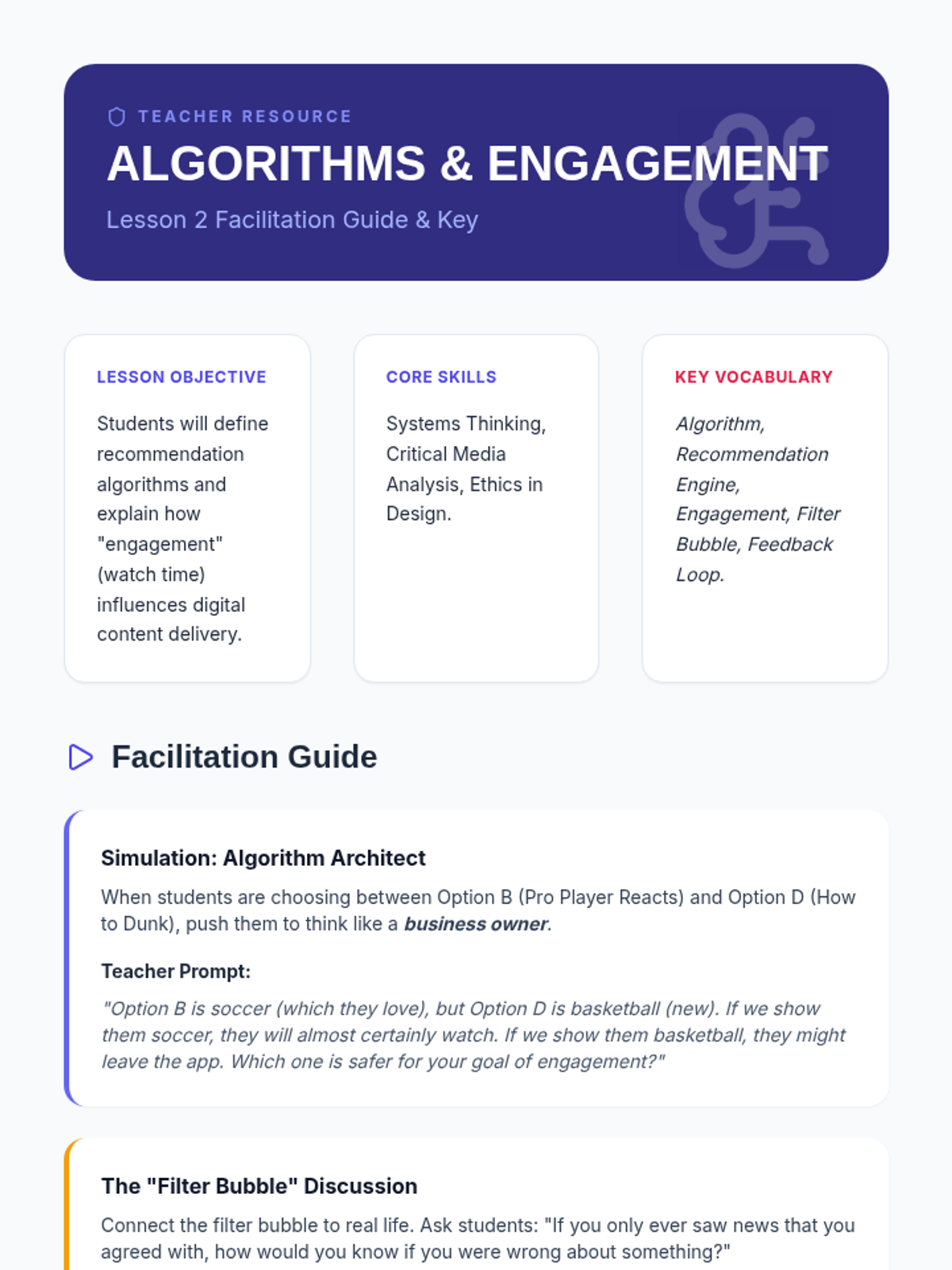
Students will dive into the digital world to understand how algorithms shape their online experience, featuring a roleplay activity and video analysis.
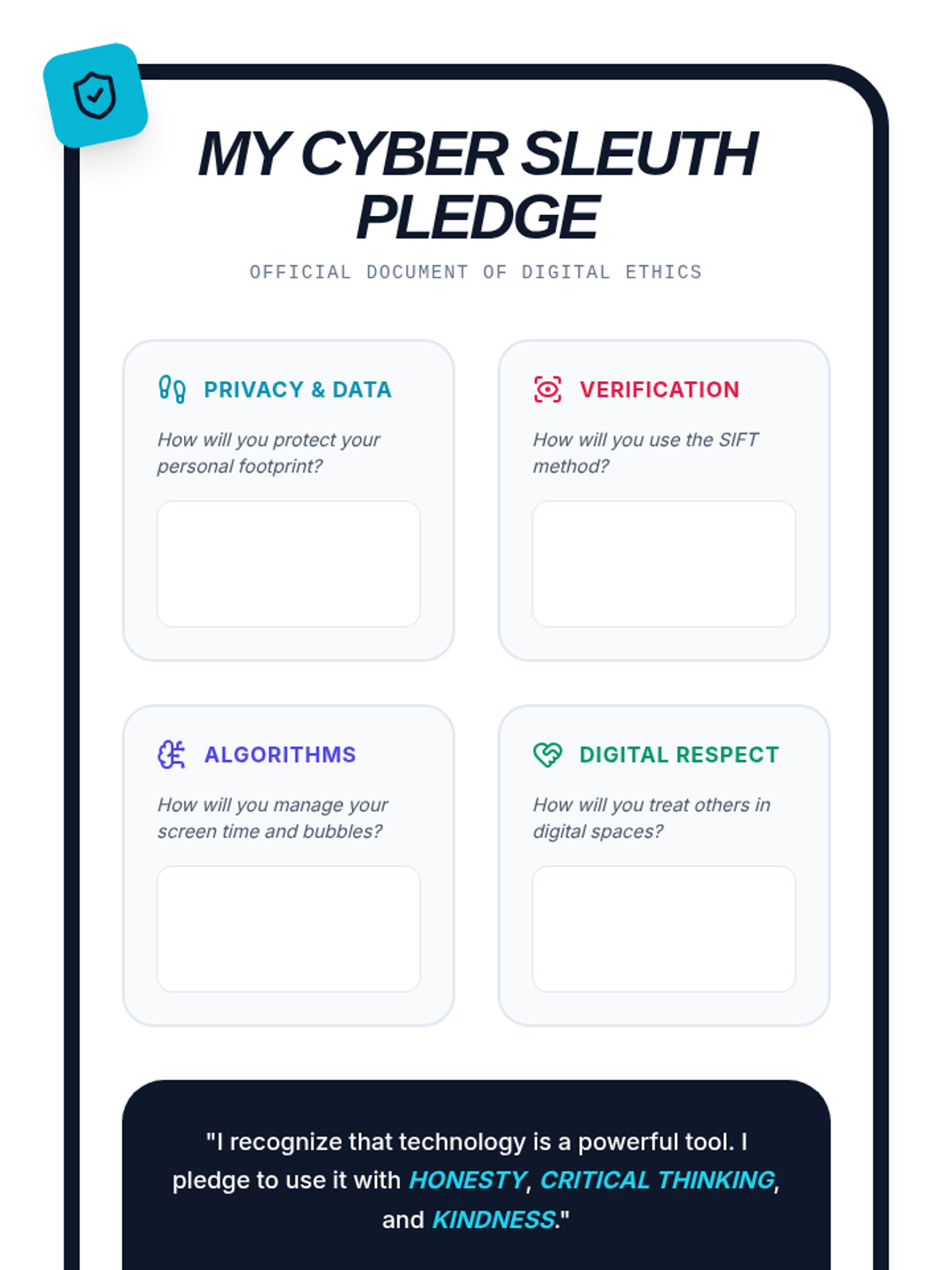
Students synthesize their learning to collaborate on a classroom technology treaty and personal ethical pledge for using emerging tools.
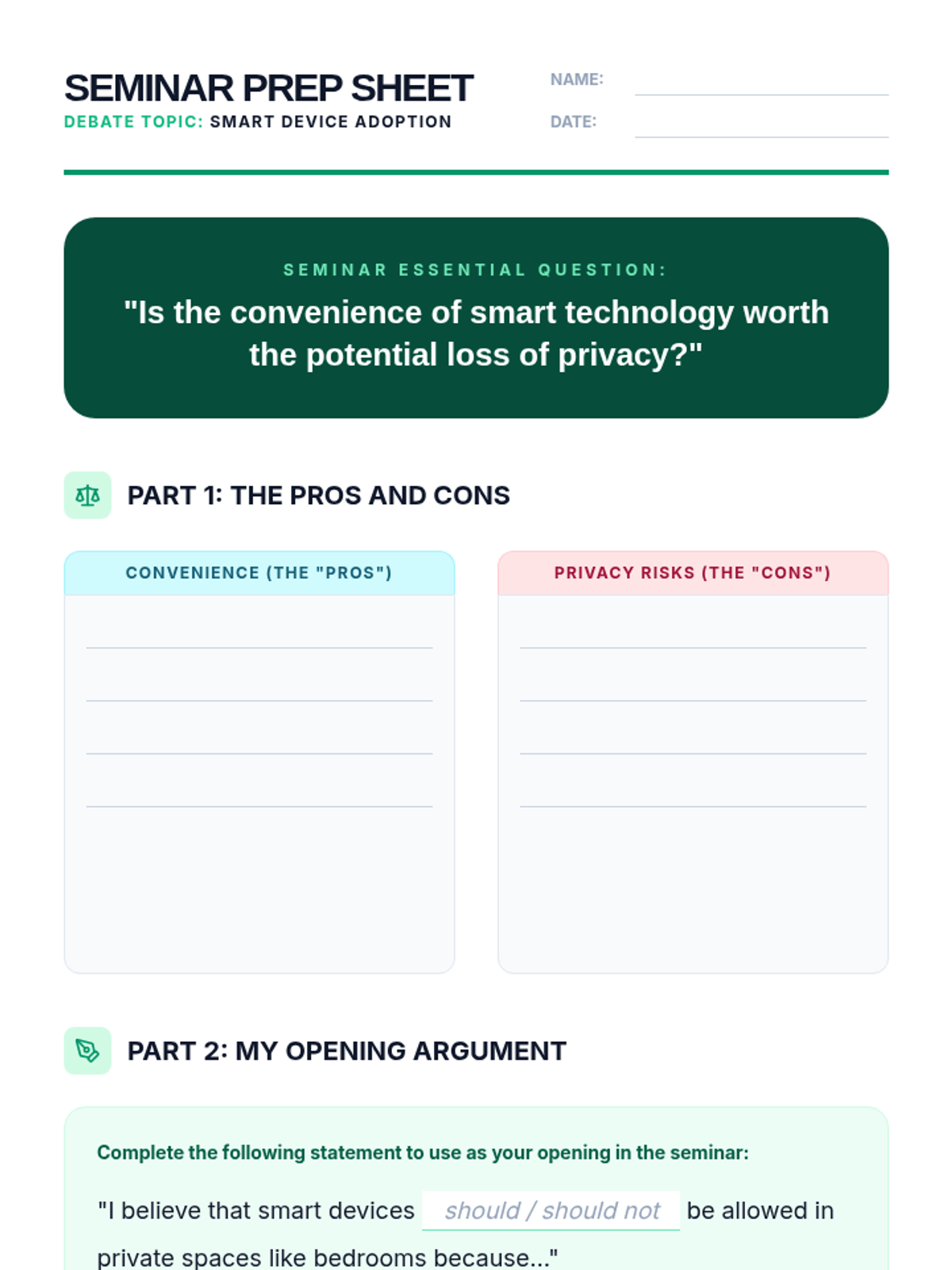
A Socratic seminar-style lesson where students weigh the convenience of smart home devices against potential privacy risks.
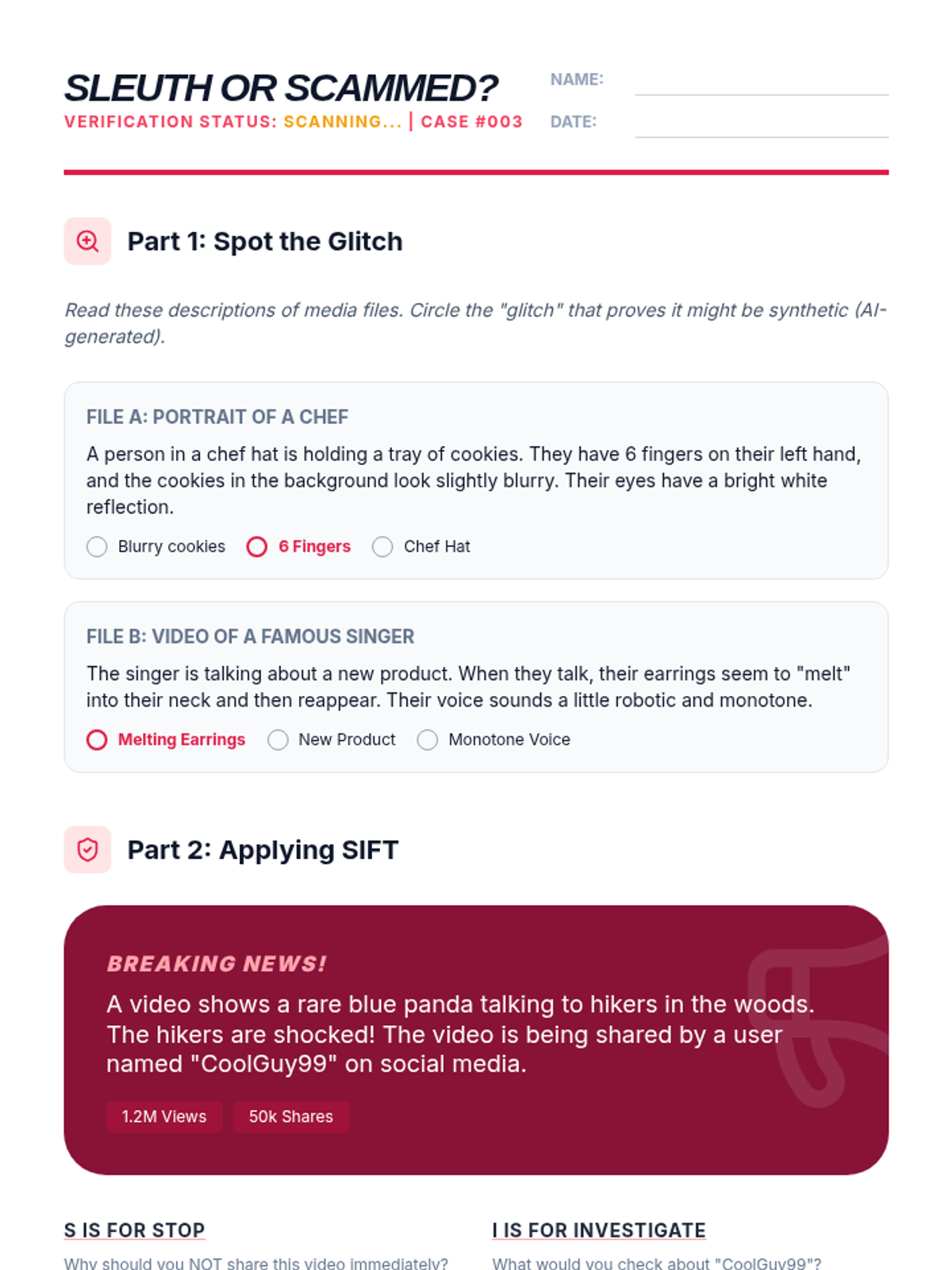
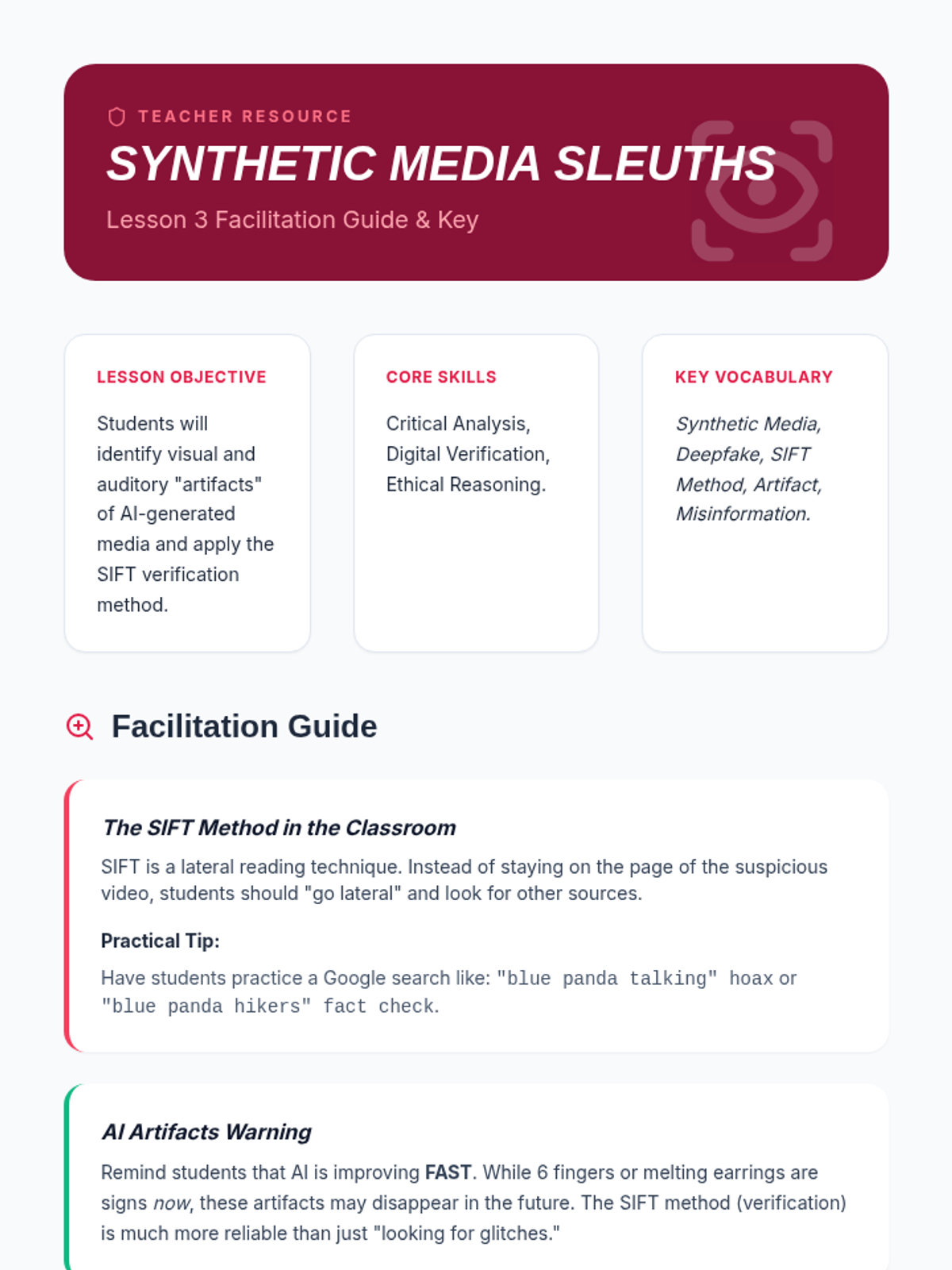
Students learn to identify synthetic media and deepfakes while practicing digital verification techniques to evaluate media authenticity.
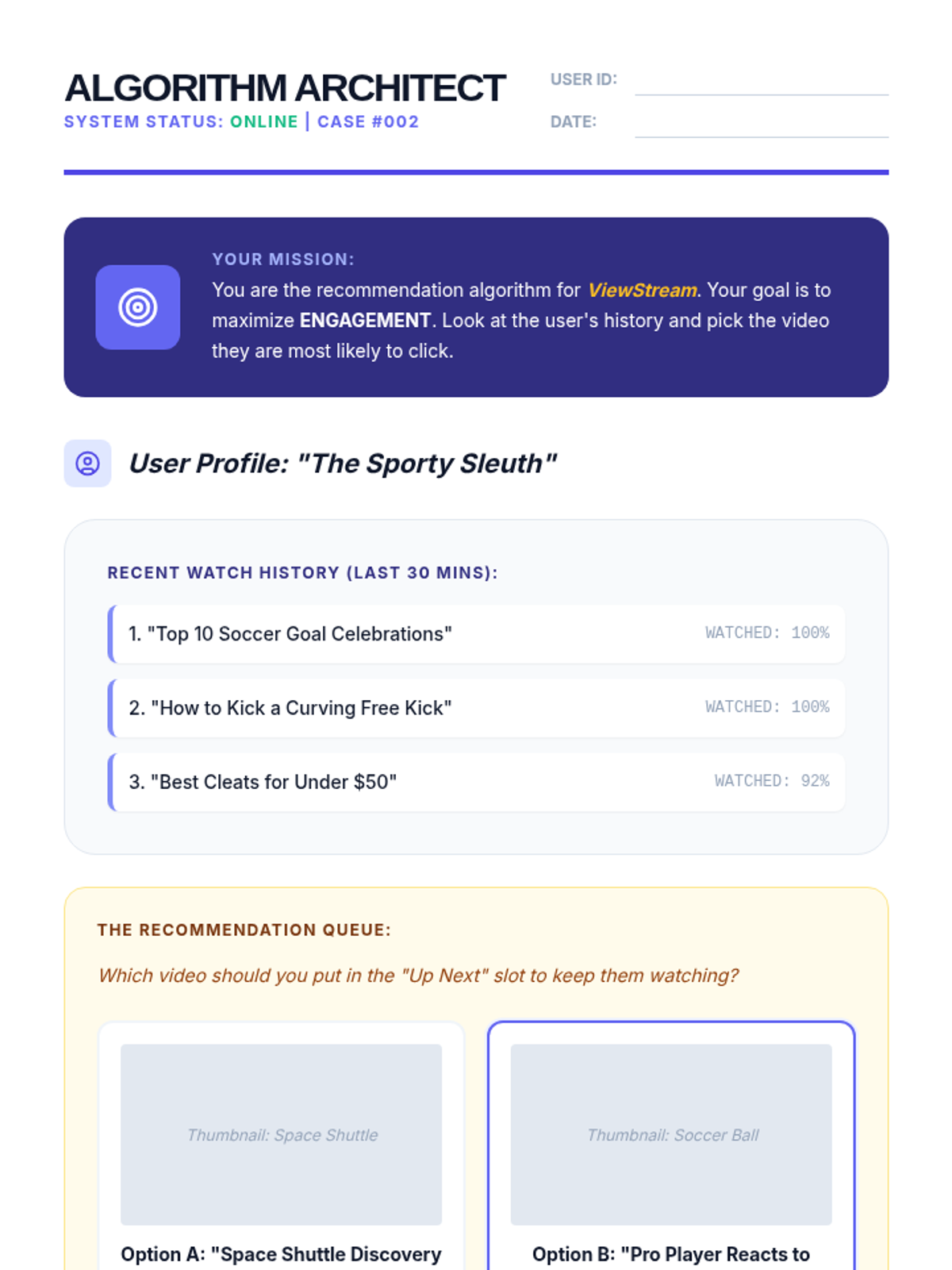
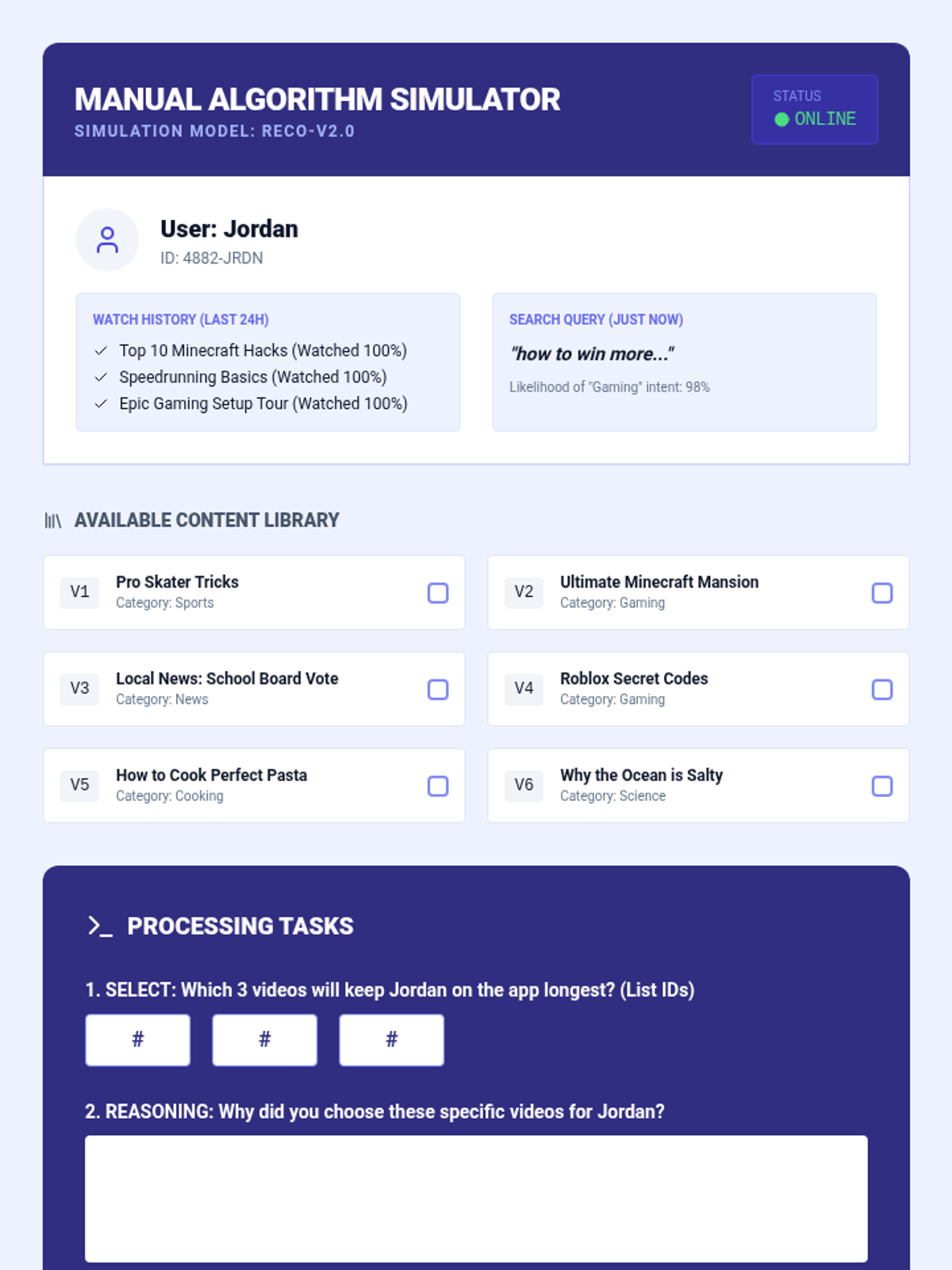
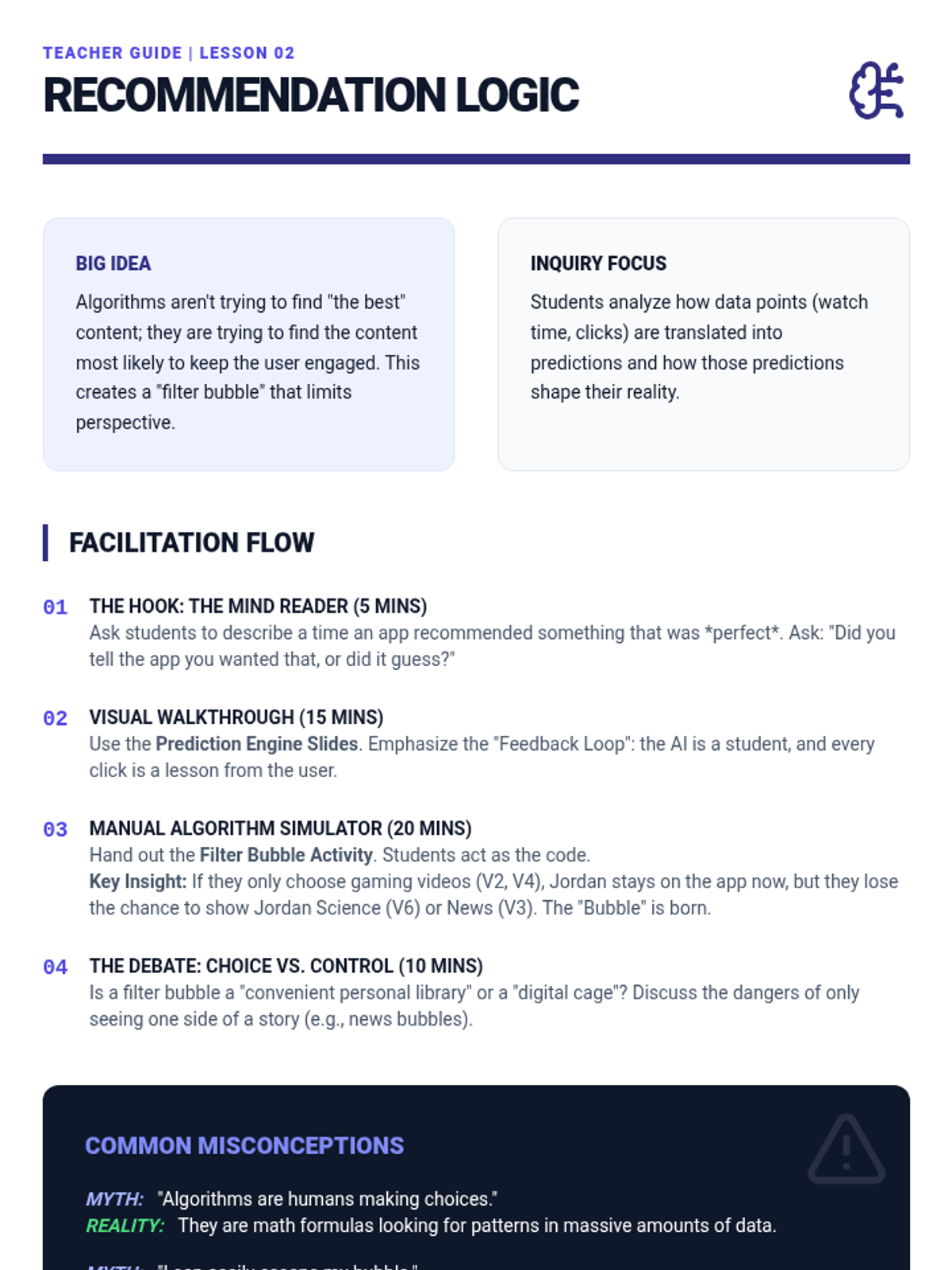
A deep dive into how recommendation algorithms work, the concept of engagement, and the creation of filter bubbles.
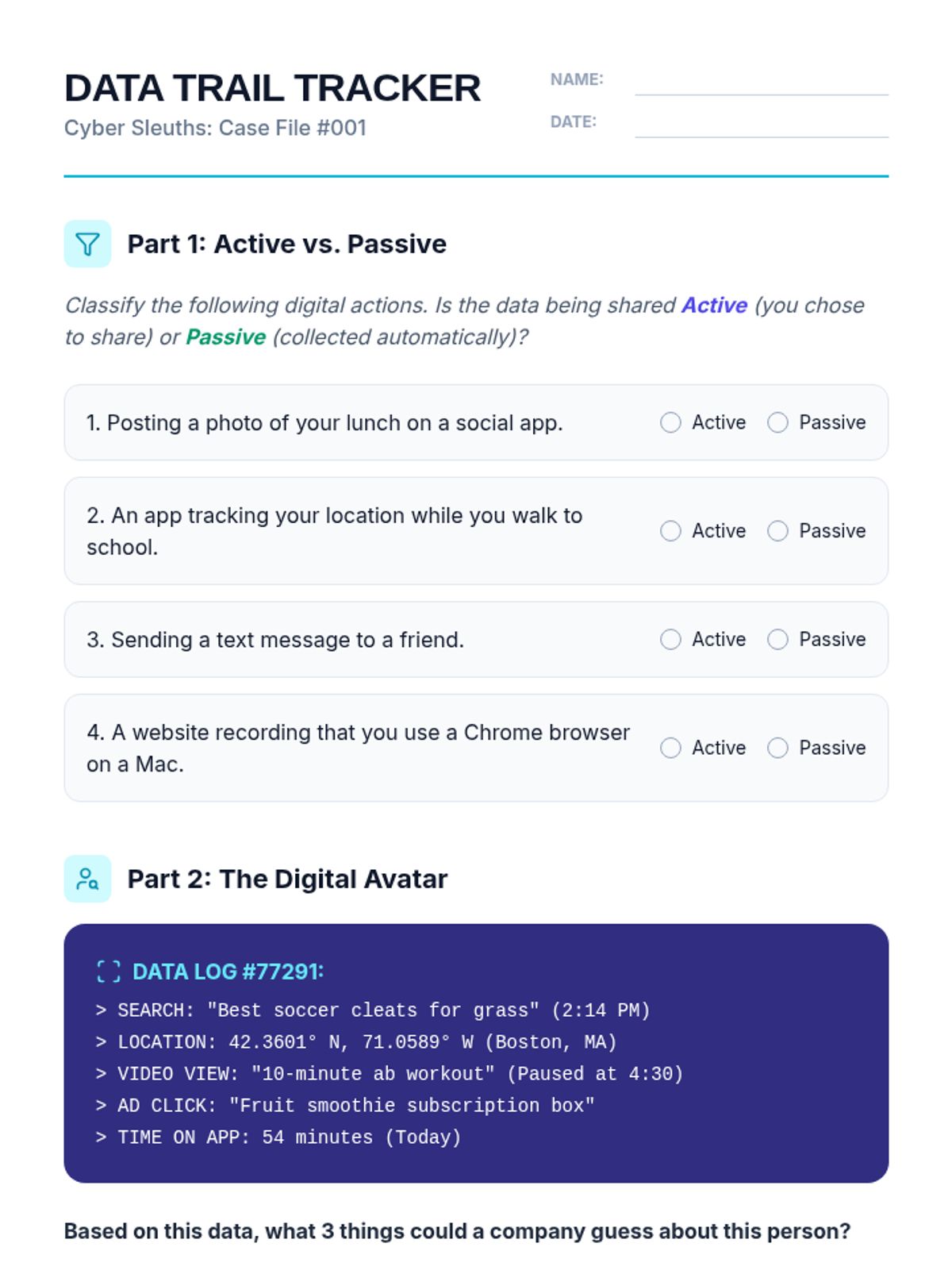
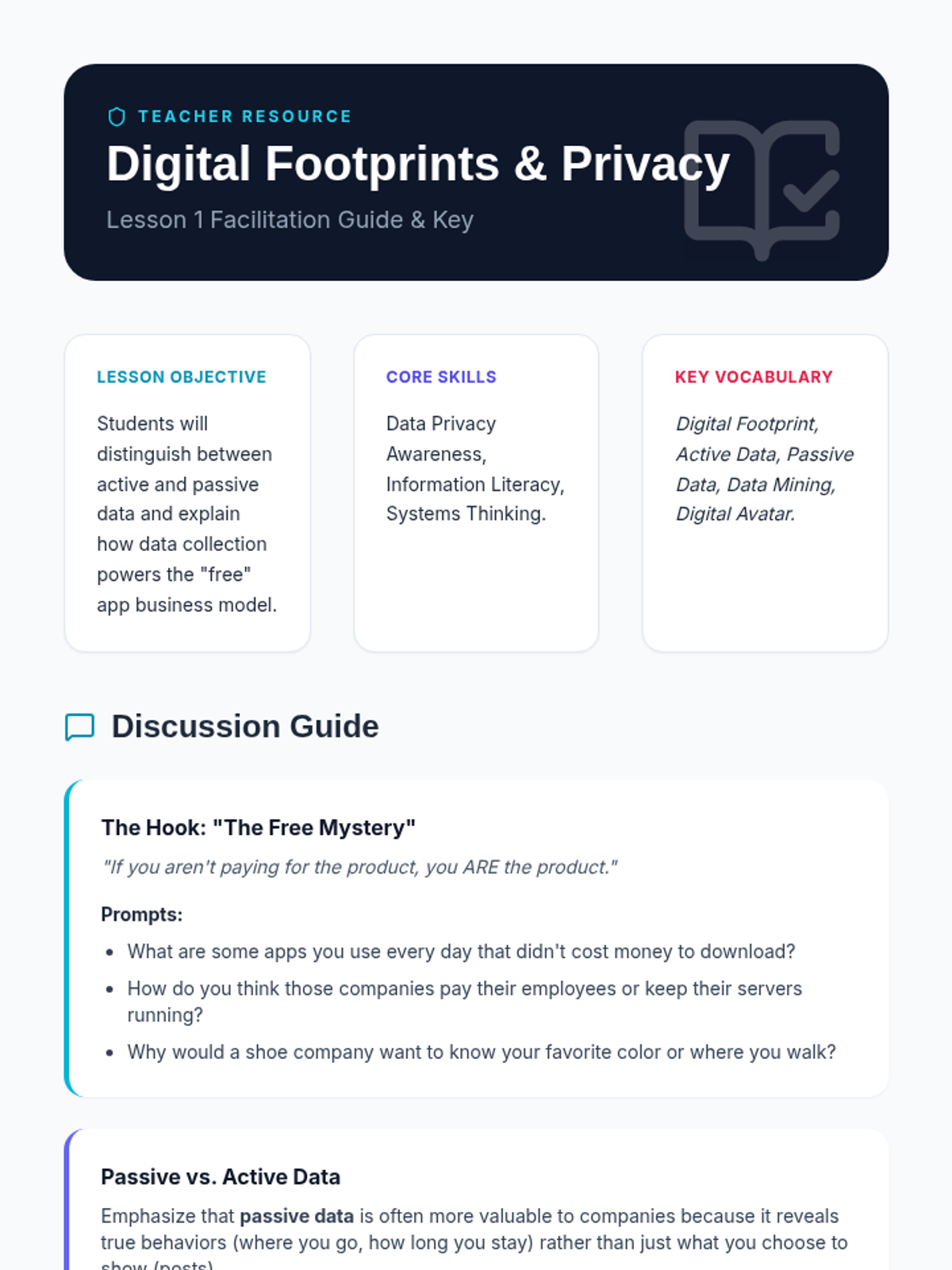
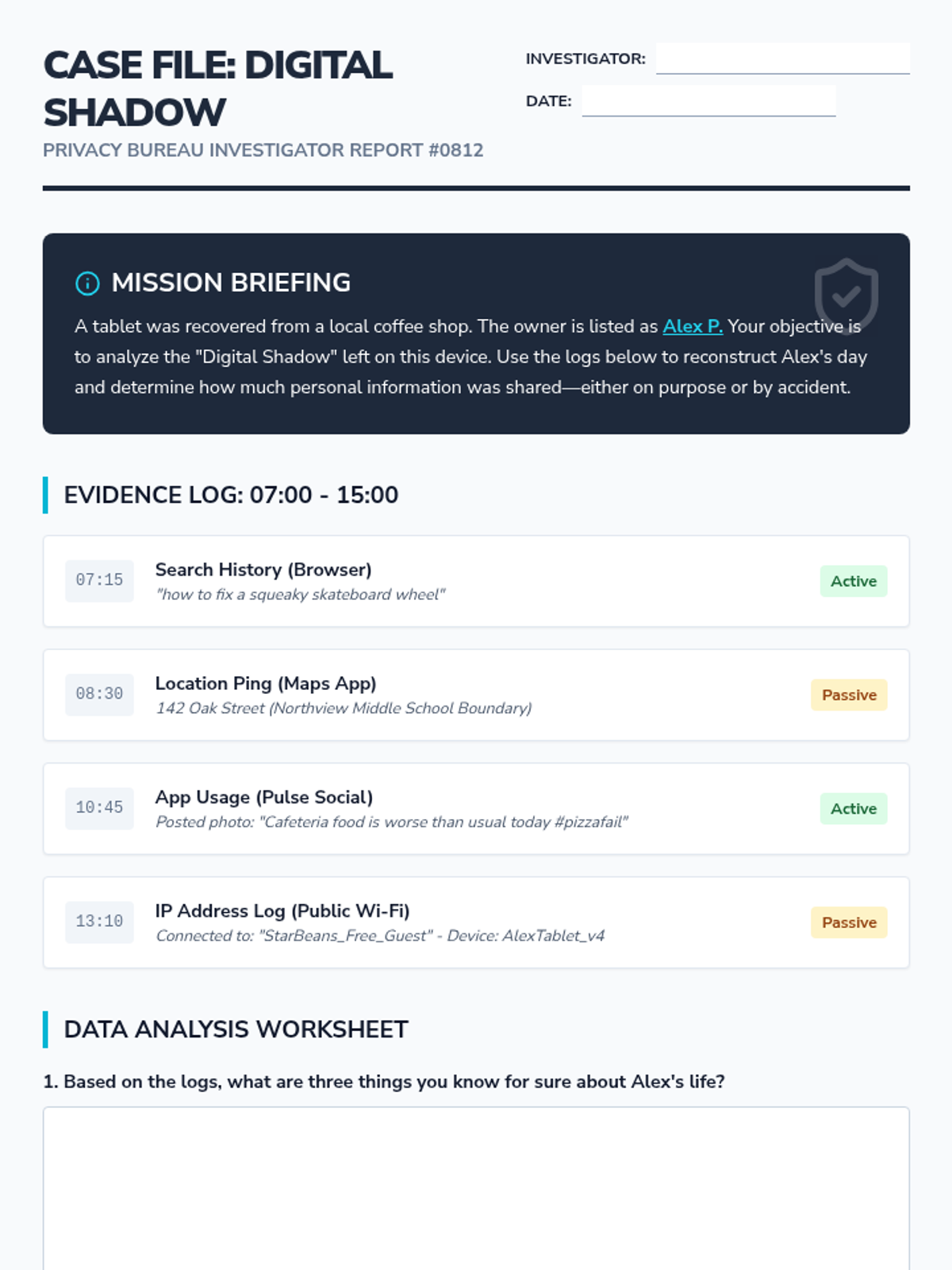
Students explore the trail of data they leave online and investigate how 'free' apps use personal information as a business model.
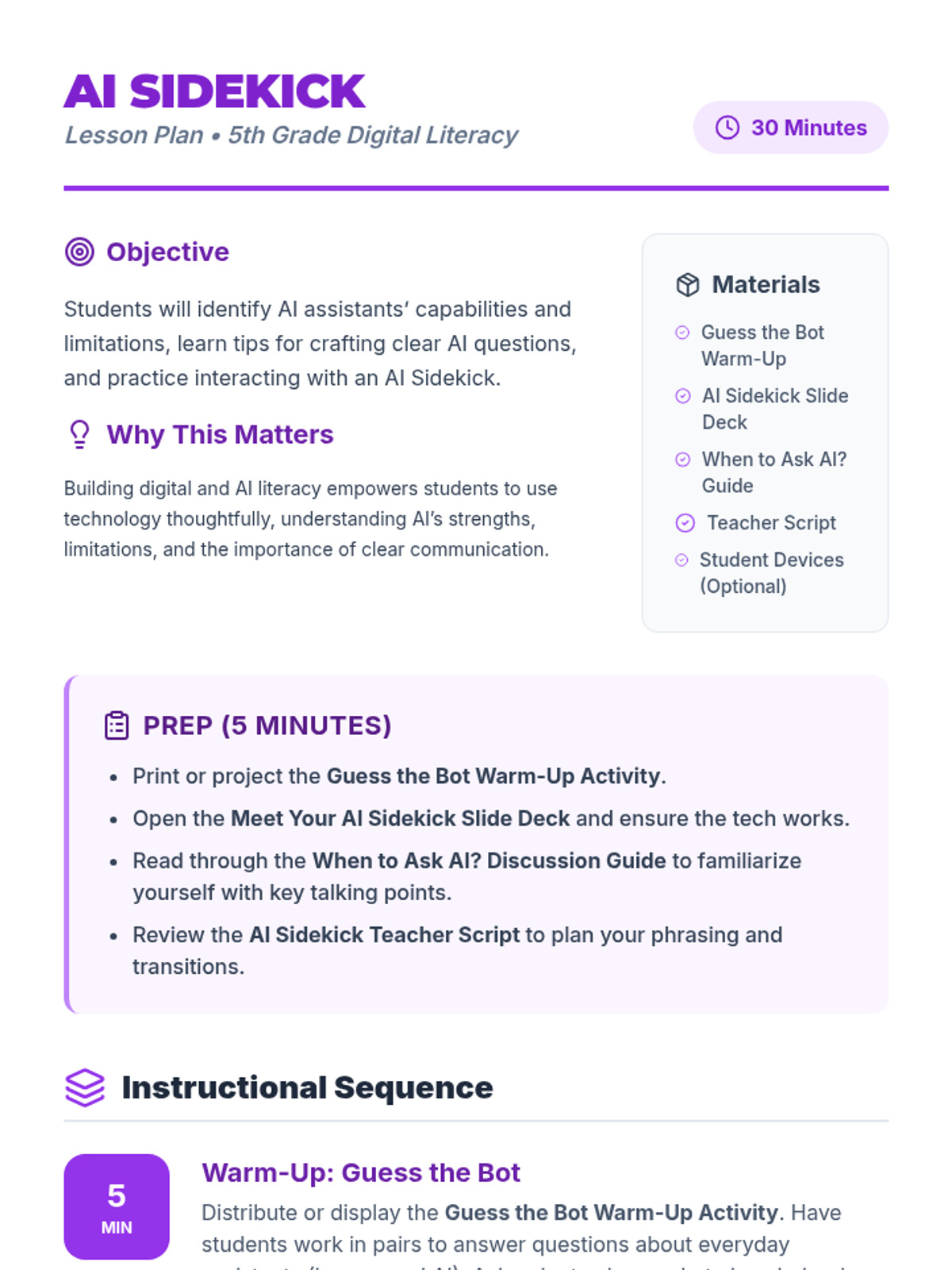
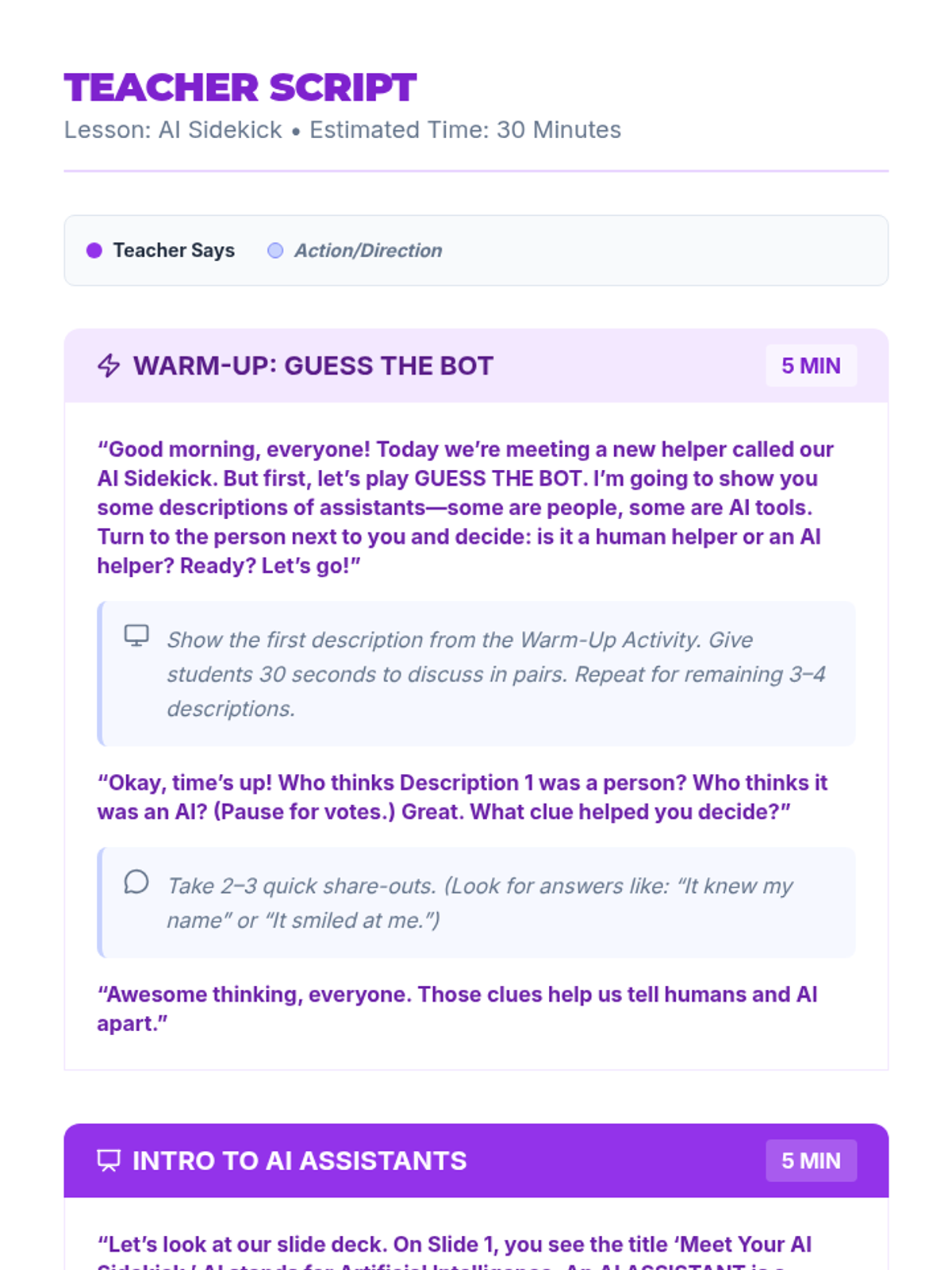
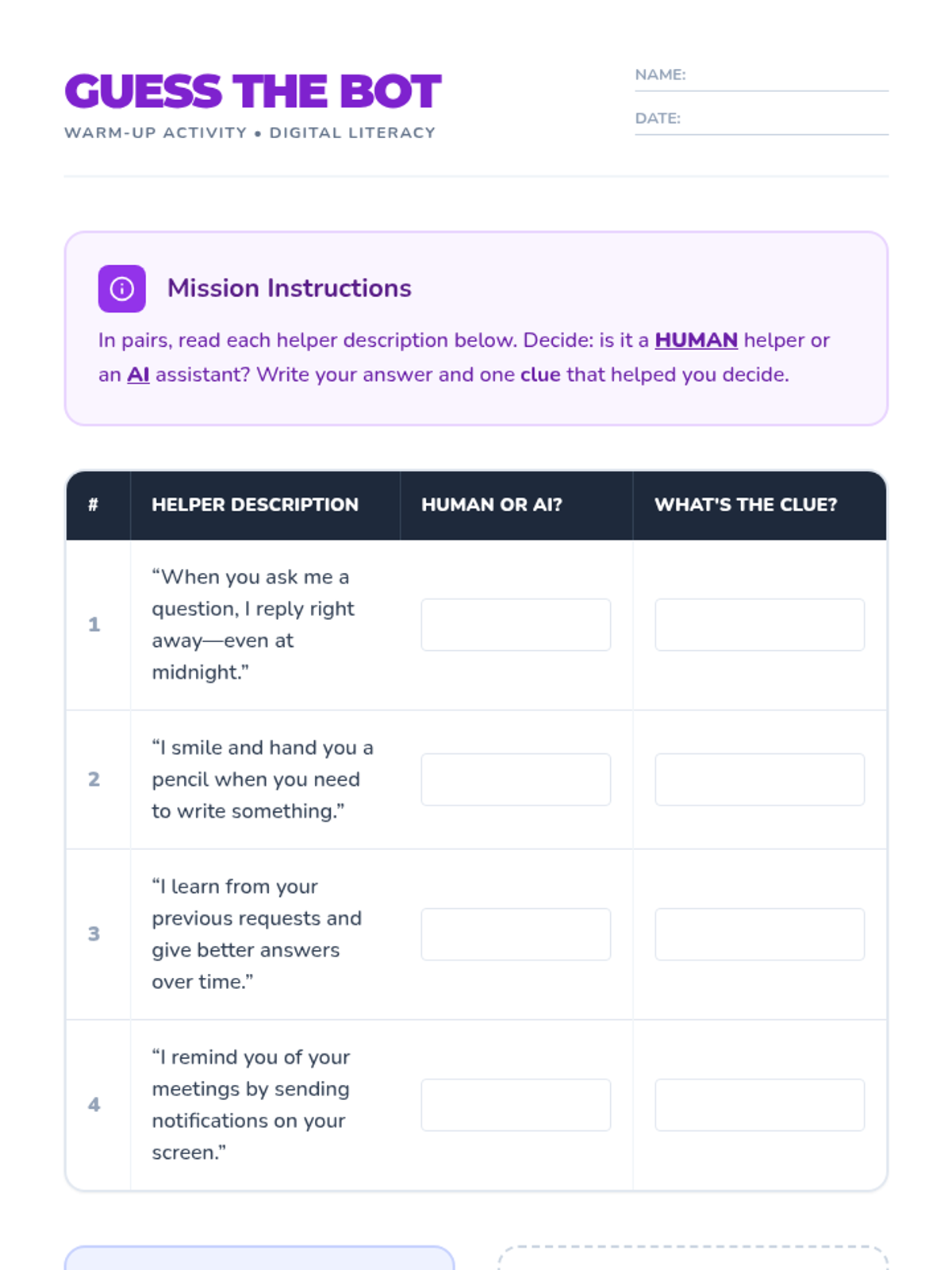
A 30-minute introduction to AI assistants for 5th graders, focusing on their capabilities, limitations, and the art of crafting effective prompts. Students engage in interactive activities and guided discussions to build essential digital literacy skills.
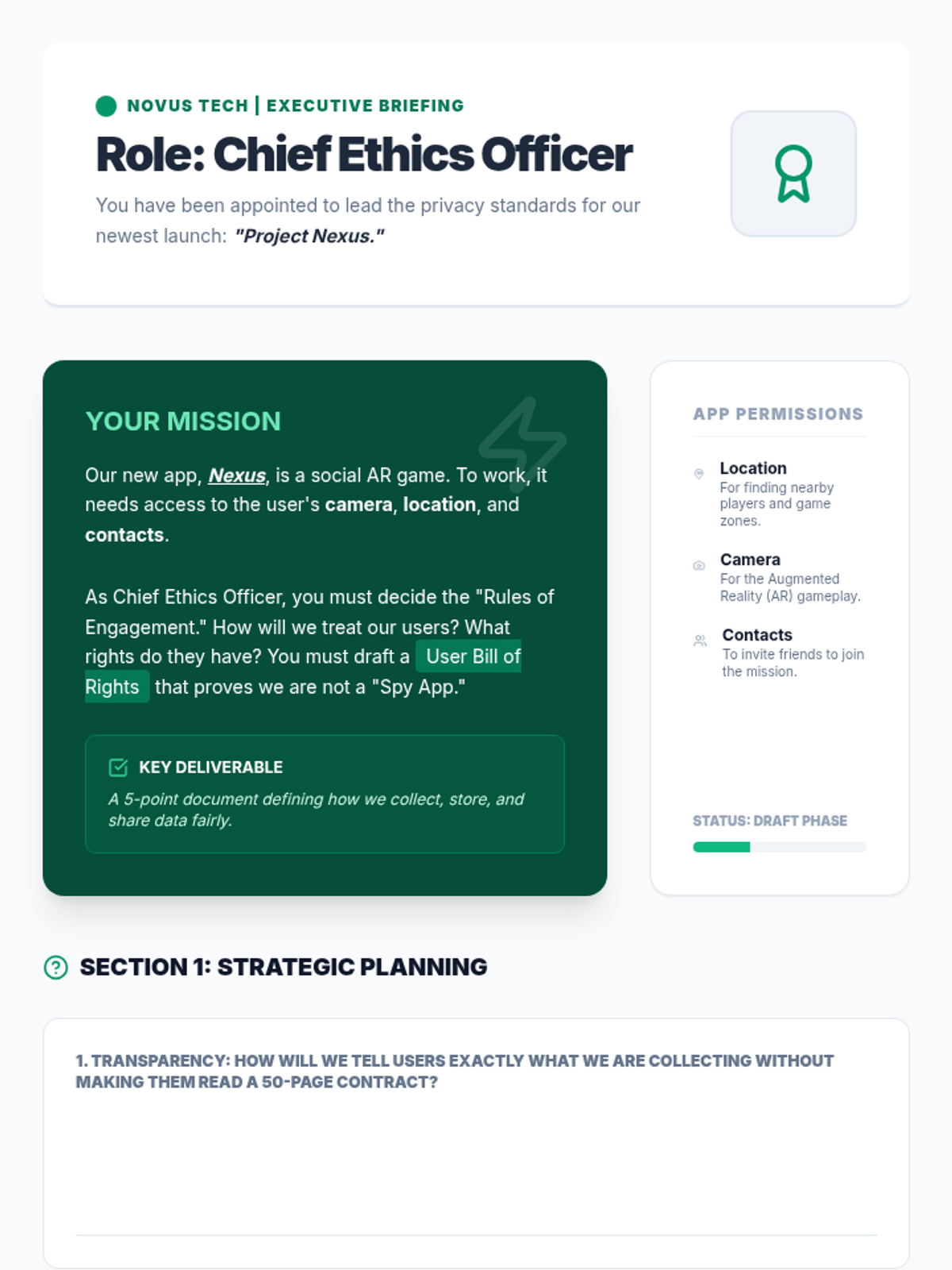
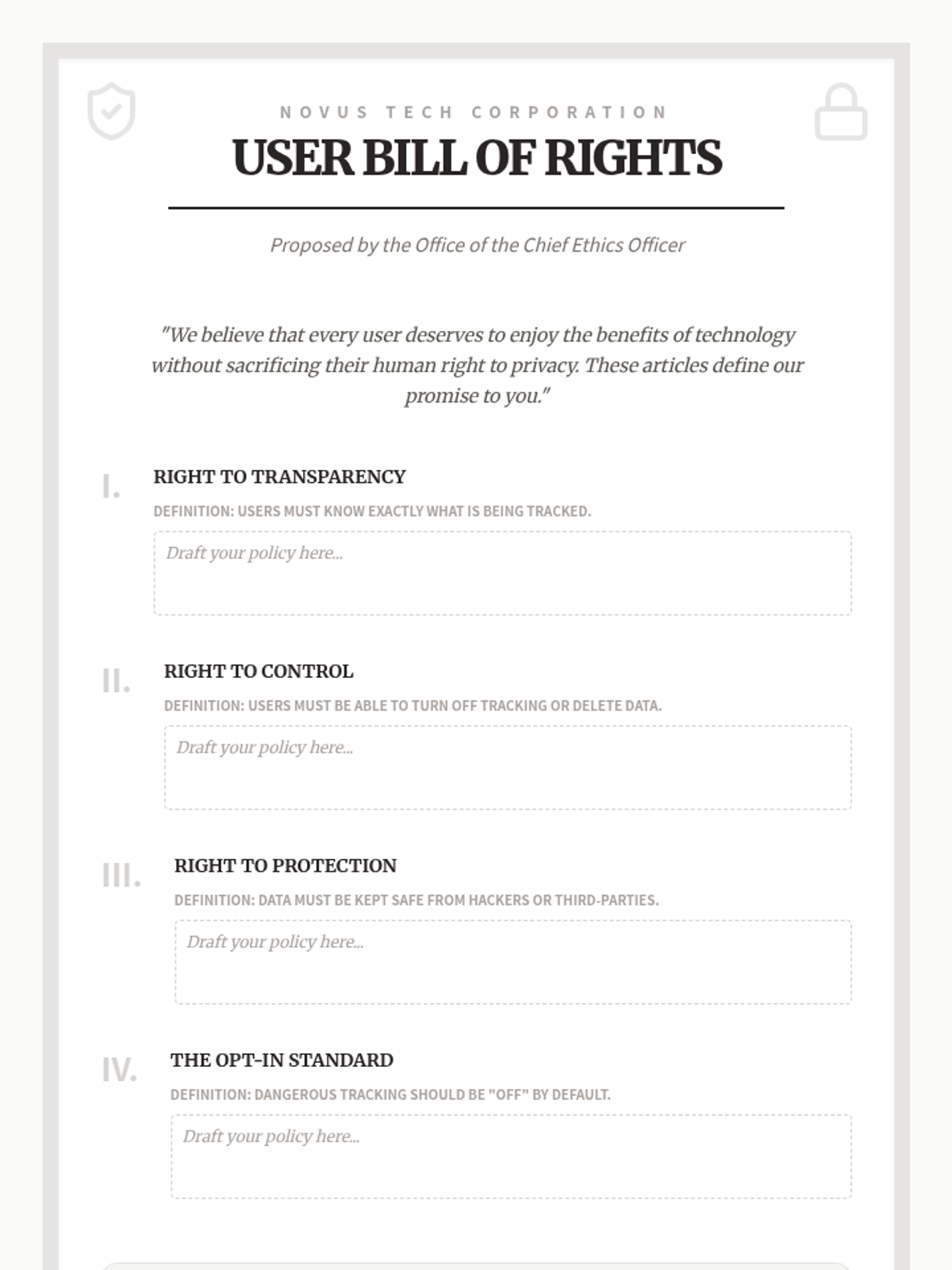
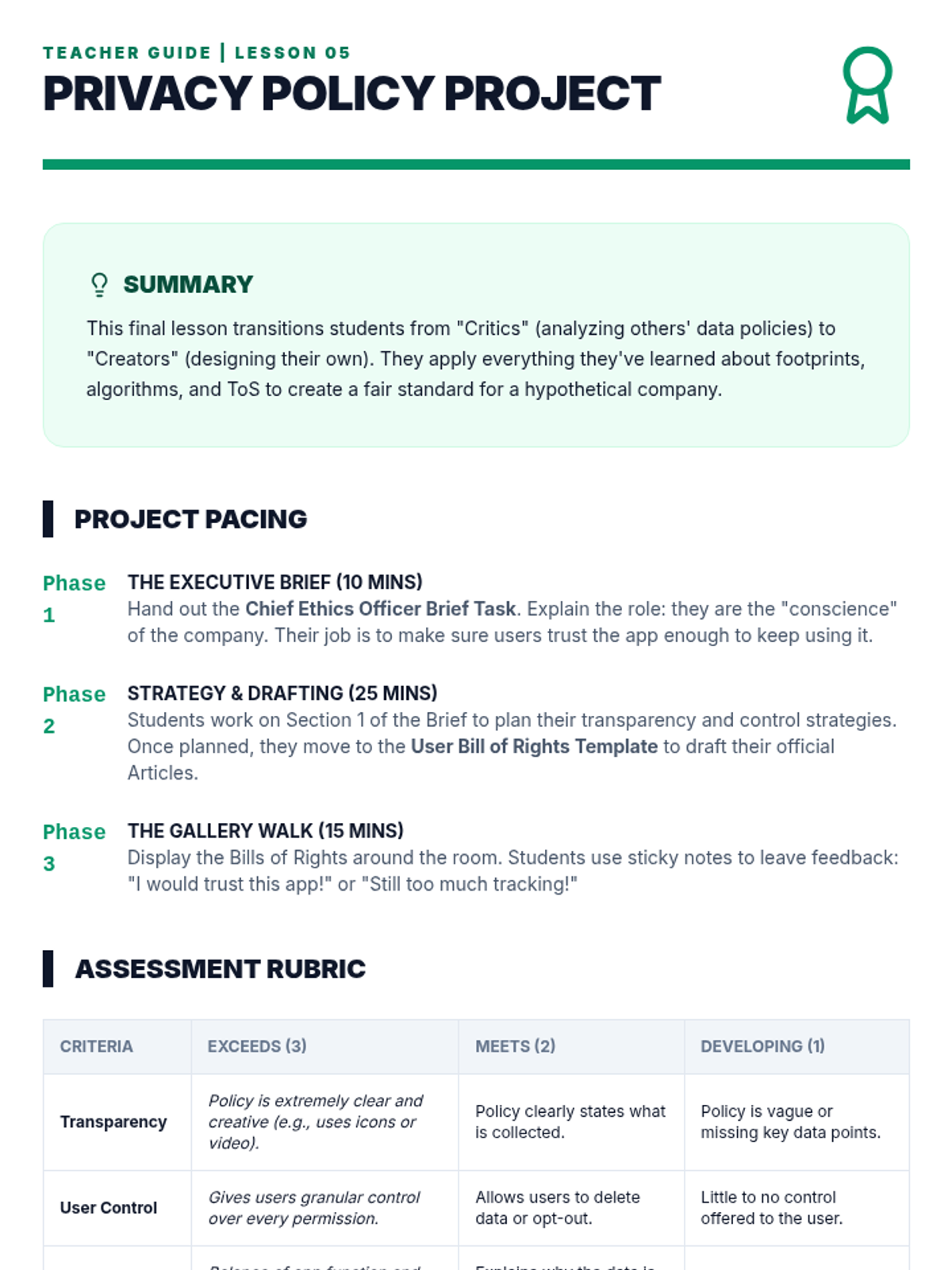
Students apply their knowledge to create a 'User Bill of Rights' or a personal privacy checklist, acting as the 'Chief Ethics Officer' of a tech company.
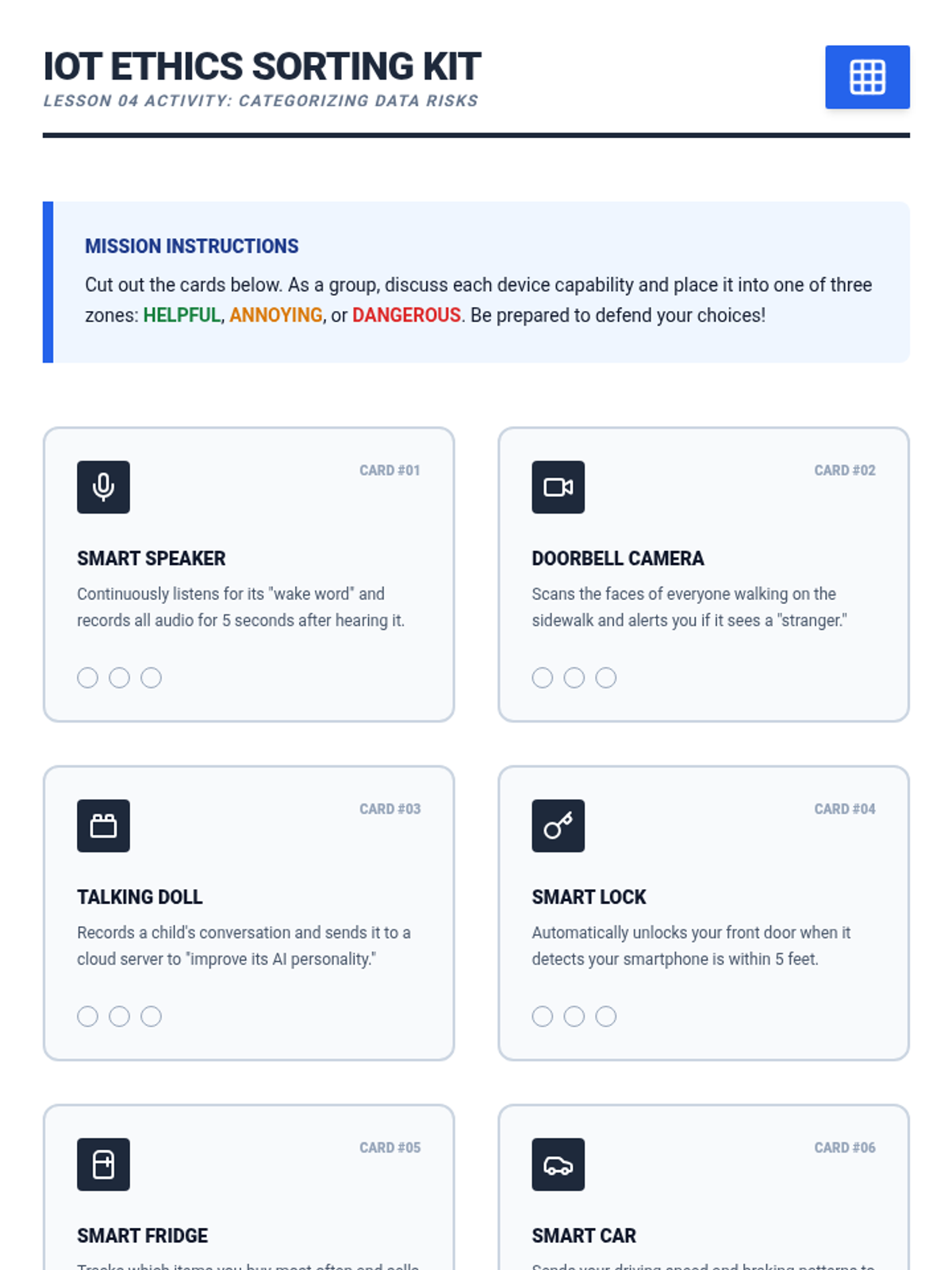
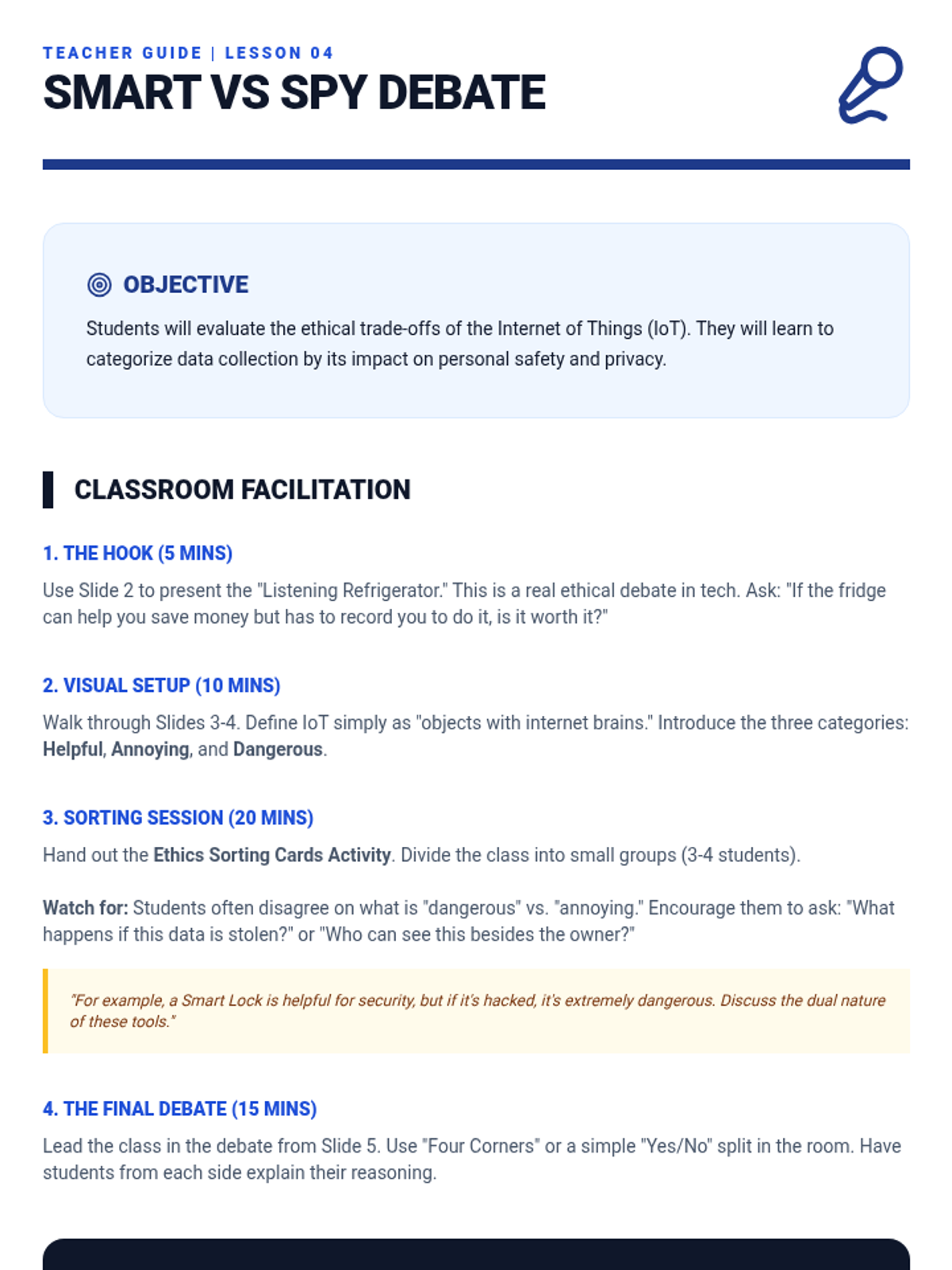
Students debate the ethics of IoT devices like smart speakers and doorbell cameras, categorizing data collection as helpful, annoying, or dangerous.
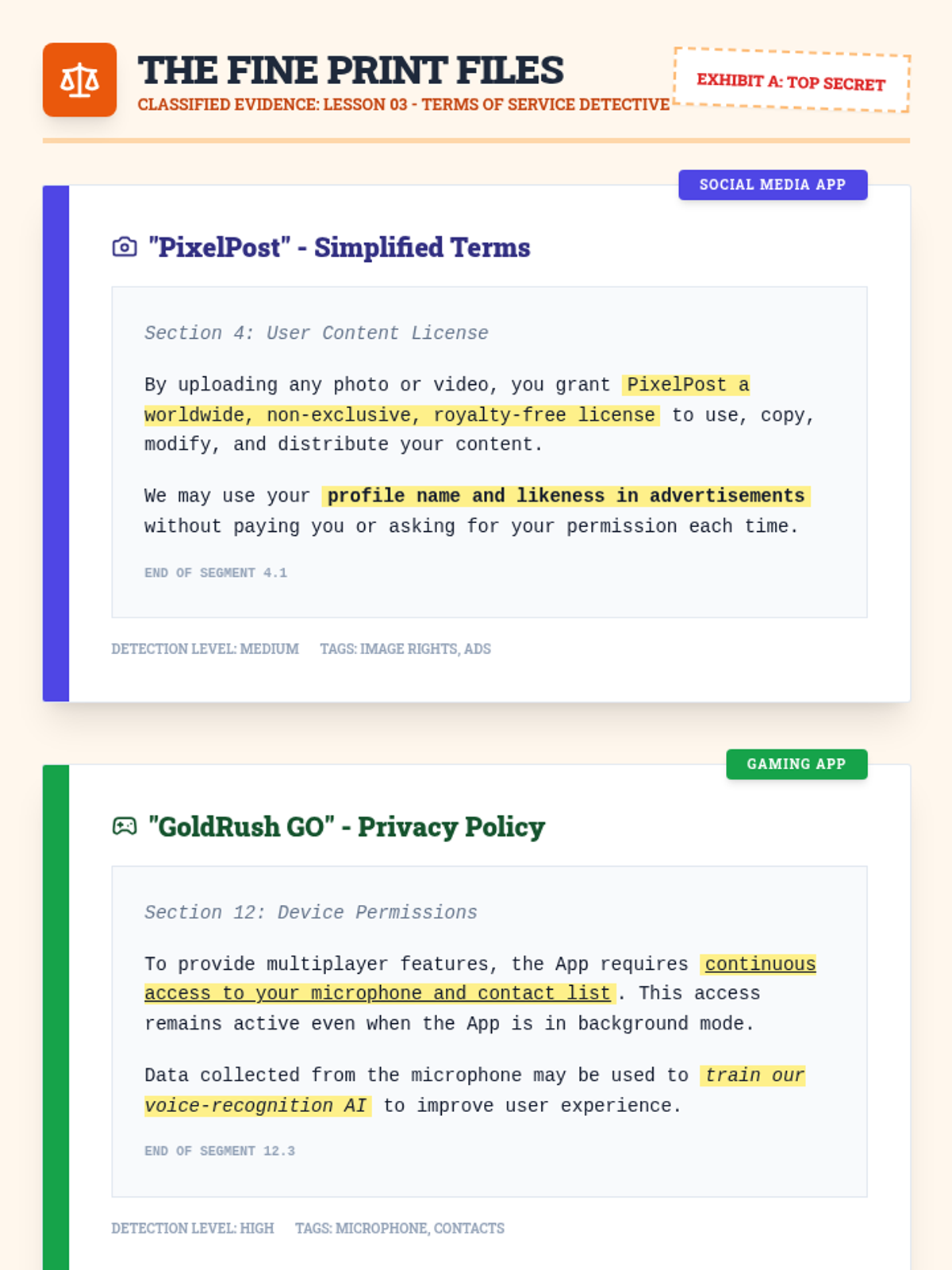
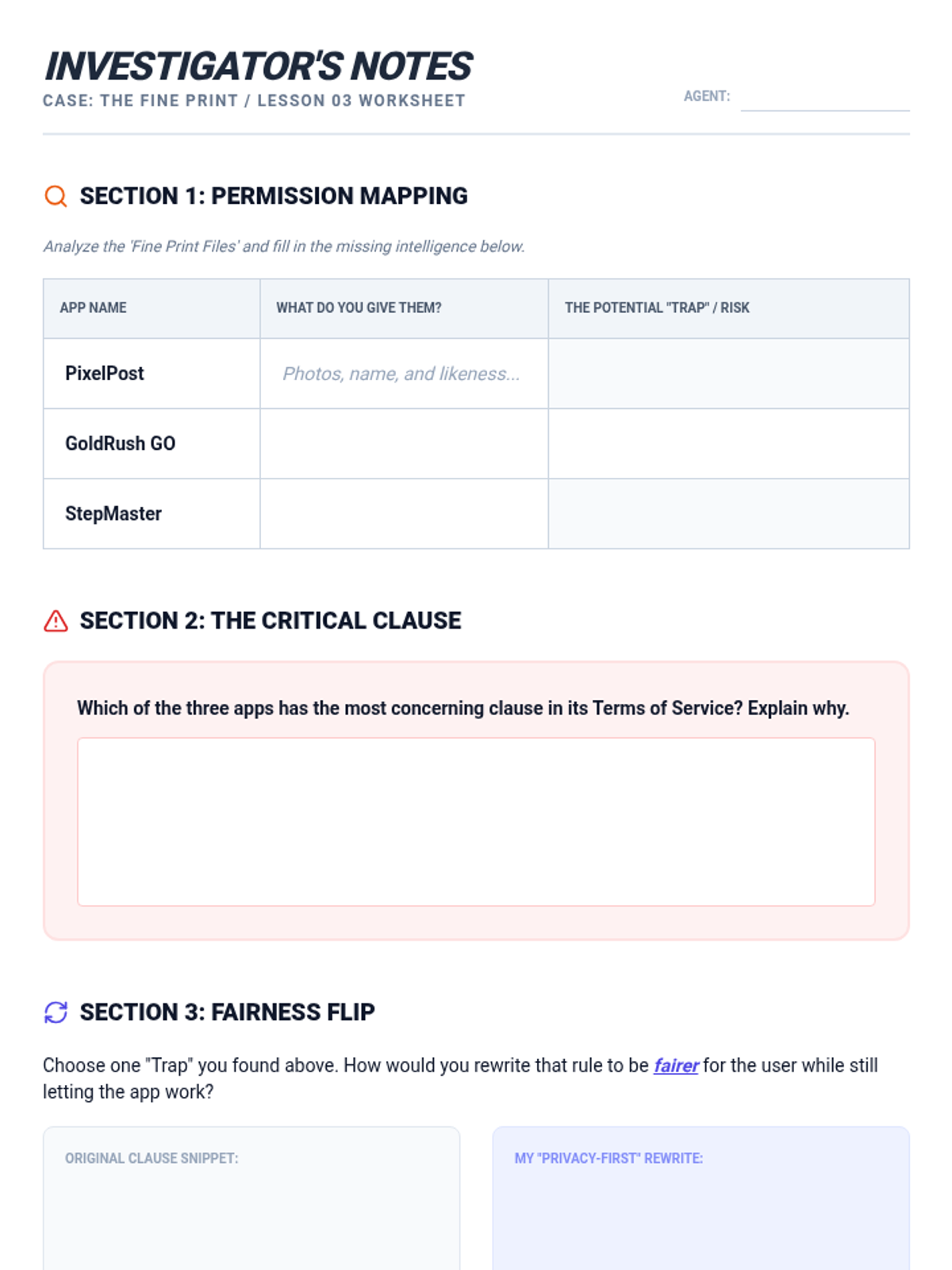
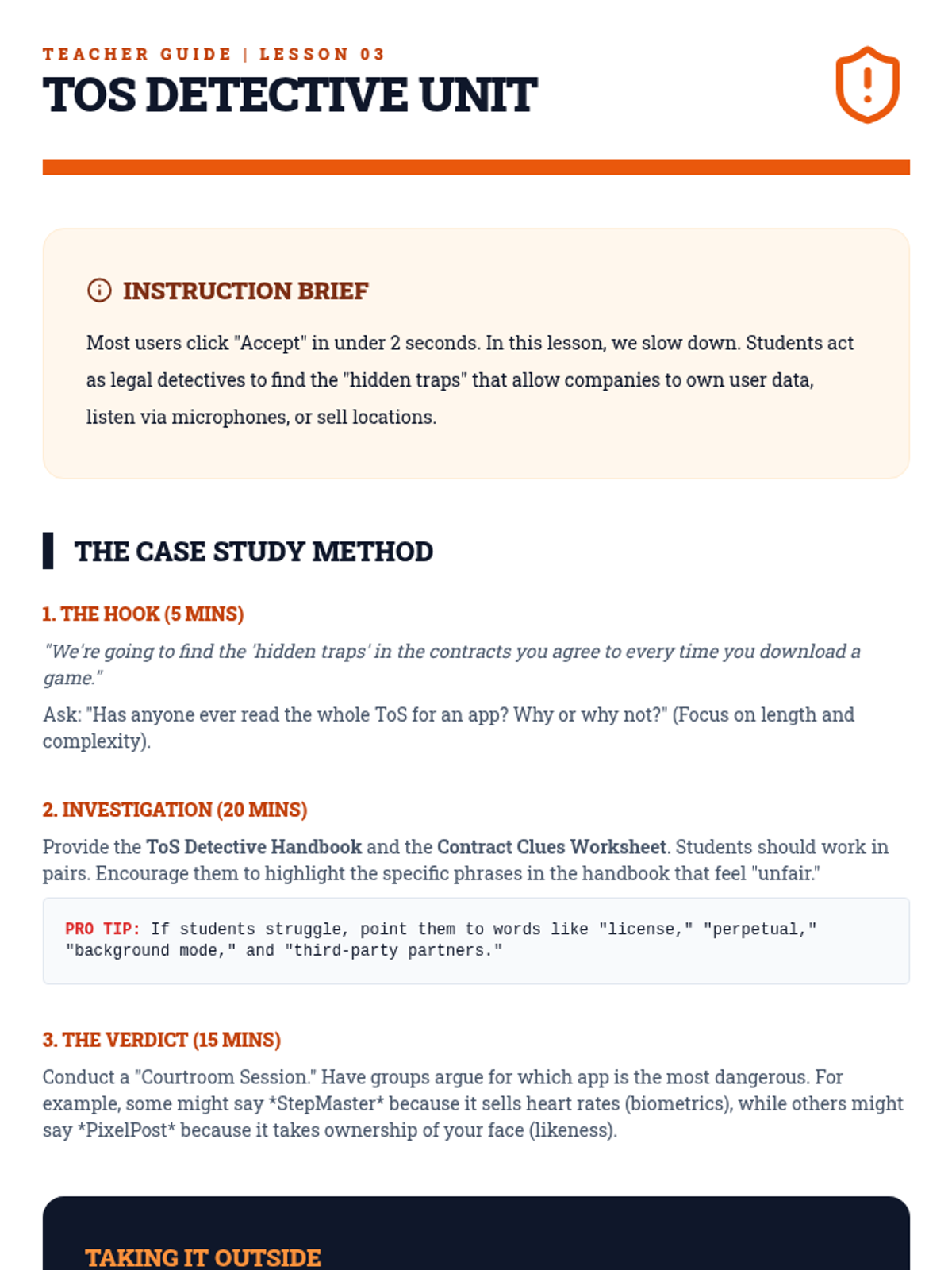
Students decode simplified Terms of Service agreements to identify what rights users give away and the 'hidden traps' in common app permissions.
Students explore how recommendation engines use data to predict preferences and create 'filter bubbles' that can limit their exposure to new ideas.
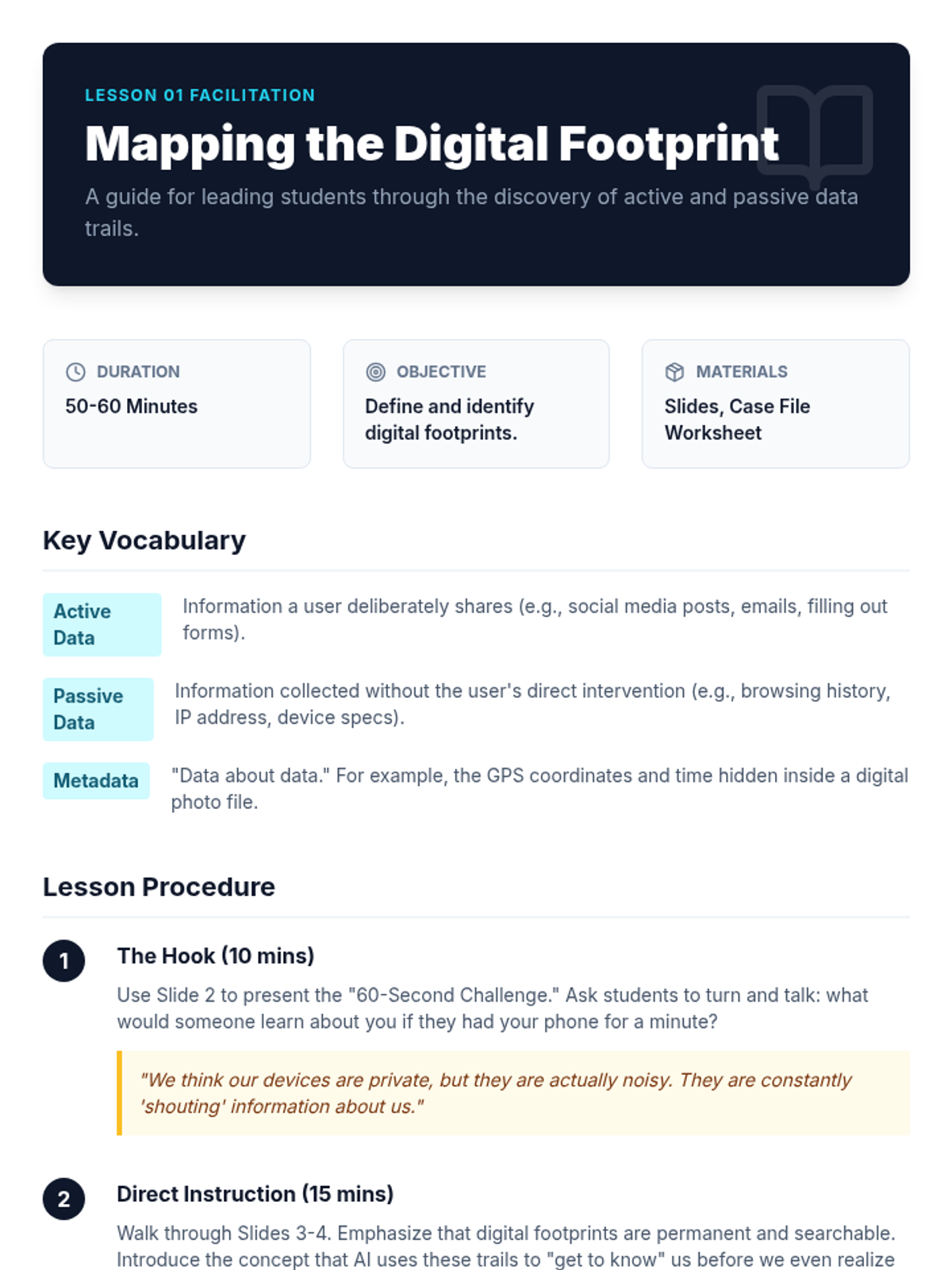
Students visualize the trail of data they leave behind when using devices and create a 'data map' for a fictional character to see how much can be inferred about a person's life.
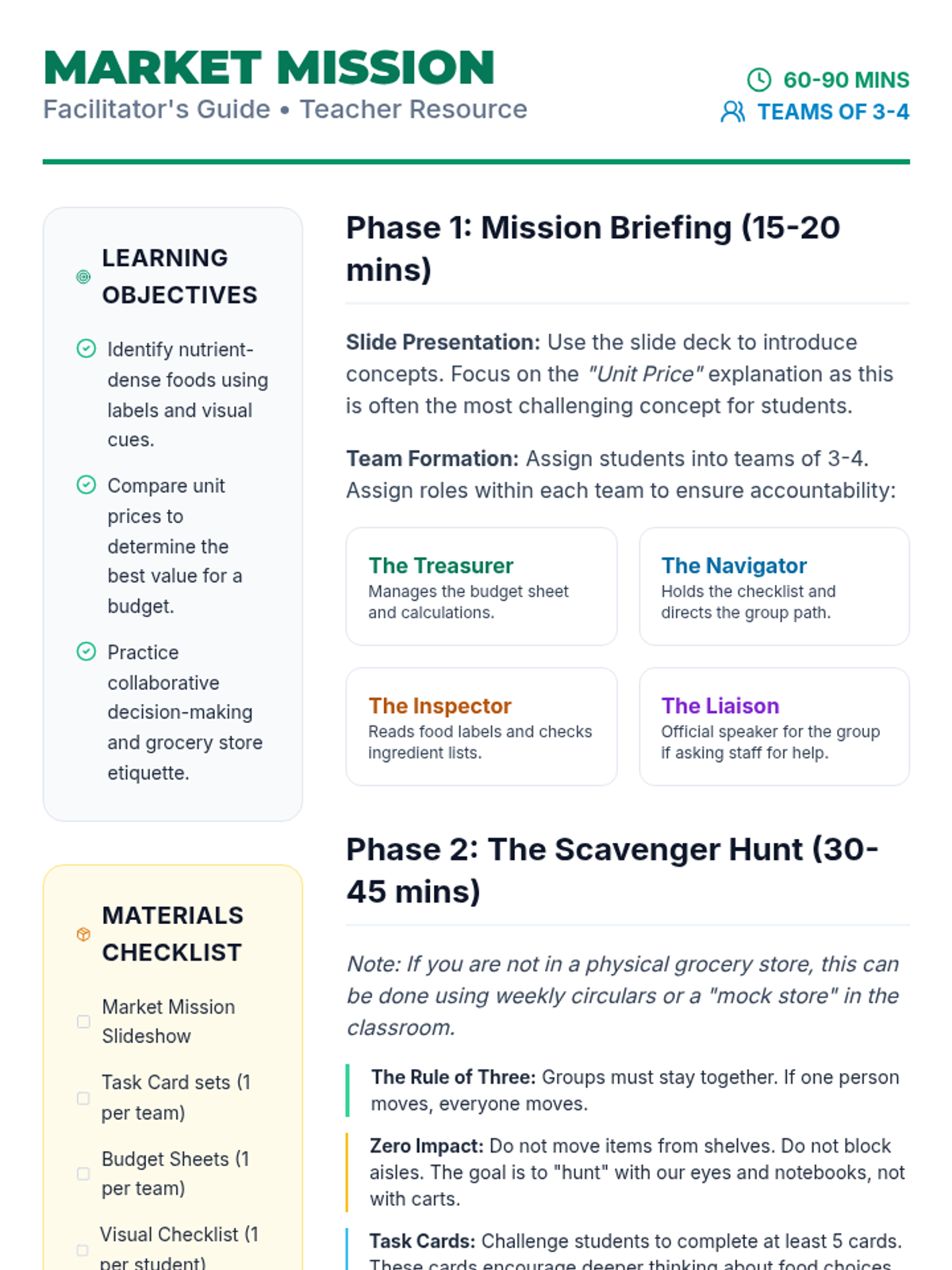
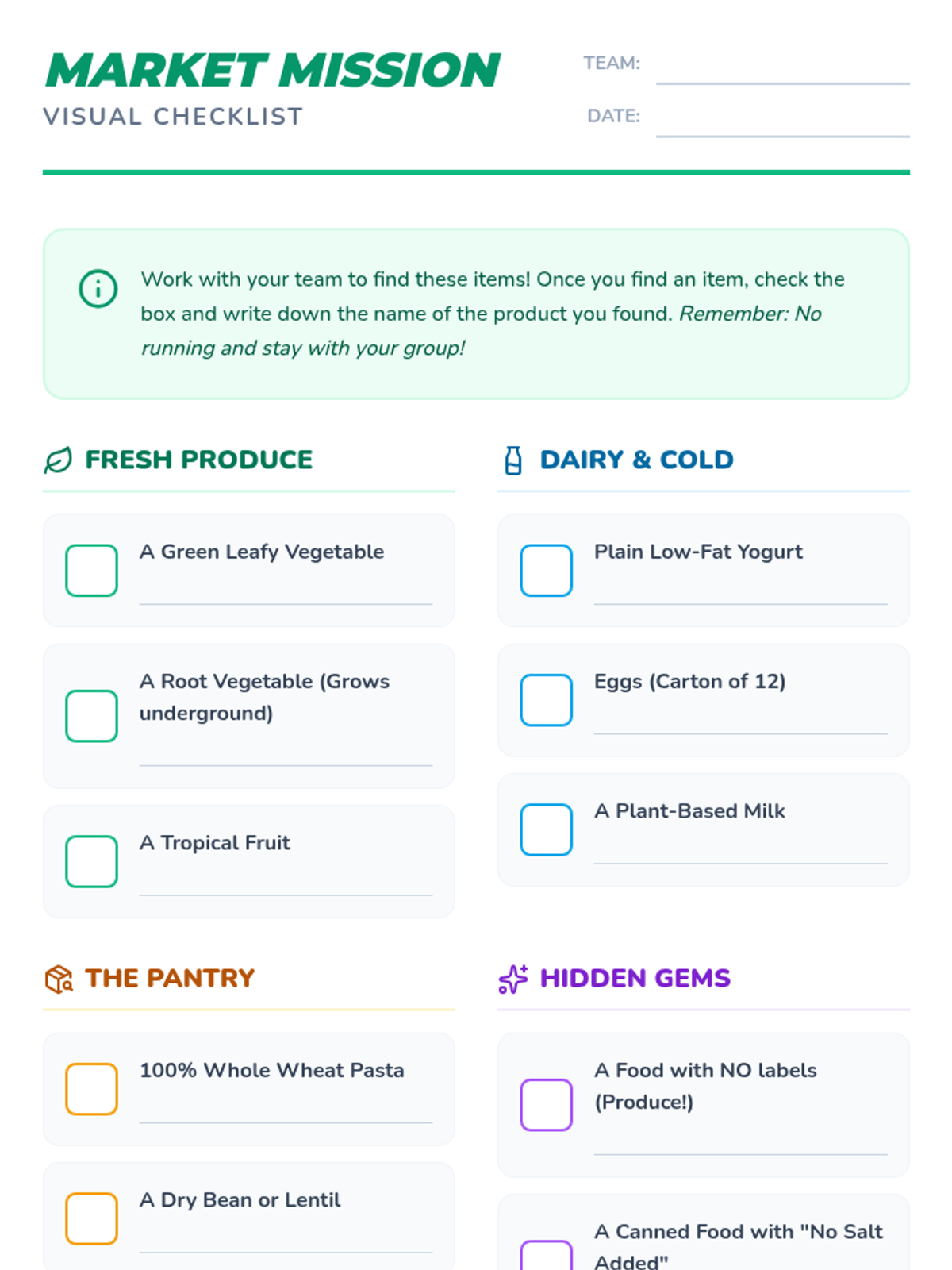
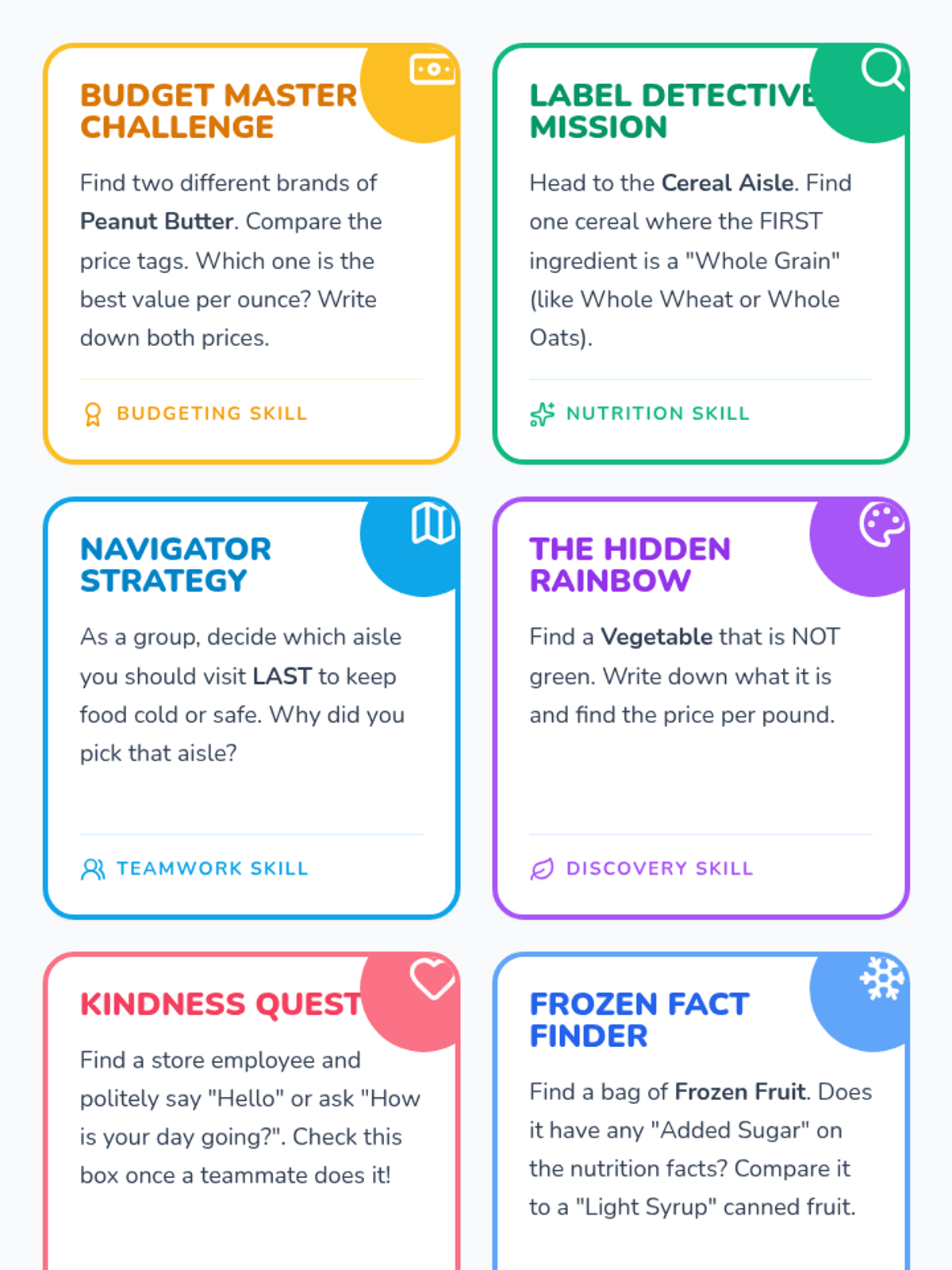
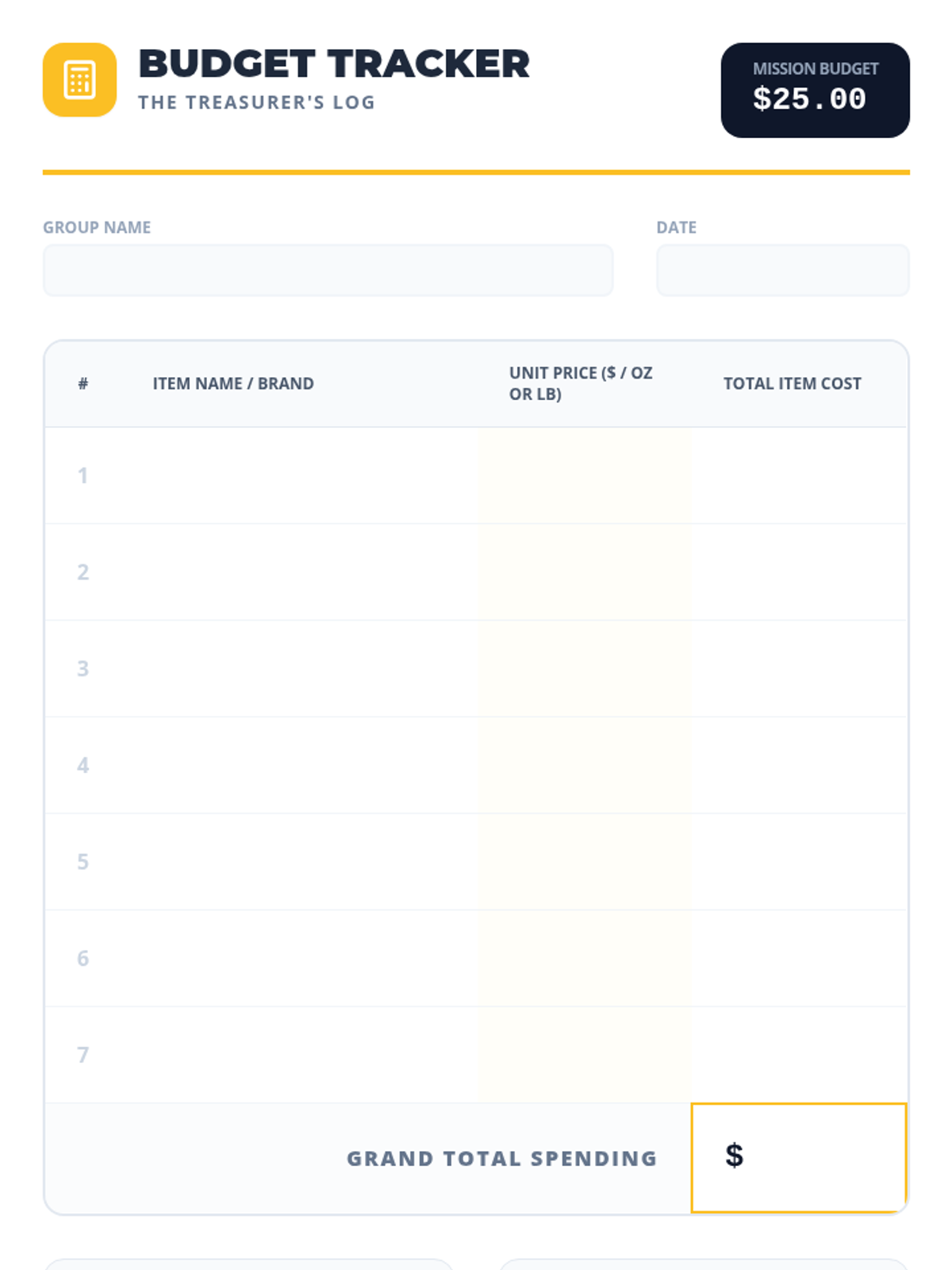
A group-building scavenger hunt where students work in teams to identify healthy foods, manage a budget, and practice social skills in a real-world grocery setting.
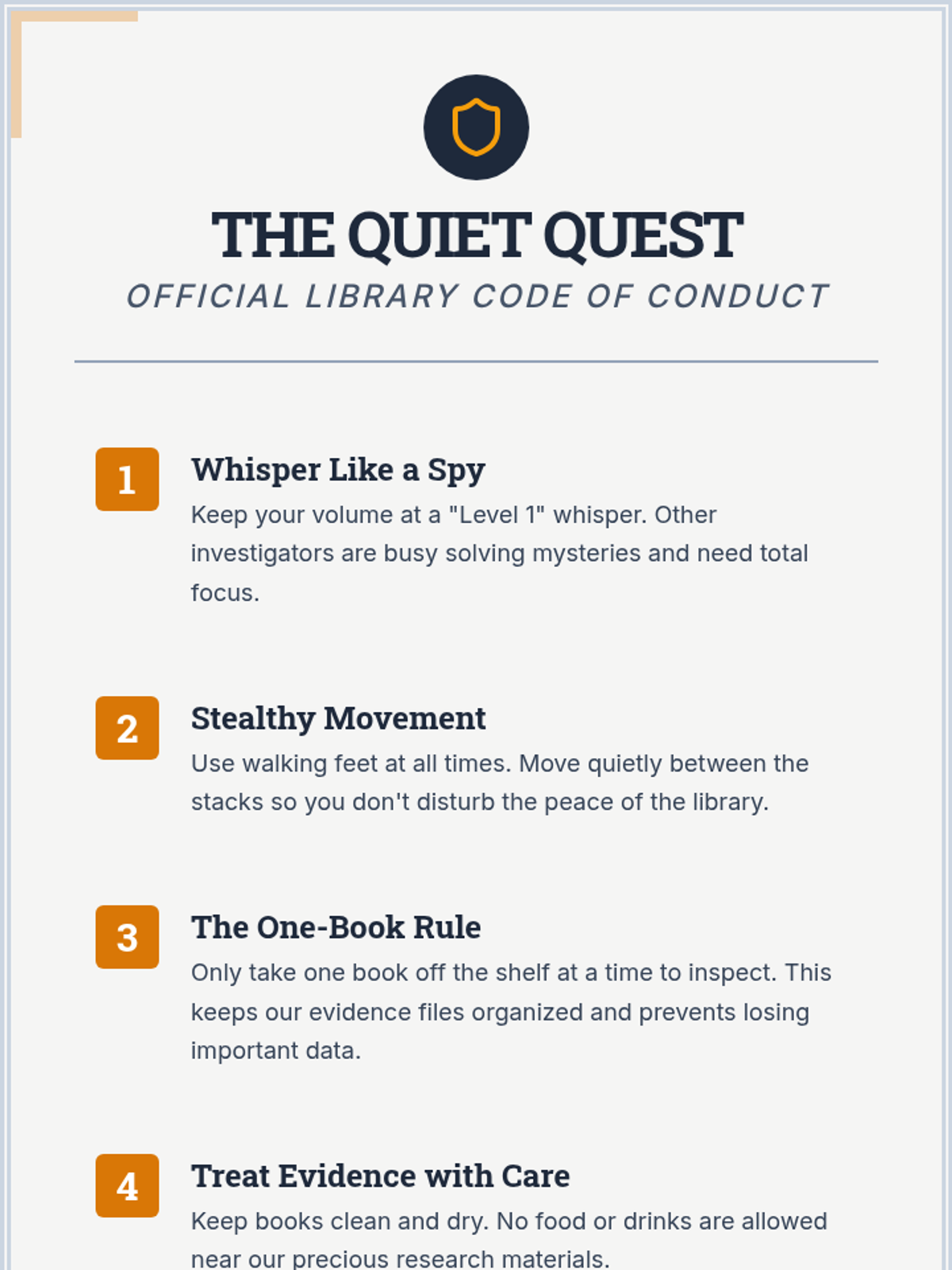
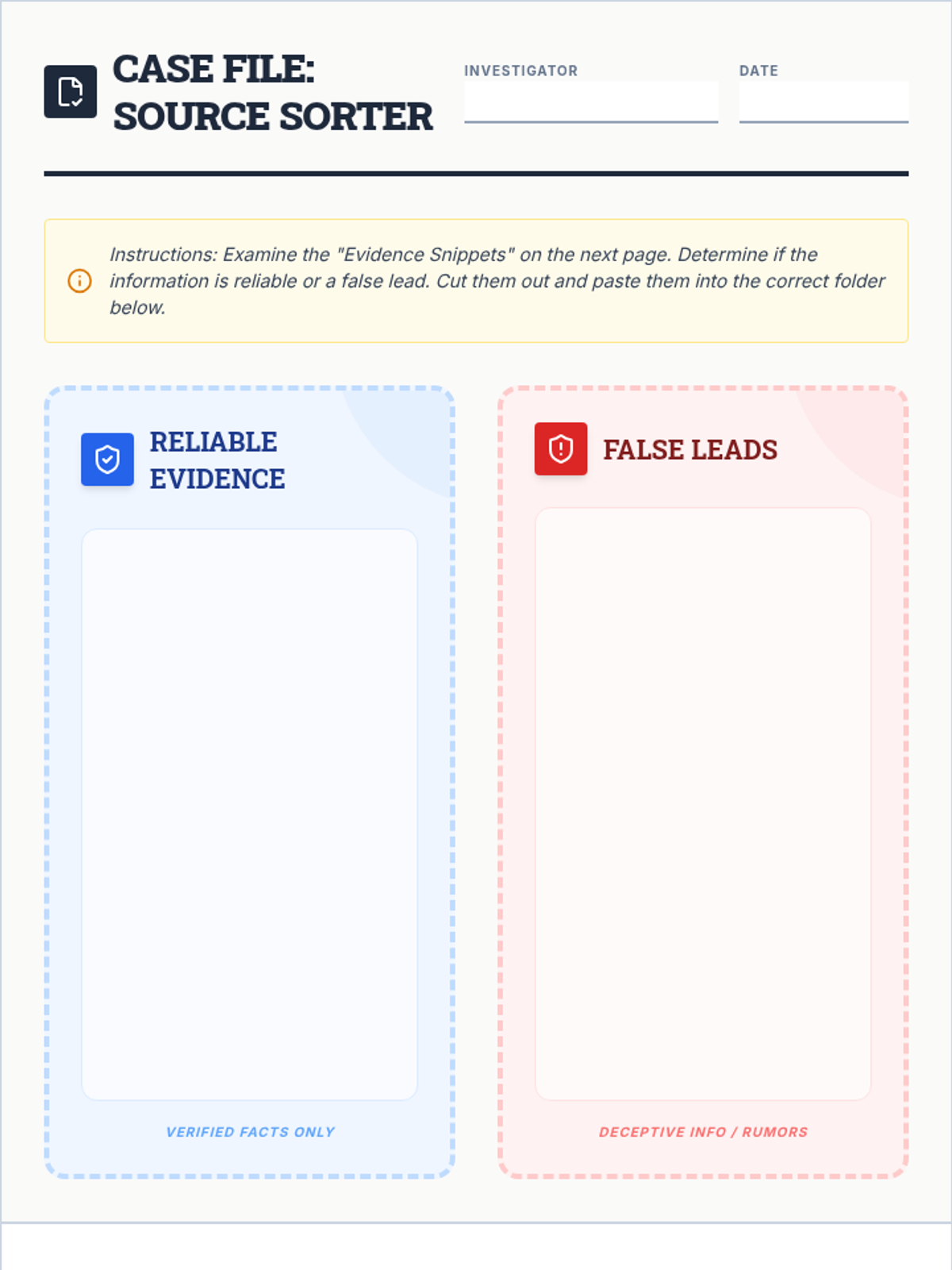
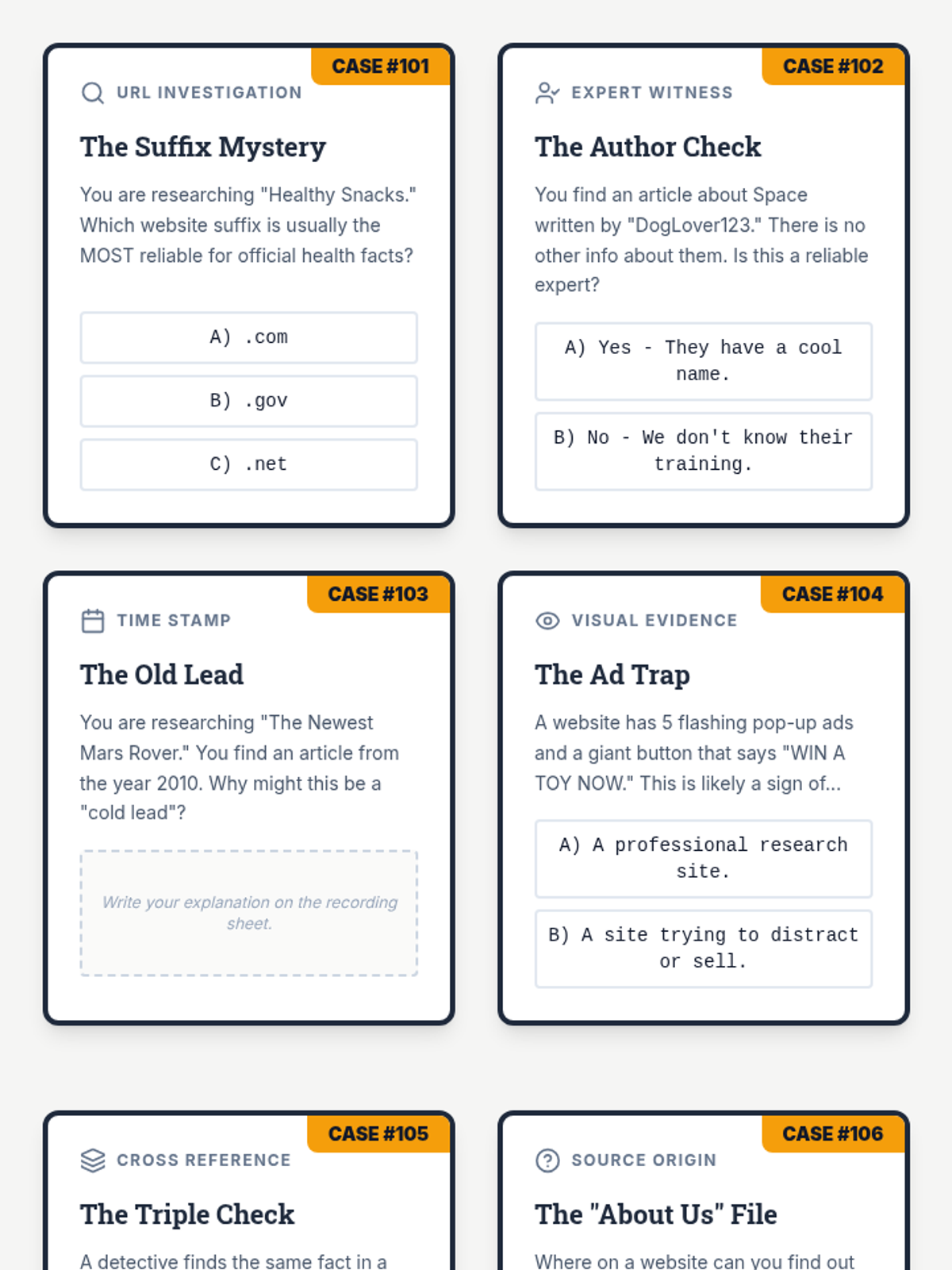
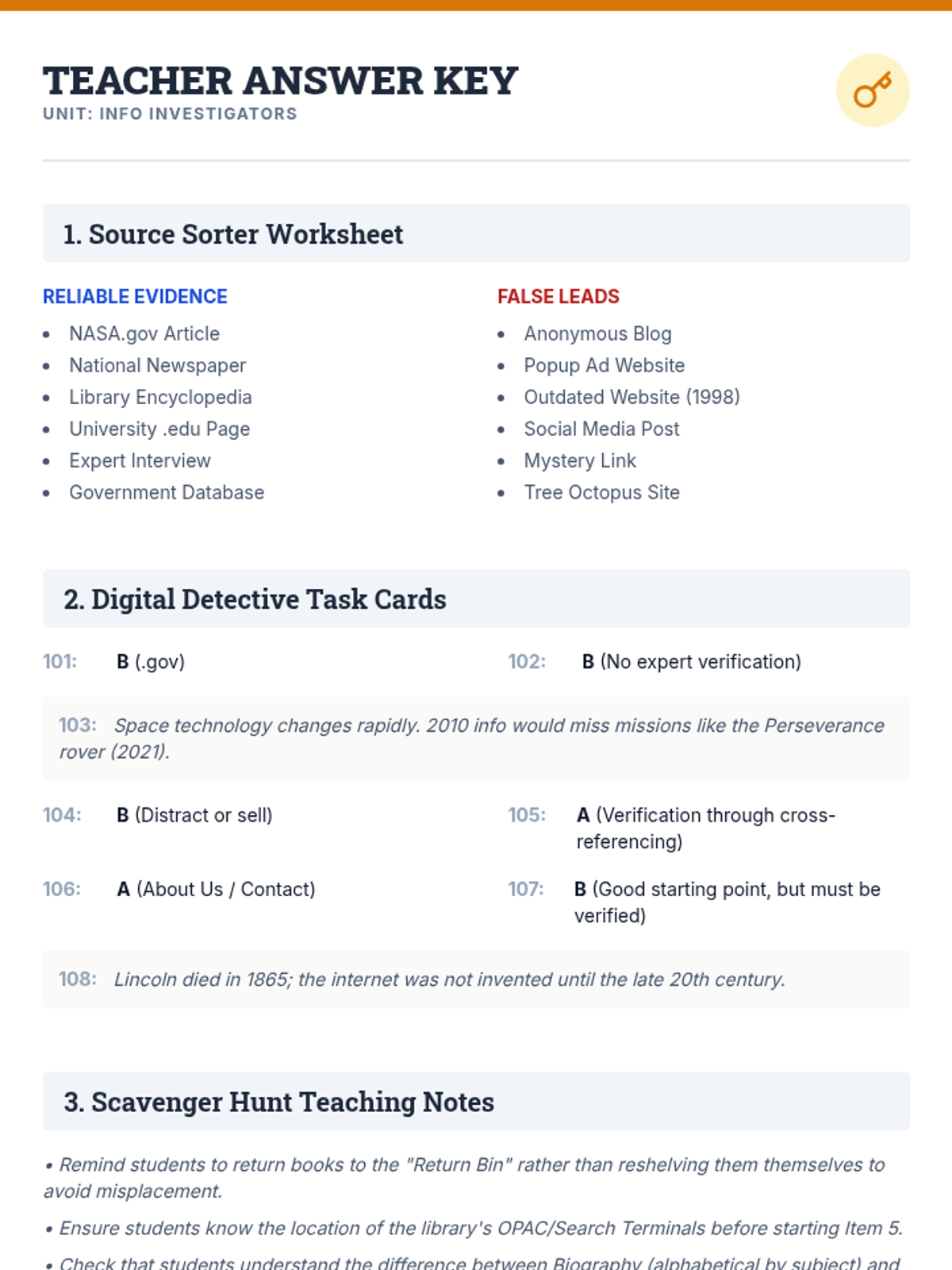
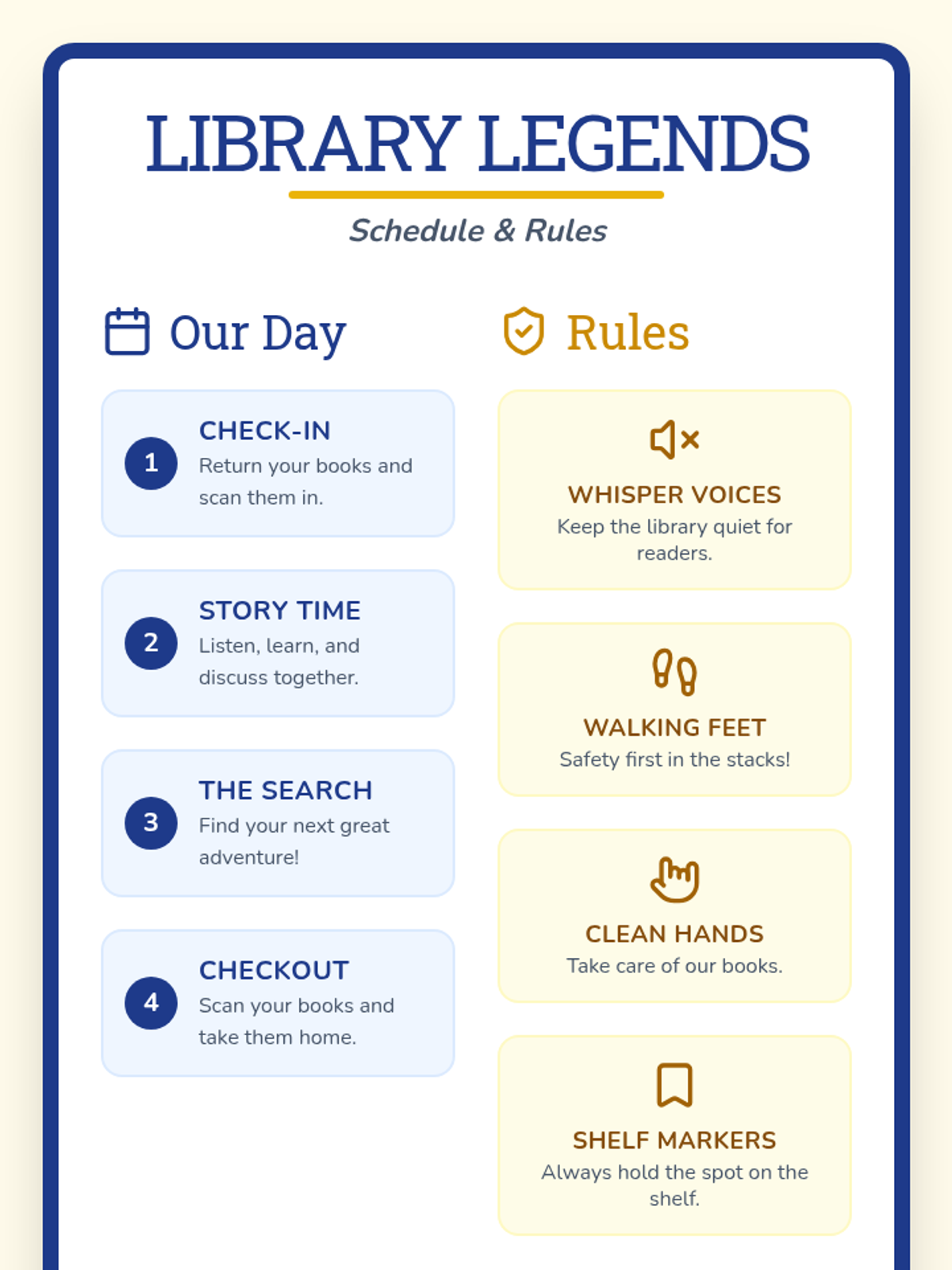
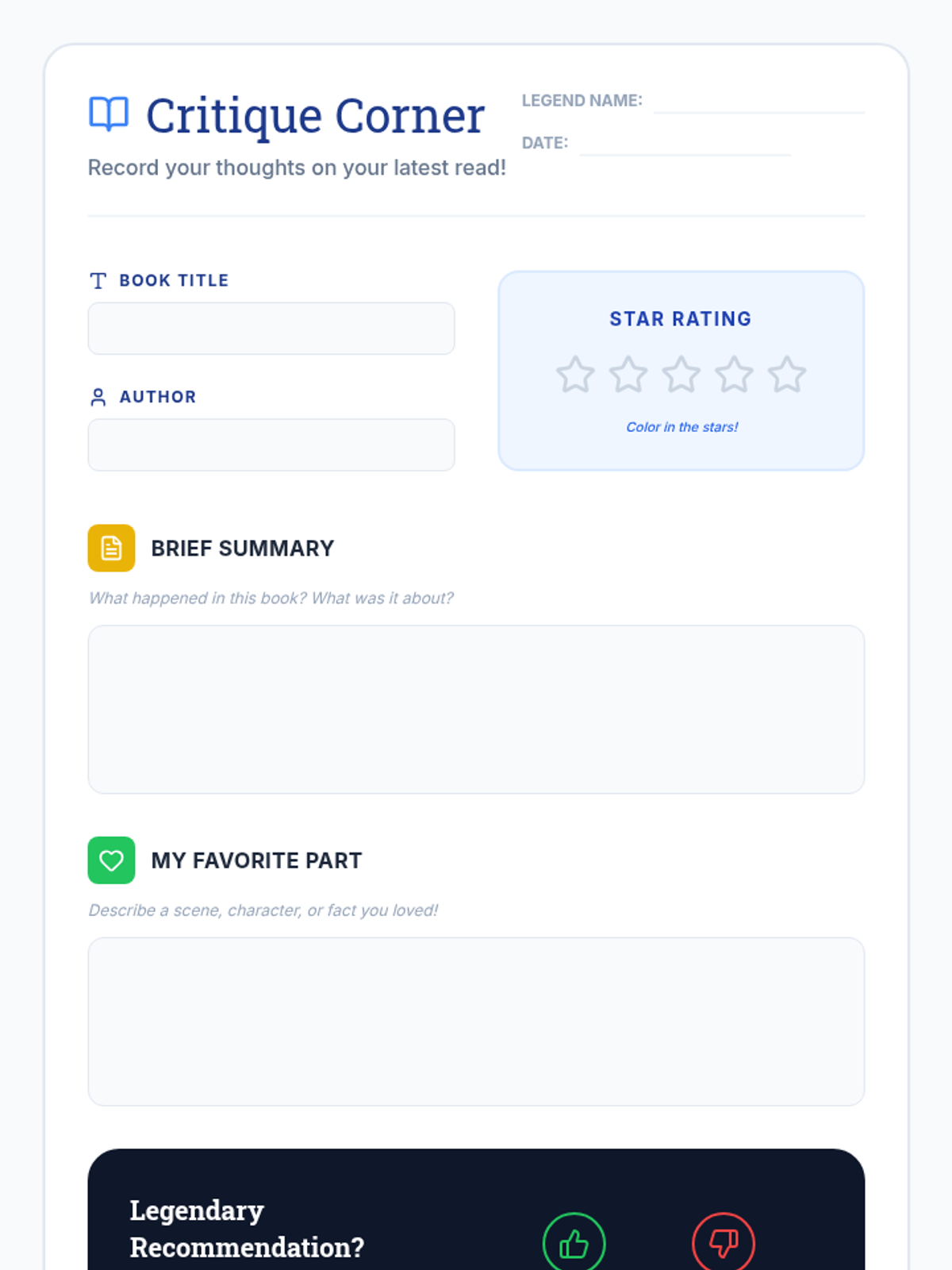
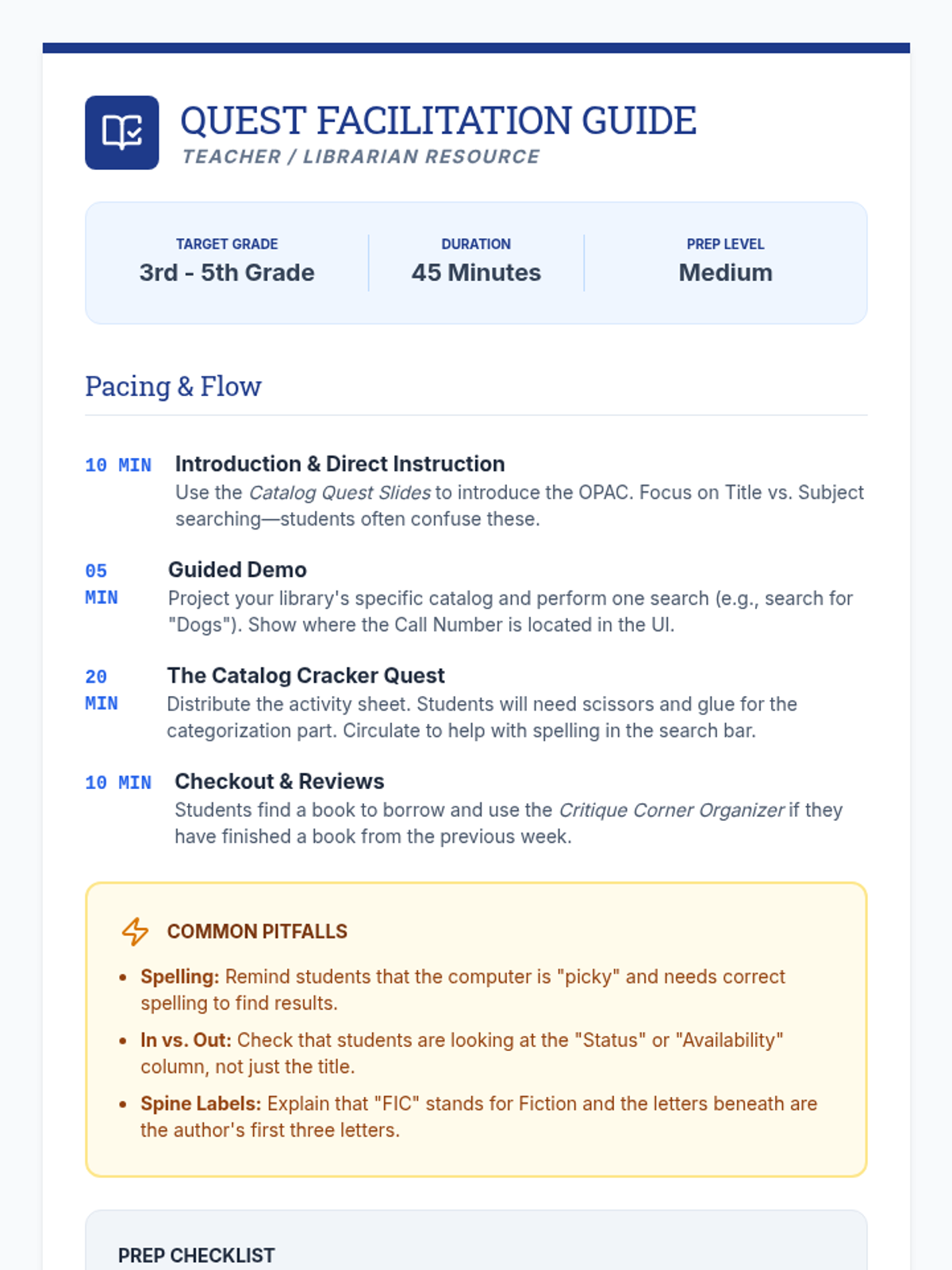
A comprehensive set of resources to teach students how to navigate the physical library and critically evaluate online information using a detective-themed approach.
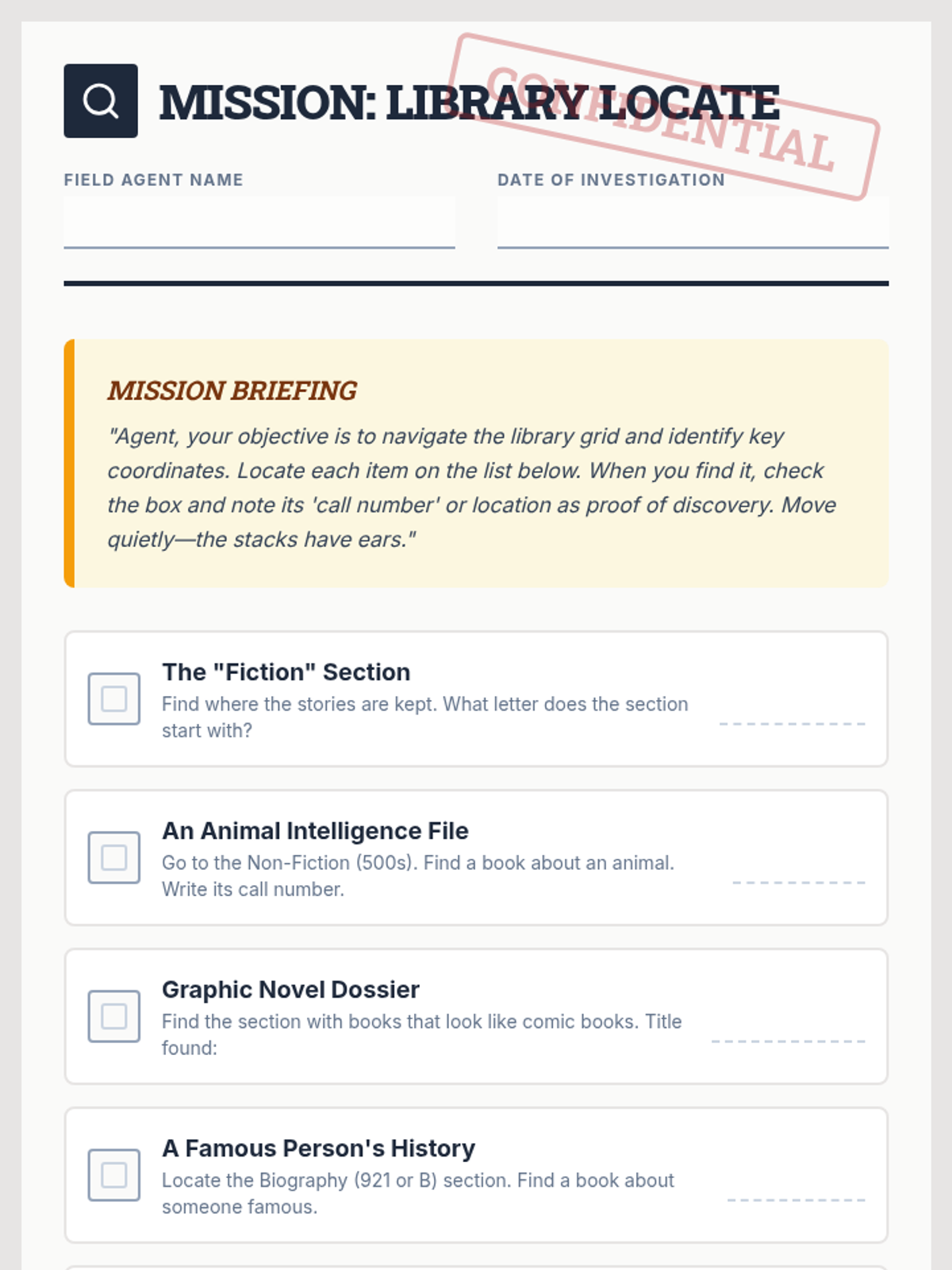
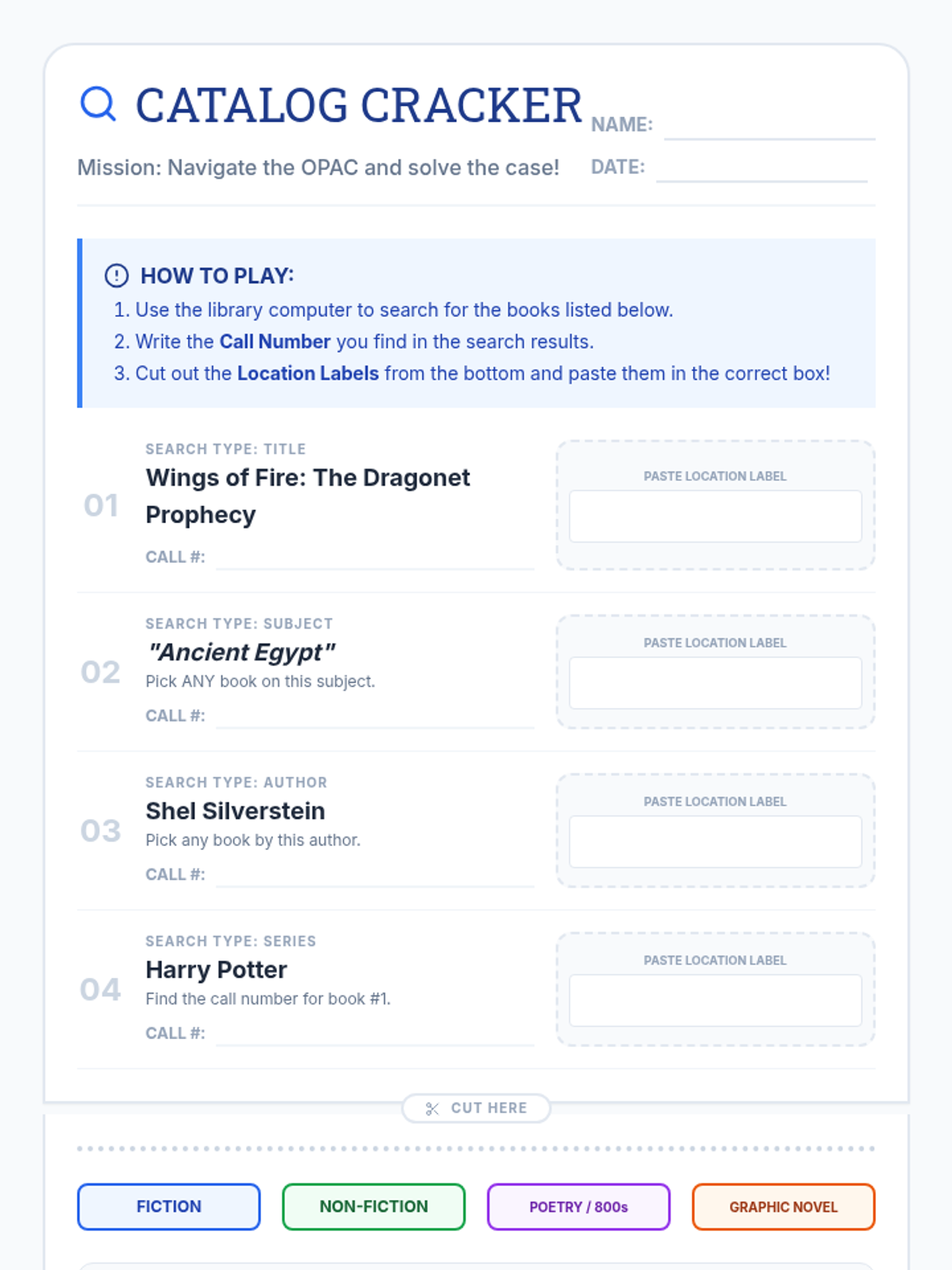
Students will learn how to navigate the online library catalog, understand call numbers, and practice finding books on the shelves through a hands-on scavenger hunt.
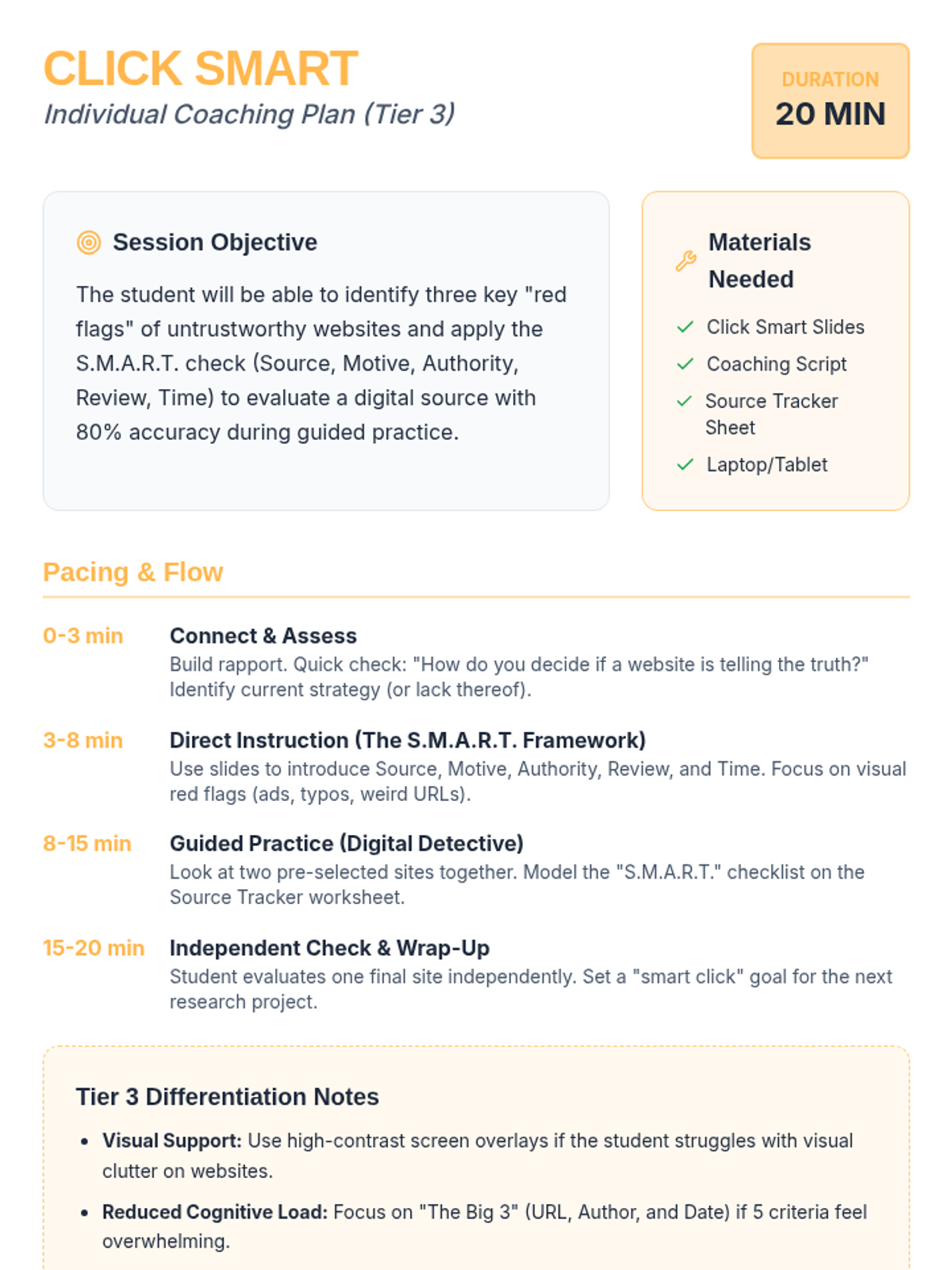
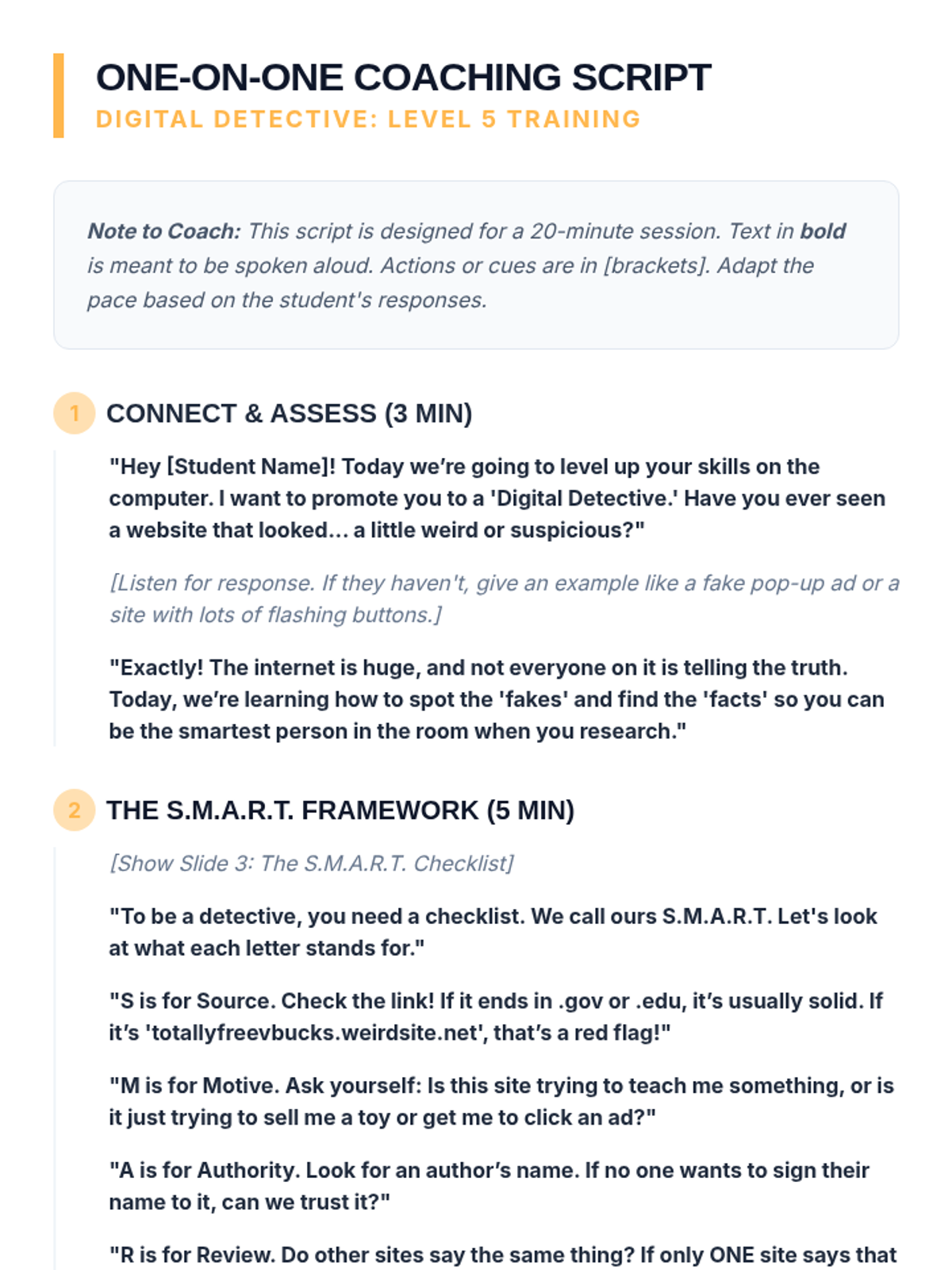
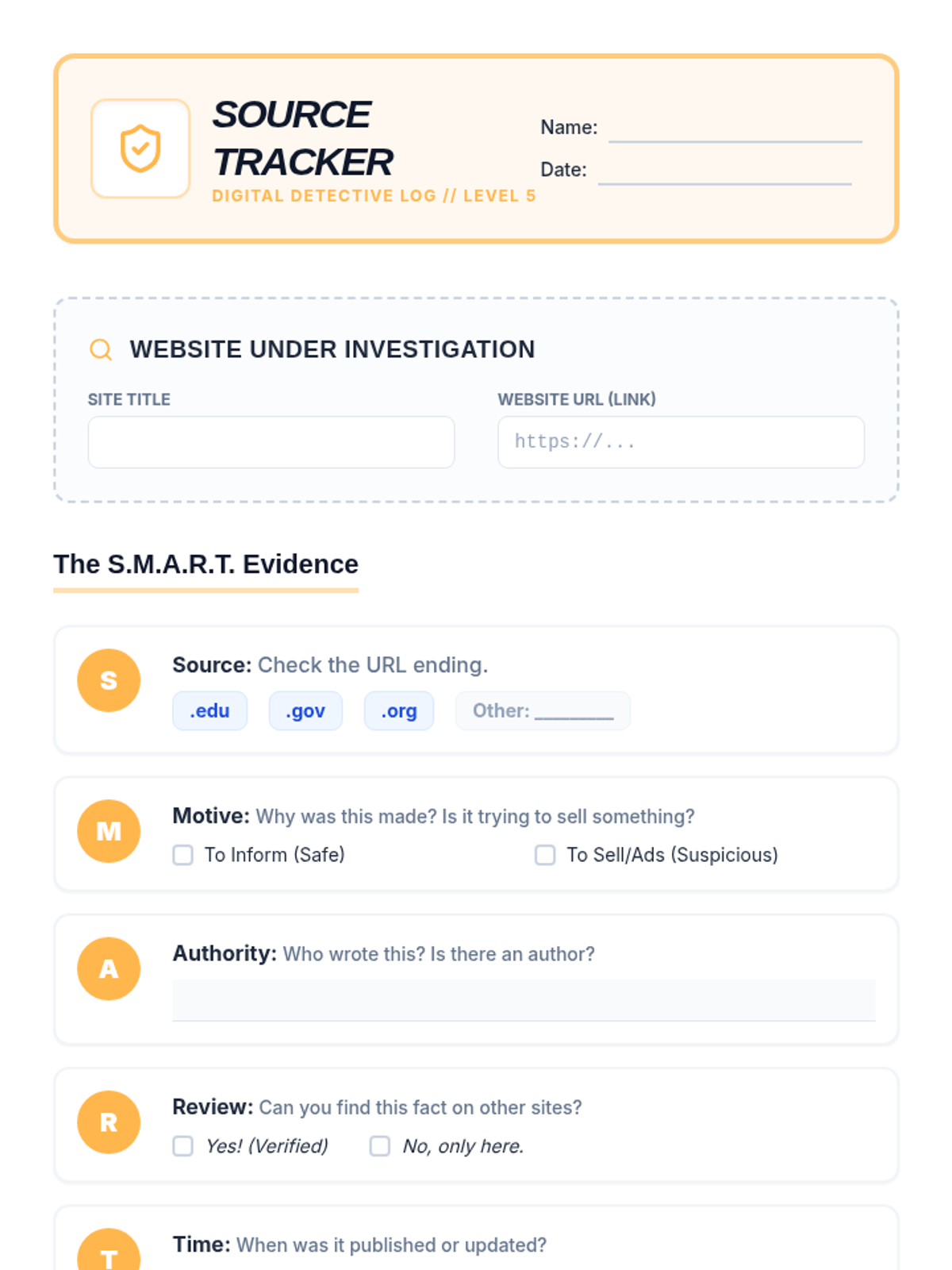
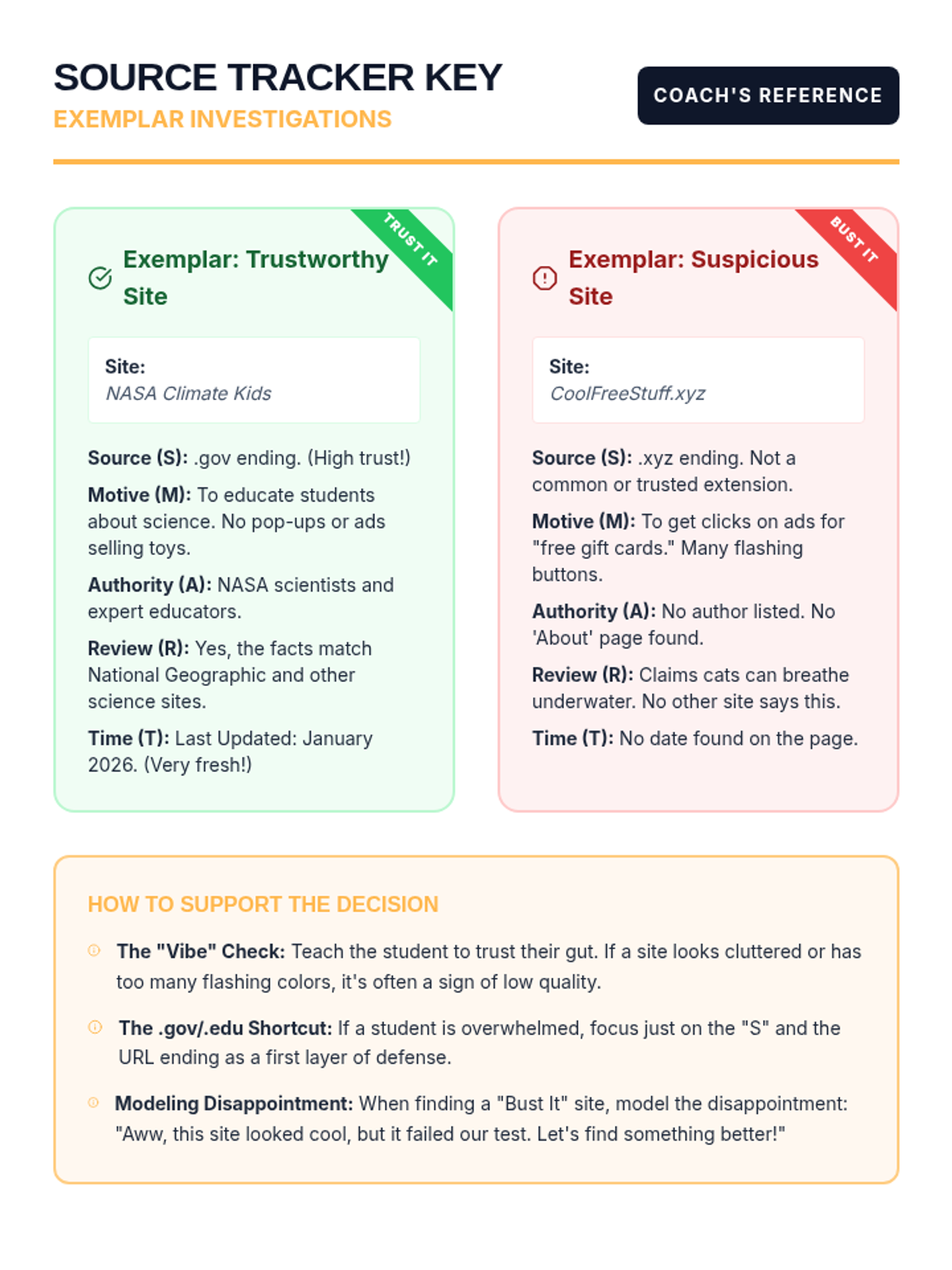
An intensive 20-minute Tier 3 individual coaching session designed to help 5th-grade students evaluate online sources and navigate websites safely using the 'S.M.A.R.T.' criteria.
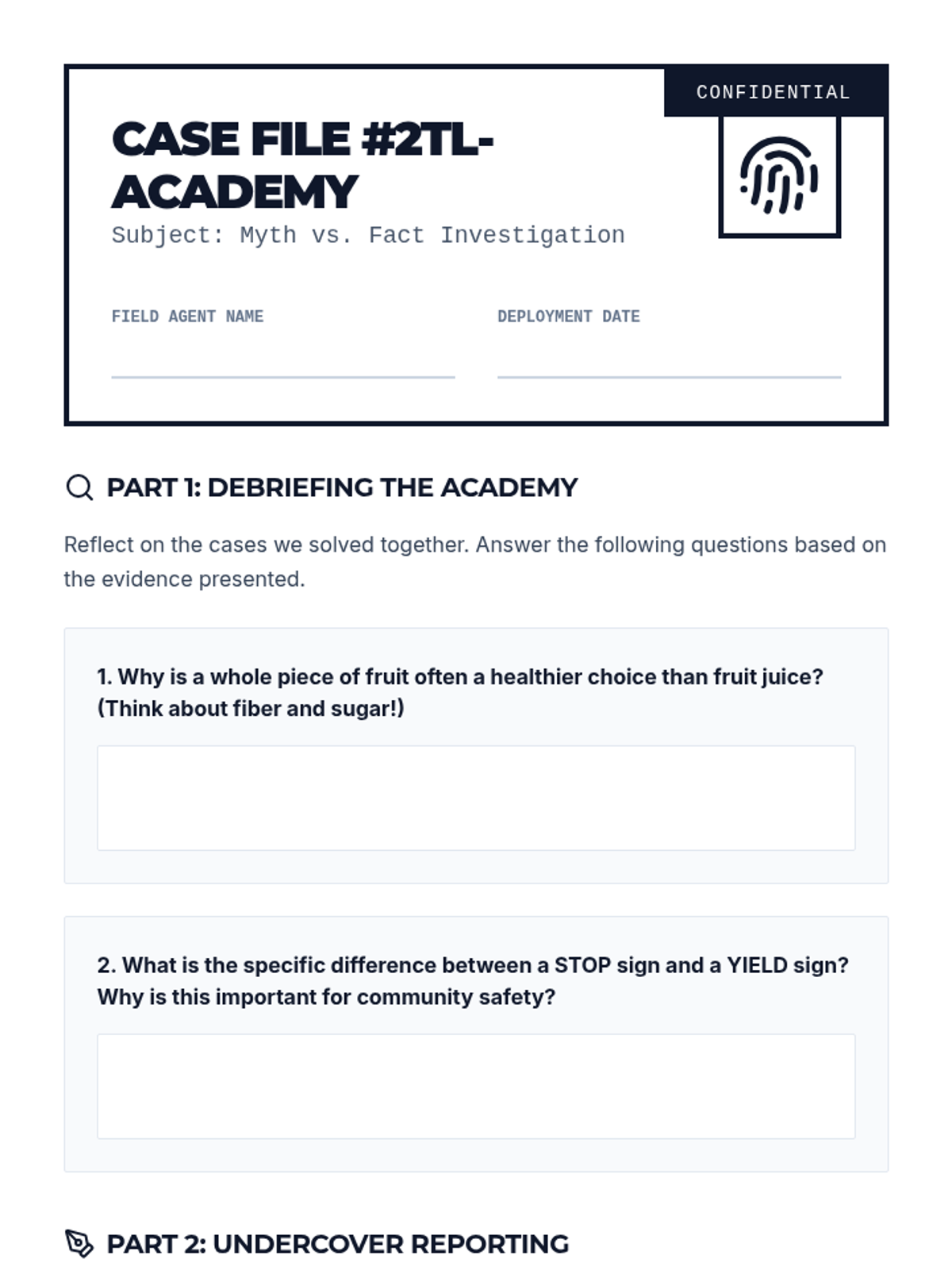
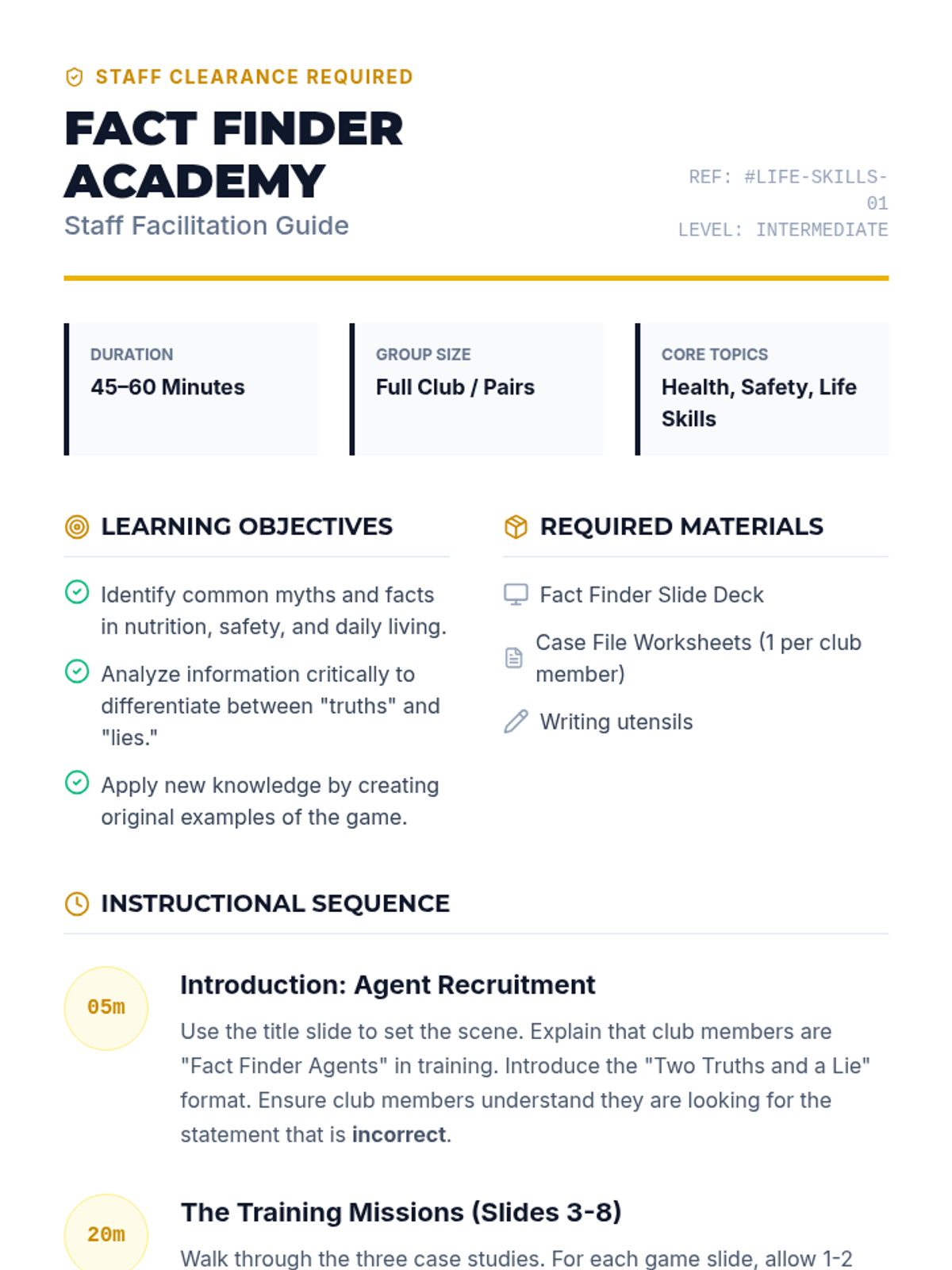
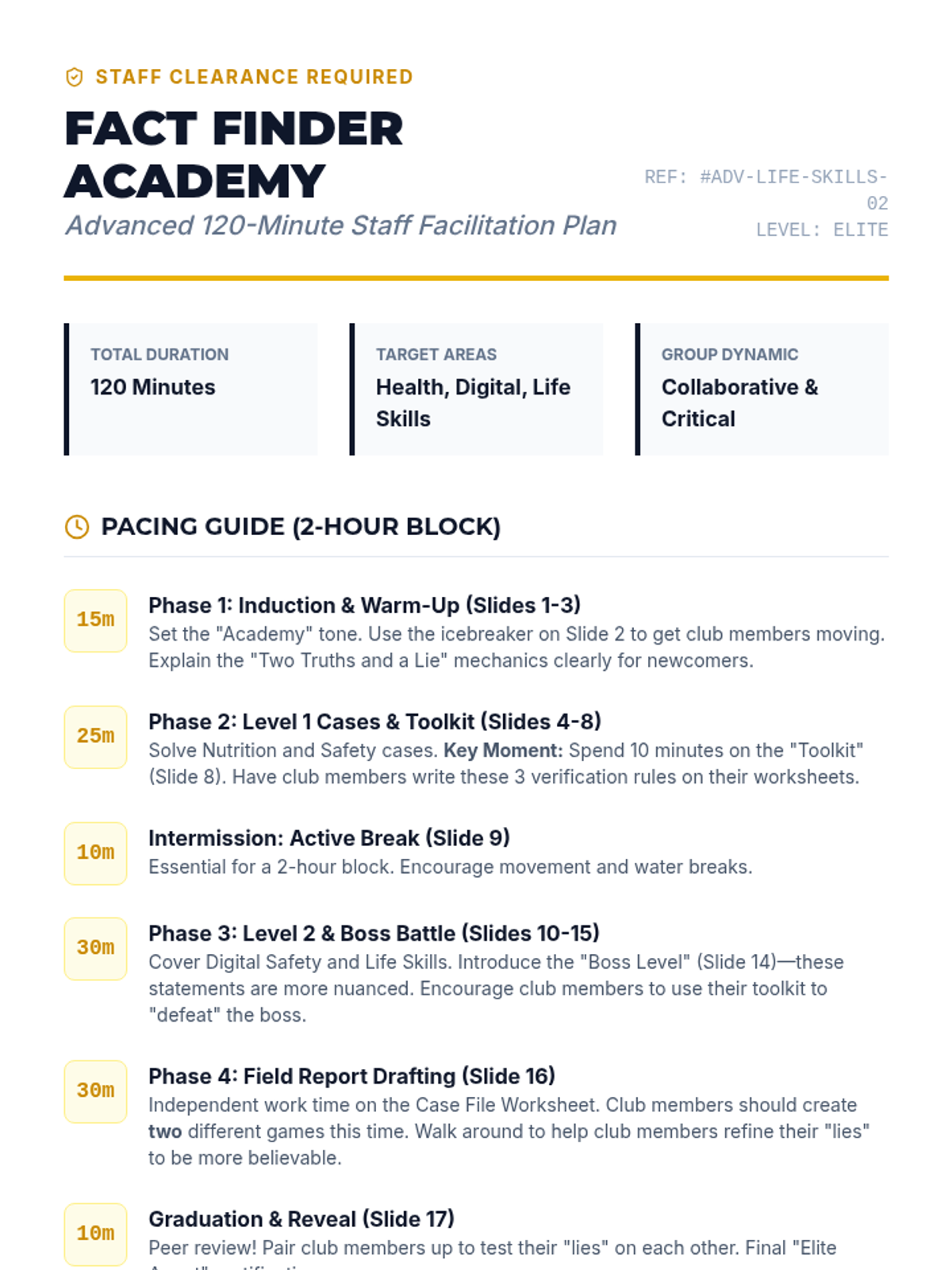
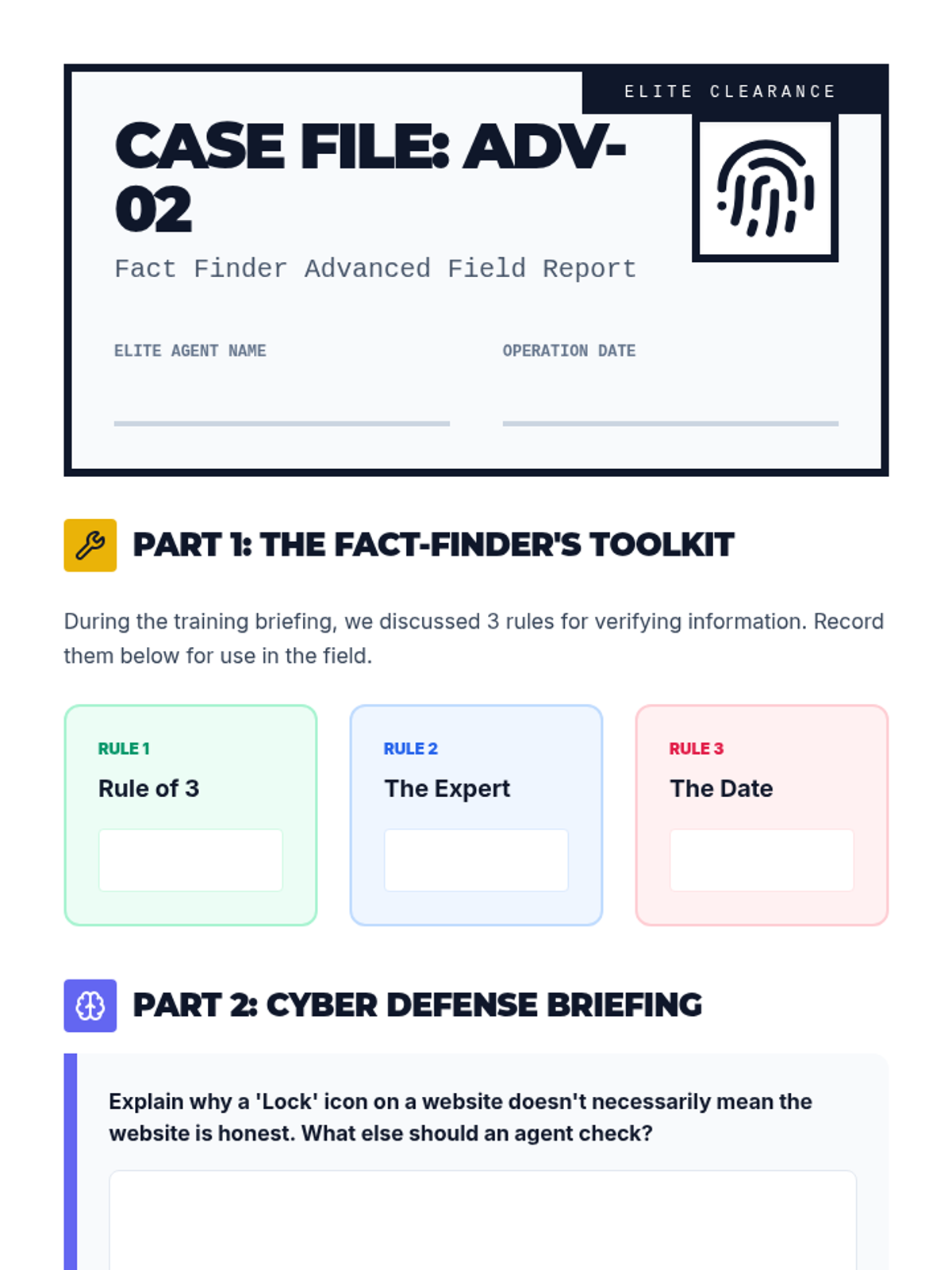
A fun, interactive game-based lesson where club members learn about healthy eating, community safety, and daily living skills by playing Two Truths and a Lie. Club members will act as 'Fact Finders' to identify myths and facts in these key life areas.
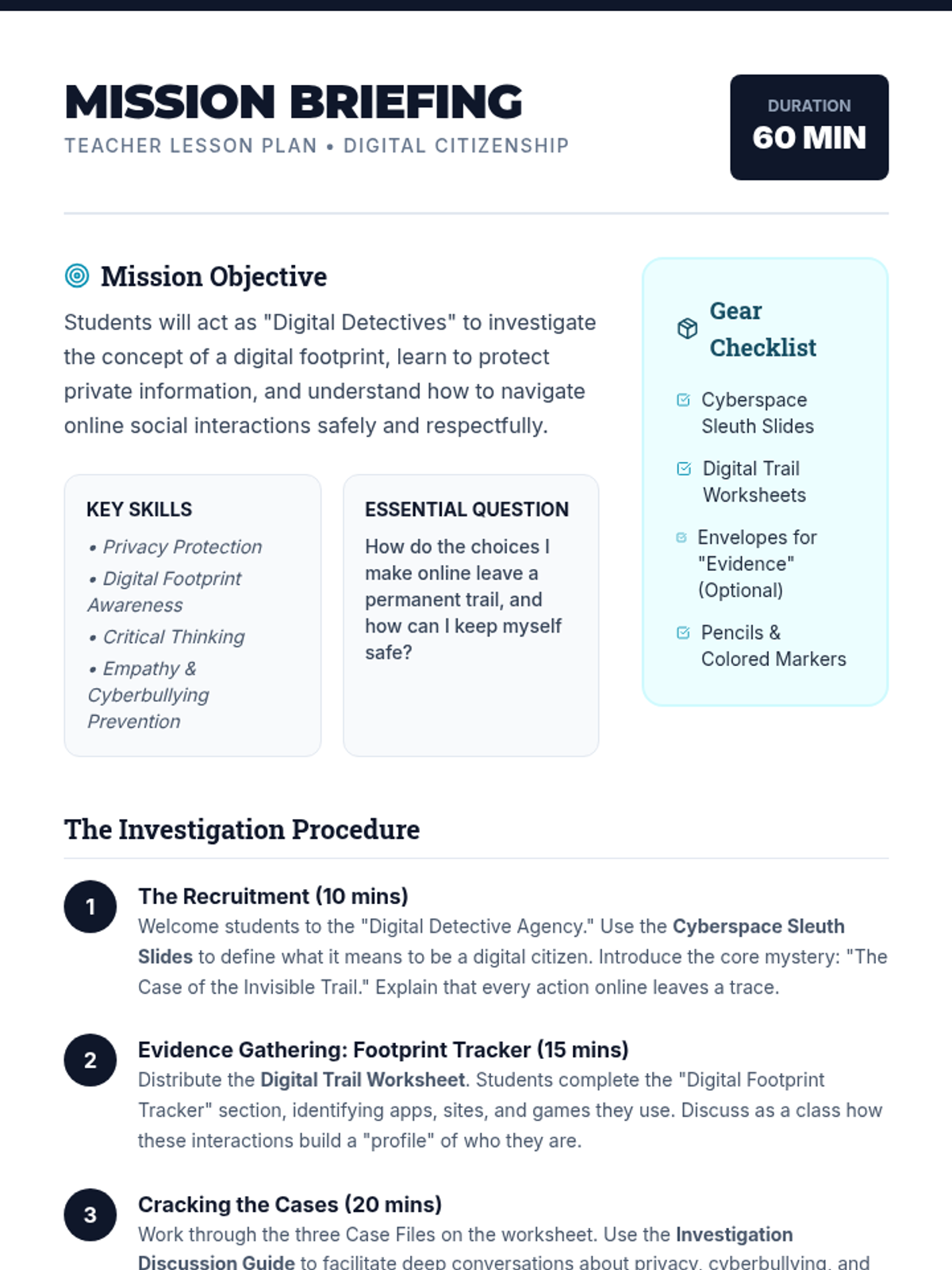
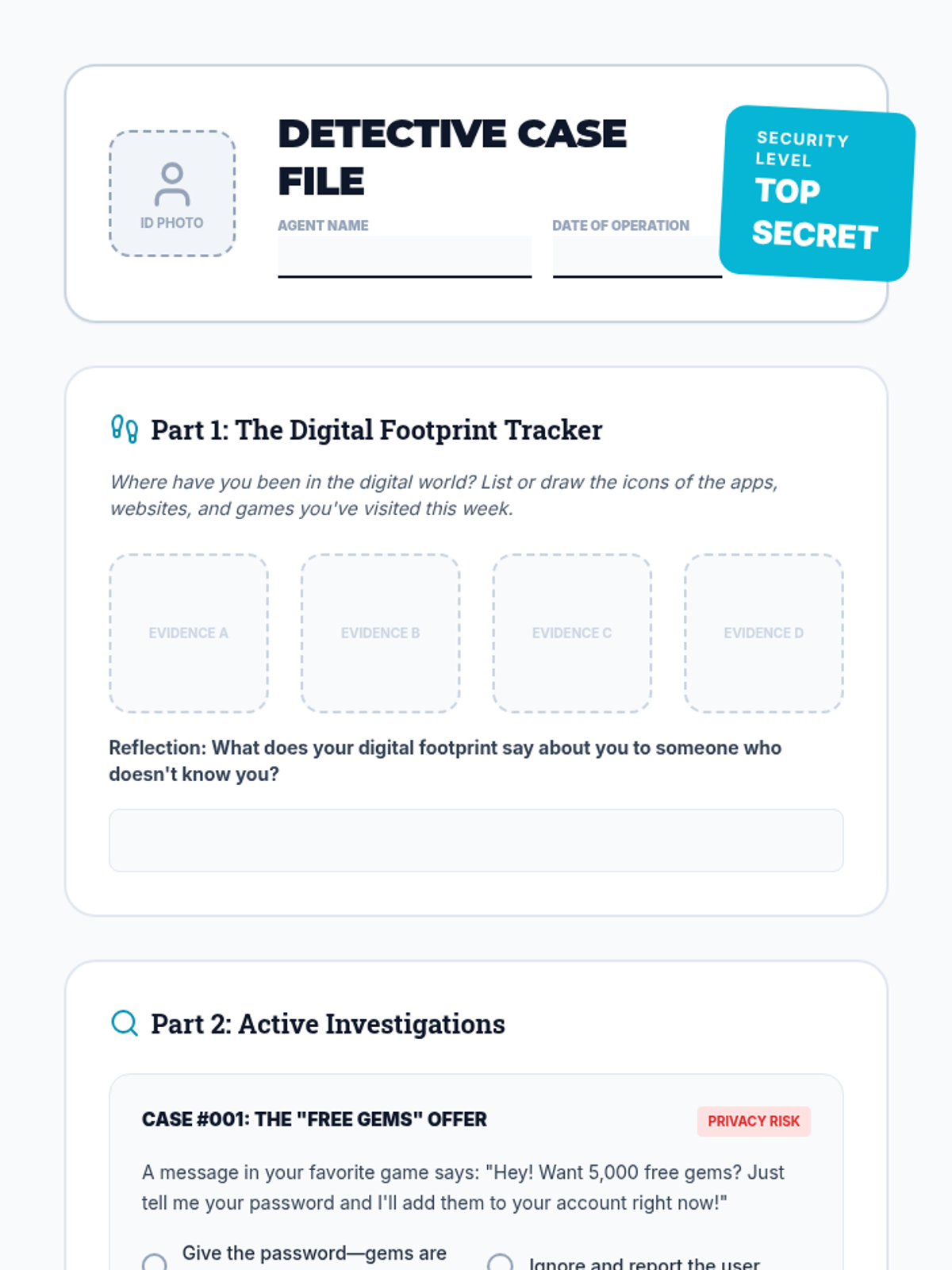
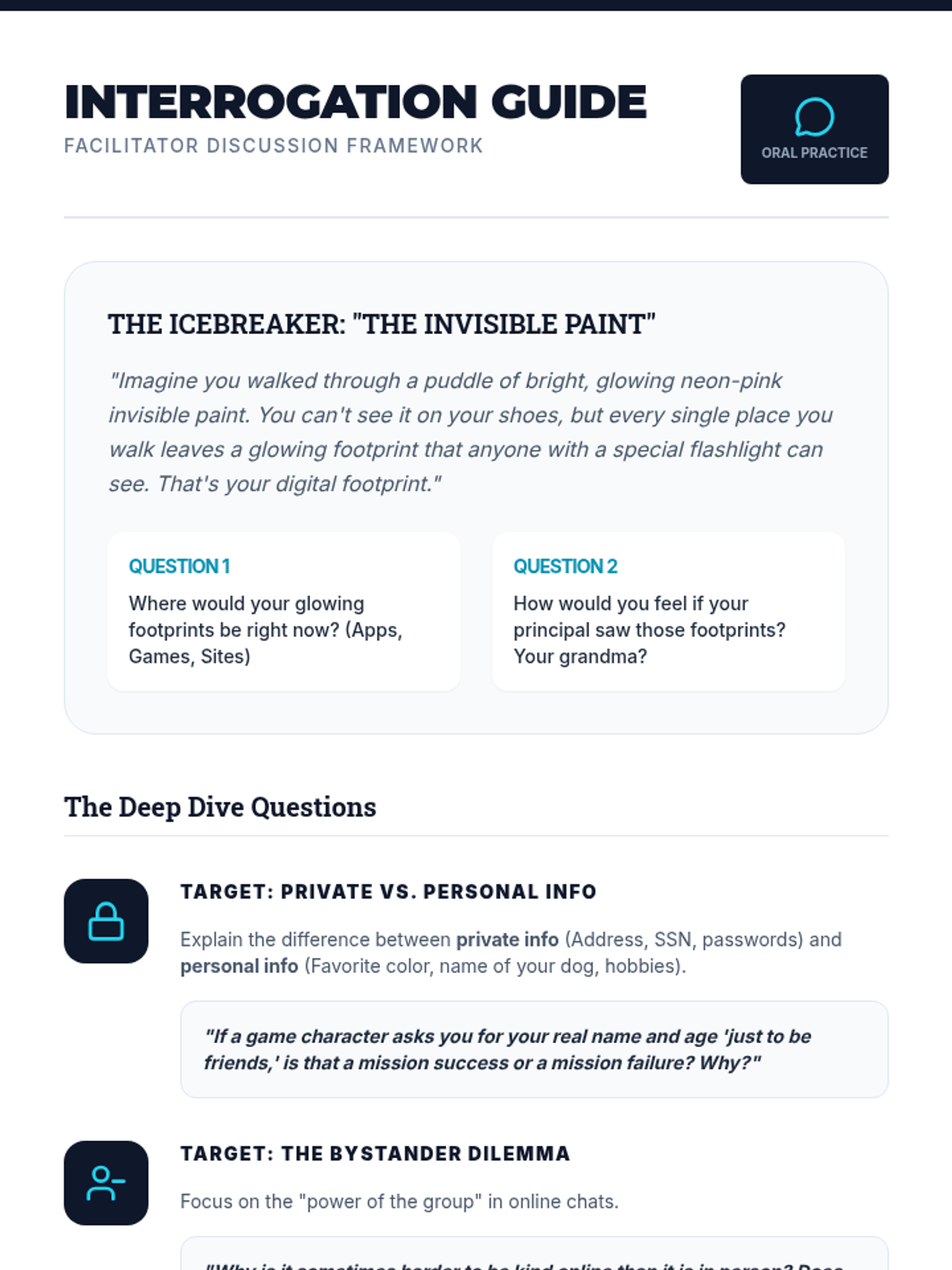
A comprehensive lesson for 3rd-5th graders on digital citizenship, focusing on online safety, privacy, and digital footprints through a detective-themed agency experience.
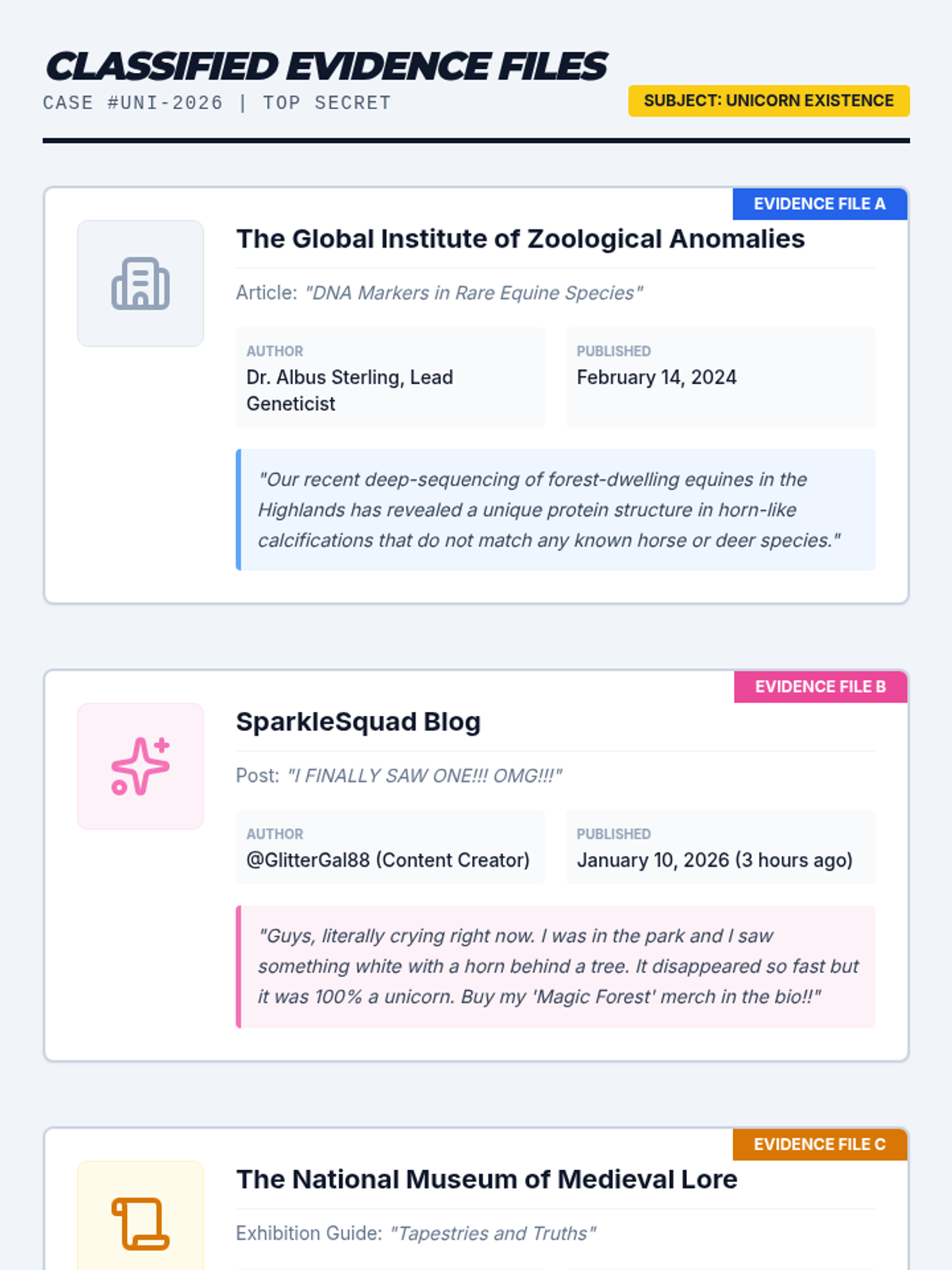
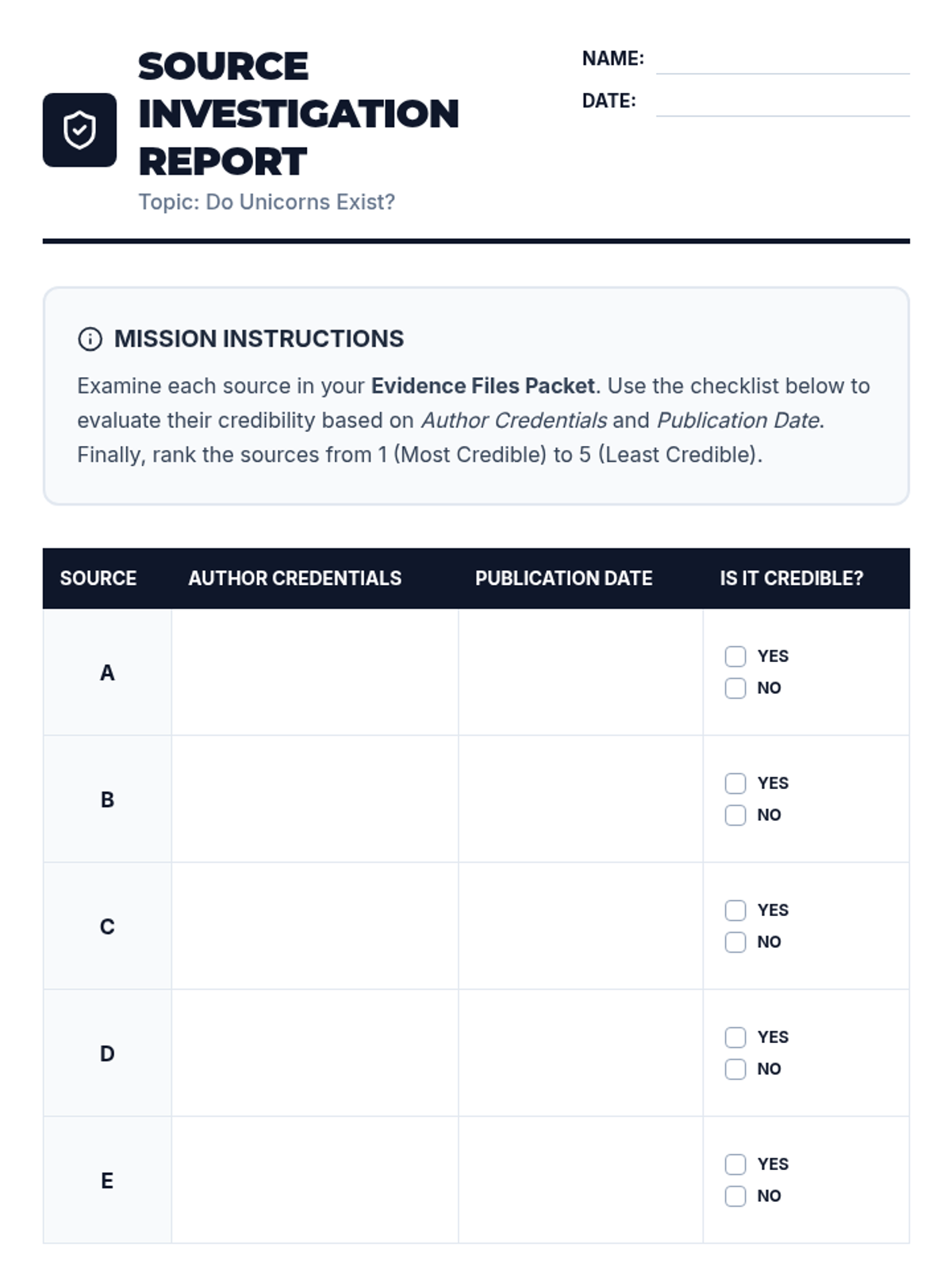
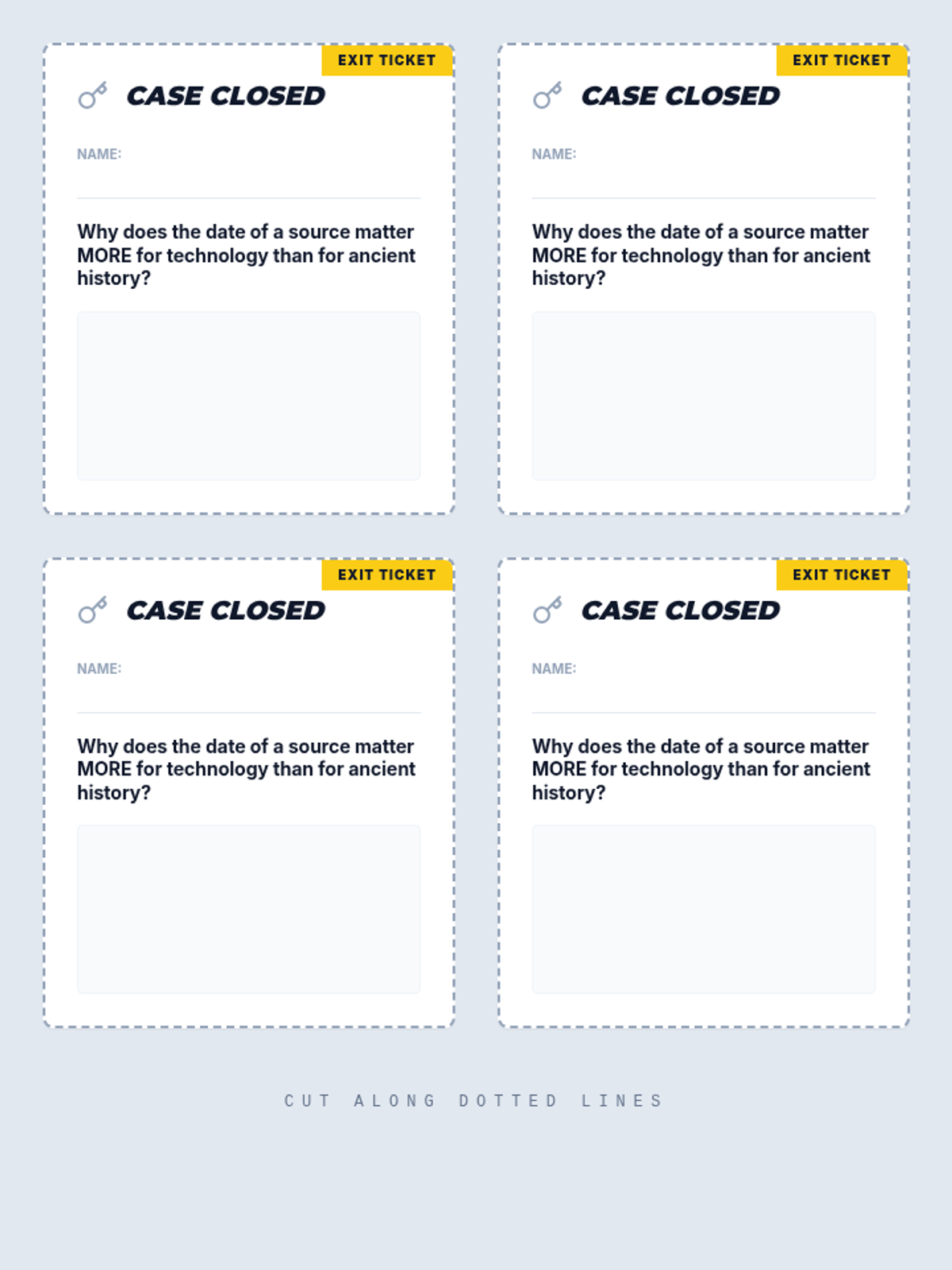
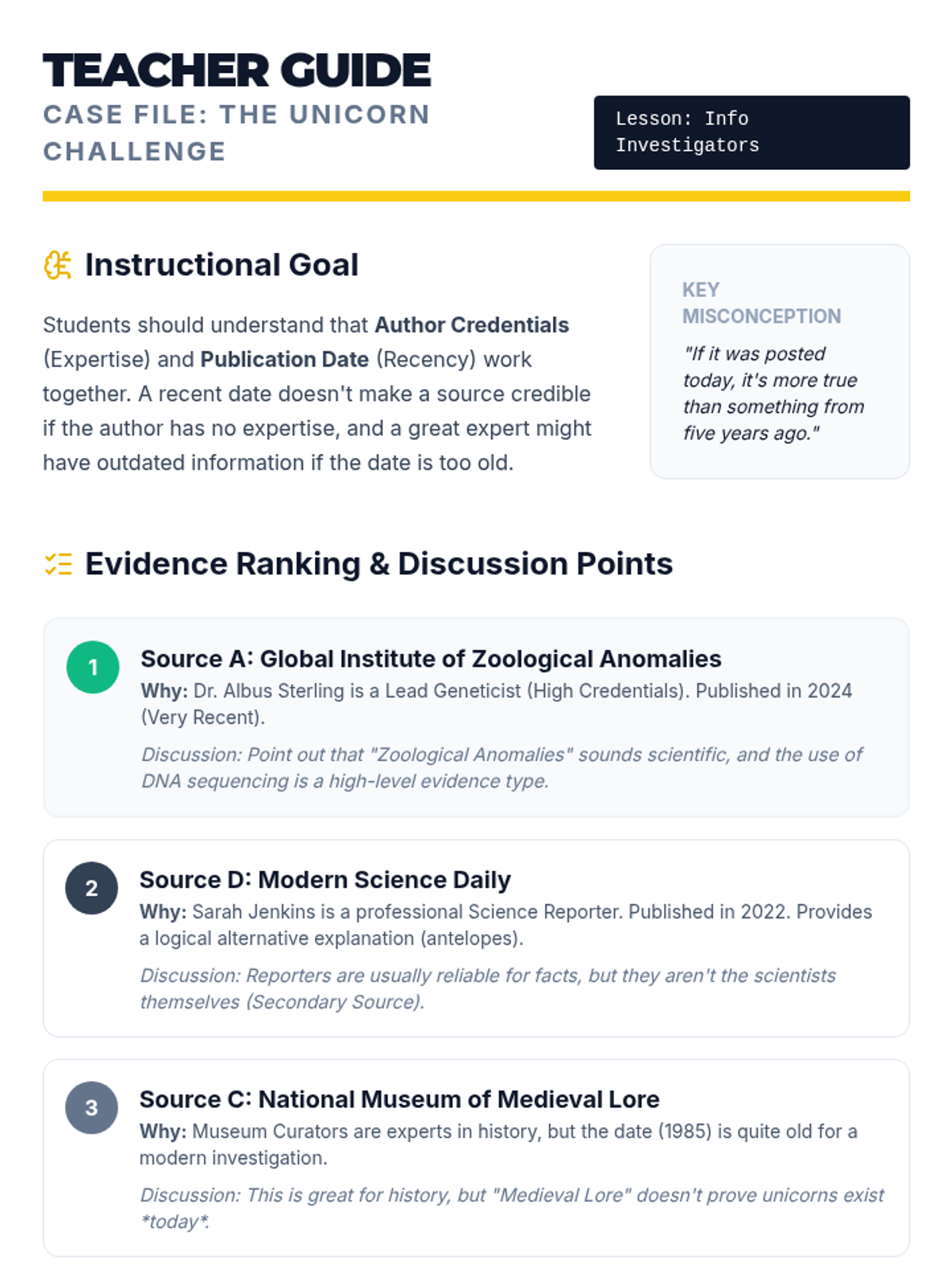
A lesson where students become 'Info Investigators' to evaluate the credibility of sources using author credentials and publication dates. Through a detective-themed investigation into the existence of unicorns, students learn to distinguish between expert testimony and social media rumors.
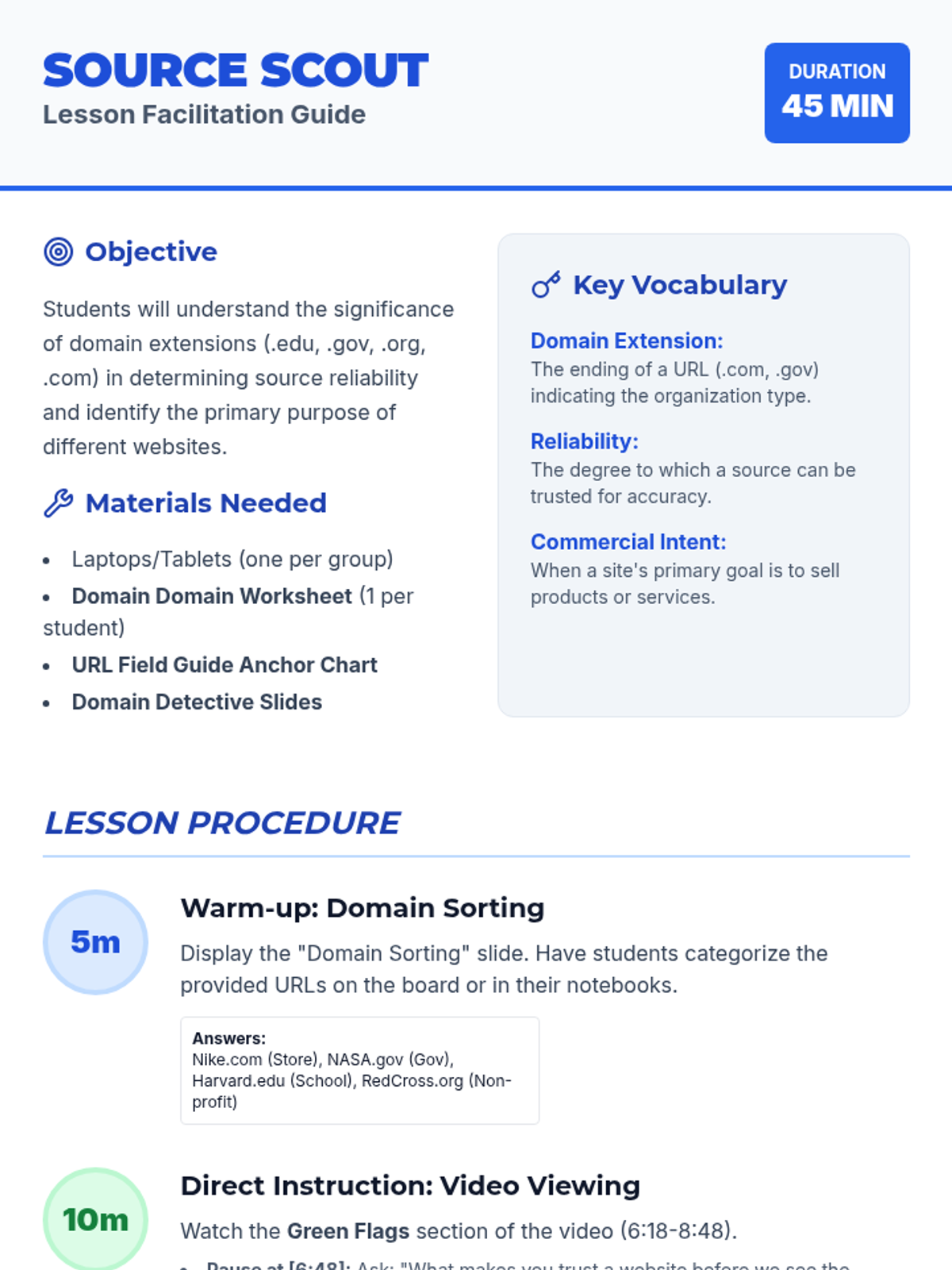
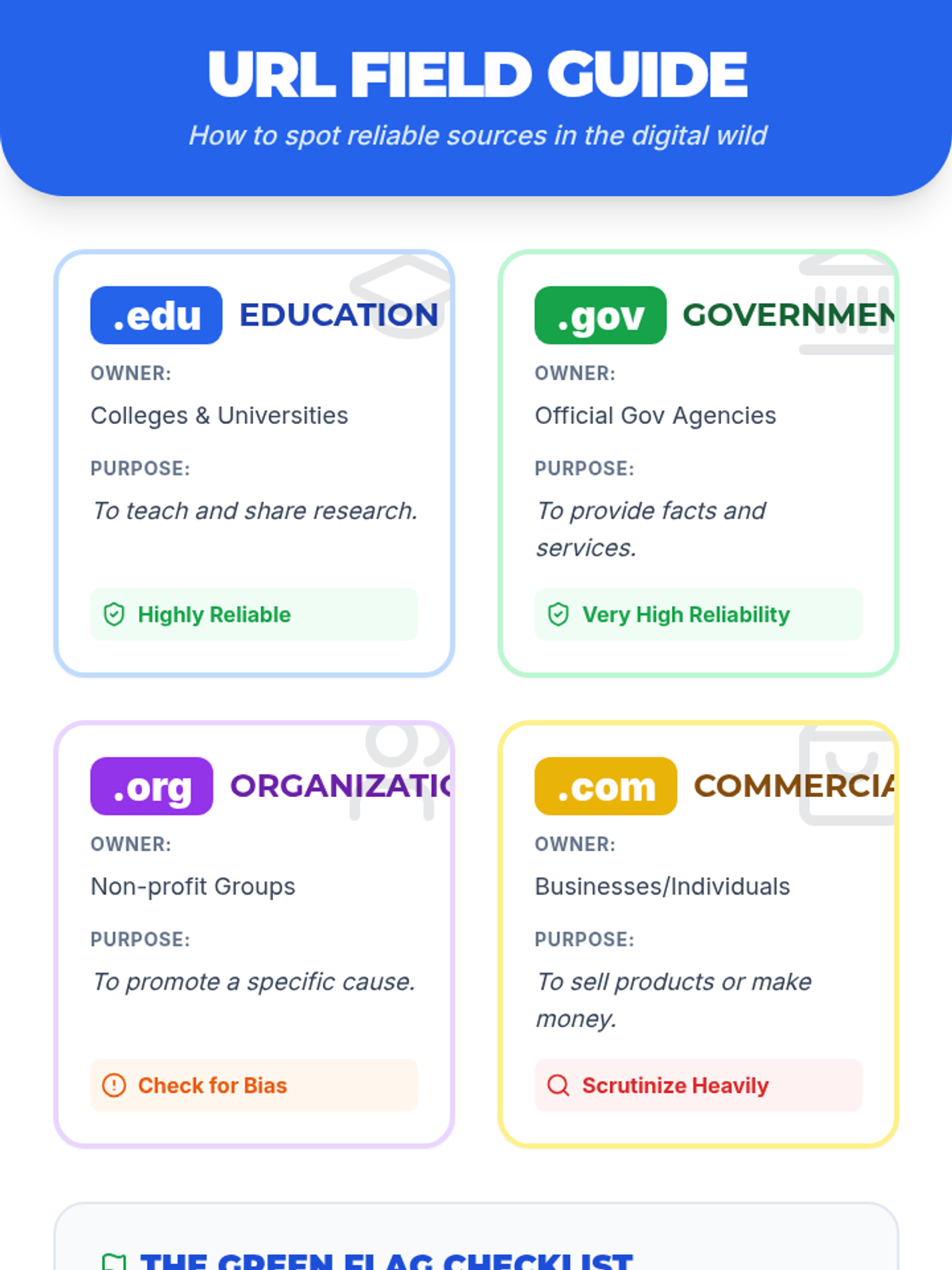
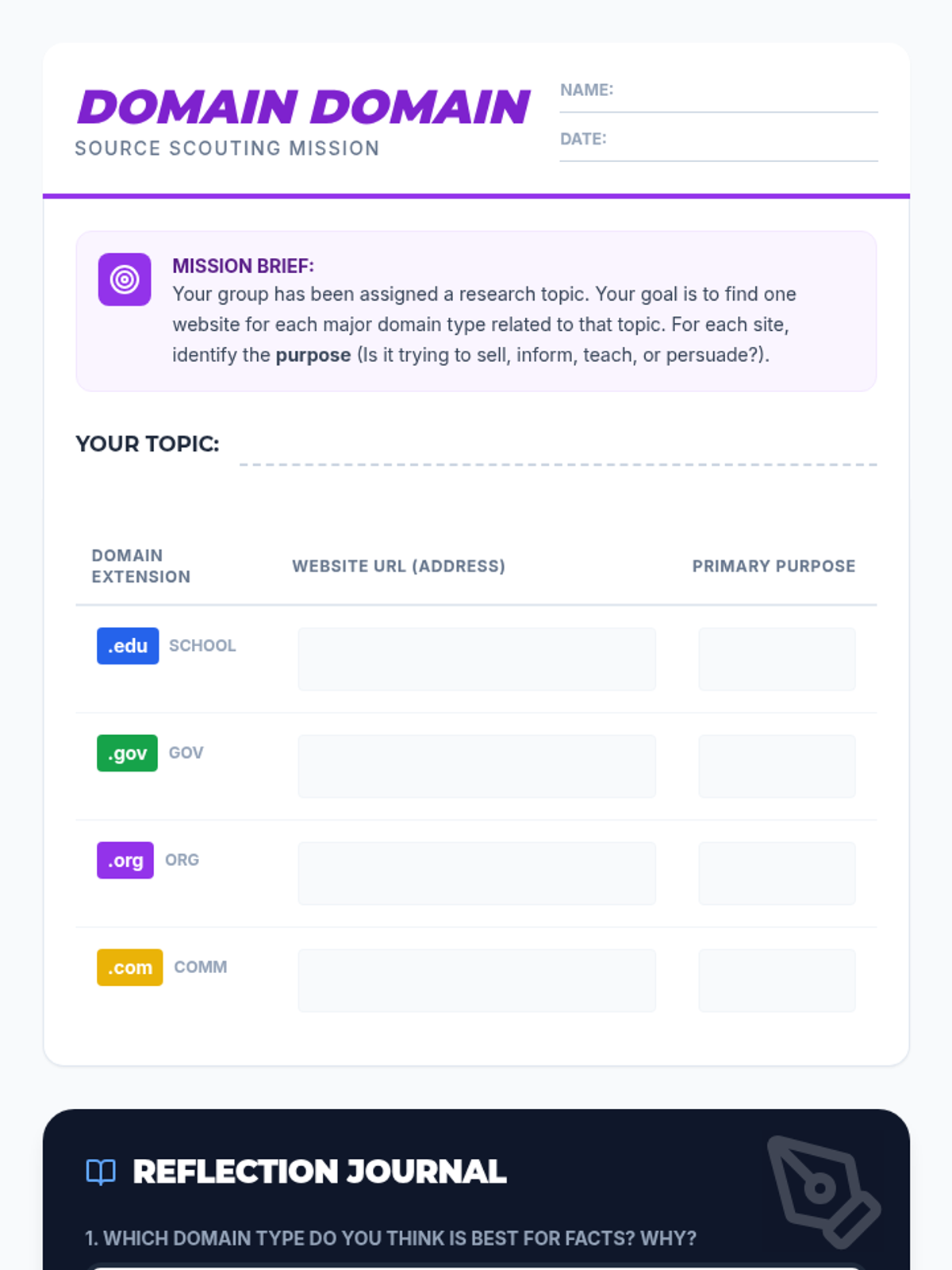
A lesson focused on evaluating source reliability through domain extensions. Students learn to distinguish between .com, .org, .gov, and .edu and investigate how a website's purpose impacts its credibility.
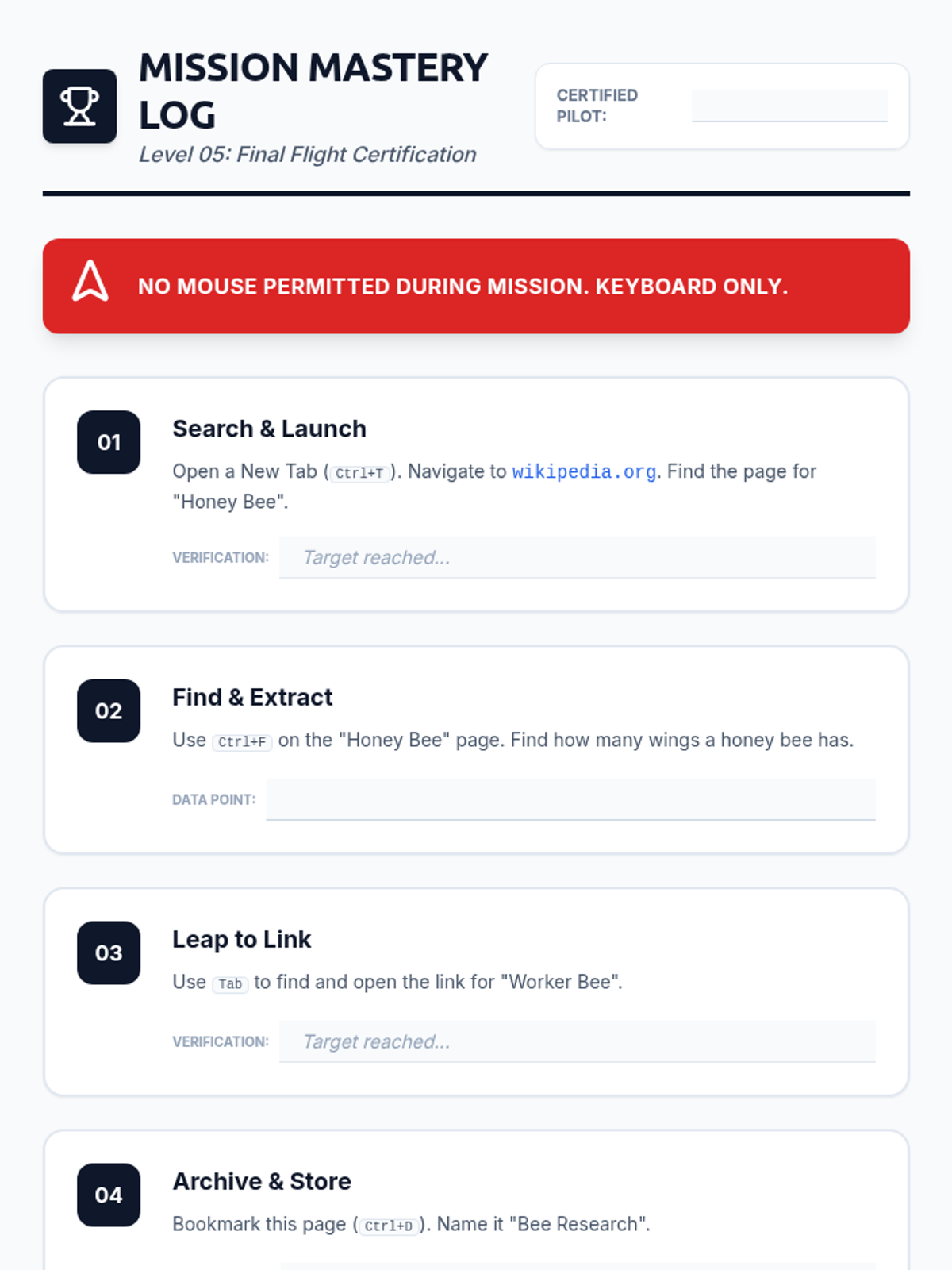
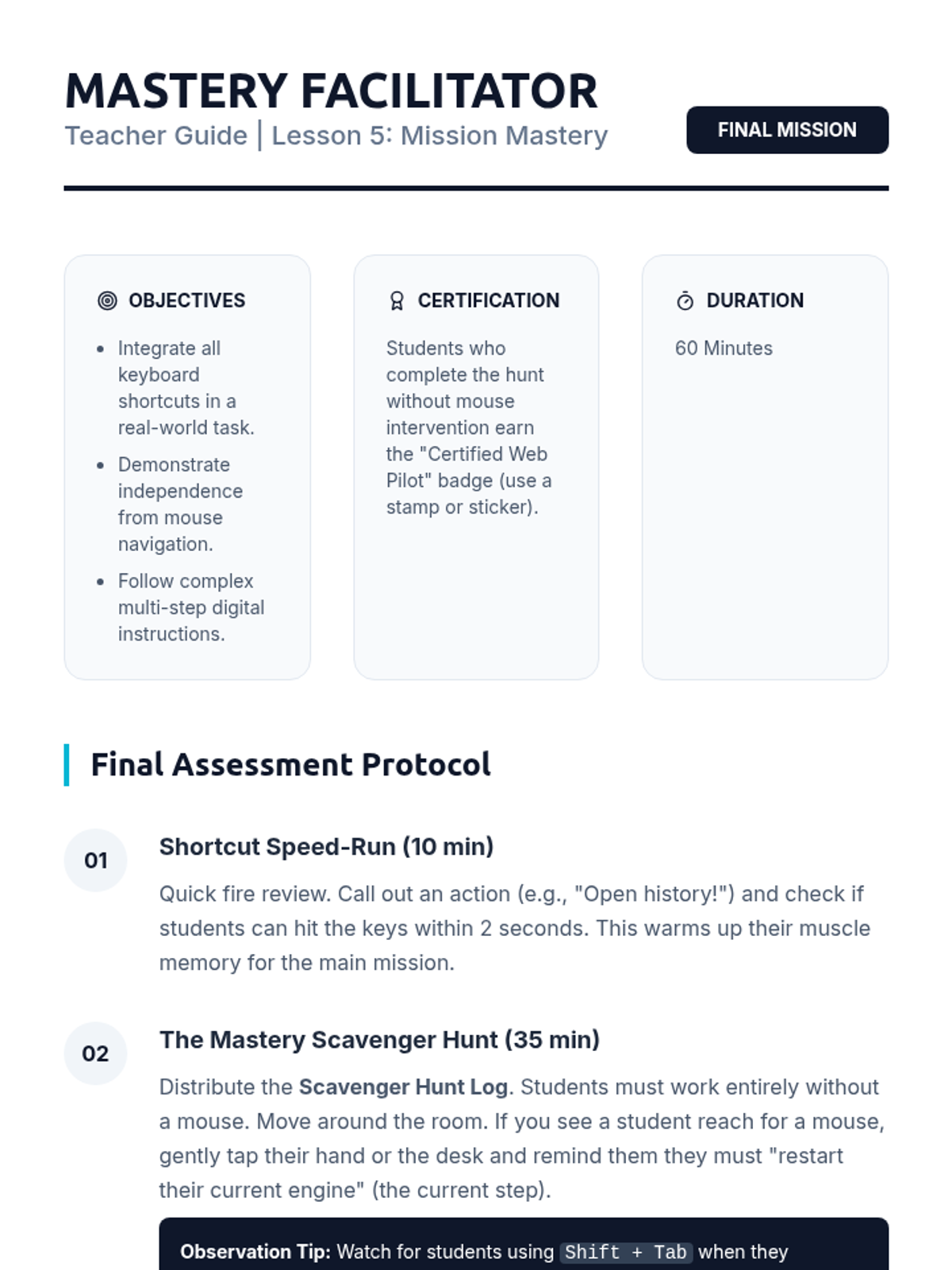
A culminating activity where students must complete a multi-step scavenger hunt across several websites using only keyboard commands.
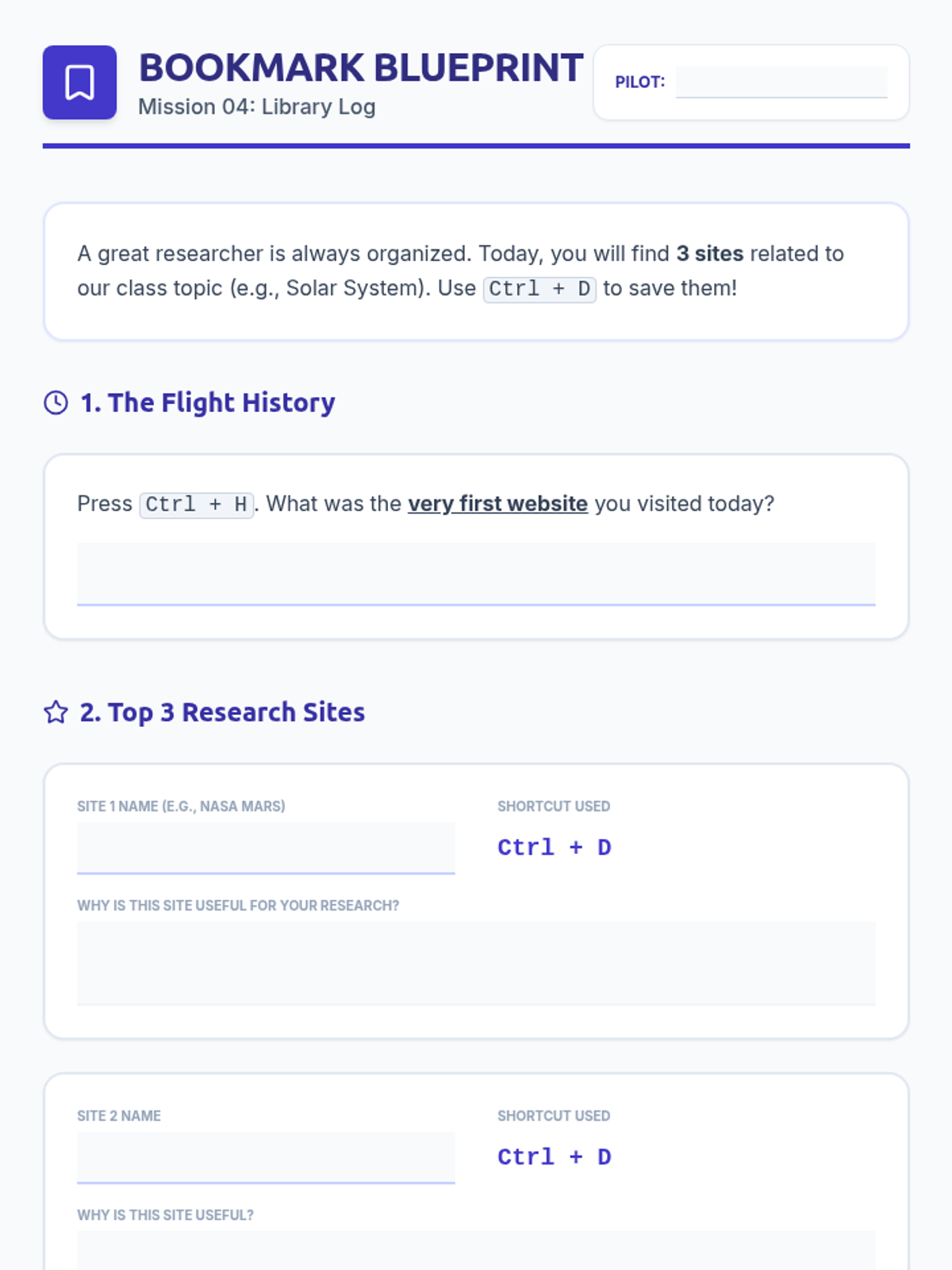
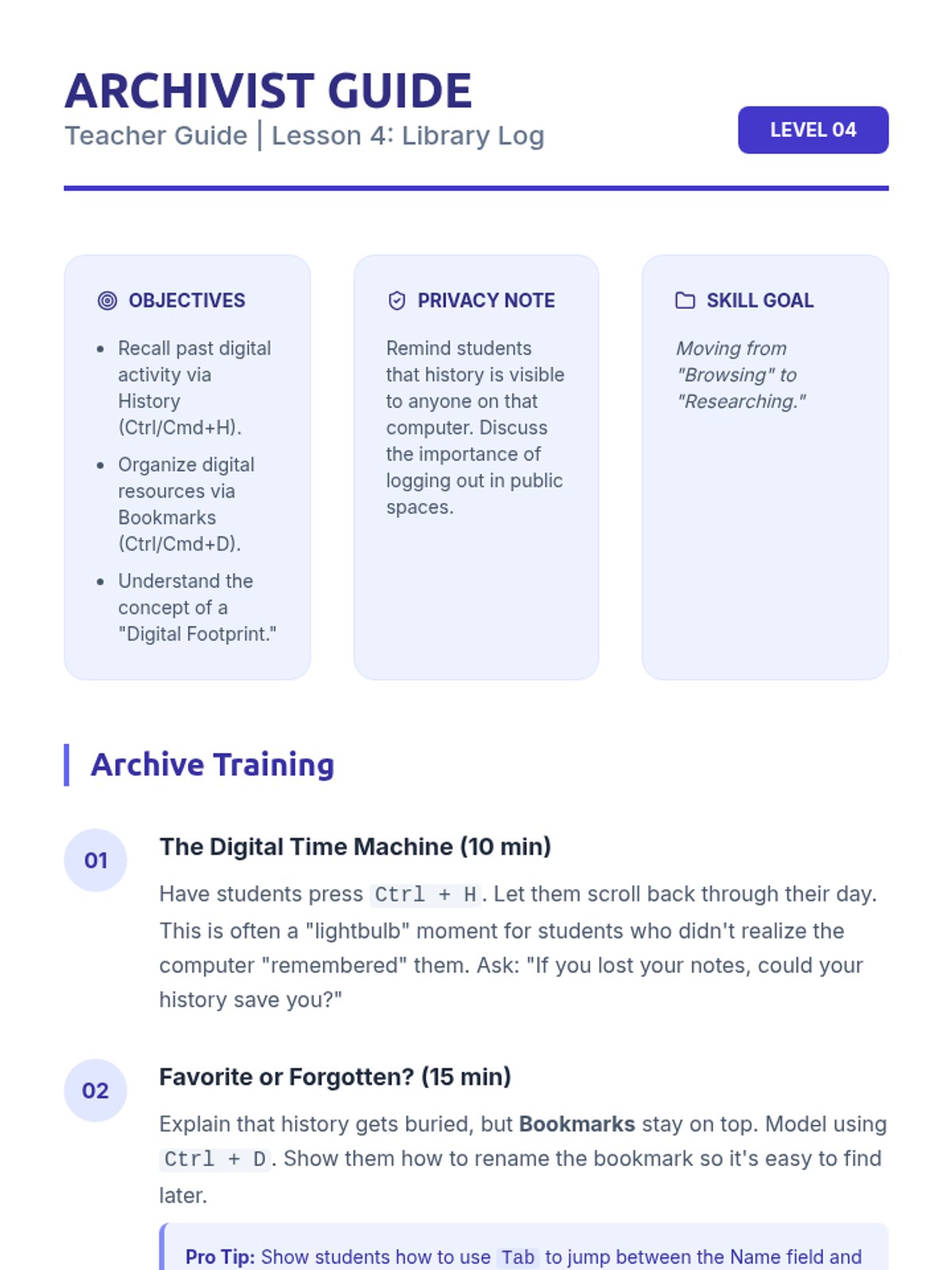
Learners manage their digital footprint by accessing history (Ctrl/Cmd+H) and creating bookmarks (Ctrl/Cmd+D) via keyboard to build a personal library of resources.
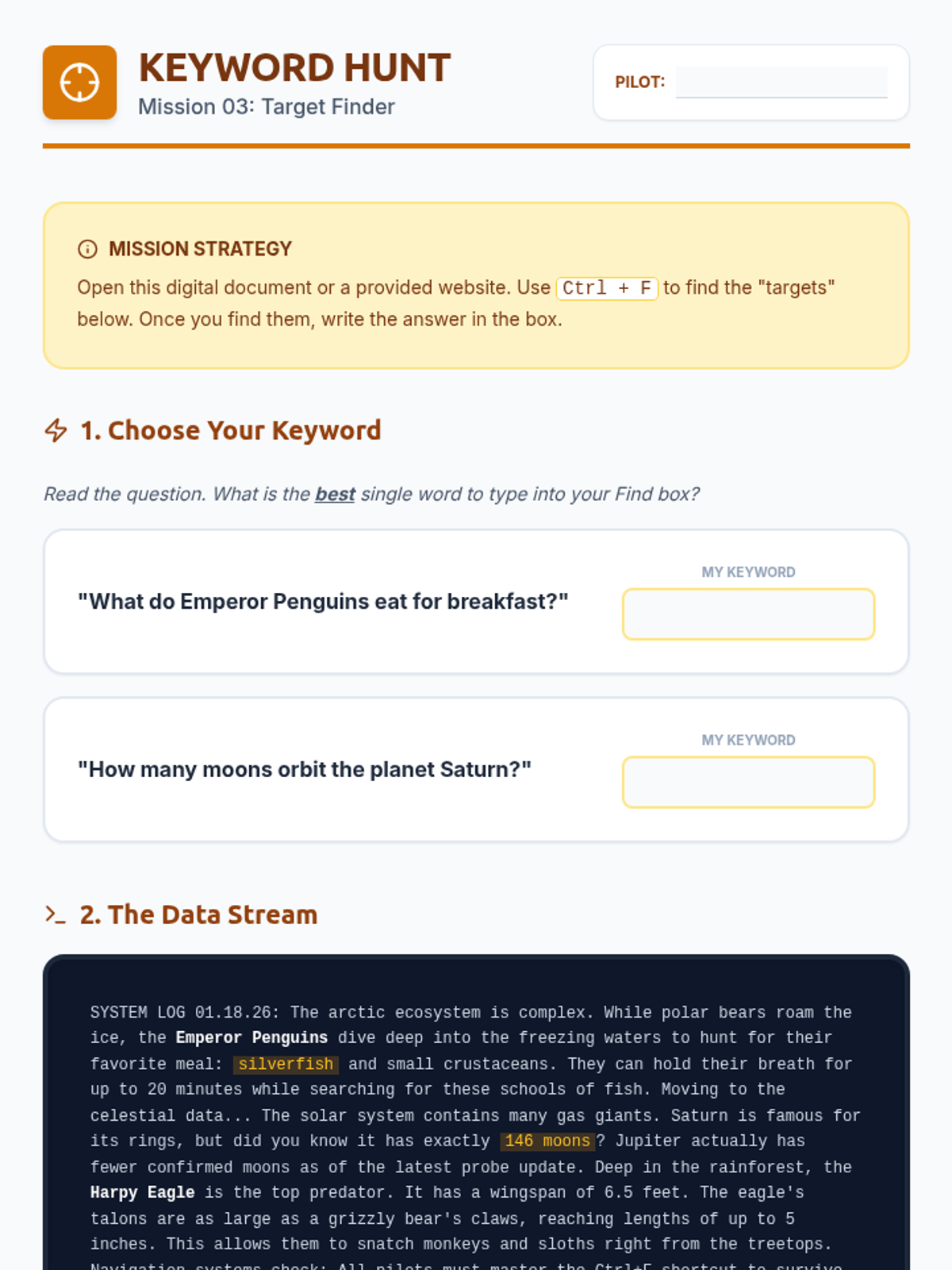
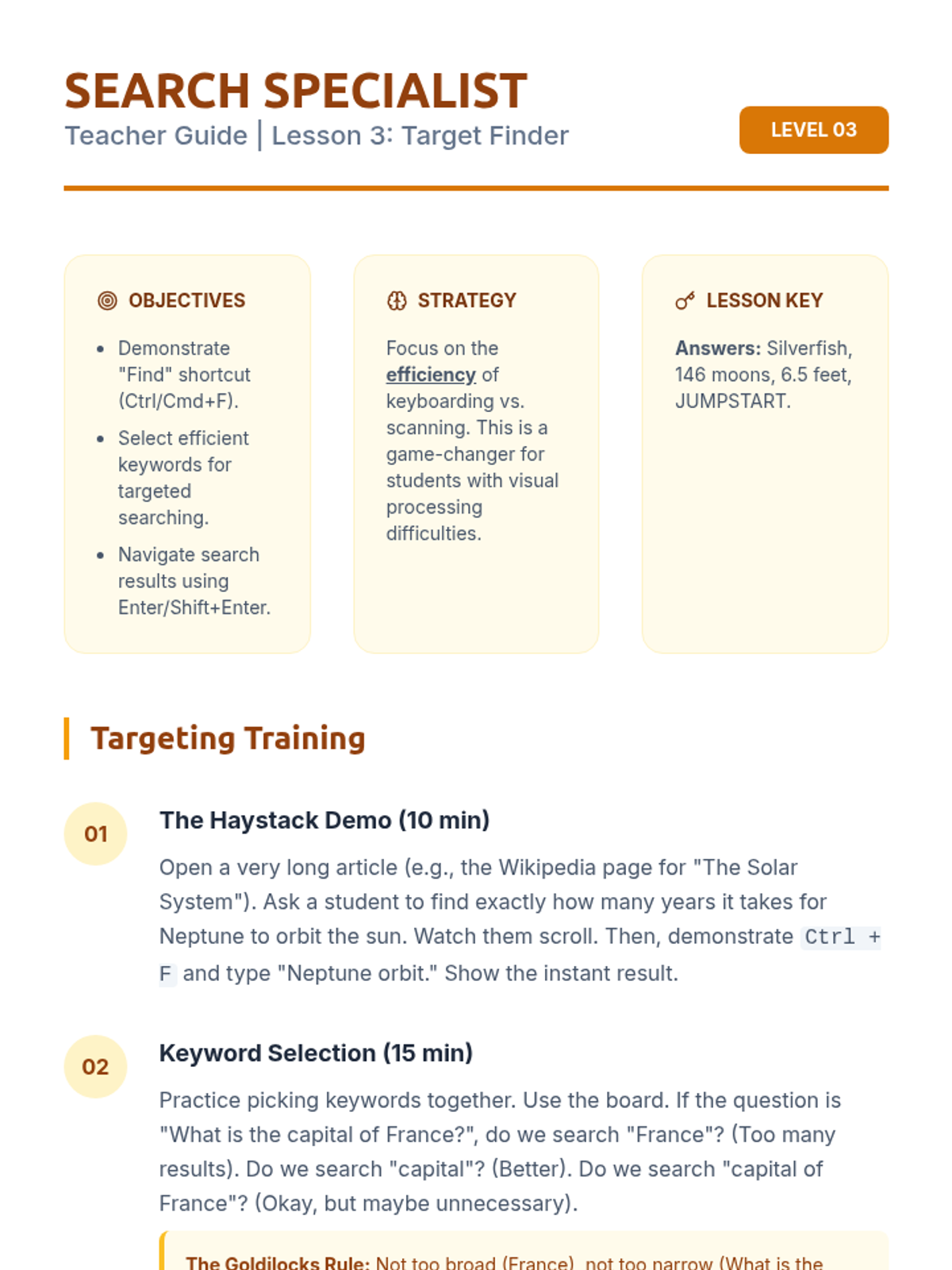
Students use the 'Find' function (Ctrl/Cmd+F) to locate specific keywords within long articles. They will practice jumping directly to relevant information rather than visually scanning or scrolling.
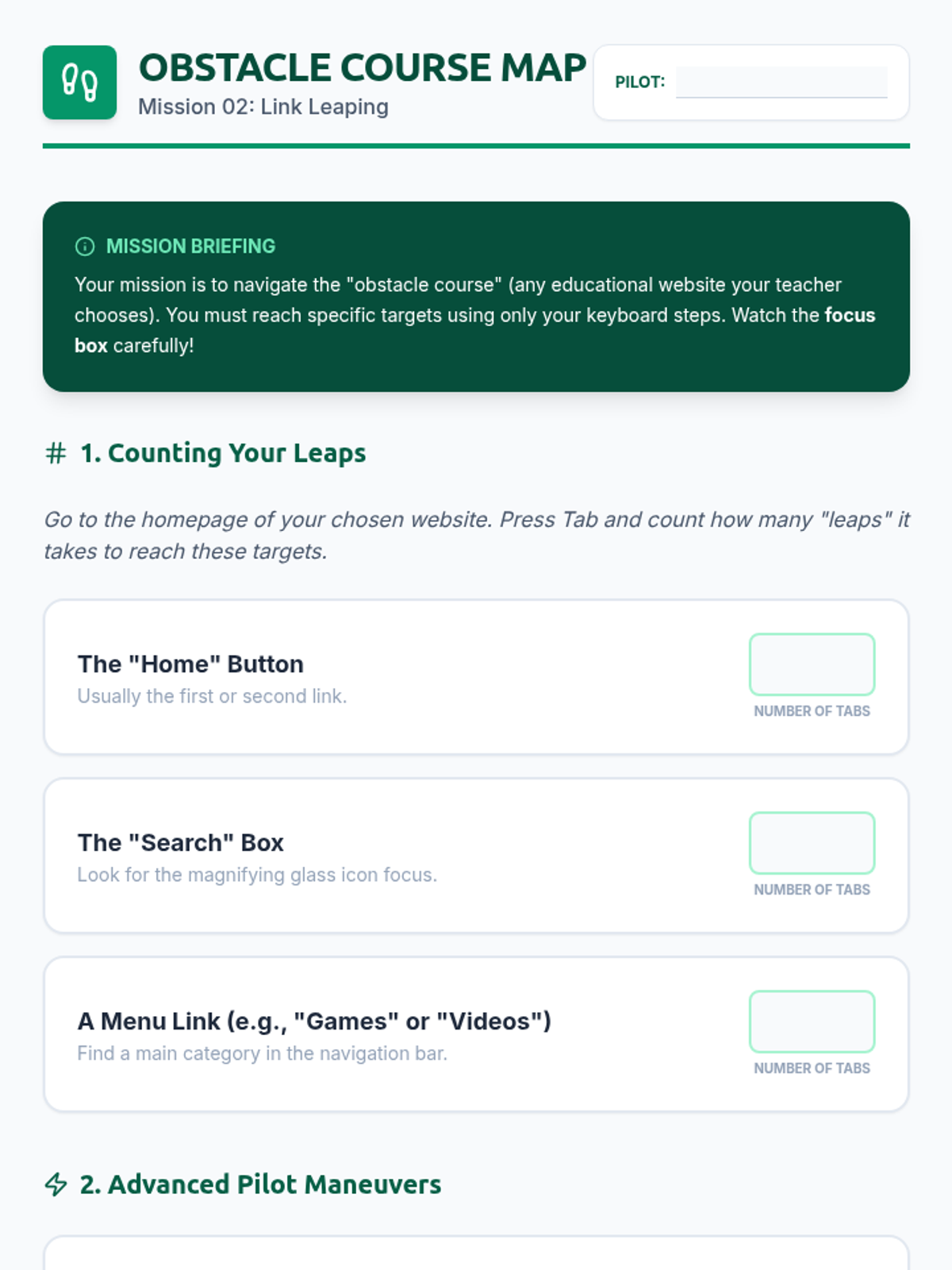
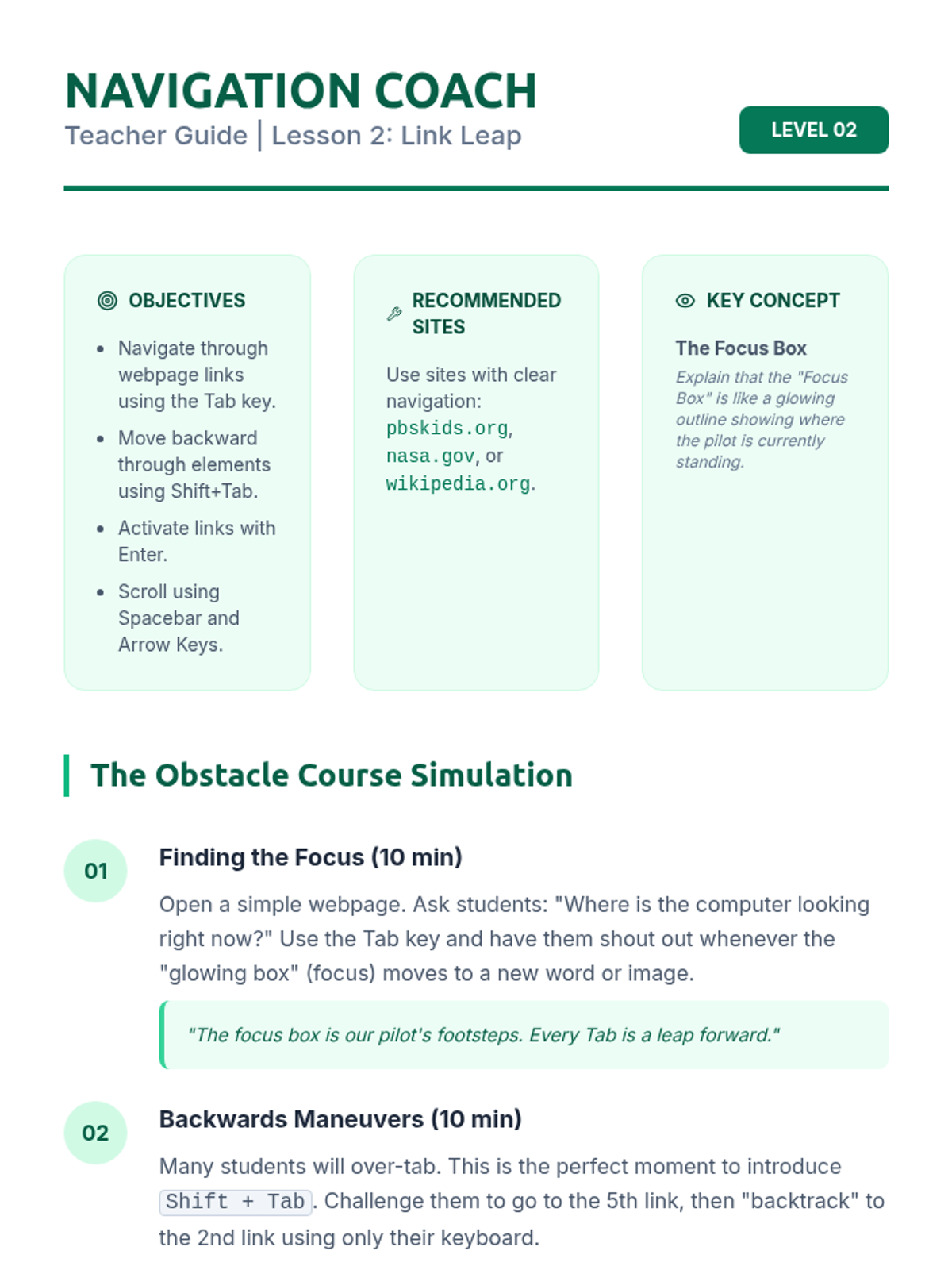
This lesson focuses on using Tab and Shift+Tab to move through links and form fields on a webpage. Students will navigate a specially designed 'obstacle course' webpage and learn to use Spacebar and arrow keys for scrolling.
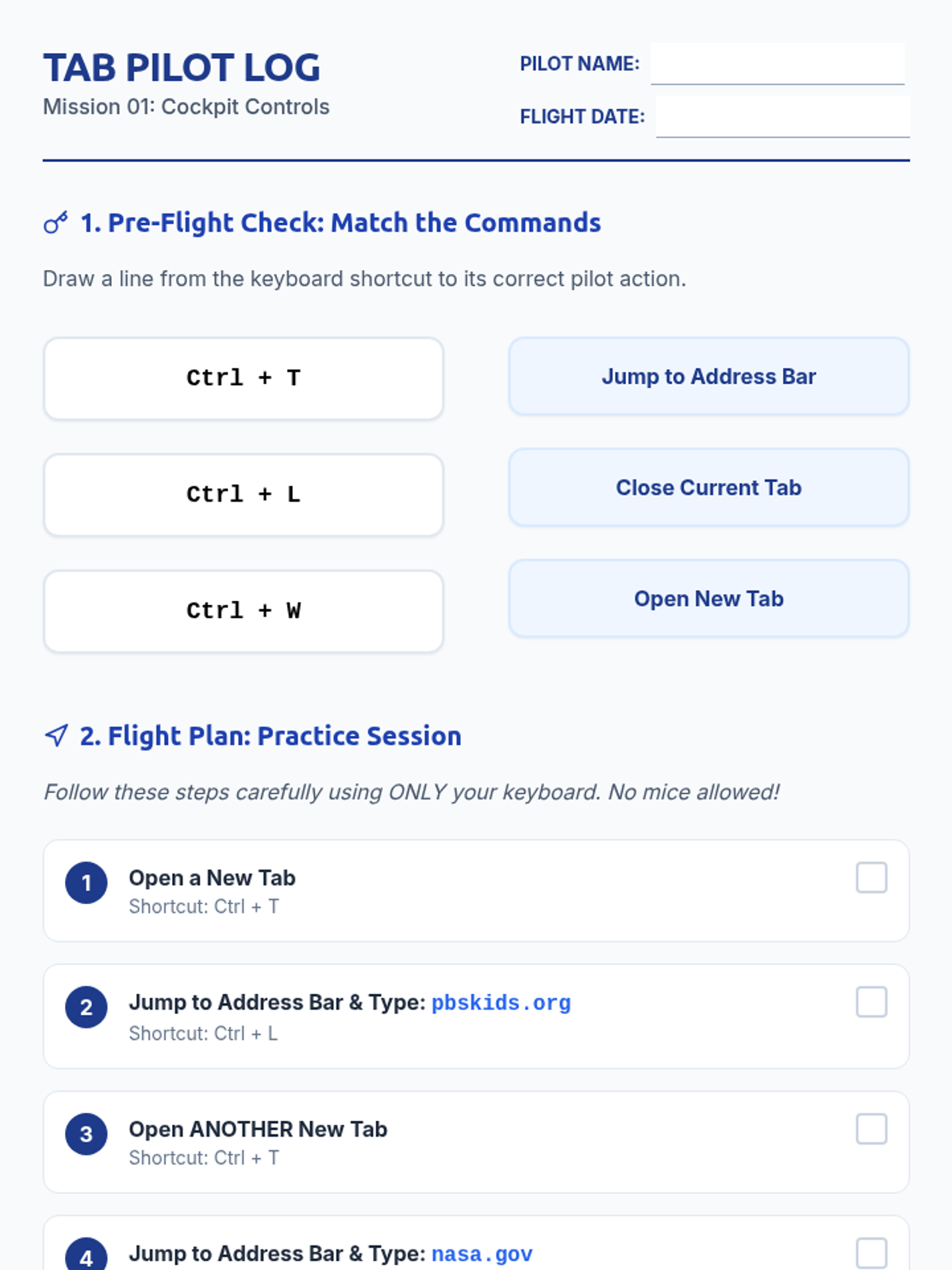
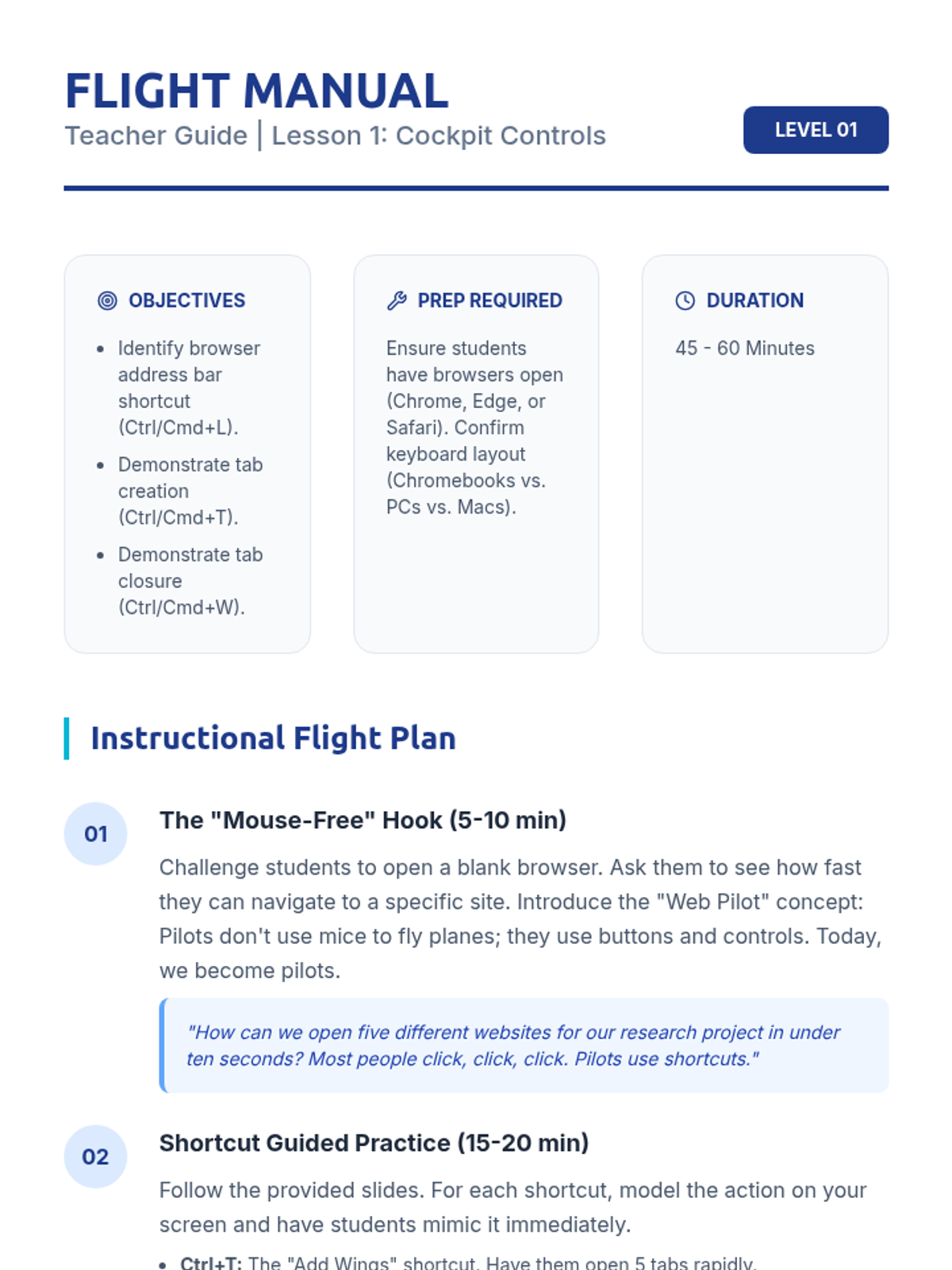
Students learn to jump to the address bar (Ctrl/Cmd+L), open new tabs (Ctrl/Cmd+T), and close them (Ctrl/Cmd+W). They will practice opening multiple specific websites efficiently.
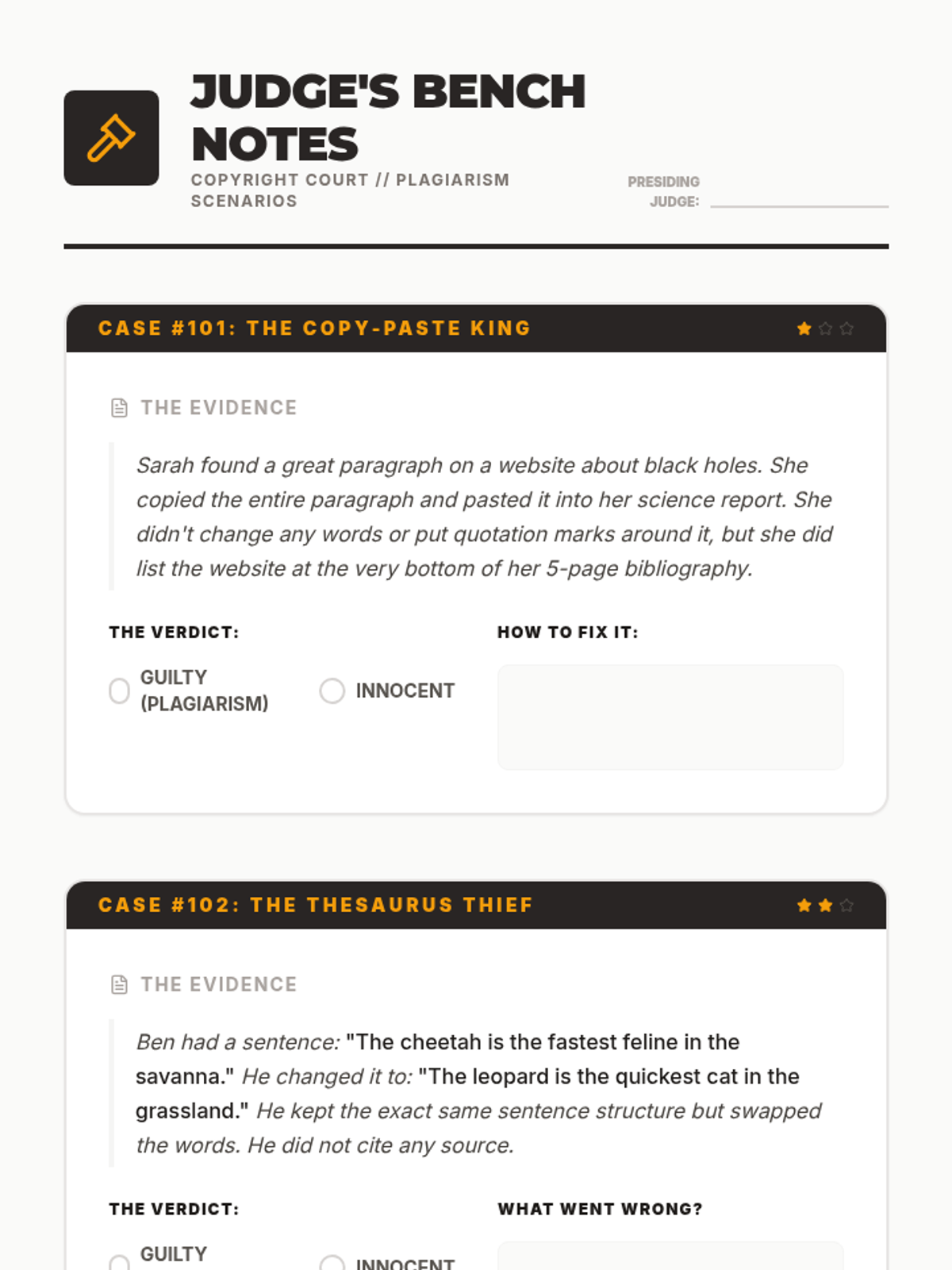
Students apply their knowledge by acting as 'judges' in various plagiarism scenarios, identifying ethical breaches and proposing solutions.
Focused on visual media, students learn how to search for royalty-free images and provide correct attribution instead of just citing search engines.
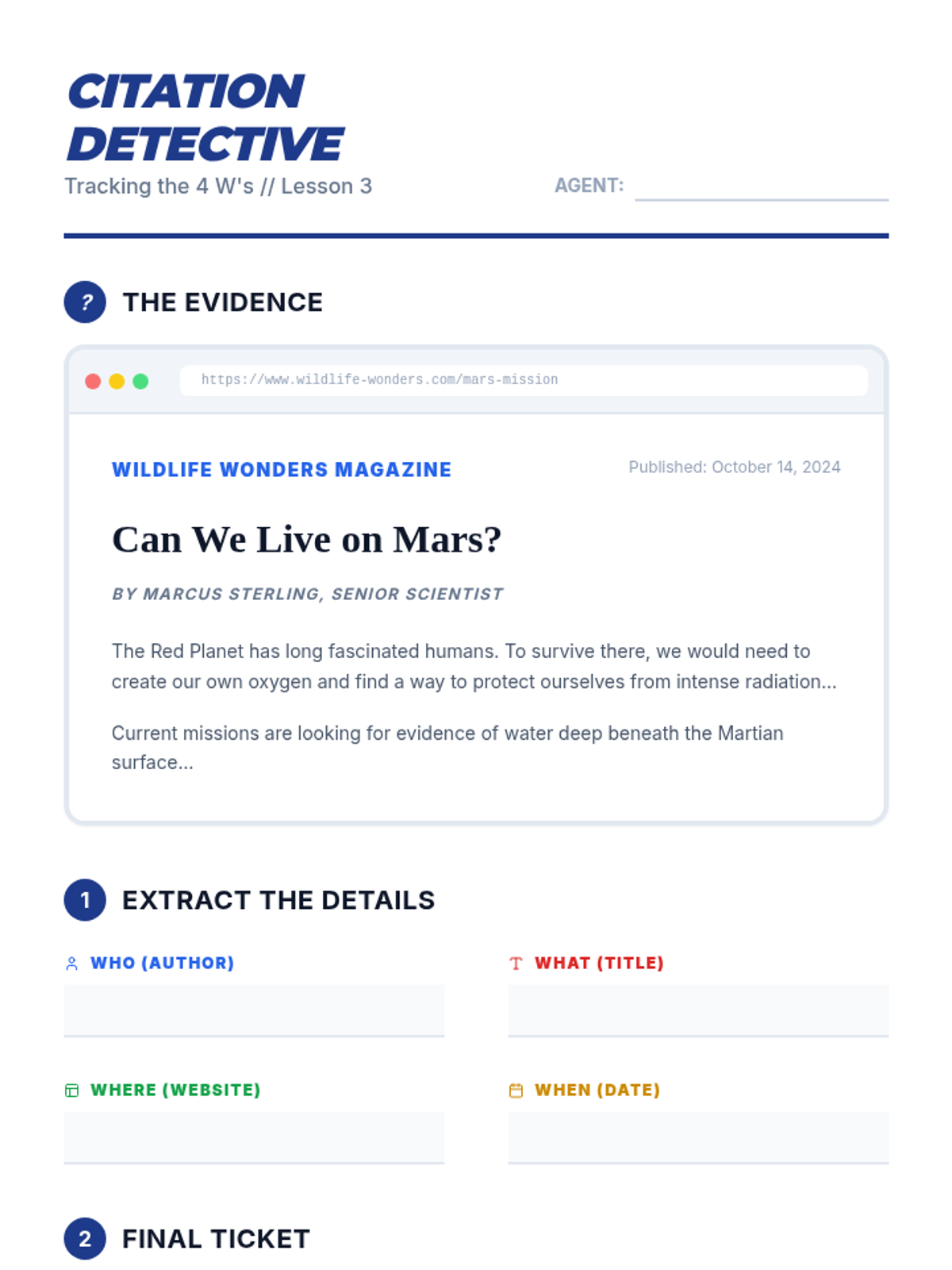
Students learn to identify and record the four essential pieces of a citation (Author, Title, Website, Date) to give proper credit to digital sources.
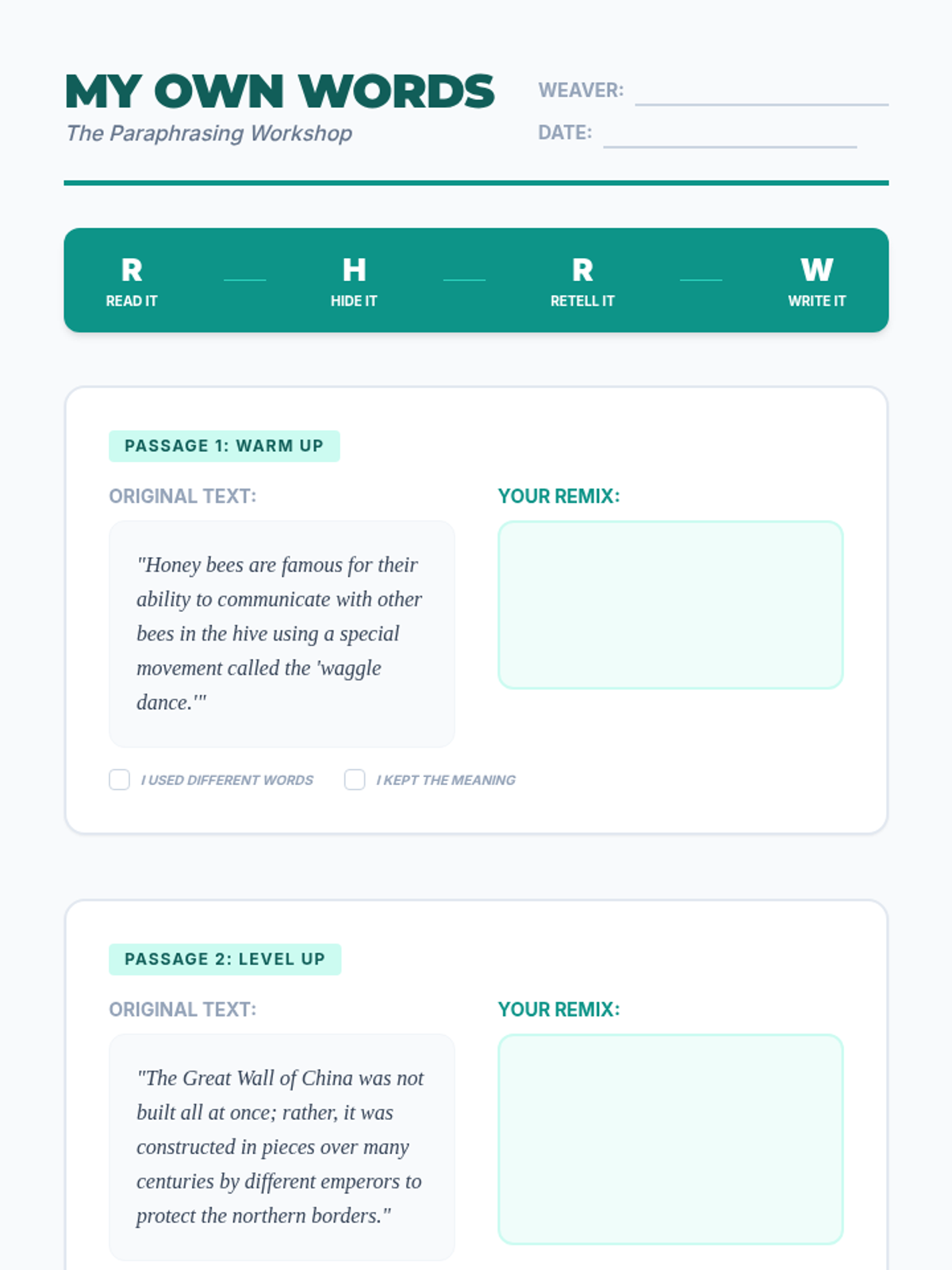
A skill-building workshop where students learn the 'Read, Hide, Retell, Write' strategy to paraphrase information effectively without plagiarizing.
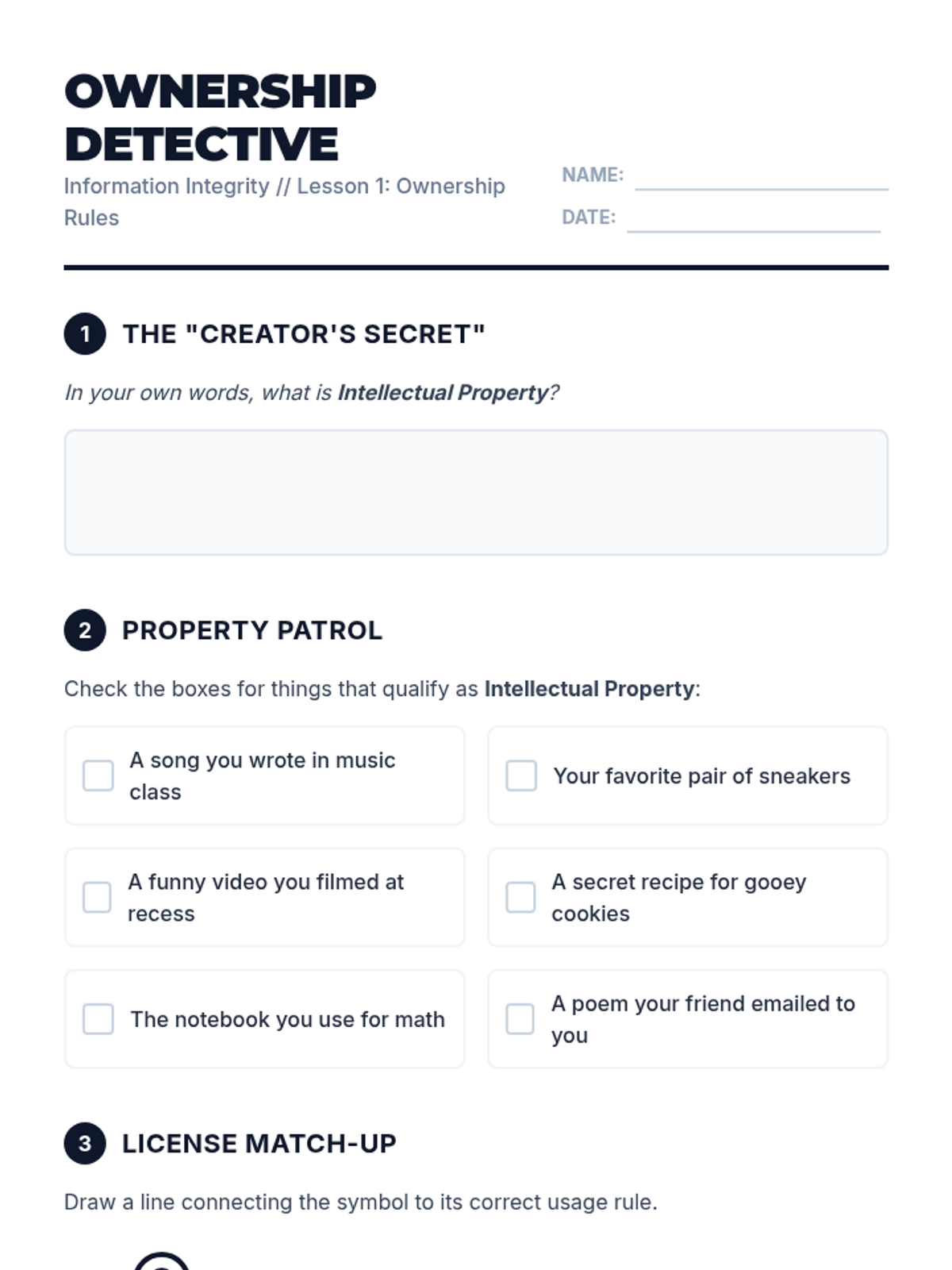
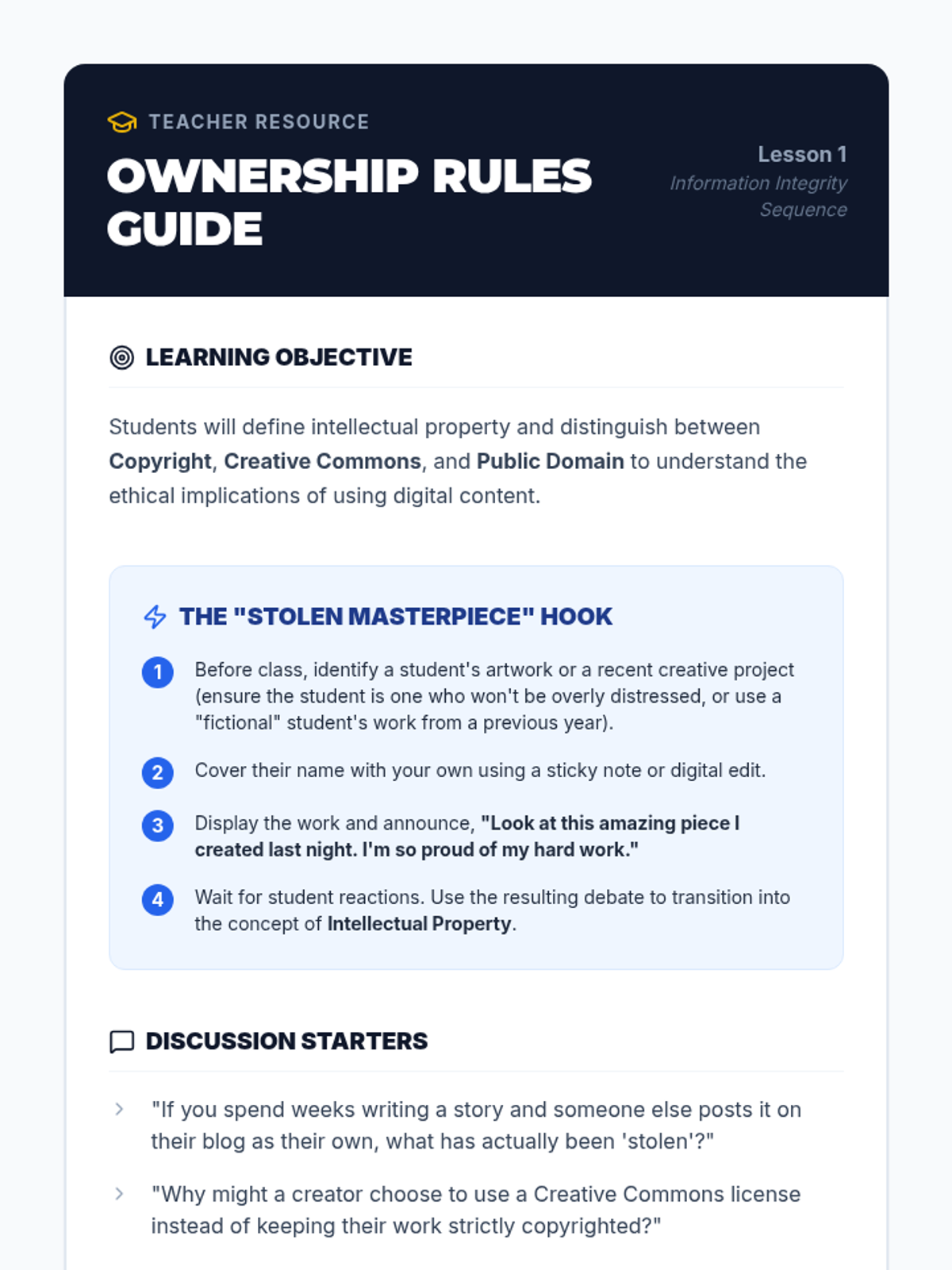
Students explore the concept of intellectual property, learning that ideas and creations are owned by their creators. They will differentiate between copyright, creative commons, and public domain.
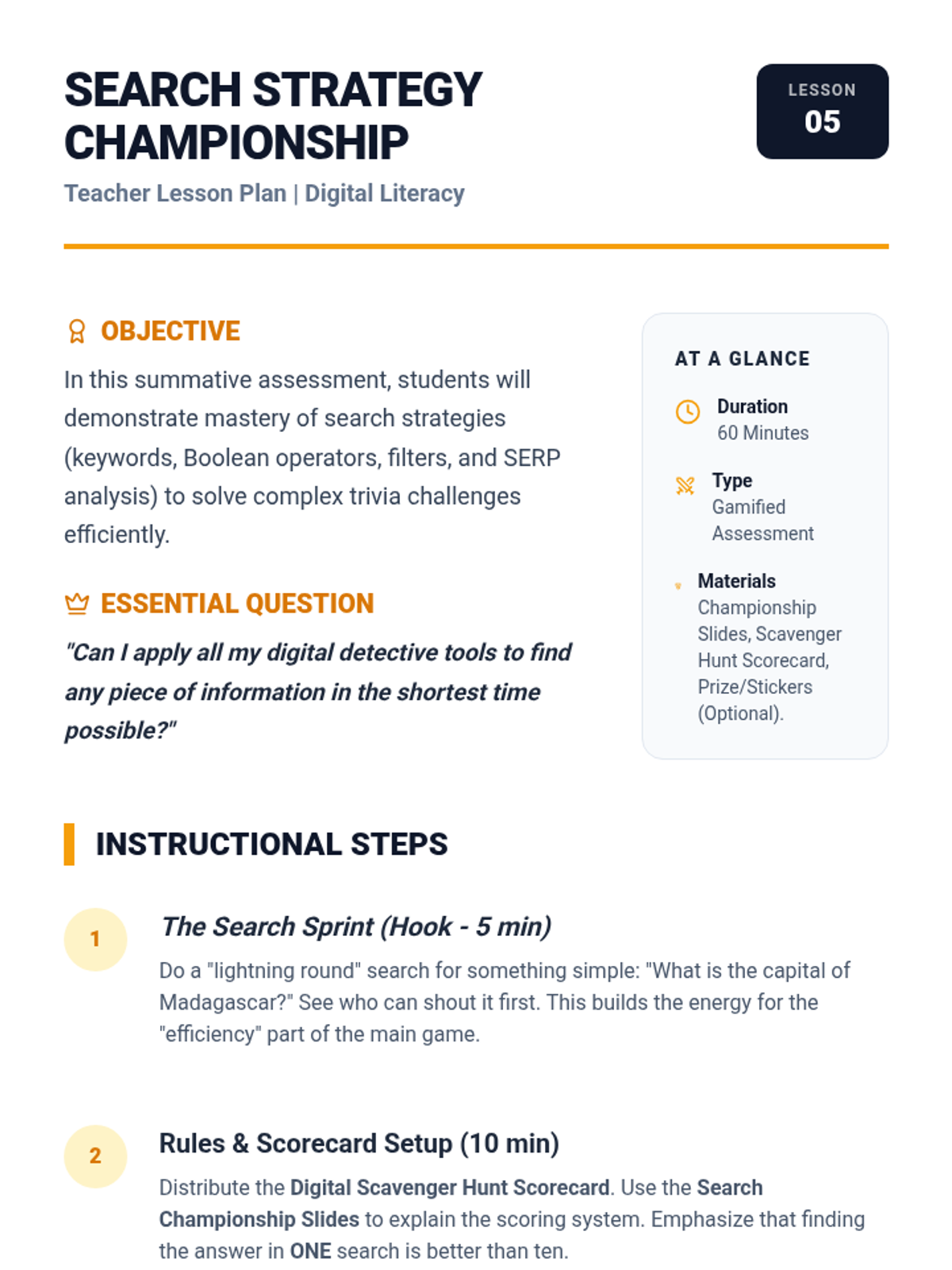
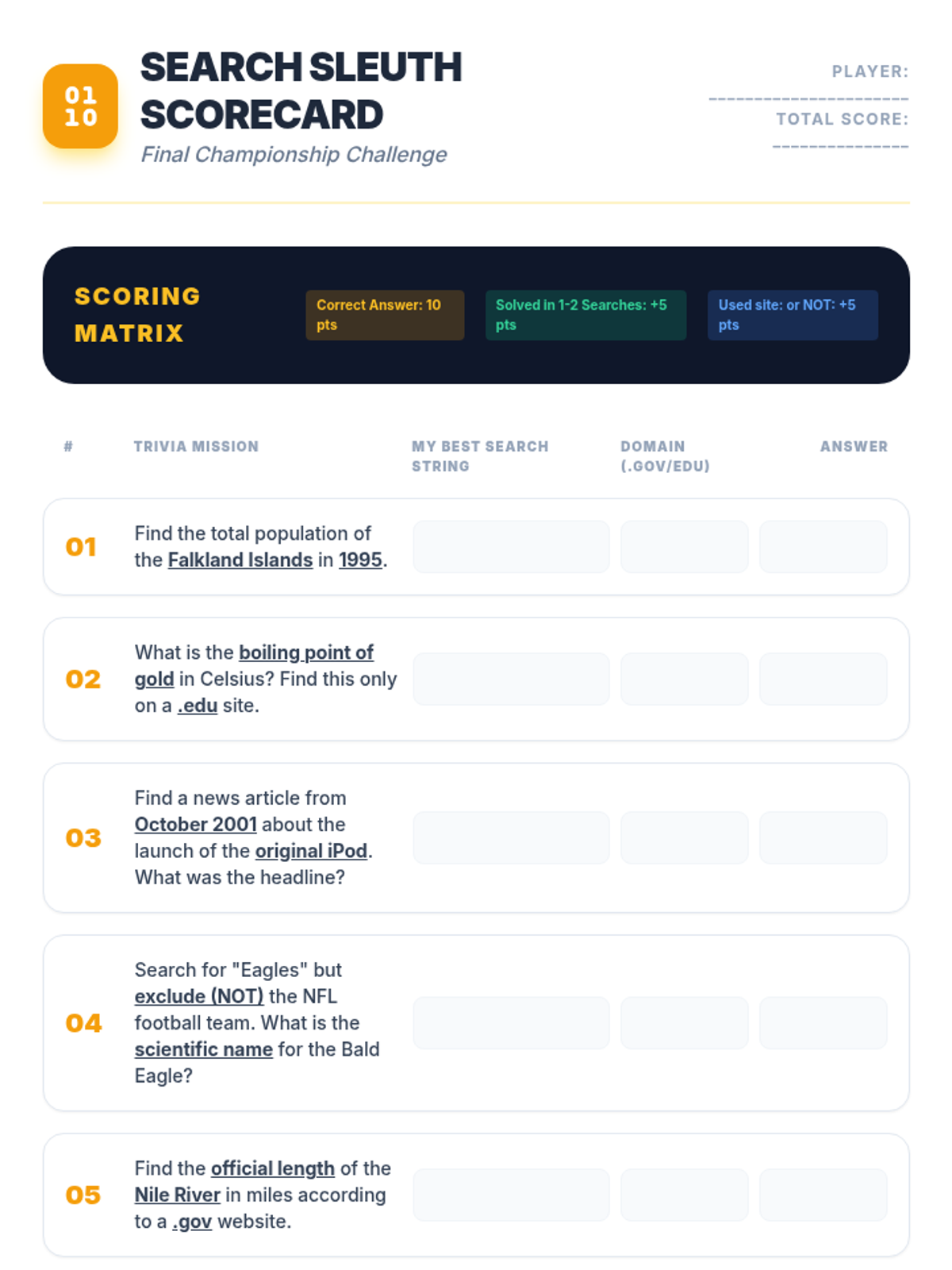
In this culminating gamified lesson, students compete to find the answers to obscure trivia questions using the least number of searches. They must apply keywords, operators, and filters to demonstrate efficiency and accuracy.
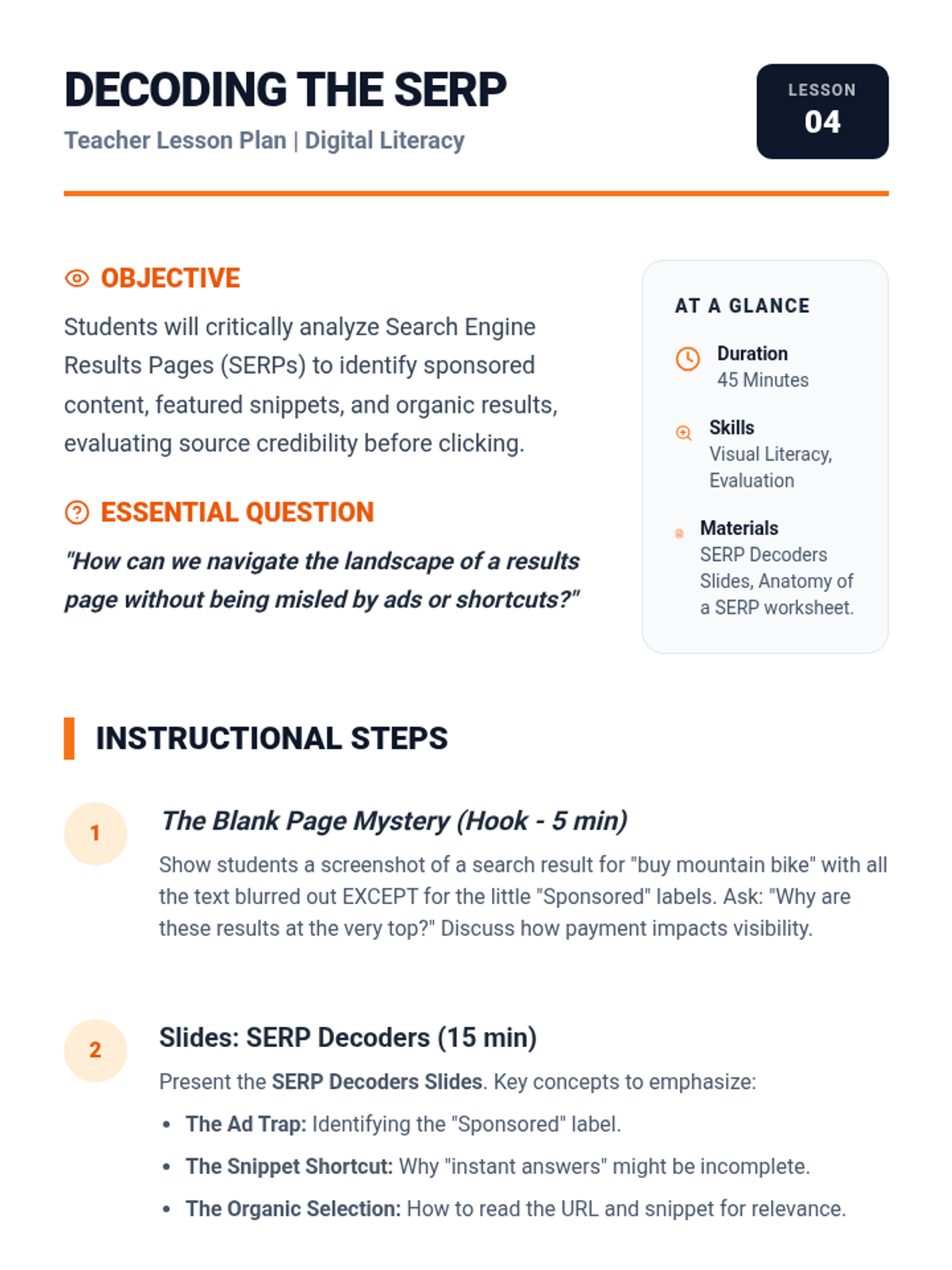
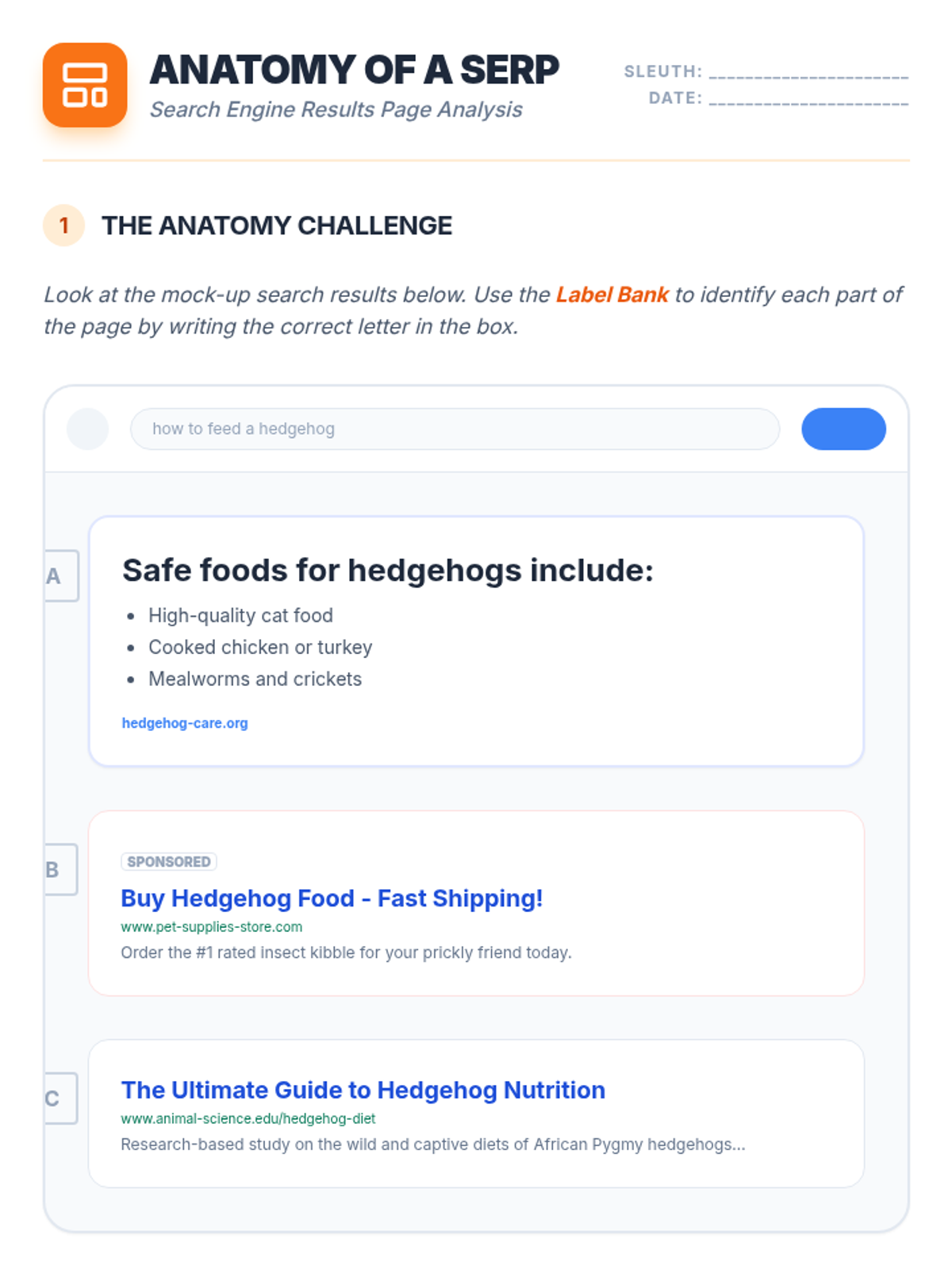
Students dissect the anatomy of a results page, identifying the difference between sponsored ads, organic results, and answer boxes. They learn to critically scan snippets and URLs before clicking to determine relevance.
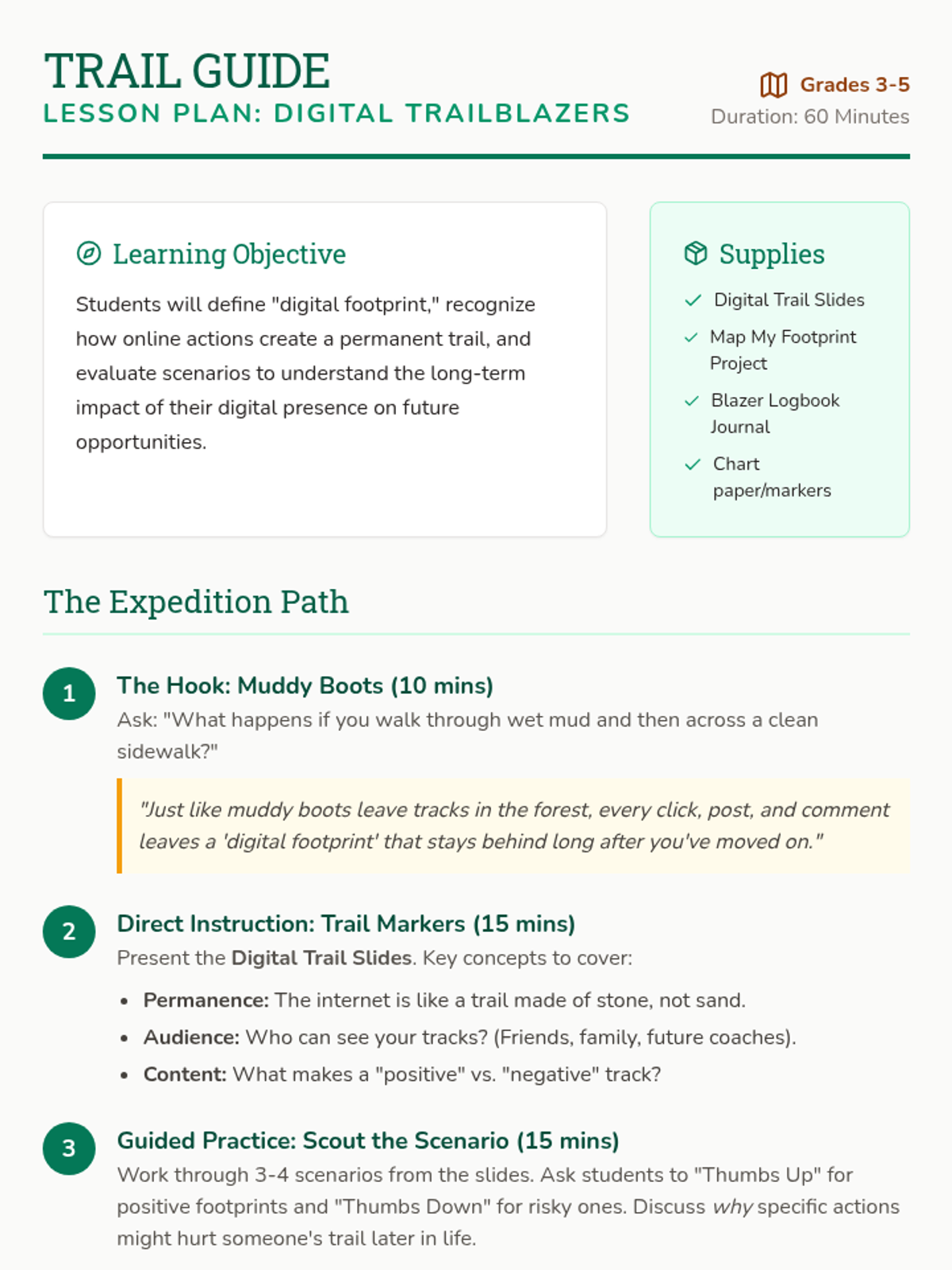
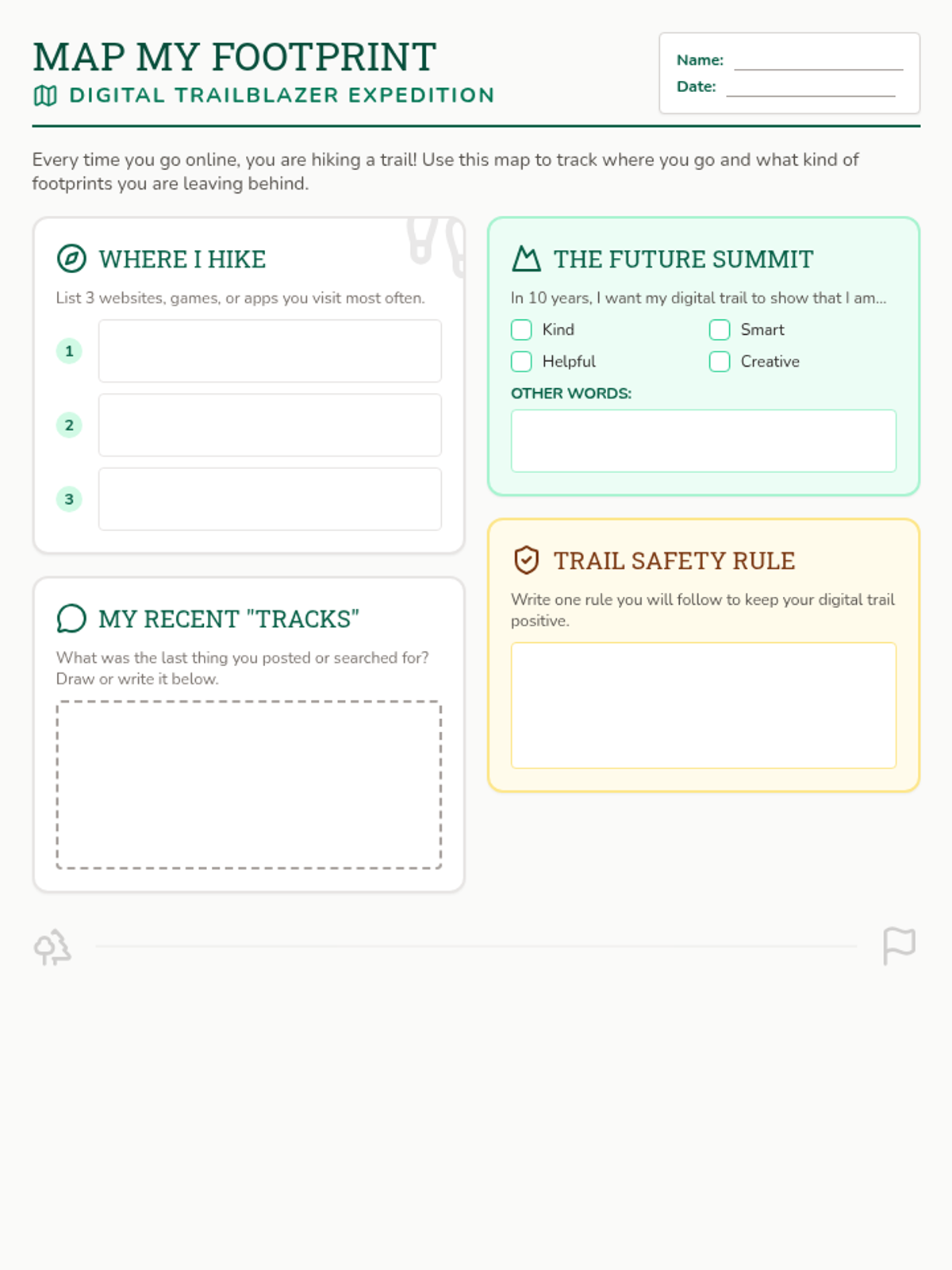
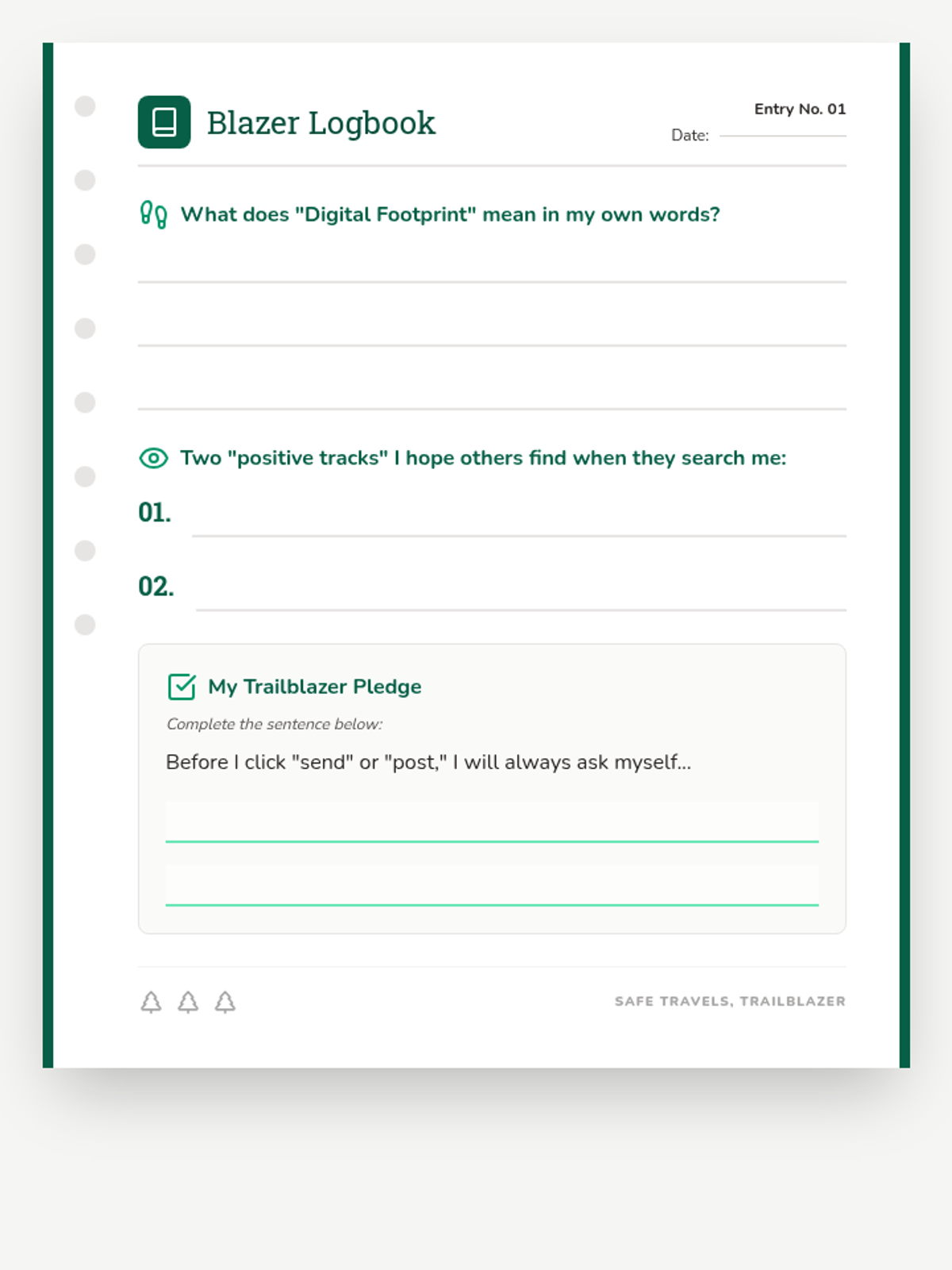
A lesson for grades 3-5 on digital footprints, using a wilderness trail analogy to explore how online actions leave lasting marks and affect future opportunities.
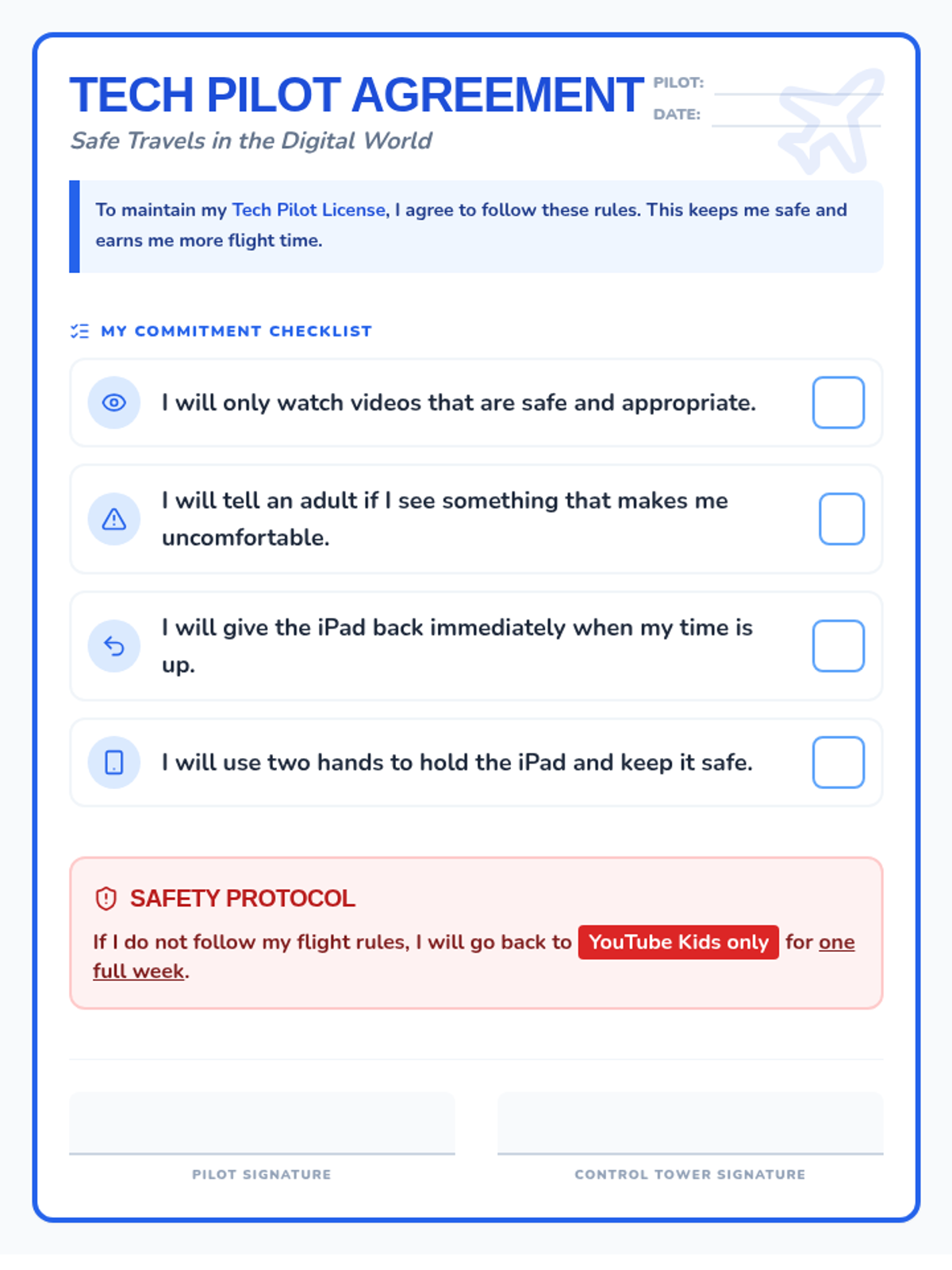
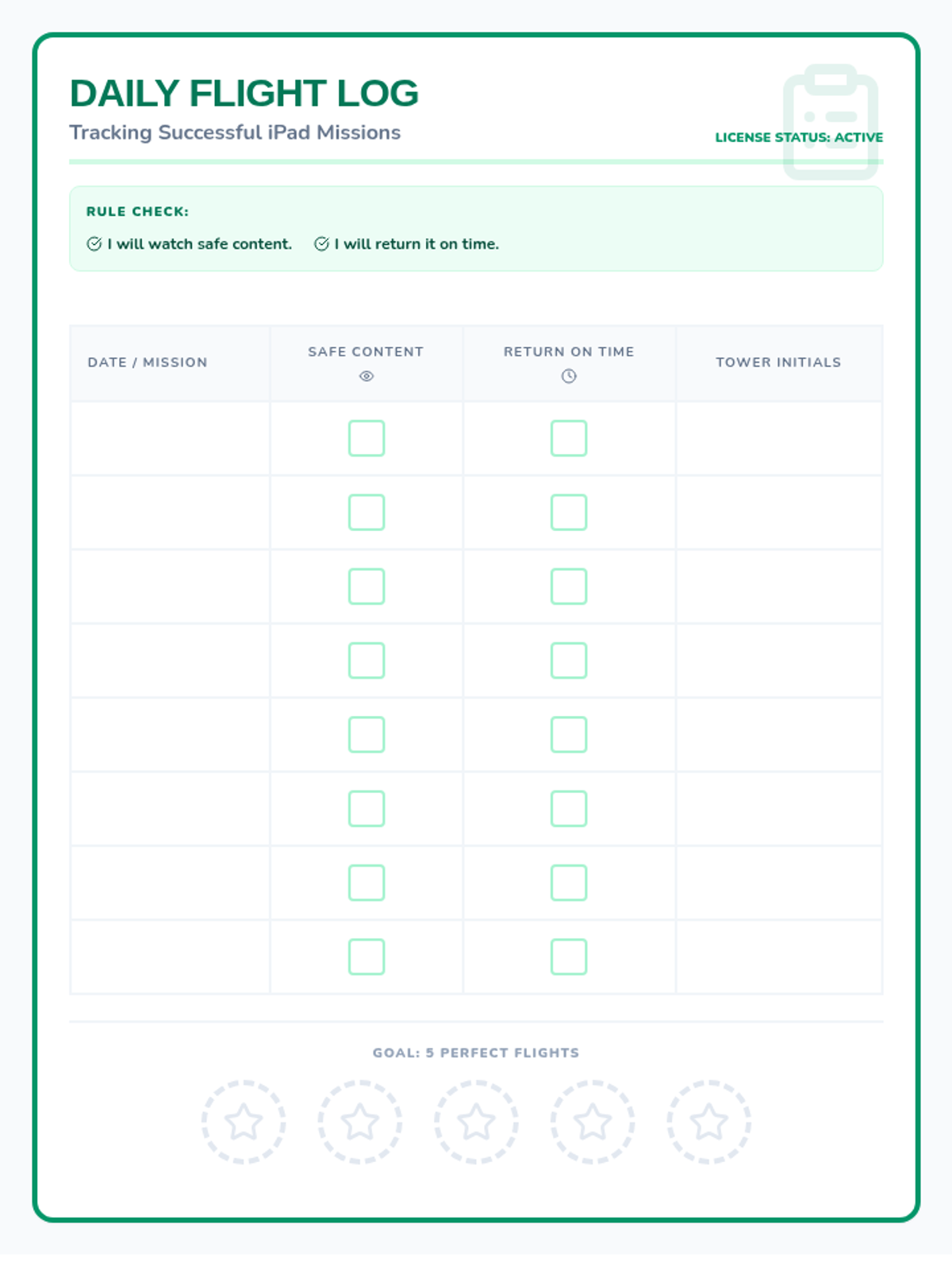
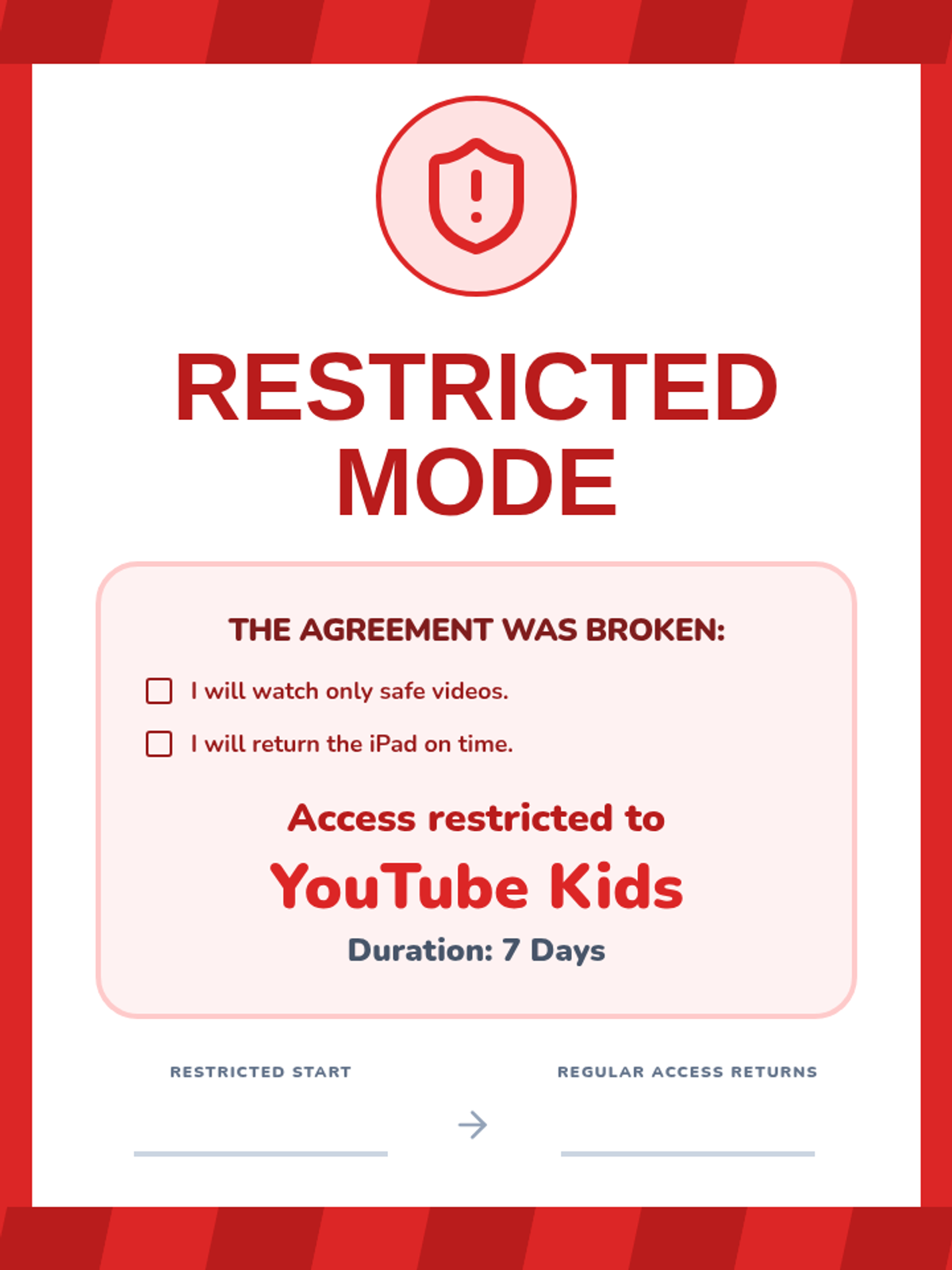
A lesson focused on establishing clear boundaries and accountability for iPad and YouTube usage, using a 'Tech Pilot' theme to frame digital responsibility.
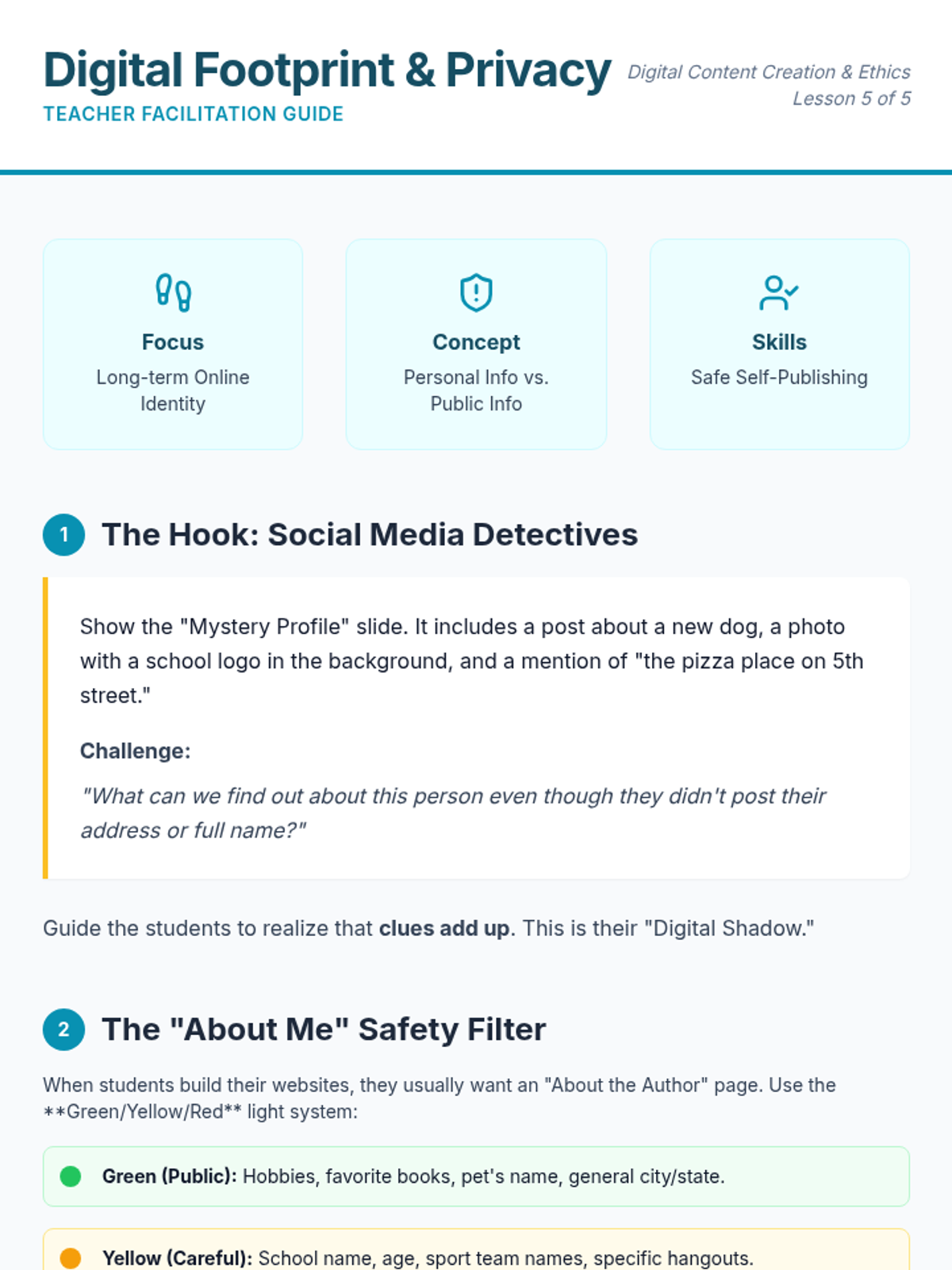
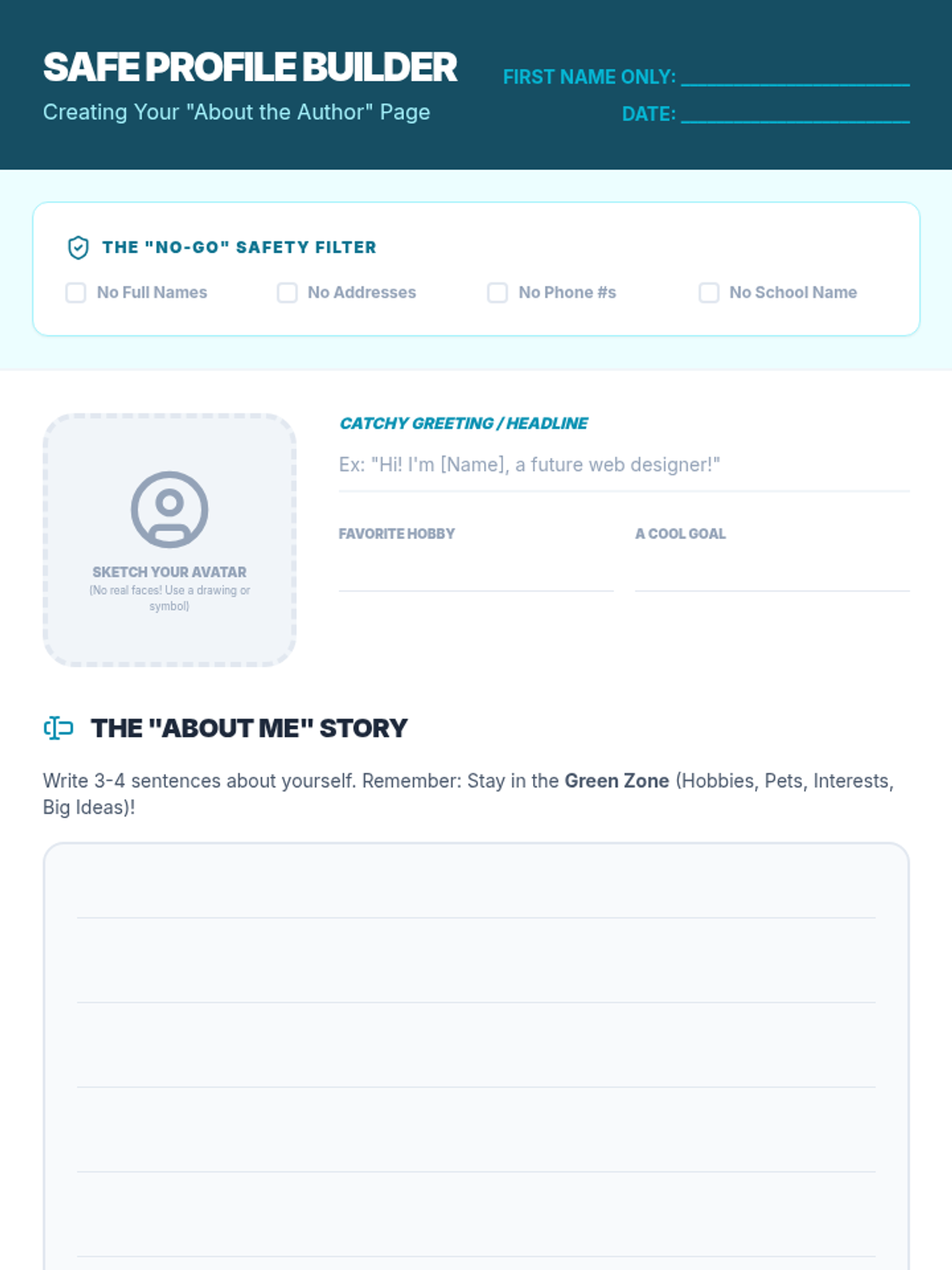
Students reflect on their digital footprint and learn strategies for sharing information safely on an 'About Me' page while protecting their personal privacy.
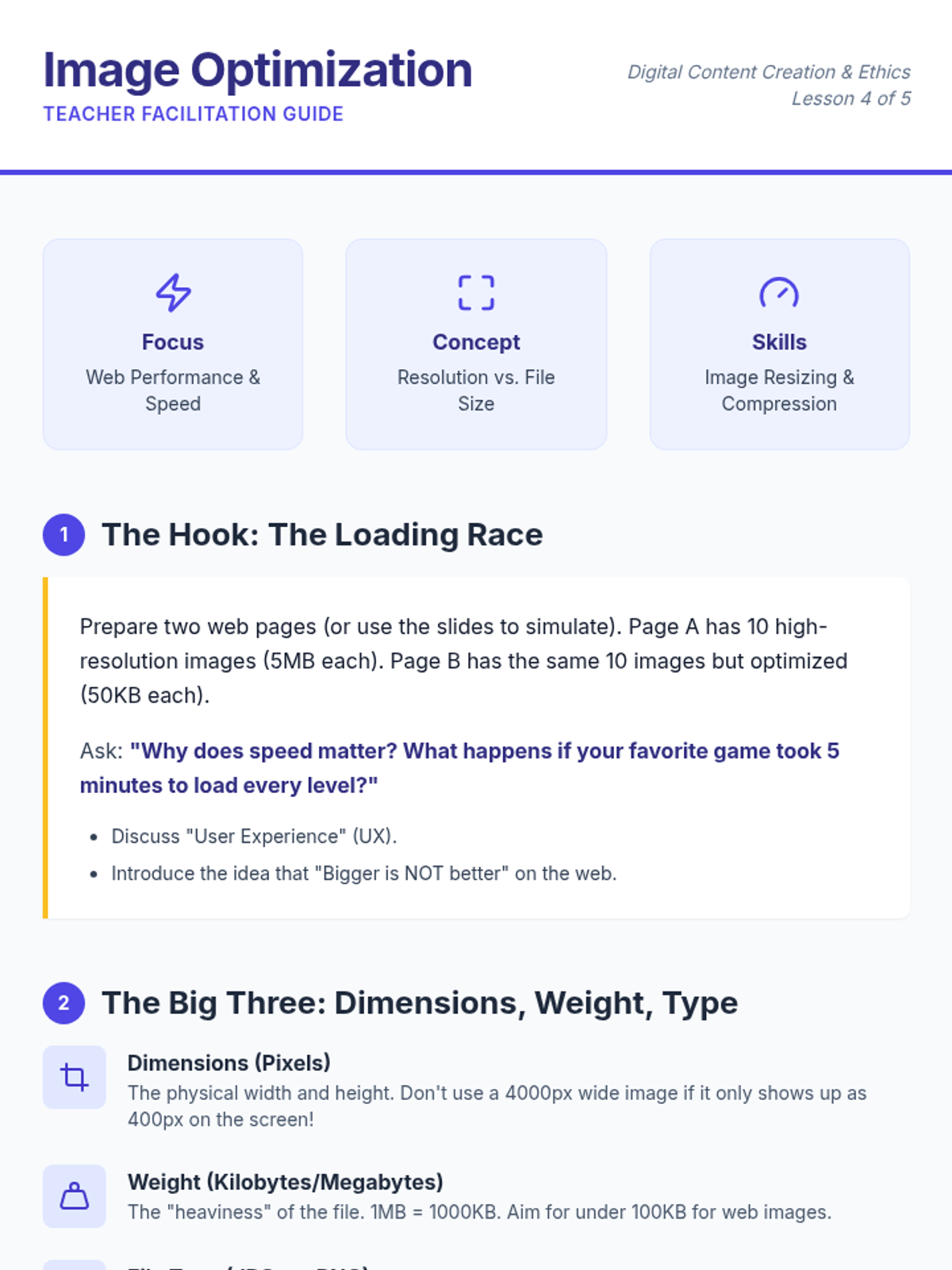
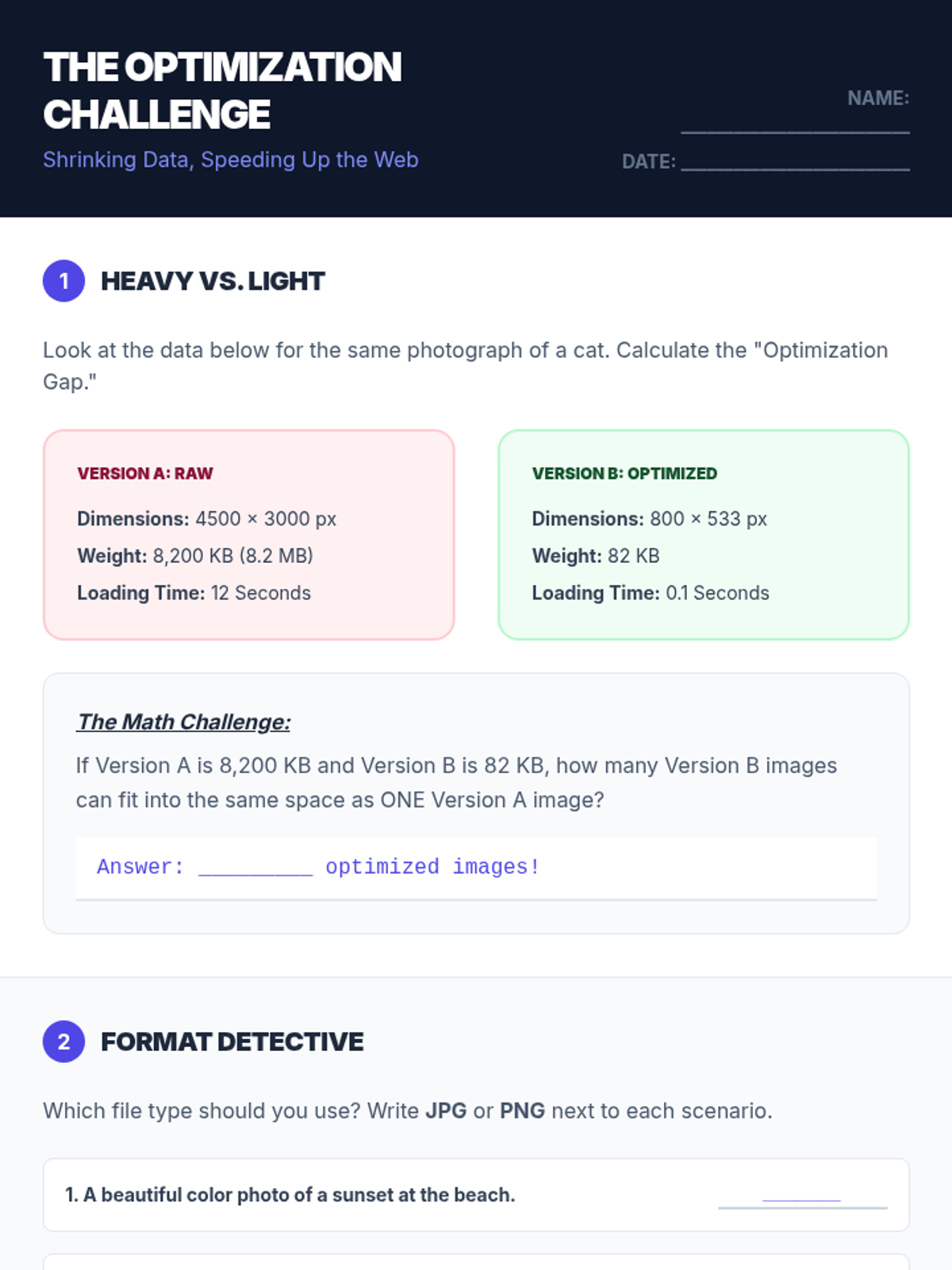
A technical look at how image size and file type affect website performance, teaching students how to optimize media for a better user experience.
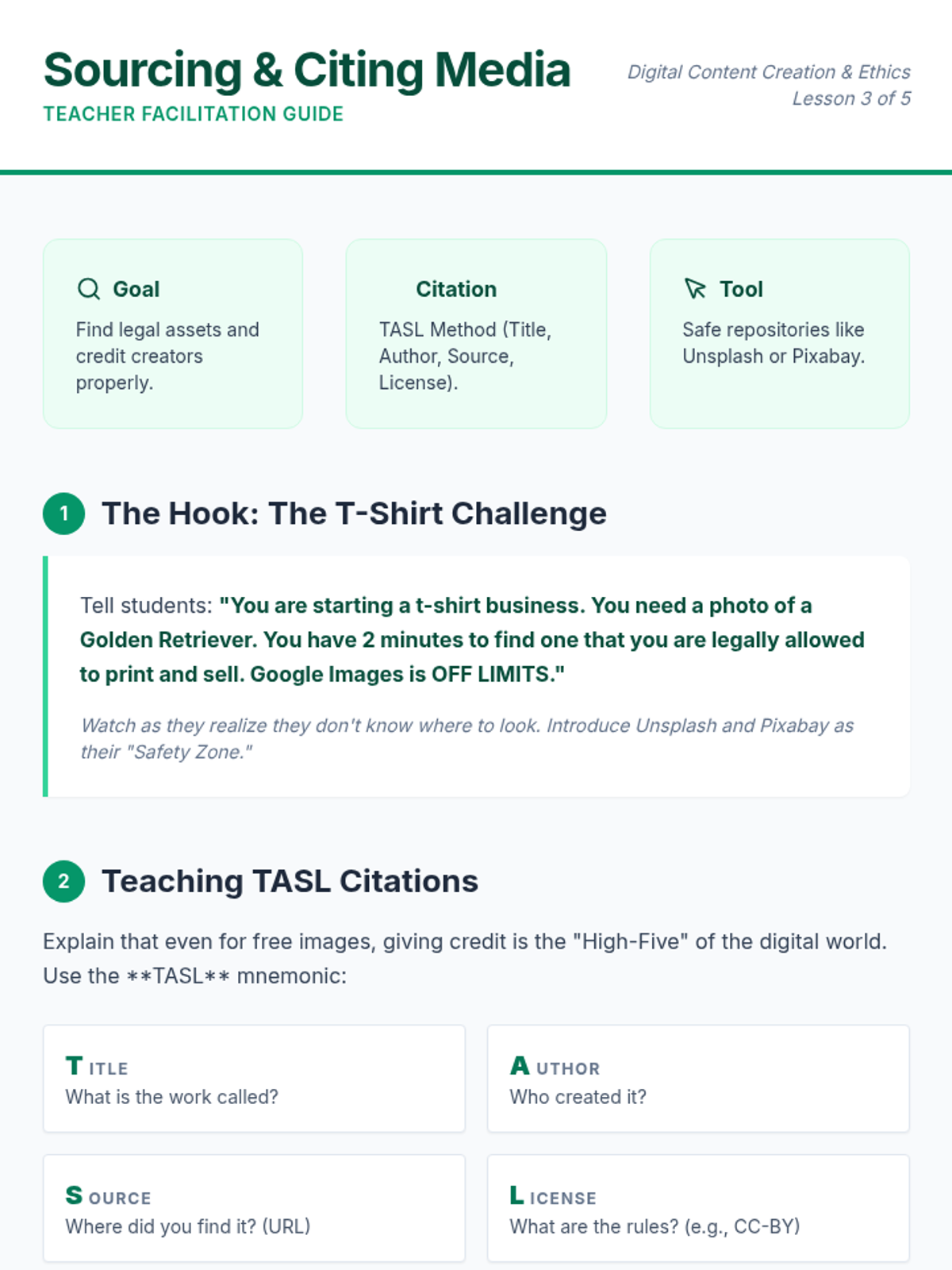
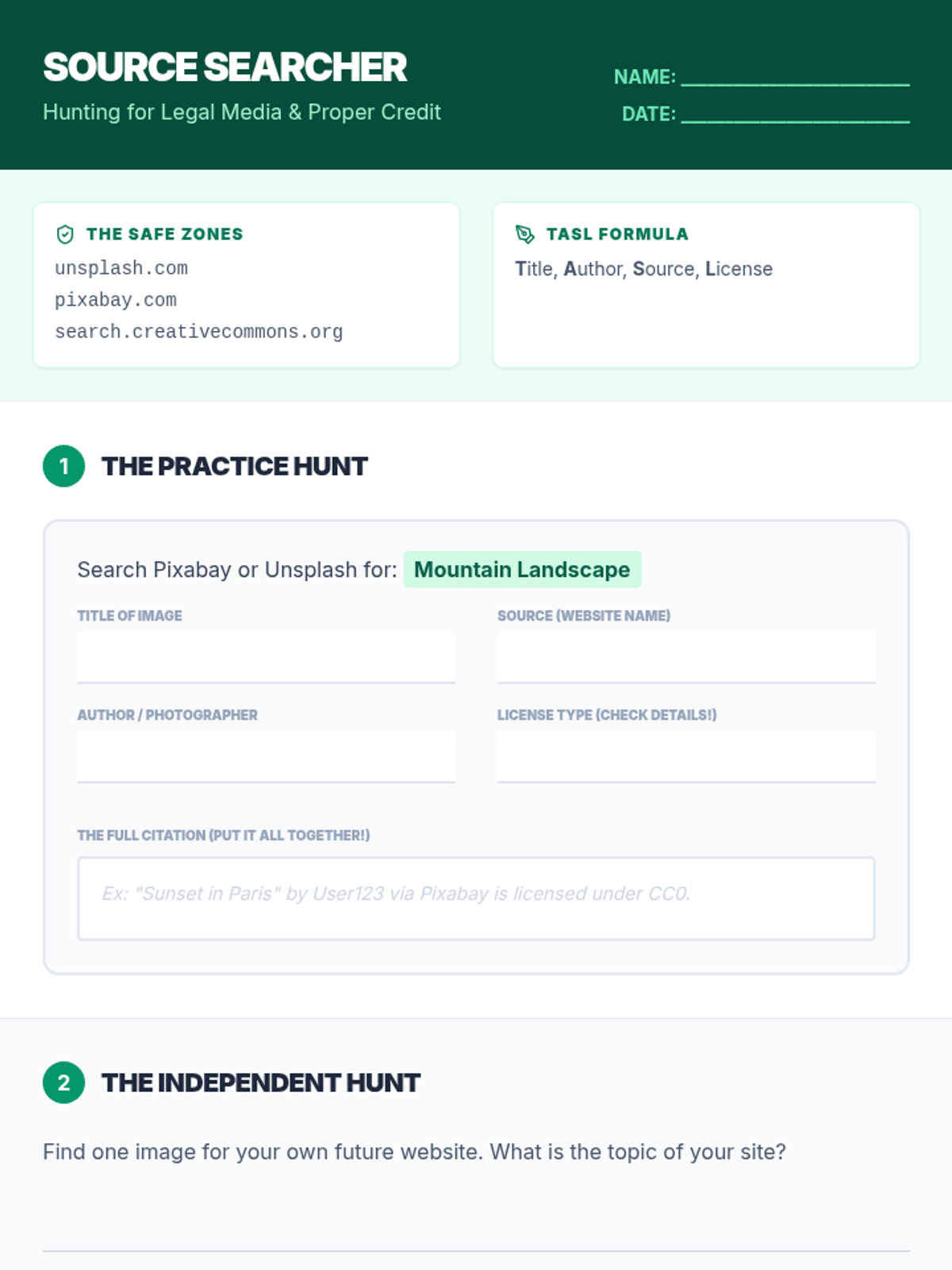
Students learn how to find high-quality, legal media assets and practice the essential skill of creating proper attributions and citations for digital content.
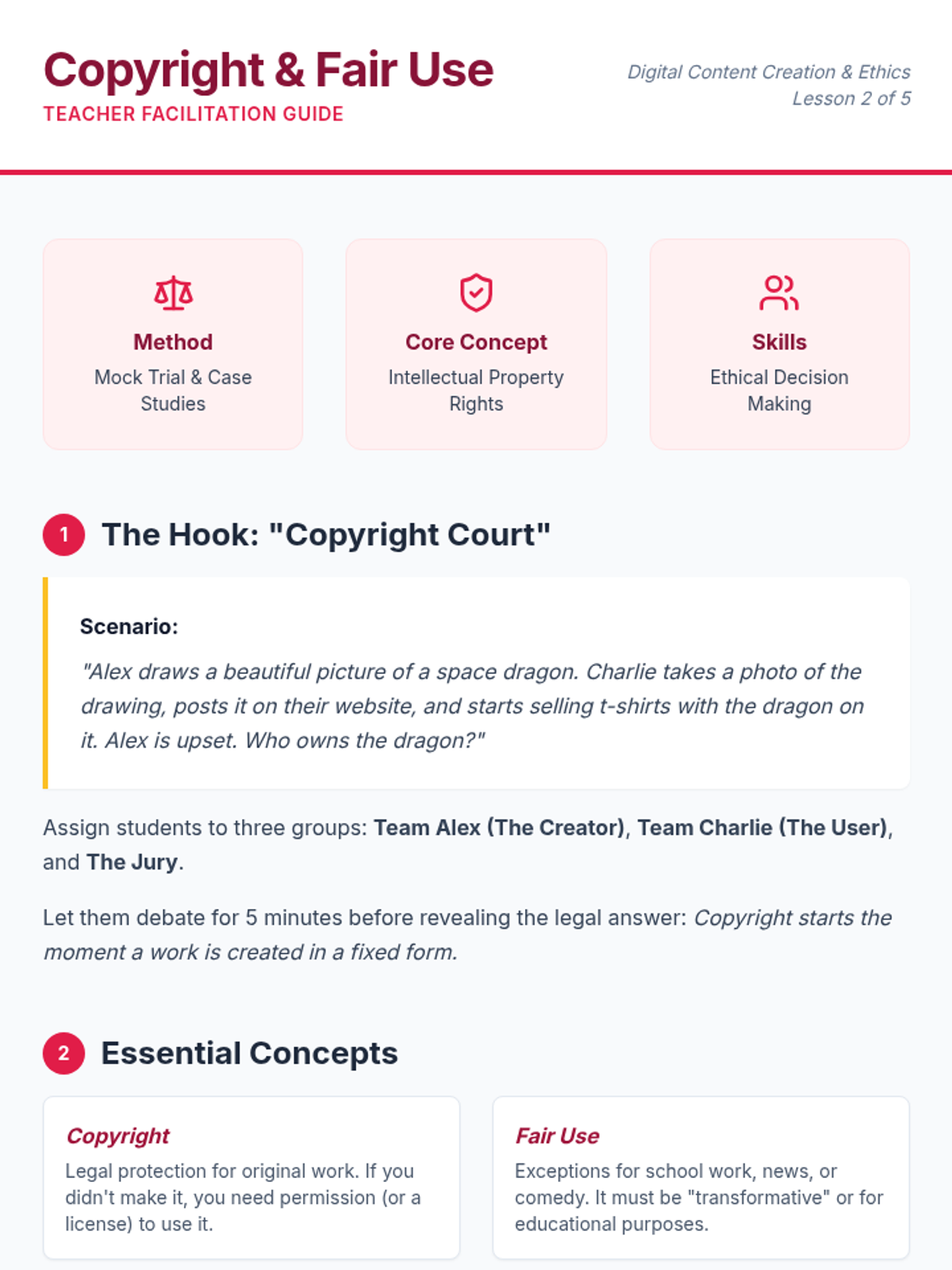
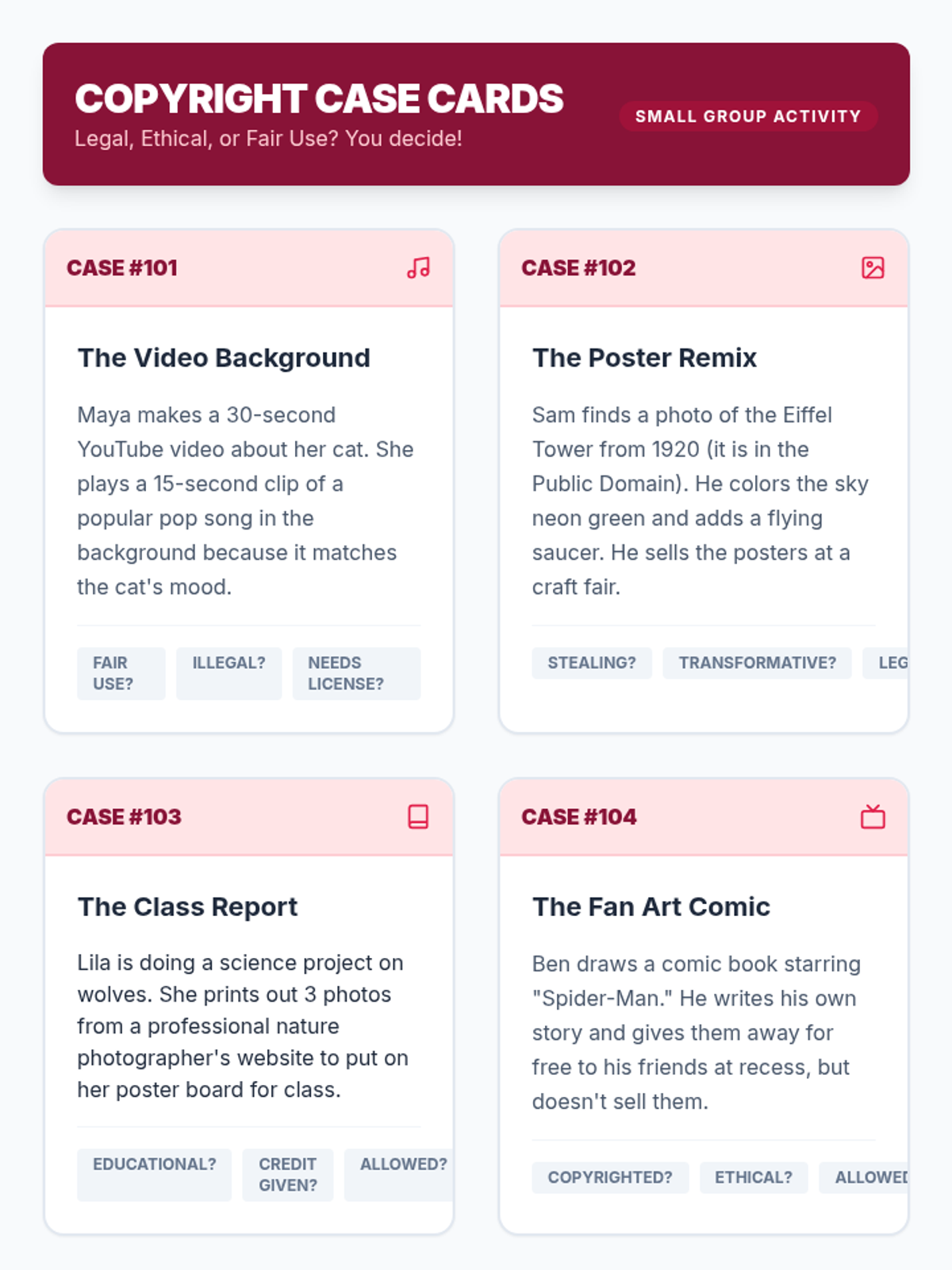
An introduction to intellectual property where students learn about copyright, fair use, and Creative Commons through a mock trial and case studies.
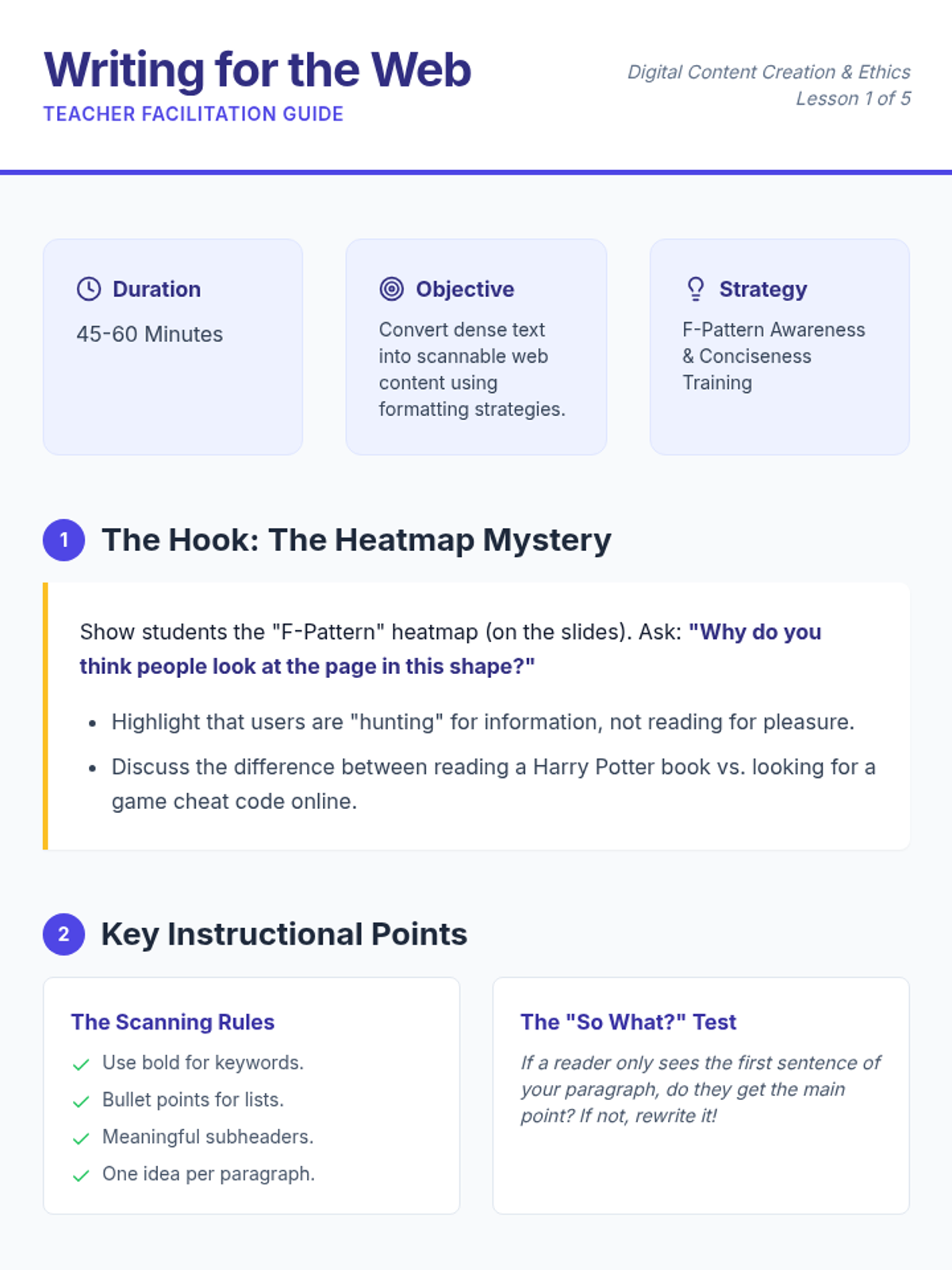
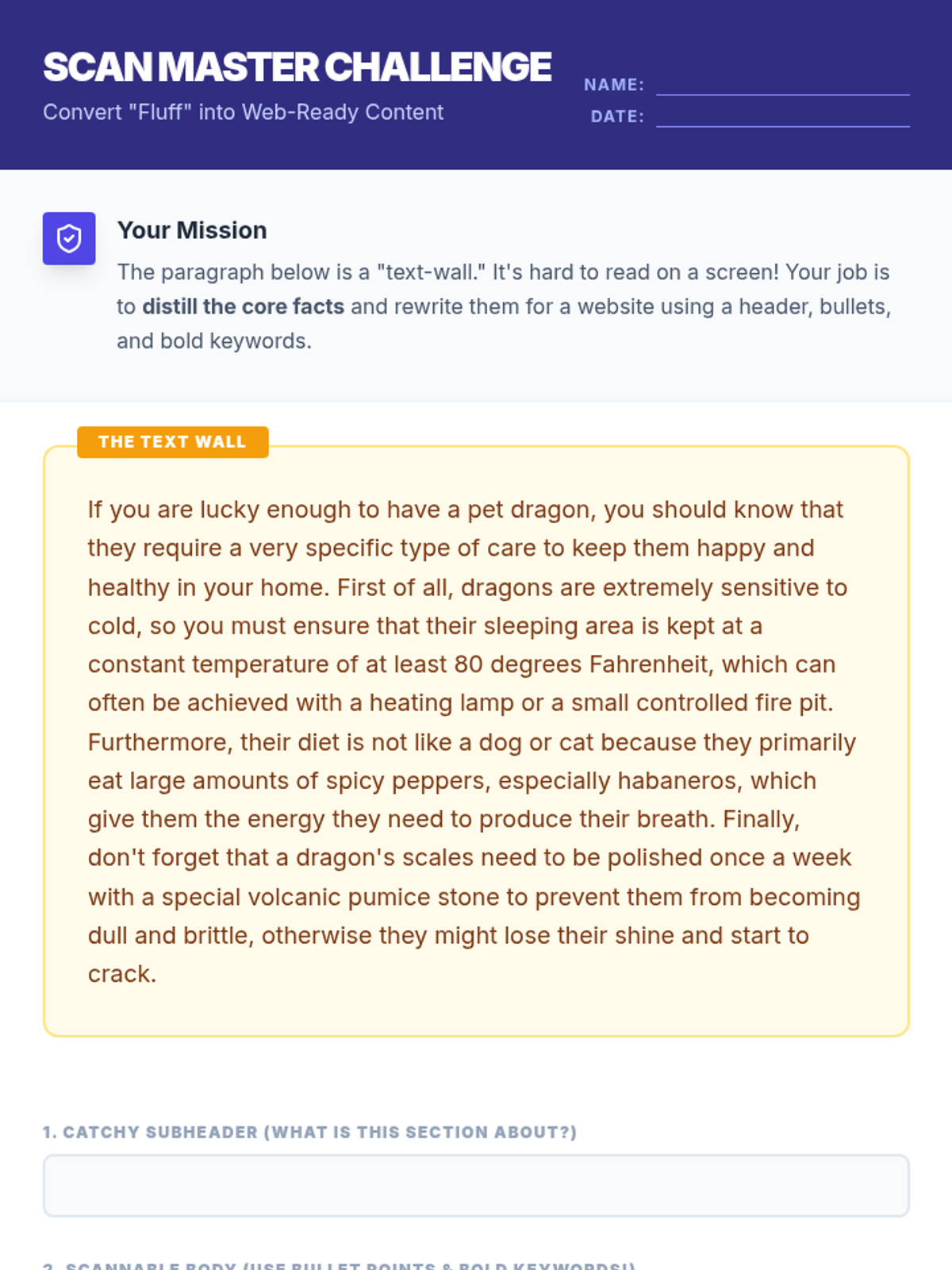
Students explore how web users read differently than book readers, focusing on the 'F-pattern' and practicing how to make content scannable using headers, bullets, and bold text.
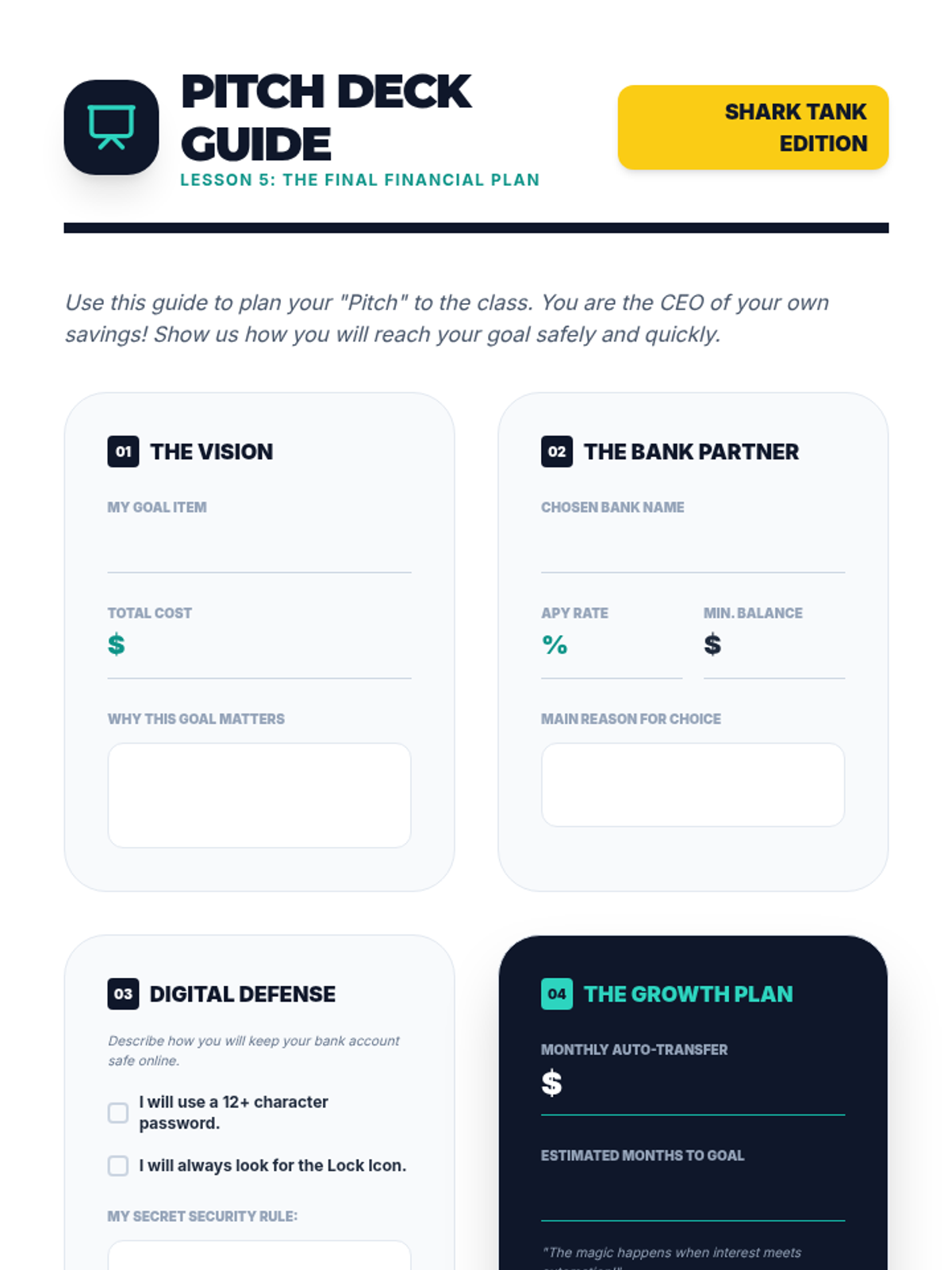
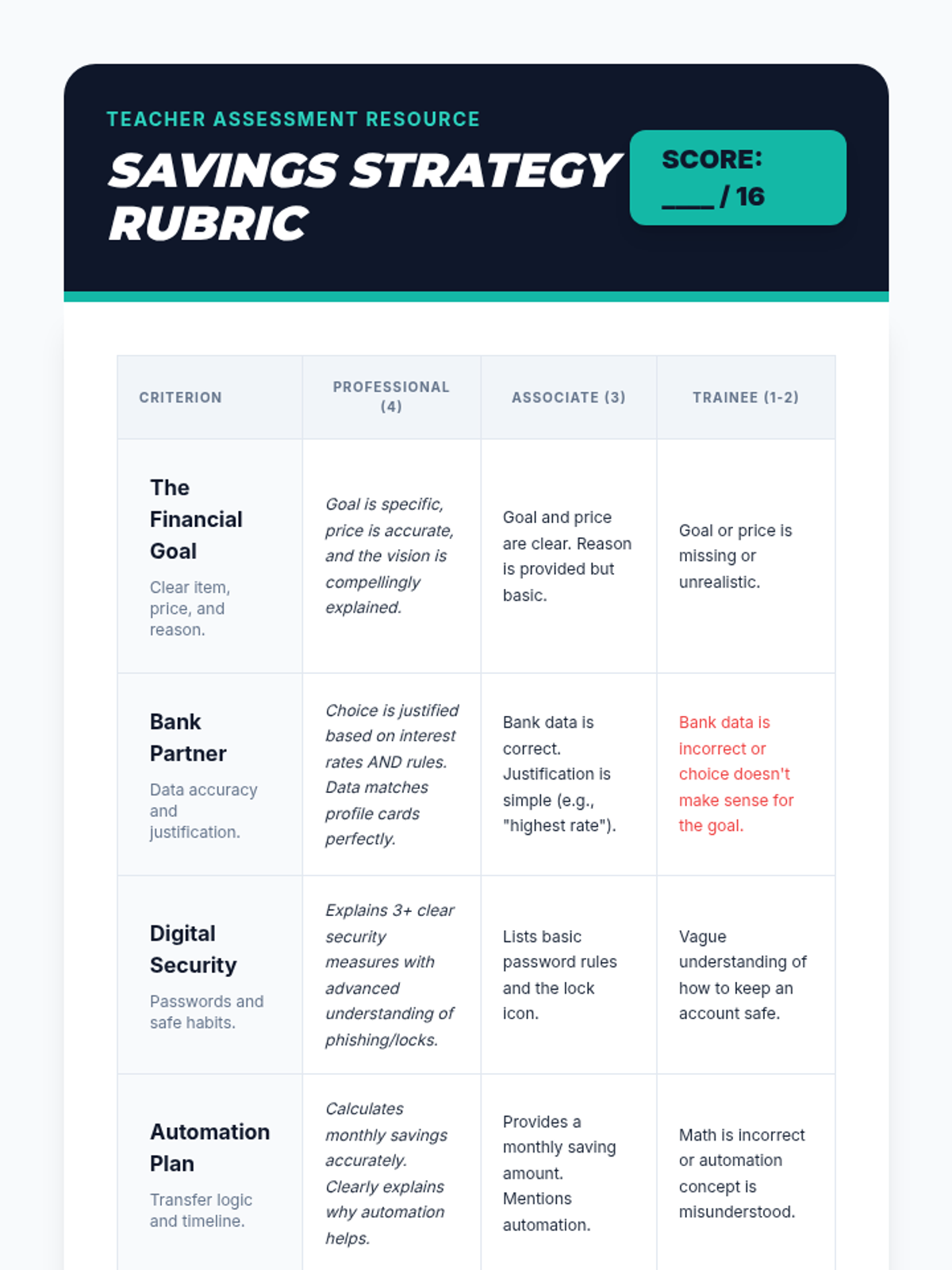
As a final project, students synthesize their learning by creating a 'Pitch Deck' for a savings plan. They present which bank they chose, their interest rate, their savings schedule, and their security measures for online banking.
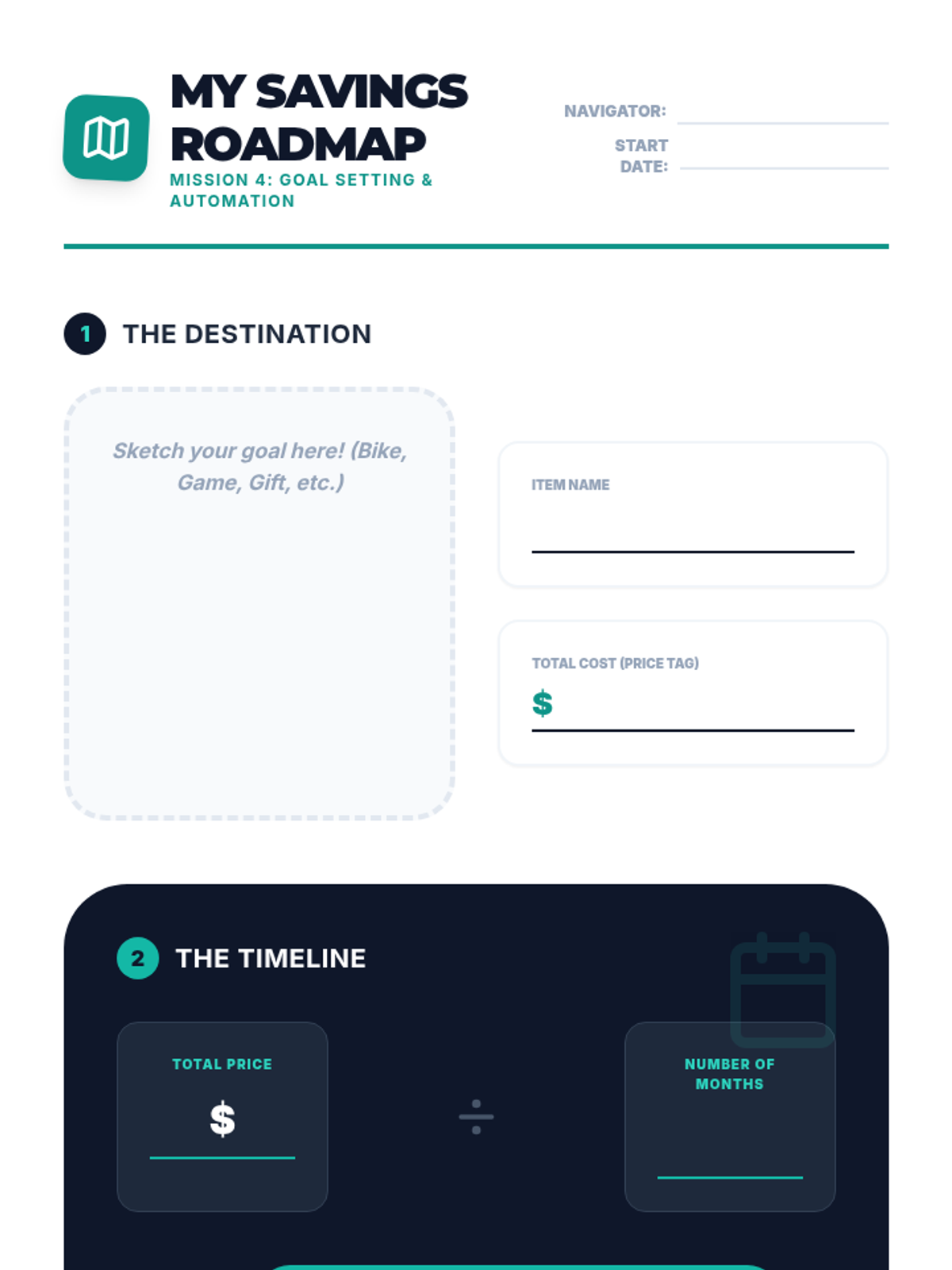
Students define a financial goal (e.g., buying a bike) and create a plan that involves automated monthly transfers from checking to savings. They visualize the timeline for achieving their goal.
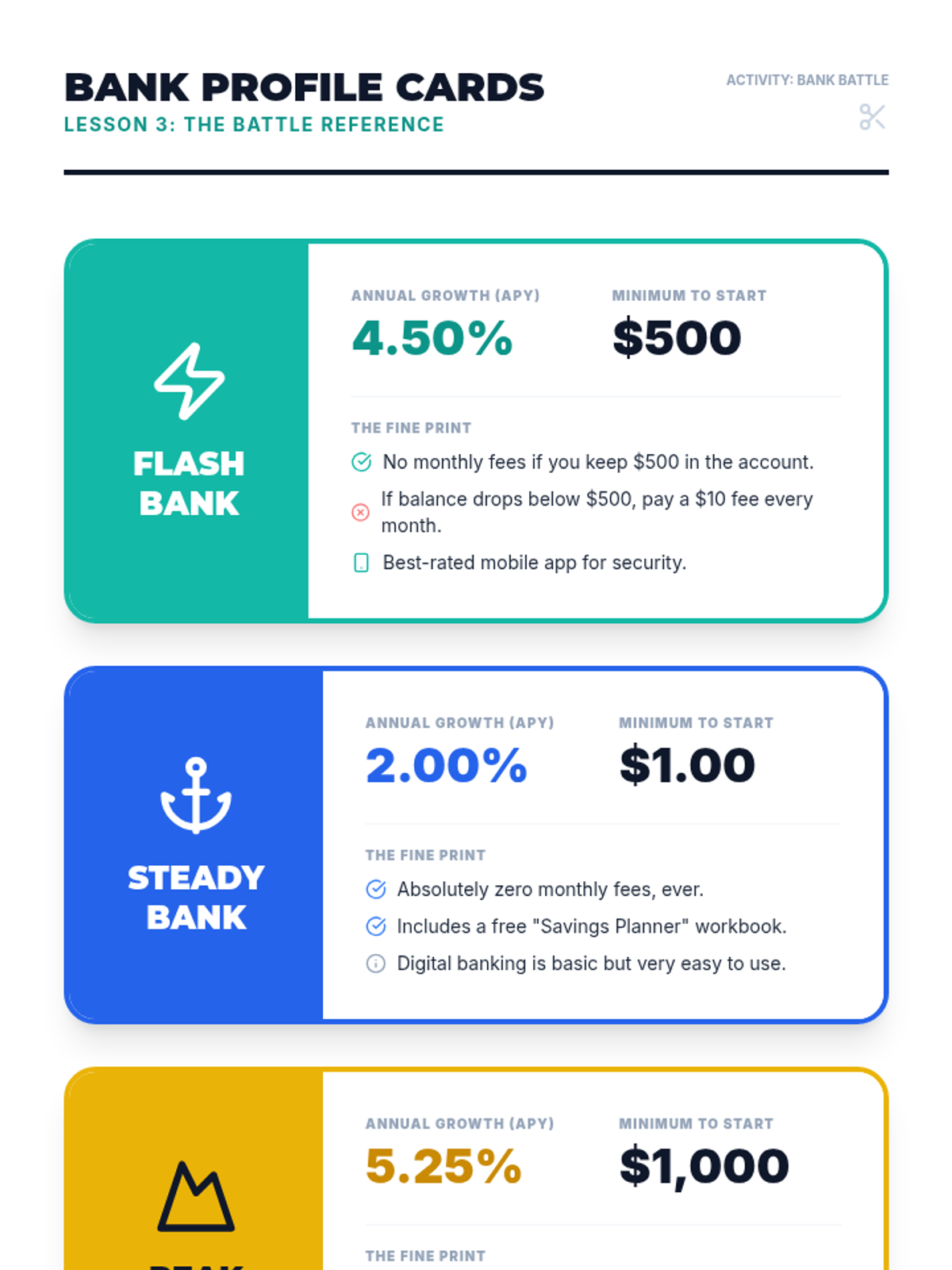
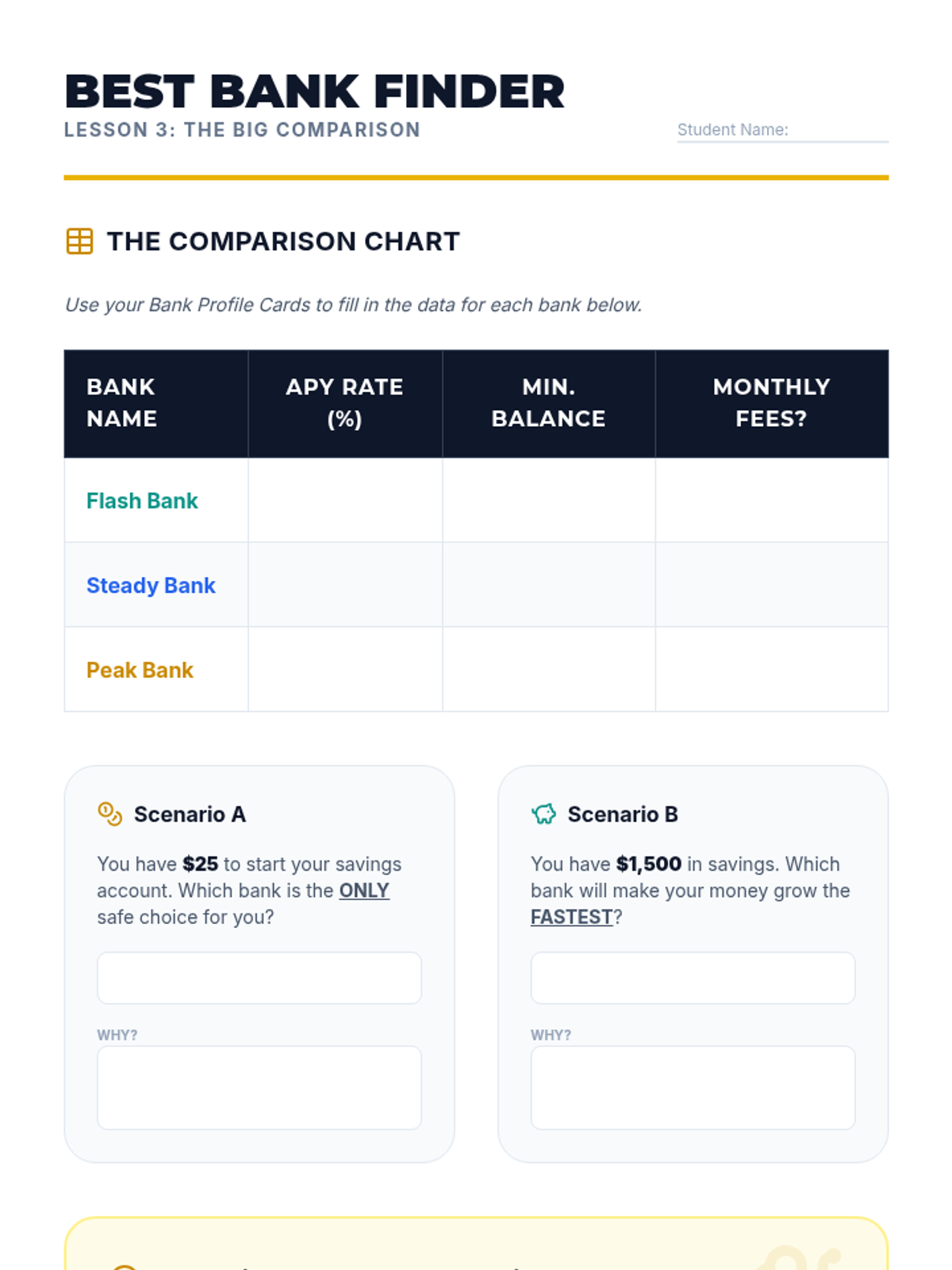
Students research different (fictional) bank offers, comparing interest rates (APY) and requirements. They learn that not all savings accounts are the same and that a higher interest rate can make a significant difference over time.
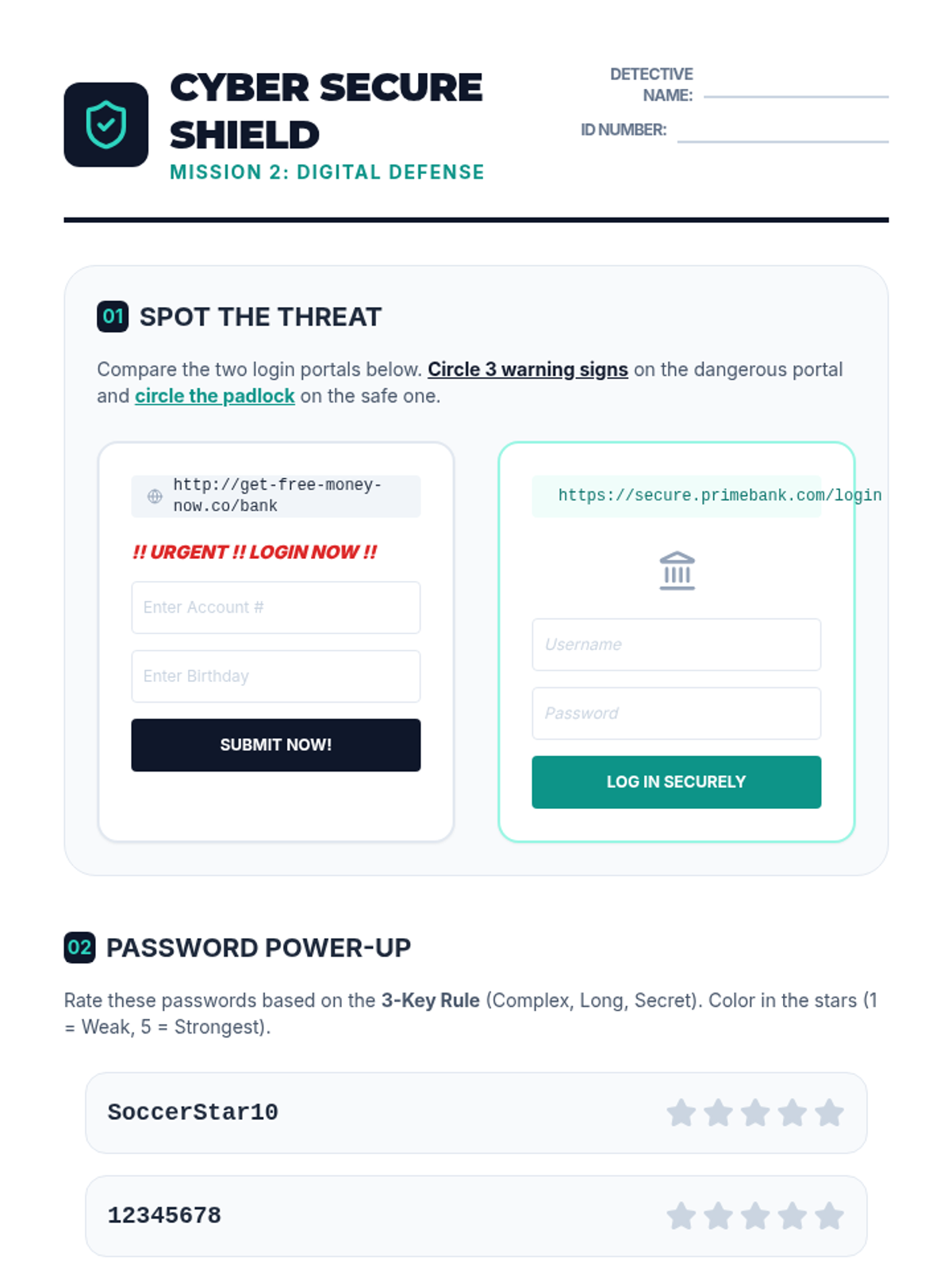
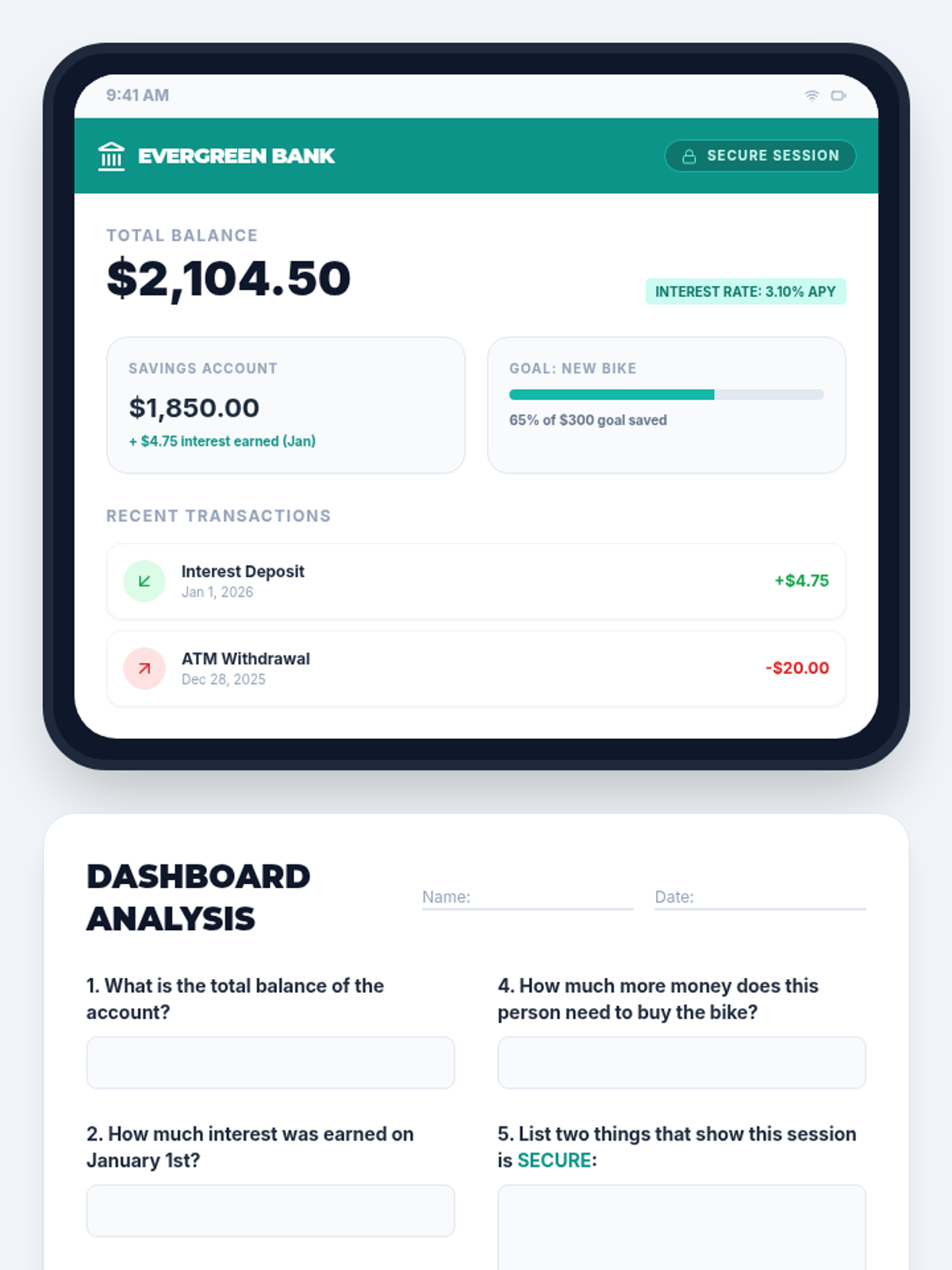
Using a safe, simulated tablet interface, students learn to navigate an online banking dashboard. They identify key security features like passwords and secure connections, and practice reading digital summaries of their accounts.
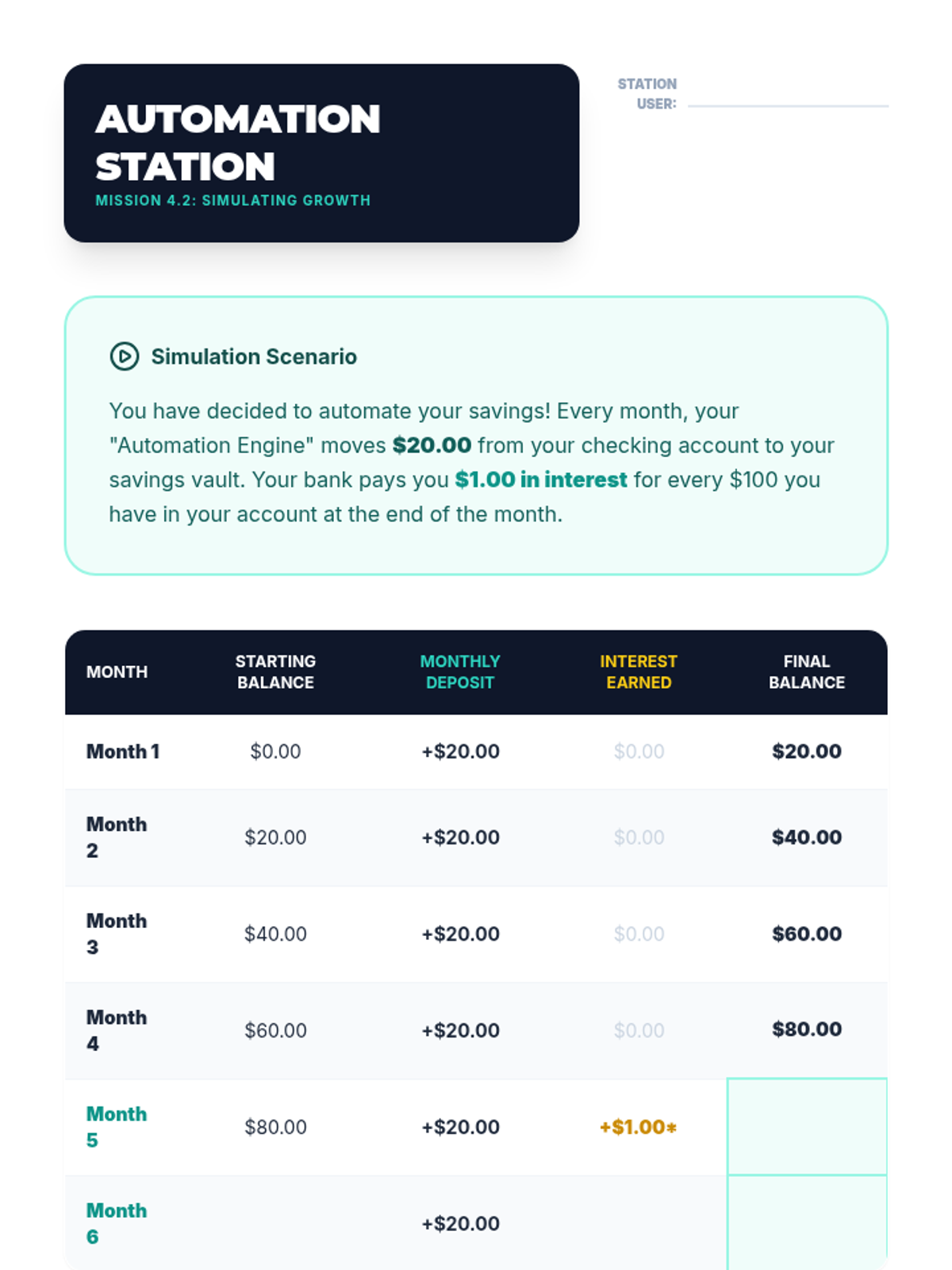
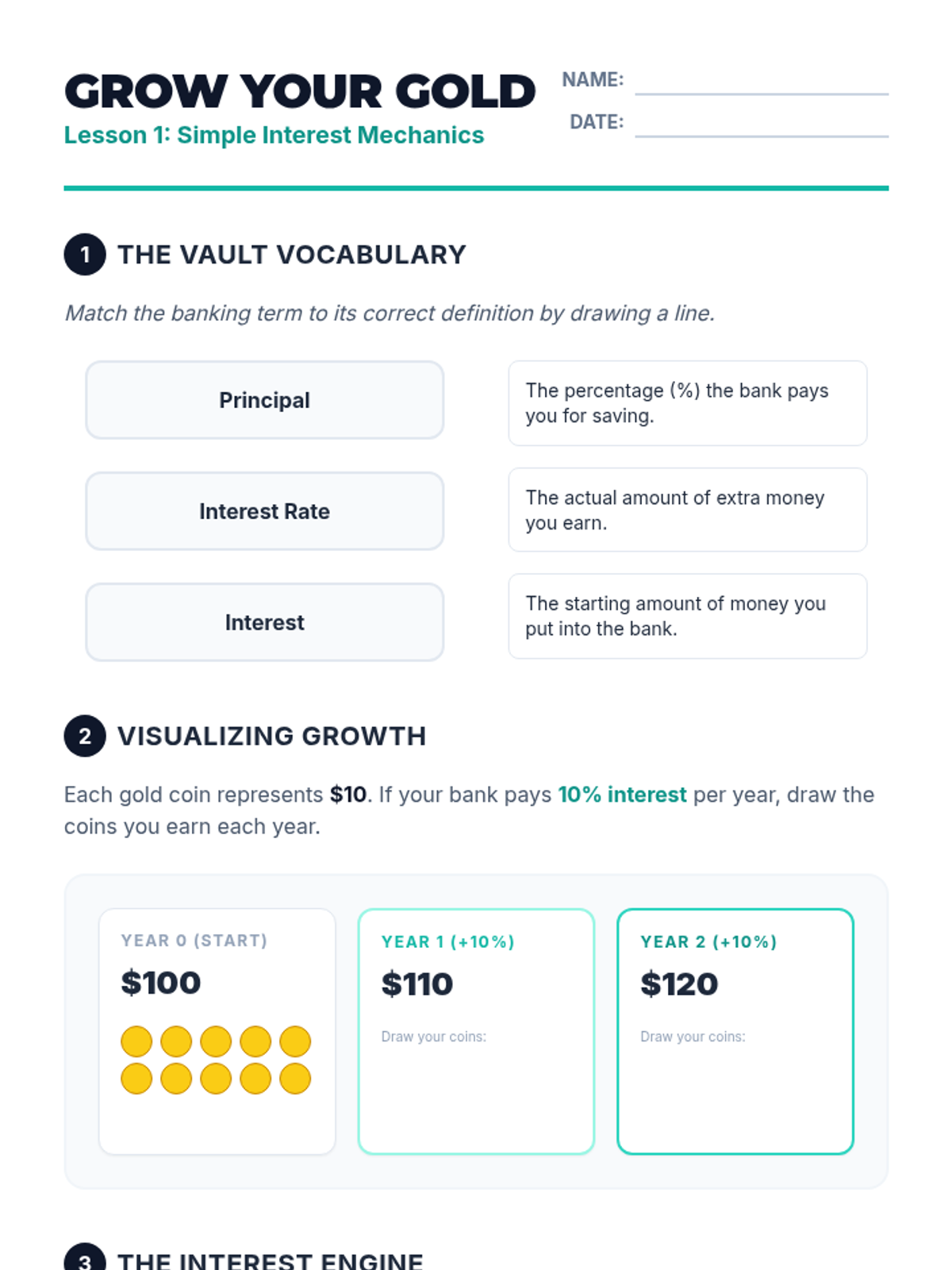
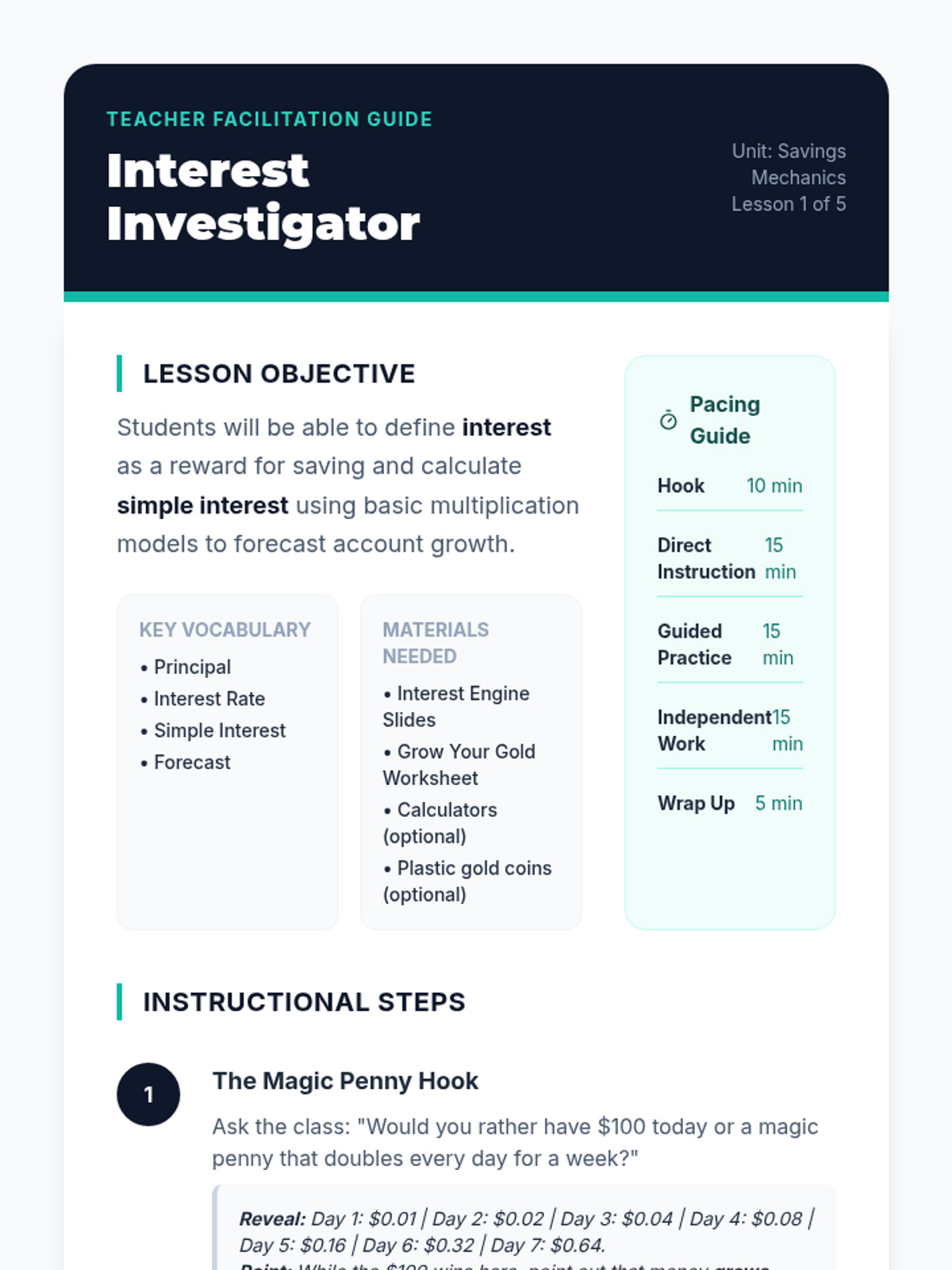
Students are introduced to the concept of interest as a reward banks pay for keeping money in a savings account. Using simple visual models and counters, they calculate simple interest over short periods to see how balances grow without additional deposits.
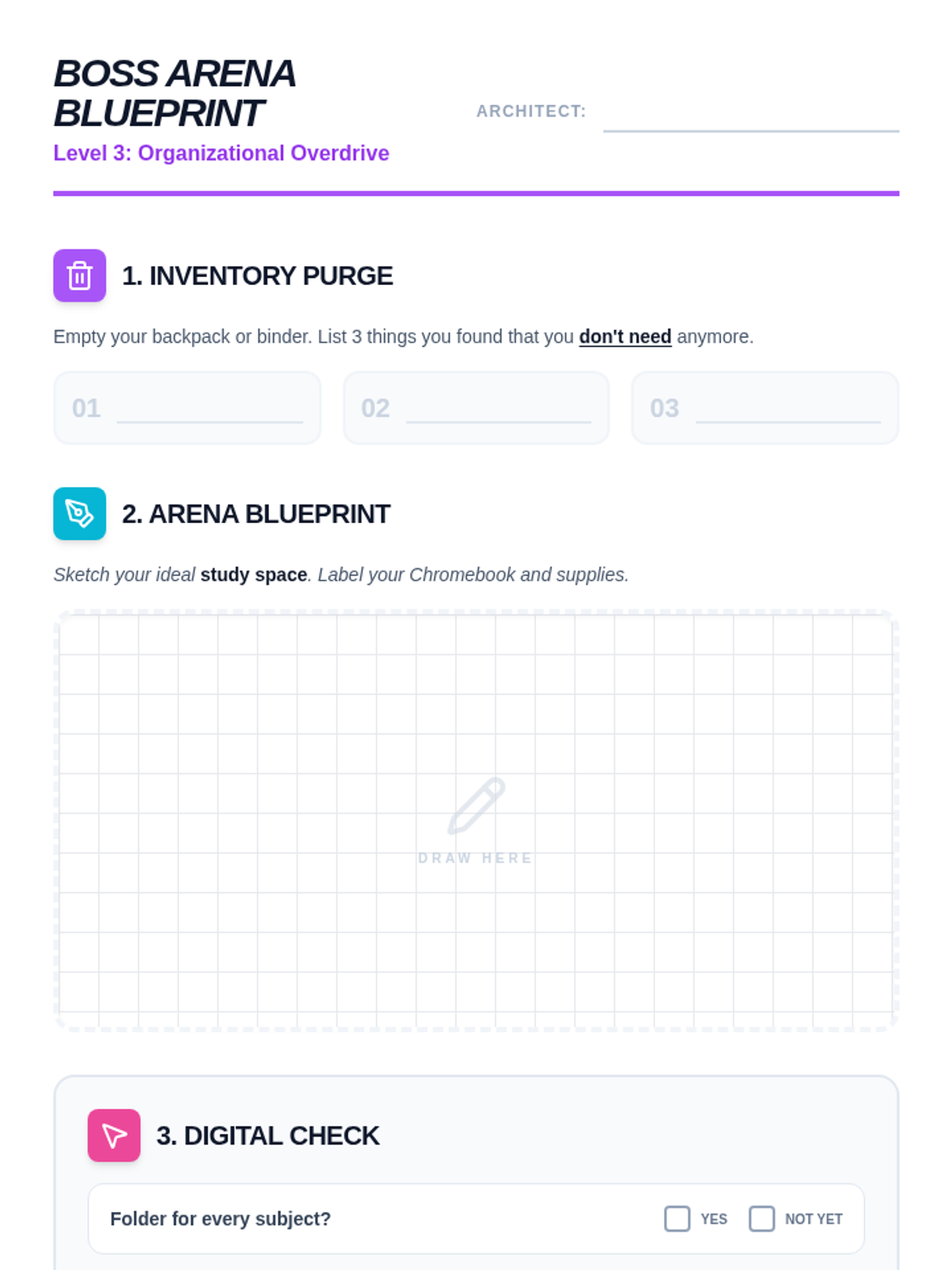
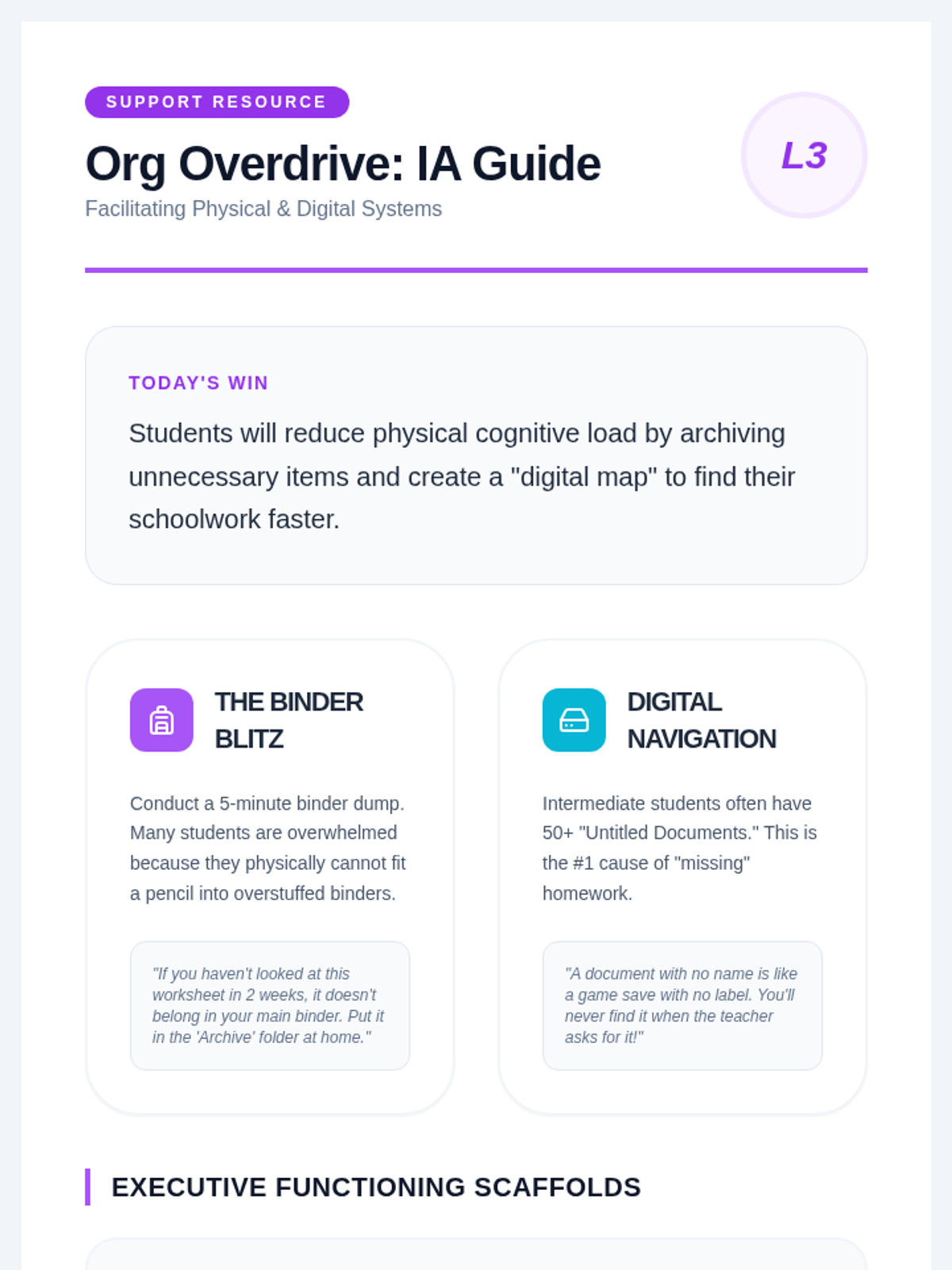
Focuses on physical and digital organization. Students learn to curate their 'inventory' (backpacks/binders) and design a distraction-free 'boss arena' for studying.
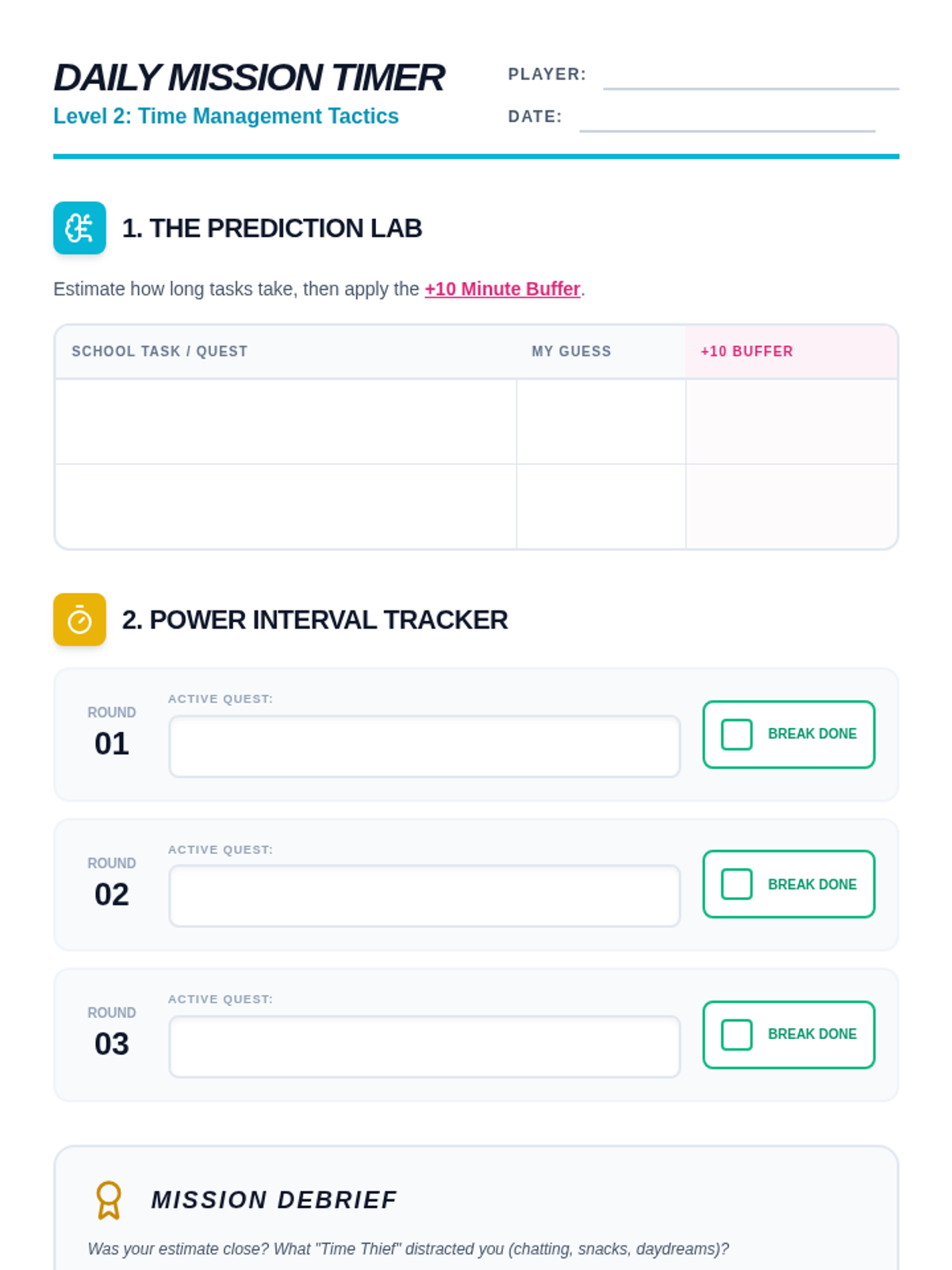
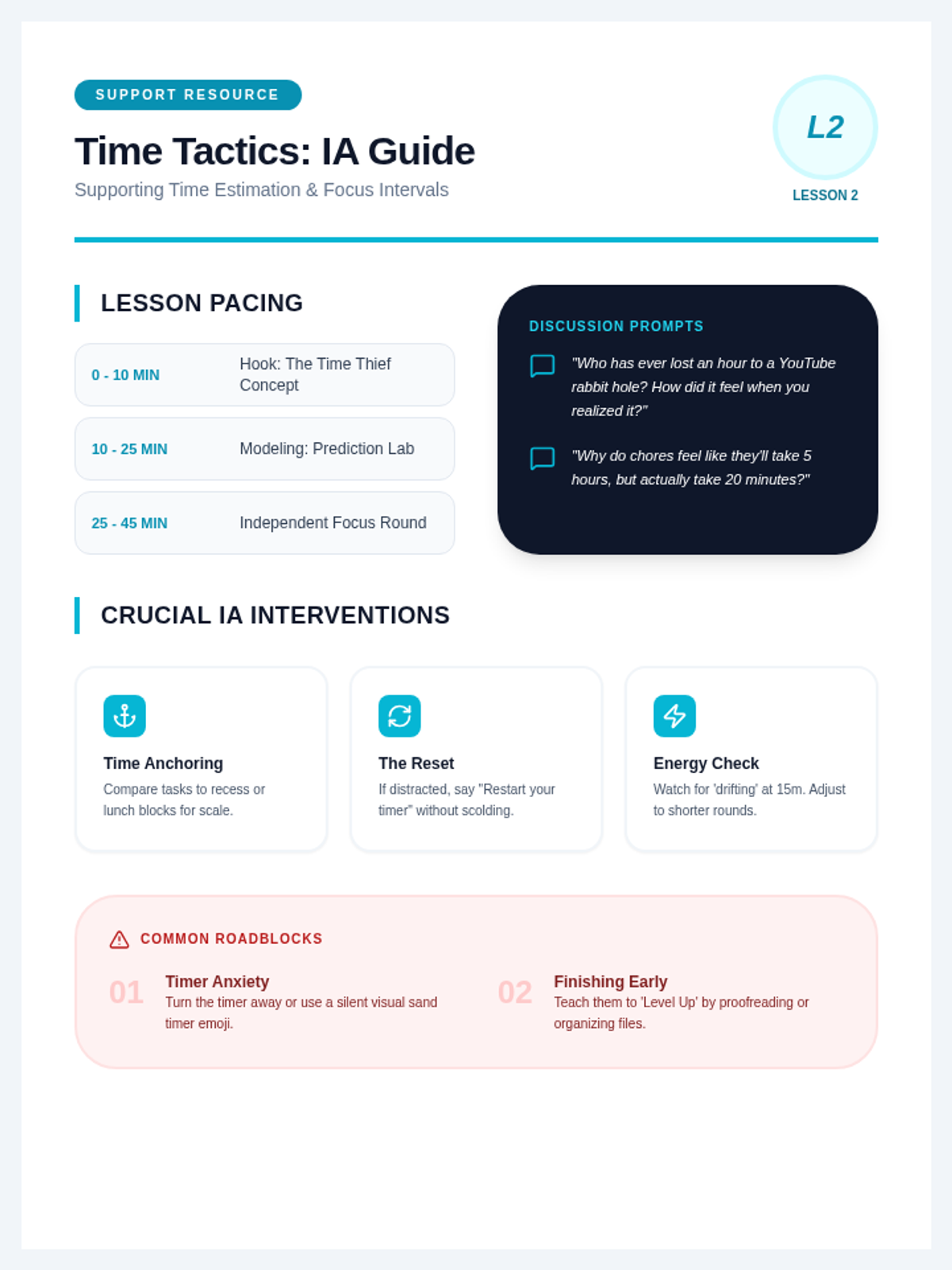
An exploration of 'time blindness' and estimation. Students learn to use the Pomodoro technique (Power Intervals) and create realistic schedules for their school day.
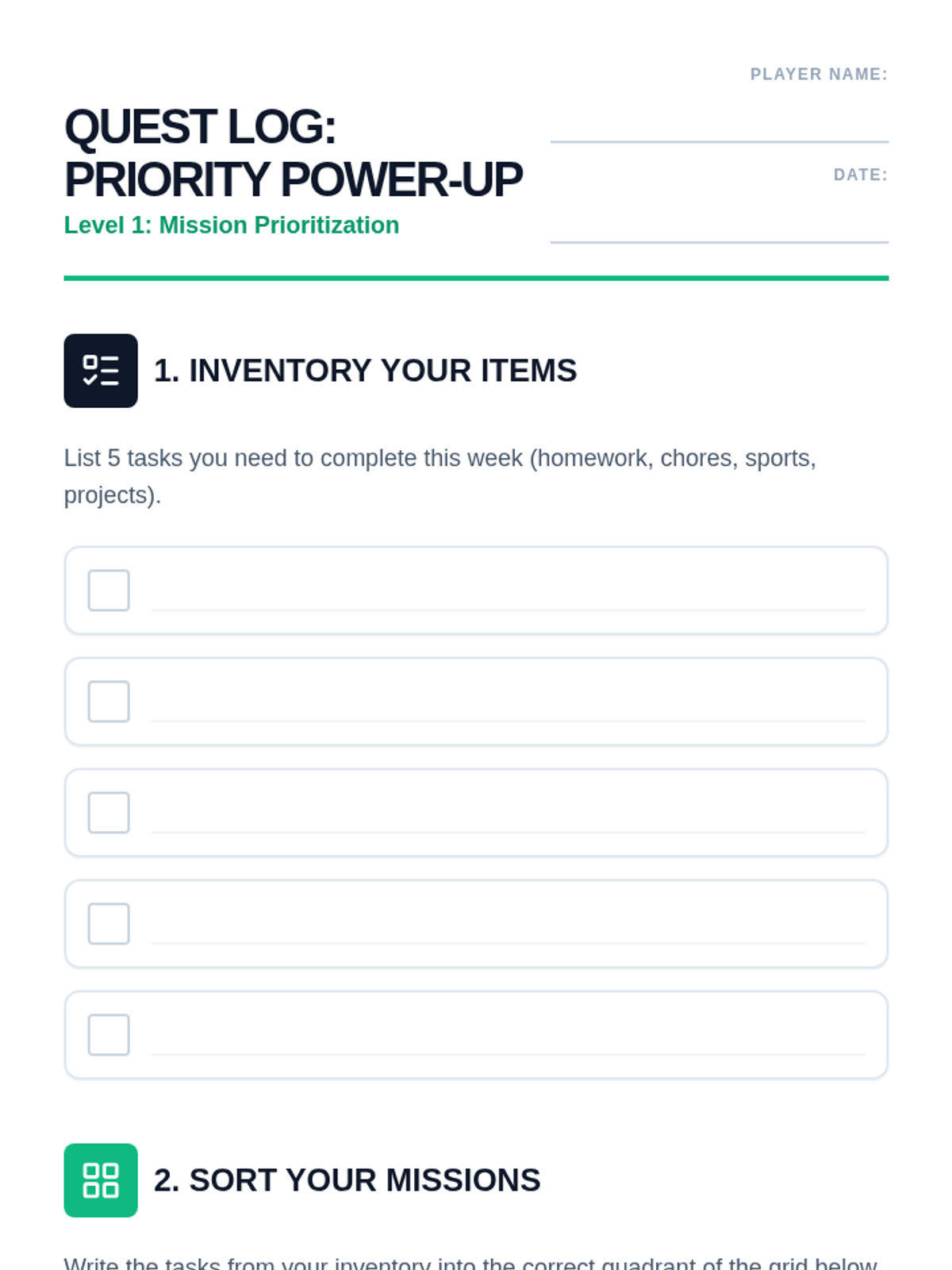
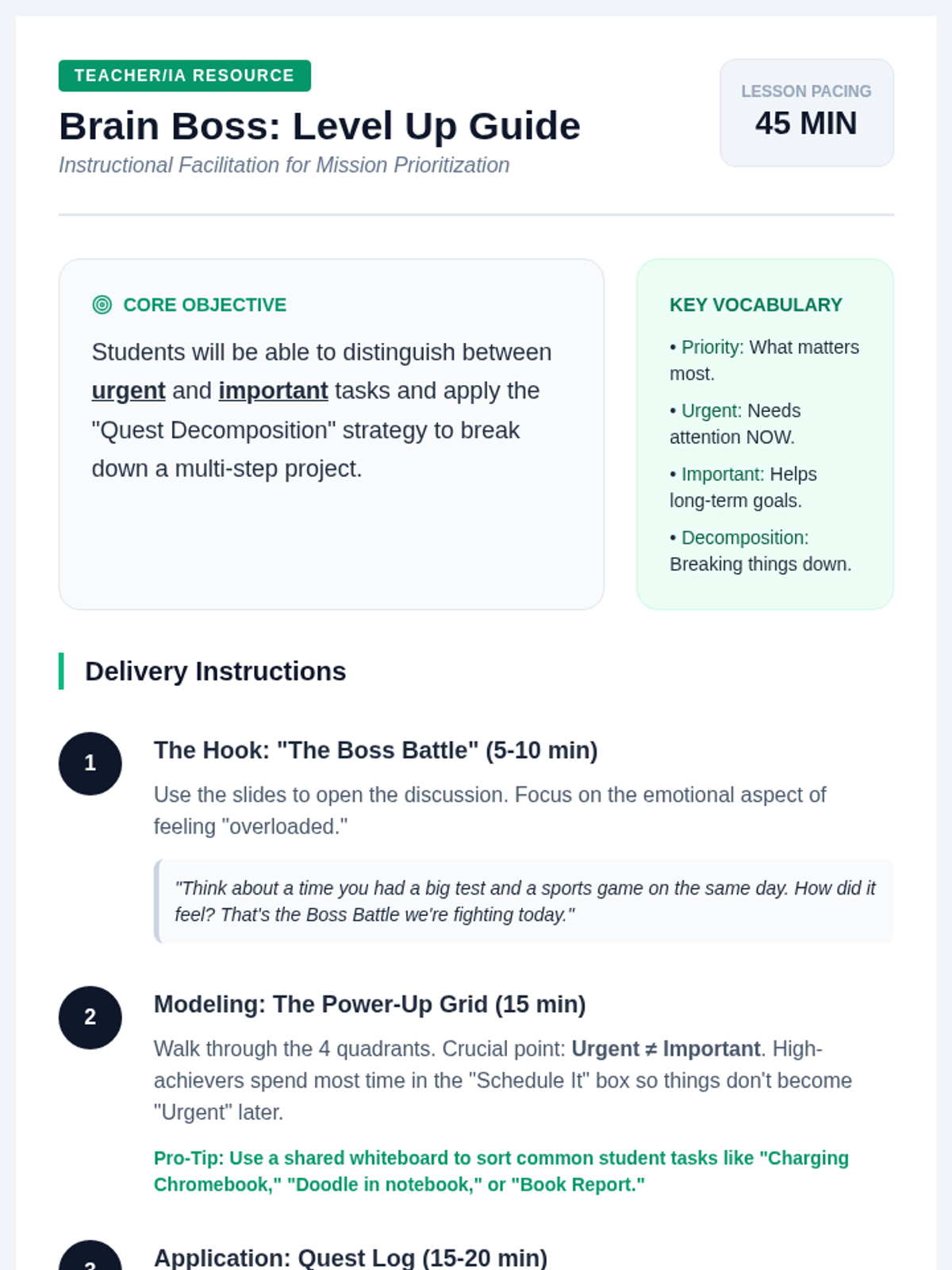
Students learn how to categorize tasks using the 'Urgent vs. Important' matrix, renamed as the Priority Power-Up grid. They will practice breaking down large tasks into smaller, manageable 'quests'.
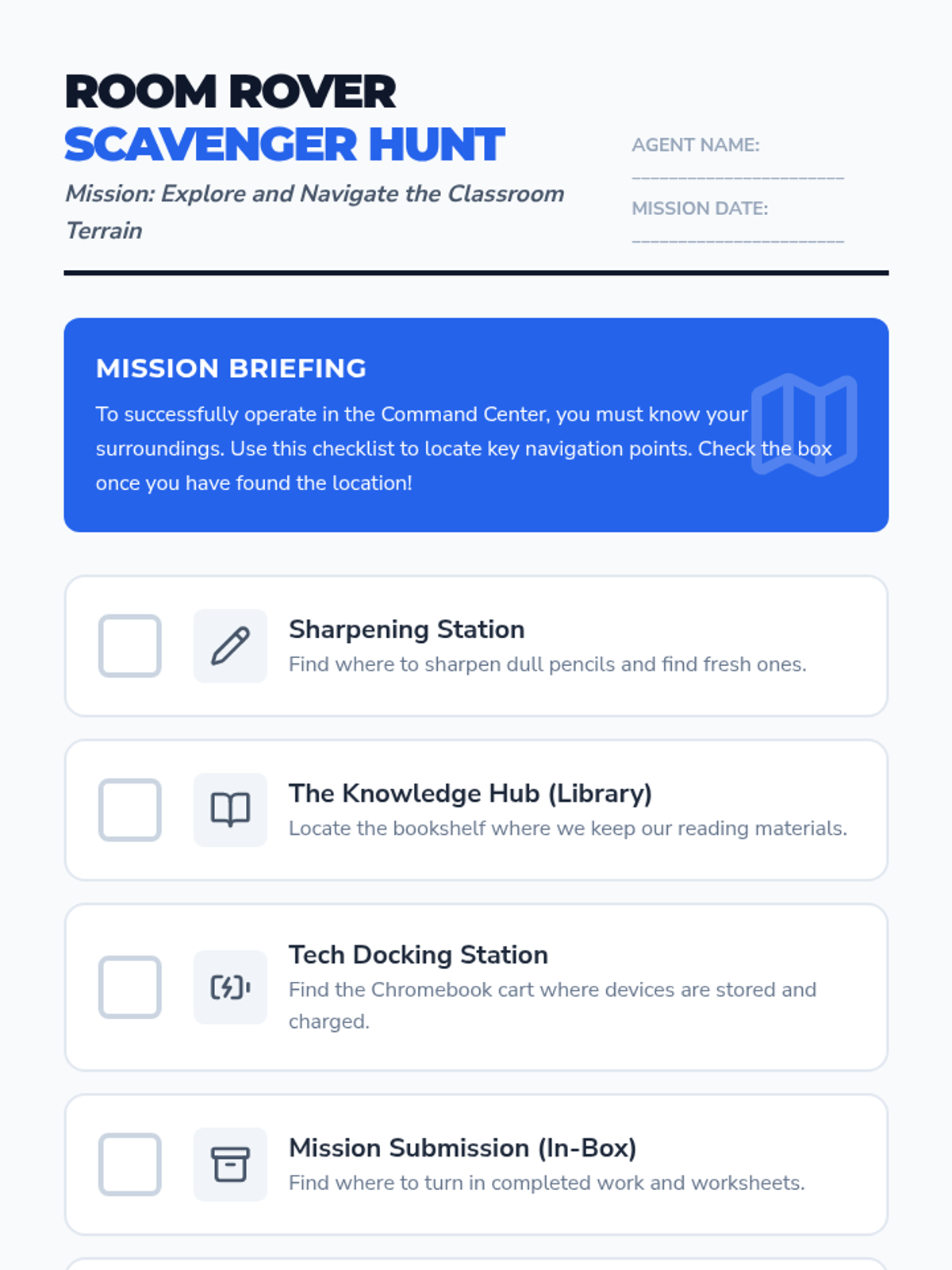
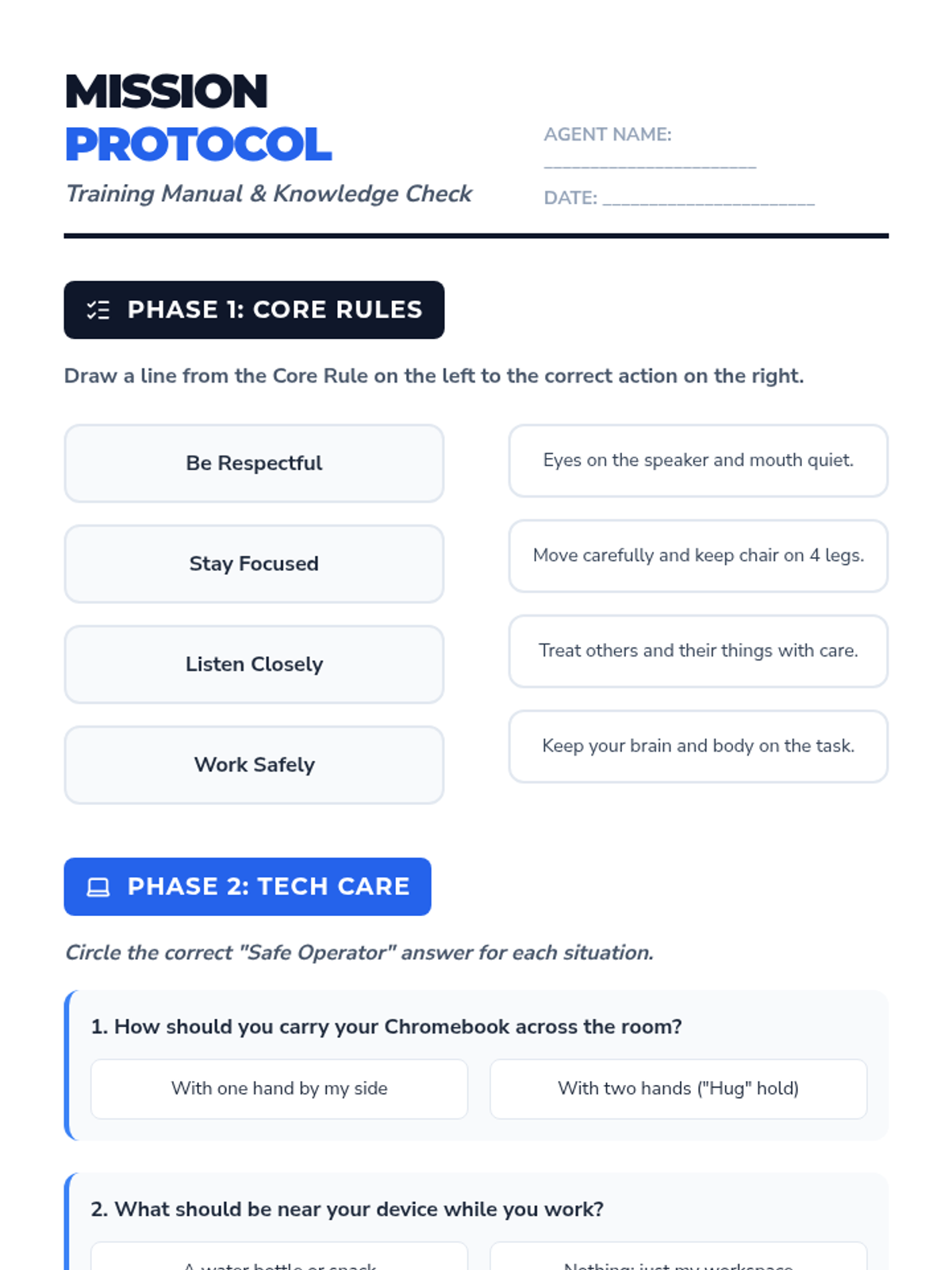
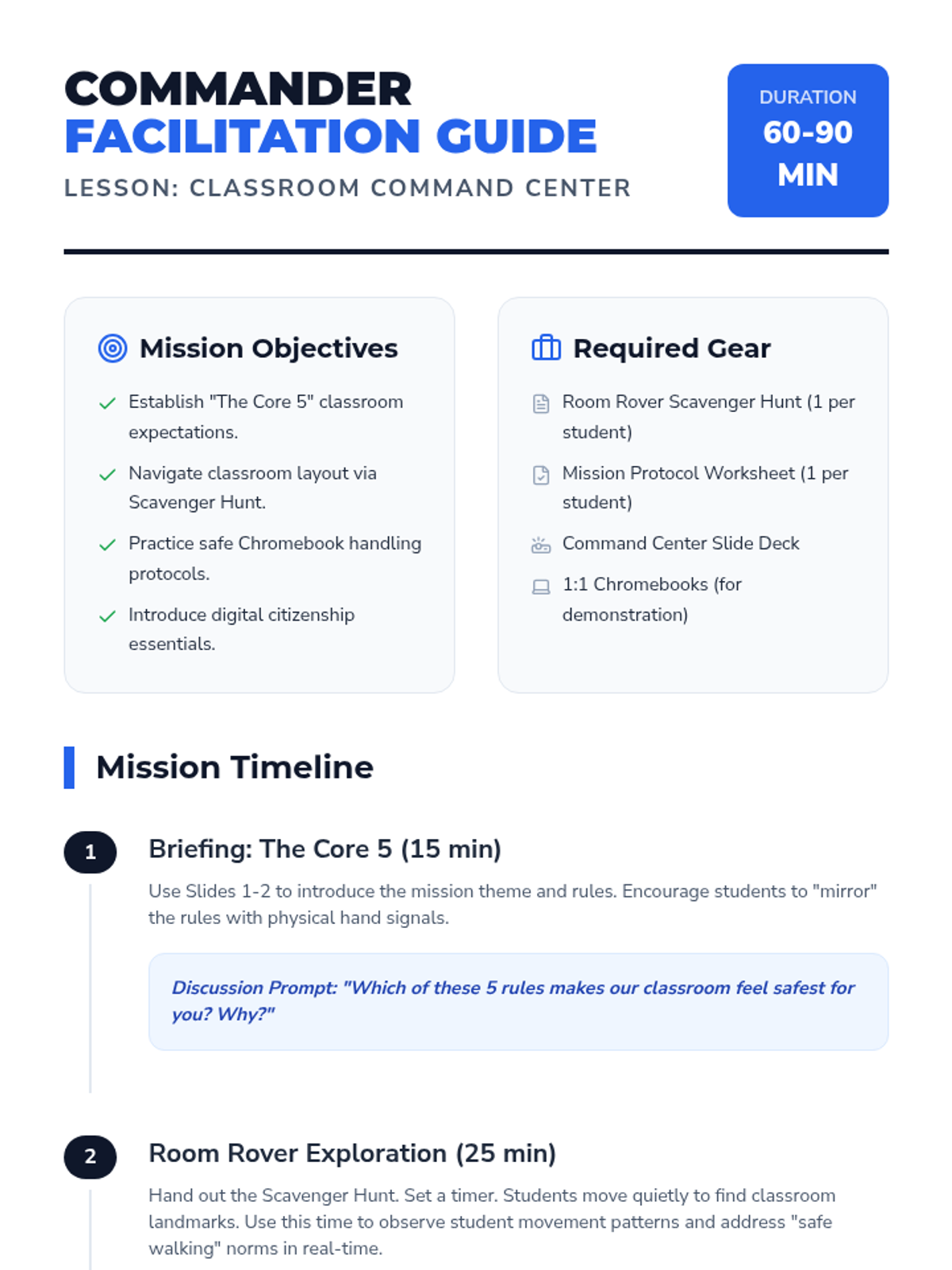
A comprehensive first-day lesson to establish classroom norms, physical space navigation, and digital responsibility. Includes instruction on Chromebook care and digital citizenship.
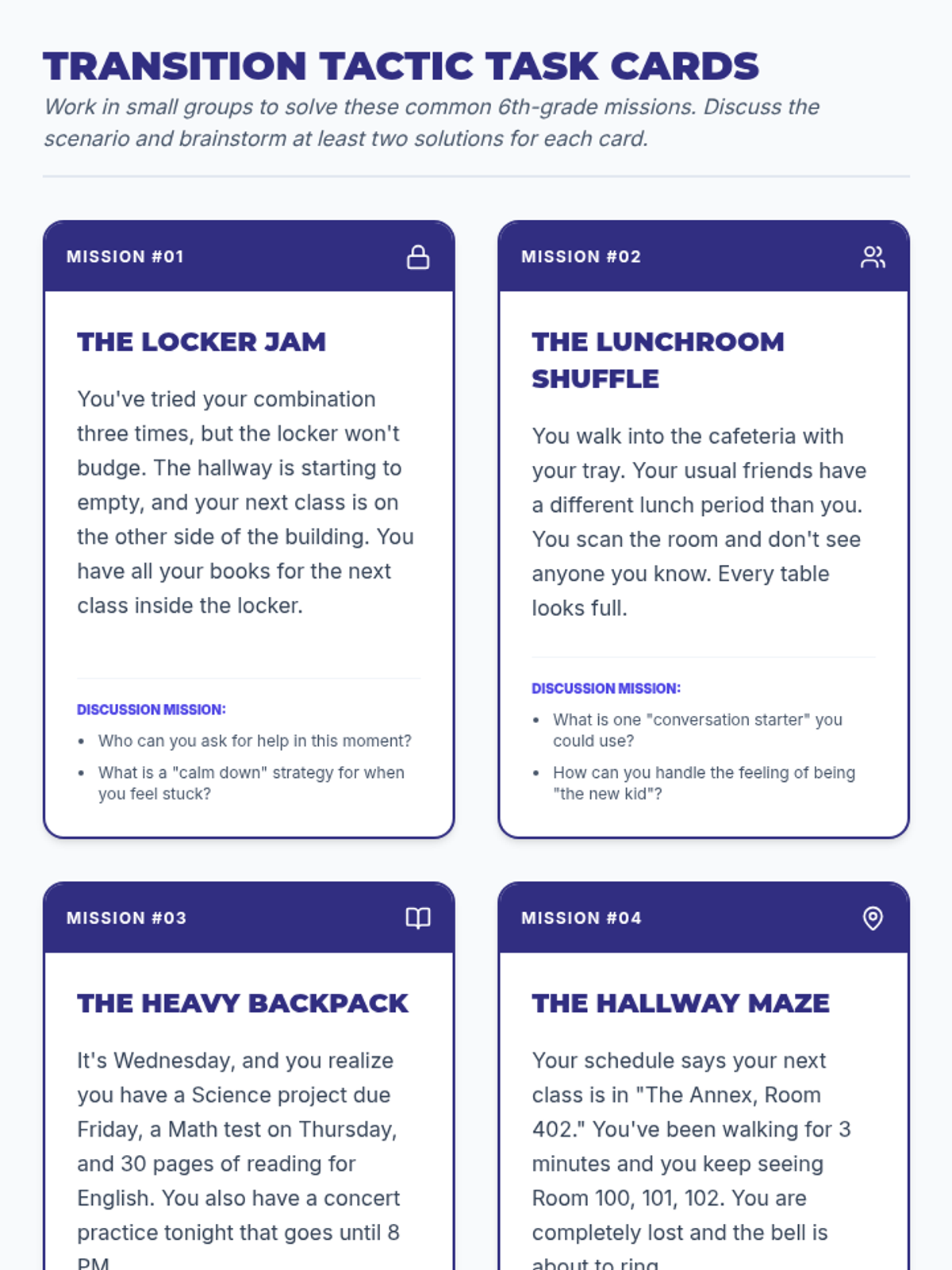
A comprehensive transition program designed to help fifth graders navigate the social-emotional, logistical, and academic changes of middle school. Through reflection and group discussion, students build confidence and practical strategies for their next big step.
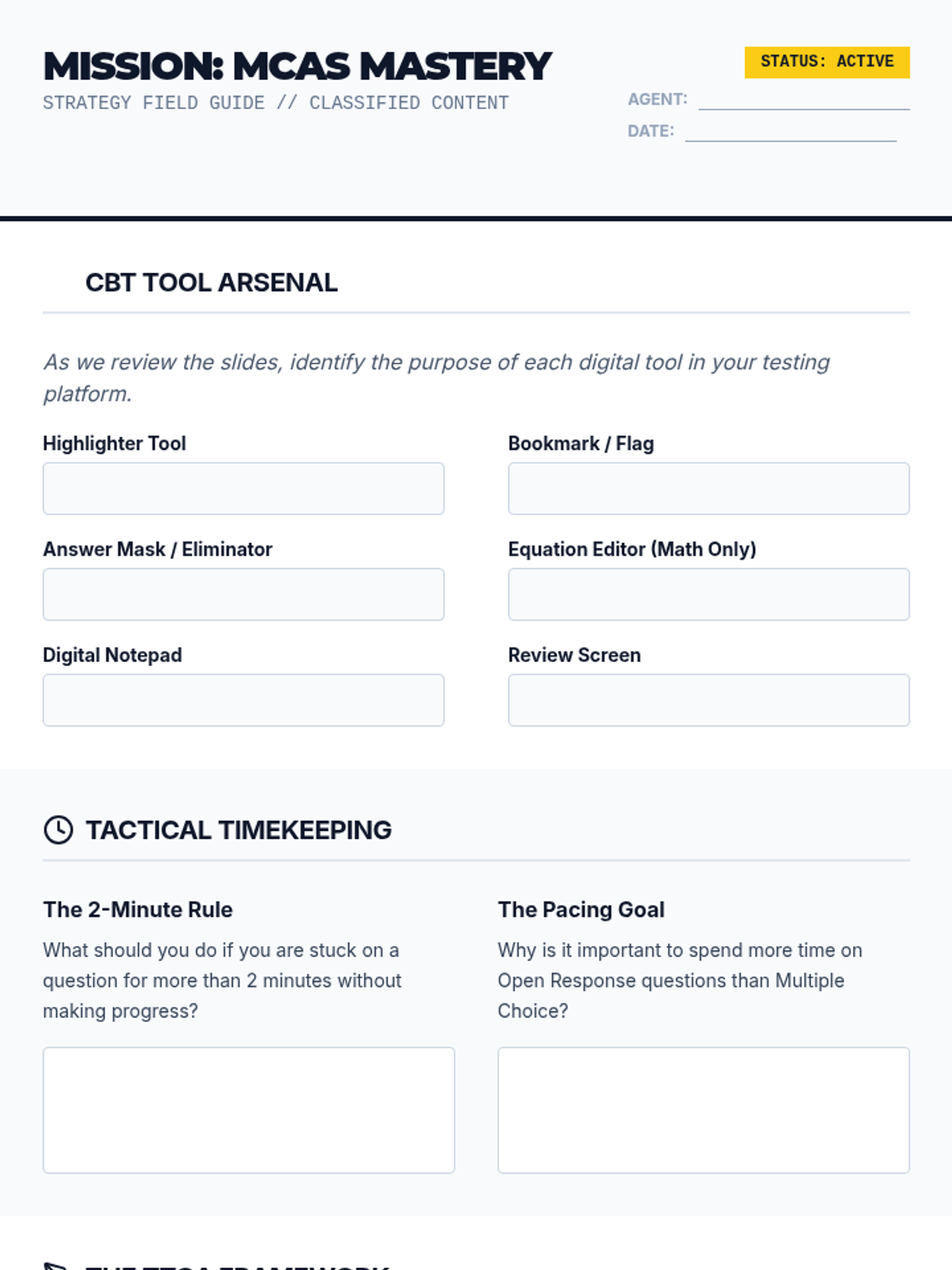
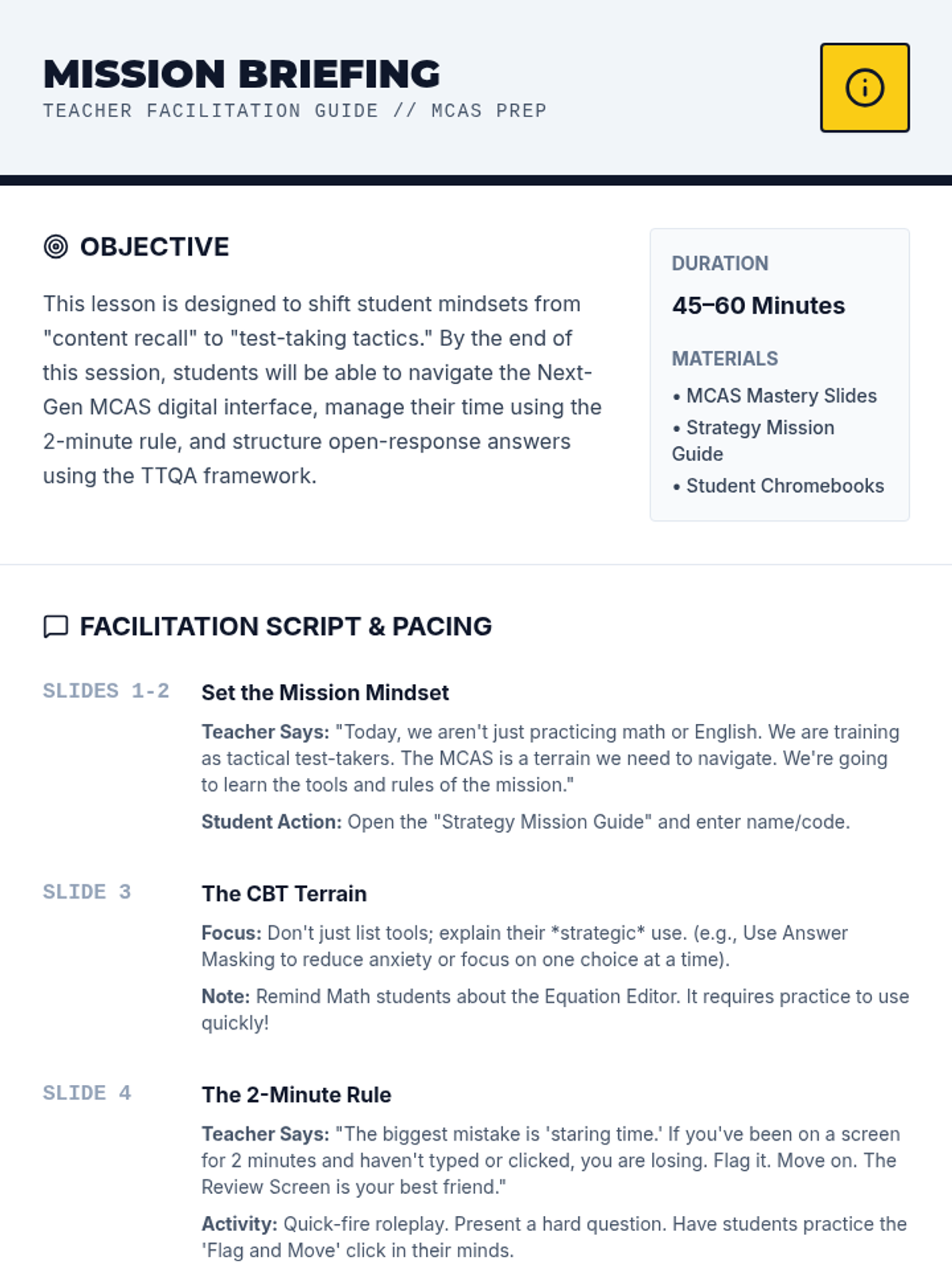
A comprehensive test preparation lesson designed to equip students with tactical strategies for the Next Generation MCAS. This lesson covers computer-based testing tools, time management techniques, and a structured approach to high-scoring open response questions.
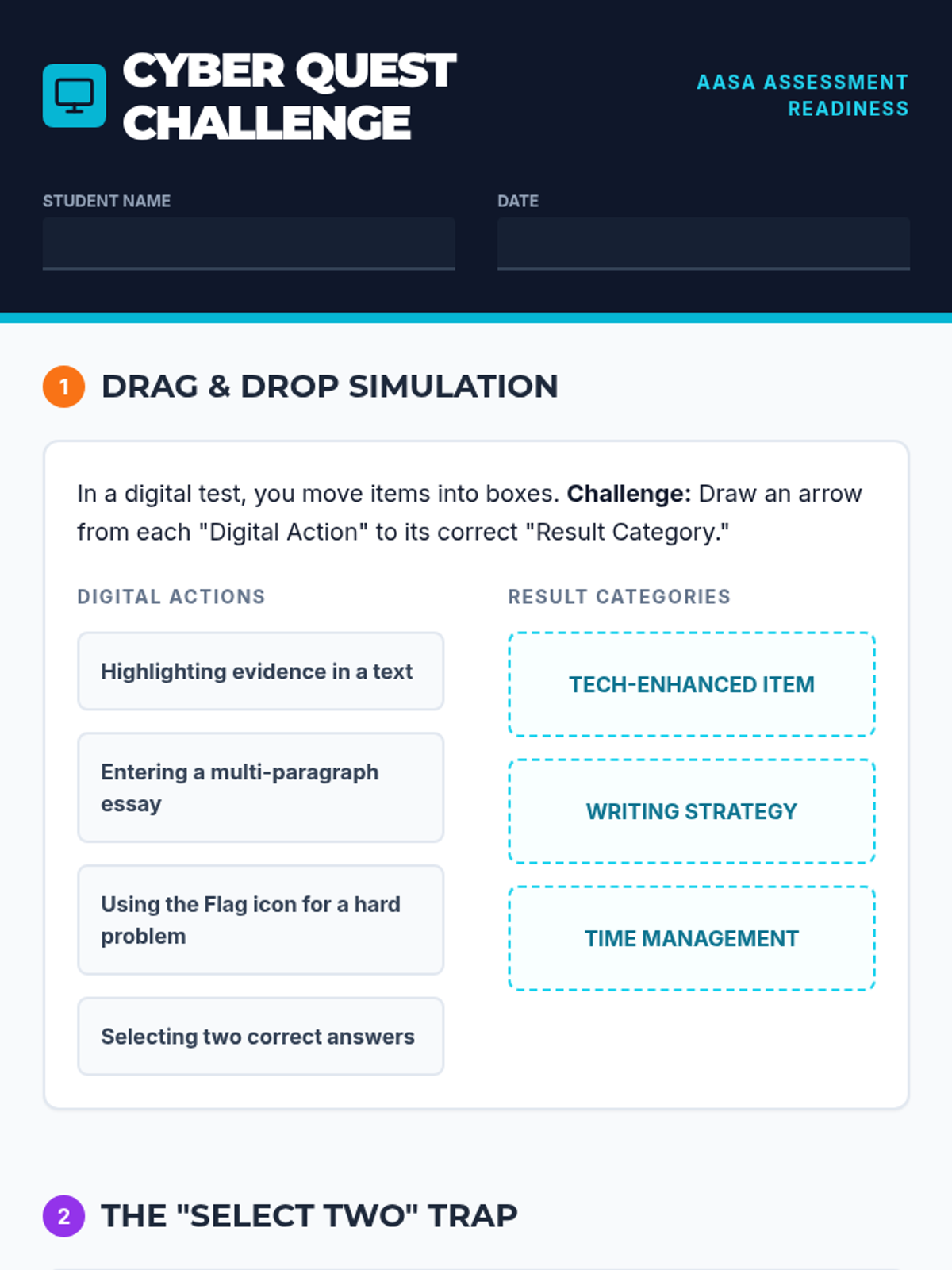
A comprehensive lesson focused on preparing students for Arizona's computer-based state assessments (AASA), covering technology-enhanced items, digital tools, and time management strategies.
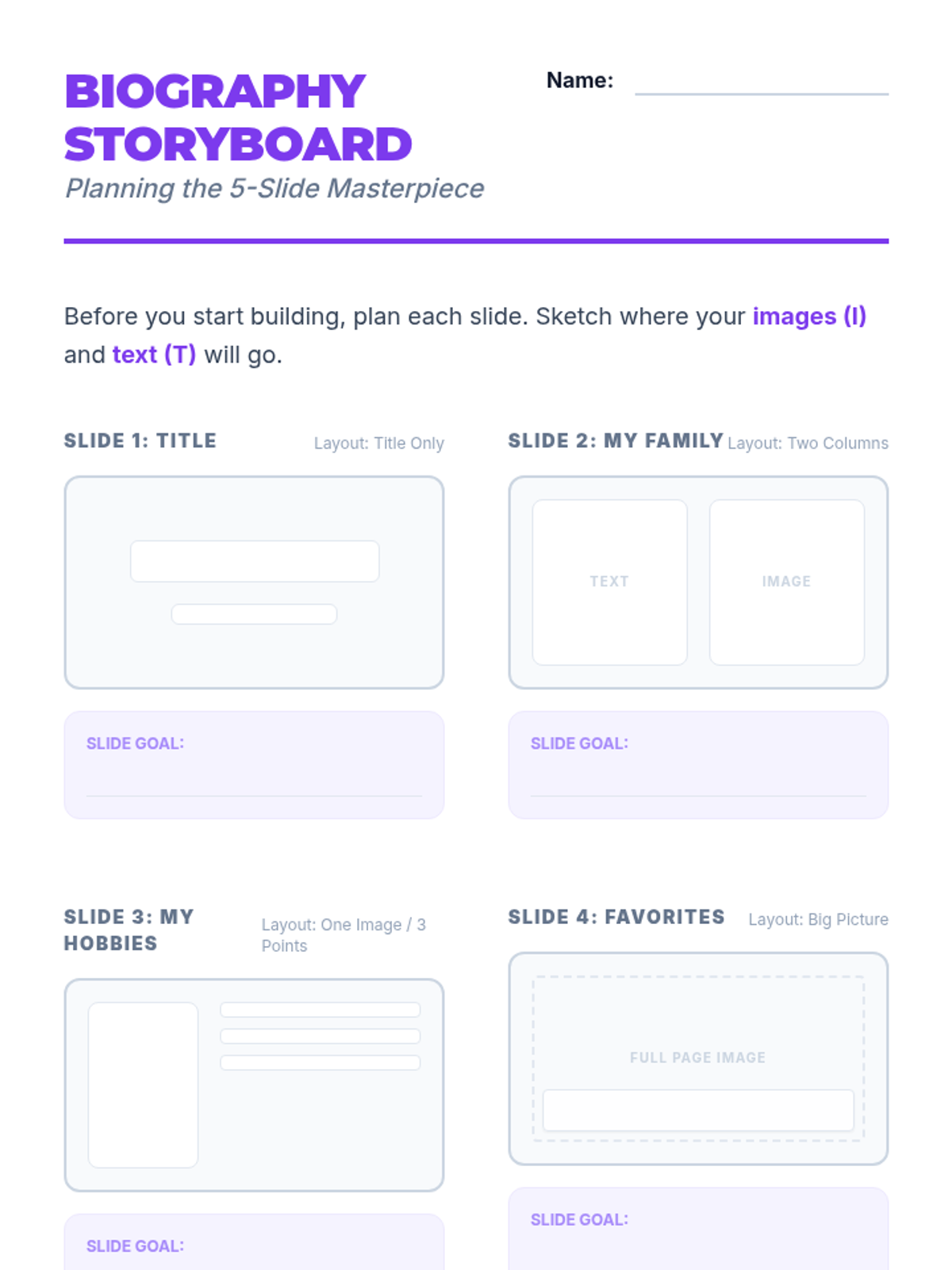
Students synthesize their skills by creating and sharing a 5-slide digital biography presentation.
Students transition to presentation software, exploring slide layouts, themes, and content organization.
Students learn to insert, resize, and position images within a document to create a visually engaging 'About Me' flyer.
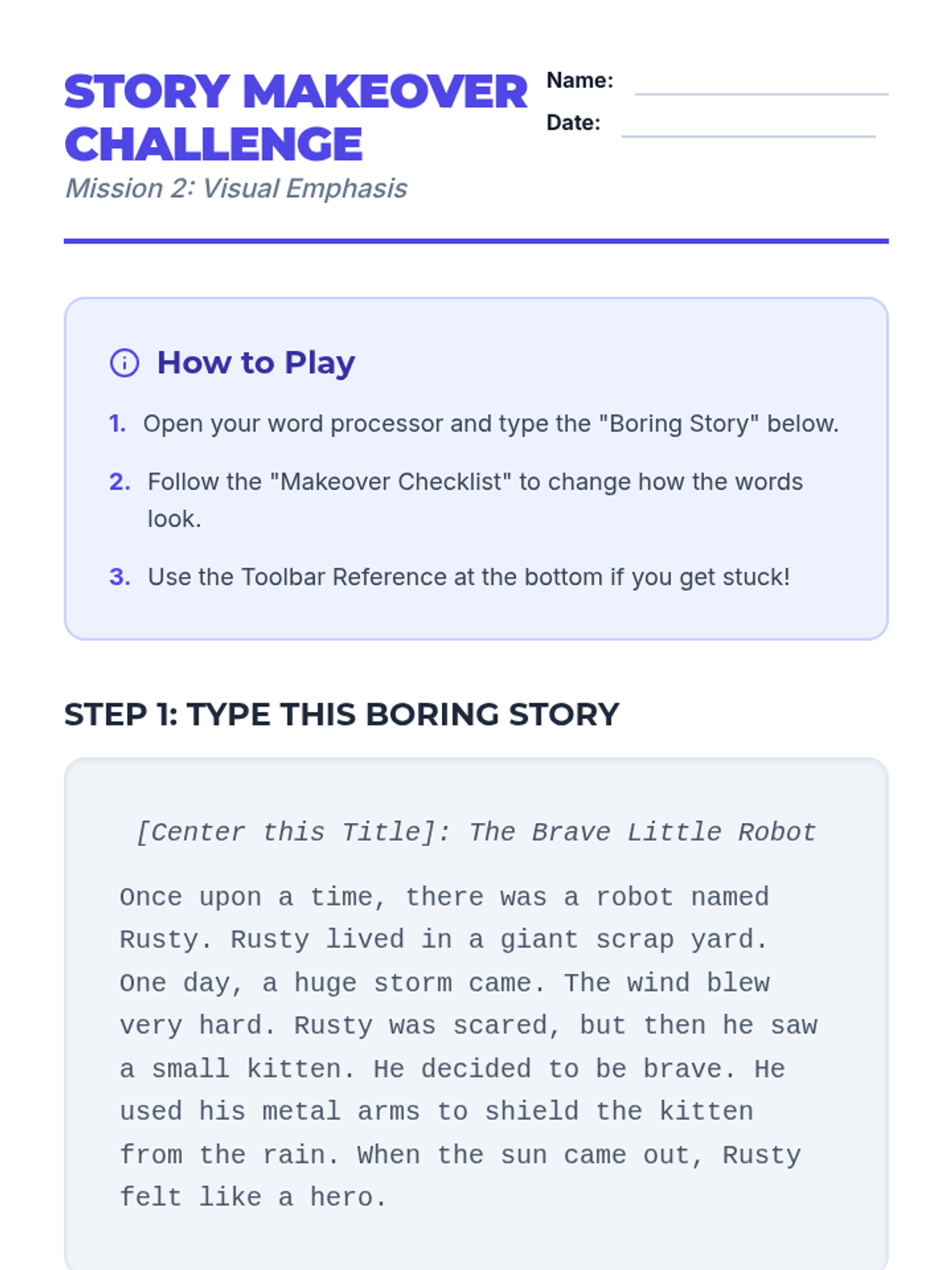
Students explore text formatting tools like font, size, color, and style to emphasize key information in a document.
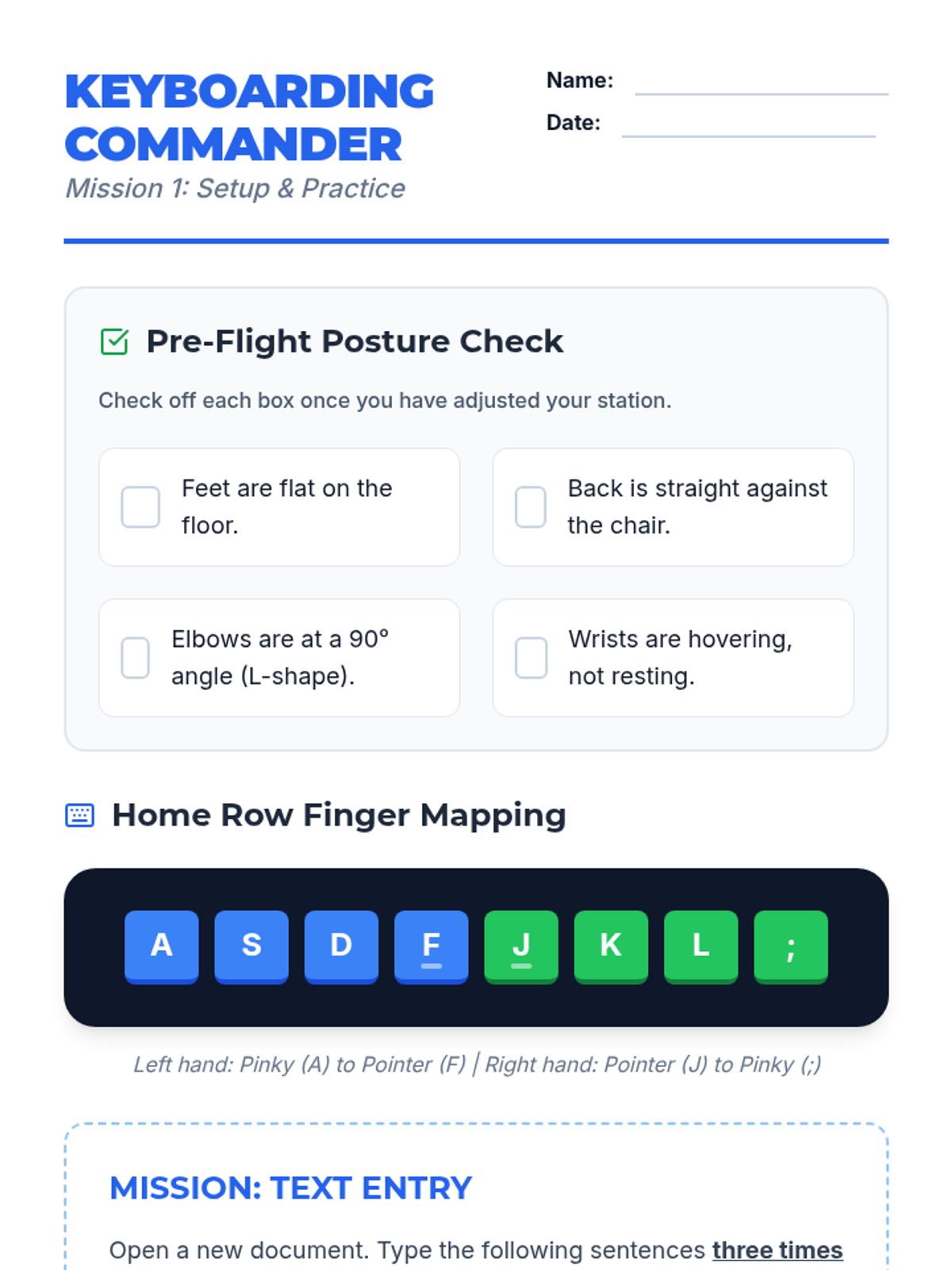
Students learn keyboard layout, home row positioning, and proper posture while practicing accuracy with short sentences.
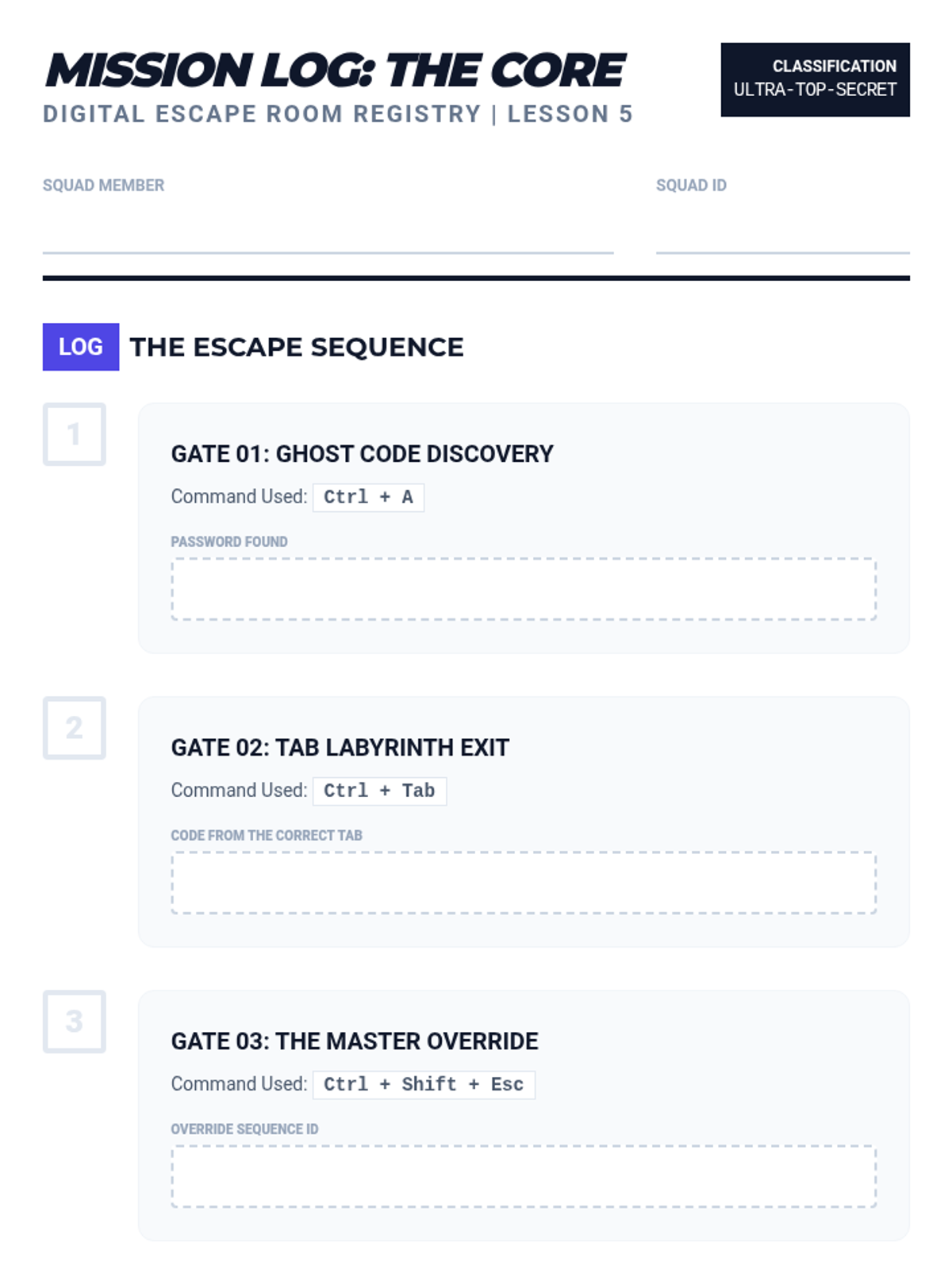
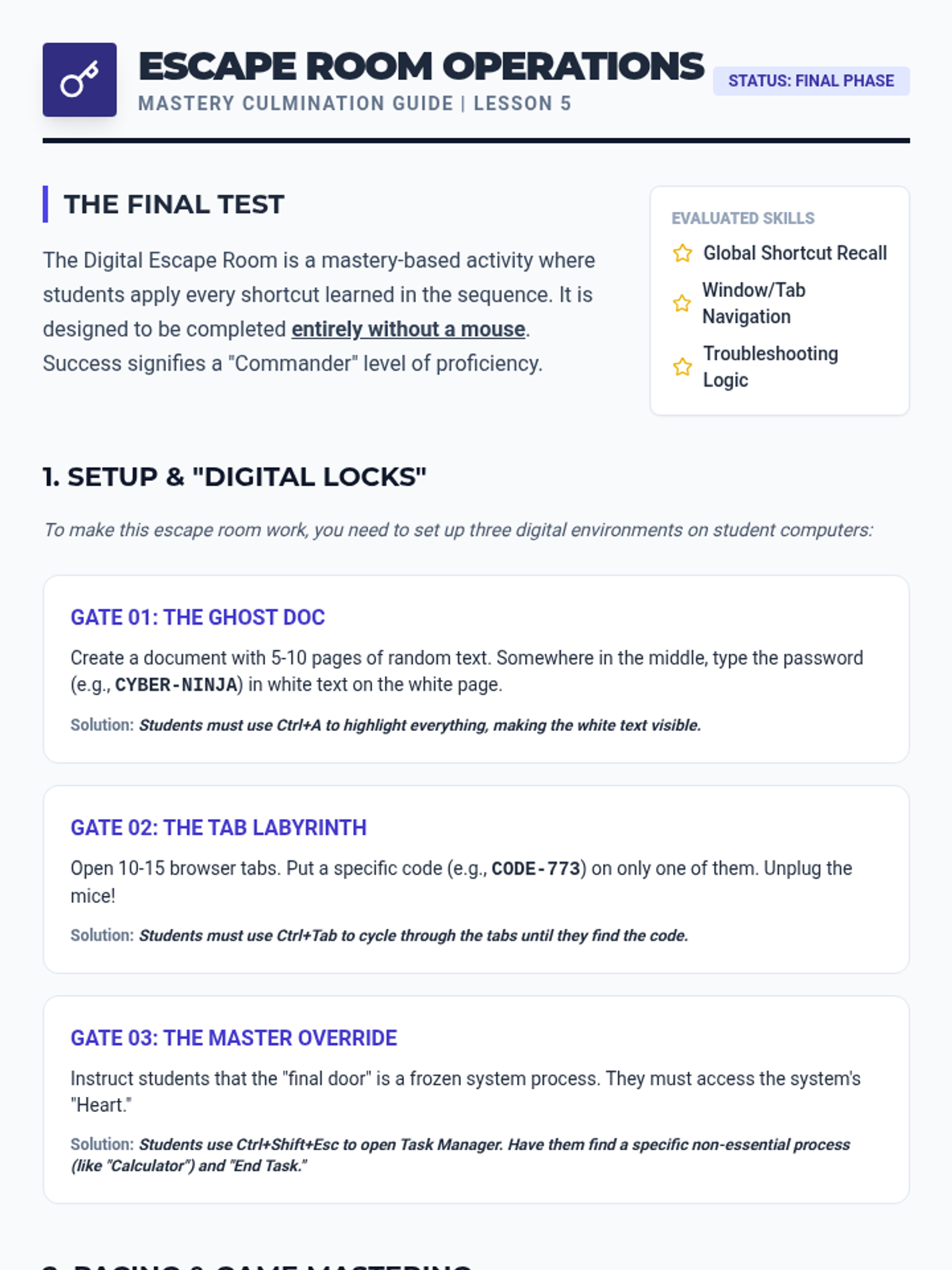
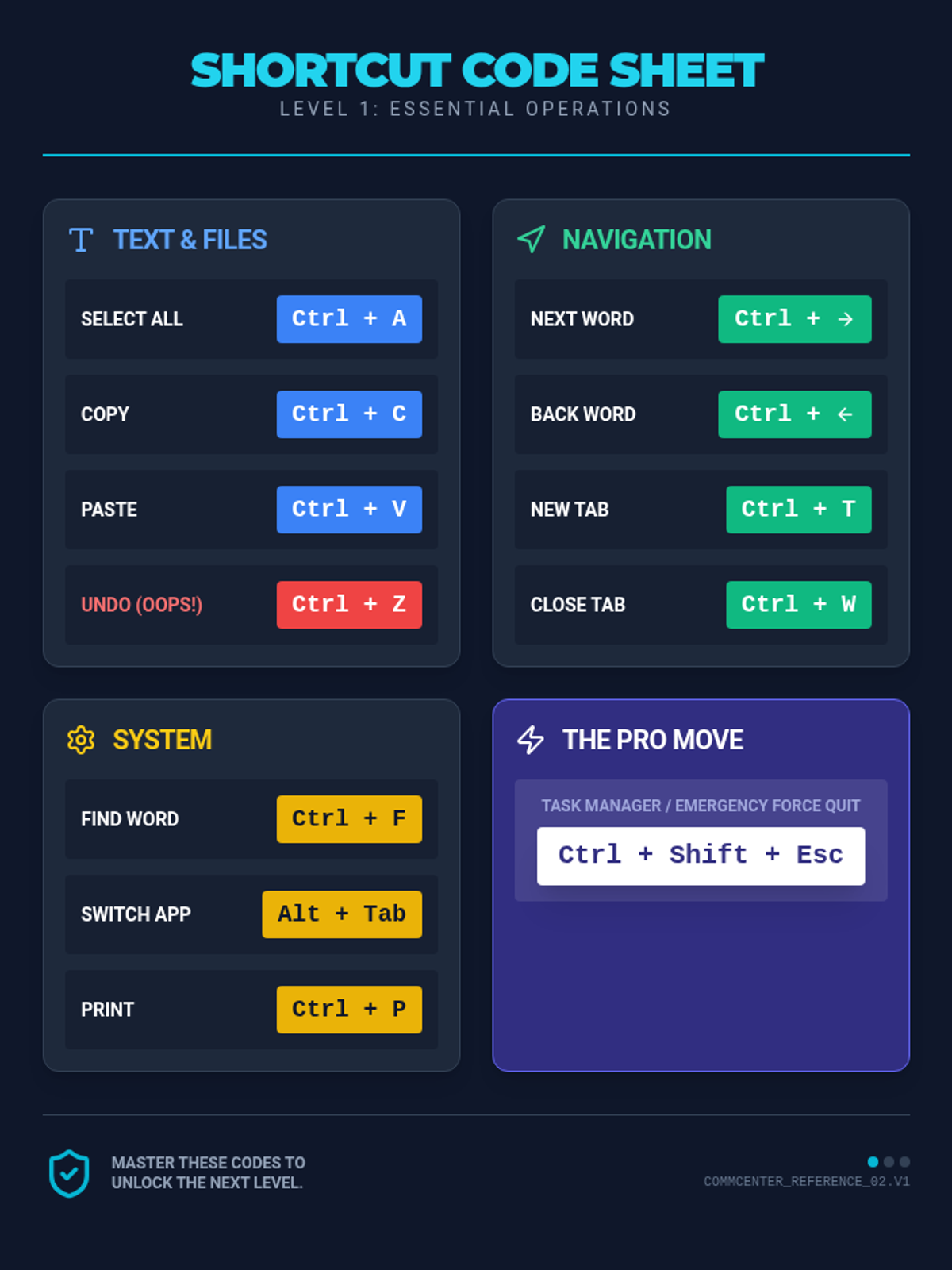
A culminating activity where students apply all learned shortcuts to solve puzzles and escape a digital room.
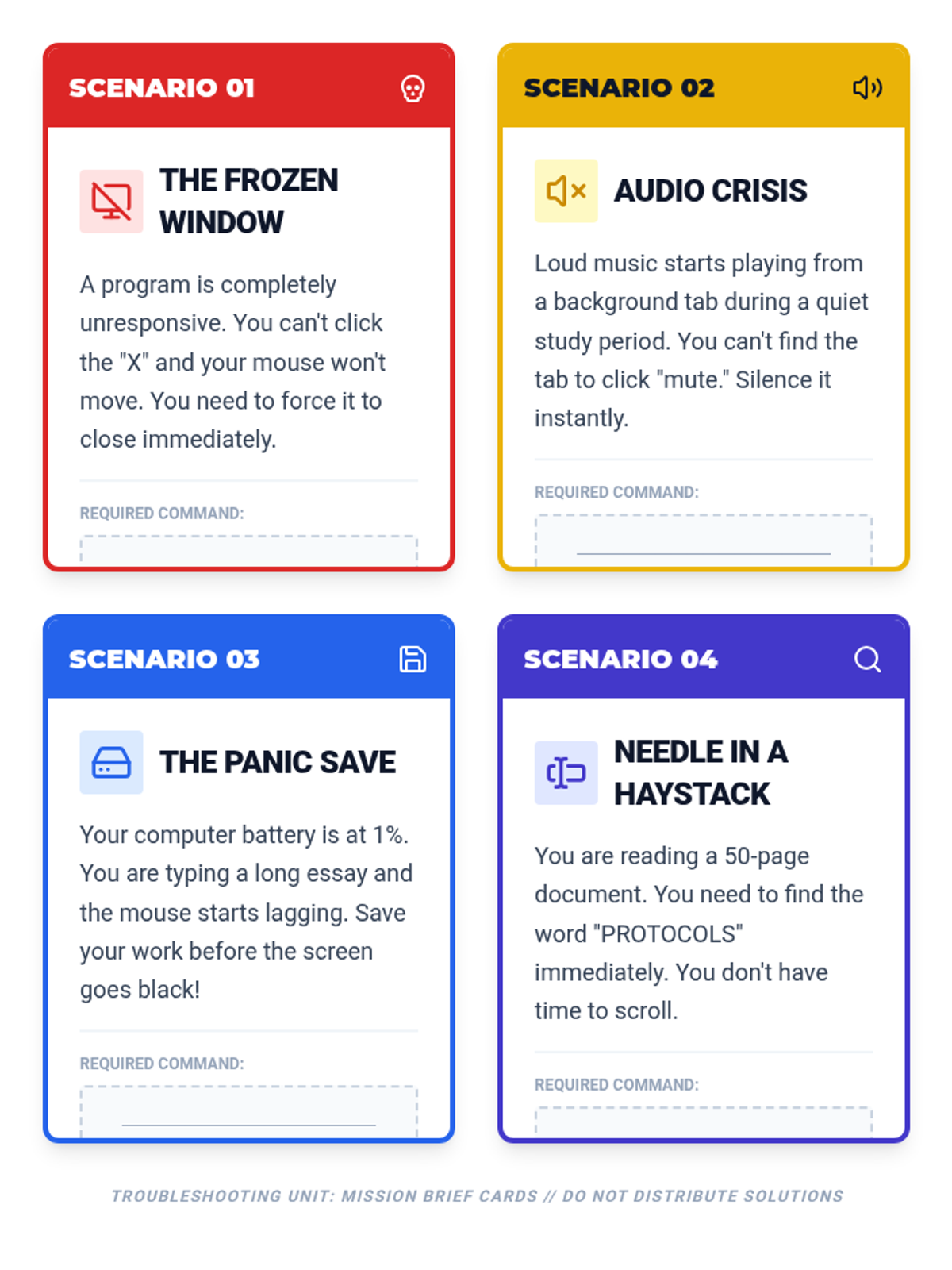
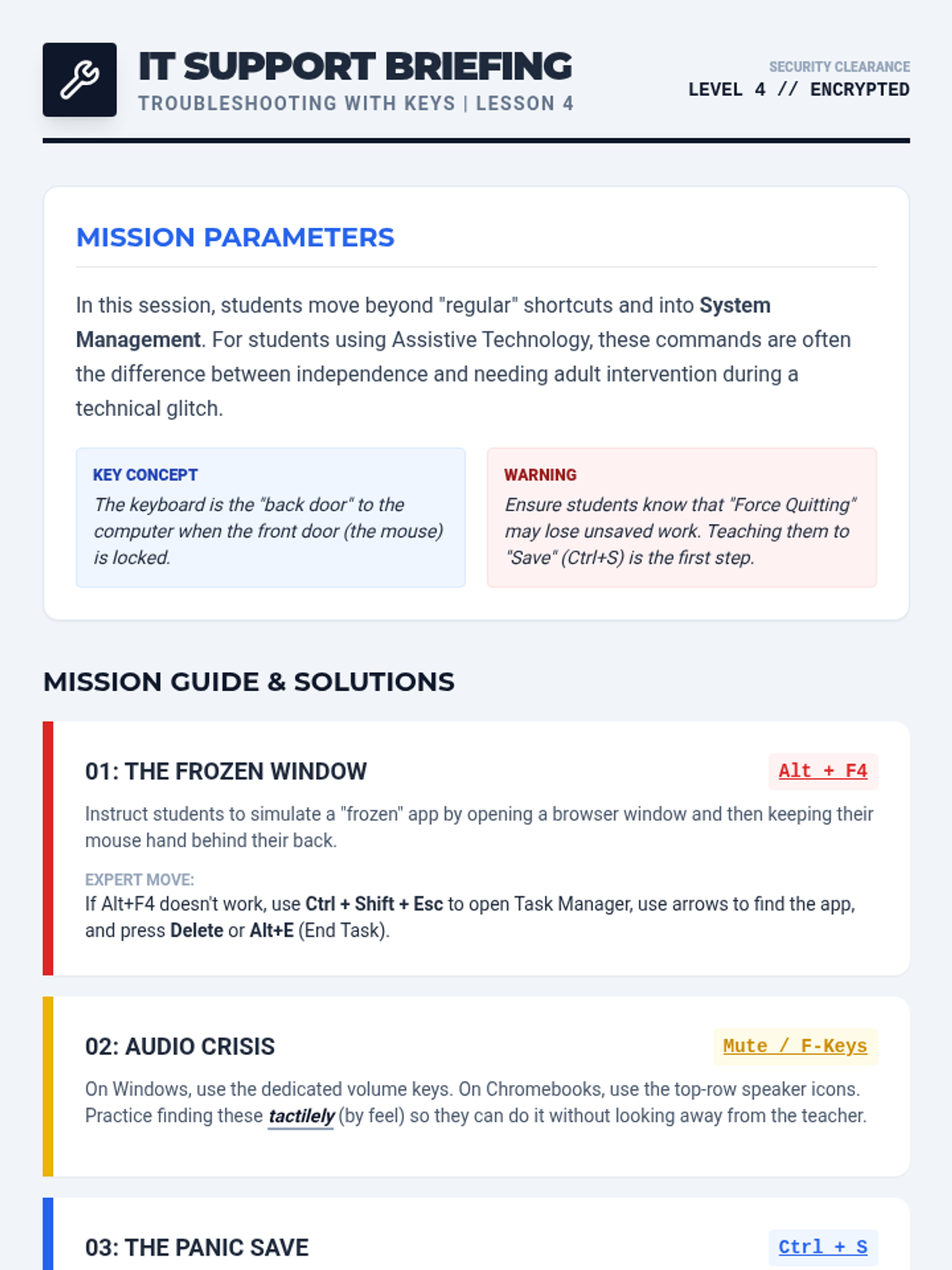
Students learn to troubleshoot computer issues using only keyboard commands in a 'frozen mouse' simulation.
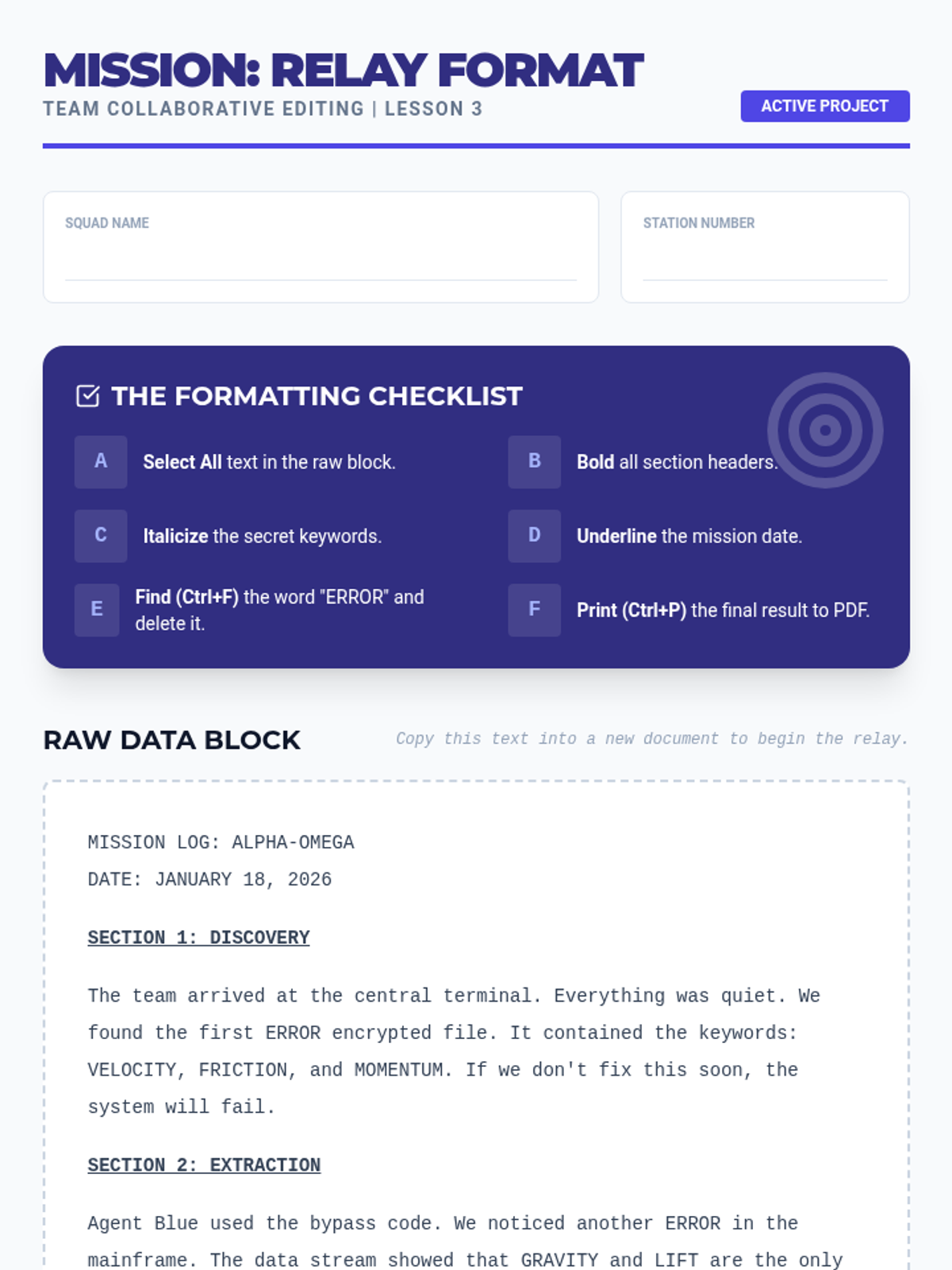
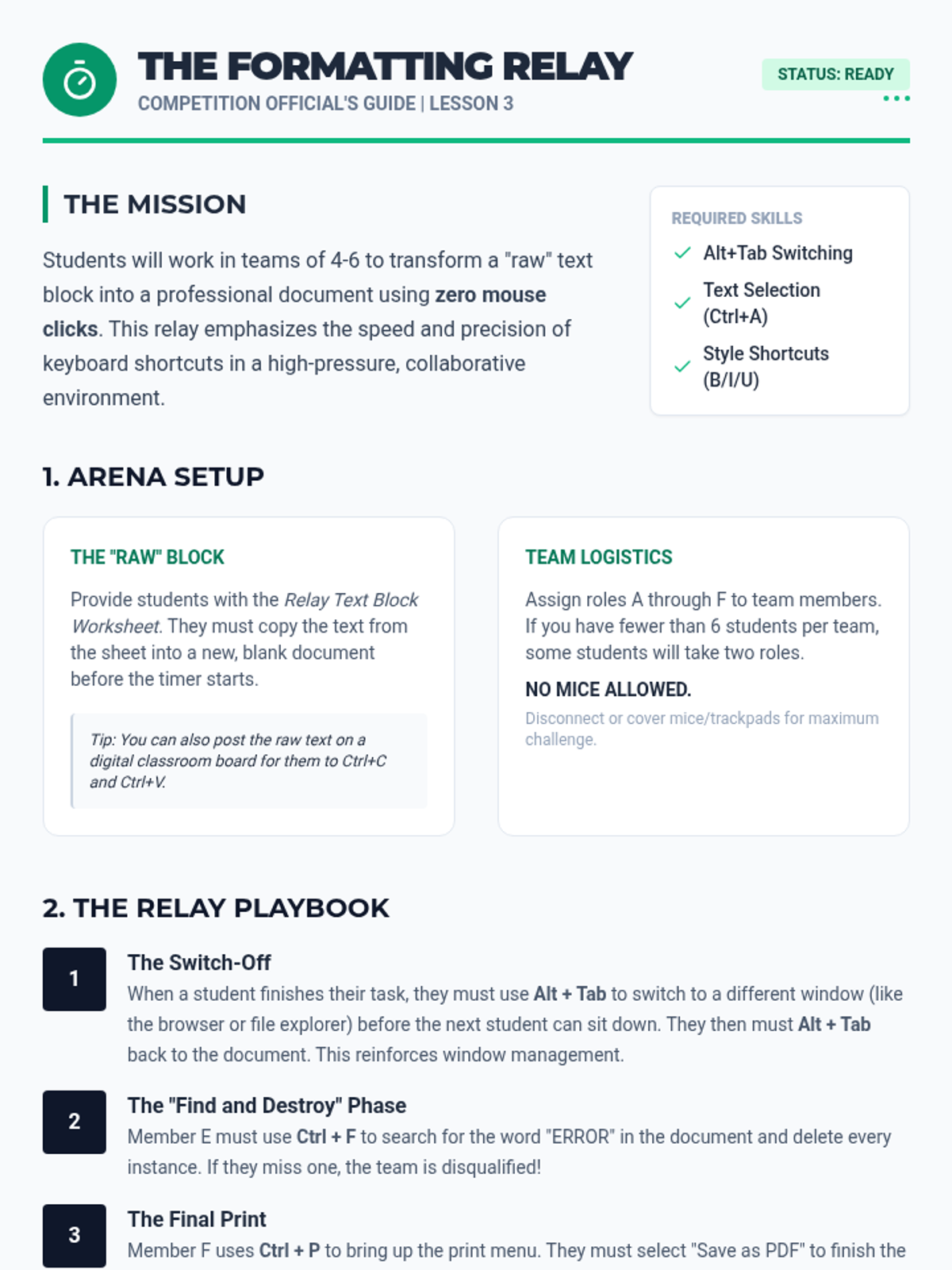
A collaborative activity where students use shortcuts to format documents in a relay-style competition.
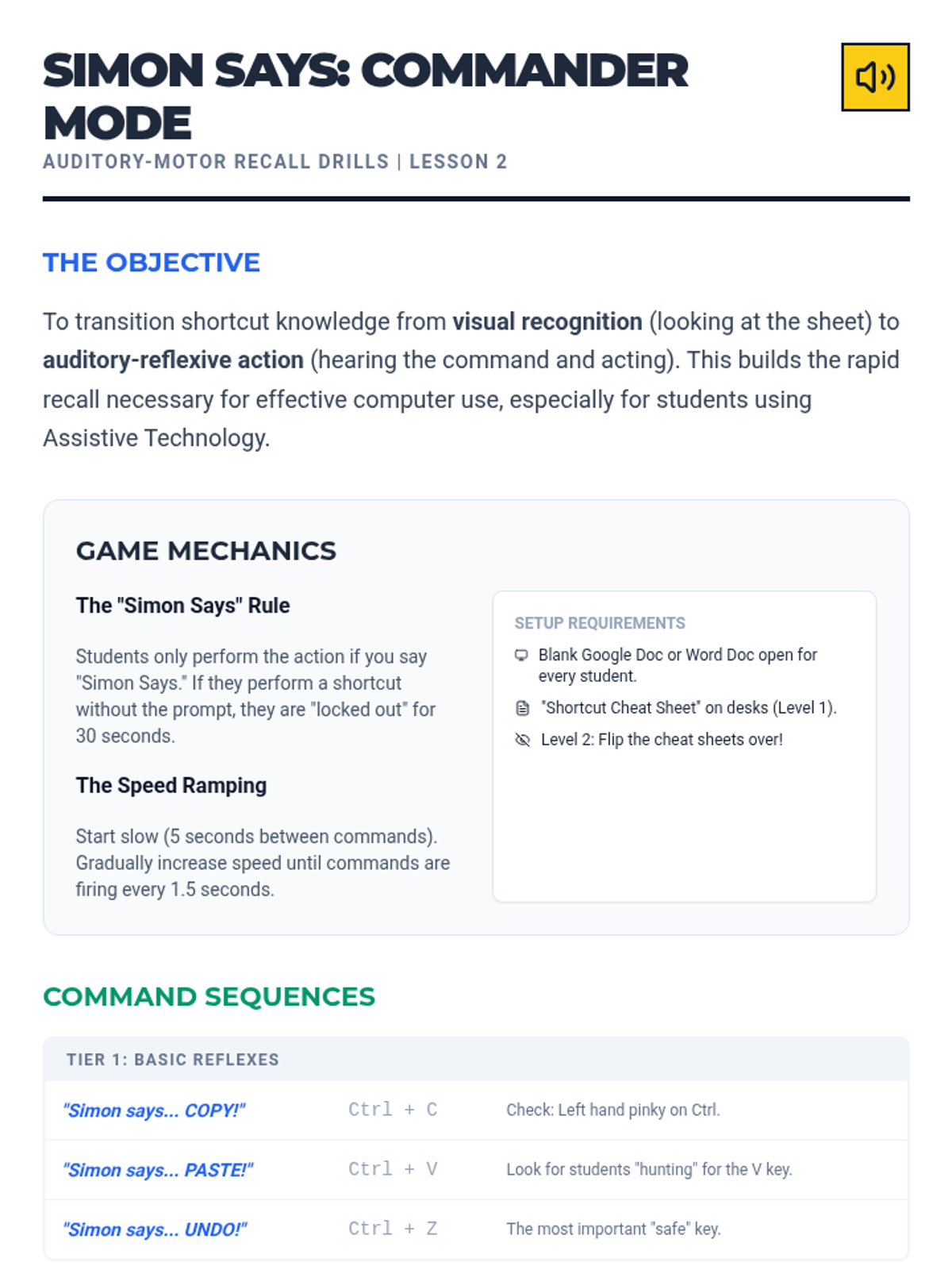
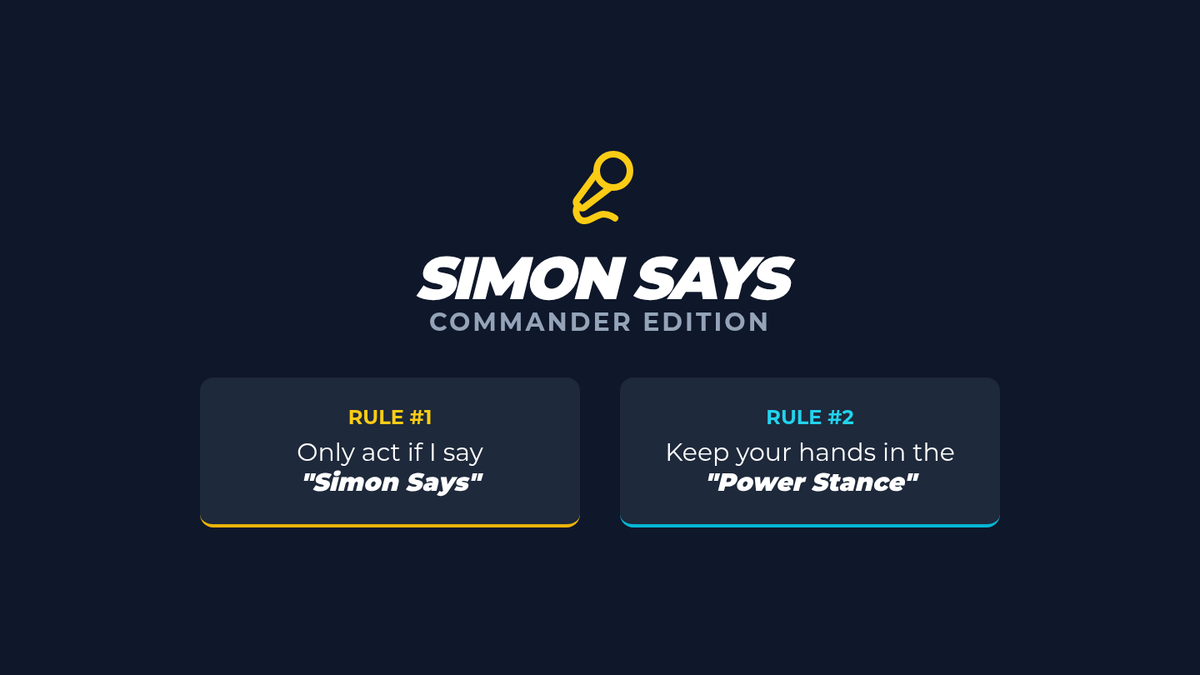
A fast-paced auditory game to build rapid recall of common keyboard shortcuts.
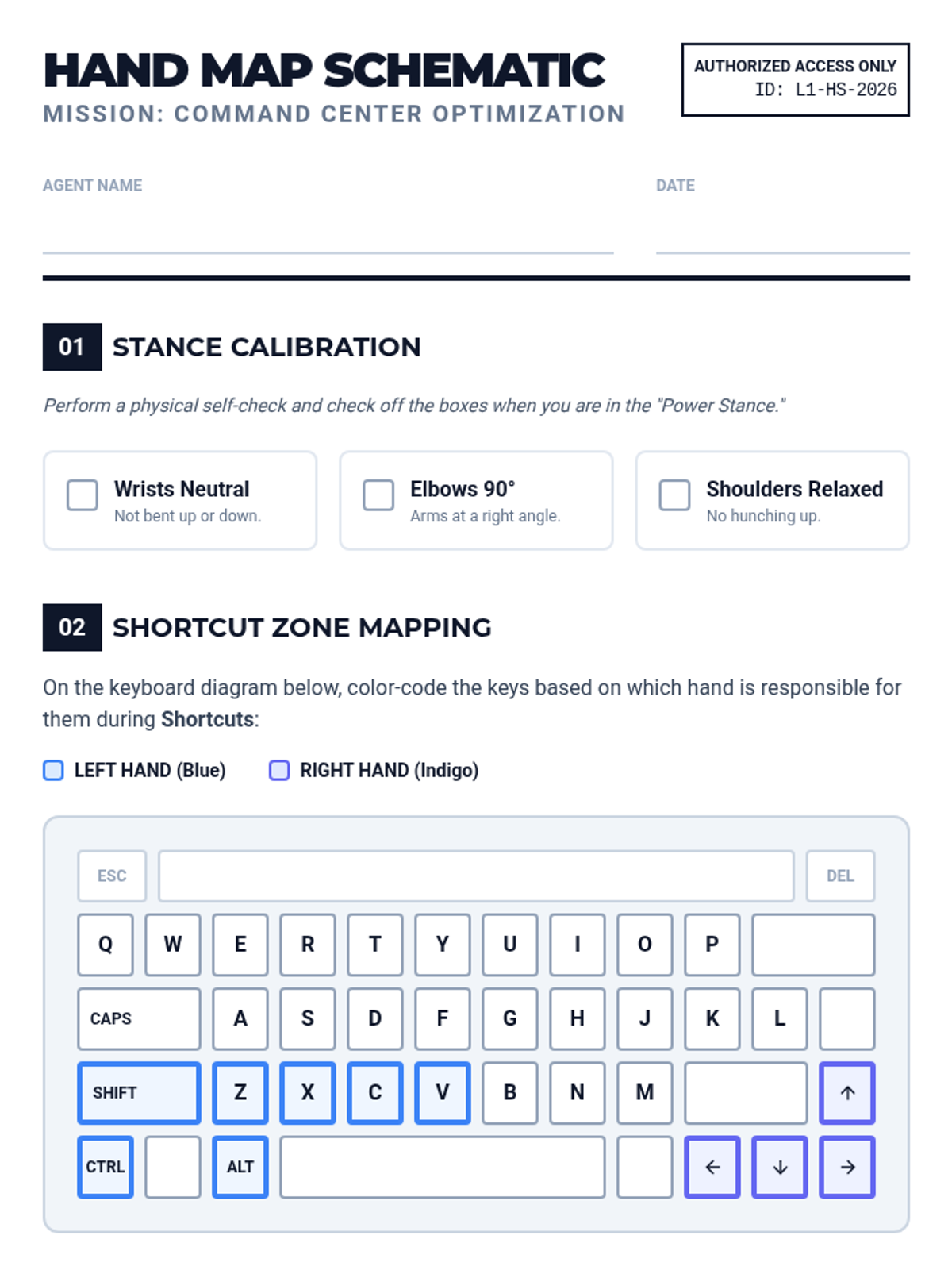
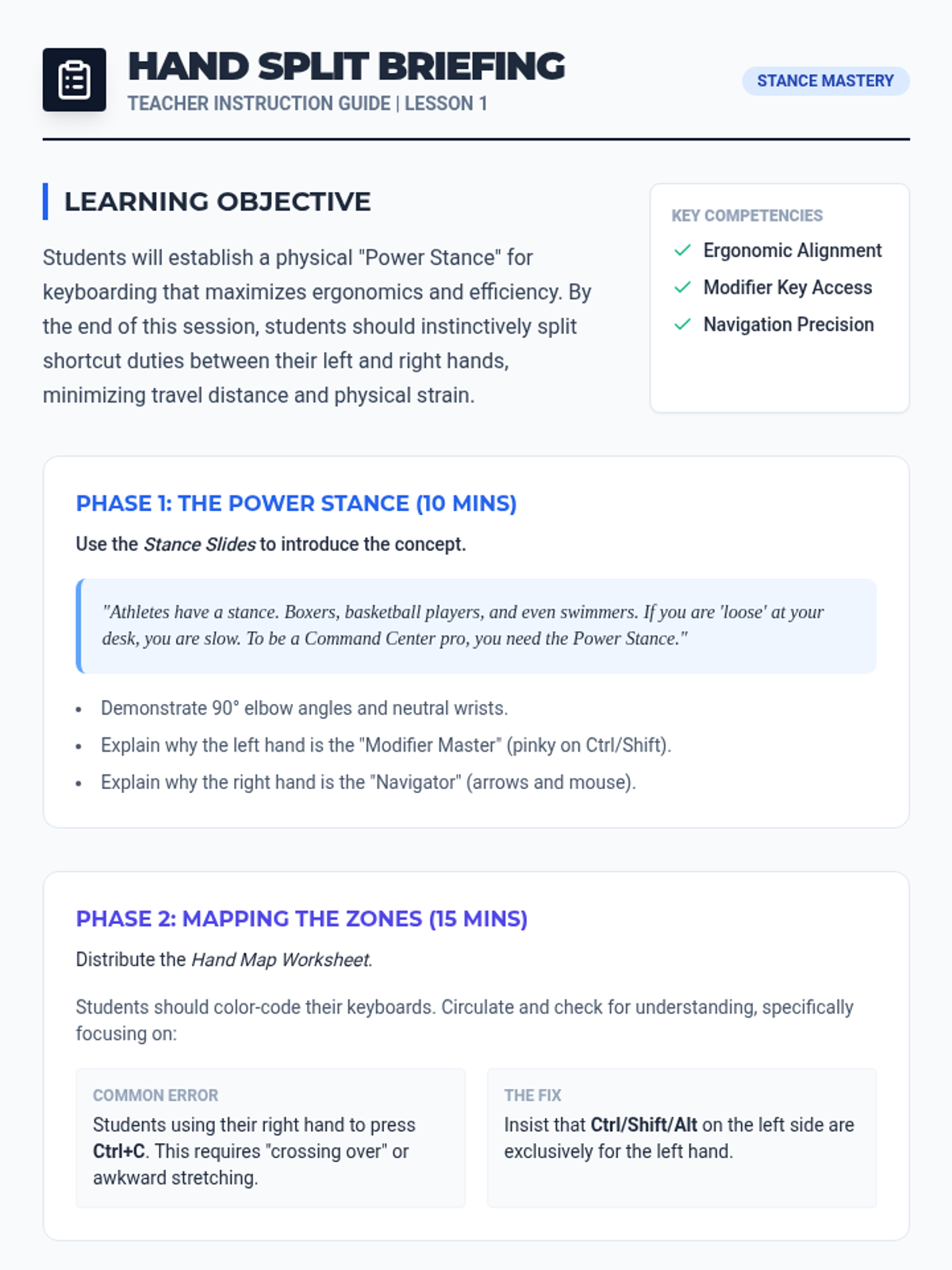
Focuses on ergonomic hand placement and efficient shortcut execution. Students learn the 'Power Stance' for keyboarding.
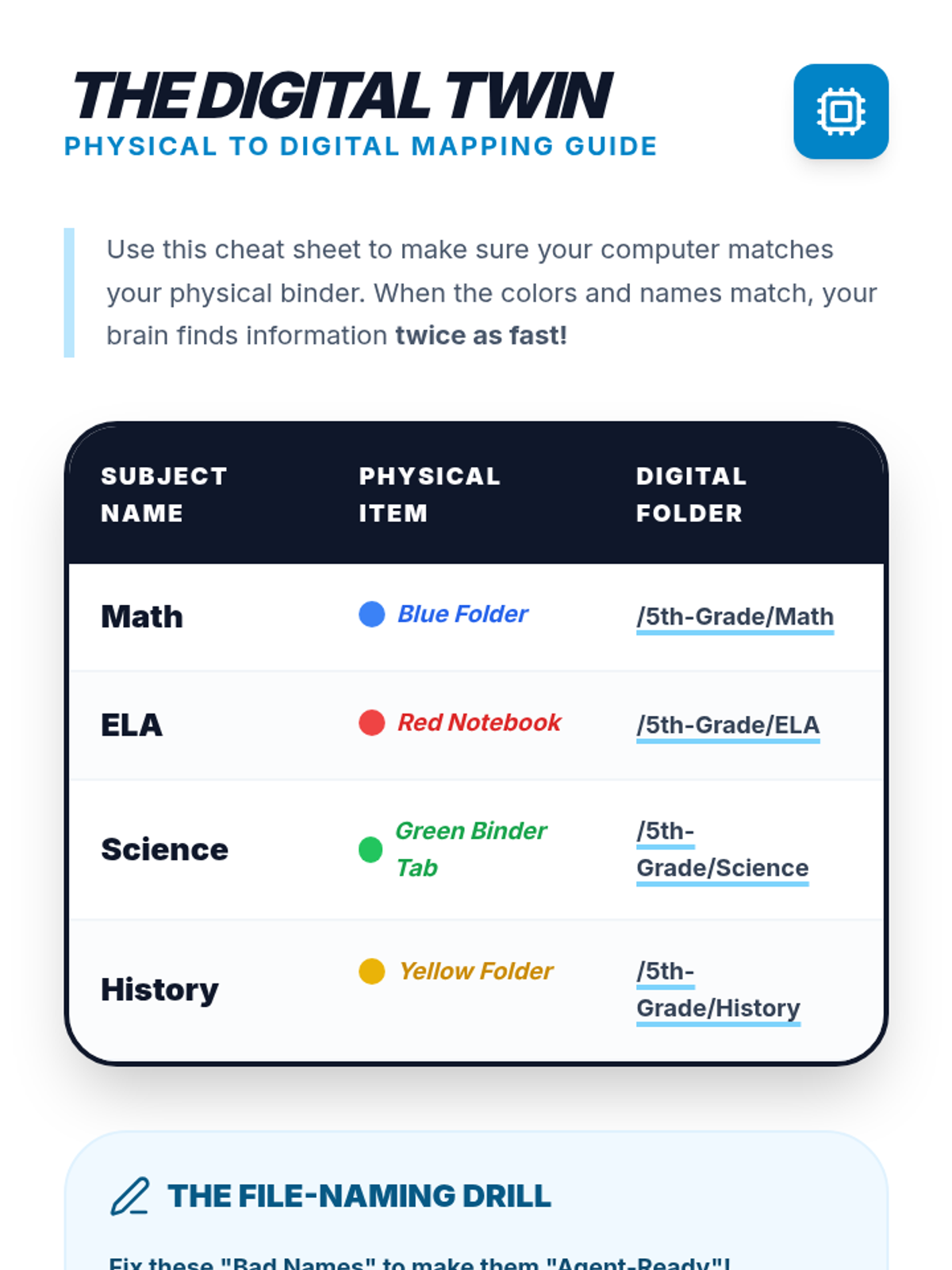
Students bridge the gap between physical and digital management by creating organized folder systems on their computers that mirror their physical color-coding.
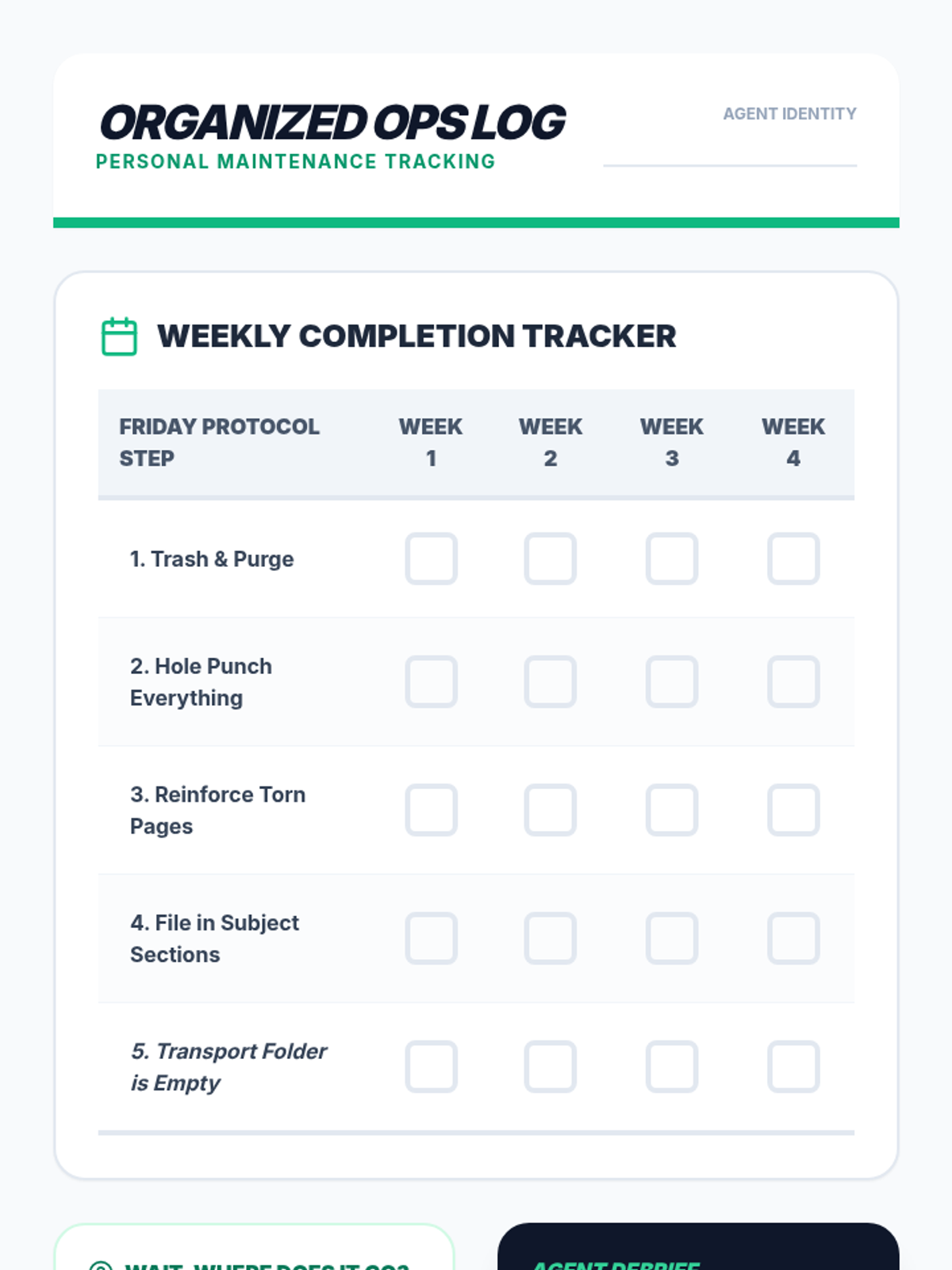
Students establish a weekly routine for hole-punching, reinforcing, and filing loose papers chronologically to build maintenance habits.
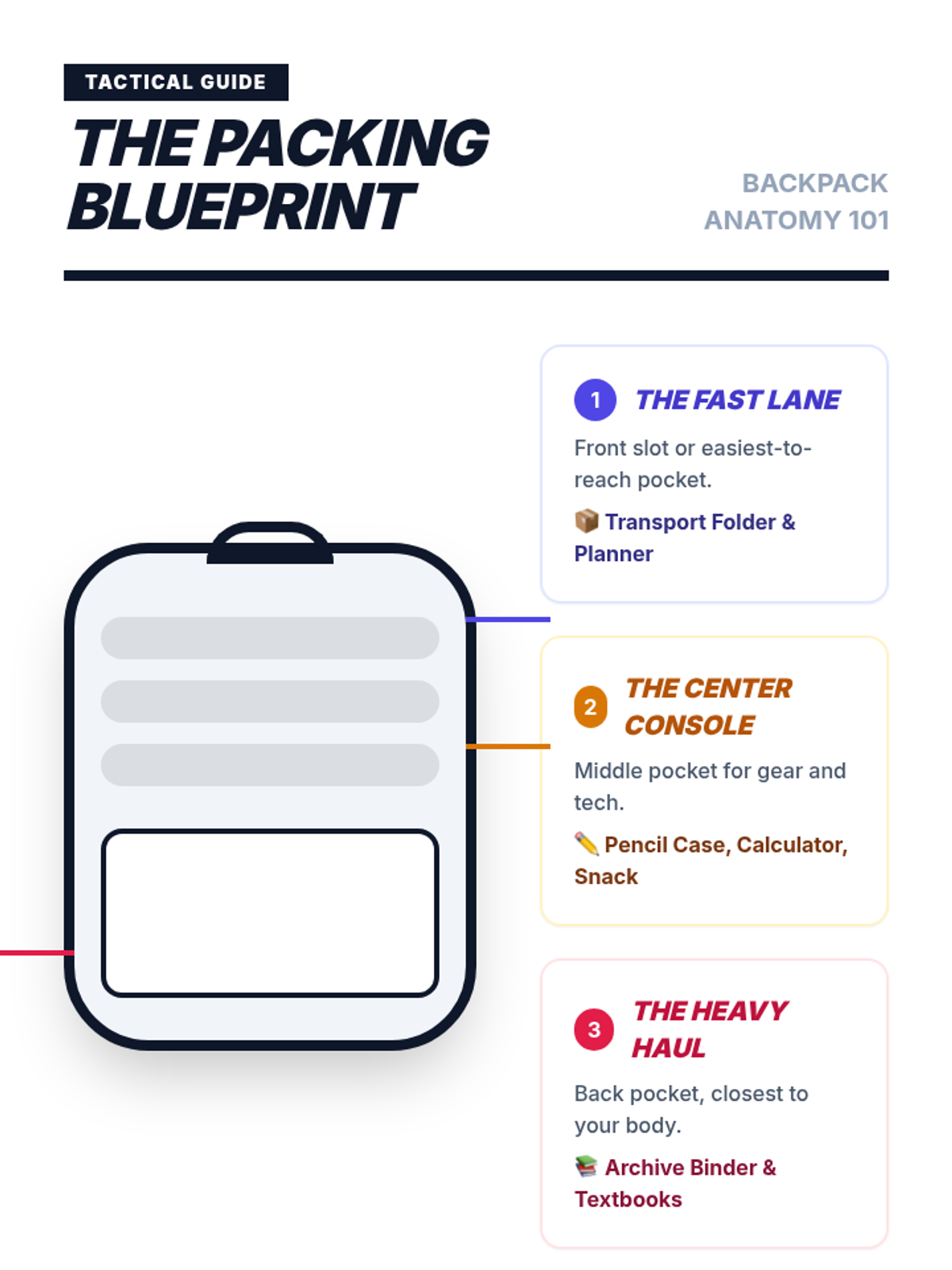
Students practice packing bags logically and removing non-school items to maintain a functional backpack for school-to-home transitions.
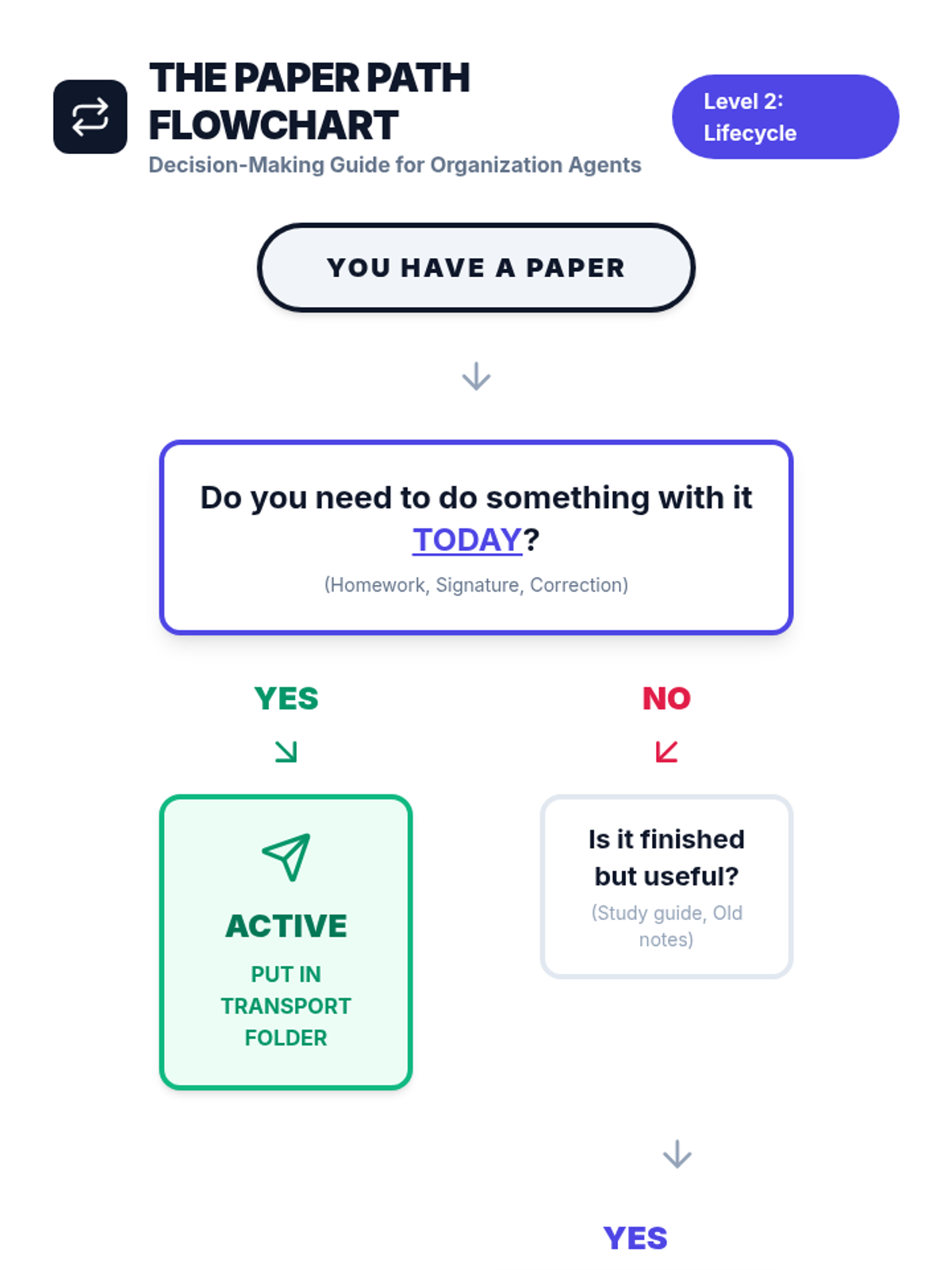
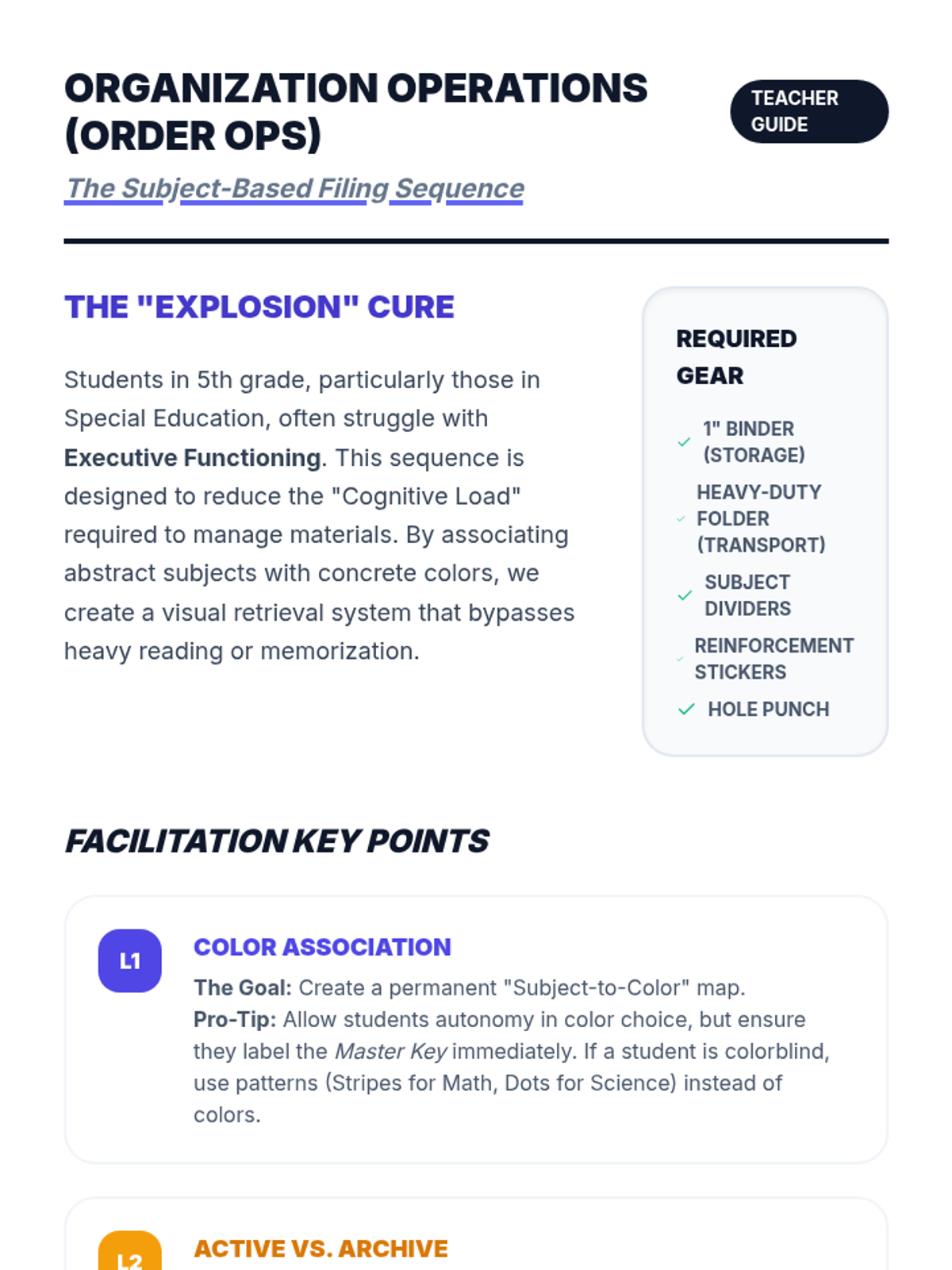
Students learn to distinguish between 'Active' papers for daily transport and 'Archive' papers for long-term storage, setting up a dual-system binder.
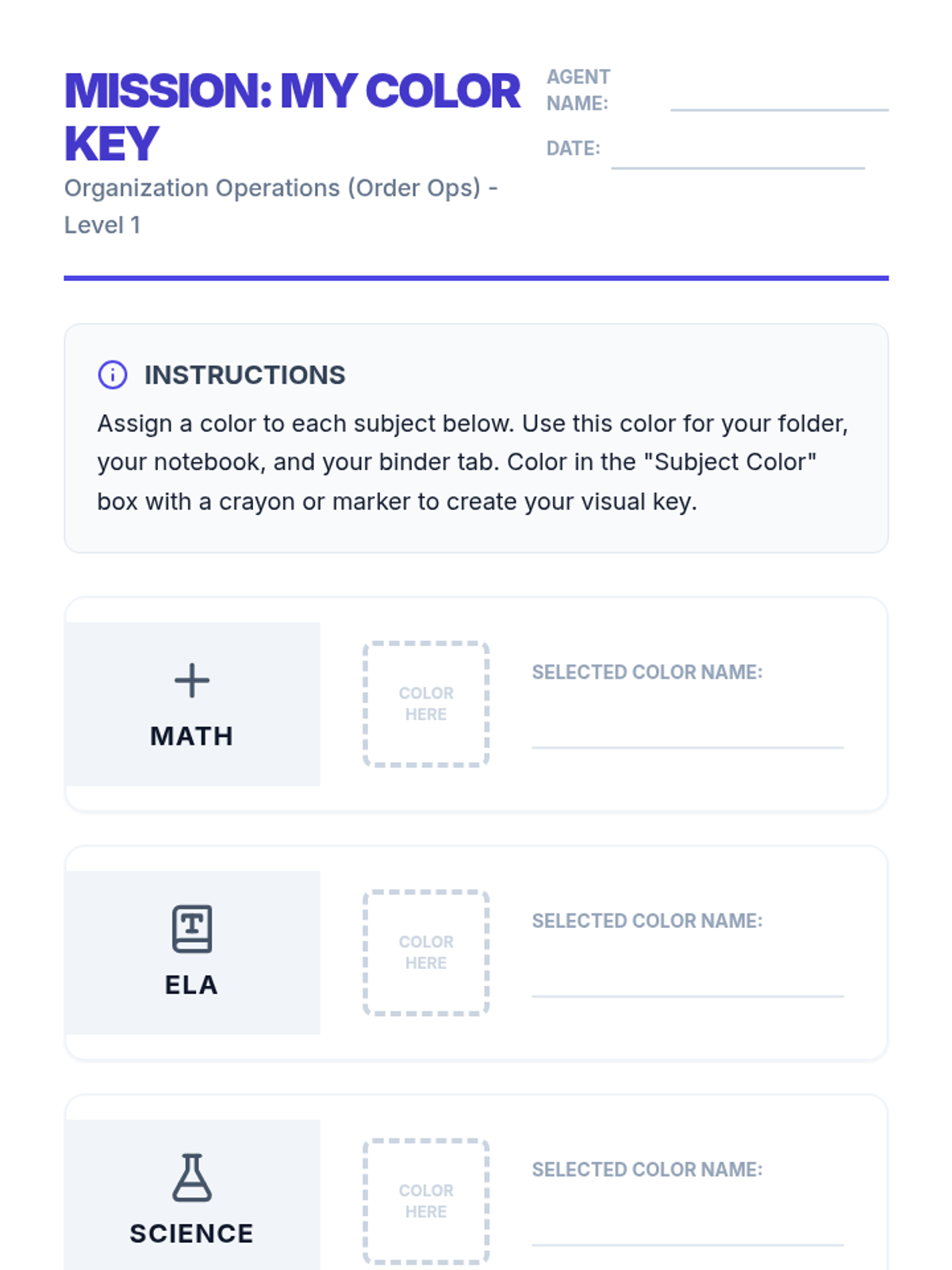
Students assign specific colors to academic subjects and apply this system to folders and notebooks, discussing how color association reduces cognitive load.
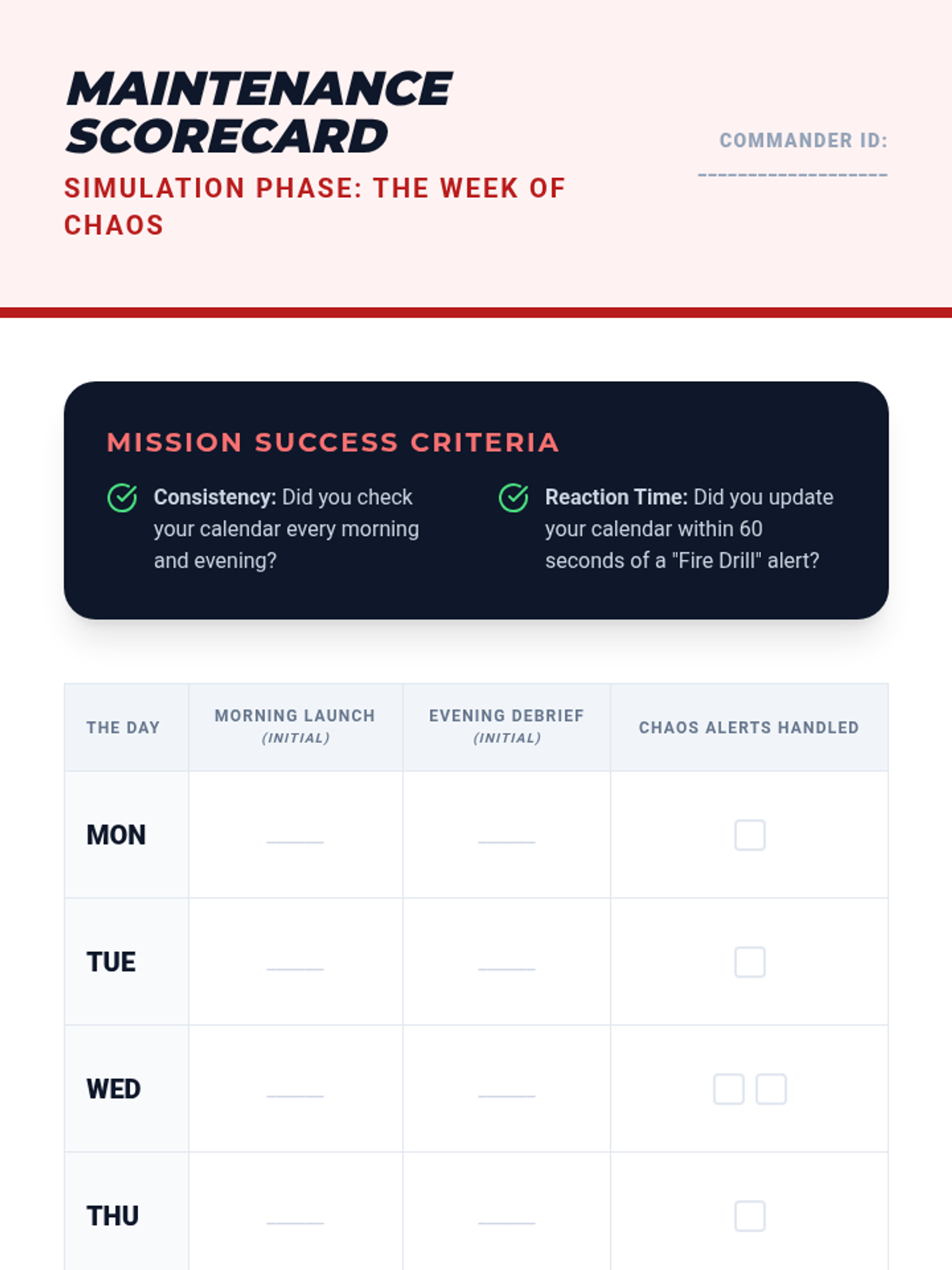
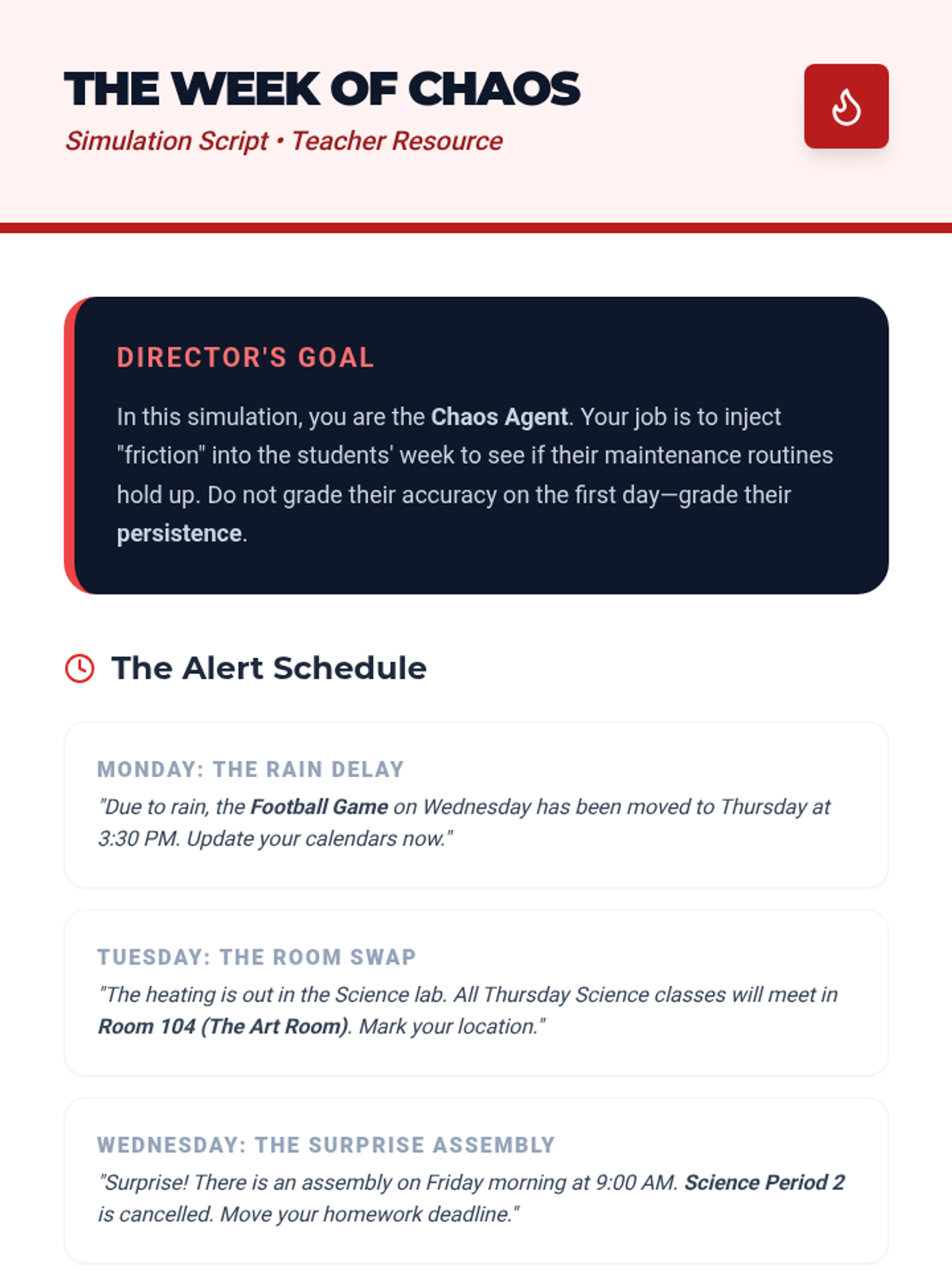
Students navigate a simulated week where the schedule changes frequently. They are graded not on the schedule itself, but on their consistency in checking and updating it at designated 'routine' times.
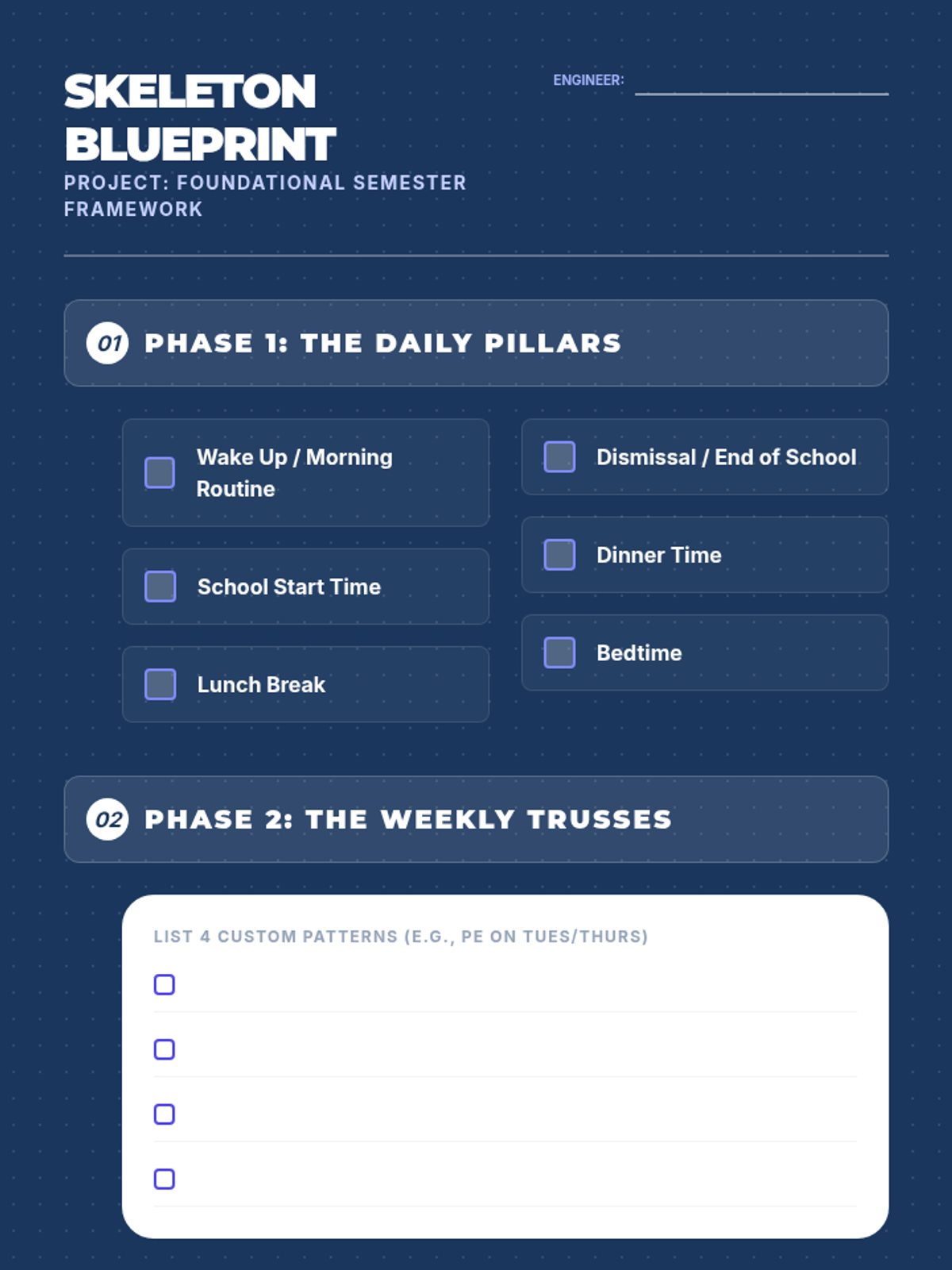
Students build their permanent framework of recurring events for the rest of the semester. This 'skeleton' remains on their calendar as the base layer for their organization.
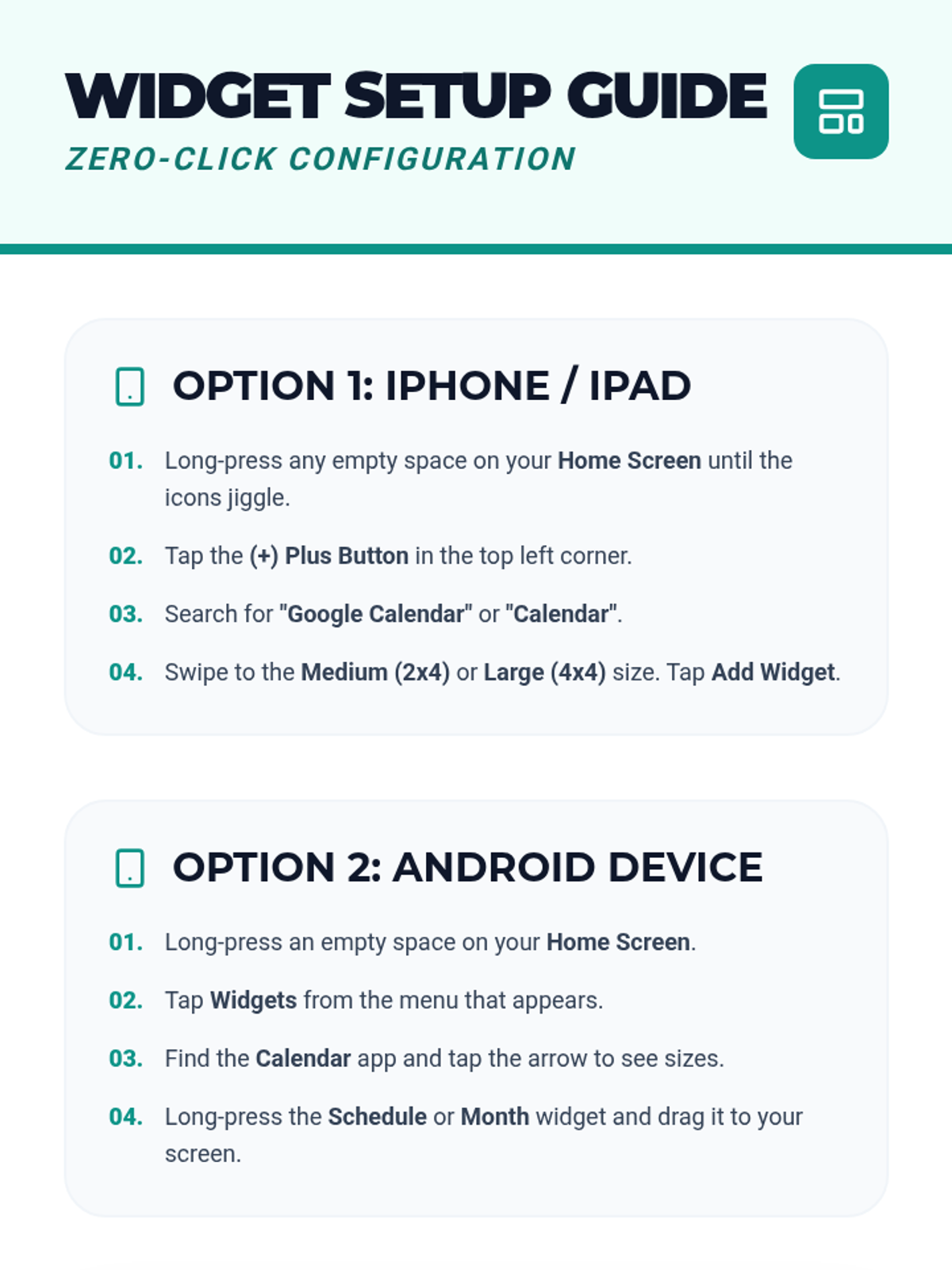
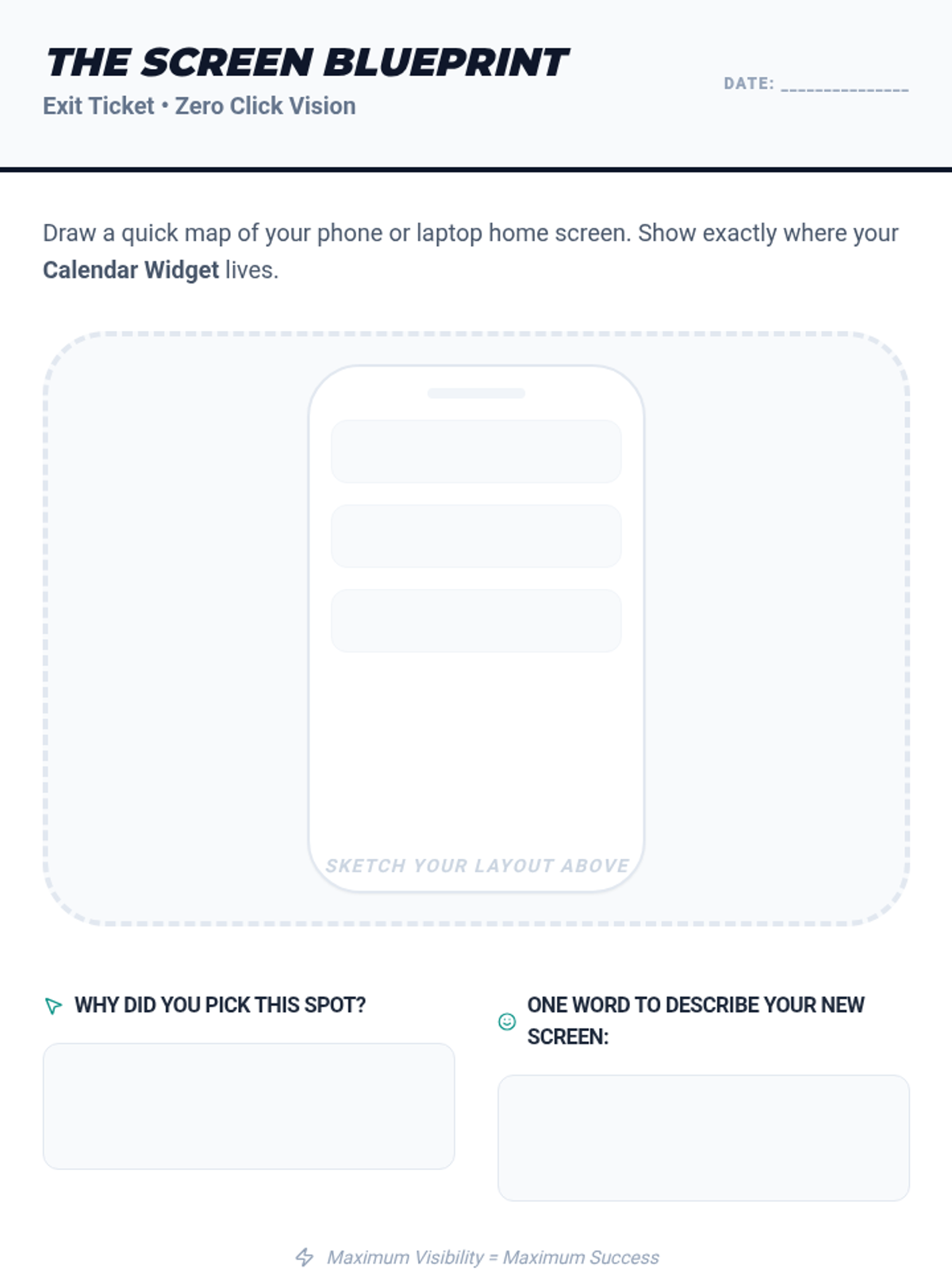
Students learn to install and configure calendar widgets on their phone home screens or browser start pages. This reduces the number of clicks required to see their schedule, increasing visual prompting.
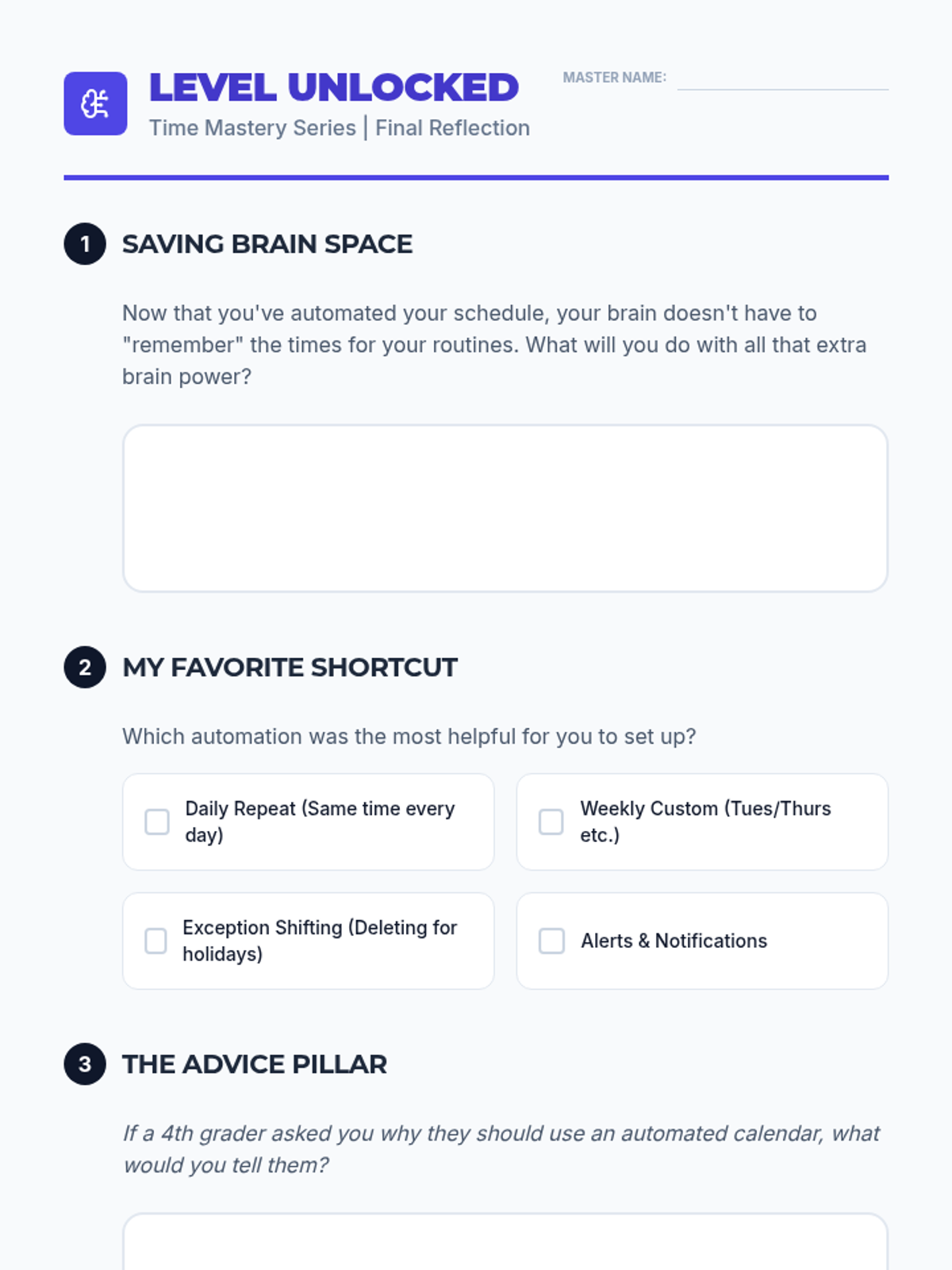
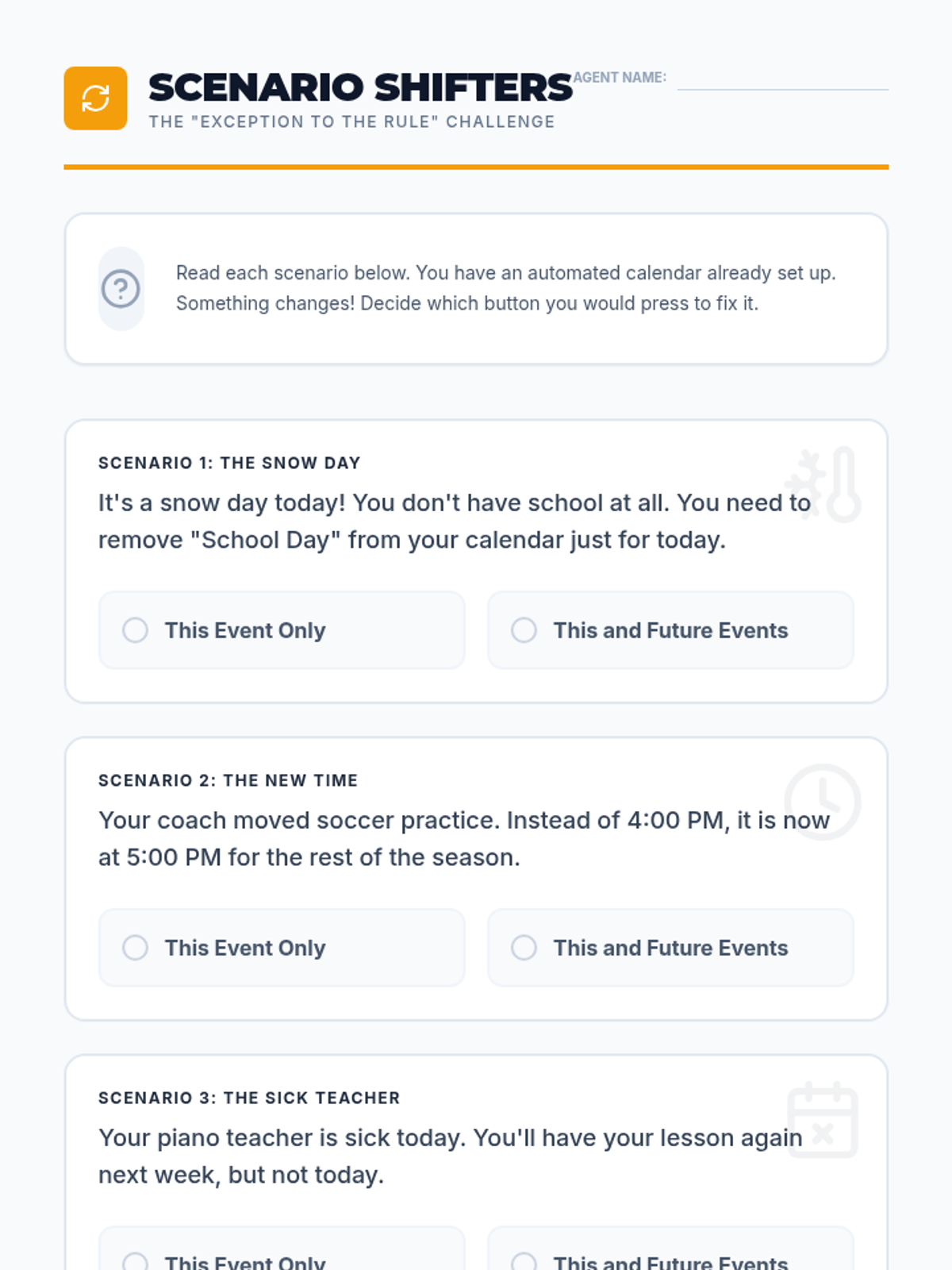
Students learn how to delete or modify a single instance of a recurring series (e.g., a holiday with no school). This teaches flexibility within a structured system.
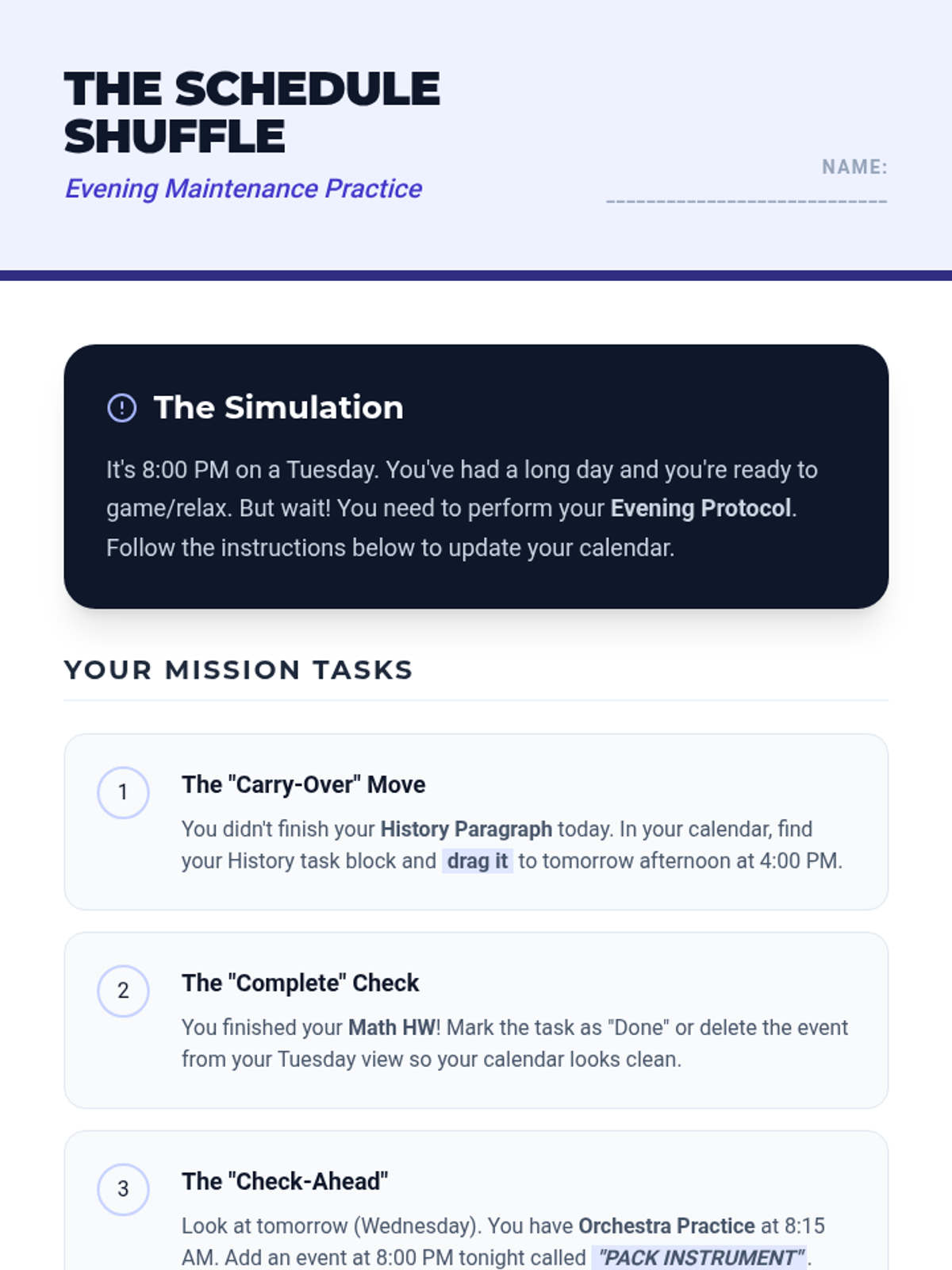
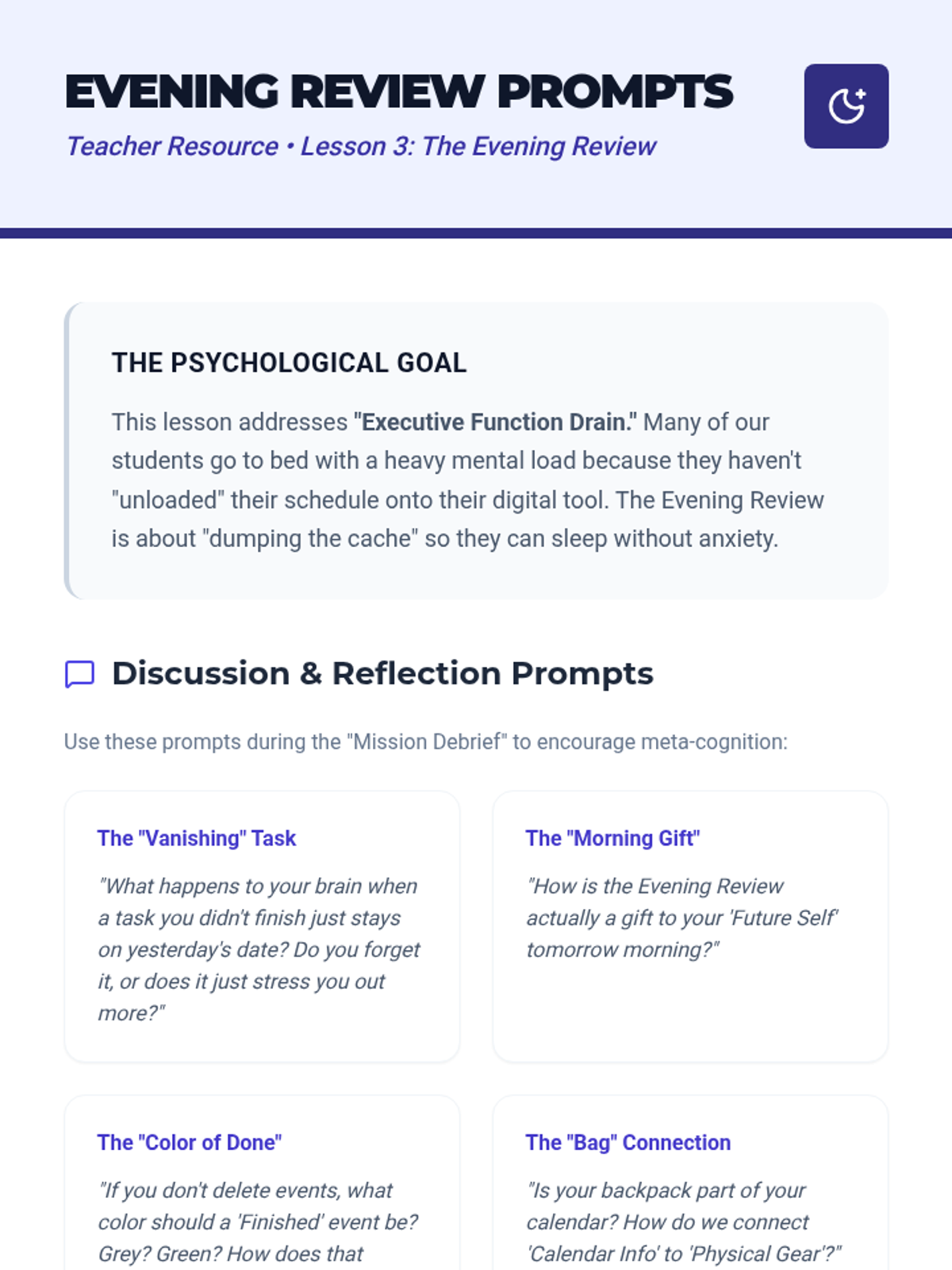
Students establish an end-of-day protocol: marking tasks complete, moving incomplete items to future slots, and previewing the next day. This closes the loop on daily organization.