Fundamental hardware proficiency, secure online behavior, and ethical social media engagement. Equips learners with productivity tool mastery, web publishing skills, and critical evaluation of emerging technologies.
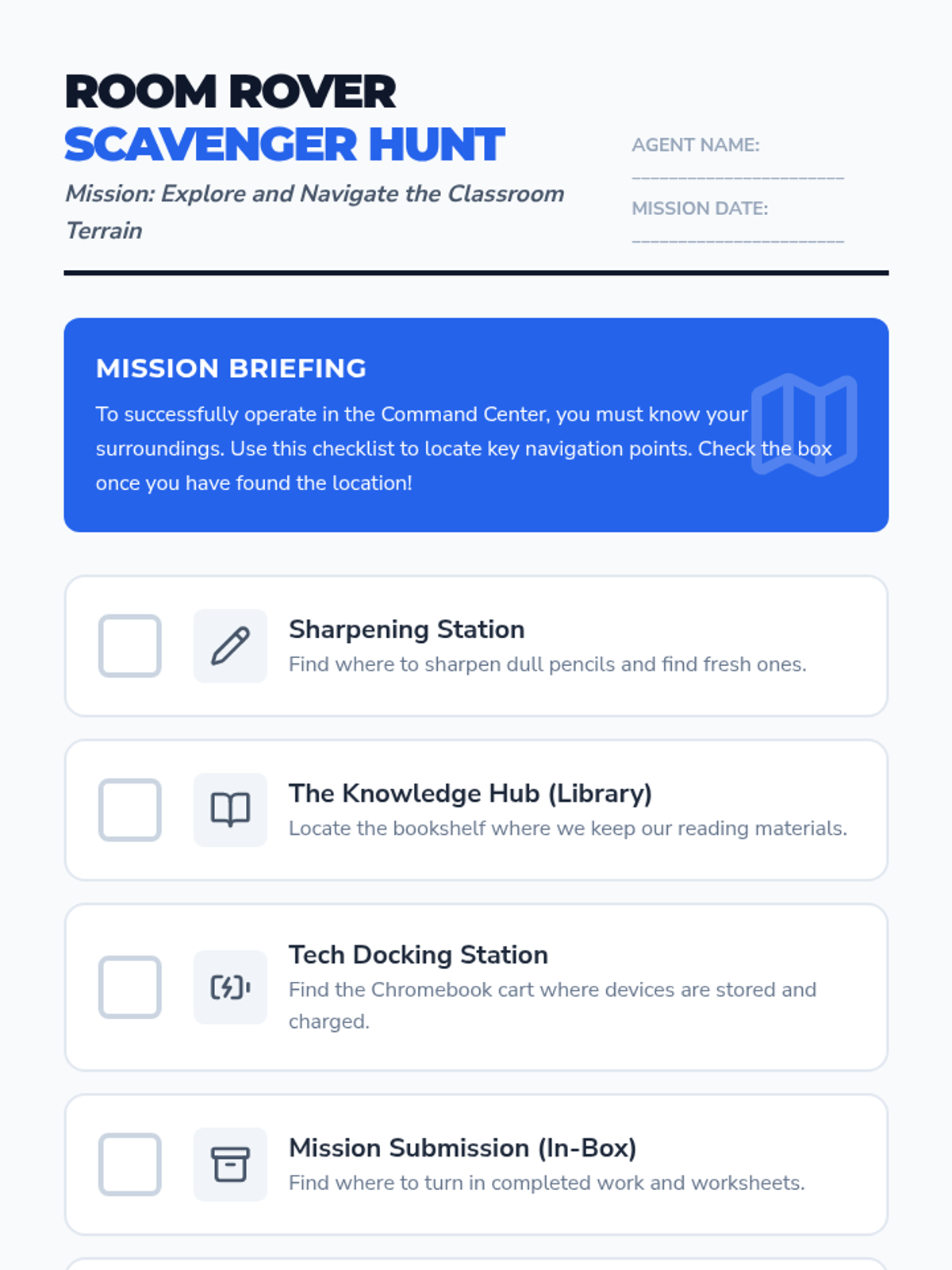
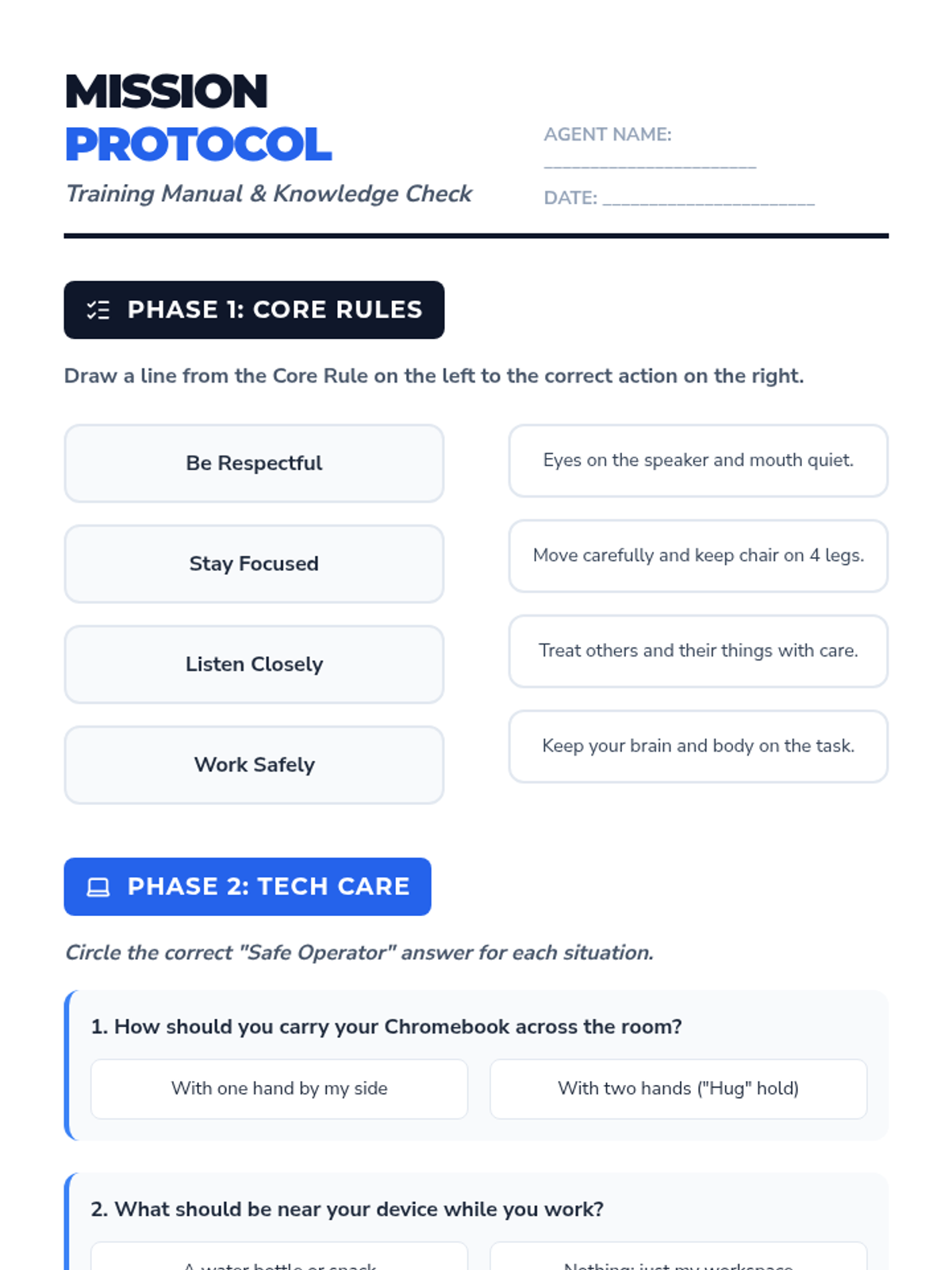
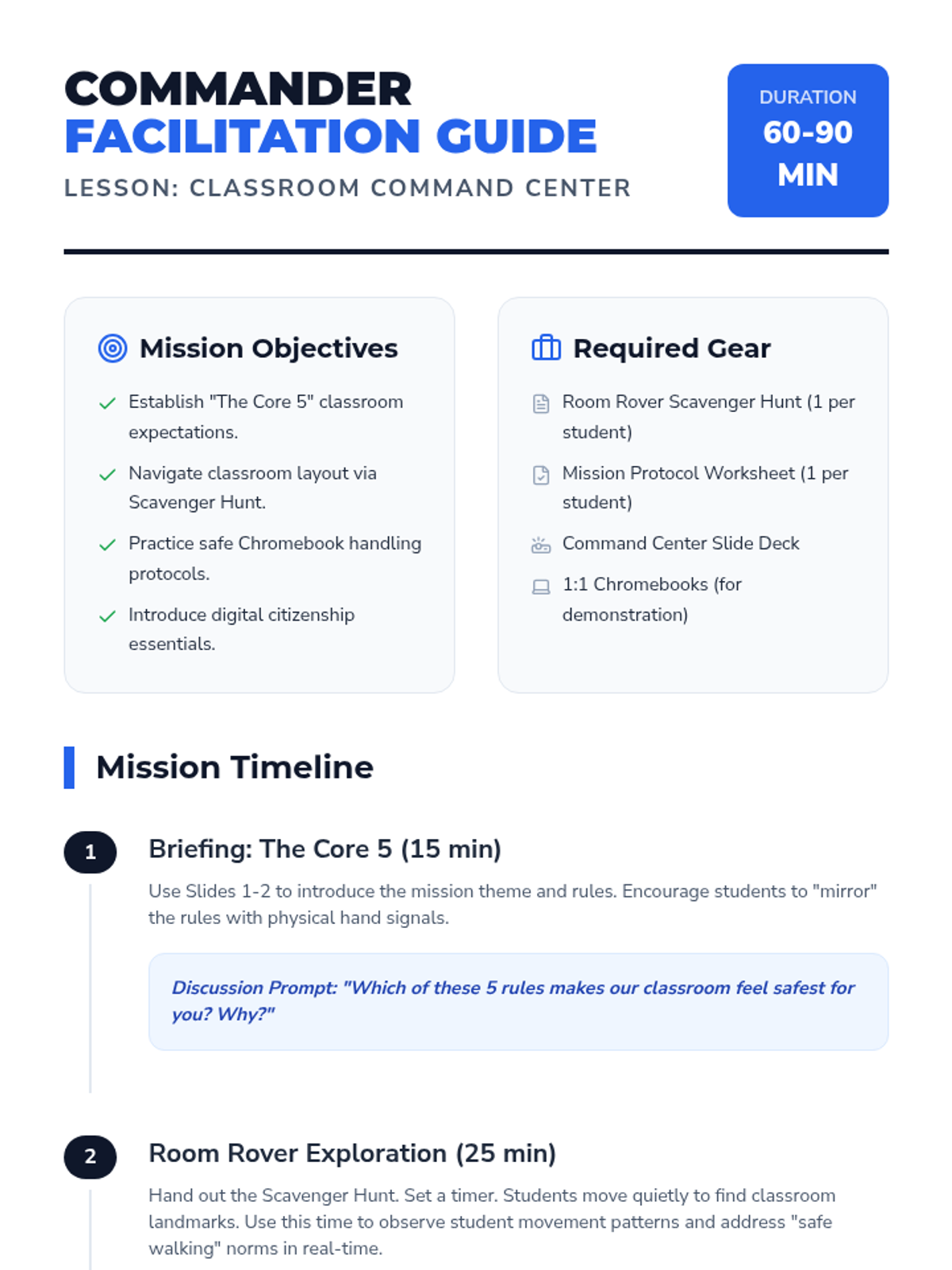
A comprehensive first-day lesson to establish classroom norms, physical space navigation, and digital responsibility. Includes instruction on Chromebook care and digital citizenship.
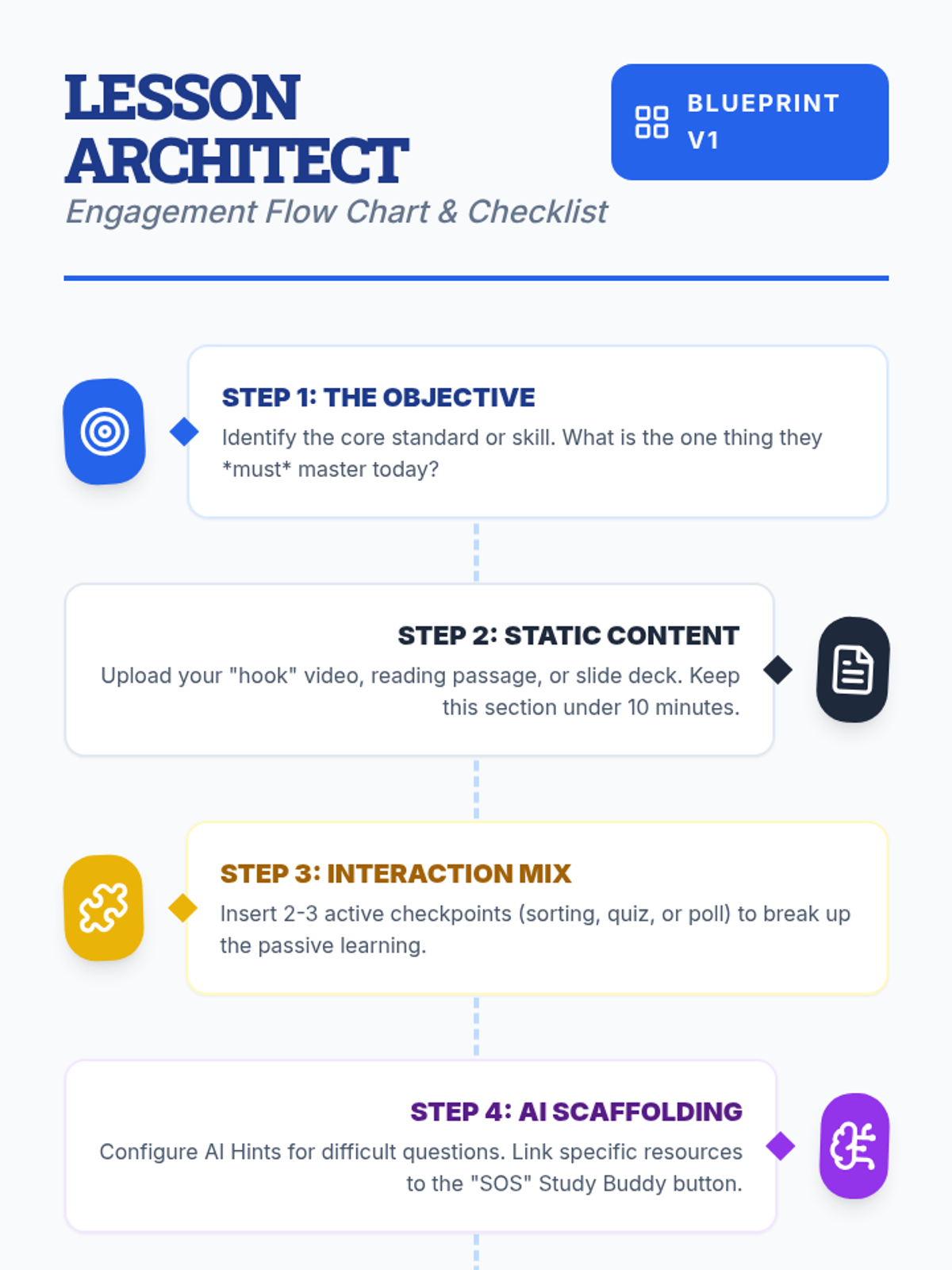
Teachers will learn how to design interactive, engaging lessons on Lenny Learning using advanced content types, gamification, and collaborative tools.
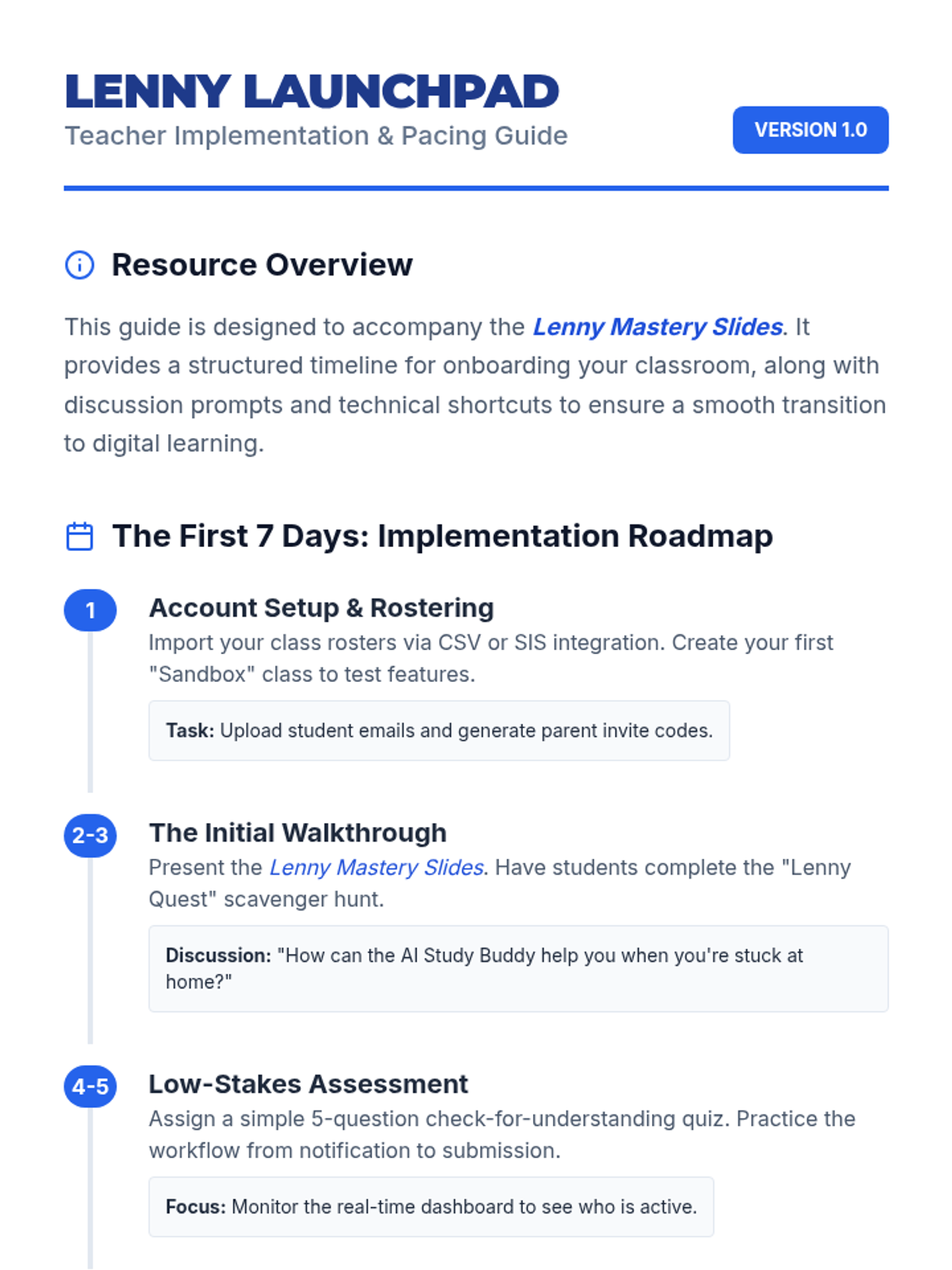
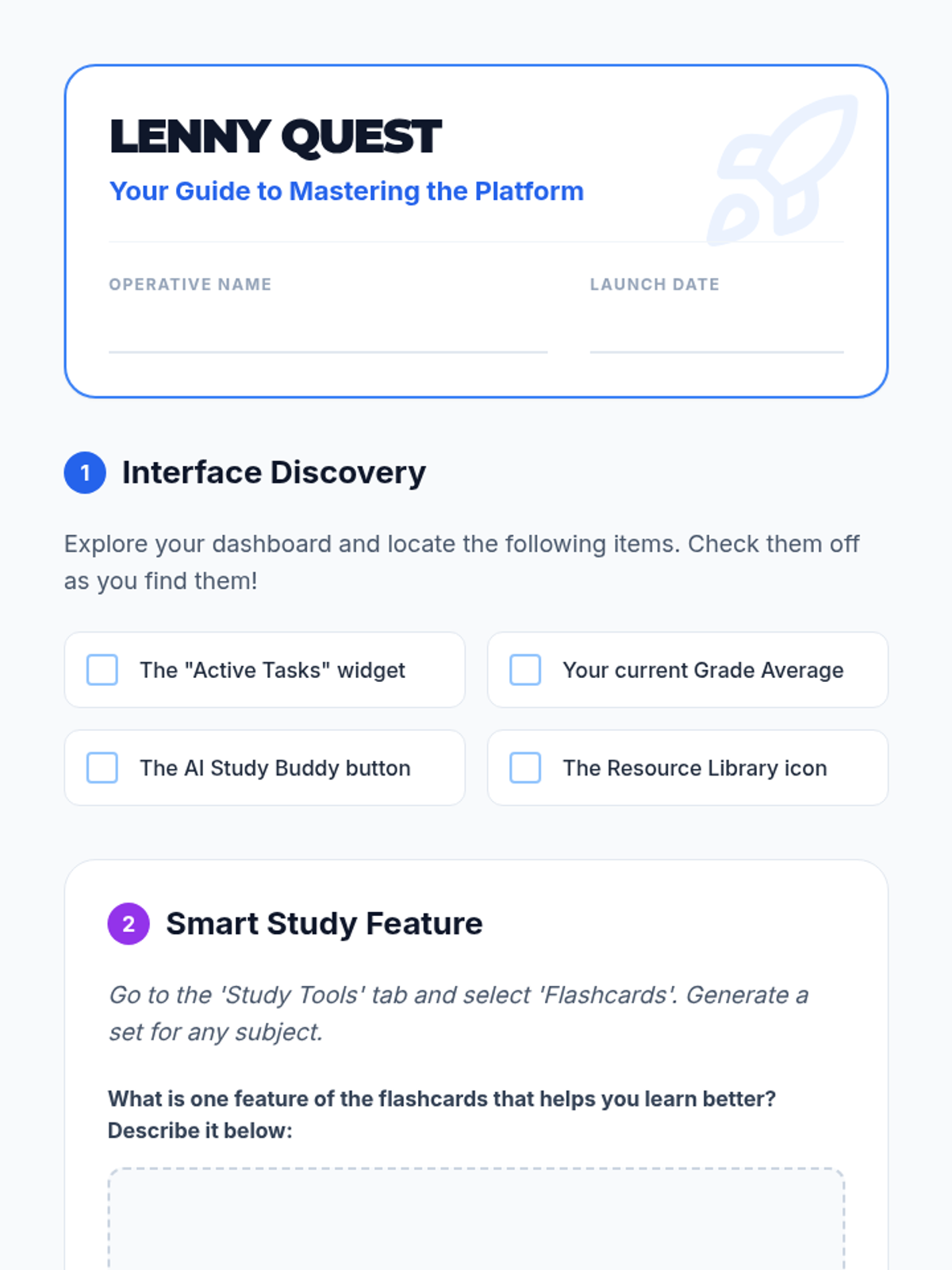
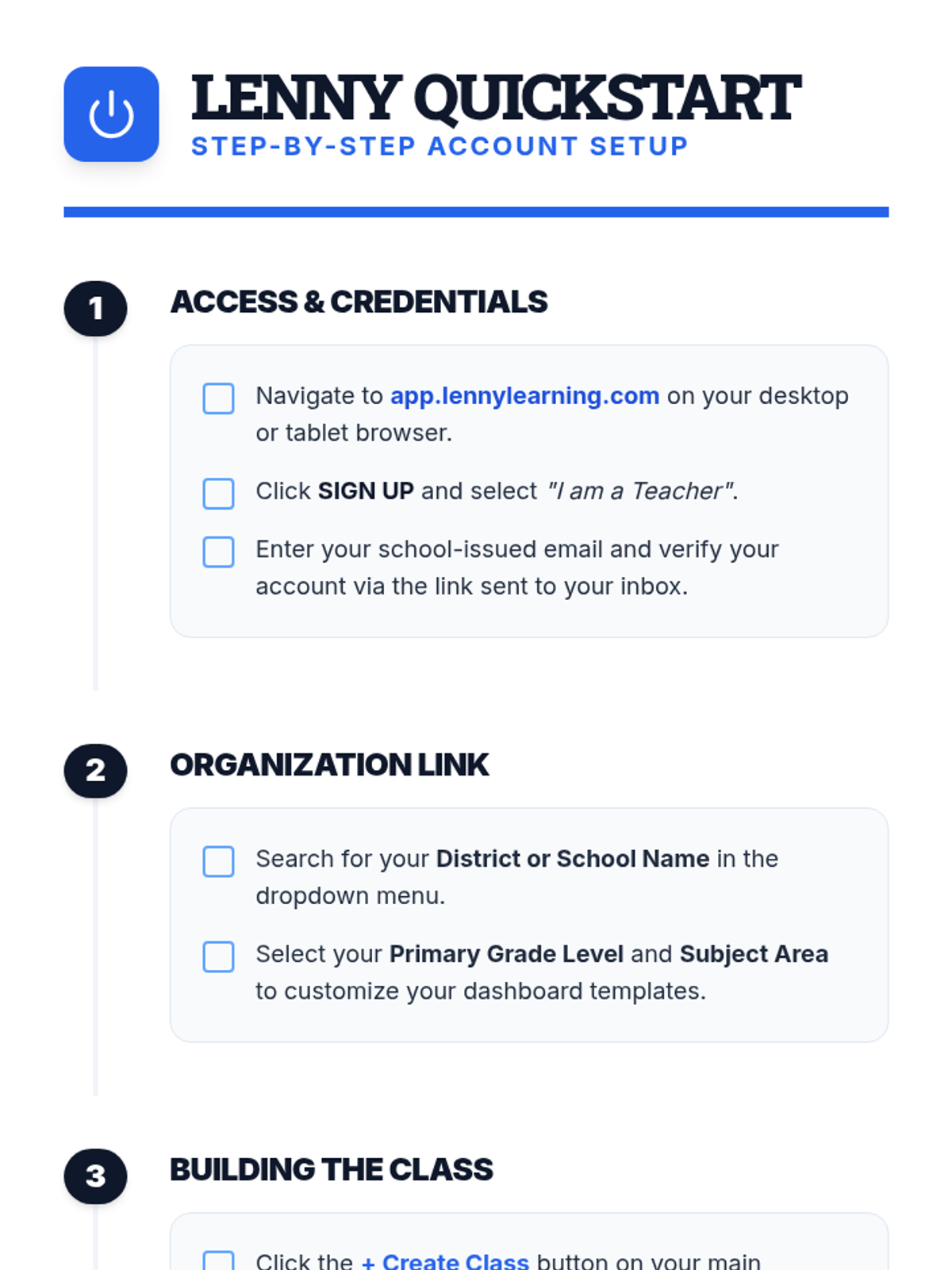
A comprehensive introduction for teachers to the Lenny Learning platform, covering the core assignment workflow, study tools, and administrative features.
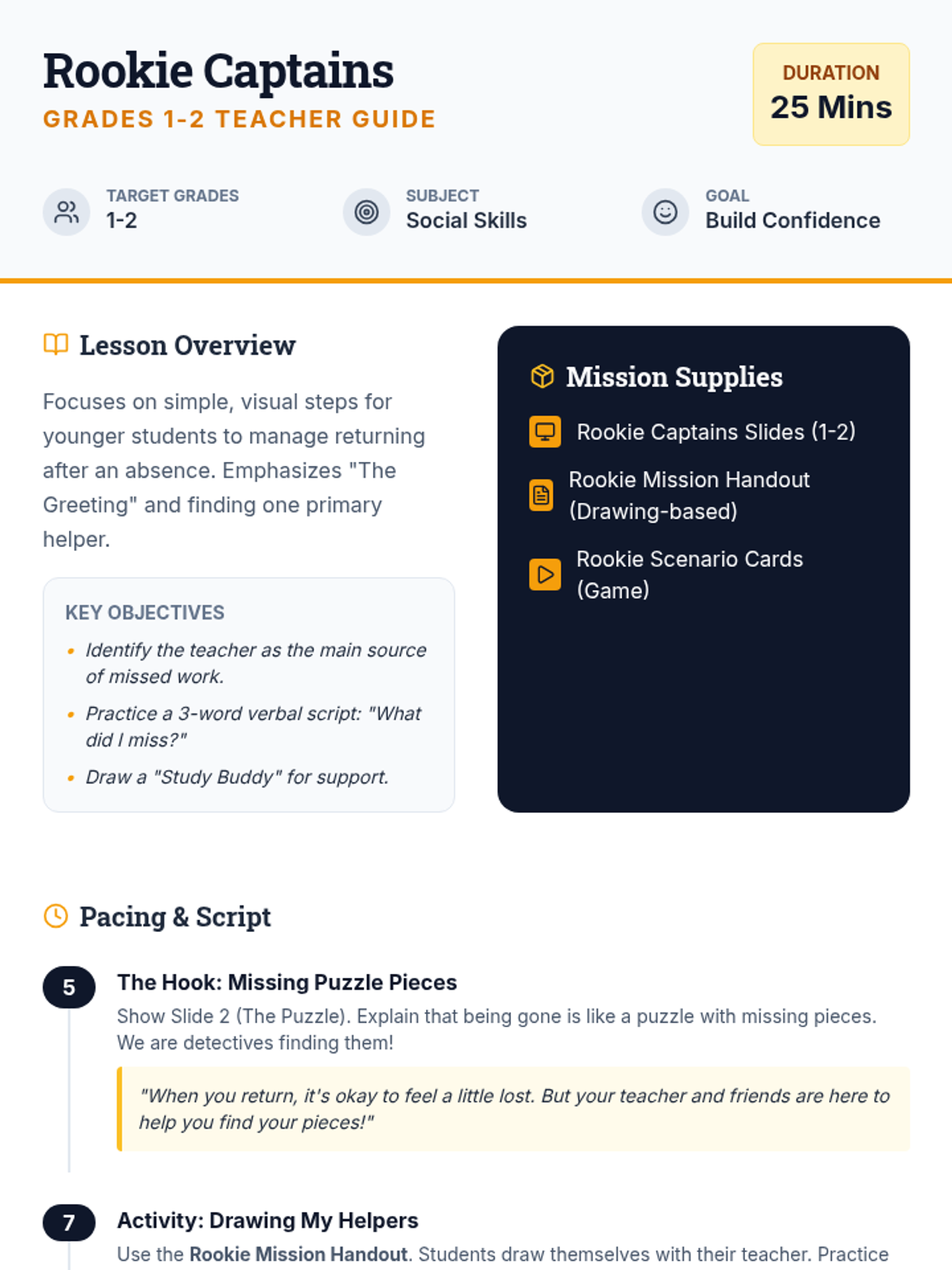
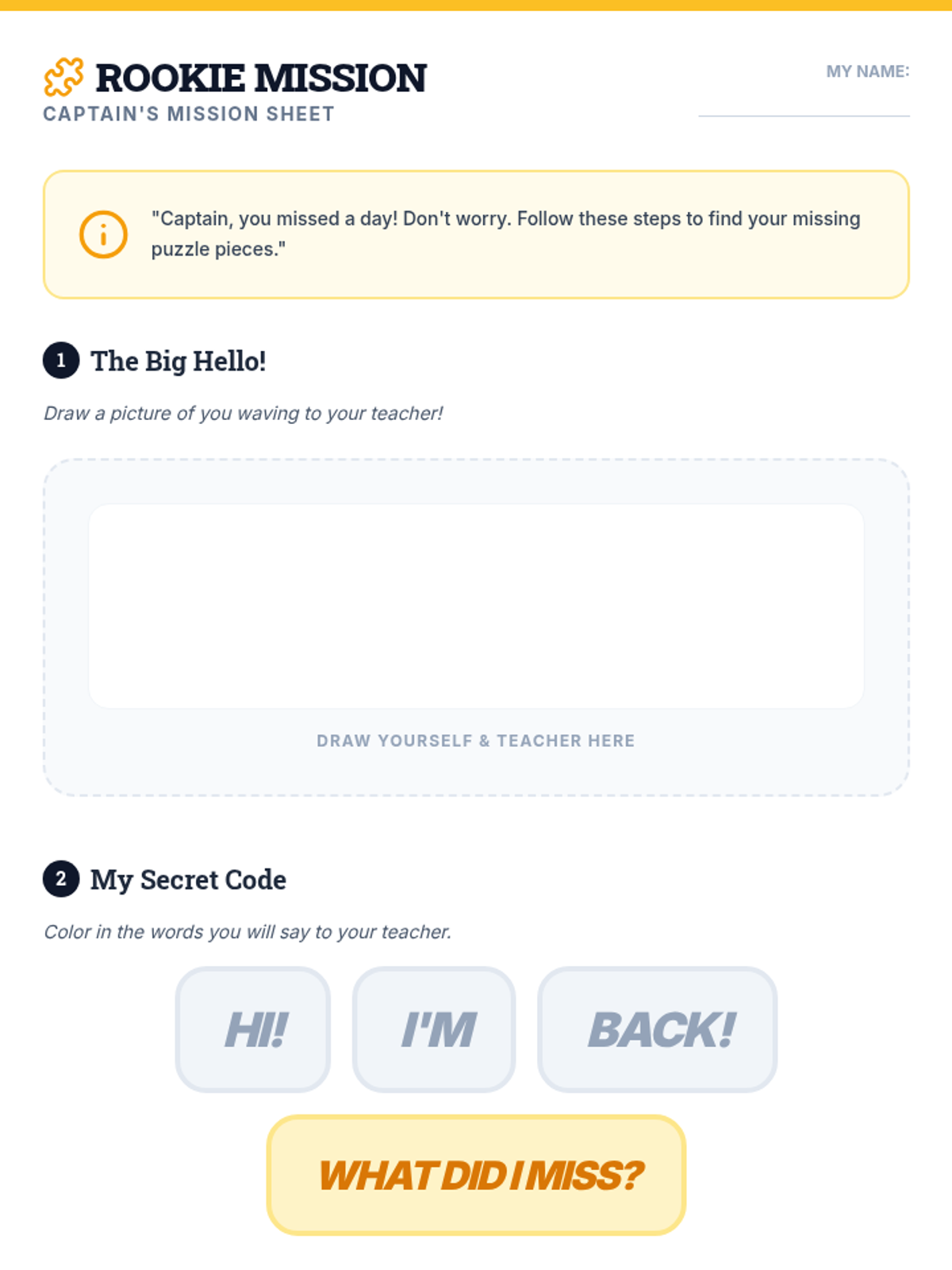
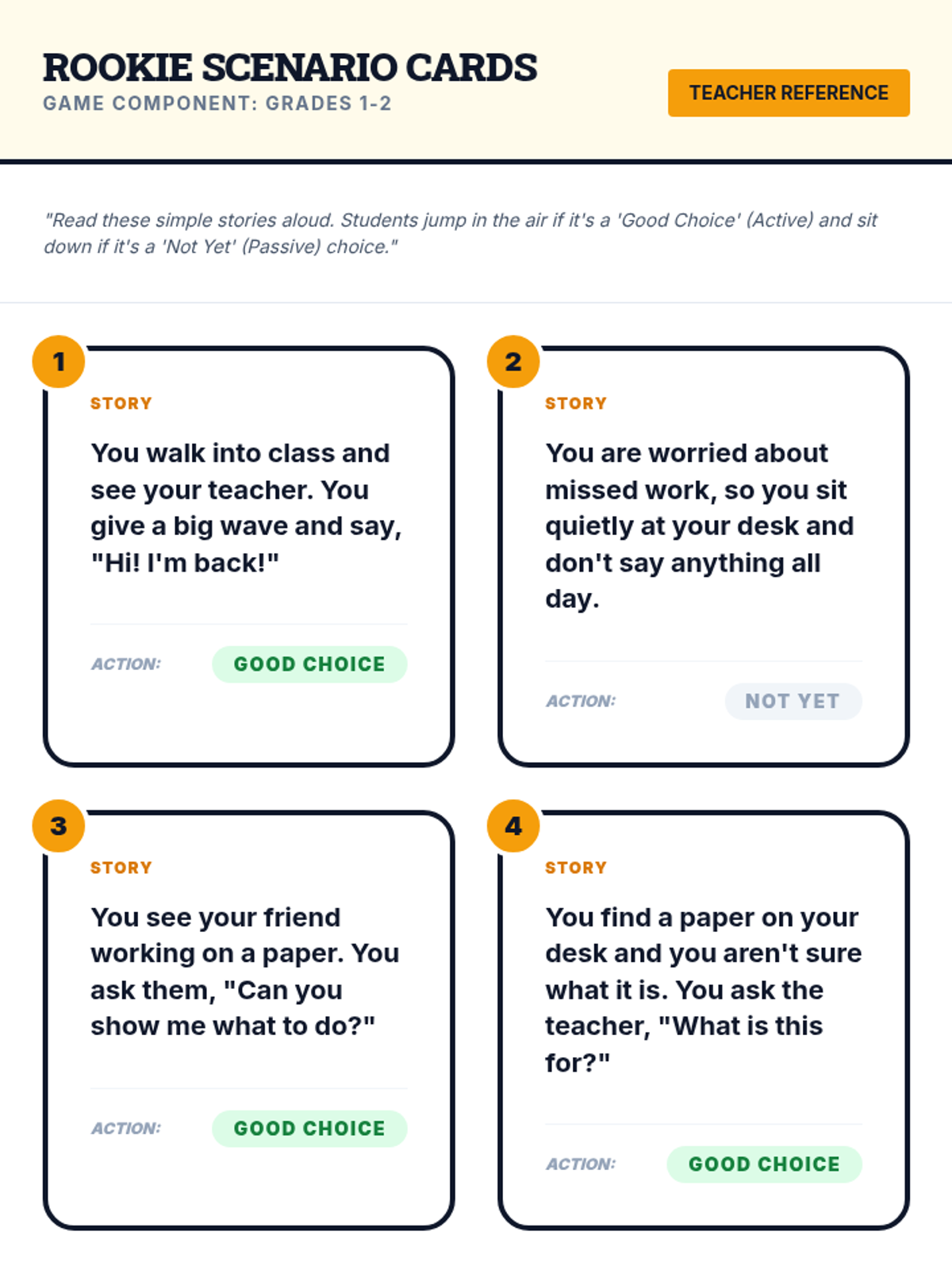
A 25-minute lesson tailored for grades 1-2 focusing on simple, actionable steps to catch up after an absence through drawing and verbal scripts.
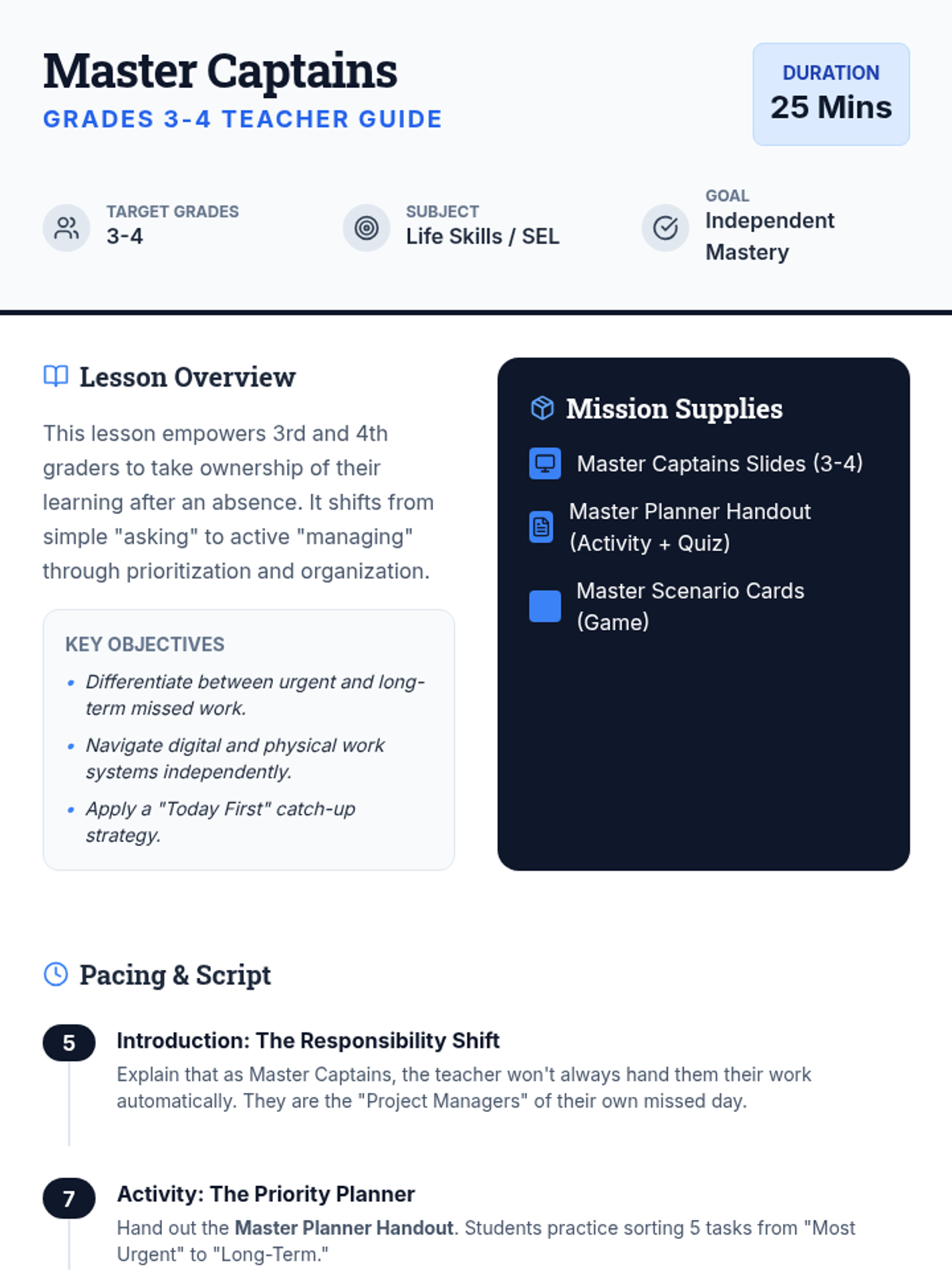
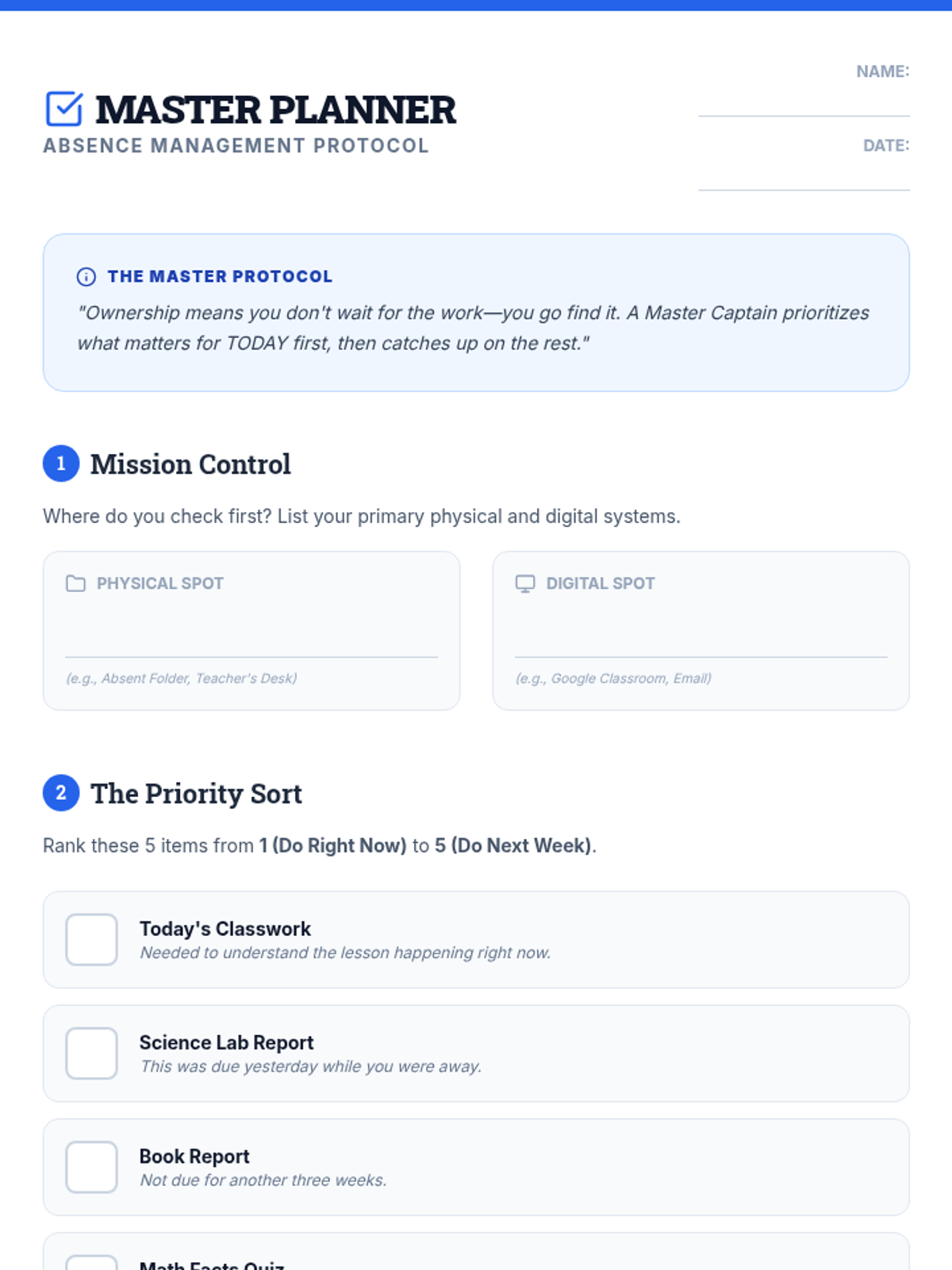
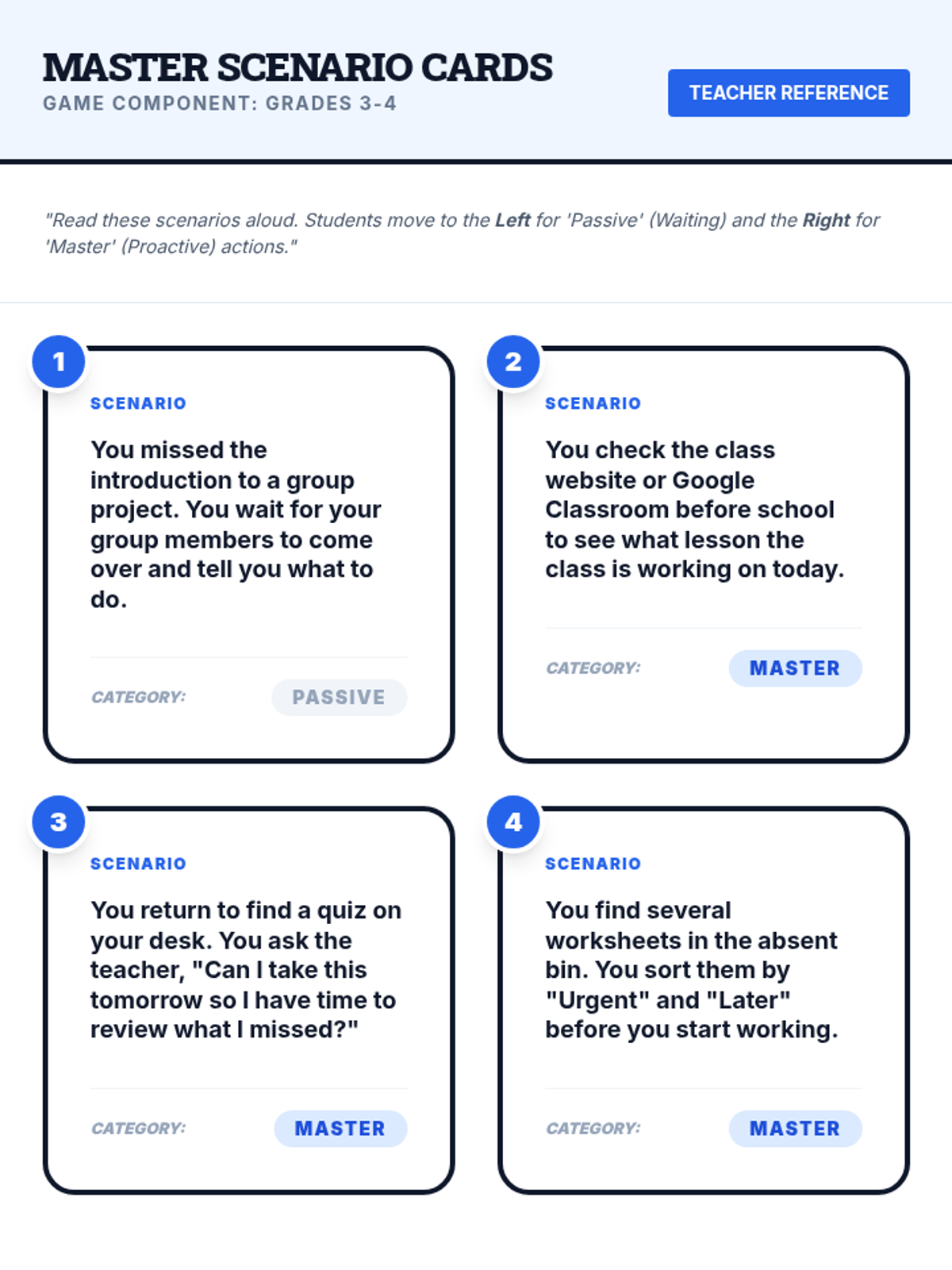
An advanced 25-minute lesson for grades 3-4 that focuses on independent work management, prioritizing tasks, and proactive communication with teachers after an absence.
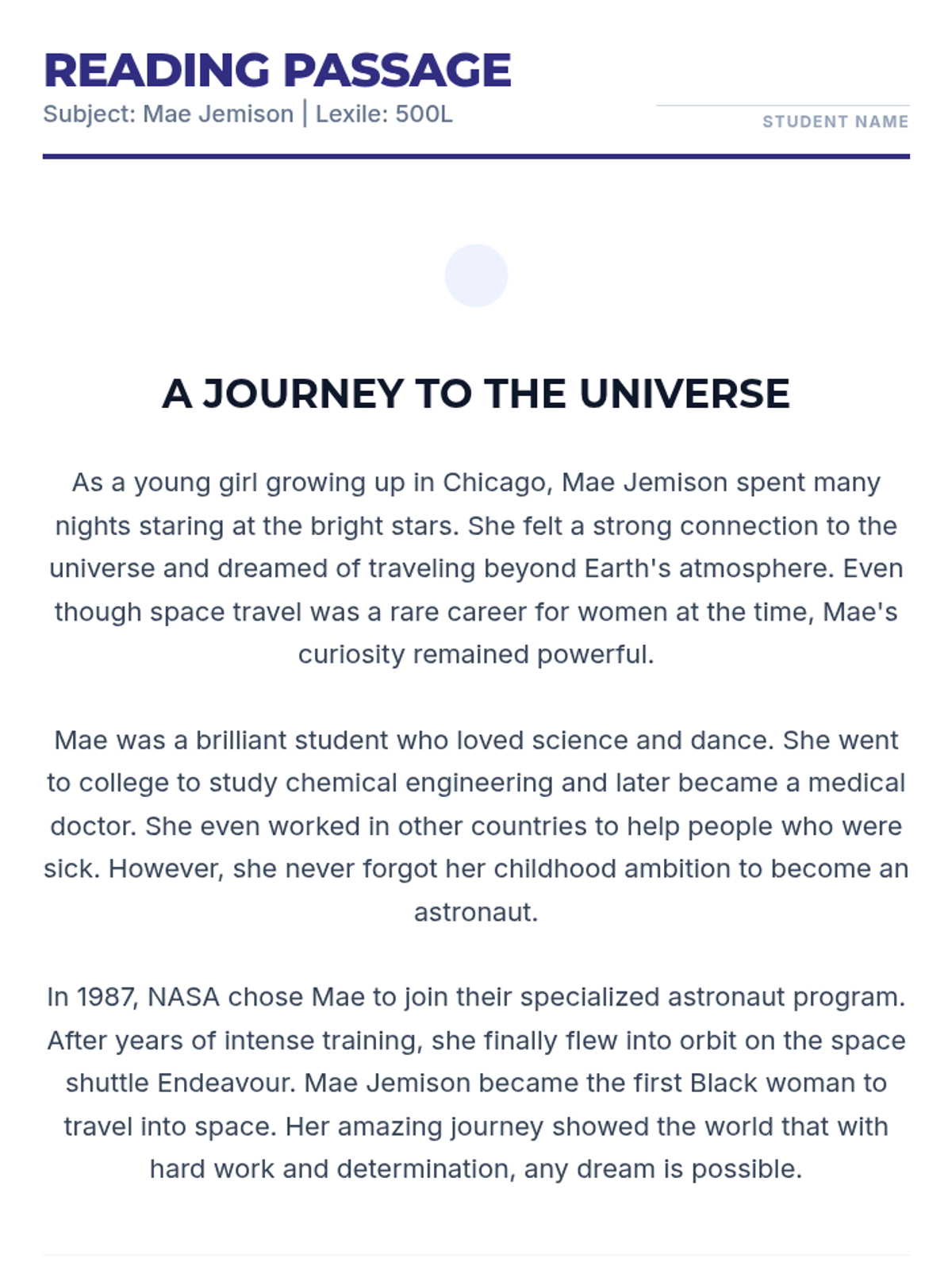
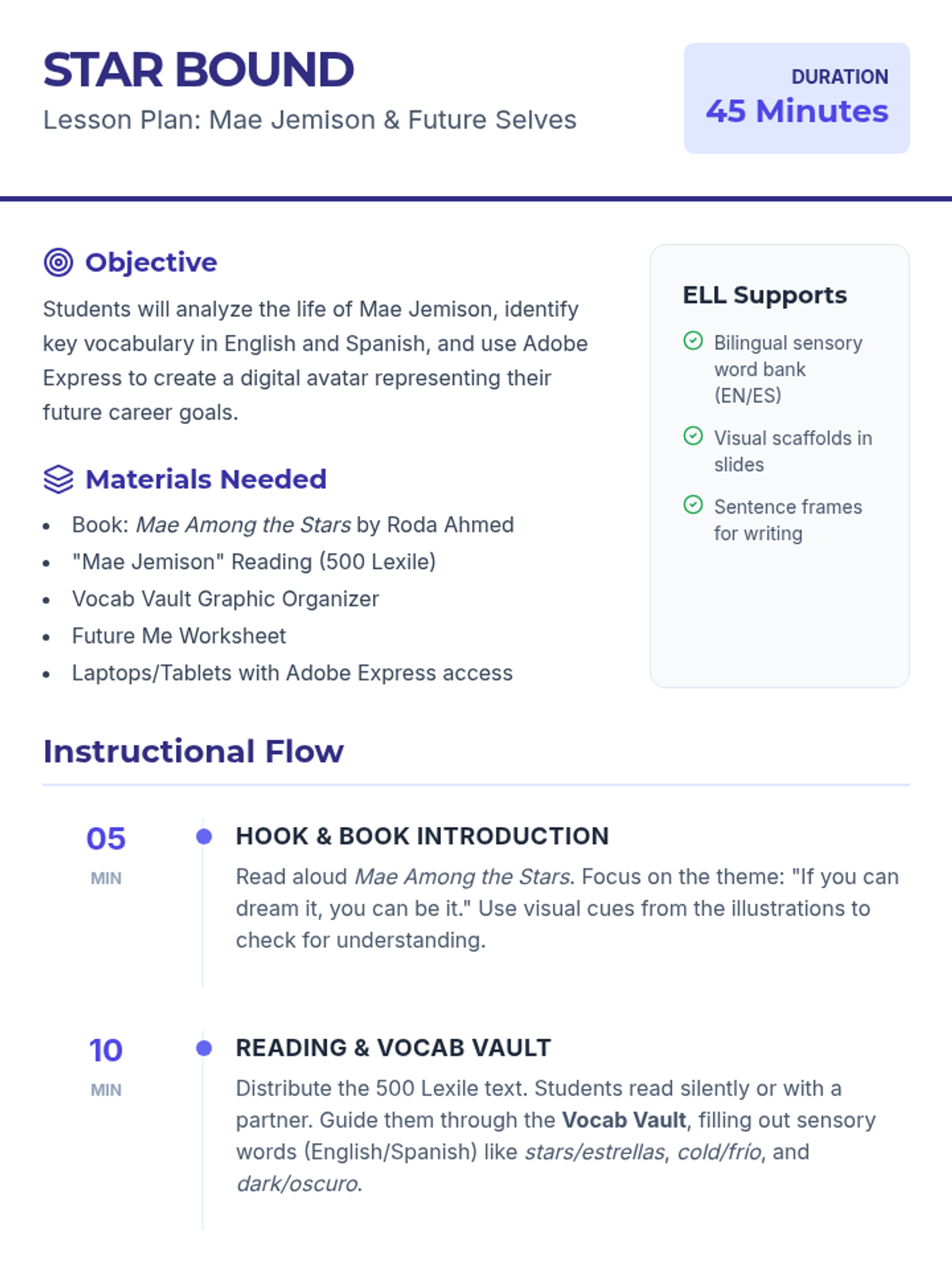
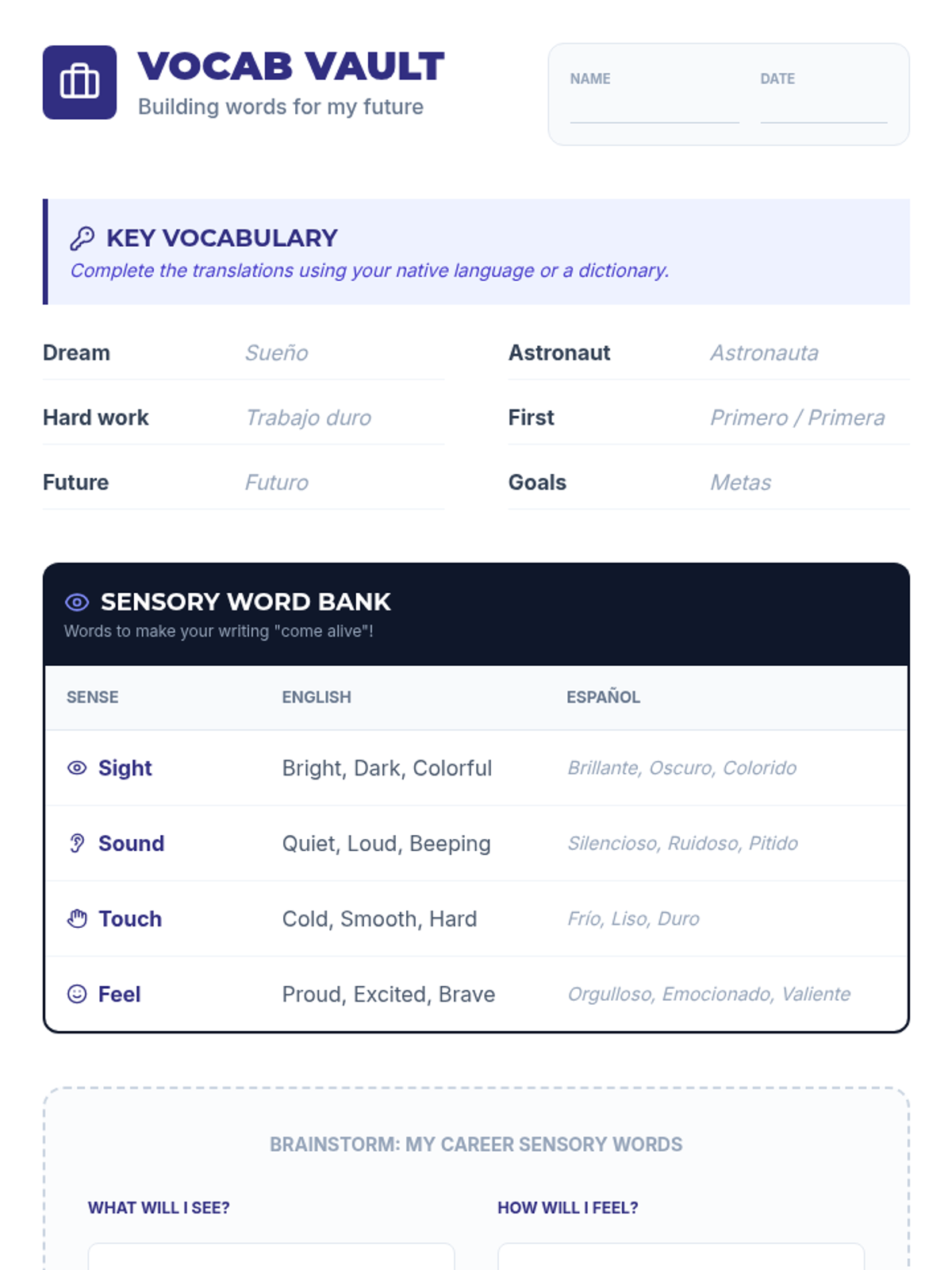
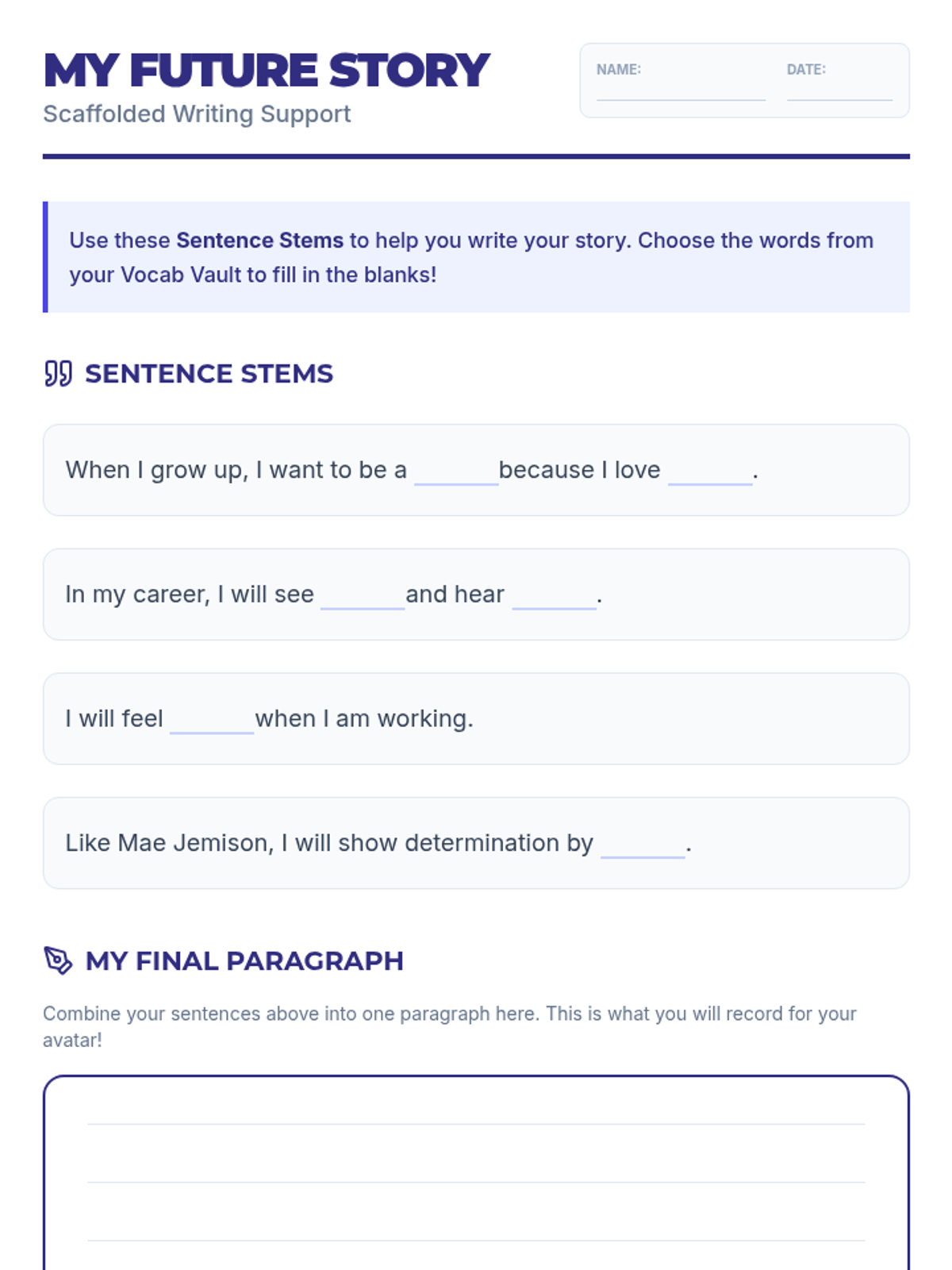
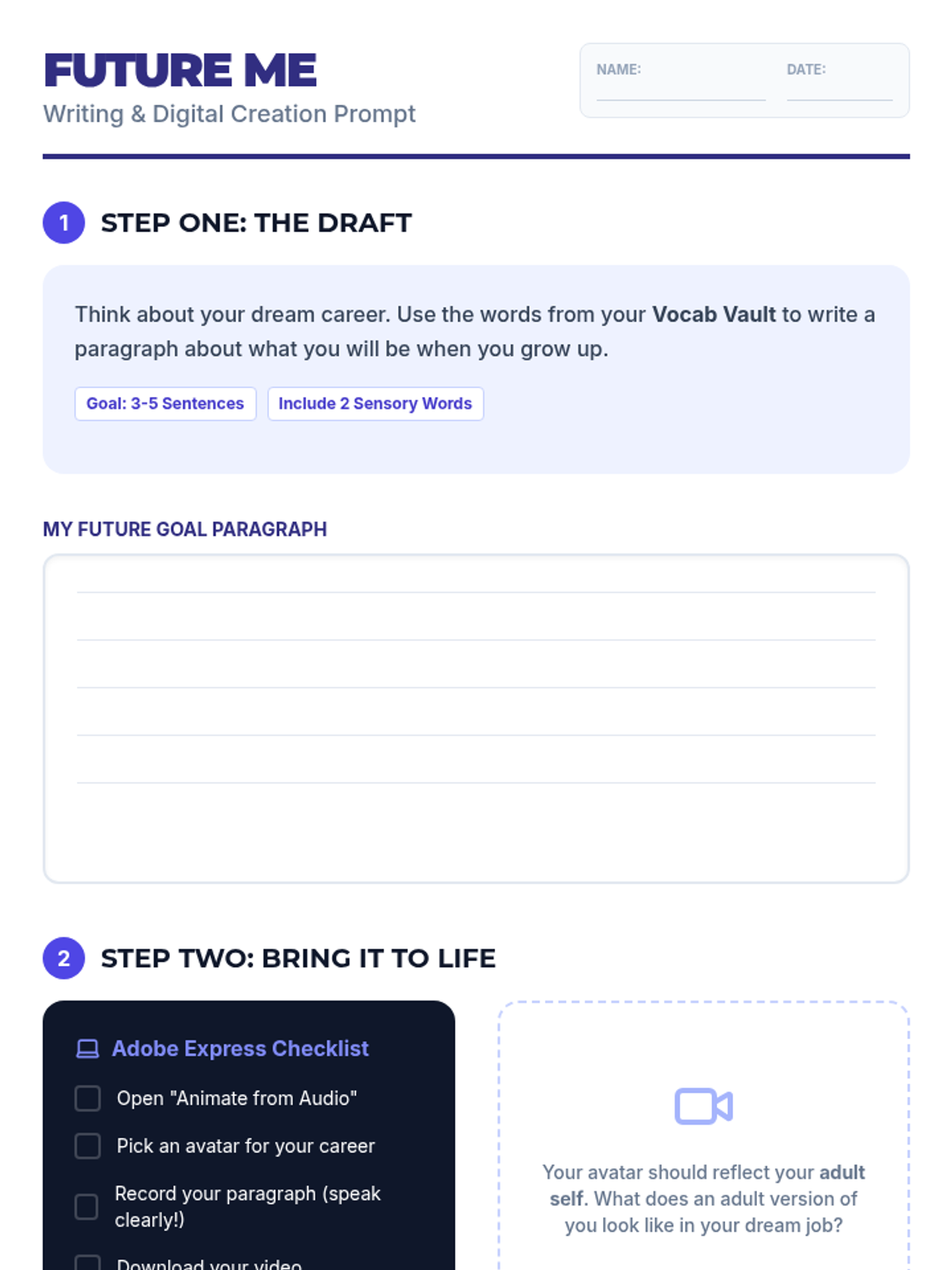
A 45-minute ELL lesson exploring the life of Mae Jemison through the book 'Mae Among the Stars', featuring a 150 Lexile reading, vocabulary building with Spanish support, and a creative Adobe Express digital storytelling project.
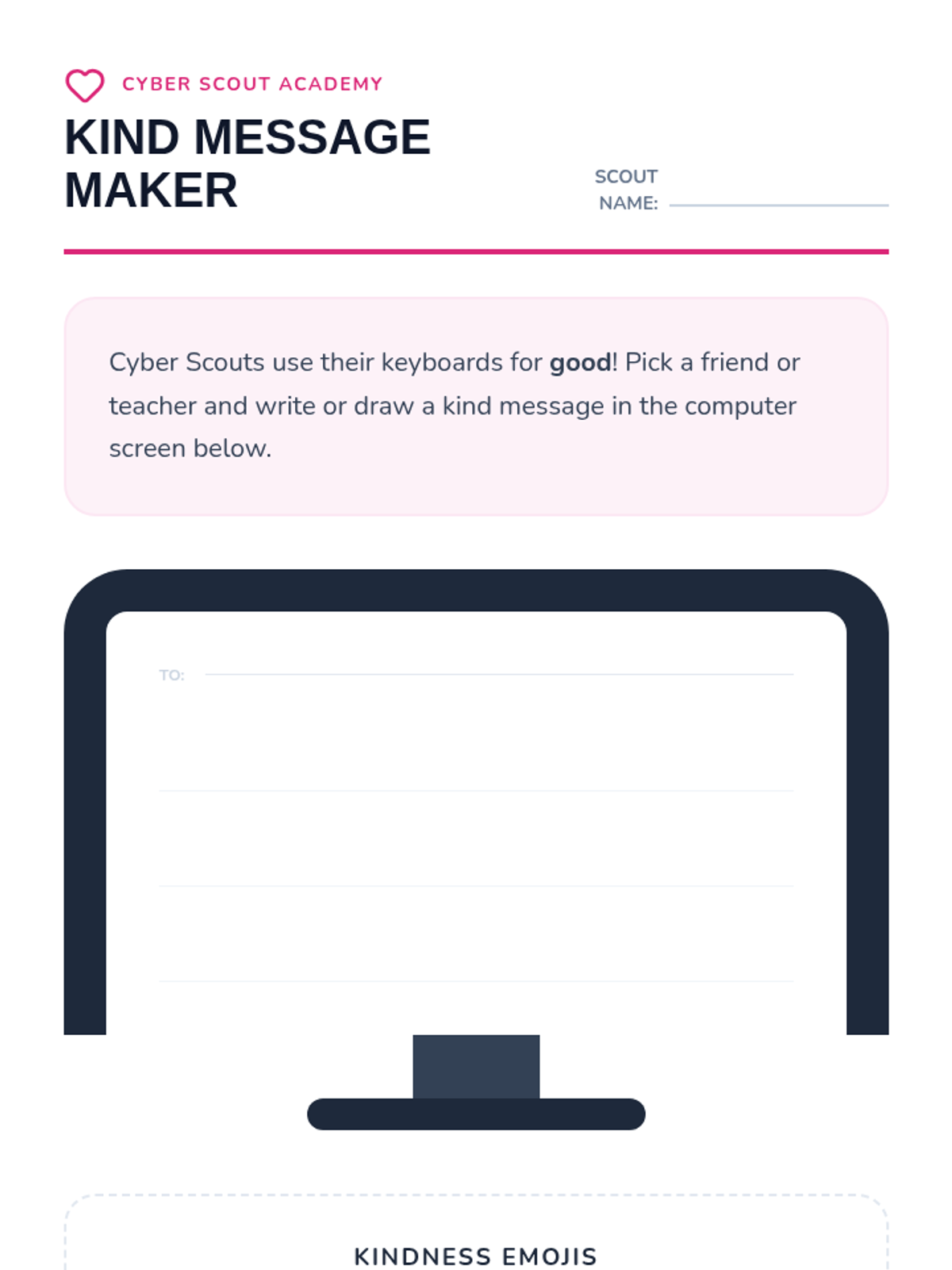
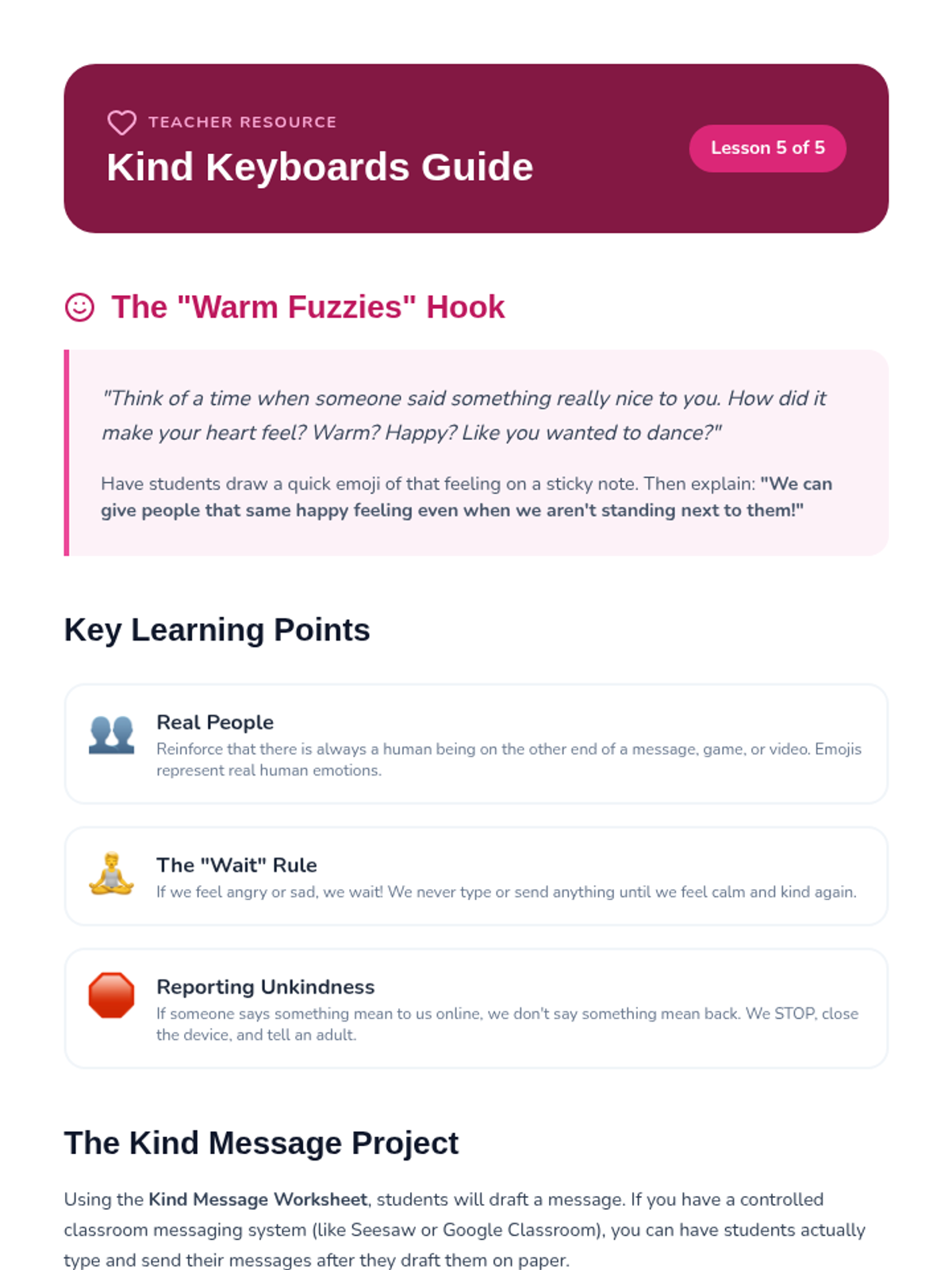
Teaches digital etiquette and empathy, emphasizing that the Golden Rule applies online just as much as it does in person.
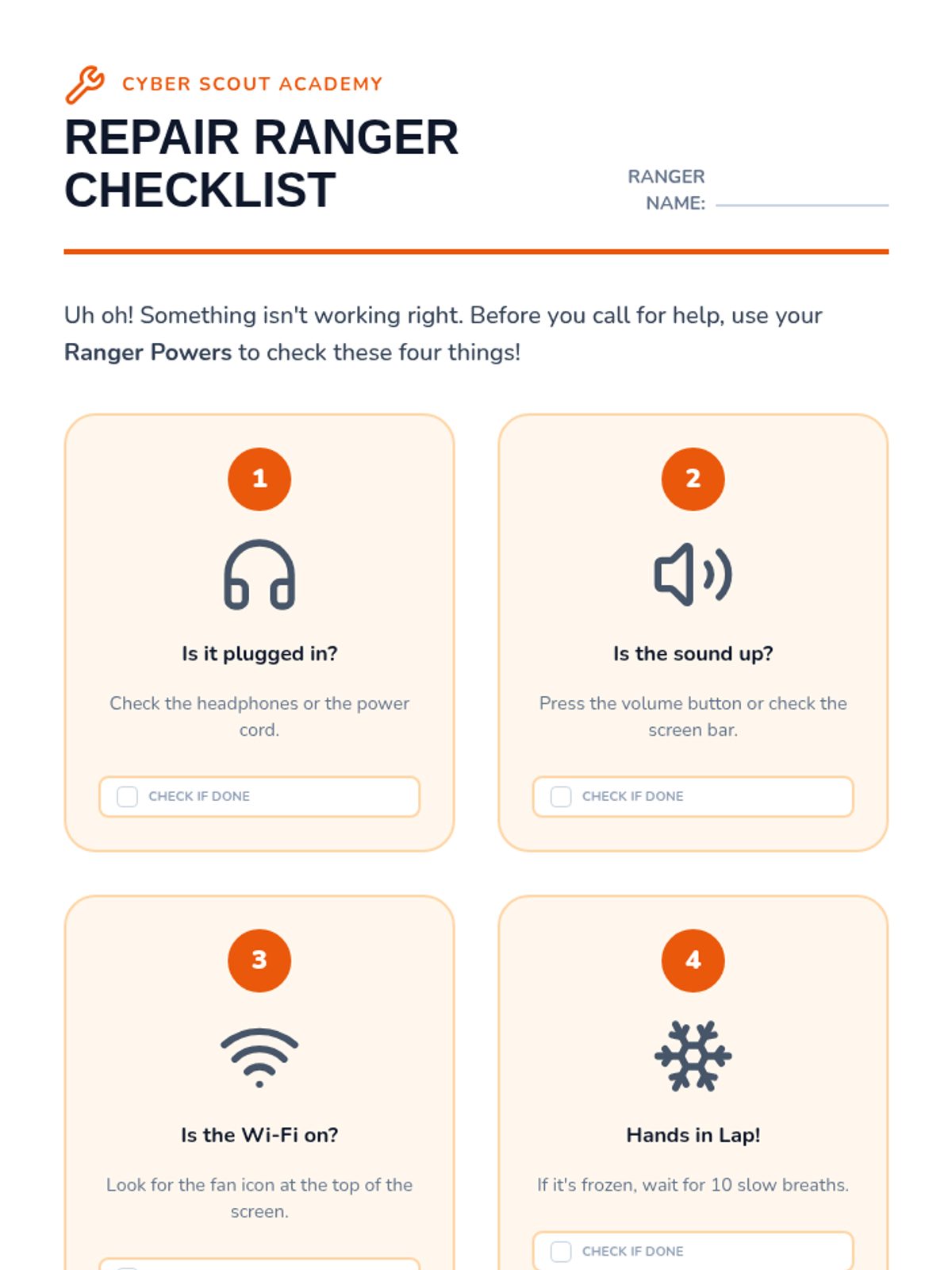
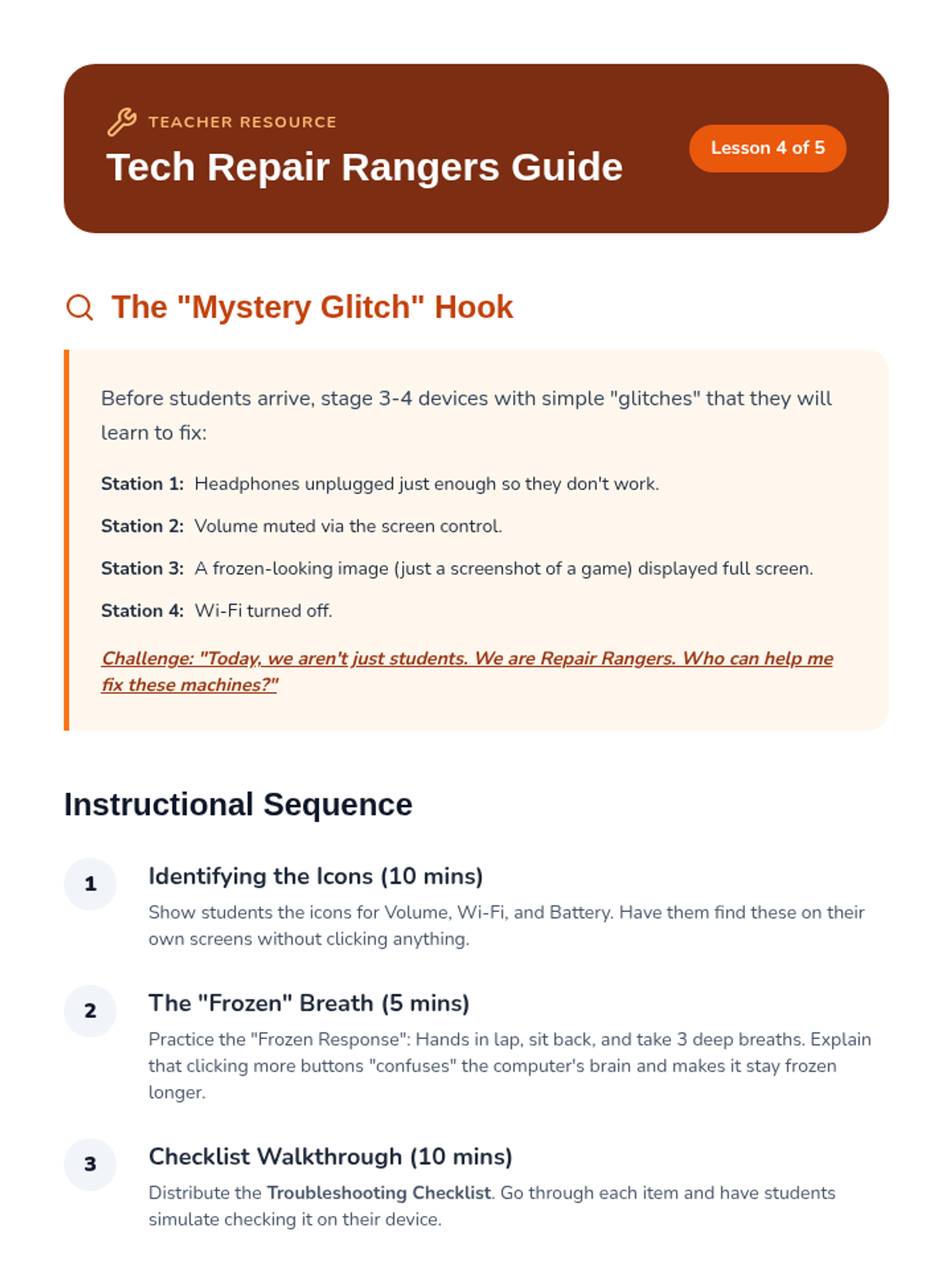
Empowers students with basic troubleshooting steps for common tech issues like sound, internet connection, and frozen screens.
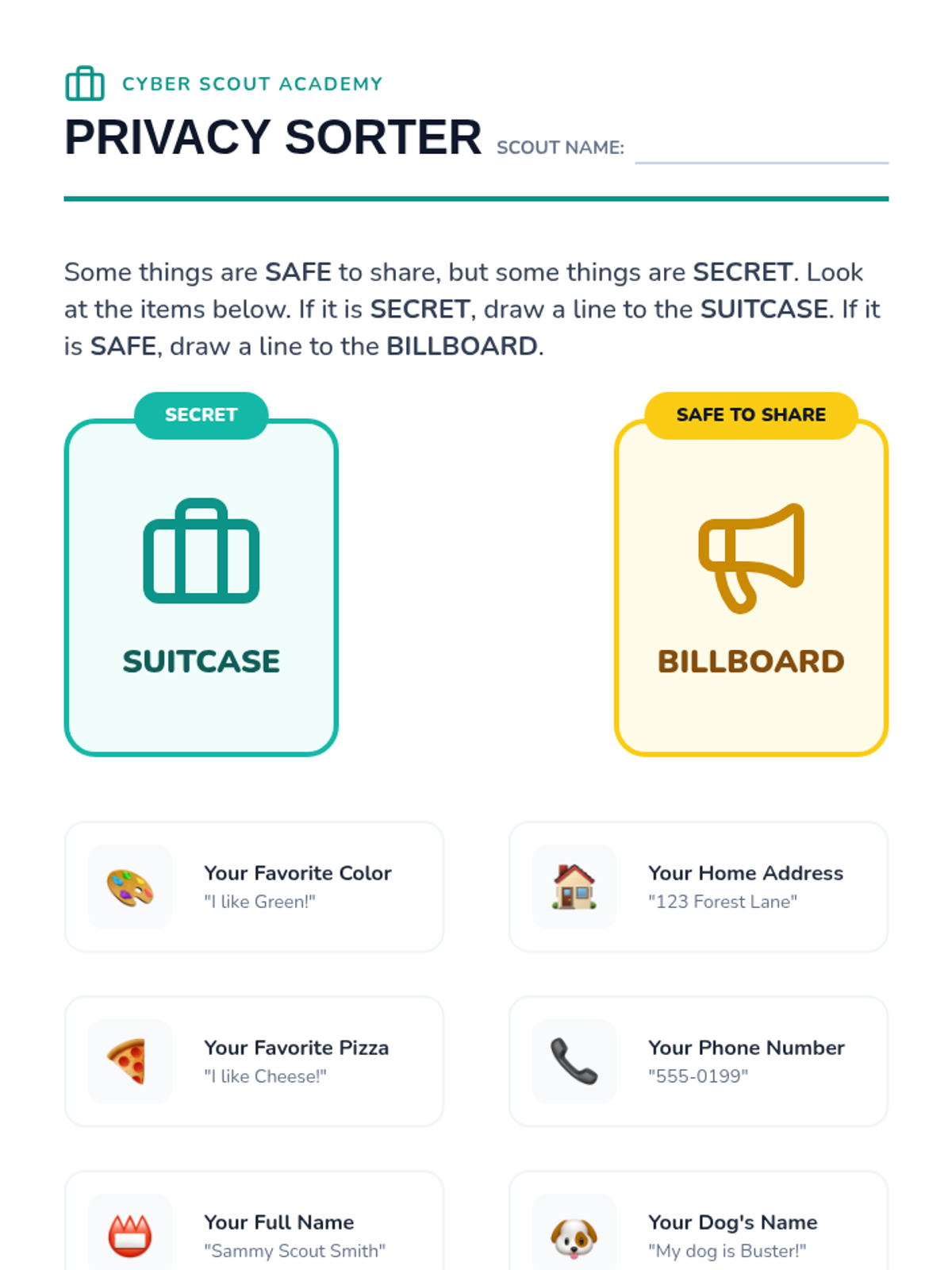
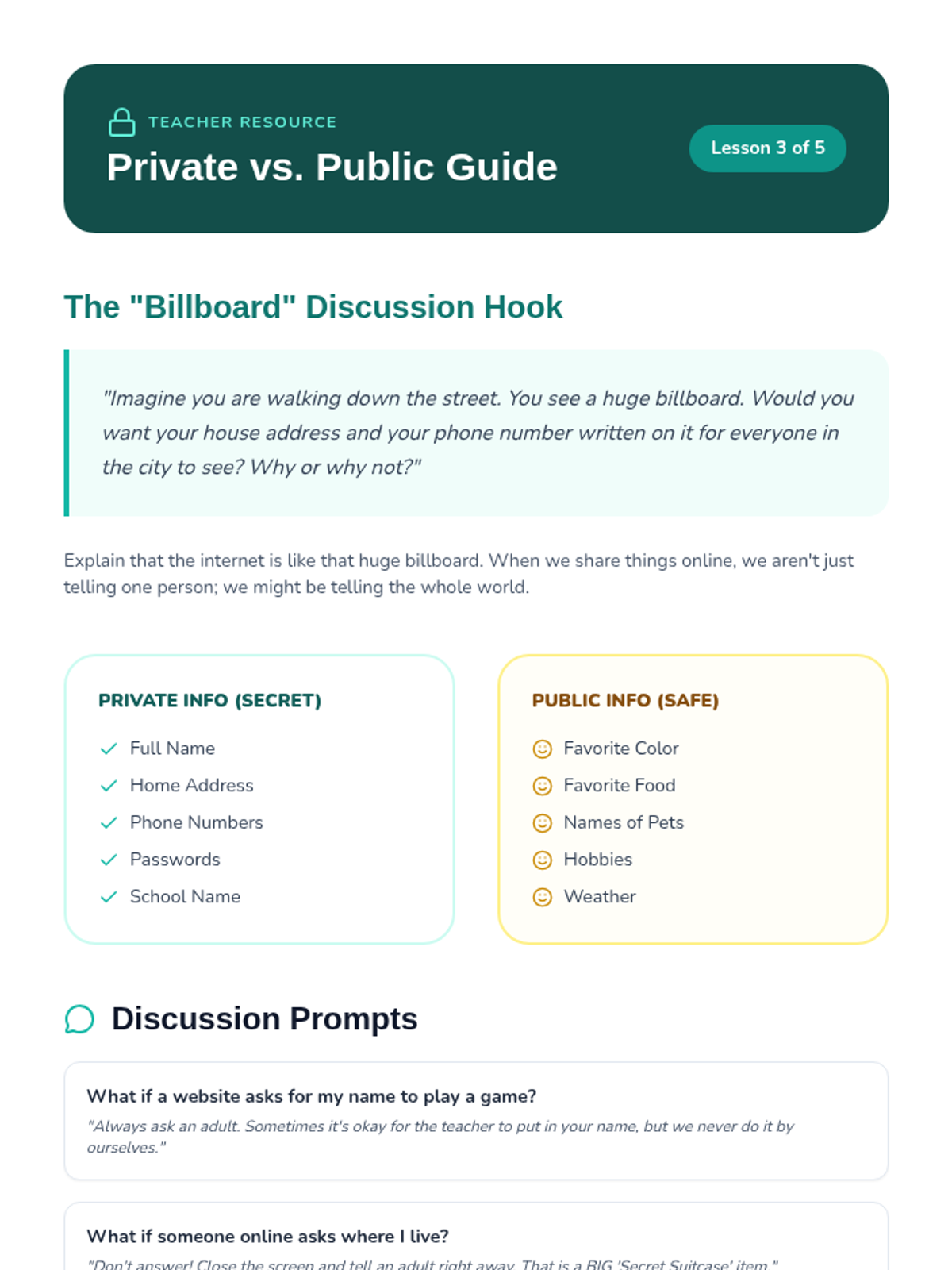
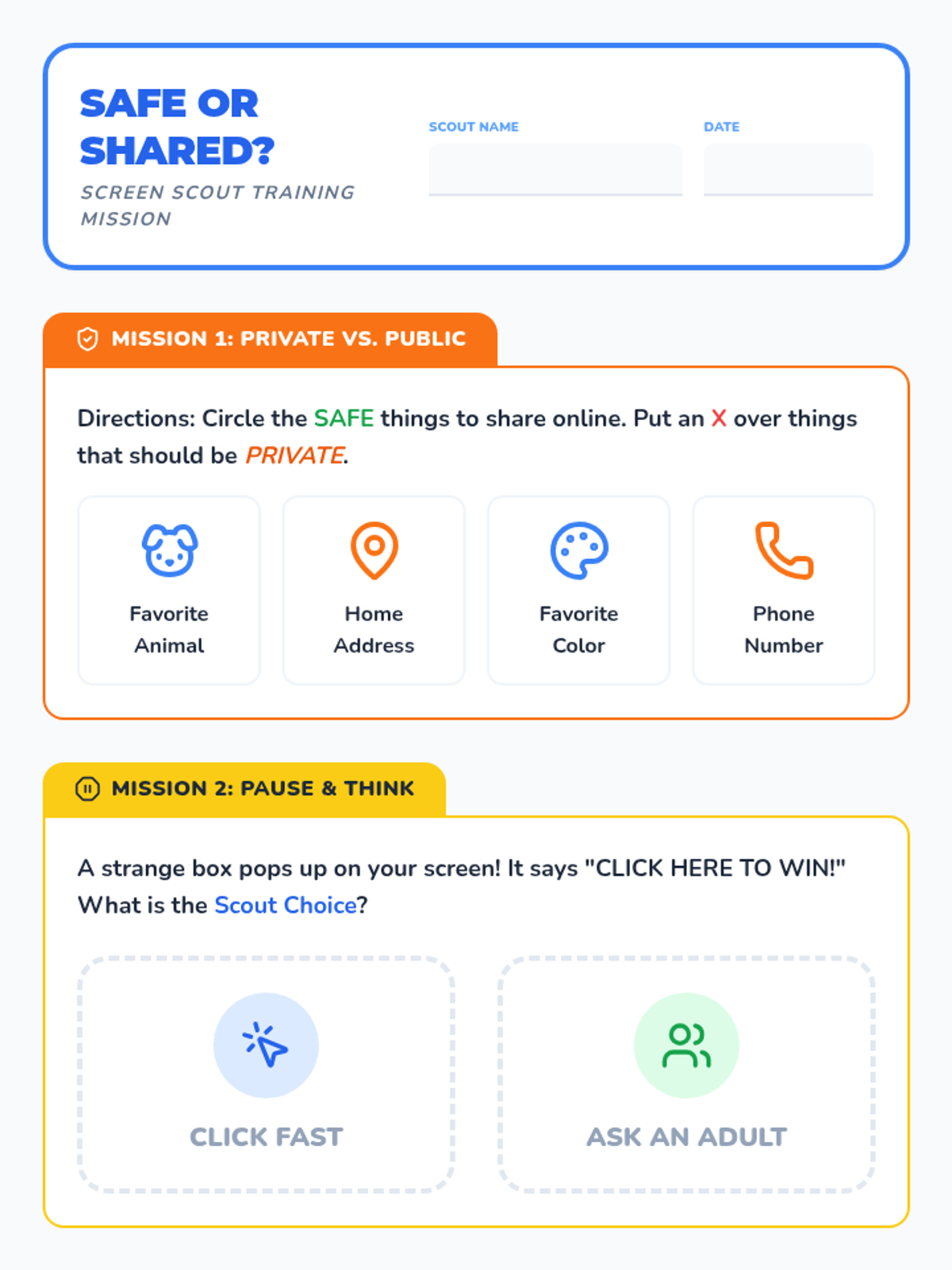
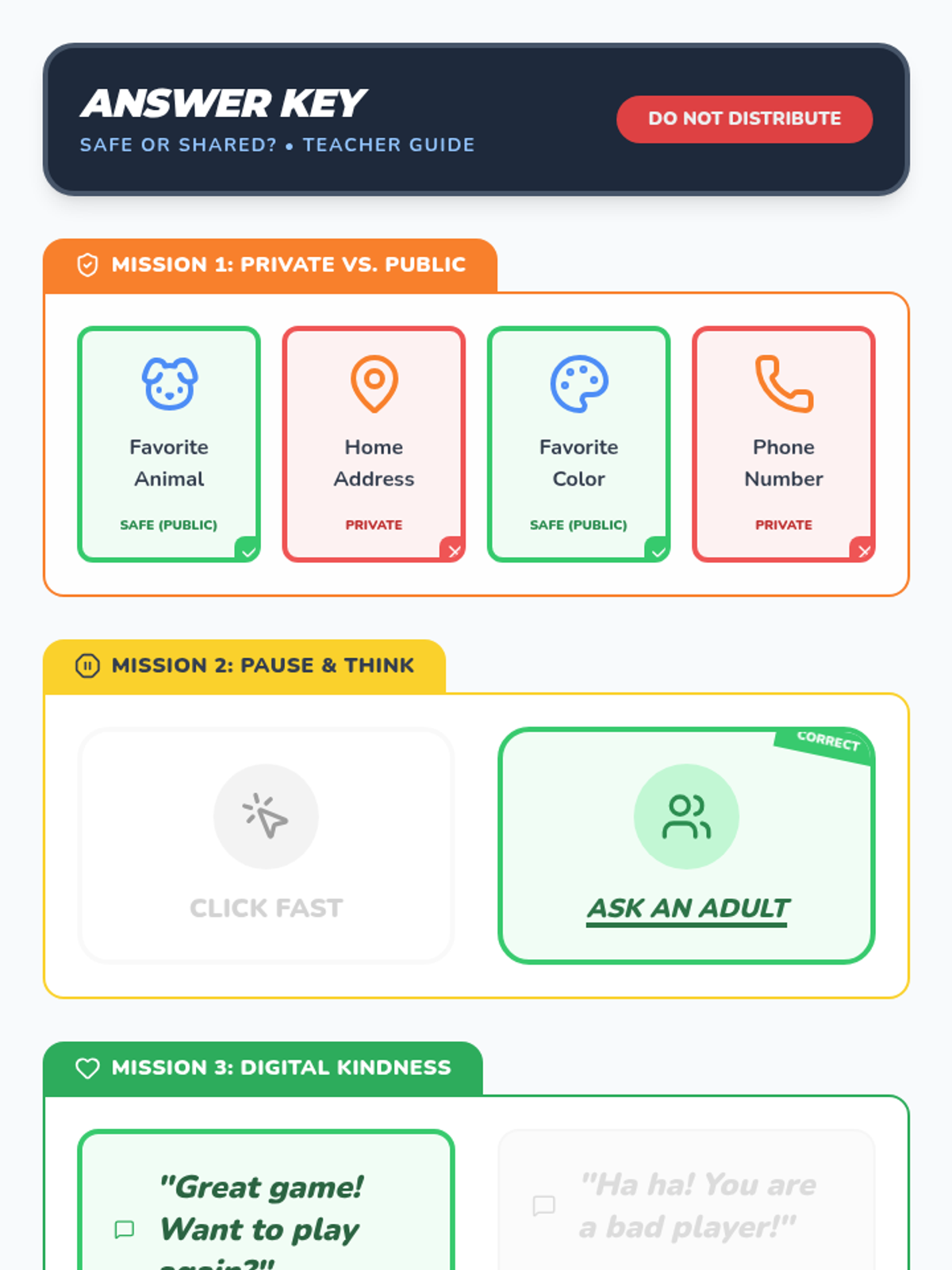
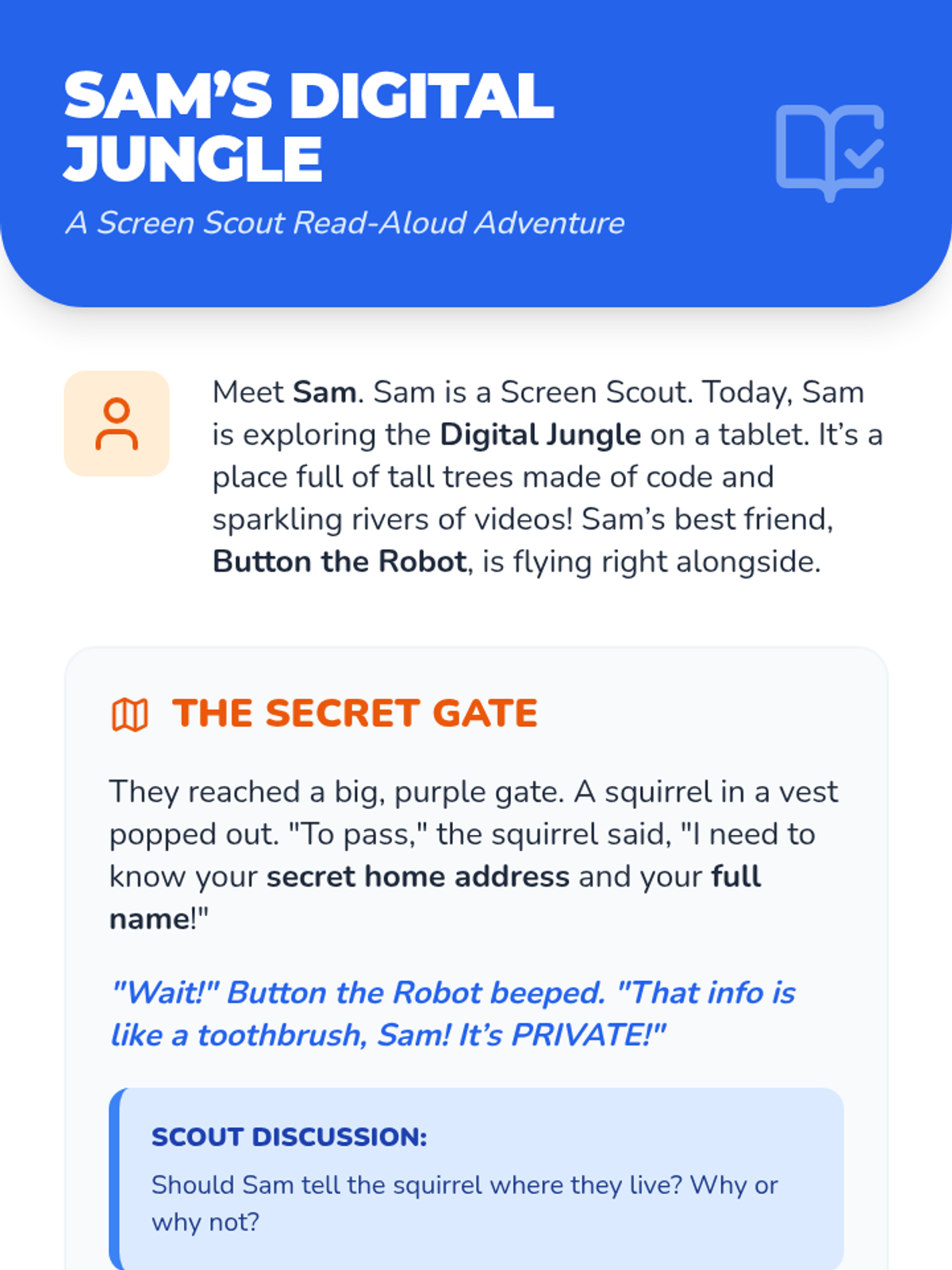
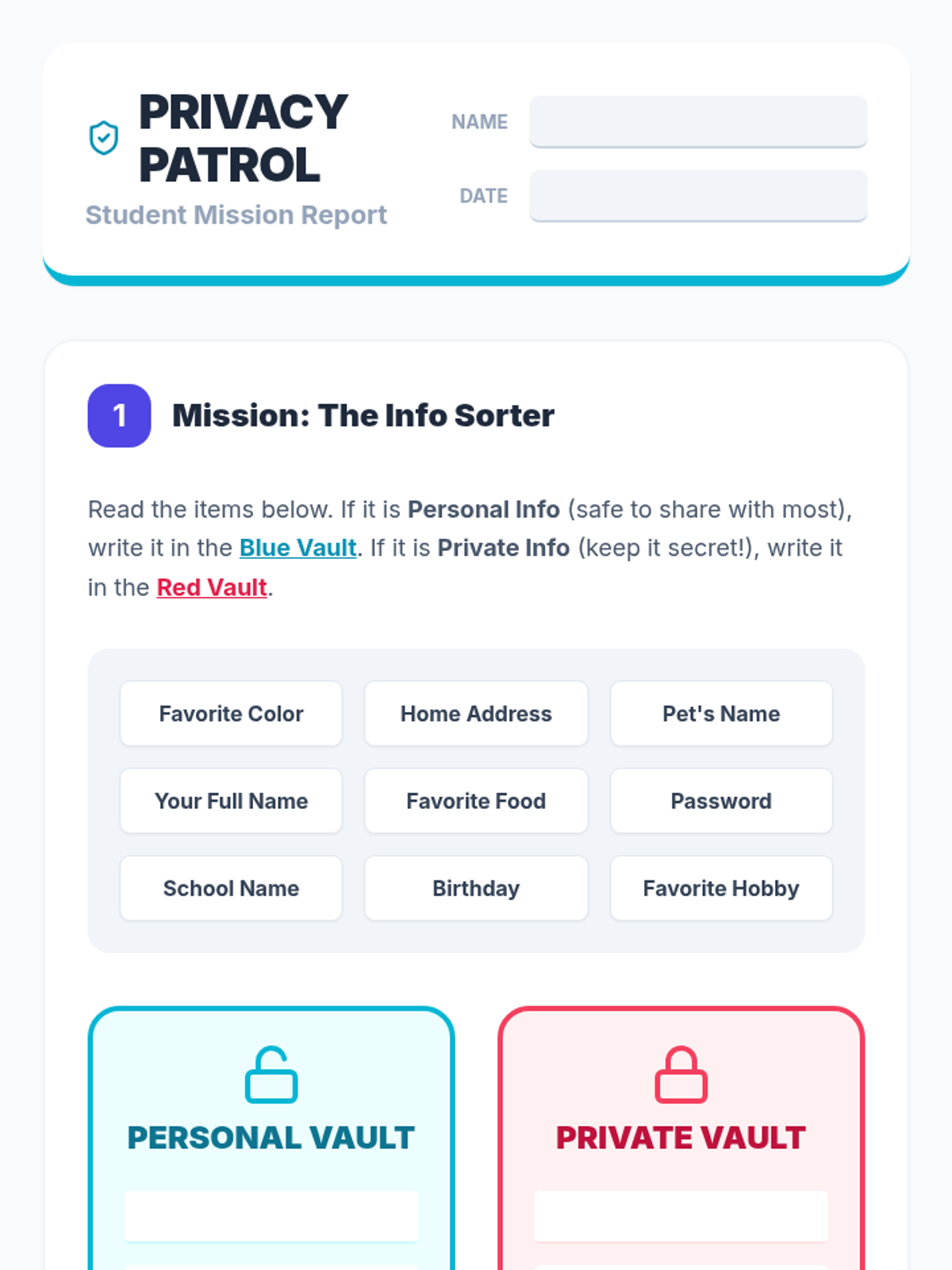
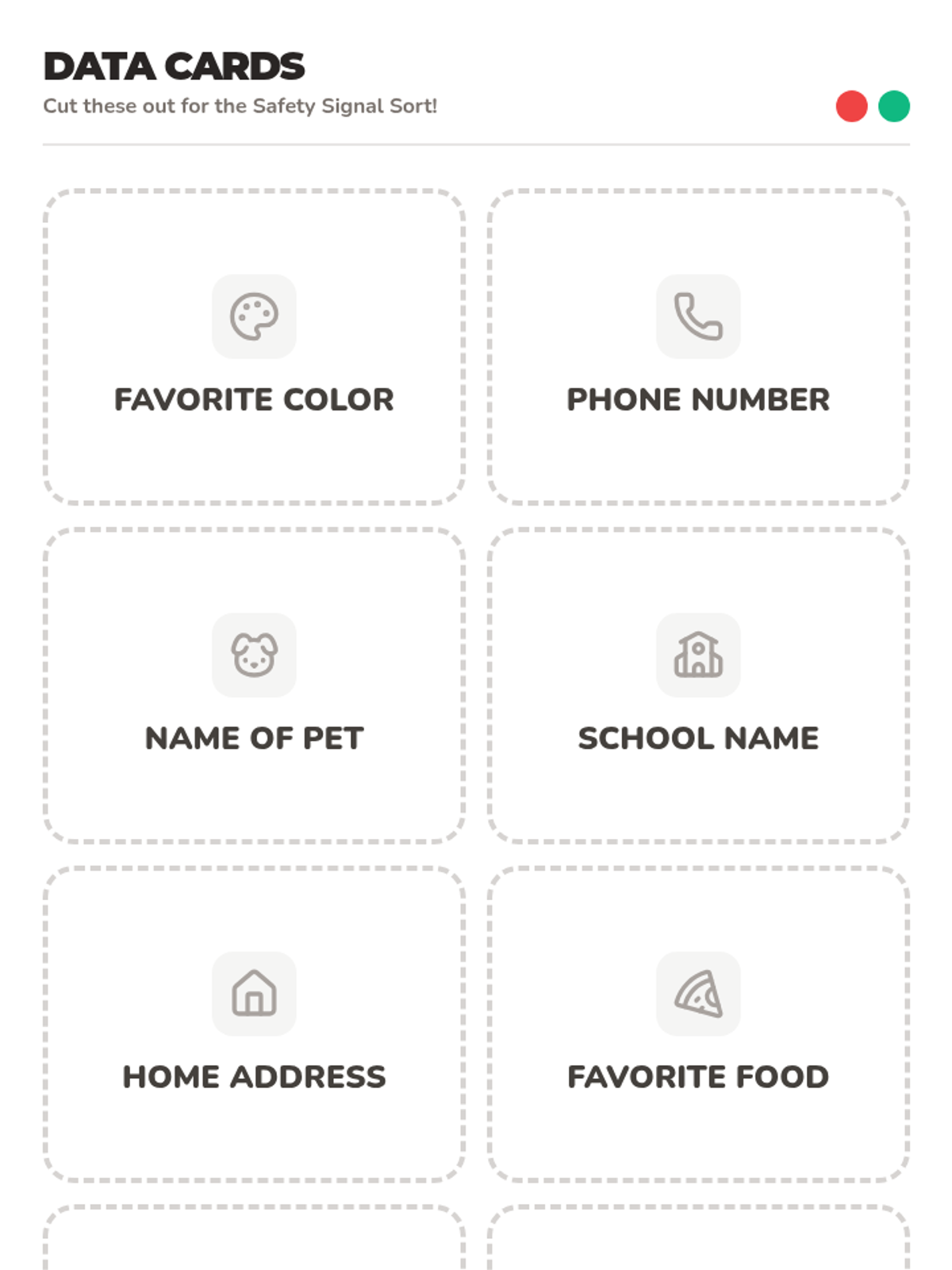
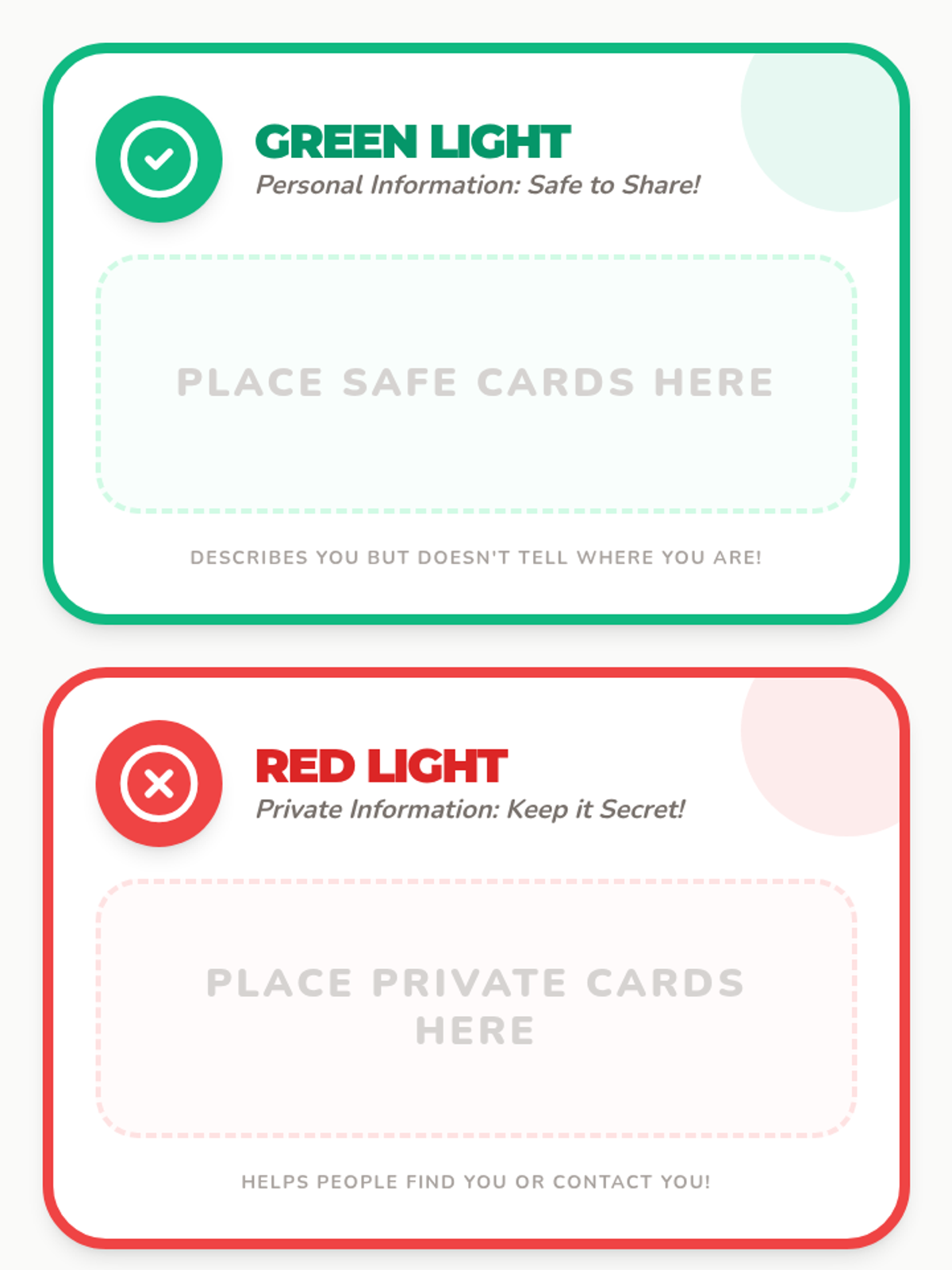
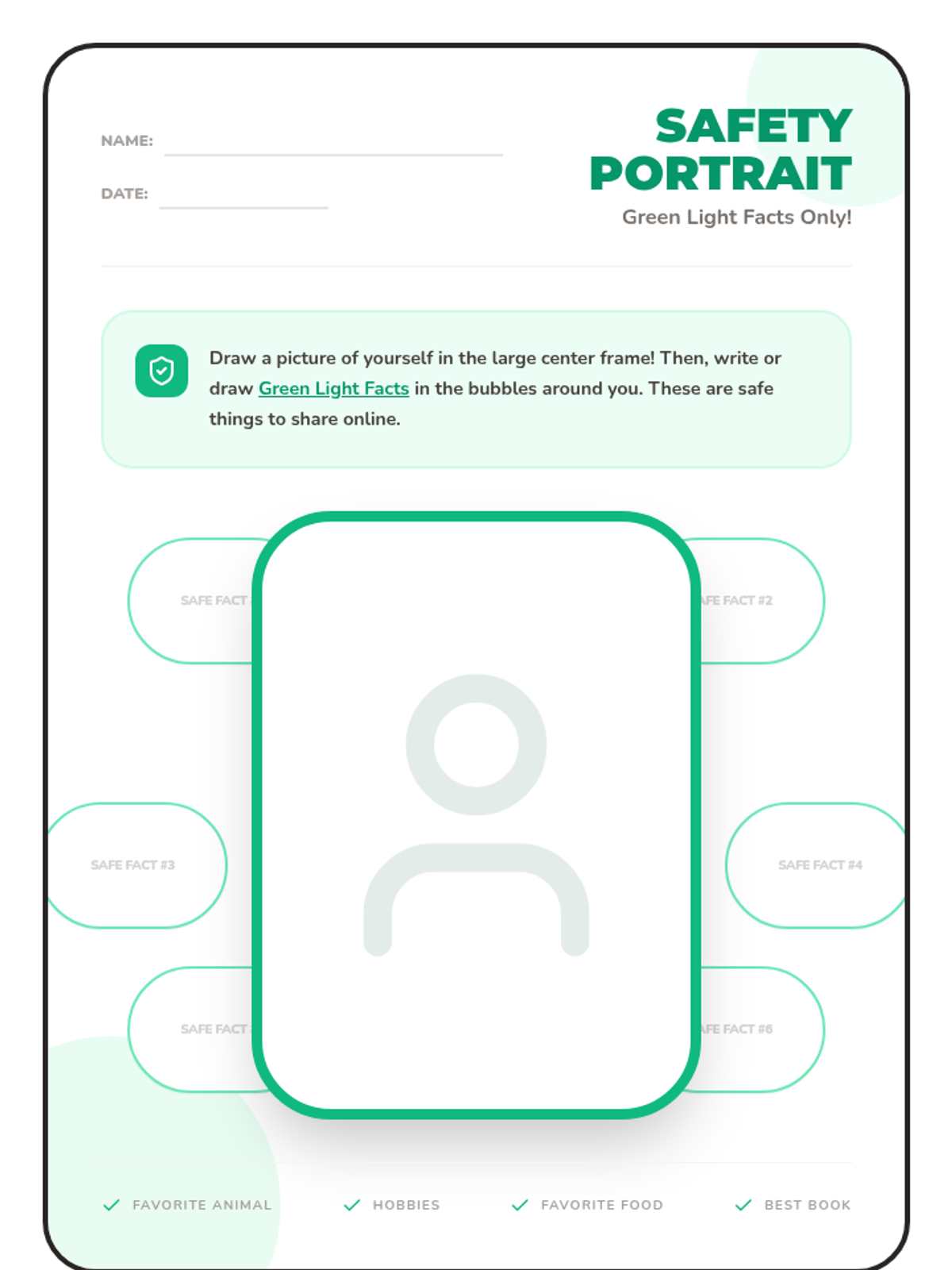
Introduces the concept of private vs. public information, teaching students what is safe to share online and what must stay secret.
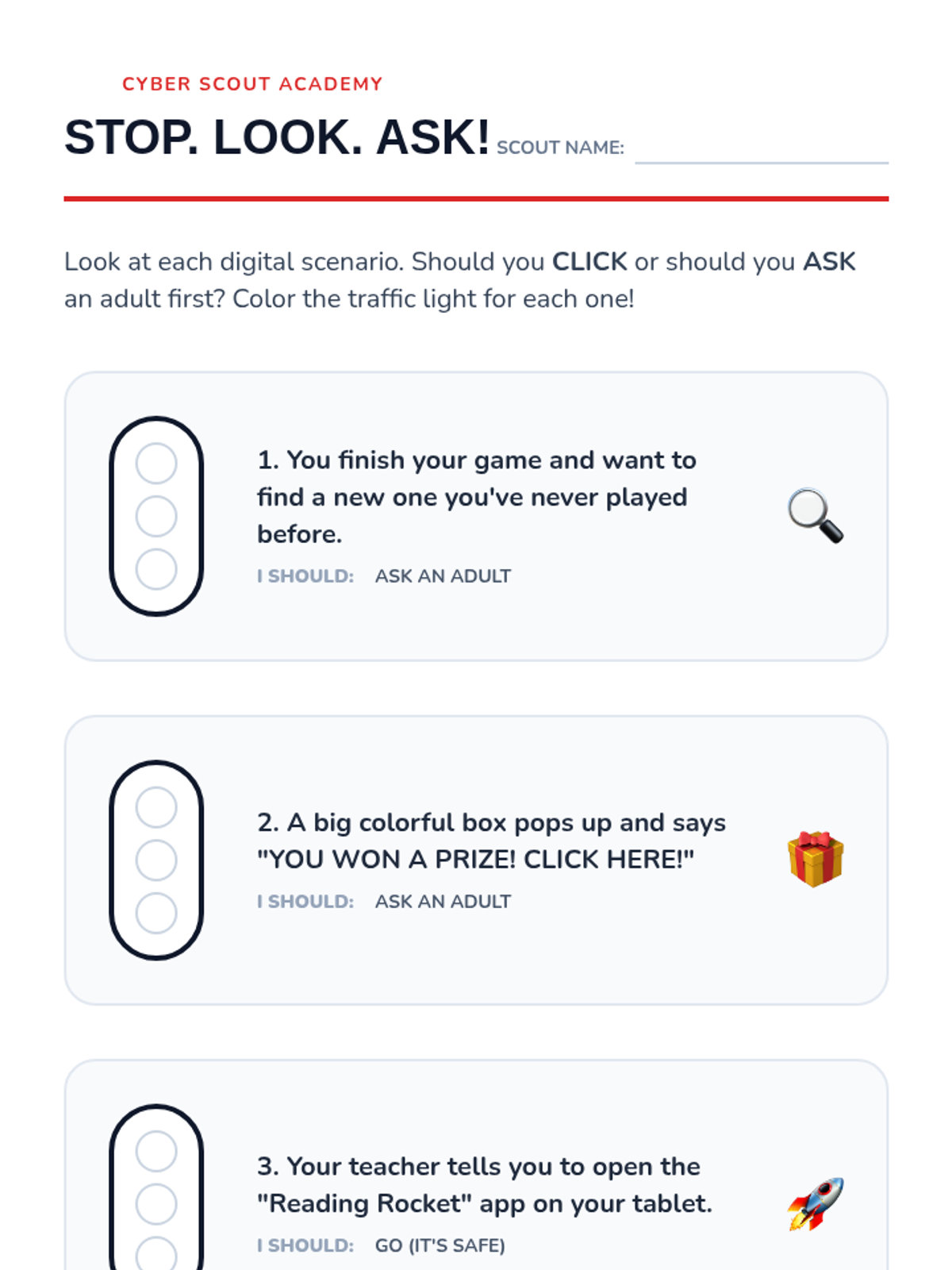
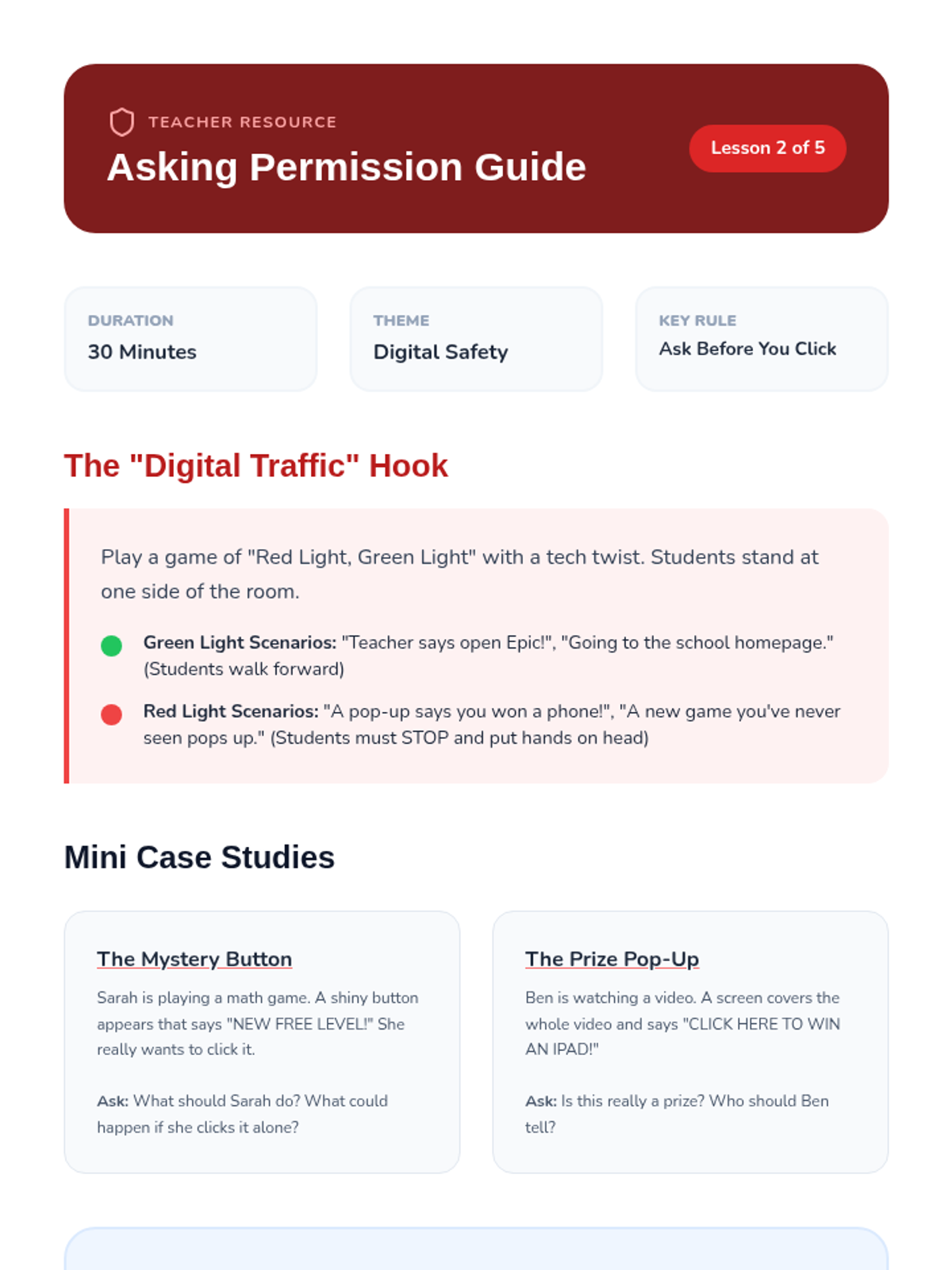
Focuses on the essential safety rule of asking a trusted adult for permission before going online, downloading apps, or clicking new links.
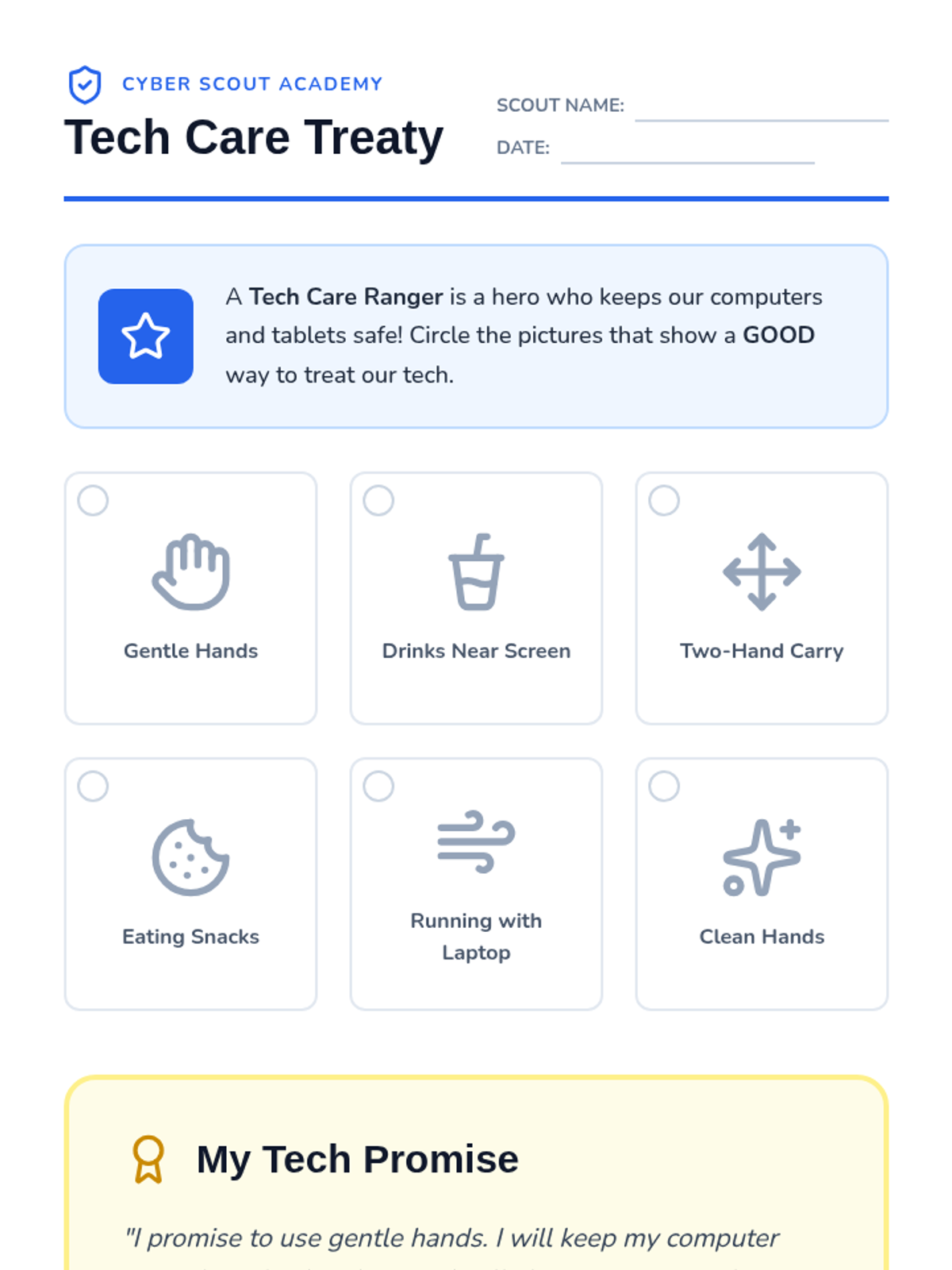
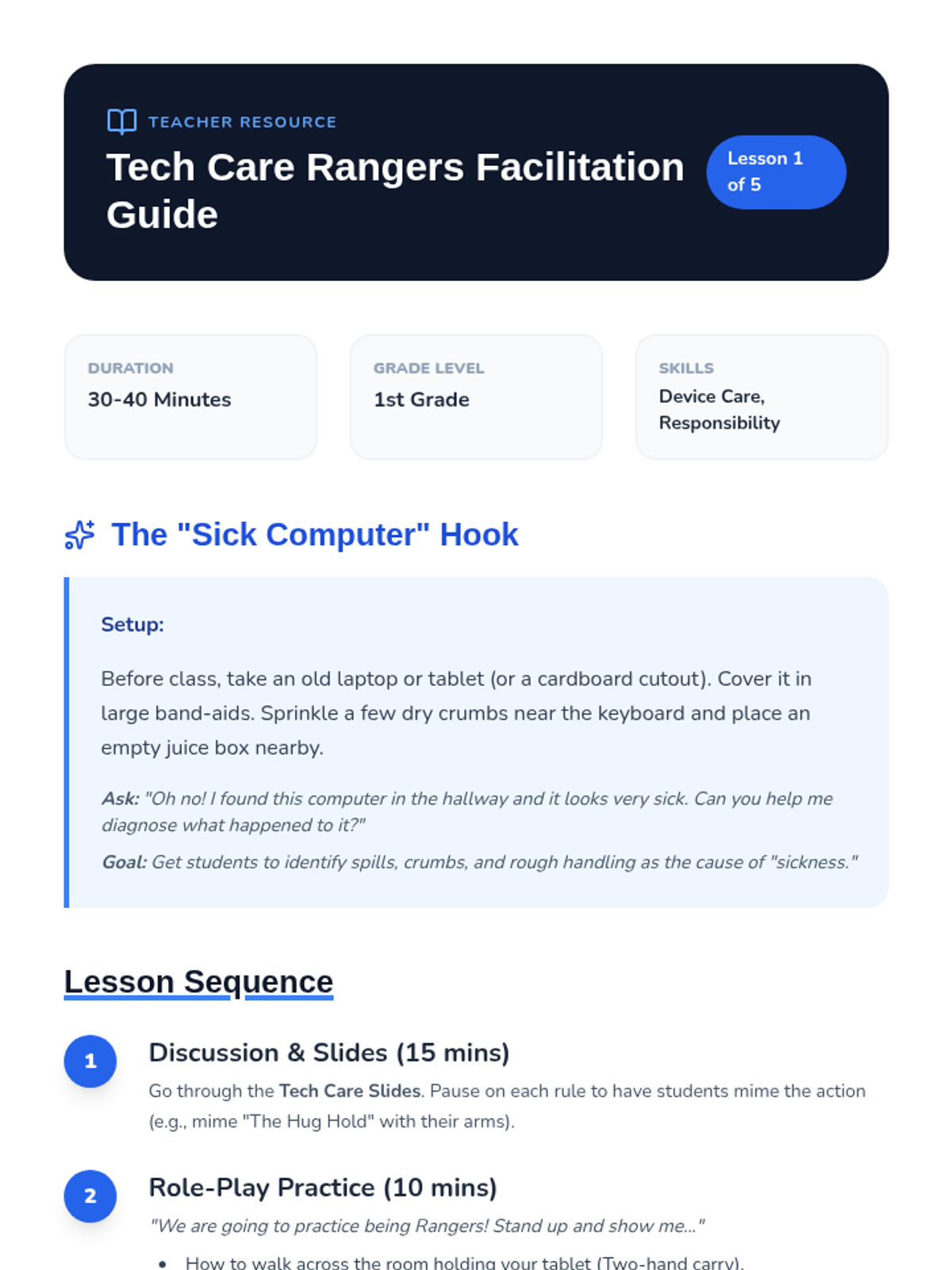
Students learn the physical responsibilities of using technology, including proper handling, environment rules (no food/drink), and creating a collective 'Tech Treaty'.
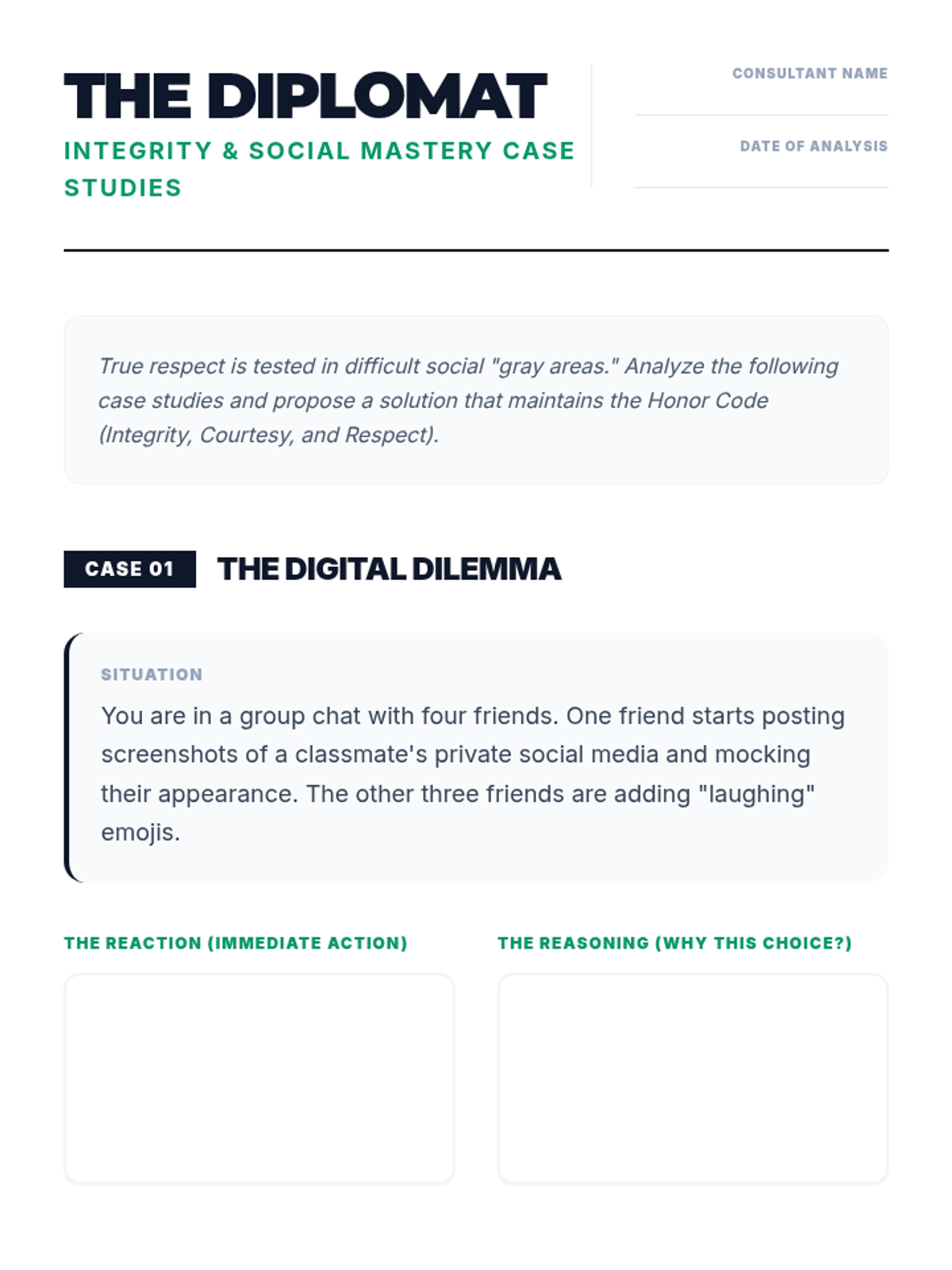
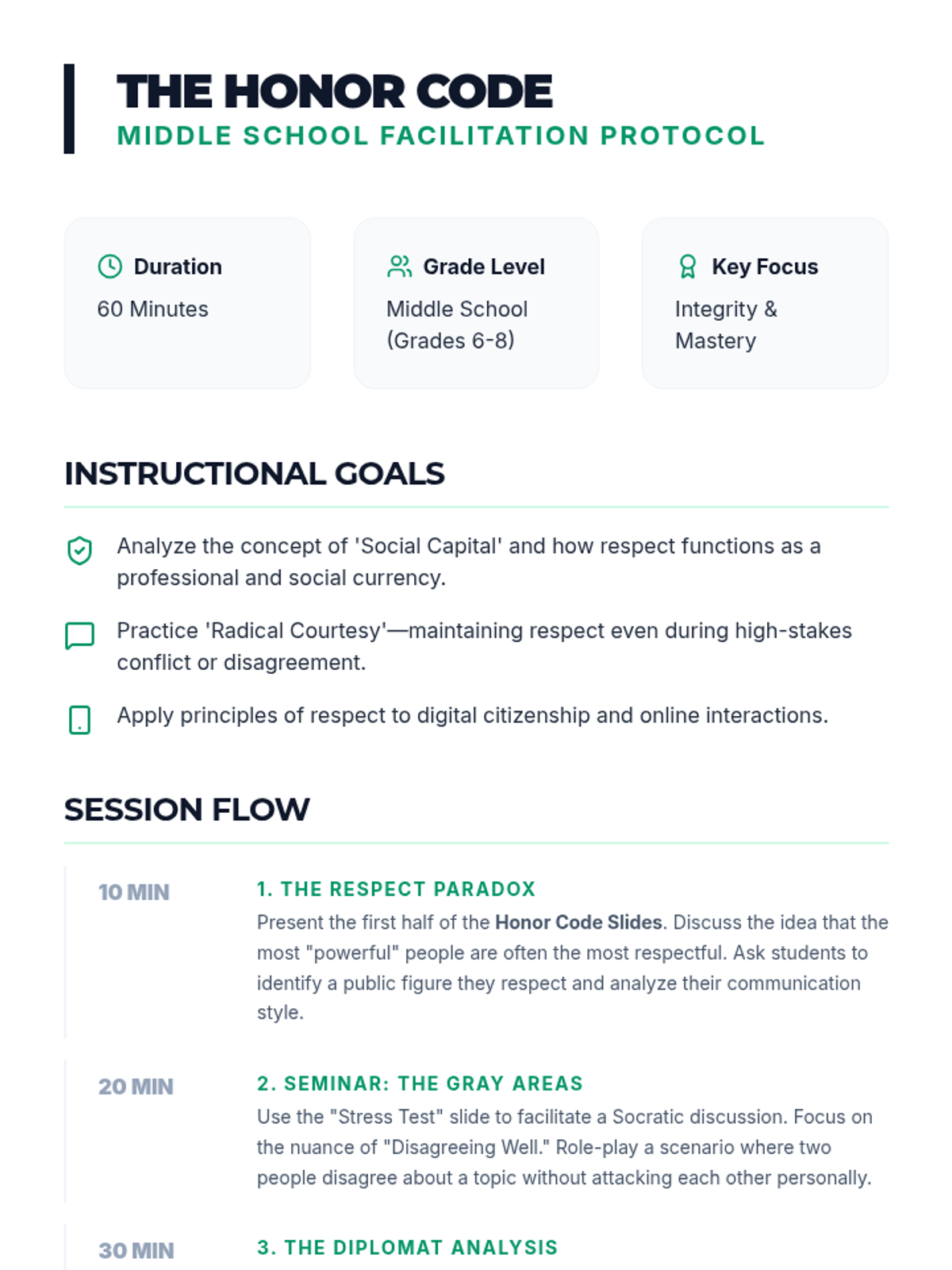
Developing advanced respect and courtesy skills, including conflict resolution and social integrity for middle school students.
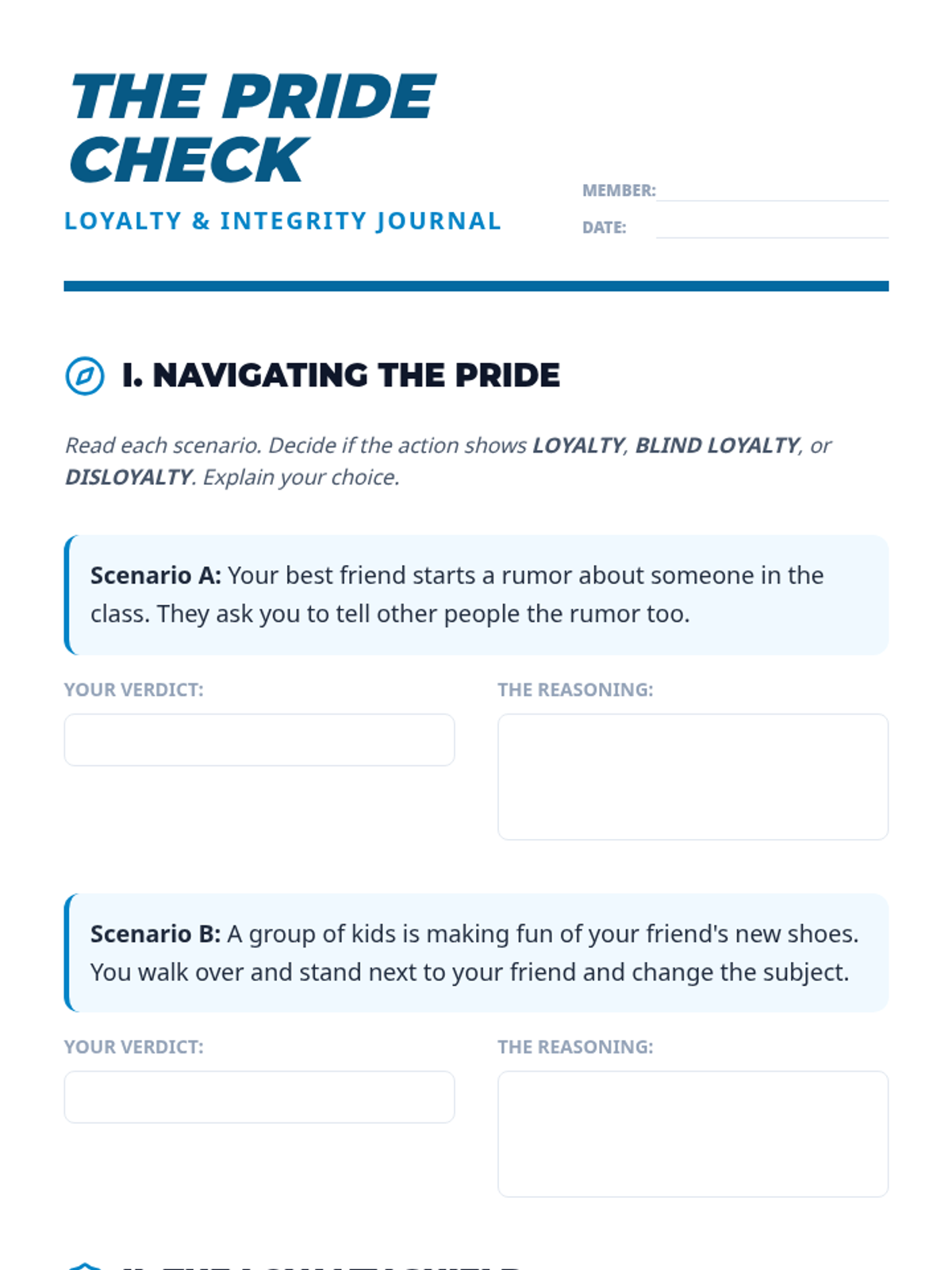
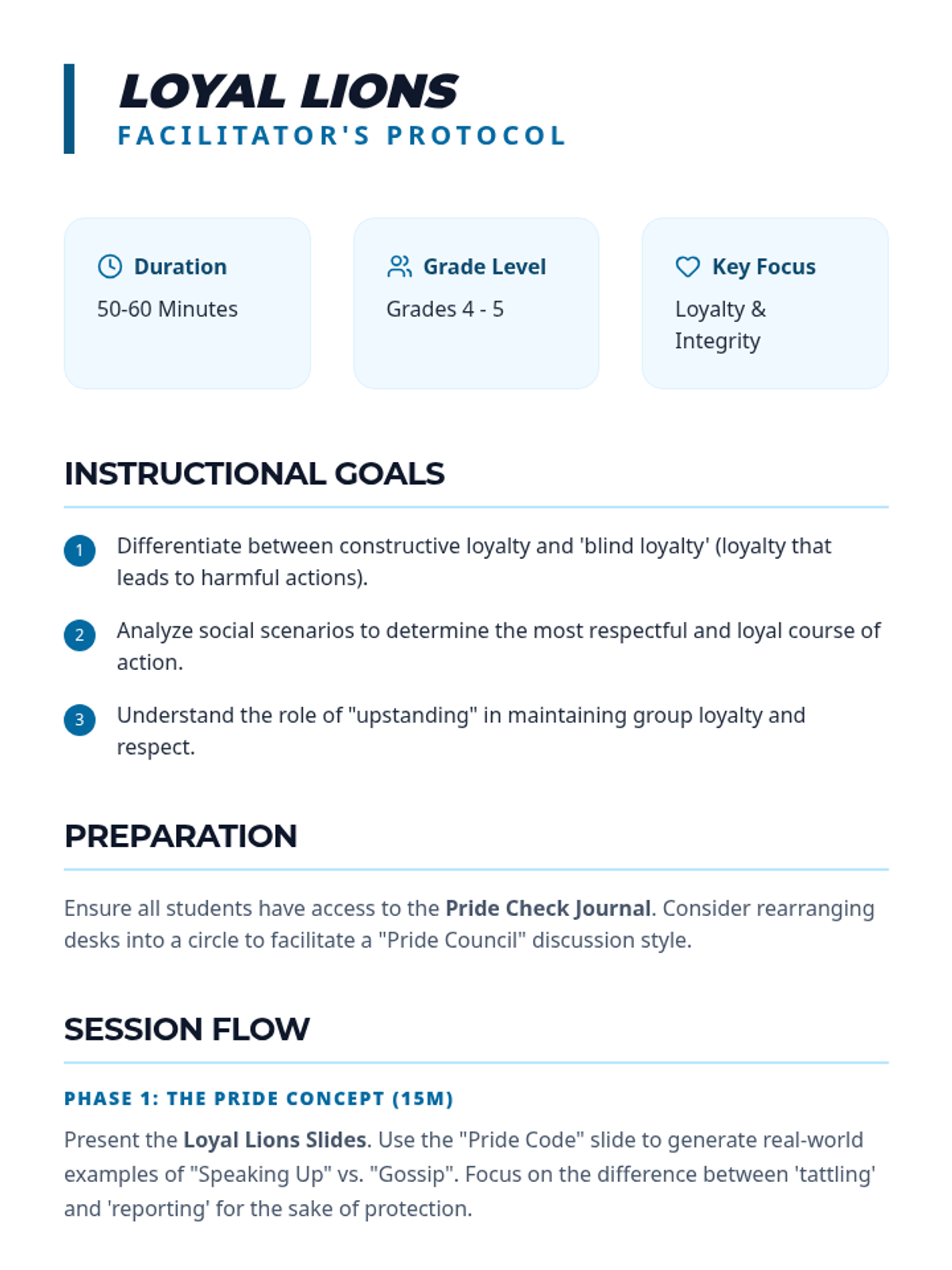
Exploring the concept of loyalty, being a reliable friend, and standing by others through challenges for upper elementary students.
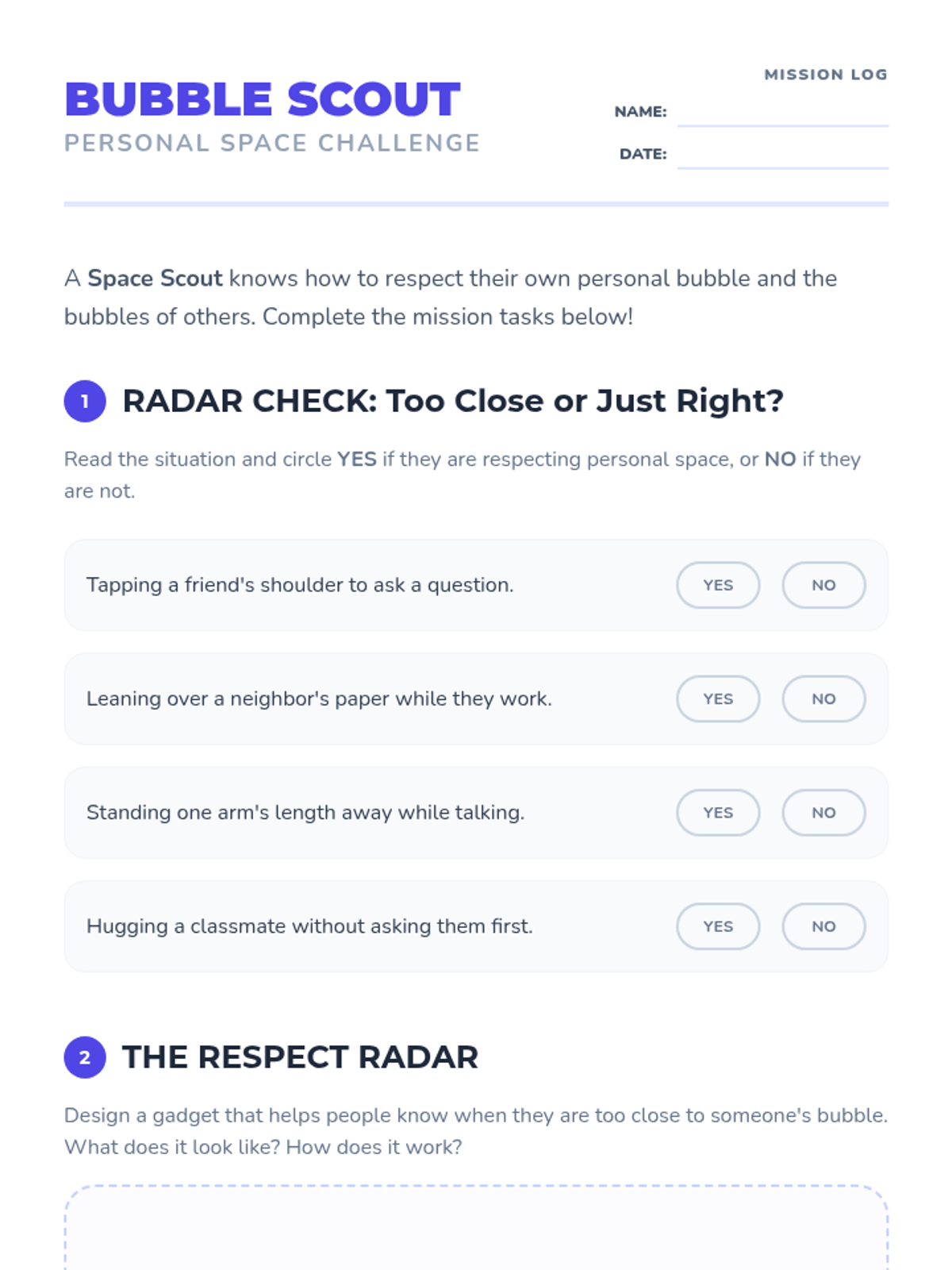
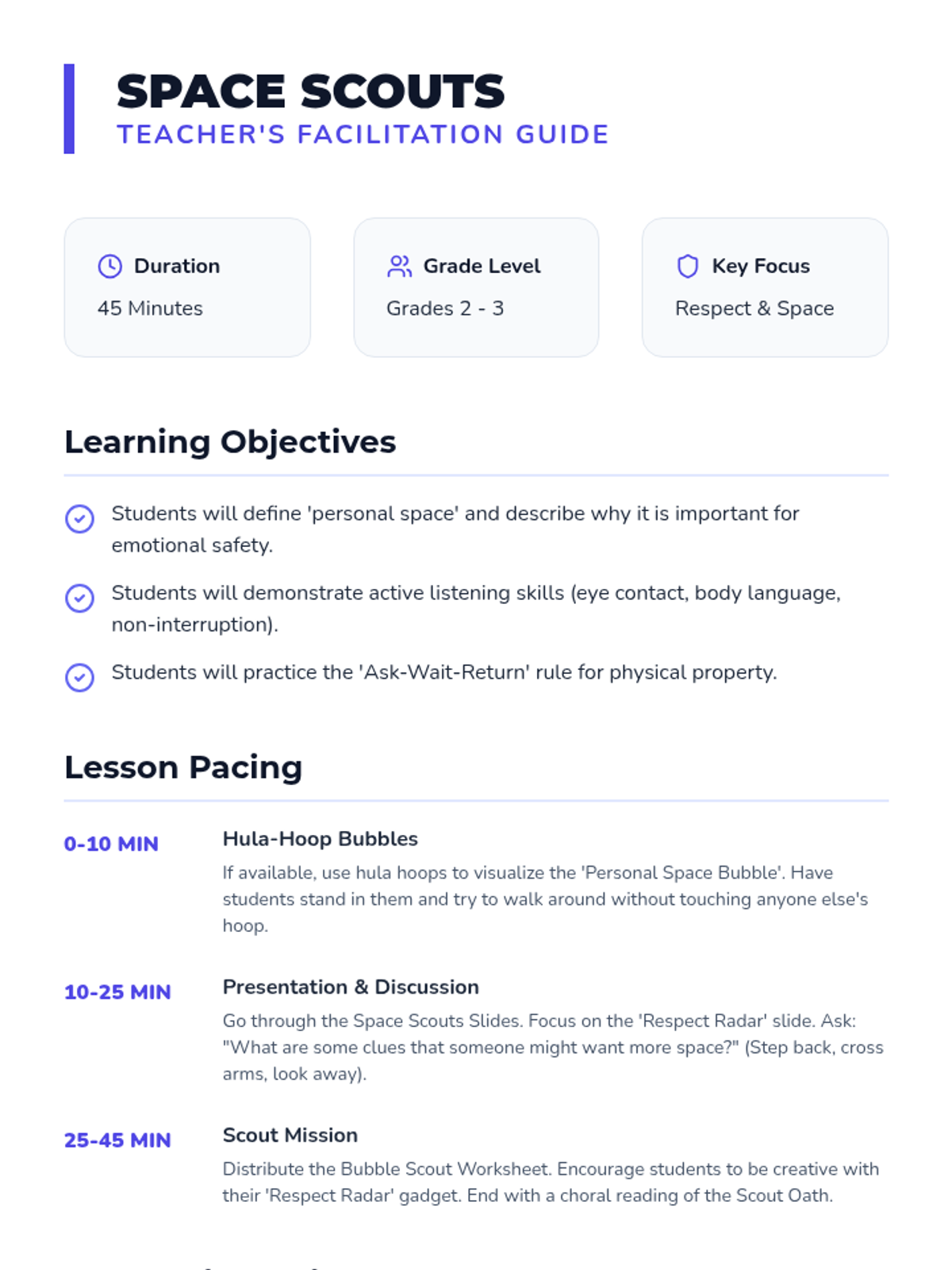
Focusing on physical and emotional respect, personal space, and active listening skills for lower elementary students.
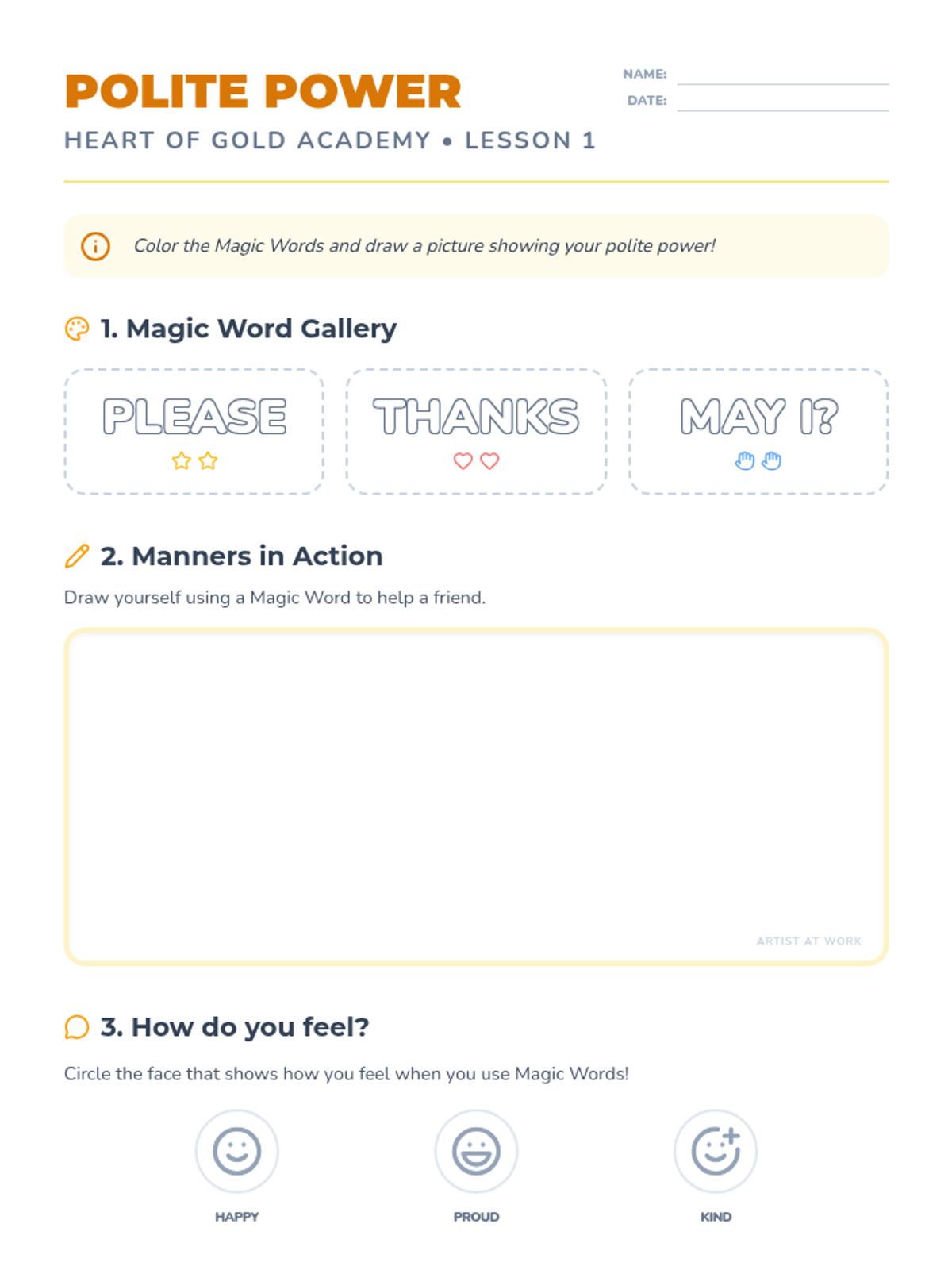
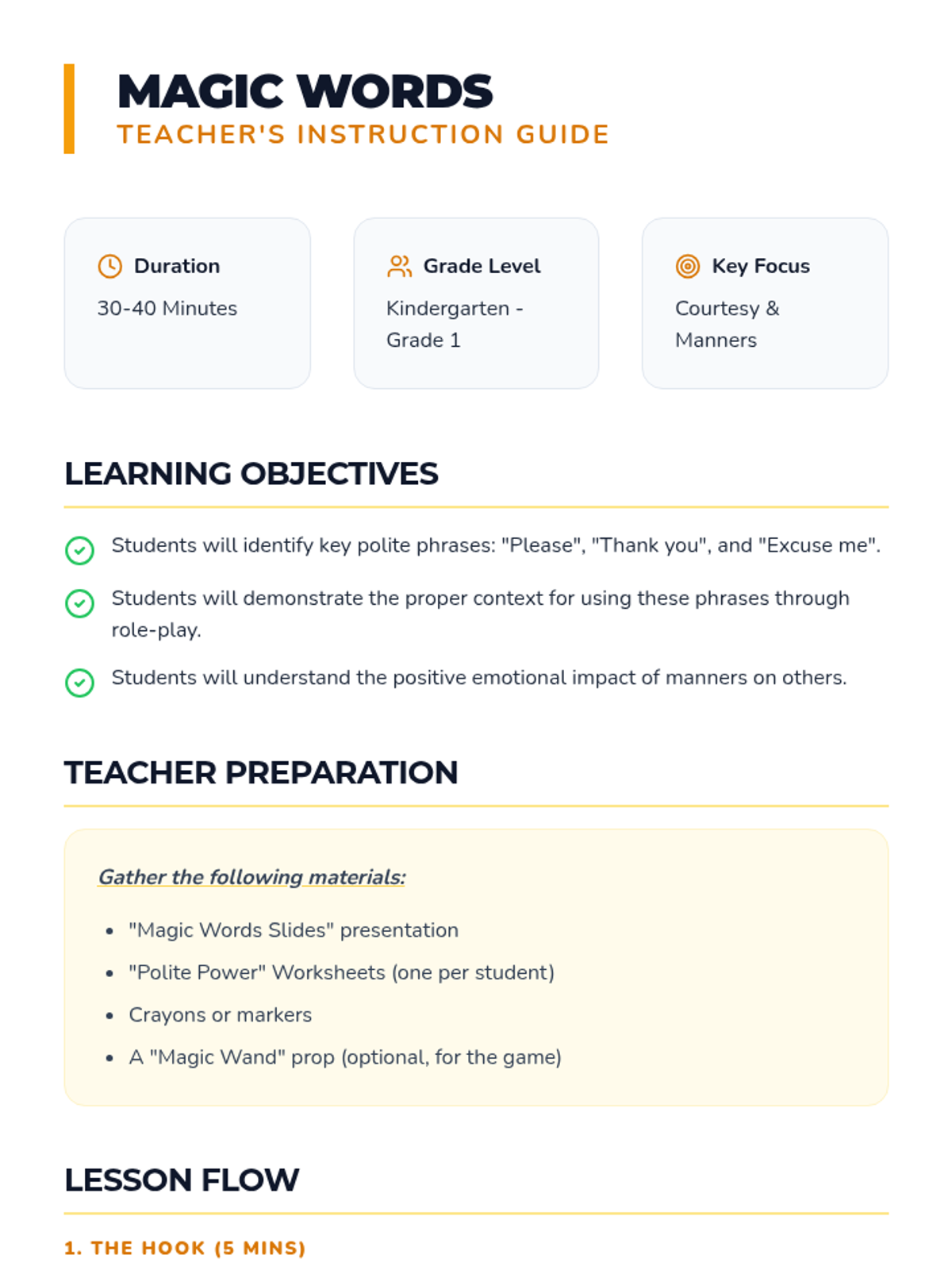
Introducing young learners to the foundational 'magic words' of courtesy and the importance of polite manners in everyday classroom life.
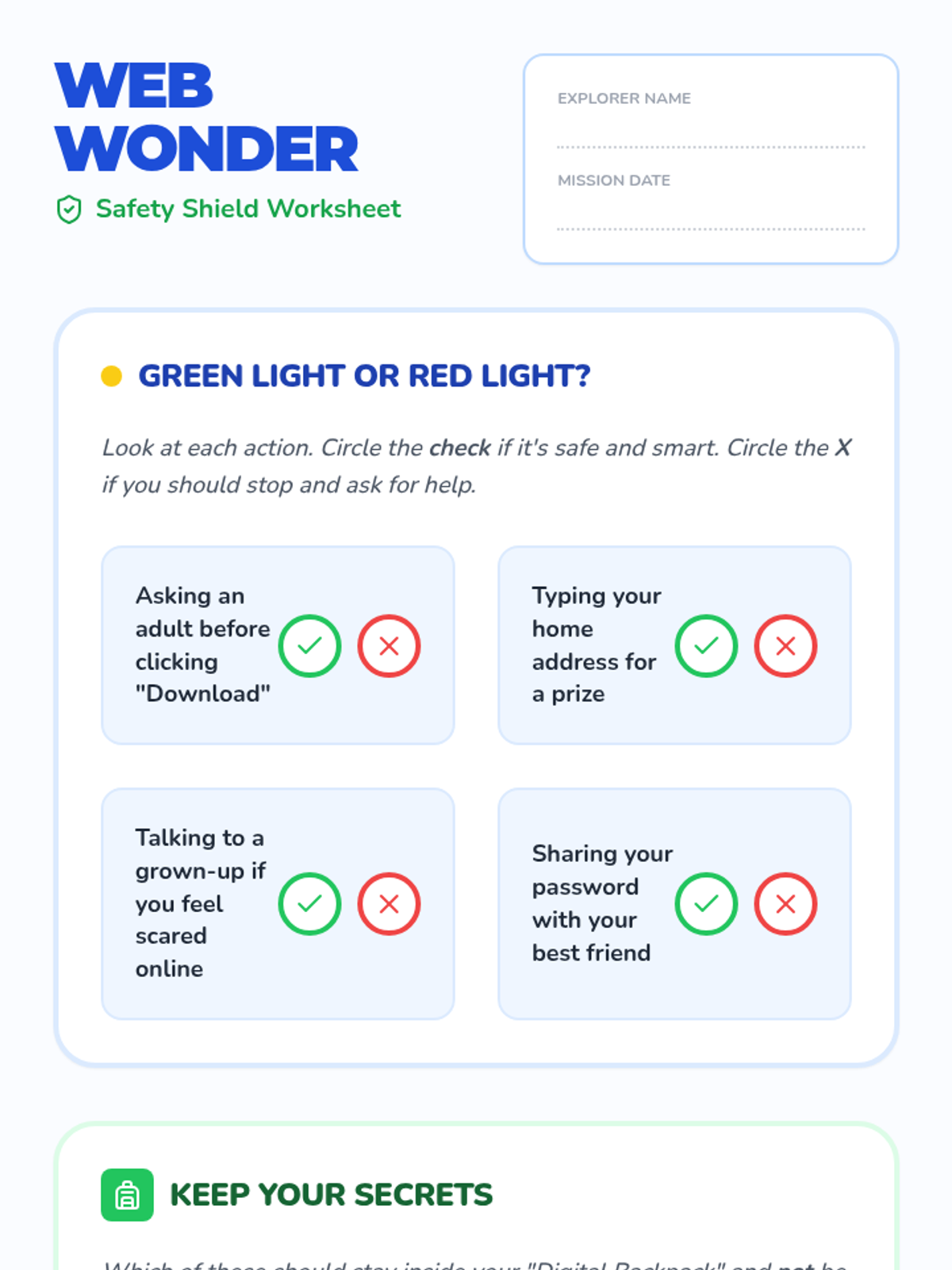
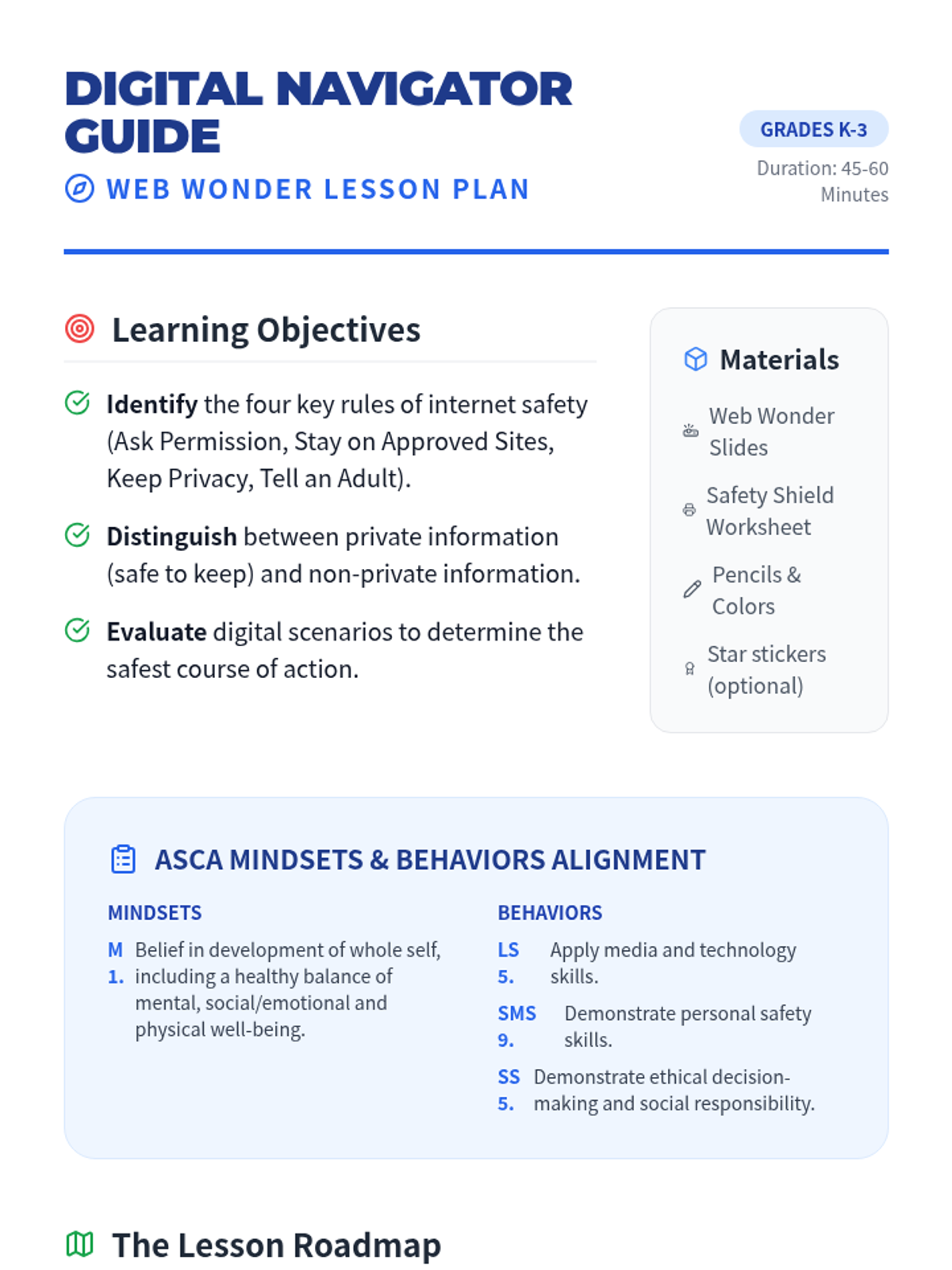
A foundation-level digital citizenship lesson for K-3 students focusing on basic internet safety rules: asking permission, staying on approved sites, and keeping personal information private.
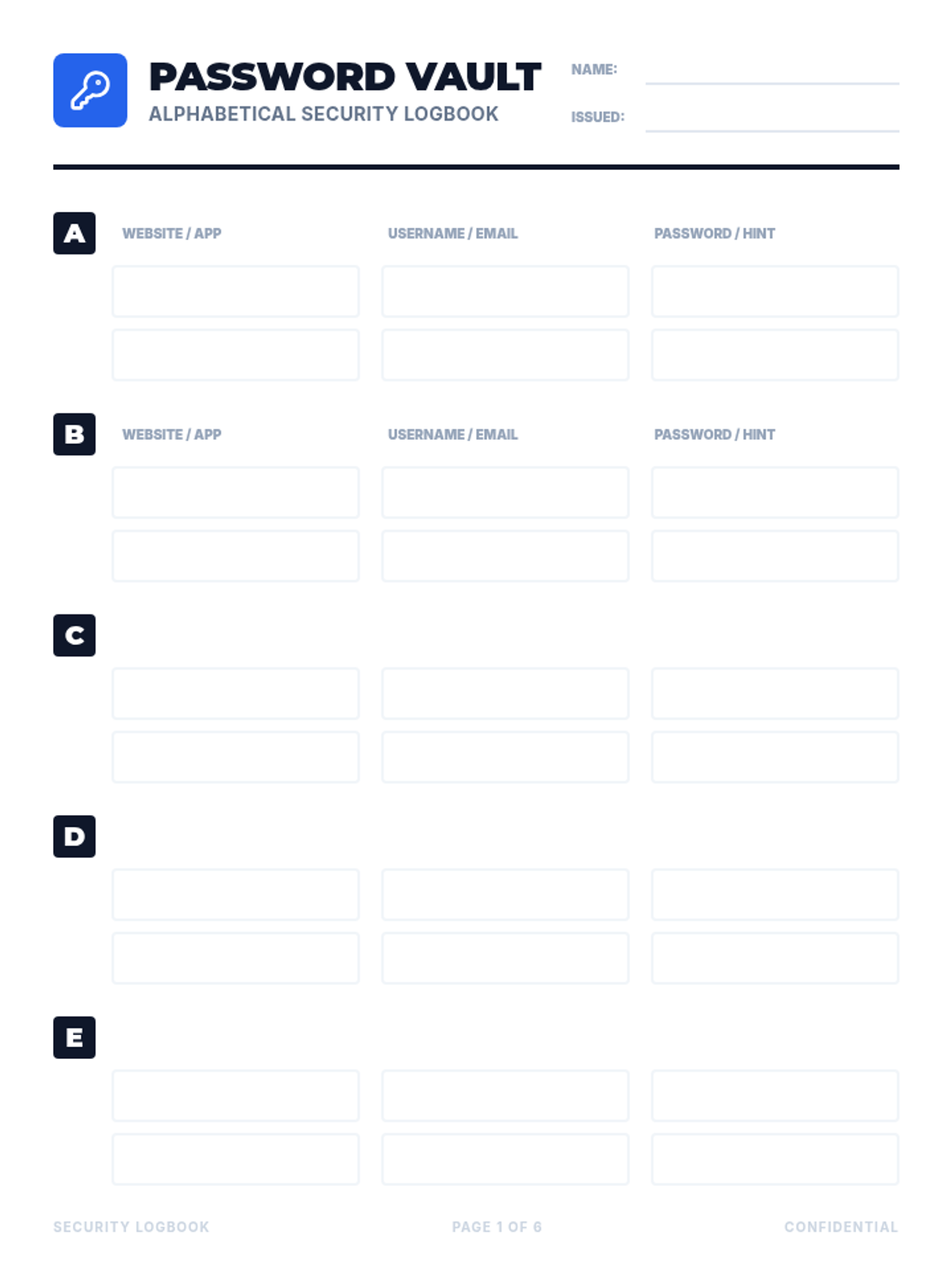
A practical resource for students to securely record and organize their digital credentials in an alphabetical format.
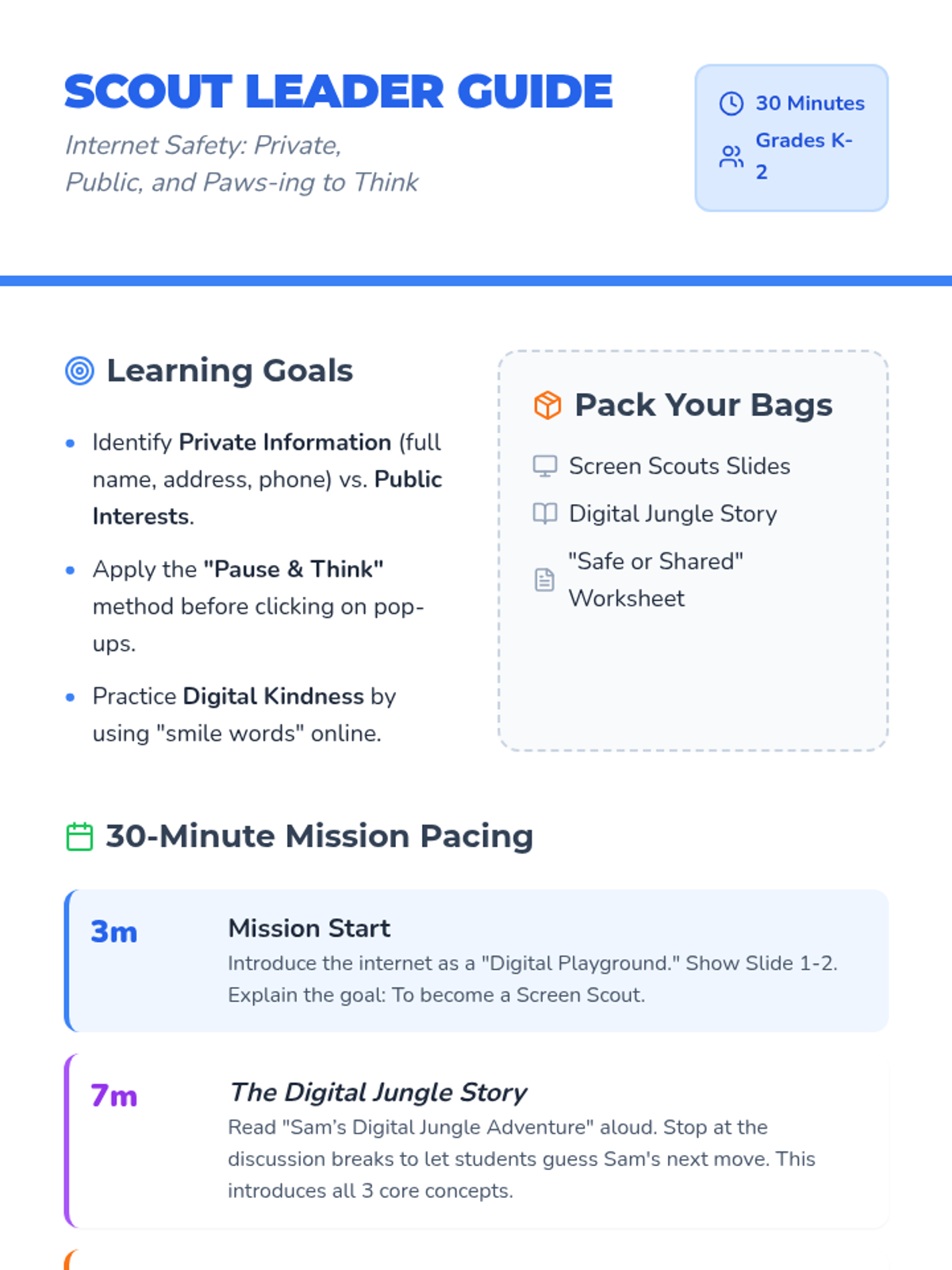
A 30-minute introductory lesson for K-2 students on internet safety. It covers distinguishing private from public information, practicing the 'Pause & Think' method, and promoting digital kindness through interactive slides and a sorting activity.
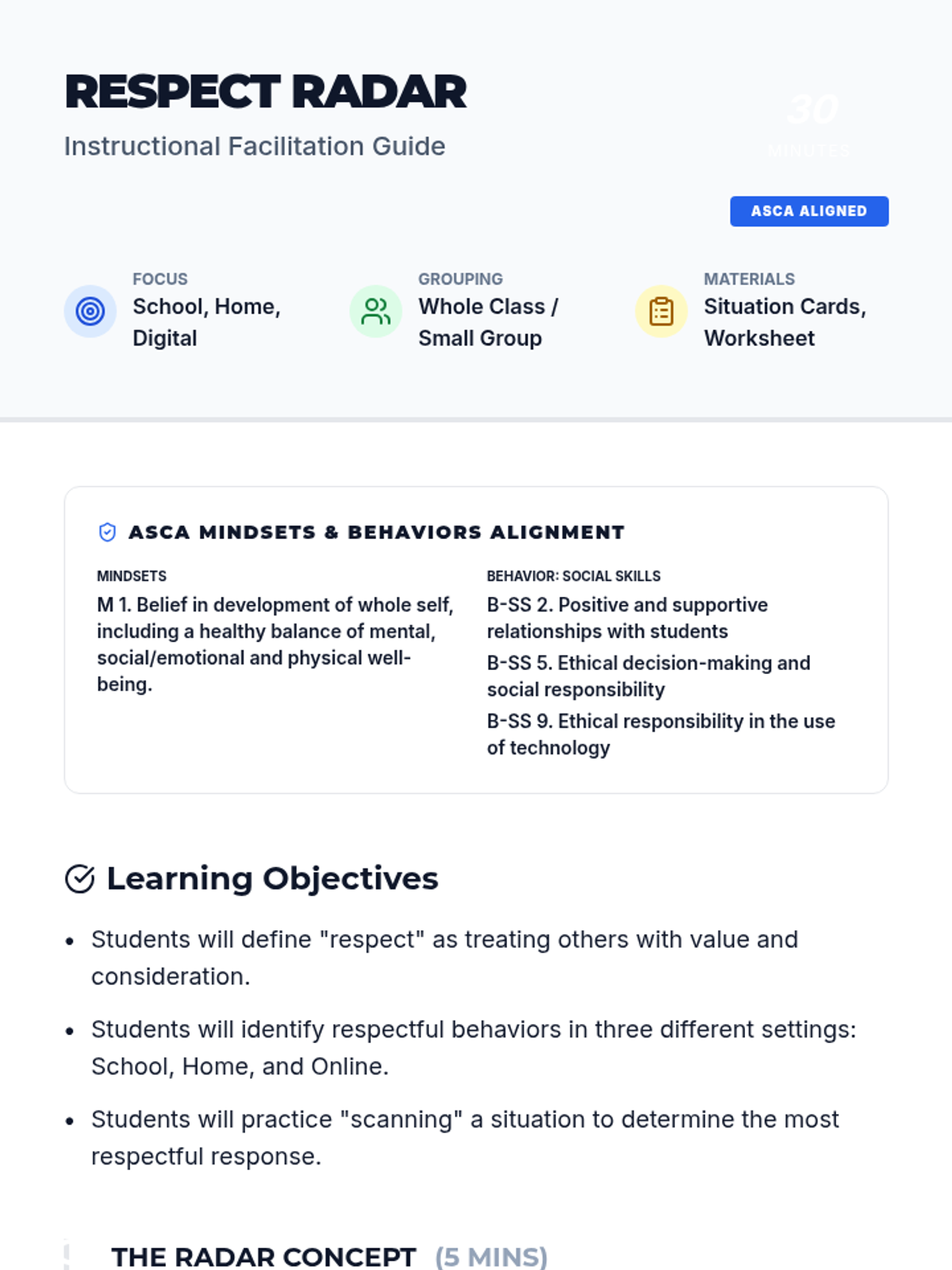
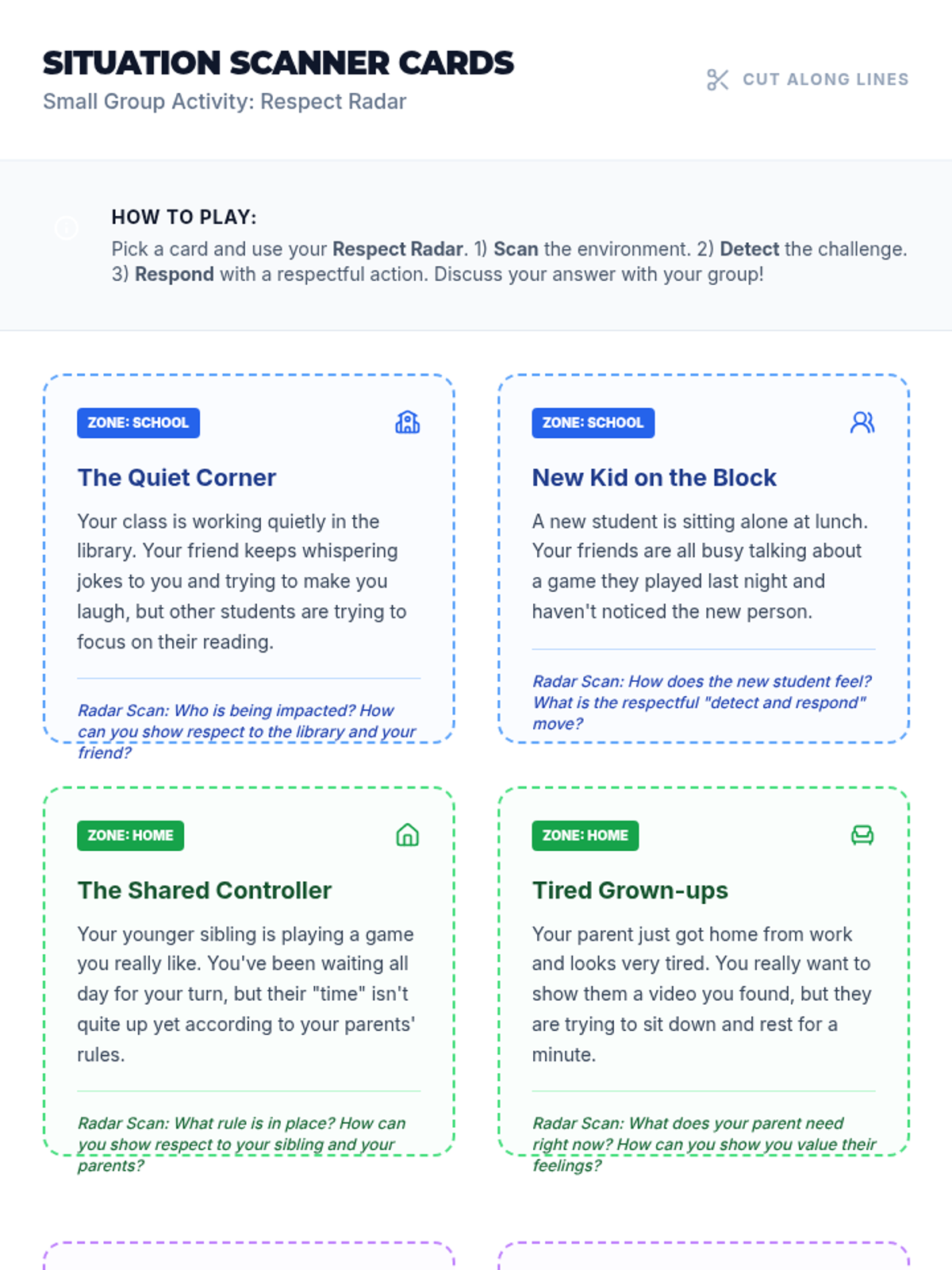
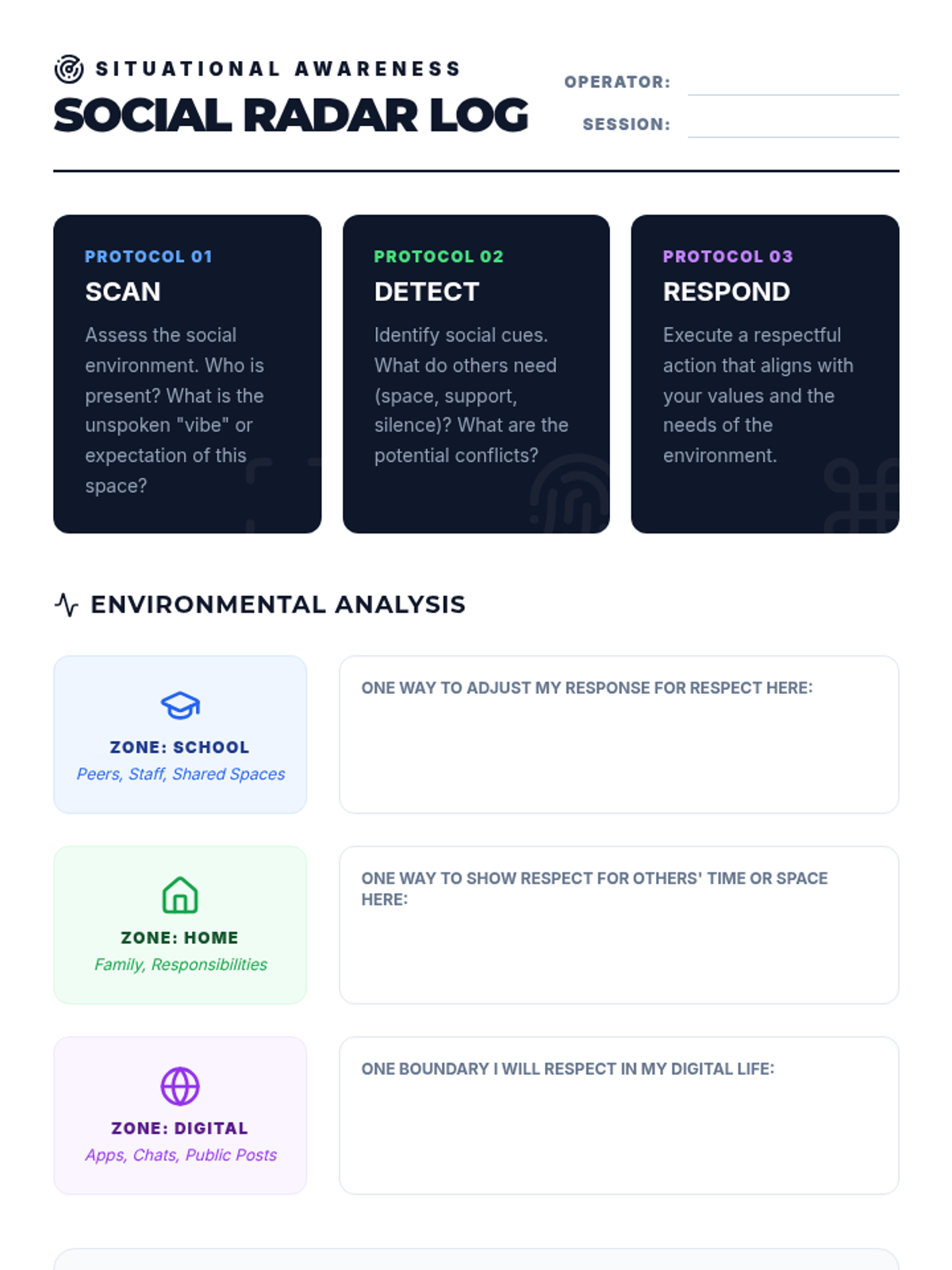
A 30-minute interactive lesson focused on identifying and practicing respectful behaviors across three key environments: school, home, and the digital world. Students use a 'radar' metaphor to scan their surroundings and choose the best way to show respect.
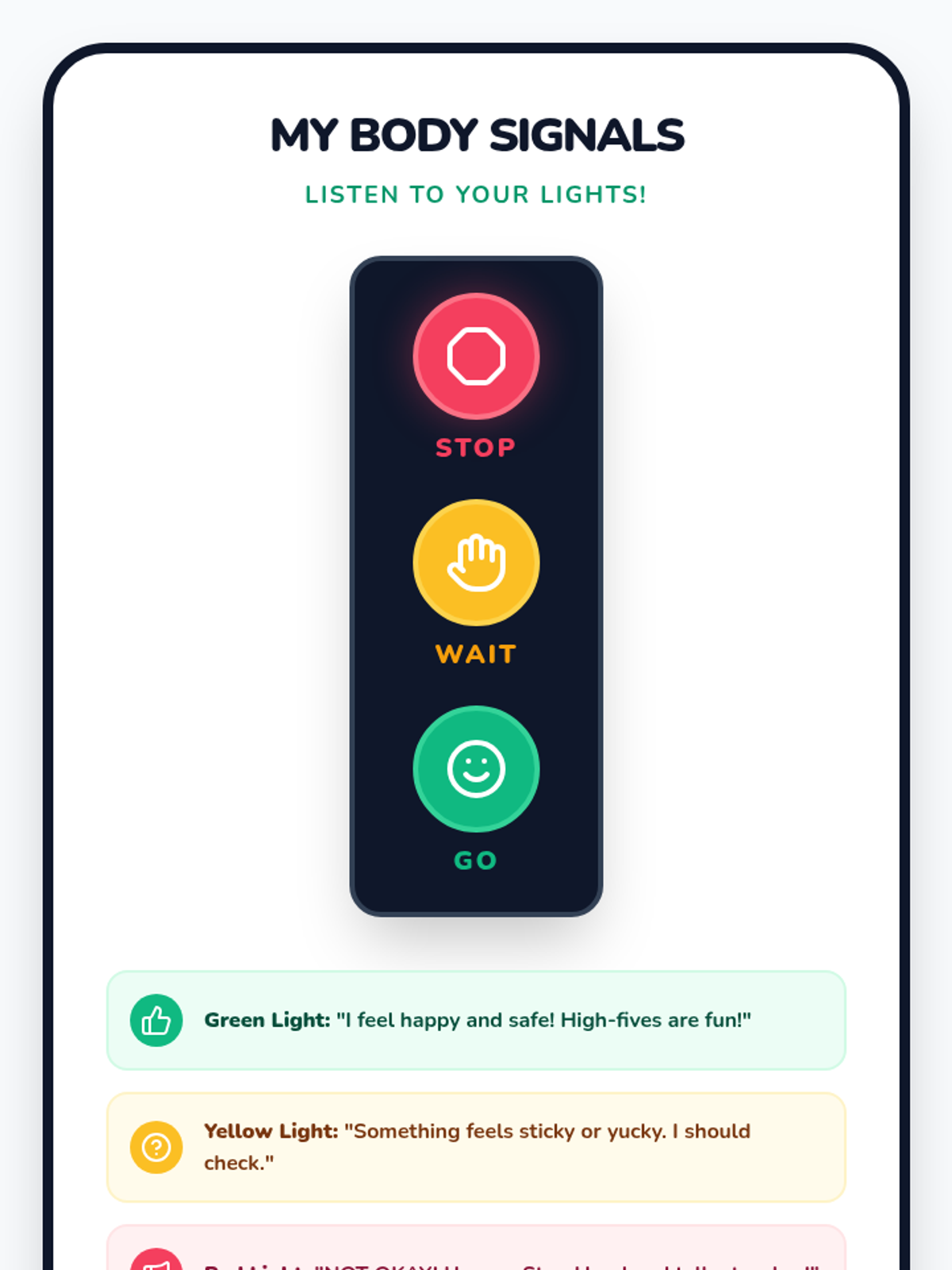
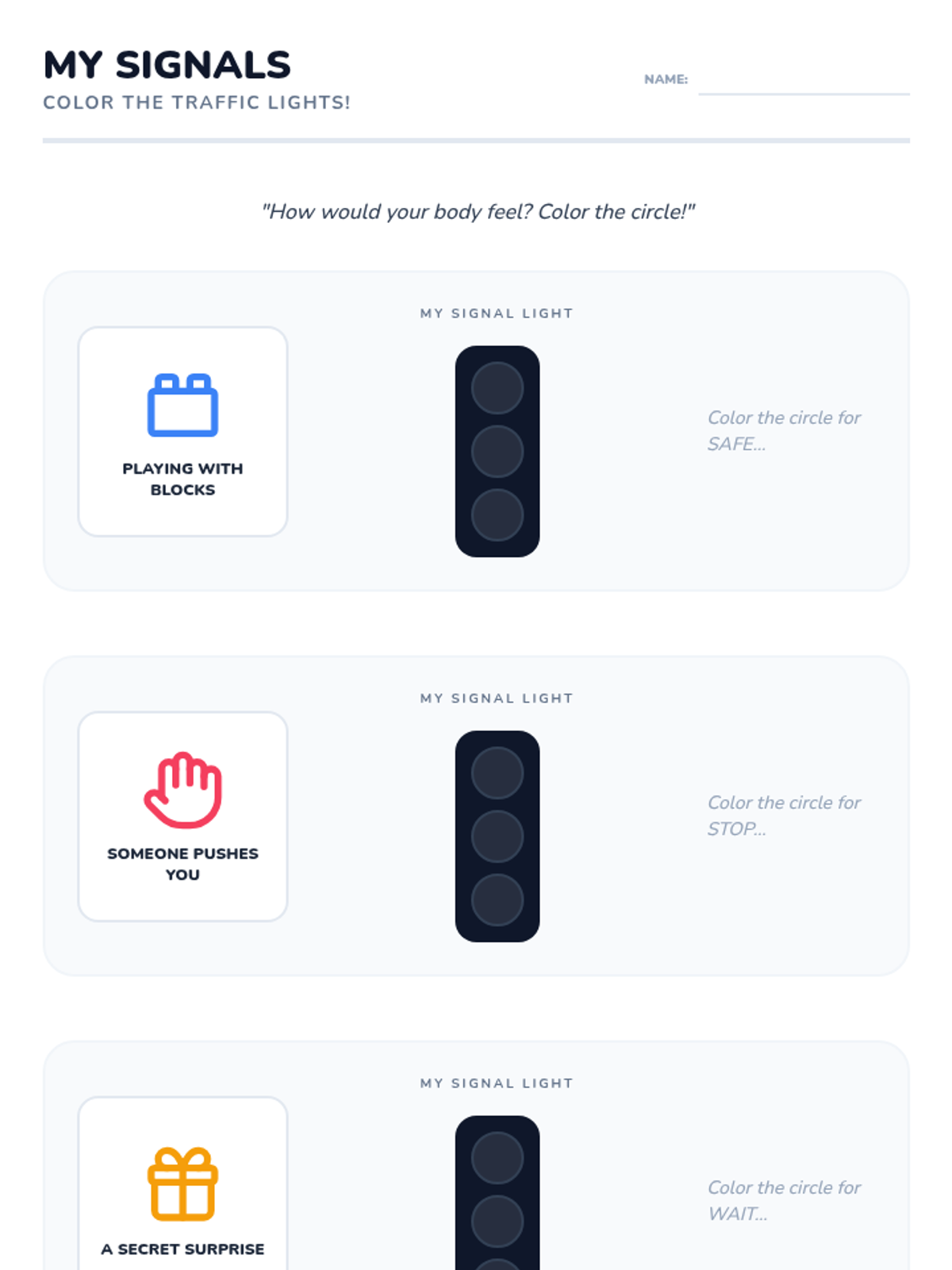
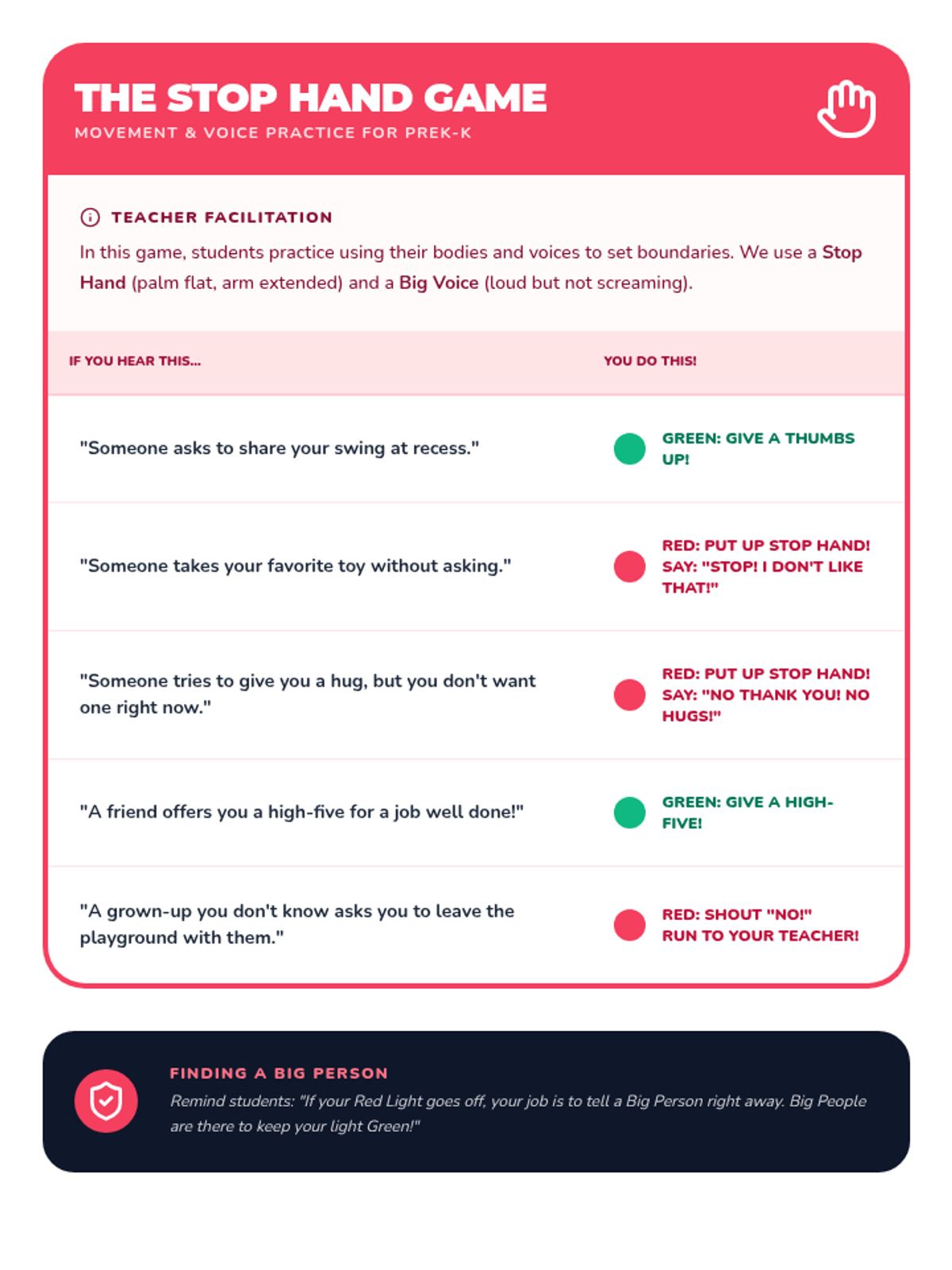
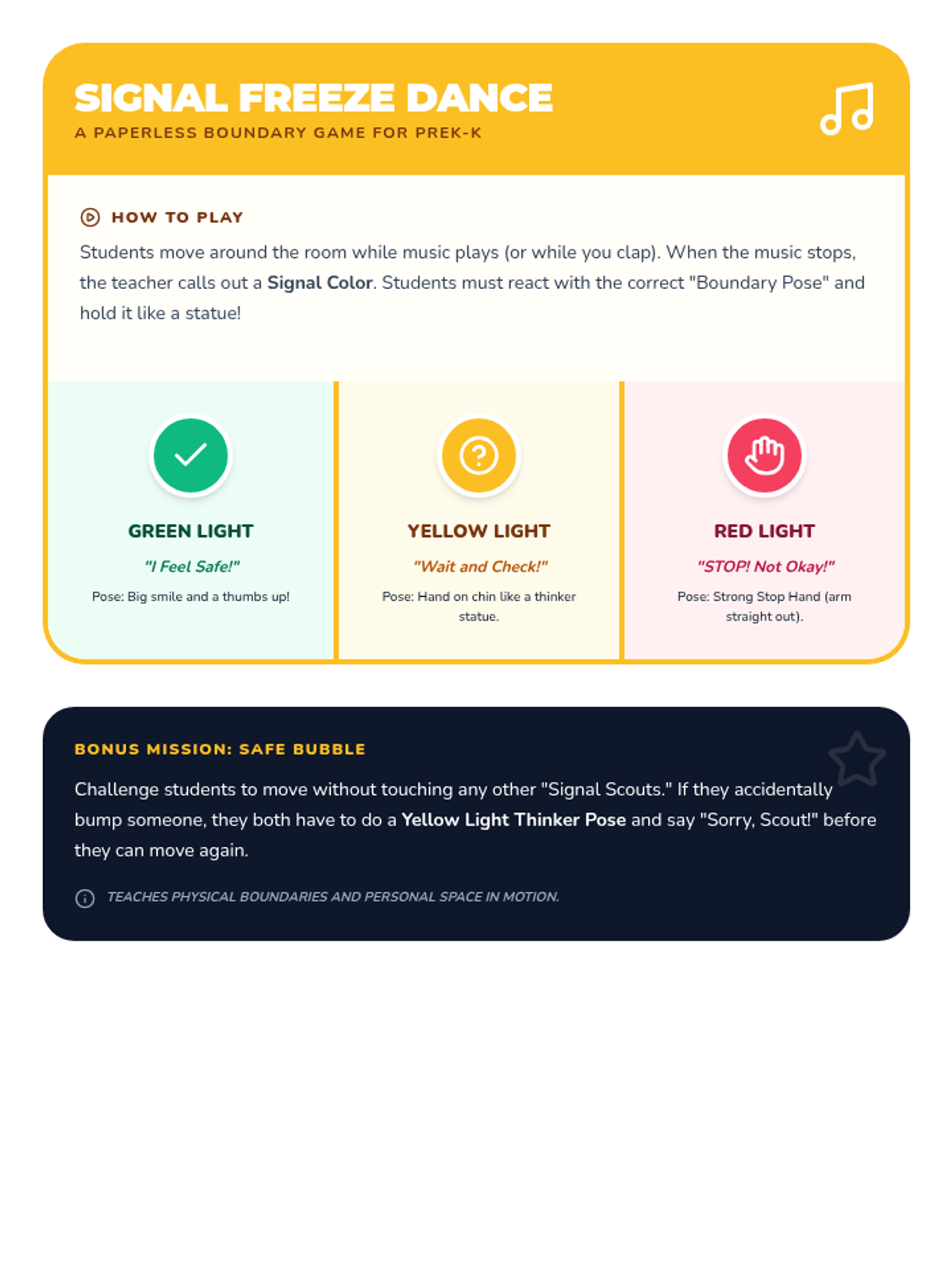
A foundational social-emotional learning lesson for PreK and Kindergarten students using a stoplight theme to teach body autonomy, safe touch, and asking for help from trusted adults.
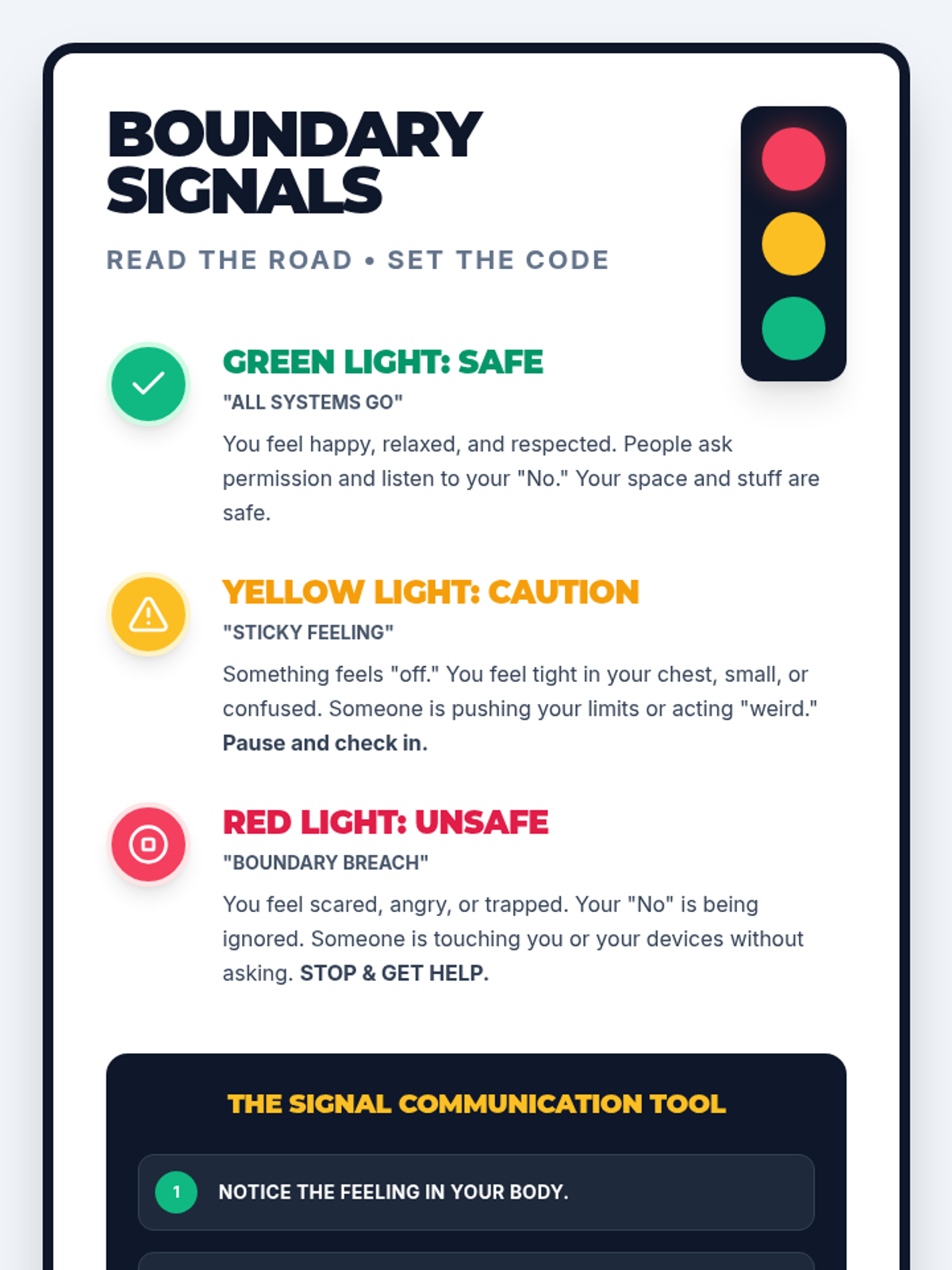
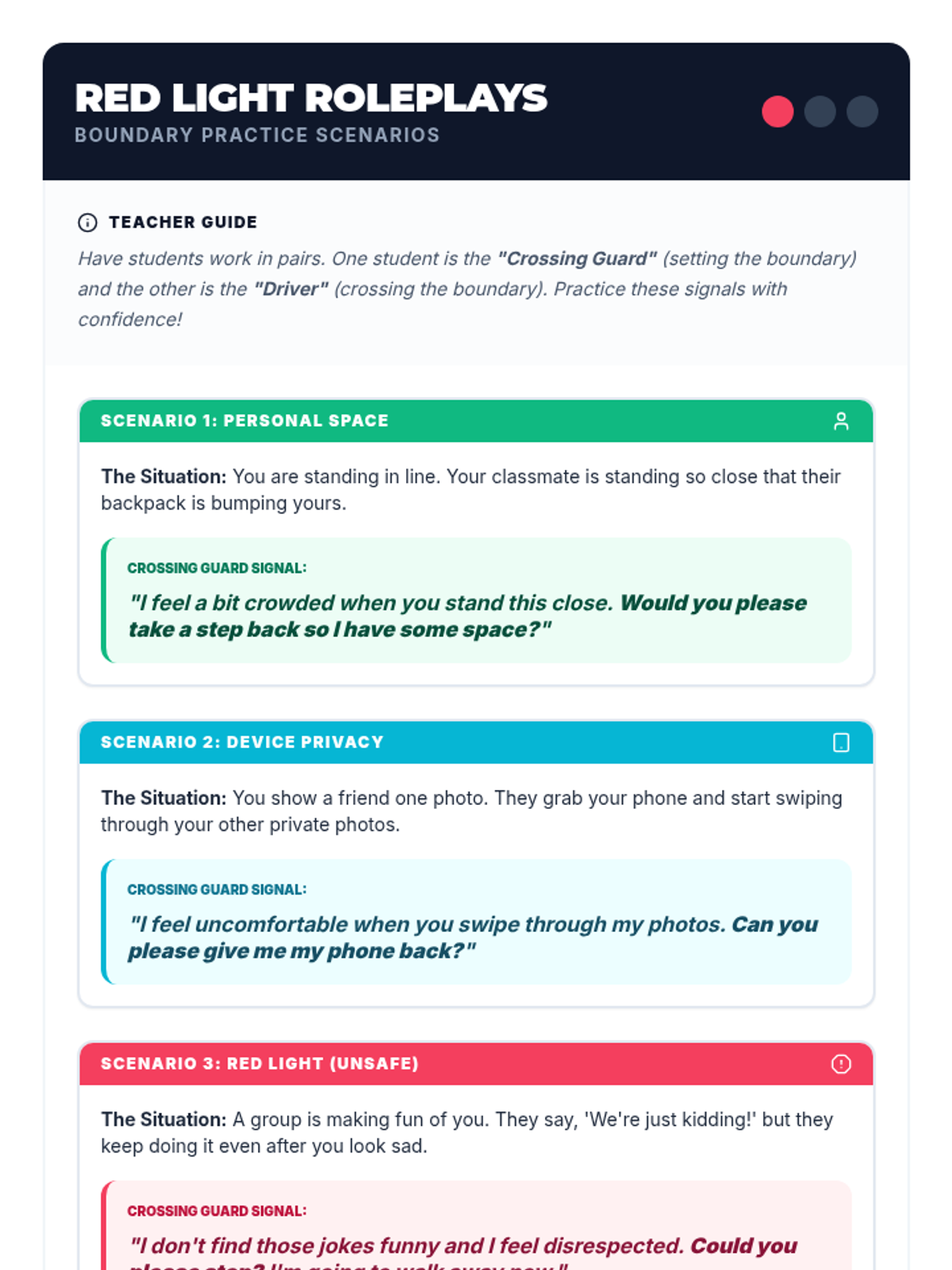
A safety-focused social-emotional learning lesson for 4th and 5th graders using a stoplight theme to identify safe, cautious, and unsafe boundaries in personal and digital spaces.
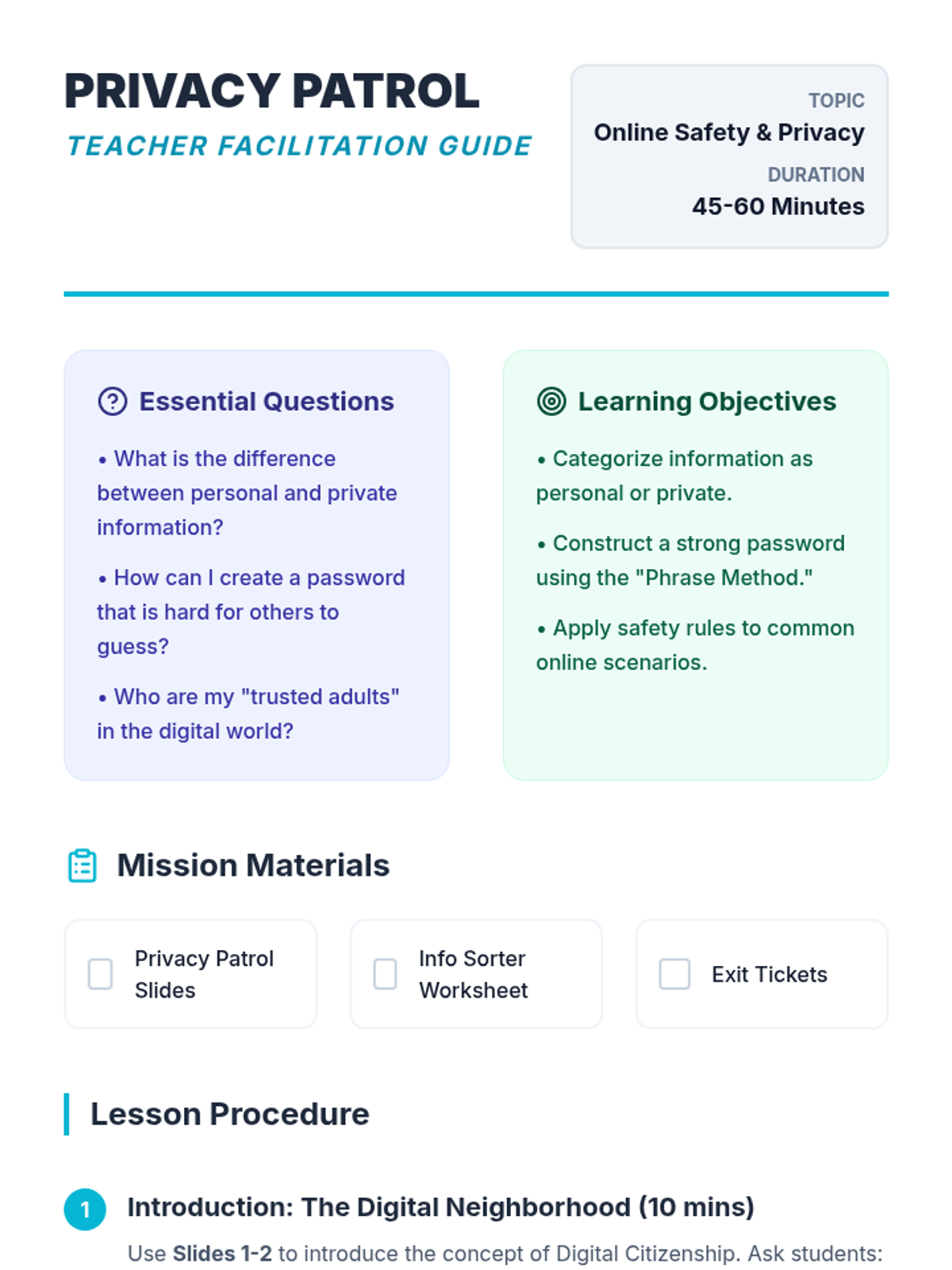
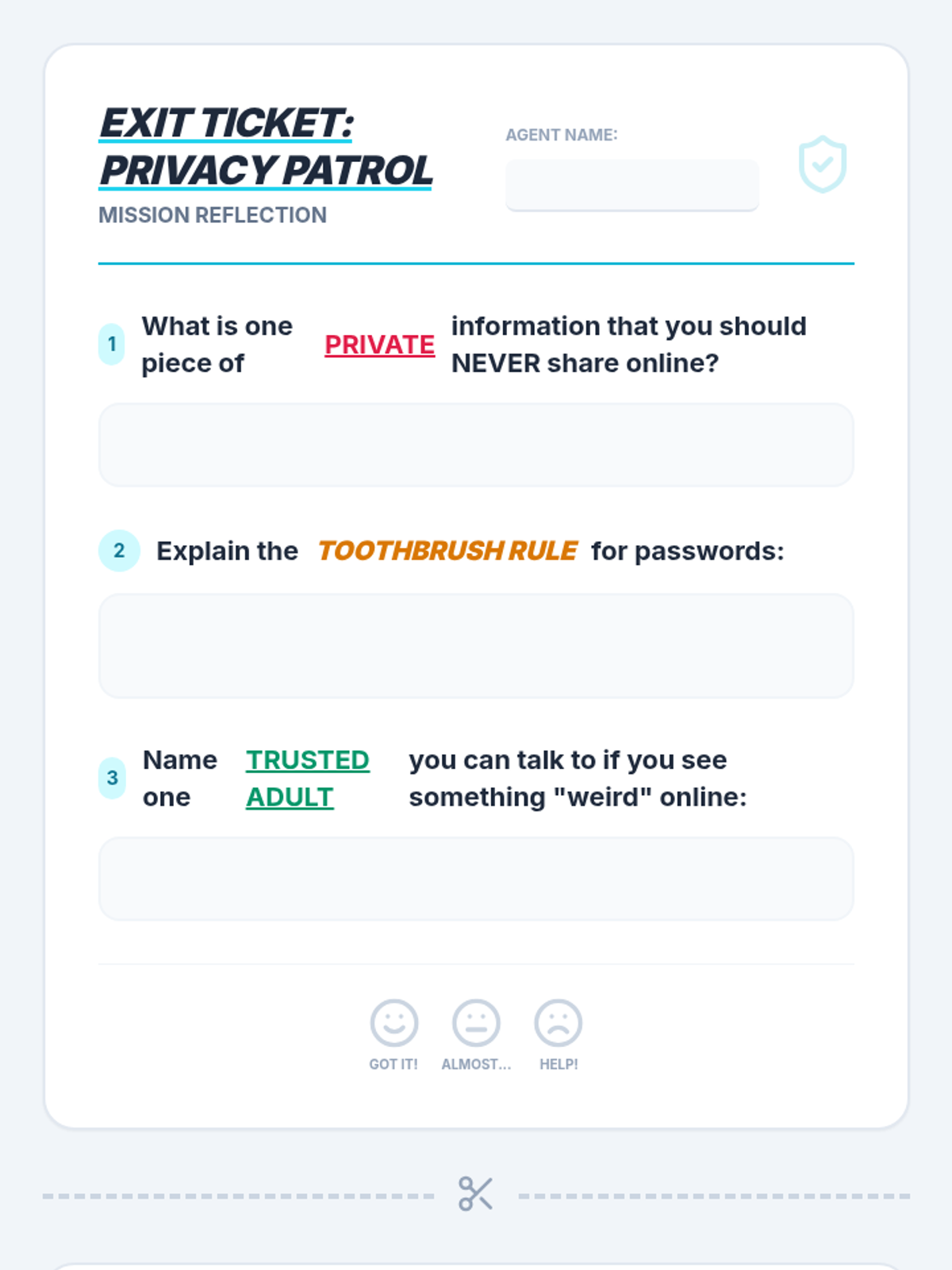
A comprehensive lesson on digital citizenship, specifically focusing on identifying private information and creating strong passwords to stay safe online.
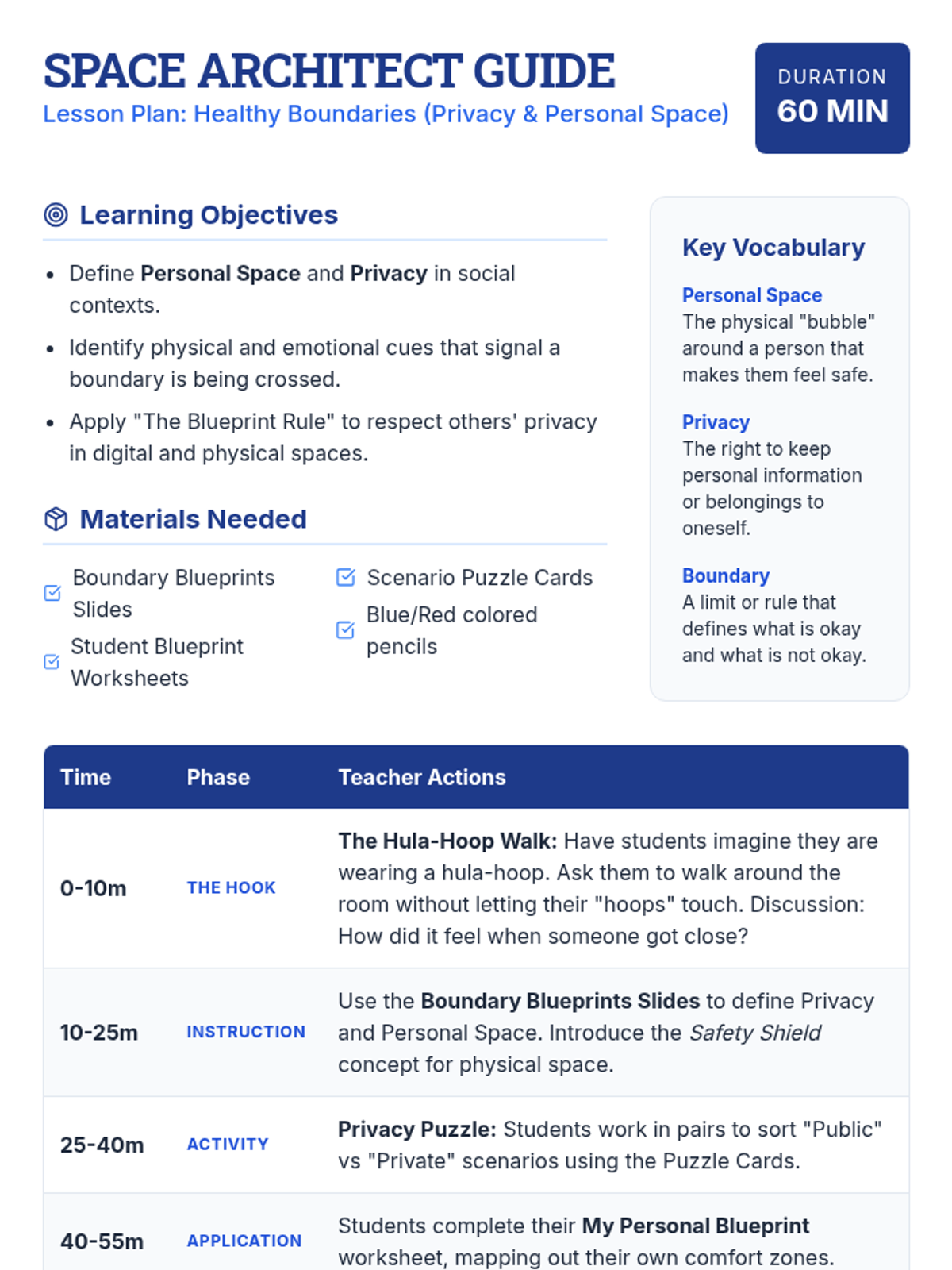
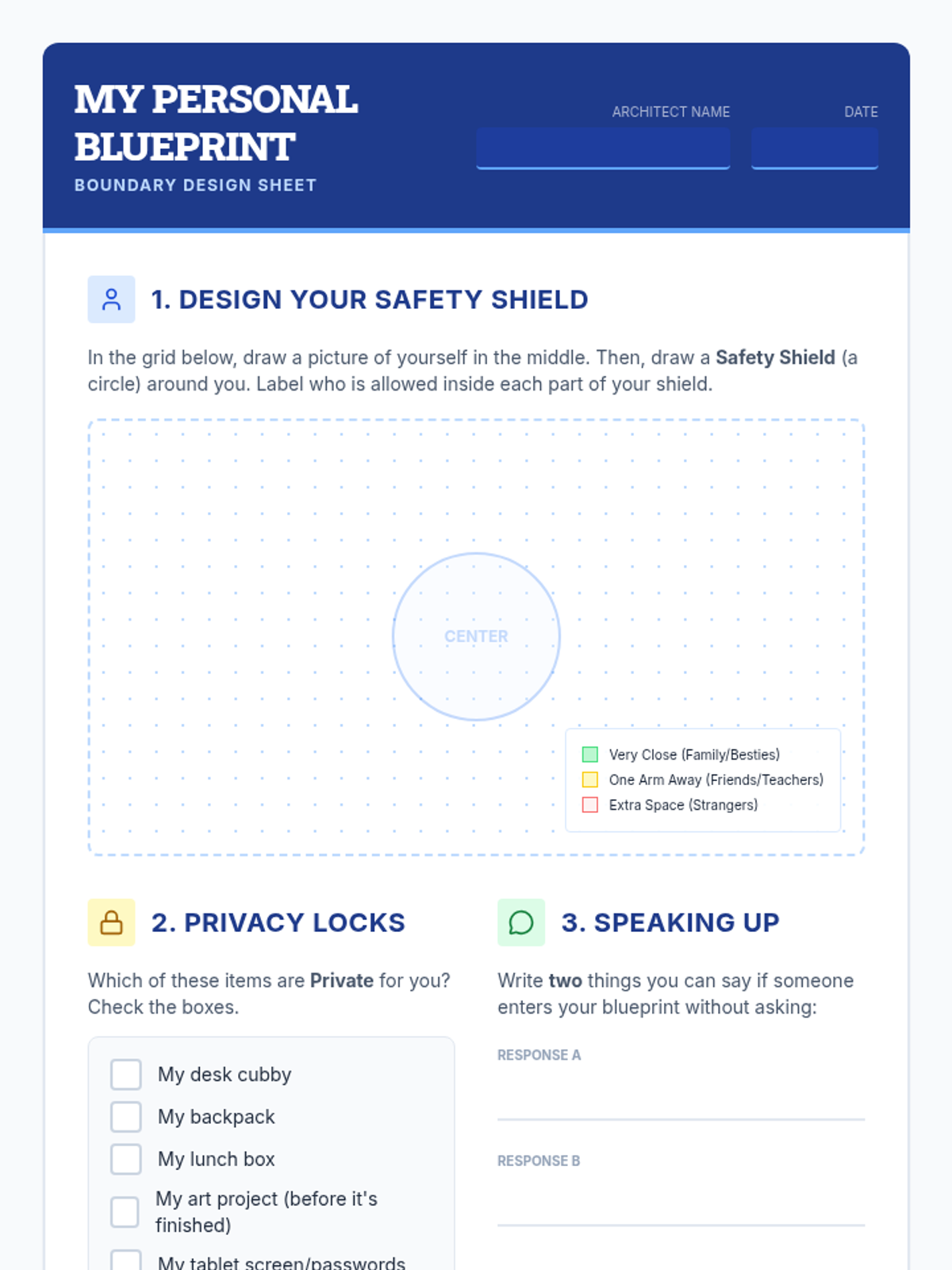
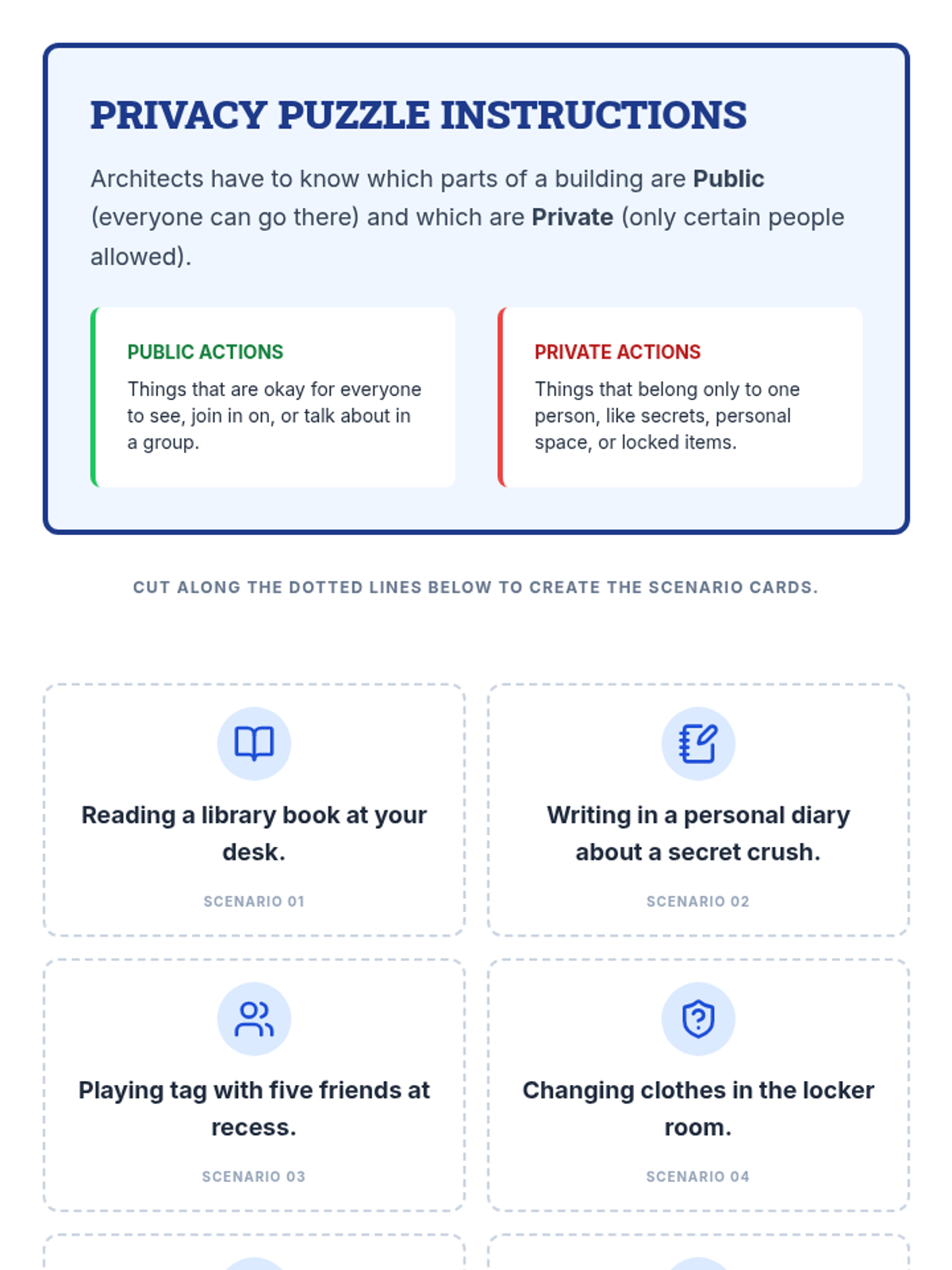
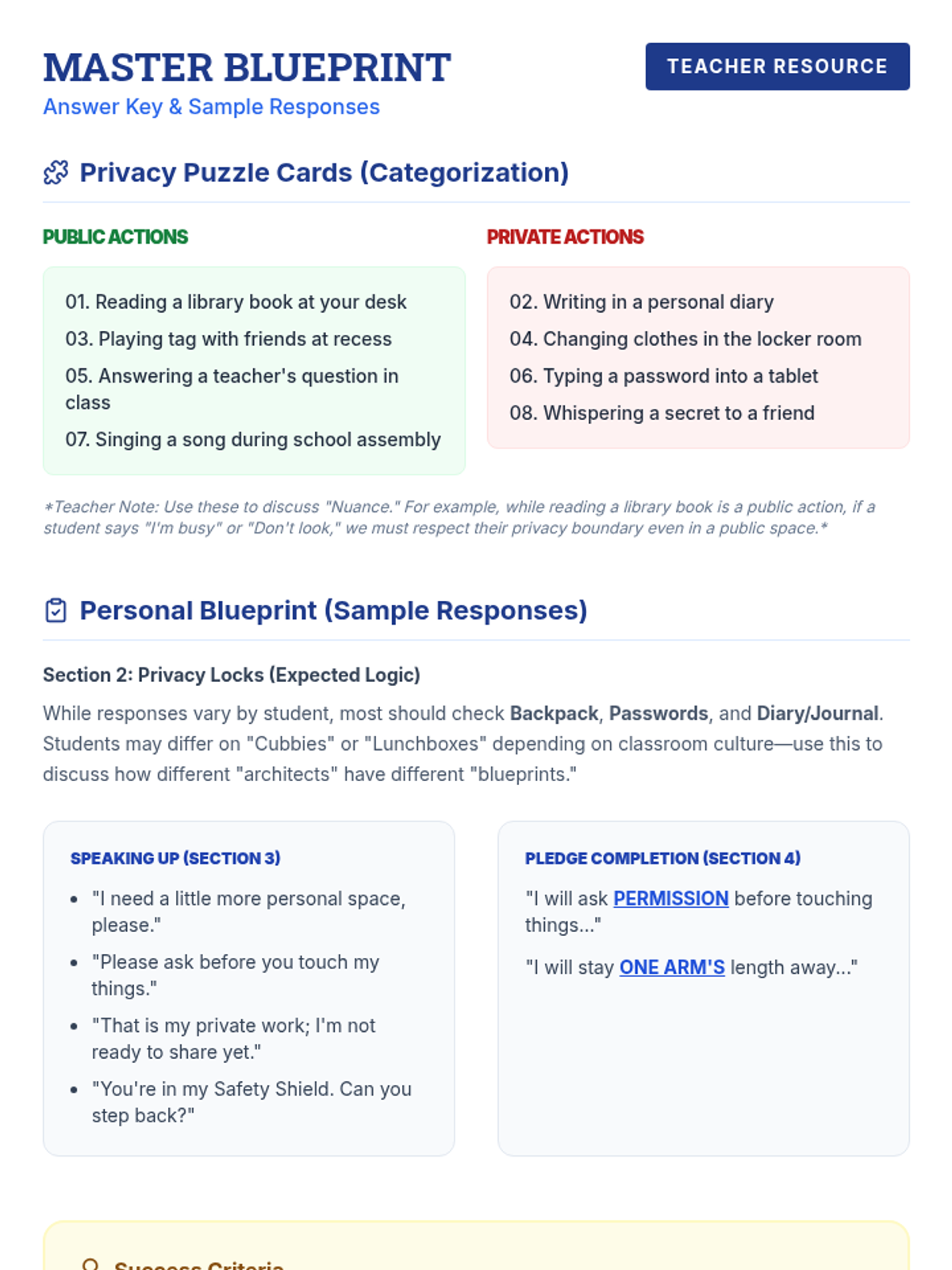
A comprehensive 60-minute SEL lesson focused on understanding and respecting privacy and personal space through the metaphor of architectural blueprints. Students will learn to identify their own boundaries and practice respecting the 'invisible walls' of others.
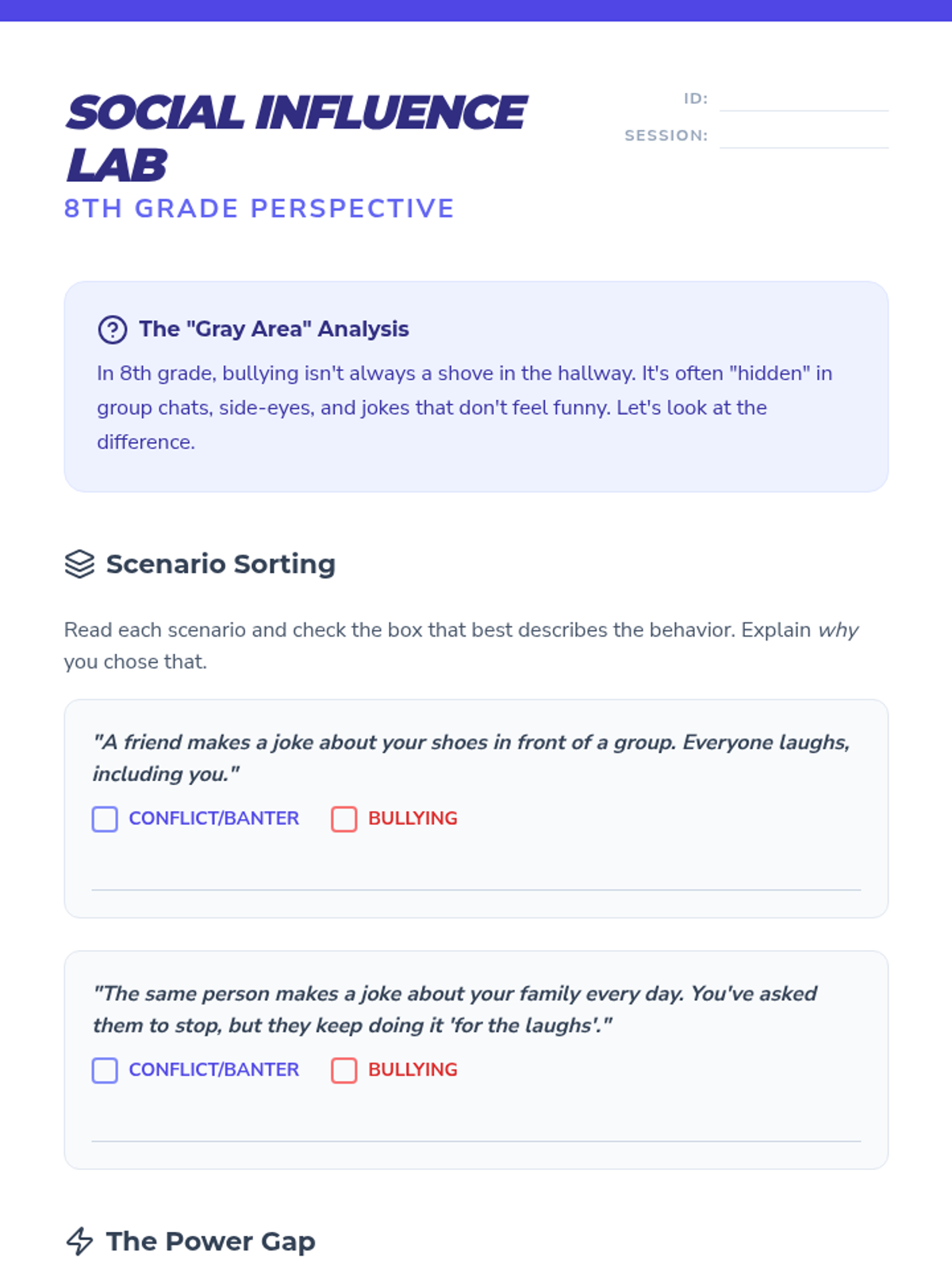
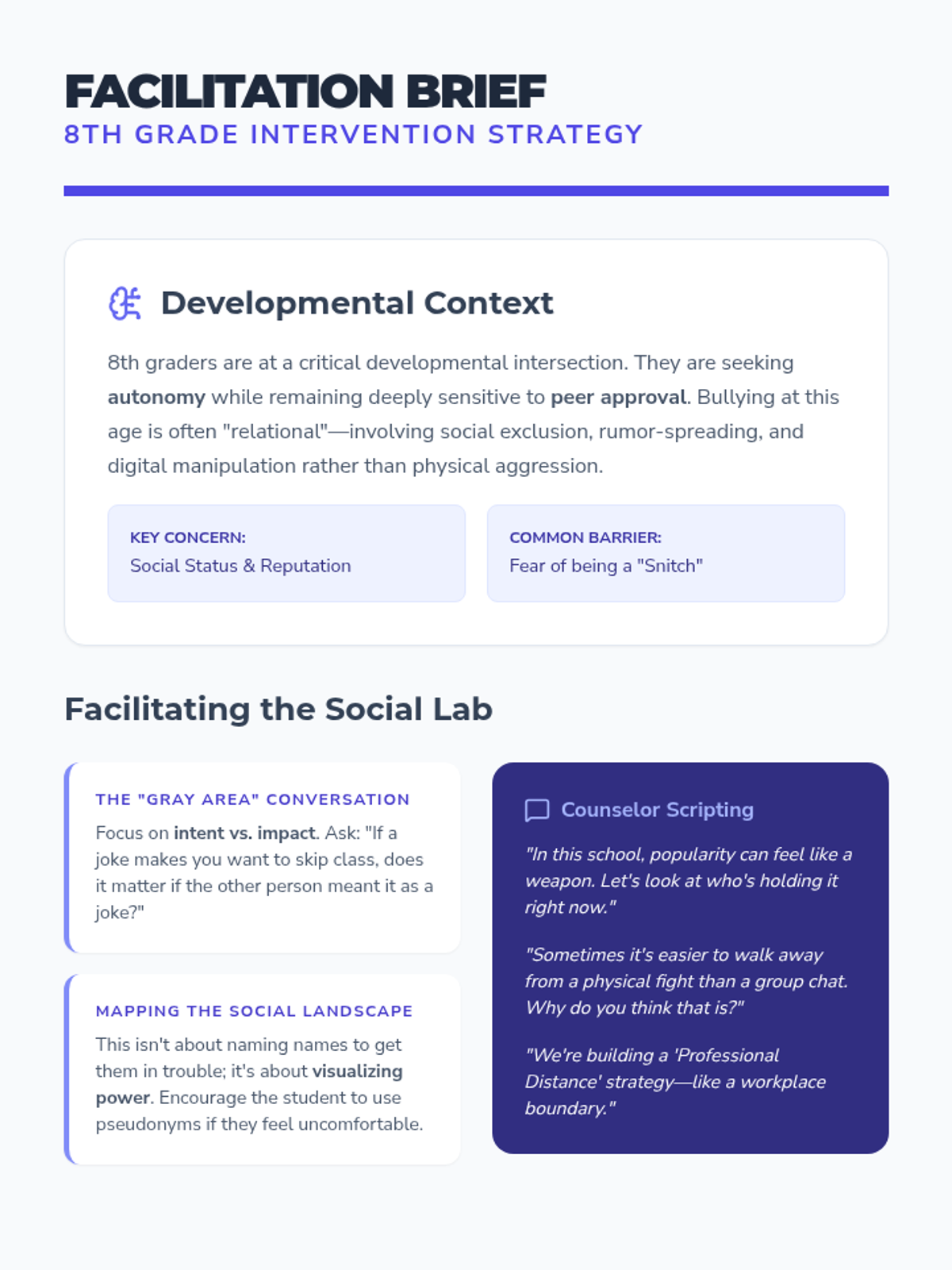
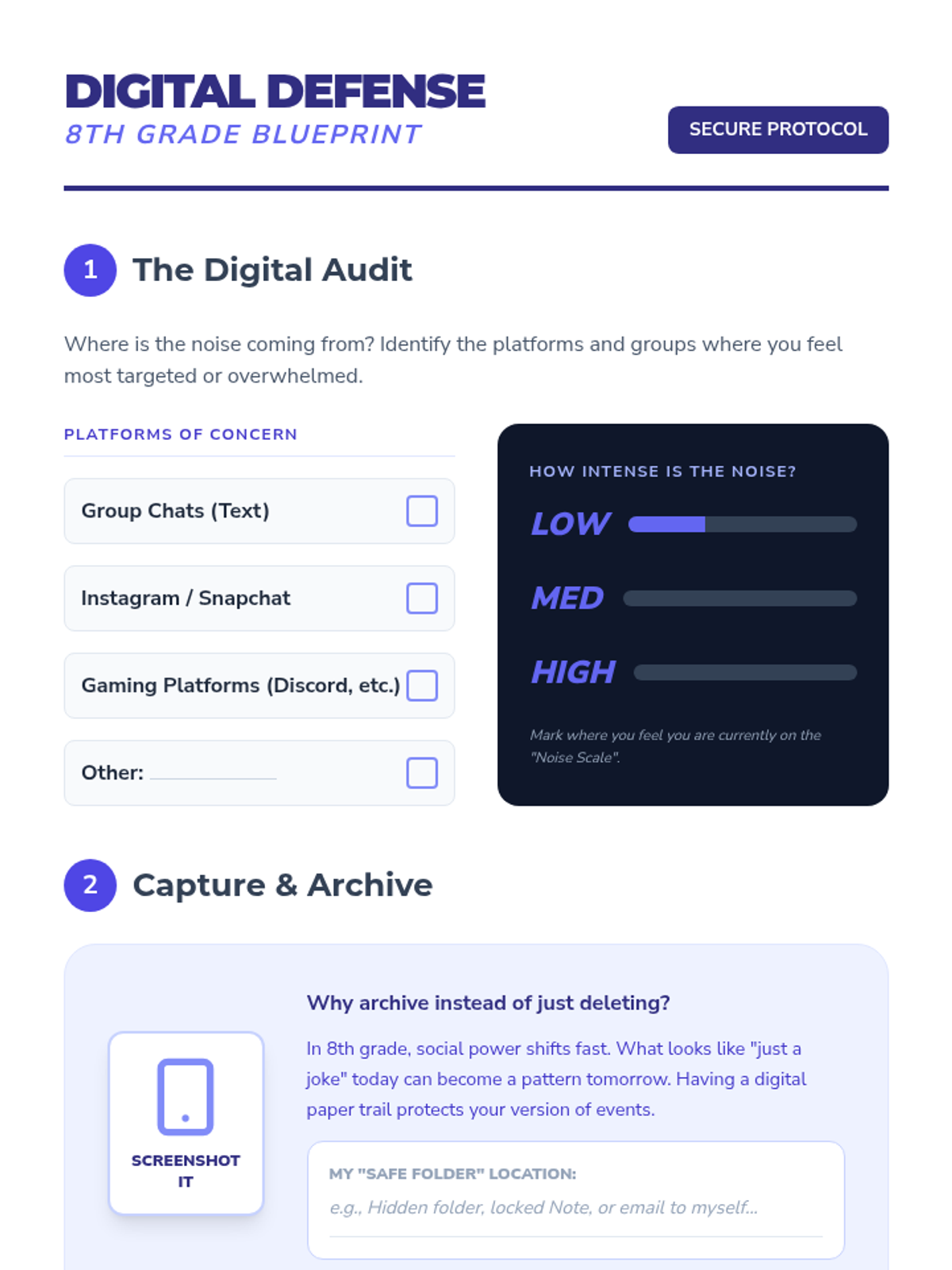
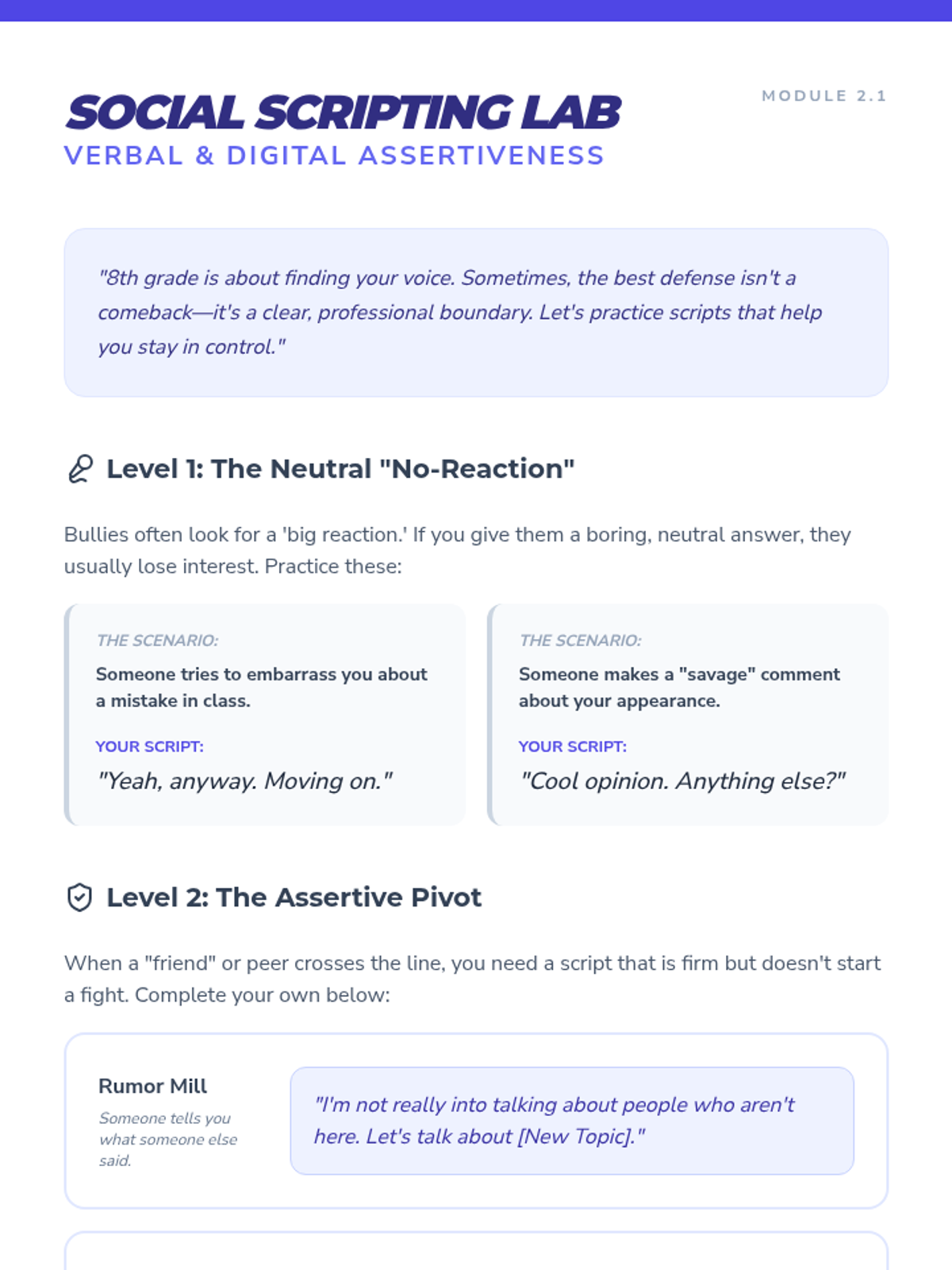
A specialized one-on-one intervention for 8th graders that tackles the nuances of middle school social power, digital harassment, and the 'gray areas' between joking and bullying.
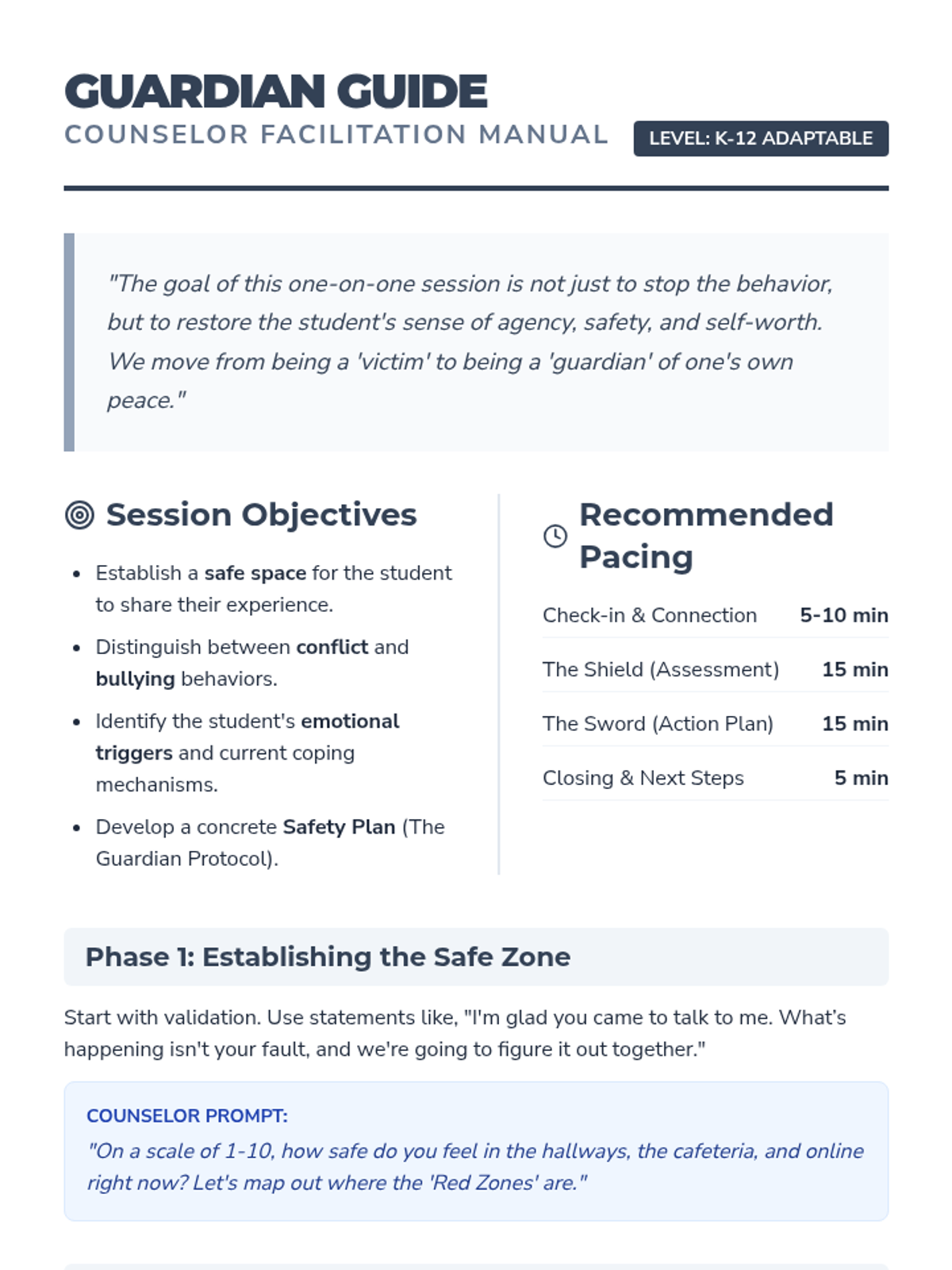
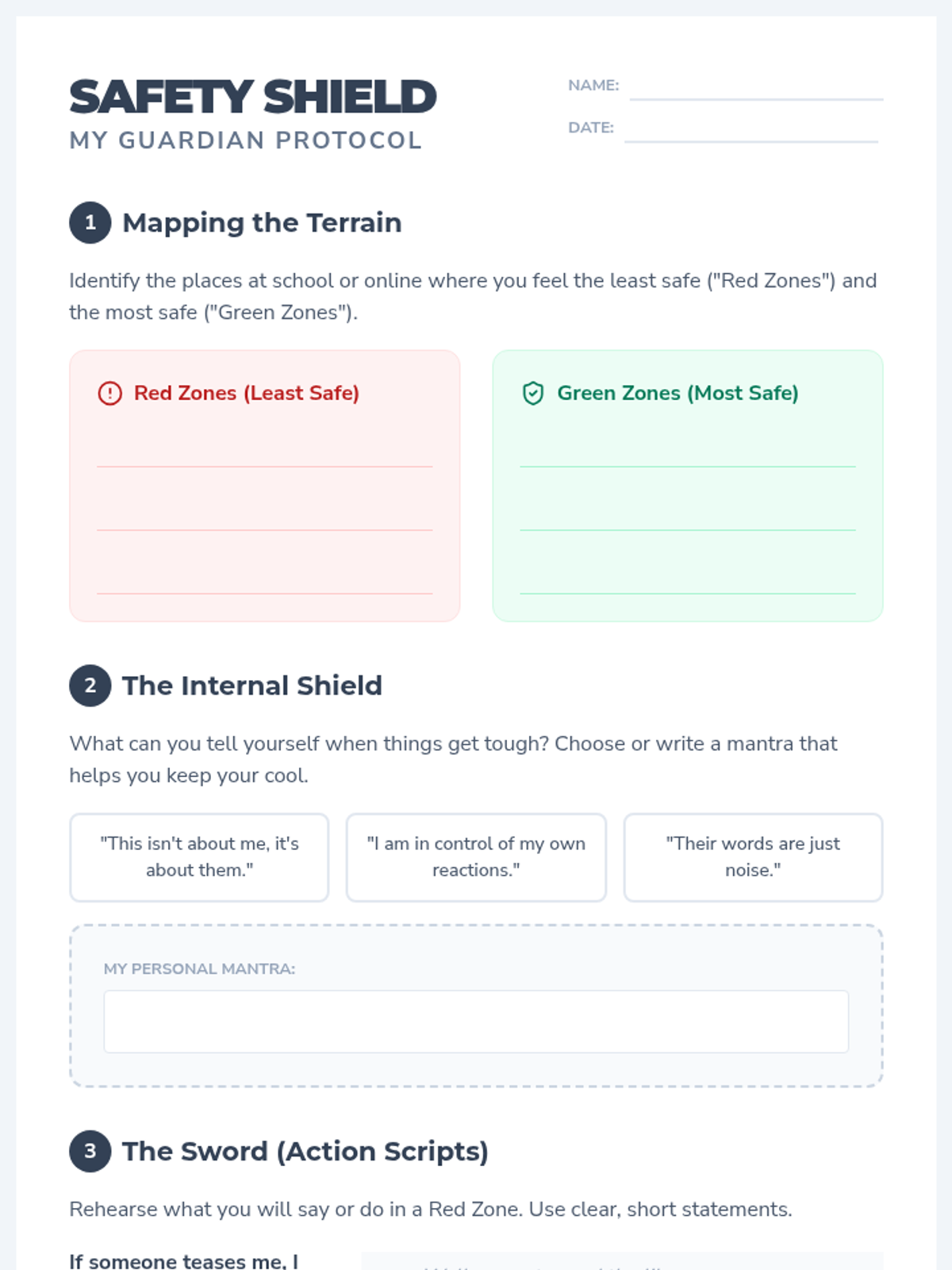
A comprehensive one-on-one intervention framework designed for school counselors and social workers to support students impacted by bullying. This lesson focuses on identifying bullying behaviors, building emotional resilience, and establishing concrete safety plans.
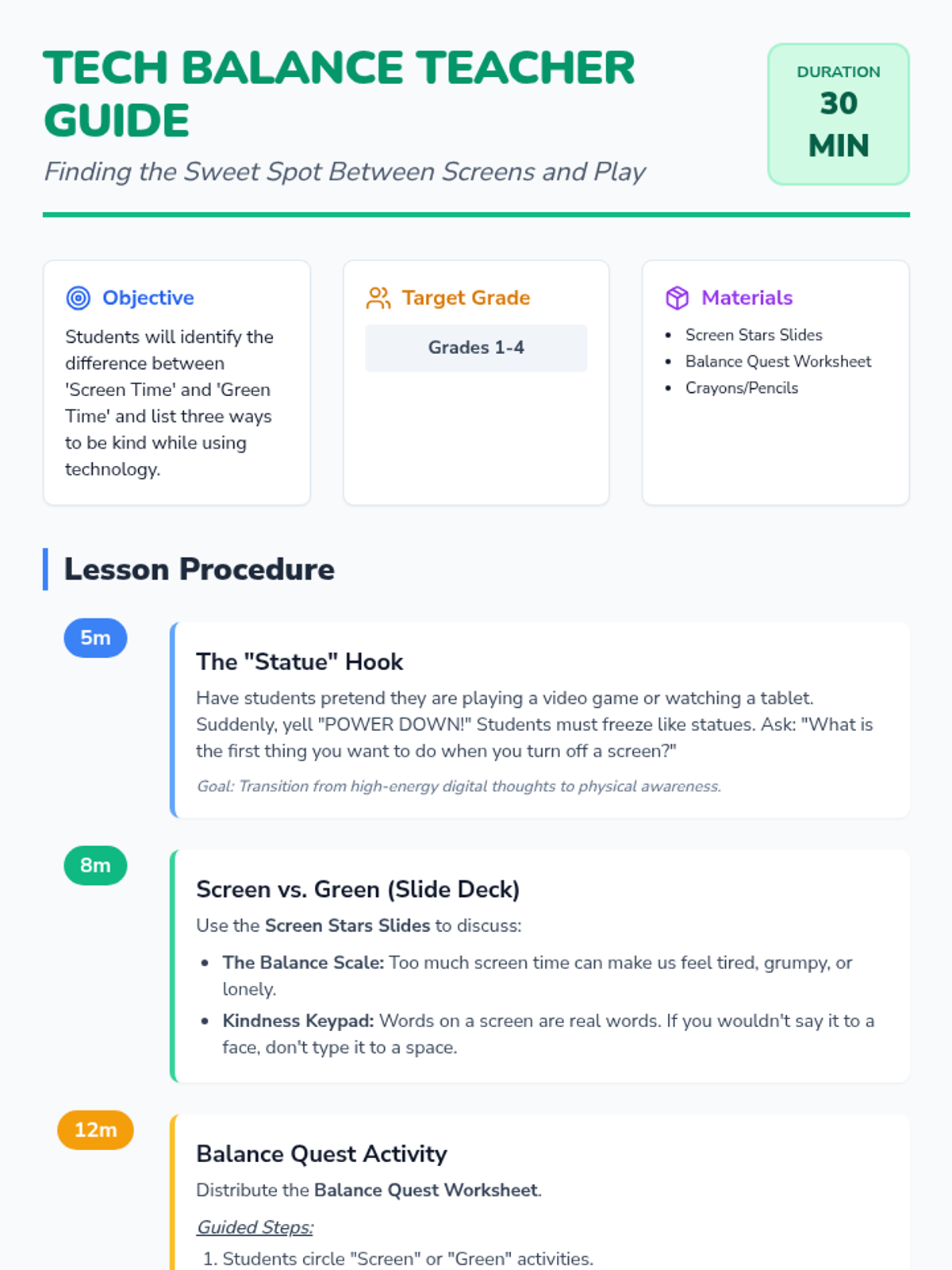
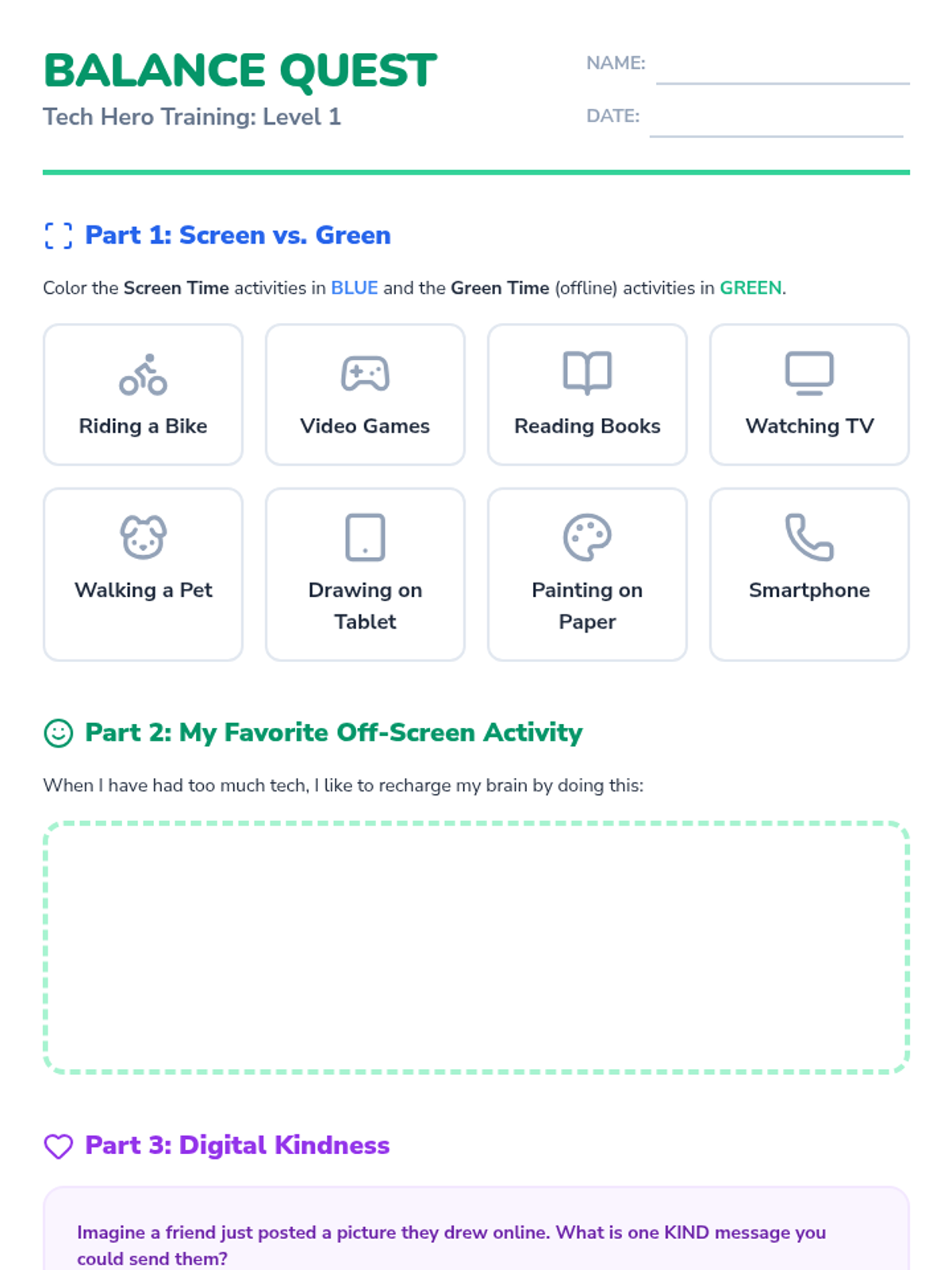
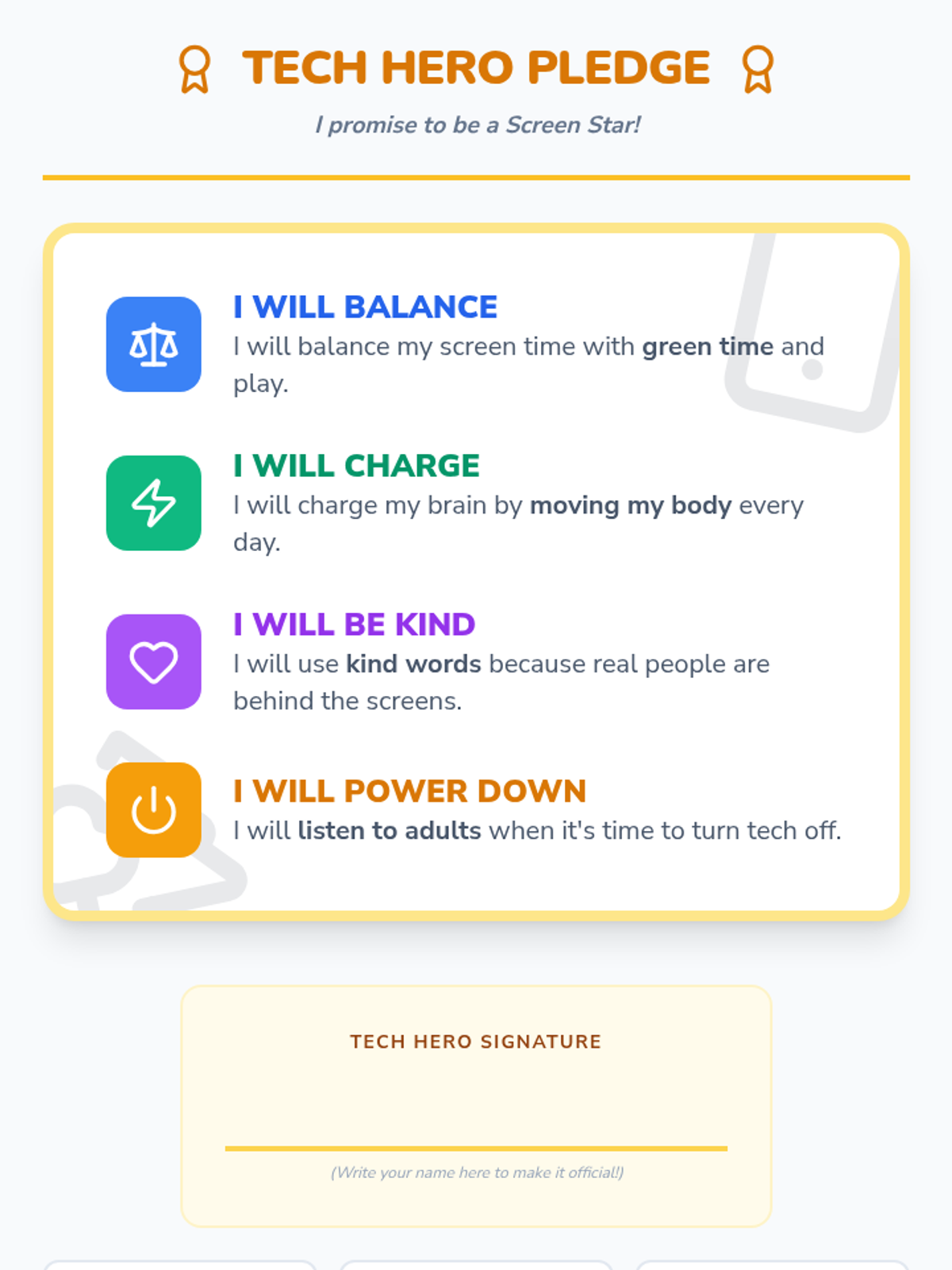
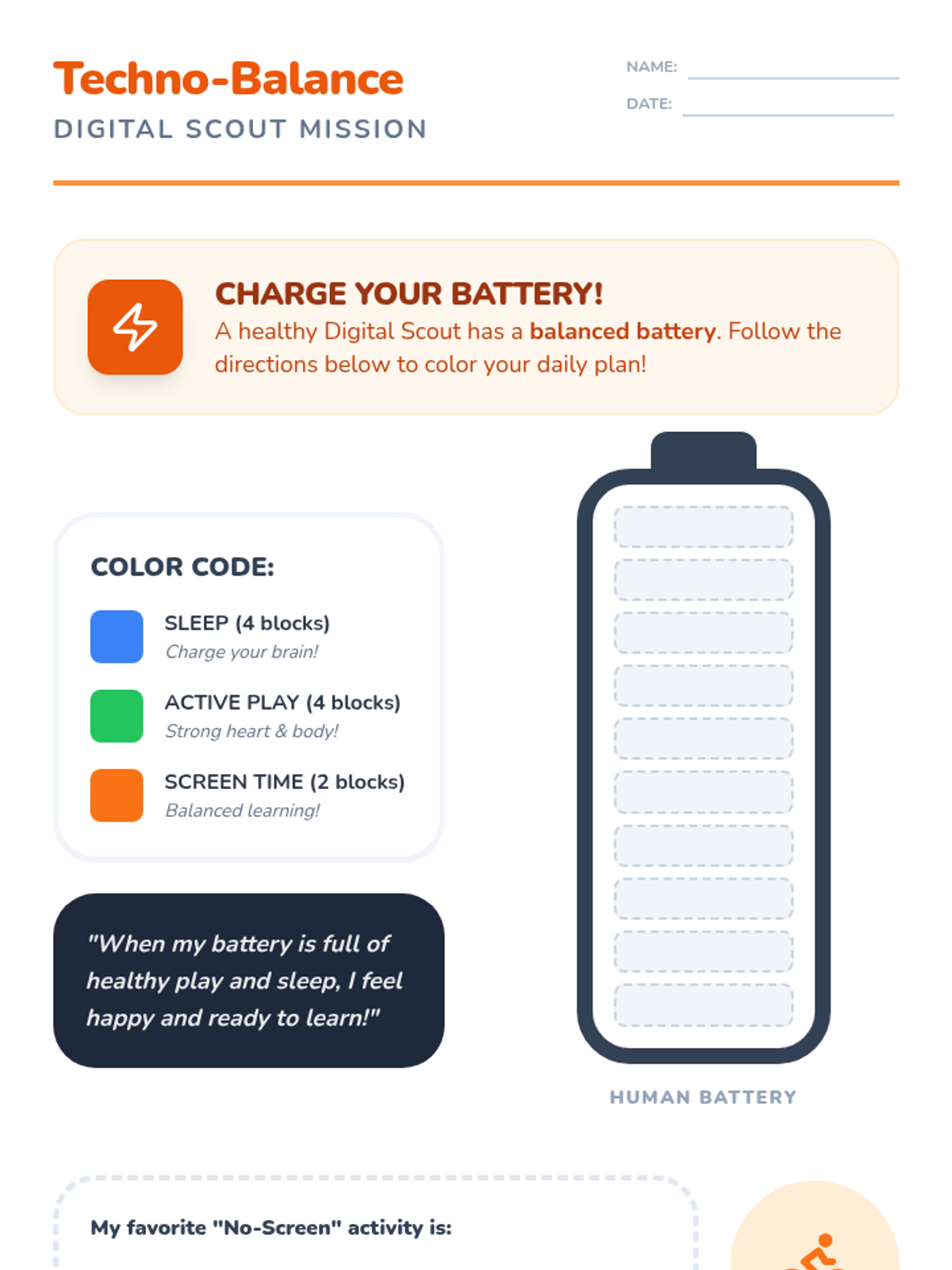
A 30-minute SEL lesson for grades 1-4 focusing on balancing screen time with offline activities and practicing kindness in digital spaces. Students will learn to recognize their 'digital diet' and how their actions online affect others.
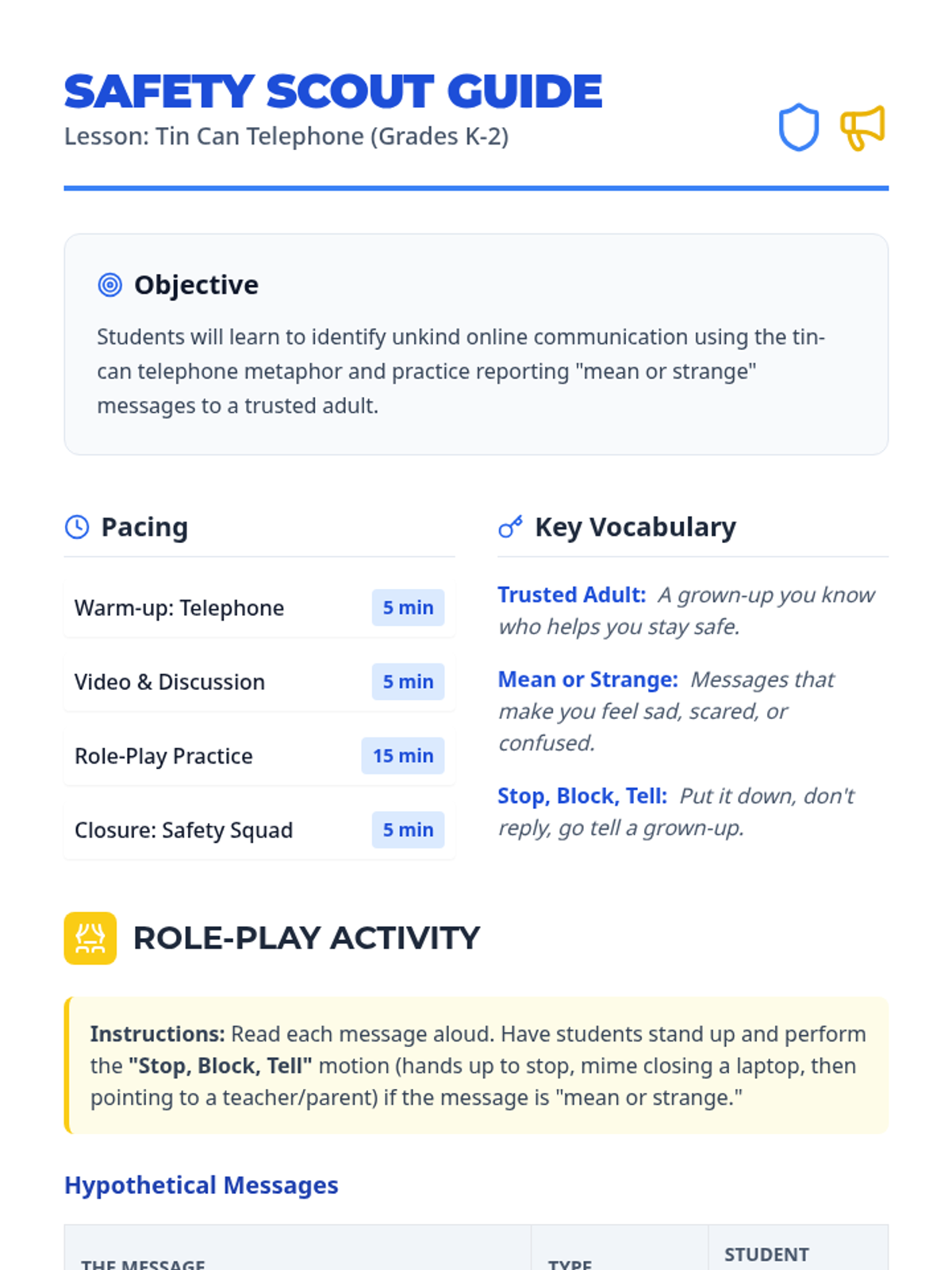
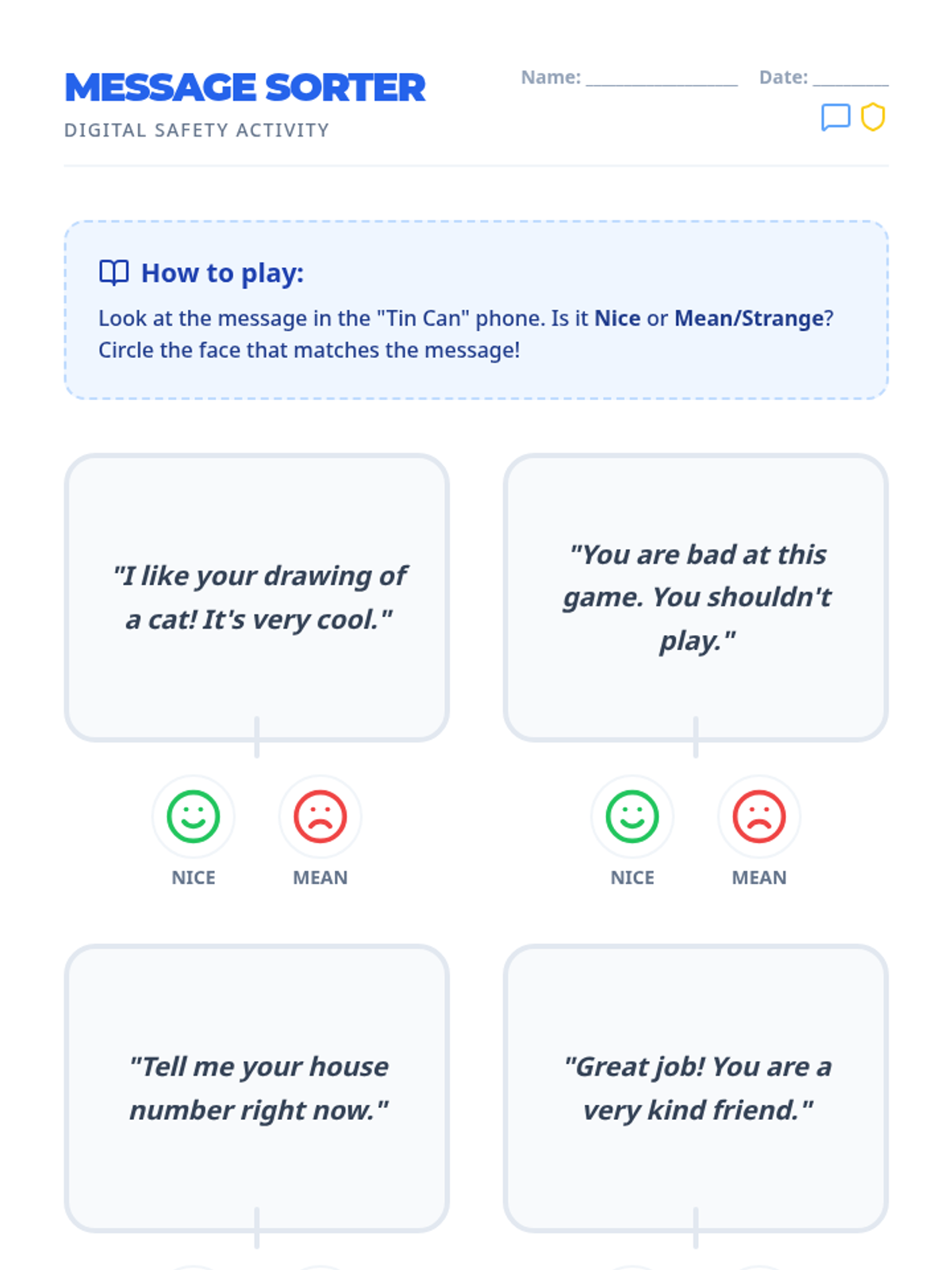
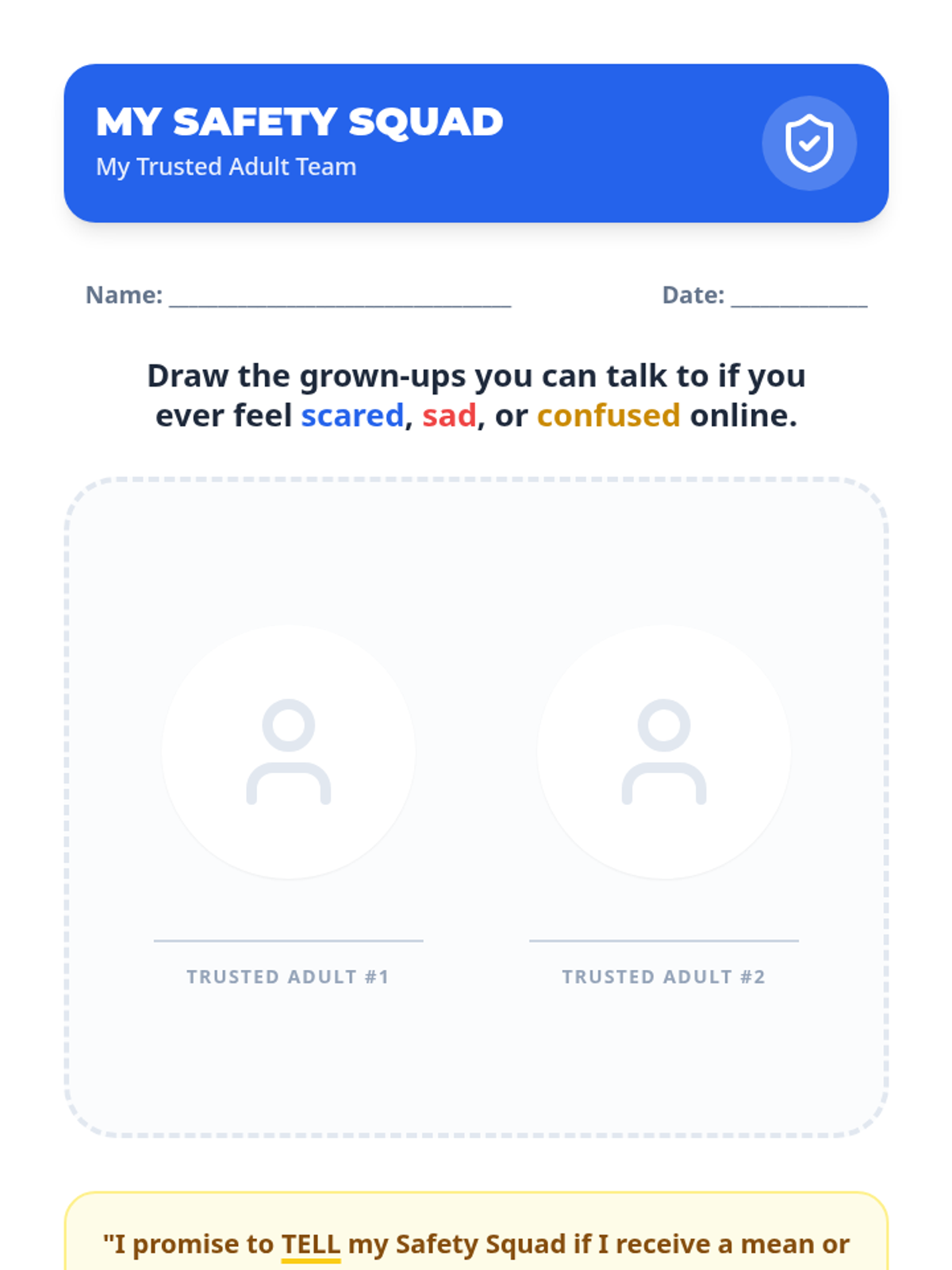
A Kindergarten to 2nd-grade lesson on digital safety focusing on identifying mean or strange messages and reporting them to trusted adults using the 'Tin Can Telephone' metaphor.
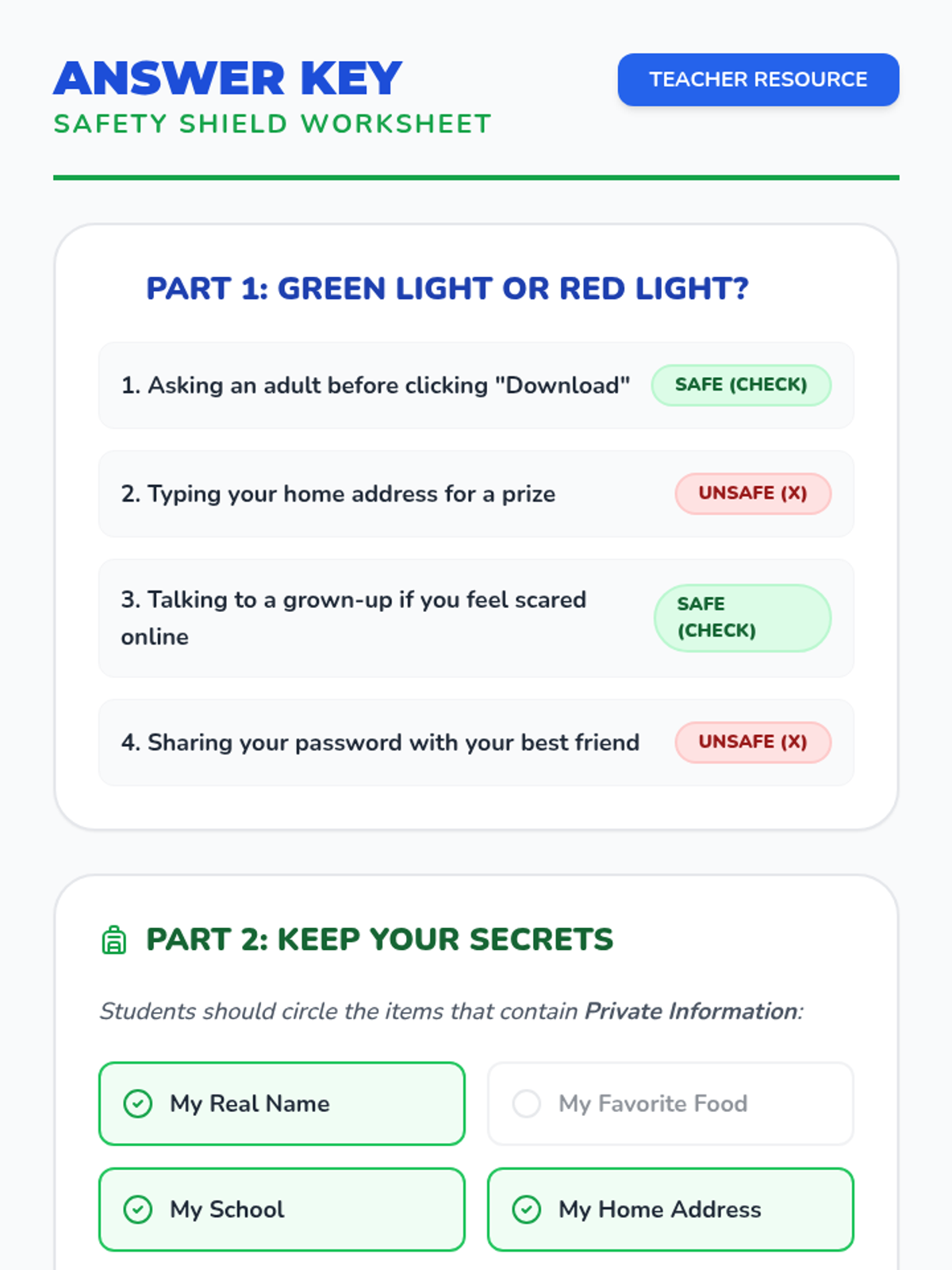
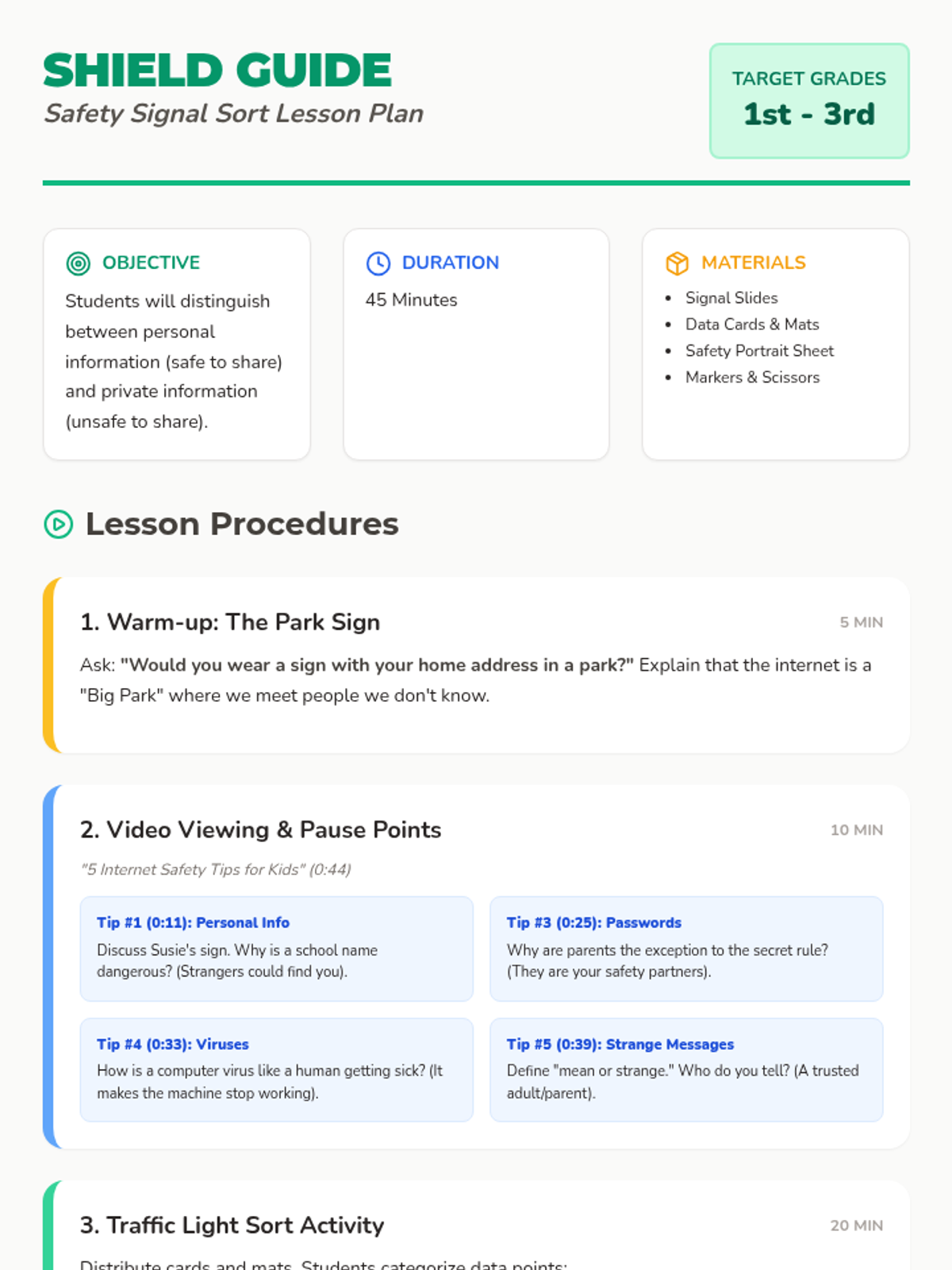
Students learn to distinguish between personal information that is safe to share and private information that should be kept secret to stay safe online through a traffic light sorting activity and video discussion.
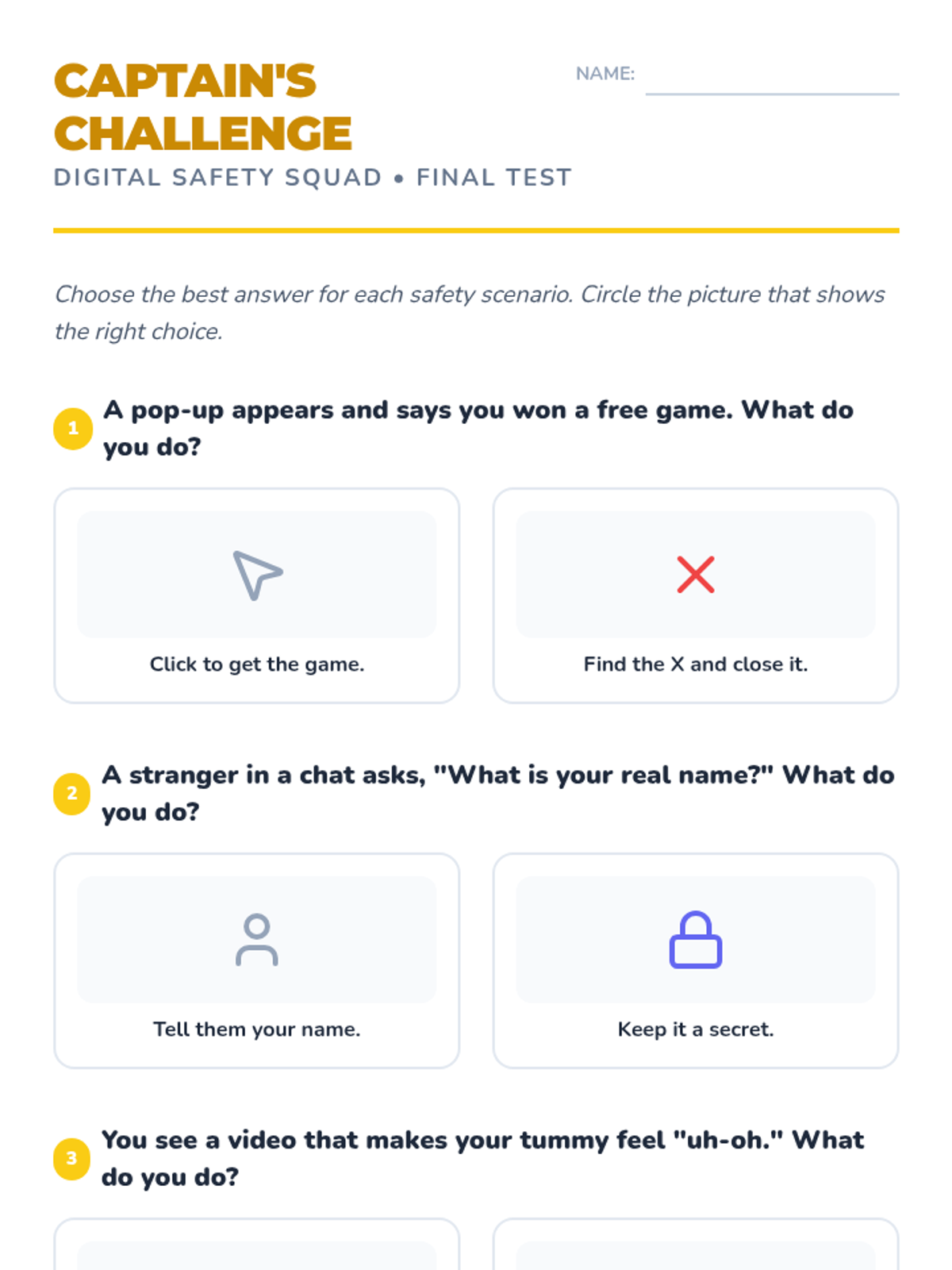
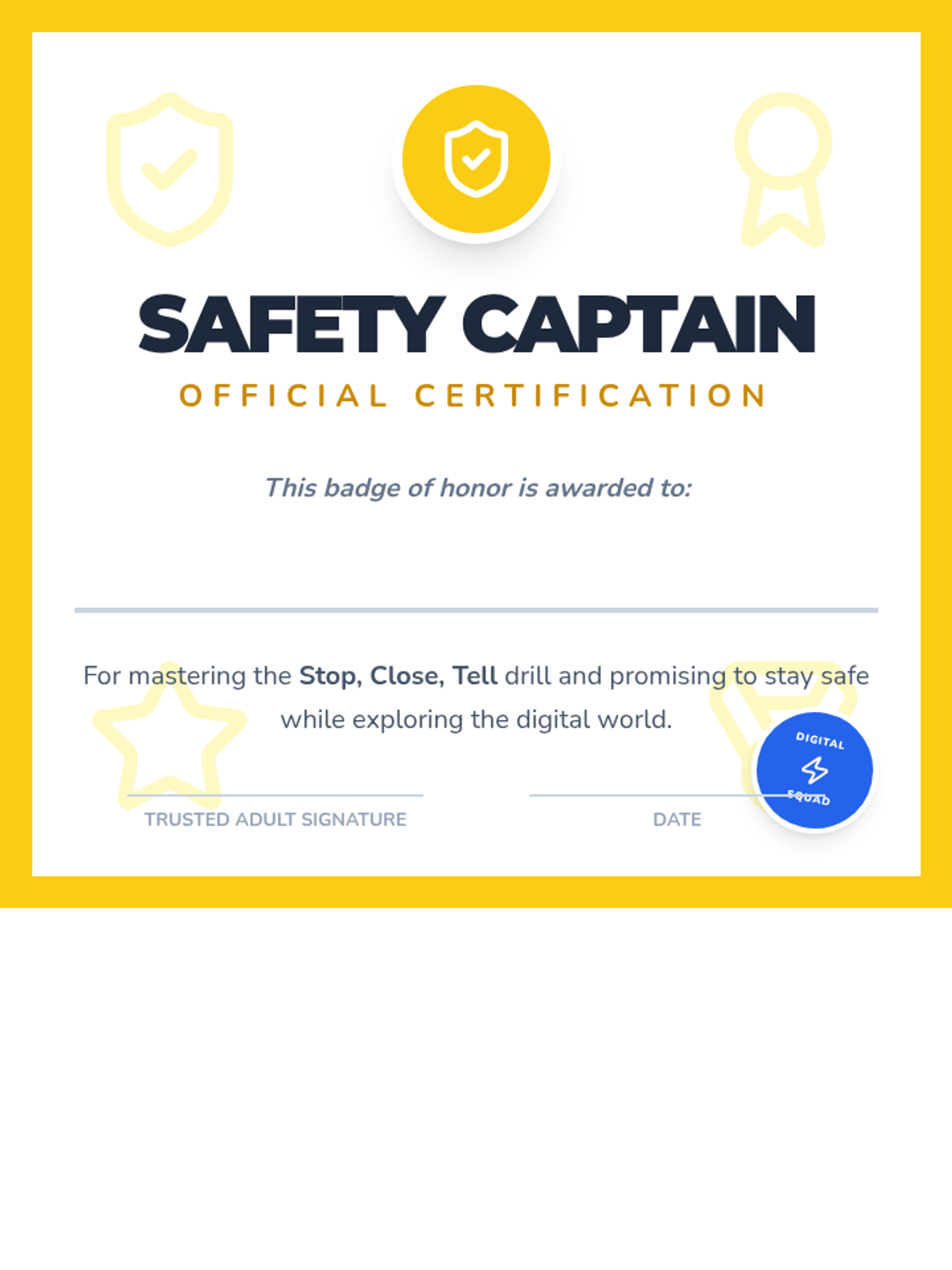
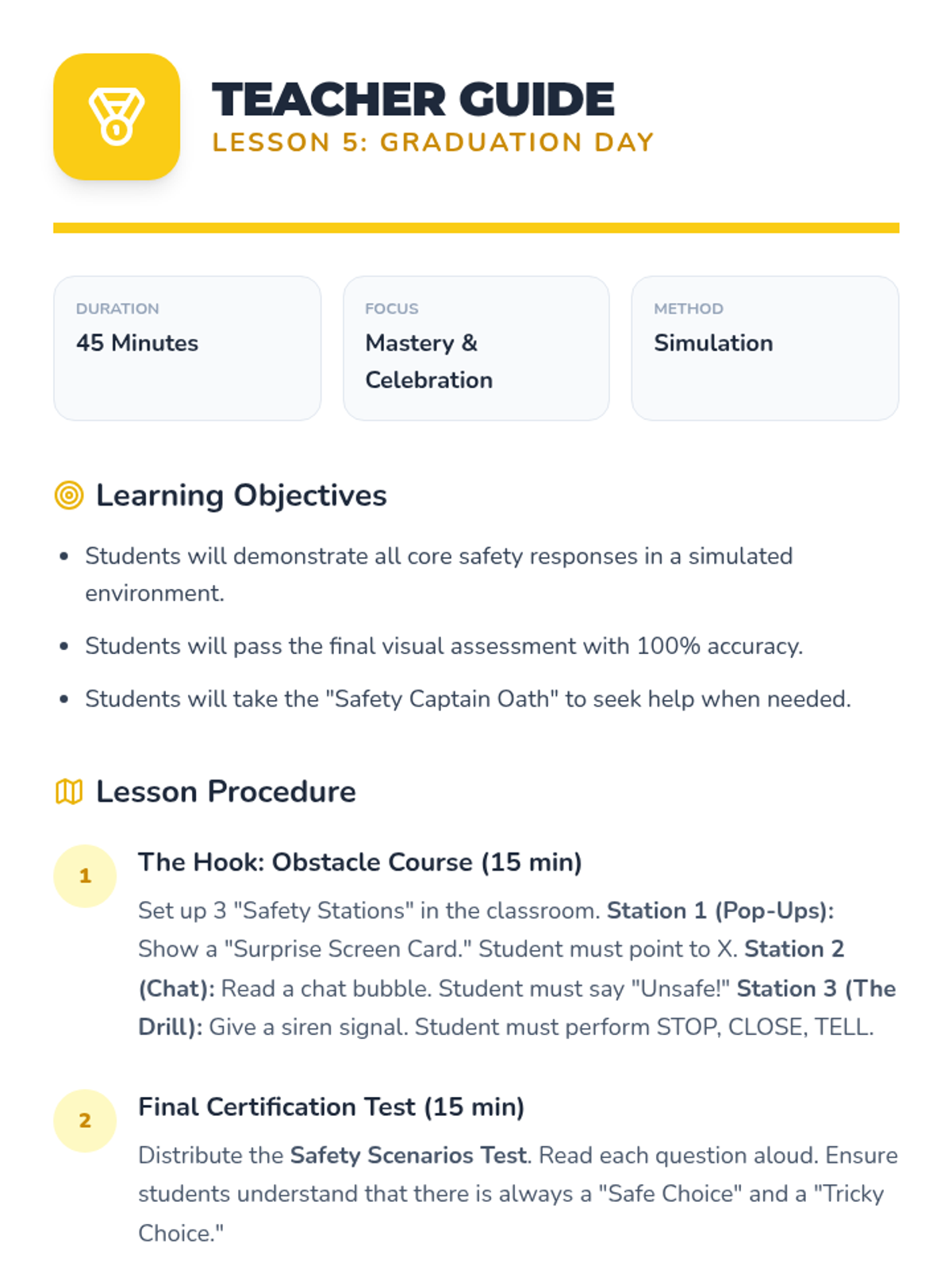
Students demonstrate their mastery of digital safety skills to earn their Safety Captain certification.
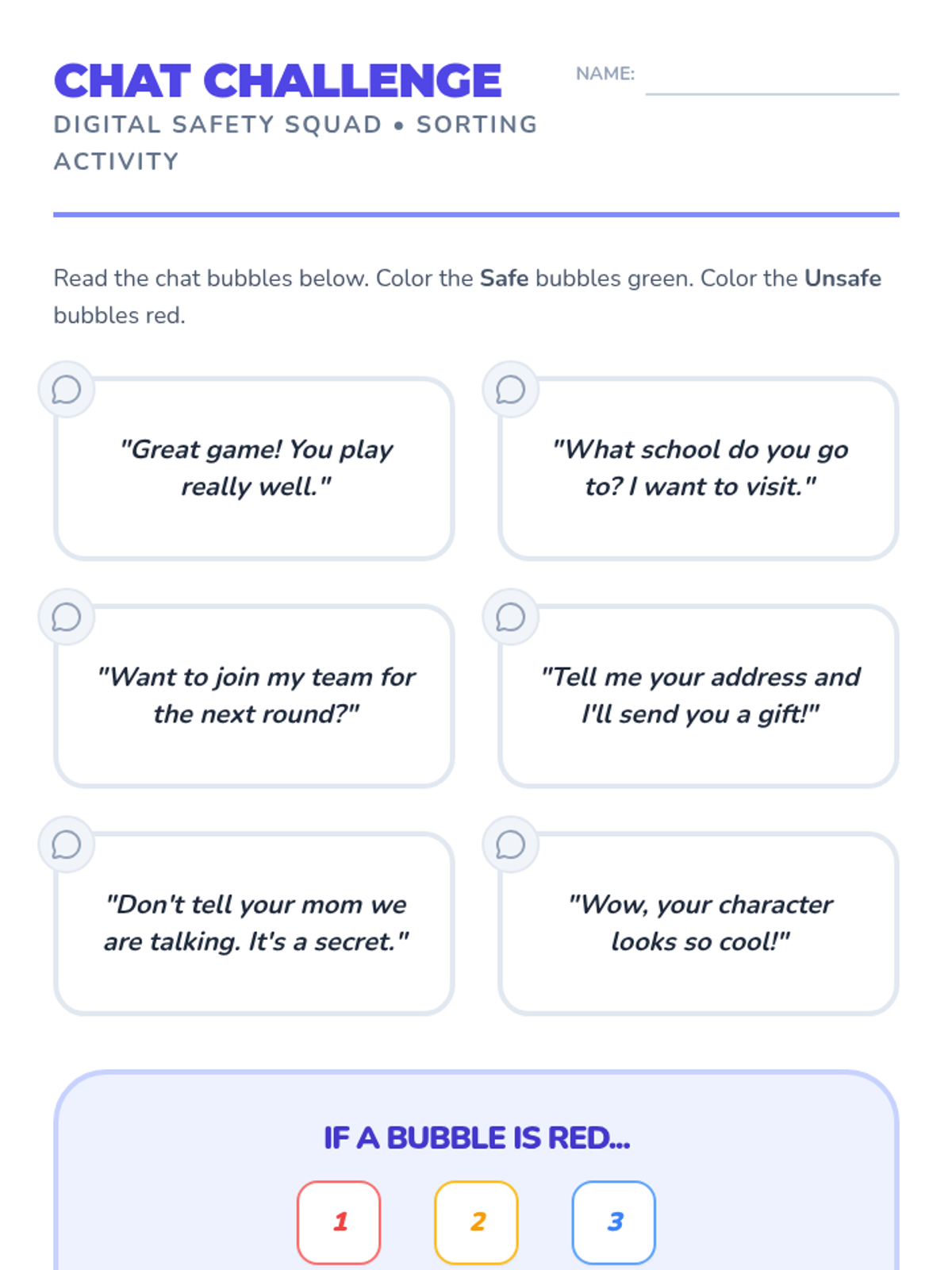
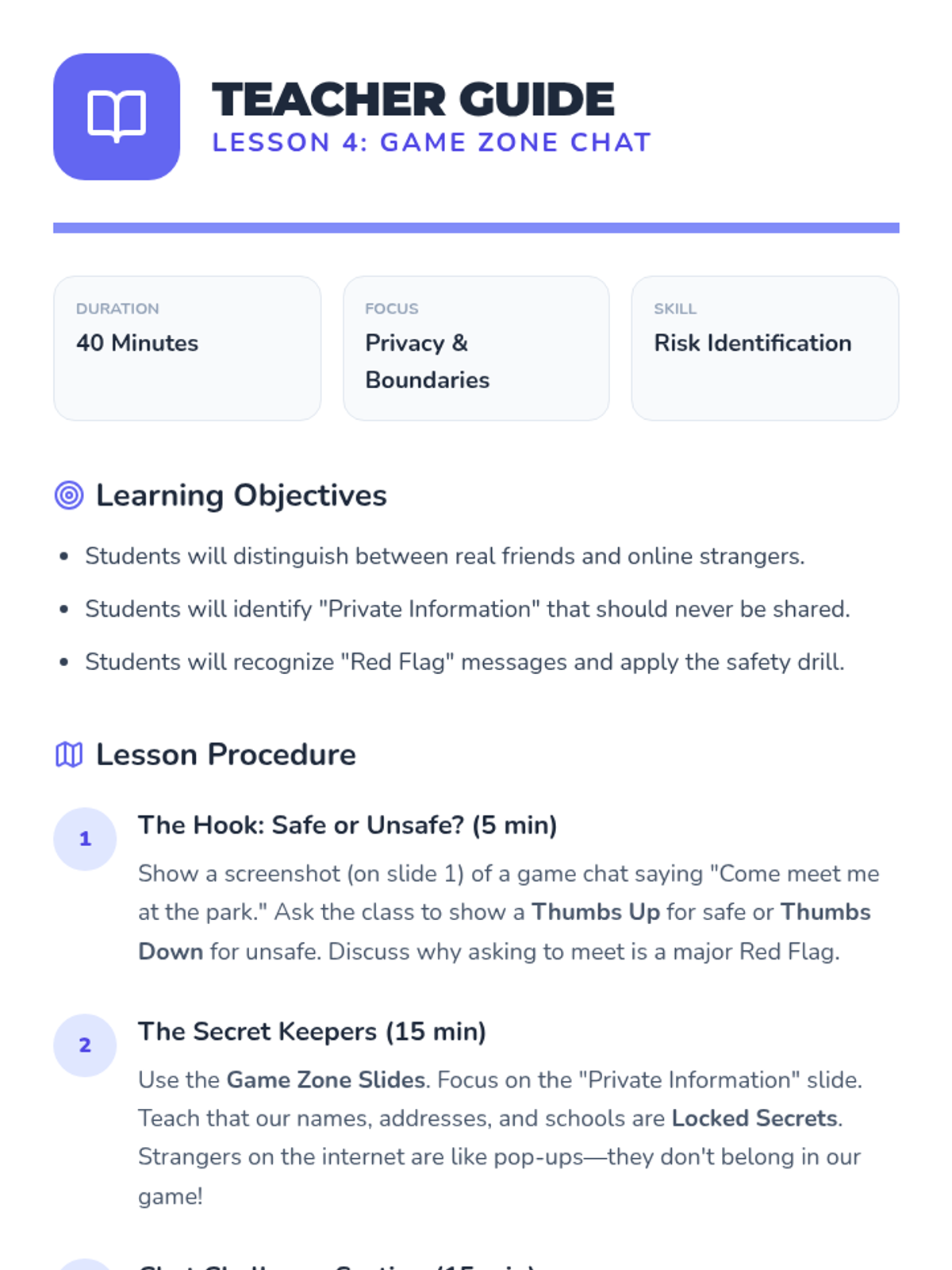
Students identify unsafe interactions in online games and practice ignoring chat requests from strangers.
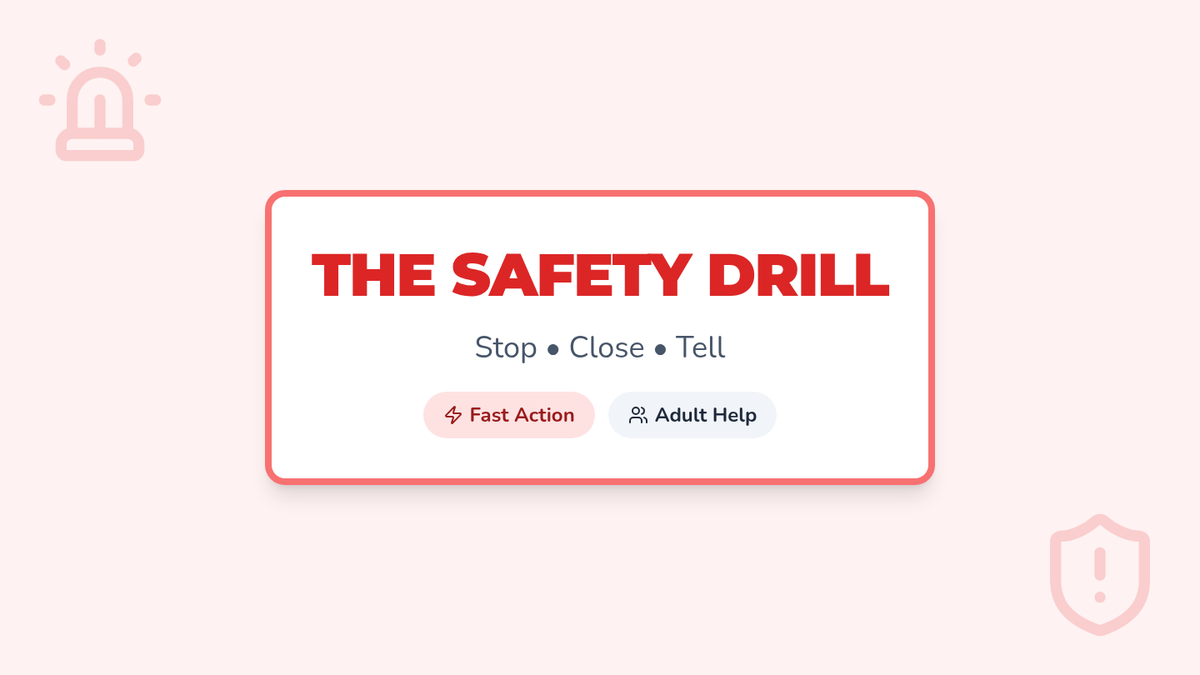
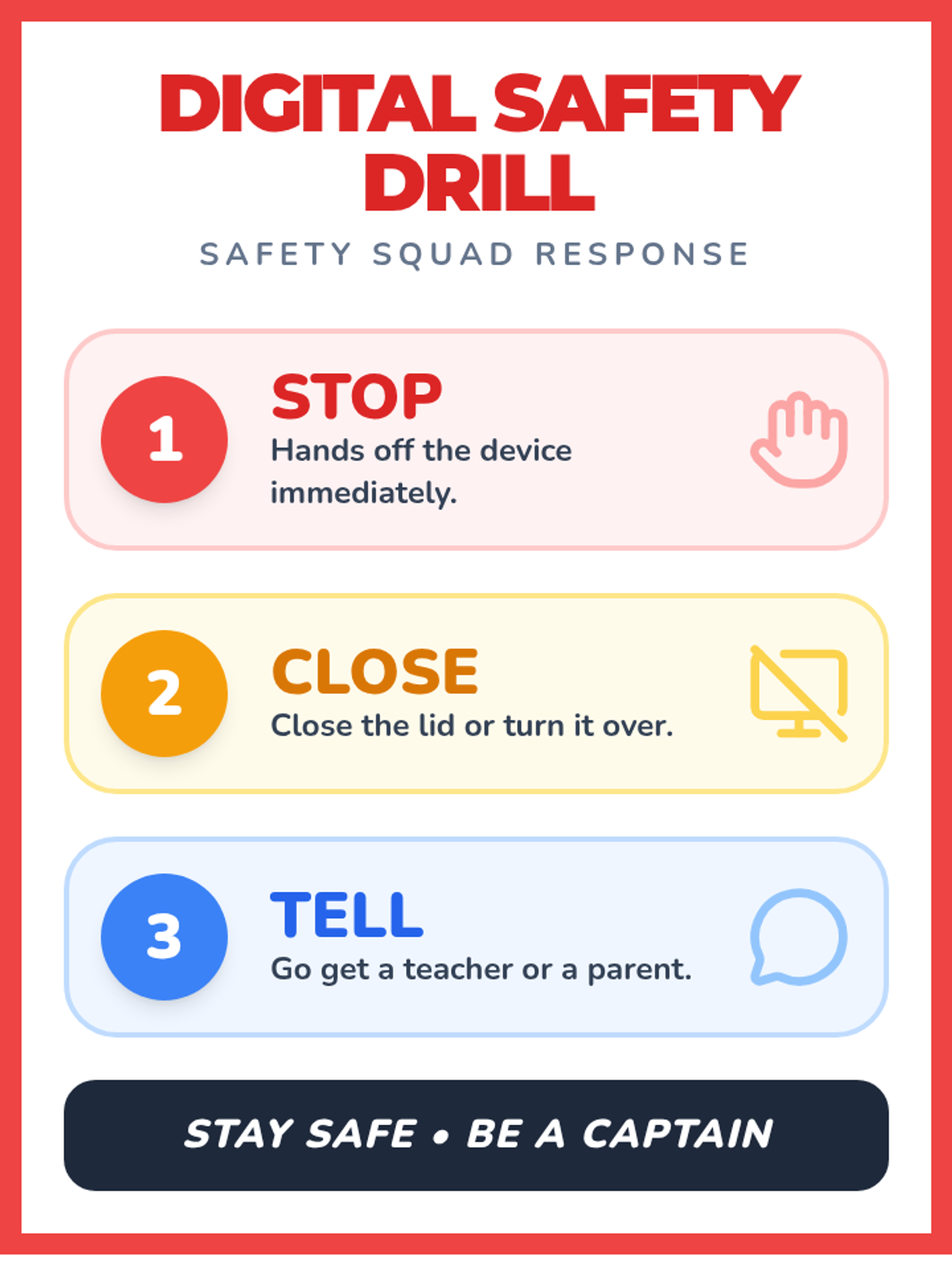
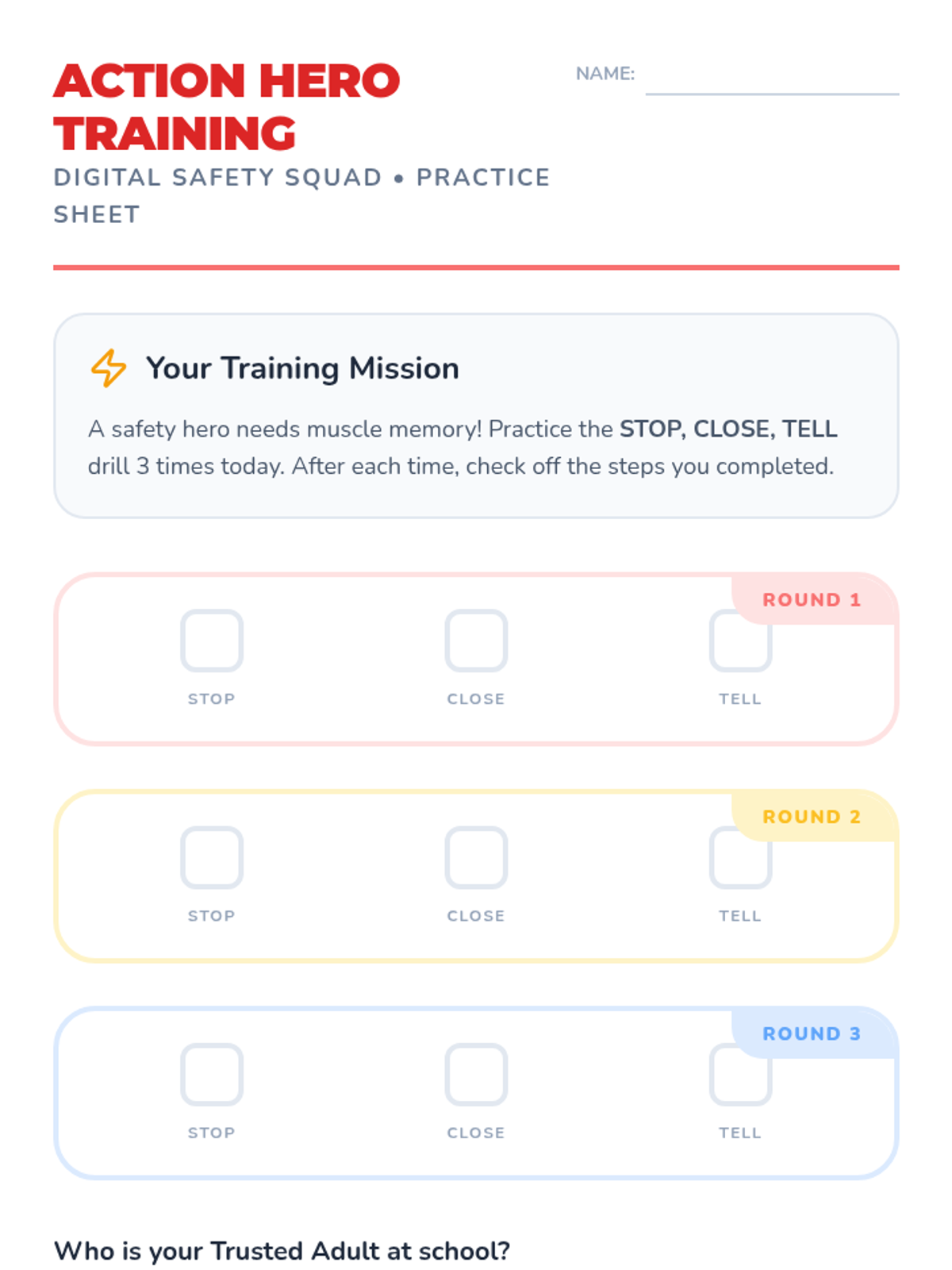
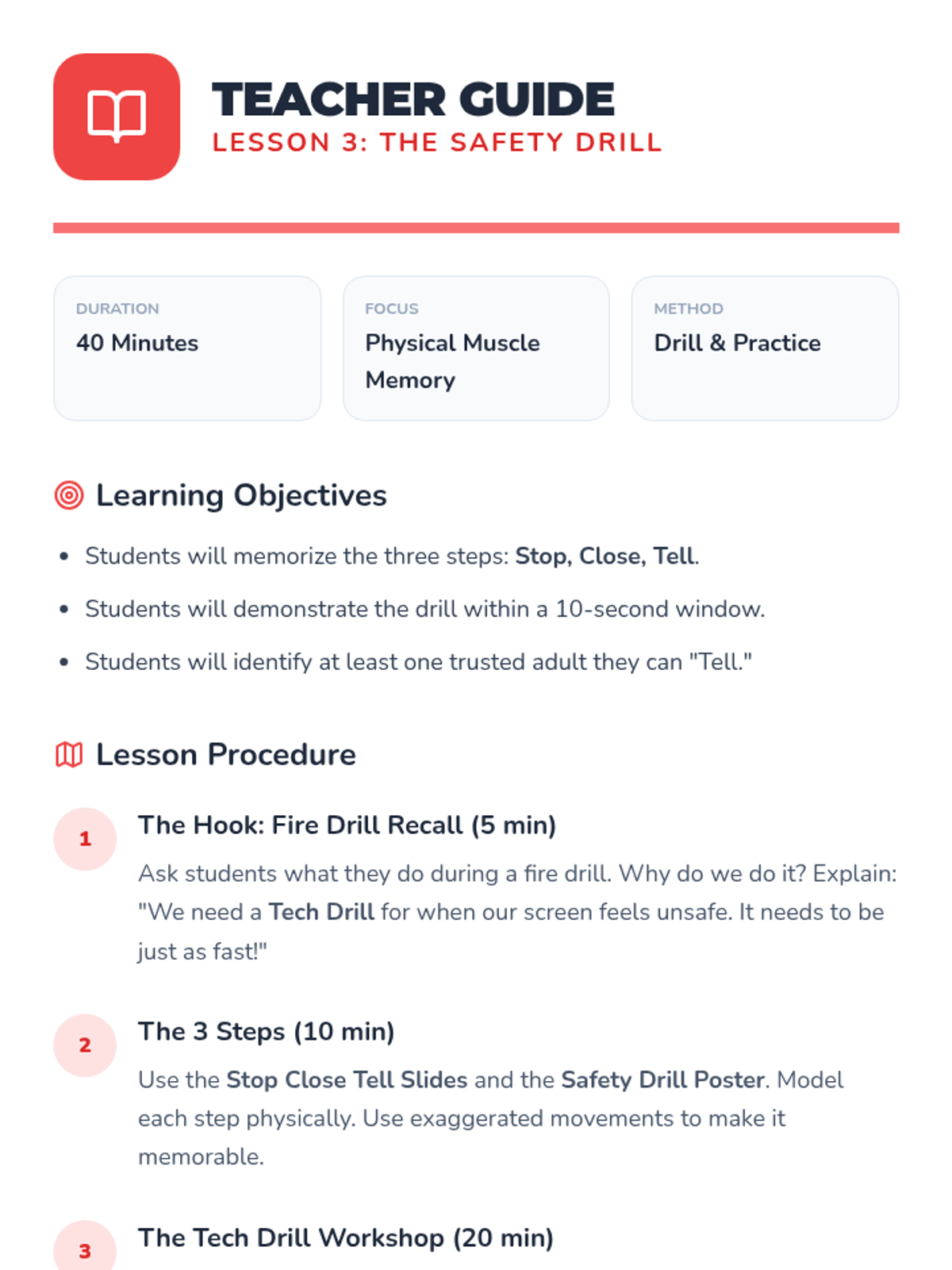
Students practice the physical drill of putting a device down, closing it, and immediately telling a trusted adult.
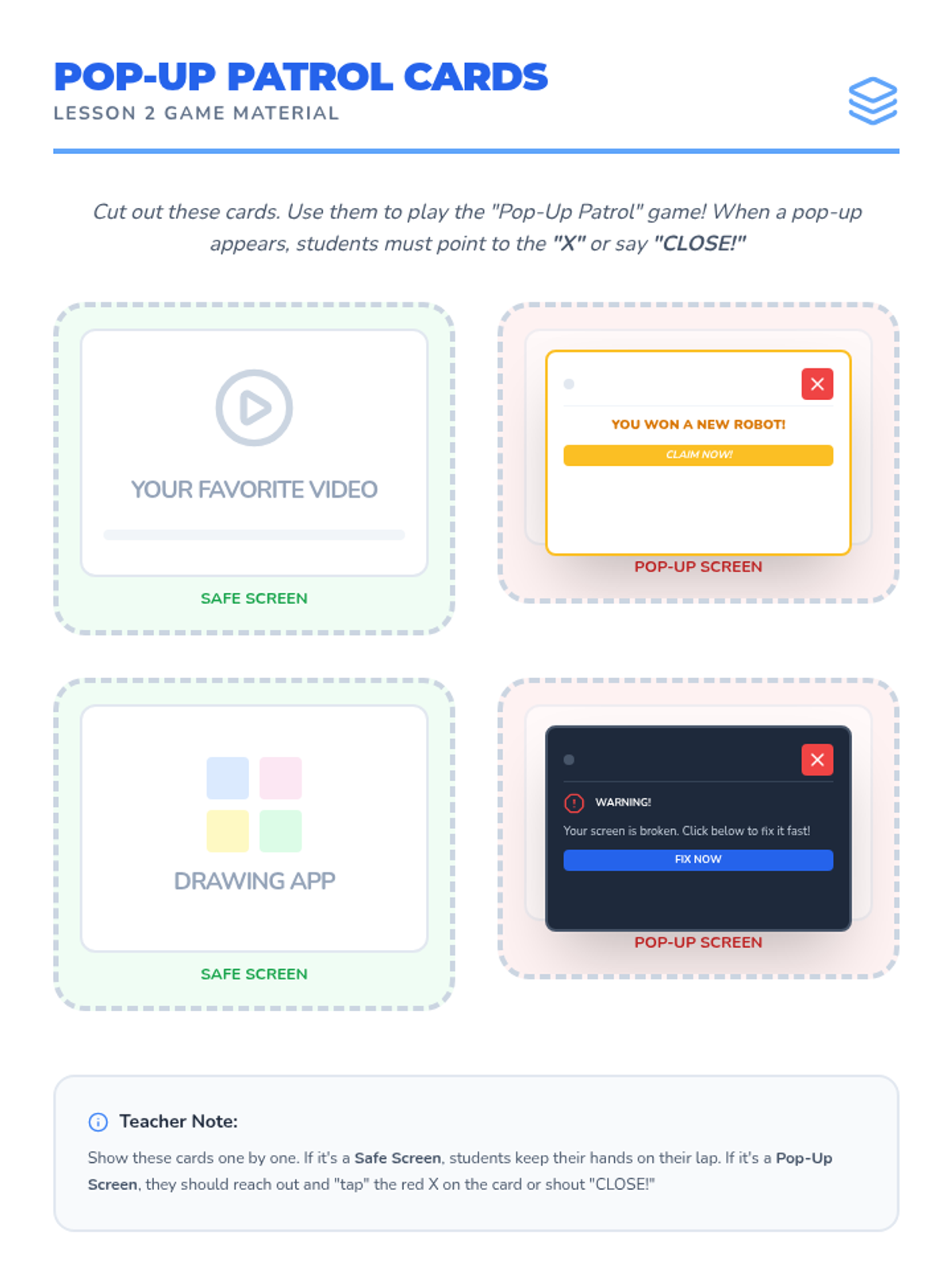
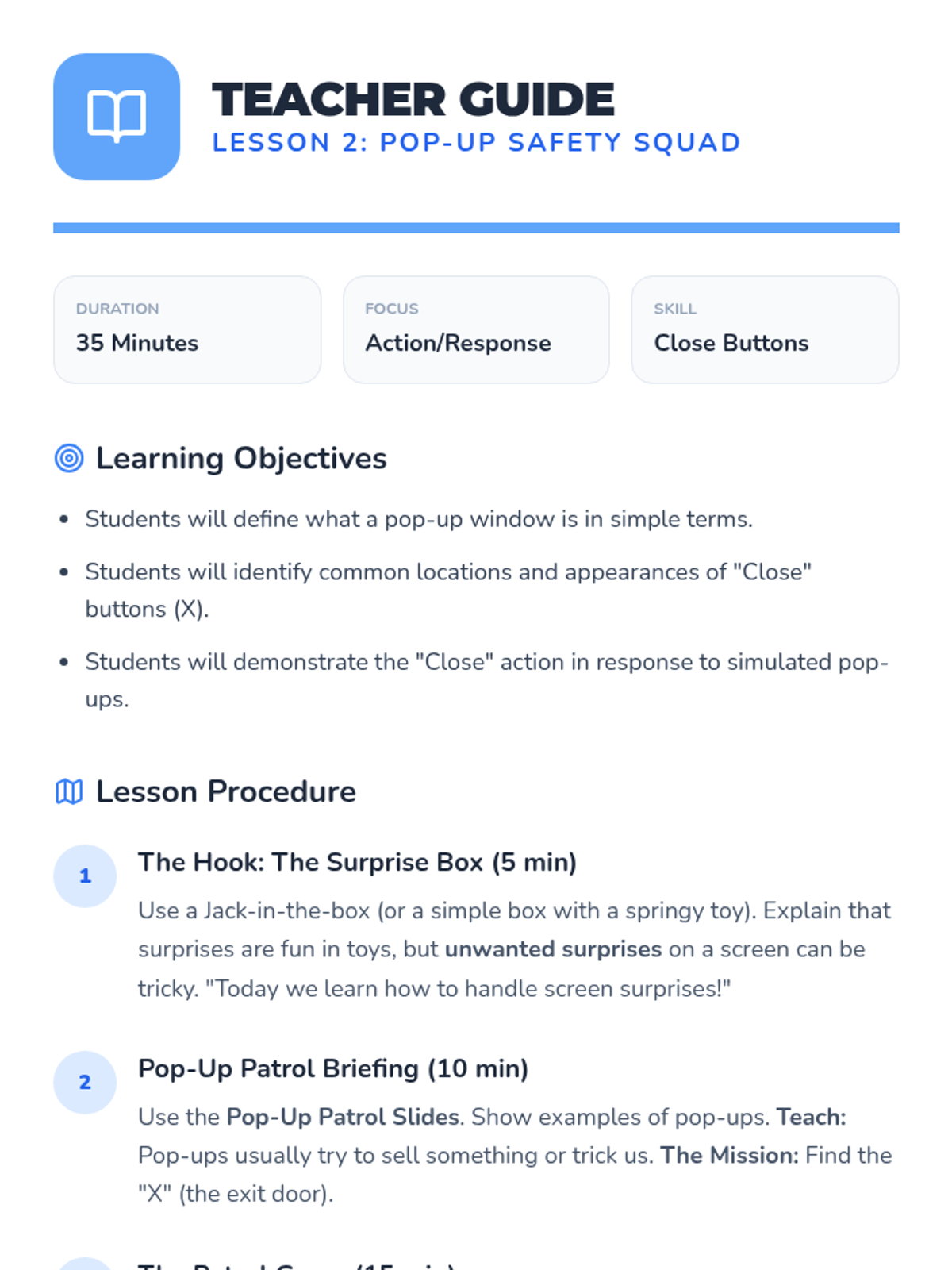
Students learn to identify and handle pop-ups and unexpected windows by practicing the 'Close' action.
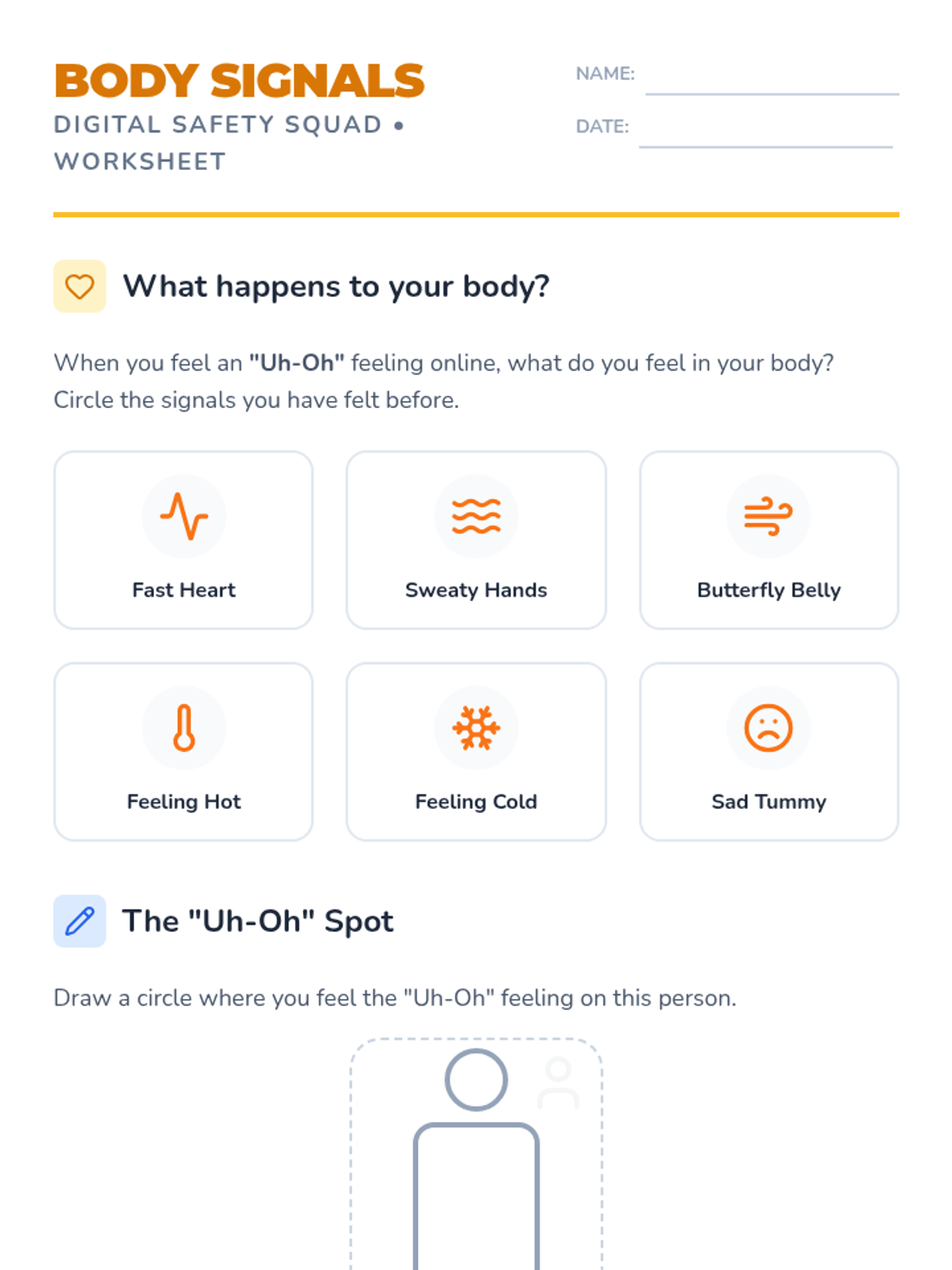
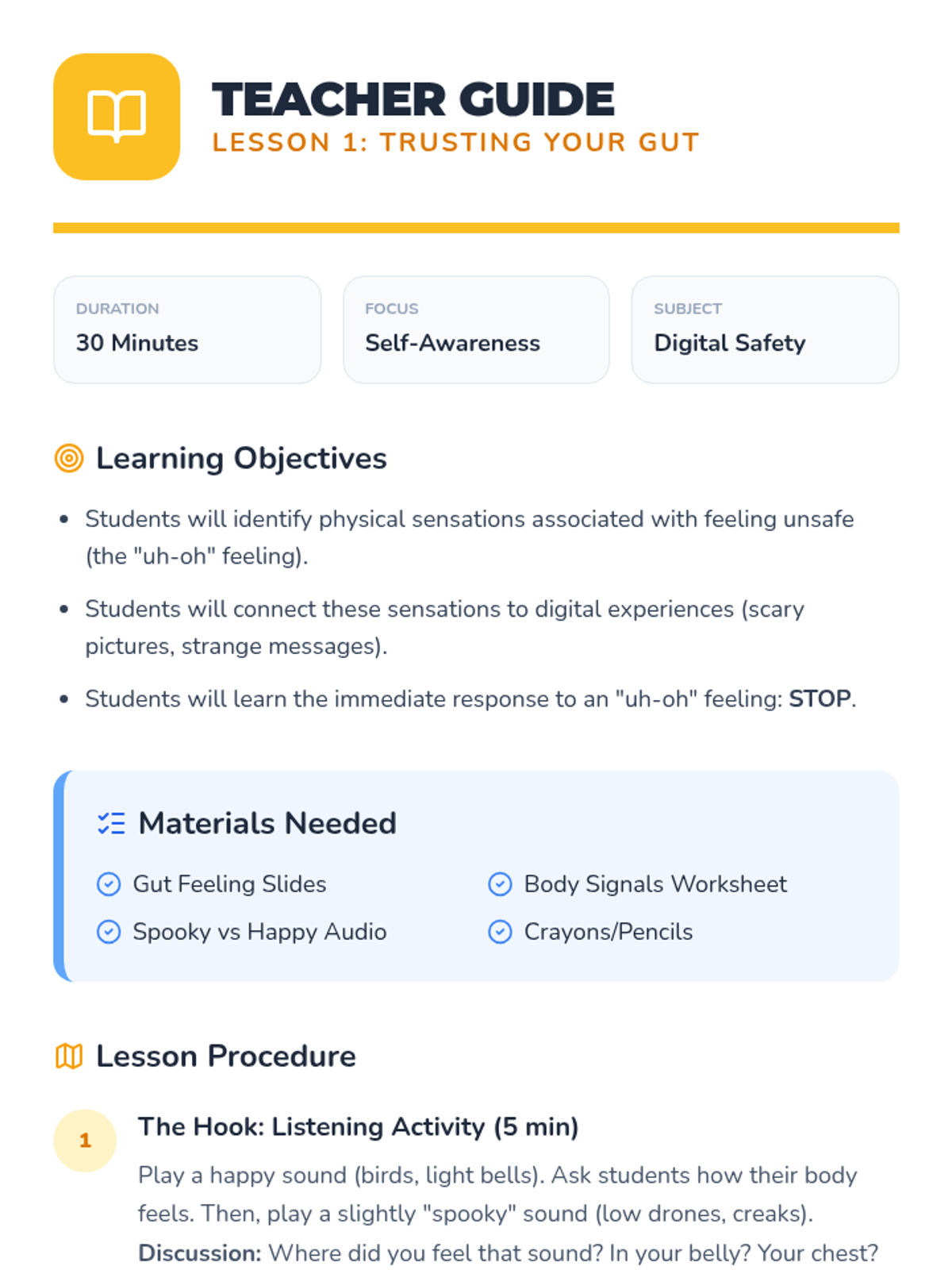
Students discuss the physical sensations of feeling unsafe and learn to recognize these 'uh-oh' feelings as signals to stop and seek help.
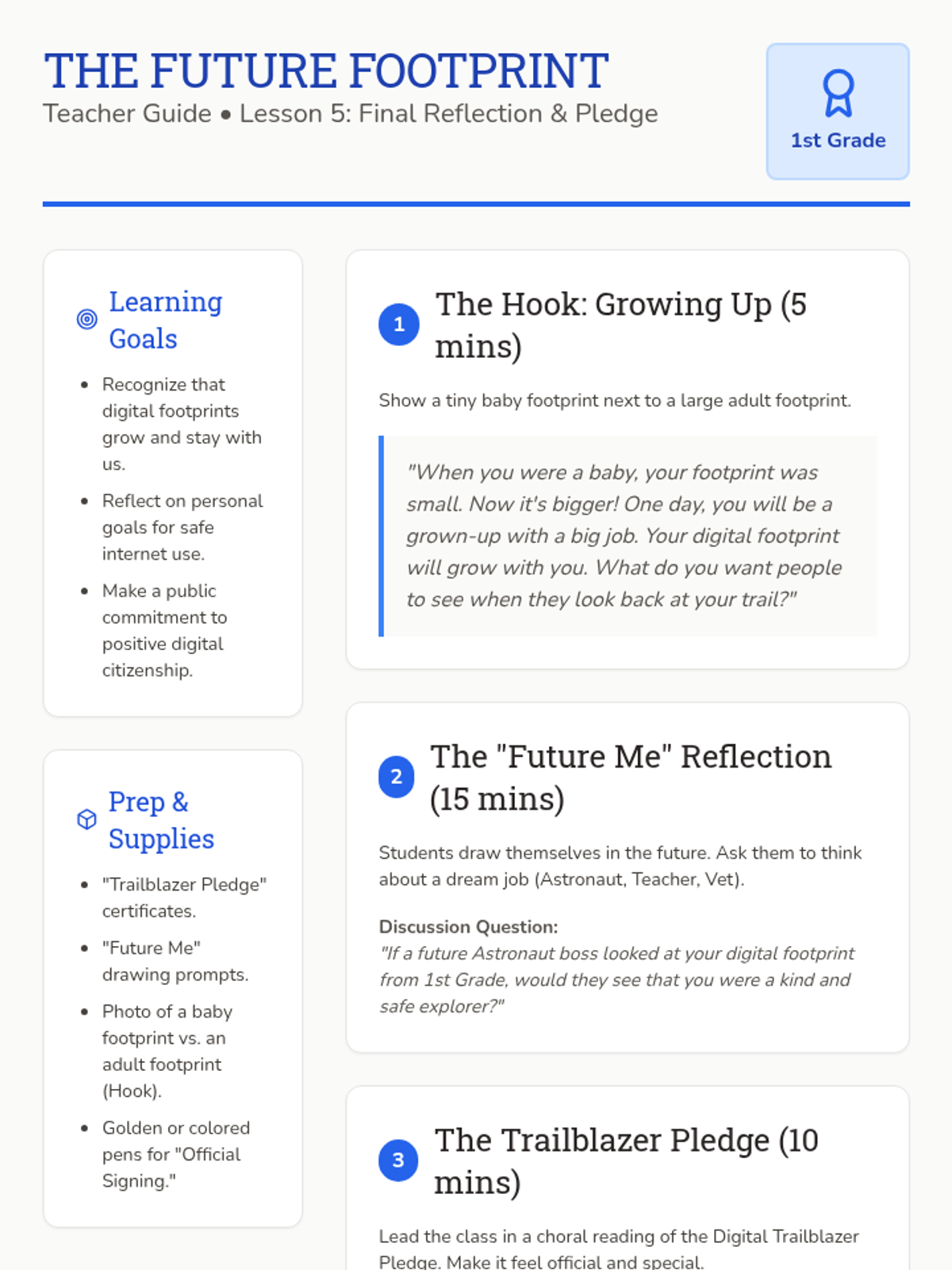
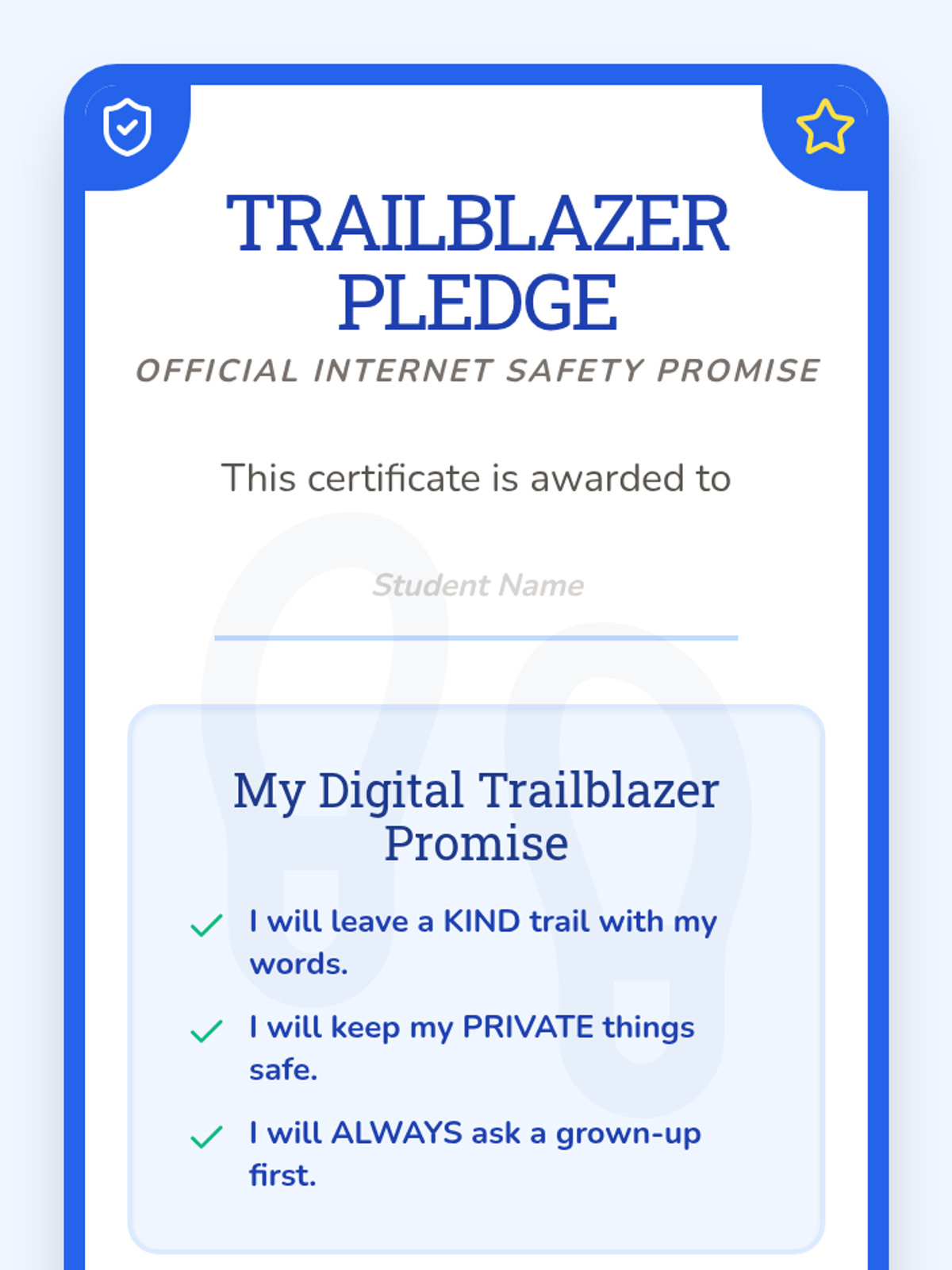
Students look toward the future and commit to being responsible digital citizens through a class pledge and self-reflection.
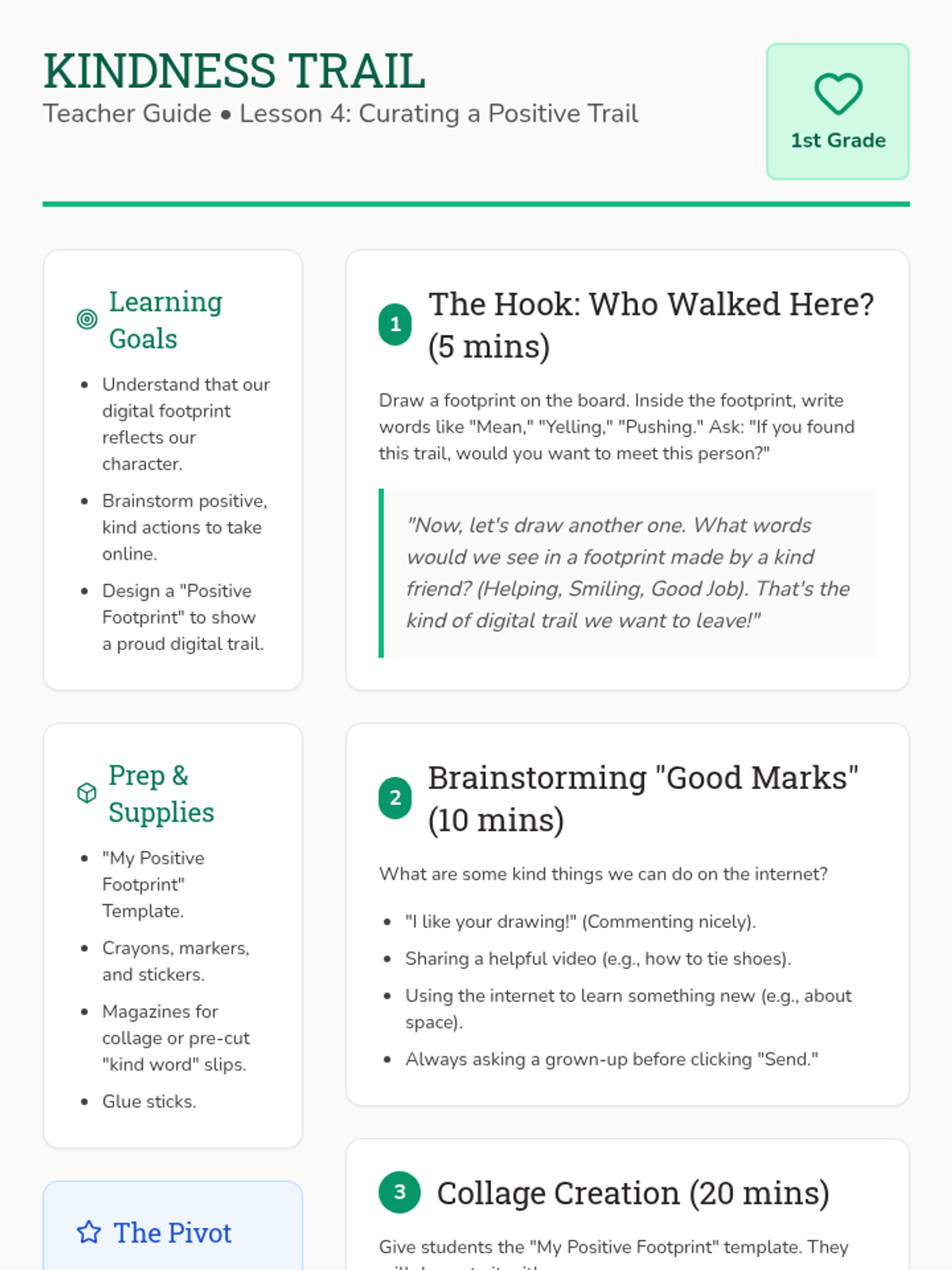
Students focus on positive digital citizenship by creating a 'good footprint' collage of kind words and helpful actions.
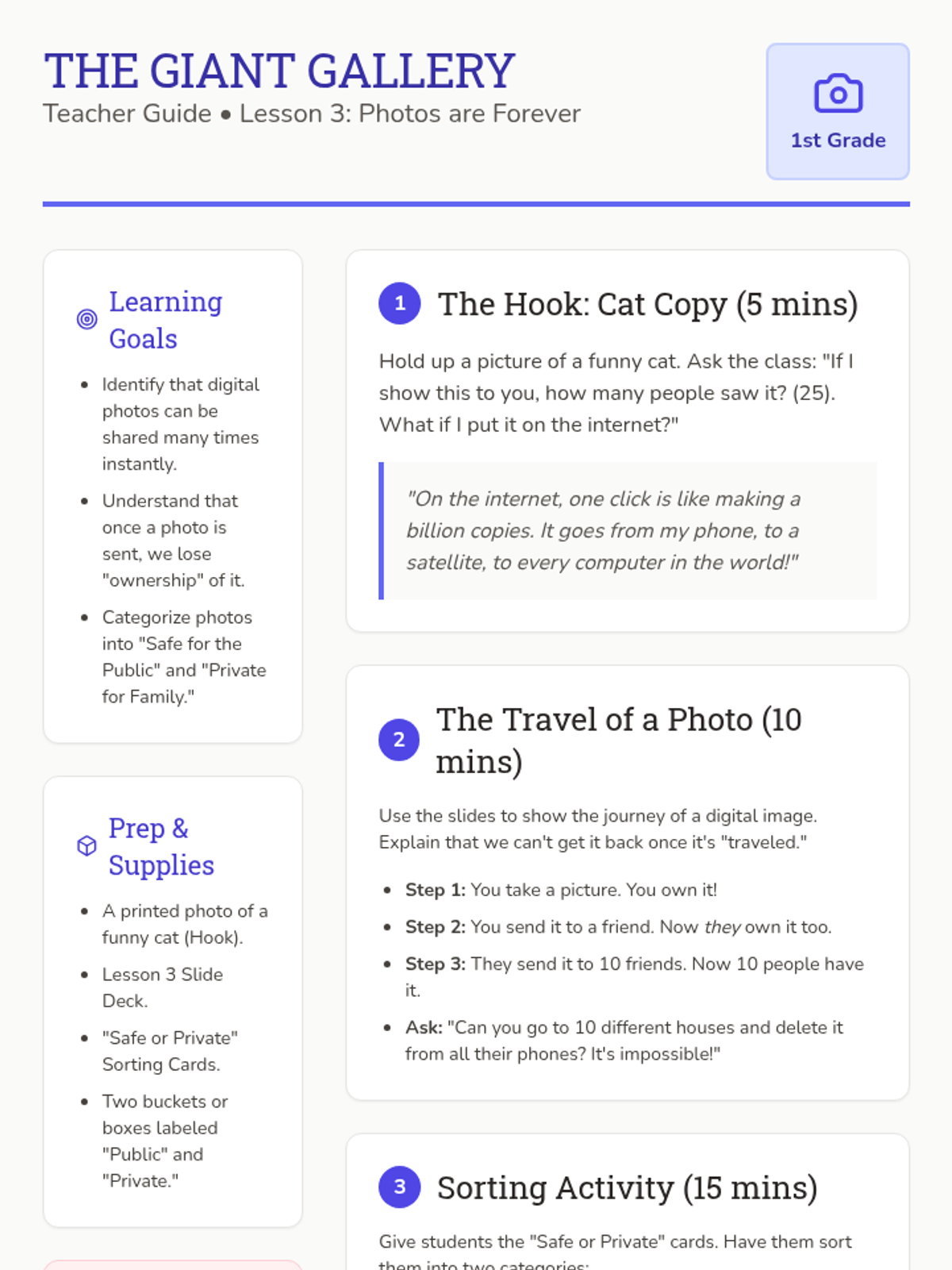
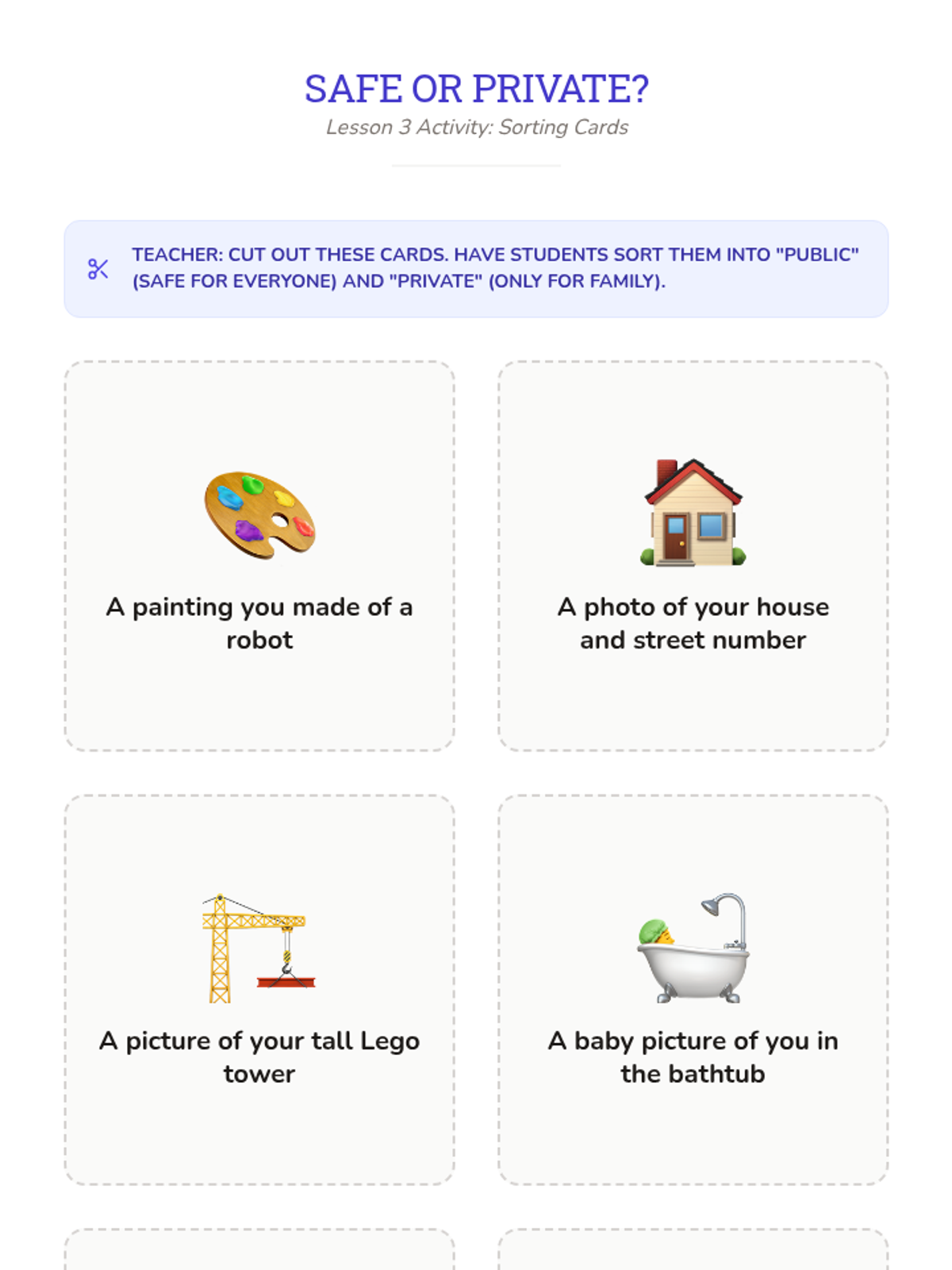
Students learn about photo sharing and the lack of control once an image is online, practicing safe vs. private photo choices.
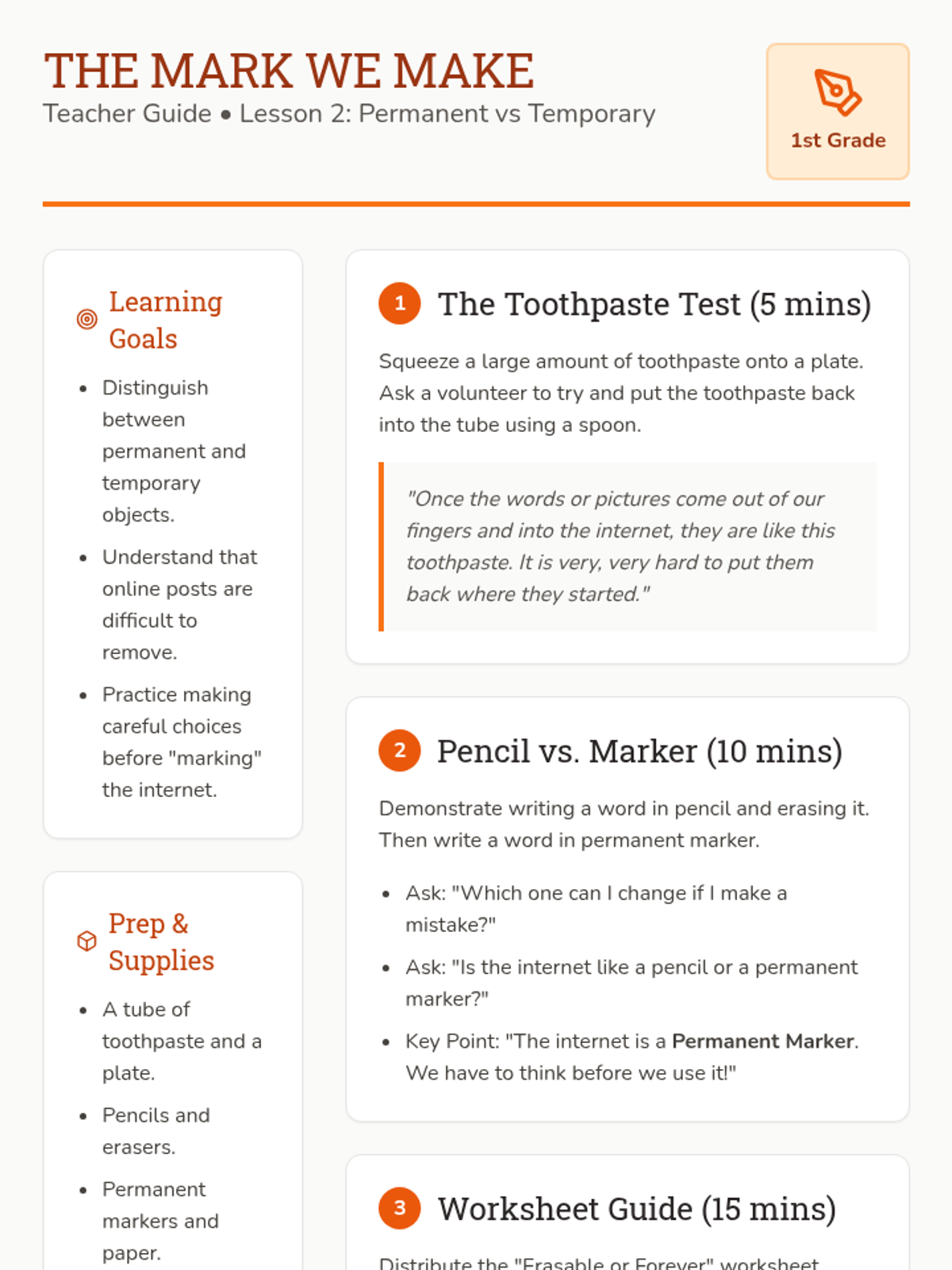
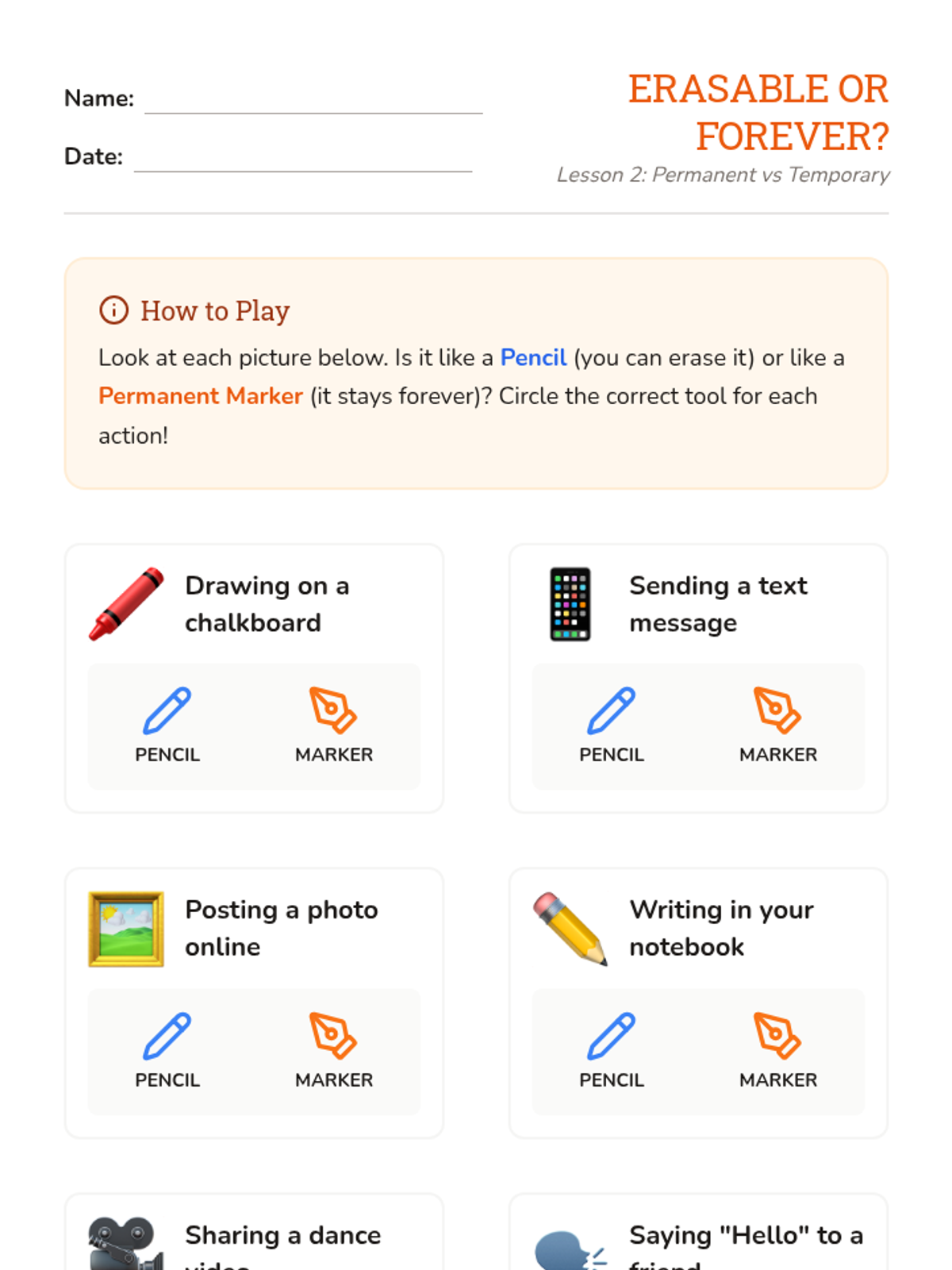
Using the toothpaste and marker metaphors, students distinguish between things that can be erased and things that stay forever online.
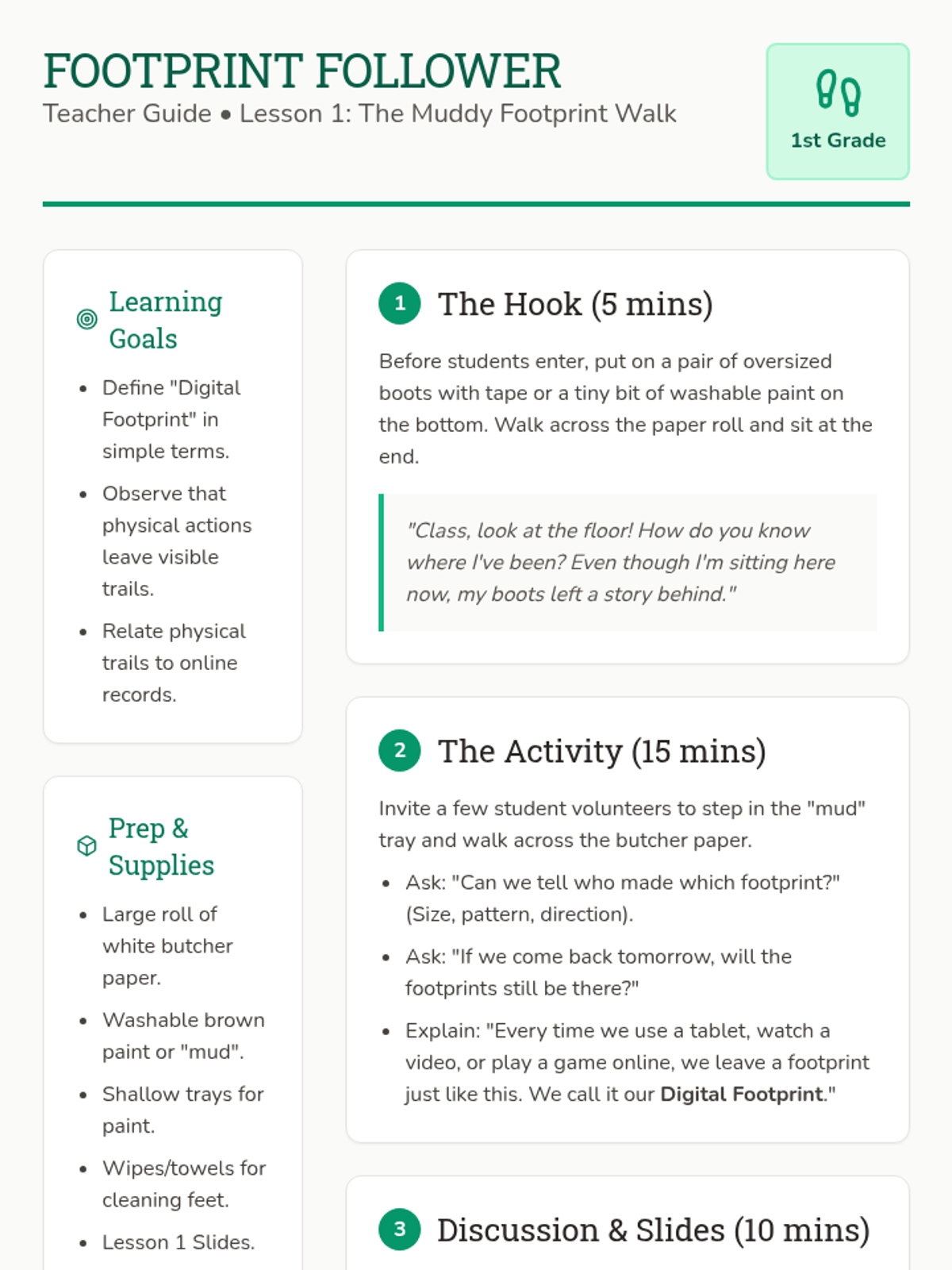
Students explore the concept of a 'trail' using physical footprints to understand how actions online leave a record of where they have been.
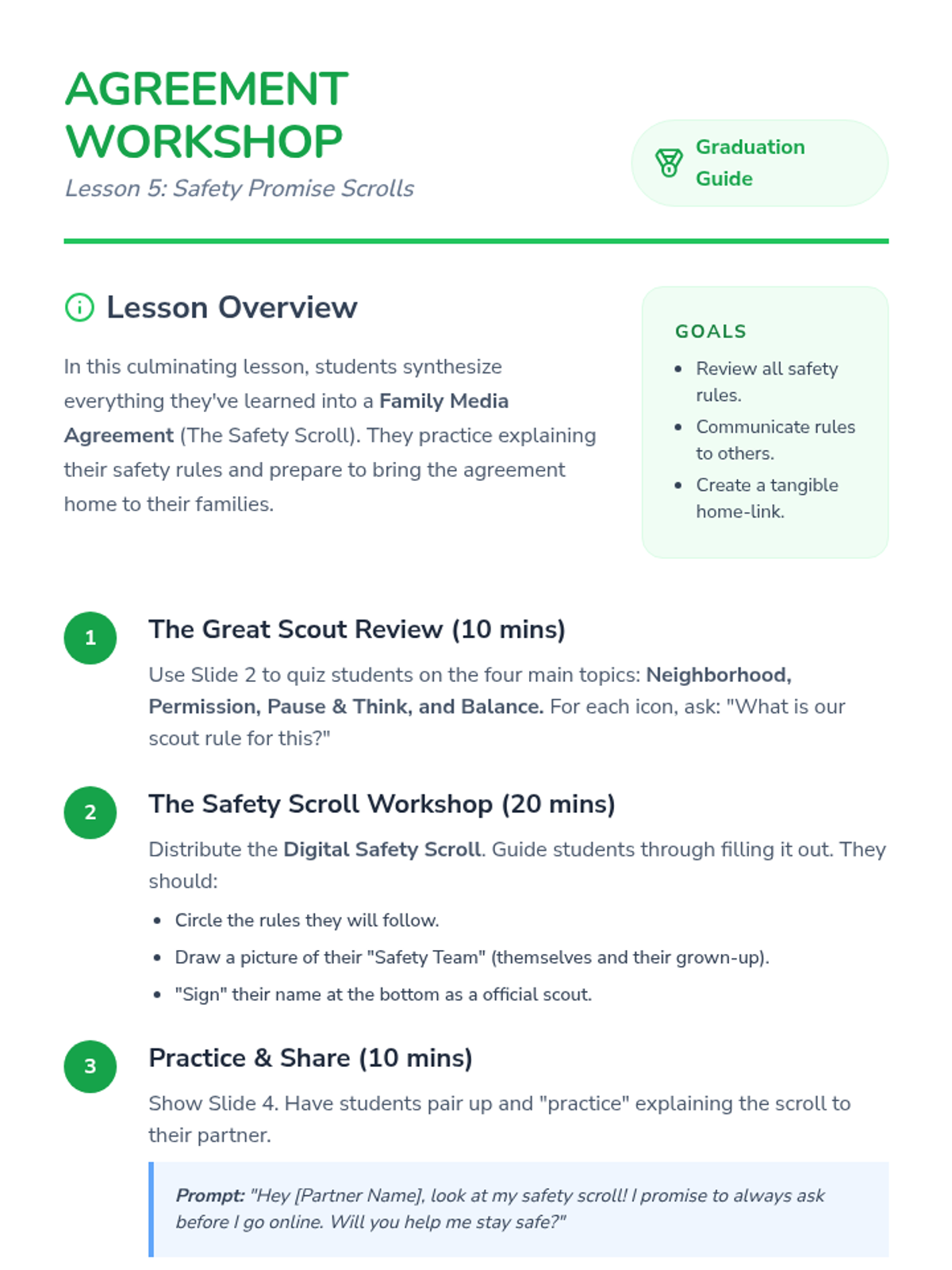
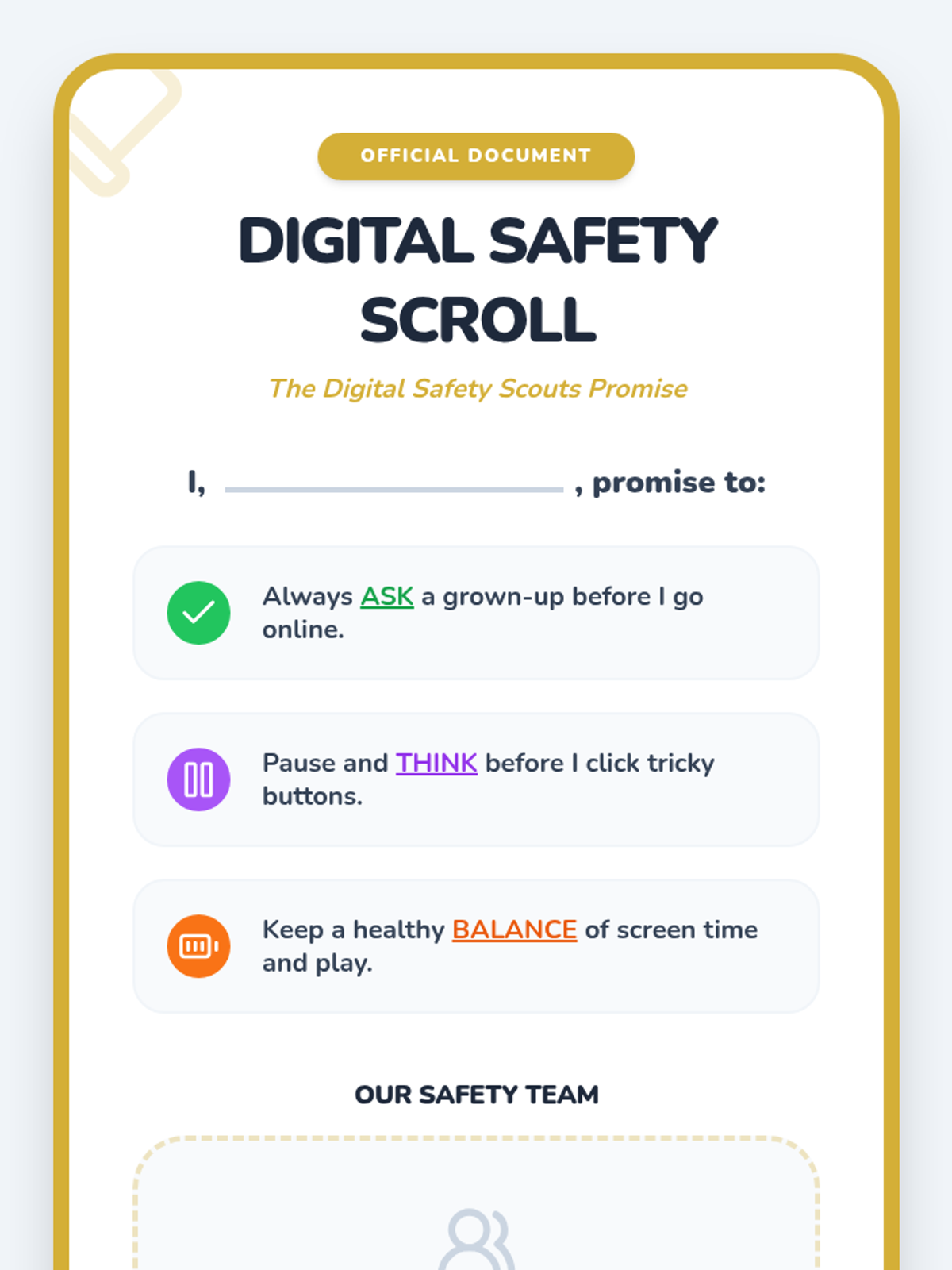
A culminating lesson where students create a 'Safety Scroll' agreement to share with their families, reinforcing the core rule of asking for permission.
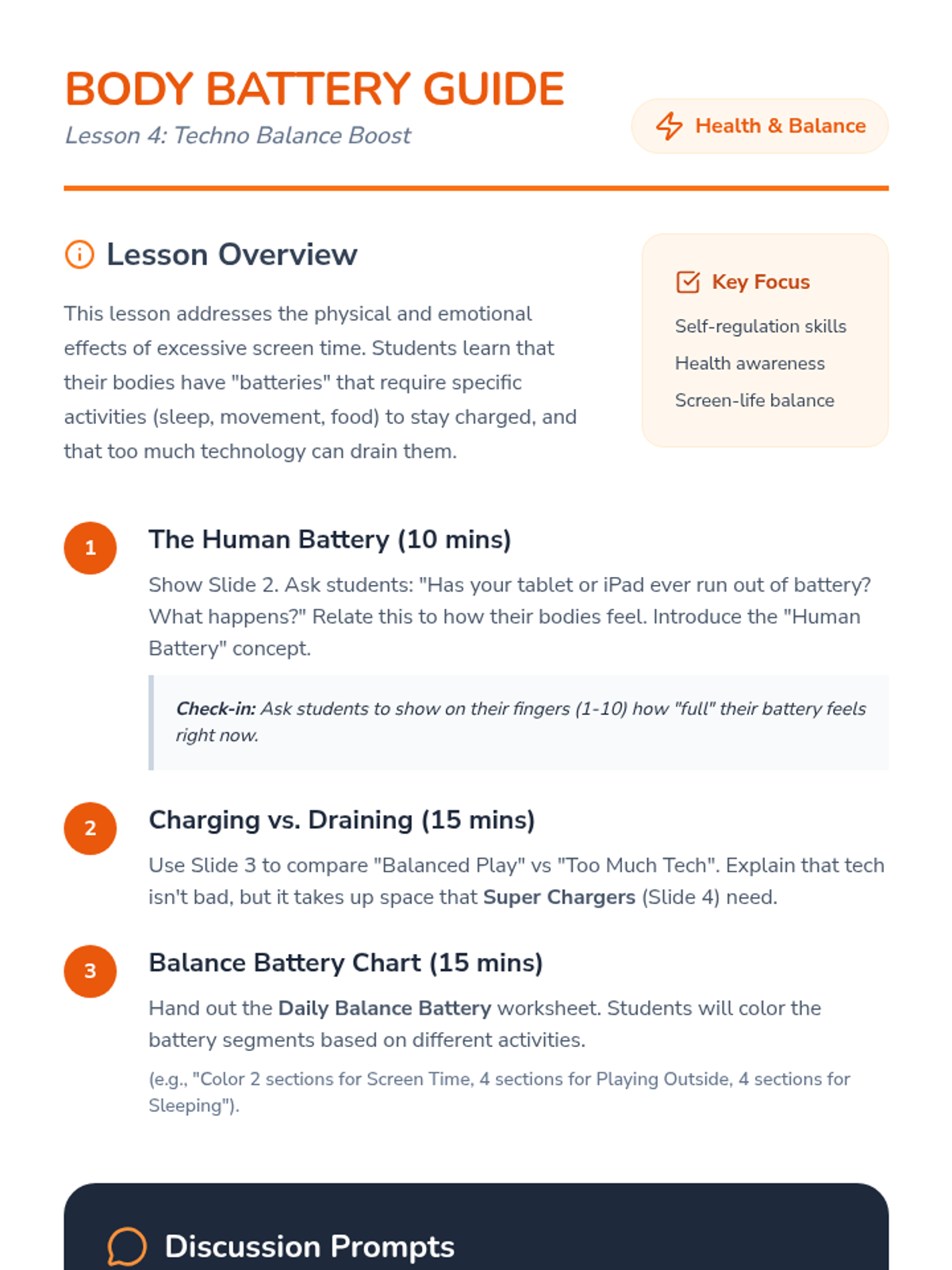
Focuses on the physical and emotional health impacts of screen time, teaching students to balance digital play with physical activity and rest.
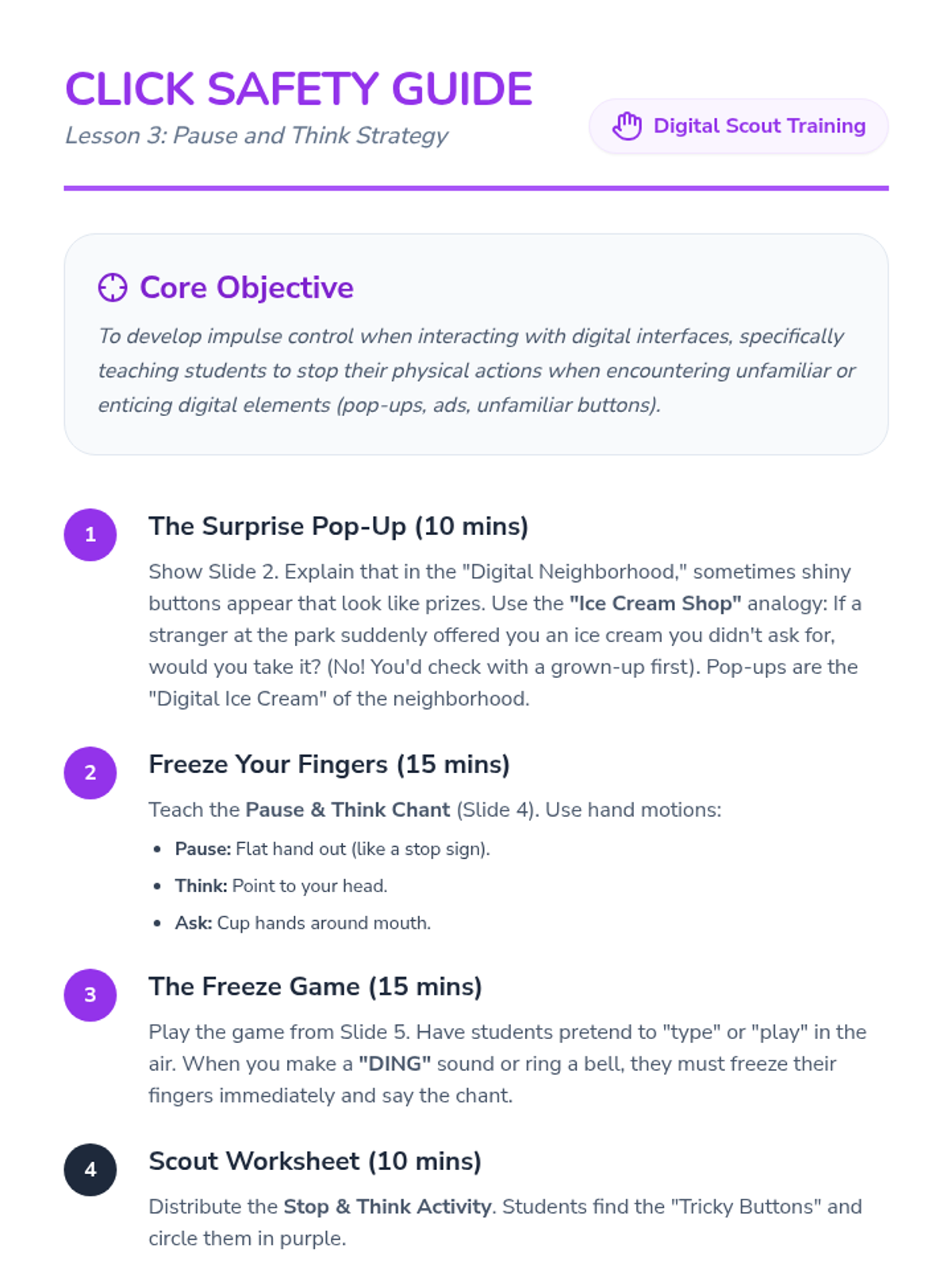
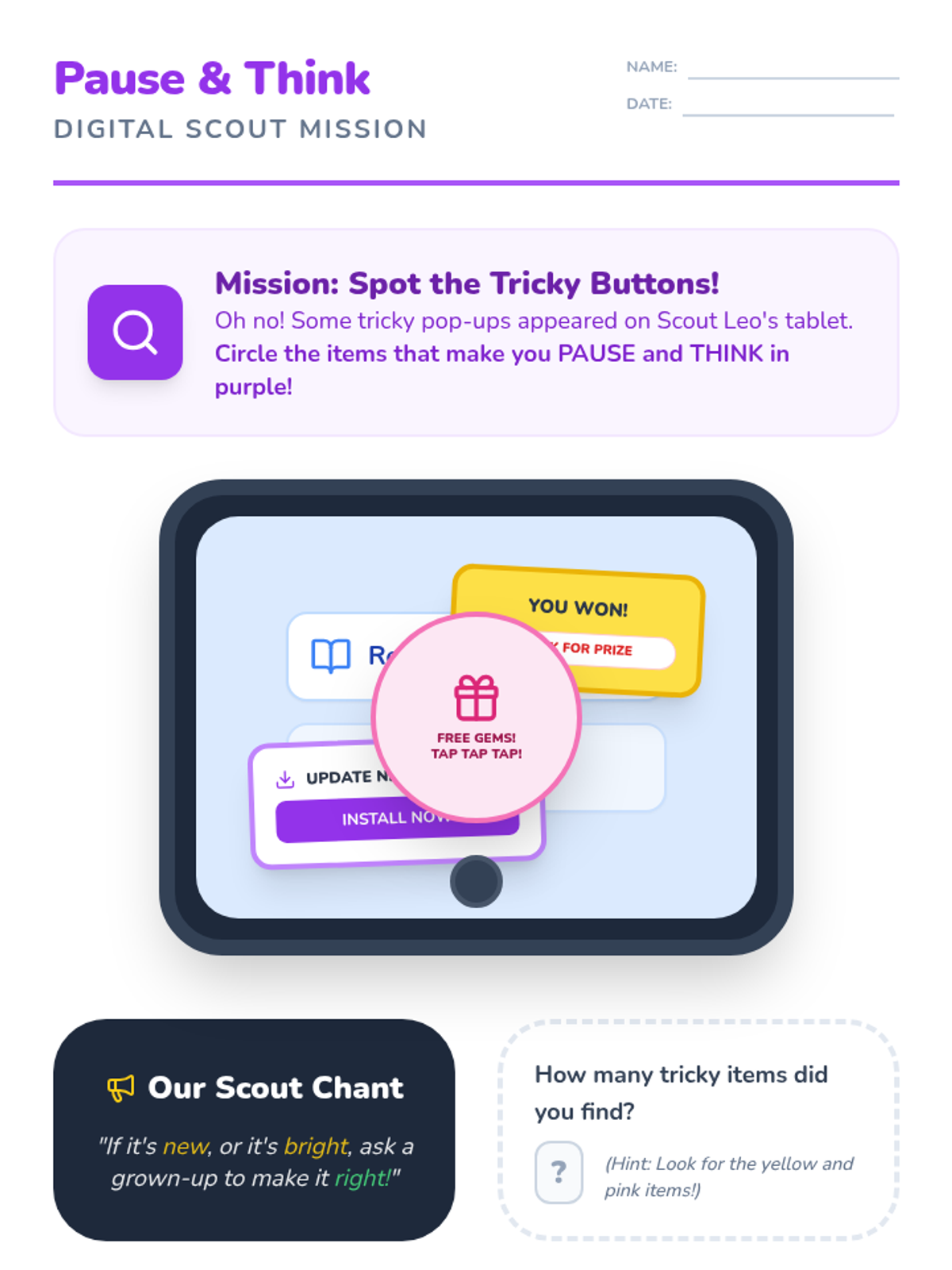
Students learn the 'Pause and Think' strategy to handle unknown pop-ups or links, emphasizing the importance of checking with a trusted adult.
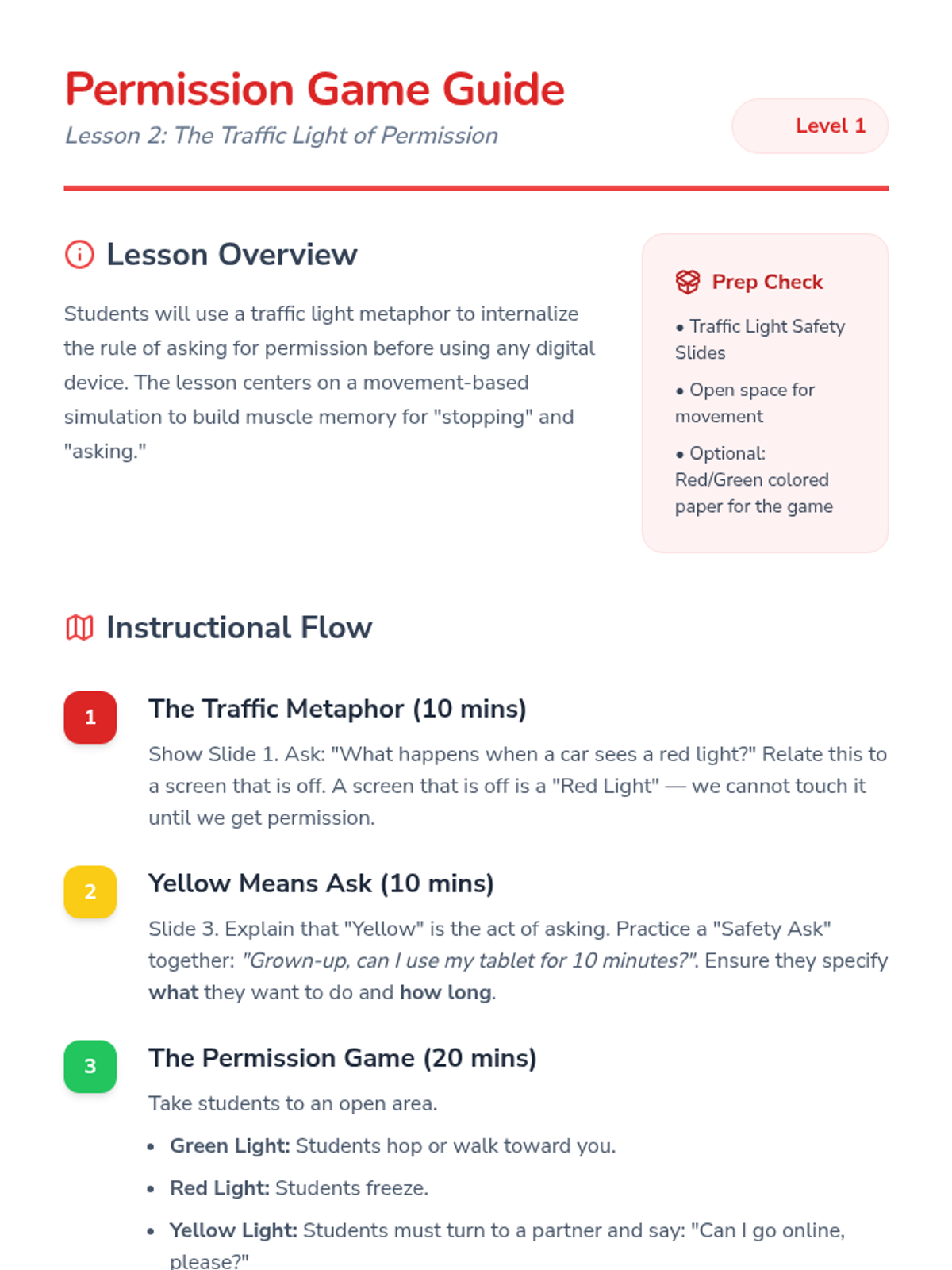
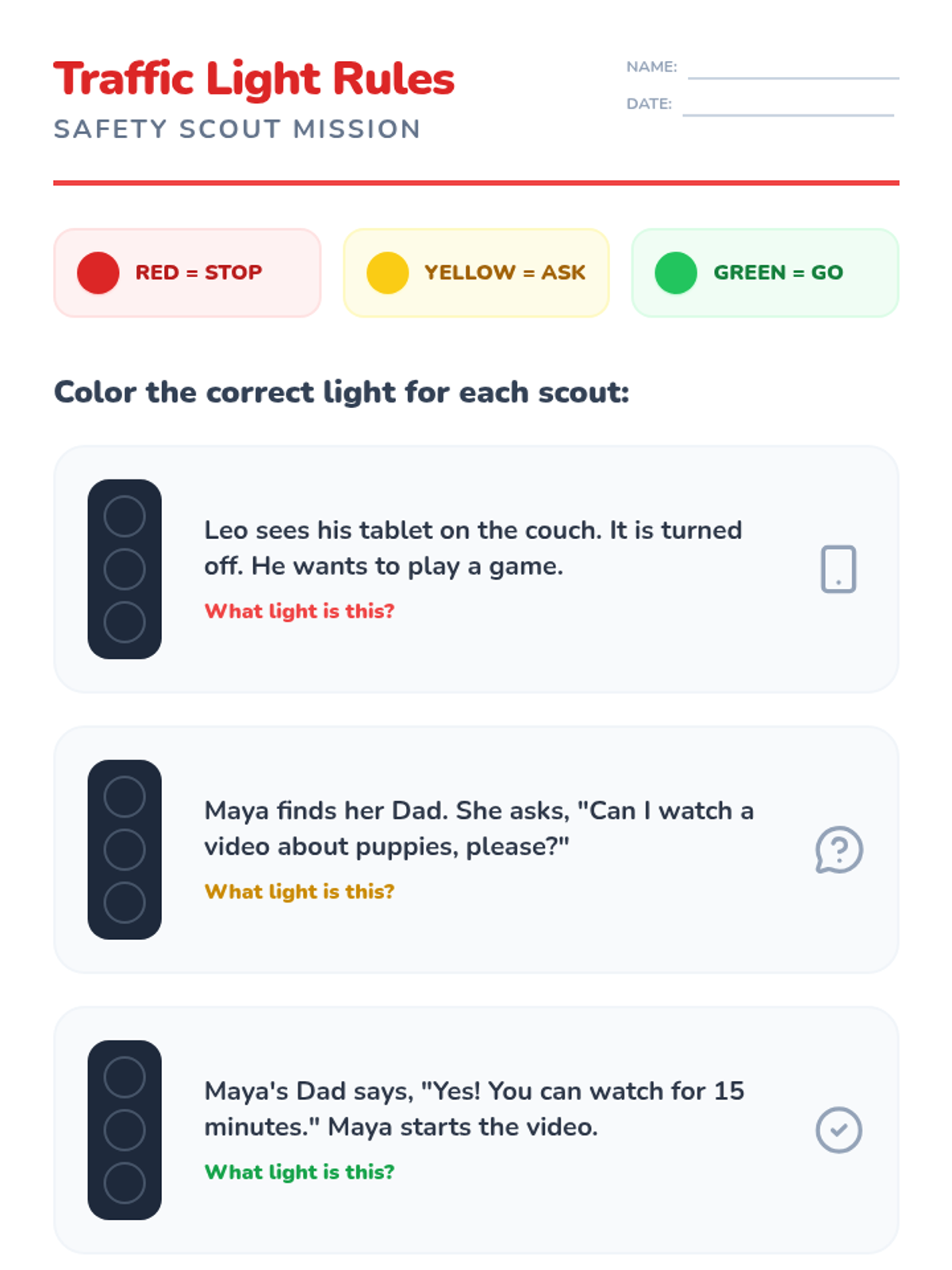
Using a traffic light metaphor, students practice identifying when they need to stop and ask for permission before using digital devices.
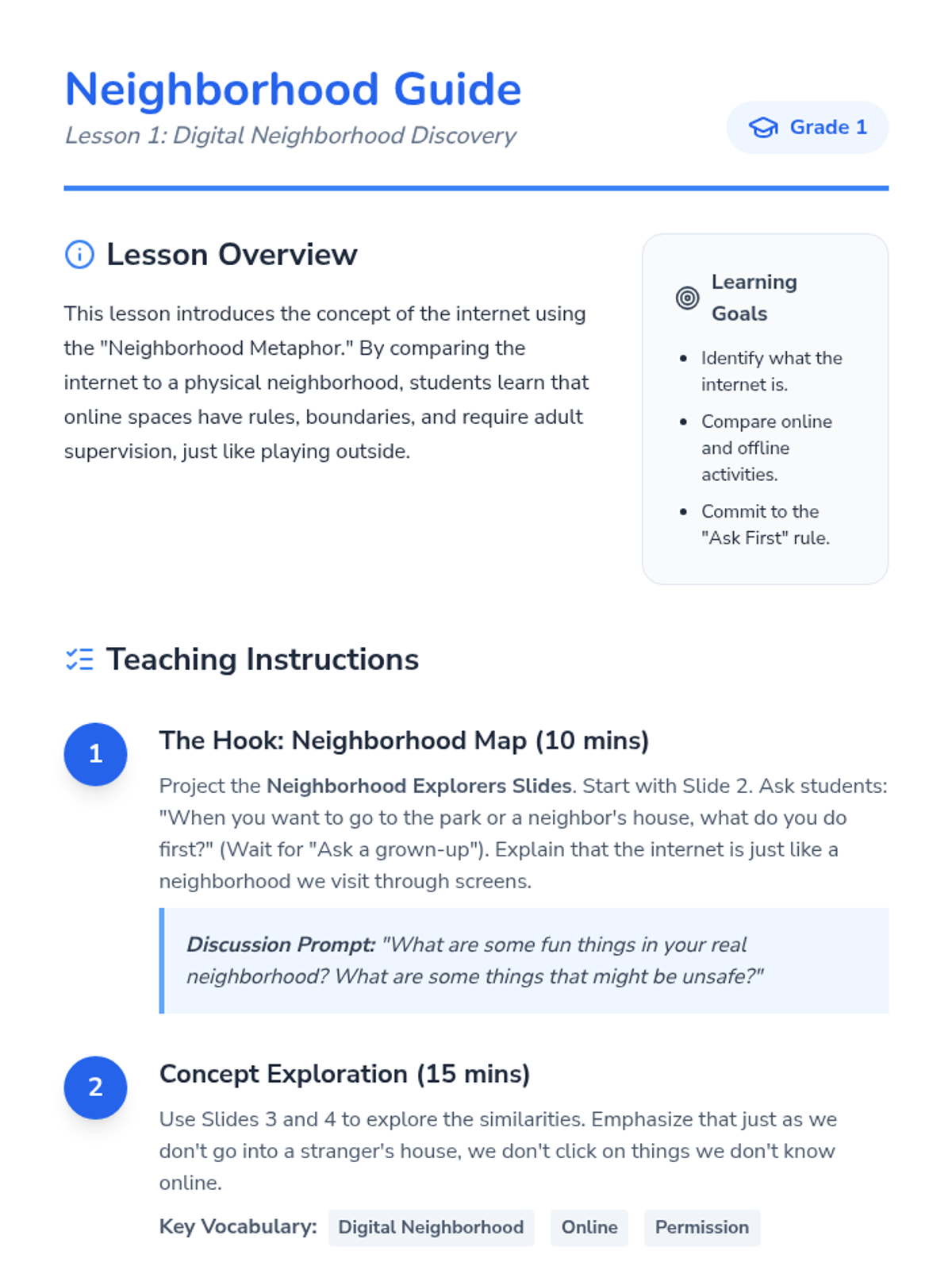
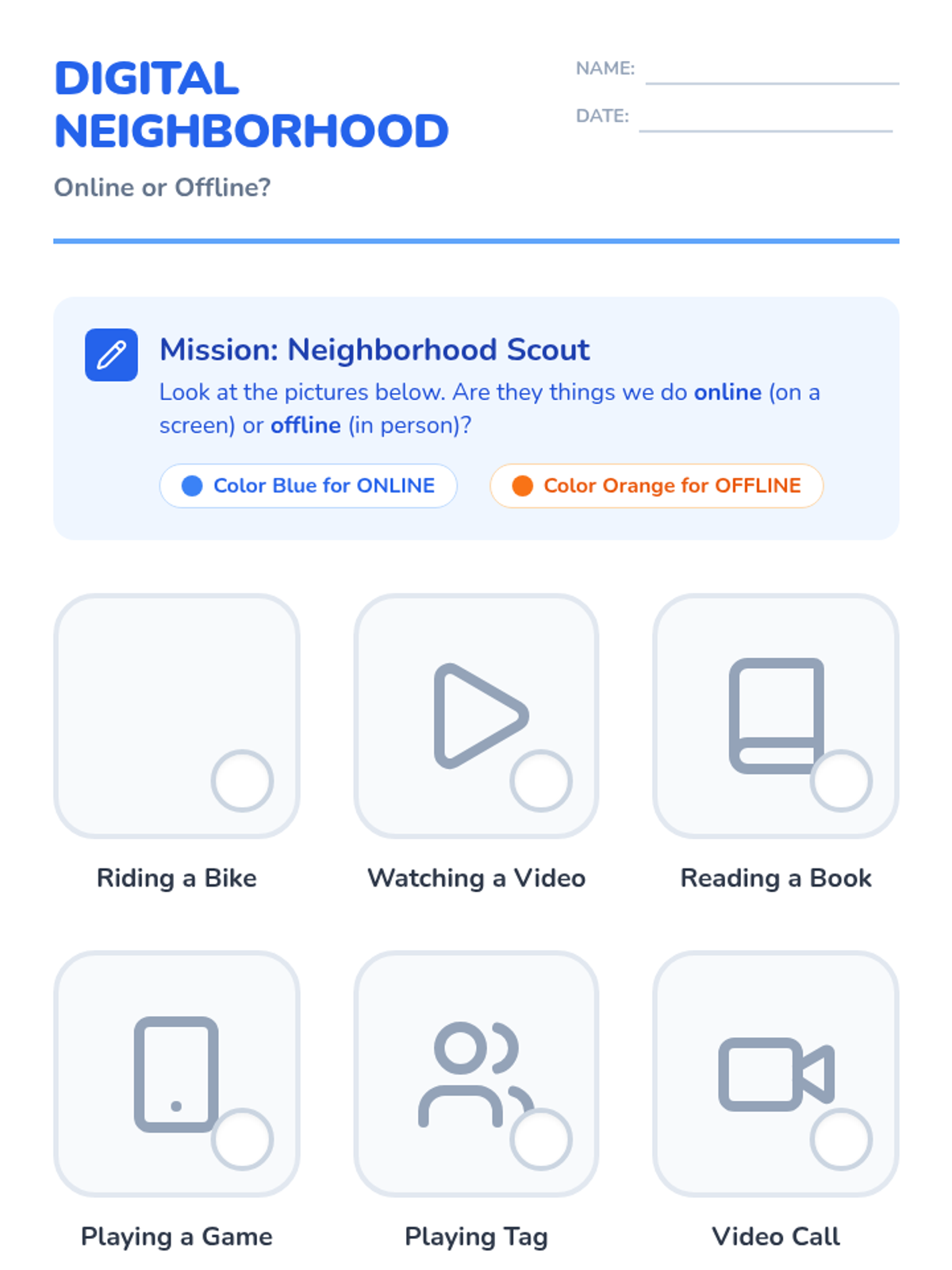
Students compare the internet to a physical neighborhood to understand that online spaces have rules and boundaries, just like real-world places.