Fundamental hardware proficiency, secure online behavior, and ethical social media engagement. Equips learners with productivity tool mastery, web publishing skills, and critical evaluation of emerging technologies.
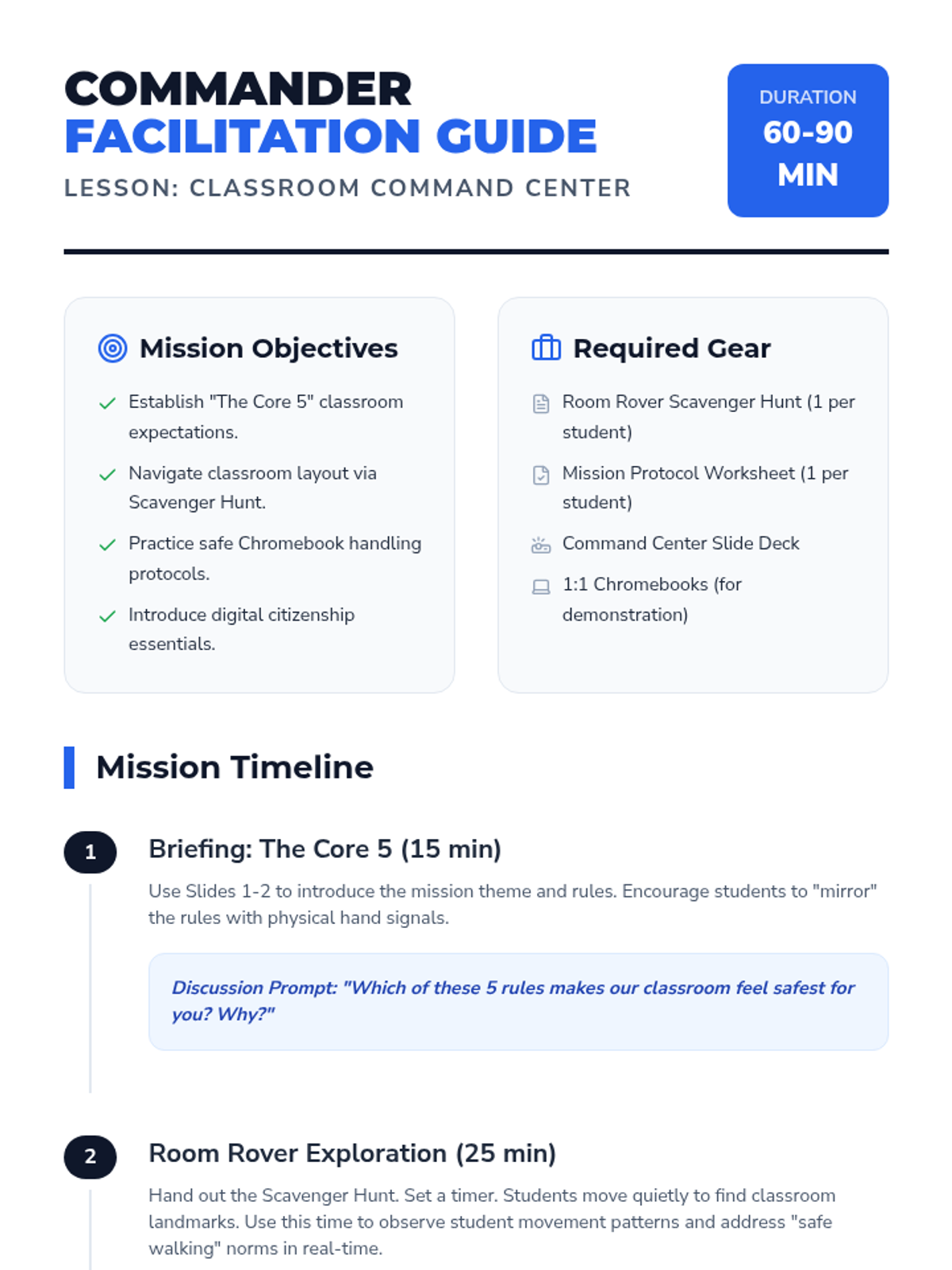
A comprehensive facilitation guide for teachers to deliver the Classroom Command Center lesson, including pacing, discussion prompts, and differentiation strategies.
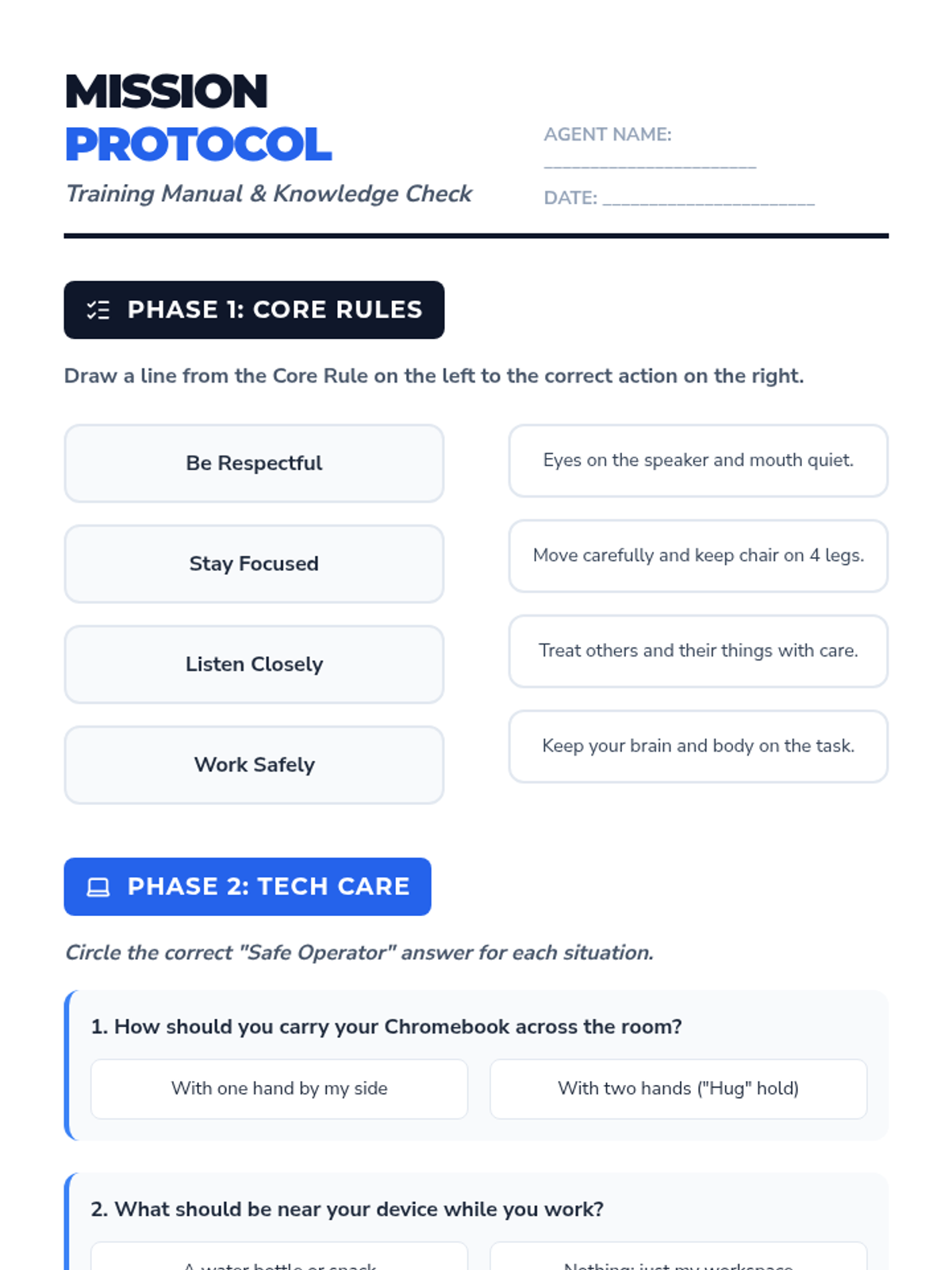
A worksheet reinforcing classroom rules, tech care protocols, and digital citizenship basics.
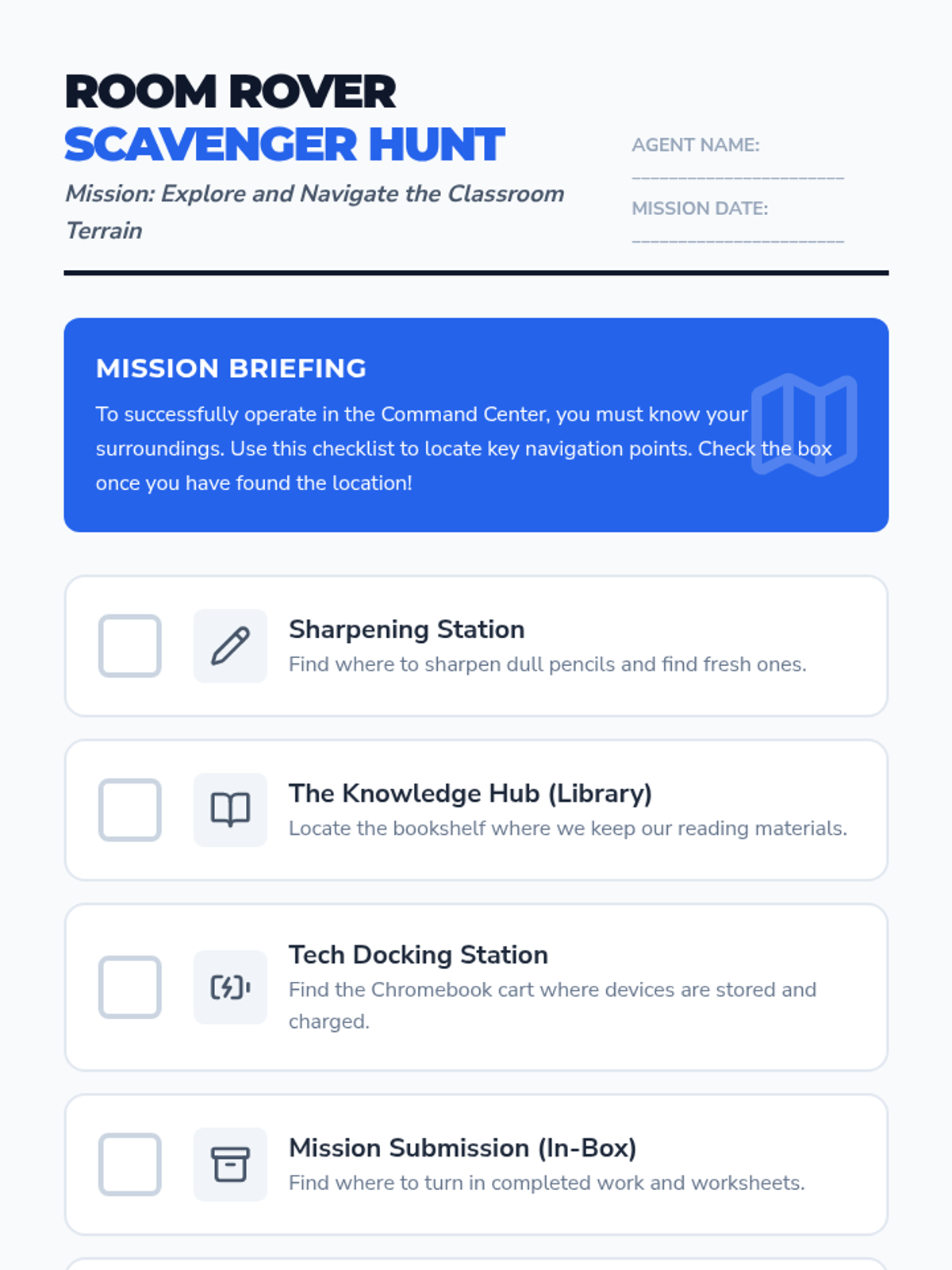
A printable checklist for students to explore and identify key locations in their new classroom.
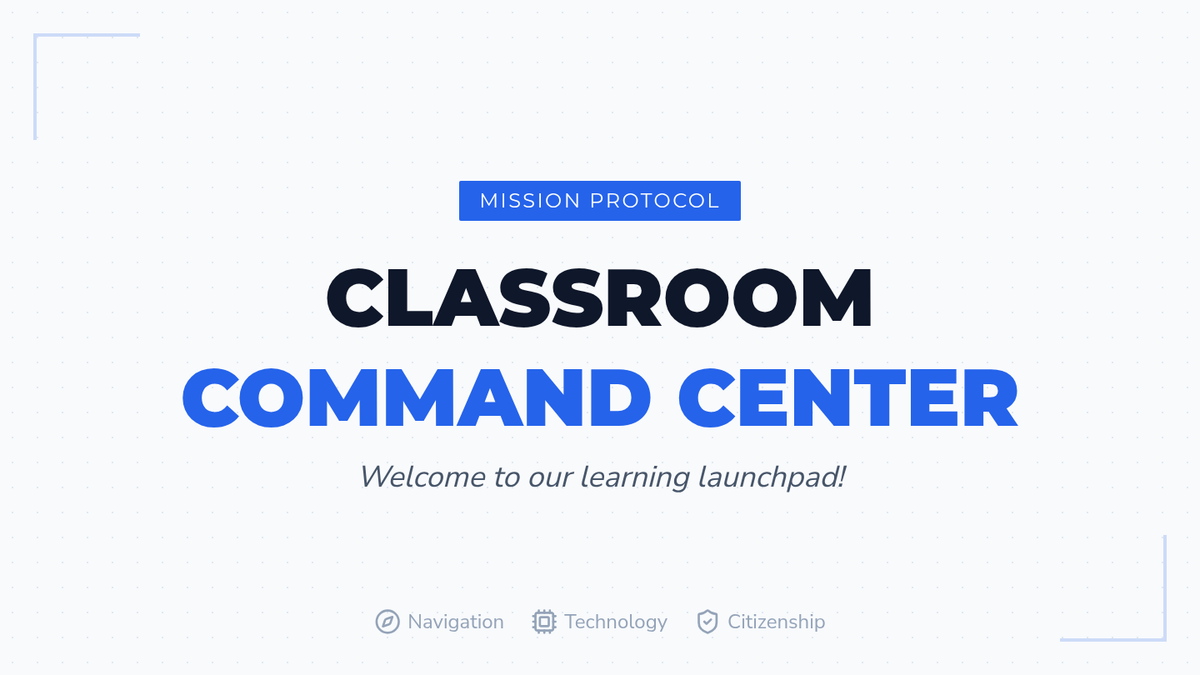
An interactive slide deck introducing classroom rules, tech care protocols, and digital citizenship basics with a "Mission Control" visual theme.
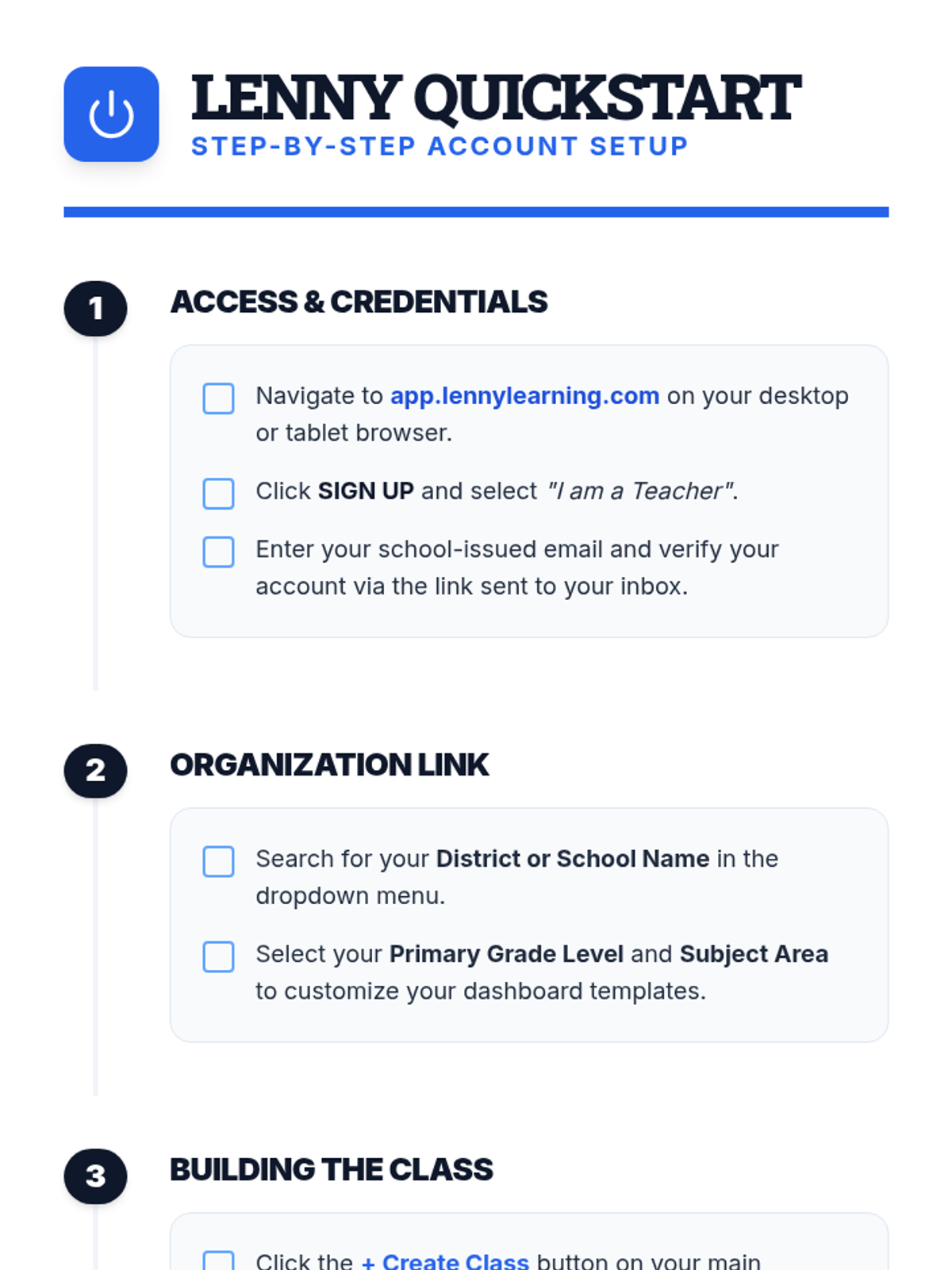
A clear, step-by-step document for teachers on setting up their Lenny Learning account, creating their first class, and onboarding students.
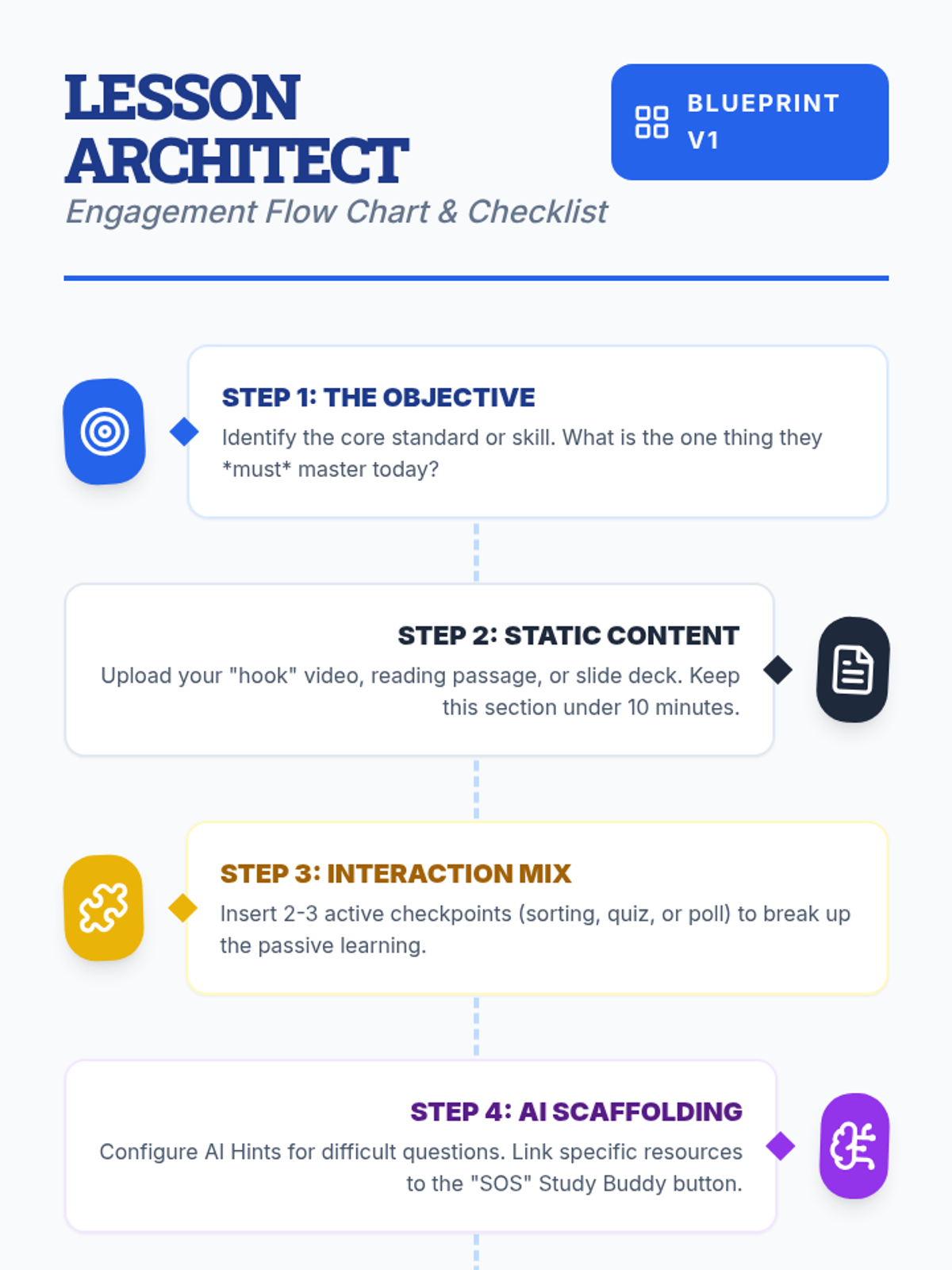
A visual flow chart and checklist for teachers detailing the step-by-step process of designing an engaging lesson on Lenny Learning.
A 10-slide presentation for teachers on designing engaging, interactive lessons using Lenny Learning's advanced features, gamification, and AI support.
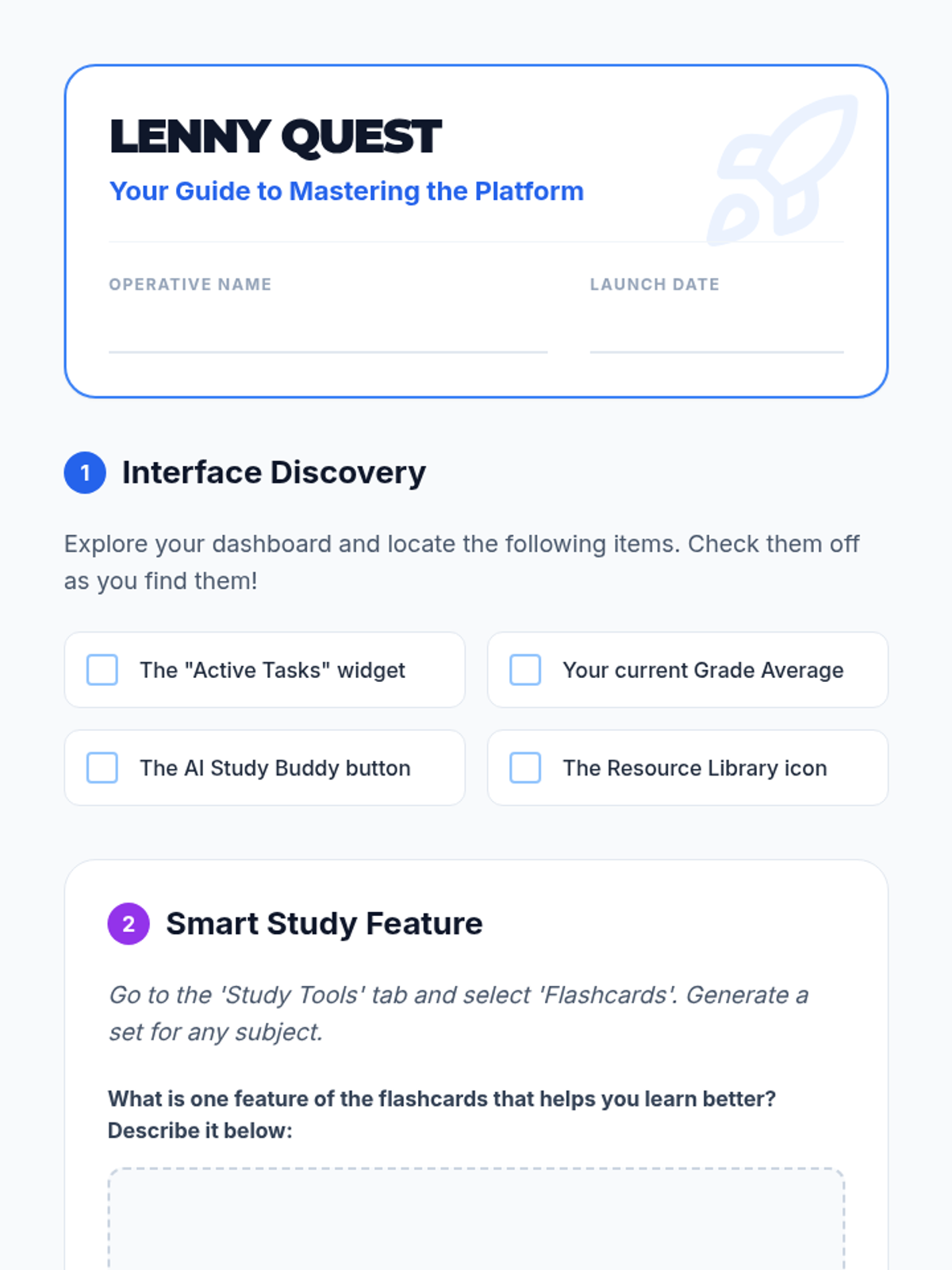
A student-facing scavenger hunt worksheet to help students explore the Lenny Learning interface and features.
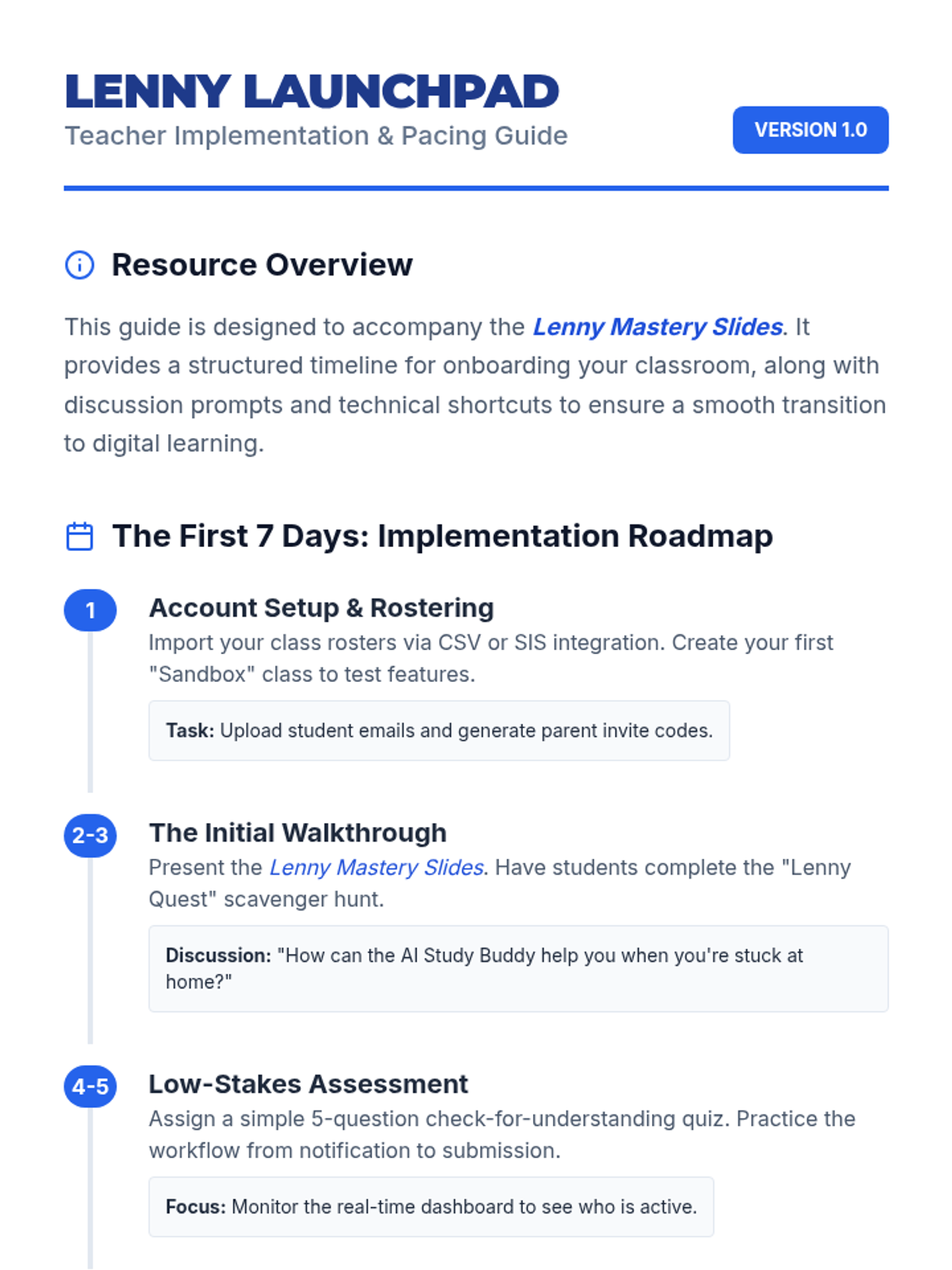
A teacher-facing guide with an onboarding timeline, troubleshooting tips, and classroom management strategies for implementing Lenny Learning.
A 10-slide presentation designed for teachers, providing a beginner-friendly overview of Lenny Learning's assignment workflows, study tools, and dashboard features.
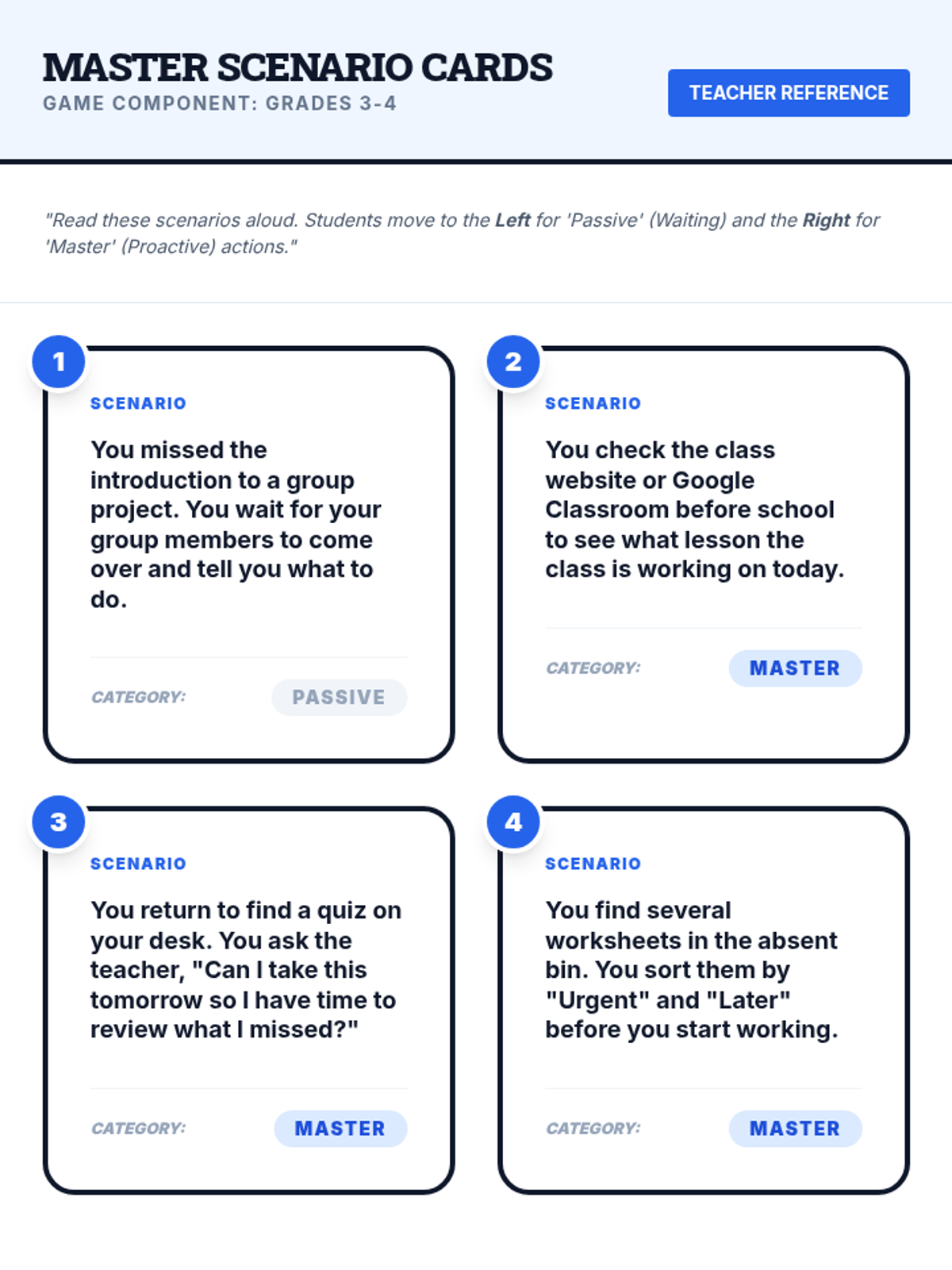
Printable scenario cards for the 'Scenario Sprint' game and a teacher answer key for the Master Captains lesson assessment.
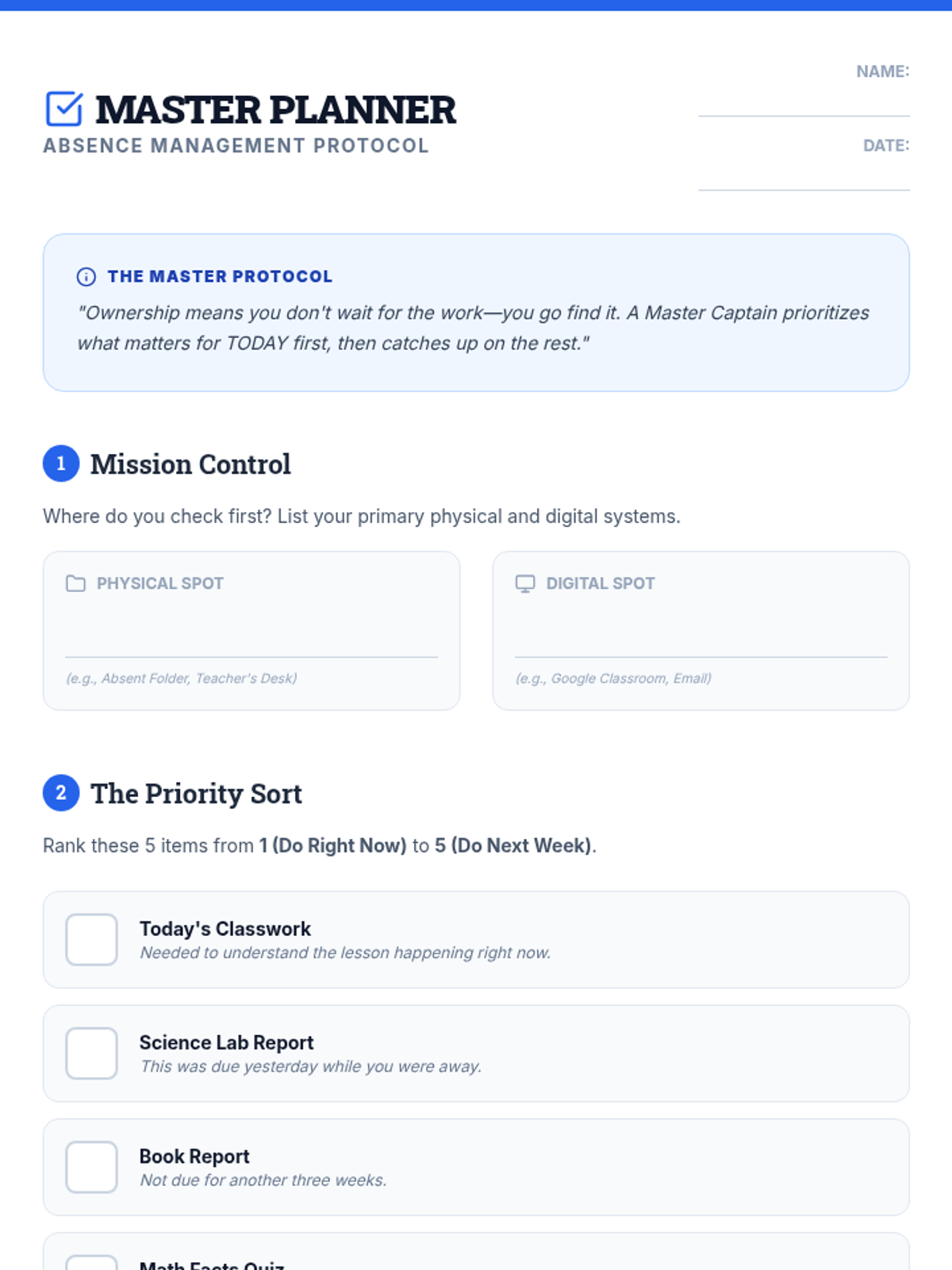
An advanced writing-based activity and quiz for grades 3-4 focusing on priority ranking and proactive problem-solving after an absence.
Advanced, strategy-focused slides for grades 3-4 that emphasize student autonomy, task prioritization, and professional communication after an absence.
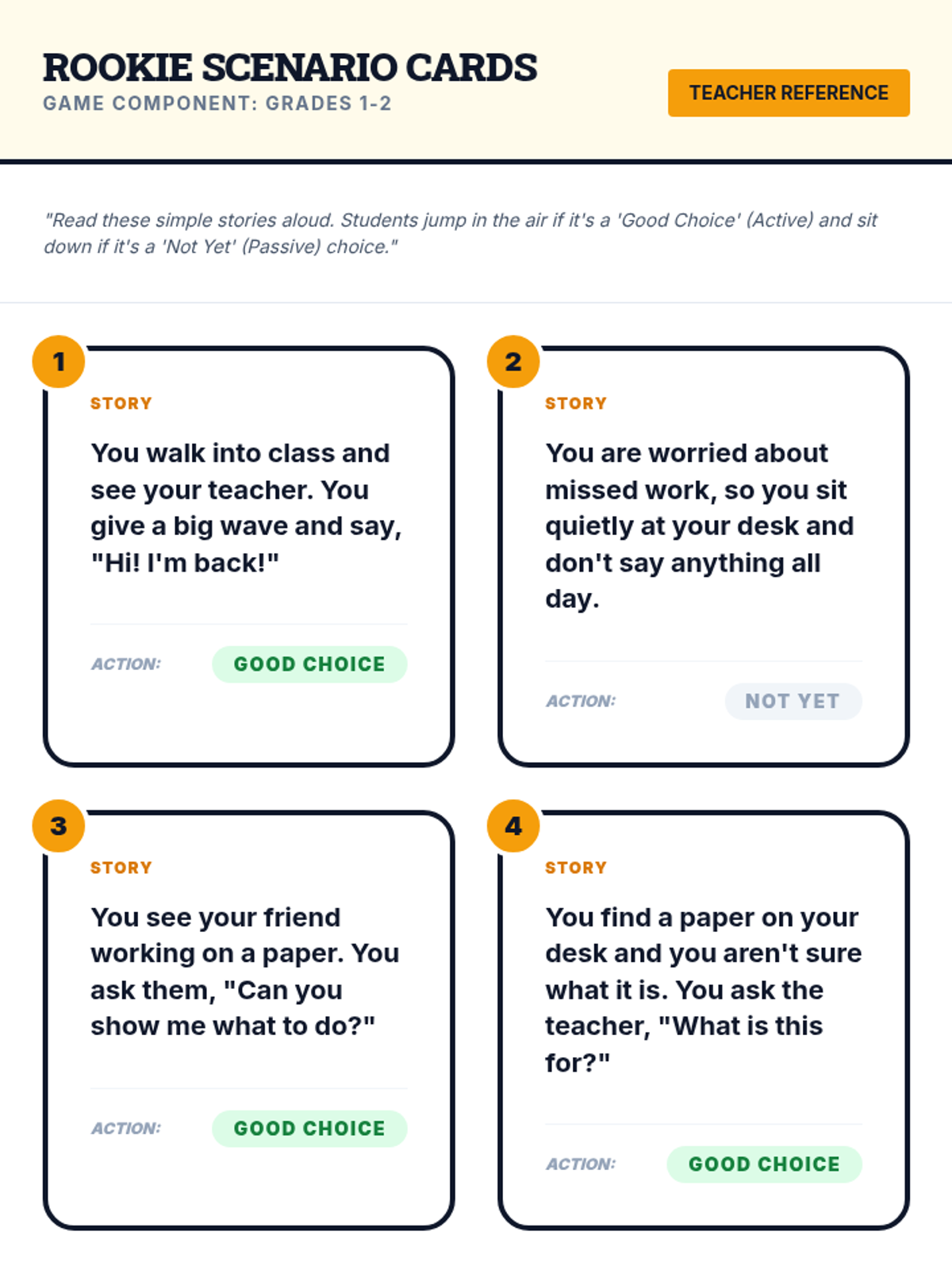
Printable scenario cards for the 'Scenario Sprint' game and a teacher answer key for the Rookie Captains lesson assessment for grades 1-2.
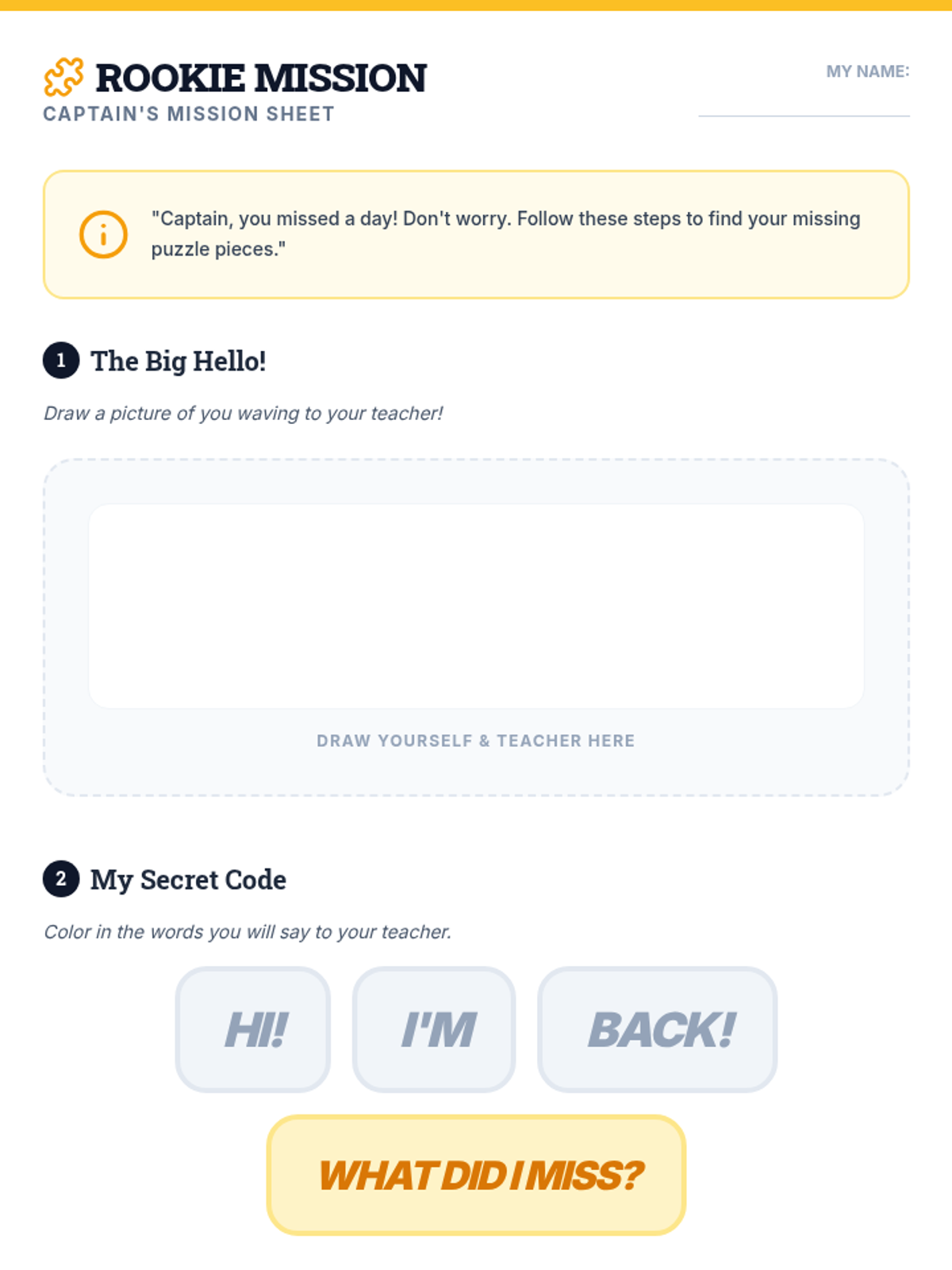
A drawing-focused activity sheet and picture-based quiz for grades 1-2 to help them identify sources of help after an absence.
Simple, visually-driven slides for grades 1-2 that focus on the 'Big Hello' and finding a helper when returning to school after an absence.
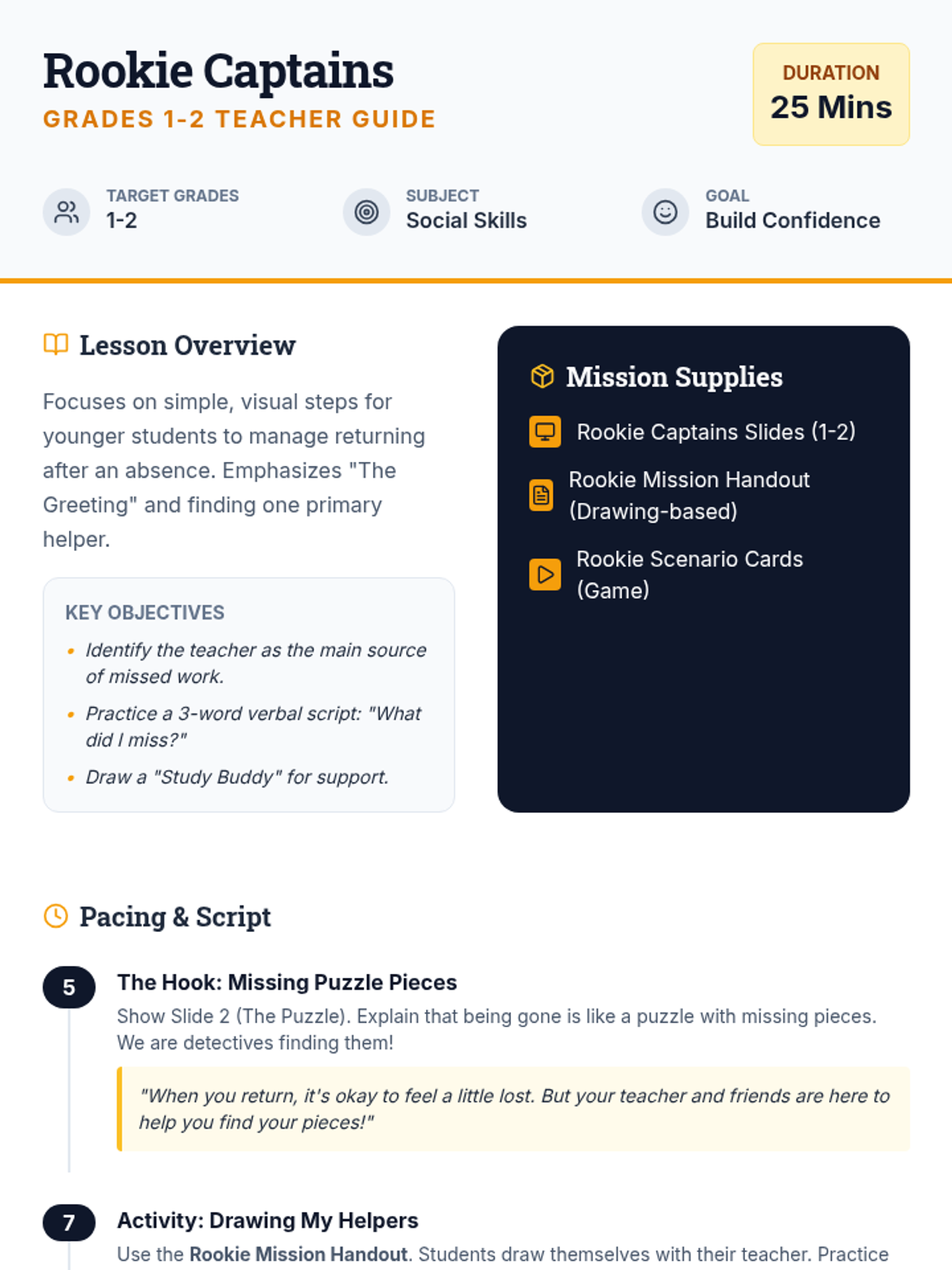
A 25-minute lesson guide for grades 1-2 focused on building confidence and simple verbal scripts for returning to school after an absence.
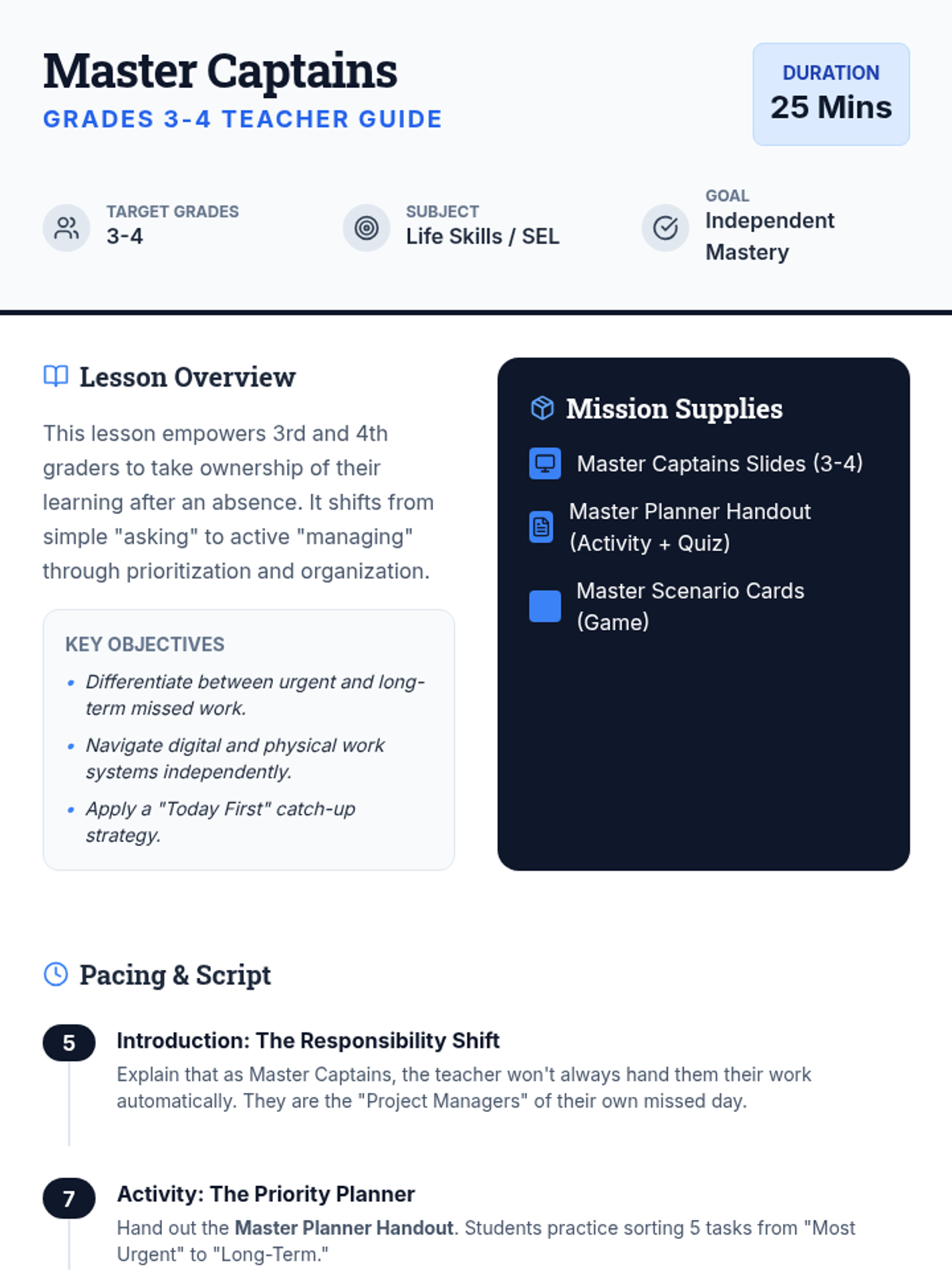
An advanced teacher guide for grades 3-4 focusing on student autonomy, task prioritization, and professional communication scripts for catching up after an absence.
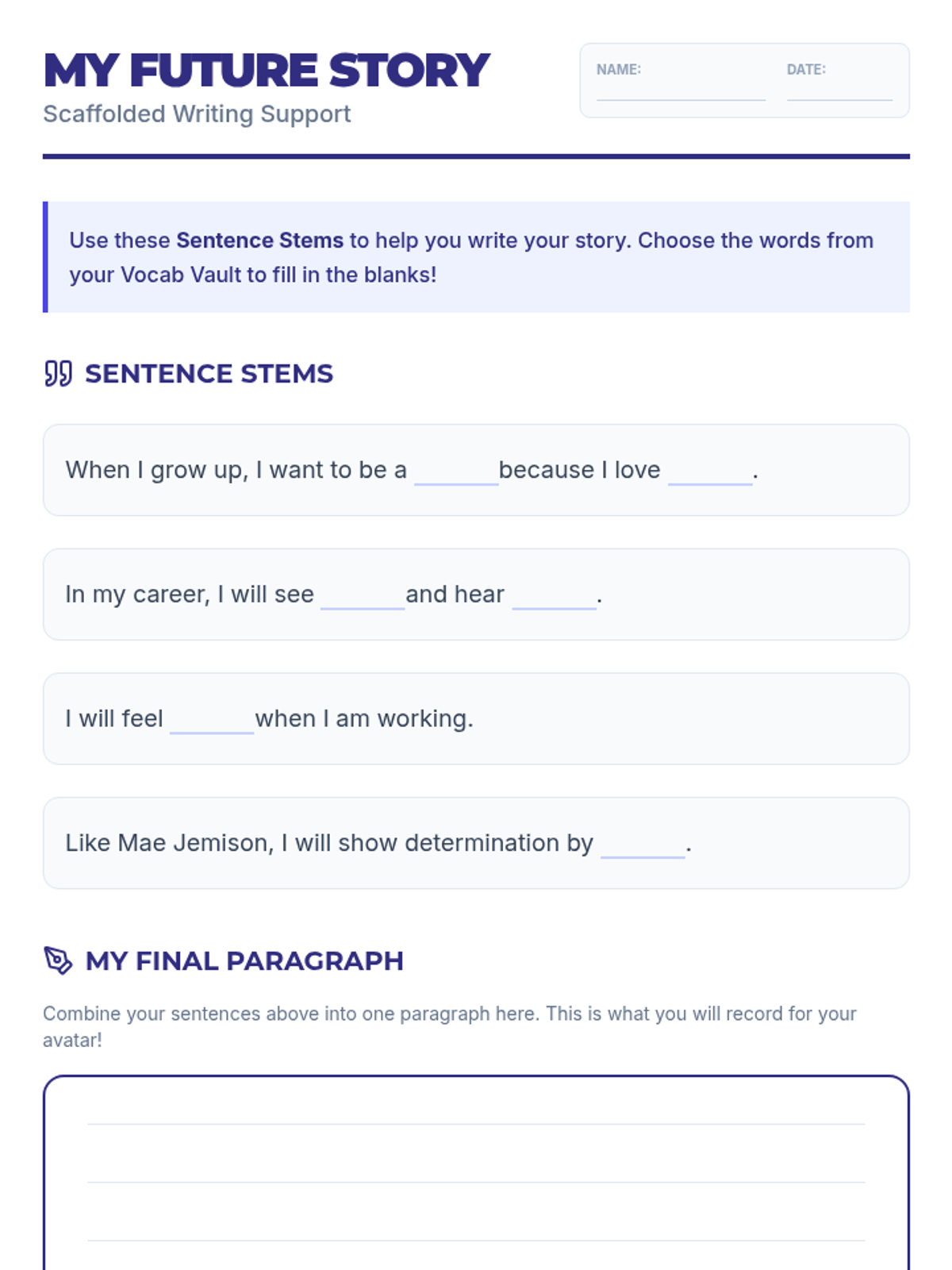
A highly scaffolded writing worksheet featuring sentence stems and word bank integration to help ELL students draft their career paragraphs. Simplified for 150L learners.
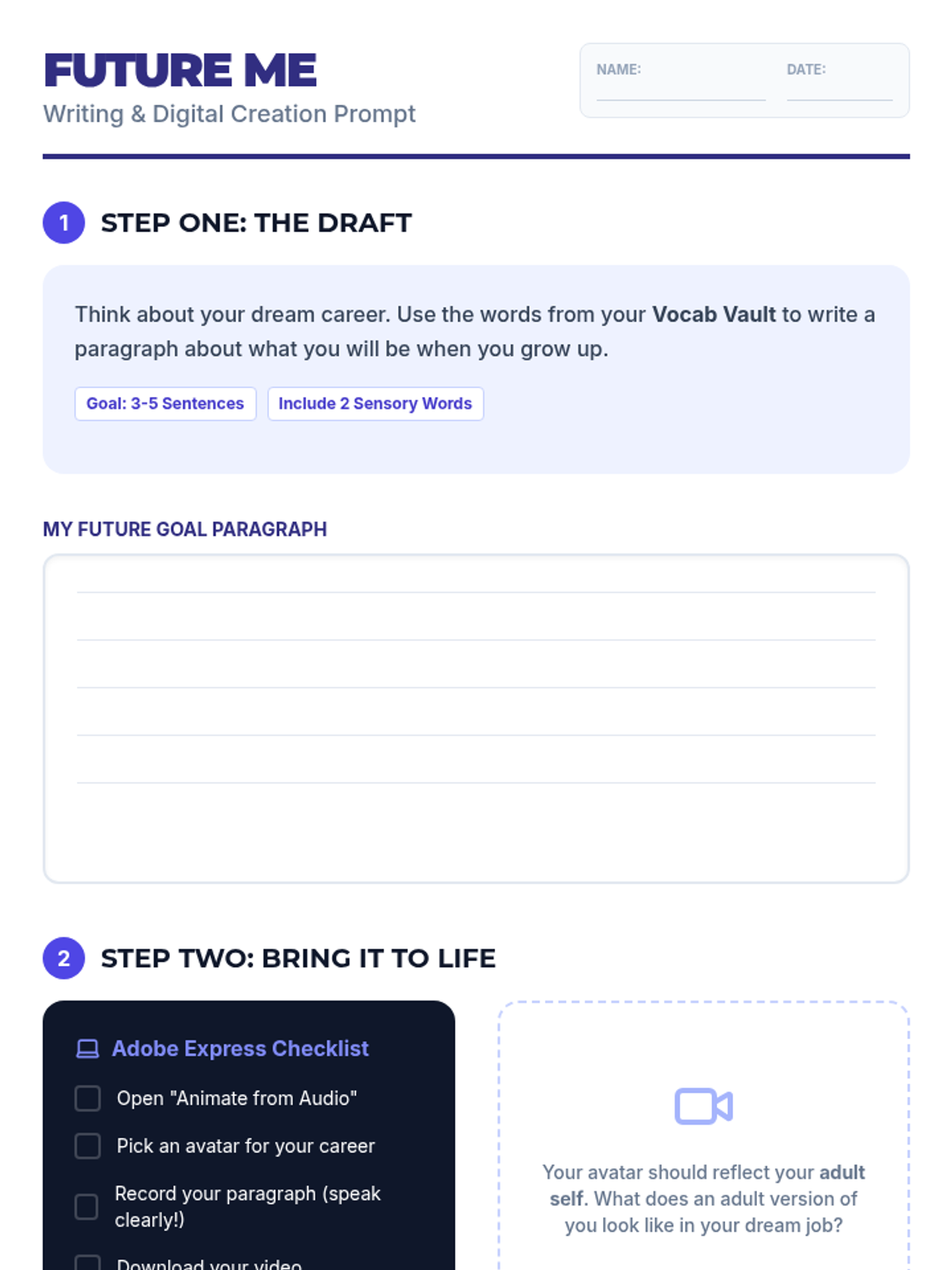
A student worksheet for drafting a career paragraph and providing step-by-step instructions for creating an animated avatar in Adobe Express. Simplified for 150L learners.
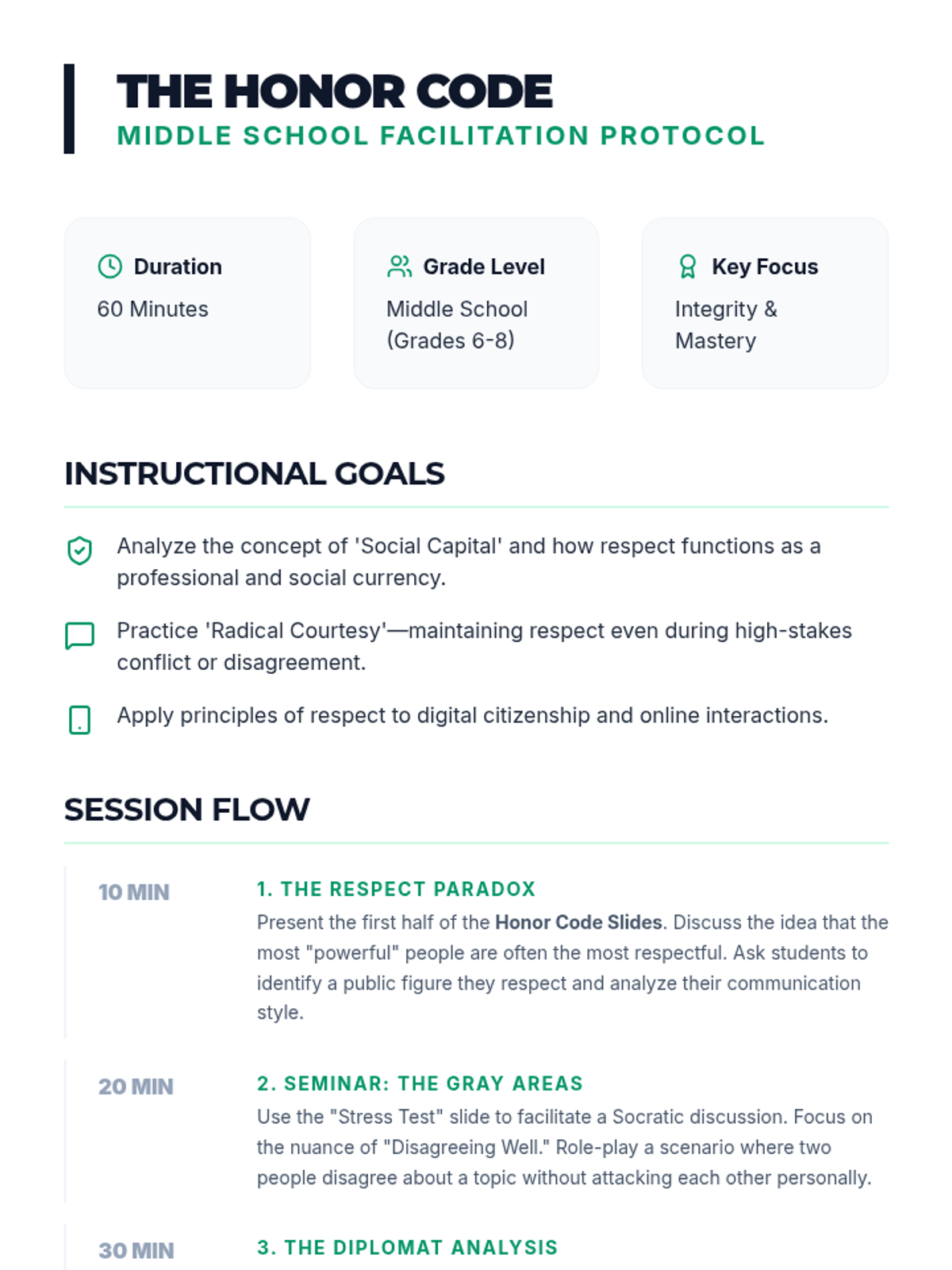
A sophisticated facilitation guide for middle school educators to lead high-level discussions on social capital, digital respect, and maintaining integrity during conflict.
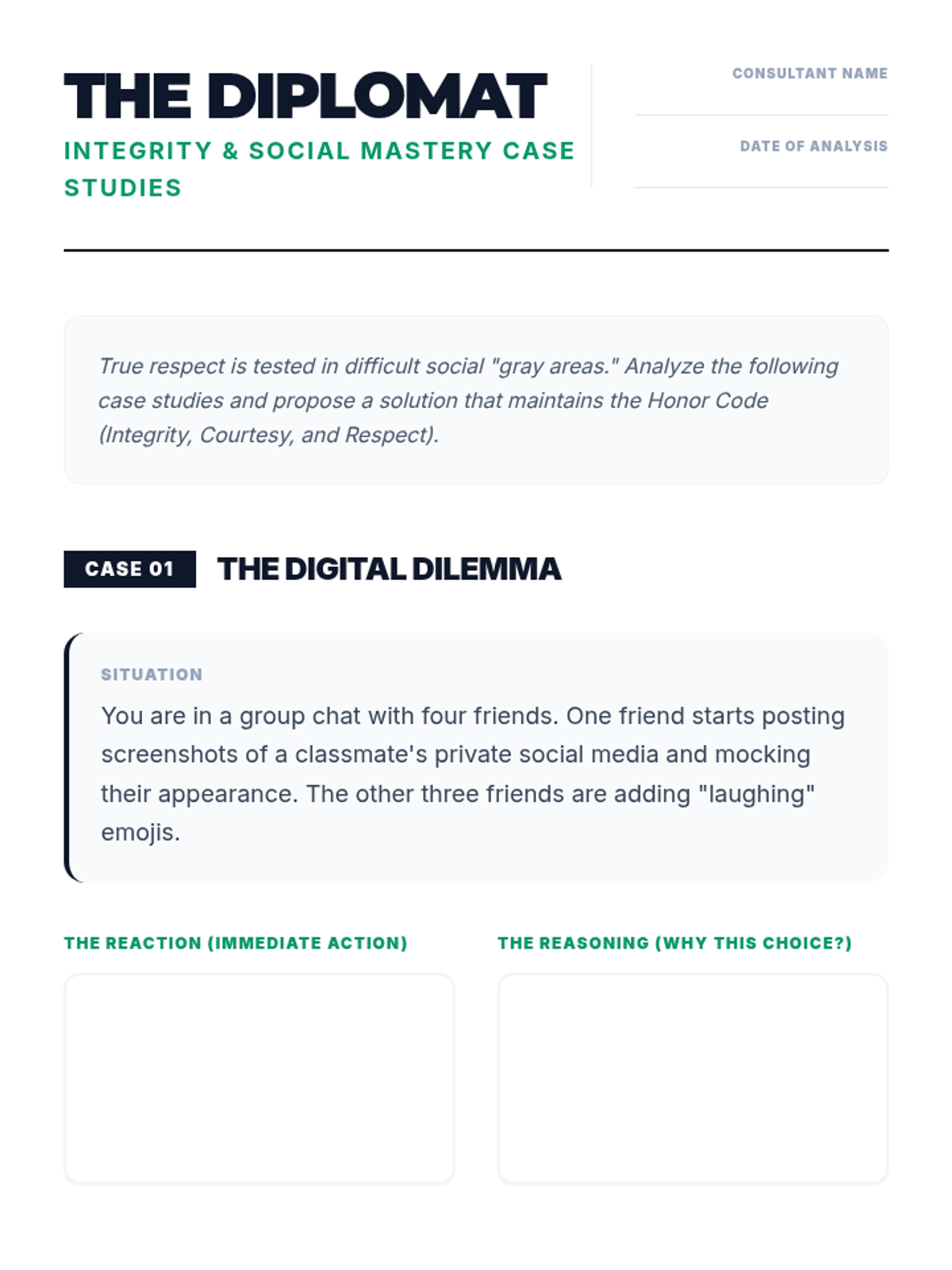
A high-level critical thinking worksheet for middle school students featuring complex social 'gray area' case studies regarding respect and loyalty.
An advanced presentation for middle school students on the complexities of respect, situational courtesy, and maintaining integrity under social pressure.
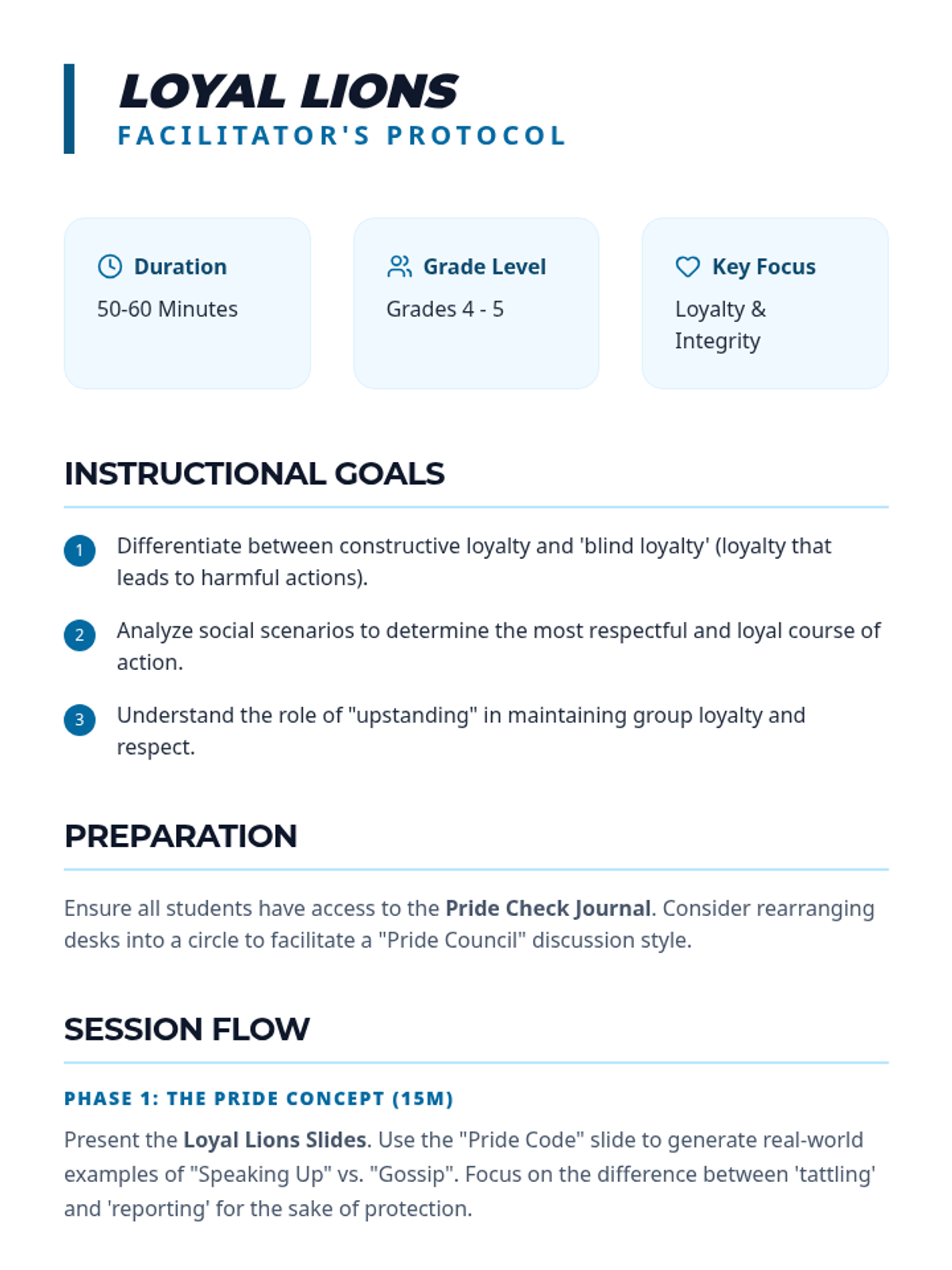
A teacher guide for the Loyal Lions lesson, focusing on deeper discussions about peer pressure and the ethics of loyalty for upper elementary students.
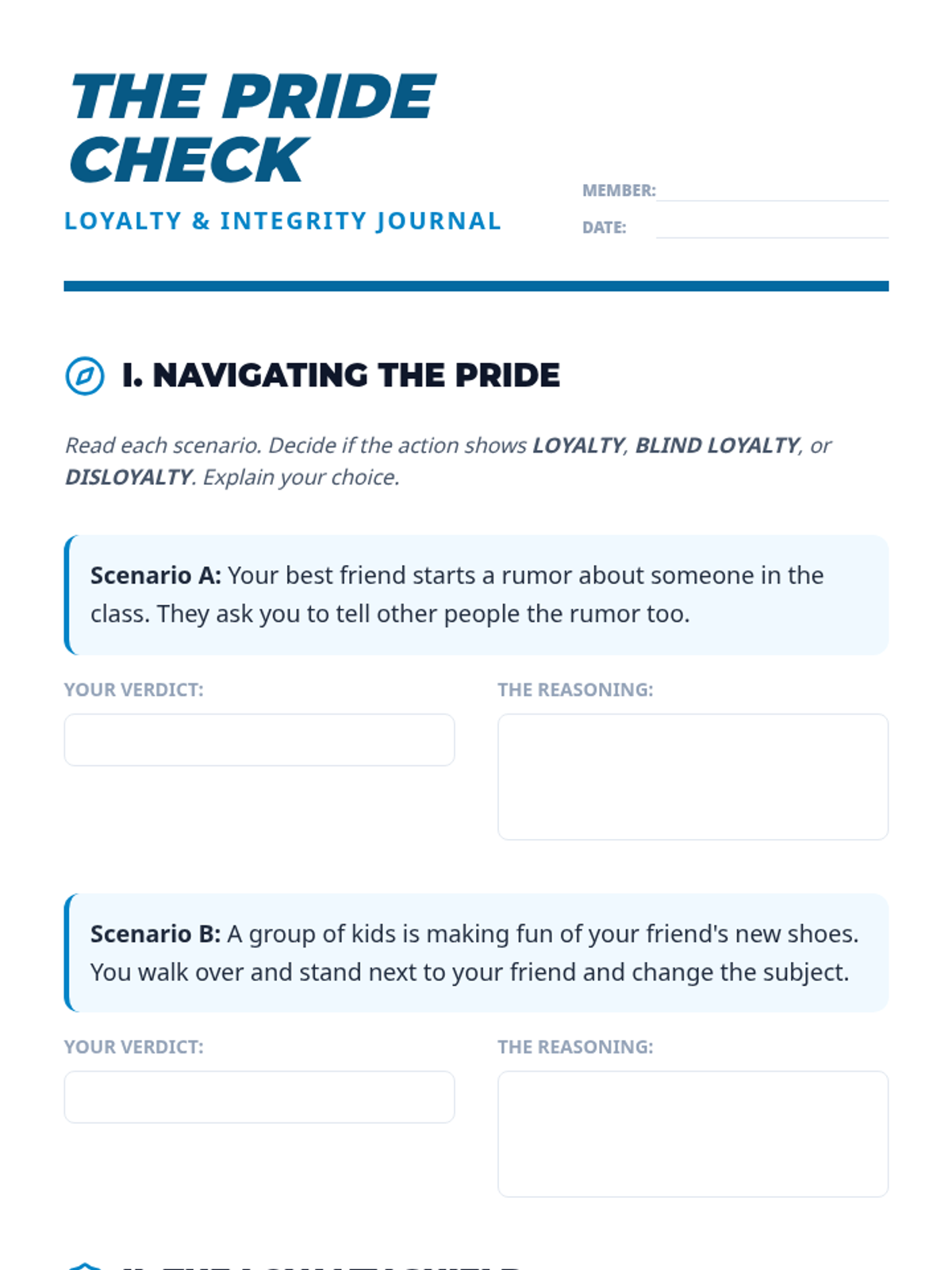
A reflective journal and scenario-based worksheet for upper elementary students to analyze different types of loyalty and identify healthy friendship traits.
A sophisticated presentation for upper elementary students on loyalty, distinguishing between healthy loyalty and 'blind loyalty', and emphasizing the strength of friendship groups.
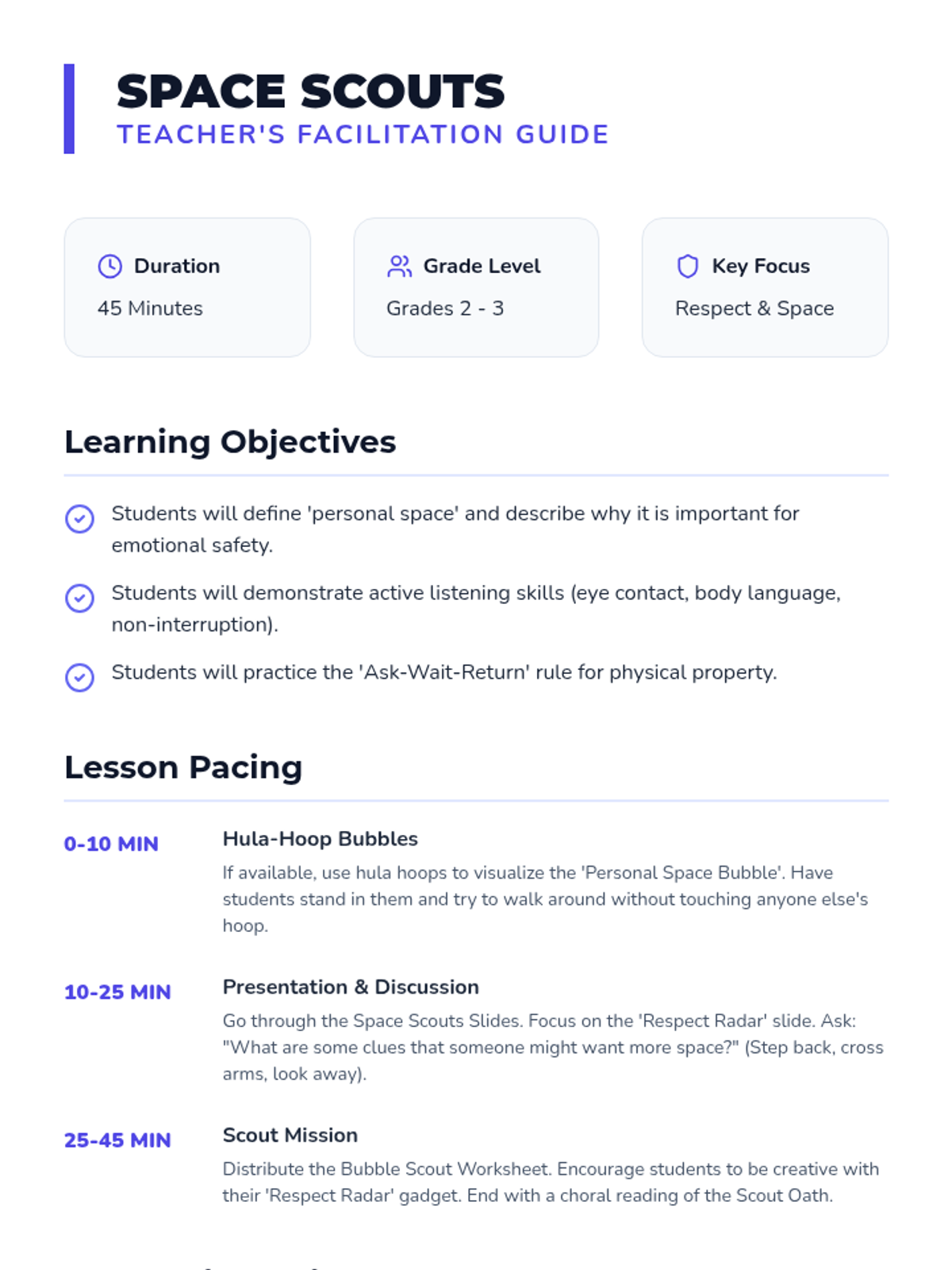
A professional teaching guide for the Space Scouts lesson, including a Hula-Hoop visualization activity and tips for handling sensory sensitivities.
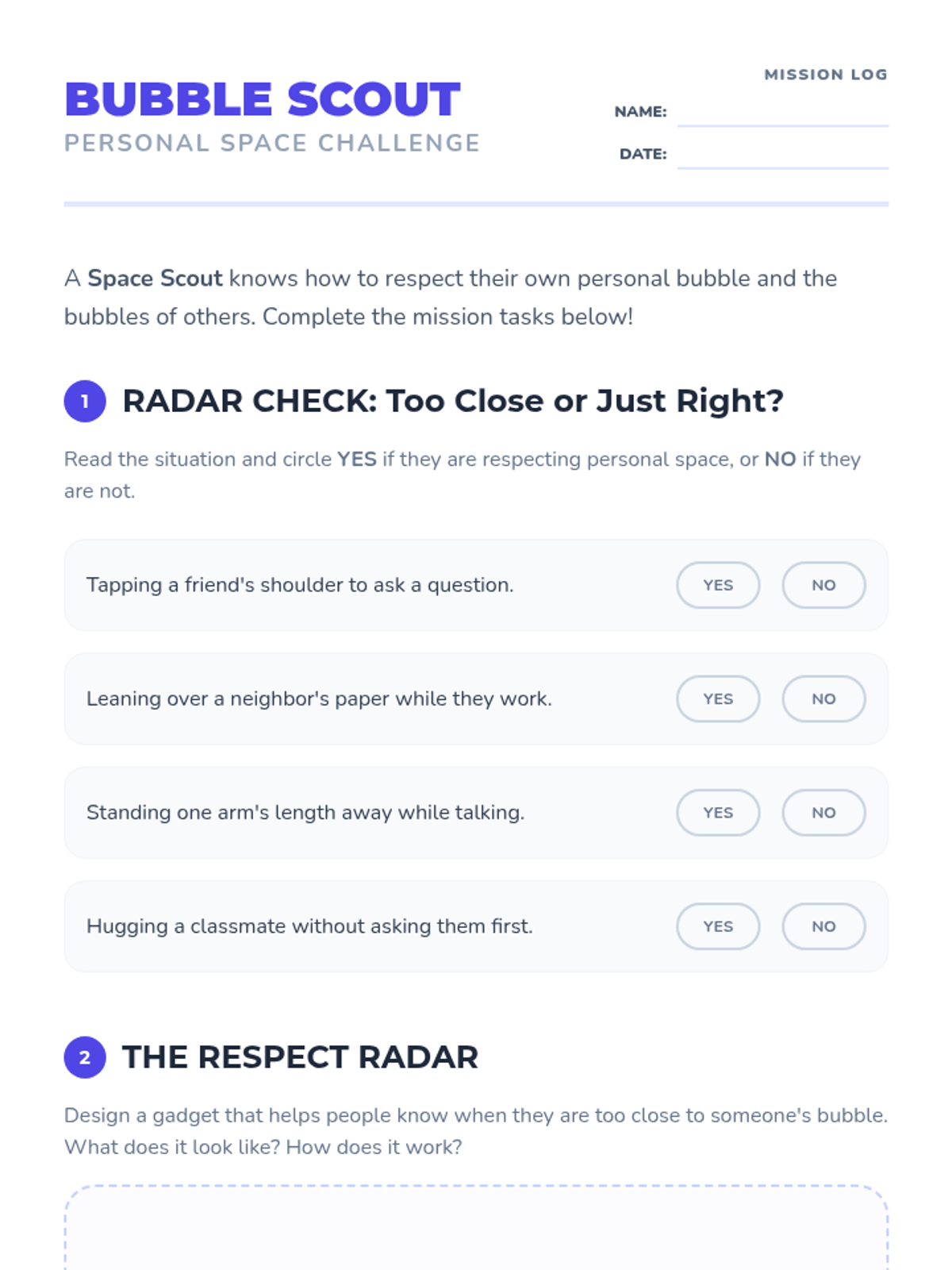
A multi-part activity sheet for lower elementary students to practice identifying personal space boundaries and reflecting on respectful behaviors.
A dynamic presentation for elementary students focusing on the concept of personal space bubbles, active listening, and respecting the property of others.
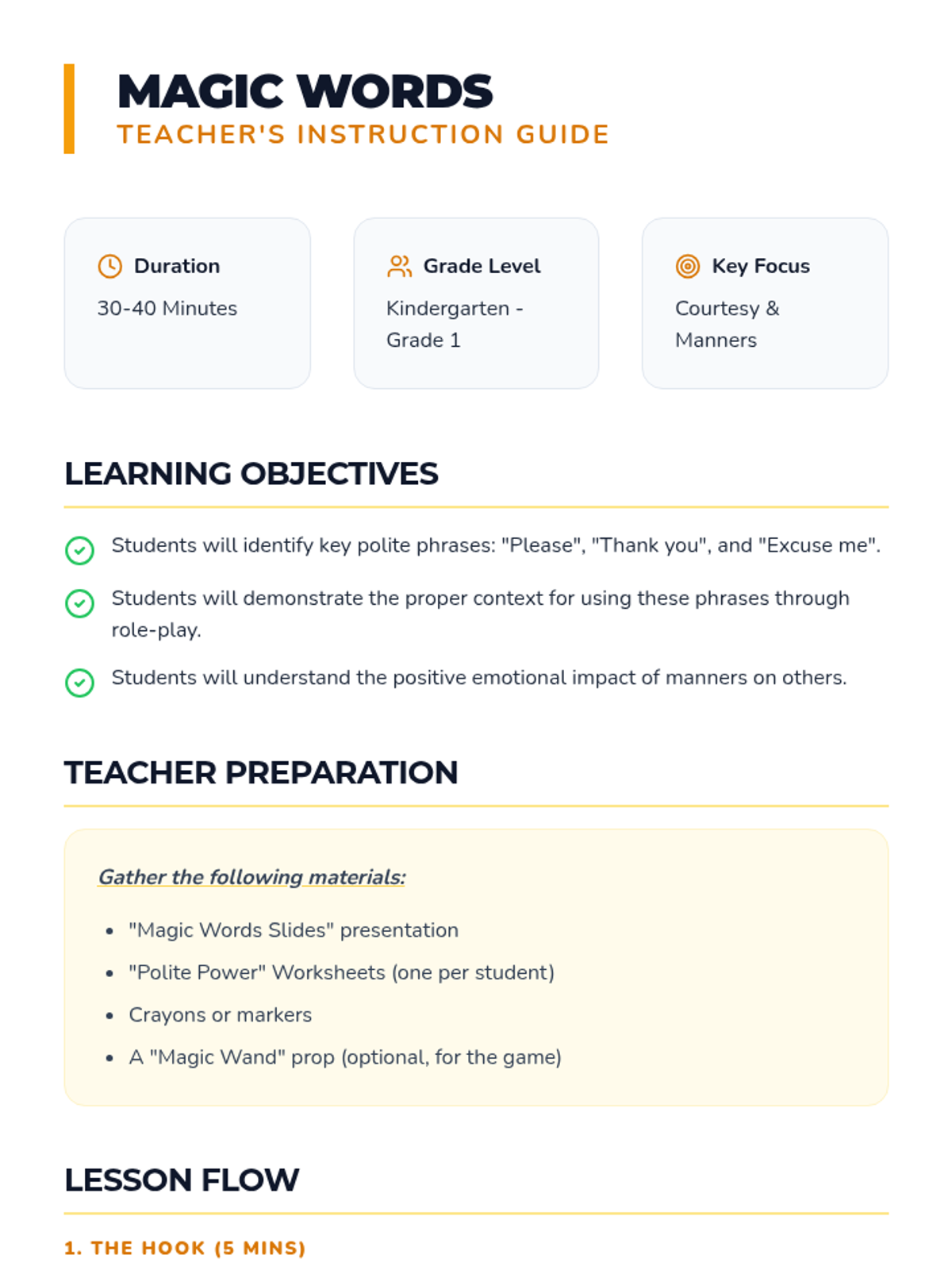
A detailed facilitator's guide for teaching basic courtesy and manners to Kindergarten and Grade 1 students, including lesson flow and differentiation tips.
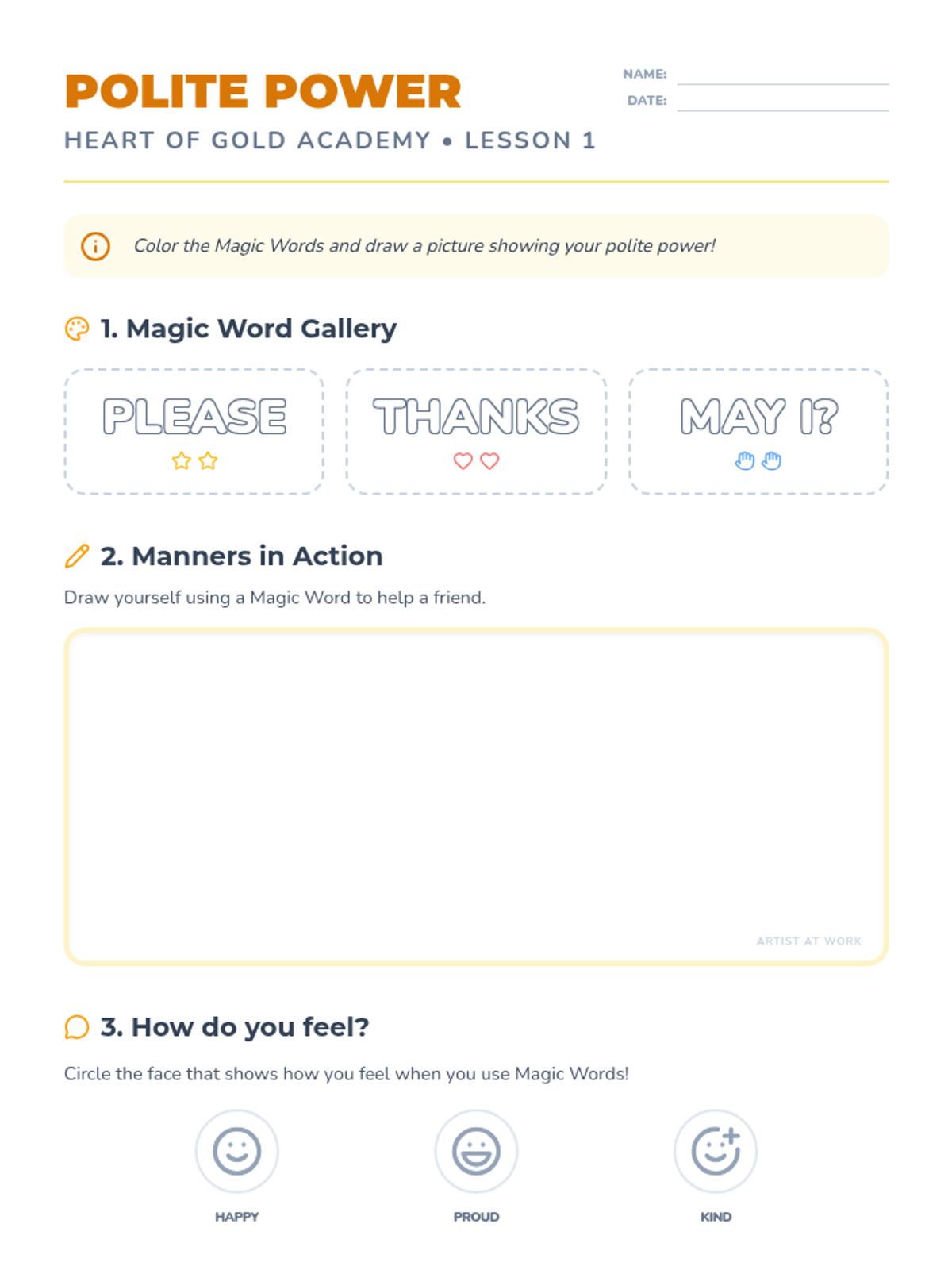
A creative worksheet for Kindergarten students to color magic words and illustrate a scenario where they use polite manners.
A colorful and engaging presentation for Kindergarten students introducing the 'magic words' of courtesy and the importance of manners in the classroom.
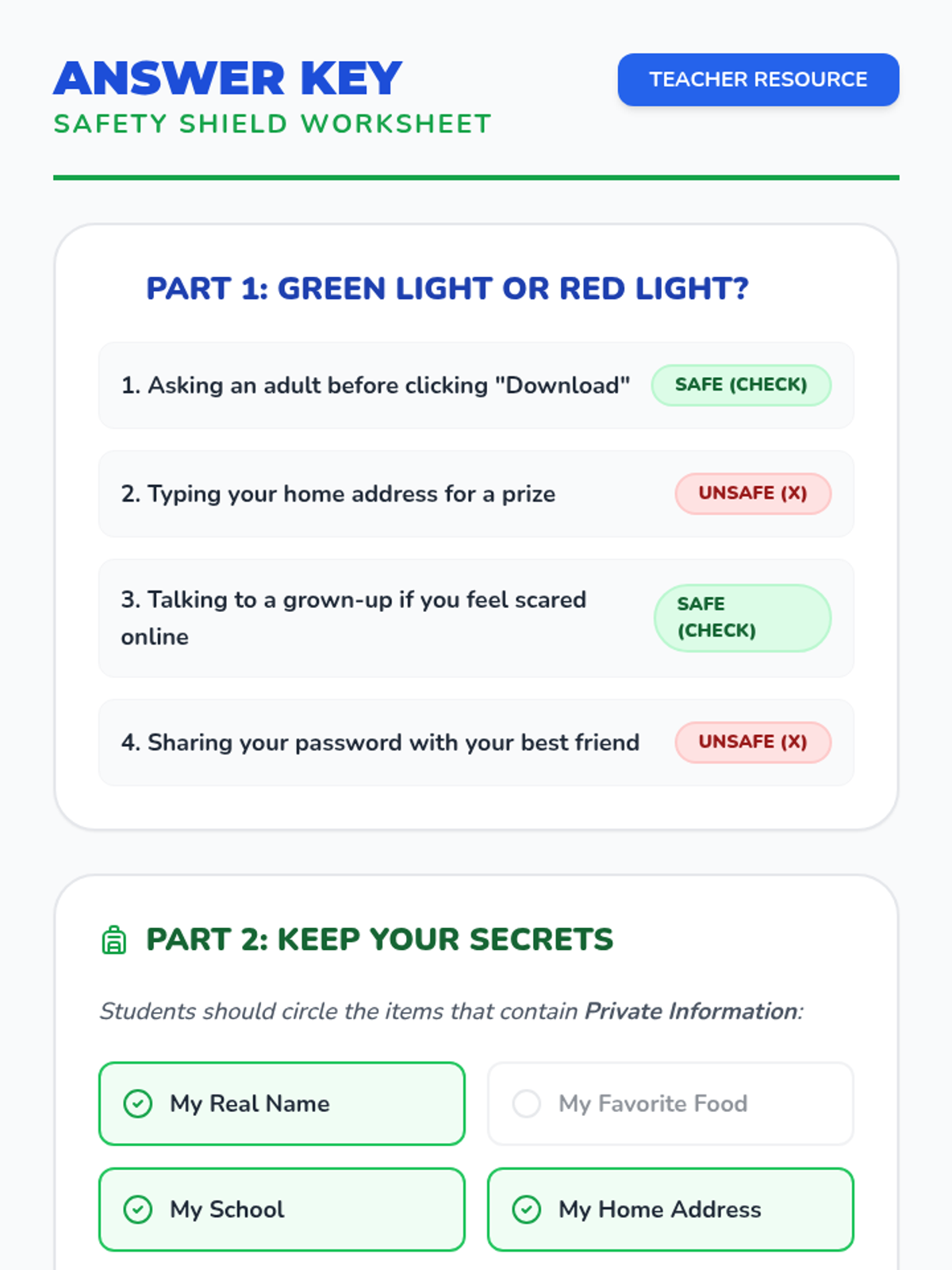
An answer key for the Safety Shield Worksheet, providing teachers with clear solutions for the sorting and identification activities.
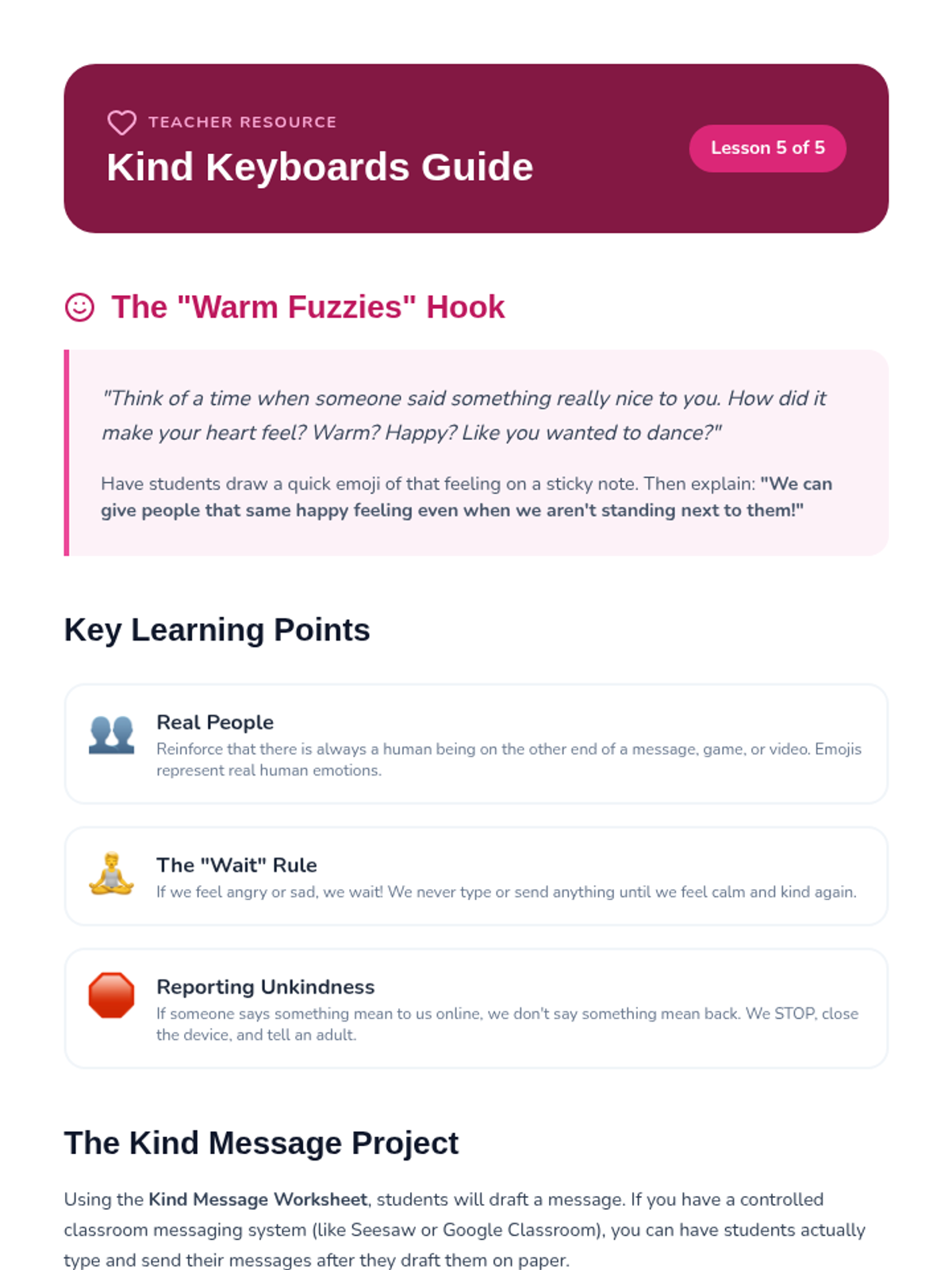
A teacher resource for Lesson 5 focusing on the 'Warm Fuzzies' hook, teaching points for reporting unkindness, and the Kind Message project criteria.
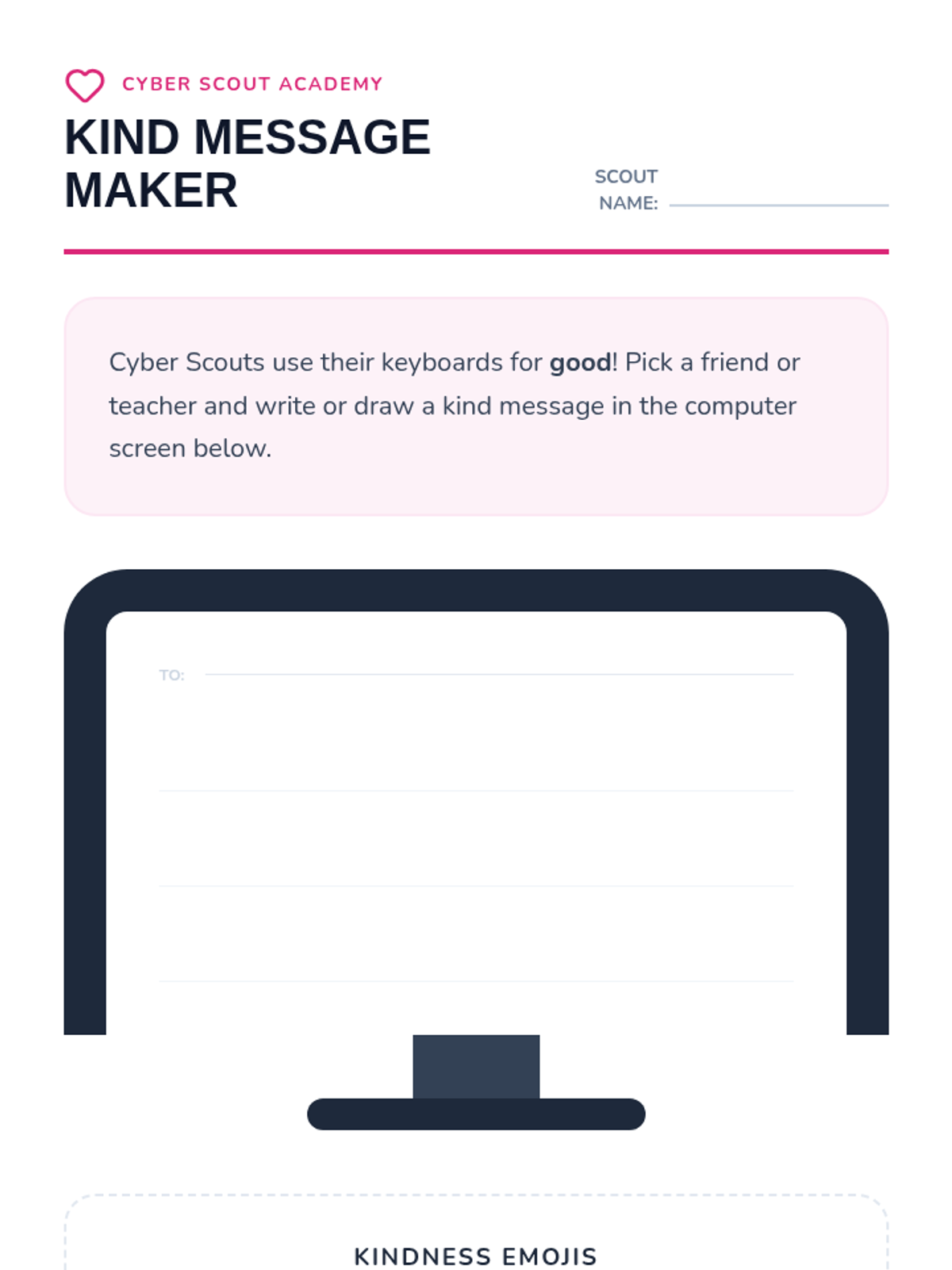
A student activity for Lesson 5 where 1st graders practice digital kindness by writing or drawing a kind message inside a monitor graphic and selecting positive emojis.
A visual presentation for Lesson 5 teaching digital etiquette and empathy, reinforcing that real people are behind the screens and that kindness matters online.
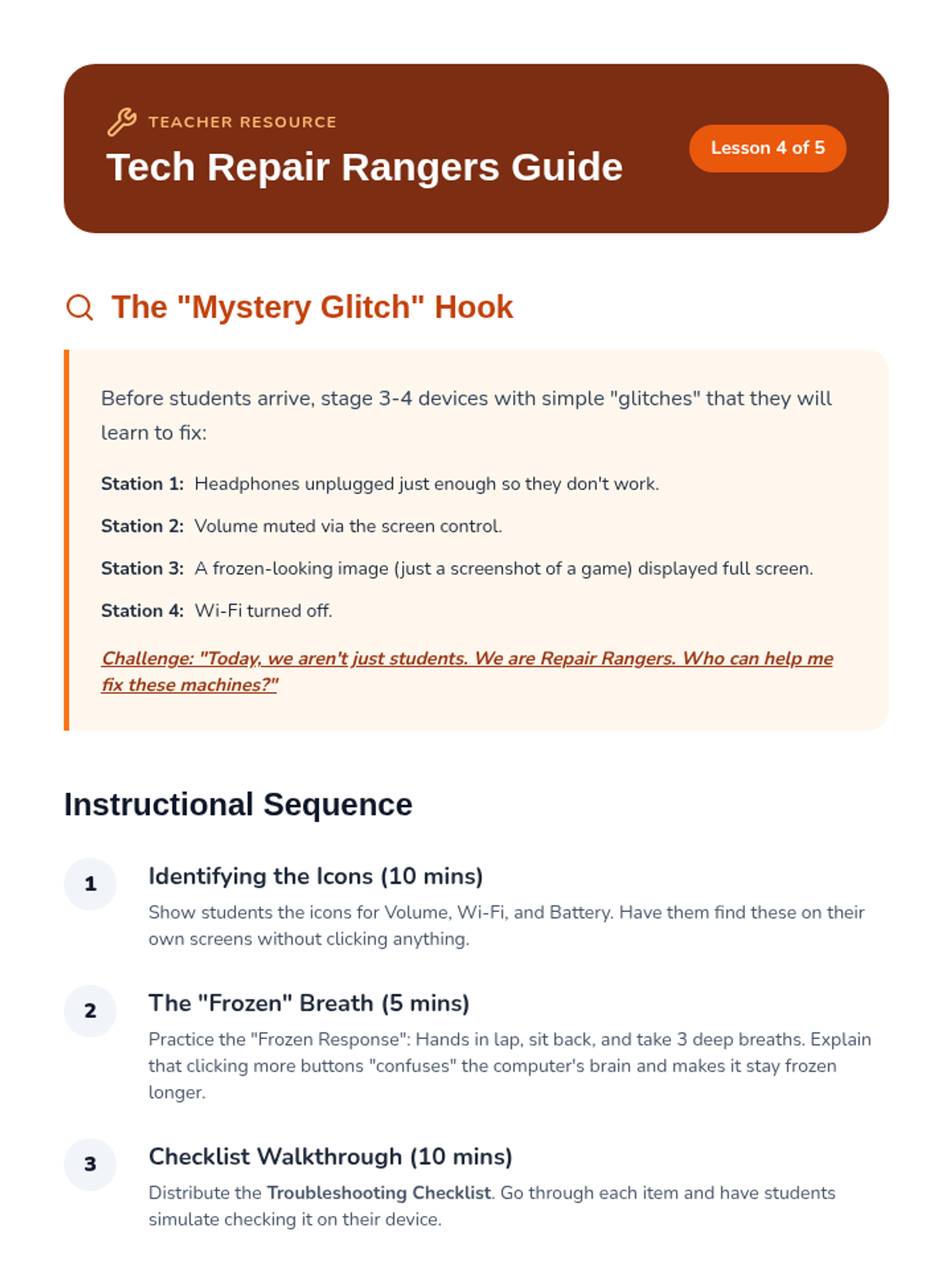
A teacher resource for Lesson 4 including setup for the 'Mystery Glitch' stations, identifying key icons, and practicing the 'Frozen Breath' technique.
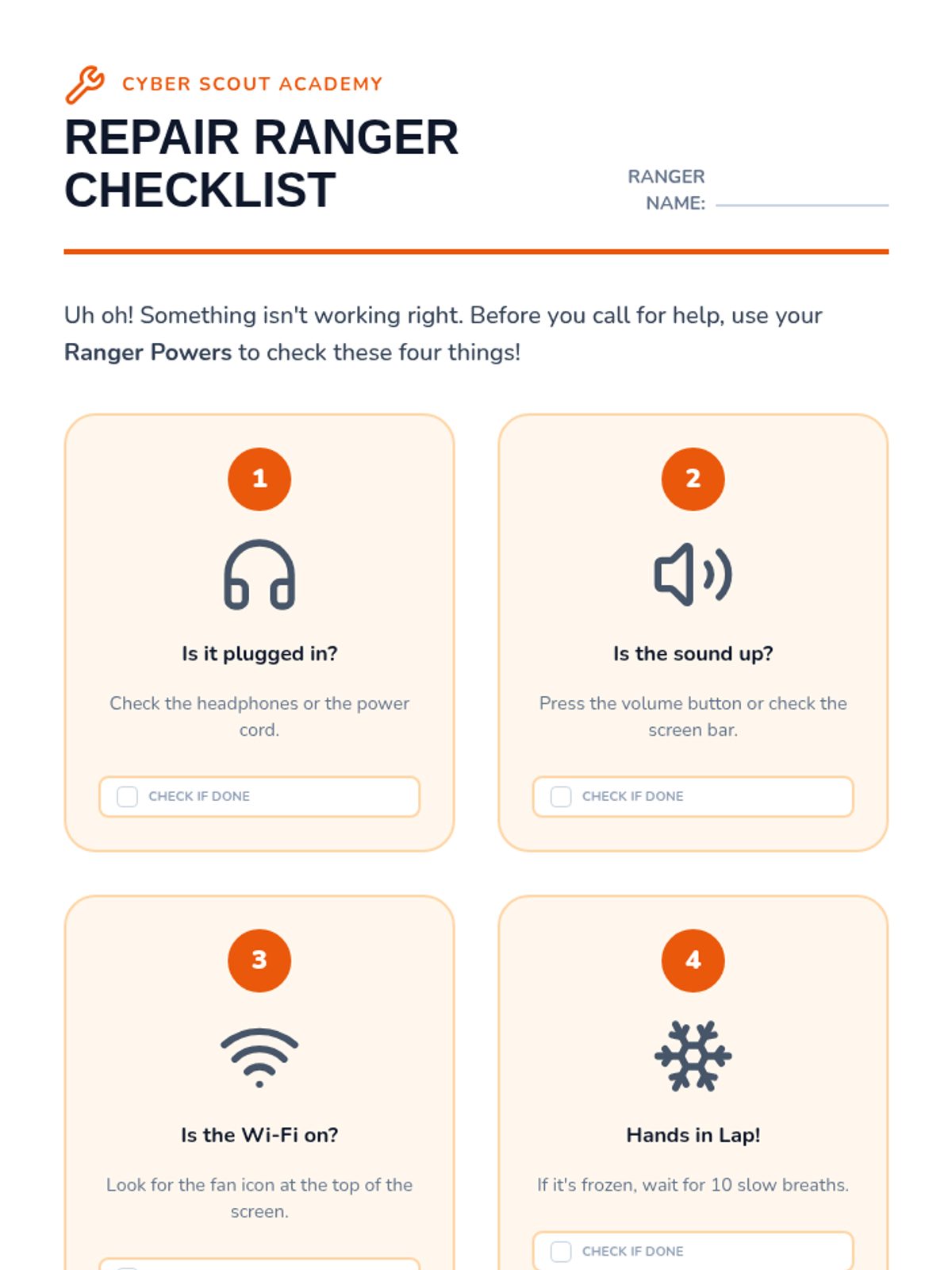
A student troubleshooting checklist for Lesson 4 that empowers 1st graders to try four basic solutions before asking for teacher assistance.
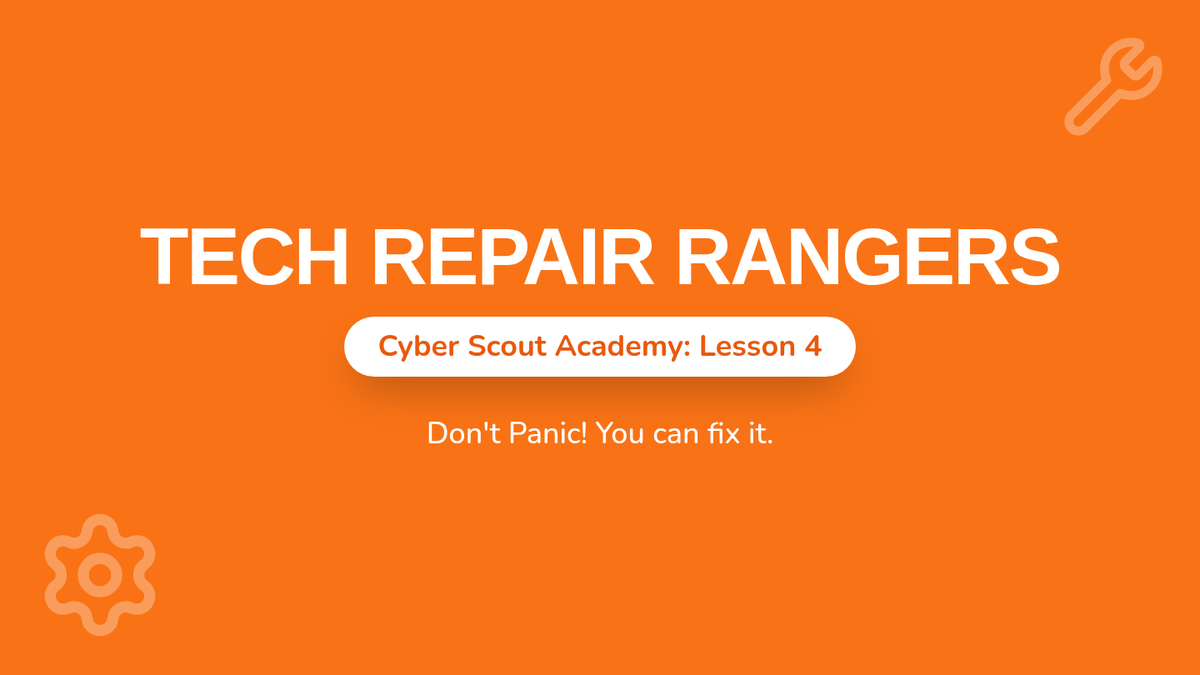
A visual presentation for Lesson 4 teaching basic troubleshooting steps for common device issues like volume, connection, and frozen screens.
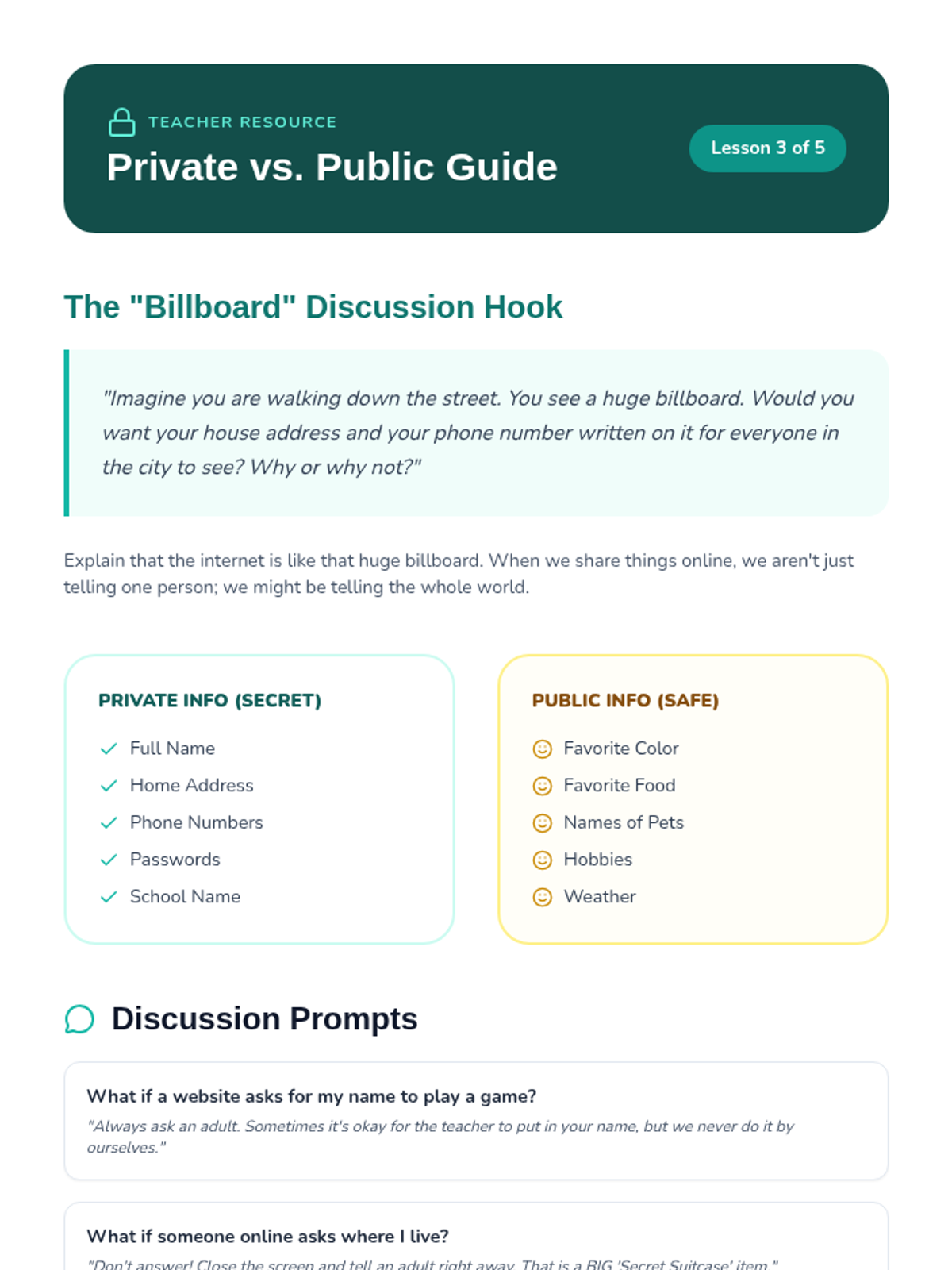
A teacher resource for Lesson 3 with discussion prompts for the Billboard hook, categorizations of info types, and a critical warning about the definition of 'secret' in a digital context.
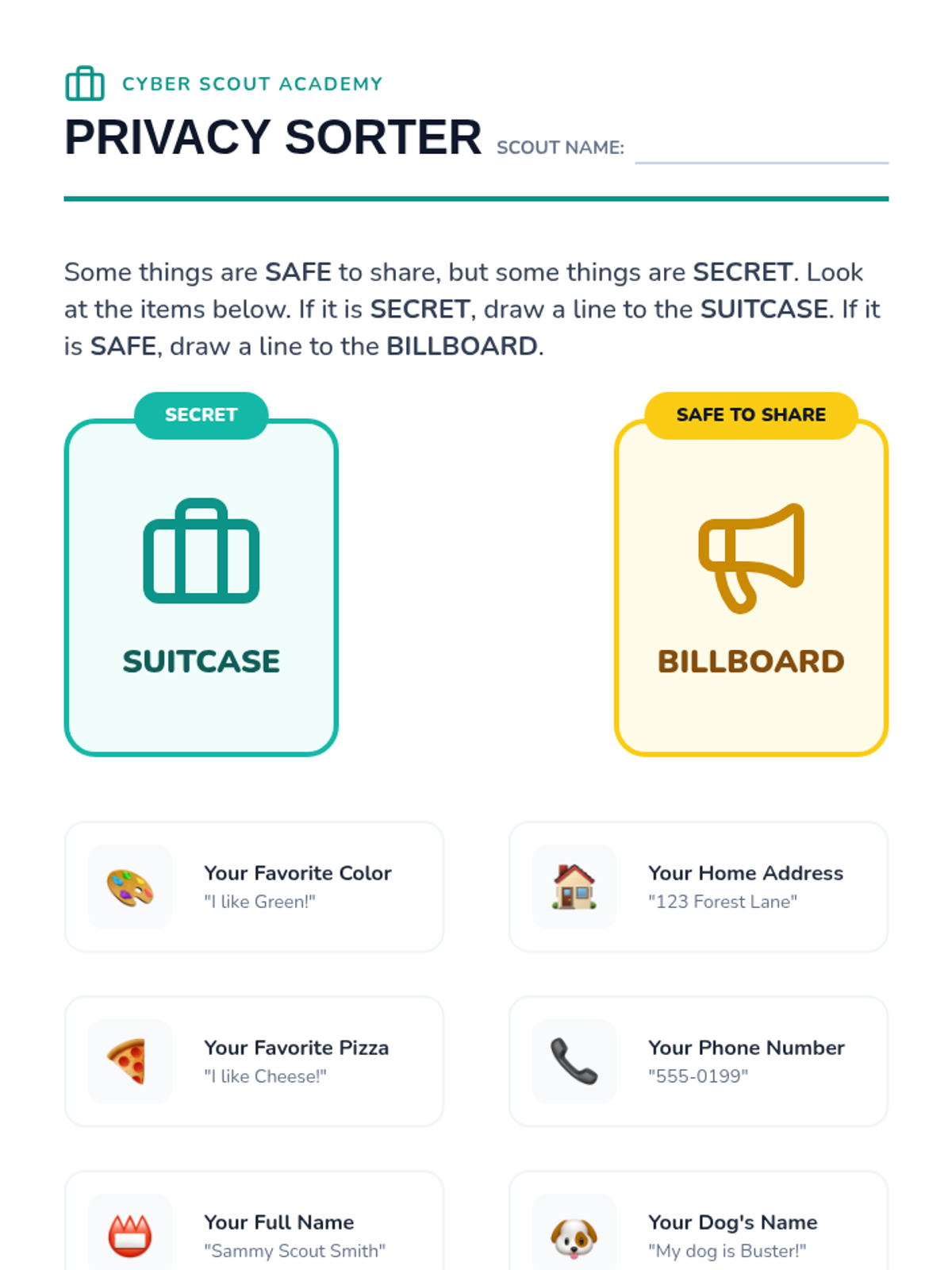
A student sorting activity for Lesson 3 where 1st graders categorize types of information as either 'Secret' (Suitcase) or 'Safe to Share' (Billboard).
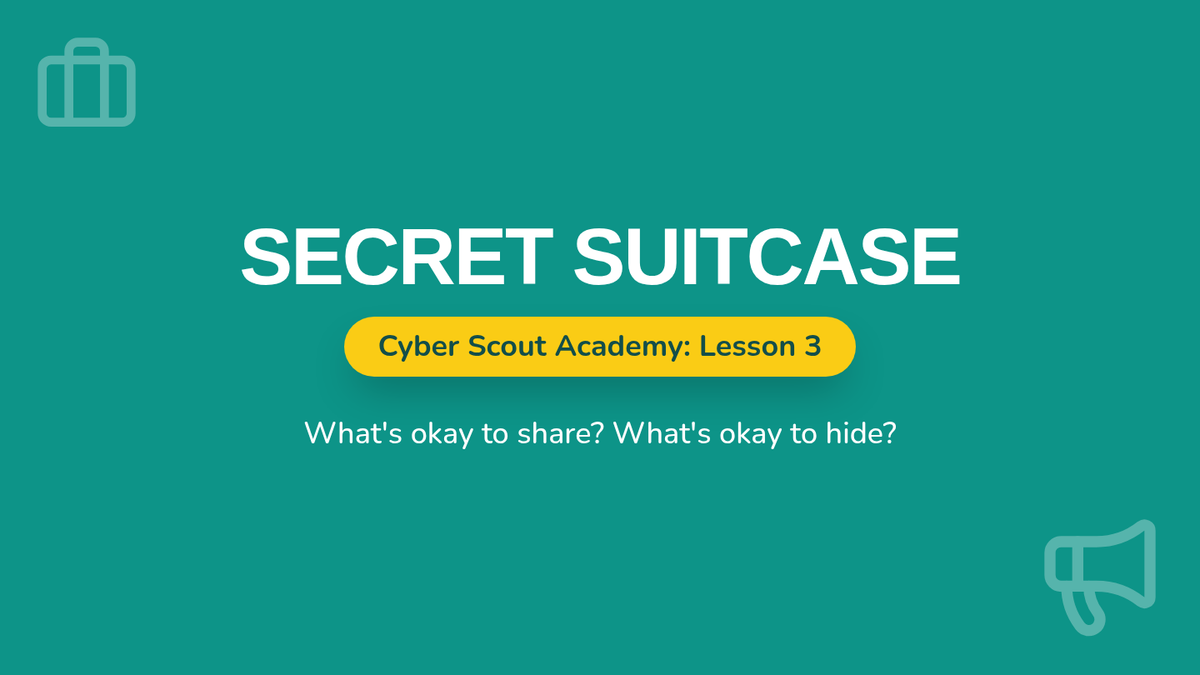
A visual presentation for Lesson 3 introducing the concept of private vs. public information using the 'Secret Suitcase' and 'T-Shirt Rule' metaphors.
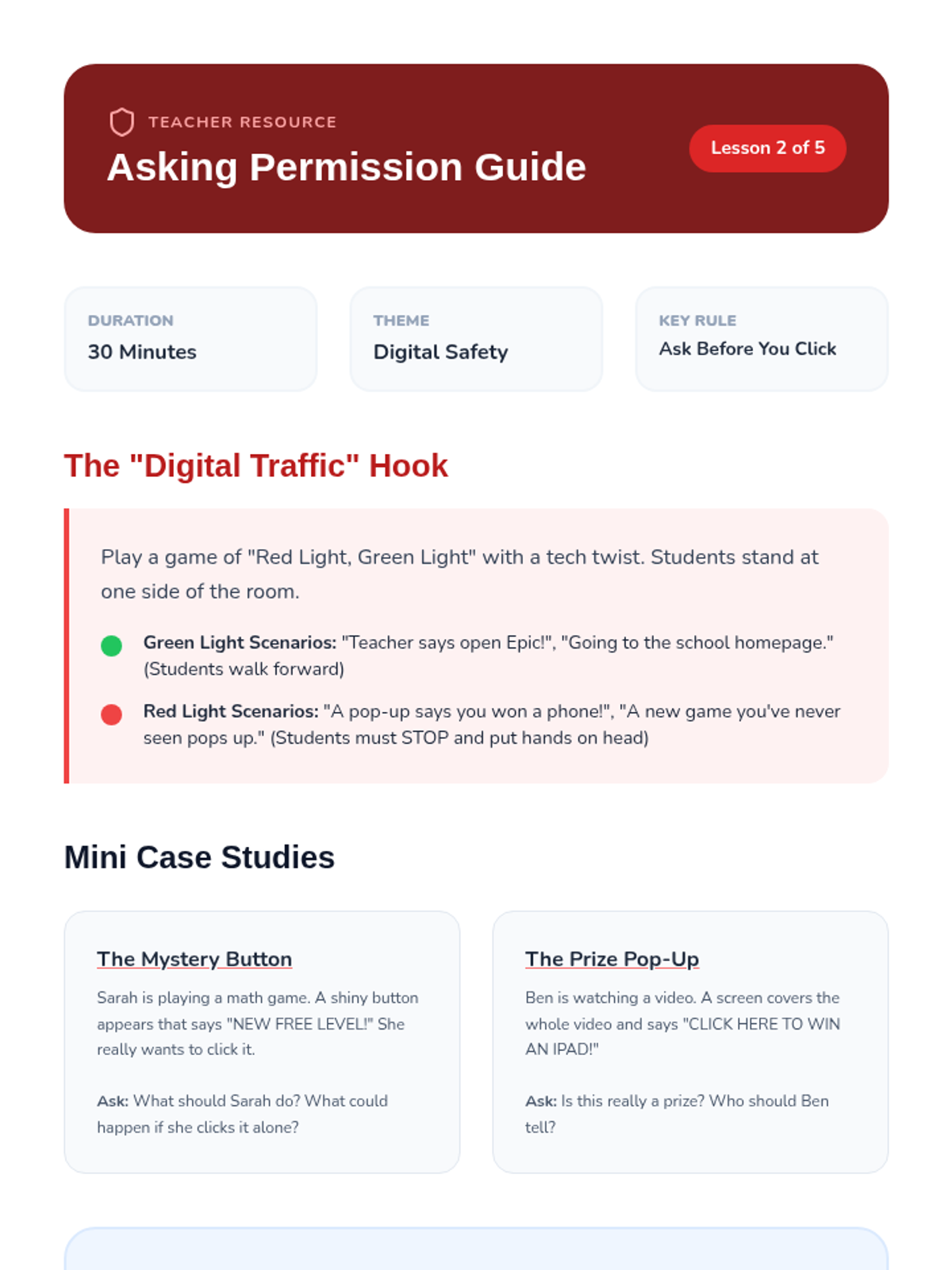
A teacher resource for Lesson 2 providing instructions for the 'Digital Traffic' hook, case study discussion prompts, and tips for defining trusted adults.
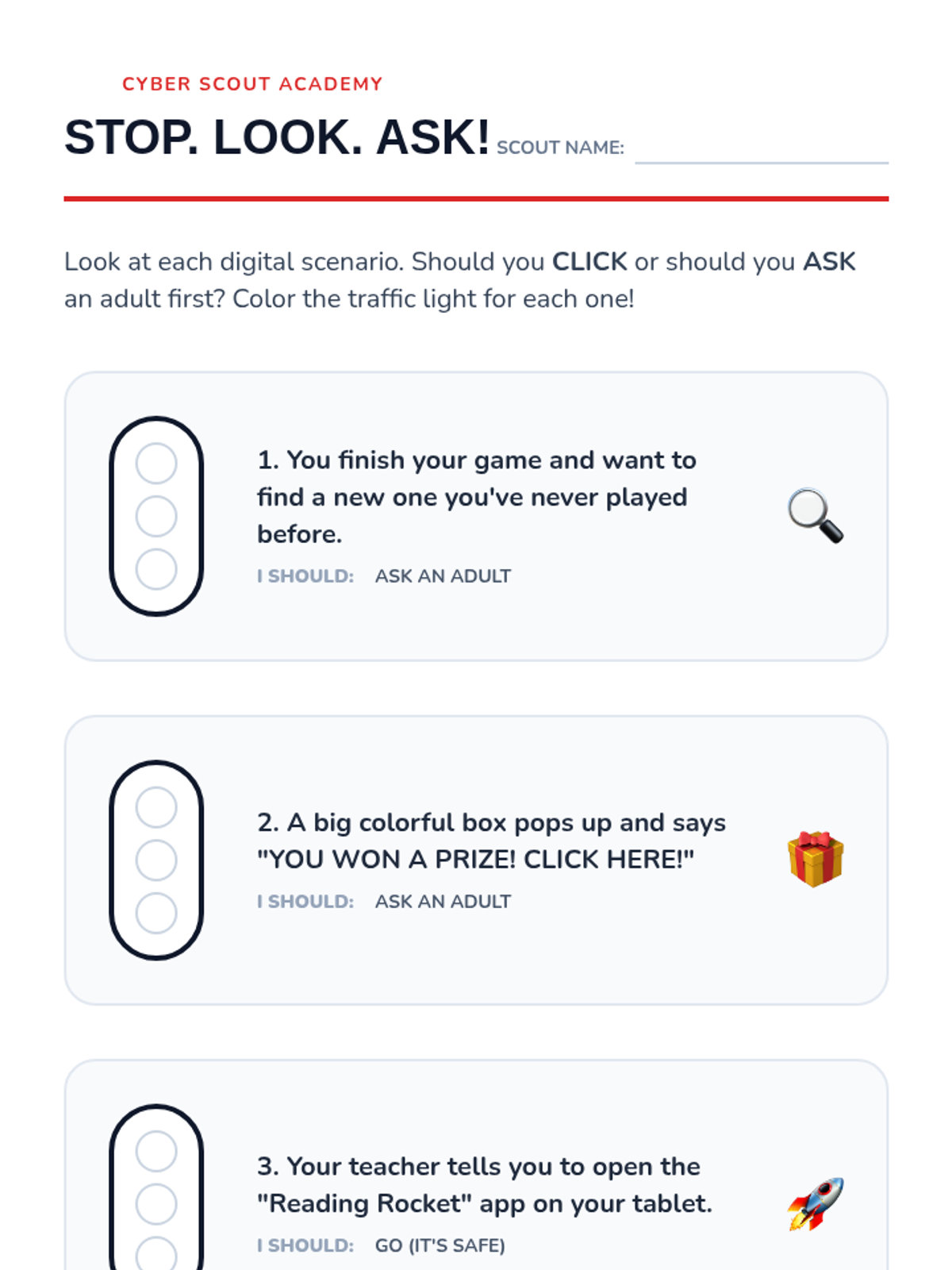
A student worksheet for Lesson 2 where 1st graders evaluate digital scenarios and determine if they need to ask for permission using a traffic light coloring activity.
A visual presentation for Lesson 2 focusing on the digital citizenship skill of asking permission. It uses a traffic light metaphor and provides specific scripts for students to use when asking adults for help or access.
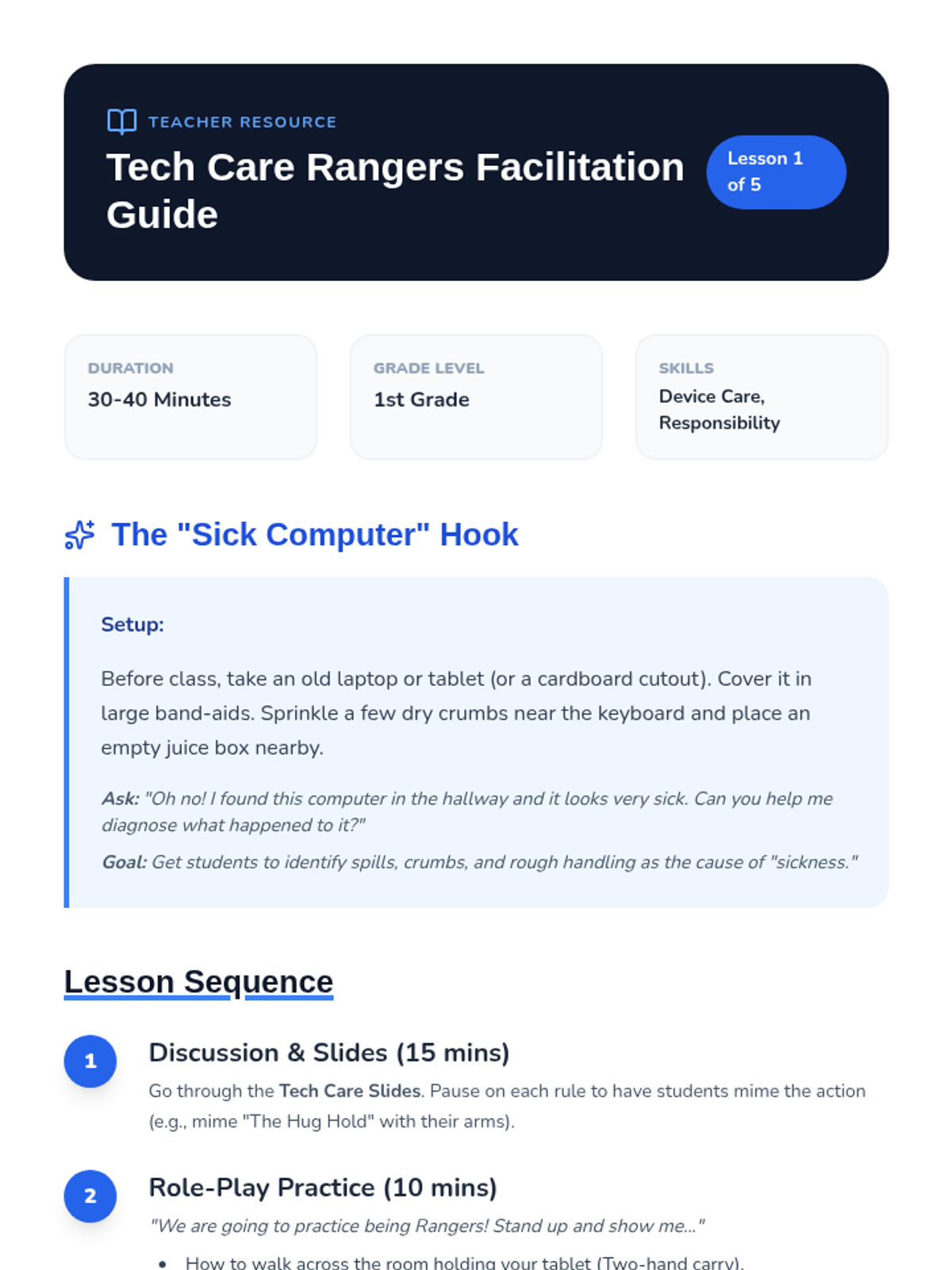
A teacher facilitation guide for Lesson 1, including setup instructions for the 'Sick Computer' hook, instructional steps for role-playing, and common misconceptions to address.
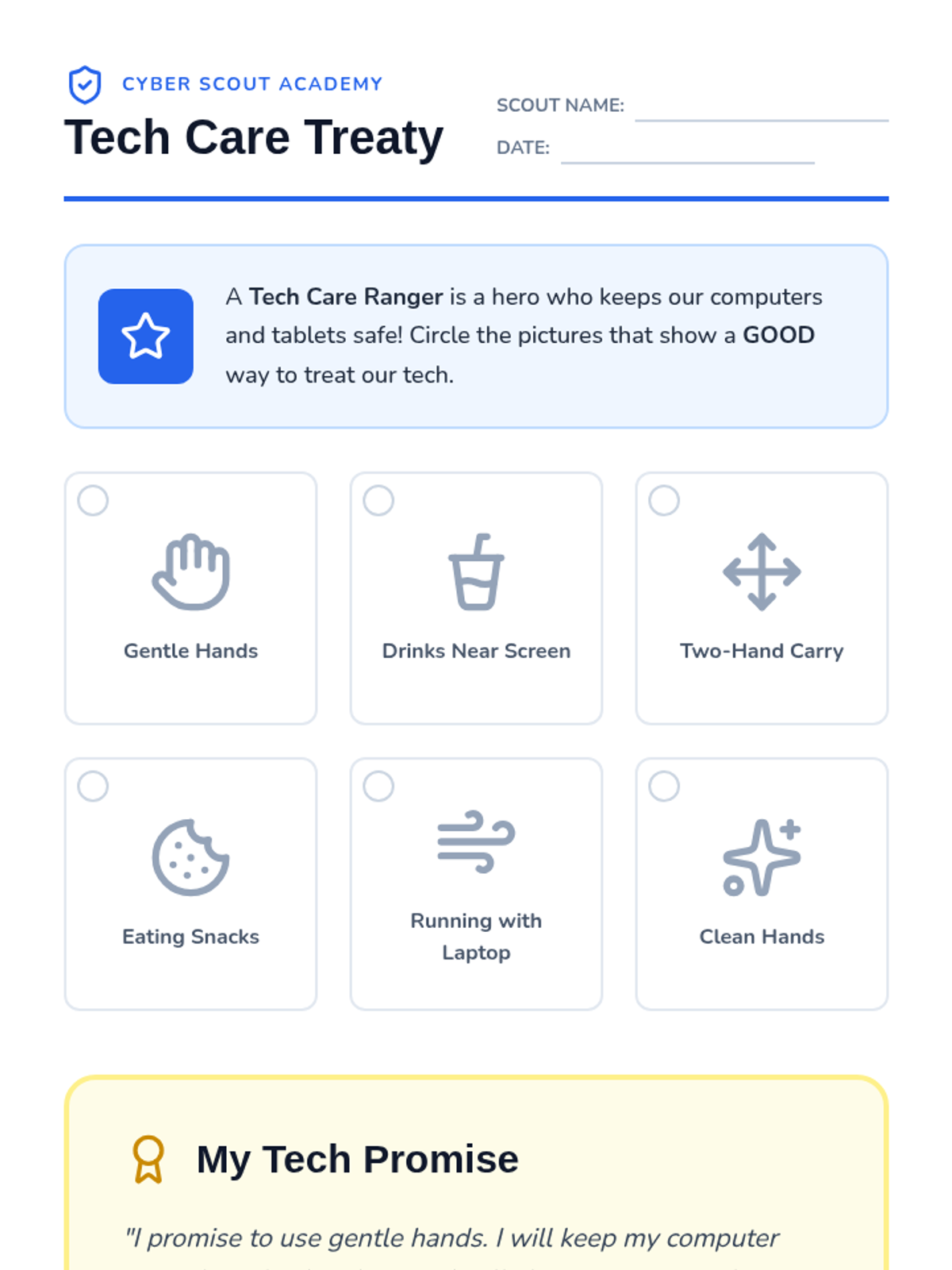
A student worksheet for Lesson 1 where 1st graders identify good and bad technology handling behaviors and 'sign' their promise to be a Tech Care Ranger.
A visual presentation for Lesson 1 teaching 1st graders the fundamentals of device care through the concept of being a 'Tech Care Ranger'. Includes rules for gentle handling, no food/drink, and safe carrying.
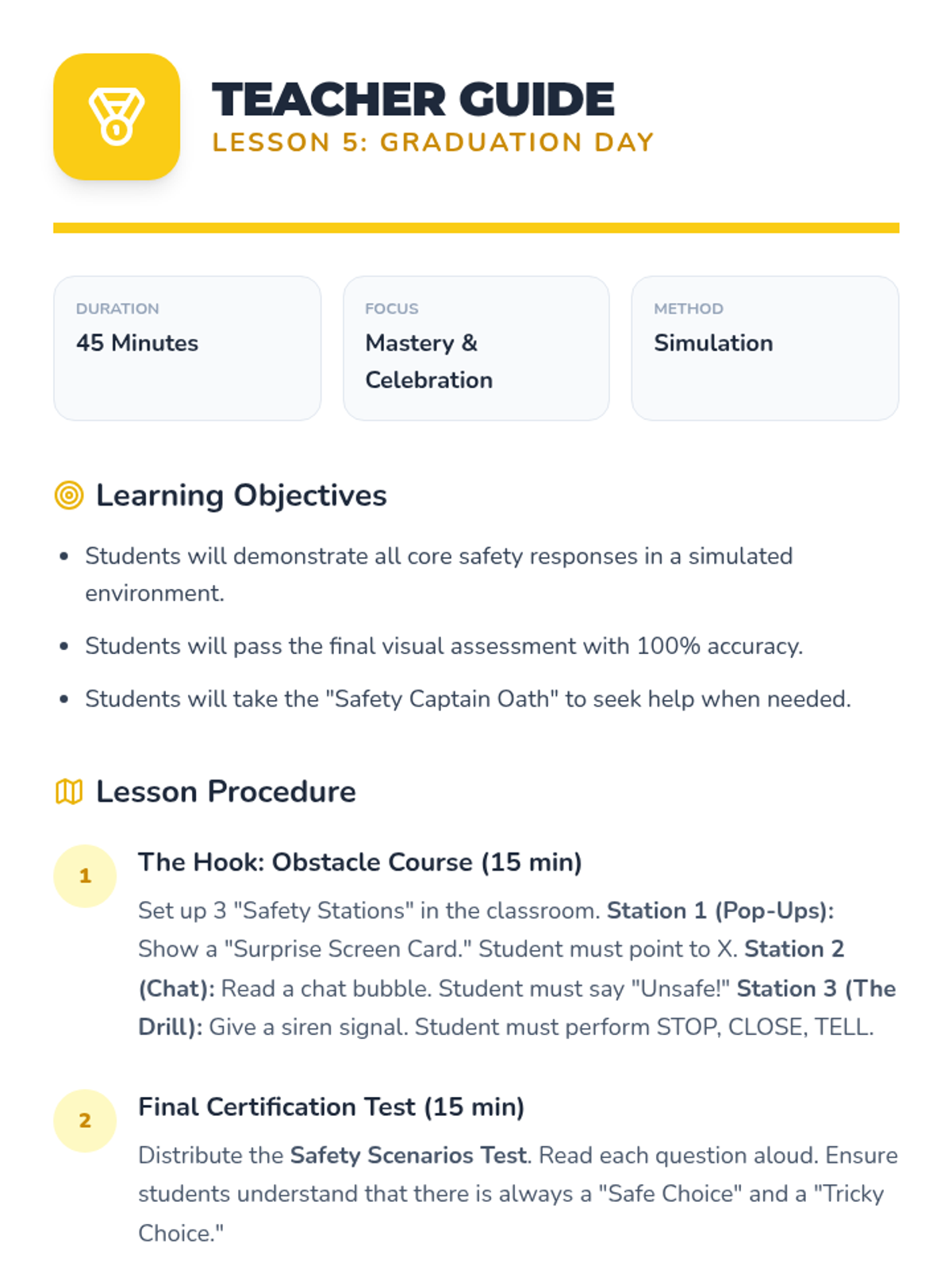
Teacher guide for Lesson 5, providing instructional steps for the final certification challenge and graduation ceremony.
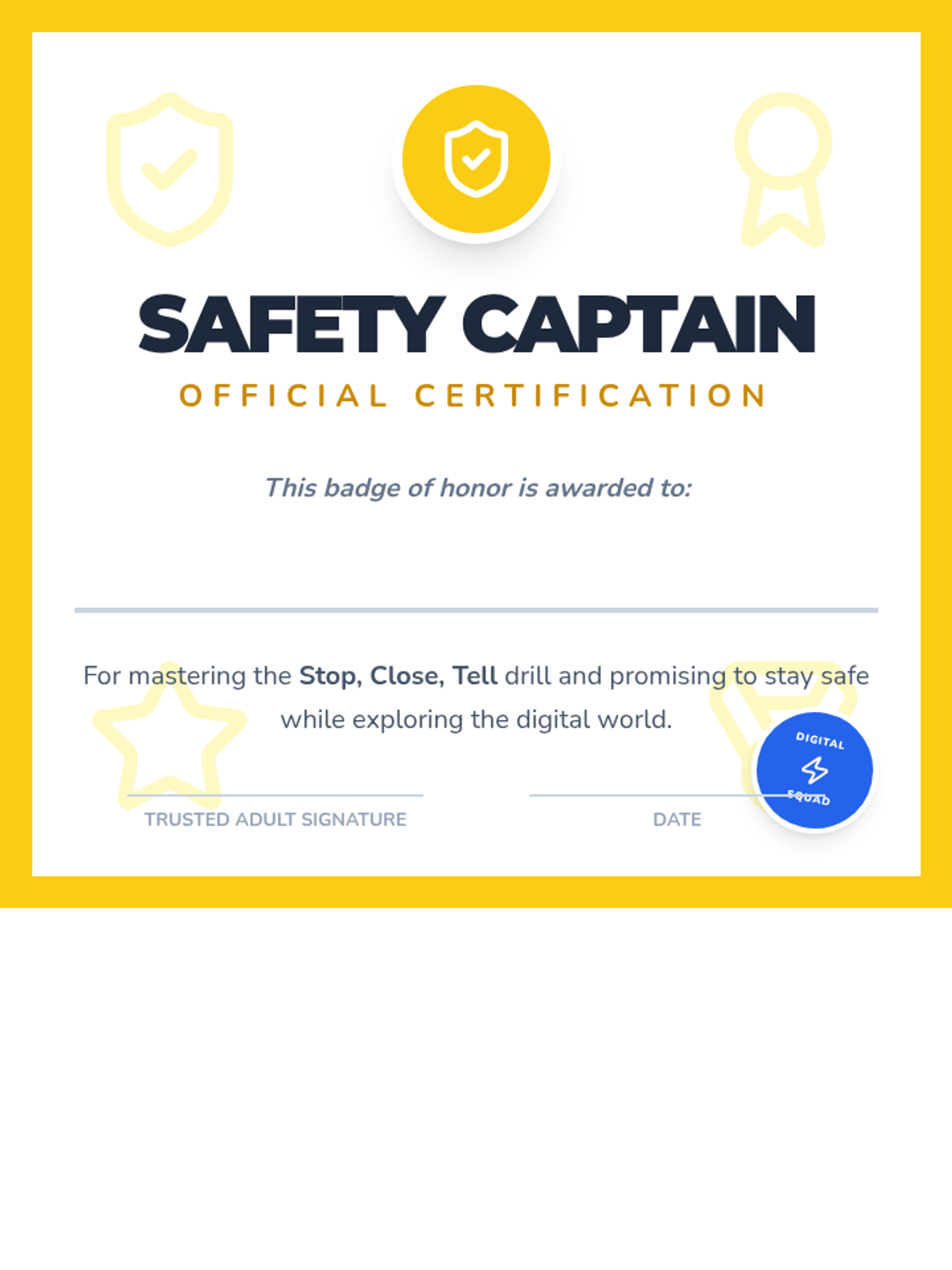
Official 'Safety Captain' certificates to be awarded to students upon completion of the Digital Safety Squad sequence.
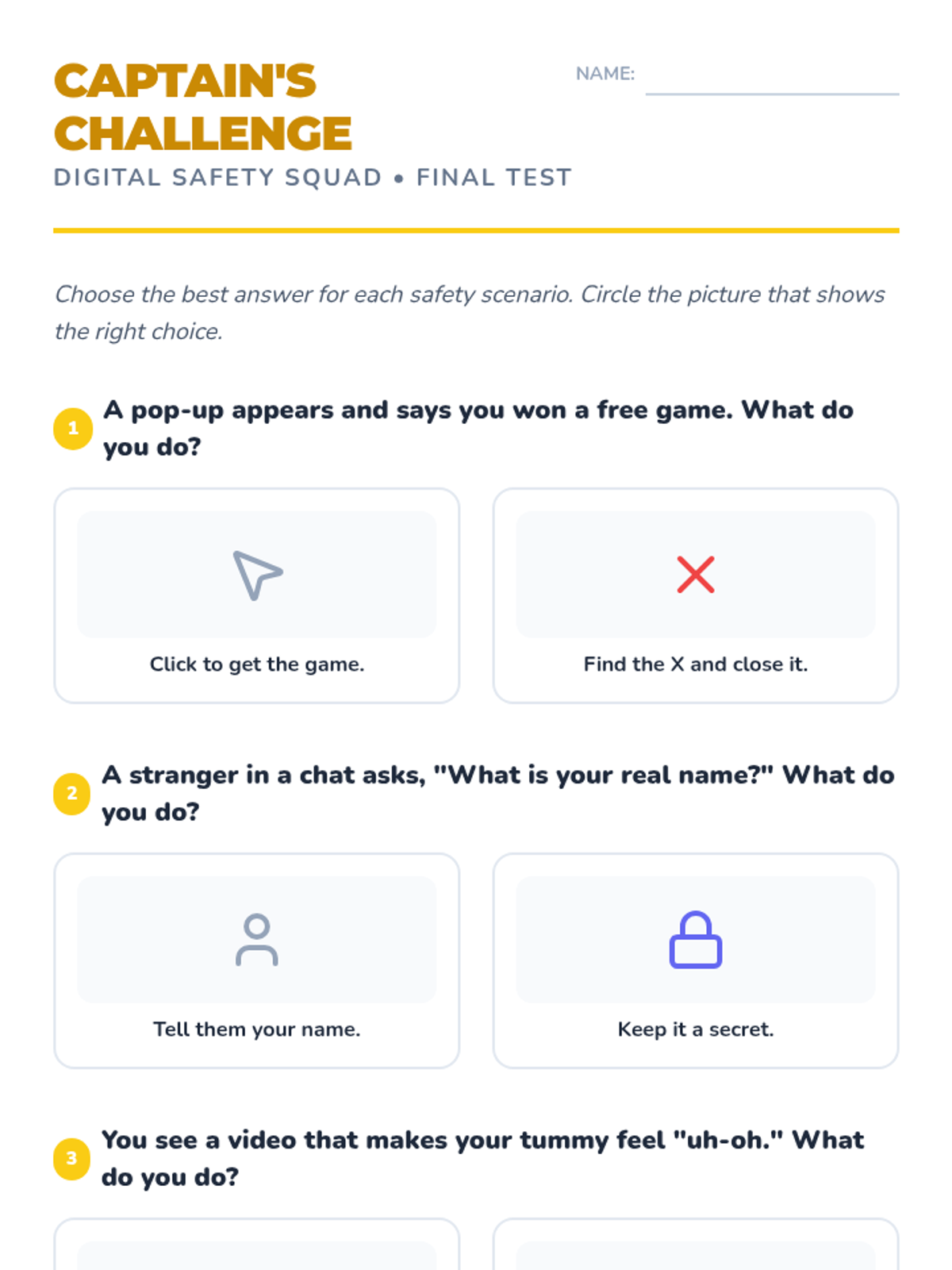
A visual final assessment for students to demonstrate their understanding of digital safety scenarios and correct responses.
Visual presentation slides for the final lesson in the Digital Trailblazers sequence, summarizing the key takeaways and leading the class through their formal safety pledge.
Slides for the final lesson, reviewing all safety skills and introducing the certification challenge.