Students embark on a 50-minute escape room challenge to reinforce their understanding of scientific safety rules and procedures, specifically designed for Year 7 NSW High School students.
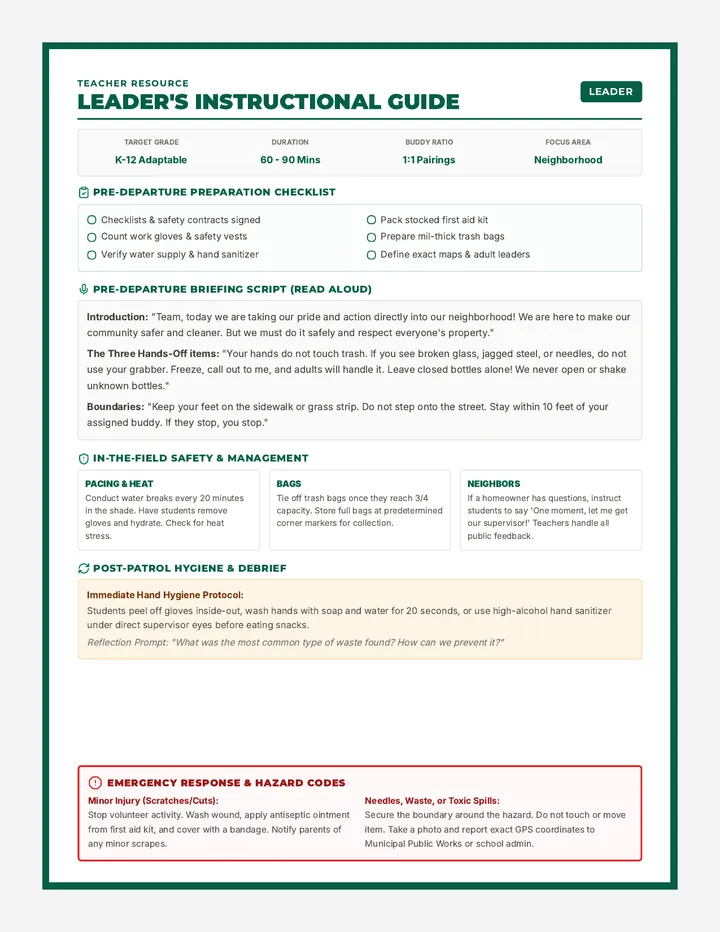
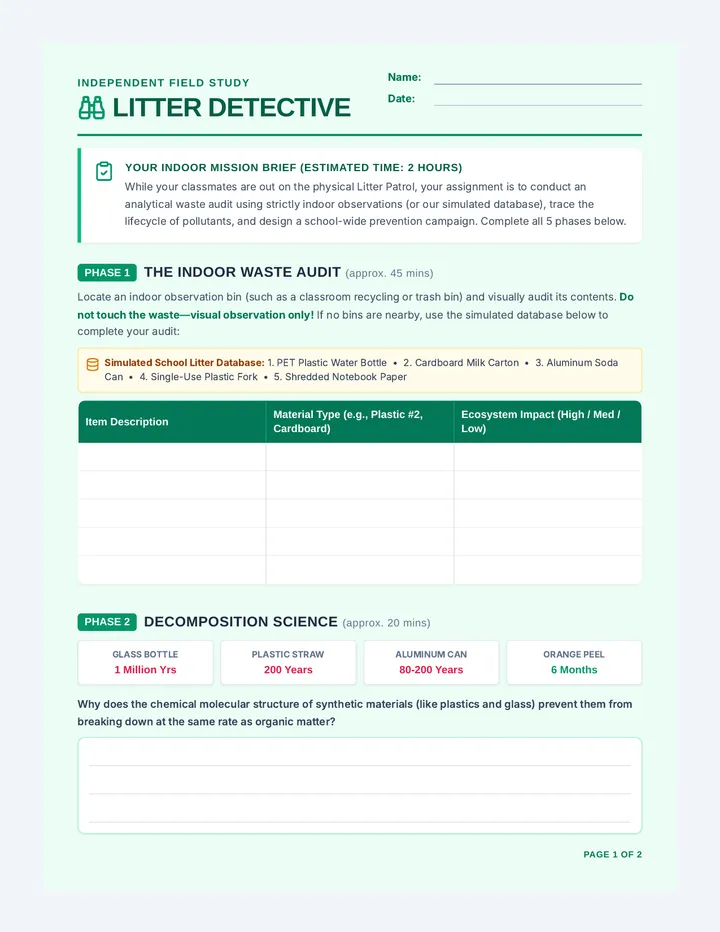
An extra credit project challenging students to live plastic-free for two weeks while researching the impacts of bioaccumulation and exploring sustainable alternatives. Students document their journey and findings in a formal scientific lab report.
Students learn to craft compelling marketing messages by developing a Value Proposition using a specific formula and applying visual text hierarchy principles to design website 'Hero Text'.
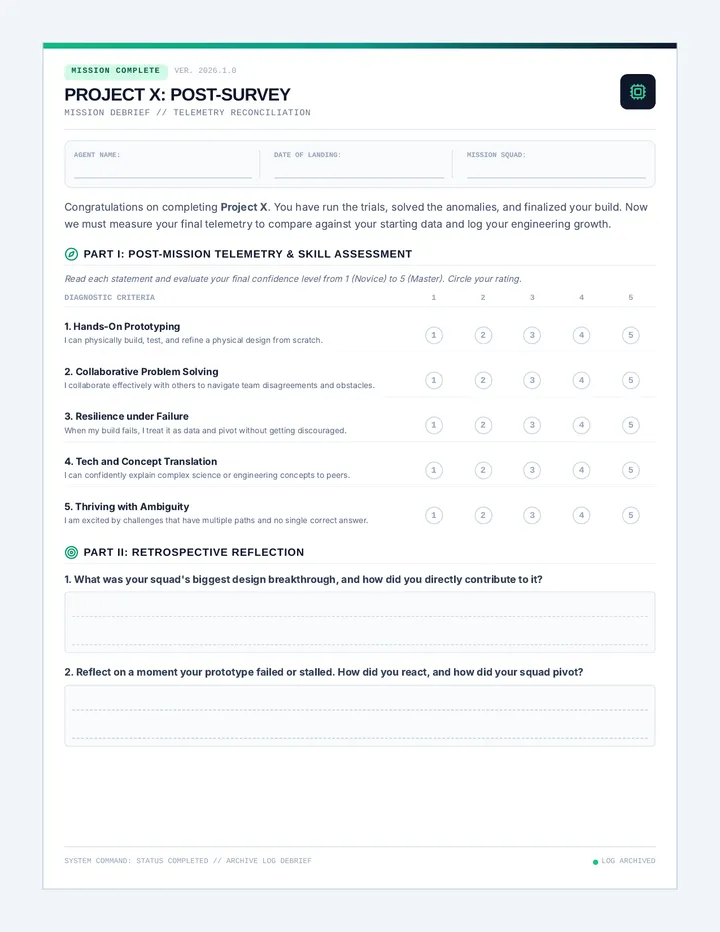
Students finalize their Unit 3 Portfolio, checking for technical errors and exporting their report as a professional PDF for final submission.
Students synthesize their Unit 3 research by creating a professional Market Analysis Report, integrating personas and charts from previous lessons.
Students learn the fundamentals of financial forecasting, calculating revenue vs. profit, and using absolute cell referencing ($) to project business growth over time.
Students learn to transform raw spreadsheet data into impactful Pie and Bar charts to visualize market trends and customer intent.
Students learn to use sorting, filtering, and conditional formatting in Google Sheets to identify target audience trends and organize large datasets efficiently.
Students transition from data entry to data analysis by learning essential Google Sheets formulas like =SUM, =AVERAGE, and =COUNT, as well as the efficiency of the Fill Handle.
Students gain 'x-ray vision' over large datasets by learning to sort and filter information. They explore conditional formatting to visualize trends and identify specific target segments within their market research data.
Students transition from data entry to data analysis by mastering fundamental spreadsheet formulas. They learn the power of the equals sign, cell referencing, and essential functions like =SUM, =AVERAGE, and =COUNT to automate business calculations.
Students explore the efficiency of automated data collection by linking their market research forms to live spreadsheets. They learn the concept of real-time data syncing and master the 'Freezing Rows' skill to manage large datasets effectively.
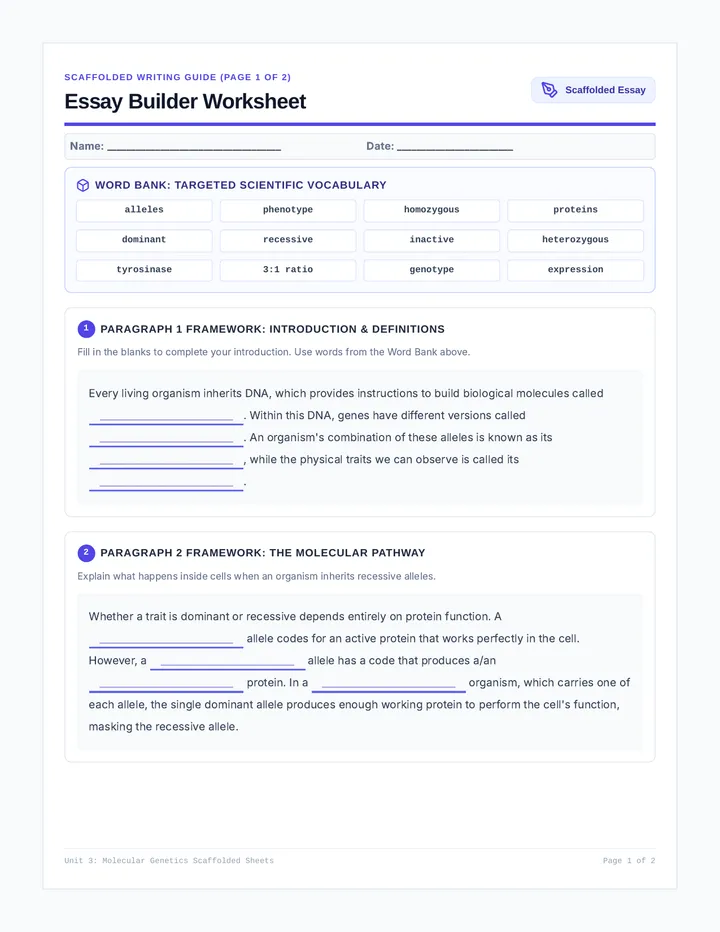
Students learn the art of professional survey design to gather market intelligence. They distinguish between quantitative and qualitative data, identify biased questioning, and build a multi-format survey in Google Forms or Microsoft Forms to collect clean data from their target audience.
This lesson introduces students to the fundamental structure of spreadsheet software. They learn about cells, rows, columns, and addresses while performing basic data entry and formatting to align with their brand identity.
Students transition from brand design to market analysis by distinguishing between demographic data (external facts) and psychographic data (internal values). They apply these concepts by building a formal User Persona for their brand, justifying their earlier design choices based on audience data.
Students participate in a professional 'Gallery Walk' to provide and receive constructive feedback on their Brand Style Guides and One-Pagers. They apply the 'Glow and Grow' framework to refine their designs, fulfilling standards for artistic critique and professional communication.
Students master the principle of visual hierarchy to lead a customer's eye through a design. They apply the 'Rule of Three' (Size, Weight, and Contrast) to create a professional brand 'One-Pager' in Canva, ensuring their most important brand assets receive maximum visibility.
Students define their brand's 'personality' by selecting and filtering imagery that aligns with a specific tone. They complete their formal Brand Style Guide by documenting photography standards and brand keywords, focusing on the principles of repetition and unity.
Students transition from brand creation to documentation by building a formal Style Guide. They learn the importance of brand consistency through 'The Brand Police' concept and document their logo usage, hex codes, and typography pairings in Canva using alignment rulers and guides.
Students transition to Canva as a layout tool to assemble their brand assets into a professional Mood Board. They learn to 'break' templates by replacing generic elements with their own custom logos and colors, focusing on brand consistency and visual harmony.
Students refine their logo drafts for professional use, focusing on simplicity, negative space, and contrast. They learn to create multiple versions (Full Color and Solid Black) and understand the technical export requirements for digital vs. print media (PNG vs. PDF).
Students transition from creating isolated assets to building their official brand logo. They learn the anatomy of a logo (Symbol + Logotype), master alignment guides in Google Drawing, and perform the 'Squint Test' to ensure their design is clear and balanced.
Students advance their Google Drawing skills by moving beyond basic geometric shapes to custom paths. They learn to use the Polyline and Curve tools to create original icons, while understanding the technical differences between Vector and Raster images and the importance of PNG transparency.
This lesson introduces students to the concept of vector art using Google Drawing. Students learn to build complex objects using simple geometric shapes, mastering skills like grouping, layering (order), and the use of the Shift key for perfect proportions.
This lesson introduces students to the emotional impact of color in branding, the basics of color theory in marketing, and the technical use of Hex Codes in digital design. Students apply these concepts by creating a brand mood board in Canva.
Students define their brand's personality and photography style, using image filters and curation to complete the final section of their professional style guide.
Students create a formal brand style guide, documenting rules for logo usage, color palettes with Hex codes, and typography to ensure brand consistency.
Students learn to use Canva as a professional layout tool, transitioning from building individual design components to assembling a cohesive Brand Board using custom assets, frames, and positioning tools.
Students refine their logo drafts by applying principles of negative space and contrast, creating color and black-and-white versions for professional export.
Students combine their icon and typography choices to build an official brand logo draft, focusing on balance, alignment guides, and the 'Squint Test' for simplicity.
Students master custom shape creation using polyline and curve tools, exploring line weights and the importance of vector scalability for professional branding.
Students move from curating to creating, using Google Drawing to build complex objects with simple geometric shapes while learning the fundamentals of vector design and layering.
Students learn how font choices communicate a brand's tone of voice, distinguishing between serif, sans serif, and display fonts to select a pair that fits their business identity.
Students explore the emotional impact of color in branding, learning to use Hex codes and curated imagery to build a brand mood board that reflects their product's personality.
Students perform quality control on their business proposals through peer review, grammar tools, and text-to-speech auditing before exporting their final work as professional PDFs.
Students learn about intellectual property, source reliability, and technical citation skills like hyperlinking and footnotes to perform ethical competitor research.
Students integrate market research data and customer testimonials into their formal proposals, using evidence to validate their product concepts and finalizing the Solution section.
Students learn to distinguish between product features and customer benefits, drafting the Executive Summary and Problem sections of their business proposal using persuasive formatting.
Students learn the importance of professional document formatting and hierarchy, setting up a formal business proposal template with structured headings and standardized typography.
Students conduct a market research sprint, interviewing classmates to validate their product ideas and learning to 'pivot' based on real user feedback and data synthesis.
Students learn the difference between leading and open-ended questions, developing a research table and interview script to gather unbiased feedback from potential customers.
Students explore the concepts of target markets and customer empathy, moving from personal preferences to identifying specific user needs and mapping out a "Day in the Life" for their ideal customer.
Students explore the fundamental economic concepts of scarcity and opportunity cost, applying them to product development by making difficult trade-offs between competing features within a limited resource budget.
Students learn to identify consumer "pain points" as opportunities for innovation, moving from recognizing everyday frustrations to conceptualizing business solutions.
Students learn to identify 'pain points'—frustrations in daily life—as the foundation for entrepreneurial opportunities and business solutions.
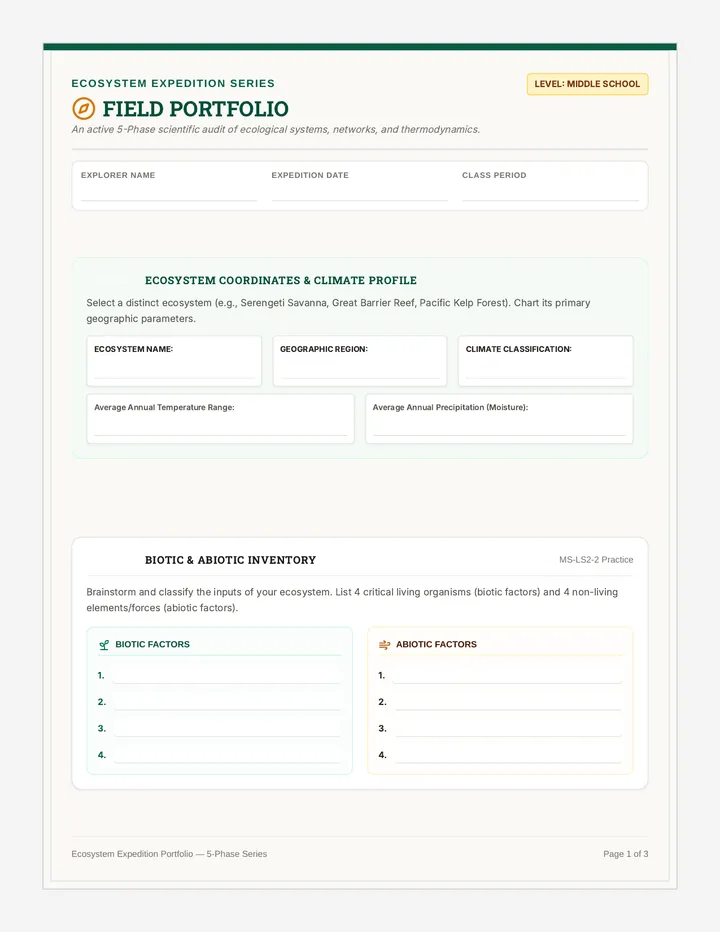
A creative project where students design and build a 3D biome model in a box, then document their scientific findings.
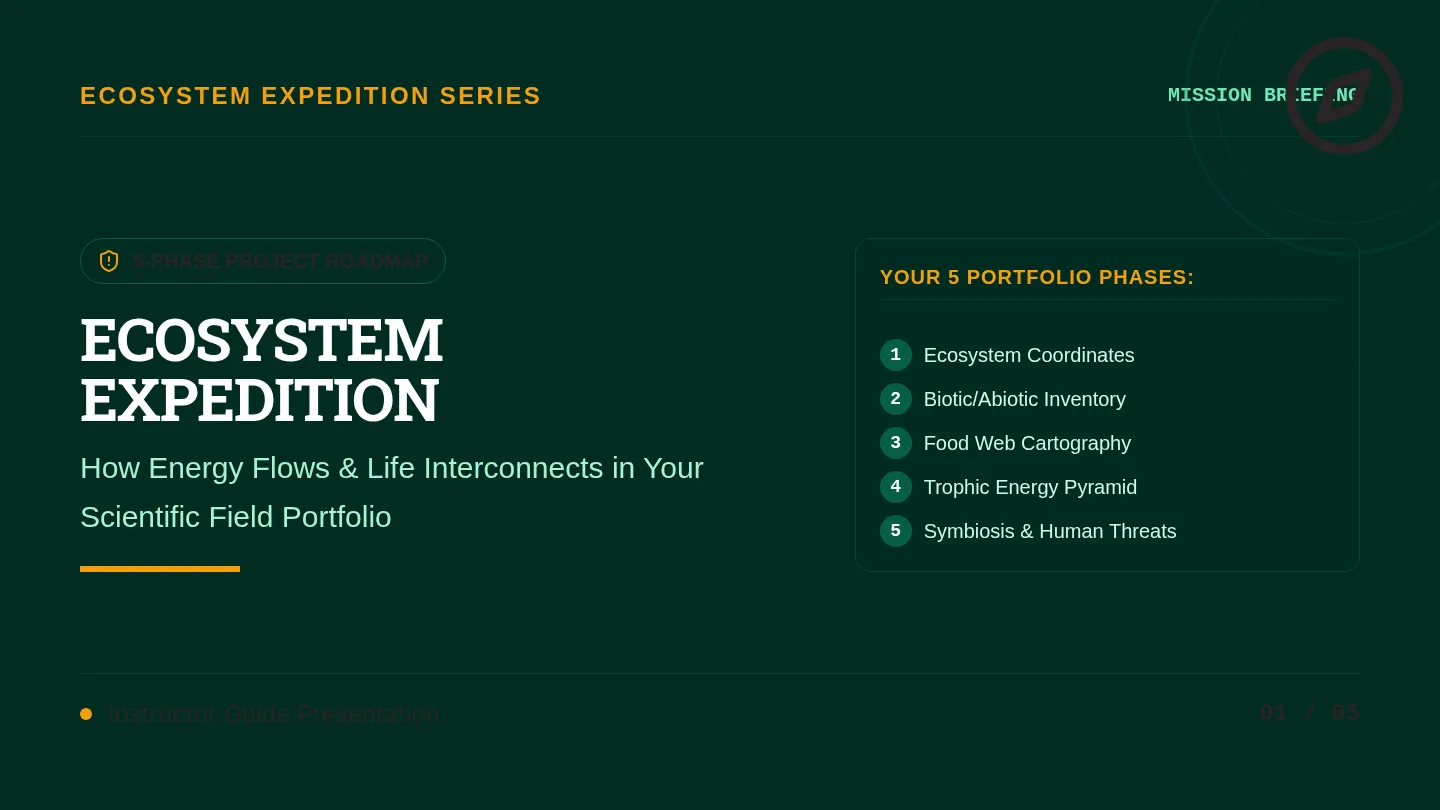
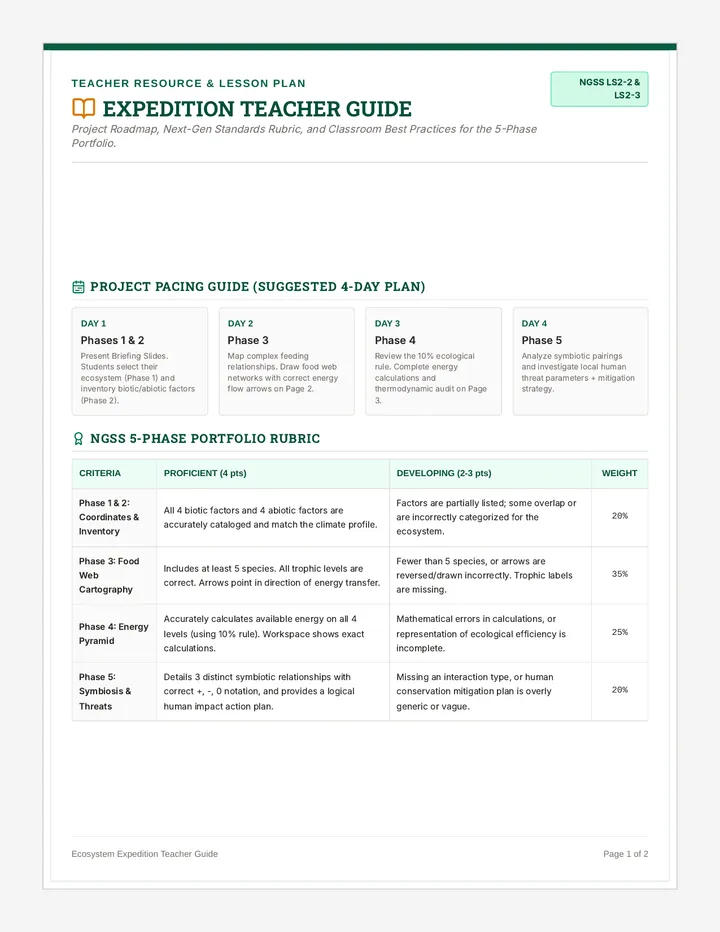
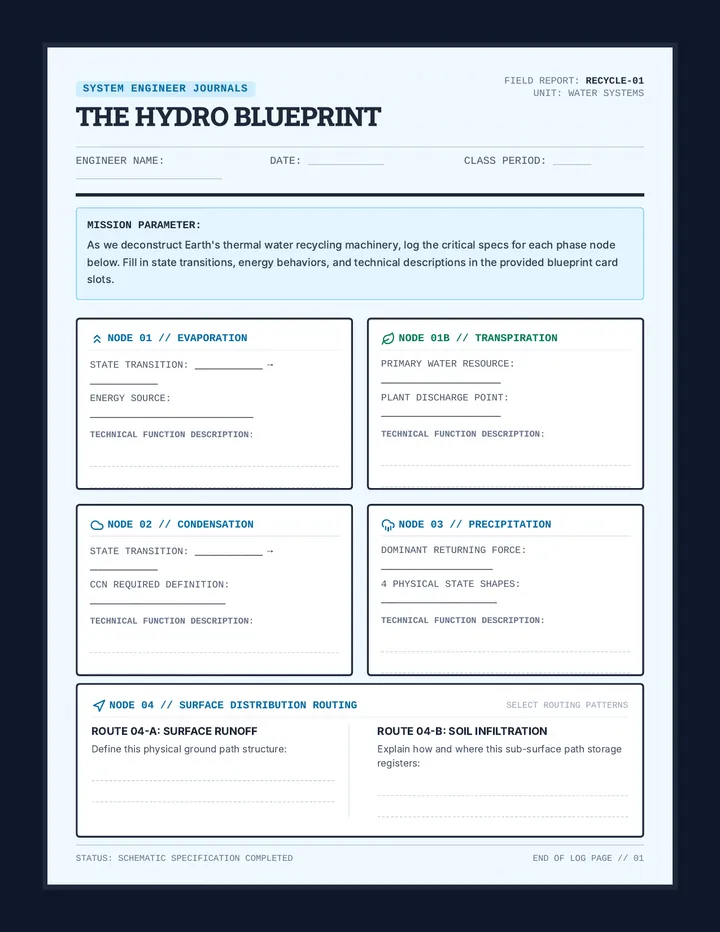
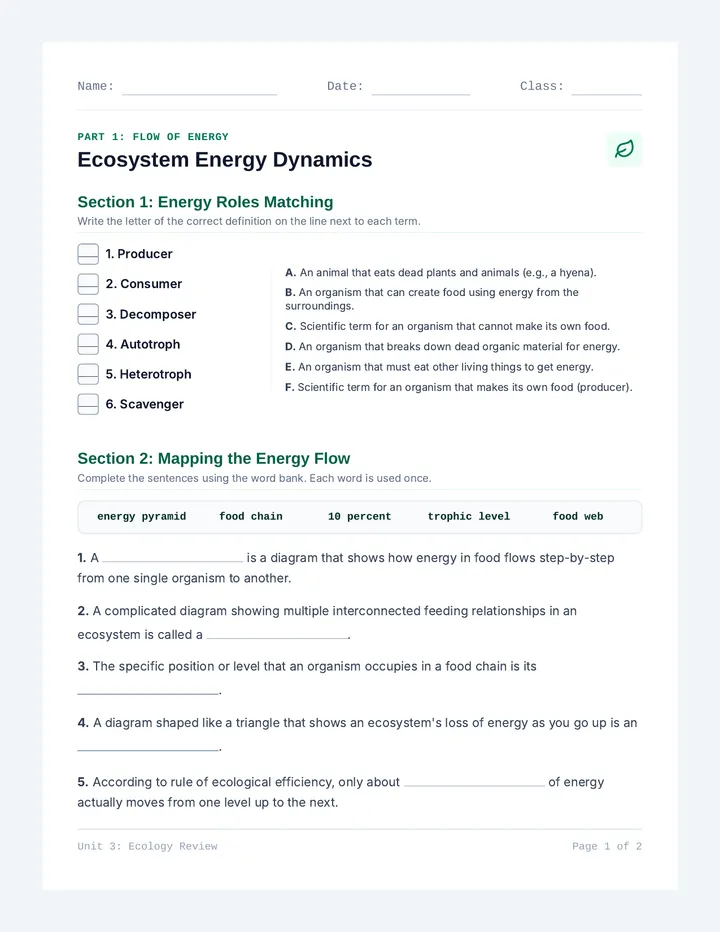
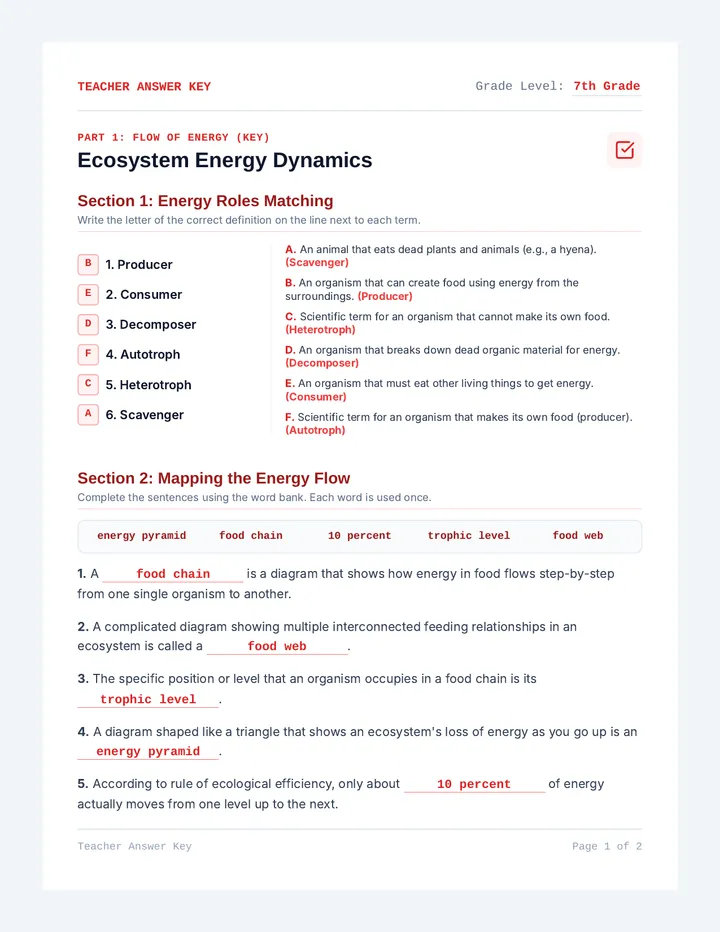
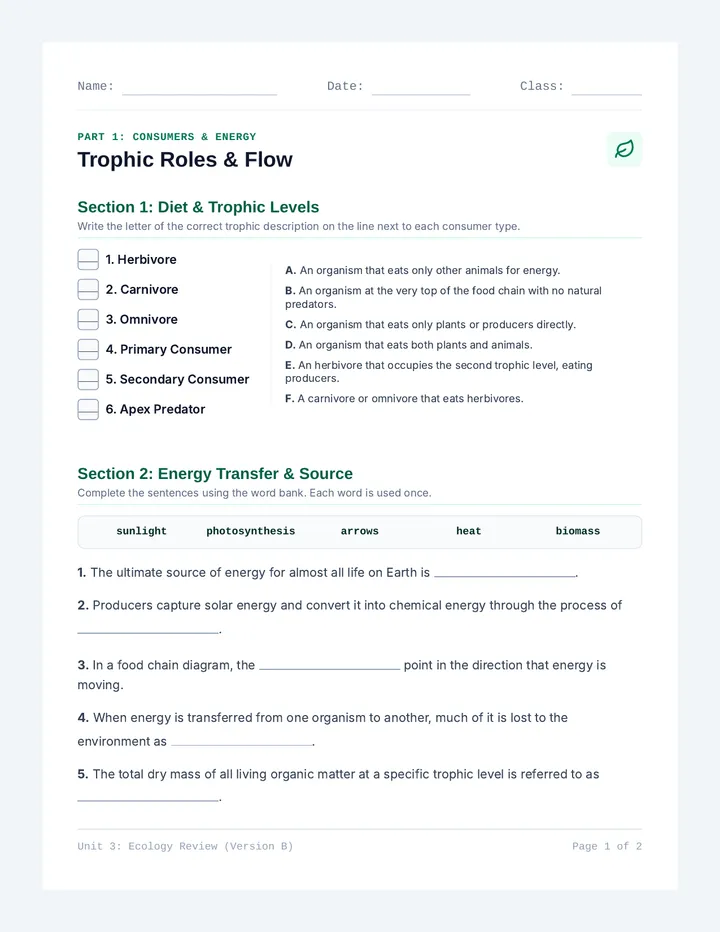
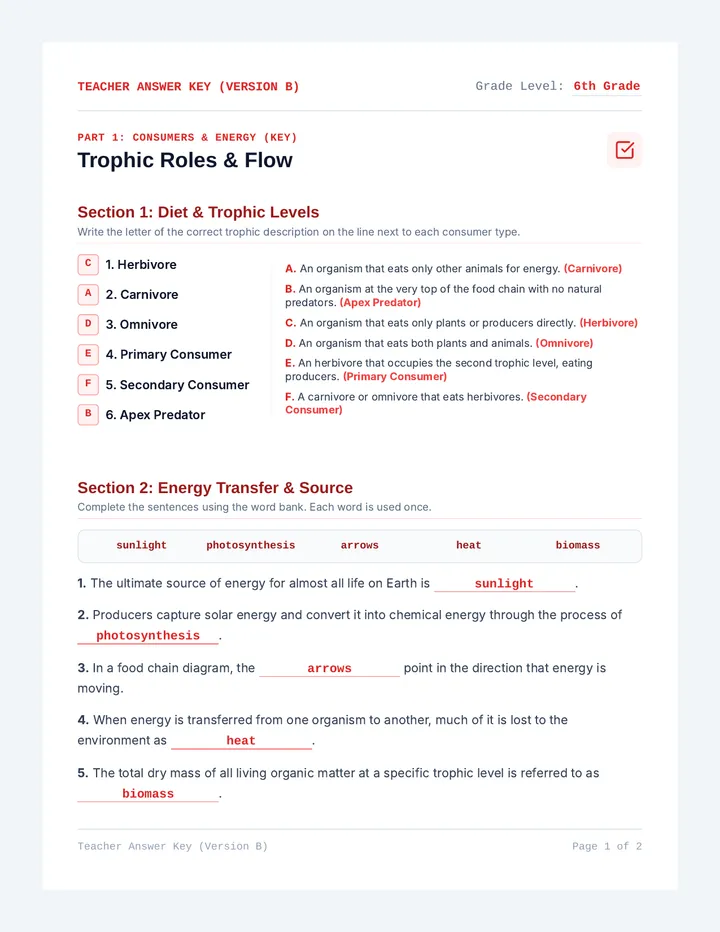
A deep dive into the 'nuts and bolts' of ecosystems, focusing on the contrasting extremes of deserts and the arctic tundra through a 'blueprint' lens. Students explore biotic and abiotic factors, adaptations, and real-world connections before modeling their own food webs.
A simplified introduction to electrostatics vocabulary, specifically designed for students requiring symbol support and modified text. The lesson focuses on six key terms through visual matching and clear, concise definitions.