Fundamental hardware proficiency, secure online behavior, and ethical social media engagement. Equips learners with productivity tool mastery, web publishing skills, and critical evaluation of emerging technologies.
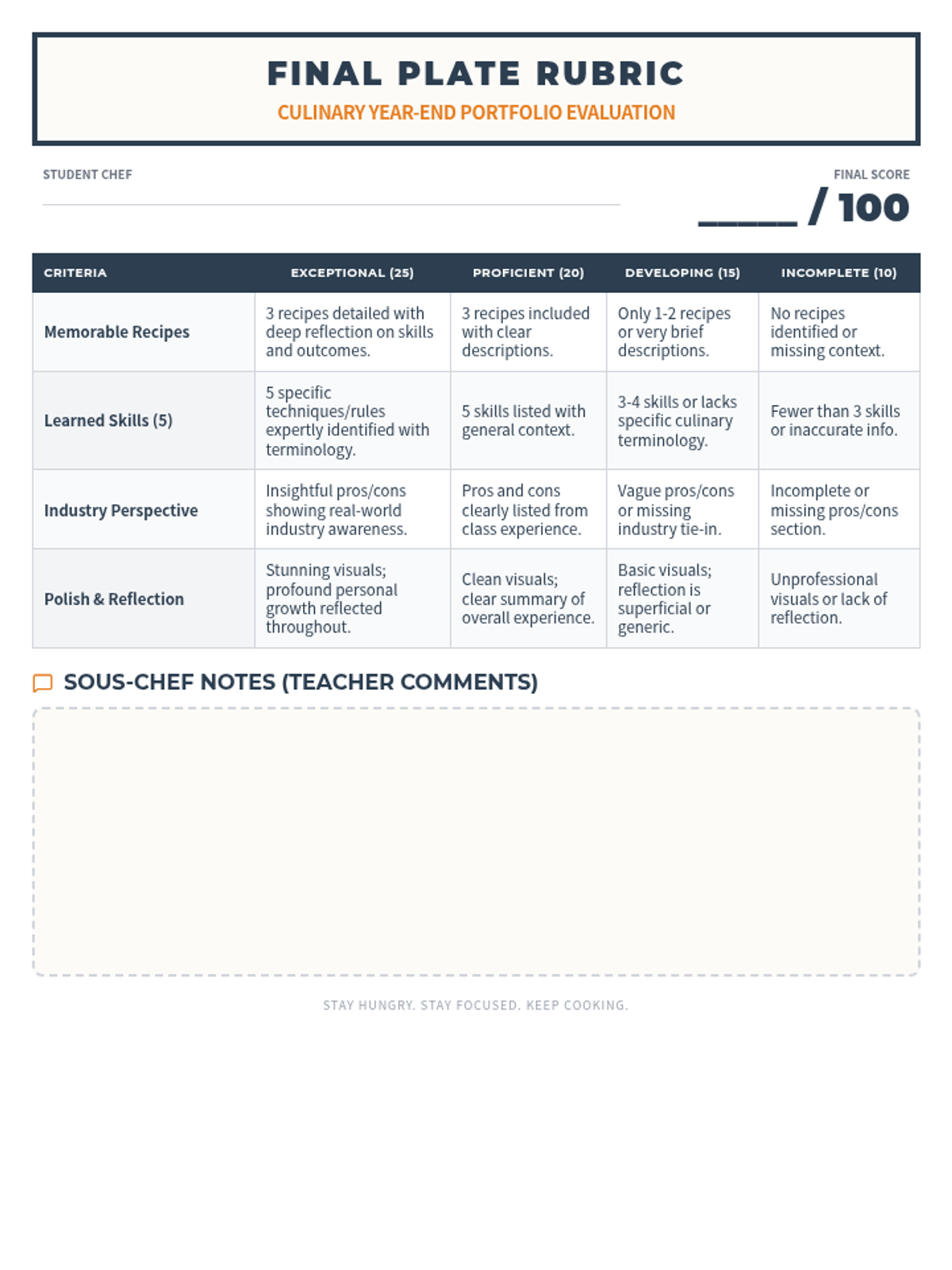
A structured grading rubric for teachers to evaluate the Culinary Journey presentations, focusing on content, industry perspective, and visual reflection.
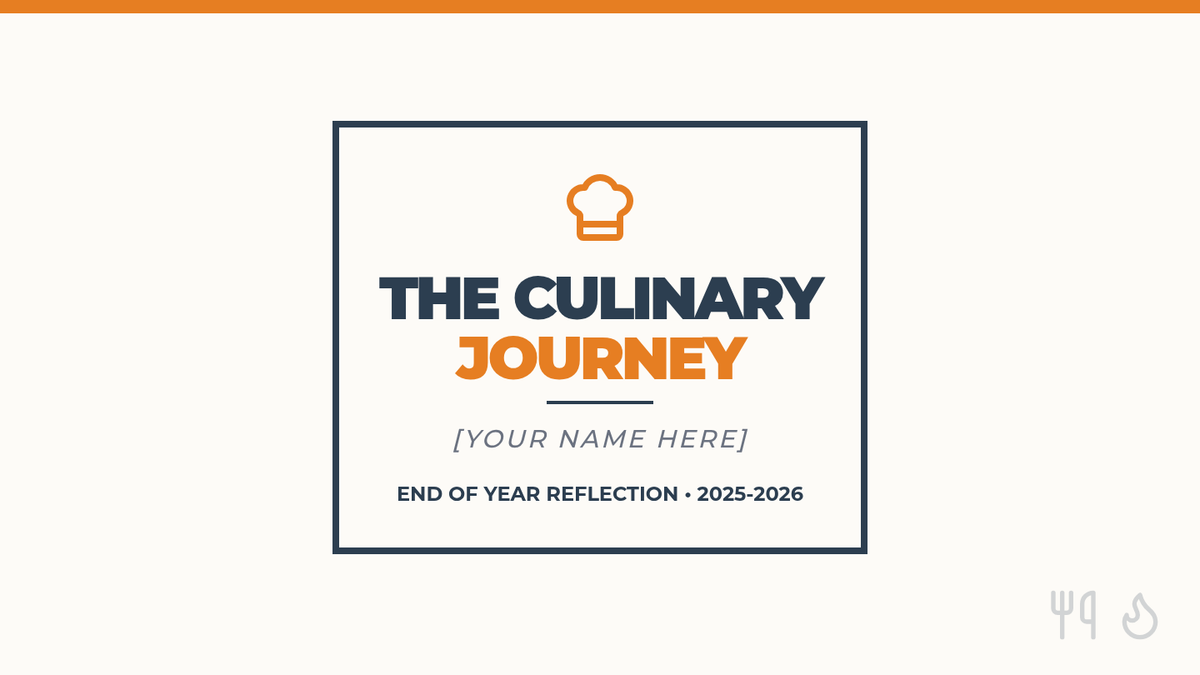
A set of 5 presentation slides designed as a template for culinary students to follow when creating their end-of-year reflection, featuring sections for recipes, skills, pros/cons, and overall experience.
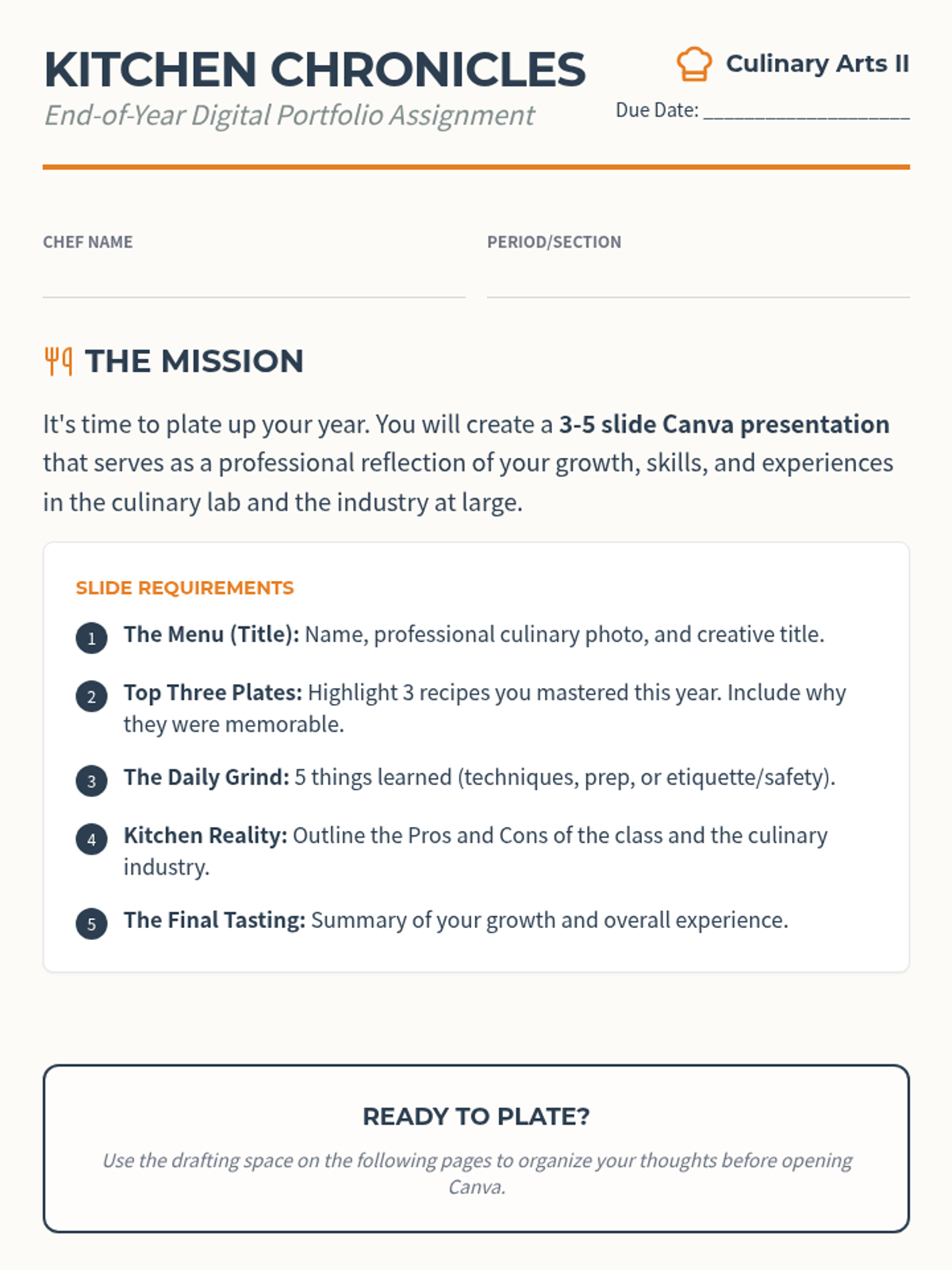
A detailed project instruction sheet for culinary students, outlining the requirements for an end-of-year reflection presentation including slide content and grading criteria.
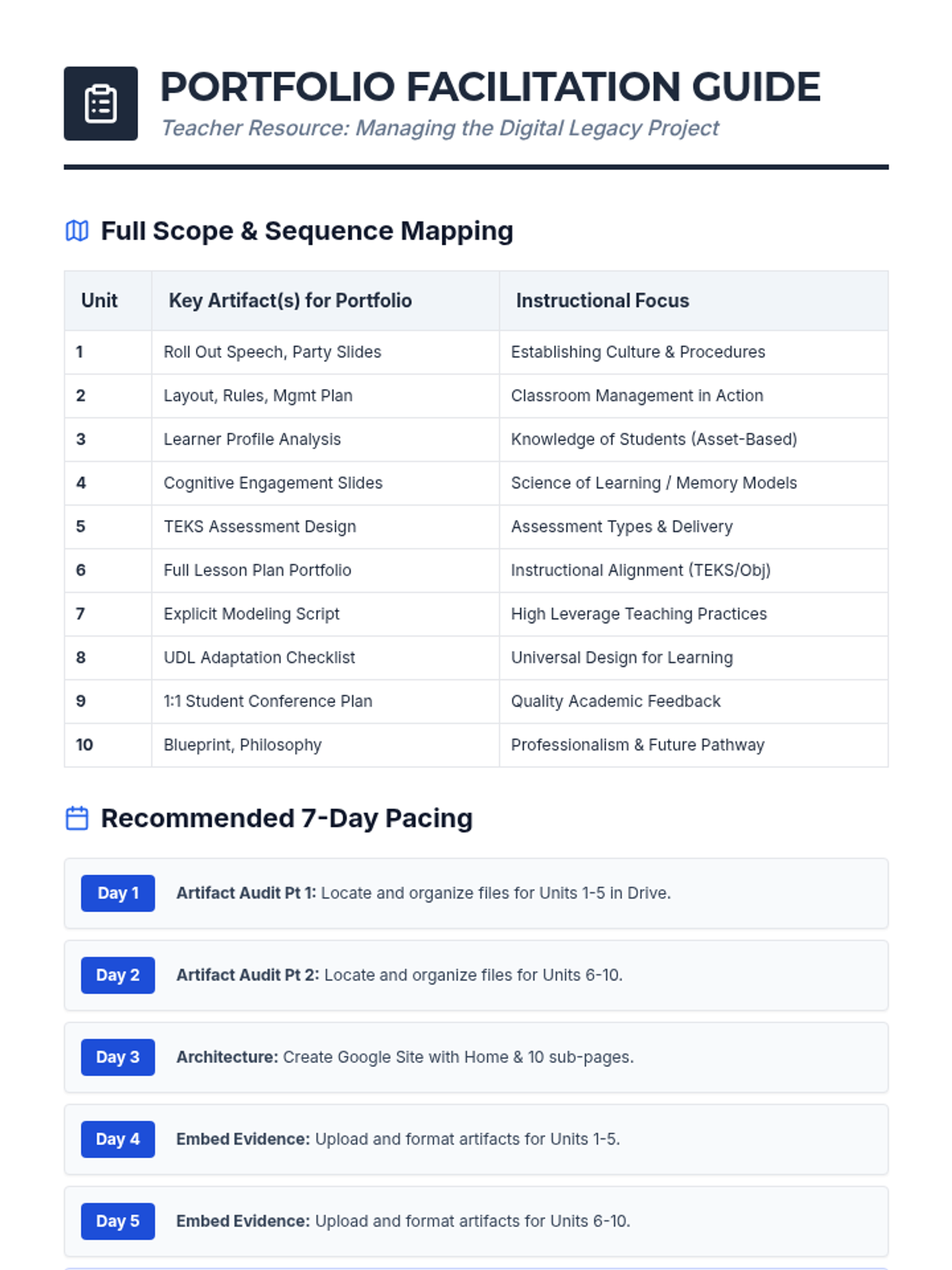
An updated teacher facilitation guide including artifact mapping and pacing for all 10 units of the Instructional Practices Scope and Sequence.
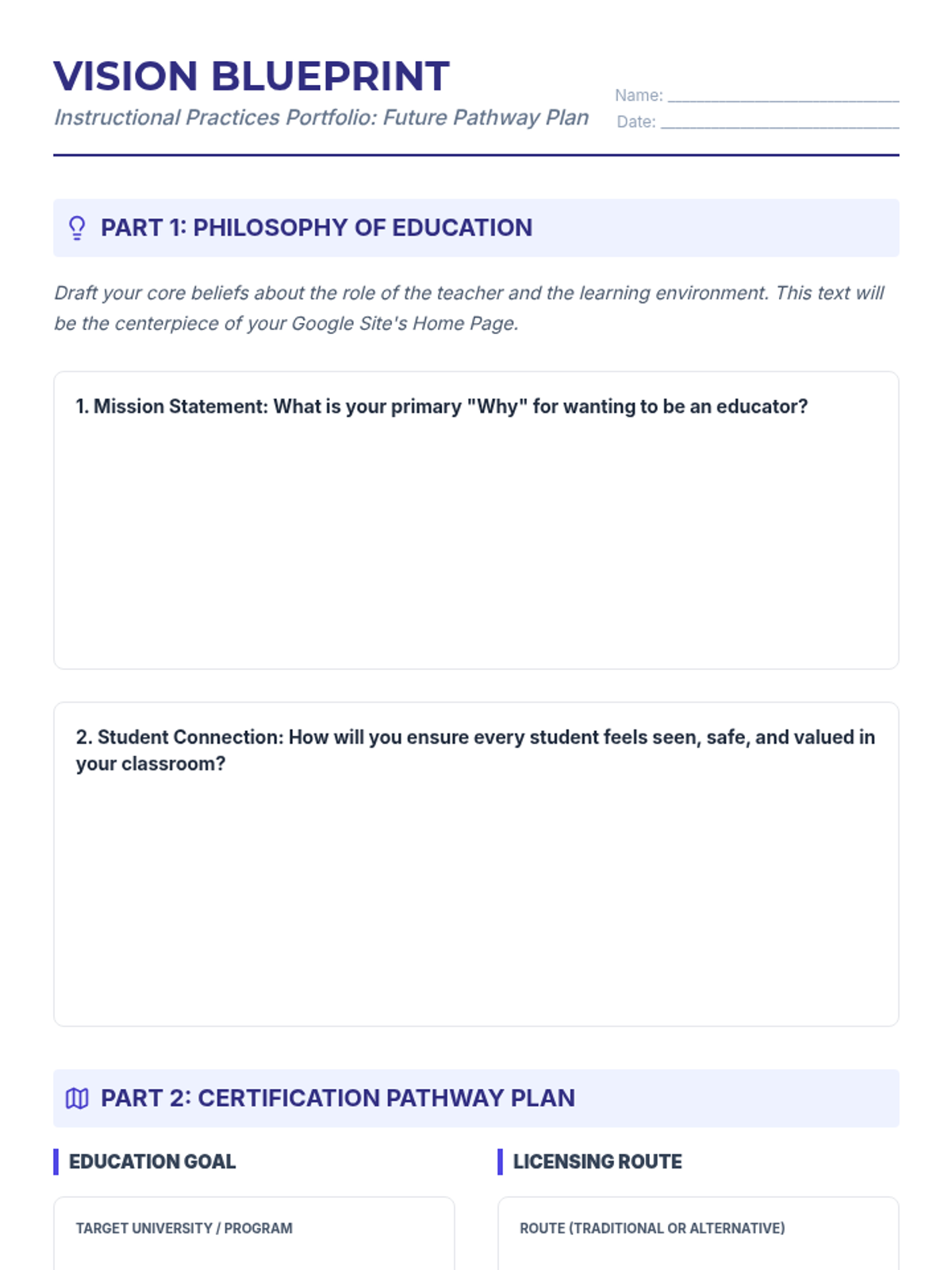
A planning worksheet for students to draft their Philosophy of Education and their long-term teacher certification pathway.
Expanded presentation slides for the Digital Legacy Portfolio, now highlighting the inclusion of all 10 units and providing updated artifact lists.
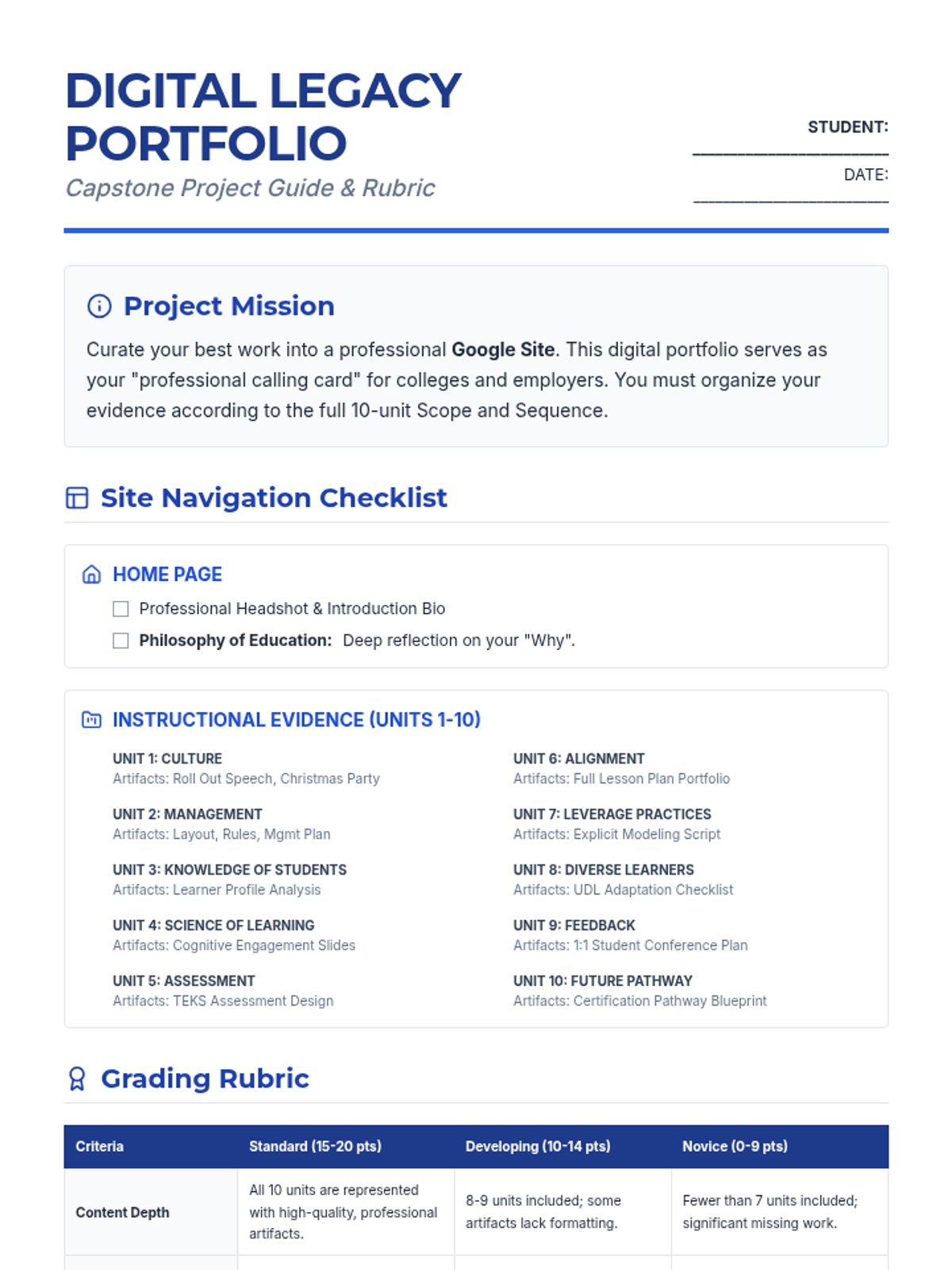
An updated comprehensive project guide and rubric for the end-of-year Digital Legacy Portfolio, now including all 10 units from the Scope and Sequence.
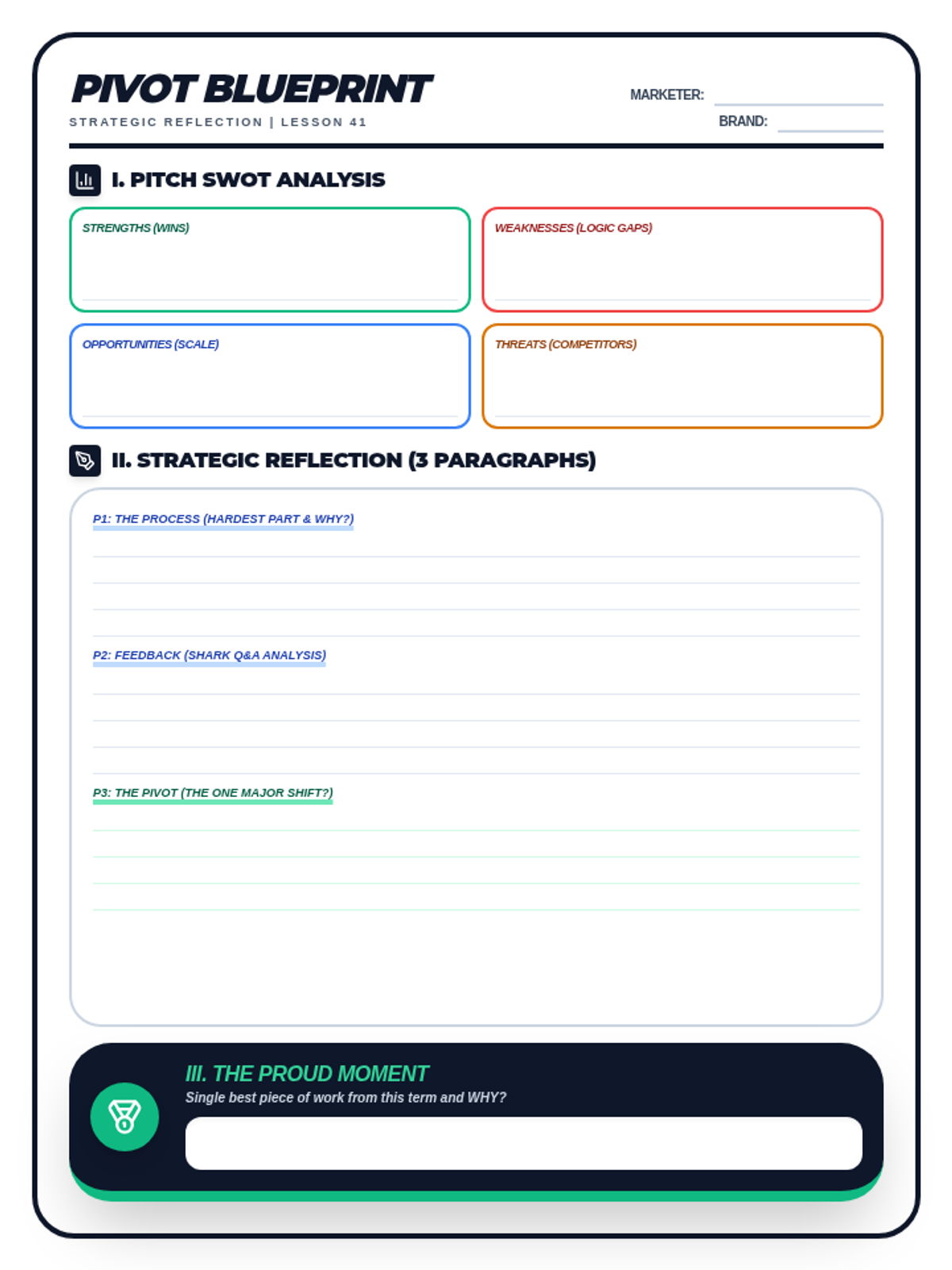
A student drafting worksheet for Lesson 41: The Business Reflection. Includes a SWOT analysis matrix for the pitch, space for a 3-paragraph strategic reflection (The Pivot Document), and an end-of-semester proud moment exit ticket. Optimized for single-page printing.
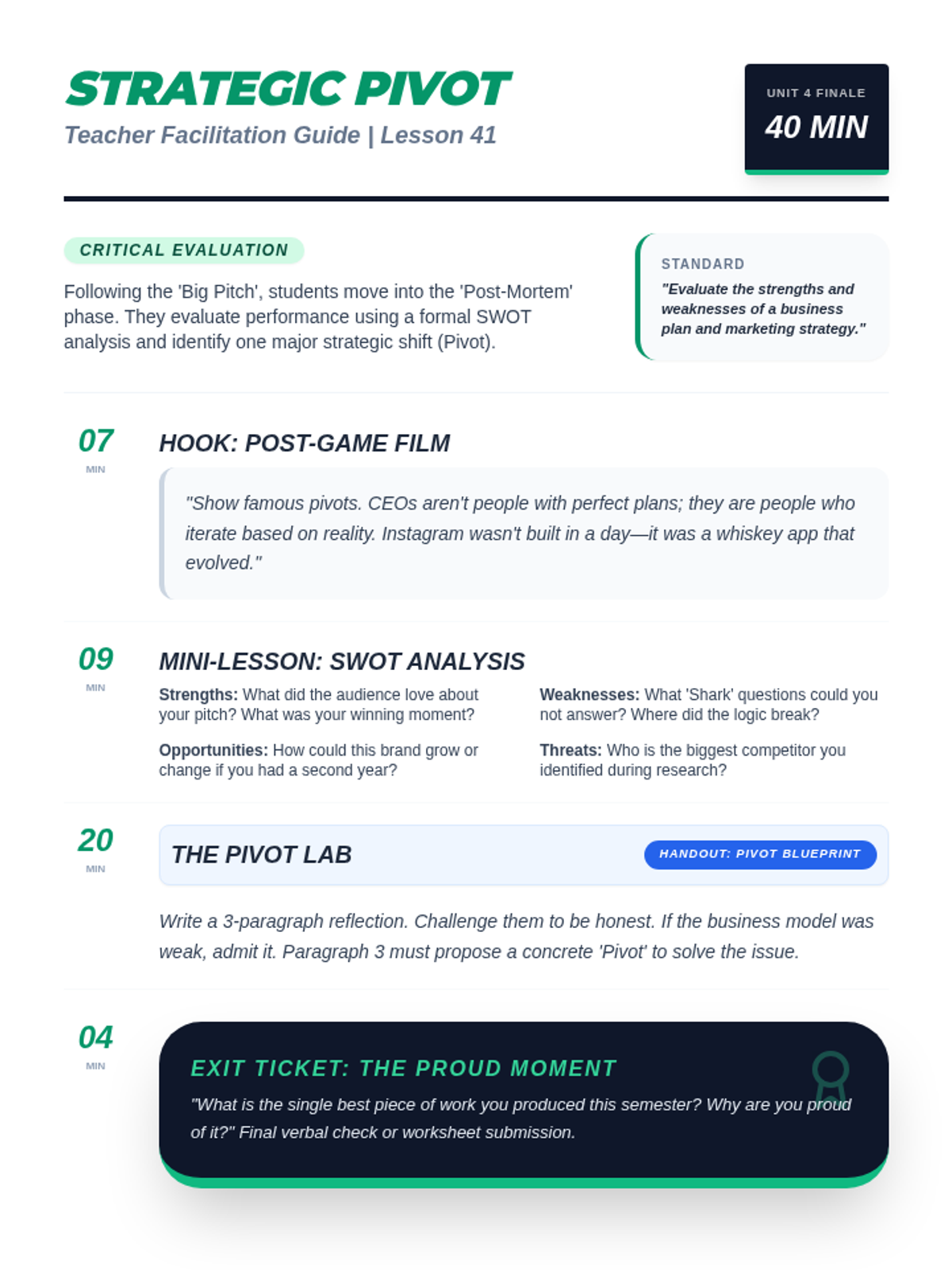
A teacher facilitation guide for Lesson 41: The Business Reflection. Includes instructional scripts for the 'famous pivot' hook, SWOT analysis instruction, and professional context on business retrospectives. Optimized for single-page printing.
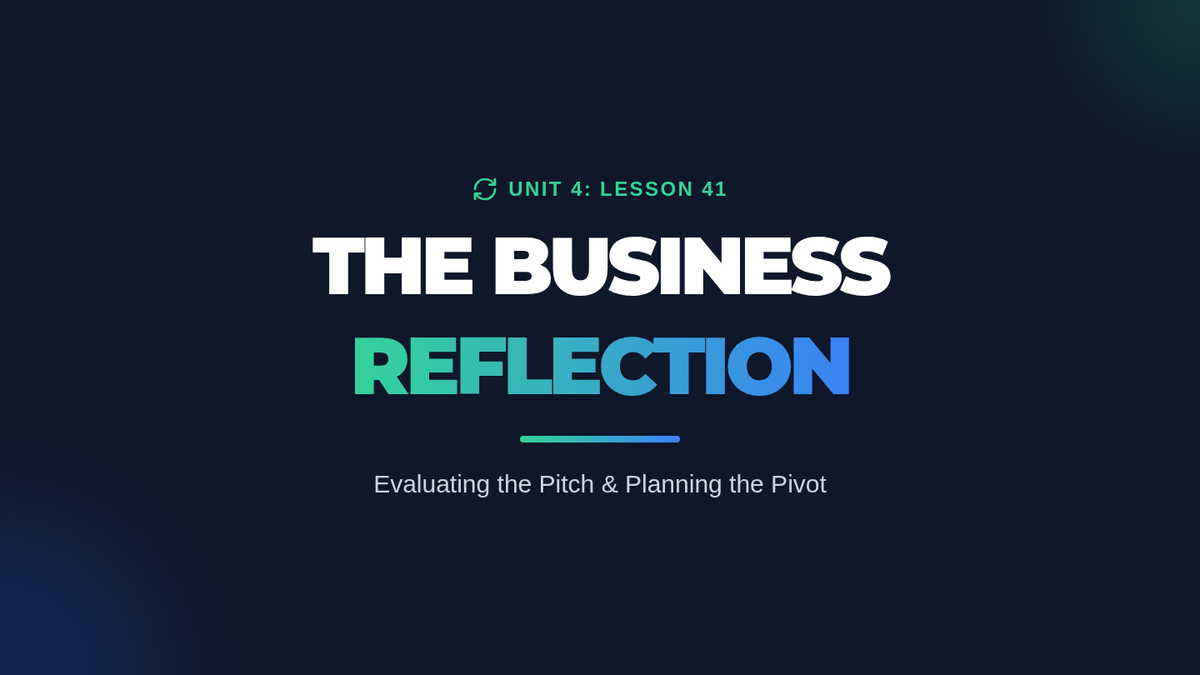
A reflective slide deck for Lesson 41. Covers famous business pivots, introduces the SWOT analysis framework for performance evaluation, and guides students through drafting a 3-paragraph strategic reflection.
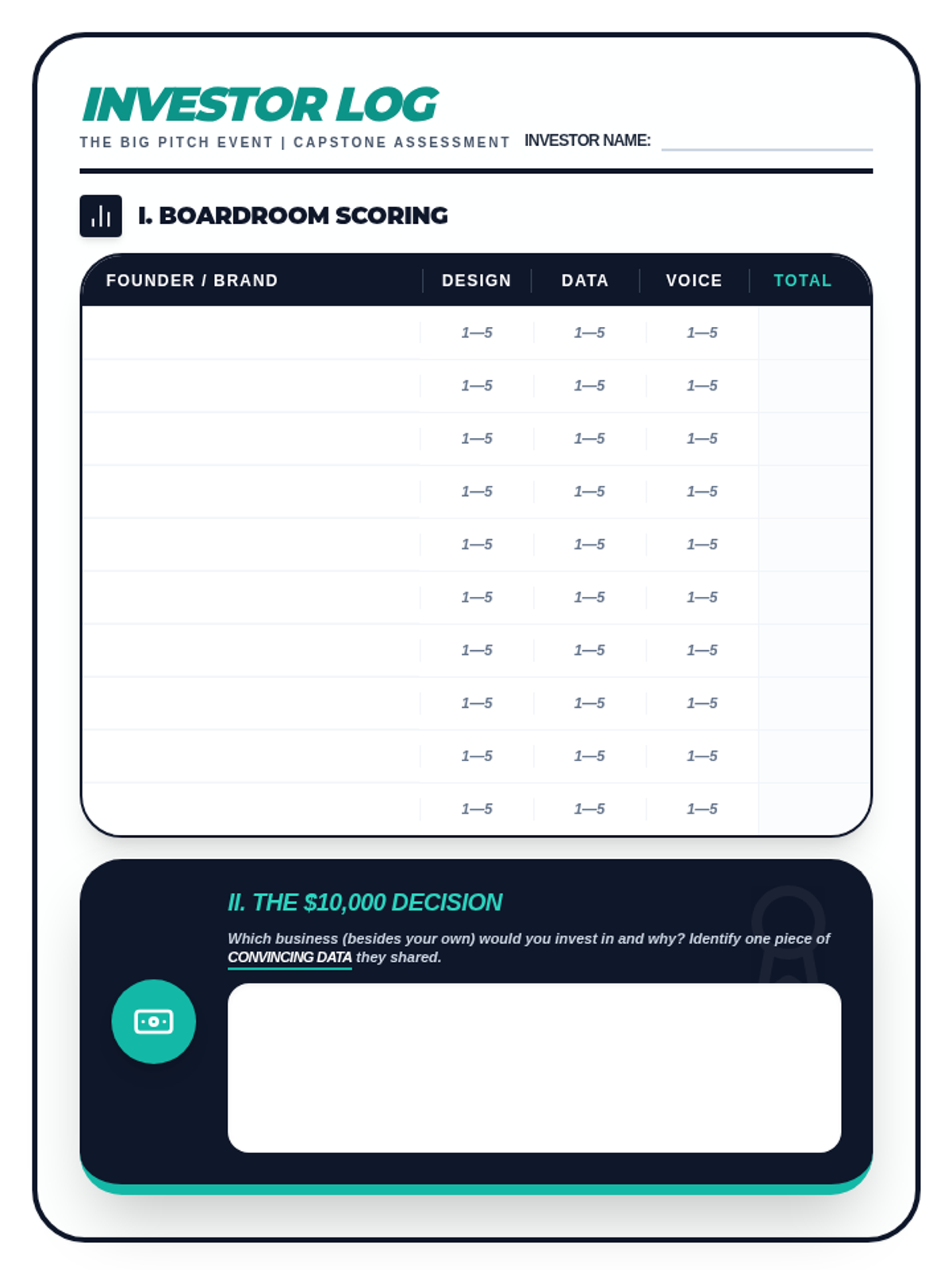
A student evaluator rubric and investment log for the two-day "Big Pitch" event. Includes a boardroom scoring table for peer feedback on visual design, data, and delivery, plus the final "Class Cash" investment decision. Optimized for printing.
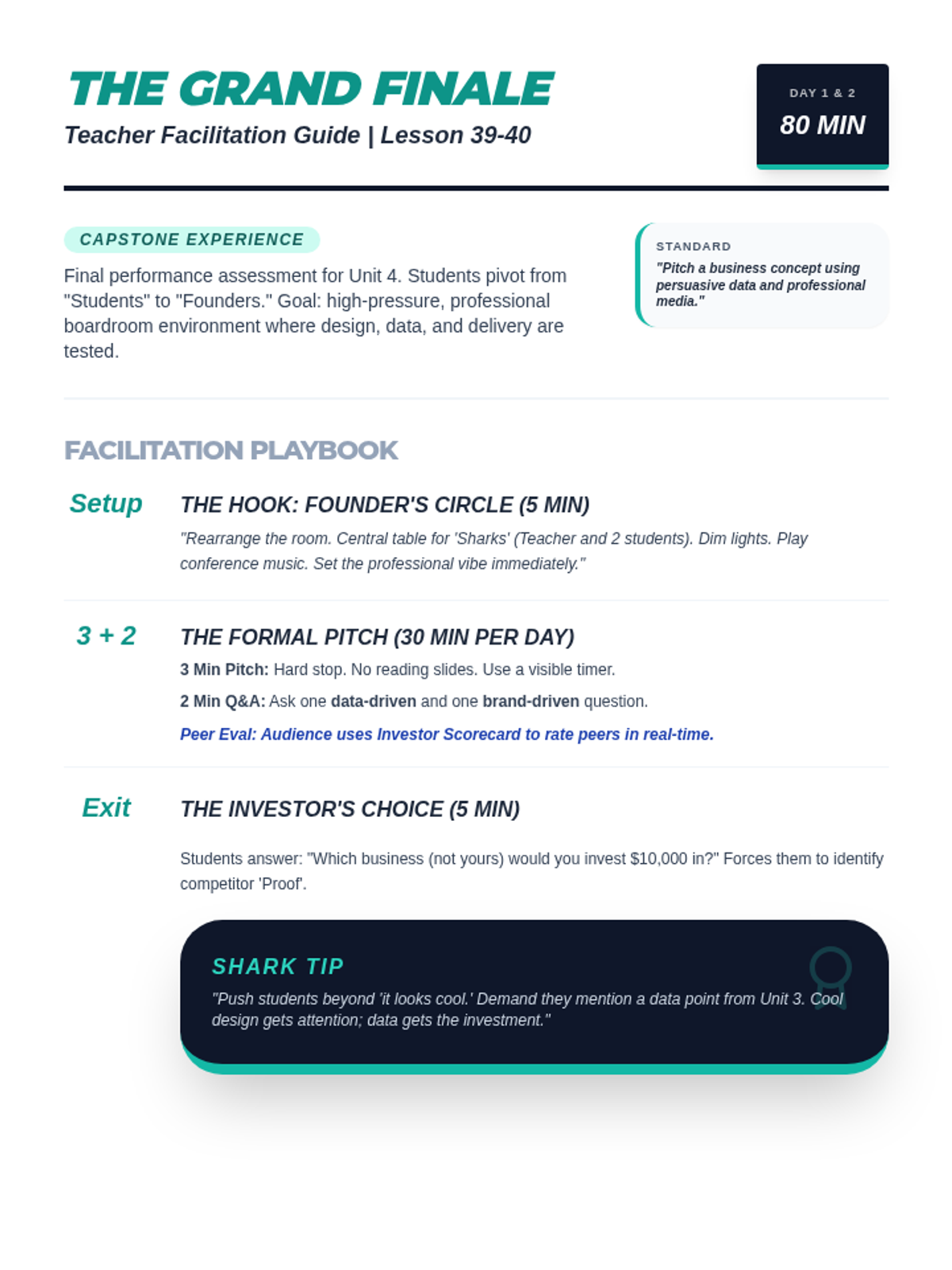
A two-day facilitation guide for the Unit 4 Capstone: The Big Pitch. Includes room setup instructions, the 3+2 minute timing rules, and instructional scripts for the "Shark Tank" Q&A and final "Class Cash" investment reflection. Optimized for single-page printing.
A high-stakes presentation slide deck for the Unit 4 Capstone: The Big Pitch. Includes "Founder's Circle" hooks, 3+2 pitch rules, scoring criteria for design, data, and delivery, and the final "Investor's Choice" exit ticket.
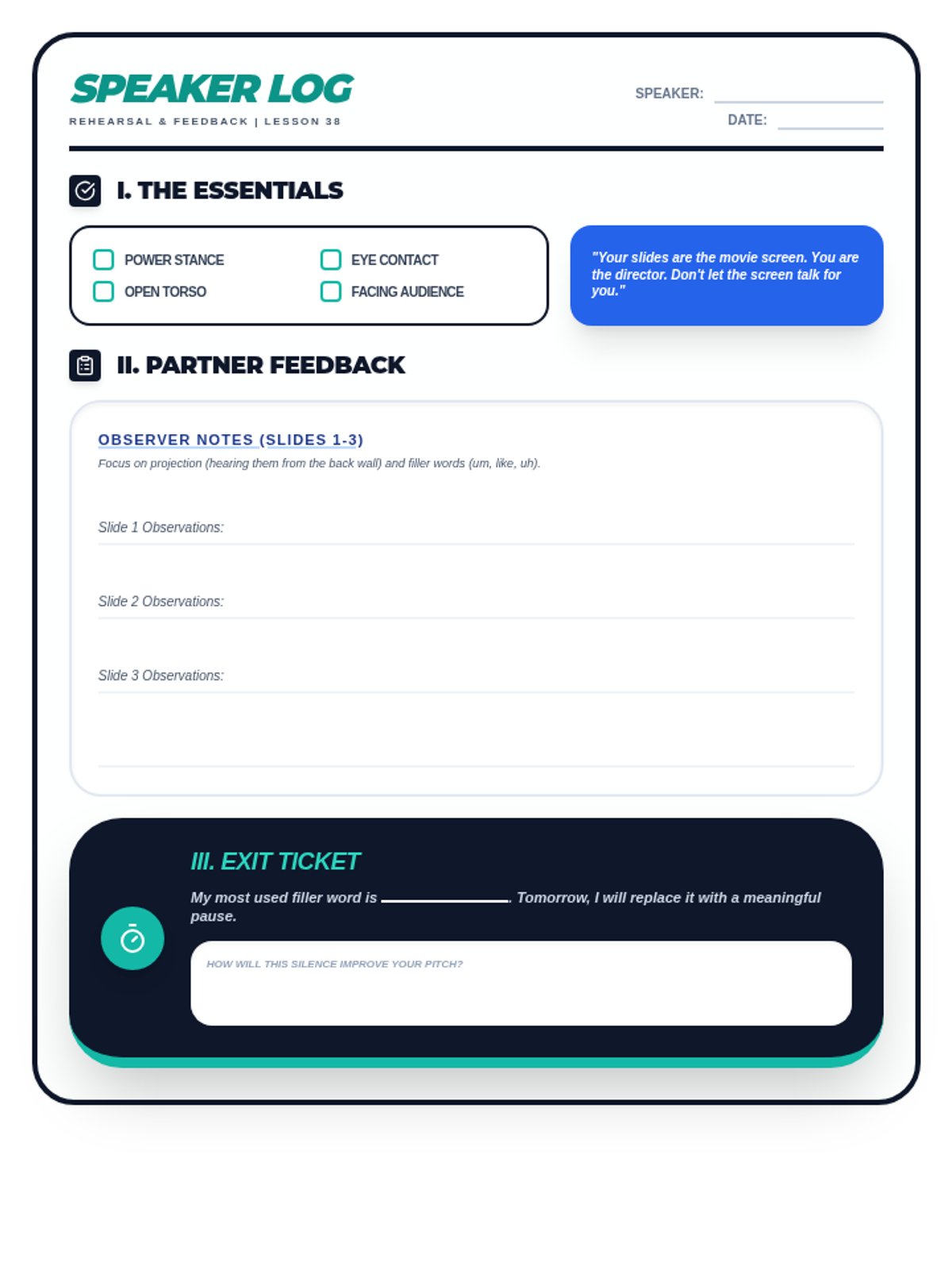
A student rehearsal log and peer-feedback worksheet for Lesson 38. Includes a non-verbal fundamentals checklist, space for partner feedback on projection and filler words, and an exit ticket for self-correction. Optimized for single-page printing.
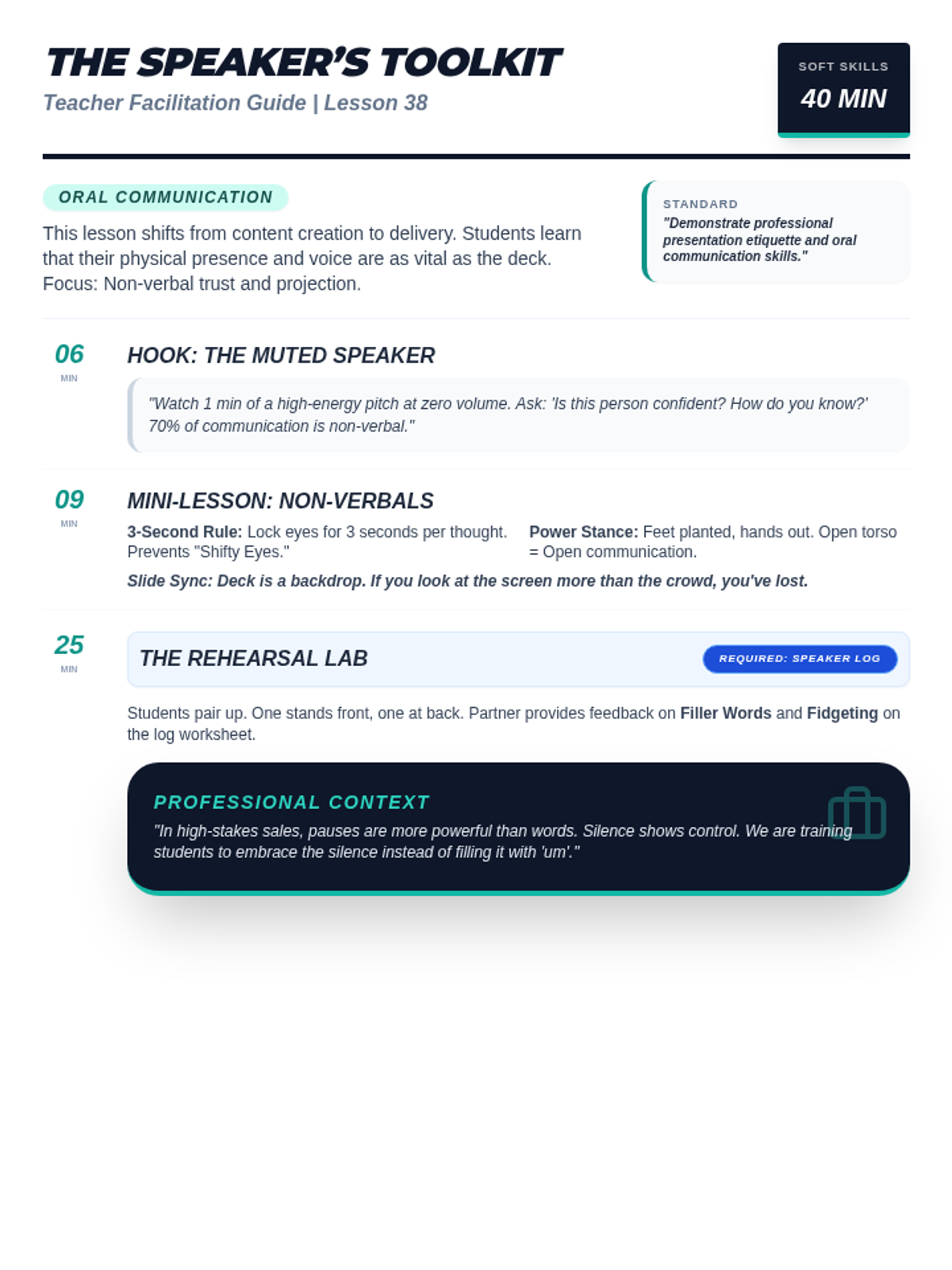
A facilitation guide for teachers covering Lesson 38: Public Speaking with Media. Includes instructional scripts for non-verbal communication, projection coaching tips, and professional speaking context. Optimized for single-page printing.
A high-impact slide deck for Lesson 38: Public Speaking with Media. Covers non-verbal communication, the speaker's toolkit (eye contact, posture), projection techniques, and a rehearsal roadmap.
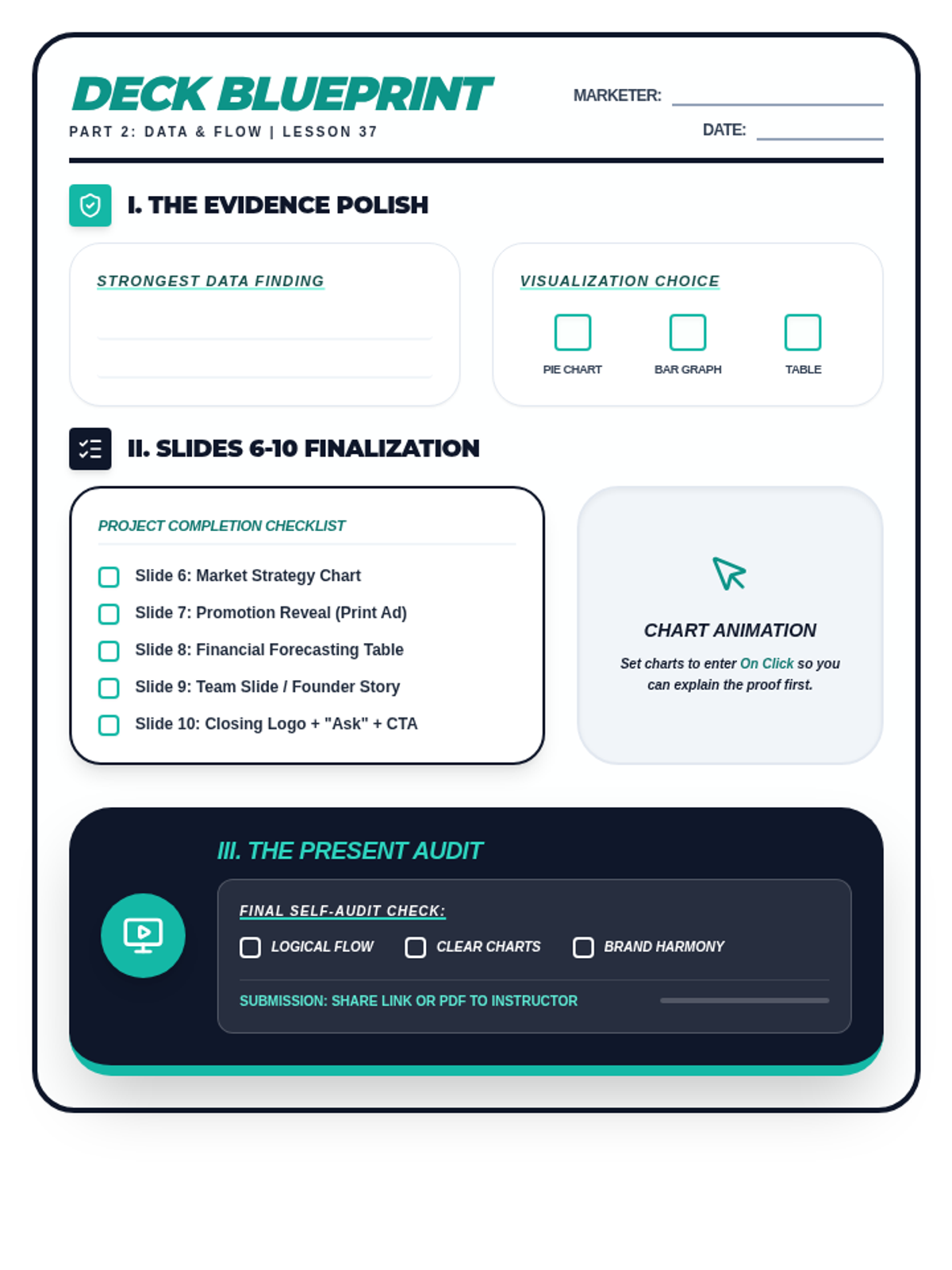
A student planning and checklist worksheet for Lesson 37. Includes a data proof strategy section, a slide asset checklist for the final five slides of the pitch deck, and a project self-audit checklist. Optimized for printing.
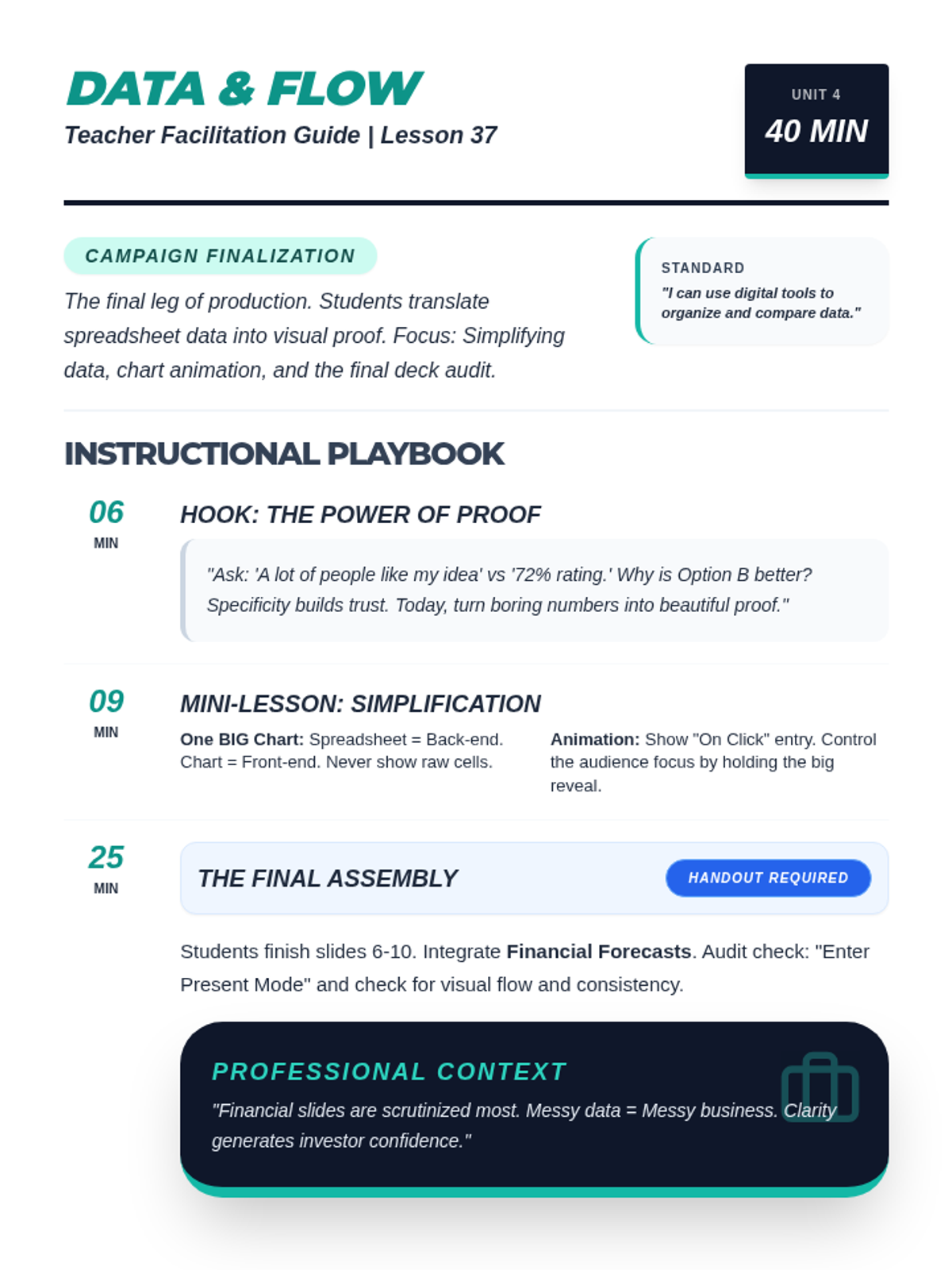
A comprehensive teacher facilitation guide for Lesson 37: Building the Deck. Includes pacing, simplification strategies for data slides, animation techniques, and professional context on financial scrutiny. Optimized for single-page printing.
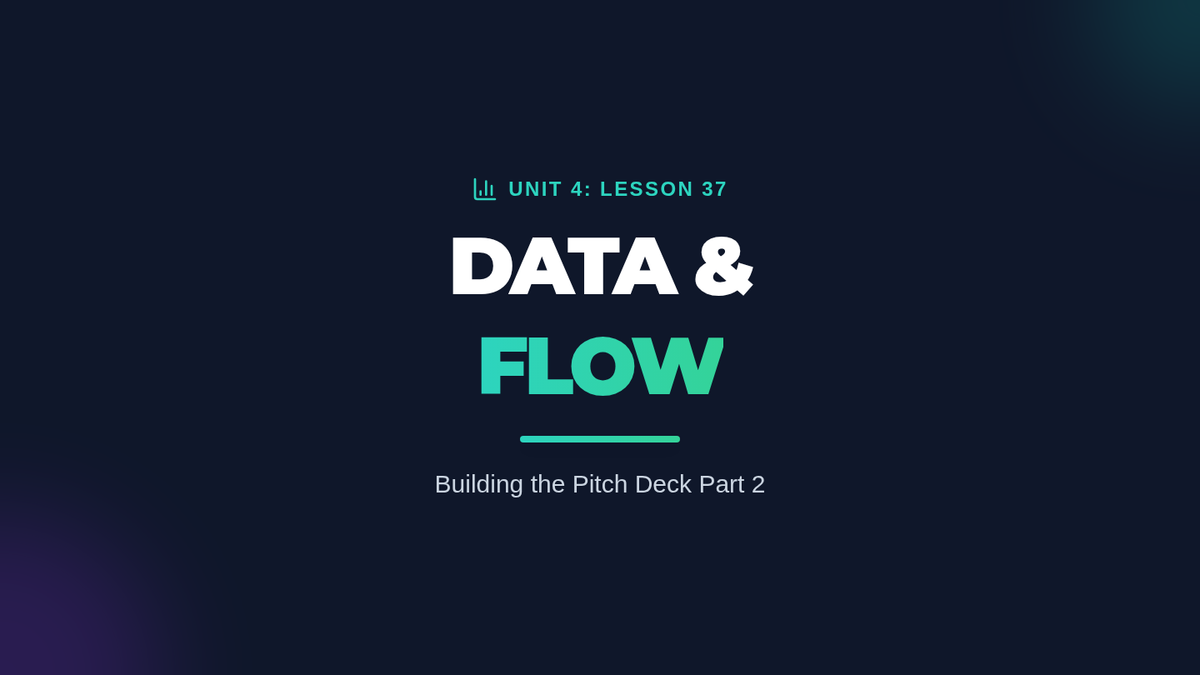
A professional slide deck for Lesson 37 focusing on data integration and presentation flow. Covers chart simplification, animation for storytelling, and provides a final project checklist for the full pitch deck. Corrected numbering and syntax.
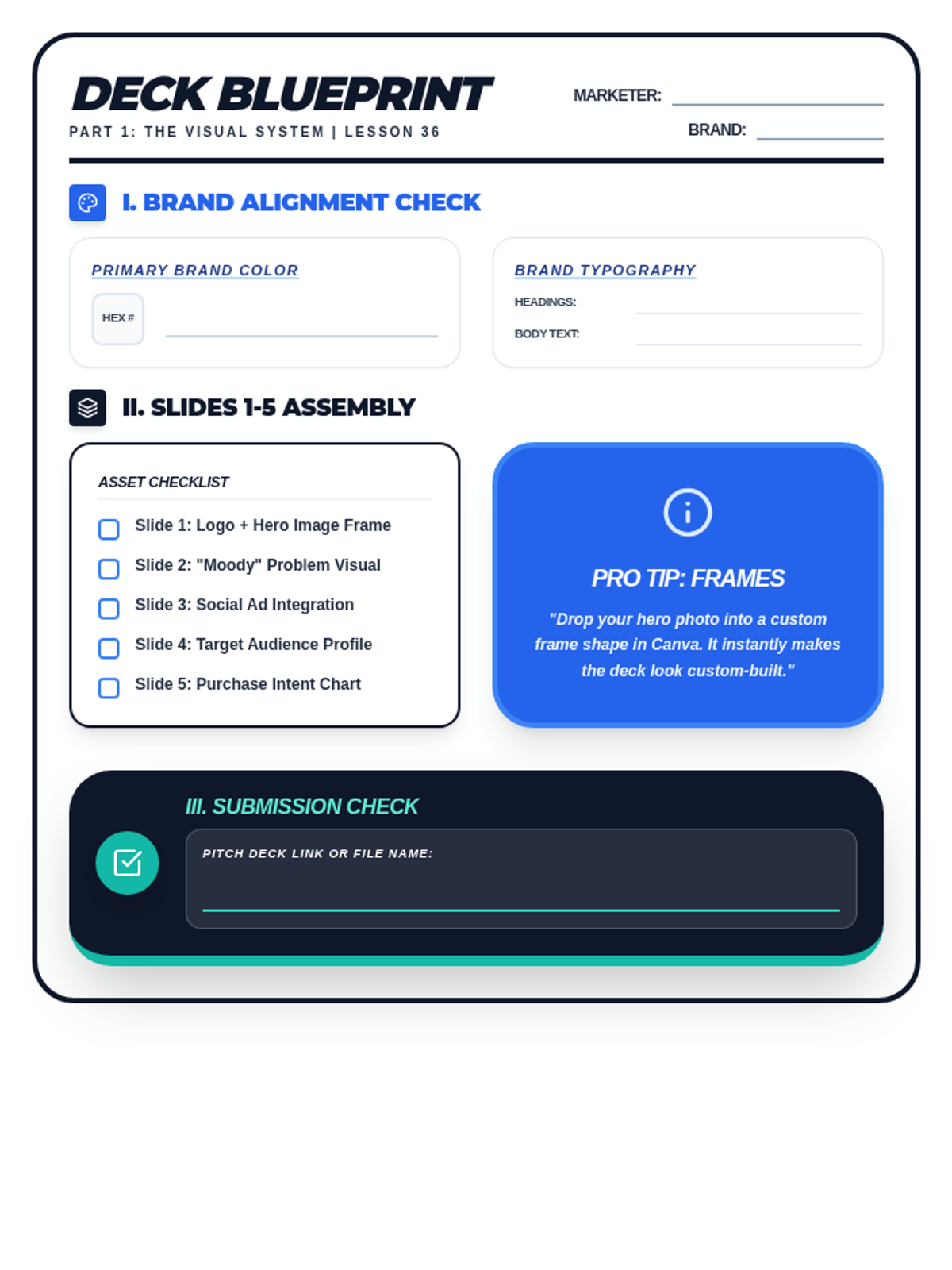
A student drafting and checklist worksheet for Lesson 36. Includes brand alignment fields for HEX codes and typography, a slide asset checklist for the first five slides, and a professional audit section for visual consistency. Optimized for printing.
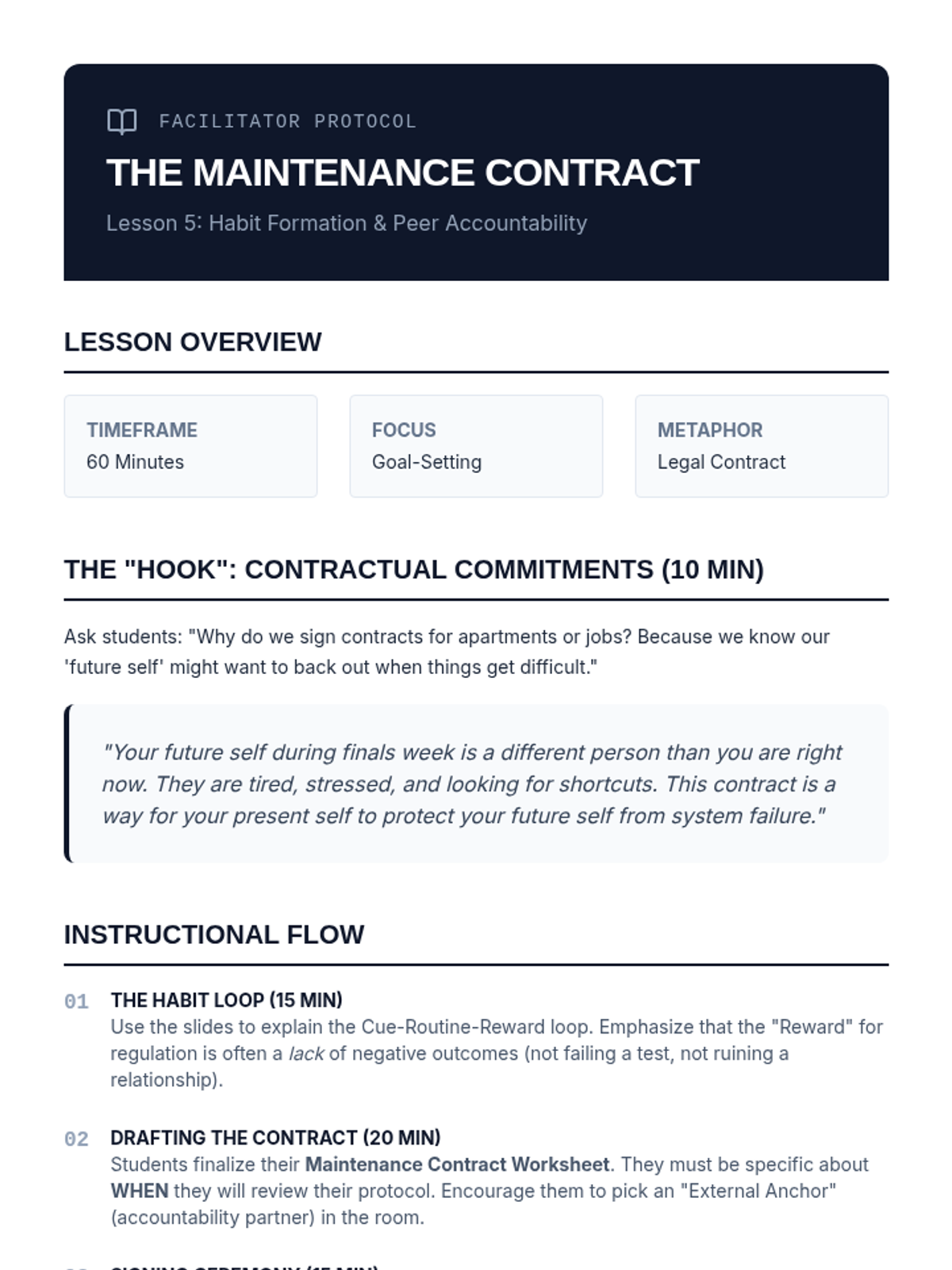
Facilitator guide for Lesson 5, outlining the instructional flow, discussion prompts, and key concepts for the maintenance contract and habit formation.
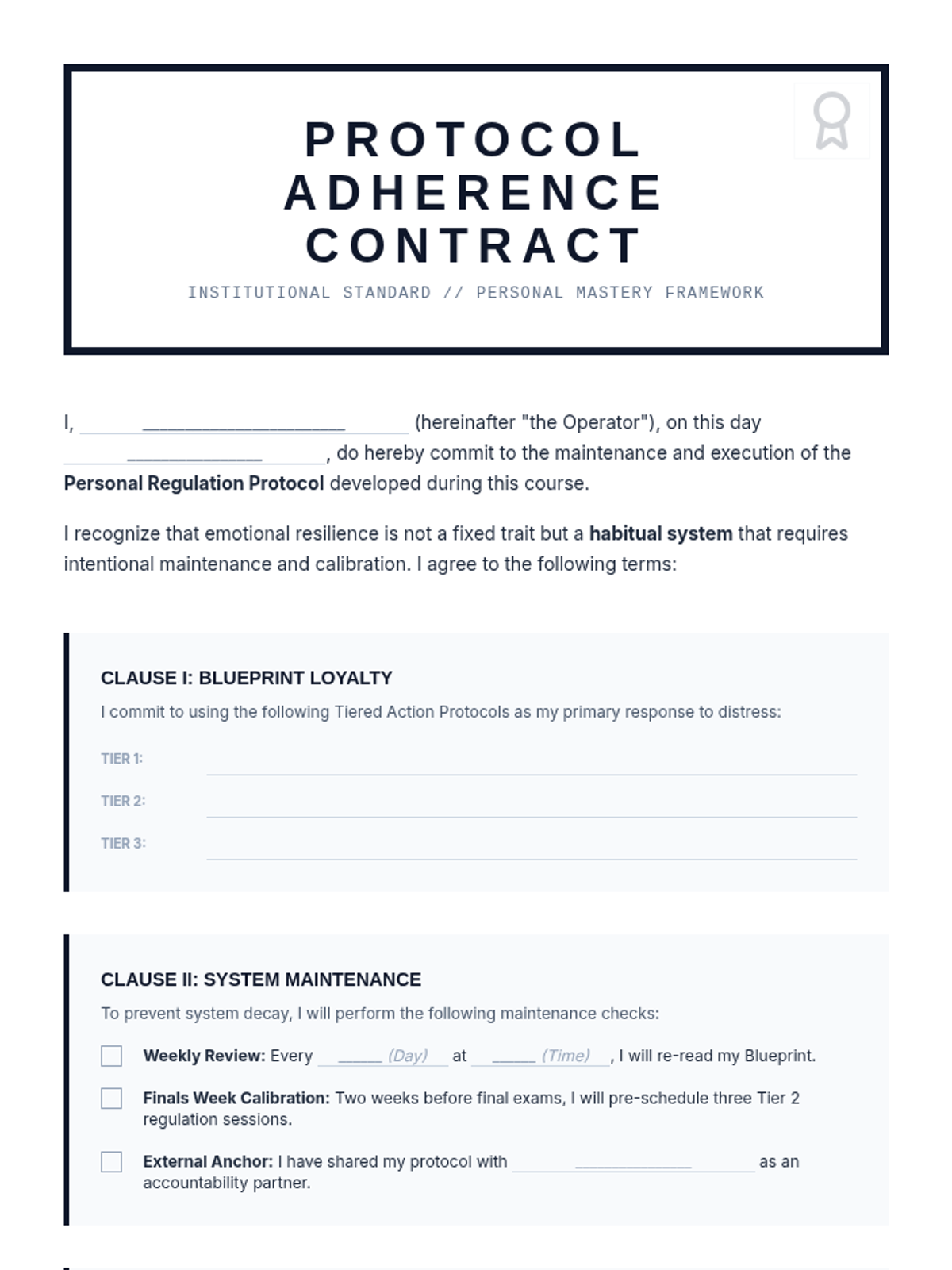
A formal maintenance contract for students to commit to their regulation protocols, establishing maintenance schedules and accountability partners.
Final slide deck for Lesson 5, focusing on habit formation, maintenance schedules, and the commitment to protocol adherence.
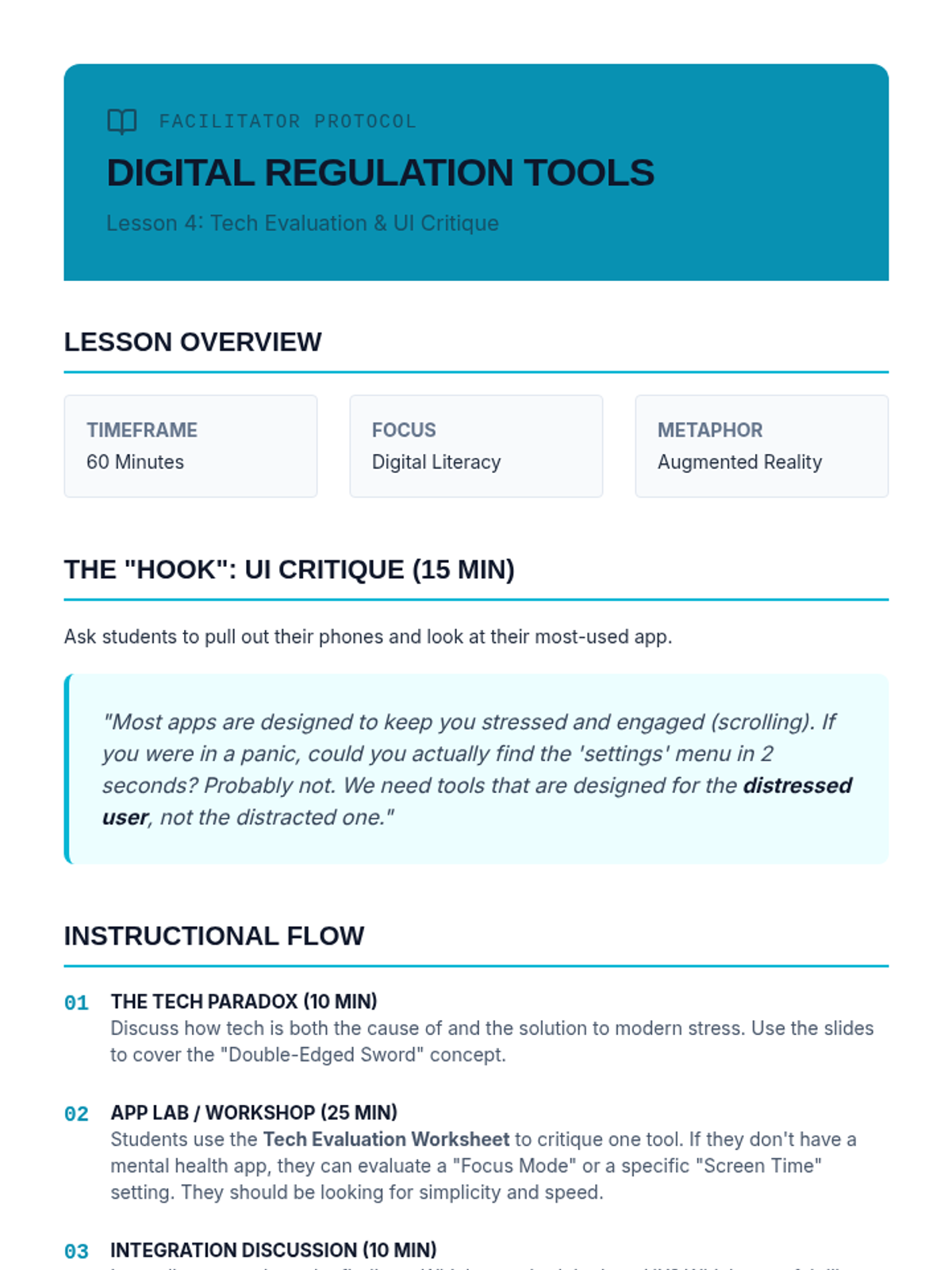
Facilitator guide for Lesson 4, outlining the instructional flow, discussion prompts, and key concepts for the digital tool evaluation and UI critique.
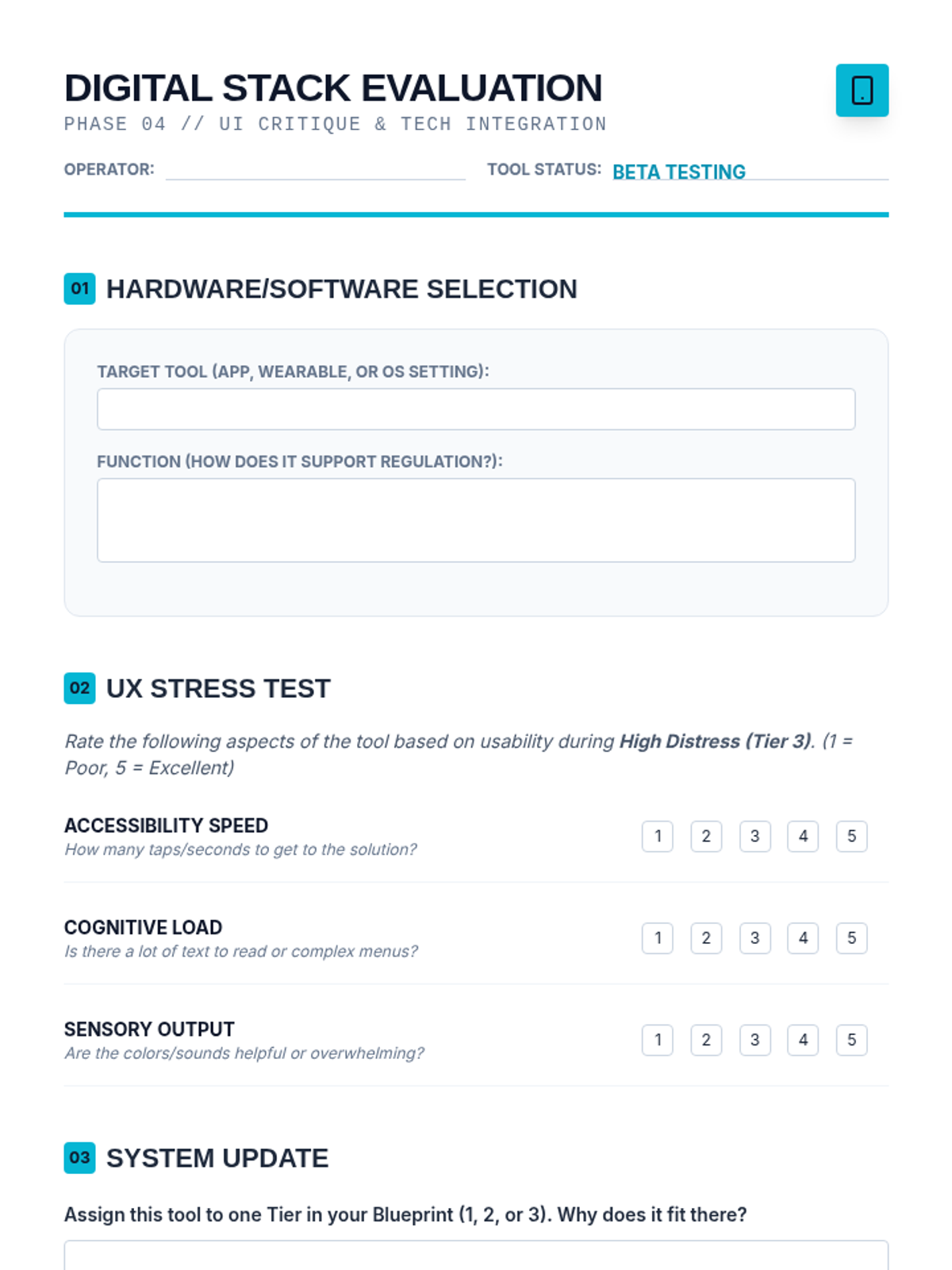
Worksheet for students to evaluate mental health apps and digital tools, specifically focusing on their user interface and accessibility during high-stress moments.
Slide deck for Lesson 4, introducing the concepts of digital support tools, UI critique for distress, and integrating tech into regulation protocols.
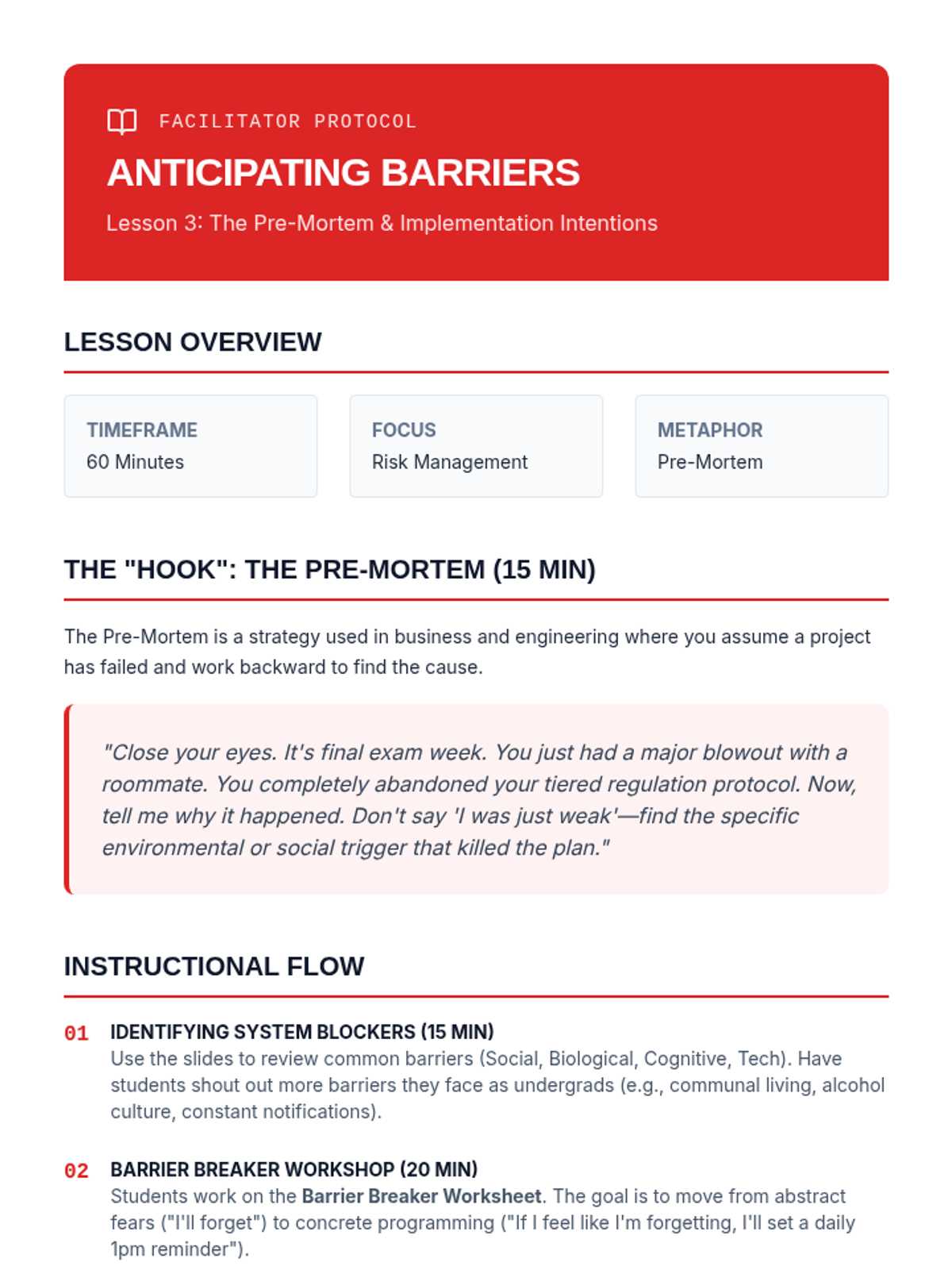
Facilitator guide for Lesson 3, outlining the instructional flow, discussion prompts, and key concepts for the "pre-mortem" and "If-Then" planning.
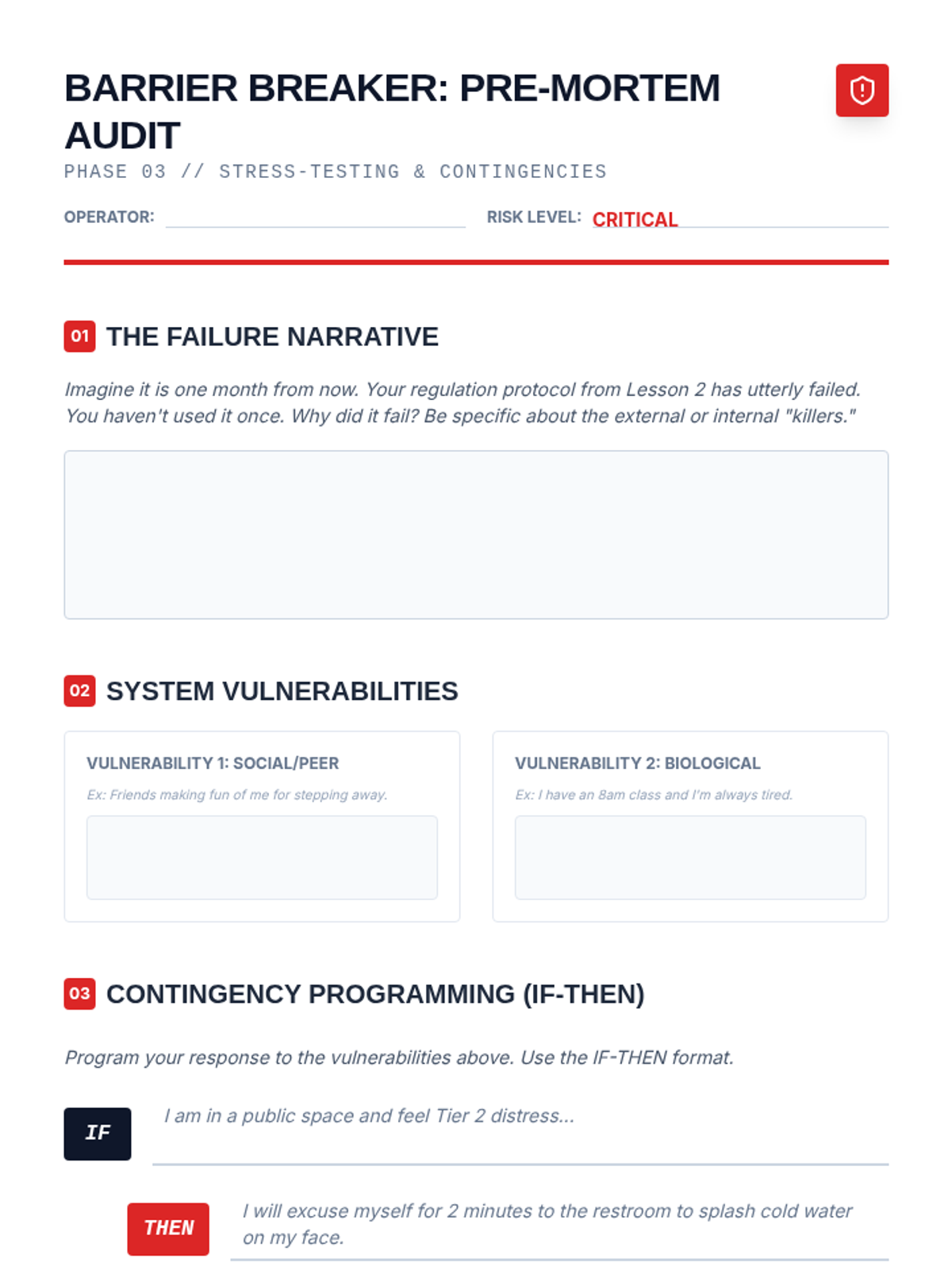
Worksheet for identifying potential obstacles and creating 'If-Then' implementation intentions to ensure protocol adherence during distress.
Slide deck for Lesson 3, introducing the concept of the "pre-mortem" and "If-Then" implementation intentions to overcome barriers to regulation.
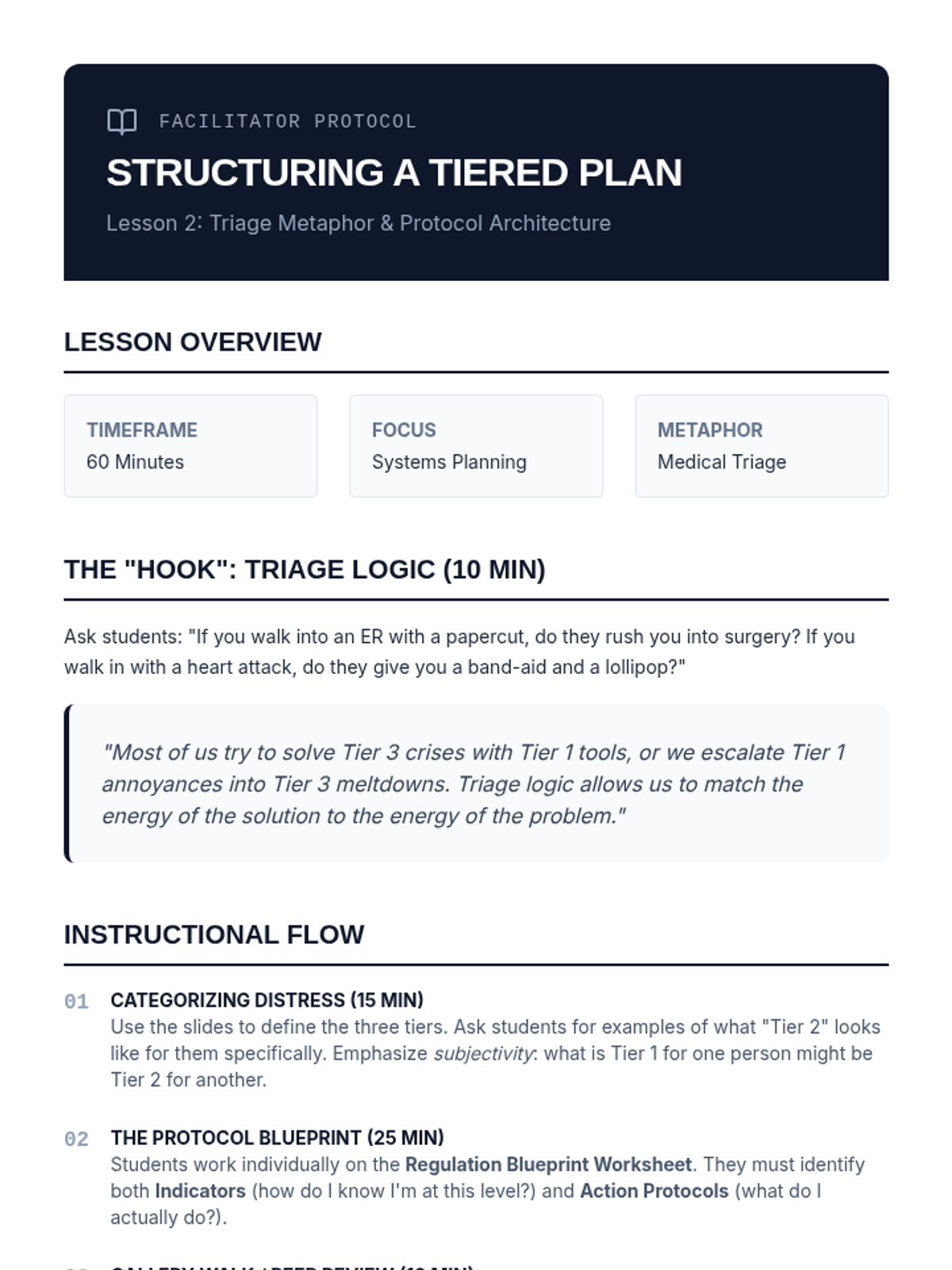
Facilitator guide for Lesson 2, outlining the instructional flow, discussion prompts, and key concepts for the tiered regulation plan.
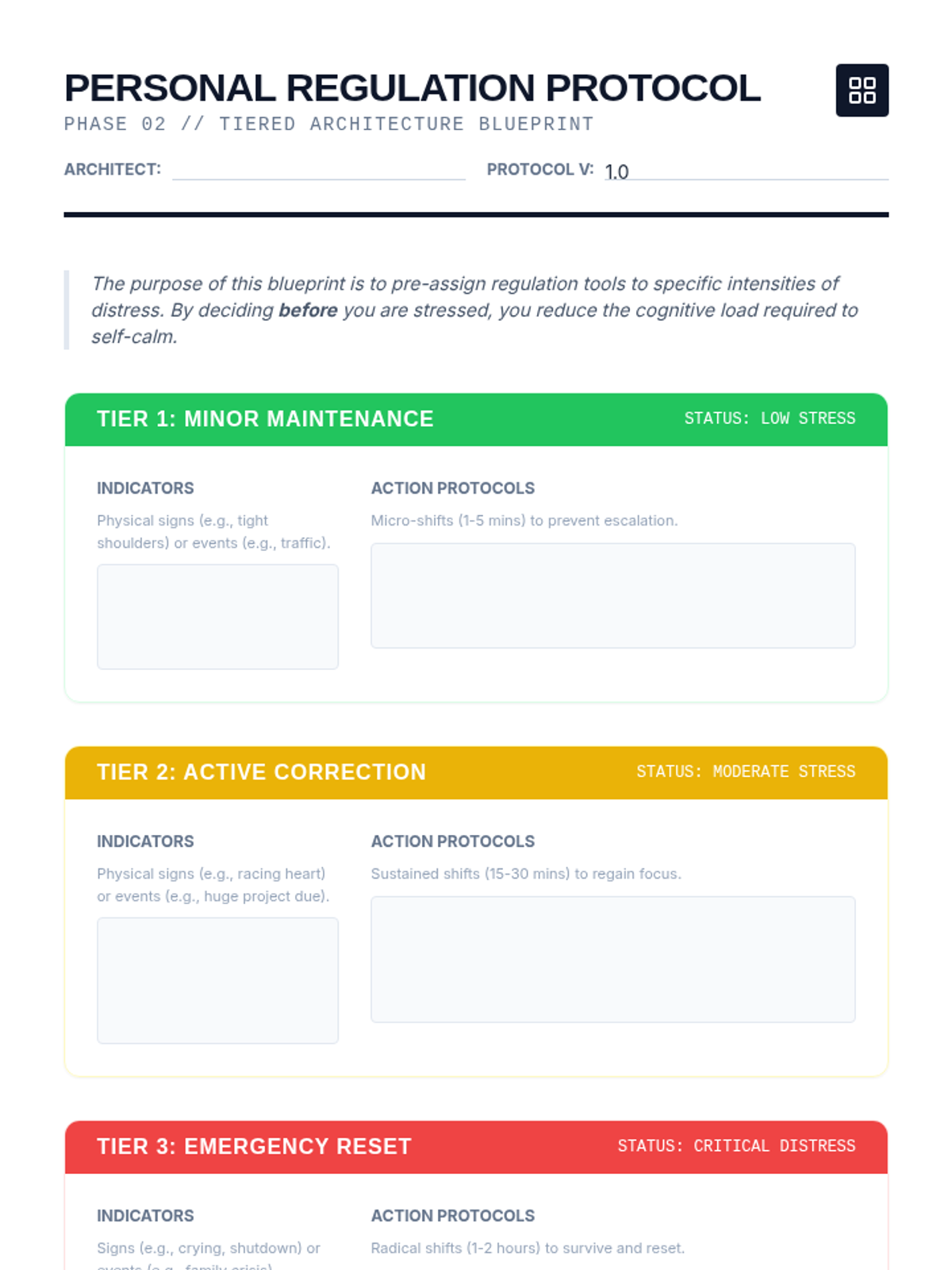
A comprehensive design worksheet for students to map out their three-tiered emotional regulation plan, including indicators and specific action protocols.
Slide deck for Lesson 2, introducing the triage metaphor and the three-tiered system for emotional regulation.
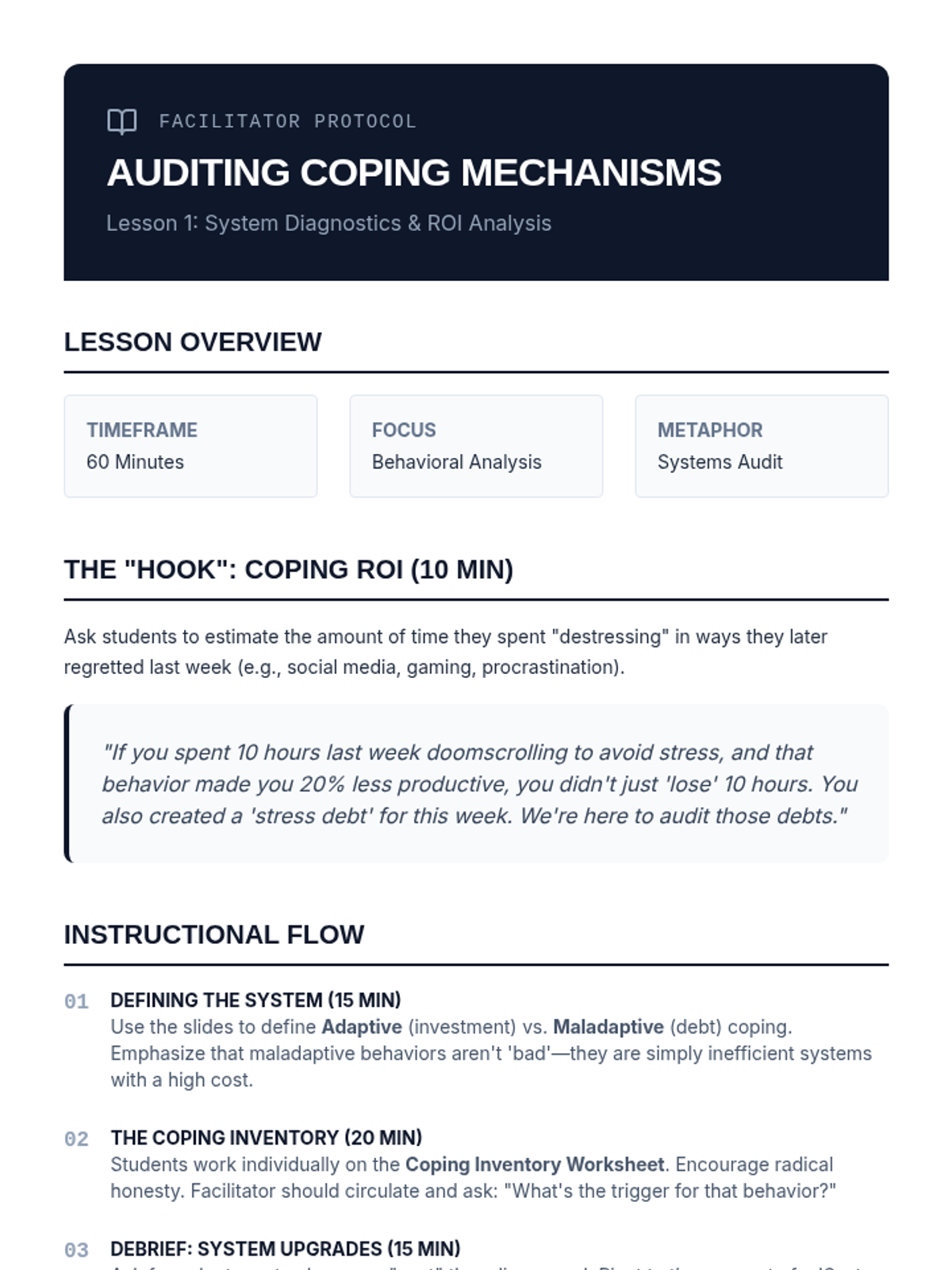
Facilitator guide for Lesson 1, outlining the instructional flow, discussion prompts, and key concepts for the coping mechanism audit.
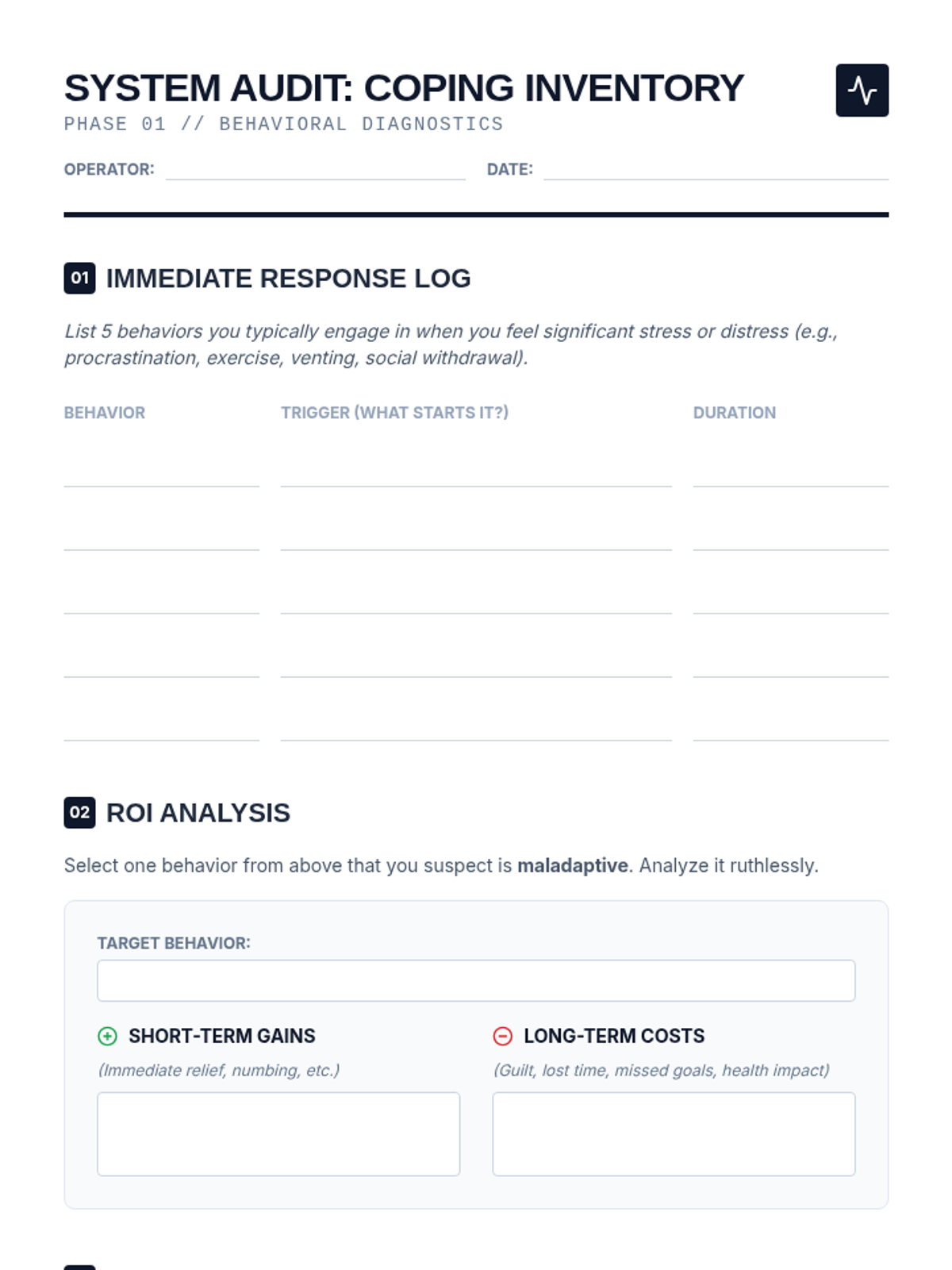
A structured worksheet for students to inventory their current stress responses and perform a cost-benefit analysis of maladaptive behaviors.
Introductory slide deck for Lesson 1, focusing on the distinction between adaptive and maladaptive coping mechanisms using a data-driven systems metaphor.
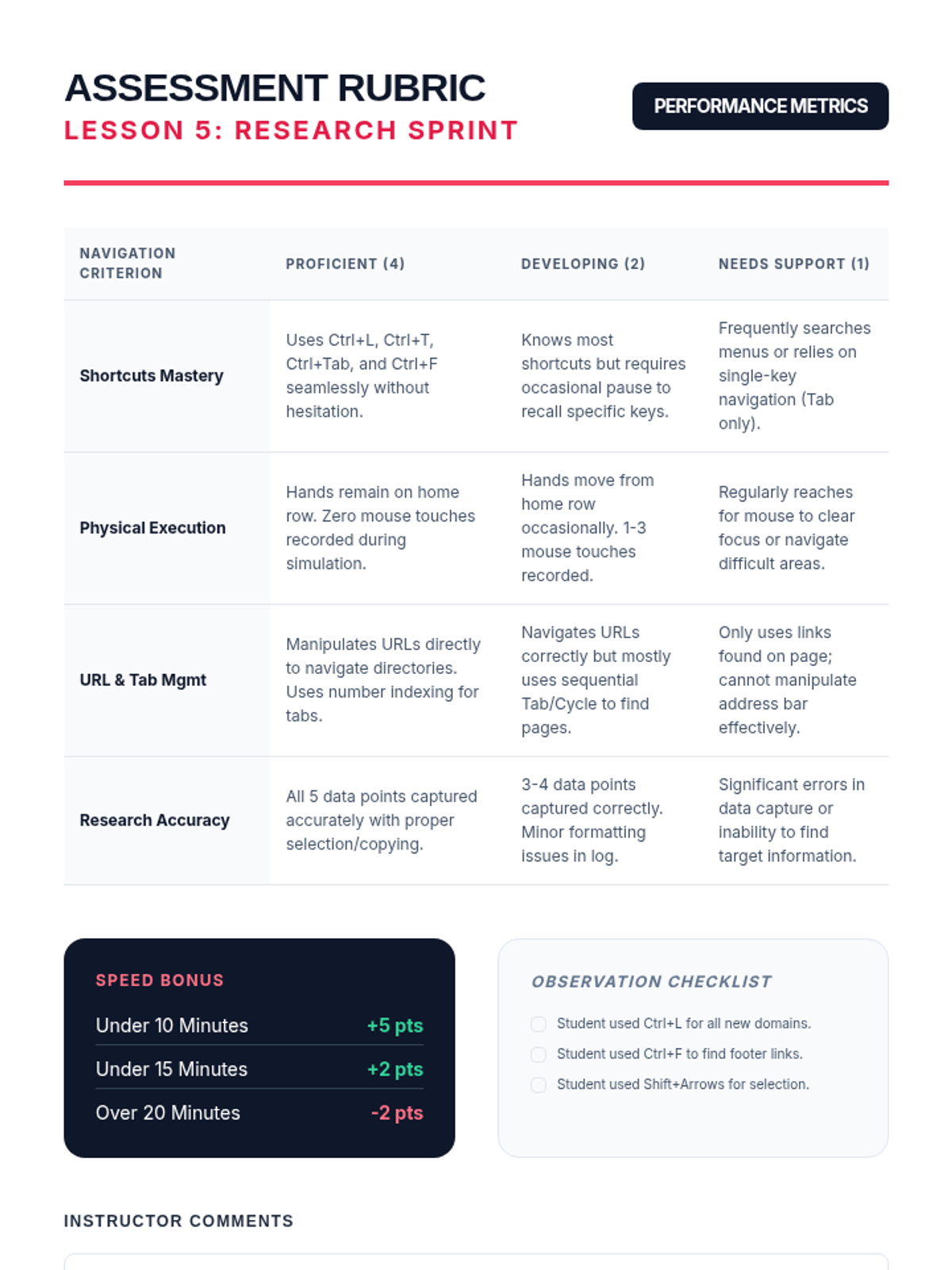
An assessment rubric for evaluating student performance in the final keyboard-only research simulation.
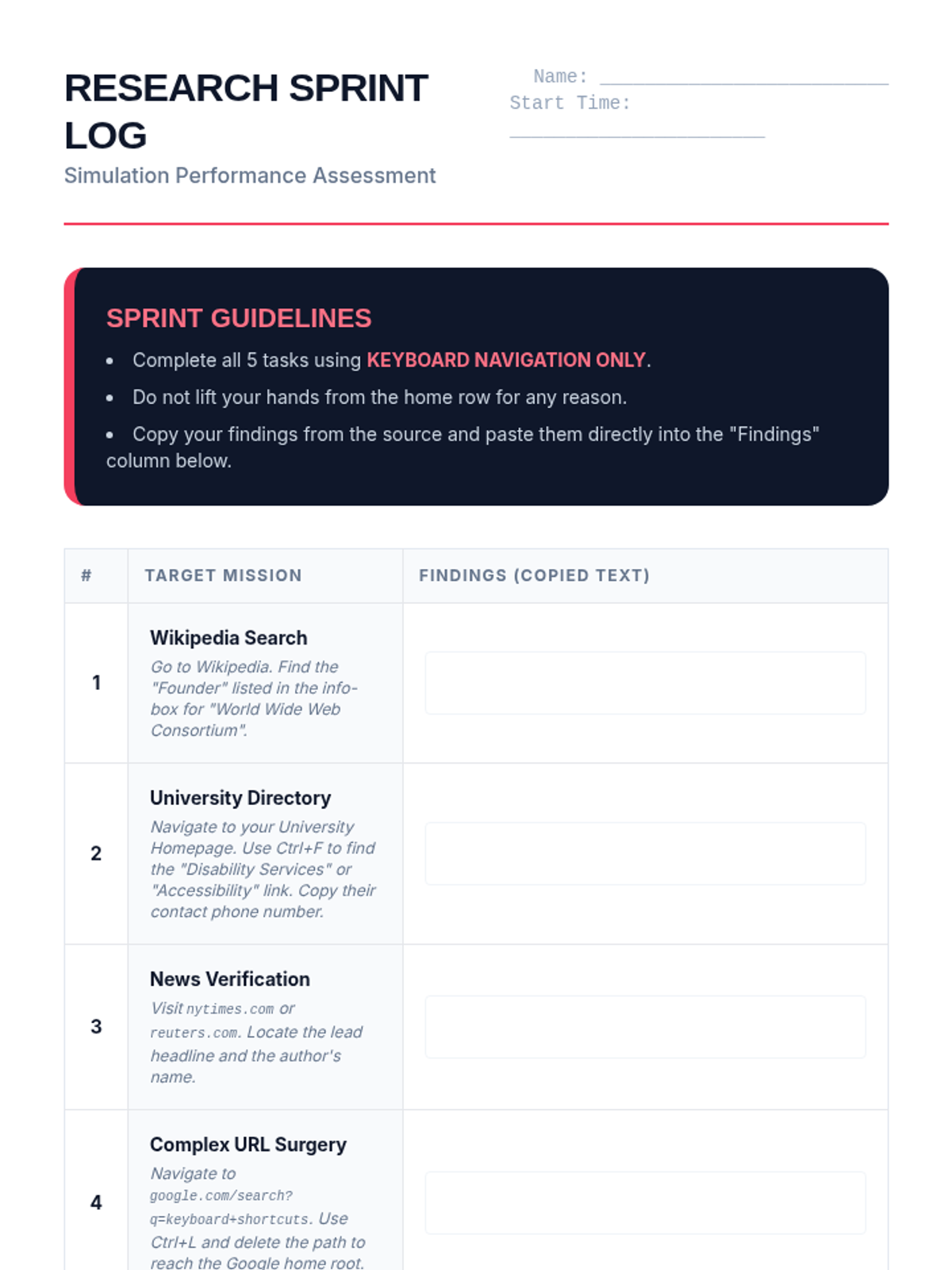
A student research log for the final timed simulation, requiring cross-site navigation and data capture using only the keyboard.
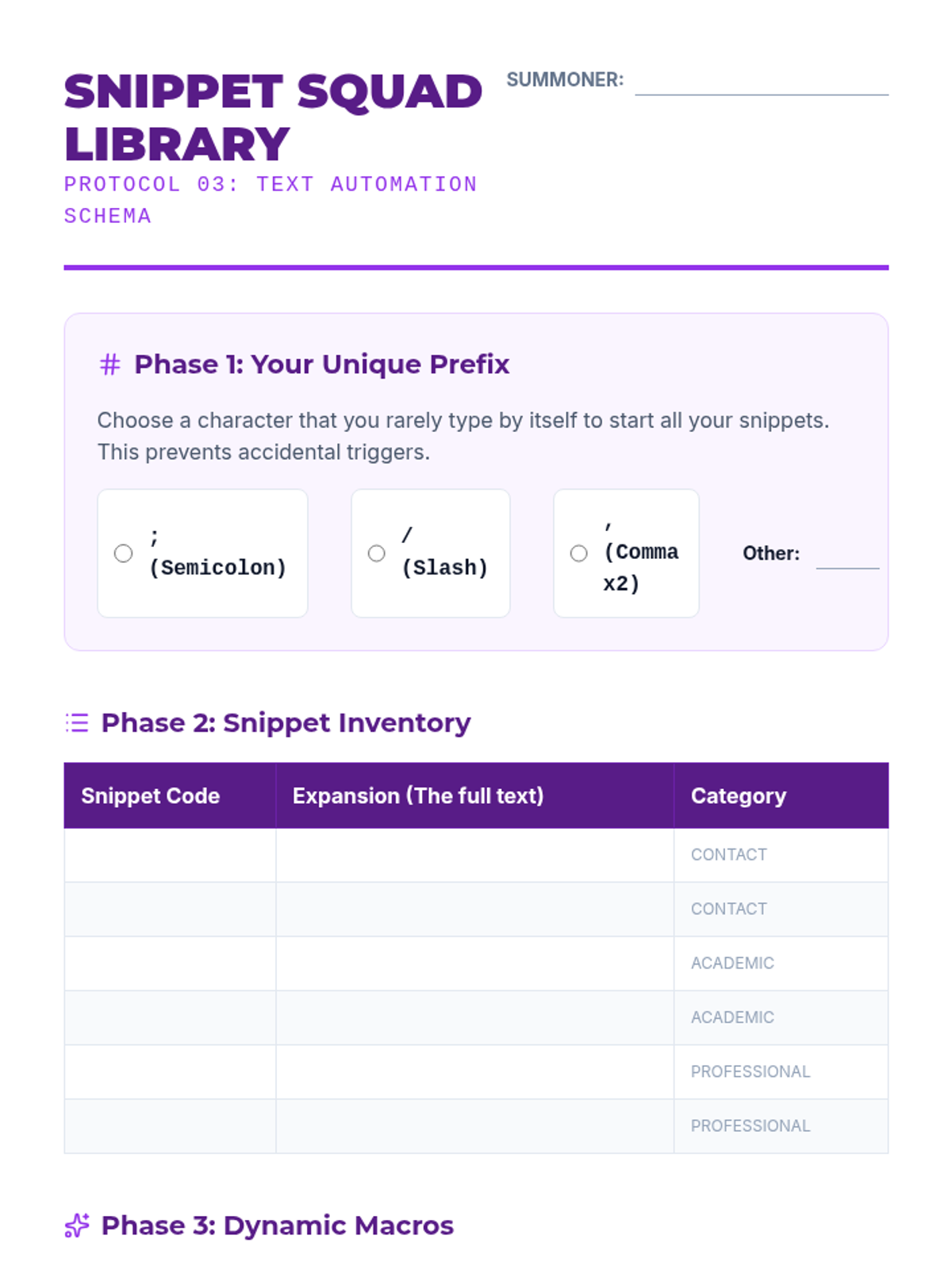
A worksheet for students to record their text expansion snippets and abbreviations. It includes sections for choosing a prefix character, categorizing expansion phrases, and designing dynamic macros.
A slide deck for Lesson 5 covering the integrated keyboard-only research workflow and project guidelines.
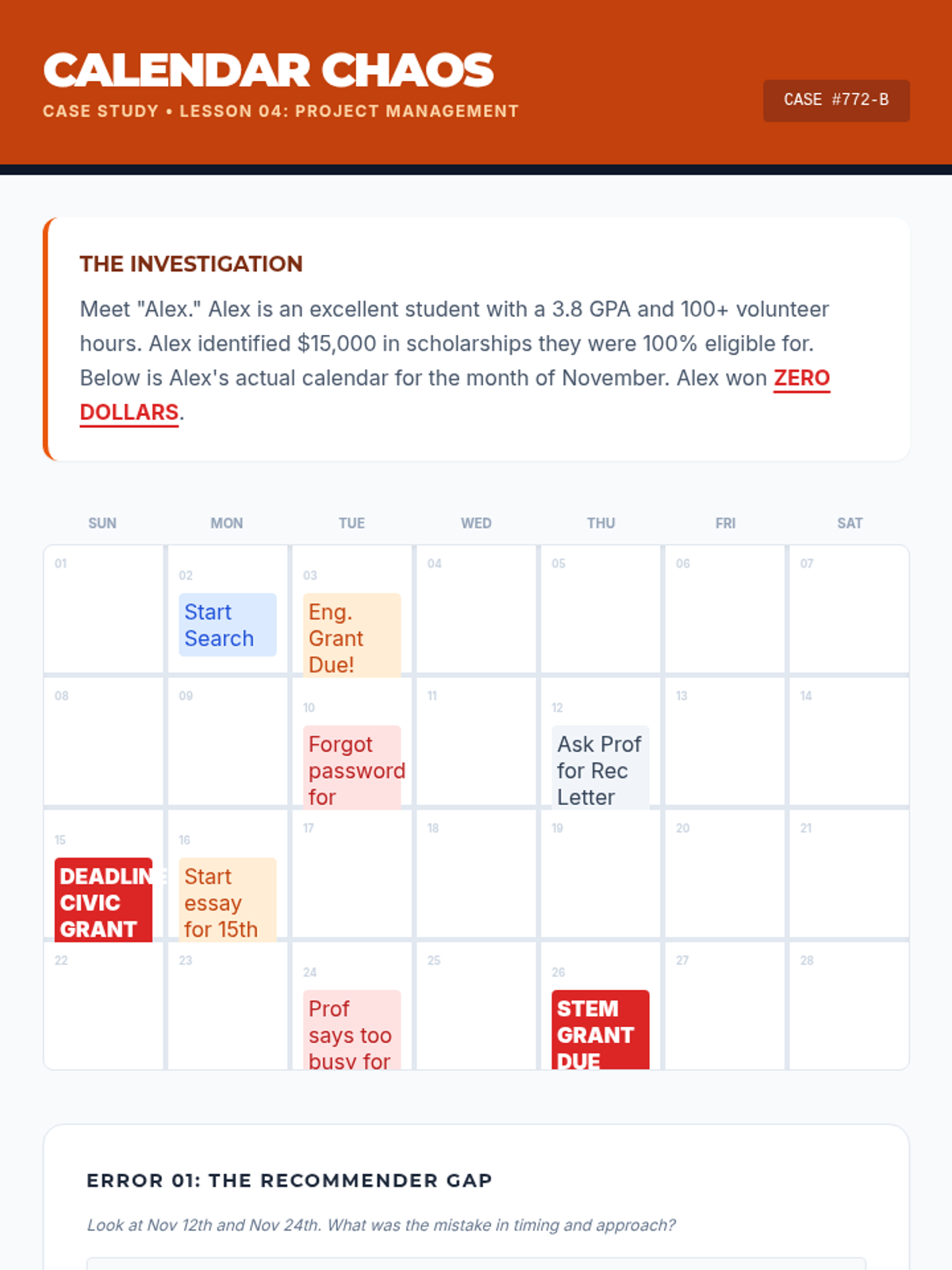
A case study activity where students analyze a disorganized student calendar to identify critical time-management and project-management errors in the scholarship application process.
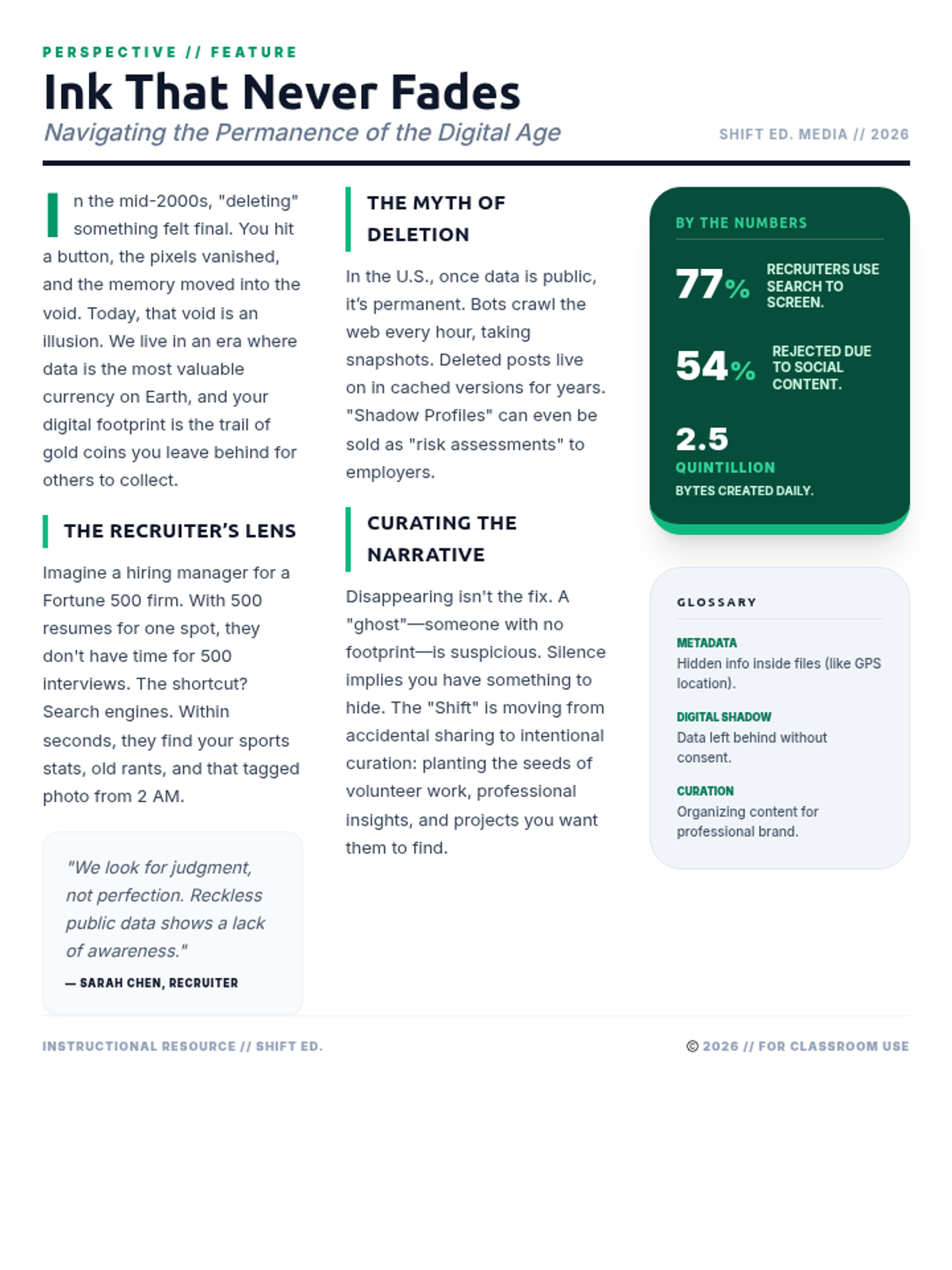
A background reading article titled 'Ink That Never Fades' which explores the permanence of digital data, recruiter statistics, and the importance of intentional curation.
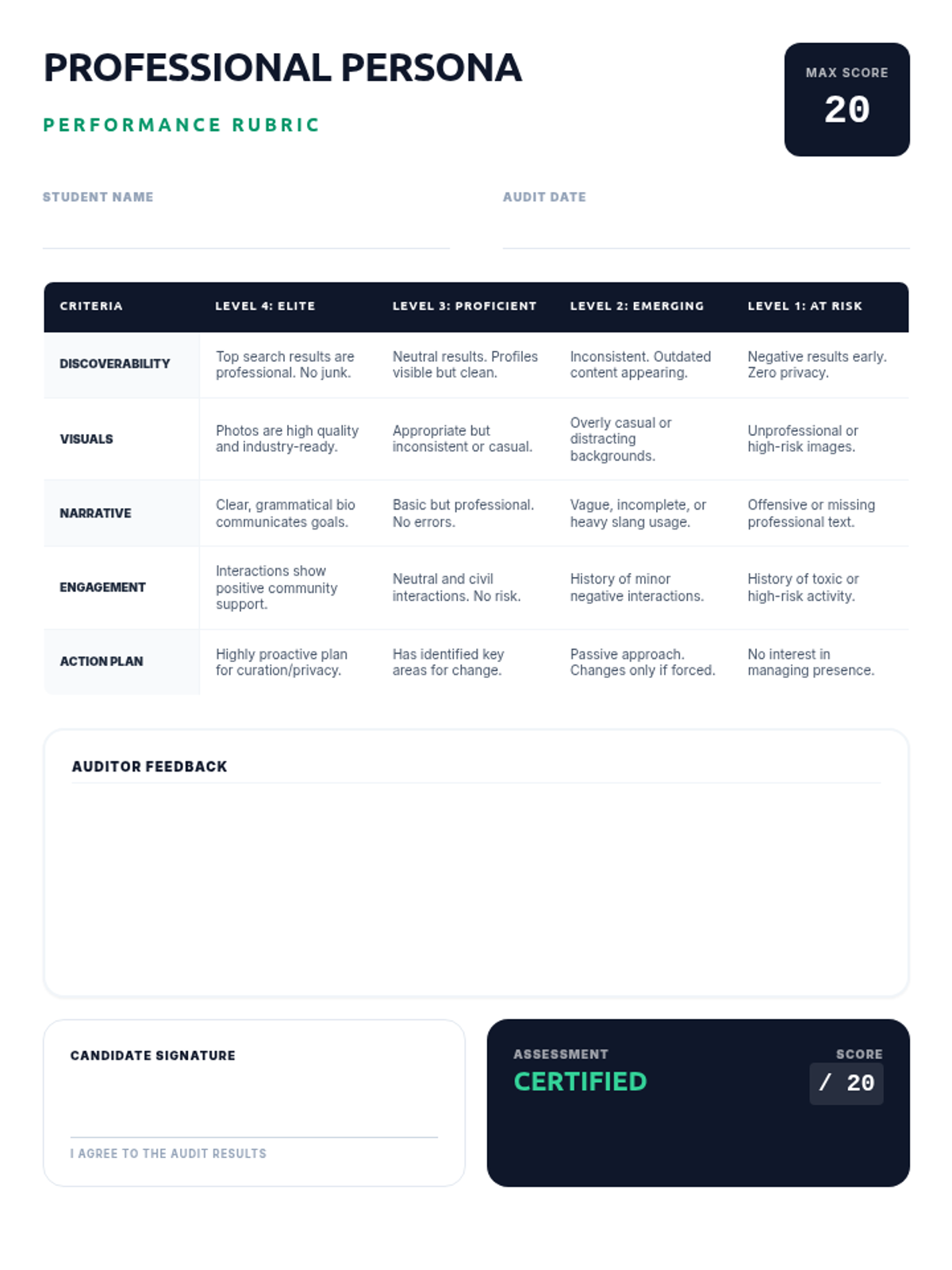
A professional grading rubric for evaluating a student's digital persona, covering search results, visual branding, narrative, and engagement quality.
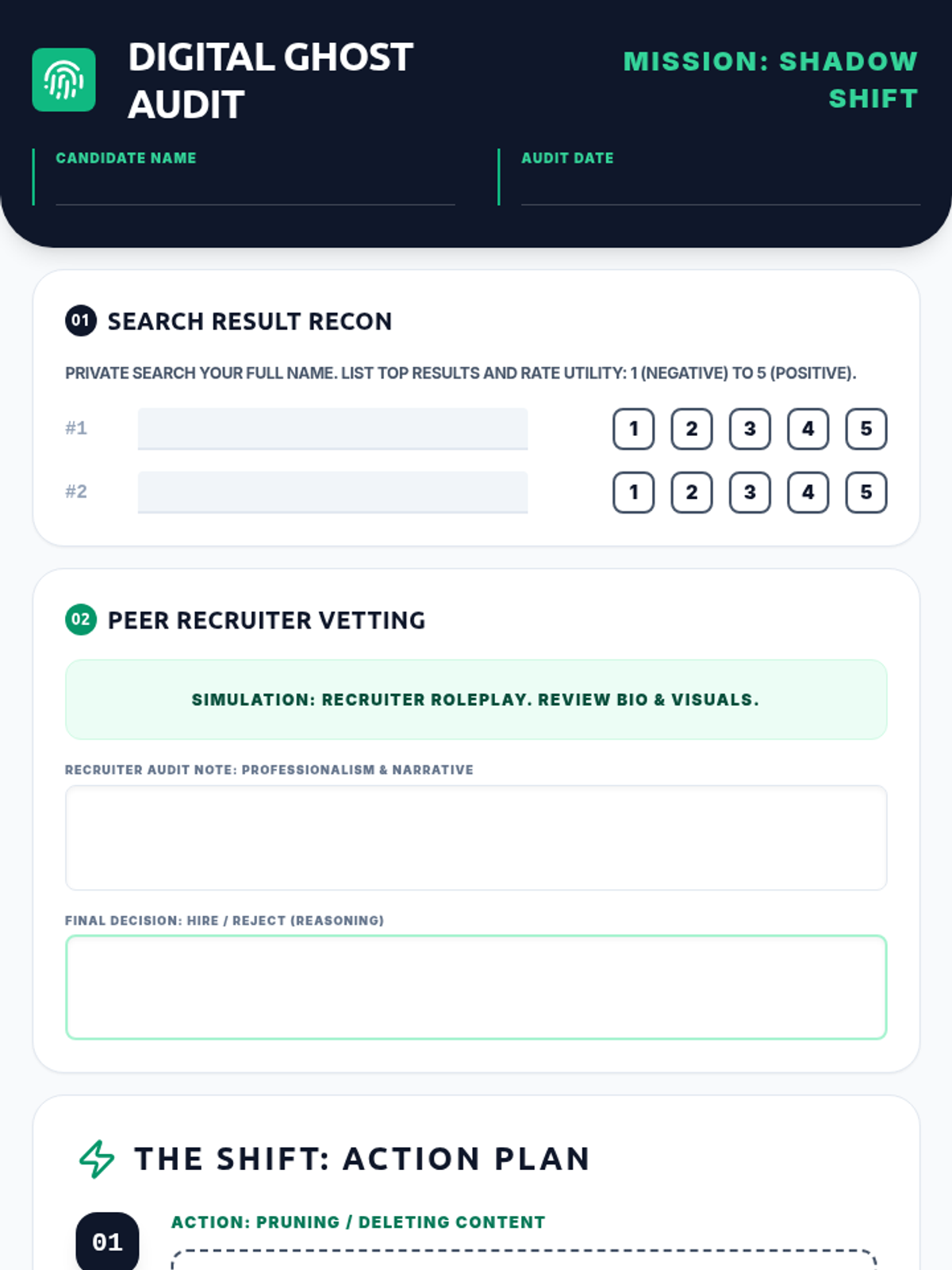
A comprehensive activity worksheet for students to audit their digital presence, engage in a peer recruitment simulation, and develop a concrete action plan for professional branding.
A dynamic slide deck for the 'Shadow Shift' lesson, introducing digital footprint concepts, passive/active data, and the recruitment simulation framework.
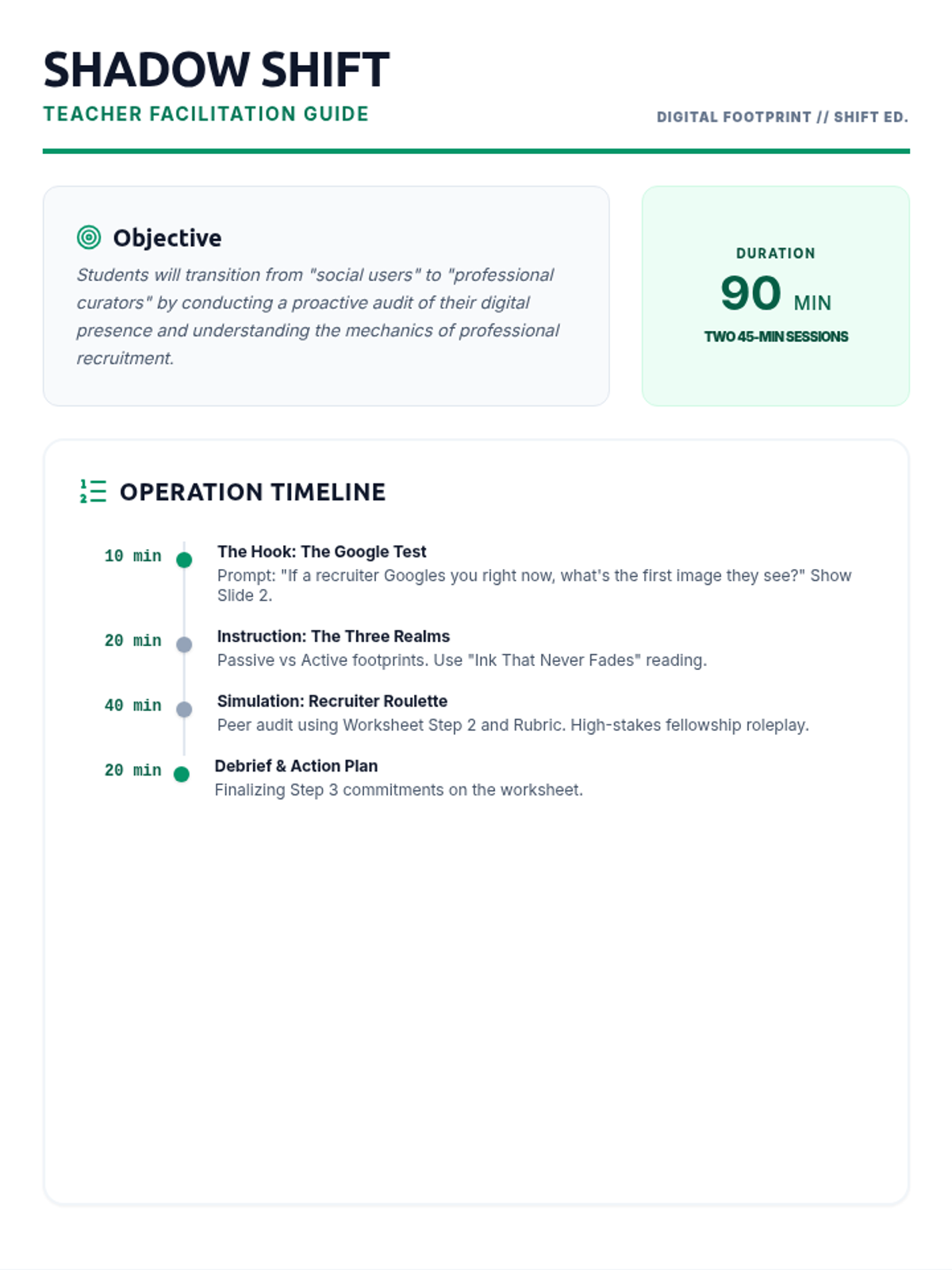
A teacher facilitation guide for the 'Shadow Shift' lesson, providing a pacing guide, discussion prompts, and instructions for a recruitment simulation activity.
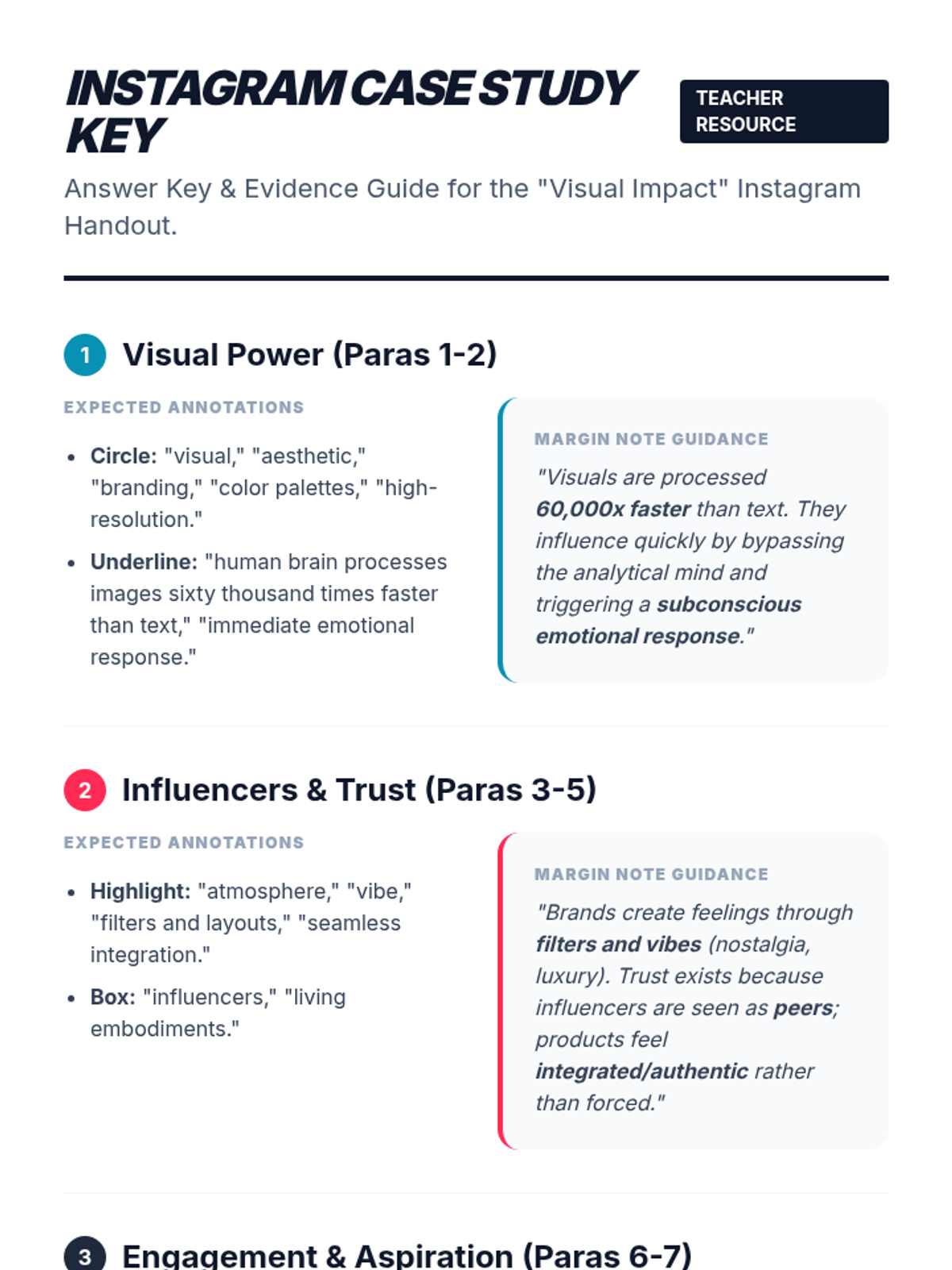
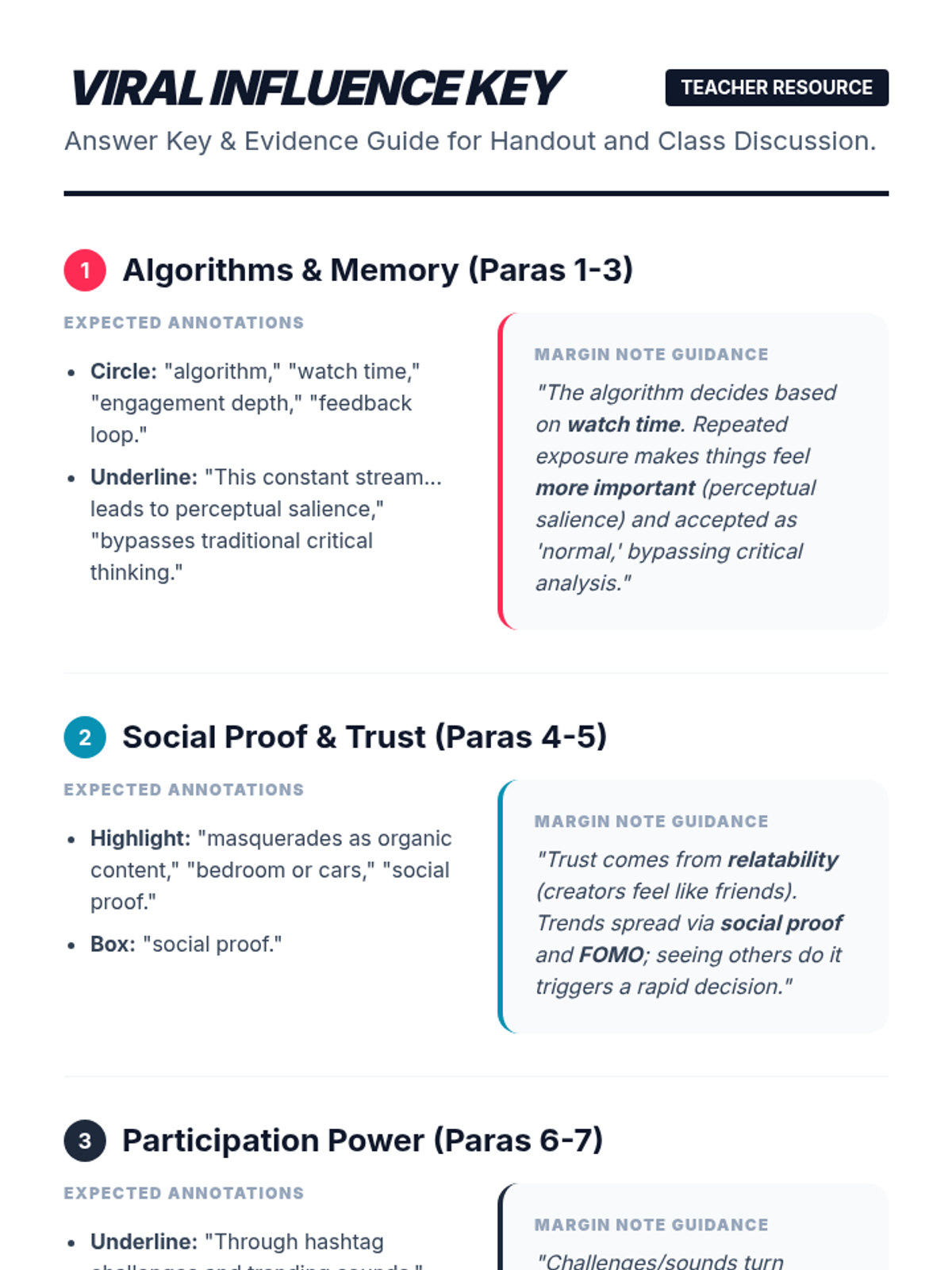
A detailed teacher answer key and evidence guide for the "Visual Impact" Instagram case study. Includes expected annotations and margin note guidance for all 10 paragraphs.
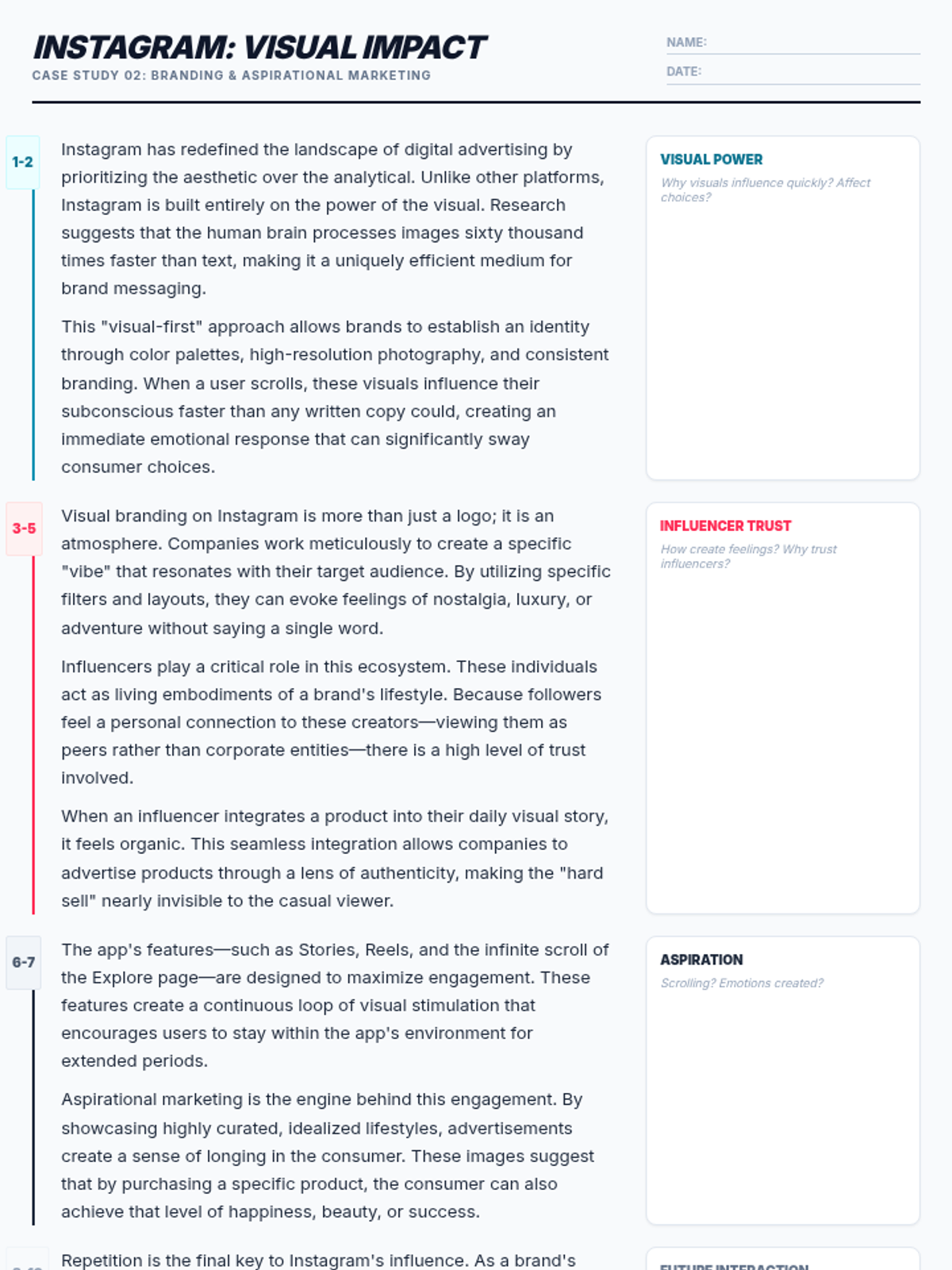
A second student reading handout focused on Instagram's visual impact and aspirational marketing. Optimized for single-page printing with increased contrast and clear horizontal paragraph labeling.
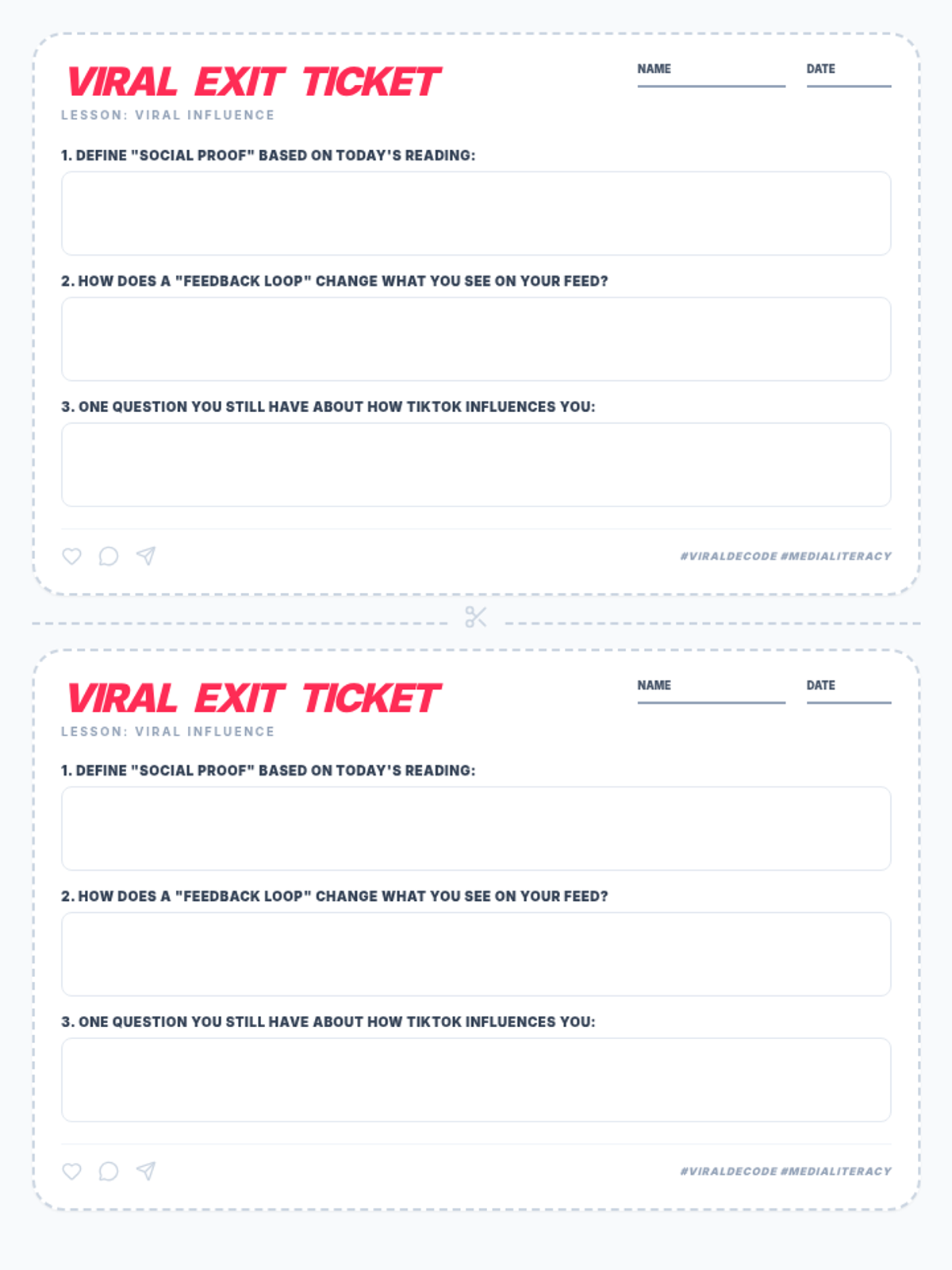
A TikTok-themed exit ticket for the "Viral Influence" lesson. Features three reflective questions on social proof, feedback loops, and individual inquiry. Designed with two tickets per page for easy distribution.
A detailed answer key and evidence guide for the "Power of the Scroll" student handout and classroom discussion questions. Includes expected annotations and key evidence for all 5 discussion topics.
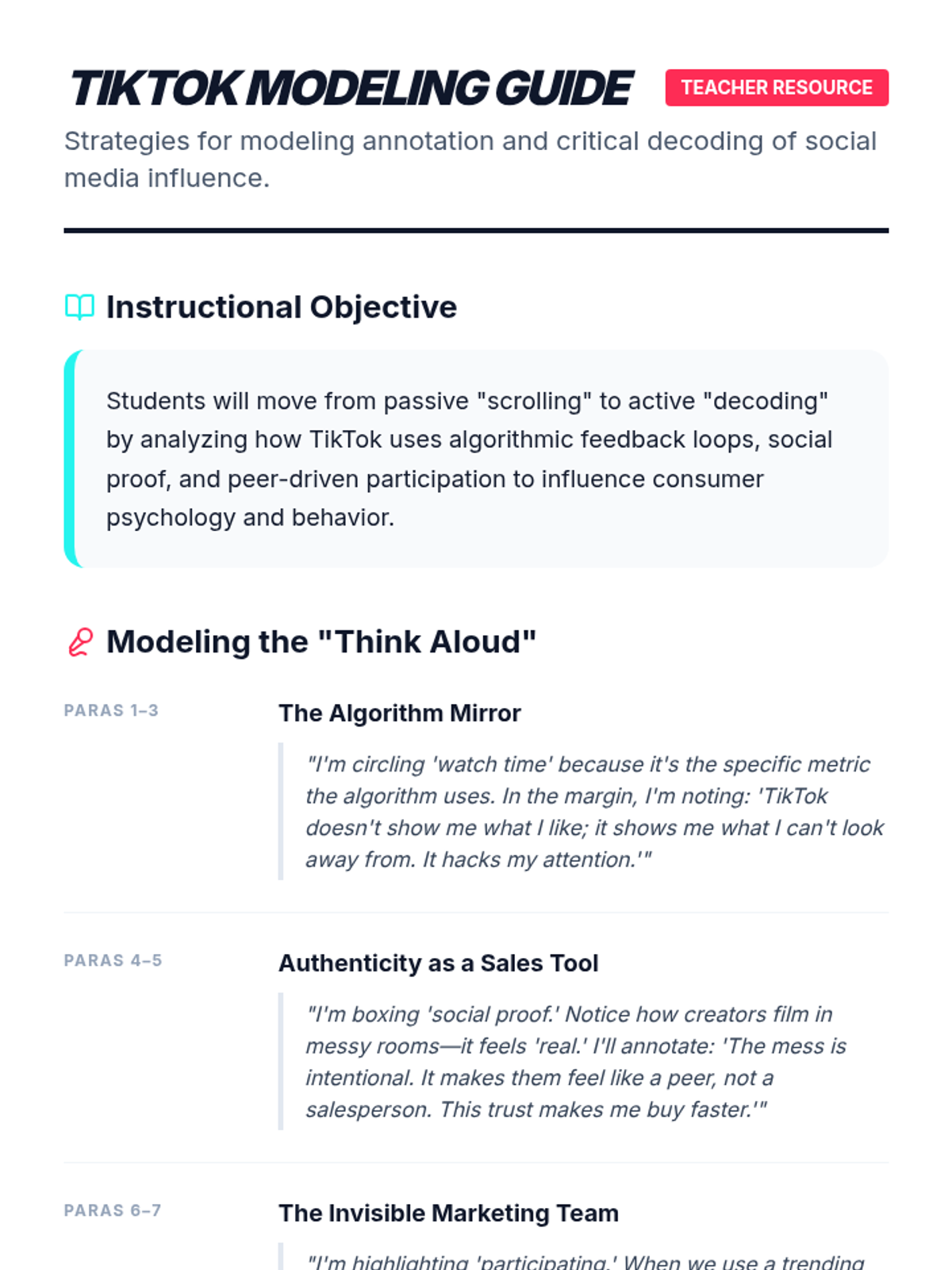
A teacher's guide for modeling annotation and critical thinking during the "Viral Influence" lesson. Includes think-aloud scripts for all reading sections (Paras 1-9) and strategies for overcoming student resistance.
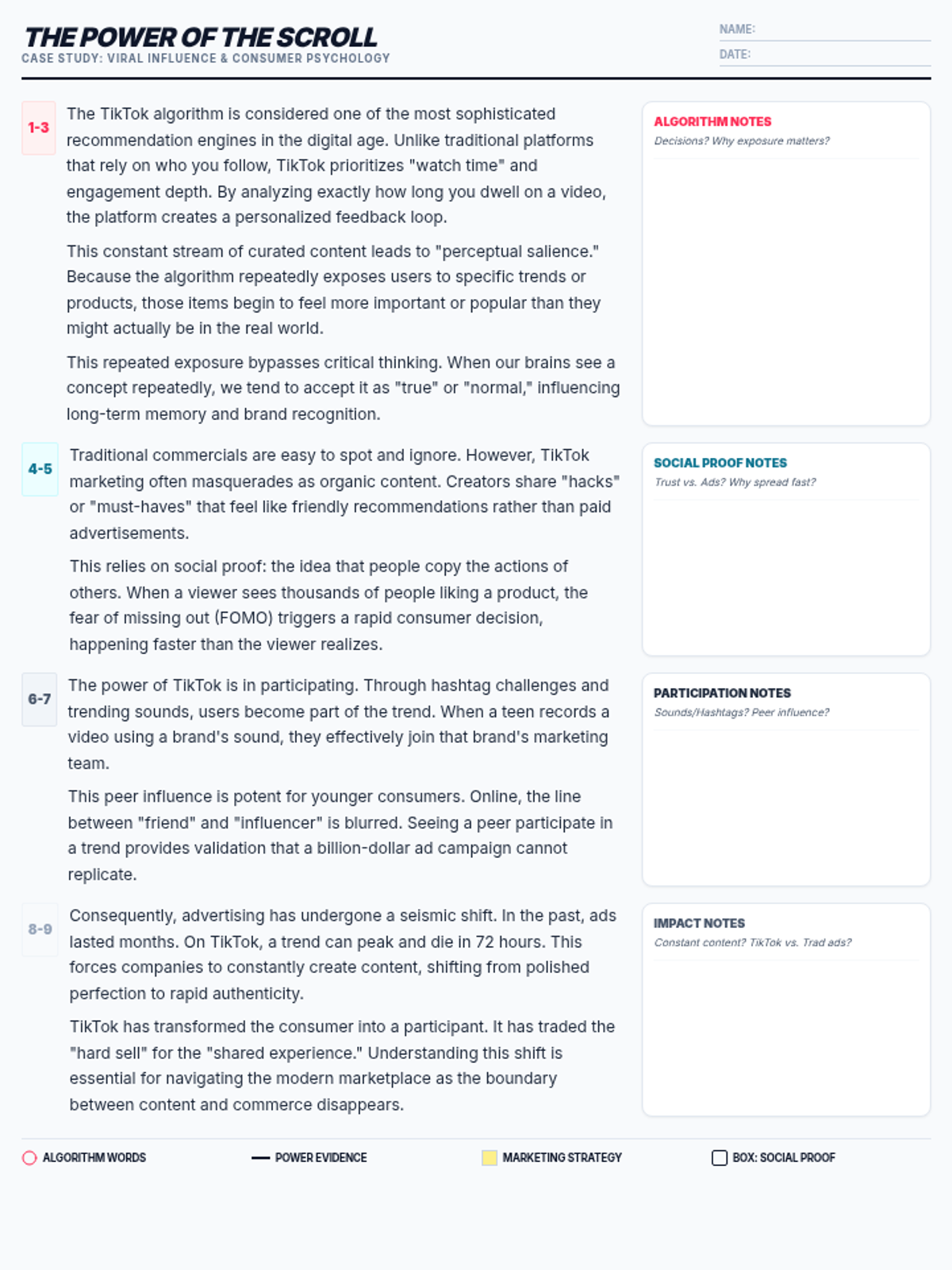
A student-facing reading handout featuring a case study on TikTok's influence. Includes a dedicated annotation margin and a key for marking text evidence related to algorithms, social proof, and consumer behavior. Optimized for single-page printing.
An expanded 33-slide presentation covering annotation tasks and discussion prompts for two texts: TikTok and Instagram. Includes specific purposes, annotation directives, and dedicated discussion sections for both platforms with 2-minute timers, pair-share prompts, and text evidence requirements.
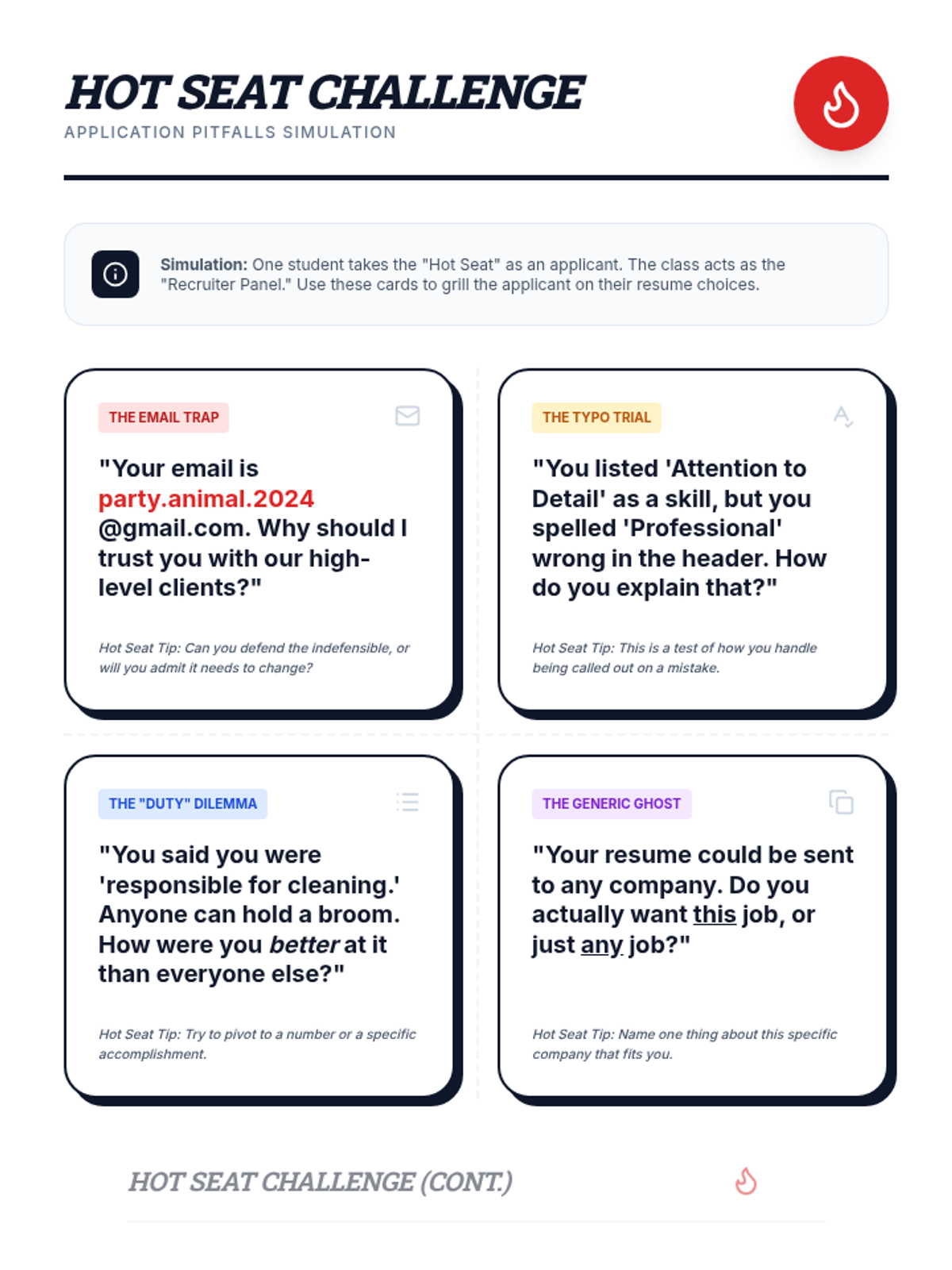
A set of 32 challenging 'Hot Seat' cards designed to spark debate and critical thinking. Students take turns defending common resume pitfalls against a panel of 'recruiters' in a high-energy classroom simulation.
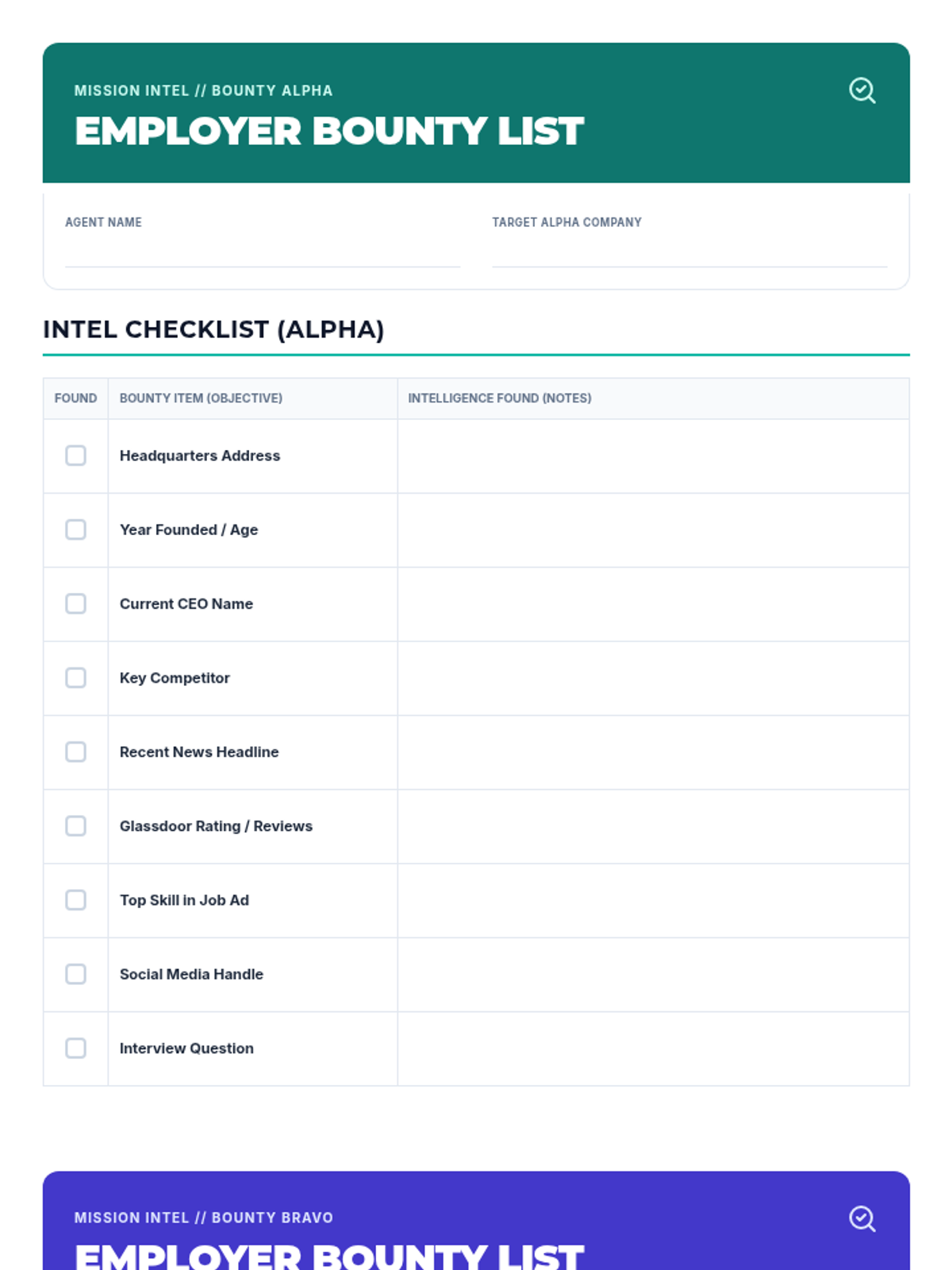
A comprehensive research checklist for finding information about two different potential employers. Revised with synchronized content for both targets, improved handwriting space, and helper descriptions for items like "Key Competitor." Optimized for 2-page print layout.
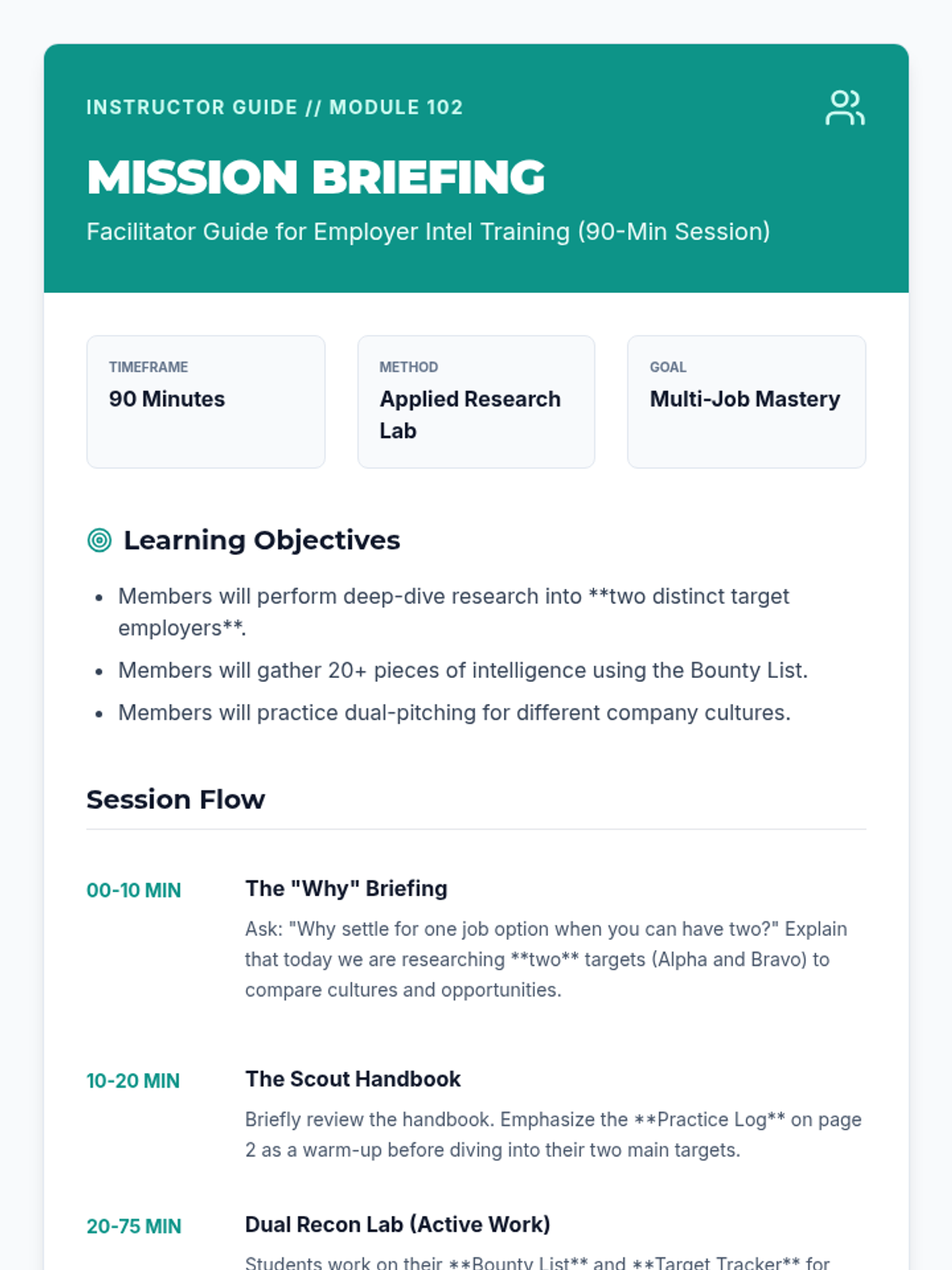
A detailed facilitator guide for leading a 90-minute employer research workshop. Revised with a "Vocabulary Briefing" section and tips for explaining complex terms like "Glassdoor" and "Key Competitor" to students. Optimized for print and session flow.
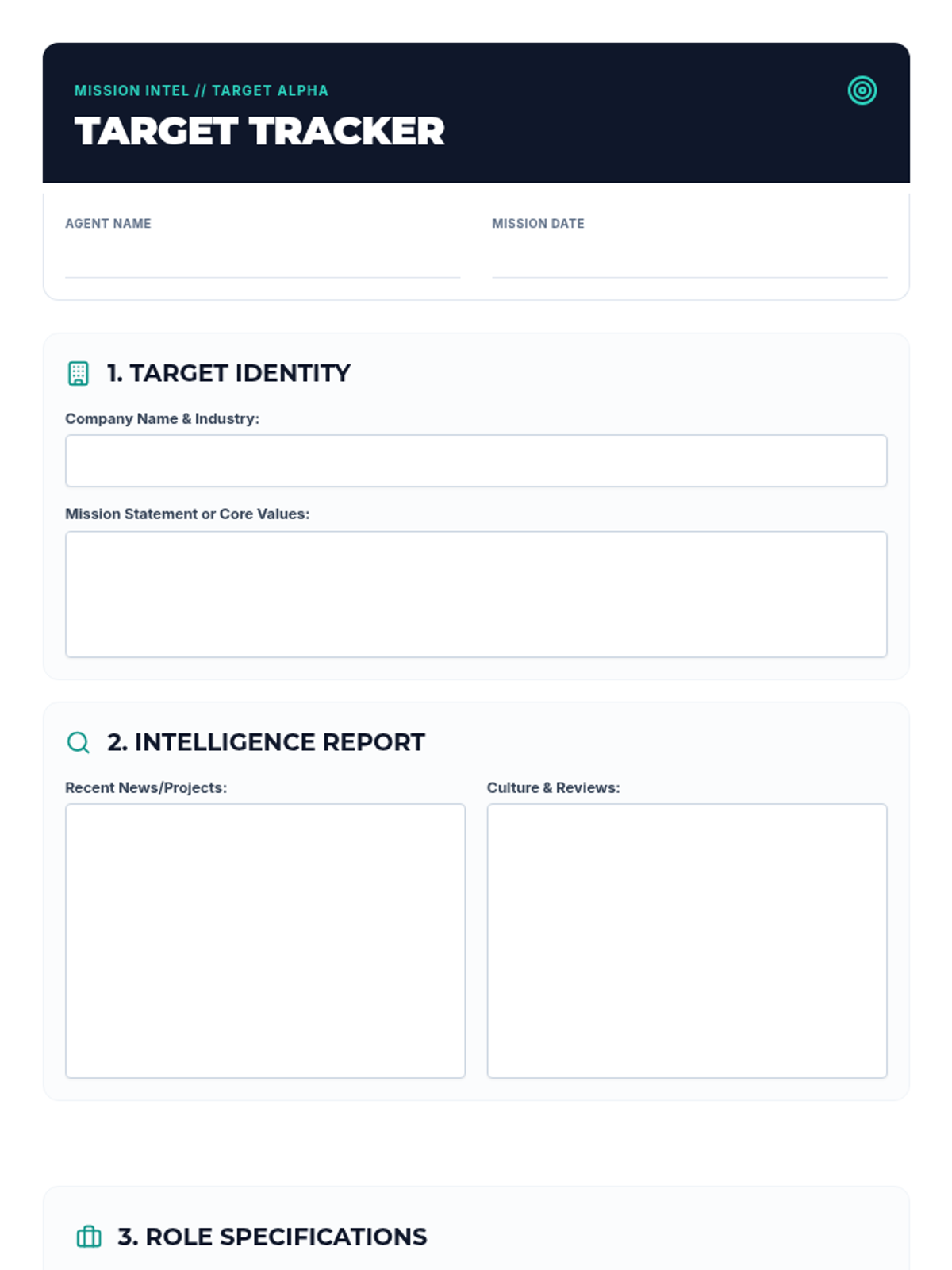
A guided research worksheet (Target Tracker) for club members to record their findings on two potential employers, including company values, news, culture, and required skills. Revised to ensure consistent page breaks and improved workspace for each target.
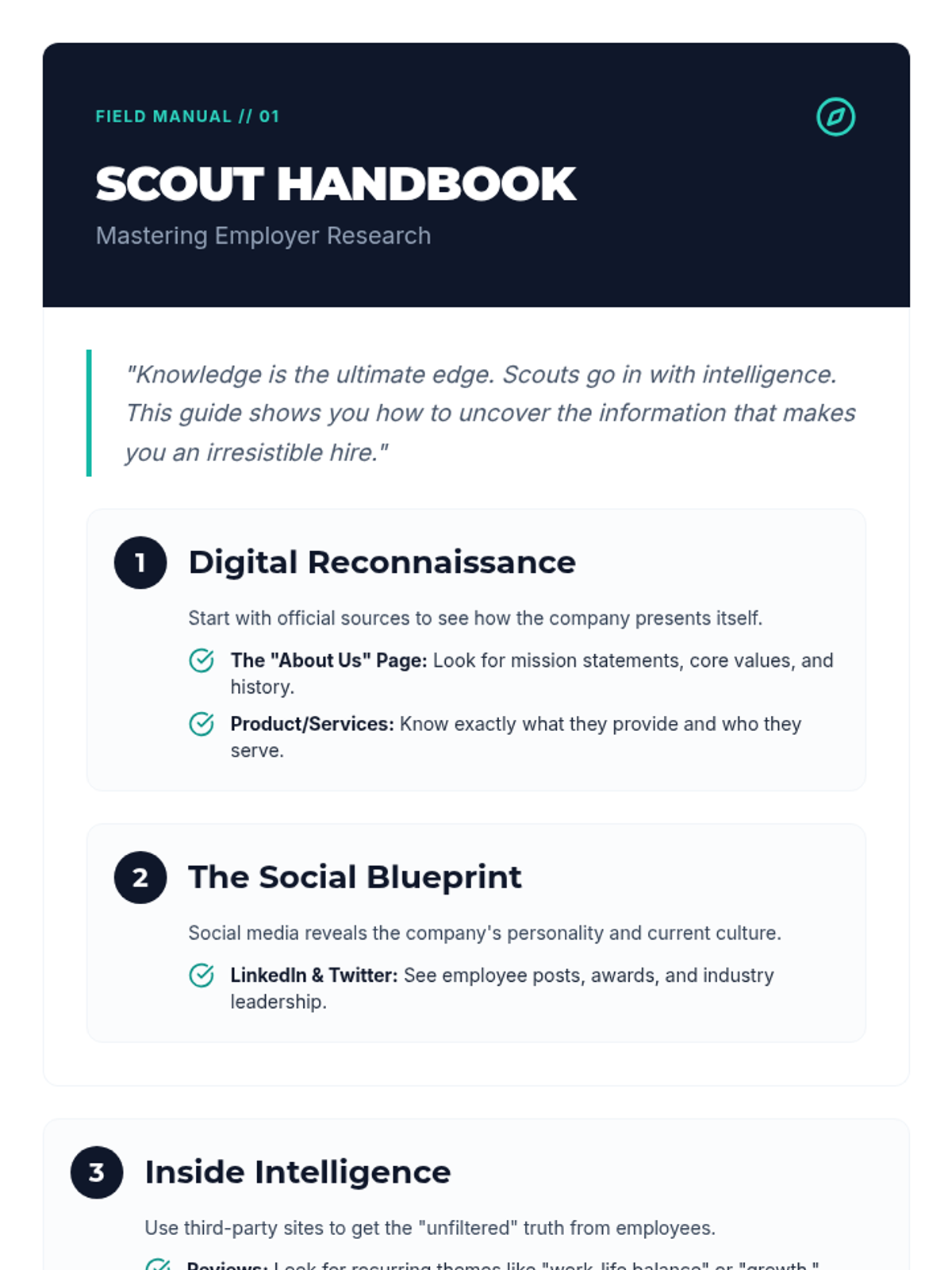
A step-by-step instructional guide for performing employer reconnaissance. Revised with a "Scout Dictionary" to explain complex terms, more research sites like YouTube and BBB, and a robust warm-up practice area. Optimized layout to prevent page bleed.
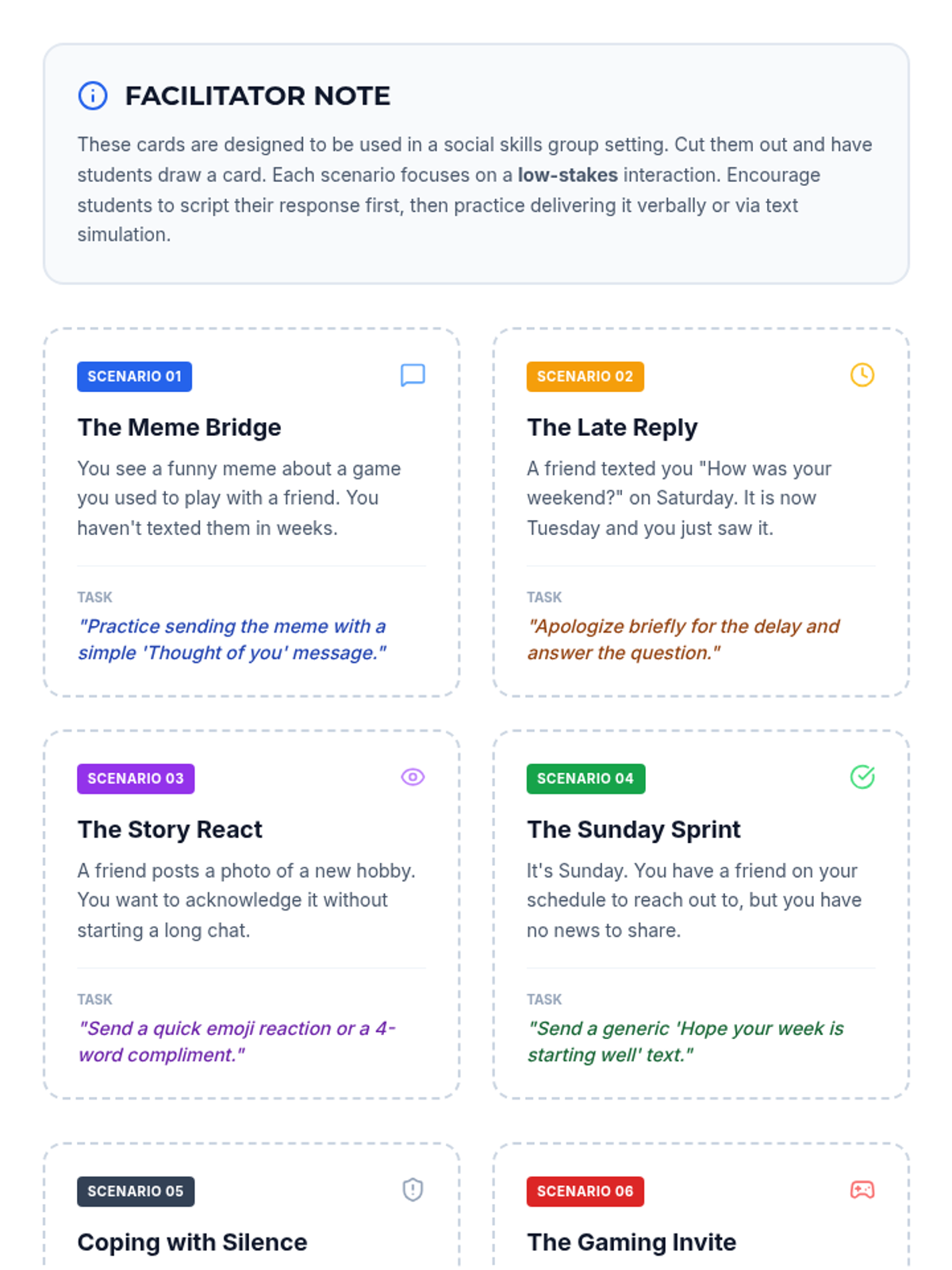
A set of printable role-play cards featuring varied social scenarios for practicing friendship maintenance through digital and verbal communication.
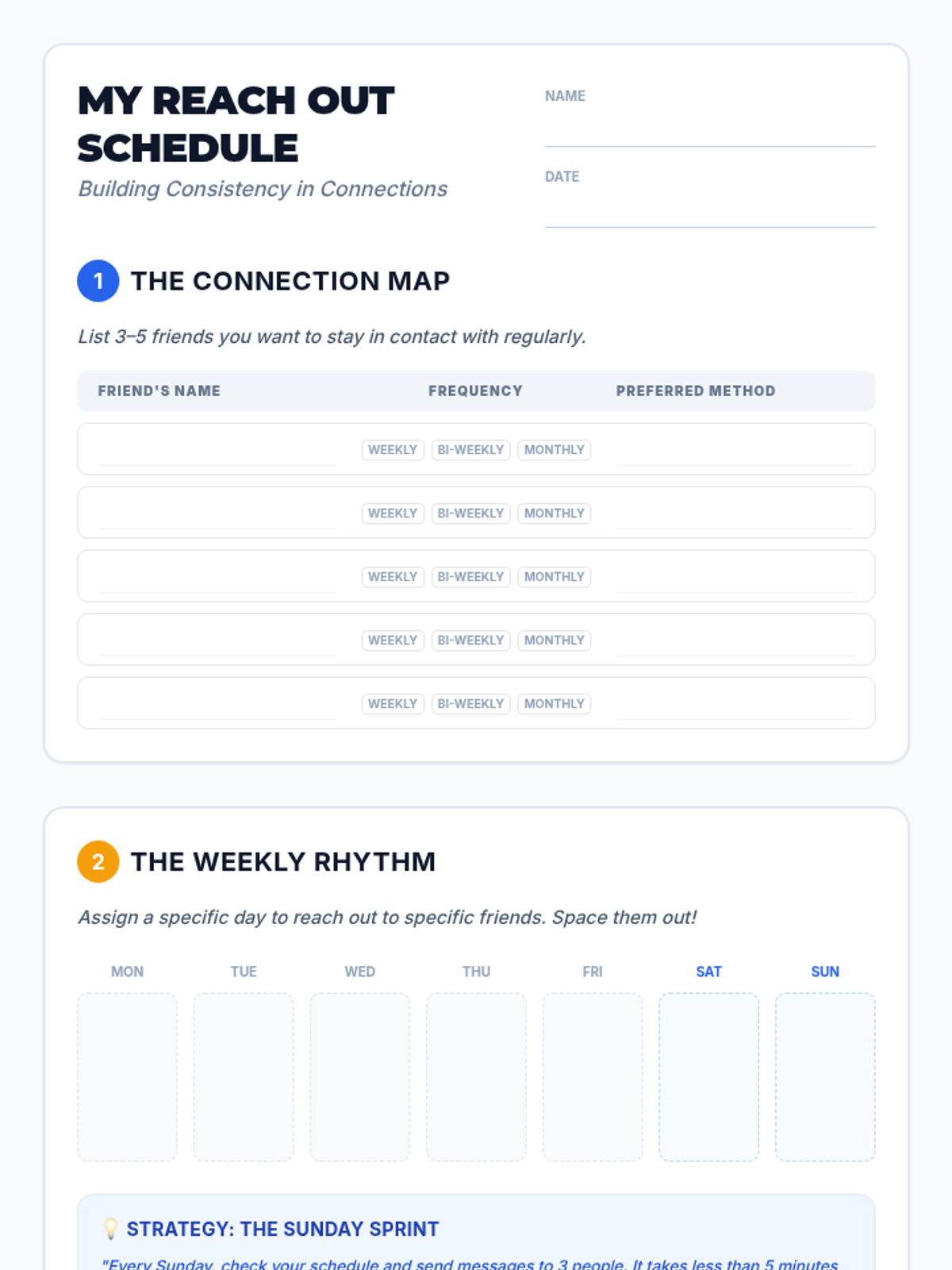
A student worksheet for identifying friendship tiers and building a personalized weekly "reach out" schedule with scripted message starters.
A visual presentation deck for the Connection Compass lesson, introducing the concept of friendship tiers and low-stakes communication methods.
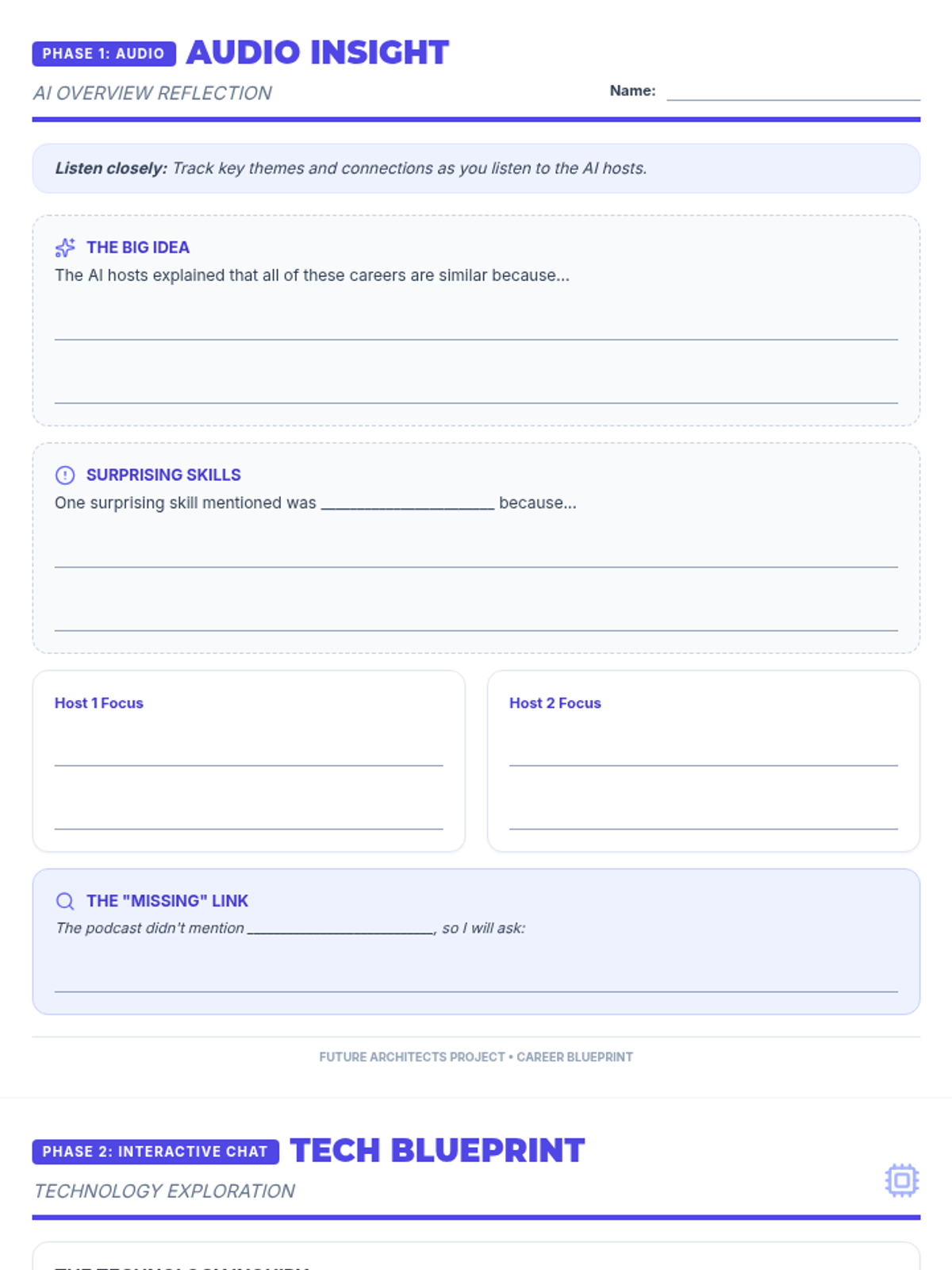
An expanded 2-page reflection worksheet for students to capture insights from the NotebookLM Audio Overview and document their interactive AI chat regarding technology's impact on future careers. Optimized for maximum writing space and condensed to exactly 2 pages.
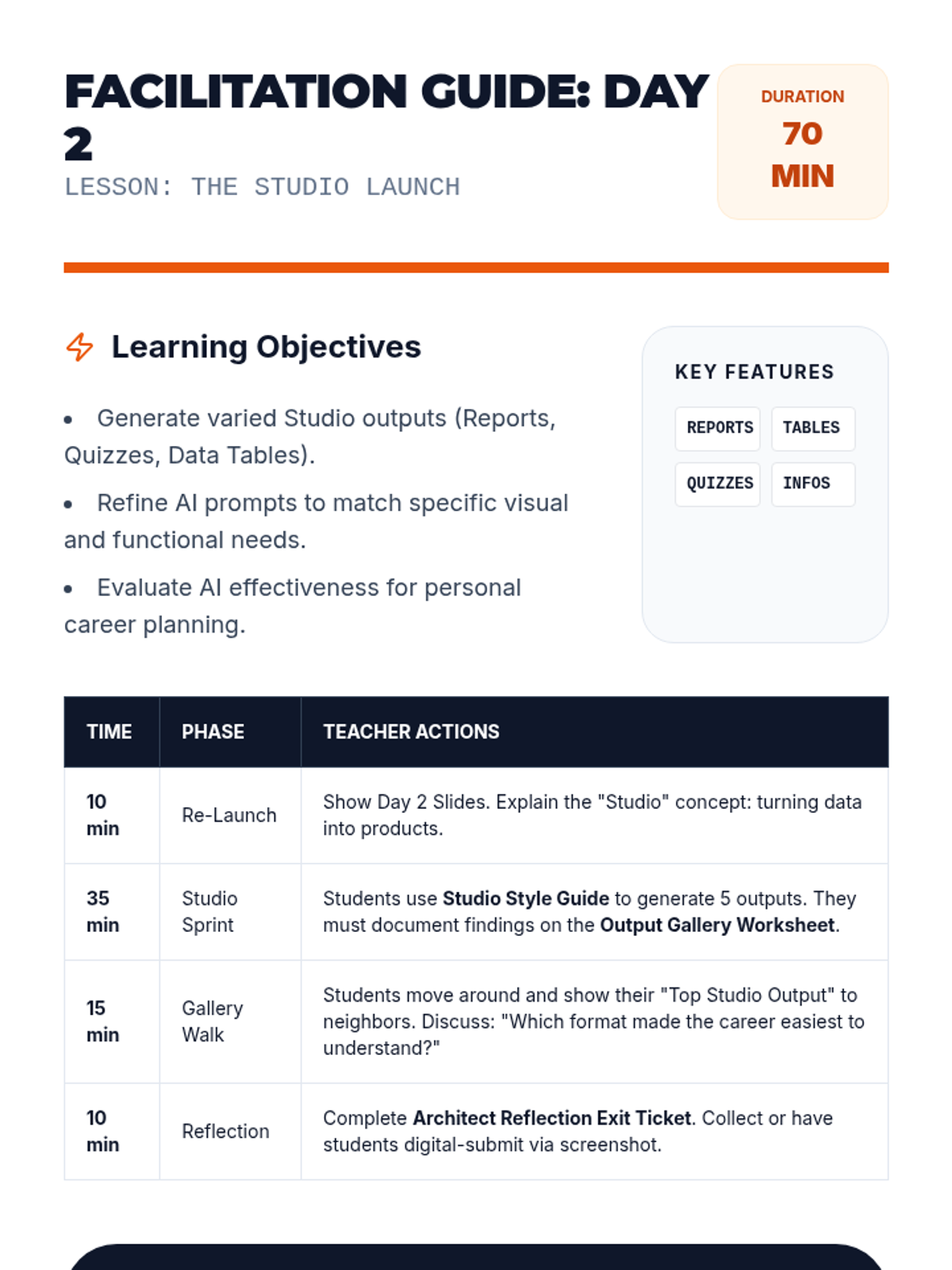
A teacher-facing facilitation guide for Day 2, providing pacing for the 'Studio Sprint' and advanced prompting strategies to maximize student engagement with NotebookLM. Replacing "my careers" with "these careers".
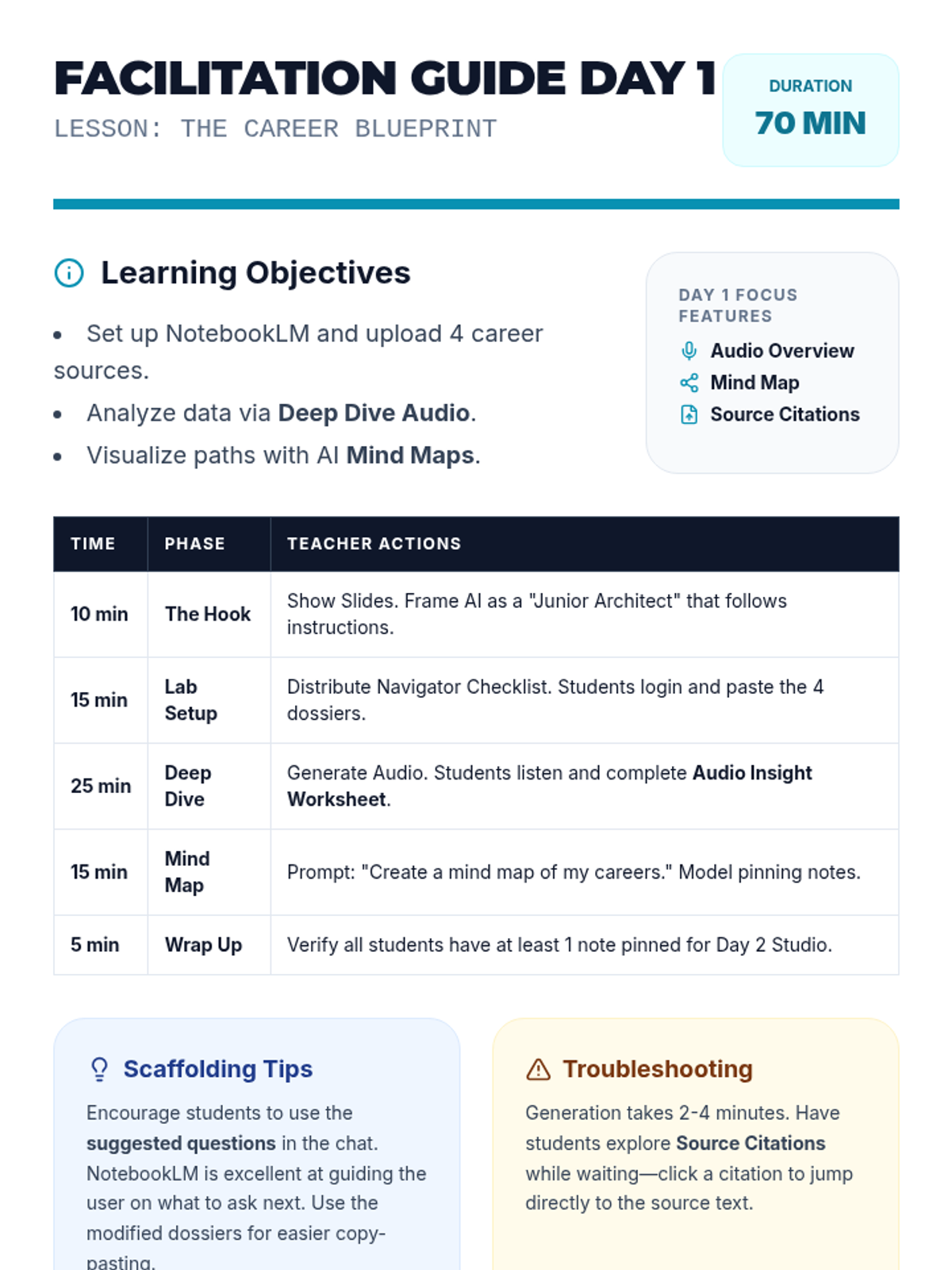
A comprehensive teacher facilitation guide for Day 1, updated to include technical NotebookLM mastery, academic integrity standards, and revised pacing for the expanded slide deck. Now explicitly mentions the Google Classroom flow and the Interactive Mode task. Replacing "my careers" with "these careers".
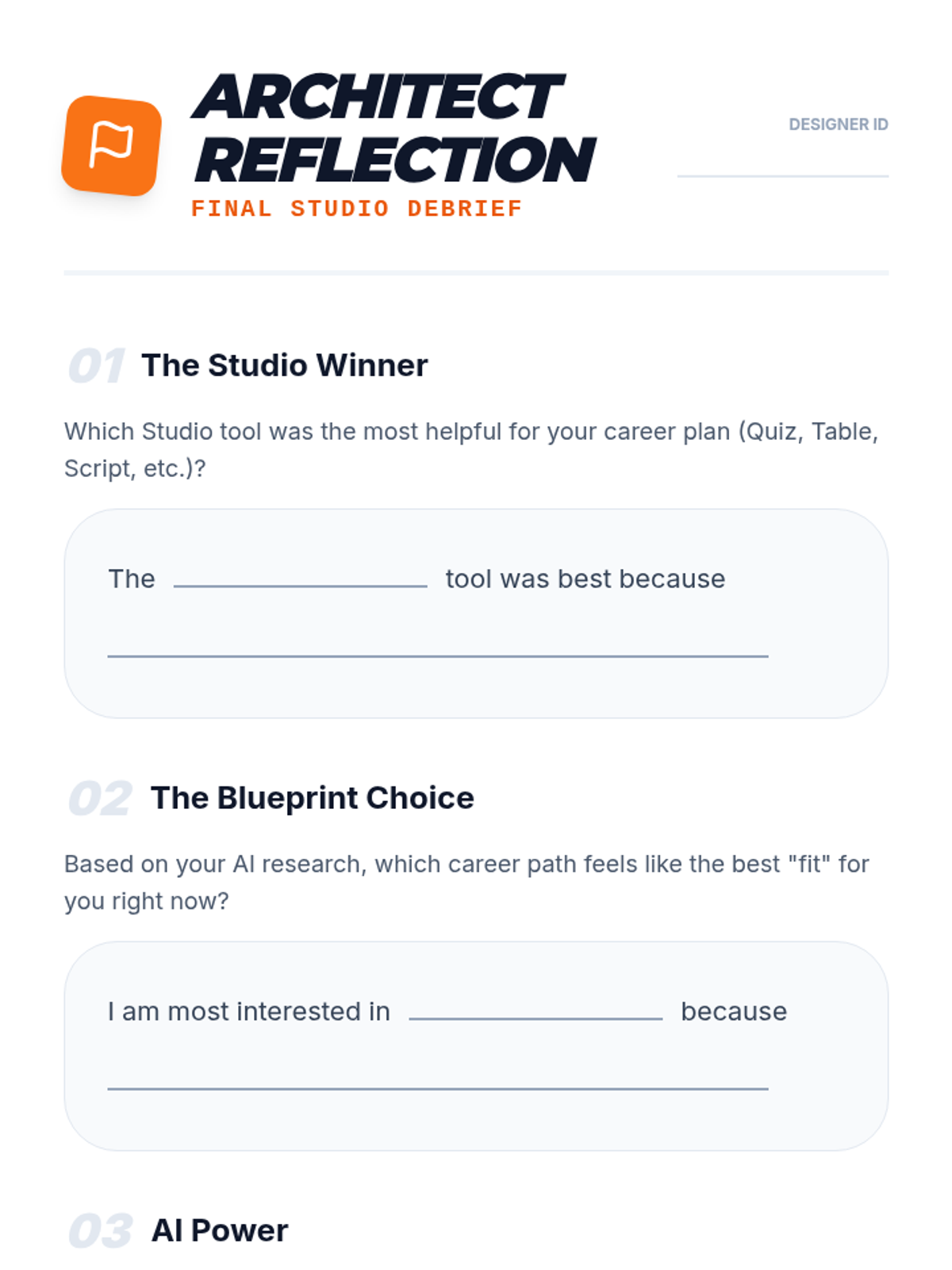
An exit ticket and reflection document for students to evaluate the effectiveness of the different NotebookLM Studio tools and identify their top career interest.
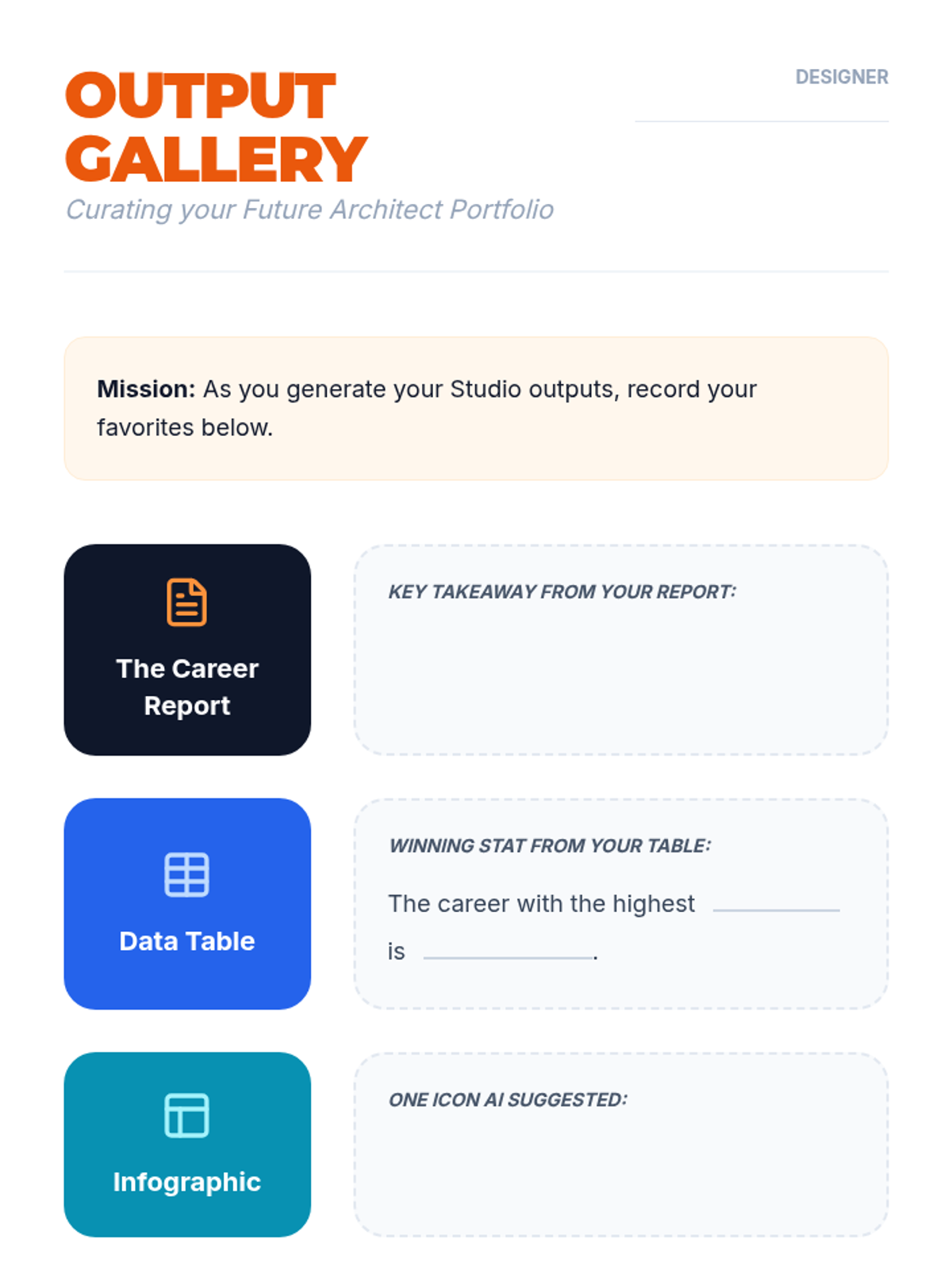
A recording sheet for students to document the results of their NotebookLM Studio outputs, now with a light-themed design for improved readability and printing.
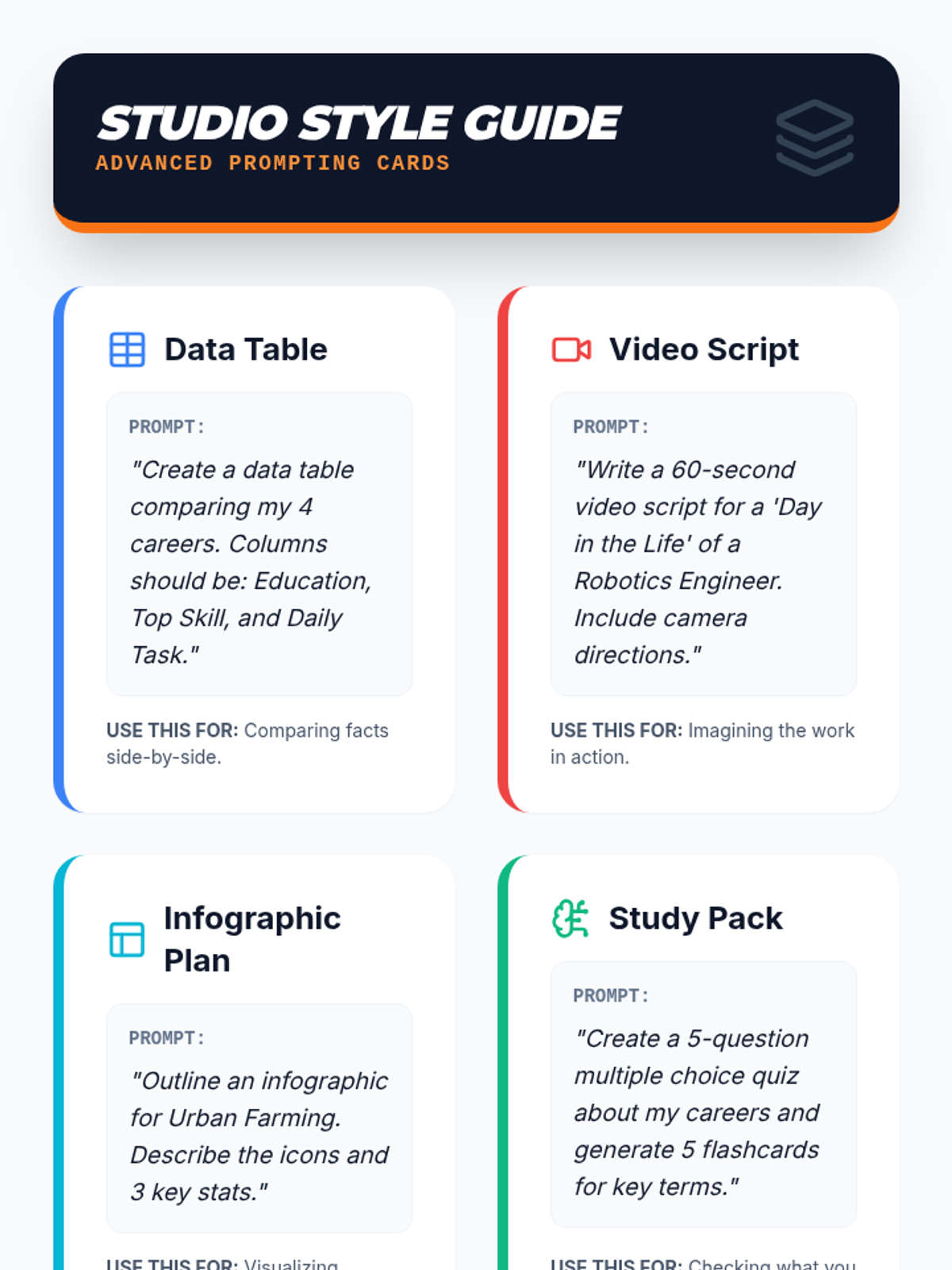
A visual prompt guide featuring specific exemplars and sentence stems to help students generate advanced NotebookLM outputs like data tables, video scripts, infographics, and study packs. Replacing "my careers" with "these careers".
Day 2 slides focusing on the 'Studio' output styles of NotebookLM, featuring specific instructions and prompts for video overviews, data tables, infographics, quizzes, and flashcards. Replacing "my career" with "the career" or "these careers".
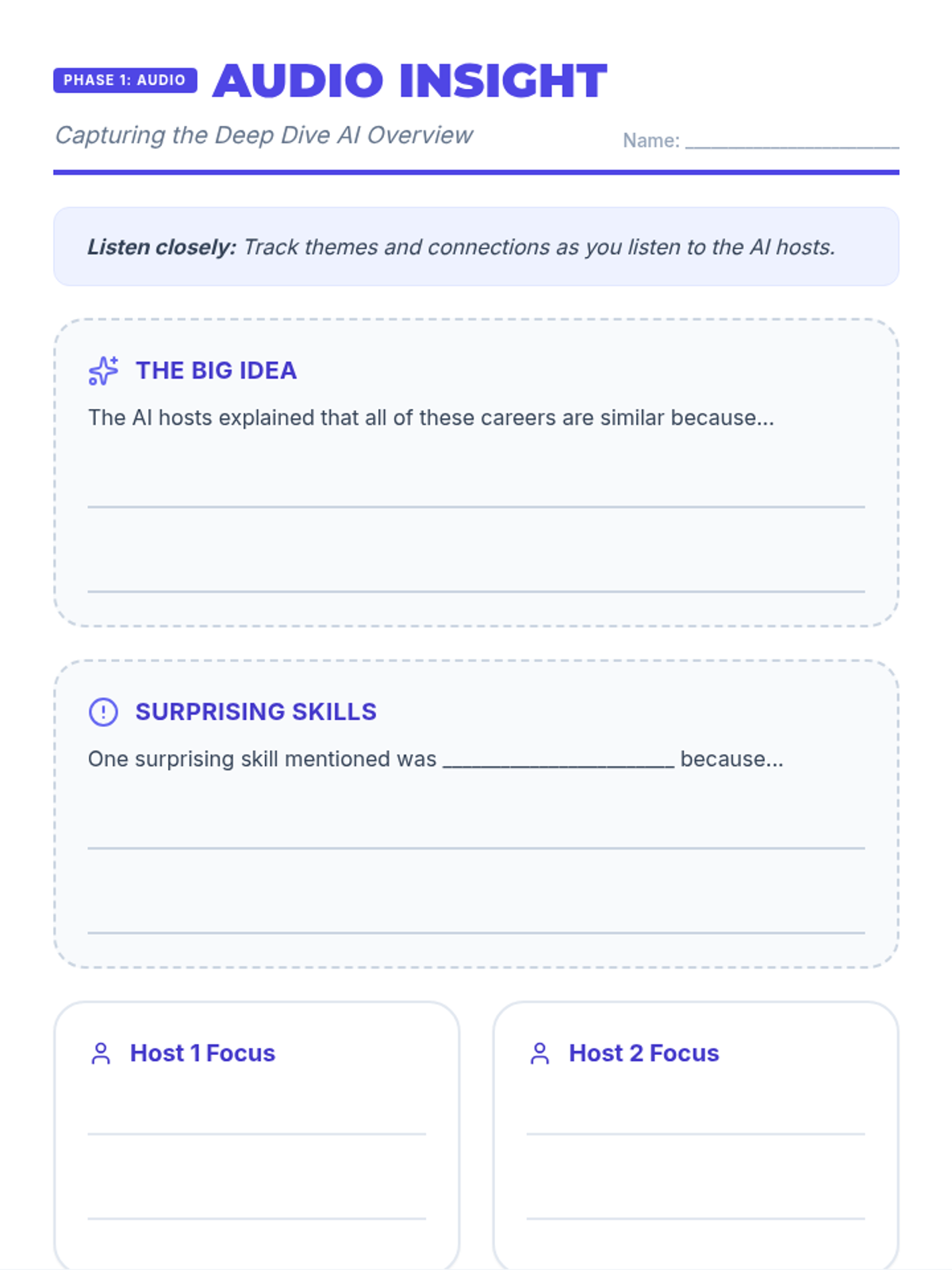
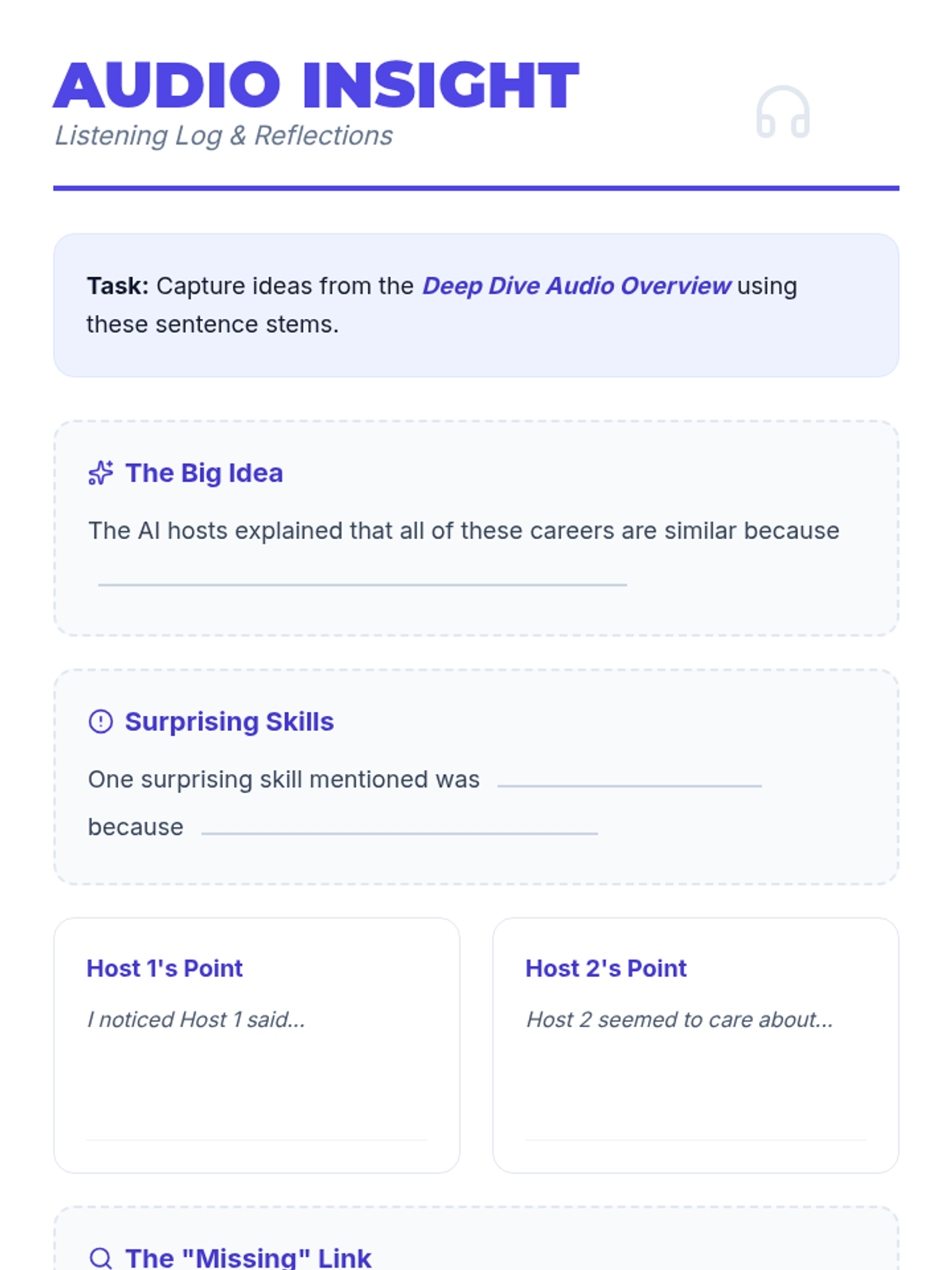
A guided reflection worksheet for students to use while listening to the NotebookLM Audio Overview, featuring sentence stems and designated areas for capturing key takeaways.
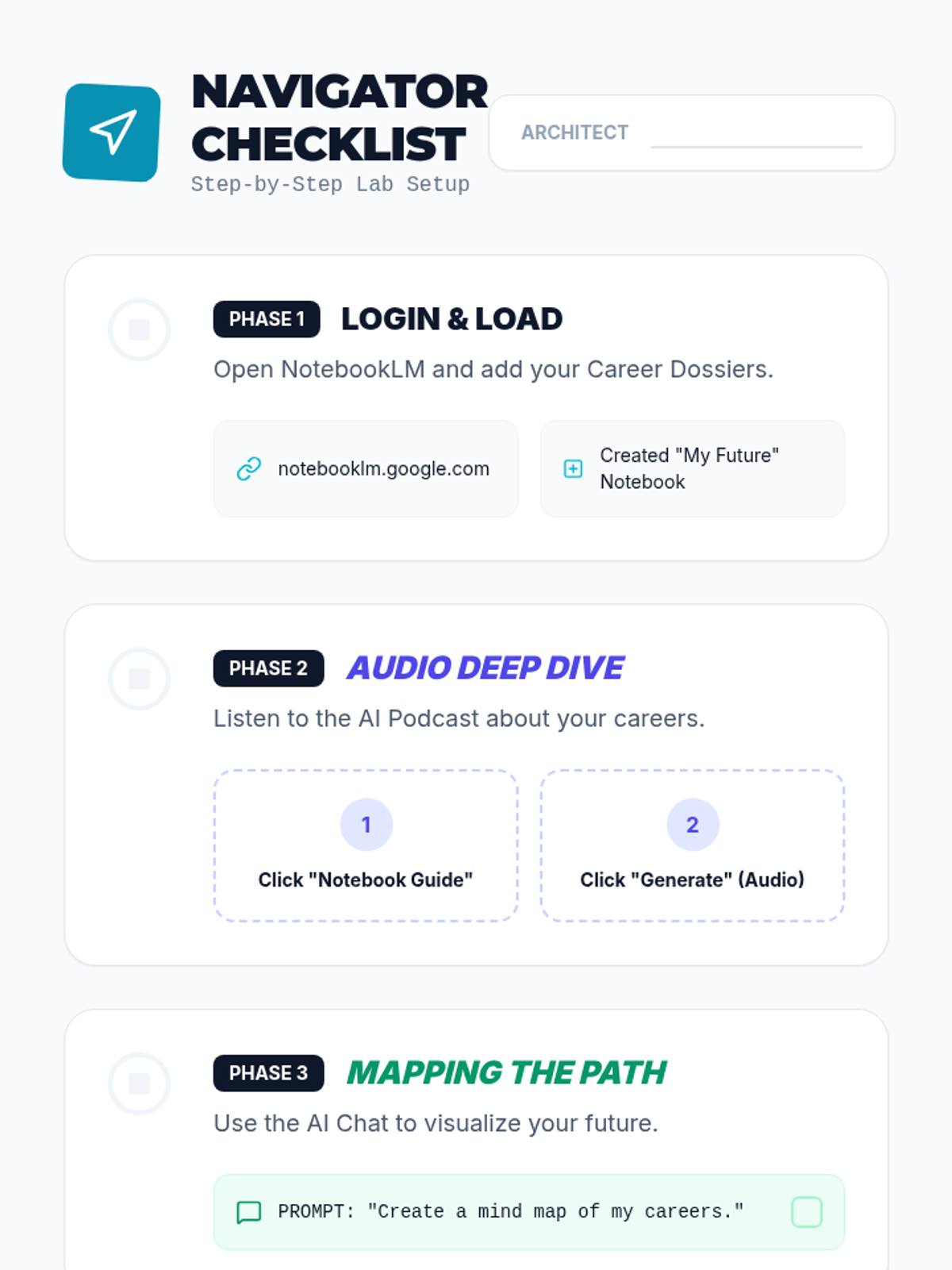
A visual scaffolding checklist for students to follow while setting up NotebookLM, now with a simplified Phase 2 instruction to "Click Audio Overview" and explicit steps for format selection, patient generation, and the new Interactive Mode task. Replacing "my careers" with "these careers".
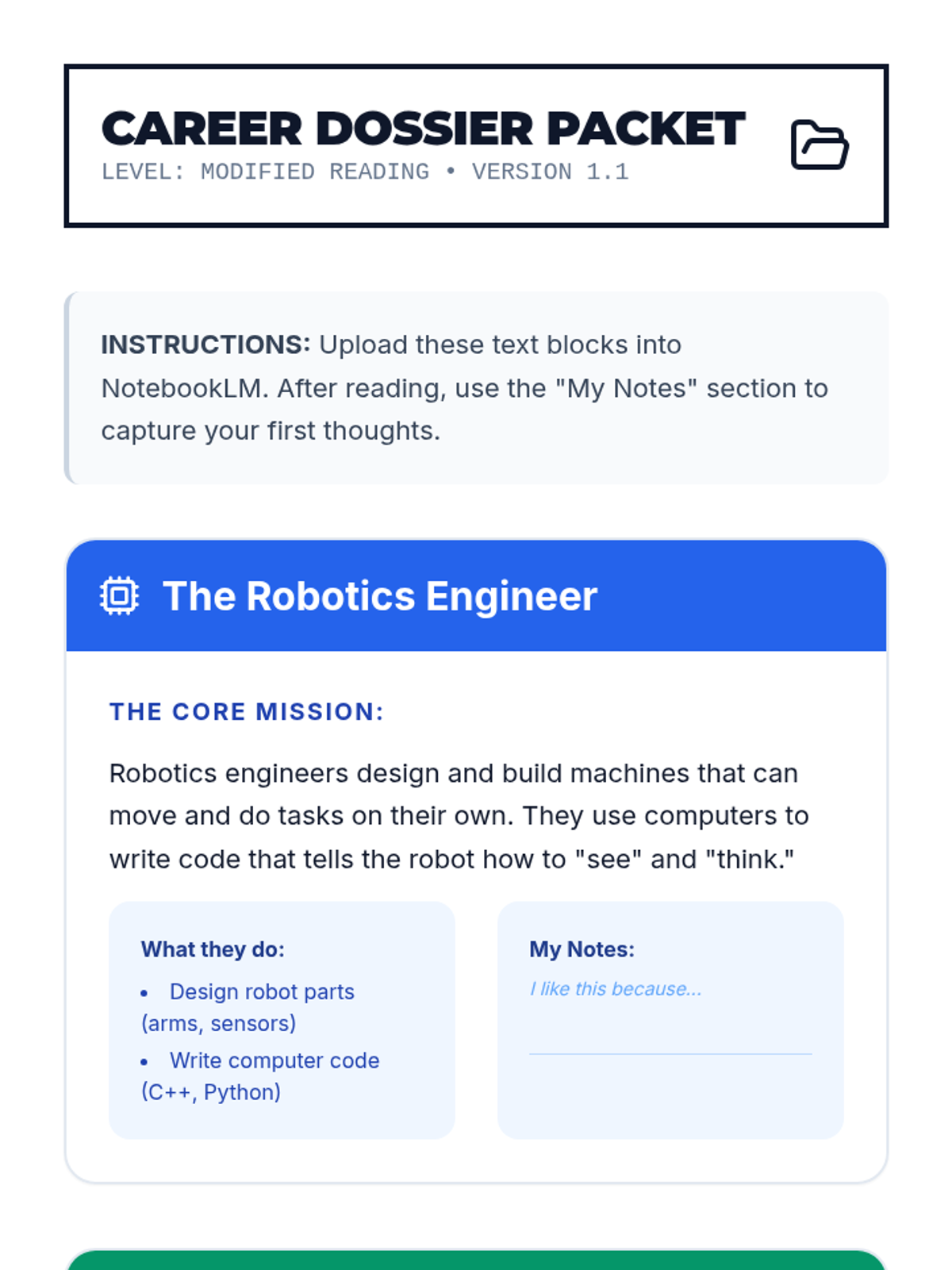
A set of four career profiles designed as primary sources for NotebookLM, now condensed into a single-page, printer-friendly layout with a 2x2 grid system. Replacement "my career" references. Terminology standardized to NotebookLM.
An expanded 10-slide deck for Day 1 of the Future Architects lesson, integrating technical NotebookLM mastery and a dedicated Learning Objectives slide. Corrected layout and font sizing for legibility and PDF formatting.
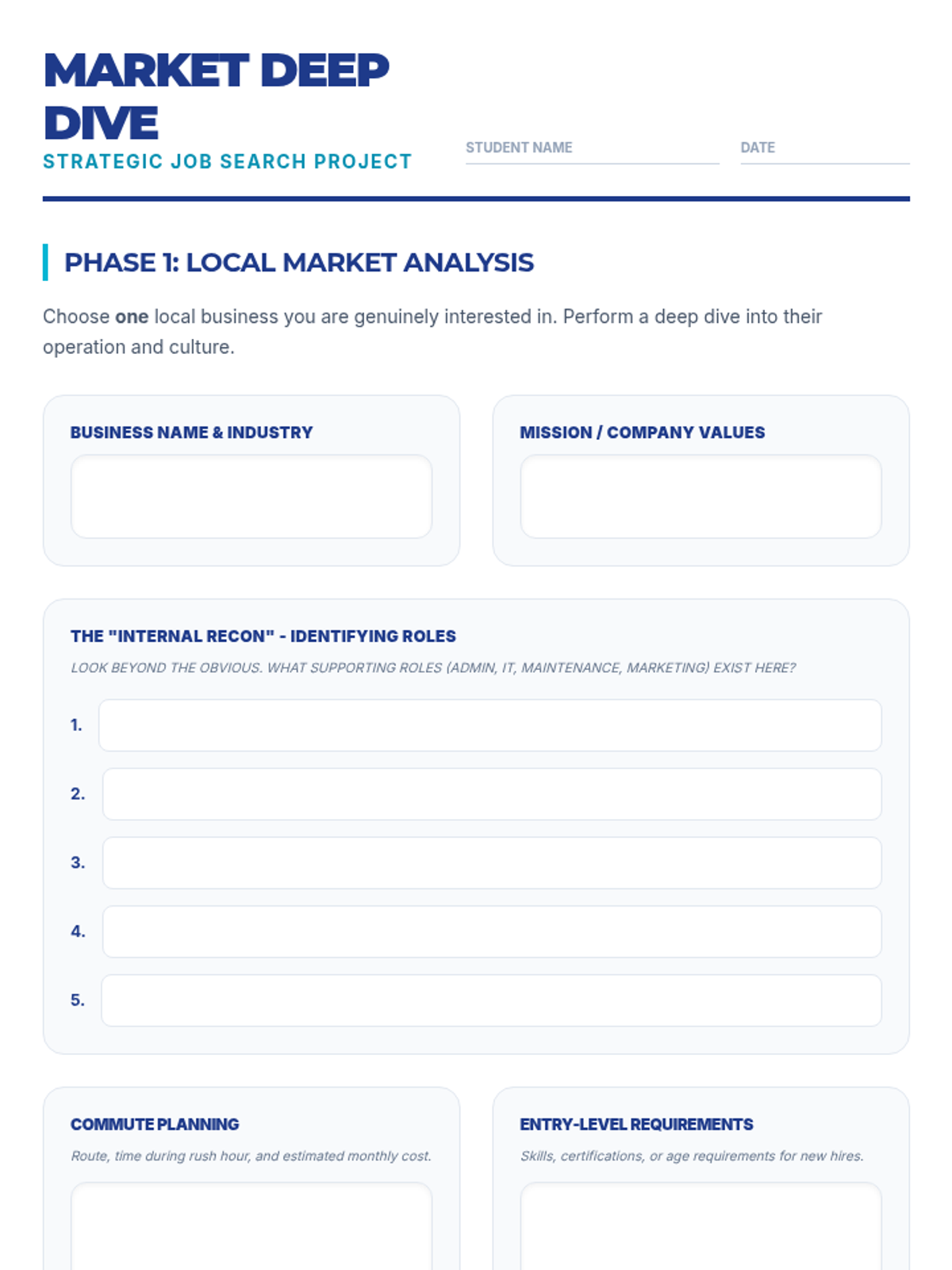
A deeper, project-based research worksheet focusing on local market analysis, company profiling, digital search strategies, and network mapping.
Slides for Lesson 3 explaining search methods, the hidden job market, job scam identification, and how to craft an effective elevator pitch.
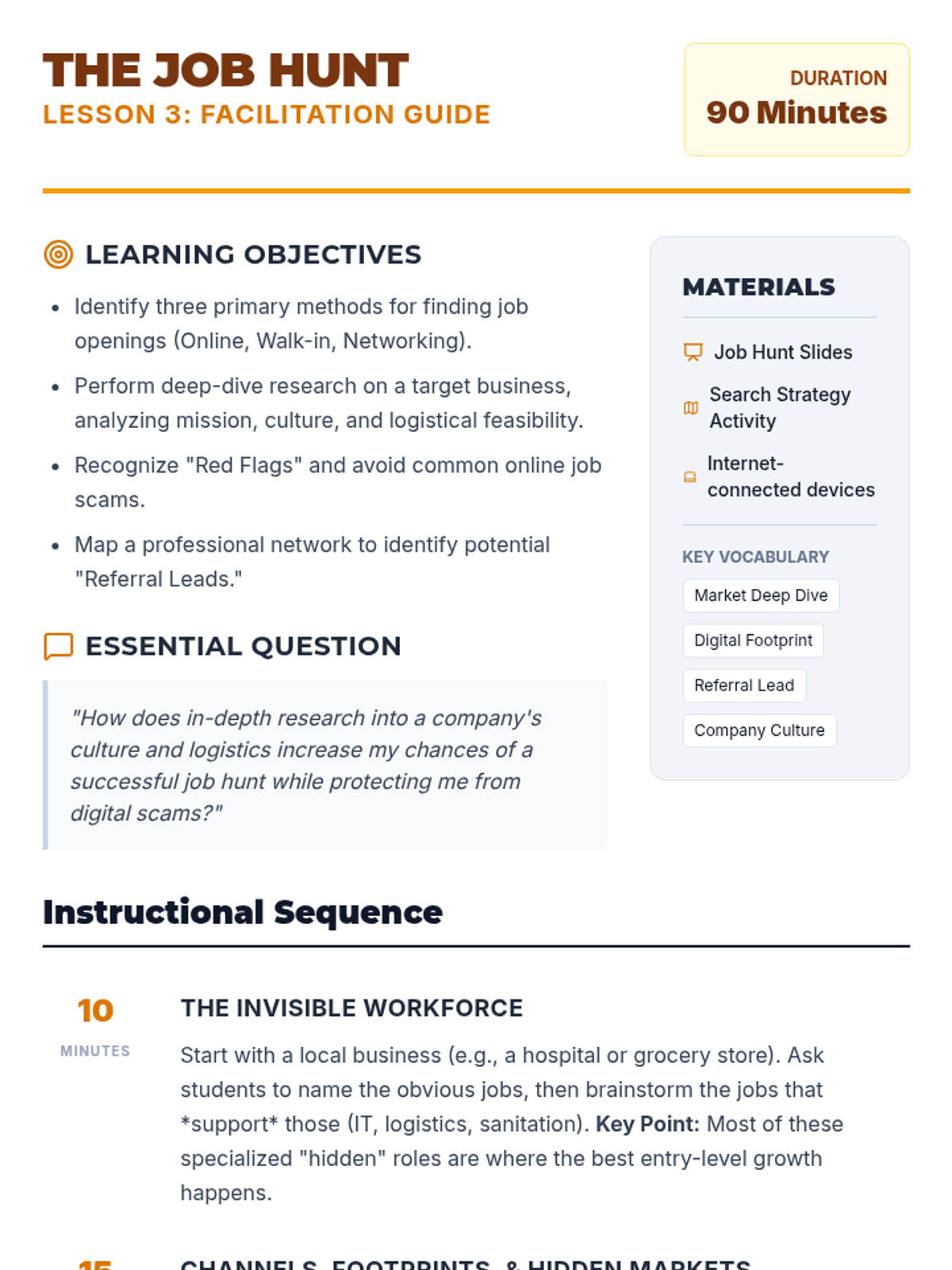
A comprehensive facilitator guide for an expanded 90-minute Job Hunt lesson, featuring search strategies, networking techniques, job scam identification, and pitch practice.
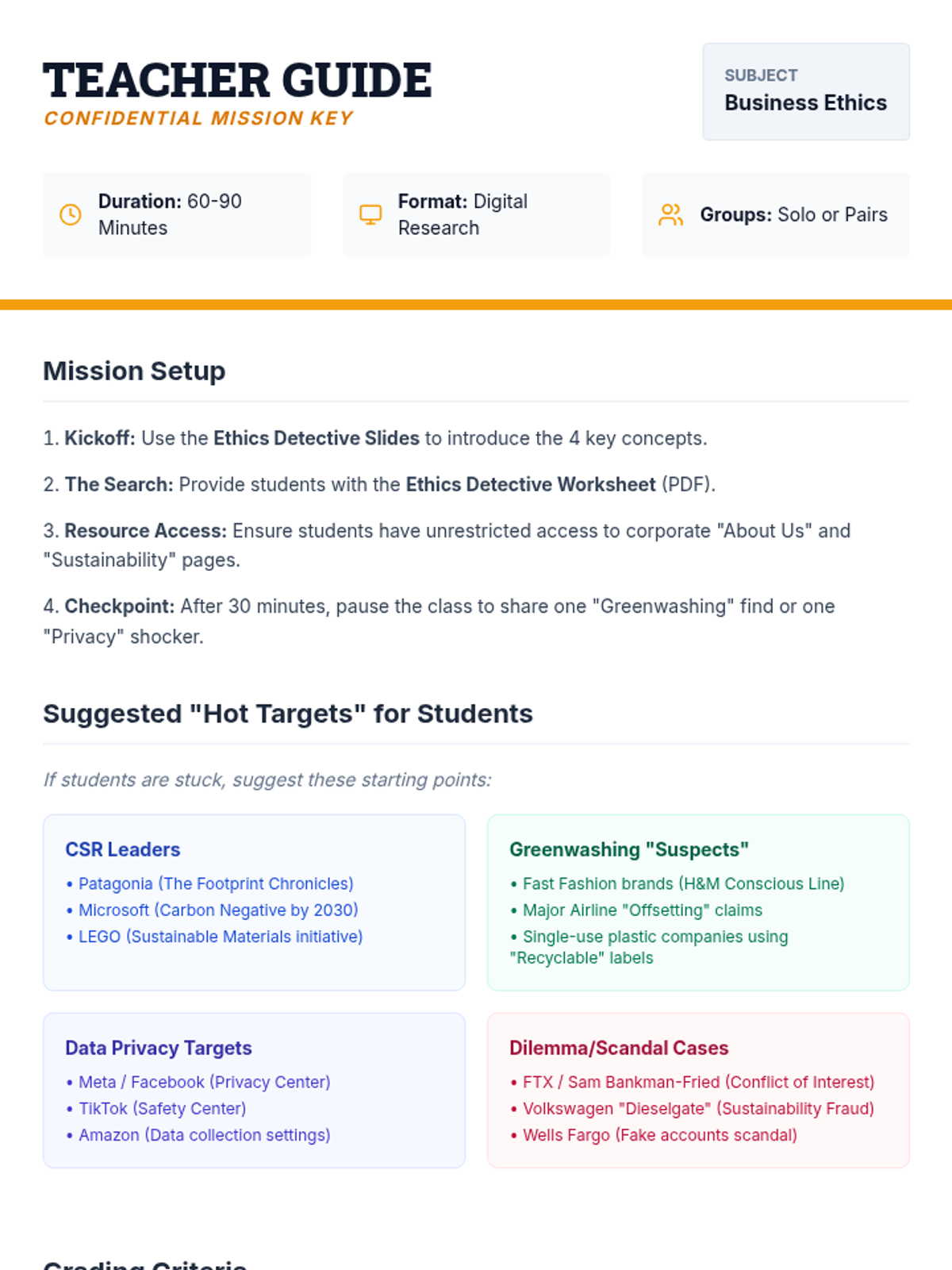
A facilitator guide for teachers including instructional strategies, suggested research targets for students, a grading rubric, and debrief discussion questions.
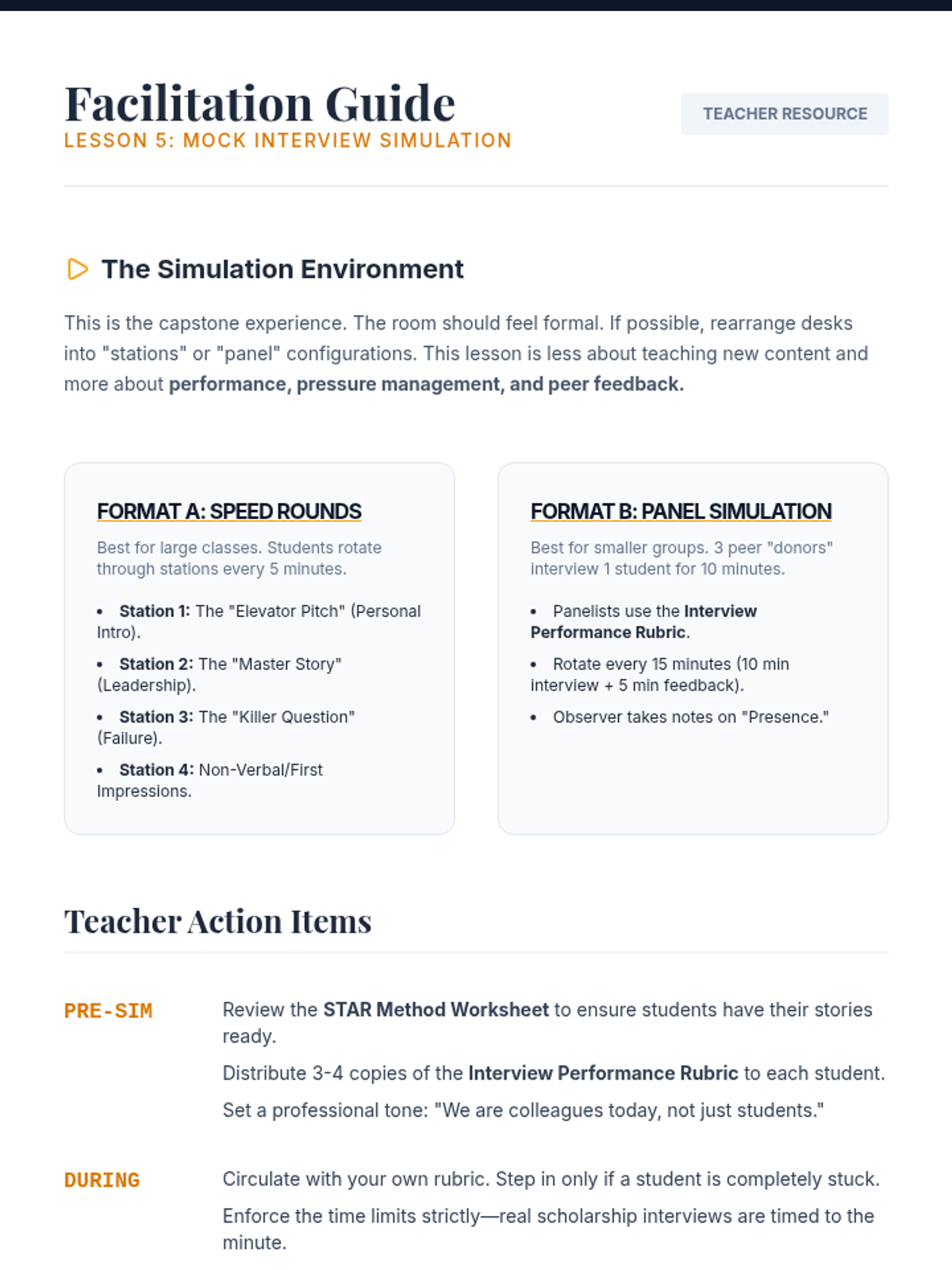
Facilitation guide for the mock interview simulation, including setup instructions, peer feedback protocols, and stewardship discussion prompts.
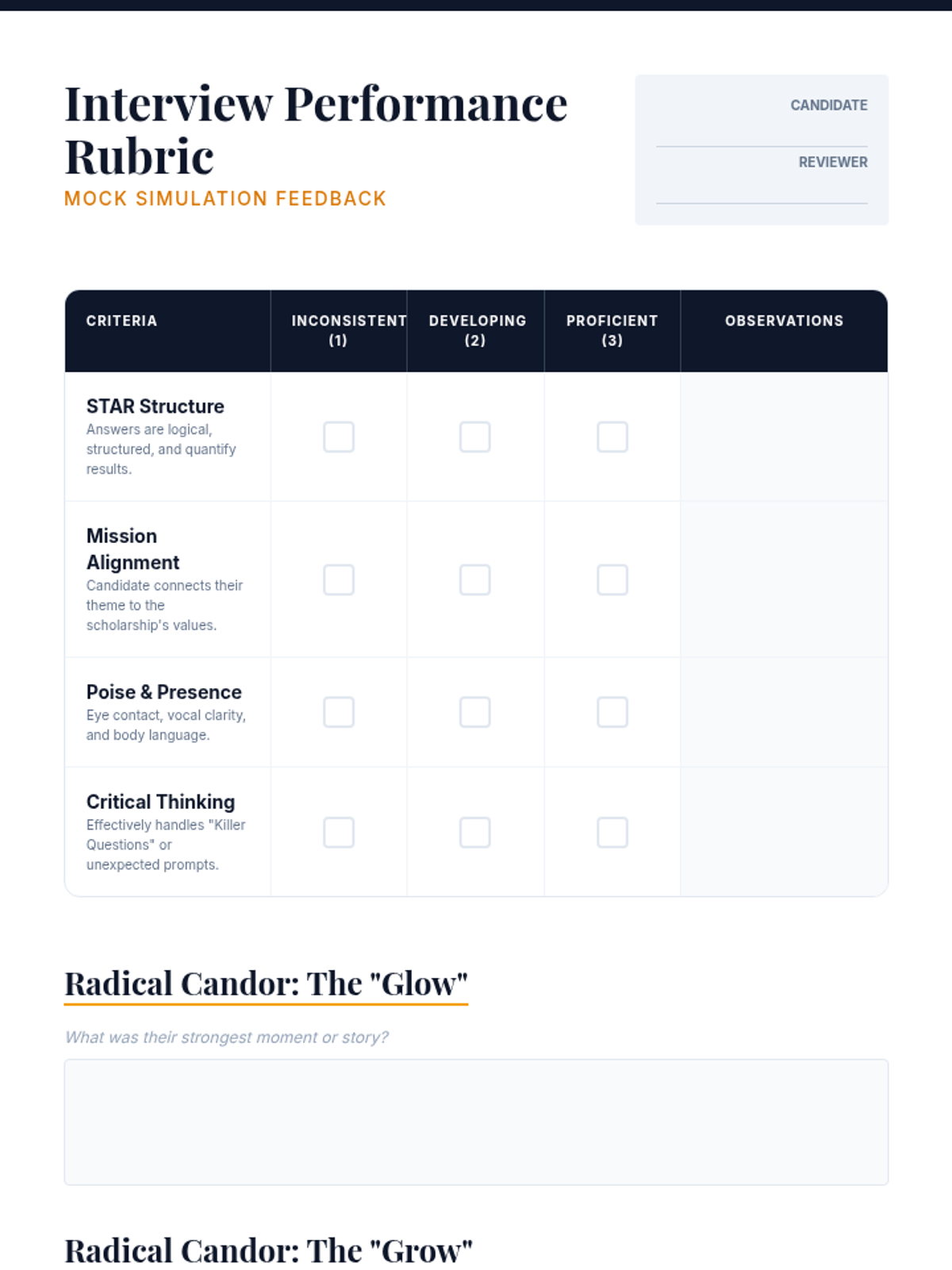
A professional rubric for evaluators to provide structured feedback during scholarship mock interviews, focusing on STAR structure, mission alignment, and poise.
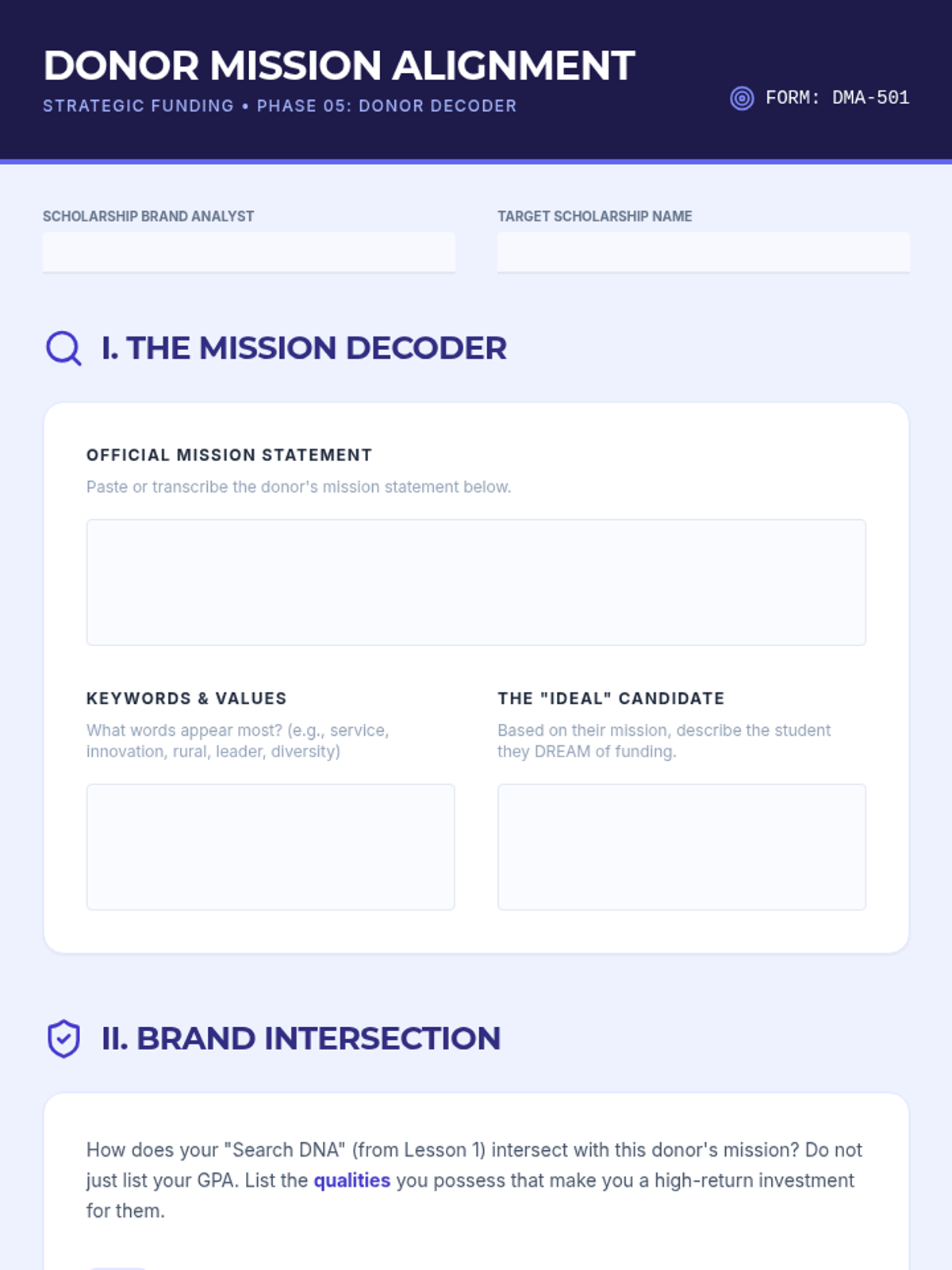
An alignment worksheet for students to research donor mission statements and justify how their personal brand connects to the funding organization's goals.
Slides for Lesson 5 covering mock interview simulation protocols, post-interview etiquette, and long-term scholarship stewardship.
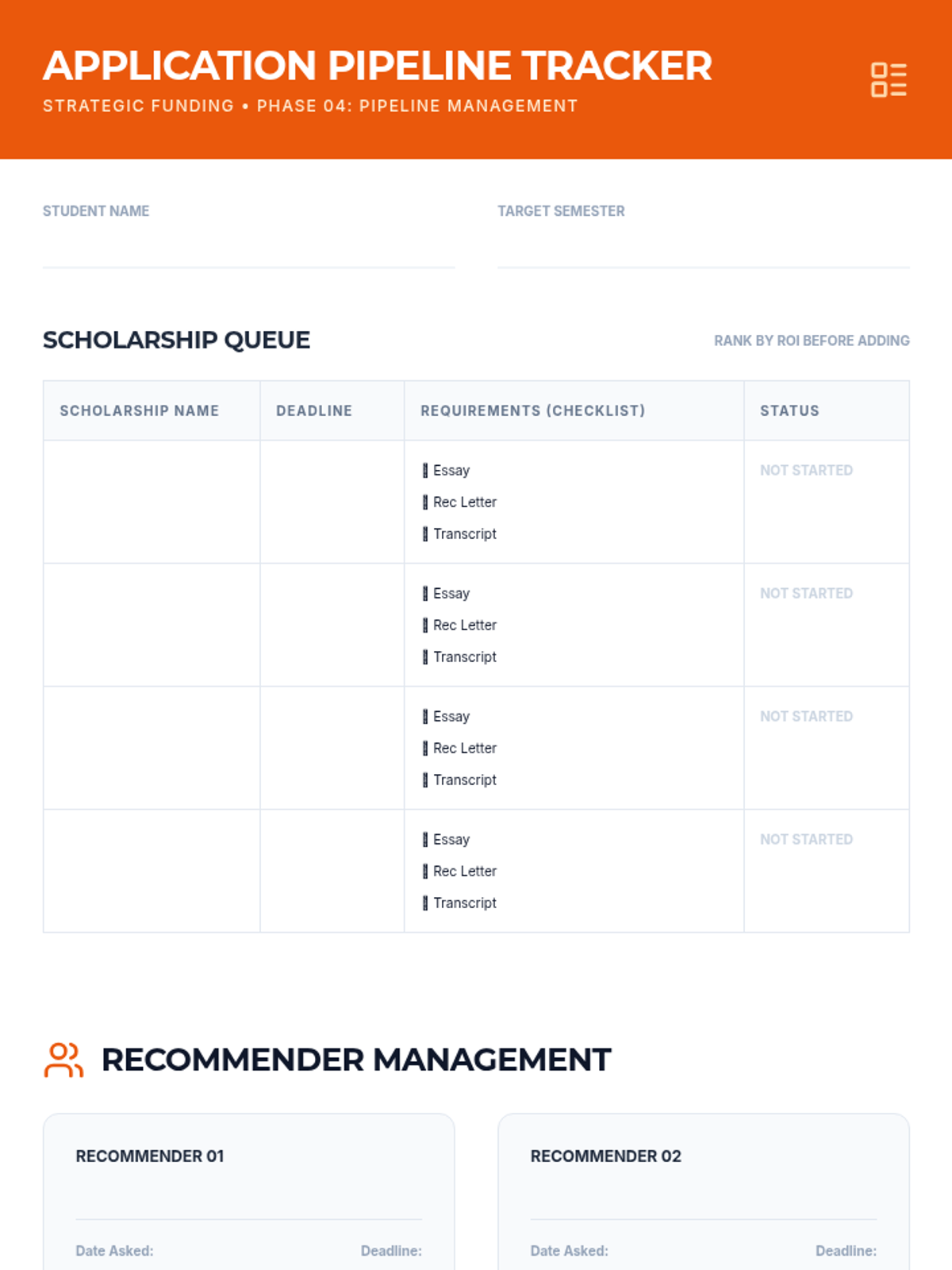
A comprehensive tracking worksheet for managing multiple scholarship deadlines, requirements, and recommender communication.
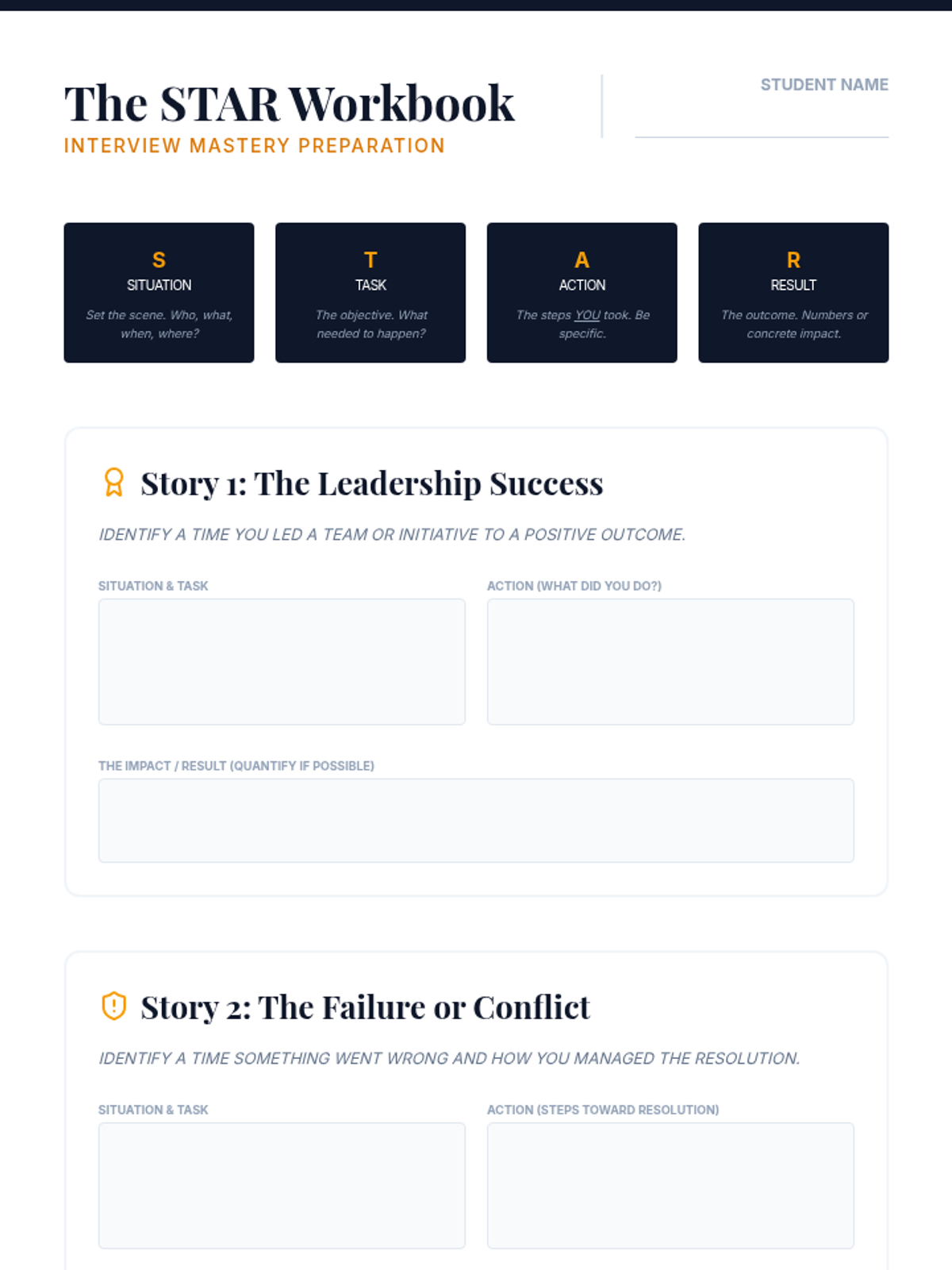
A structural workbook for students to identify and draft four 'master stories' using the STAR method for behavioral scholarship interview questions.
Instructional slides for Lesson 3, focusing on the concept of 'hourly rate' for scholarship applications and differentiating between high-competition and niche grants.
Slides for Lesson 4 covering behavioral interview techniques, common scholarship questions, and non-verbal communication strategies.
Instructional slides for Lesson 5, focusing on donor mission alignment and how to research organizations beyond their basic homepage.
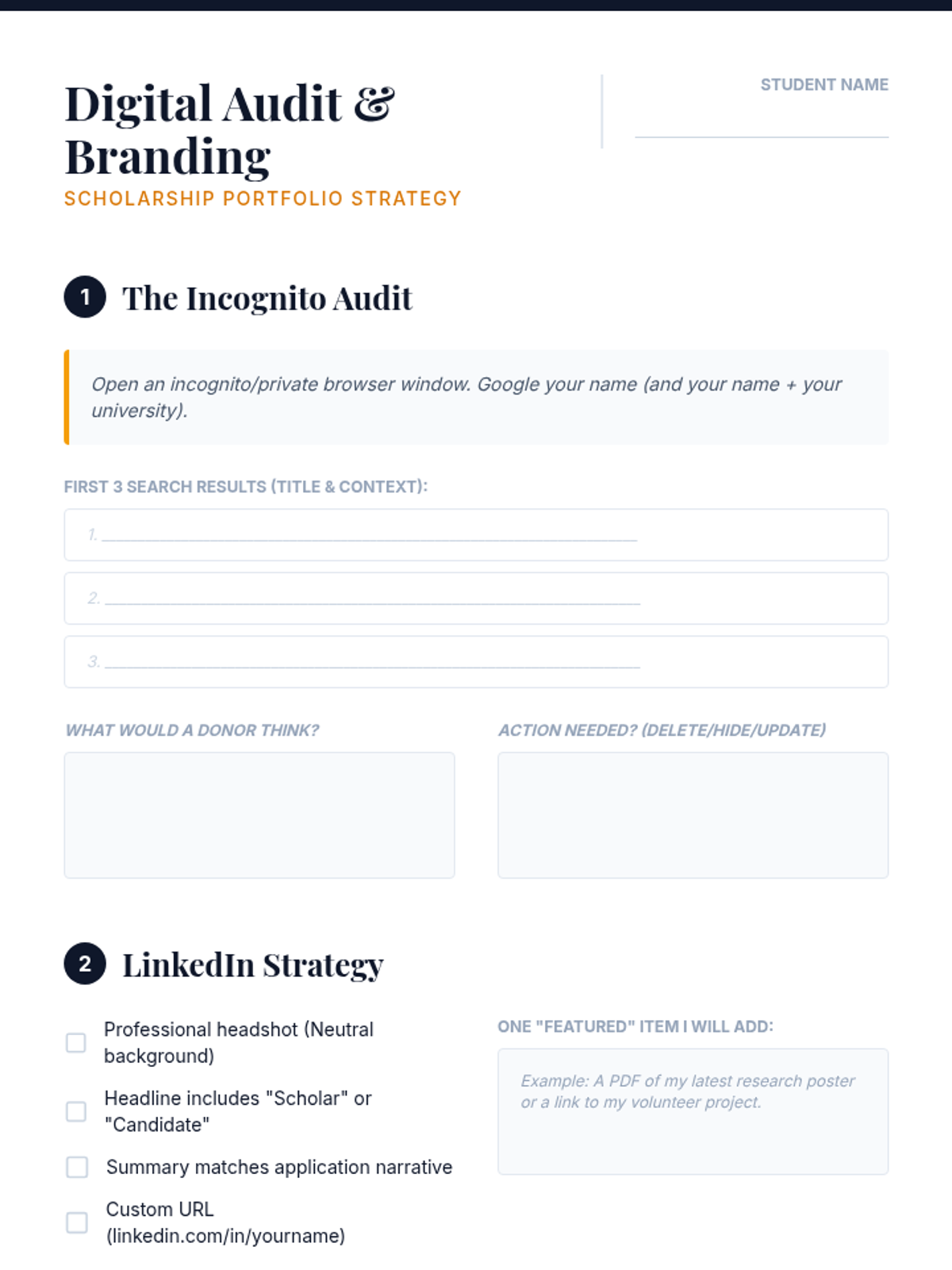
A worksheet for students to perform a comprehensive digital audit of their online persona and plan their LinkedIn and supplemental branding strategy.
Slides for Lesson 3 discussing digital footprints, Google audits, LinkedIn verification, and supplemental portfolio curation for scholarship applications.
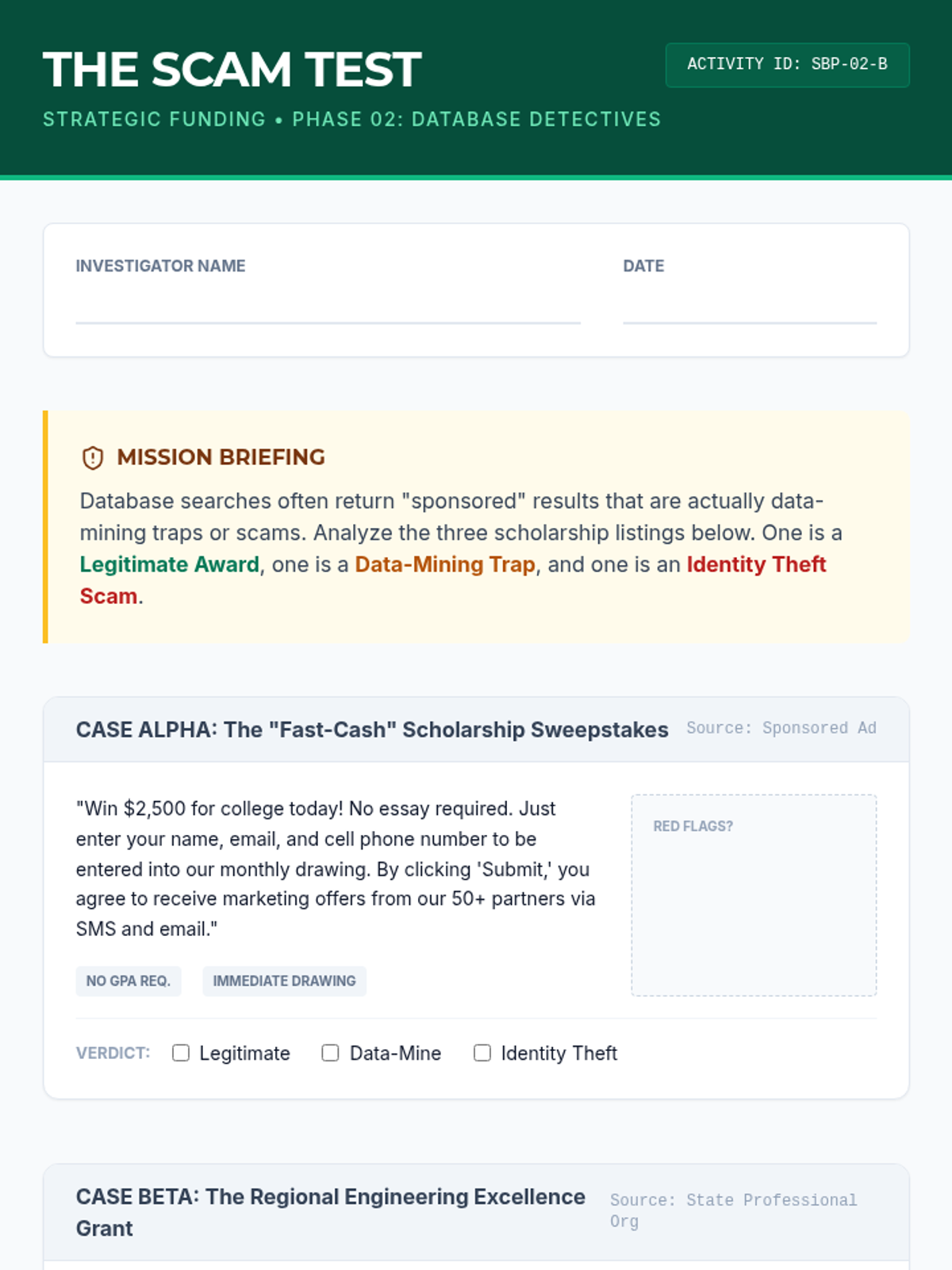
A case study activity where students analyze three scholarship listings to identify legitimate opportunities versus scams and data-mining traps.
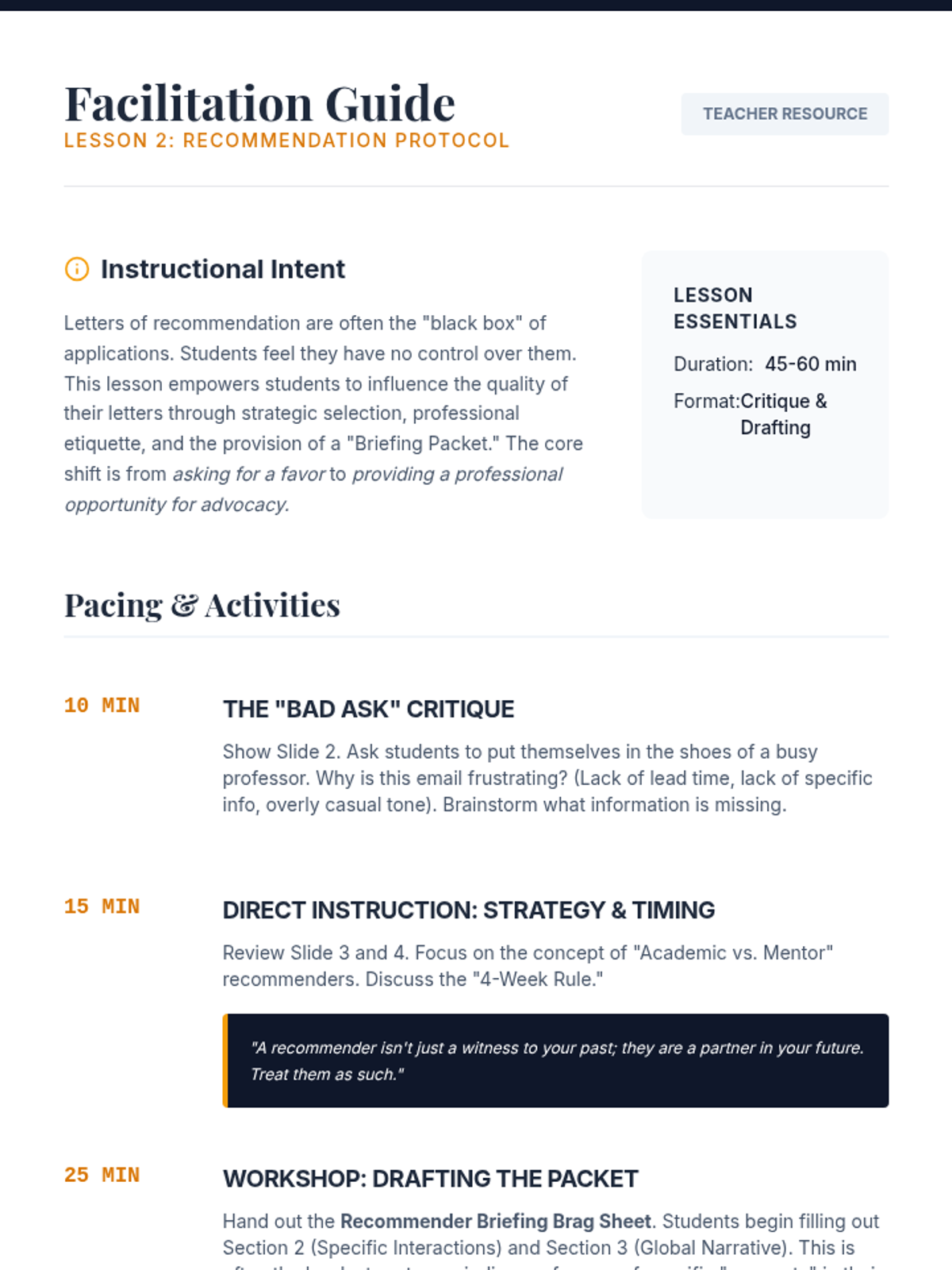
Facilitation guide for Lesson 2, including the 'Bad Ask' critique instructions and drafting guidance for the briefing packet.
Instructional slides for Lesson 4, covering building a tracking system, managing recommenders, and the importance of application infrastructure.
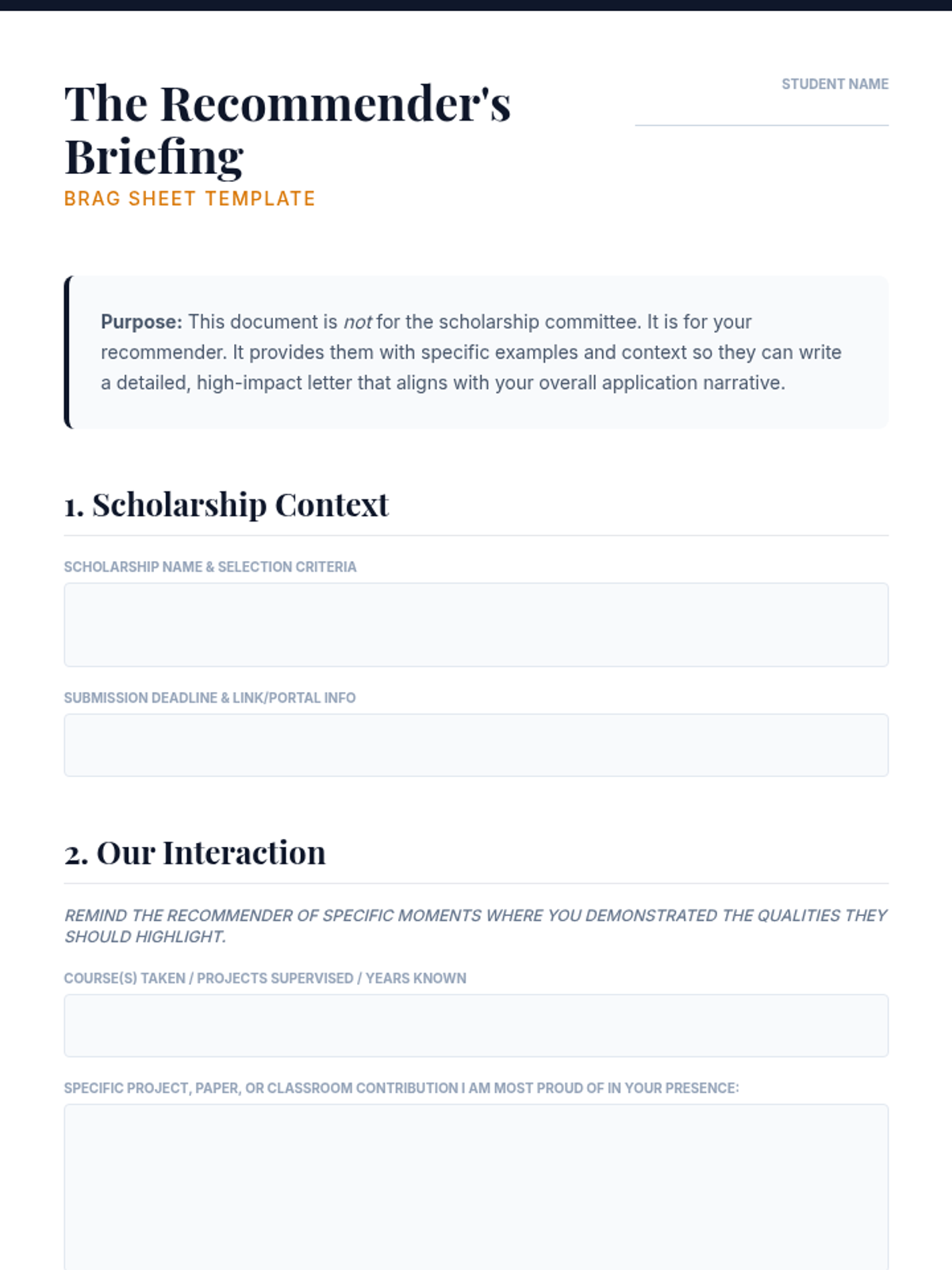
A structured briefing document for students to complete and provide to their letter writers, ensuring recommenders have specific anecdotes and context for high-impact letters.
Slides for Lesson 2 covering the etiquette of requesting letters of recommendation, selection of recommenders, and the 'briefing packet' strategy.
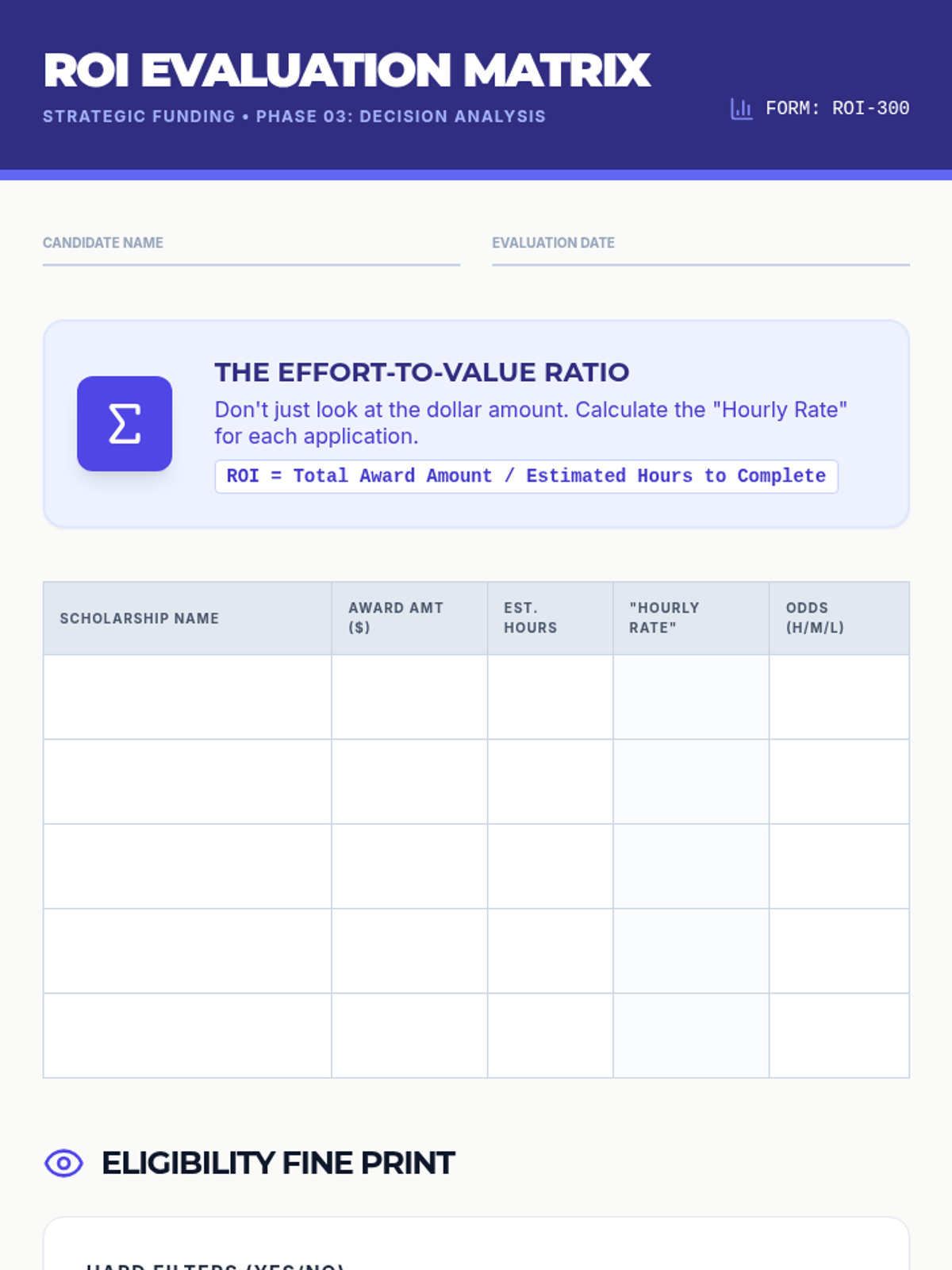
A decision-making worksheet for evaluating scholarships based on award amount, estimated effort, and eligibility odds to determine a student's personal ROI strategy.
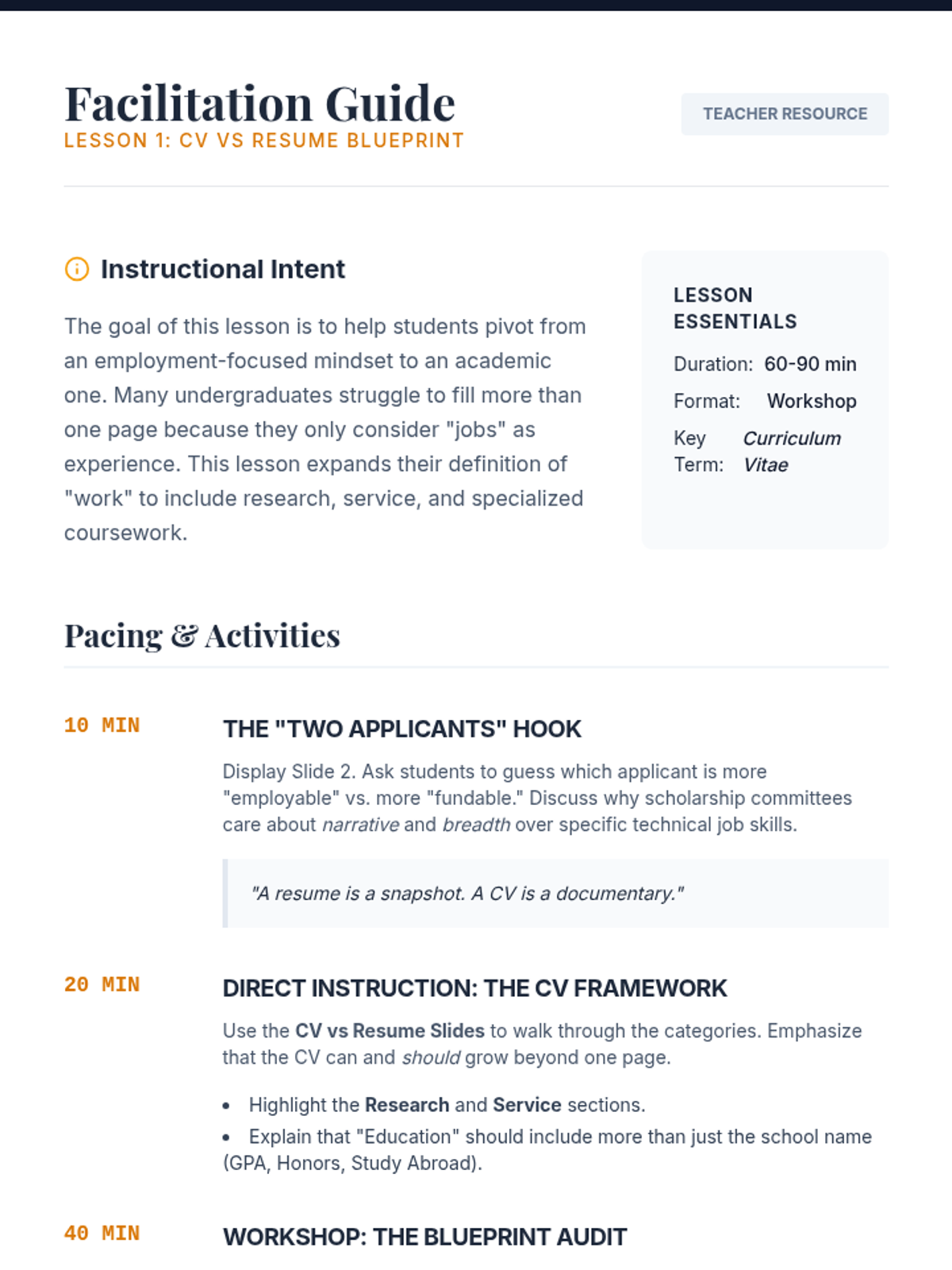
A facilitation guide for teachers to deliver the CV vs Resume lesson, including pacing, talking points, and activity instructions.
Instructional slides for Lesson 2, covering database types, advanced Boolean search techniques, and red-flag detection for scholarship scams.
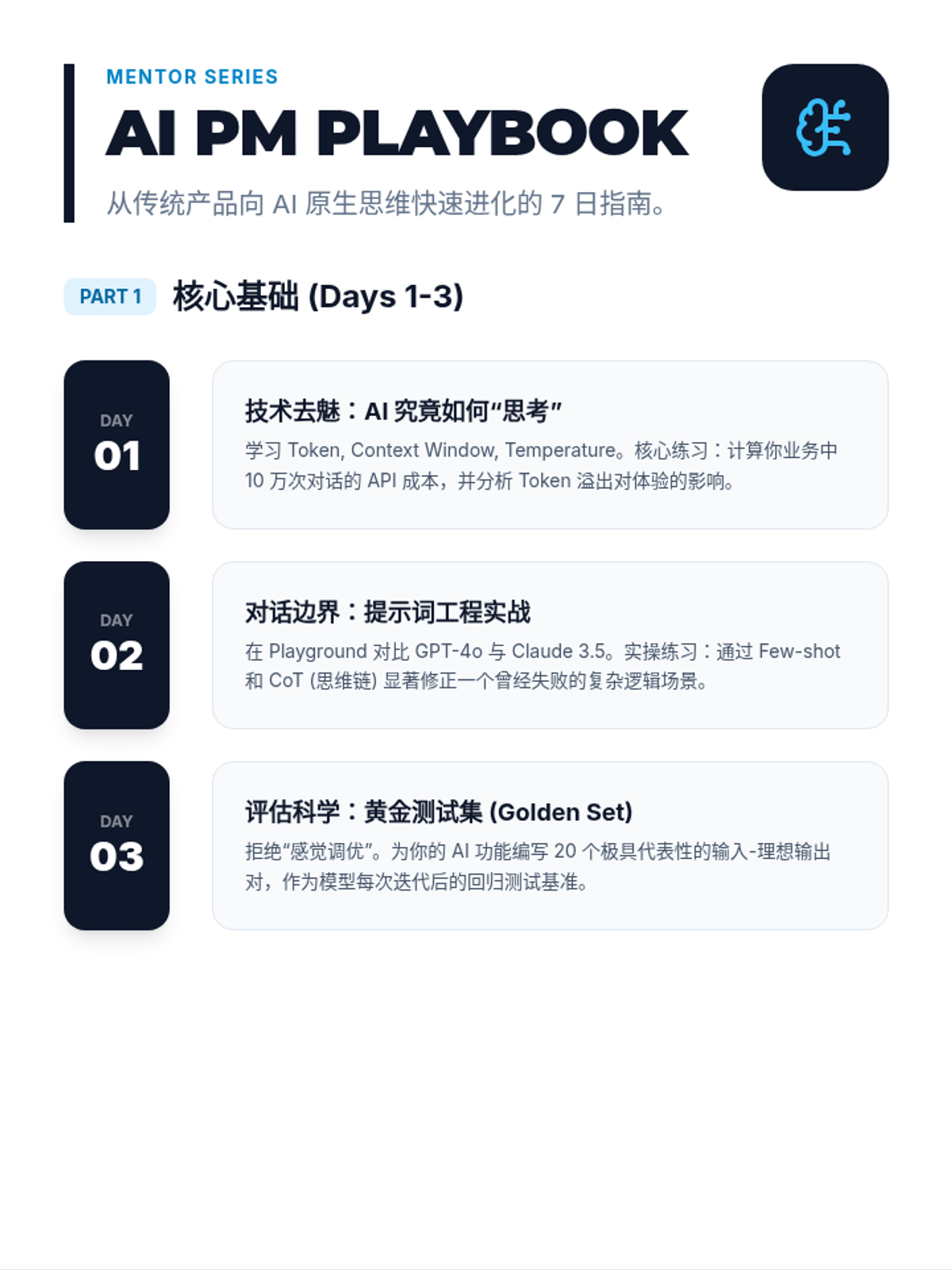
A comprehensive career development guide for junior AI PMs, featuring a complete 7-day learning sprint, common pitfalls, interactive exercise areas, and interview strategies. Optimized page flow, increased writing space, and improved legibility.
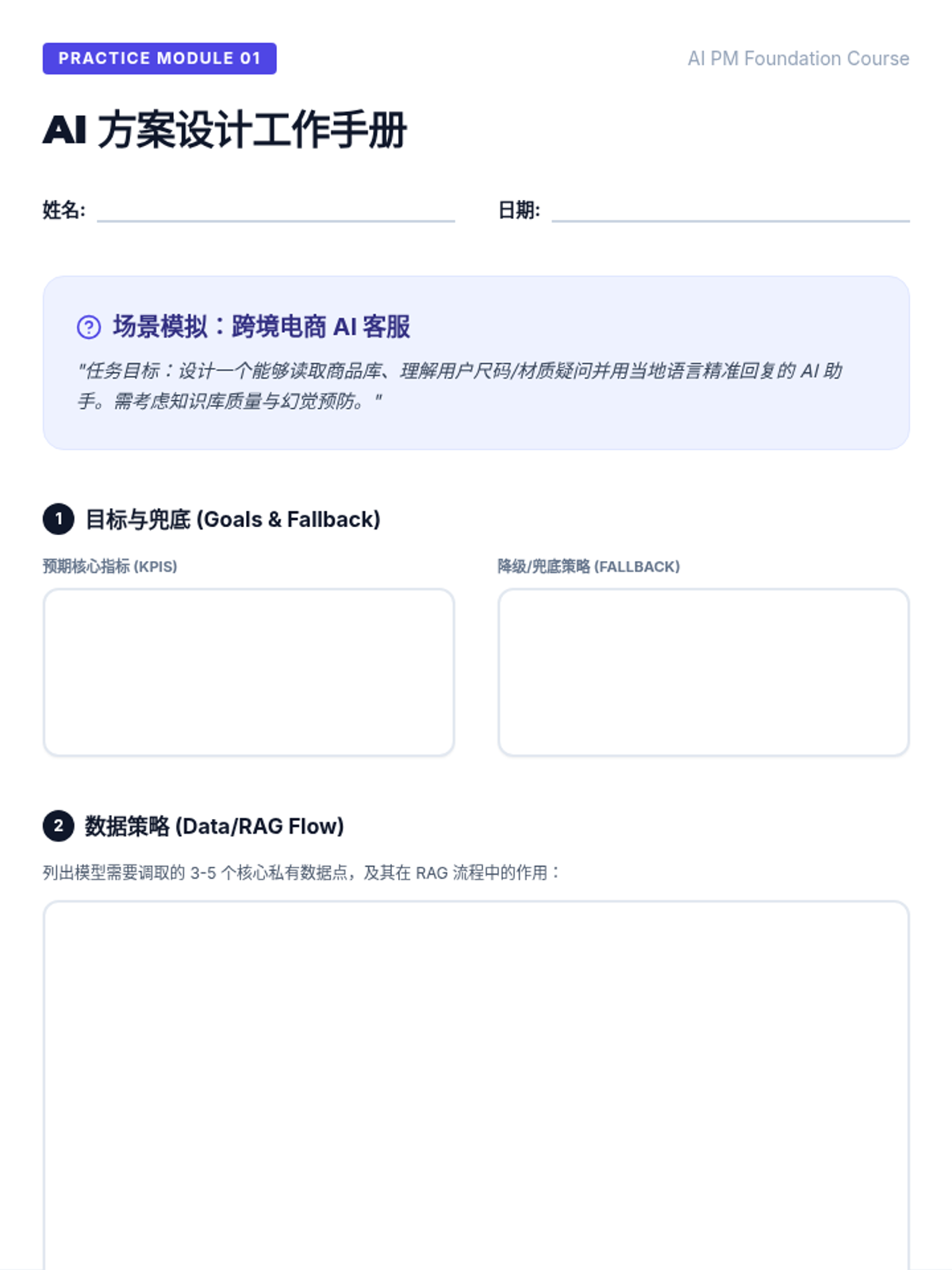
A hands-on worksheet where junior PMs can practice designing an AI feature for a real-world e-commerce scenario. Includes three evaluation scenarios and business logic reflection. Optimized for clarity and handwriting space.
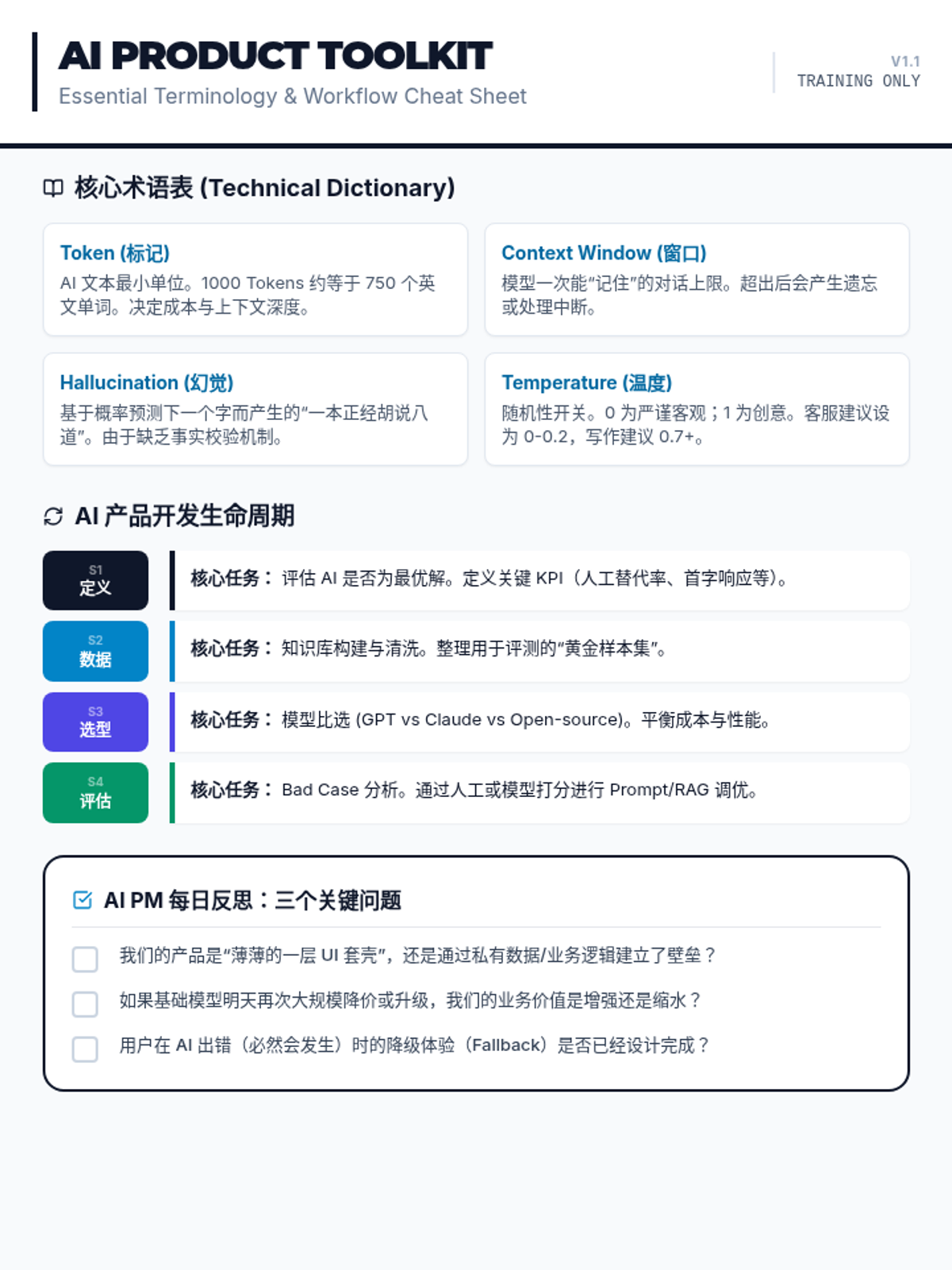
A concise reference document for junior AI PMs containing key terminology, the product lifecycle, and critical strategic questions. Optimized for one-page reference.
A sleek, tech-focused presentation covering the transition from traditional PM to AI PM, technical stacks, and key metrics.
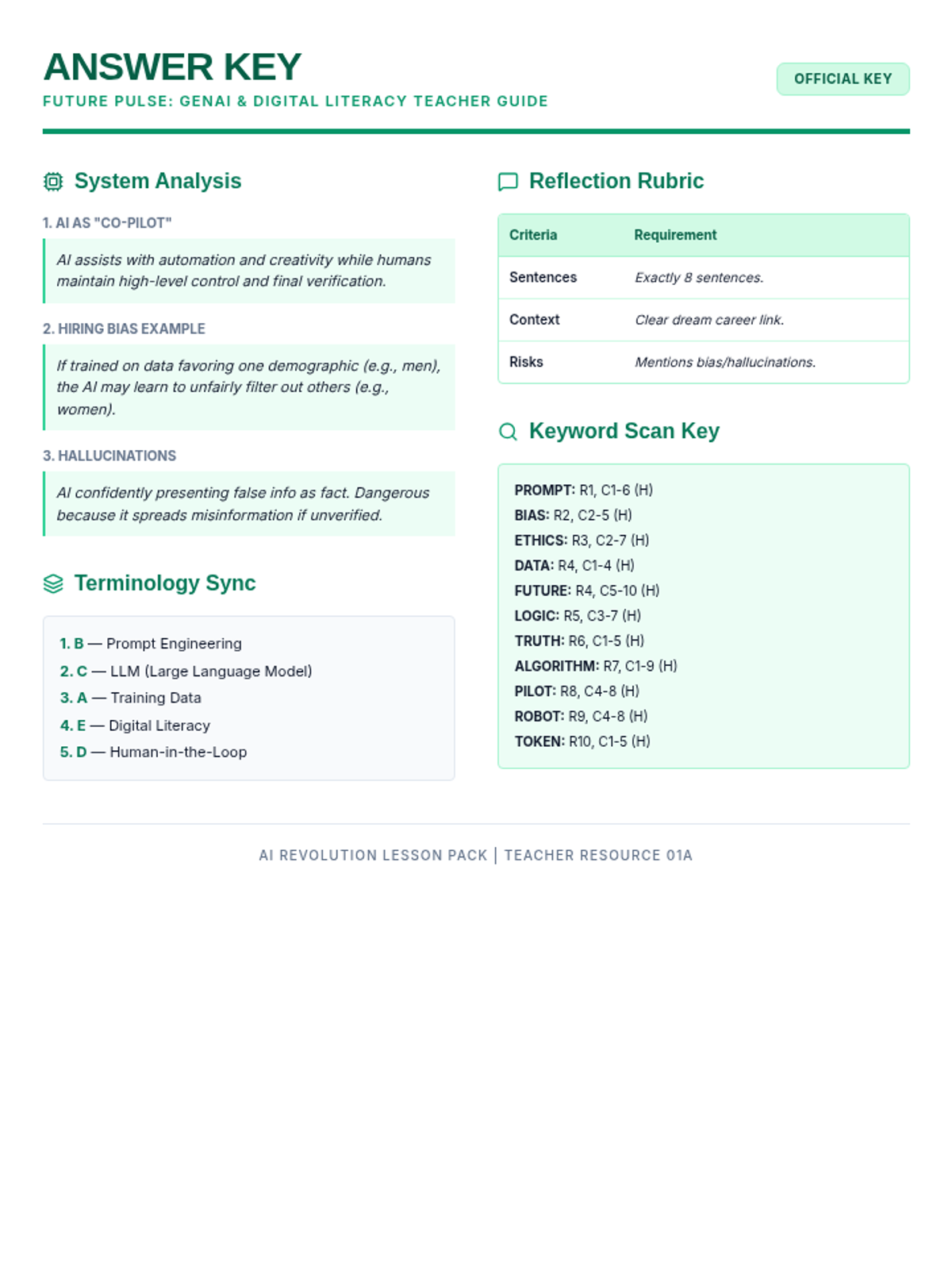
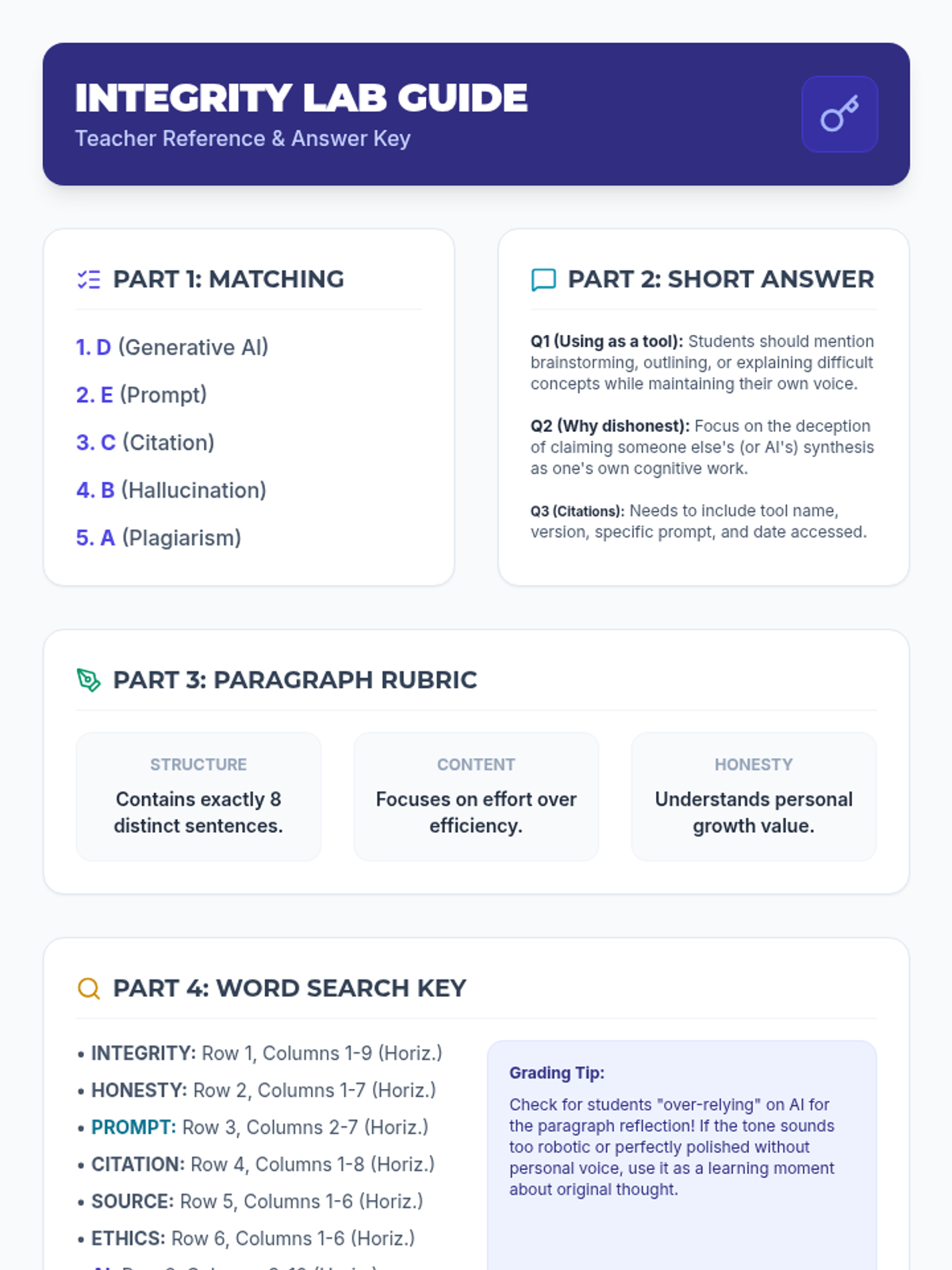
A single-page teacher-facing answer key for the Future Pulse worksheet, including sample answers, terminology solutions, grading rubric, and word search coordinates.
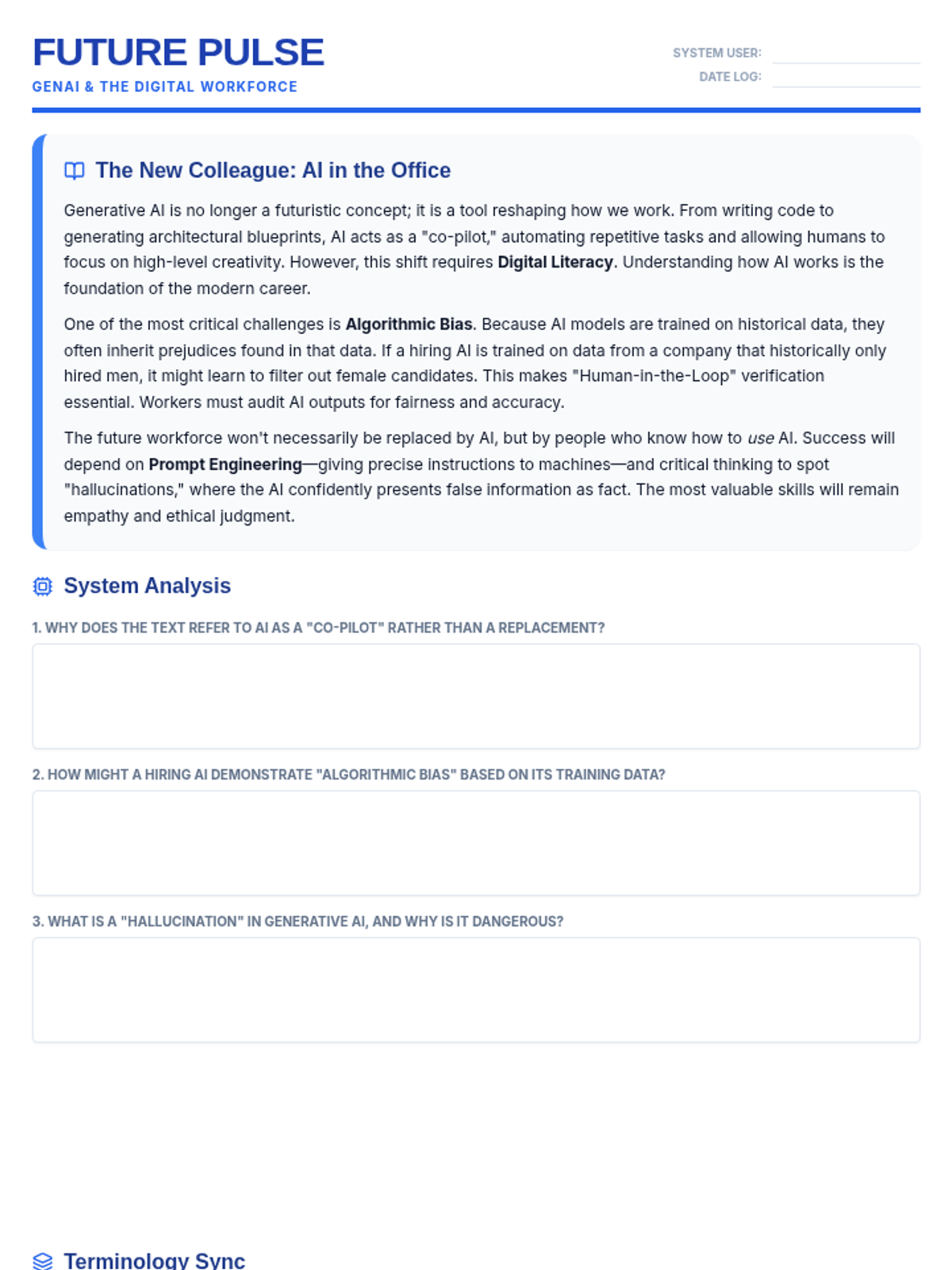
A two-page student worksheet featuring a reading passage about AI in the workforce, short answer questions, matching terminology, a reflective essay prompt, and a topical word search. Layout optimized for 2 pages.
Revised teacher guide. Fixed page breaks, added question context to assessment keys, and replaced oversized decorative elements with helpful grading tips.
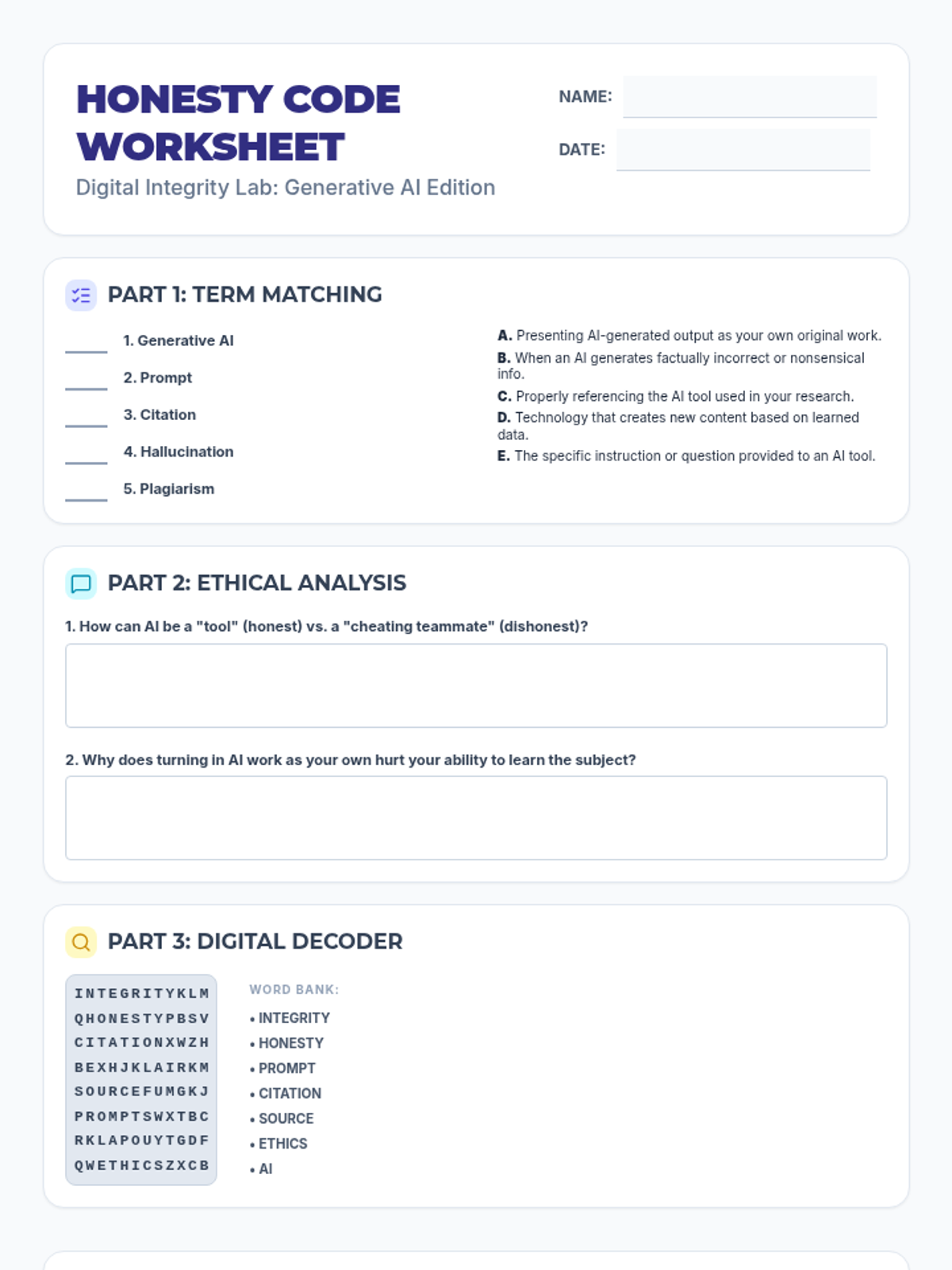
Revised student worksheet. Consolidated Parts 1-3 onto the first page and moved the 8-sentence reflection to the second page for more writing space. Fixed alignment in matching and grid sections. Fixed filler in word search.
Educational slides for introducing students to Generative AI, focusing on definitions, the difference between support and dishonesty, and the importance of citation. Now includes a transition to the worksheet activity.
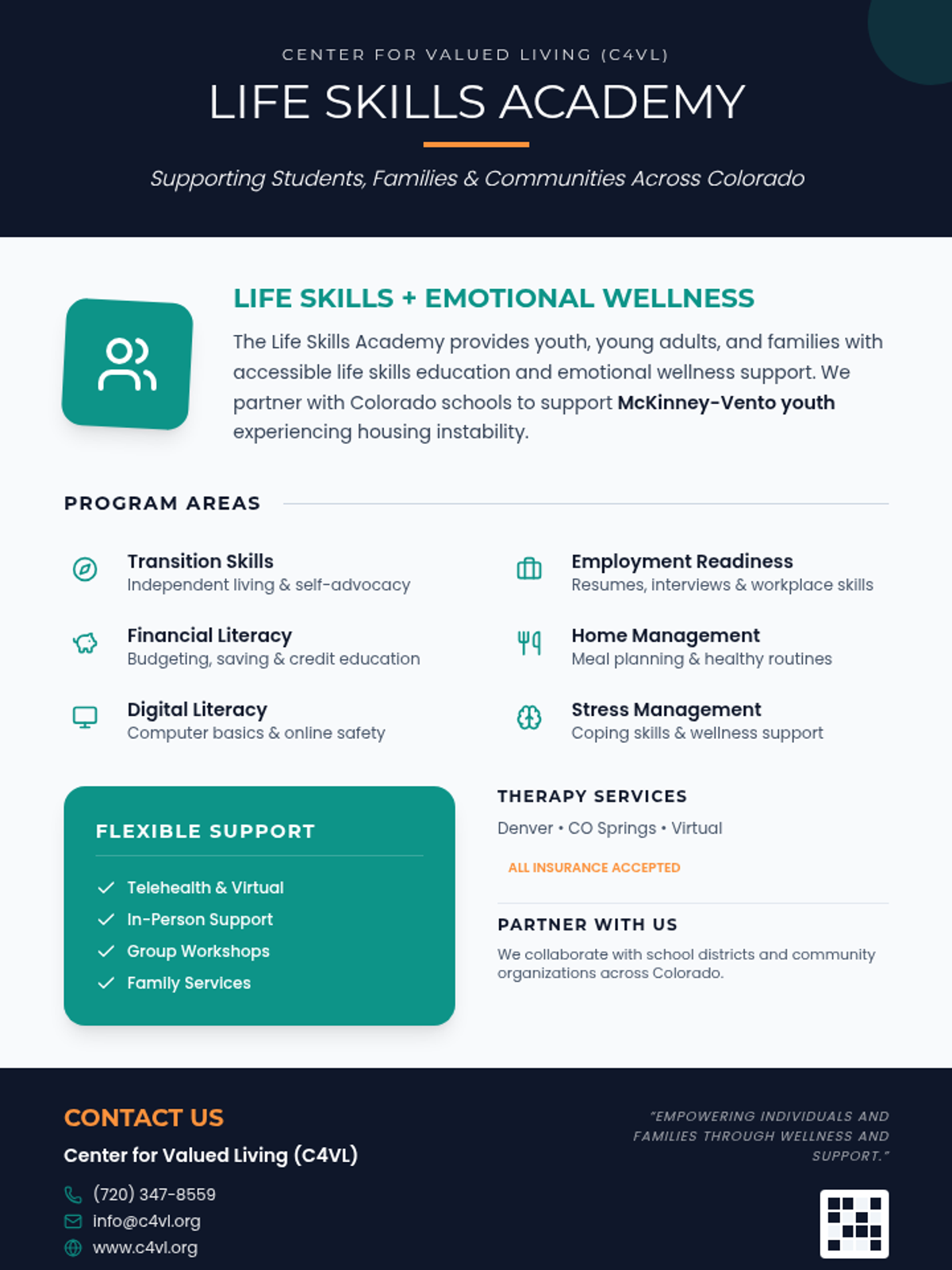
A professional one-page informational flyer for the C4VL Life Skills Academy, featuring a clean teal and navy blue design with sections on program areas, support options, and partnership opportunities.
Visual presentation for the Digital Hire lesson, now containing level 1-3 informational slides for adult learners, 3 embedded YouTube videos, all 8 'Challenge Mode' individual practice slides, and 8 verbal 'Portal Panic' scenarios. High-visibility, classroom-ready design.