Fundamental hardware proficiency, secure online behavior, and ethical social media engagement. Equips learners with productivity tool mastery, web publishing skills, and critical evaluation of emerging technologies.
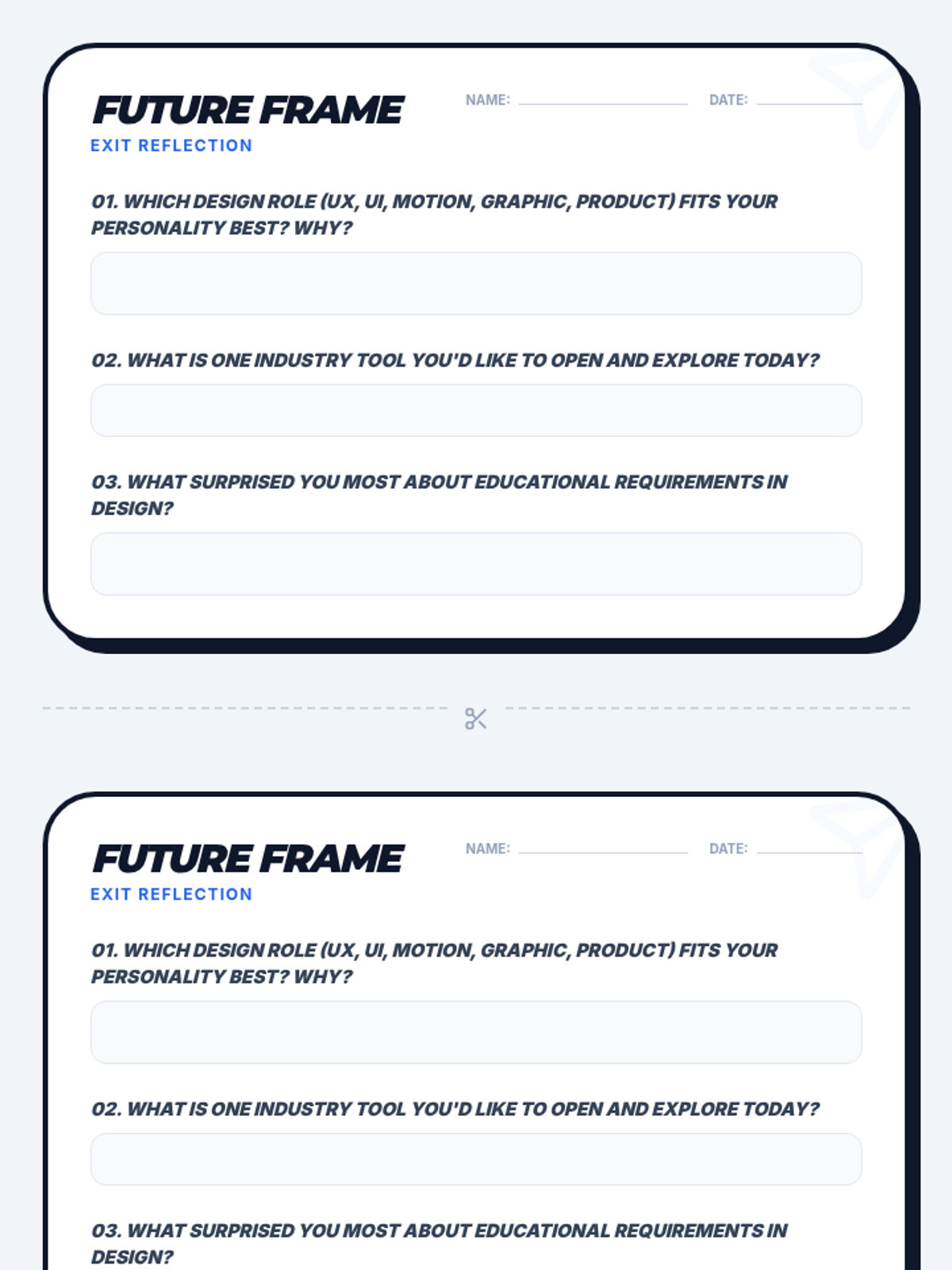
A reflective exit ticket for students to identify their preferred digital design career path and key takeaways from the lesson.
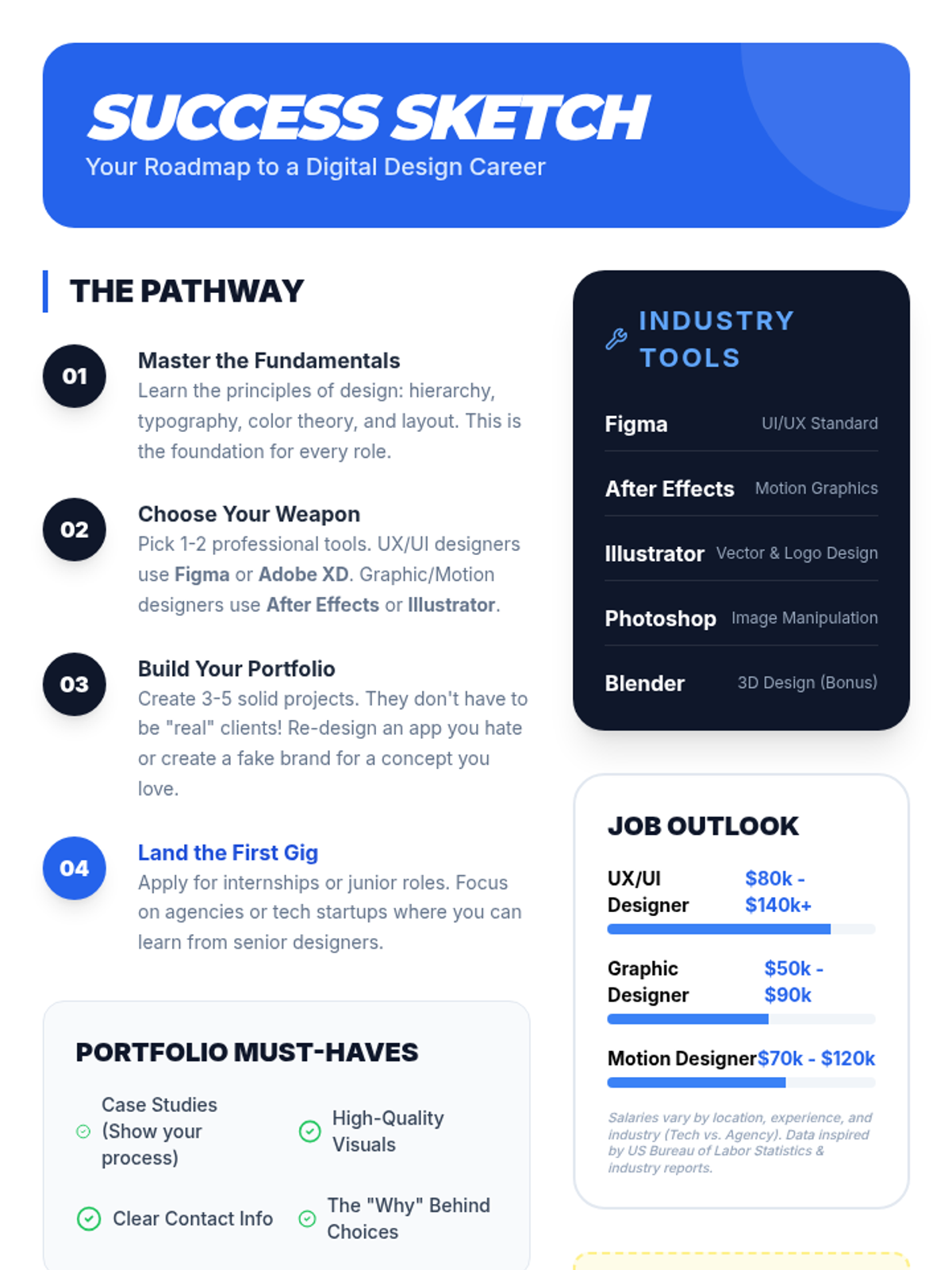
A visual career roadmap and reference sheet for students outlining essential design tools, portfolio tips, and industry salary insights.
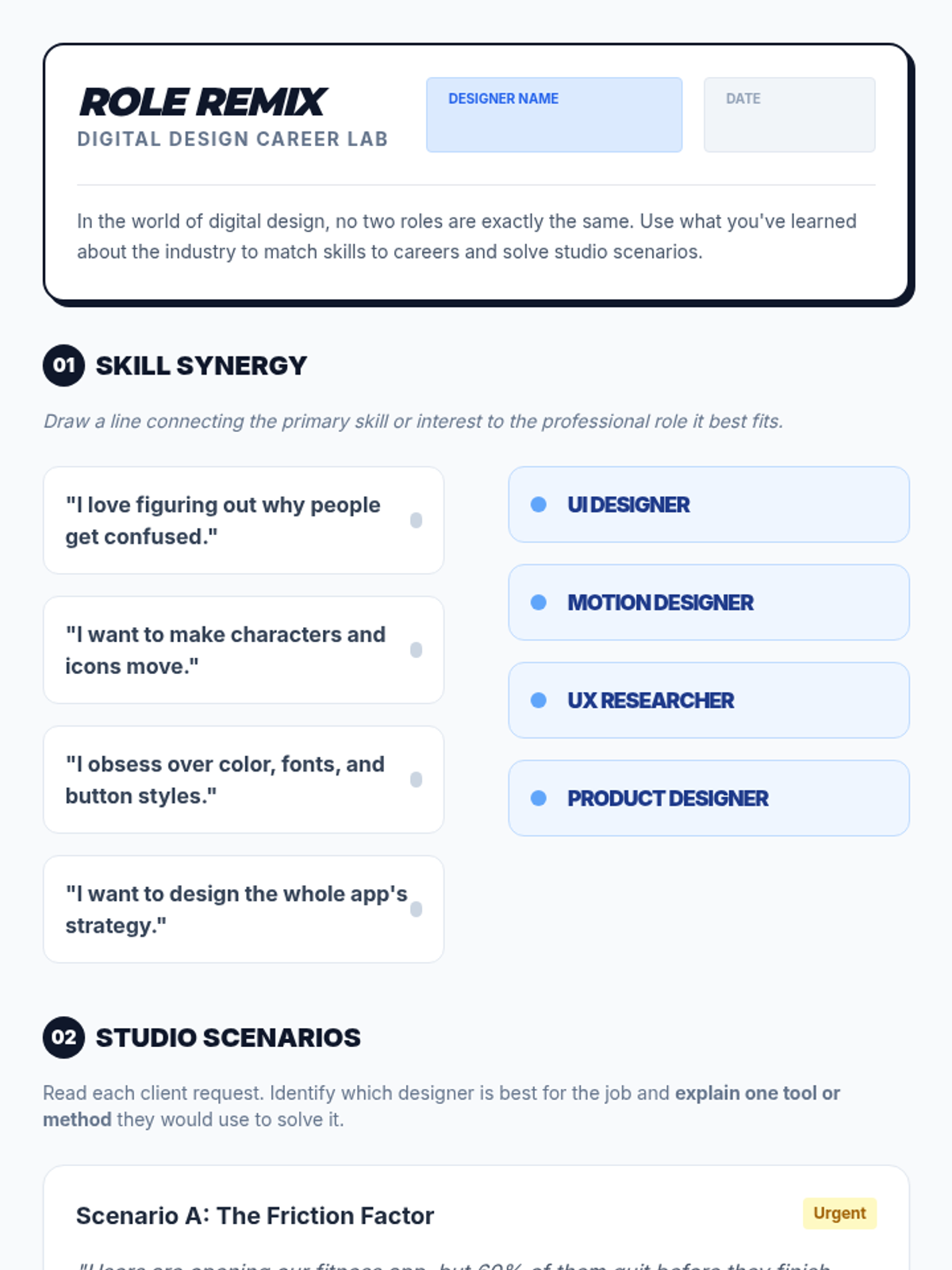
A student activity worksheet for matching skills to digital design roles and solving real-world design scenarios.
Visual presentation slides exploring five core digital design careers, their daily challenges, and the educational paths available to students.
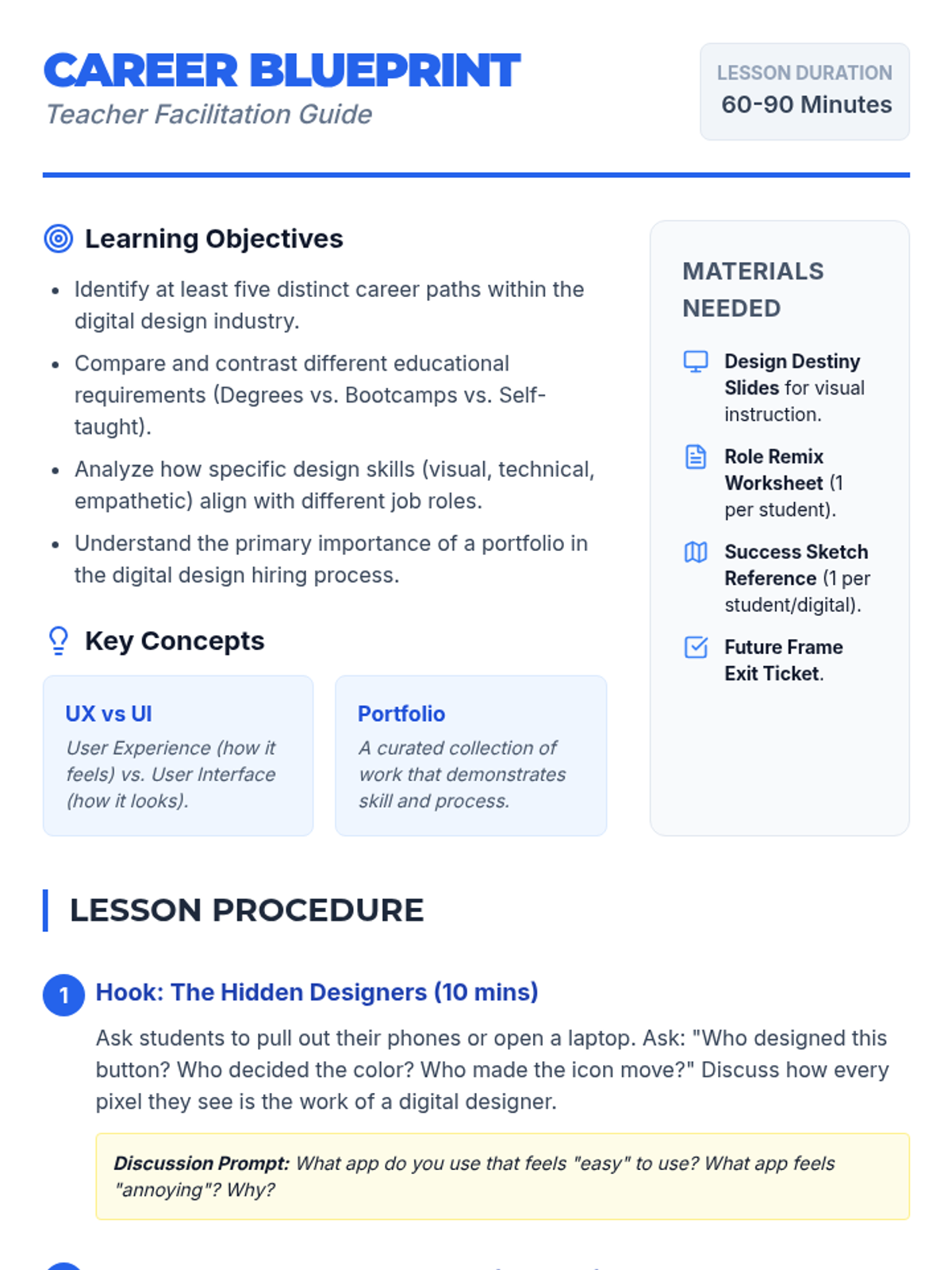
A comprehensive teacher facilitation guide for the 'Design Destiny' lesson, including learning objectives, a step-by-step procedure, and differentiation strategies.
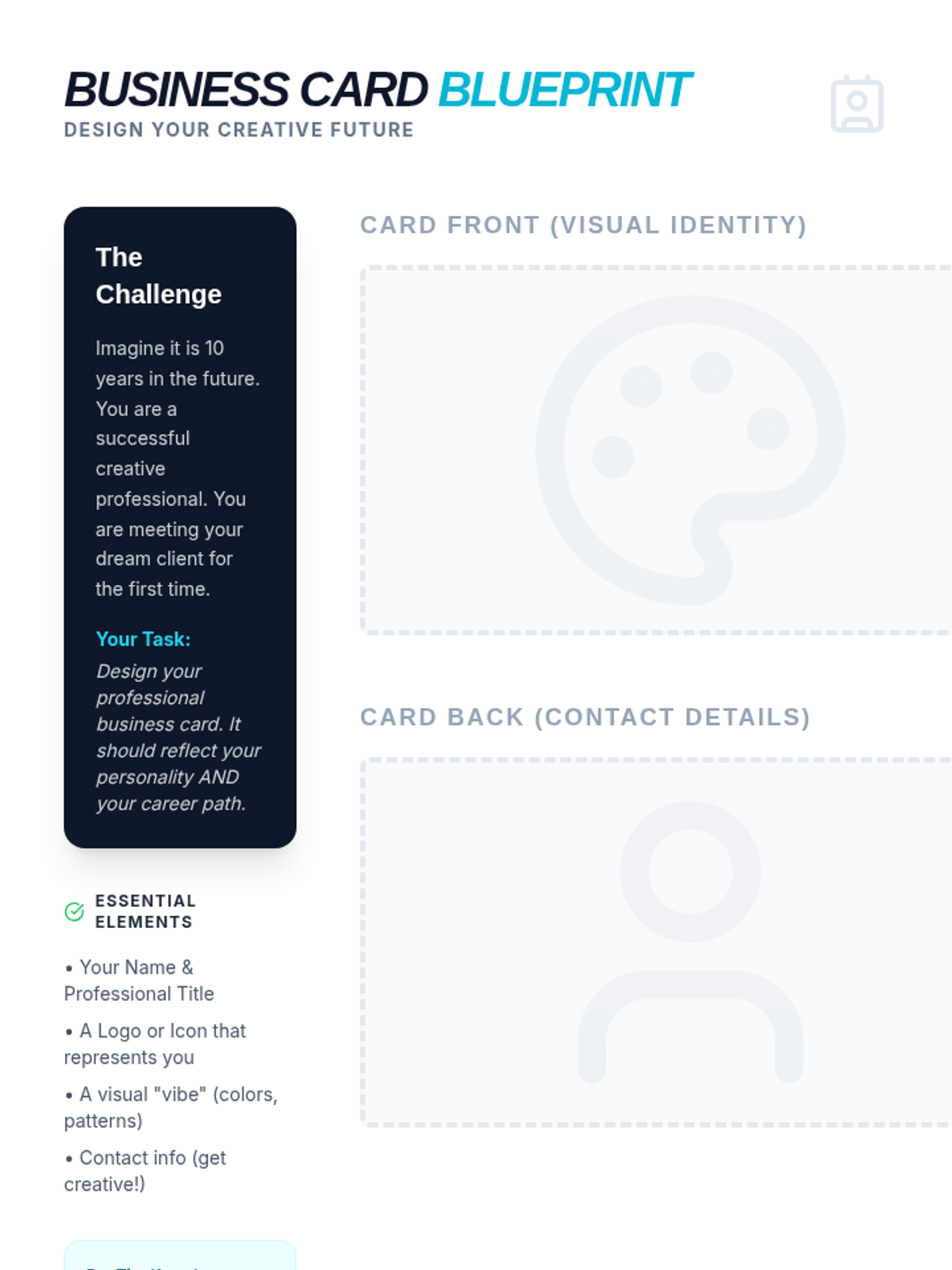
A creative activity where students design their own professional business card for a future art career, including space for front/back designs and a design reflection.
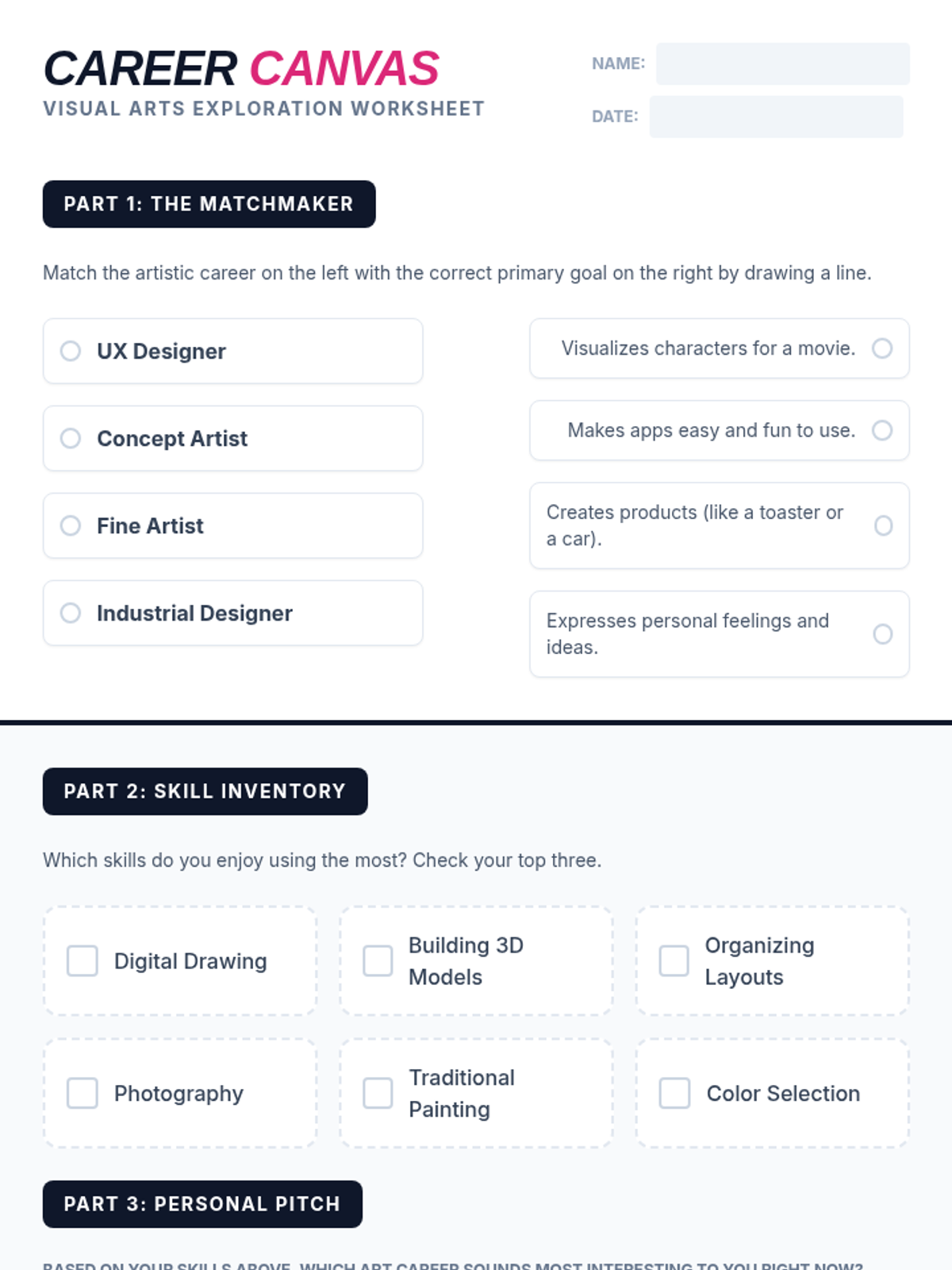
A student worksheet designed to help students explore and reflect on art careers, including a matching activity and a personal skill inventory.
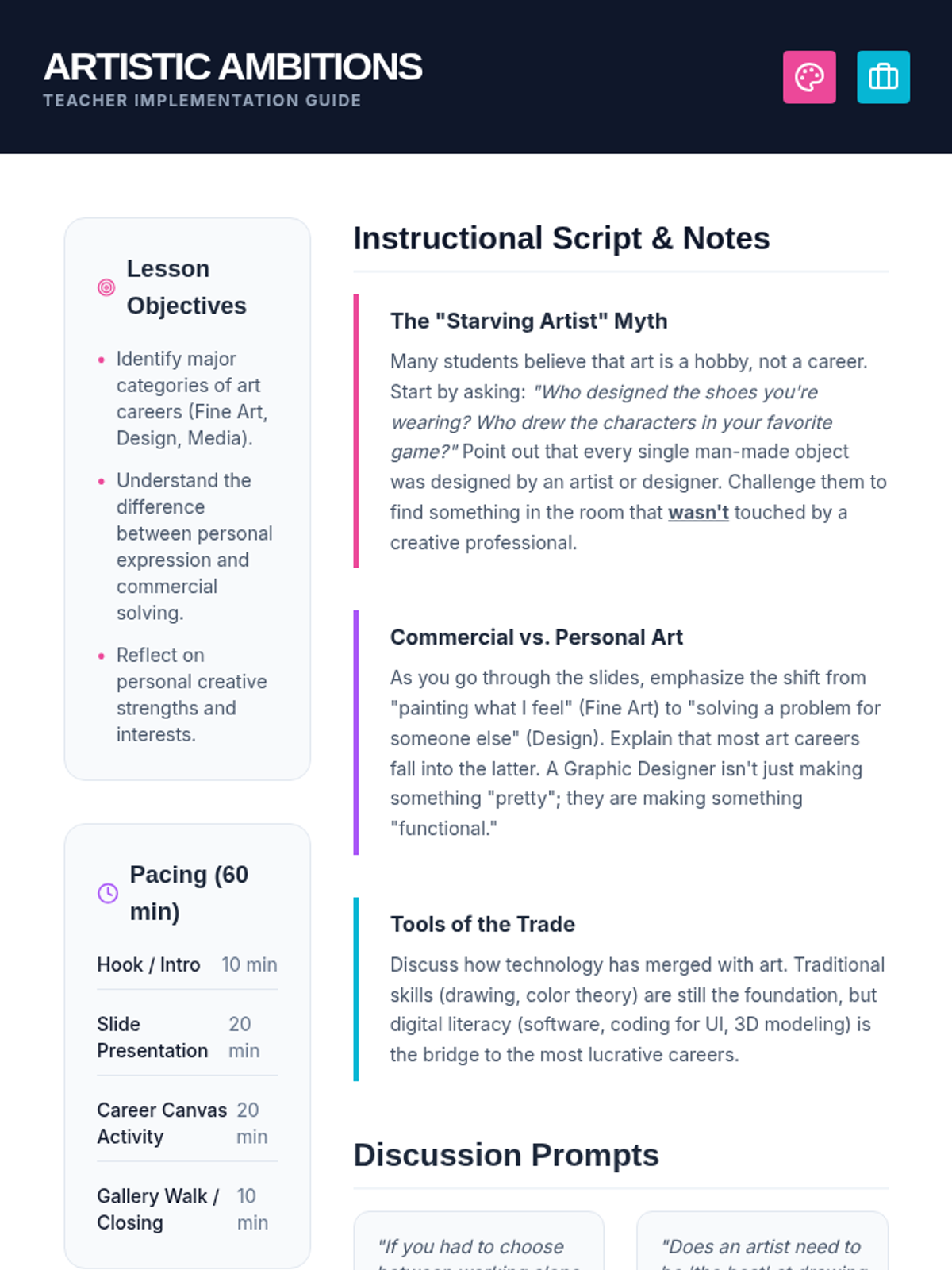
A comprehensive teacher guide for the Artistic Ambitions lesson, including pacing, discussion prompts, and instructional notes to debunk myths about art careers.
A vibrant, high-impact slide deck exploring professional paths in the visual arts, covering fine art, design, media, and architecture.
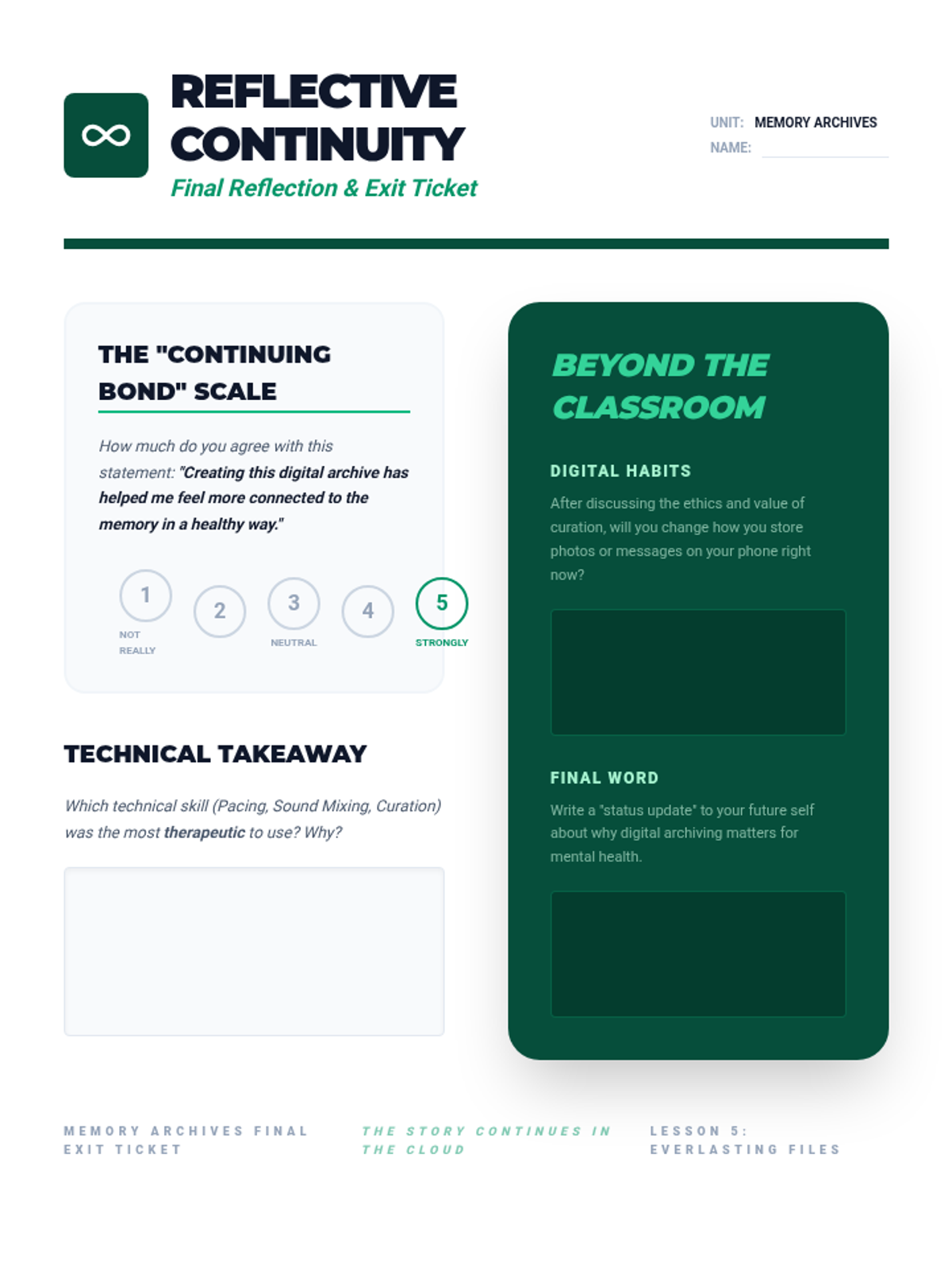
Final exit ticket and reflection sheet for the Memory Archives sequence, allowing students to self-assess their emotional connection to the project and reflect on future digital habits.
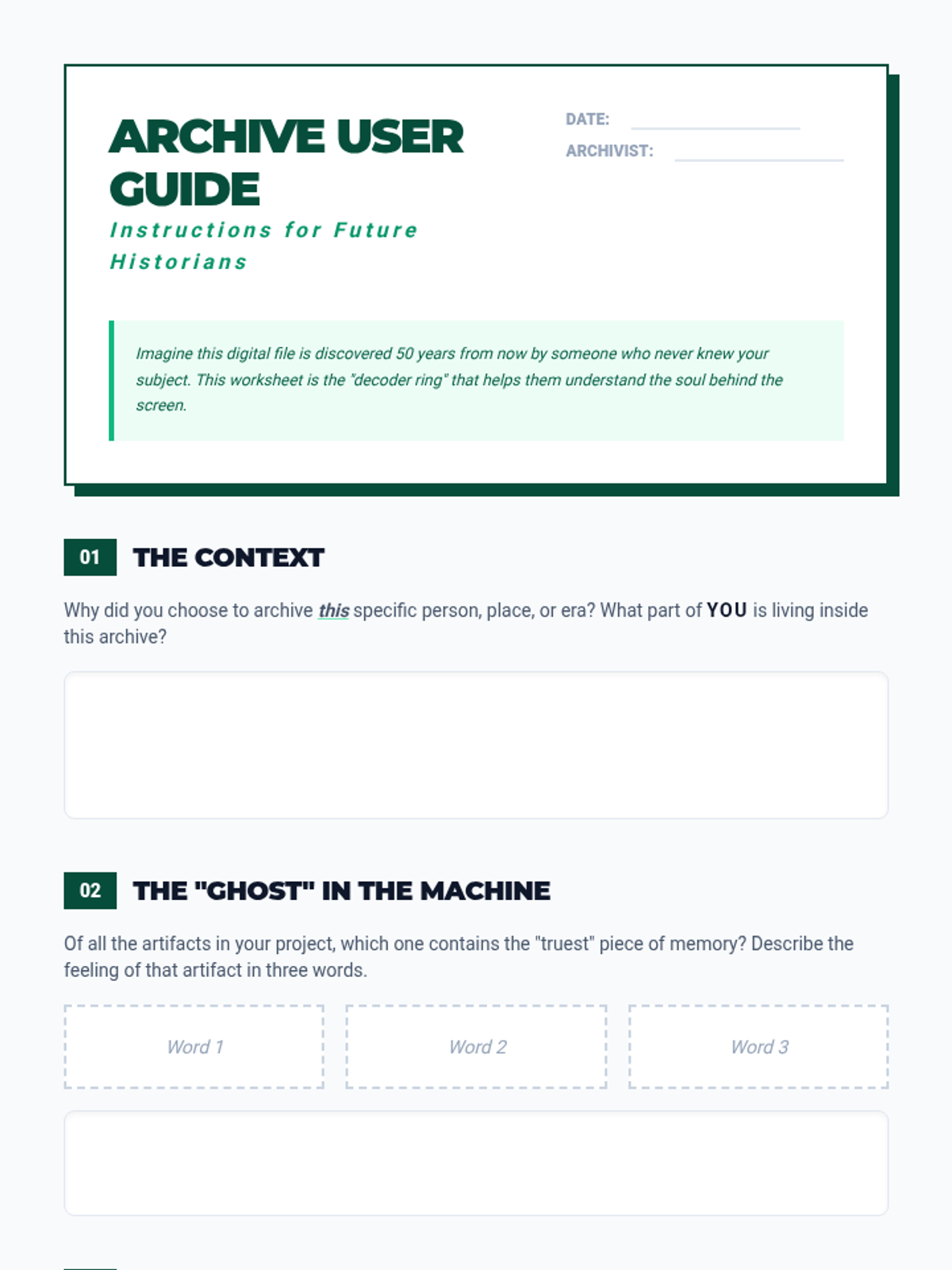
Final reflection worksheet for Lesson 5, serving as a "User Guide" for the student's digital archive and helping them articulate the personal and historical significance of their project.
Slide deck for Lesson 5, focusing on the psychological concept of continuing bonds, digital maintenance of archives, and the long-term legacy of memory storytelling.
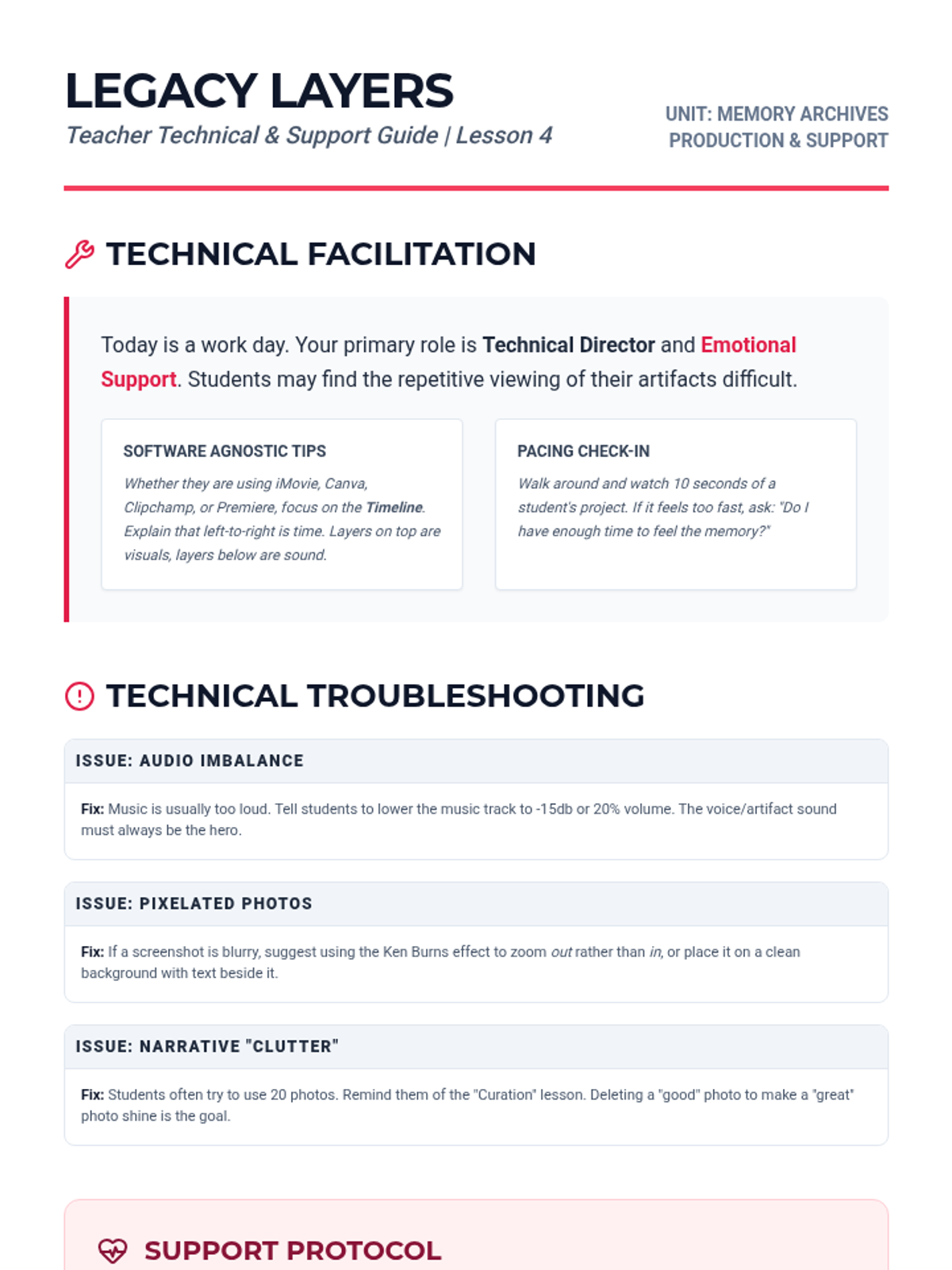
Teacher guide for Lesson 4, offering technical troubleshooting tips for multimedia production and guidance on supporting students emotionally during the assembly of their memory projects.
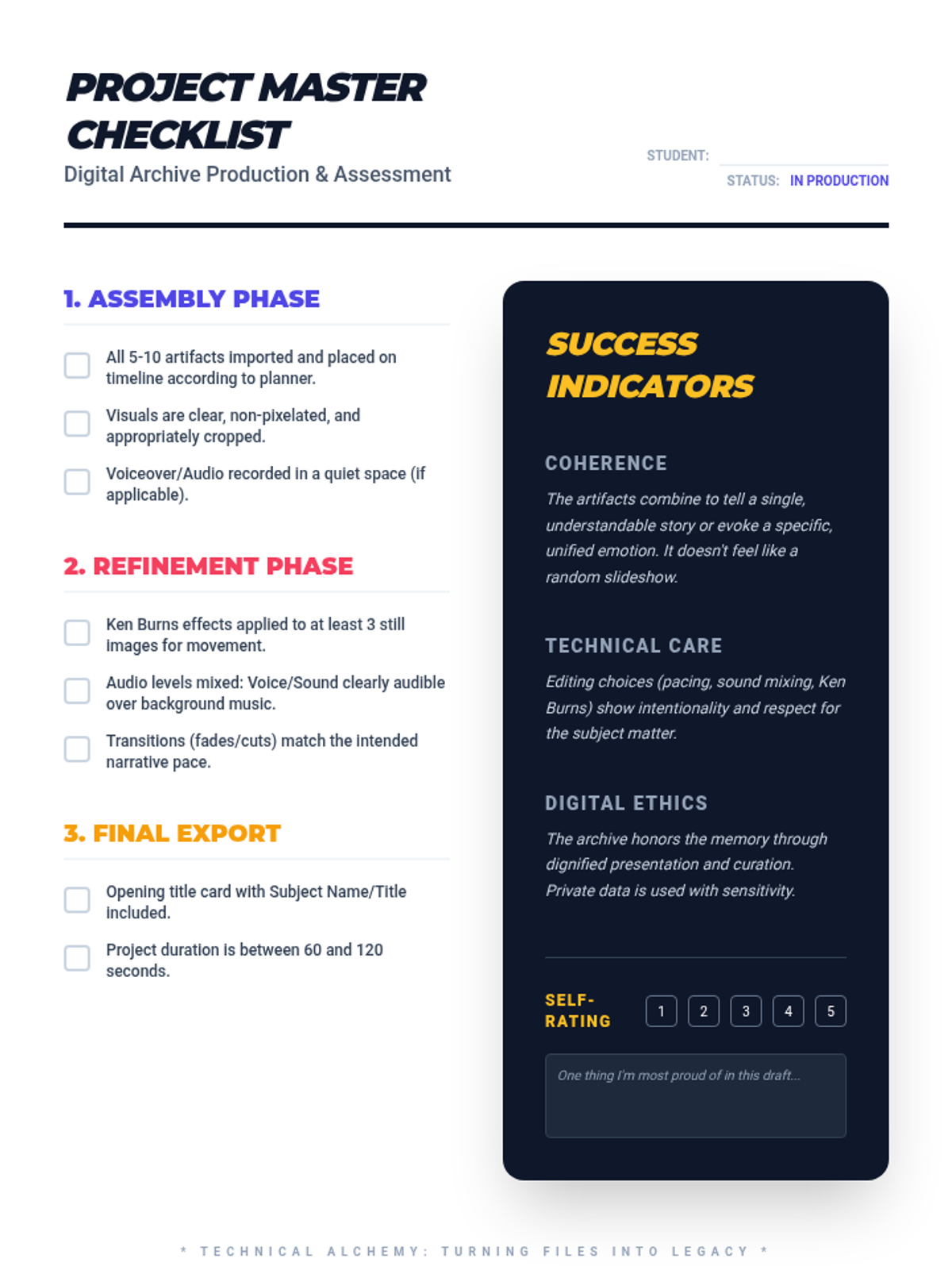
Student project guide and checklist for Lesson 4, detailing the production steps and assessment criteria for the multimedia archive project.
Slide deck for Lesson 4, guiding students through the technical production of their multimedia archive, including visual effects, audio mixing, and ethical considerations.
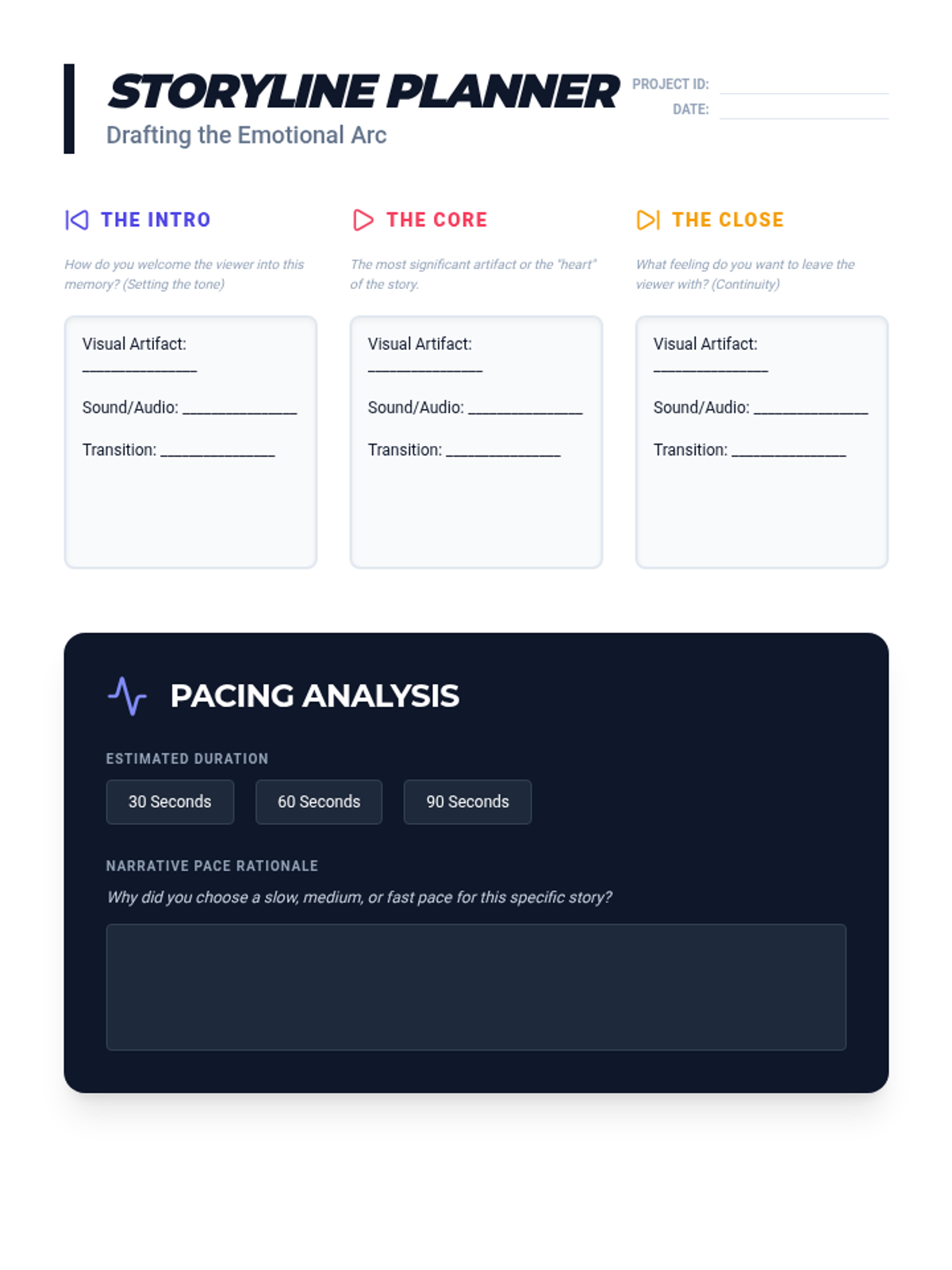
Student worksheet for Lesson 3, providing a structured template for planning the narrative arc, pacing, and audiovisual elements of their digital archive project.
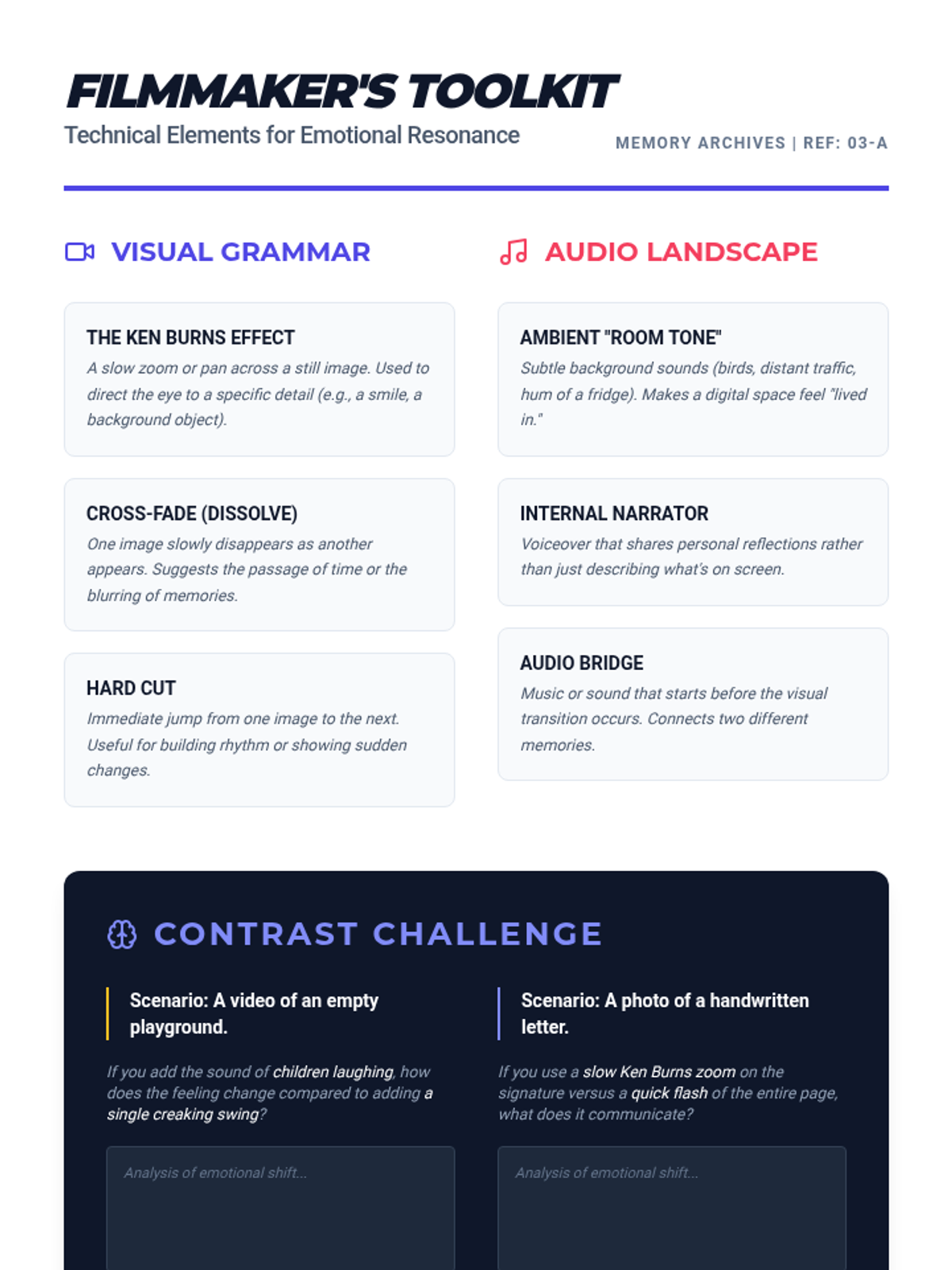
Student handout for Lesson 3, defining technical film elements like transitions and audio layers and how they contribute to storytelling resonance.
Slide deck for Lesson 3, exploring how video editing techniques like pacing, soundtracks, and silence can be used to control the emotional tone of a multimedia story.
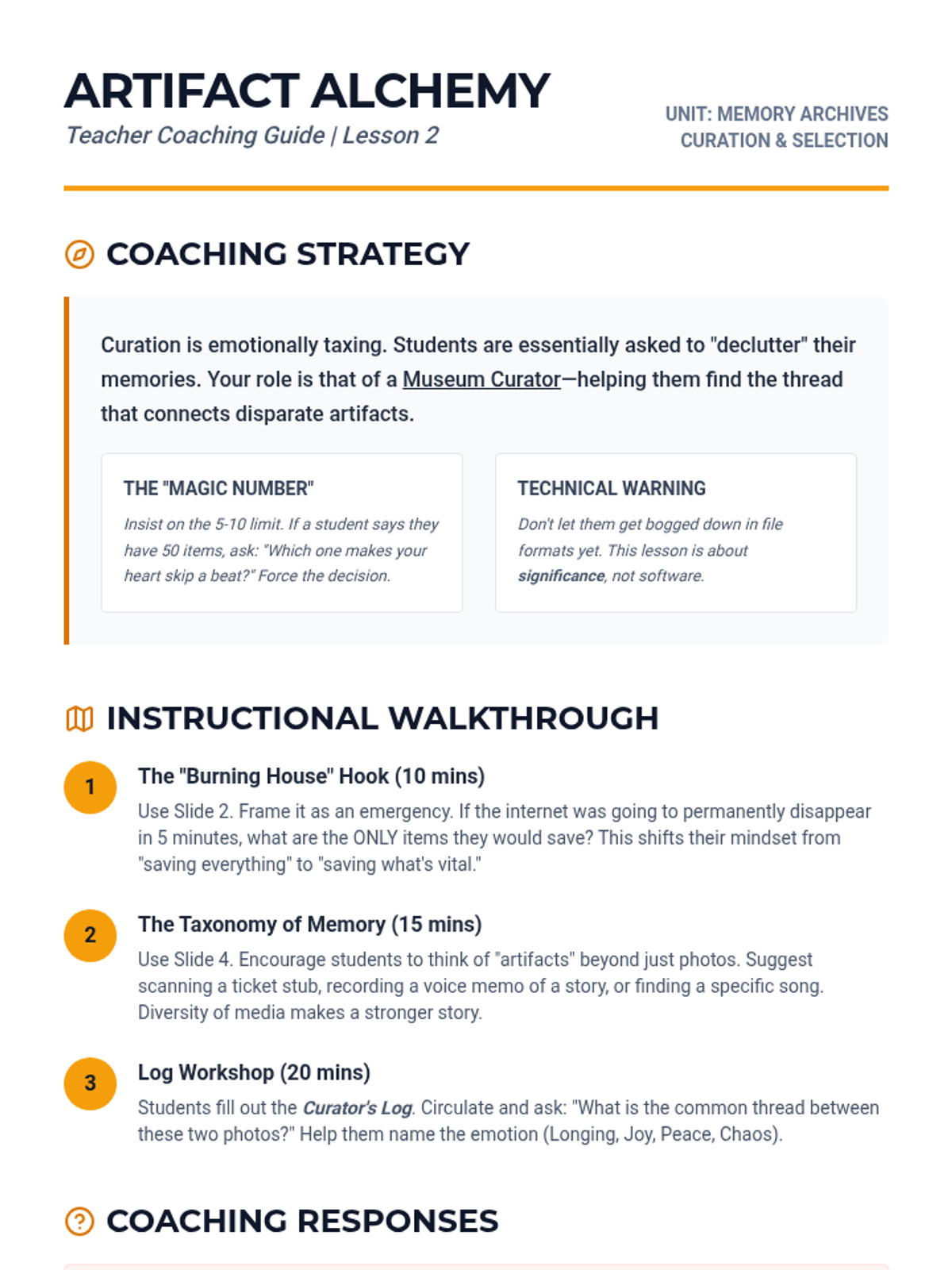
Teacher guide for Lesson 2, providing strategies for coaching students through the emotional process of curation and artifact selection.
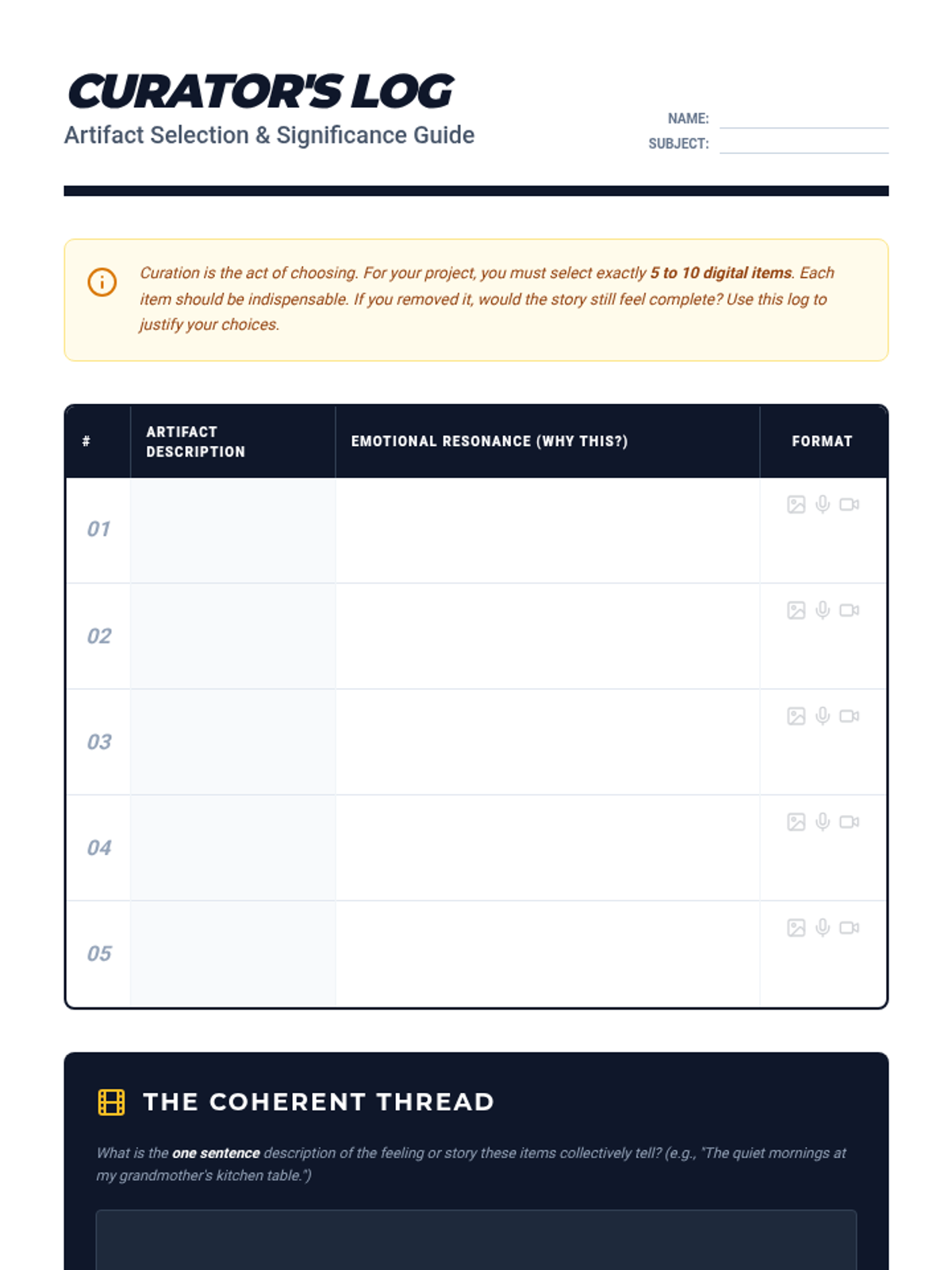
Student worksheet (Curator's Log) for Lesson 2, designed for identifying, describing, and justifying the selection of 5-10 digital artifacts for their memory project.
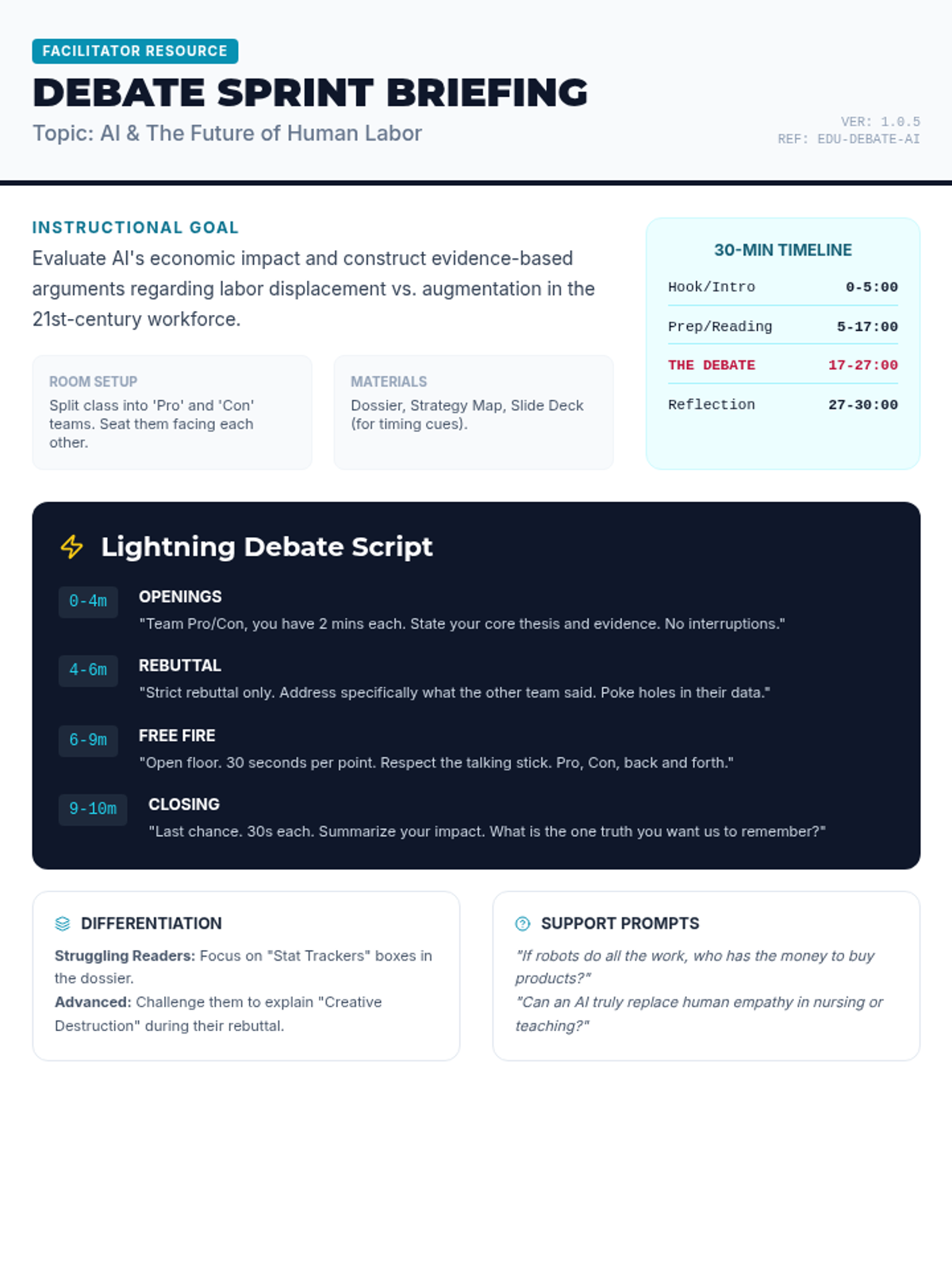
A comprehensive teacher's guide for facilitating the 30-minute 'Future Work Debate,' including a minute-by-minute script for the 'Lightning Debate' and tips for differentiation. Tightened to fit on a single page.
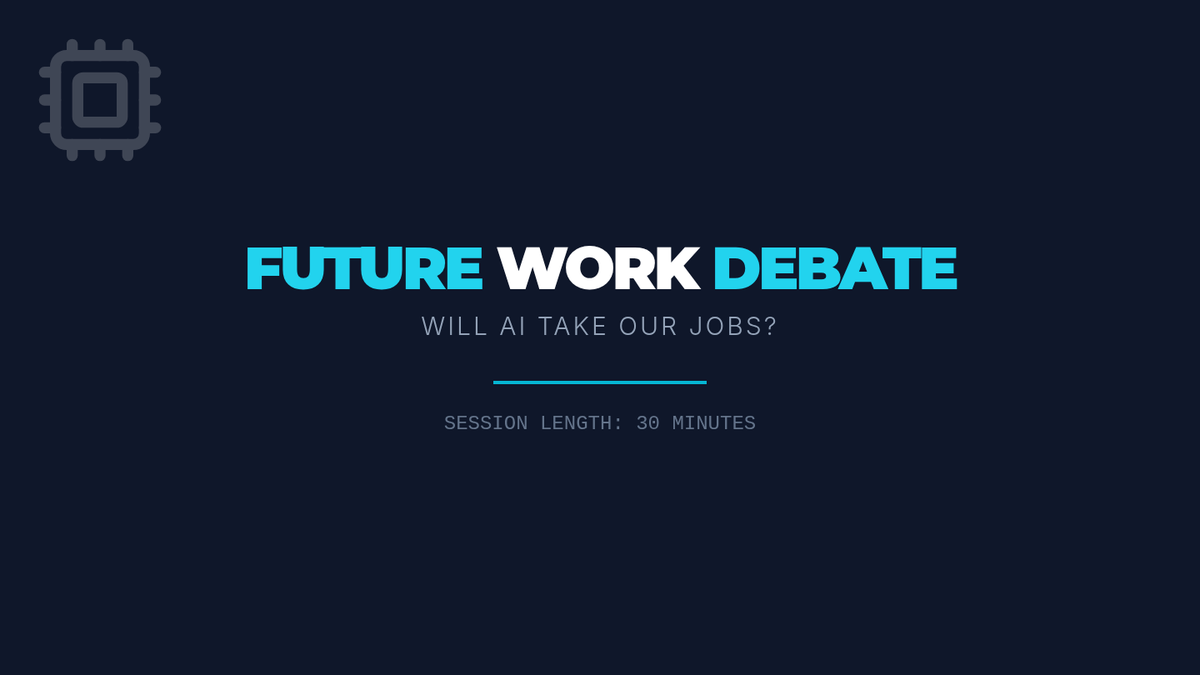
A 6-slide presentation deck designed to facilitate a 30-minute debate session, featuring clear timing, phases of the 'lightning' debate, and ground rules for middle school students.
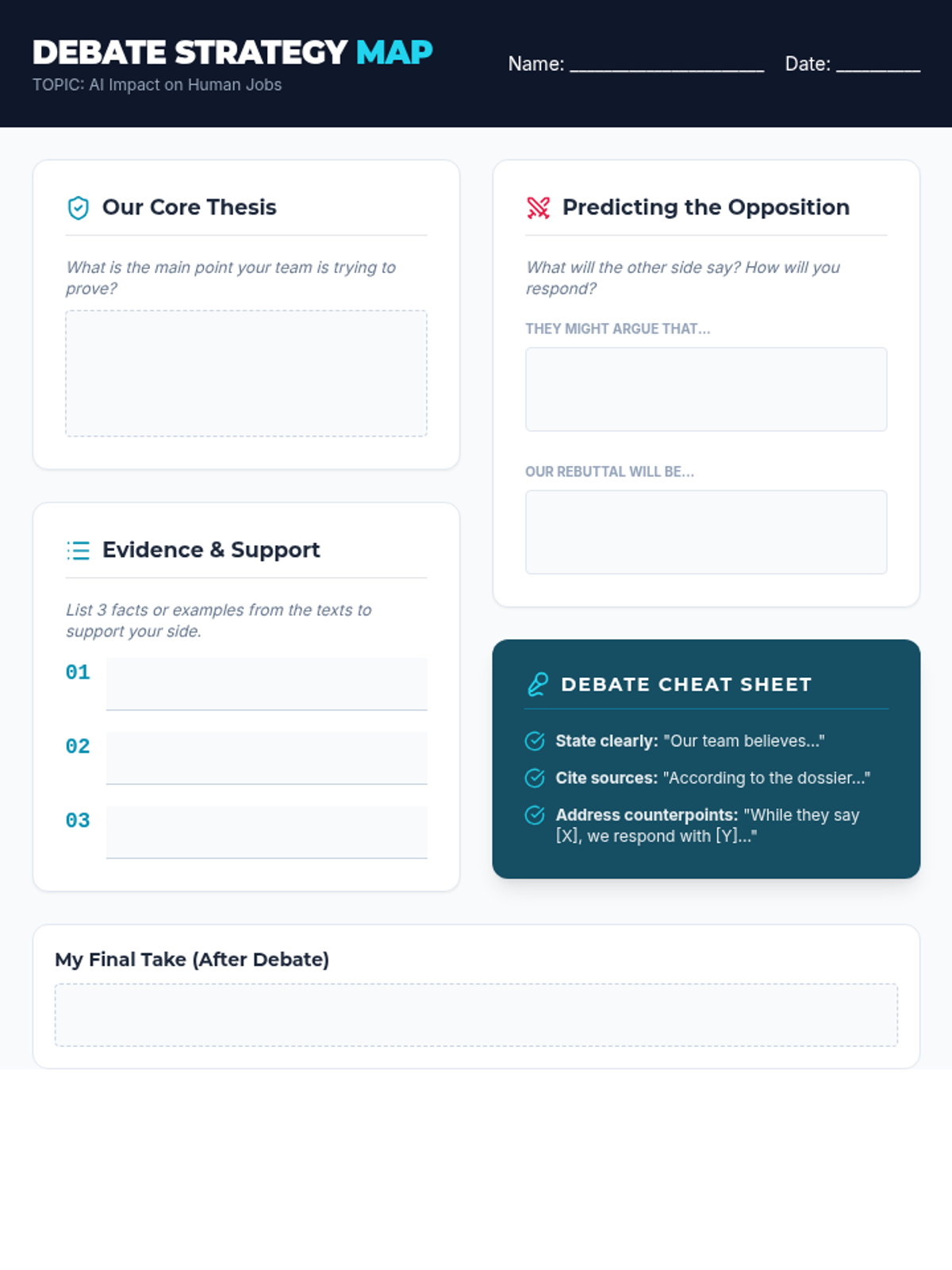
A structured graphic organizer for students to prepare their debate arguments, including sections for thesis development, evidence collection, and predicting counter-arguments.
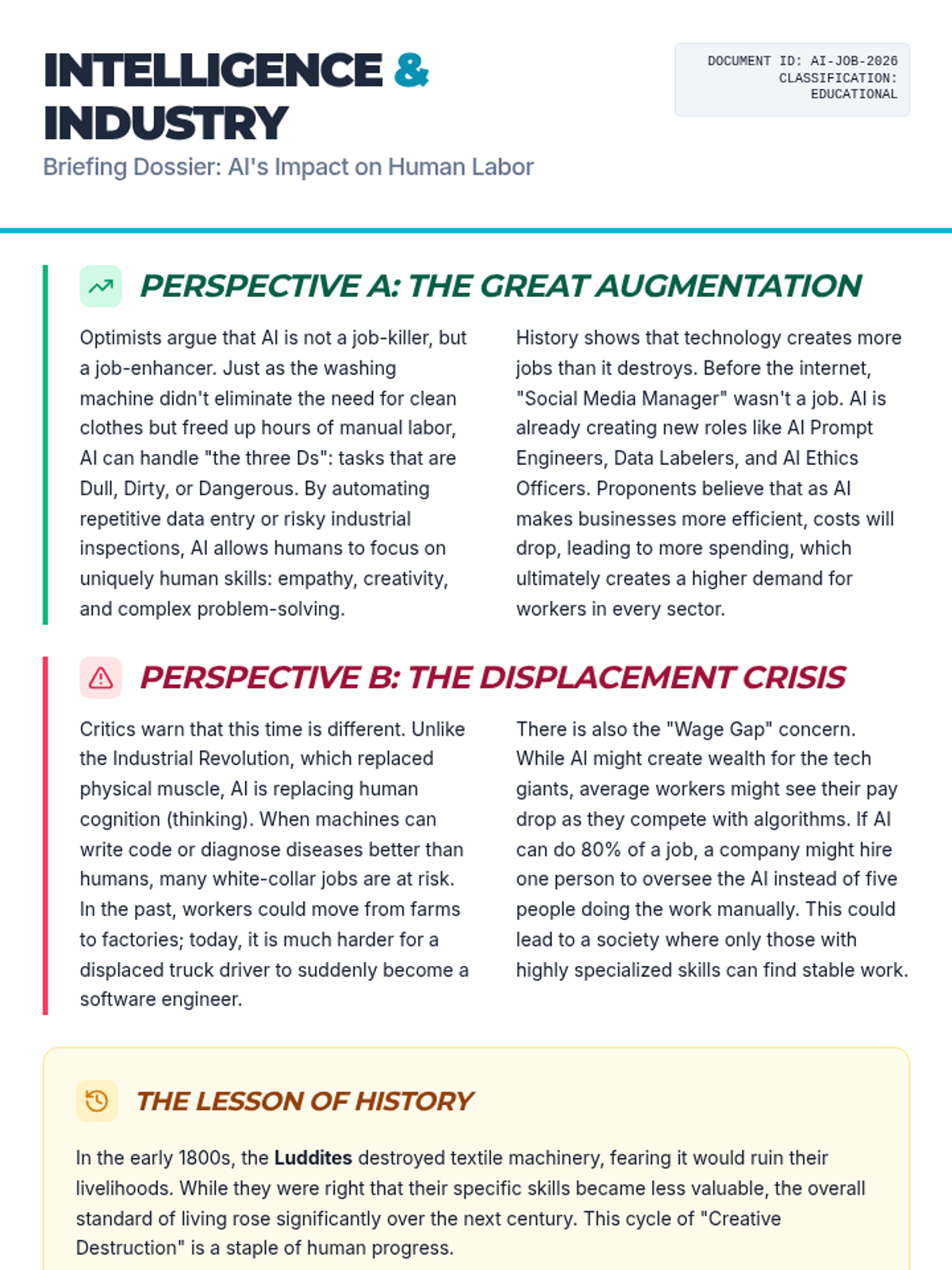
A two-page informational text dossier providing three distinct viewpoints on AI's impact on employment: the optimistic view of augmentation, the critical view of displacement, and the historical context of technological shifts.
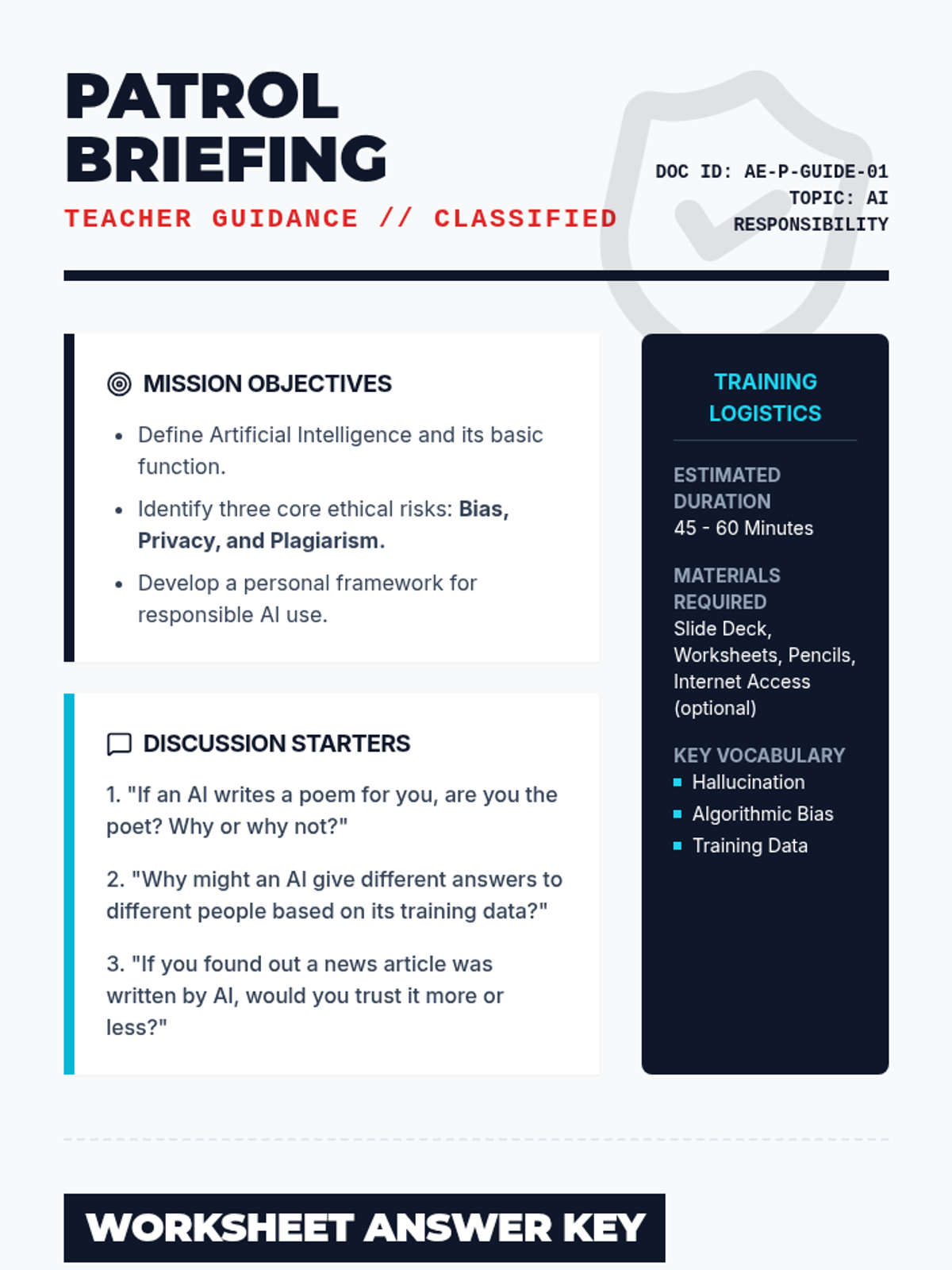
A detailed teacher-facing guide for the "Ethics Patrol" lesson. Includes lesson objectives, discussion prompts, a worksheet answer key, and strategic teaching tips for addressing AI responsibility.
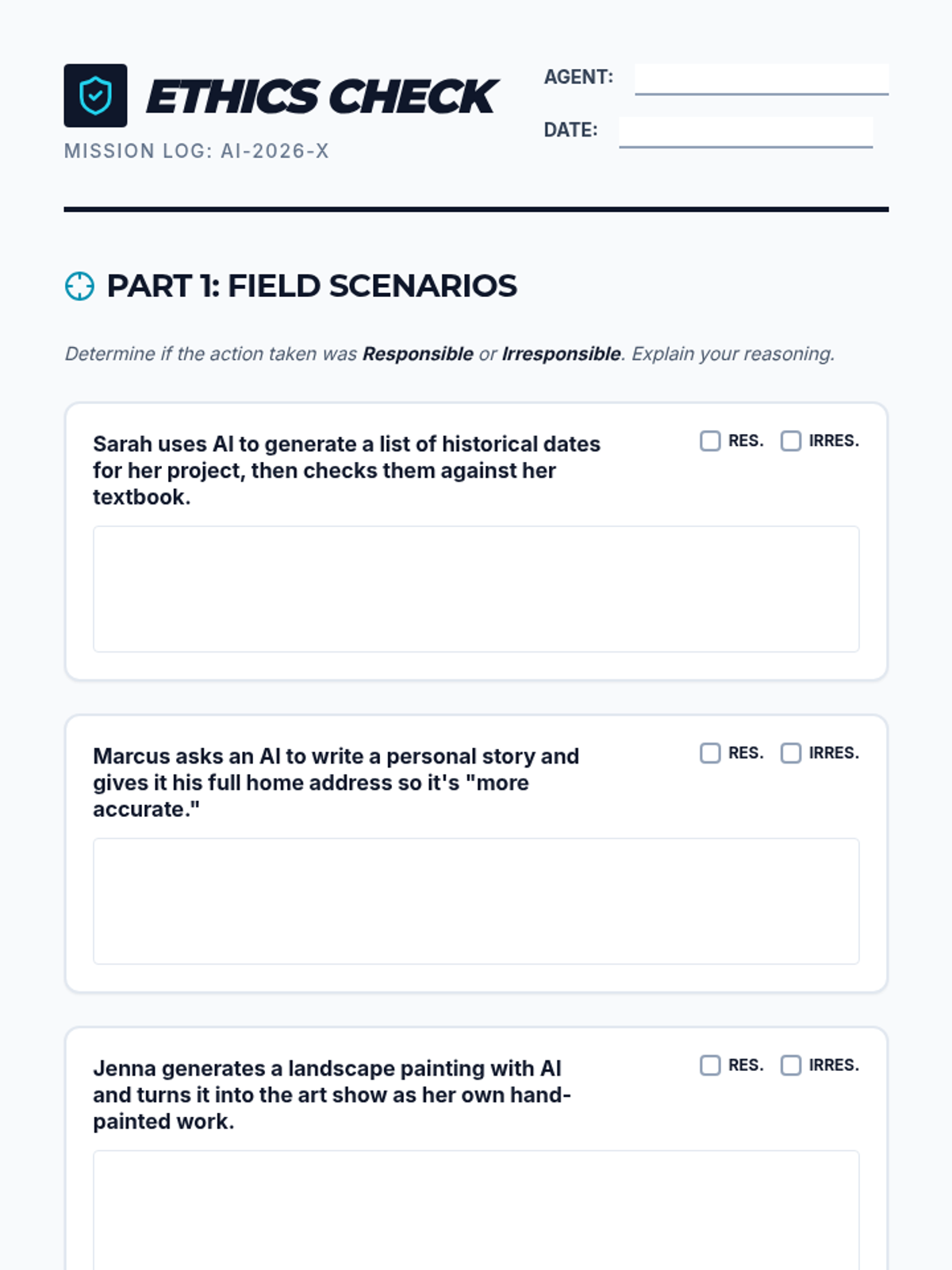
A student-facing worksheet where they analyze real-world AI use cases, identify privacy risks, and design their own ethical AI solution. Includes a signature section for the "Ethics Patrol Pledge".
A visually engaging slide deck designed for the "Ethics Patrol" lesson. It covers the basics of AI, ethical pitfalls like bias and privacy, and a real-world scenario to prompt classroom discussion.
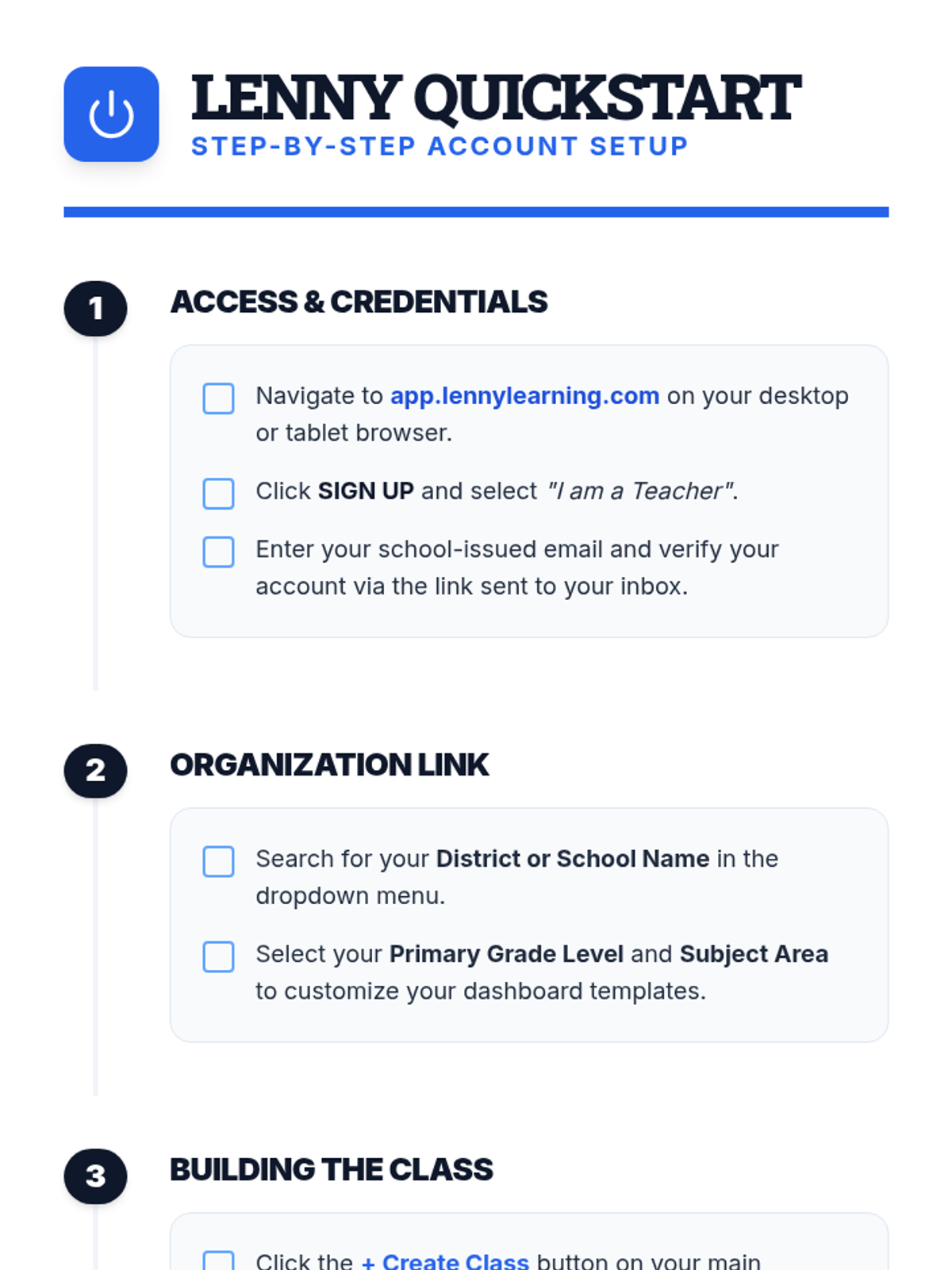
A clear, step-by-step document for teachers on setting up their Lenny Learning account, creating their first class, and onboarding students.
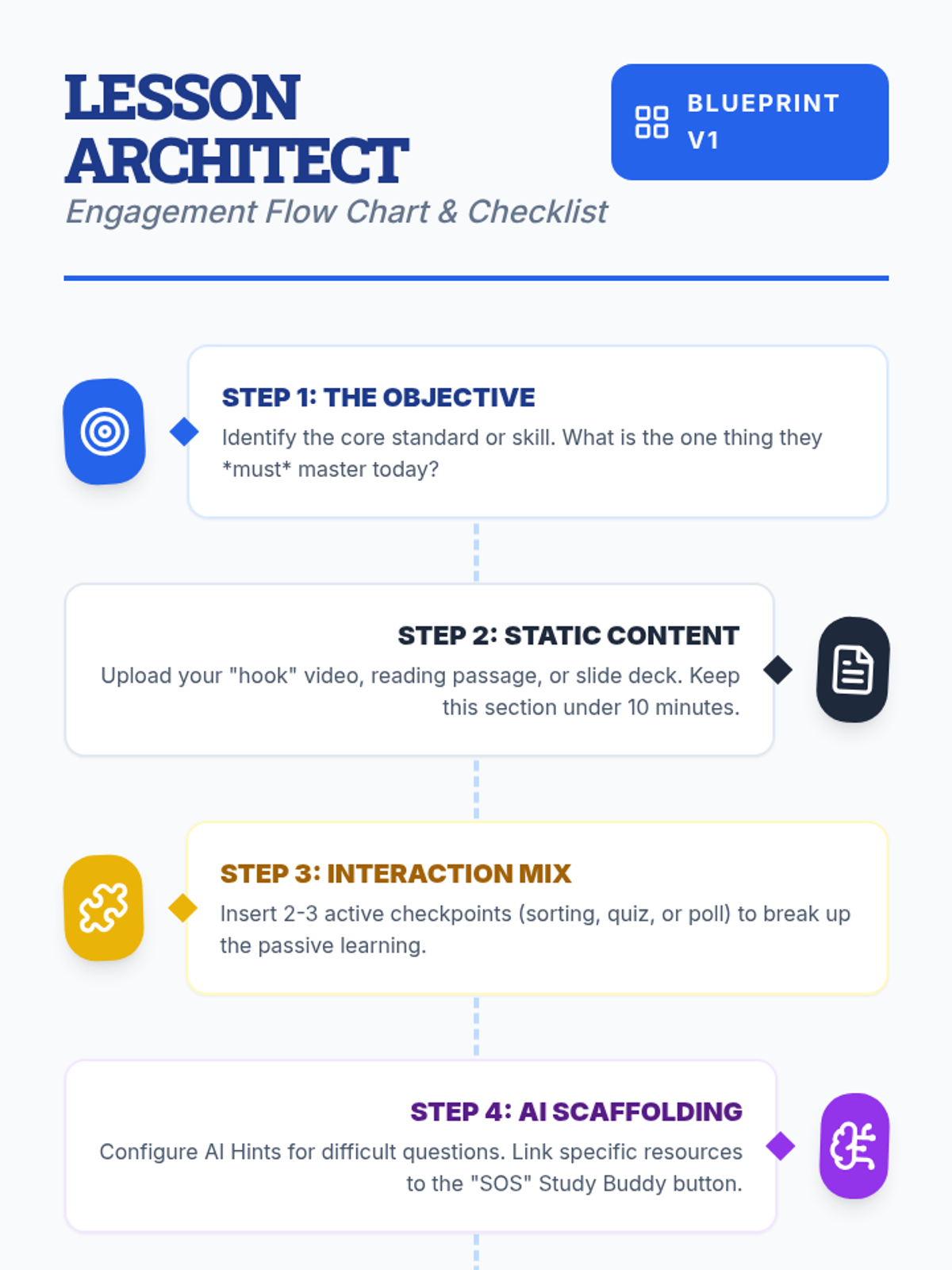
A visual flow chart and checklist for teachers detailing the step-by-step process of designing an engaging lesson on Lenny Learning.
A 10-slide presentation for teachers on designing engaging, interactive lessons using Lenny Learning's advanced features, gamification, and AI support.
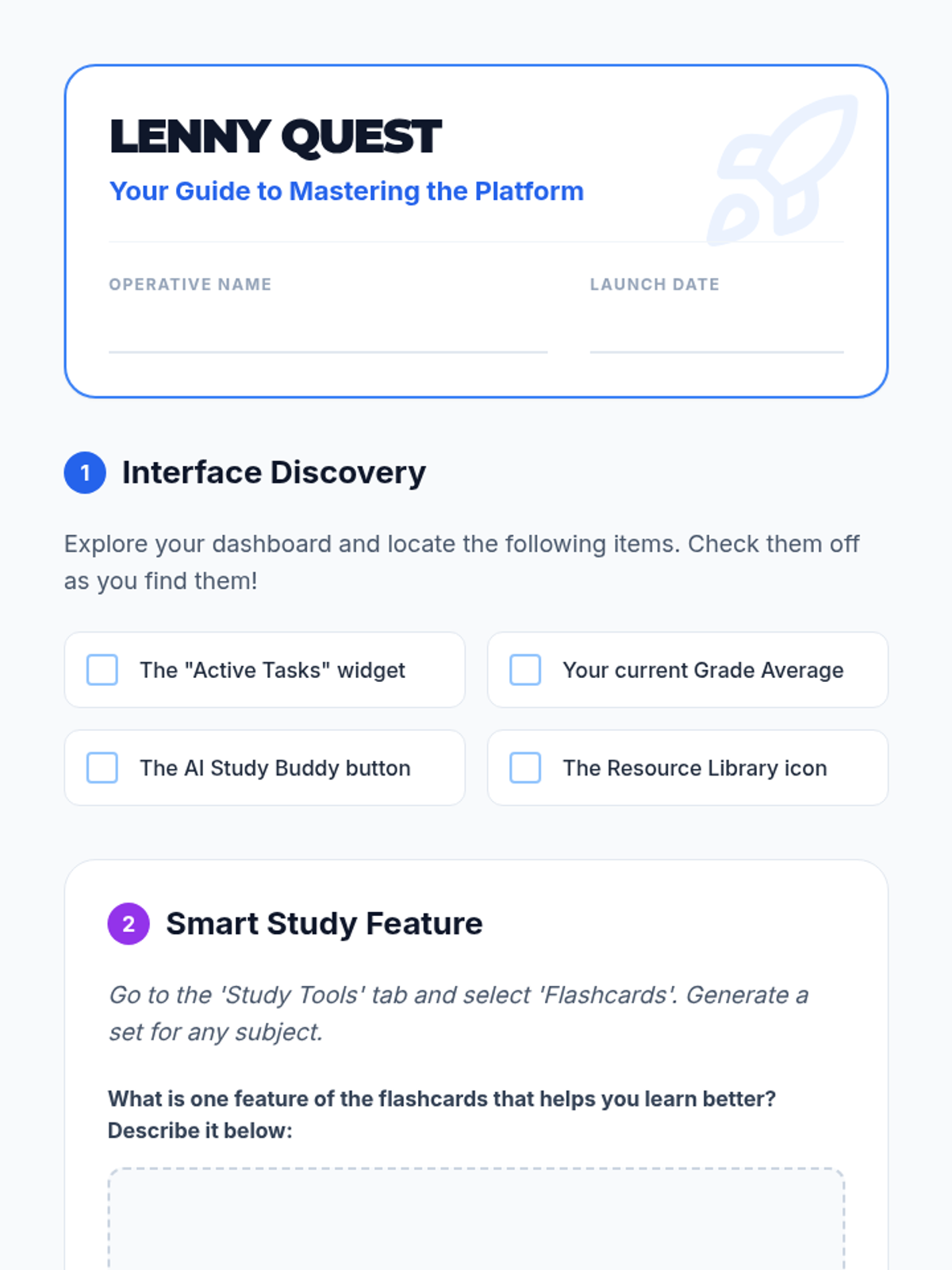
A student-facing scavenger hunt worksheet to help students explore the Lenny Learning interface and features.
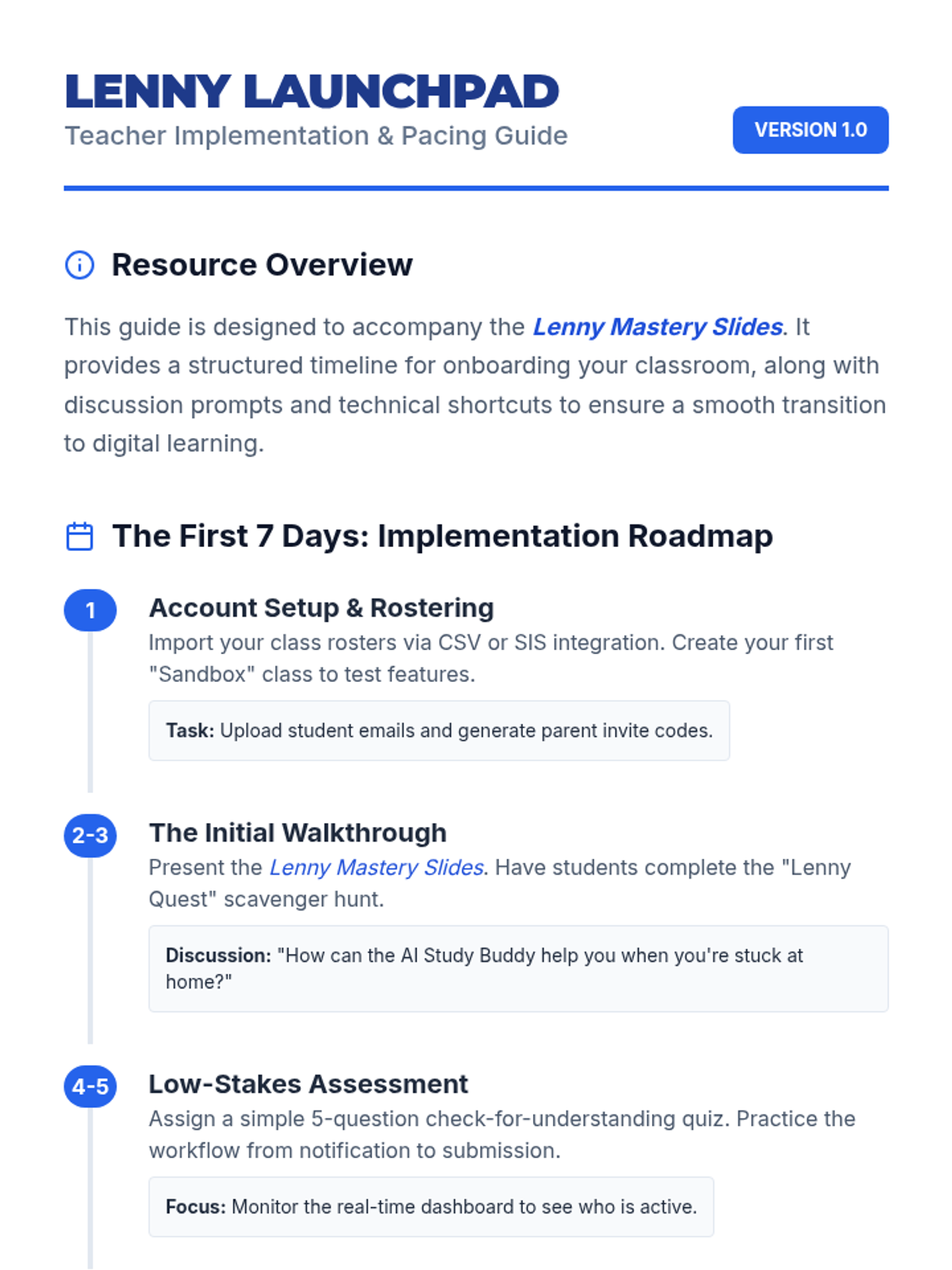
A teacher-facing guide with an onboarding timeline, troubleshooting tips, and classroom management strategies for implementing Lenny Learning.
A 10-slide presentation designed for teachers, providing a beginner-friendly overview of Lenny Learning's assignment workflows, study tools, and dashboard features.
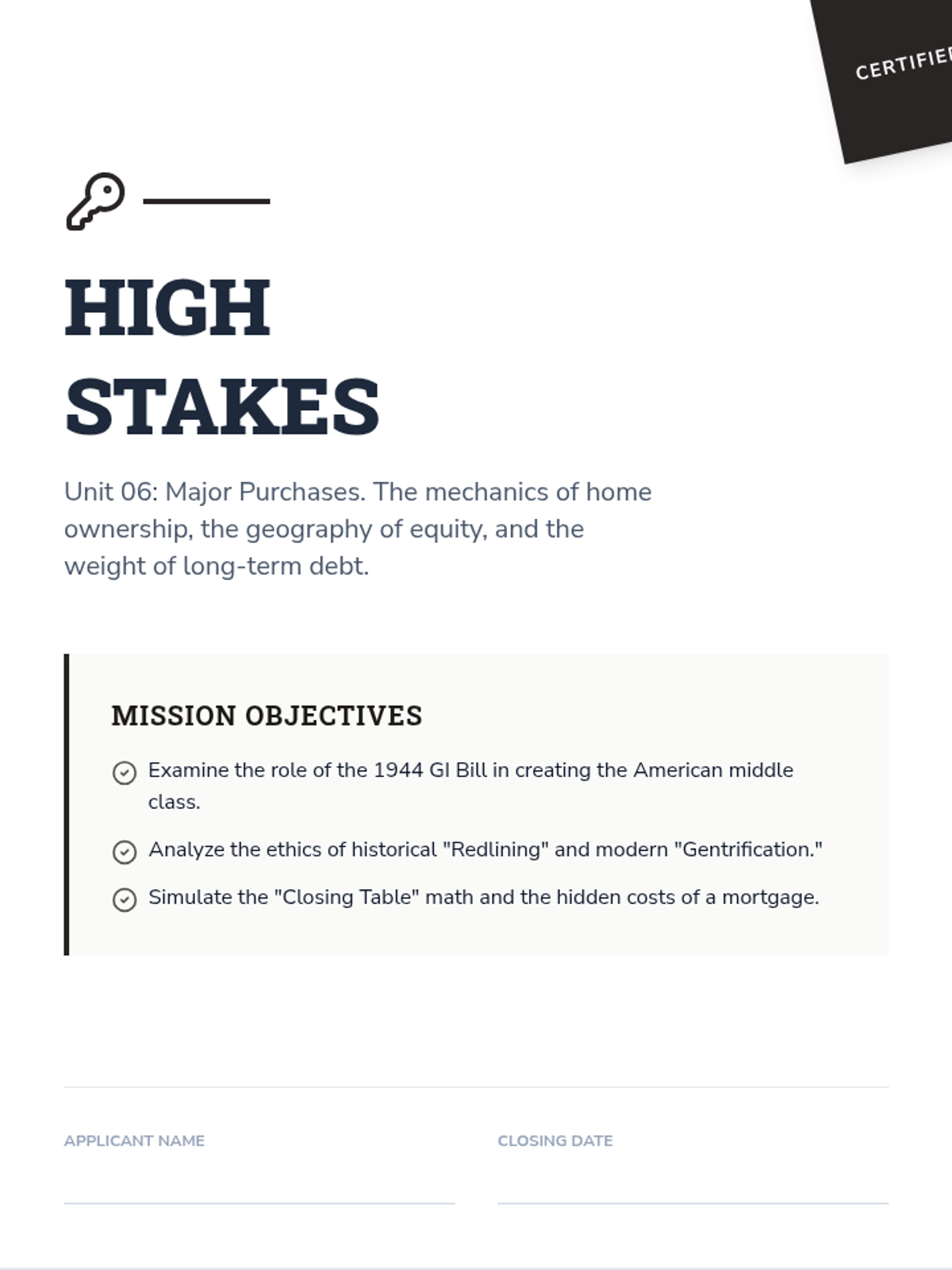
A 10-page scenario-based workbook on major purchases. Features the history of the GI Bill, the mechanics of amortization and equity, home buying simulations with closing costs, and the ethics of redlining and gentrification.
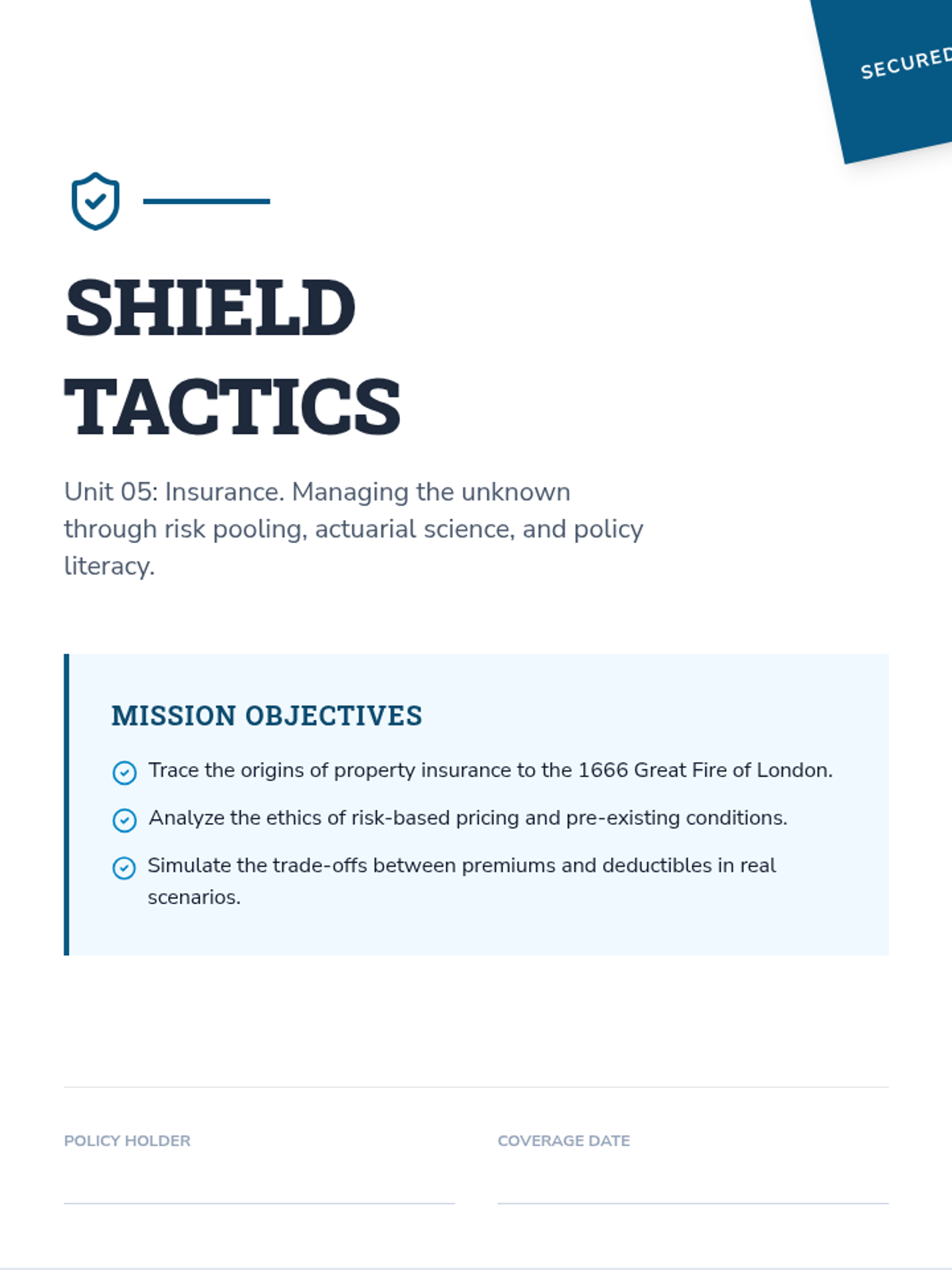
A 10-page scenario-based workbook on insurance. Features the history of the Great Fire of London, the mechanics of risk pooling, auto and health insurance simulations, and the ethics of genetic testing and pre-existing conditions.
A 10-page scenario-based workbook on consumer skills. Covers the history of food safety, the ethics of planned obsolescence, "Right to Repair" policy, and simulations for subscription cancellations and negotiation tactics.
A 10-page workbook on modern banking, covering fractional reserve systems, the Wildcat Banking era, overdraft ethics, and liquidity management. Includes simulations for choosing bank accounts and managing transaction clearing times.
A 10-page workbook on the psychology and mechanics of financial decision-making. Features an analysis of the 2008 Financial Crisis, ethical debates on credit scores, and simulations for car buying and educational ROI.
A 10-page scenario-based workbook focusing on digital literacy, source verification, and the ethics of algorithmic research. Includes historical case studies, policy analysis of Section 230, and simulations for apartment hunting and medical vetting.
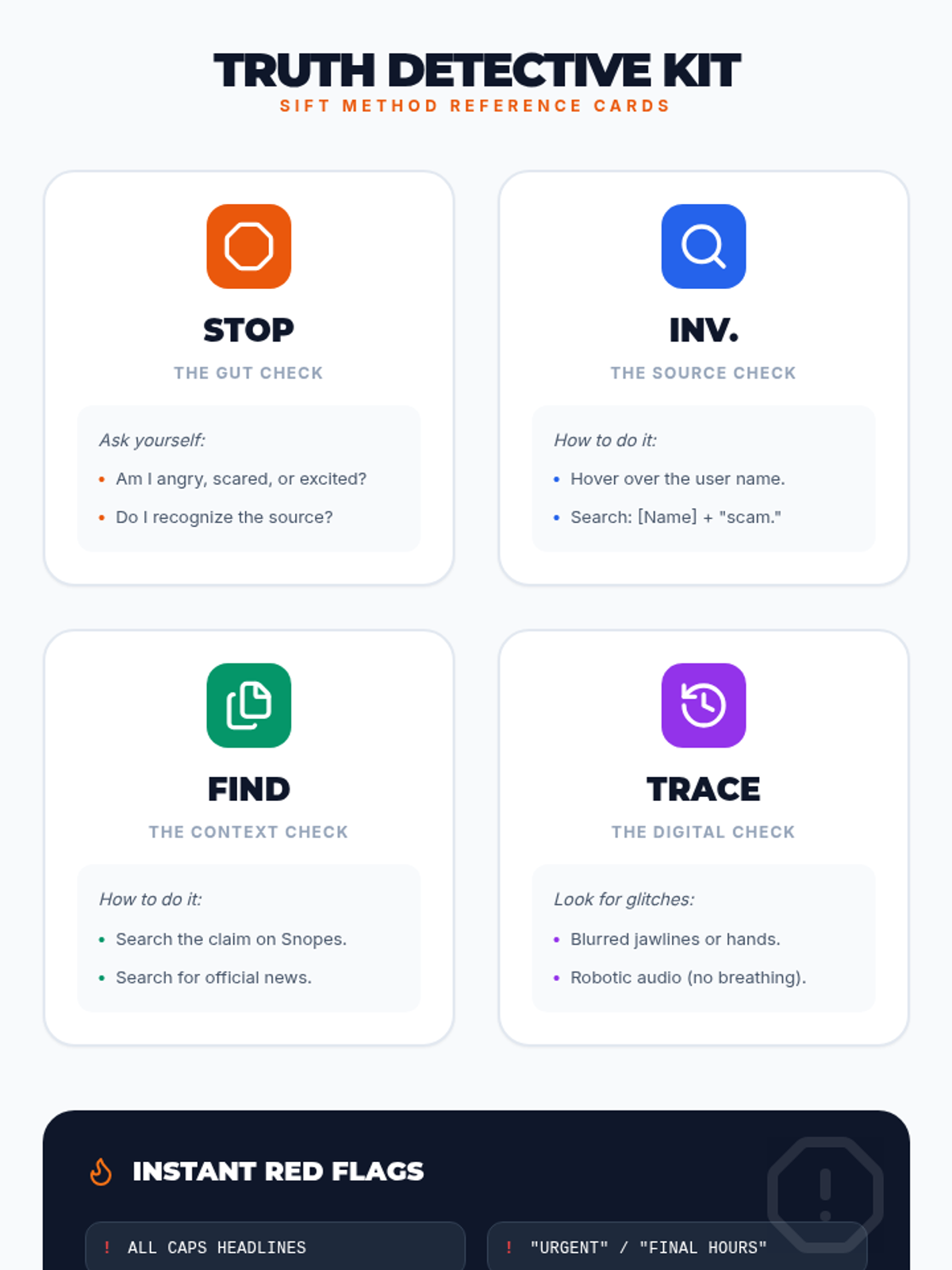
A reference sheet for students featuring four pocket-sized reference cards for each step of the SIFT method, along with a quick-glance list of digital red flags.
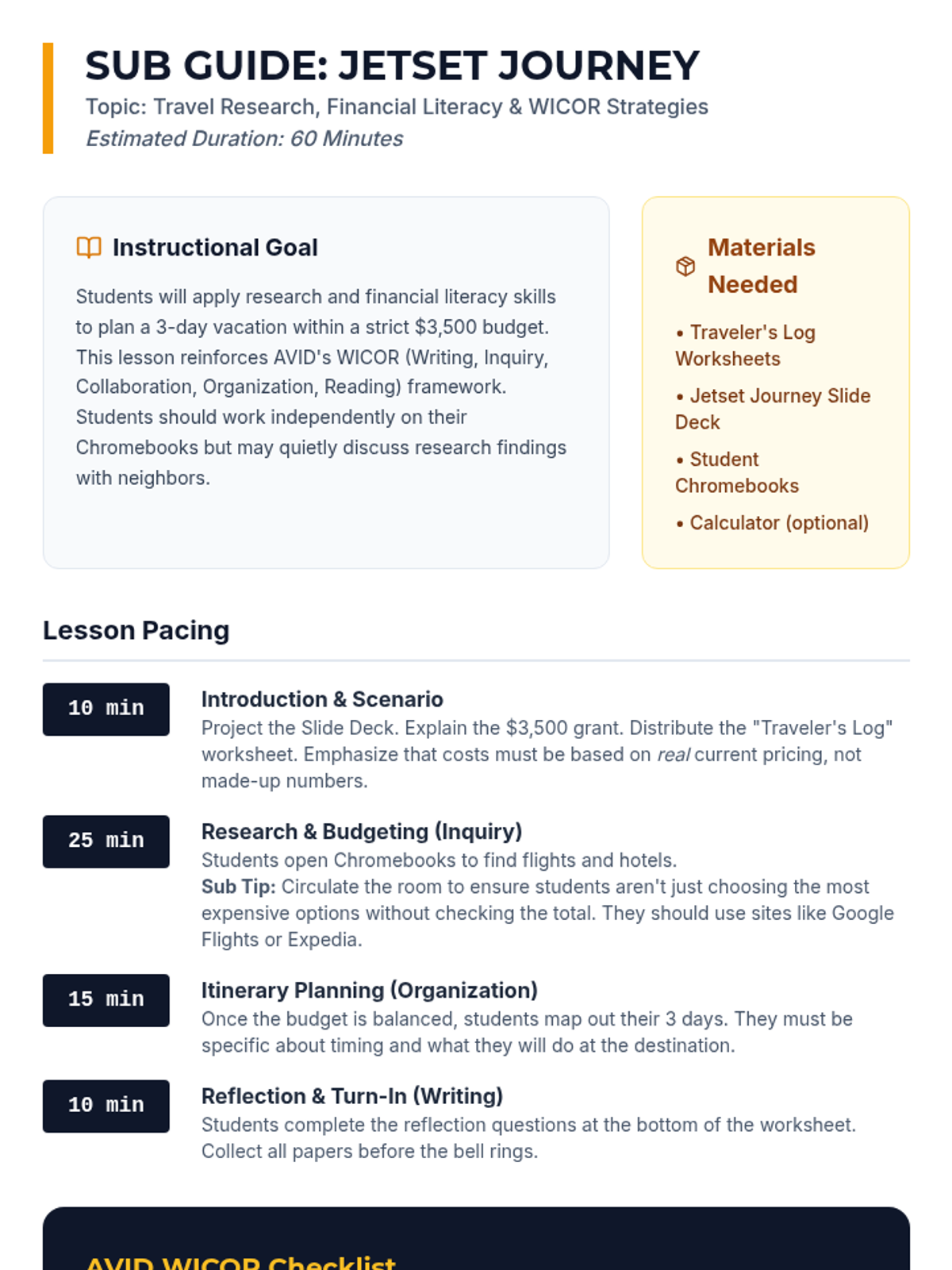
A detailed substitute teacher guide for the "Jetset Journey" lesson, including pacing, WICOR alignment, and classroom management tips for a 60-minute period.
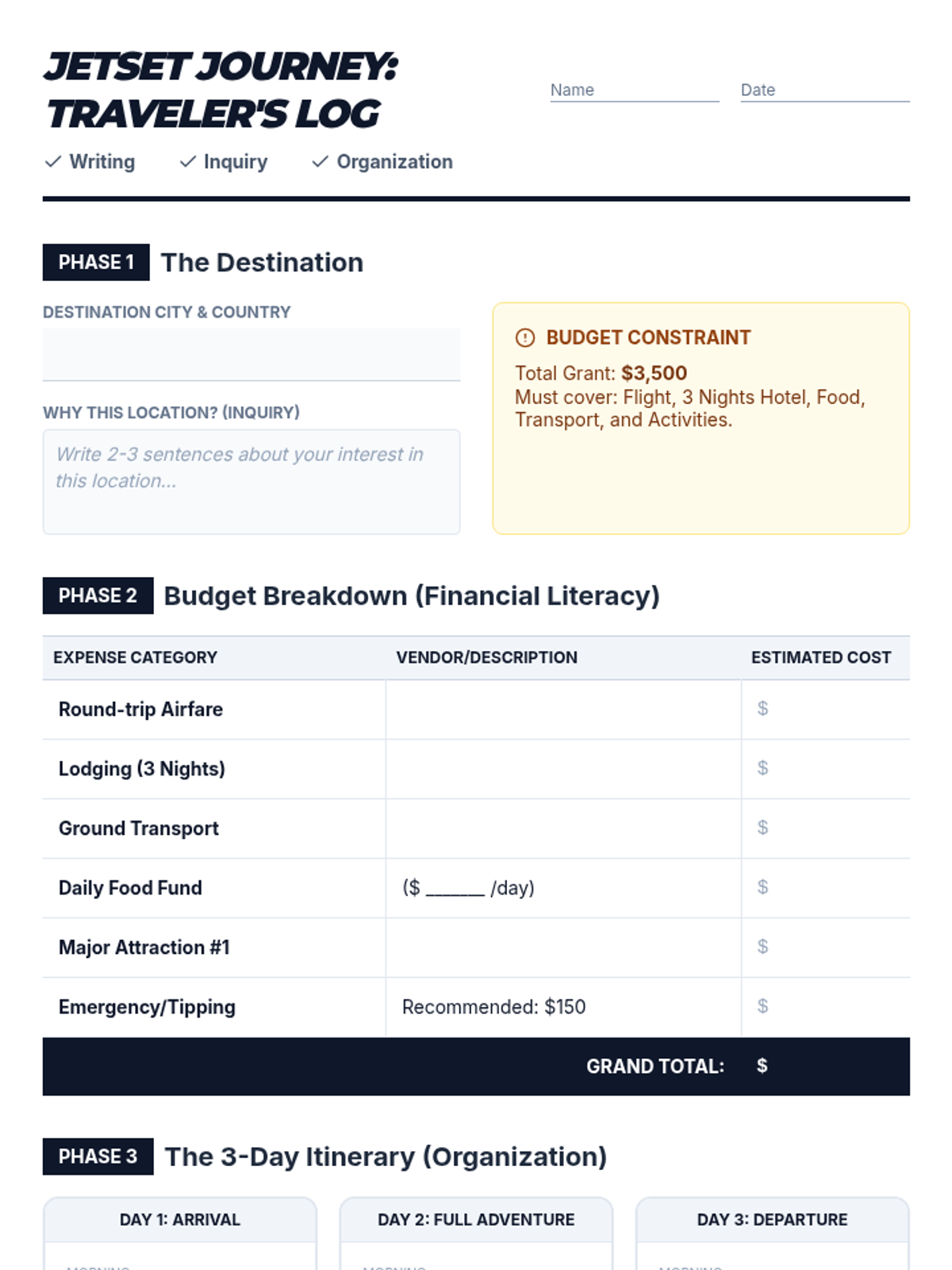
A comprehensive worksheet for AVID students to document their travel research, calculate a detailed budget, and organize a 3-day itinerary, incorporating WICOR reflections.
A visually engaging slide deck designed to guide AVID students through the "Jetset Journey" vacation planning activity, highlighting WICOR strategies and the $3,500 budget constraint.
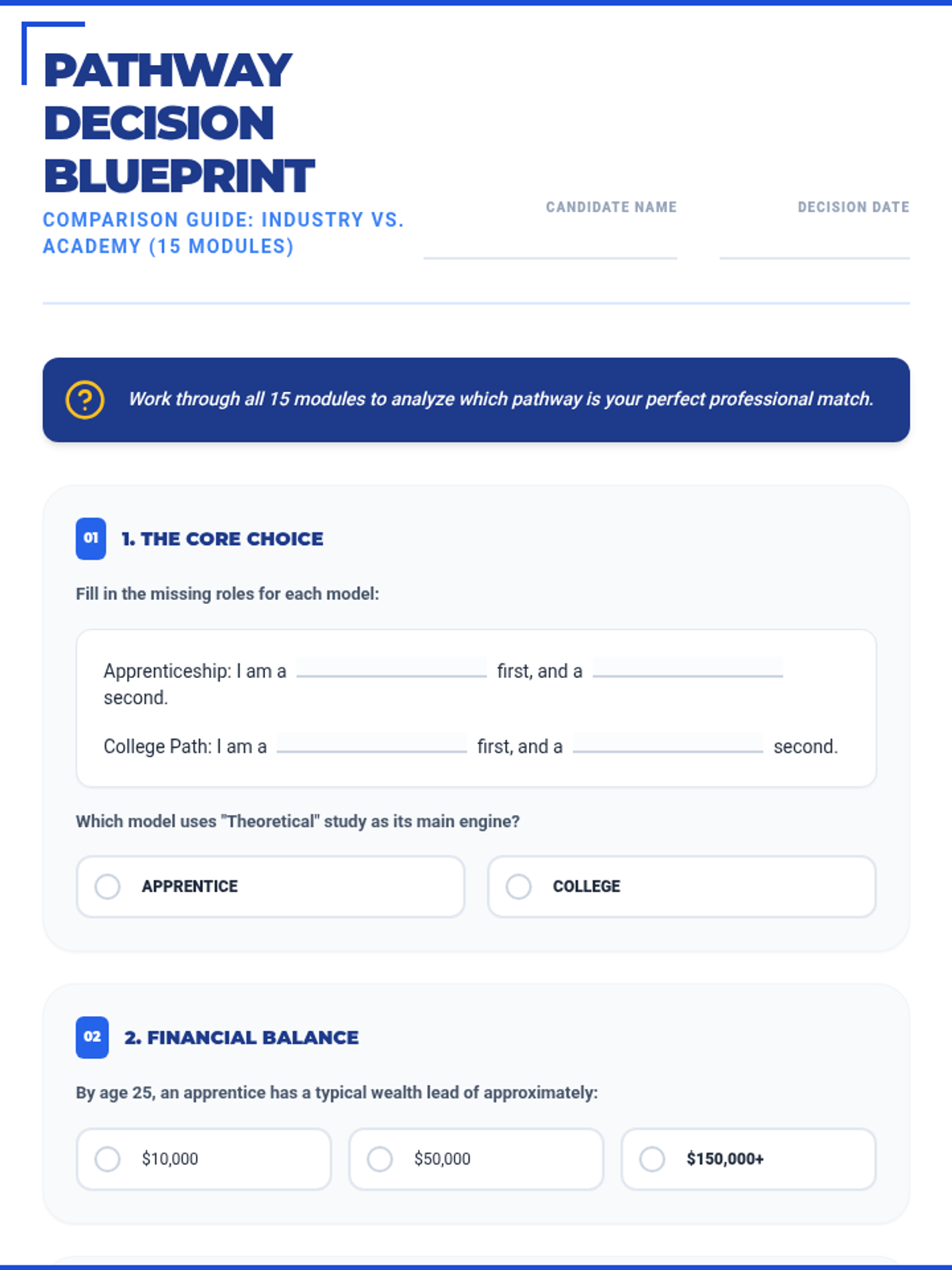
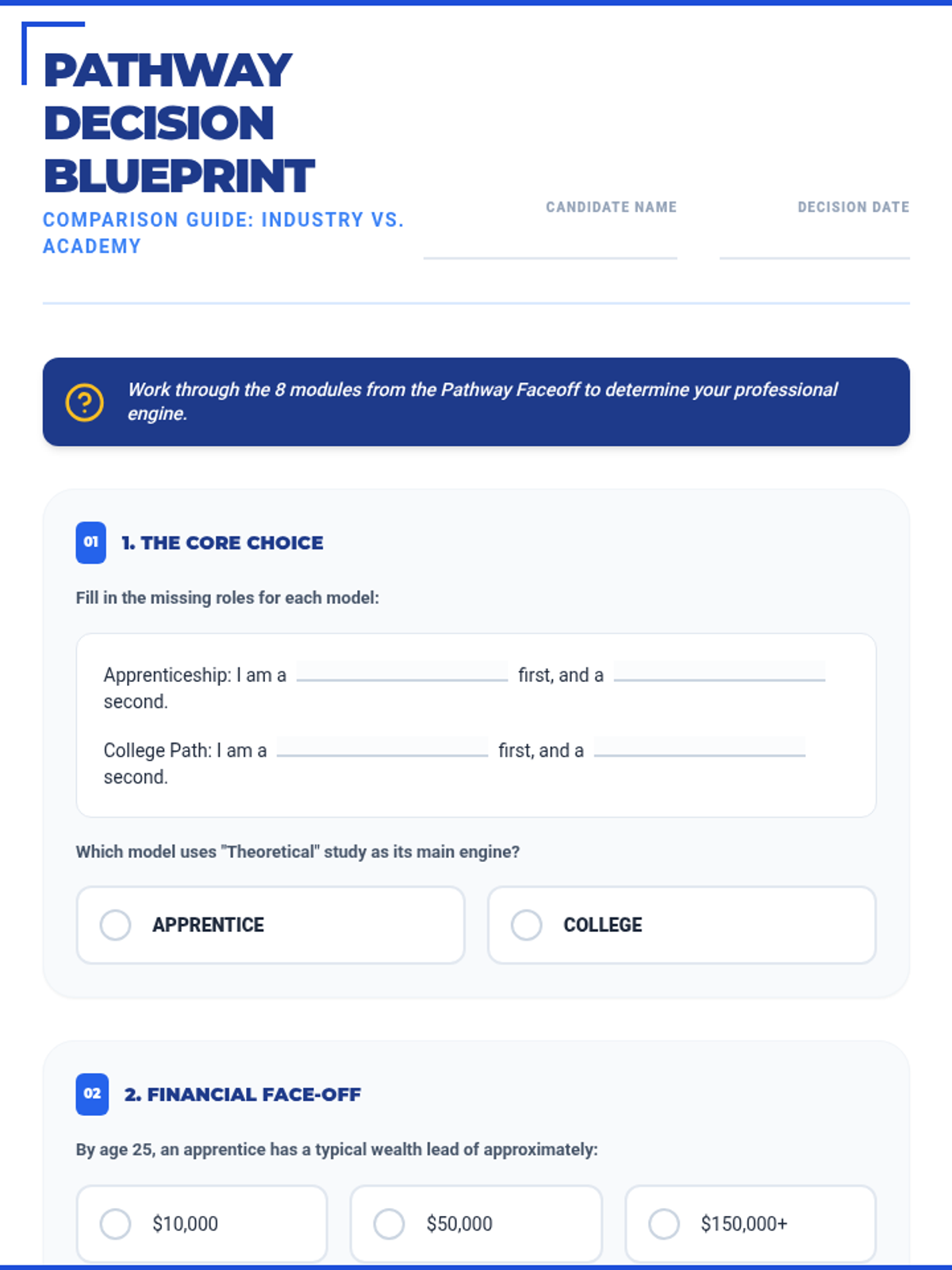
An expanded 15-section worksheet that covers all 8 modules and 10 scenarios of the masterclass, featuring a mix of fill-in-the-blank and multiple-choice questions for deep analysis.
A complete overhaul of the Decision Blueprint worksheet featuring fill-in-the-blank statements and 12 multiple-choice questions across 8 strategic sections to mirror the masterclass slides.
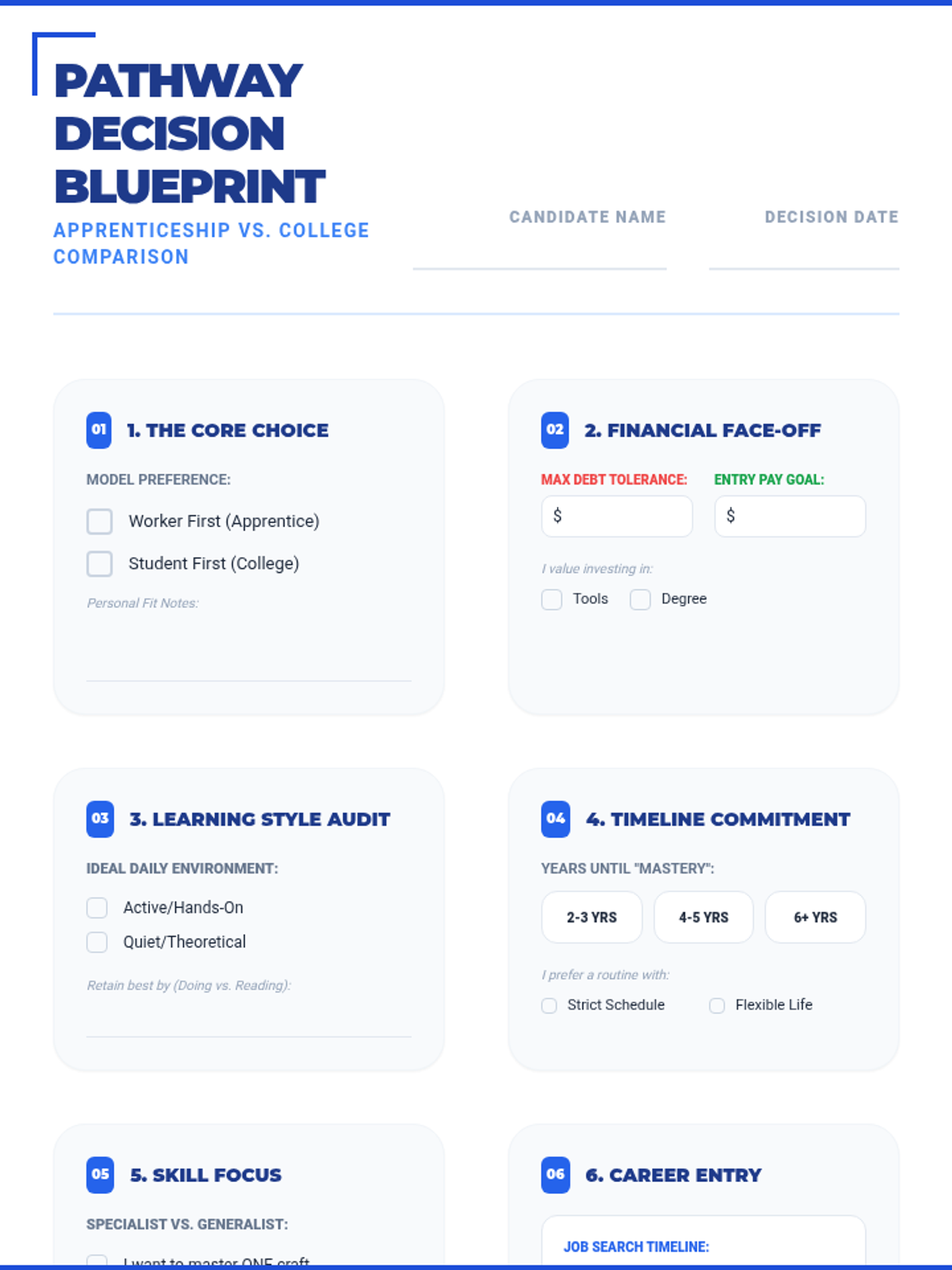
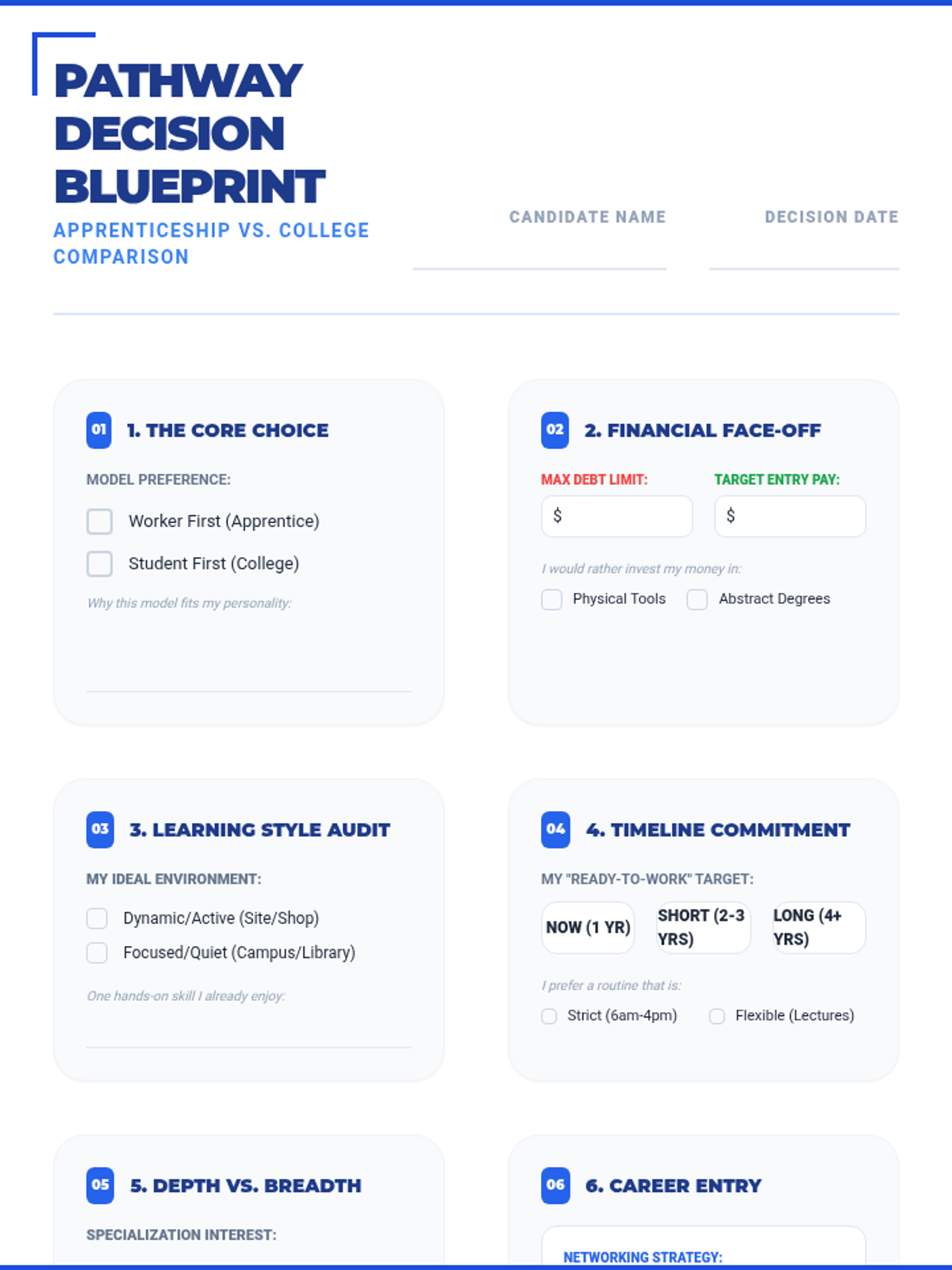
An 8-section worksheet designed to accompany the Pathway Faceoff Slides, guiding students through a structured comparison of apprenticeship and college pathways with specific scenario reflections.
A comprehensive 45-slide comparison between apprenticeships and college degrees, featuring module-based analysis and specific "Pathway Scenarios" to help students decide.
An 8-section worksheet designed to accompany the Pathway Faceoff Slides, guiding students through a structured comparison of apprenticeship and college pathways.
A massive 45-slide presentation covering the entire apprenticeship lifecycle, from application and etiquette to advanced site safety, financial literacy, and career growth.
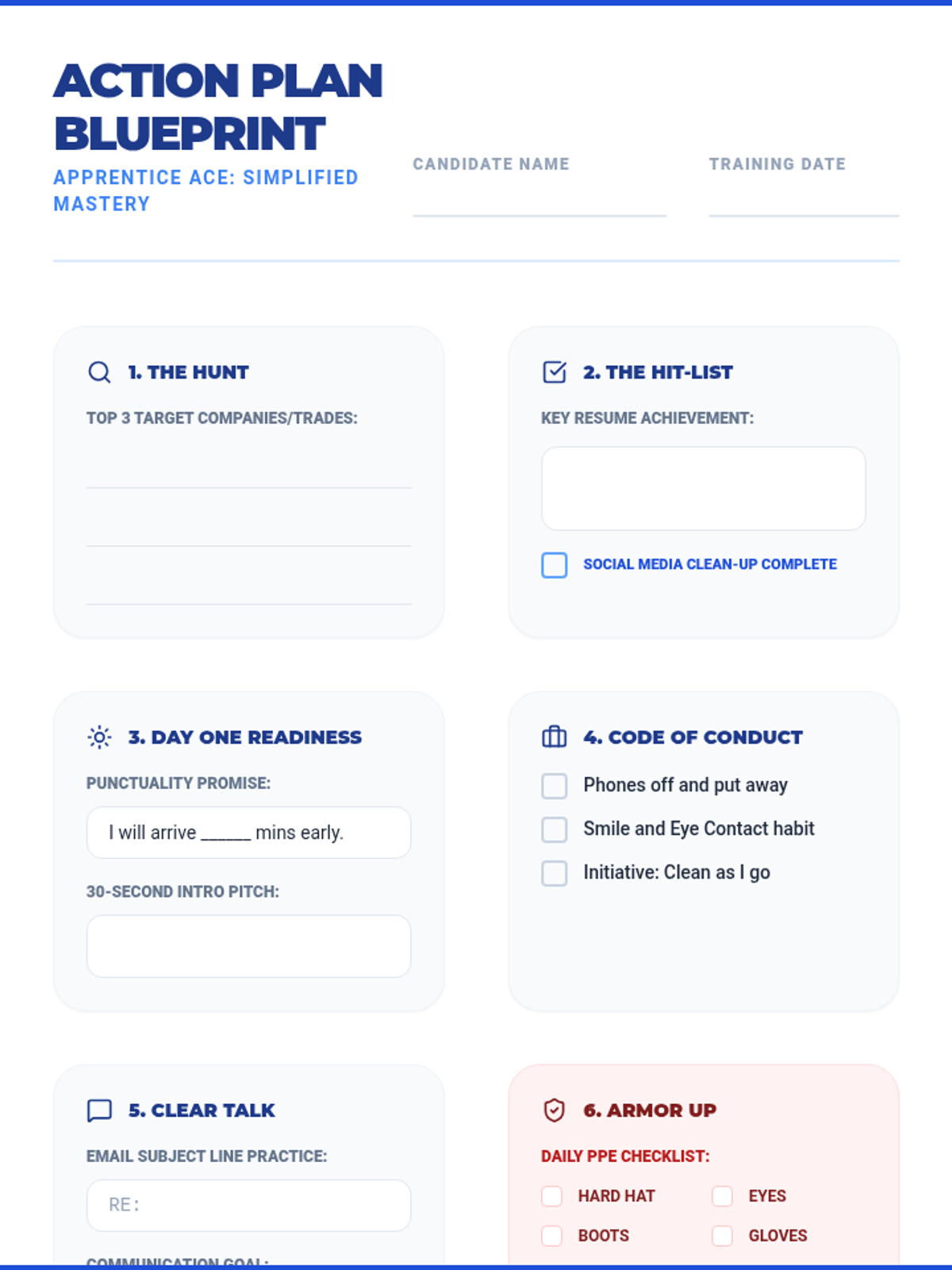
A simplified 8-section action plan worksheet designed to match the streamlined slide deck, focusing on clear goals and essential professional habits.
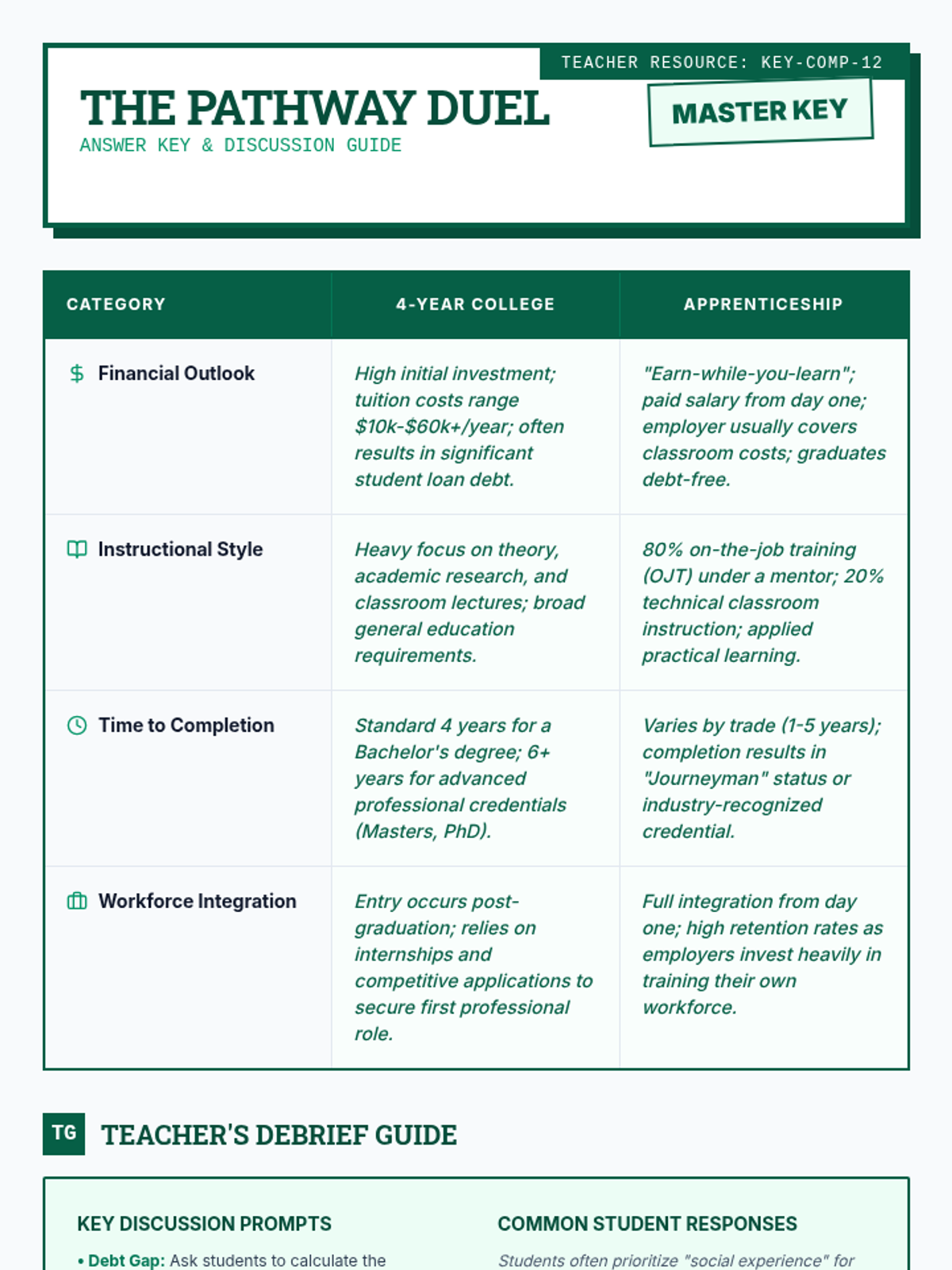
An answer key and discussion guide for the Pathway Comparison Chart, providing specific comparison points between college and apprenticeships along with teacher prompts.
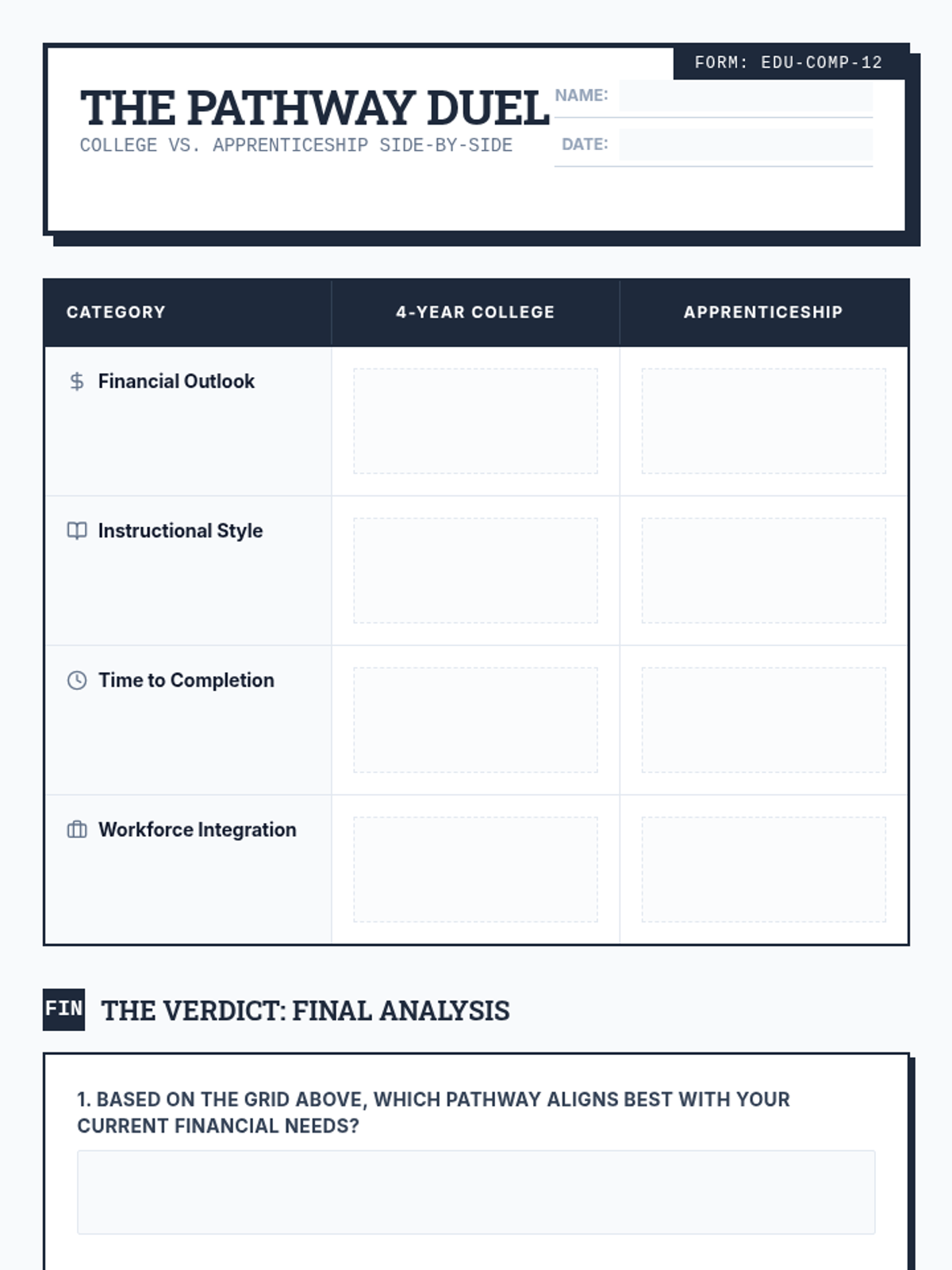
A side-by-side comparison chart for students to analyze the differences between traditional 4-year college and apprenticeship pathways across various categories.
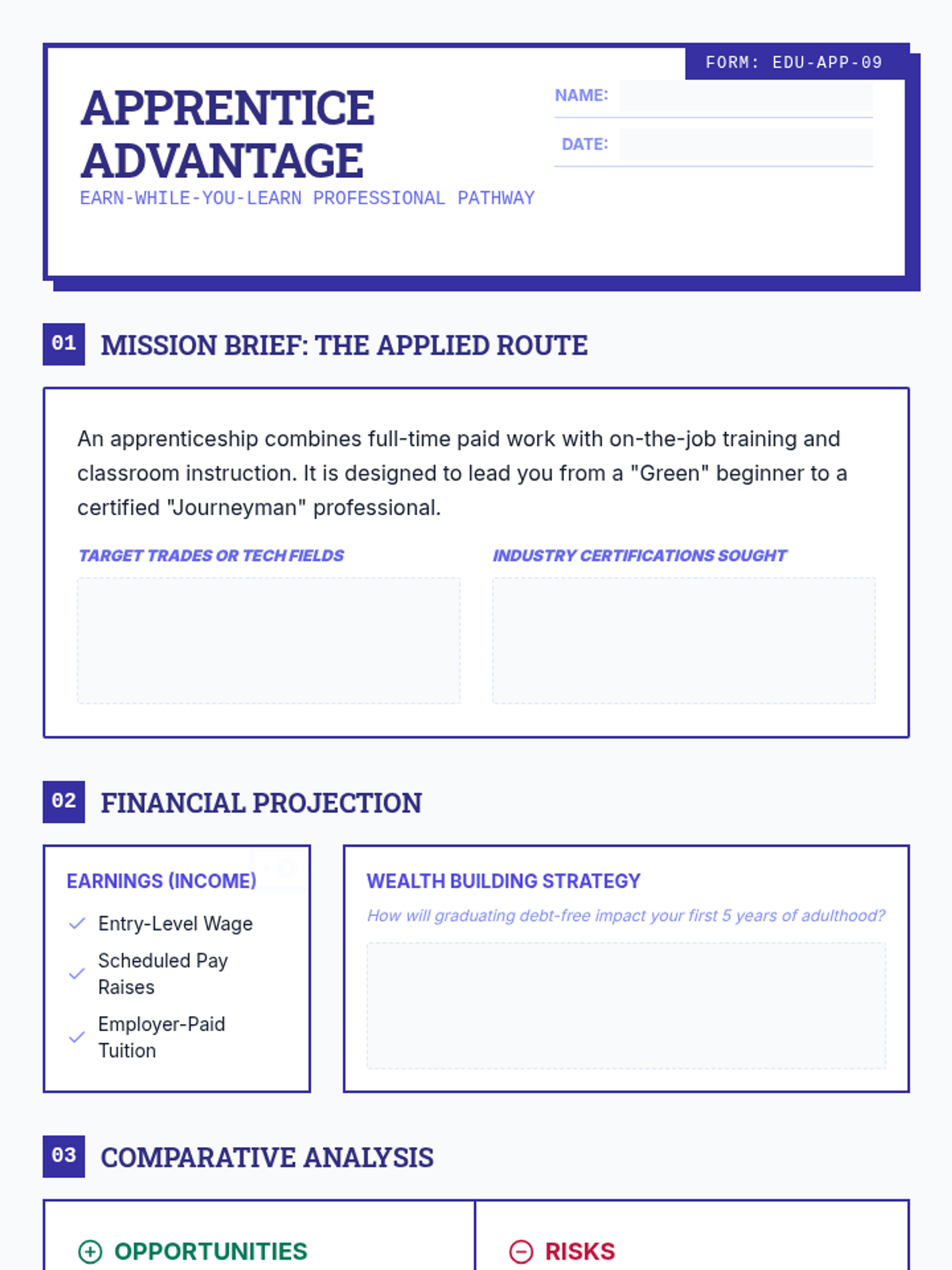
A structured worksheet for students to analyze the apprenticeship pathway, highlighting the earn-while-you-learn model, career specific pros/cons, and financial benefits.
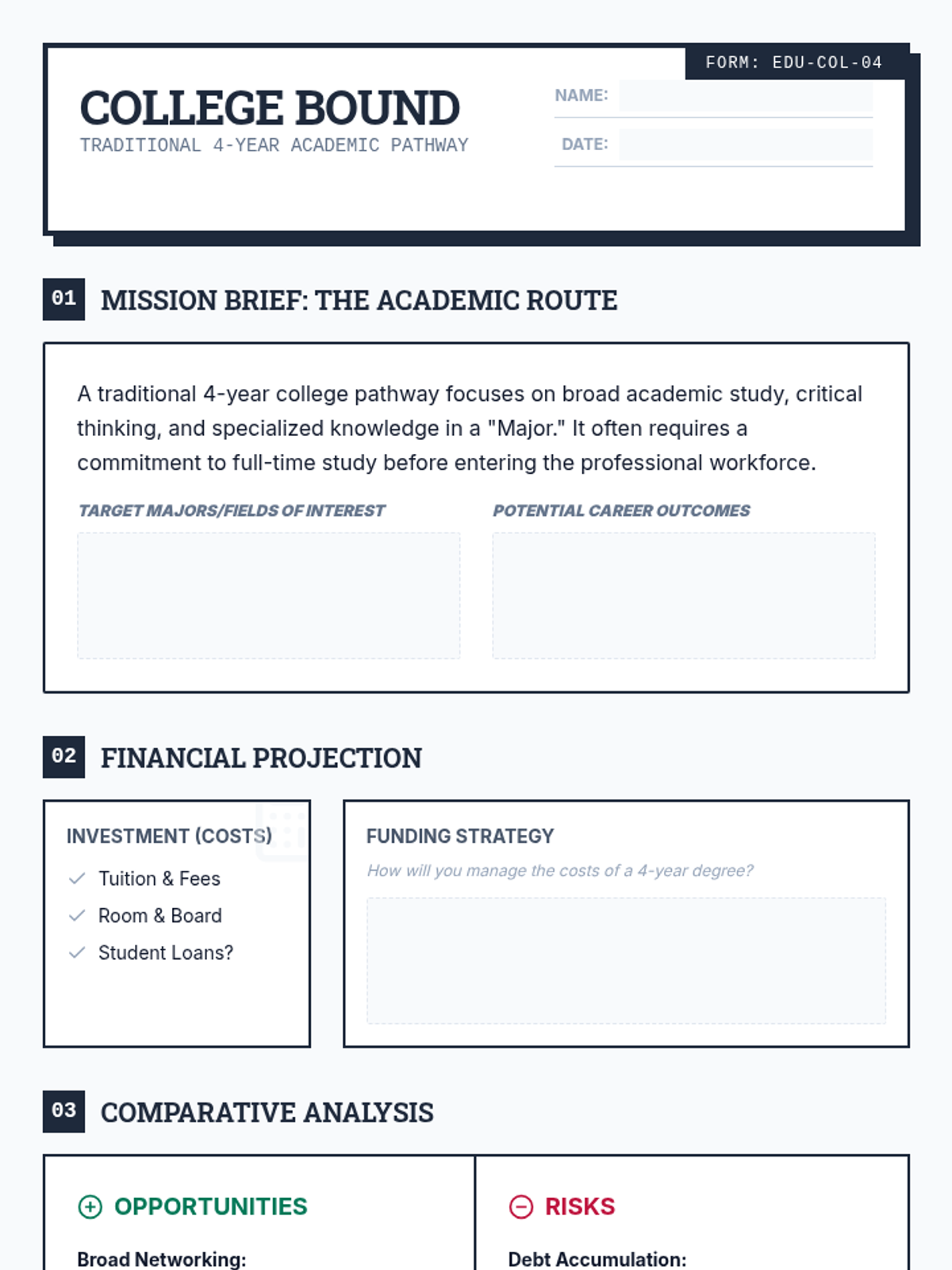
A structured worksheet for students to explore the traditional 4-year college pathway, including costs, career outcomes, and a pros/cons analysis.
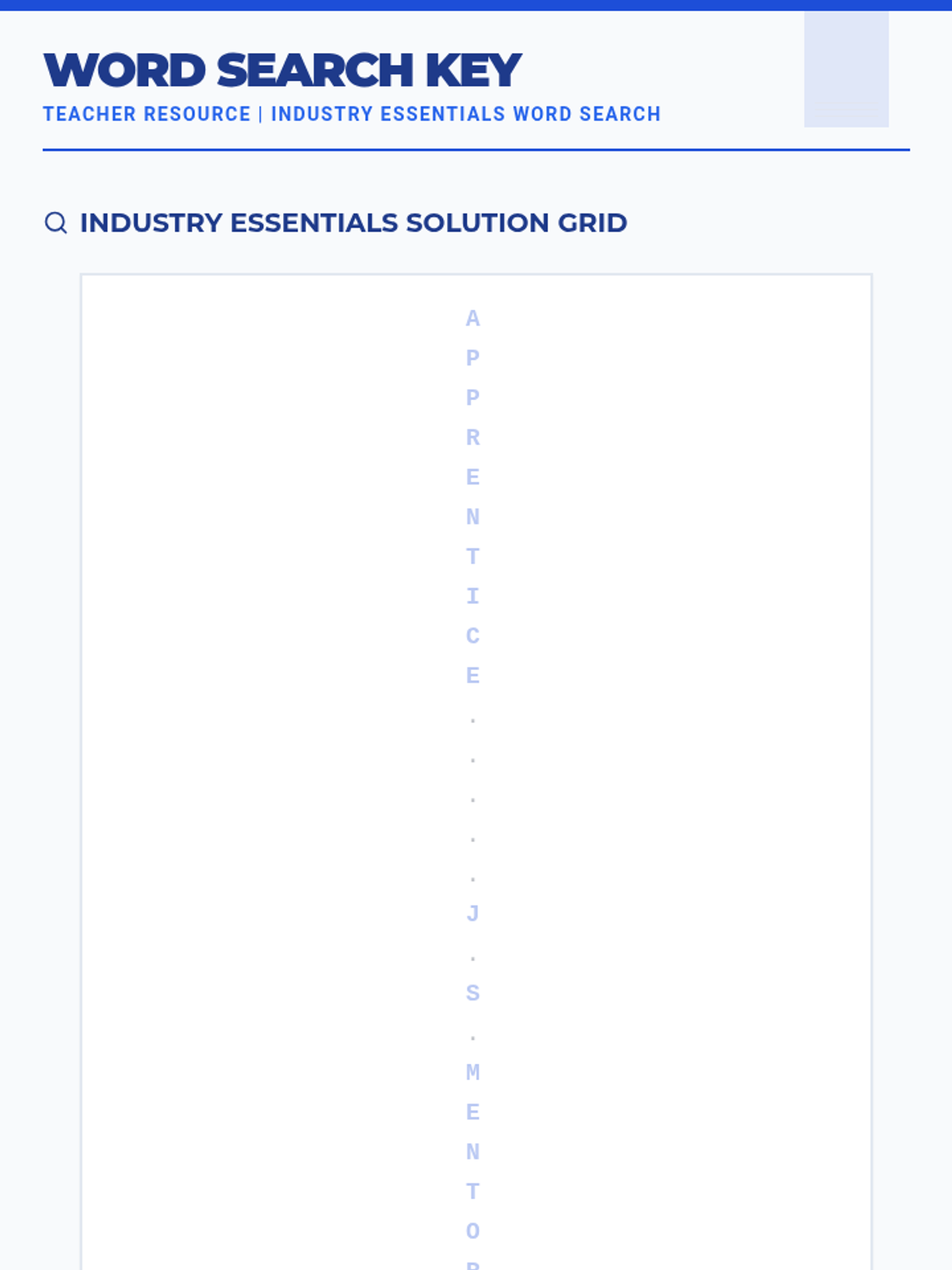
An answer key for the Industry Essentials Word Search, providing locations and a highlighted grid for all 20 professional apprenticeship terms.
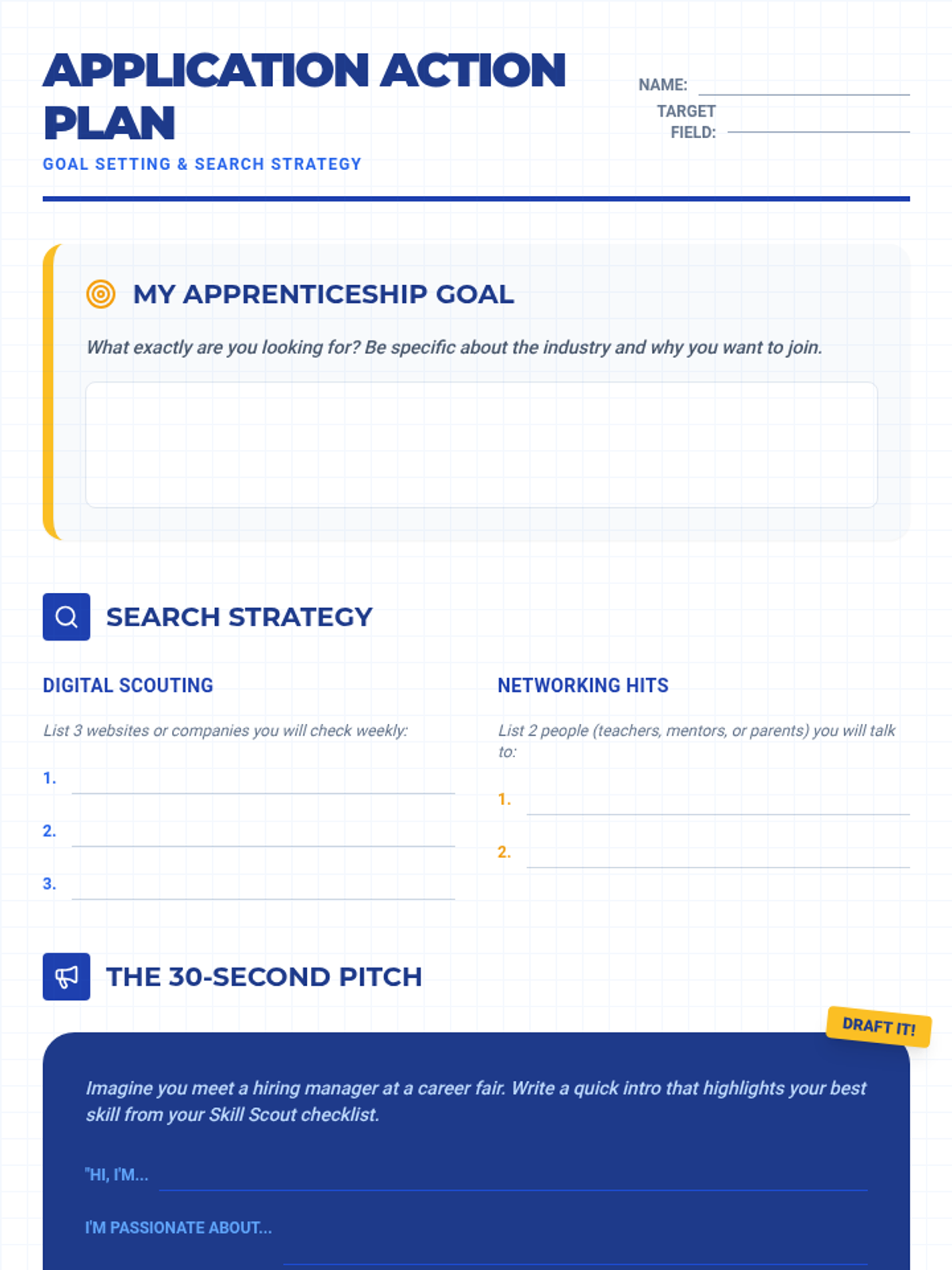
An 8-section strategic worksheet that aligns with the Apprentice Ace Slides, allowing students to plan their application, first day, safety protocols, and long-term career goals.
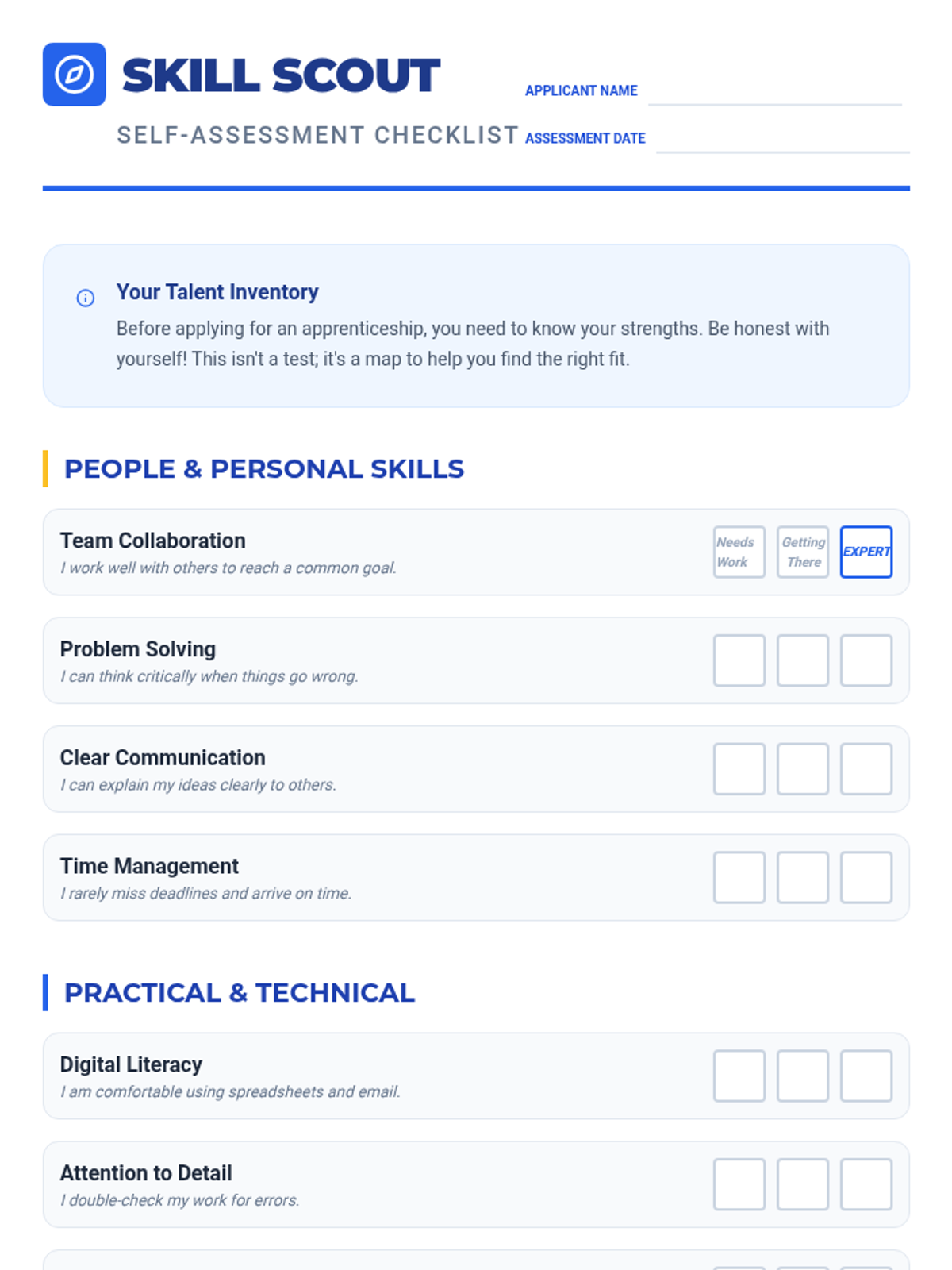
A skills self-assessment checklist for students to evaluate their soft and technical skills before applying for apprenticeships.
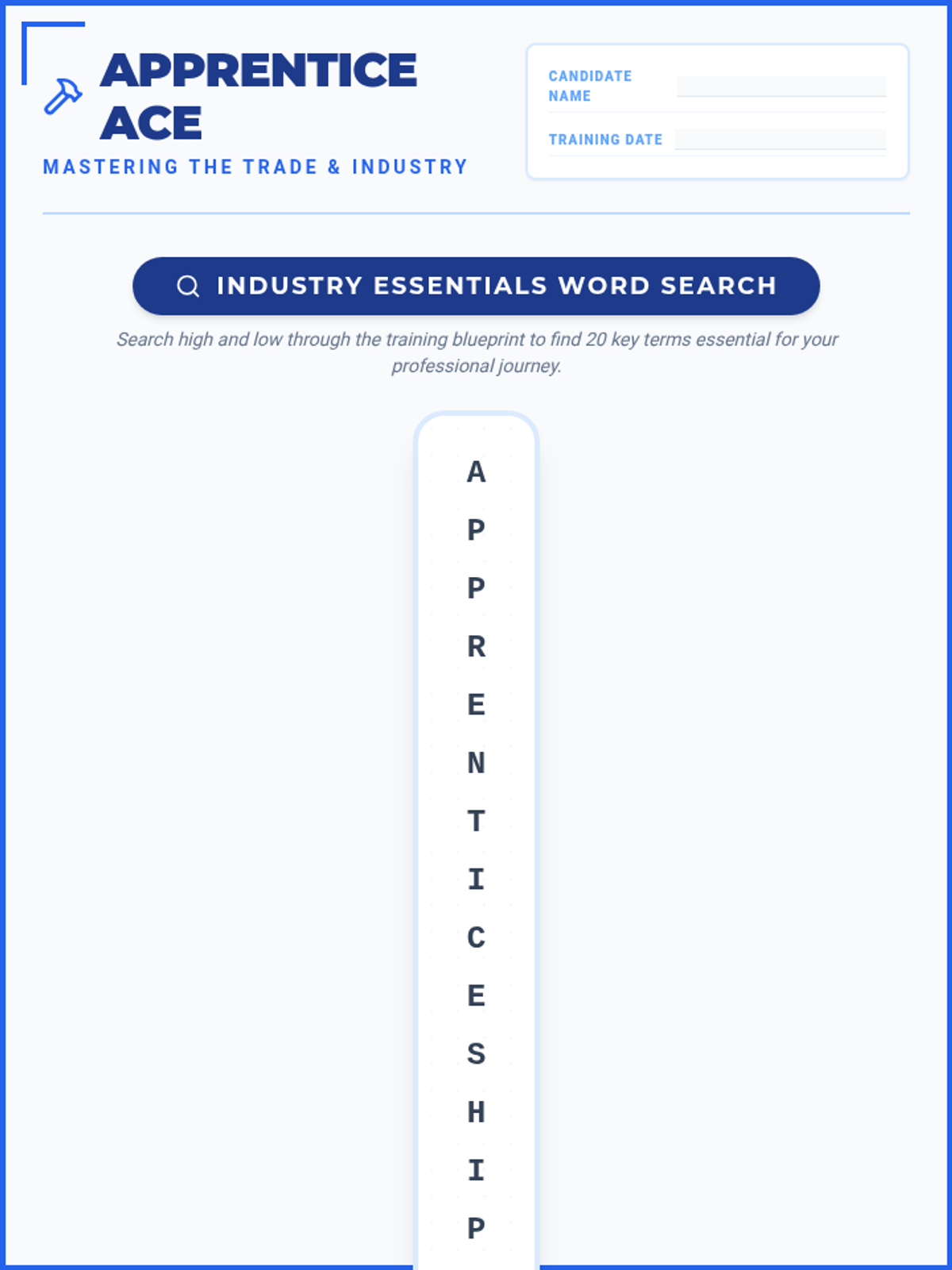
An apprenticeship-themed word search featuring 20 industry terms like Journeyman, Mentor, and Vocational, designed with a blueprint aesthetic.
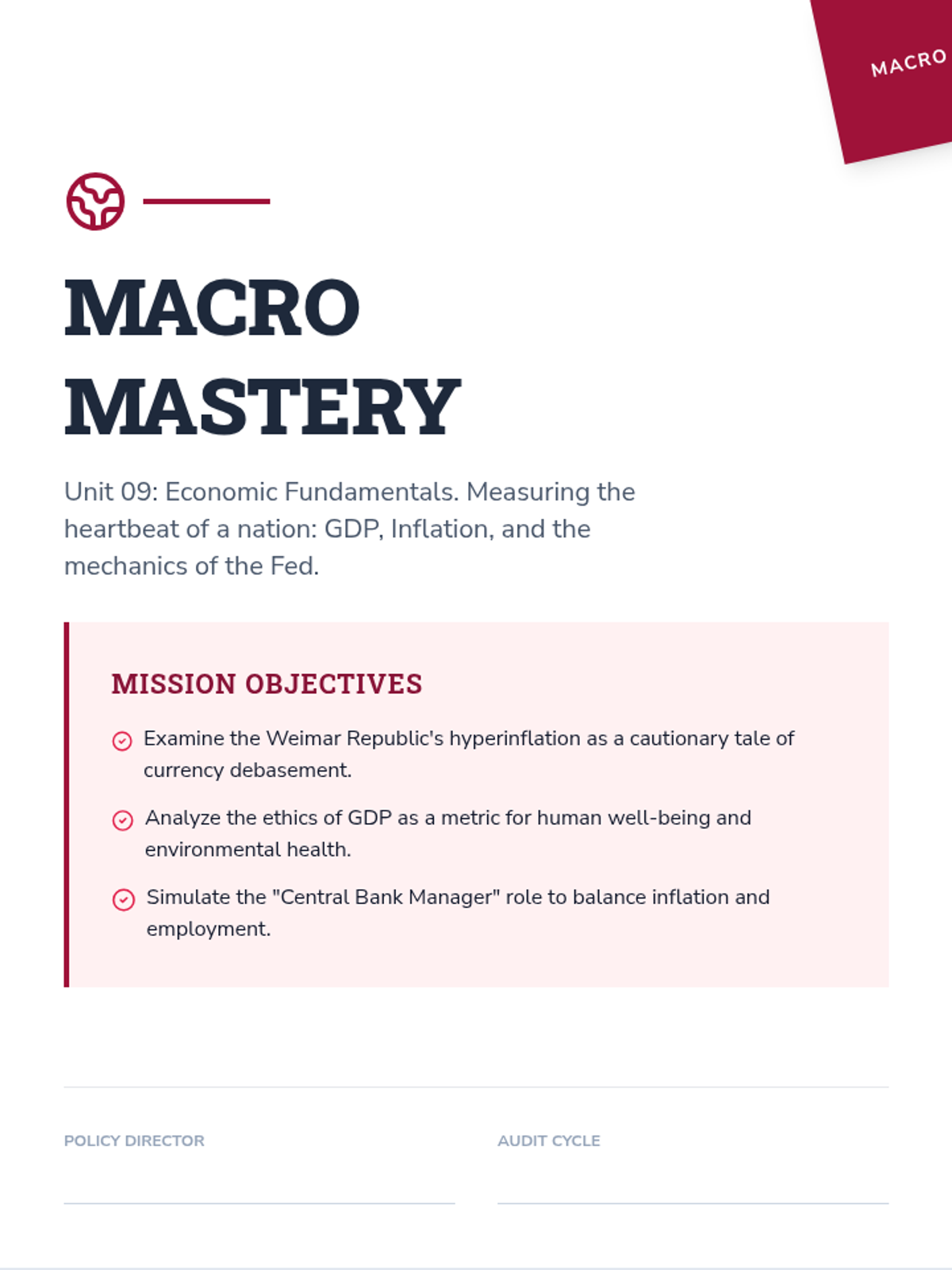
A 10-page scenario-based workbook focusing on macroeconomics fundamentals. Features the 1923 Weimar hyperinflation case study, the ethics of GDP vs. Happiness, the Phillips Curve trade-off, and simulations for managing interest rates as a Central Bank Chair.
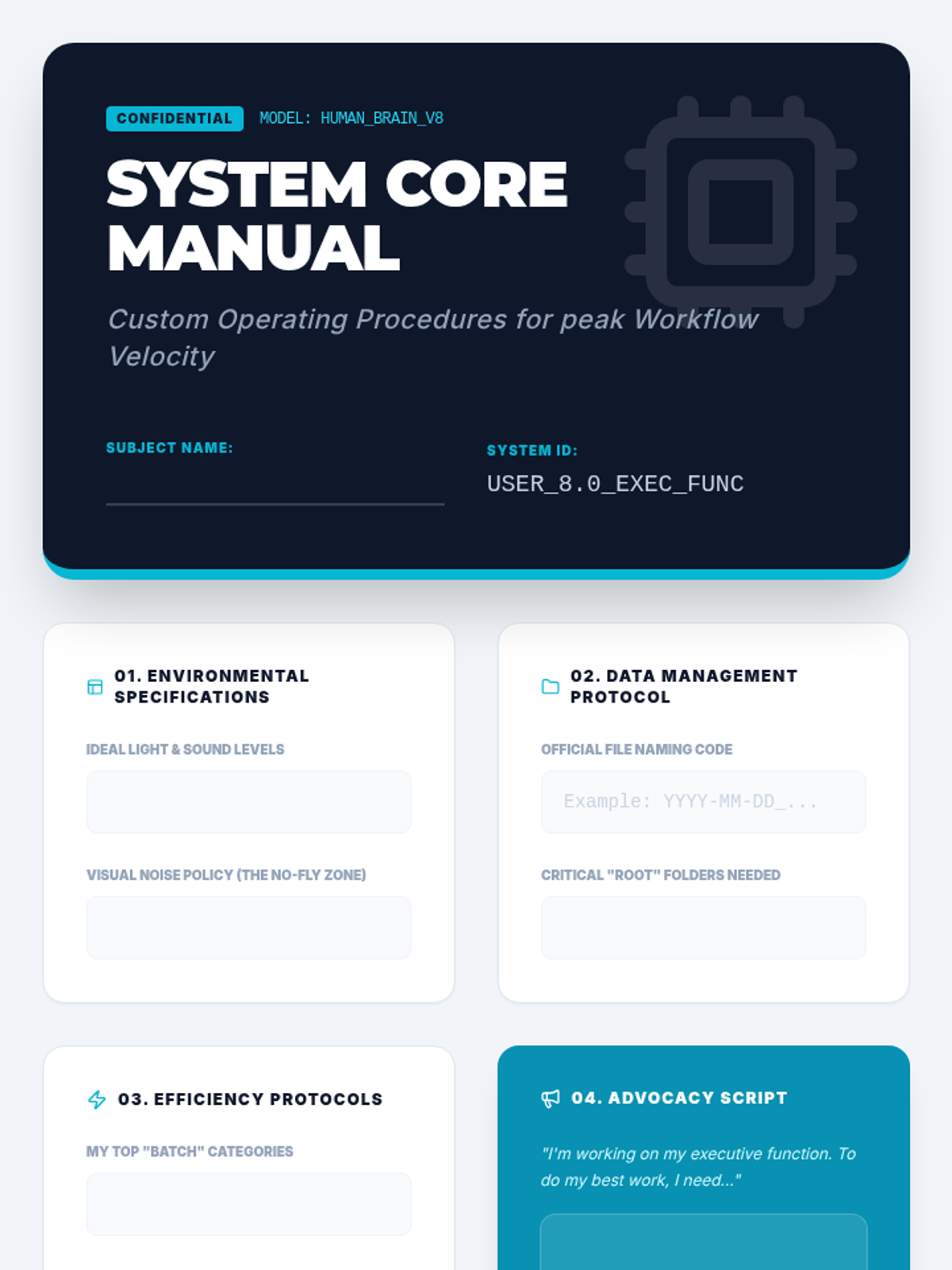
The capstone project template for the sequence. Students synthesize all previous learning into a professional-looking "System Core Manual" that documents their personalized organizational strategies and self-advocacy needs.
Final project presentation guiding students to synthesize their learning into a personal "Operating Manual." Focuses on self-advocacy and developing a set of standard operating procedures for their individual cognitive needs.
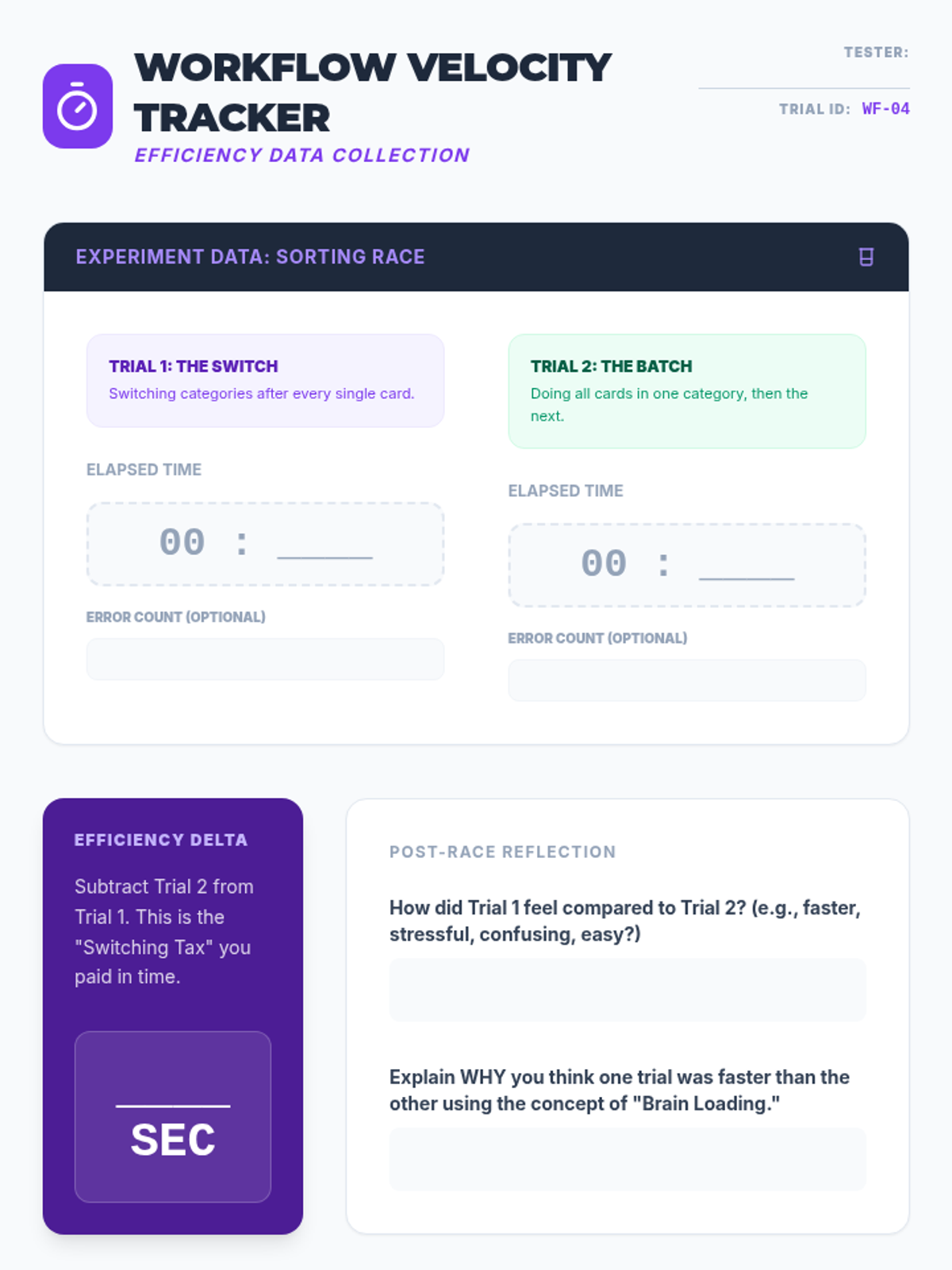
Experimental data tracker for the sorting race. Students record times for sequential versus batched tasks, calculate their efficiency delta, and plan real-world application of batching strategies to their homework.
Slides explaining the concept of task batching versus context switching. Includes instructions for a physical "Sorting Race" experiment to demonstrate the productivity cost of multitasking.
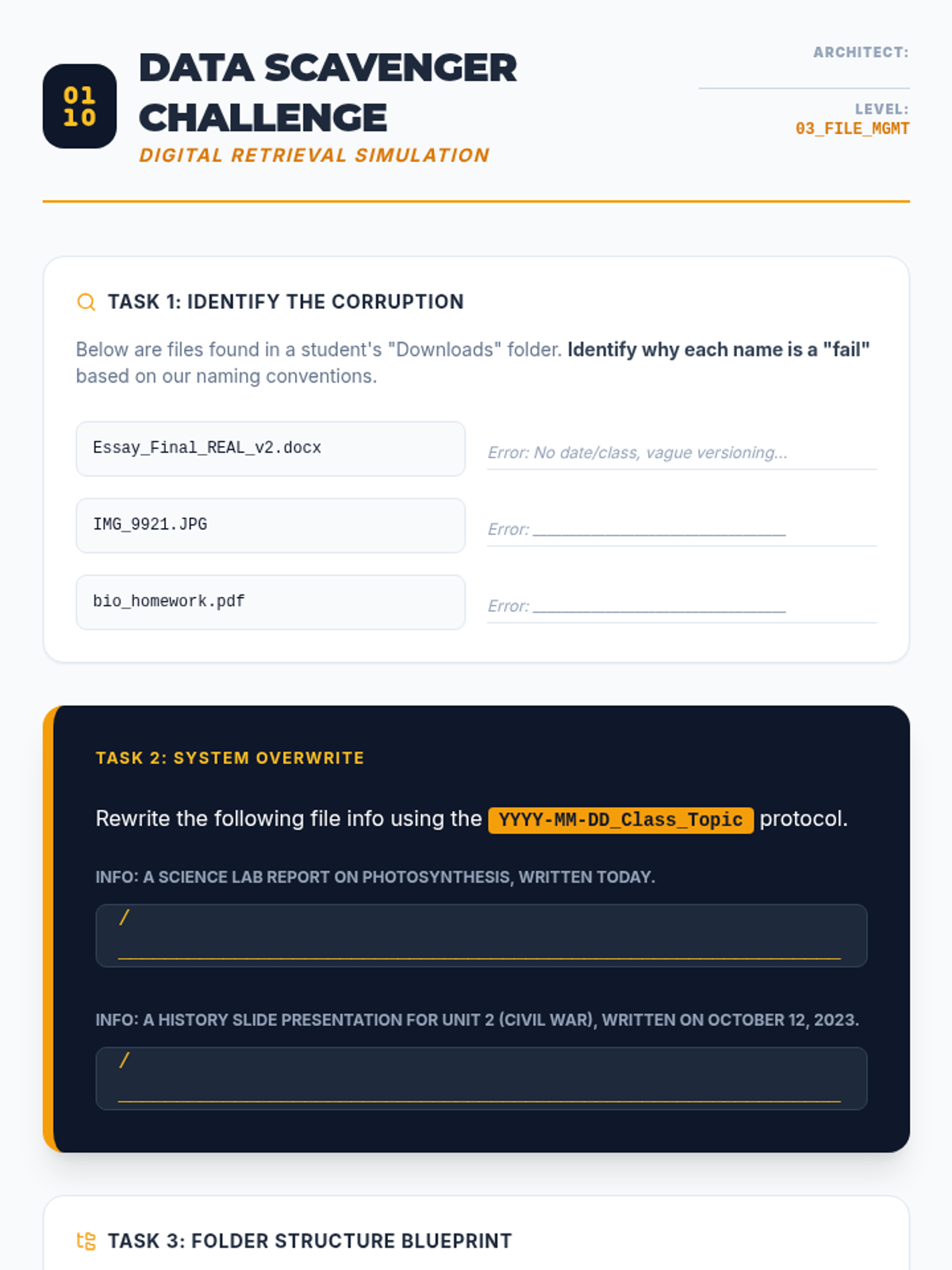
Worksheet practicing file naming conventions and digital hierarchy. Students analyze poorly named files, rewrite them using professional protocols, and design a personalized folder structure.
Slide deck teaching digital file management, focusing on file naming conventions (YYYY-MM-DD format), folder hierarchy architecture, and the "Inbox Zero" strategy for email management.
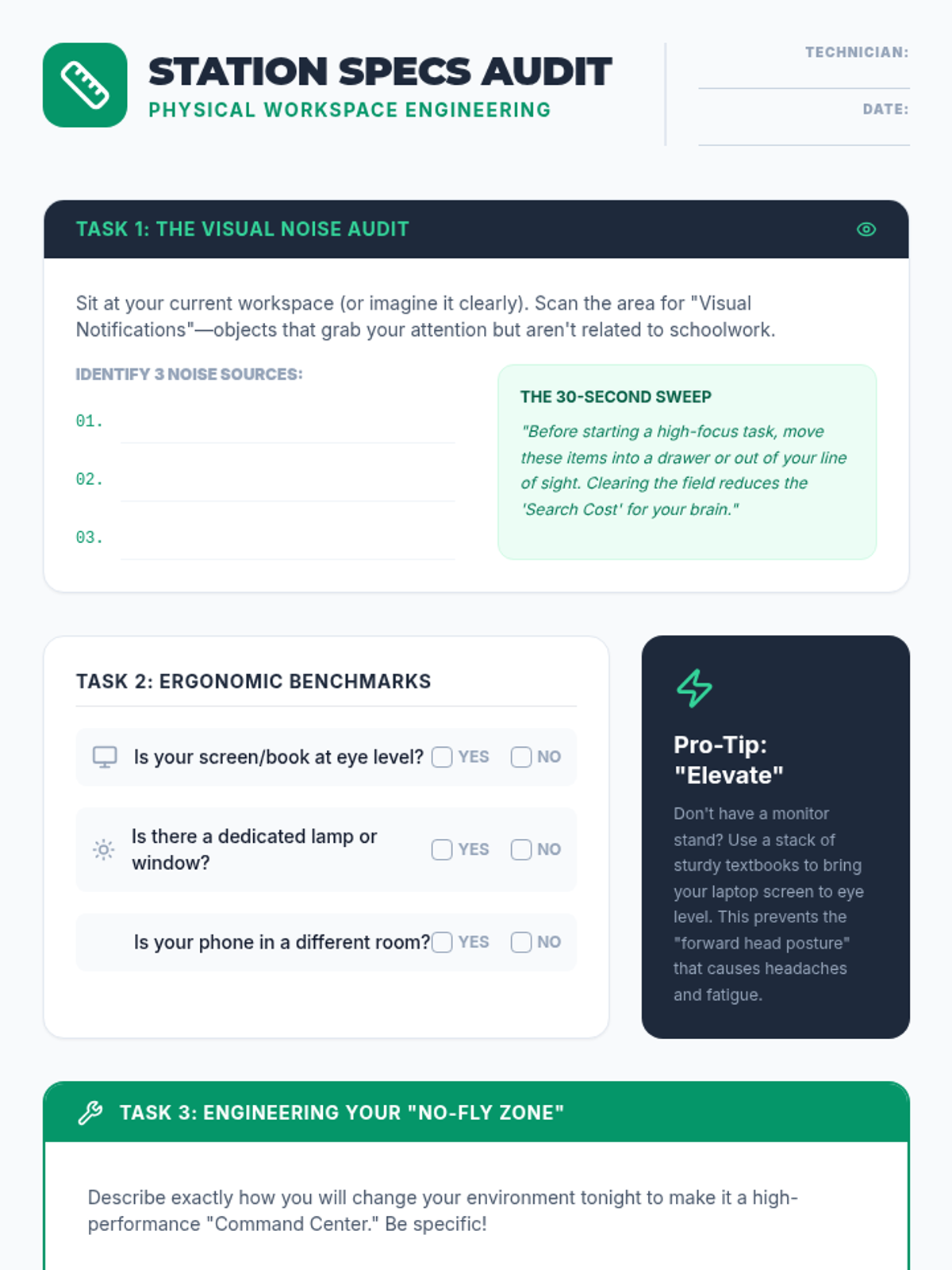
A worksheet for students to audit their current study environment and create a concrete engineering plan to optimize their physical workspace for focus and ergonomics.
Slides focusing on workspace optimization, exploring how physical clutter acts as cognitive noise and introducing the three pillars of environmental design: lighting, ergonomics, and atmosphere.
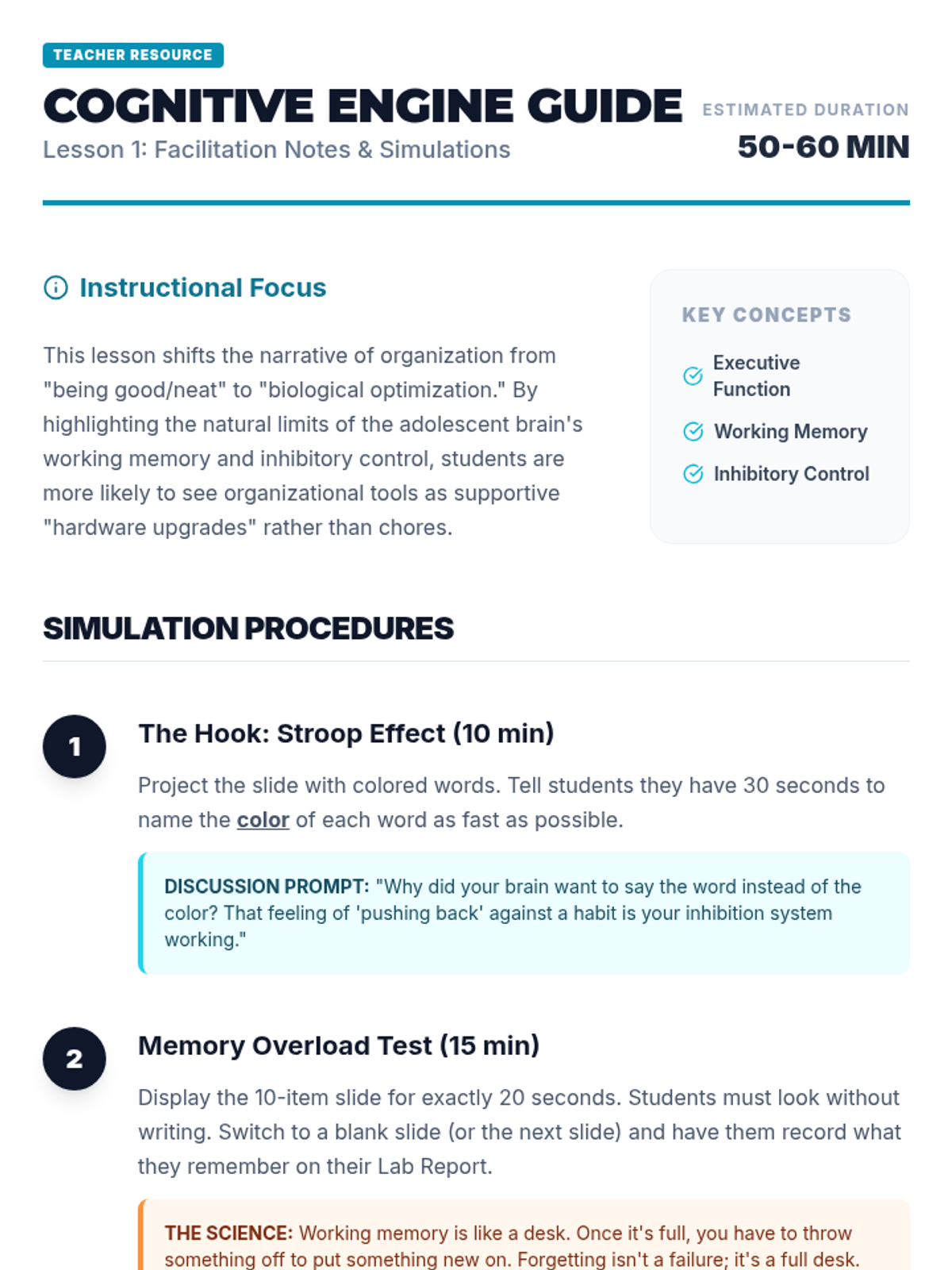
Teacher facilitator guide for the Cognitive Engine lesson, providing step-by-step simulation instructions, discussion prompts, and differentiation strategies.
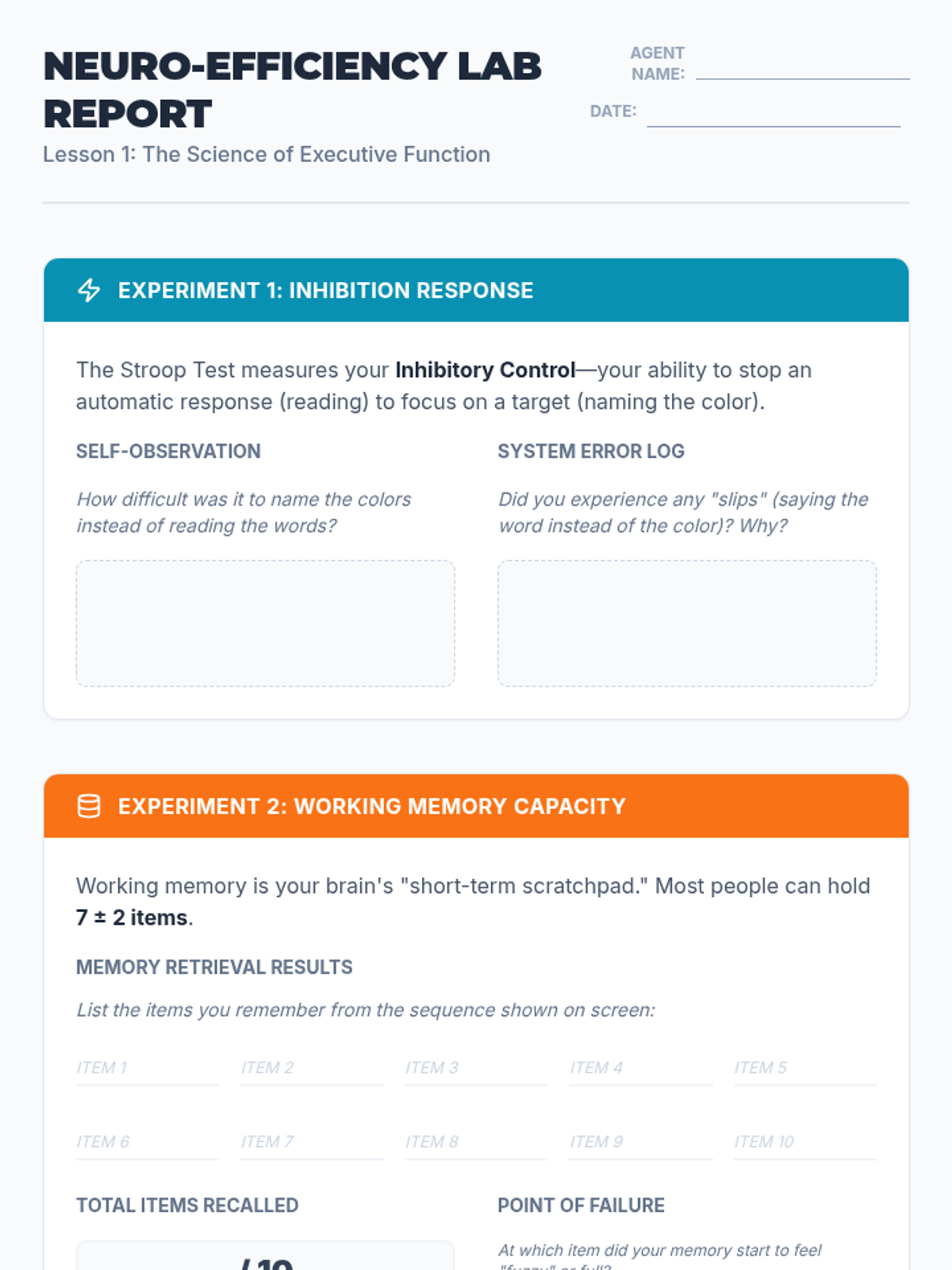
A lab report for students to record and analyze their results from the Stroop Effect and working memory simulations, connecting the biological limits of the brain to the need for organizational systems.
Introductory presentation exploring executive function concepts like working memory and inhibition through interactive simulations like the Stroop Effect and memory tasks.
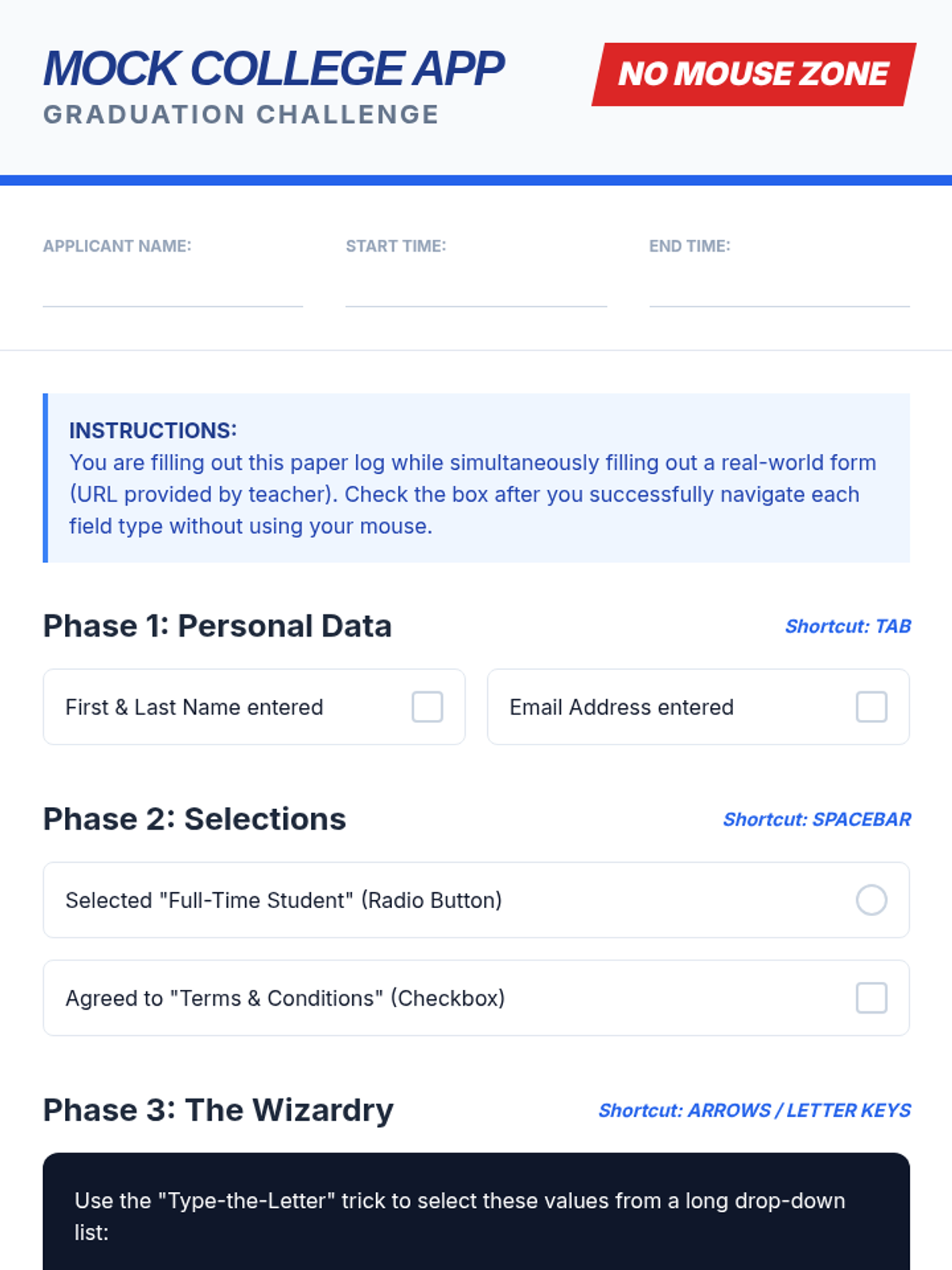
Final challenge worksheet for Lesson 5 where students practice filling out a mock college application using form navigation shortcuts.
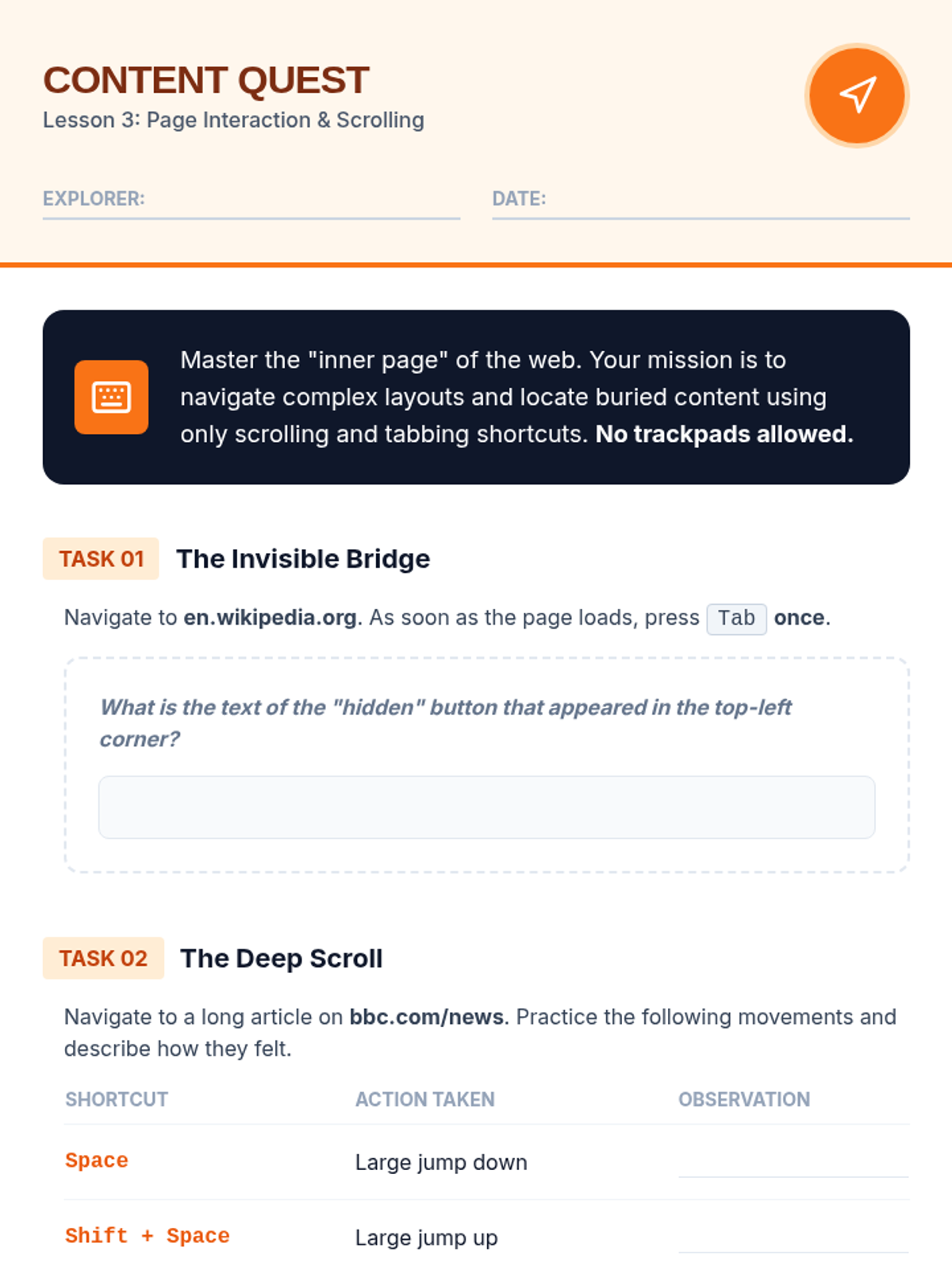
Student worksheet for Lesson 3 focusing on practical application of scrolling shortcuts, skip-to-content links, and tabbing through footer elements.
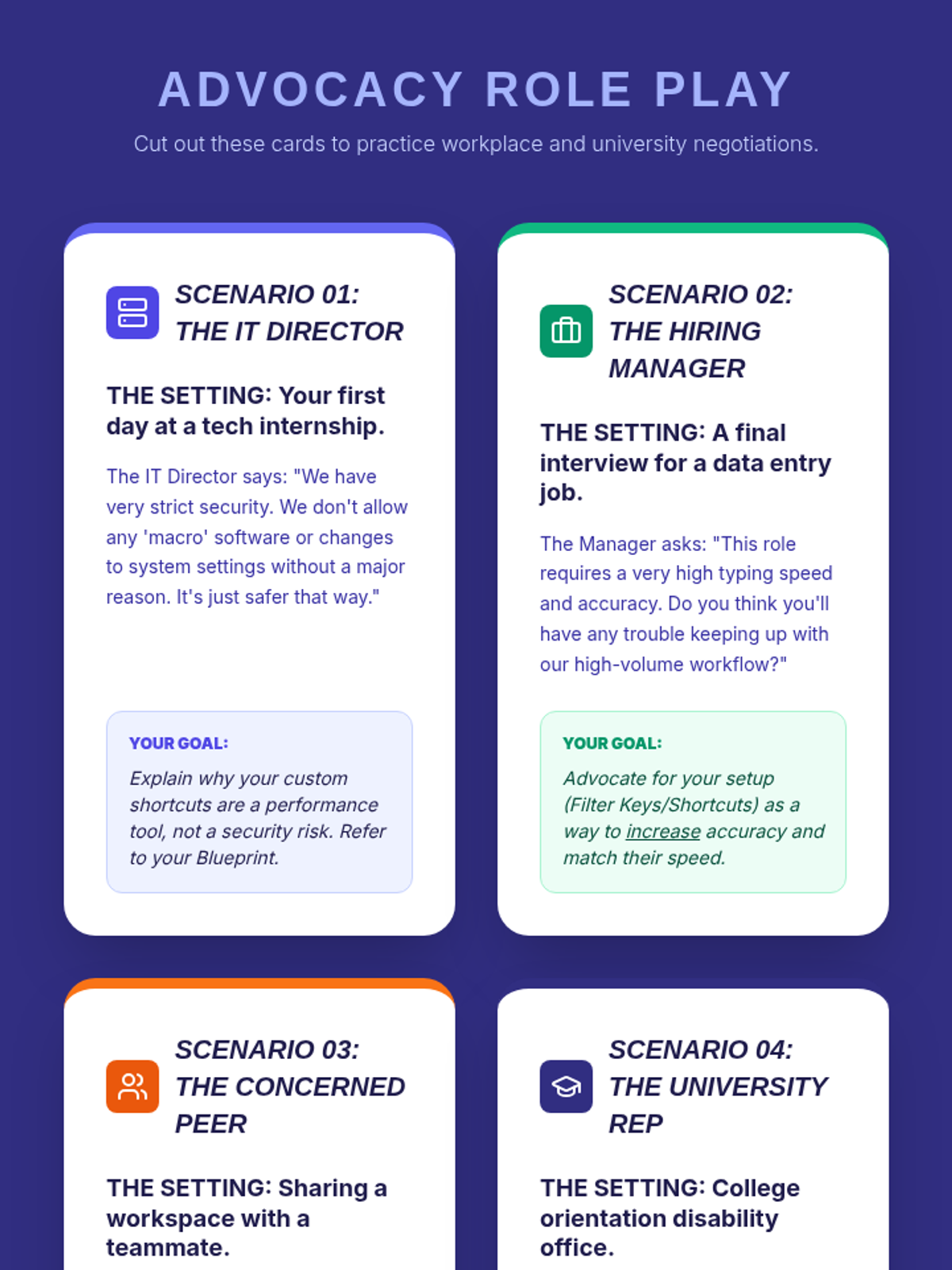
Scenario cards for students to practice advocacy and negotiation conversations with IT directors, hiring managers, and university officials.
Visual slides introducing form navigation shortcuts, including field switching, toggle selections, and drop-down menu efficiency.
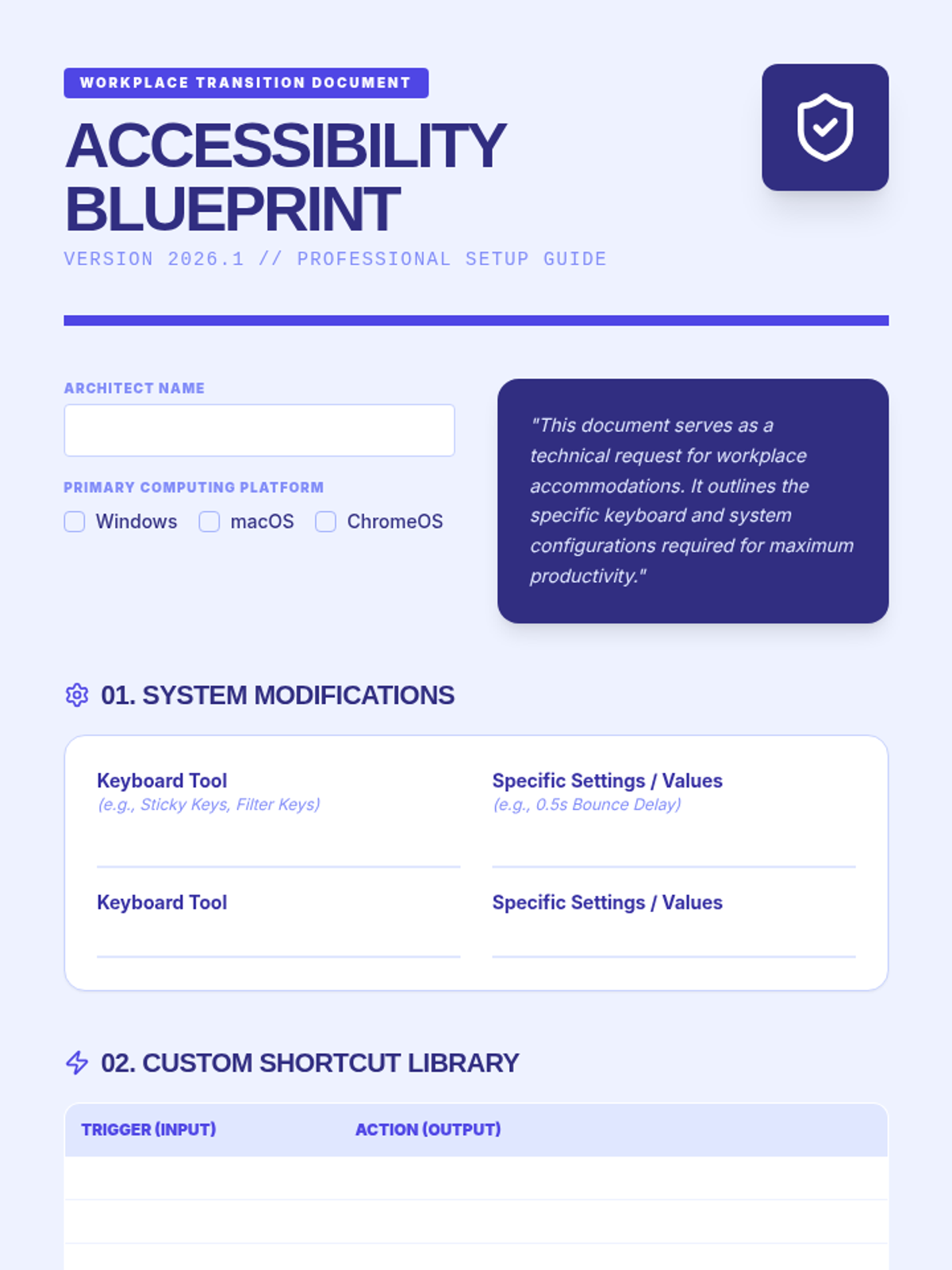
A comprehensive setup sheet for students to document their preferred keyboard accessibility settings, software, and custom shortcuts for future employers.
Capstone slide deck for Lesson 5 focusing on career transition, self-advocacy, and the final 'Accessibility Blueprint' project.
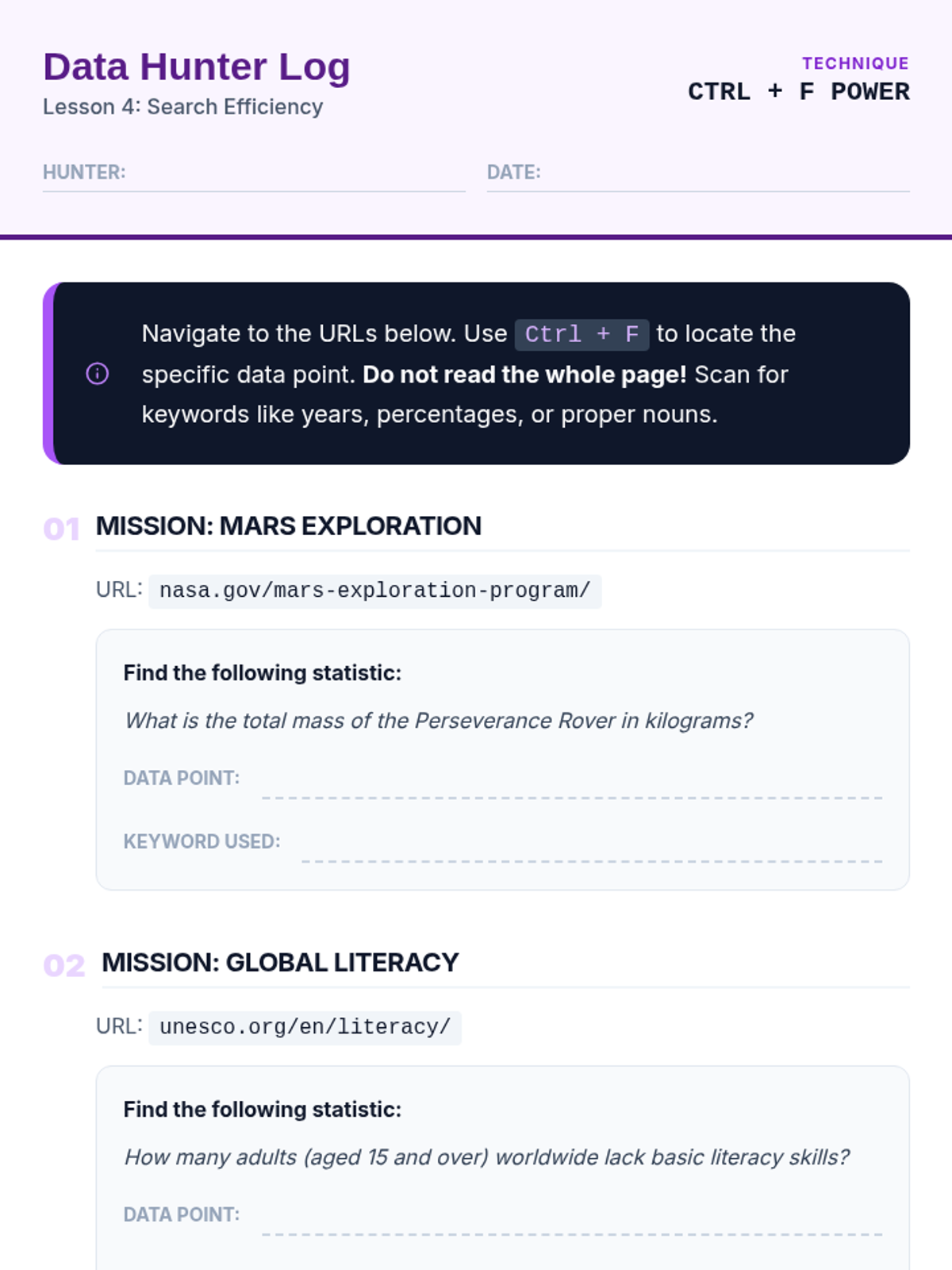
Student worksheet for the digital scavenger hunt, requiring them to use "Find in Page" (Ctrl+F) to locate specific statistics within long-form reports.
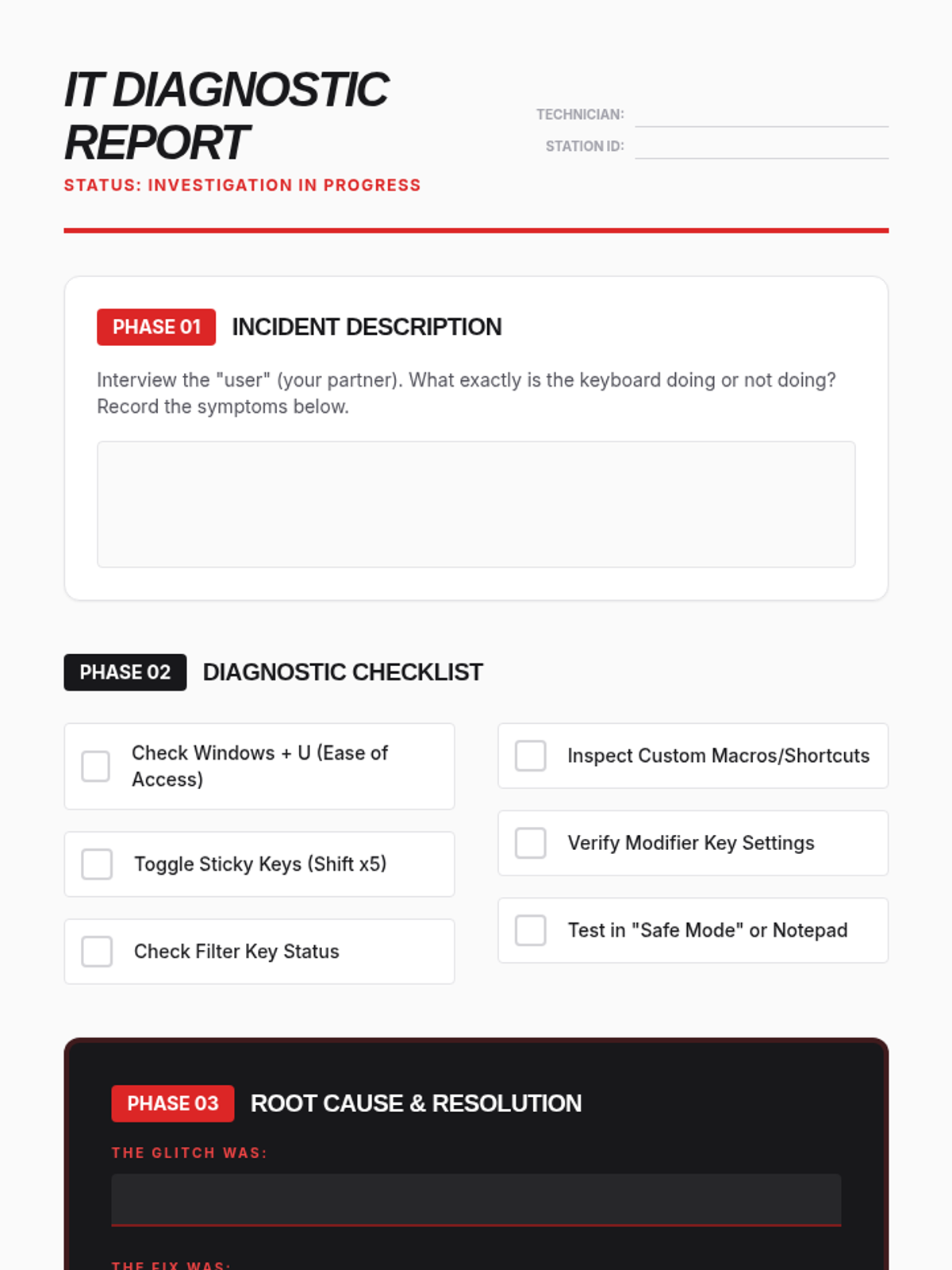
Technical problem-solving worksheet where students document their process of diagnosing and resolving keyboard shortcut conflicts.
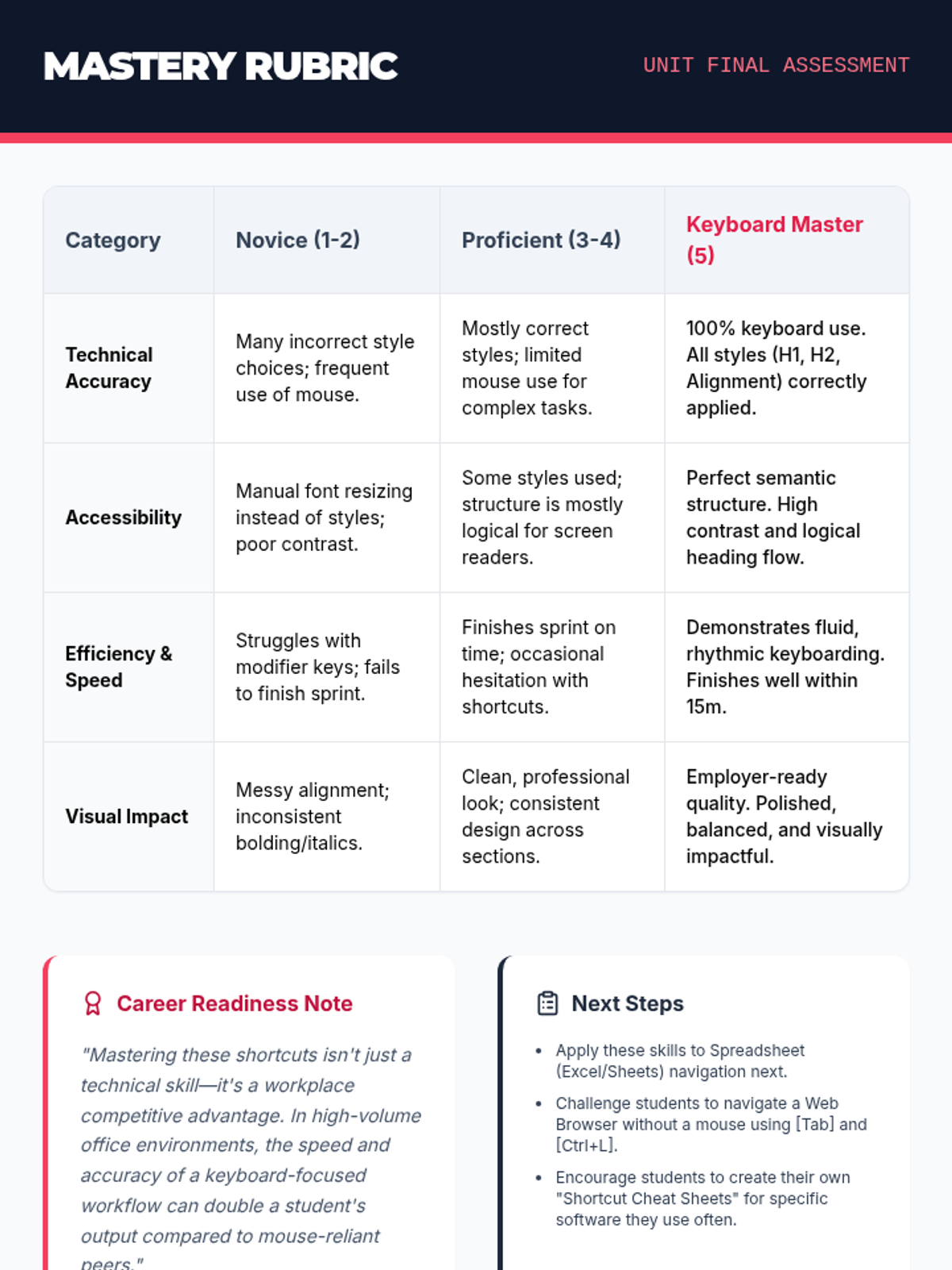
A final assessment rubric for the Resume Sprint project, focusing on technical accuracy, accessibility, efficiency, and visual impact.
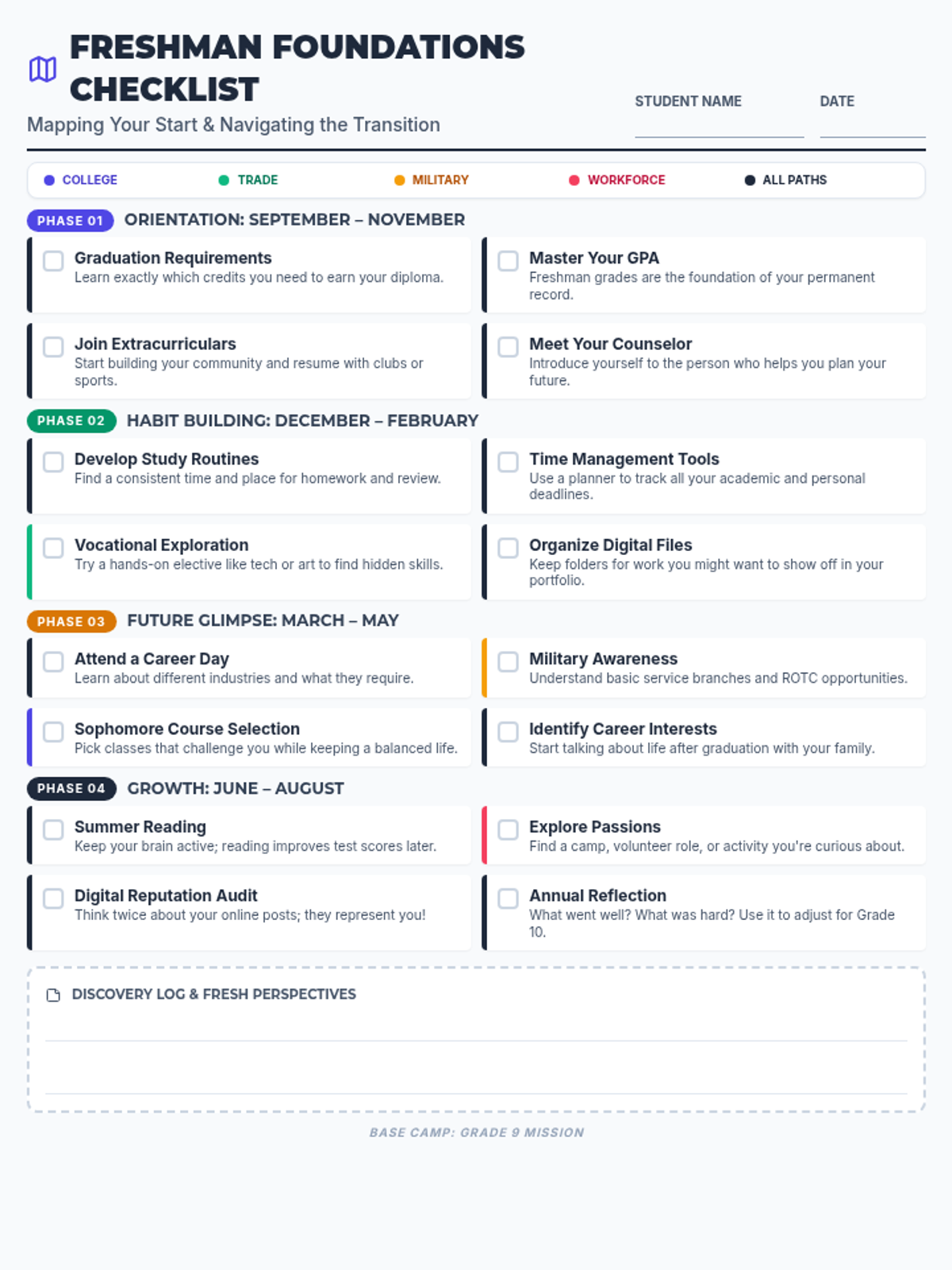
A comprehensive one-page checklist for high school freshmen, organized by seasonal phases and color-coded by post-secondary path (College, Trade, Military, Workforce). Focuses on building academic foundations, exploring interests, and developing essential study habits.
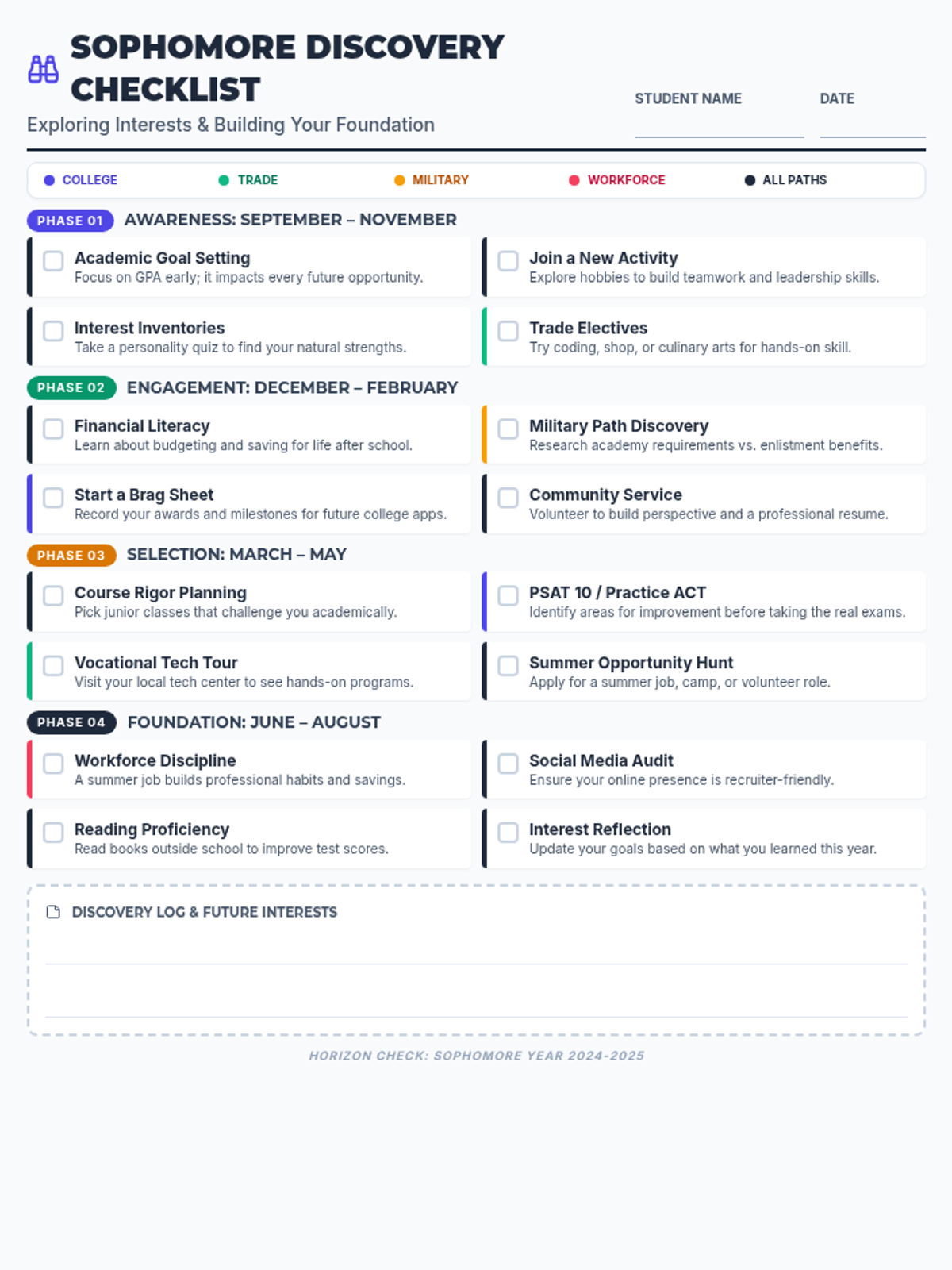
A comprehensive one-page checklist for high school sophomores, organized by seasonal phases and color-coded by post-secondary path (College, Trade, Military, Workforce). Focuses on interest exploration and building an academic and extracurricular foundation.
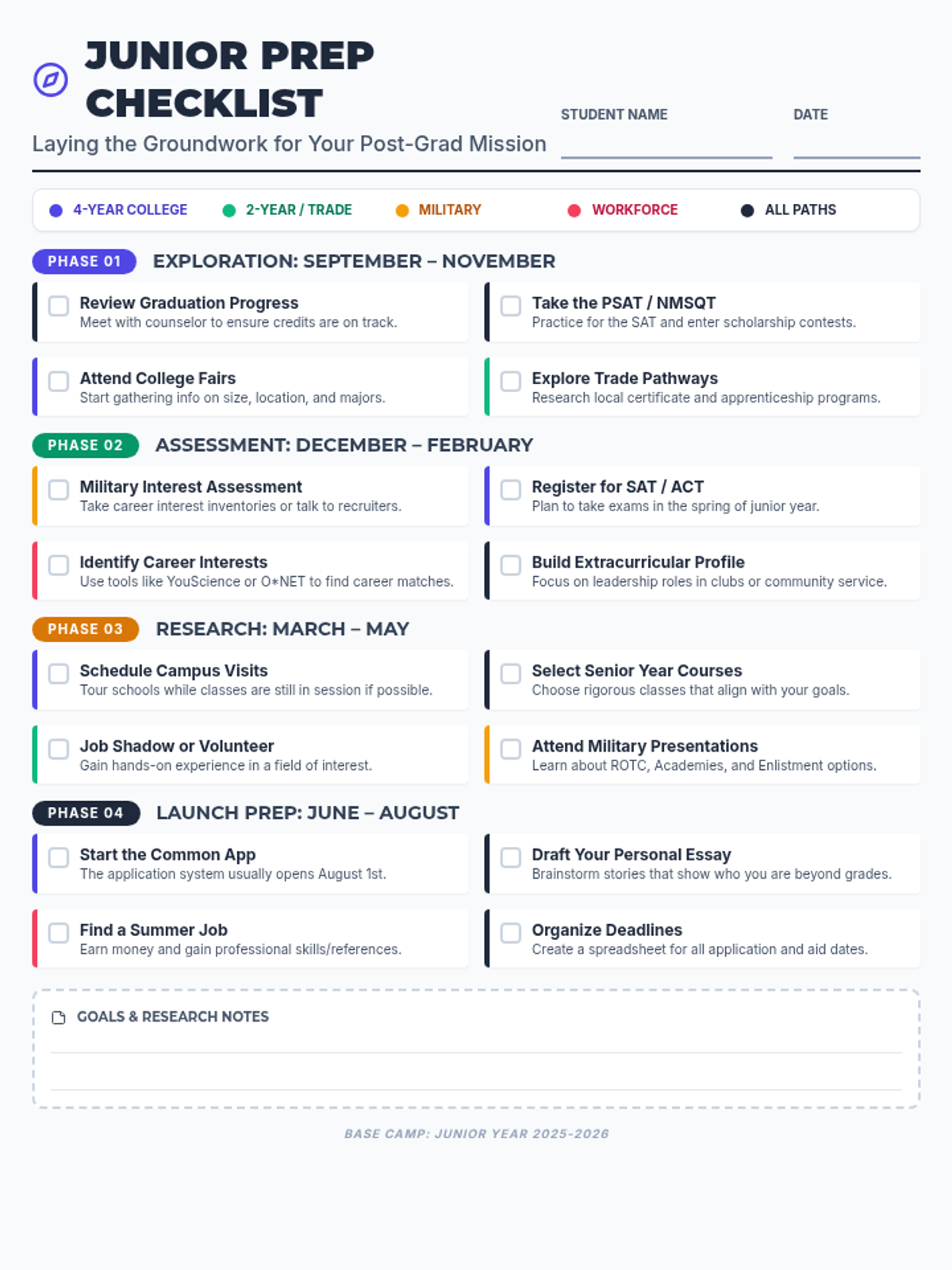
A comprehensive one-page checklist for high school juniors, organized by seasonal phases and color-coded by post-secondary path (College, Trade, Military, Workforce). Helps students lay the groundwork for their senior year mission.
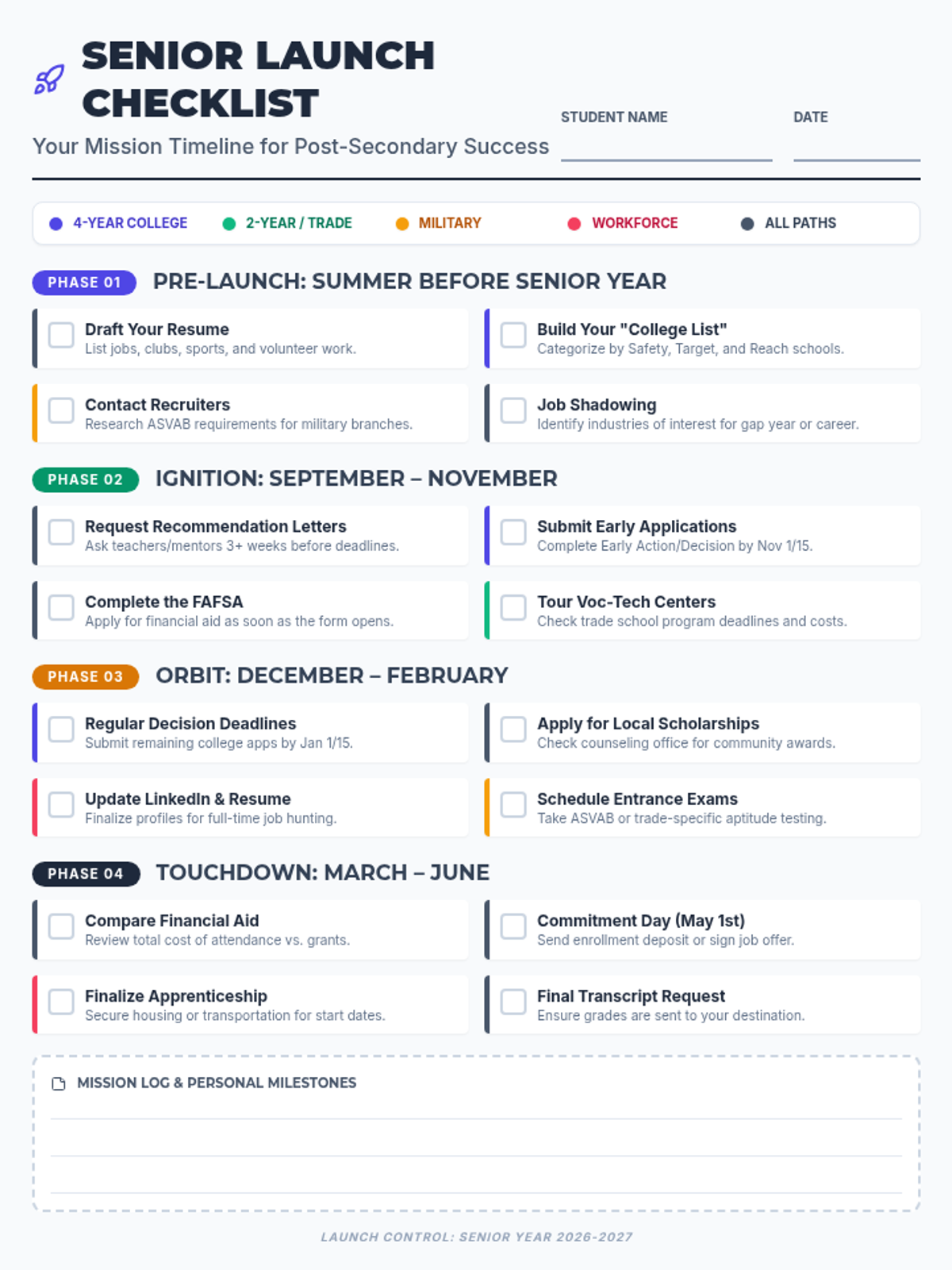
A comprehensive one-page checklist for high school seniors, organized by seasonal phases and color-coded by post-secondary path (College, Trade, Military, Workforce). Includes space for notes and tracking major milestones from summer through graduation.
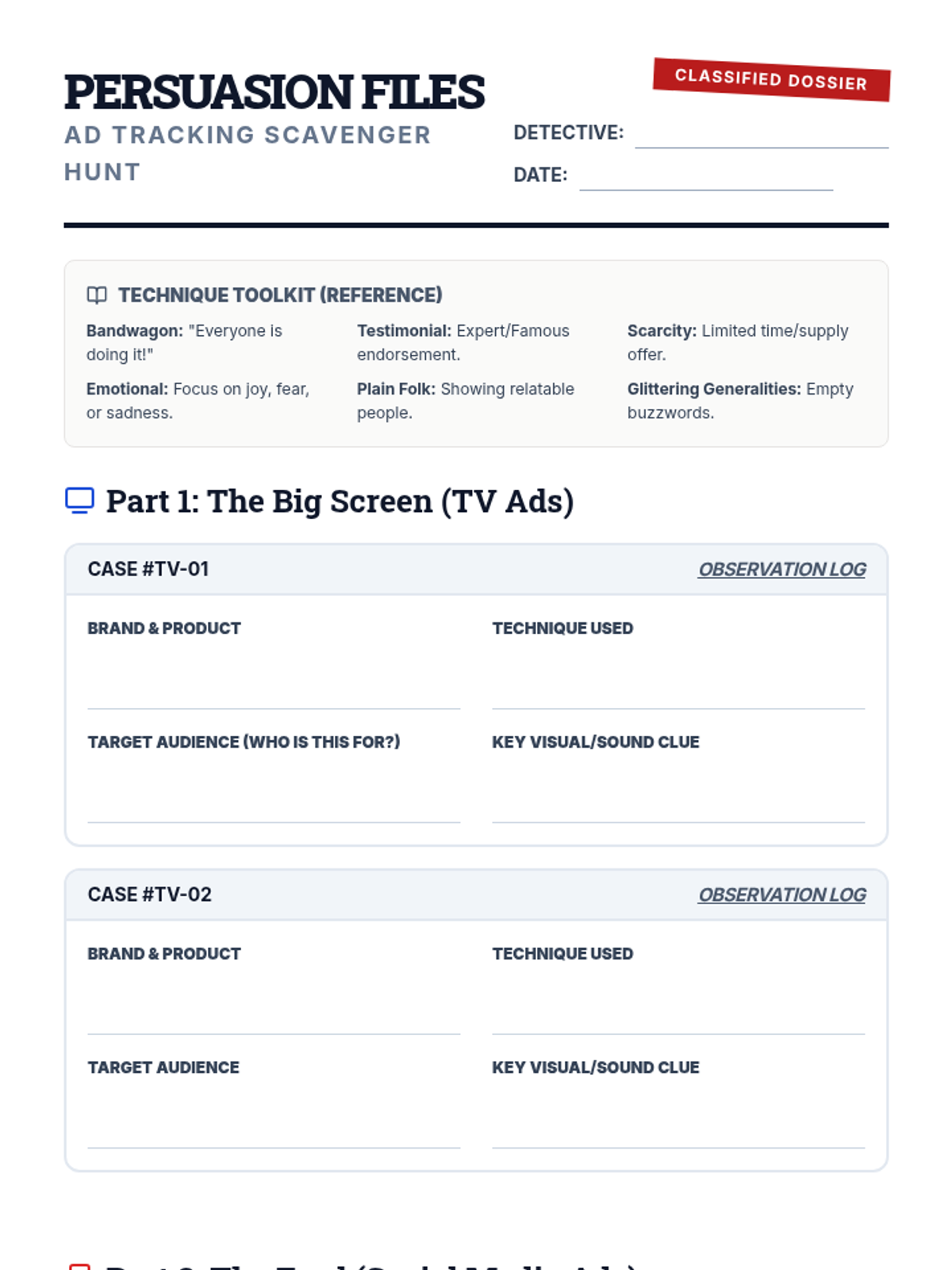
A student scavenger hunt worksheet designed for tracking and analyzing advertising tactics on TV and social media. It includes categorized investigation logs and a final reflection report.
An introductory slide deck for the Ad Tracking Scavenger Hunt, establishing a detective-themed investigation into advertising techniques. It covers common marketing tactics and the differences between television and social media advertising.
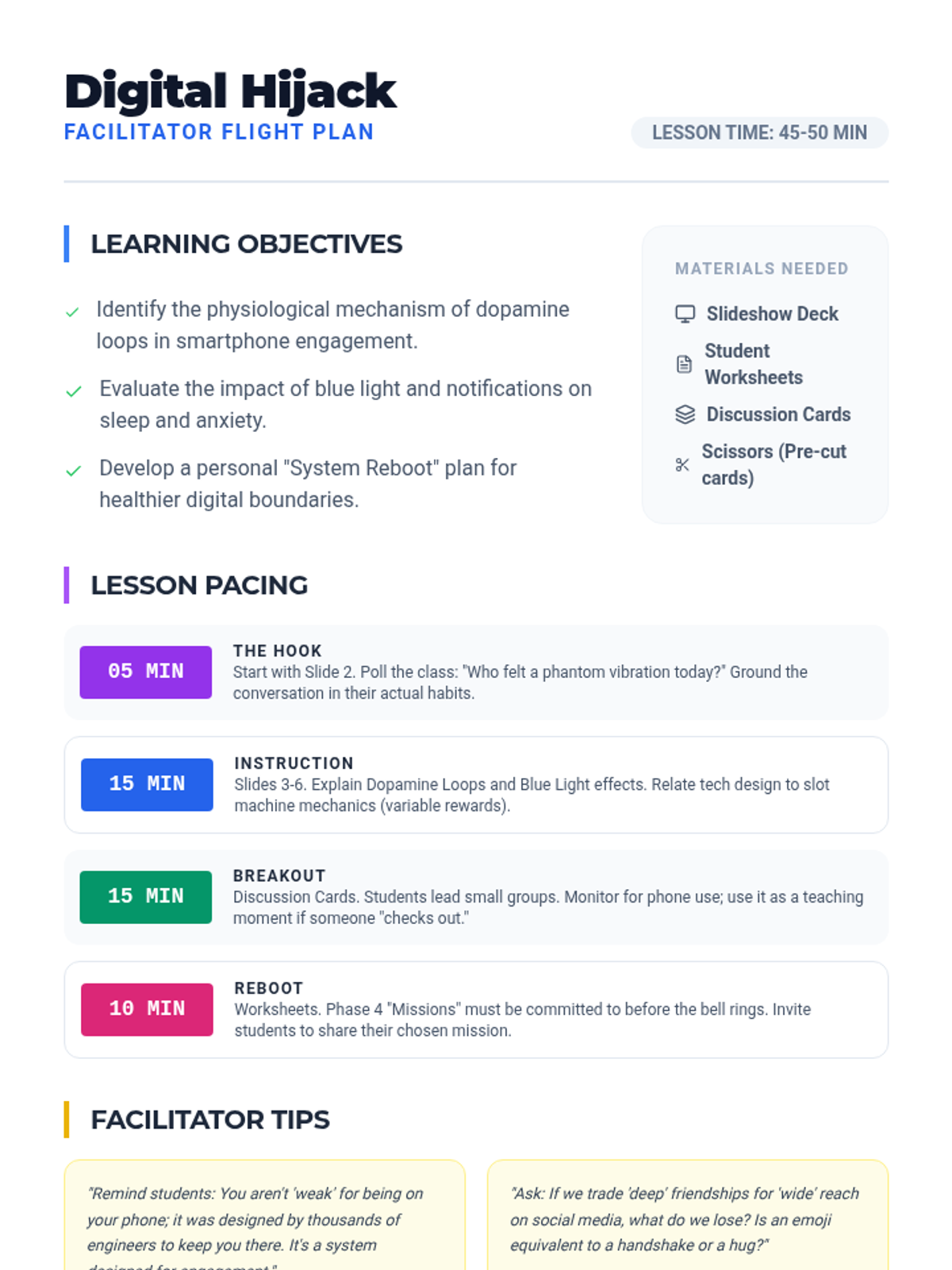
A teacher's guide providing pacing, learning objectives, and discussion prompts for the Digital Hijack lesson, ensuring effective delivery and student engagement.
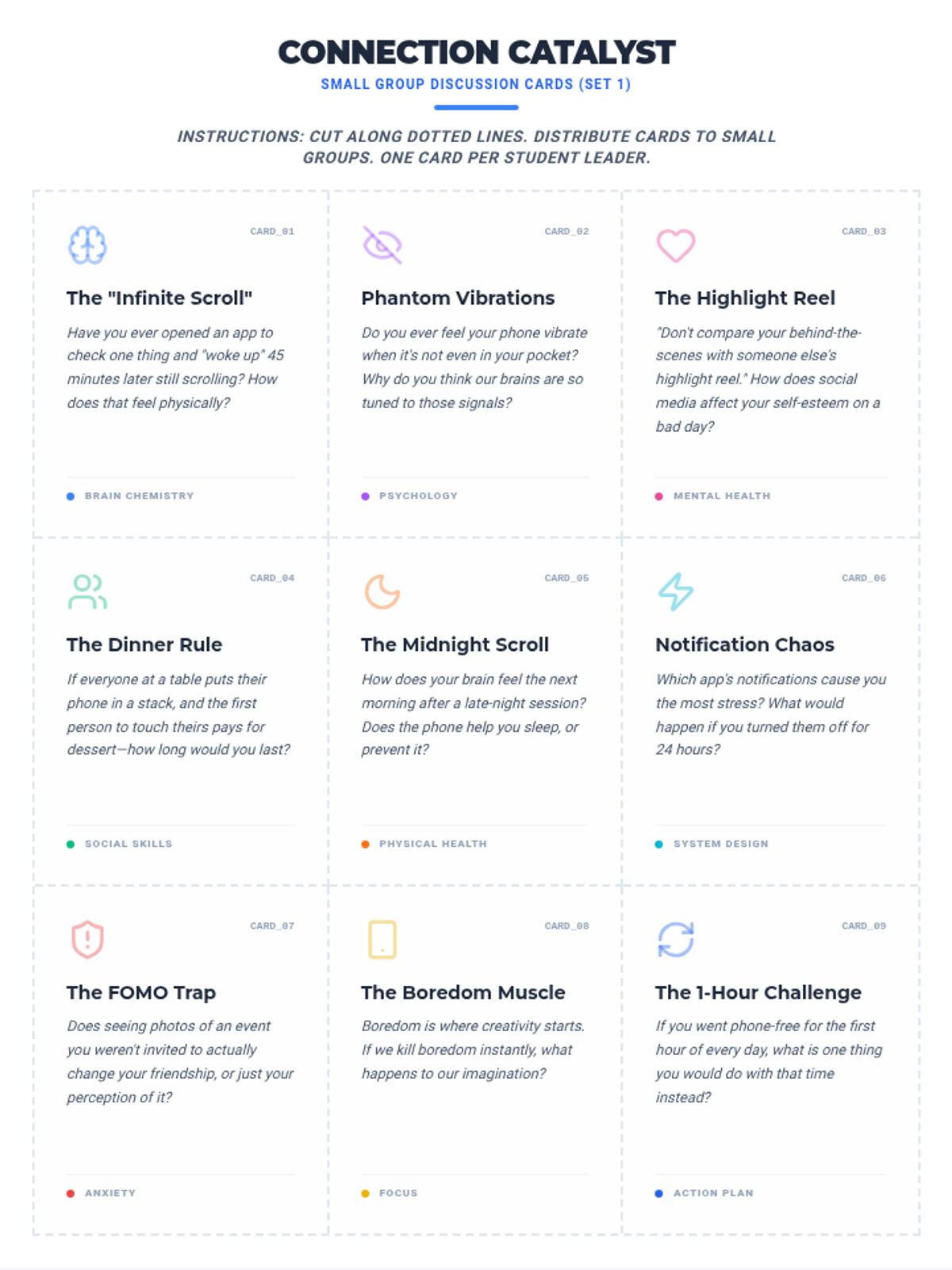
An expanded set of 18 visually distinct discussion cards designed for small group activities, prompting students to reflect on FOMO, phantom vibrations, sleep, and digital habits.
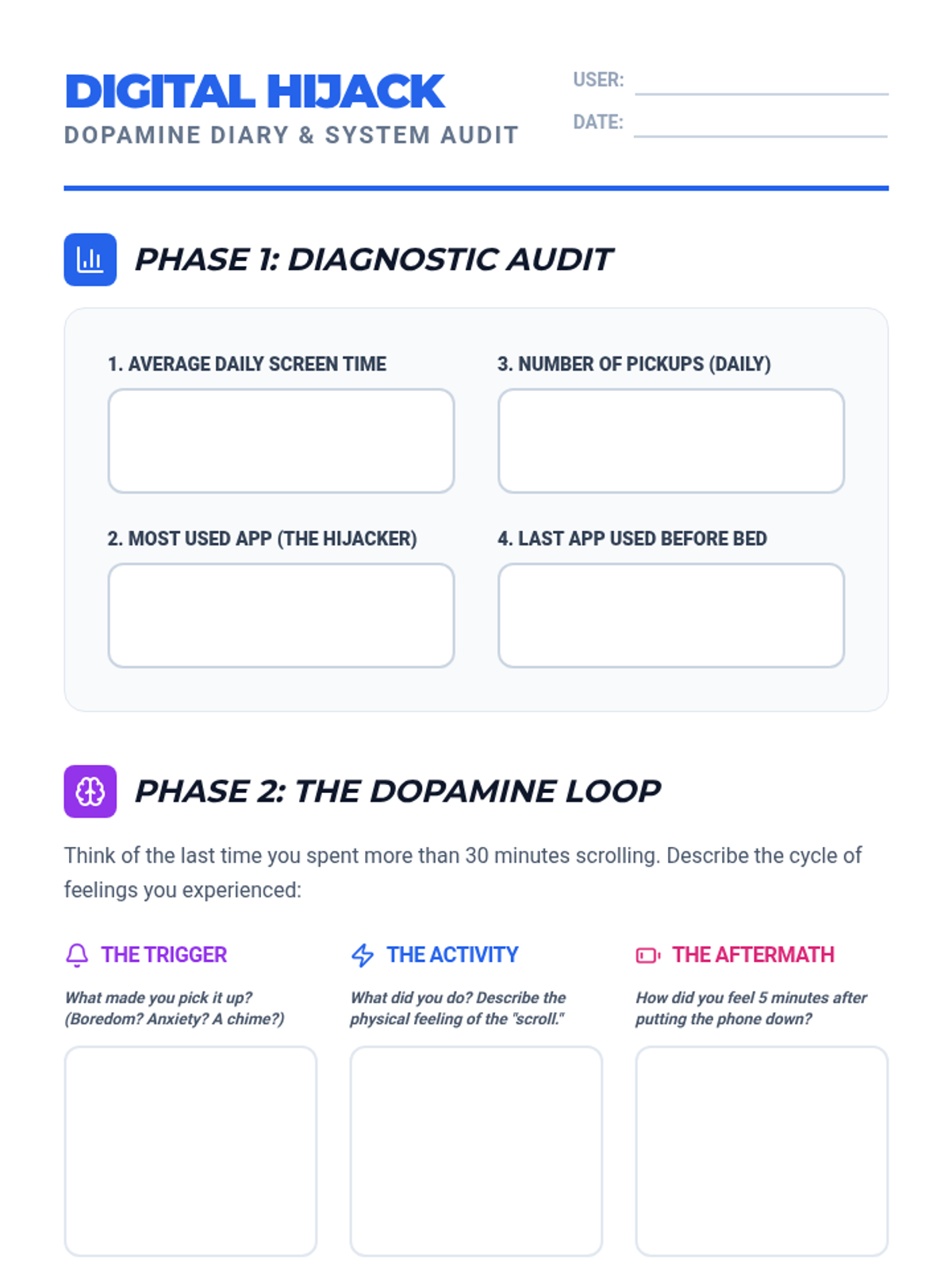
An interactive student worksheet designed for teenagers to audit their phone usage, analyze the dopamine loop, and commit to a 'System Reboot' mission for healthier digital habits.
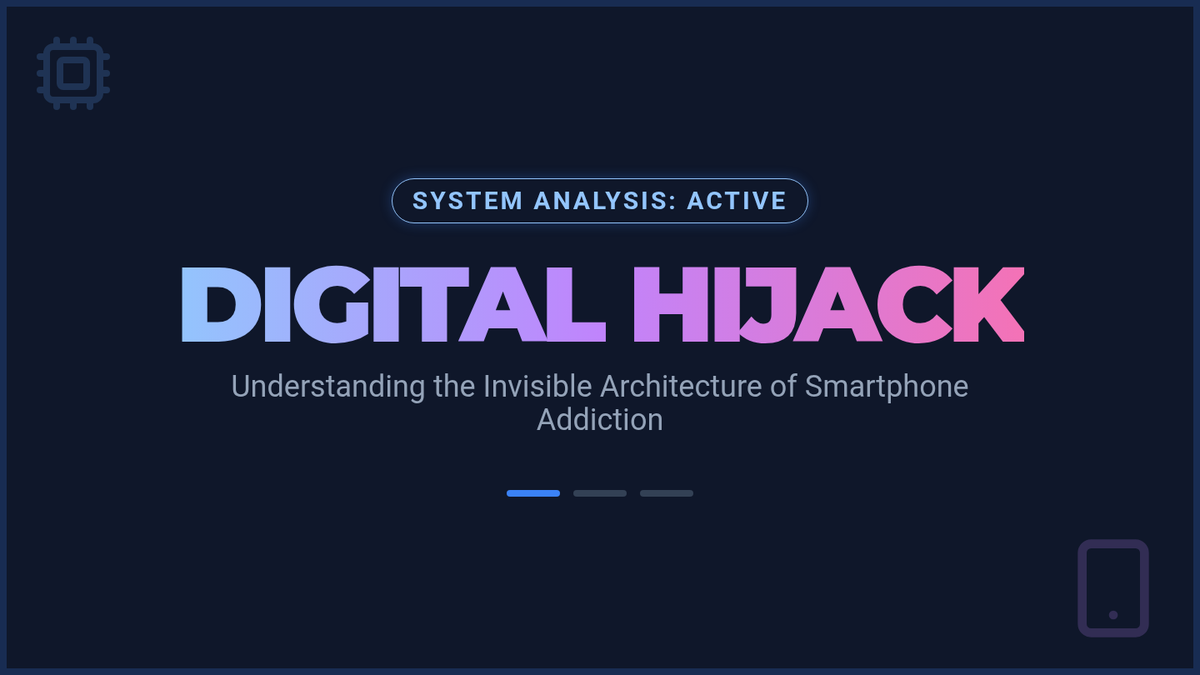
A high-impact 8-slide presentation for teenagers about smartphone addiction, focusing on brain chemistry, sleep disruption, mental health, and social impacts with a modern cyberpunk aesthetic.
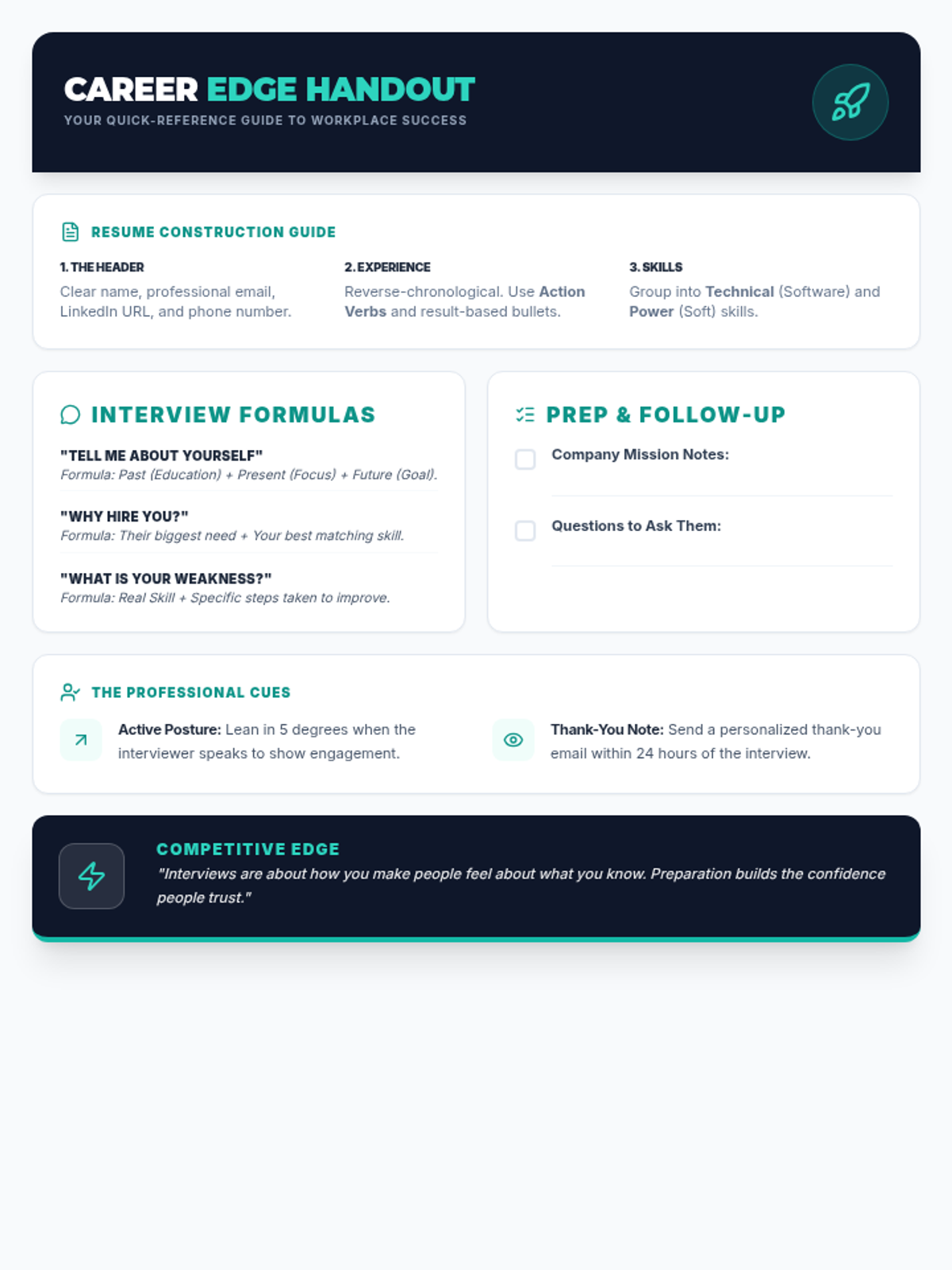
A comprehensive career-ready handout covering resume construction, interview question strategies, body language, and preparation checklists. (Revised for high information density and single-page utility).
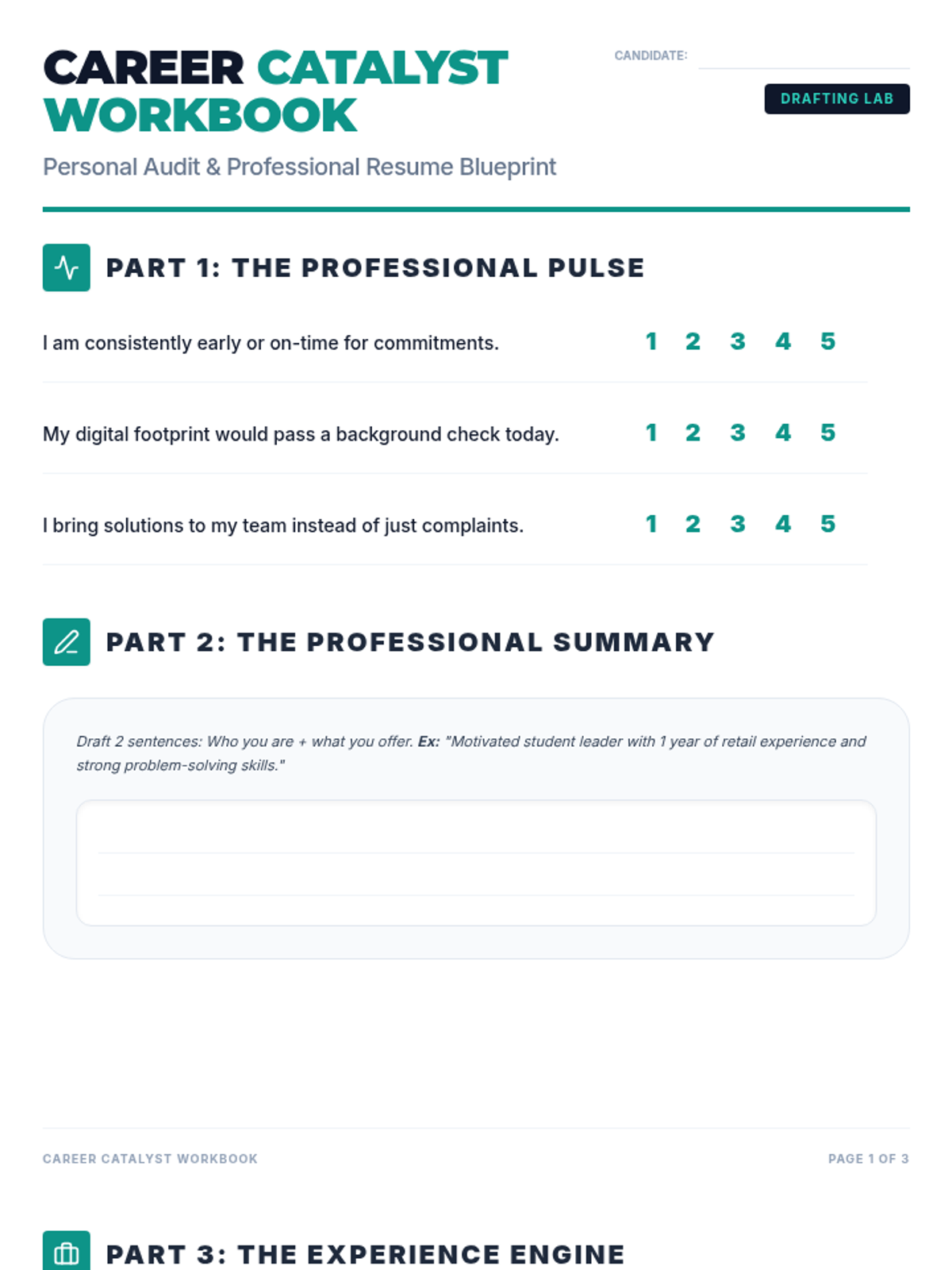
A comprehensive 3-page student workbook containing a professionalism audit, a guided resume drafting blueprint, and a scaffolded STAR method interview workshop. (Combined for utility and instructional depth).
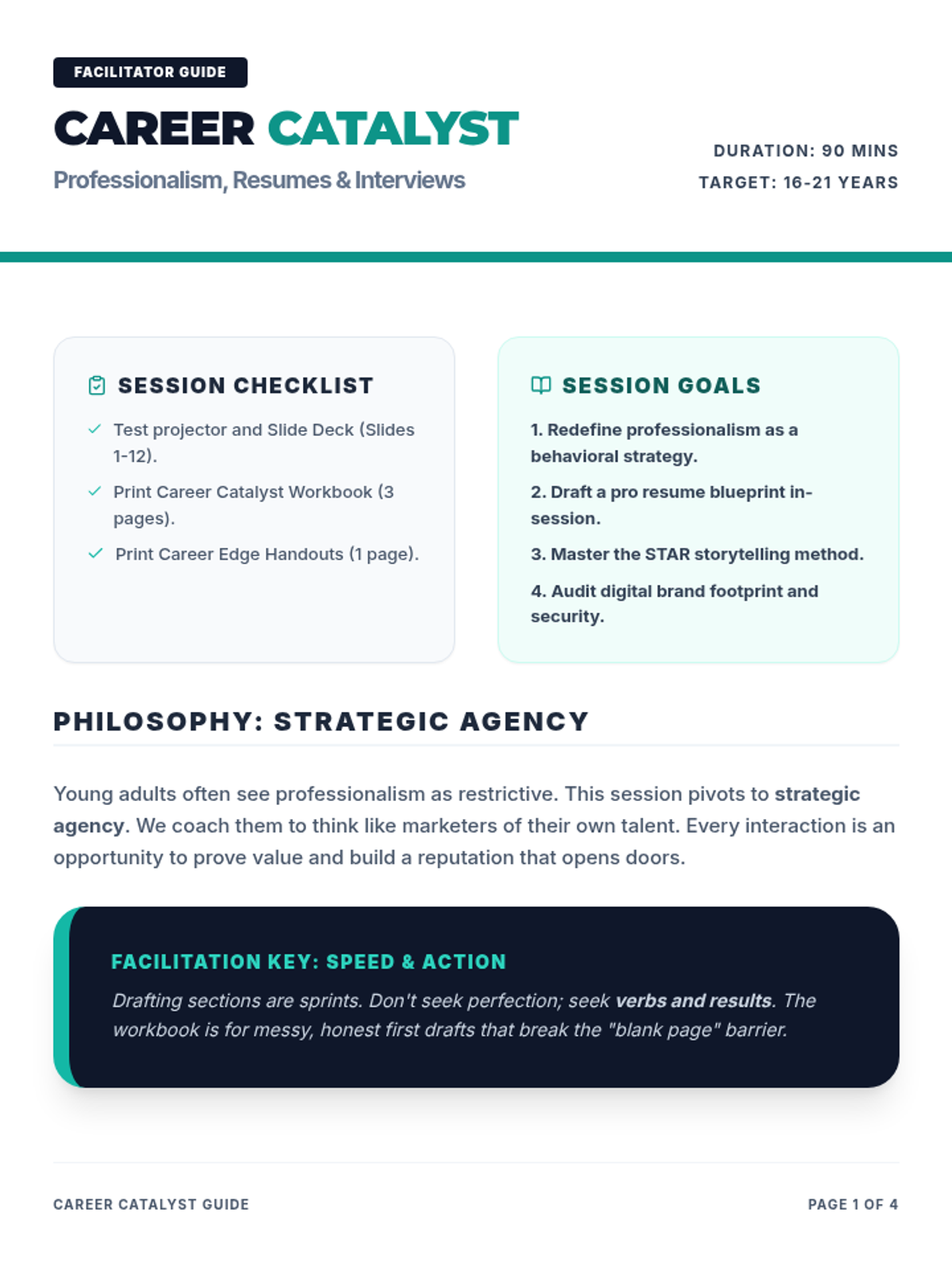
A detailed 4-page facilitator guide for the Career Catalyst session, including deep-dive scripts, resume building instruction, STAR method debriefs, and inclusive professionalism context. (Revised for comprehensive coverage and consistent styling).
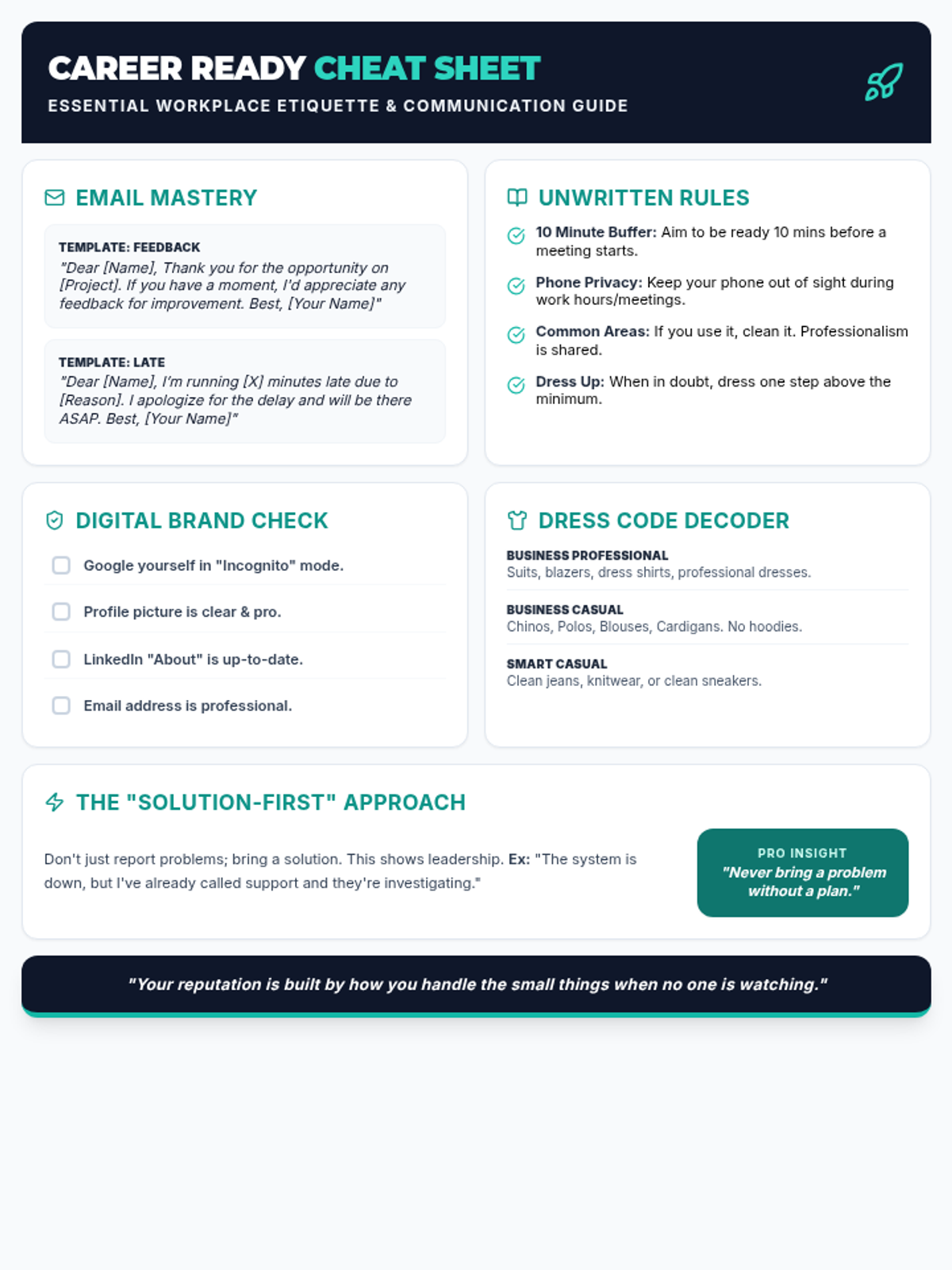
A condensed, single-page reference handout for young professionals containing email templates, unwritten workplace rules, digital brand checklists, and dress code guidance. (Revised for single-page efficiency and contrast).
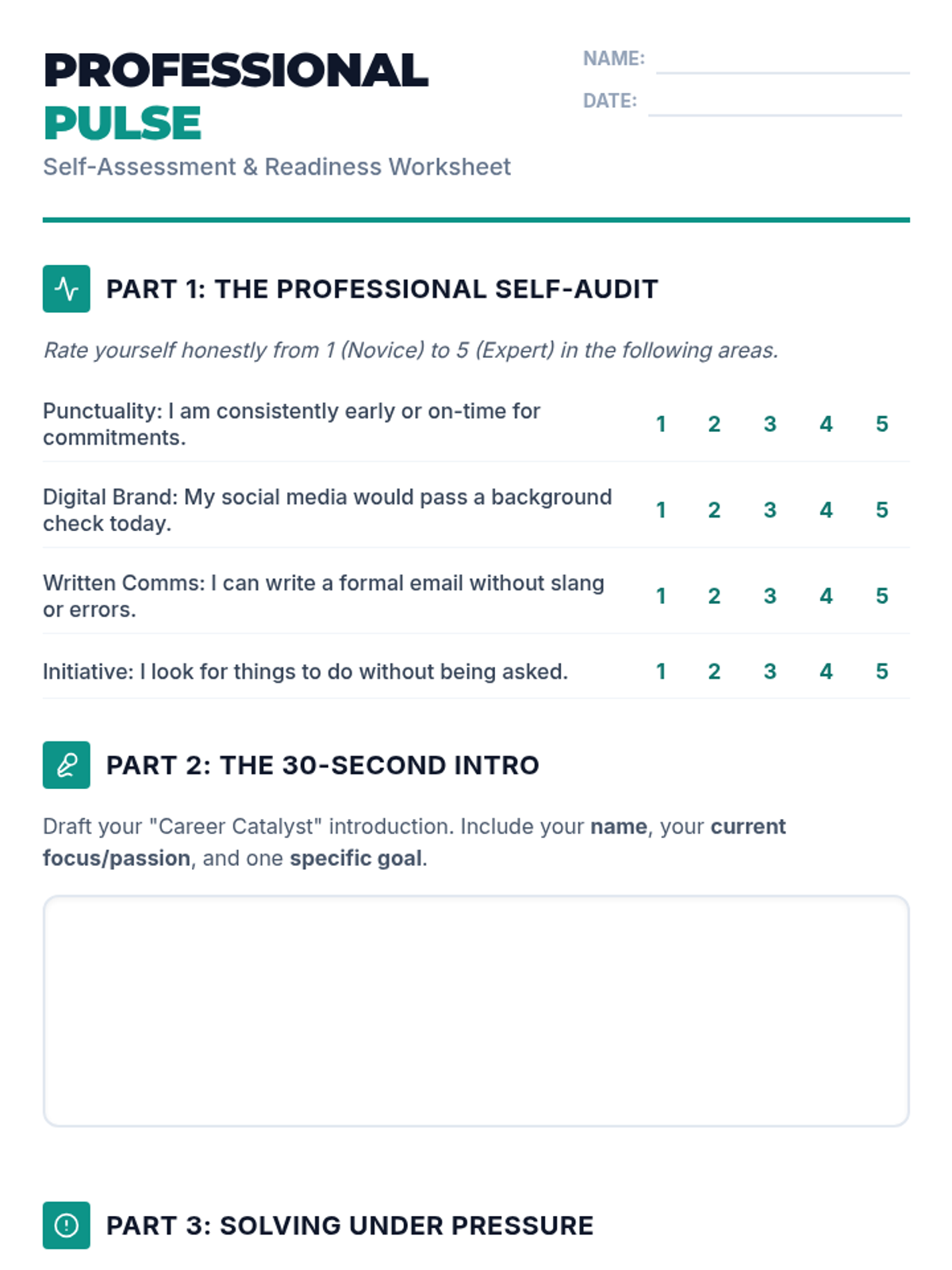
A reflective student worksheet designed to help young adults audit their current professionalism skills and practice high-stakes workplace scenarios. (Revised to fit on 2 pages with improved work area sizing).
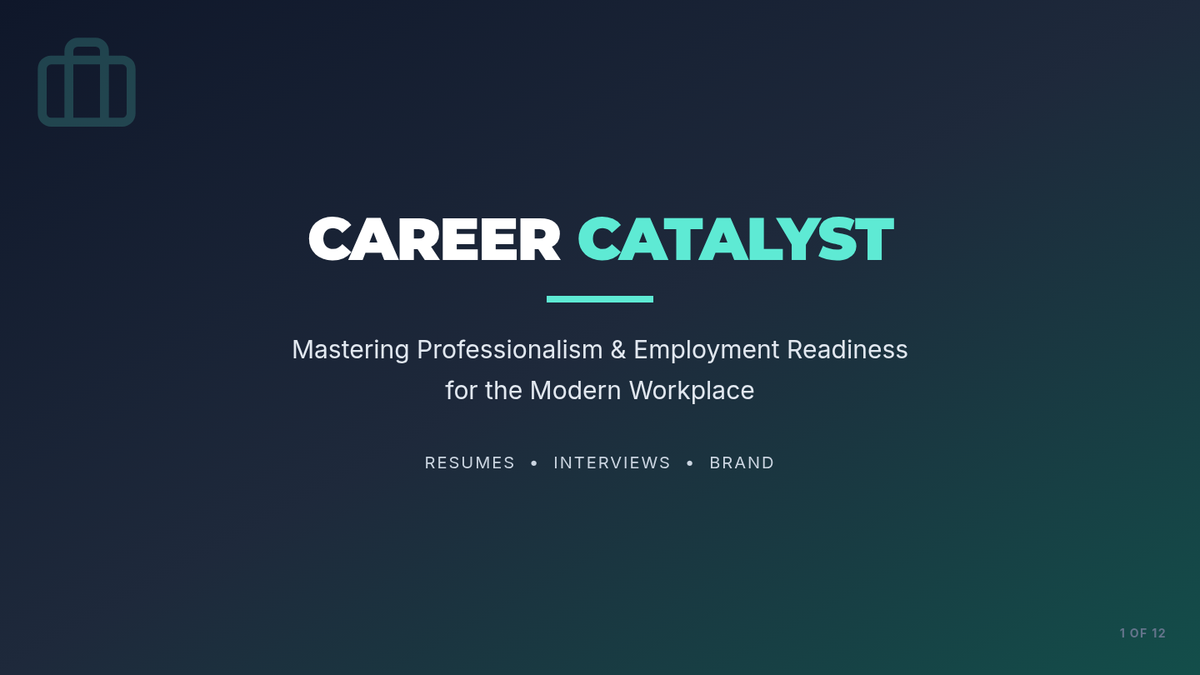
A high-impact slide deck for young adults covering professionalism, resume anatomy, and interview techniques using the STAR method. (Revised for layout balance, accessibility, and content reordering).
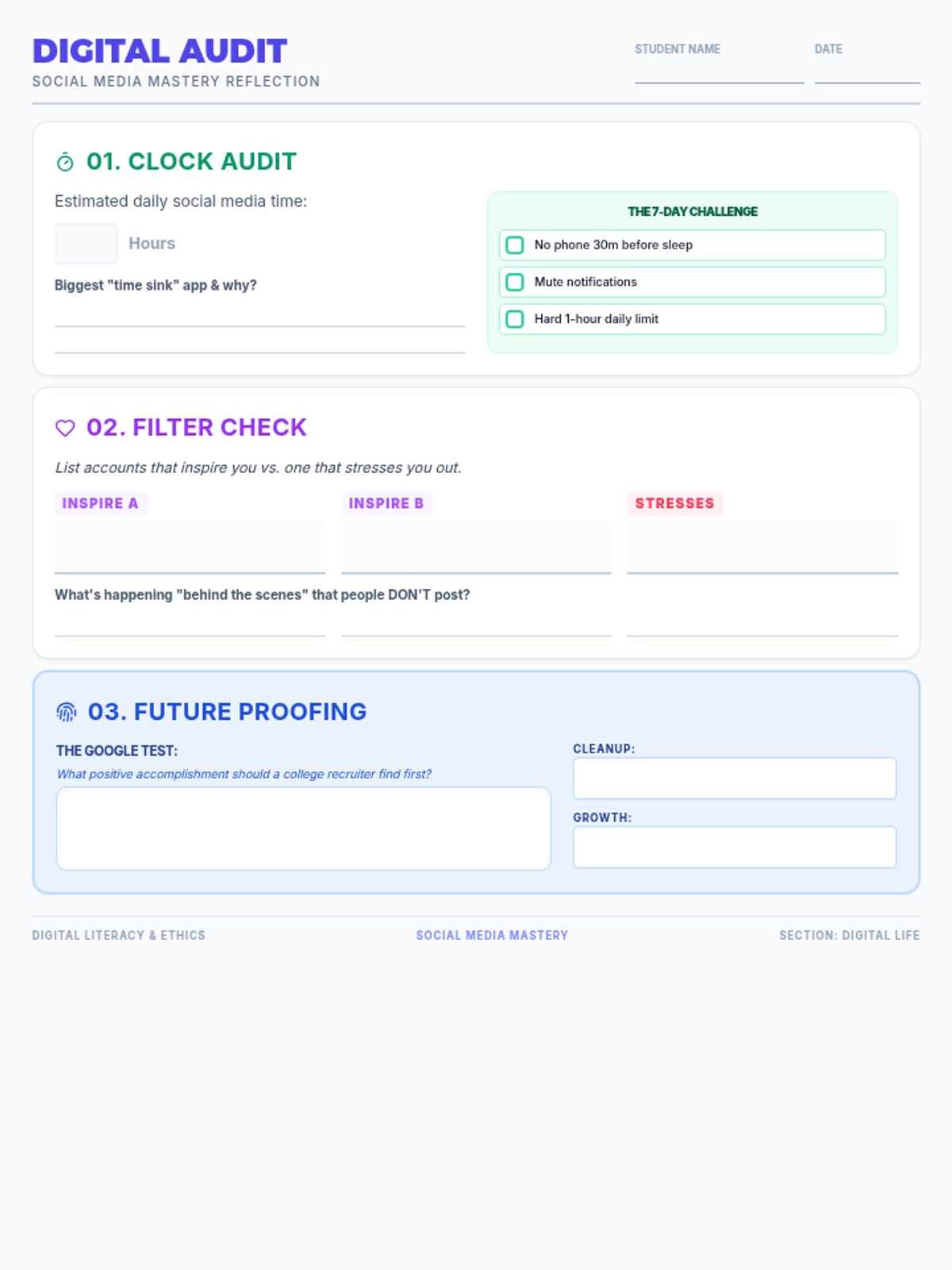
A reflection worksheet for students to audit their own social media habits. Includes a screen time self-assessment, a "filter check" to identify healthy vs. toxic accounts, and a strategic "Google Test" exercise for digital footprint management.
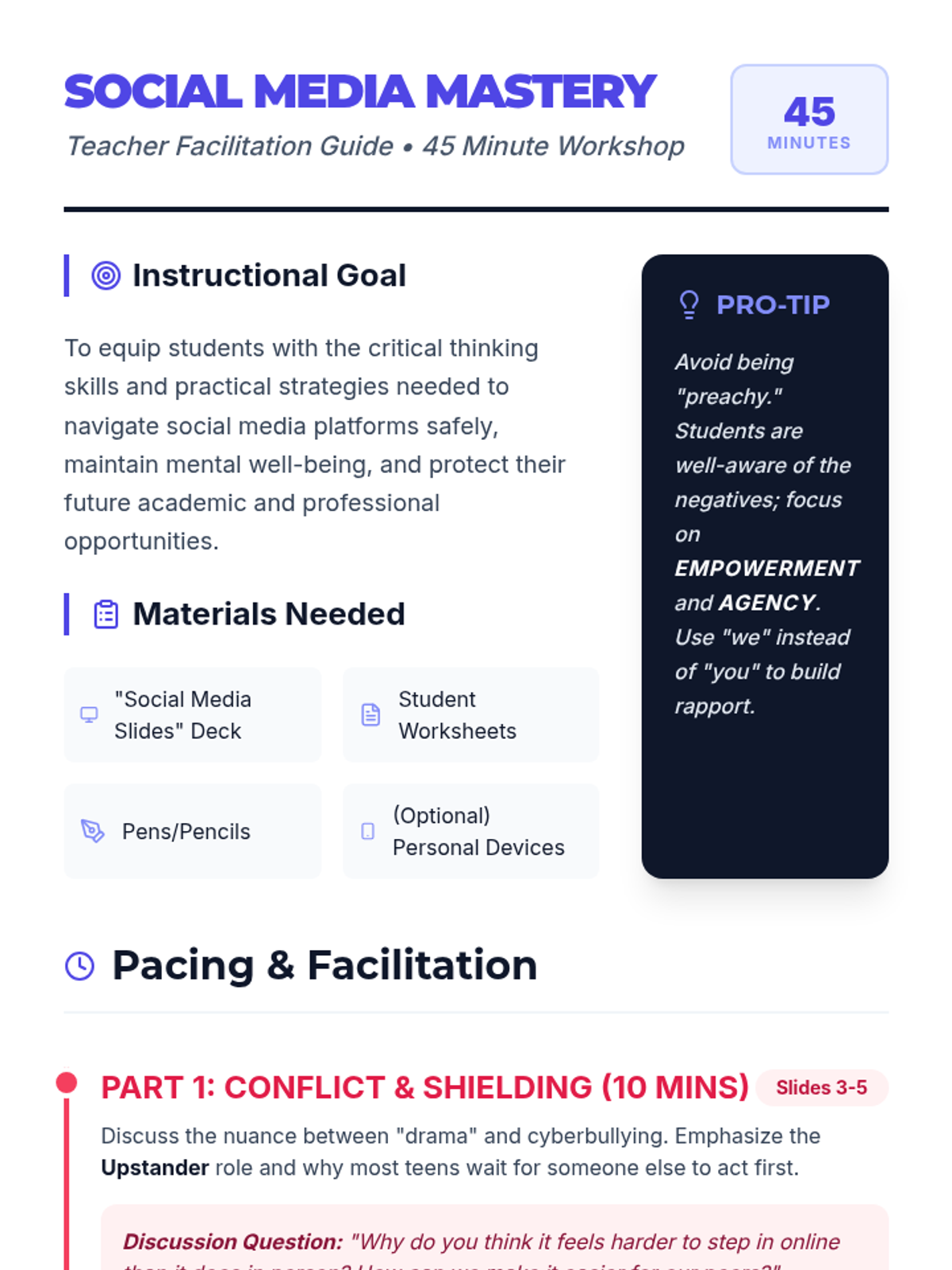
A detailed facilitation guide for teachers to deliver the Social Media Mastery workshop. Includes time-stamped pacing, specific discussion prompts for each slide section, and strategies for handling common student pushback.
A high-impact 14-slide presentation designed to engage students in critical conversations about social media. It features modern aesthetics, bold typography, and clear sections on cyberbullying, mental health, screen time boundaries, and digital footprint for college.
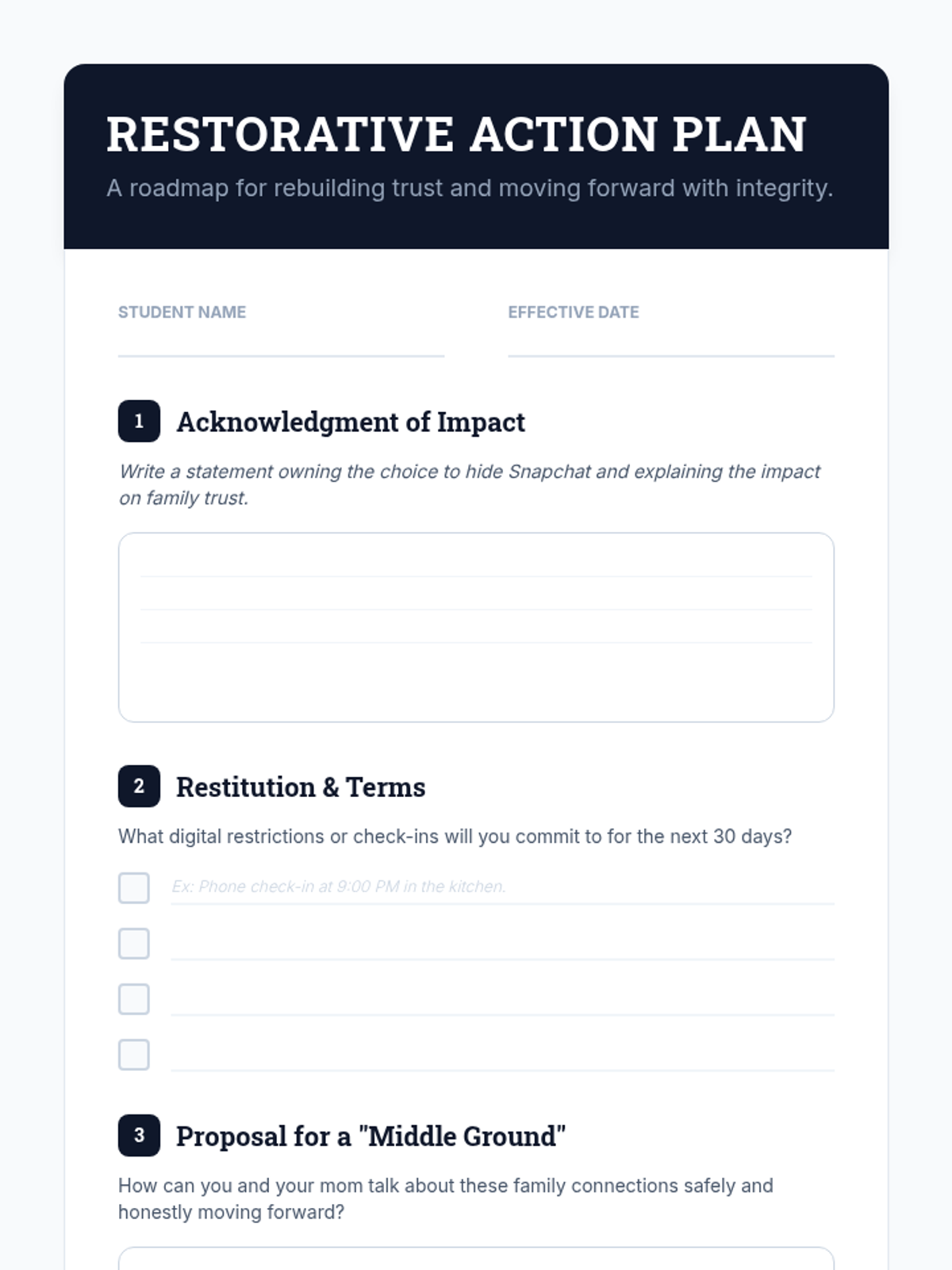
A restorative justice action plan template designed for a student to take ownership of their actions, propose terms for restitution, and suggest a healthy pathway for future communication with their family.
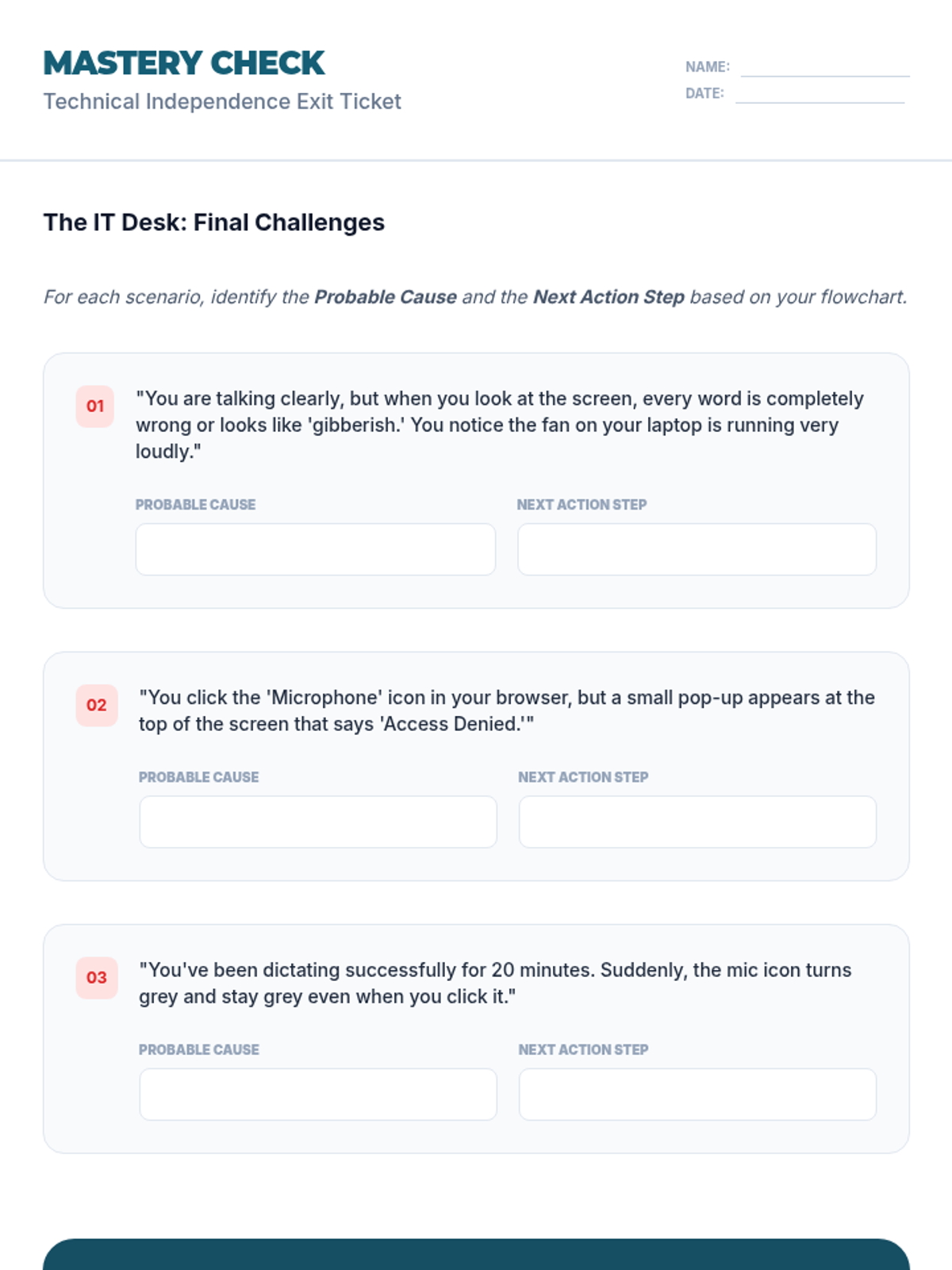
A final exit ticket assessing students' ability to troubleshoot technical issues with speech recognition software independently.
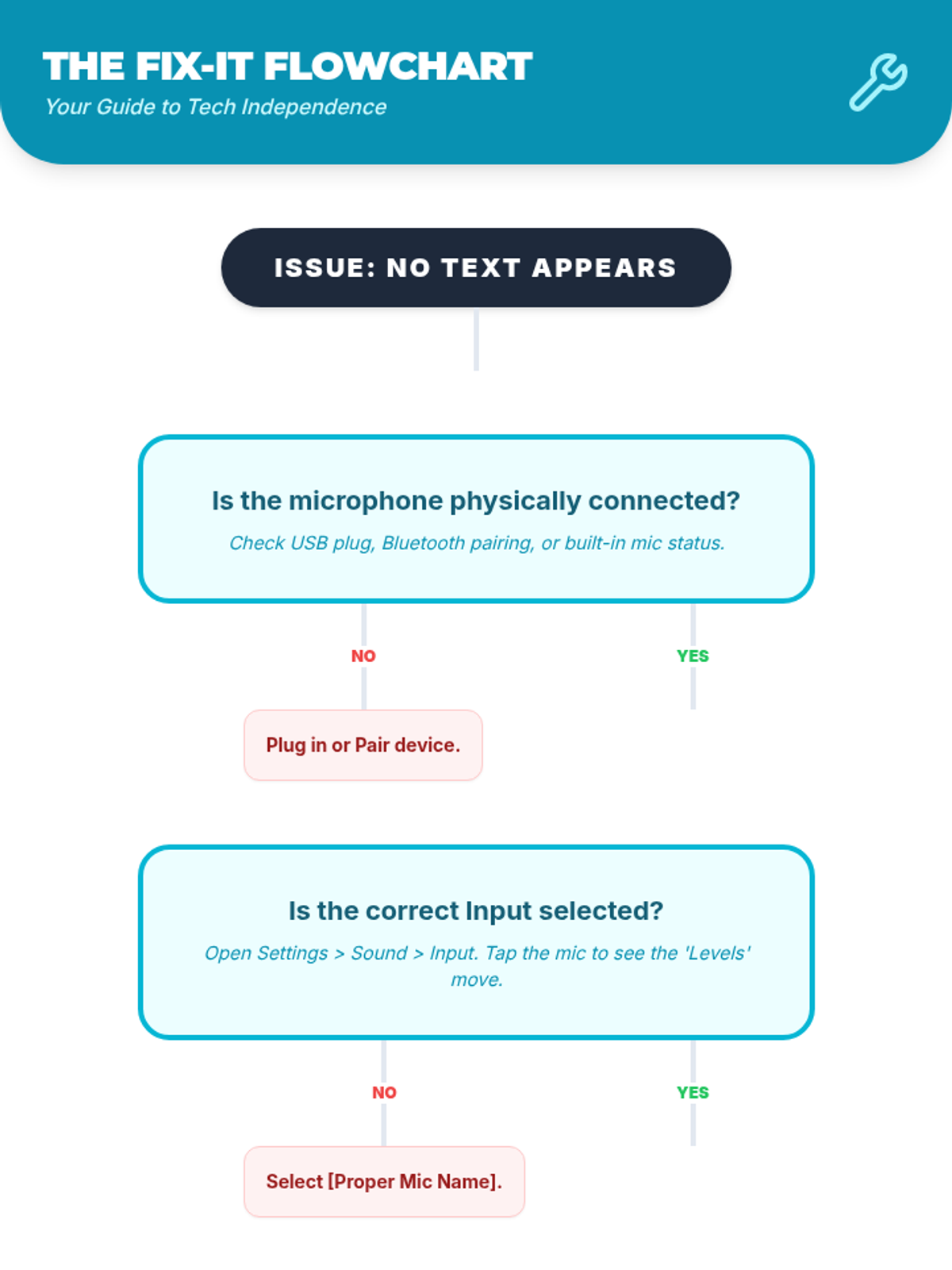
A visual flowchart for students to independently troubleshoot common hardware and software issues with speech recognition tools.
A slide deck covering technical problem-solving for speech recognition software, including hardware checks and software resets.
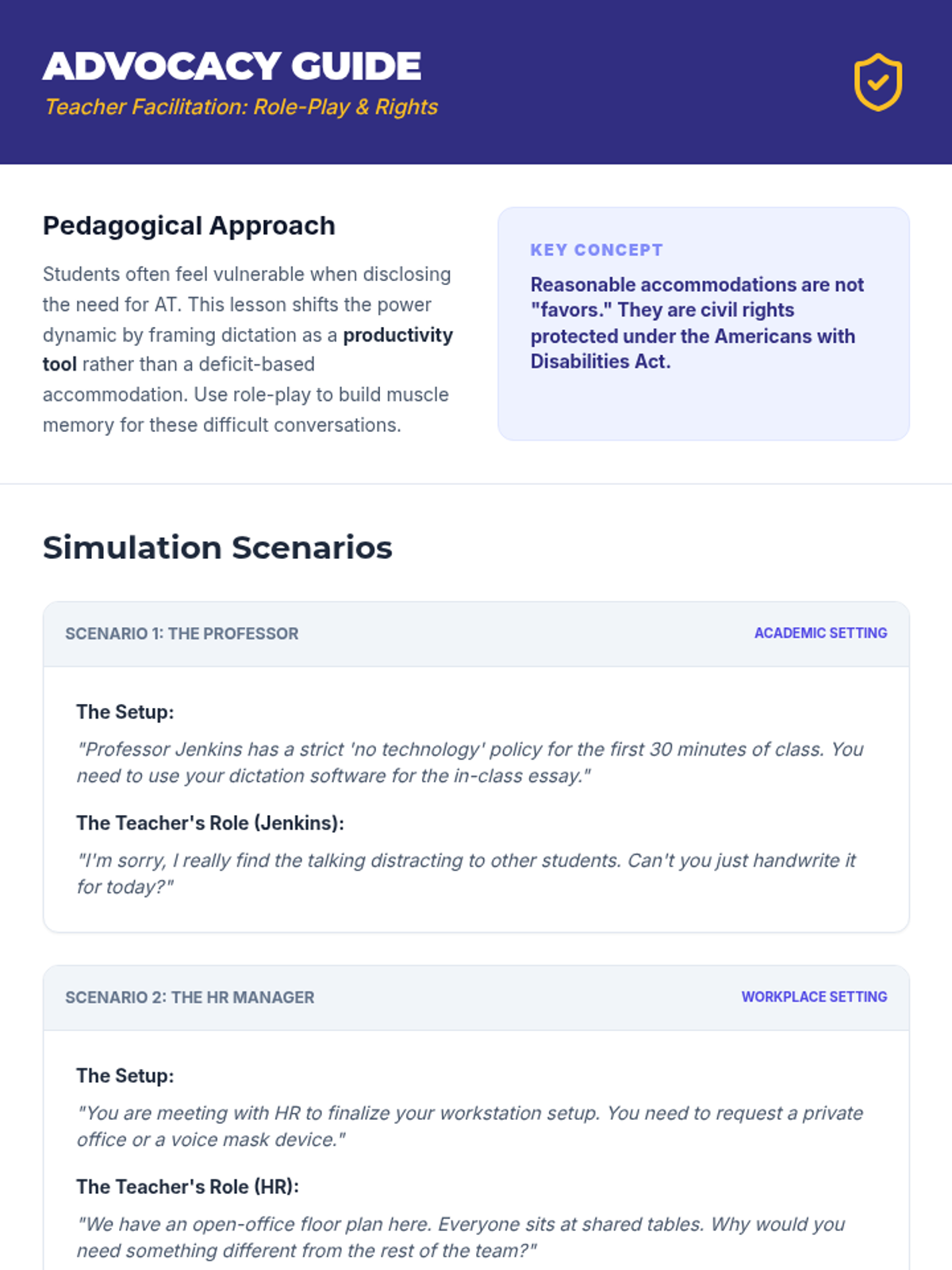
A teacher facilitation guide for the Lesson 4 advocacy role-play, including scenarios, feedback rubrics, and discussion prompts.
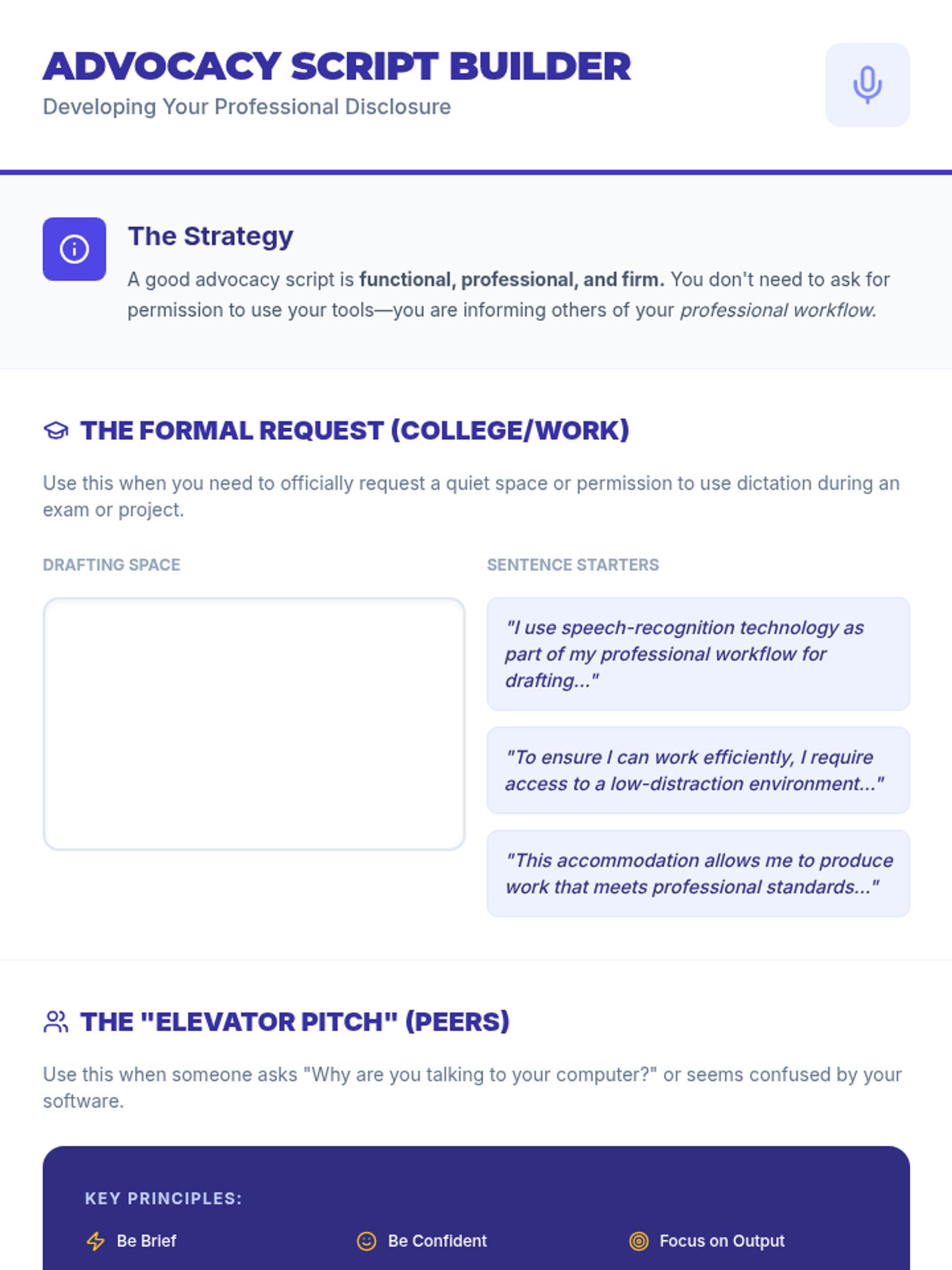
A guided worksheet for students to draft their personal self-advocacy and disclosure scripts for various professional and academic scenarios.
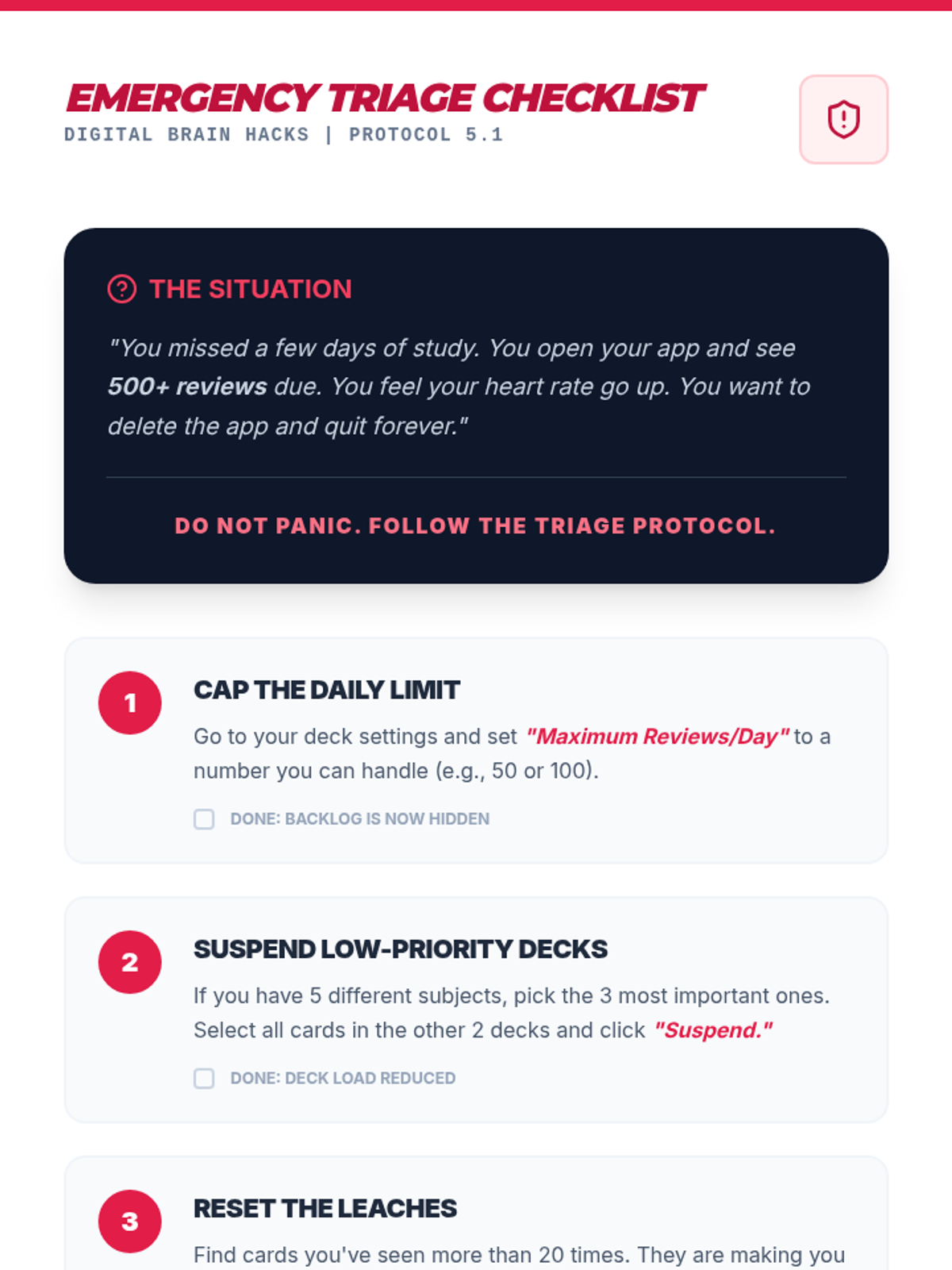
A specialized guide and checklist for students to use when their digital review backlog becomes overwhelming. It provides step-by-step instructions for reducing workload without quitting the system.
A slide deck covering ADA rights, the concept of reasonable accommodations, and professional self-disclosure strategies.
Slide deck for Lesson 5 focusing on personalizing algorithm settings to prevent burnout and match specific learning speeds and exam timelines.
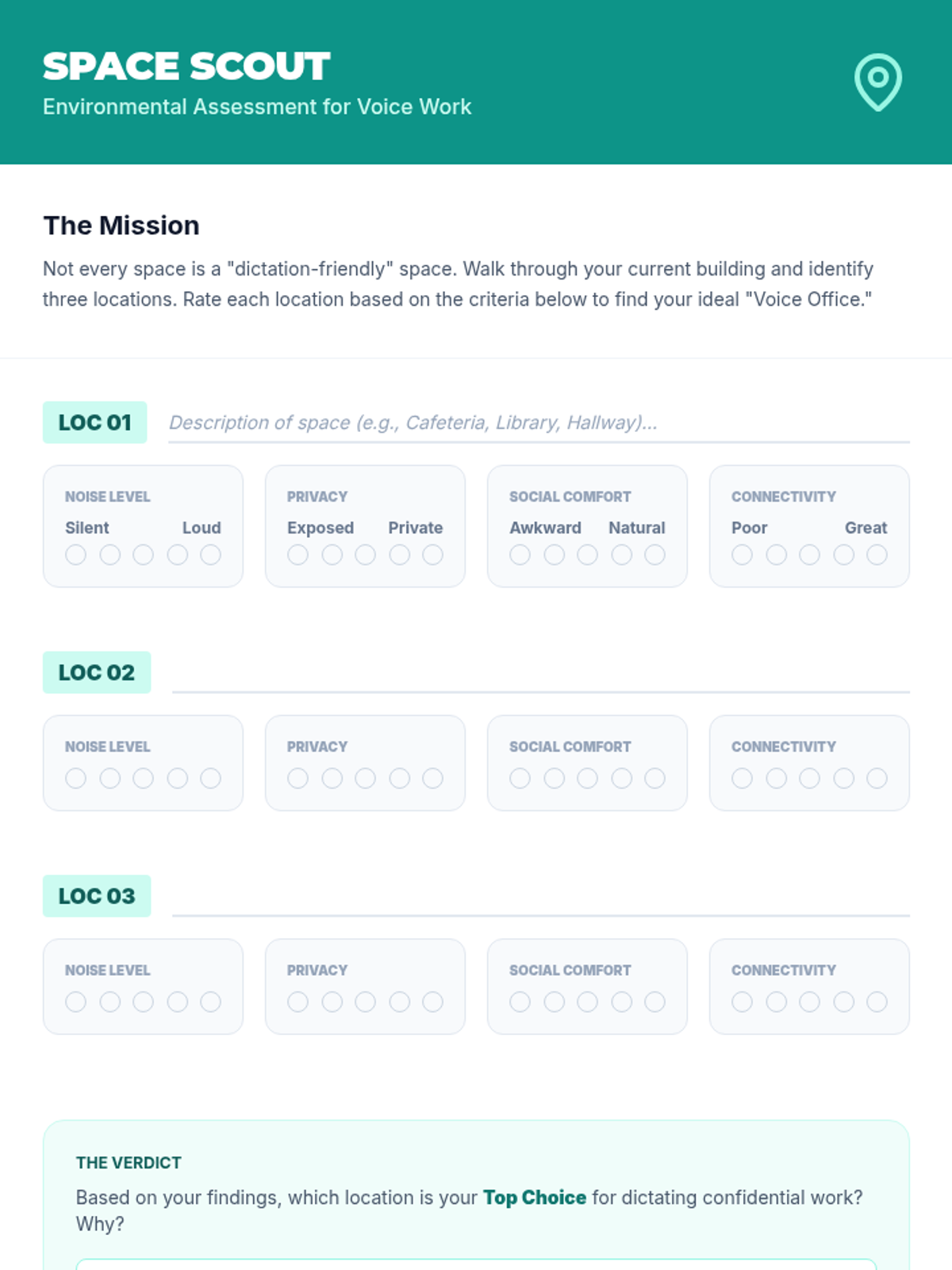
A student handout for assessing environments for dictation based on noise, privacy, social comfort, and connectivity.
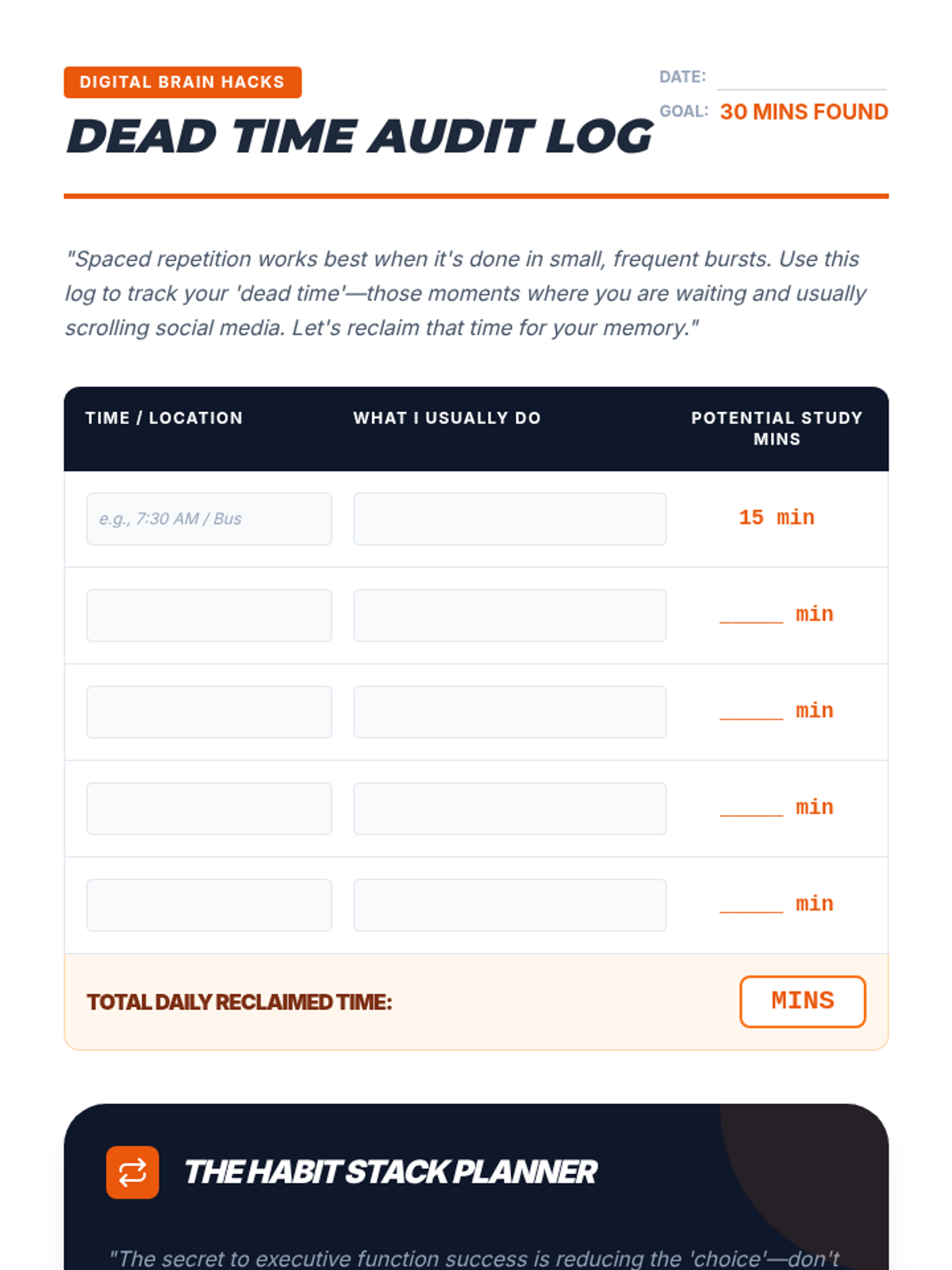
A student worksheet for auditing daily 'dead time' and planning habit-stacking routines to integrate study sessions into a mobile lifestyle.
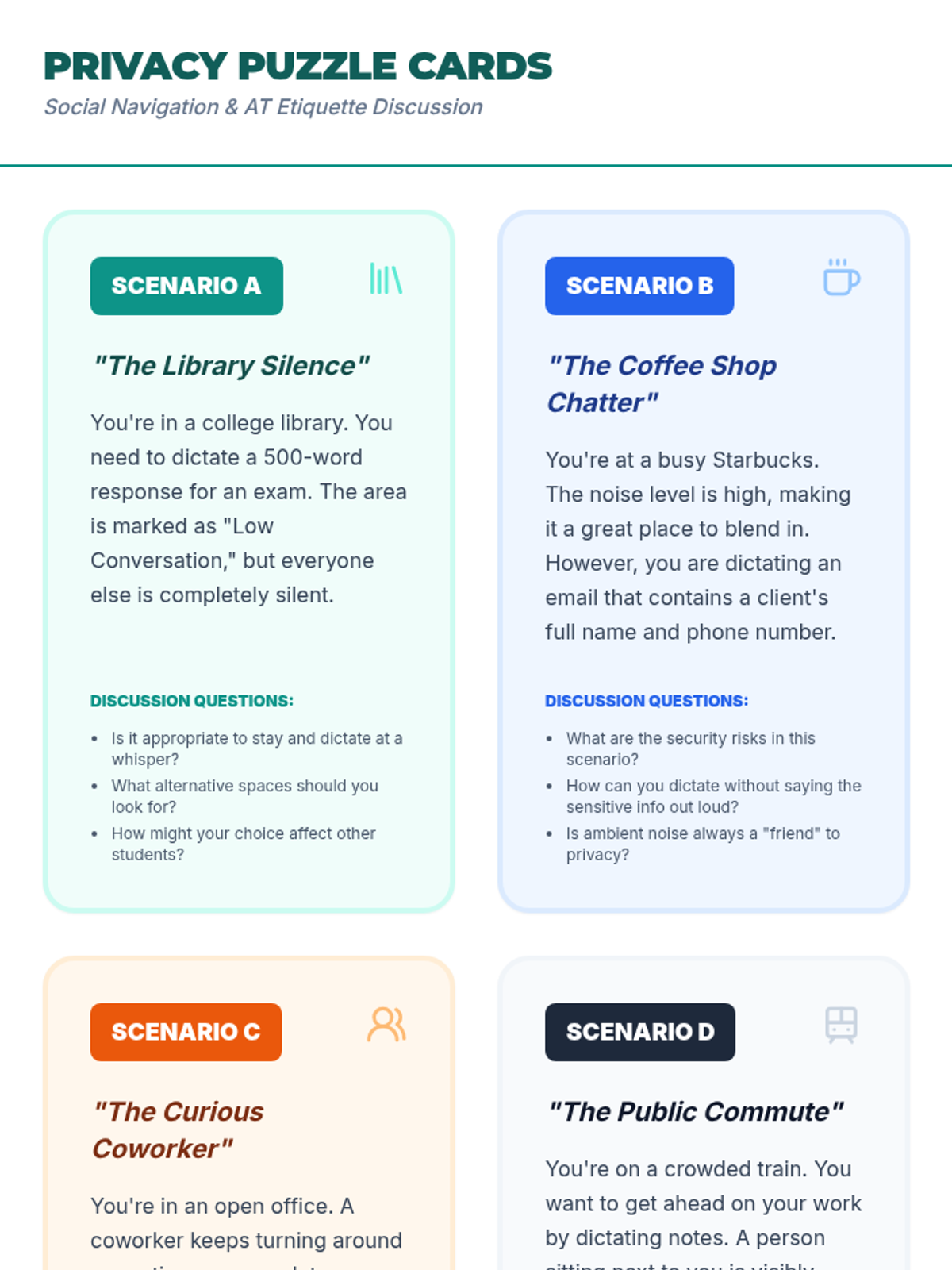
Scenario-based discussion cards for small groups to explore the social and privacy challenges of using dictation in public.
Slide deck for Lesson 4 focusing on integrating study habits into daily life by identifying 'dead time' and practicing short-burst reviews on mobile devices.
A slide deck covering the logistics and etiquette of dictating in shared spaces, focusing on privacy and environmental selection.
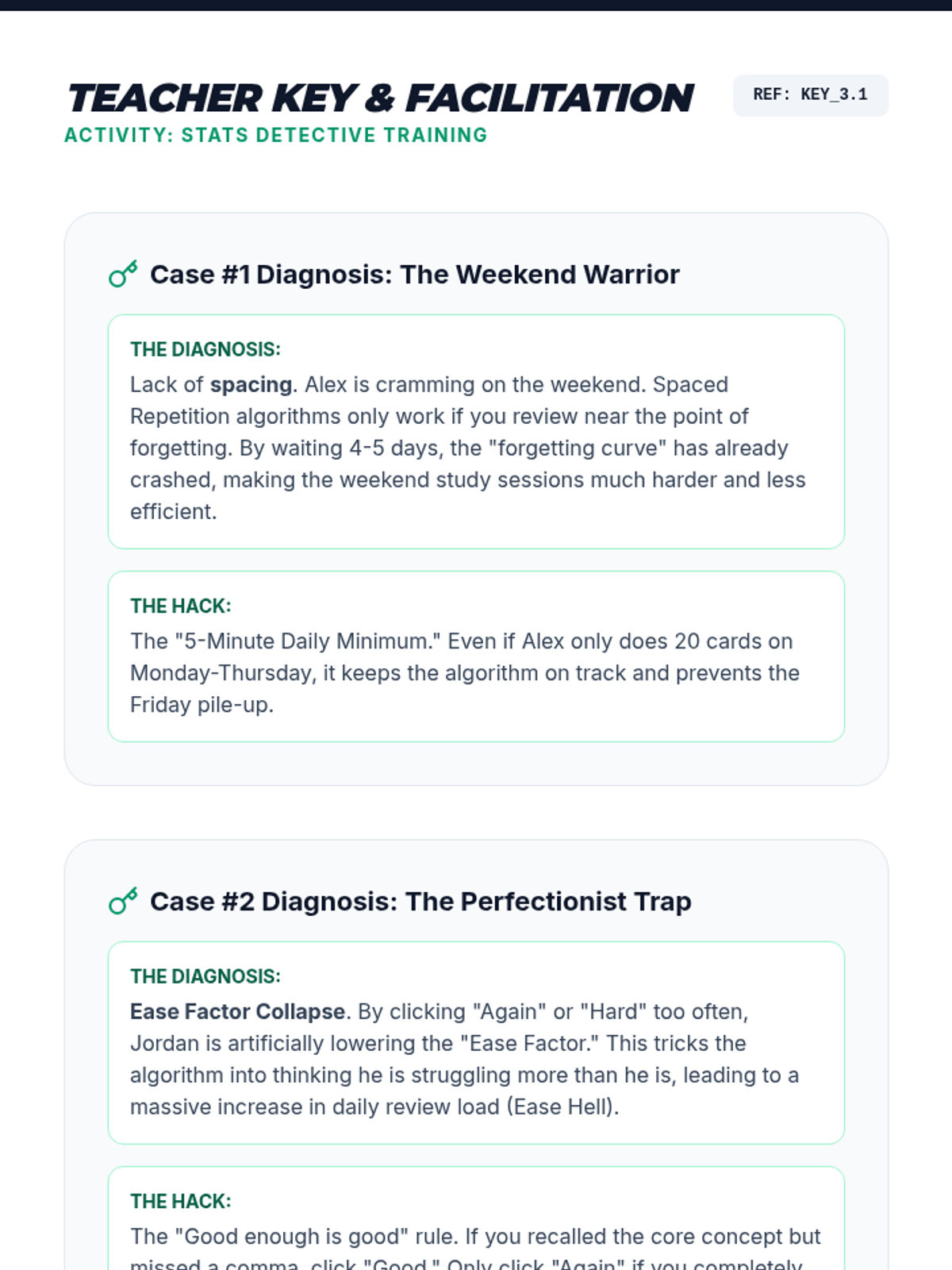
Teacher answer key and facilitation guide for the Case Studies in the Stats Detective activity.
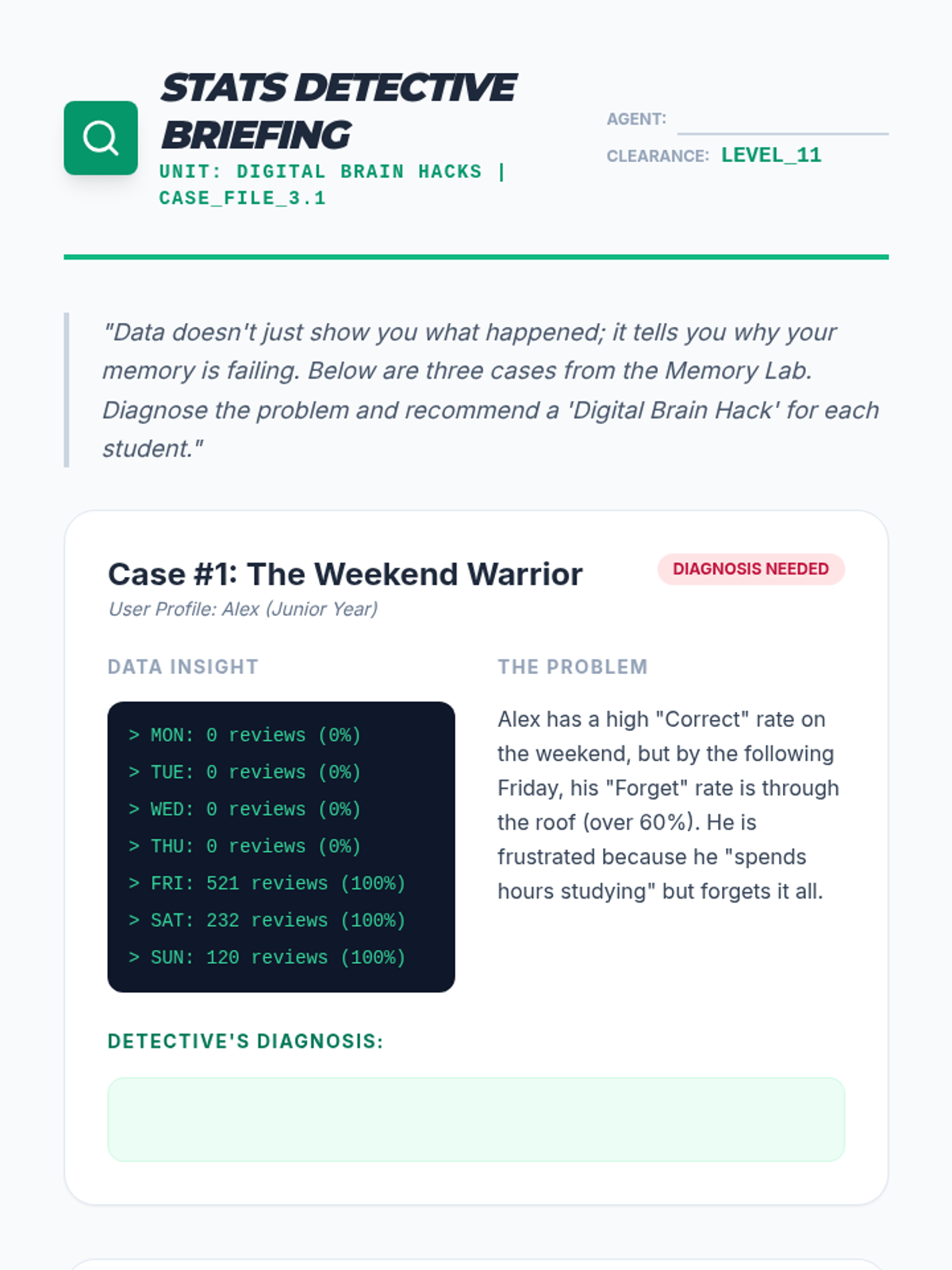
An inquiry-based activity where students analyze mock data scenarios to diagnose study habit issues and perform a self-audit on their own learning statistics.
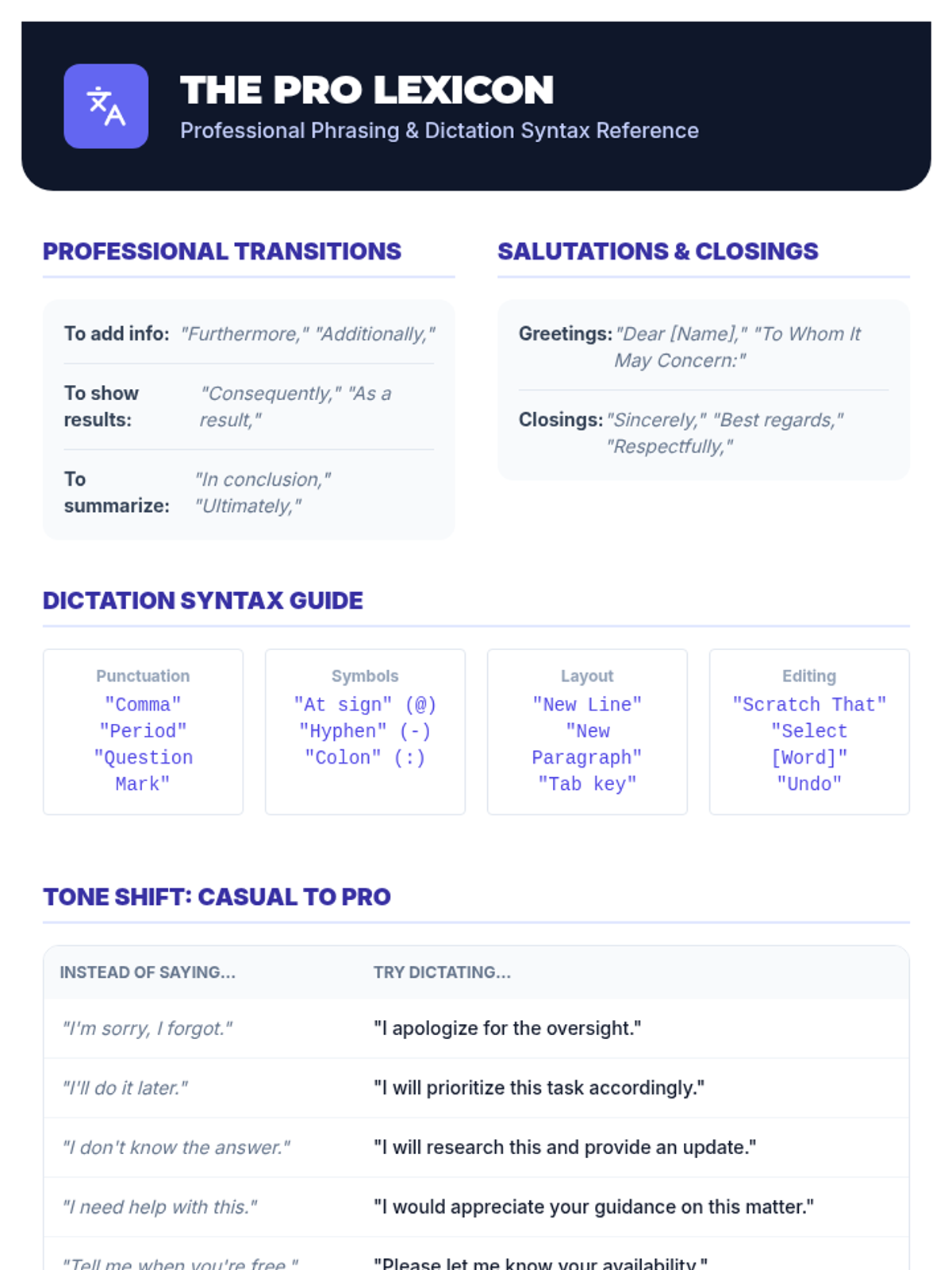
A one-page reference sheet for professional phrases, transitions, and dictation syntax commands.
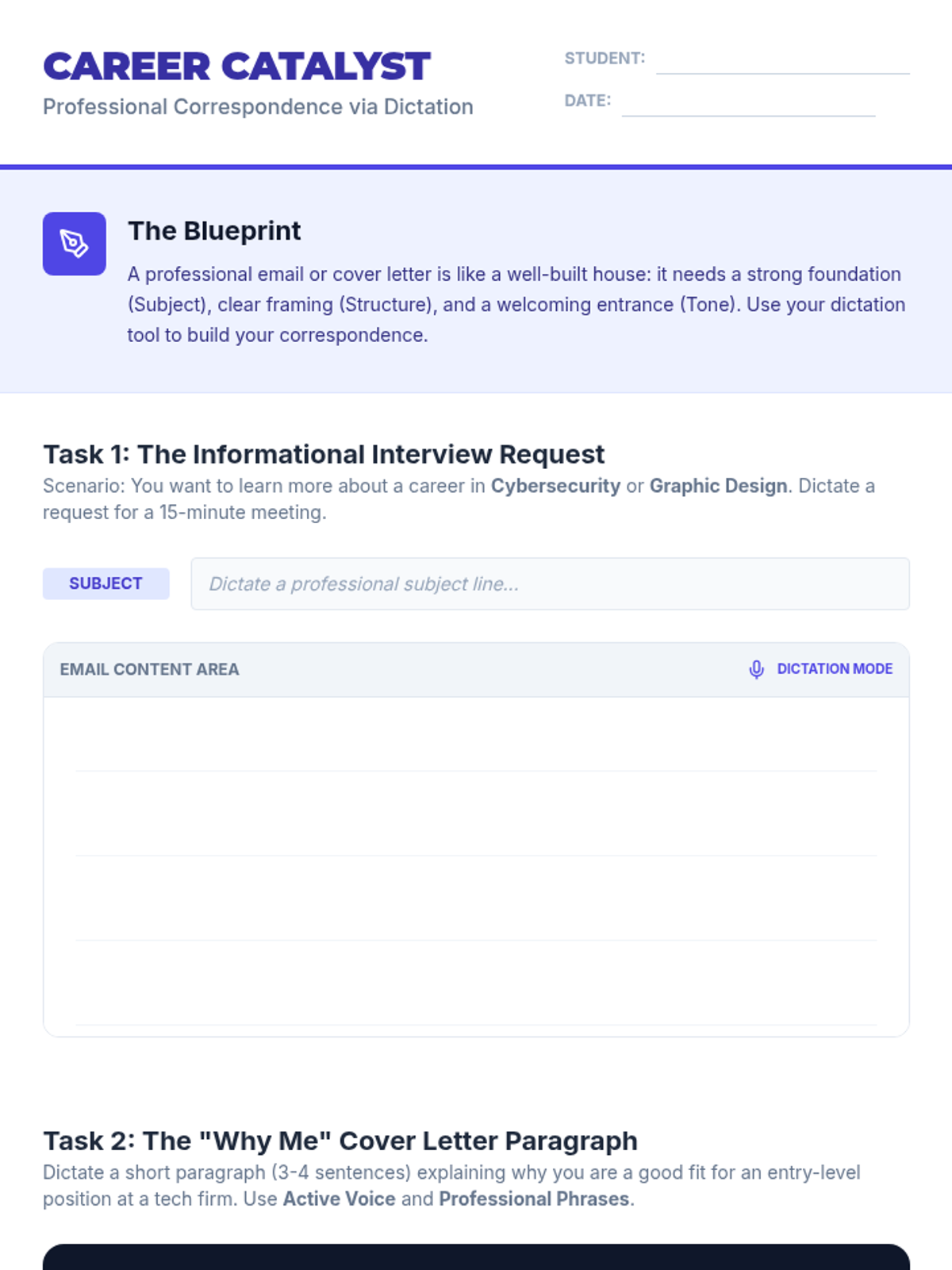
A worksheet for students to practice drafting professional emails and cover letter segments using dictation.
Slide deck for Lesson 3 focusing on data interpretation within spaced repetition apps, including heat maps, retention forecasts, and card ease factors.
A slide deck covering the structure of professional emails and the specific dictation commands needed to draft them.
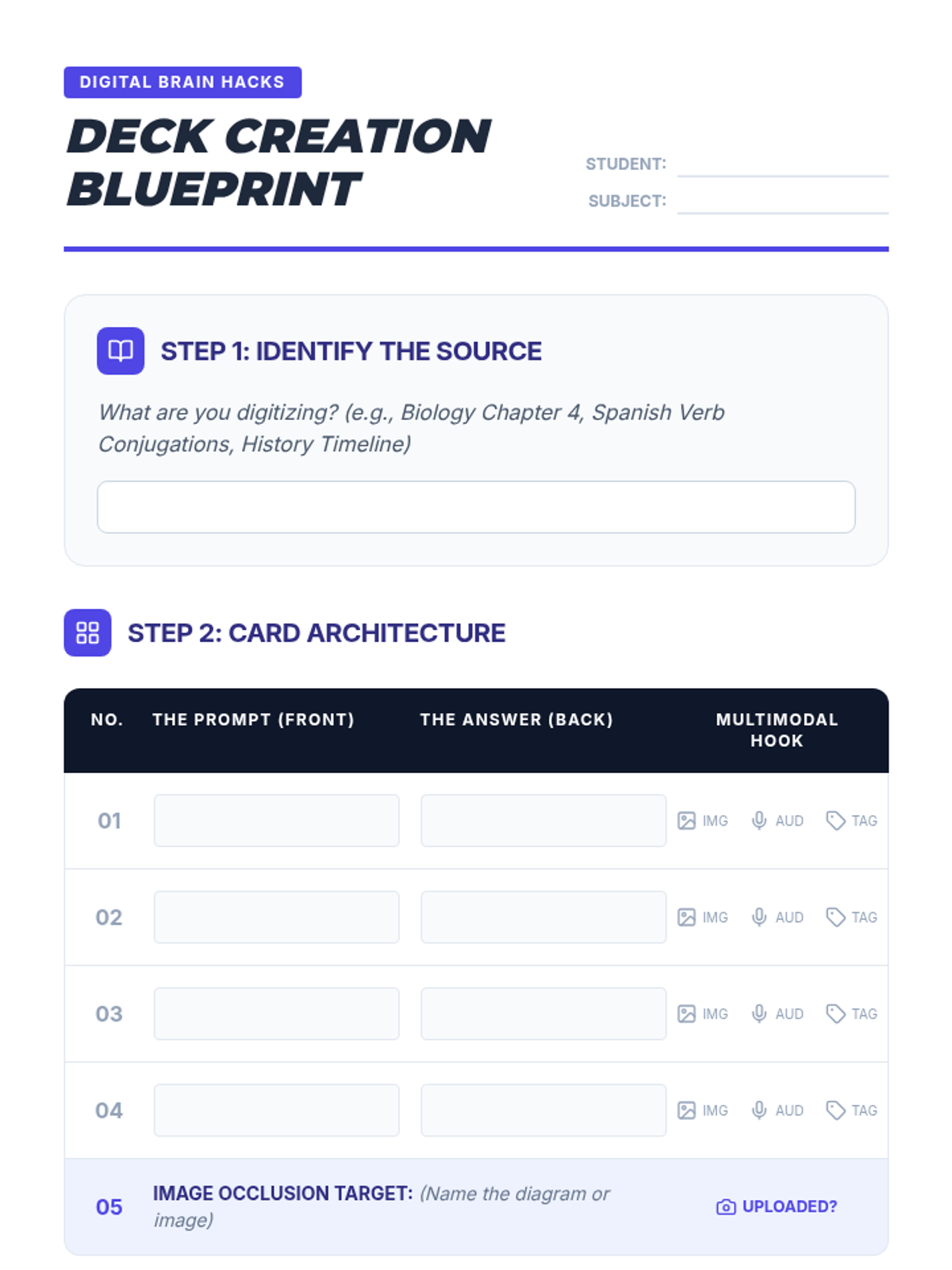
A planning worksheet for students to architect their digital cards before creation. It encourages concise answers and multimodal planning to support executive function and memory.
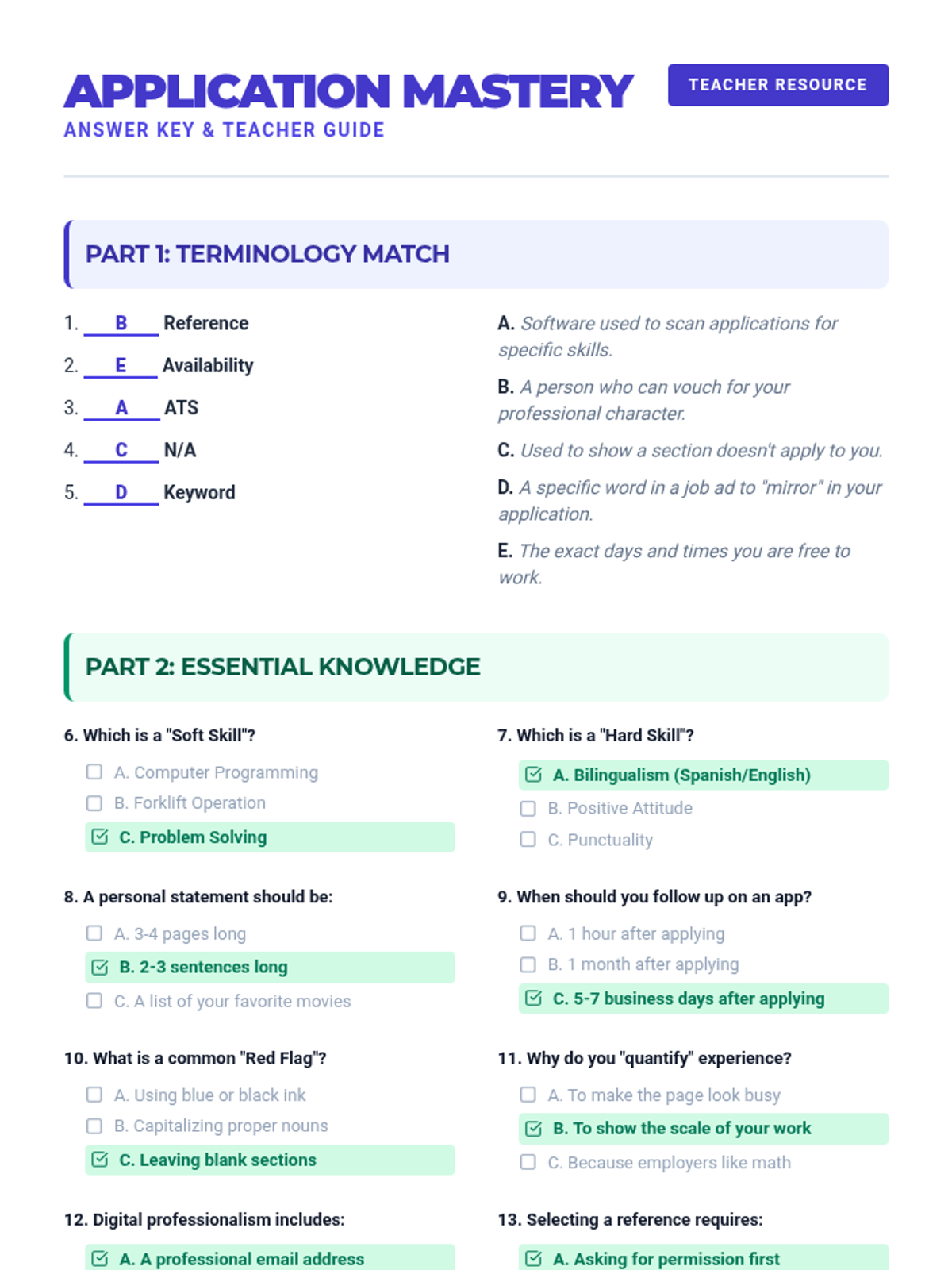
The teacher-facing answer key for the Application Mastery Review Quiz, featuring correct answers for matching and multiple-choice sections, and suggested responses for critical thinking prompts.
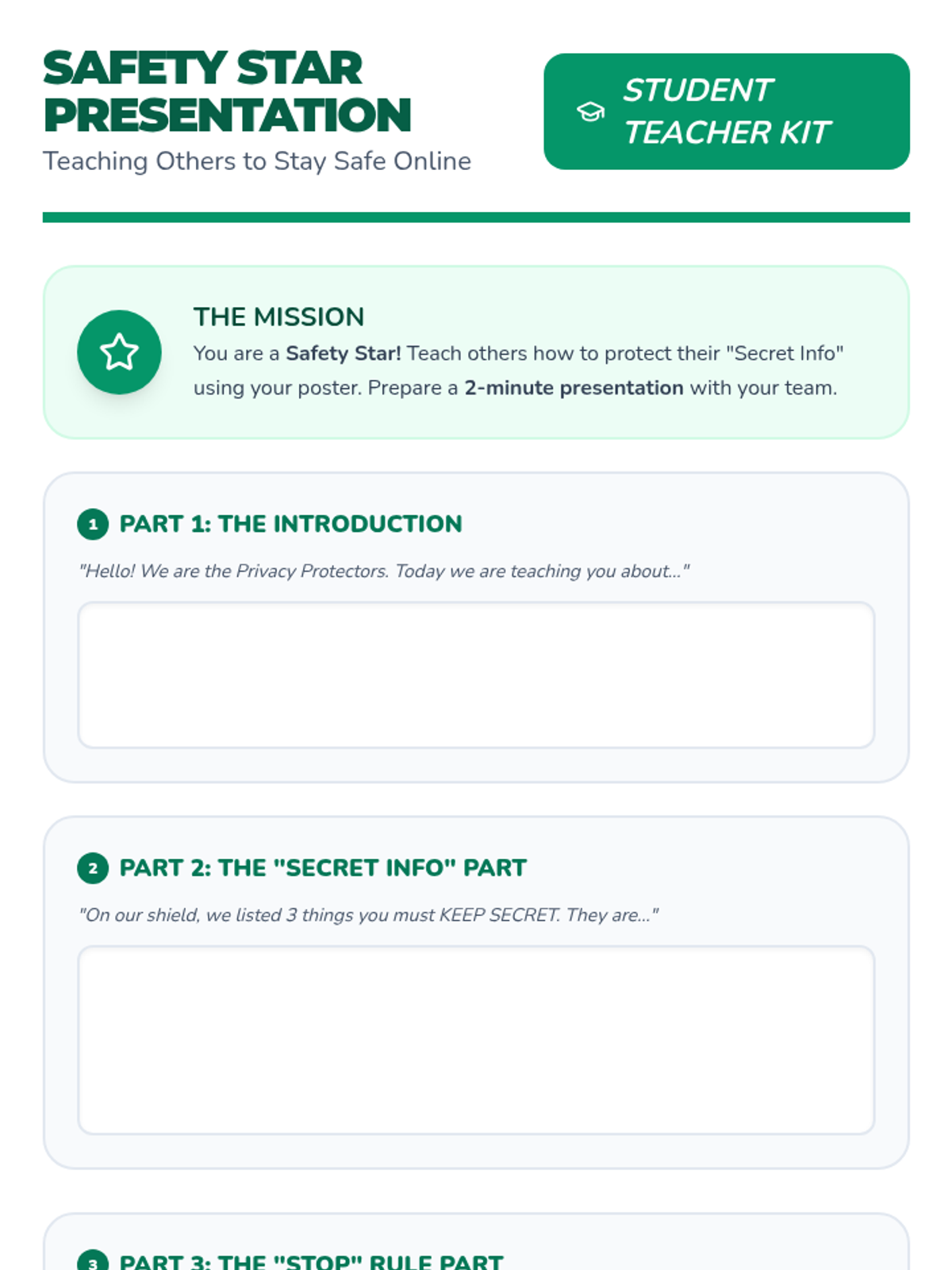
A presentation guide and script planner for high school special education students to prepare a 2-minute project teaching others about identity theft and digital safety.
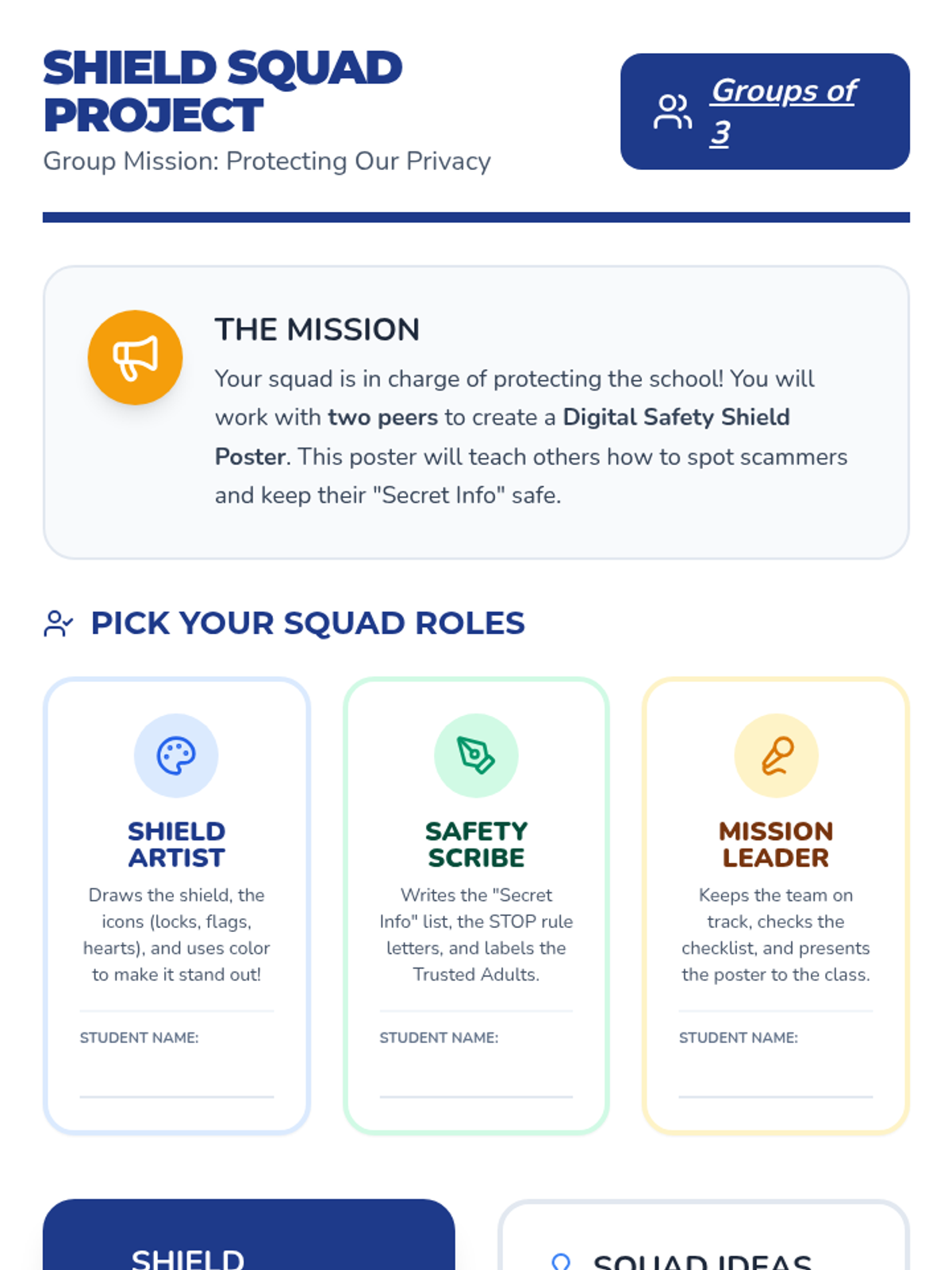
A group project guide for high school special education students to work in teams of three to create a 'Digital Safety Shield' poster, featuring defined roles and a structured checklist.
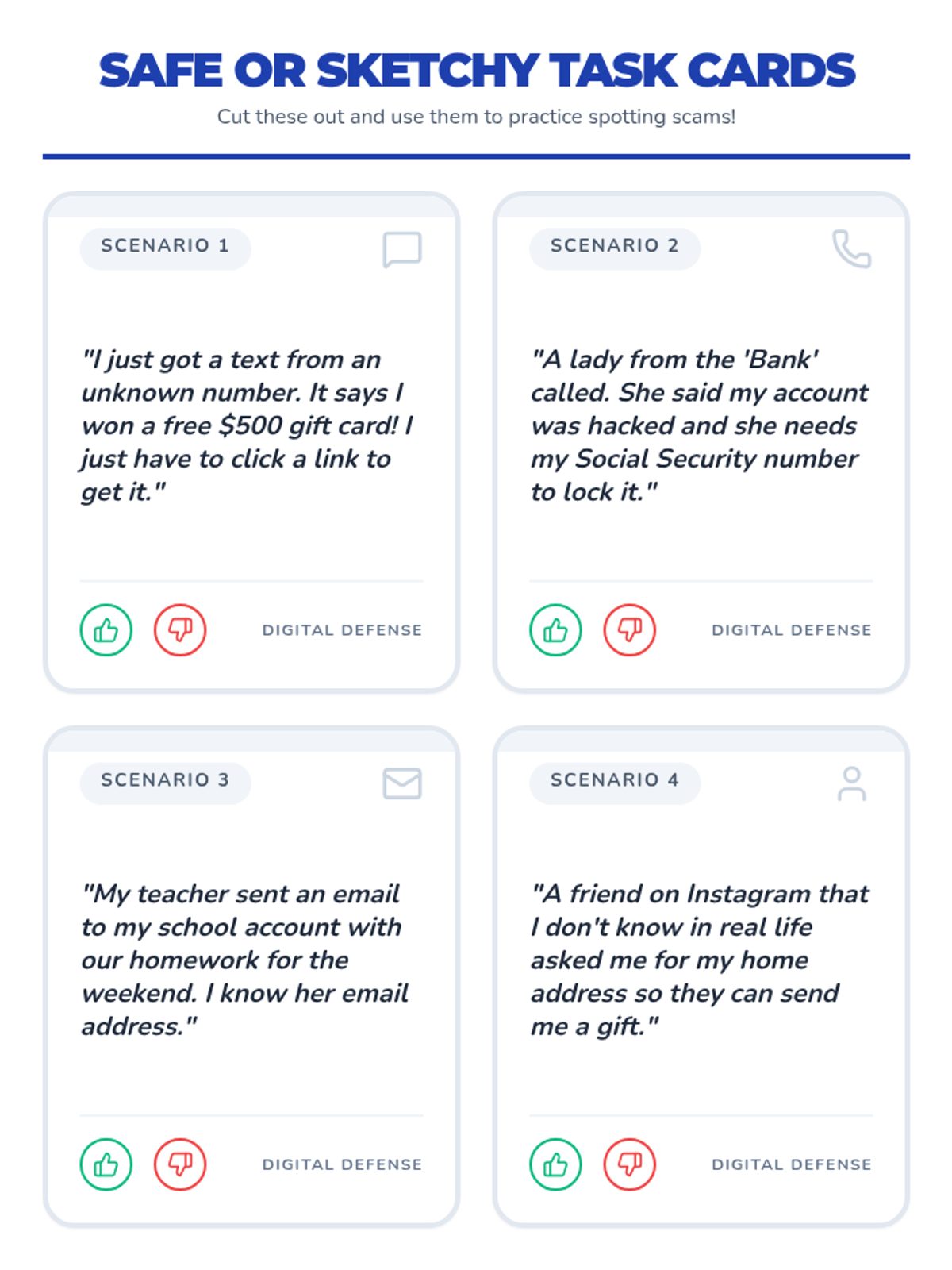
Practical task cards for a 'Safe or Sketchy' activity where students analyze different digital scenarios to practice identifying identity theft scams.
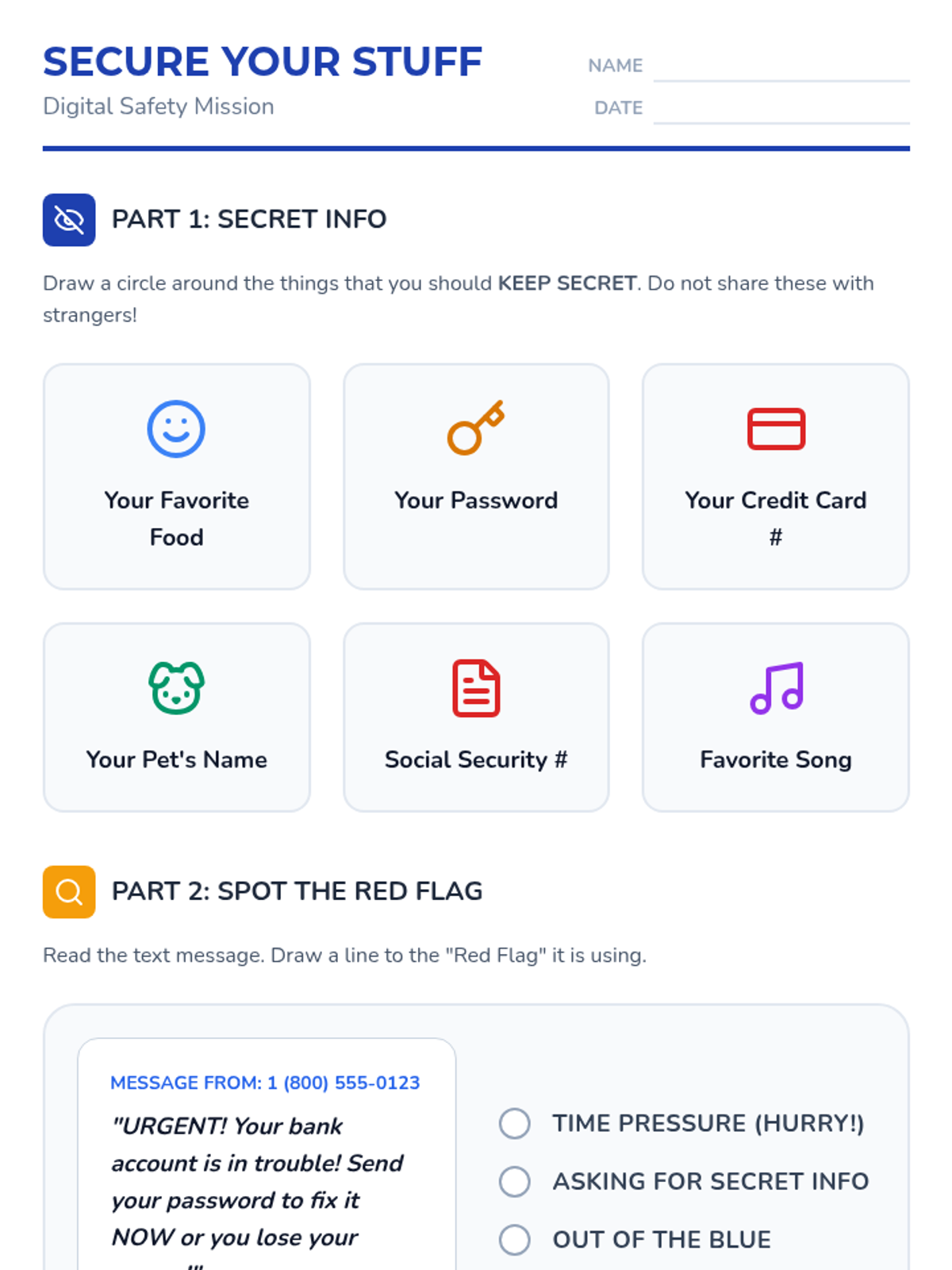
A student worksheet designed for special education high schoolers to identify personal information that should be kept secret, recognize scam red flags, and identify trusted adults for help.
A highly visual slide deck for high school special education students covering the basics of identity theft, red flags, and the 'STOP' rule for safety.
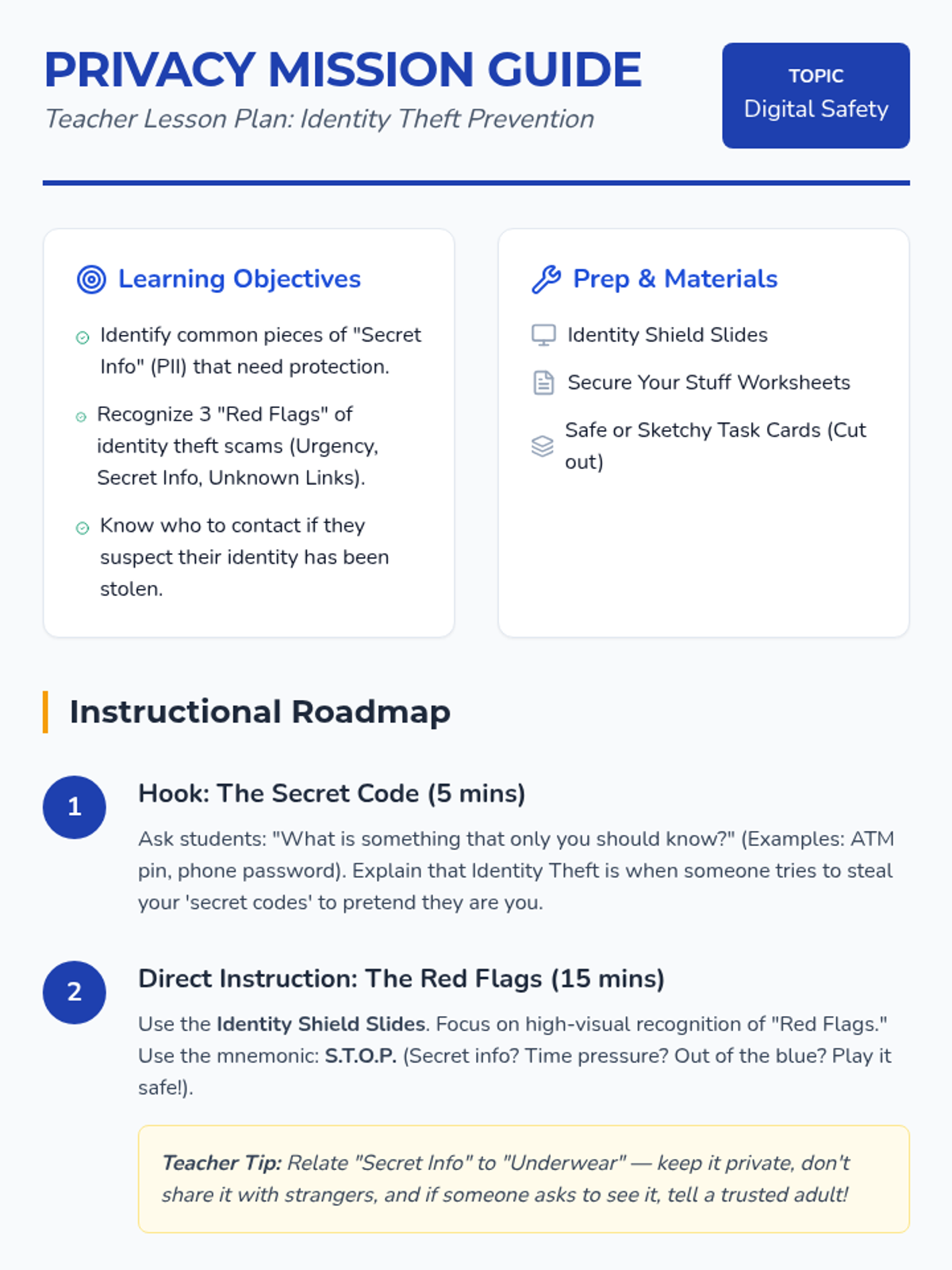
A comprehensive teacher lesson plan for high school special education, detailing instructional steps, learning objectives, and specific accommodations for teaching identity theft prevention.
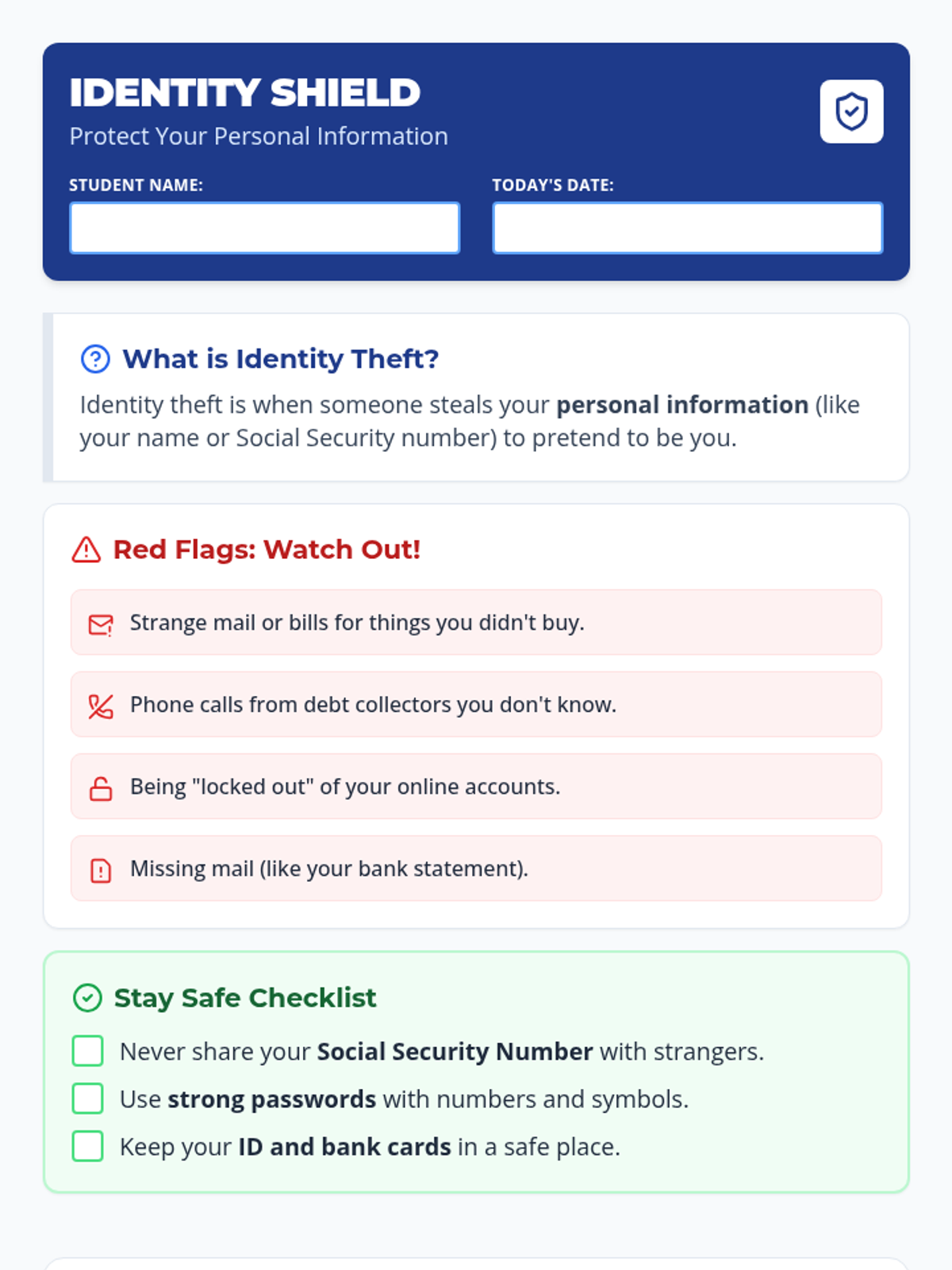
A clear, high-contrast handout for Special Education students explaining identity theft, common warning signs, and safety steps with a practical scenario-based activity.
A high-energy, arcade-themed slide deck for a lesson on digital citizenship and focus. It debunks the multitasking myth, highlights the academic impact of gaming during class, and introduces the 'Focus Protocol' for better study habits.
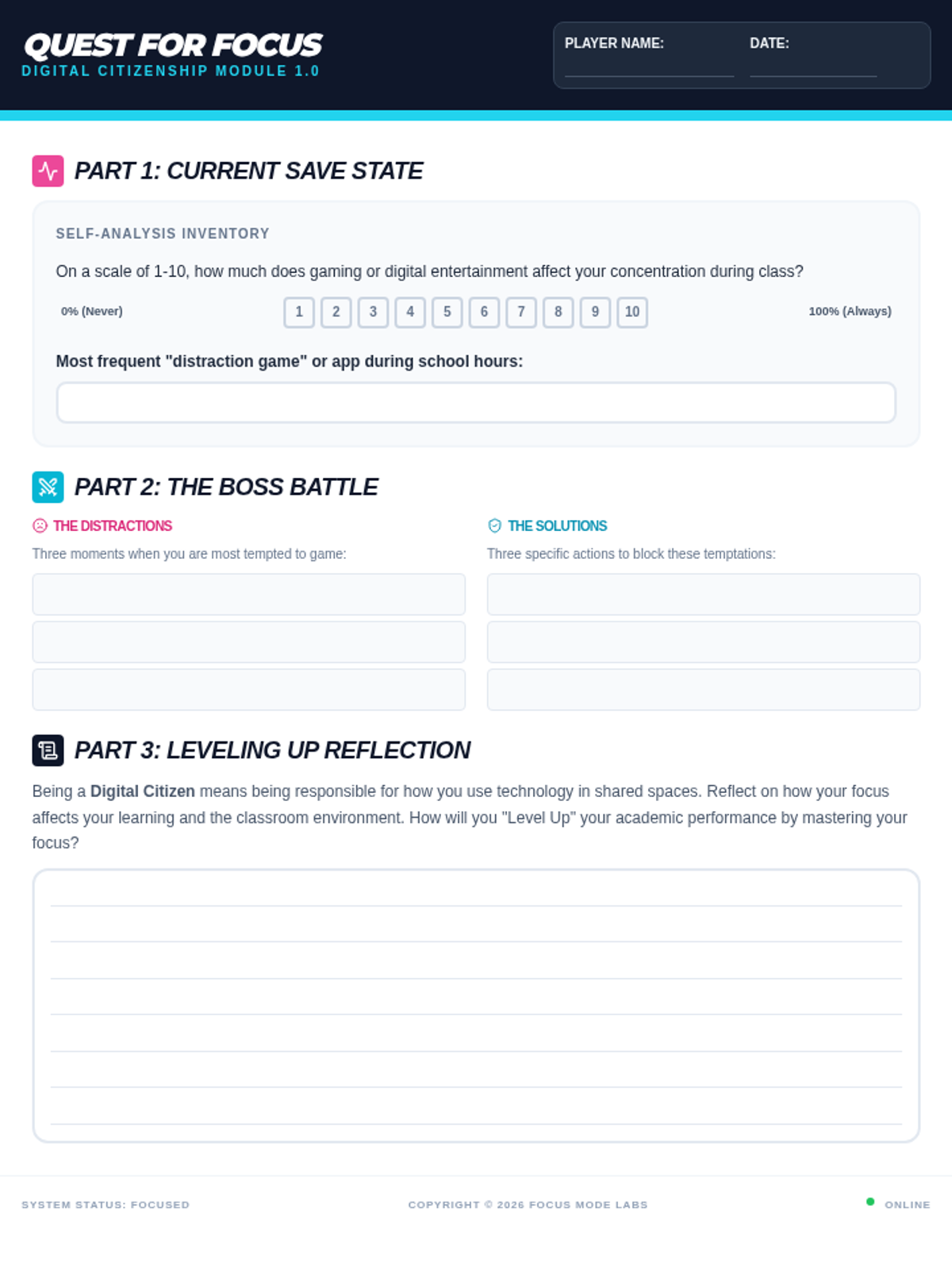
An arcade-themed student worksheet designed for self-reflection on gaming habits during school. It includes sections for identifying distractions, developing focus strategies, and a final written reflection on digital citizenship.
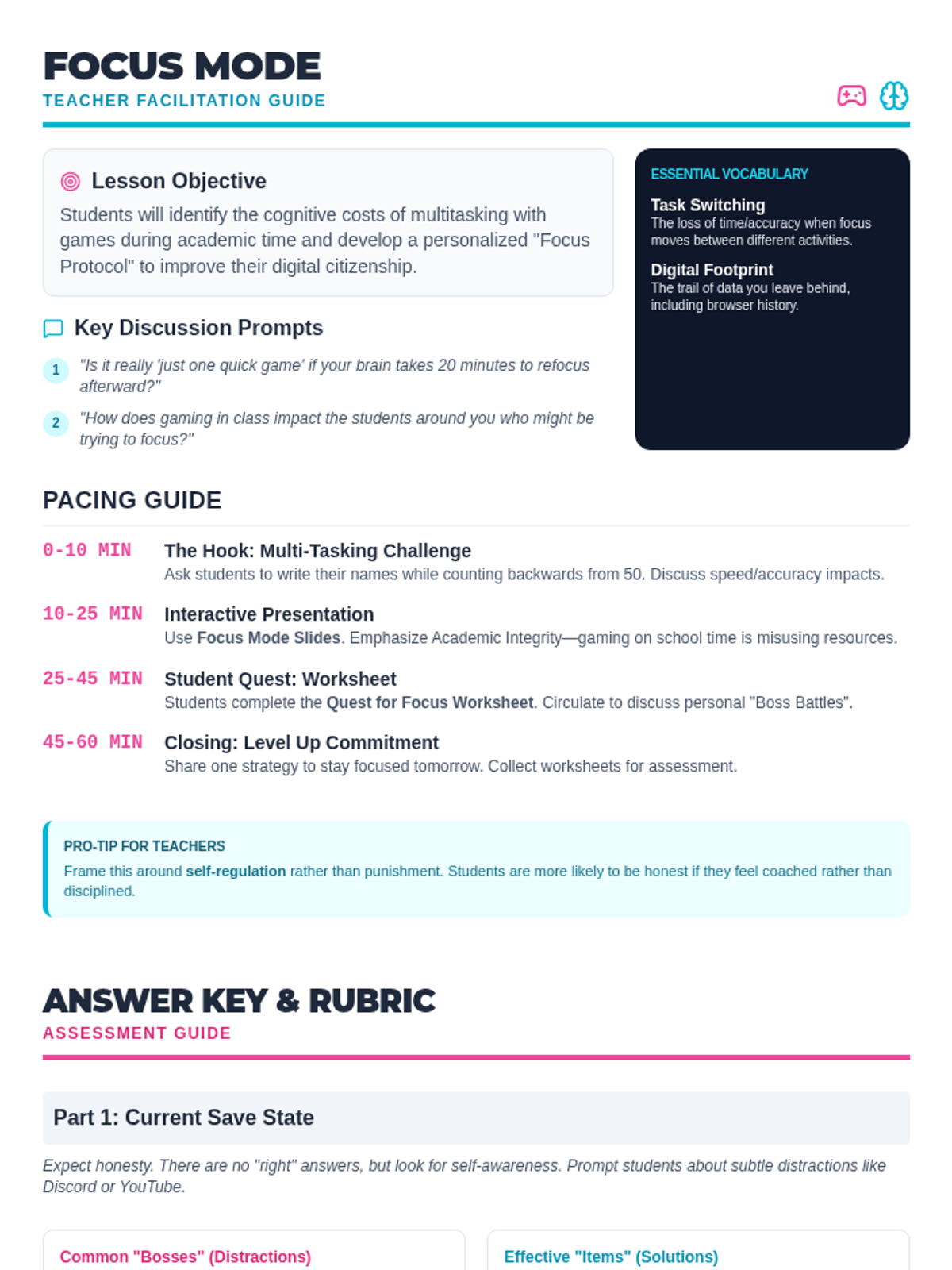
This teacher guide provides a detailed pacing guide, discussion prompts, and an assessment rubric for the Focus Mode lesson, helping educators facilitate meaningful conversations about digital distractions and student accountability.