Fundamental hardware proficiency, secure online behavior, and ethical social media engagement. Equips learners with productivity tool mastery, web publishing skills, and critical evaluation of emerging technologies.
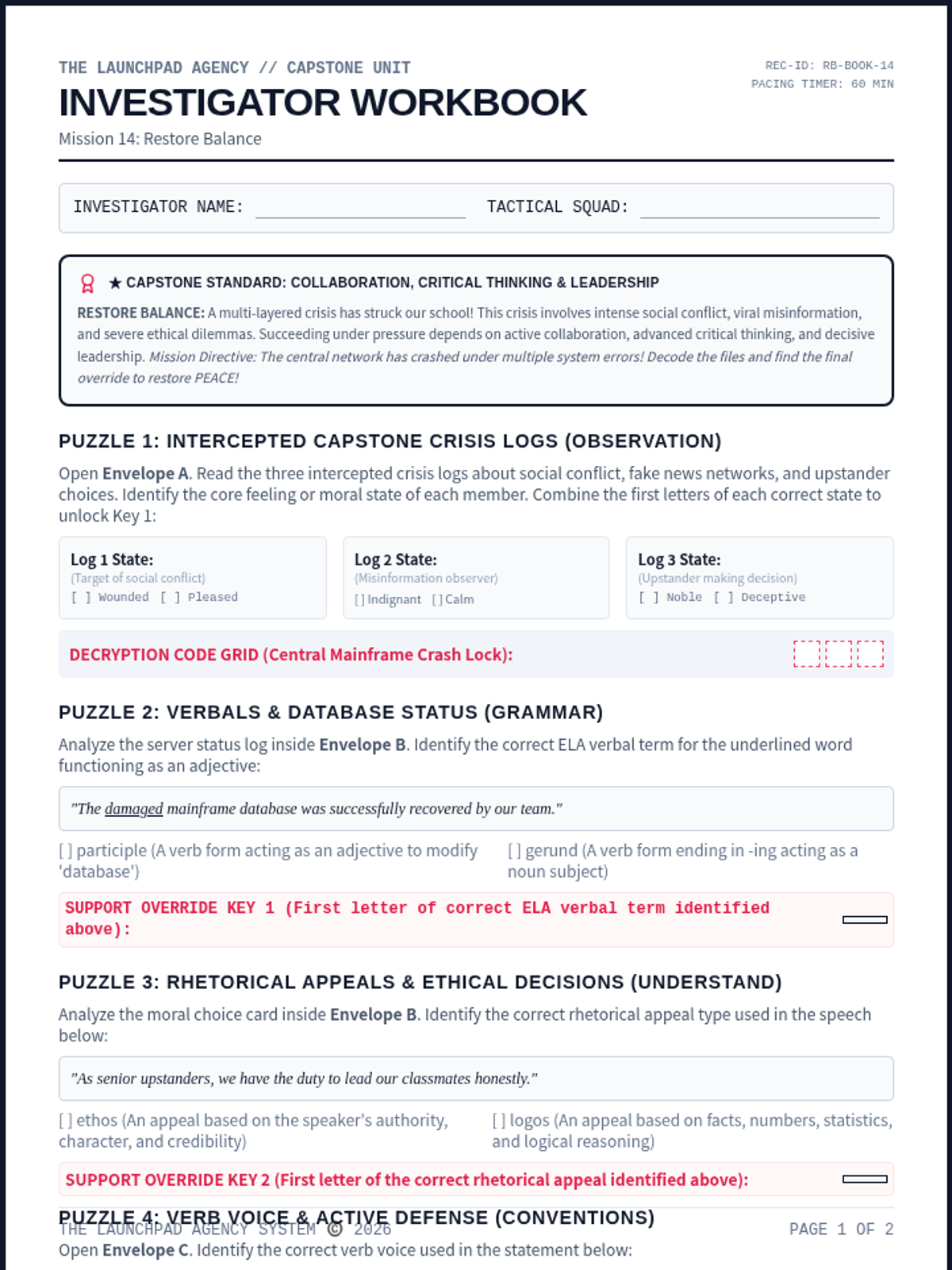
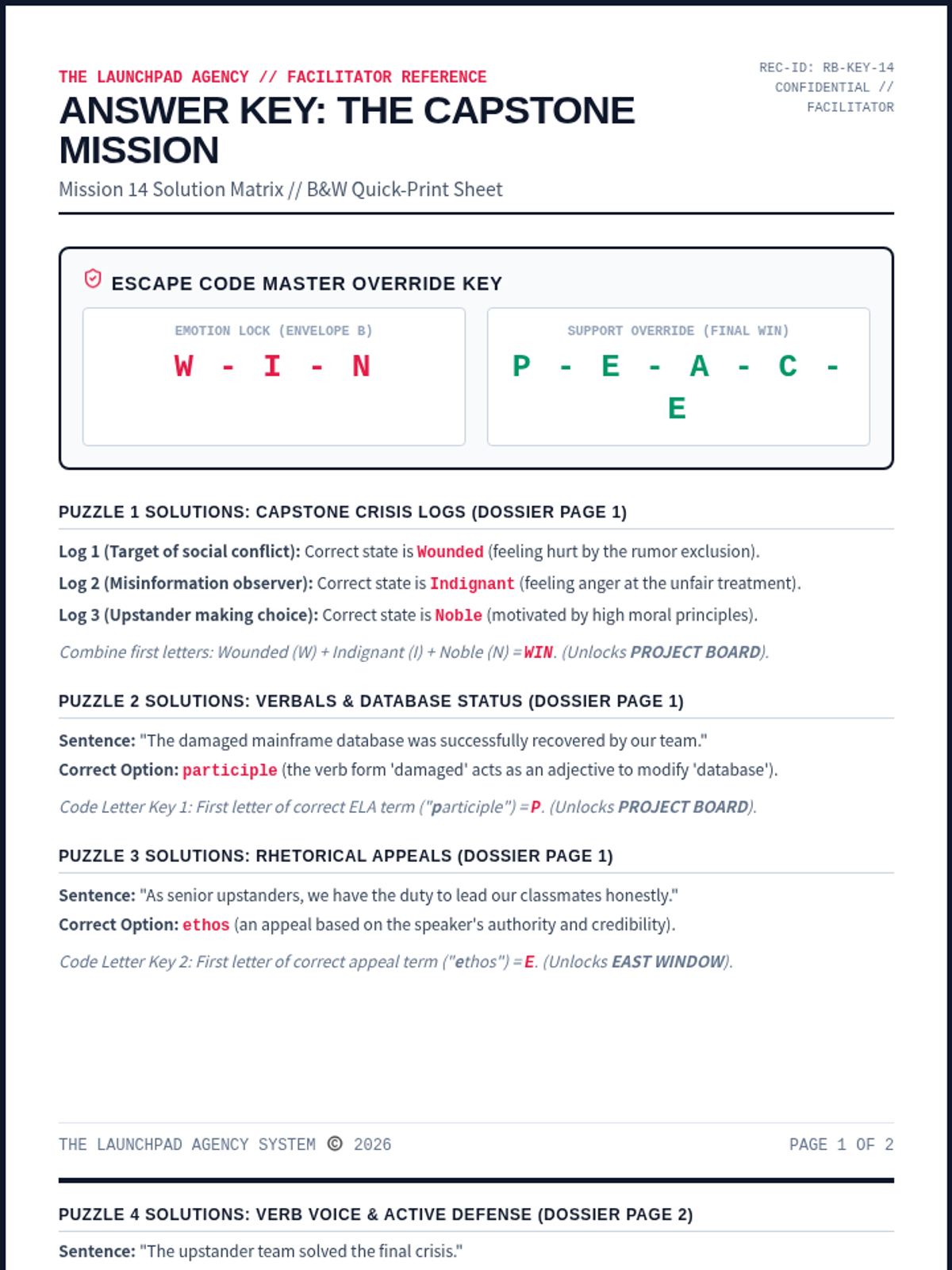
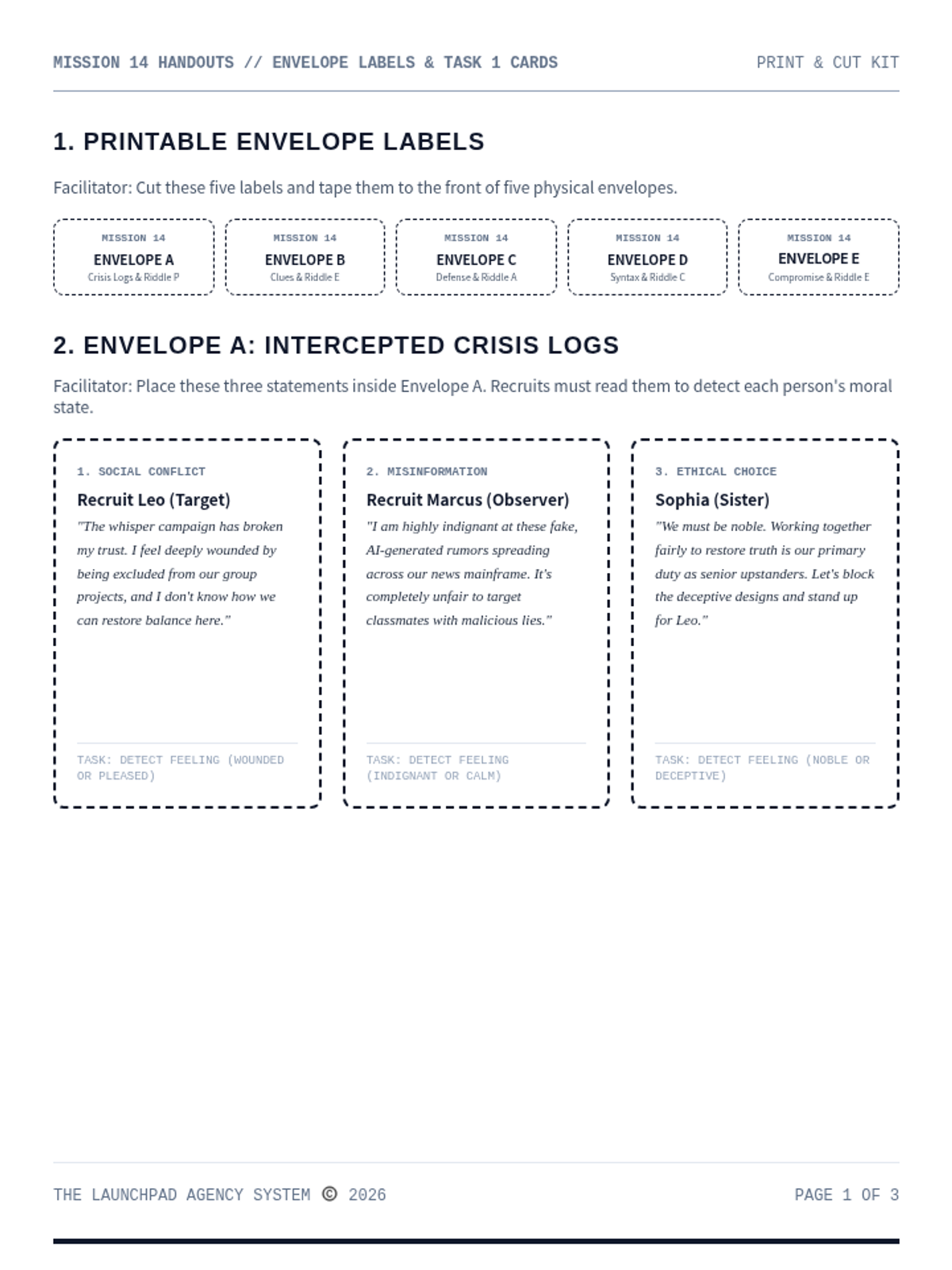
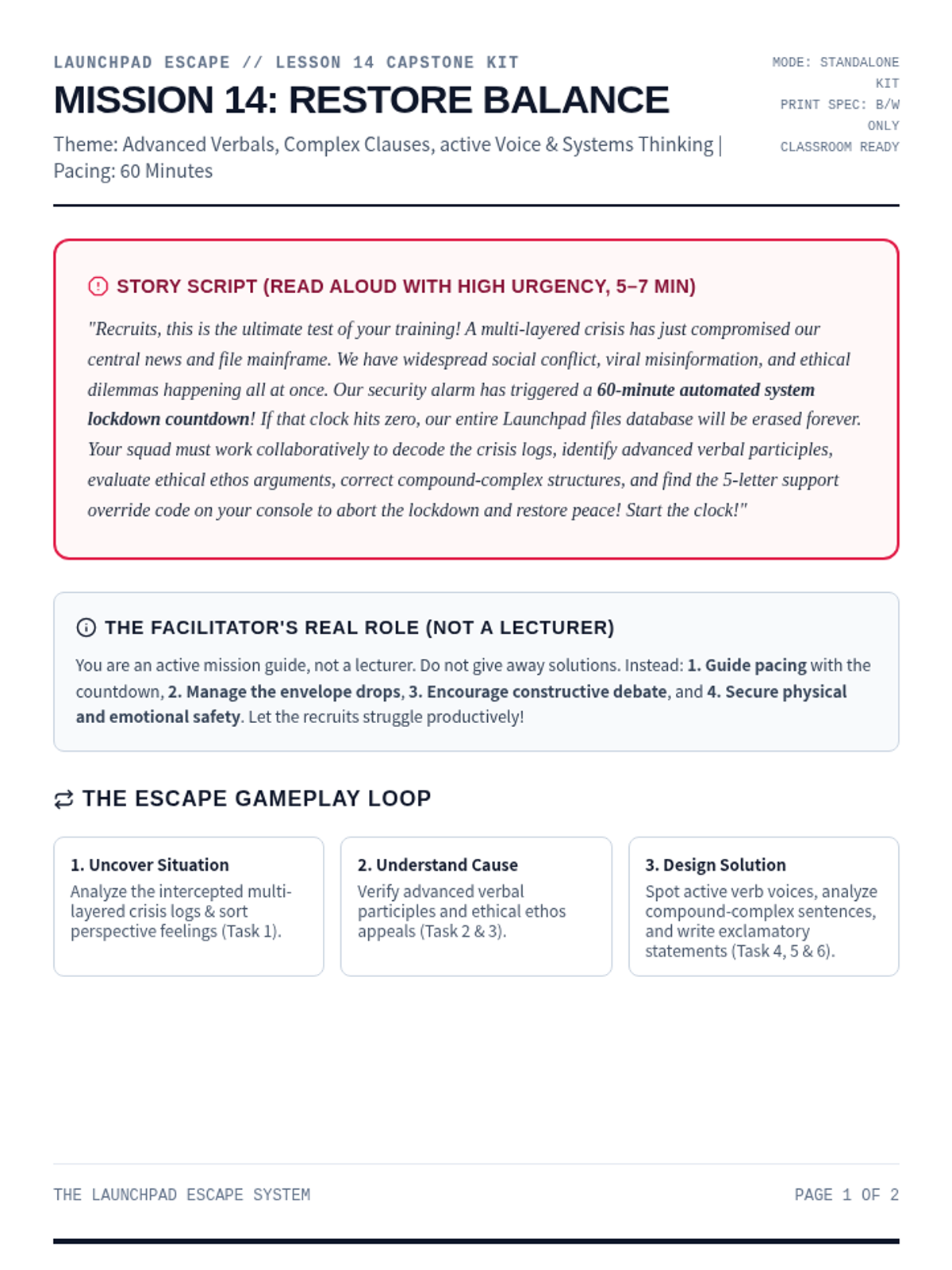
The ultimate multi-layered capstone escape room challenge. Recruits analyze complex social conflict evidence, trace misinformation networks, resolve major ethical dilemmas, and decode the final system override.
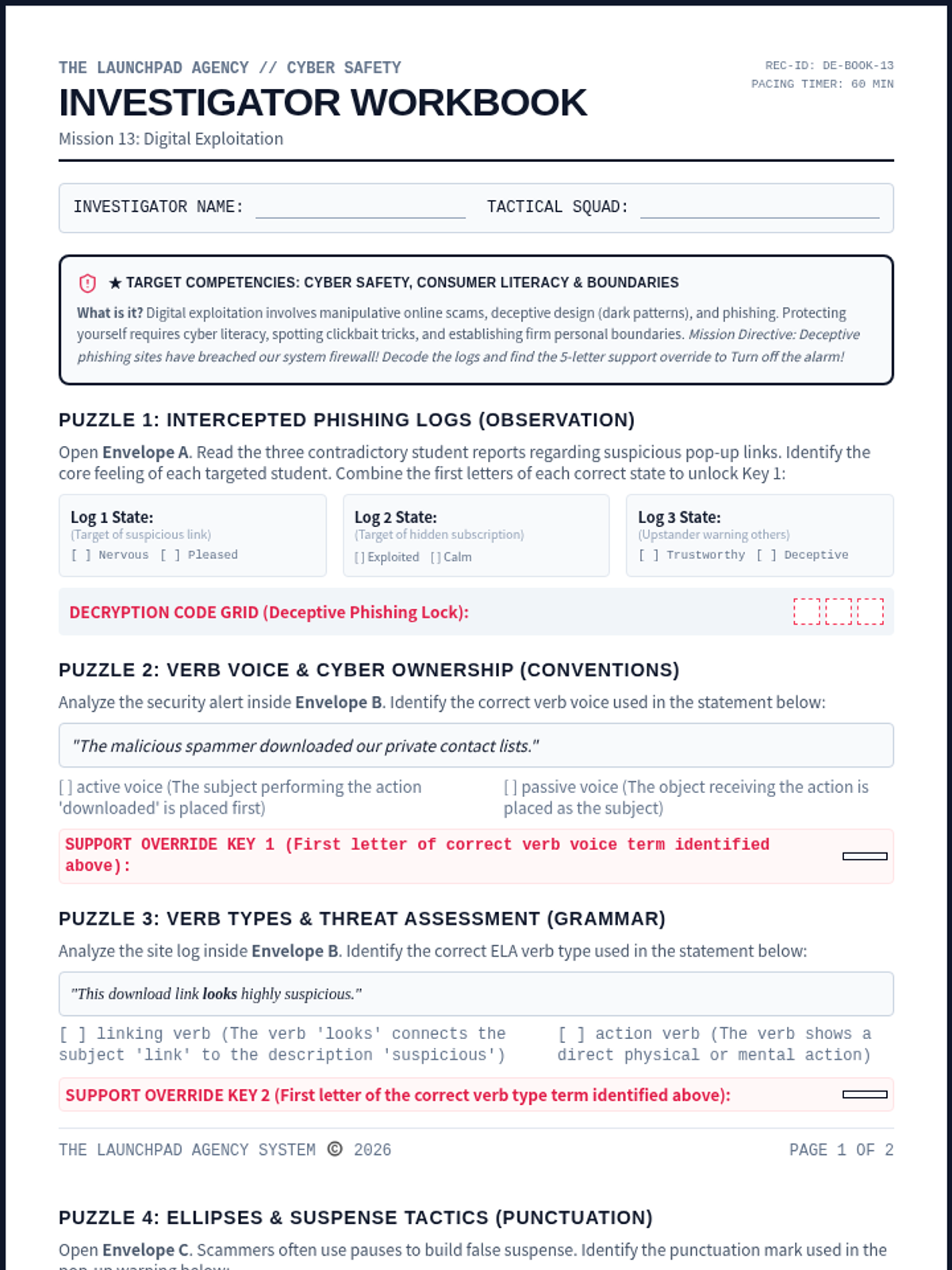
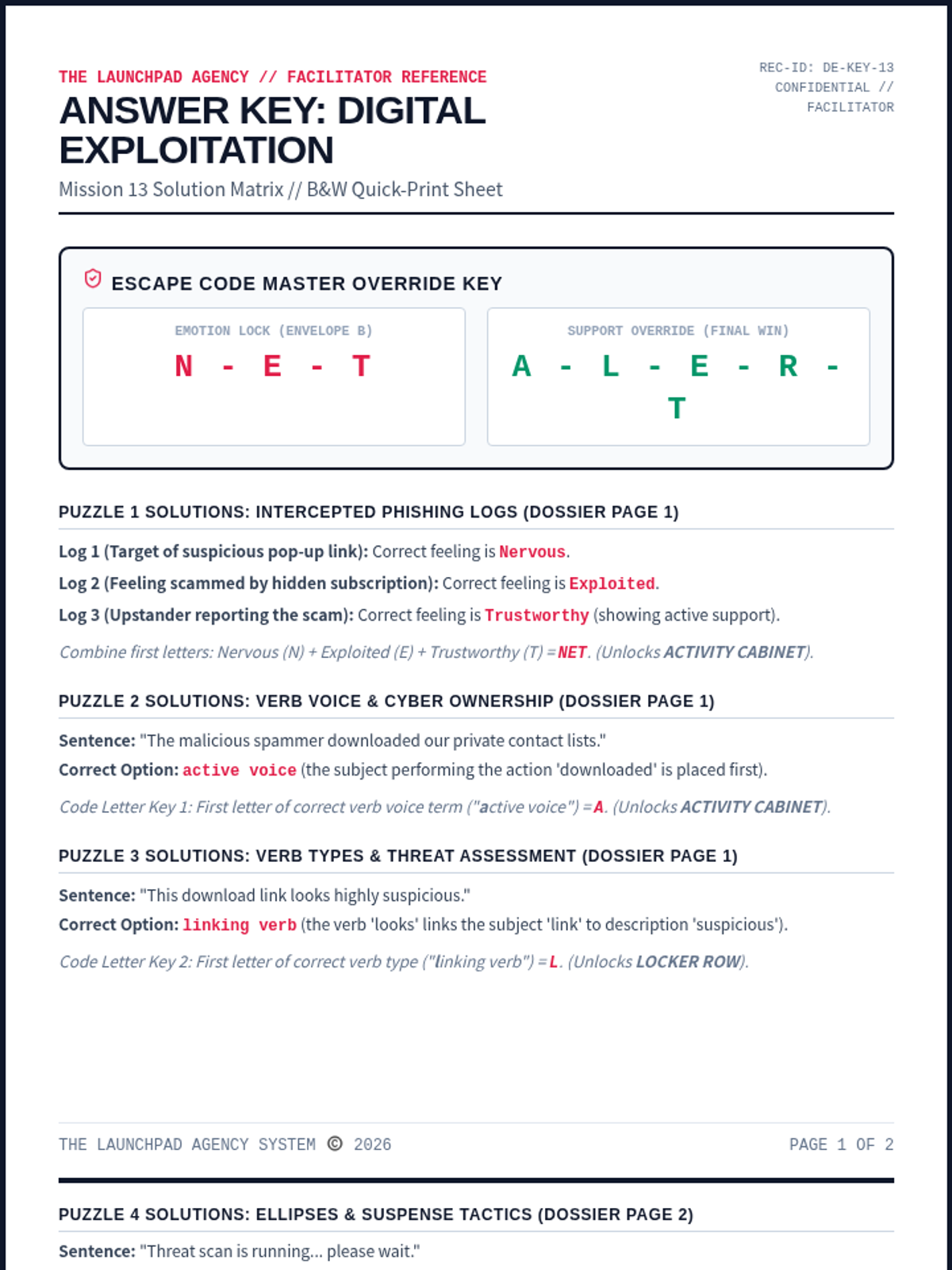
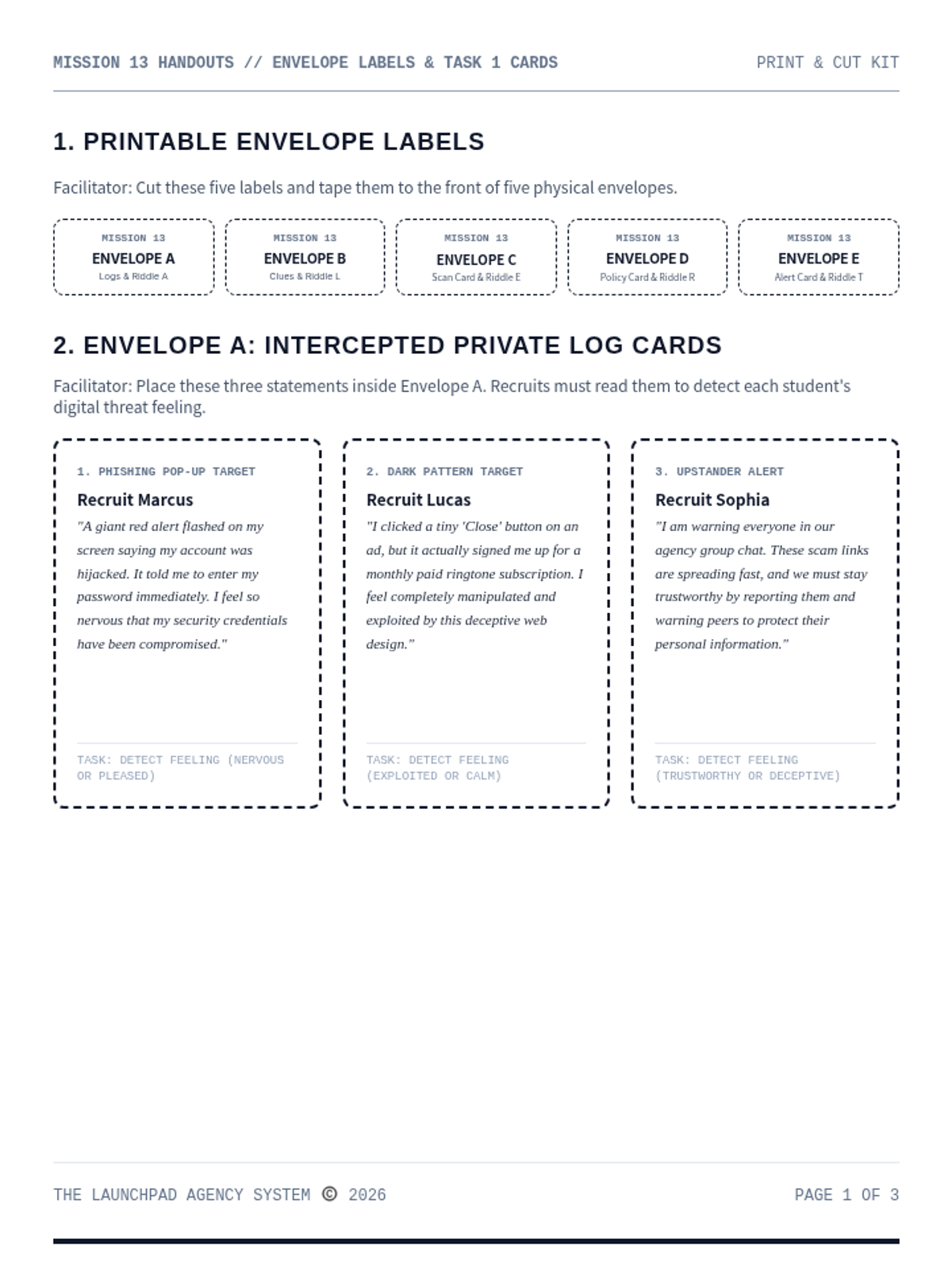
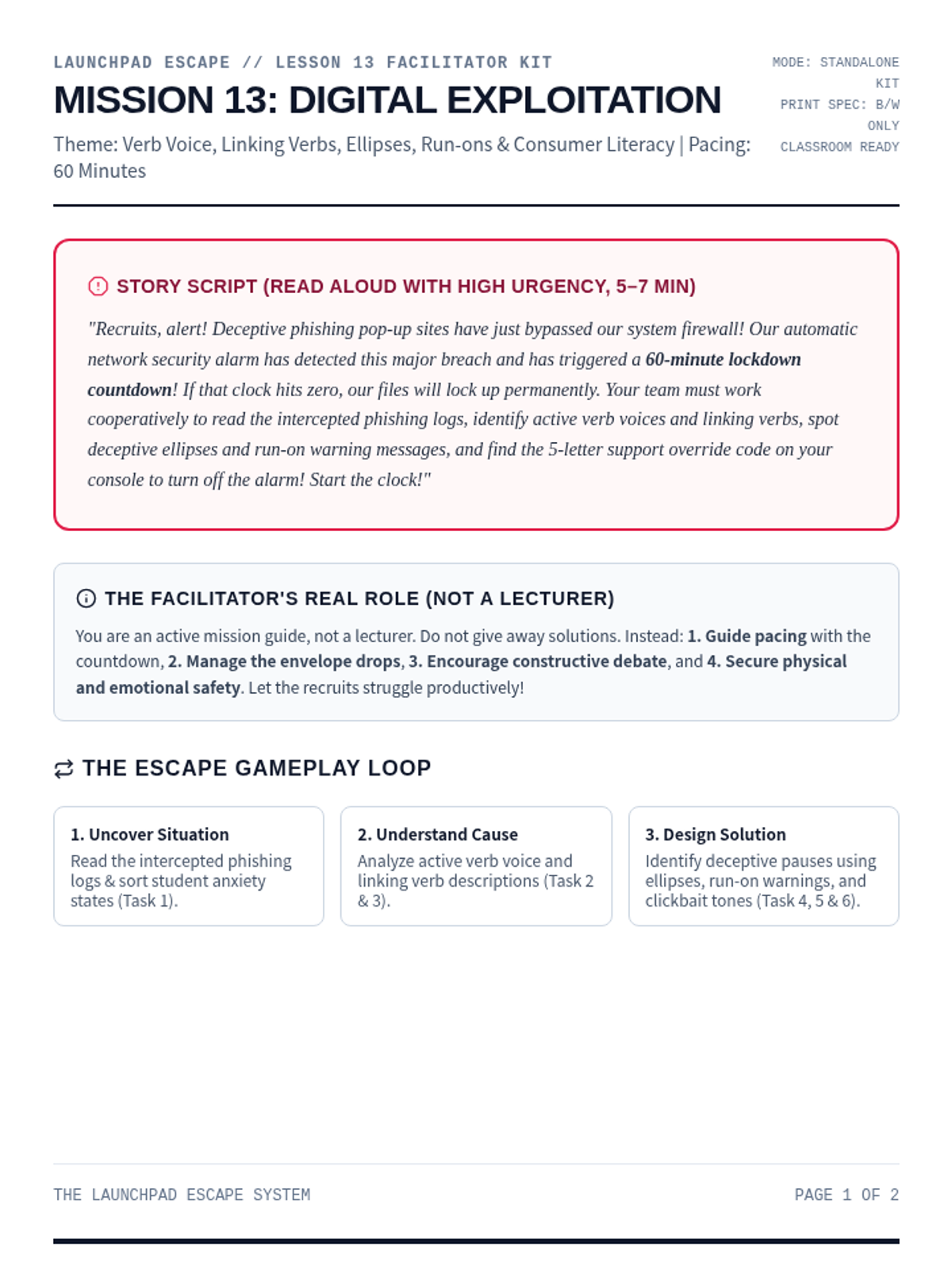
A high-stakes digital safety escape room focused on identifying online scams, recognizing manipulative dark patterns, and protecting personal data. Recruits analyze active verb voices, linking verbs, ellipses punctuation, and deceptive tones to decode the final alert.
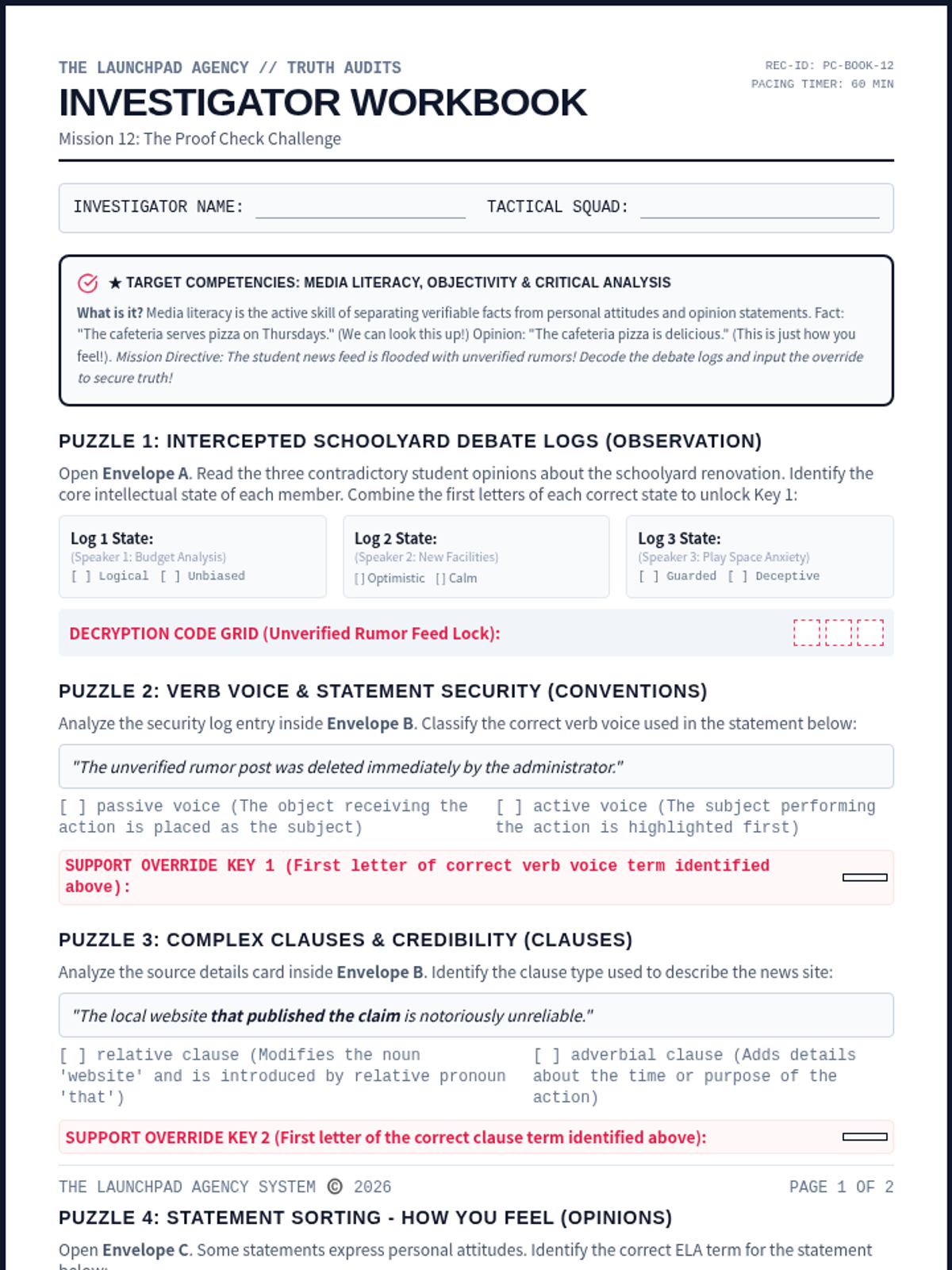
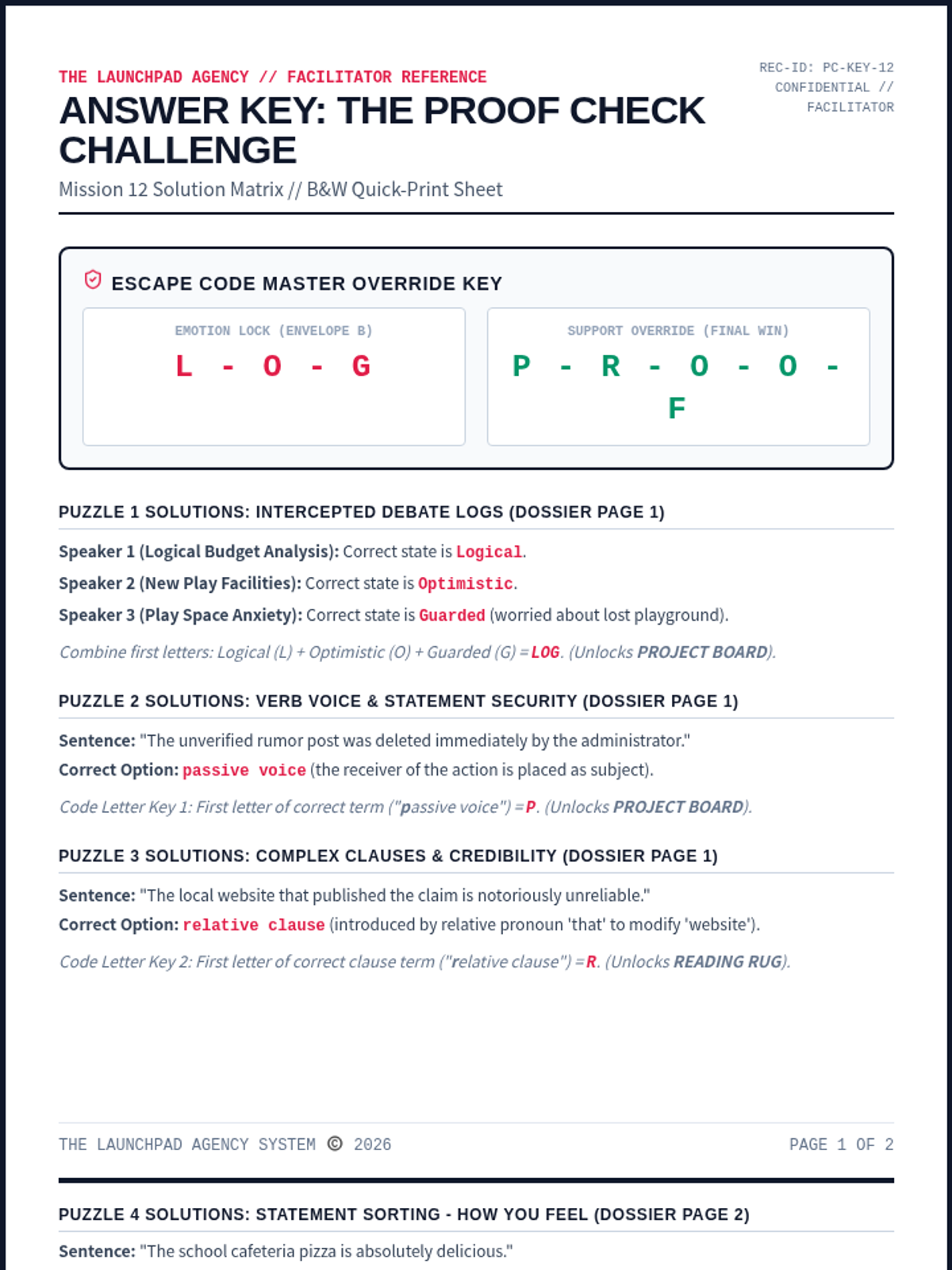
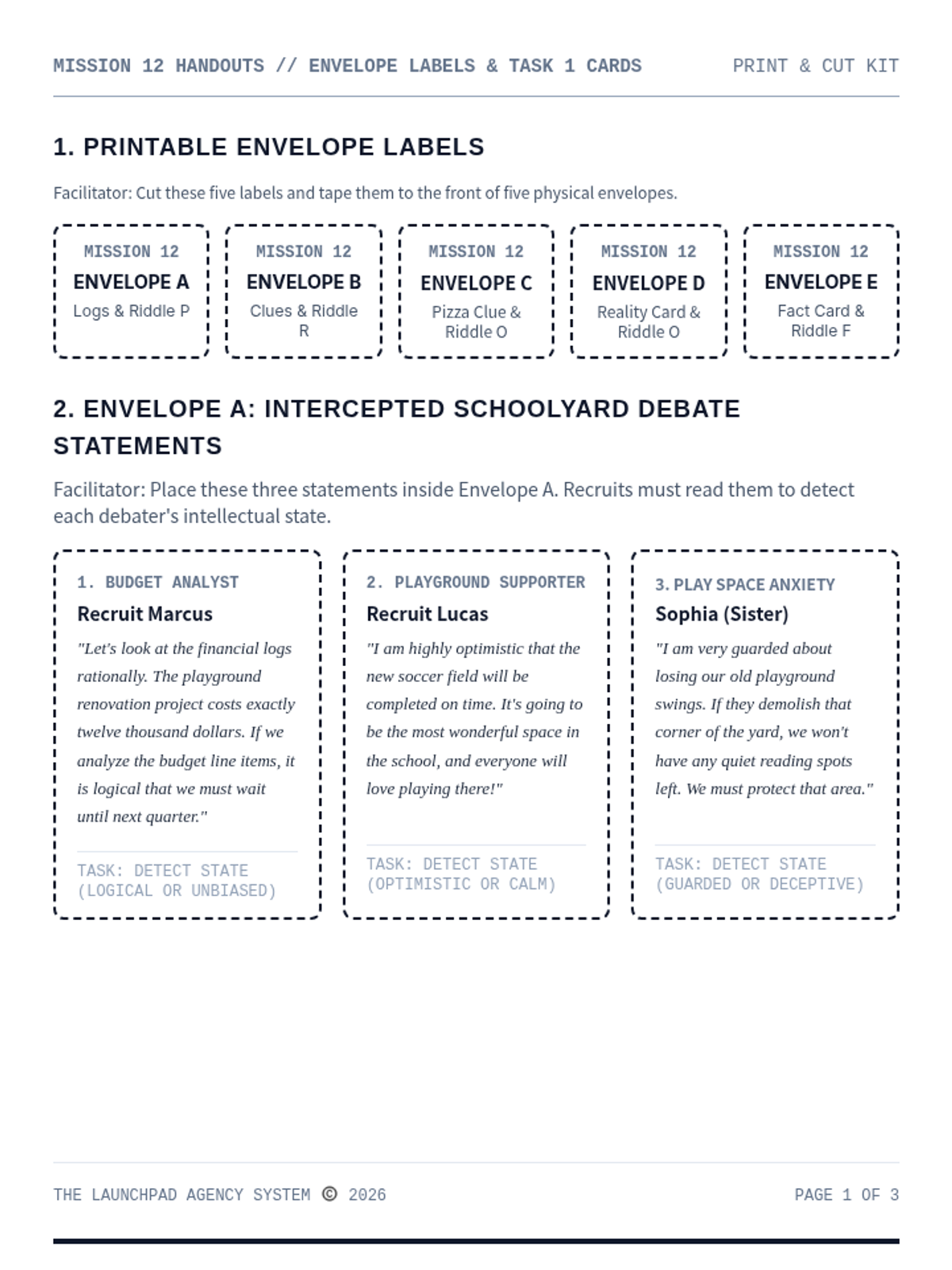
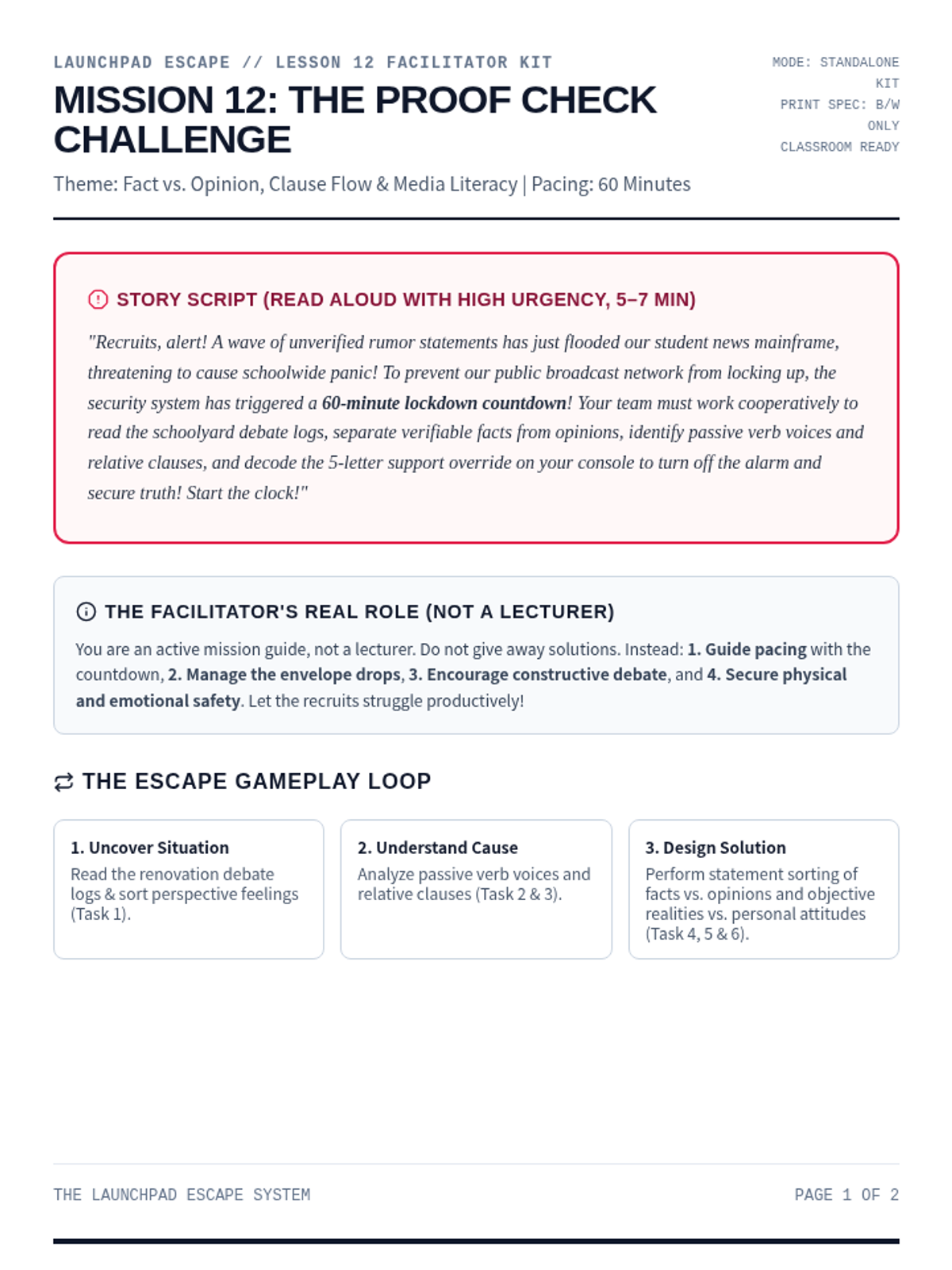
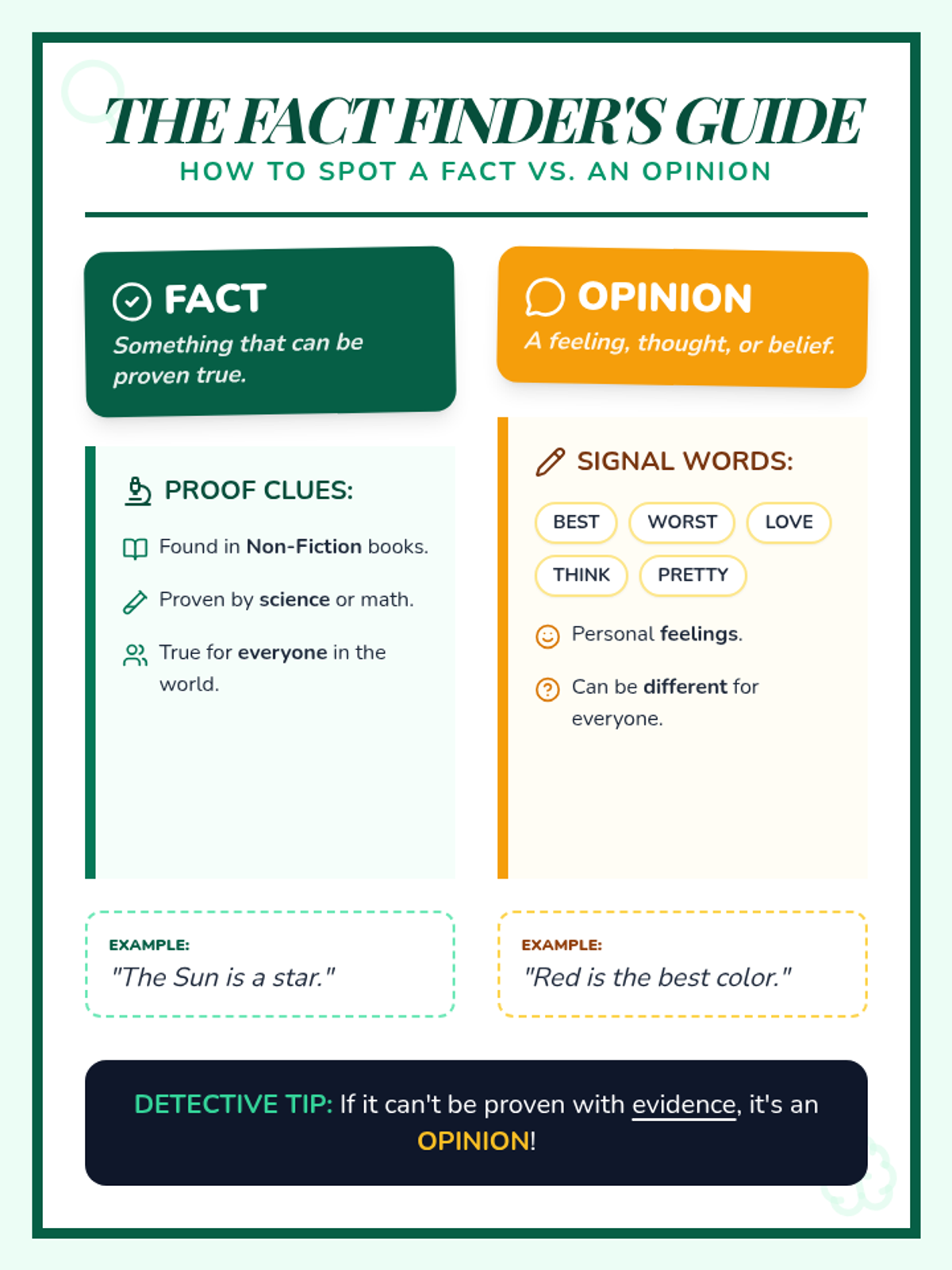
An advanced media literacy and communication escape room for Ages 13-15. Recruits distinguish facts from opinions, analyze objective realities, sort personal attitudes, and input the override PROOF to secure the school news mainframe.
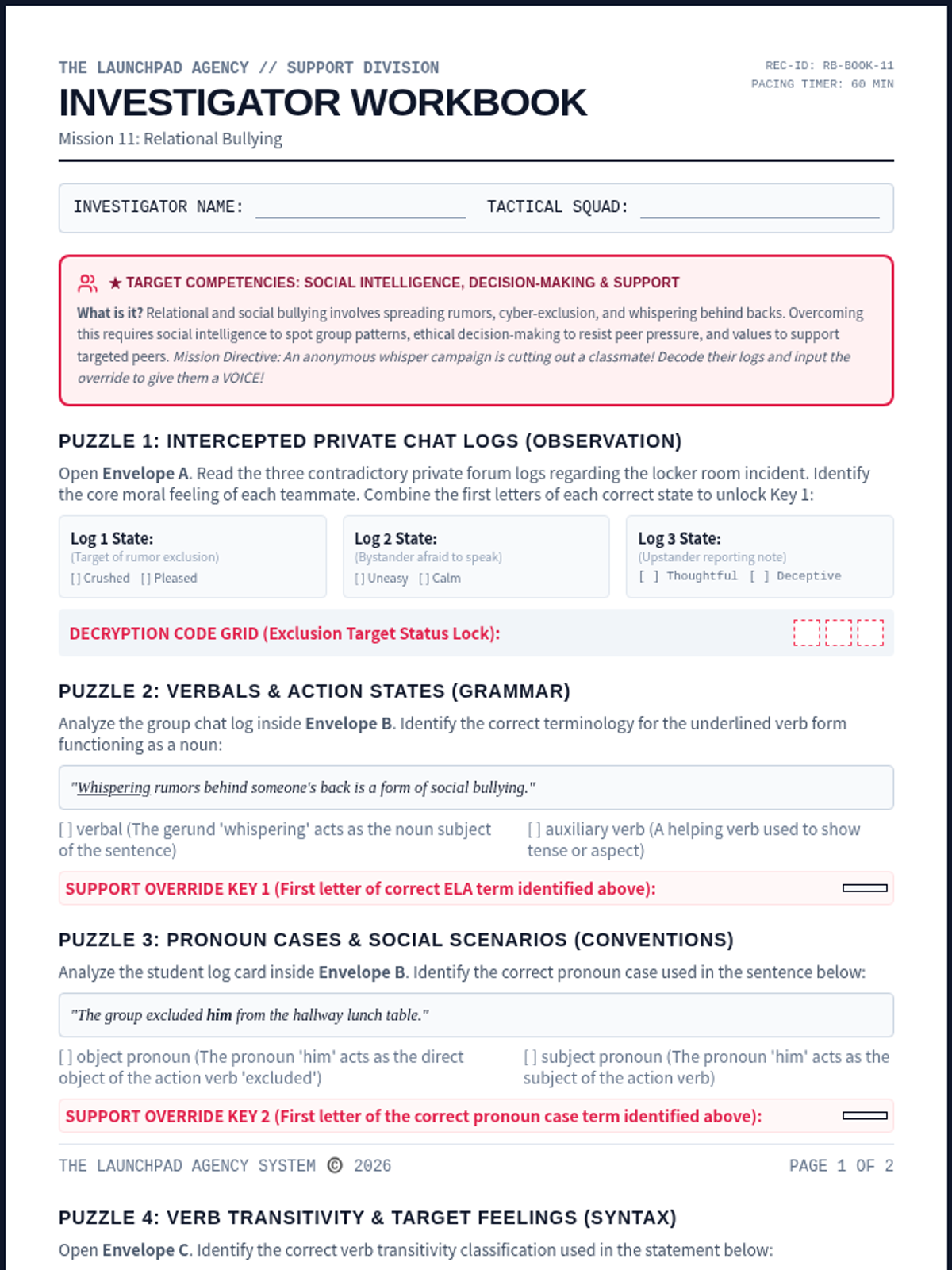
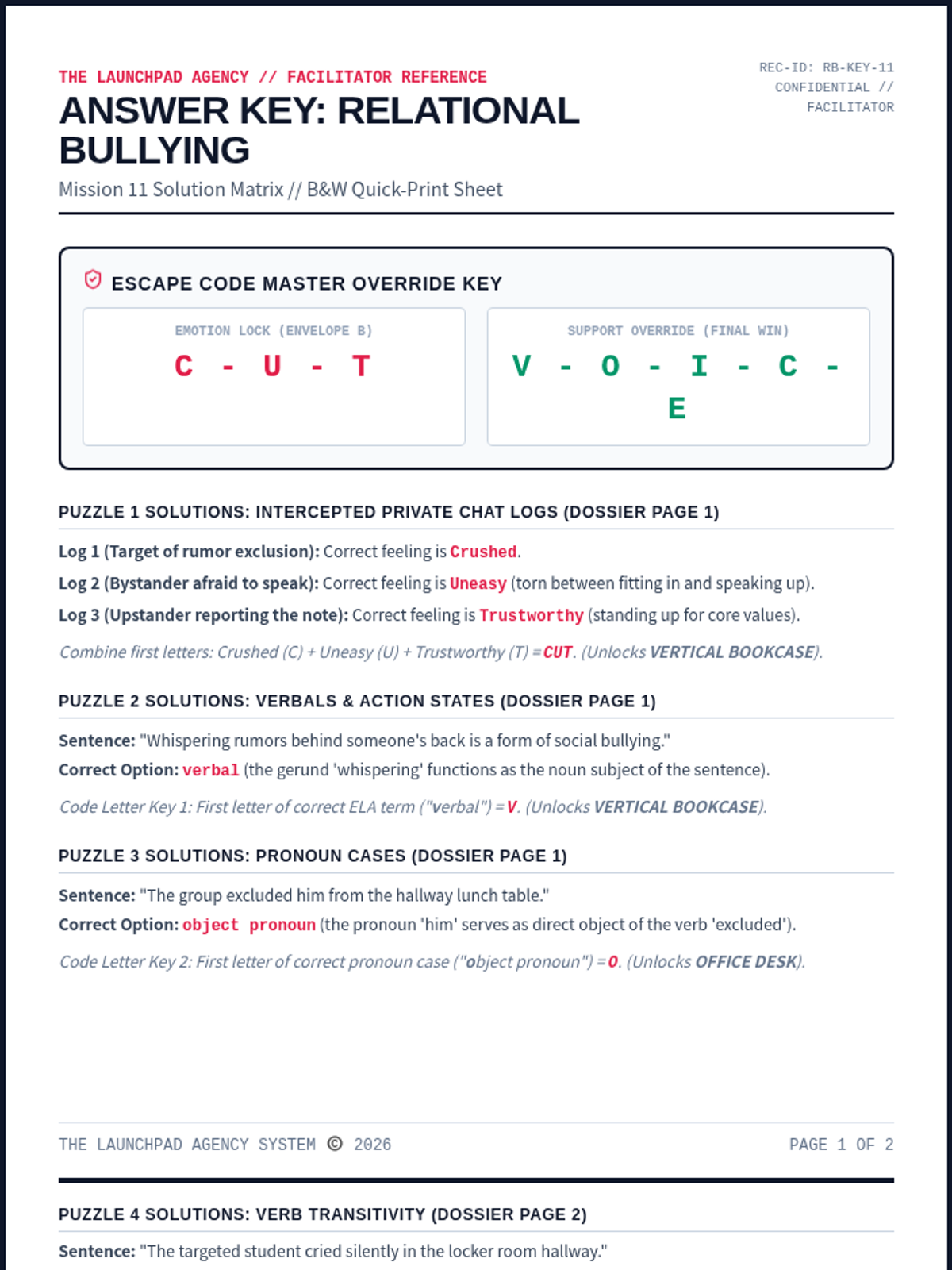
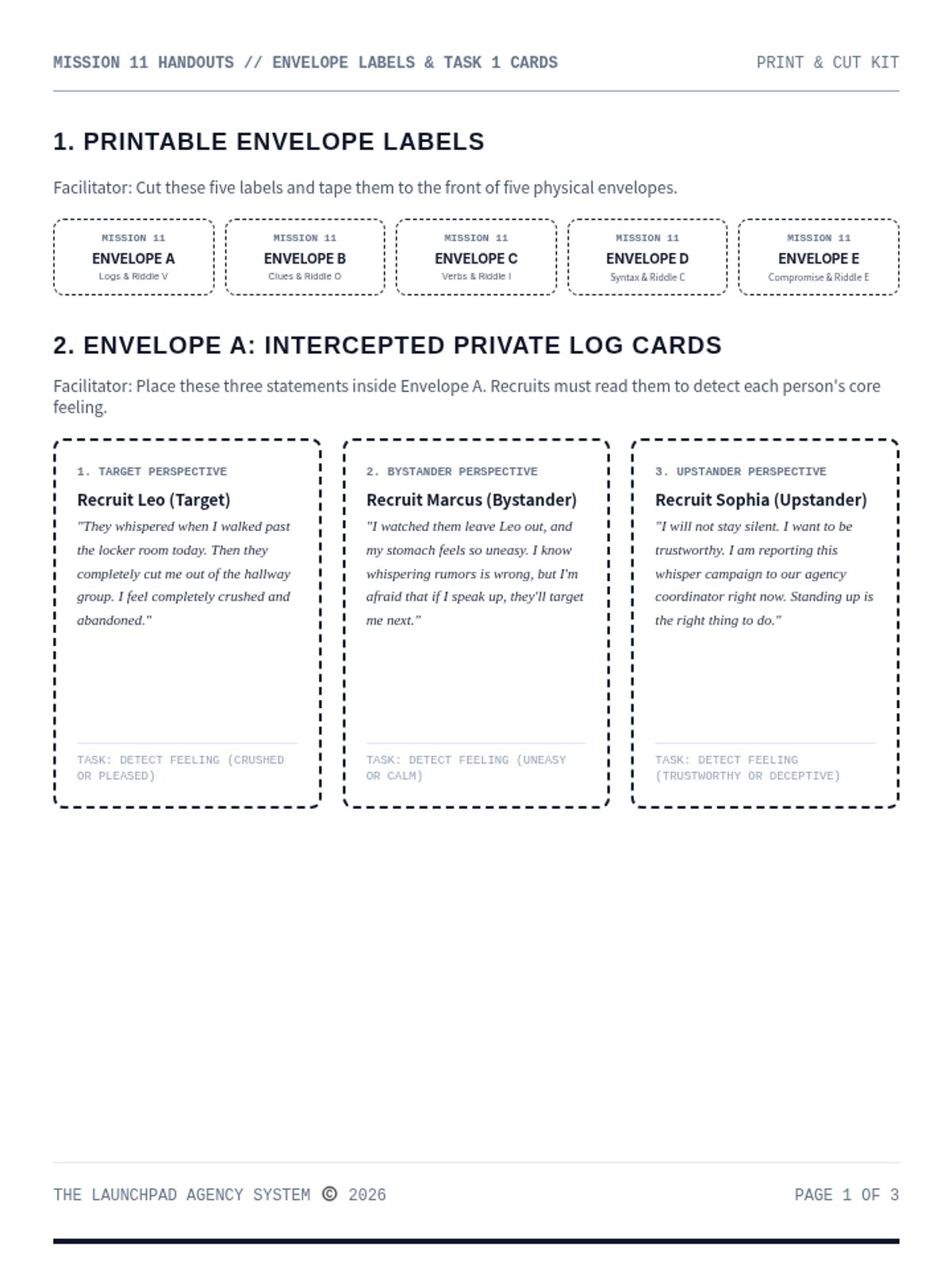
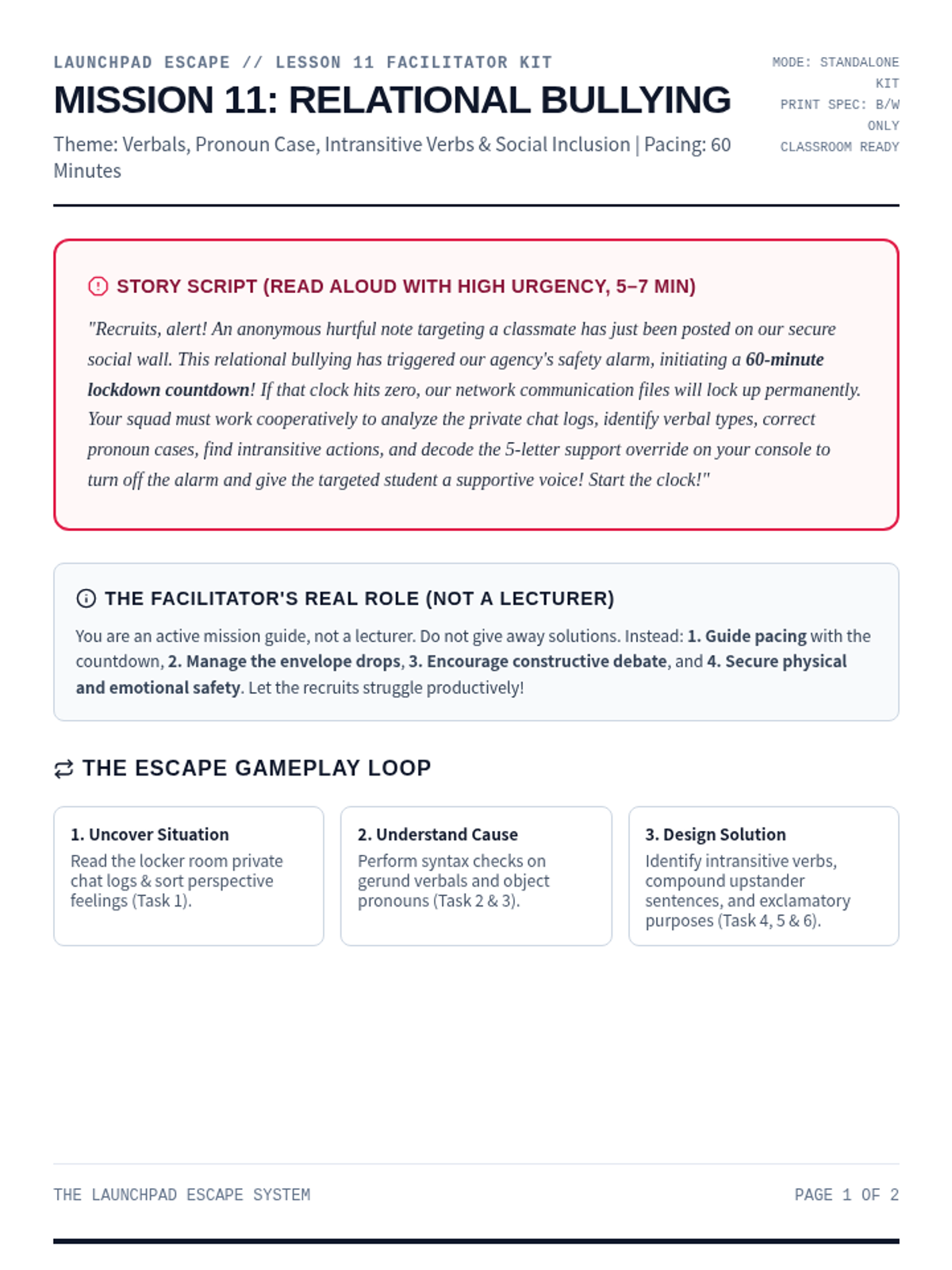
A collaborative social-emotional escape room focused on identifying relational and social bullying, supporting target peers, and standing up to cyber/verbal exclusion. Recruits analyze verb verbal types, pronoun cases, intransitive verbs, and compound syntax to decode the final override.
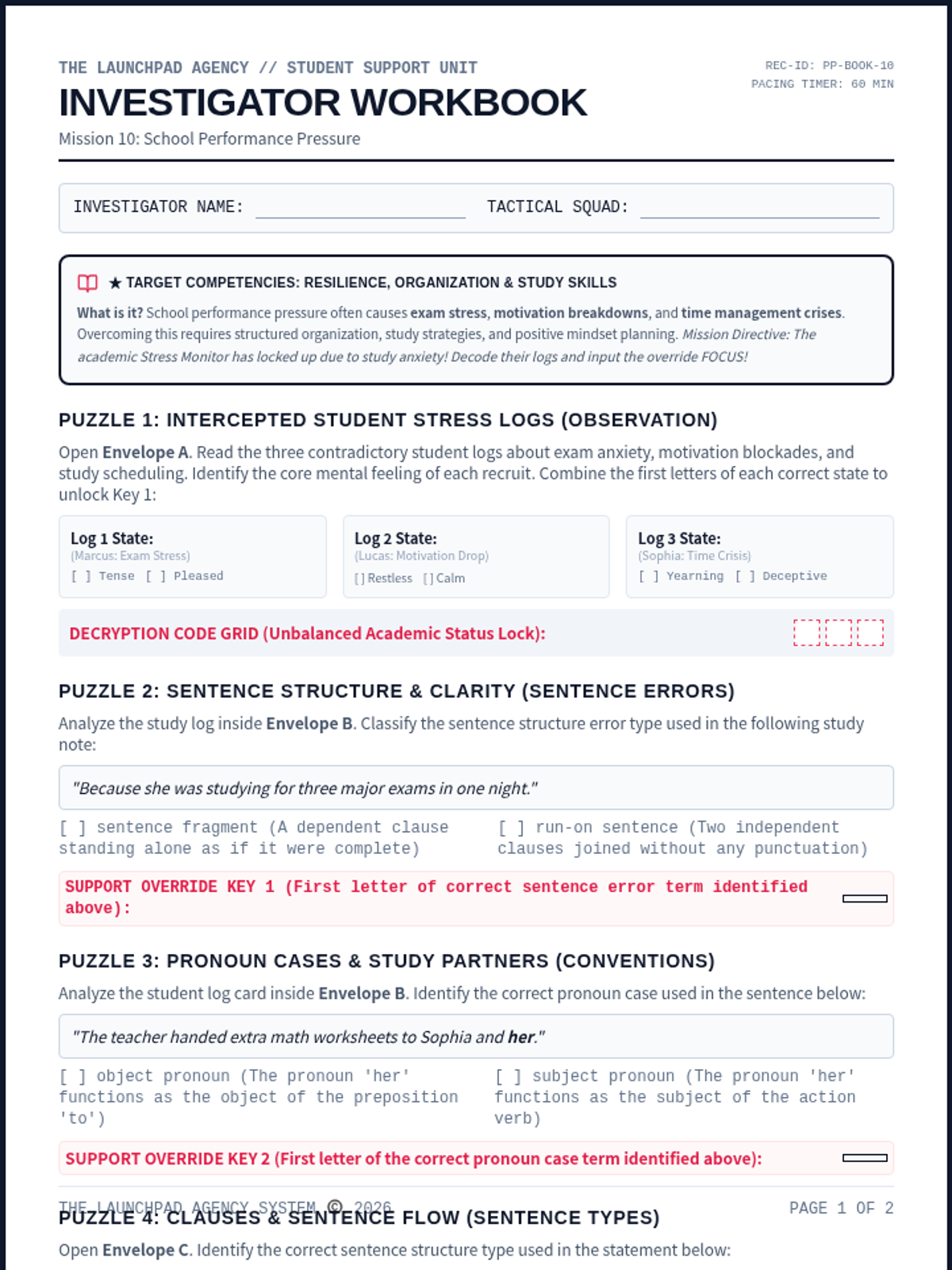
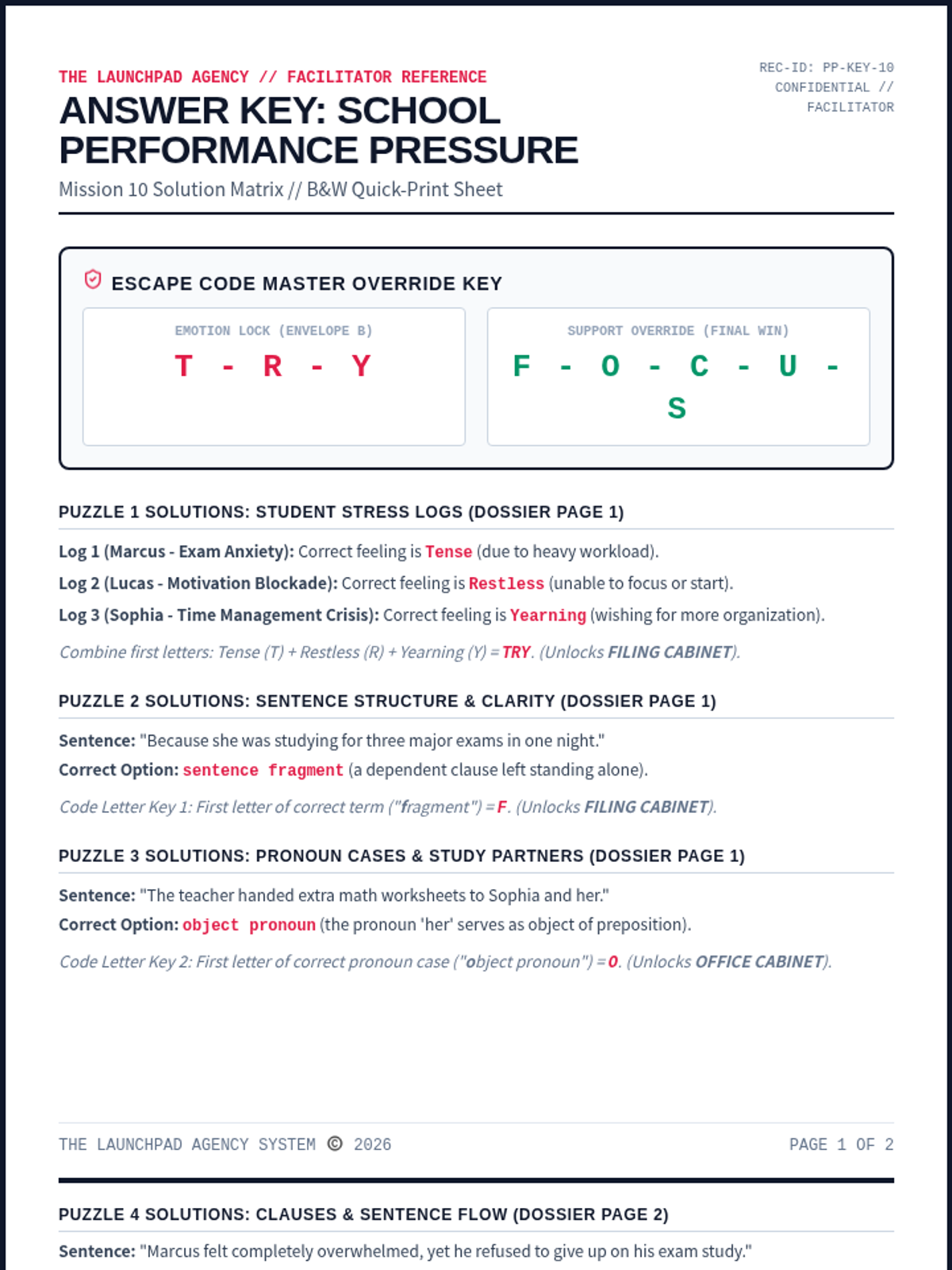
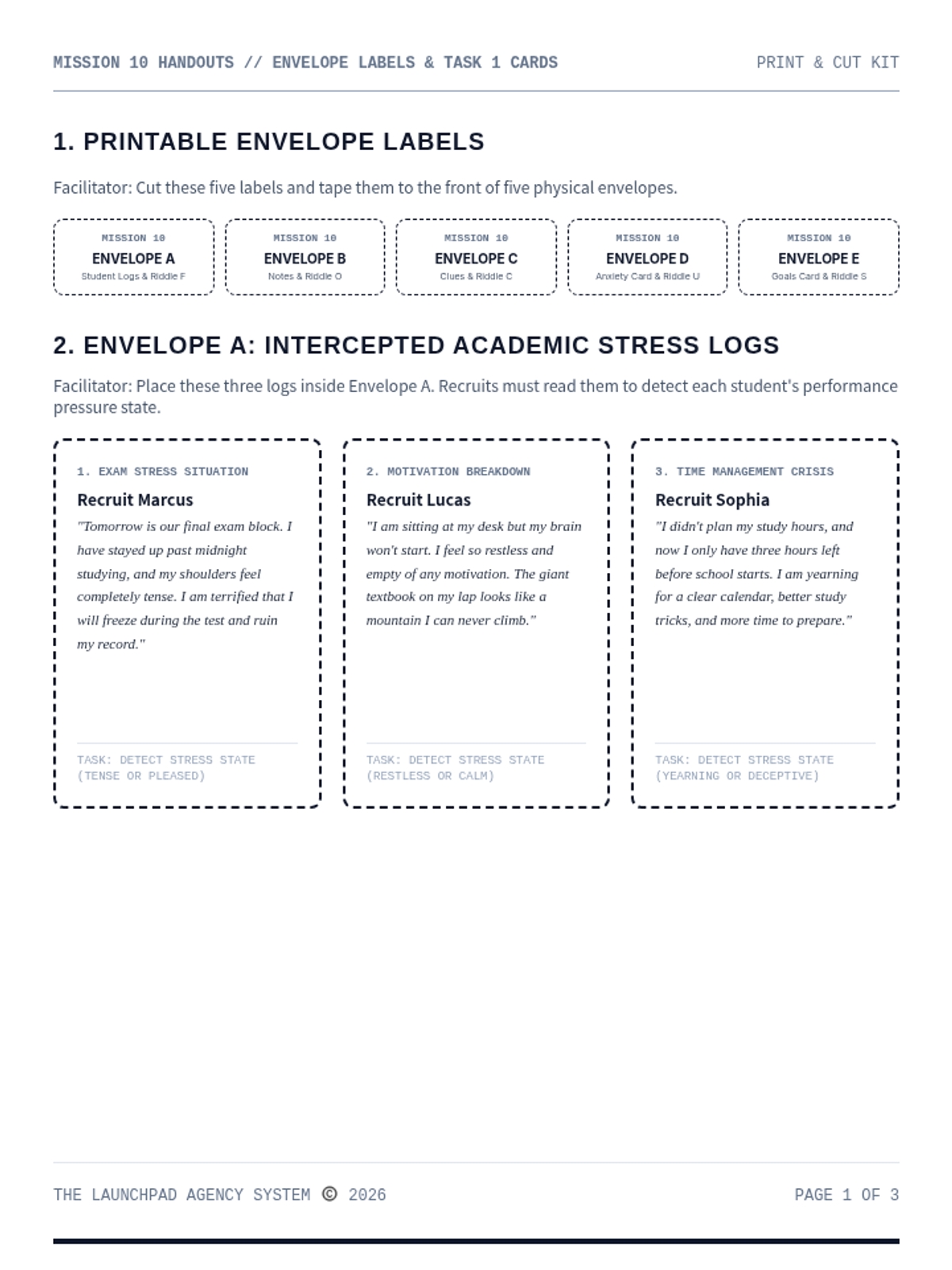
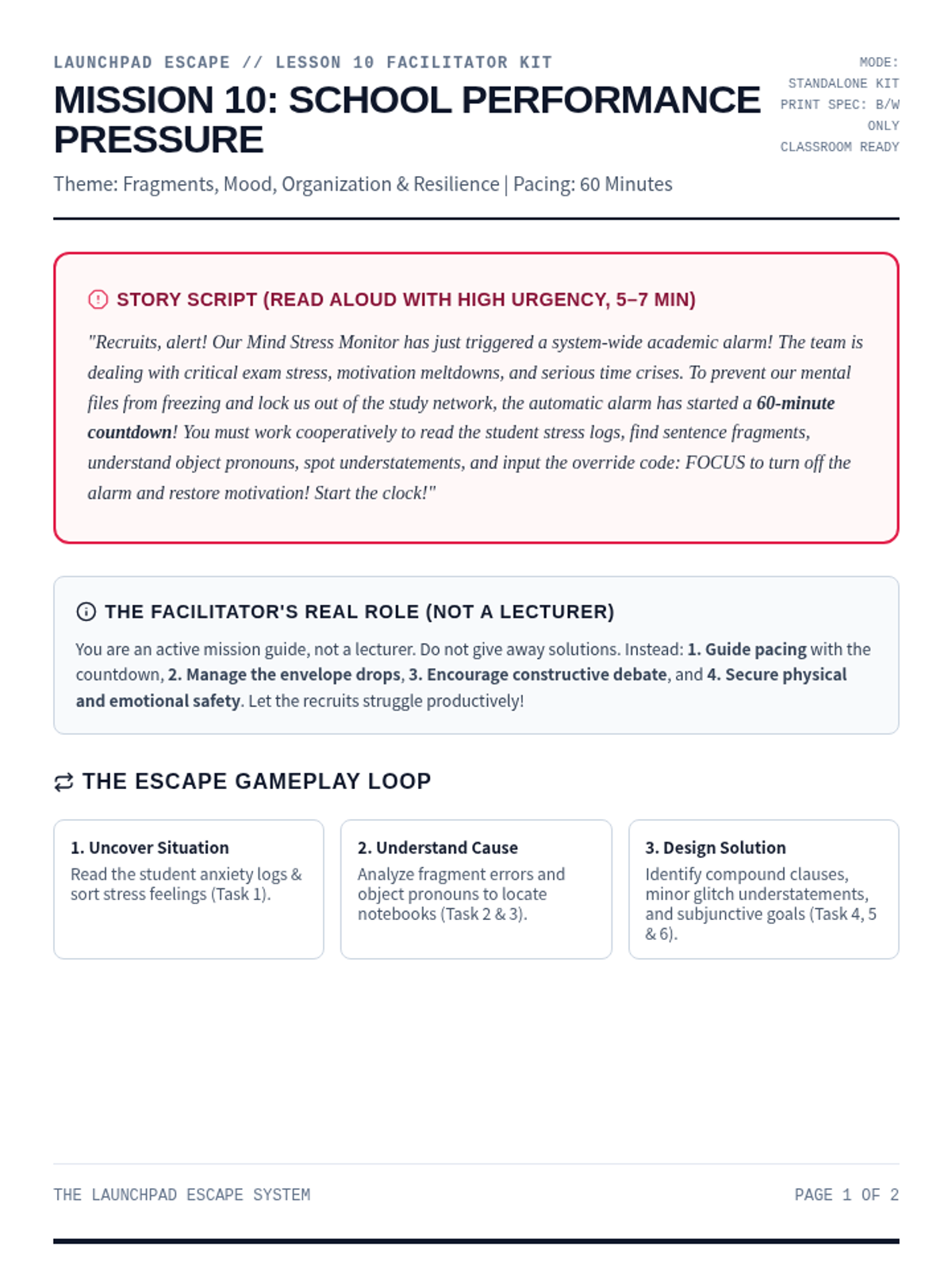
An immersive and strategic escape room focused on managing academic stress, avoiding burnout, and planning study habits. Recruits analyze student logs under performance anxiety, build efficient schedules, and decode the override to restore positive motivation.
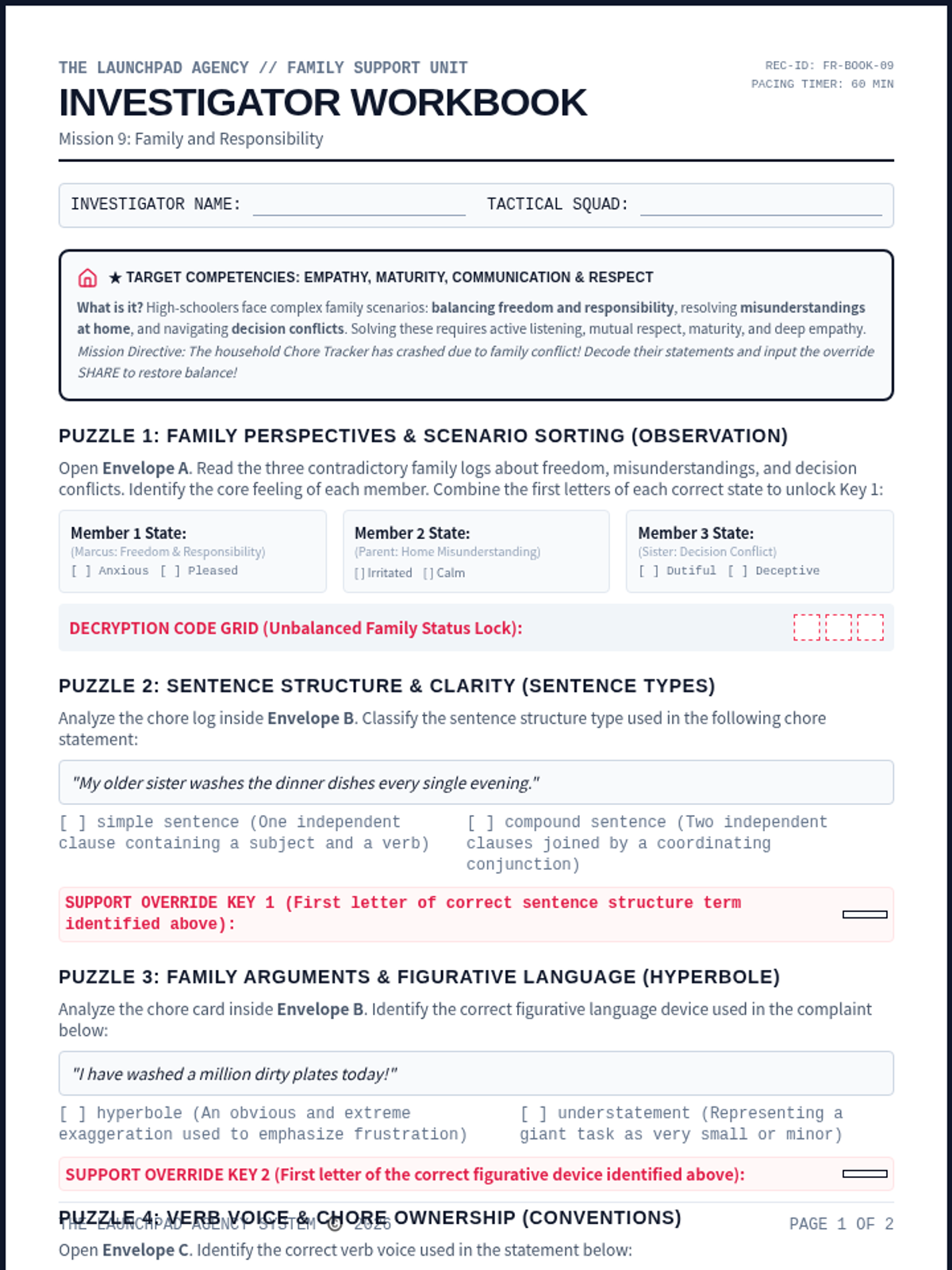
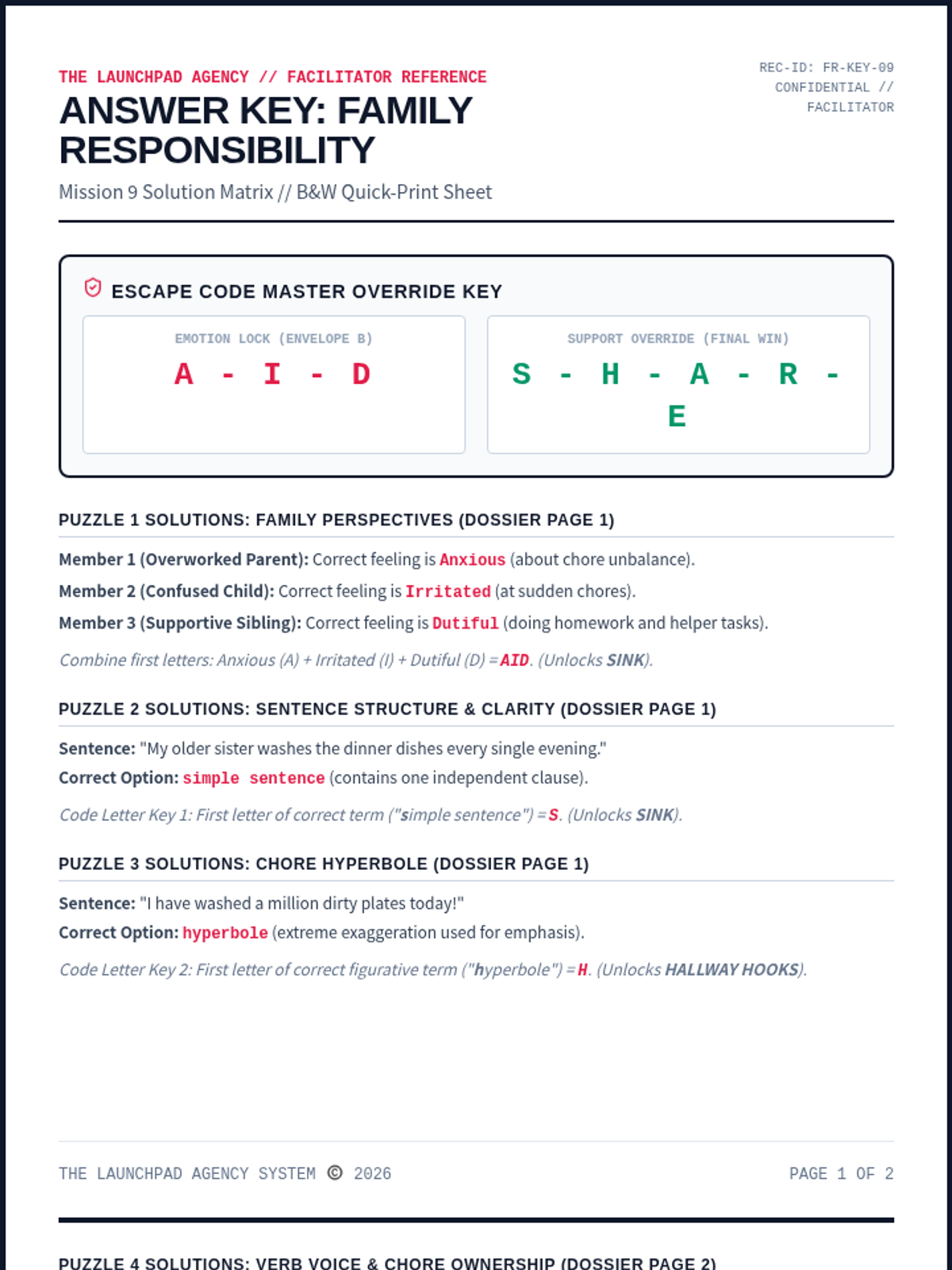
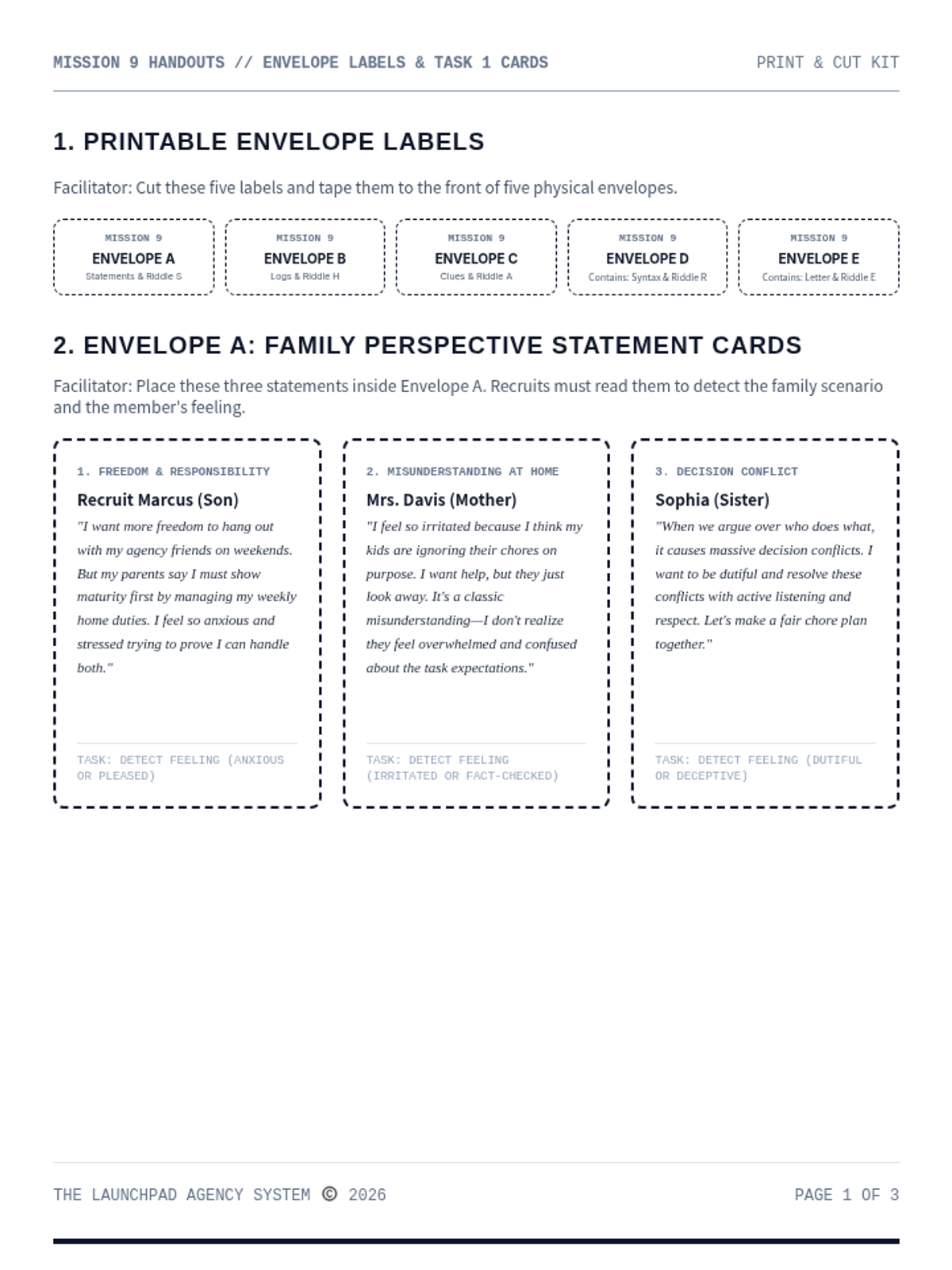
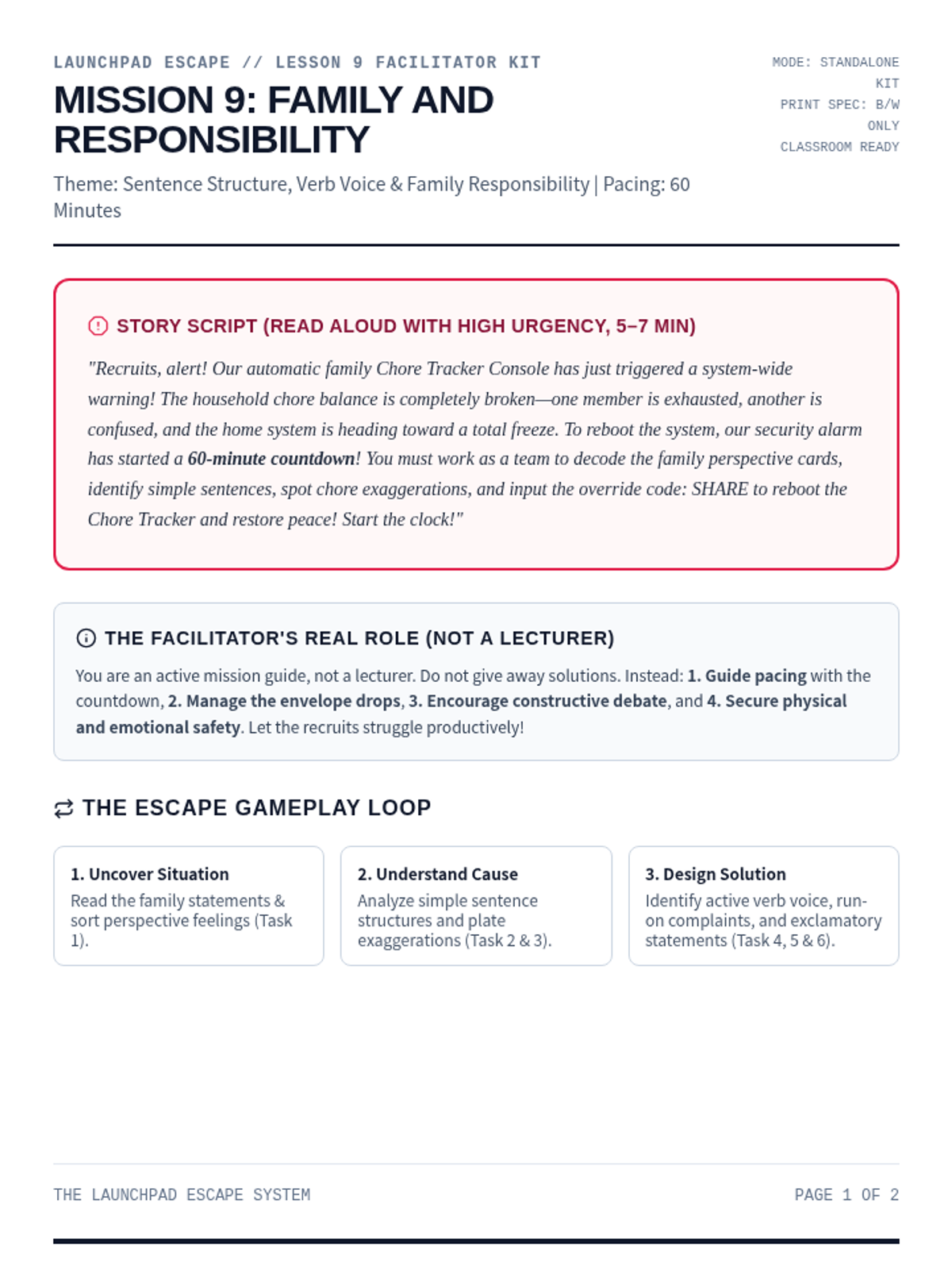
A cooperative and empathetic escape room focused on managing family duties and household balance. Recruits analyze parent/child perspective claims, organize daily chores timelines, and decode the final compromise override.
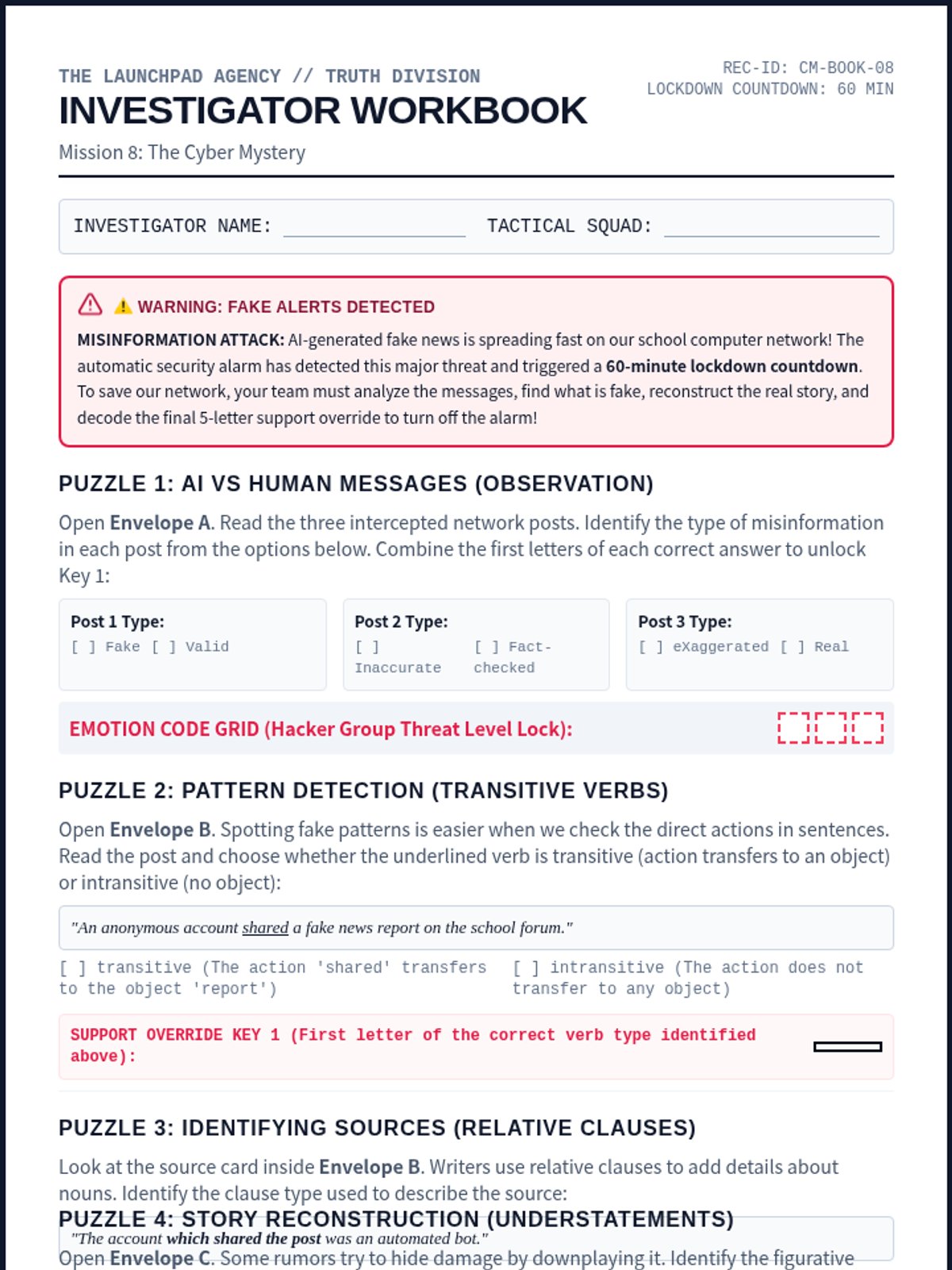
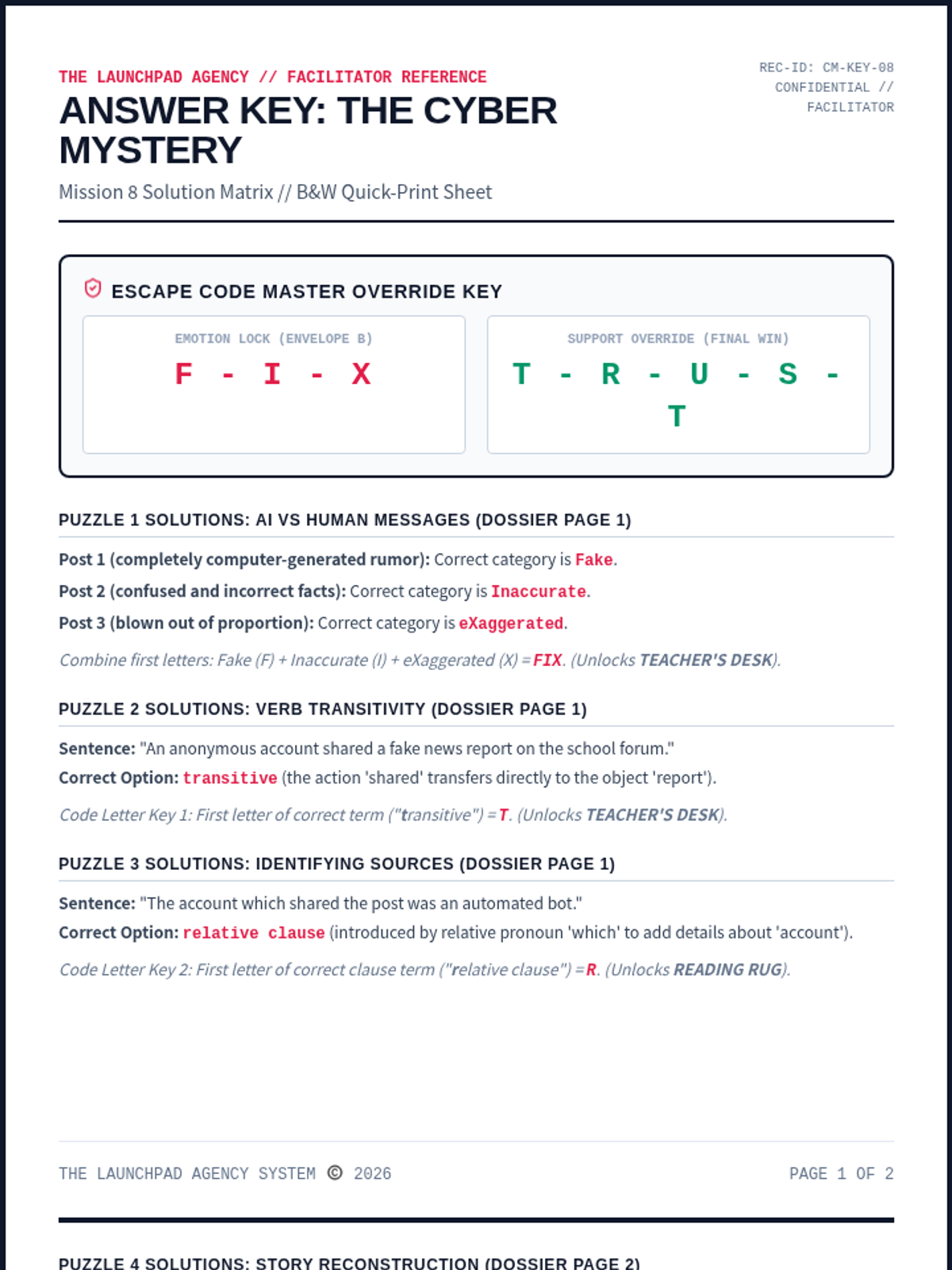
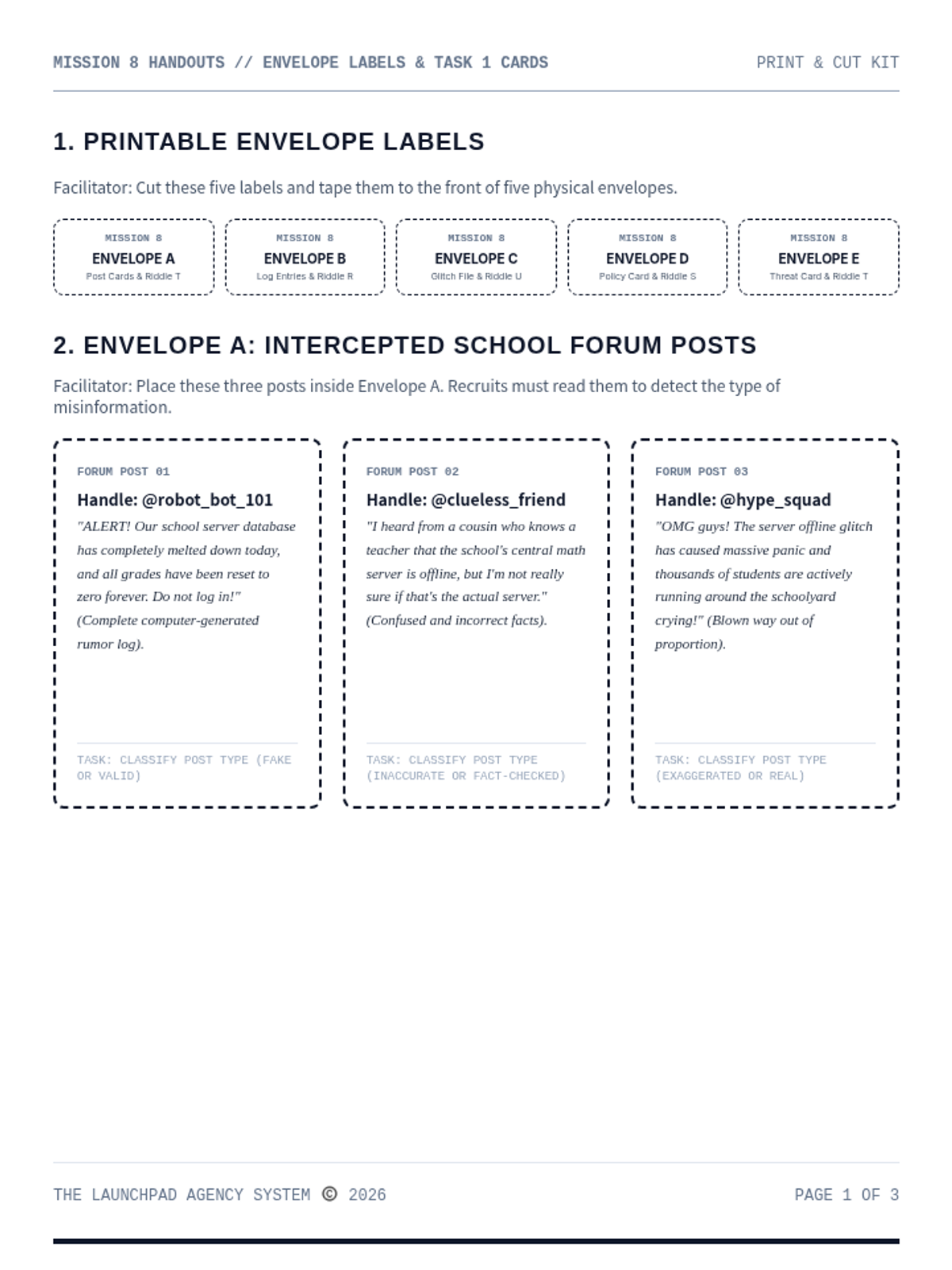
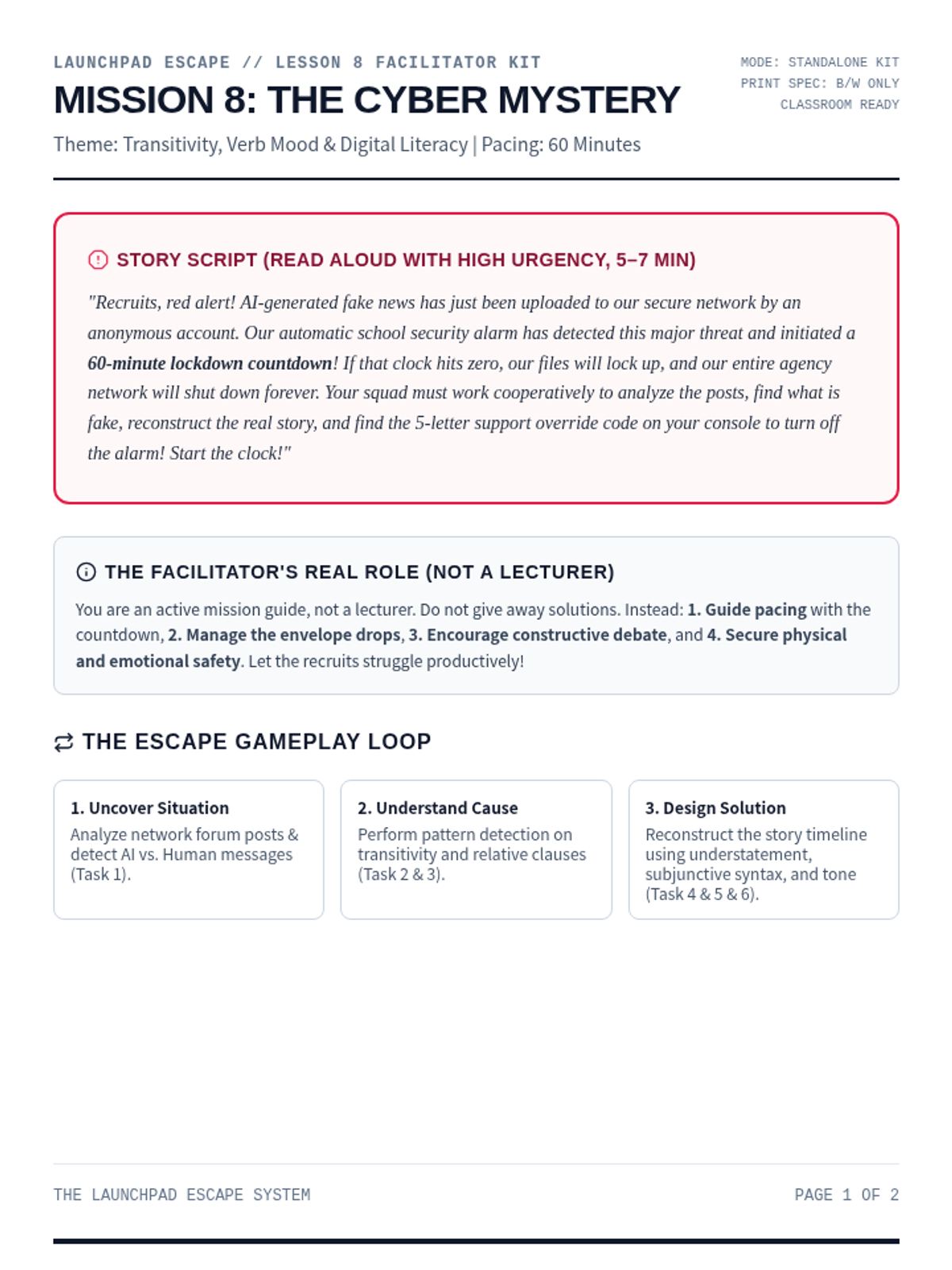
An advanced digital literacy and collaborative cryptography escape room for Ages 14-16. Recruits analyze verb transitivity, relative clauses, subjunctive moods, and tone to stop a school database wipe.
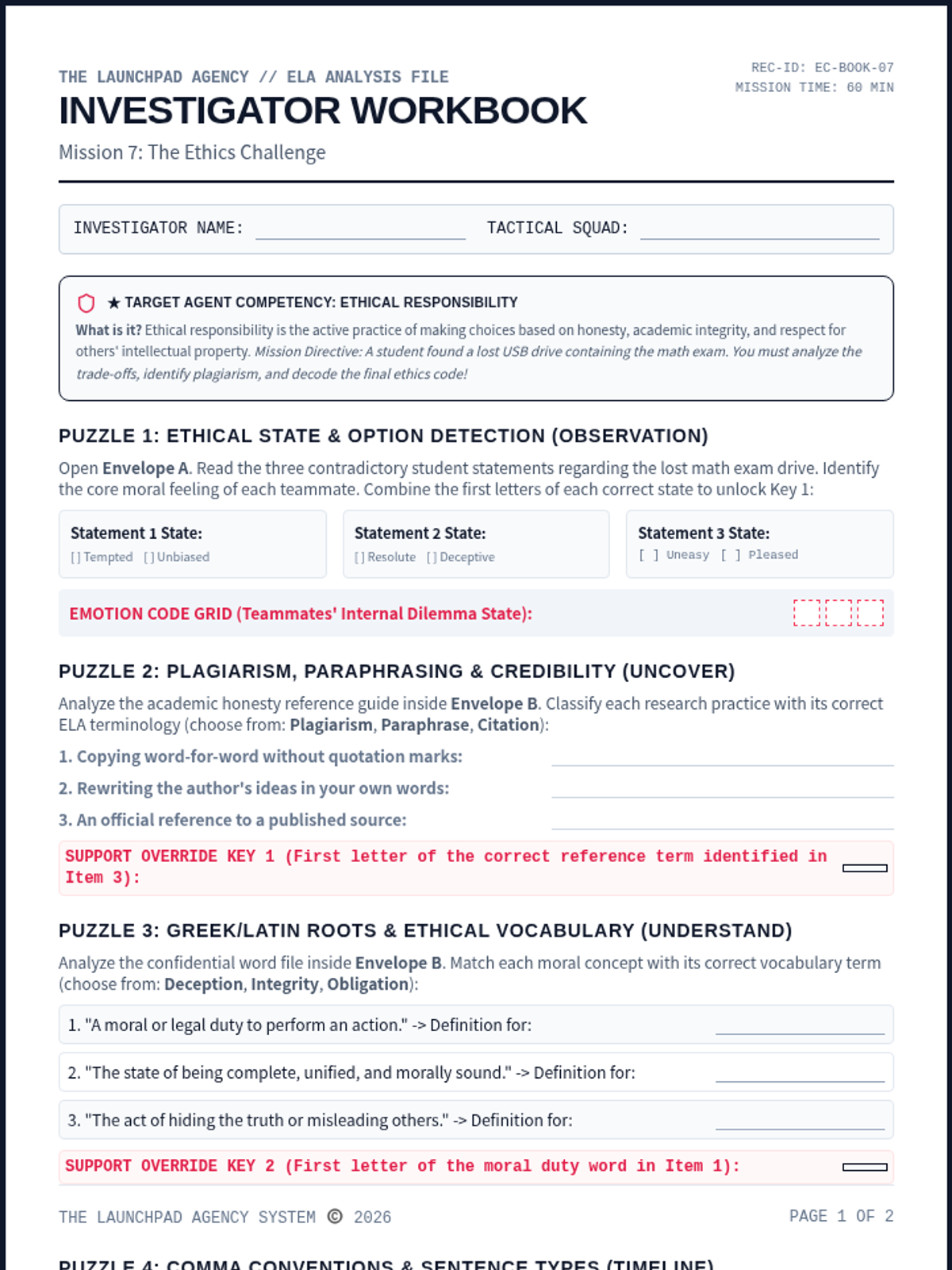
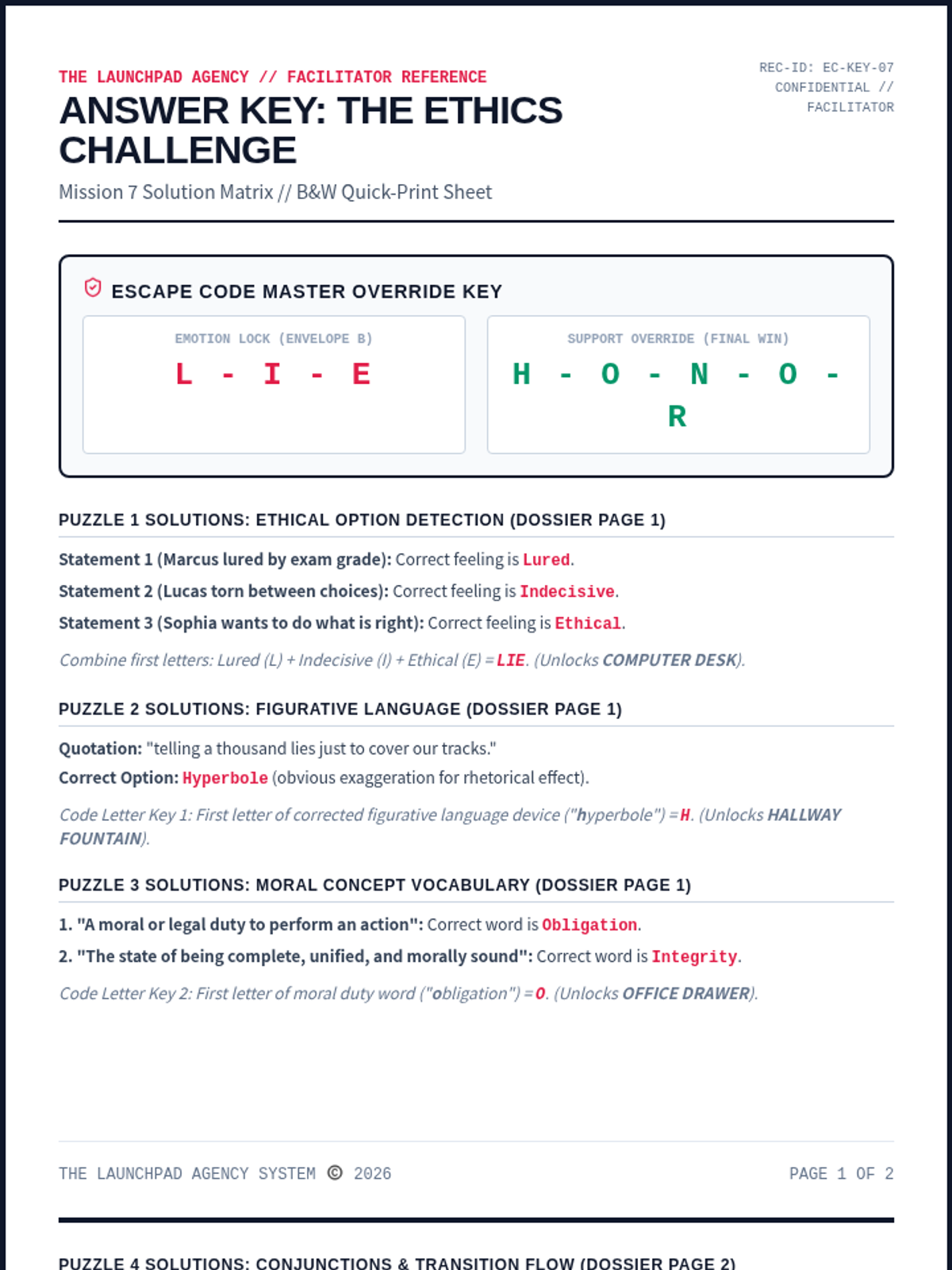
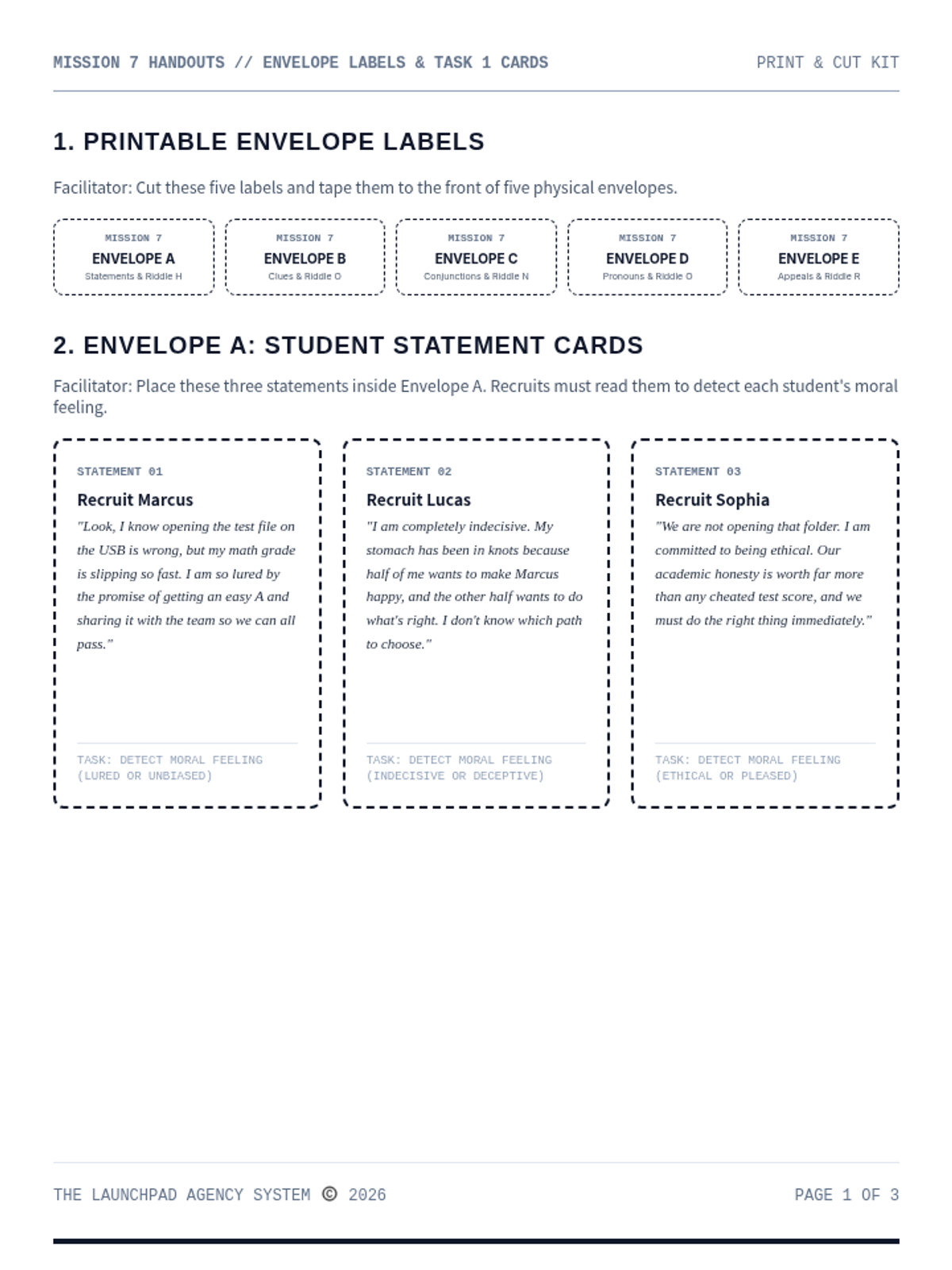
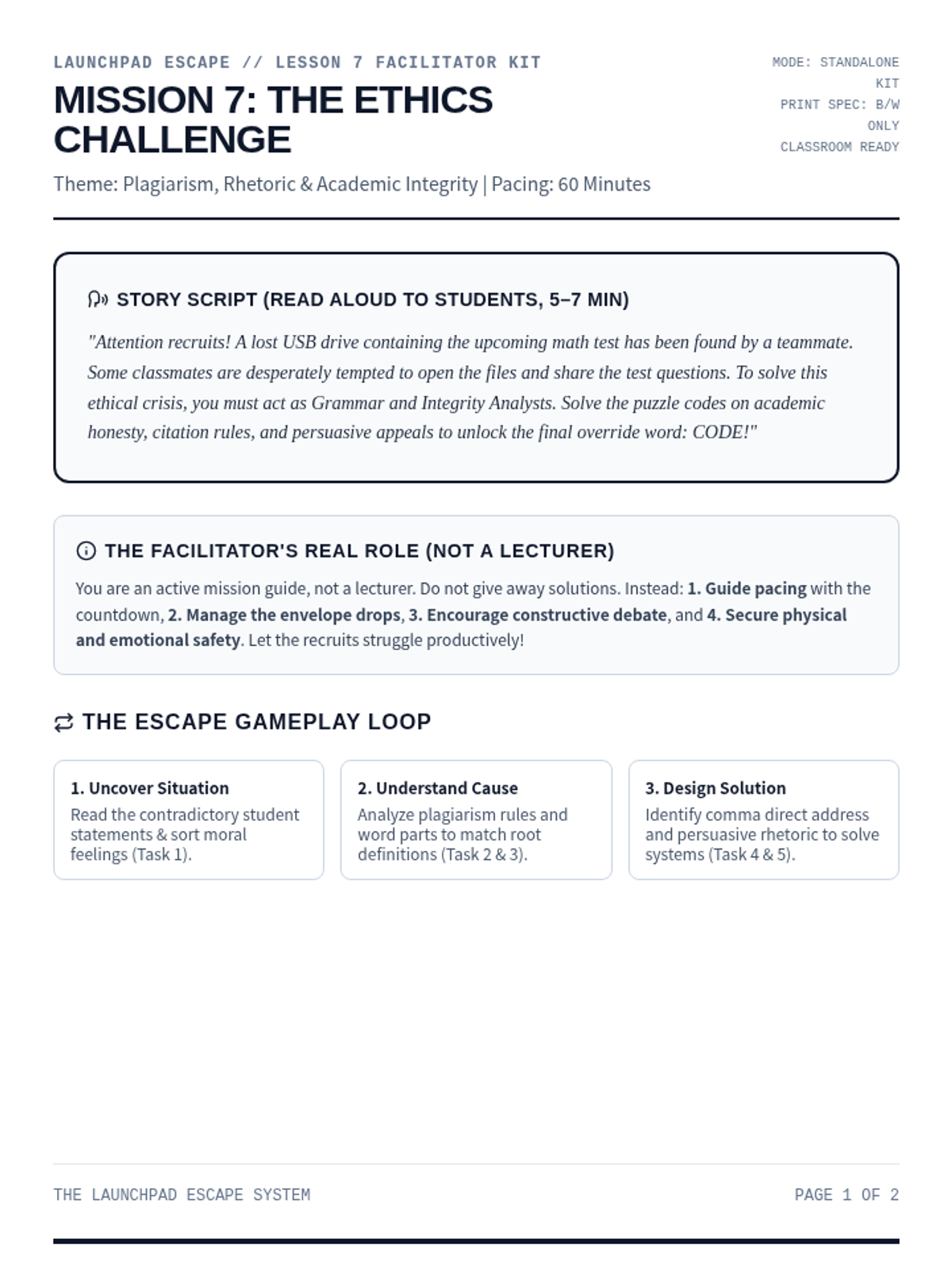
A high-stakes moral dilemma escape room for Ages 11-13. Recruits evaluate the trade-offs of academic honesty, identify plagiarism, analyze persuasive appeals, and decode the final ethics code.
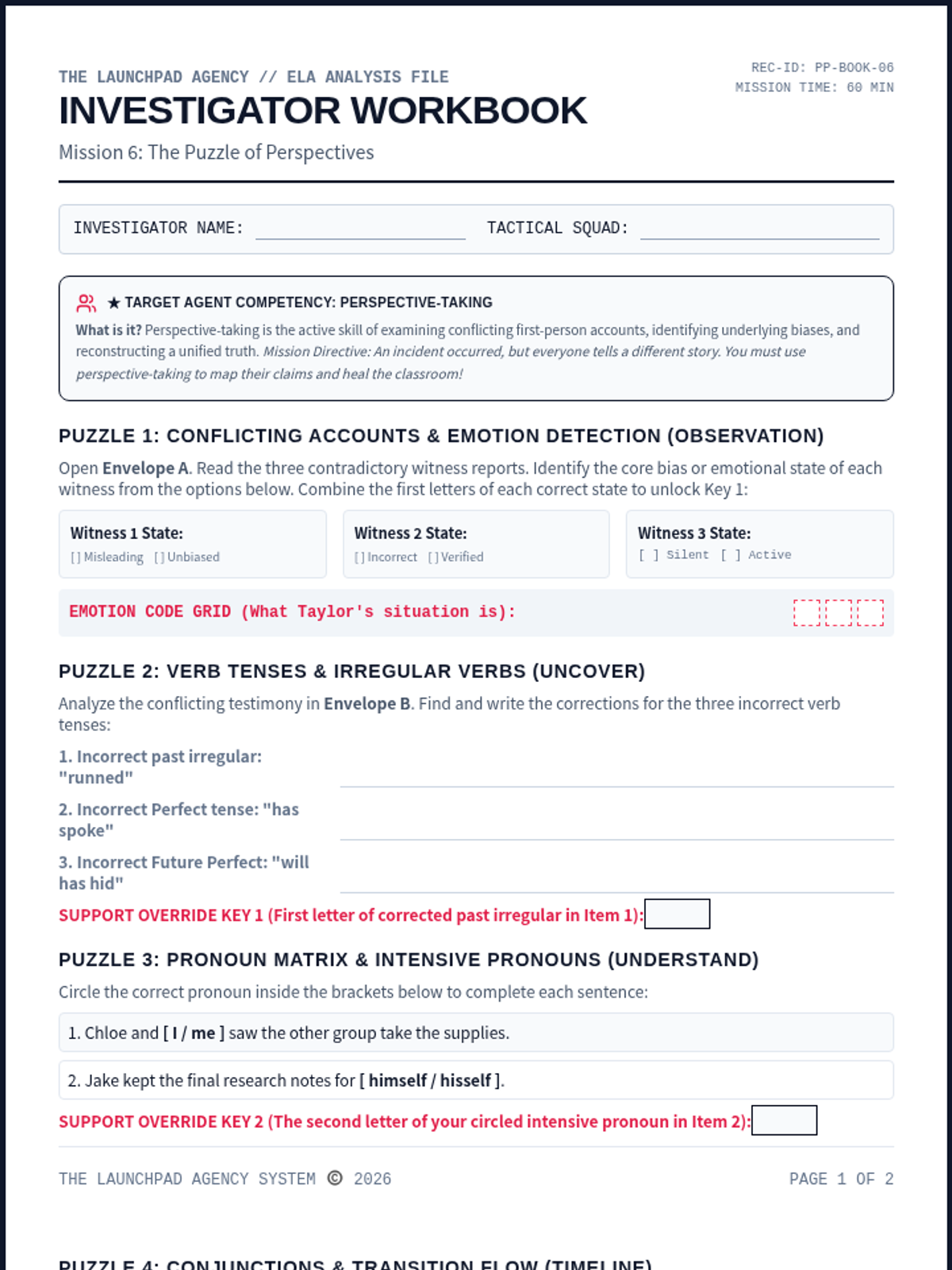
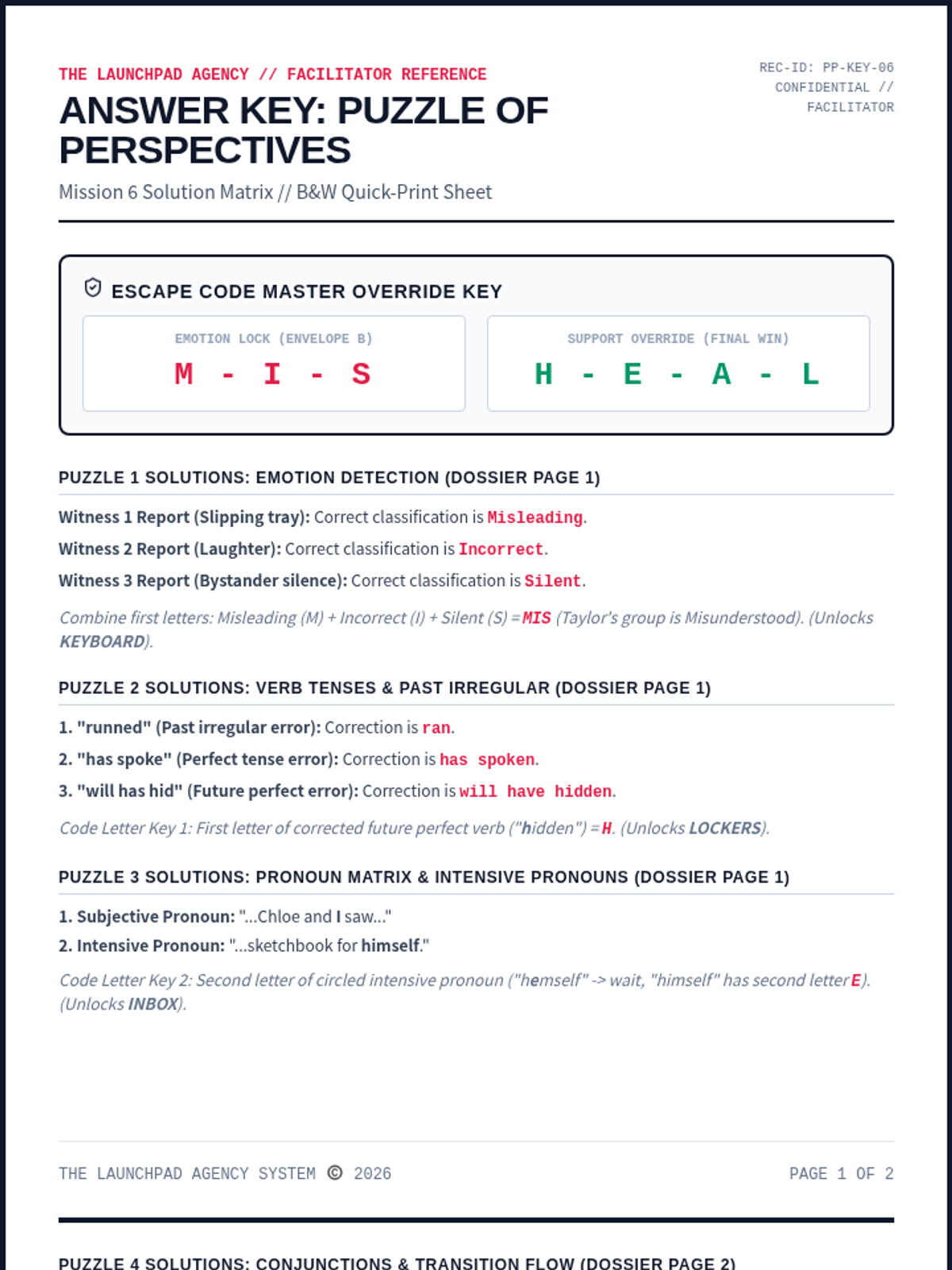
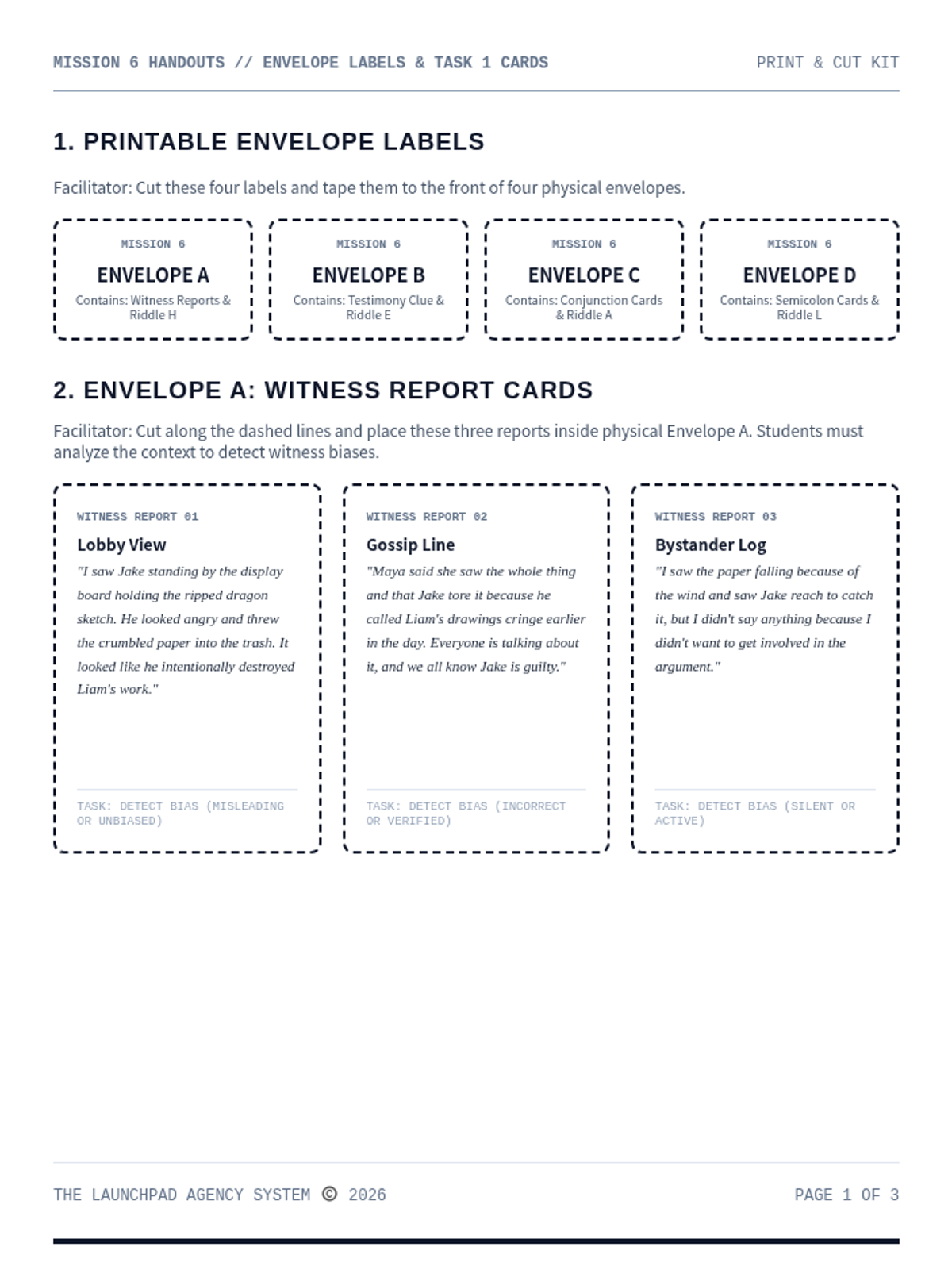
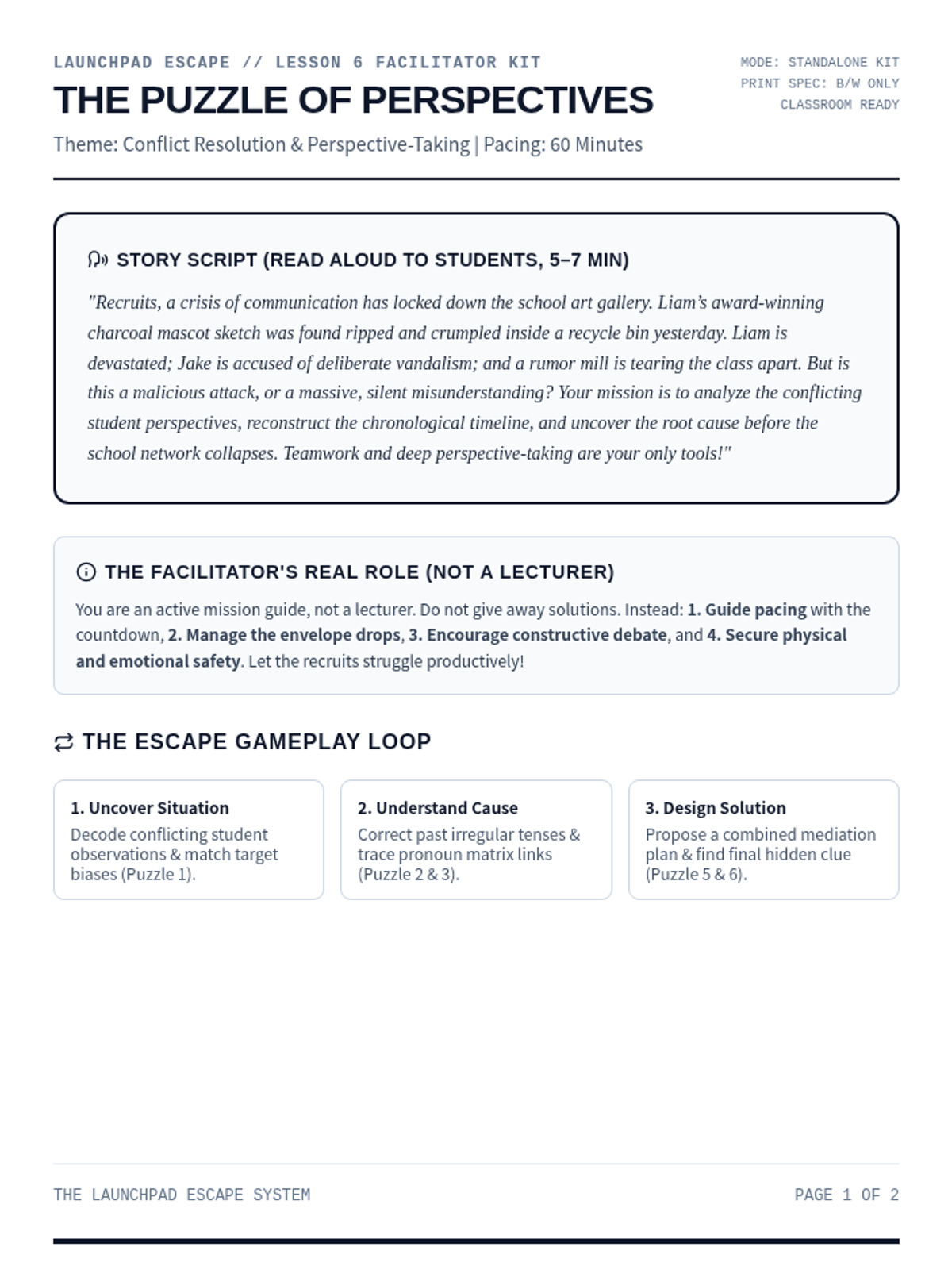
A high-stakes perspective-taking escape room. Recruits examine conflicting first-person accounts, analyze bias, reconstruct a unified timeline, and solve the override code.
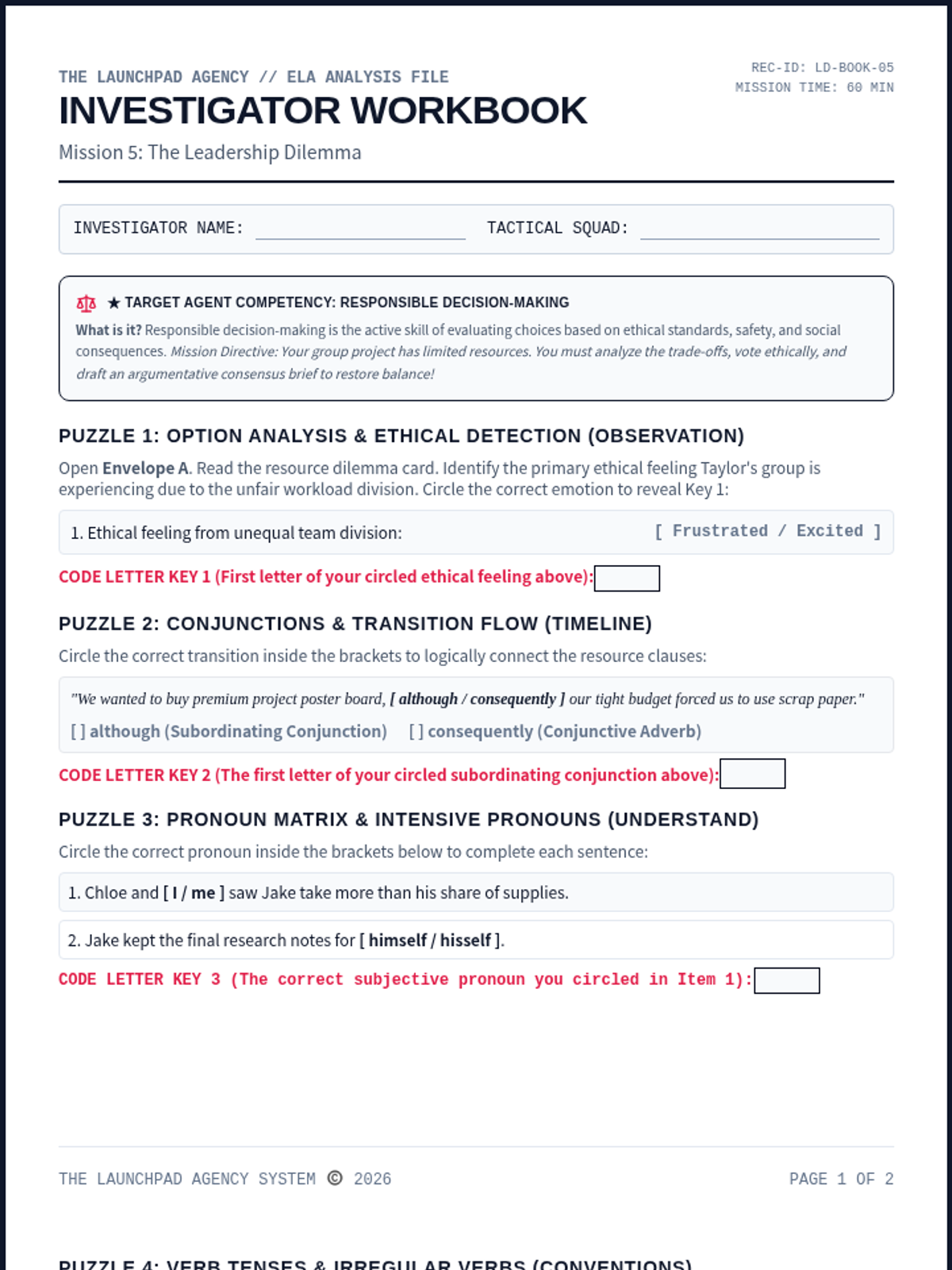
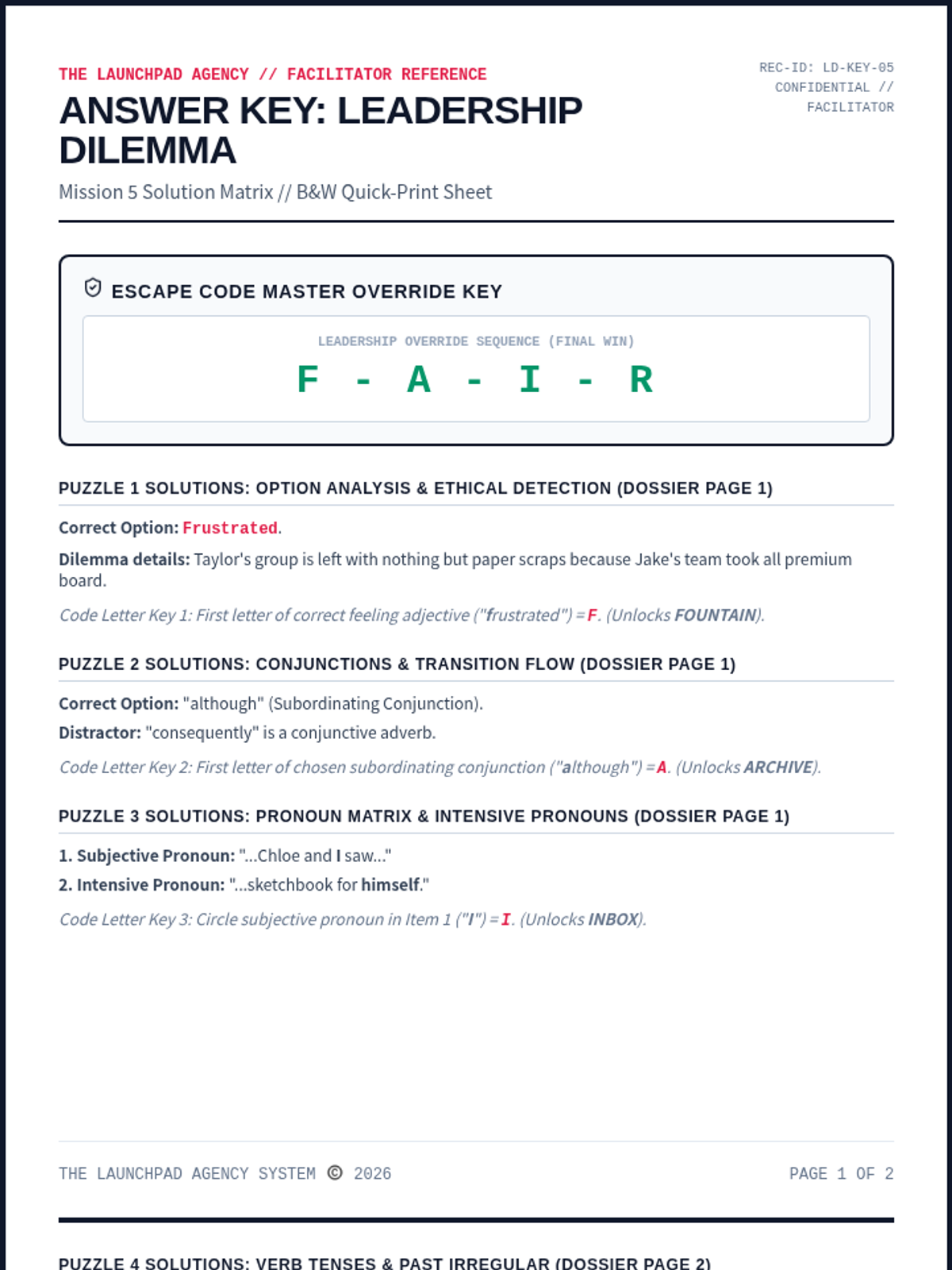
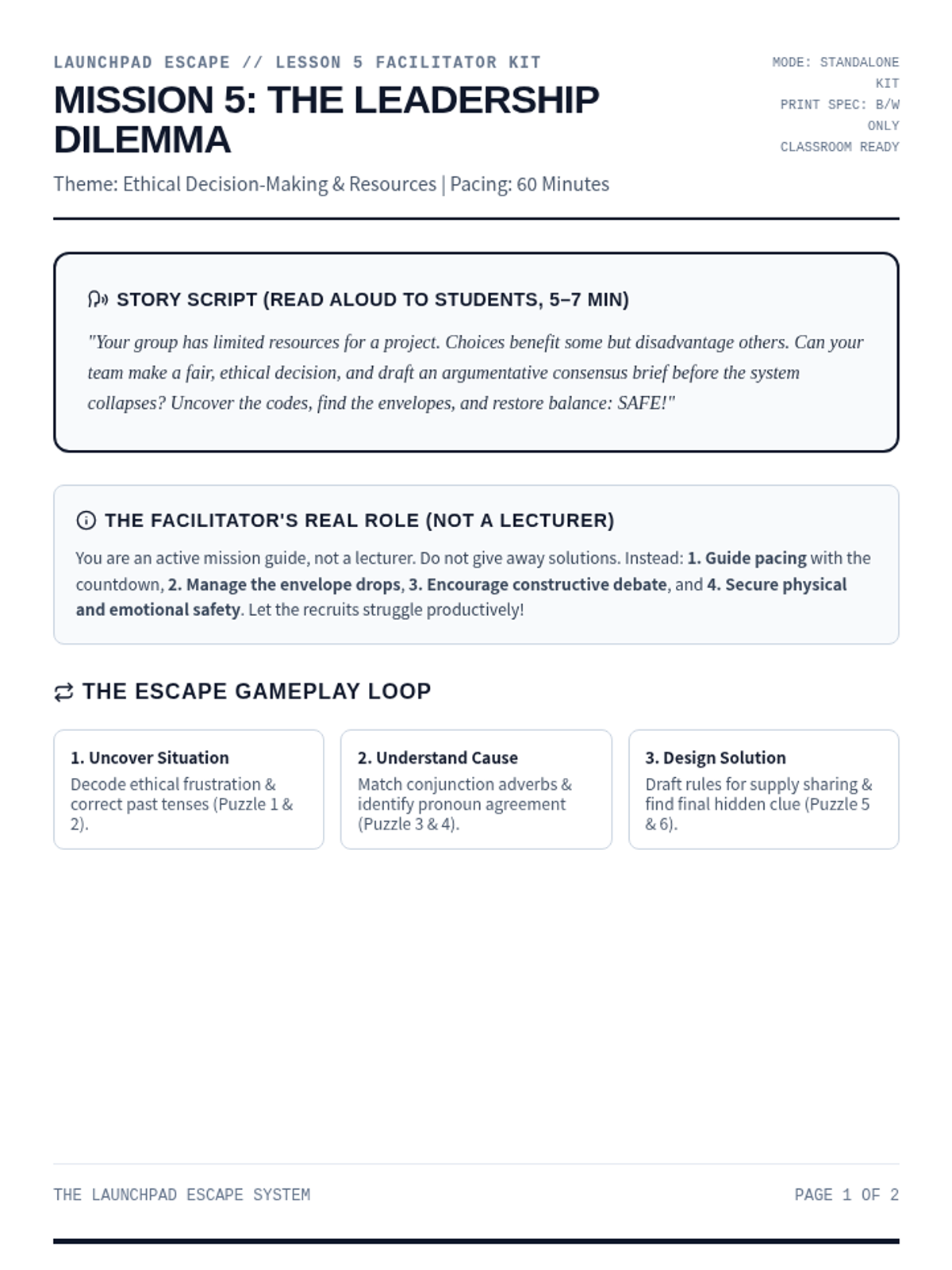
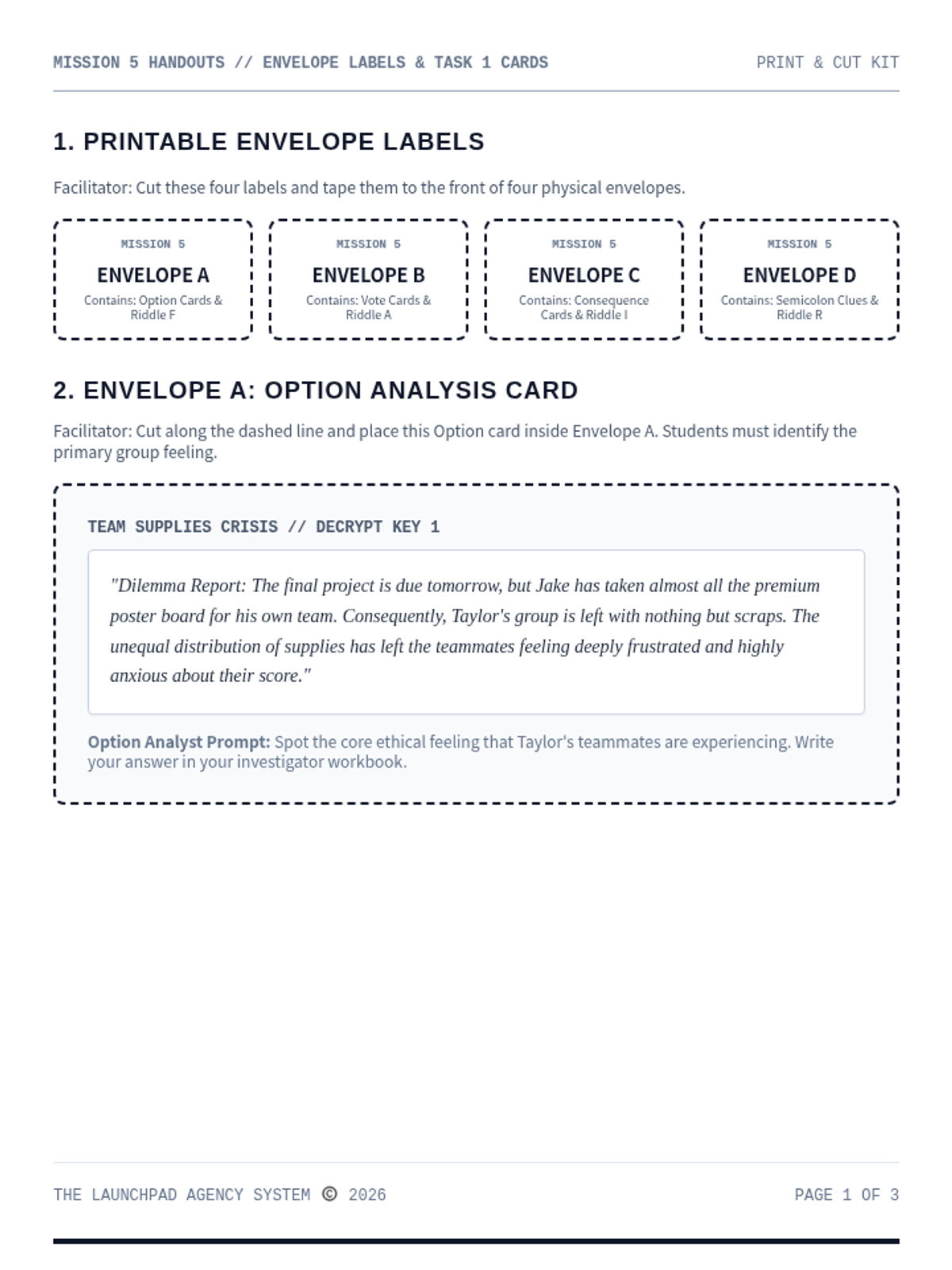
An ethical decision-making and systems-thinking escape room. Recruits analyze resource allocation options, vote on complex tradeoffs, map cascading social consequences, and draft an argumentative consensus brief to restore balance.
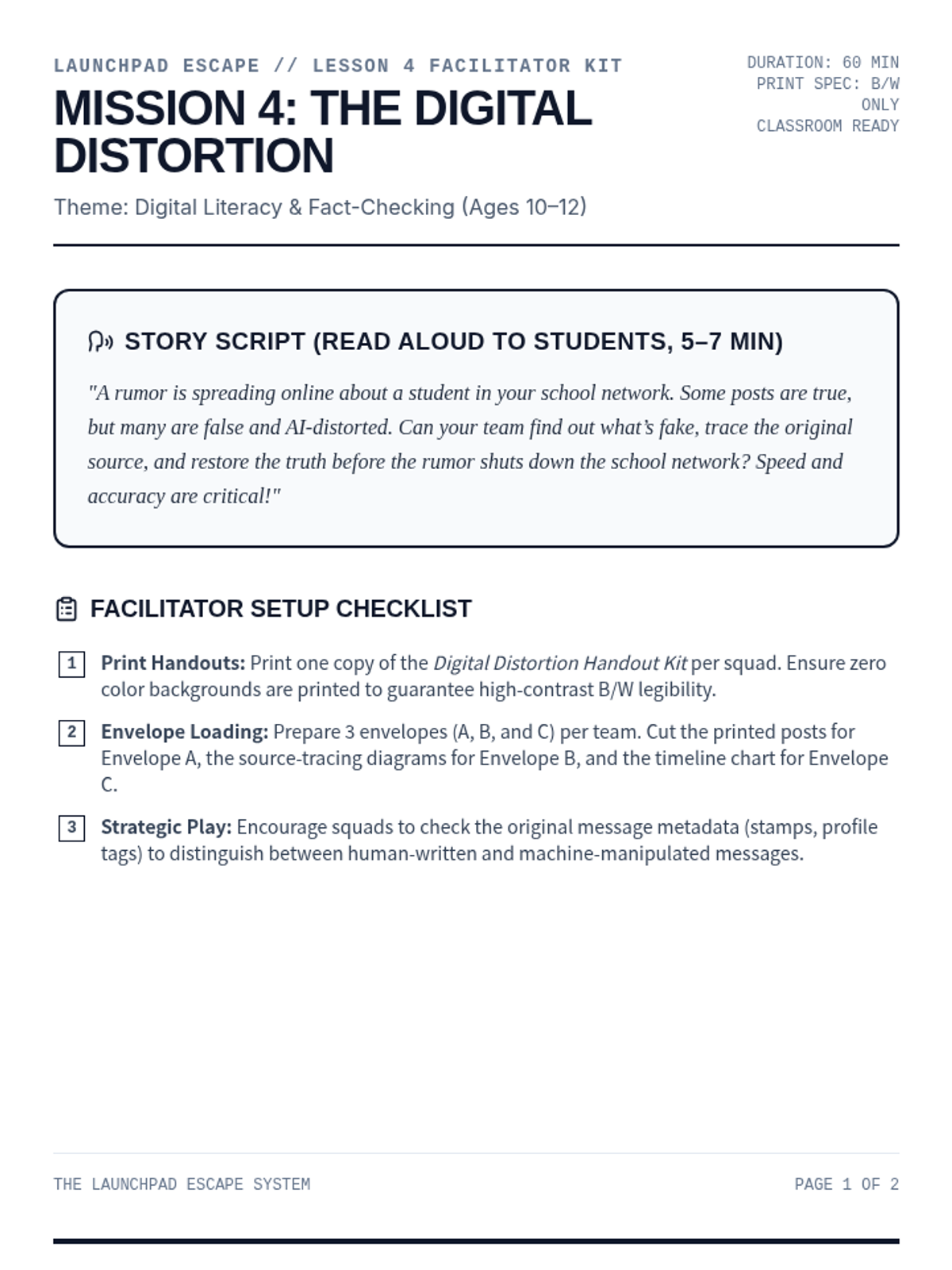
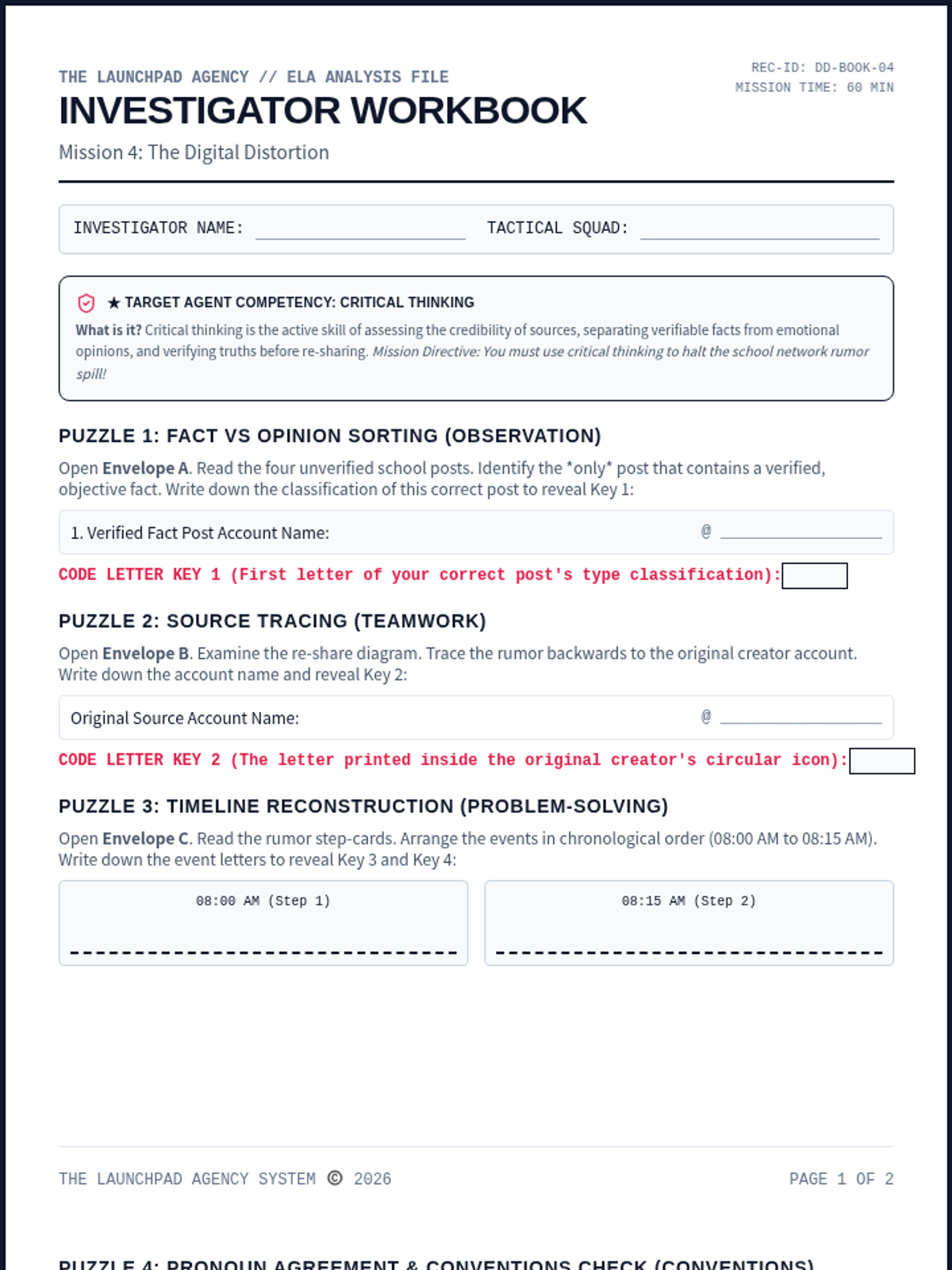
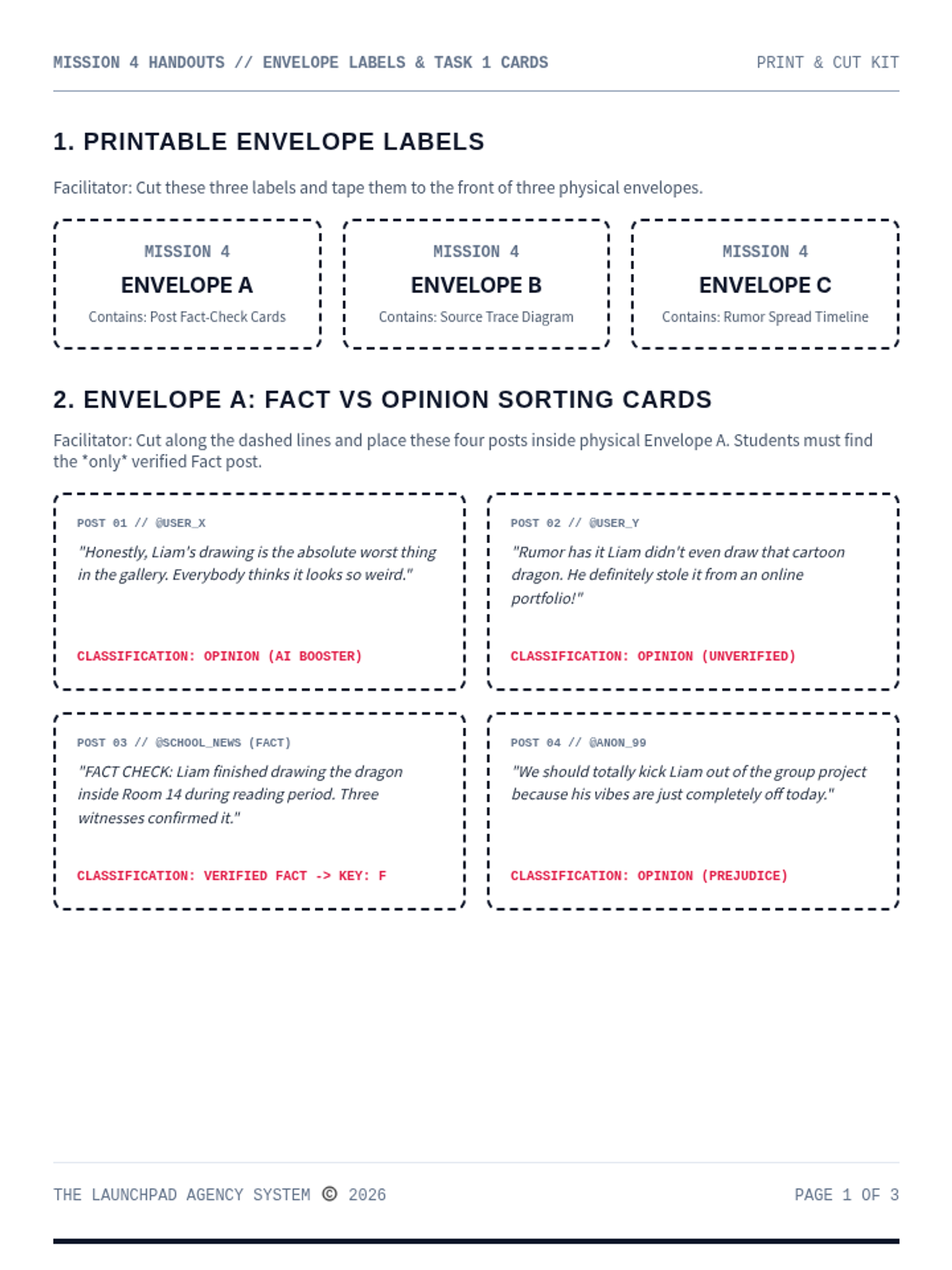
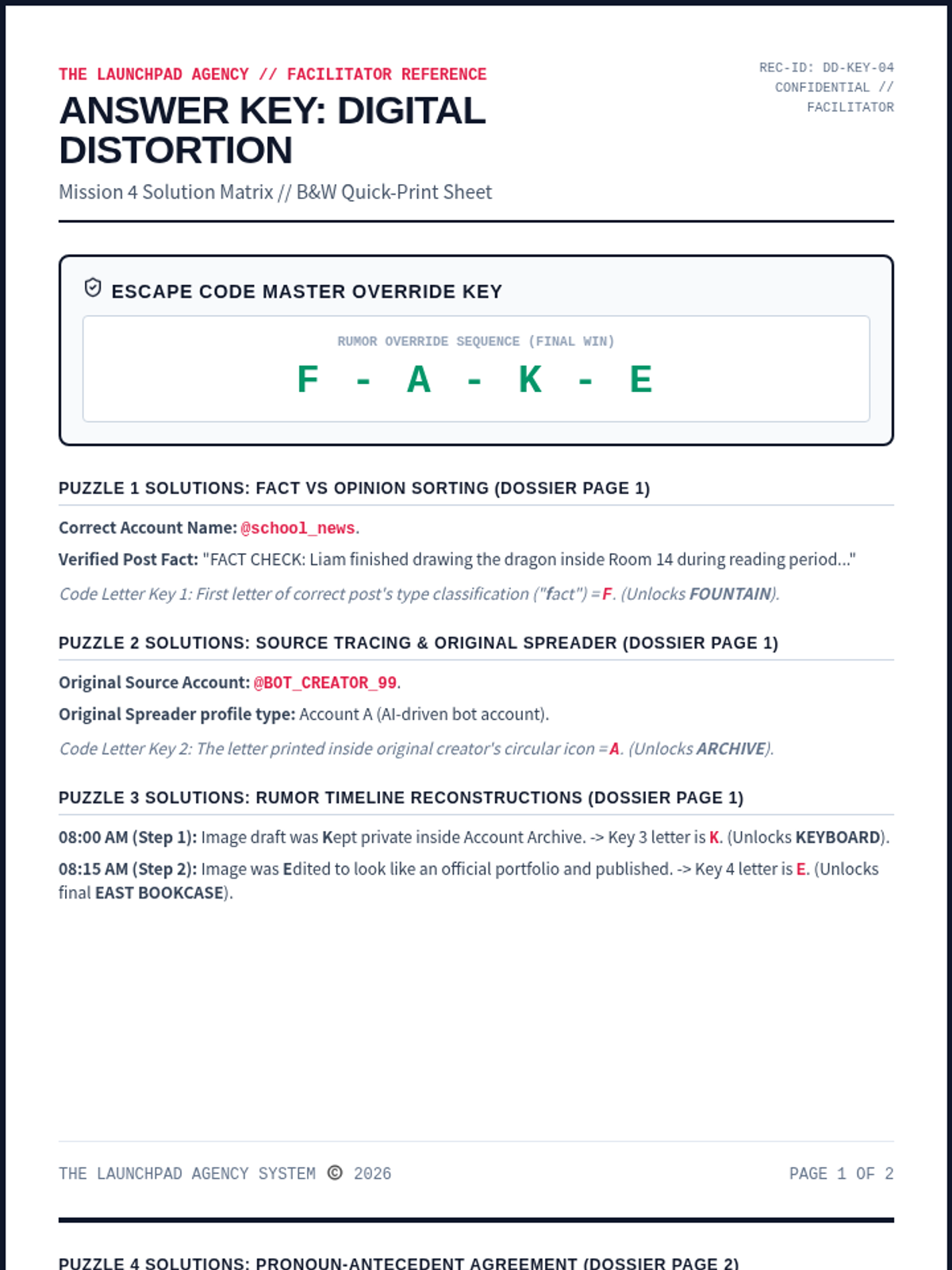
An online misinformation and fact-checking escape room for Ages 10-12. Recruits sort fact vs. opinion, trace original message sources, and reconstruct truth timelines to stop rumors.
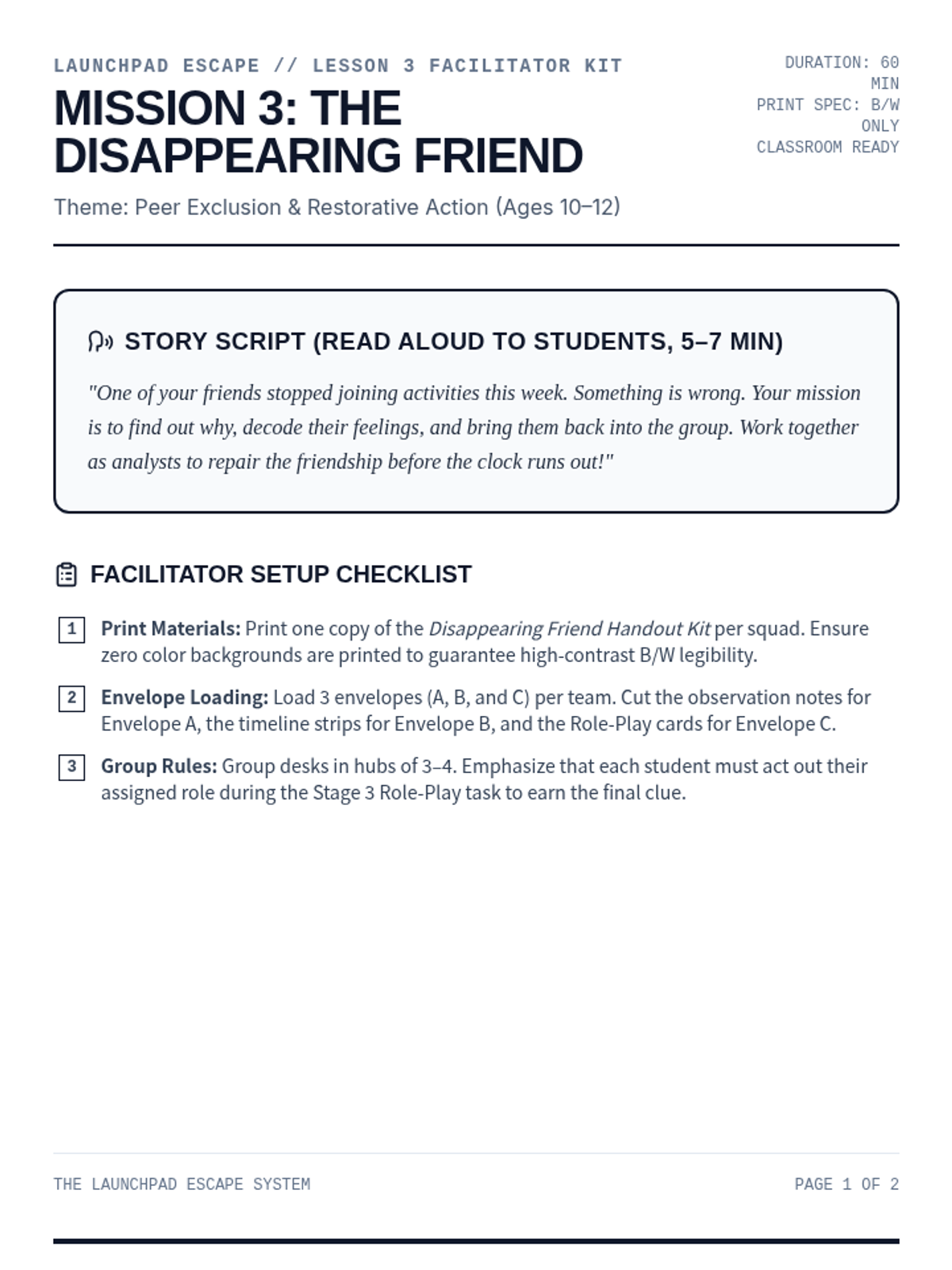
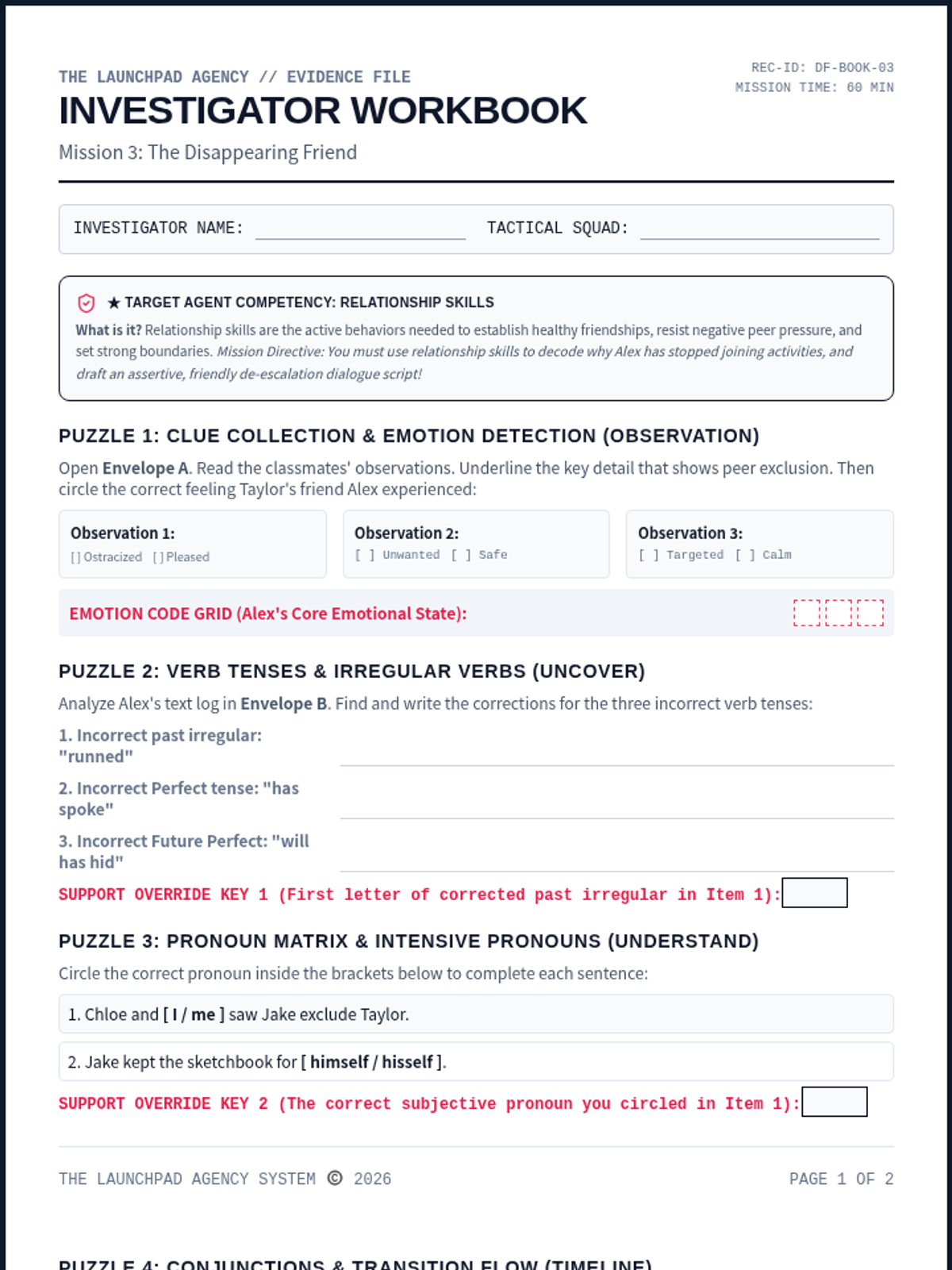
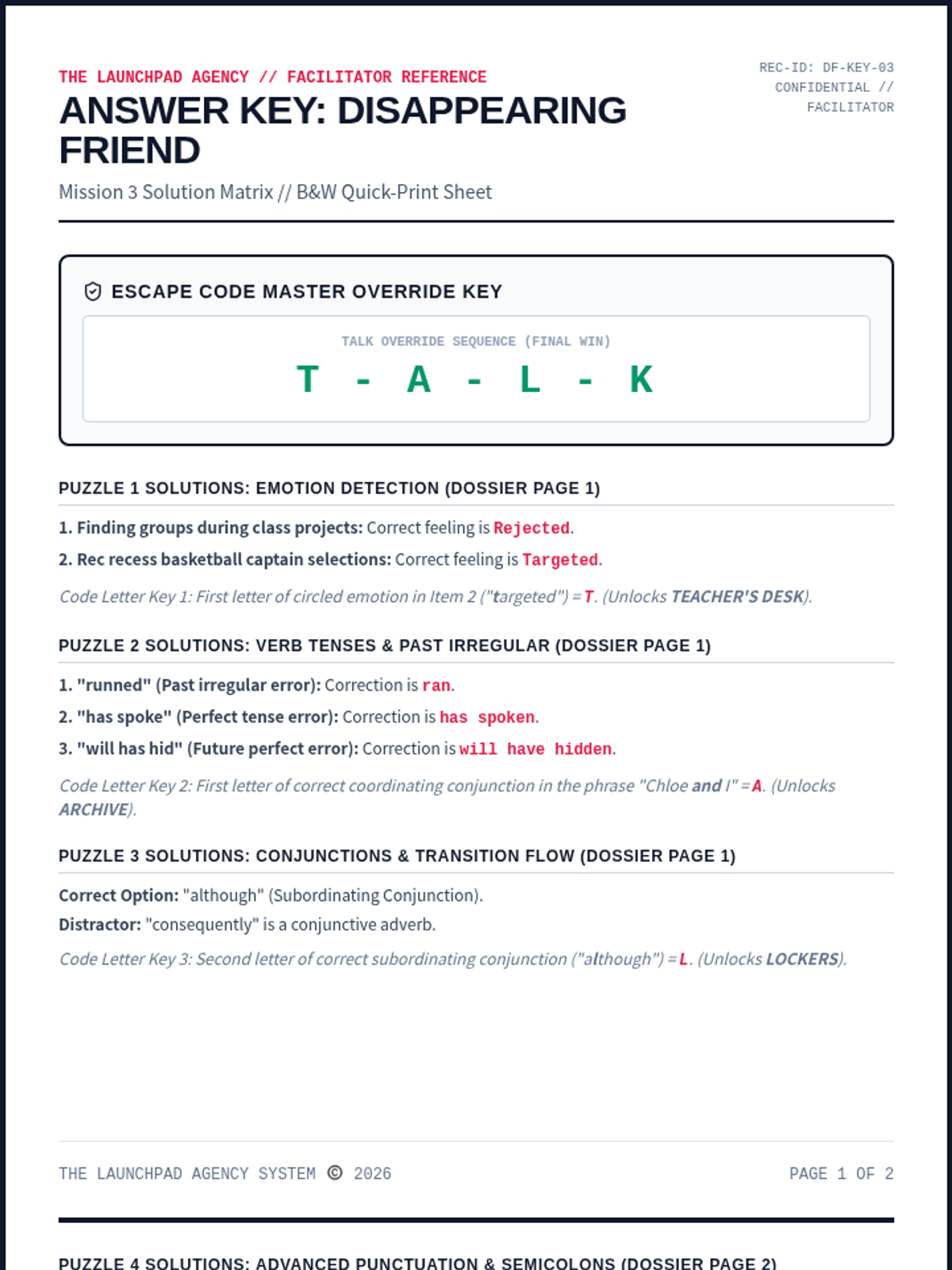
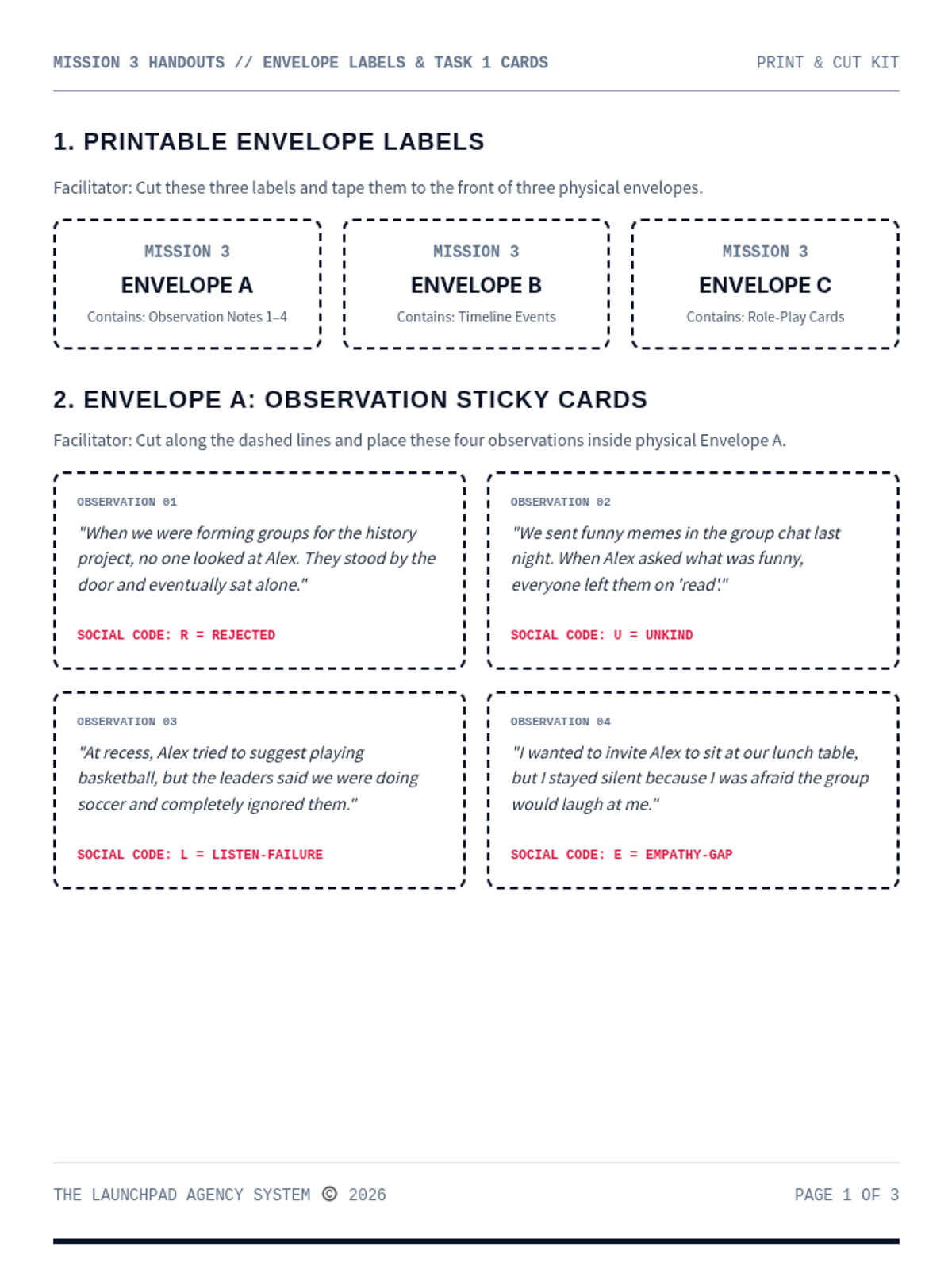
A chronological reconstruction and peer exclusion escape room for Ages 10-12. Recruits analyze sticky-note observations, identify missed social interactions, and role-play restorative de-escalation scripts.
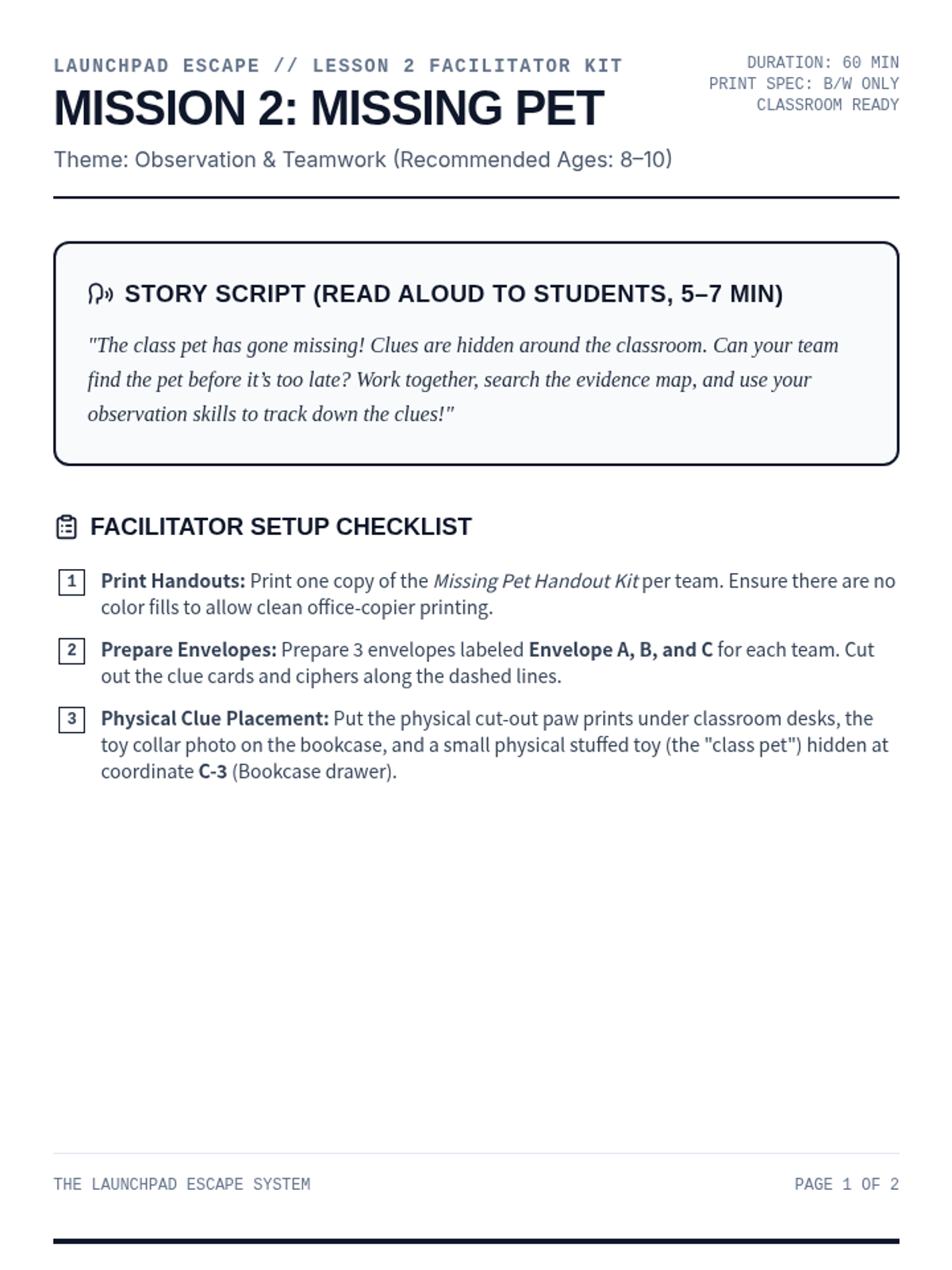
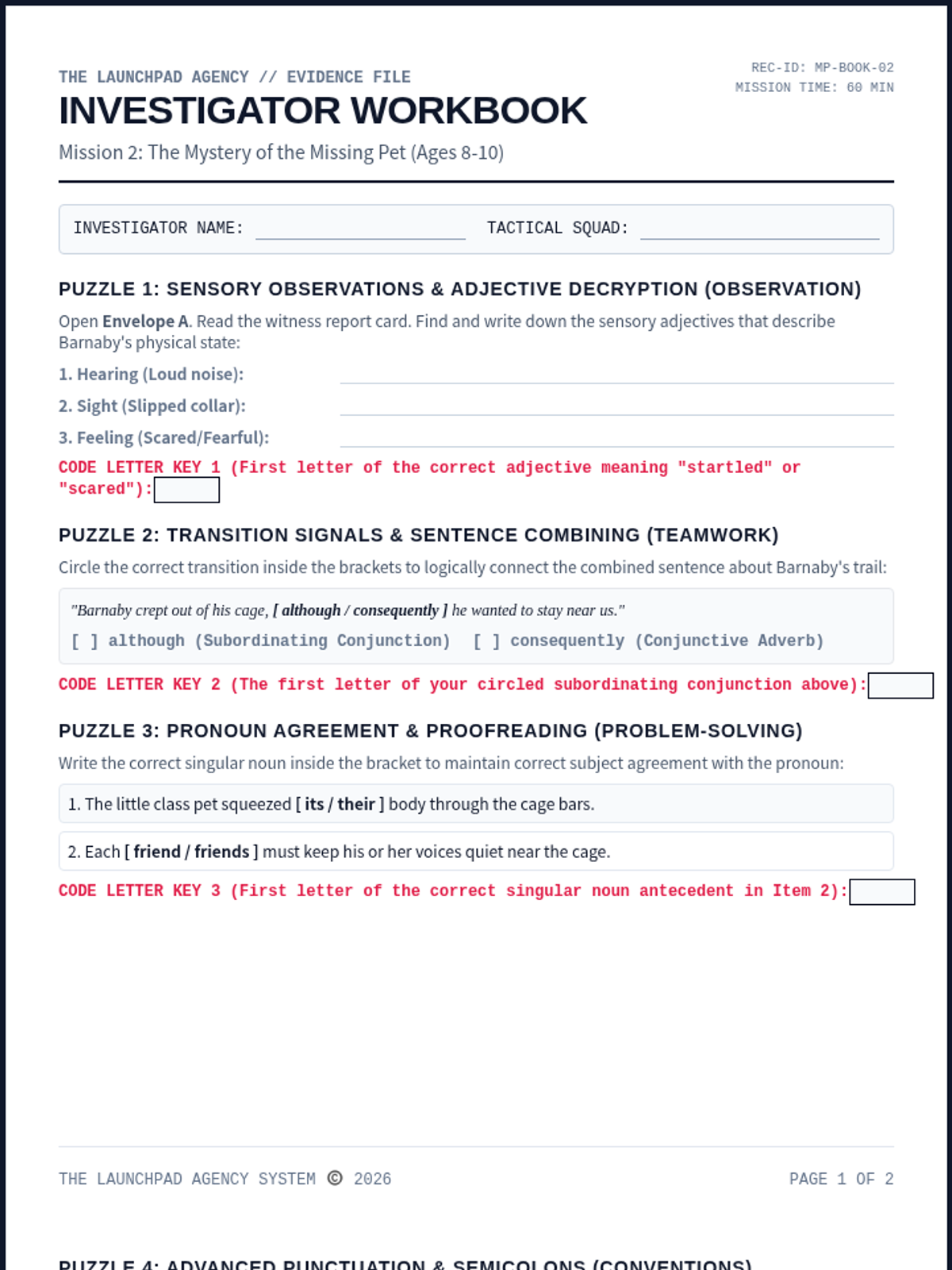
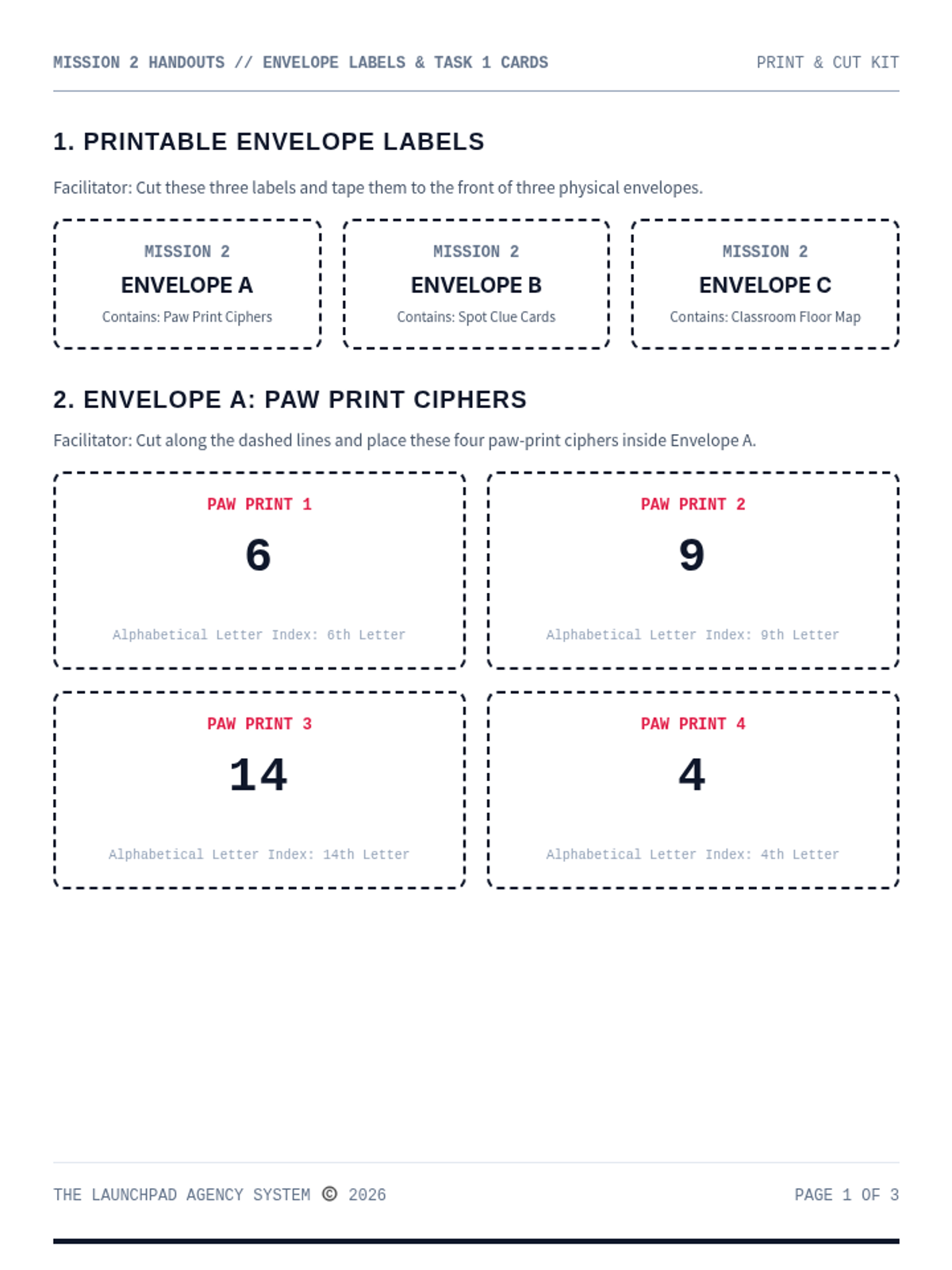
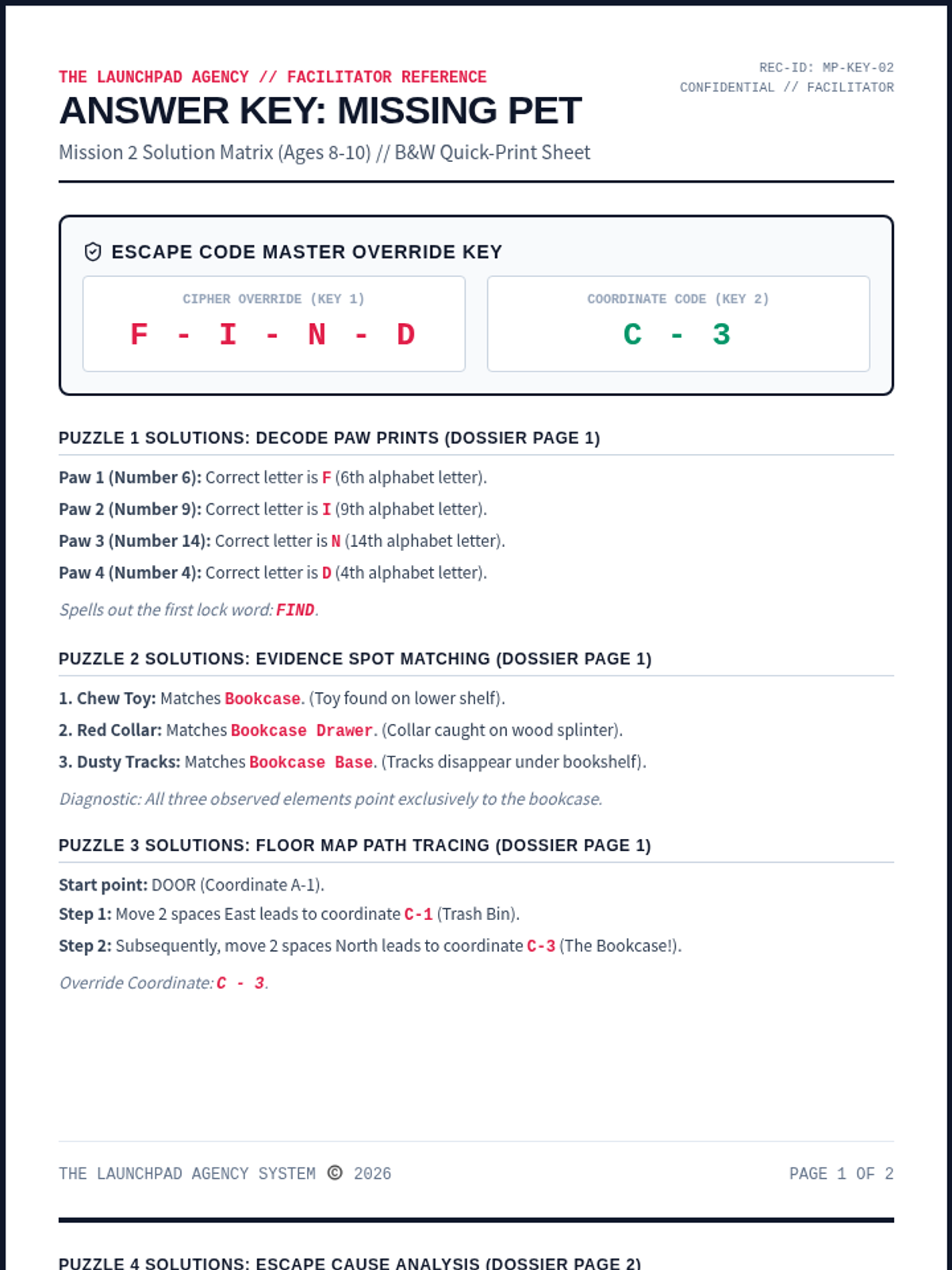
An observation-based escape mission for Ages 8-10. Recruits decode paw ciphers, match footprint evidence to classroom hiding spots, and compile a team map to find the missing class pet.
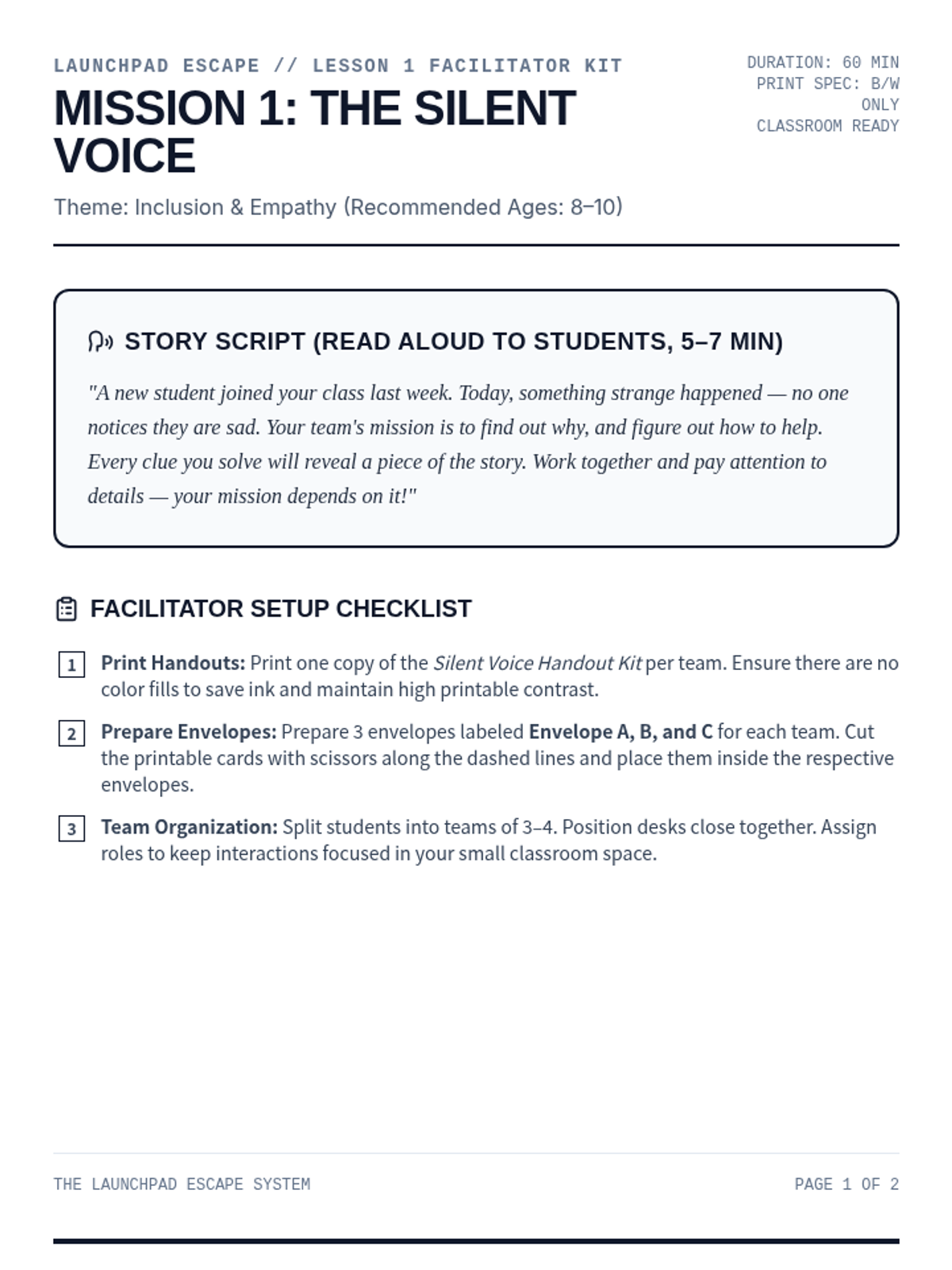
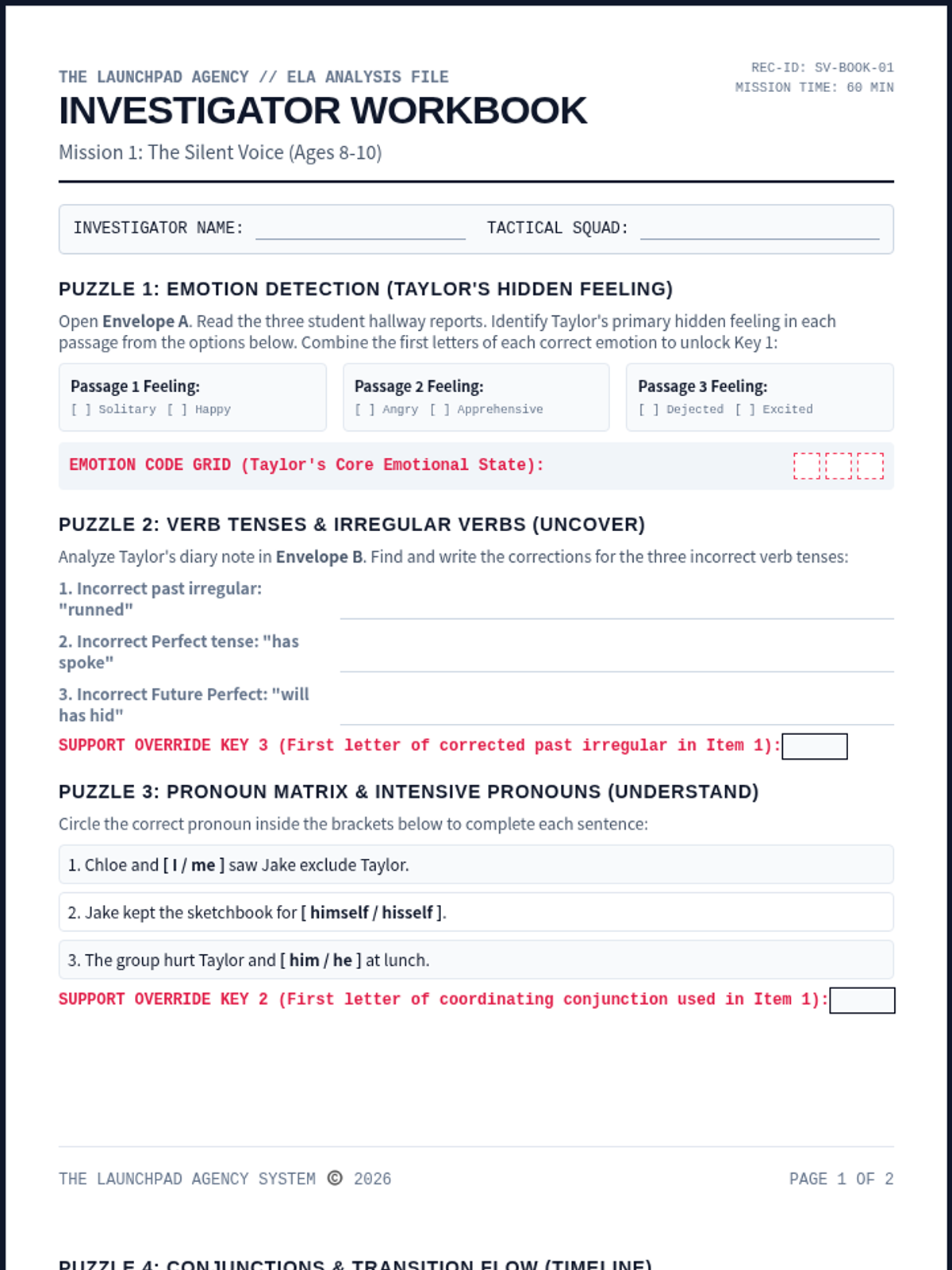
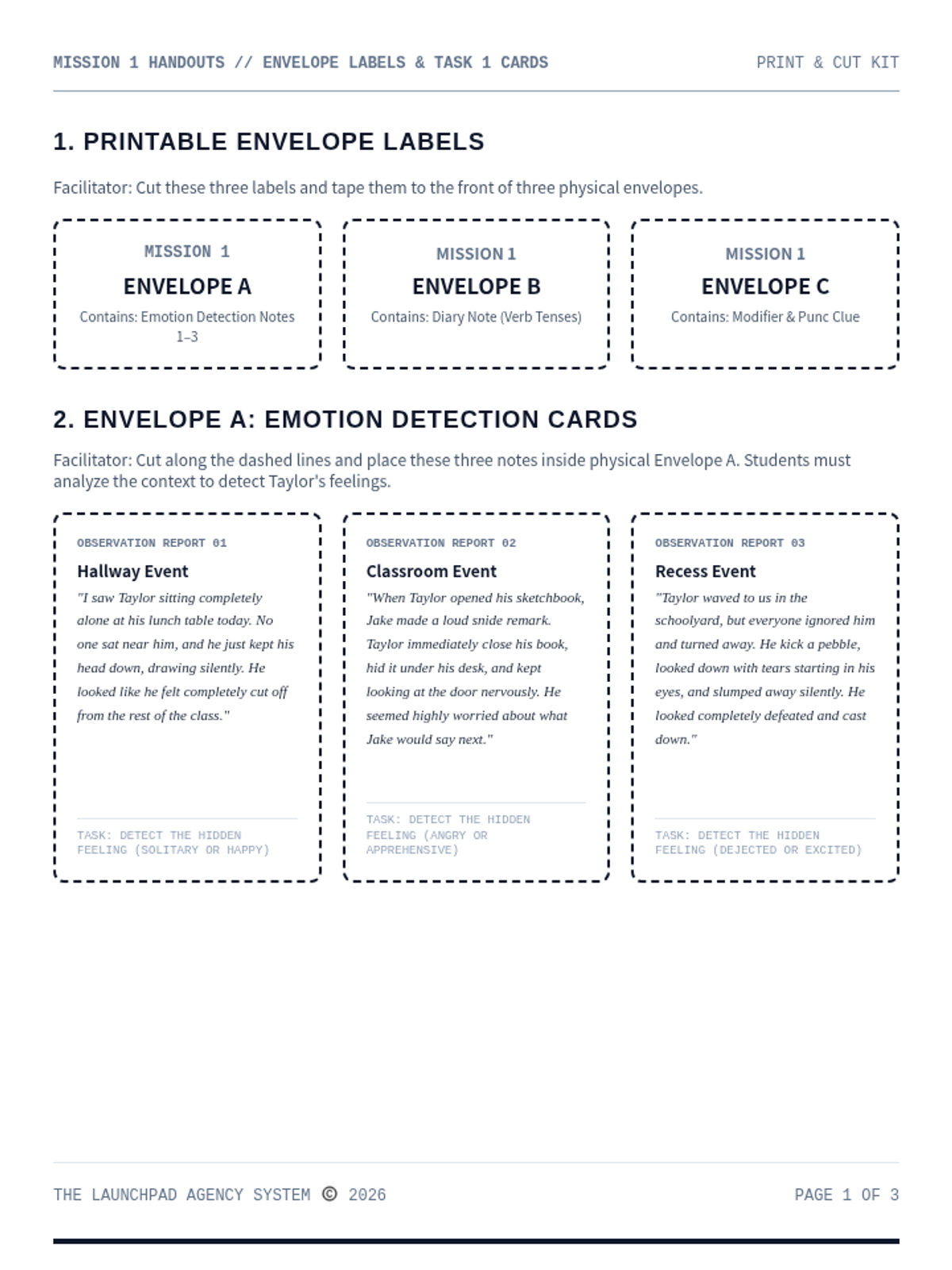
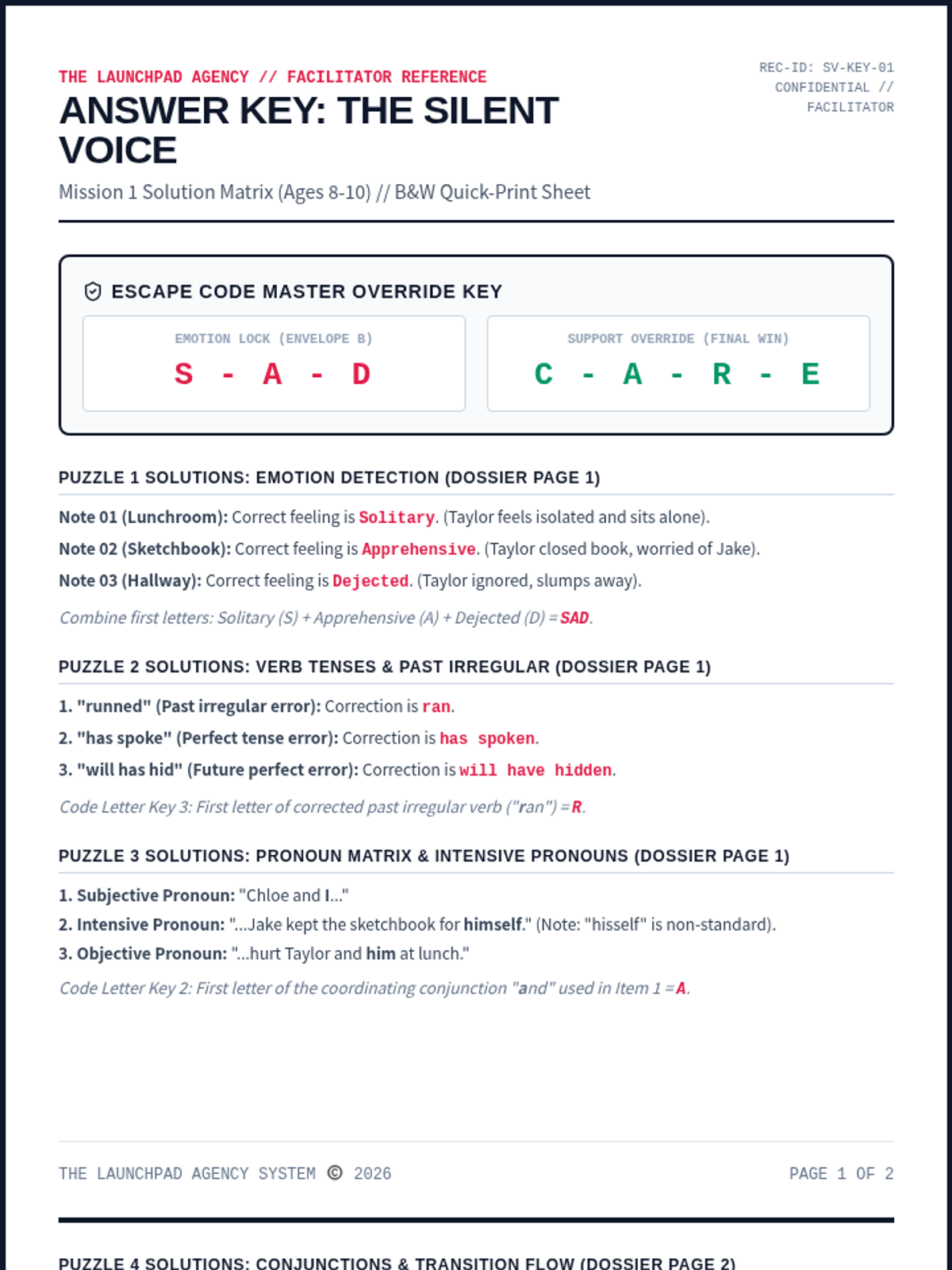
A cooperative social escape room for Ages 8-10 focused on inclusion and empathy. Recruits sort desk messages, build a timeline, and decode perspective cards to support a lonely classmate.
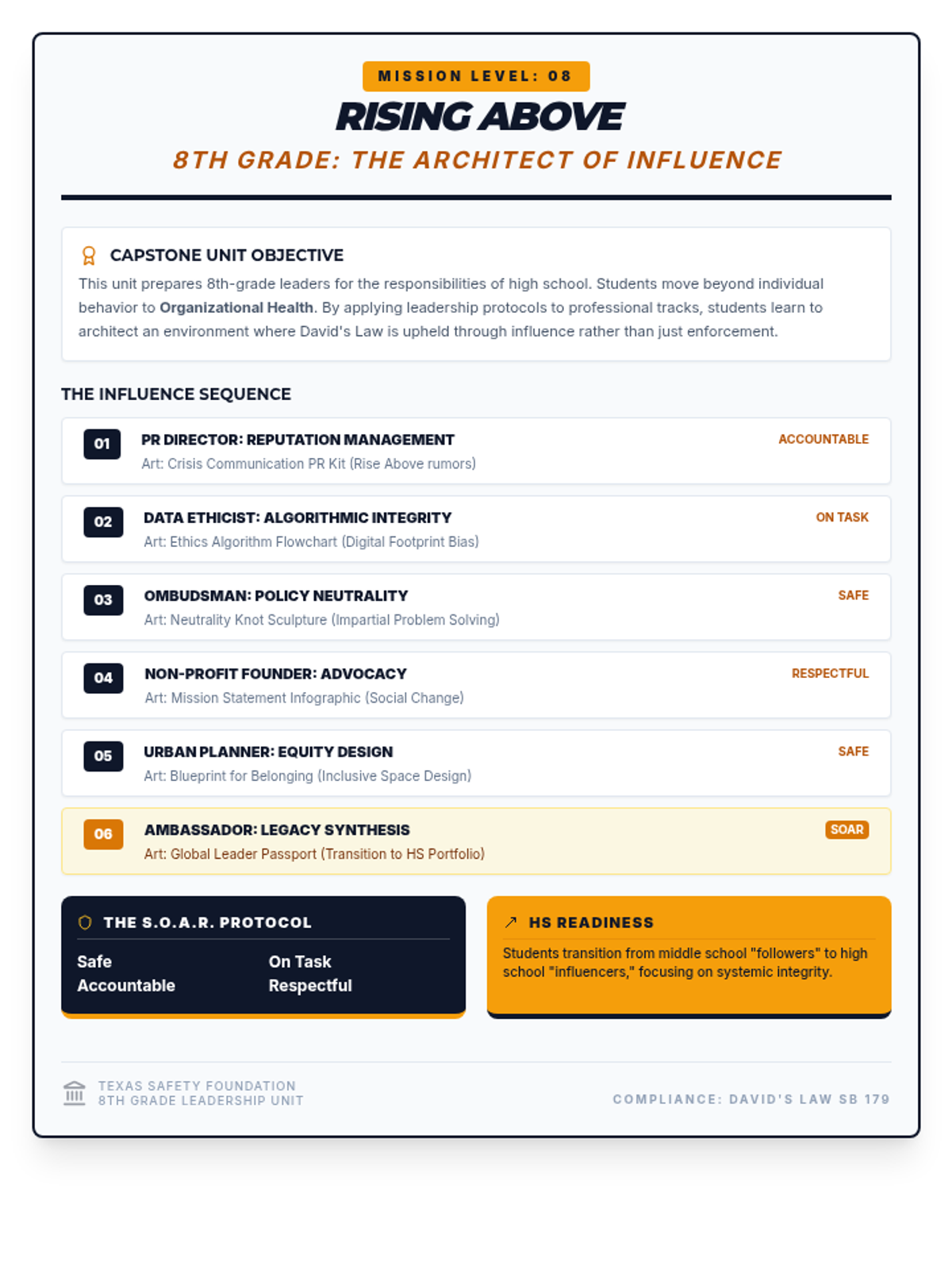
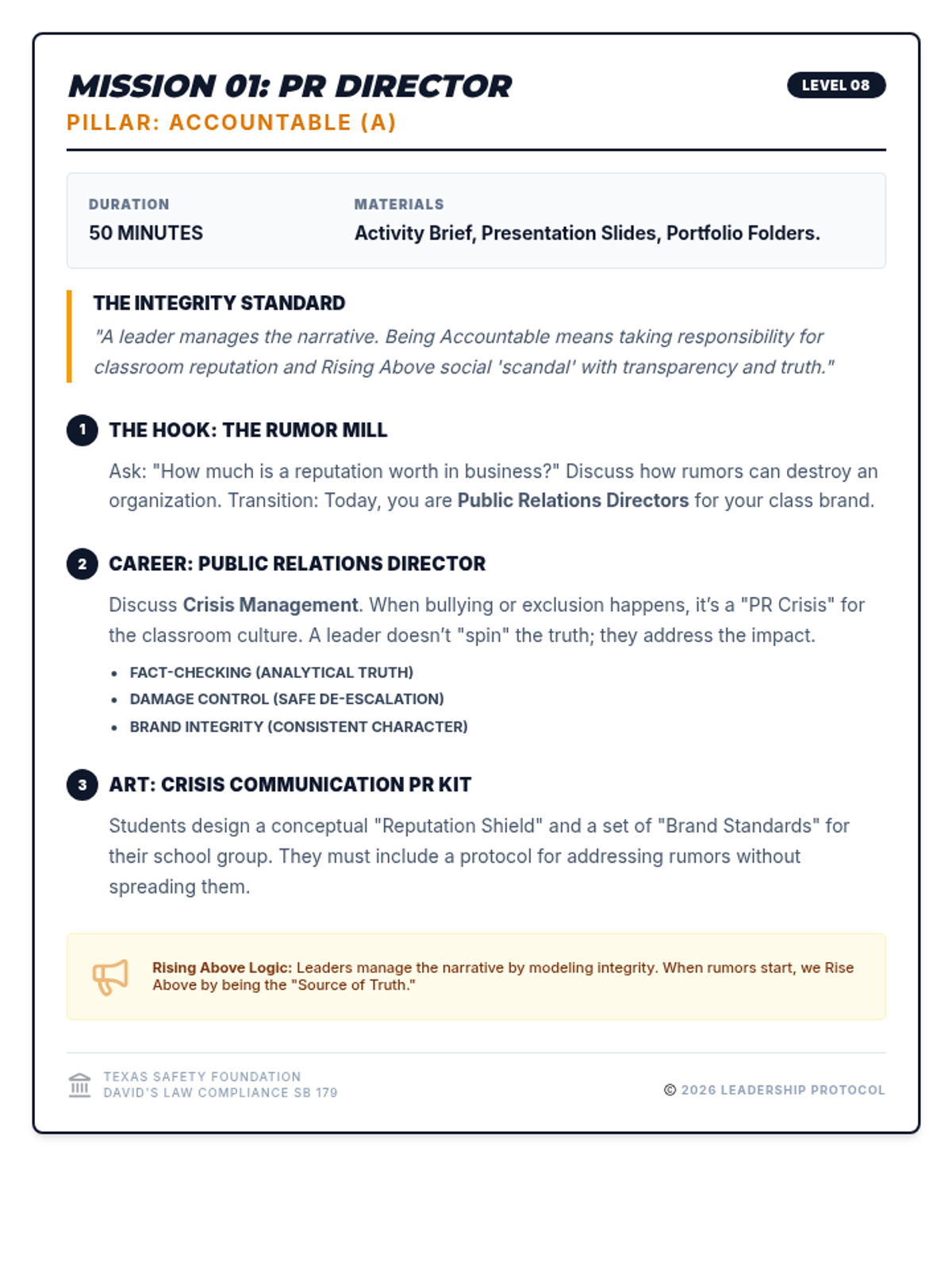
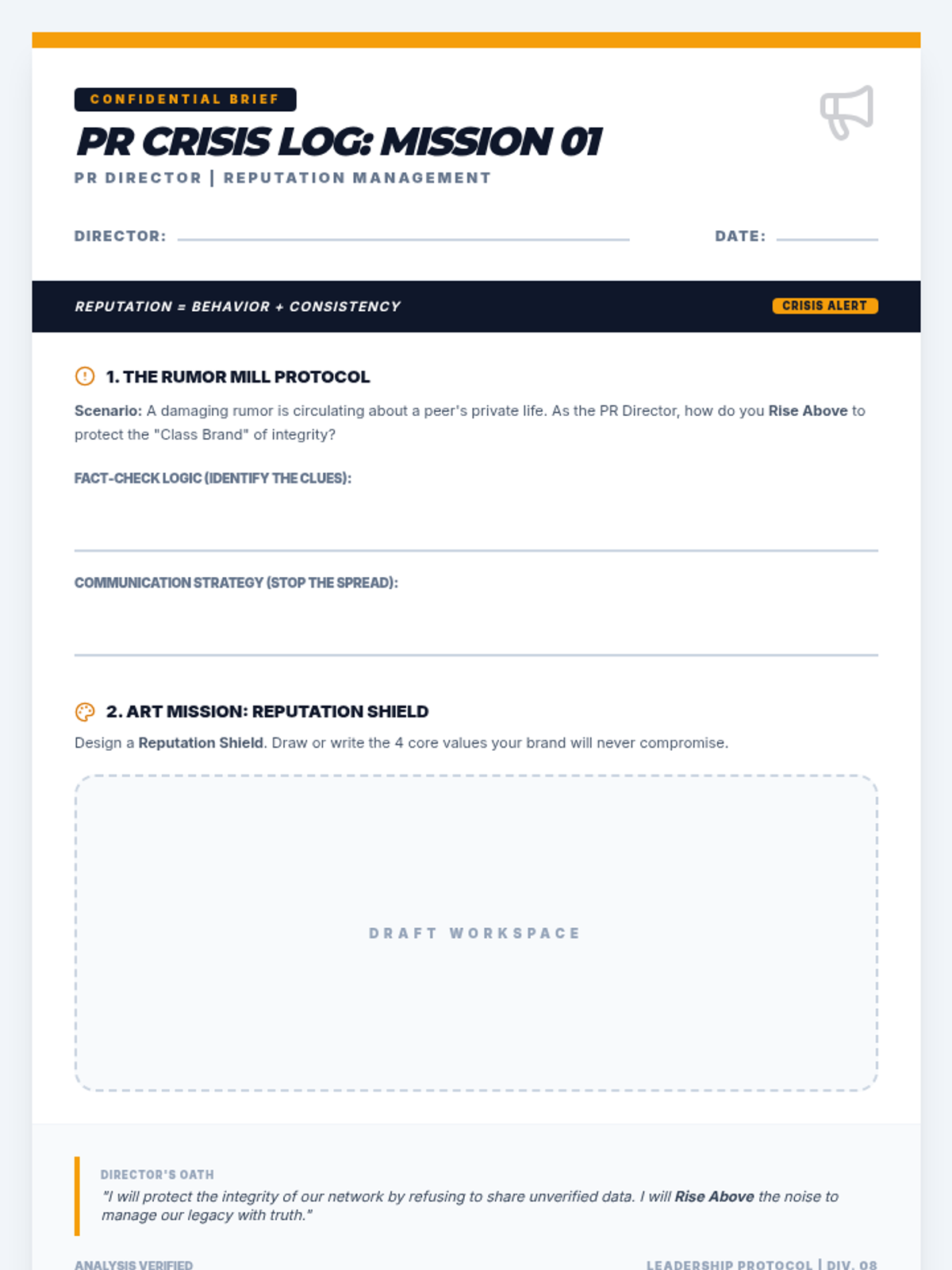
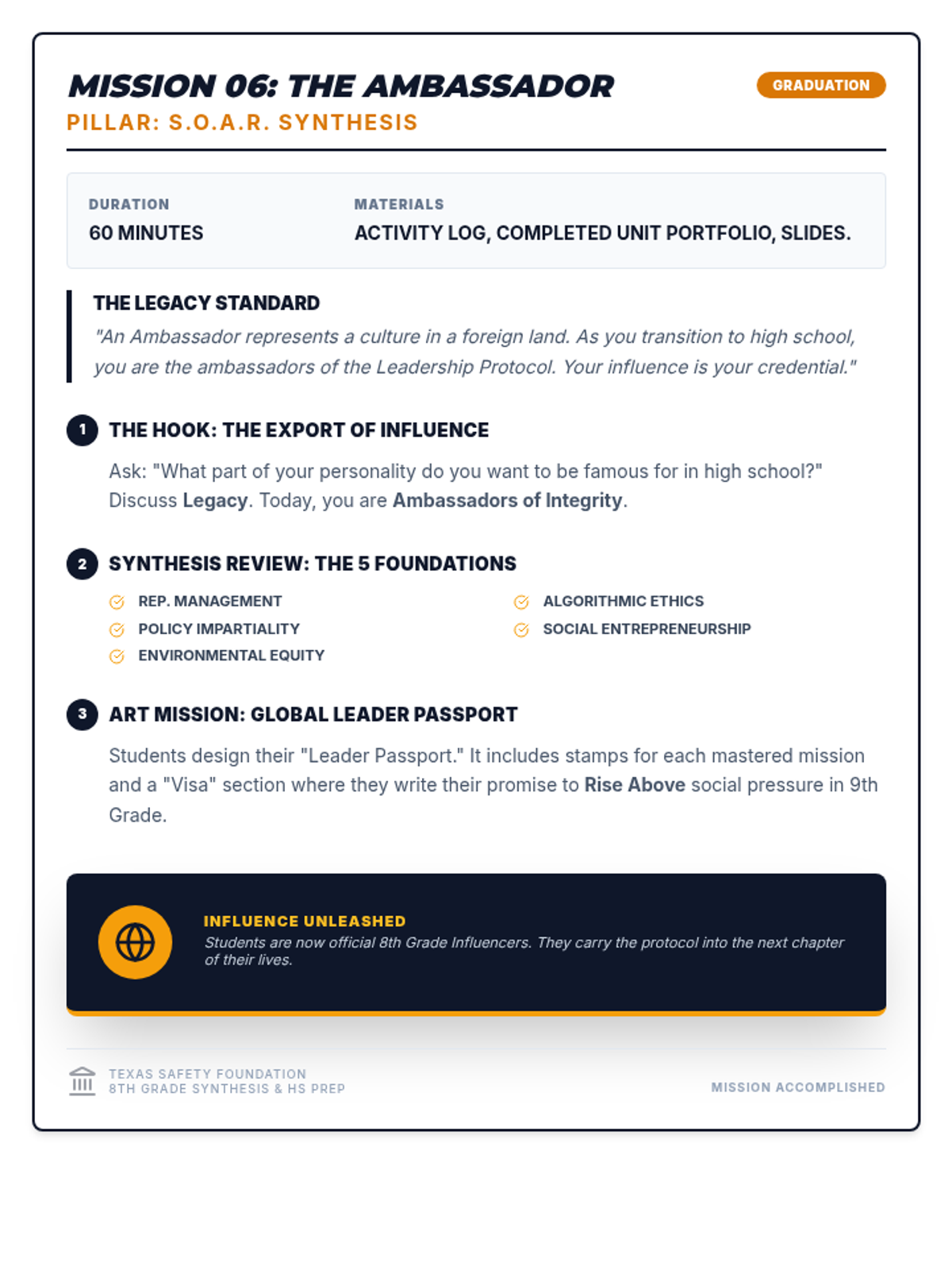
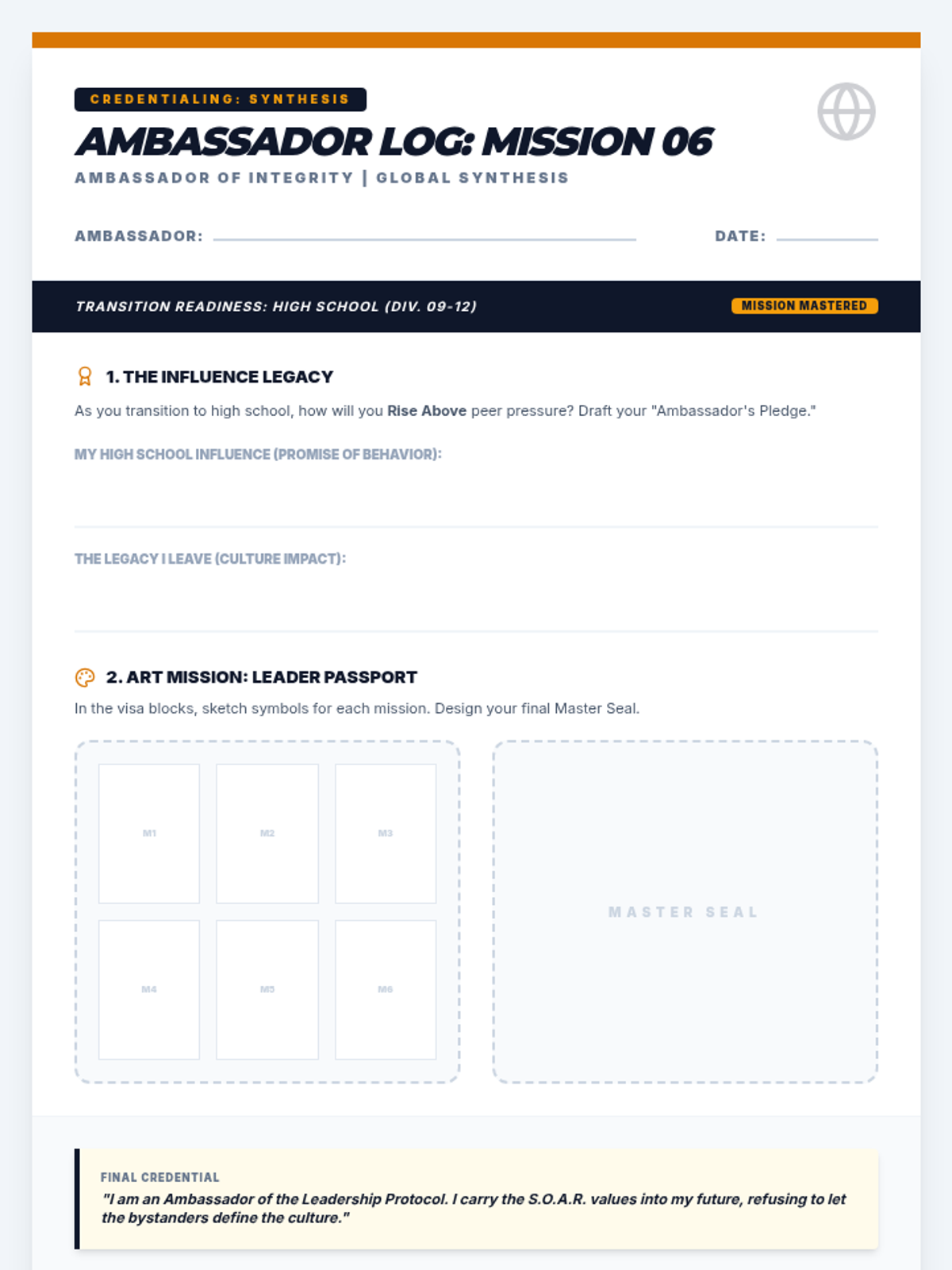
8th Grade focus on reputation management and accountability through a PR Director lens. Art: Crisis Communication PR Kit.
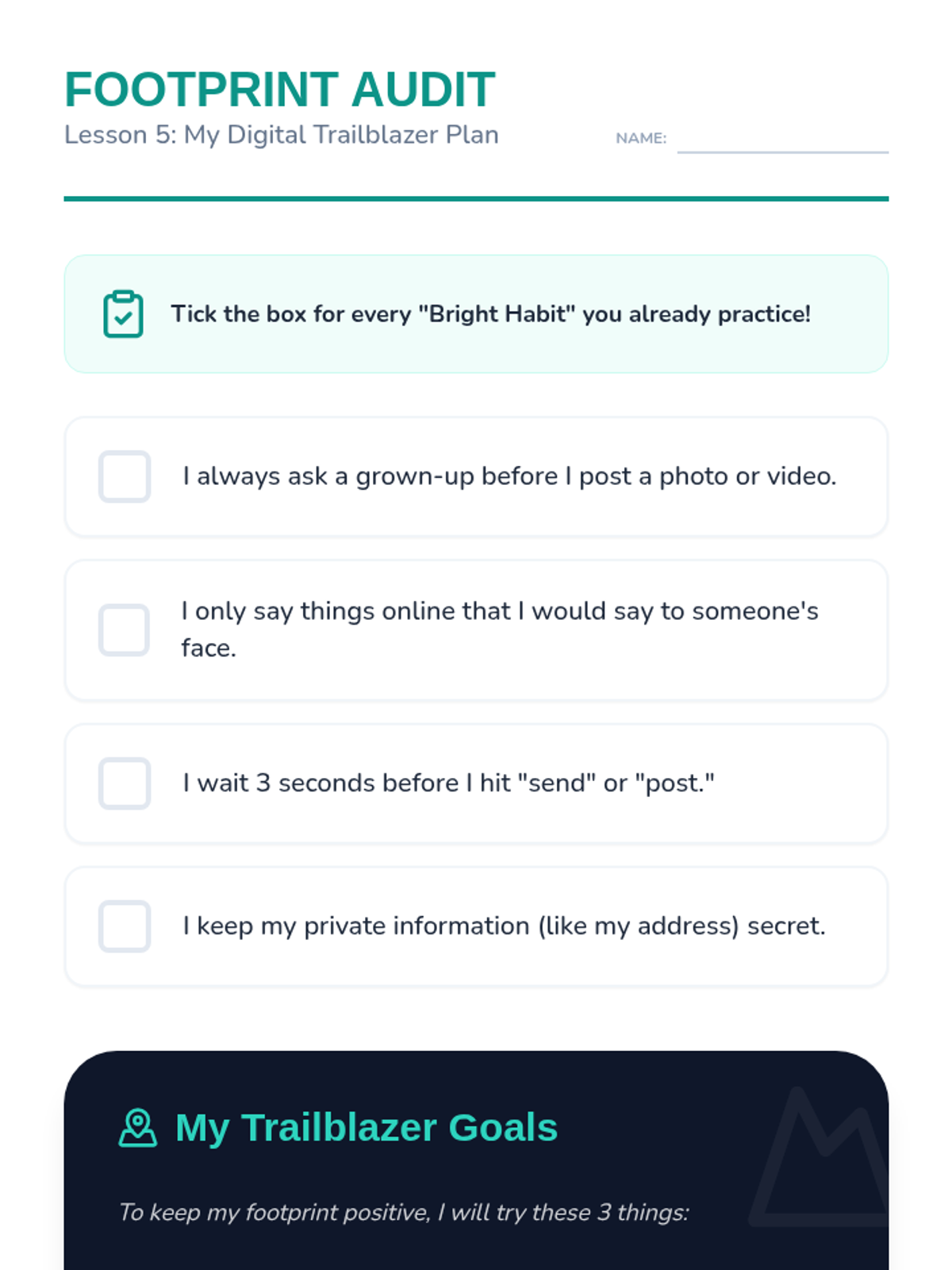
Students review their own current digital habits (gaming, watching videos) and assess what their current footprint looks like. They create a simple action plan to improve or maintain a positive trail.
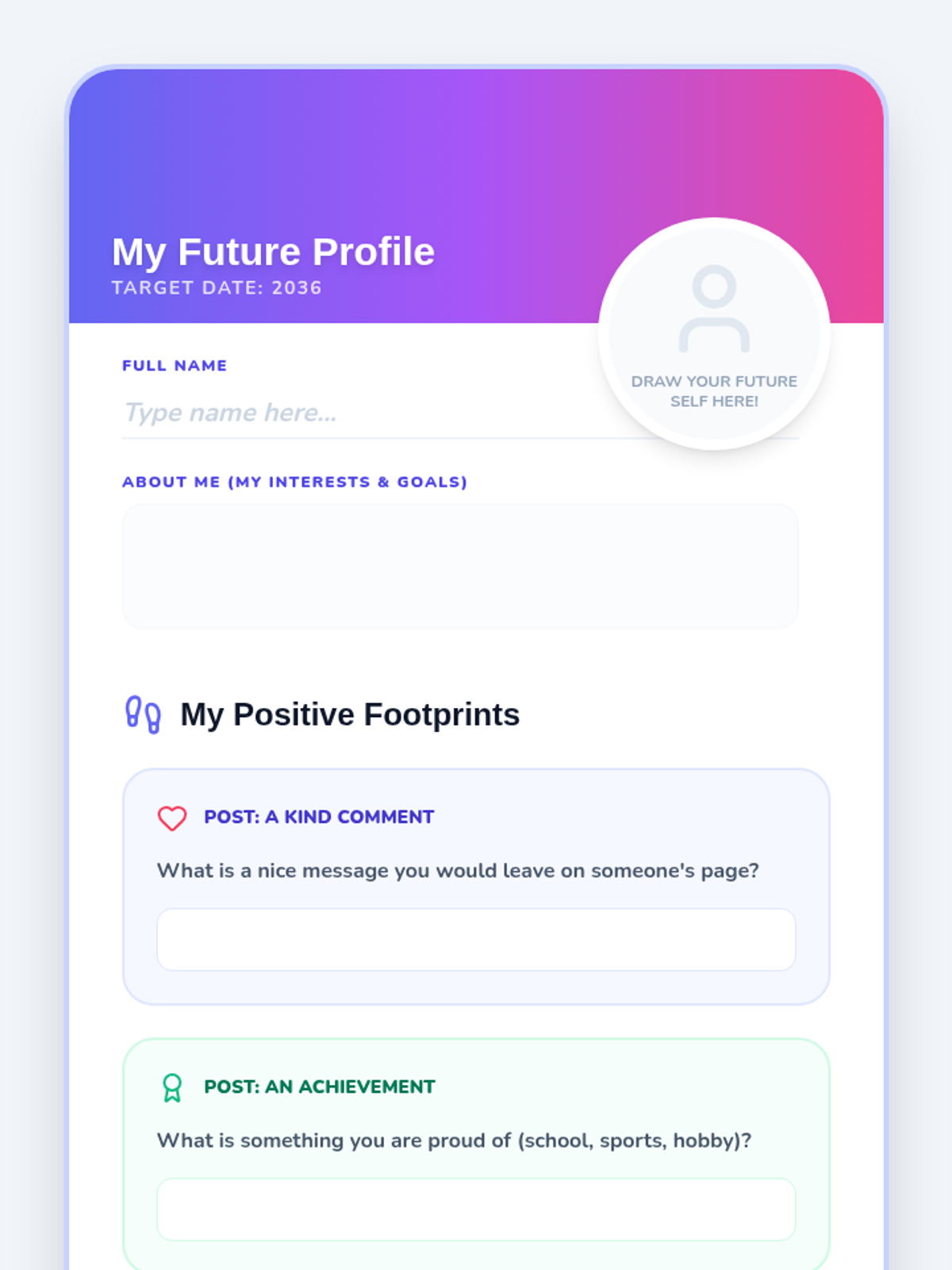
Moving from risk to opportunity, students brainstorm ways to leave a positive footprint. They practice writing kind comments and sharing helpful information to build a good reputation.
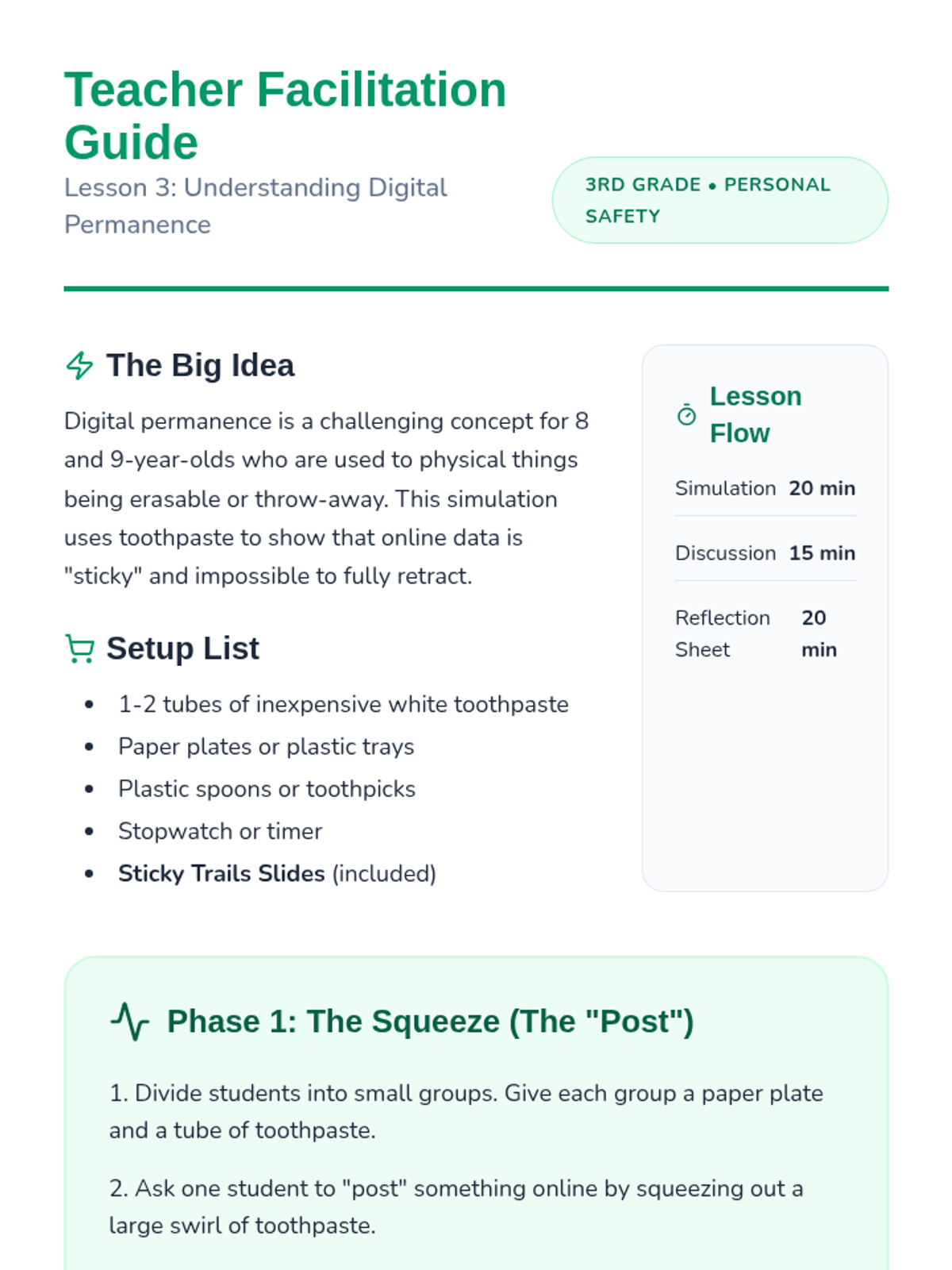
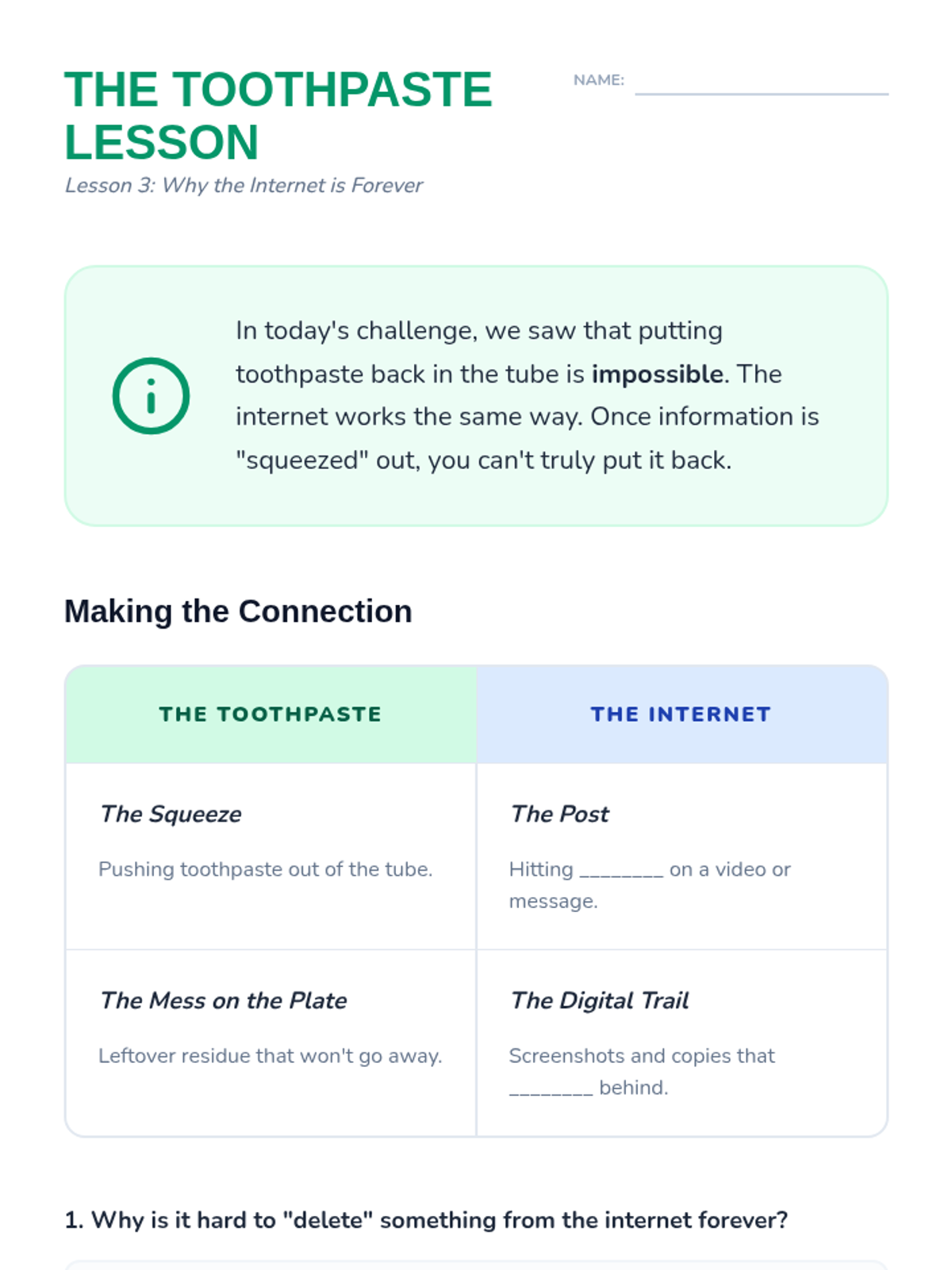
This lesson tackles the difficult concept that the internet is forever. Using the 'toothpaste' analogy, students learn that once information is shared online, it is nearly impossible to take back completely.
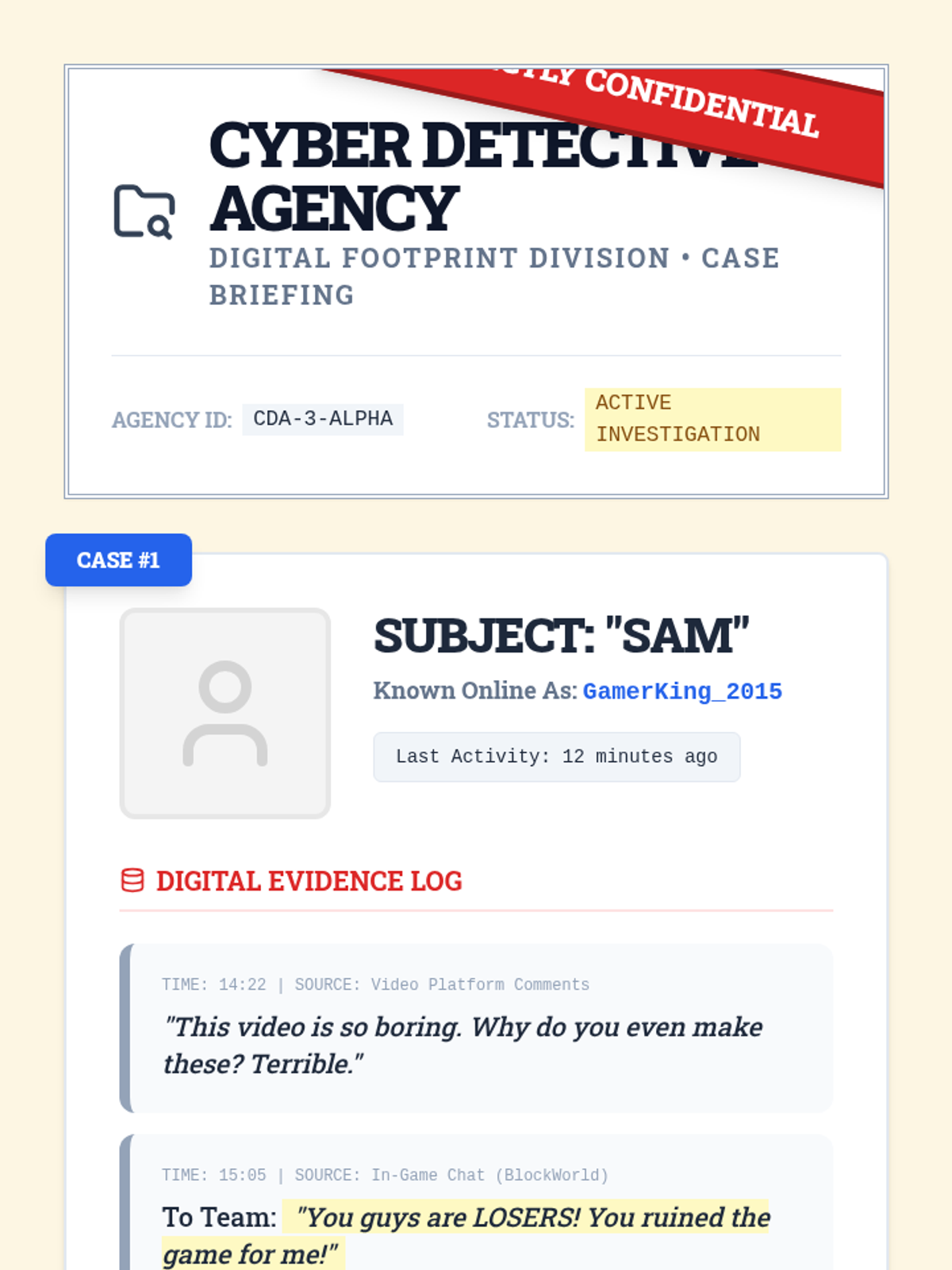
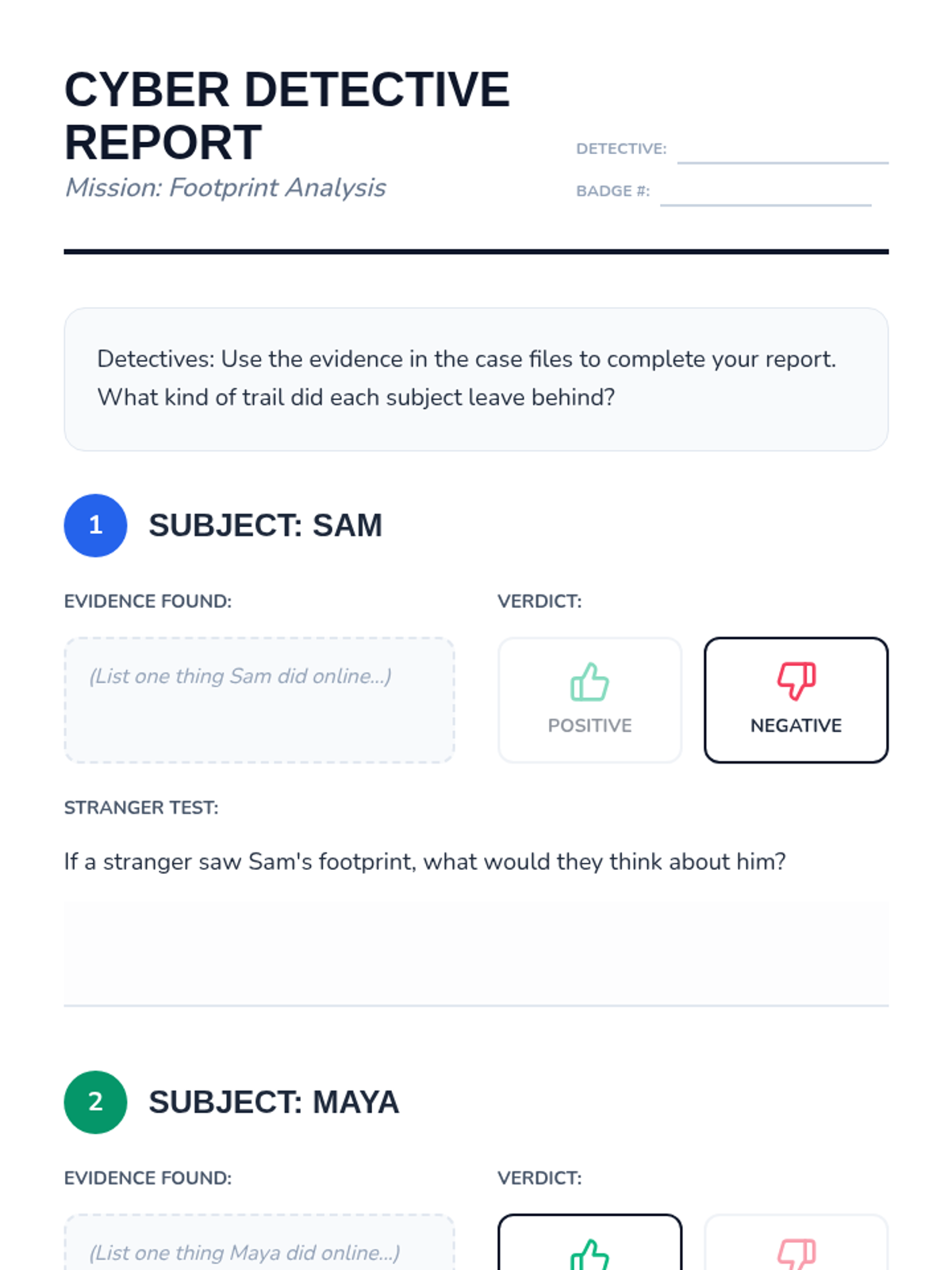
The class examines the digital footprints of two fictional characters to determine if they are positive or negative. Students discuss how a stranger might view these characters based solely on their online history.
The sequence concludes with students presenting their plans and signing a collective class pledge to be responsible digital citizens.
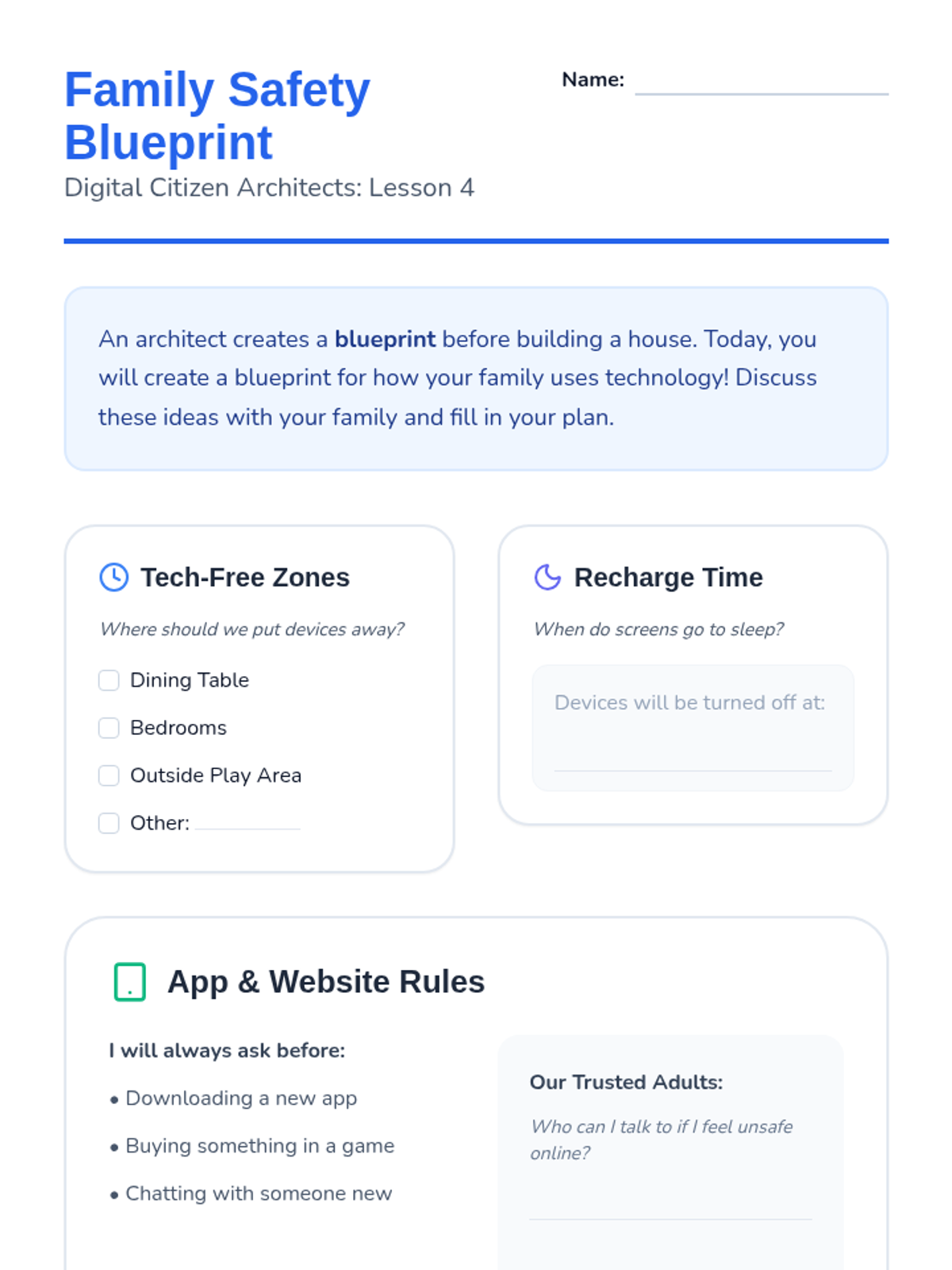
Students draft a family media contract to establish rules and boundaries for device use at home.
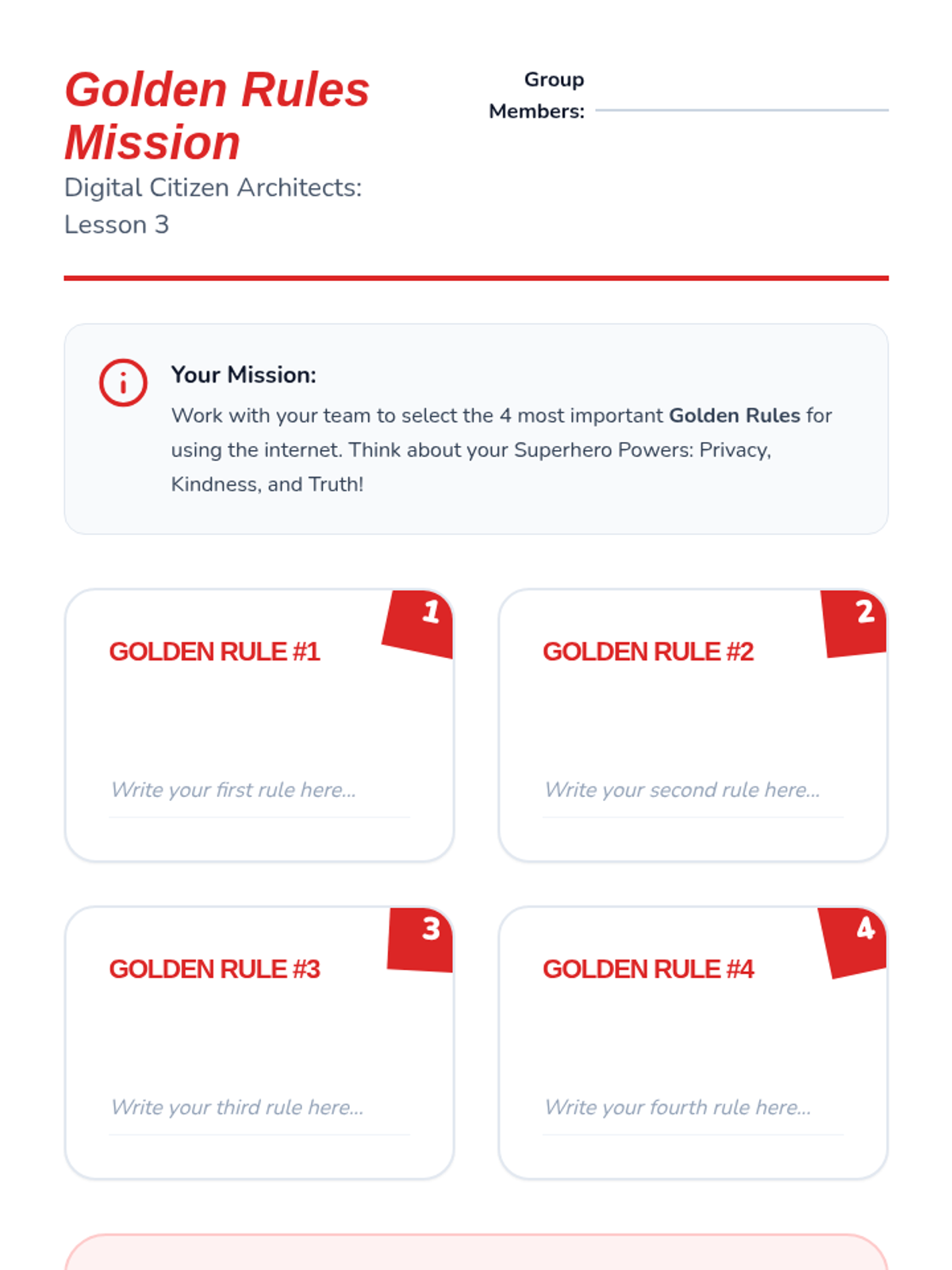
Students synthesize safety concepts like privacy and bullying to create a set of 'Golden Rules' for the internet using a superhero theme.
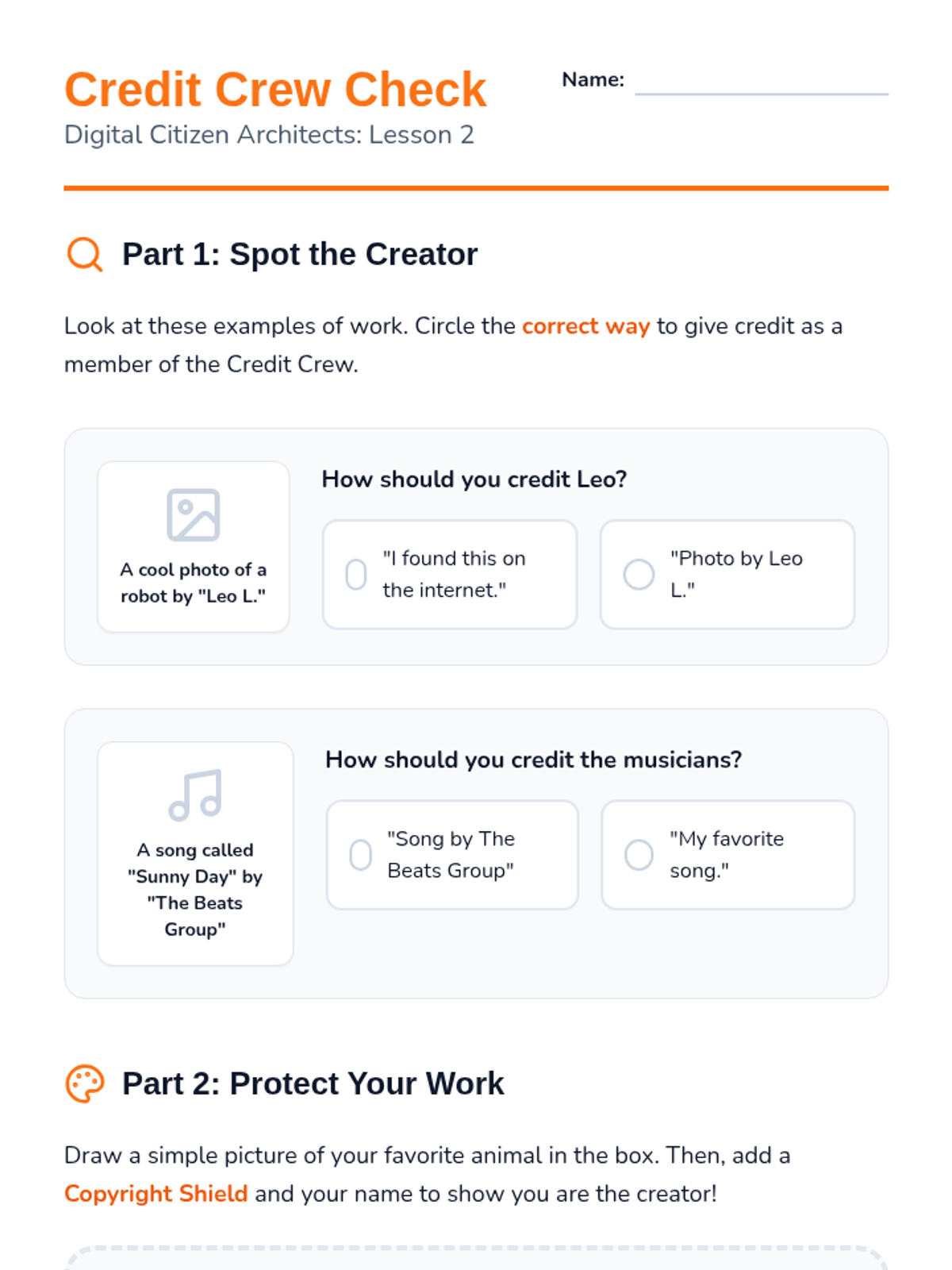
An introduction to digital ethics where students learn that online content has owners and practice giving credit to creators.
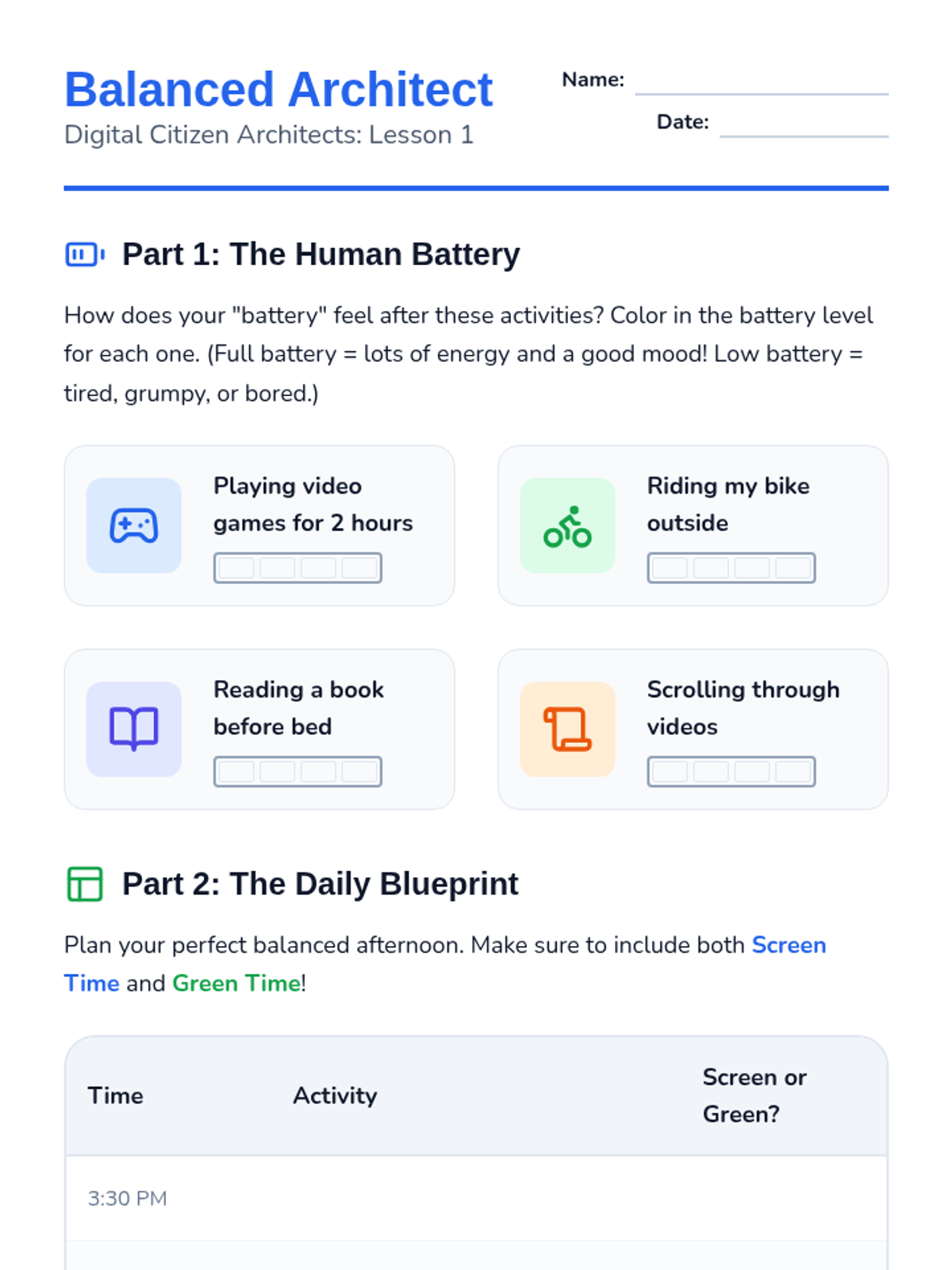
Students explore the physical and mental effects of screen time and create a balanced daily schedule that includes 'green time' (physical play and sleep).
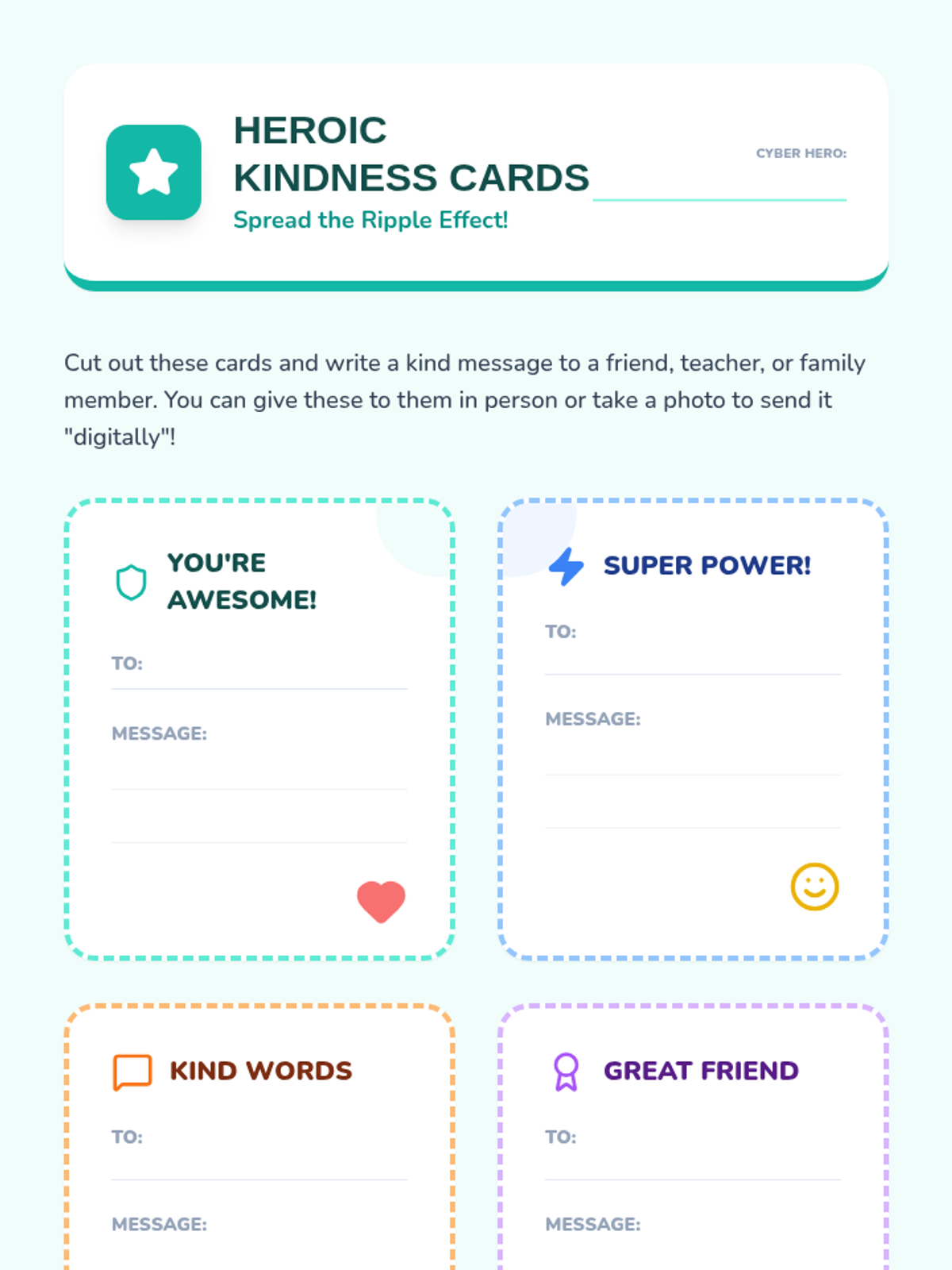
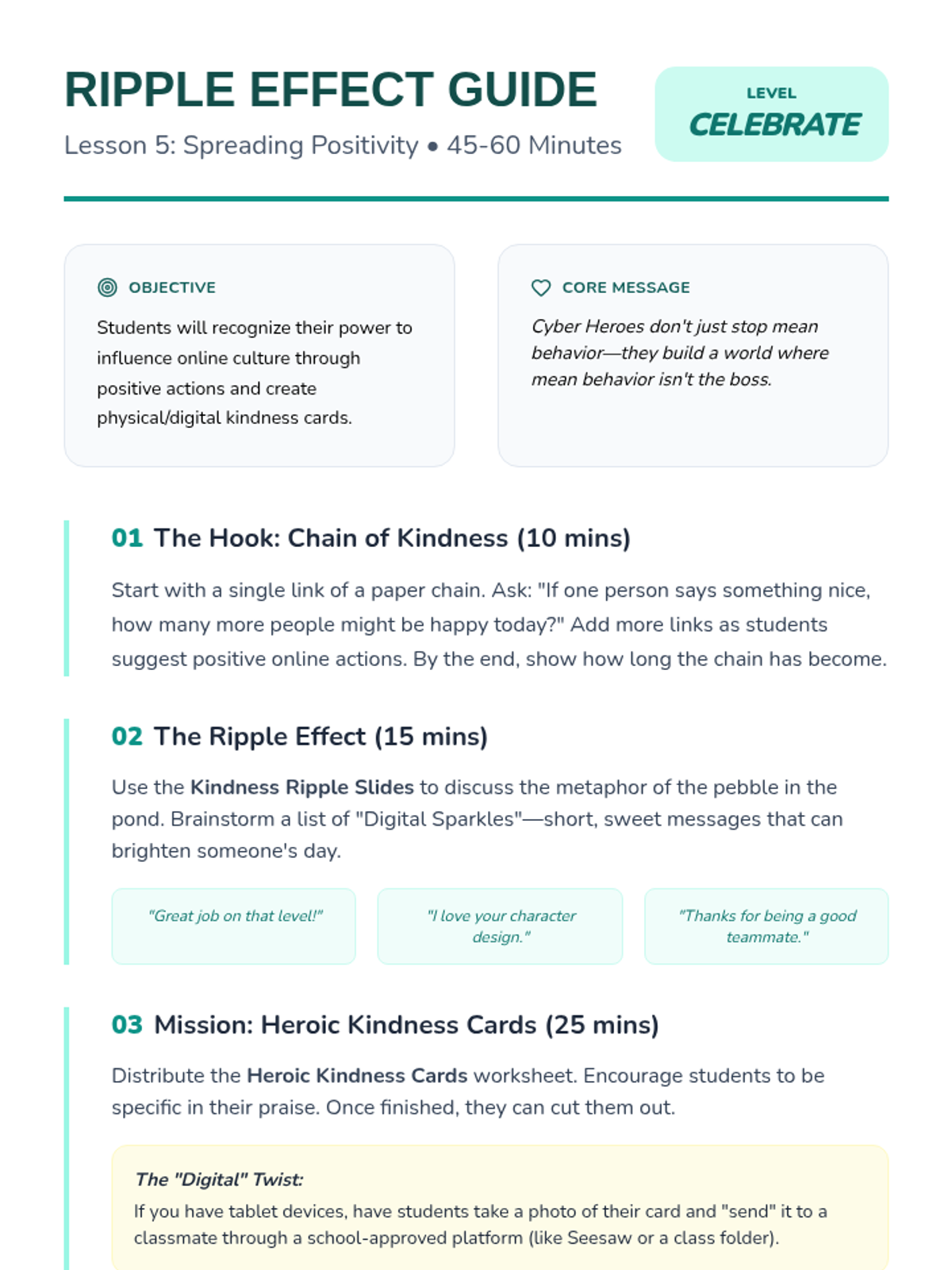
The sequence concludes with a positive project where students create digital kindness cards to promote a culture of positivity and prevent bullying.
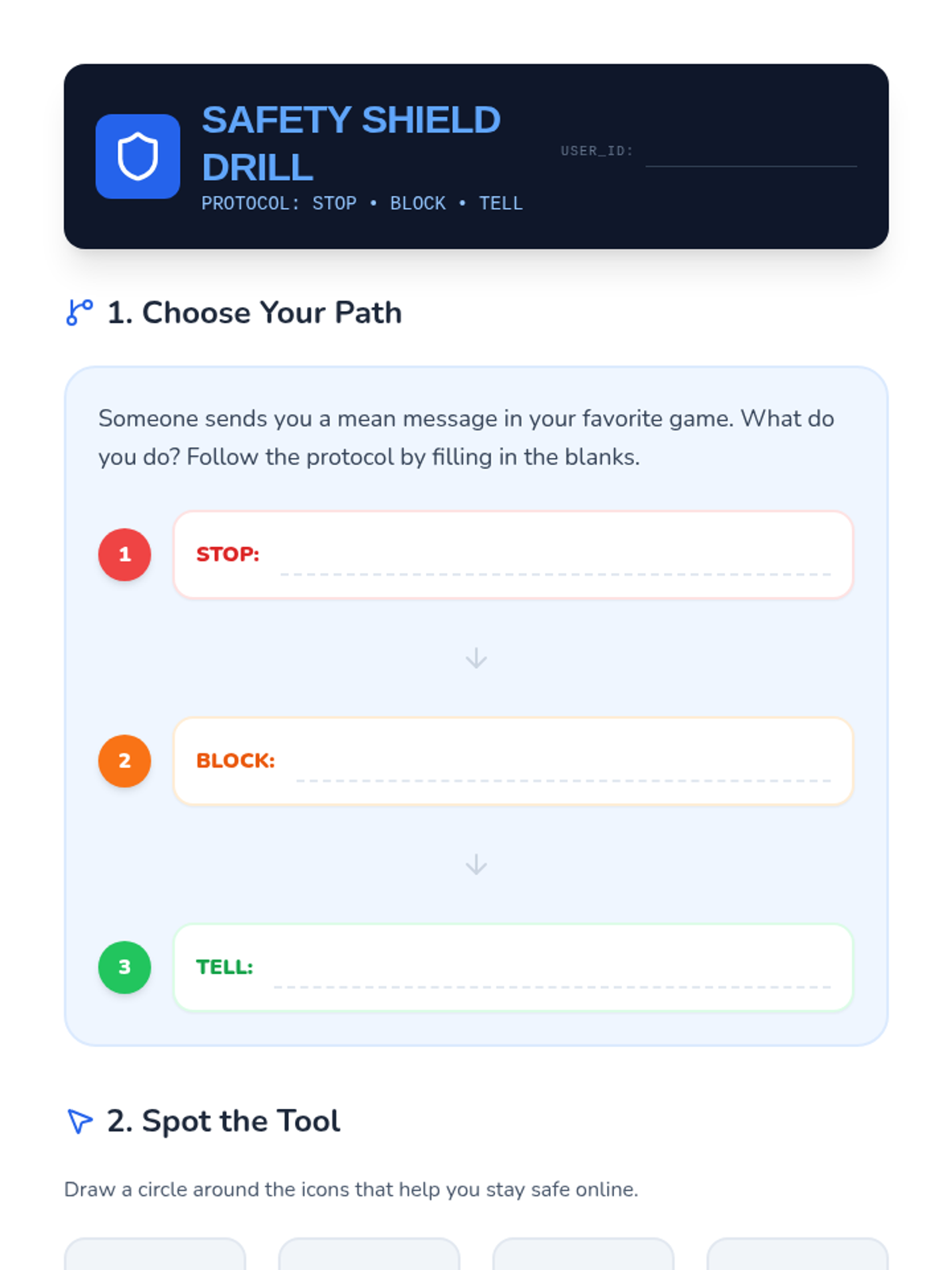
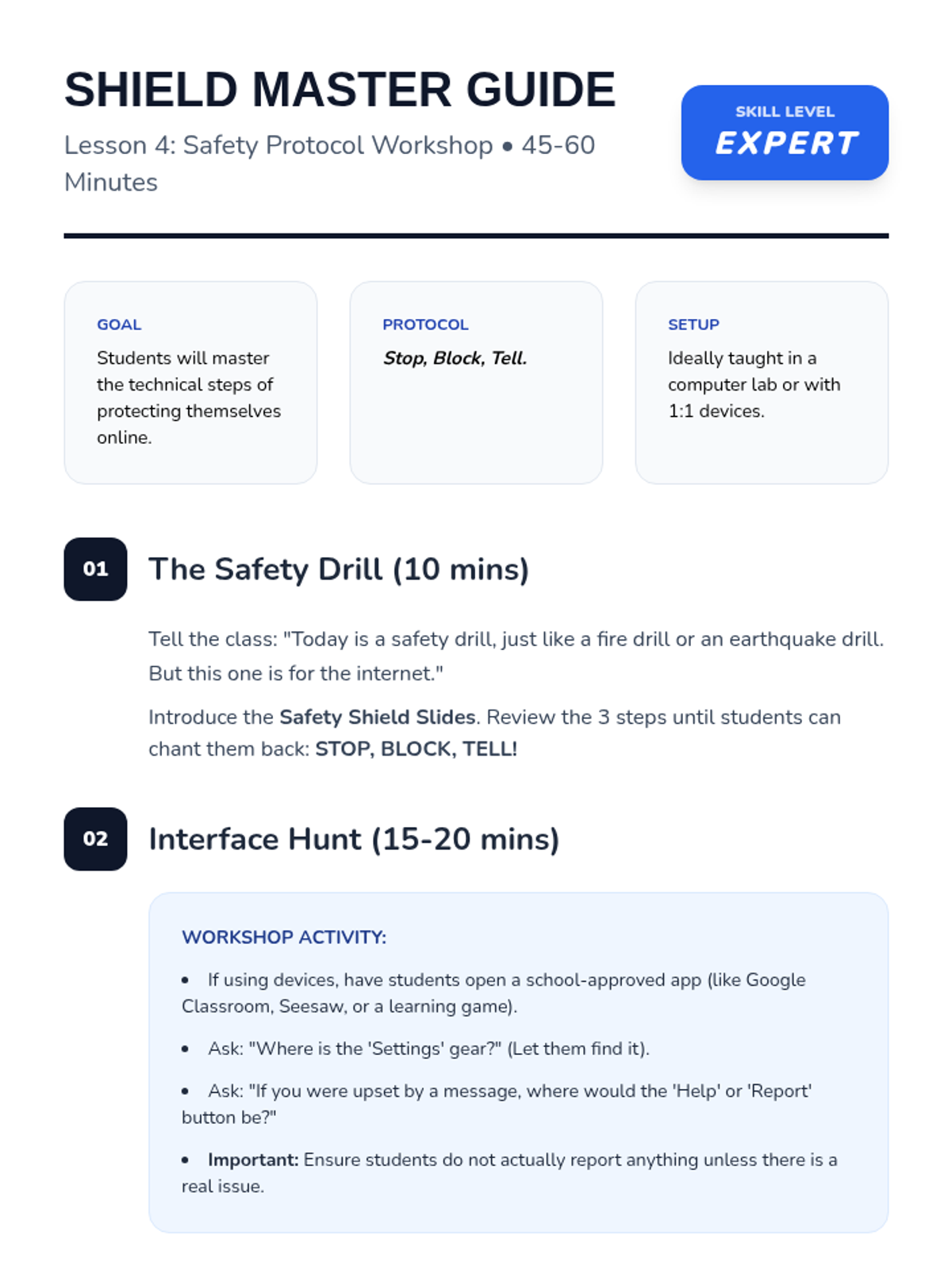
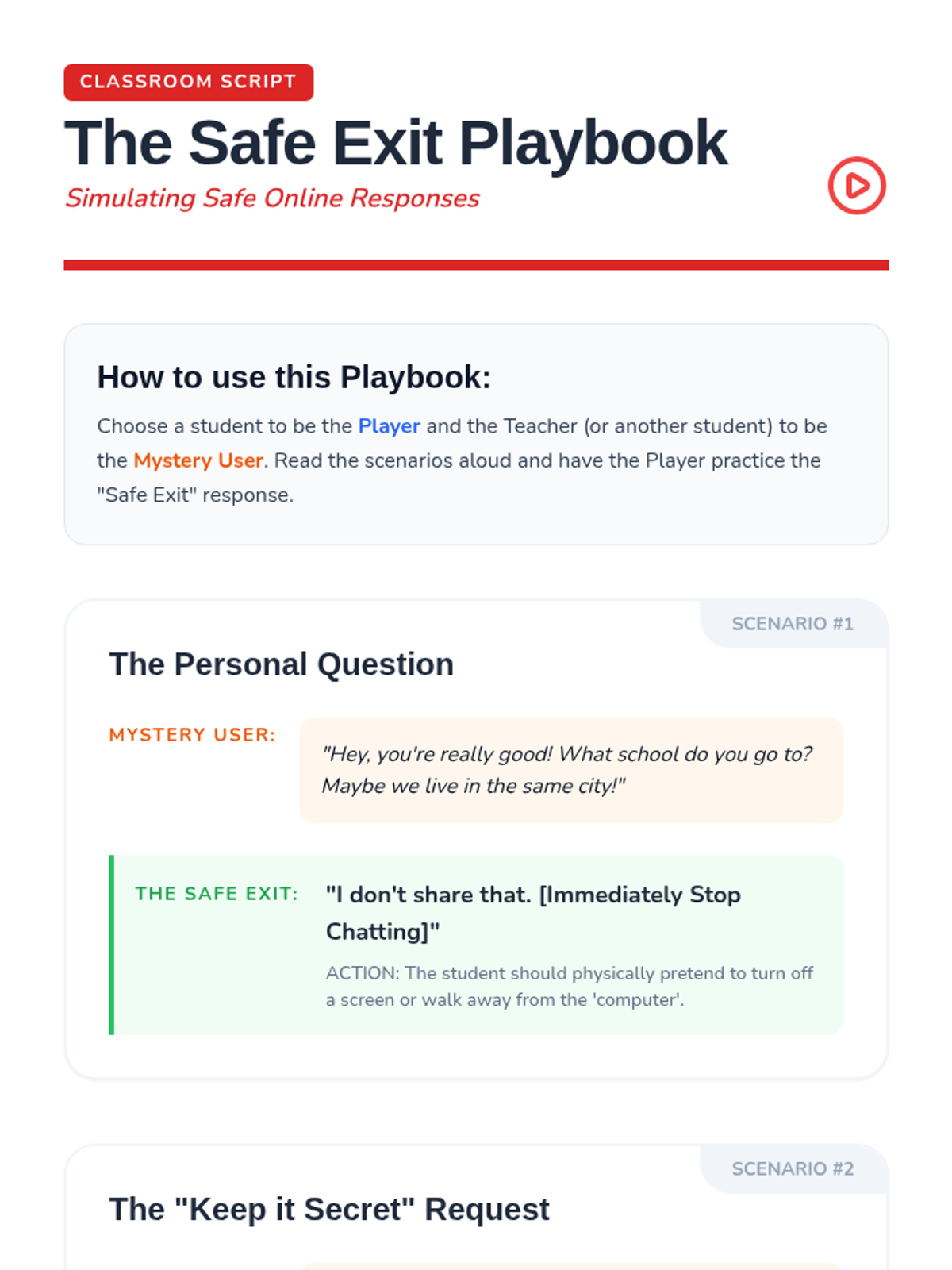
A practical skills workshop where students master the 'Stop, Block, Tell' protocol and practice navigating simulated reporting interfaces.
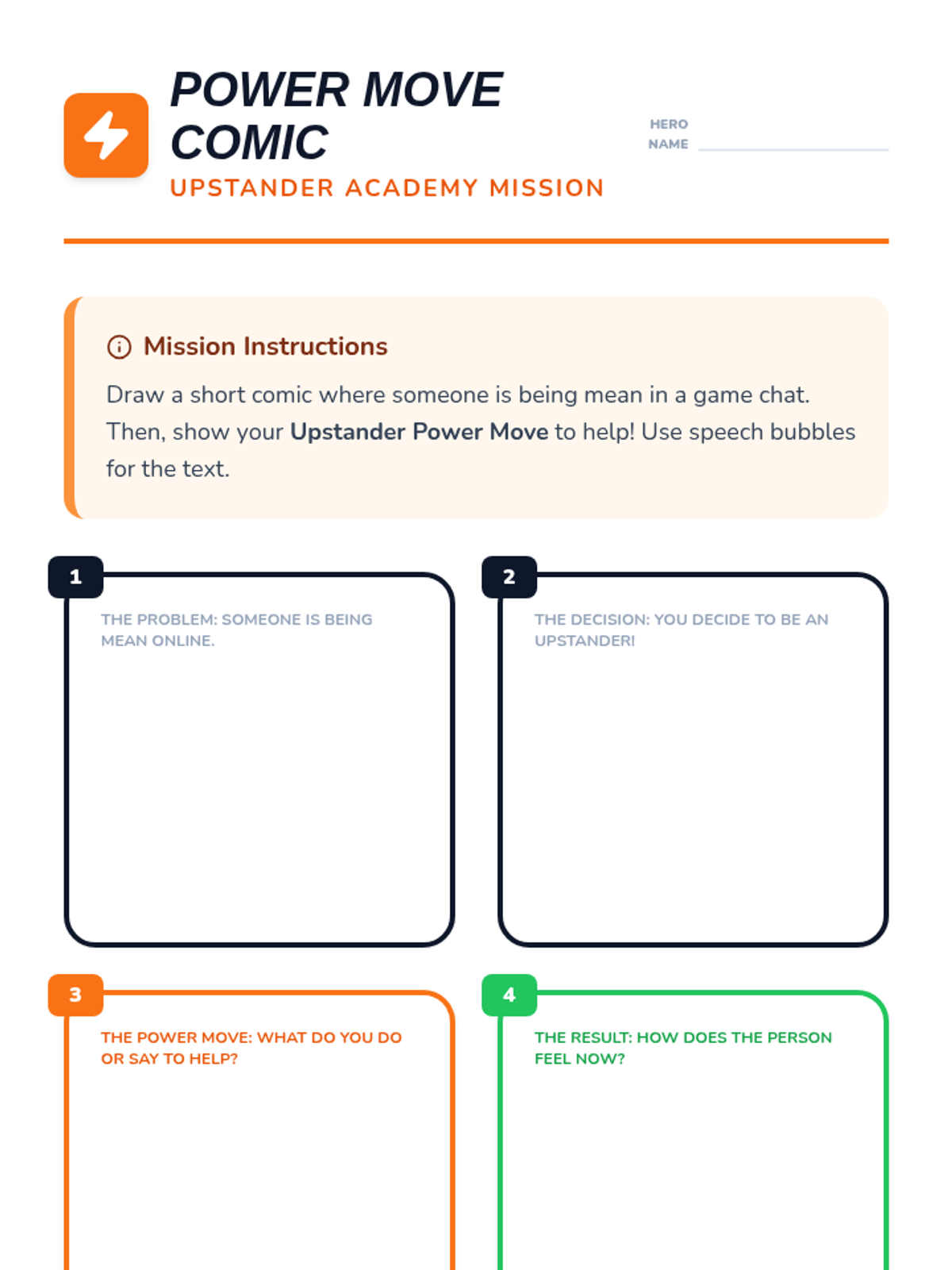
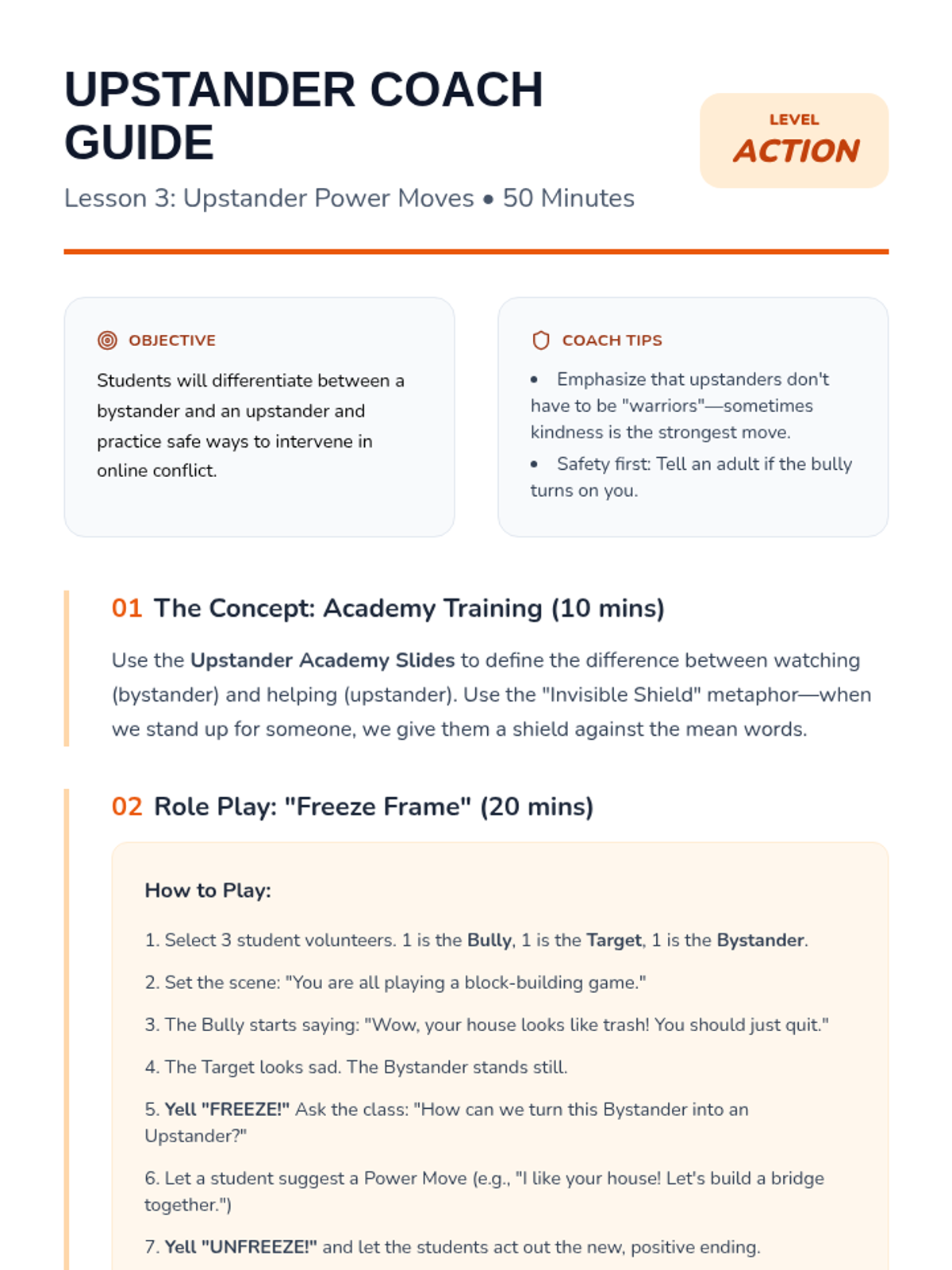
Students learn the crucial difference between a bystander and an upstander, practicing safe ways to support others in gaming chats and social spaces.
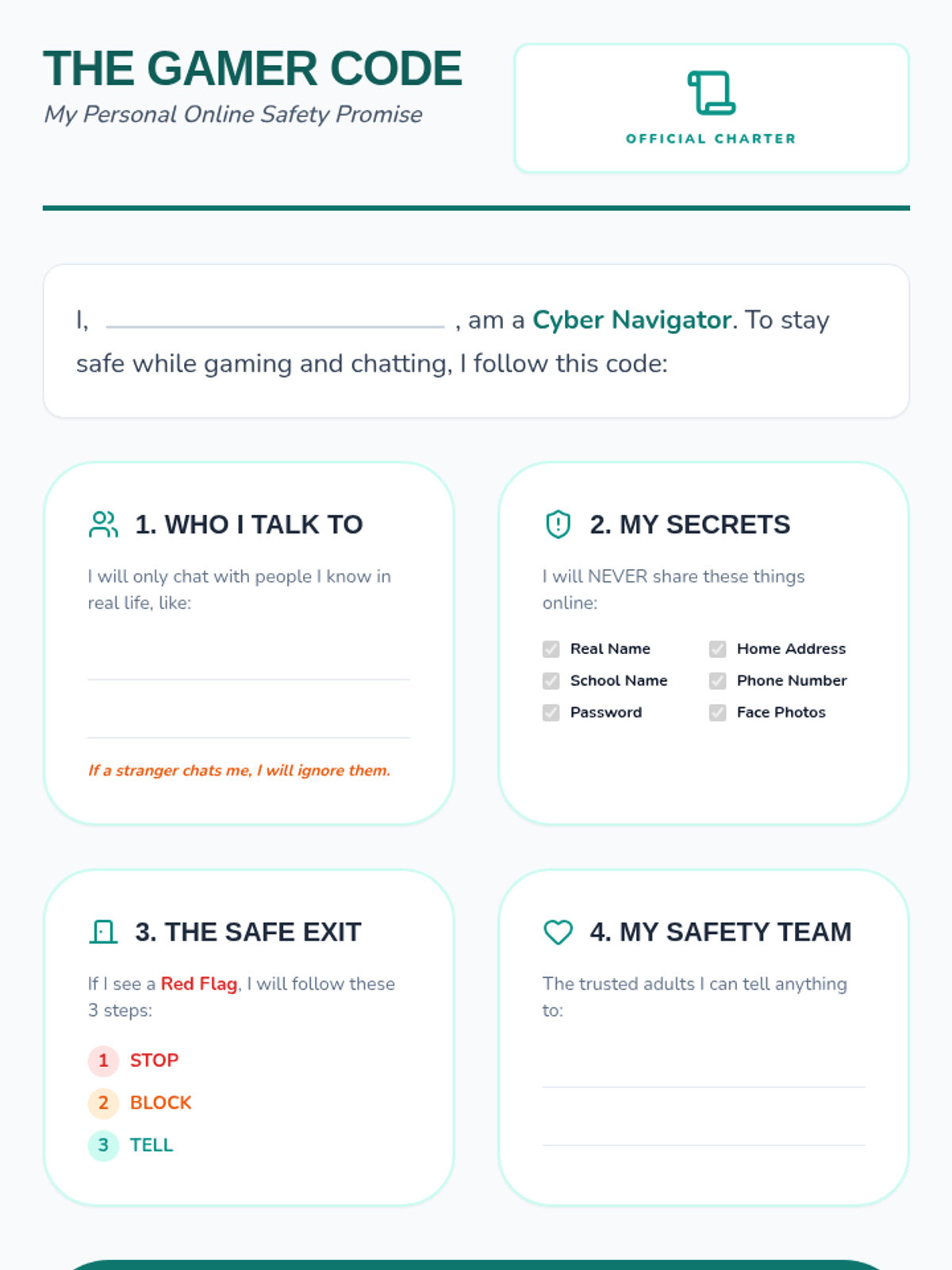
Students synthesize their learning by creating a personal code of conduct for safe online gaming and communication.
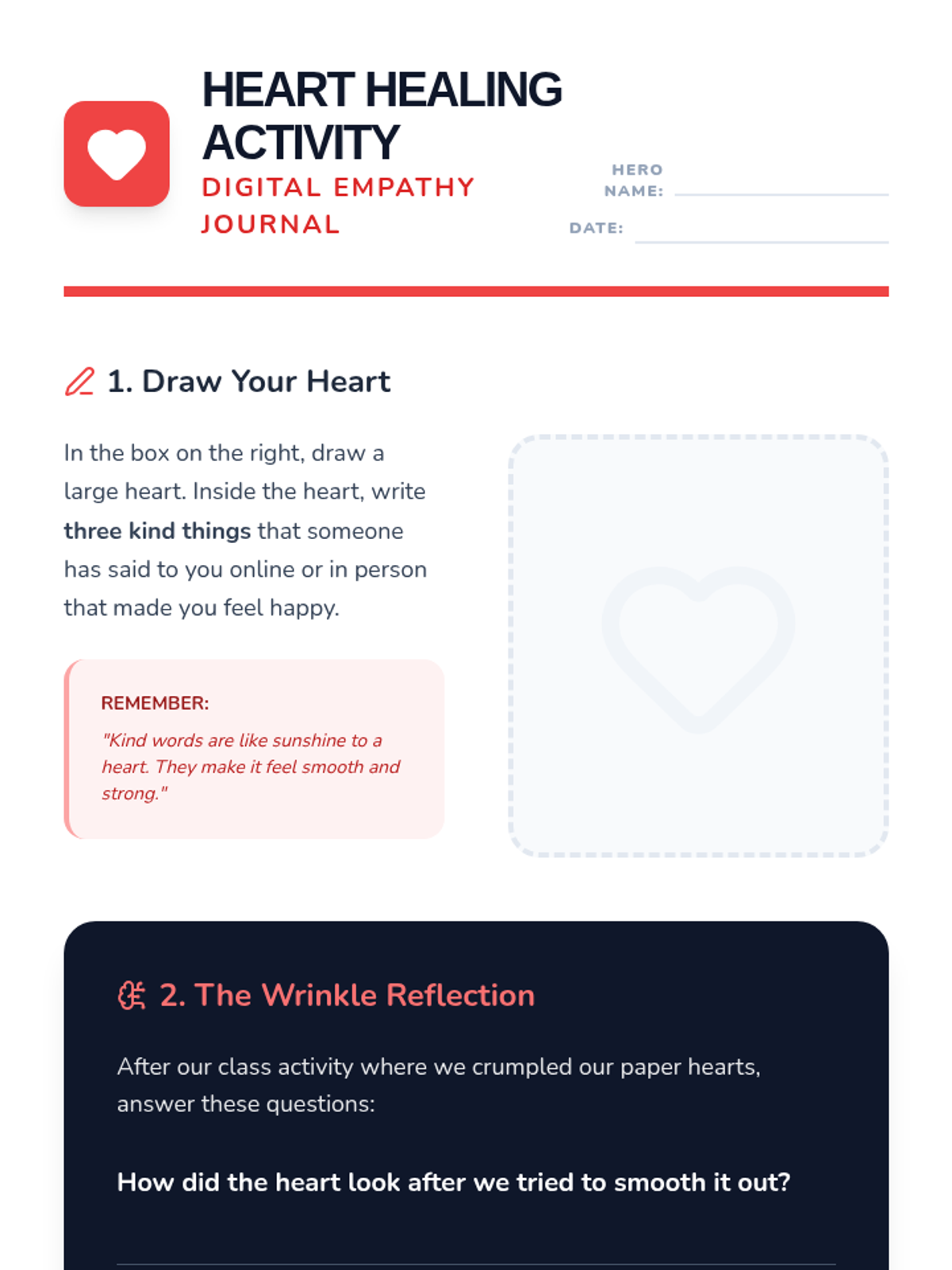
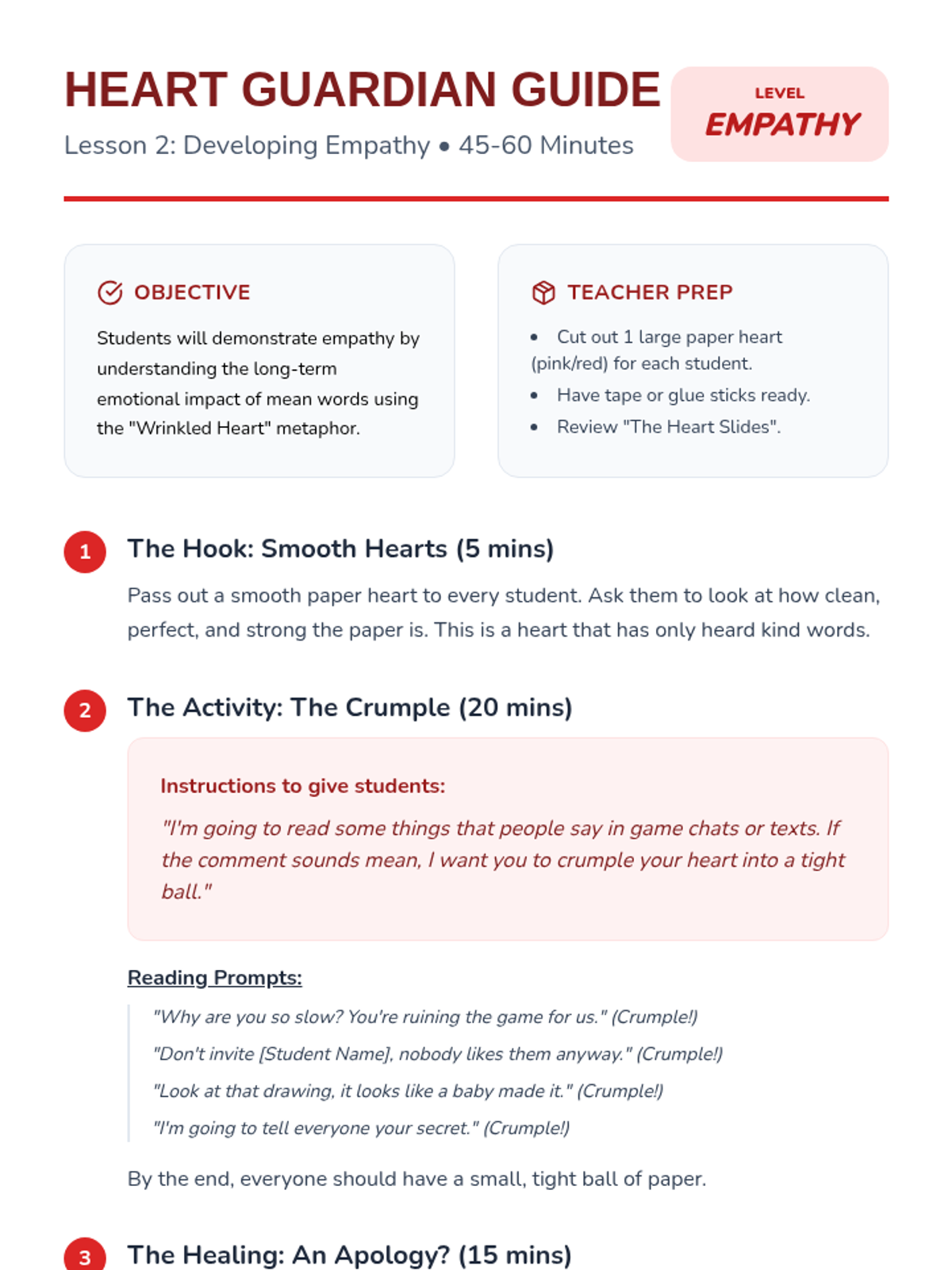
Through the 'Wrinkled Heart' activity and case studies, students explore the emotional impact of unkind online behavior and develop empathy for targets of cyberbullying.
Students practice assertive responses to uncomfortable online situations, including saying no, blocking users, and reporting to trusted adults.
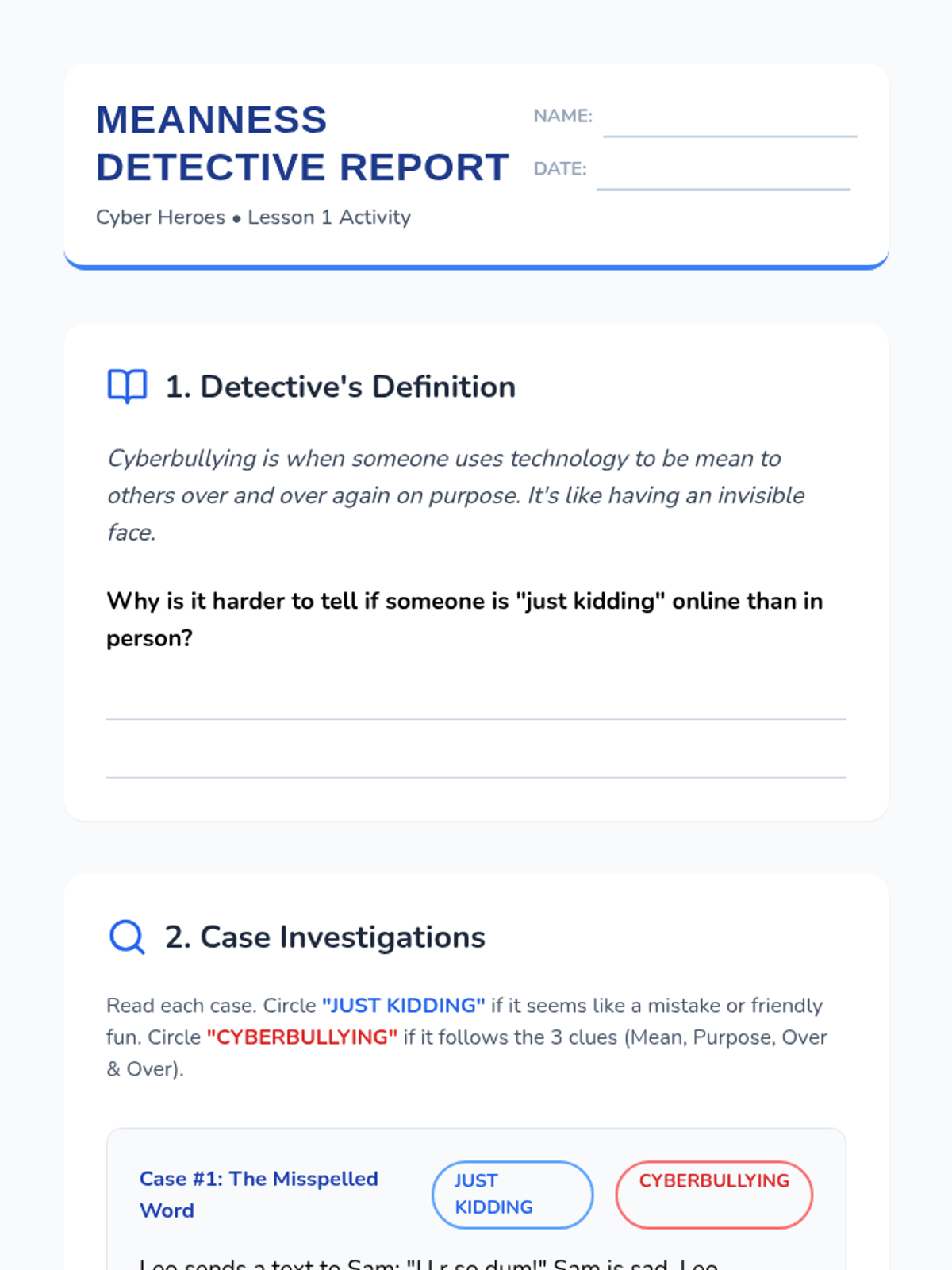
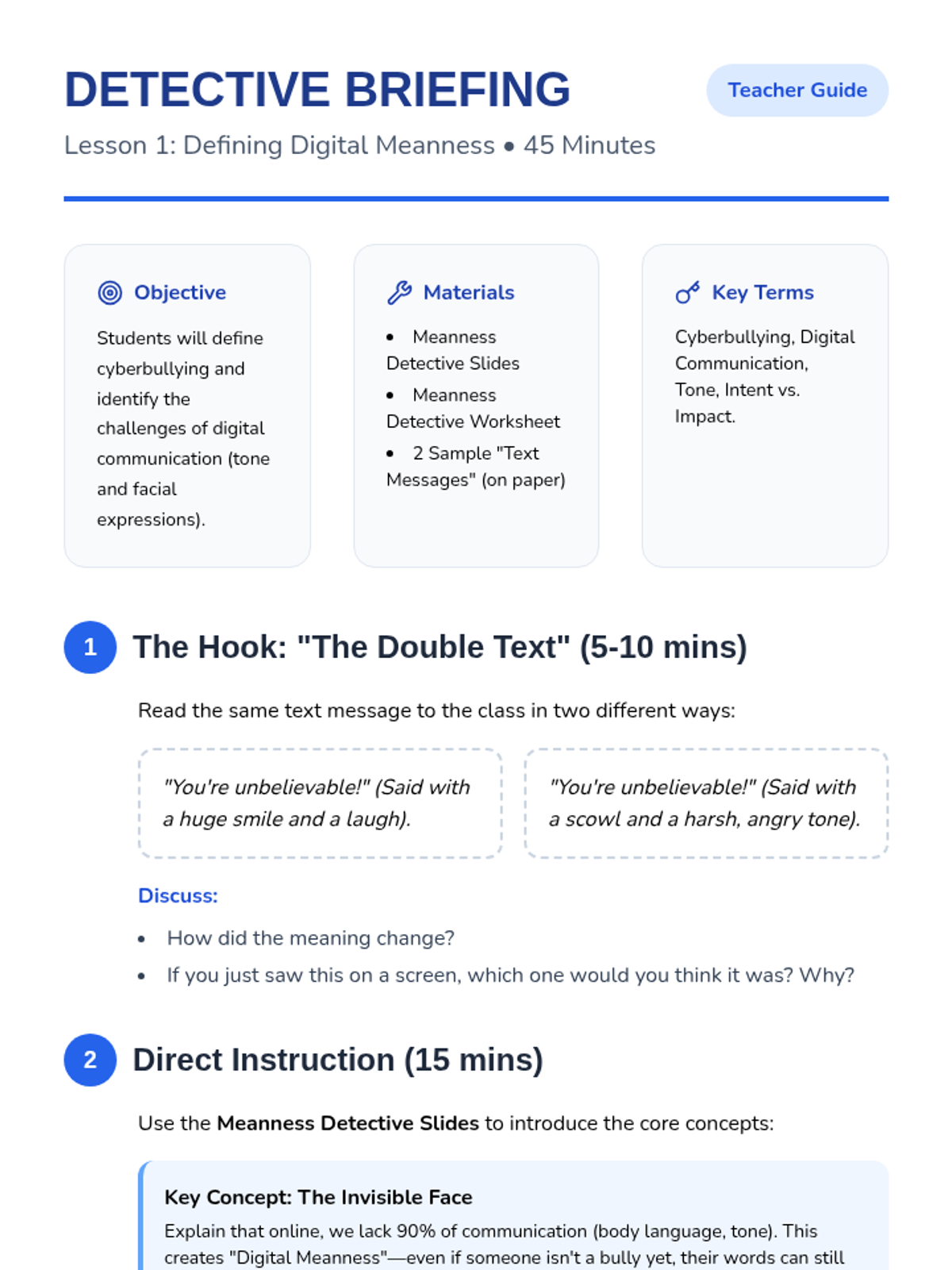
Students define cyberbullying and learn to distinguish it from joking or in-person teasing, focusing on how digital communication lacks facial expressions and tone.
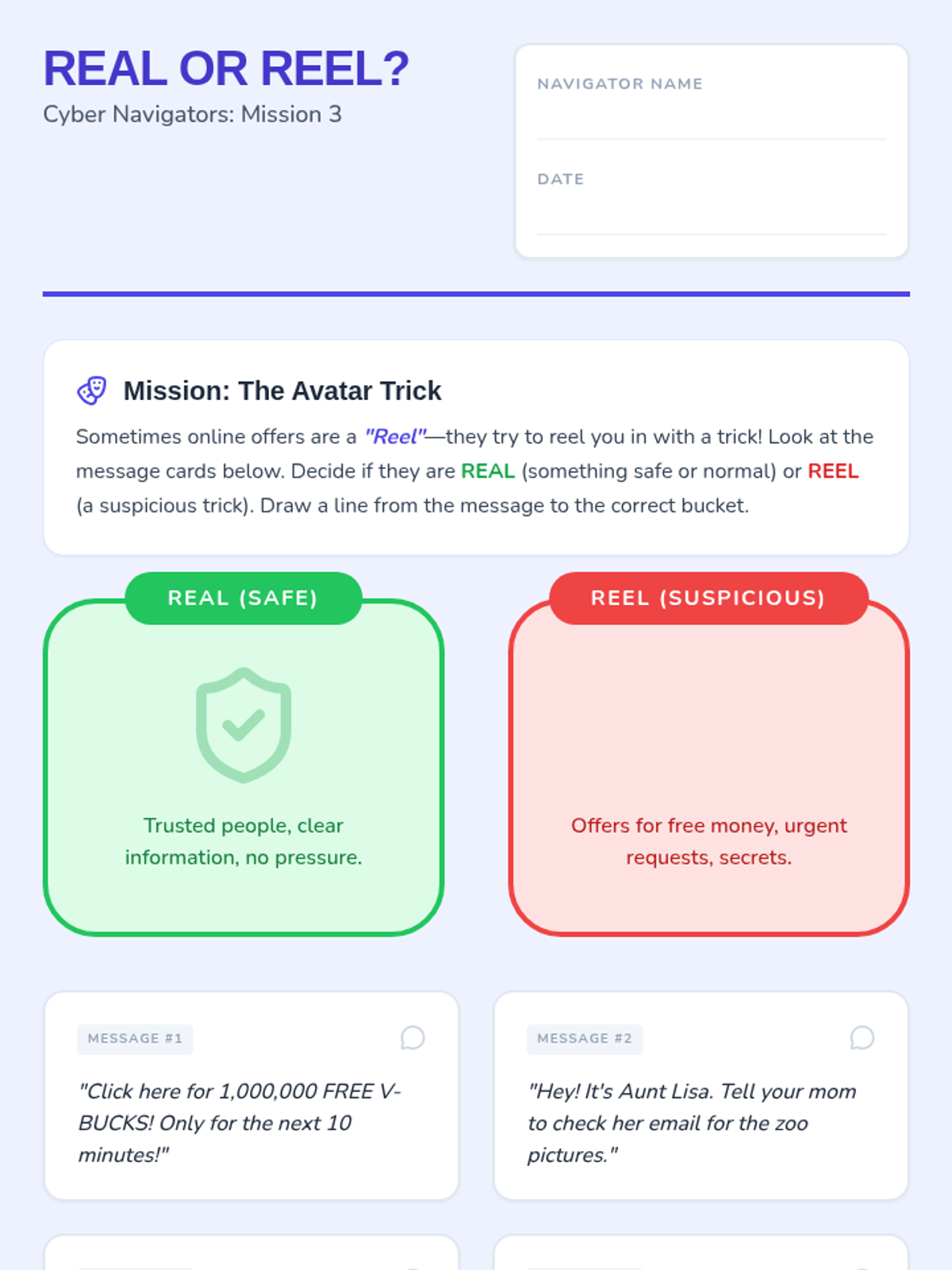
Focuses on the concept that online identities can be misleading and teaches students to be skeptical of suspicious offers or urgent requests.
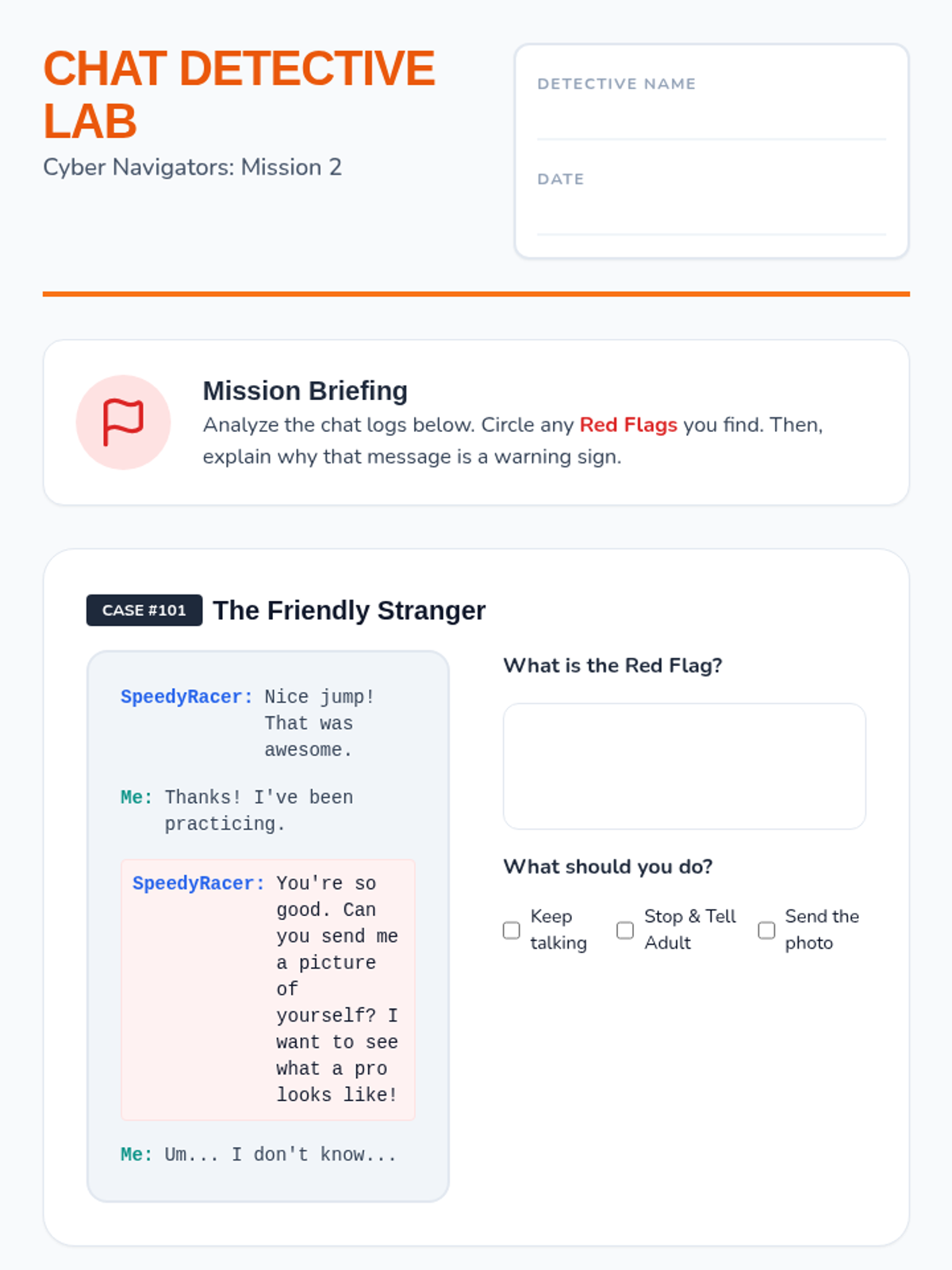
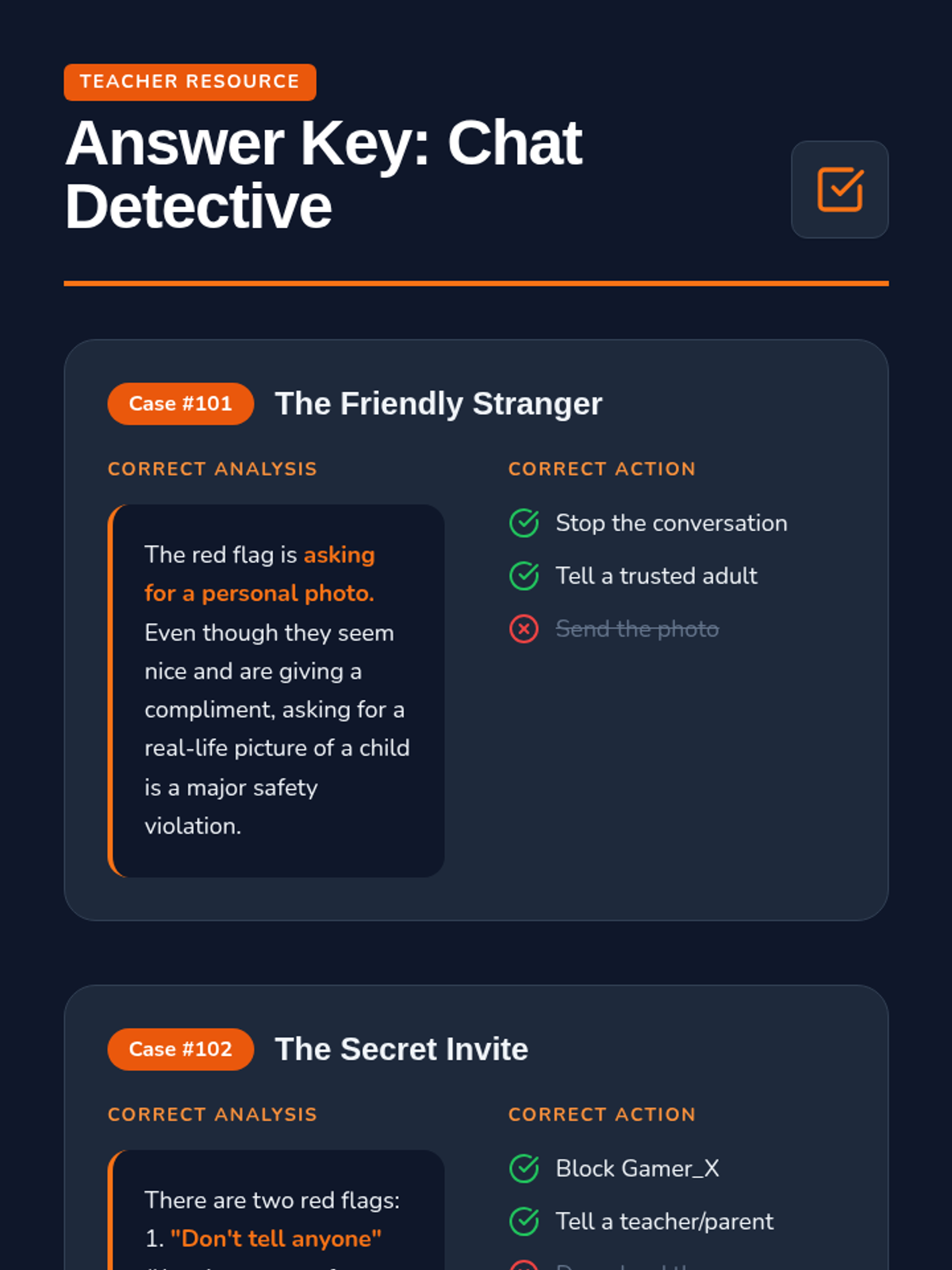
Students analyze simulated chat interactions to identify 'red flags' or warning signs that indicate a conversation is becoming unsafe or inappropriate.
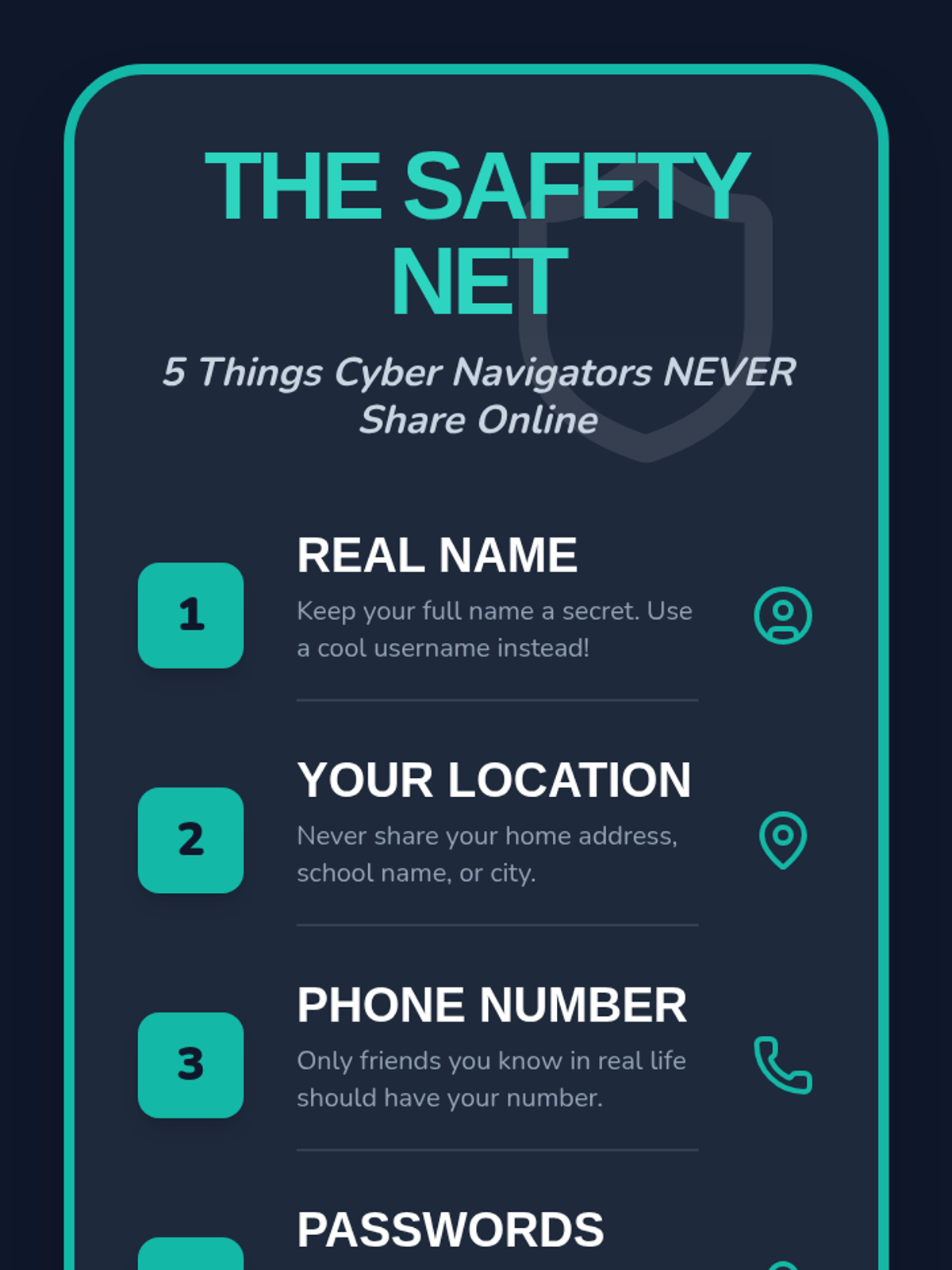
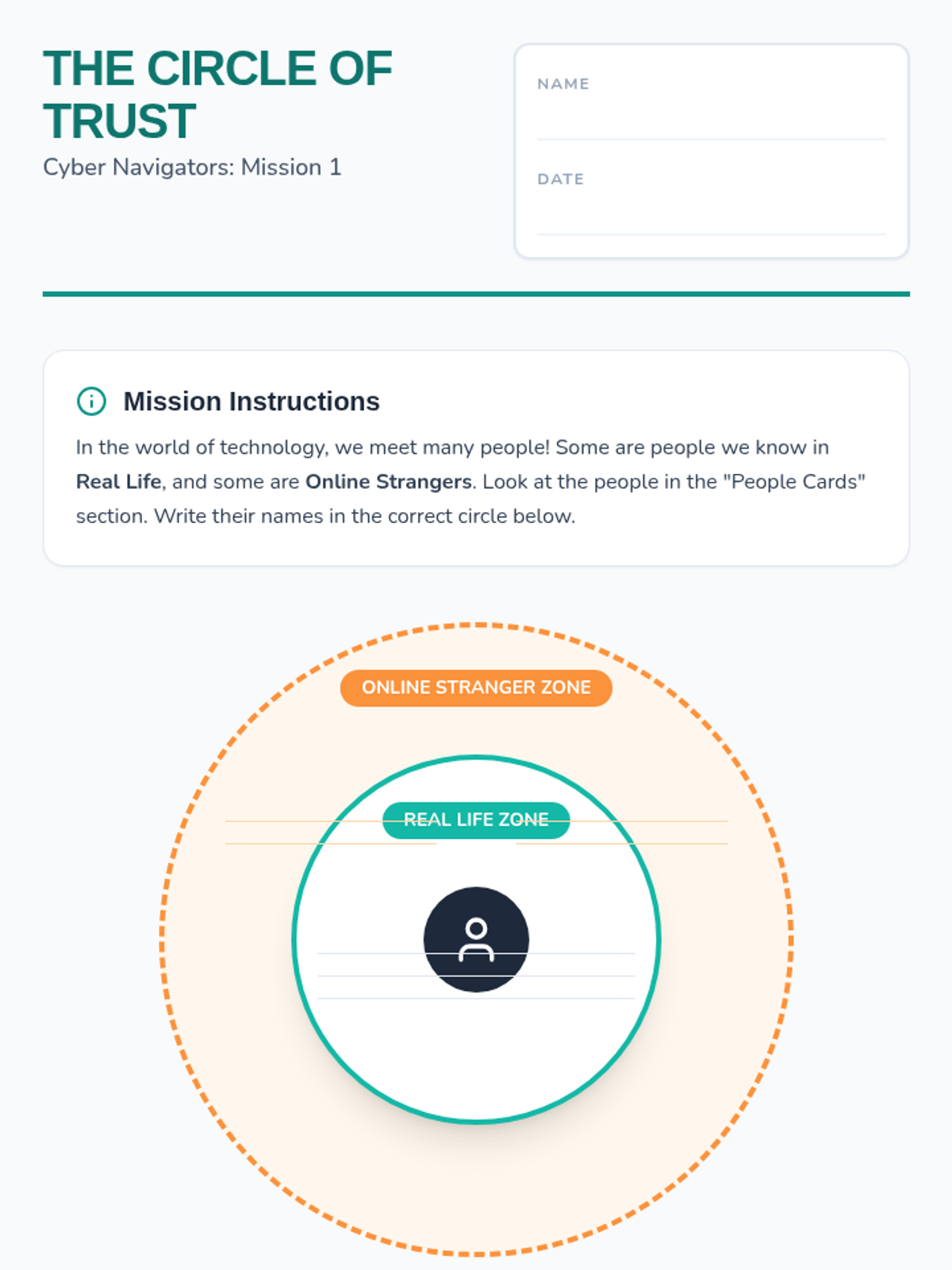
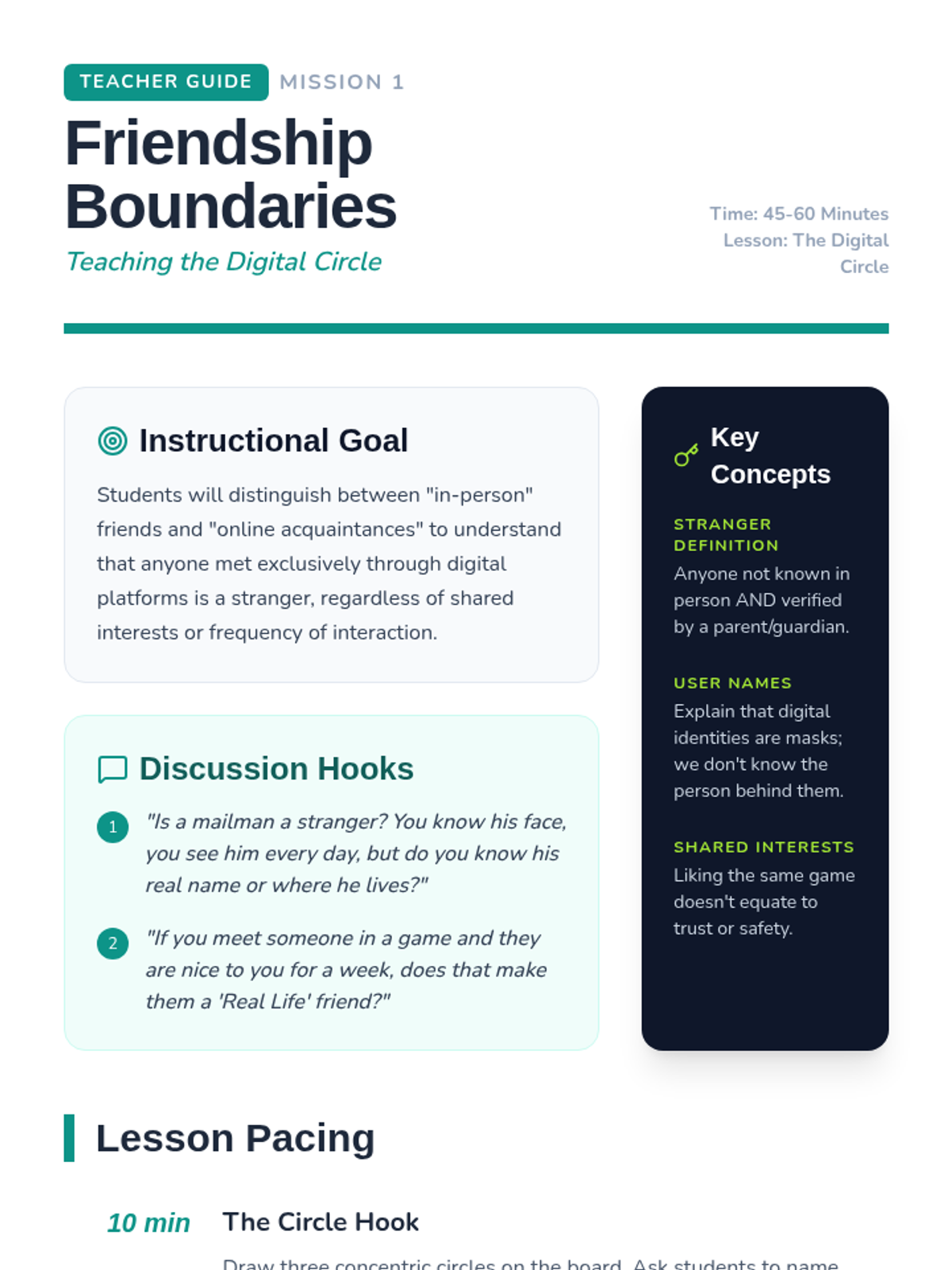
Students learn to classify their relationships to understand that online-only acquaintances are strangers, even if they share interests or play games together.
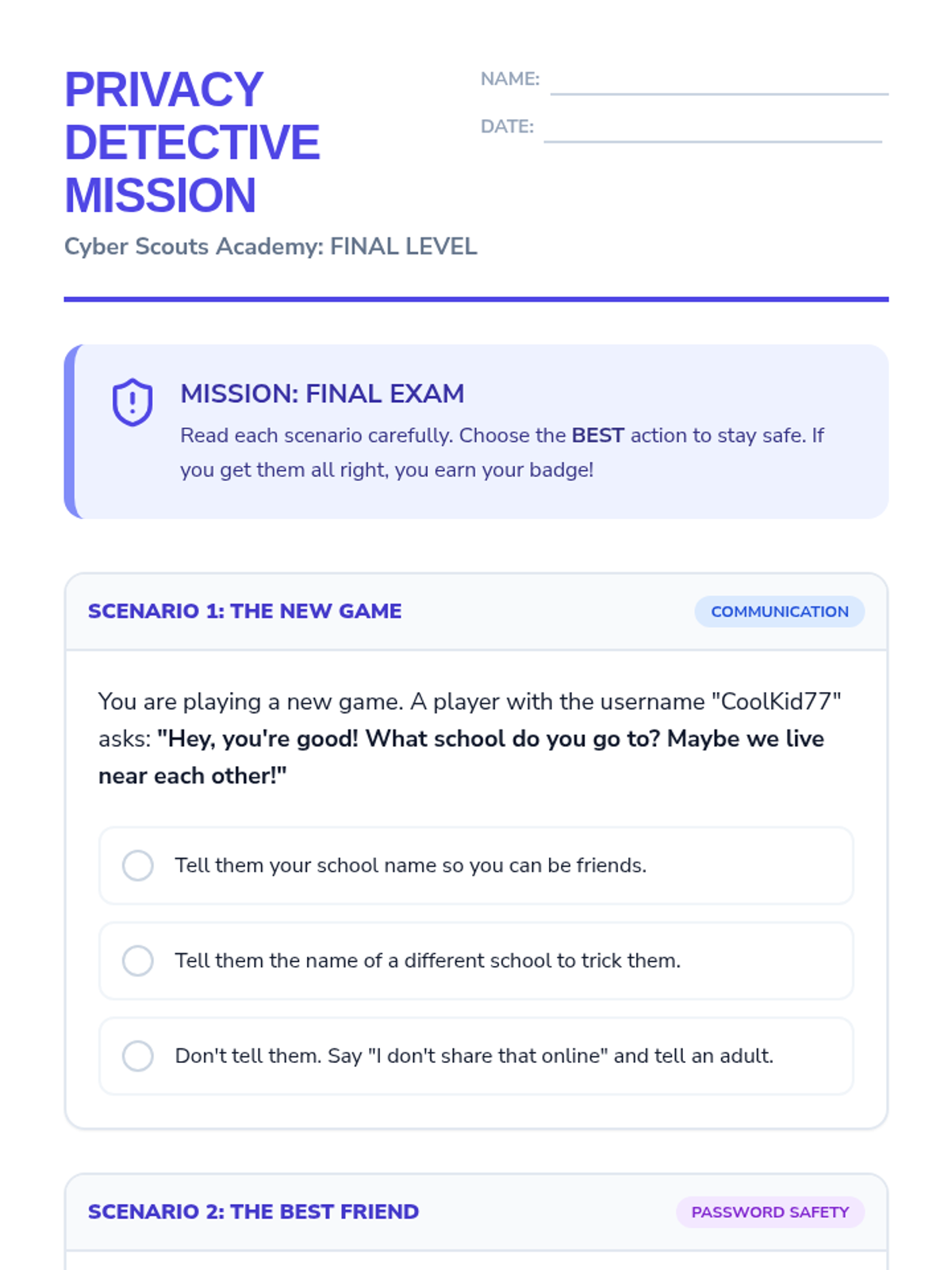
A culminating simulation where students apply their knowledge to real-world digital scenarios to earn their Cyber Scout badge.
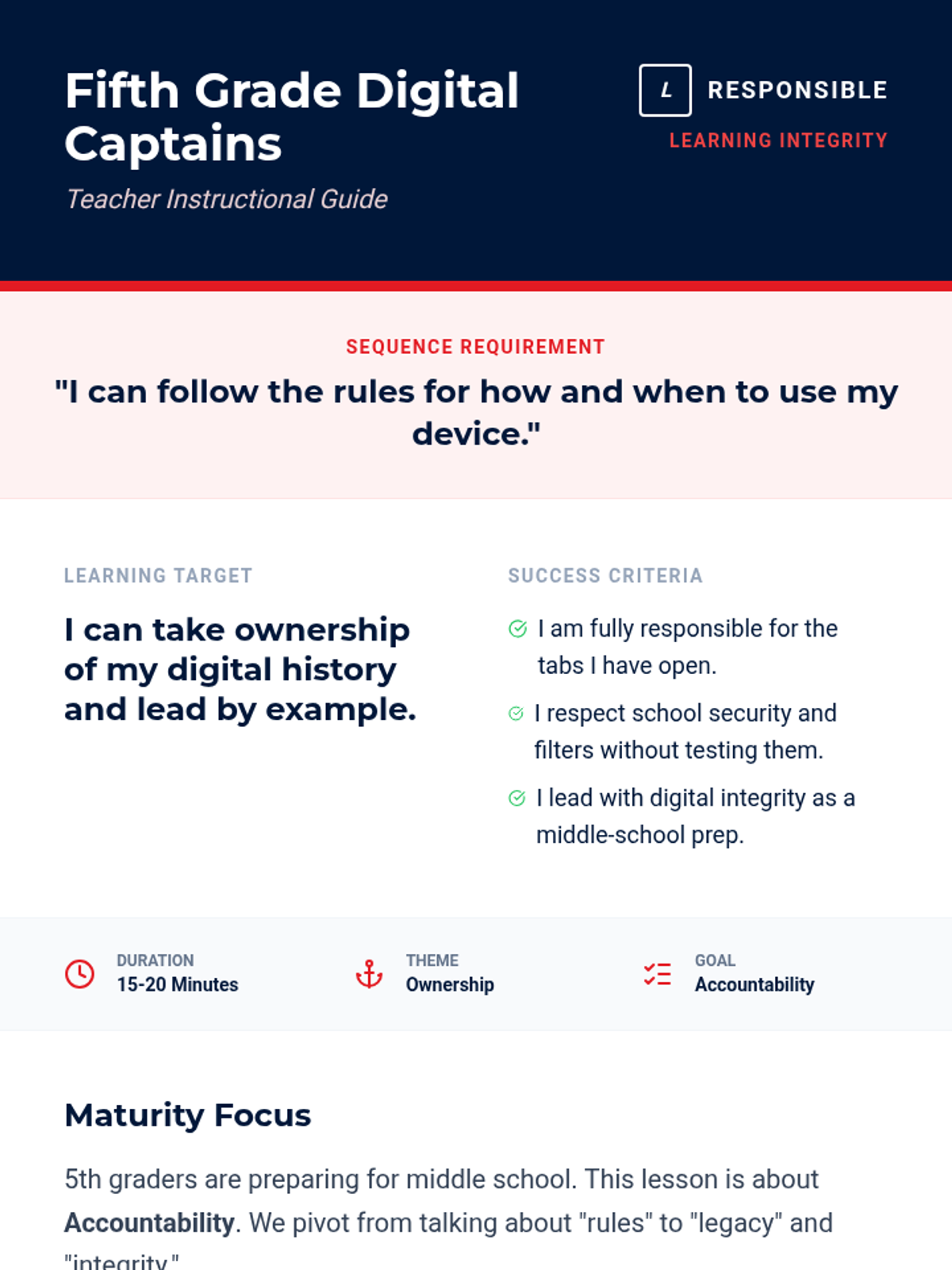
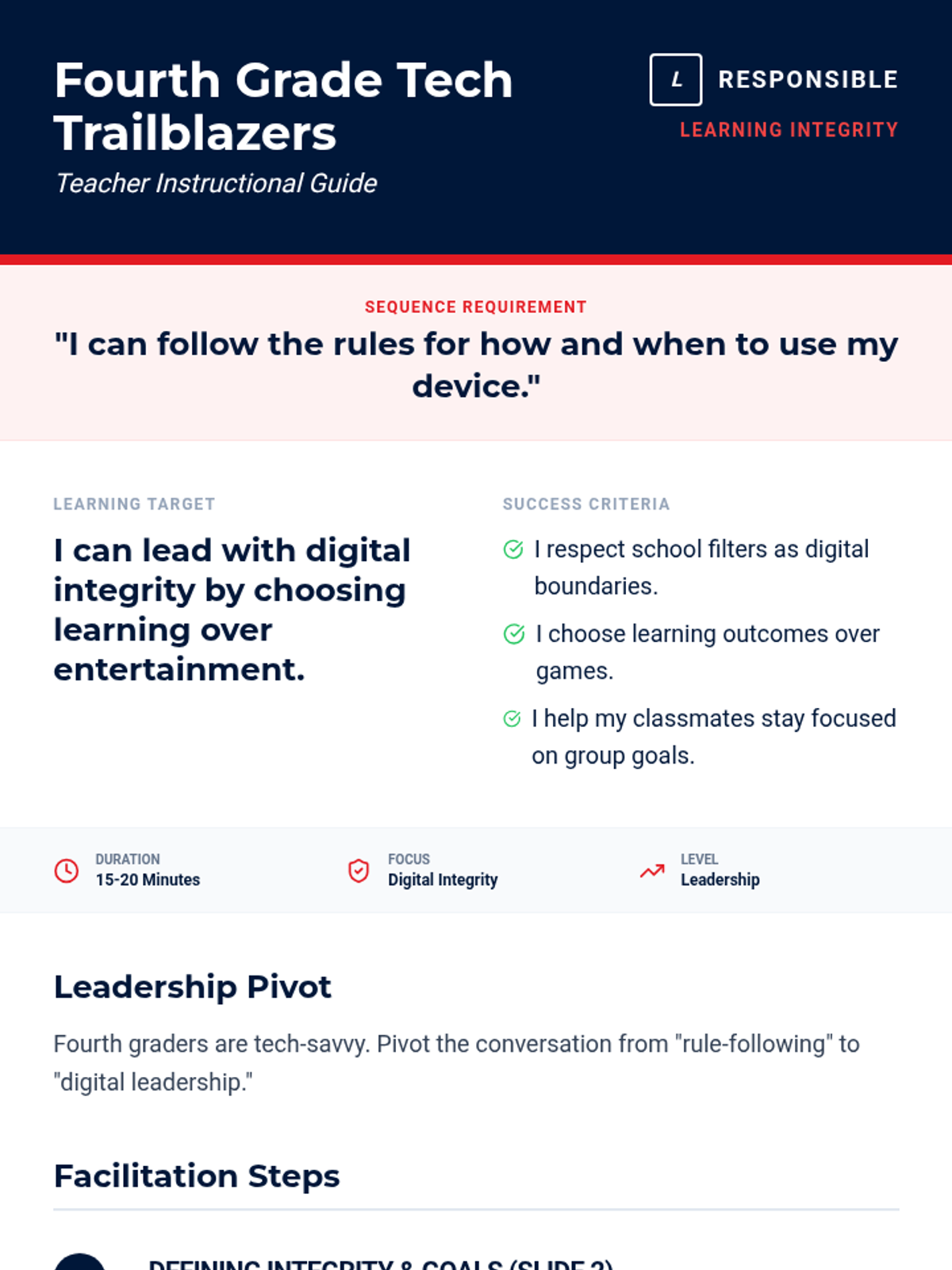
Empowers 5th graders to lead by example, discussing the importance of academic integrity and resisting the urge to bypass school filters.
Addresses the specific challenges of 4th graders, focusing on avoiding game websites and maintaining focus on assigned tasks.
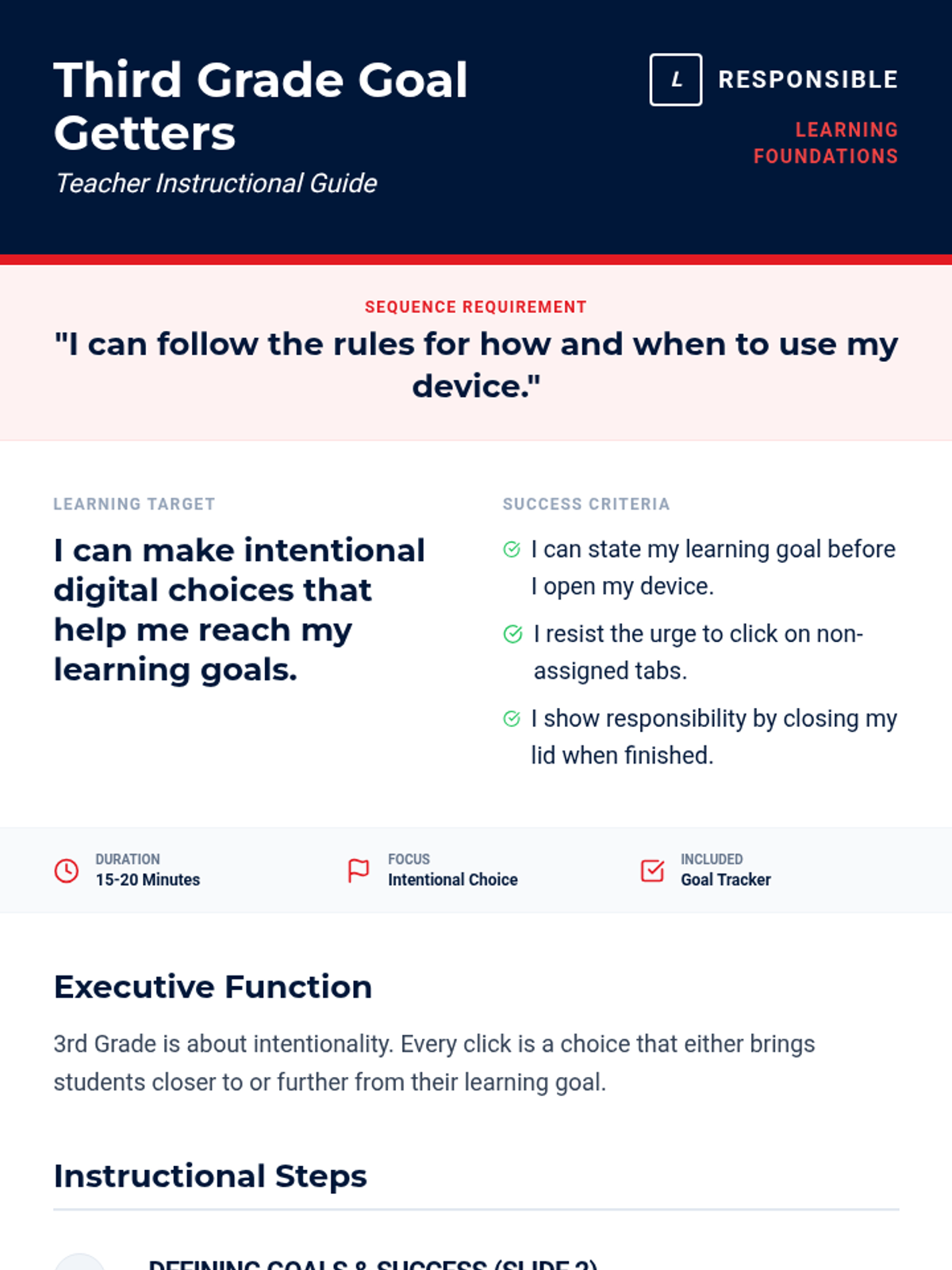
Helps 3rd graders identify common online distractions and practice making responsible choices that align with their learning goals.
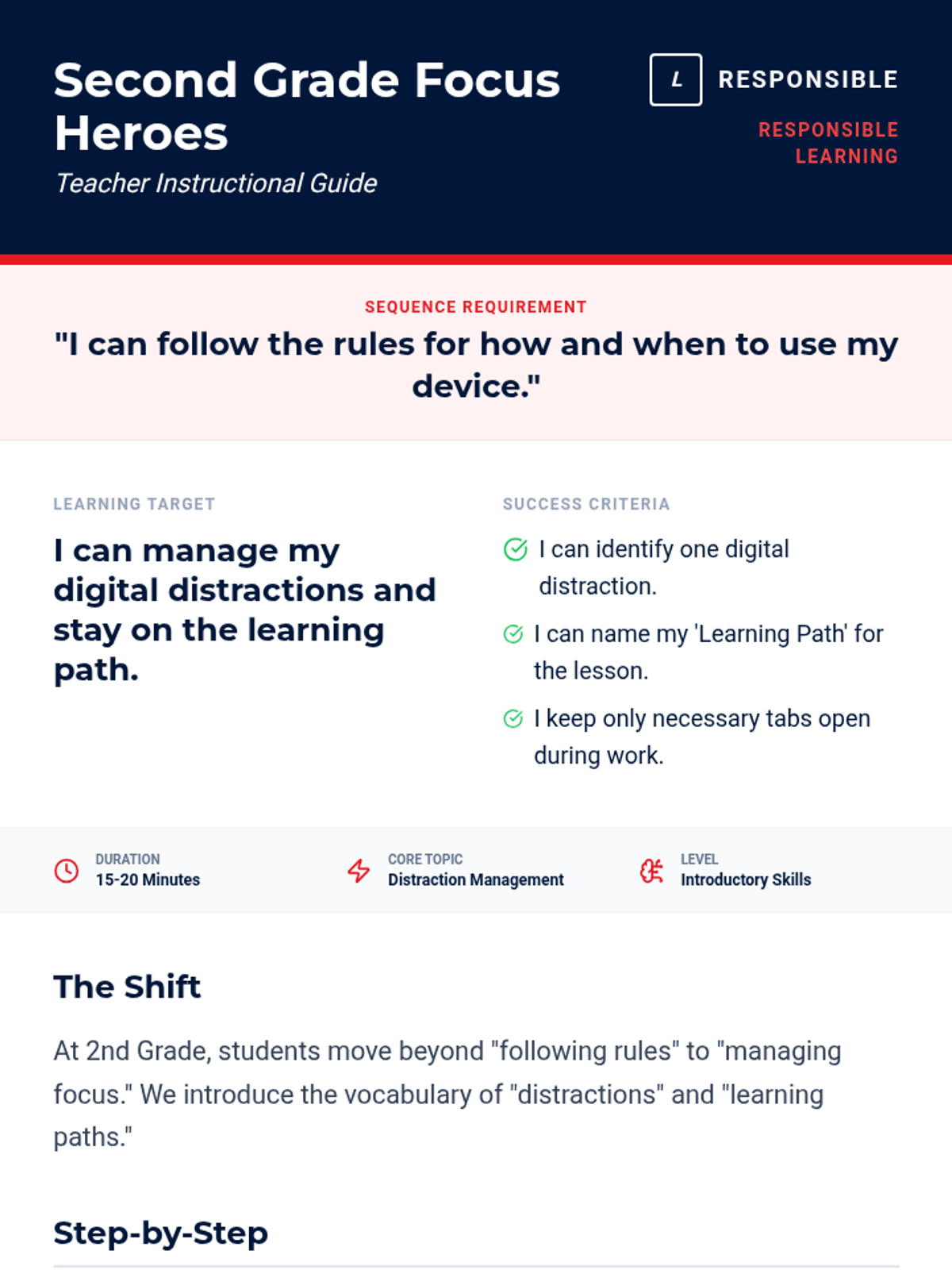
Introduces 2nd graders to the idea of managing digital distractions and staying on task during learning time.
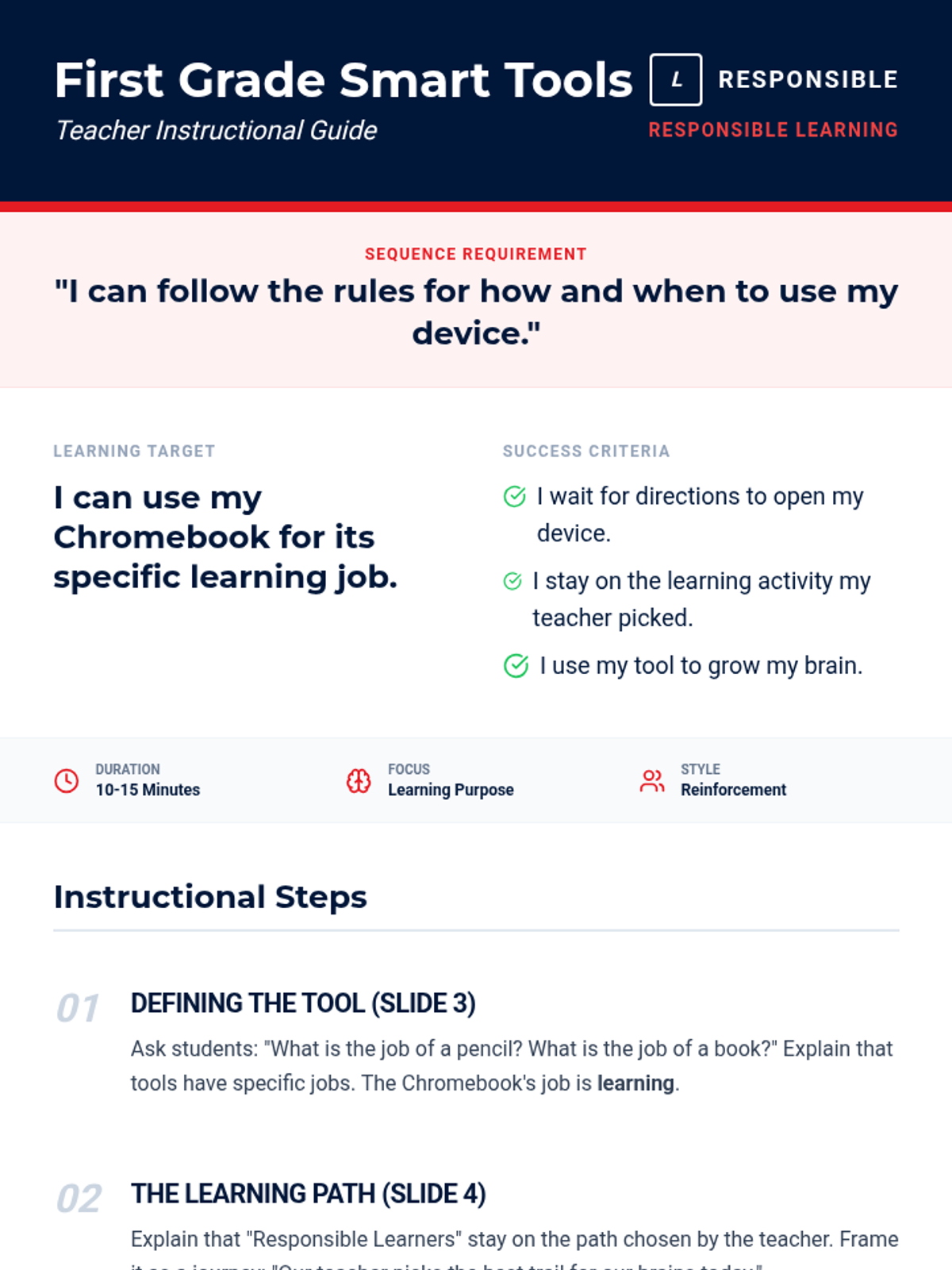
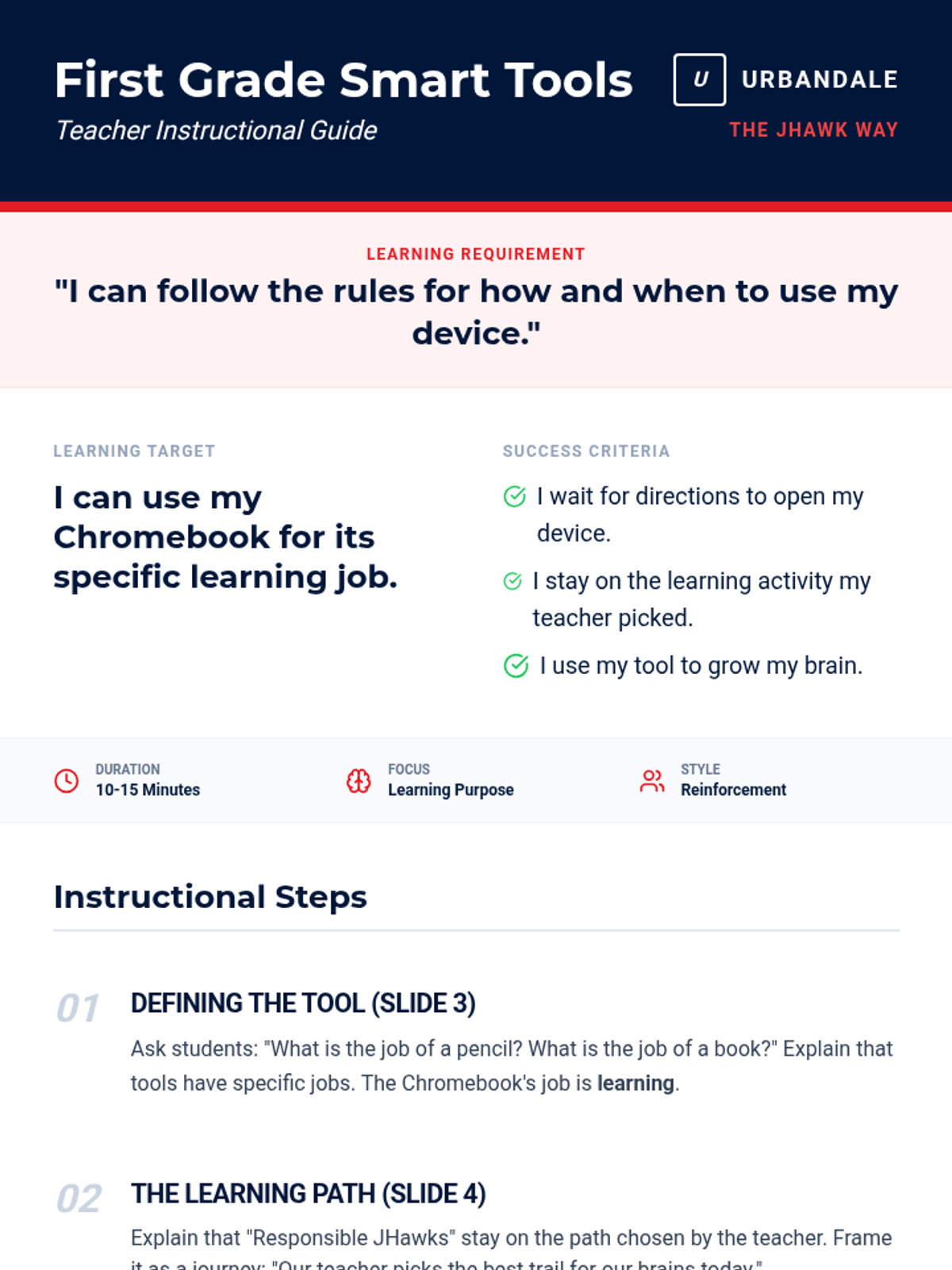
Reinforces the 'Tool not Toy' concept for 1st graders, emphasizing being Responsible with school technology.
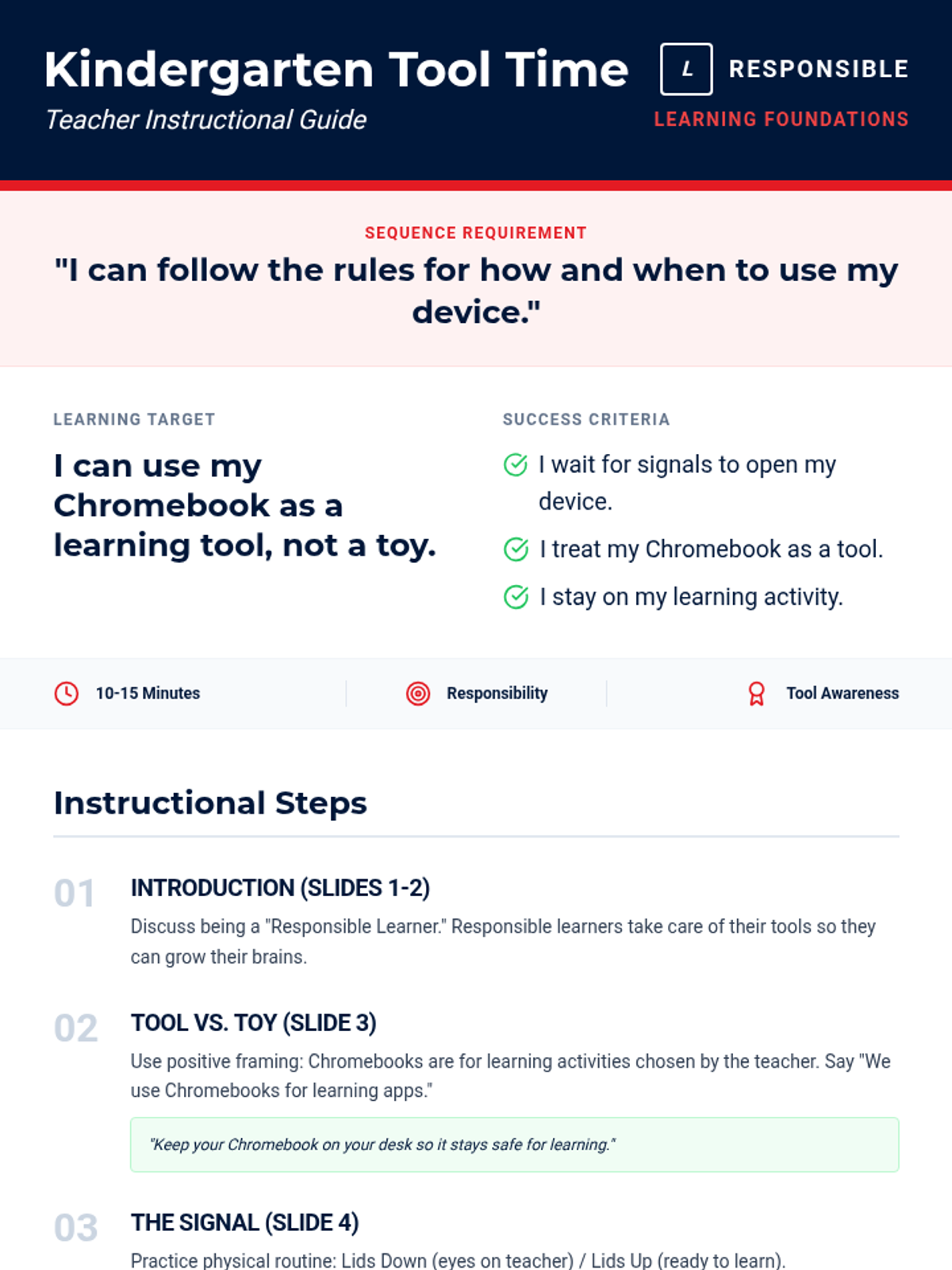
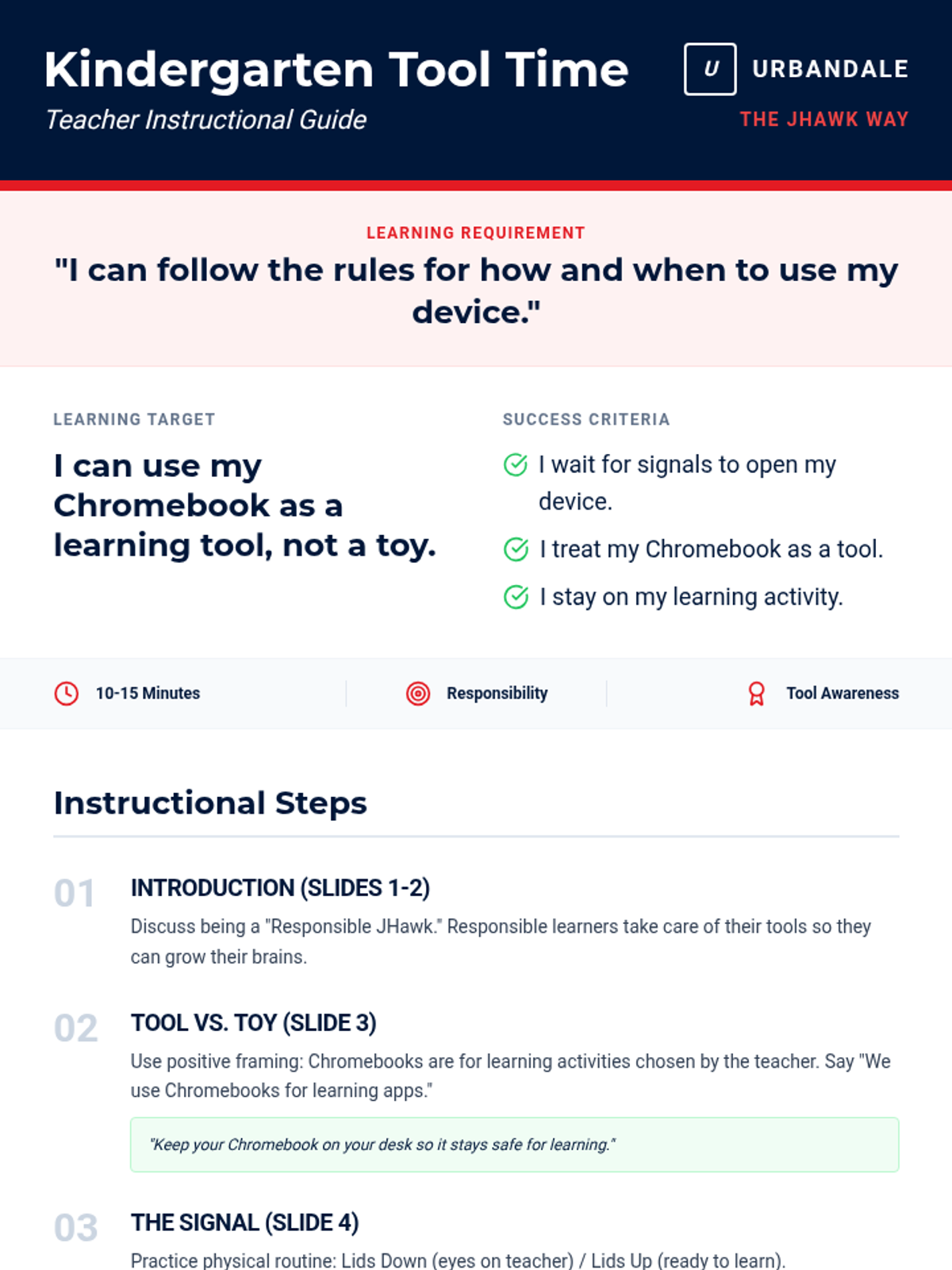
Introduces Kindergarteners to the concept that Chromebooks are learning tools, not toys, focusing on following teacher directions for when to use them.
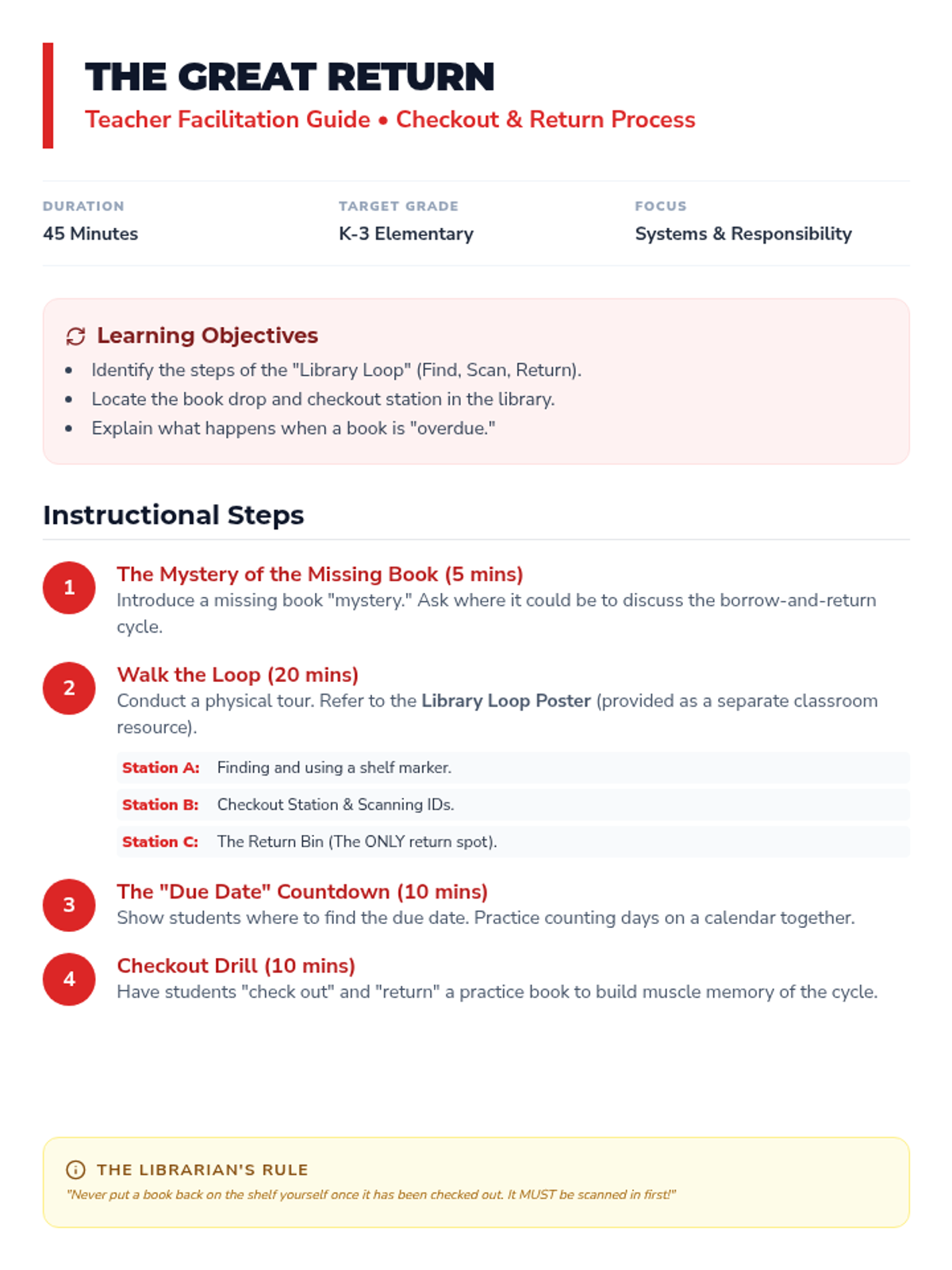
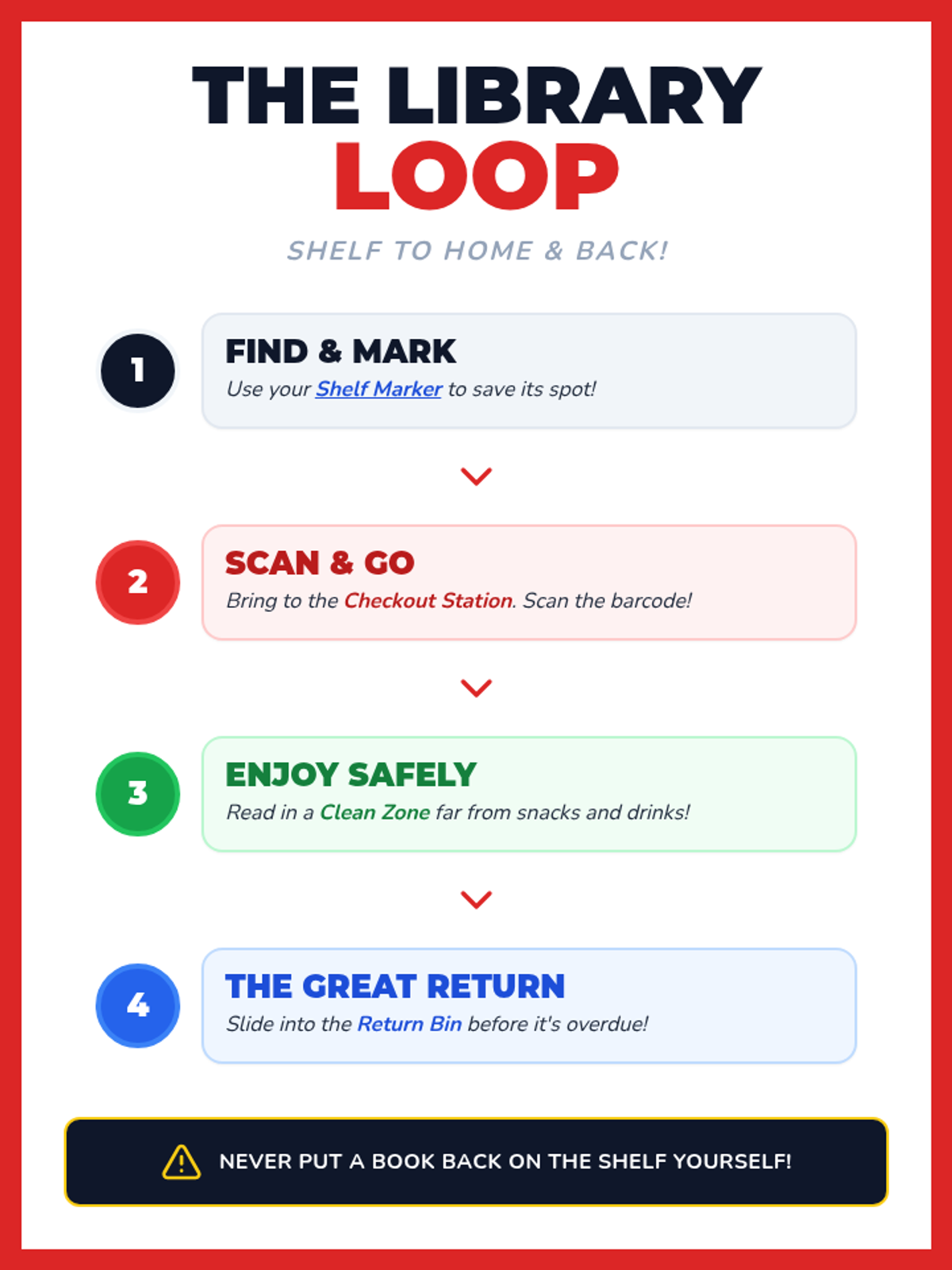
Covers the practical mechanics of the library: finding a book, checking it out with a librarian or system, tracking due dates, and the importance of timely returns to the book drop.
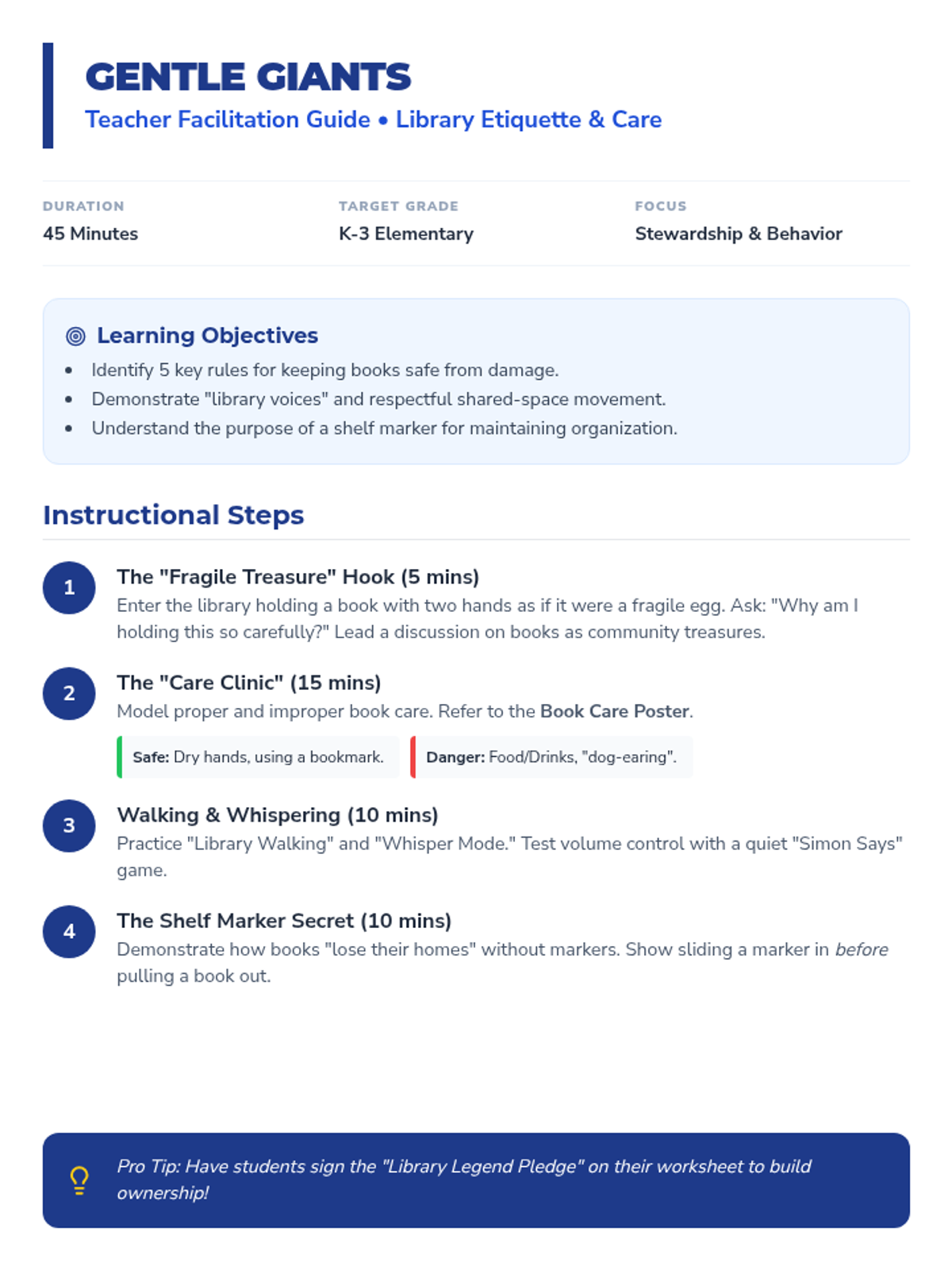
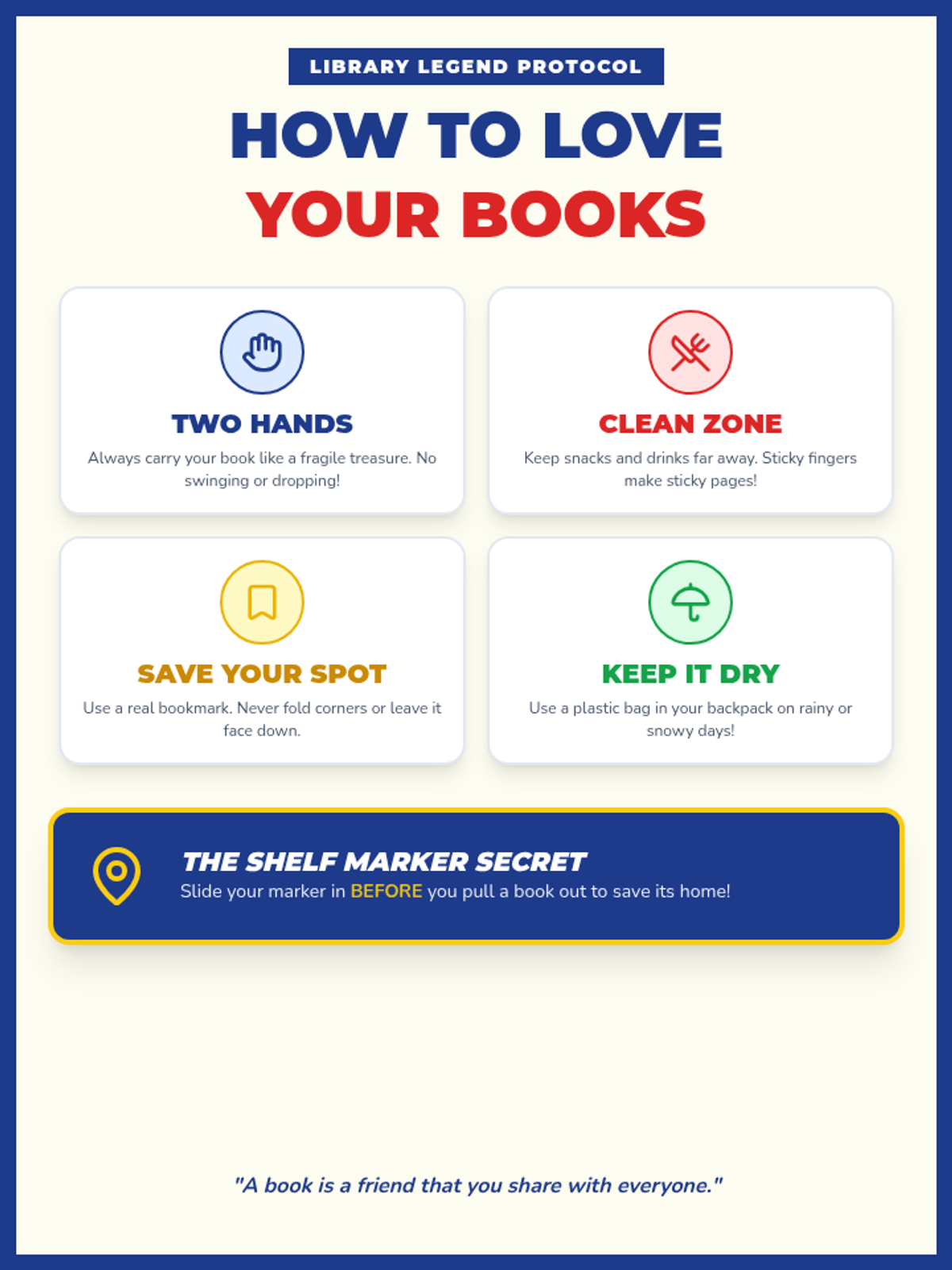
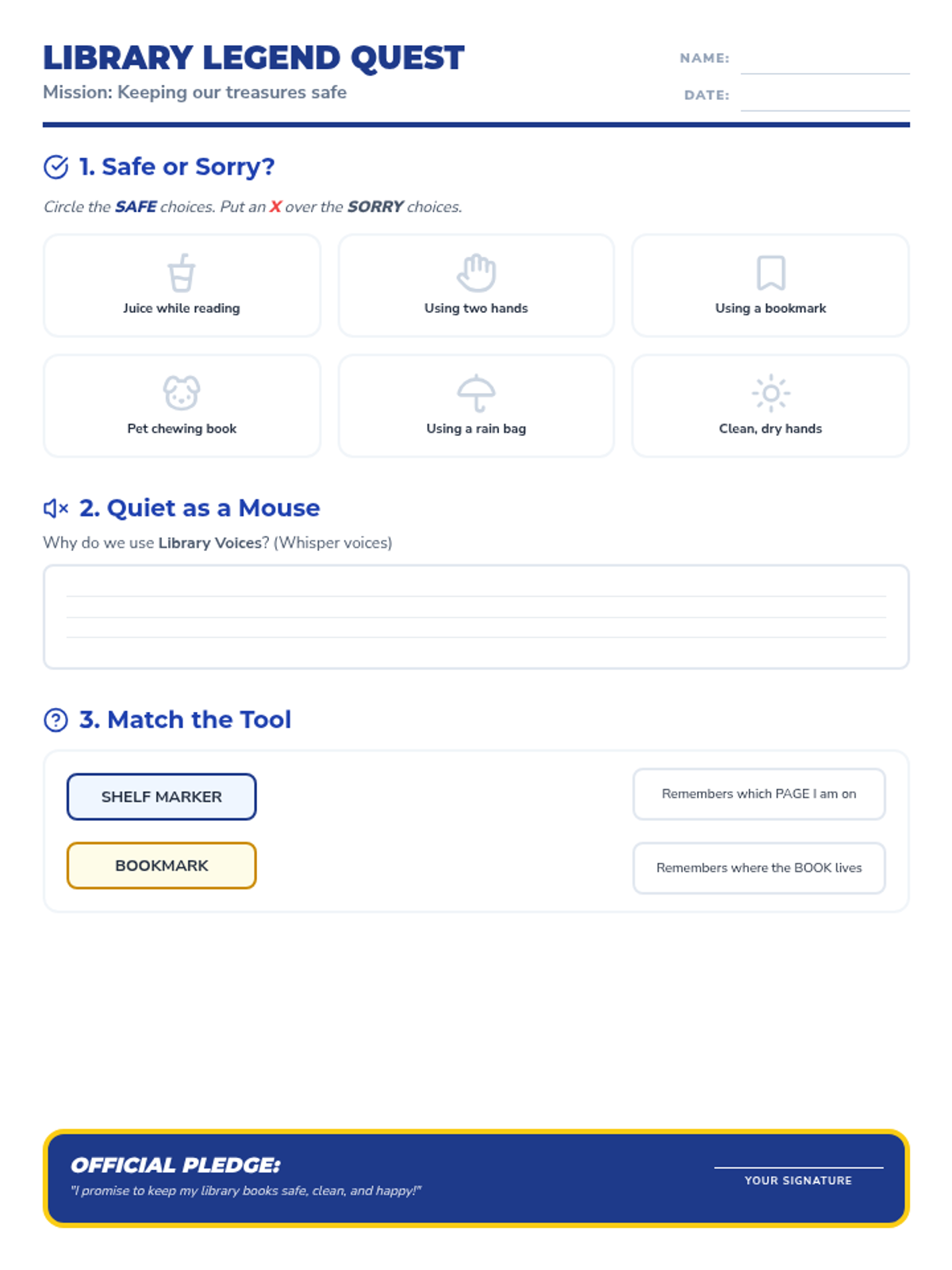
Focuses on the emotional and physical aspects of library use: why we care for books, how to handle them safely, and the social expectations of a shared quiet space. Includes a focus on 'shelf markers' and gentle handling.
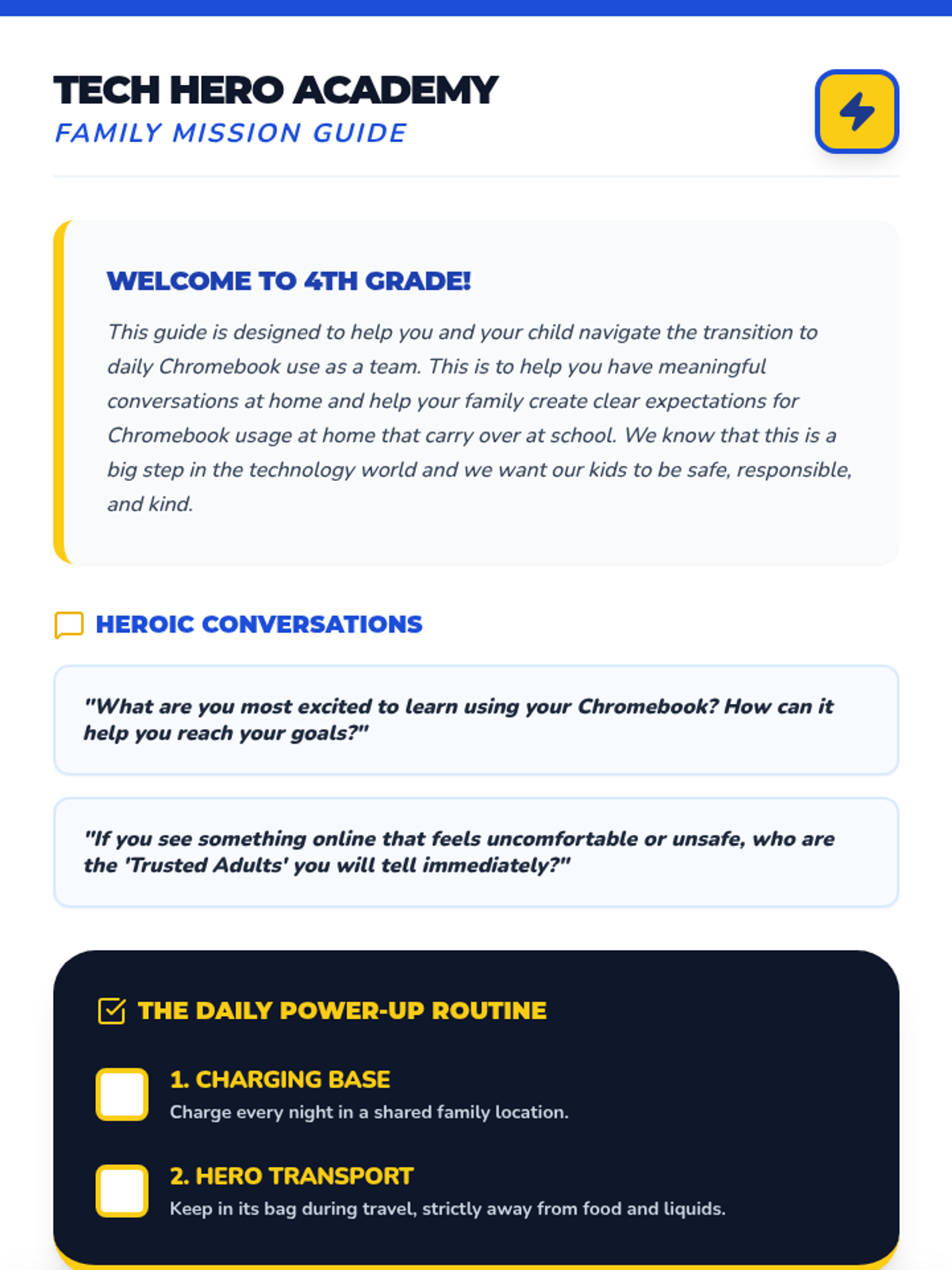
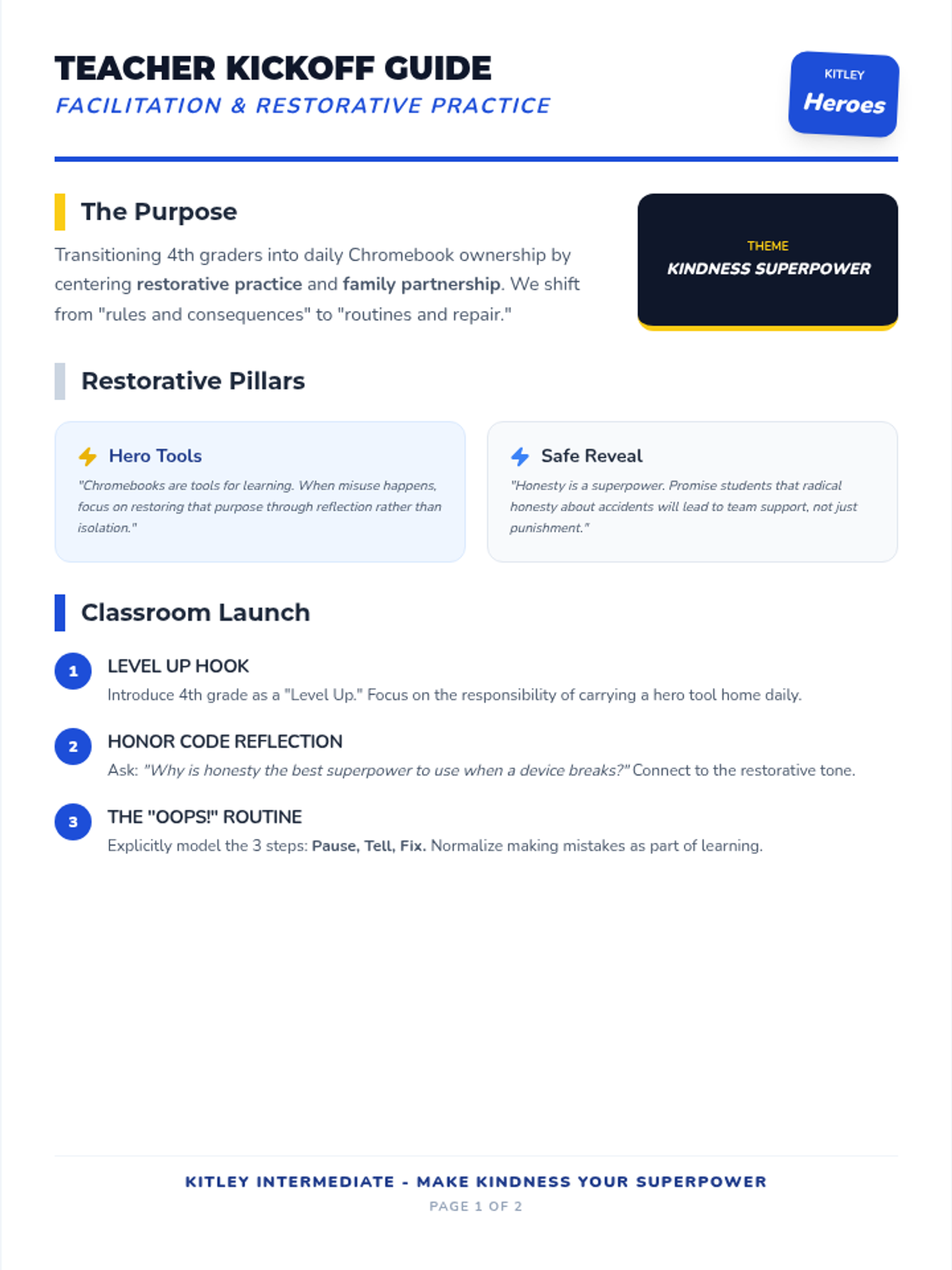
A lesson designed to transition 3rd grade students to 4th grade technology responsibilities, focusing on restorative practices, digital citizenship, and the 'Make Kindness Your Superpower' initiative.
Reinforces the 'Tool not Toy' concept for 1st graders, emphasizing the JHawk Way of being Responsible with school technology.
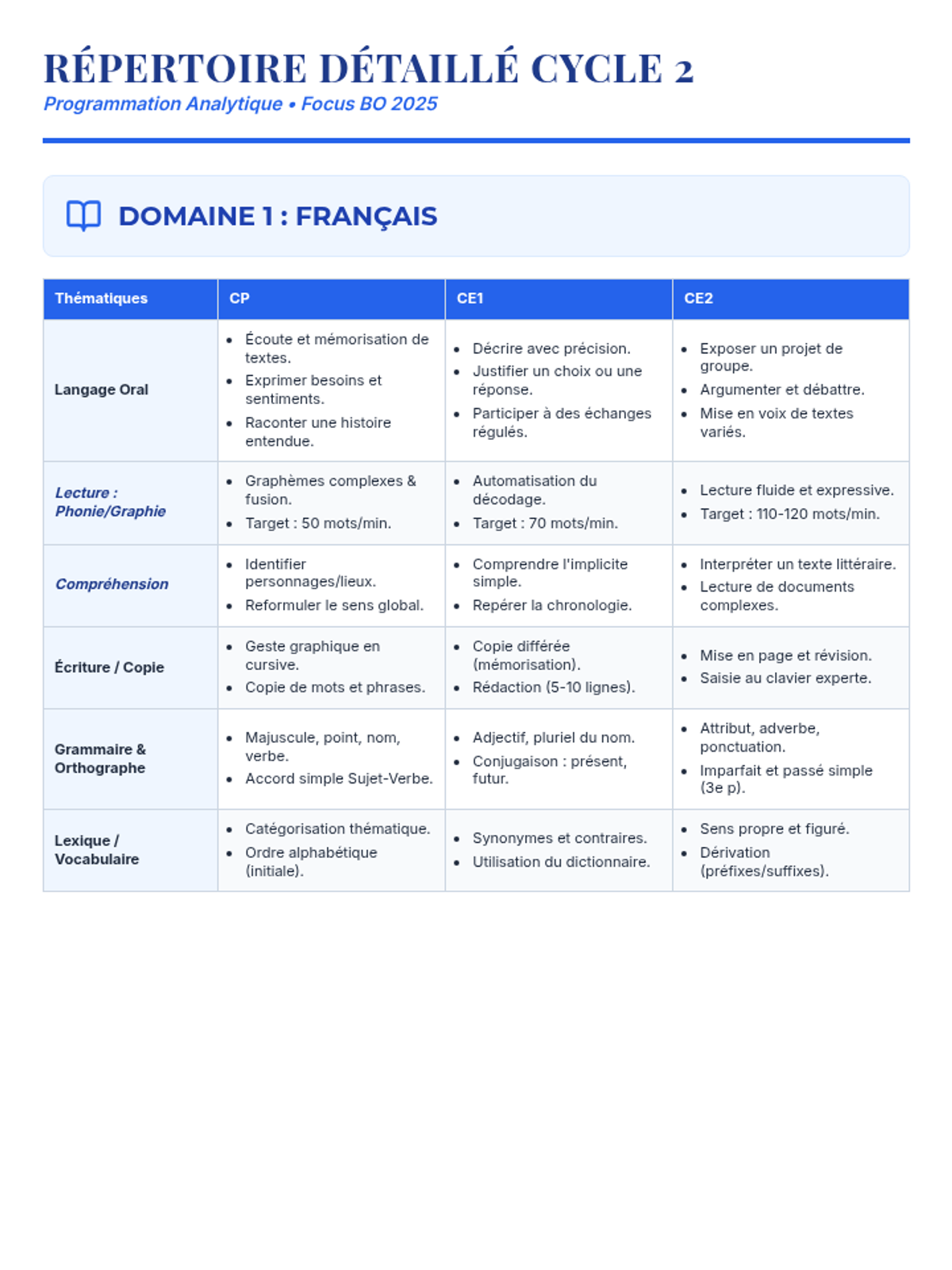
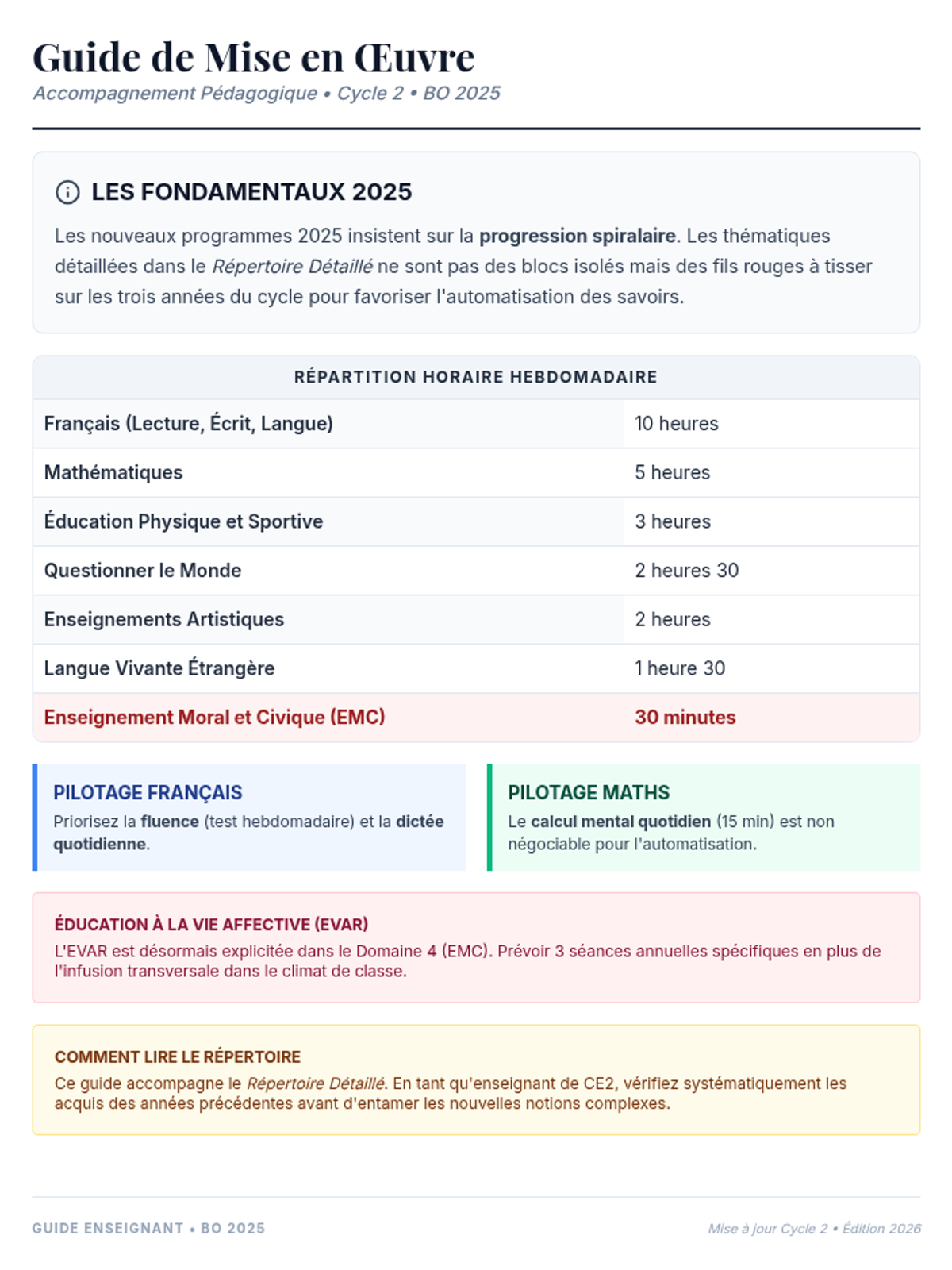
Une programmation complète pour le Cycle 2 basée sur les nouveaux programmes de 2025, structurée par thématiques et par année (CP, CE1, CE2) pour toutes les matières.
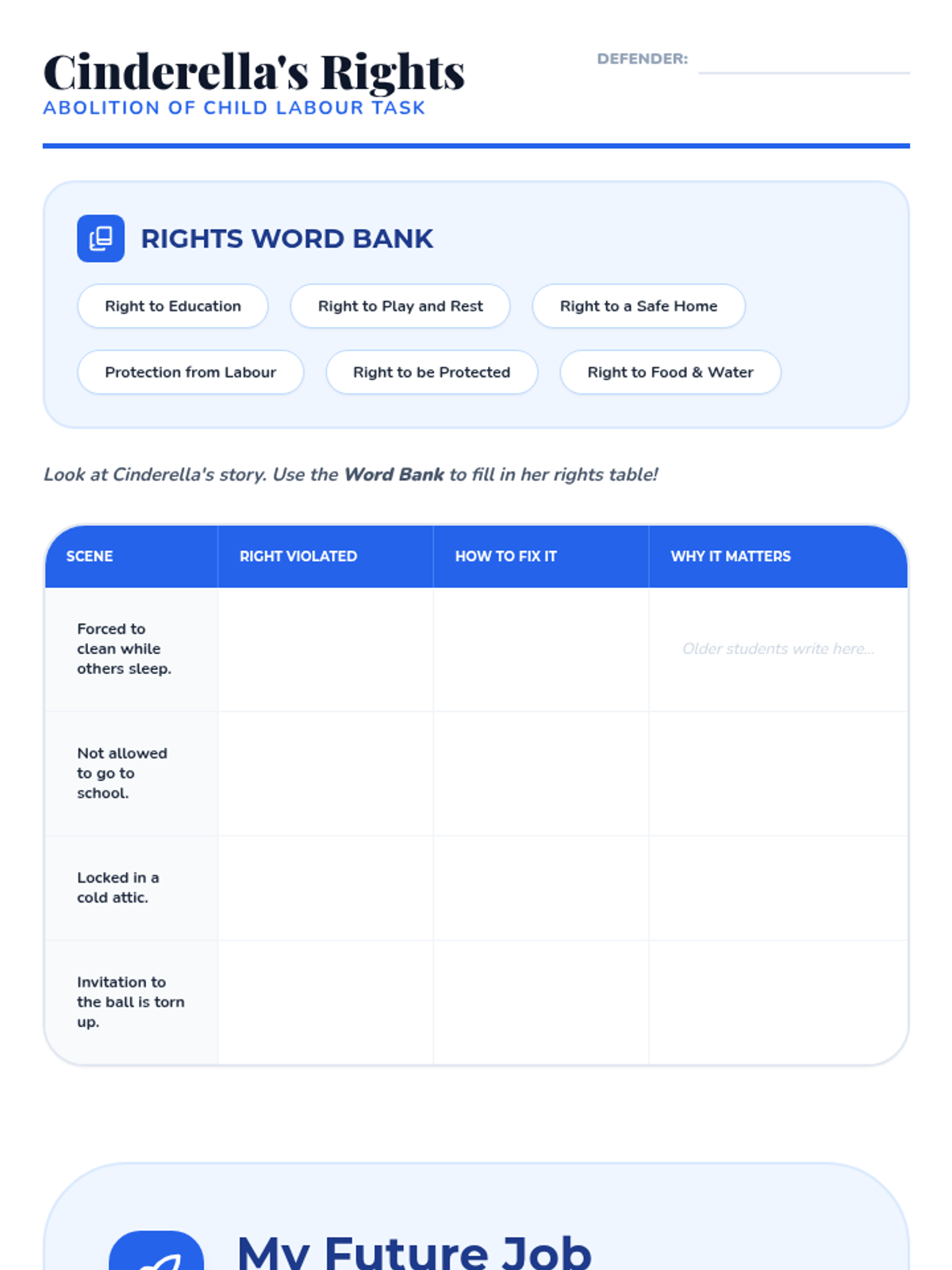
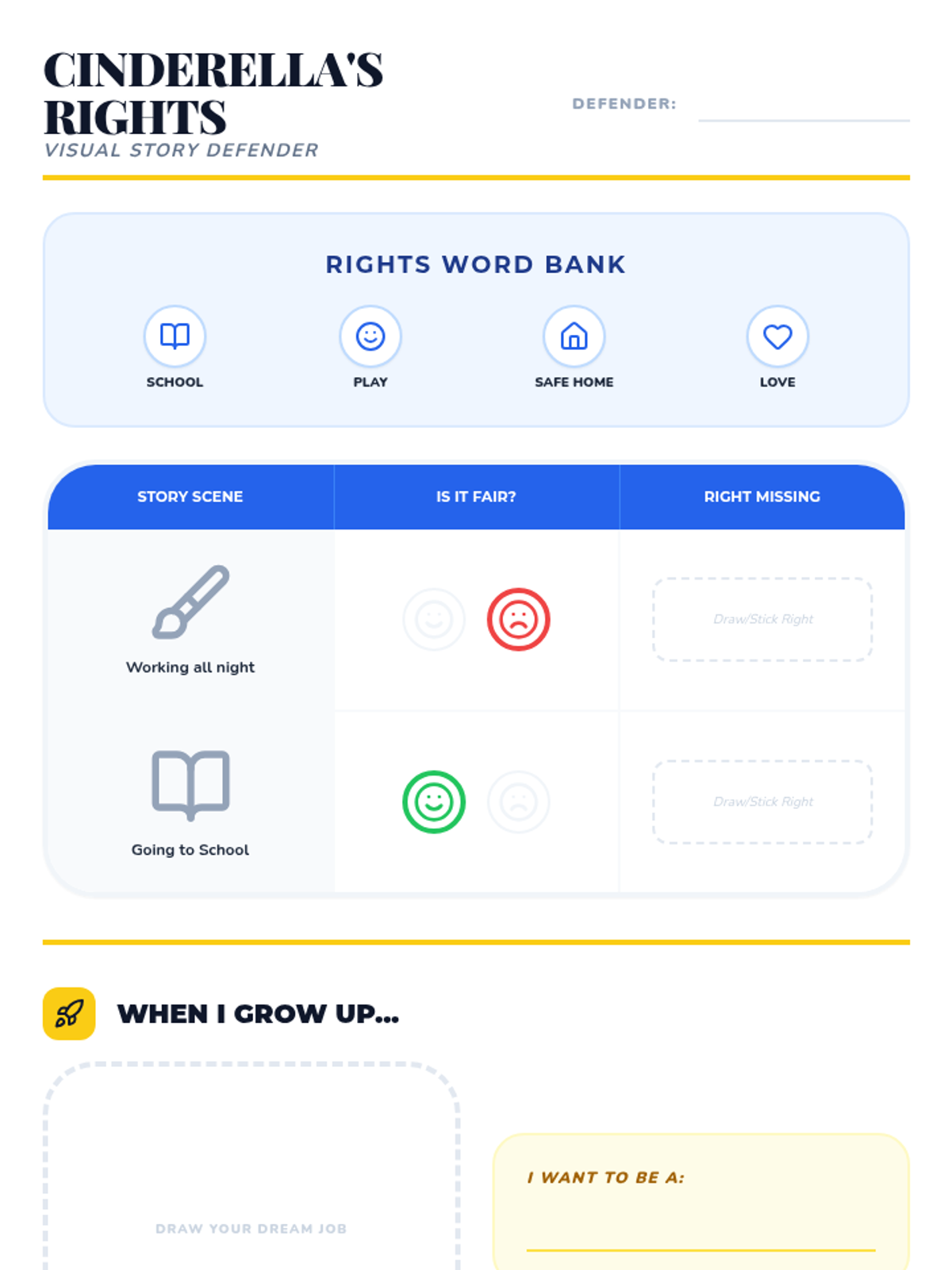
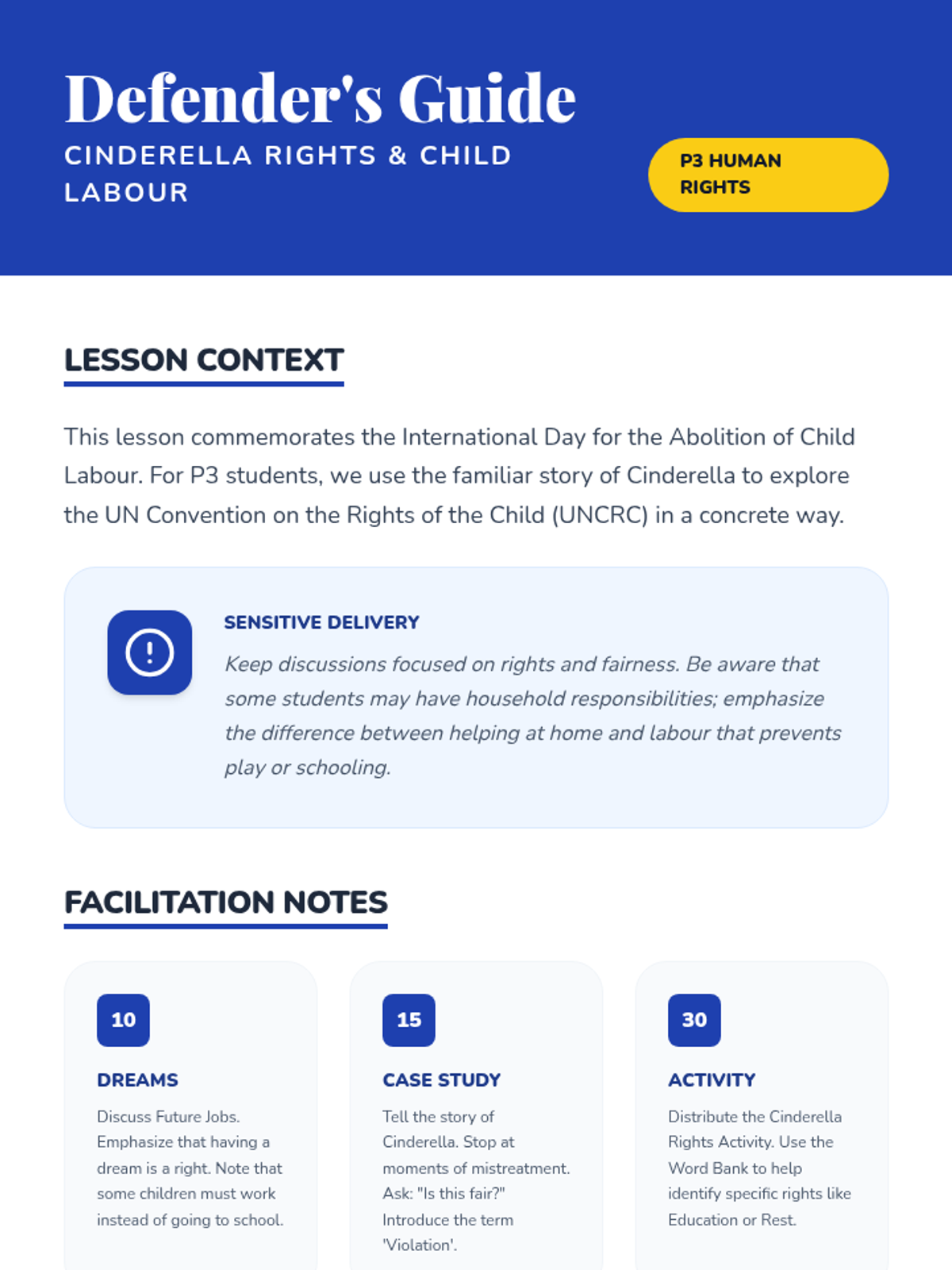
A P3 lesson for the International Day for the Abolition of Child Labour, exploring children's rights through the story of Cinderella. Includes a 'Rights Table' activity with differentiated tasks for varied literacy levels.
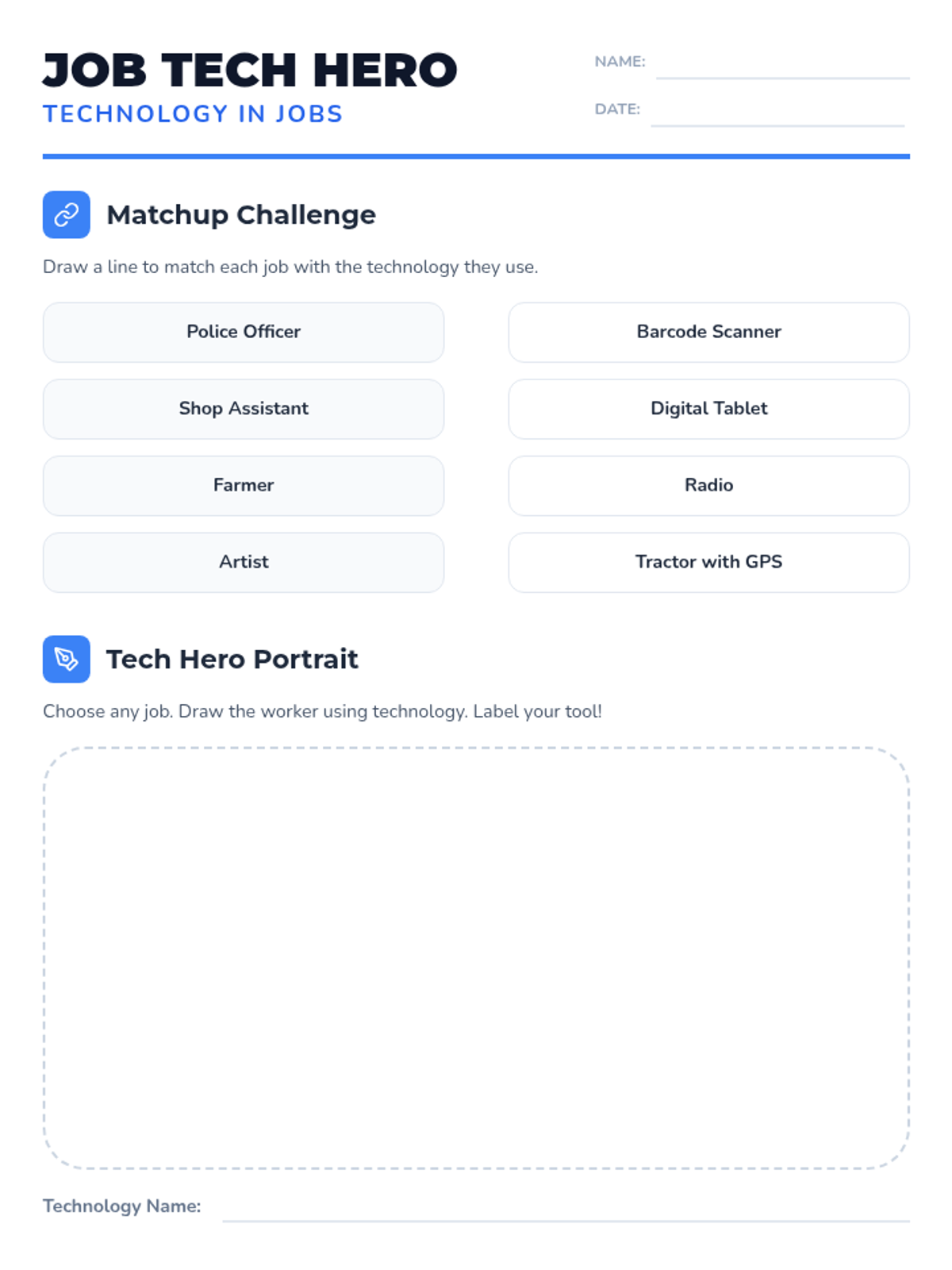
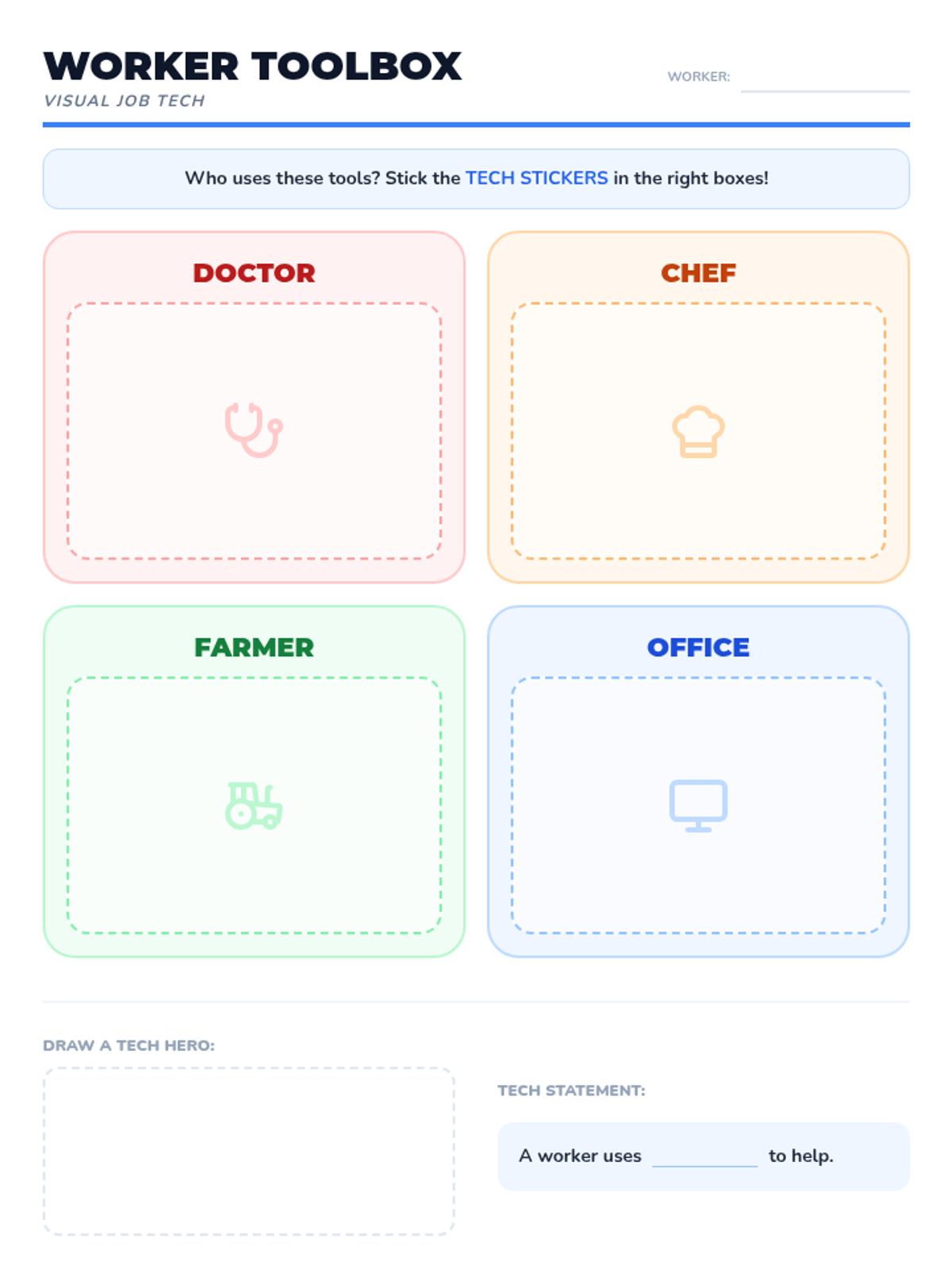
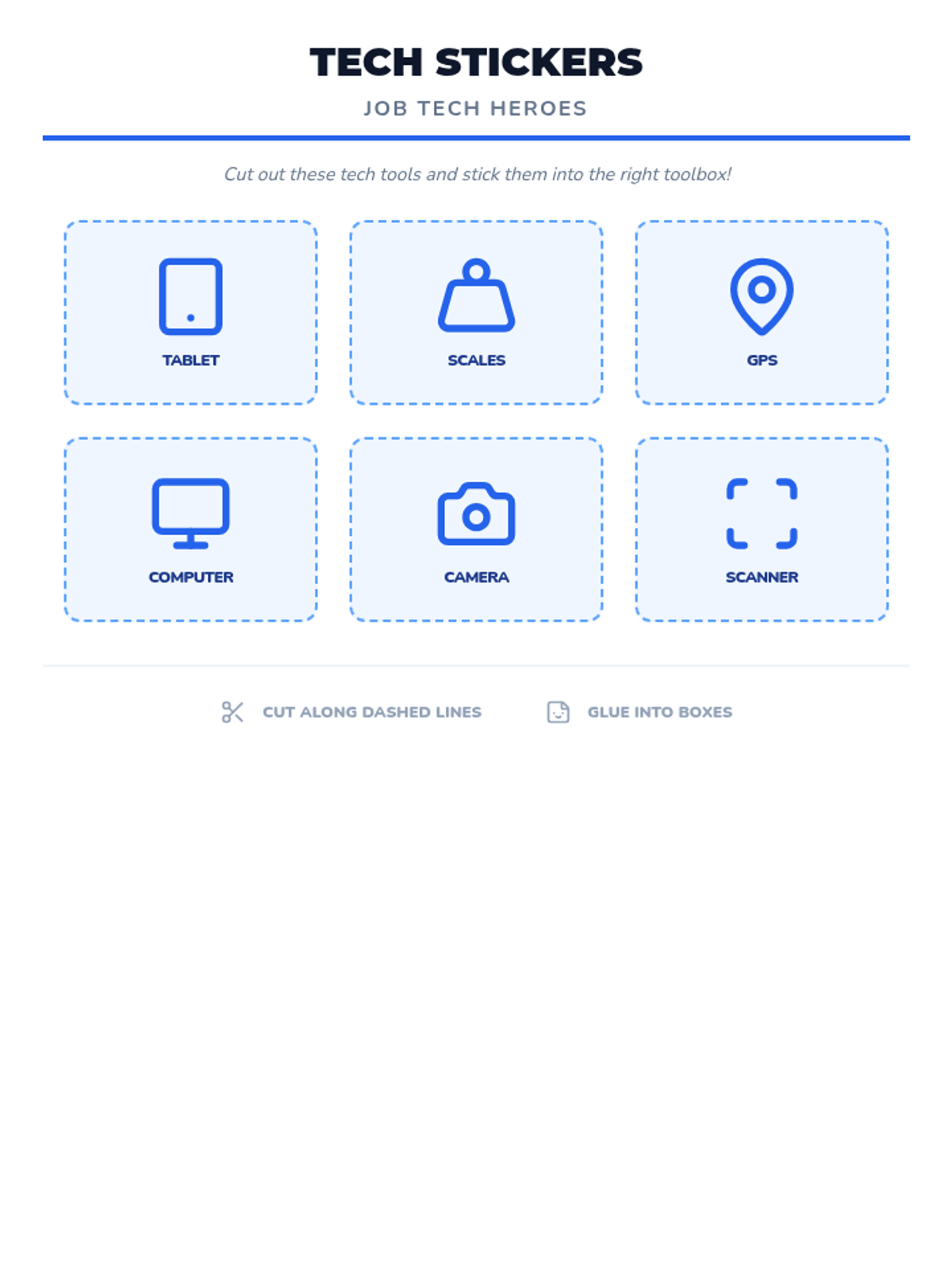
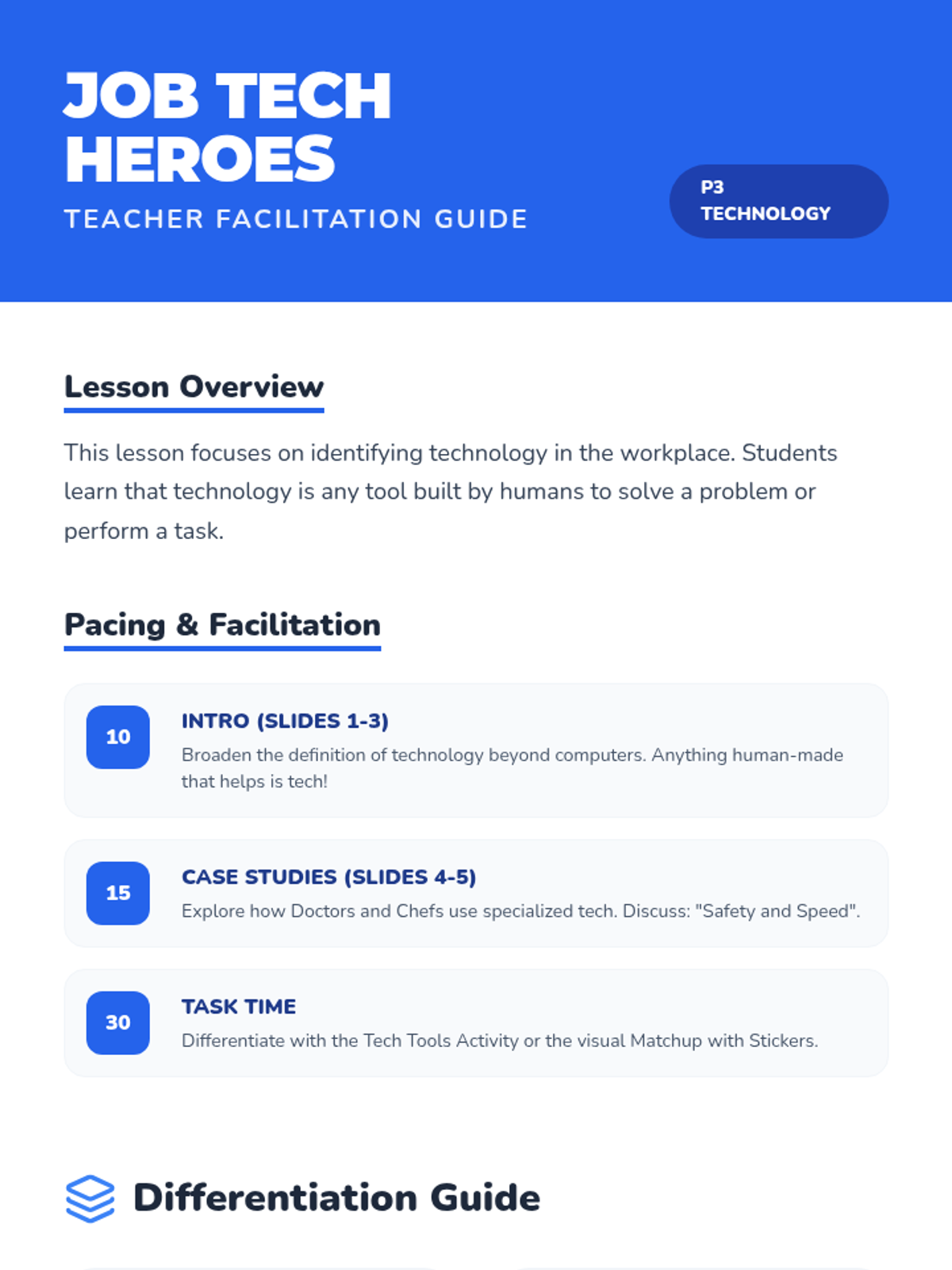
A P3 Technology lesson exploring how different workers use technology in their jobs. Includes differentiated matching and drawing tasks for varied literacy levels.
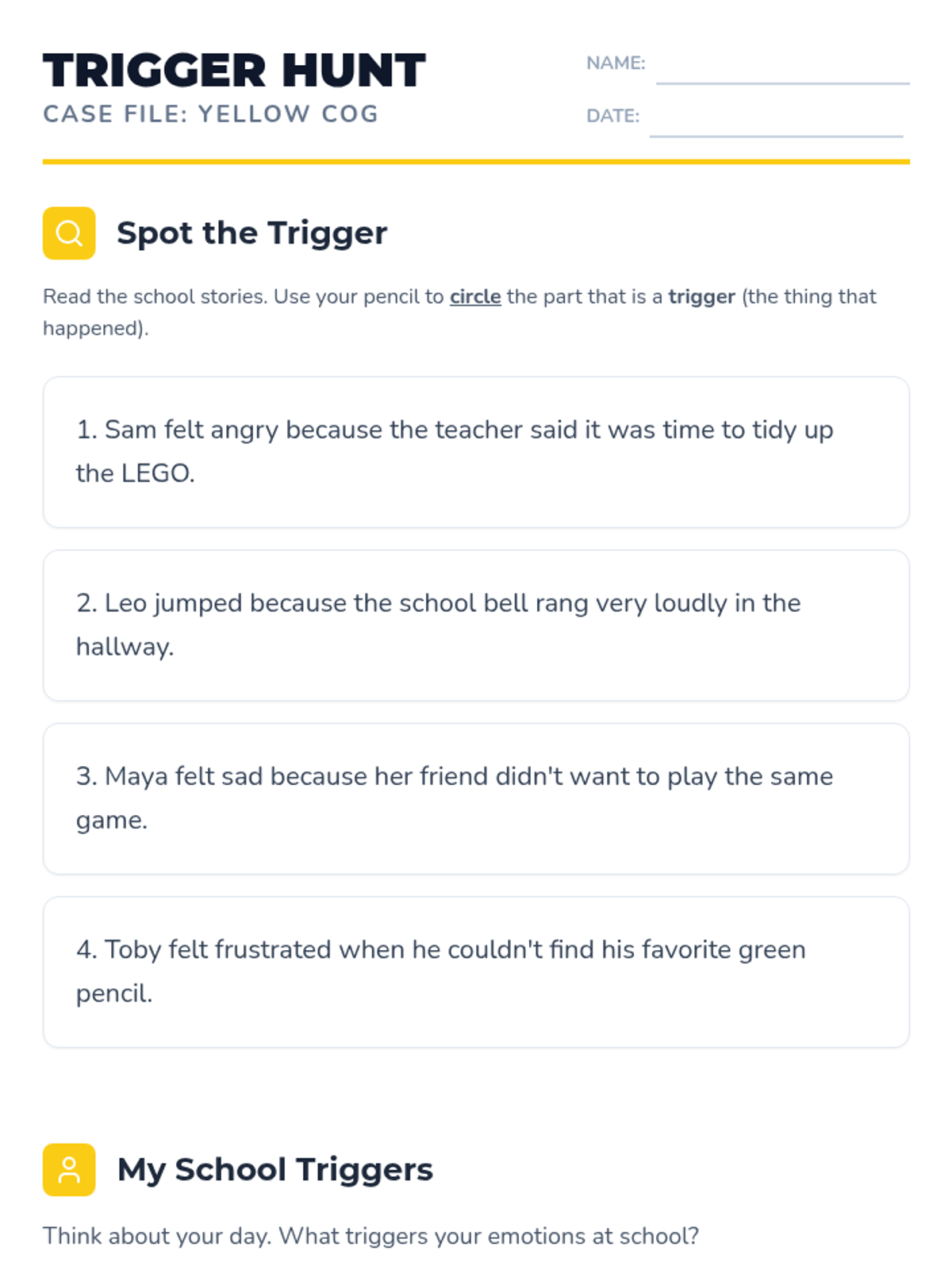
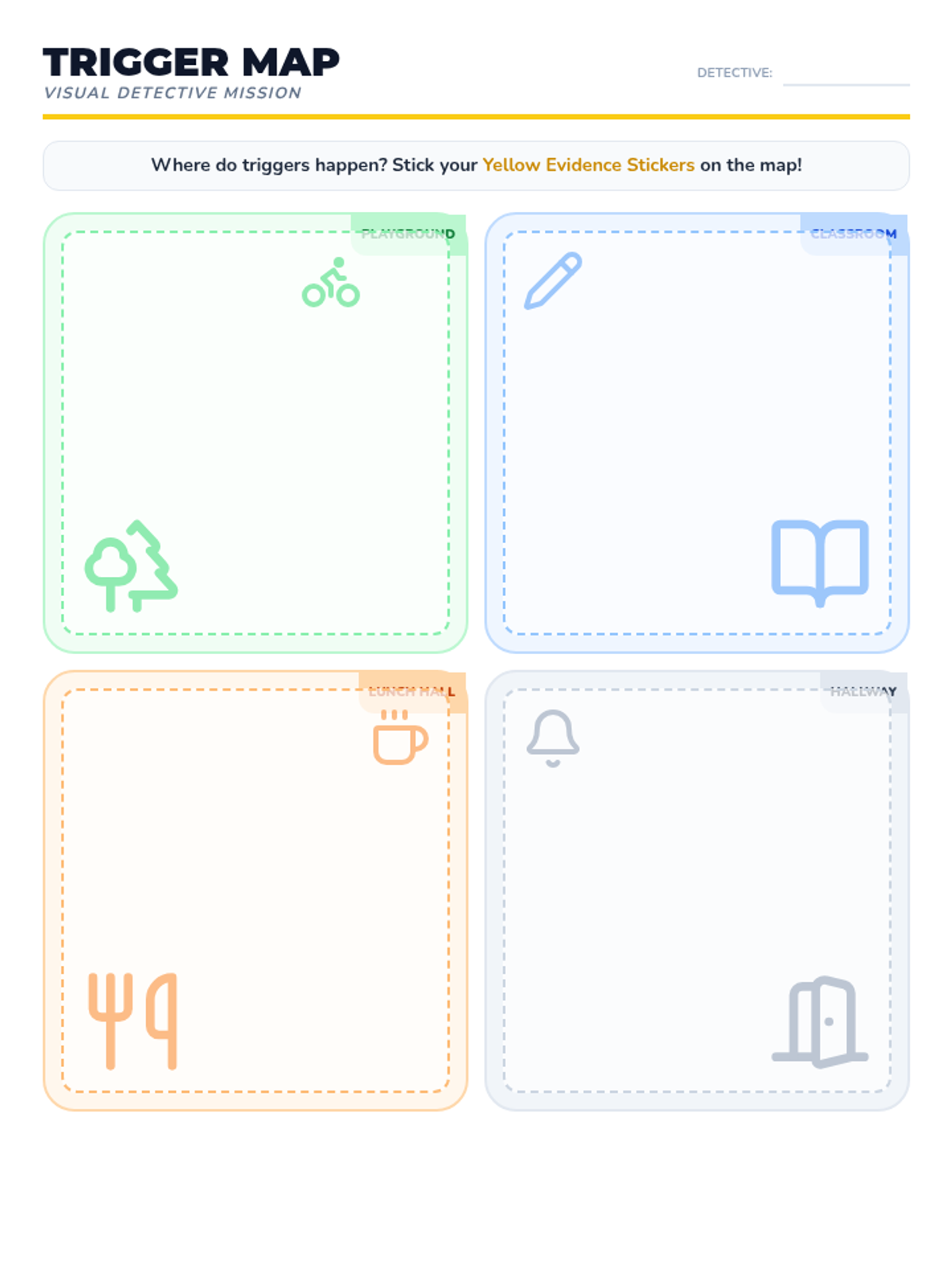
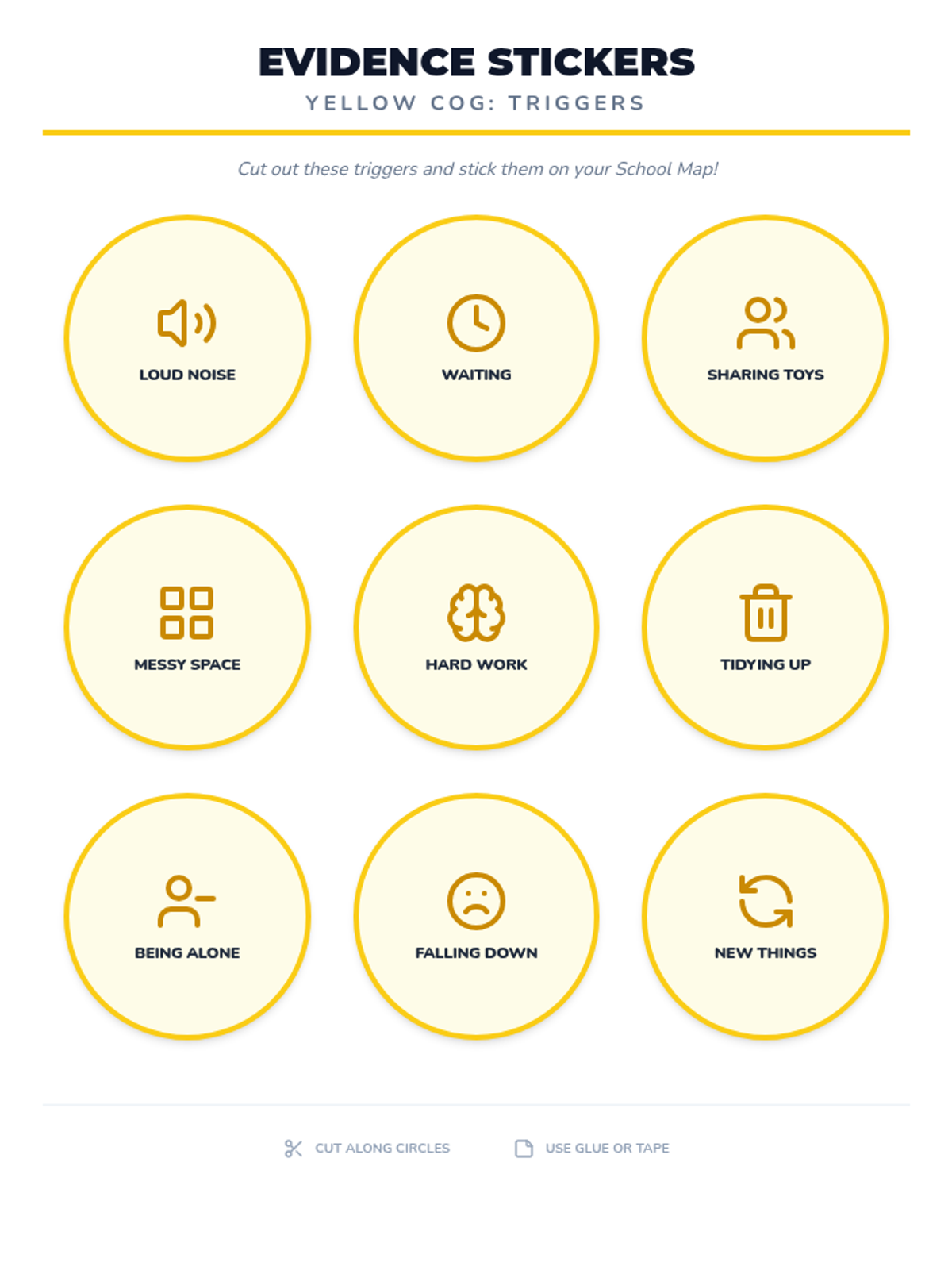
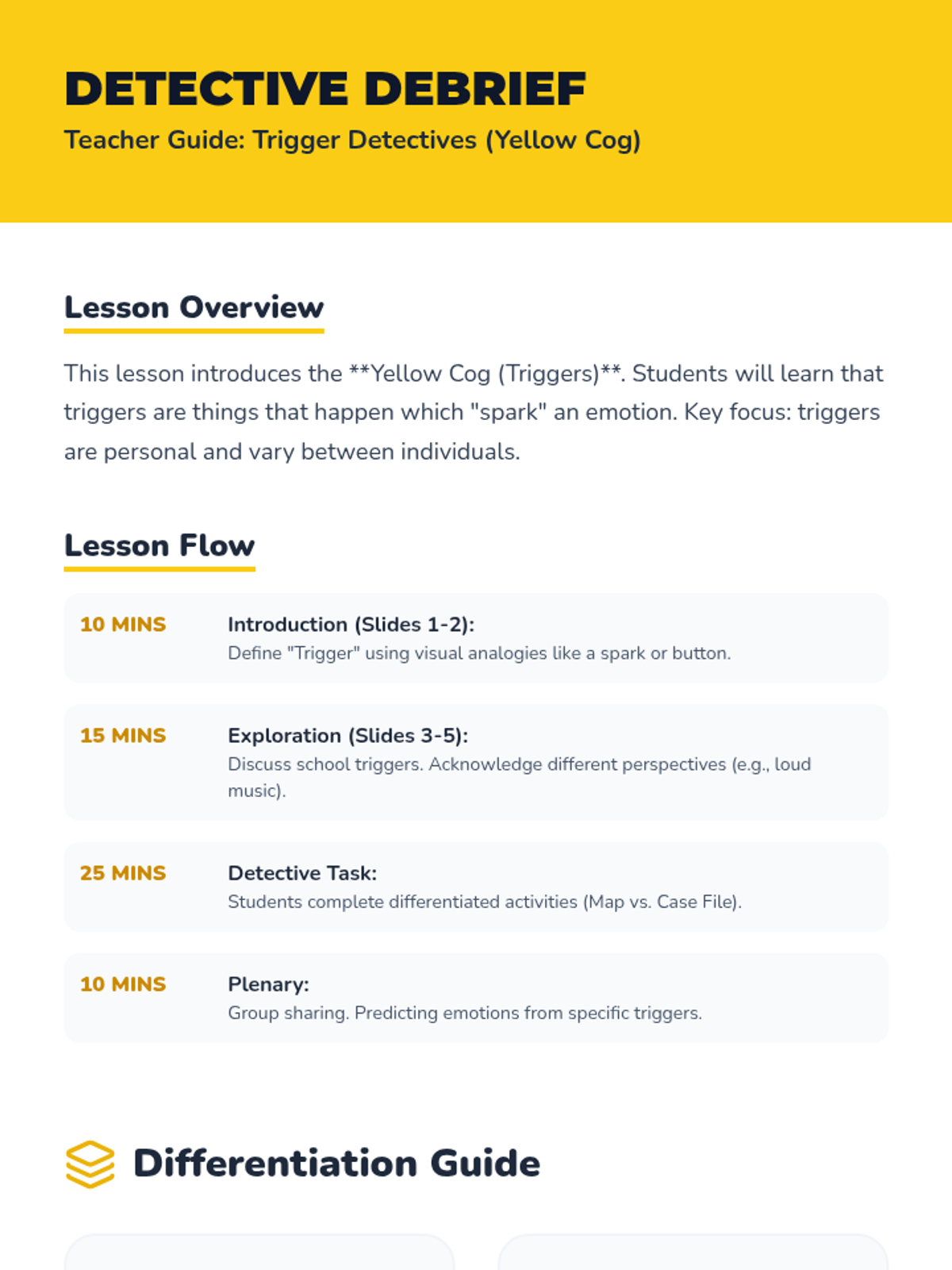
A P3 lesson introducing the Yellow Cog (Triggers) from the Emotion Works system, focusing on school-based scenarios with differentiated activities for various literacy levels.
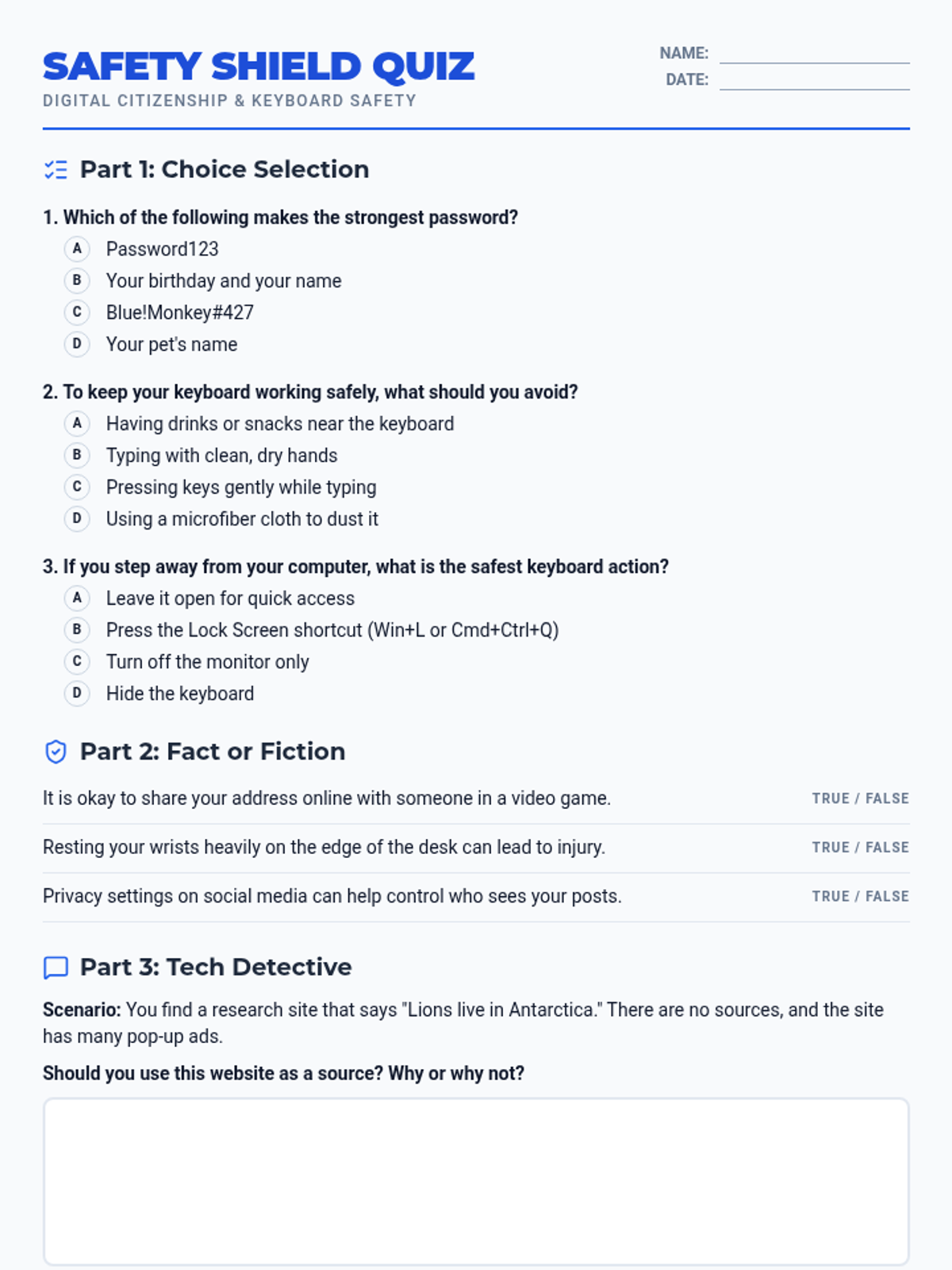
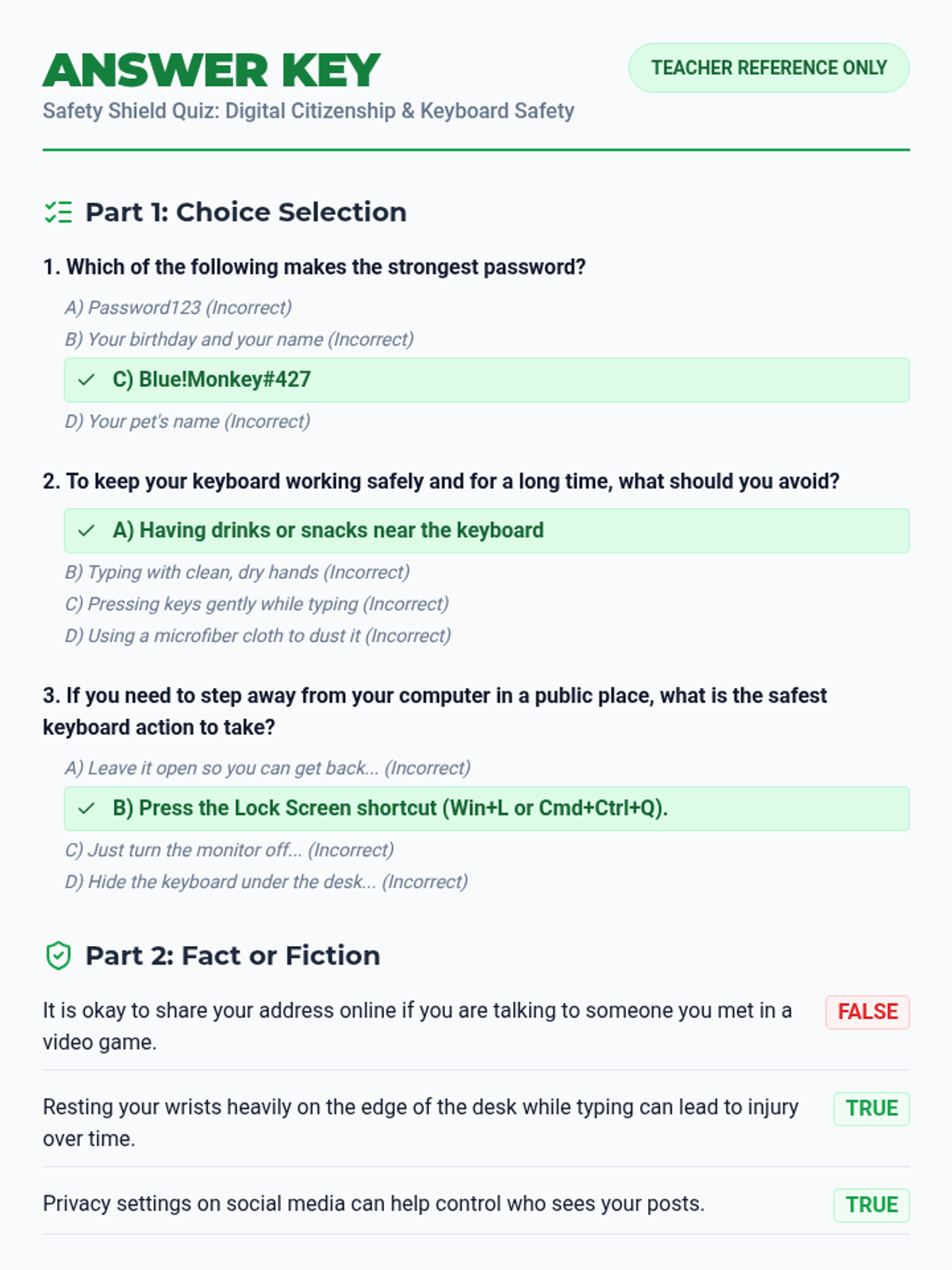
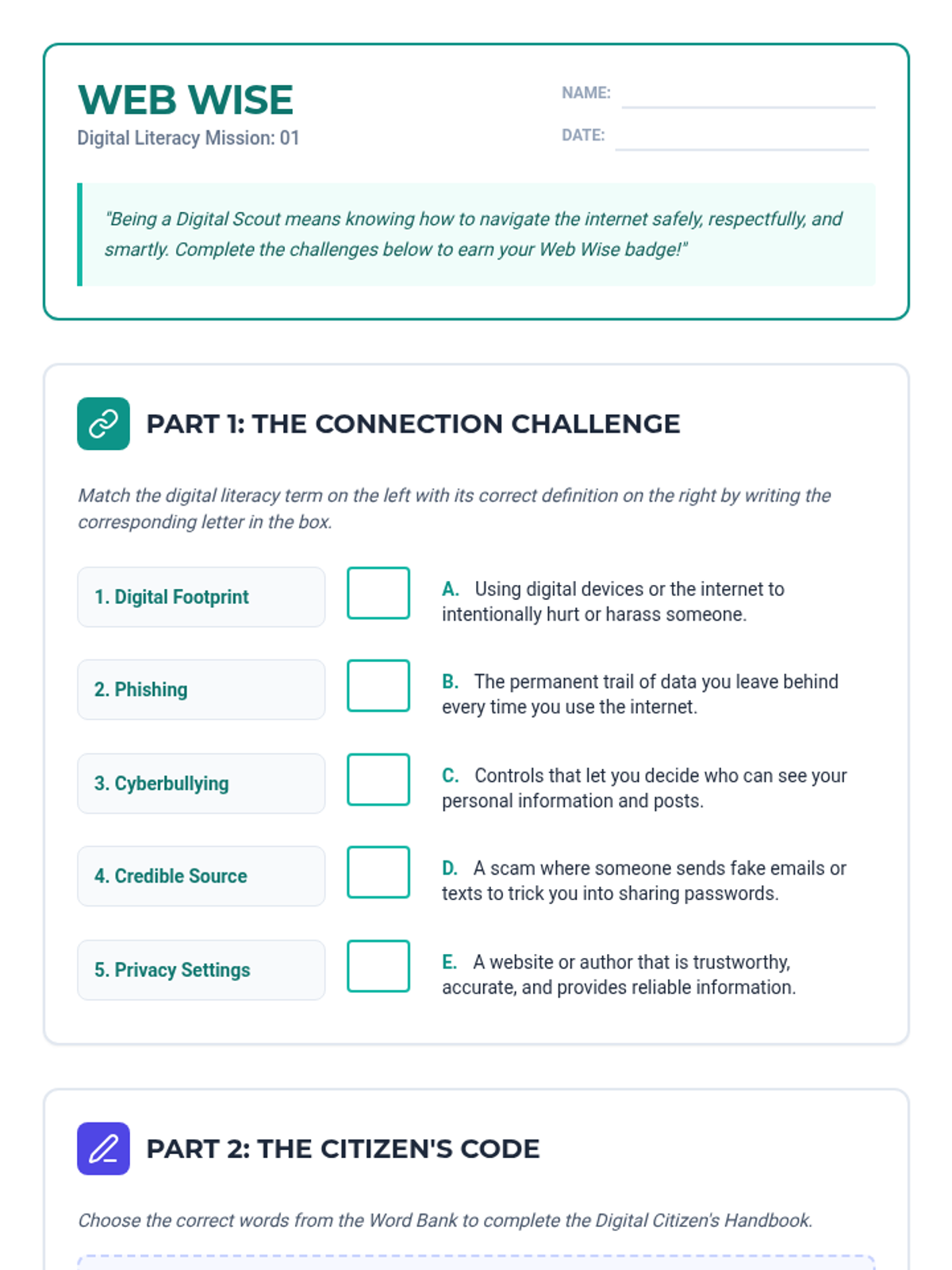
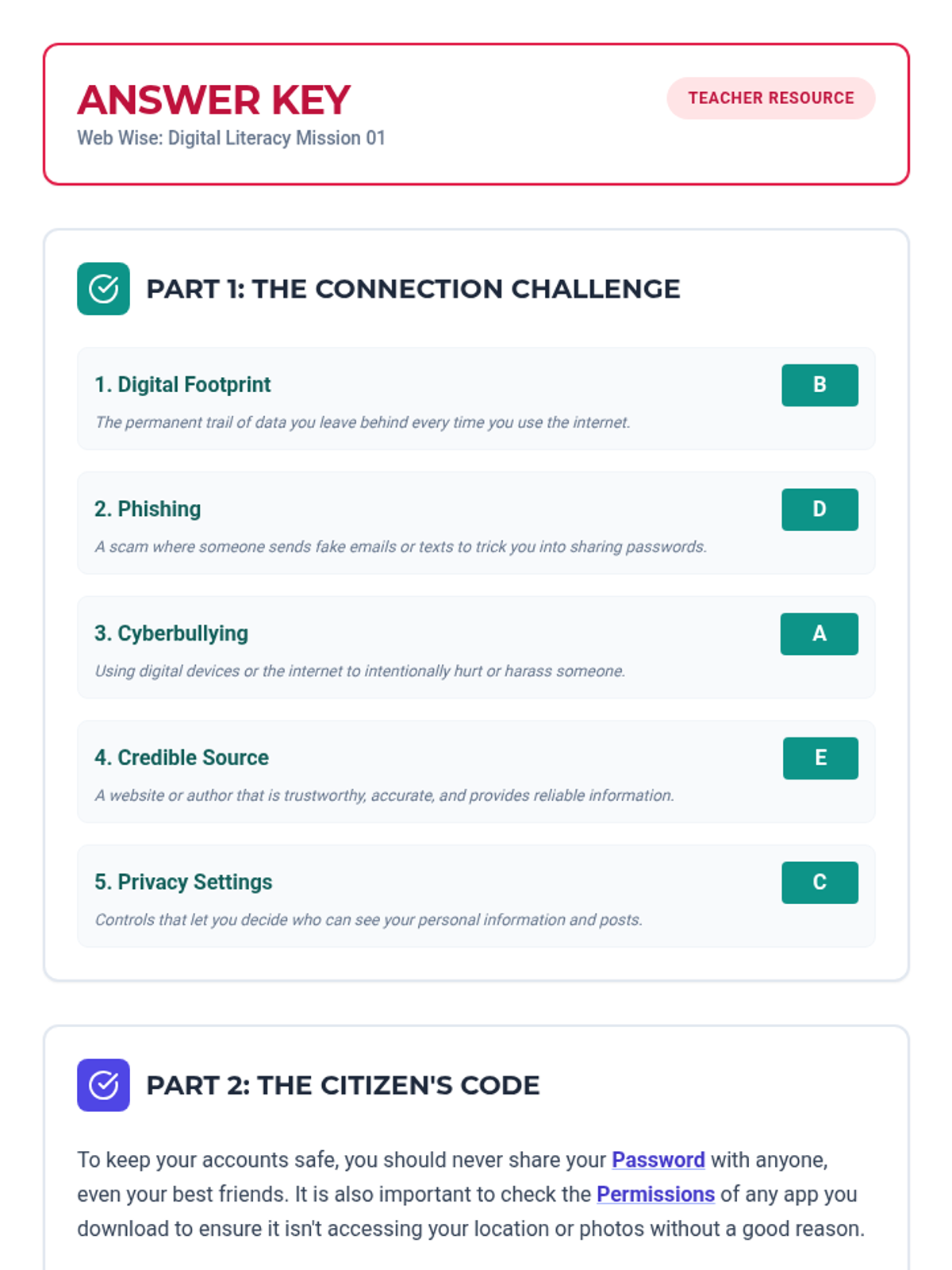
A lesson focused on navigating the digital world safely, responsibly, and kindly. Students will explore privacy, security, and digital etiquette.
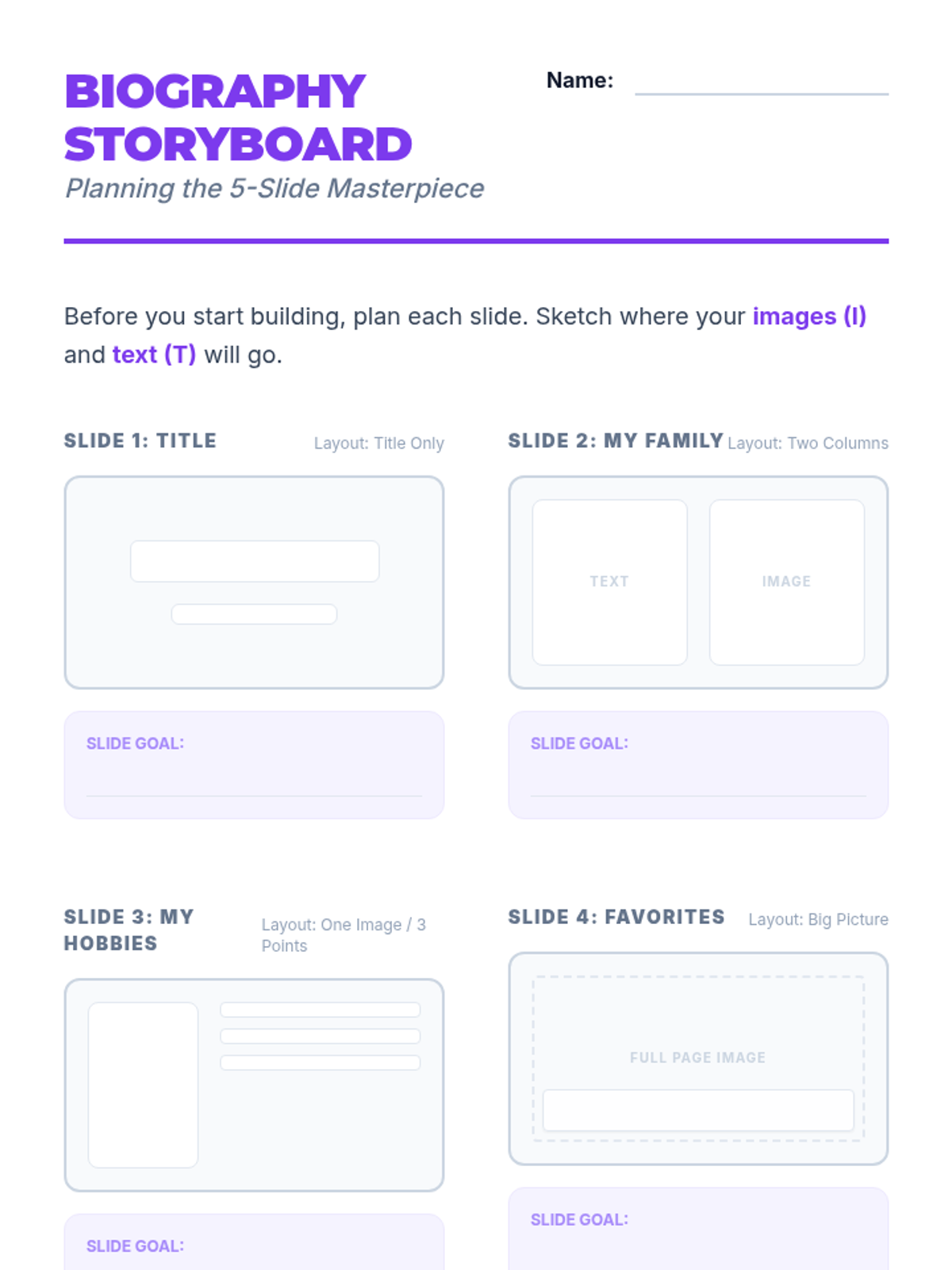
Students synthesize their skills by creating and sharing a 5-slide digital biography presentation.
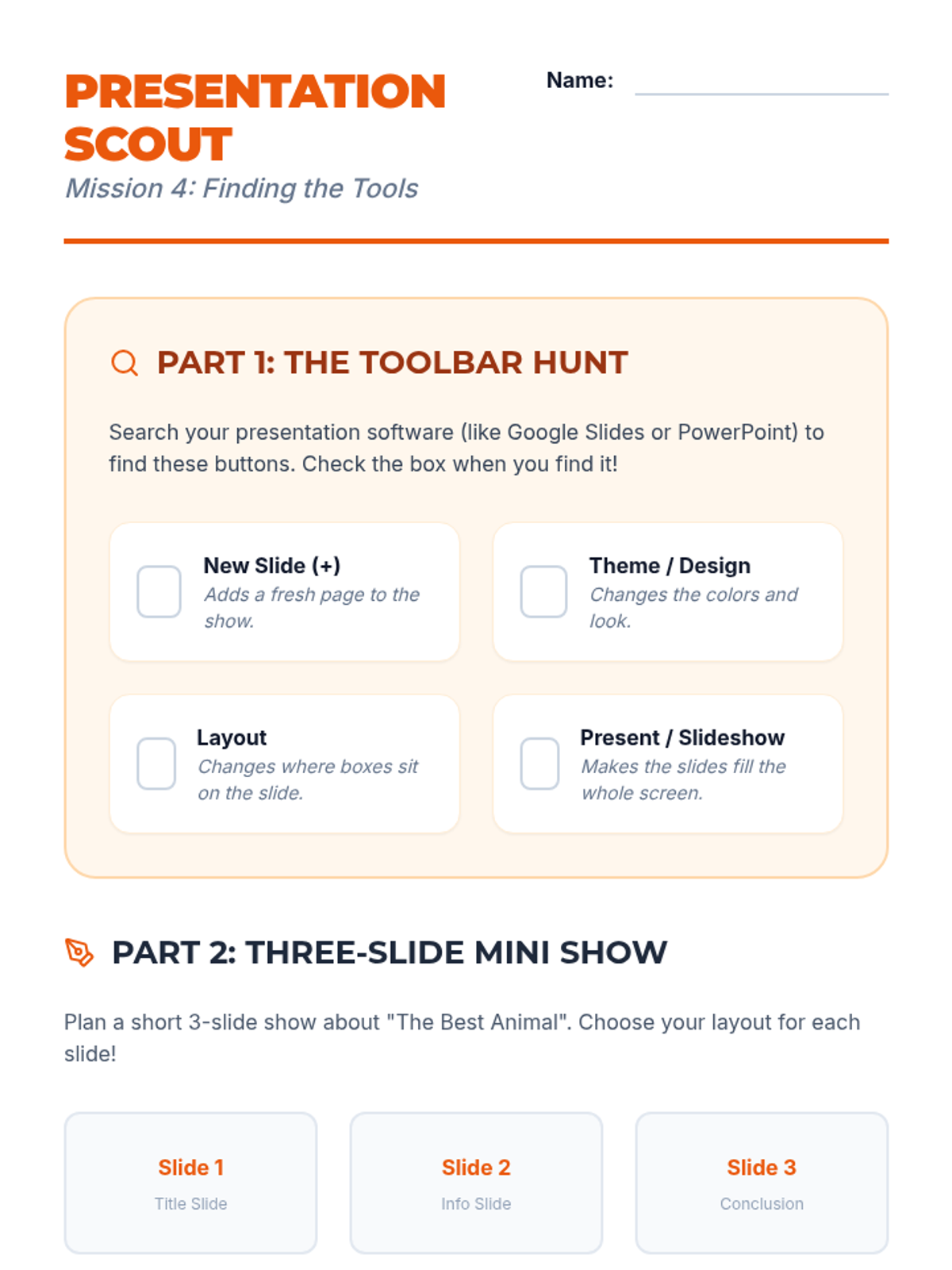
Students transition to presentation software, exploring slide layouts, themes, and content organization.
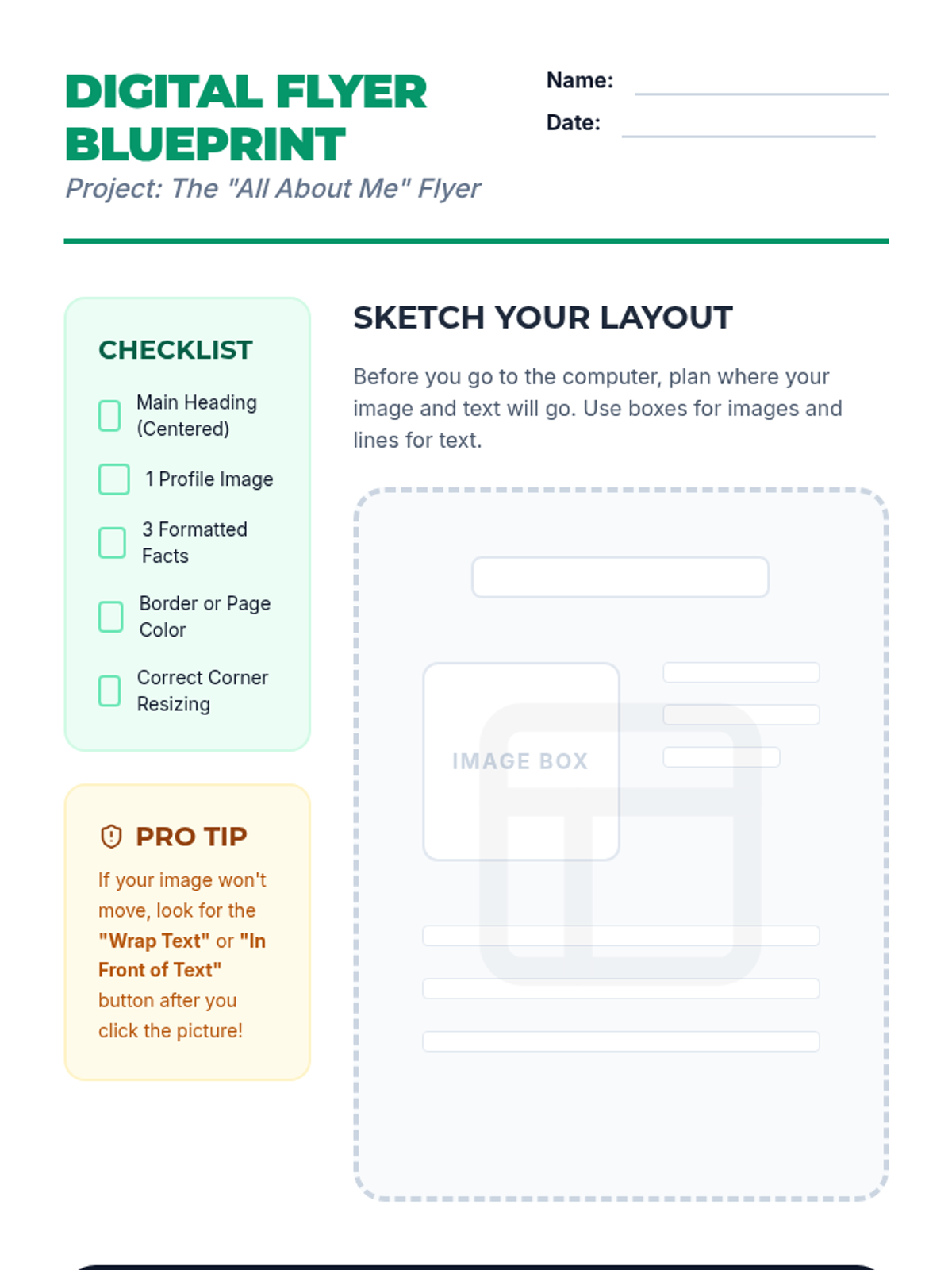
Students learn to insert, resize, and position images within a document to create a visually engaging 'About Me' flyer.
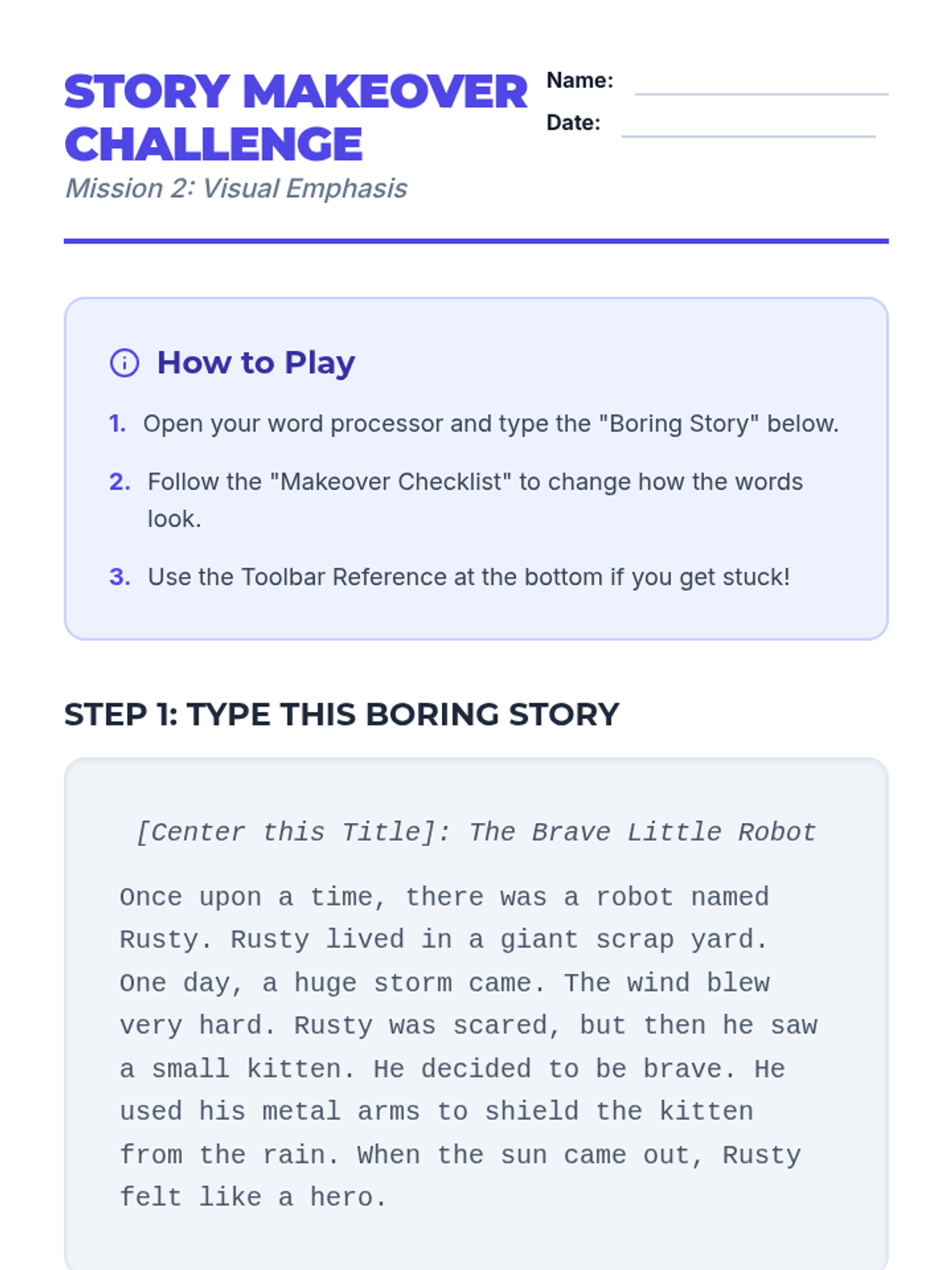
Students explore text formatting tools like font, size, color, and style to emphasize key information in a document.
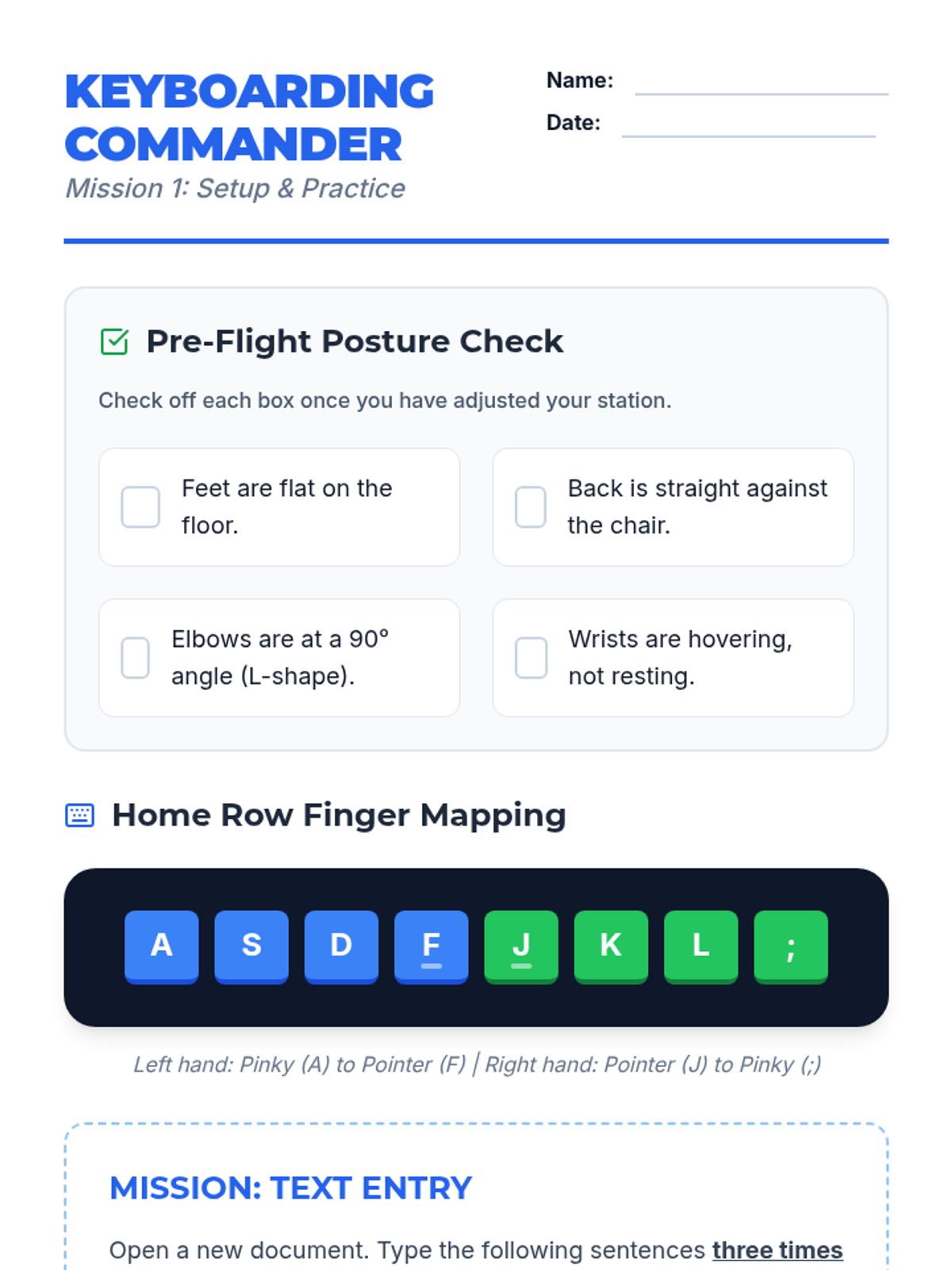
Students learn keyboard layout, home row positioning, and proper posture while practicing accuracy with short sentences.
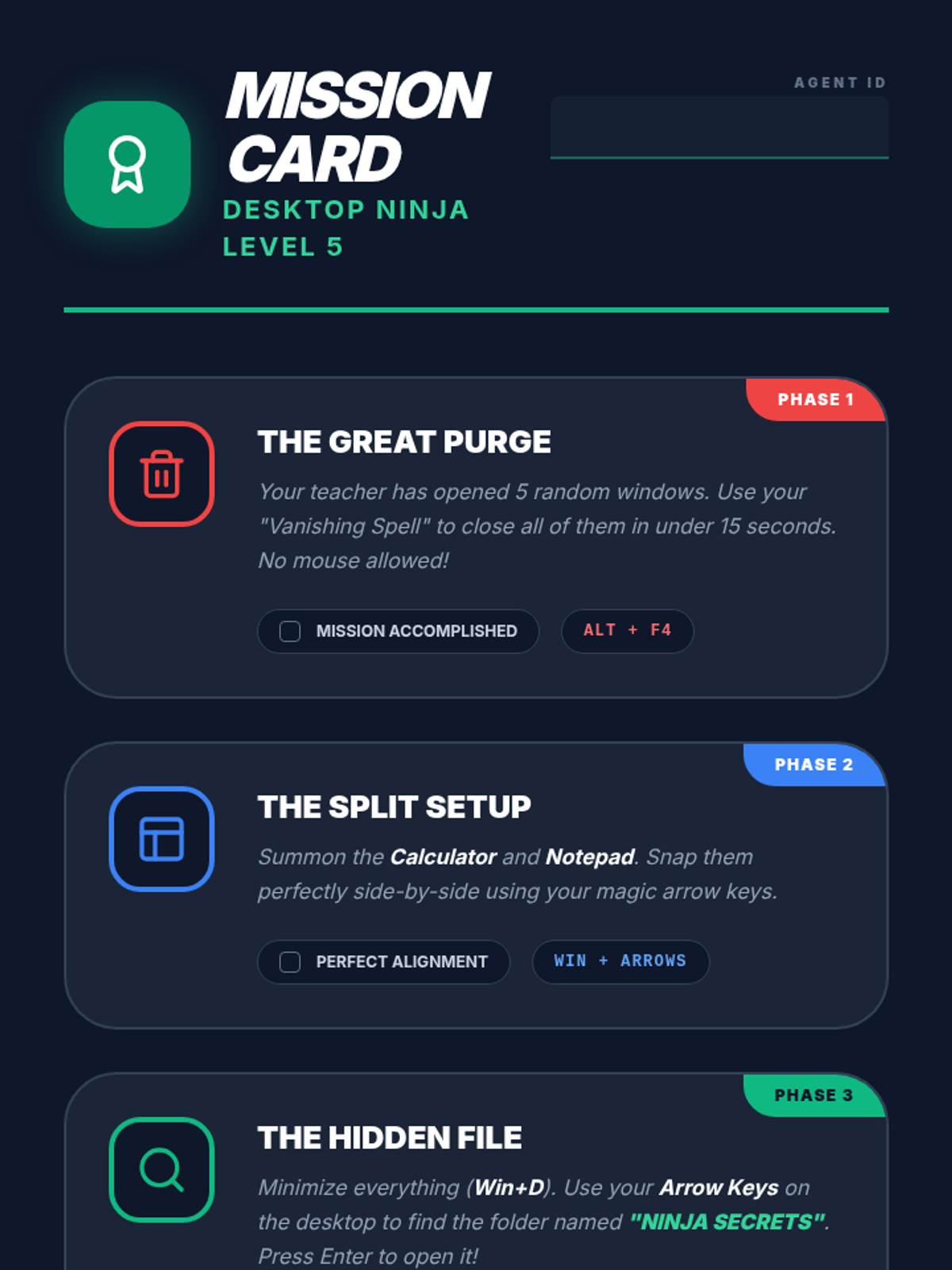
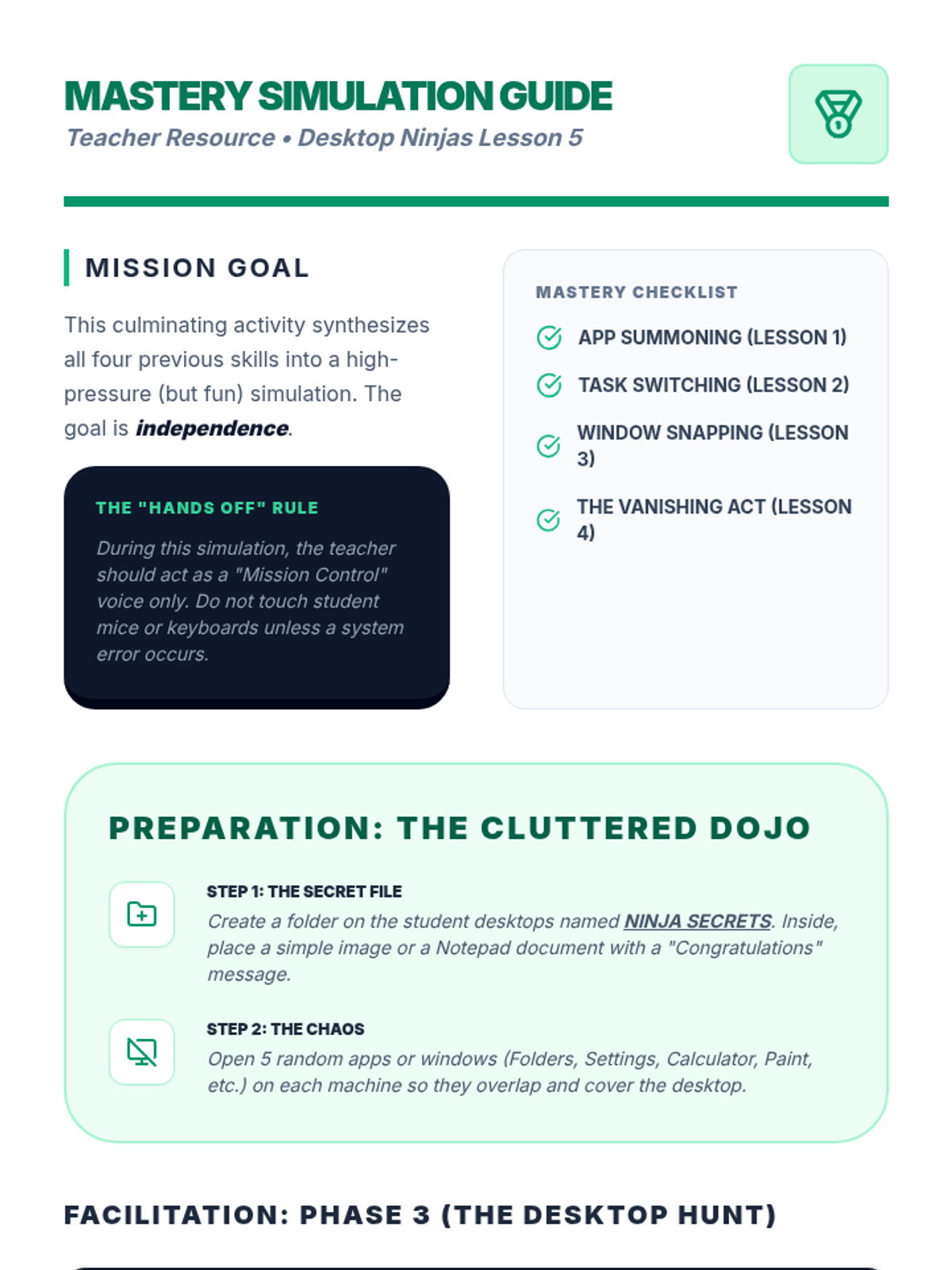
A culminating simulation where students clear a cluttered desktop and locate specific files using only keyboard navigation.
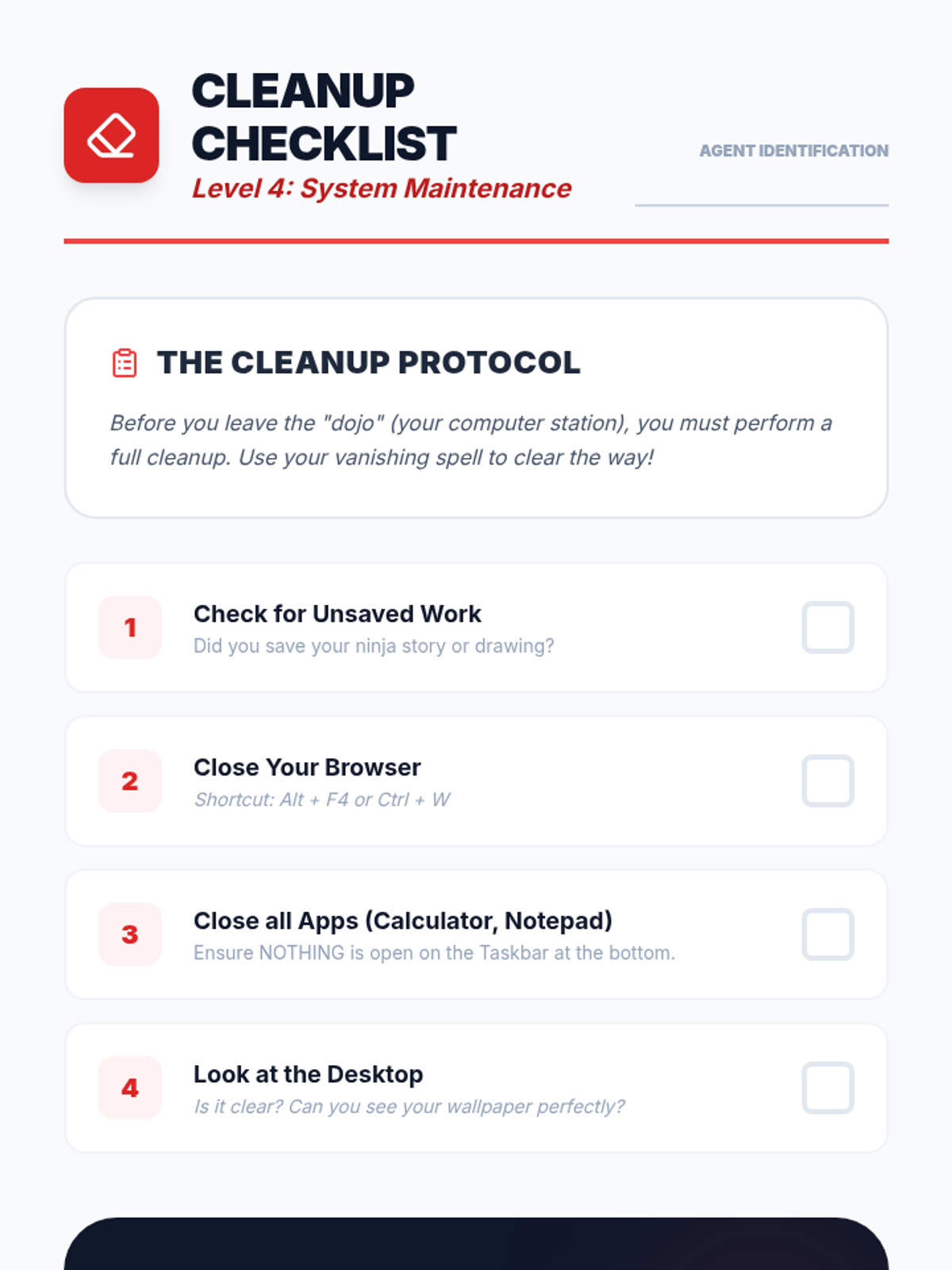
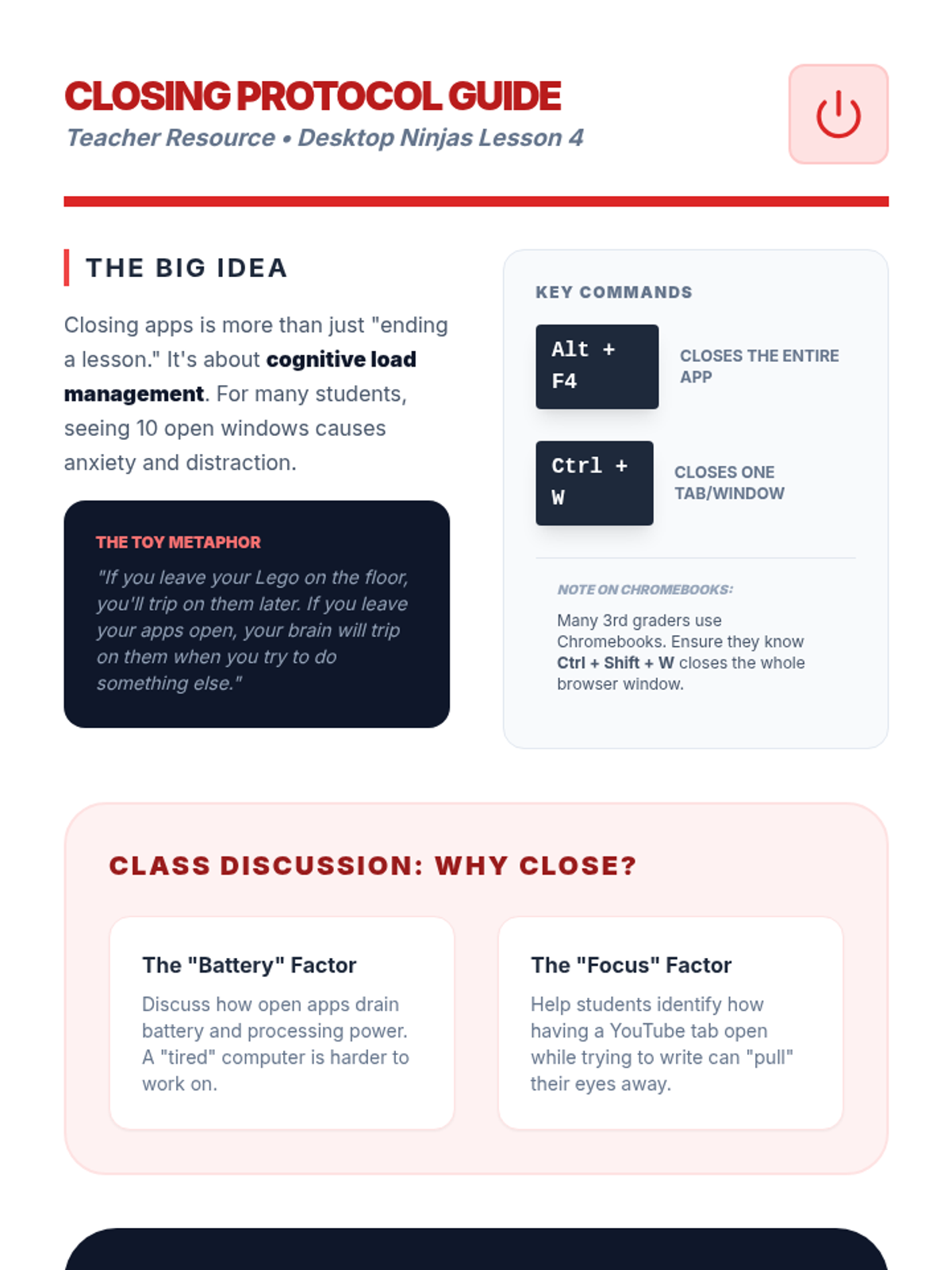
Students learn shortcuts to close active windows and applications, emphasizing the importance of digital organization and system maintenance.
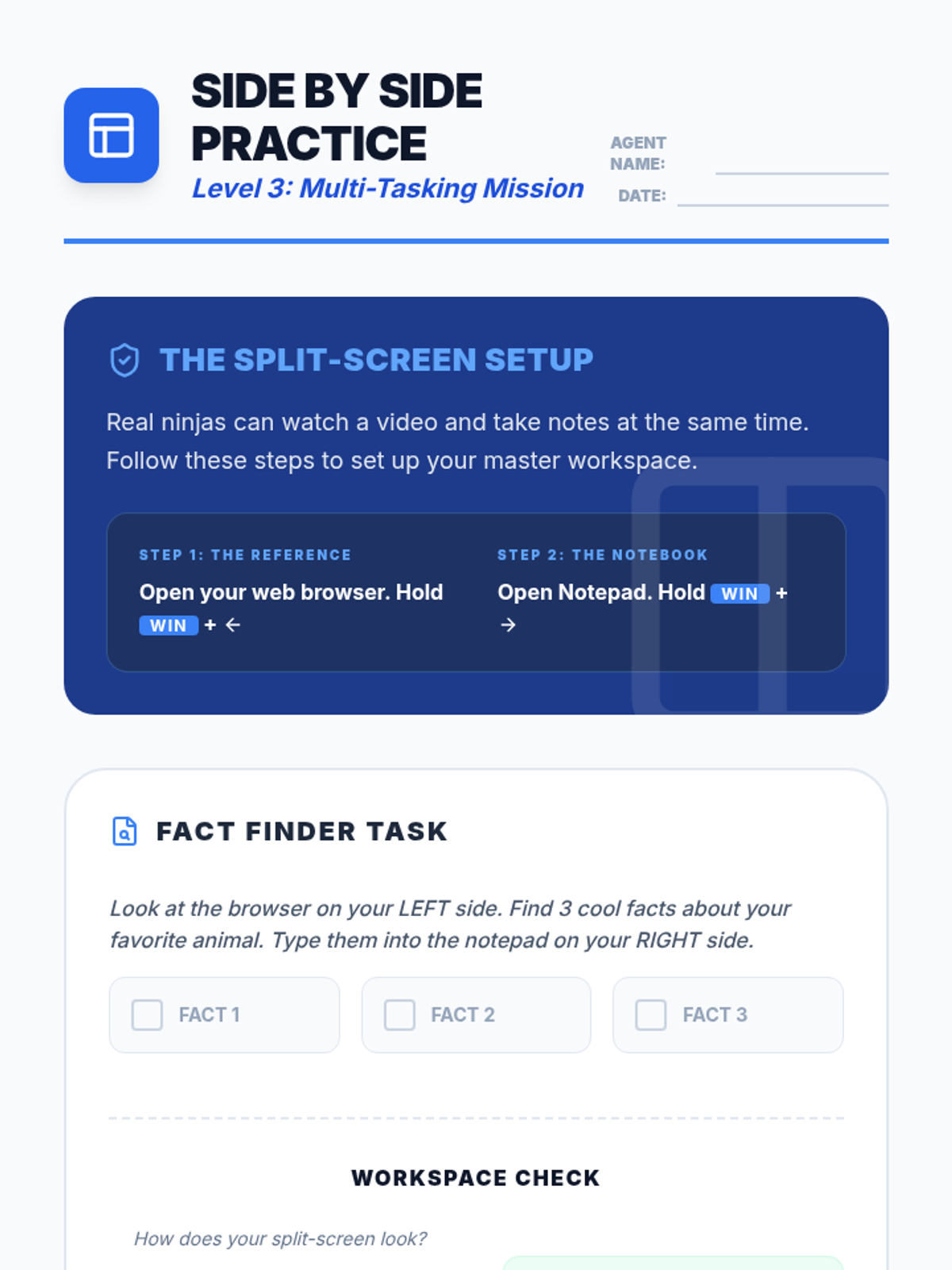
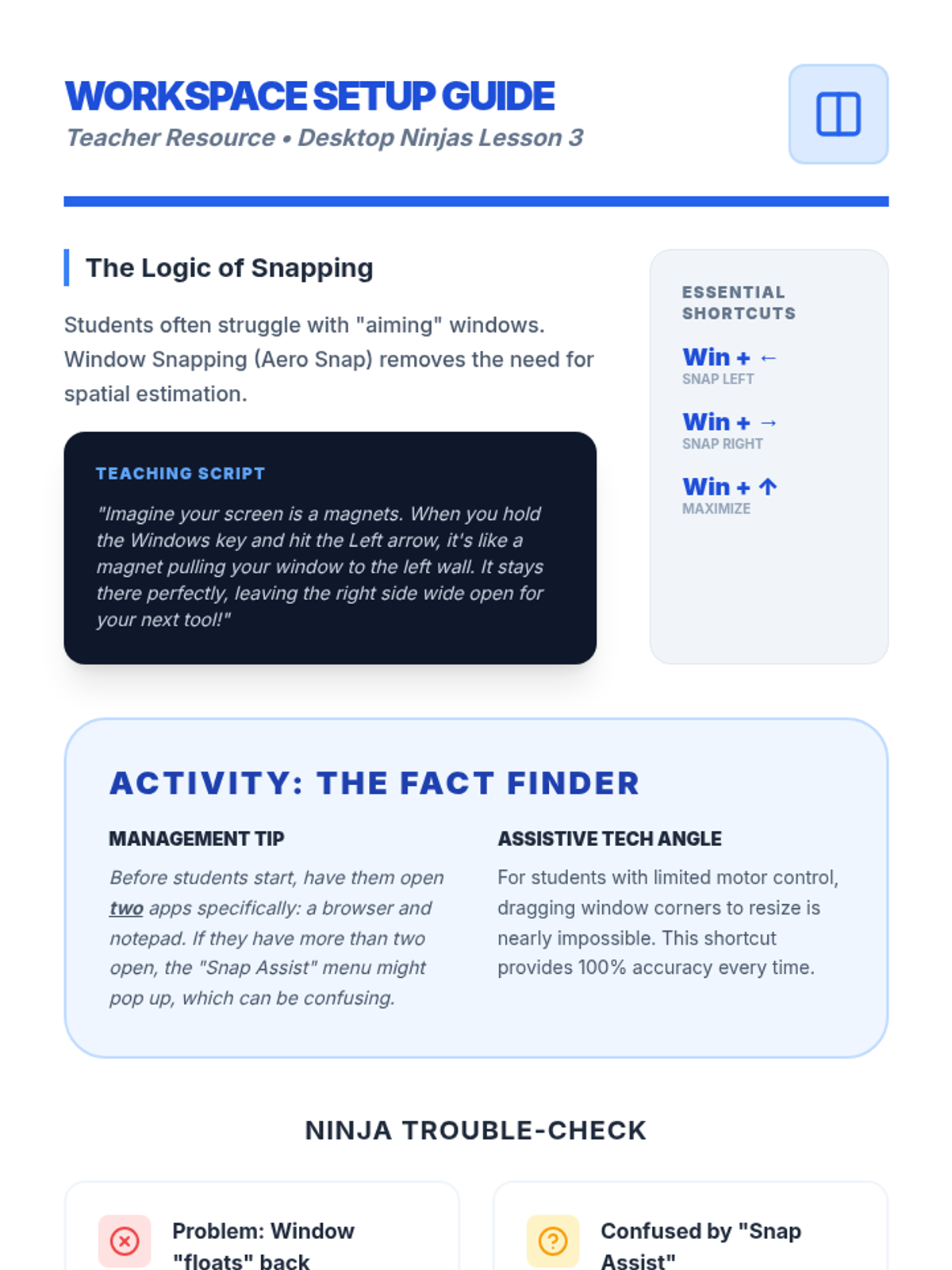
Students practice using the Windows key and arrow keys to snap windows to the sides of the screen, creating an organized split-screen workspace.
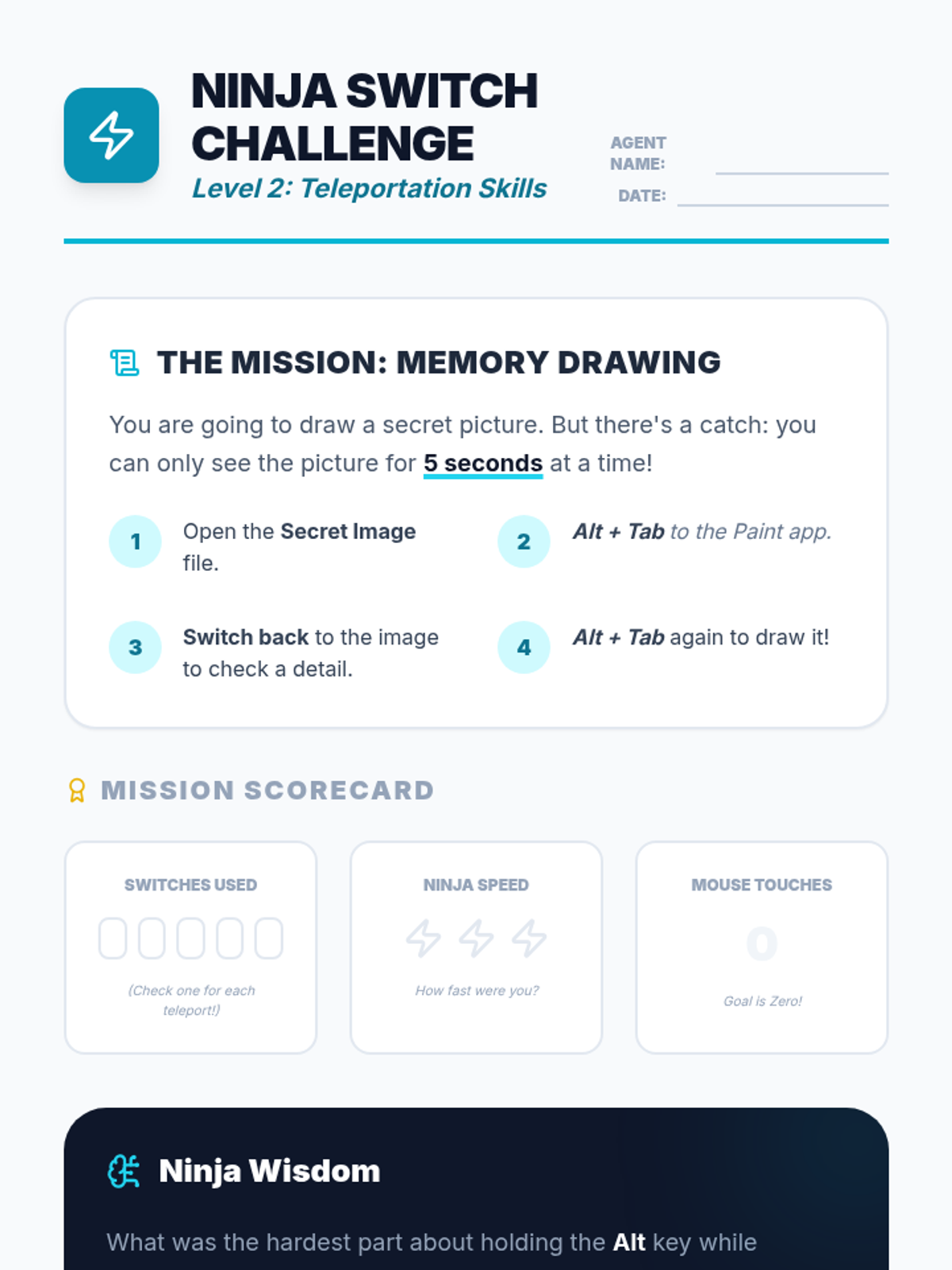
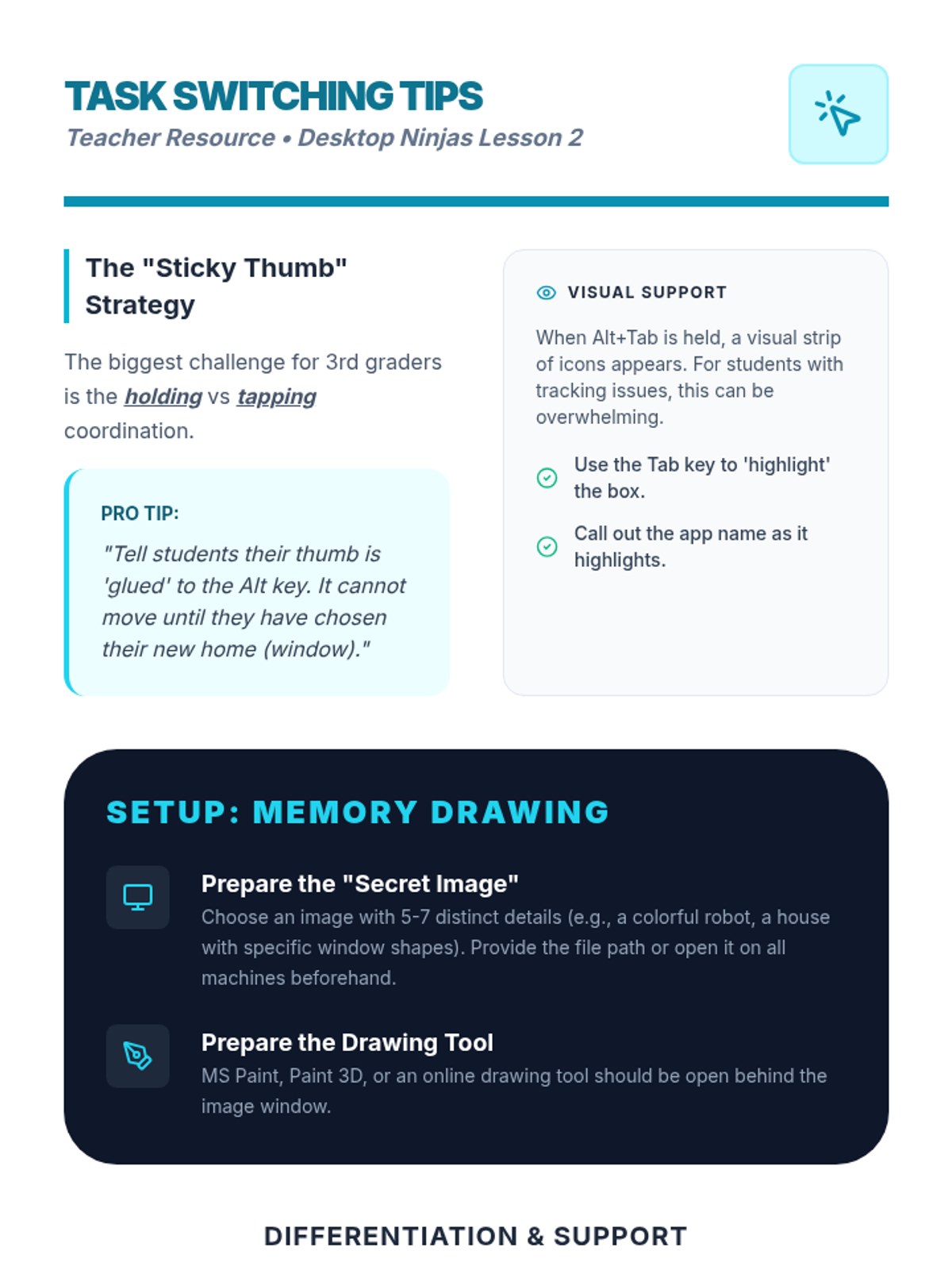
Introduces the 'Alt + Tab' (or Command + Tab) shortcut through a rapid-fire switching activity to build task-switching skills and visual memory.
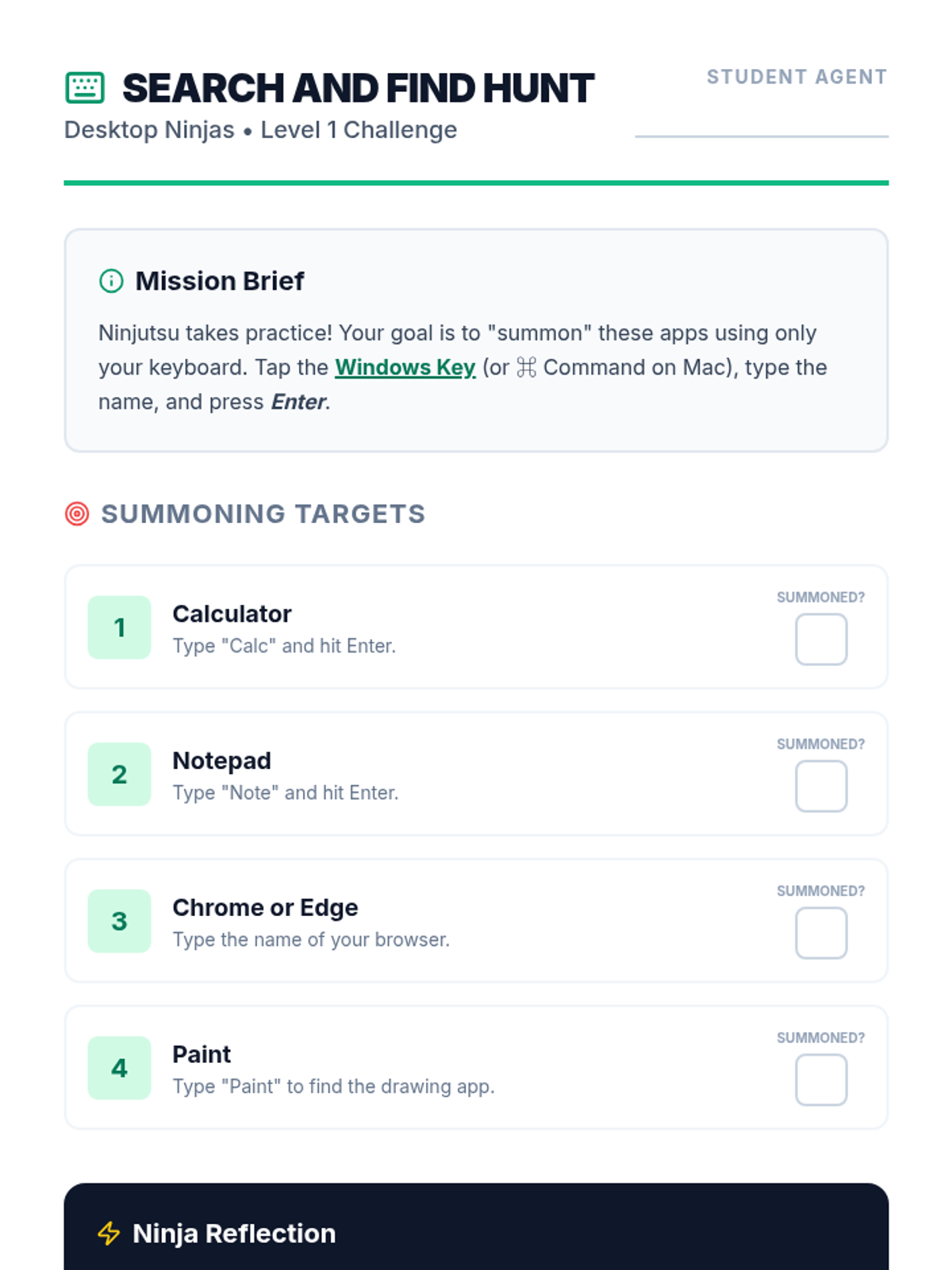
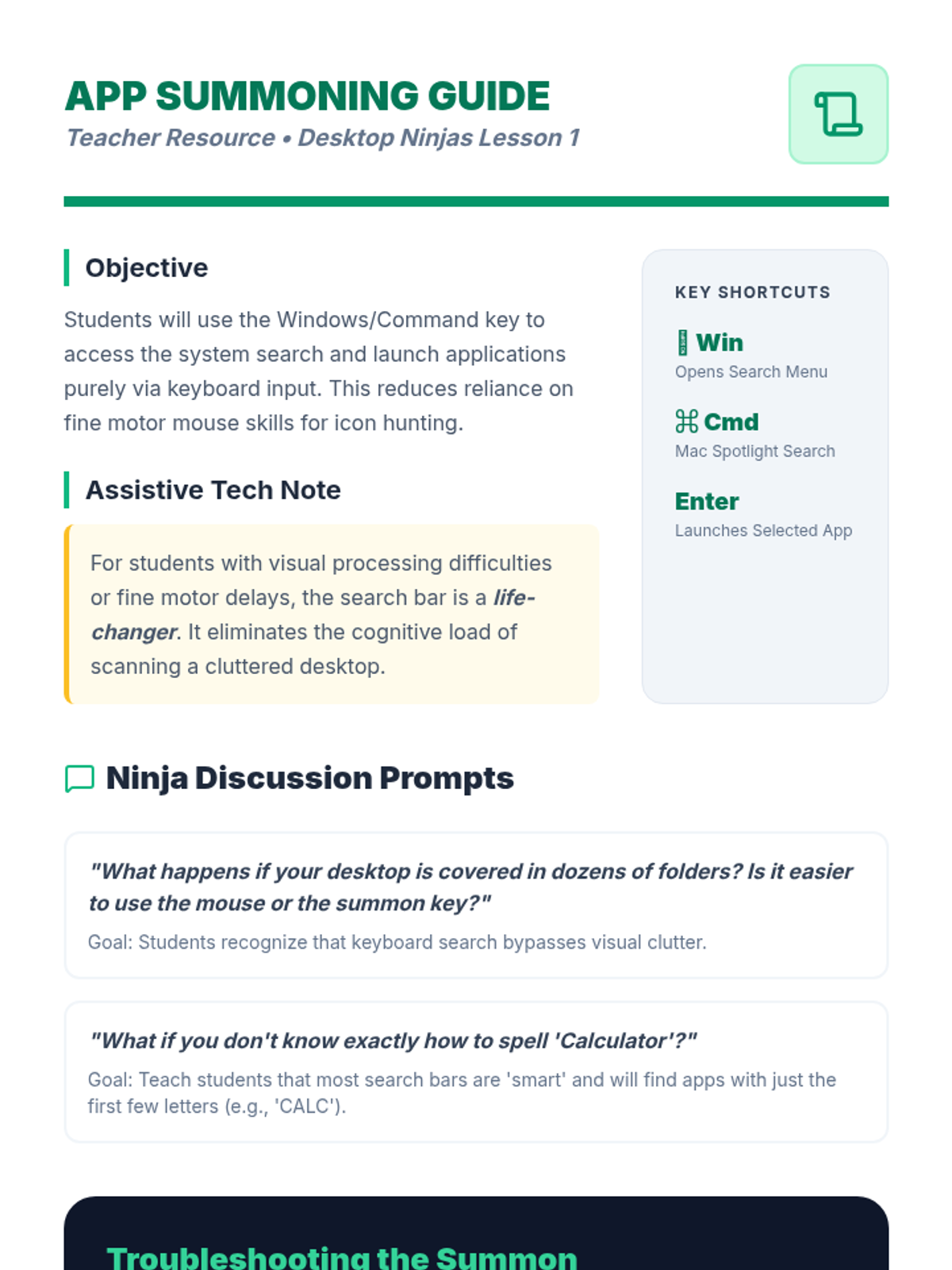
Students learn to use the Windows or Command key to open the system menu and search for applications by typing, allowing them to launch tools without using a mouse.
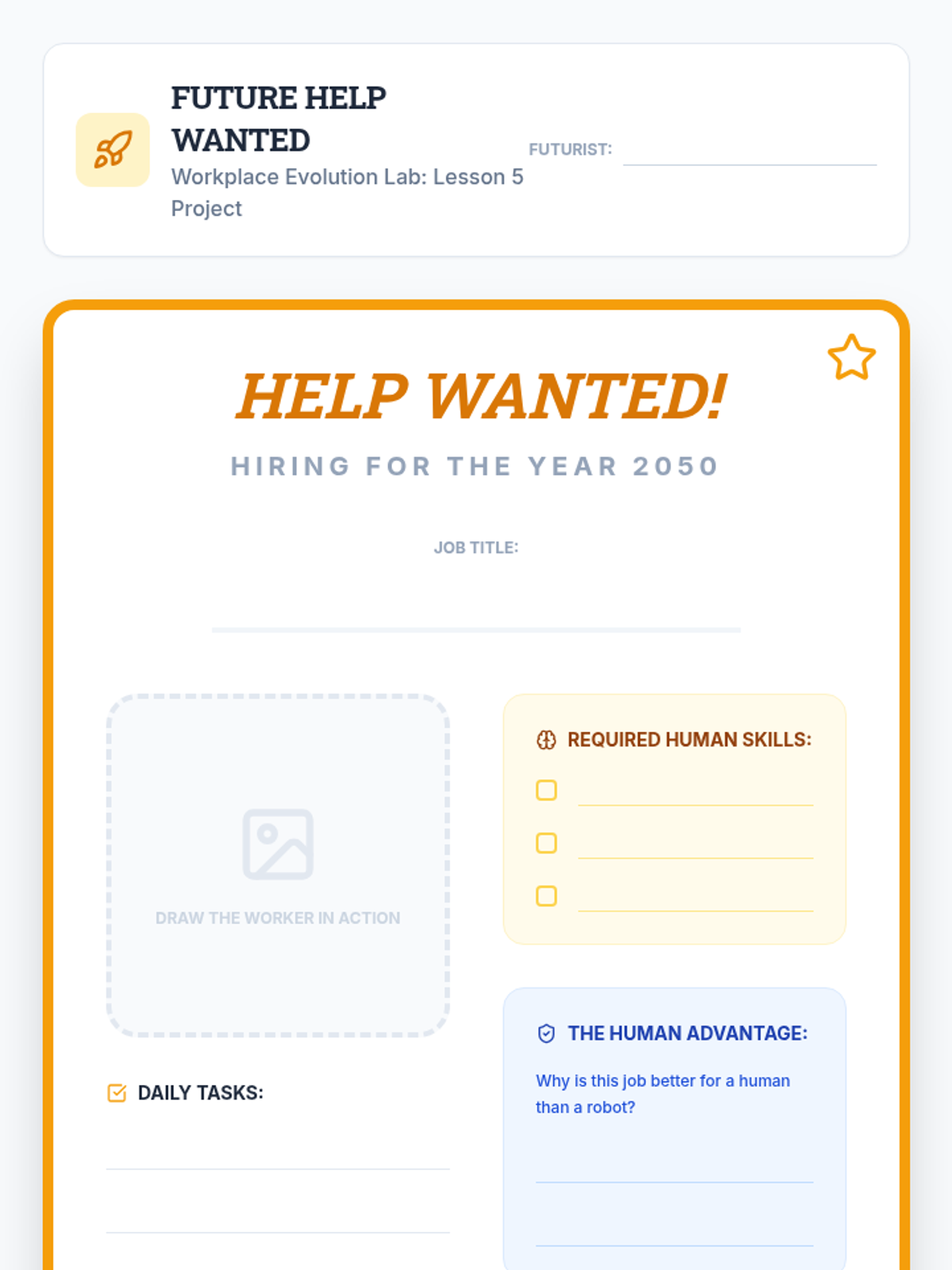
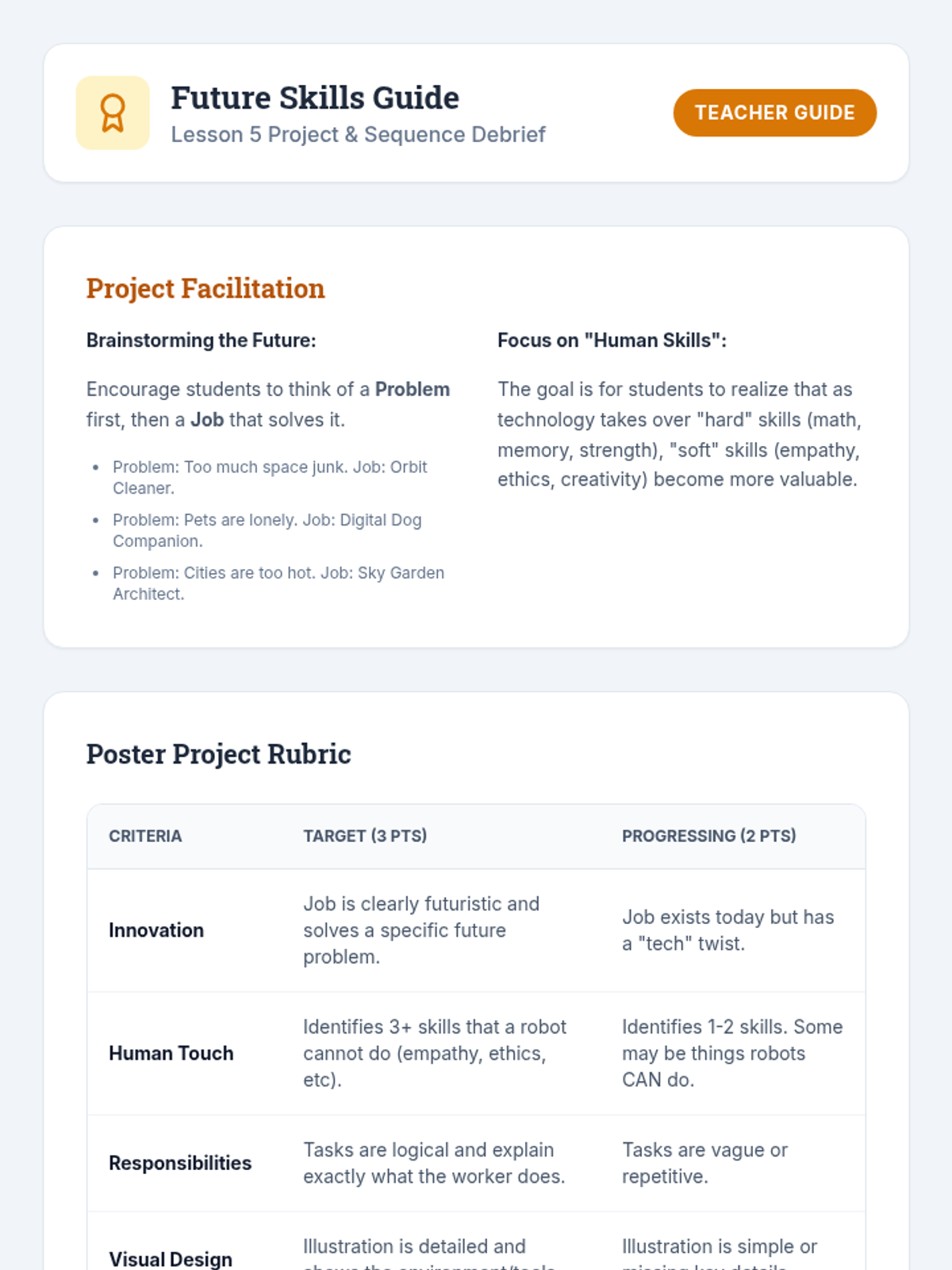
A culminating project-based lesson where students predict future careers and identify essential human skills that technology cannot replace.
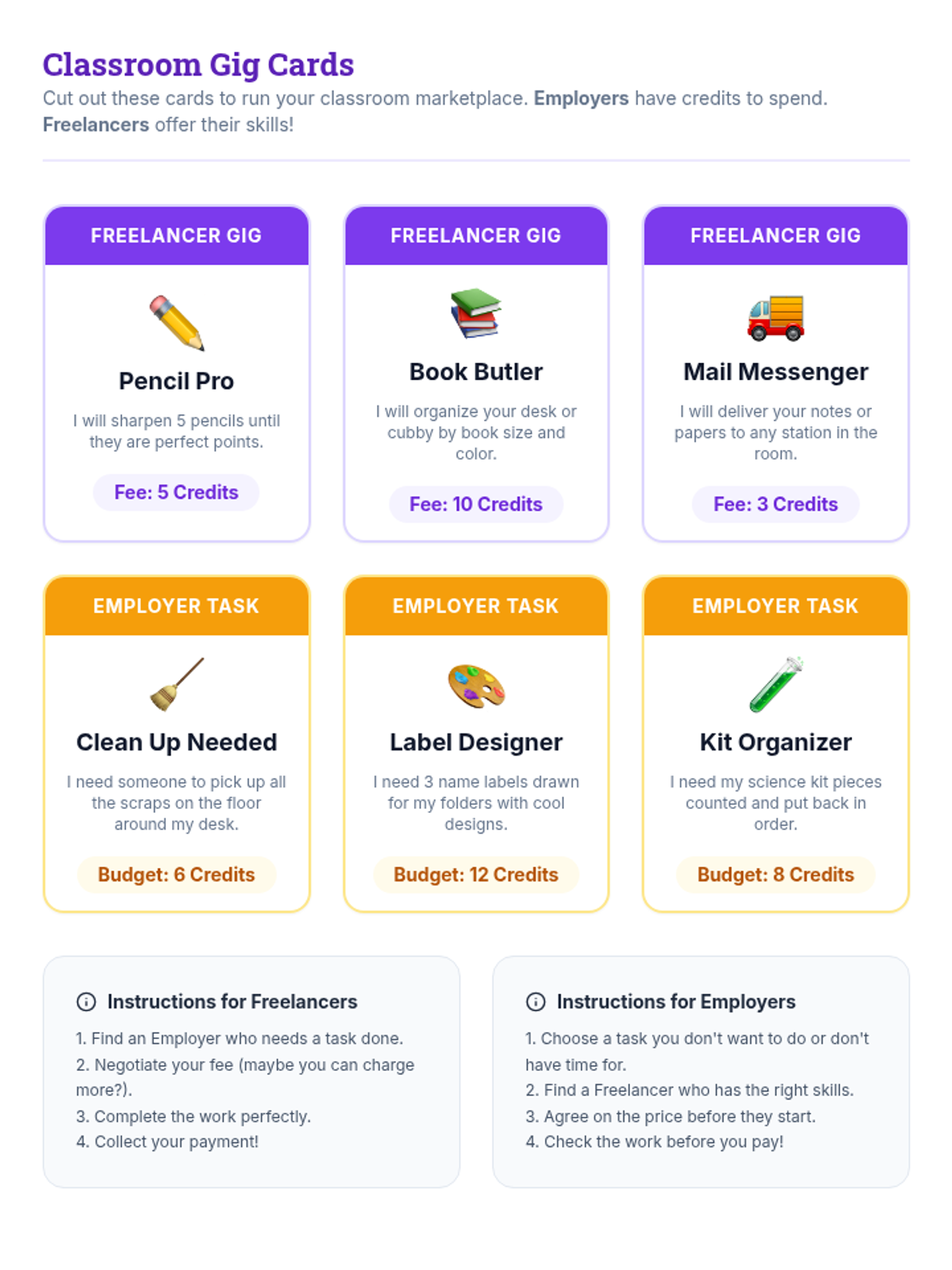
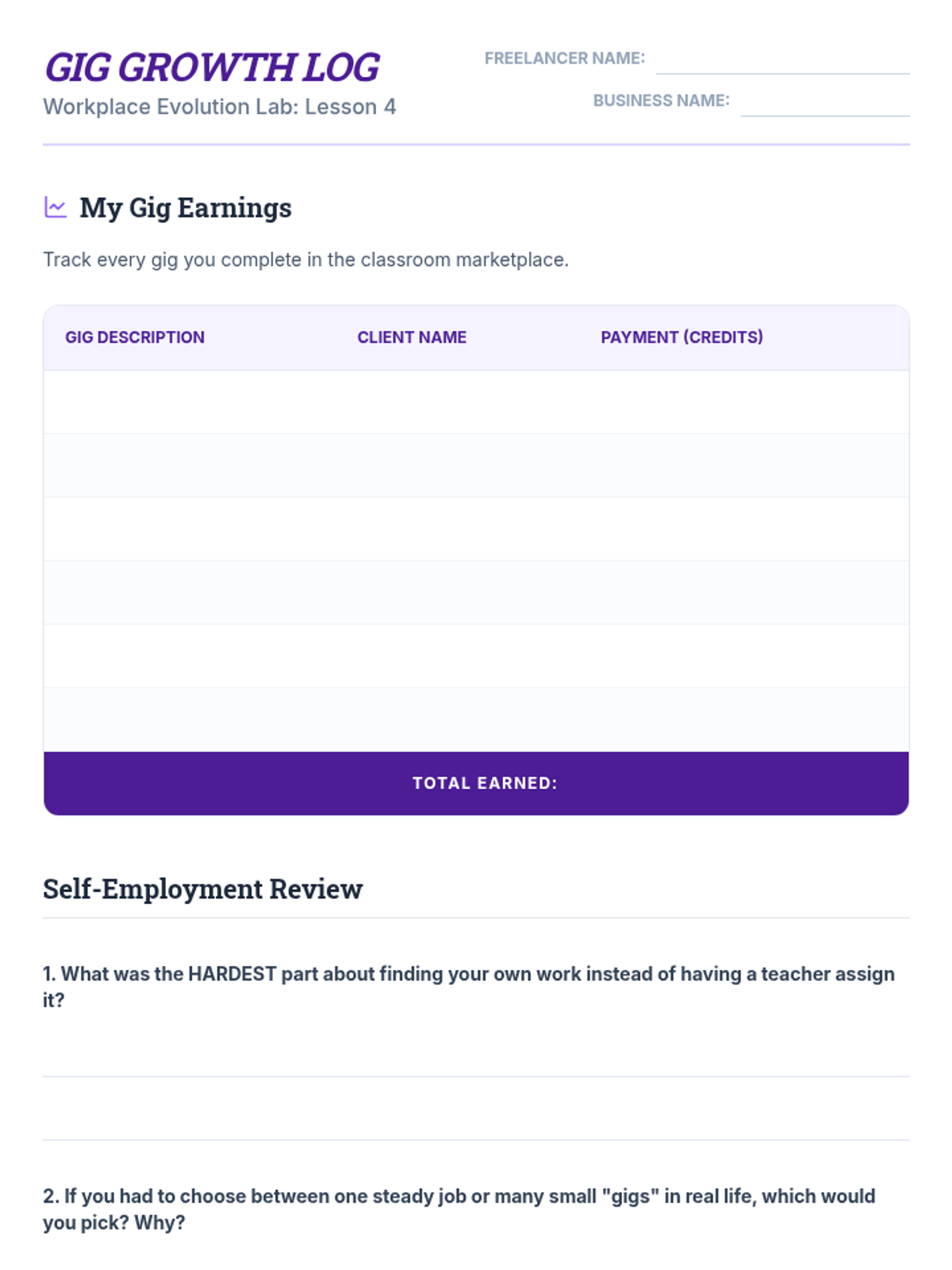
A simulation-based lesson where students learn about the gig economy, freelancing, and the difference between being an employee and an entrepreneur.
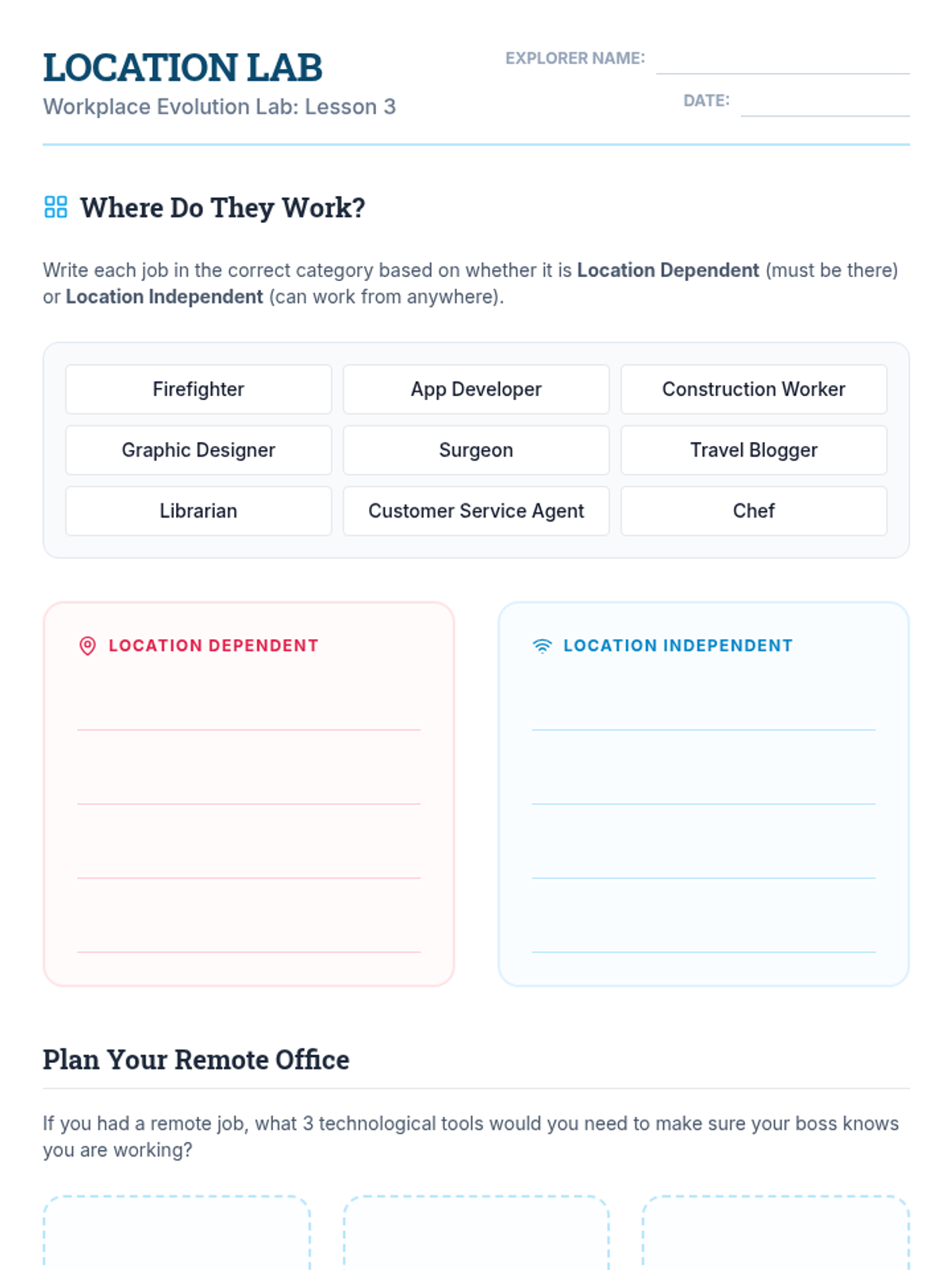
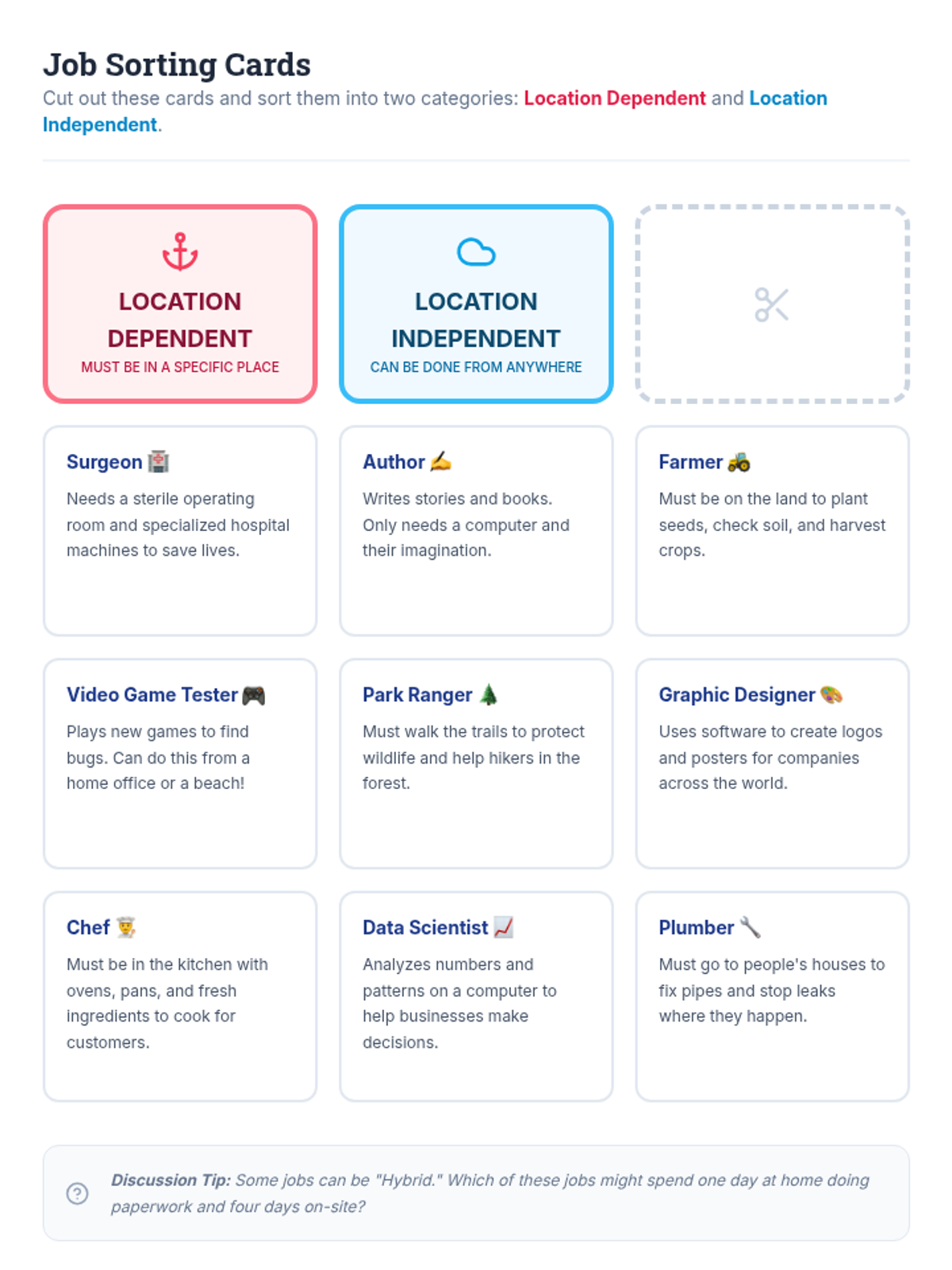
Students distinguish between location-dependent and location-independent work, exploring the tools and requirements for remote and hybrid environments.
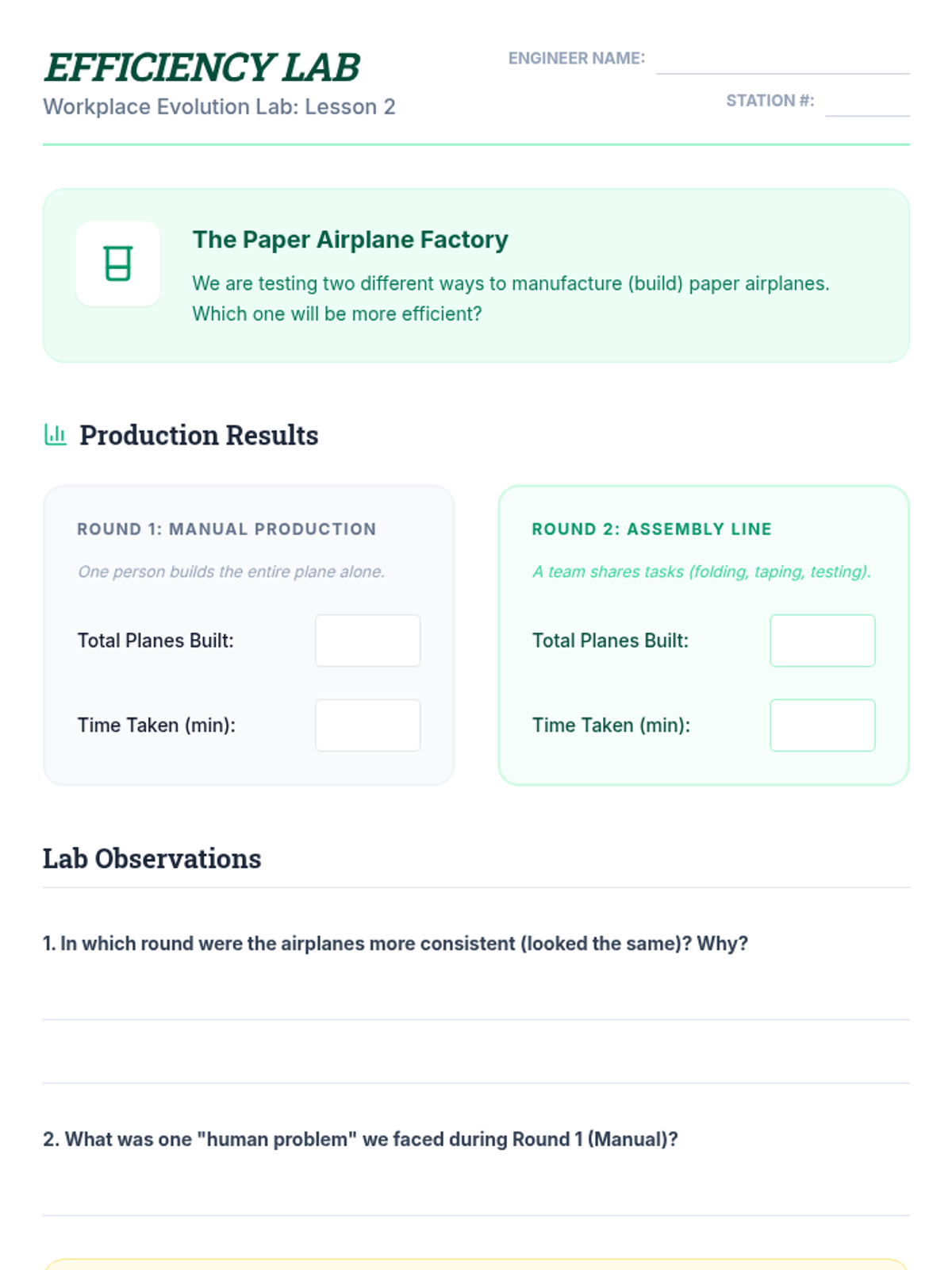
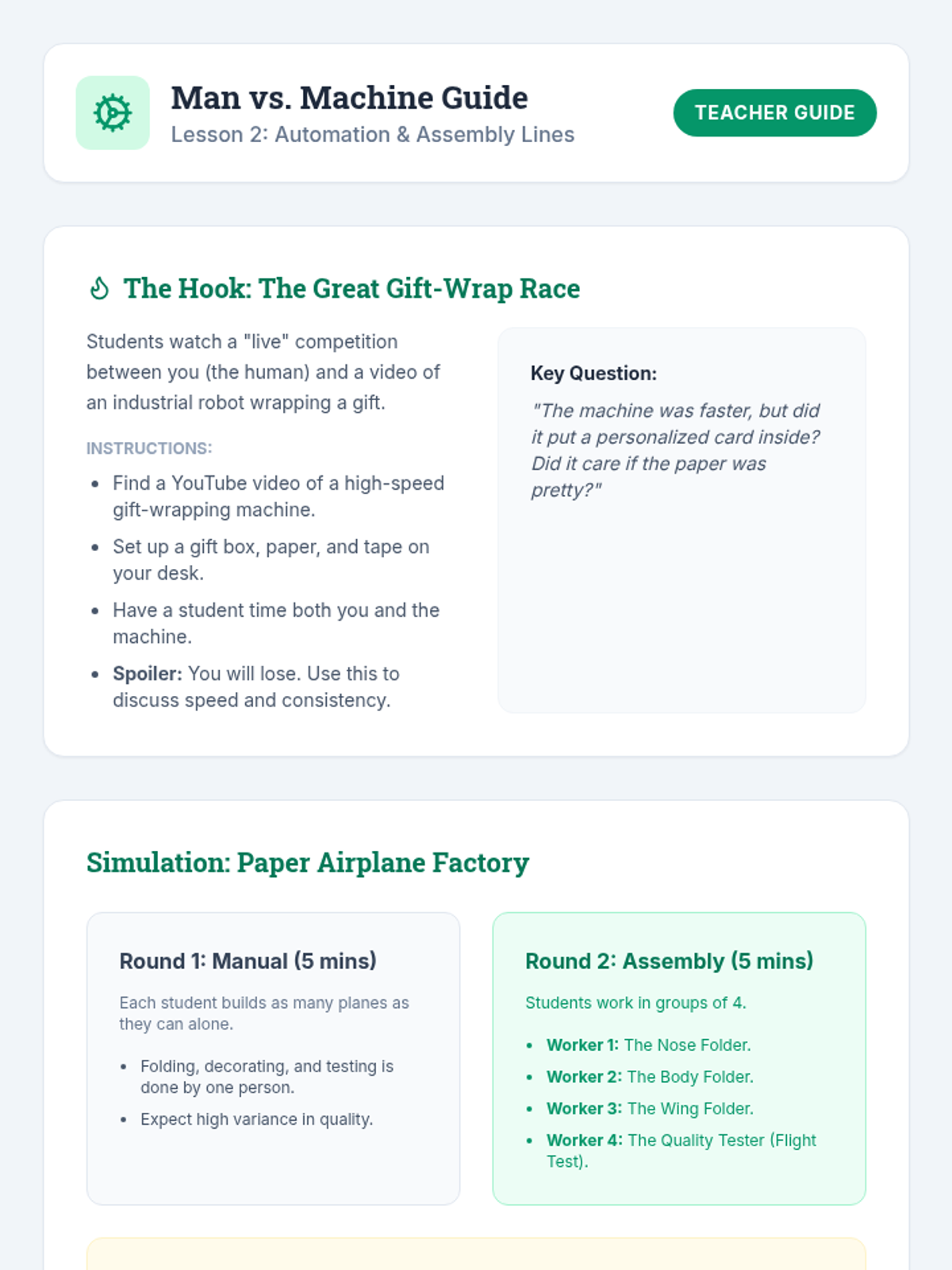
An exploration of automation and robotics, featuring a simulation of assembly line processes and a discussion on the role of machines in modern labor.
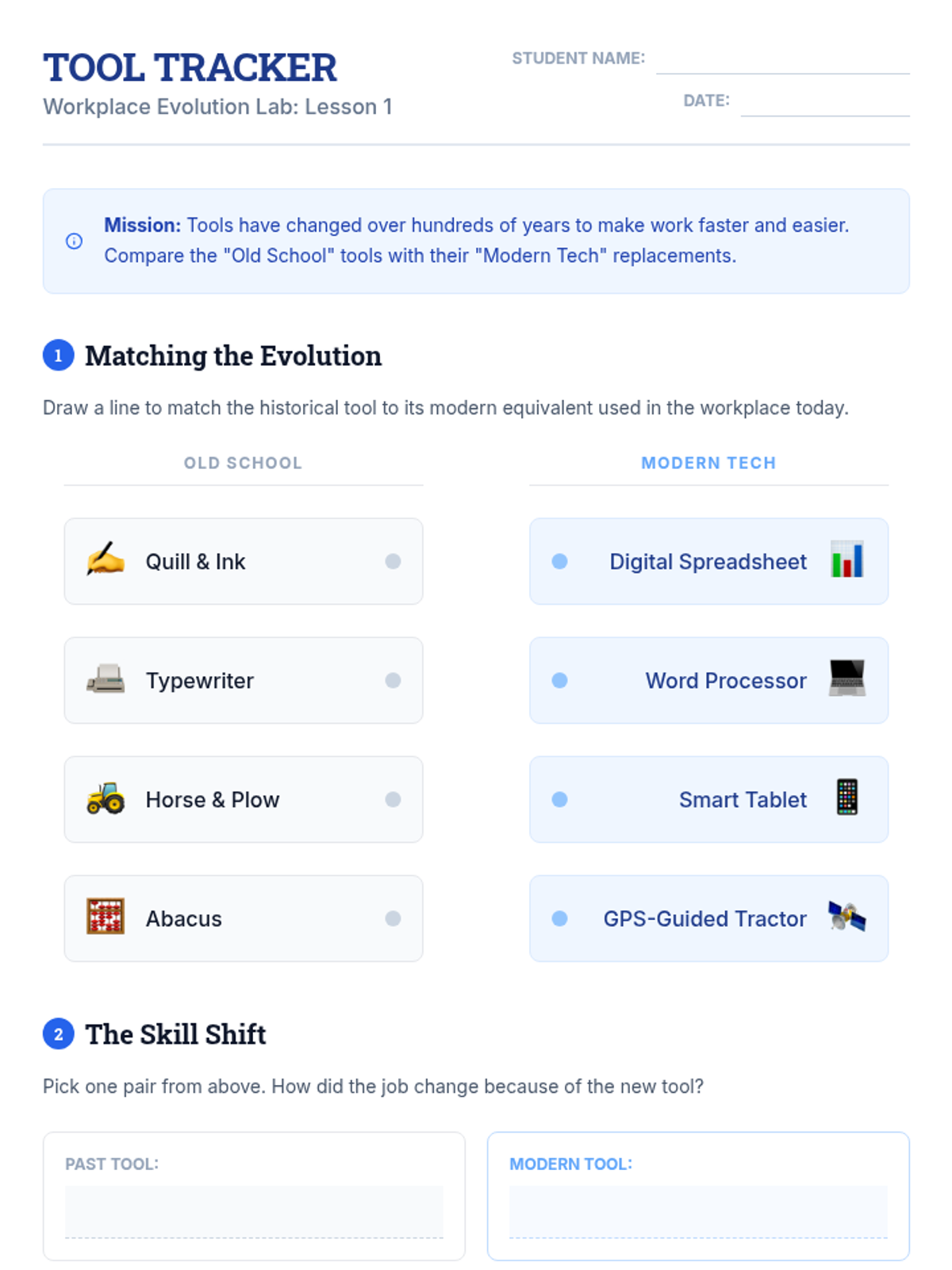
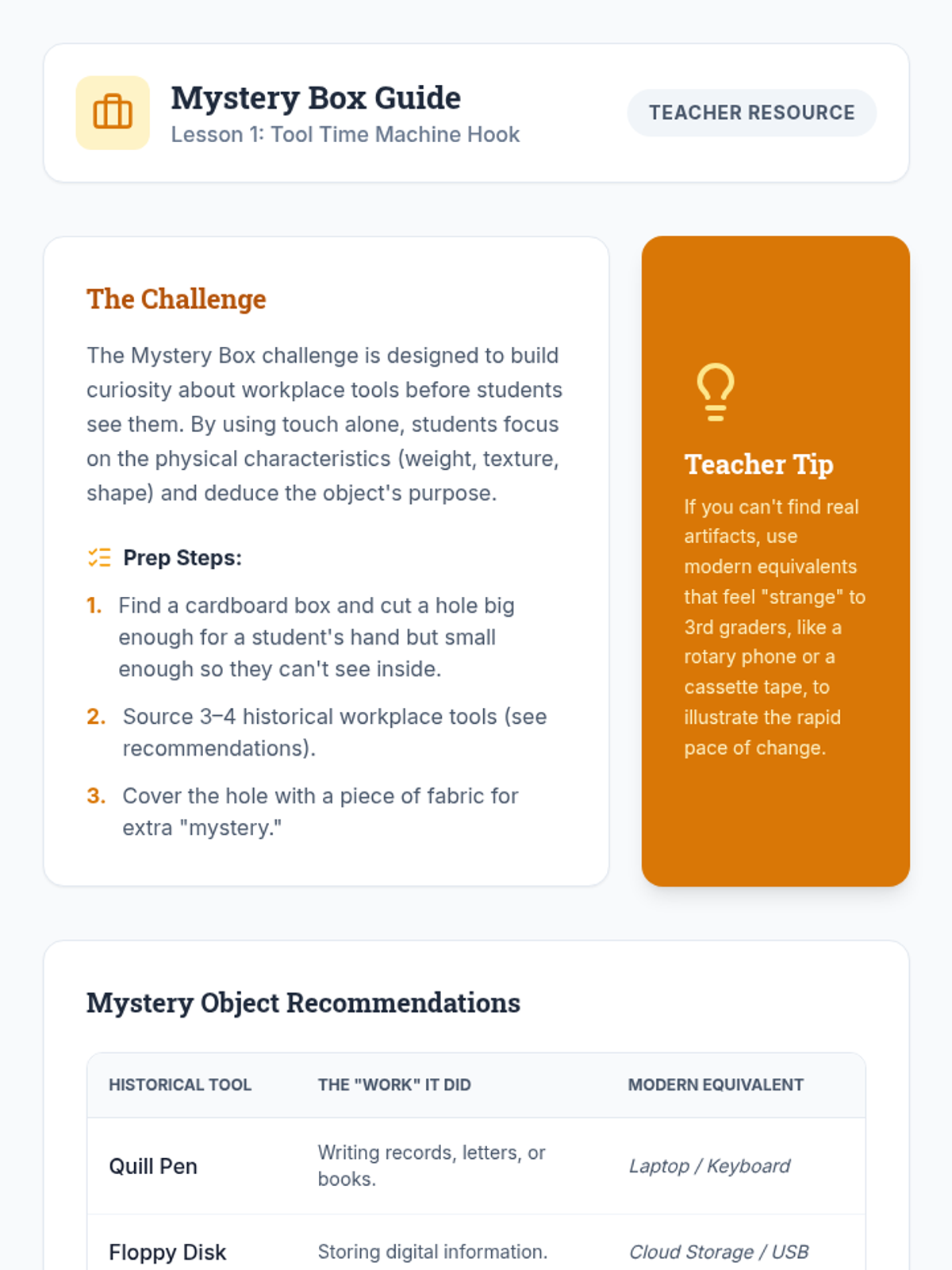
Students compare historical workplace tools with modern technology to understand how innovation increases efficiency and changes required skills.
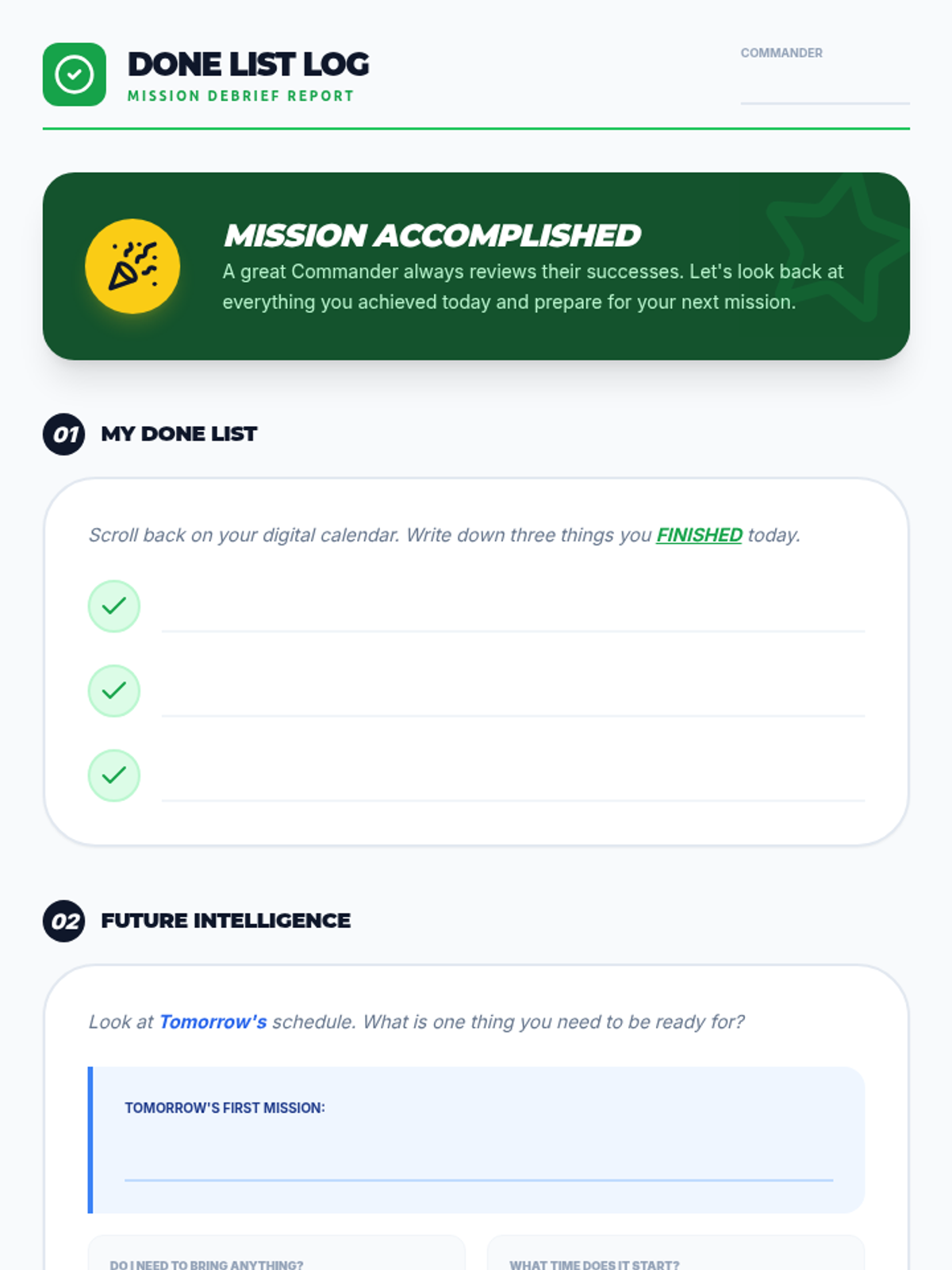
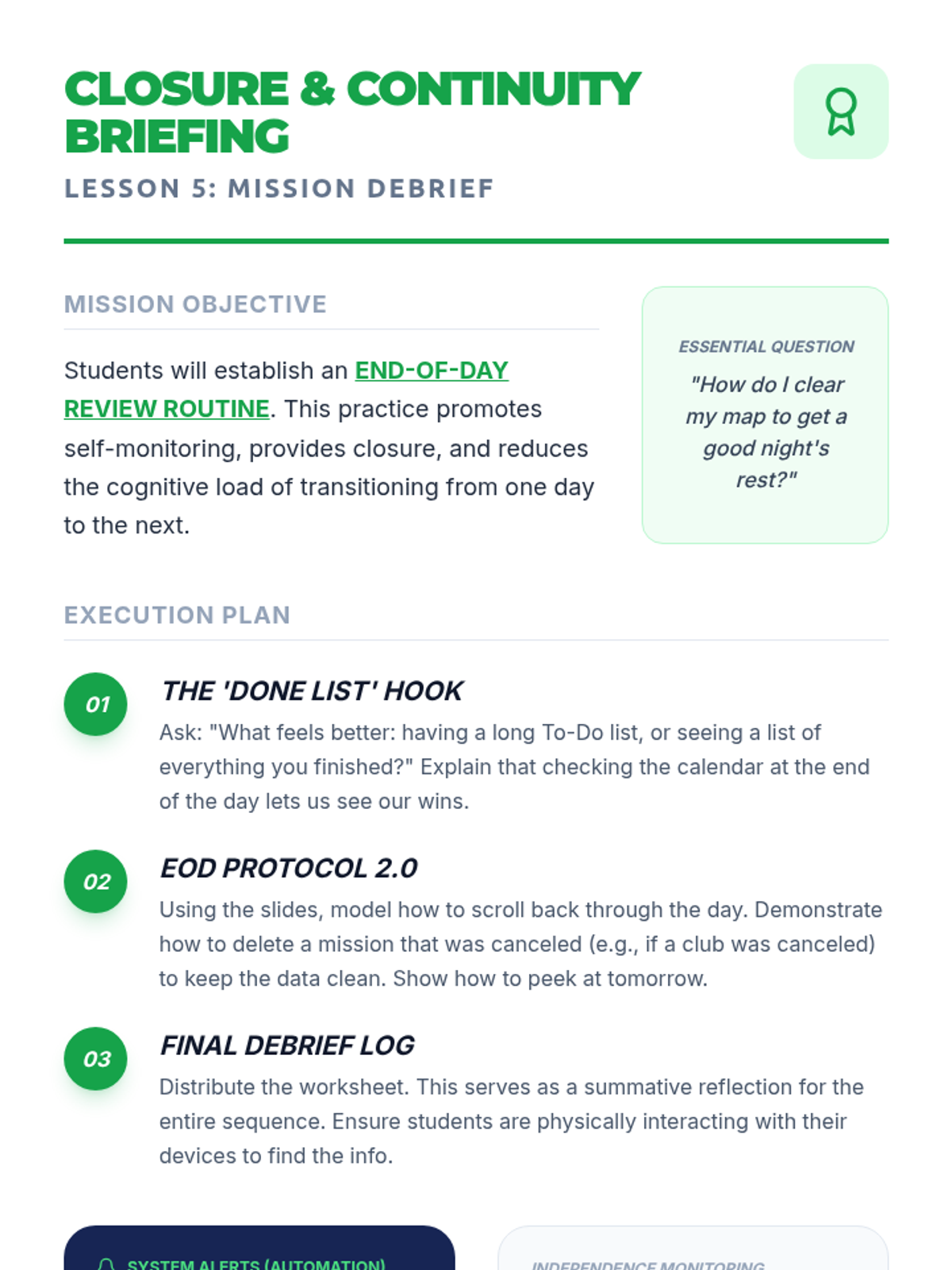
Implement an end-of-day review to celebrate accomplishments and prepare the digital workspace for the following day.
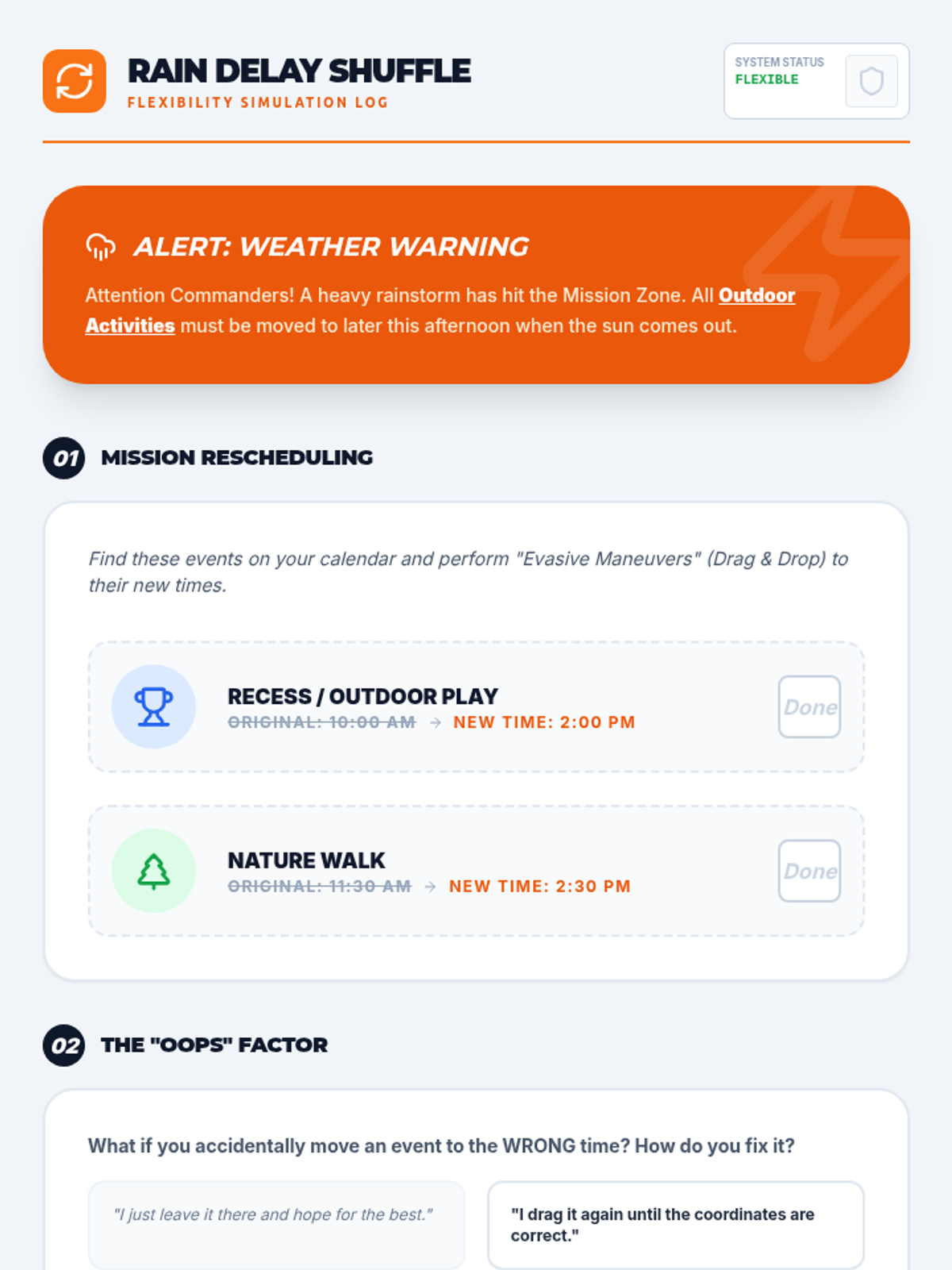
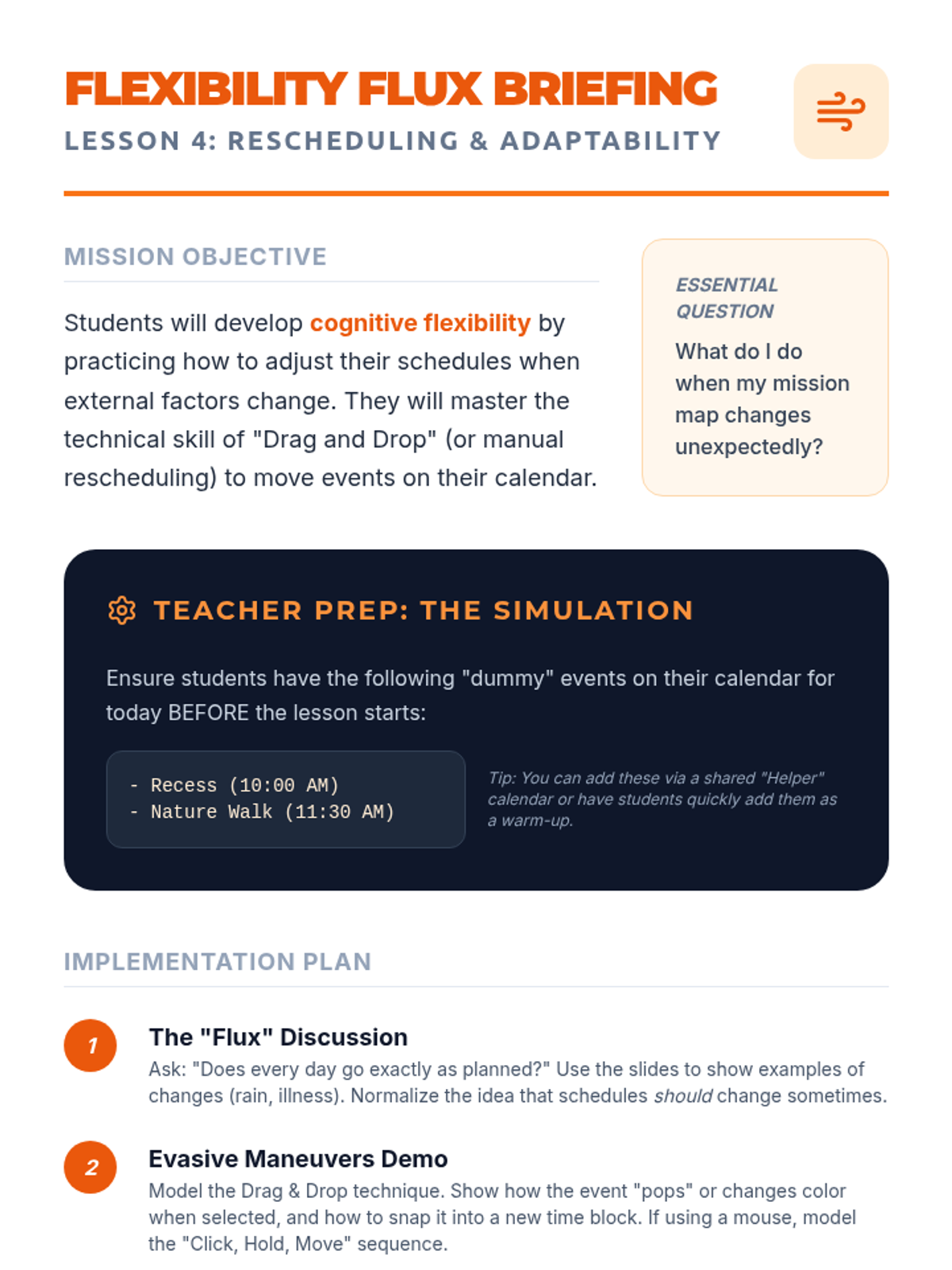
Develop cognitive flexibility by practicing how to reschedule and move events when plans change unexpectedly.
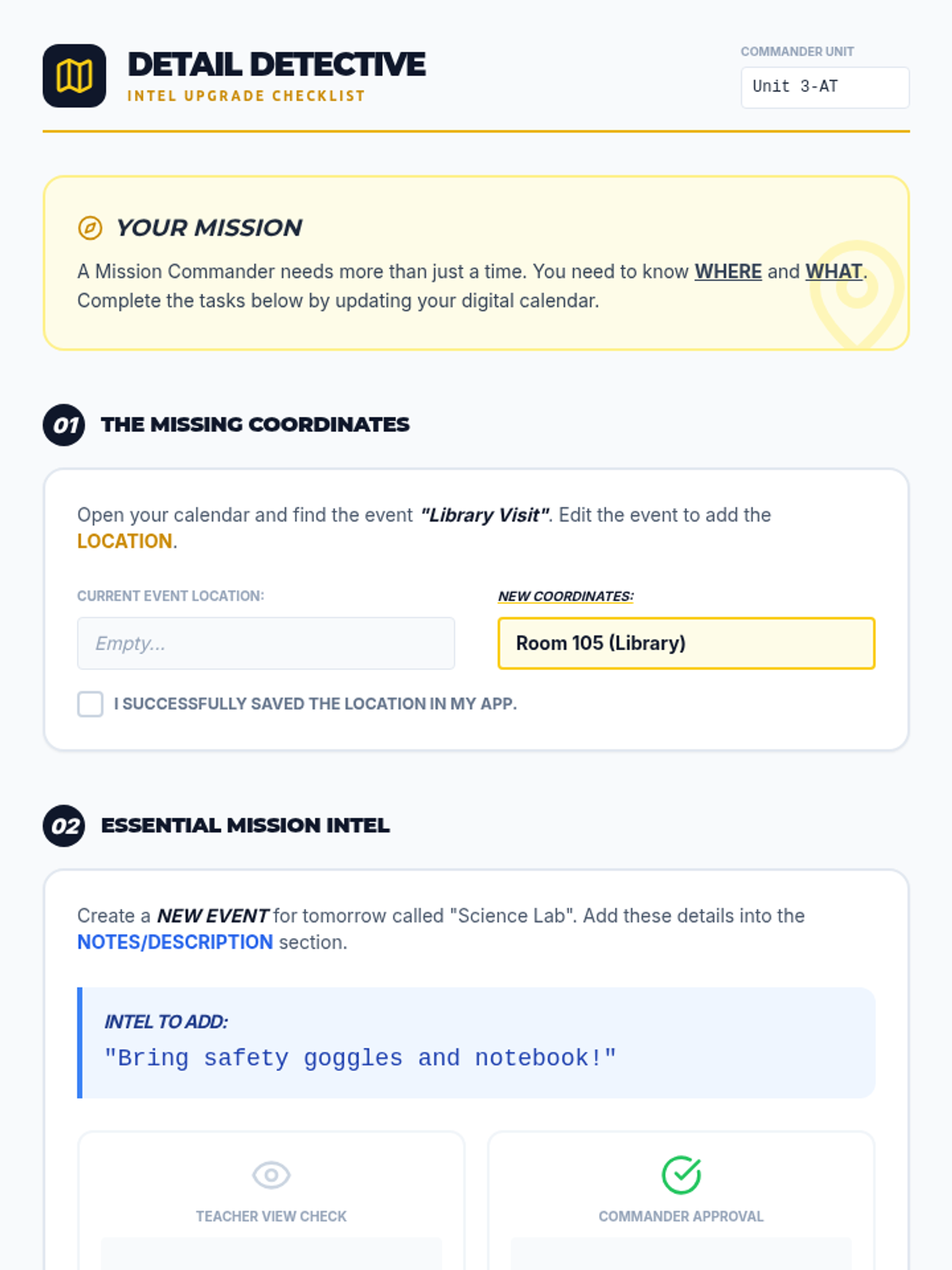
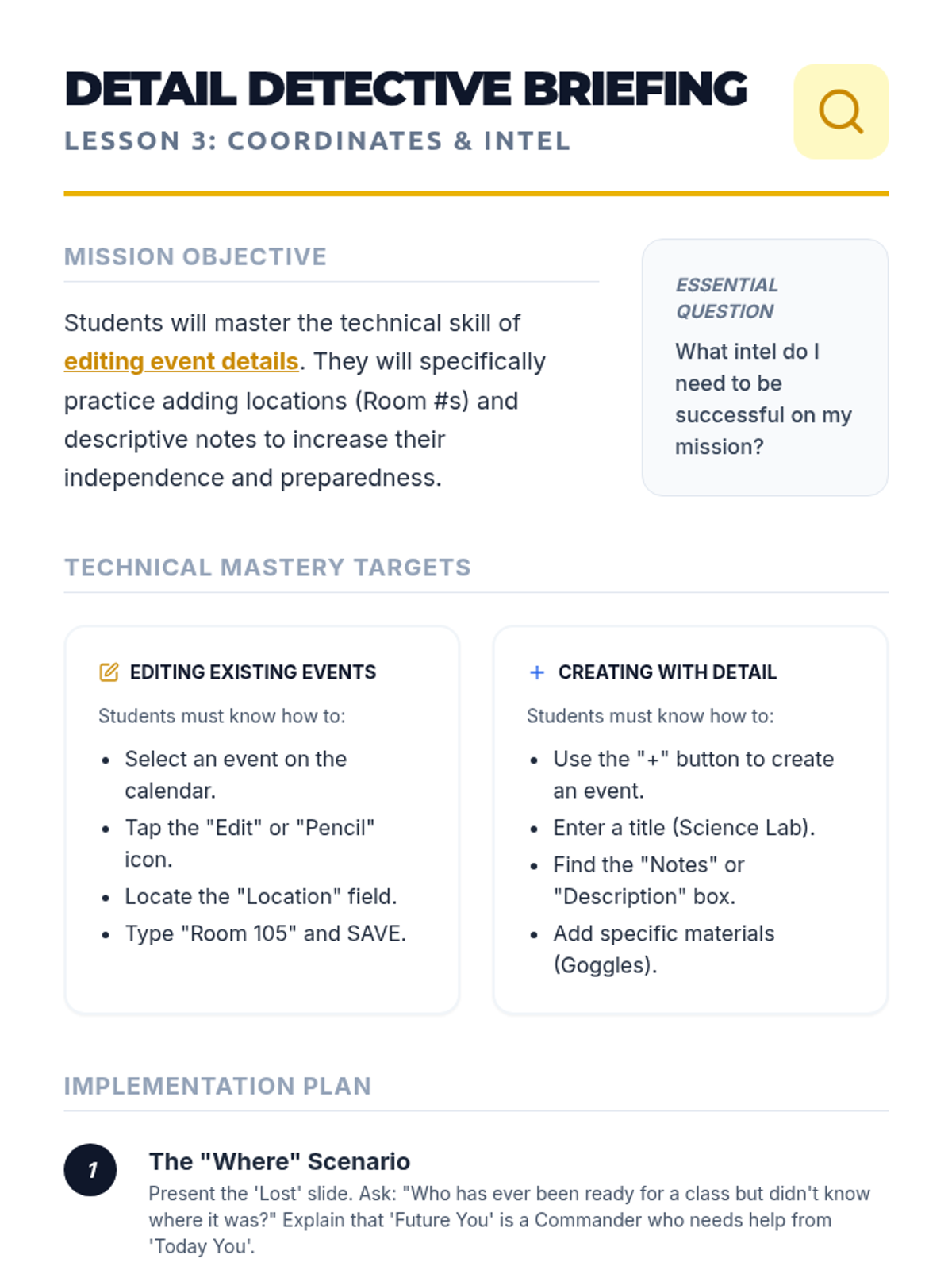
Master the skill of adding locations and specific details to calendar events to ensure all necessary 'intel' is available in one place.
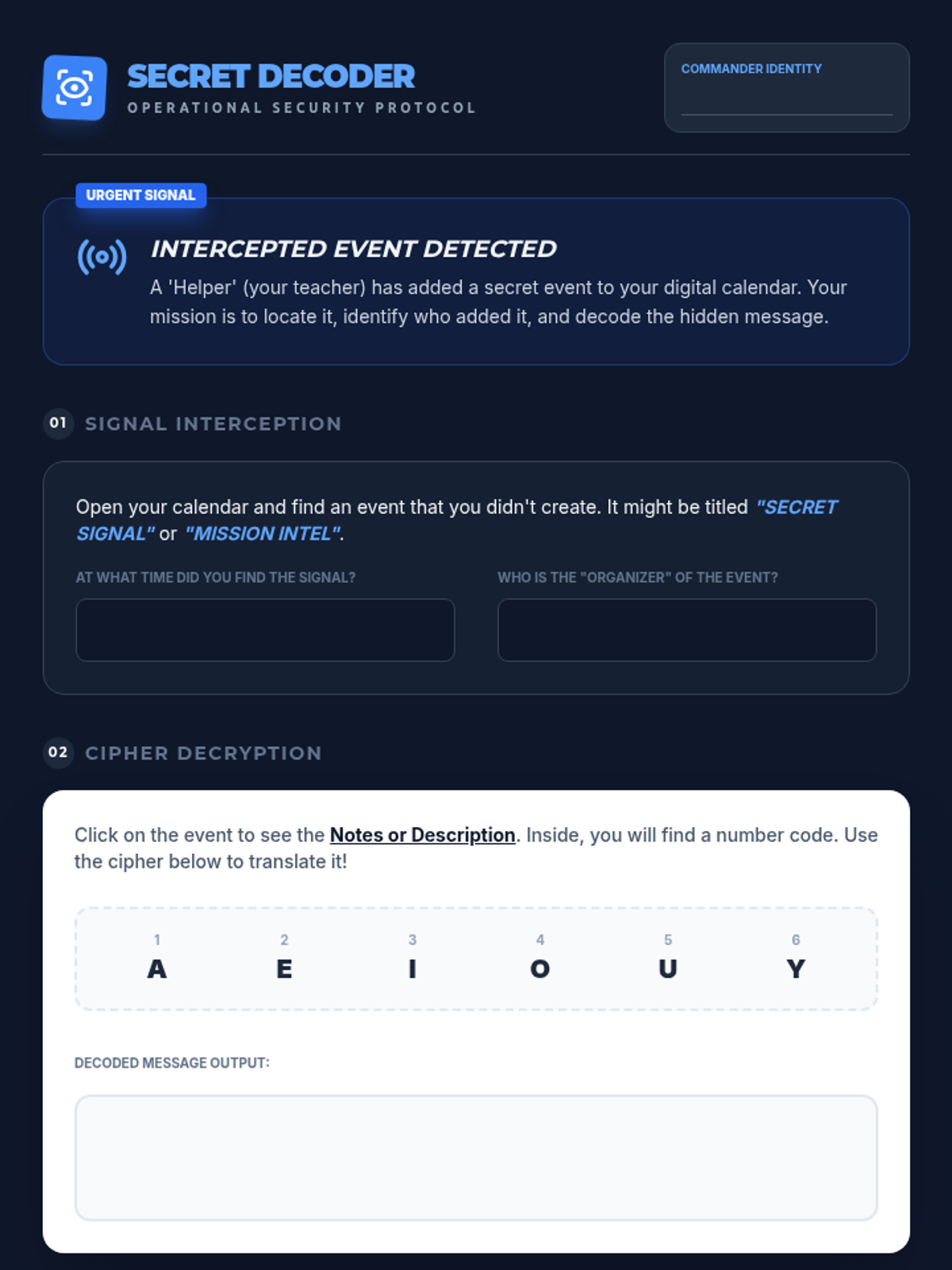
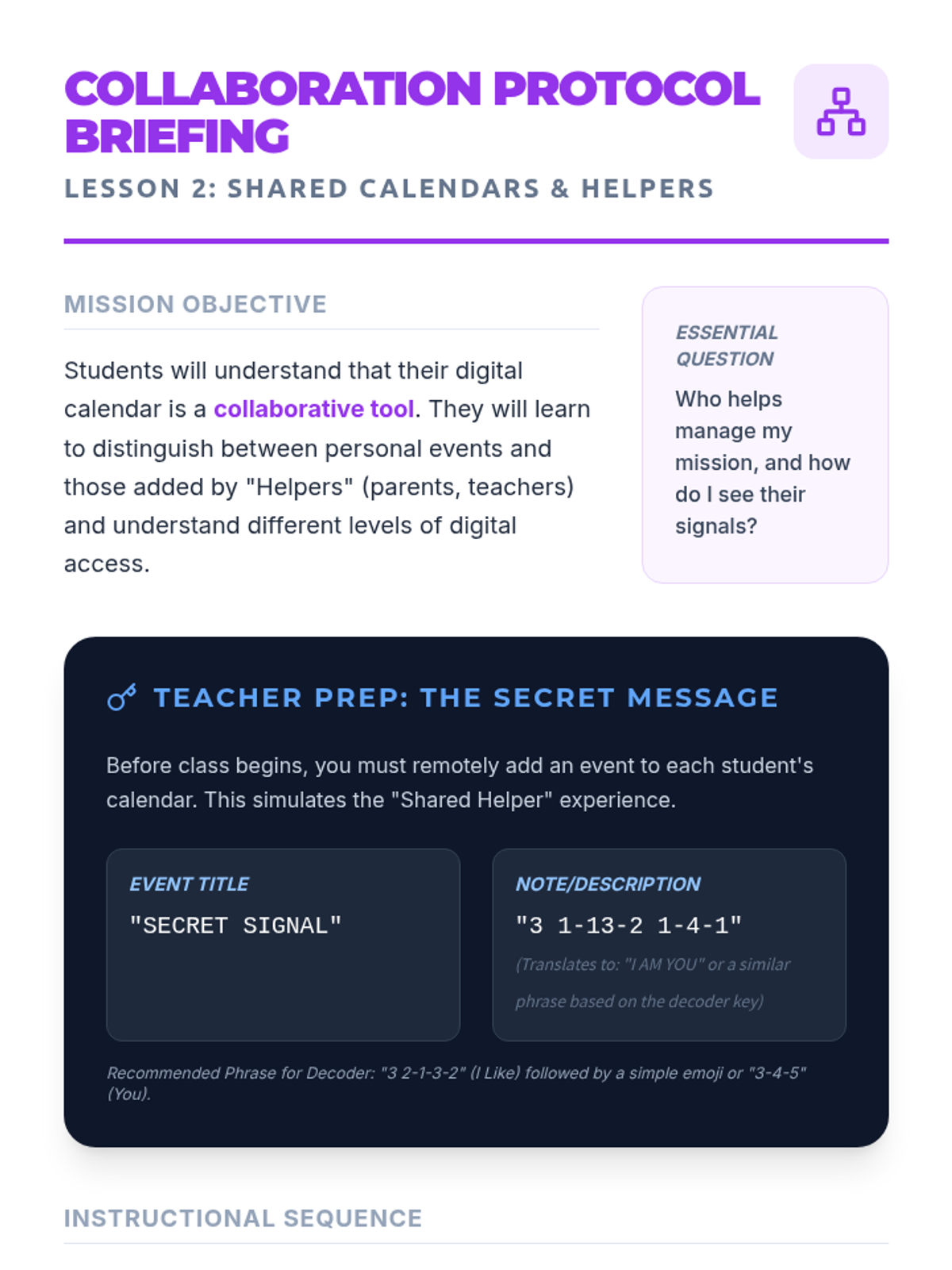
Understand the concept of shared calendars, identifying who can view or edit schedules and recognizing events added by helpers.
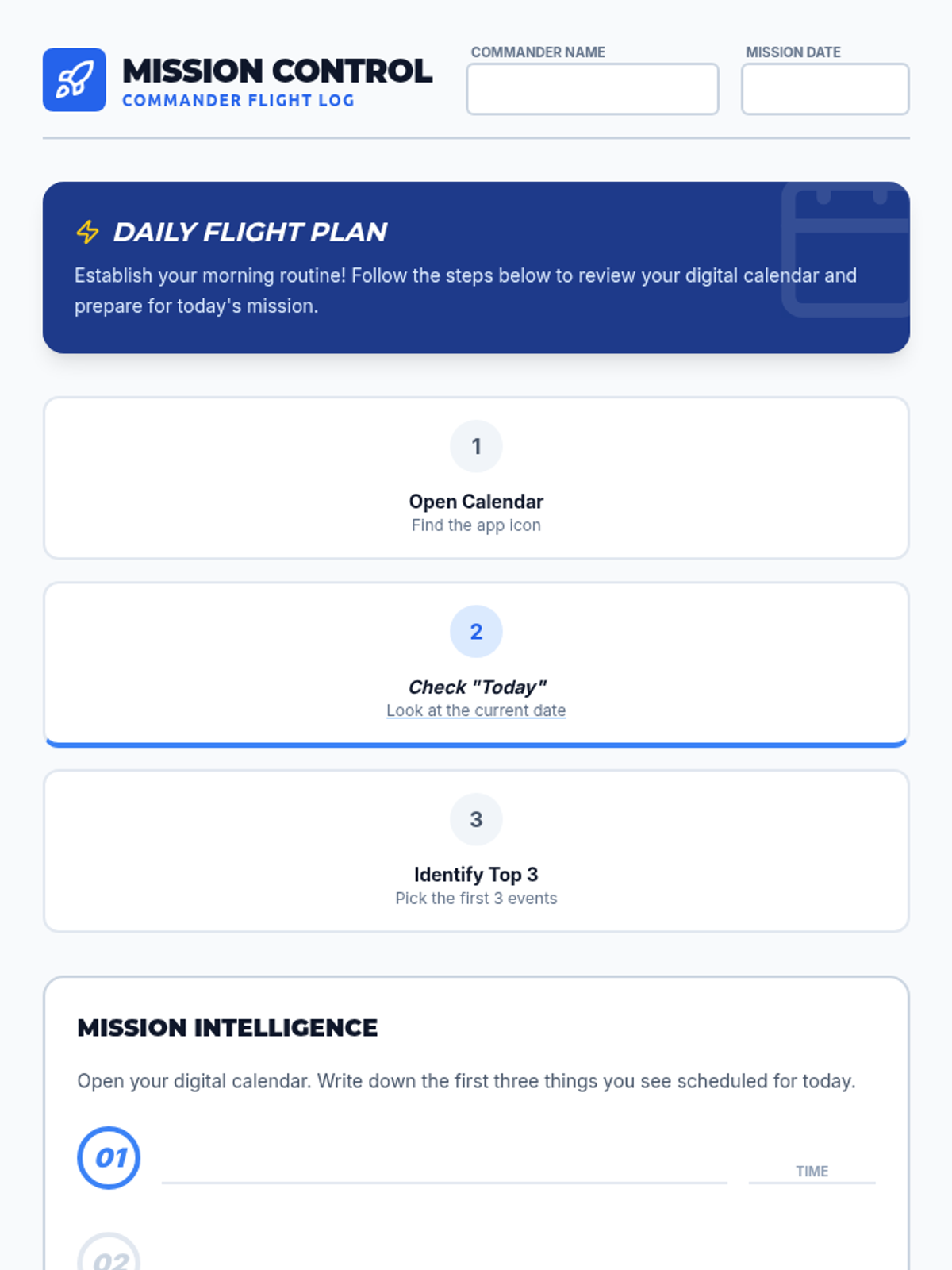
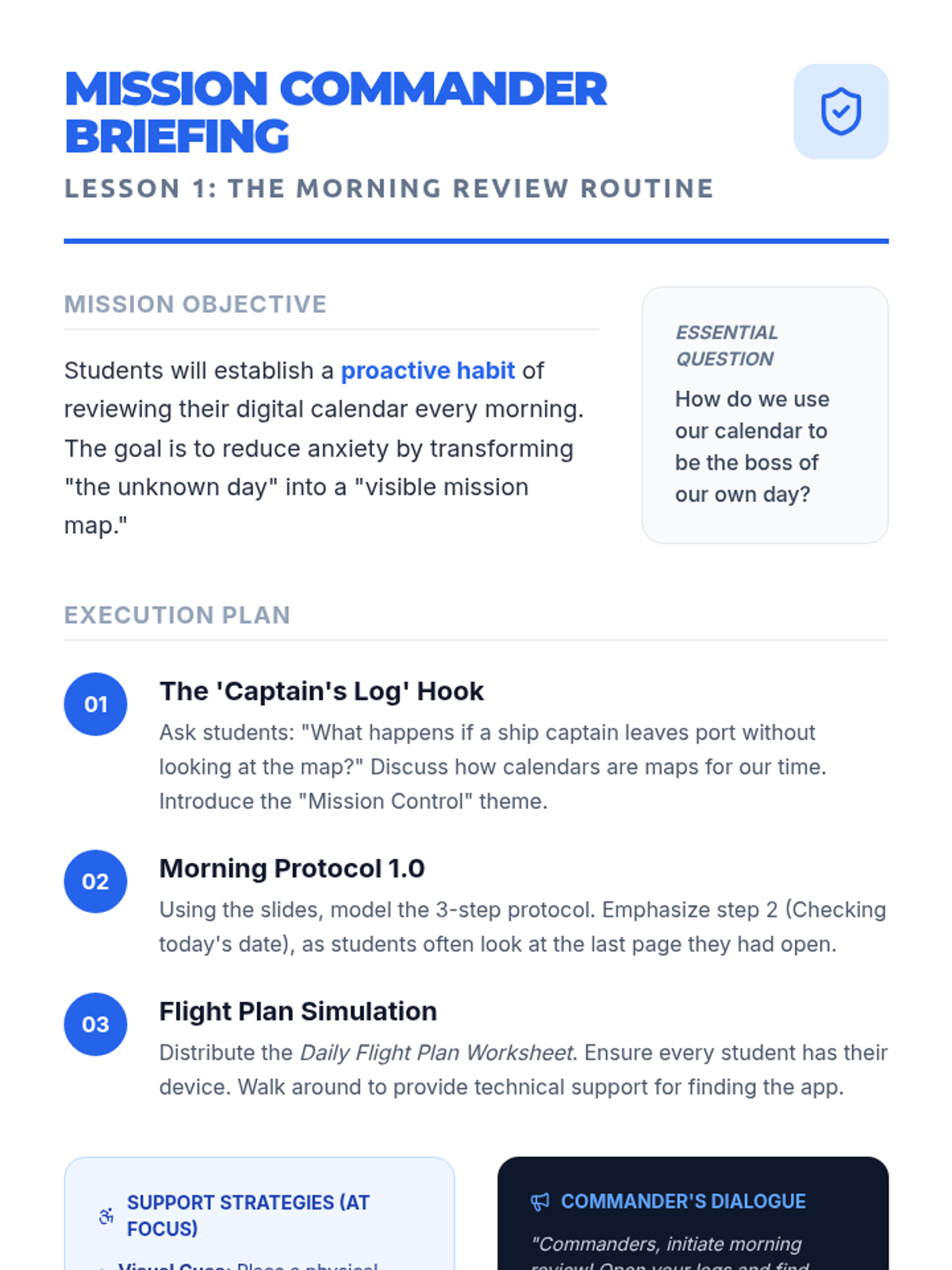
Establish a proactive habit of reviewing the digital calendar every morning to prepare for the day's 'mission' and reduce anxiety.
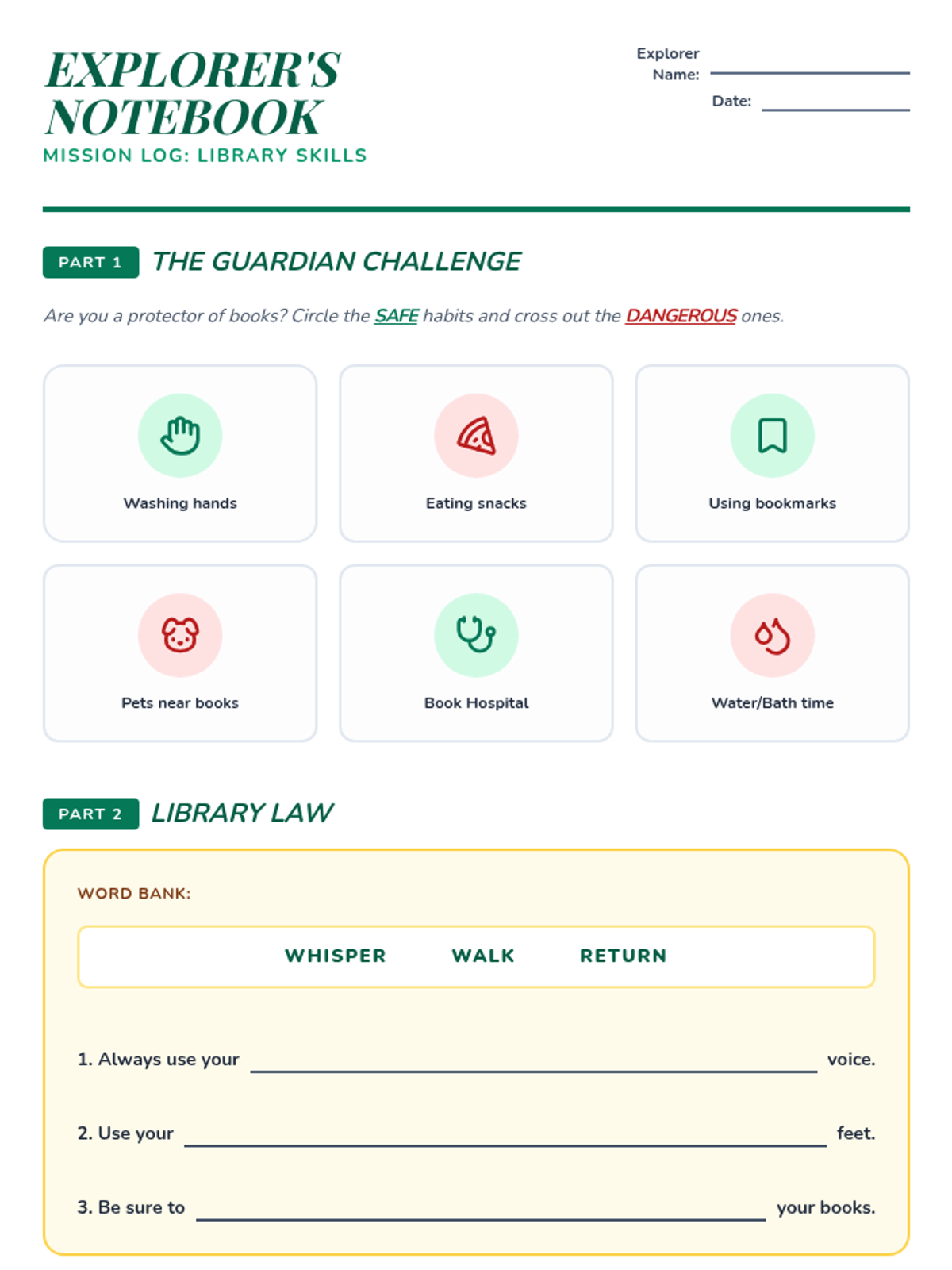
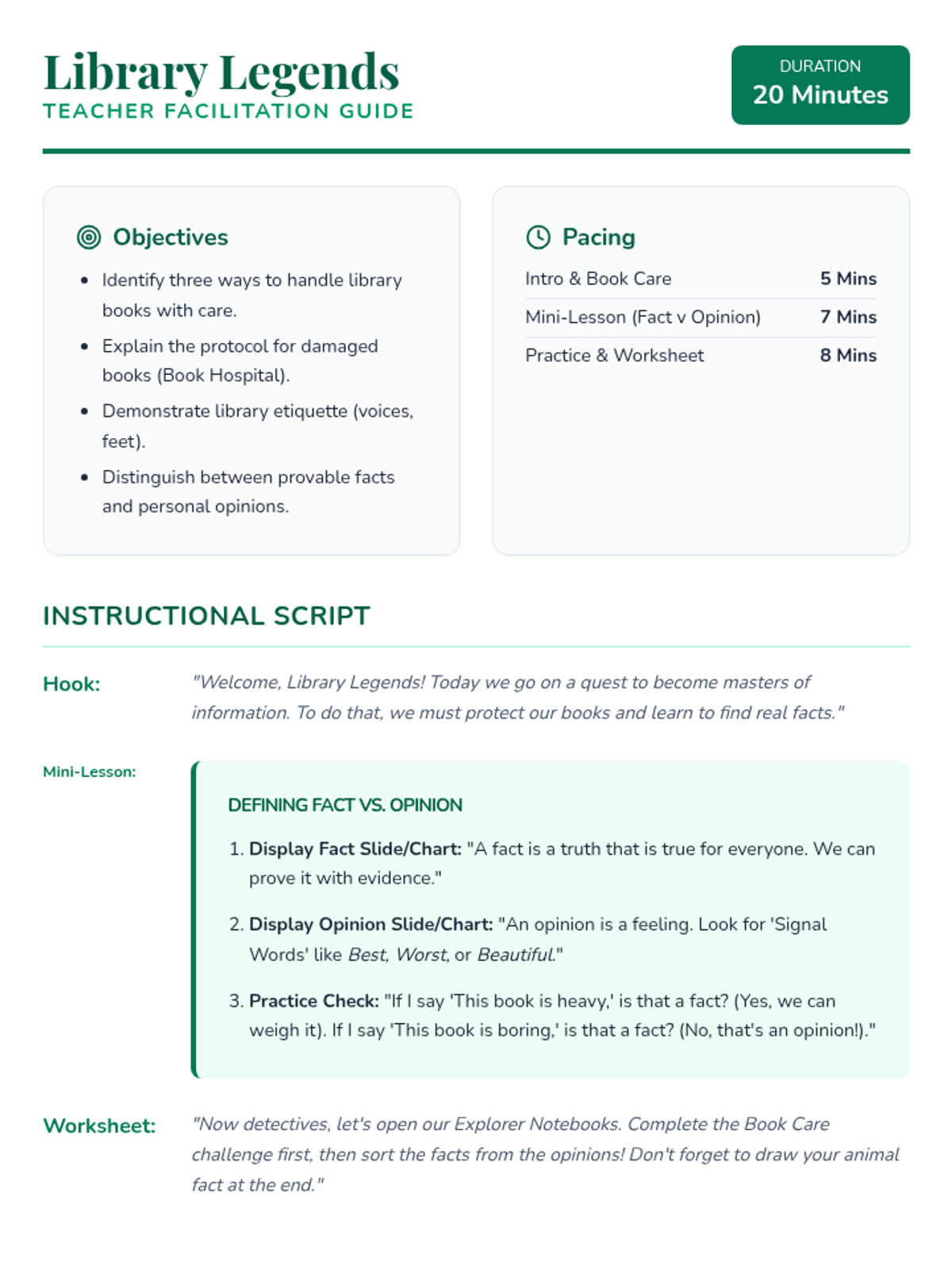
A fast-paced, 20-minute introduction to essential library etiquette and basic research concepts. Students learn to handle books with care, follow library expectations, and distinguish between facts and opinions.
A lesson focused on essential digital literacy skills, including identifying credible sources, protecting personal information, and understanding one's digital footprint.
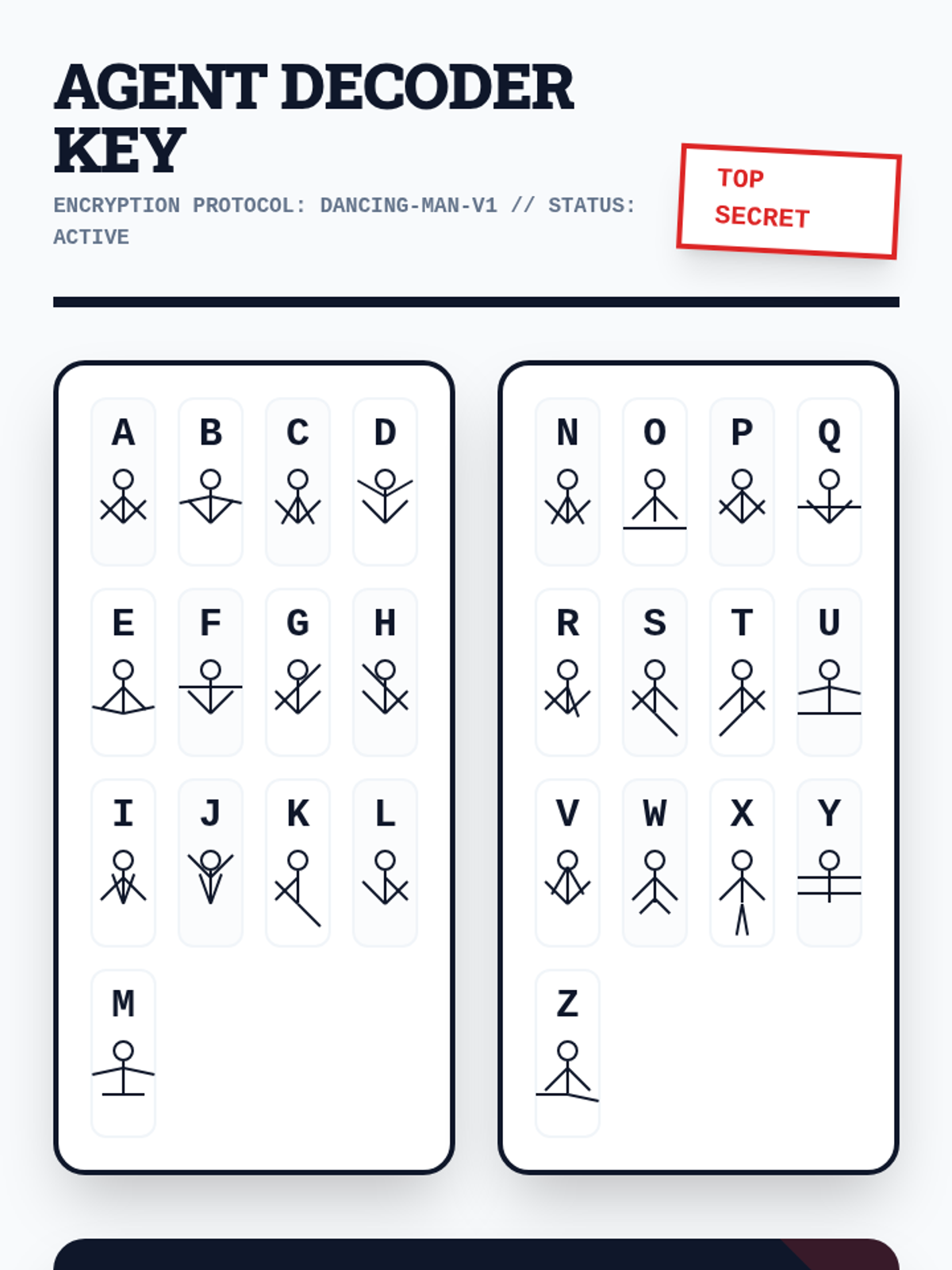
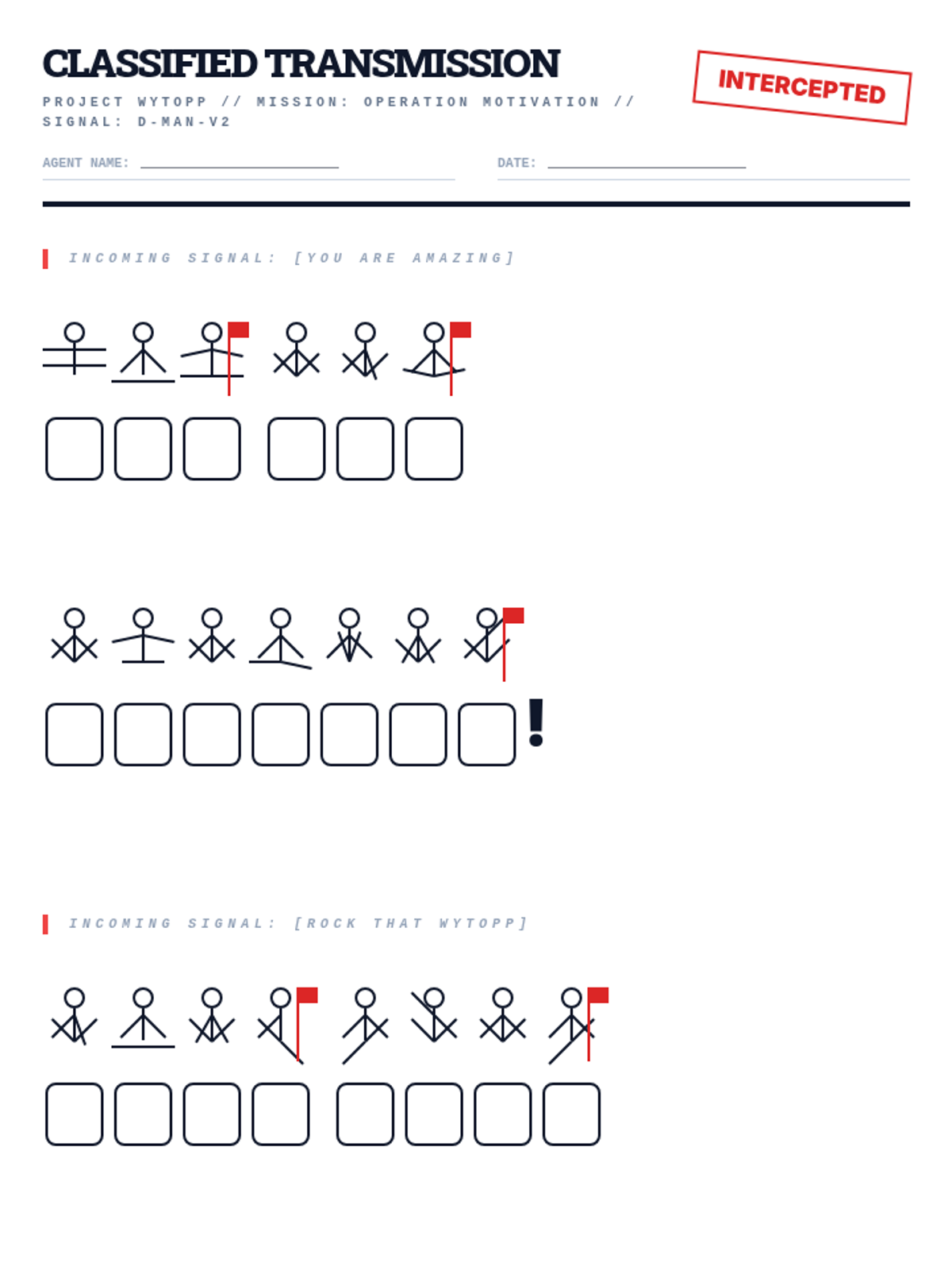
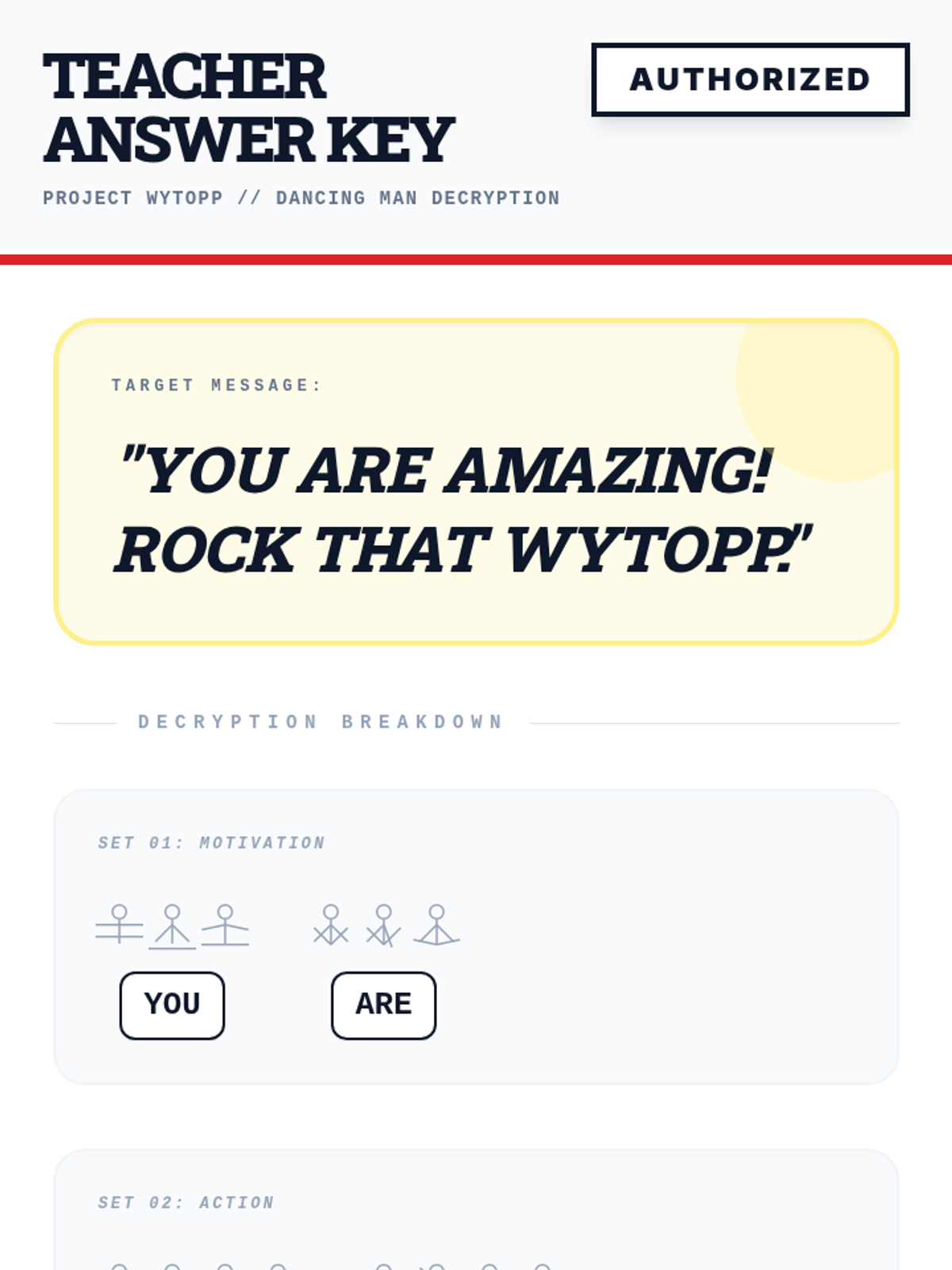
A high-energy lesson on cryptography and the history of the Enigma machine, designed to motivate students before the WYTOPP state assessment. Students learn about substitution ciphers and decode a secret message of encouragement.
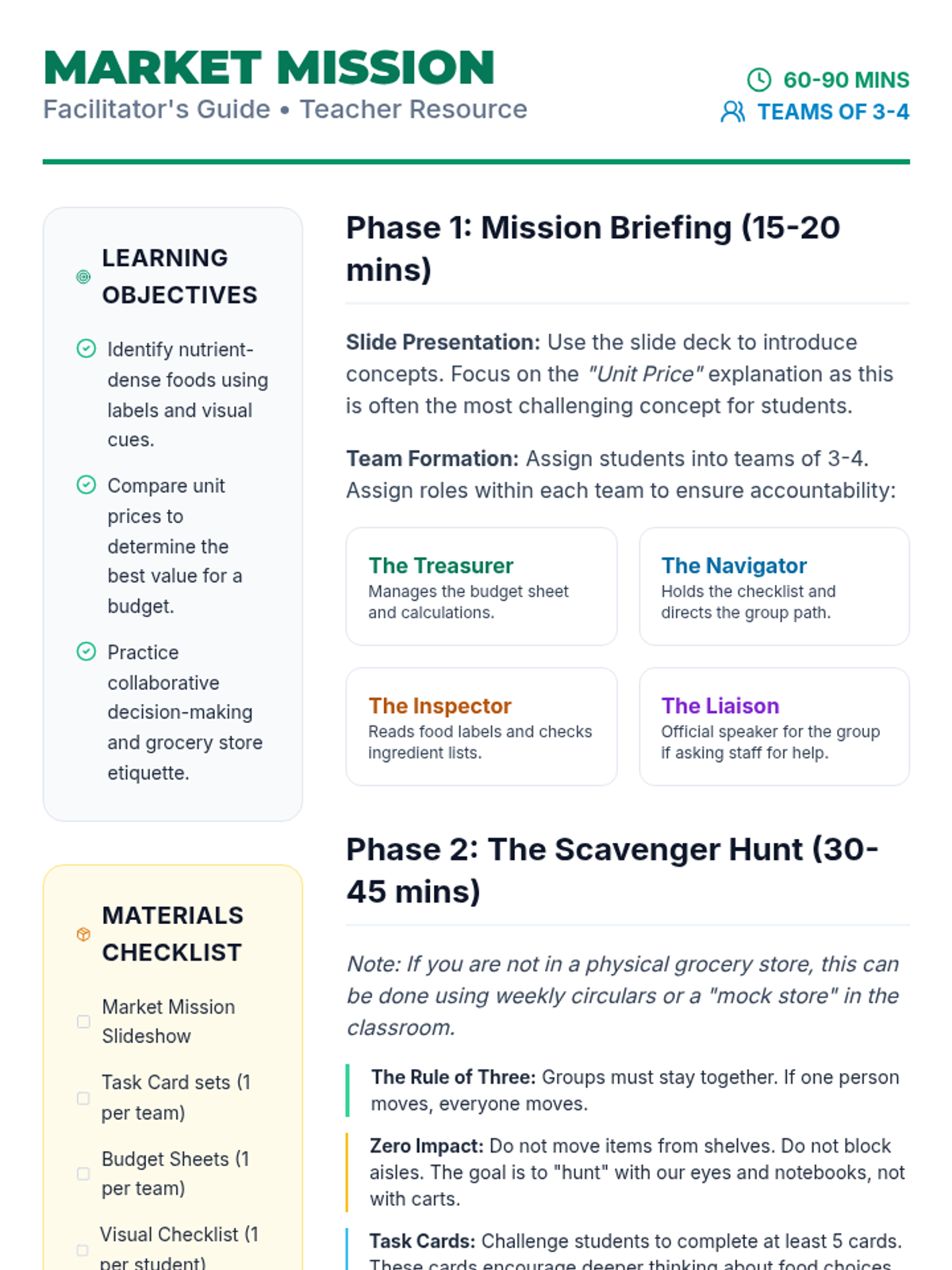
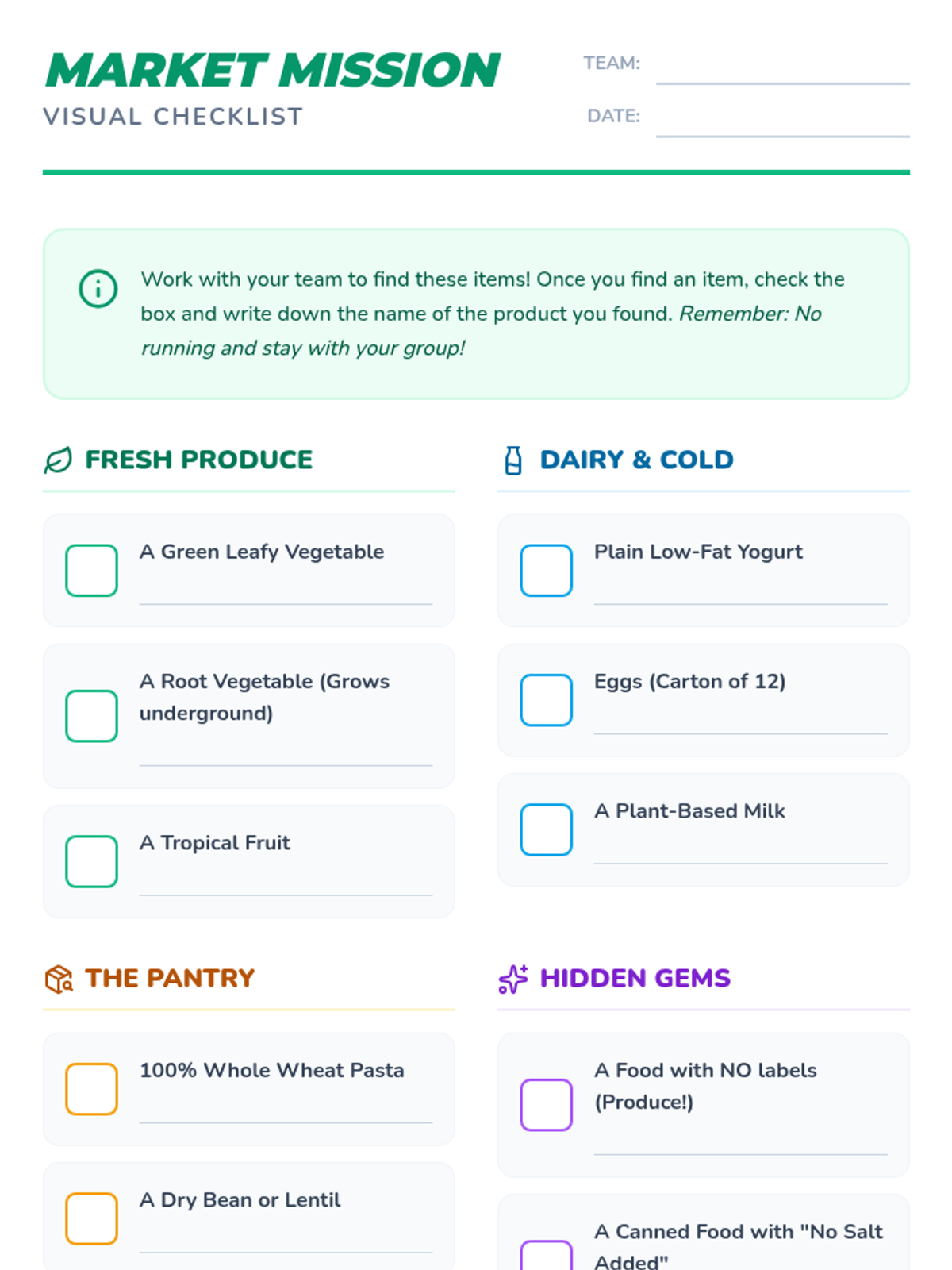
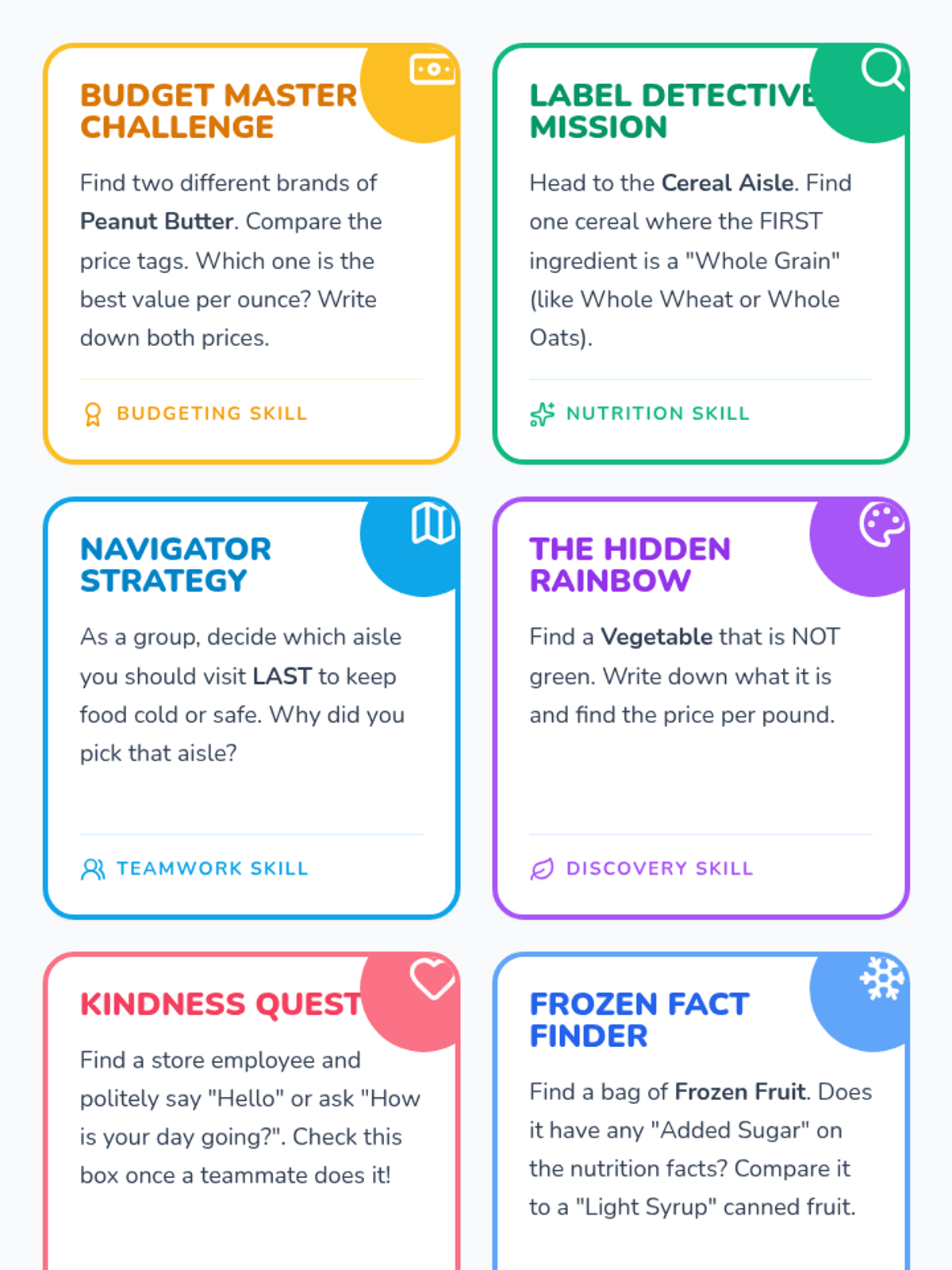
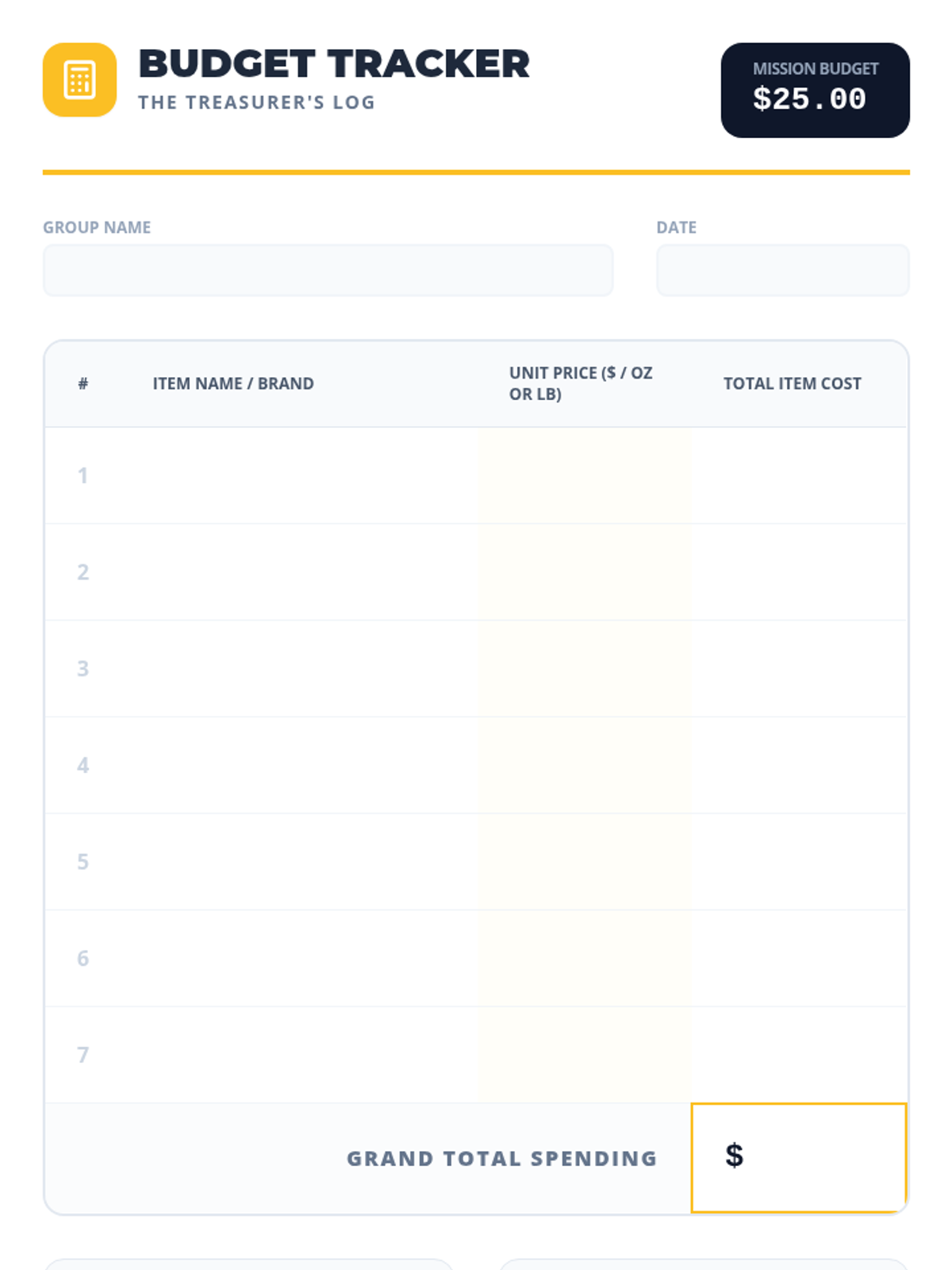
A group-building scavenger hunt where students work in teams to identify healthy foods, manage a budget, and practice social skills in a real-world grocery setting.
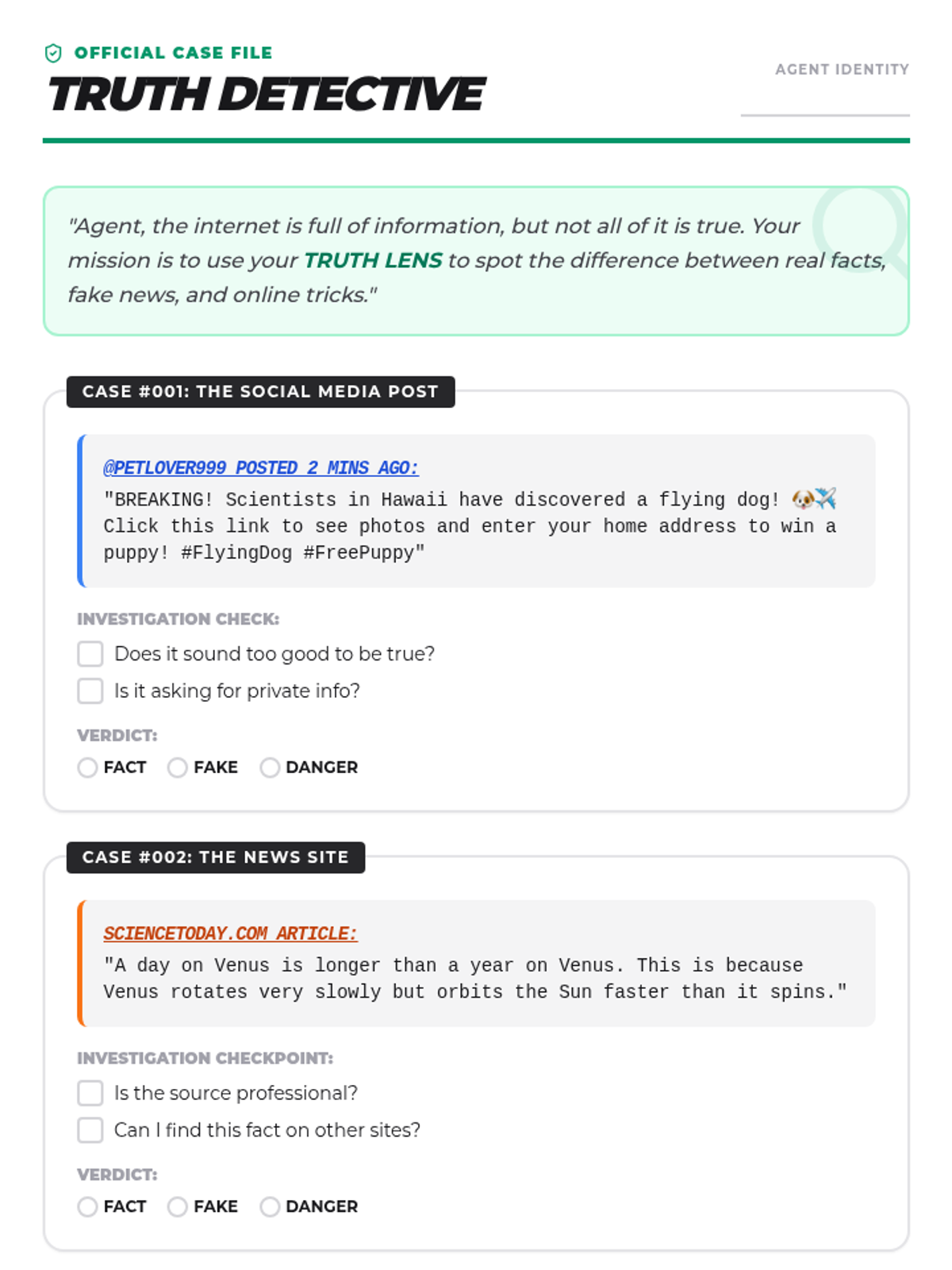
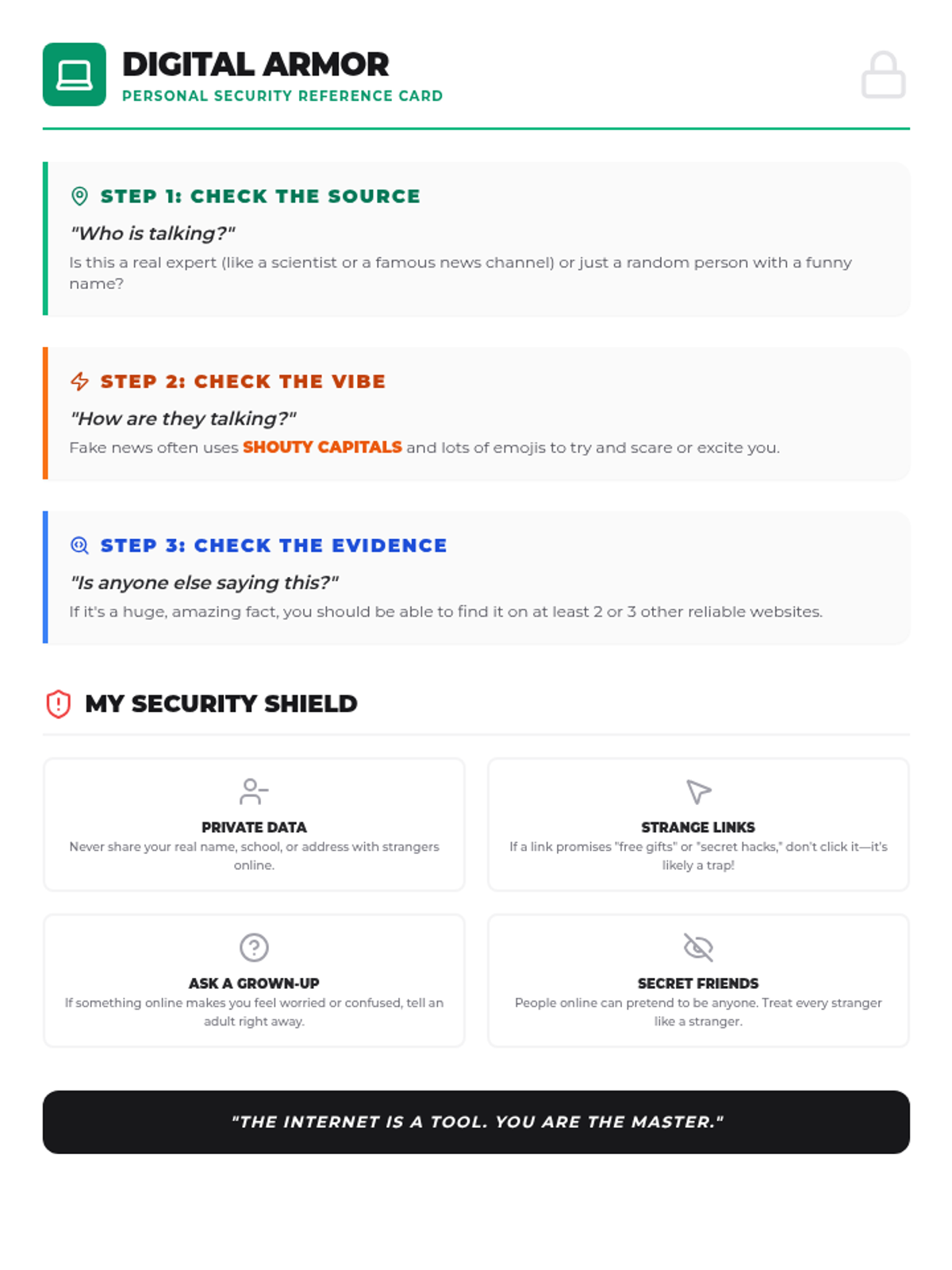
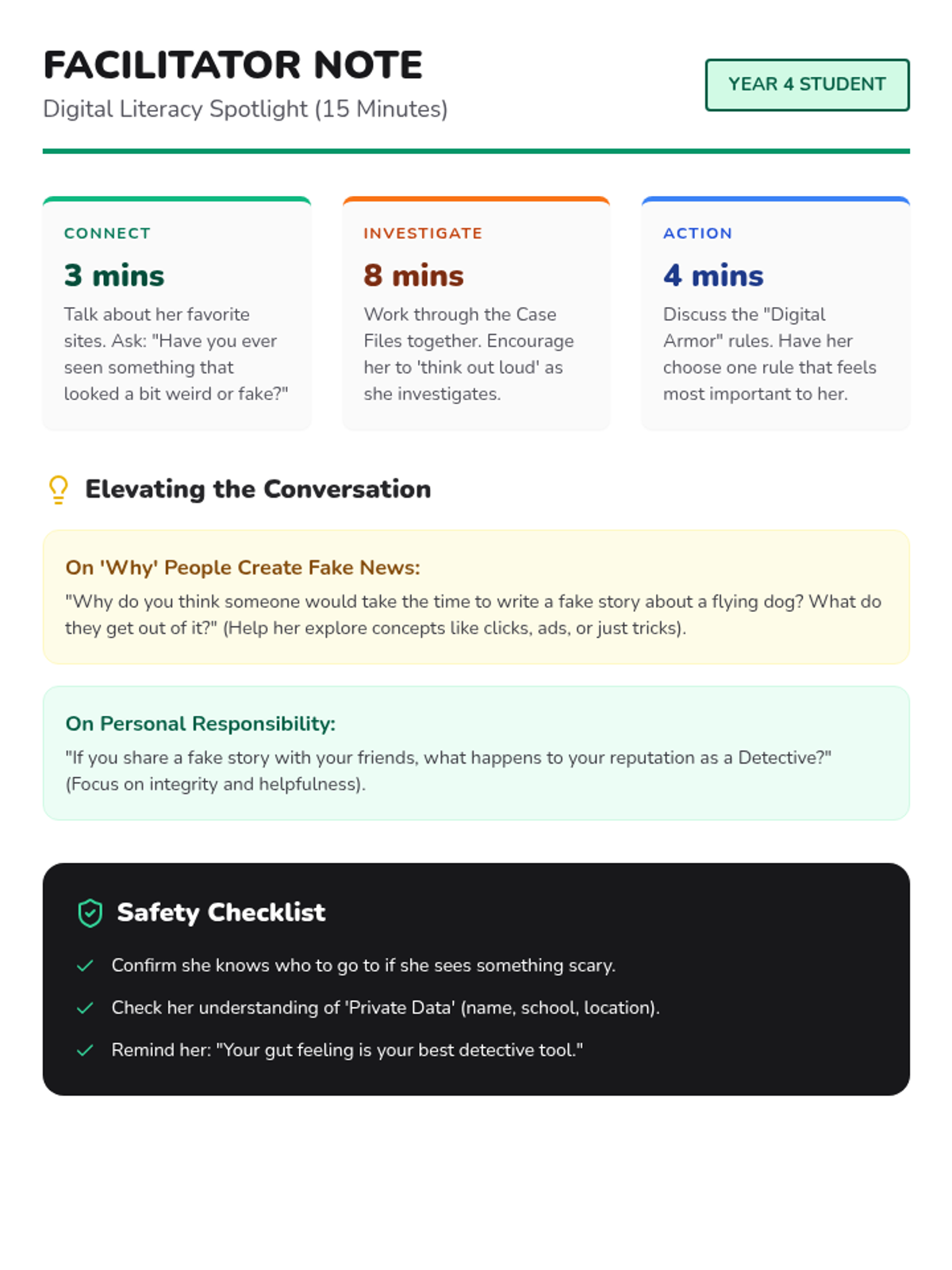
A fast-paced digital literacy session designed for a bright Year 4 student to practice fact-checking, spotting misinformation, and staying safe in online environments.