Fundamental hardware proficiency, secure online behavior, and ethical social media engagement. Equips learners with productivity tool mastery, web publishing skills, and critical evaluation of emerging technologies.
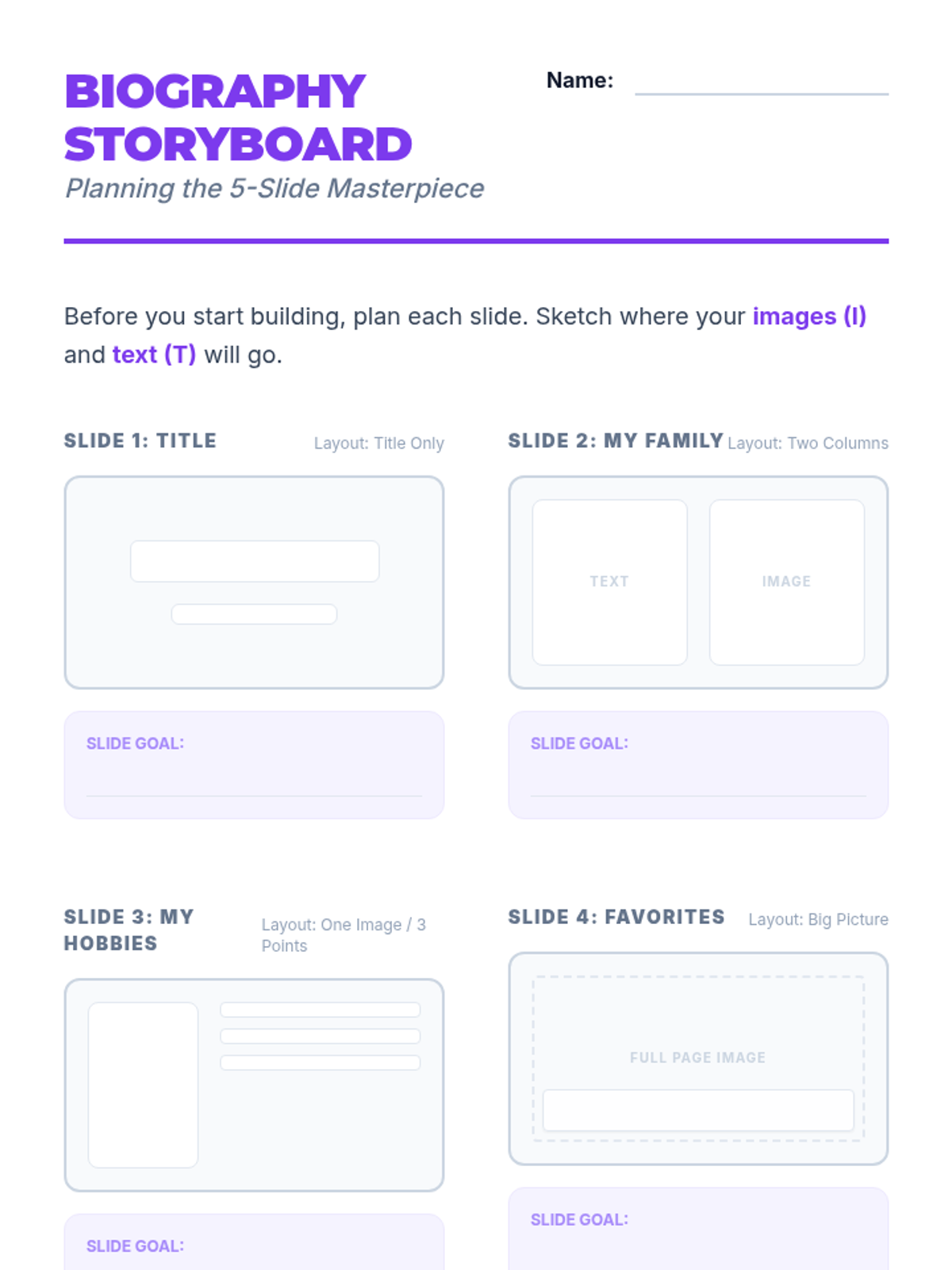
A comprehensive storyboard planner for the 5-slide digital biography, including layout sketches and feedback cards for the gallery walk.
Project instruction slides for the Final Digital Biography, outlining the 5-slide challenge, mastery goals, and the concluding gallery walk activity.
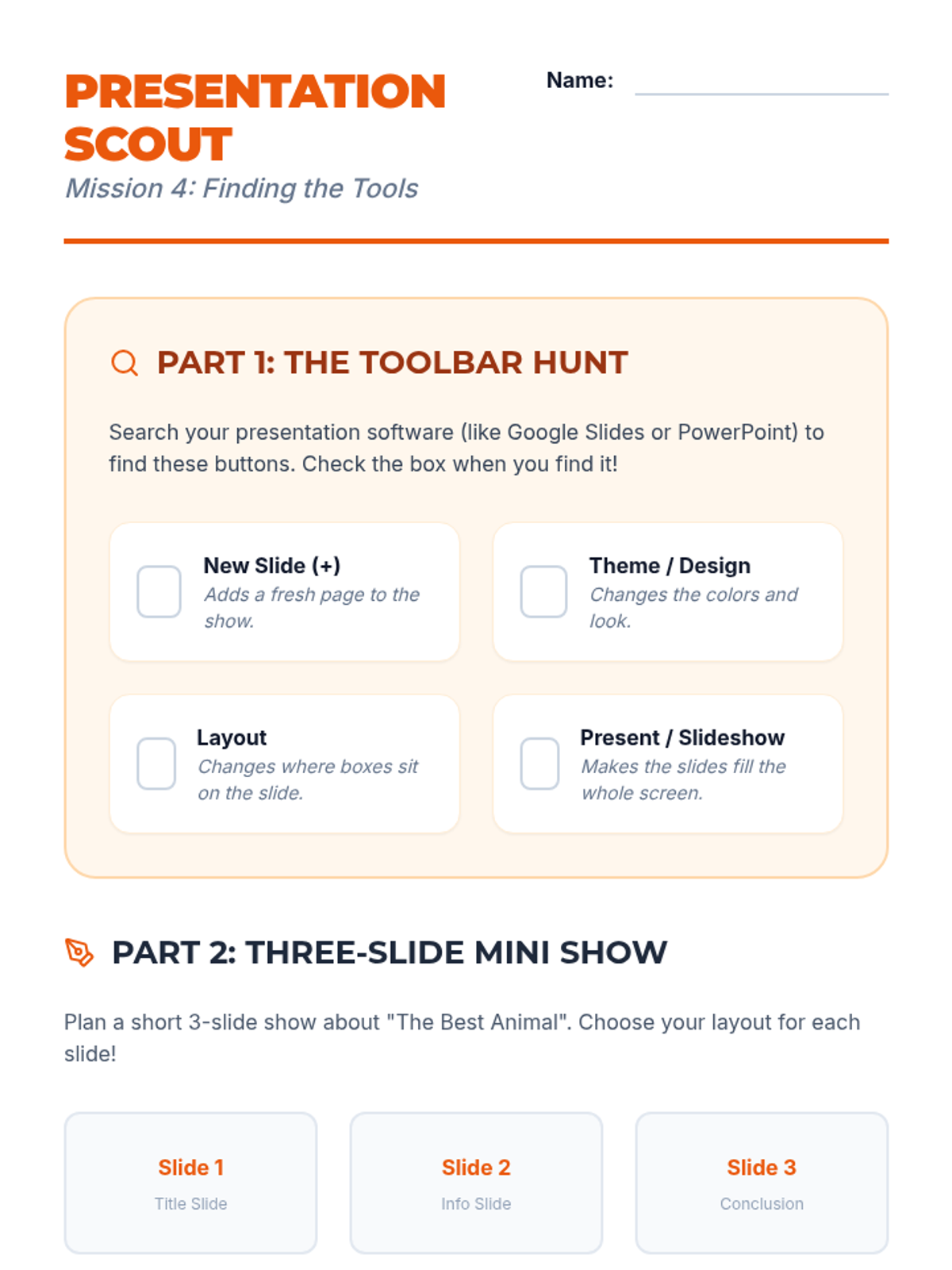
A combined activity sheet including a toolbar scavenger hunt for presentation software and a planning guide for a student's first three-slide presentation.
Slides introducing presentation software, contrasting documents with slides, and exploring themes, layouts, and toolbar navigation.
A planning document for the 'All About Me' flyer project, featuring a requirements checklist, a sketch area for layout design, and tips for digital citizenship.
Instructional slides for inserting, resizing (via corners), and positioning images within a document, leading into an 'About Me' flyer project.
A step-by-step activity sheet where students type a plain story and apply specific formatting changes to transform its visual impact.
Visual slides for teaching text formatting basics (fonts, styles, color) with a focus on visual hierarchy and selection techniques.
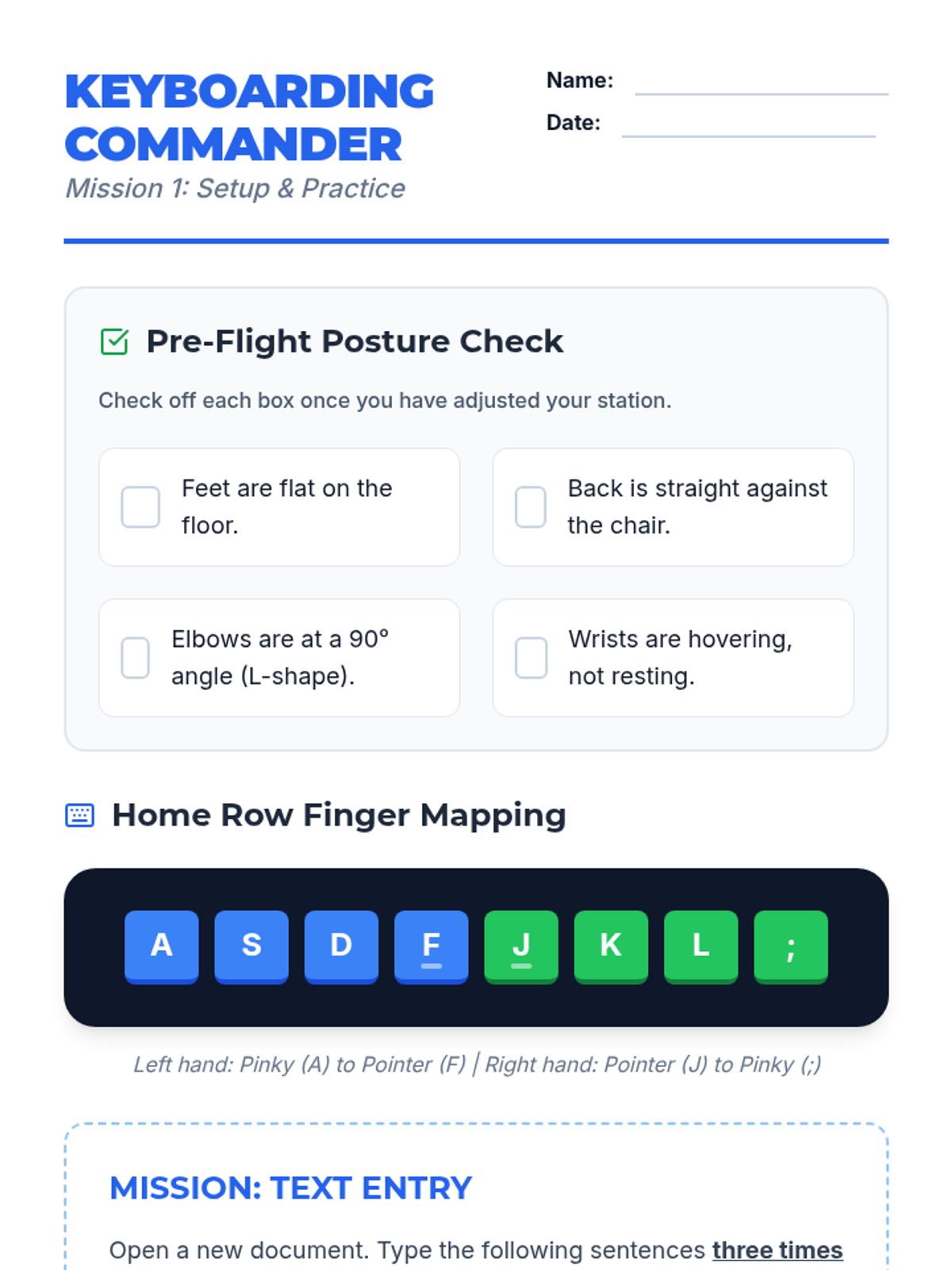
A student worksheet providing a posture checklist, home row finger mapping, and a typing practice mission for initial text entry skills.
Introductory slides for keyboarding basics, covering posture, home row positioning, and the 'Accuracy Over Speed' mindset for 3rd graders.
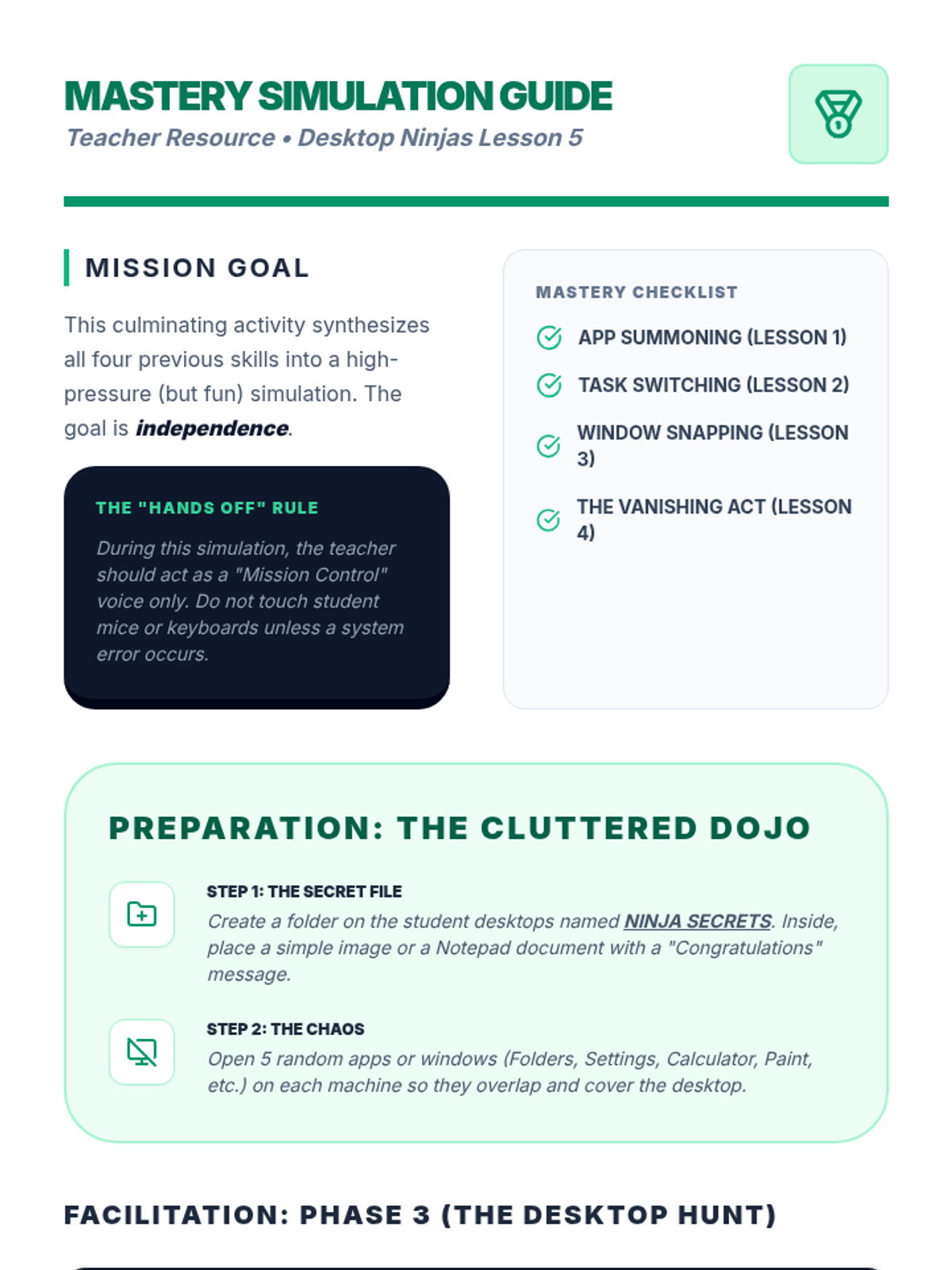
Teacher guide for the final simulation lesson, including instructions for setting up the 'Cluttered Dojo' and facilitating the arrow-key desktop navigation.
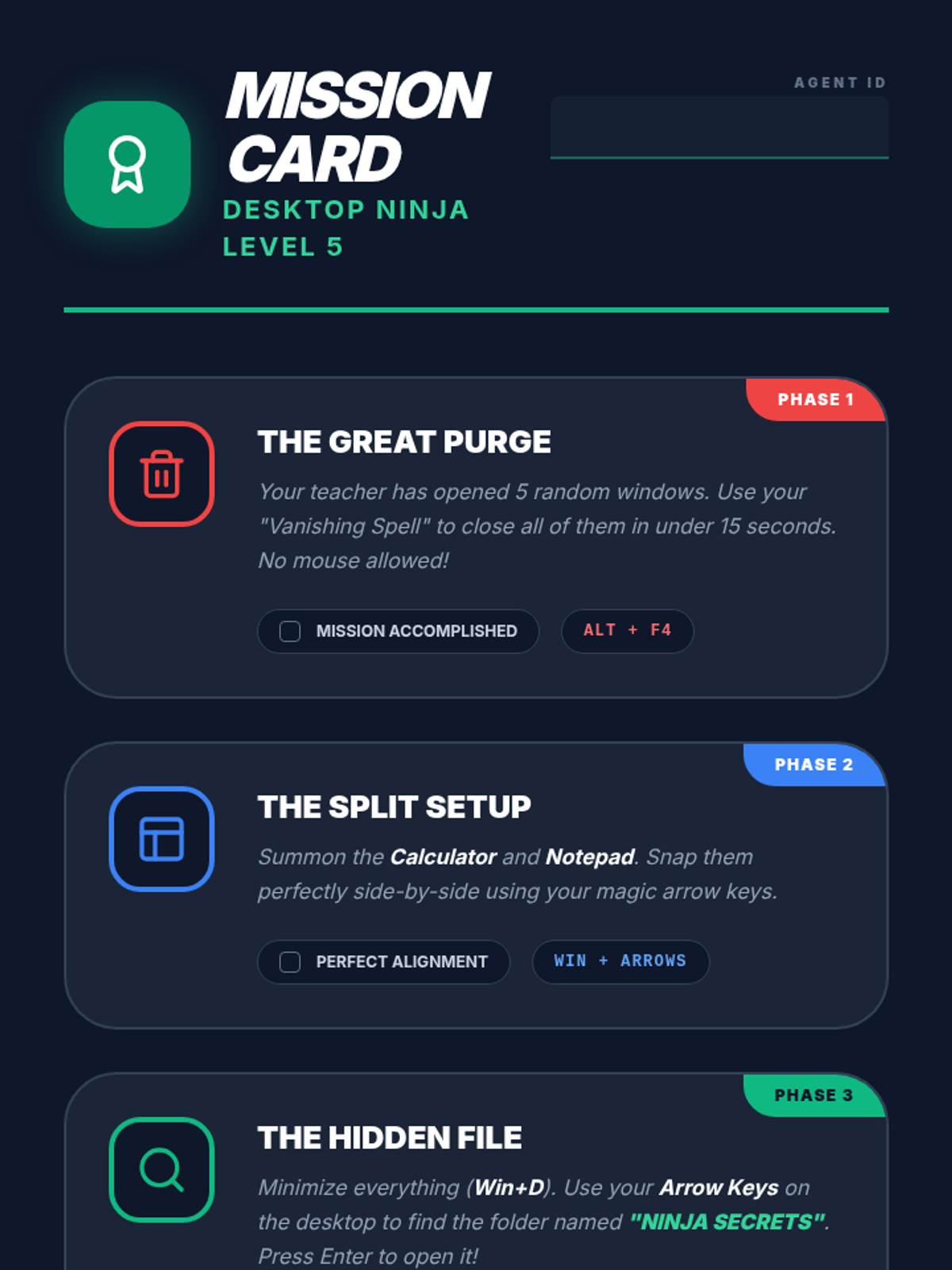
The final simulation mission card where students must perform a three-phase challenge: Purge, Organize, and Hunt.
Culminating slides for the final simulation, reviewing all shortcuts and introducing Win+D for desktop navigation.
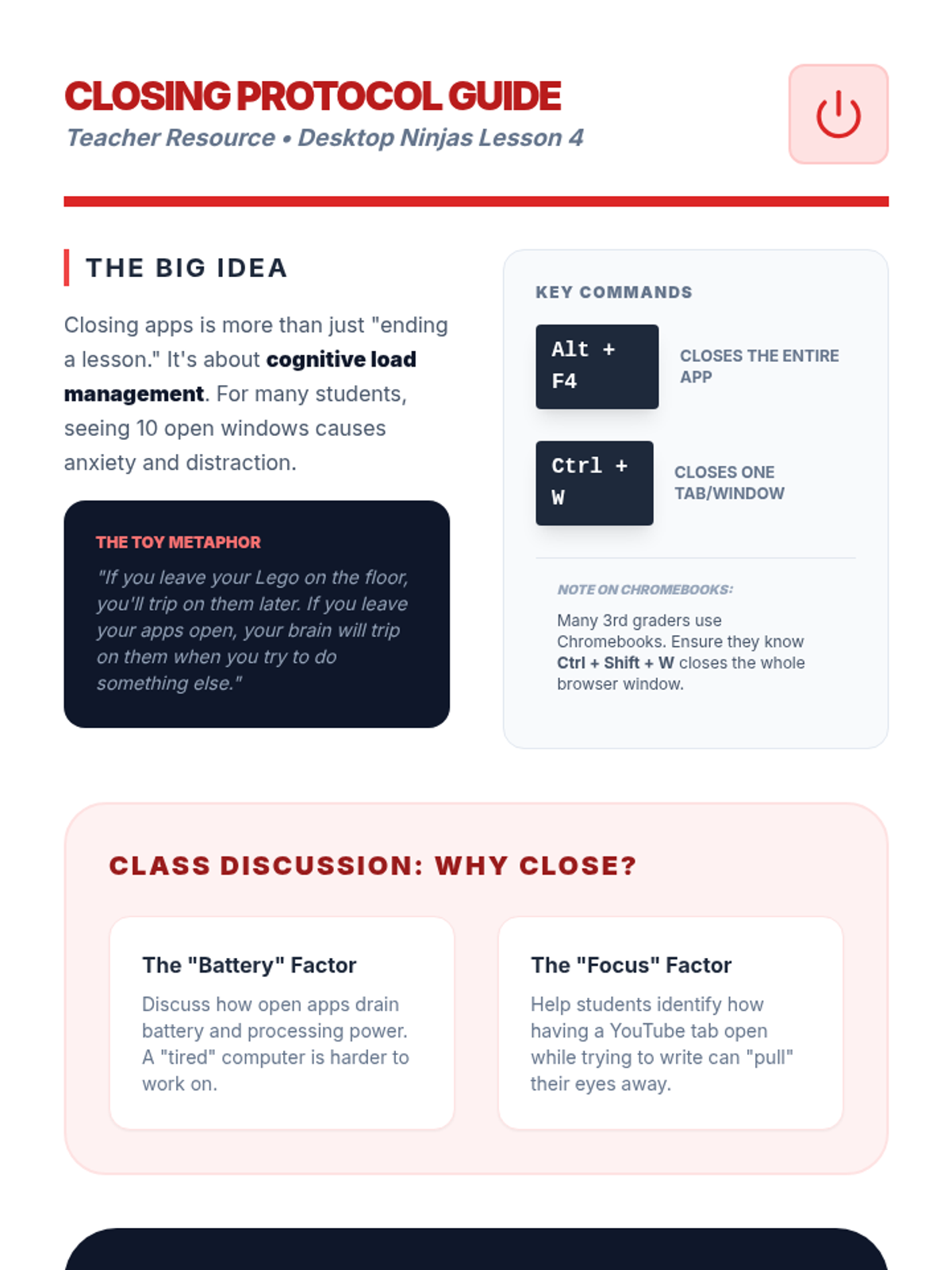
Teacher guide for Lesson 4, detailing the 'Toy Metaphor' for digital organization and instructions for the 'Rapid Fire Cleanup' game.
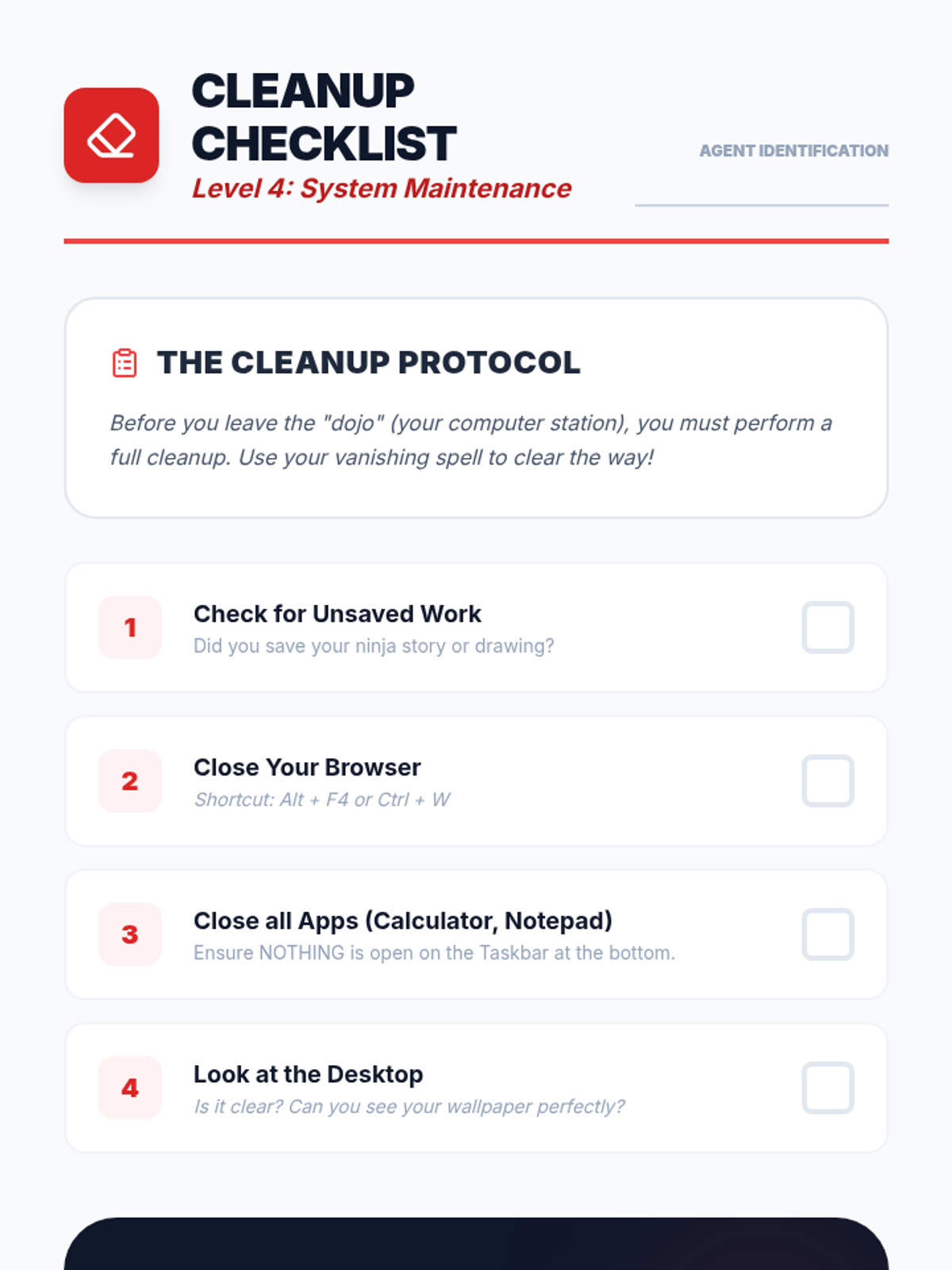
A student cleanup checklist to ensure all windows and applications are closed properly at the end of a session.
Slides teaching shortcuts for closing windows (Alt+F4 and Ctrl+W) and discussing the importance of a clean digital workspace.
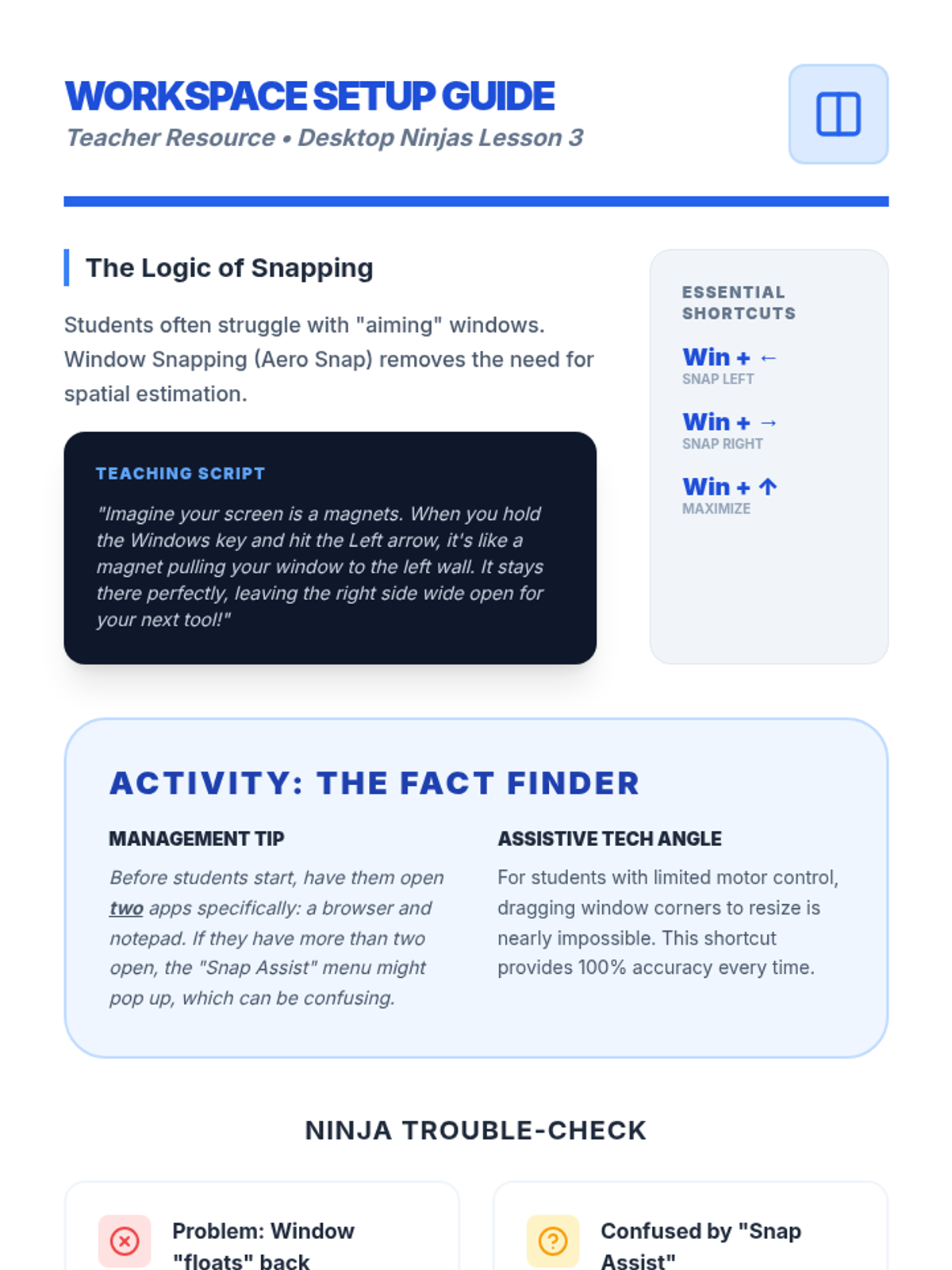
Teacher guide for Lesson 3, covering Aero Snap logic, the magnet analogy, and management tips for 'Snap Assist'.
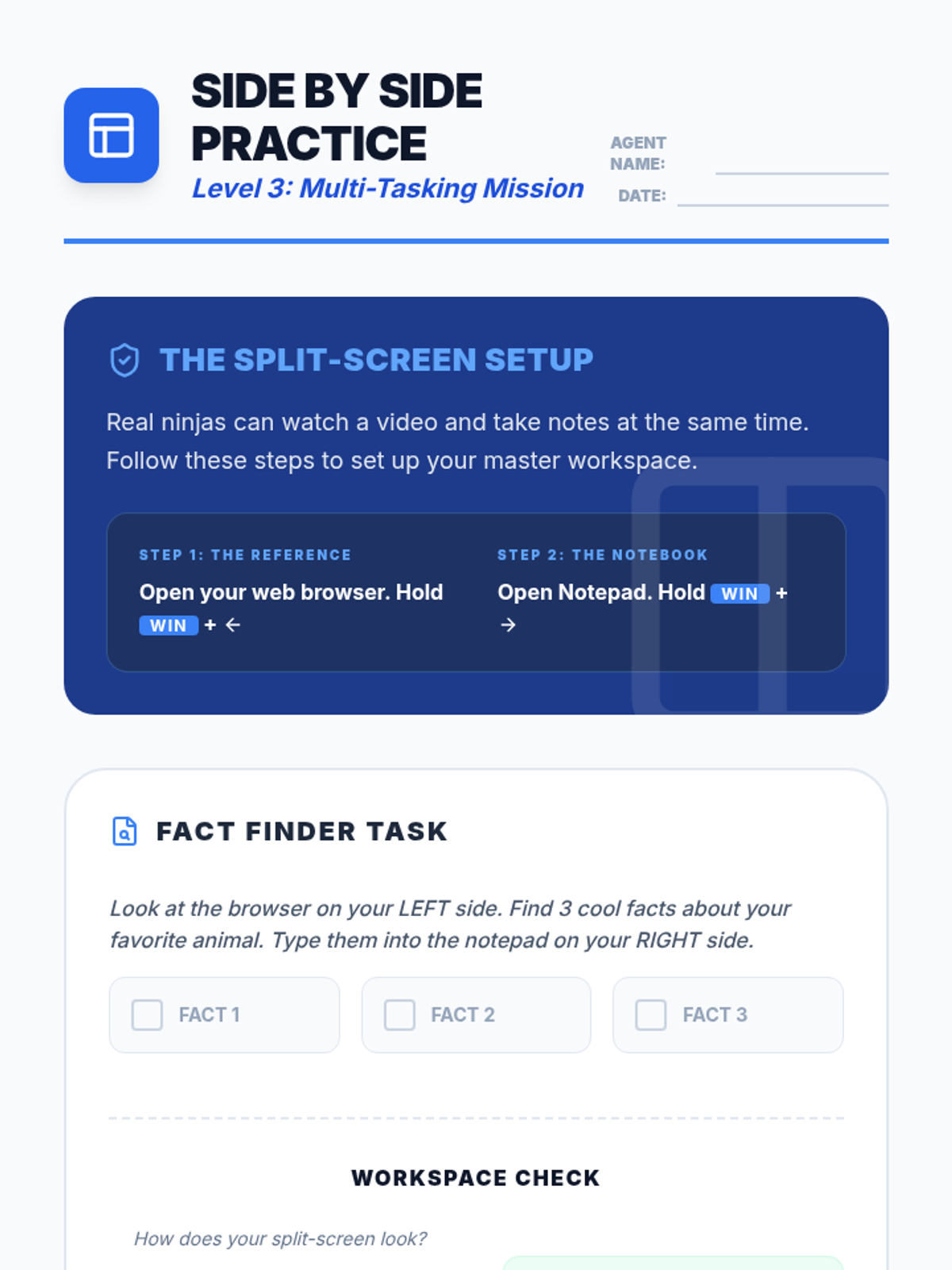
A student worksheet for practicing split-screen organization by finding facts on the web and typing them into a note app.
Slides introducing 'Window Snapping' using the Windows key and arrow keys to organize the workspace.
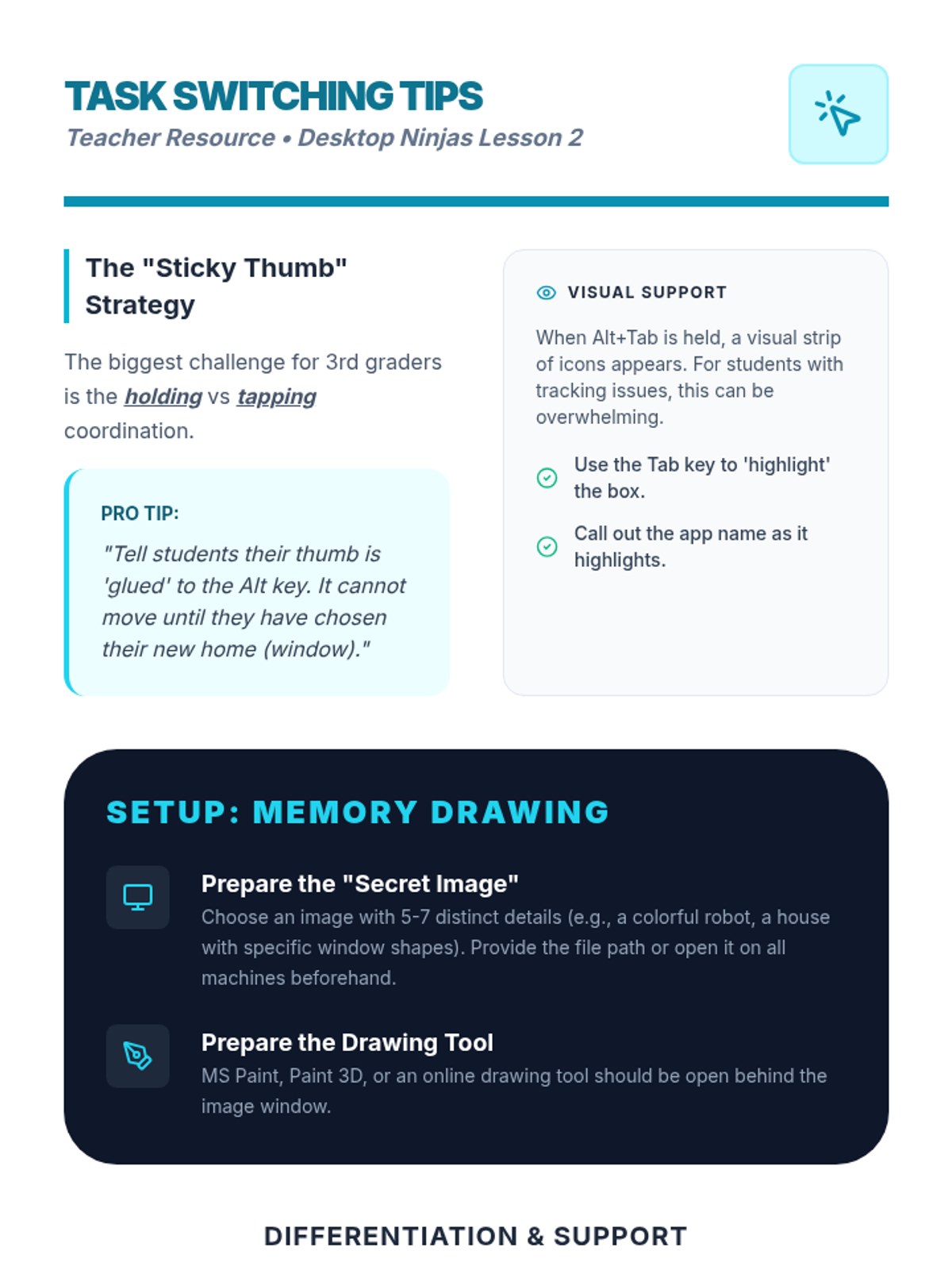
Teacher guide for Lesson 2, providing the 'Sticky Thumb' strategy, activity setup instructions, and differentiation levels.
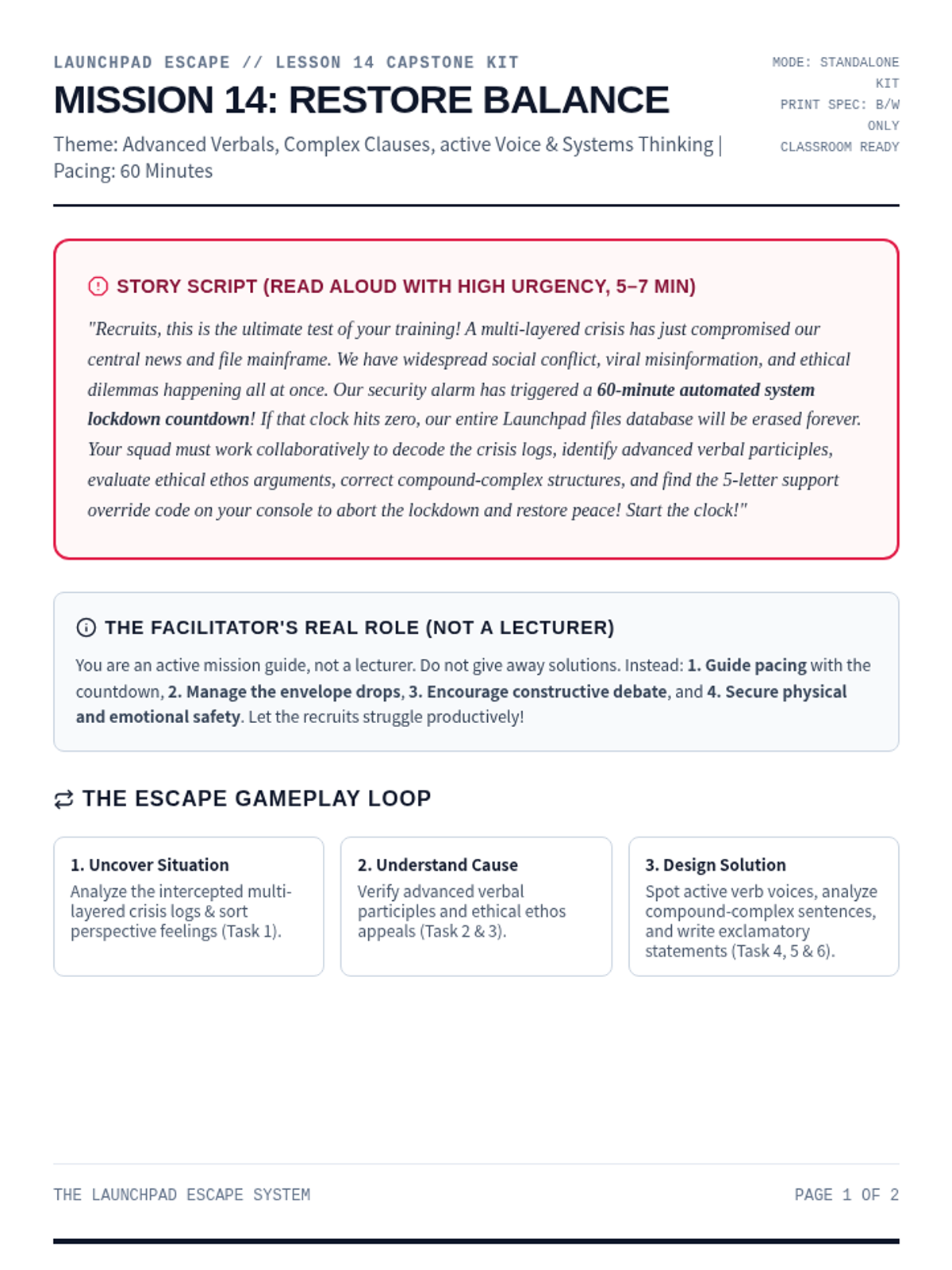
A comprehensive printable facilitator guide for Mission 14: The Capstone Mission. Contains story script, setup checklists, progressive clue mechanics, persuasive appeals endings, and debrief questions.
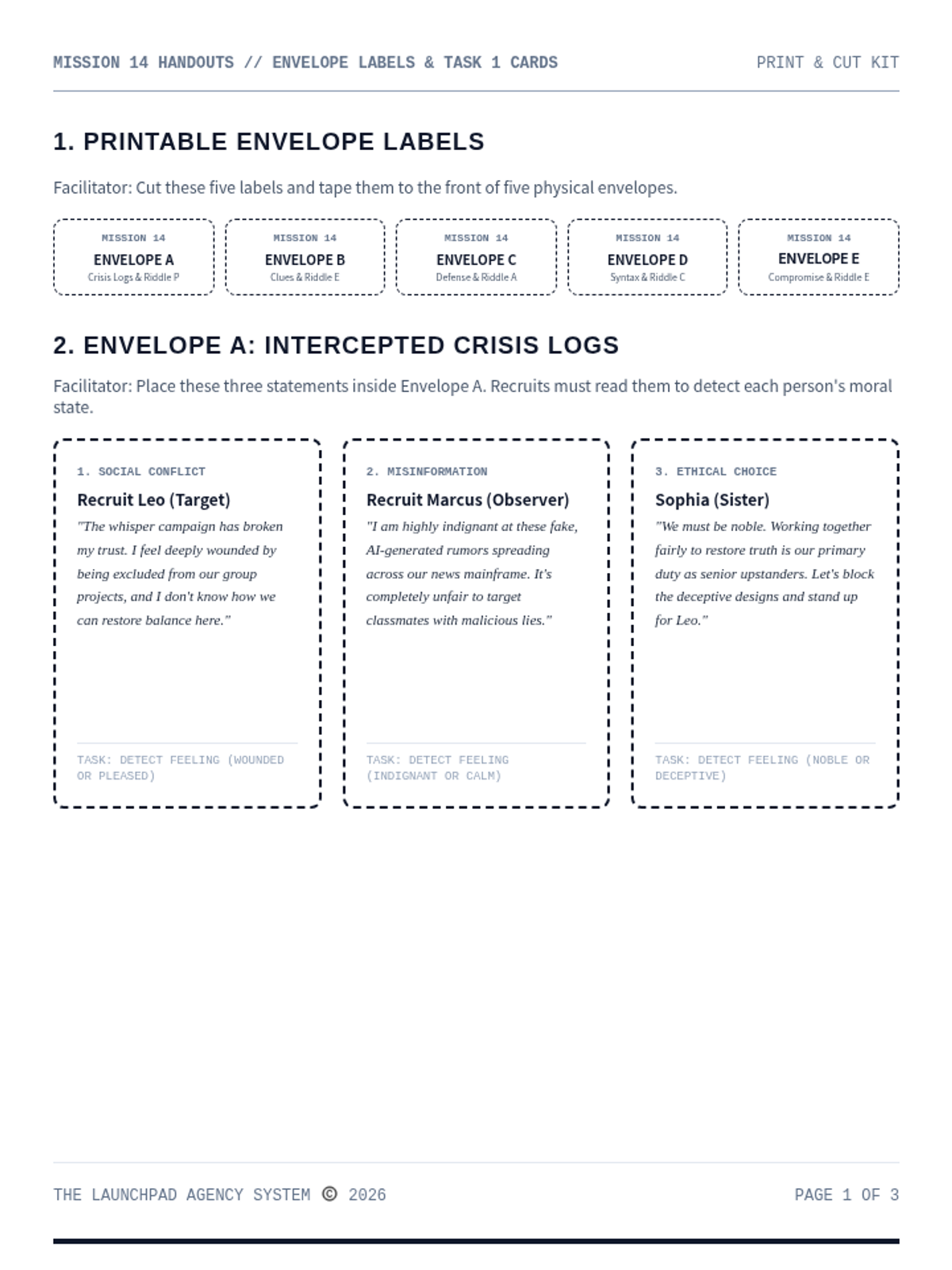
A print-and-cut materials handout kit for Mission 14: The Capstone Mission. Contains envelope labels, printed posts, source cards, and timeline charts.
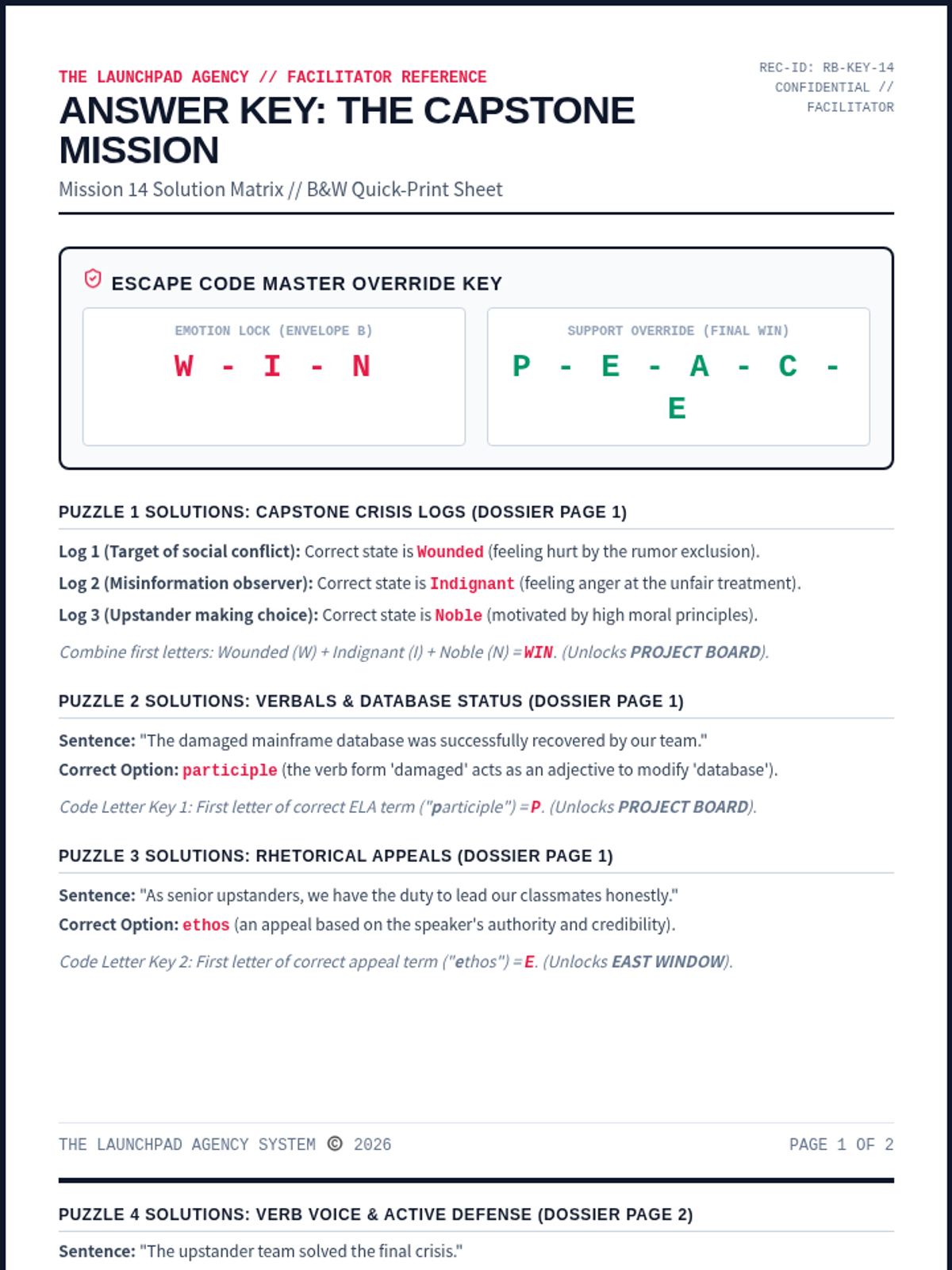
A dedicated facilitator answer key for Mission 14: The Capstone Mission. Contains complete solutions for all ELA/coordinate puzzles, ciphers, and floor map paths, along with rubrics and setup tips.
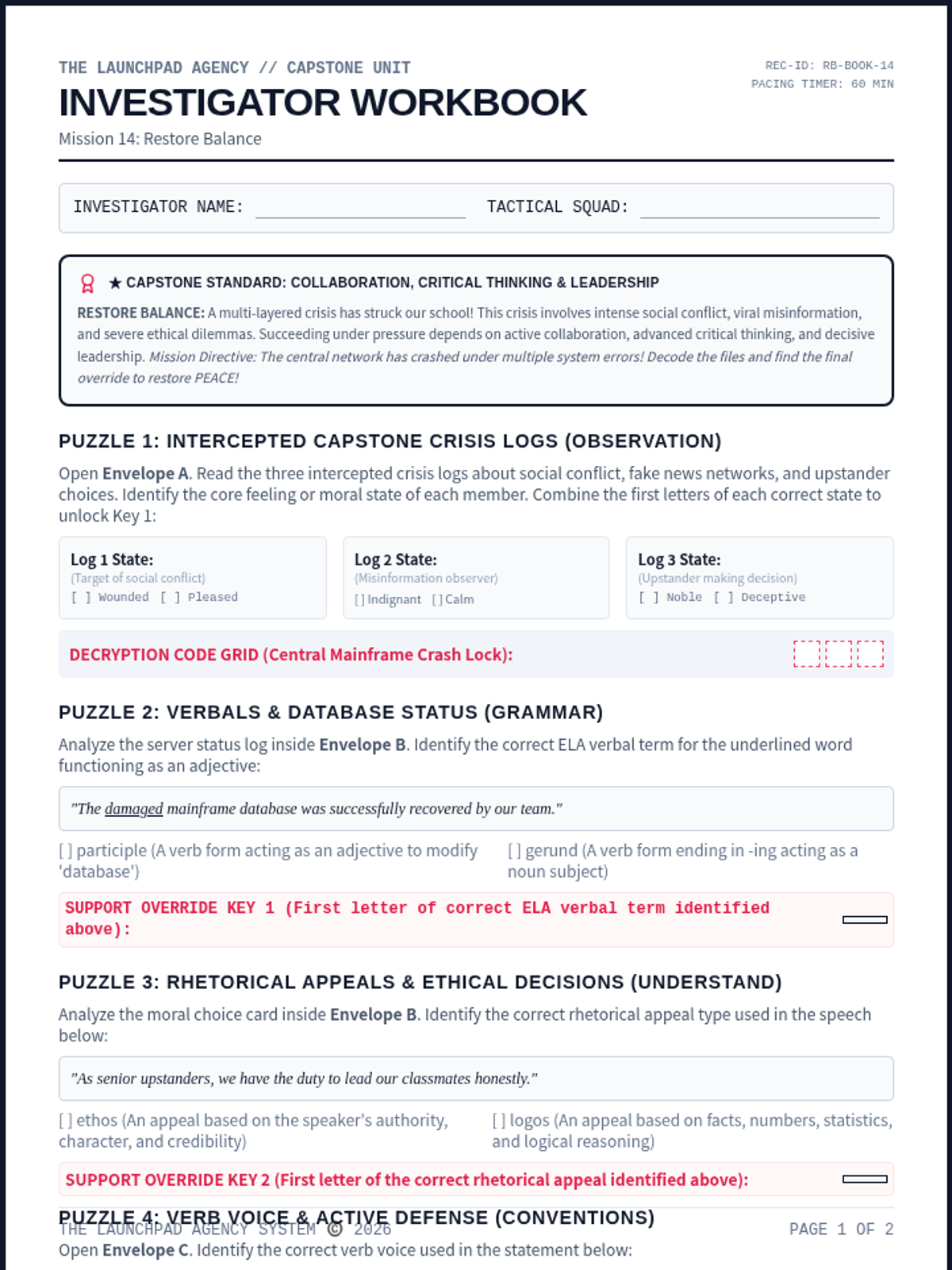
An immersive student-facing escape worksheet. Recruits examine complex social conflict evidence, trace misinformation networks, resolve major ethical dilemmas, and decode the final override.
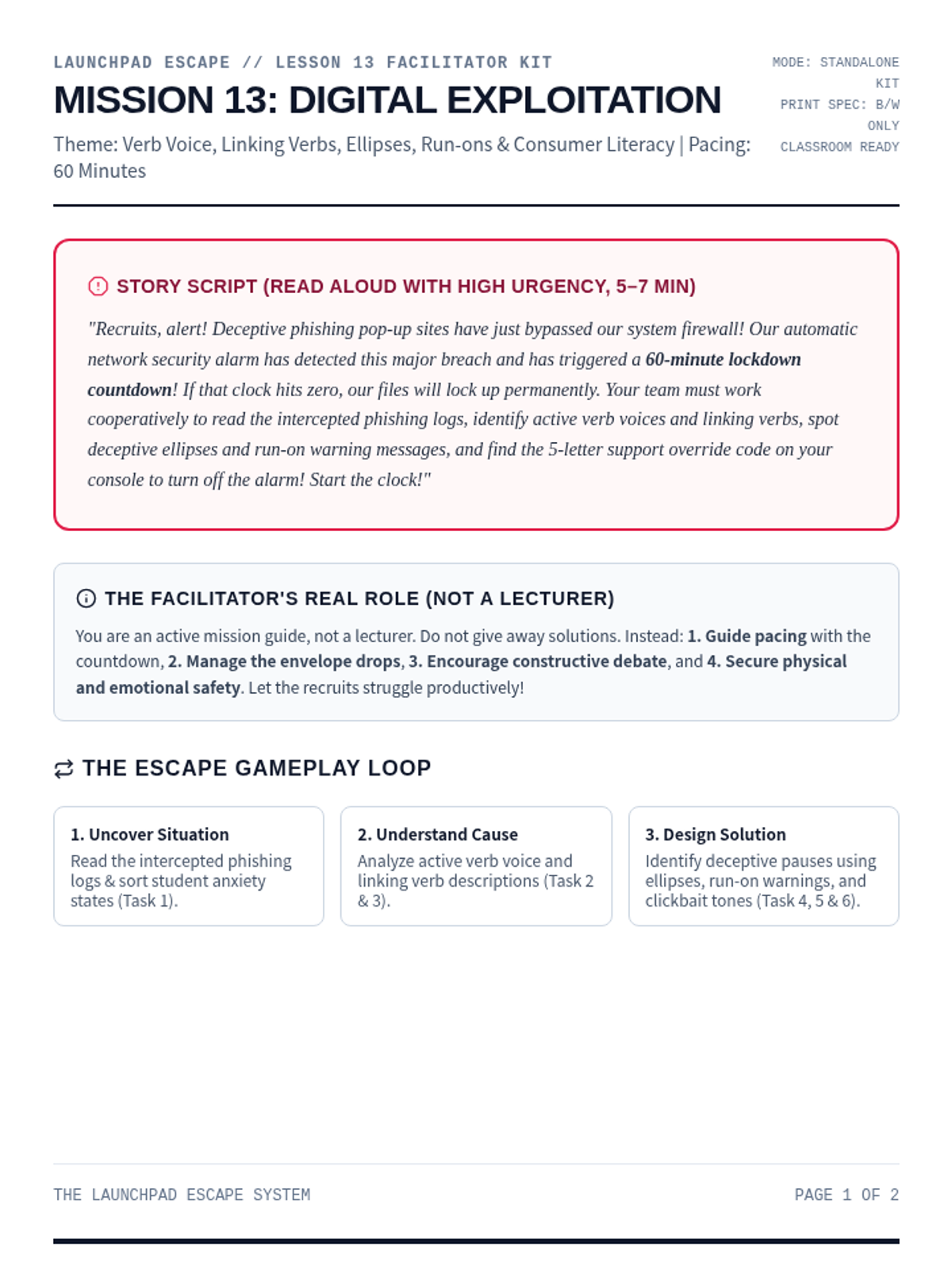
A comprehensive printable facilitator guide for Mission 13: Digital Exploitation. Contains story script, setup checklists, progressive clue mechanics, persuasive appeals endings, and debrief questions.
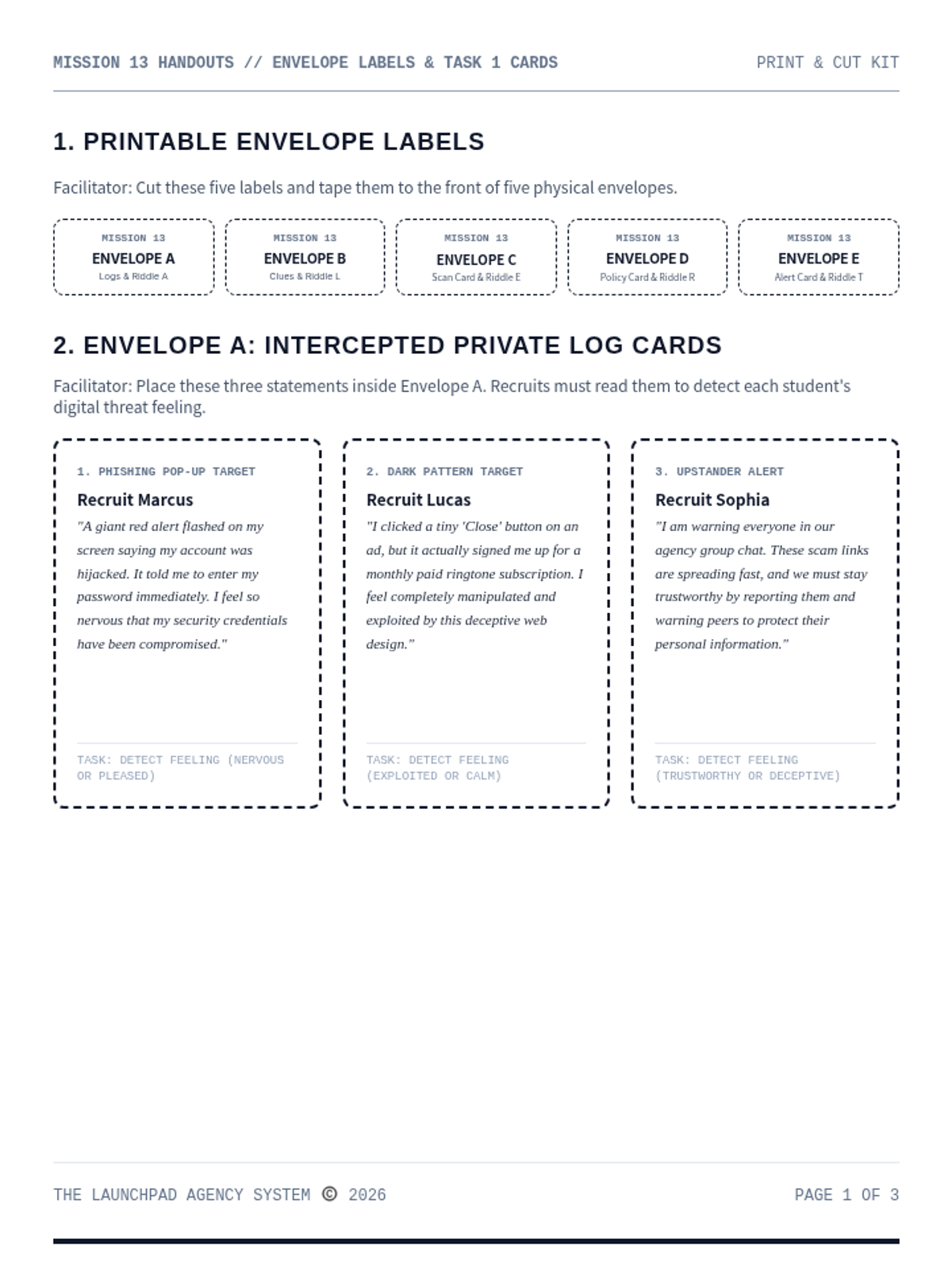
A print-and-cut materials handout kit for Mission 13: Digital Exploitation. Contains envelope labels, student statements, word files, and printable landmark riddle cards.
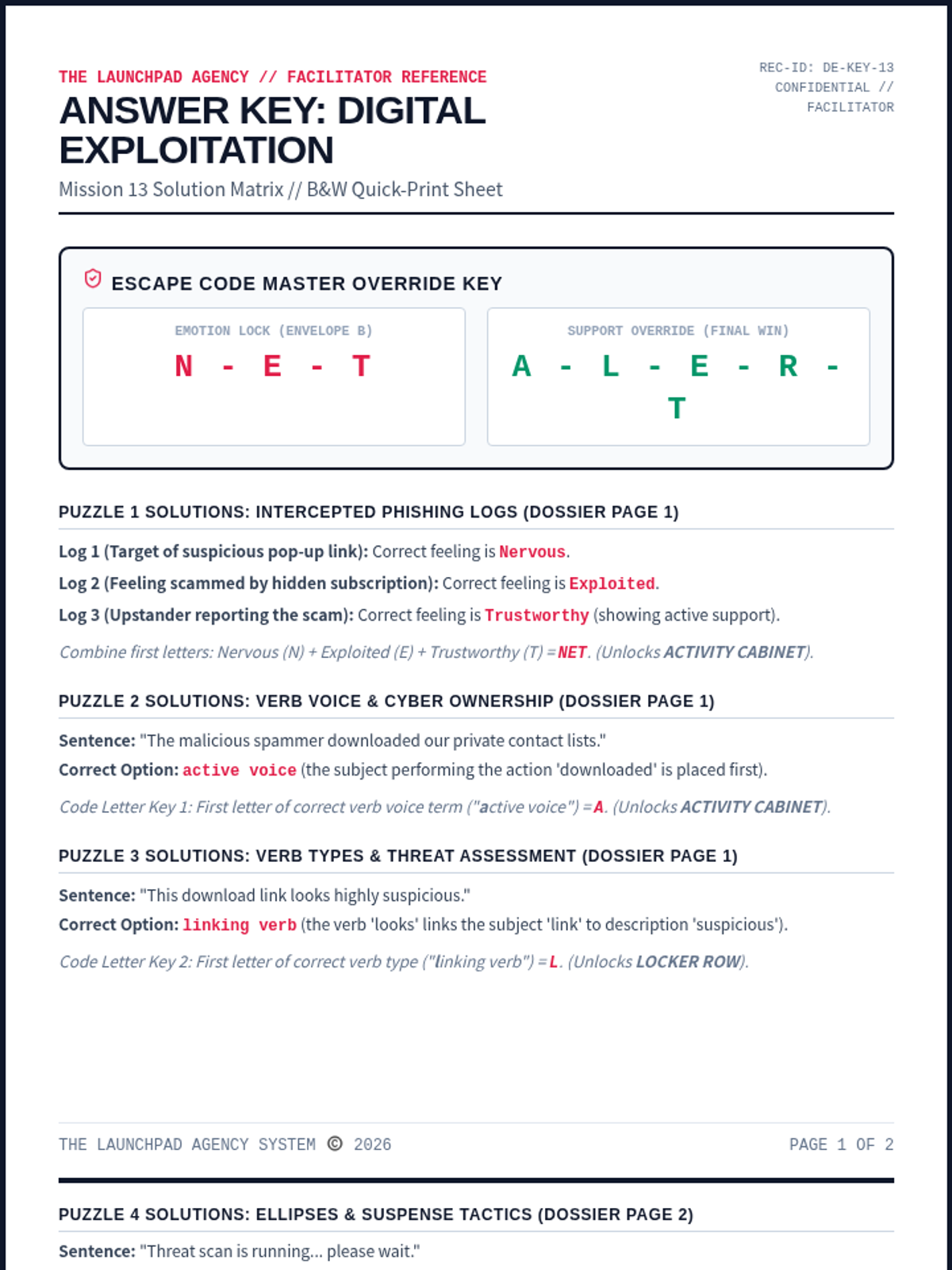
A dedicated facilitator answer key for Mission 13: Digital Exploitation. Contains complete solutions for all ELA/coordinate puzzles, ciphers, and floor map paths, along with rubrics and setup tips.
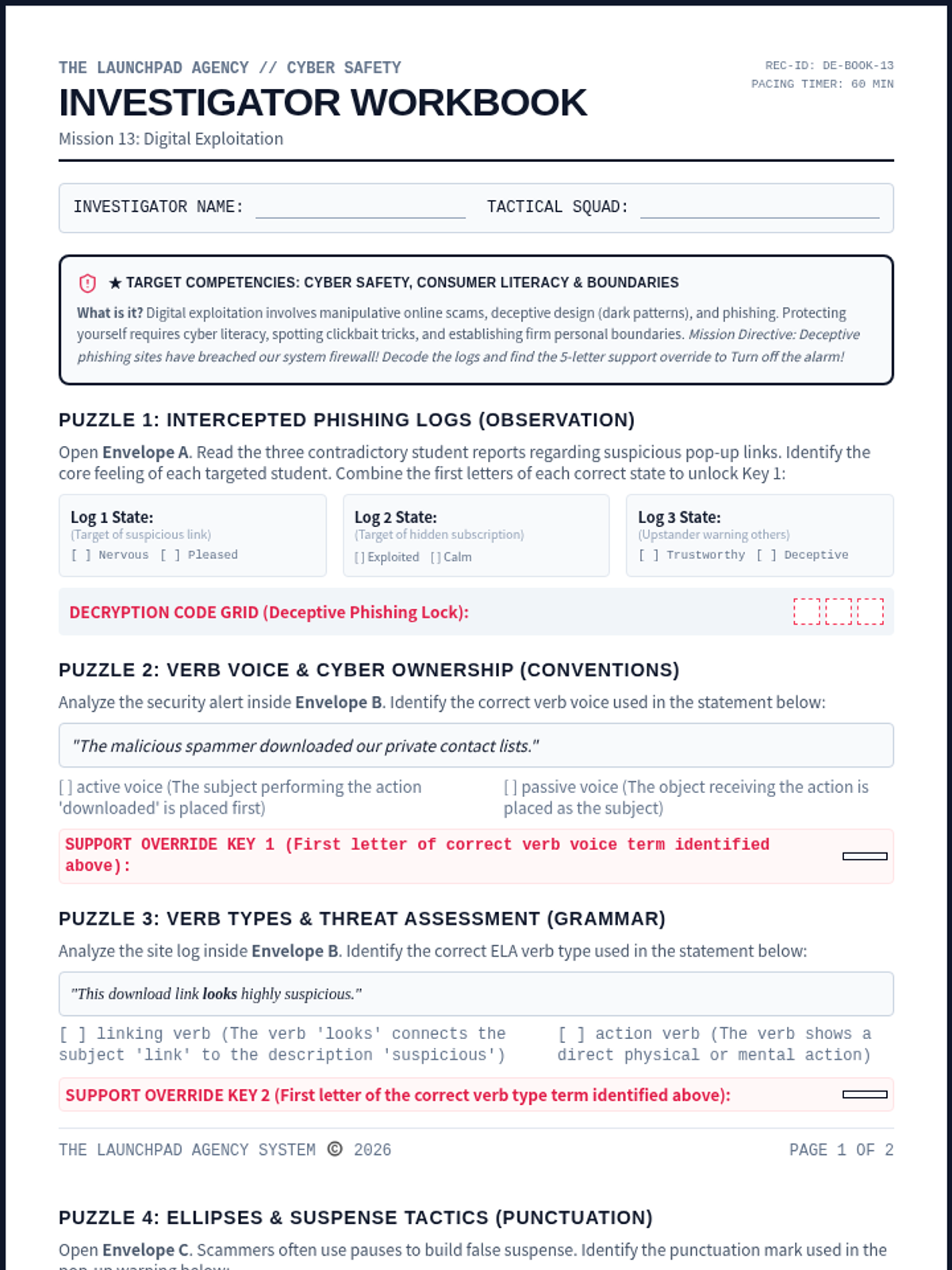
An immersive student-facing escape worksheet. Recruits identify online scams, recognize manipulative dark patterns, and protect personal data. Recruits analyze active verb voices, linking verbs, ellipses punctuation, and deceptive tones to decode the final alert.
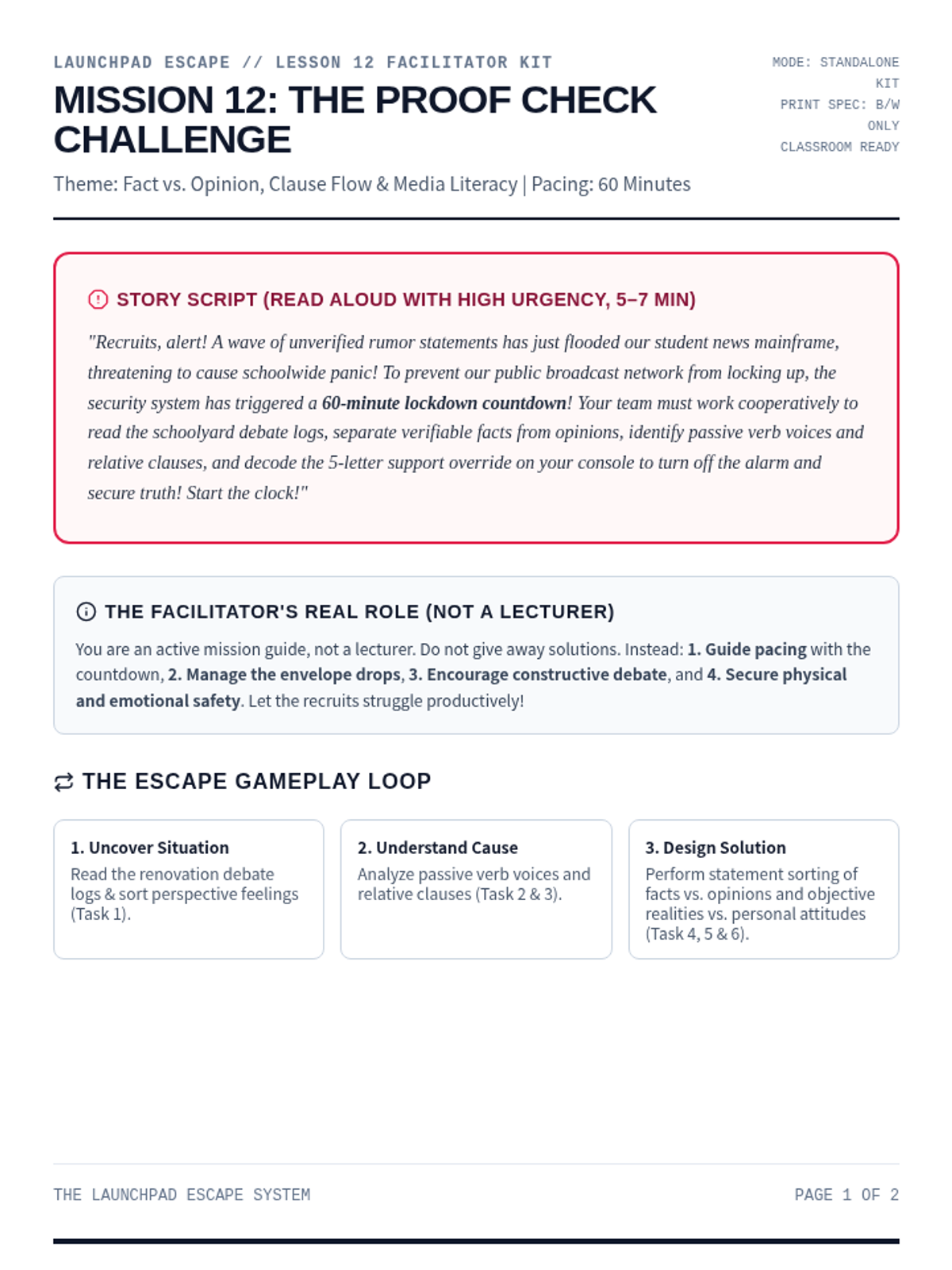
A comprehensive printable facilitator guide for Mission 12: Proof Check. Contains story script, setup checklists, progressive clue mechanics, persuasive appeals endings, and debrief questions.
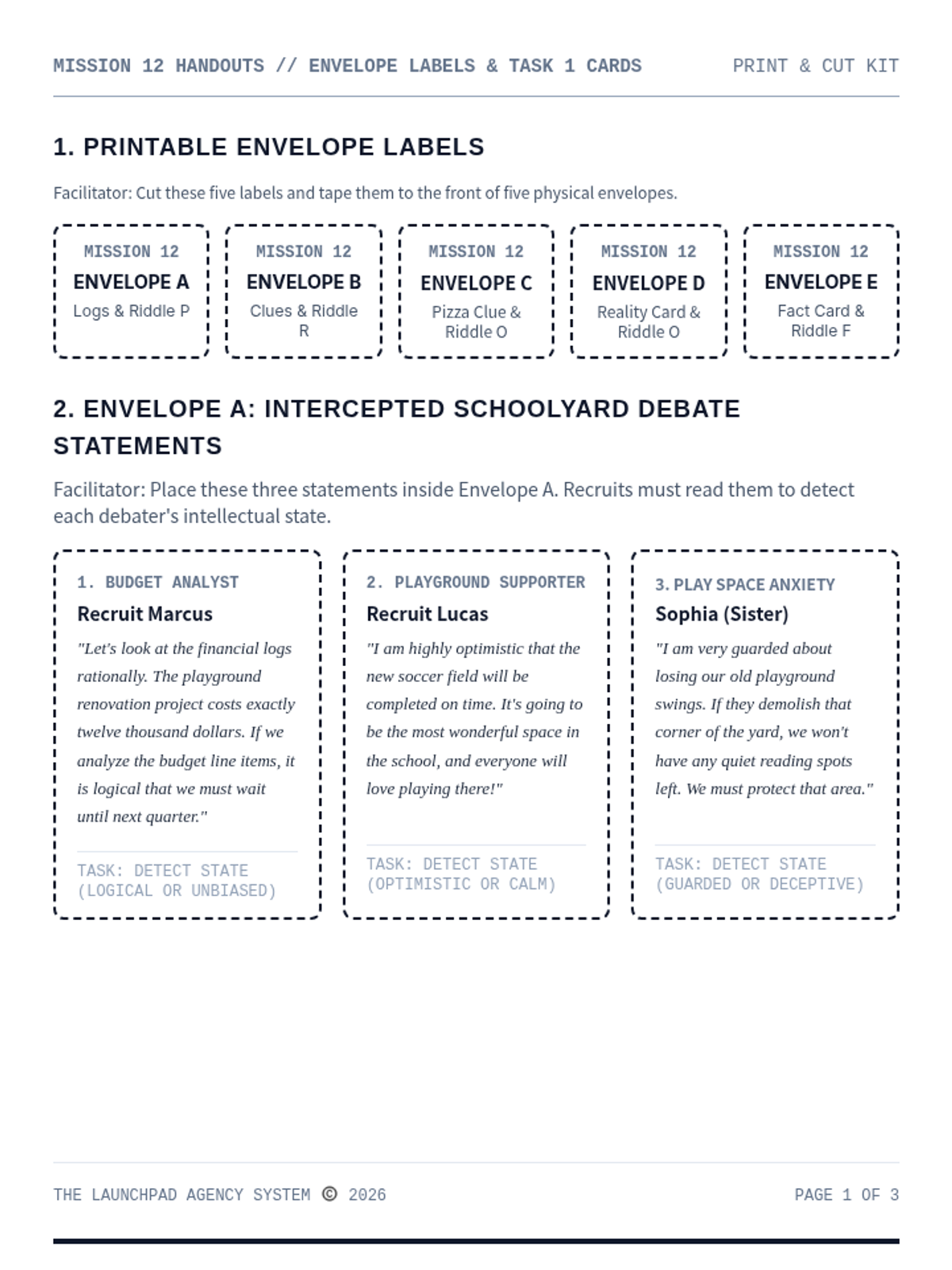
A print-and-cut materials handout kit for Mission 12: Proof Check. Contains envelope labels, student statements, word files, and printable landmark riddle cards.
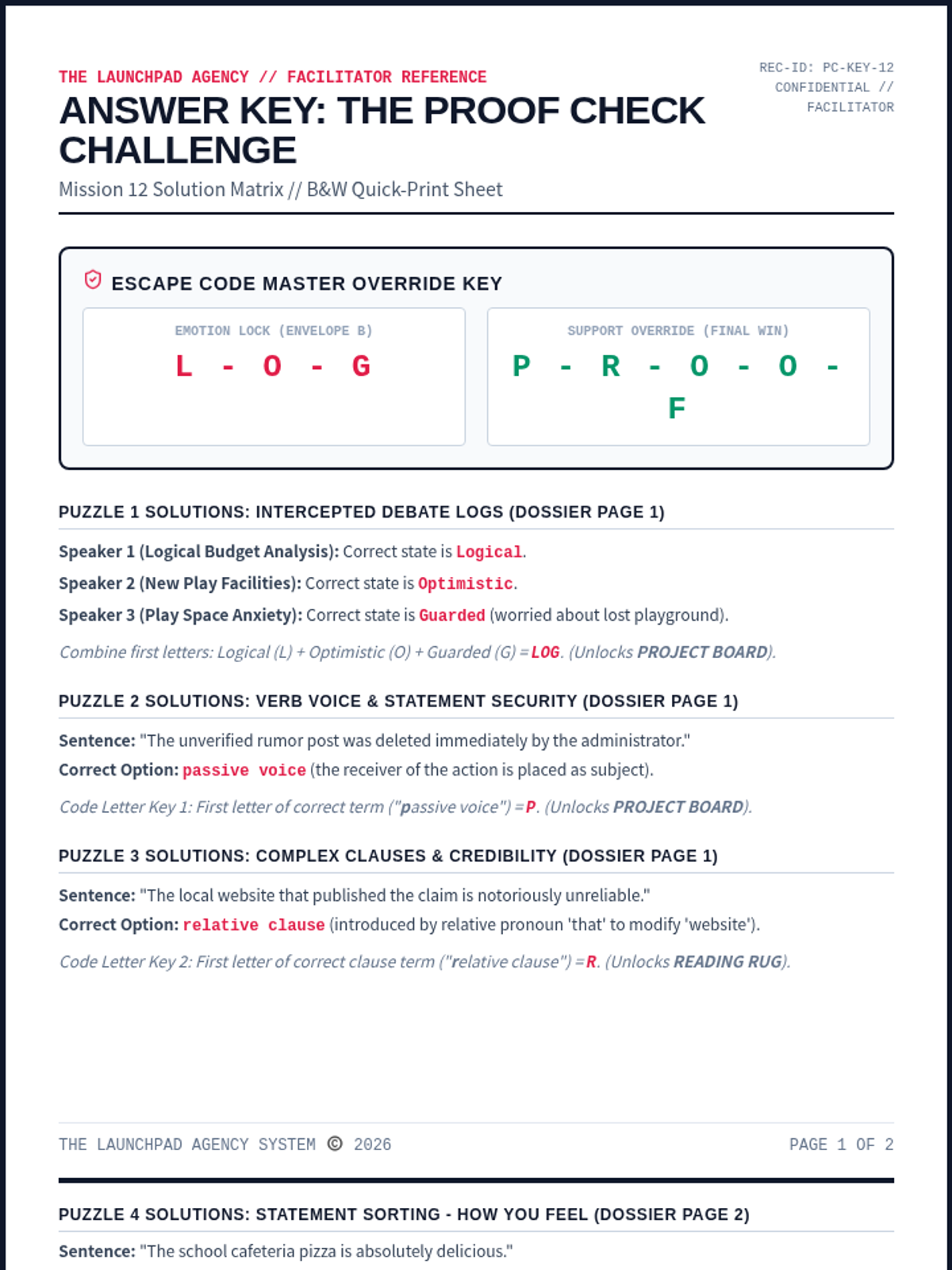
A dedicated facilitator answer key for Mission 12: Proof Check. Contains complete solutions for all ELA/coordinate puzzles, ciphers, and floor map paths, along with rubrics and setup tips.
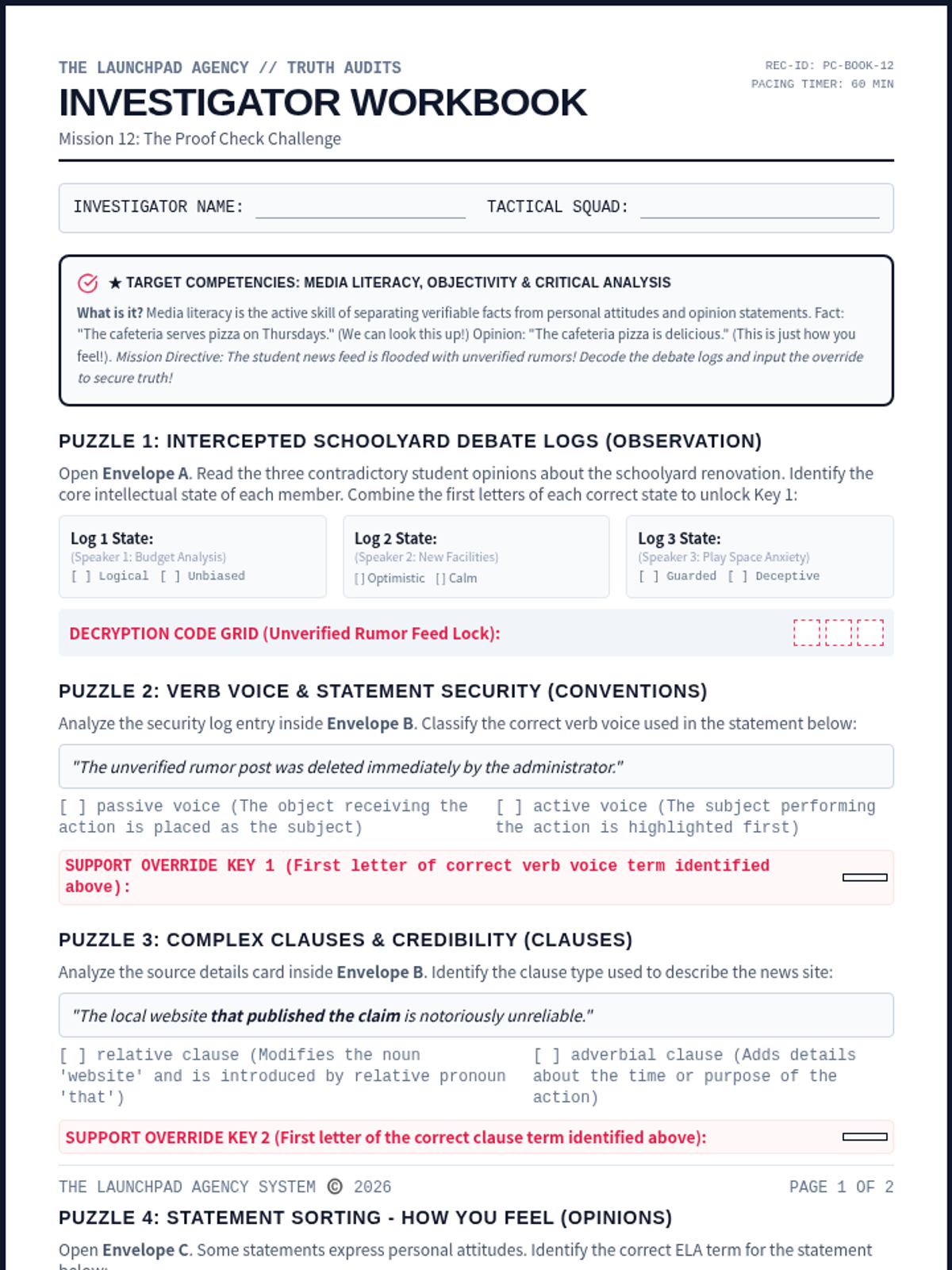
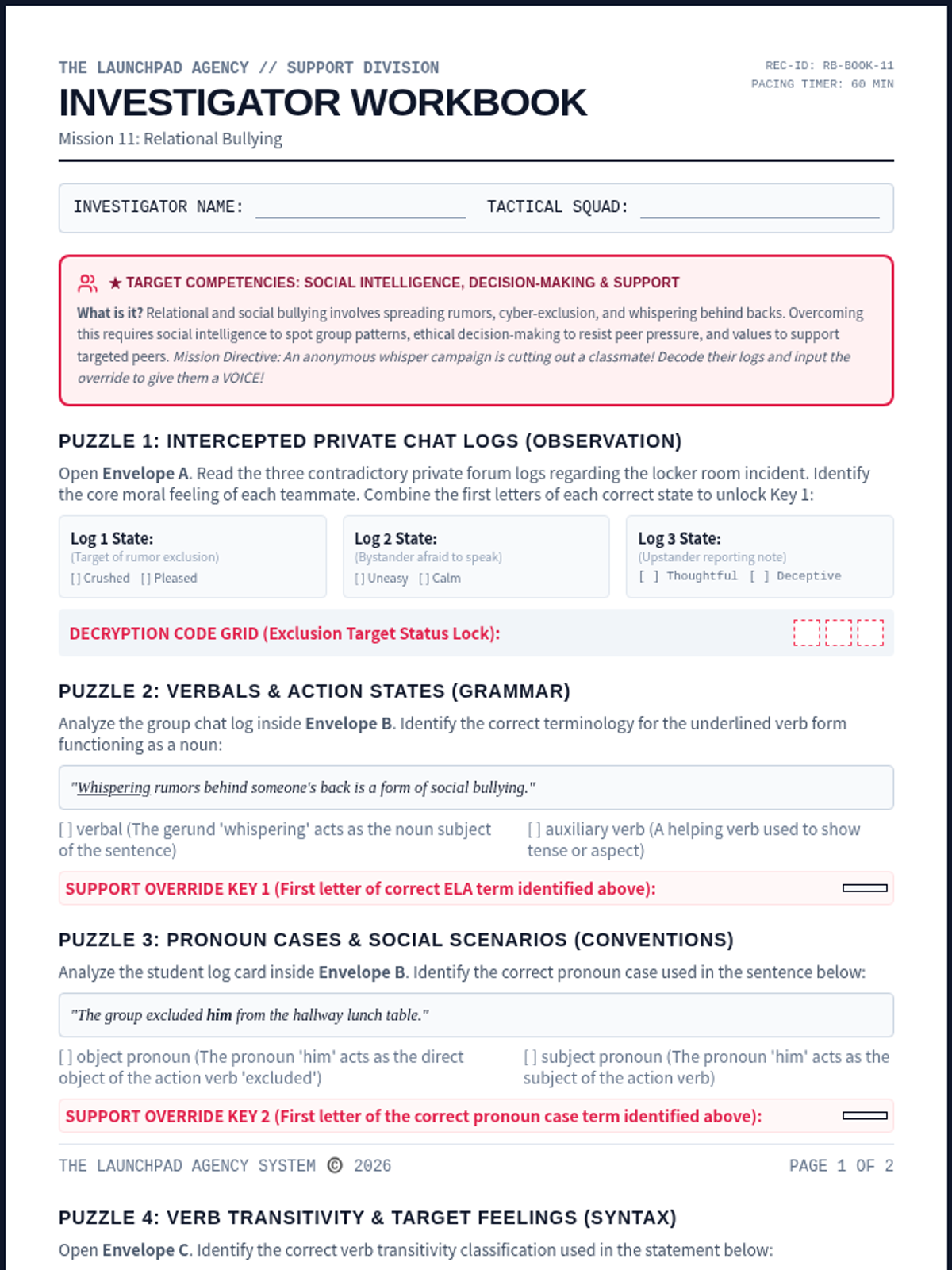
An immersive student-facing escape worksheet. Recruits examine conflicting first-person accounts, analyze relational bullying, identify verbals, object pronouns, intransitive verbs, compound sentences, exclamatory sentence purposes, and solve the override code.
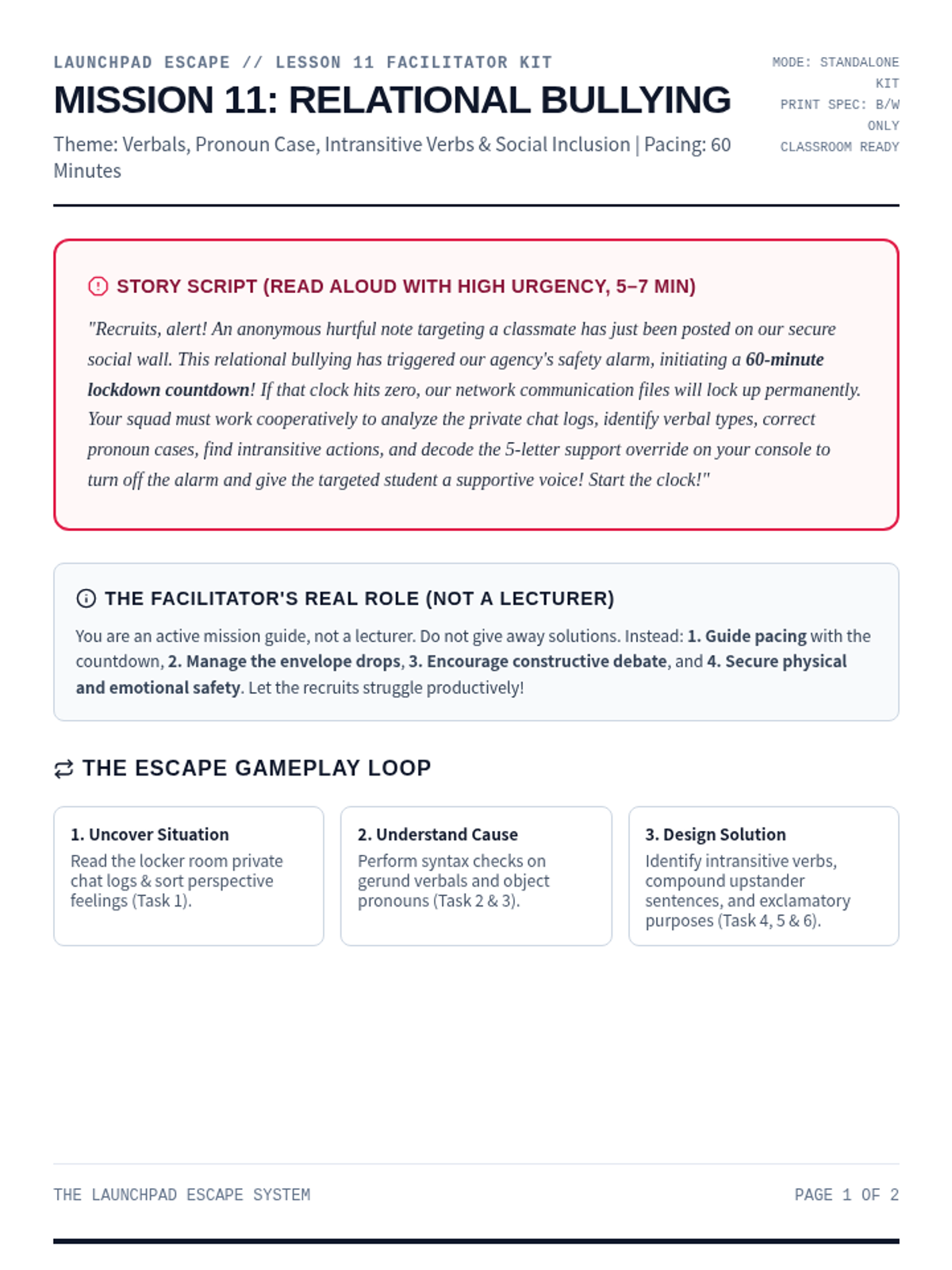
A comprehensive printable facilitator guide for Mission 11: Relational Bullying. Contains story script, setup checklists, progressive clue mechanics, persuasive appeals endings, and debrief questions.
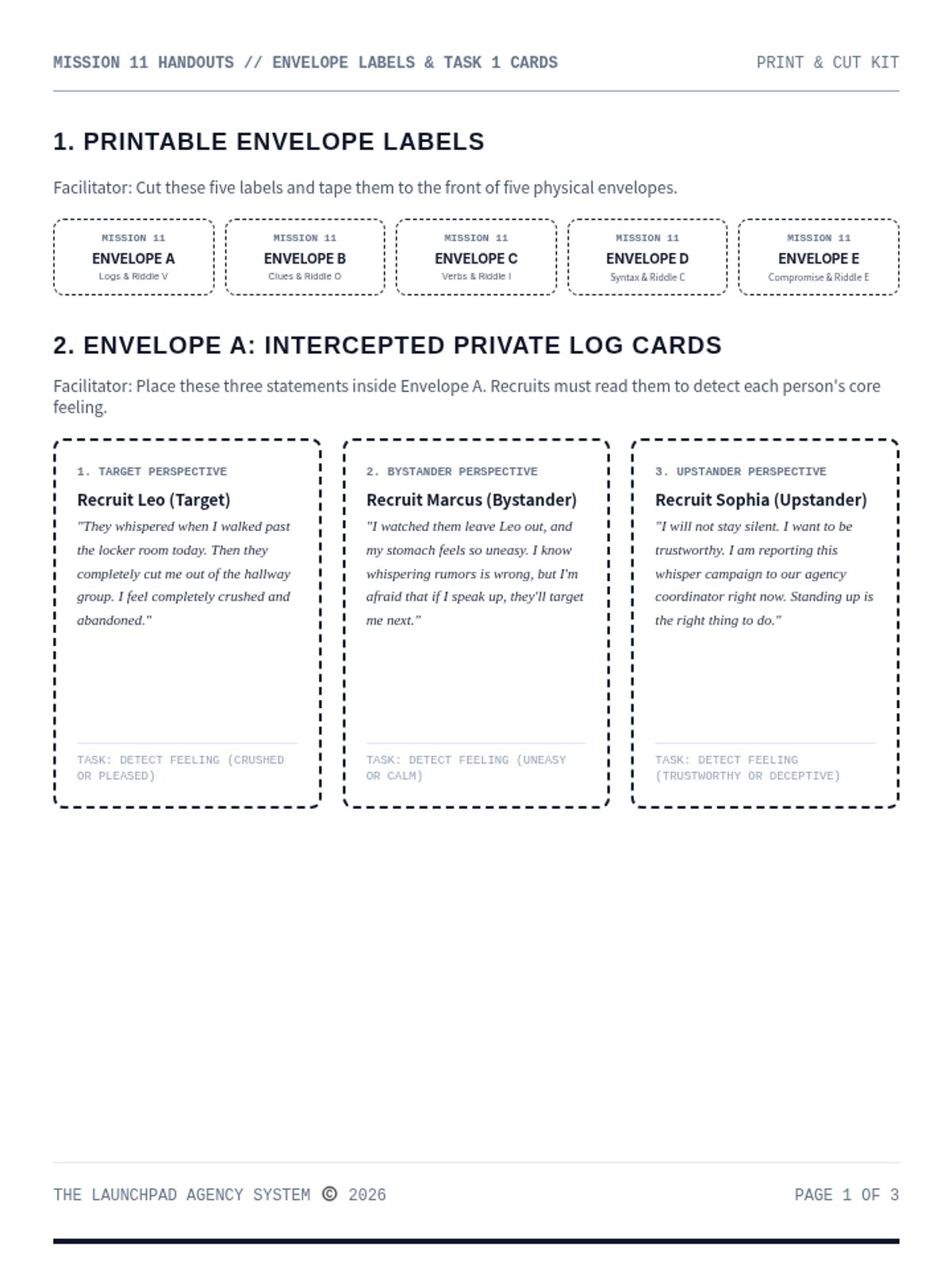
A print-and-cut materials handout kit for Mission 11: Relational Bullying. Contains envelope labels, student statements, word files, and printable landmark riddle cards.
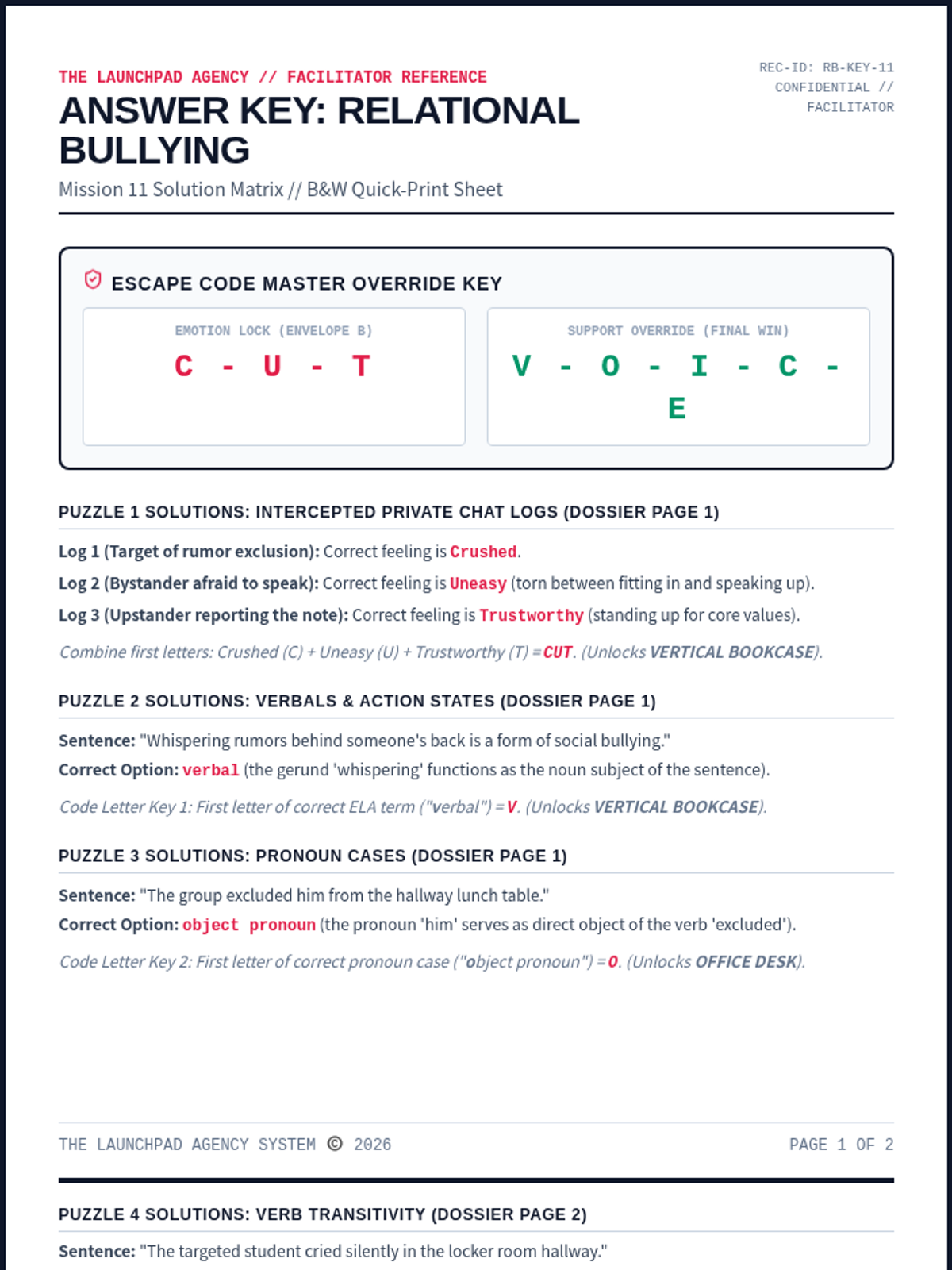
A dedicated facilitator answer key for Mission 11: Relational Bullying. Contains complete solutions for all ELA/coordinate puzzles, ciphers, and floor map paths, along with rubrics and setup tips.
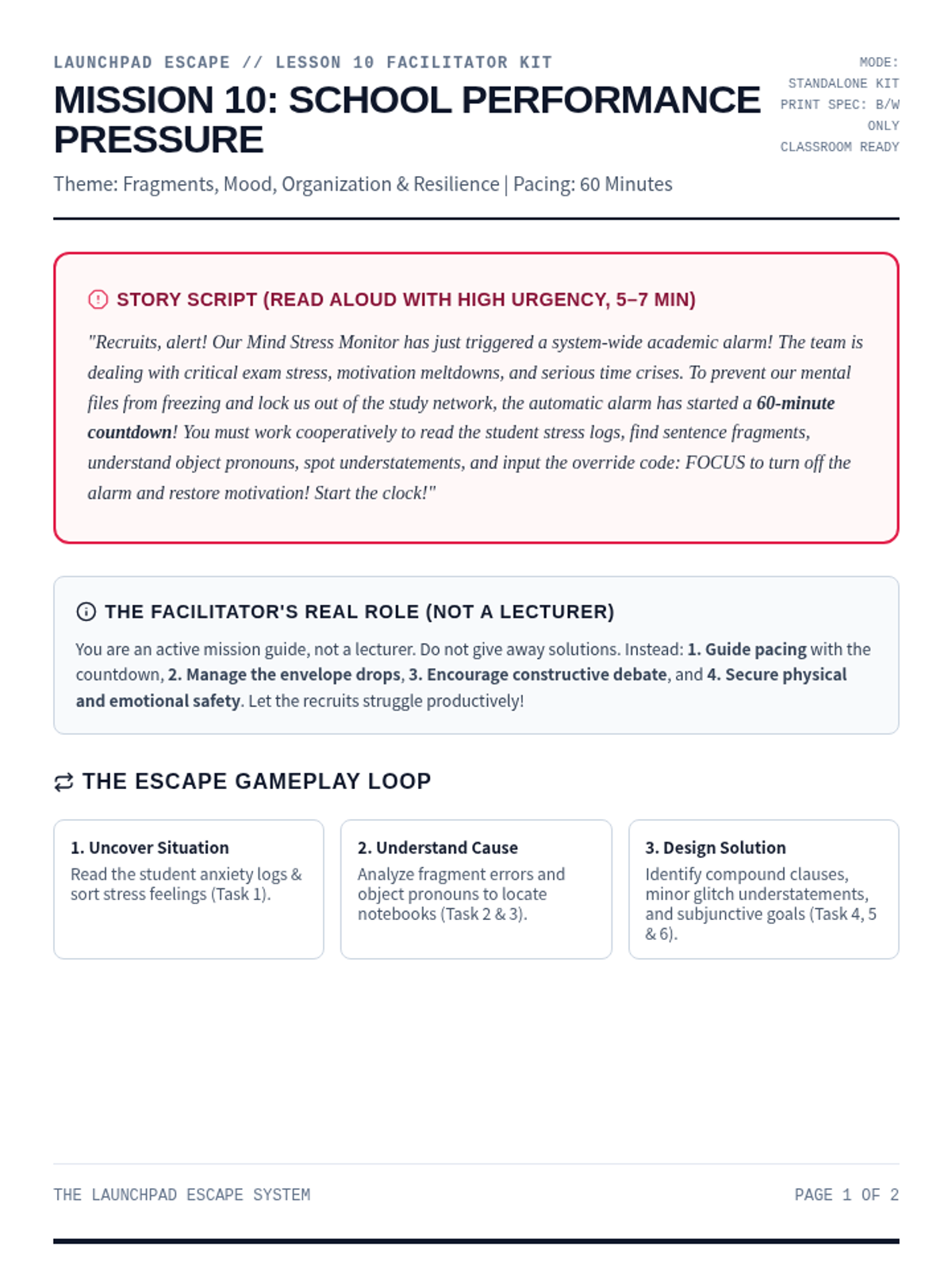
A comprehensive printable facilitator guide for Mission 10: School Performance Pressure. Contains story script, setup checklists, progressive clue mechanics, persuasive appeals endings, and debrief questions.
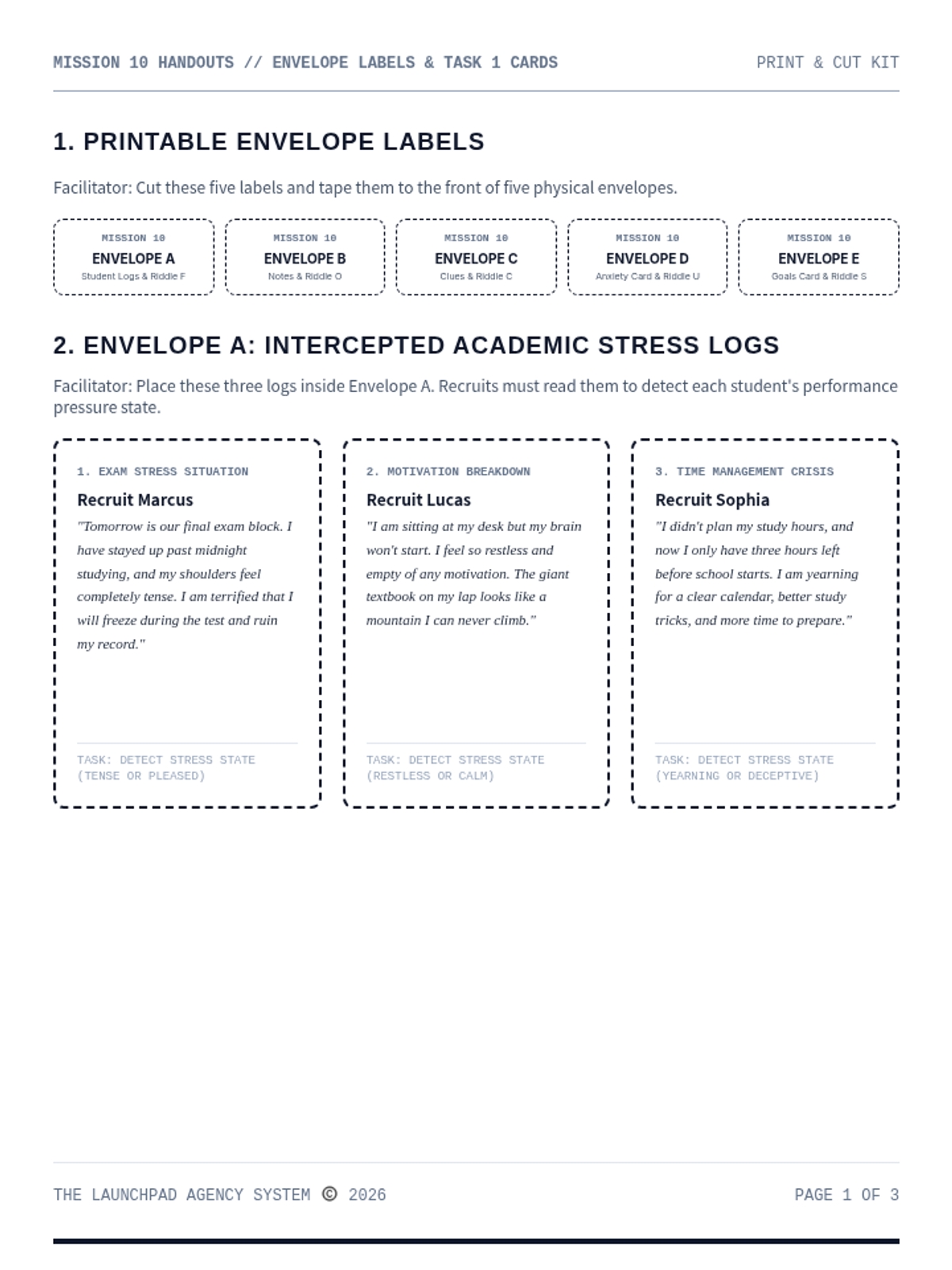
A print-and-cut materials handout kit for Mission 10: School Performance Pressure. Contains envelope labels, student statements, word files, and printable landmark riddle cards.
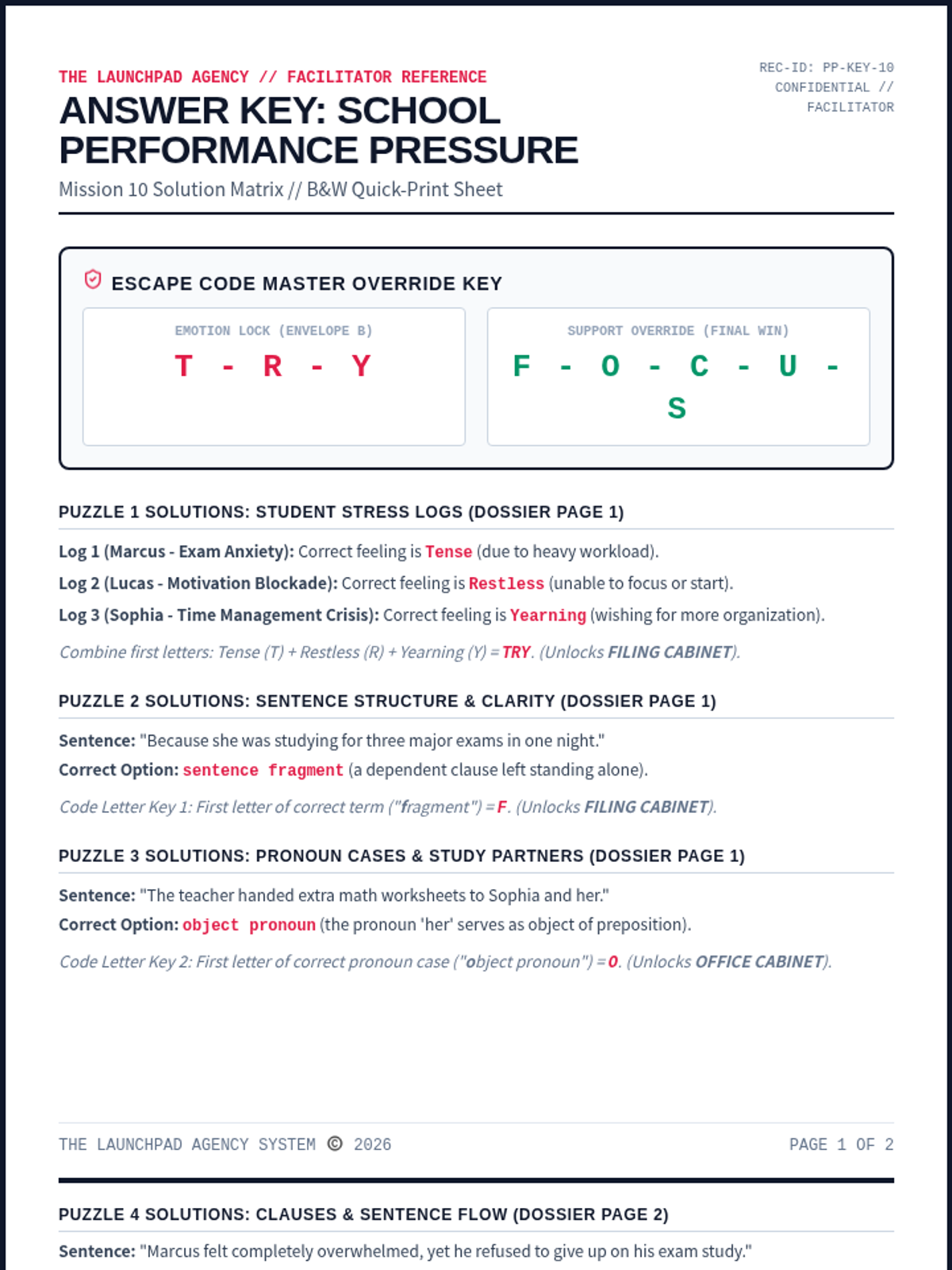
A dedicated facilitator answer key for Mission 10: School Performance Pressure. Contains complete solutions for all ELA/coordinate puzzles, ciphers, and floor map paths, along with rubrics and setup tips.
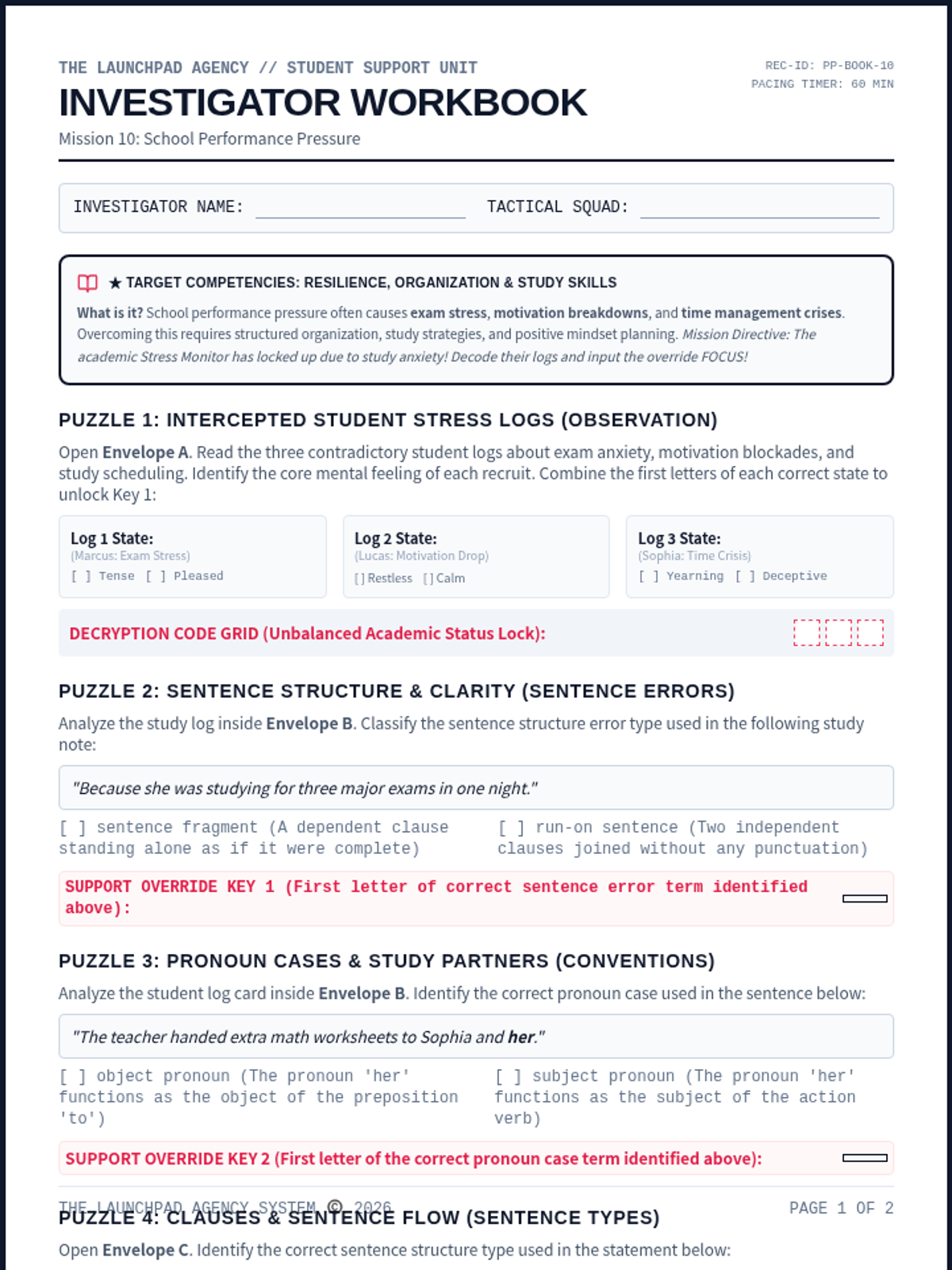
An immersive student-facing escape worksheet. Recruits analyze student logs, build efficient schedules, understand fragments, object pronouns, understatement, subjunctive mood, and decode the final override.
Updated Fifth Grade Slides with a dedicated learning goals slide (Slide 2) featuring the learning target, success criteria, and JHawk Way requirement for alignment with the updated teacher guide.
Updated Fifth Grade Teacher Guide with the JHawk Way requirement at the top and success criteria positioned near the learning target for better visibility and sequence alignment.
Updated Fourth Grade Slides with a dedicated learning goals slide (Slide 2) and consistent Success Criteria icons. Improved contrast on final slides for better classroom visibility.
Updated Fourth Grade Teacher Guide with the JHawk Way requirement at the top and success criteria positioned near the learning target for better visibility. Revised layout to prevent orphaned sections and optimize document length.
Updated Third Grade Slides with a dedicated learning goals slide (Slide 2) featuring the learning target, success criteria, and sequence requirement for alignment with the updated teacher guide.
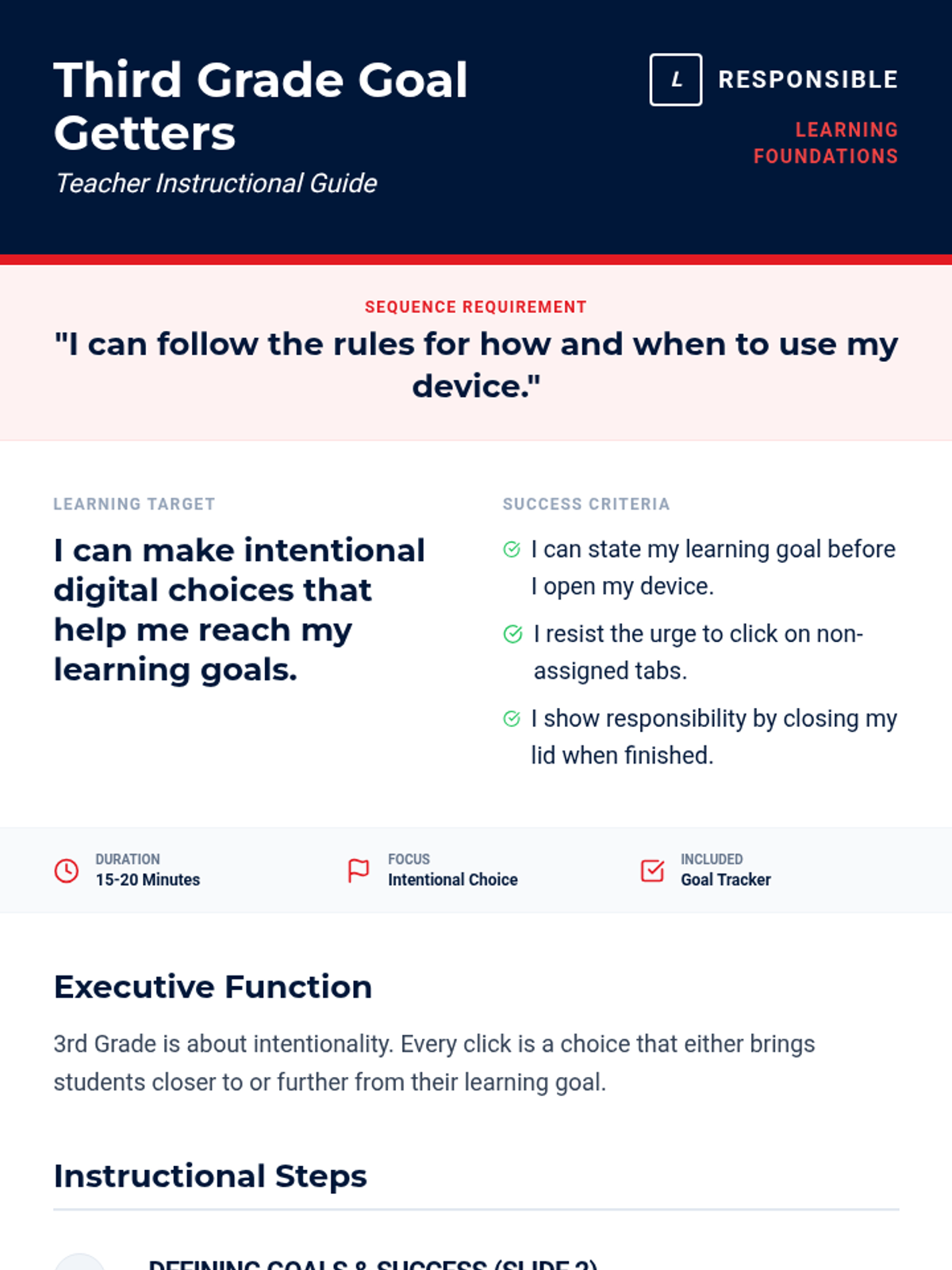
Updated Third Grade Teacher Guide with the JHawk Way requirement at the top and success criteria positioned near the learning target for better visibility. Revised layout for better page flow and step visualization.
Updated Second Grade Slides with generic terminology, removing mascot references. Consistent with the updated teacher guide.
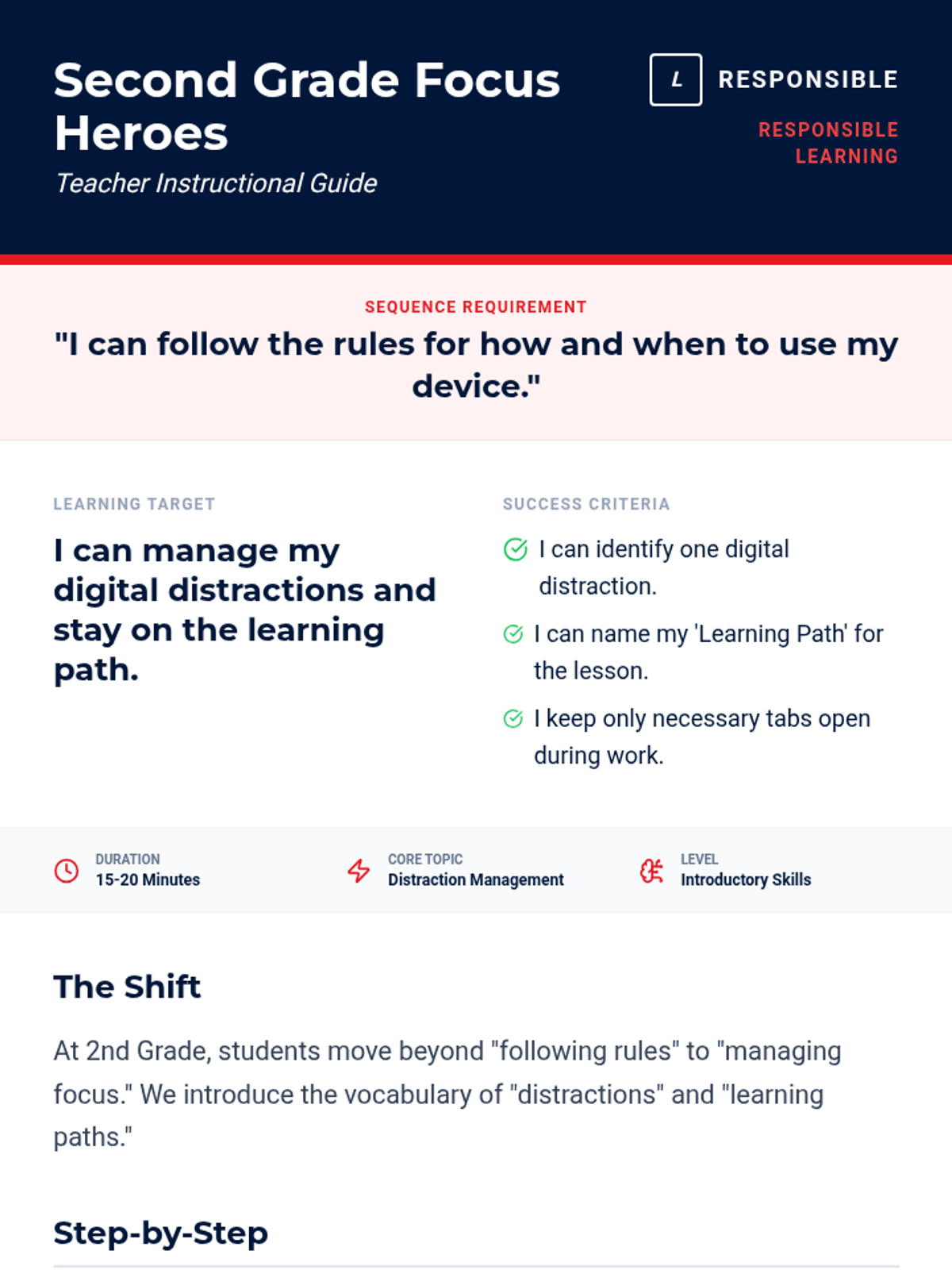
Updated Second Grade Teacher Guide with generic learning requirements and success criteria, removing all mascot references. Revised layout for better page flow and compactness.
Updated First Grade Slides with a dedicated learning goals slide (Slide 2) featuring the learning target, success criteria, and sequence requirement for alignment with the updated teacher guide.
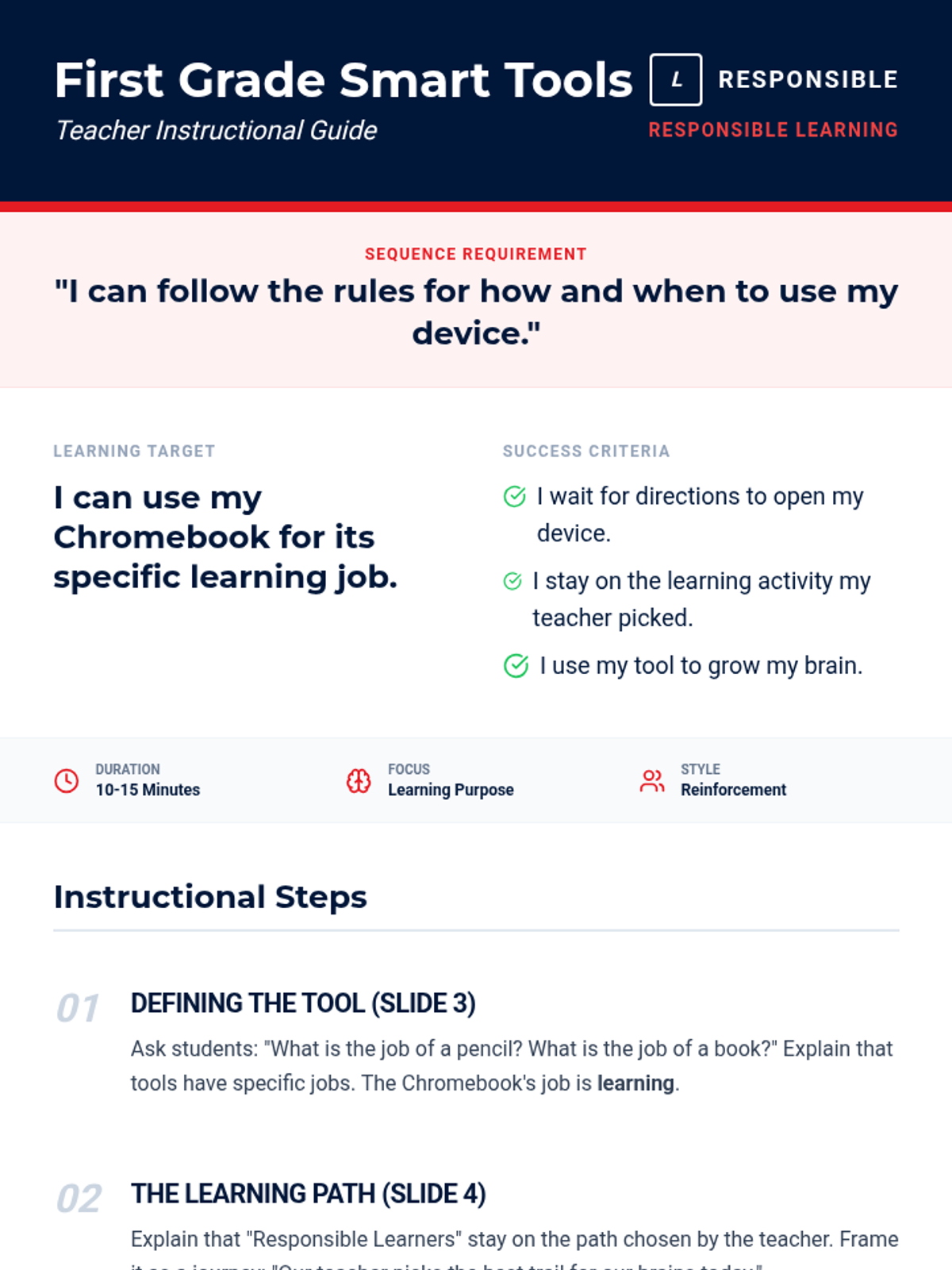
Updated First Grade Teacher Guide with the JHawk Way learning requirement at the top and success criteria positioned near the learning target for better visibility and sequence alignment. Revised for better page flow and contrast.
Updated Kindergarten Slides with a dedicated learning goals slide (Slide 2) and generic terminology, removing mascot references. Consistent with the updated teacher guide.
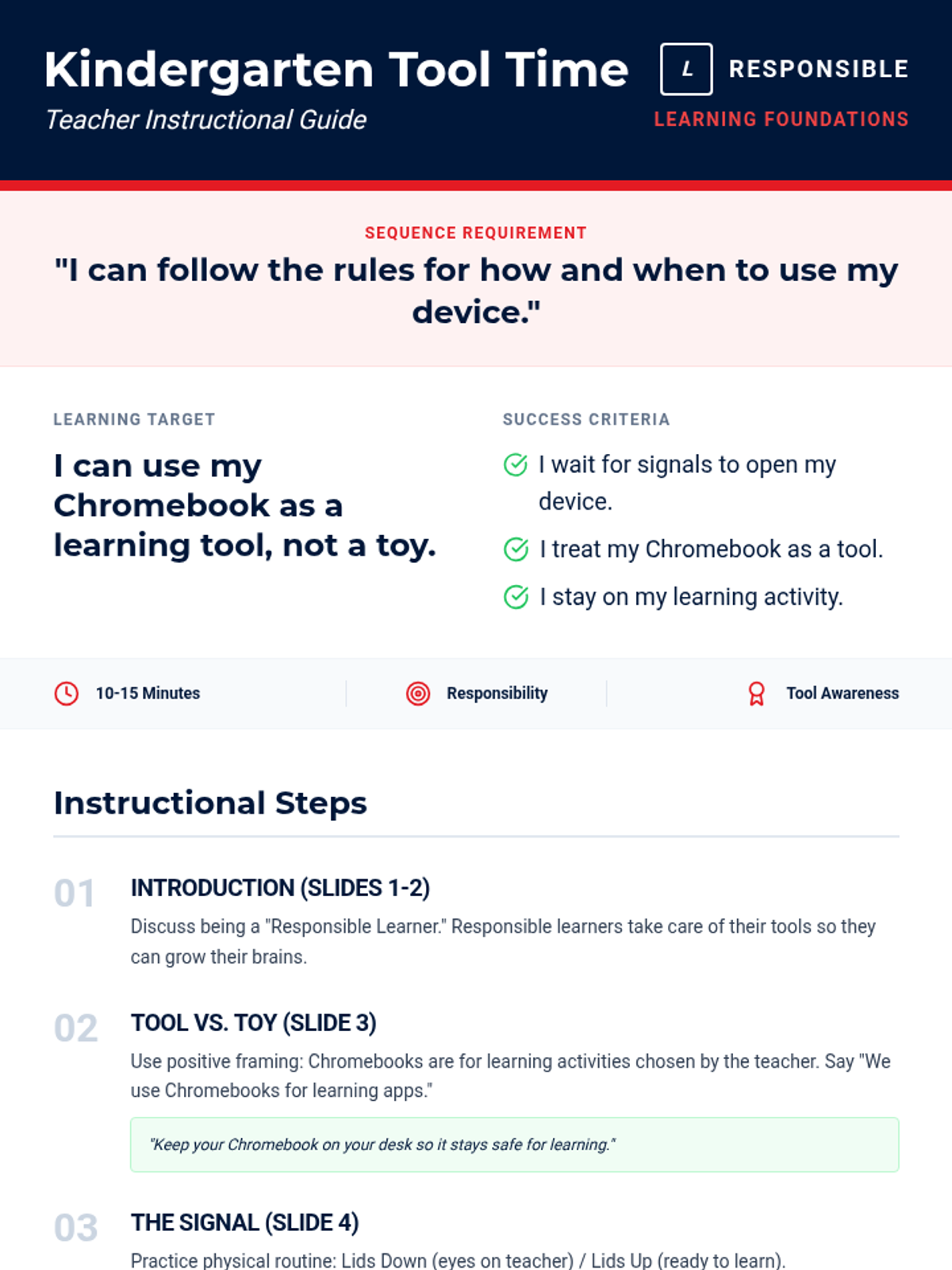
Updated Kindergarten Teacher Guide with generic learning requirements and success criteria, removing all mascot references. Revised layout to prevent orphaned headers and optimize page flow.
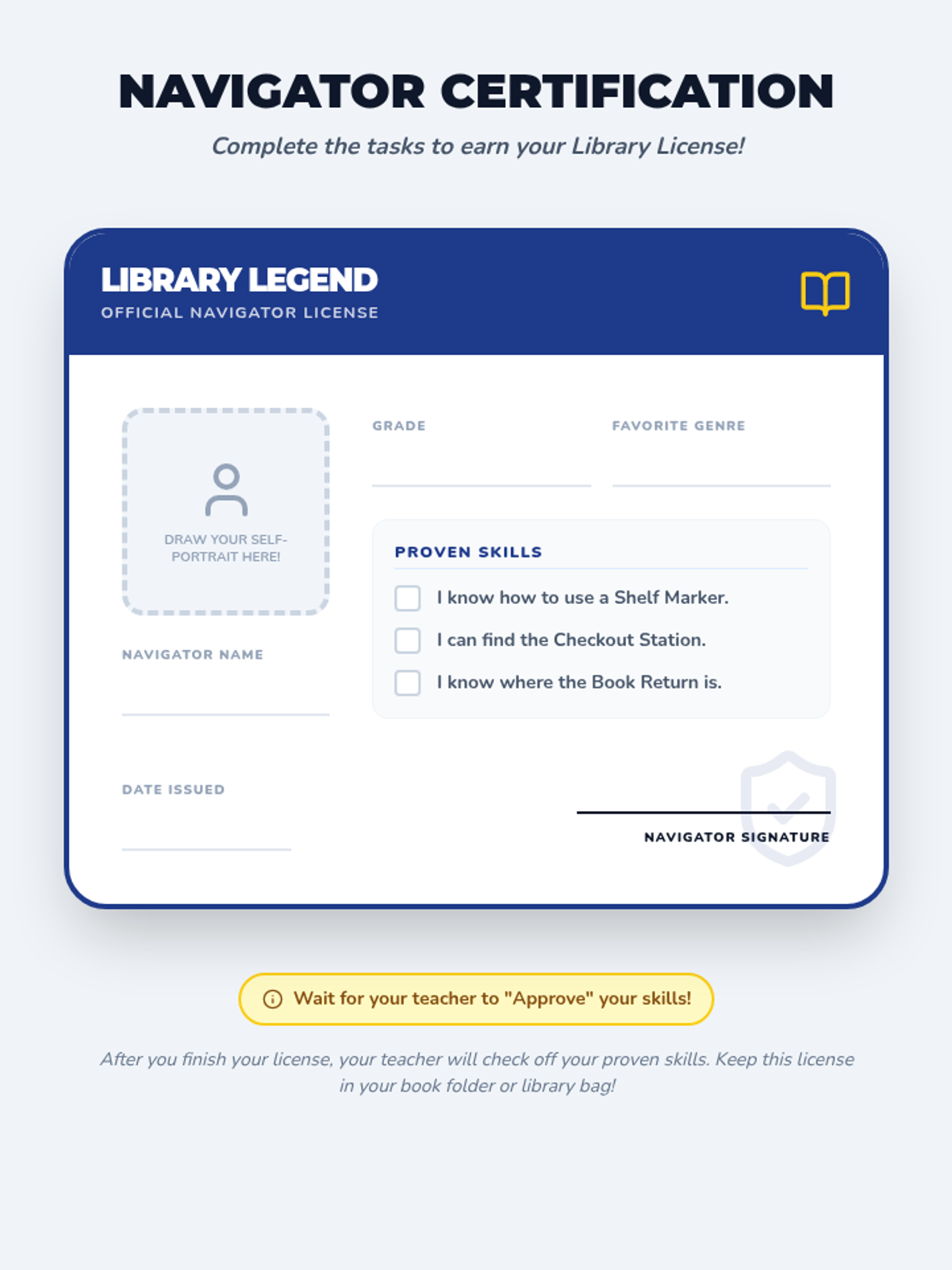
A creative 'Library Navigator License' activity where students fill out their personal details, draw a self-portrait, and have their skills (shelf marker use, checkout location, etc.) verified by a teacher or librarian.
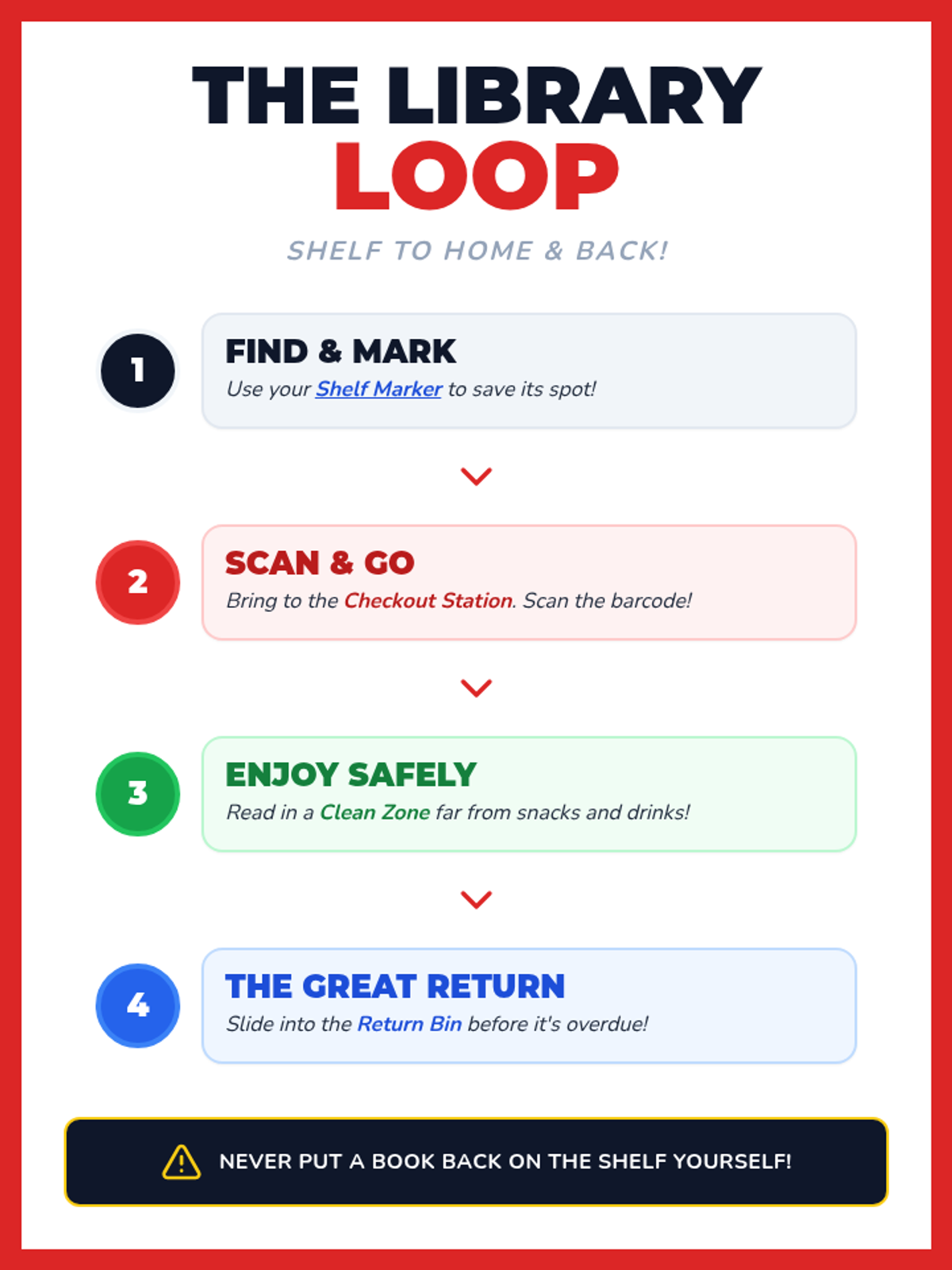
A step-by-step visual flowchart (The Library Loop) that guides students through the process of finding, scanning, reading, and returning library books. Uses color-coded steps and bold iconography for clear instruction.
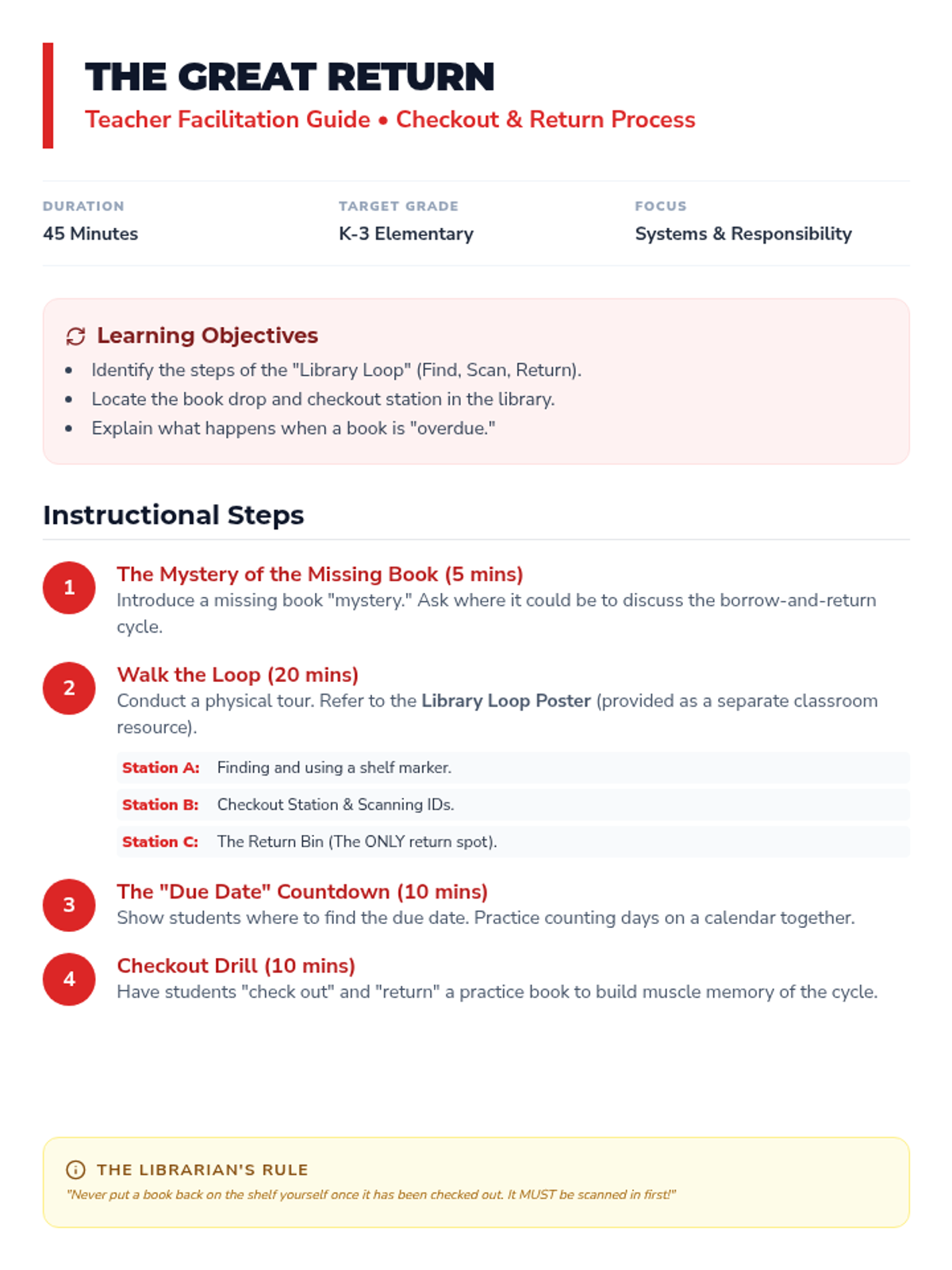
A teacher-facing lesson plan for teaching the library checkout and return process. It outlines a 'physical loop' tour of the library, explains due dates, and includes a practical checkout drill for students.
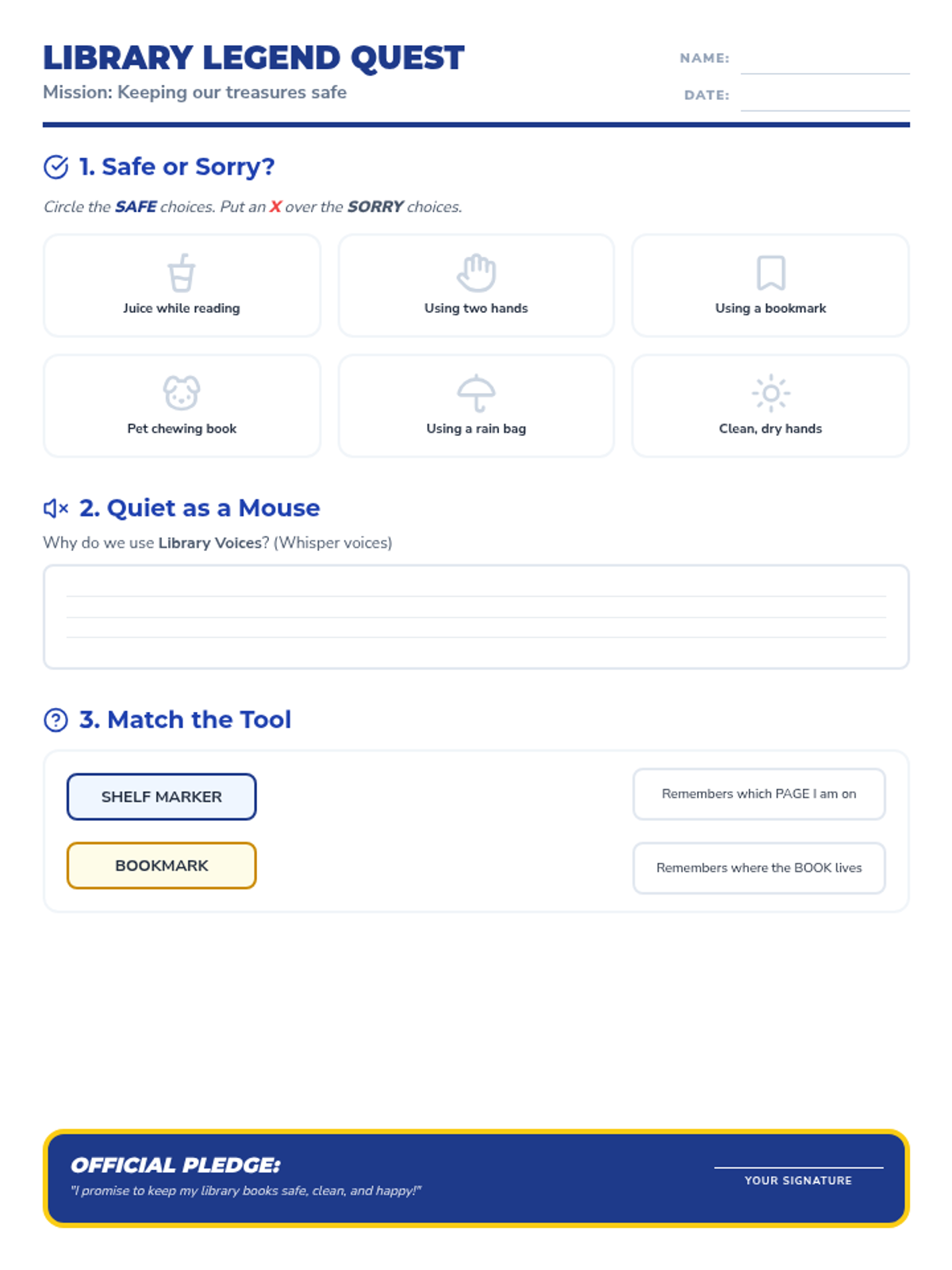
A student worksheet that reinforces library etiquette and book care through a sorting activity, a short response about volume control, and a matching game for library tools. Includes an 'Official Pledge' for students to sign.
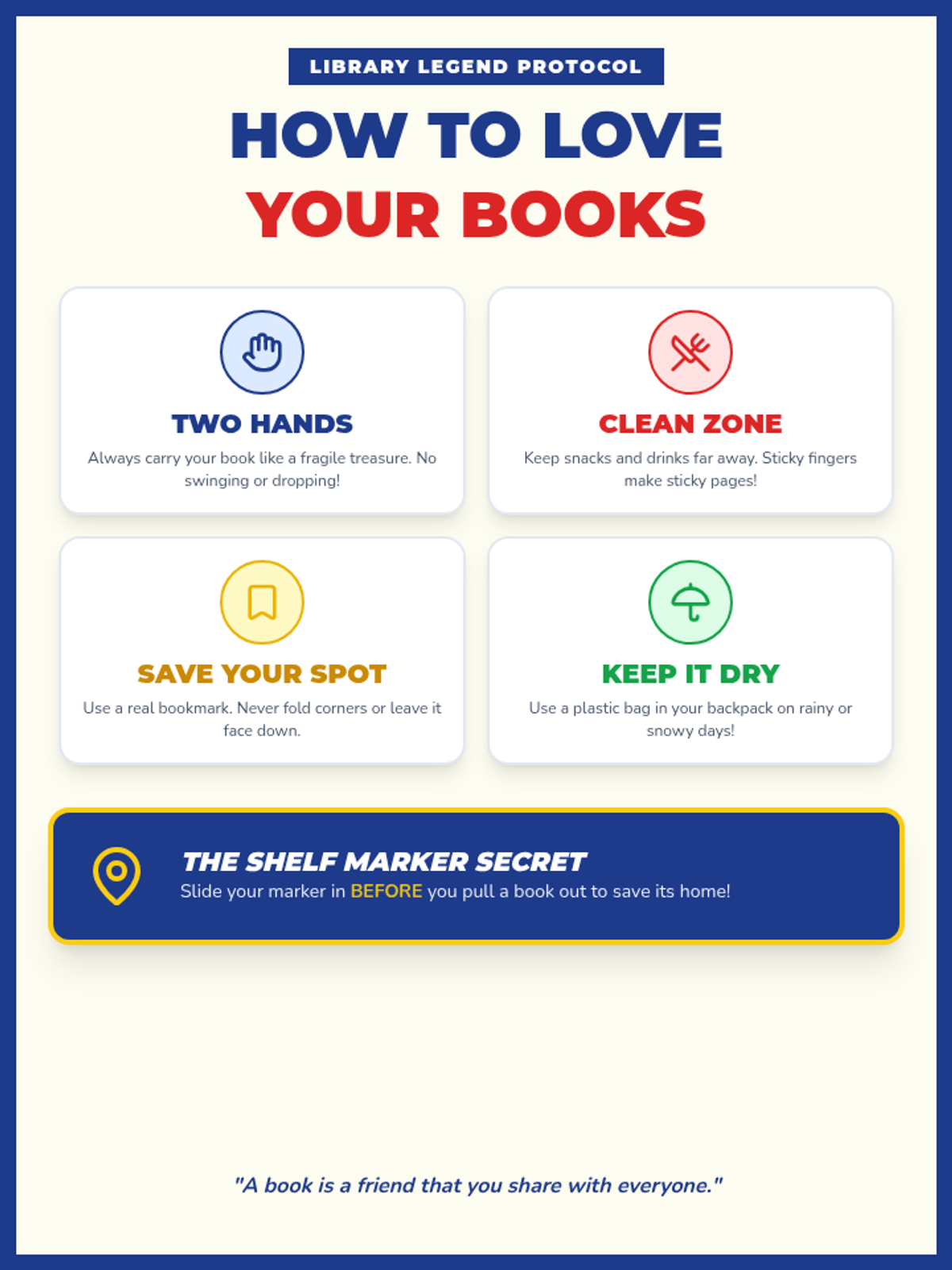
A vibrant, high-contrast classroom anchor chart outlining the four 'Golden Rules' of book care. Using clear icons and bold typography, it teaches students about proper handling, cleanliness, bookmarking, and protection from the elements.
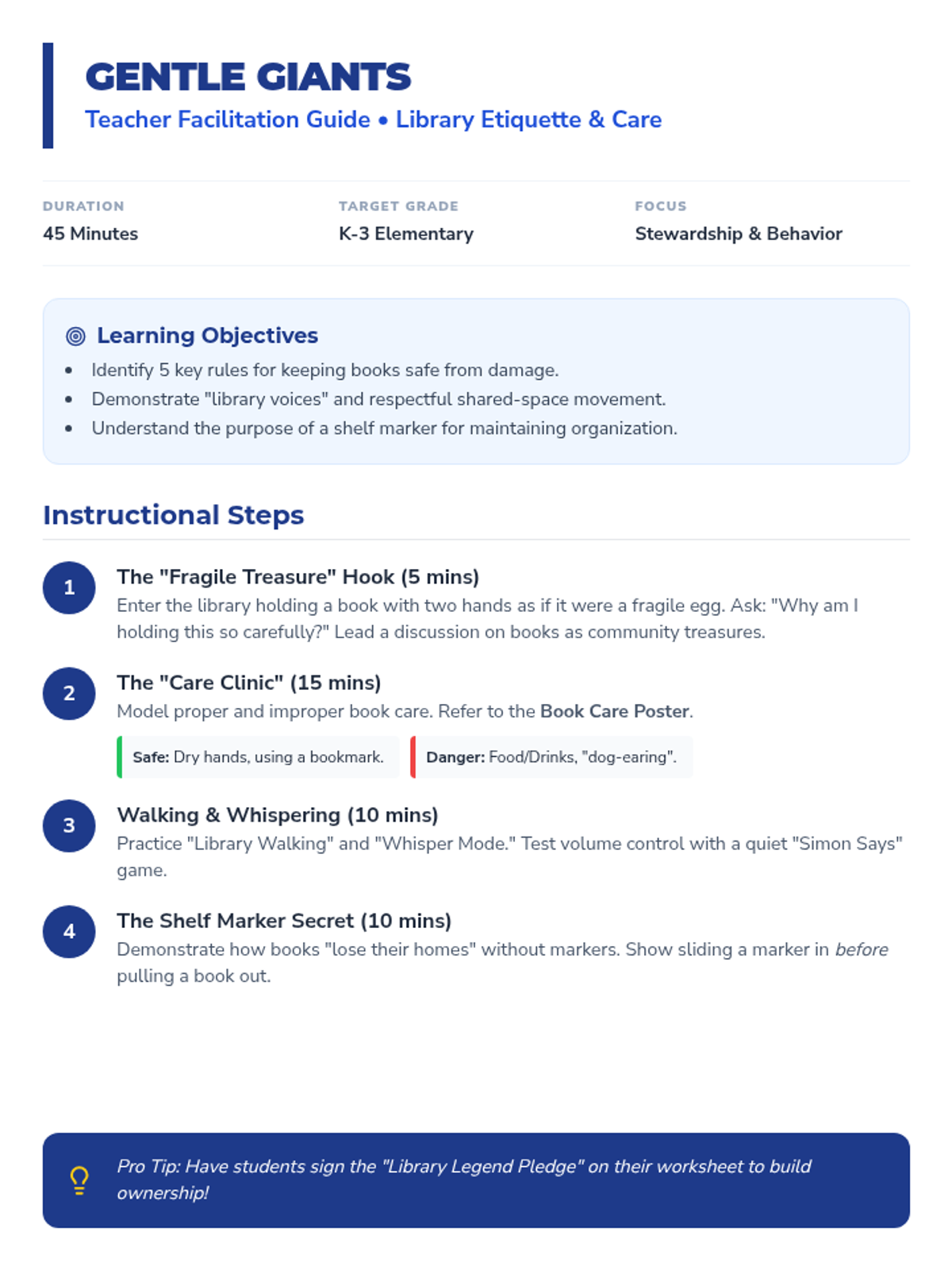
A detailed teacher facilitation guide for the first lesson in the Library Legends sequence. It includes instructional steps for teaching book care, volume control, and the proper use of shelf markers, along with common student misconceptions and assessment strategies.
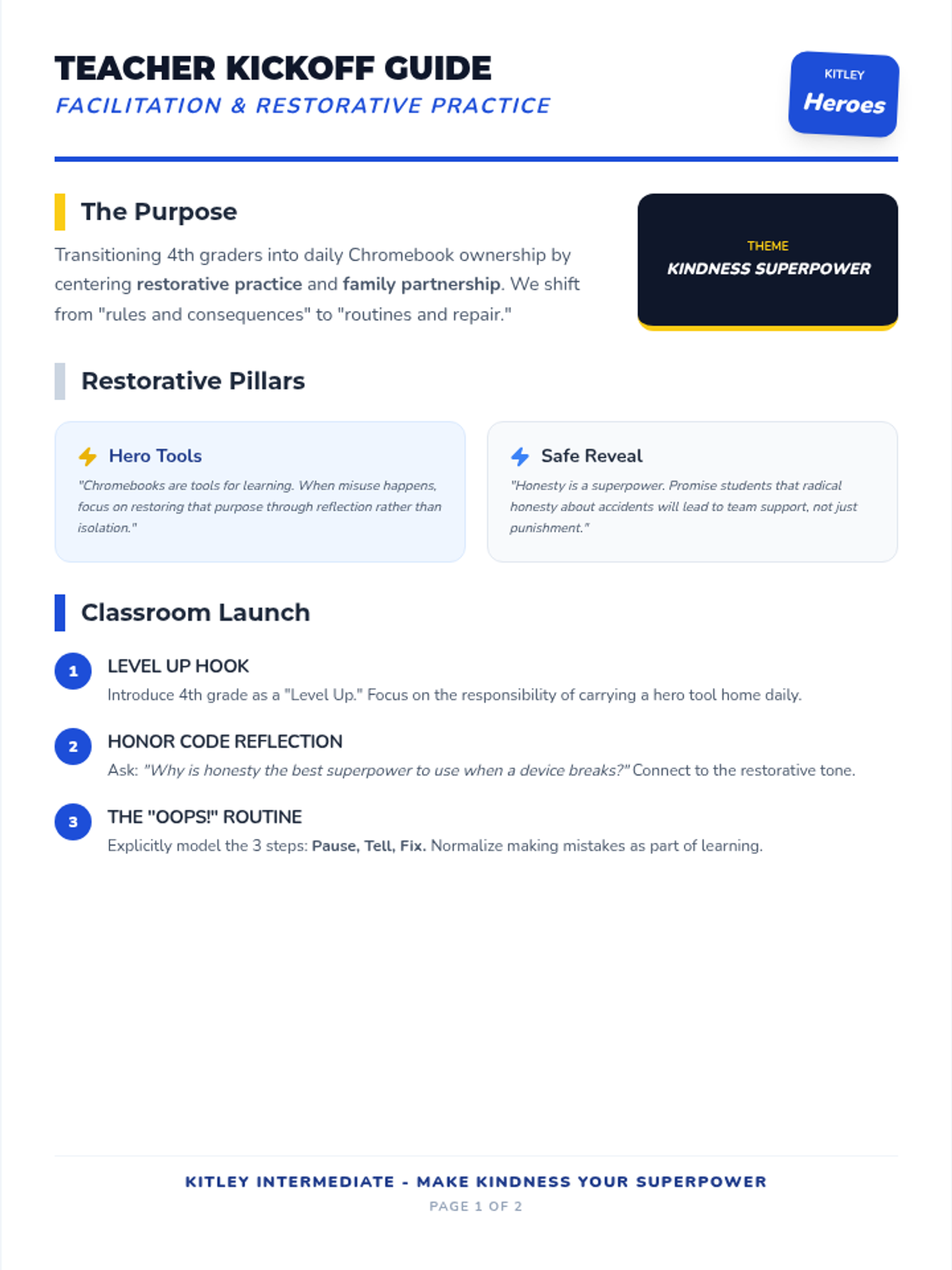
An expanded 2-page teacher facilitation guide for the Tech Hero initiative, restored detailed instructional steps, restorative reflection questions, and classroom support strategies.
A vibrant, superhero-themed presentation to introduce 4th grade students to their new Chromebook responsibilities and the 'Make Kindness Your SuperPower' initiative.
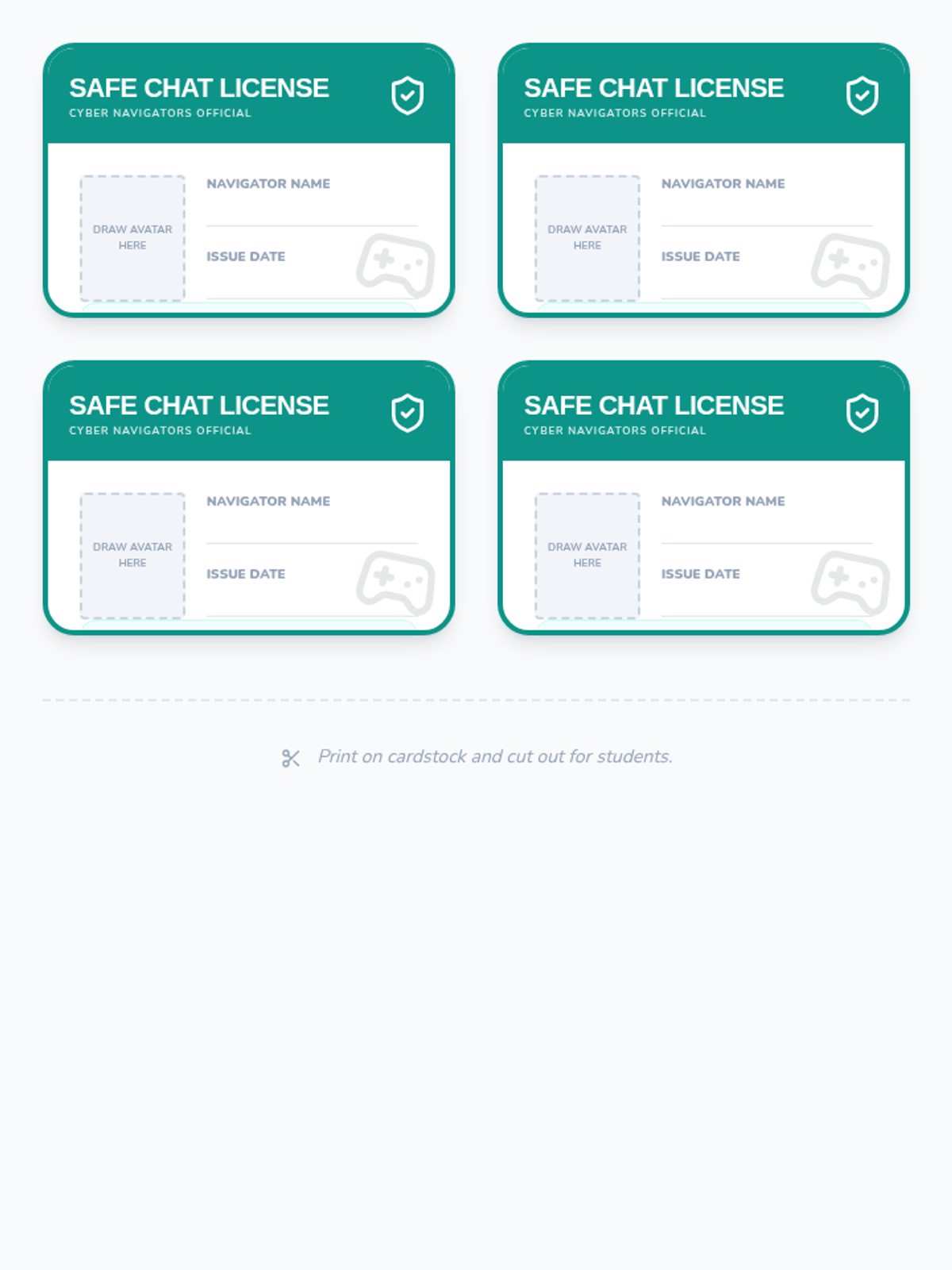
A page of 4 collectible 'Safe Chat License' cards for students to receive after completing the sequence and establishing their personal safety code.
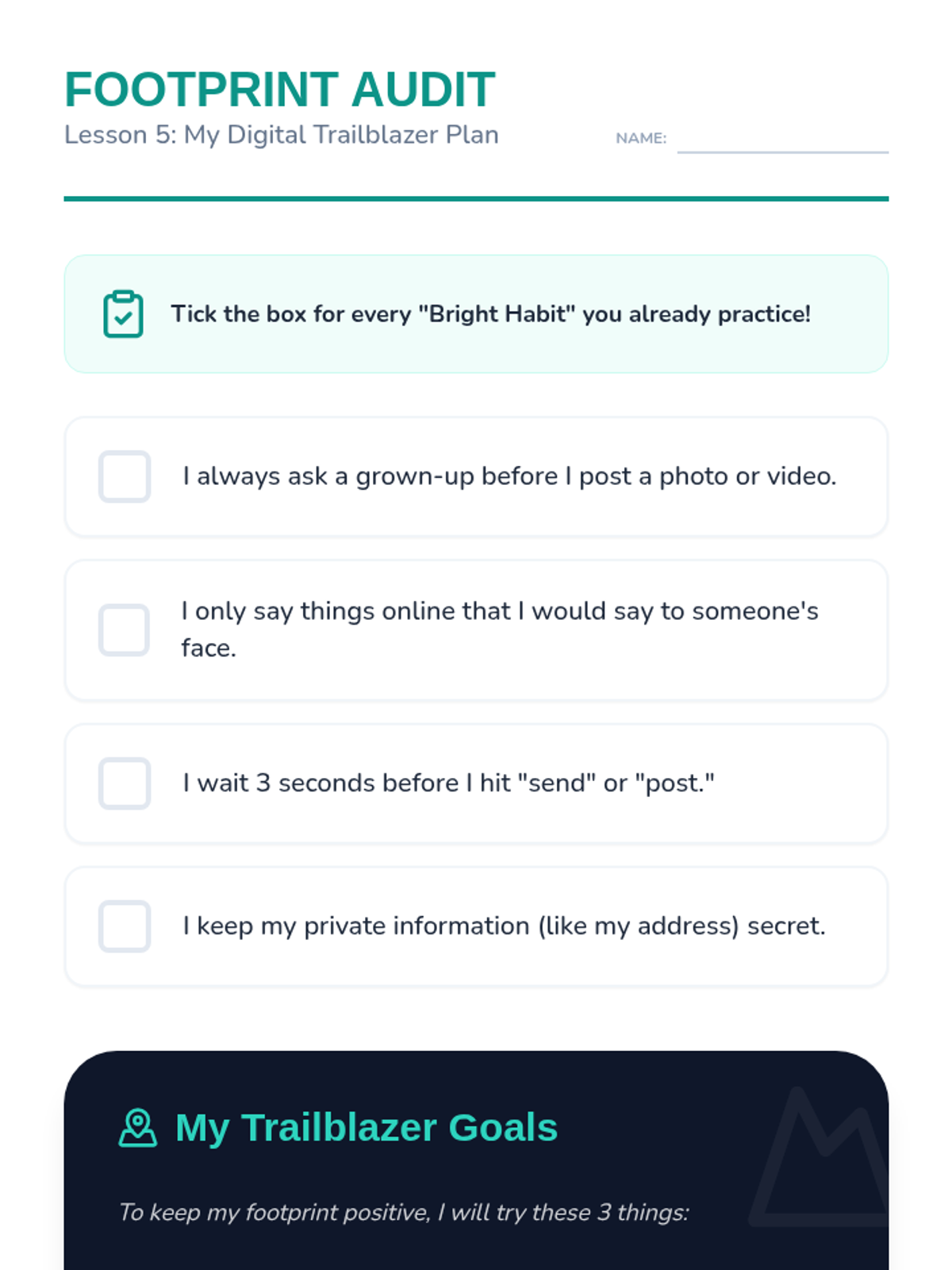
A self-reflection audit and action plan for students to assess their digital habits and set goals for a positive digital footprint.
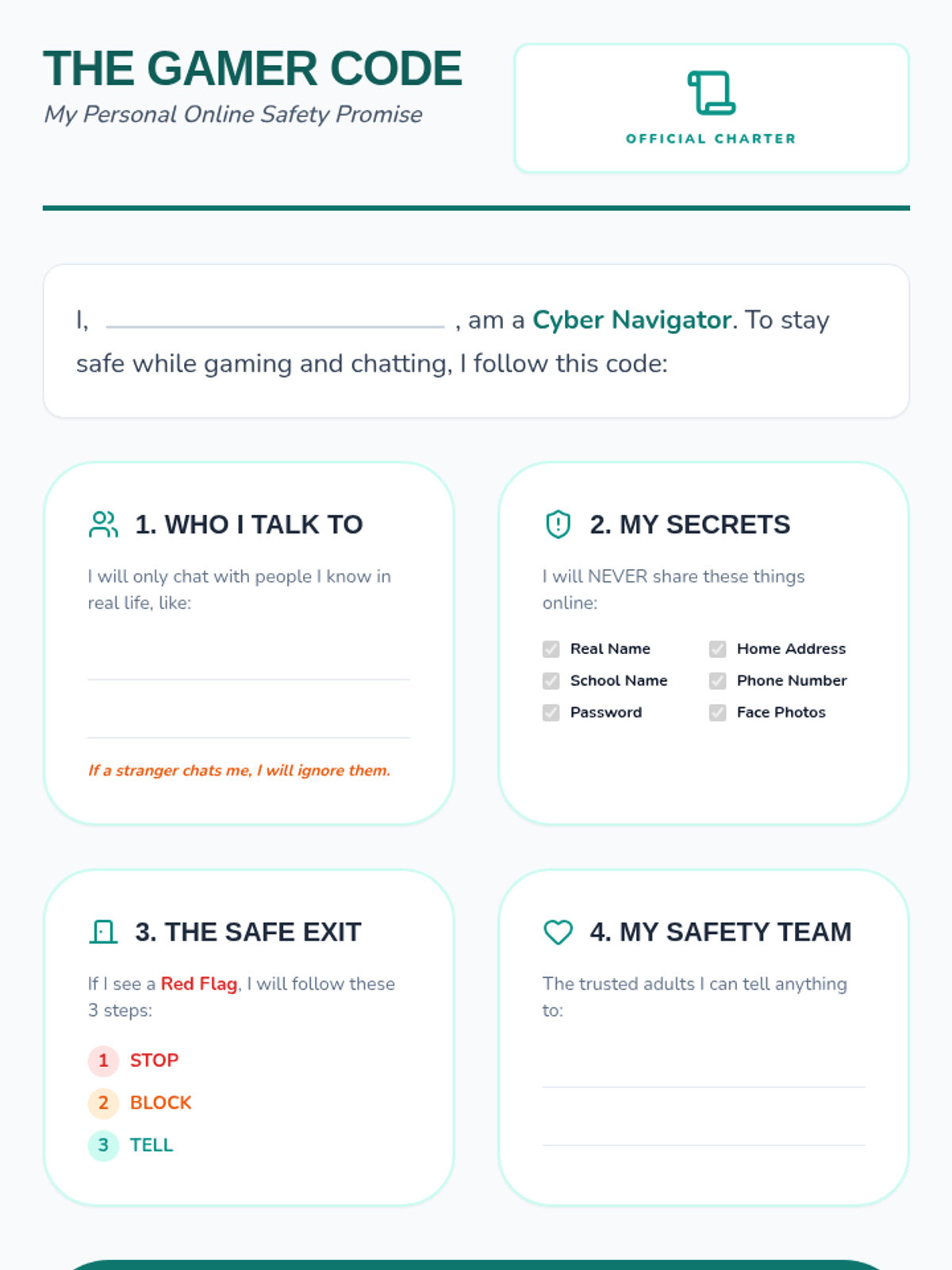
Worksheet for Lesson 5 where students synthesize their learning by creating a personal code of conduct for safe online gaming and communication.
Slide deck for Lesson 5, reviewing the key concepts of the sequence and guiding students through a final reflection and action plan.
Slides for Lesson 5, focusing on synthesizing the sequence's lessons into a personal 'Gamer's Code of Conduct' and introducing the Safe Chat License.
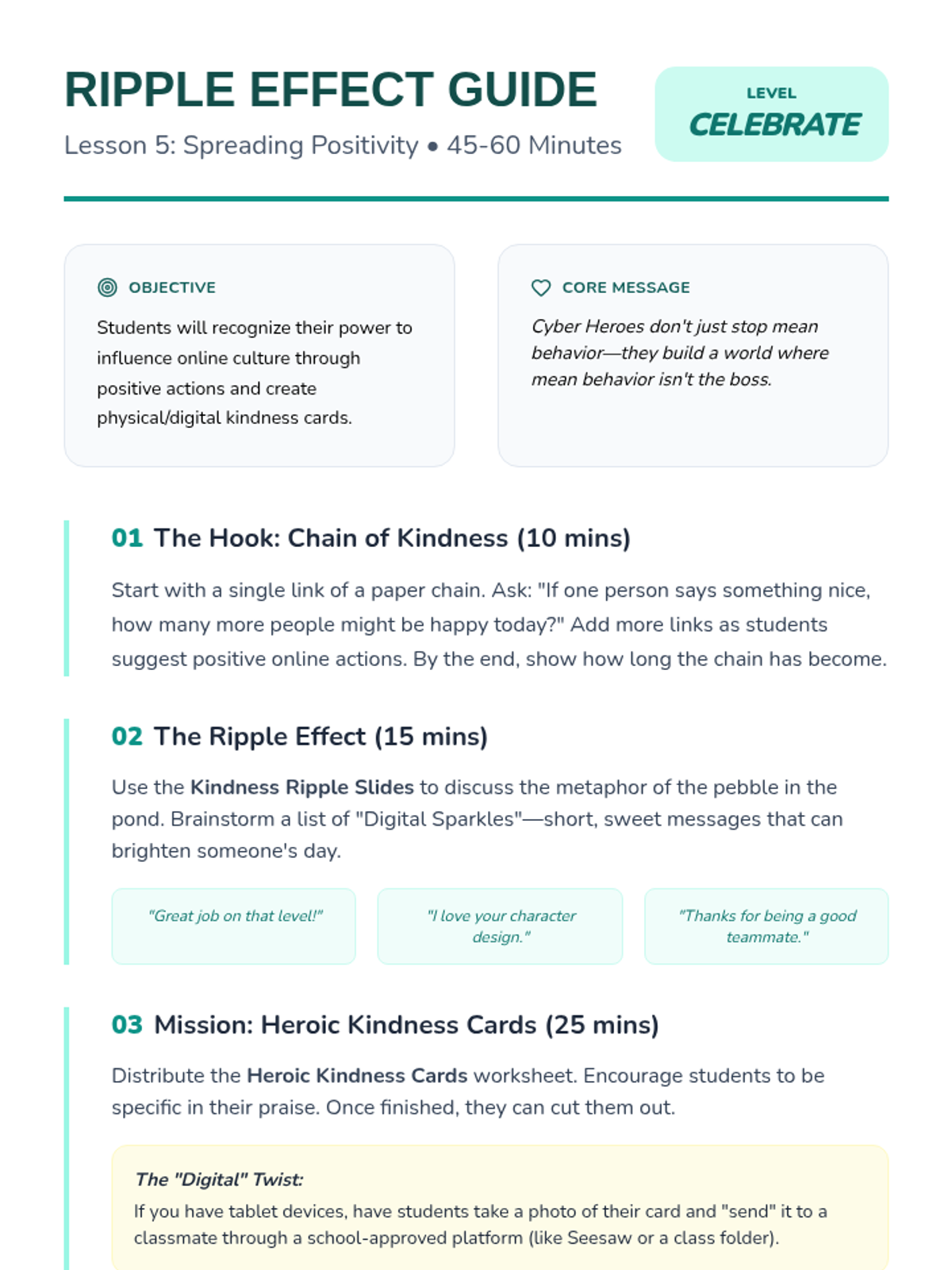
The sequence concludes with a positive project where students create digital kindness cards to promote a culture of positivity and prevent bullying.
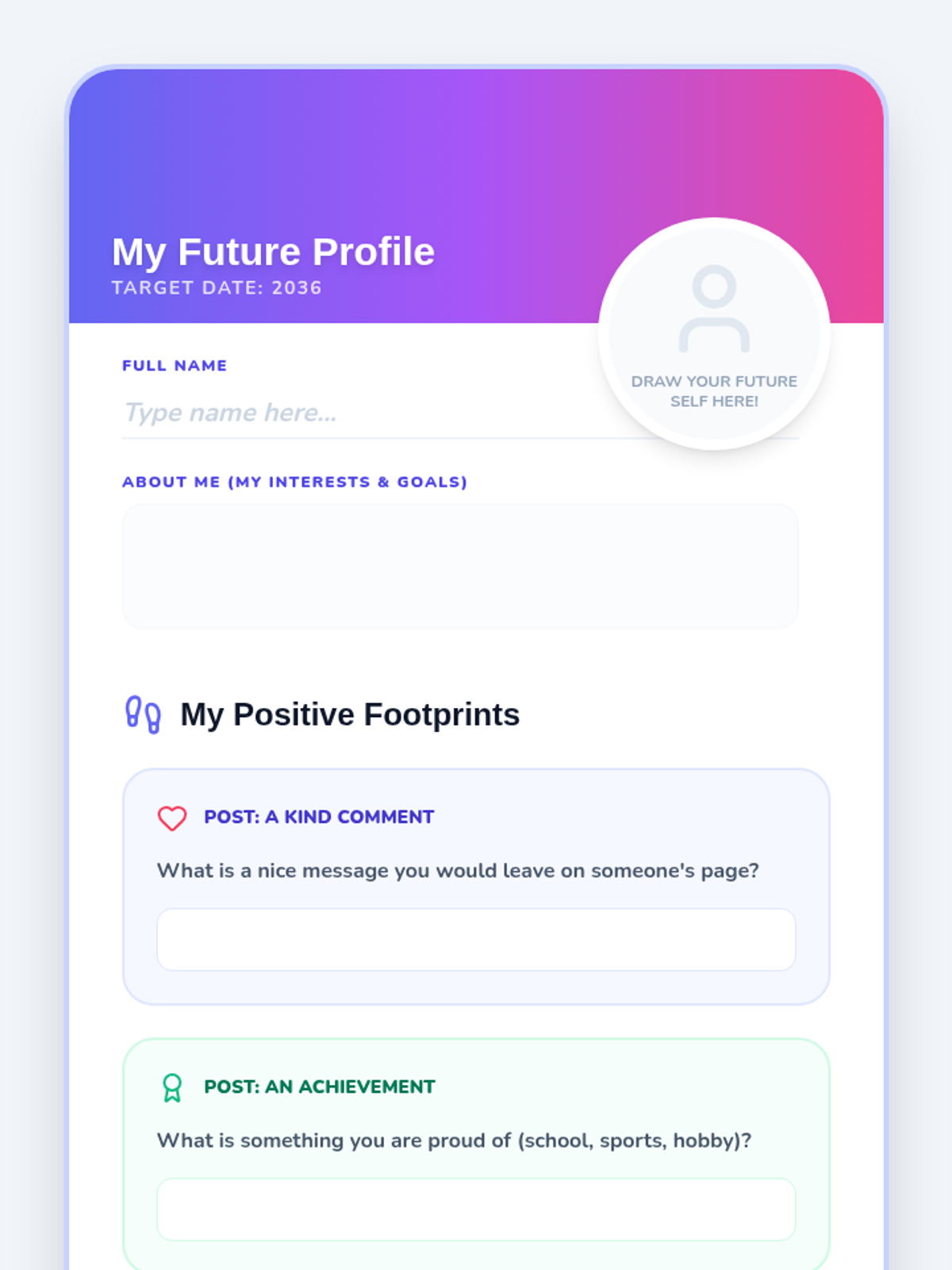
Activity sheet for Lesson 4, where students design their own 'Future Profile' showing the positive digital reputation they want to build over the next 10 years.
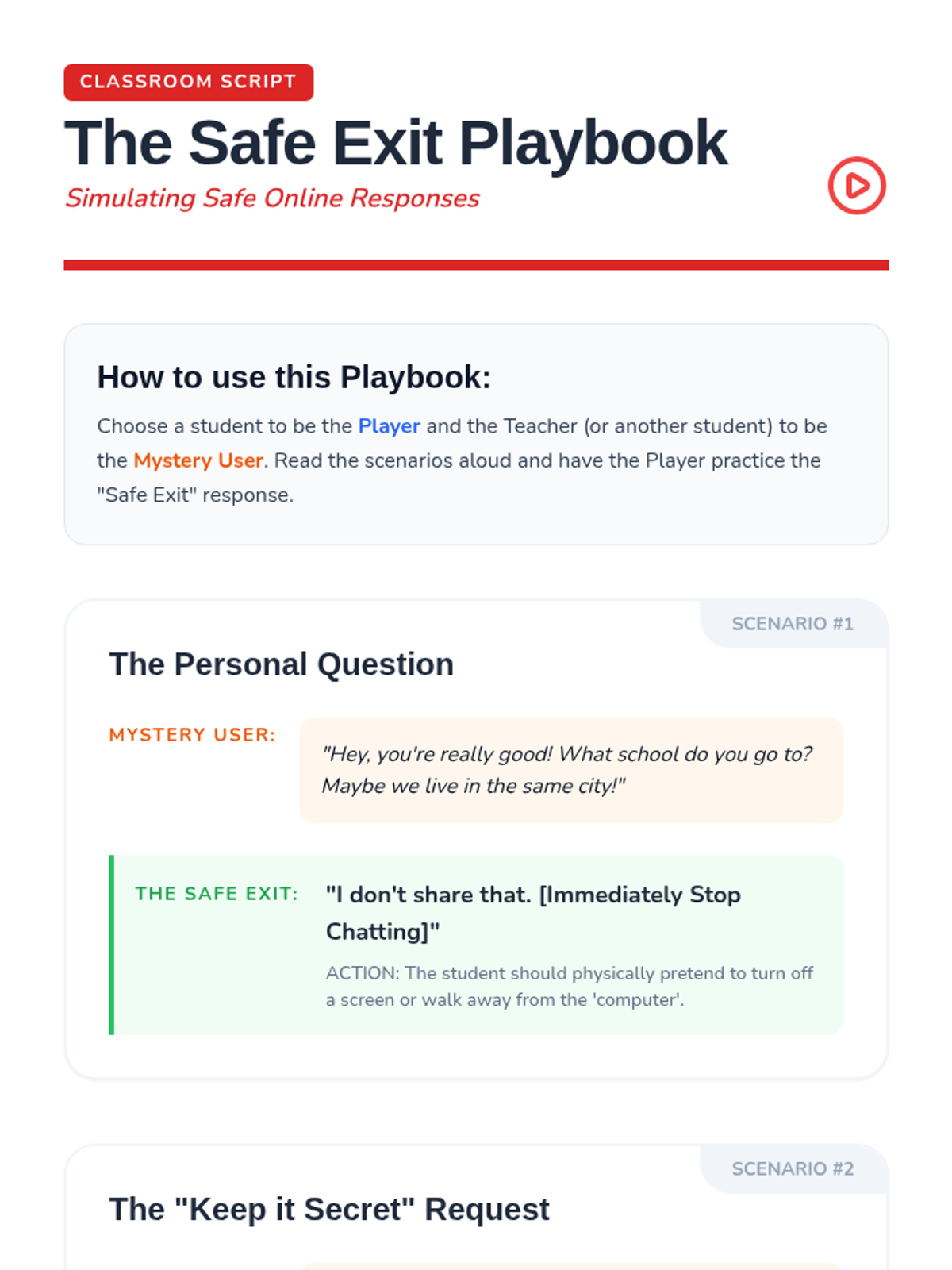
Teacher/Class scripts for roleplaying safe responses to uncomfortable online situations, including saying no, blocking users, and reporting to trusted adults.
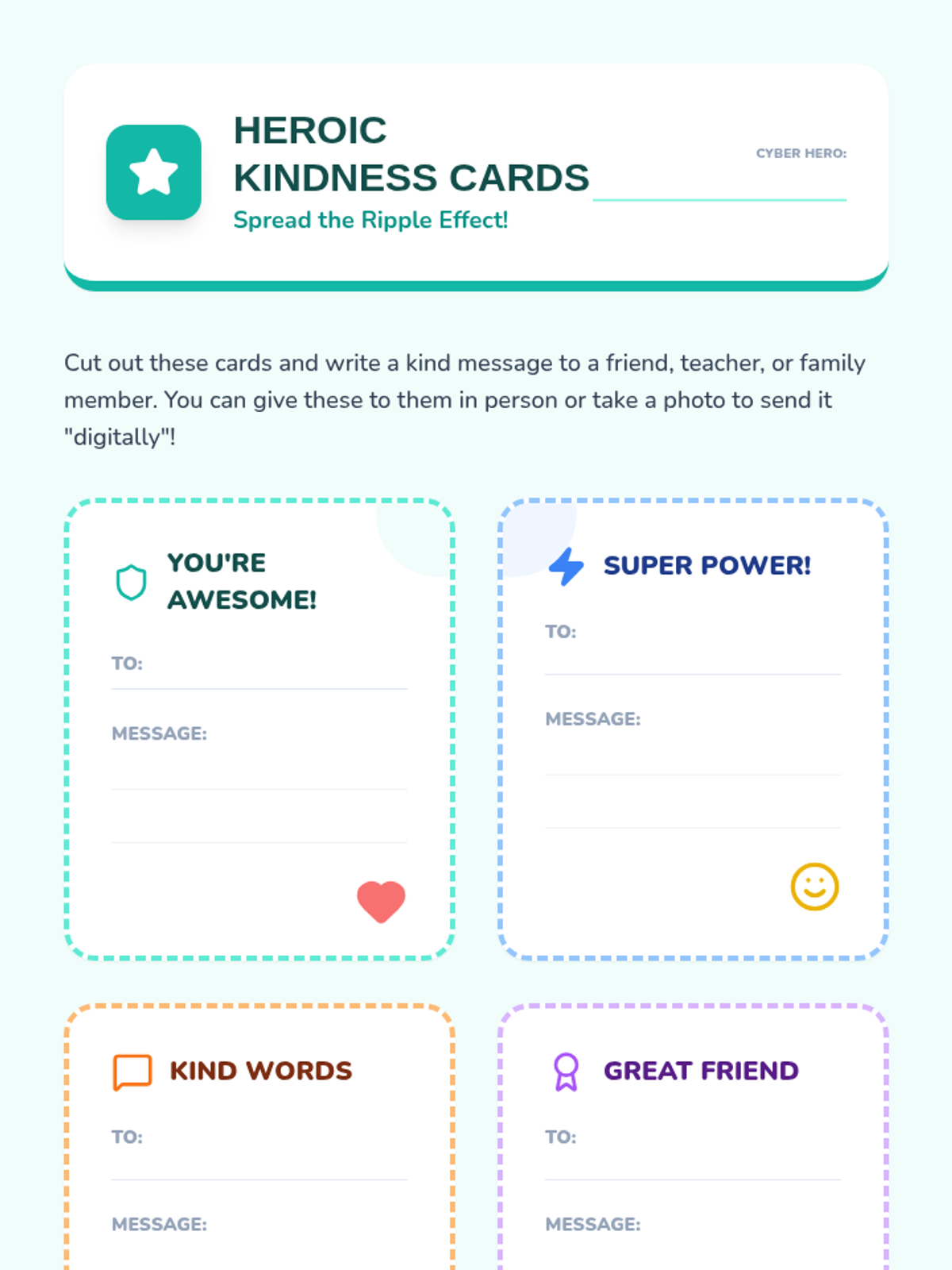
Student activity sheet for Lesson 5: Promoting Online Kindness. Contains four themed 'Kindness Cards' for students to customize and share.
Slide deck for Lesson 4, focusing on building a positive digital reputation and introducing the 'Future Me' profile activity.
Slides for Lesson 4, focusing on the assertive responses students should use when encountering red flags online, emphasizing the 'Stop, Block, Tell' protocol.
Introductory slide deck for Lesson 5: Promoting Online Kindness. Focuses on the positive impact of kind messages and how to be a 'light' in digital spaces.
Visual presentation for Lesson 5, facilitating student presentations, the class pledge ceremony, and graduation.
A celebratory certificate to be awarded to students upon completion of the Cyber Scouts Privacy Academy sequence.
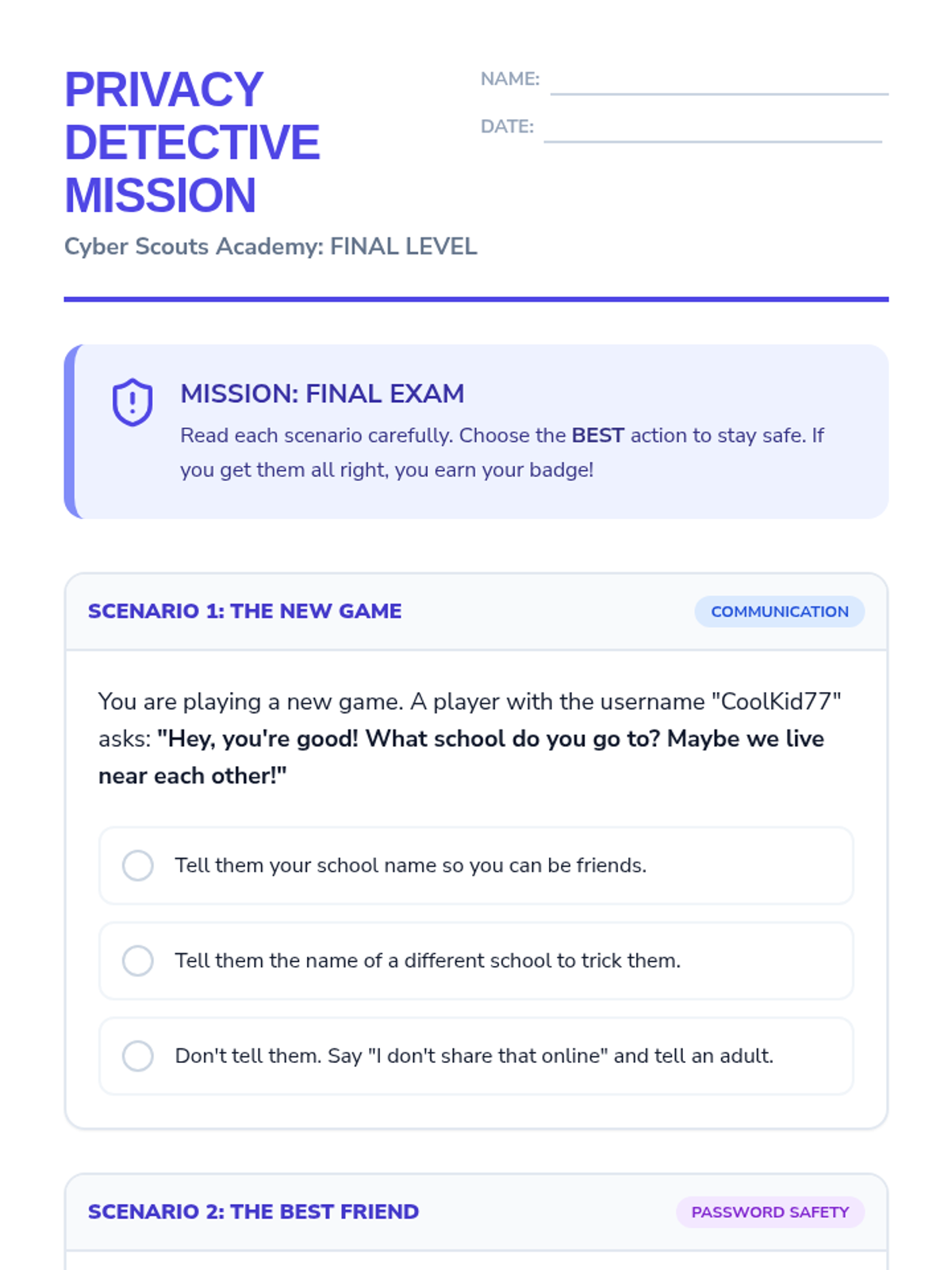
A final scenario-based assessment where students apply their knowledge of private information, passwords, and digital boundaries to earn their Cyber Scout certification.
Visual presentation for Lesson 4, introducing the concept of family agreements and guiding students through designing their own media blueprints.
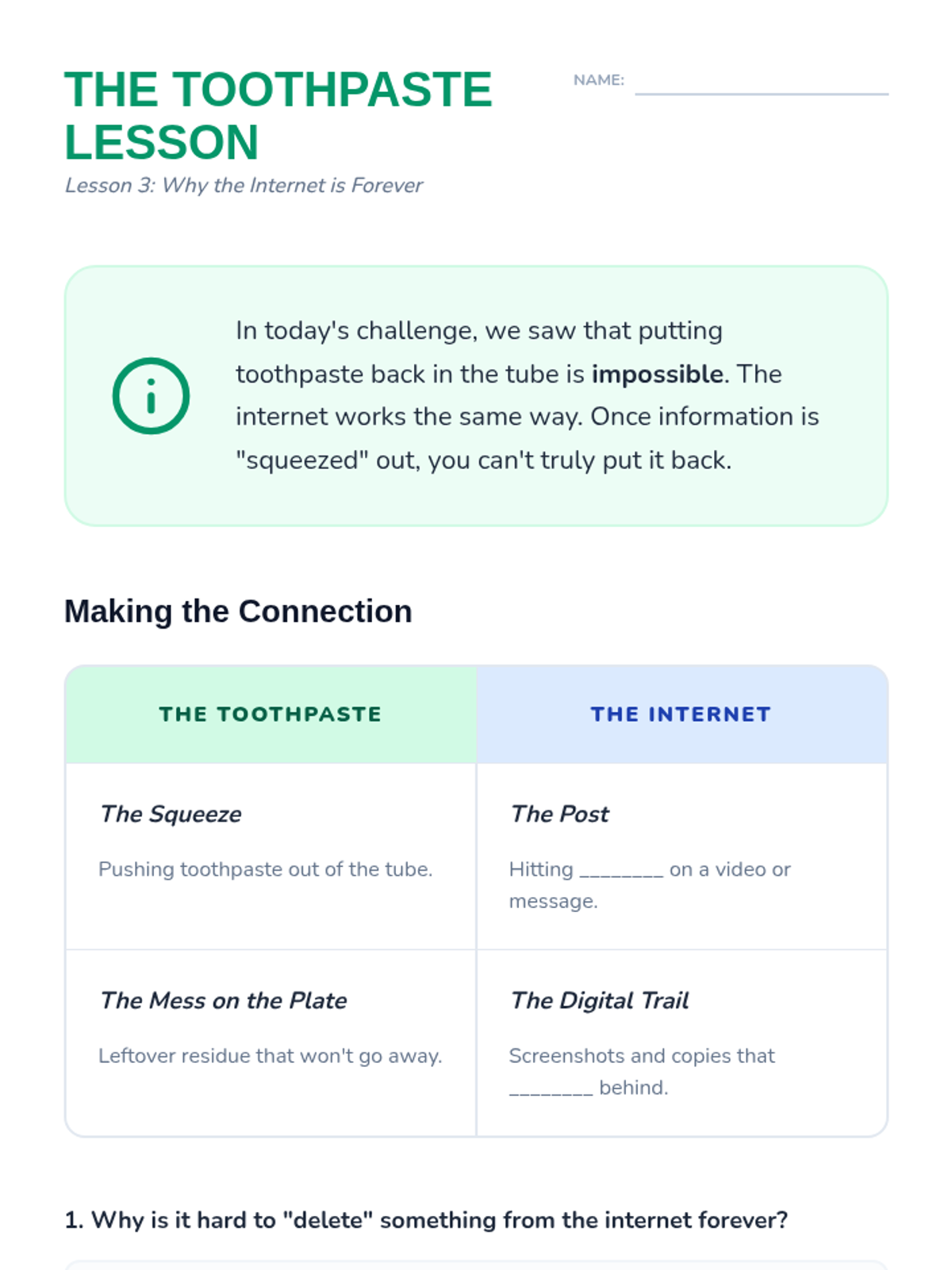
Student reflection worksheet for Lesson 3, connecting the toothpaste analogy to digital permanence and the '3-second rule'.
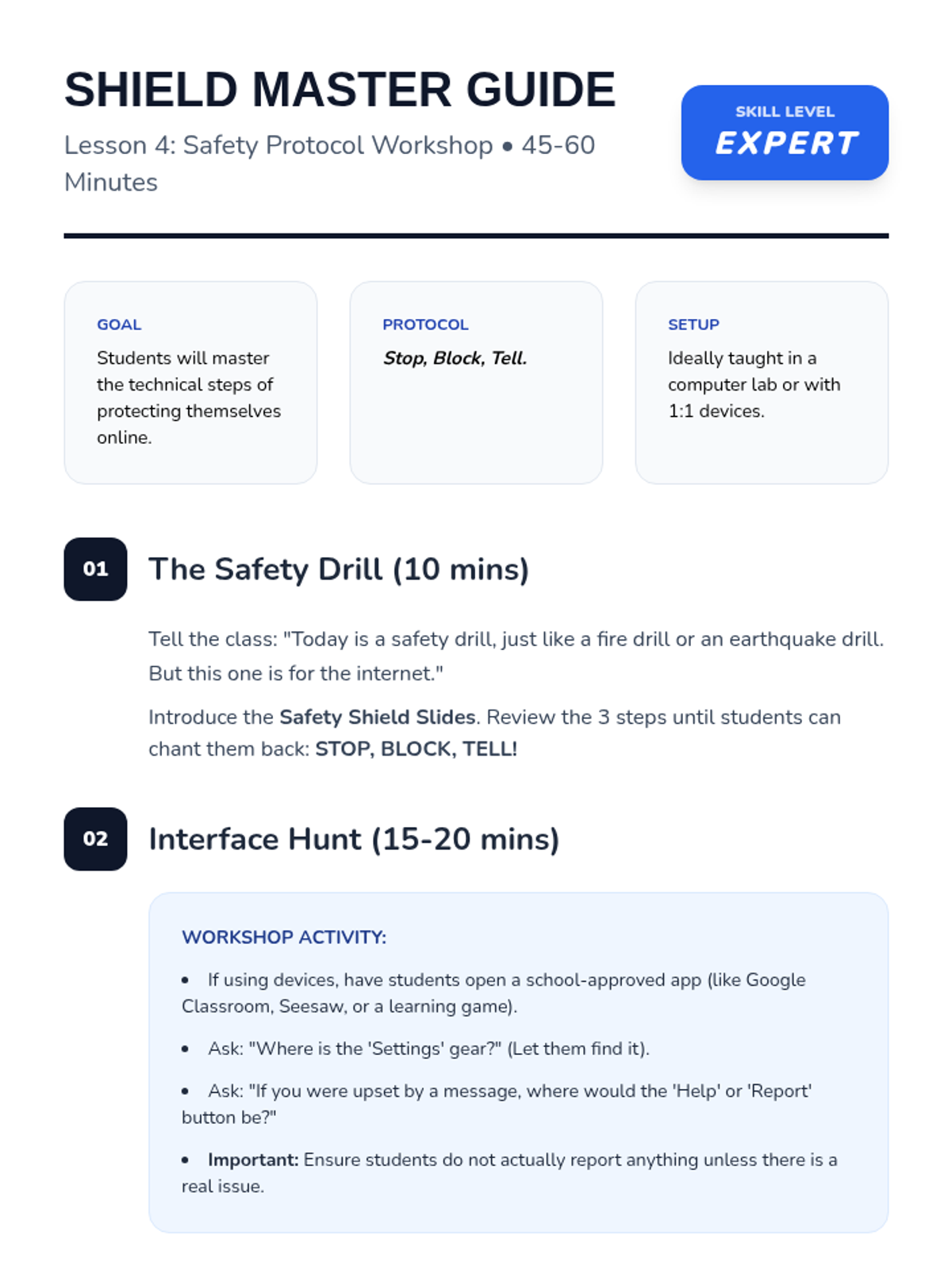
Teacher guide for Lesson 4: Safety Shield Protocol. Includes instructions for the technical 'Interface Hunt' and practicing the Stop, Block, Tell communication with adults.
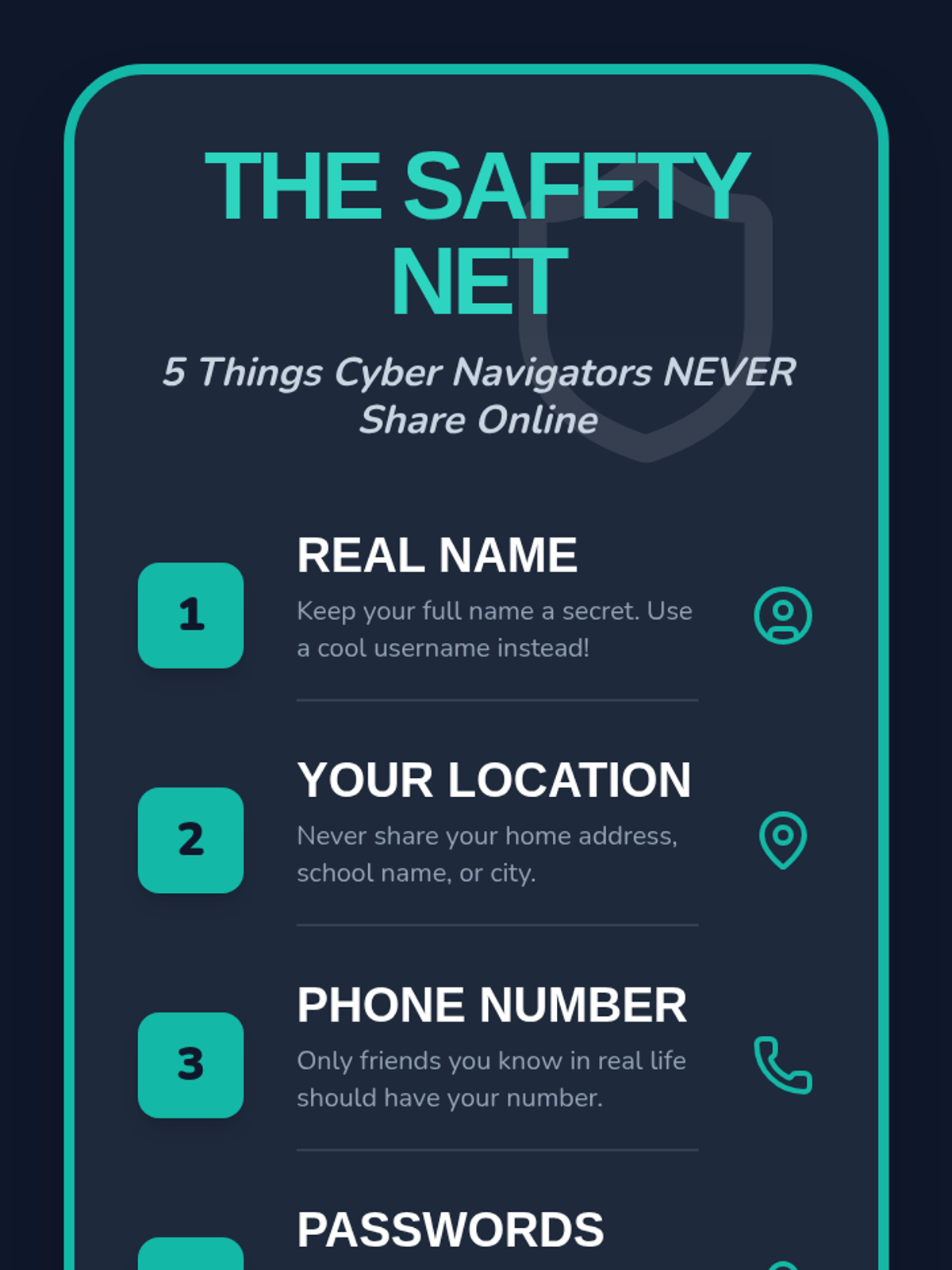
A classroom poster or anchor chart defining the five key pieces of personal information that students should never share online.
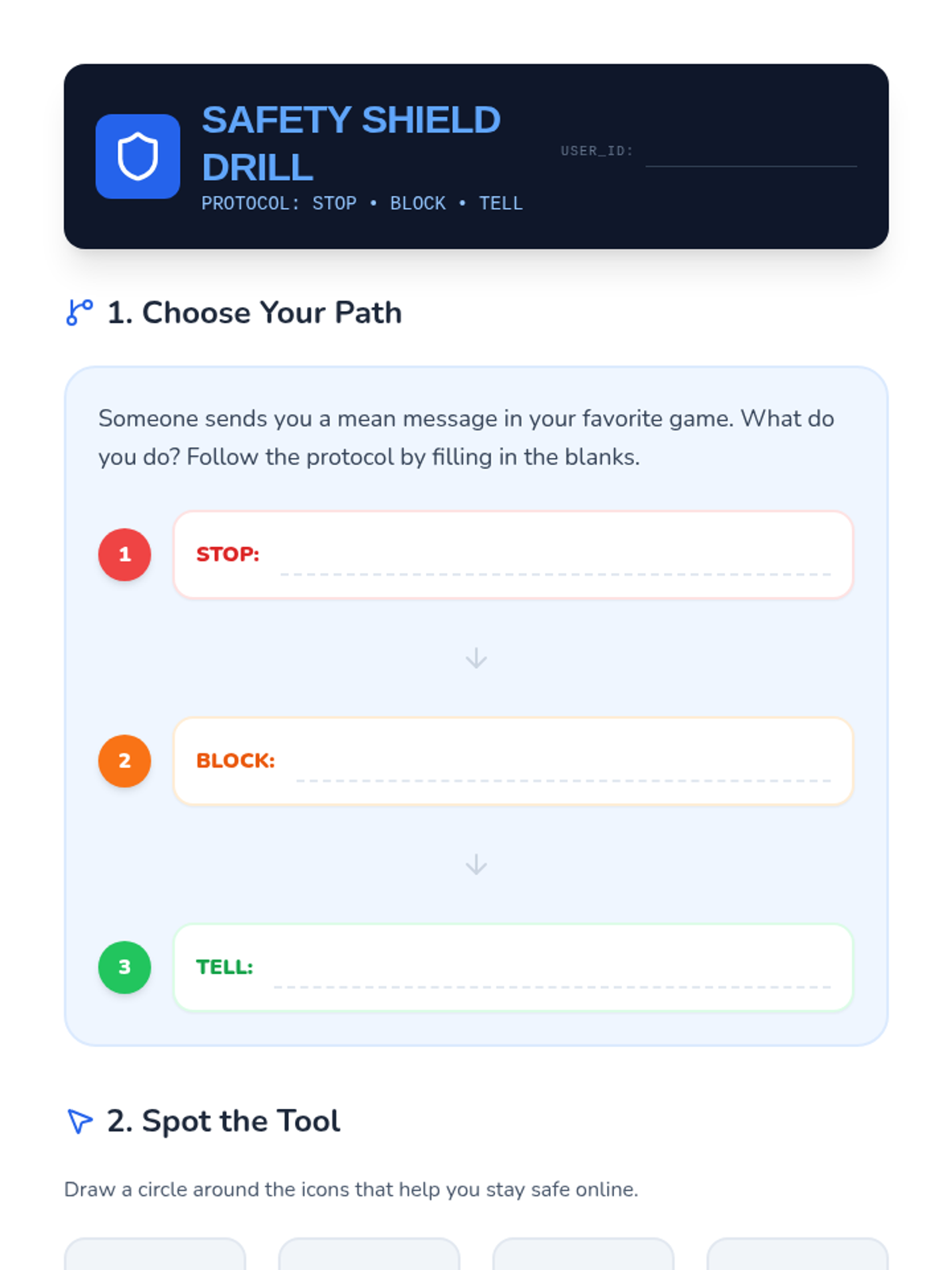
Student worksheet for Lesson 4: Safety Shield Protocol. Practical exercise for identifying reporting tools and planning the Stop, Block, Tell response.