Fundamental hardware proficiency, secure online behavior, and ethical social media engagement. Equips learners with productivity tool mastery, web publishing skills, and critical evaluation of emerging technologies.
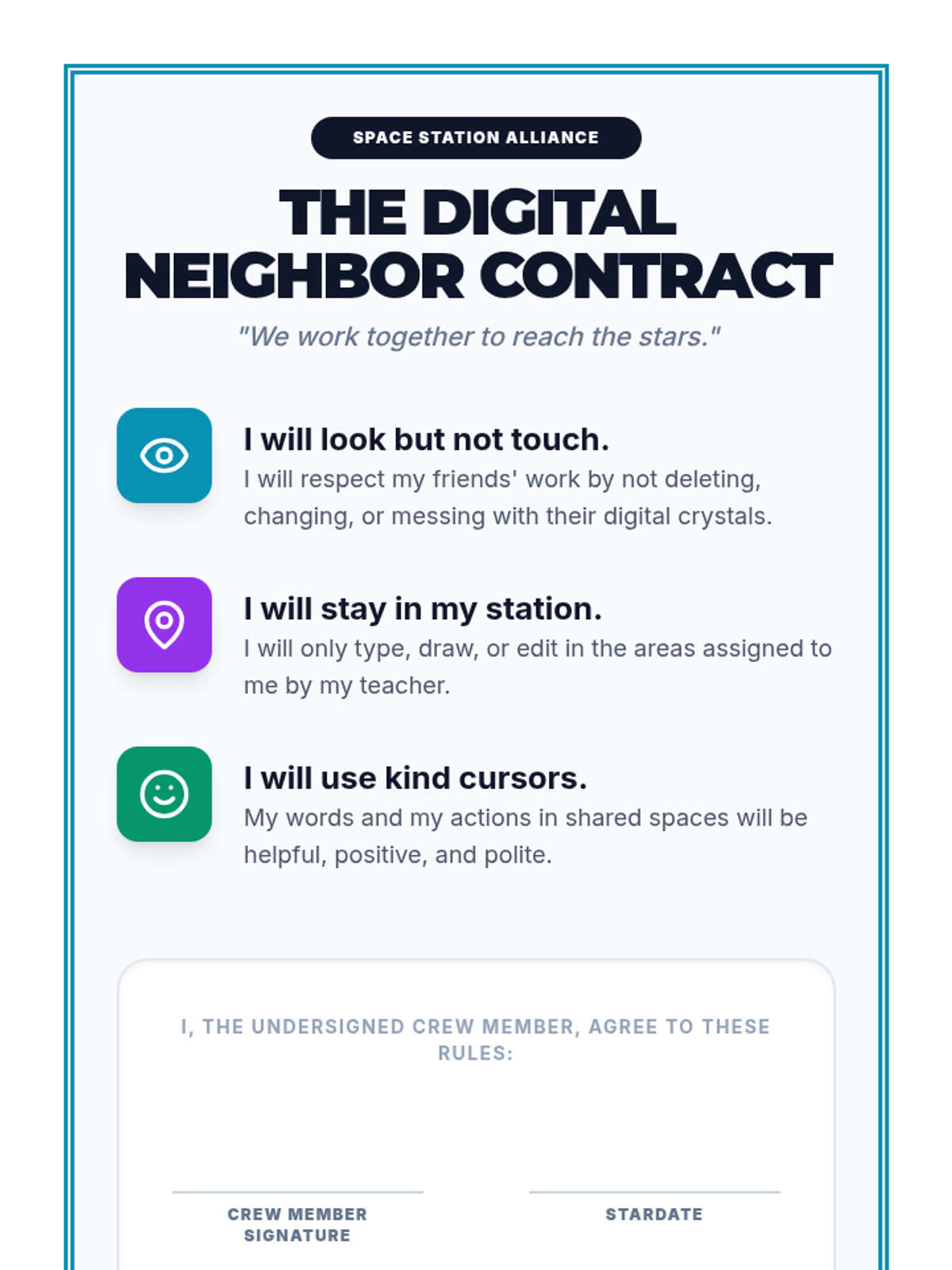
A formal 'Digital Neighbor Contract' for 2nd-grade students to sign, reinforcing the rules of collaborative digital work and etiquette. Designed for print and display.
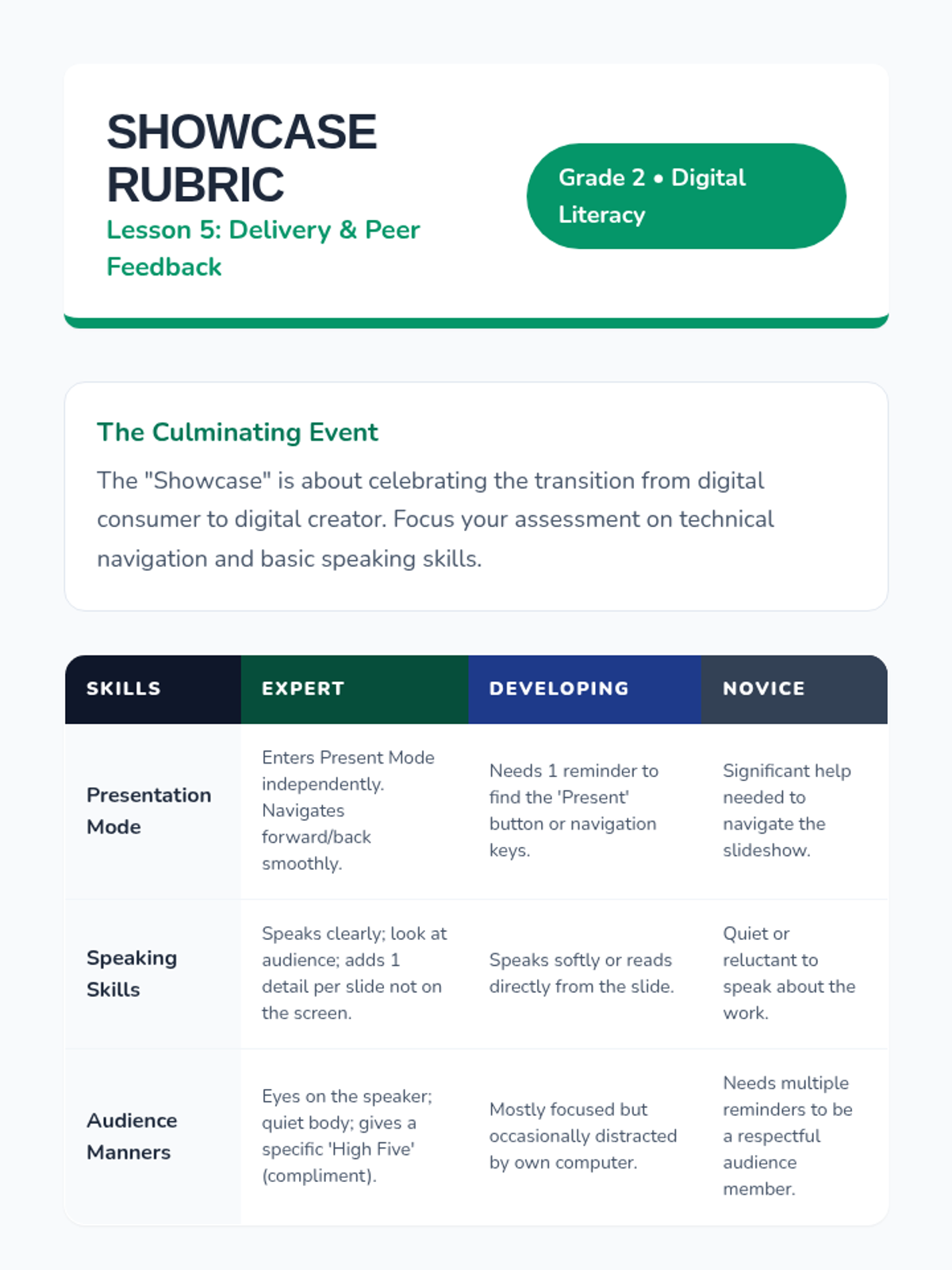
A teacher resource for Lesson 5, featuring a showcase rubric for assessing technical navigation, public speaking, and audience etiquette, plus celebration ideas.
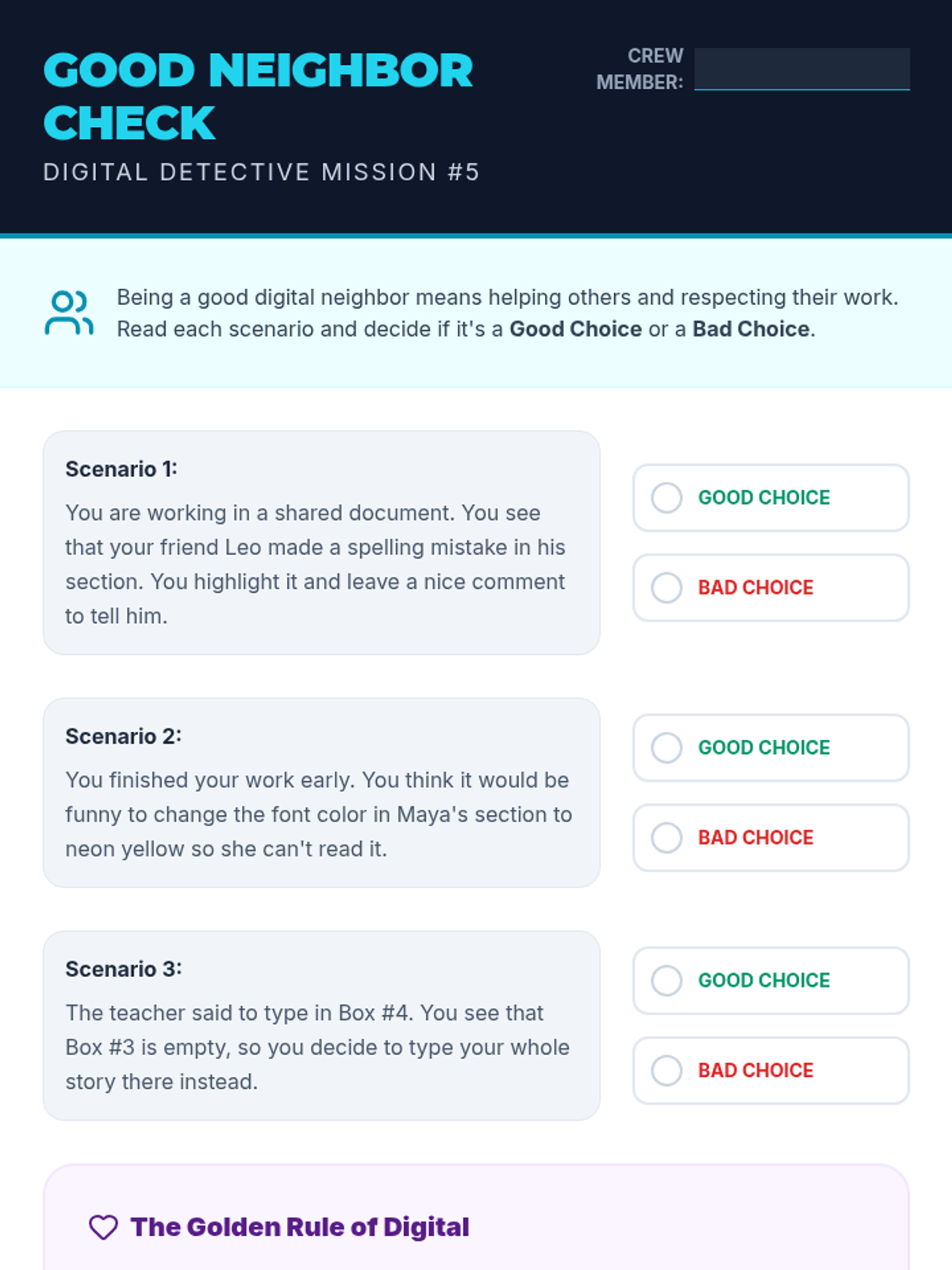
A digital etiquette worksheet for 2nd graders. Features scenarios of collaborating in shared documents and asks students to identify good vs bad choices.
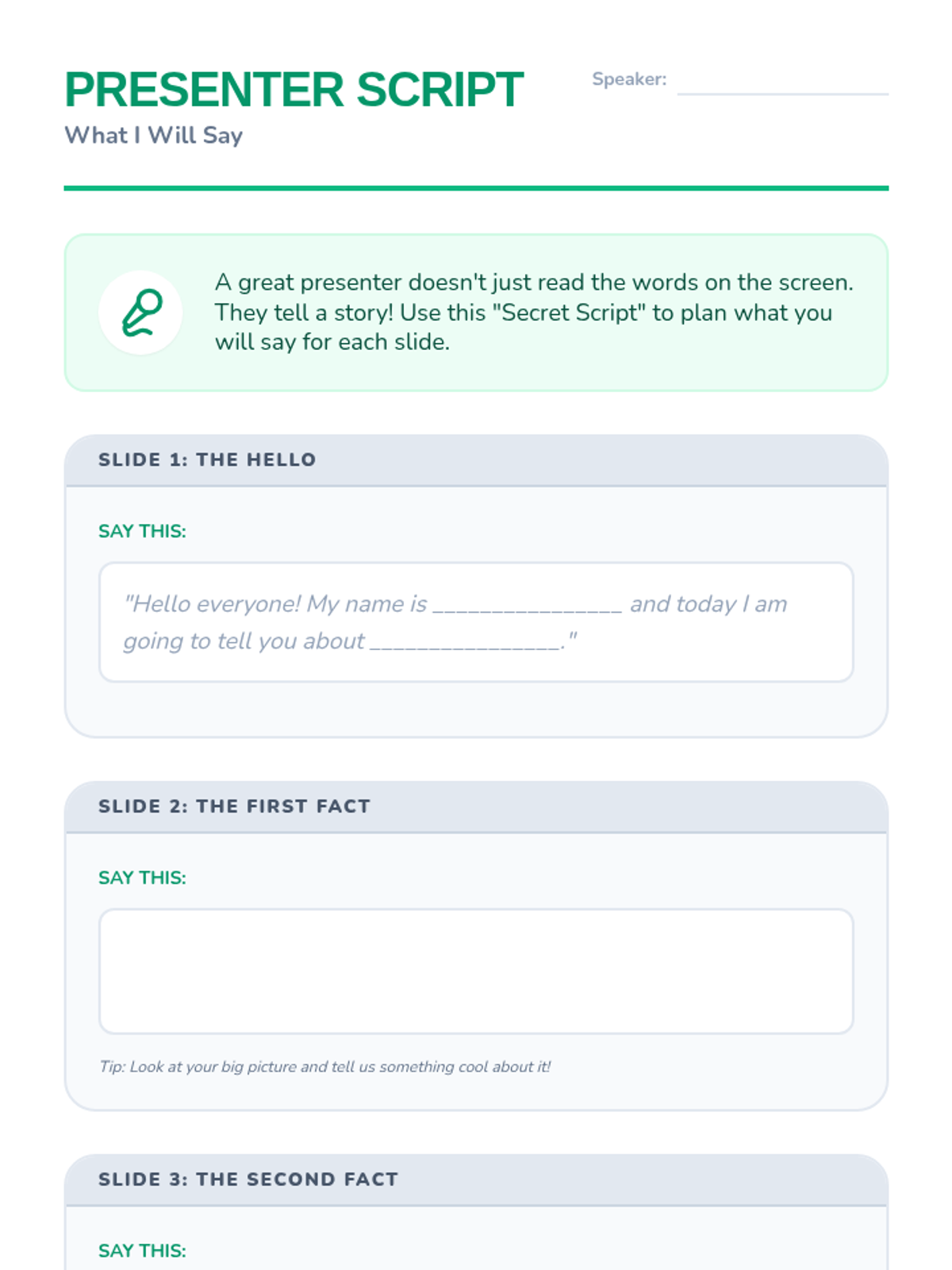
A planning script for 2nd graders to help them prepare what they will say during their presentation, ensuring they don't just read the slides.
A slide deck for 2nd graders on digital collaboration. Covers the basics of shared documents, real-time editing visibility (cursors), and the 'Rules of the Room' for digital etiquette.
Lesson 5 slides for 2nd graders teaching how to use Presentation Mode, navigate through a slide deck, and public speaking basics for a classroom showcase.
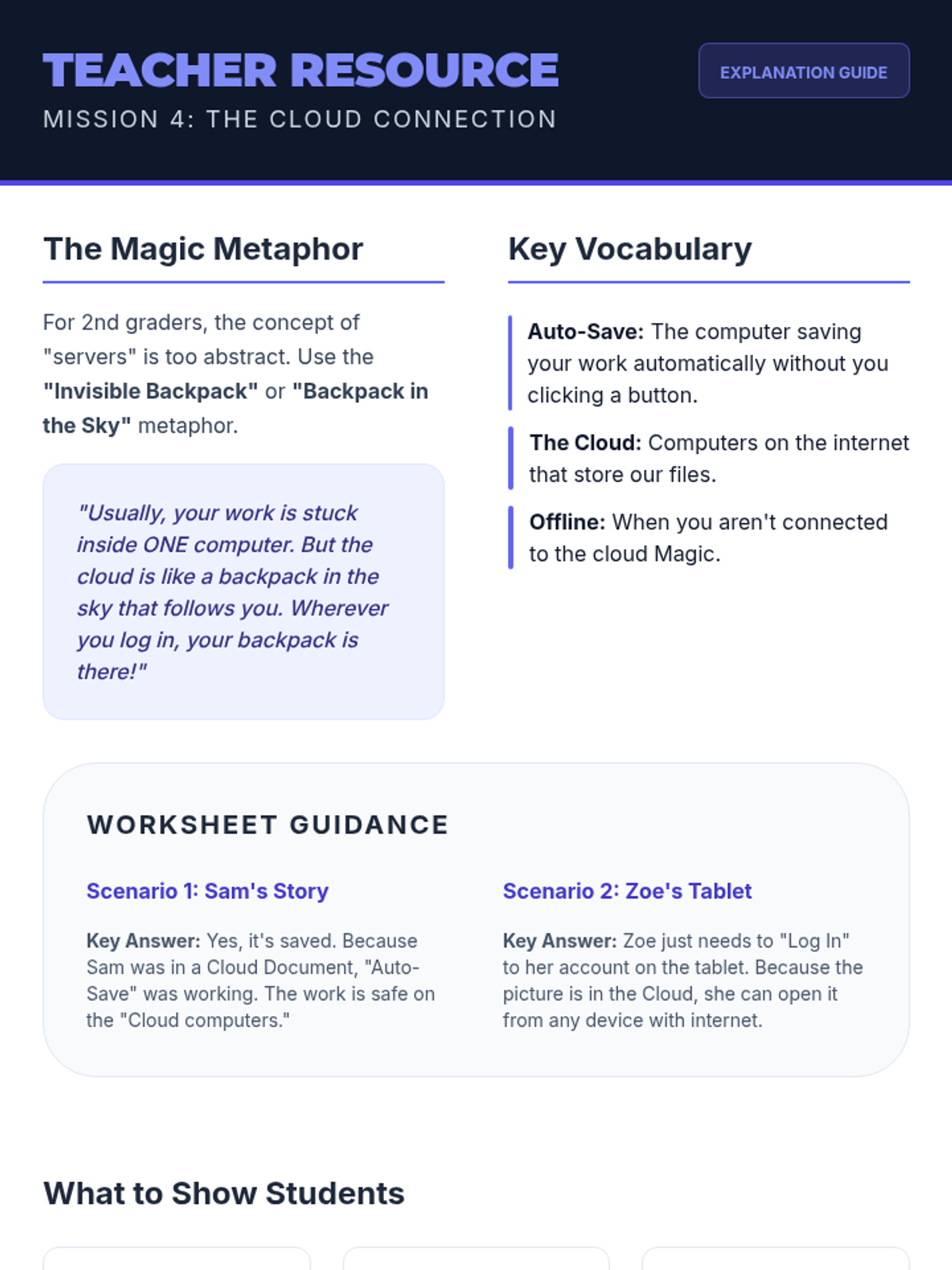
Teacher resource for teaching cloud storage concepts to 2nd graders. Includes metaphors, vocabulary, answer guidance for the student worksheet, and visual checkpoints.
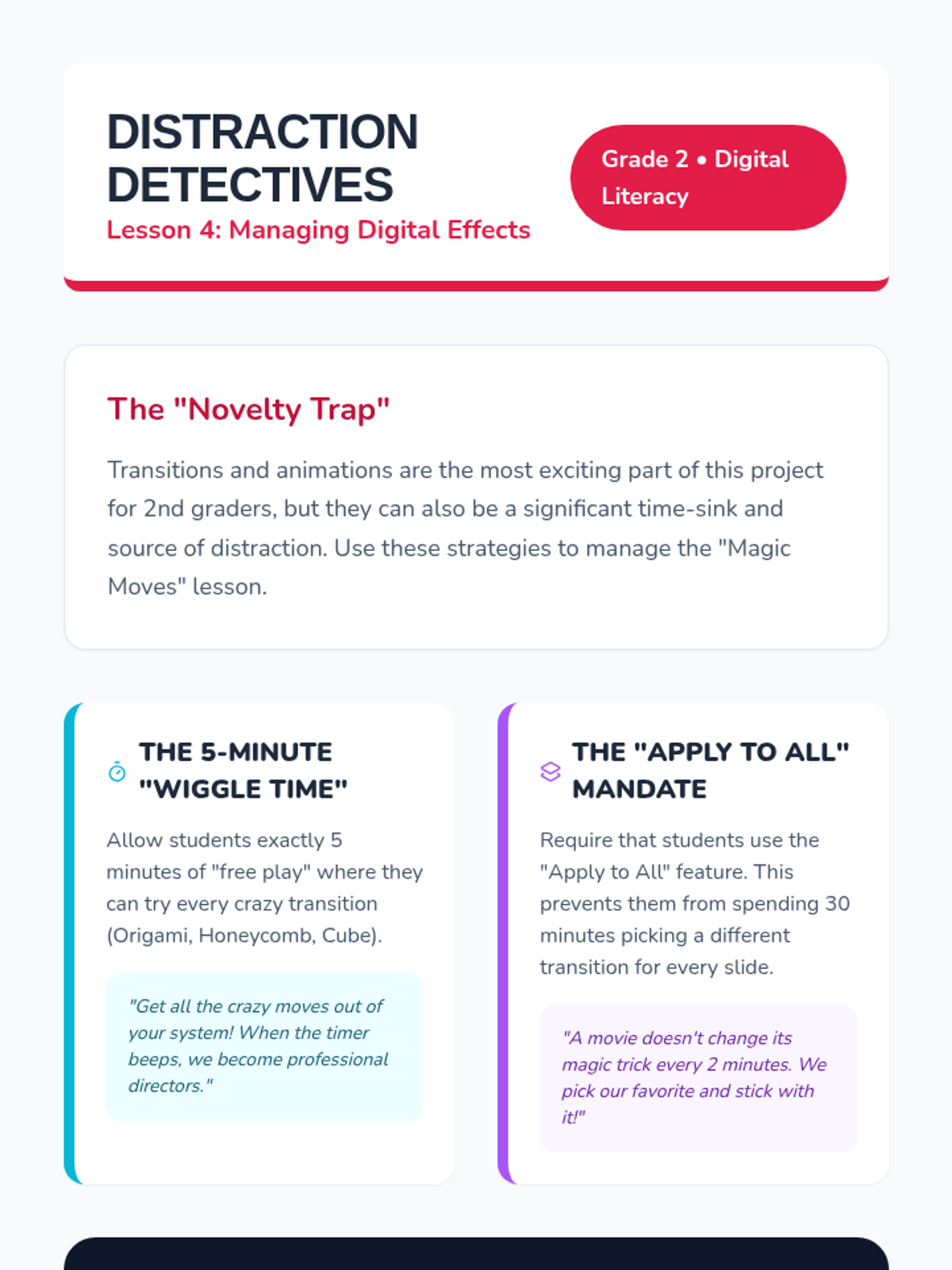
A teacher guide for Lesson 4 that includes classroom management strategies for teaching digital effects and a kinesthetic activity to teach audience awareness.
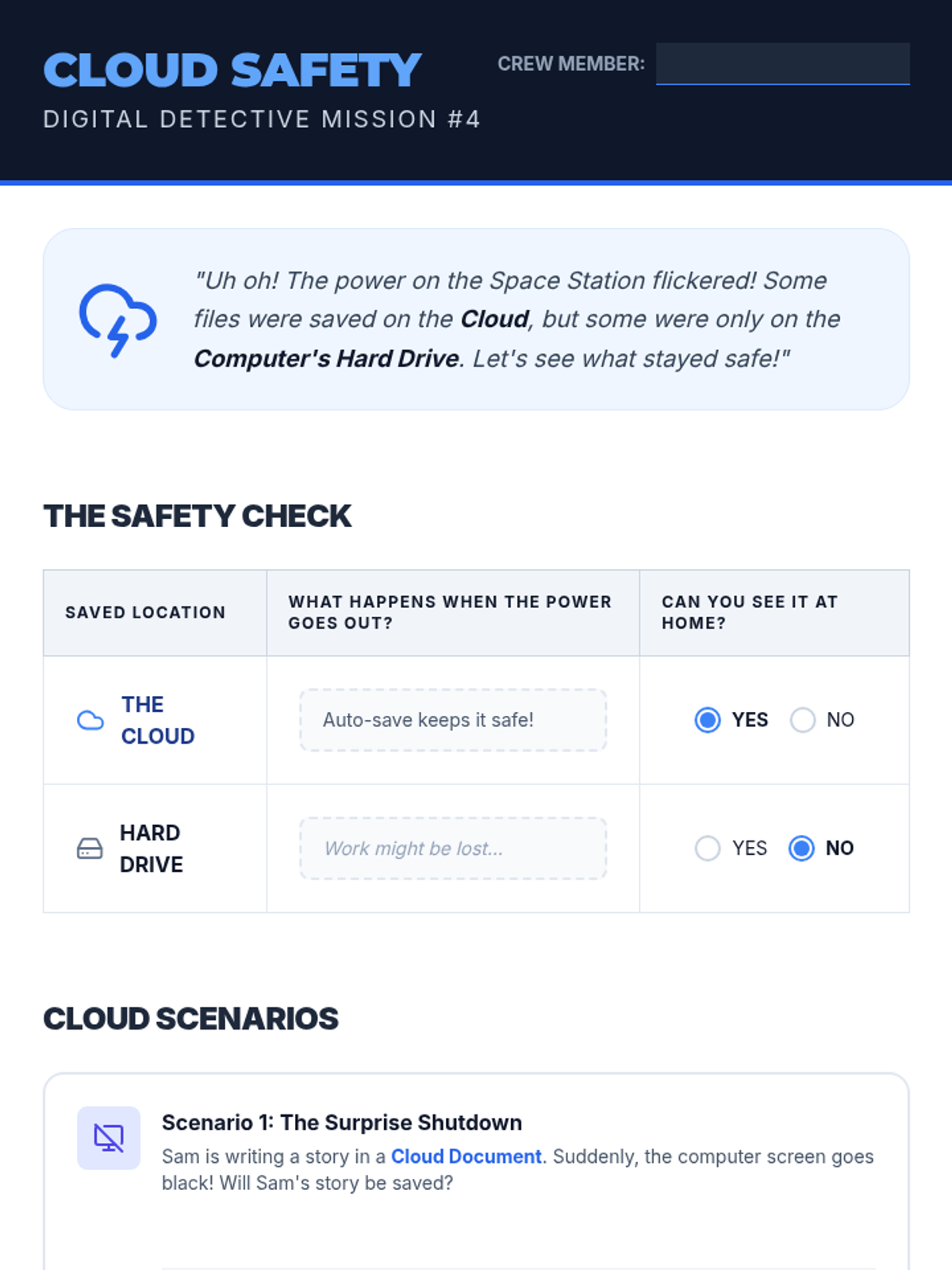
A 2nd-grade worksheet about cloud storage concepts. Includes a comparison between cloud and hard drive saving, and scenario-based questions to assess understanding.
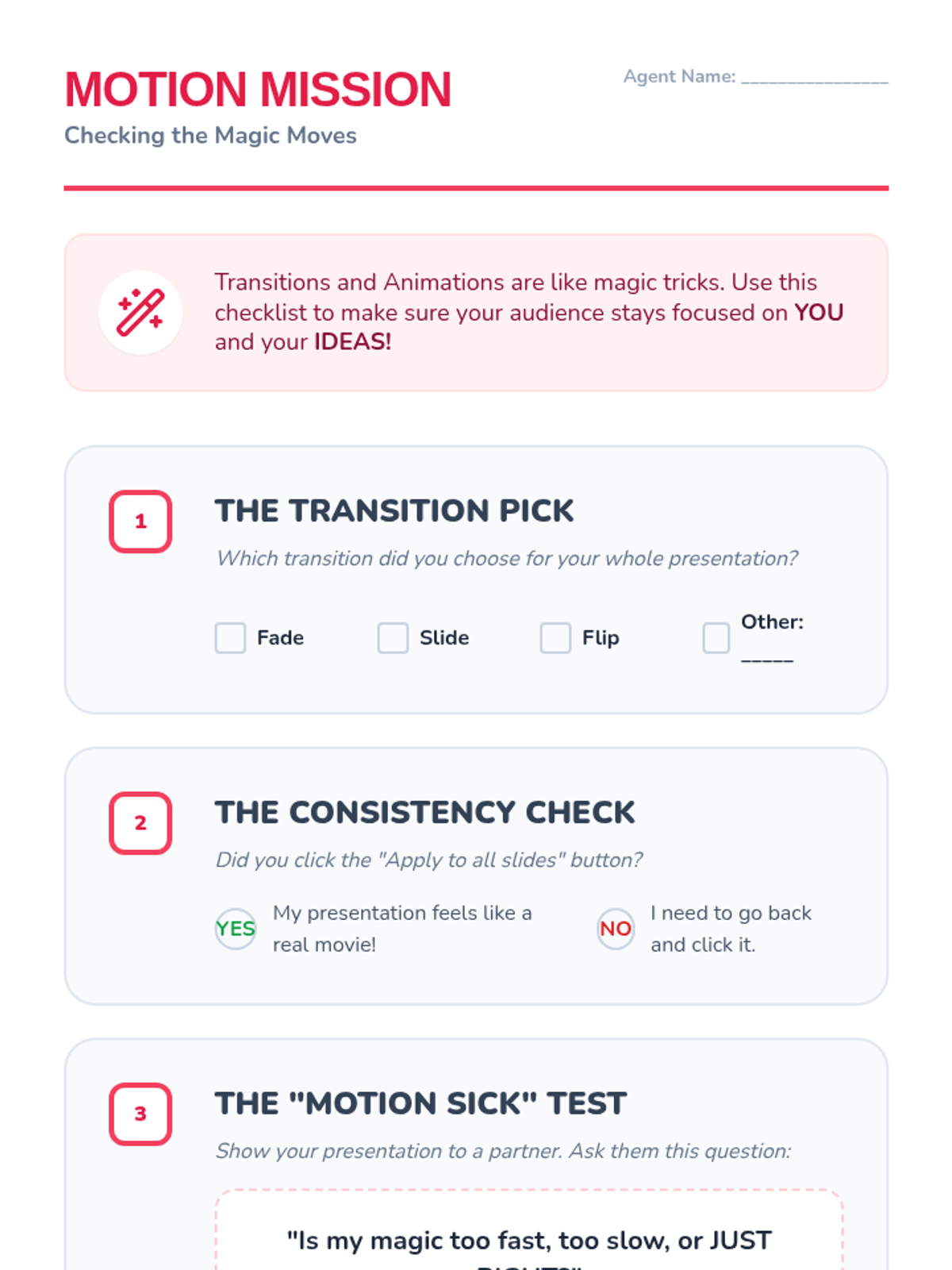
A student checklist and peer-feedback worksheet for Lesson 4 to help 2nd graders review their use of transitions and ensure consistency across their slide deck.
A slide deck for 2nd graders explaining cloud storage and the concept of auto-saving work. Uses metaphors and simple visuals to make abstract concepts understandable.
Lesson 4 slides for 2nd graders teaching about transitions and animations, with an emphasis on choosing one consistent style to avoid distracting the audience.
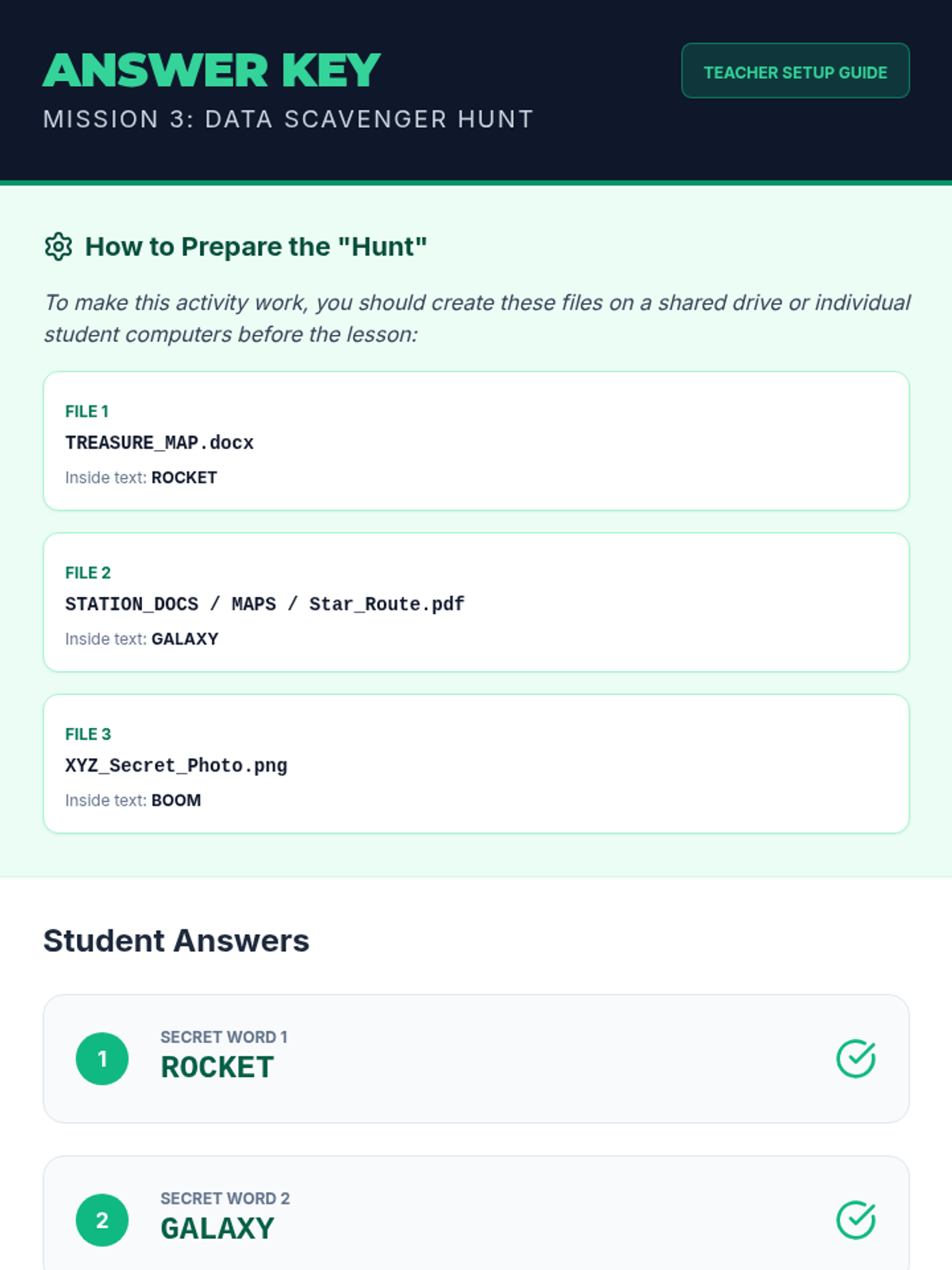
Answer key and setup guide for the Data Scavenger Hunt activity. Provides instructions on how to prepare the hidden files for students.
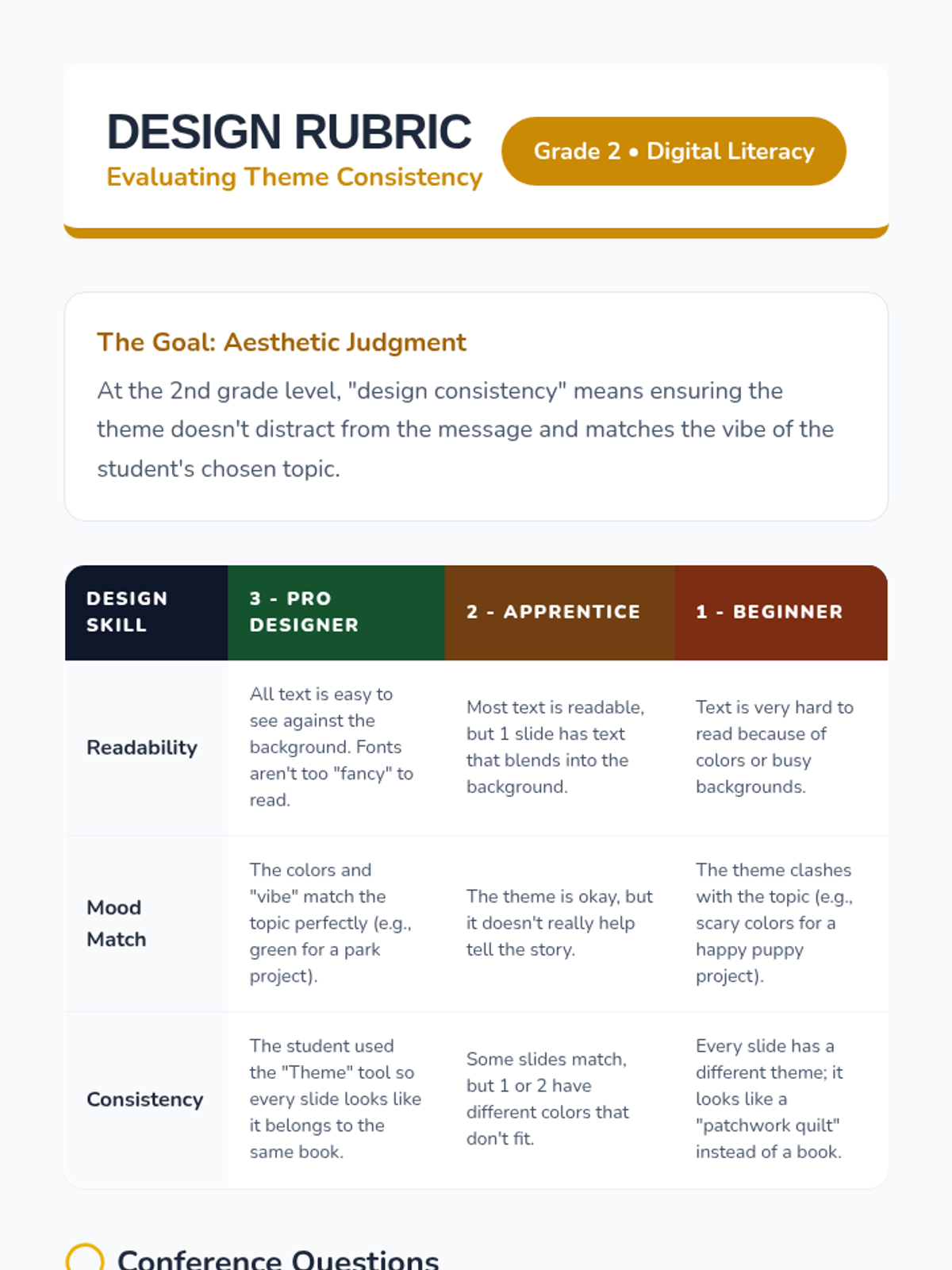
A teacher rubric and conference guide for Lesson 3 to evaluate students' aesthetic judgment and design consistency within their presentations.
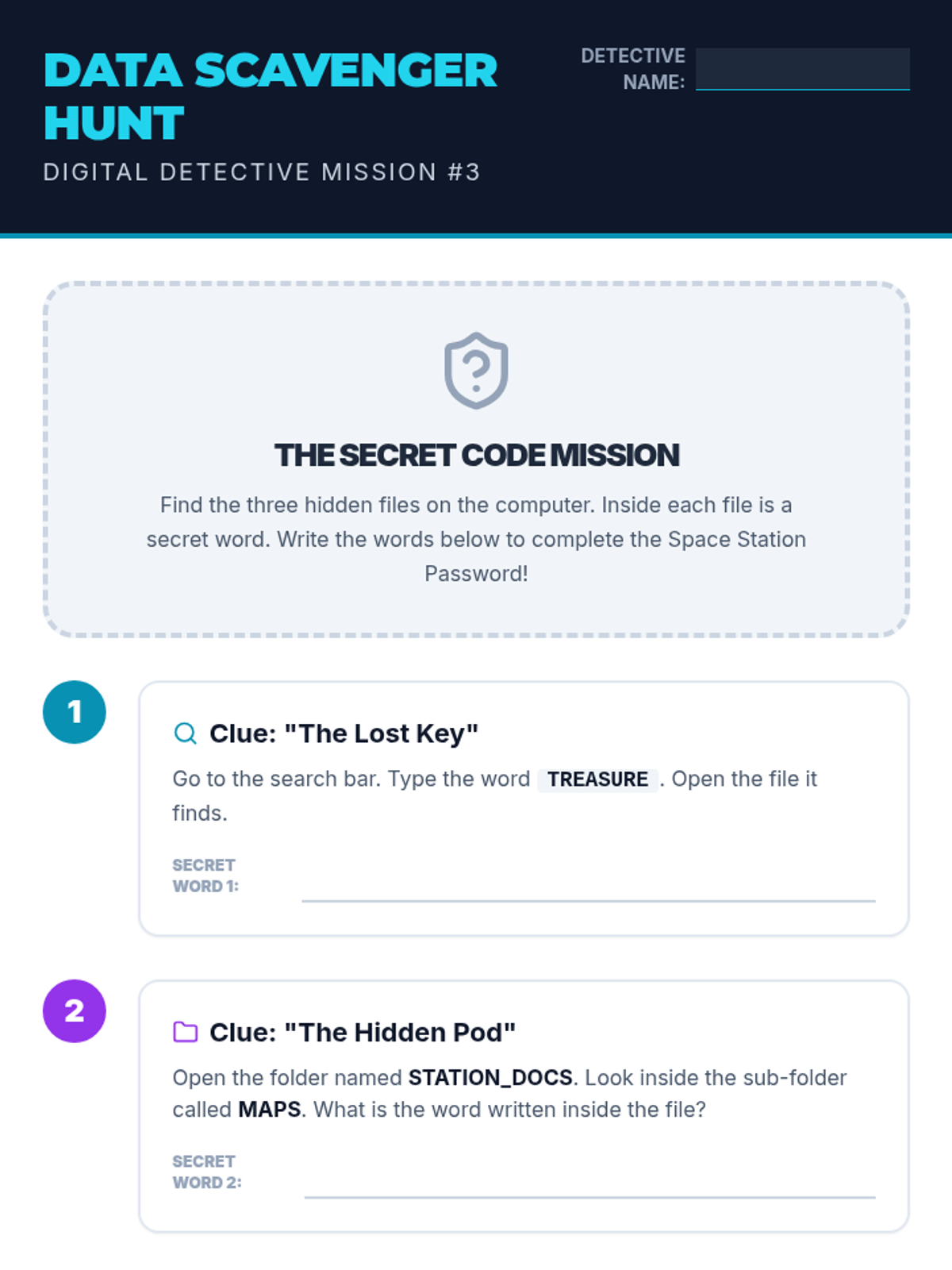
A scavenger hunt worksheet where 2nd-grade students use search tools and folder navigation to find 'secret files' and solve a puzzle. Requires teacher to set up files on student devices or simulate the experience.
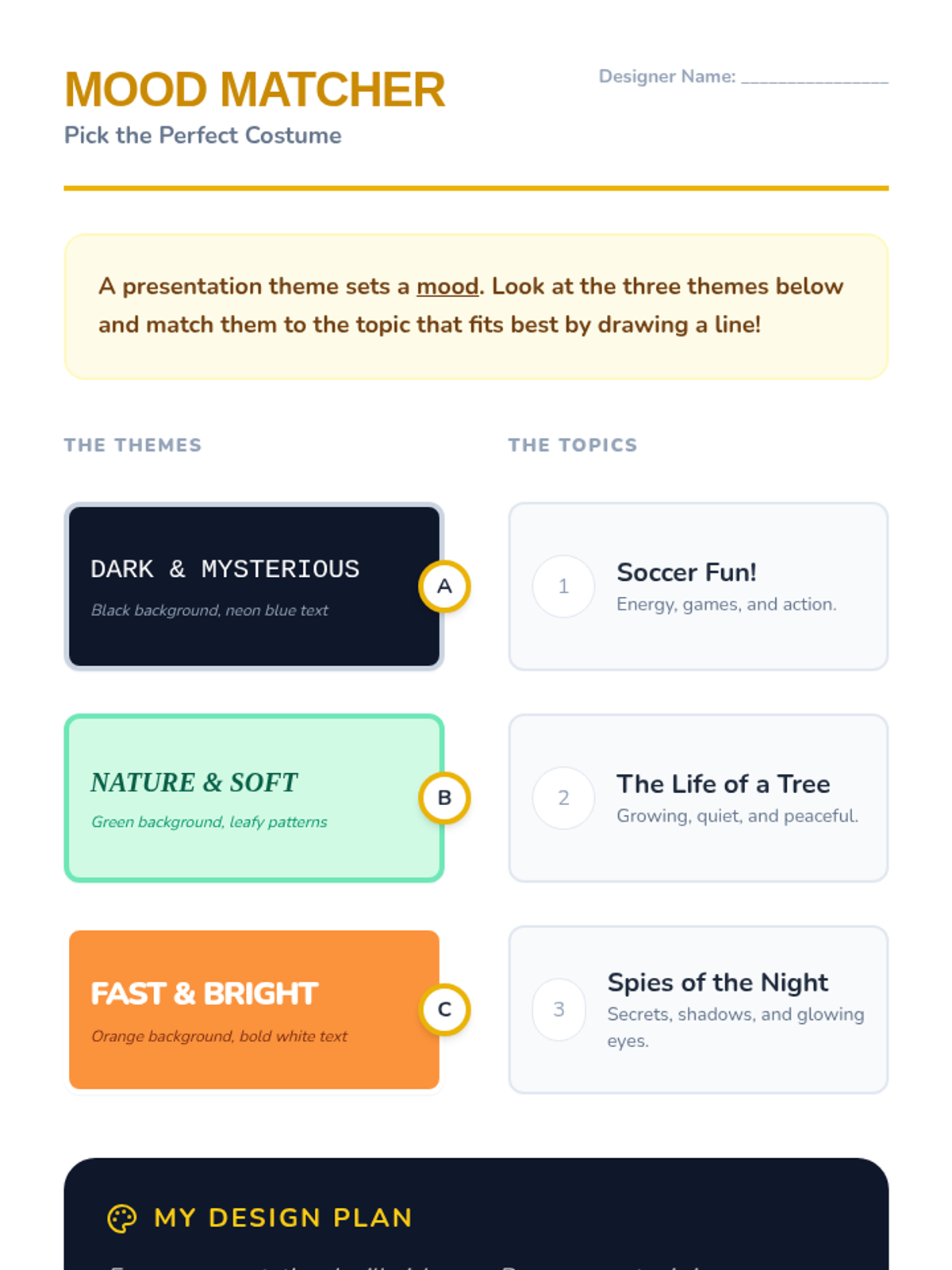
A matching activity where 2nd graders pair presentation themes (costumes) with appropriate topics based on mood and visual style.
A slide deck teaching 2nd graders how to use digital search tools and navigate folder structures. Uses a 'Scavenger Hunt' theme to make file retrieval engaging.
Lesson 3 slides for 2nd graders focusing on pre-set themes, backgrounds, and how to choose design elements that match the "mood" of their presentation topic.
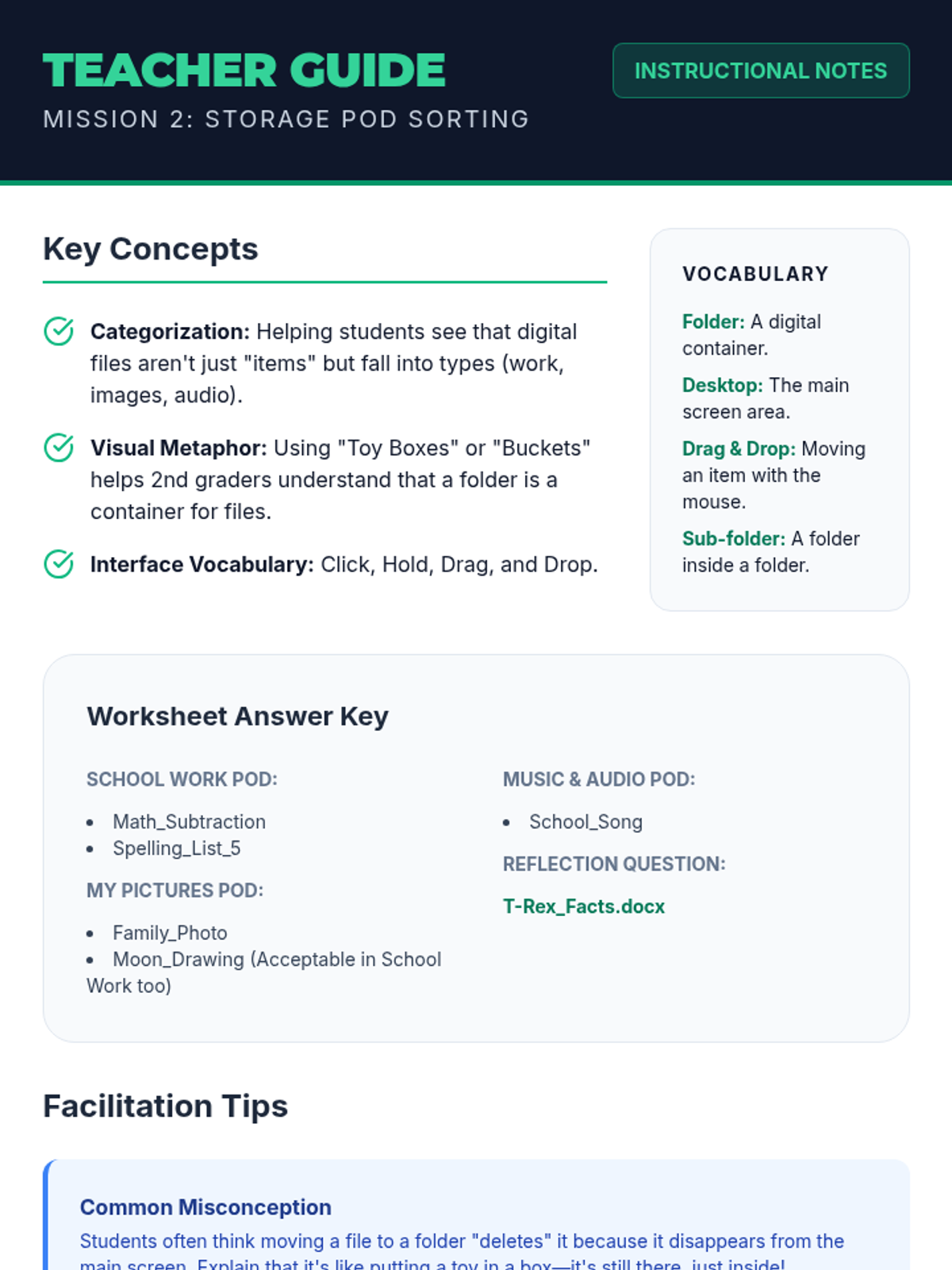
Teacher guide for the Storage Pod Sorting lesson. Includes key concepts, vocabulary, answer key for student worksheet, and facilitation tips for 2nd-grade digital literacy.
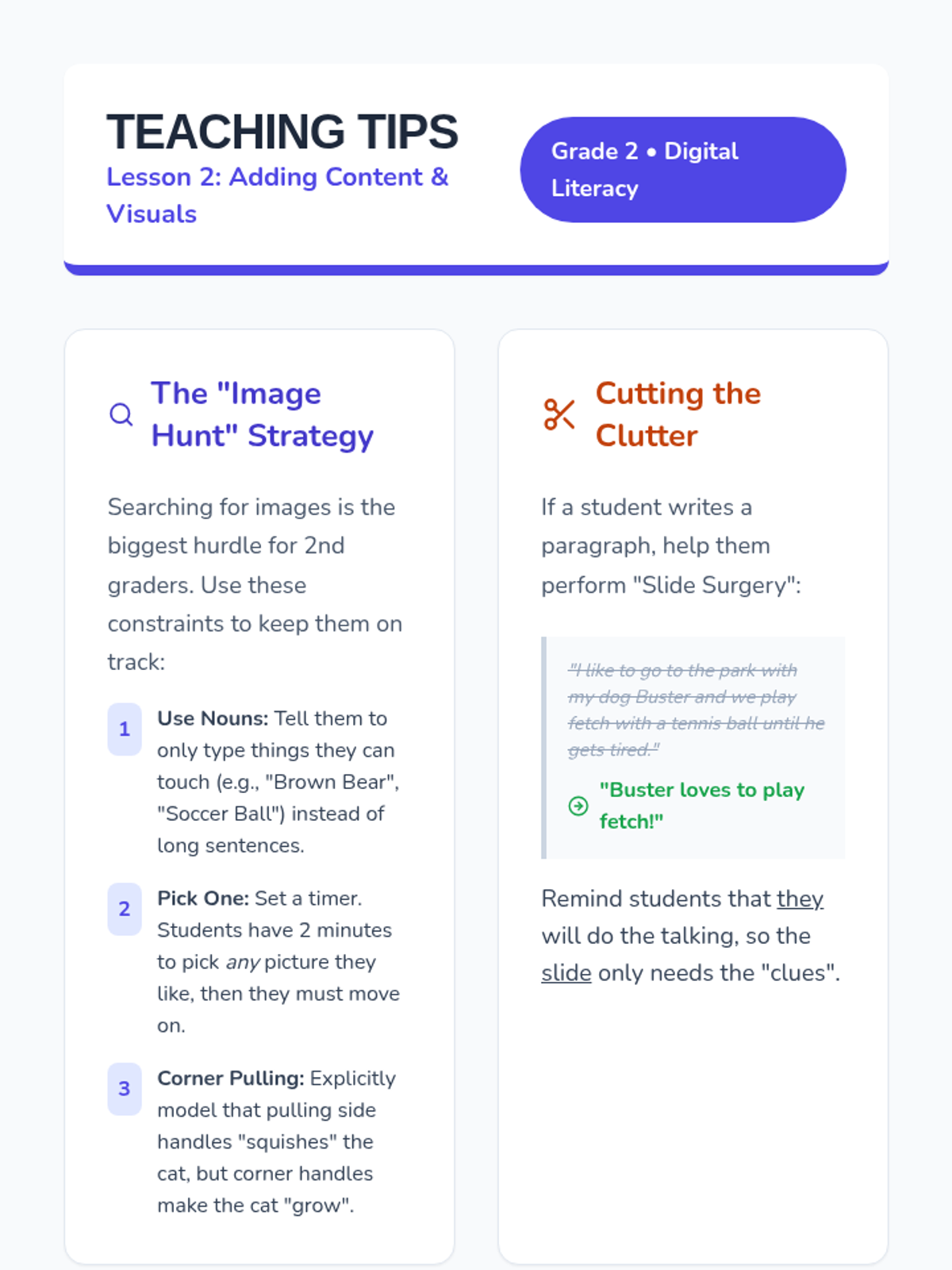
A teacher resource guide for Lesson 2, providing strategies for teaching image search, resizing techniques, and how to help students minimize text for visual impact.
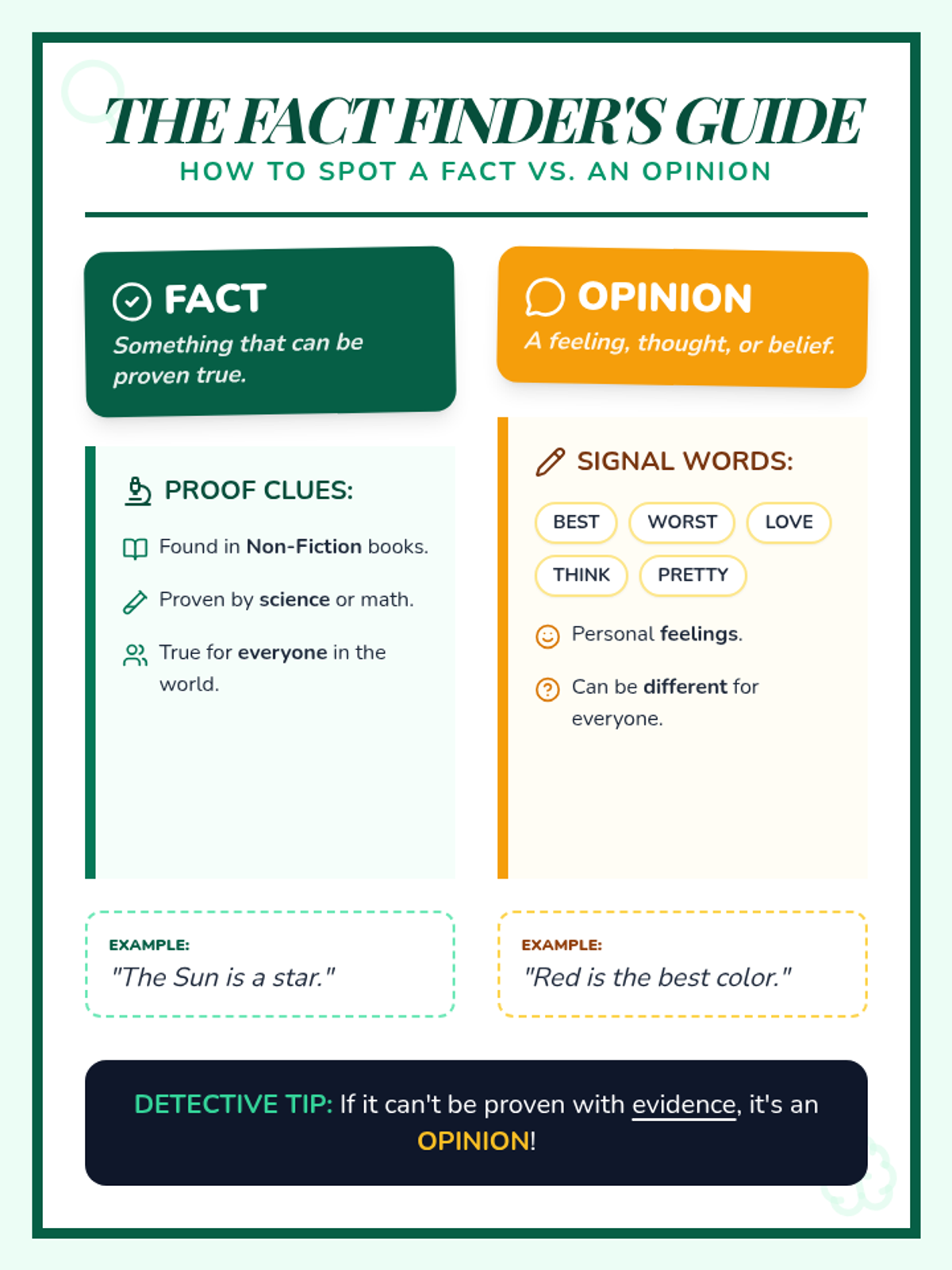
A vibrant, visually engaging anchor chart that defines facts and opinions, provides proof clues, identifies signal words, and offers concrete examples. Redesigned to fit on a single page.
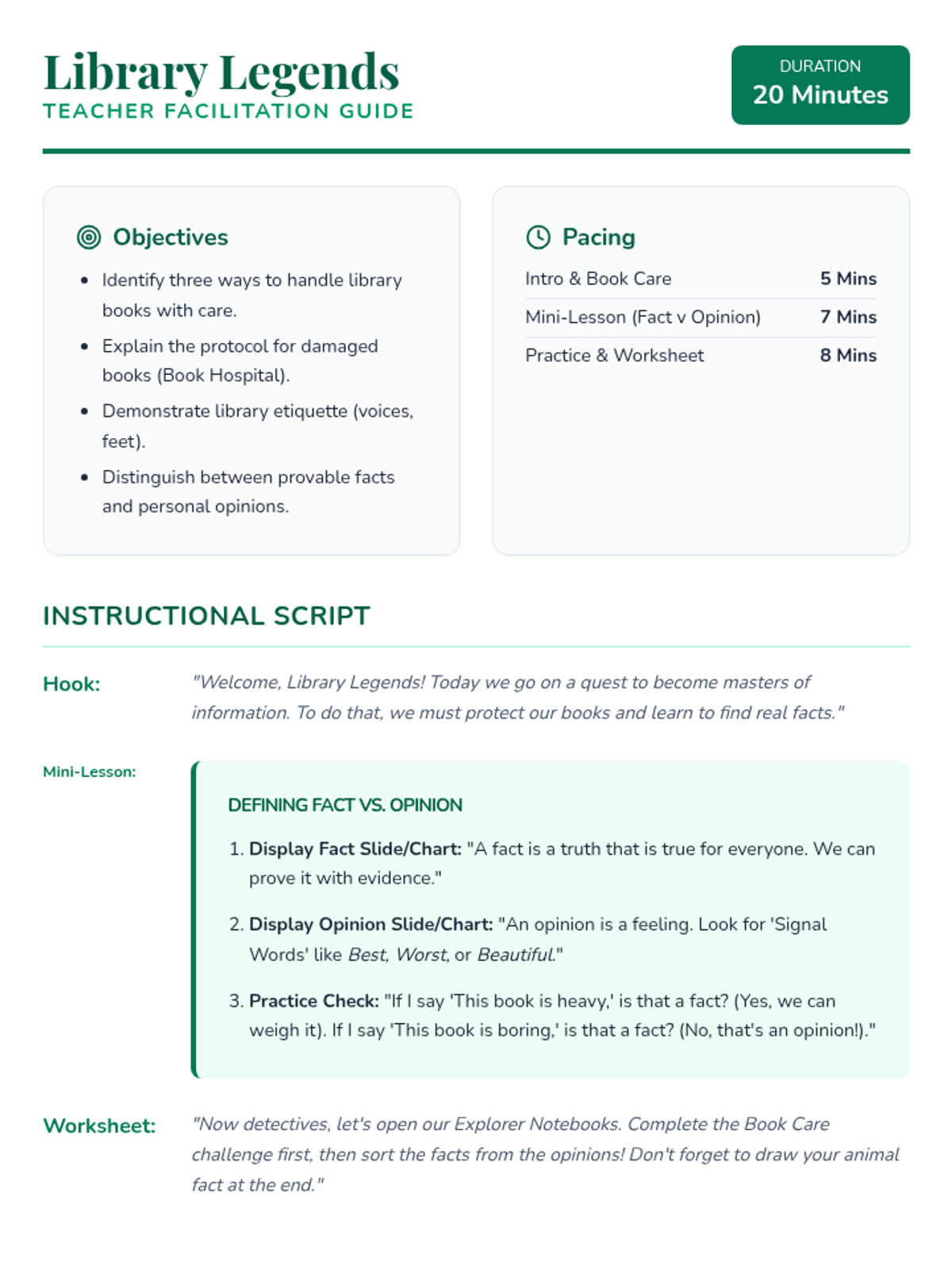
A comprehensive teacher guide for the Library Legends lesson, including pacing, instructional scripts, answer keys, and facilitation tips for a 20-minute session. Revised to fix layout issues and answer key clarity. Final check for page breaks and font contrast.
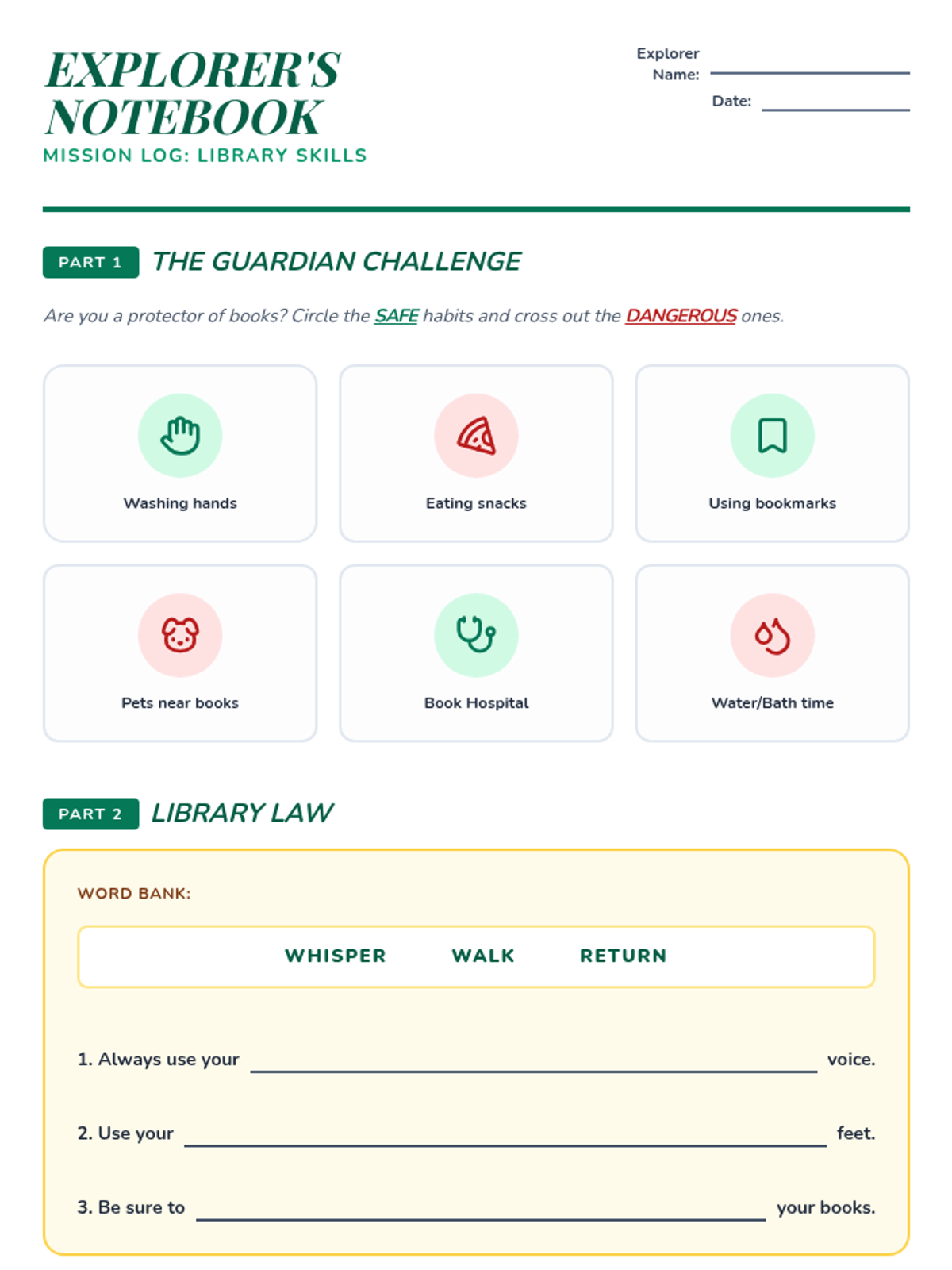
A 2-page student worksheet for the Library Legends lesson, featuring activities on book care, library rules, fact vs. opinion, and a mini research prompt. Final revision for layout, icon rendering, and contrast. Added a drawing area for the research mission. Added definitions for Fact and Opinion.
An 8-slide presentation introducing book care, library expectations, and the difference between facts and opinions through a "Library Legends" theme.
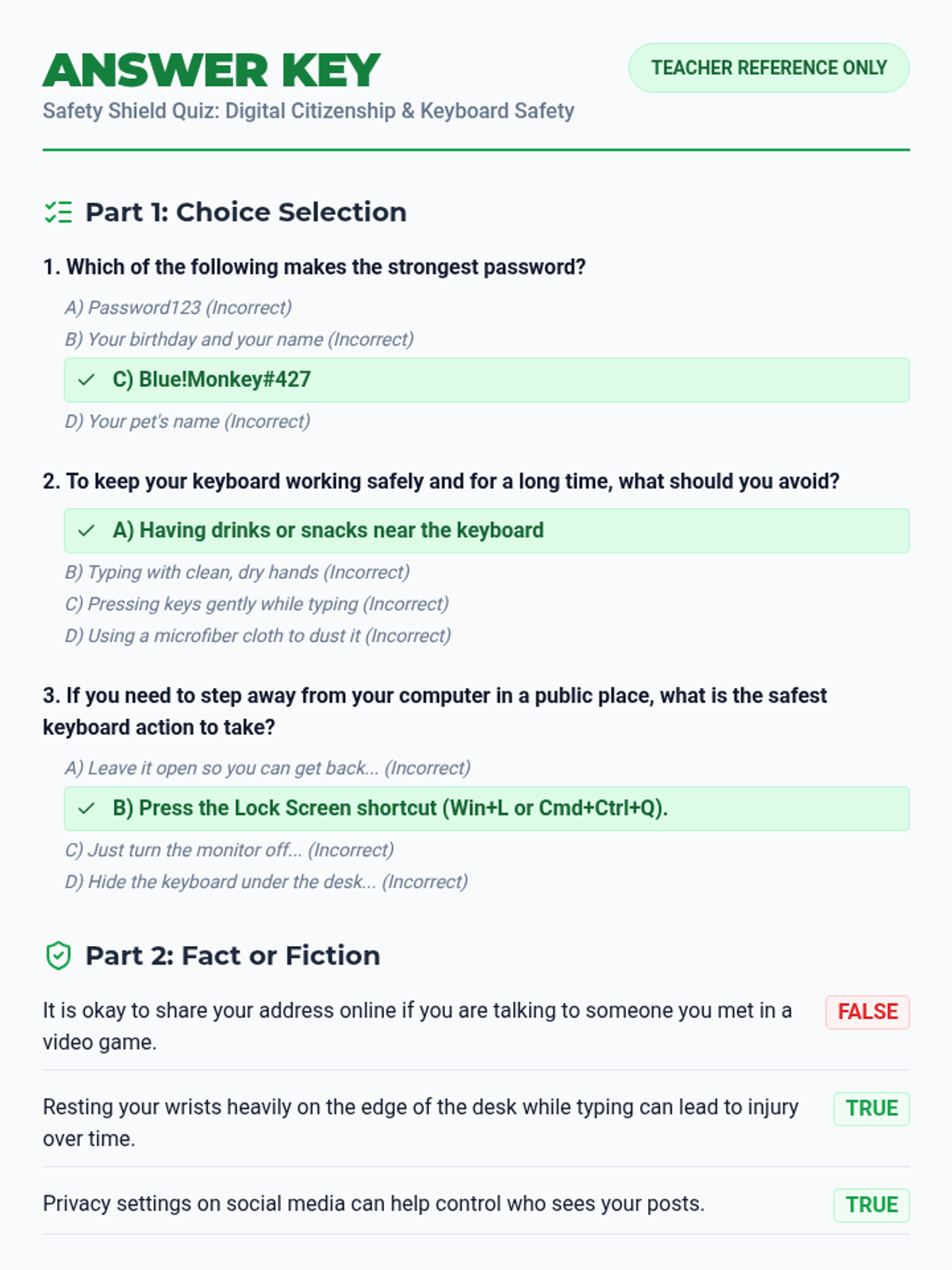
The corresponding answer key for the updated Safety Shield Quiz, with full text for questions and detailed scoring guides for teachers.
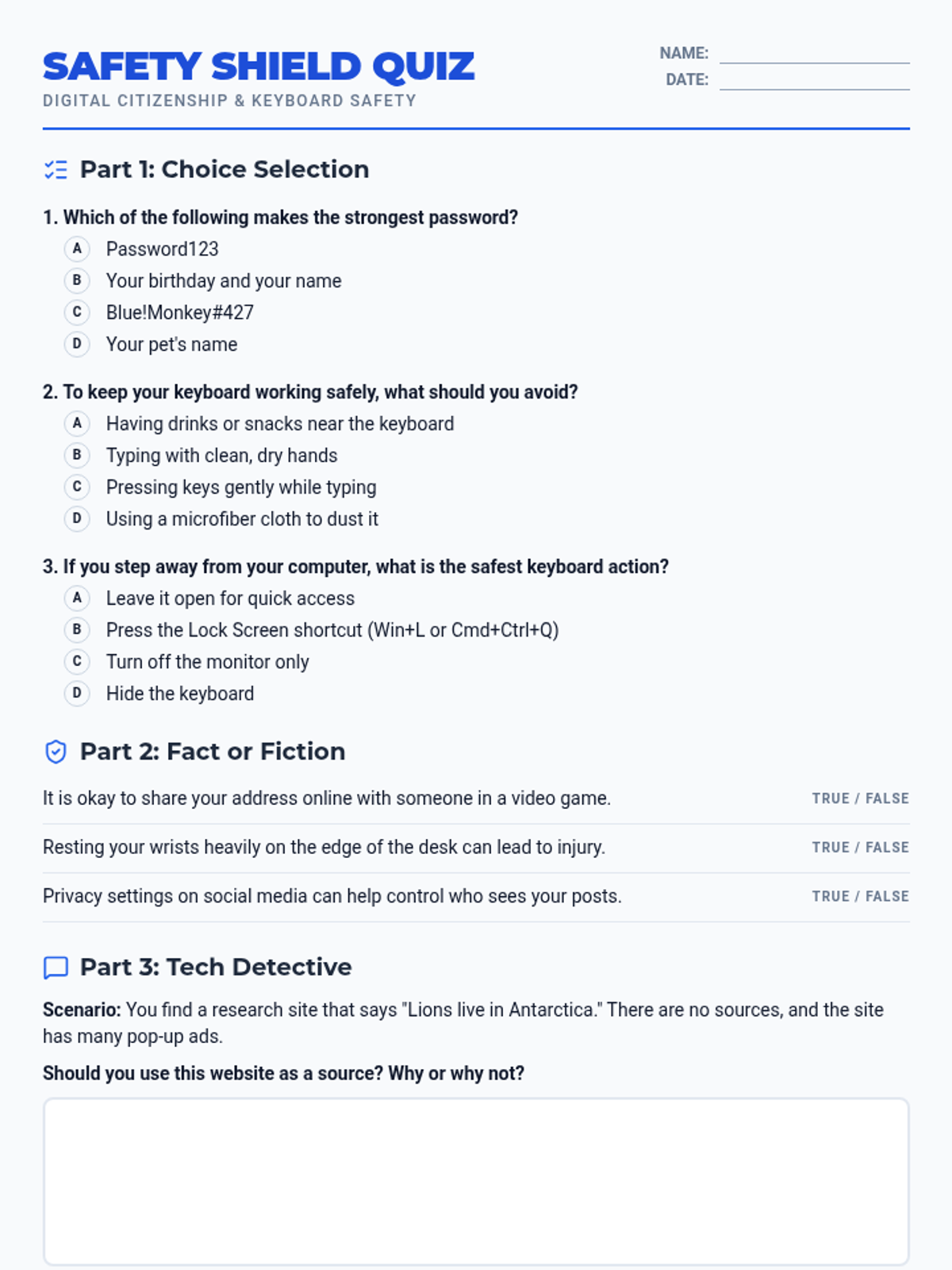
A comprehensive digital citizenship and keyboard safety quiz. Includes questions on passwords, hardware care, ergonomics, and source evaluation. Now includes an integrated answer key on the second page.
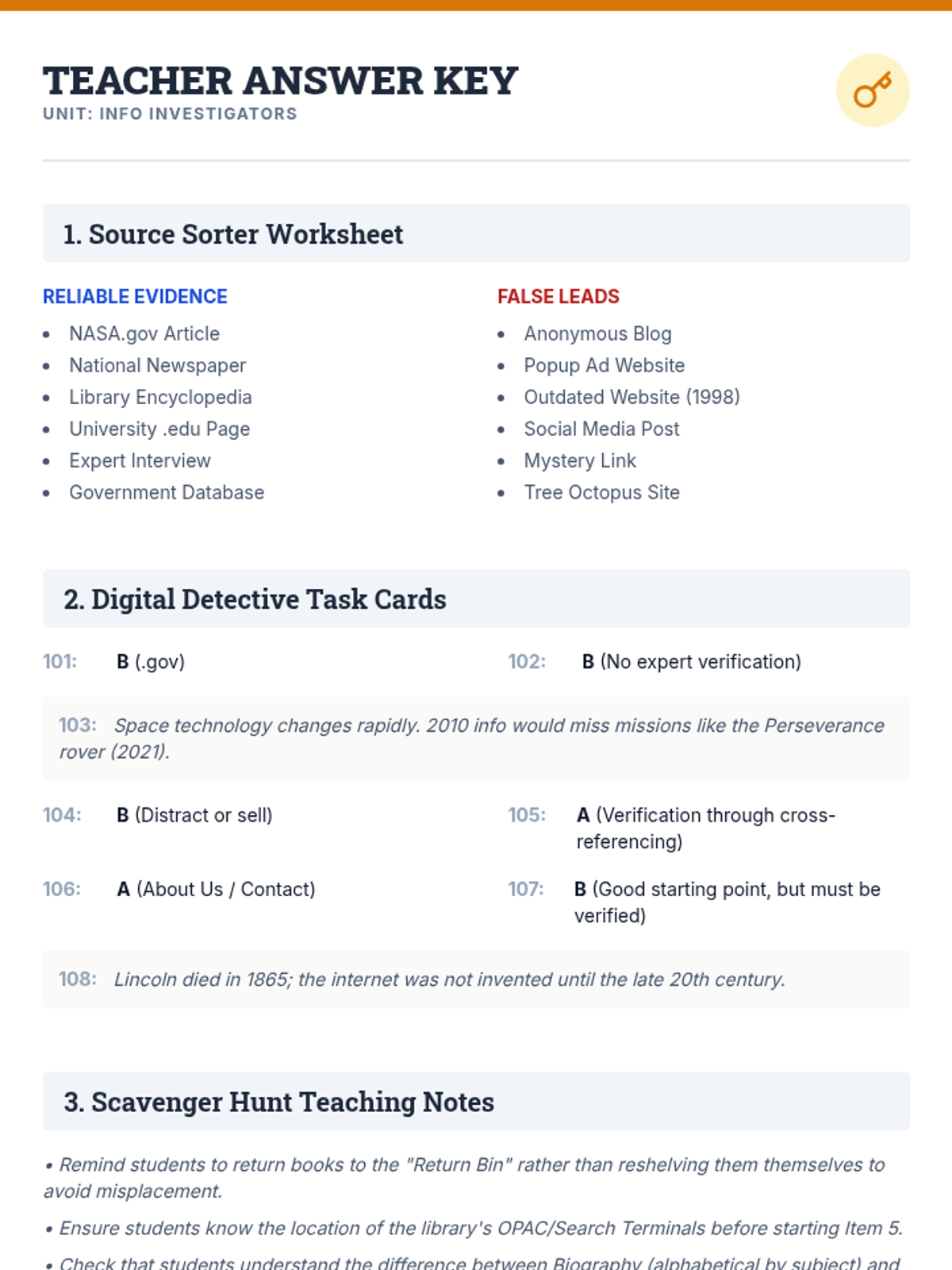
A comprehensive teacher answer key and instructional guide for the Info Investigators library skills lesson.
A detective-themed presentation introducing students to library navigation, the Dewey Decimal System, and online source evaluation techniques.
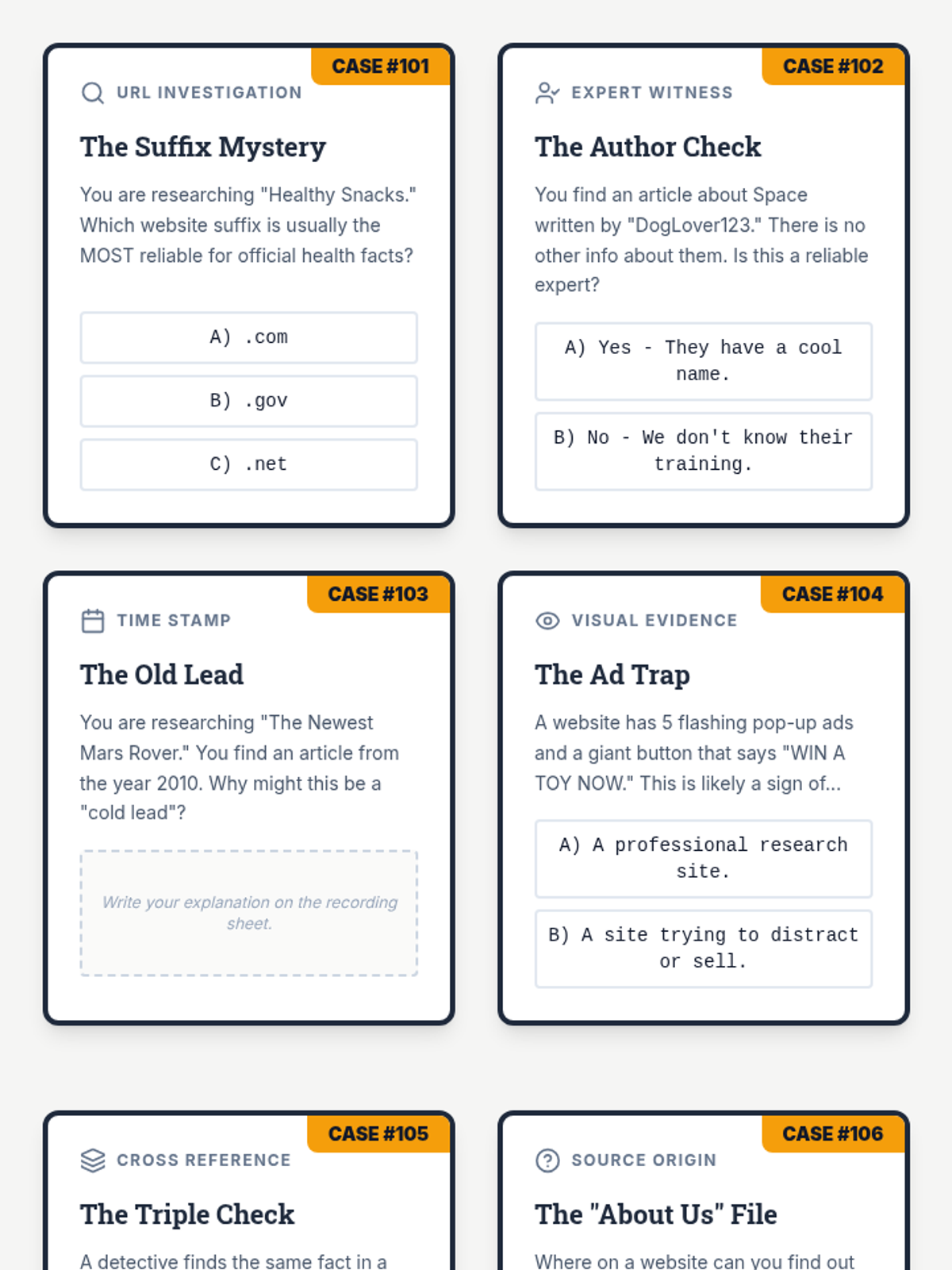
A set of 8 detective-themed task cards for evaluating digital information reliability, including a student recording sheet.
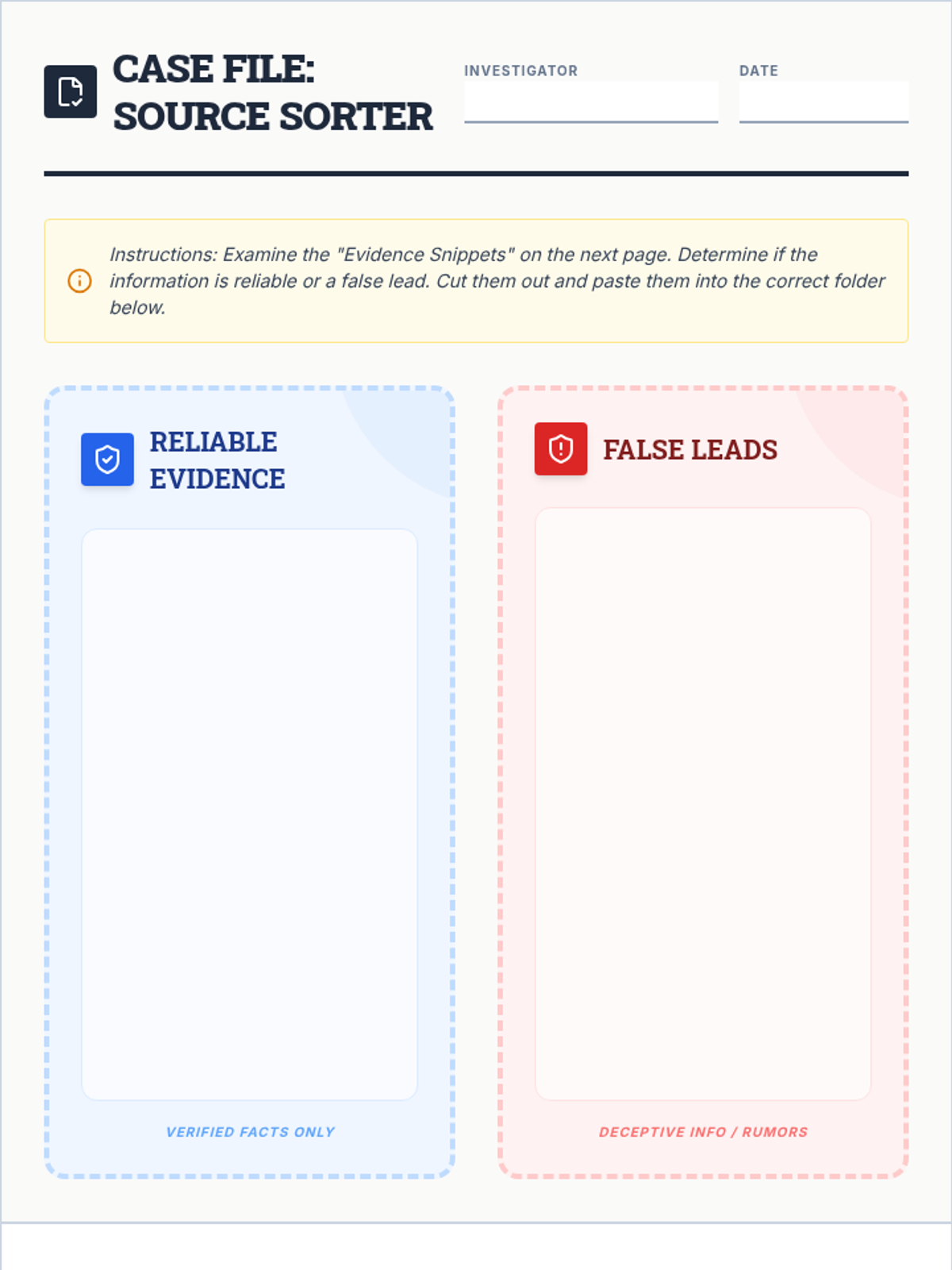
A cut-and-paste sorting worksheet where students evaluate various information sources and categorize them as reliable evidence or false leads.
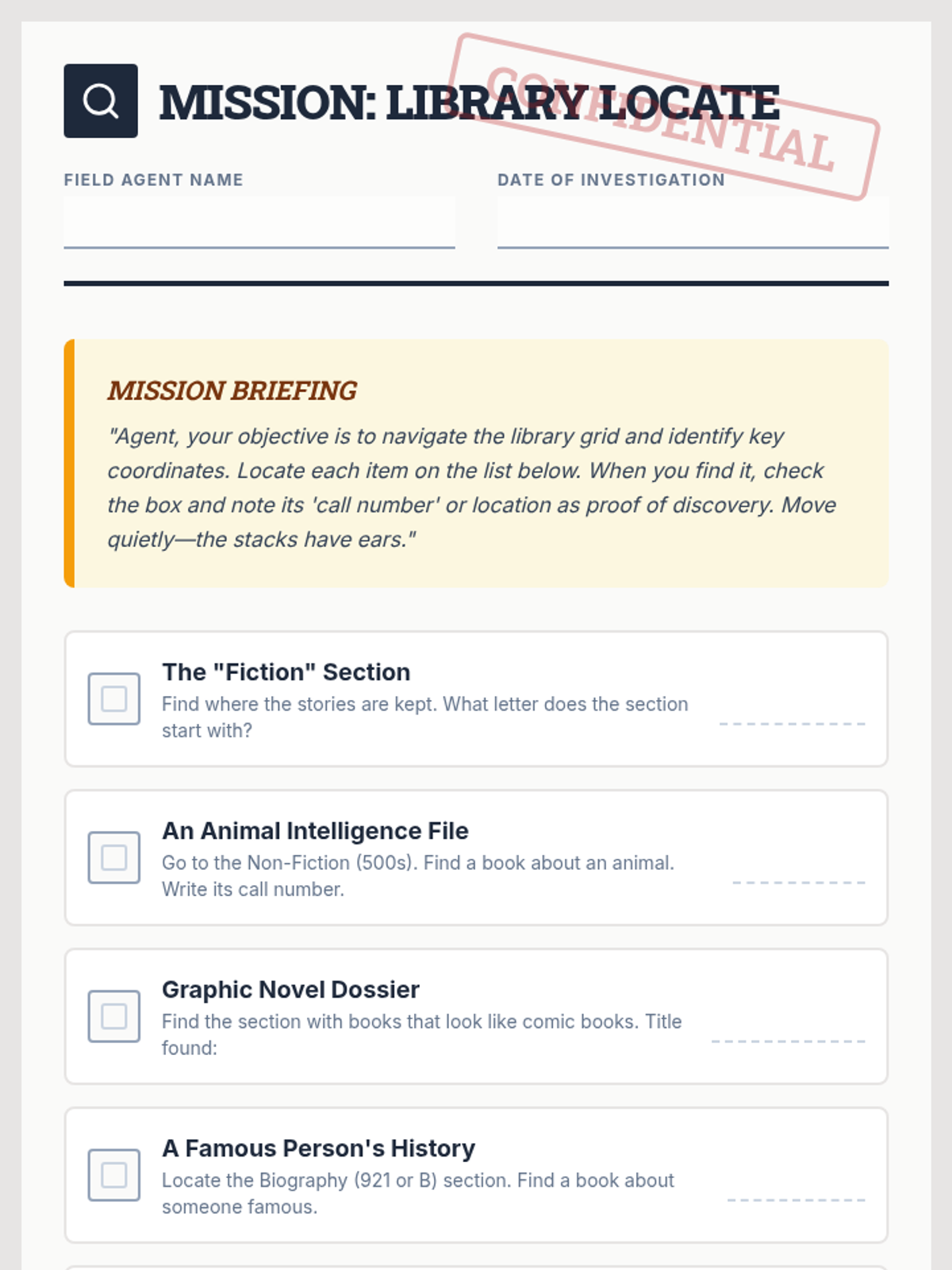
A library scavenger hunt document designed as a confidential mission briefing for students to find key library locations and items, updated to remove shelf markers.
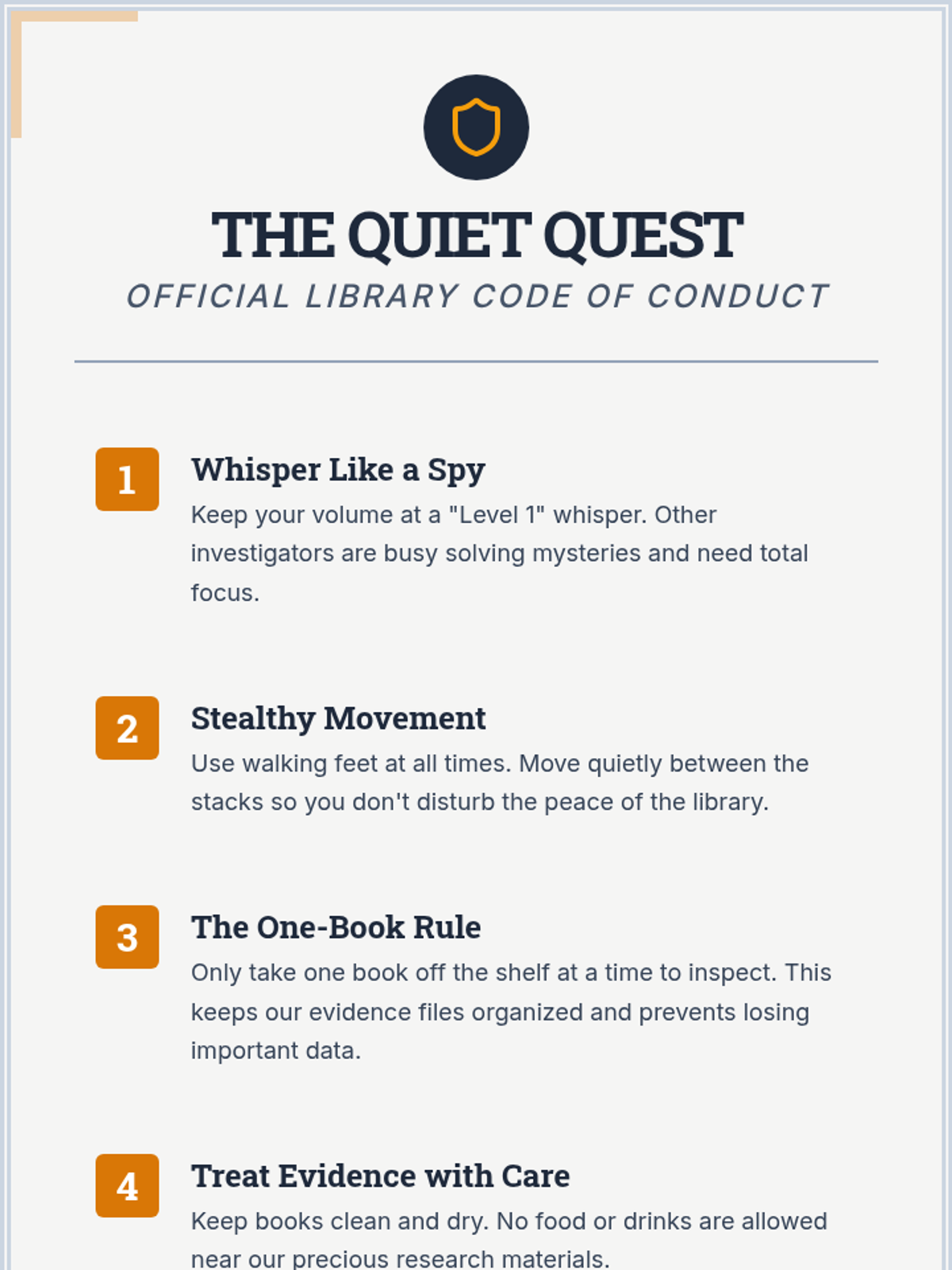
A detective-themed anchor chart outlining five key library rules for student behavior and book care, updated to exclude shelf markers.
An expanded 21-slide deck for a 2-hour 'Fact Finder Academy' session. Includes warm-ups, toolkits for verifying information, new categories like Digital Safety, and a Boss Level challenge. Minimum font size 24px used strictly throughout. Modified for club members and staff terminology. Reveal slides have been split into Lie and Truth sections to prevent text cutoff and ensure maximum readability. Vertically optimized with reduced padding.
An expanded 21-slide deck for a 2-hour 'Fact Finder Academy' session. Includes warm-ups, toolkits for verifying information, new categories like Digital Safety, and a Boss Level challenge. Minimum font size 24px used strictly throughout. Modified for club members and staff terminology. Reveal slides have been split into Lie and Truth sections to prevent text cutoff and ensure maximum readability.
An expanded 18-slide deck for a 2-hour 'Fact Finder Academy' session. Includes warm-ups, toolkits for verifying information, new categories like Digital Safety, a Boss Level challenge (split across two slides for clarity), and dedicated slides for independent worksheet work. Minimum font size 24px used strictly throughout. Modified for club members and staff terminology. Vertically optimized with reduced padding and split content to prevent cutoff.
An expanded 17-slide deck for a 2-hour 'Fact Finder Academy' session. Includes warm-ups, toolkits for verifying information, new categories like Digital Safety, a Boss Level challenge, and dedicated slides for independent worksheet work. Minimum font size 24px. Modified for club members and staff terminology. Vertically optimized with reduced padding and compact layout to prevent bottom cutoff.
A slide deck for a 'Fact Finder Academy' lesson using the Two Truths and a Lie game format to teach healthy eating, community safety, and daily living skills. Includes interactive game slides and detailed reveal slides for each topic. Minimum font size of 24px used throughout. Modified for club members and staff terminology. Vertically optimized with reduced padding and compact layout to prevent bottom cutoff.
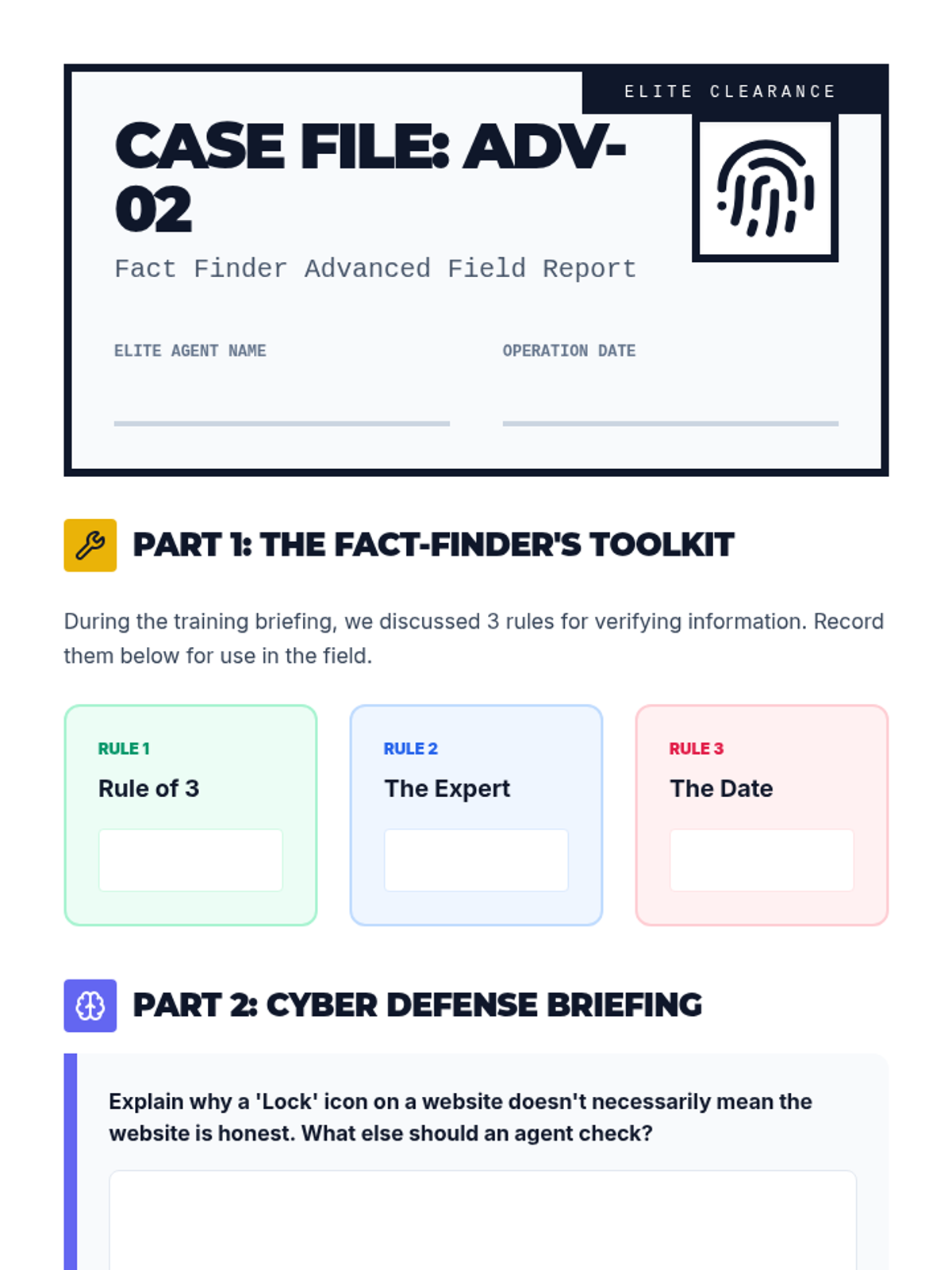
An advanced version of the Case File worksheet featuring sections for the Fact-Finder's Toolkit notes, cyber safety analysis, and two game-creation slots (including a 'Boss Challenge'). Designed for the 120-minute lesson block.
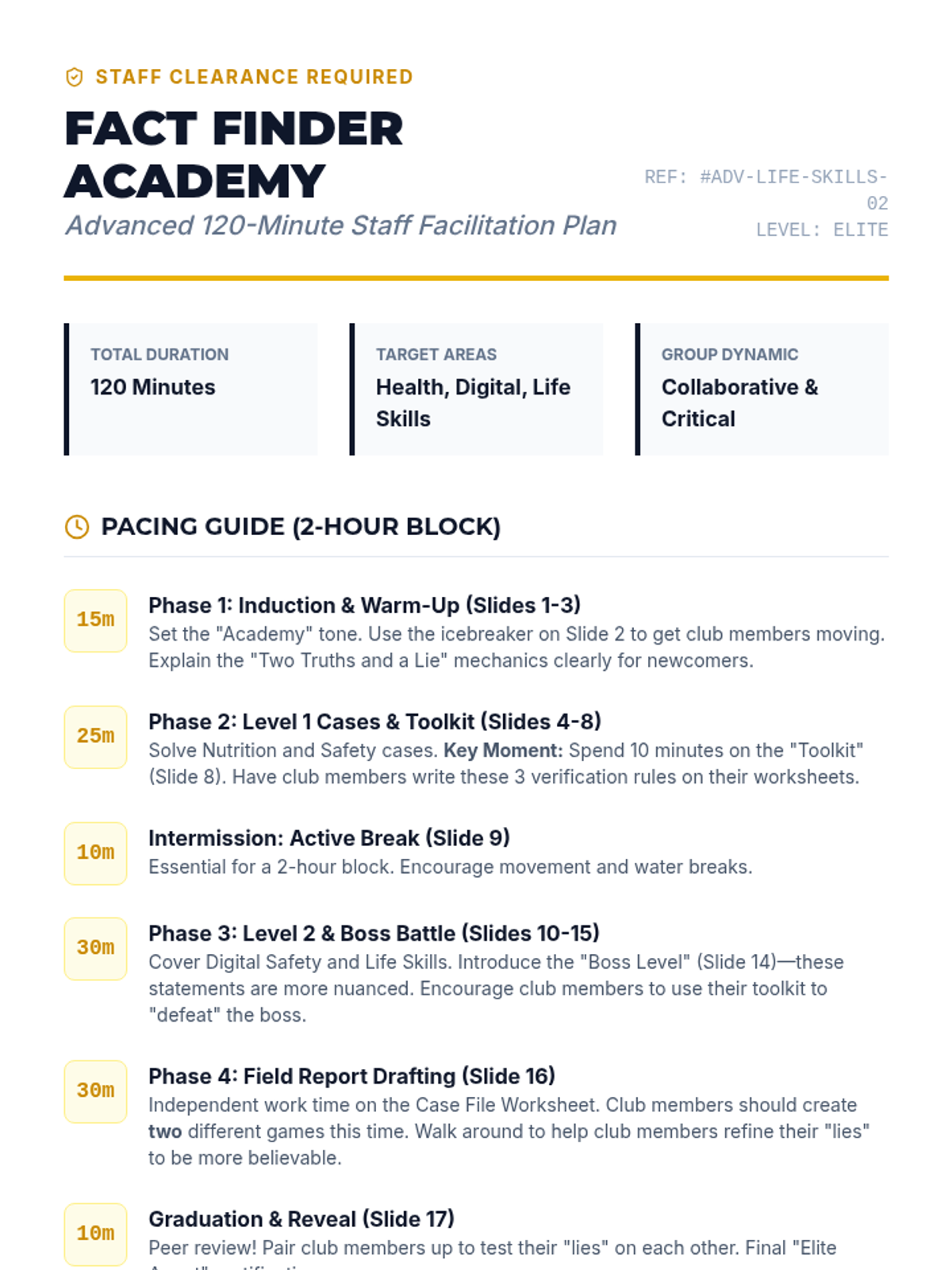
An updated, comprehensive staff guide for a 120-minute 'Fact Finder Academy' lesson. Includes adjusted pacing for the 2-hour block, new advanced content notes for Digital Safety and Boss Levels, and differentiation strategies for elite facilitators.
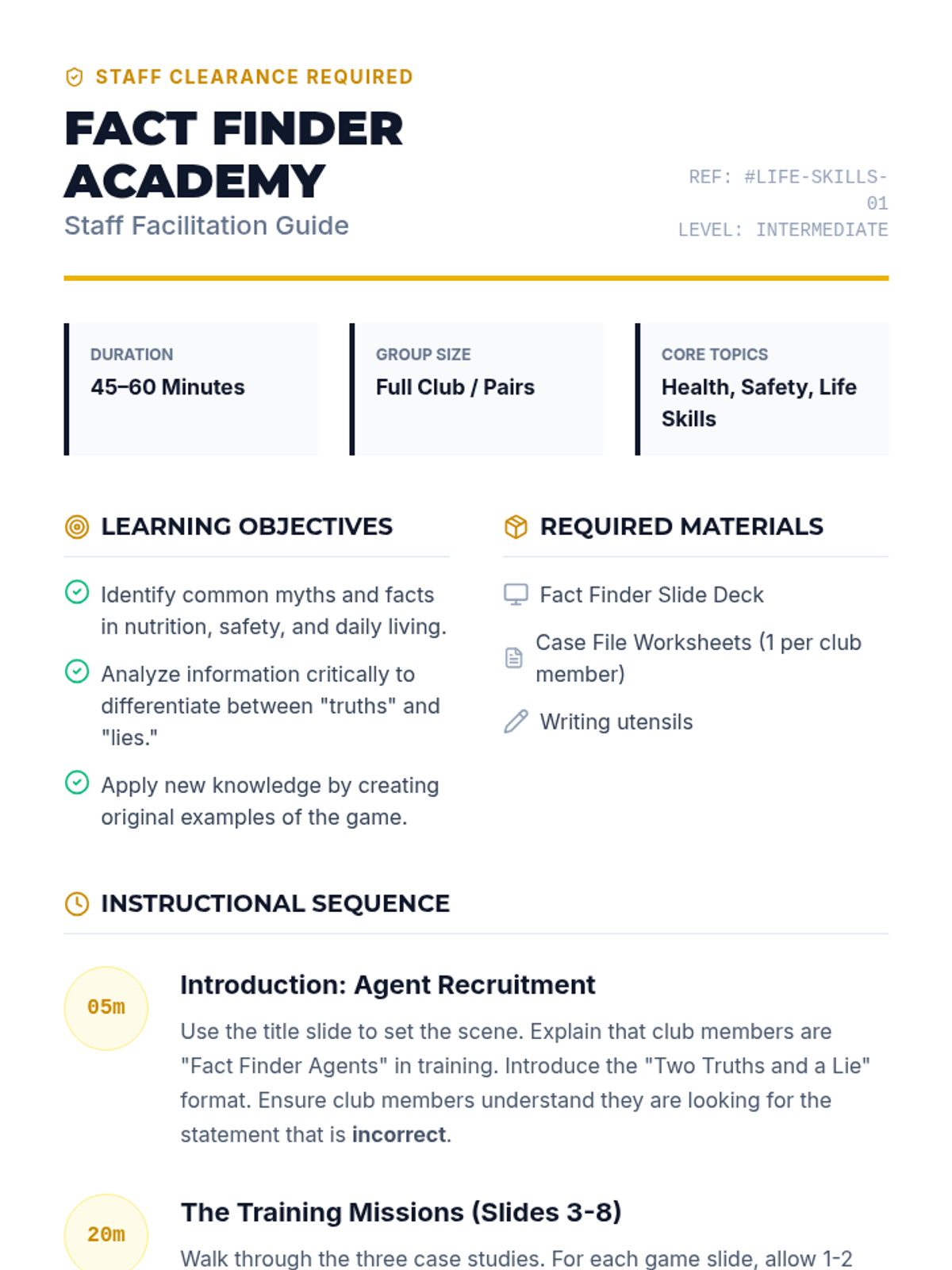
A comprehensive staff guide for the Fact Finder Academy lesson. Includes learning objectives, materials list, a detailed 60-minute instructional sequence, and discussion prompts to facilitate the 'Two Truths and a Lie' activities.
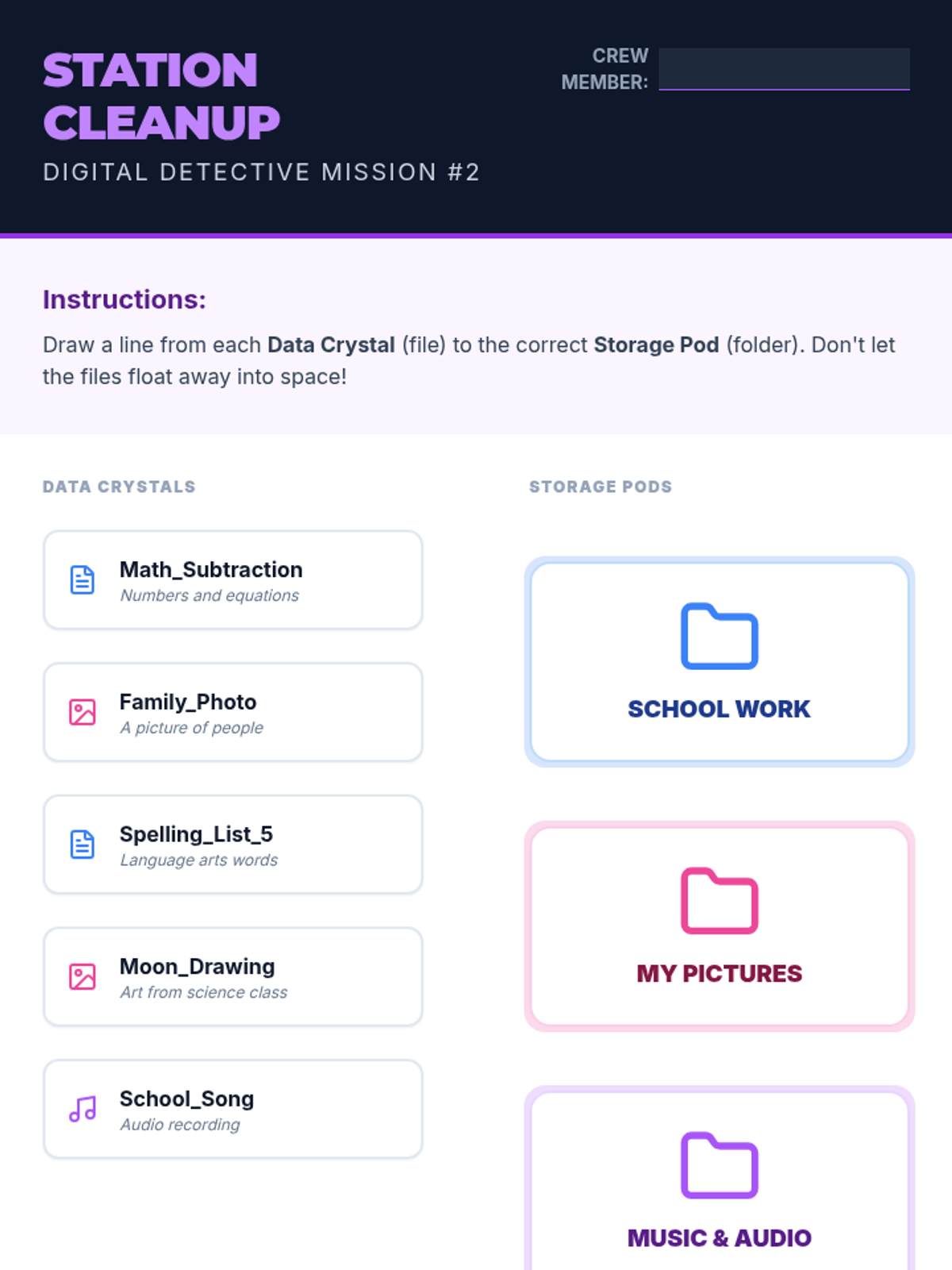
A 2nd-grade matching activity where students practice categorizing files (Data Crystals) into themed folders (Storage Pods) to learn digital organization.
A slide deck for 2nd graders explaining folder creation and file organization using a 'Storage Pod' theme. Covers the concept of digital organization and drag-and-drop actions.
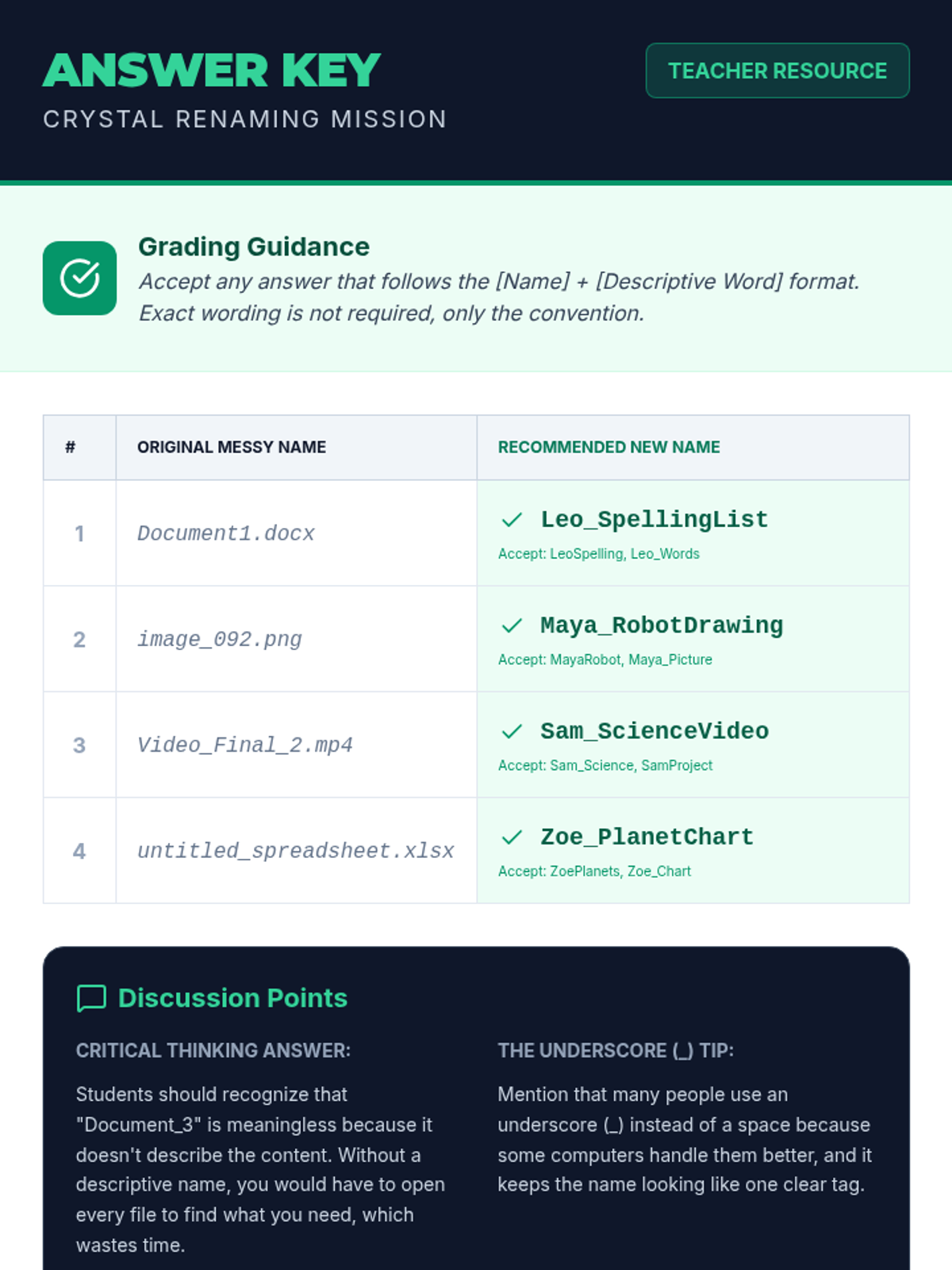
Answer key and teacher guide for the Crystal Renaming Worksheet. Includes grading guidance and discussion points for 2nd-grade teachers.
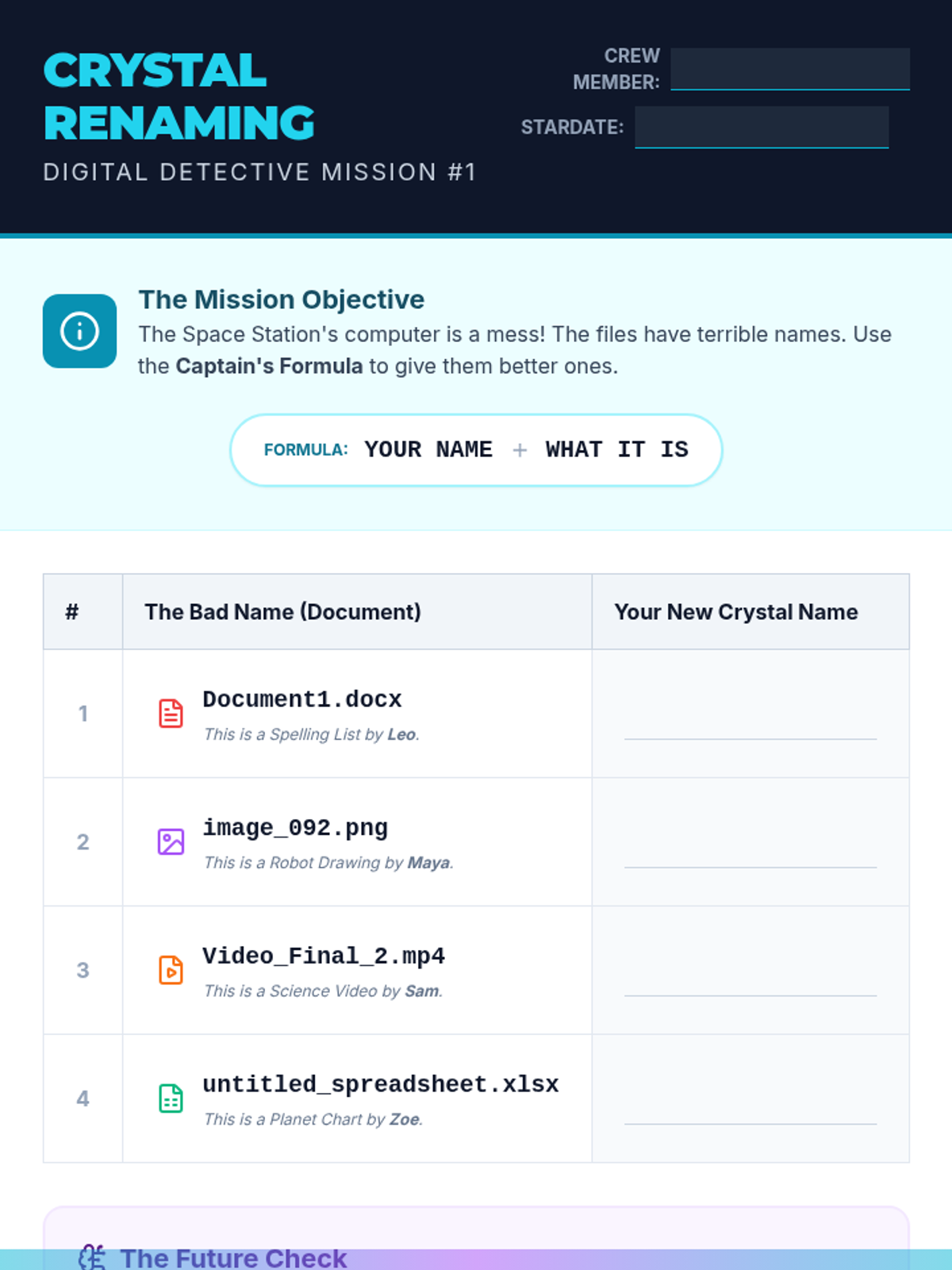
A 2nd-grade worksheet where students practice renaming files from generic names to descriptive names following a 'Name_Assignment' convention.
A slide deck introducing 2nd-grade students to the importance of file naming using a 'Cyber Space Station' theme. Explains the 'Name_Assignment' naming convention.
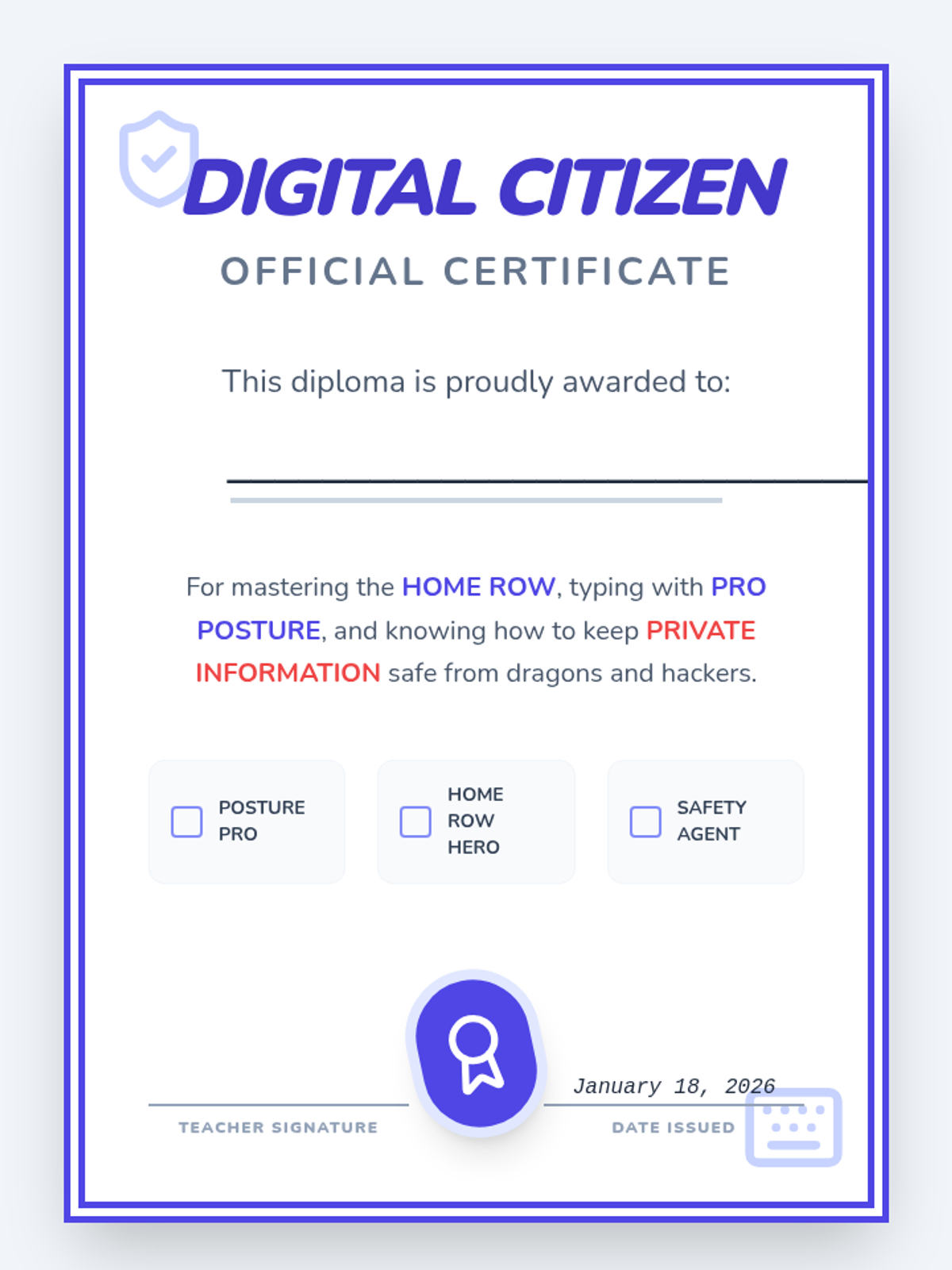
A certificate and exit ticket for students who have completed the Keyboarding and Online Safety sequence, celebrating their new skills.
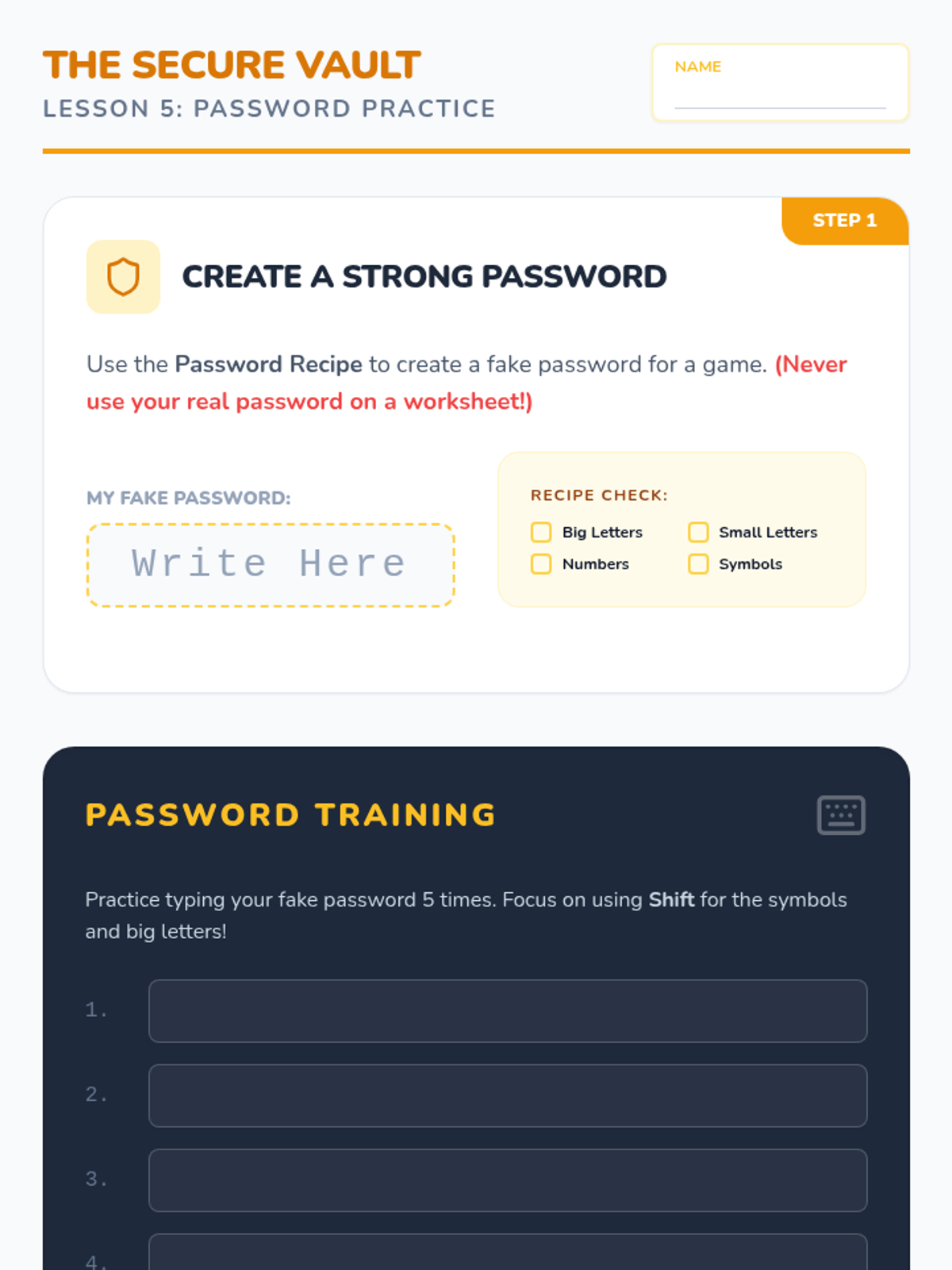
A worksheet for students to practice creating strong passwords and typing them accurately, including a safety check on sharing passwords.
A slide deck teaching 2nd graders the components of a strong password and why they are important for digital security.
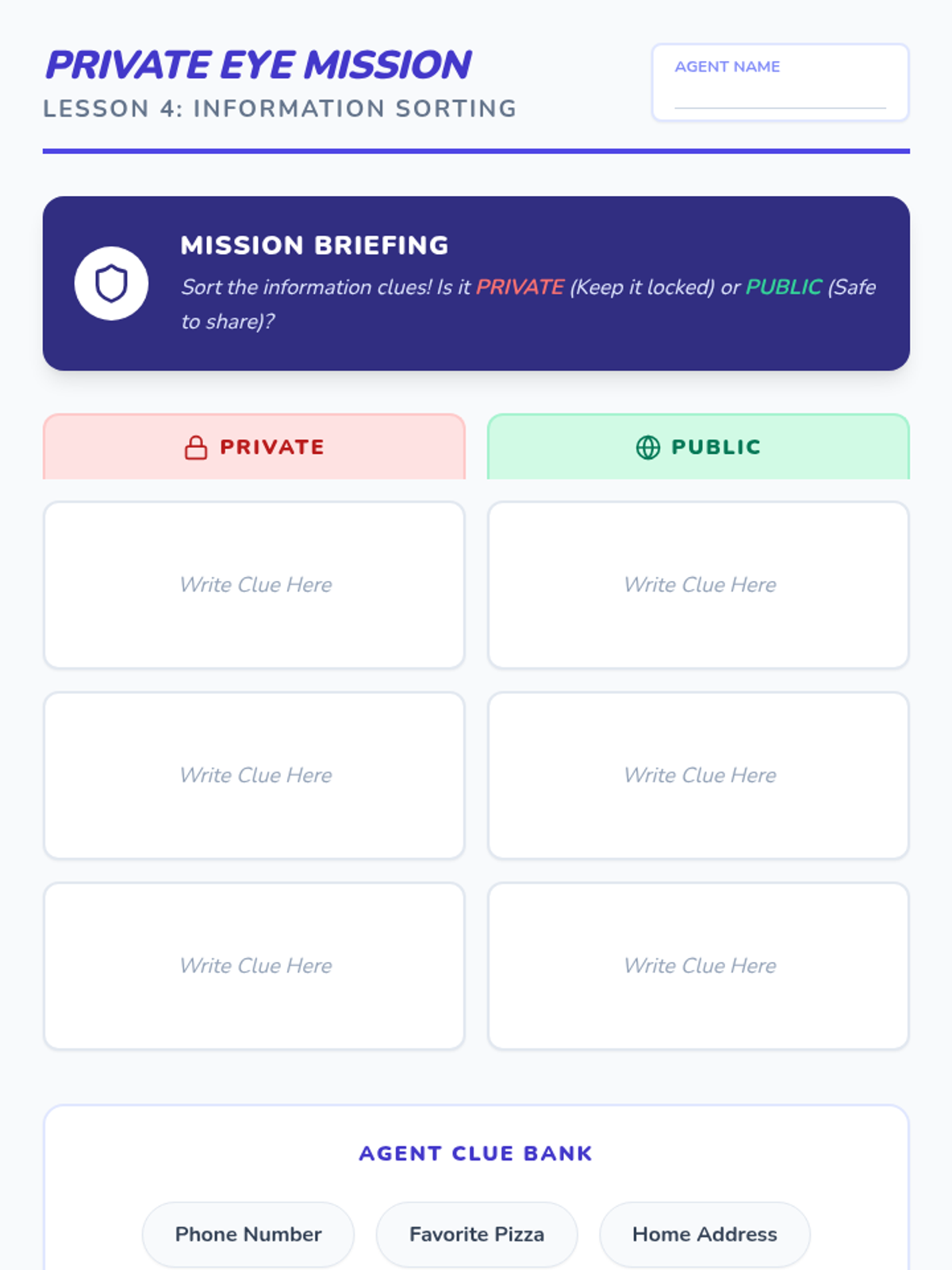
A worksheet where students categorize information as 'Private' vs. 'Public' while practicing their reasoning and understanding of digital safety.
A slide deck for 2nd graders teaching the difference between private and public information.
Updated Fifth Grade Slides with a dedicated learning goals slide (Slide 2) featuring the learning target, success criteria, and JHawk Way requirement for alignment with the updated teacher guide.
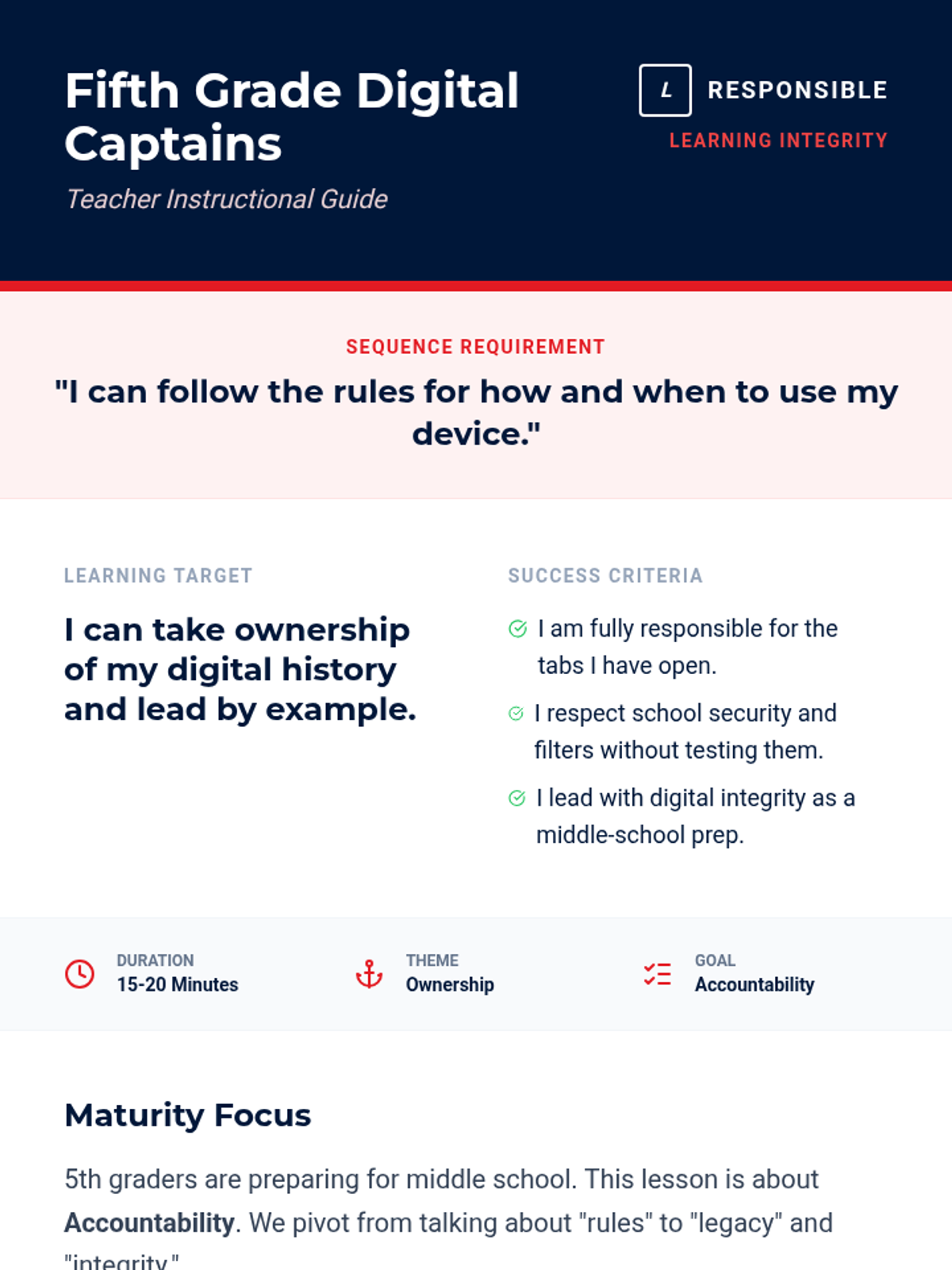
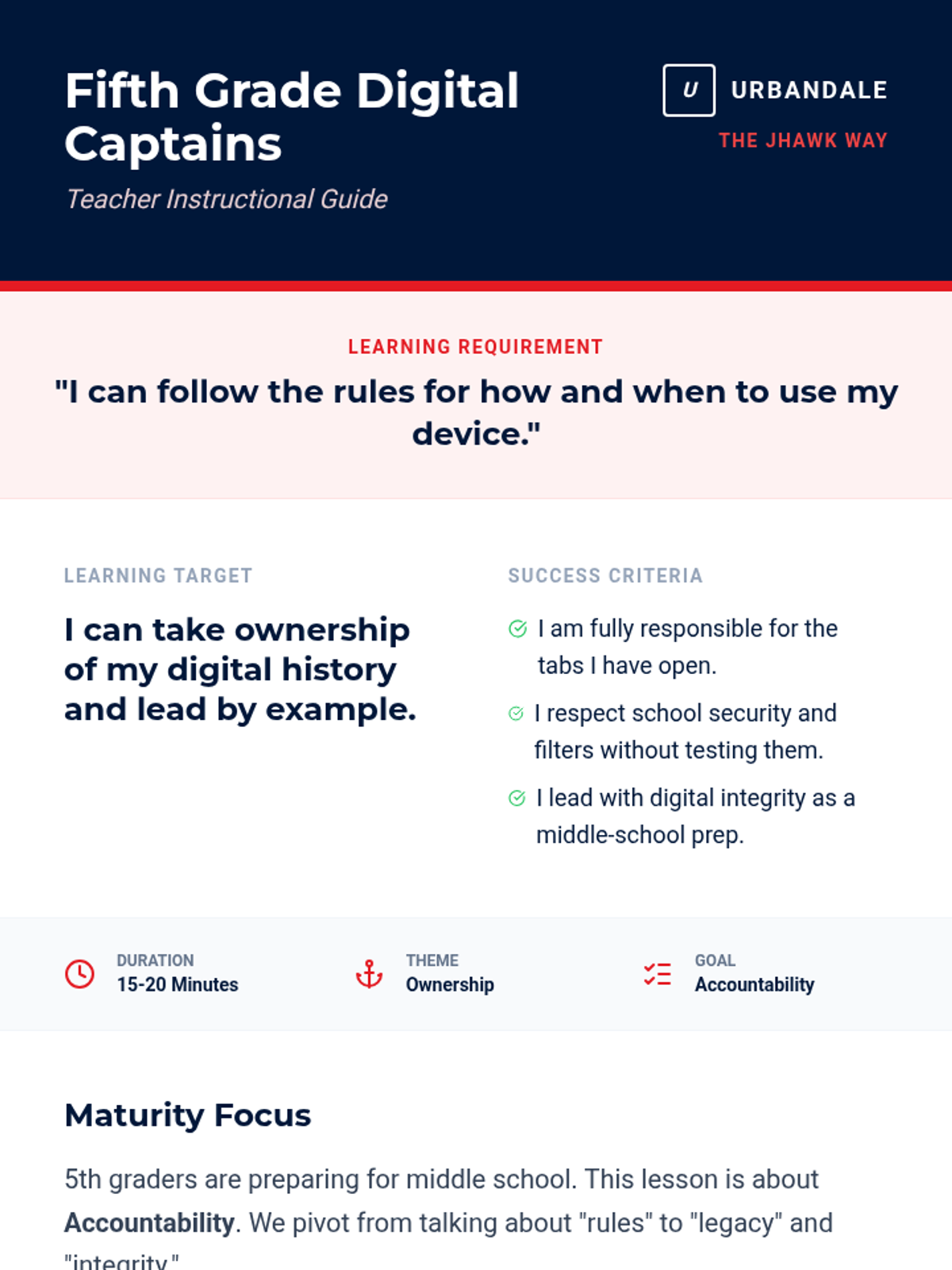
Updated Fifth Grade Teacher Guide with the JHawk Way requirement at the top and success criteria positioned near the learning target for better visibility and sequence alignment.
Updated Fourth Grade Slides with a dedicated learning goals slide (Slide 2) and consistent Success Criteria icons. Improved contrast on final slides for better classroom visibility.
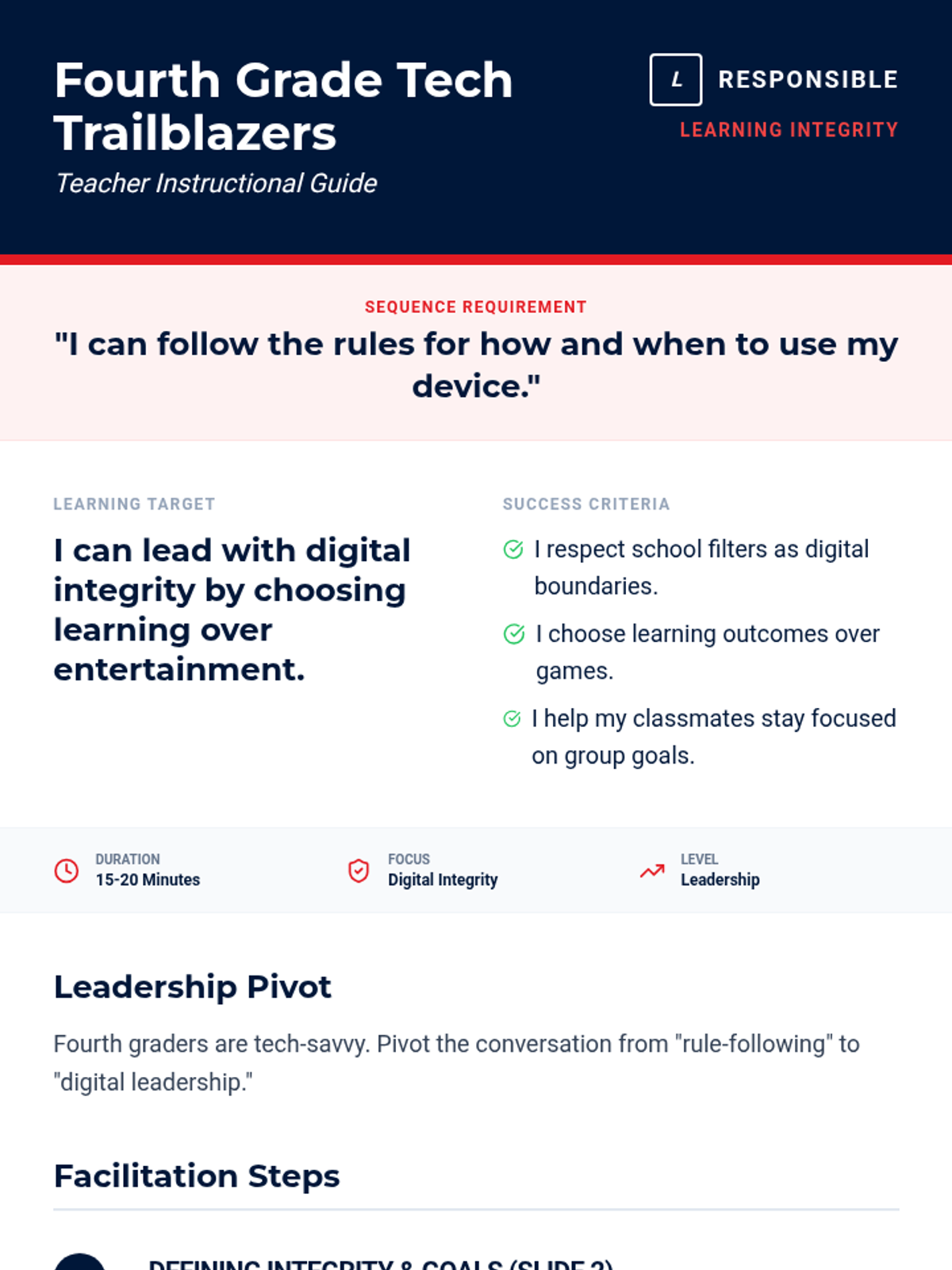
Updated Fourth Grade Teacher Guide with the JHawk Way requirement at the top and success criteria positioned near the learning target for better visibility. Revised layout to prevent orphaned sections and optimize document length.
Updated Third Grade Slides with a dedicated learning goals slide (Slide 2) featuring the learning target, success criteria, and sequence requirement for alignment with the updated teacher guide.
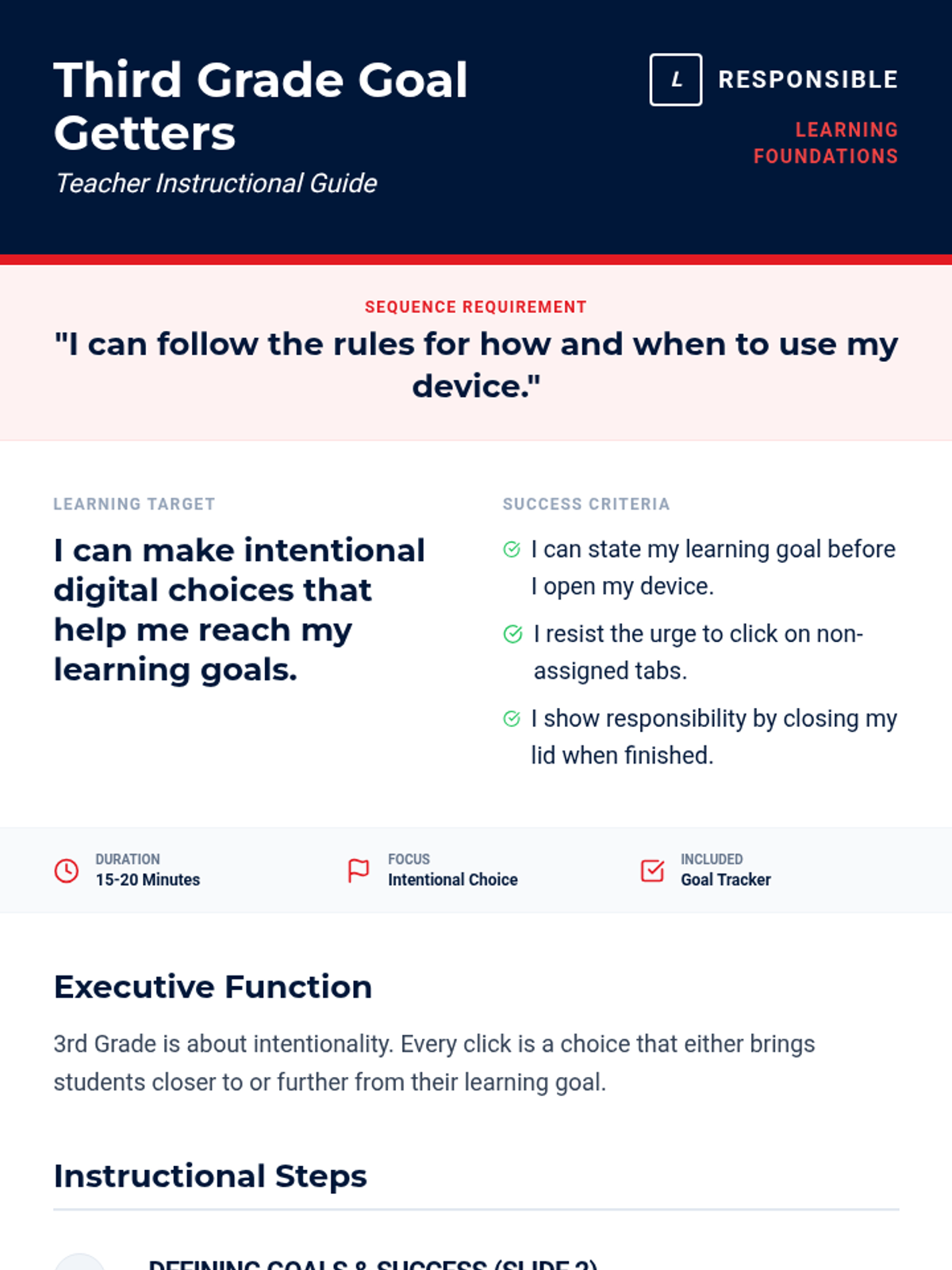
Updated Third Grade Teacher Guide with the JHawk Way requirement at the top and success criteria positioned near the learning target for better visibility. Revised layout for better page flow and step visualization.
Updated Second Grade Slides with generic terminology, removing mascot references. Consistent with the updated teacher guide.
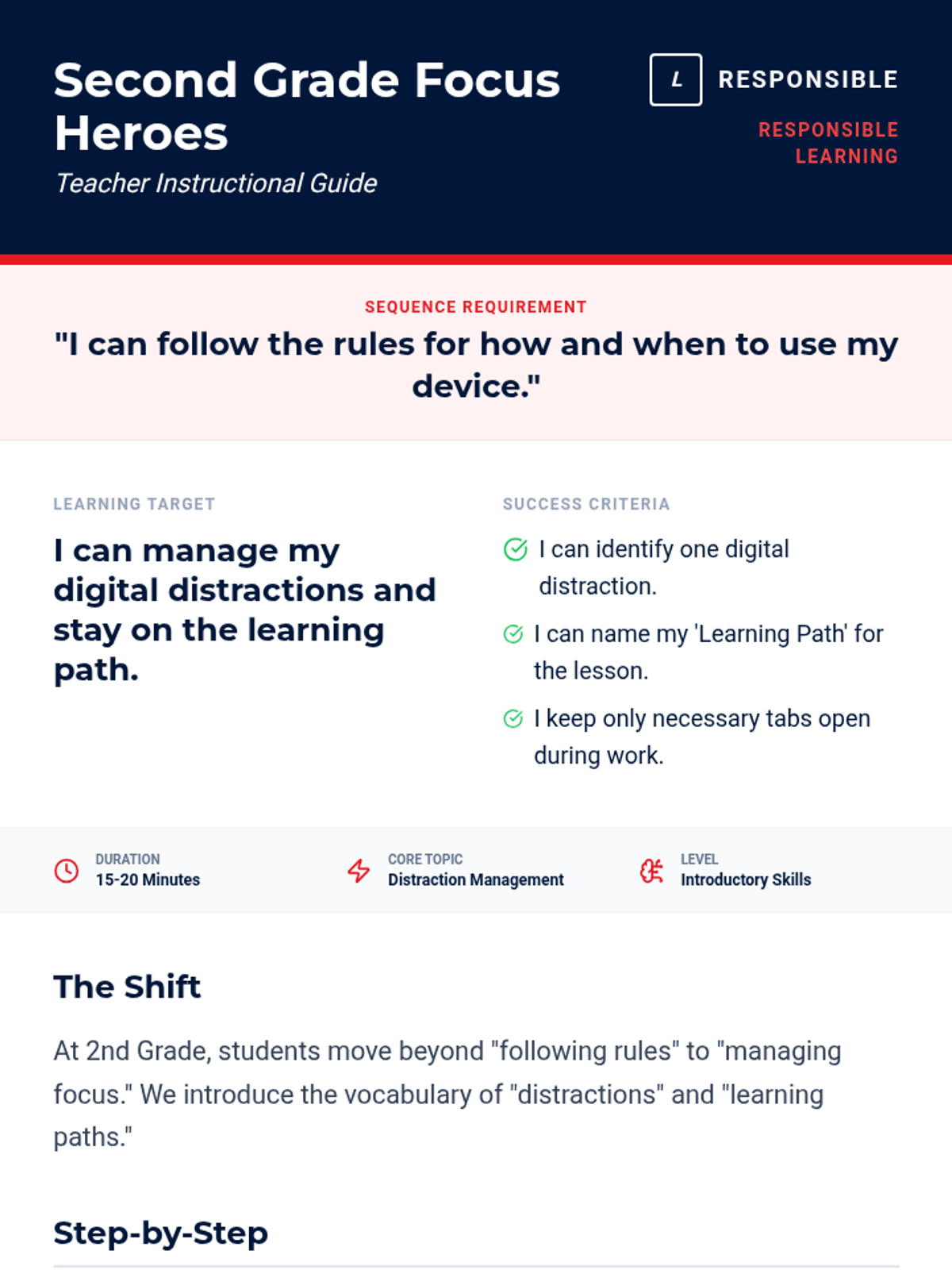
Updated Second Grade Teacher Guide with generic learning requirements and success criteria, removing all mascot references. Revised layout for better page flow and compactness.
Updated First Grade Slides with a dedicated learning goals slide (Slide 2) featuring the learning target, success criteria, and sequence requirement for alignment with the updated teacher guide.
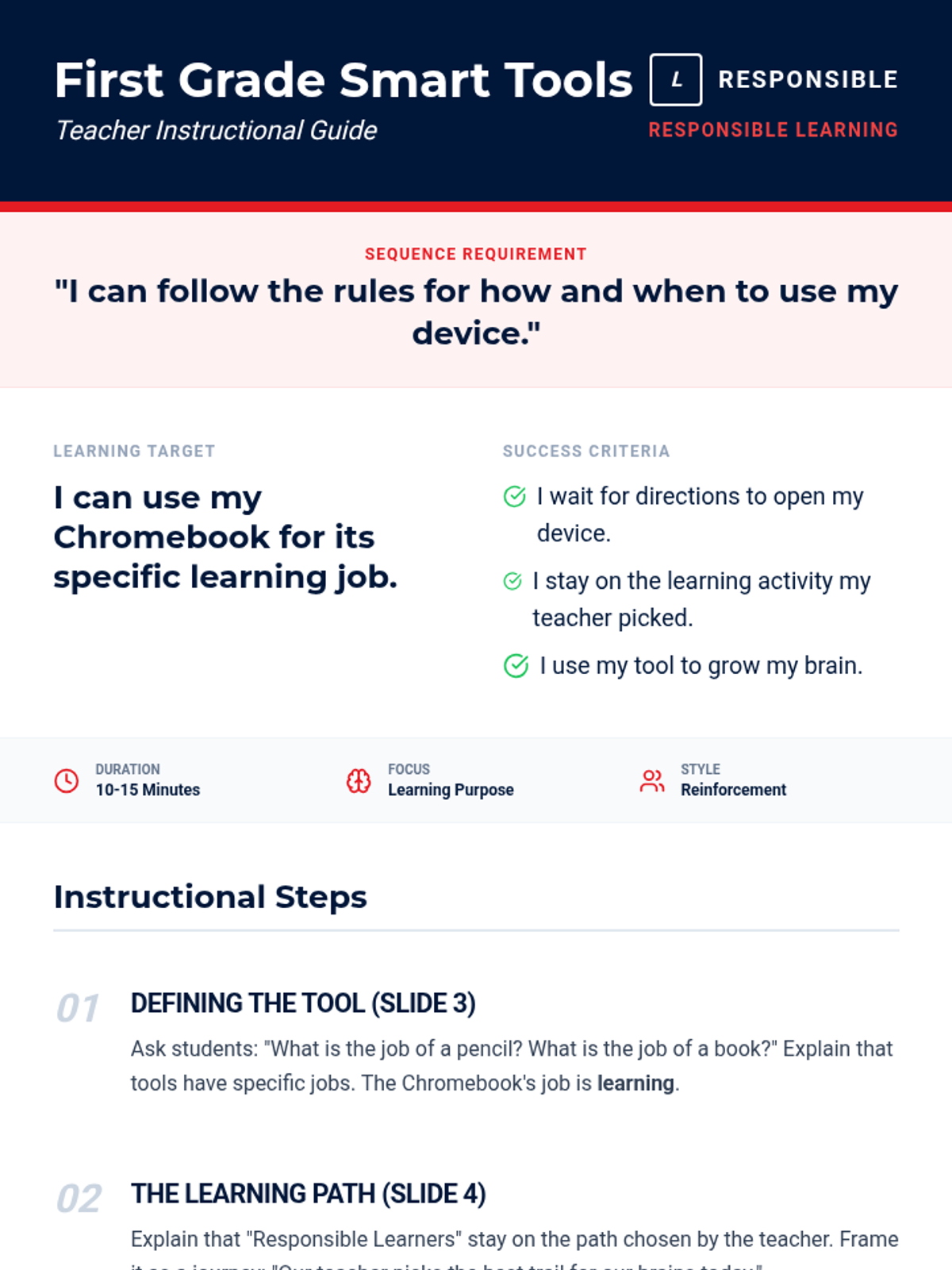
Updated First Grade Teacher Guide with the JHawk Way learning requirement at the top and success criteria positioned near the learning target for better visibility and sequence alignment. Revised for better page flow and contrast.
Updated Kindergarten Slides with a dedicated learning goals slide (Slide 2) and generic terminology, removing mascot references. Consistent with the updated teacher guide.
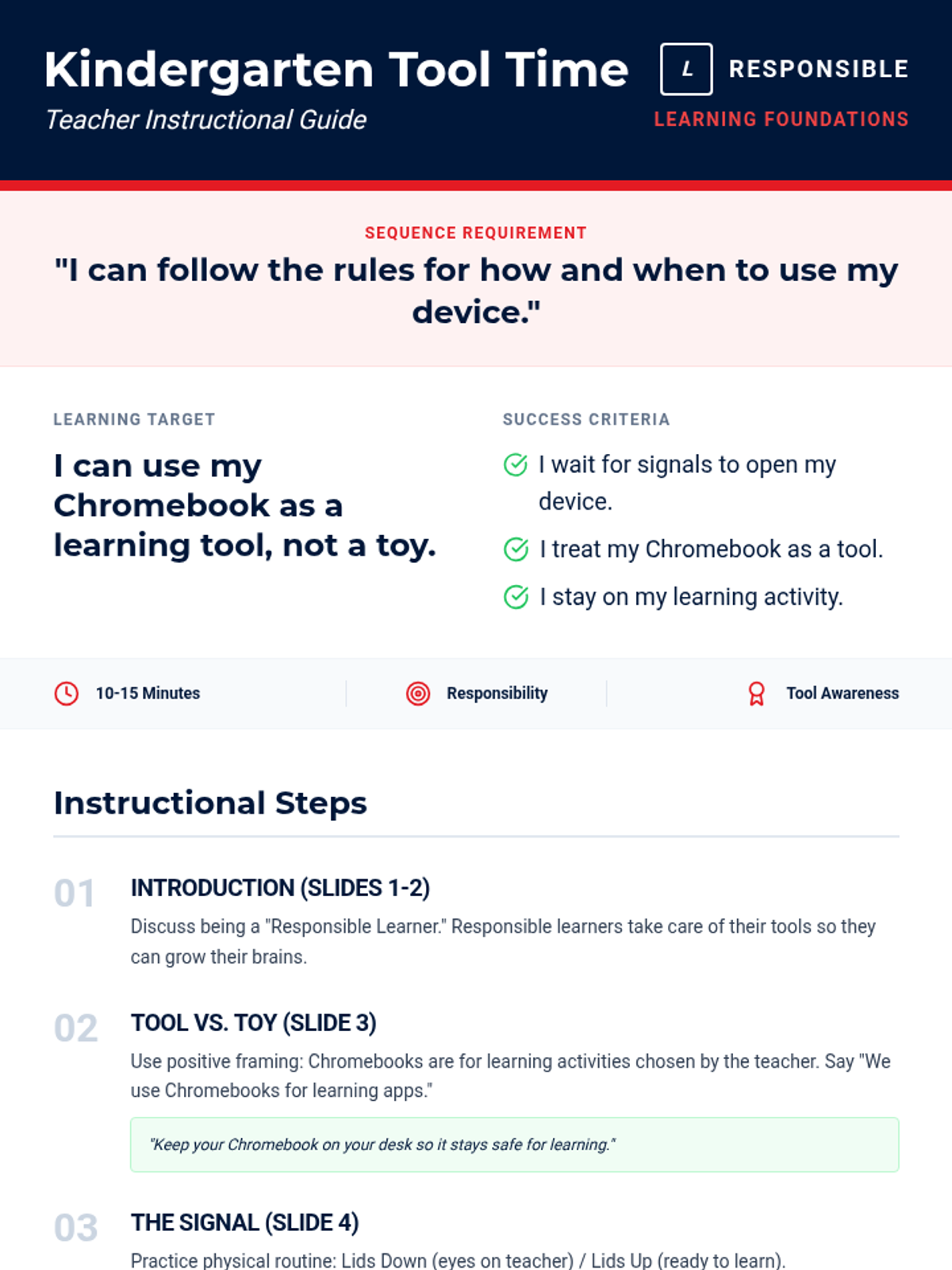
Updated Kindergarten Teacher Guide with generic learning requirements and success criteria, removing all mascot references. Revised layout to prevent orphaned headers and optimize page flow.
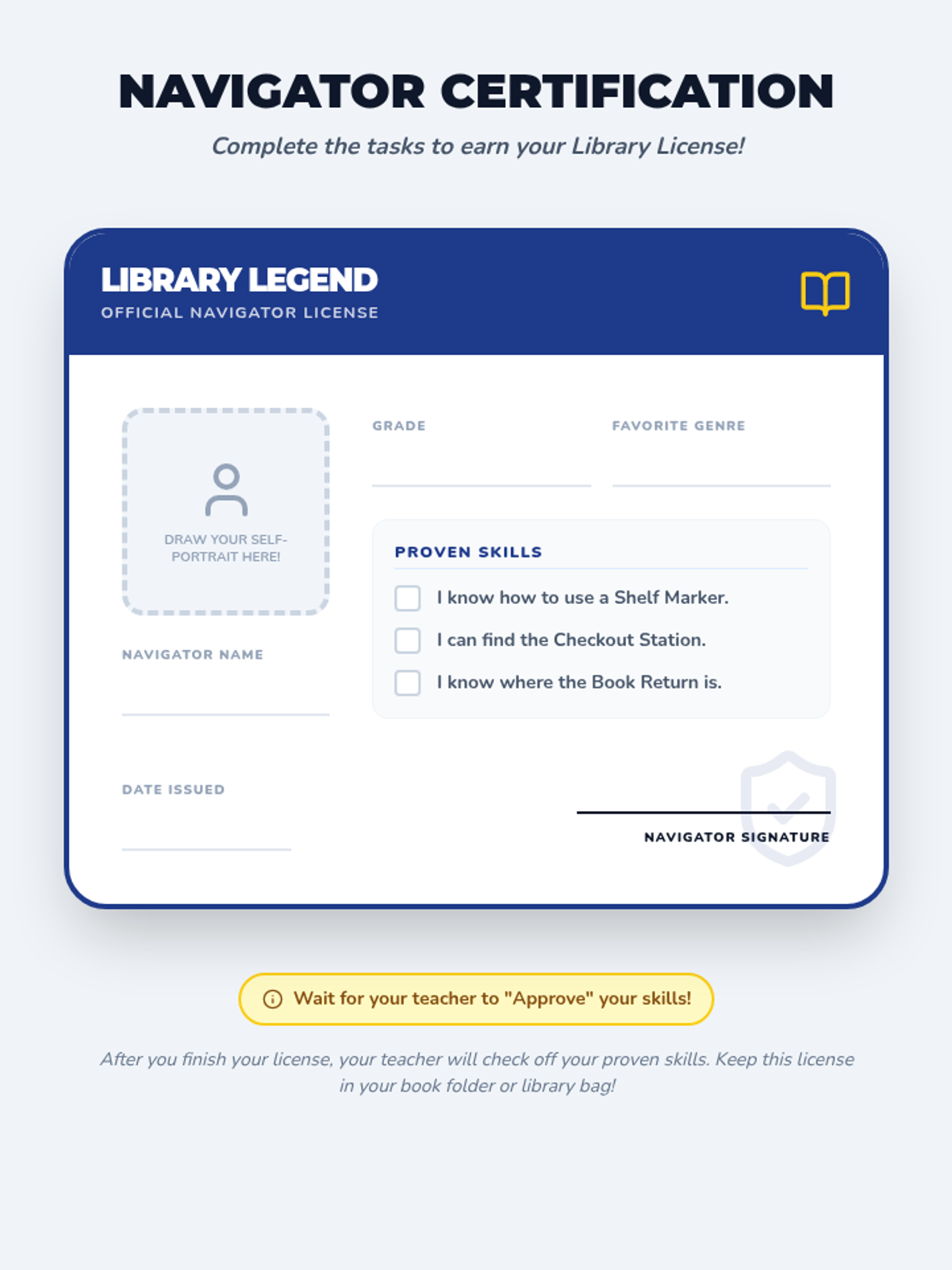
A creative 'Library Navigator License' activity where students fill out their personal details, draw a self-portrait, and have their skills (shelf marker use, checkout location, etc.) verified by a teacher or librarian.
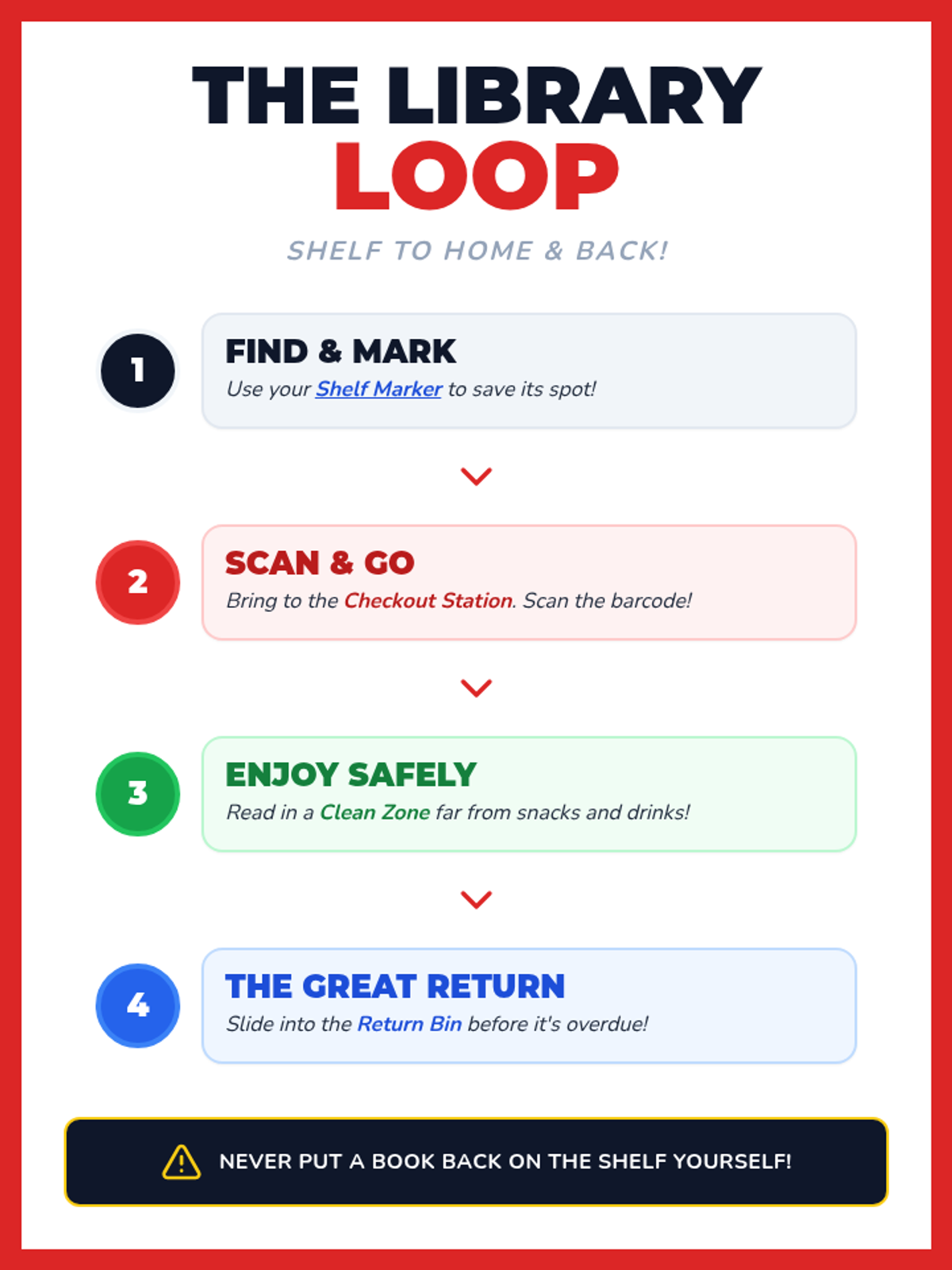
A step-by-step visual flowchart (The Library Loop) that guides students through the process of finding, scanning, reading, and returning library books. Uses color-coded steps and bold iconography for clear instruction.
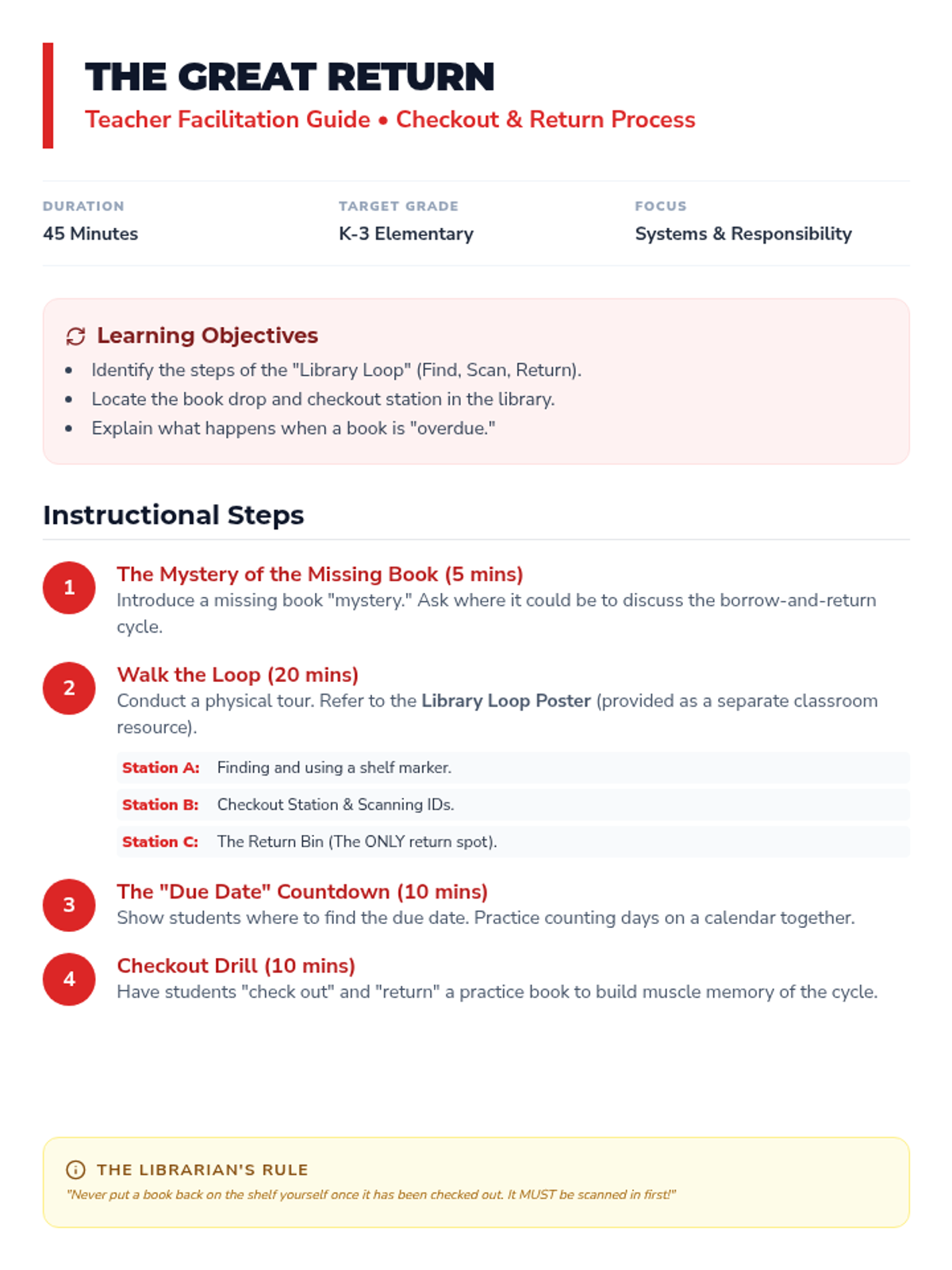
A teacher-facing lesson plan for teaching the library checkout and return process. It outlines a 'physical loop' tour of the library, explains due dates, and includes a practical checkout drill for students.
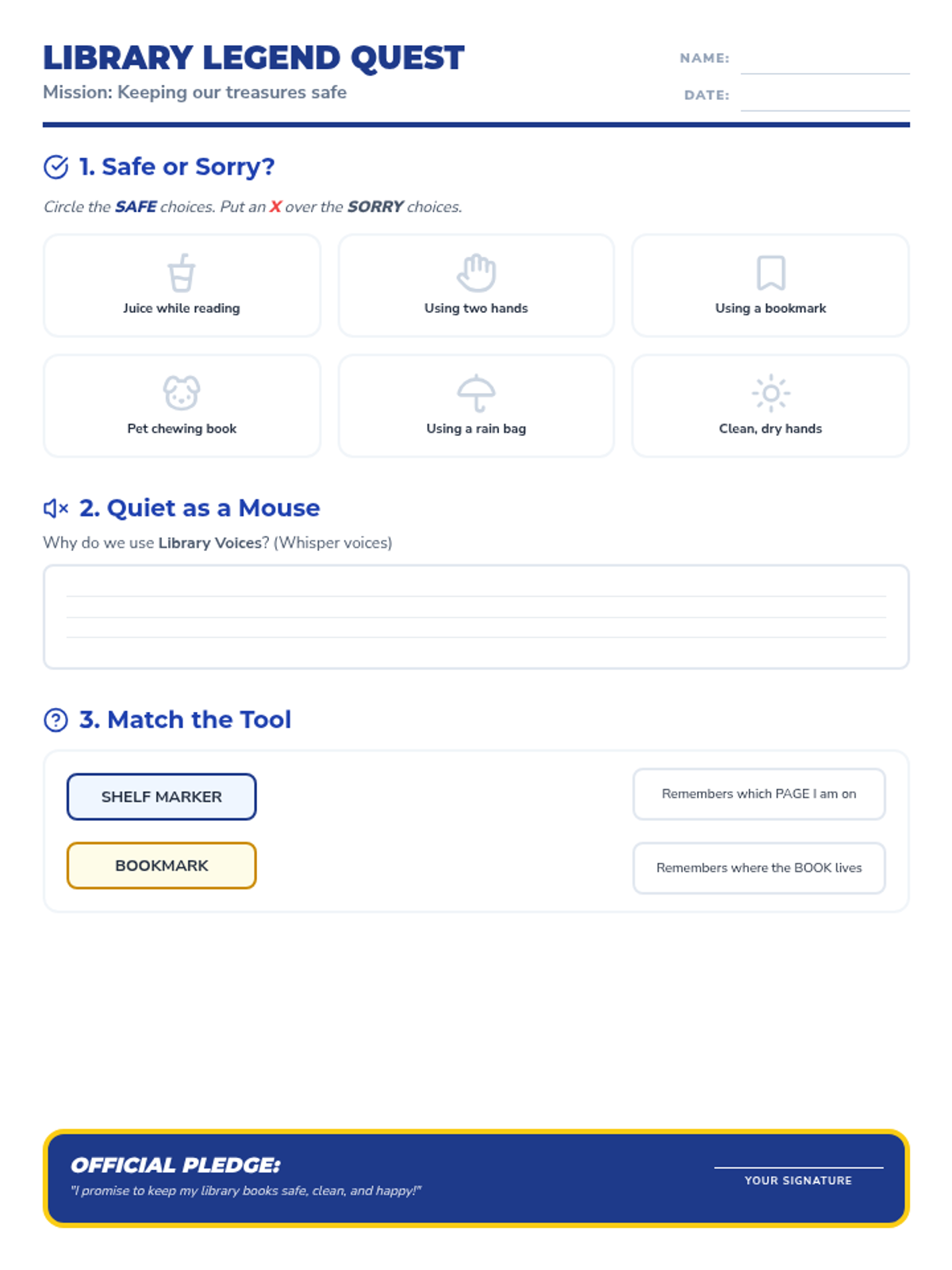
A student worksheet that reinforces library etiquette and book care through a sorting activity, a short response about volume control, and a matching game for library tools. Includes an 'Official Pledge' for students to sign.
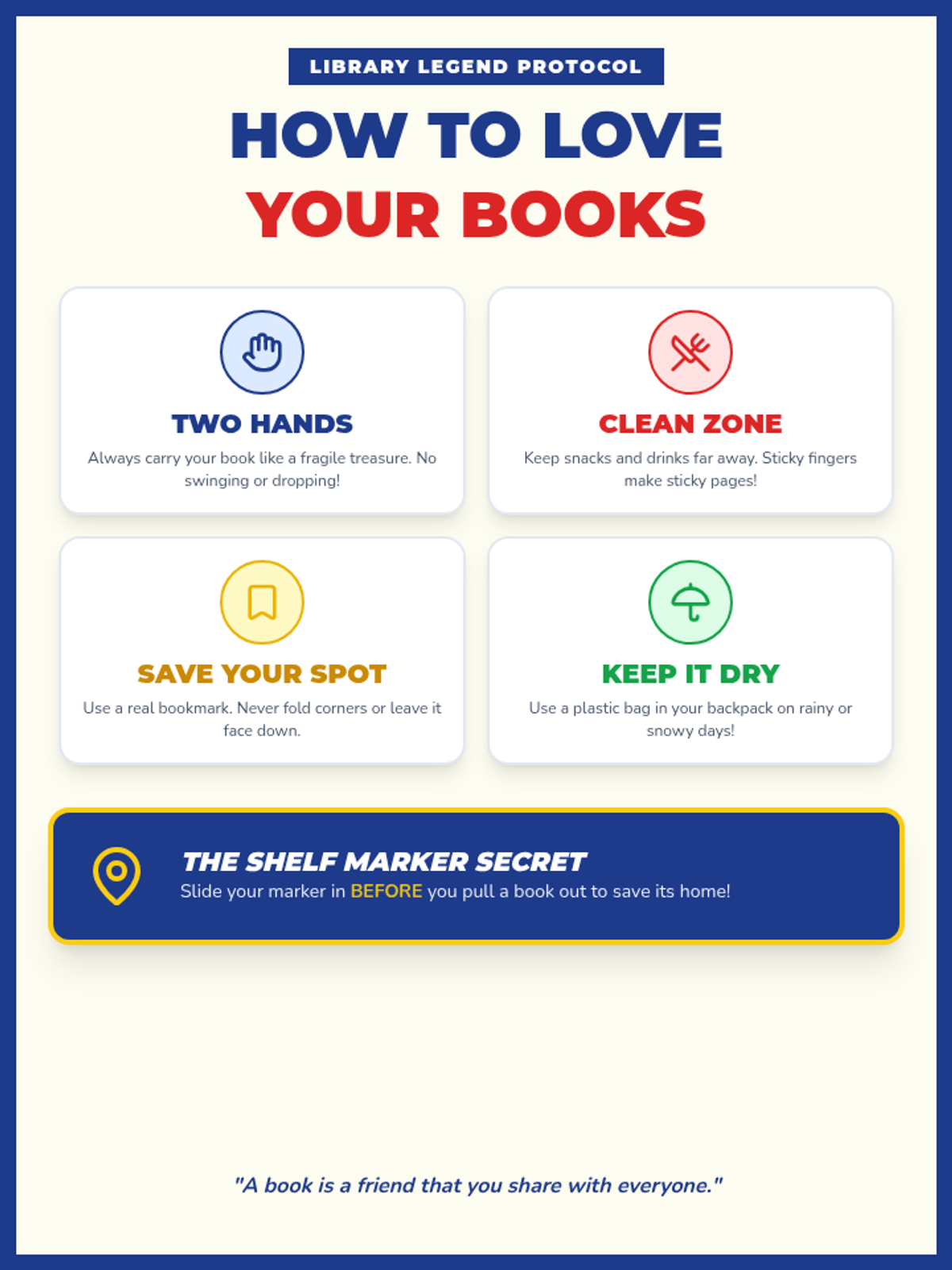
A vibrant, high-contrast classroom anchor chart outlining the four 'Golden Rules' of book care. Using clear icons and bold typography, it teaches students about proper handling, cleanliness, bookmarking, and protection from the elements.
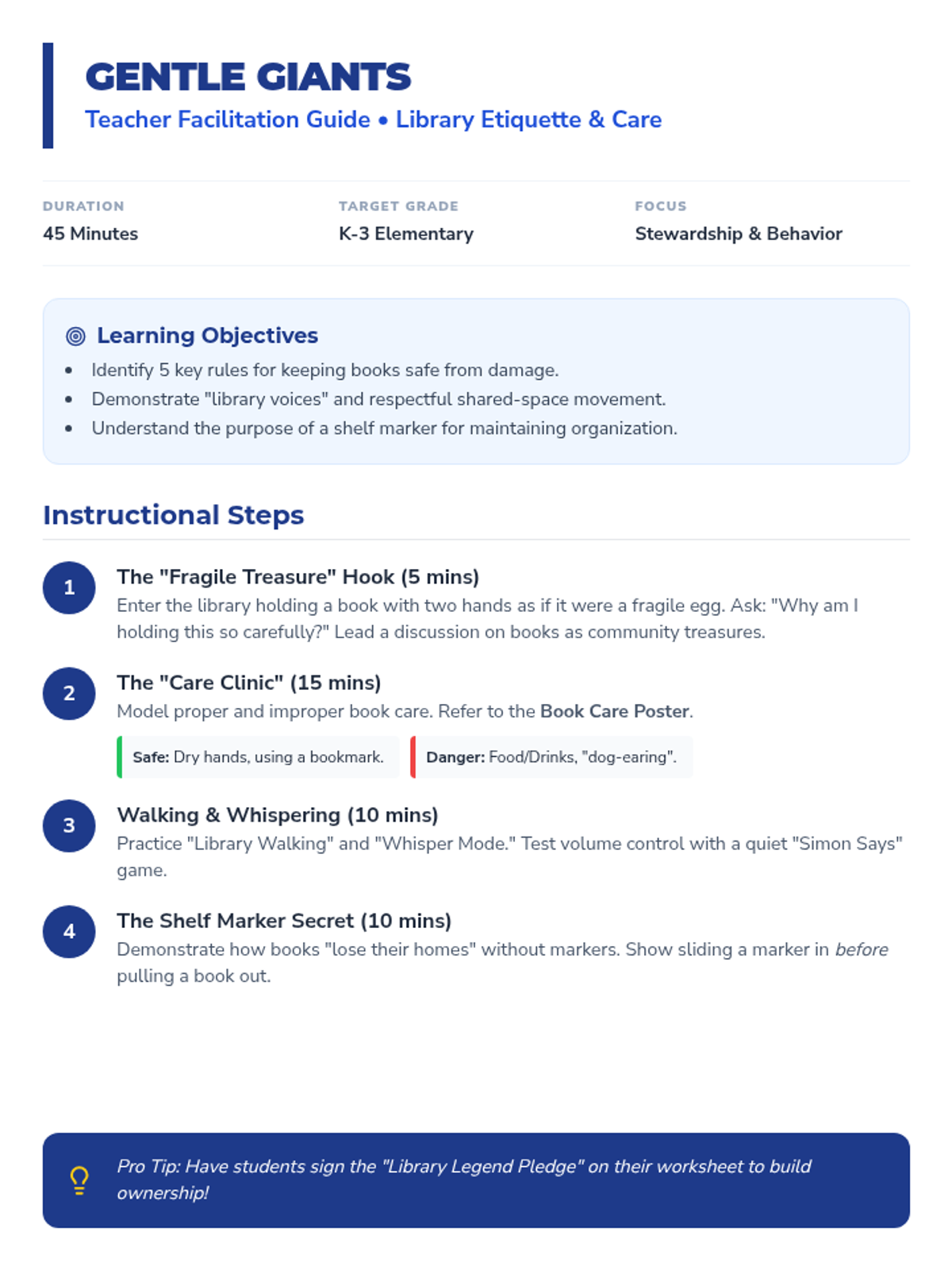
A detailed teacher facilitation guide for the first lesson in the Library Legends sequence. It includes instructional steps for teaching book care, volume control, and the proper use of shelf markers, along with common student misconceptions and assessment strategies.