Fundamental hardware proficiency, secure online behavior, and ethical social media engagement. Equips learners with productivity tool mastery, web publishing skills, and critical evaluation of emerging technologies.
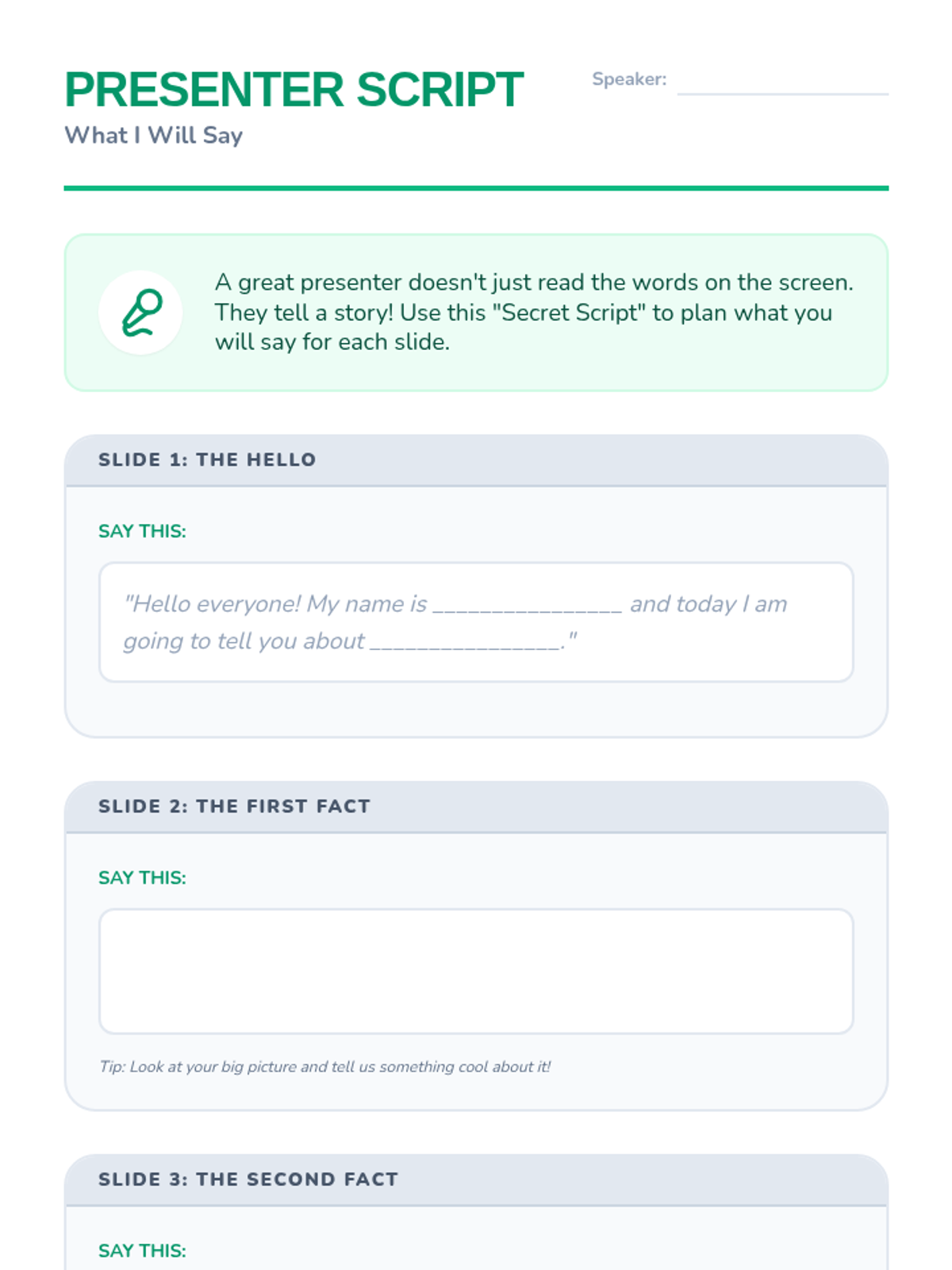
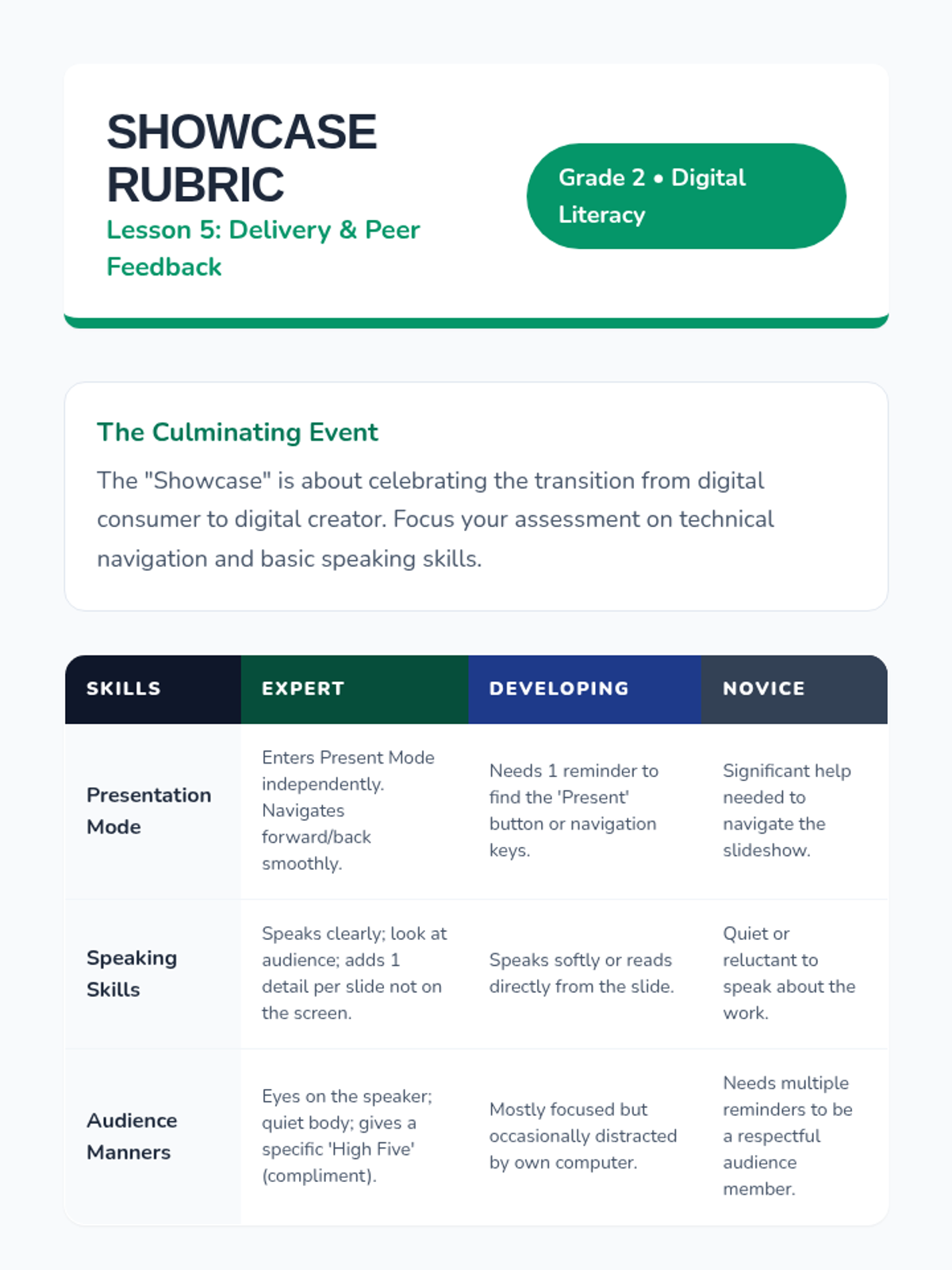
Students learn how to enter 'Presentation Mode', navigate their slides full-screen, and practice speaking about their work to a partner.
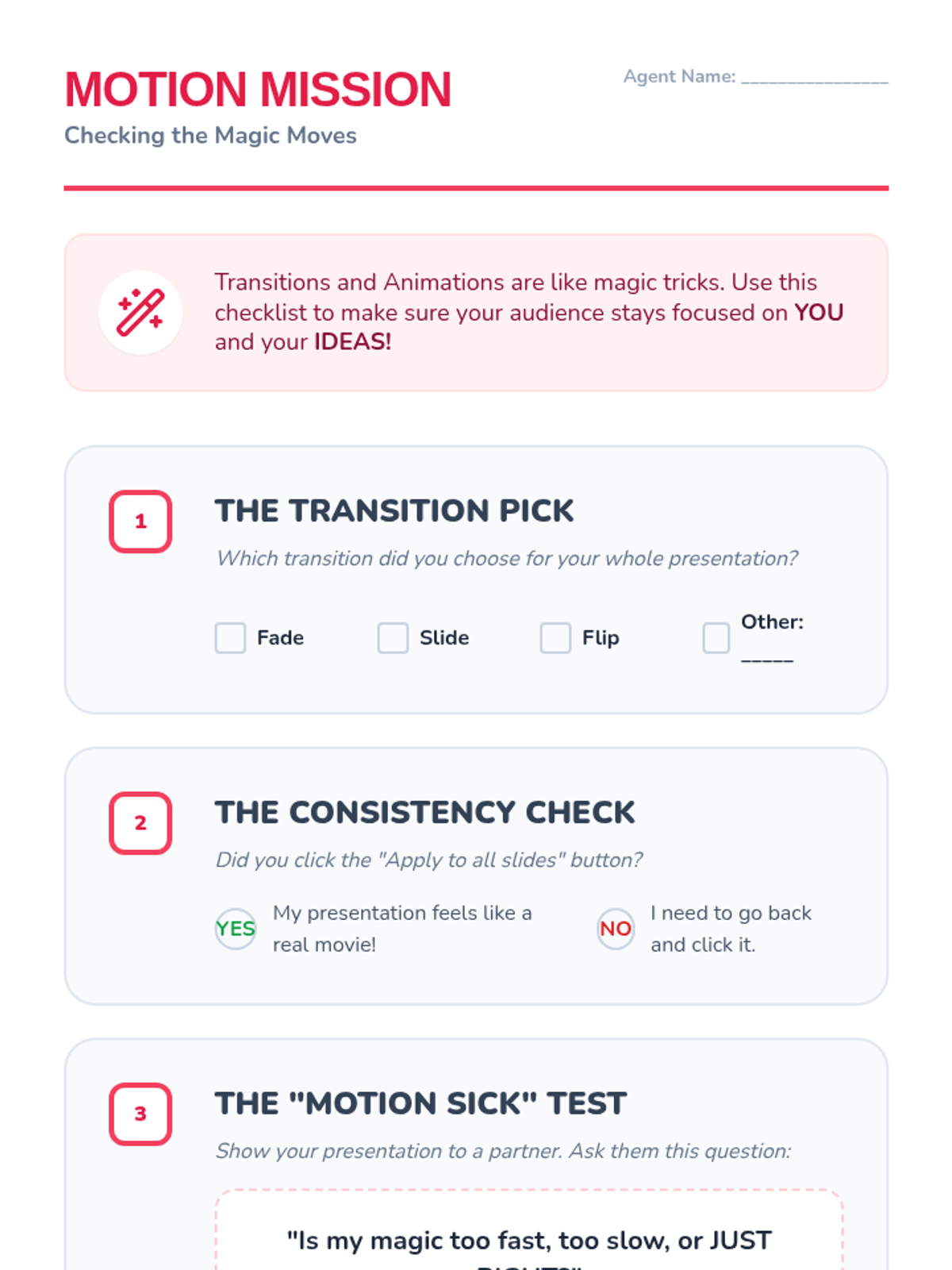
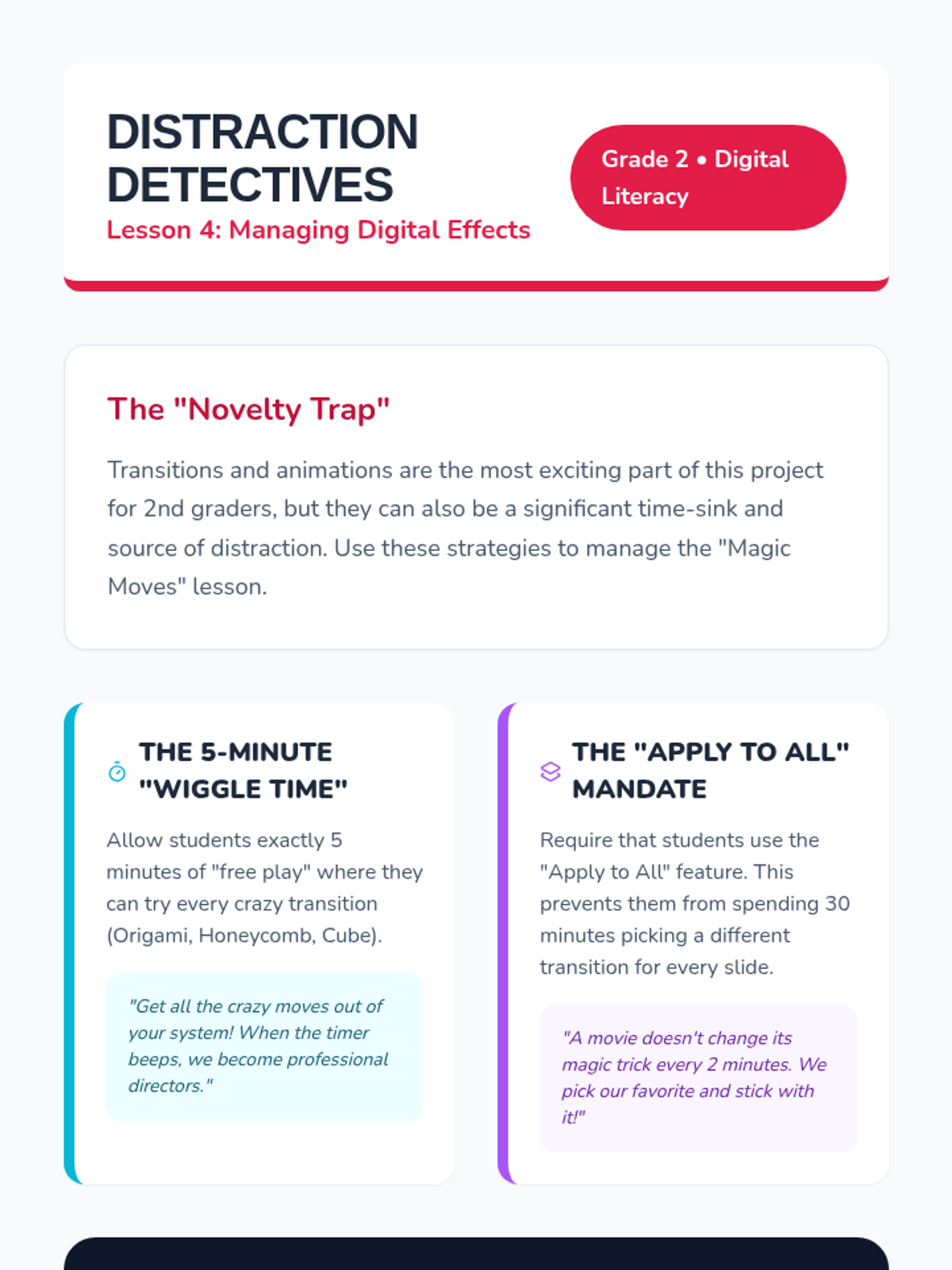
Students are introduced to transitions and animations to add movement to their slides, with a focus on audience awareness and avoiding distracting effects.
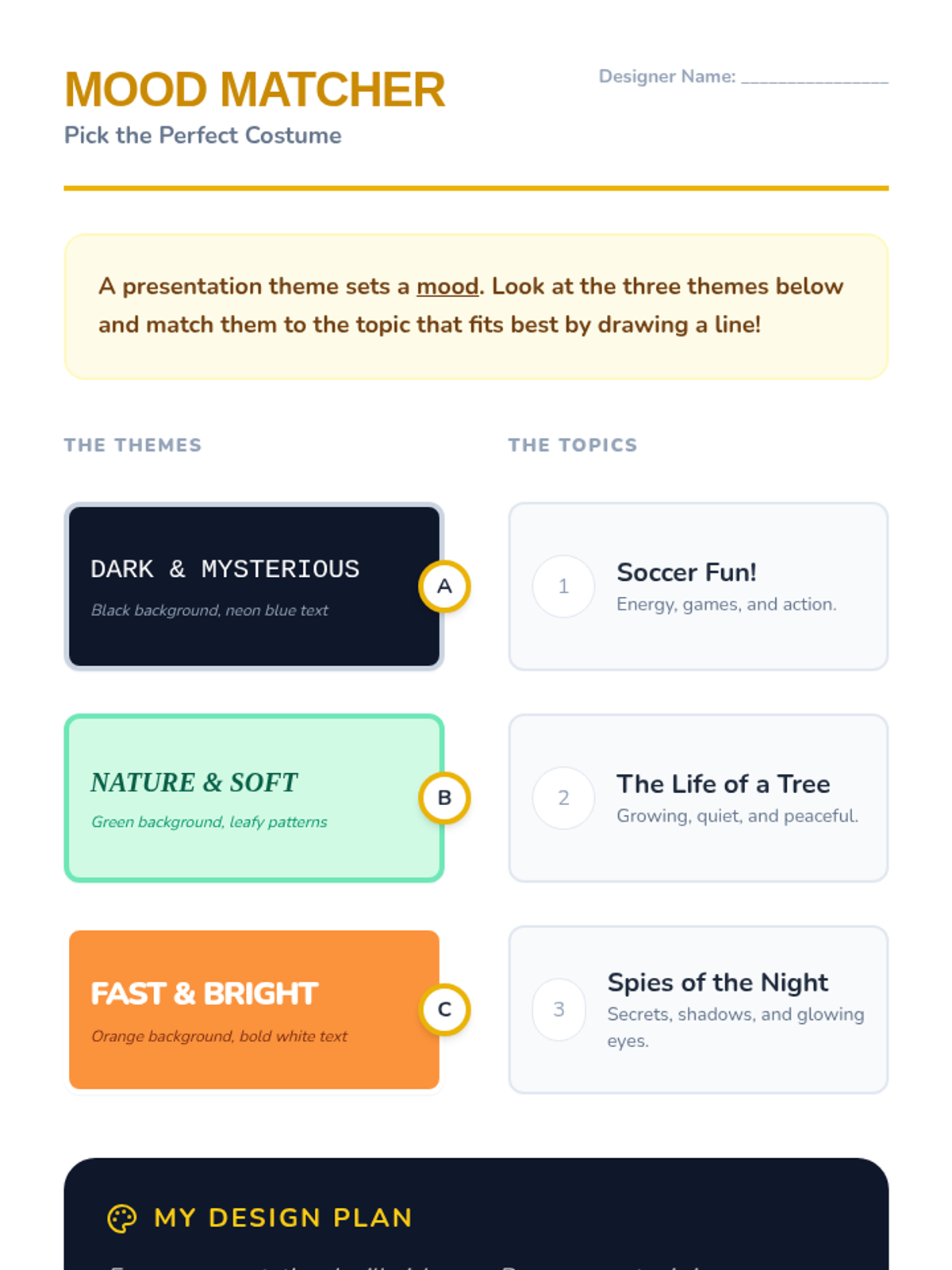
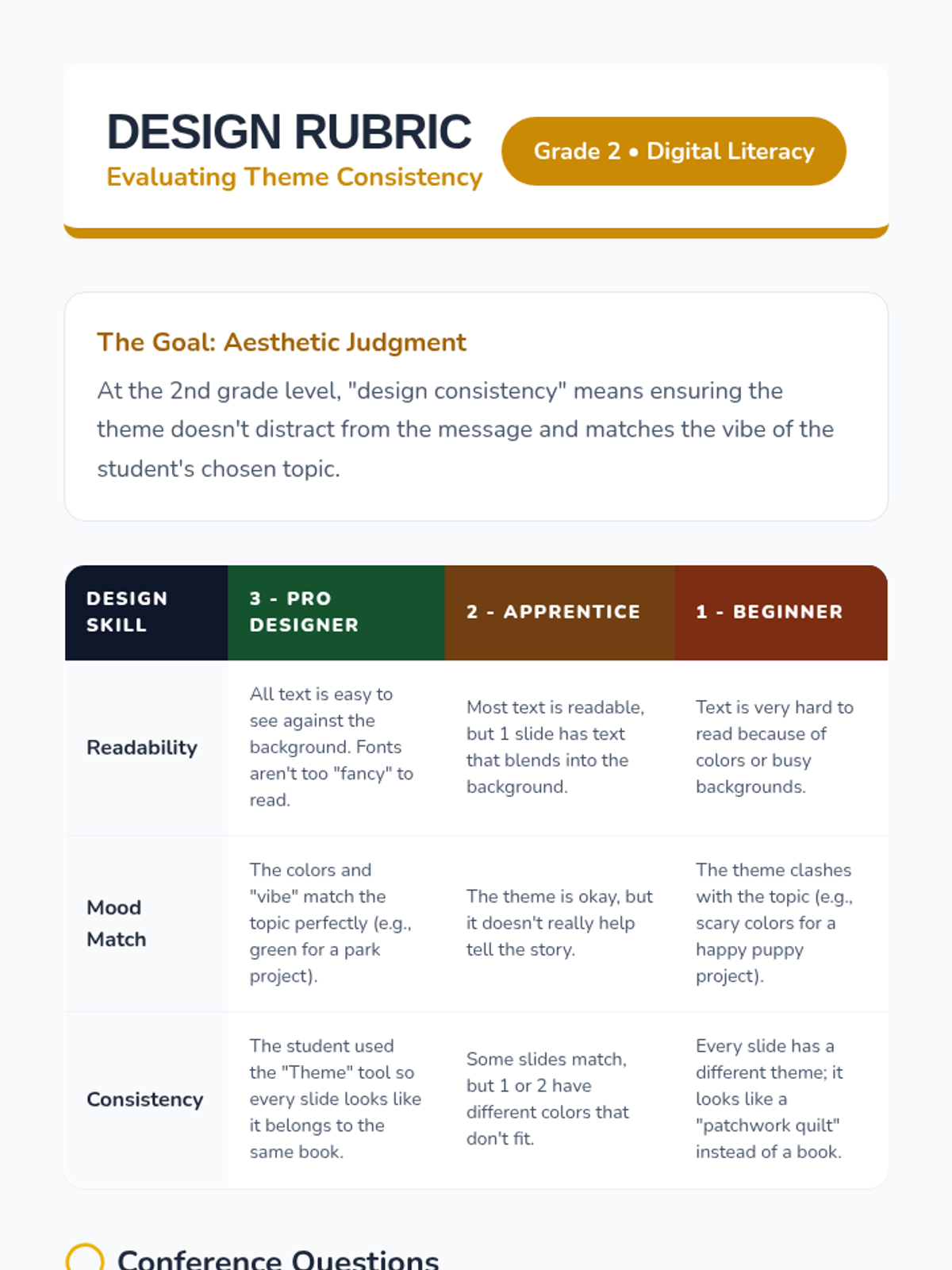
Students explore pre-set themes and backgrounds, learning how colors and design choices set the mood and match the topic of their presentation.
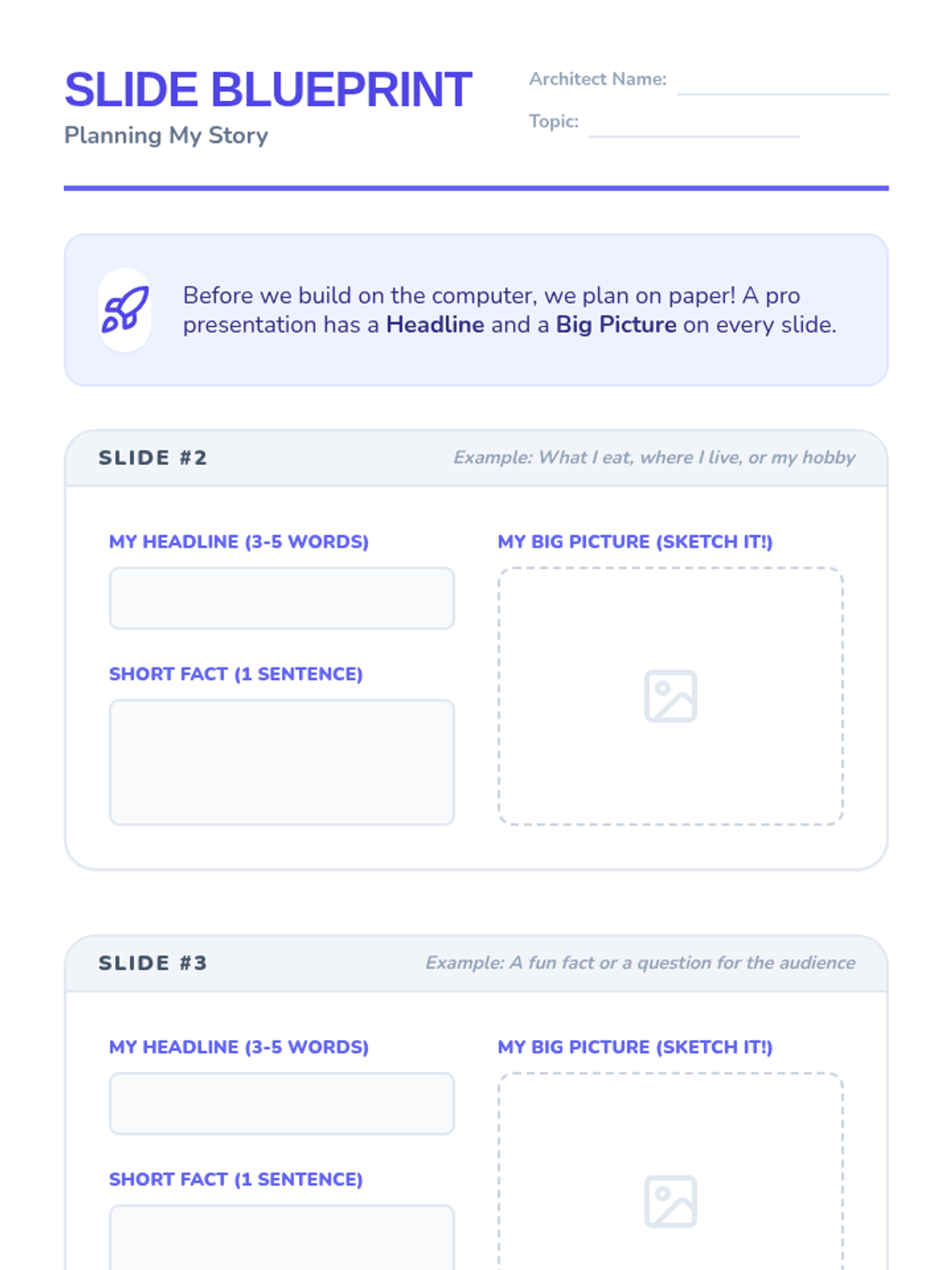
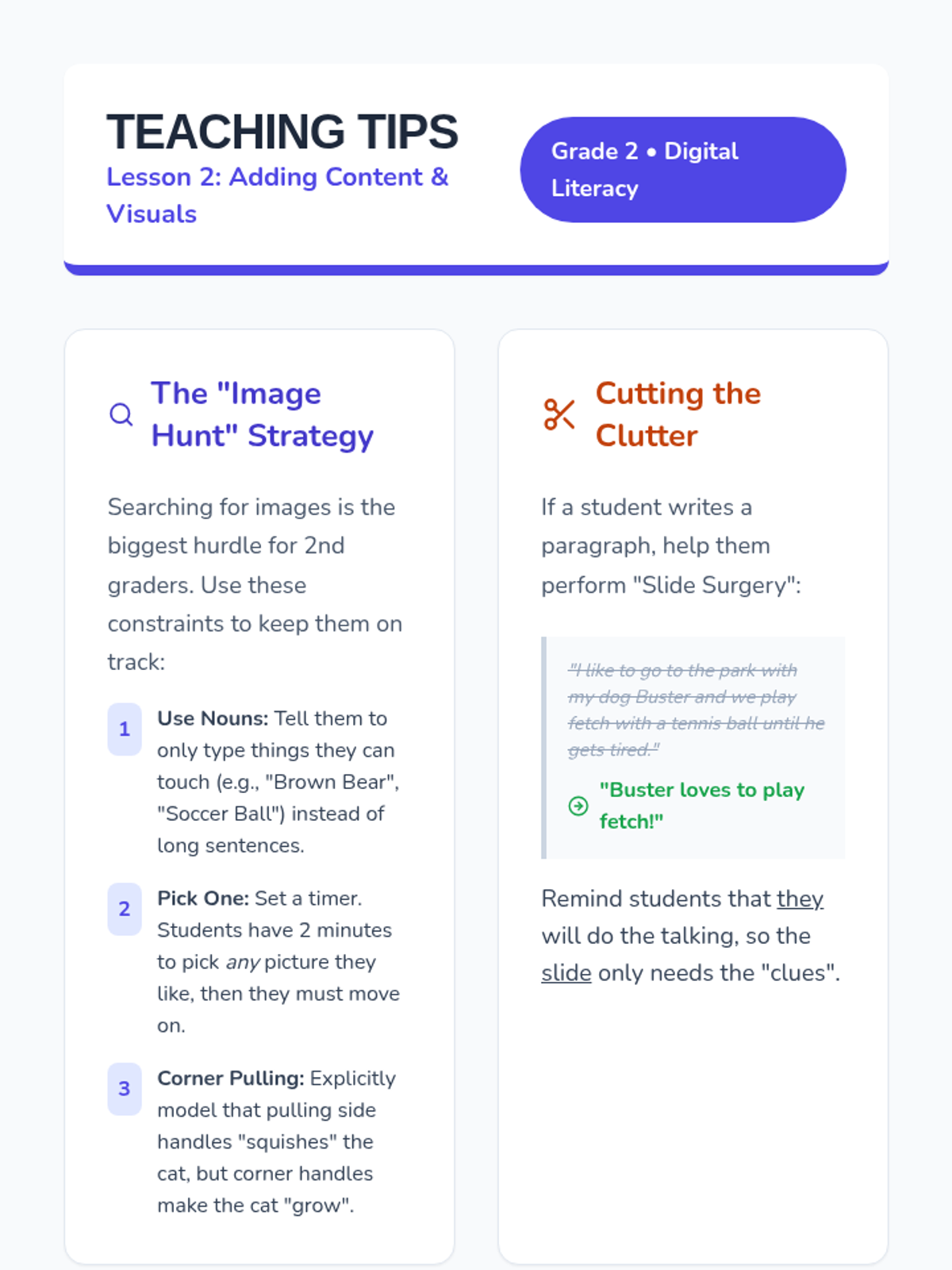
Students add new slides to their deck and learn the balance between text and visuals, focusing on using large images to support their message.
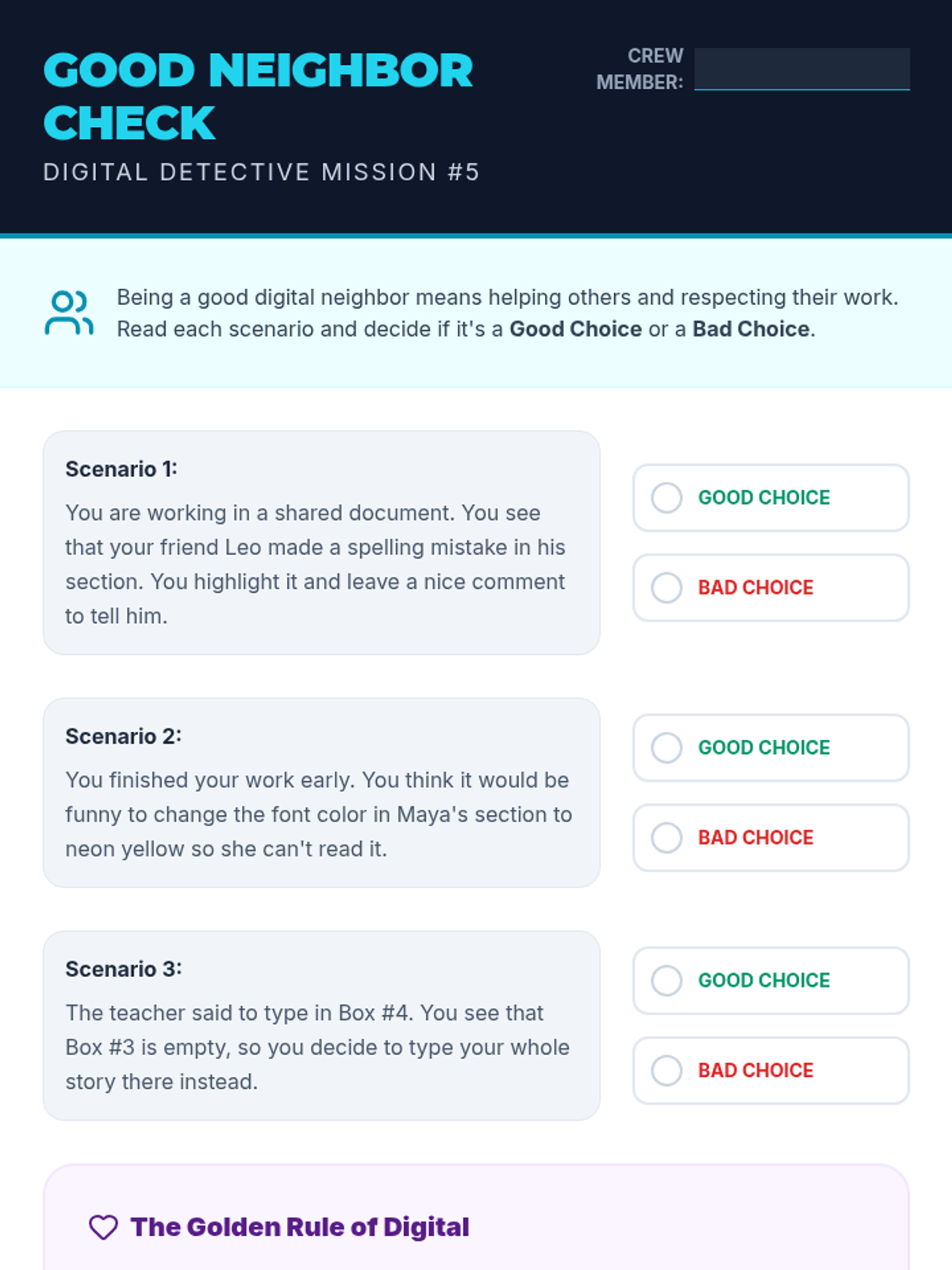
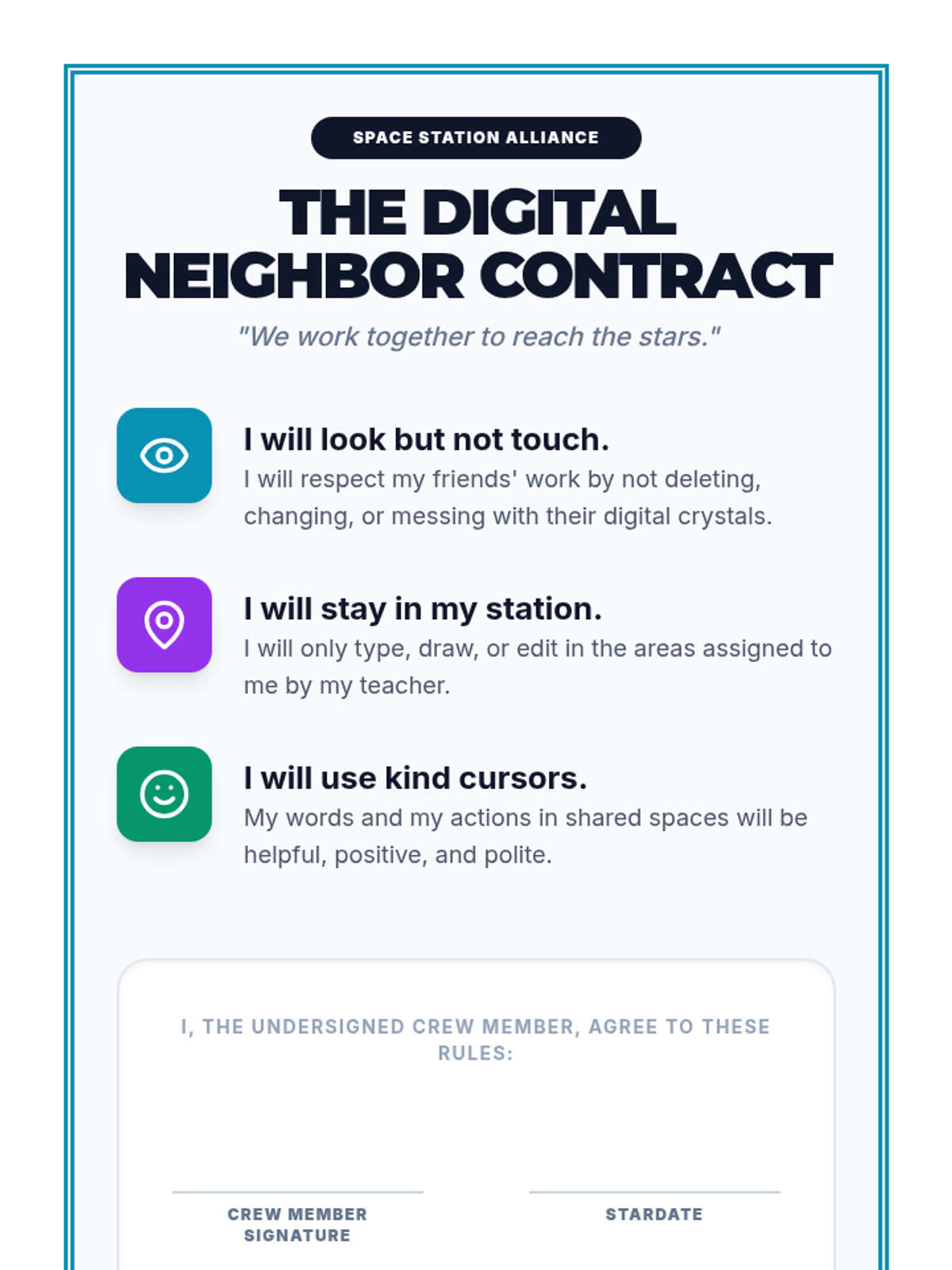
Students learn the rules of sharing digital spaces, focusing on collaborative editing and respecting others' work in a shared document.
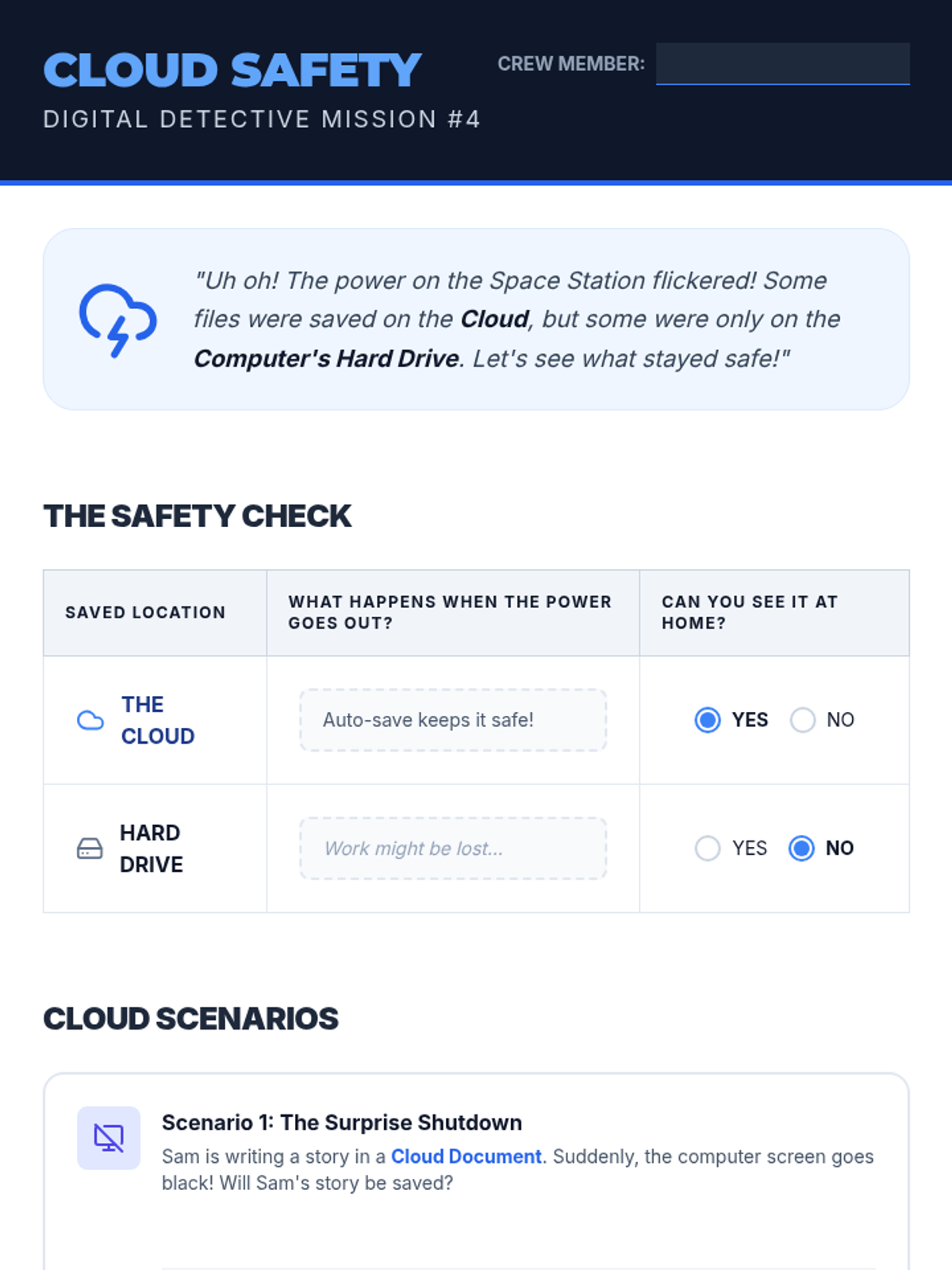
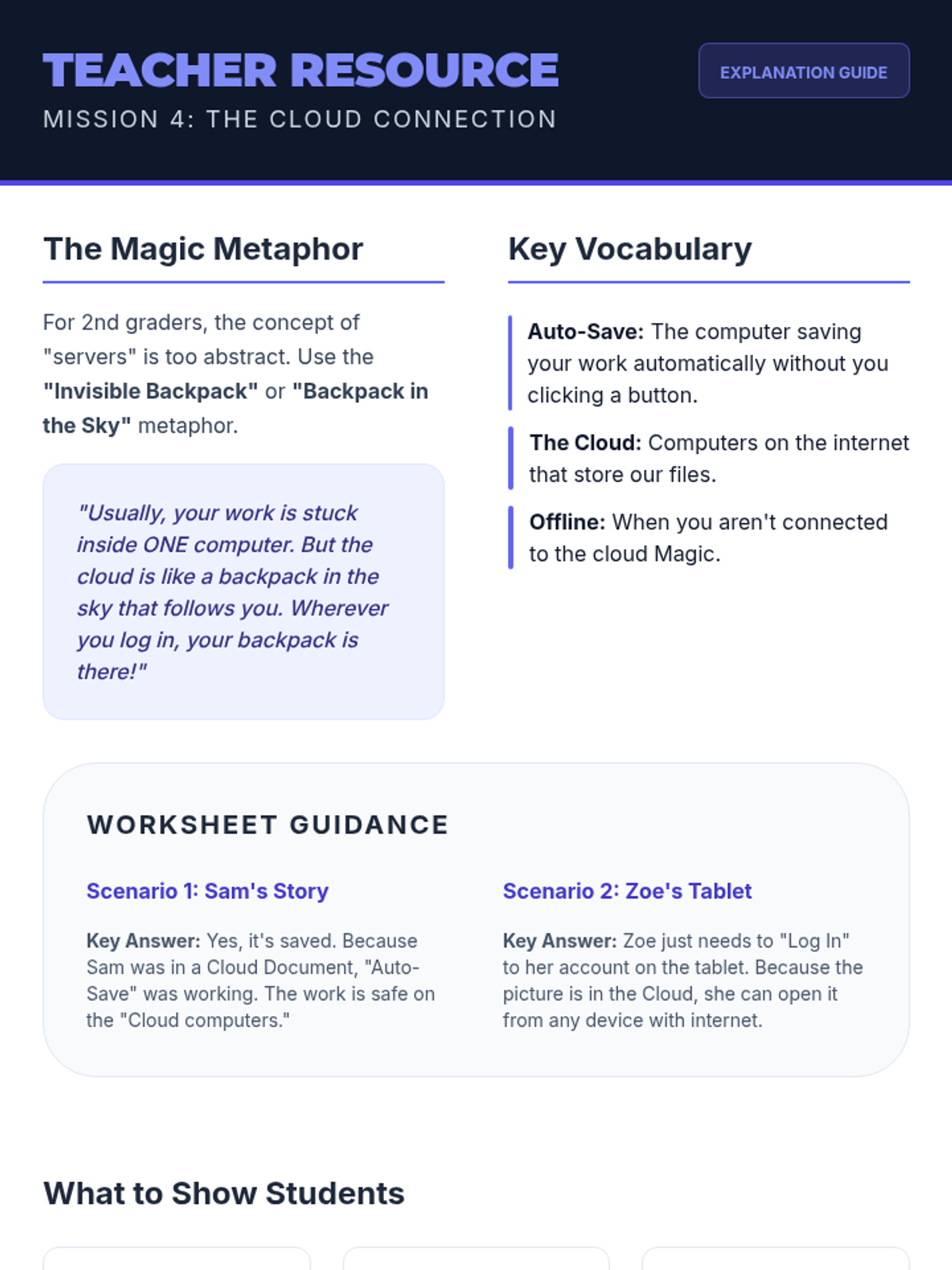
An introduction to cloud storage and the importance of saving work online to ensure accessibility across different devices.
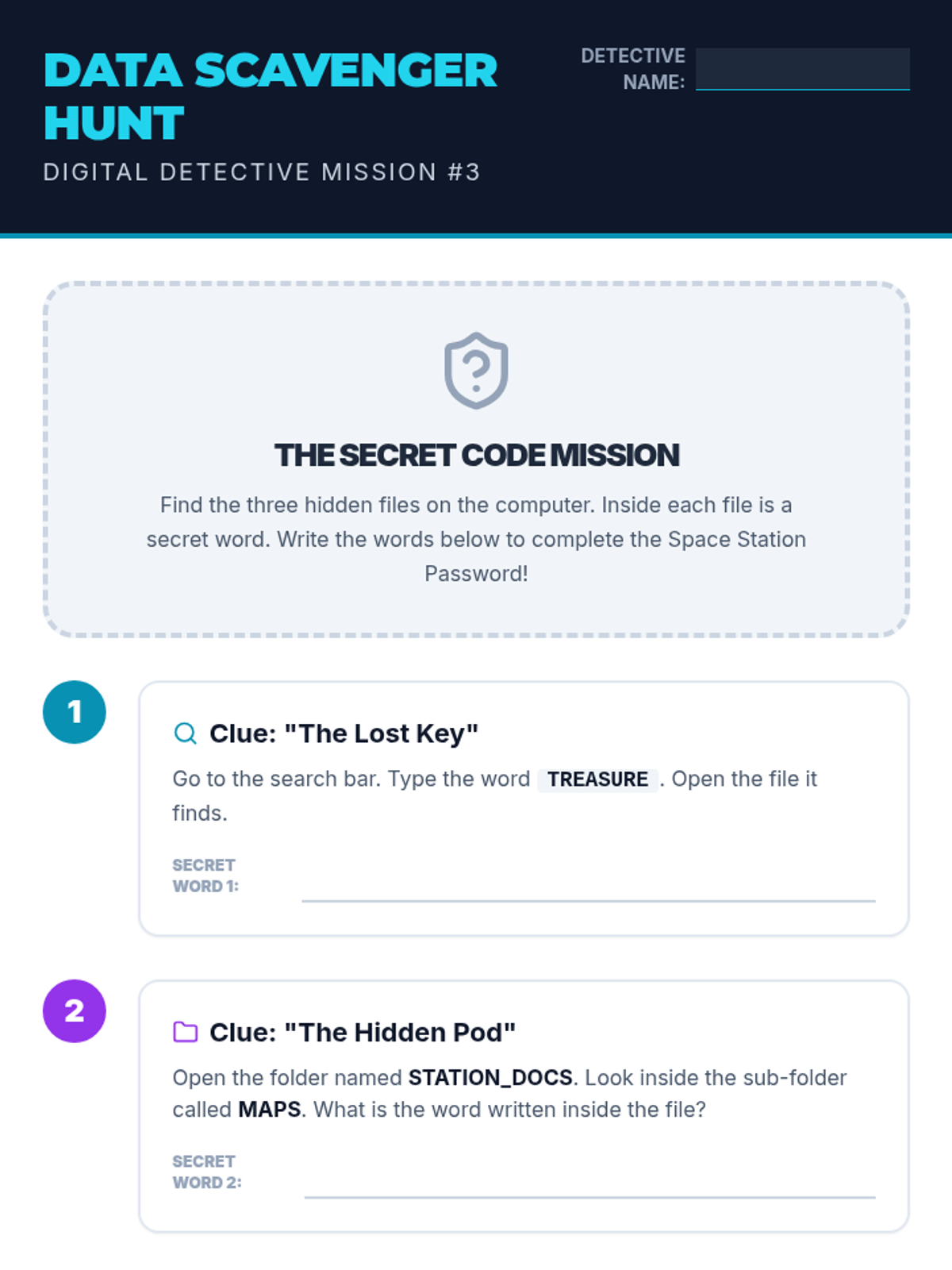
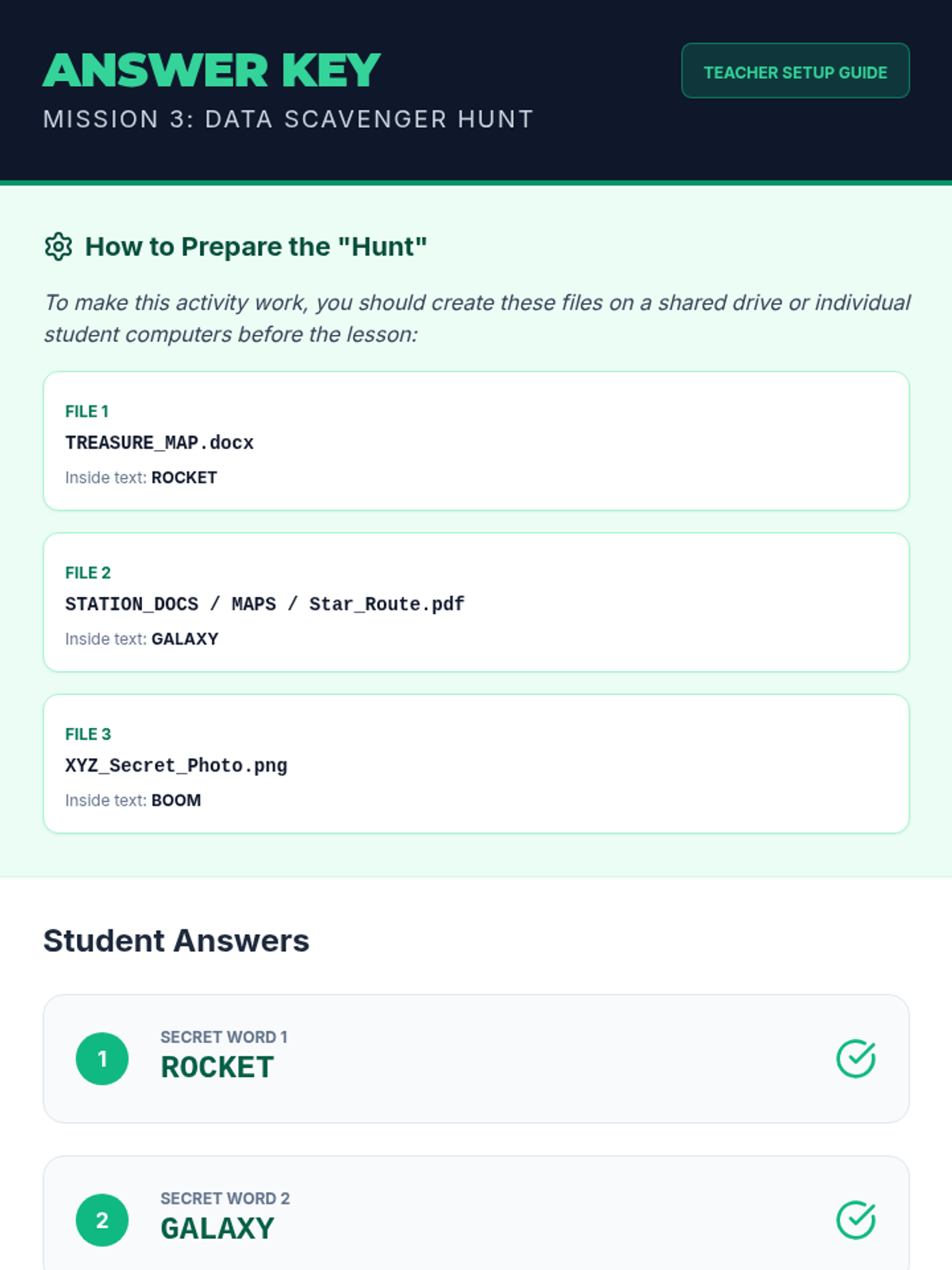
Students use search tools and folder navigation to find specific files in a simulated directory structure.
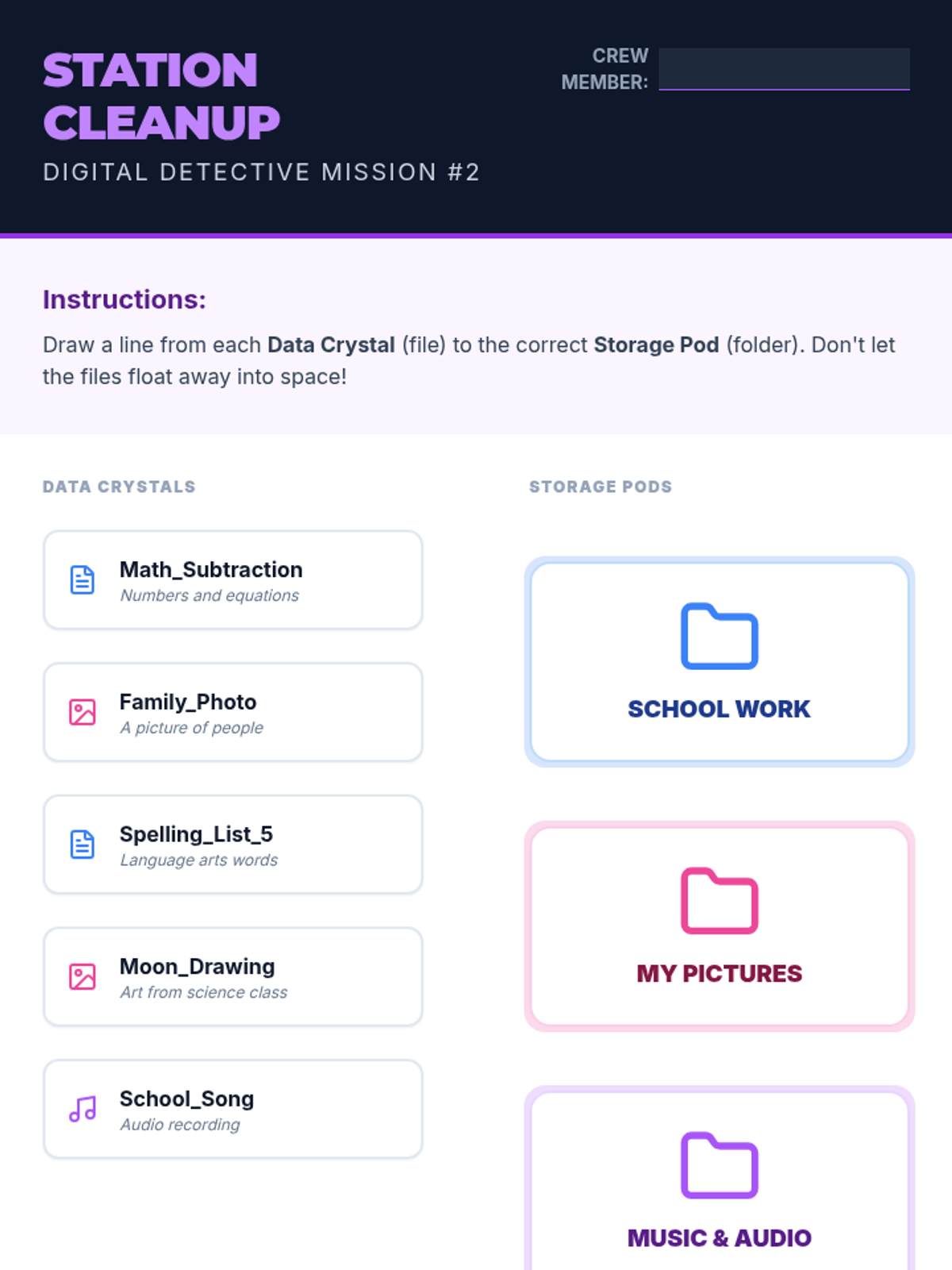
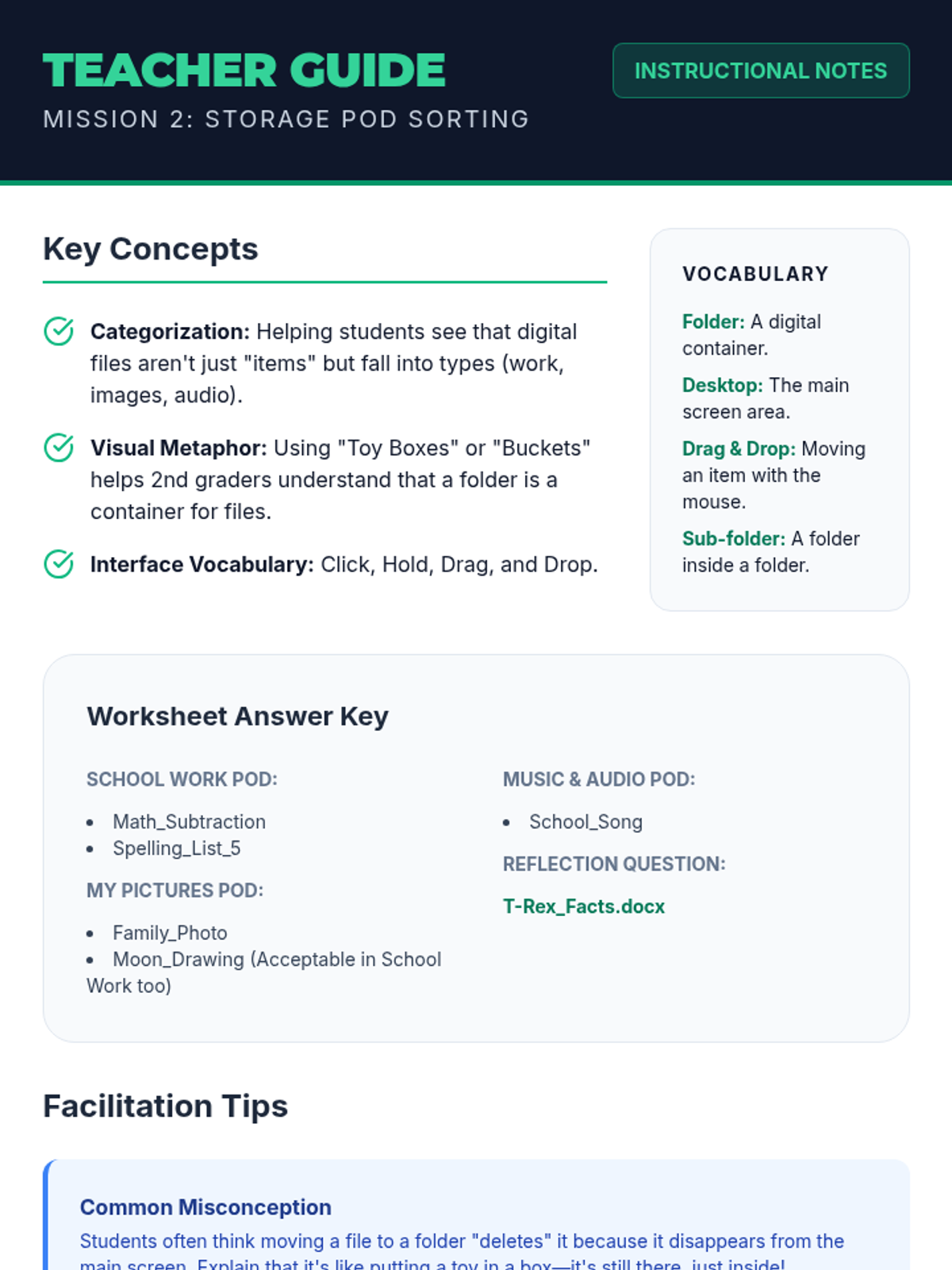
Learners practice creating storage pods (folders) and sorting data crystals (files) into categories using drag-and-drop concepts.
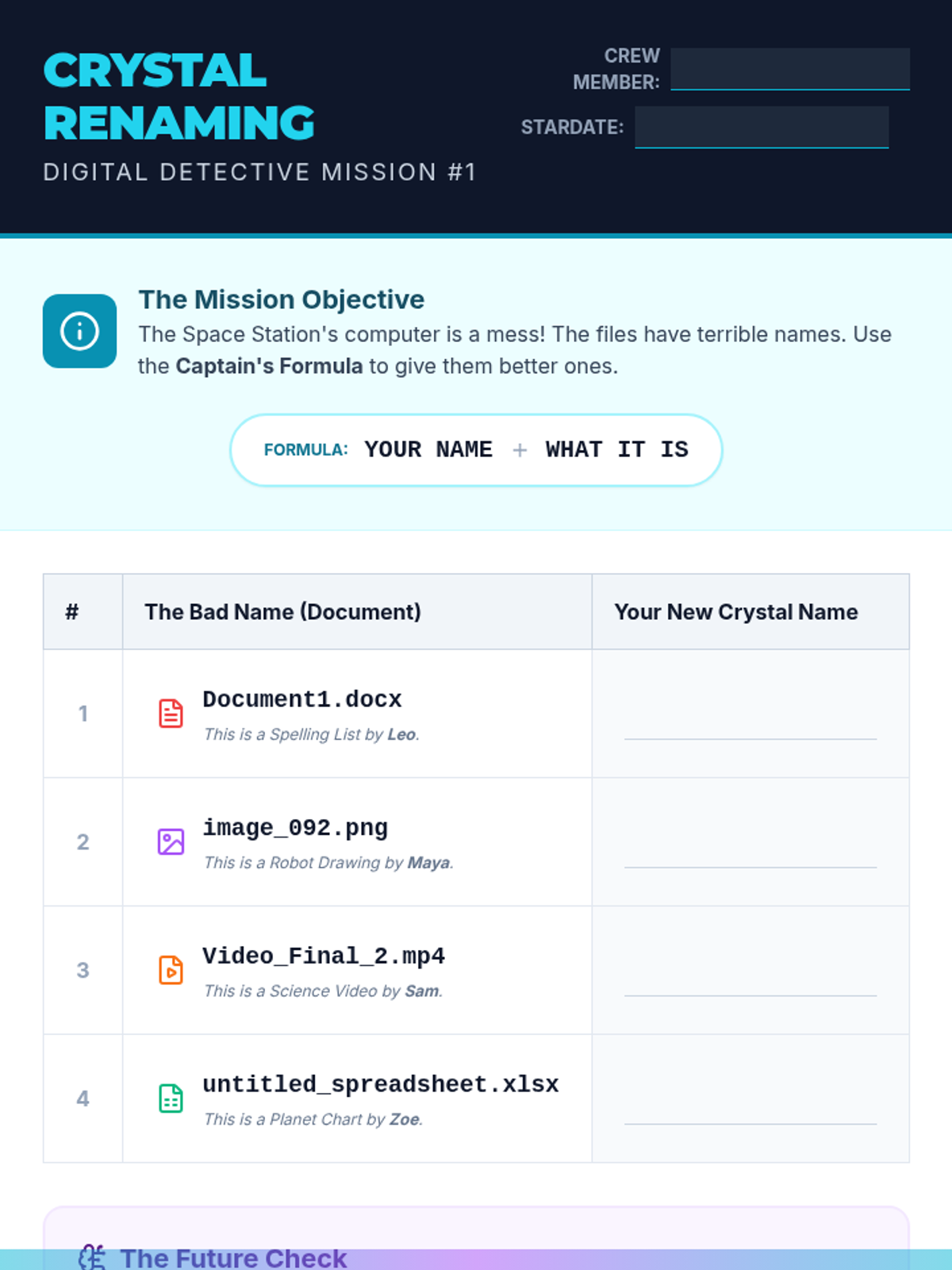
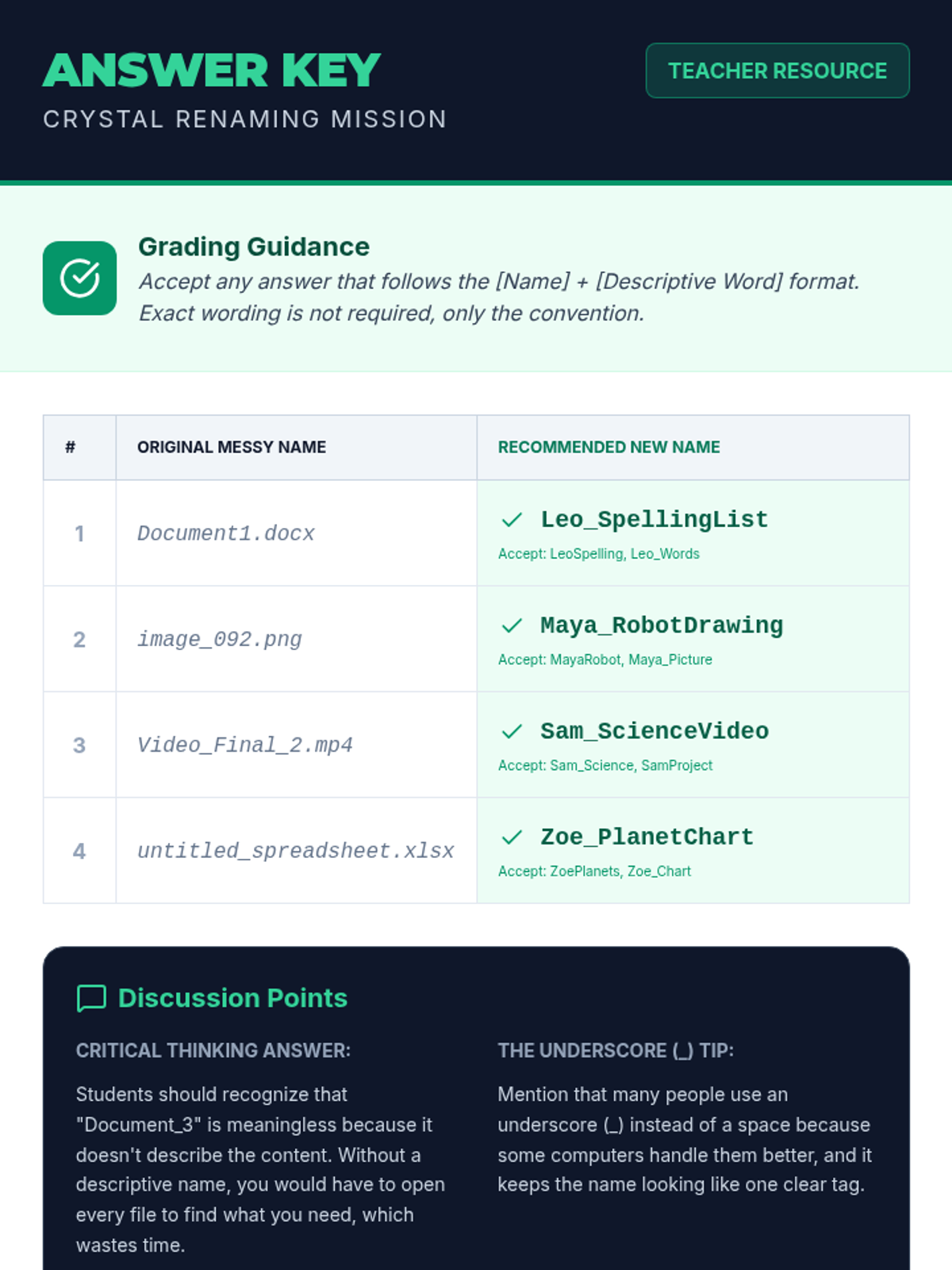
Students learn why specific file names are important and practice a naming convention (Name_Assignment) to keep their digital work identifiable.
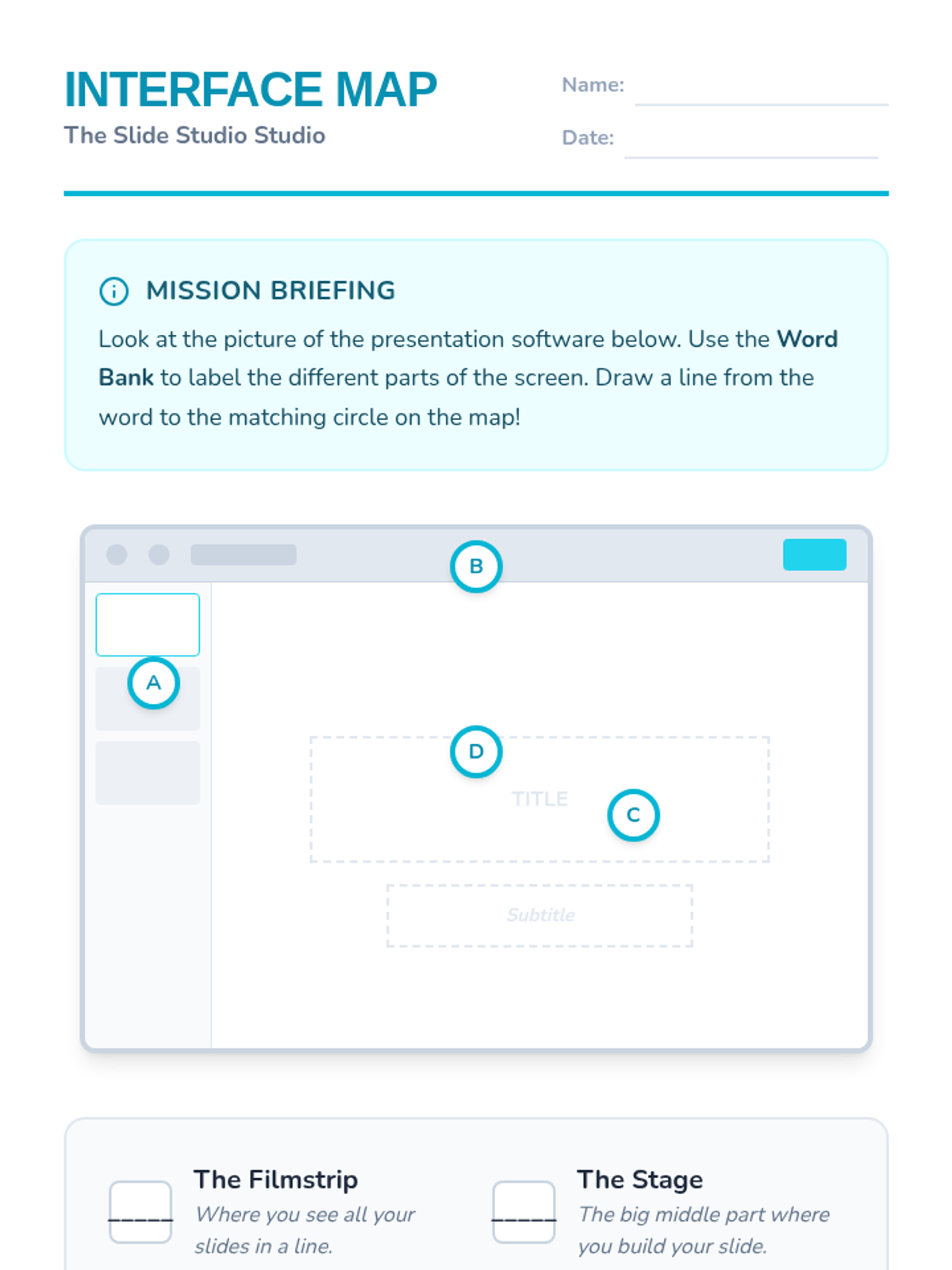
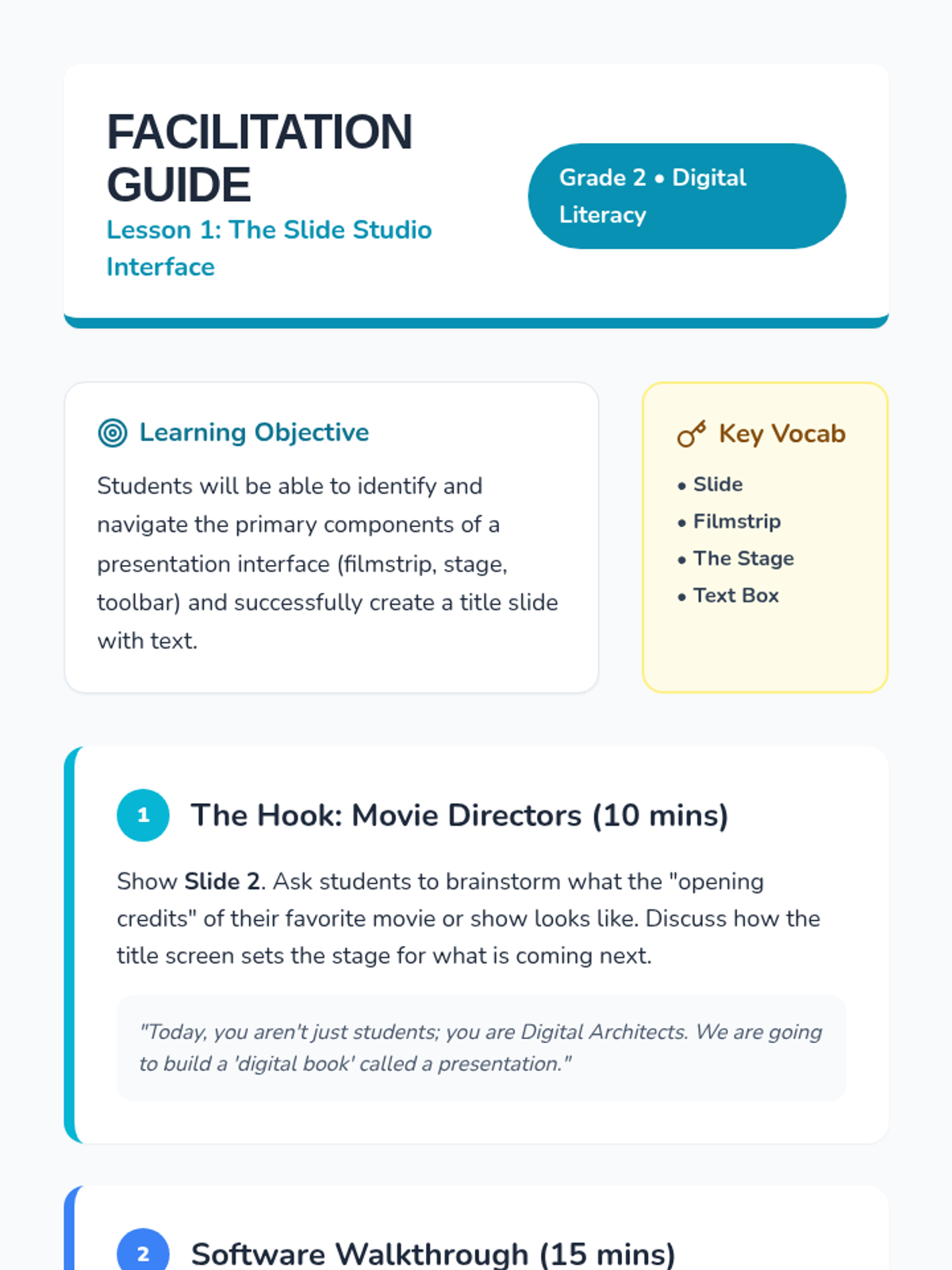
Students identify the key parts of presentation software (slides, filmstrip, text boxes) and create their first title slide.
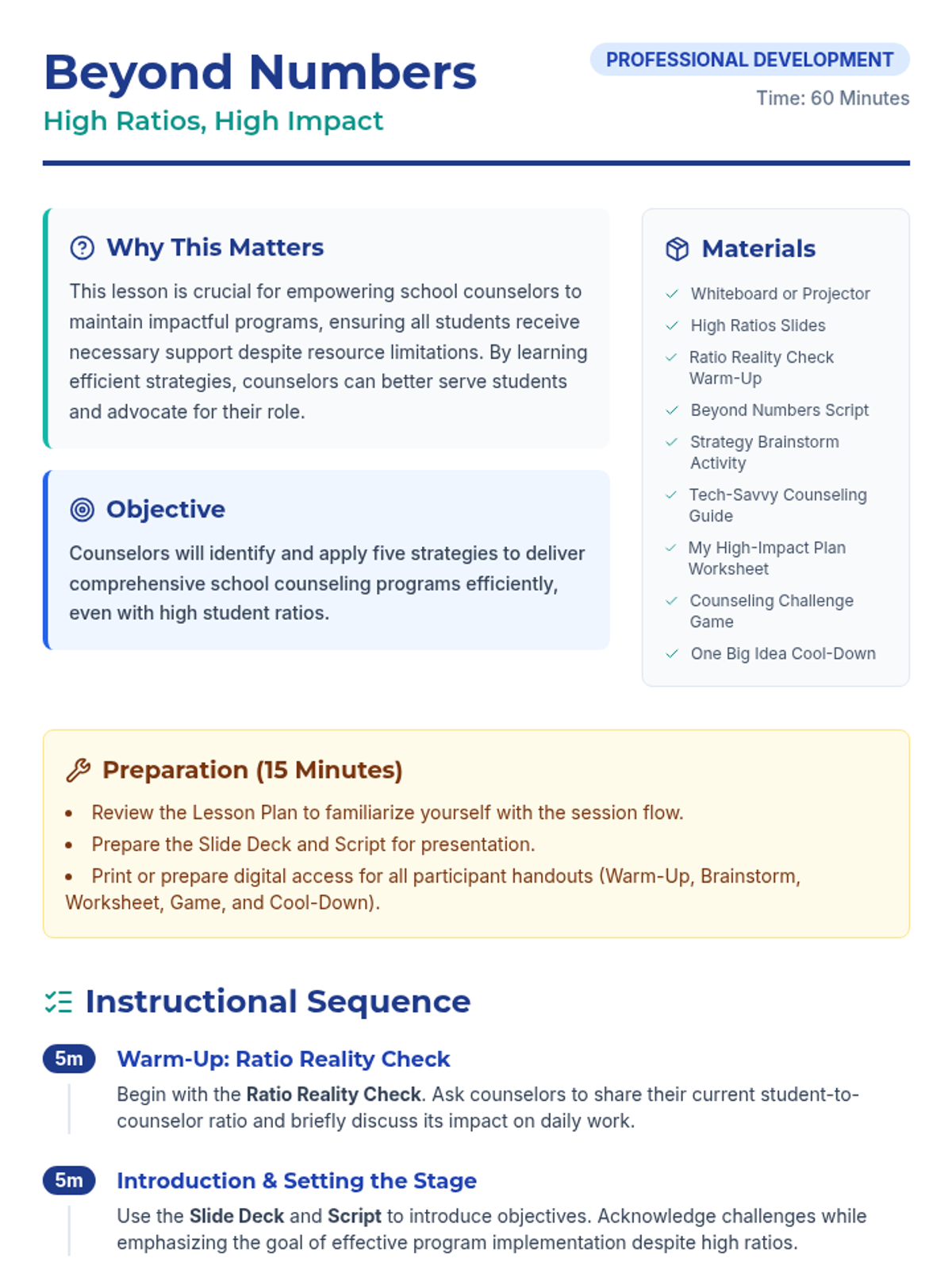
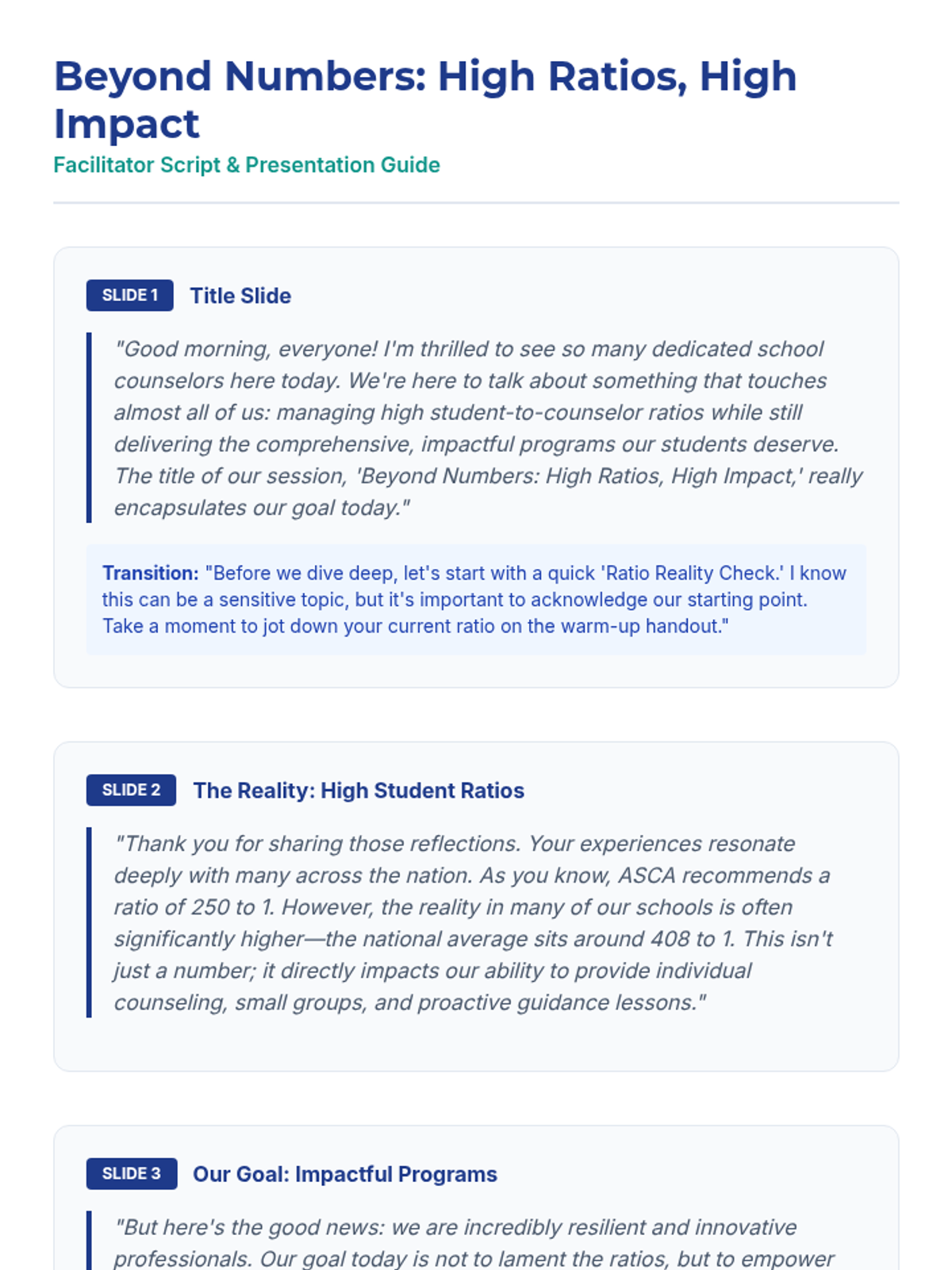
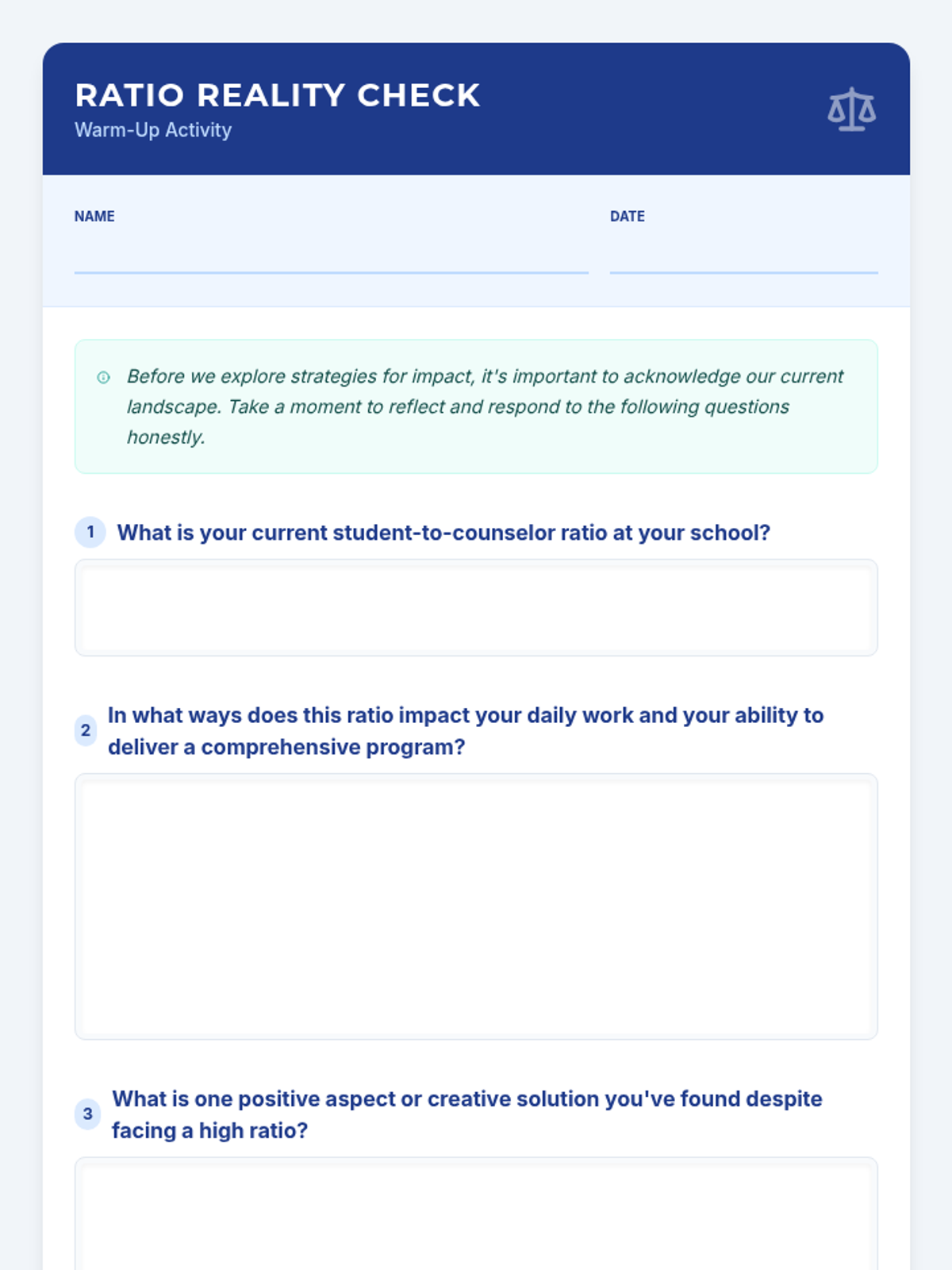
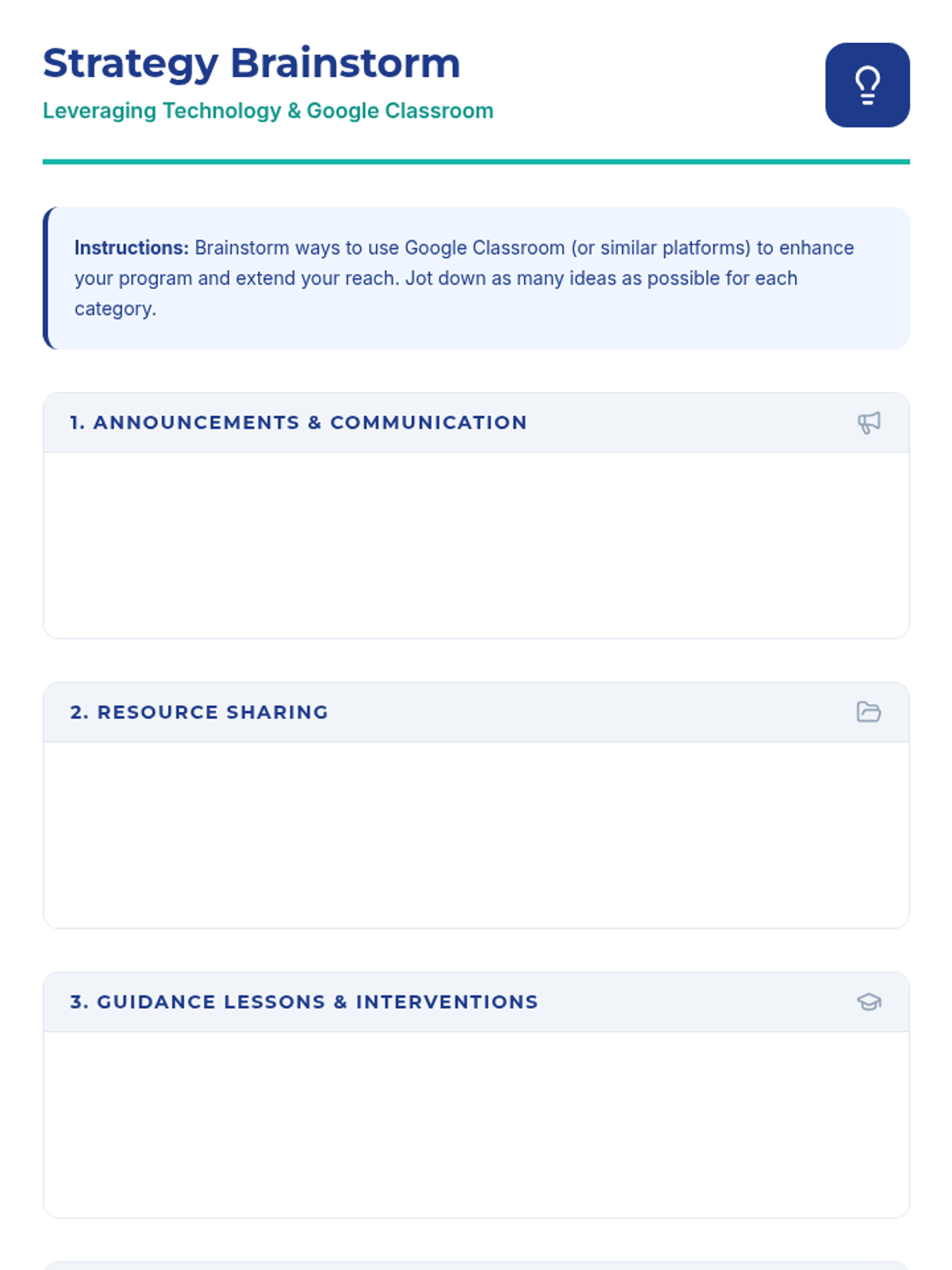
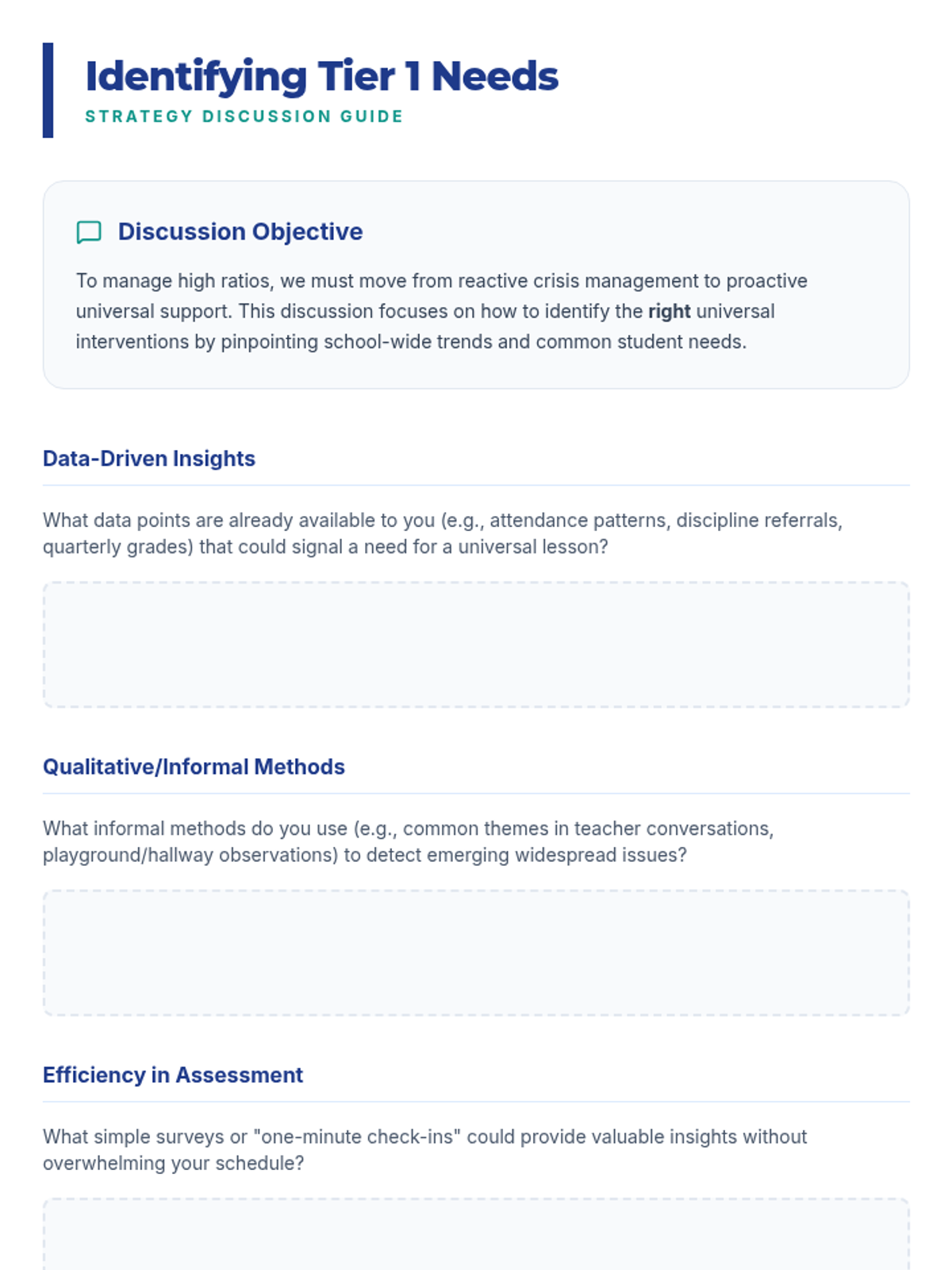
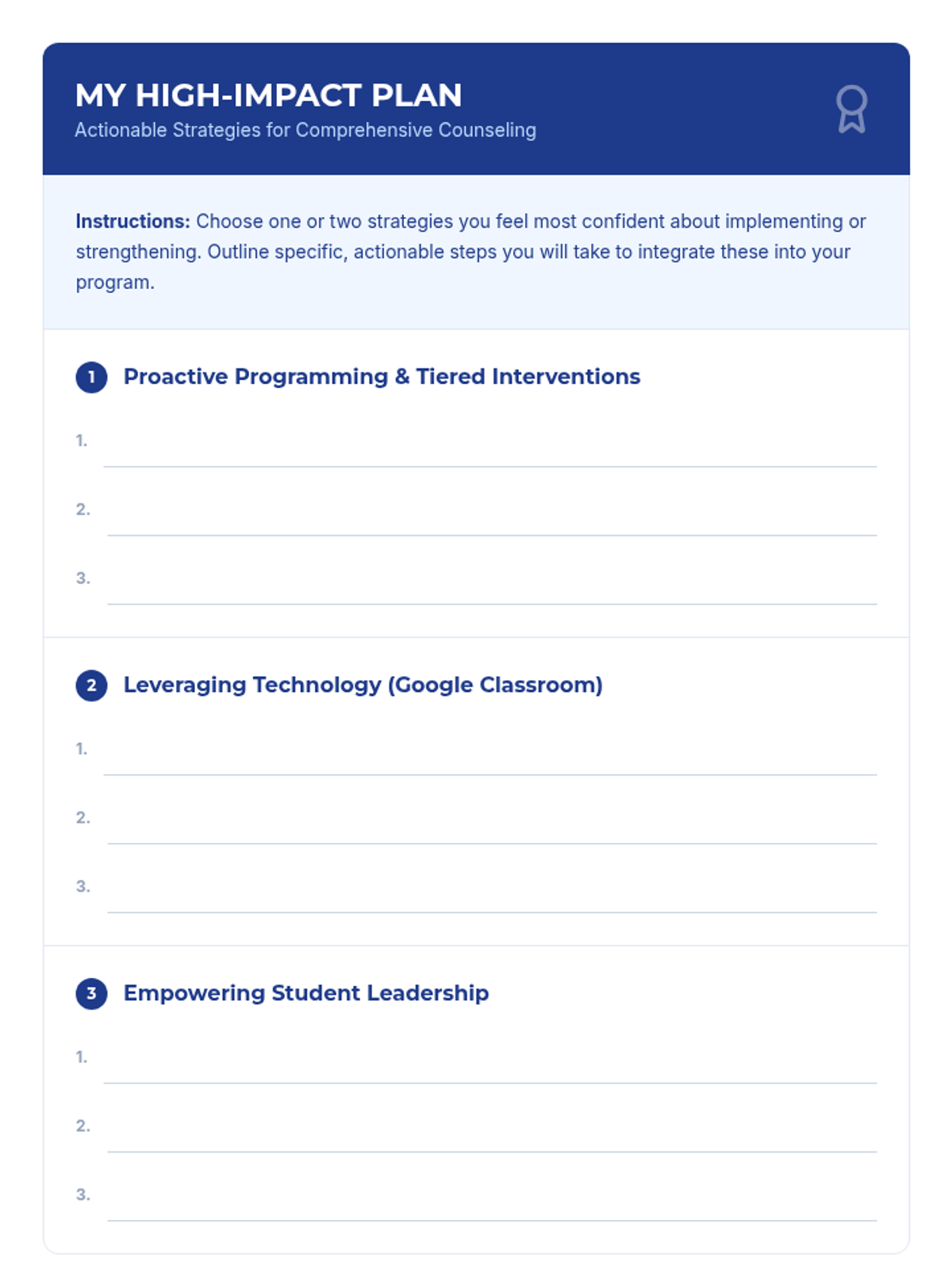
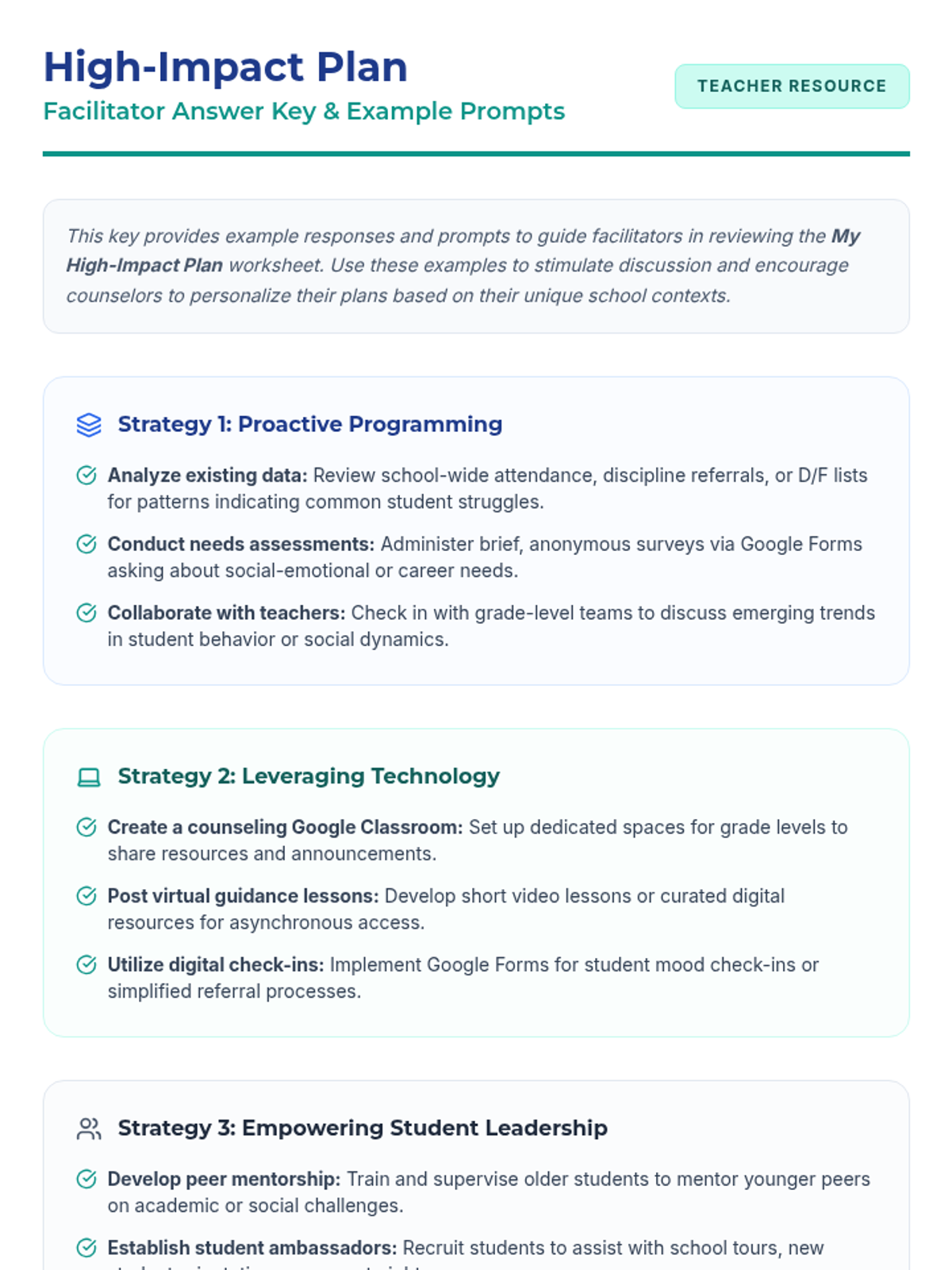
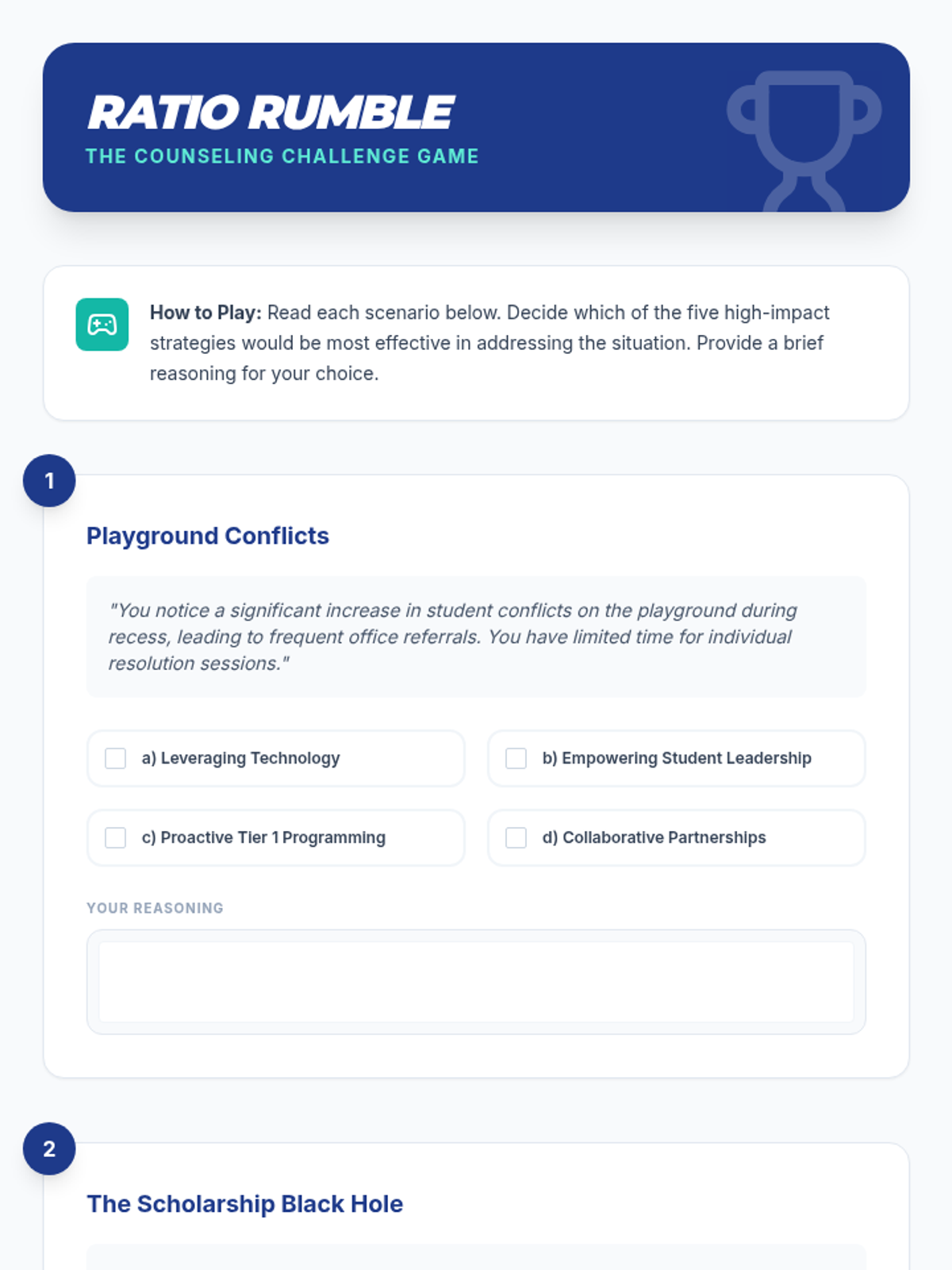
This lesson empowers school counselors to implement comprehensive programs despite high student-to-counselor ratios using five practical strategies, including technology integration and student leadership. It is designed for K-12 adult professionals and takes approximately 60 minutes.
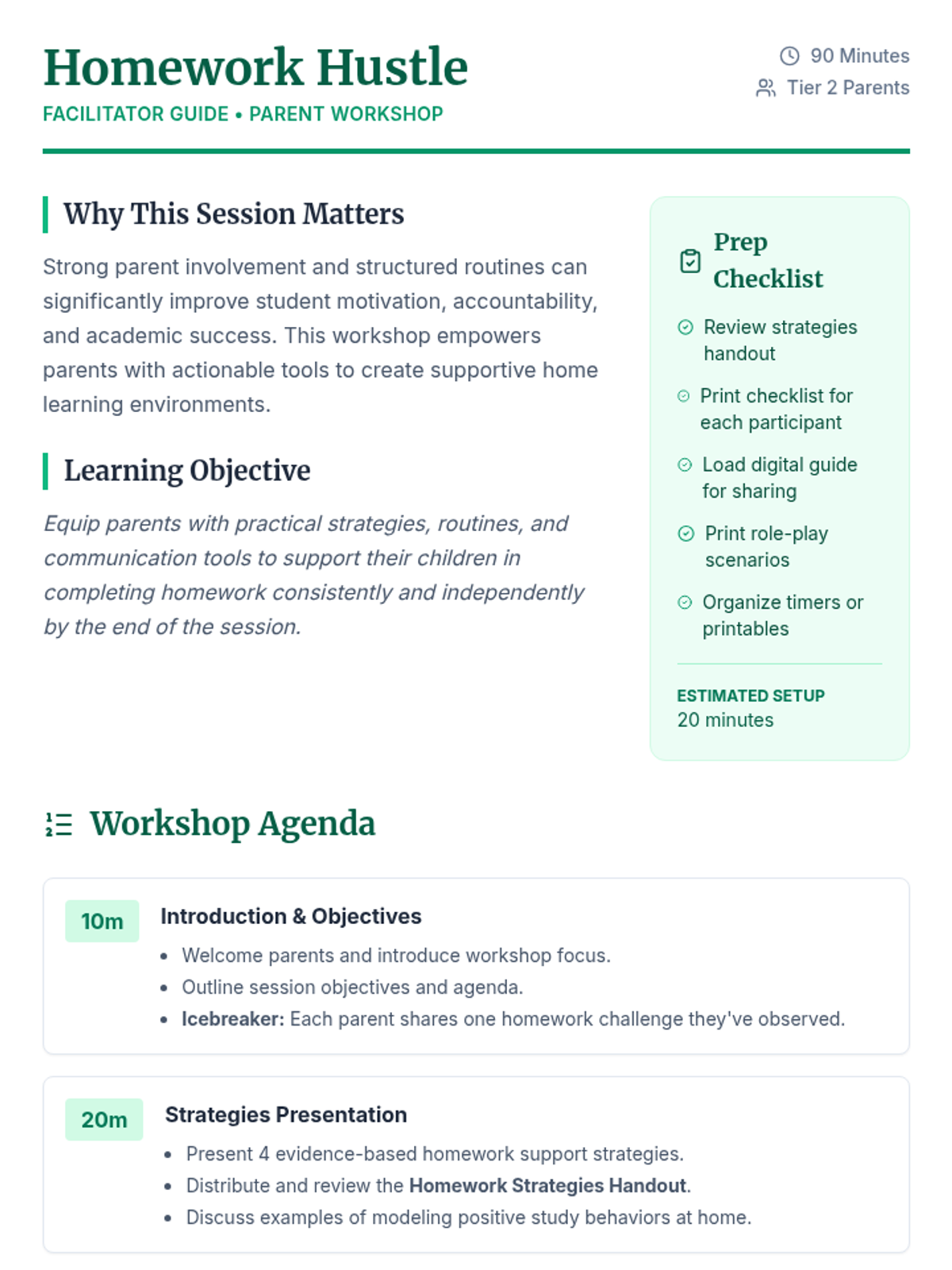
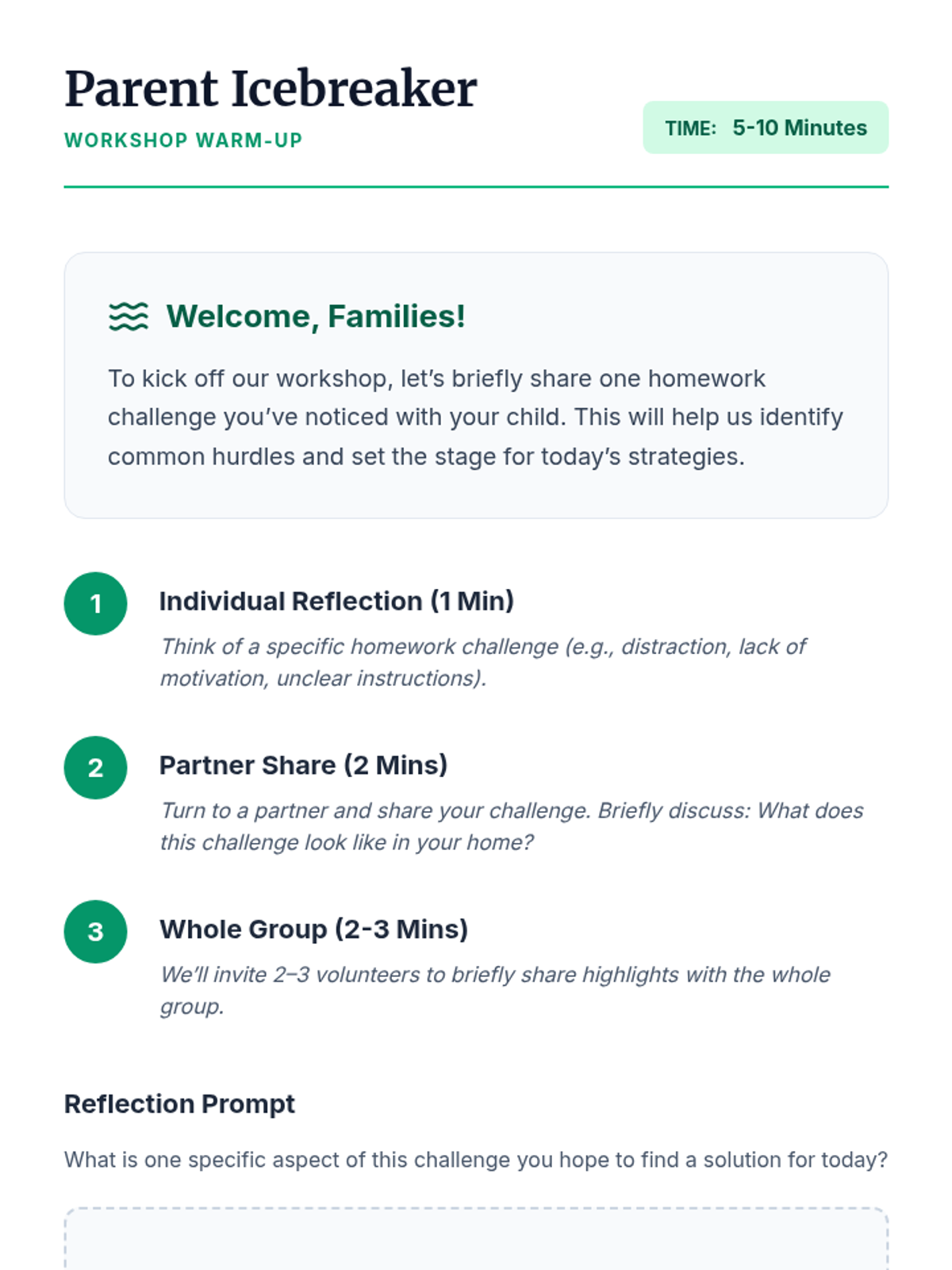
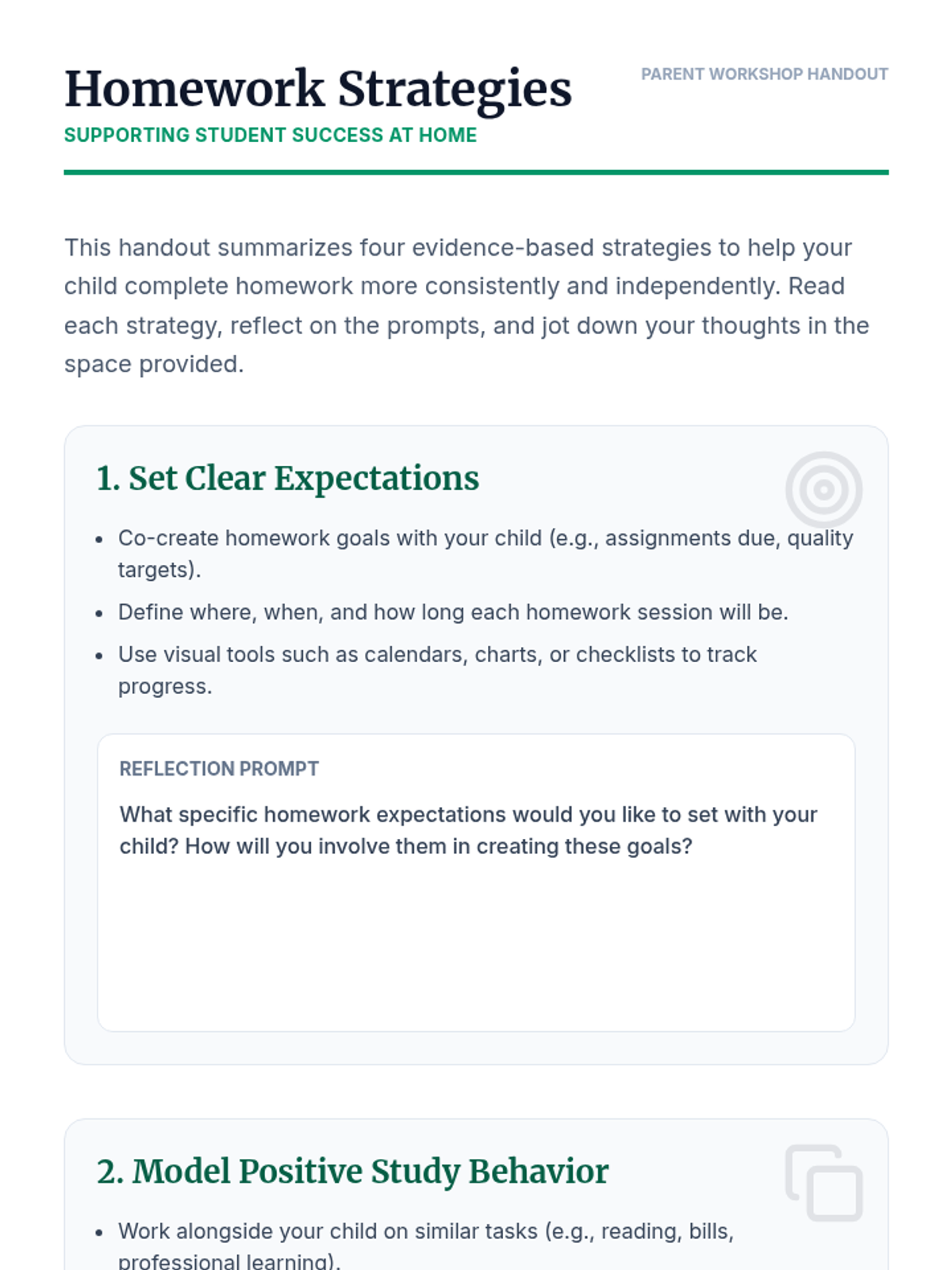
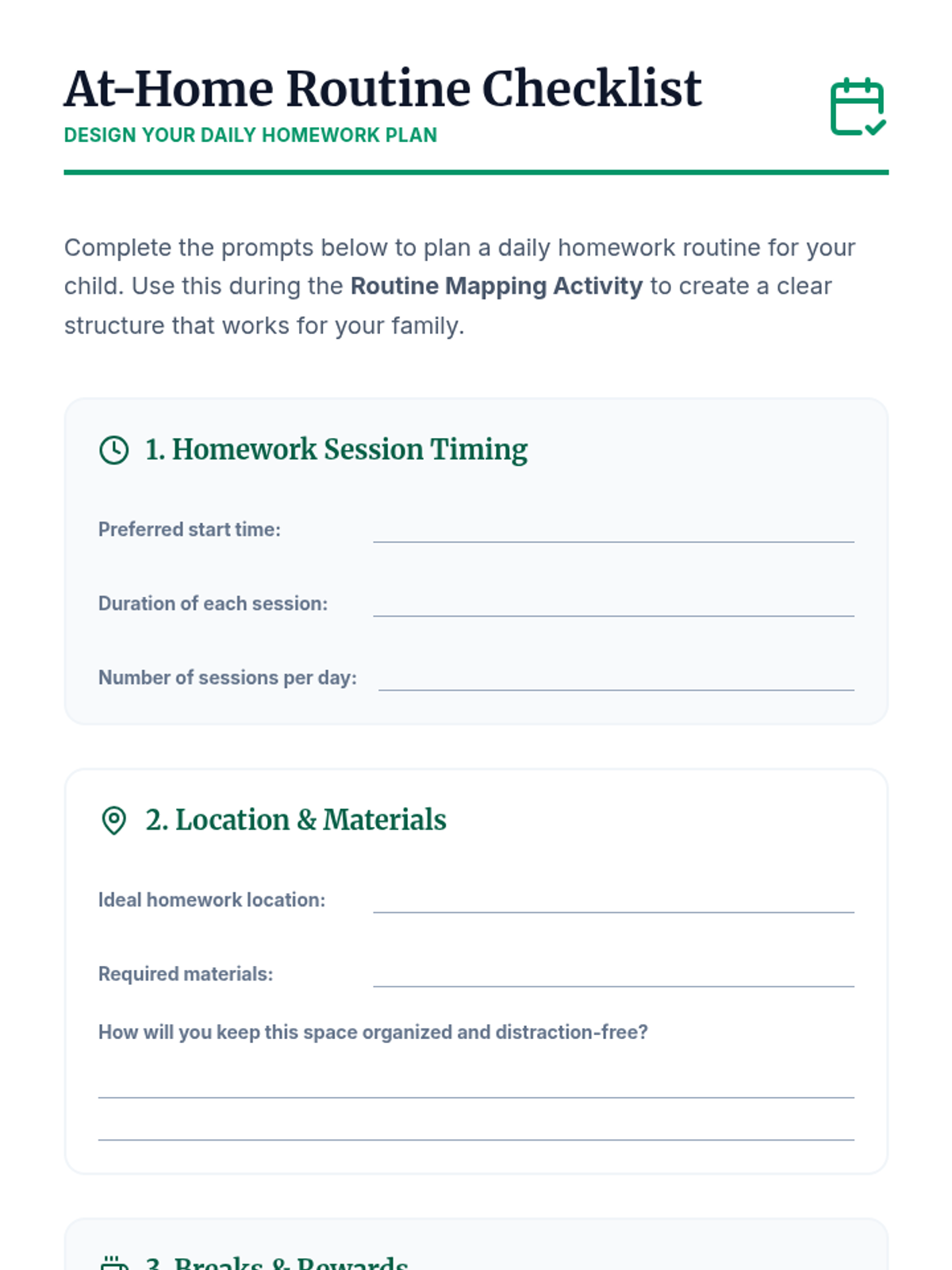
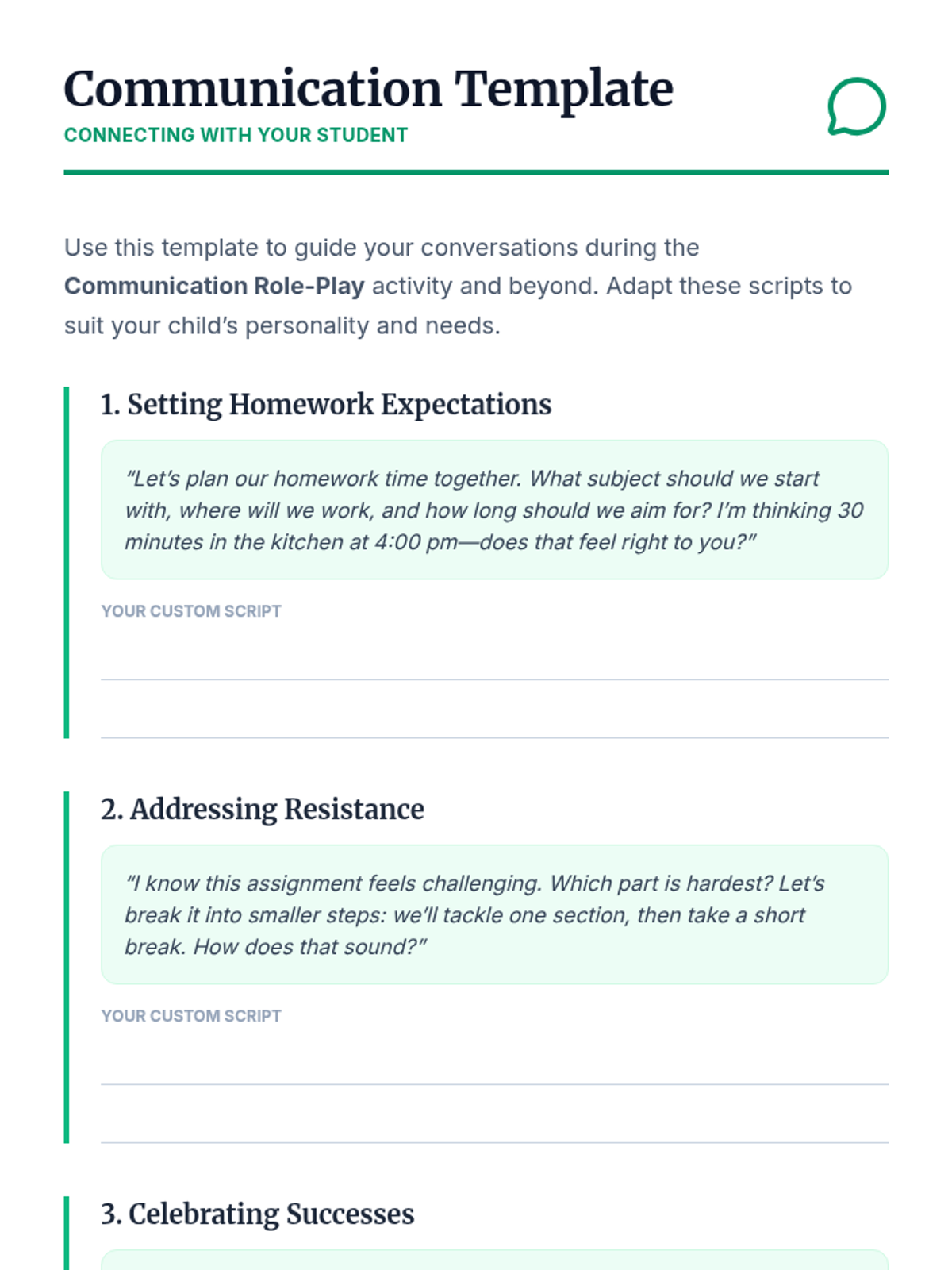
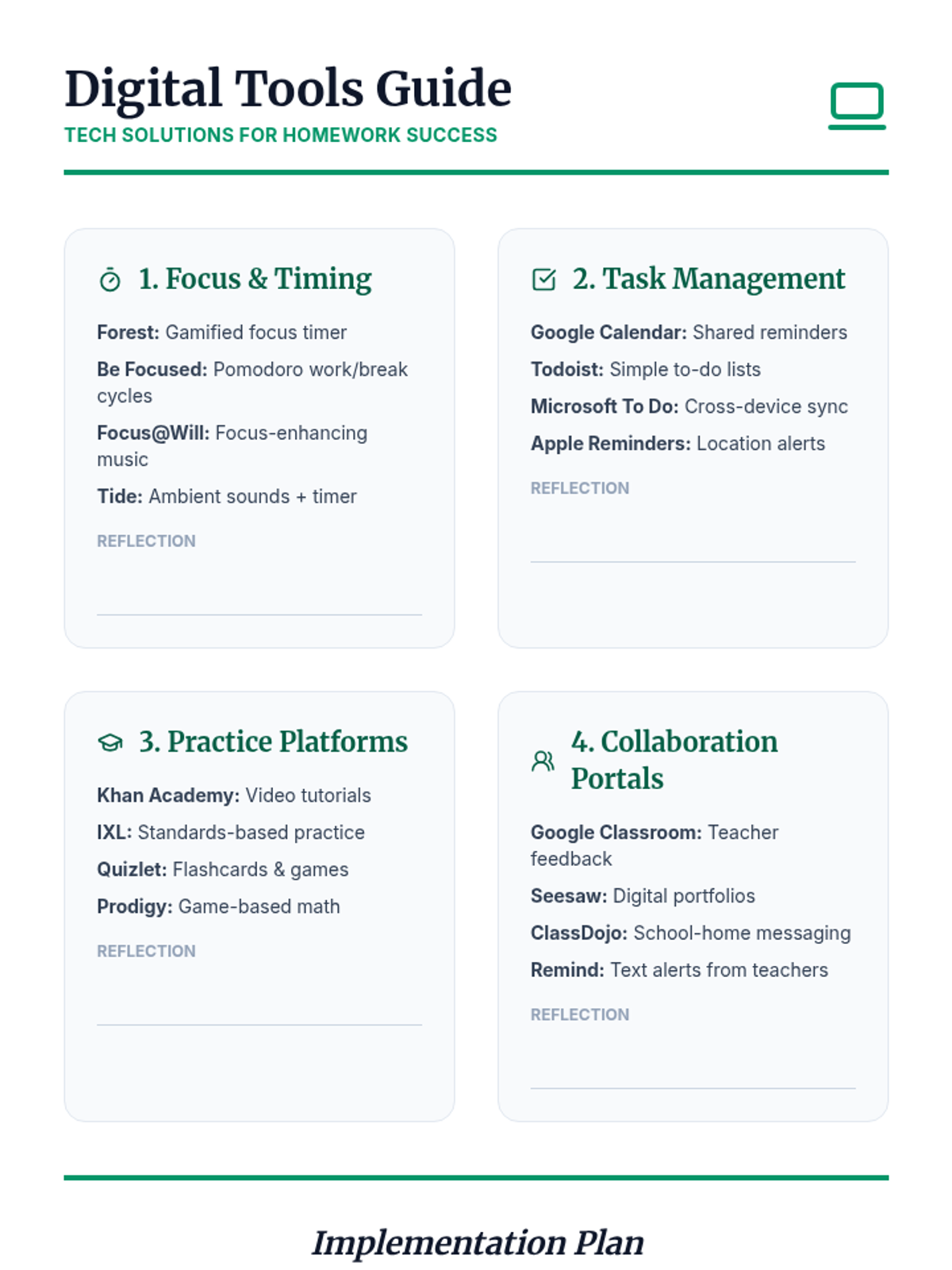
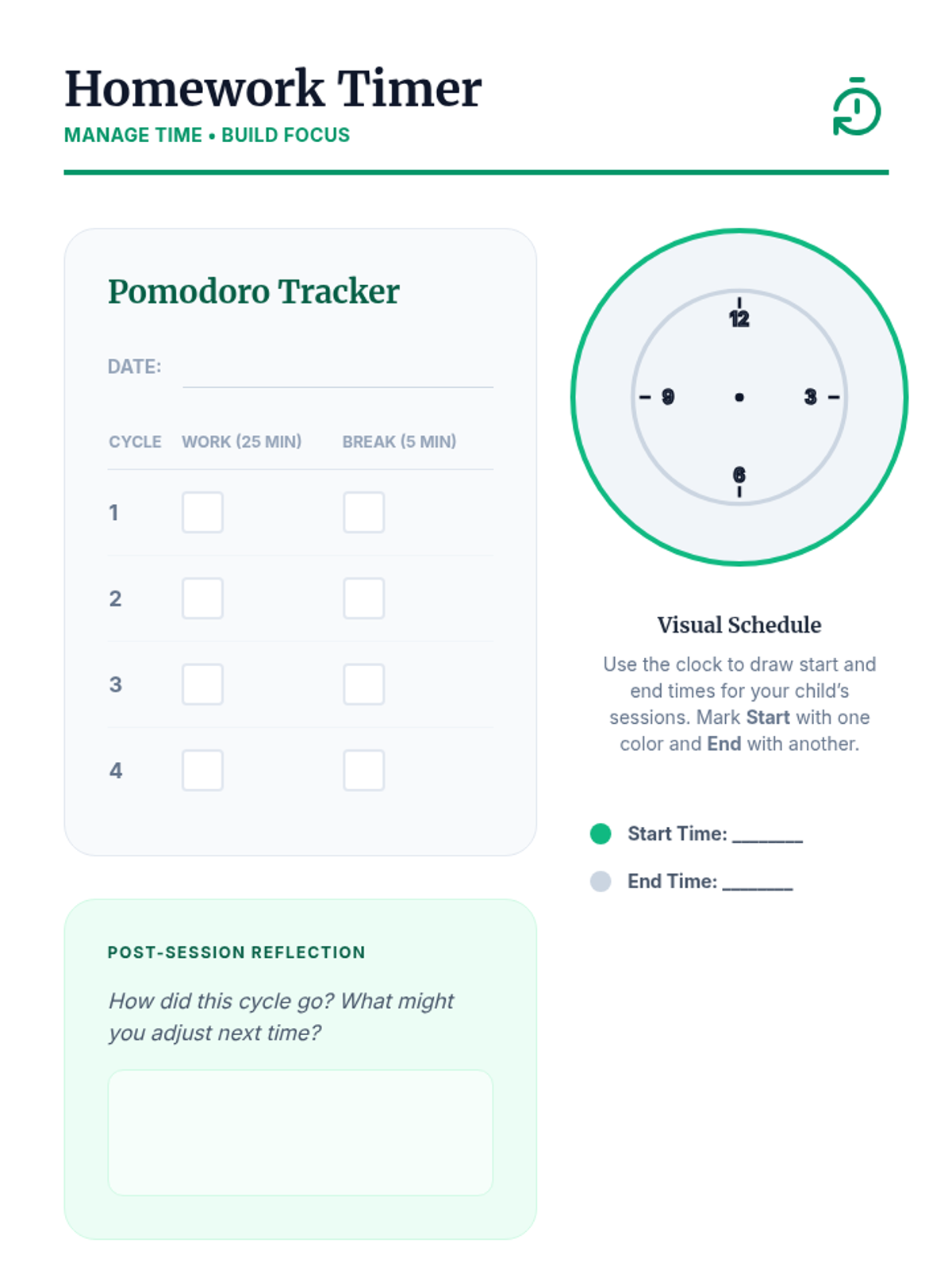
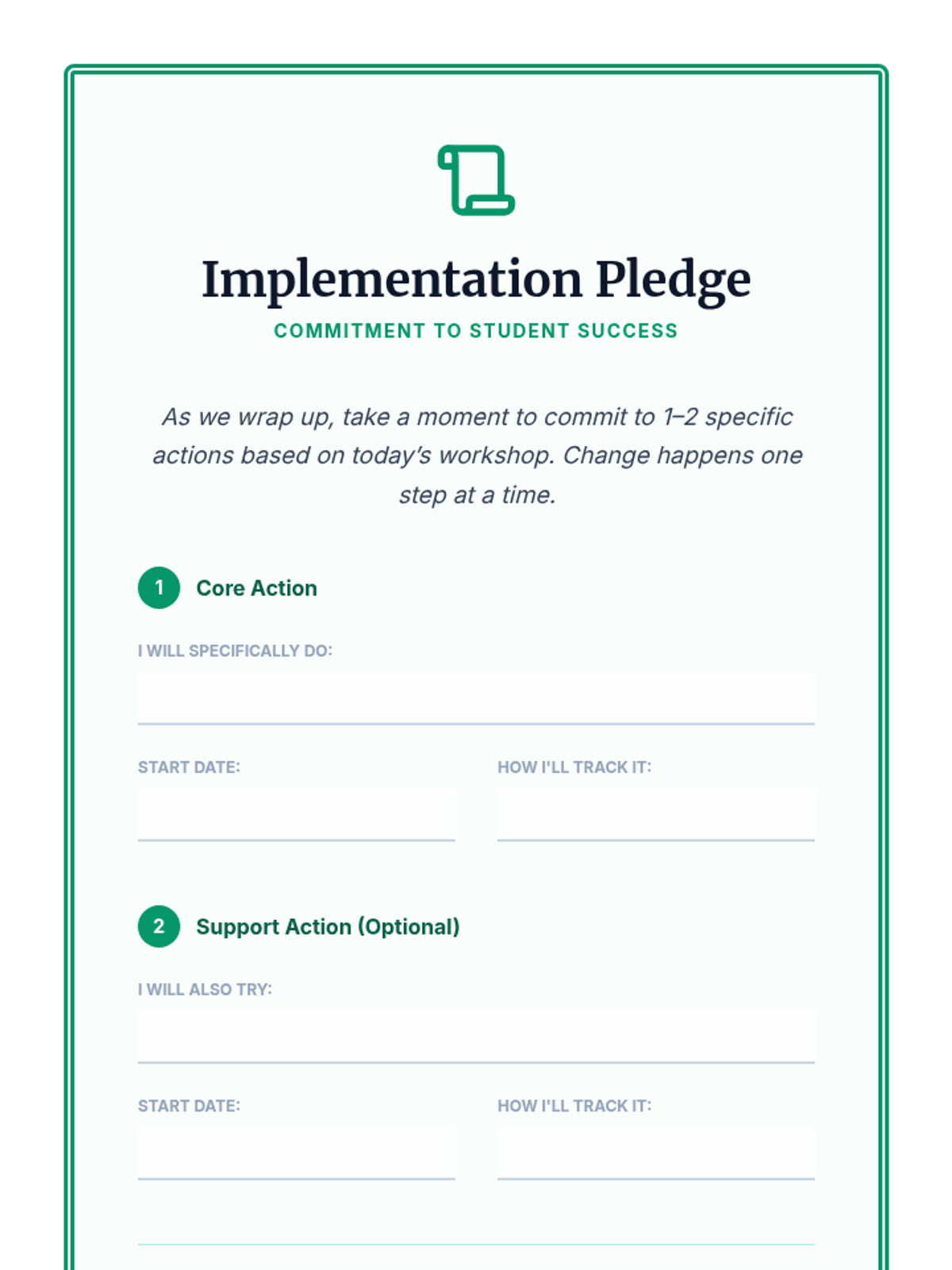
A 90-minute Tier 2 workshop for parents focused on practical strategies, routines, and communication techniques to support students with homework completion and academic accountability at home.
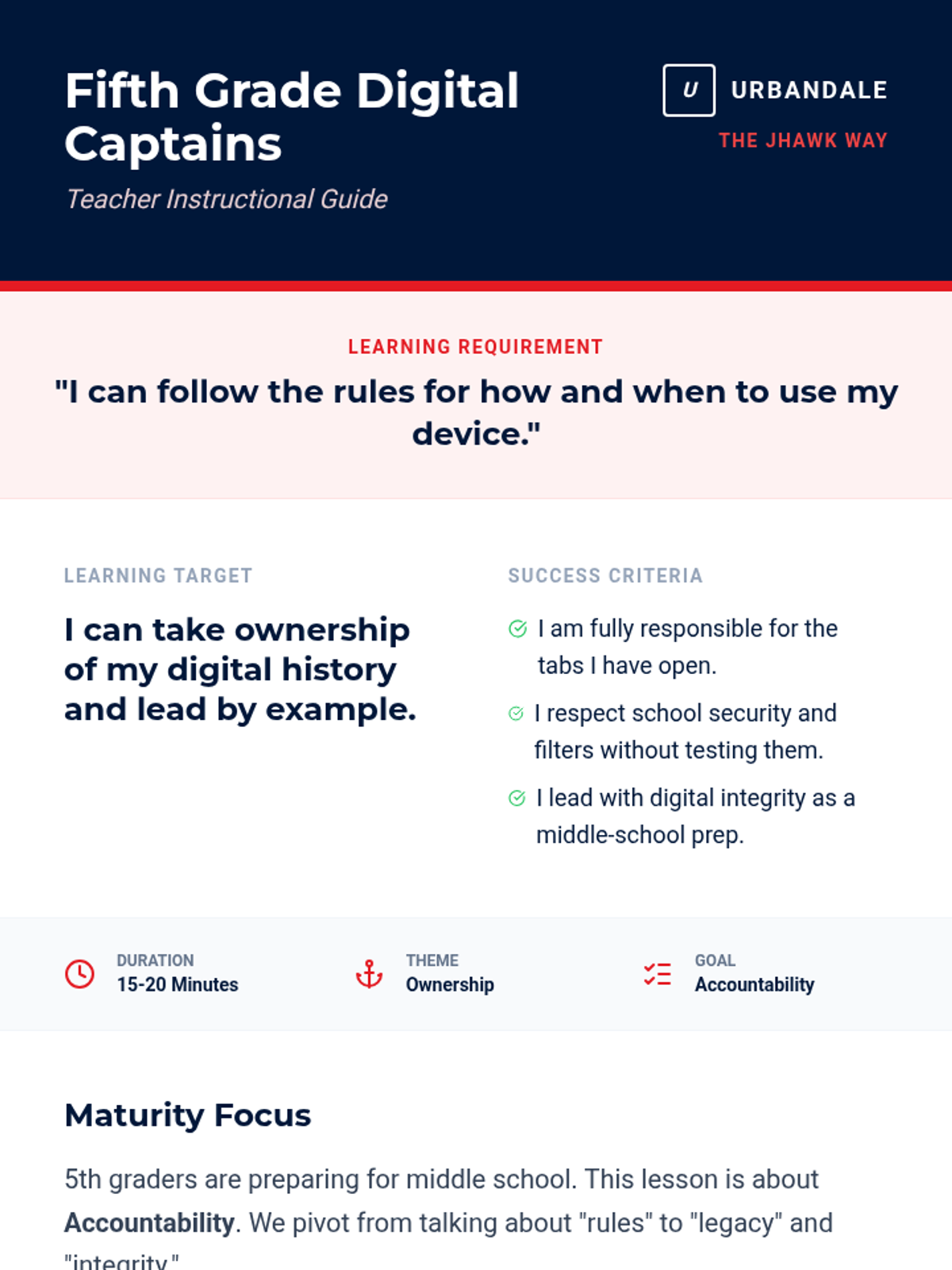
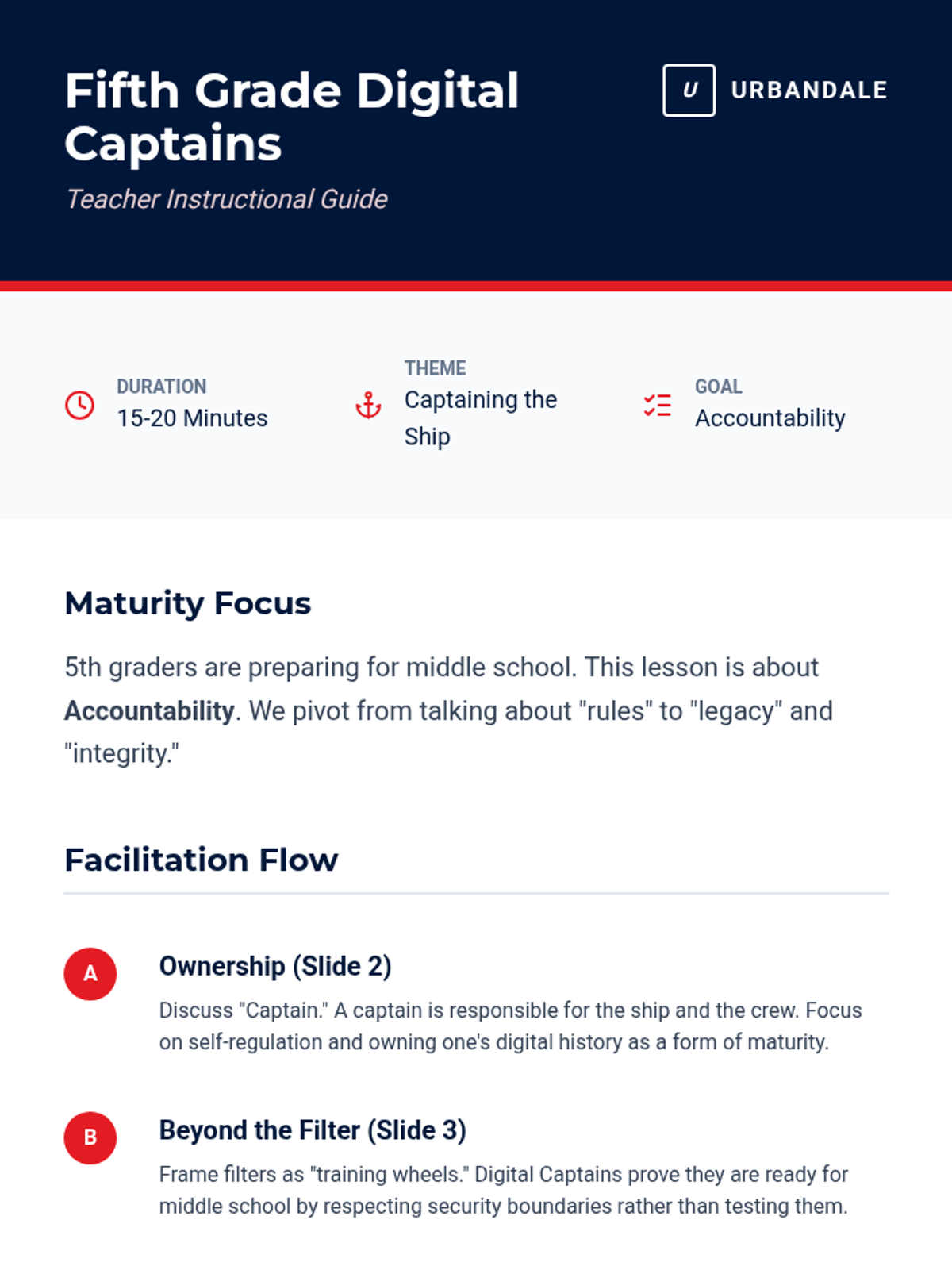
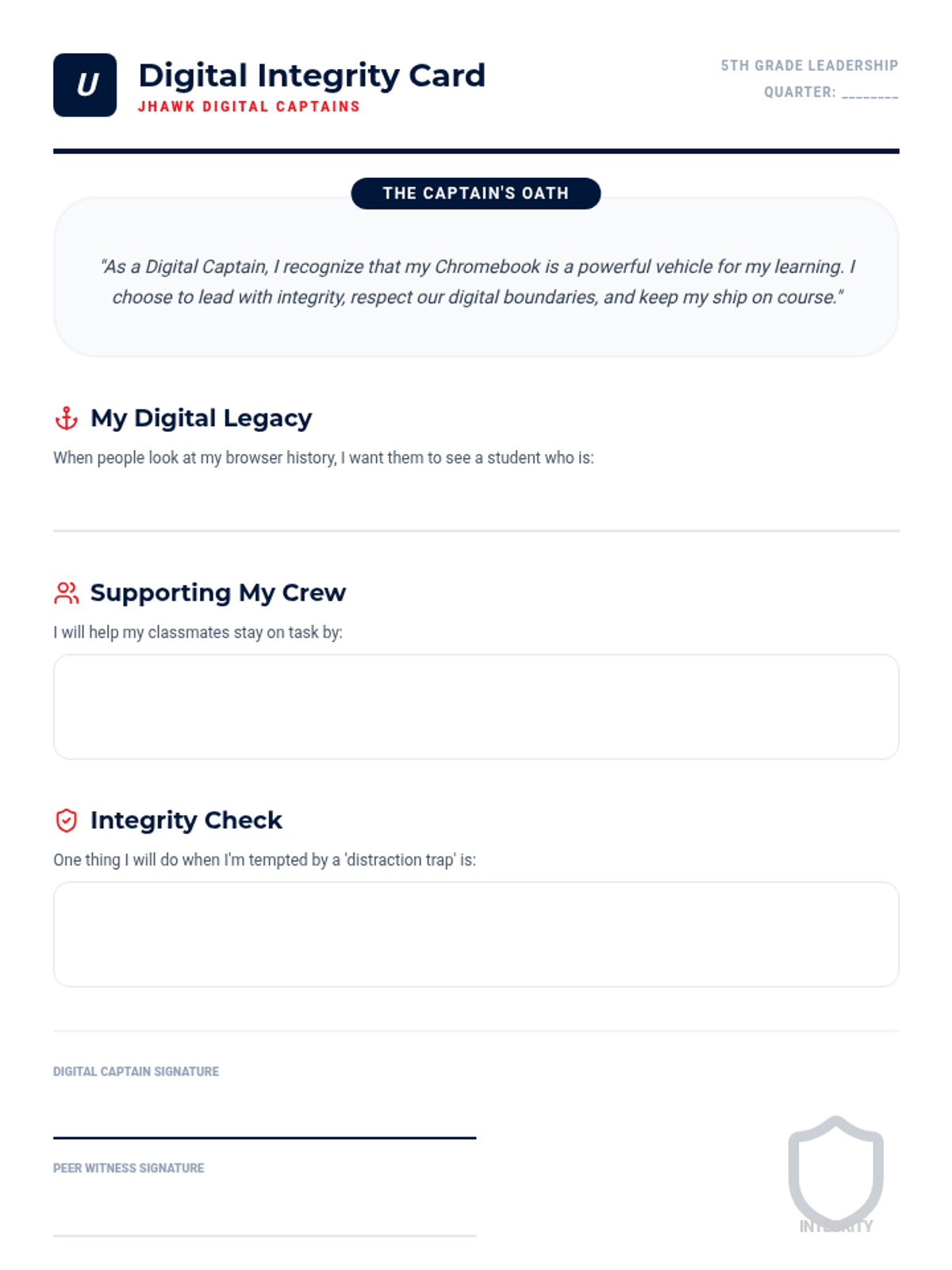
Empowers 5th graders to lead by example, discussing the importance of academic integrity and resisting the urge to bypass school filters.
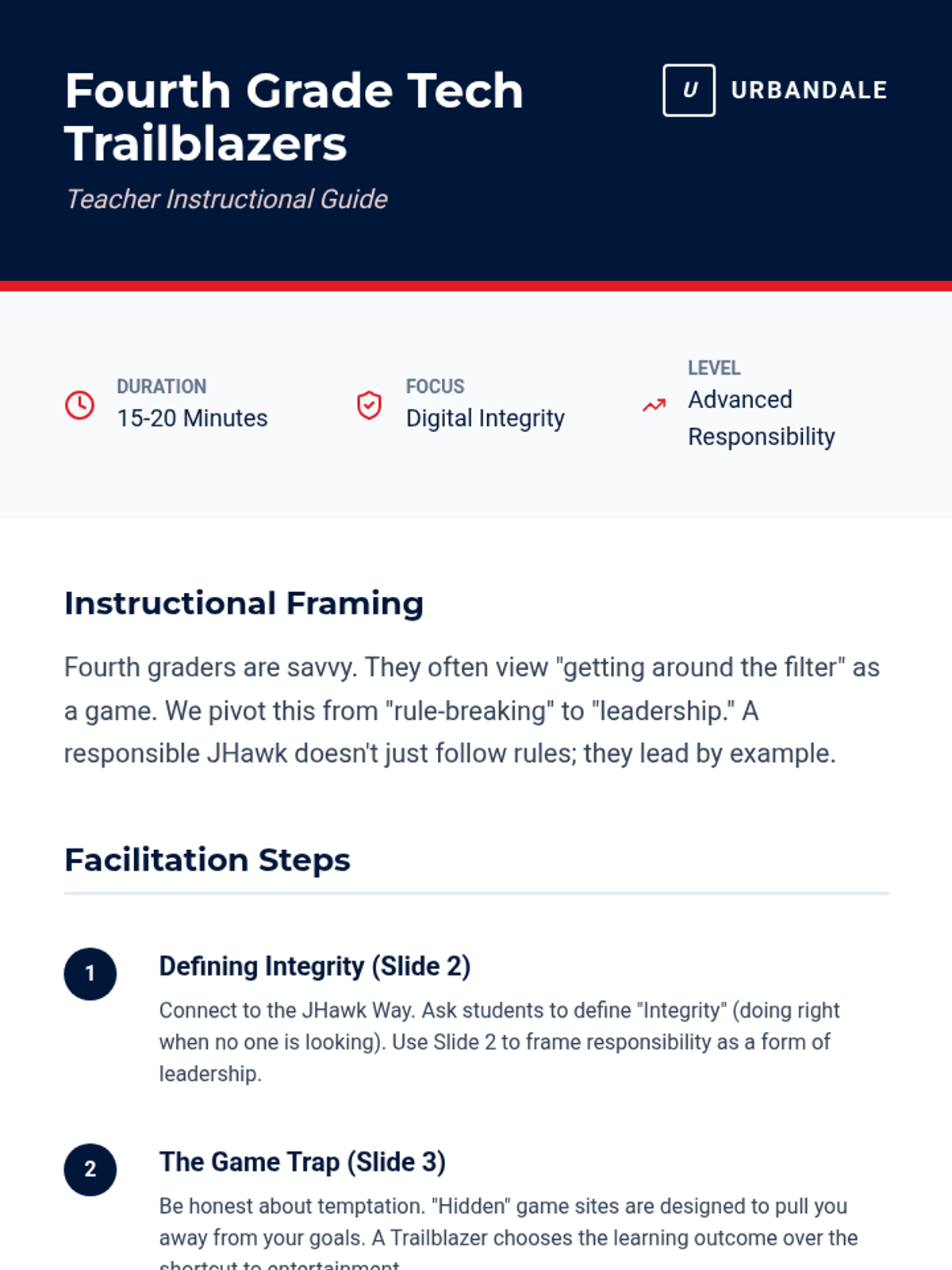
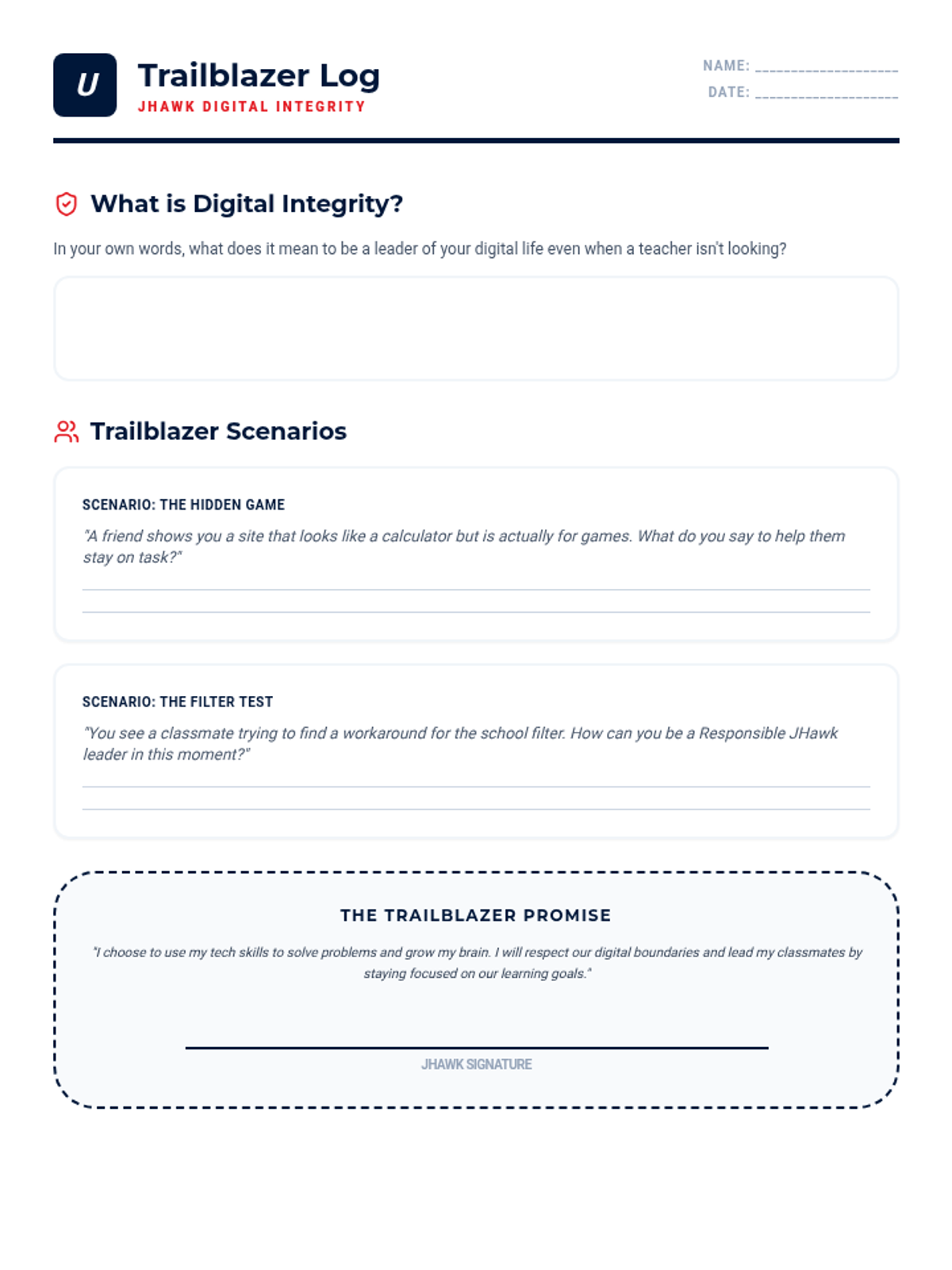
Addresses the specific challenges of 4th graders, focusing on avoiding game websites and maintaining focus on assigned tasks.
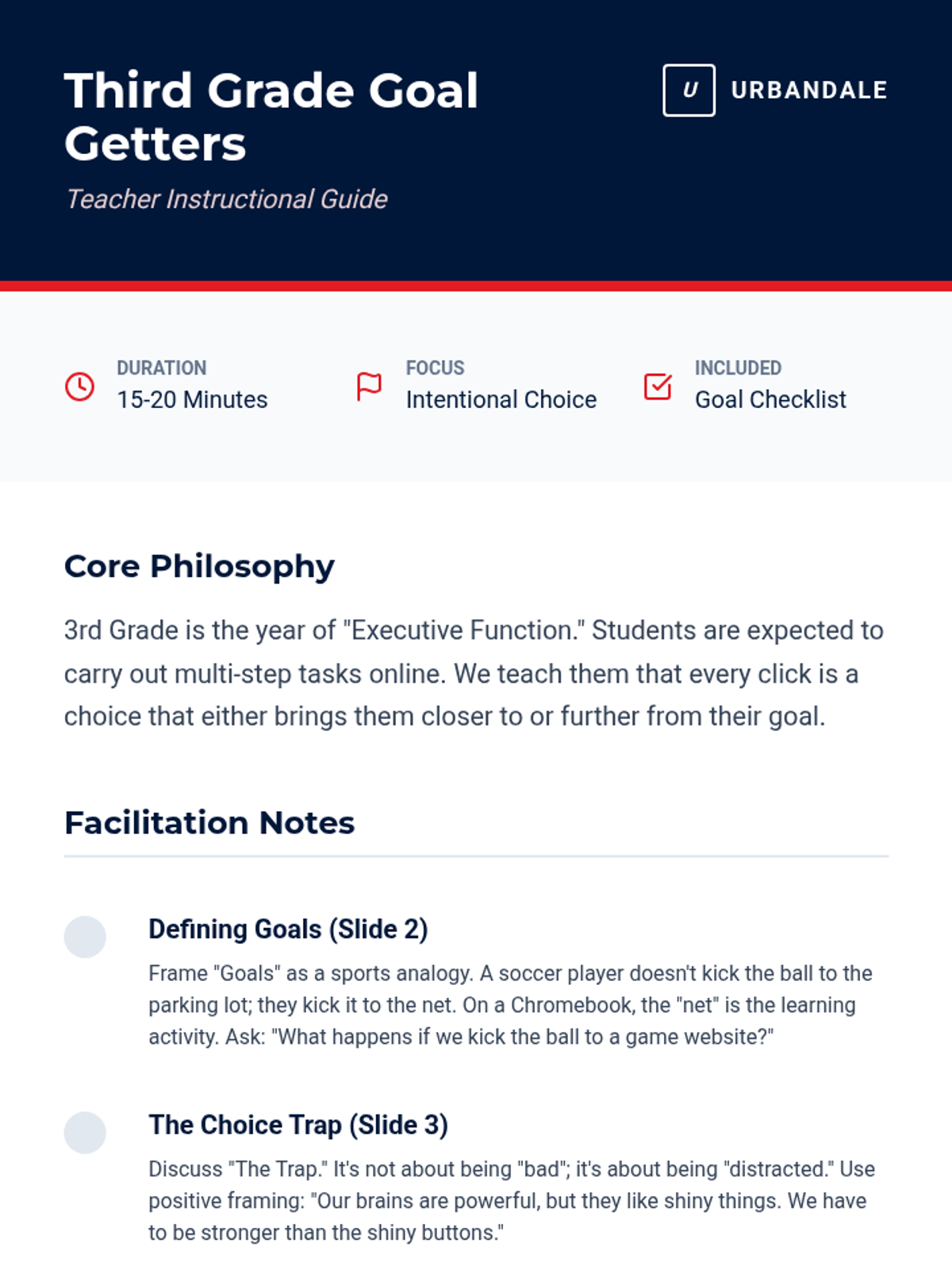
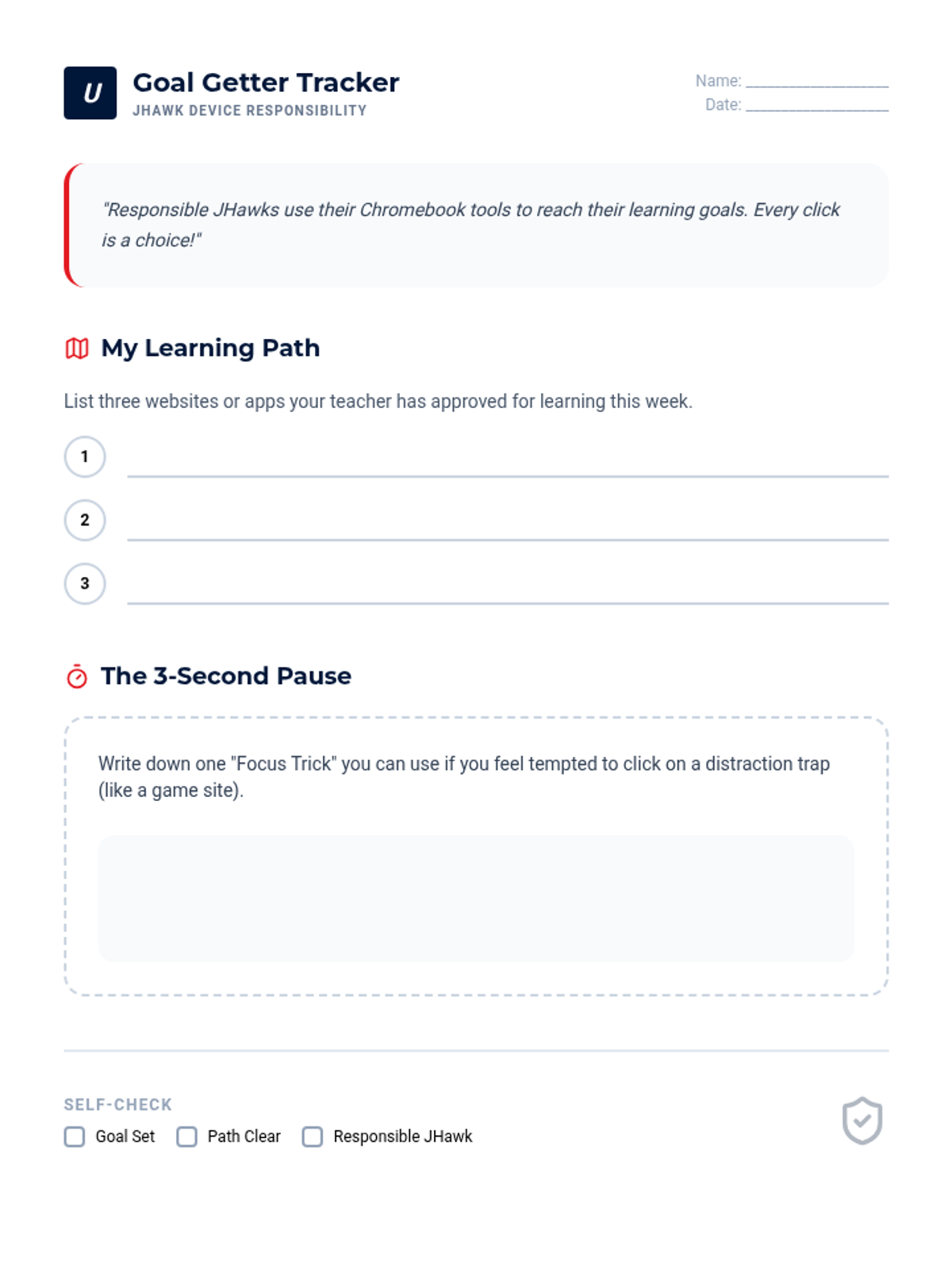
Helps 3rd graders identify common online distractions and practice making responsible choices that align with their learning goals.
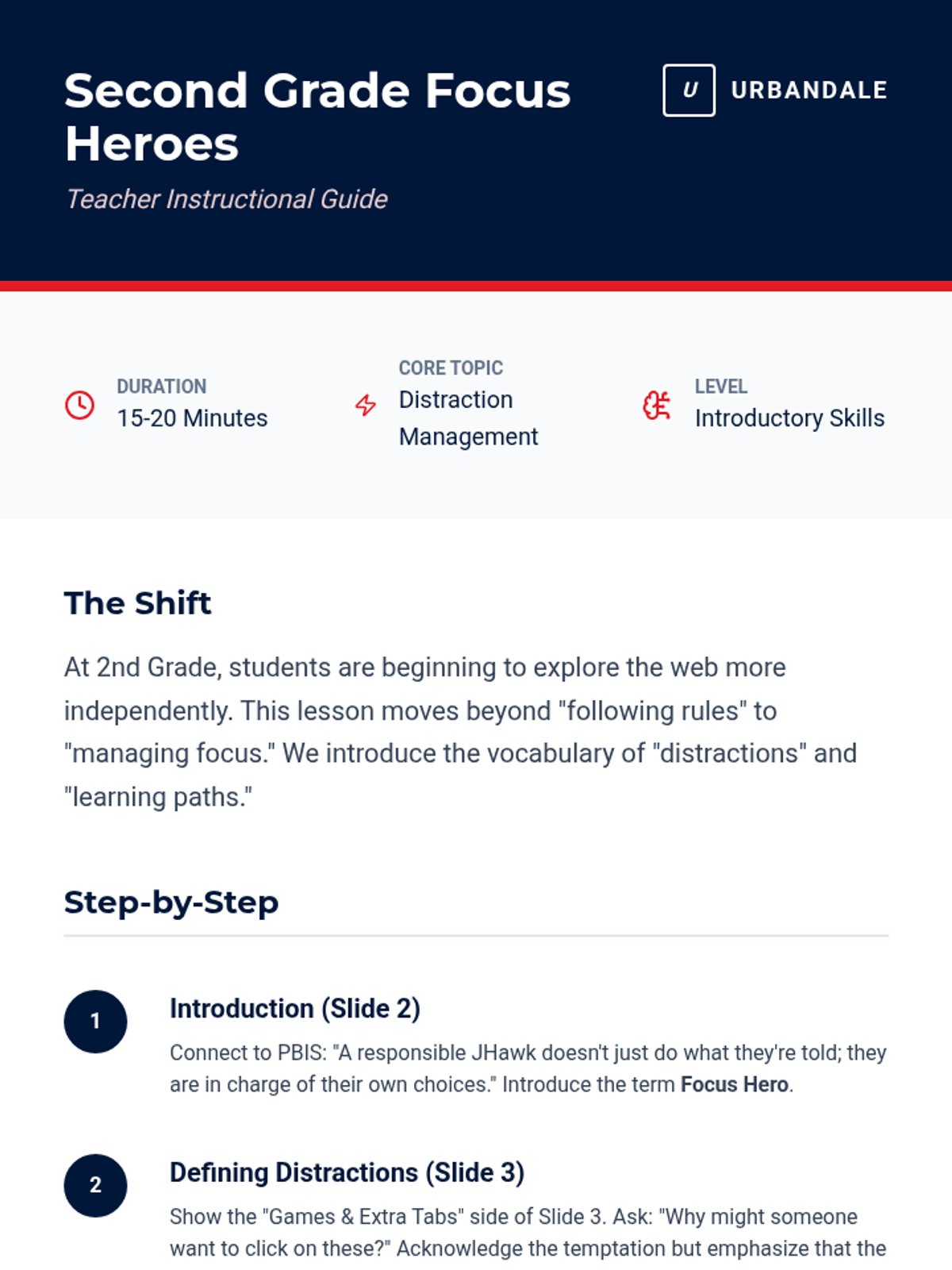
Introduces 2nd graders to the idea of managing digital distractions and staying on task during learning time.
Reinforces the 'Tool not Toy' concept for 1st graders, emphasizing being Responsible with school technology.
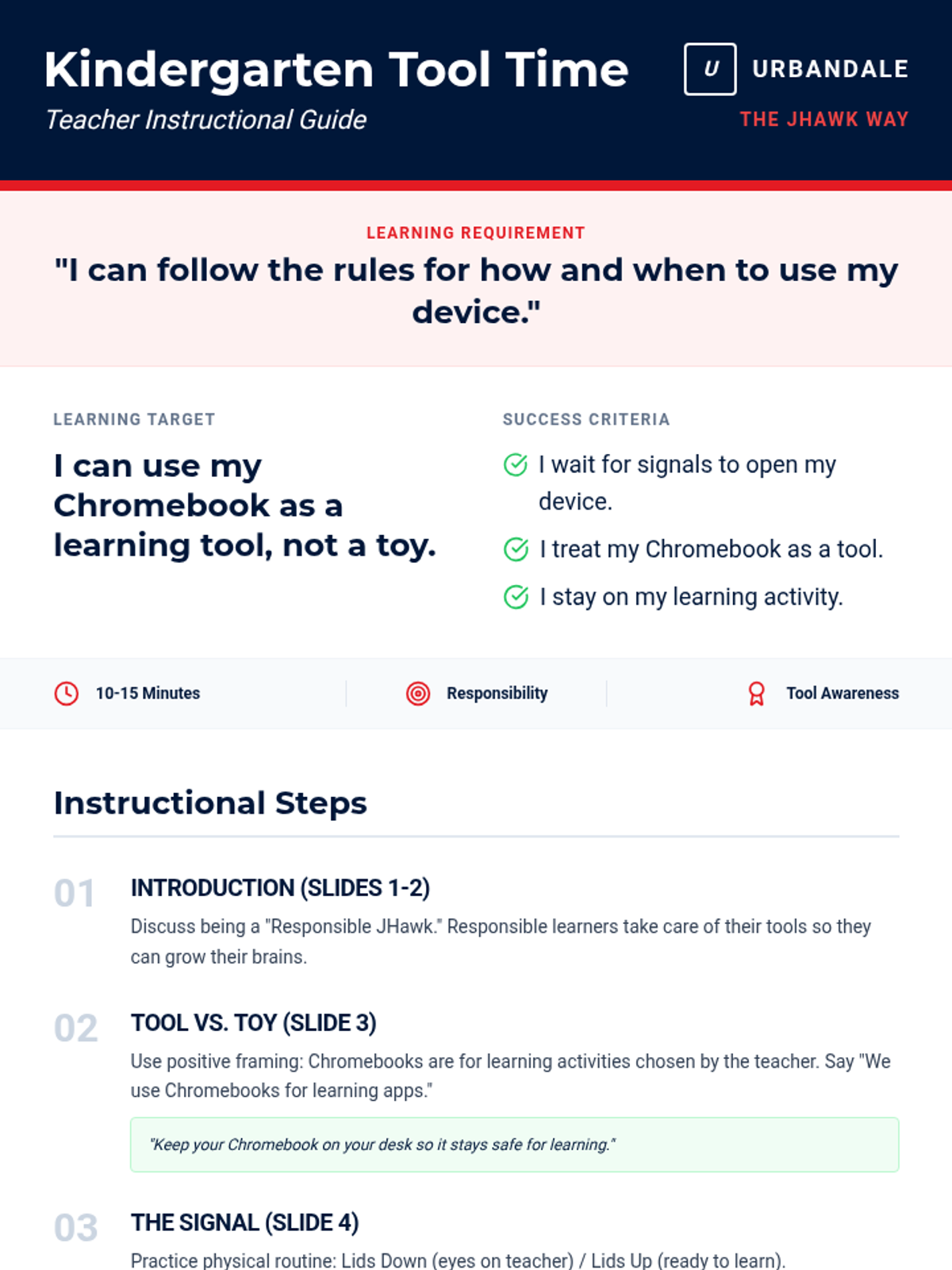
Introduces Kindergarteners to the concept that Chromebooks are learning tools, not toys, focusing on following teacher directions for when to use them.
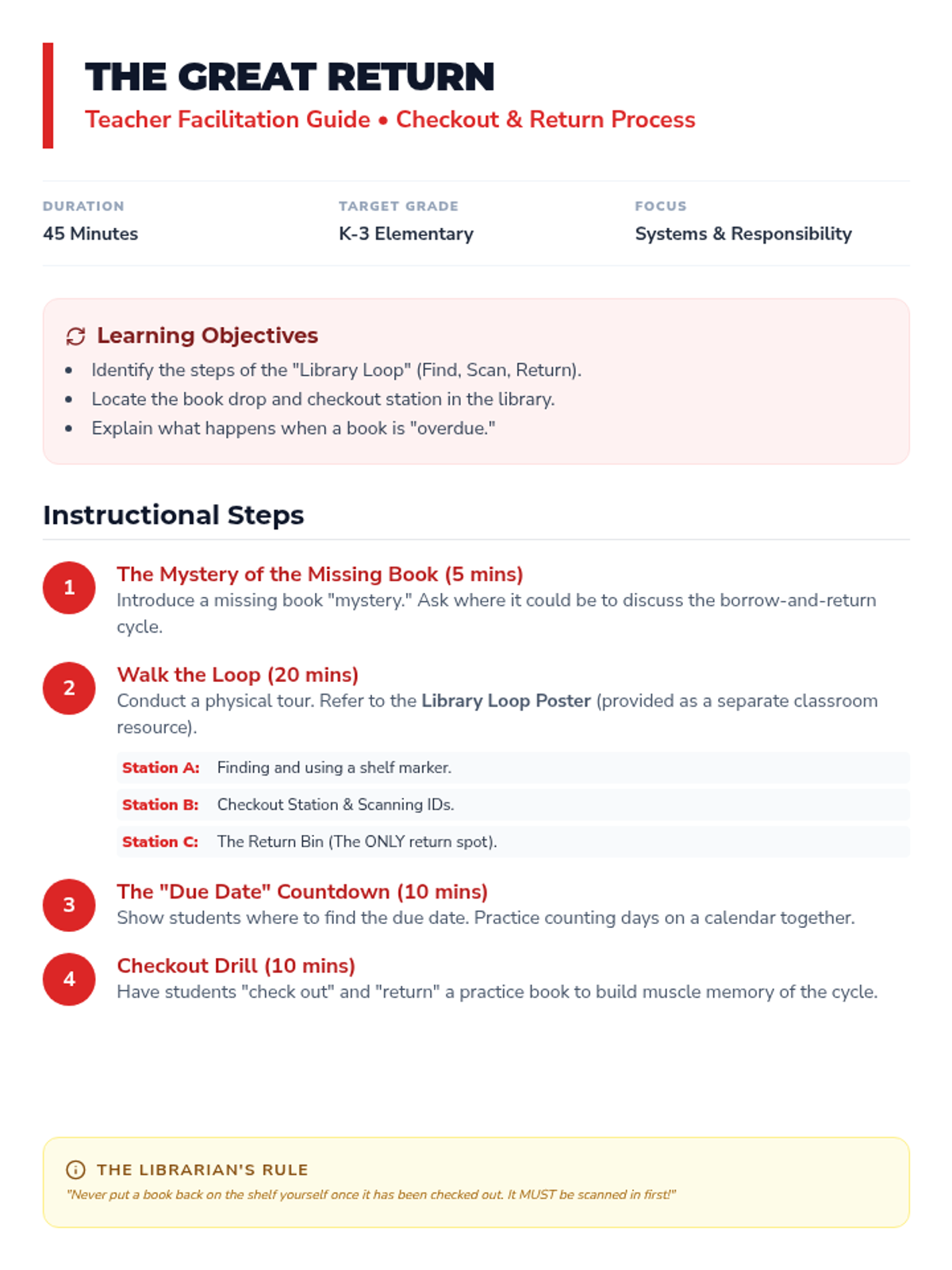
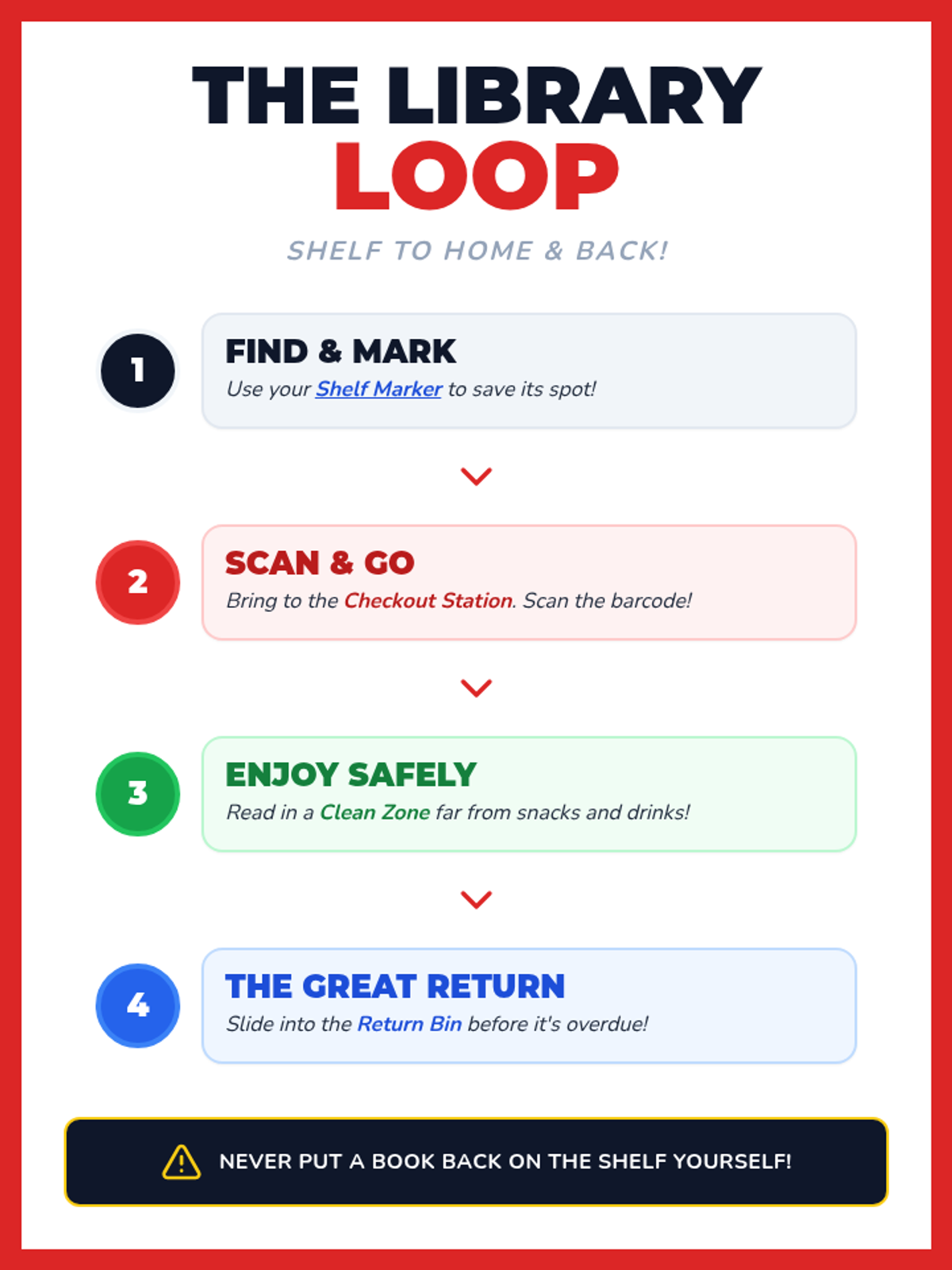
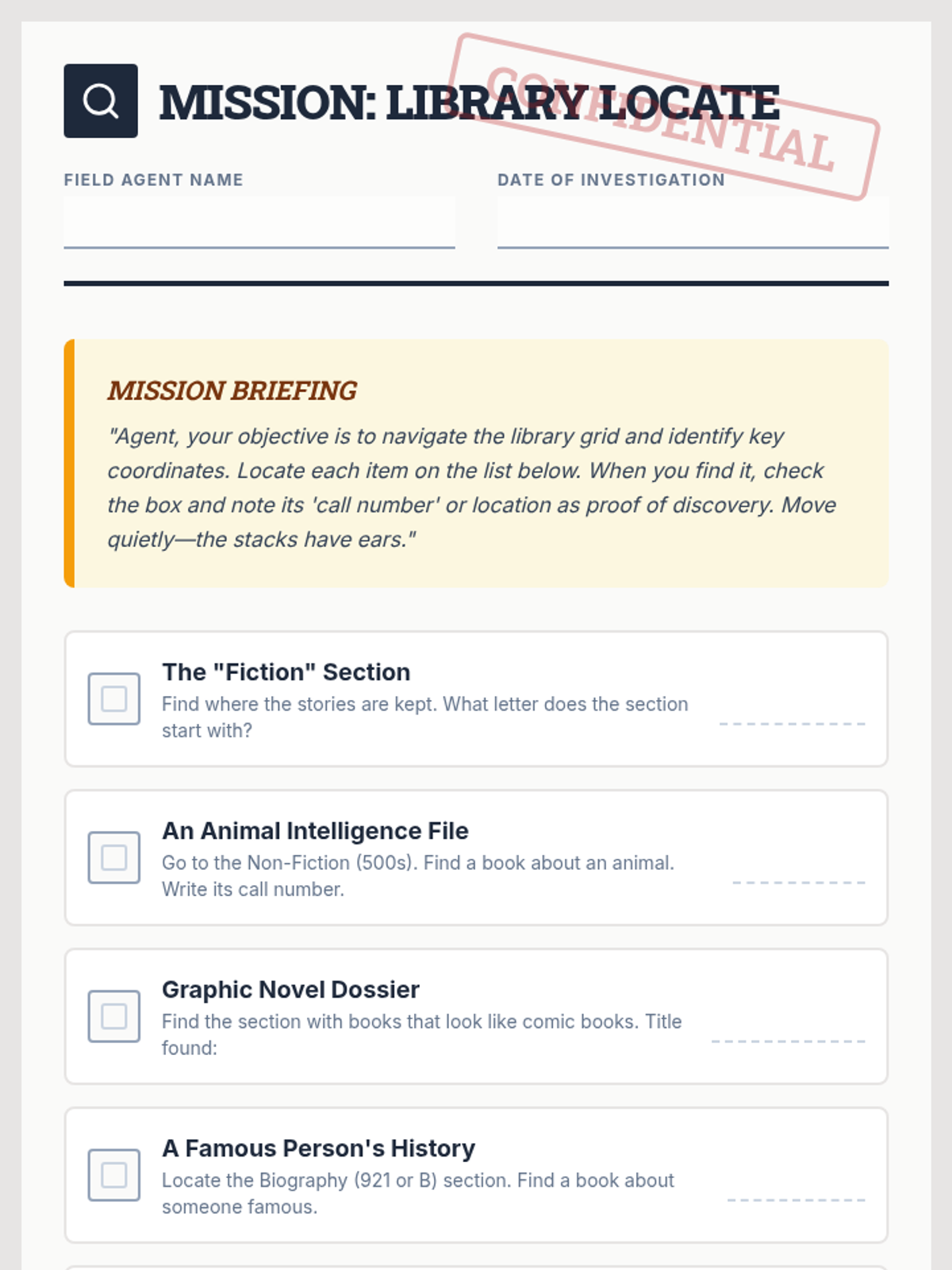
Covers the practical mechanics of the library: finding a book, checking it out with a librarian or system, tracking due dates, and the importance of timely returns to the book drop.
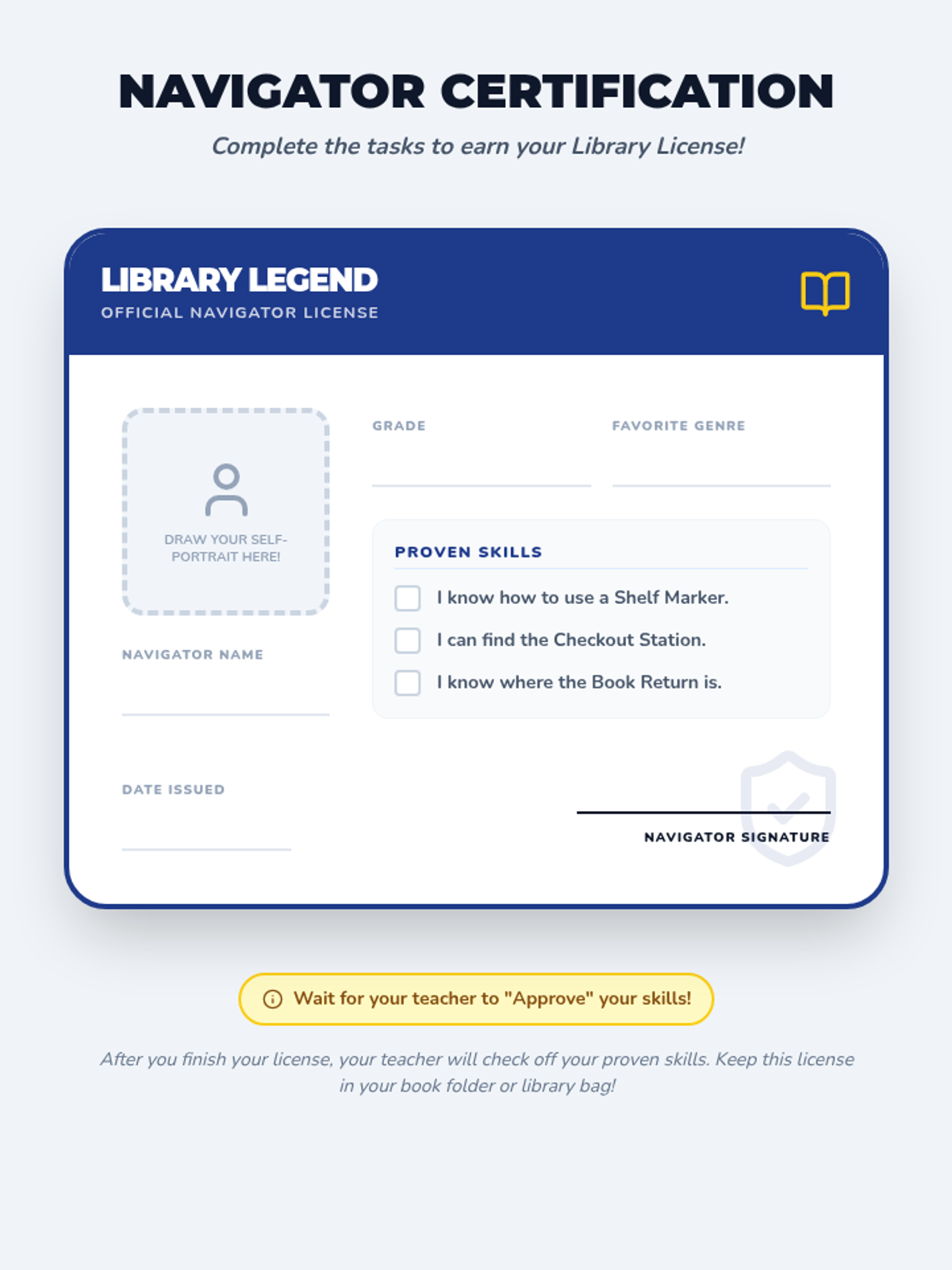
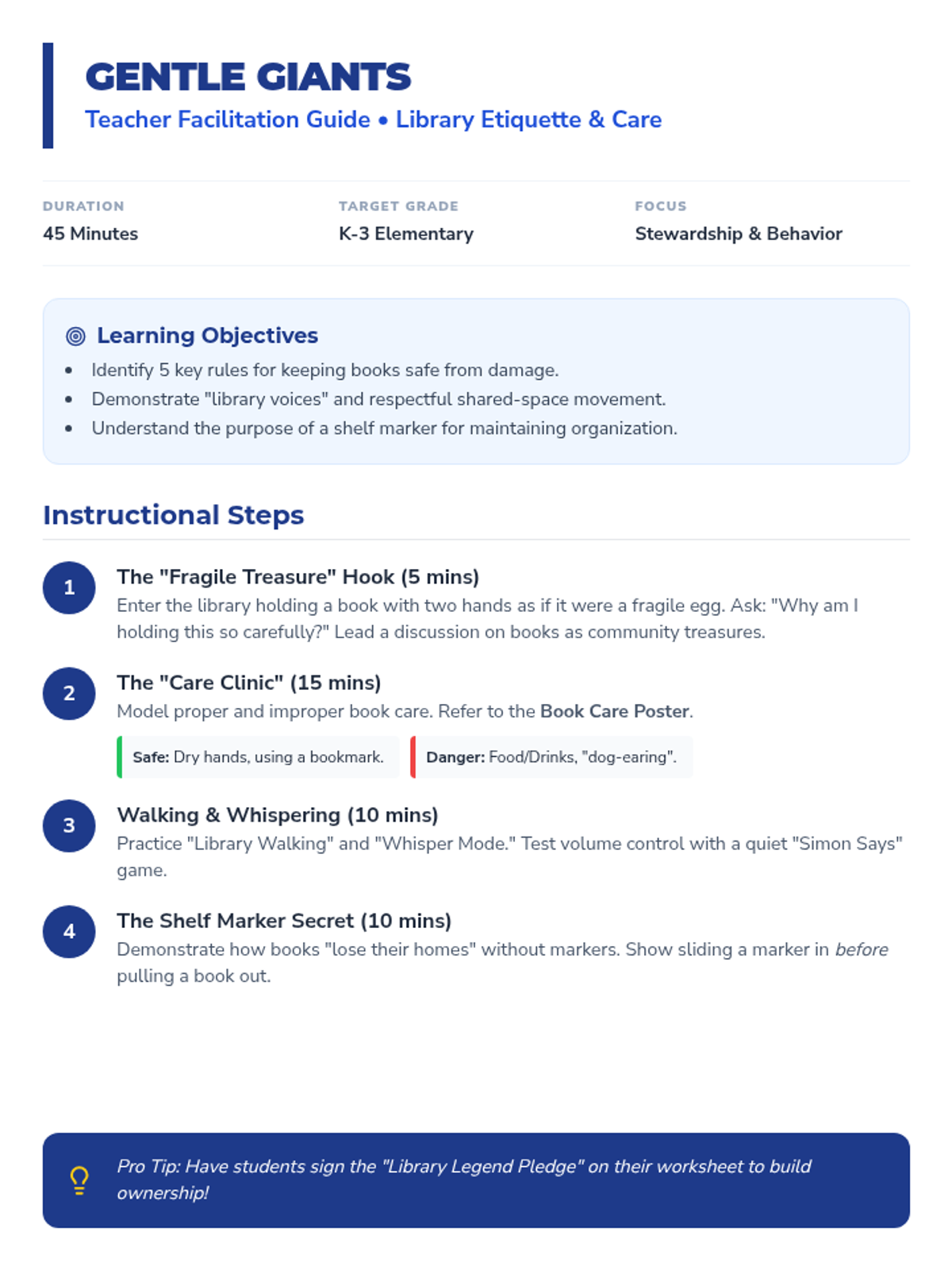
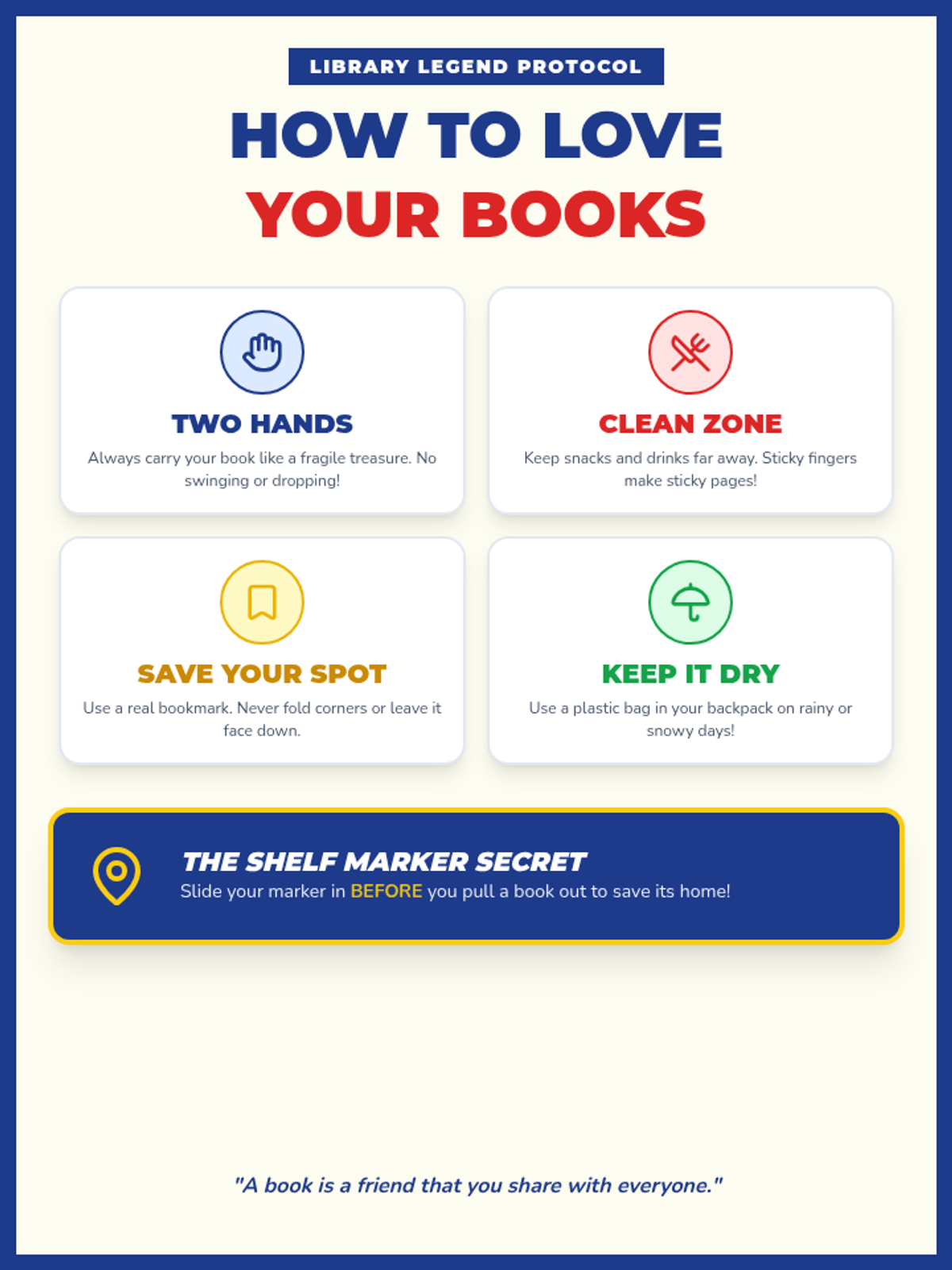
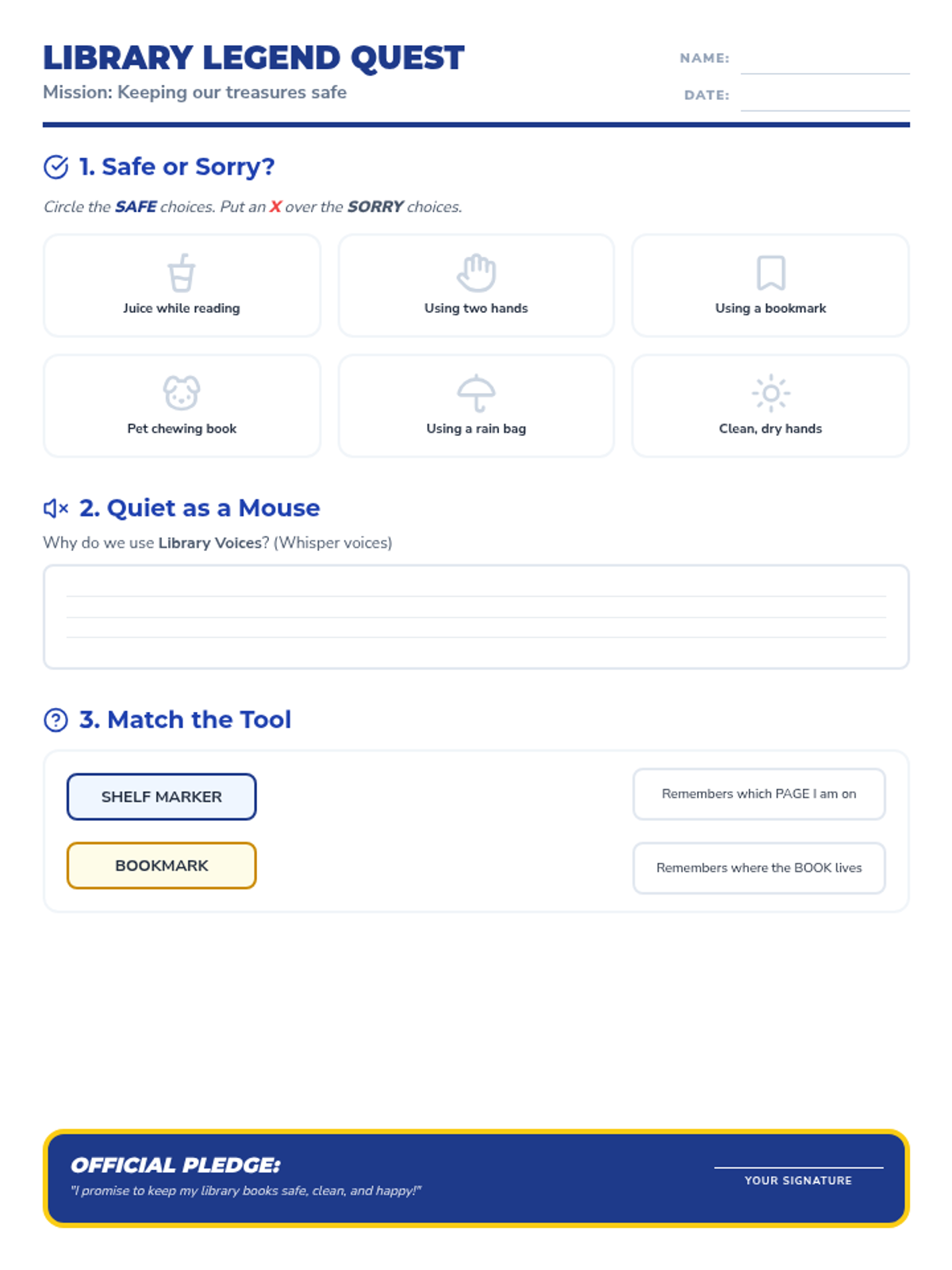
Focuses on the emotional and physical aspects of library use: why we care for books, how to handle them safely, and the social expectations of a shared quiet space. Includes a focus on 'shelf markers' and gentle handling.
Reinforces the 'Tool not Toy' concept for 1st graders, emphasizing the JHawk Way of being Responsible with school technology.
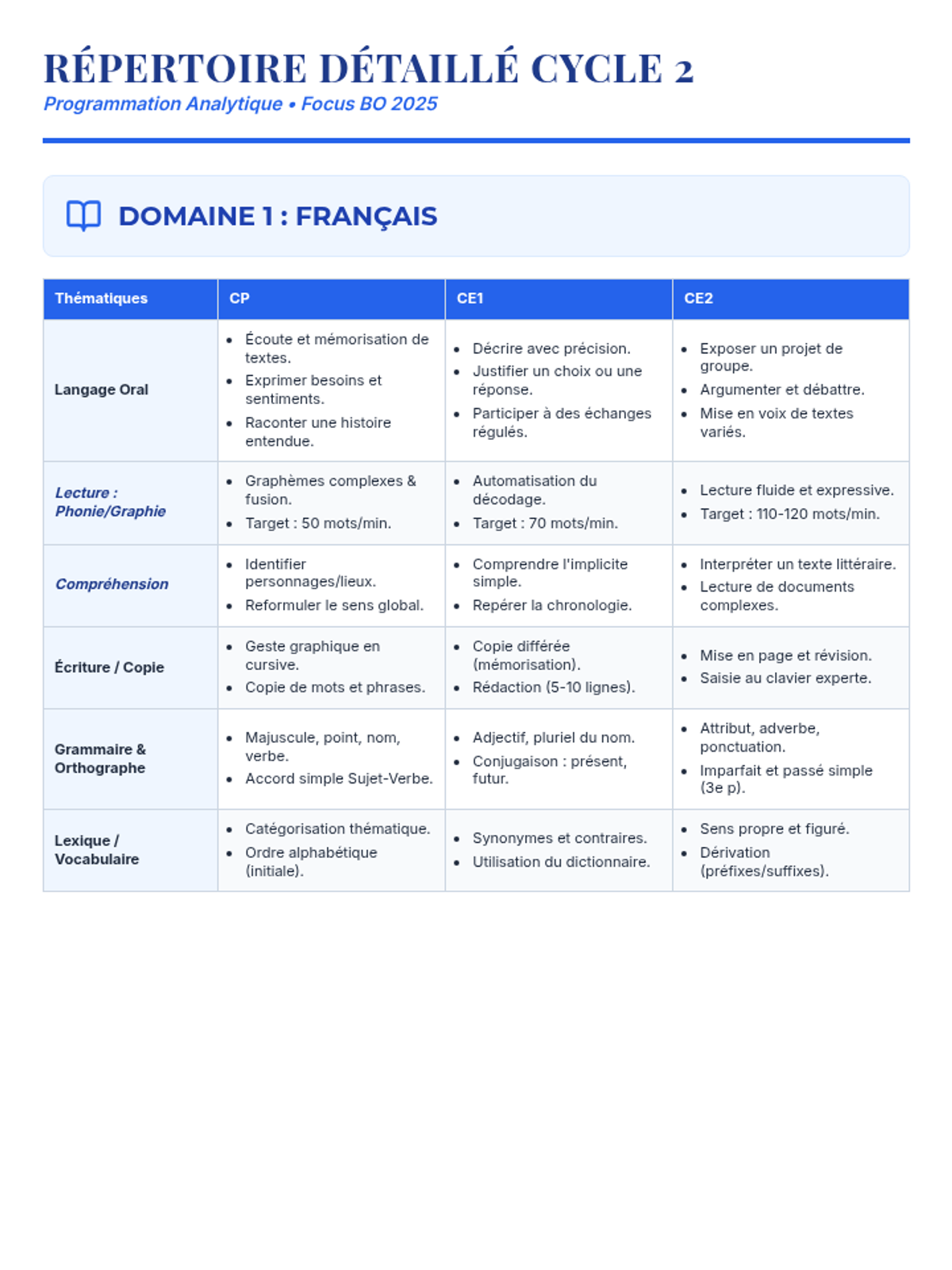
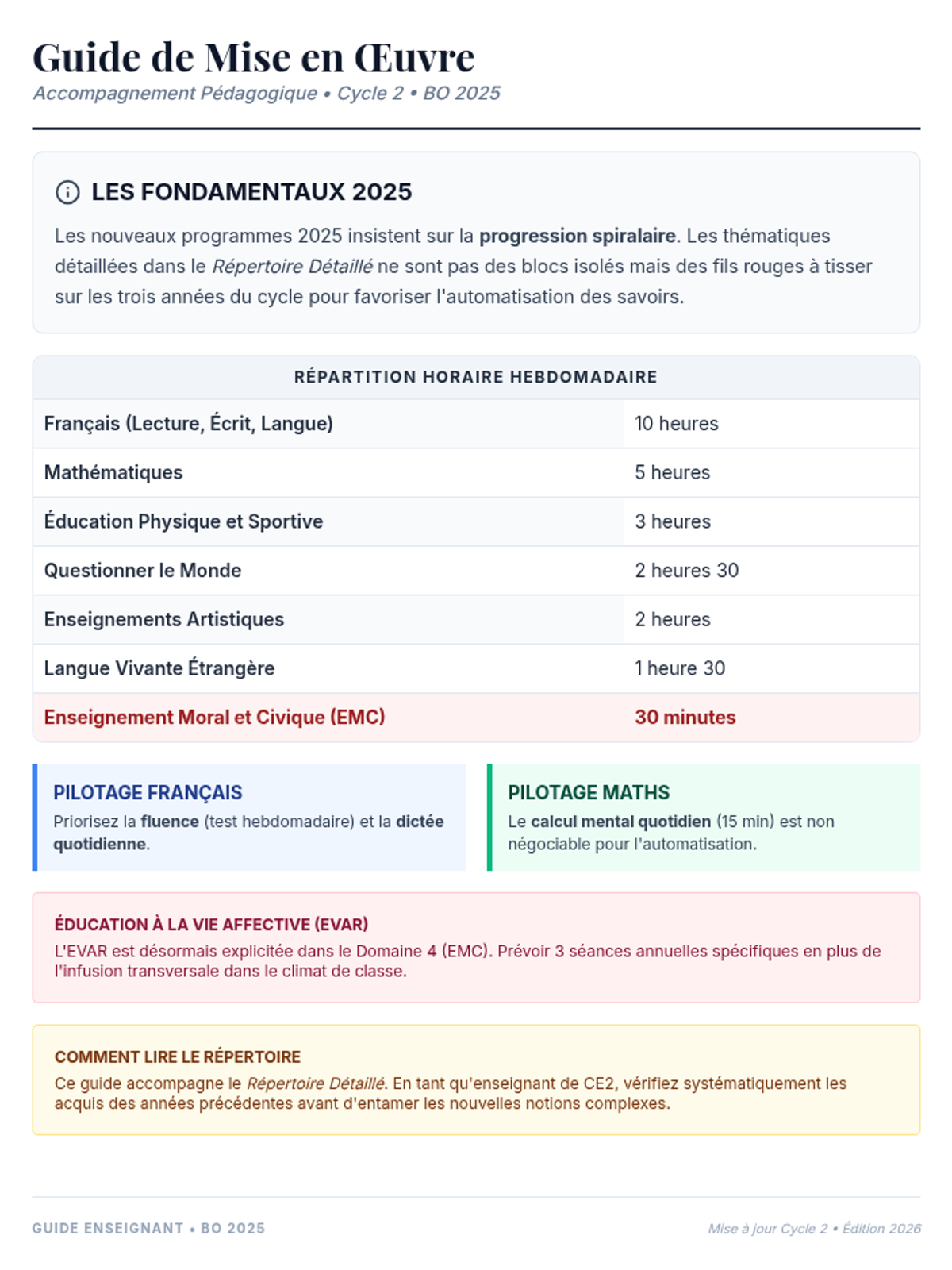
Une programmation complète pour le Cycle 2 basée sur les nouveaux programmes de 2025, structurée par thématiques et par année (CP, CE1, CE2) pour toutes les matières.
A lesson focused on navigating the digital world safely, responsibly, and kindly. Students will explore privacy, security, and digital etiquette.
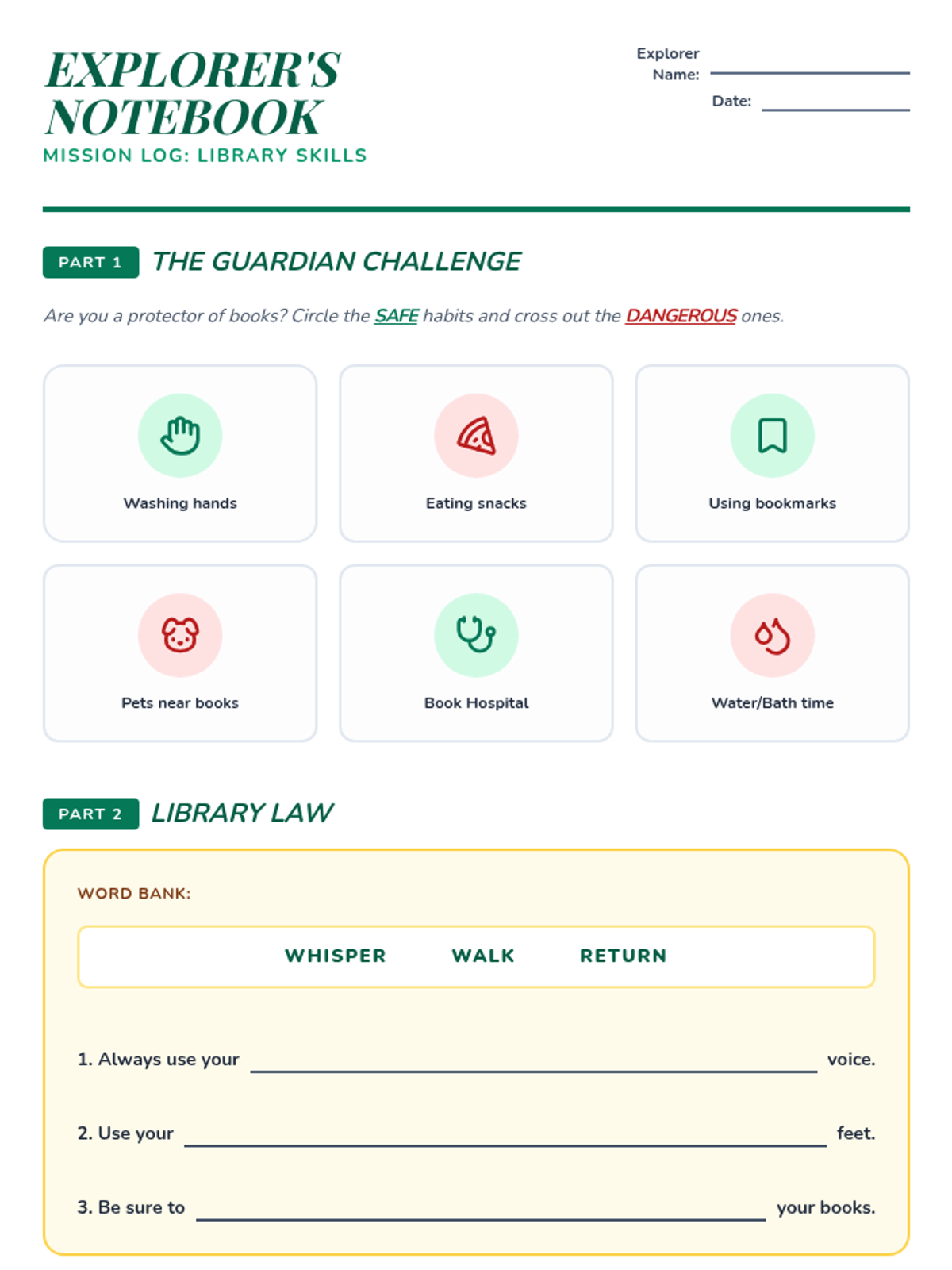
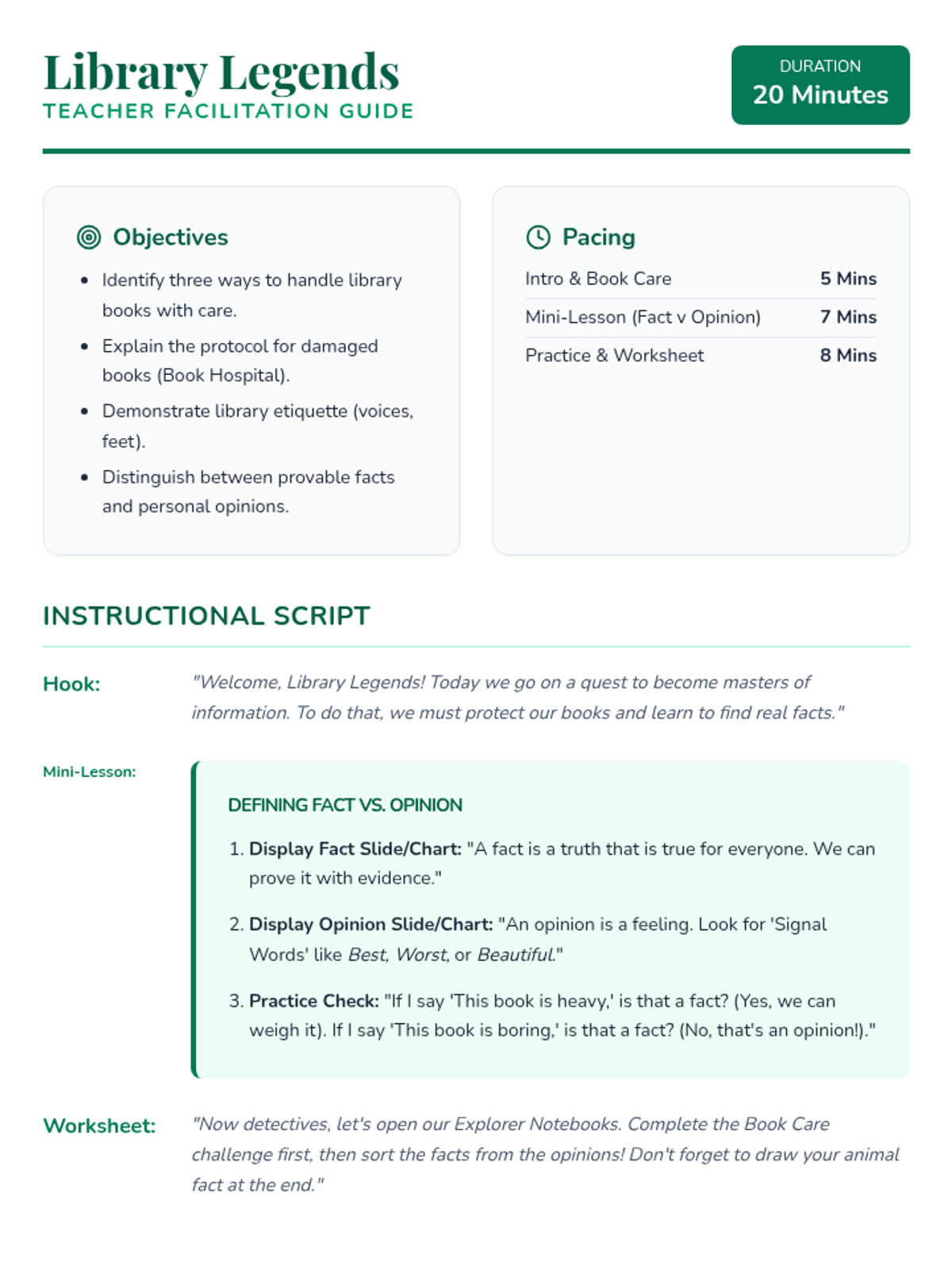
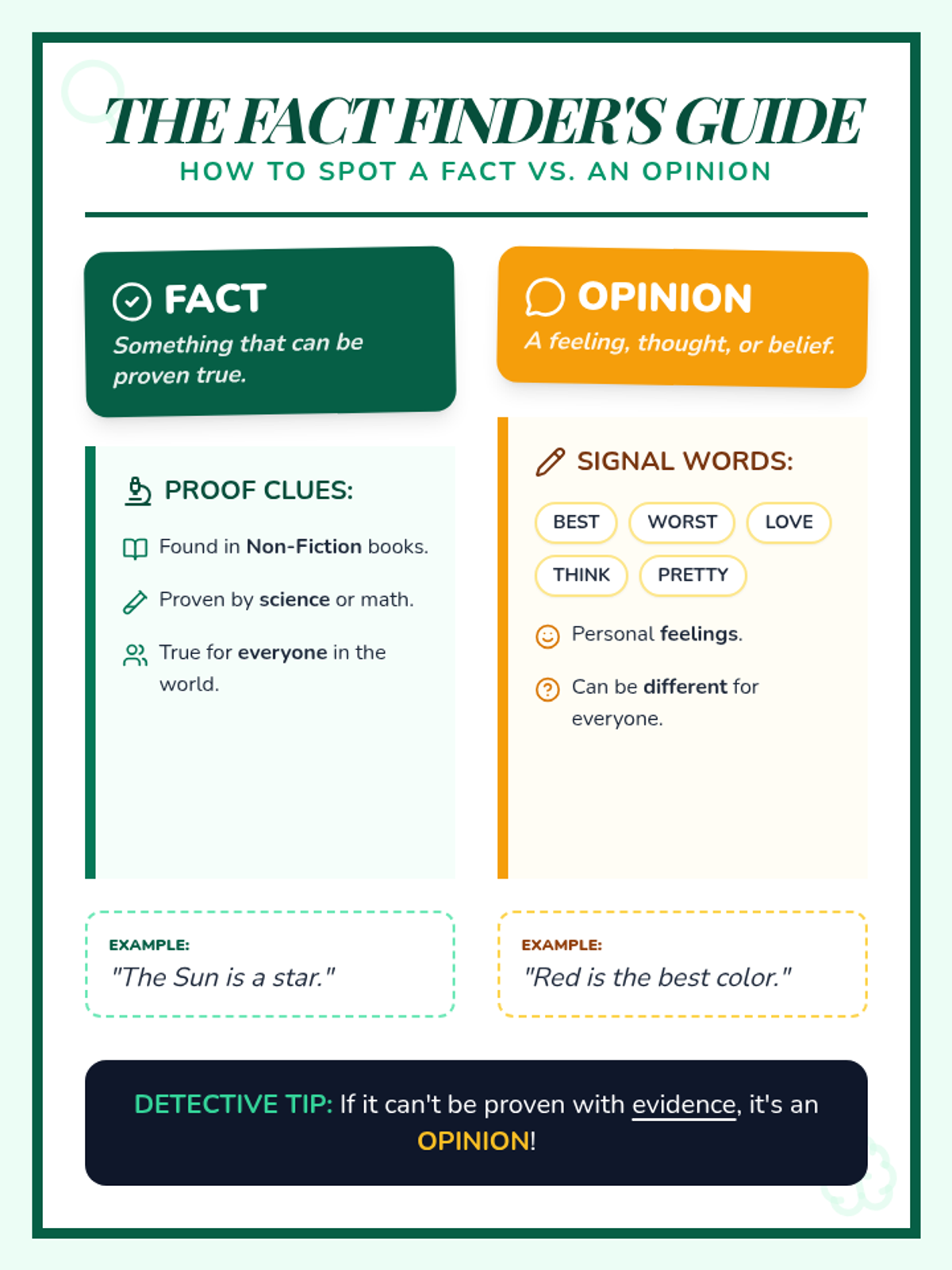
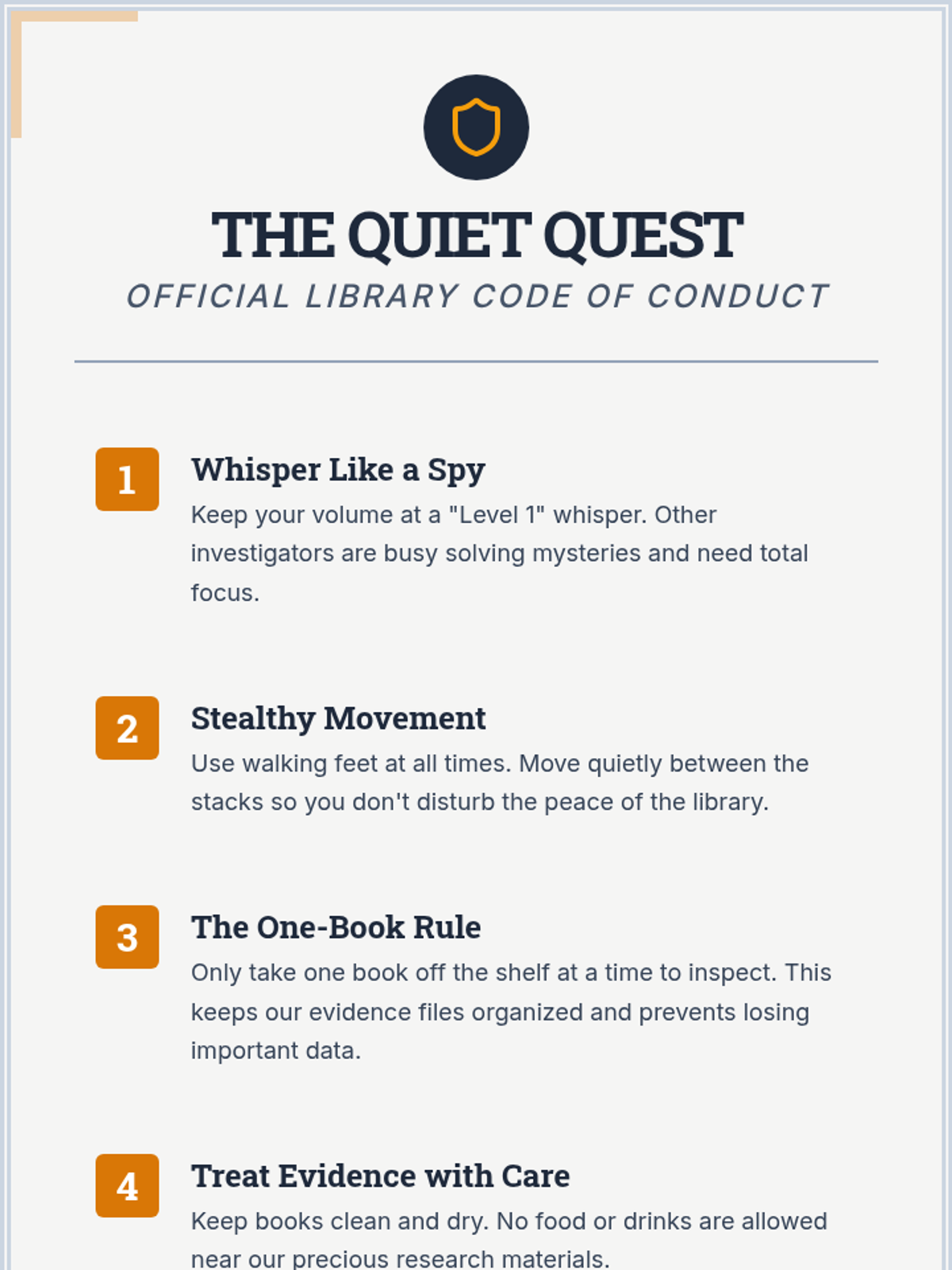
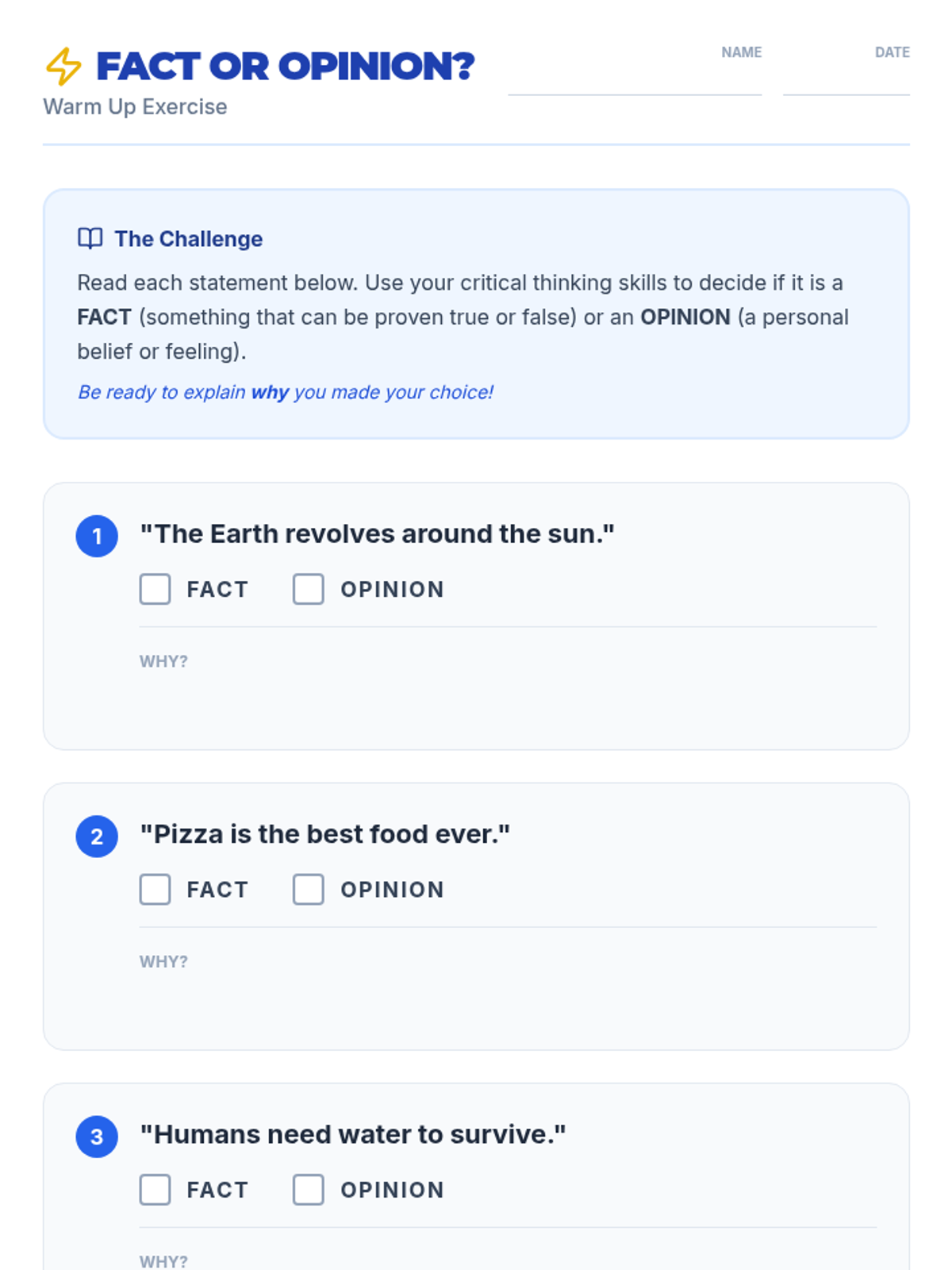
A fast-paced, 20-minute introduction to essential library etiquette and basic research concepts. Students learn to handle books with care, follow library expectations, and distinguish between facts and opinions.
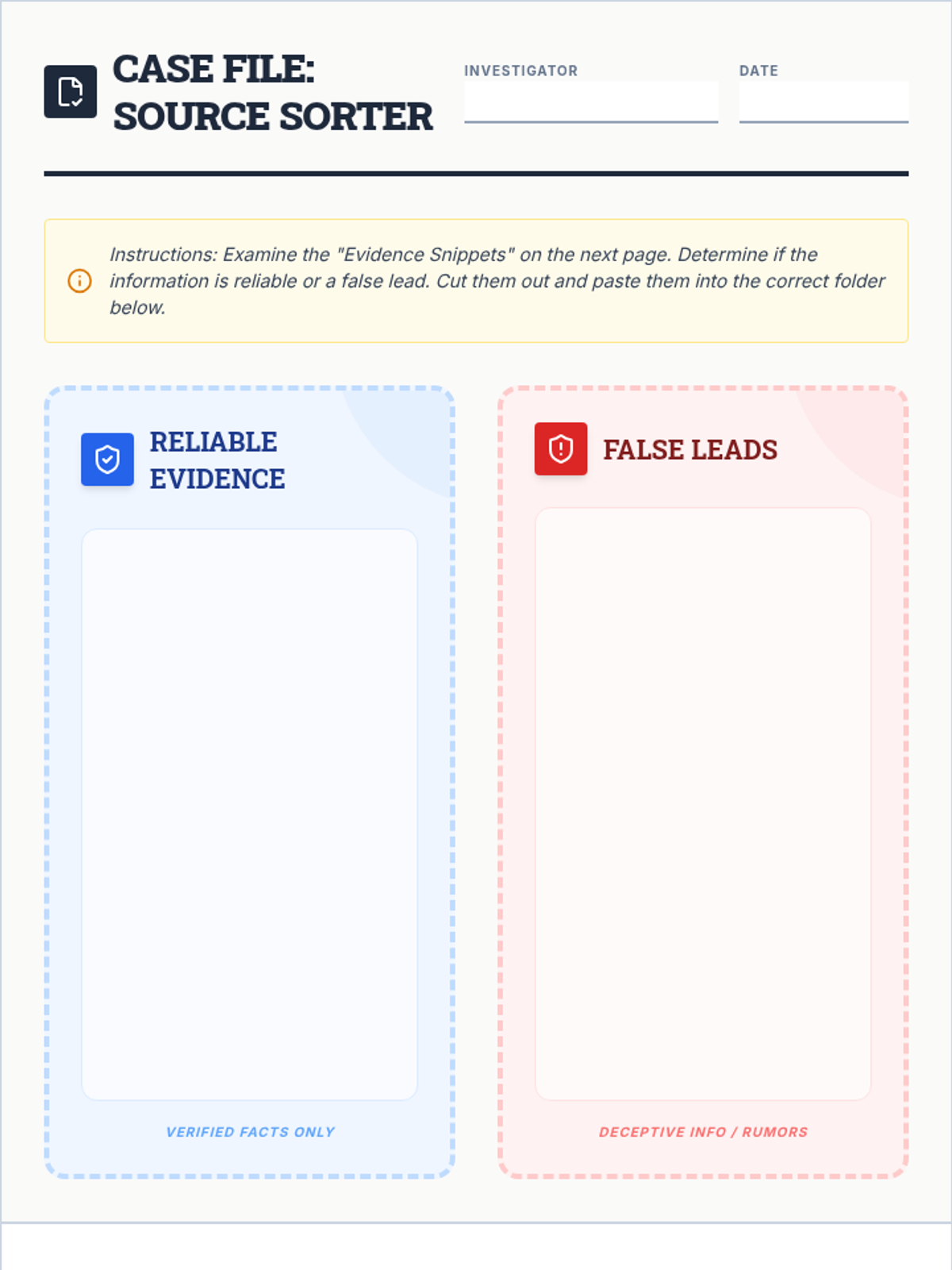
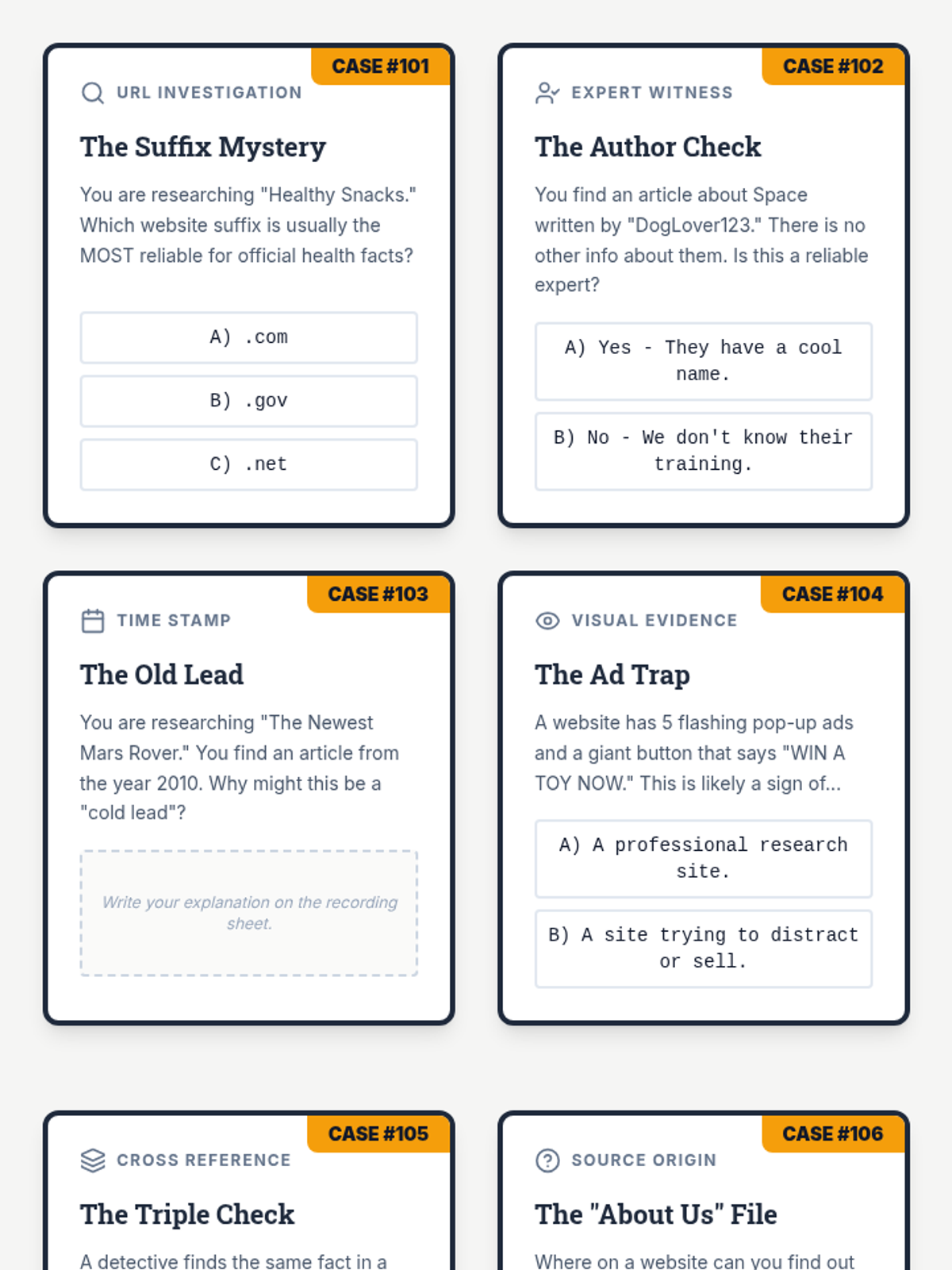
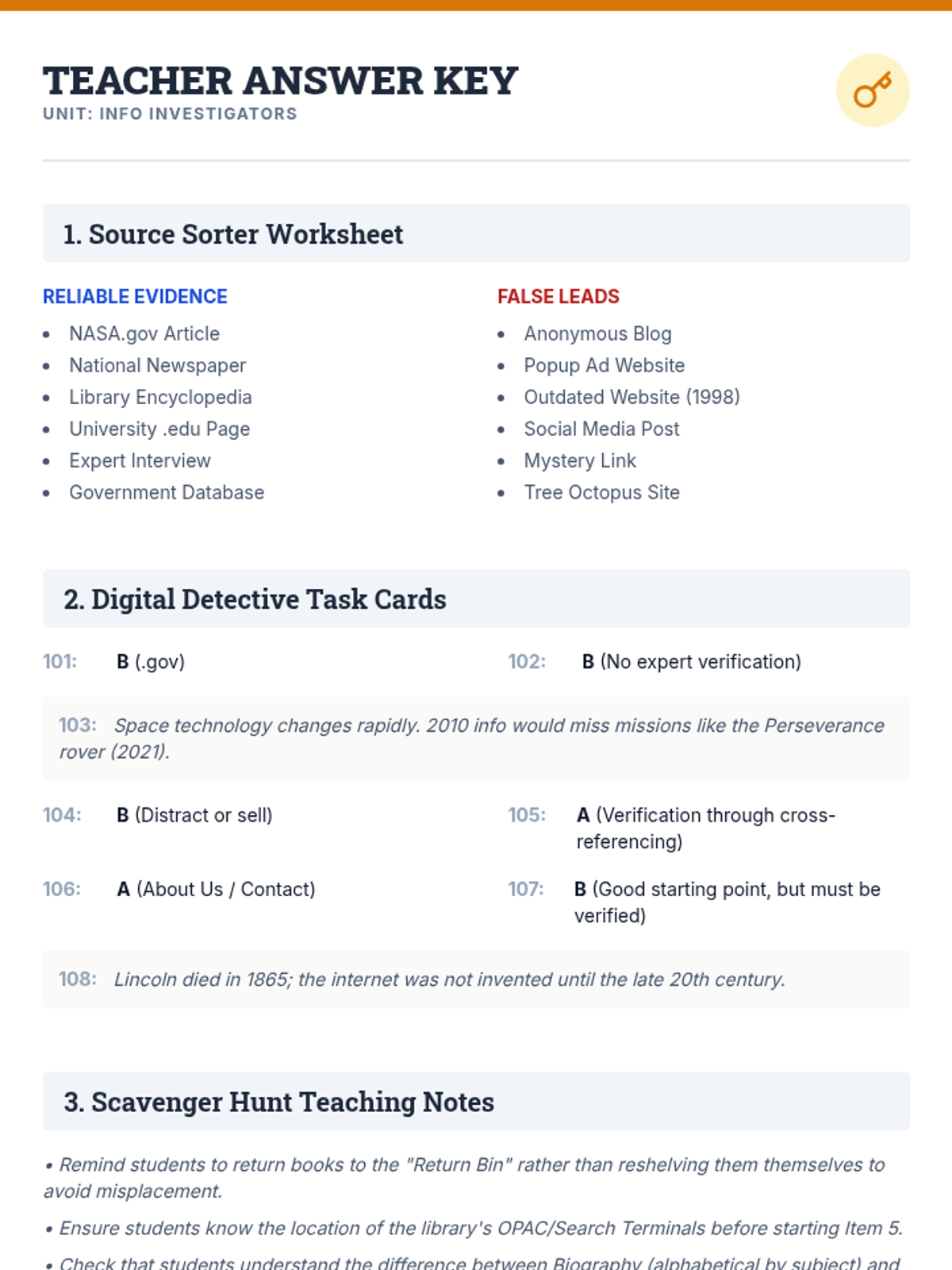
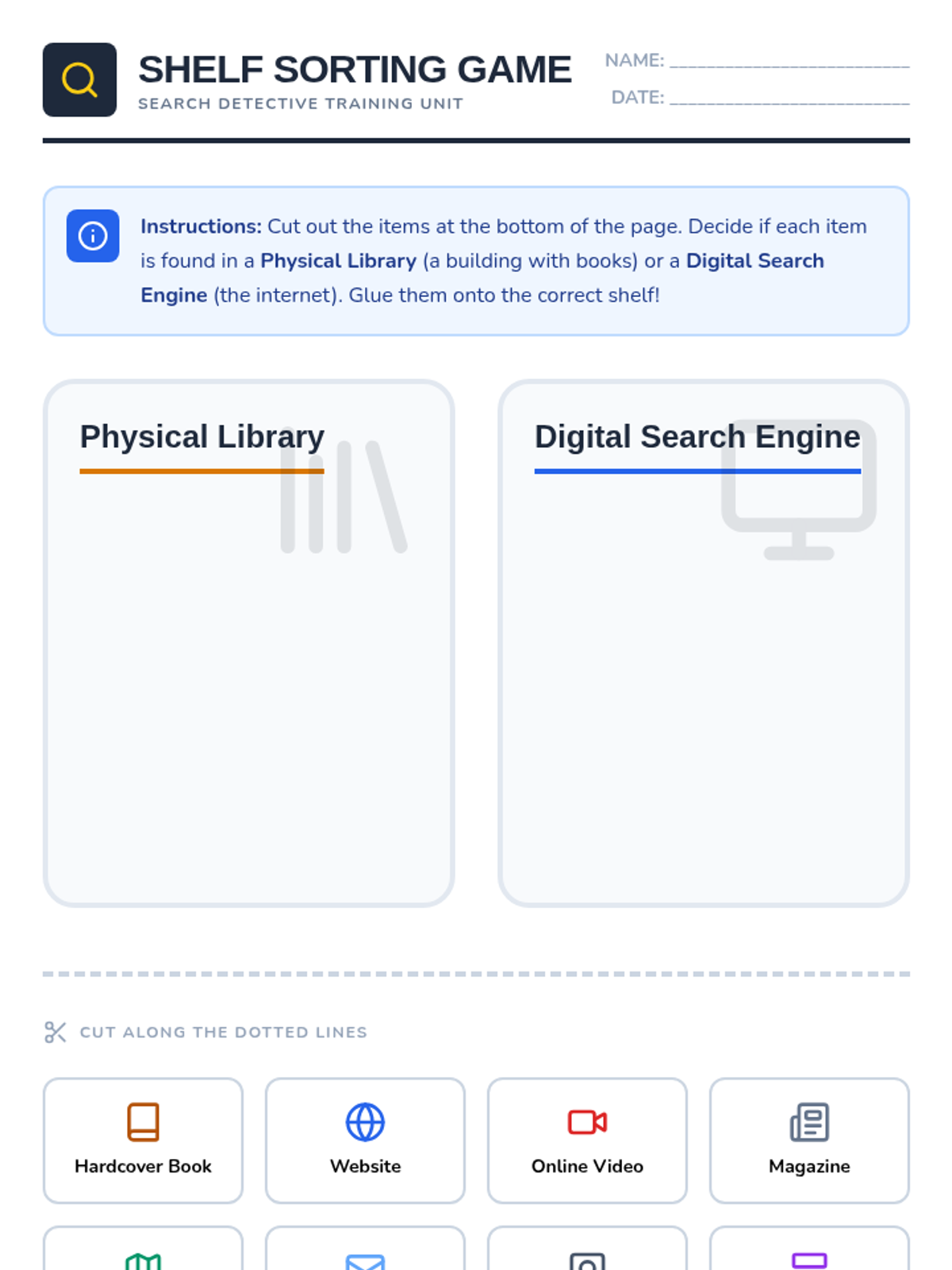
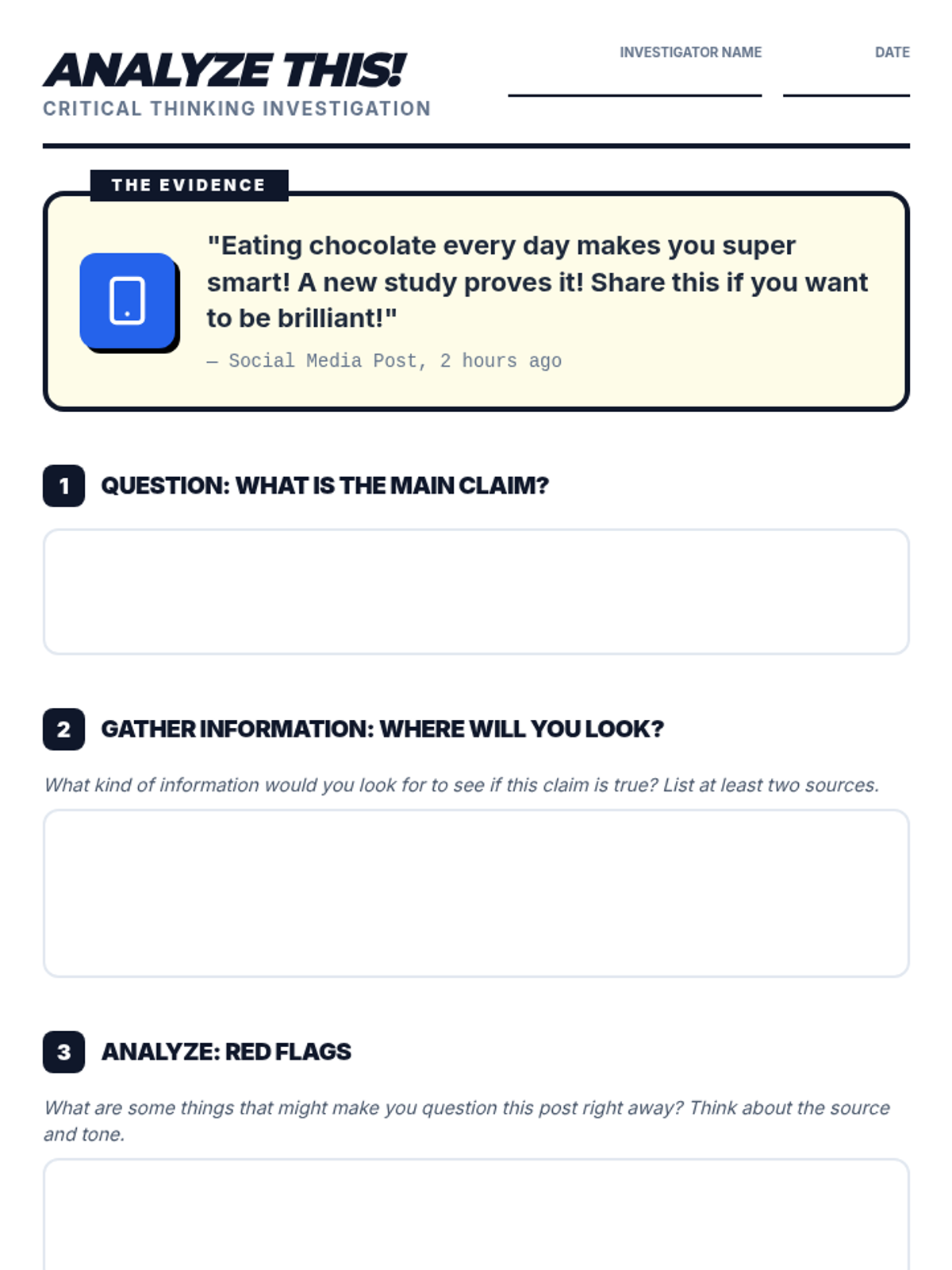
A comprehensive set of resources to teach students how to navigate the physical library and critically evaluate online information using a detective-themed approach.
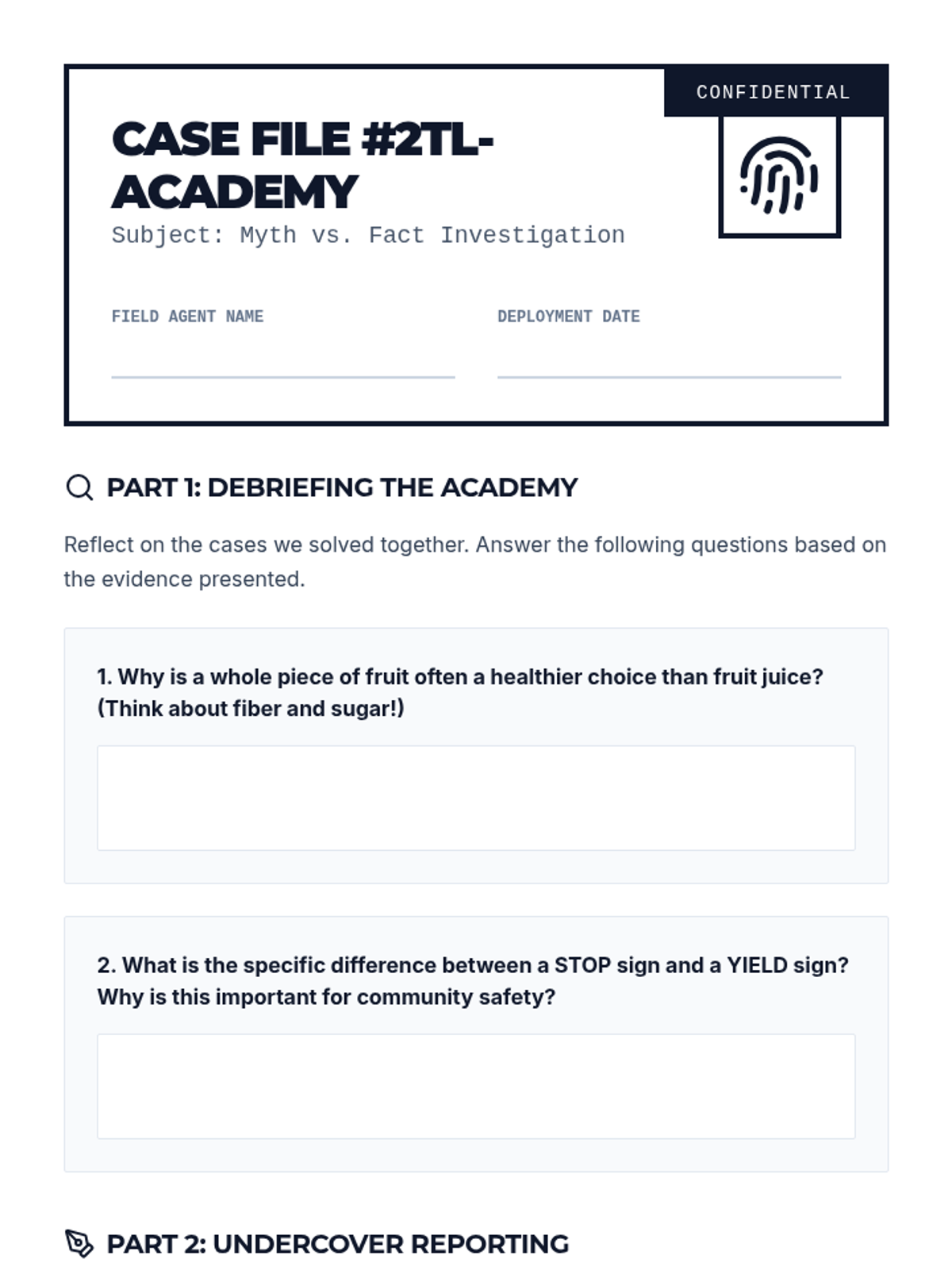
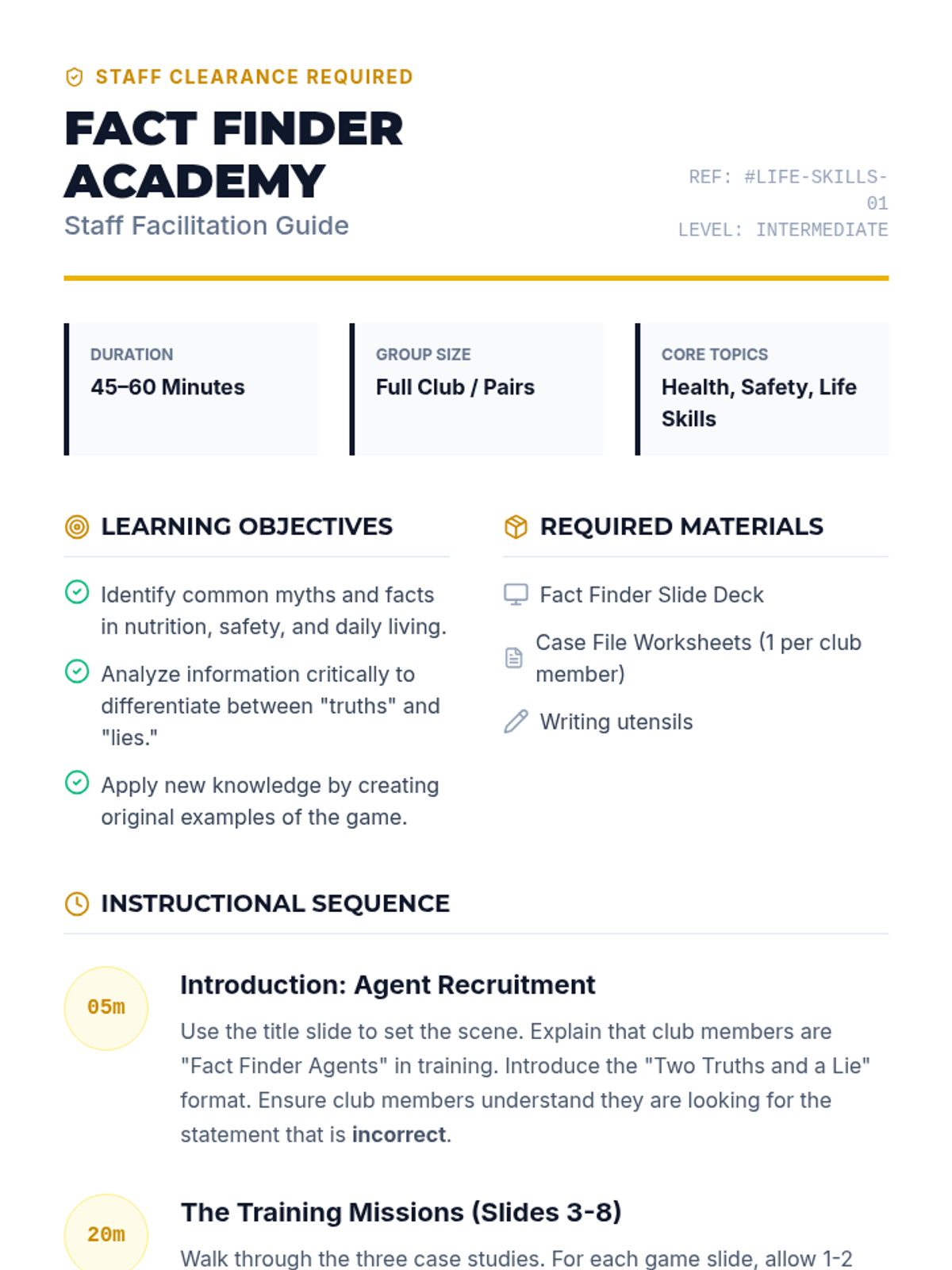
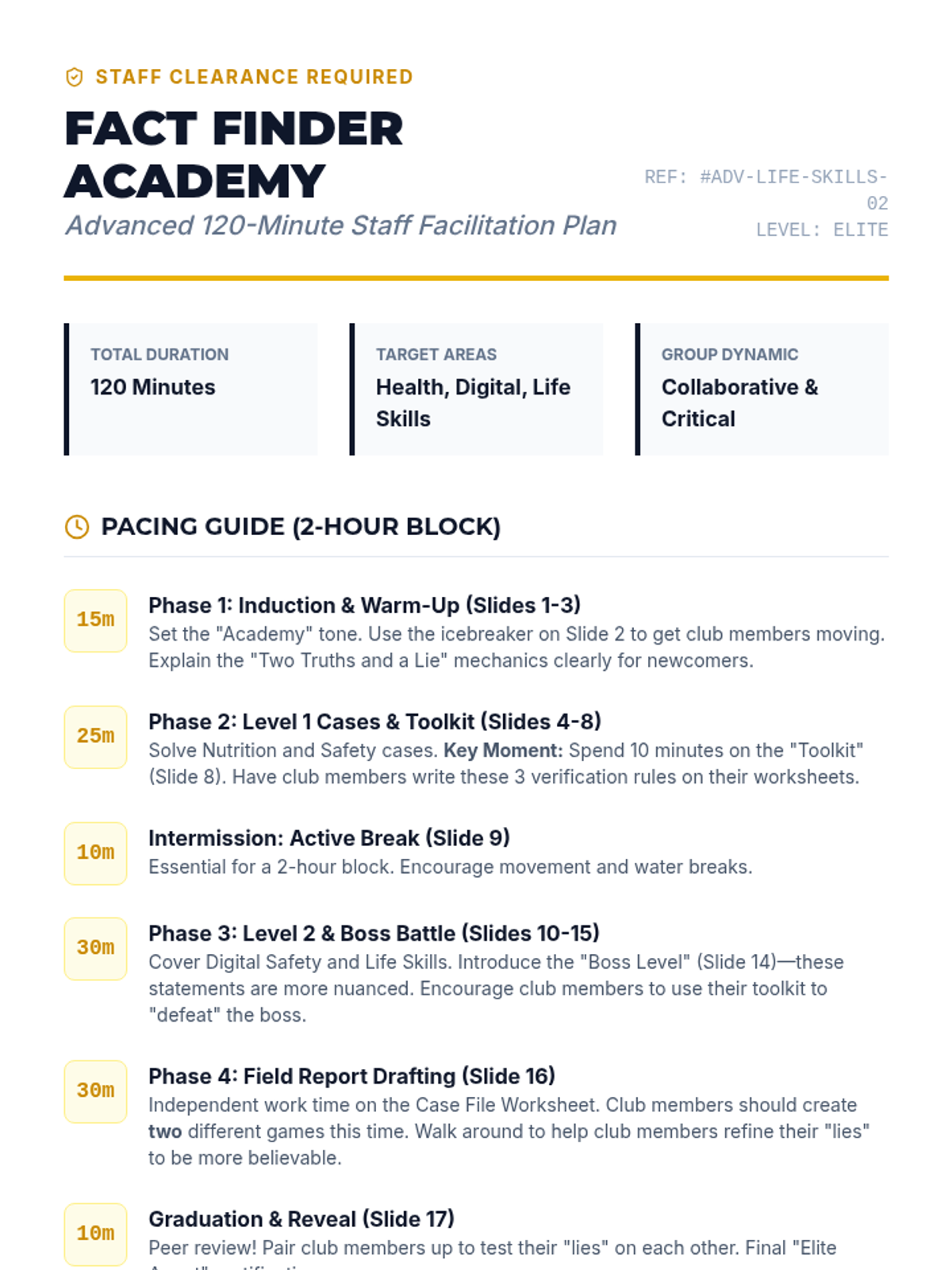
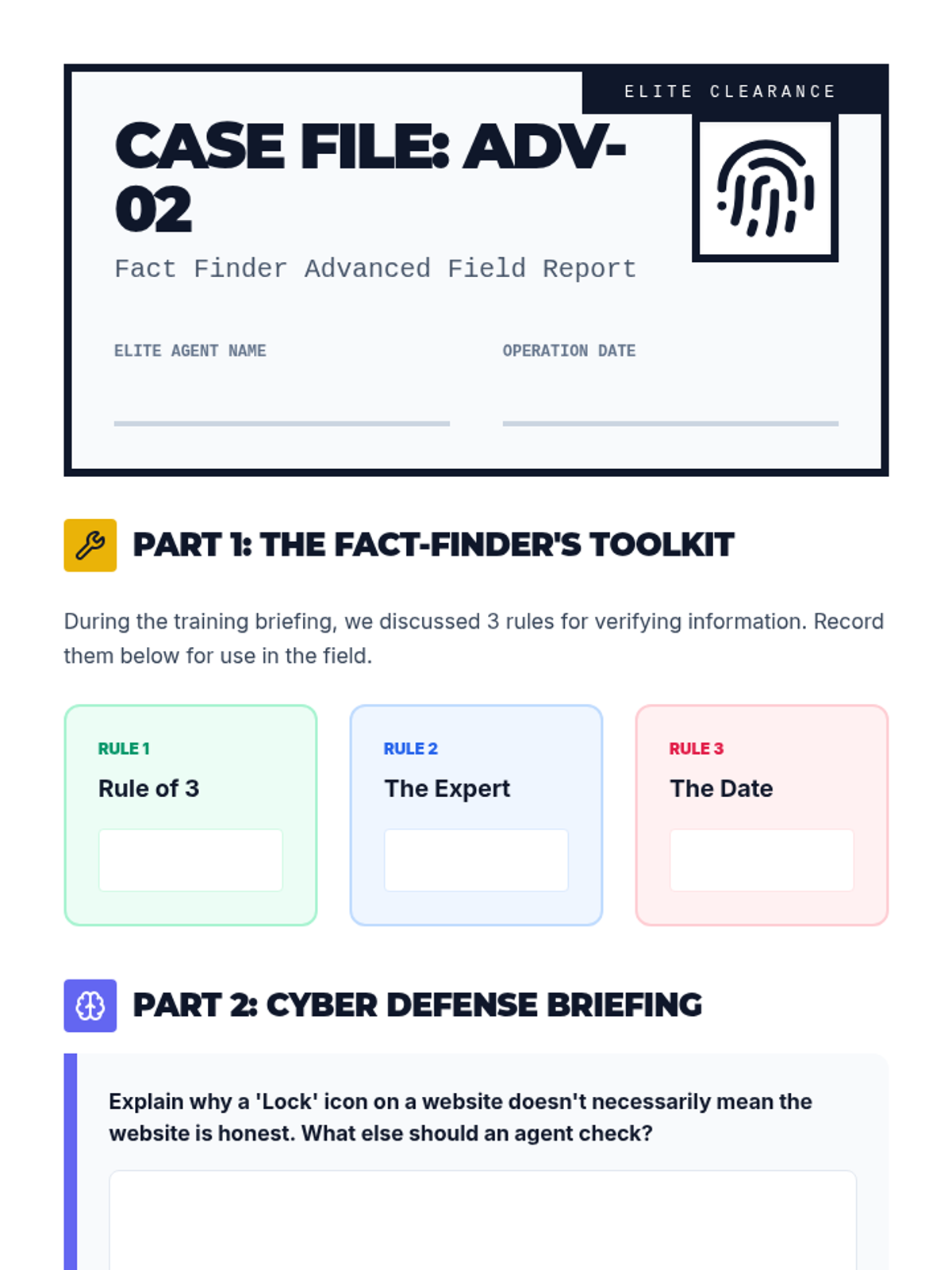
A fun, interactive game-based lesson where club members learn about healthy eating, community safety, and daily living skills by playing Two Truths and a Lie. Club members will act as 'Fact Finders' to identify myths and facts in these key life areas.
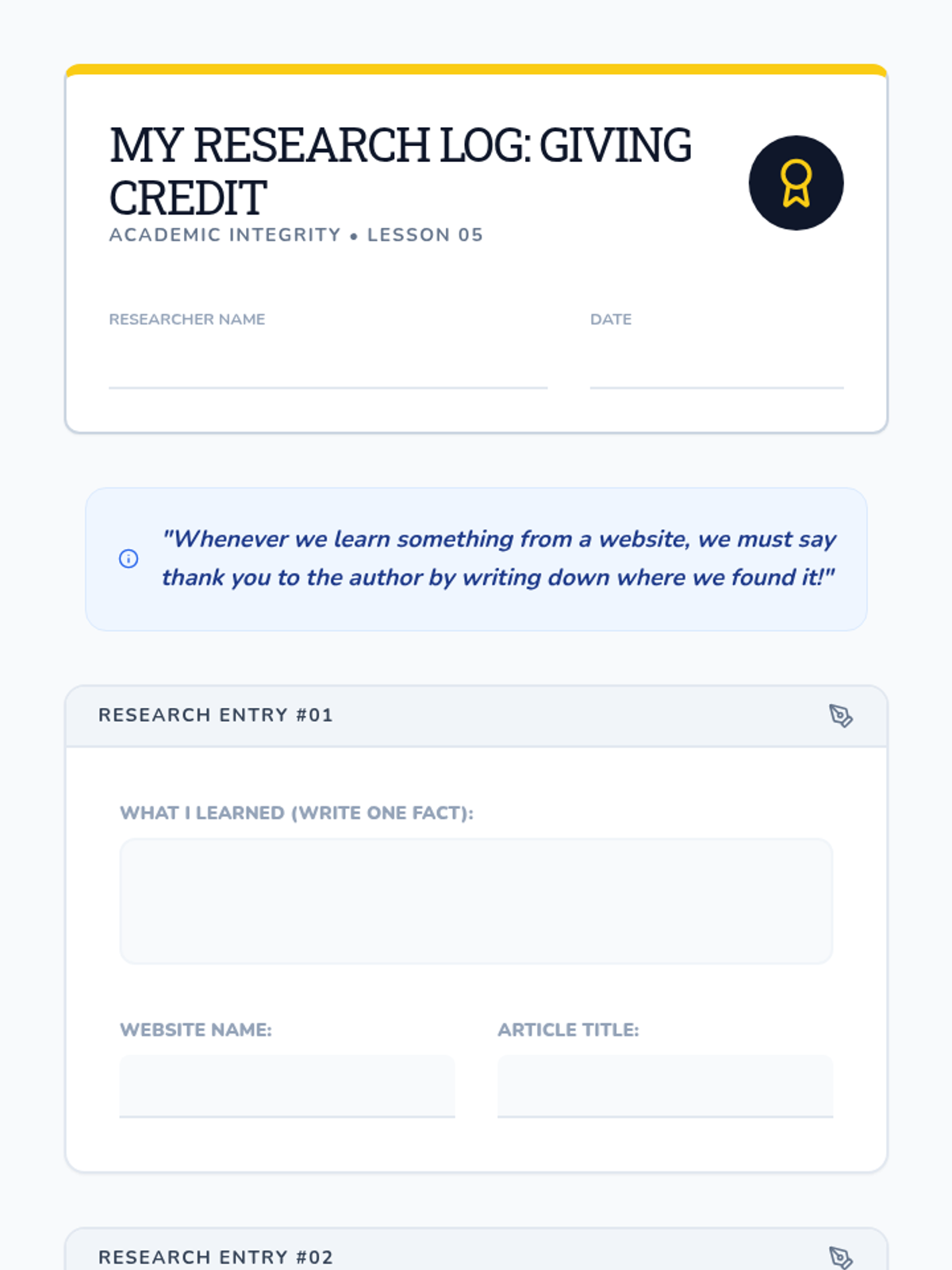
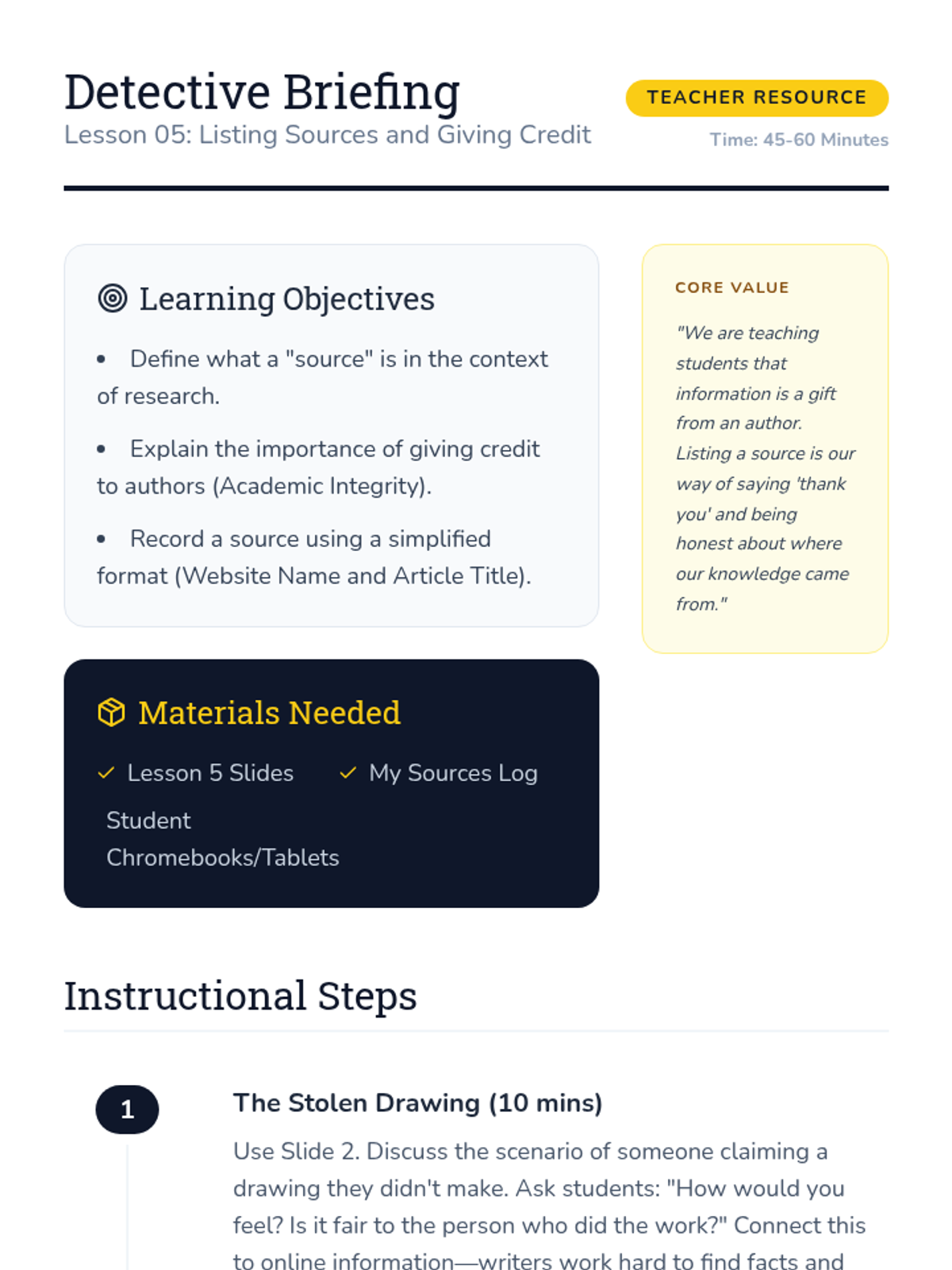
The final lesson focuses on academic integrity, teaching students how to record their sources and give credit to authors.
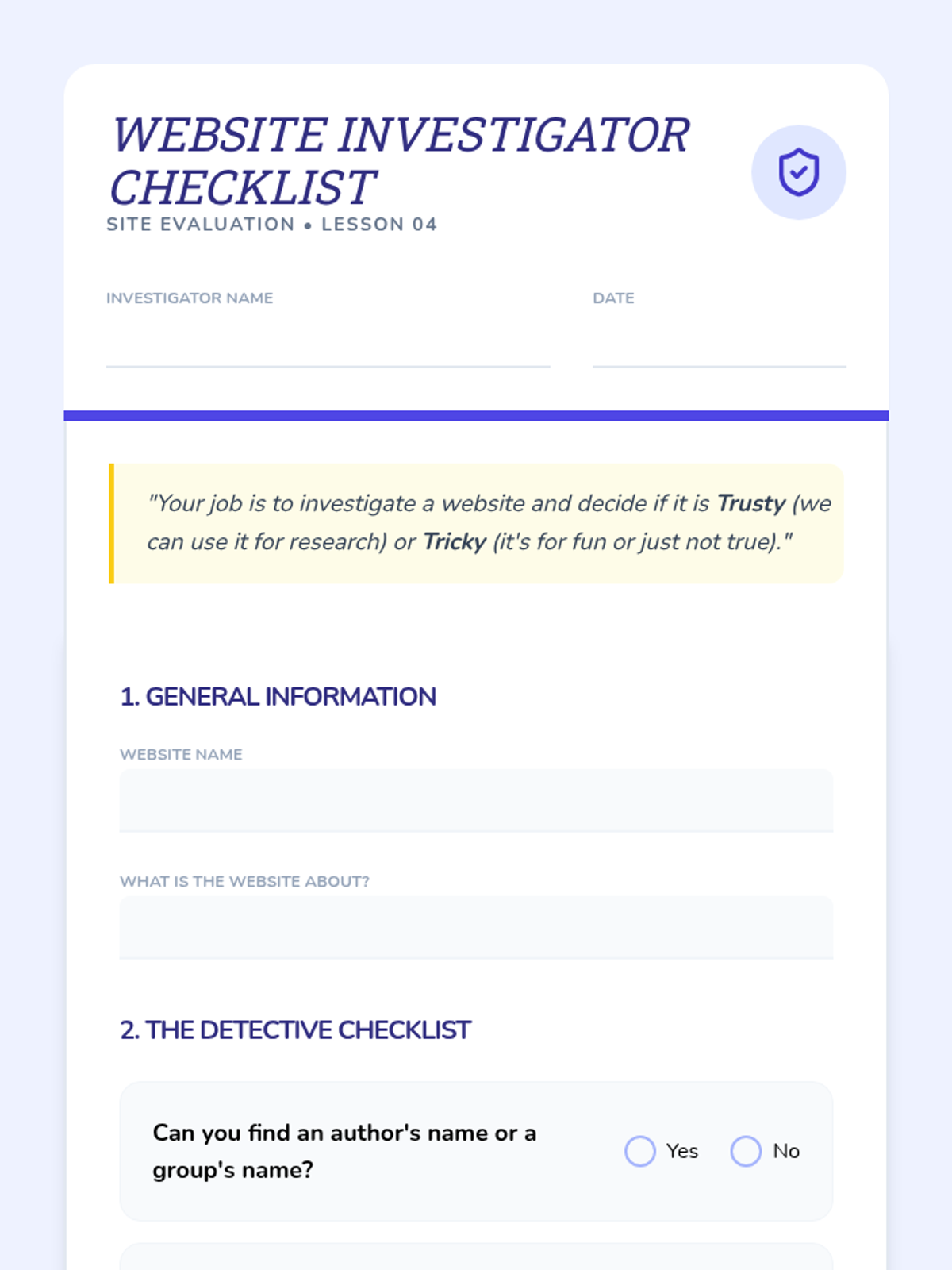
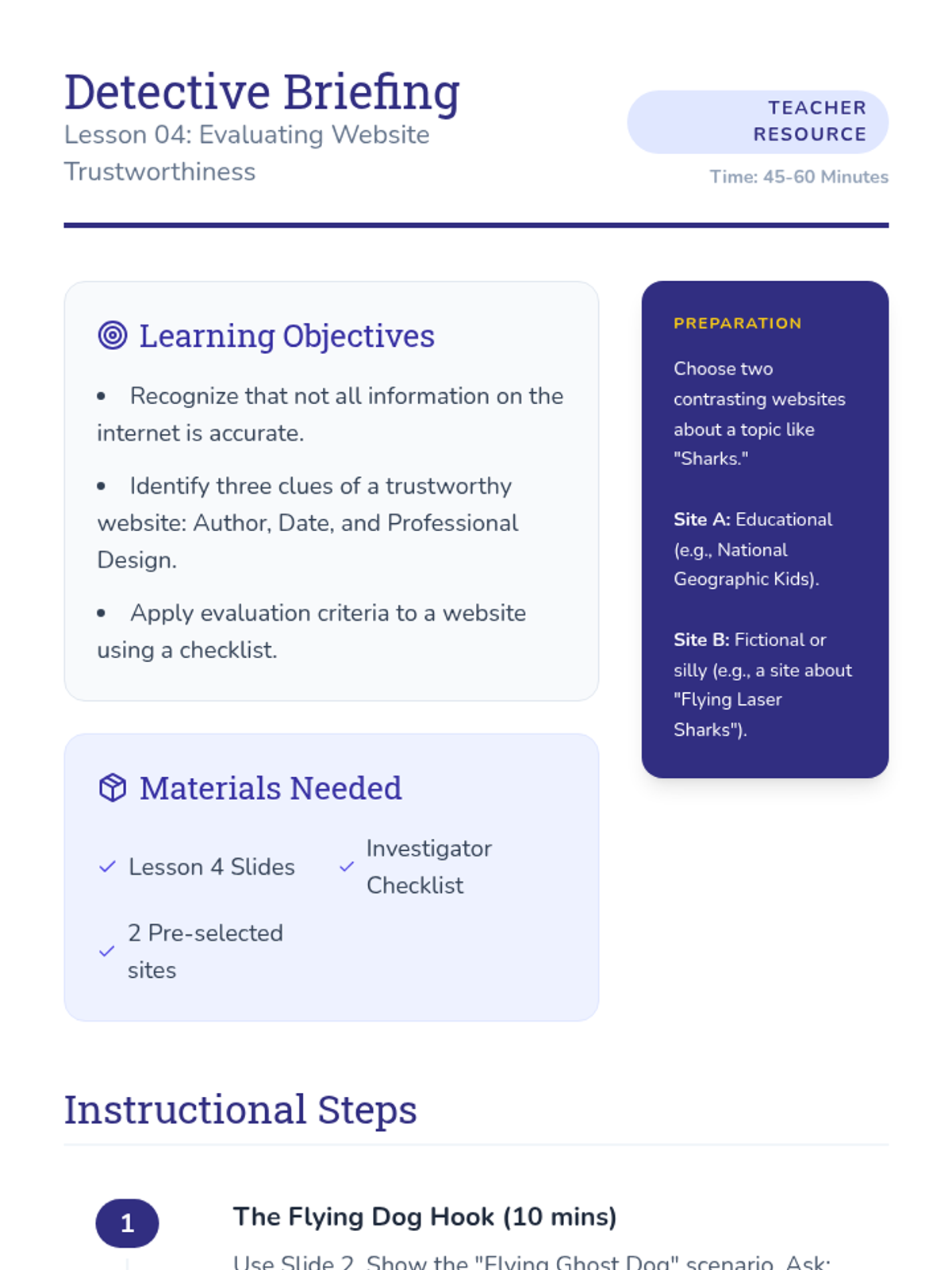
Students evaluate the reliability of websites by looking for clues like authors, dates, and professional design.
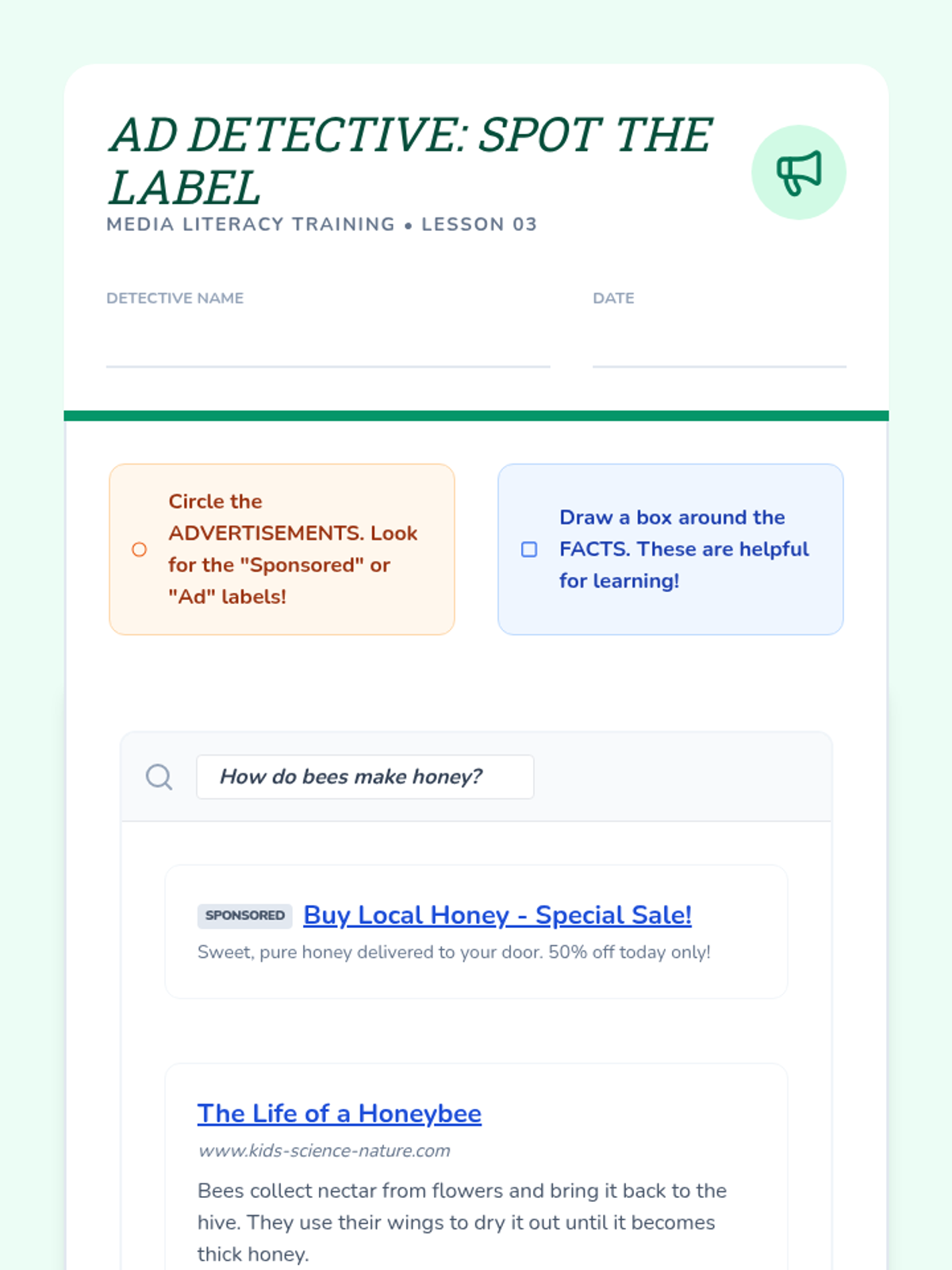
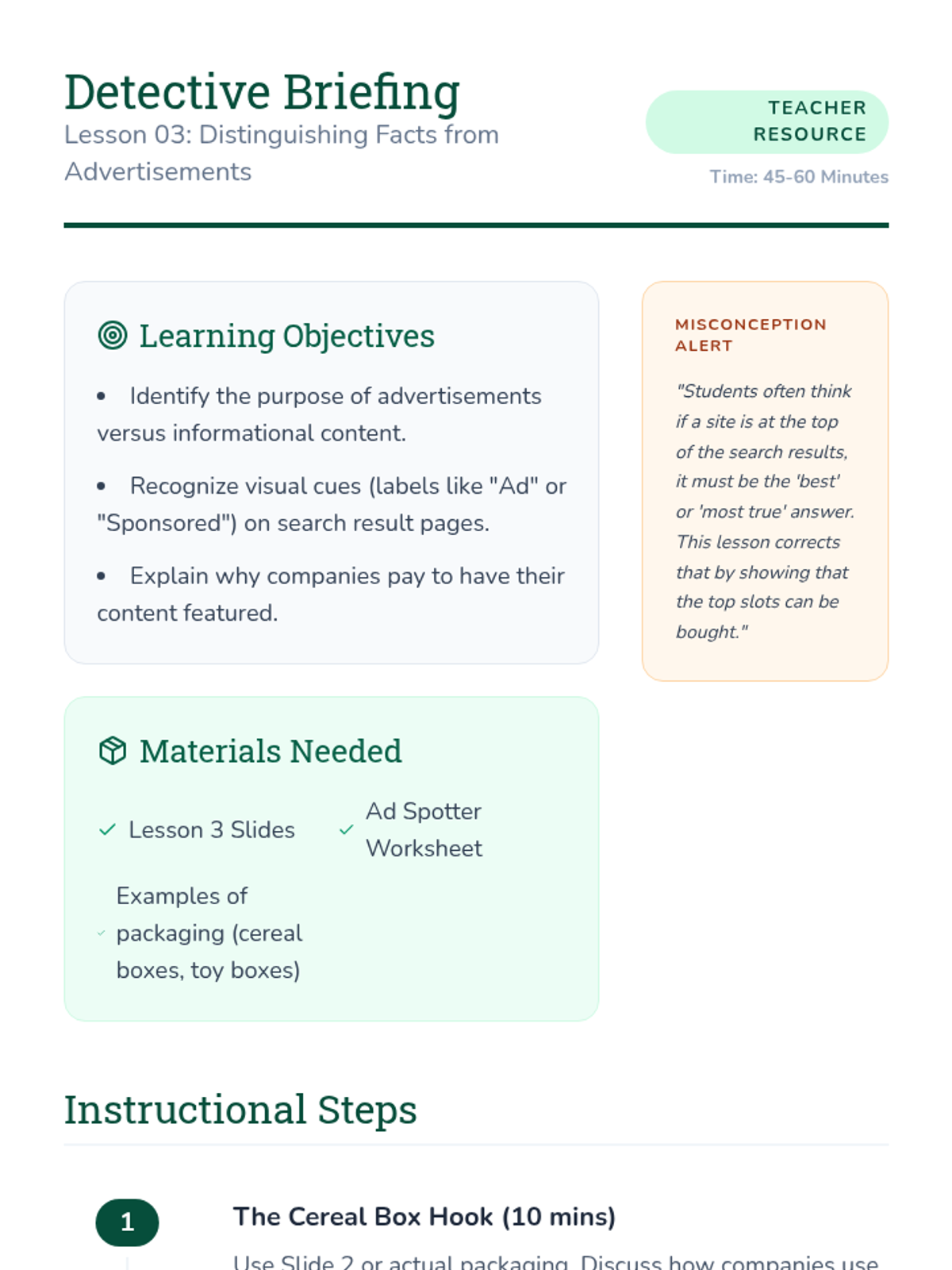
Learners identify the difference between educational facts and paid advertisements on search result pages using visual cues.
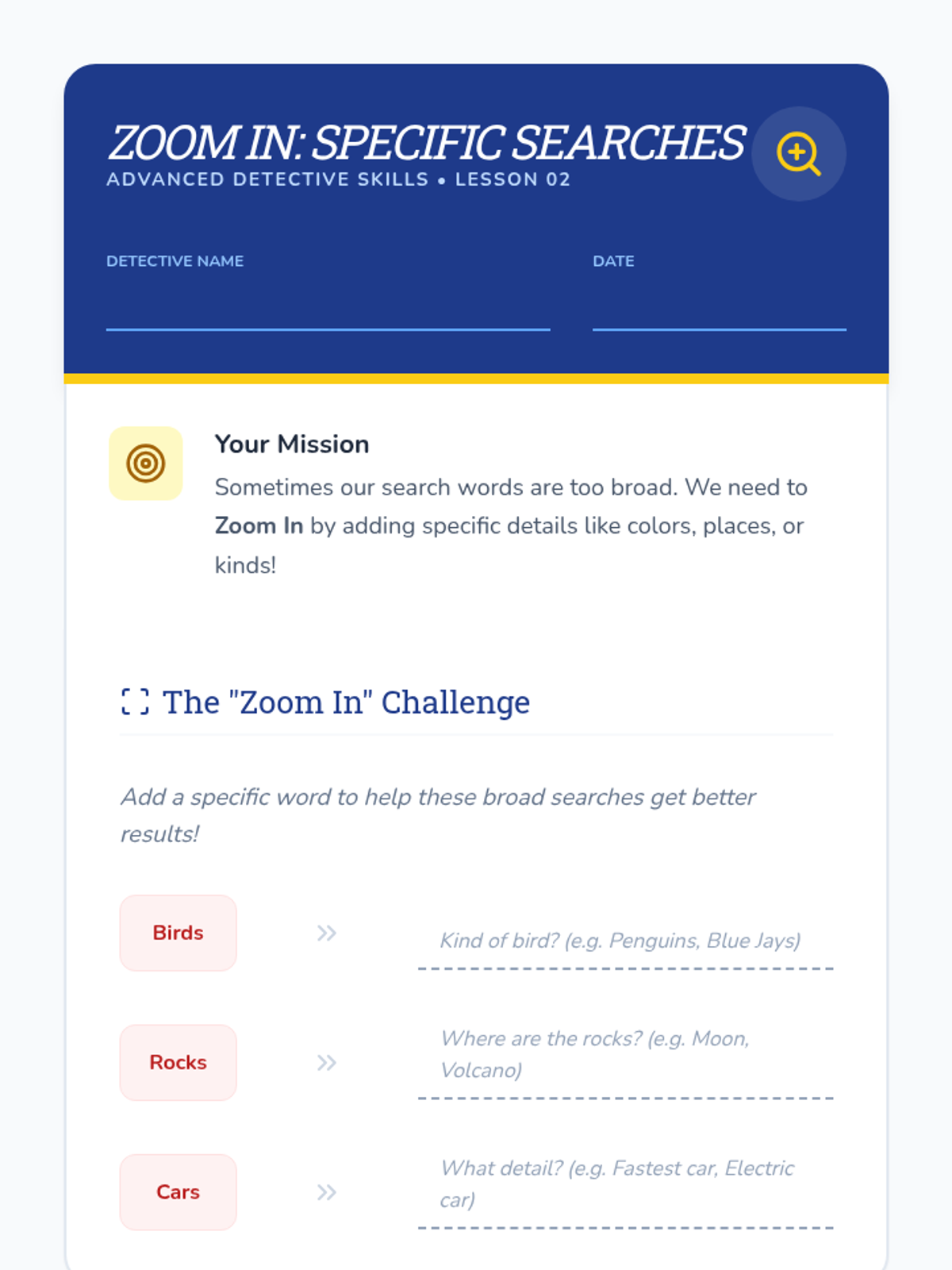
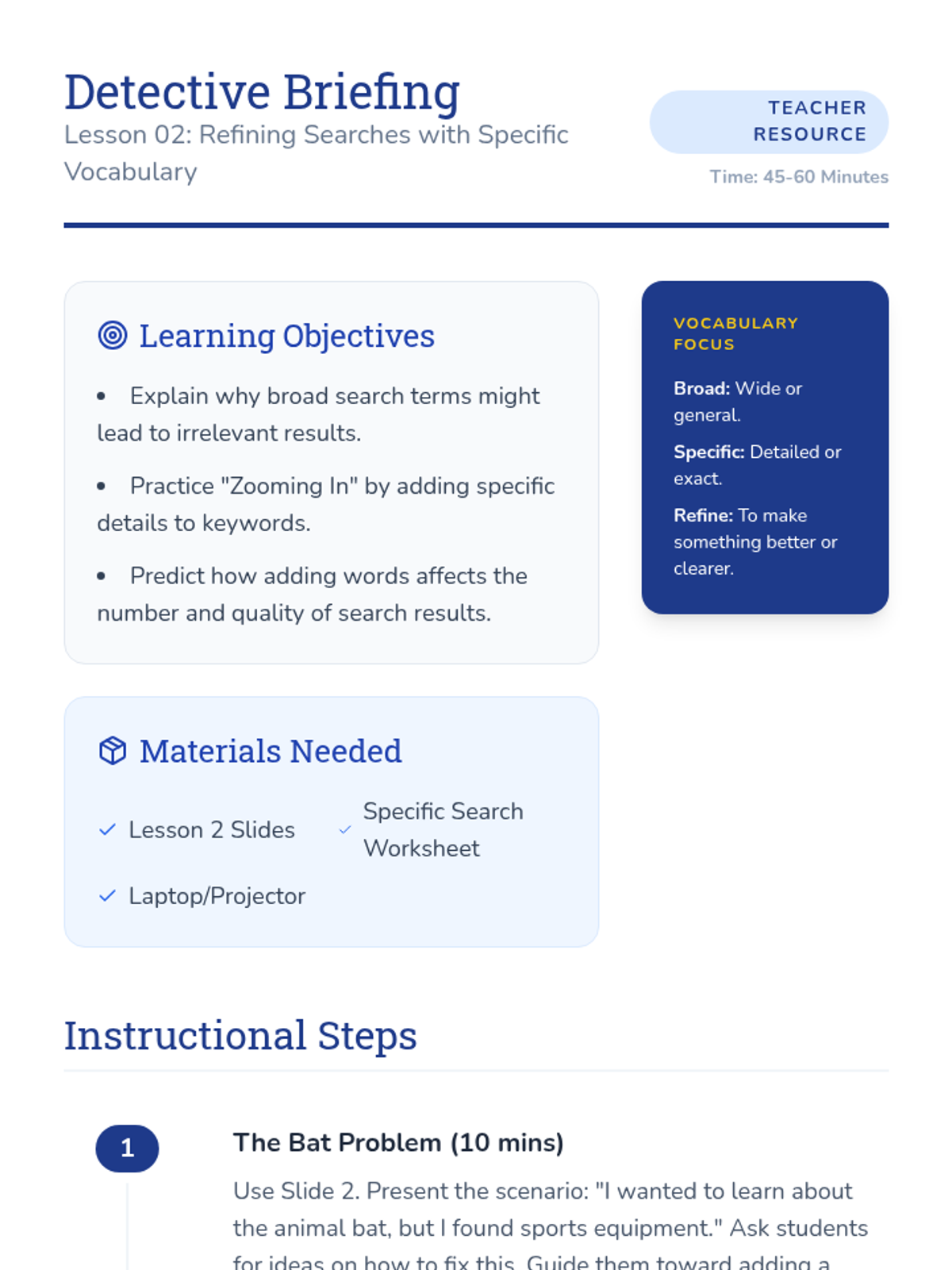
Students learn to use specific vocabulary to refine their search results, moving from broad terms to detailed phrases to find exactly what they need.
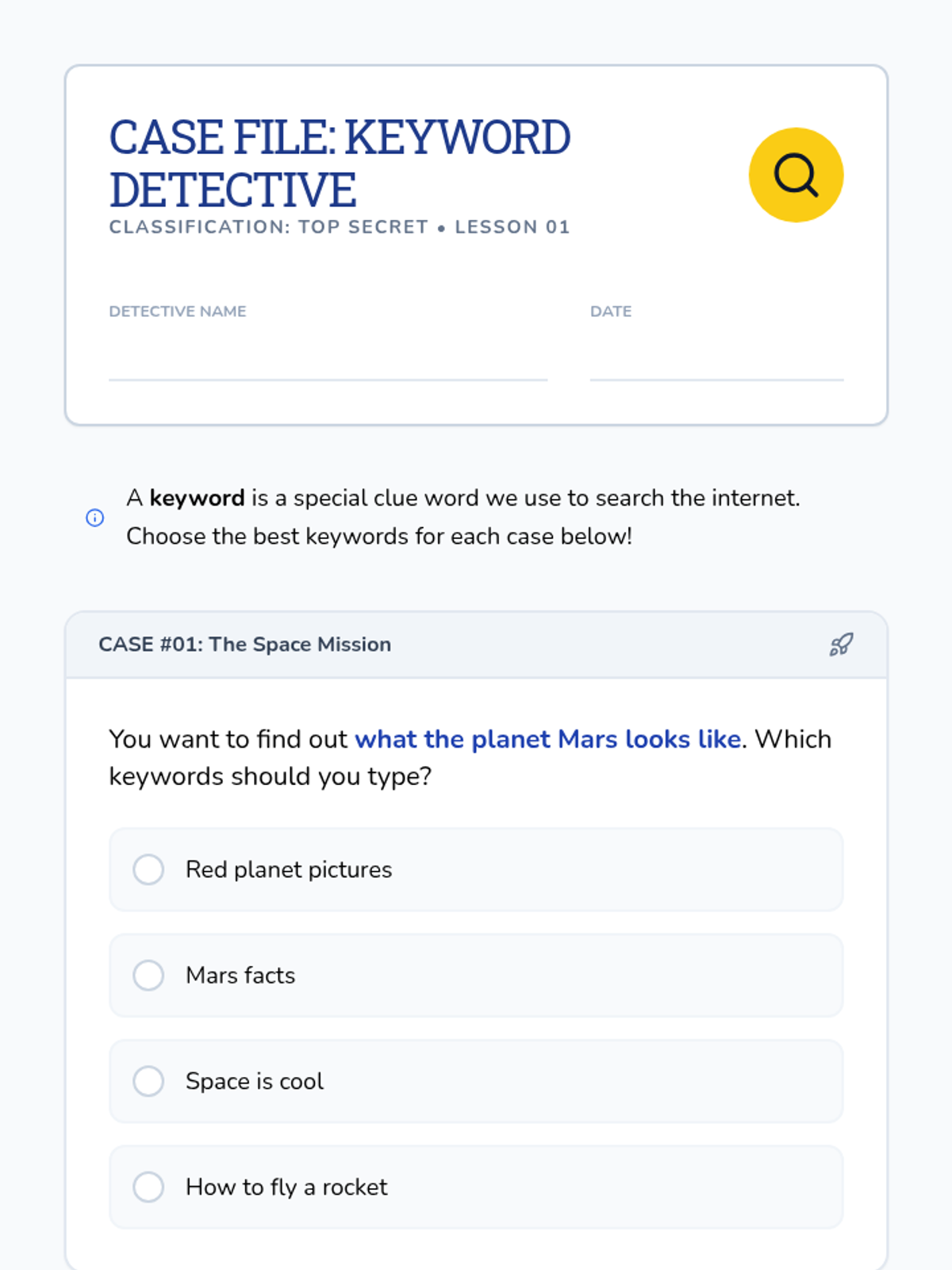
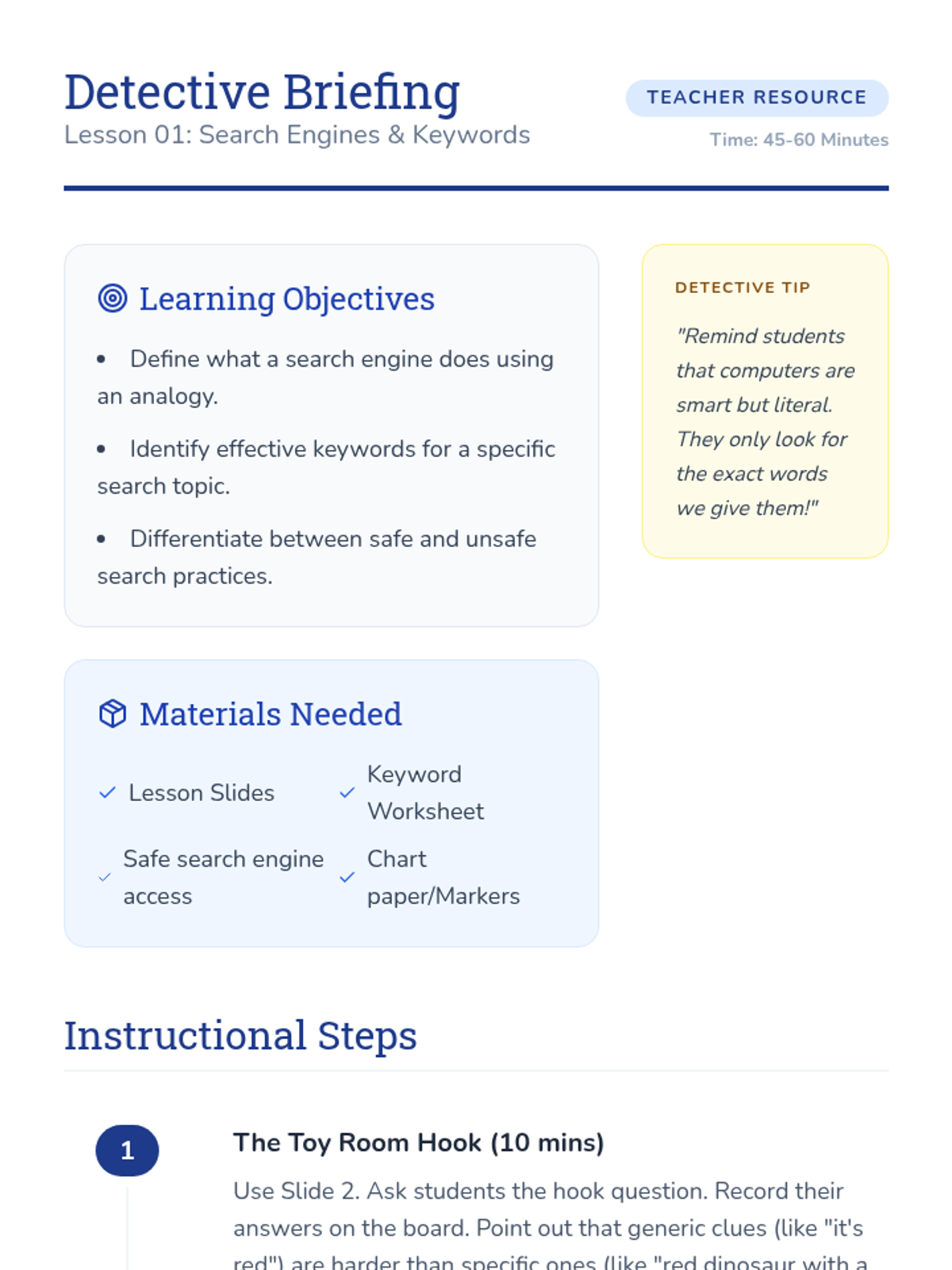
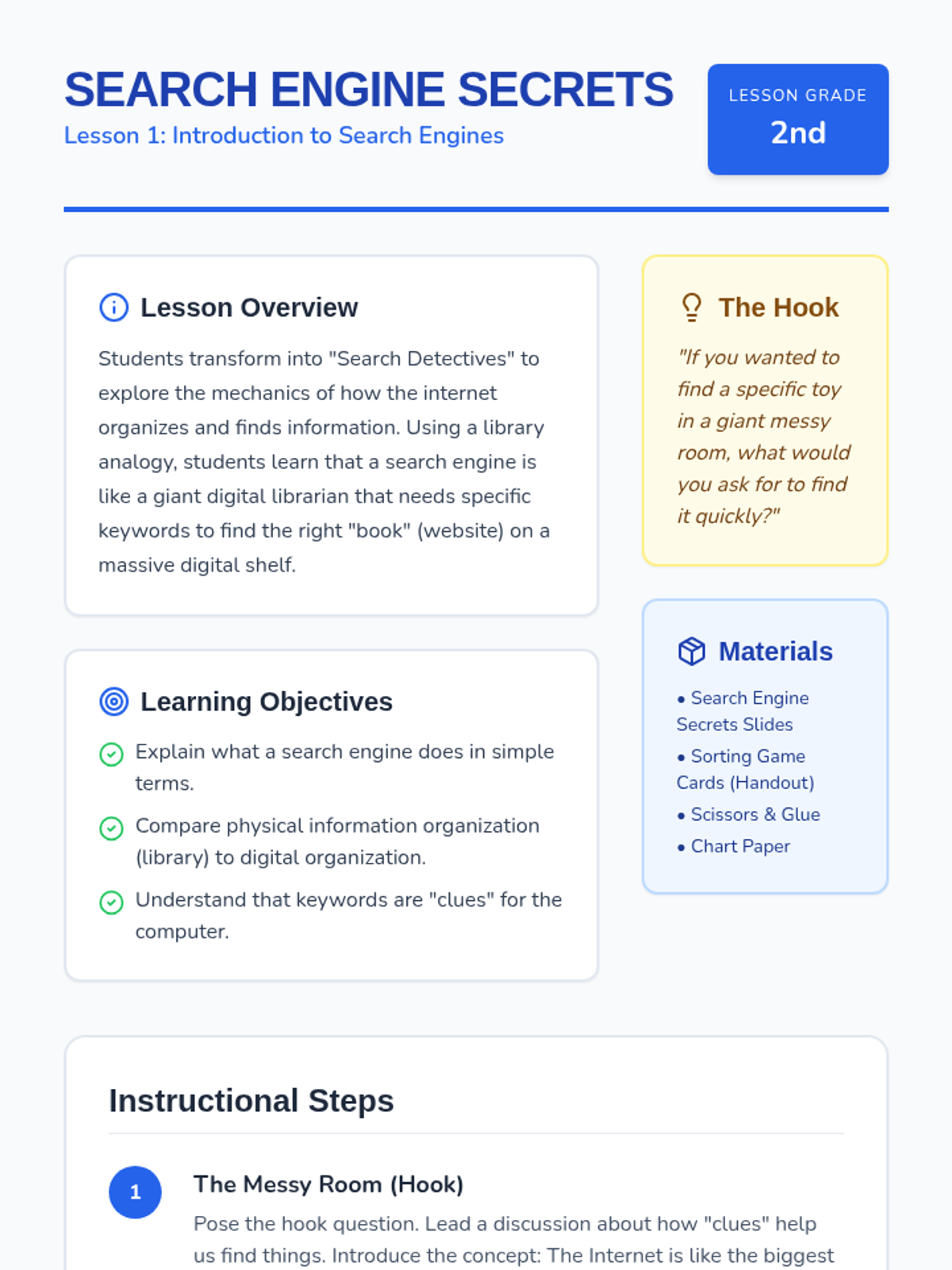
Students explore how search engines work using a library analogy and practice choosing effective keywords through a 'Keyword Detective' game.
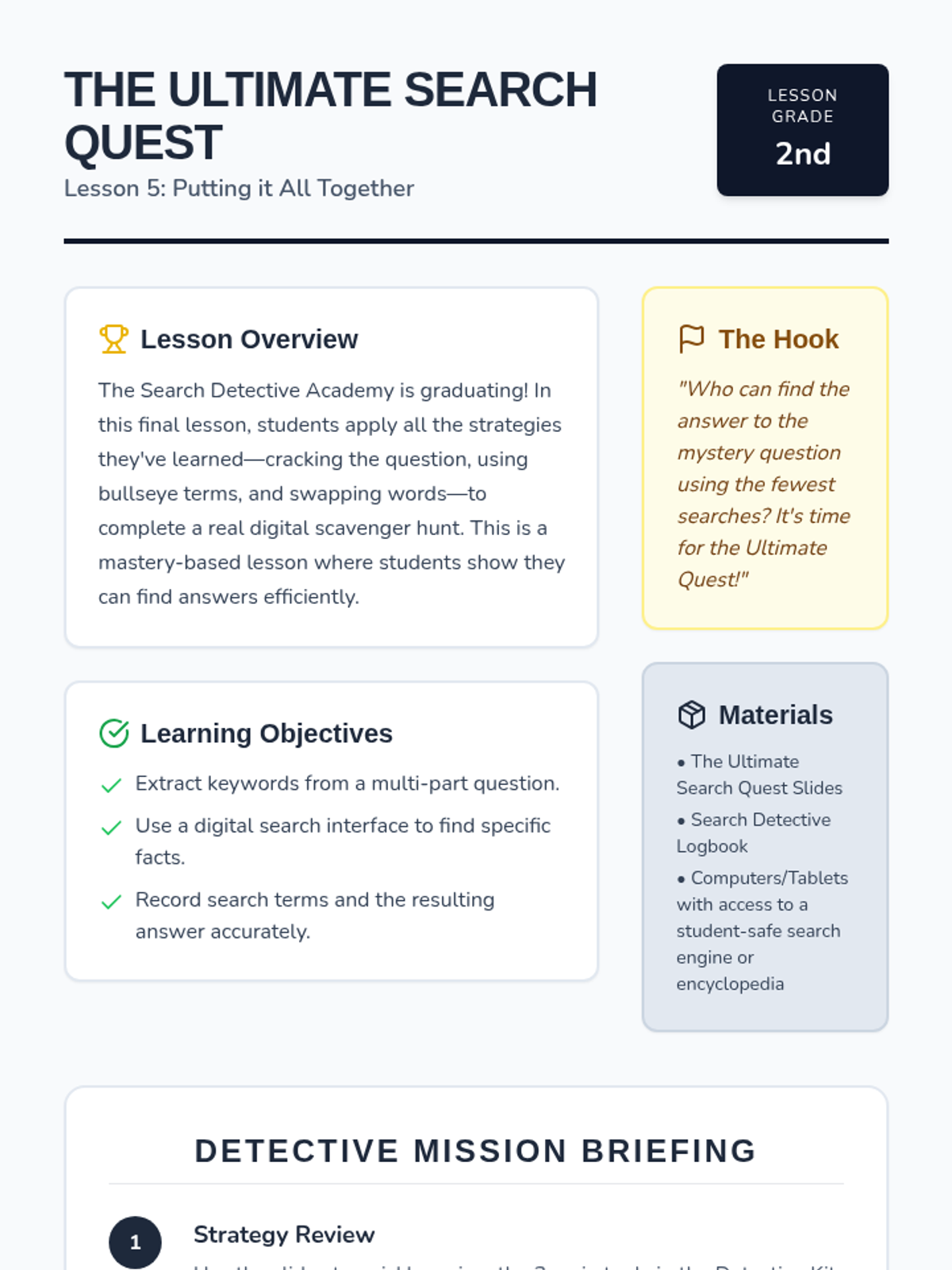
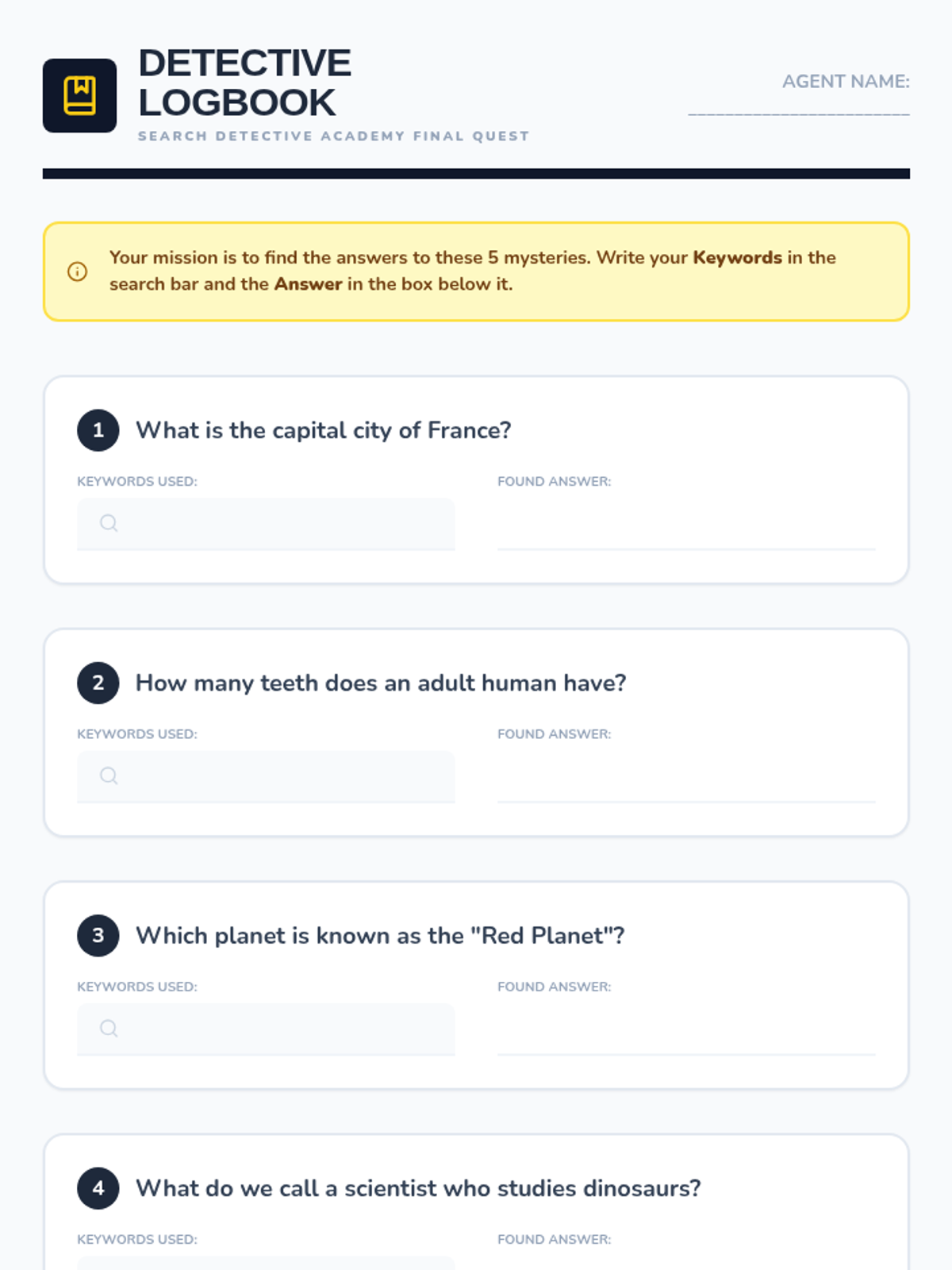
A culminating scavenger hunt where students apply all their keyword strategies to find answers in a digital encyclopedia.
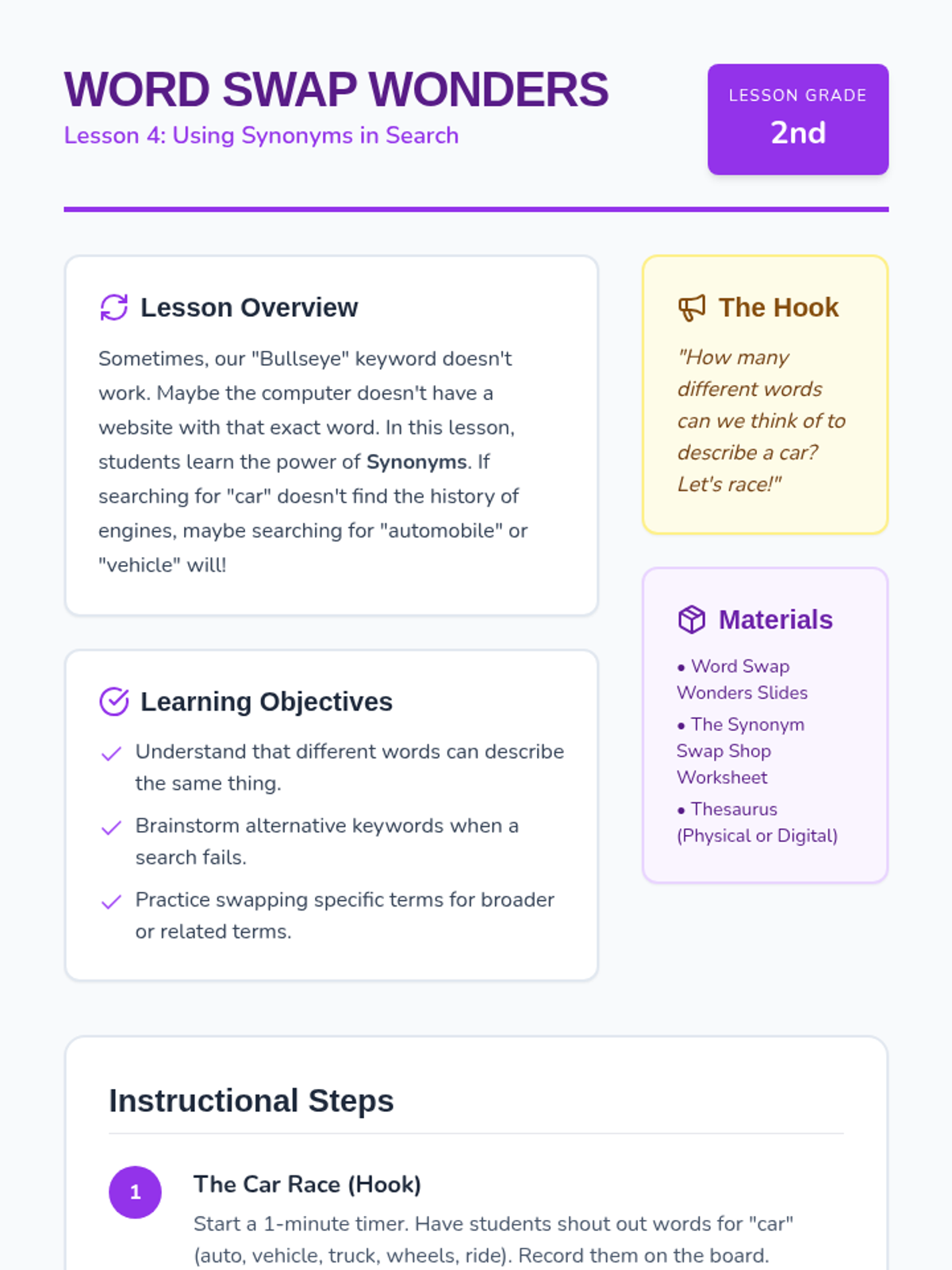
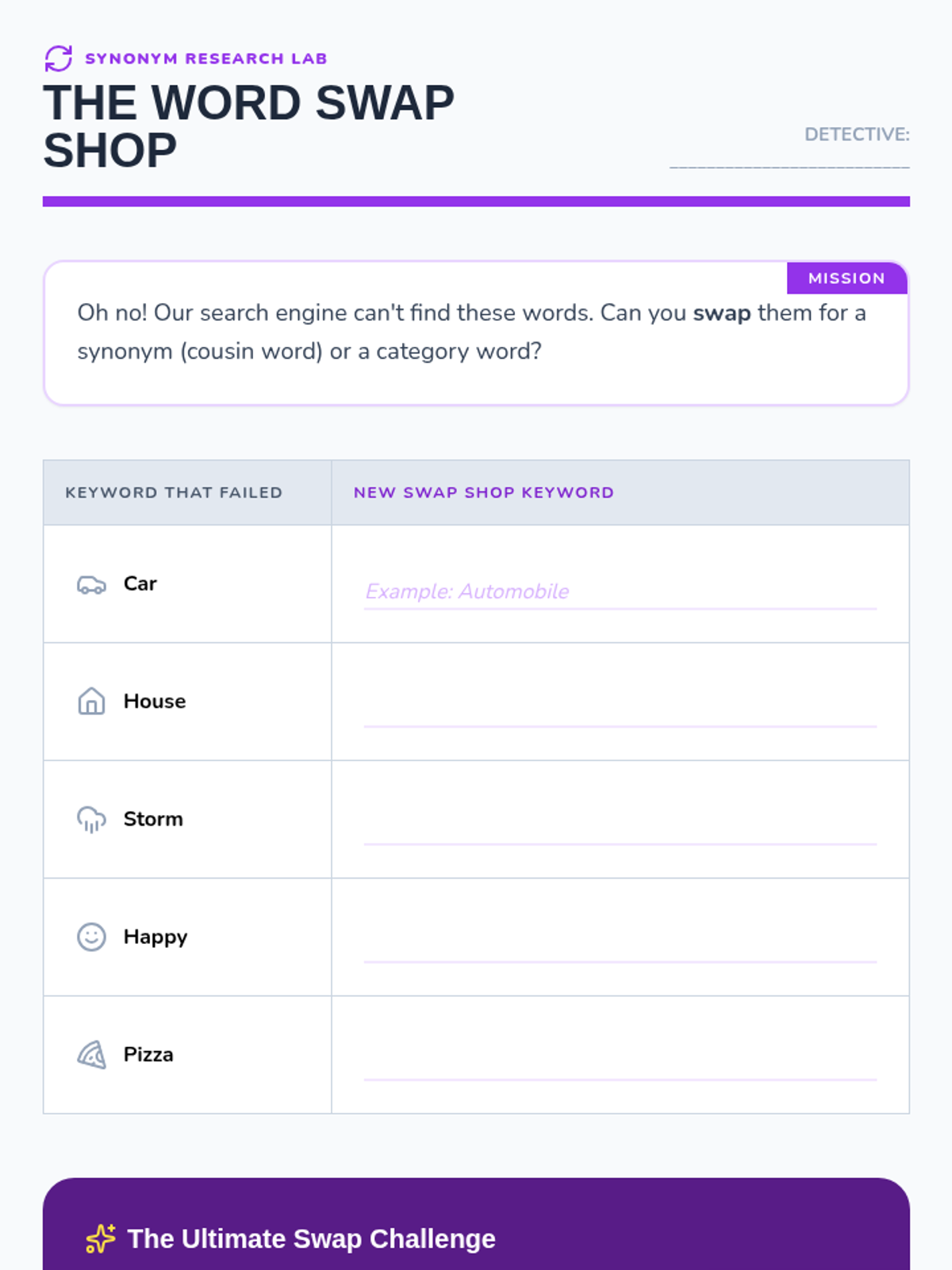
Students explore how synonyms can help when an initial search doesn't yield the right results.
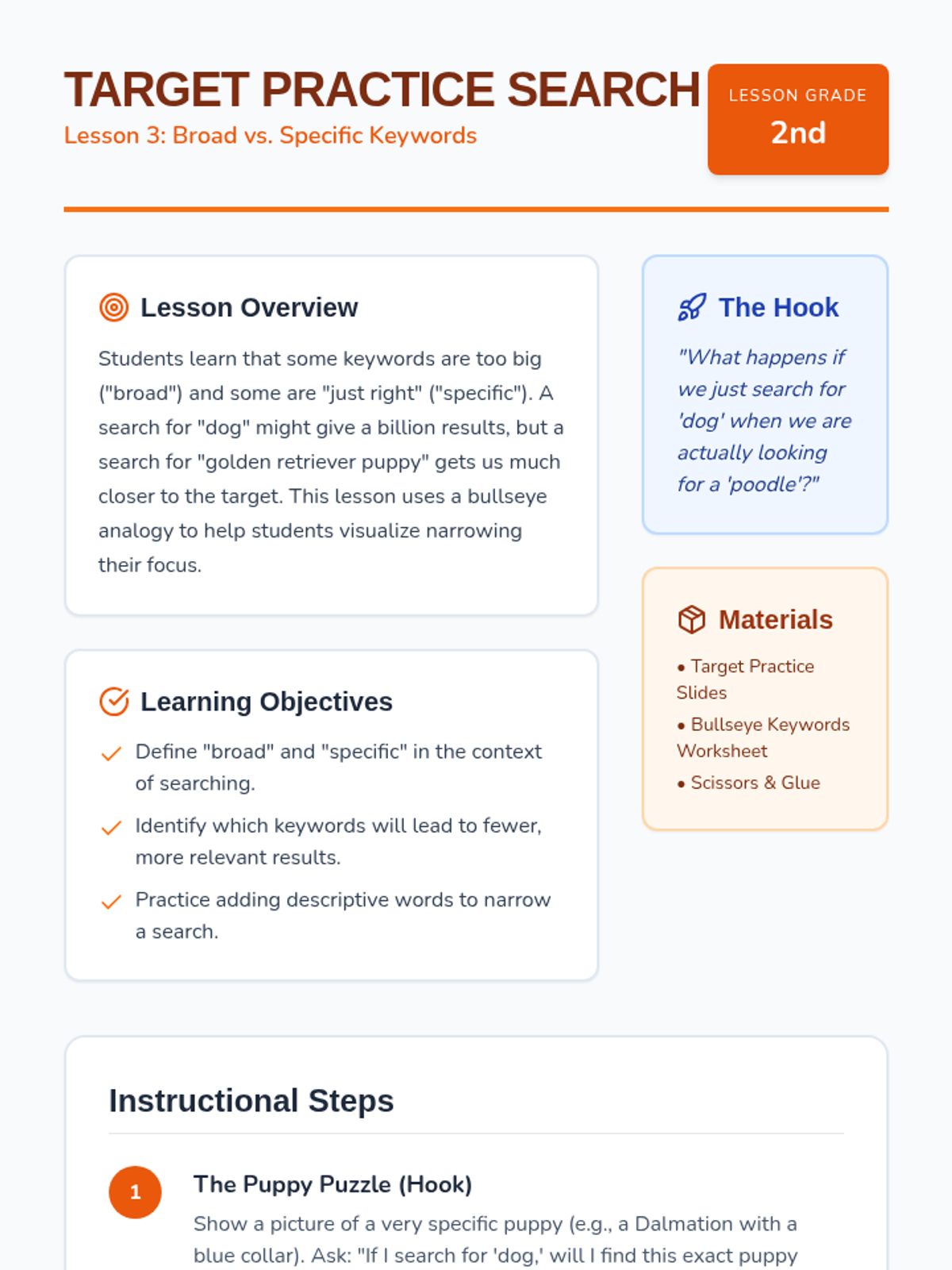
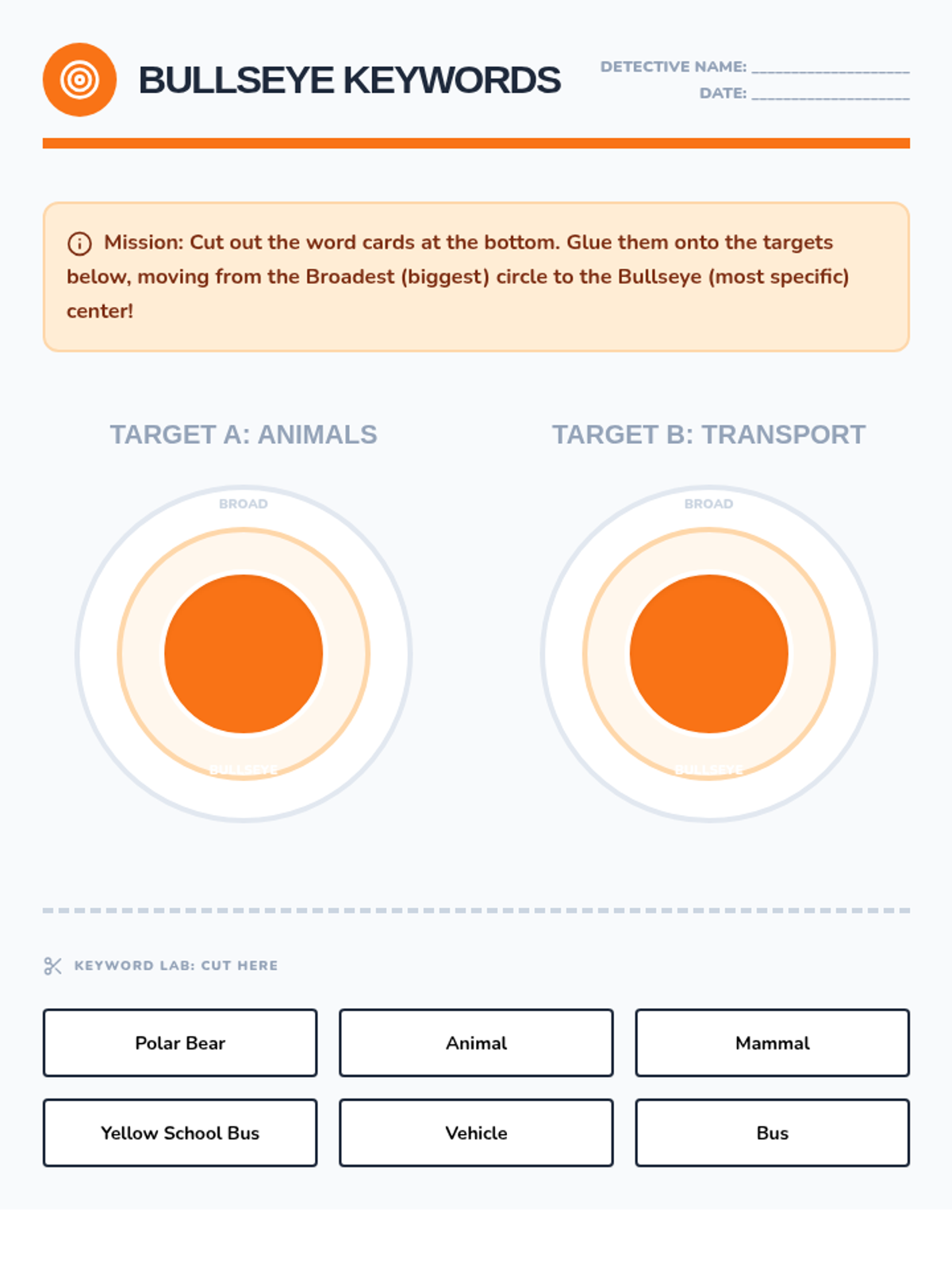
Students practice distinguishing between broad and specific keywords to narrow down their search results.
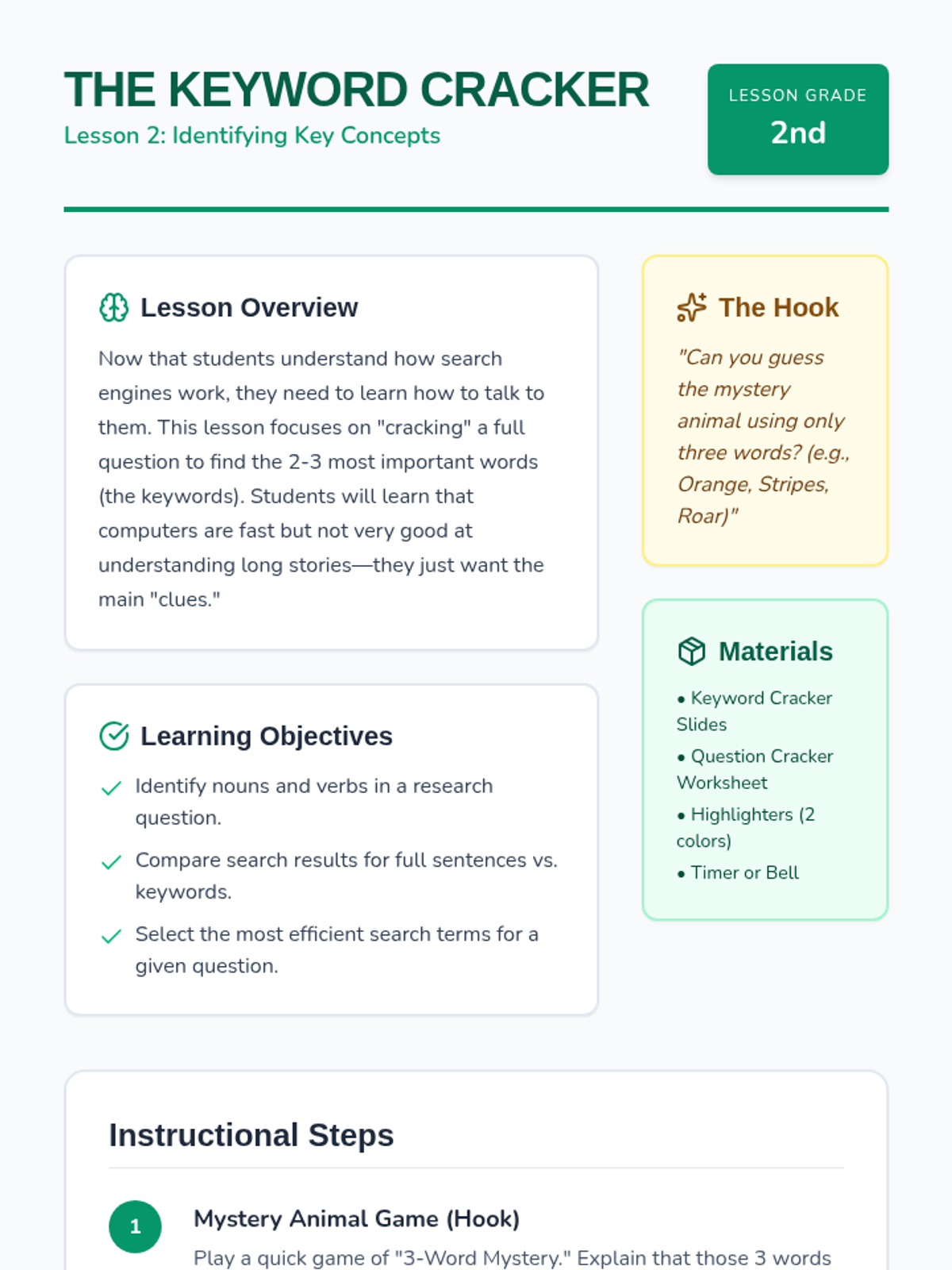
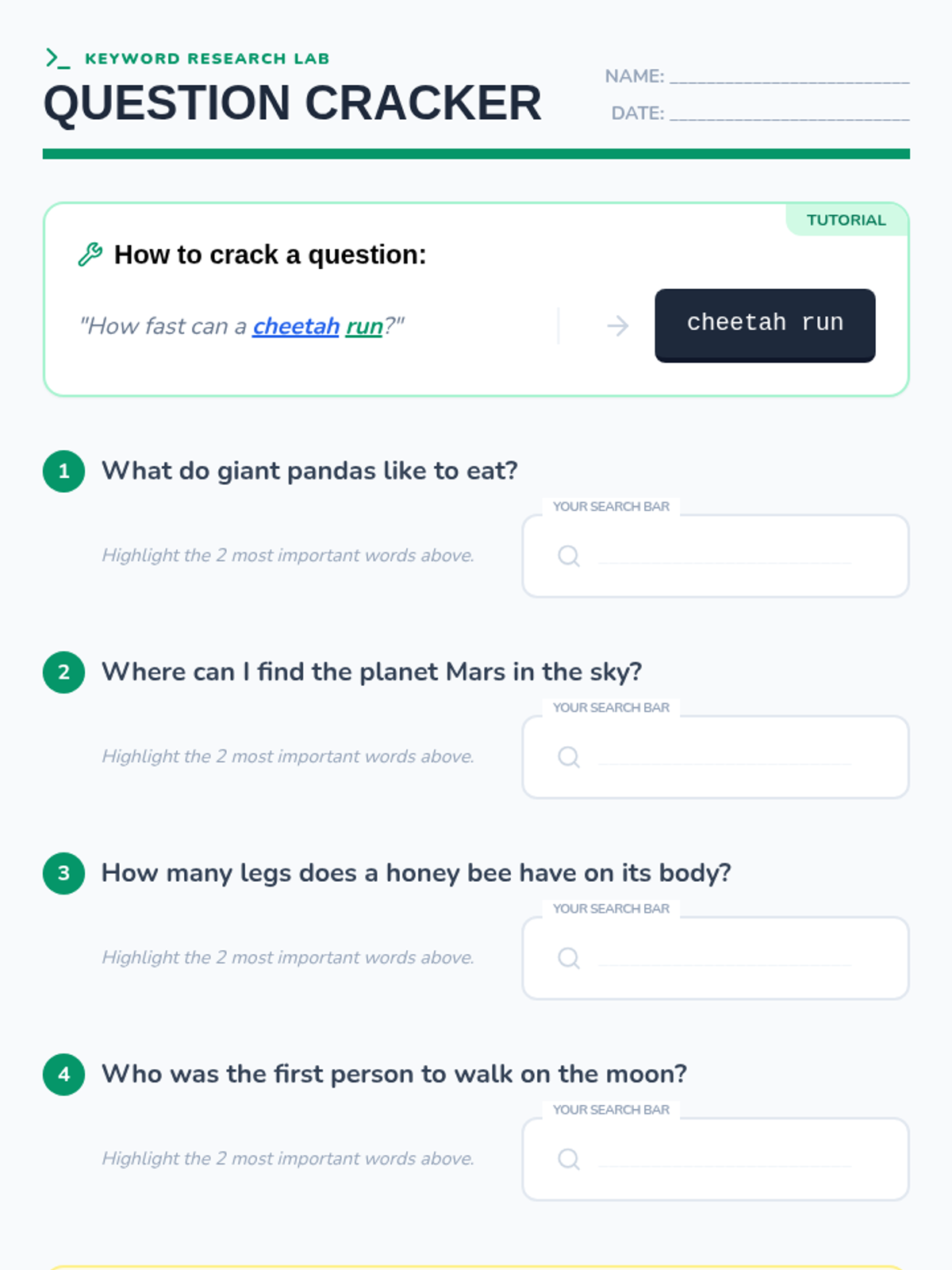
Students learn to identify the most important words (nouns and verbs) in a question to create effective search terms.
Students understand how search engines store and retrieve information by comparing them to a library and a digital shelf.
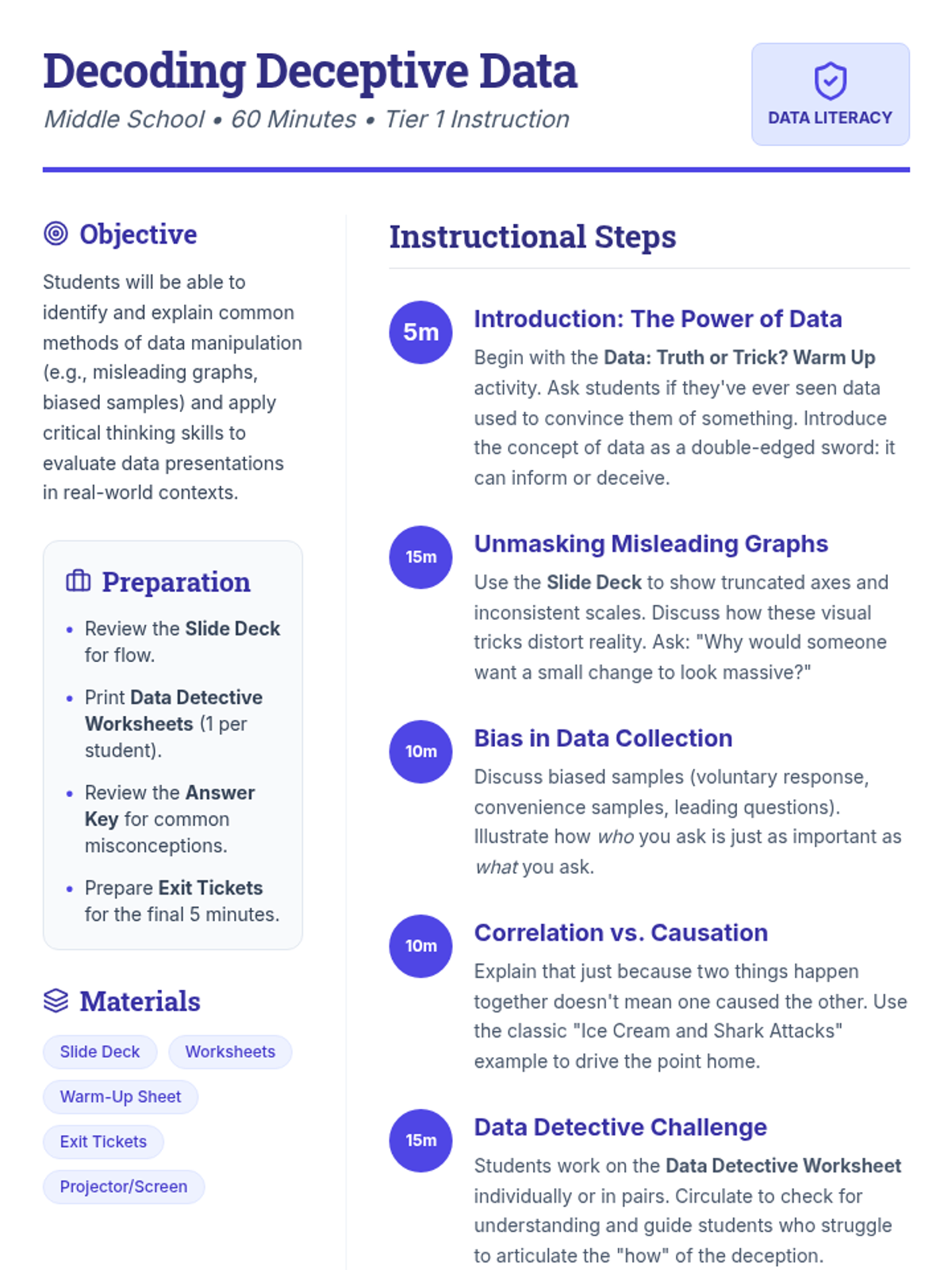
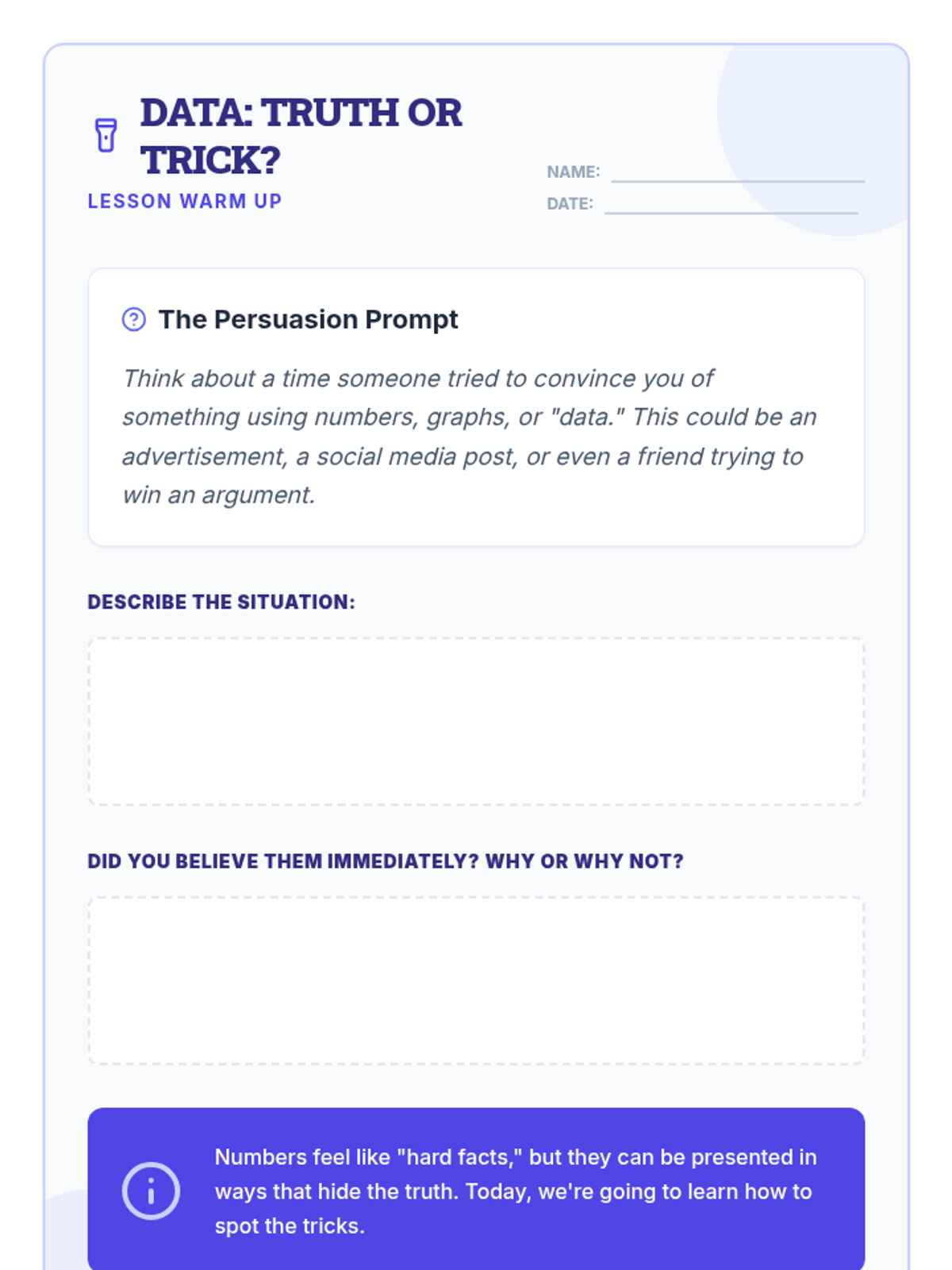
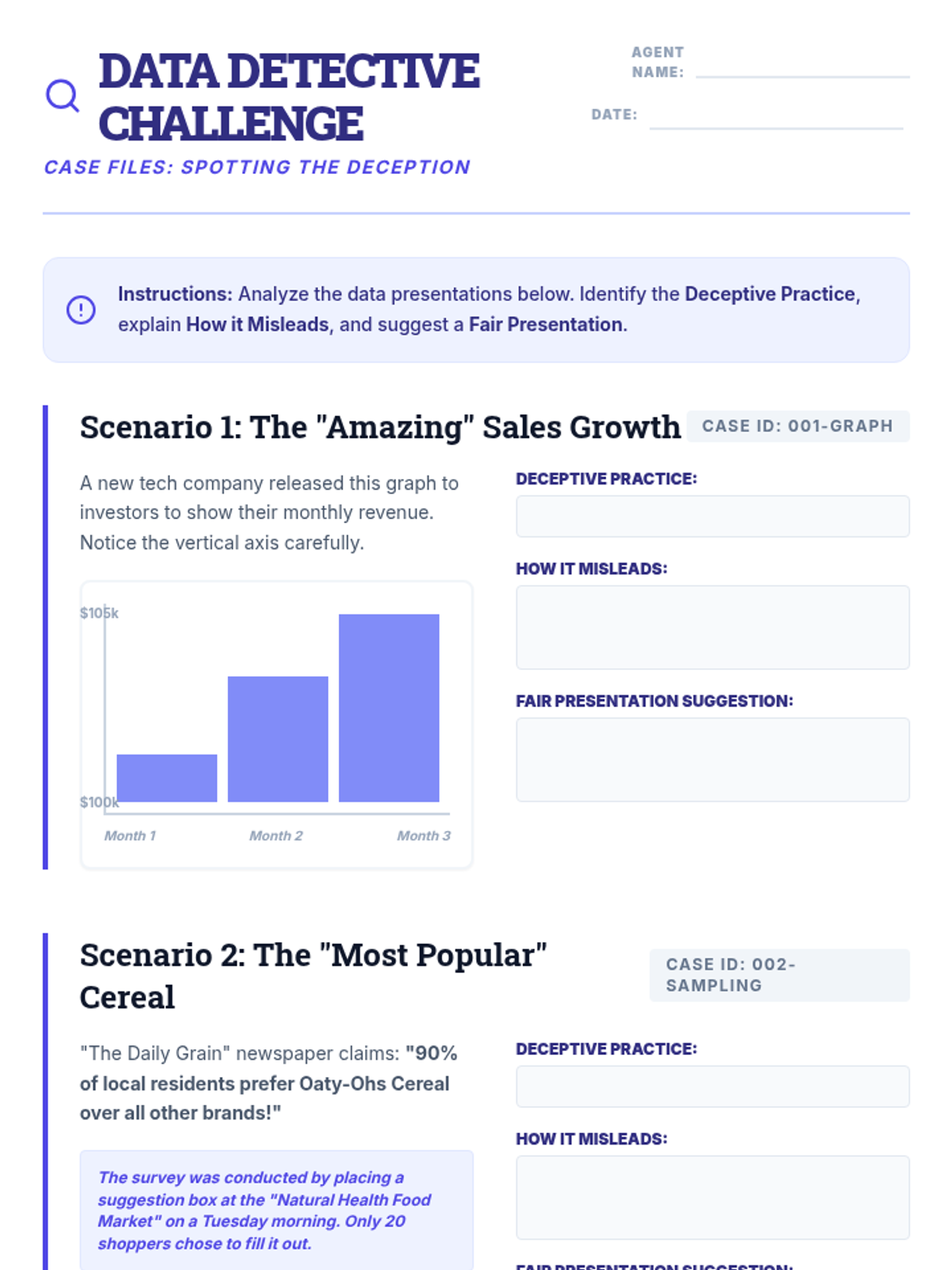
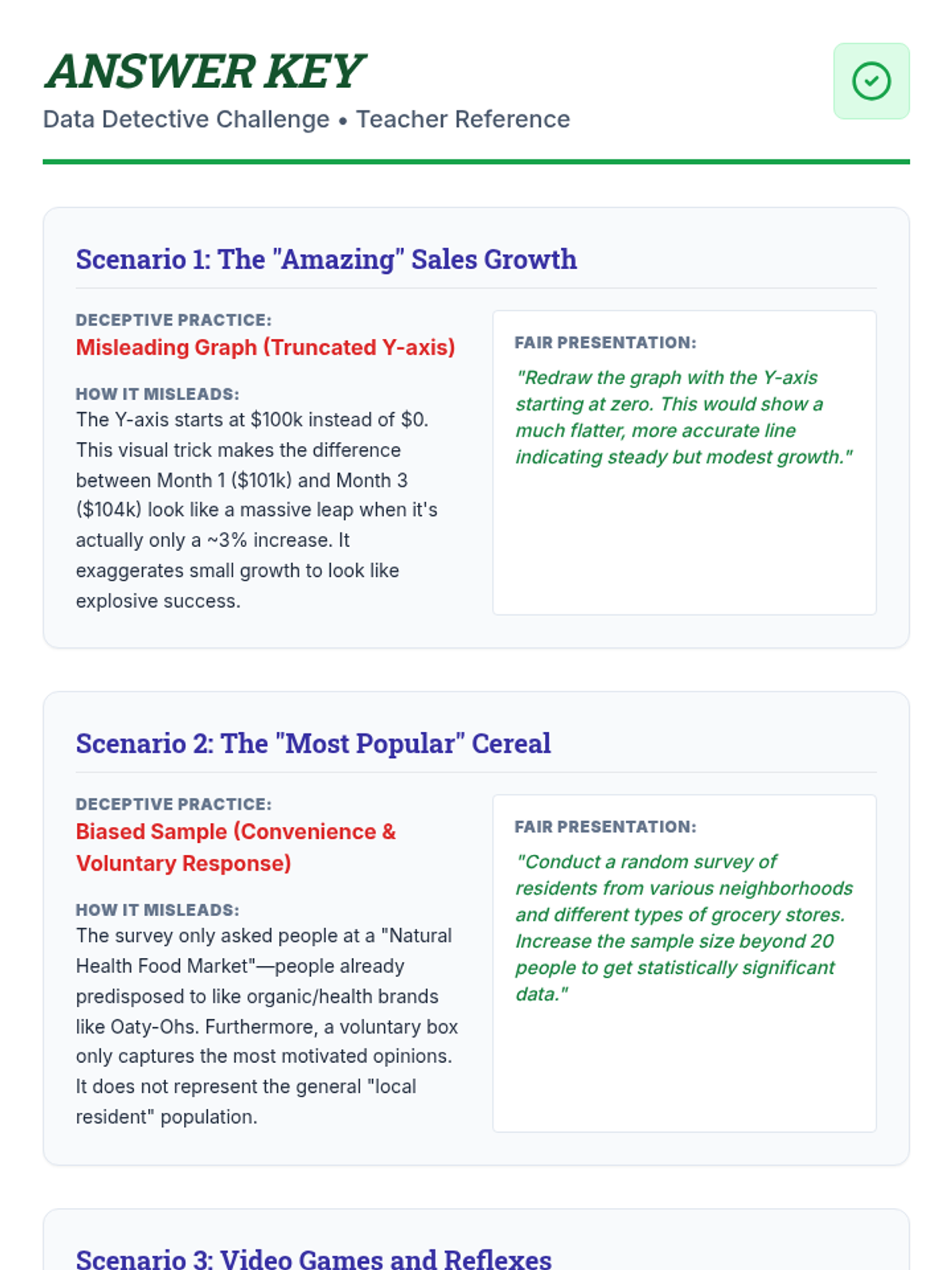
Middle school students learn to identify and analyze common methods of data manipulation, including misleading graphs and biased sampling.
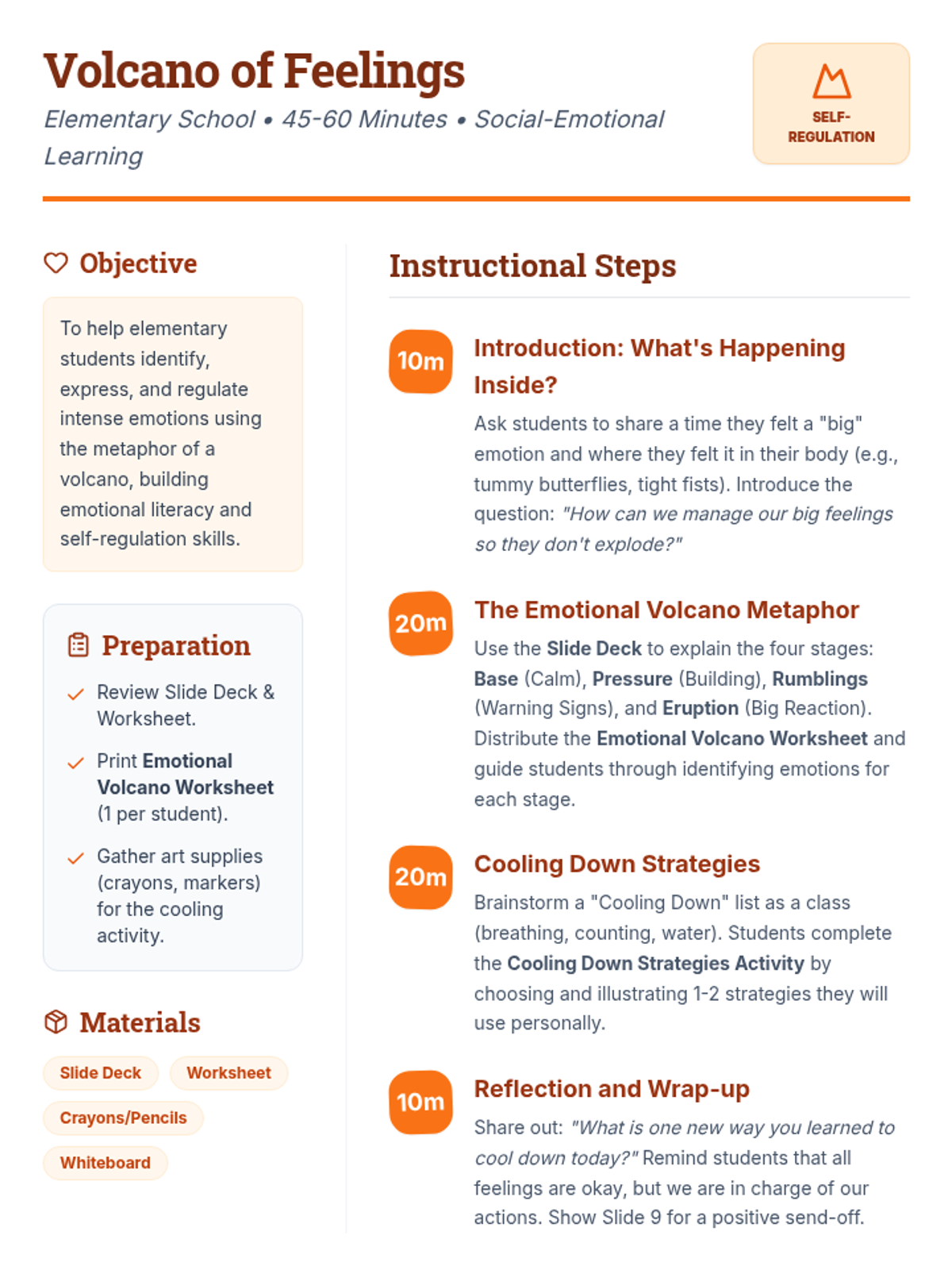
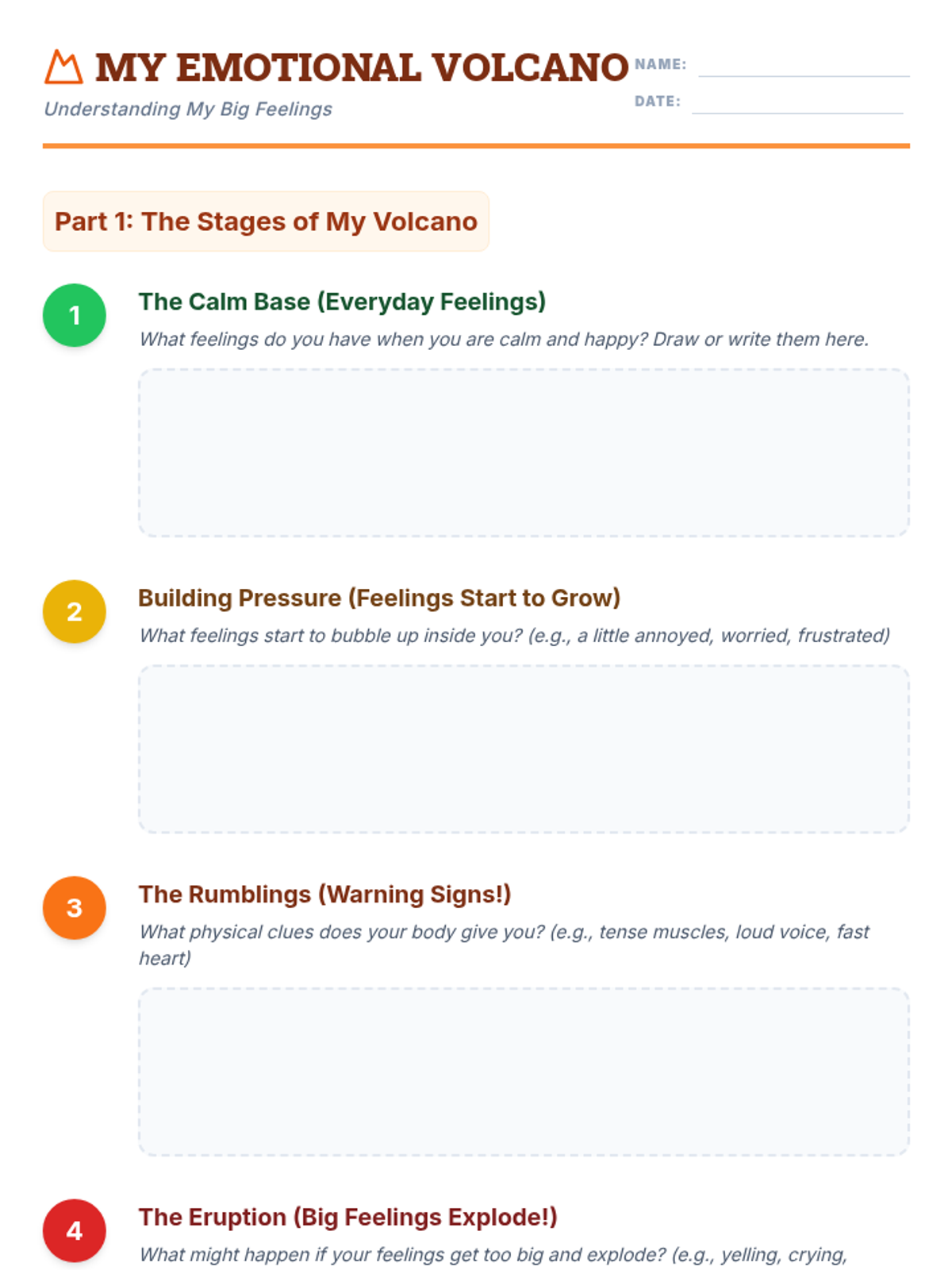
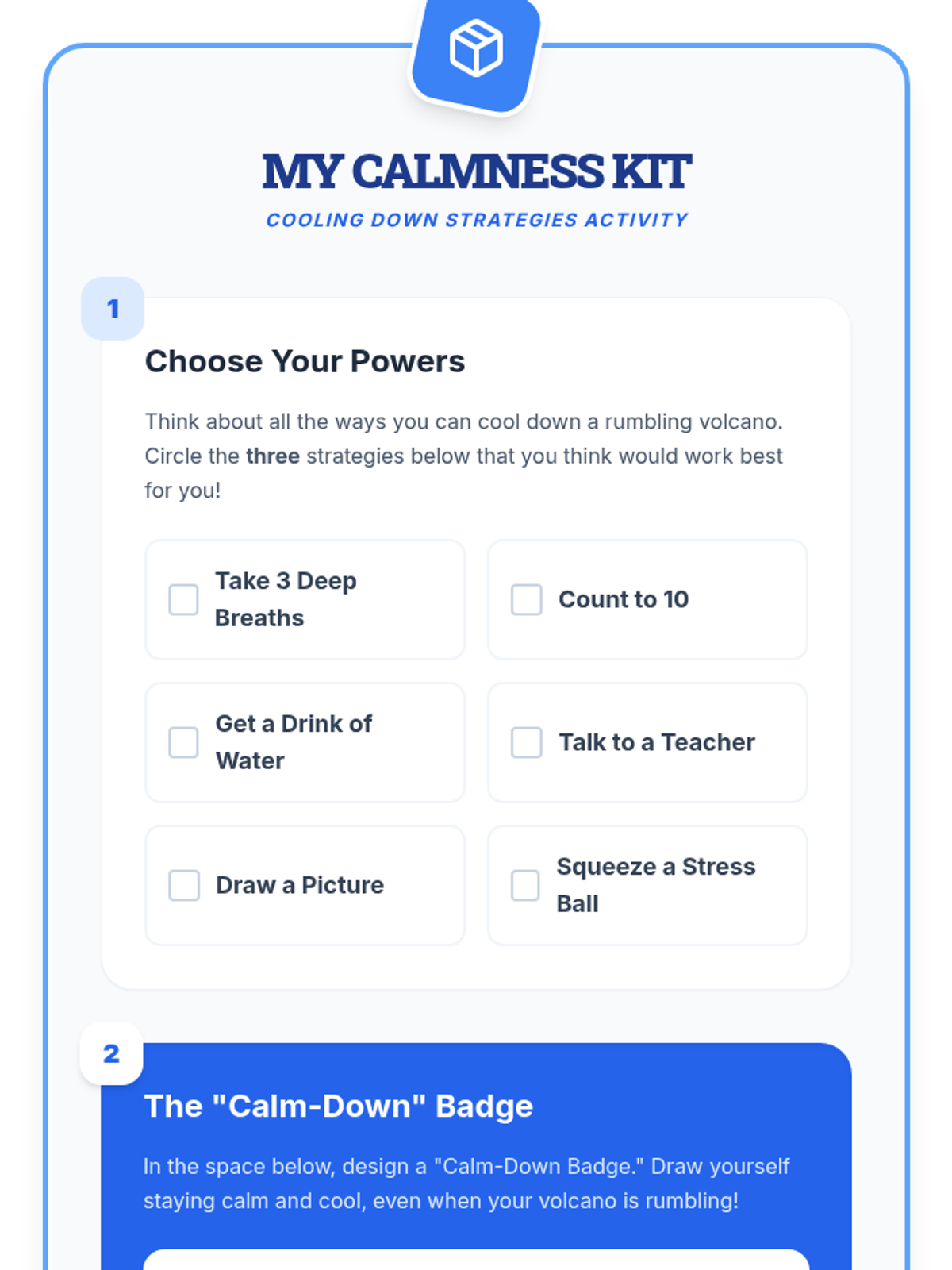
Elementary students use the metaphor of a volcano to understand emotional intensity and practice proactive self-regulation strategies.
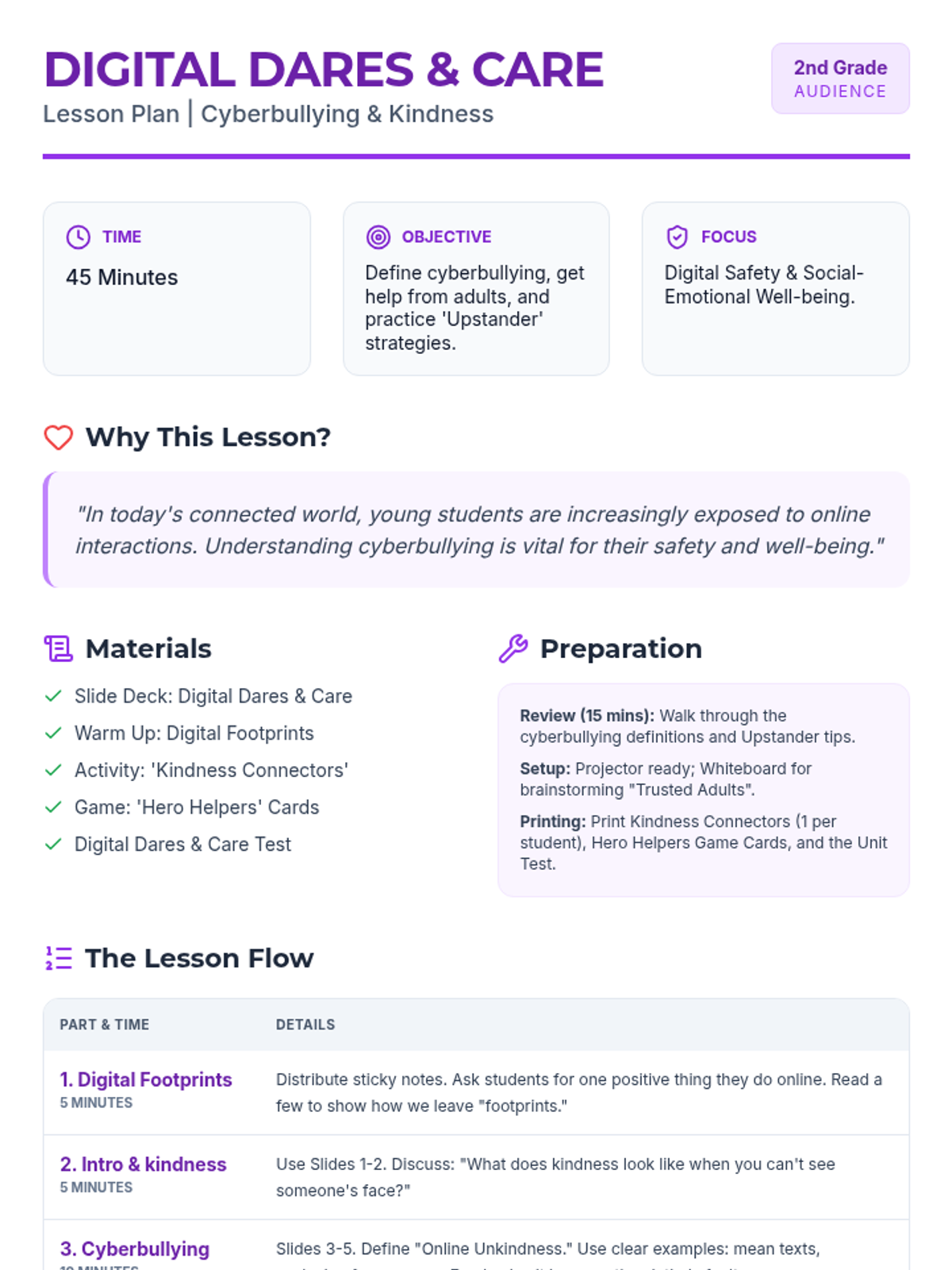
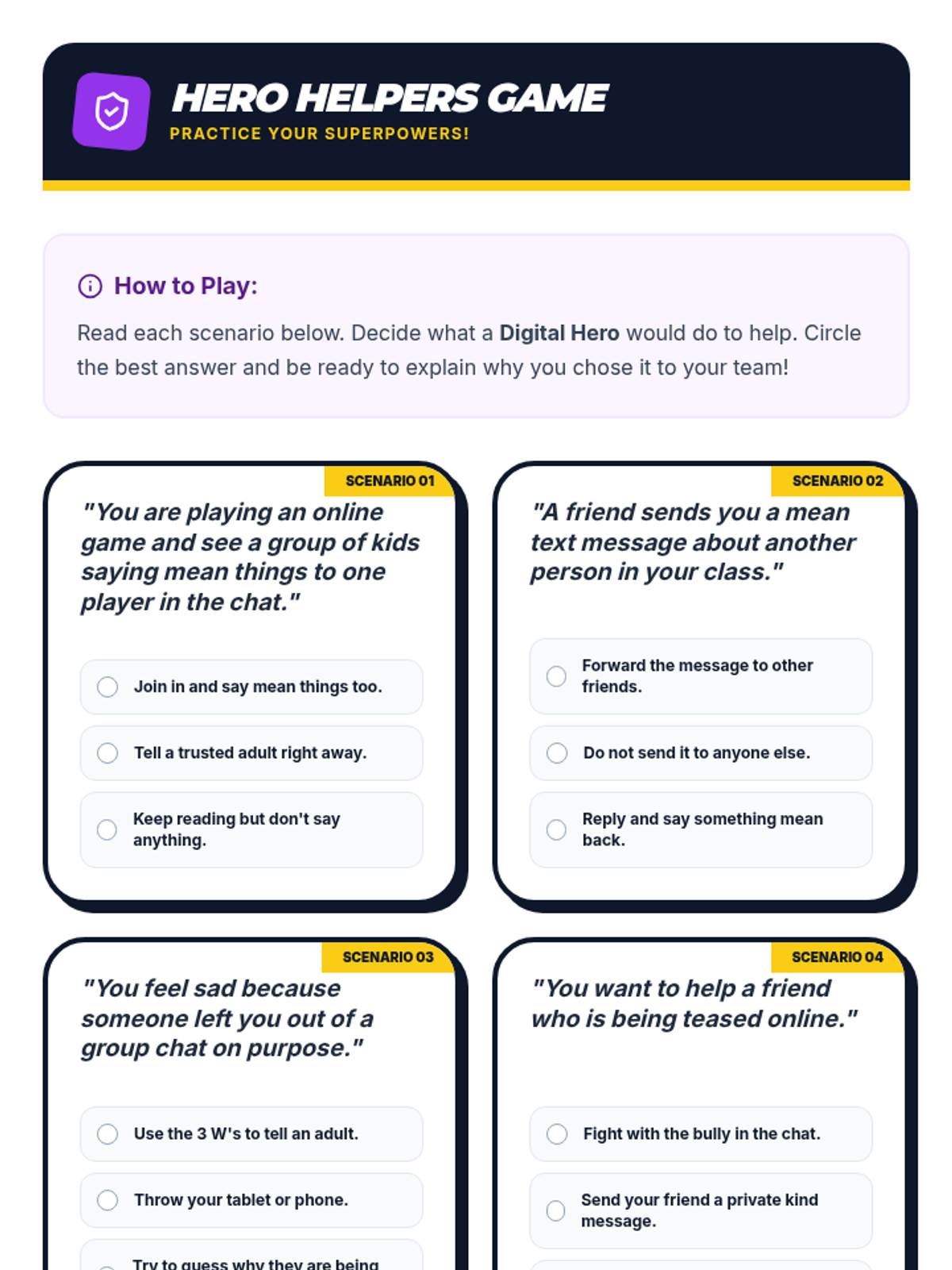
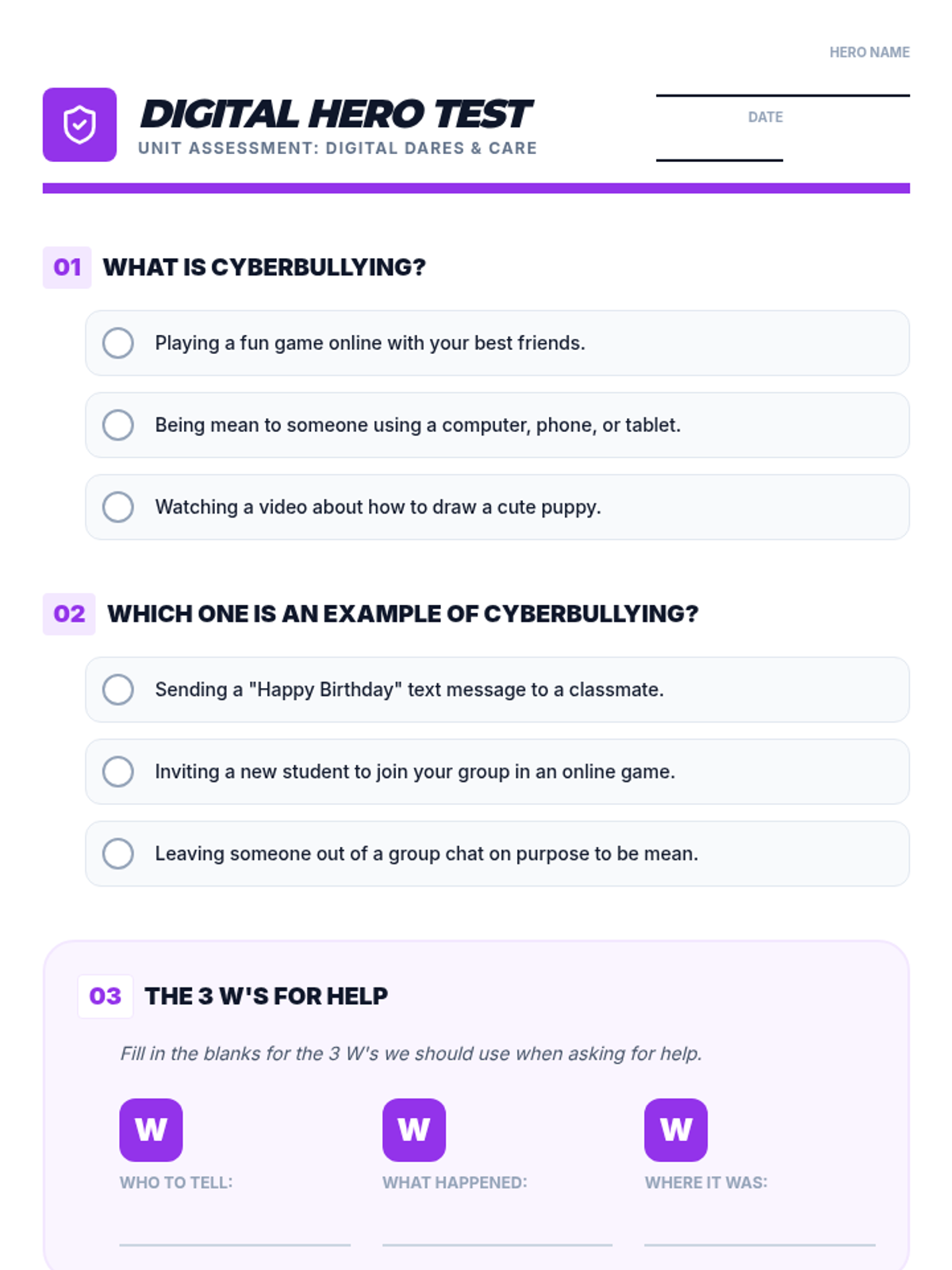
Second-grade students learn the basics of cyberbullying, how to be a 'digital upstander', and the importance of seeking help from trusted adults.
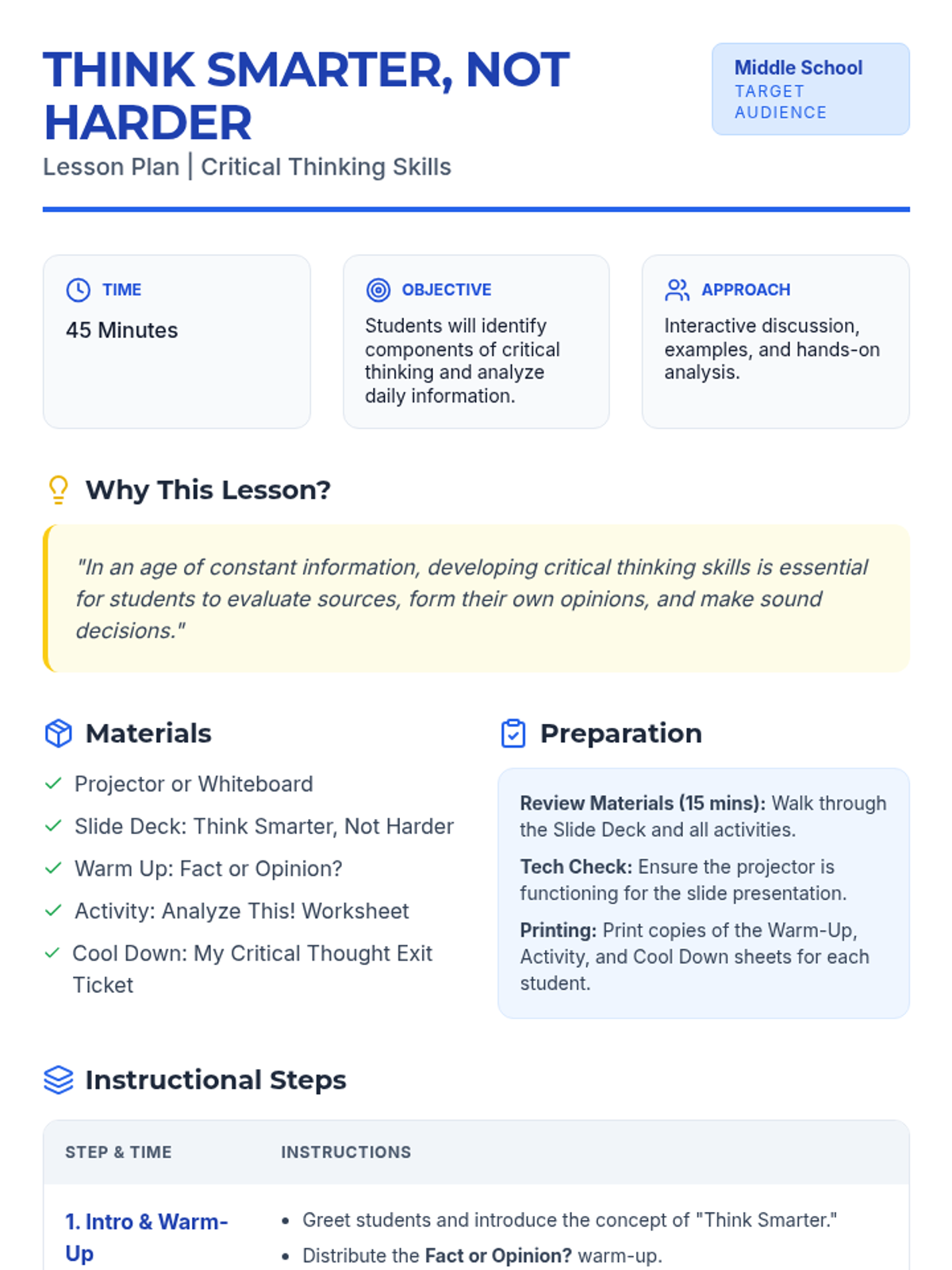
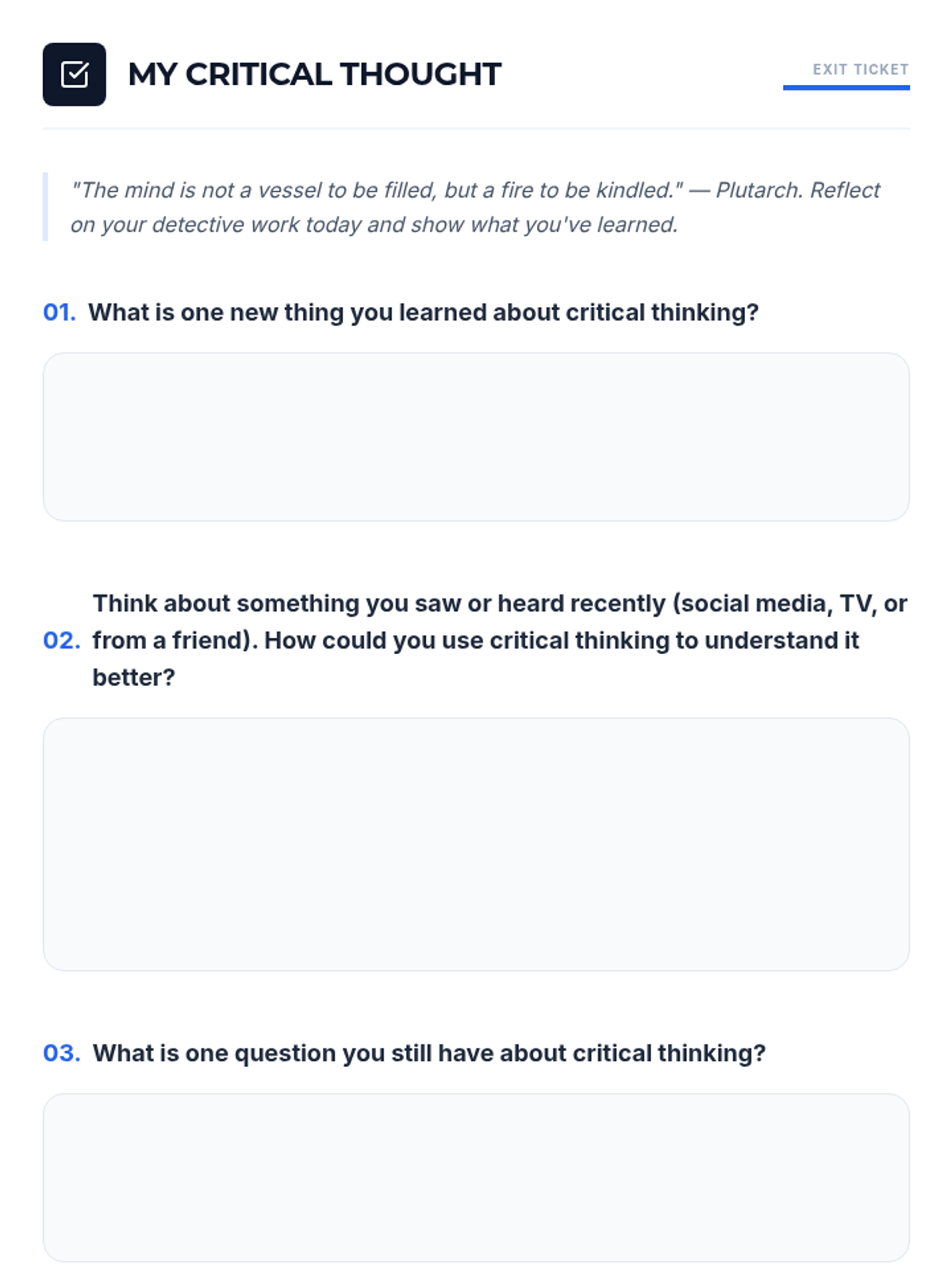
Middle school students learn to evaluate sources, distinguish fact from opinion, and apply a detective-like approach to analyzing information.
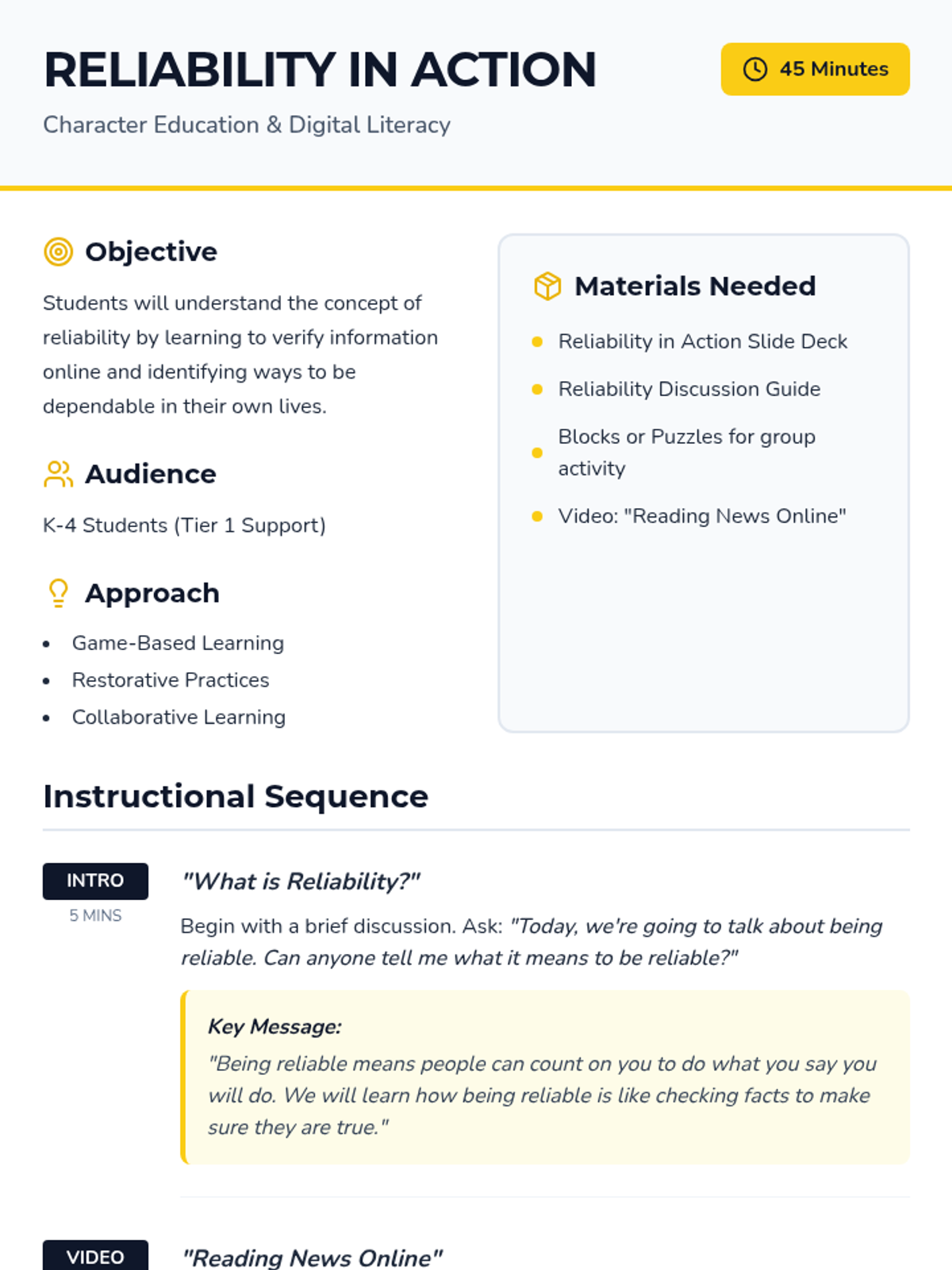
This lesson teaches K-4 students the concept of reliability by connecting digital fact-checking with personal dependability, helping them develop critical thinking and social-emotional skills.
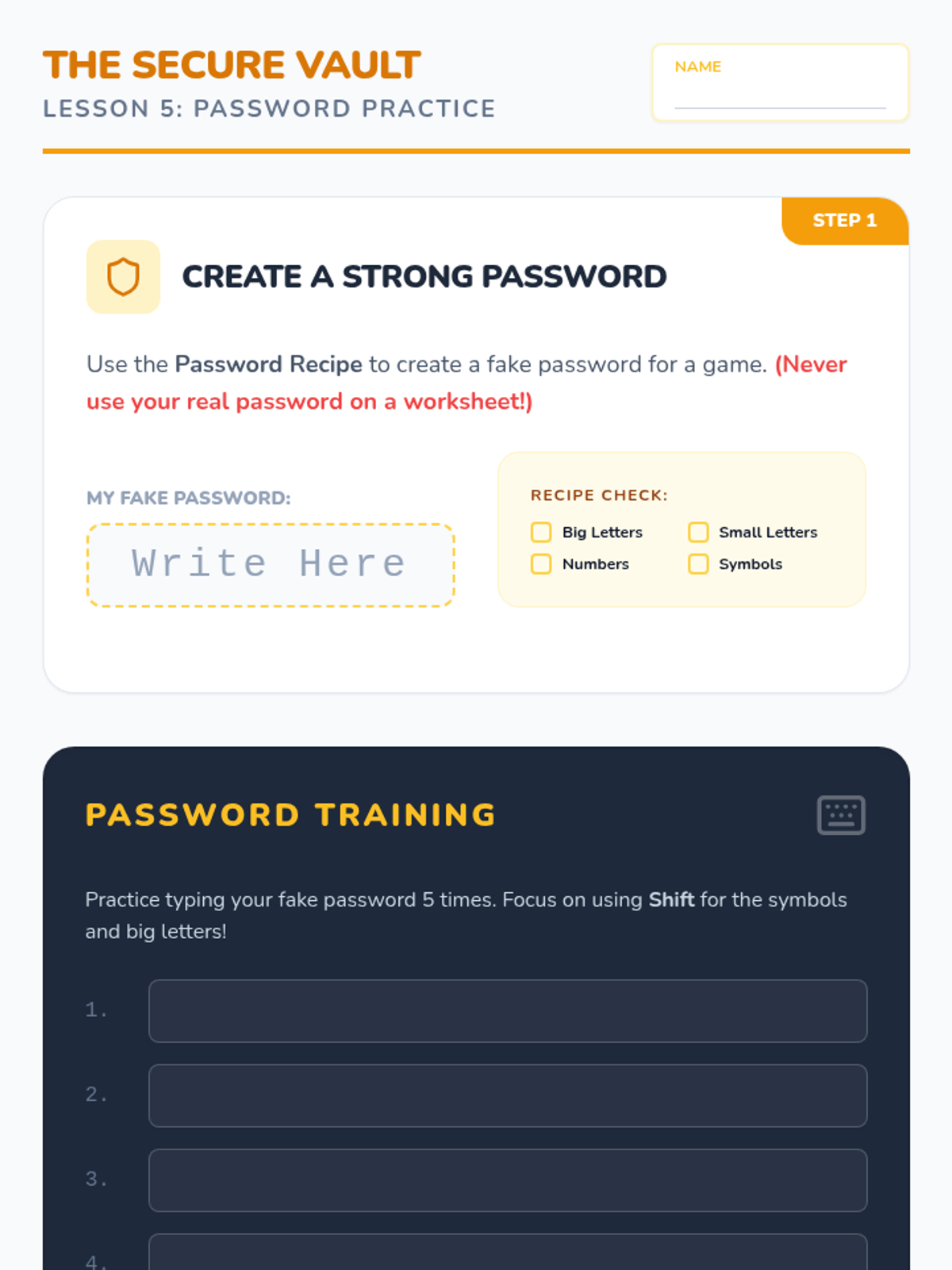
Combines typing skills with security concepts to create strong, secure passwords.
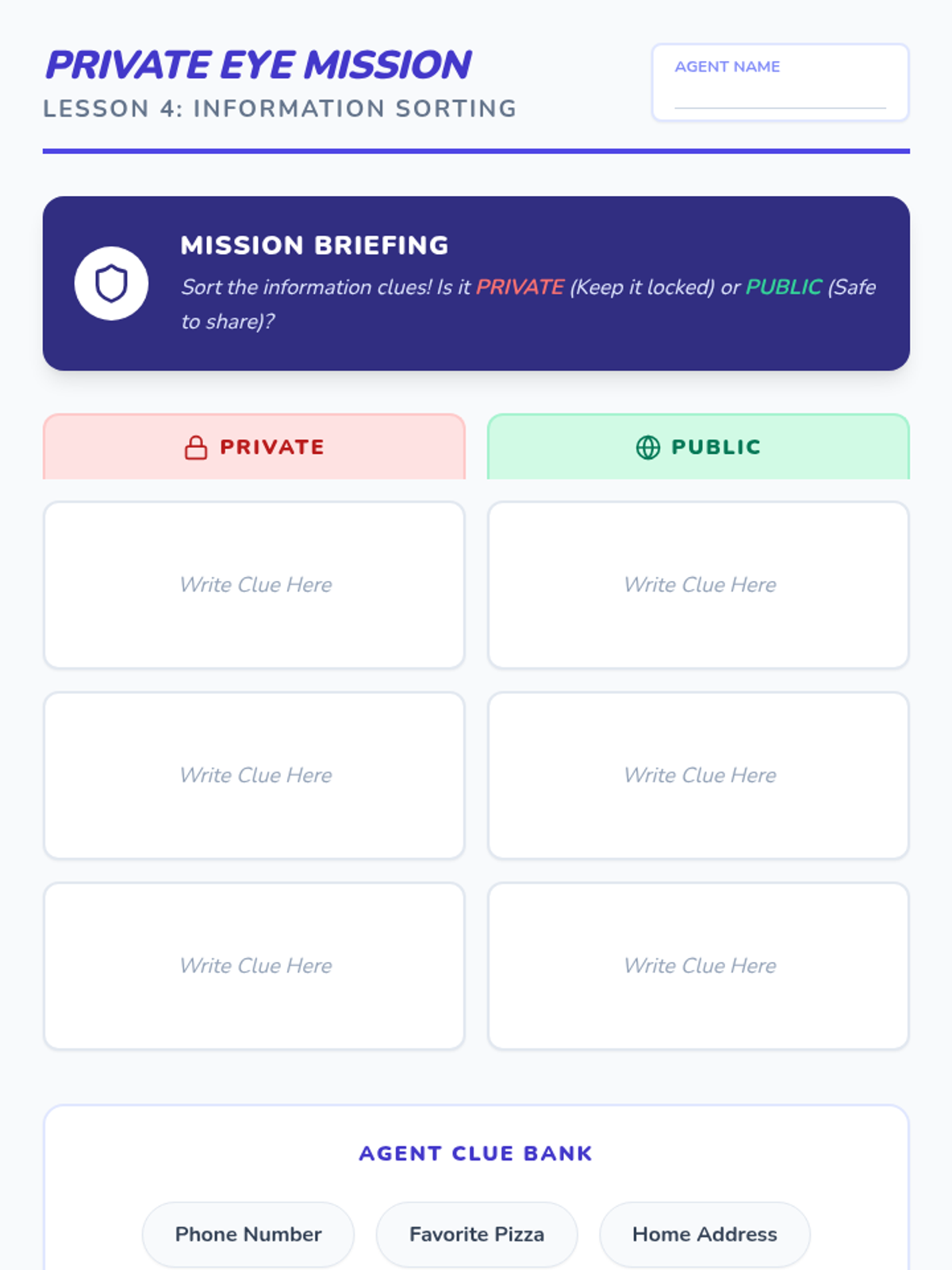
Teaches students to distinguish between private and public information while practicing typing.
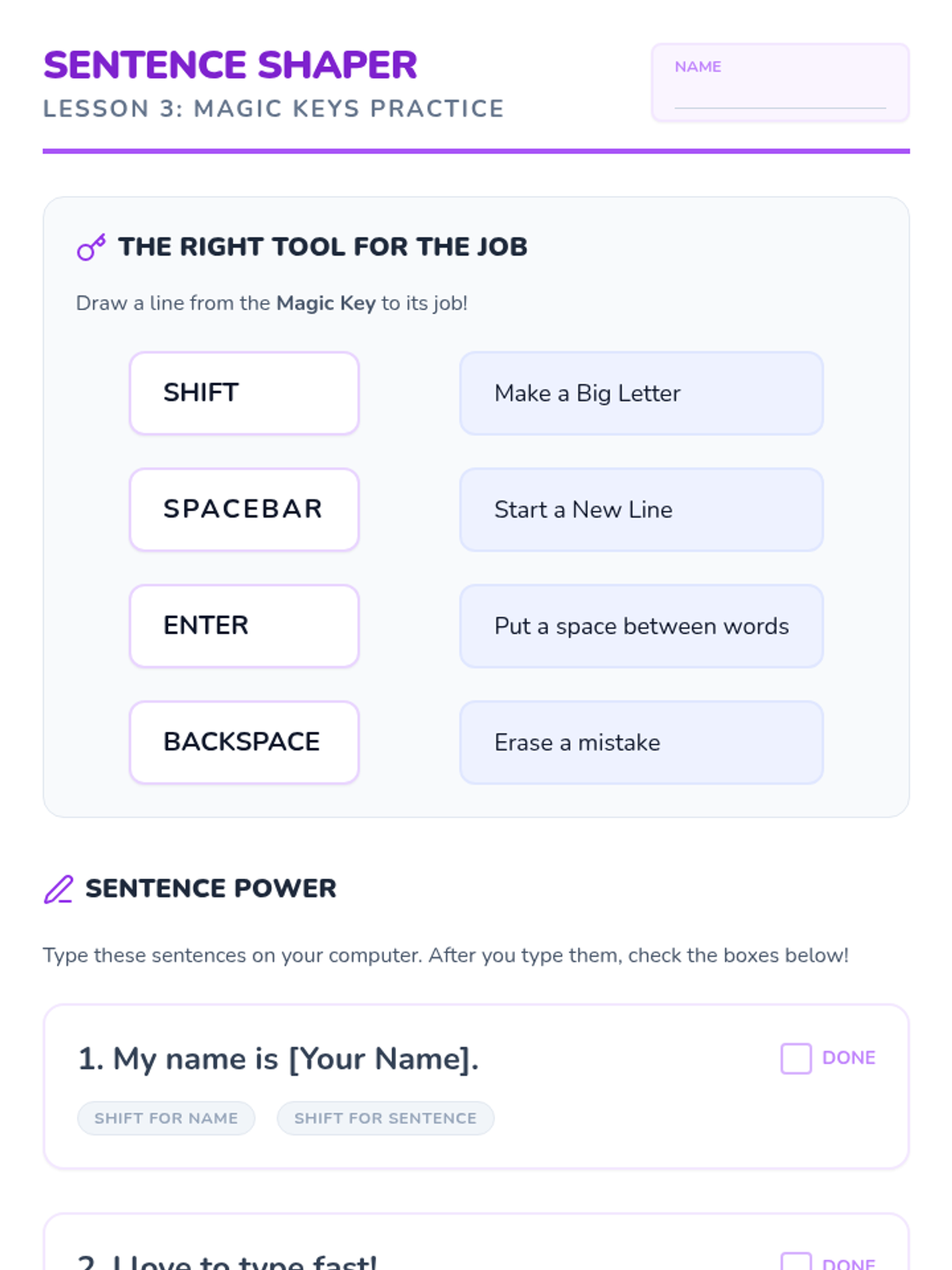
Introduces the function of Spacebar, Enter, Backspace, and Shift keys for text formatting.
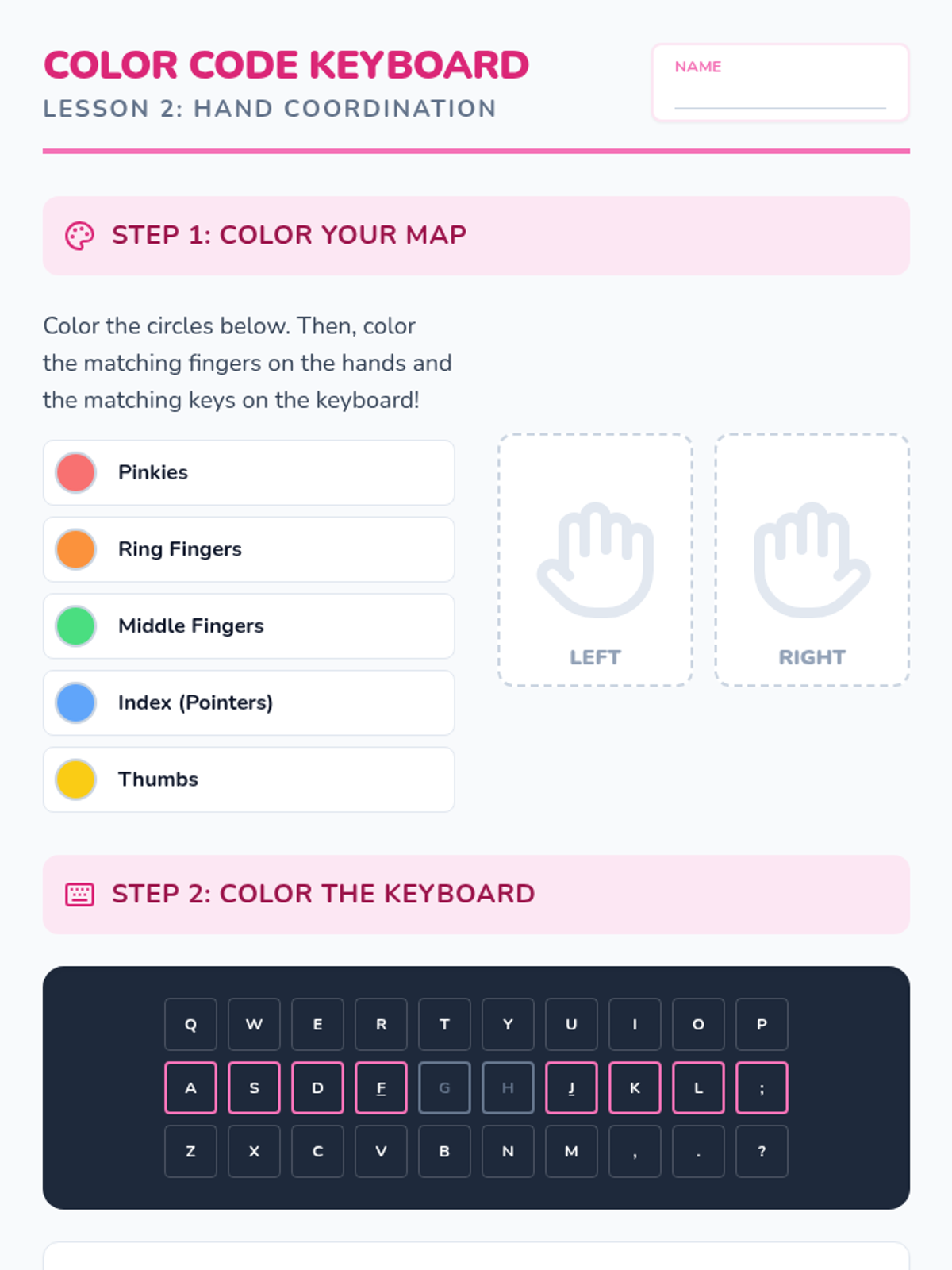
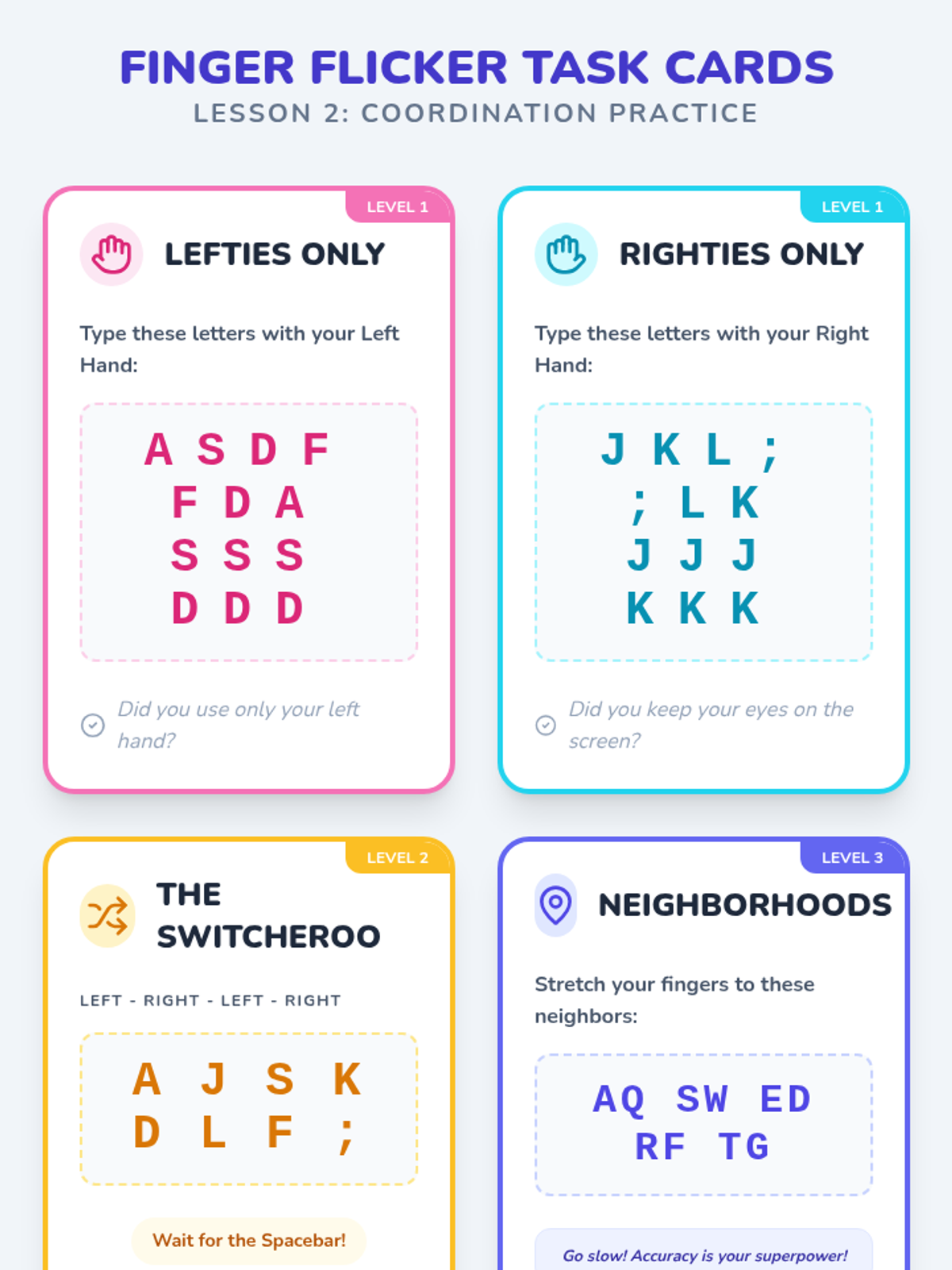
Isolates left and right hand movements to build coordination and accuracy.
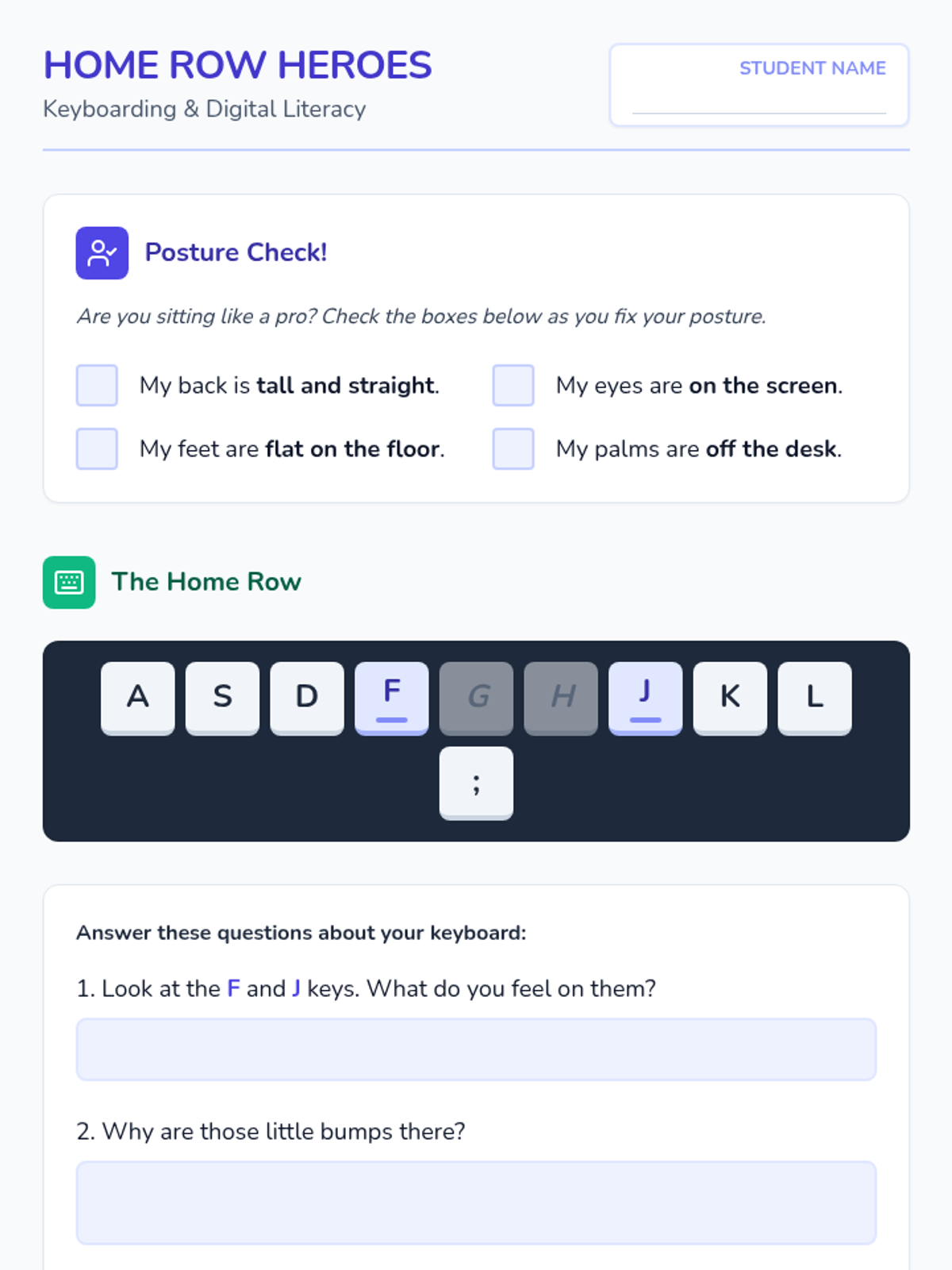
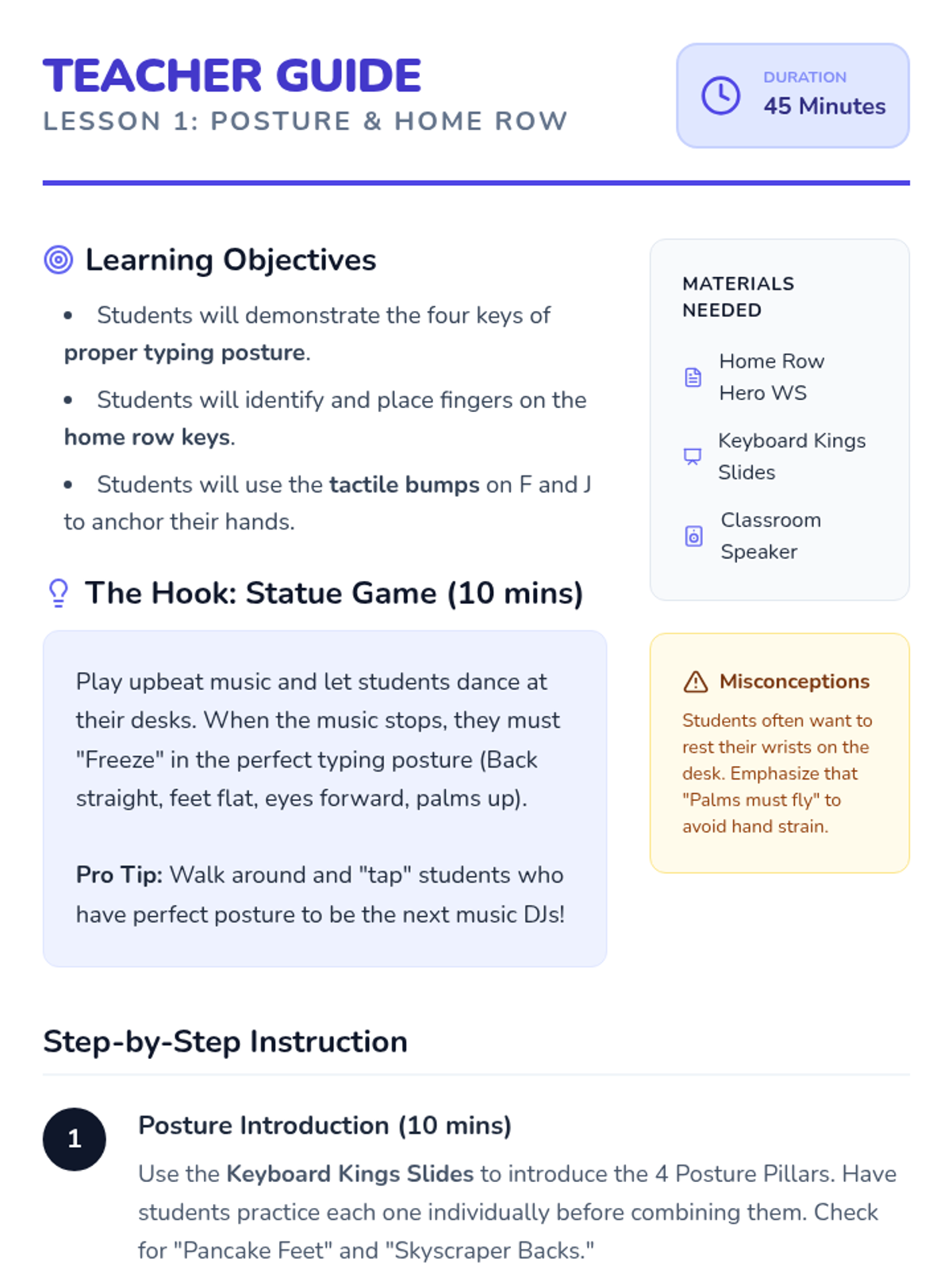
Focuses on typing ergonomics and the tactile anchoring of the home row keys.
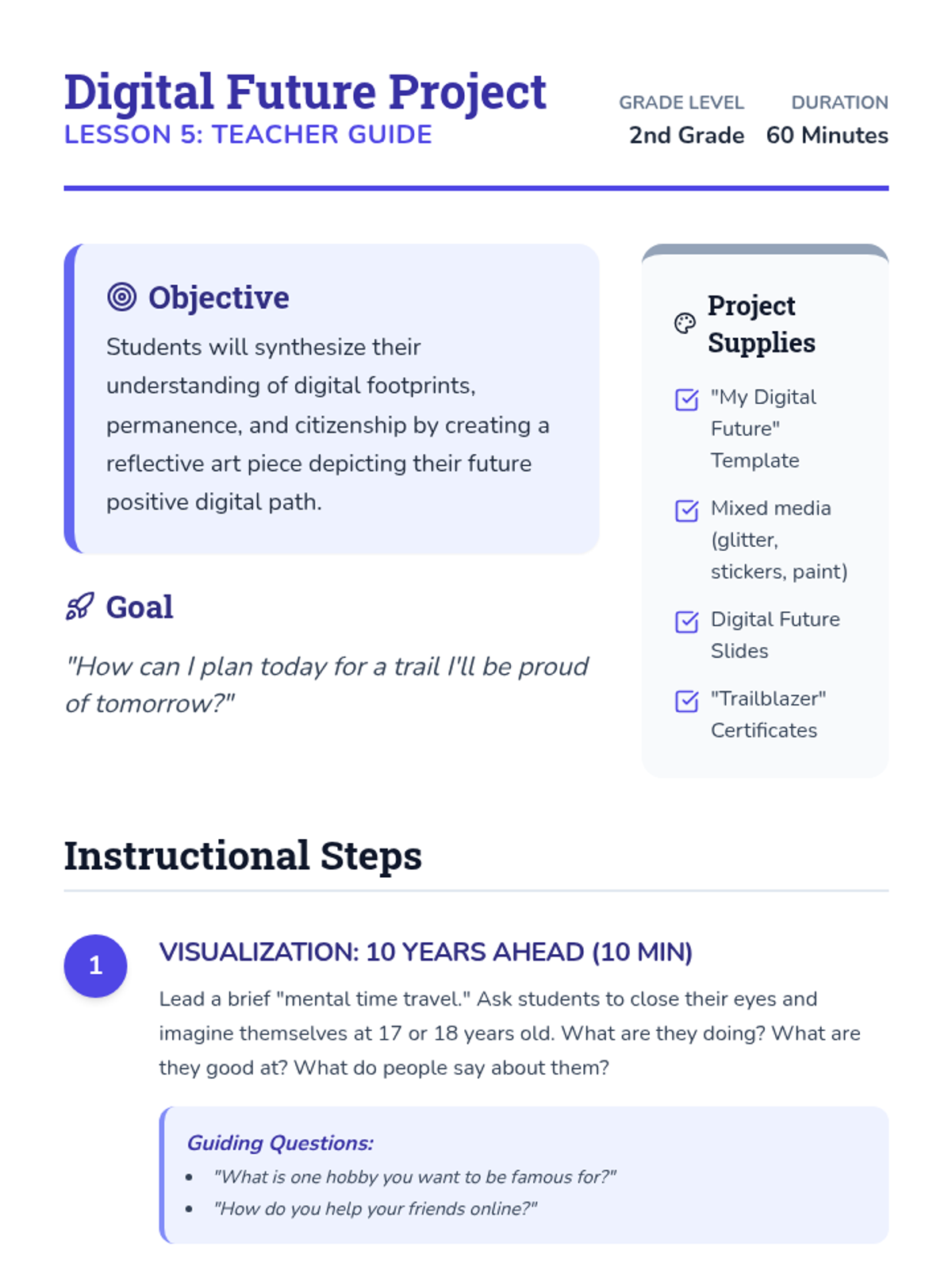
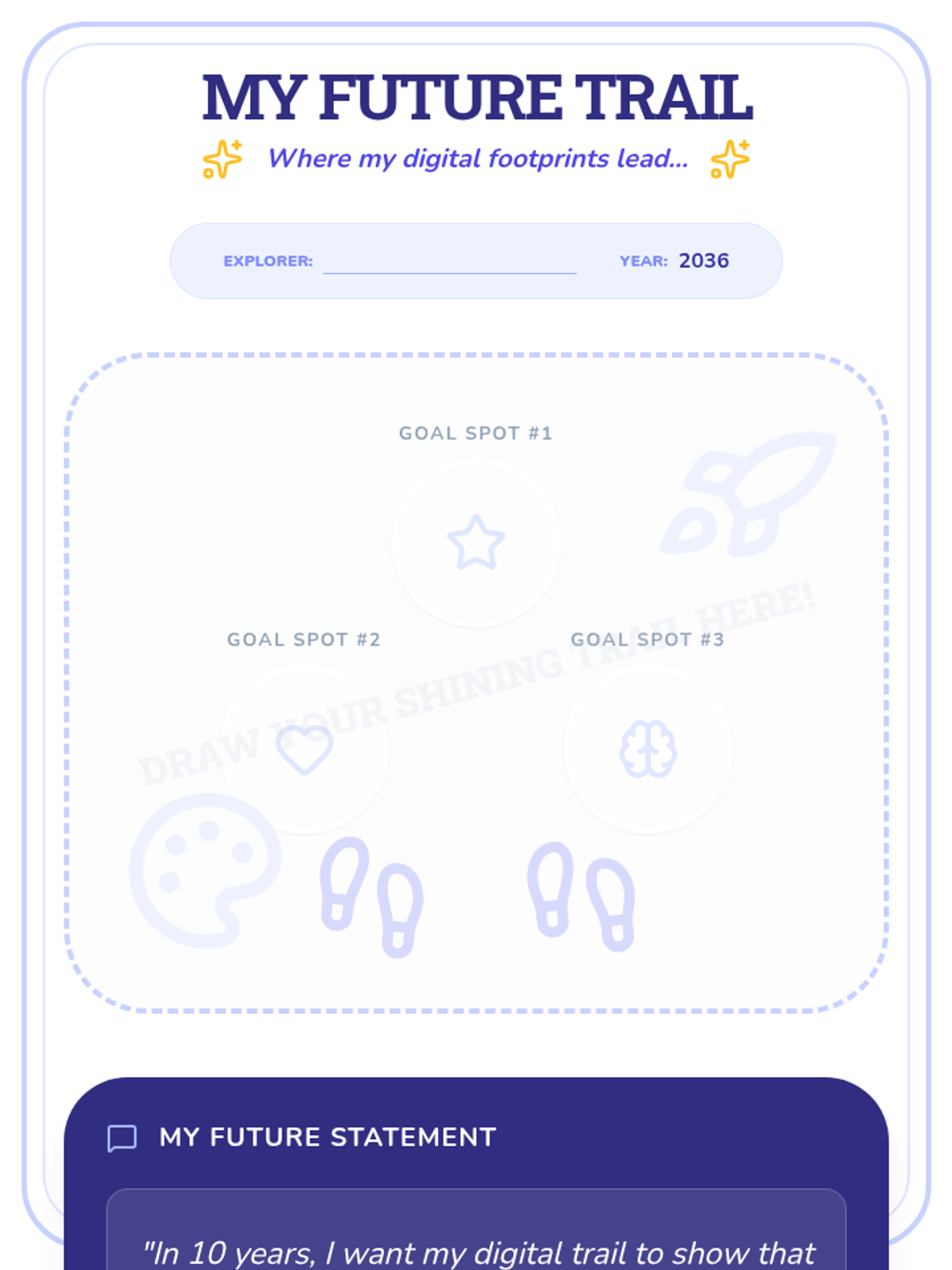
Students synthesize their learning into a creative art project, envisioning their future digital path and the positive impact they want to leave behind.
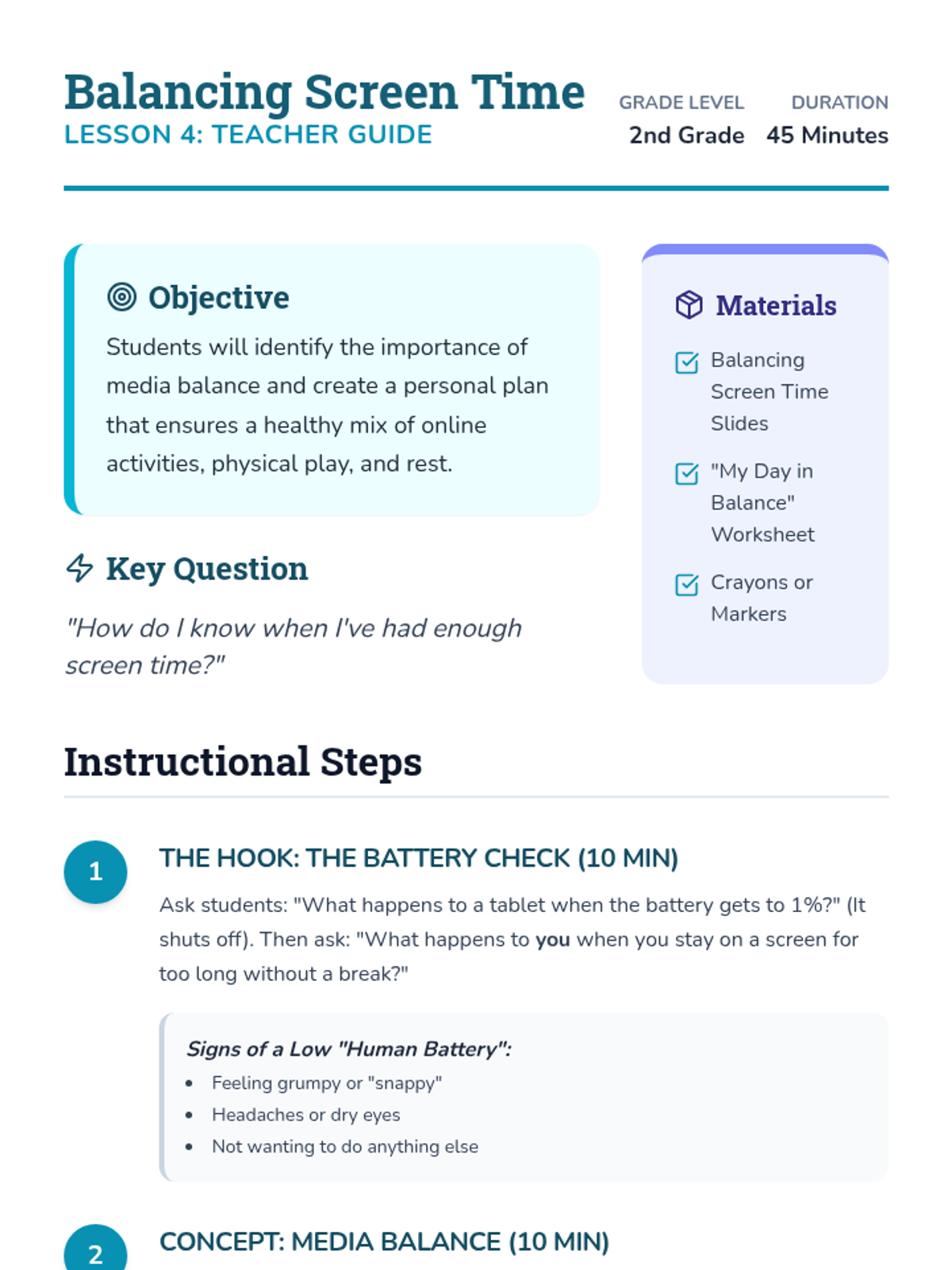
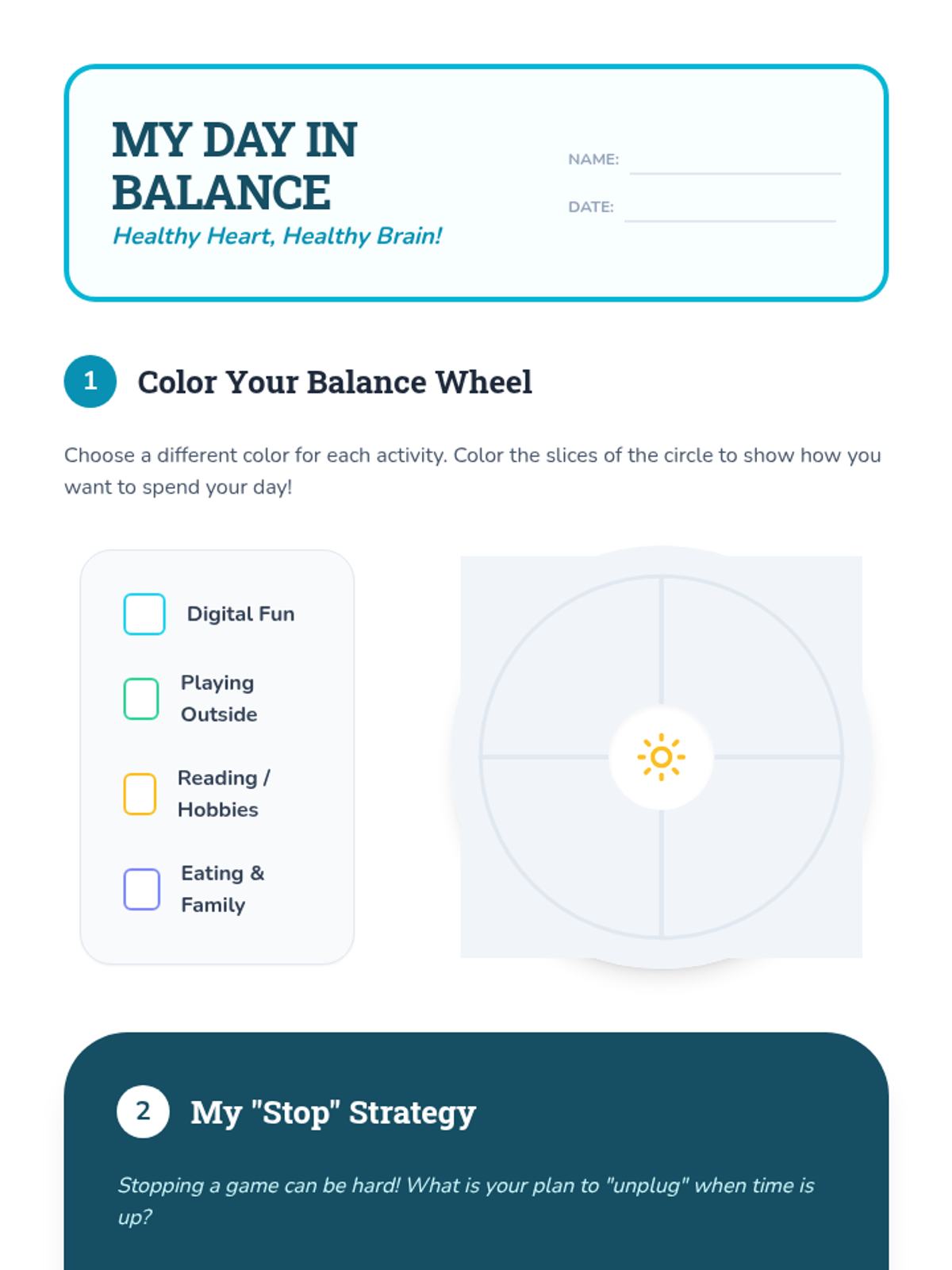
A focus on personal health and media balance, using a 'recharge' analogy to explain the importance of balancing online and offline time.
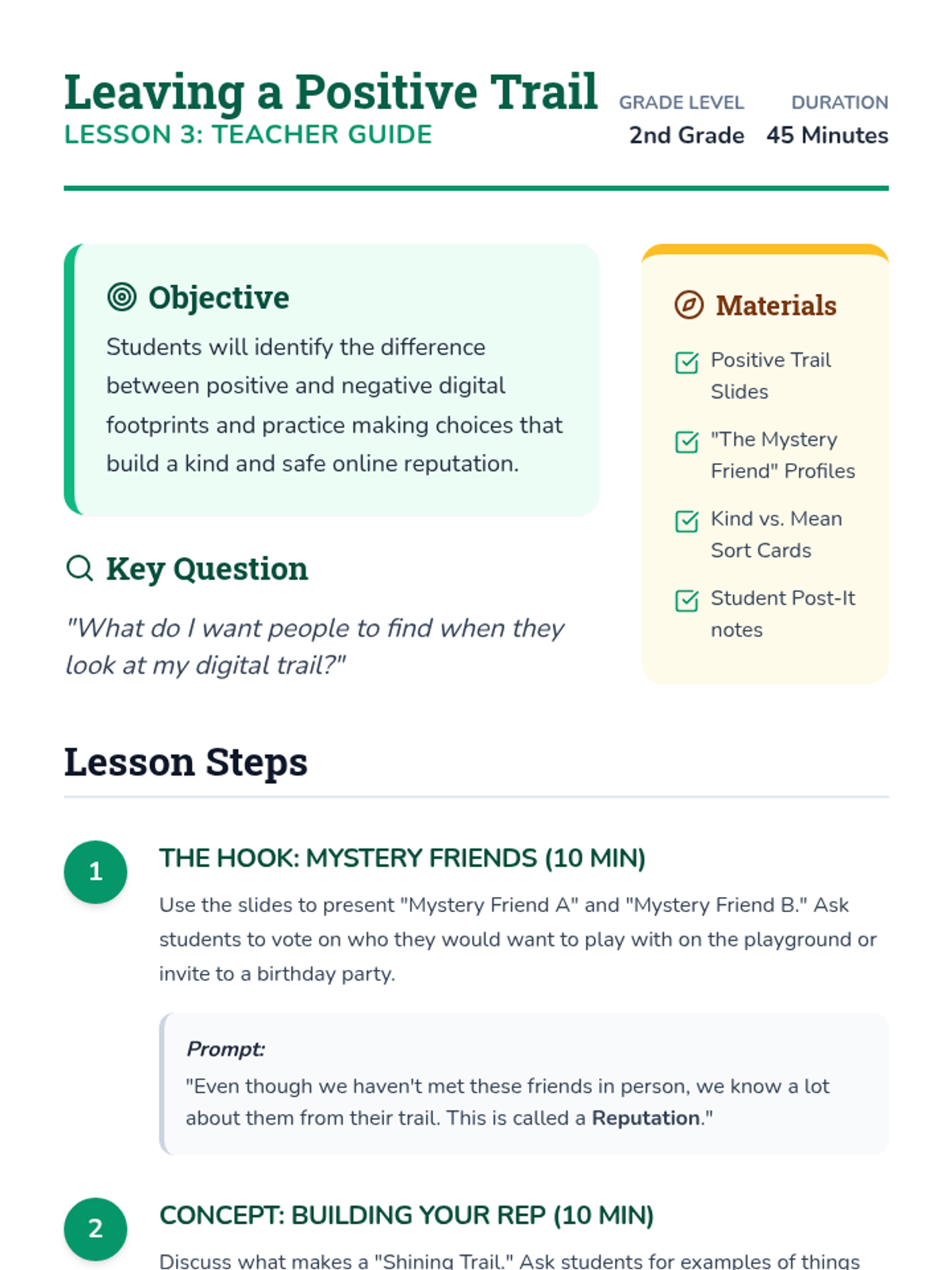
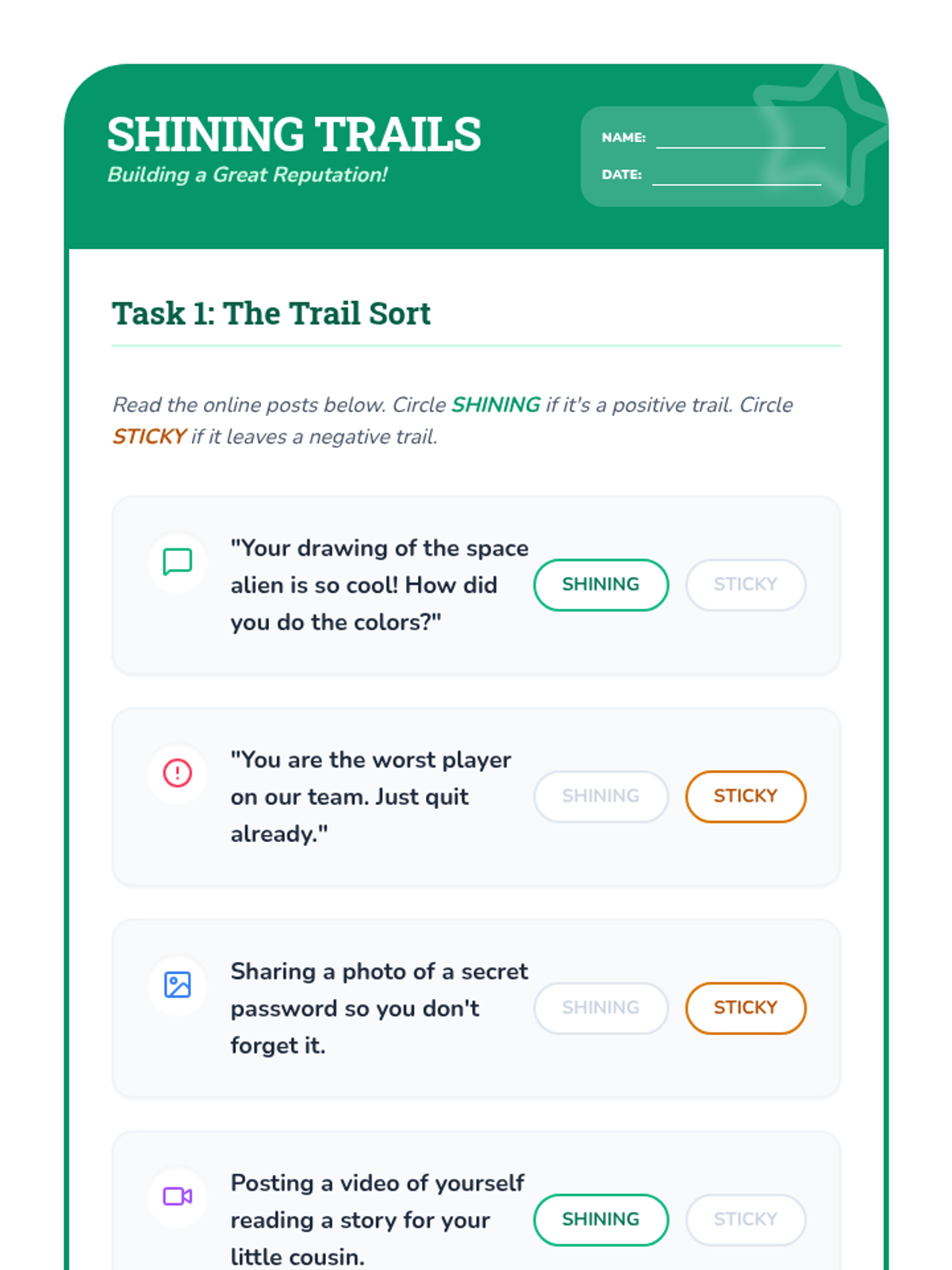
Students learn to distinguish between positive and negative online interactions and focus on building a reputation they are proud of.
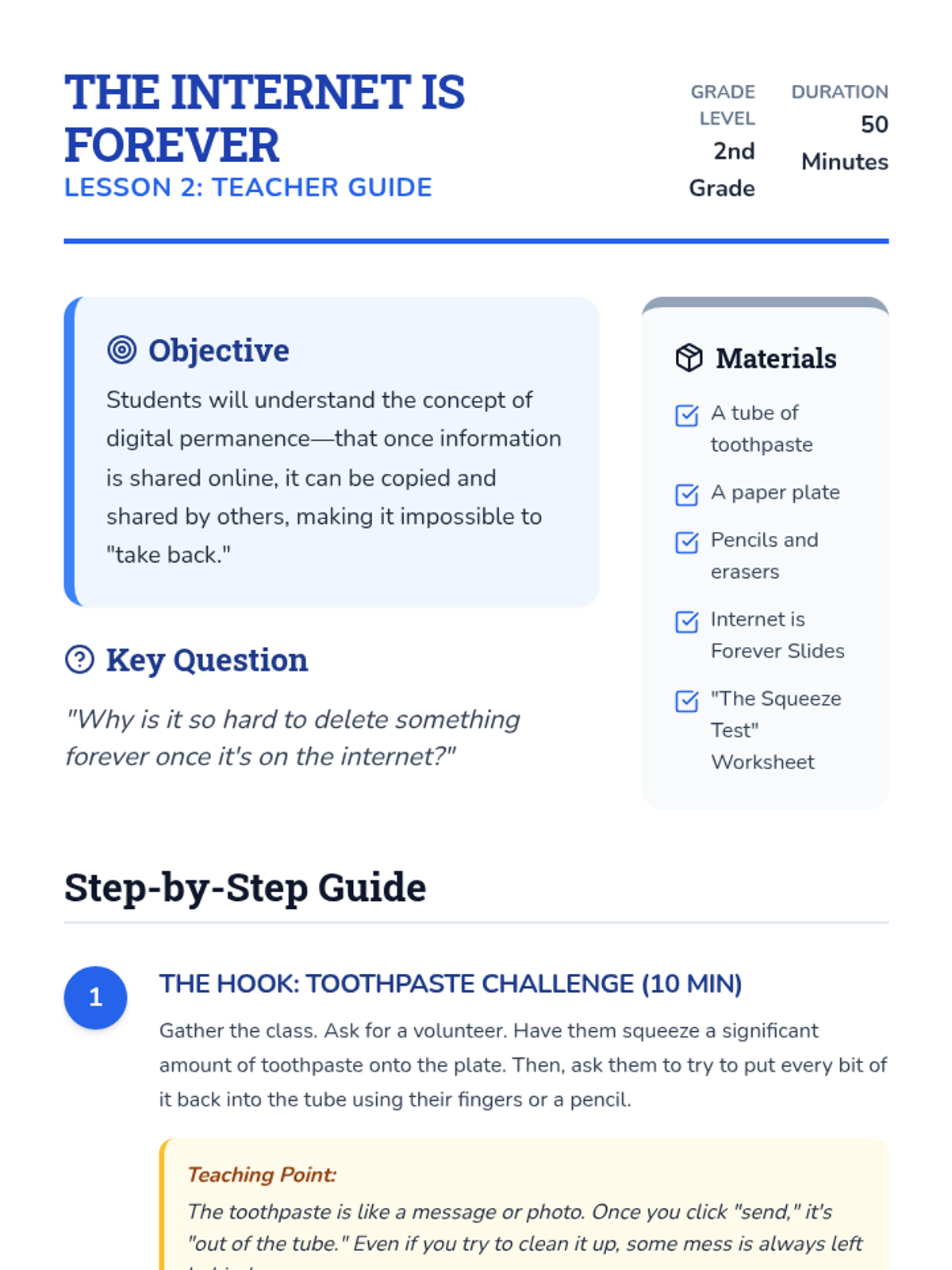
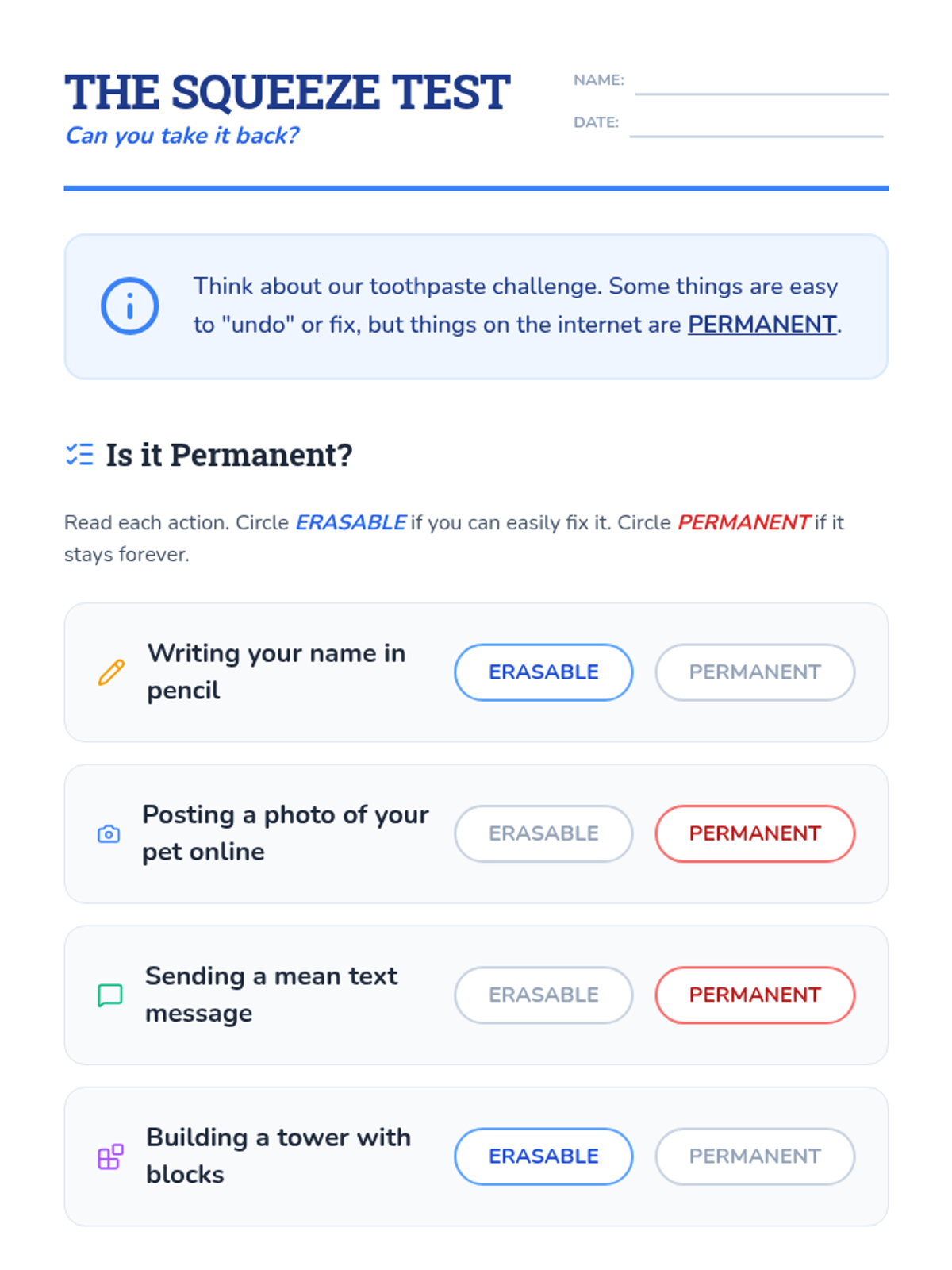
An exploration of the permanence of online content using the toothpaste metaphor, teaching students that once something is posted, it cannot be 'put back'.
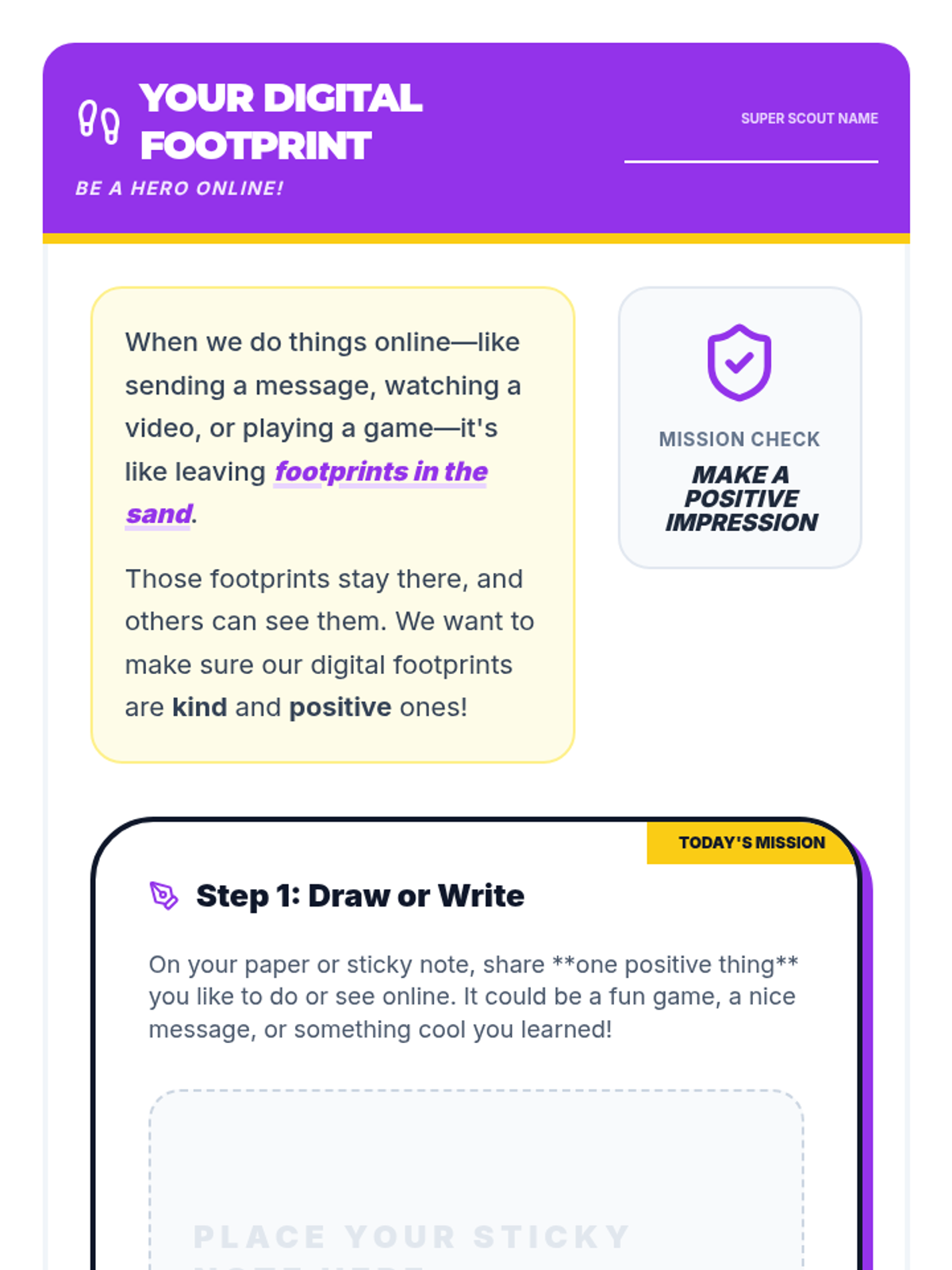
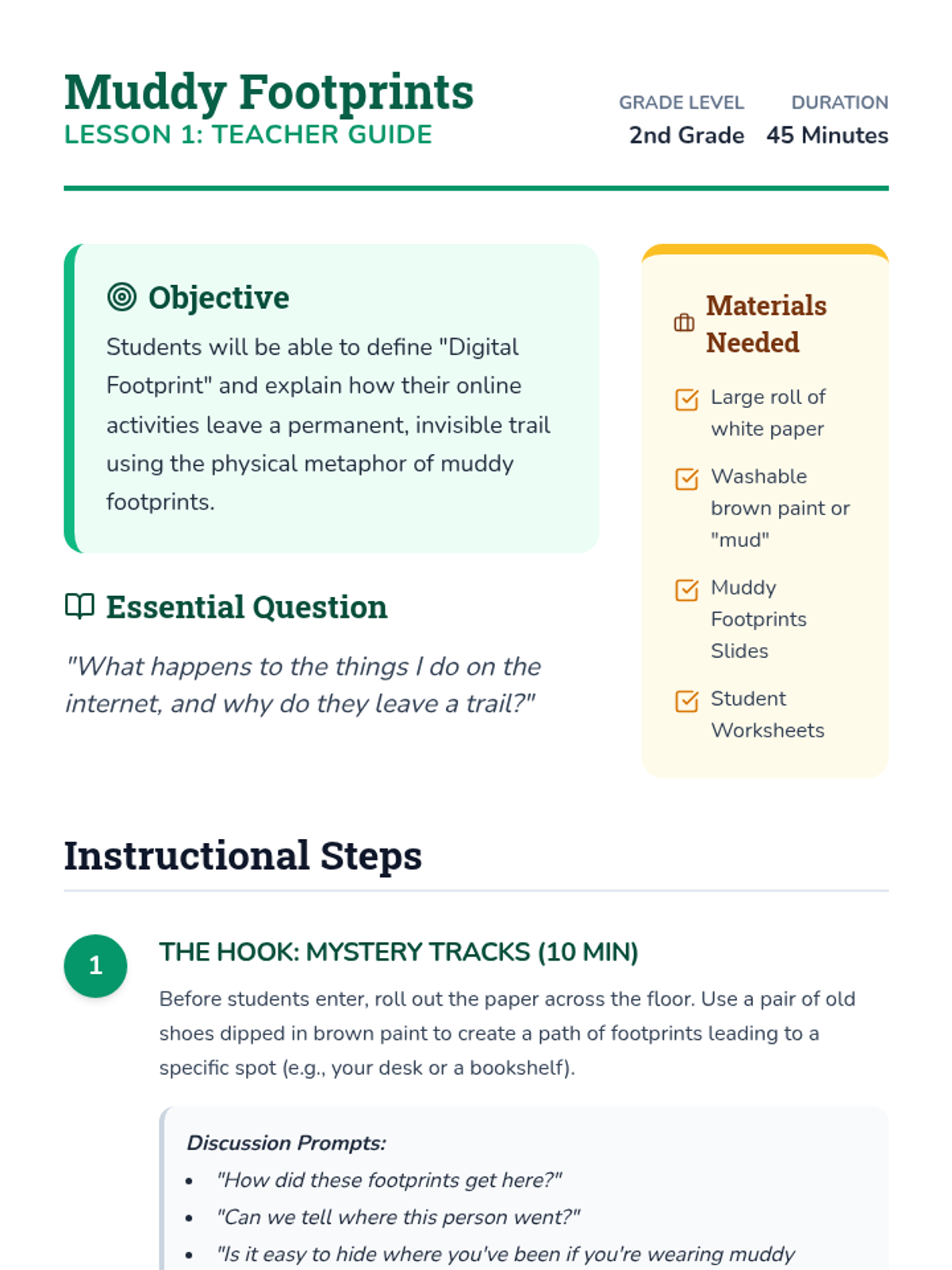
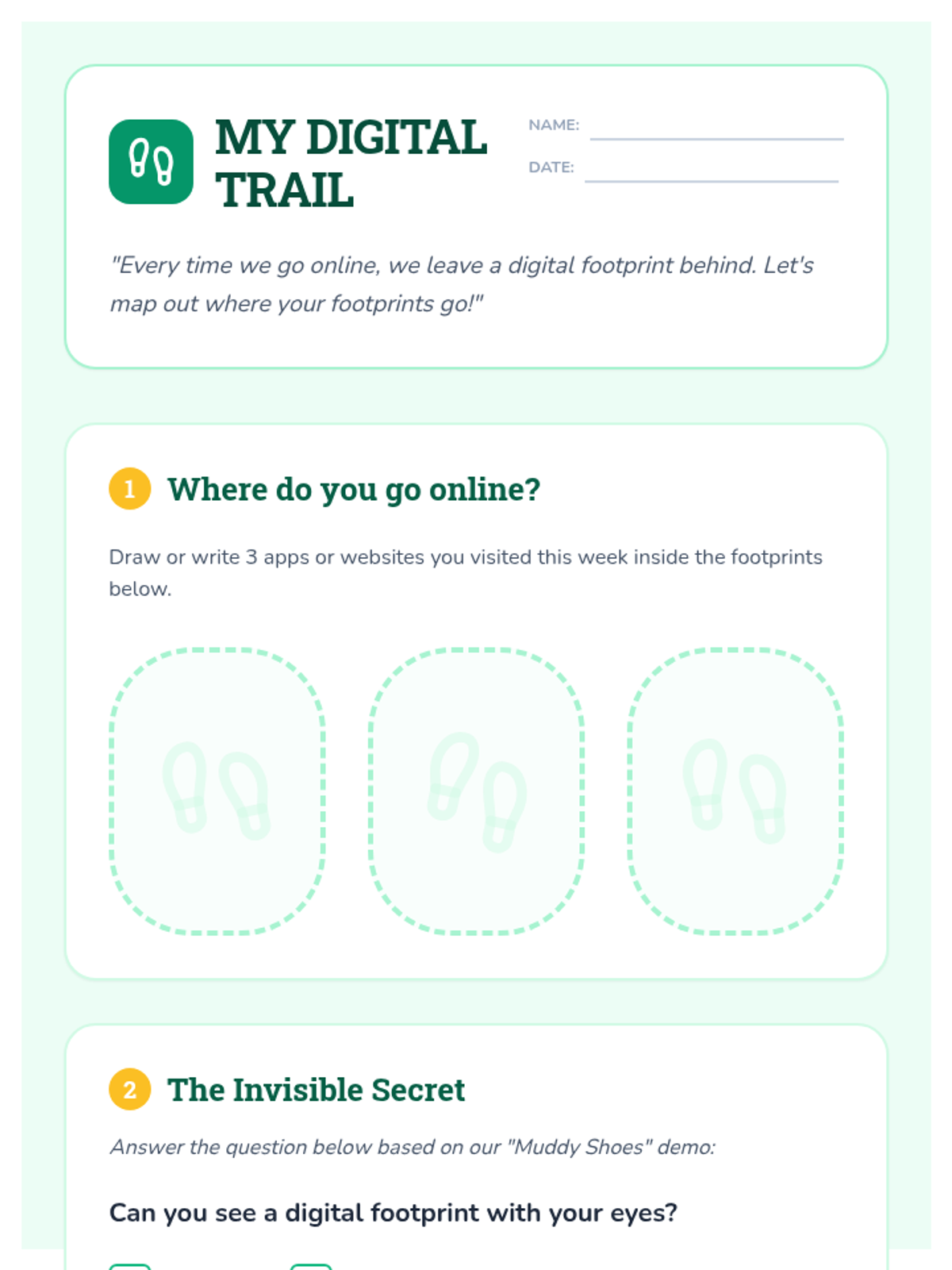
Students learn about digital footprints through a physical metaphor, understanding that their online actions leave an invisible but permanent trail.
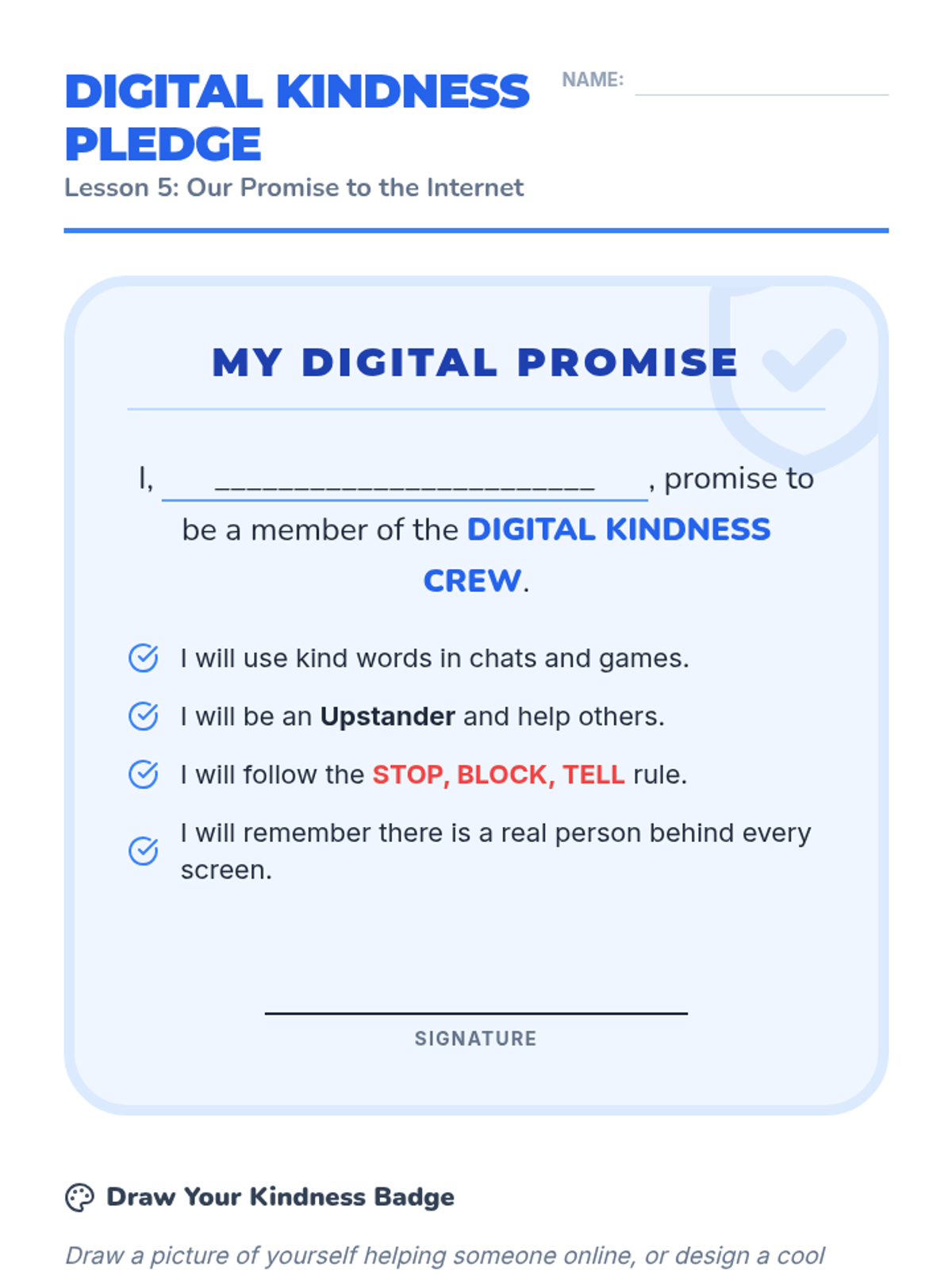
The culminating lesson where students collaborate to create a class pledge and individual artwork committed to online kindness.
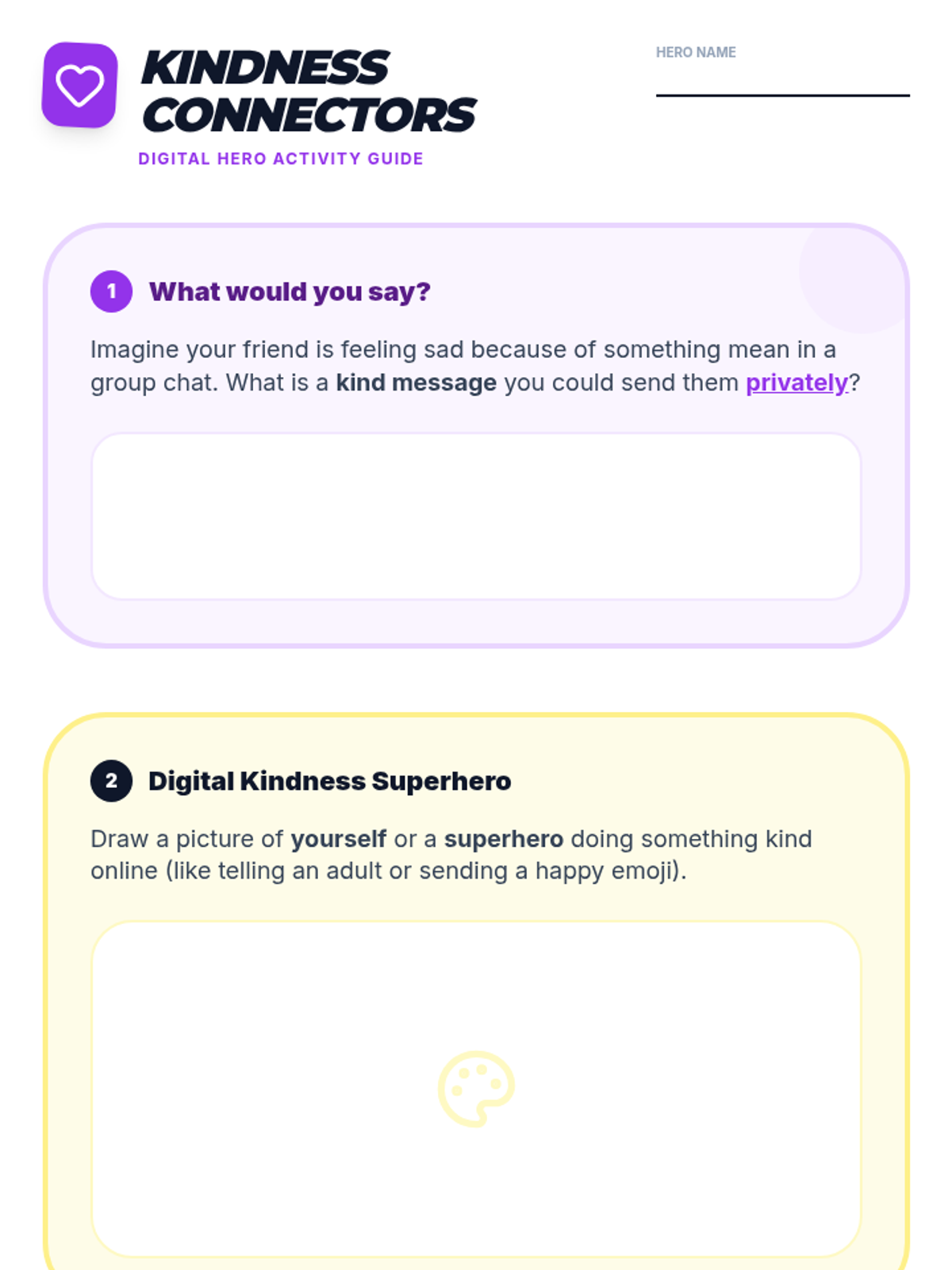
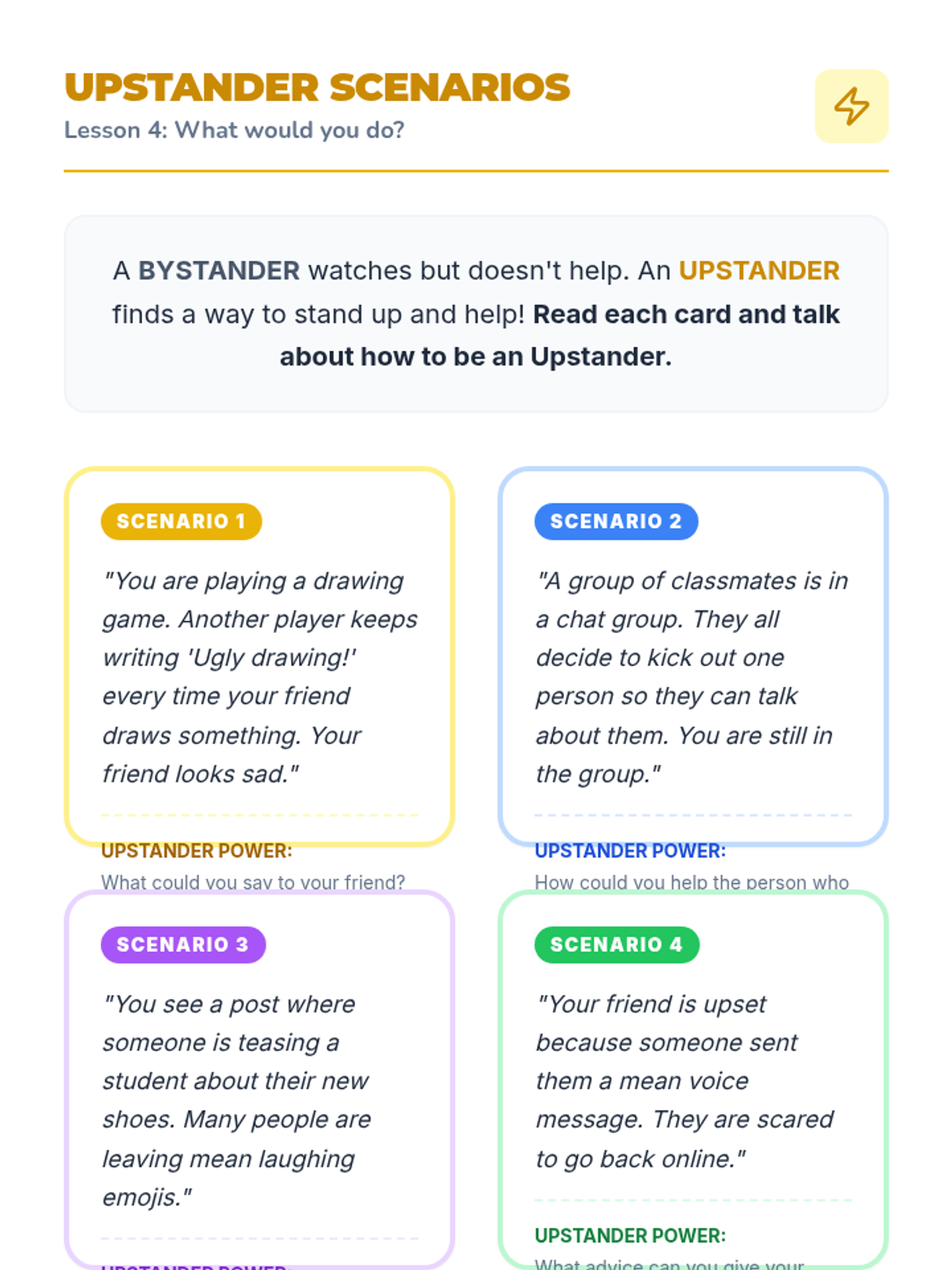
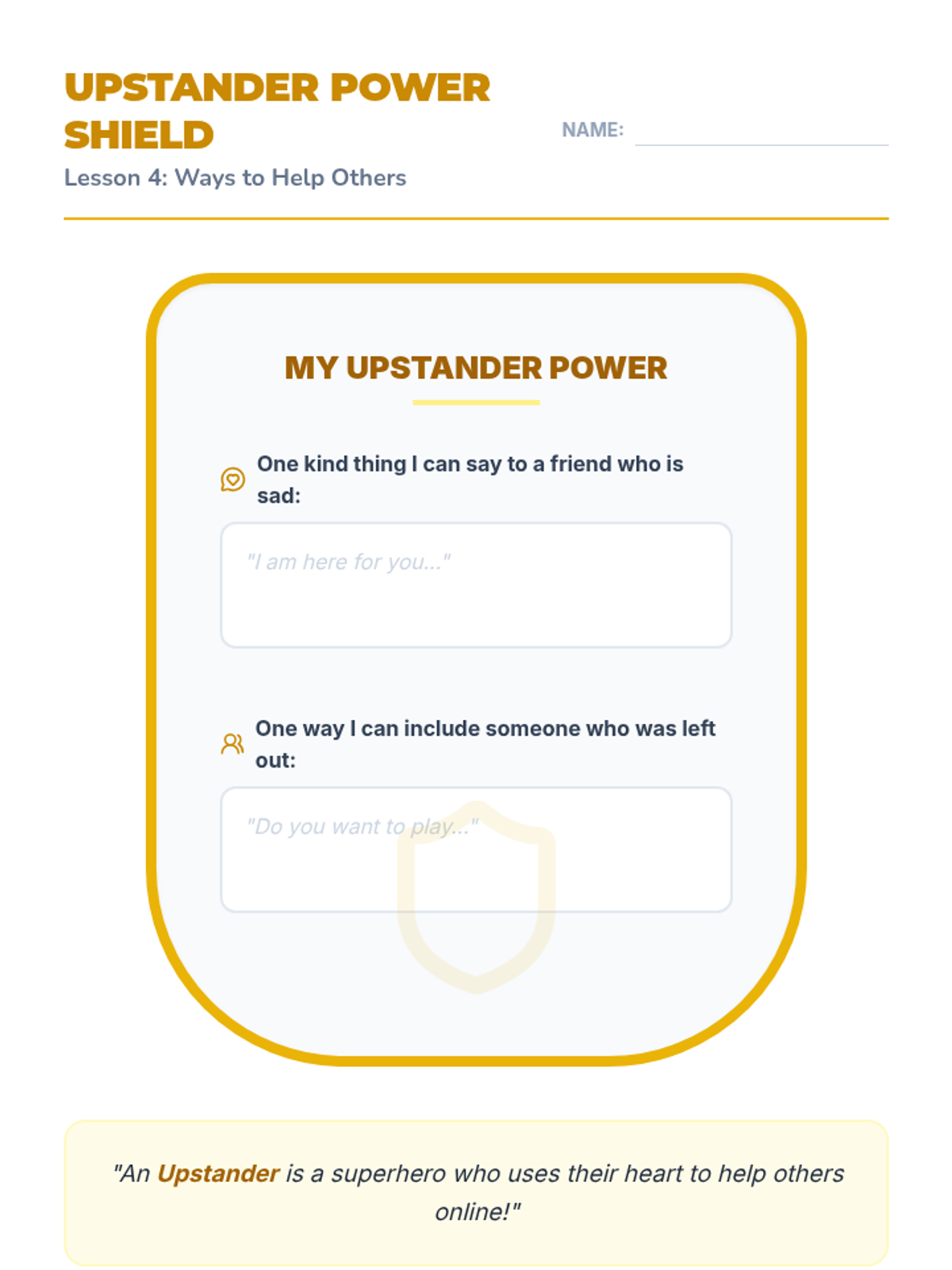
Differentiates between bystanders and upstanders, teaching students how to safely support peers who are being treated unkindly online.
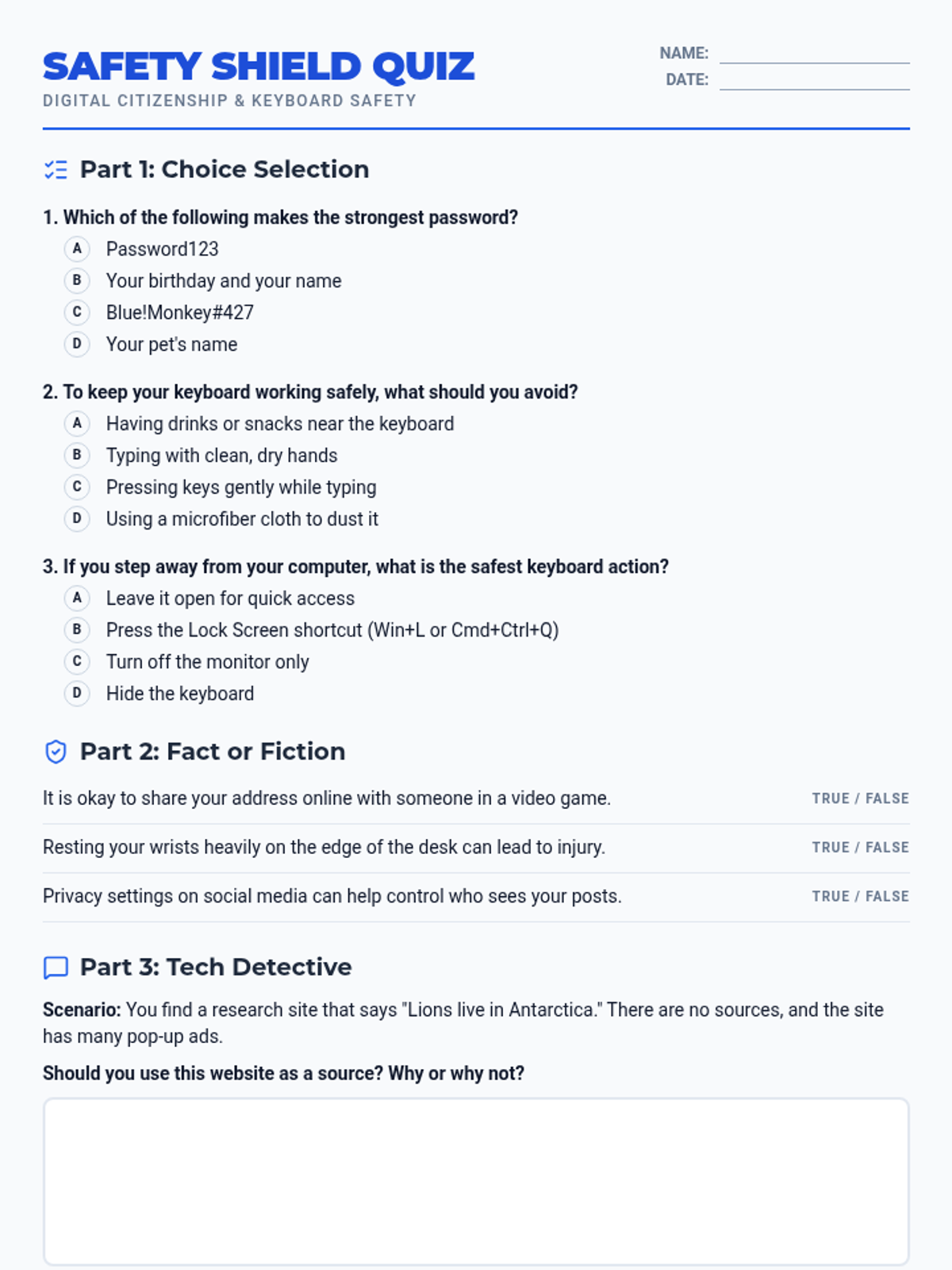
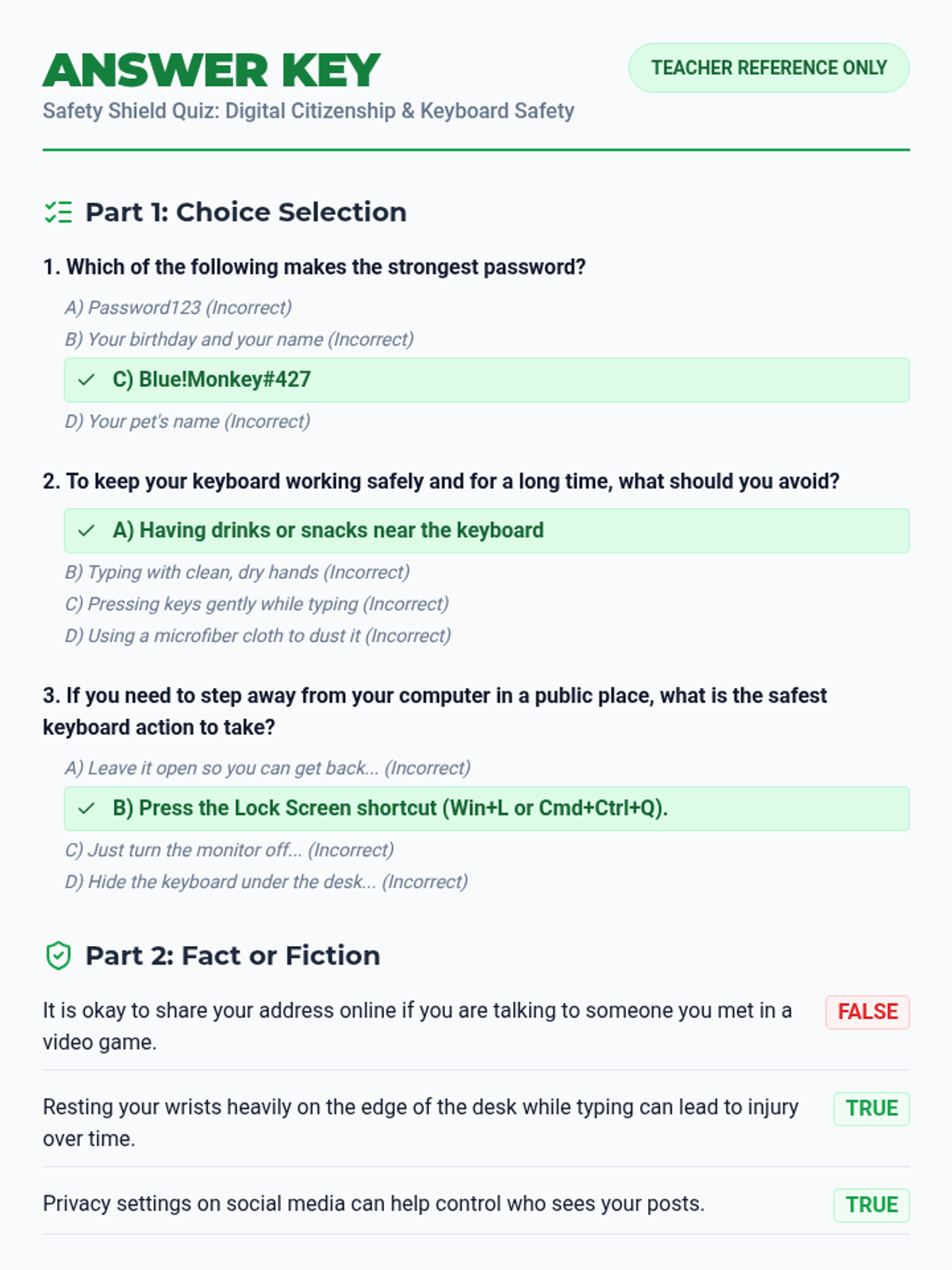
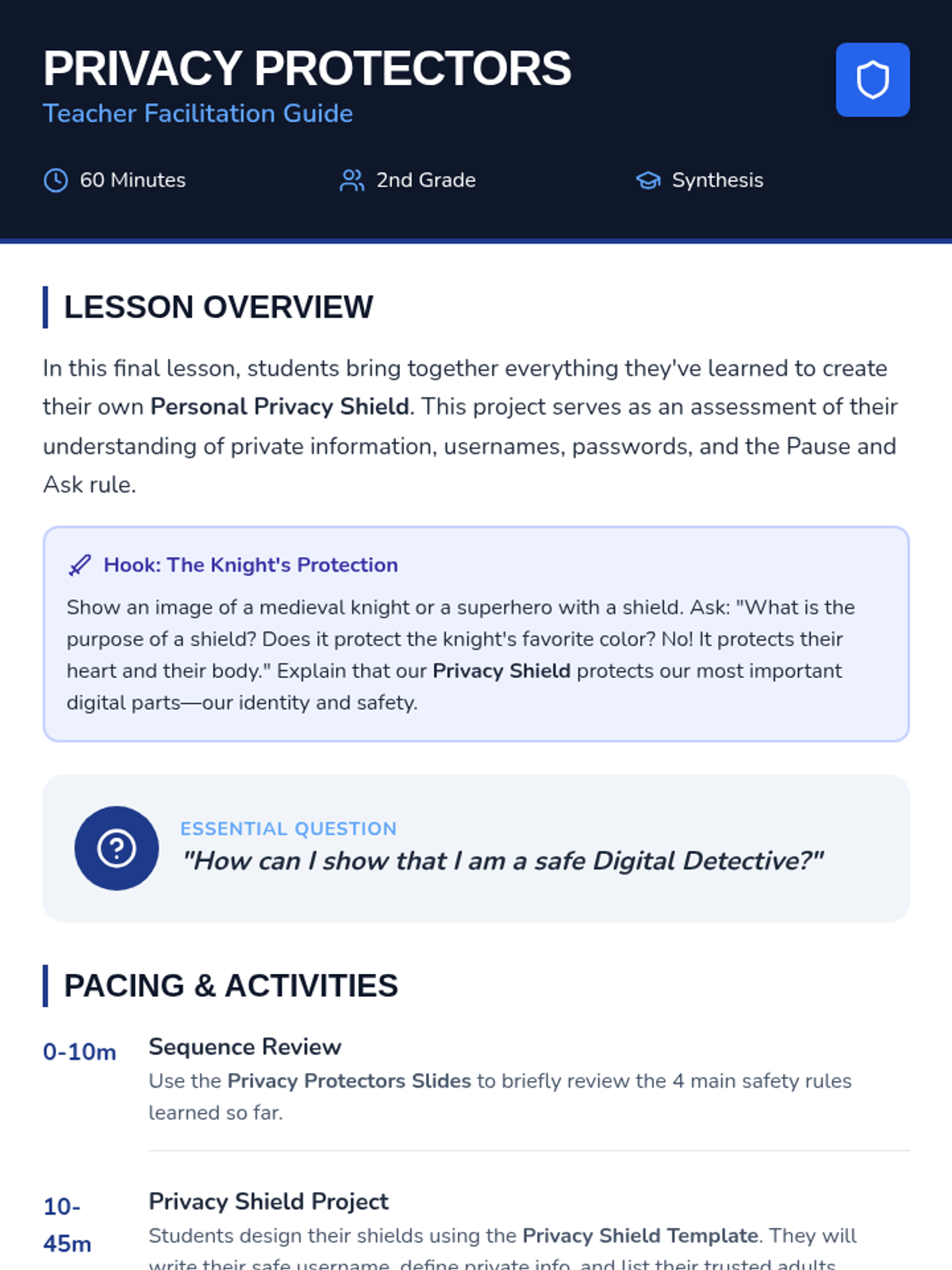
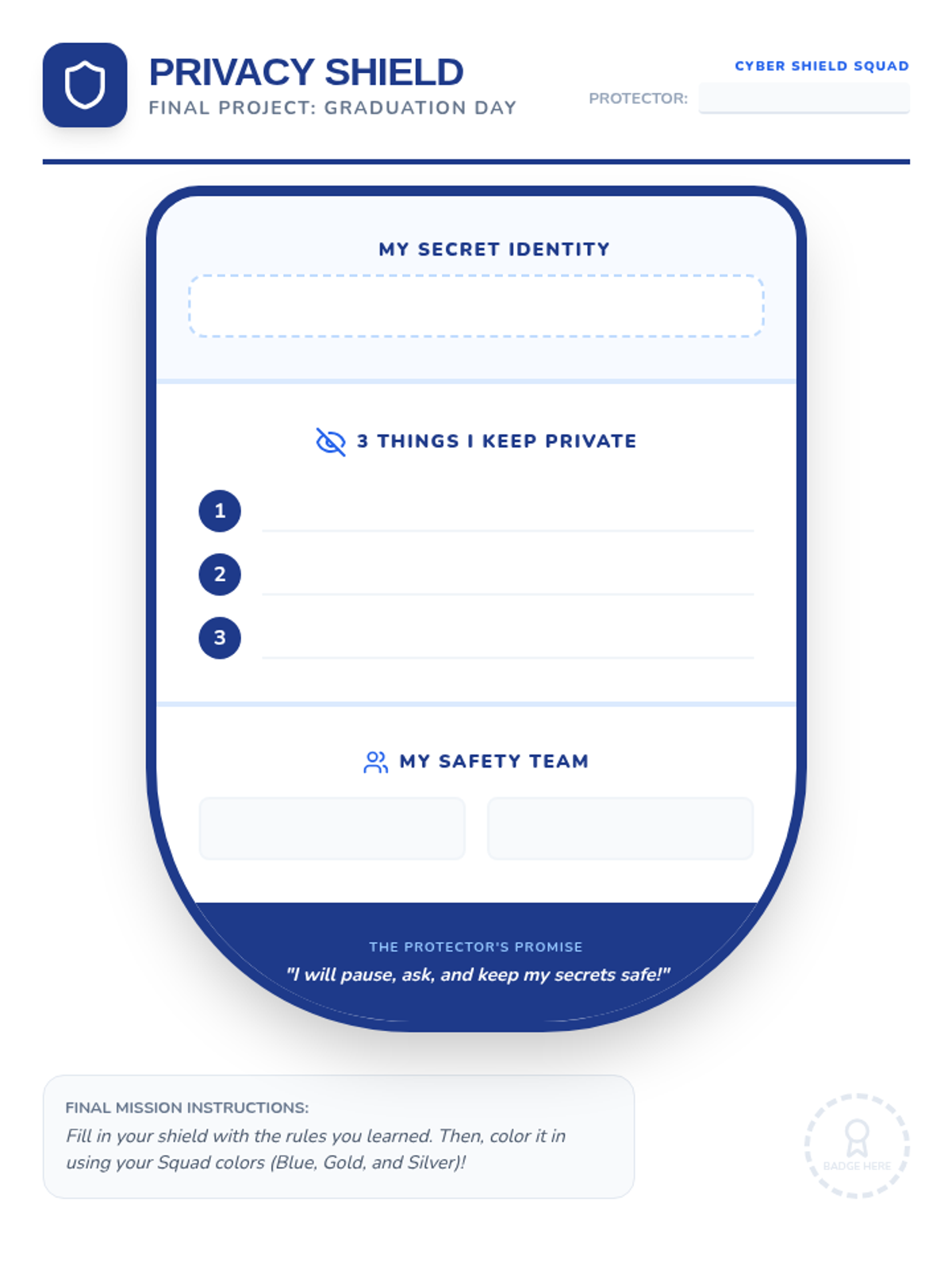
Students synthesize their learning by designing a personal privacy shield that showcases their digital safety rules.
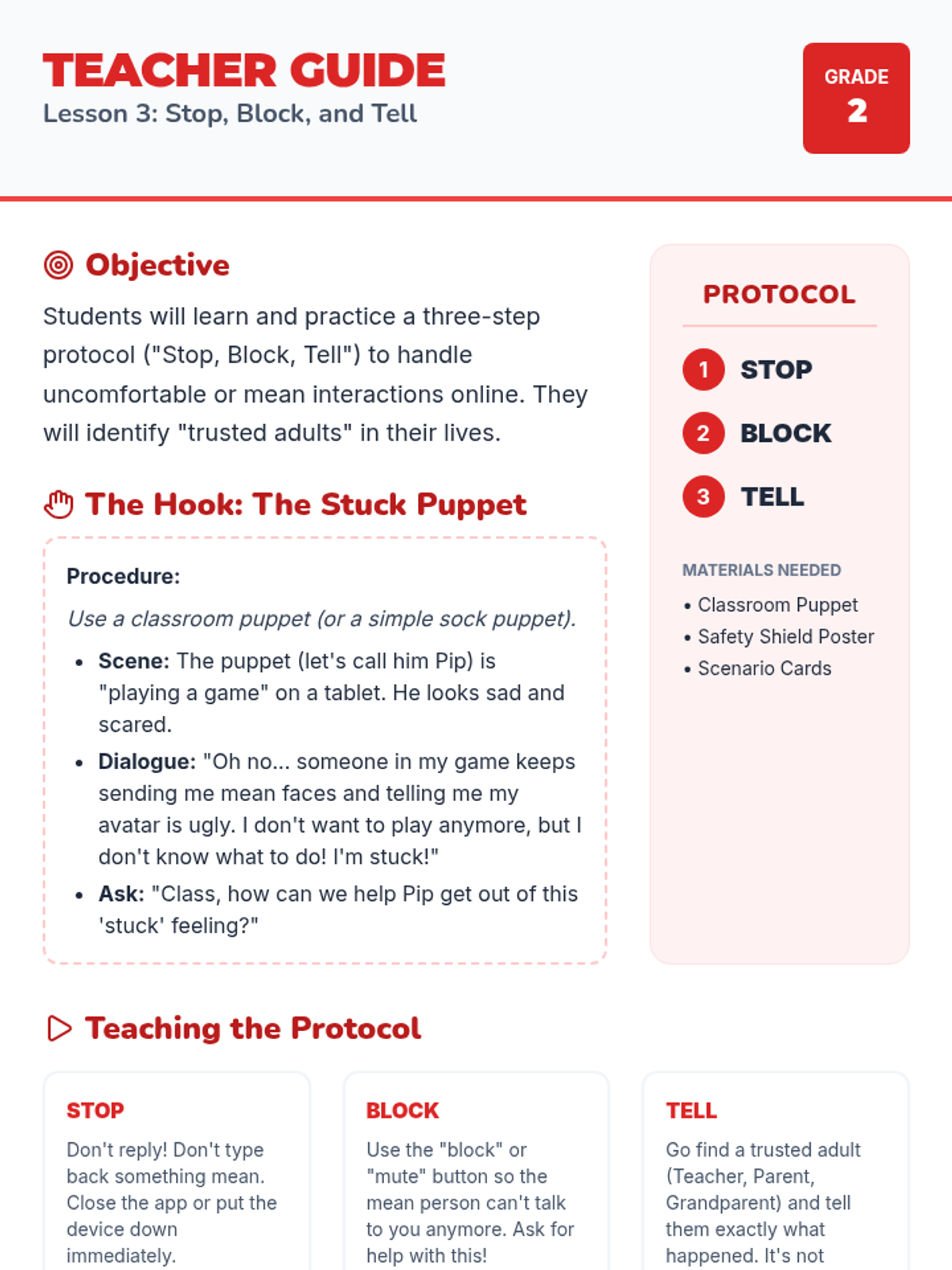
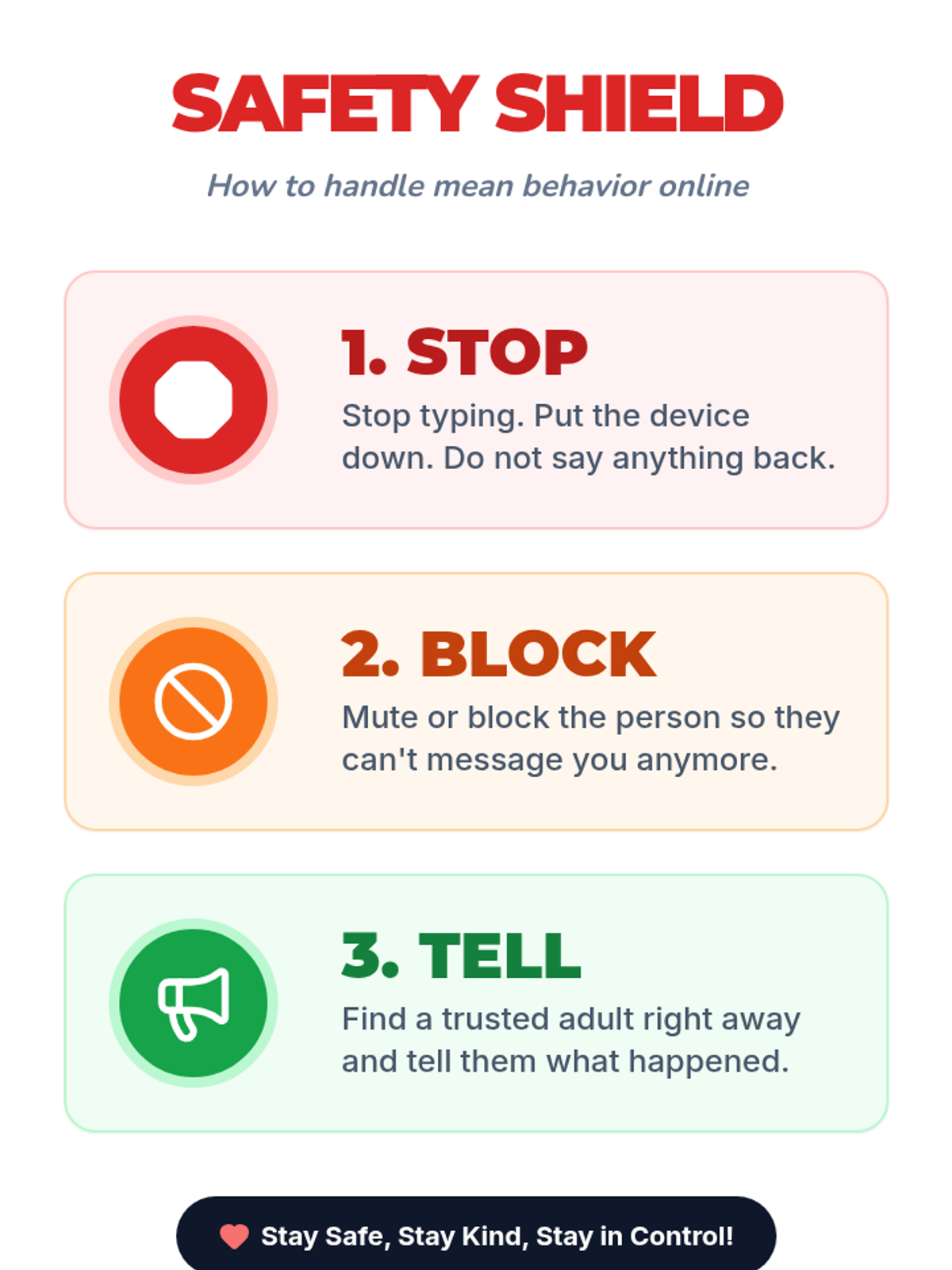
Teaches the 'Stop, Block, and Tell' safety protocol for handling uncomfortable or mean interactions online through role-play and visual reminders.
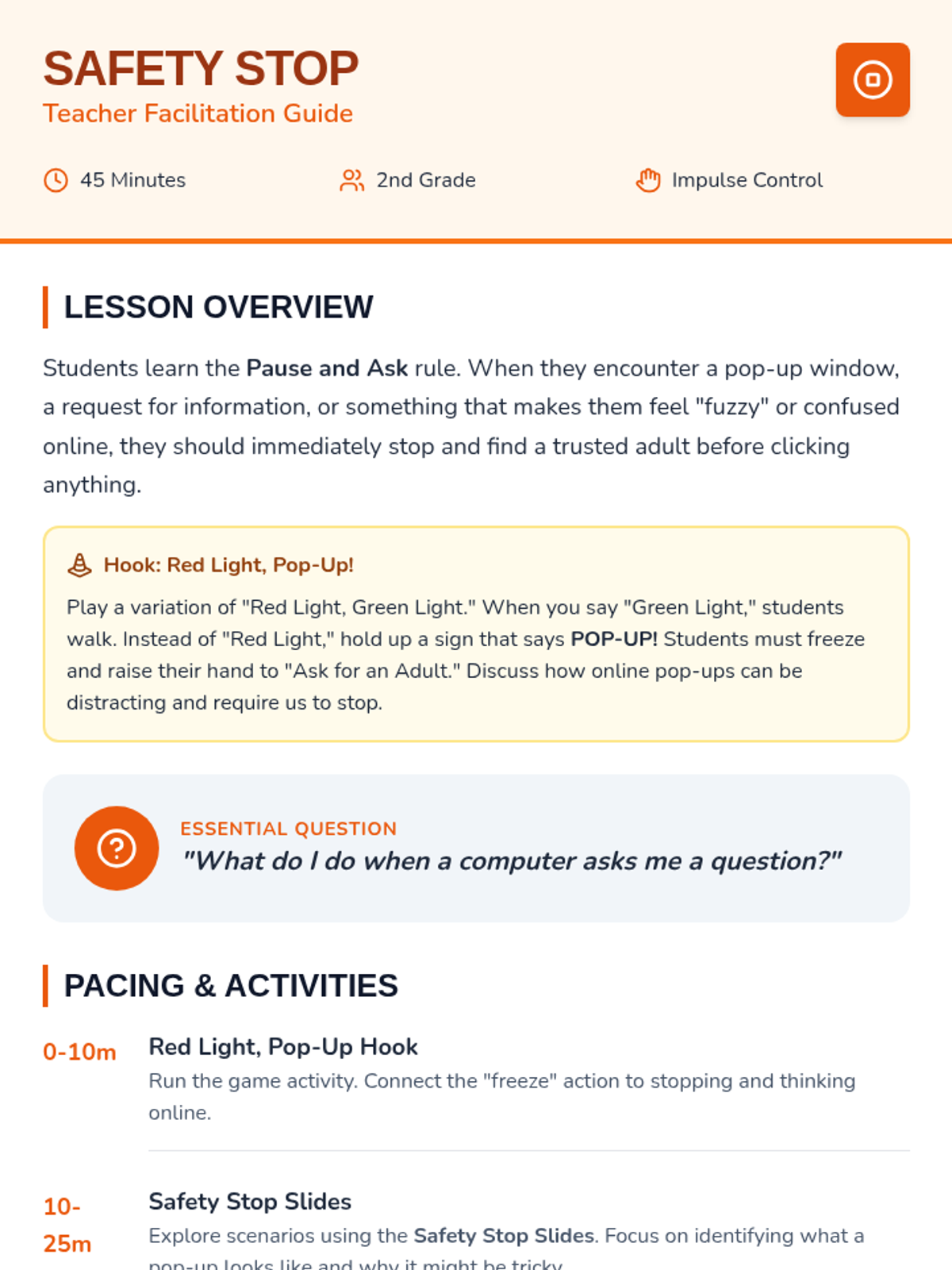
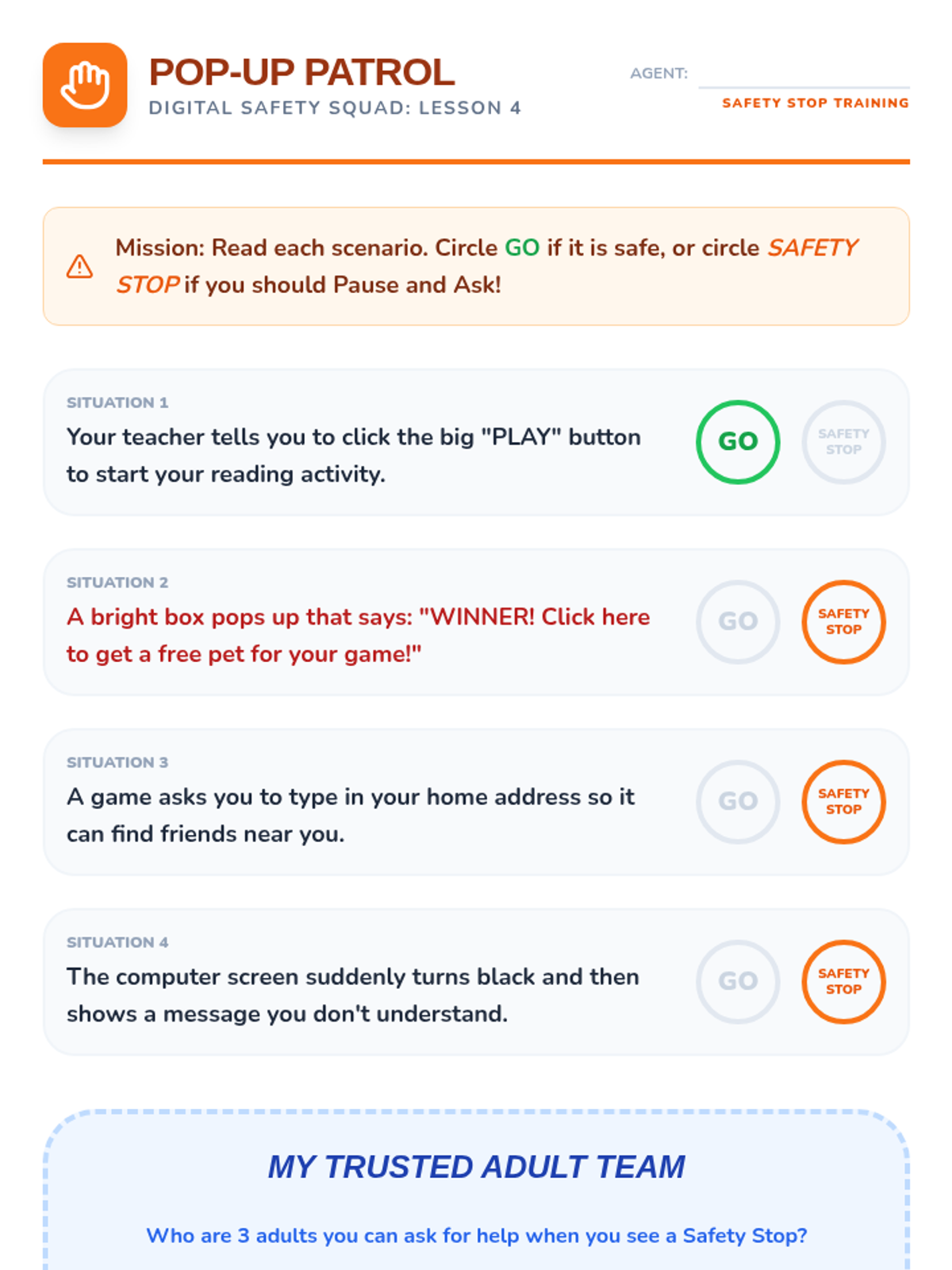
Students practice the 'Pause and Ask' method for handling pop-ups and information requests by finding a trusted adult.
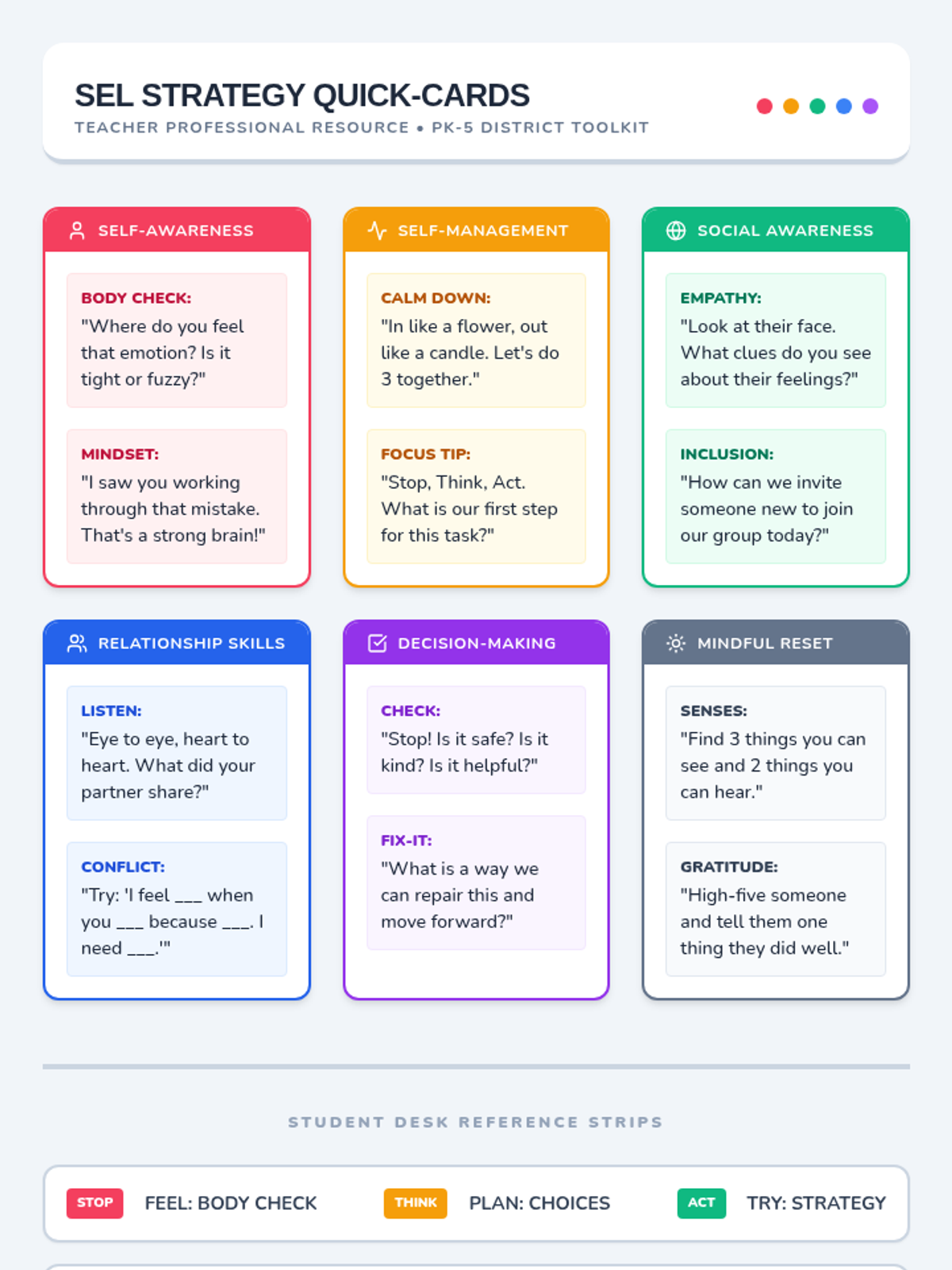
Practical resources for educators to implement the SEL calendar, including classroom presentation materials and teacher reference guides.
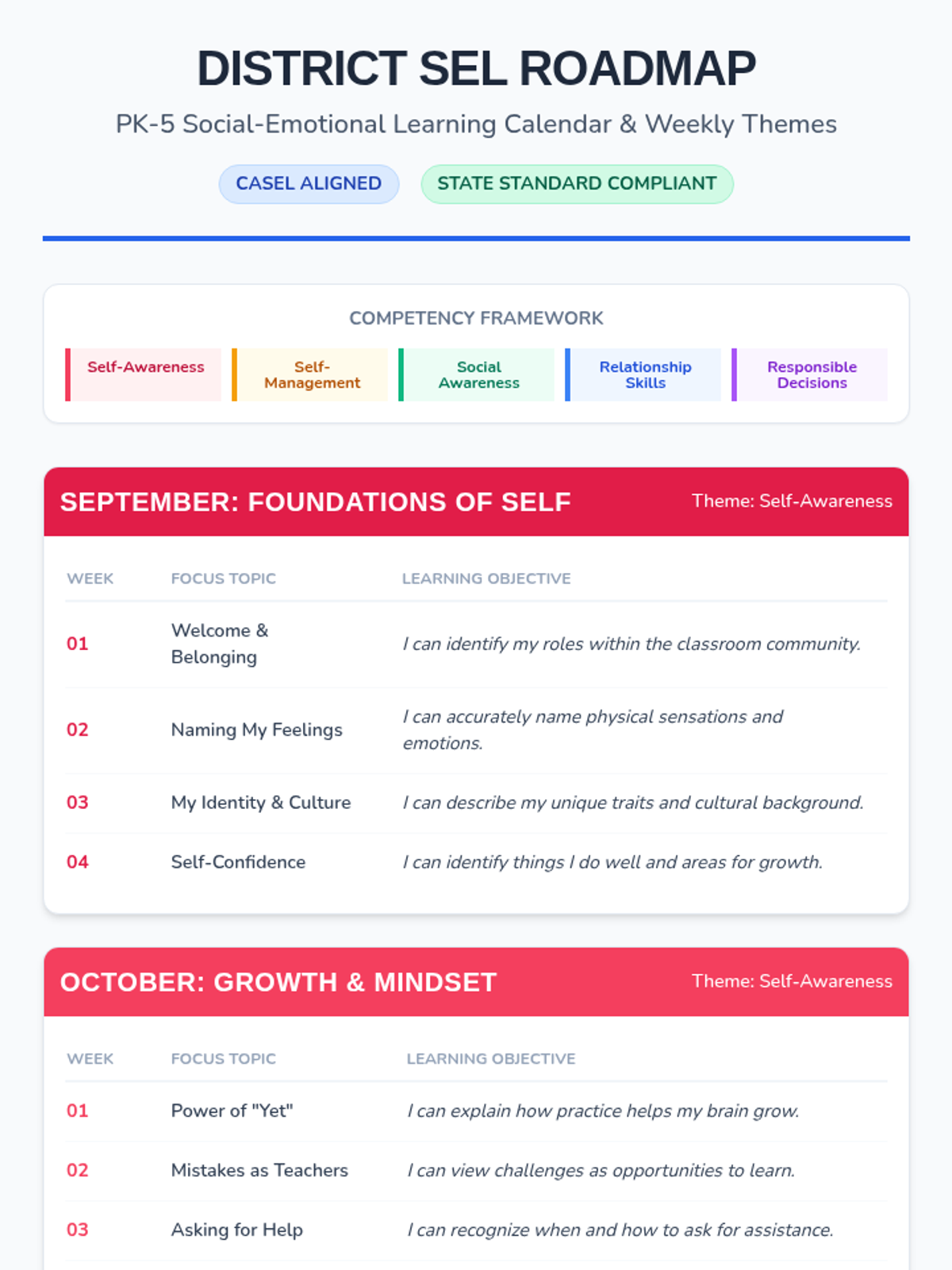
The foundational roadmap for the school year, detailing monthly CASEL themes and weekly focus topics tailored for PK-5 developmental stages.
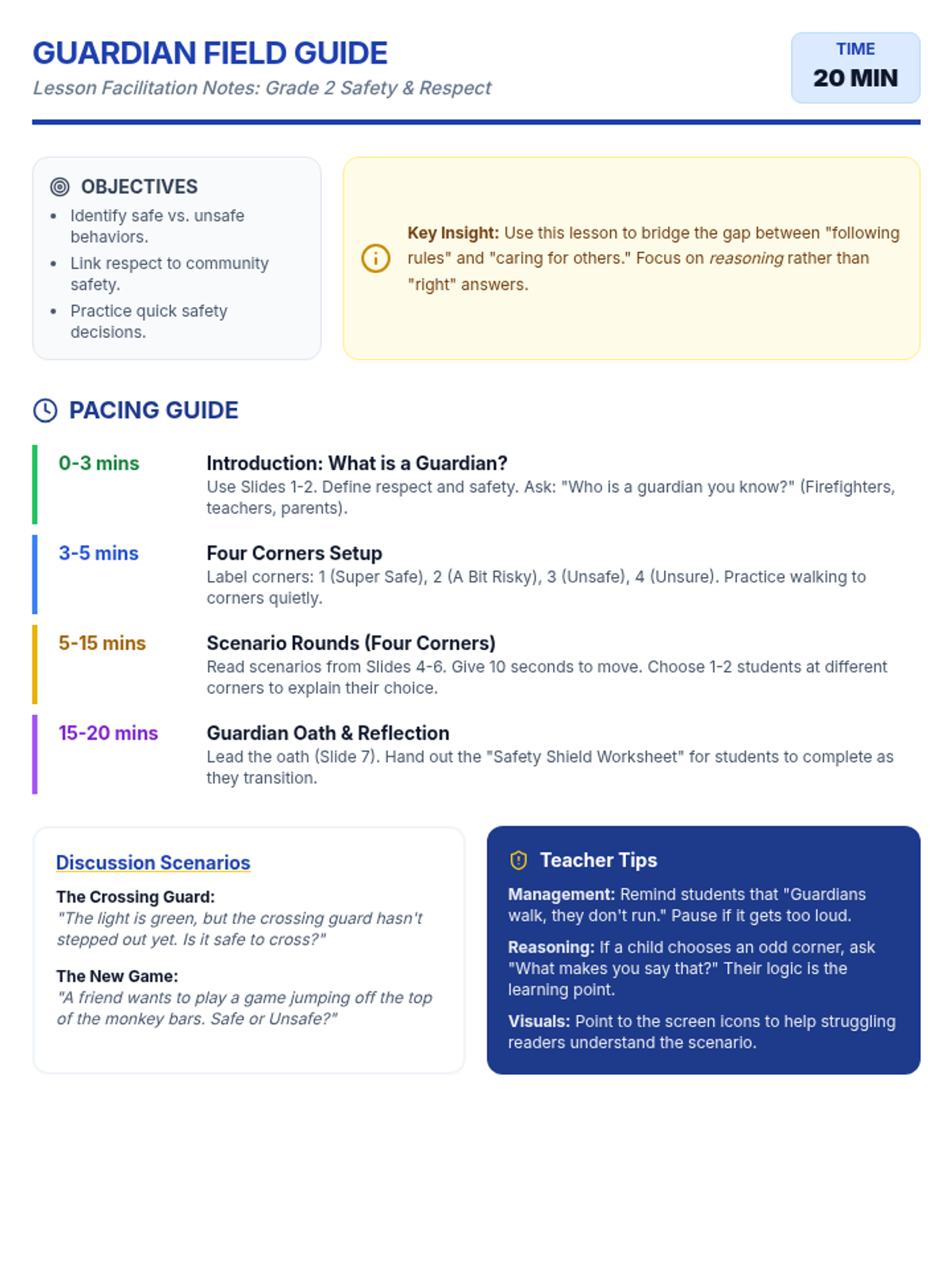
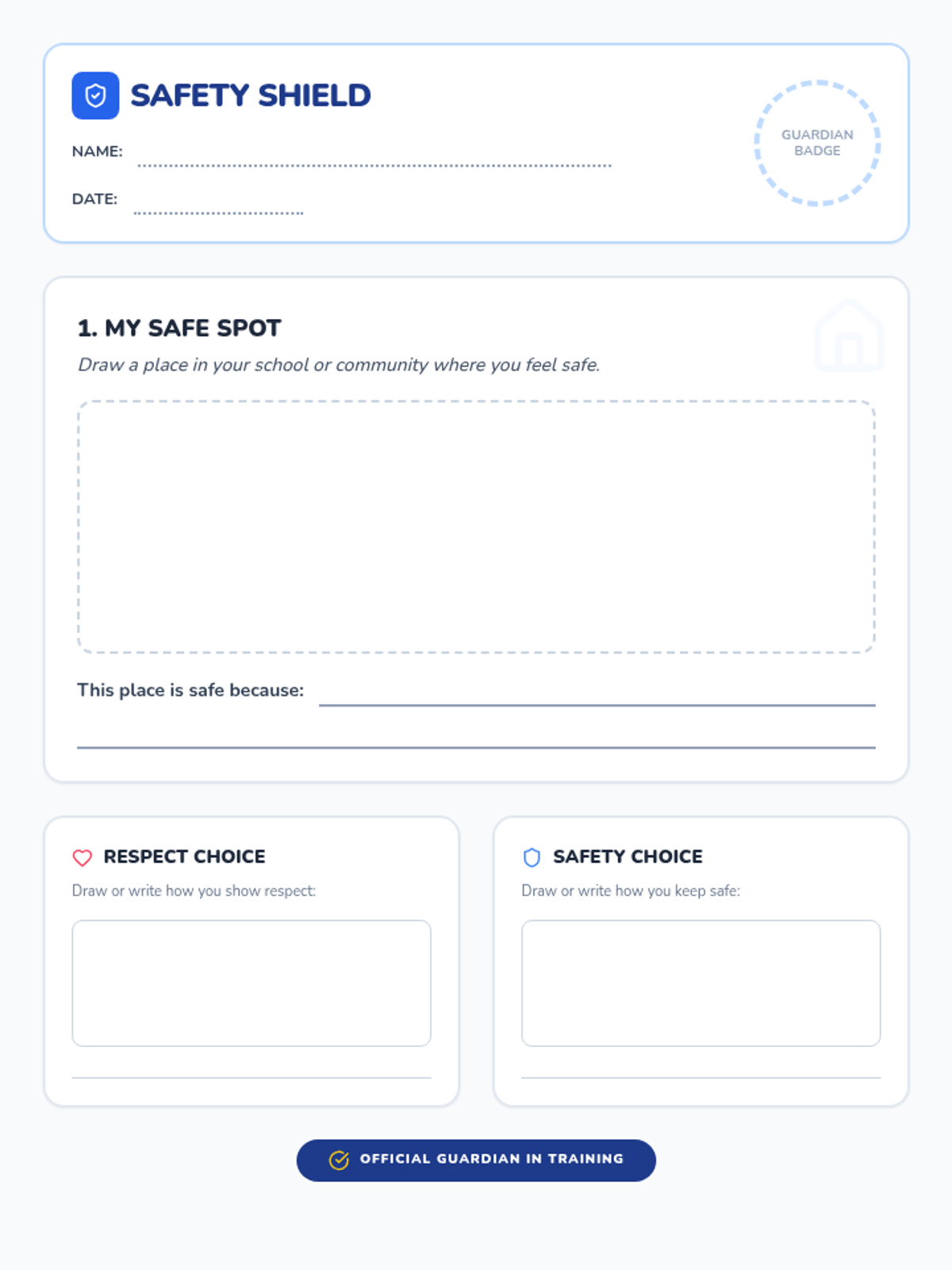
A 20-minute interactive lesson for 2nd graders focusing on identifying safe and respectful behaviors in school and the community through a movement-based Four Corners activity.
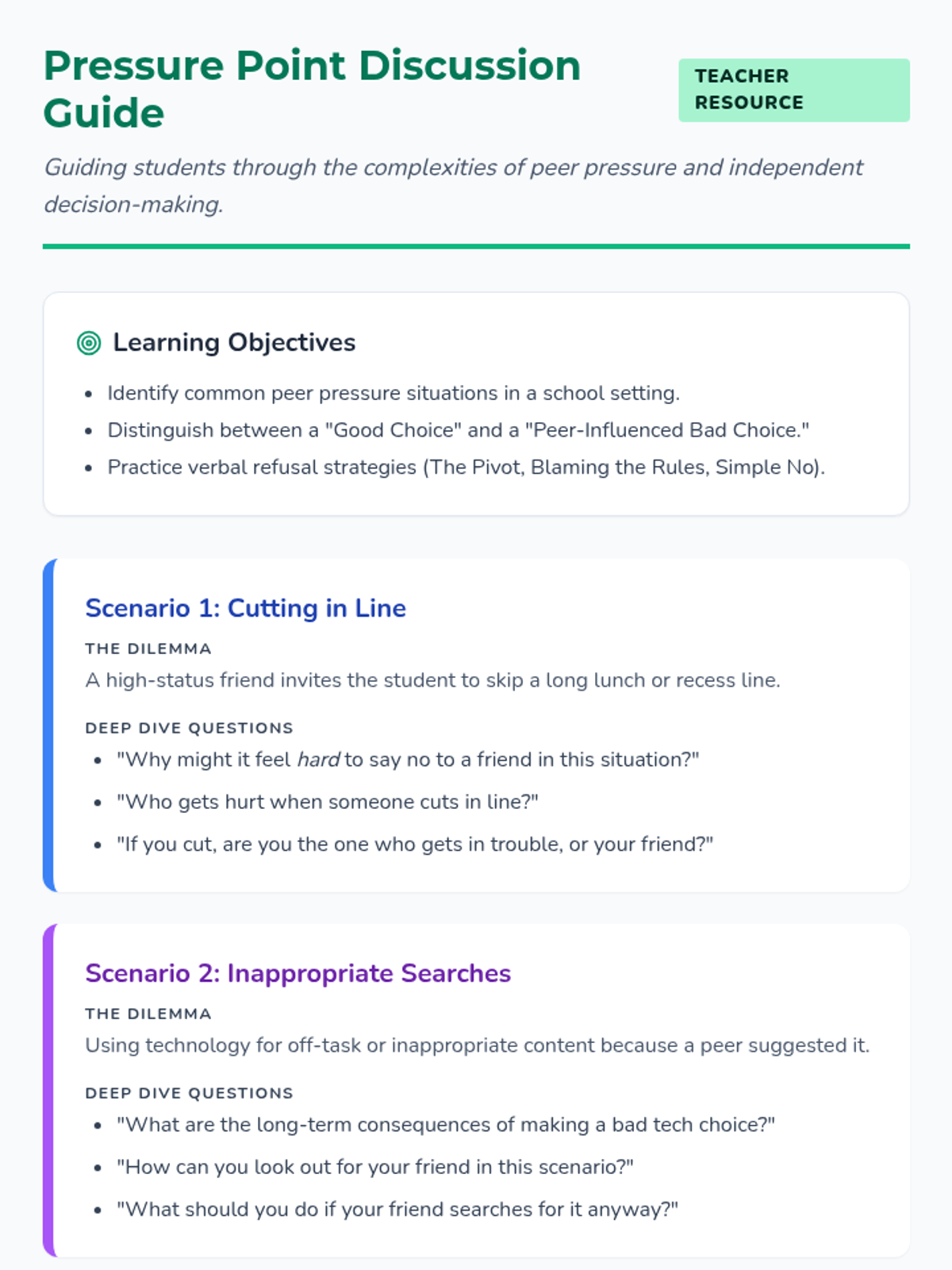
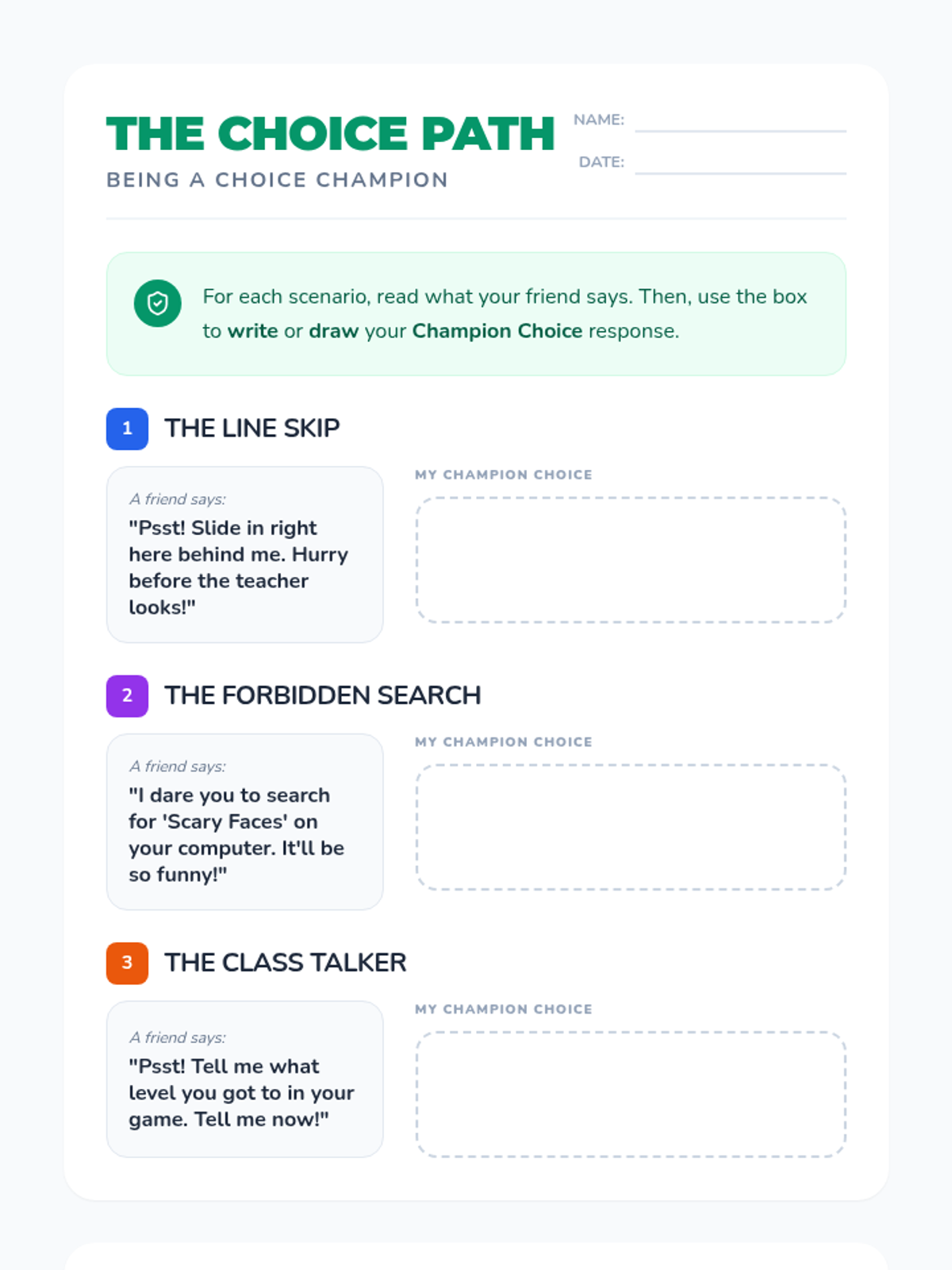
This lesson explores the difference between positive and negative choices, specifically focusing on how to handle peer pressure in common school scenarios. Students will learn to recognize 'pressure points' and practice making independent, responsible decisions.