Fundamental hardware proficiency, secure online behavior, and ethical social media engagement. Equips learners with productivity tool mastery, web publishing skills, and critical evaluation of emerging technologies.
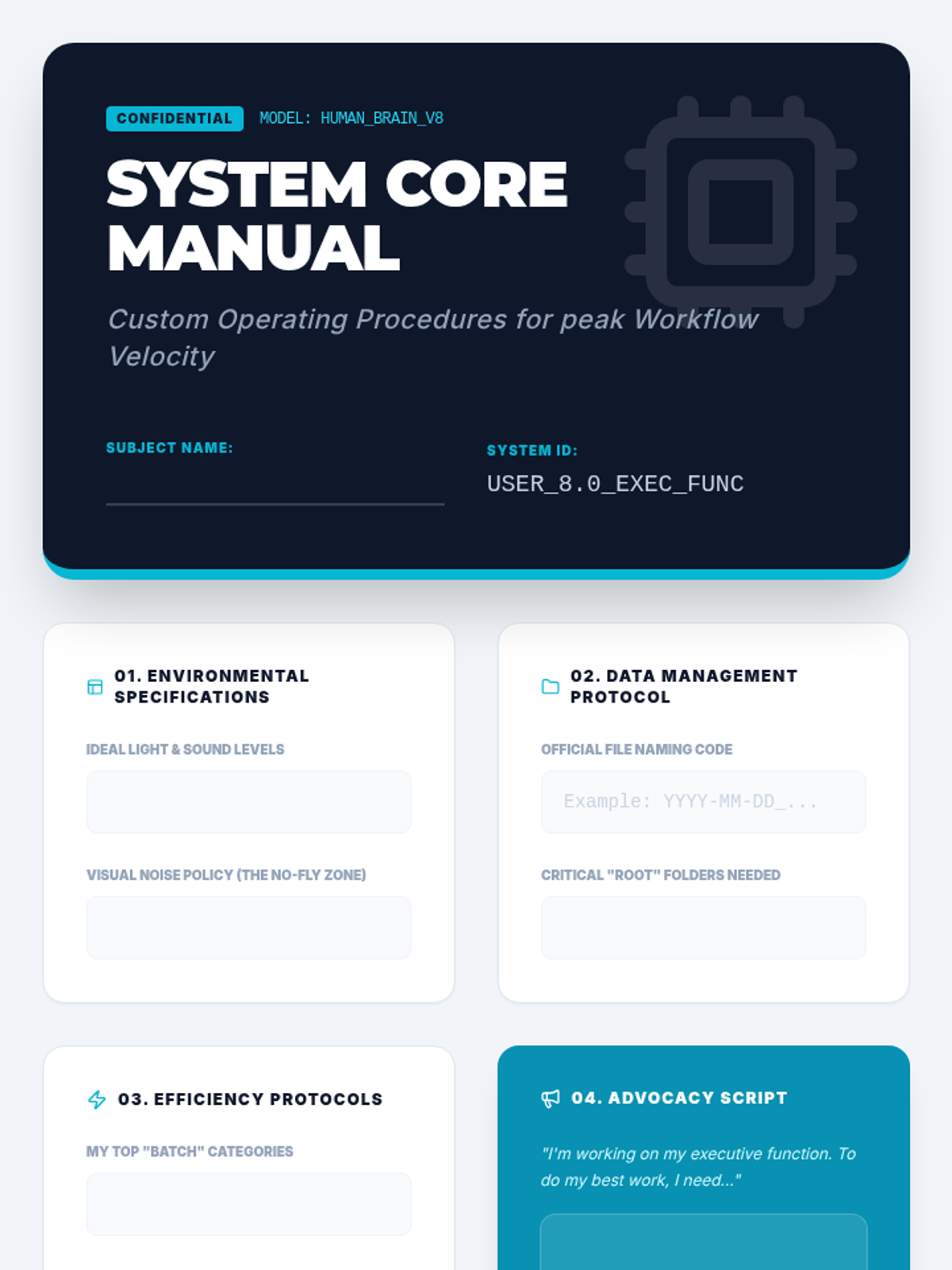
In this capstone lesson, students synthesize their learning into a 'User Manual' for their own brain. They document personalized strategies for physical, digital, and temporal organization to build self-advocacy and long-term habits.
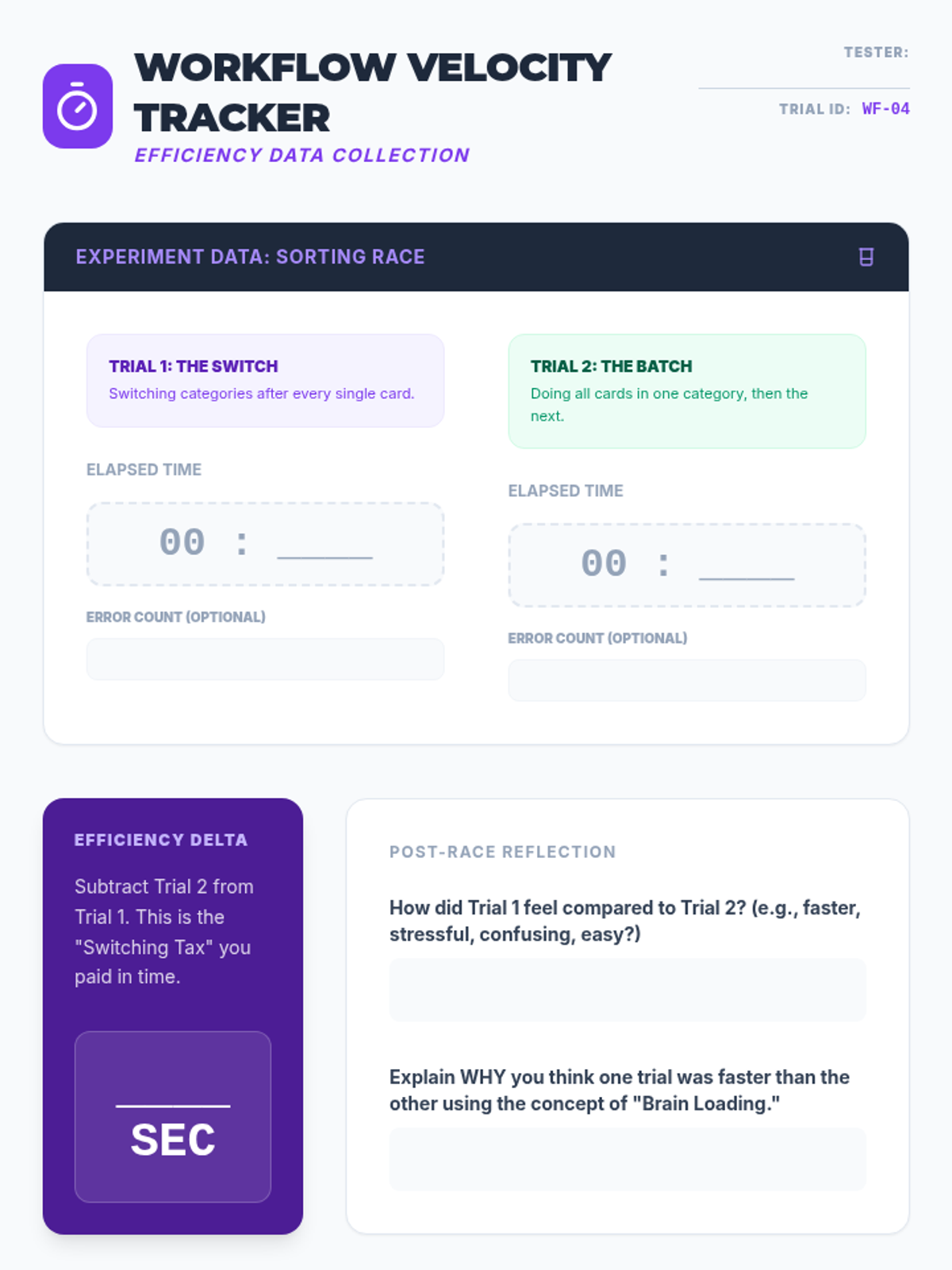
Students investigate the efficiency costs of multitasking and context switching. Through timed experiments, they compare sequential task completion with 'batching' strategies to develop more efficient workflow habits.
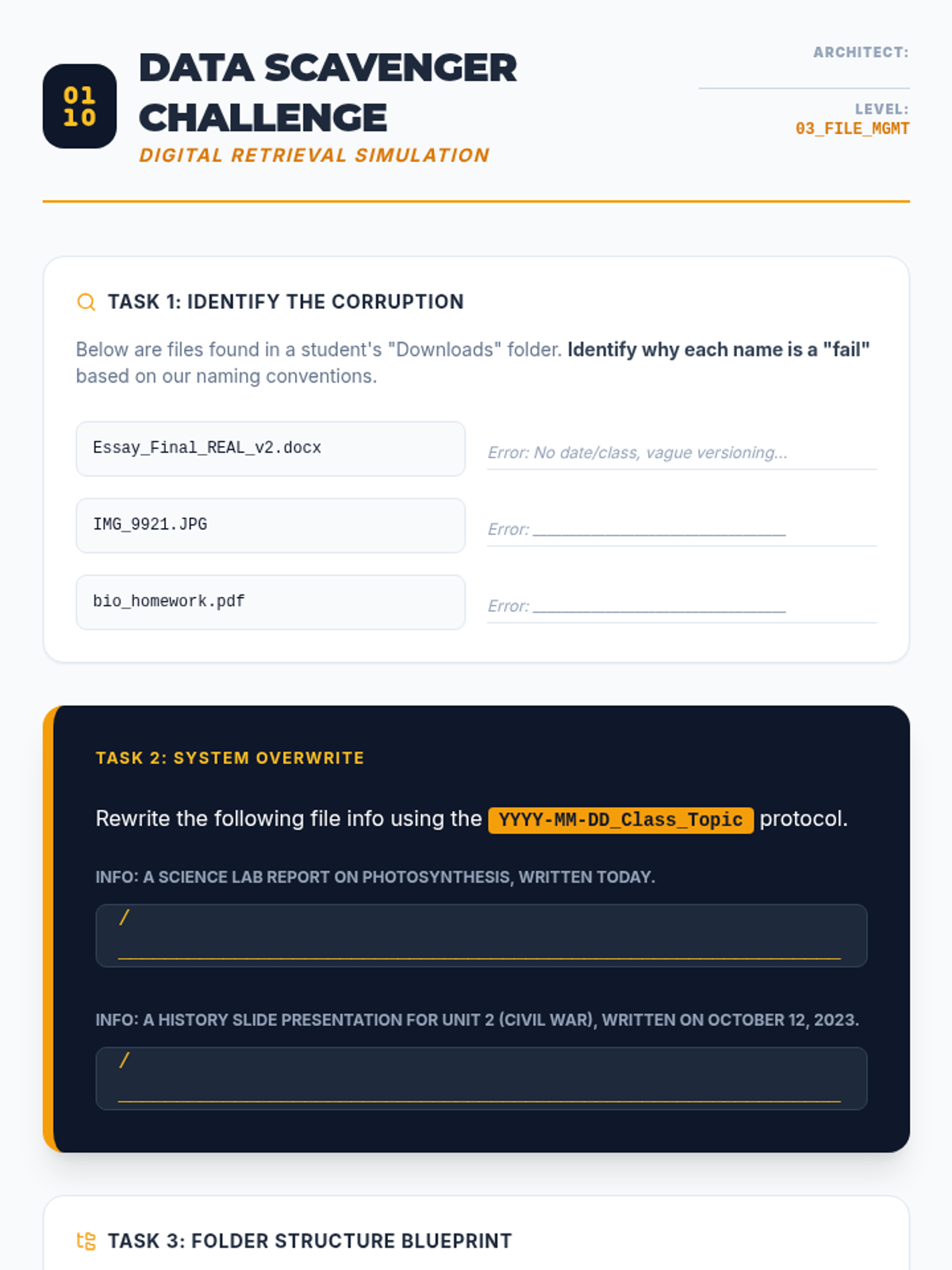
This lesson focuses on digital literacy through the lens of organization. Students learn effective file naming conventions, folder hierarchies, and inbox management strategies to prevent 'digital hoarding' and improve information retrieval speed.
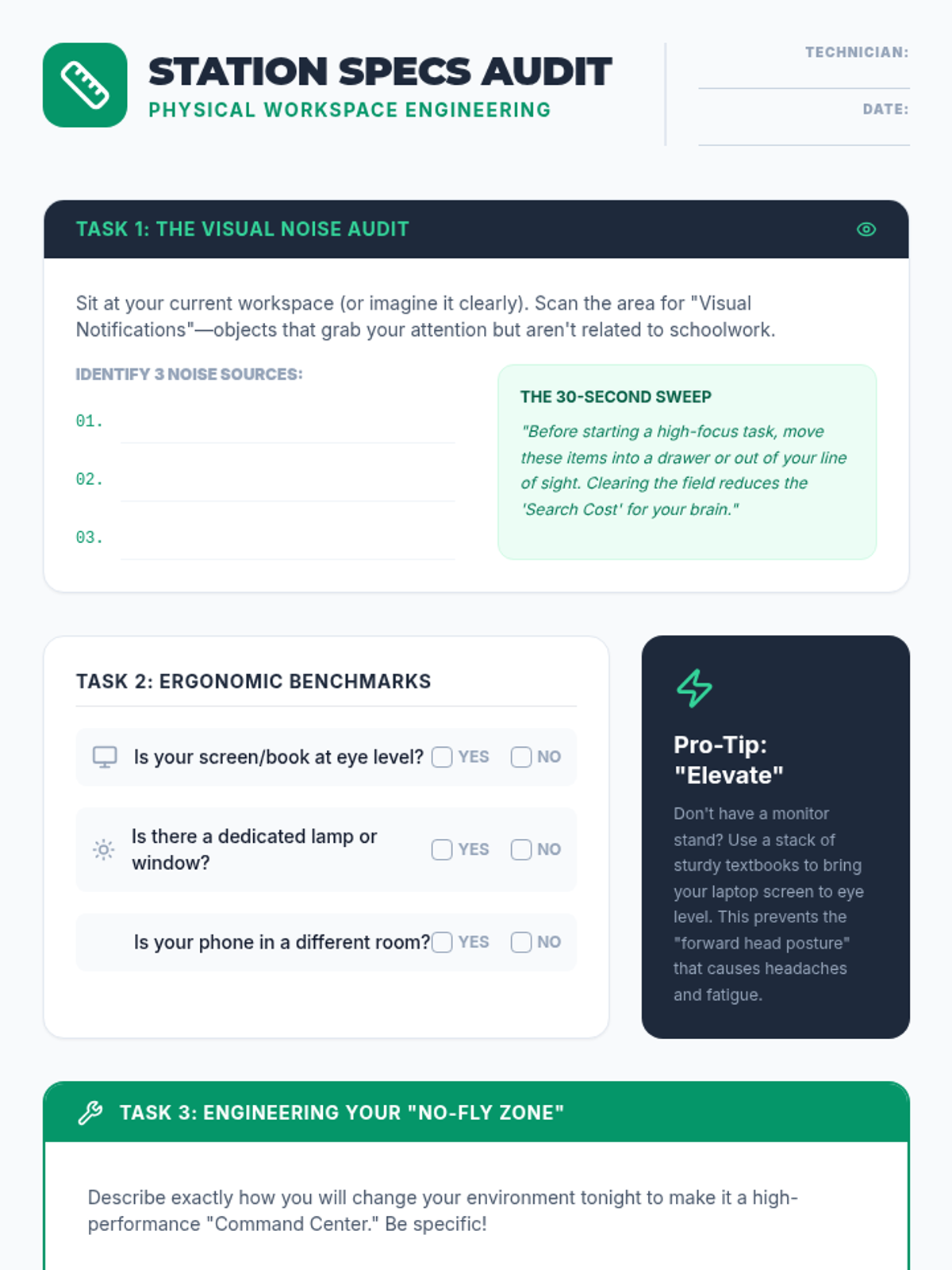
Students analyze the impact of their physical environment on focus and productivity. By auditing workspace case studies and their own study areas, they learn to design spaces that minimize distractions and optimize ergonomics.
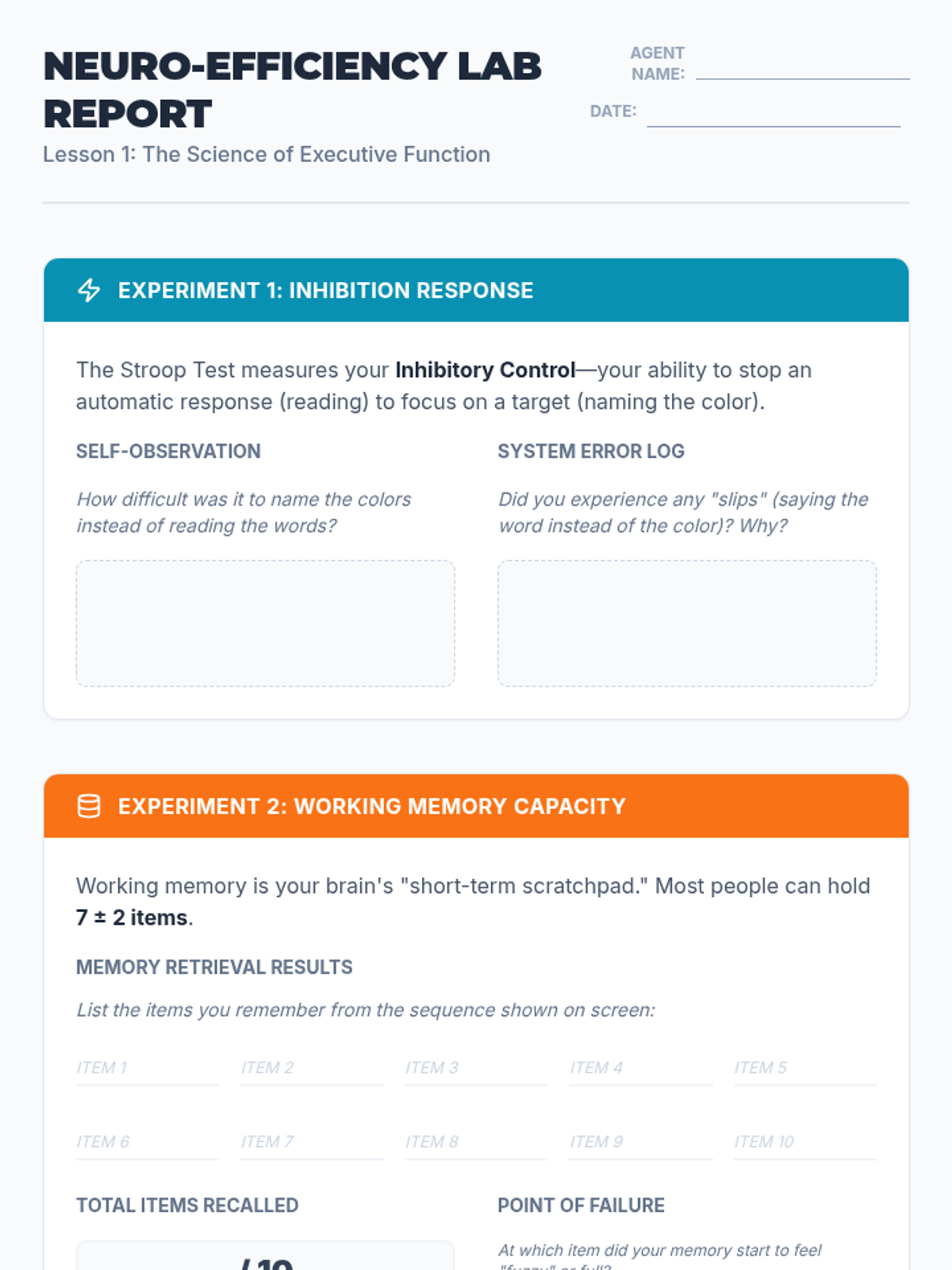
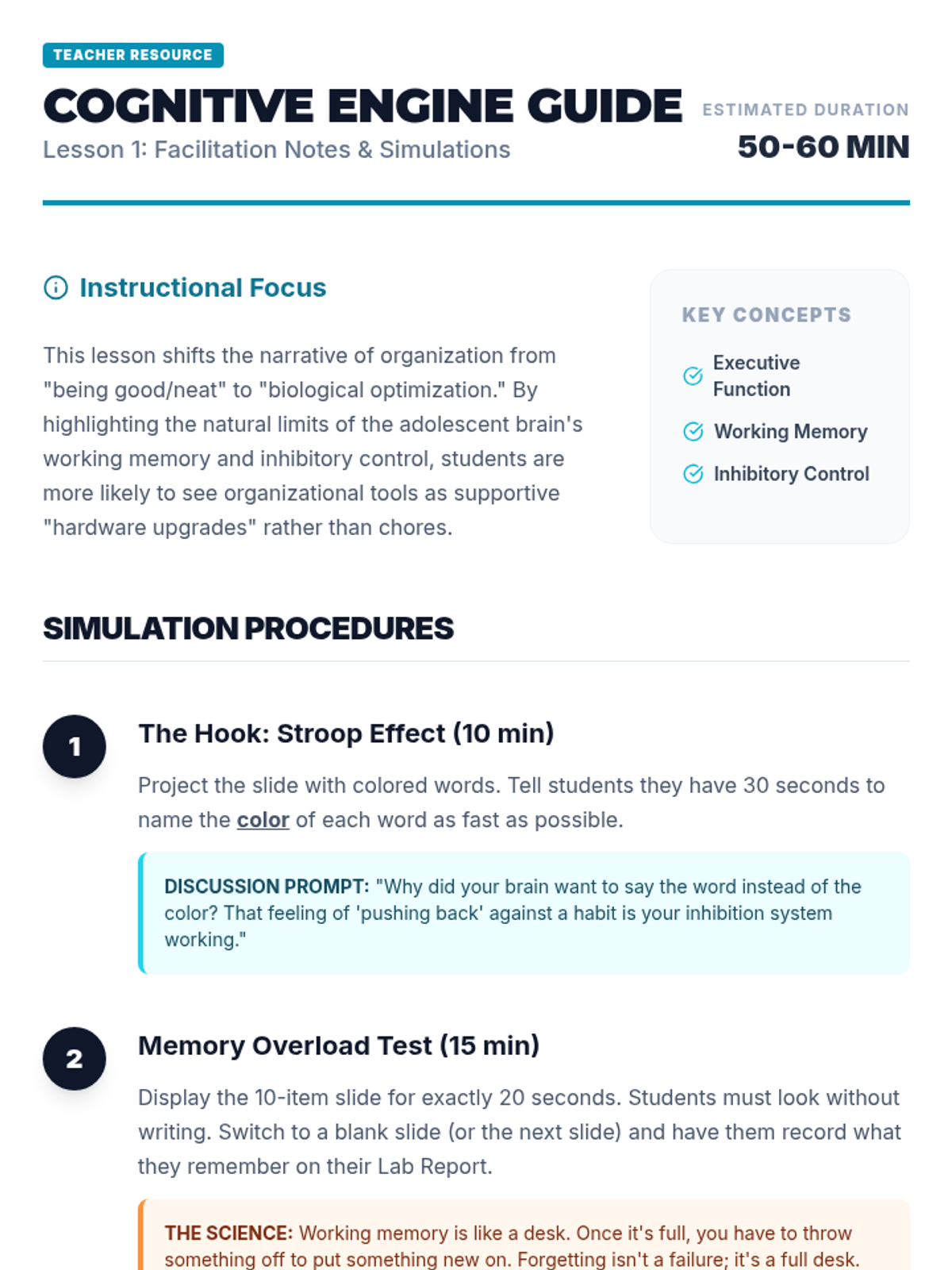
Students explore the neurological basis of executive function, focusing on working memory and inhibition. They engage in simulations like the Stroop Effect and memory overload tasks to understand why organizational systems are necessary for cognitive efficiency.
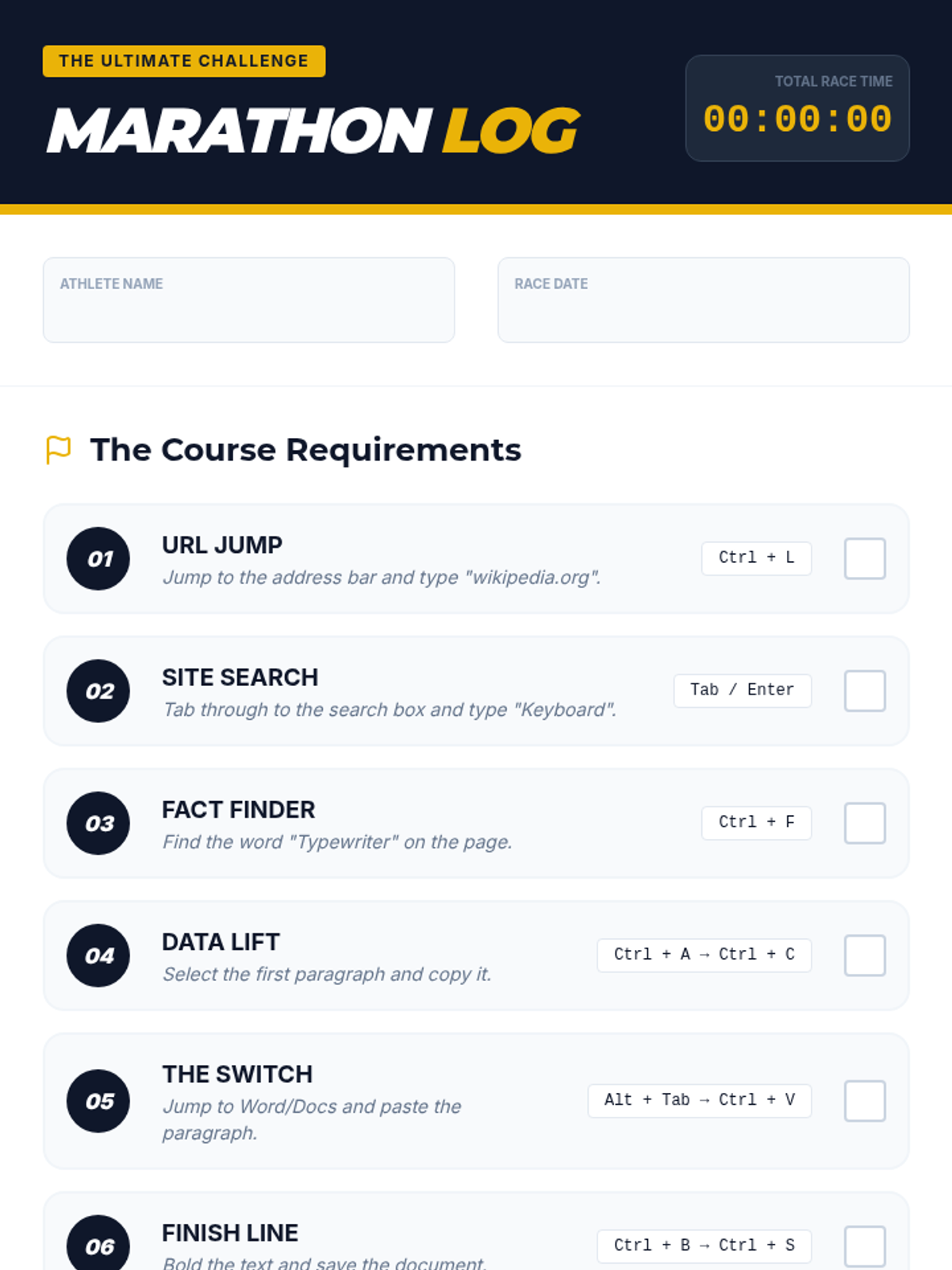
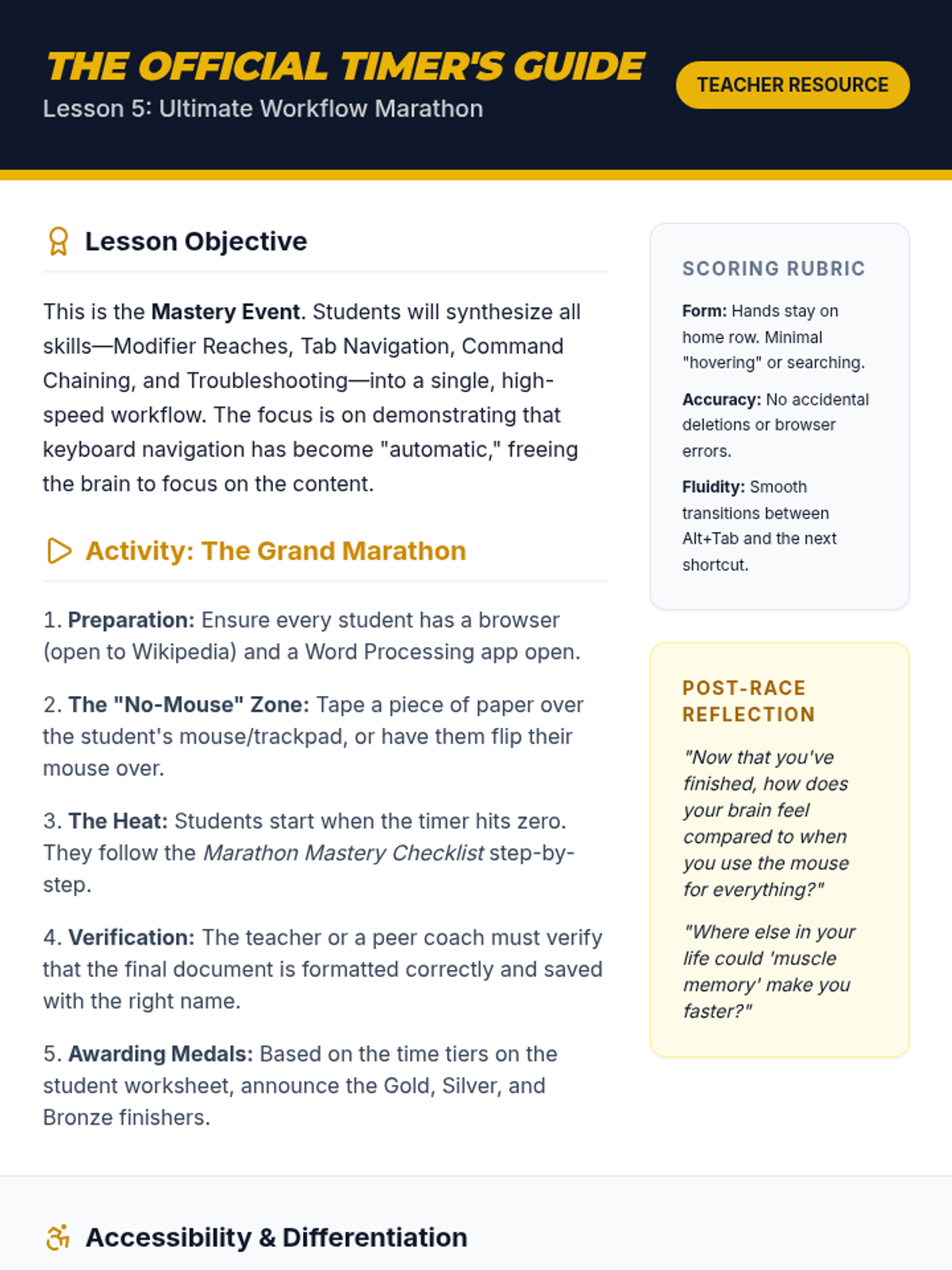
A culminating challenge where students integrate all learned skills to complete complex multi-app tasks against the clock.
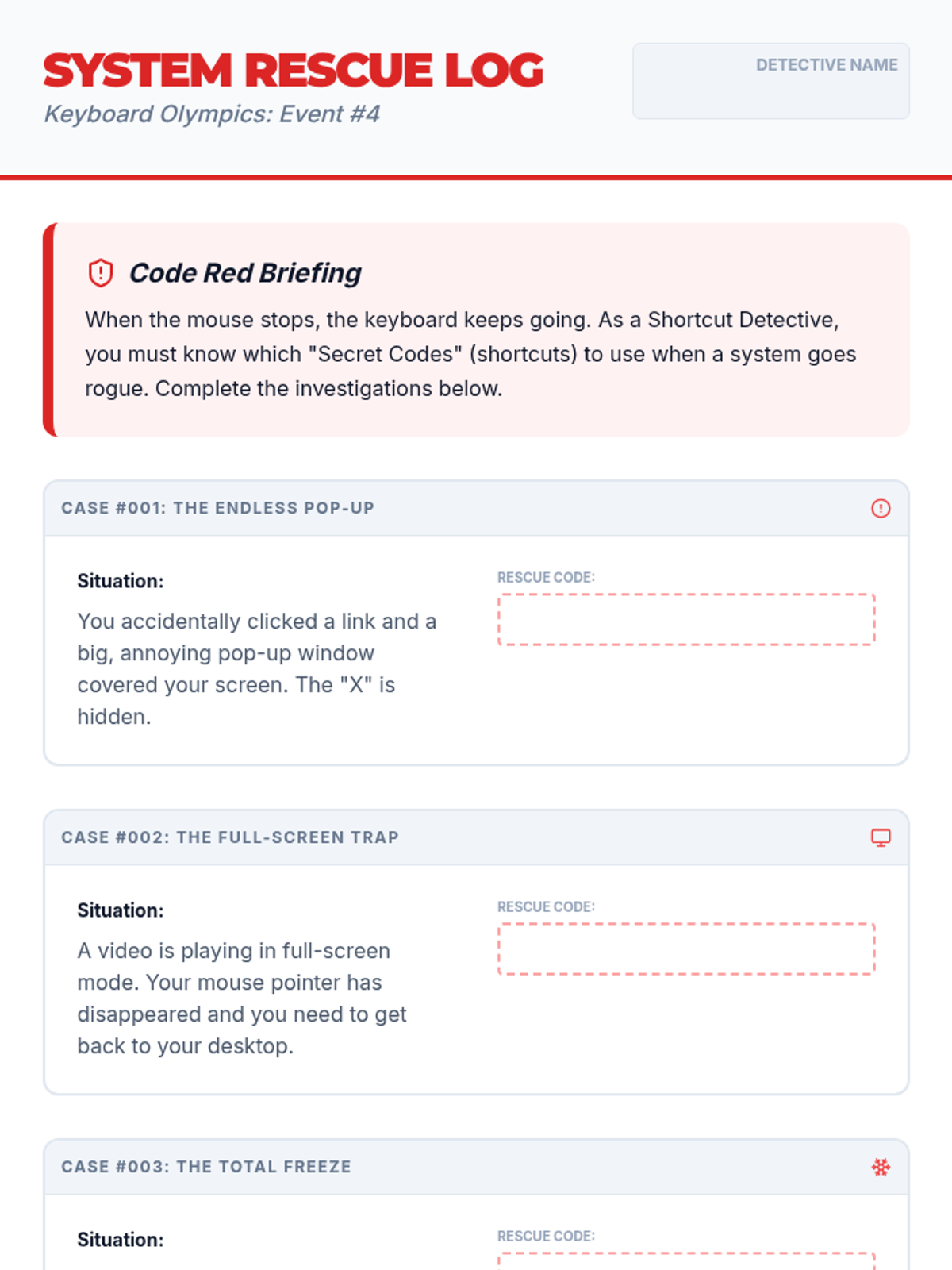
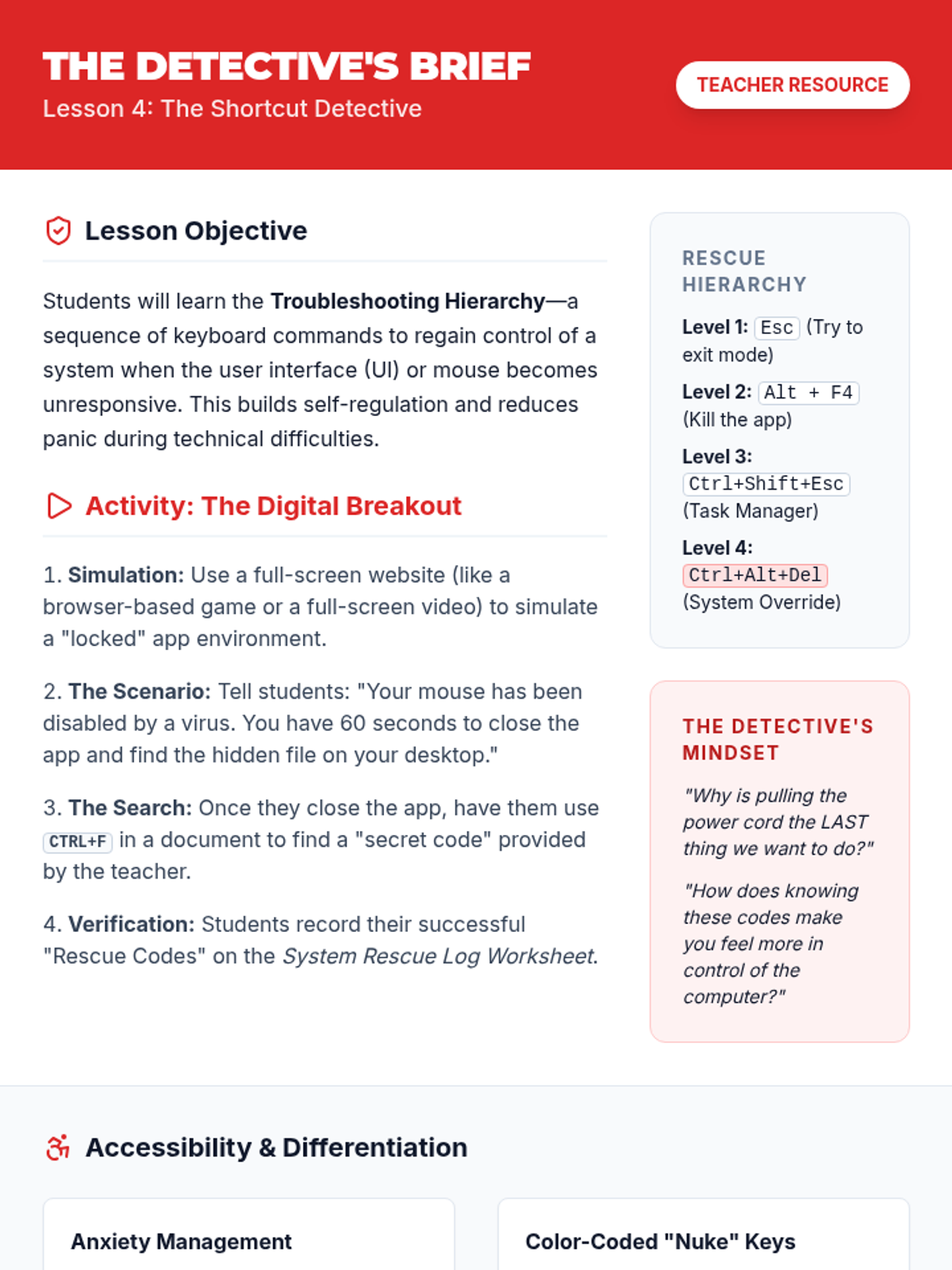
A troubleshooting-focused lesson where students use emergency shortcuts to resolve system freezes and application issues.
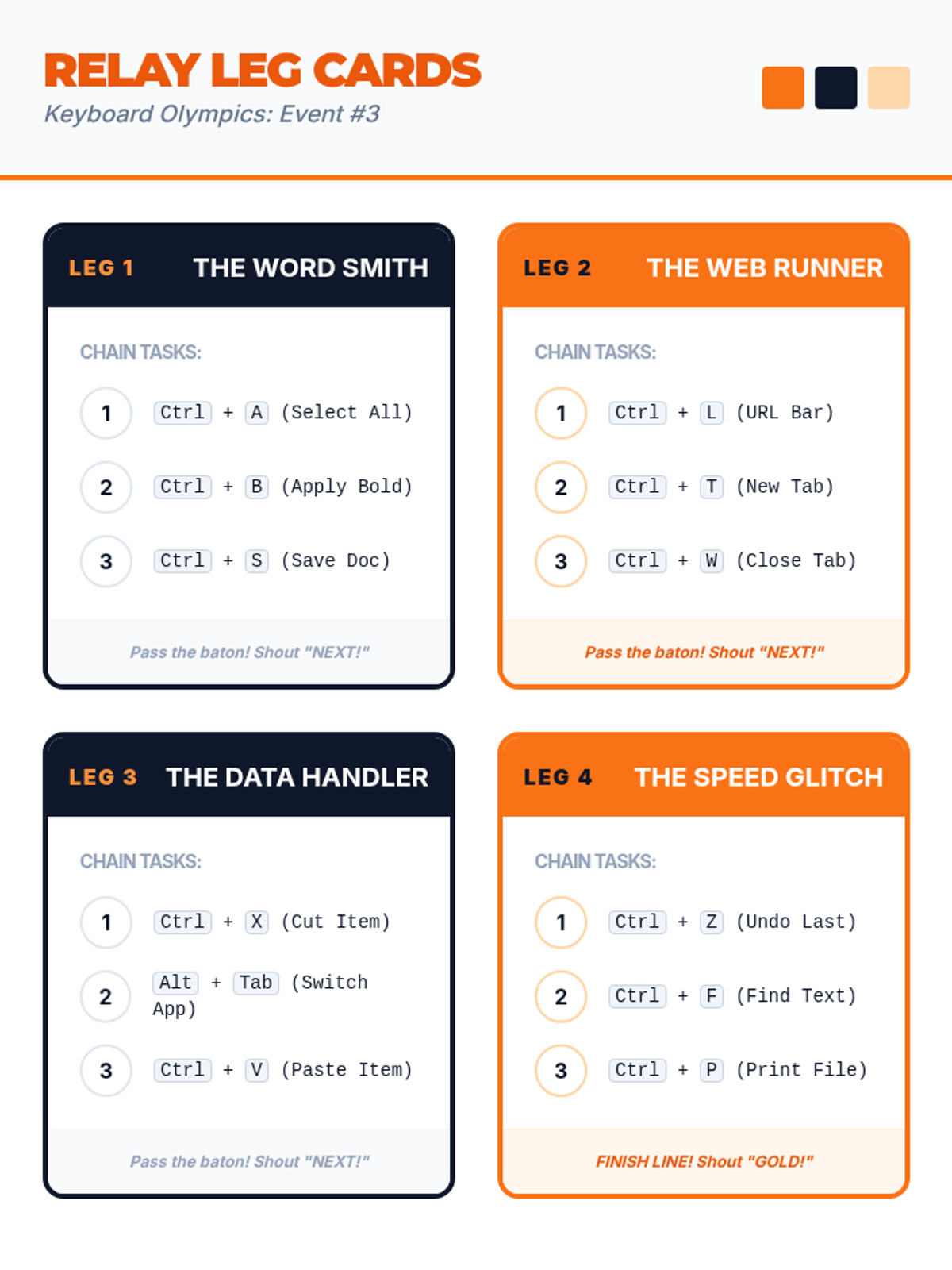
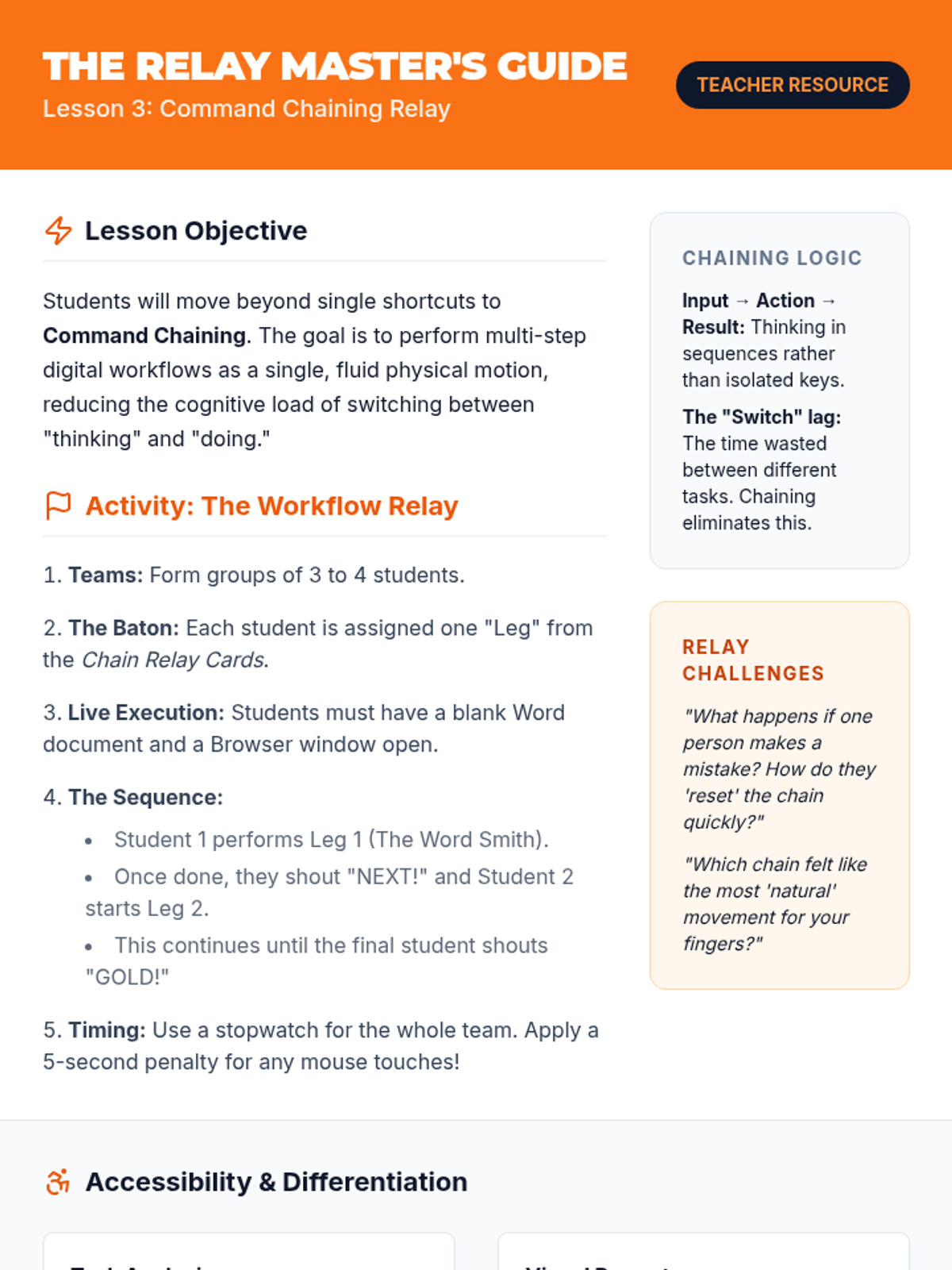
Students learn to combine multiple shortcuts into fluid workflows, practicing the 'chaining' of commands for common tasks.
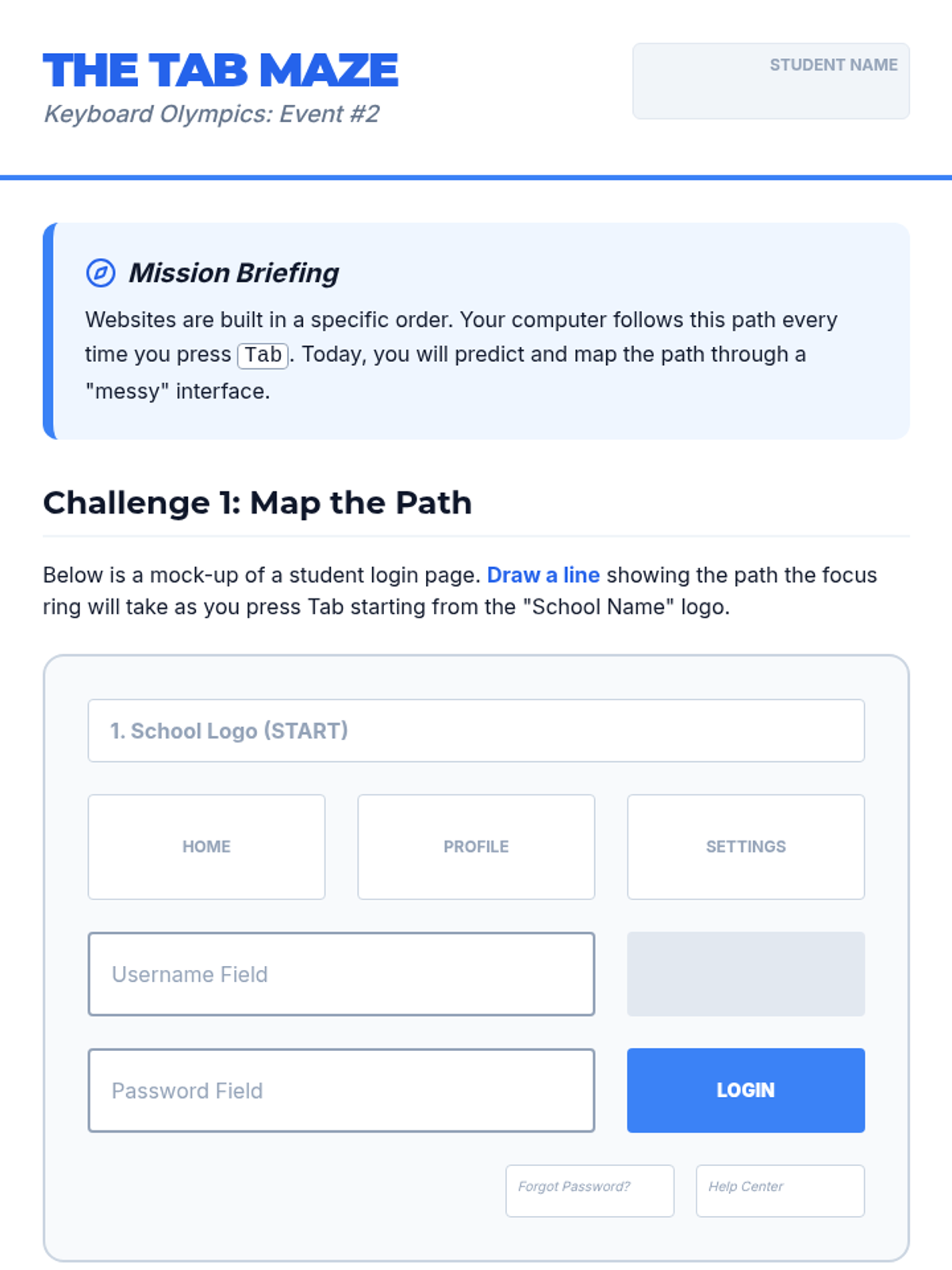
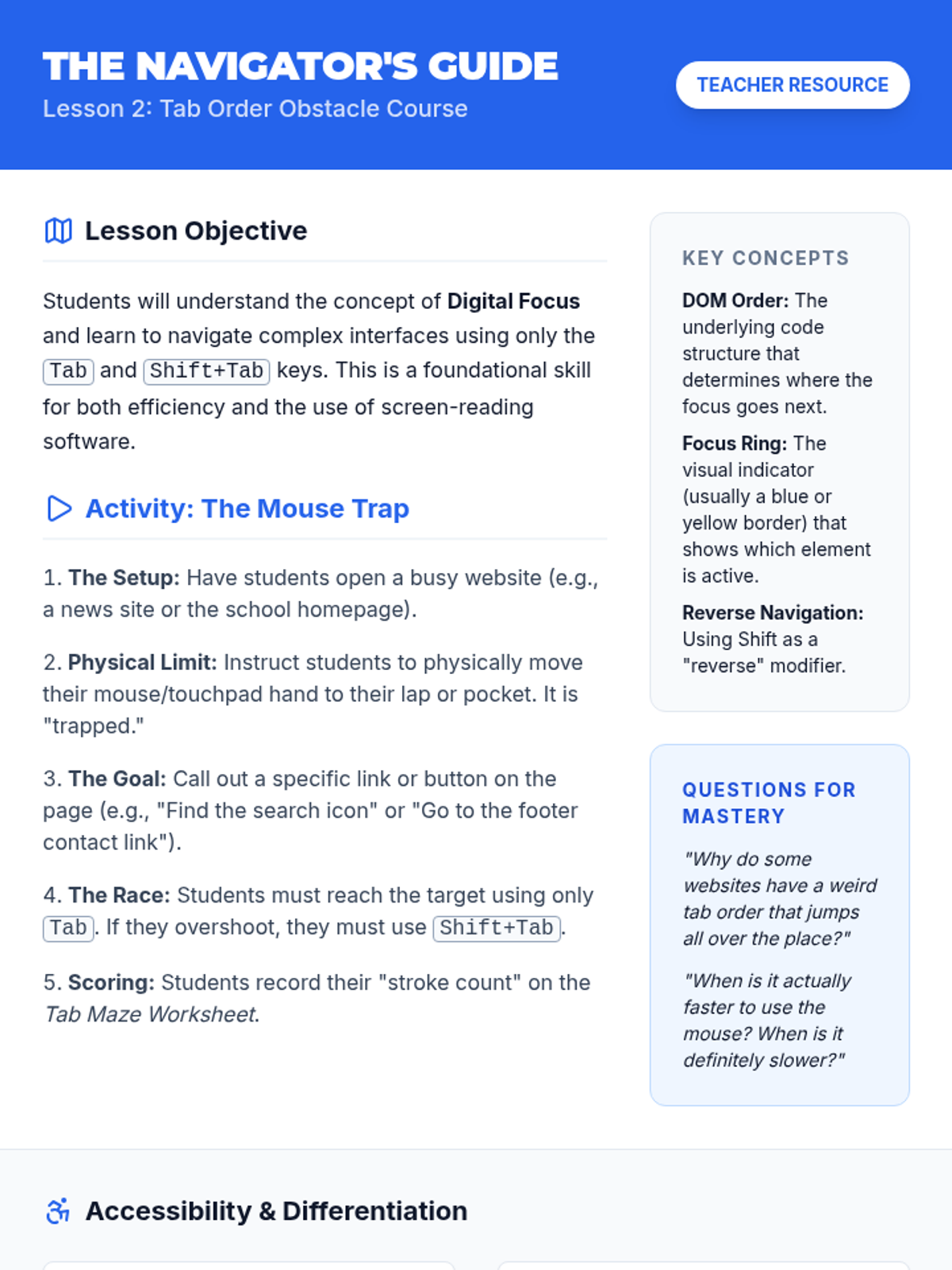
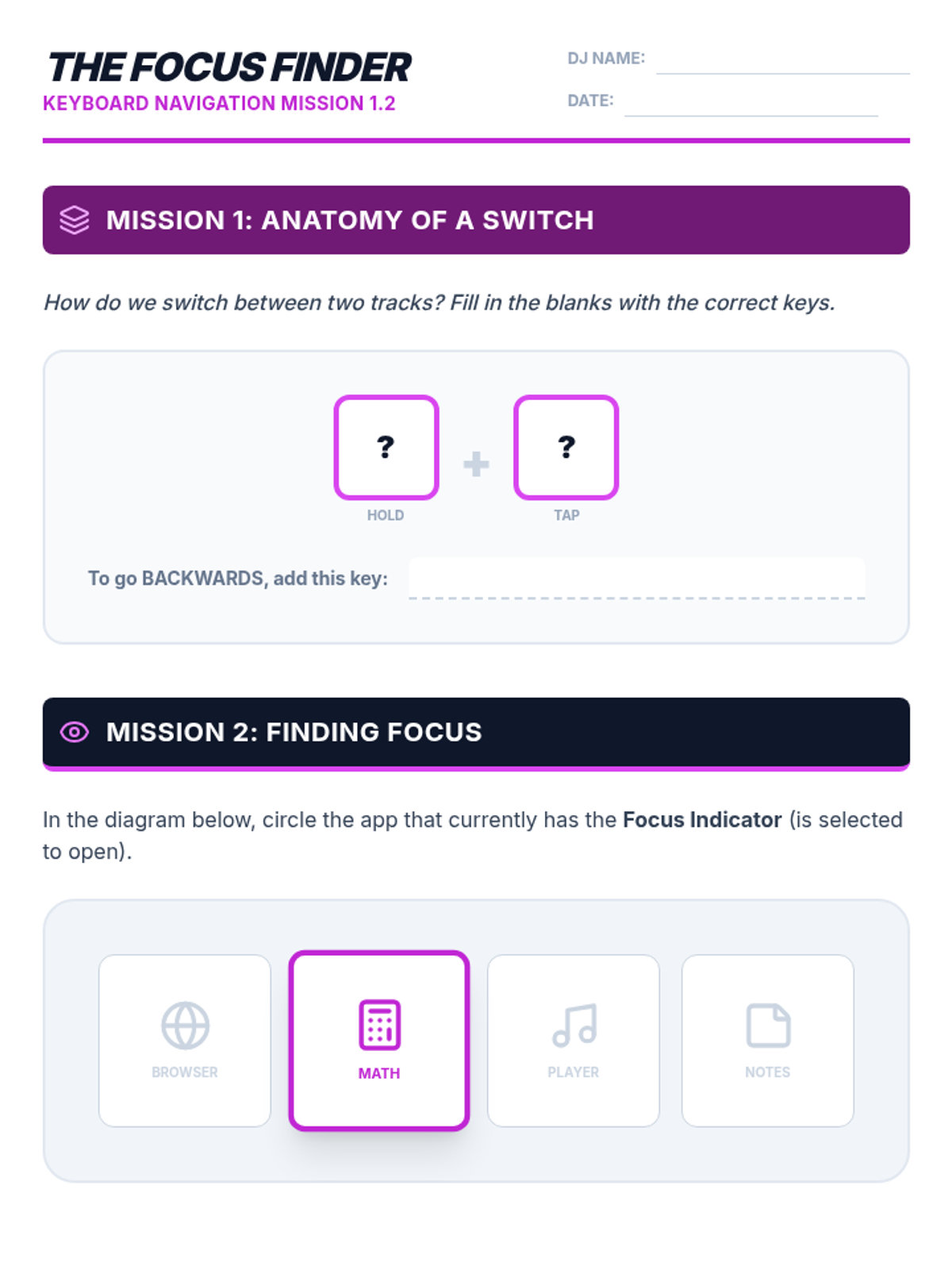
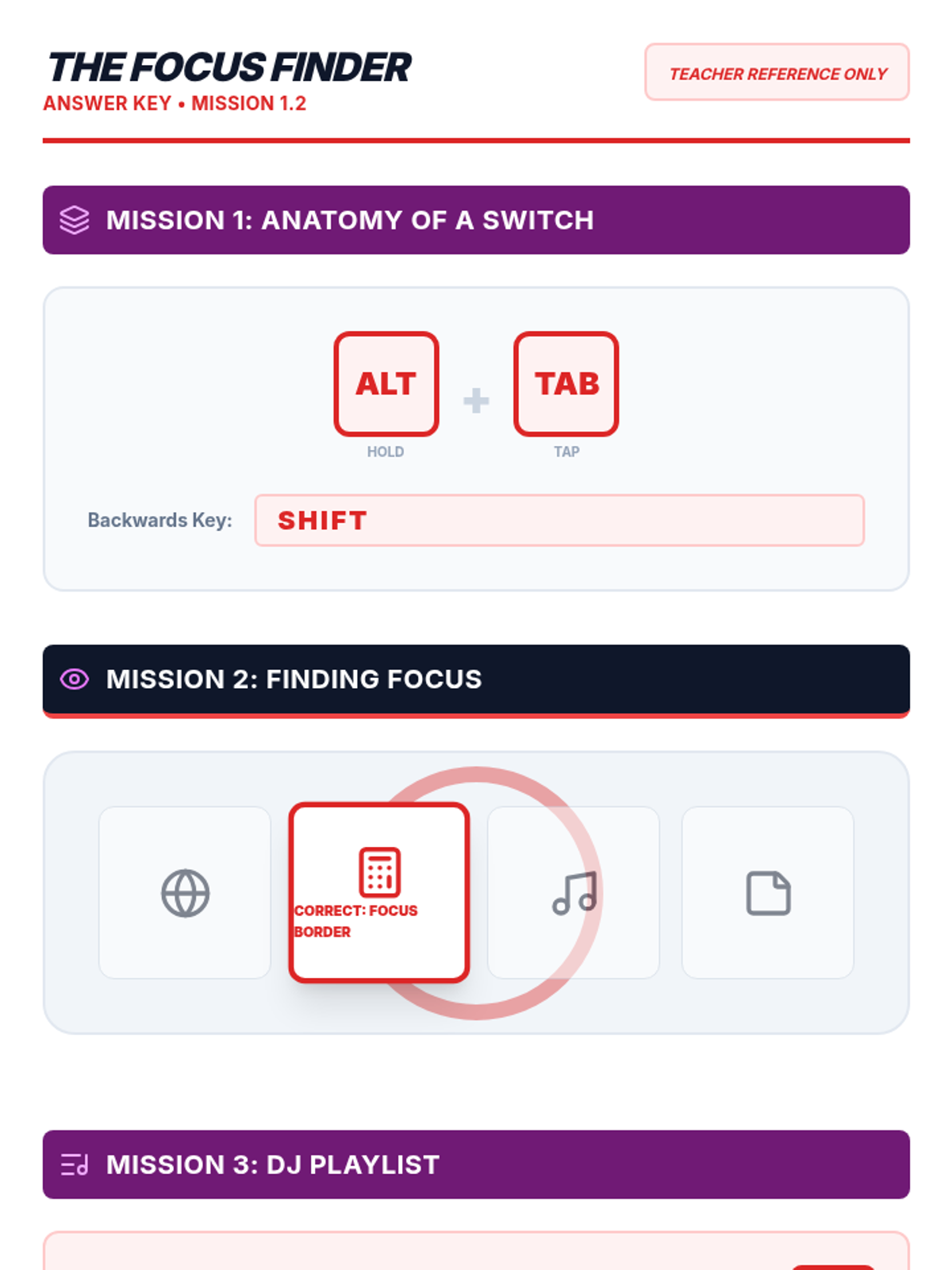
Focuses on using the Tab and Shift+Tab keys to navigate digital interfaces without a mouse, emphasizing focus targeting and efficiency.
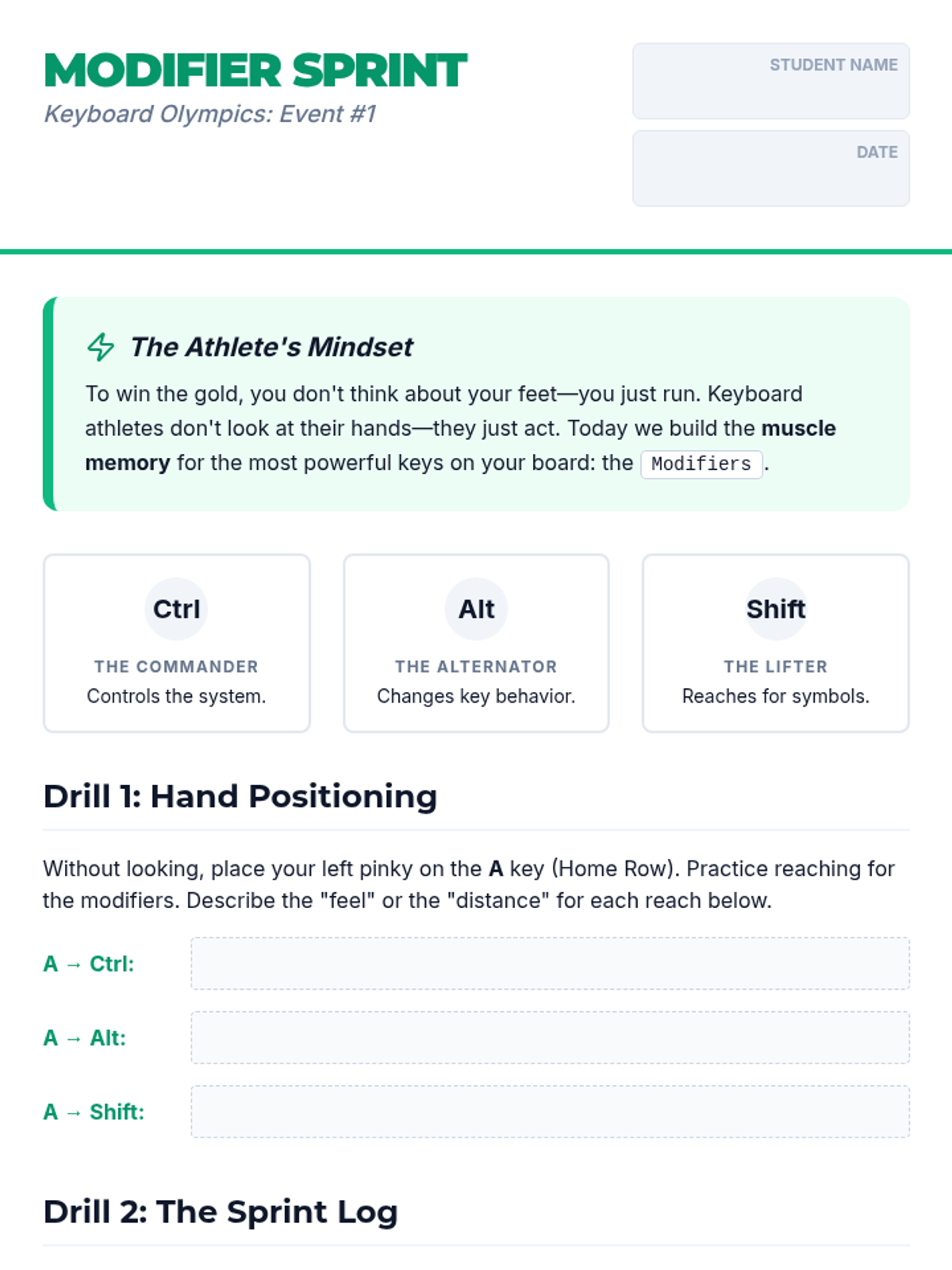
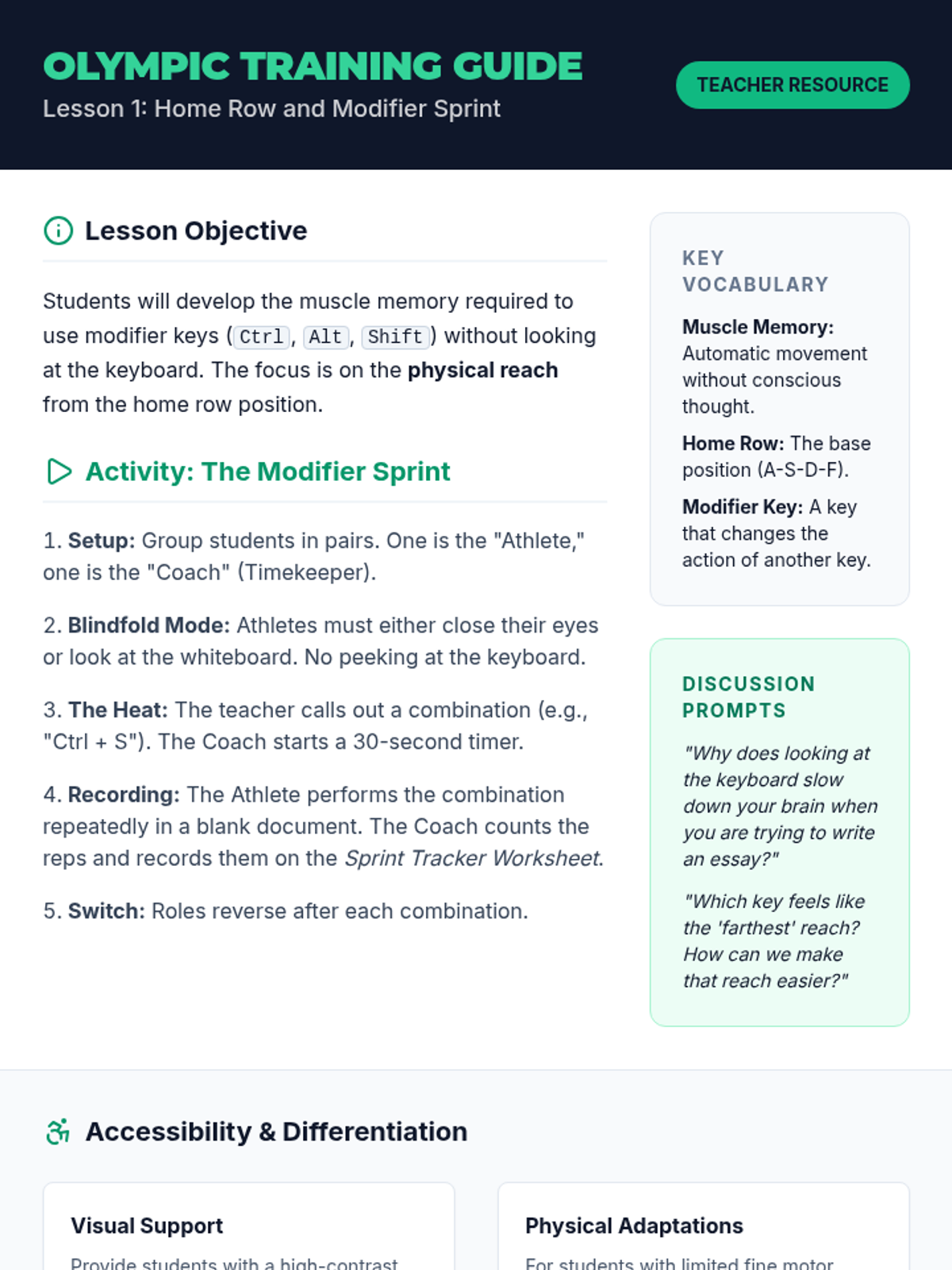
A rapid-fire introduction to modifier keys and finger reaches, focusing on building the foundational muscle memory needed for complex shortcuts.
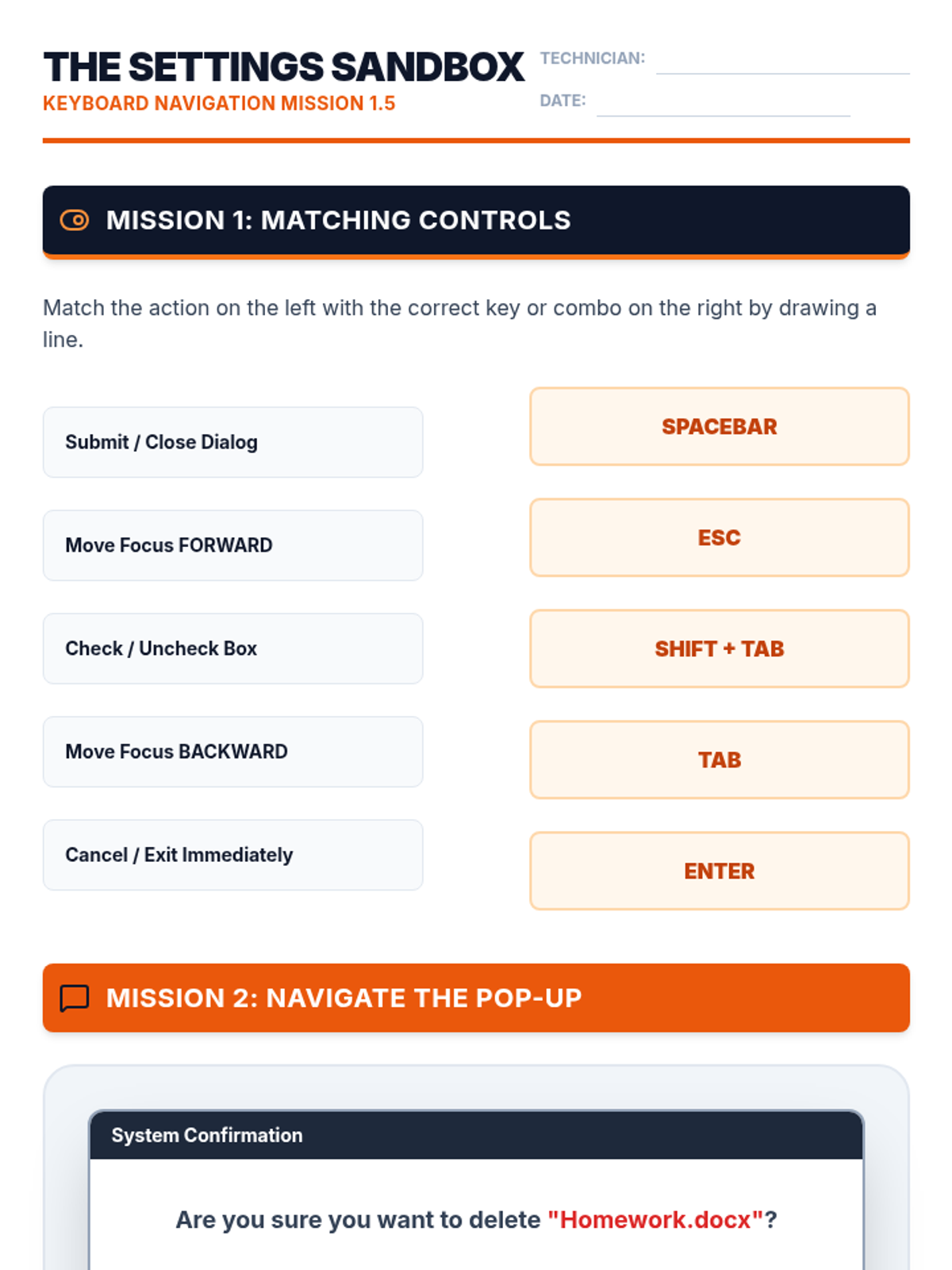
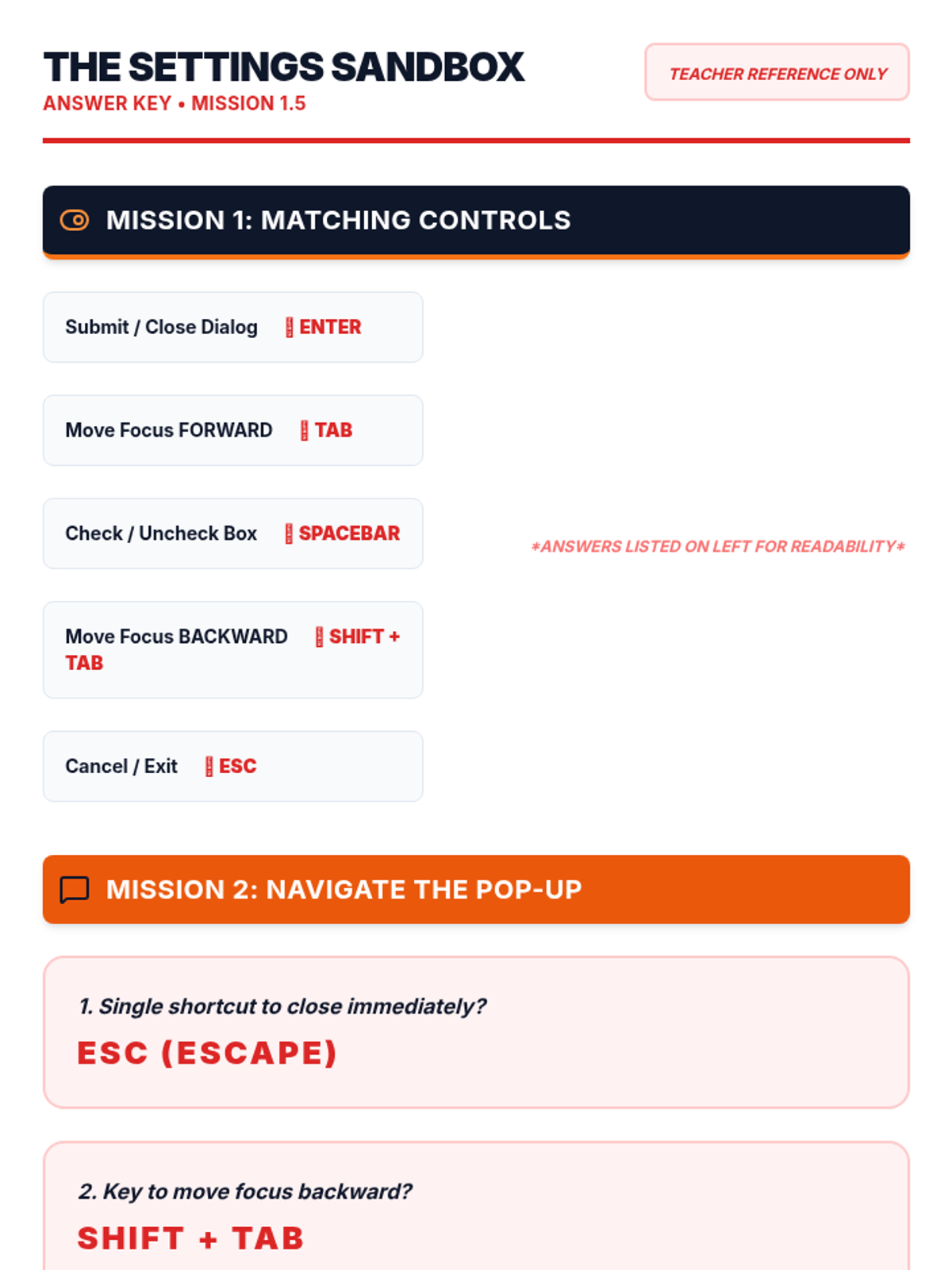
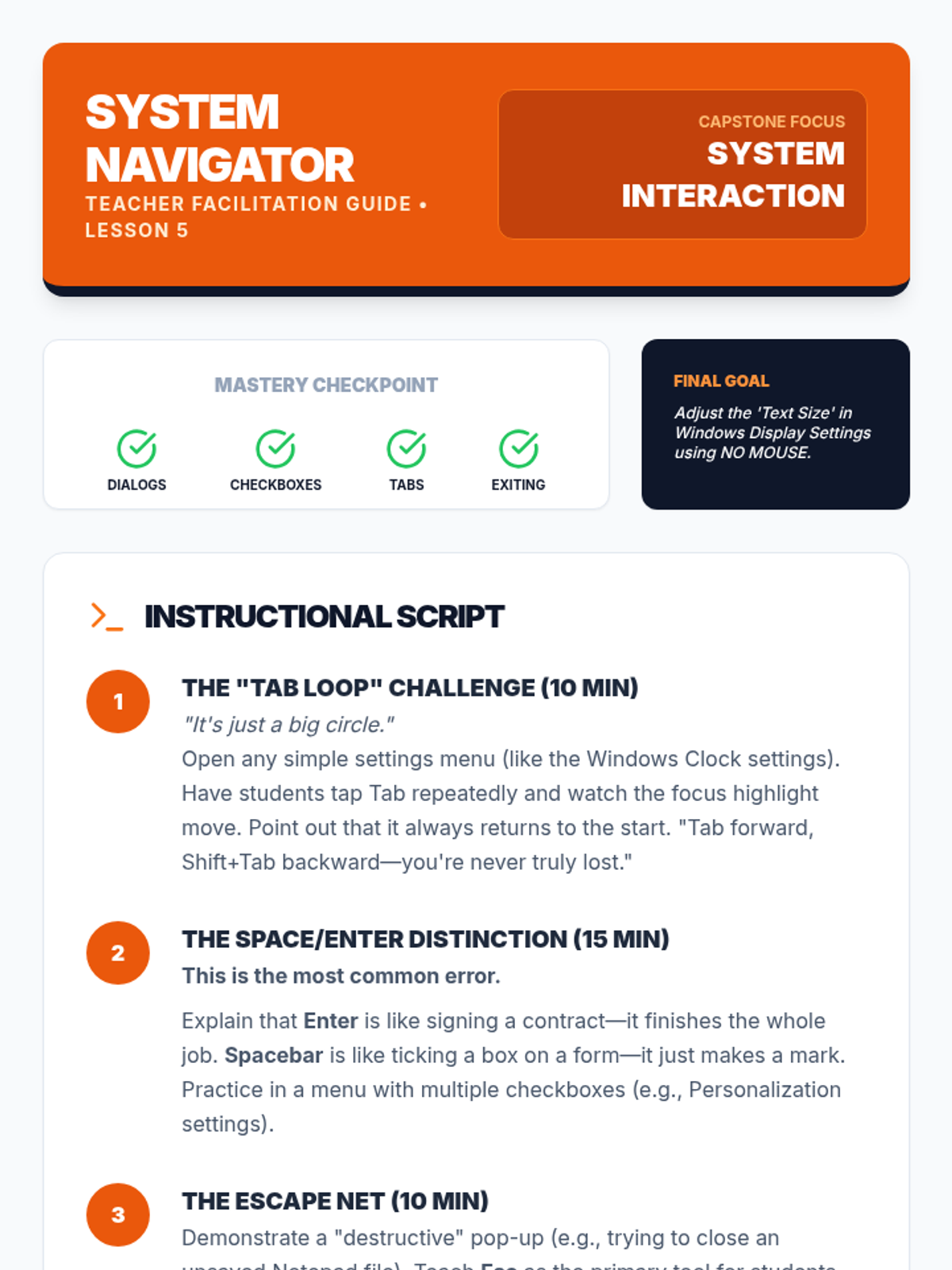
Mastering interaction with system dialog boxes and settings menus using keyboard-only navigation for system configuration.
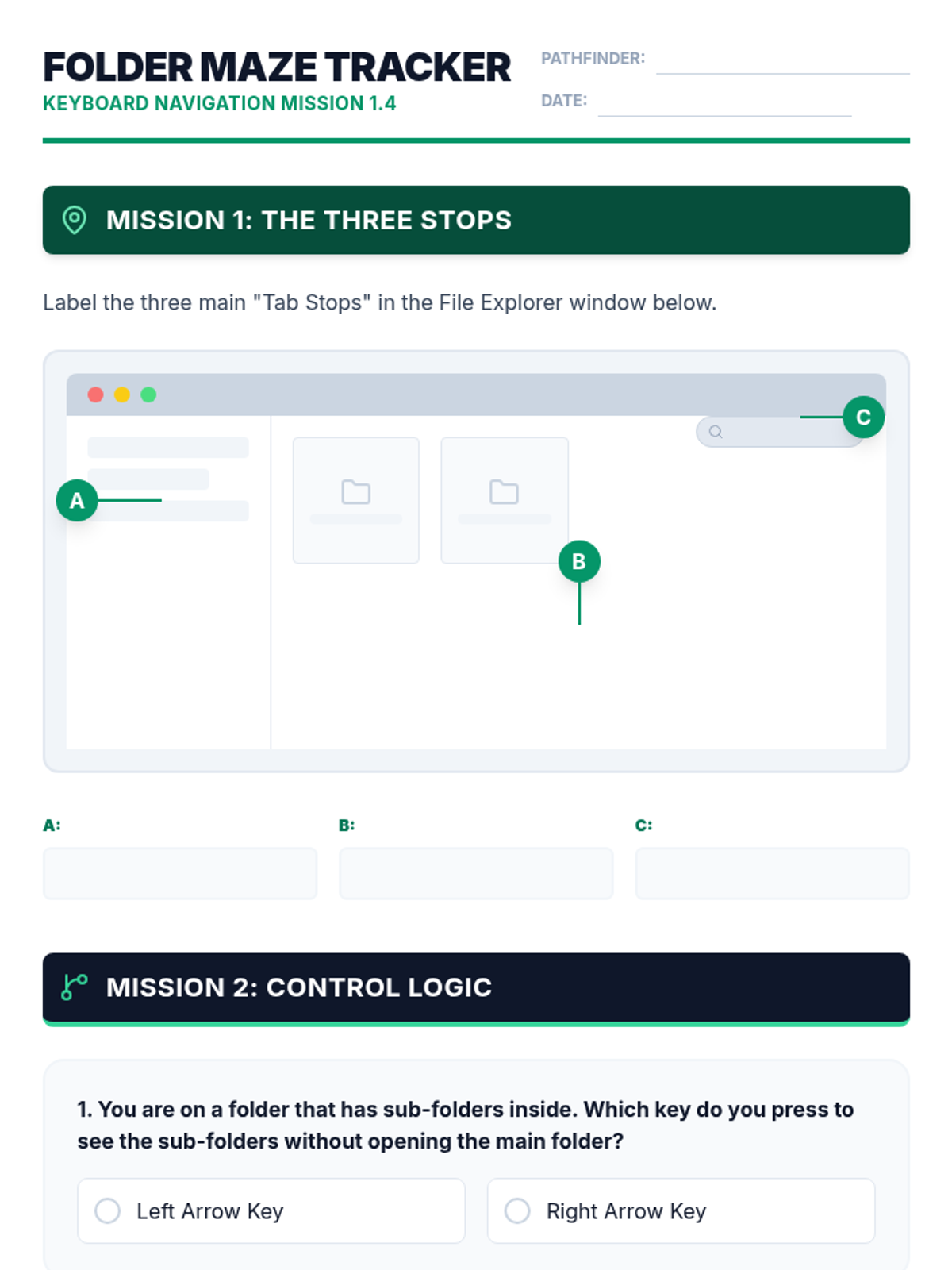
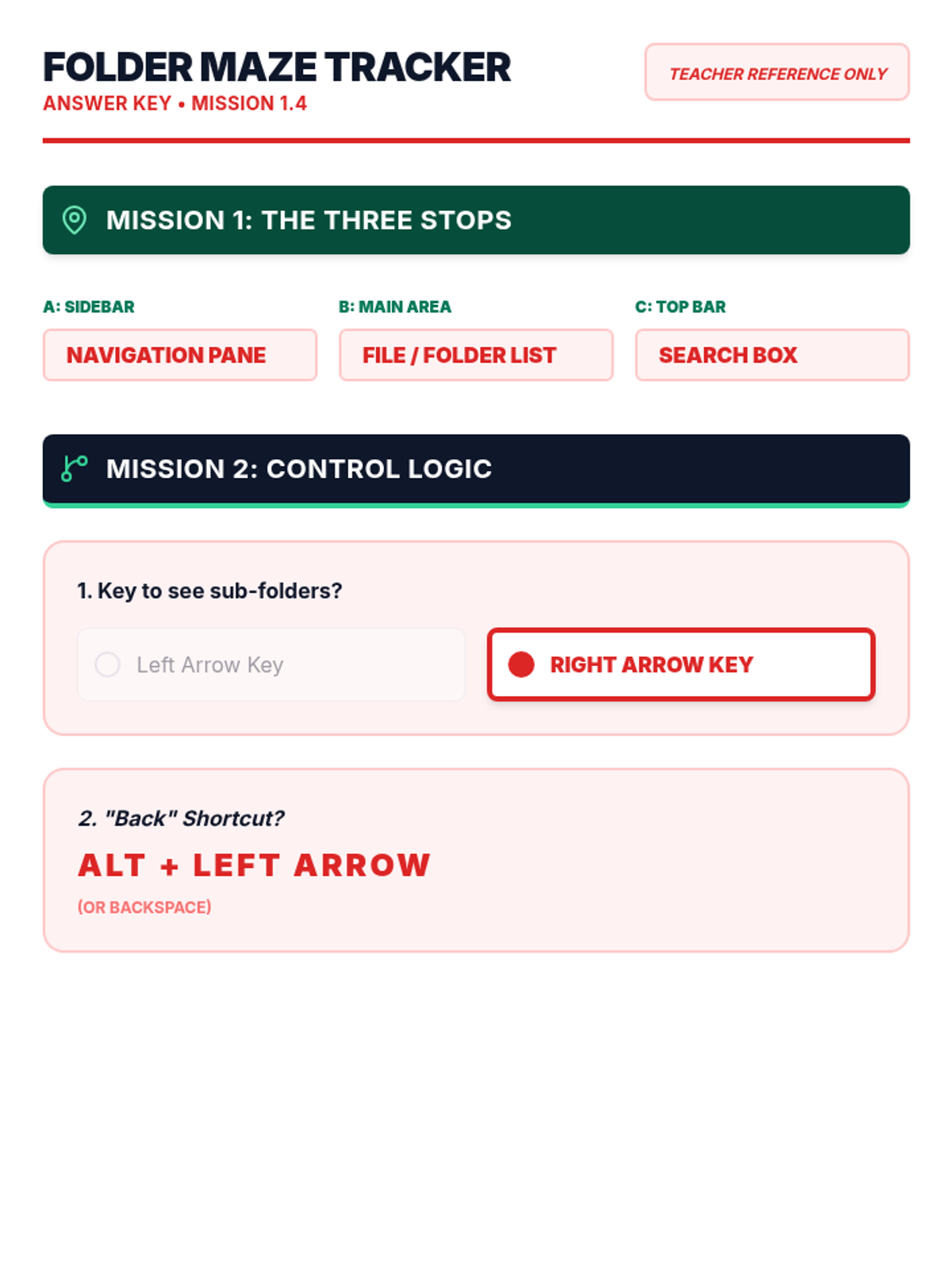
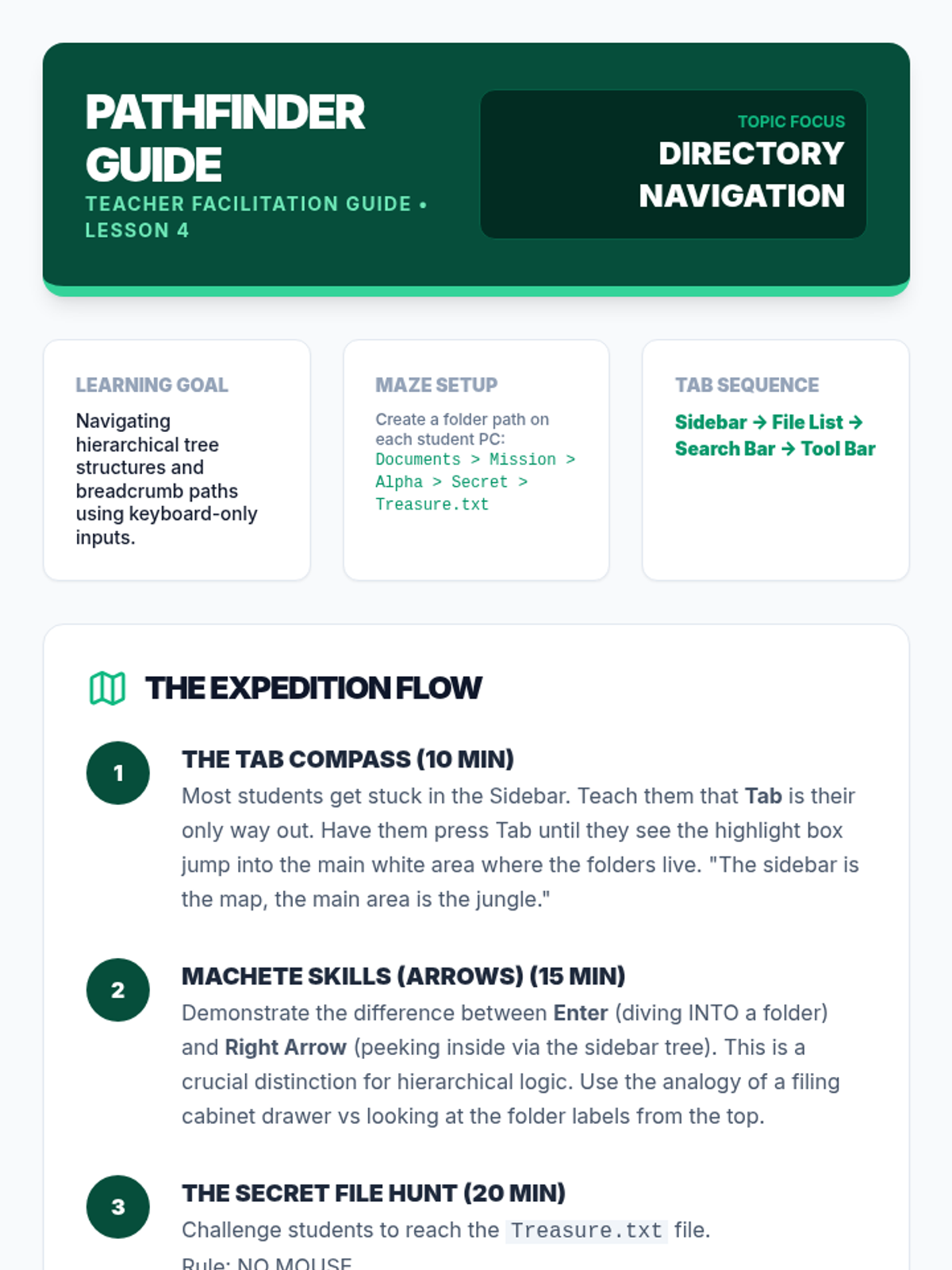
Navigating the hierarchical file system and directory structures using Tab and Arrow keys to locate and open files.
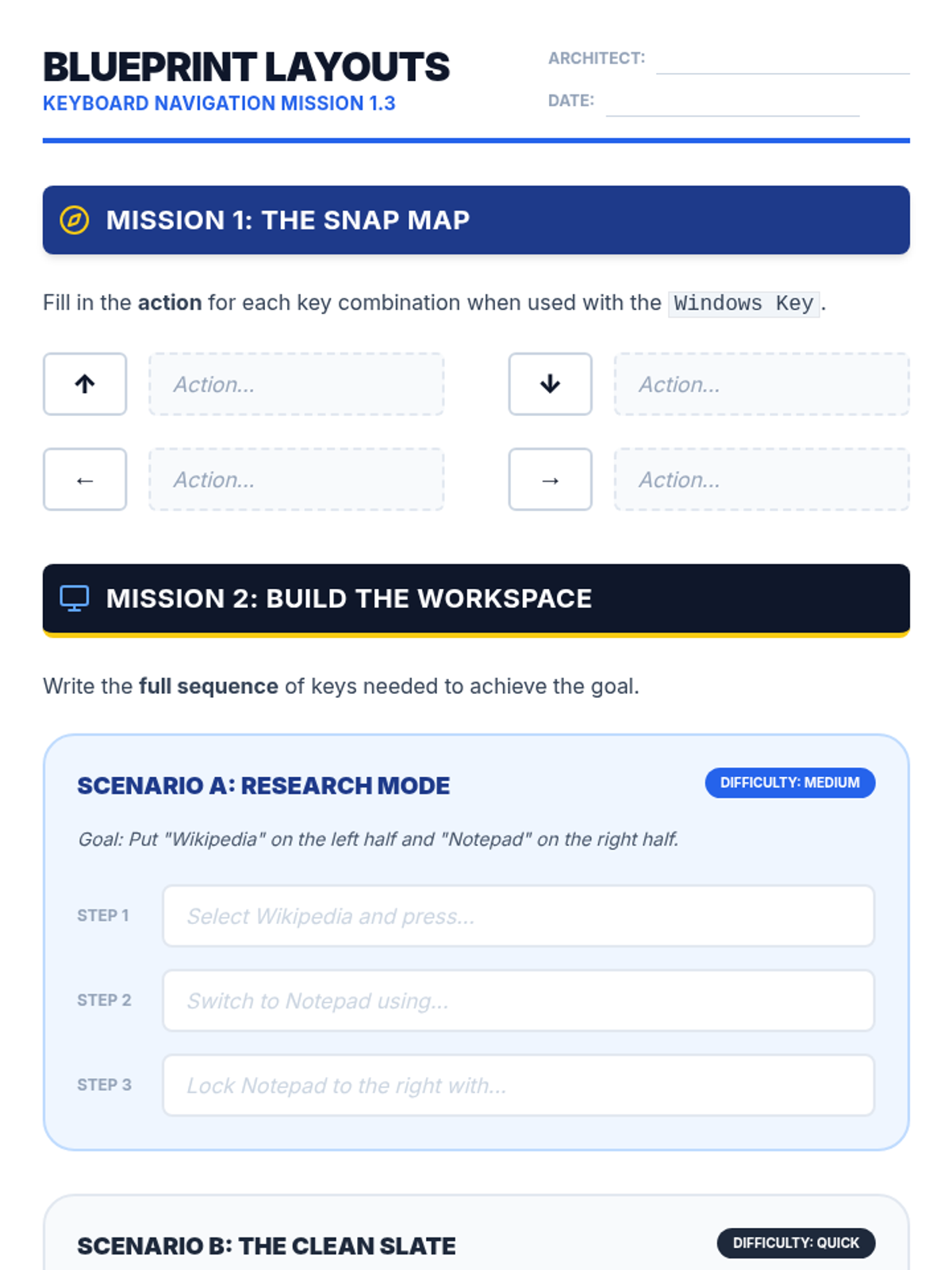
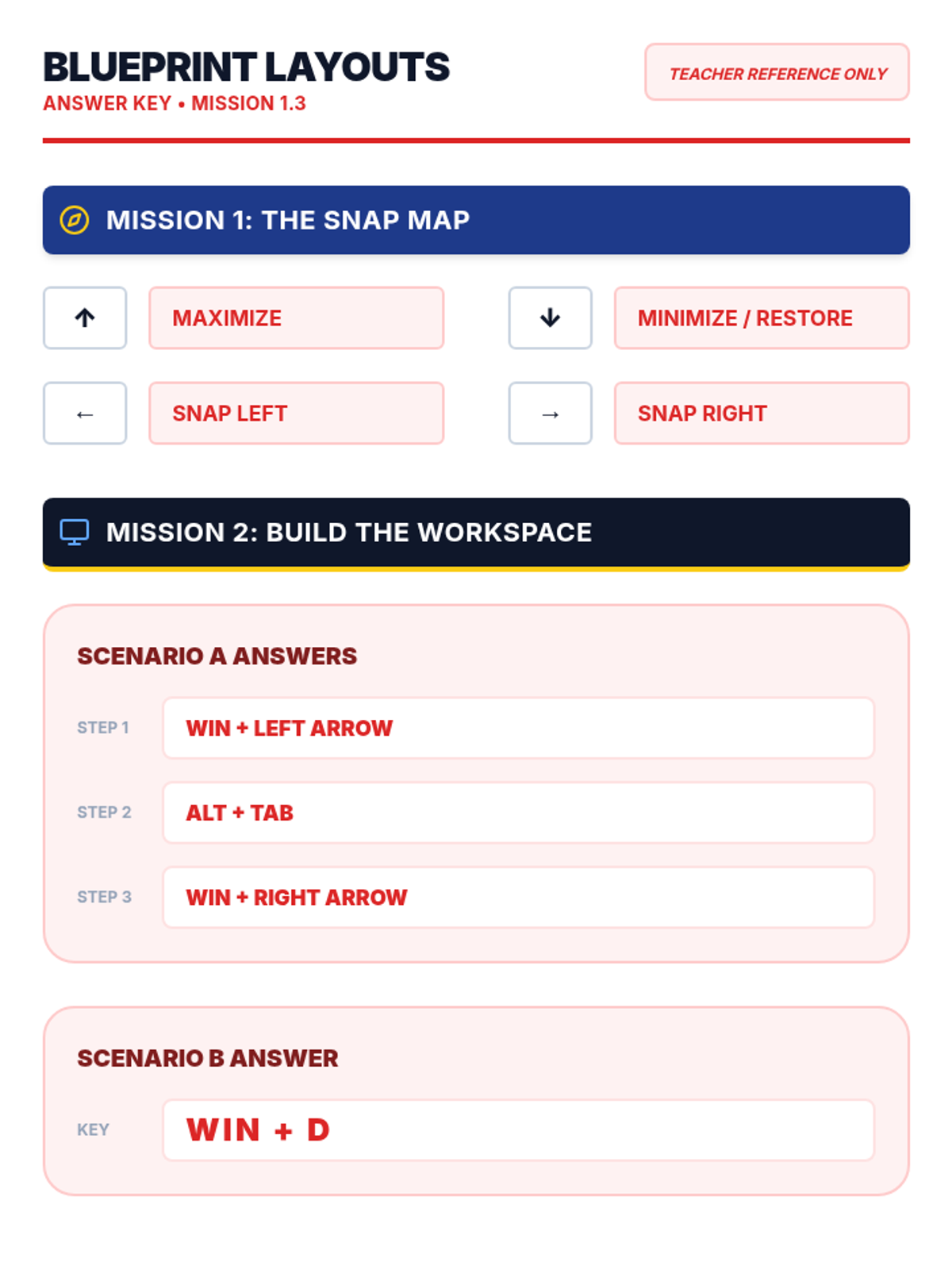
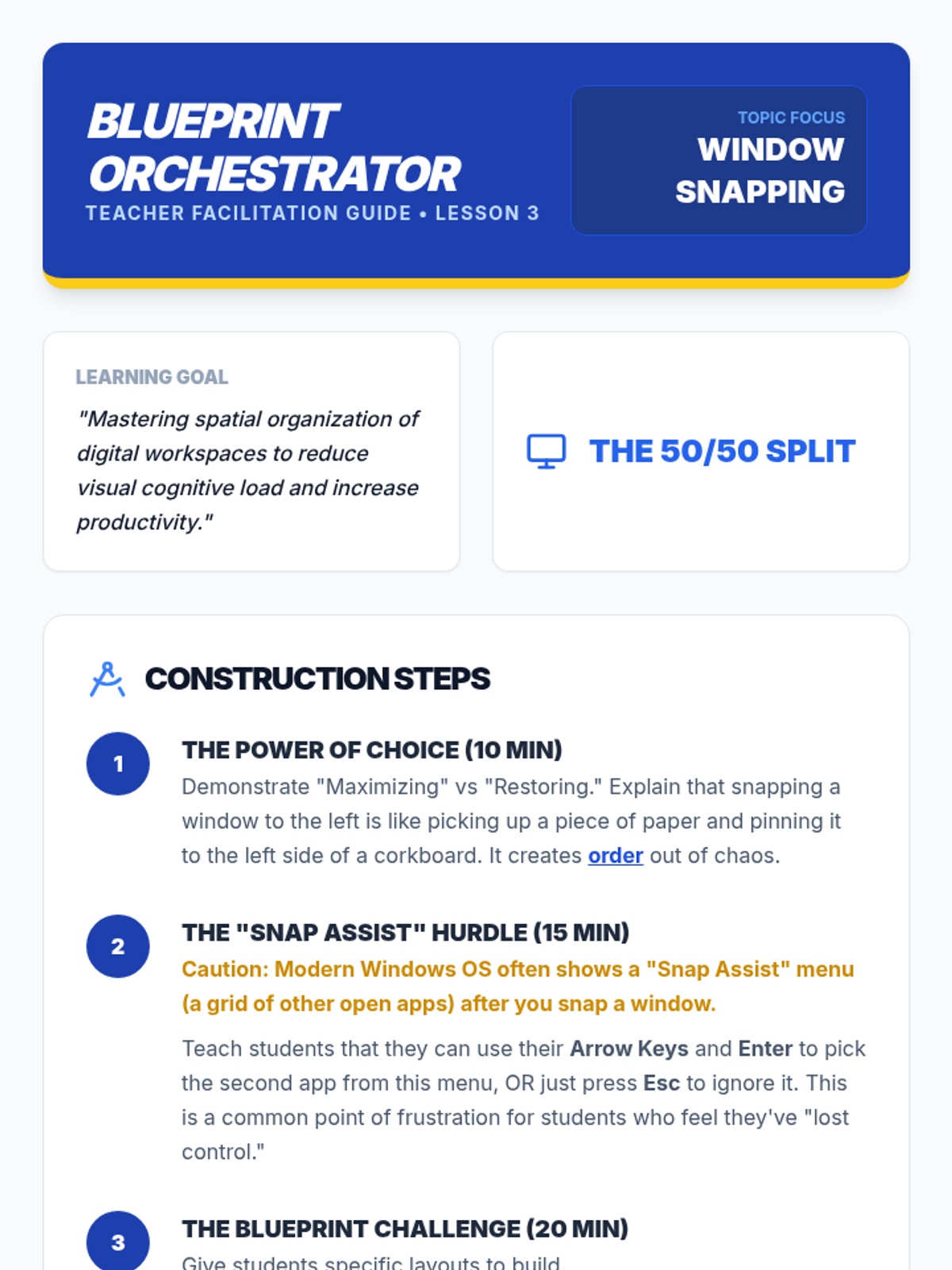
Instruction on manipulating window size and position using shortcut keys for efficient multitasking and desktop organization.
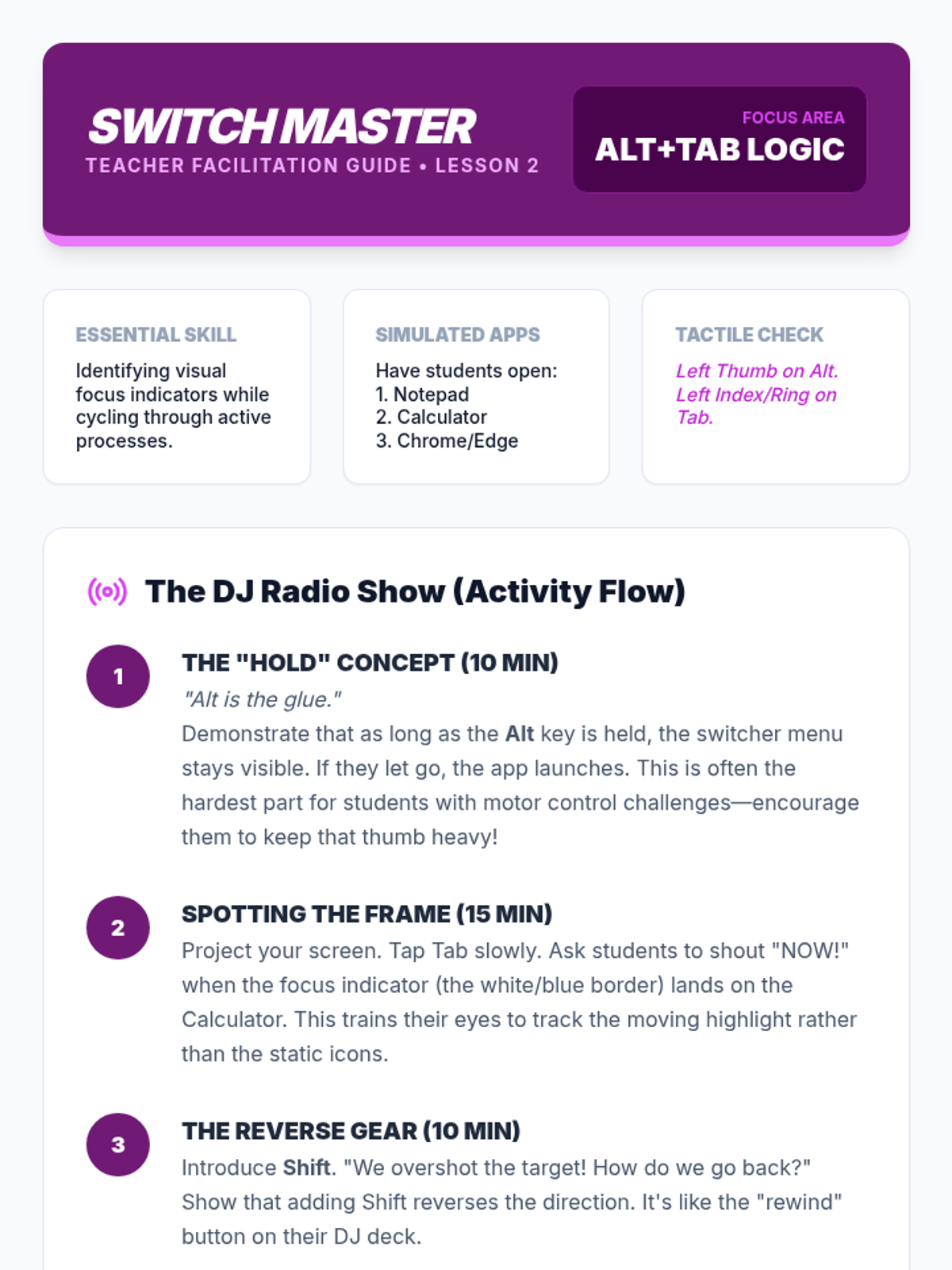
Focuses on switching between active applications using Alt+Tab and identifying visual focus indicators to manage multiple programs.
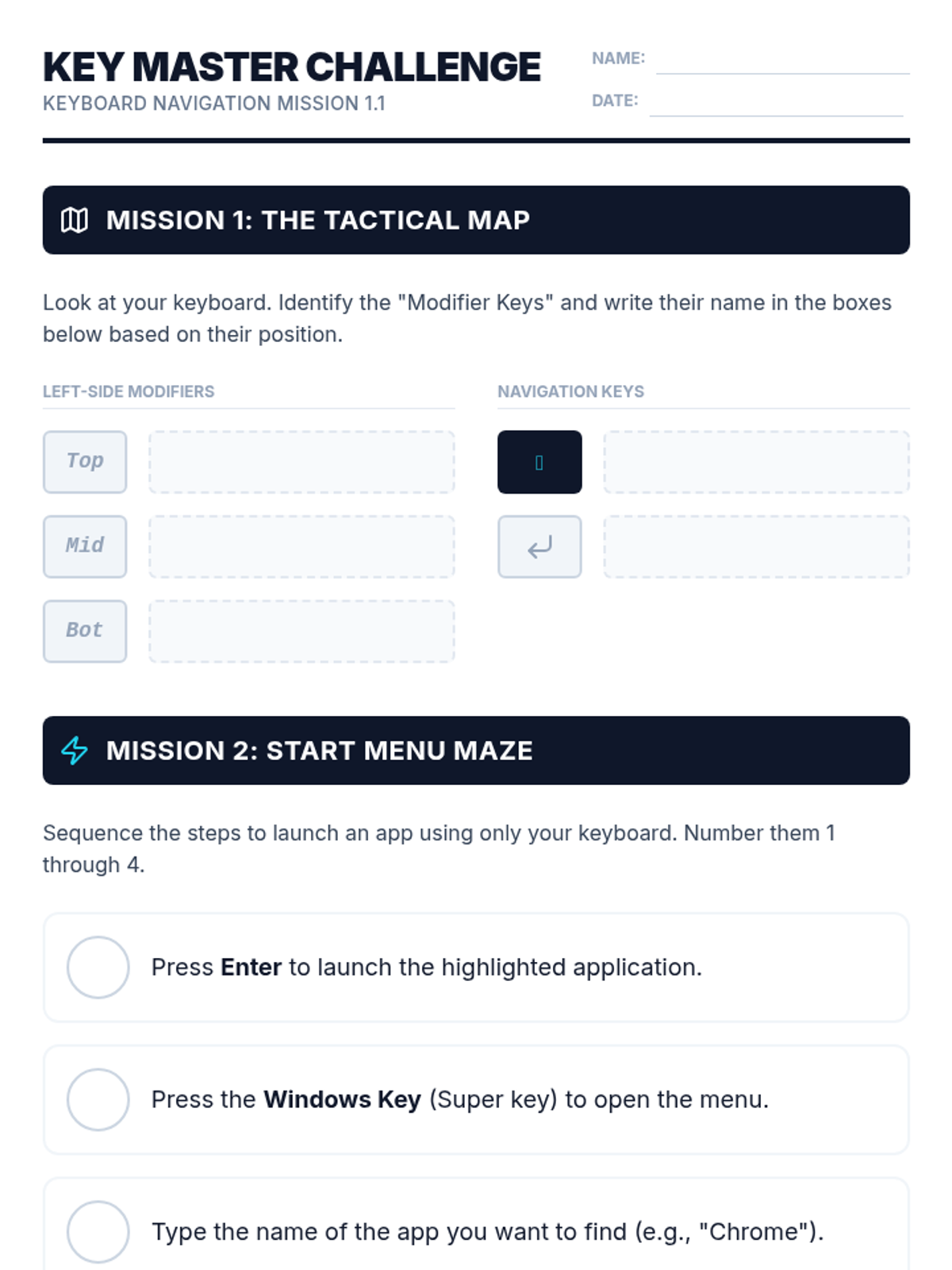
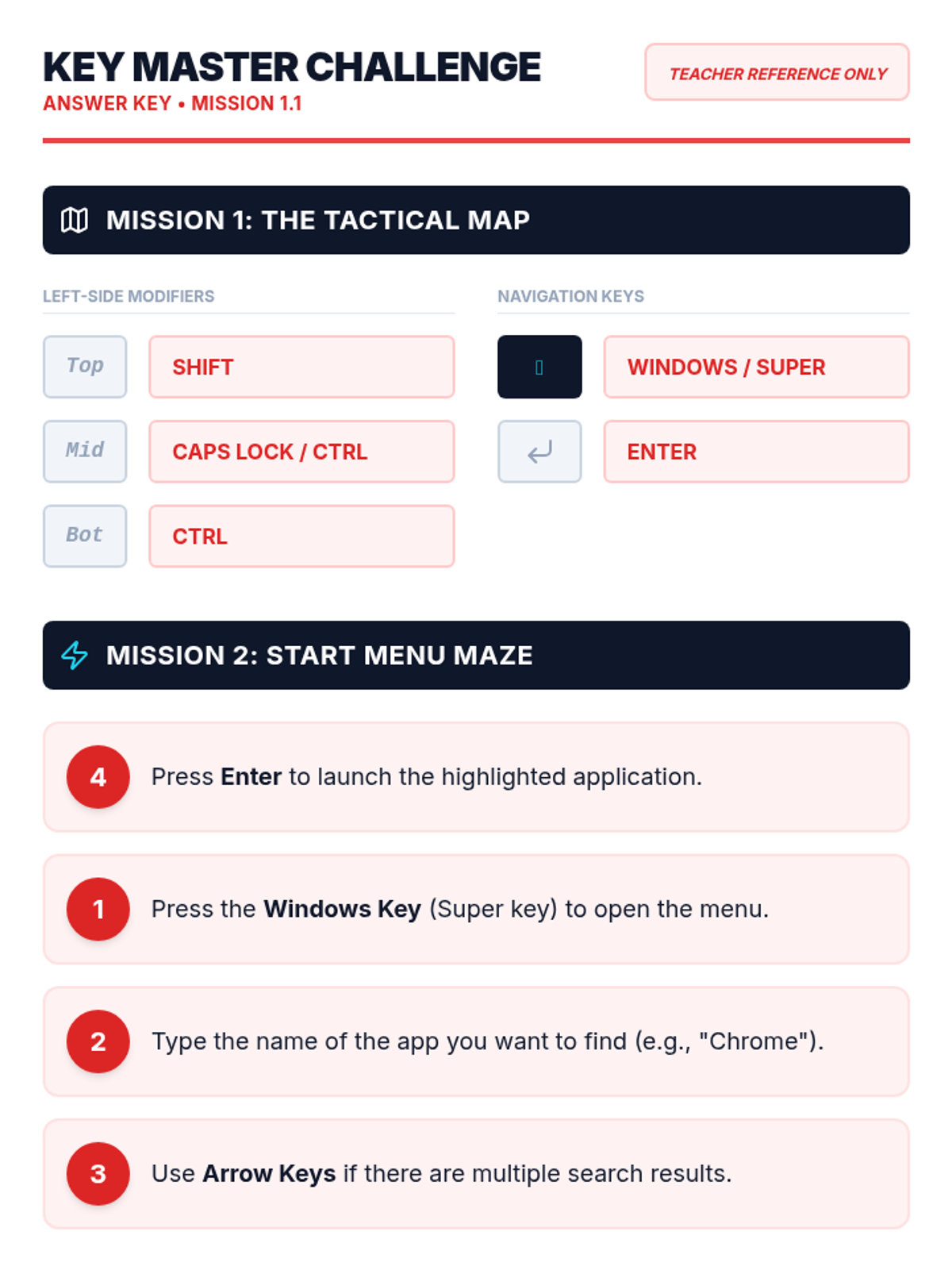
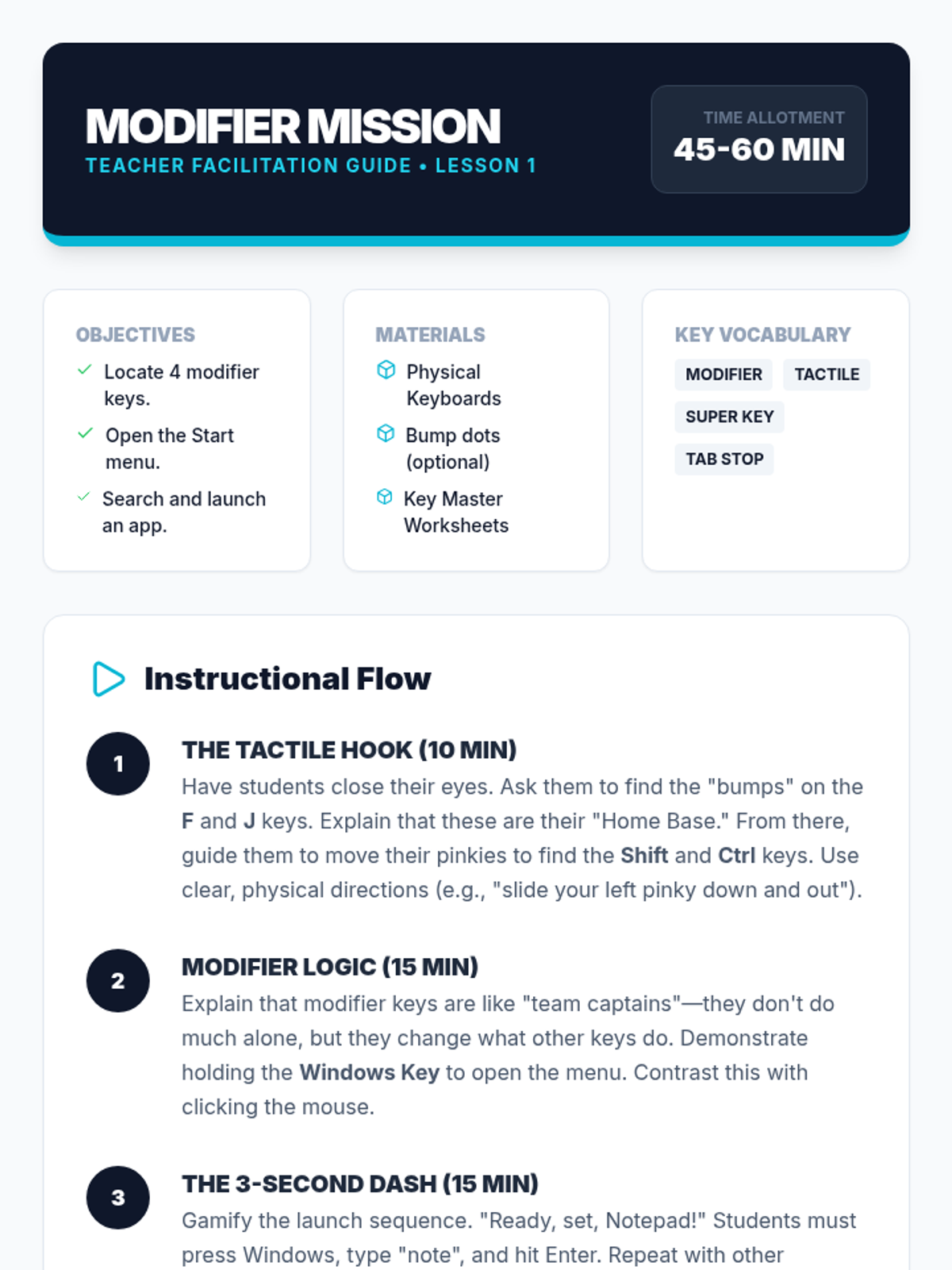
Introduction to tactile keyboard orientation, modifier keys (Ctrl, Alt, Shift, Windows), and navigating the system Start menu without a mouse.
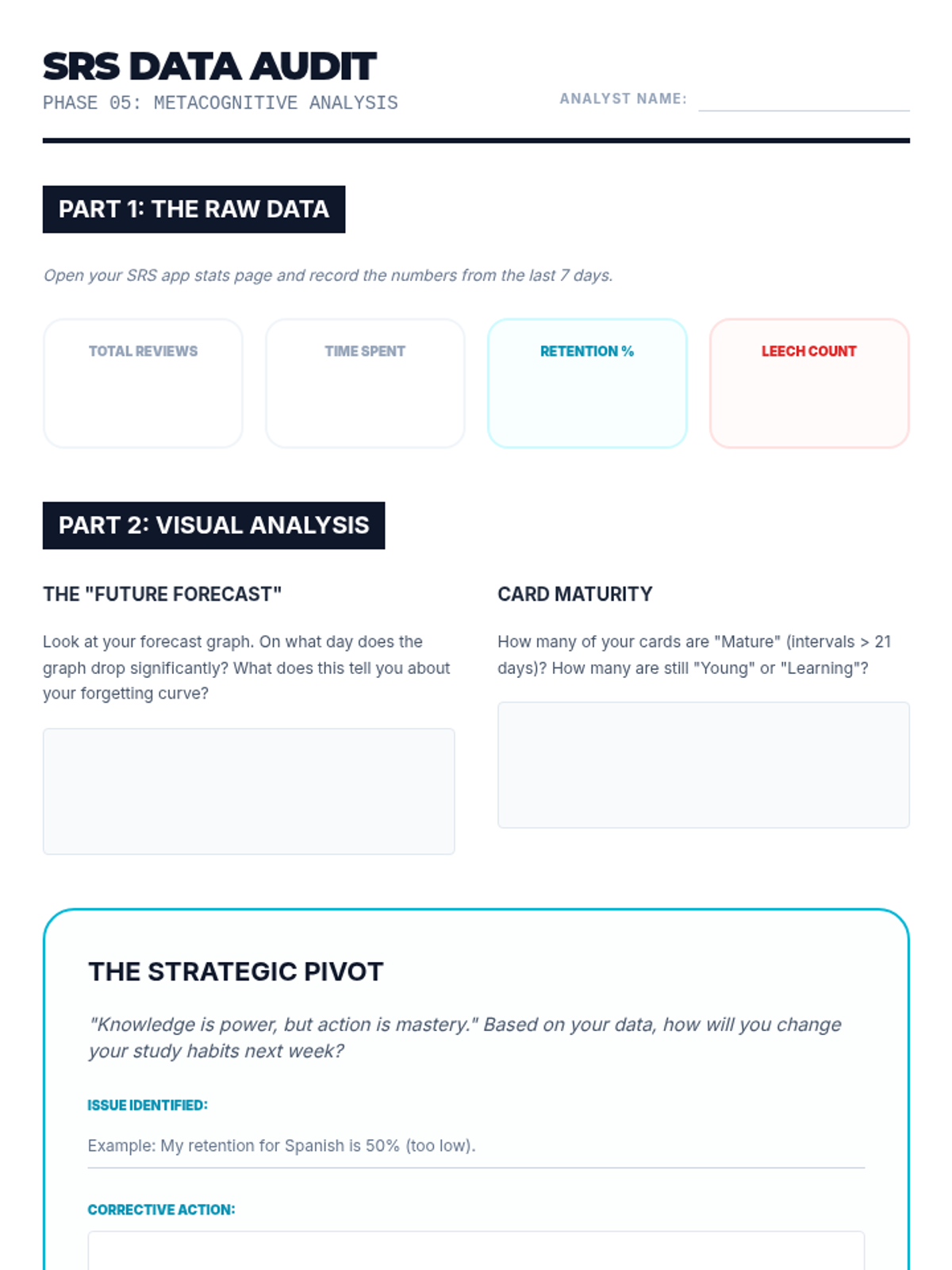
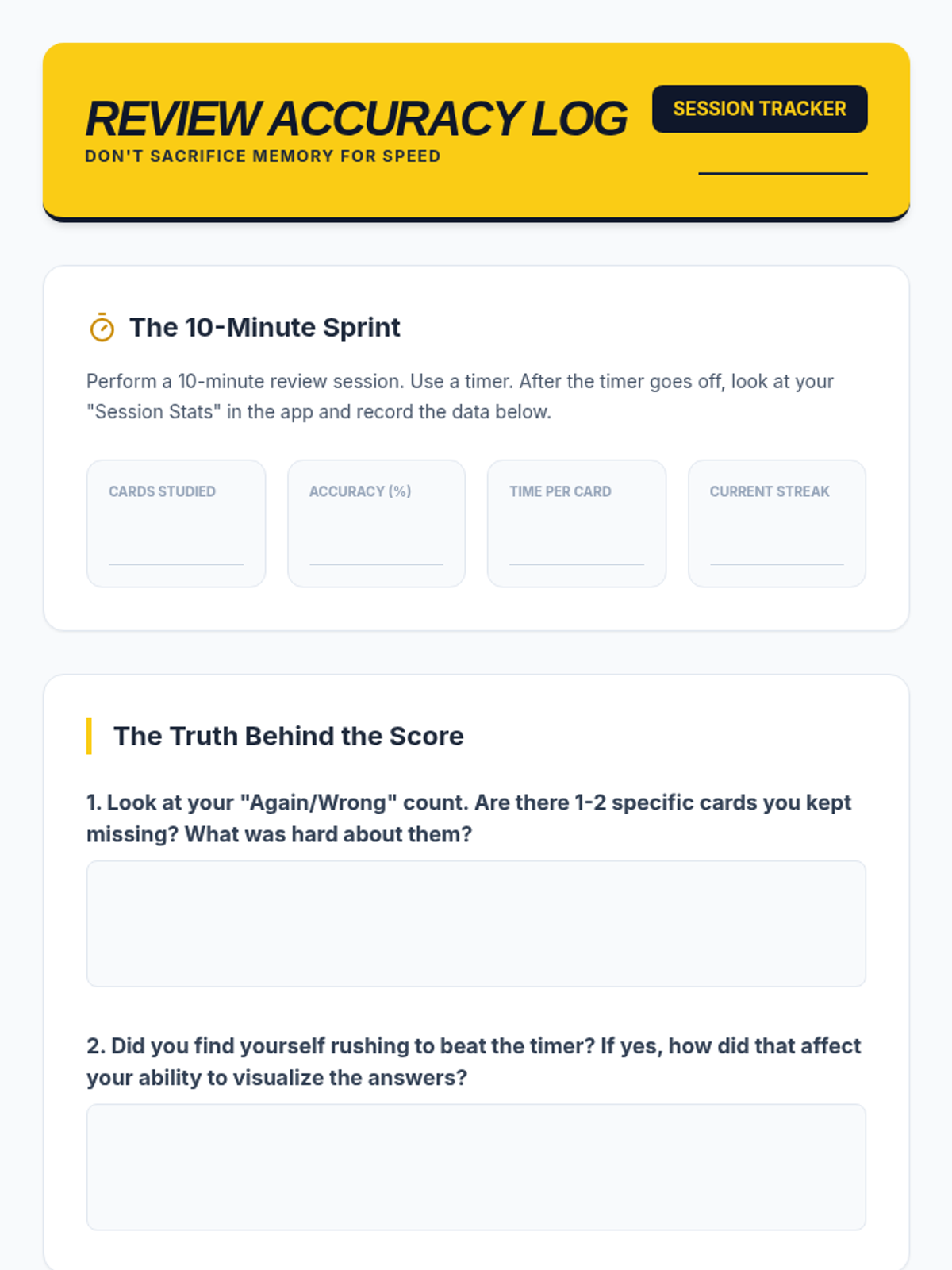
Students review the analytics dashboard of their apps after a week of use. They interpret graphs showing 'cards learned,' 'forecasted retention,' and 'time spent.' They use this data to adjust their study habits, identifying which subjects require more time and which are solidified.
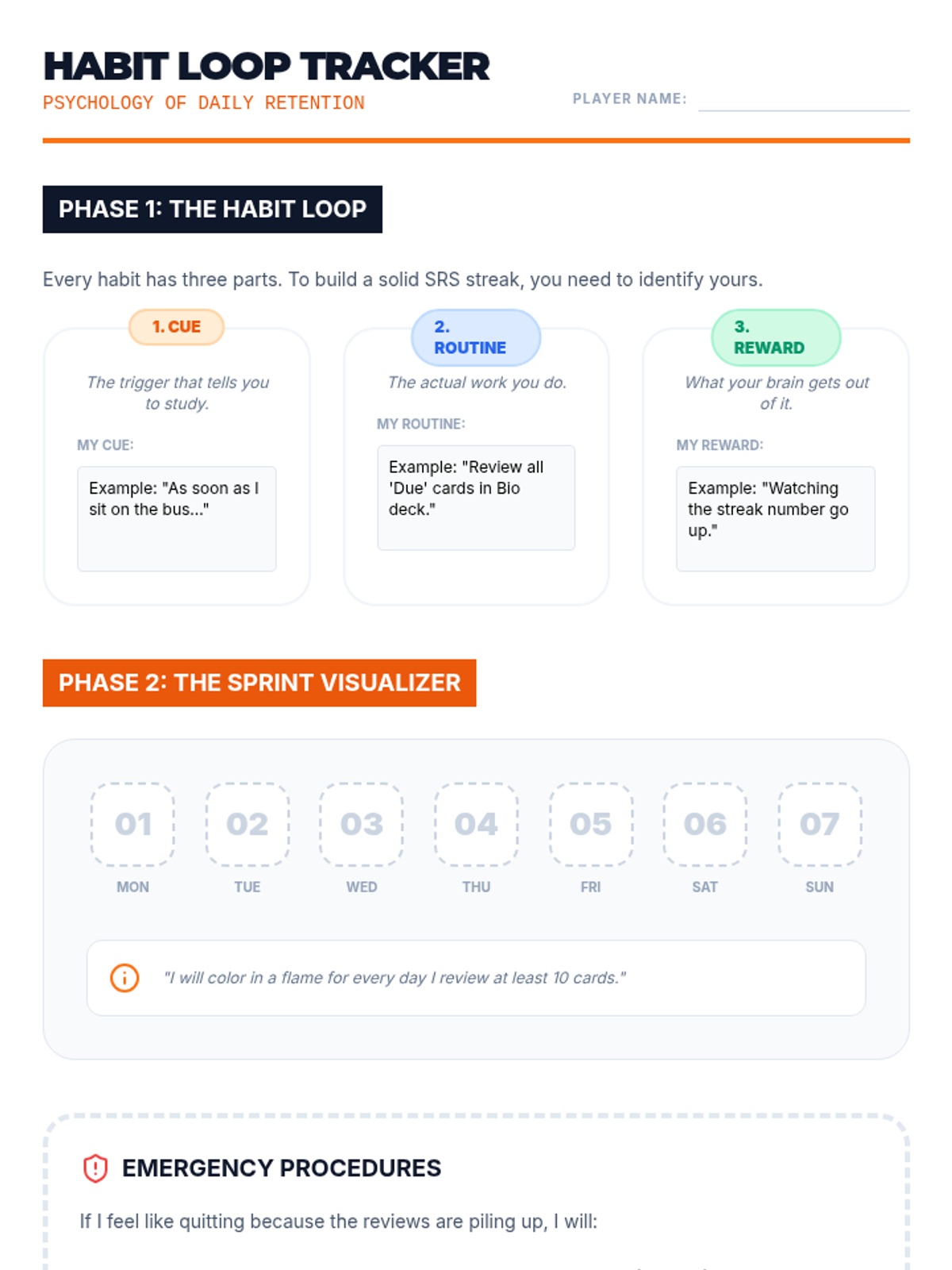
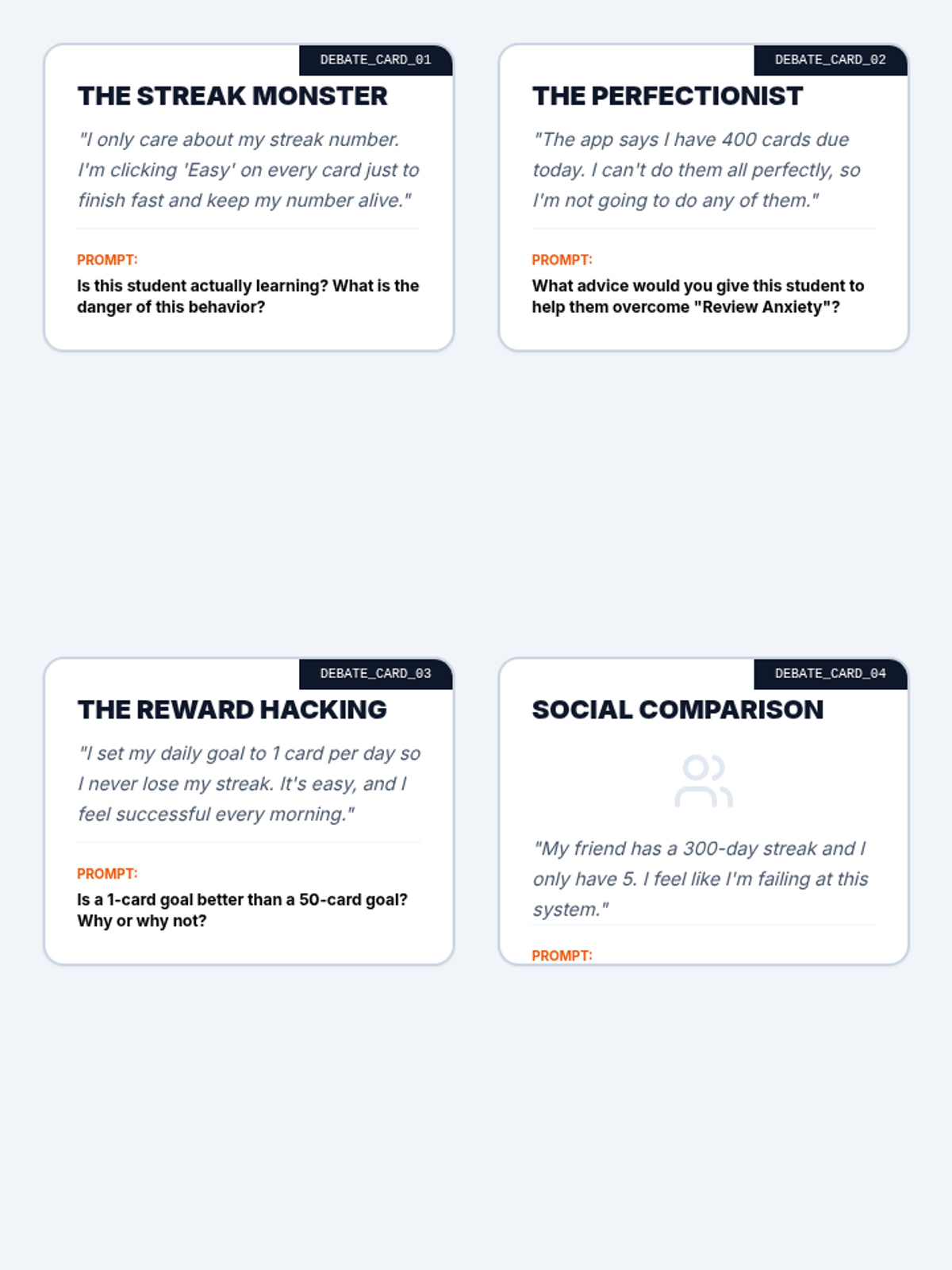
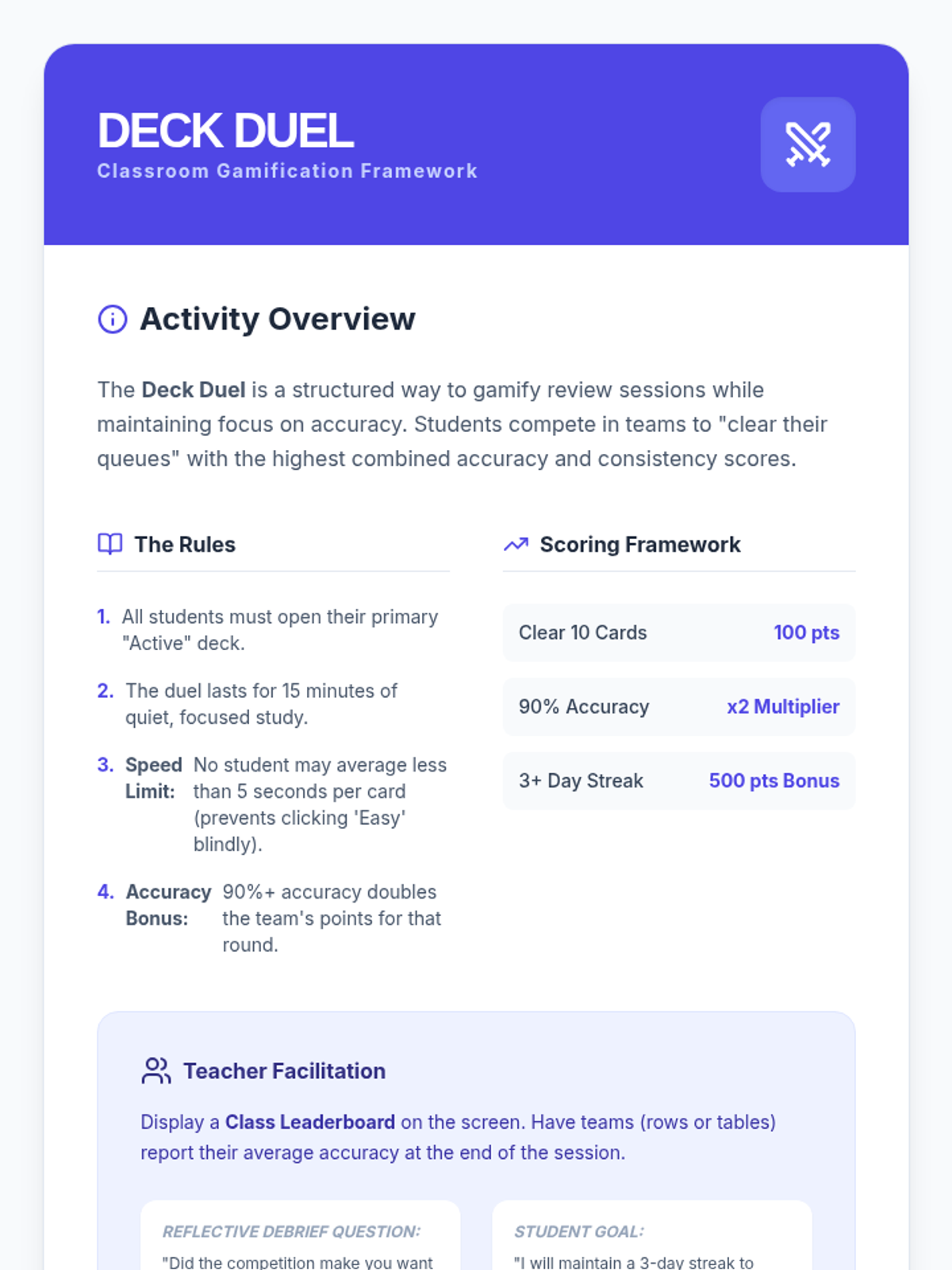
Students analyze the gamification elements of SRS apps (streaks, badges, progress bars). They discuss how to use these features for motivation without becoming discouraged by broken streaks. The lesson involves a friendly class competition to see who can maintain the most consistent daily review stats.
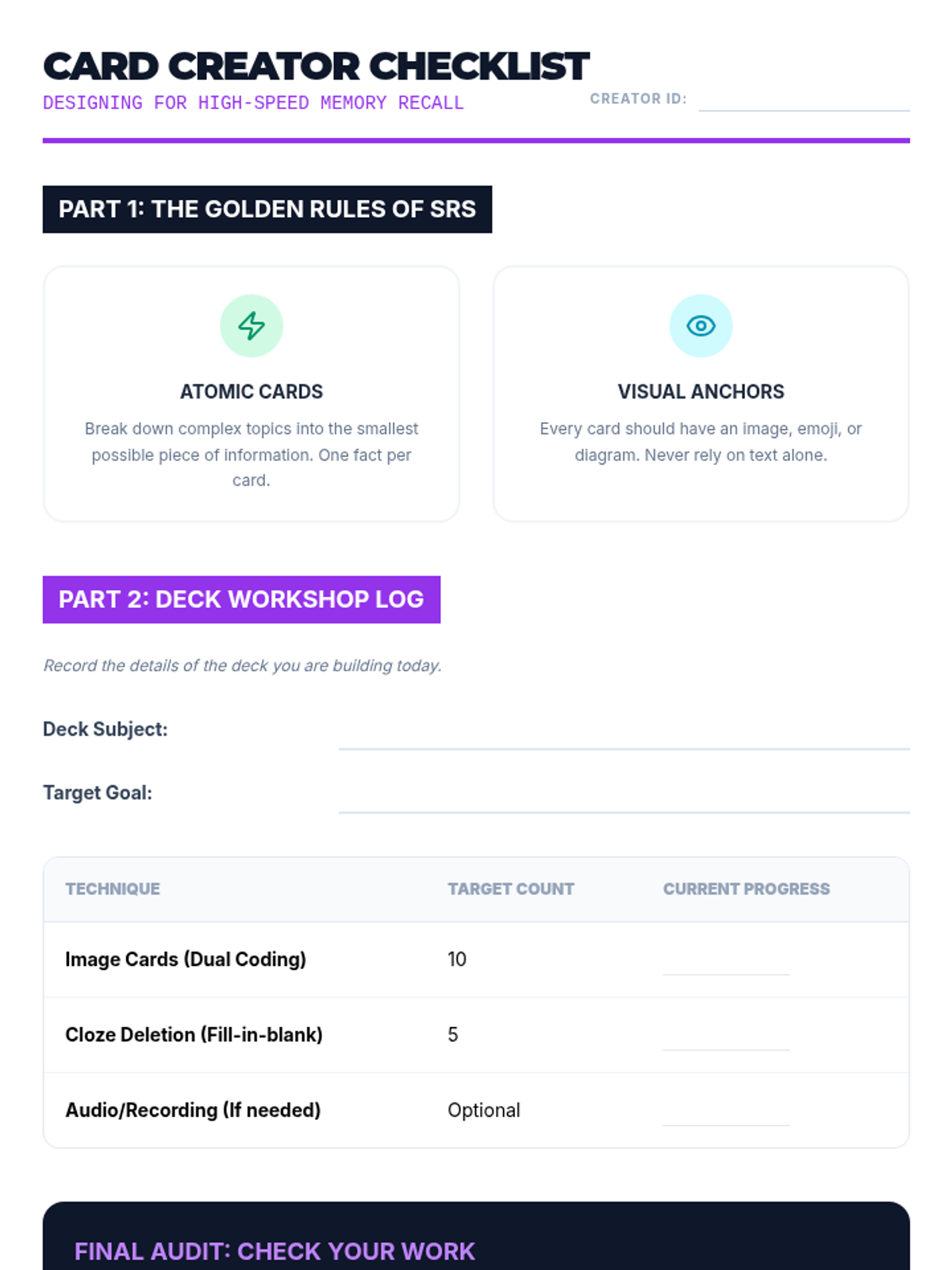
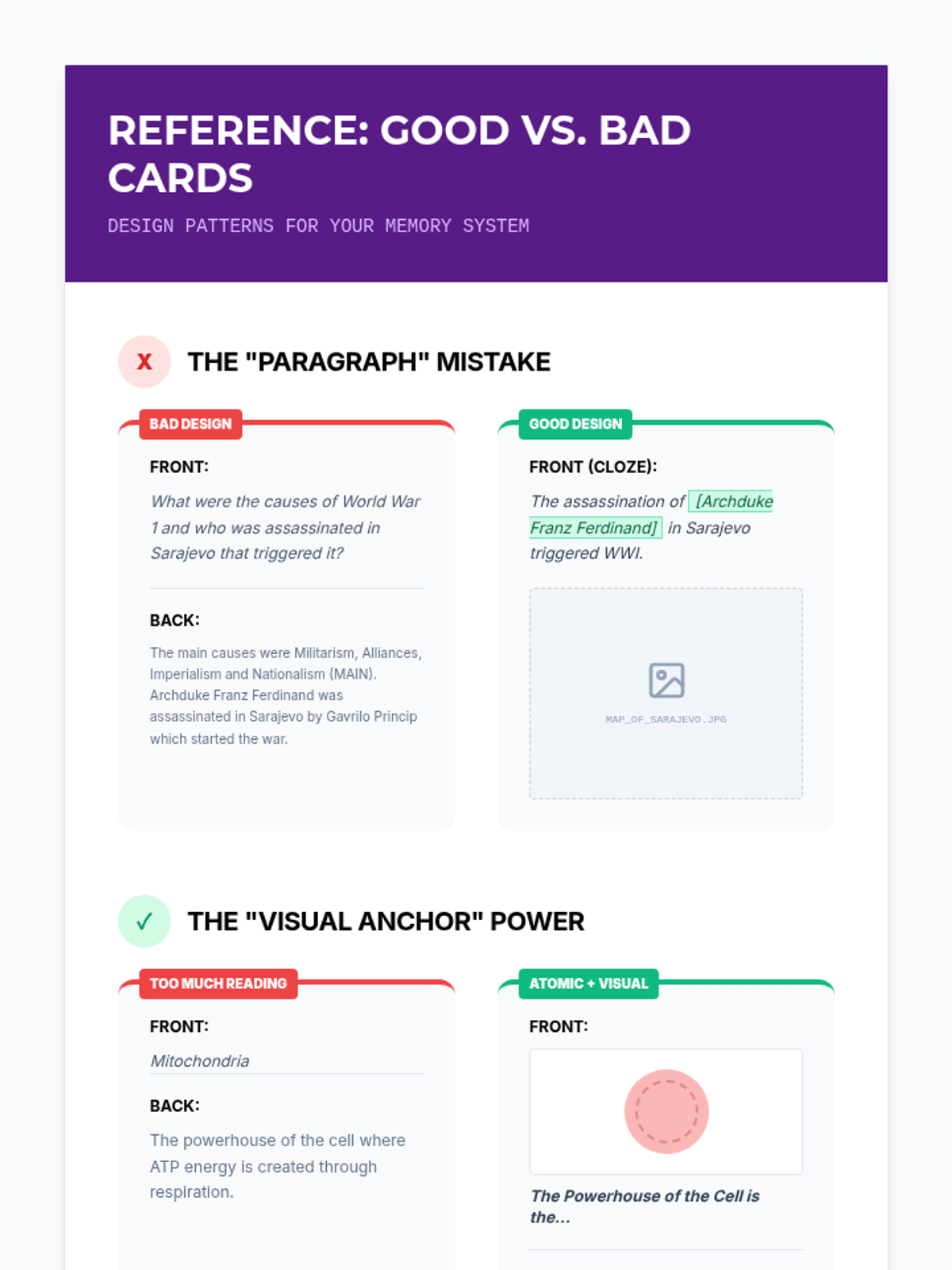
Focusing on accessibility and dual-coding theory, students create digital decks that include images, audio clips, and cloze deletions (fill-in-the-blank). They produce a robust deck for a current academic class.
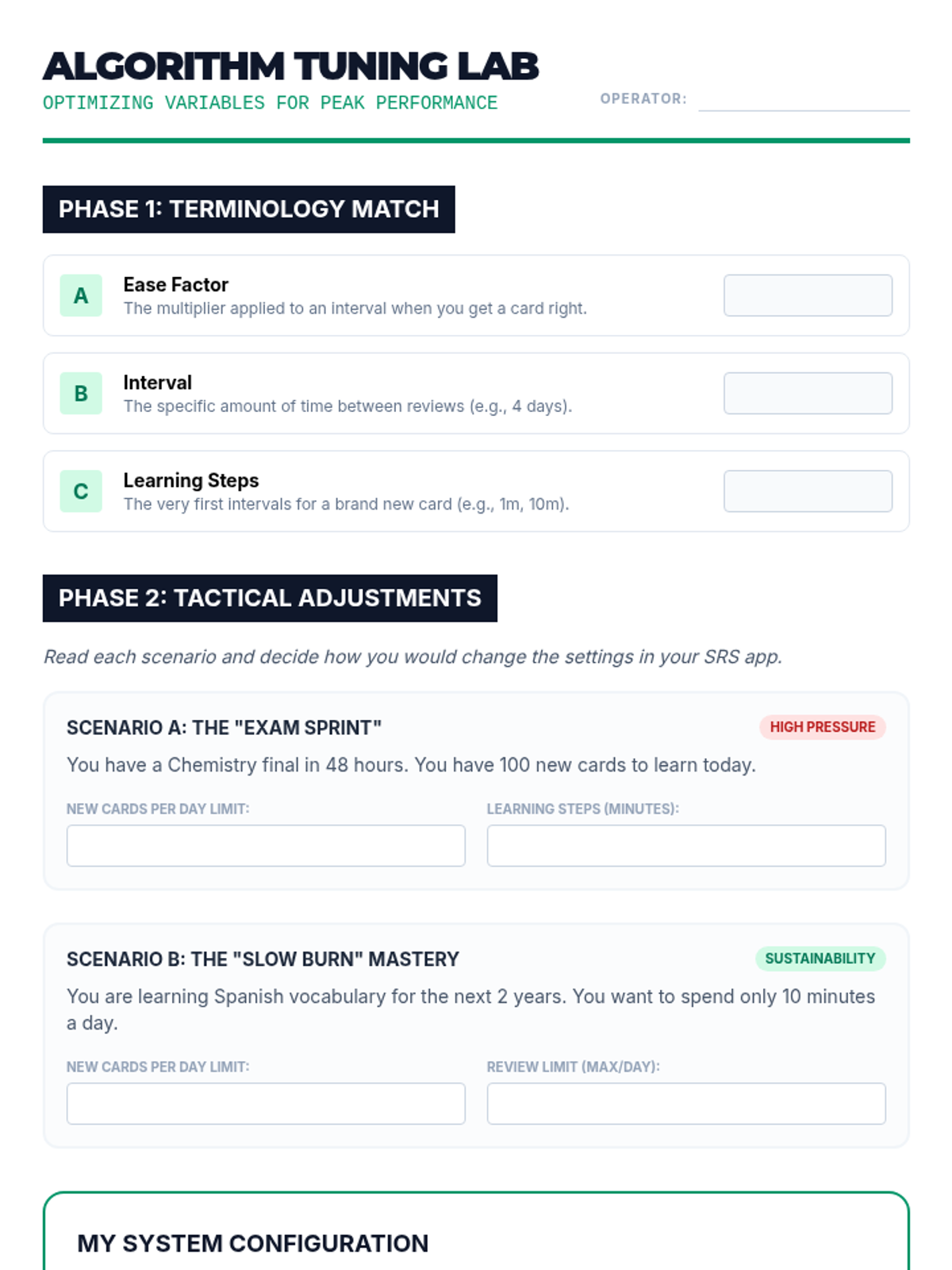
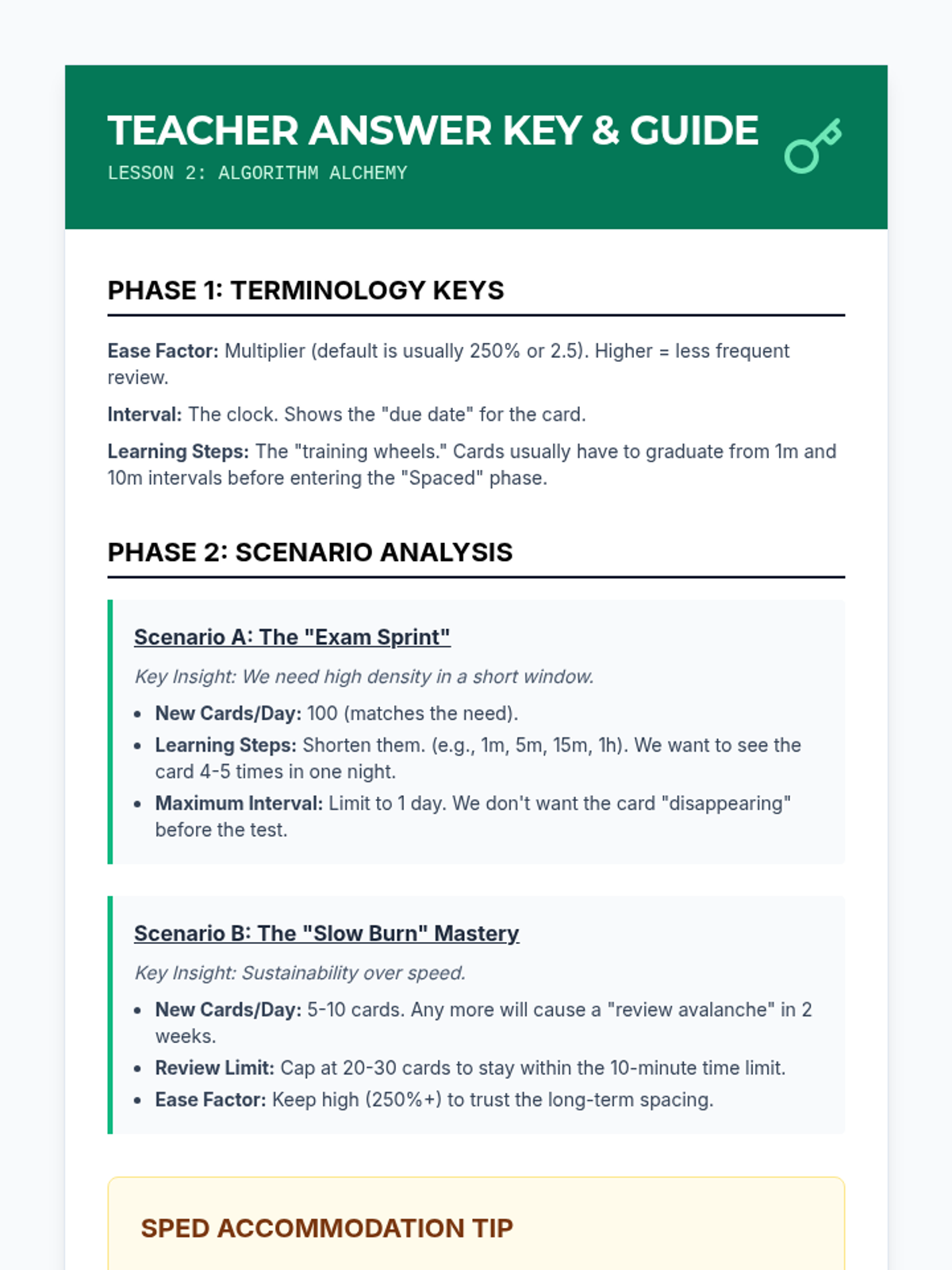
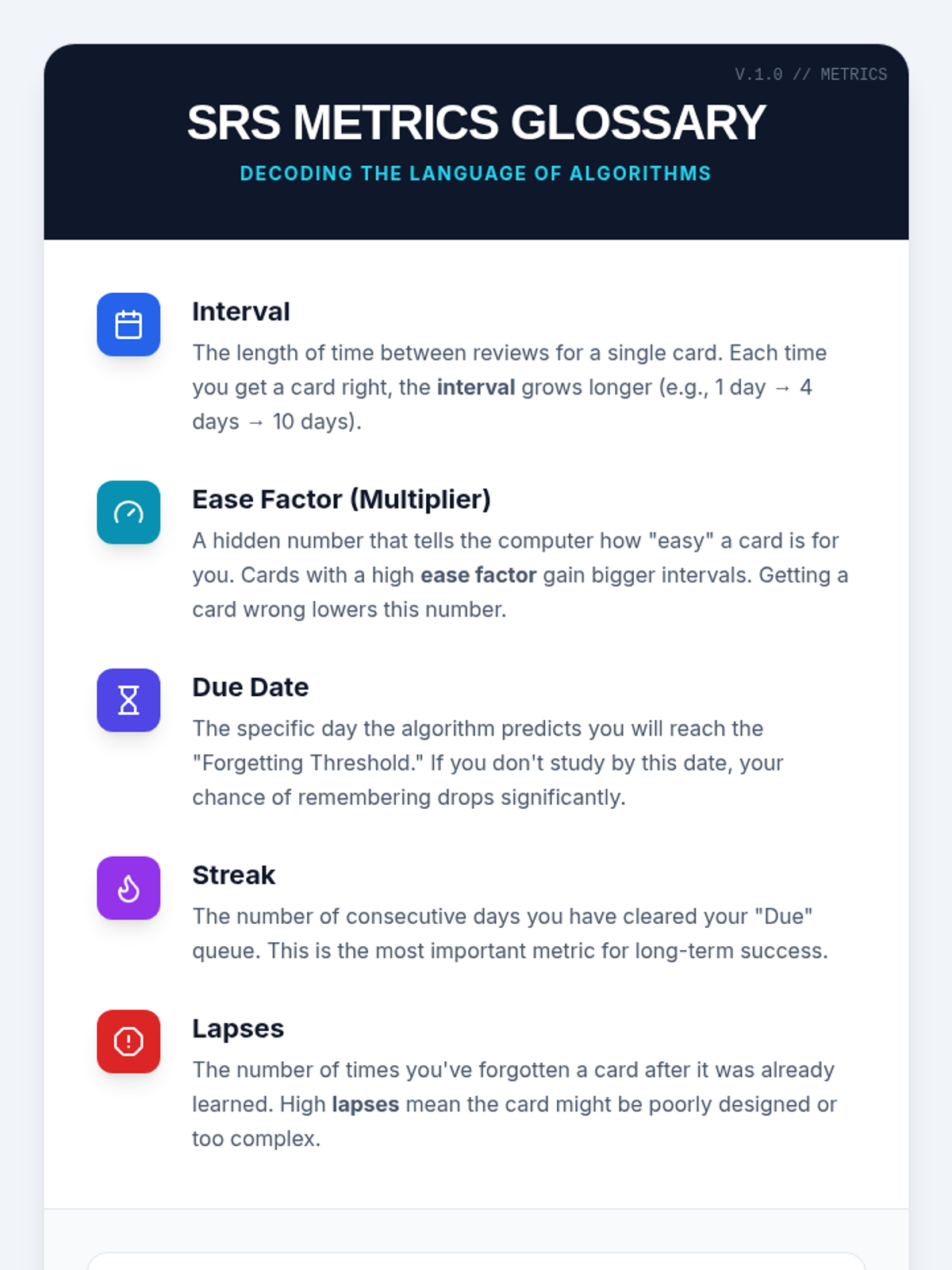
Students investigate the mathematical variables that drive SRS algorithms, such as 'ease factors' and 'intervals.' They learn to adjust these settings to balance study load with long-term retention goals.
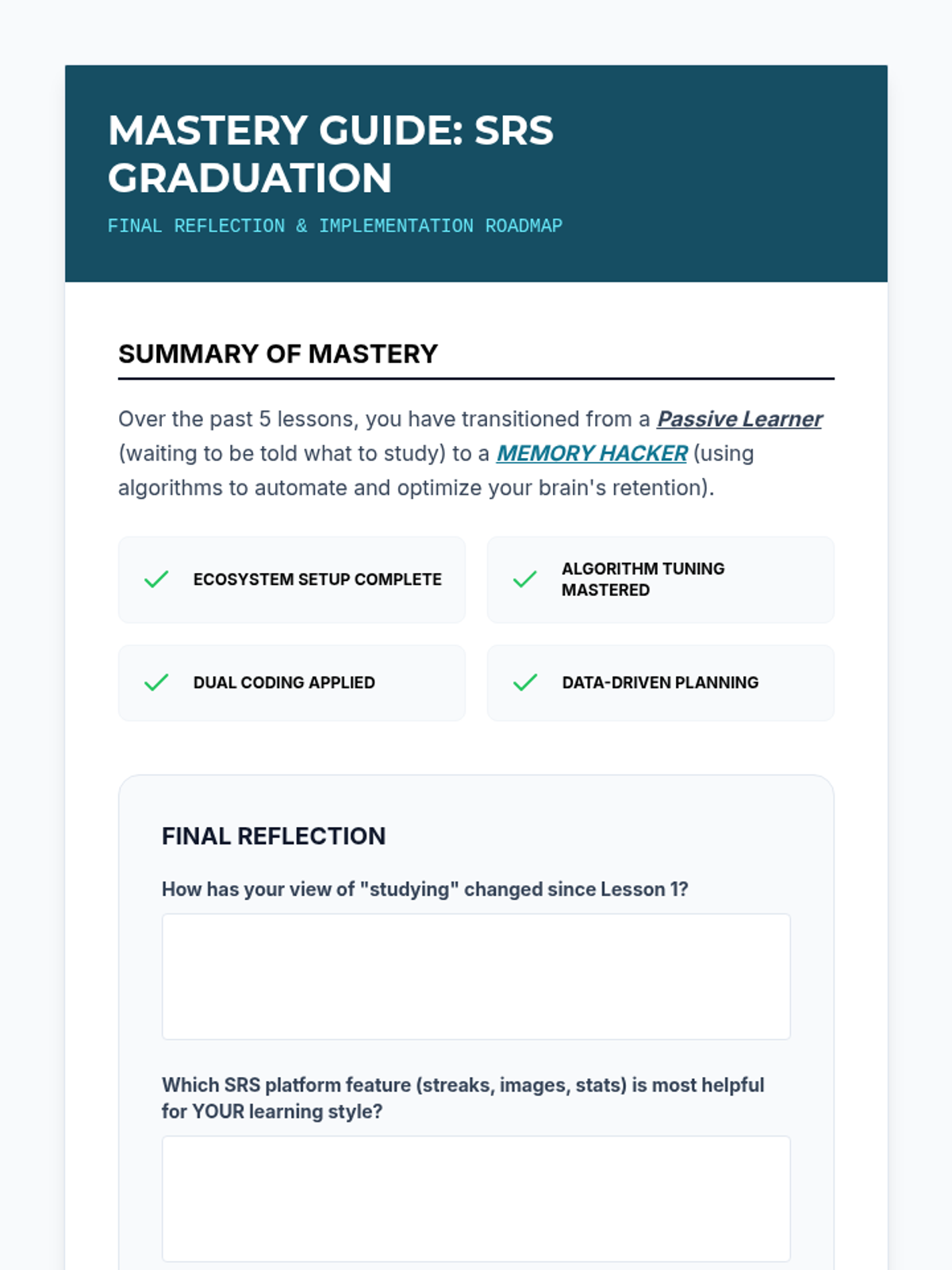
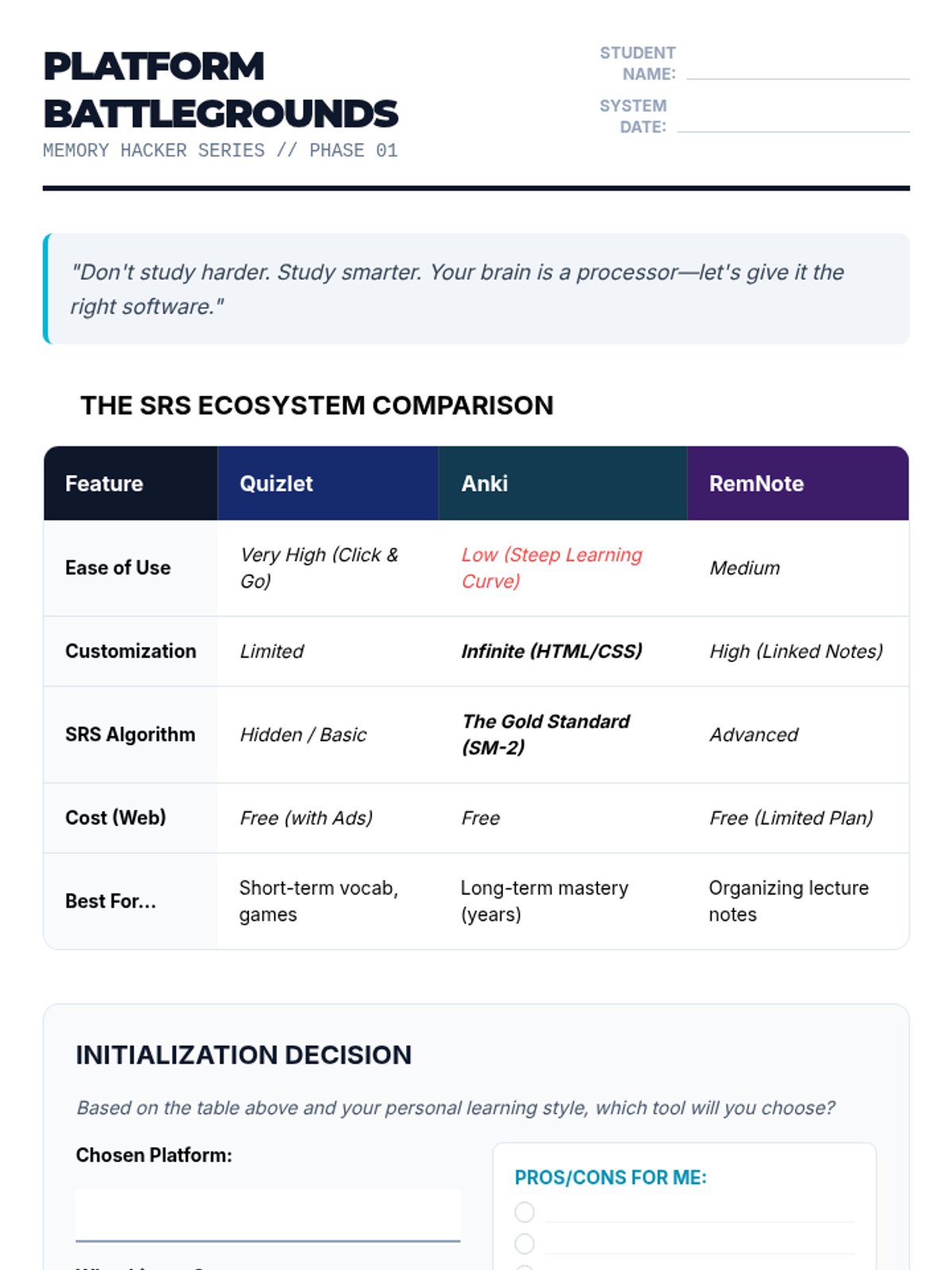
Students explore and compare various Spaced Repetition Software (SRS) options, choosing a platform that fits their needs and setting up their initial learning environment.
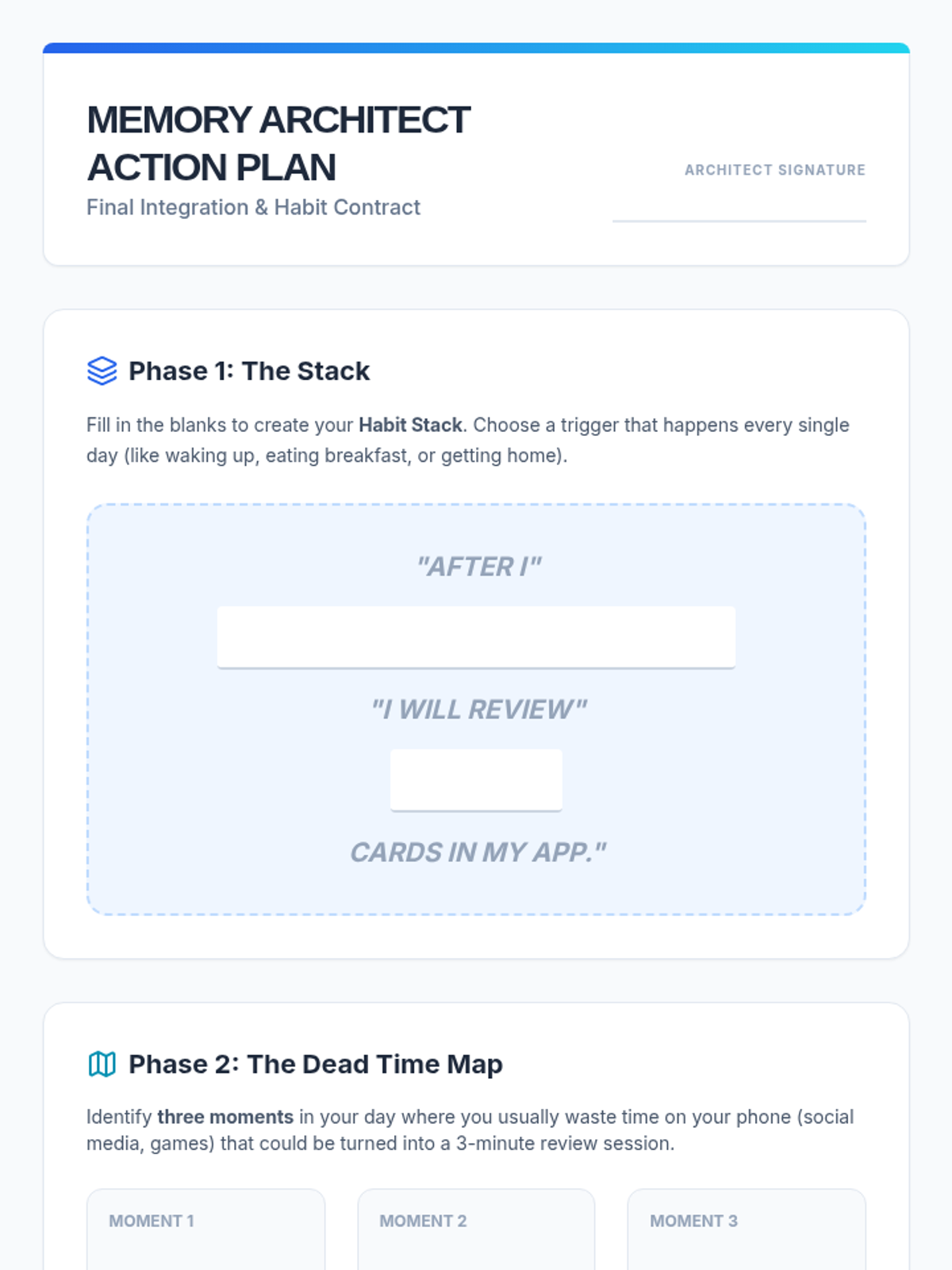
Students develop a digital implementation plan, identifying specific times in their day (e.g., bus ride, waiting room) for micro-sessions. They set up phone notifications to trigger review intervals.
Students engage with the gamification elements of spaced repetition apps (like matching games or streaks). They discuss the balance between speed and accuracy, ensuring that 'gaming' the system doesn't compromise actual retention.
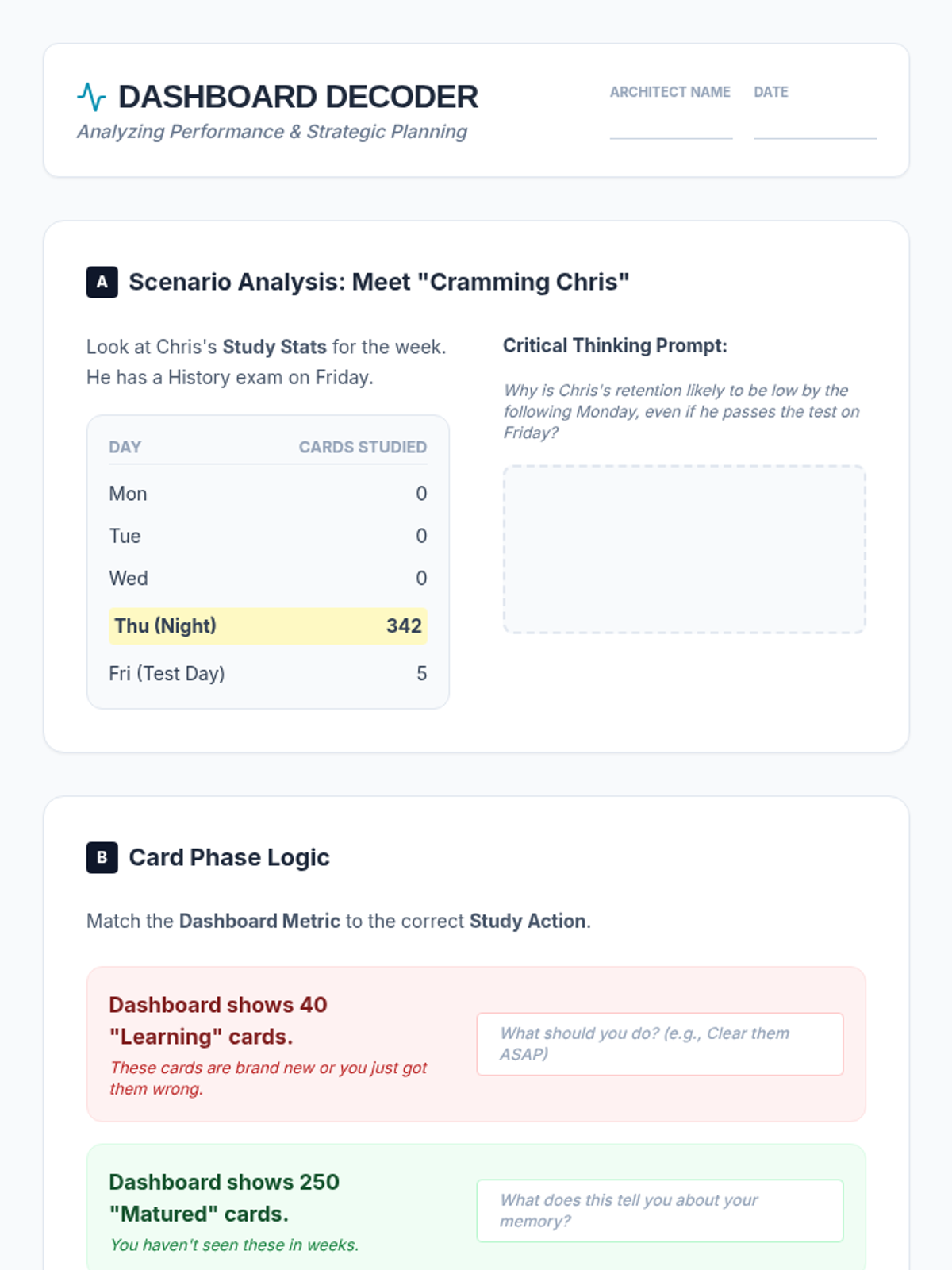
Students learn to read the dashboard analytics of their chosen app. They identify what 'learning phase,' 'review phase,' and 'matured' cards mean, learning to prioritize their daily dashboard over cramming.
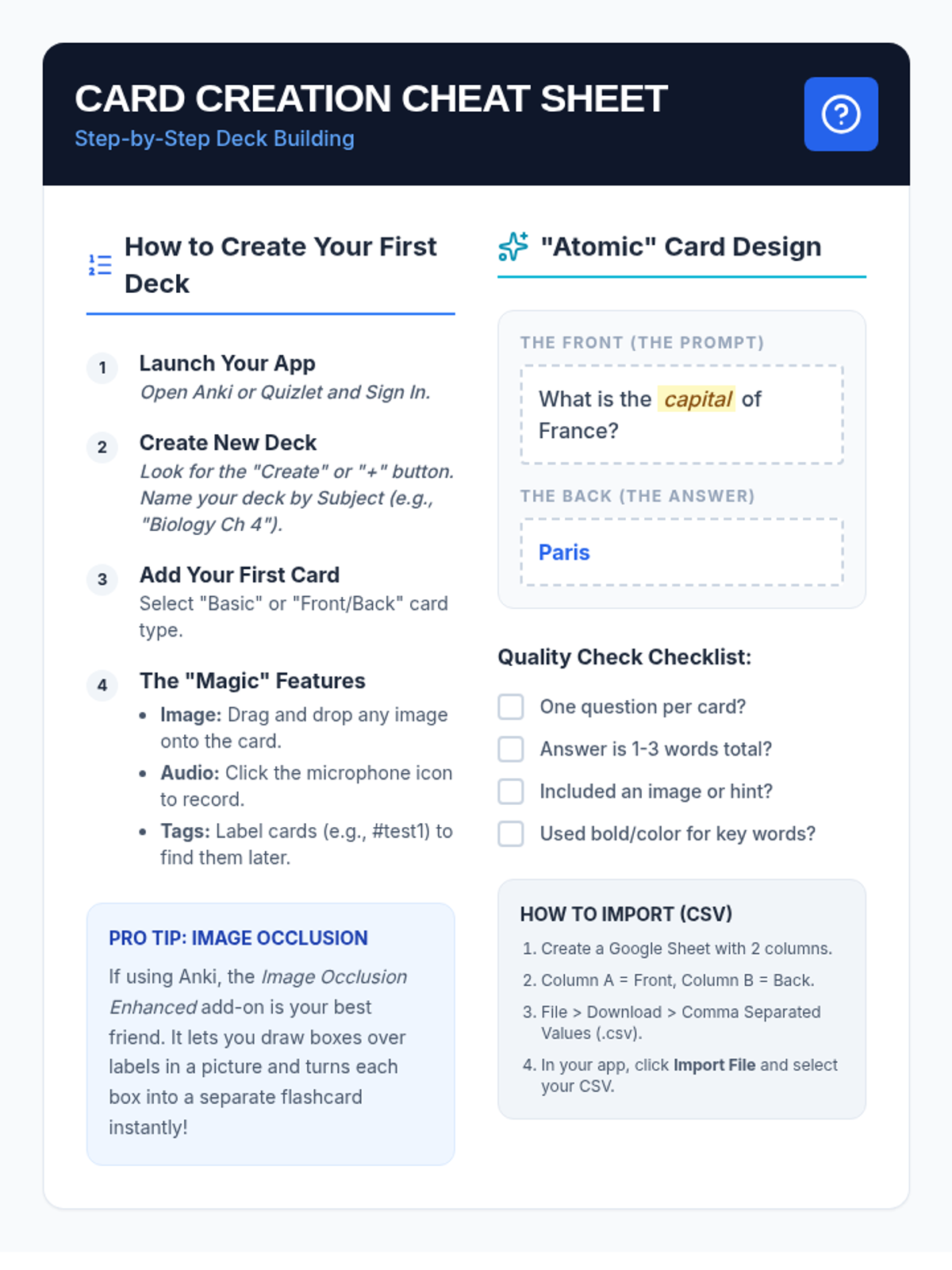
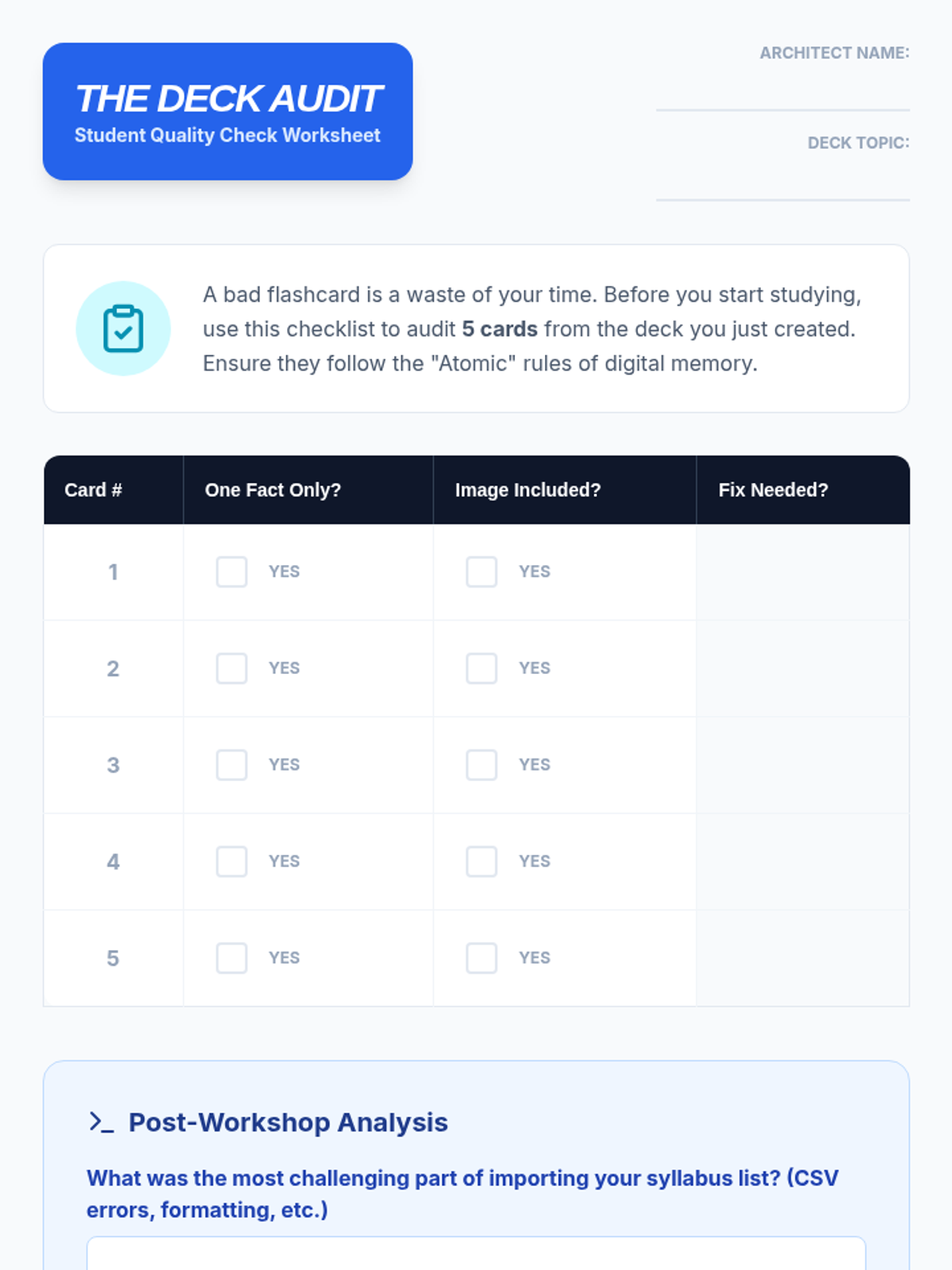
Students learn to create digital decks, utilizing features like image occlusion and audio recording to support diverse learning needs. They practice importing vocabulary lists from their current 9th-grade syllabus.
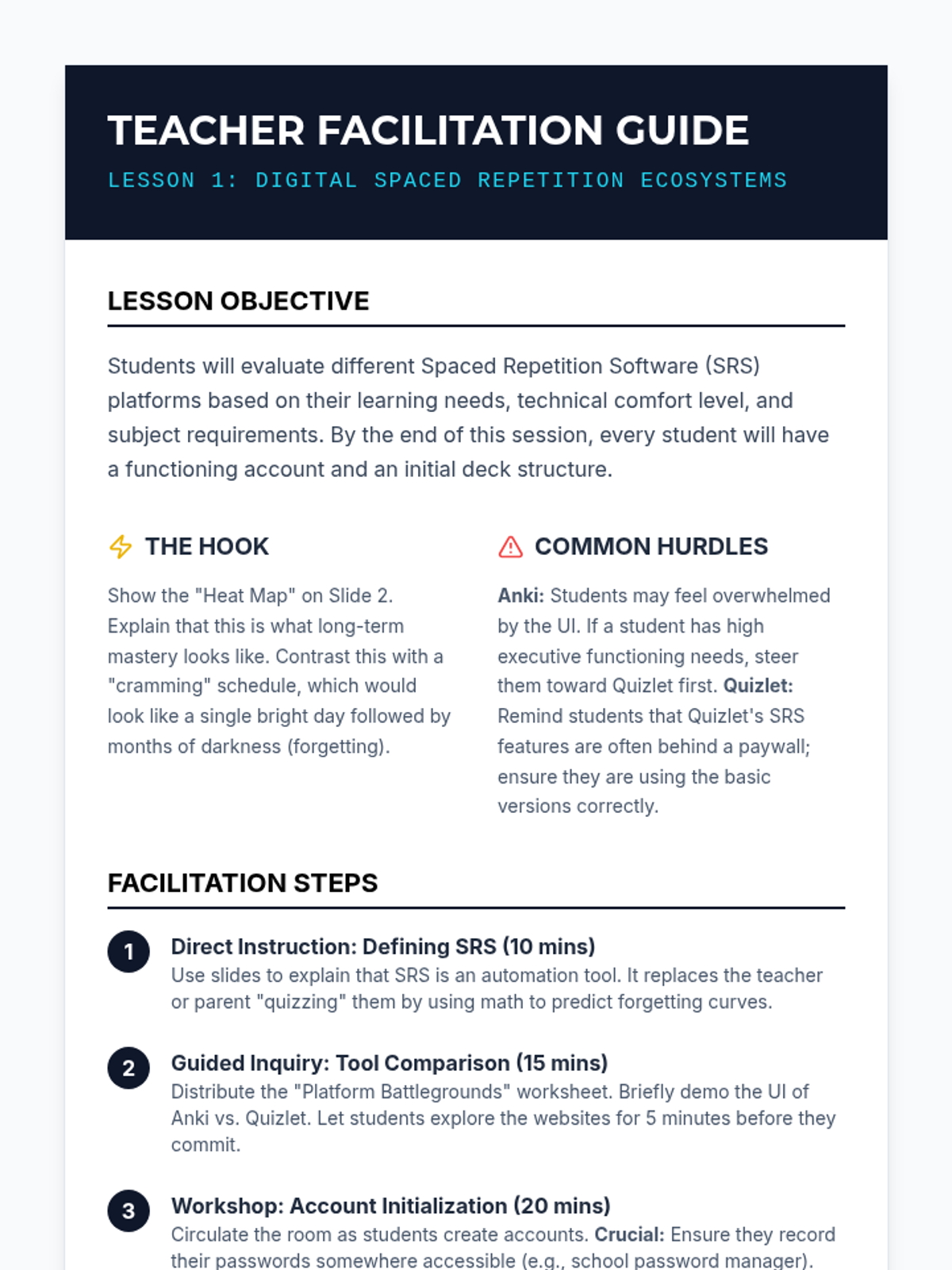
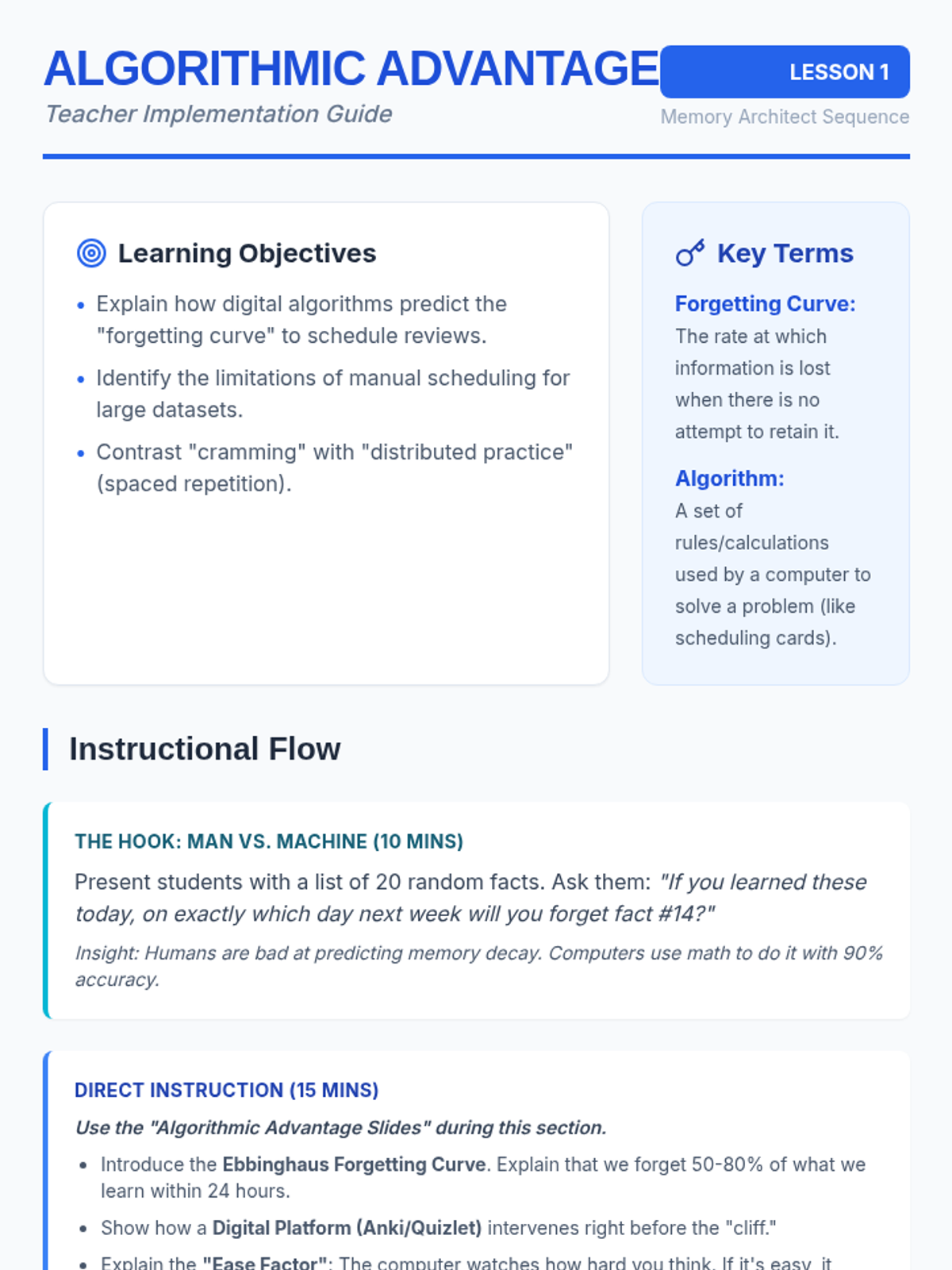
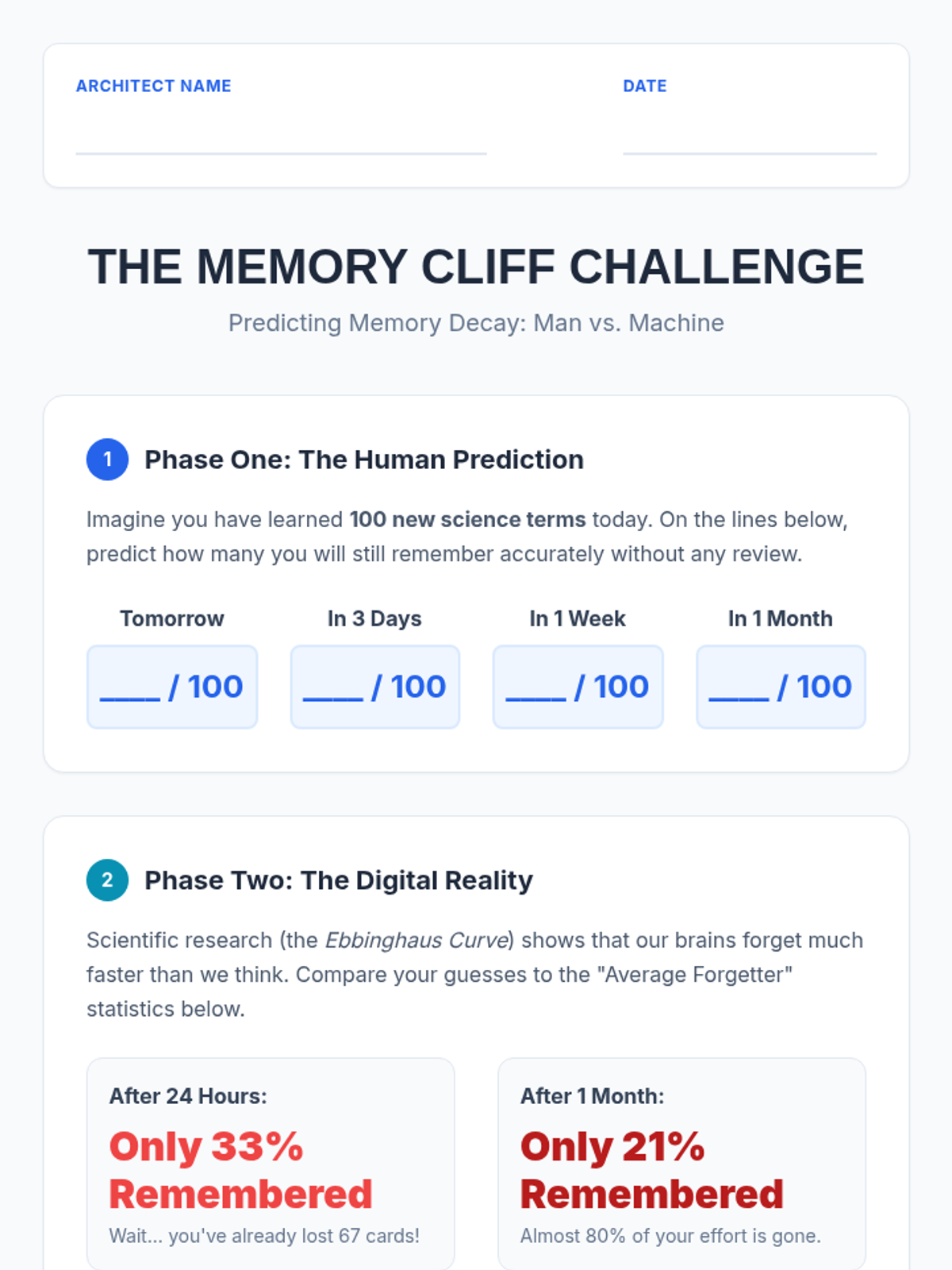
Students explore digital platforms (like Anki or Quizlet) to understand how algorithms predict memory decay. They compare the efficiency of digital scheduling versus manual tracking for large volumes of information.
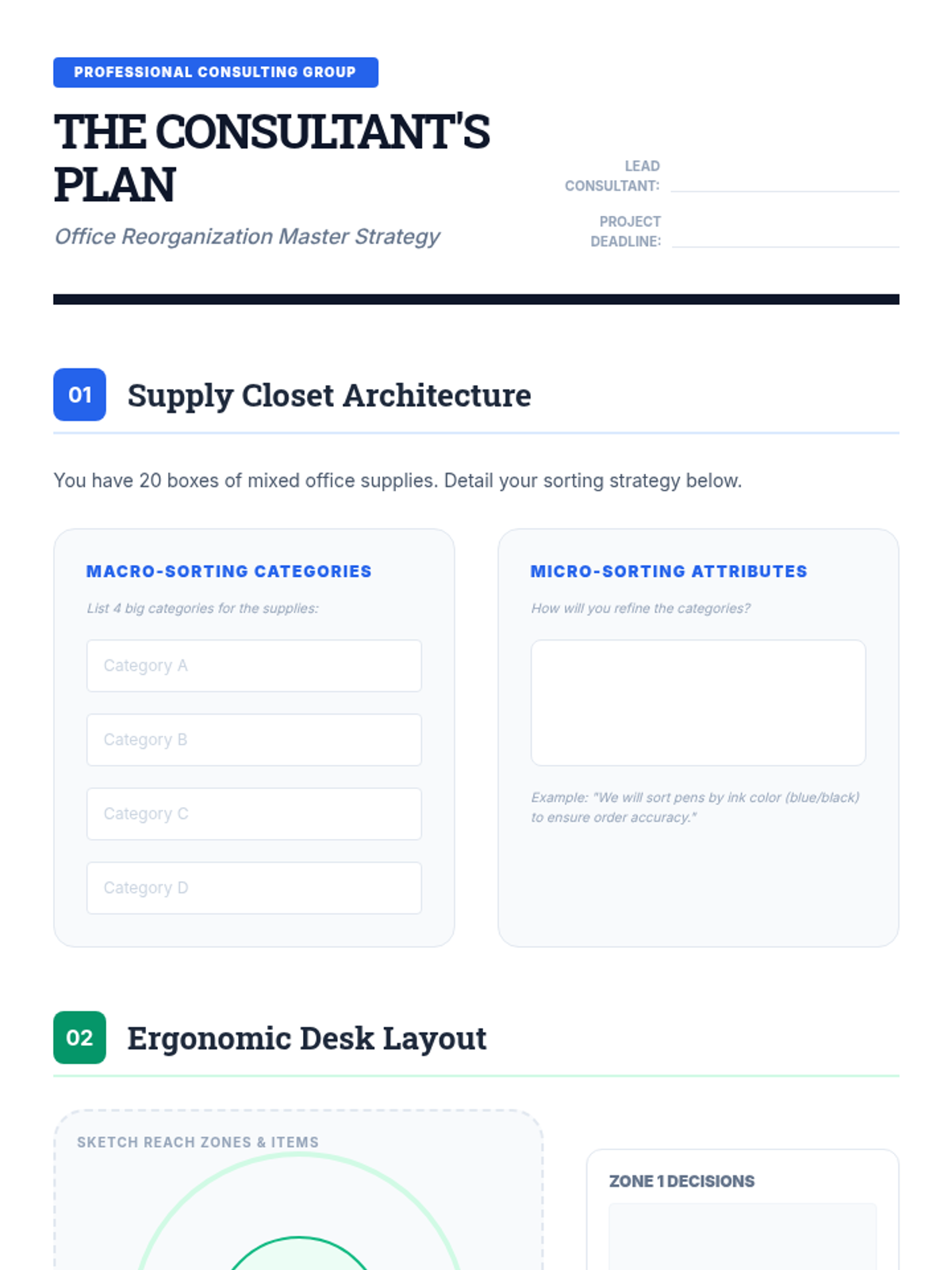
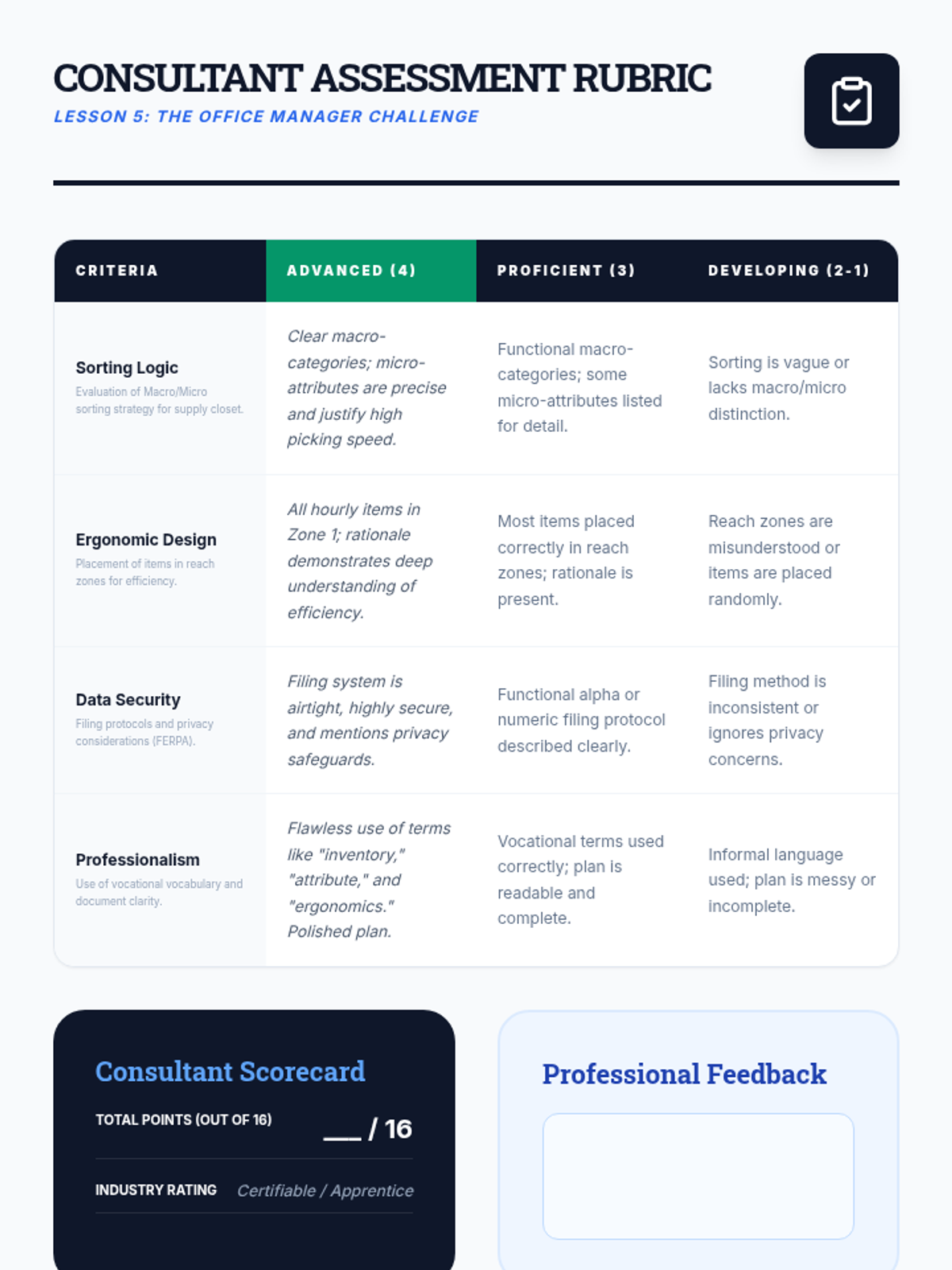
A culminating simulation where students act as professional consultants to reorganize a chaotic office space, applying all skills from the sequence.
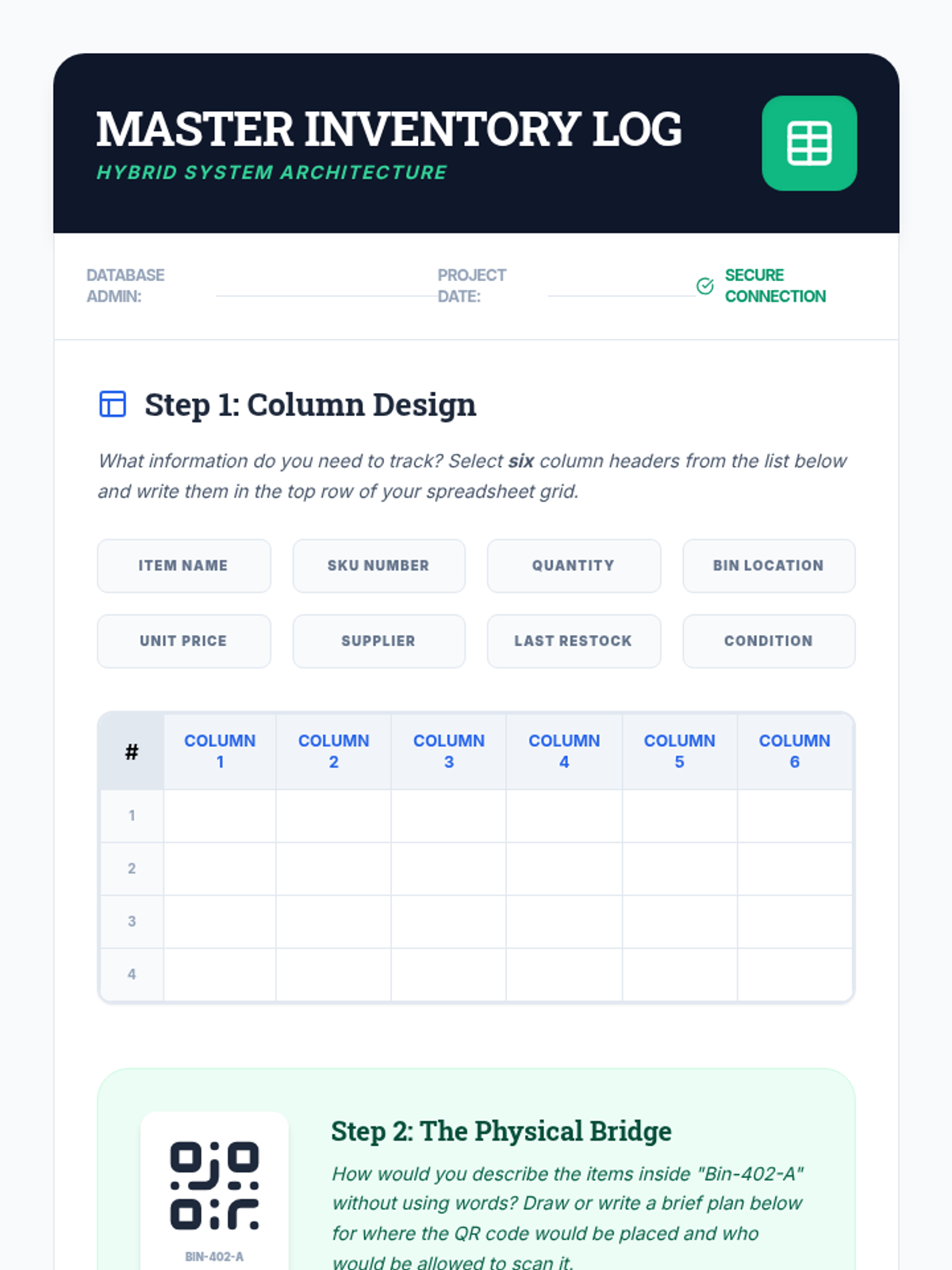
Explores the bridge between physical items and digital tracking. Students learn to use QR codes and spreadsheets to maintain accurate inventory logs for physical materials.
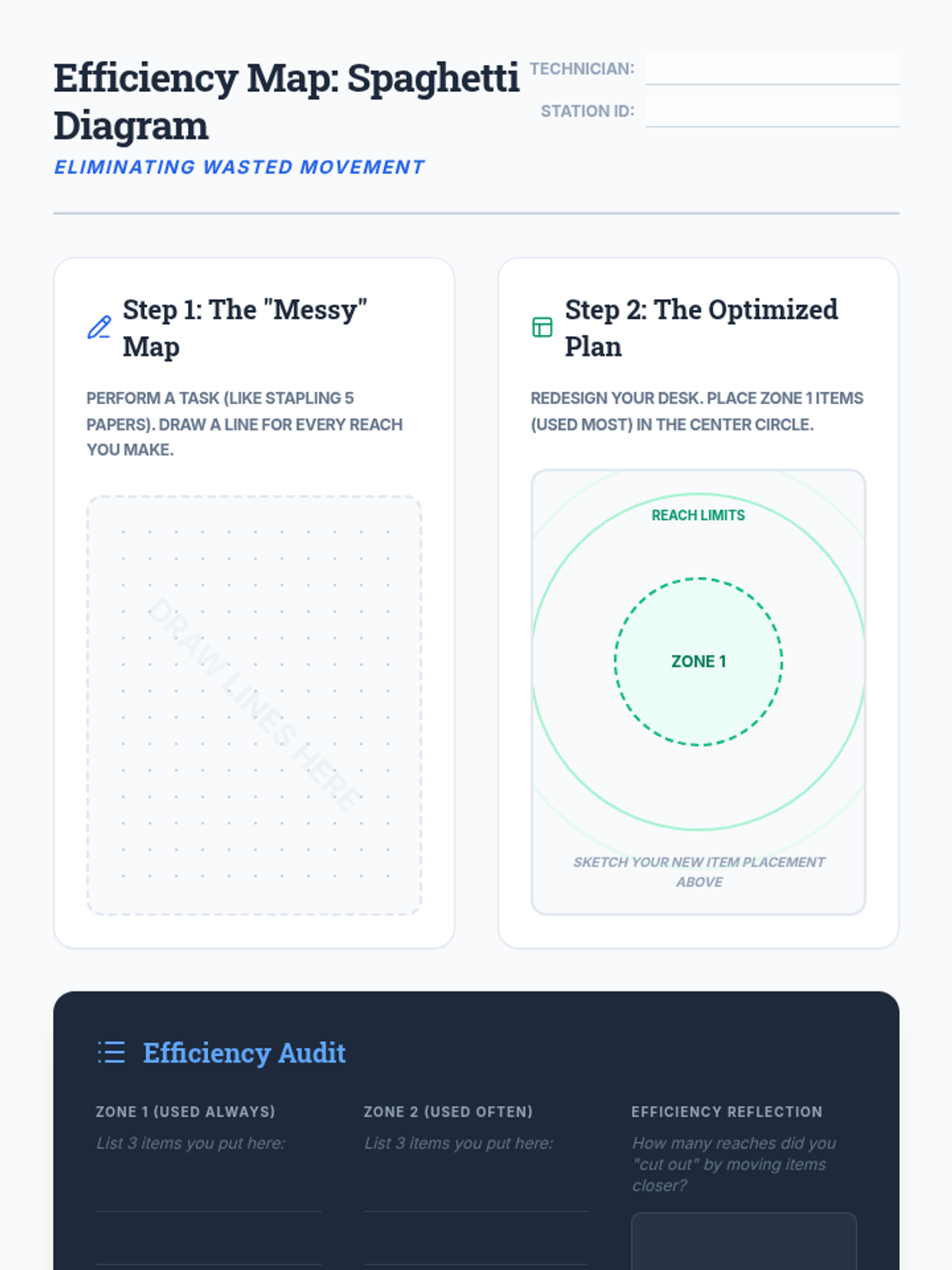
Students analyze workspace ergonomics and efficiency using 'Spaghetti Diagrams' to minimize wasted movement. They design optimal workstation layouts for maximum productivity.
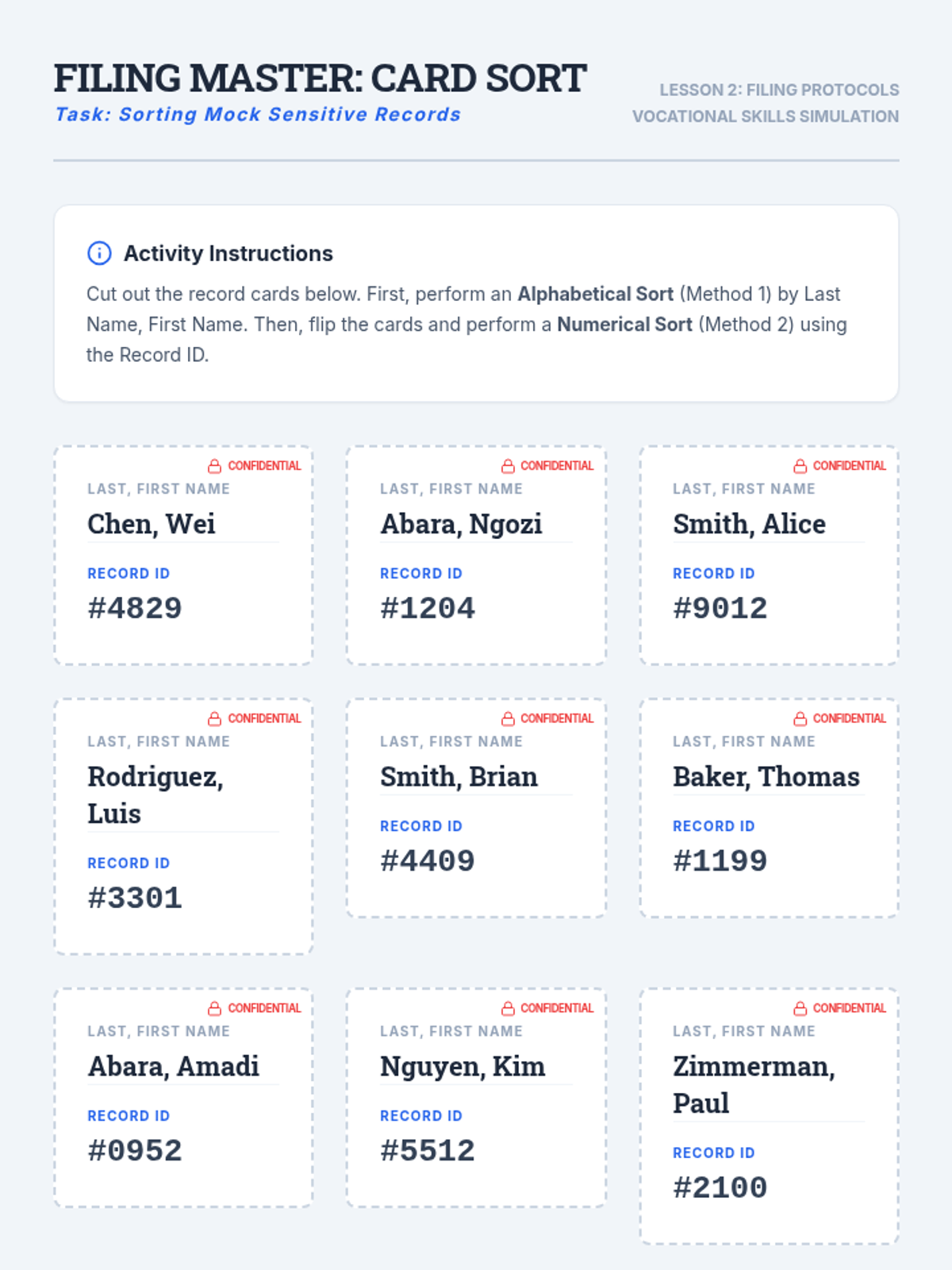
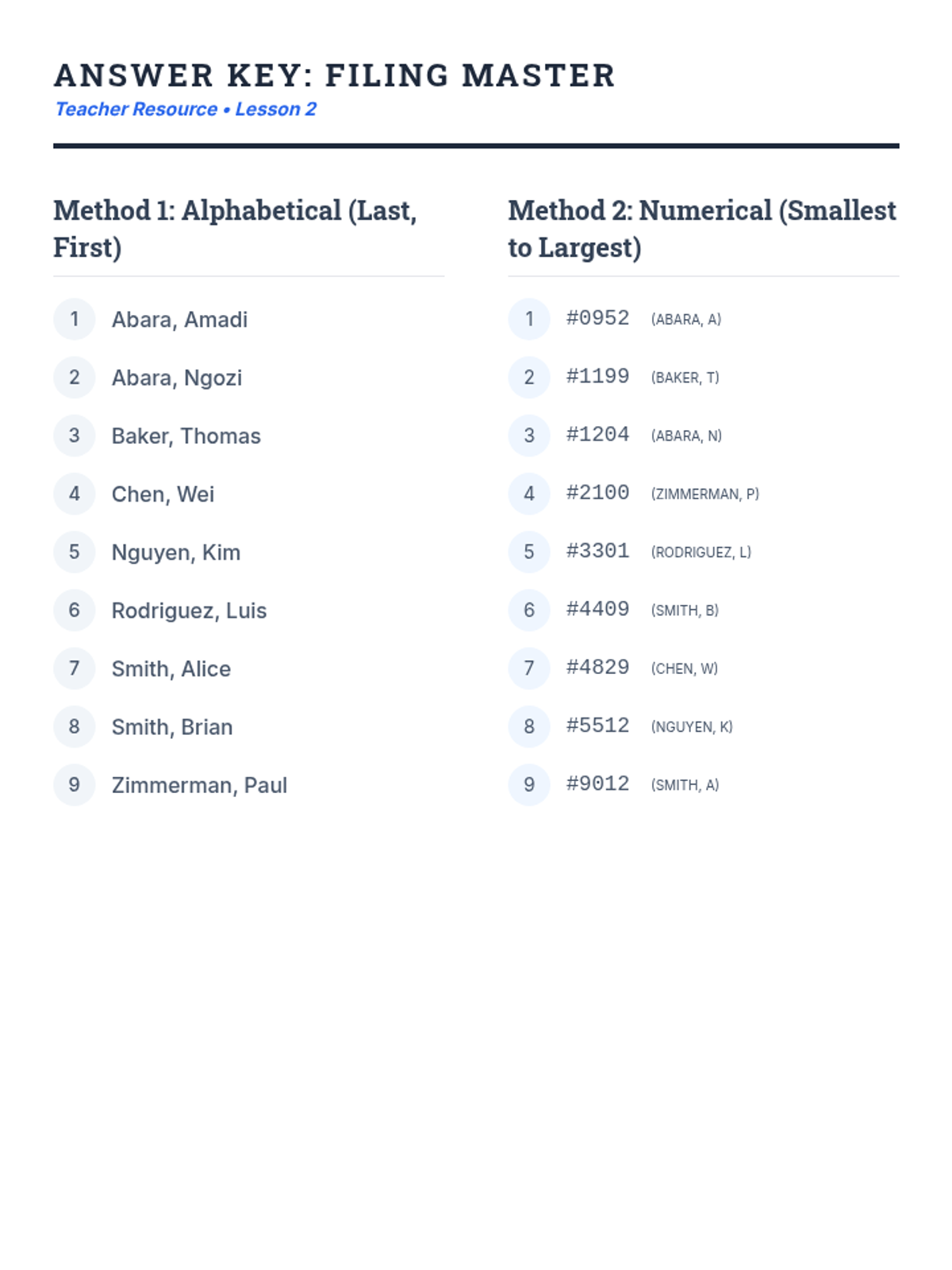
Focuses on alphabetical and numerical filing systems using mock sensitive records. Students learn about FERPA and the ethics of handling private information in a professional setting.
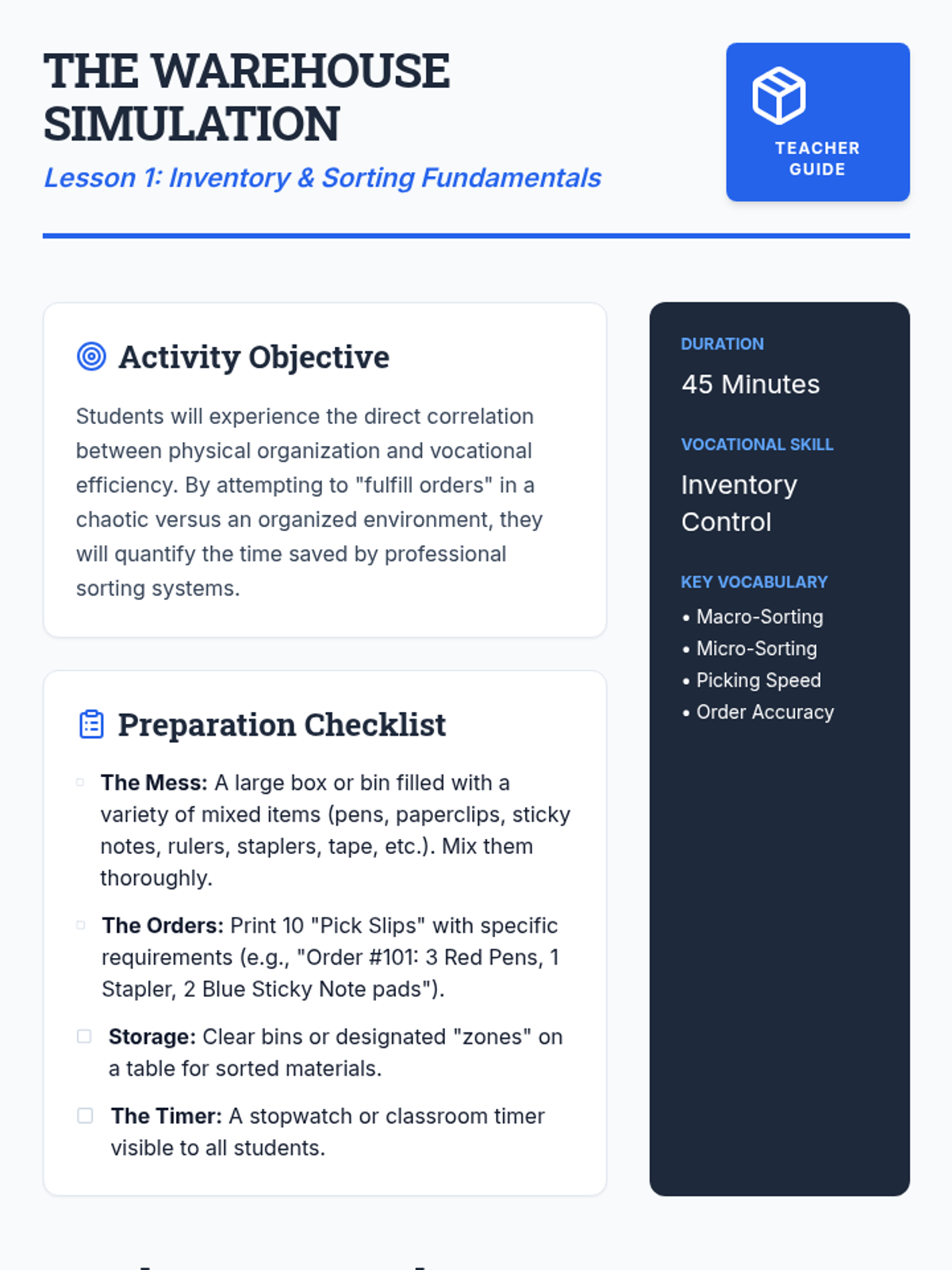
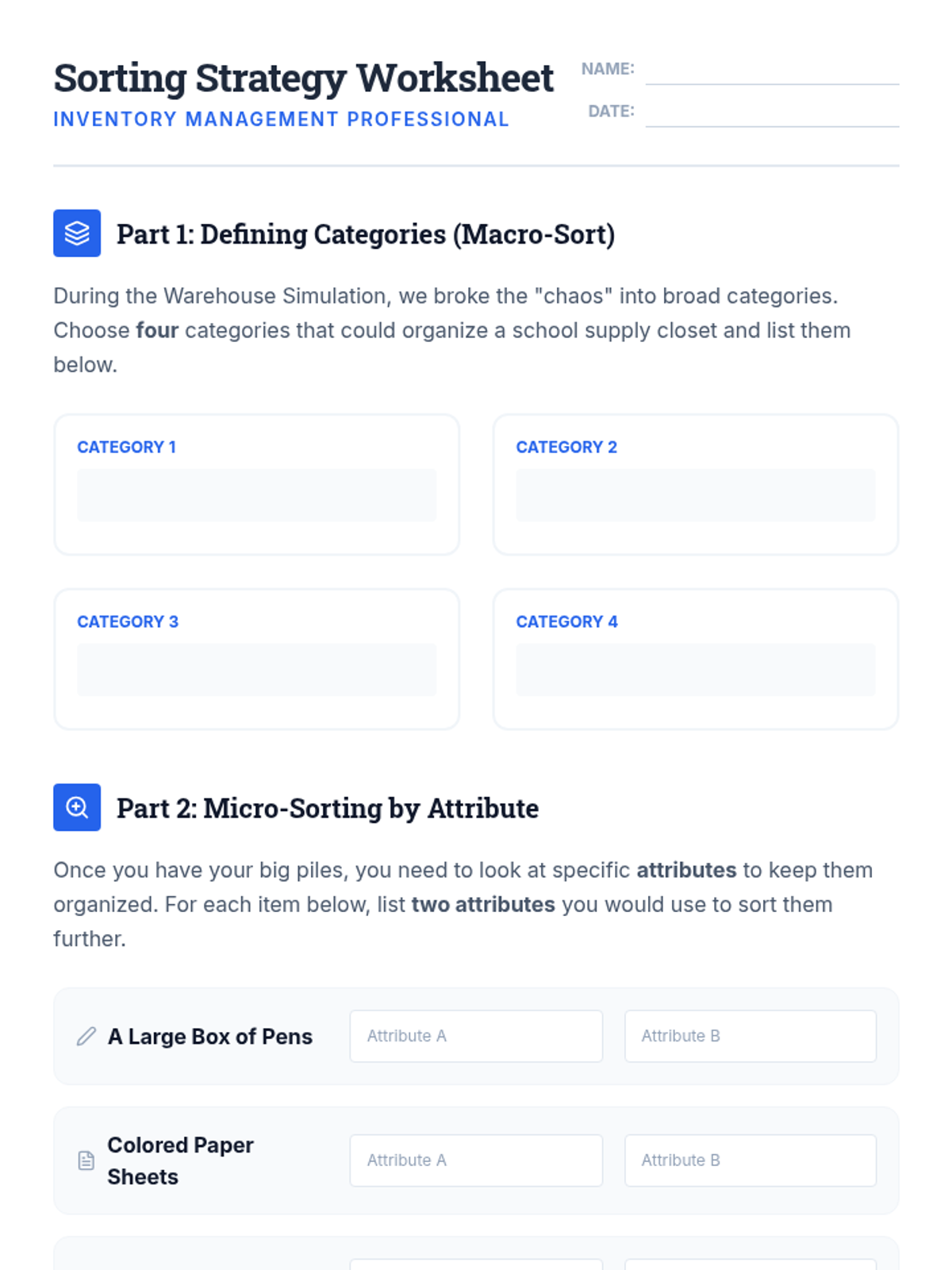
Students learn the basics of inventory control by sorting mixed supplies through macro and micro-sorting techniques. A warehouse simulation compares speed between organized and disorganized environments.
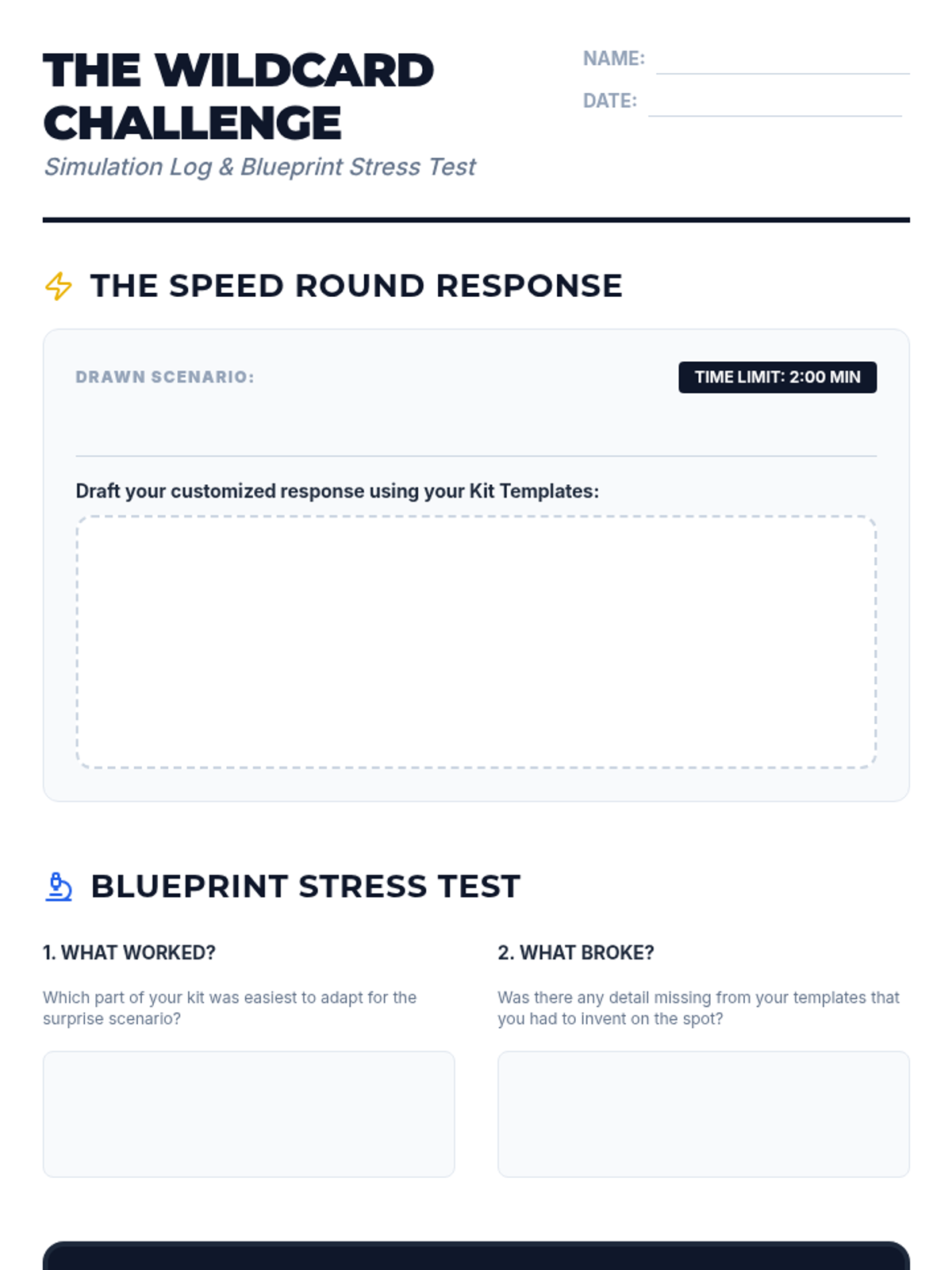
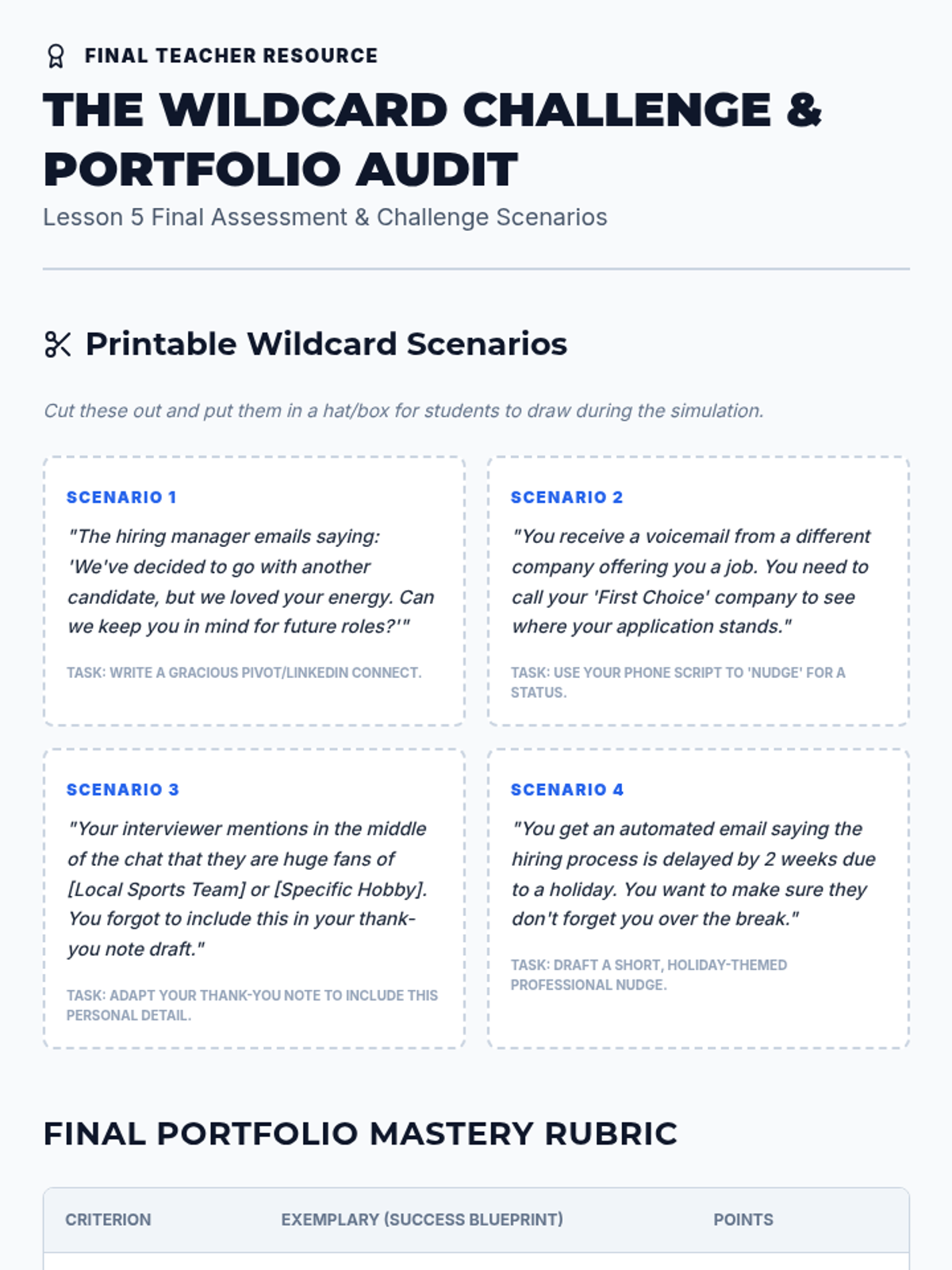
Students assemble their full kits and test their readiness through randomized real-world interview follow-up scenarios.
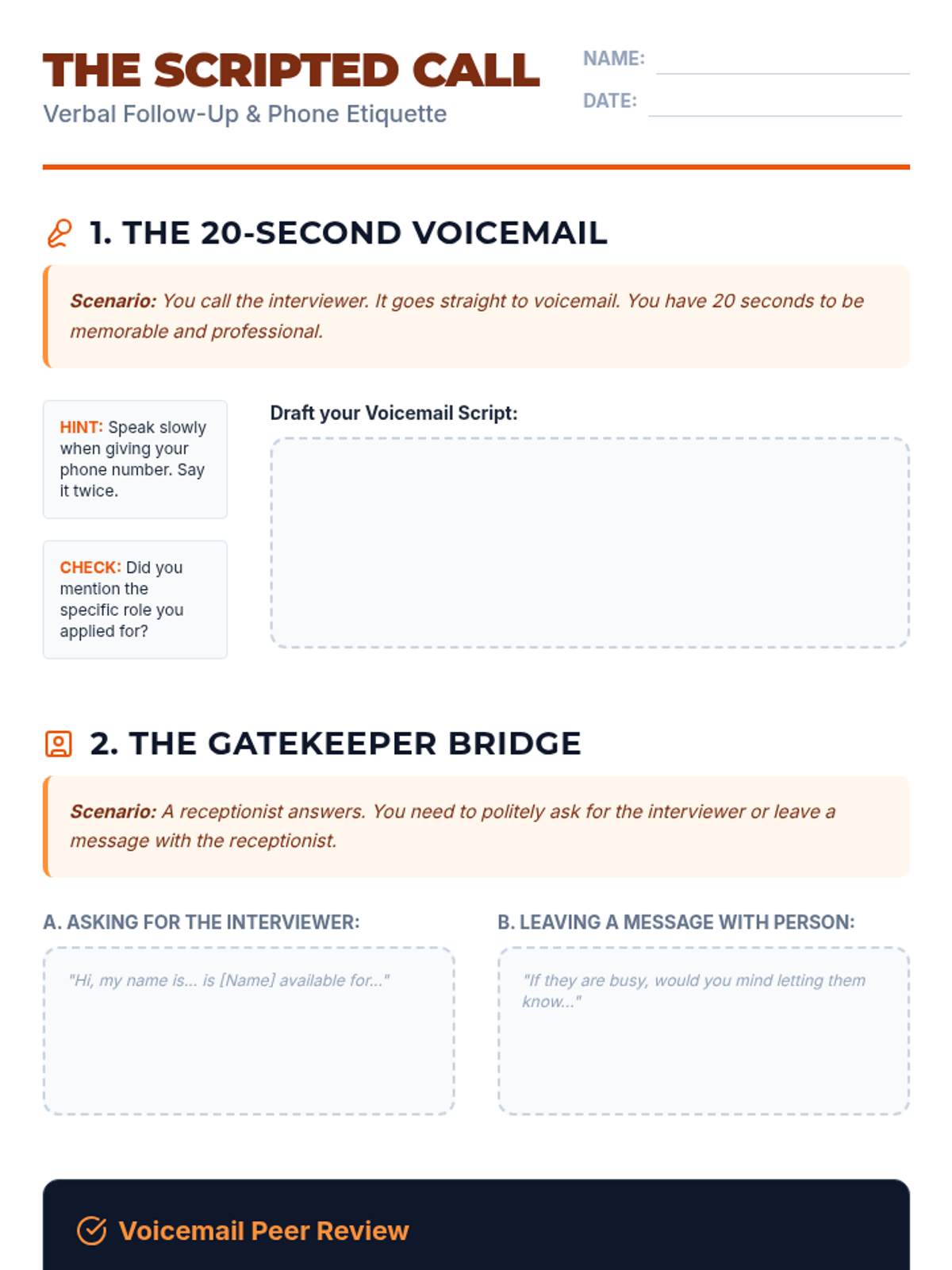
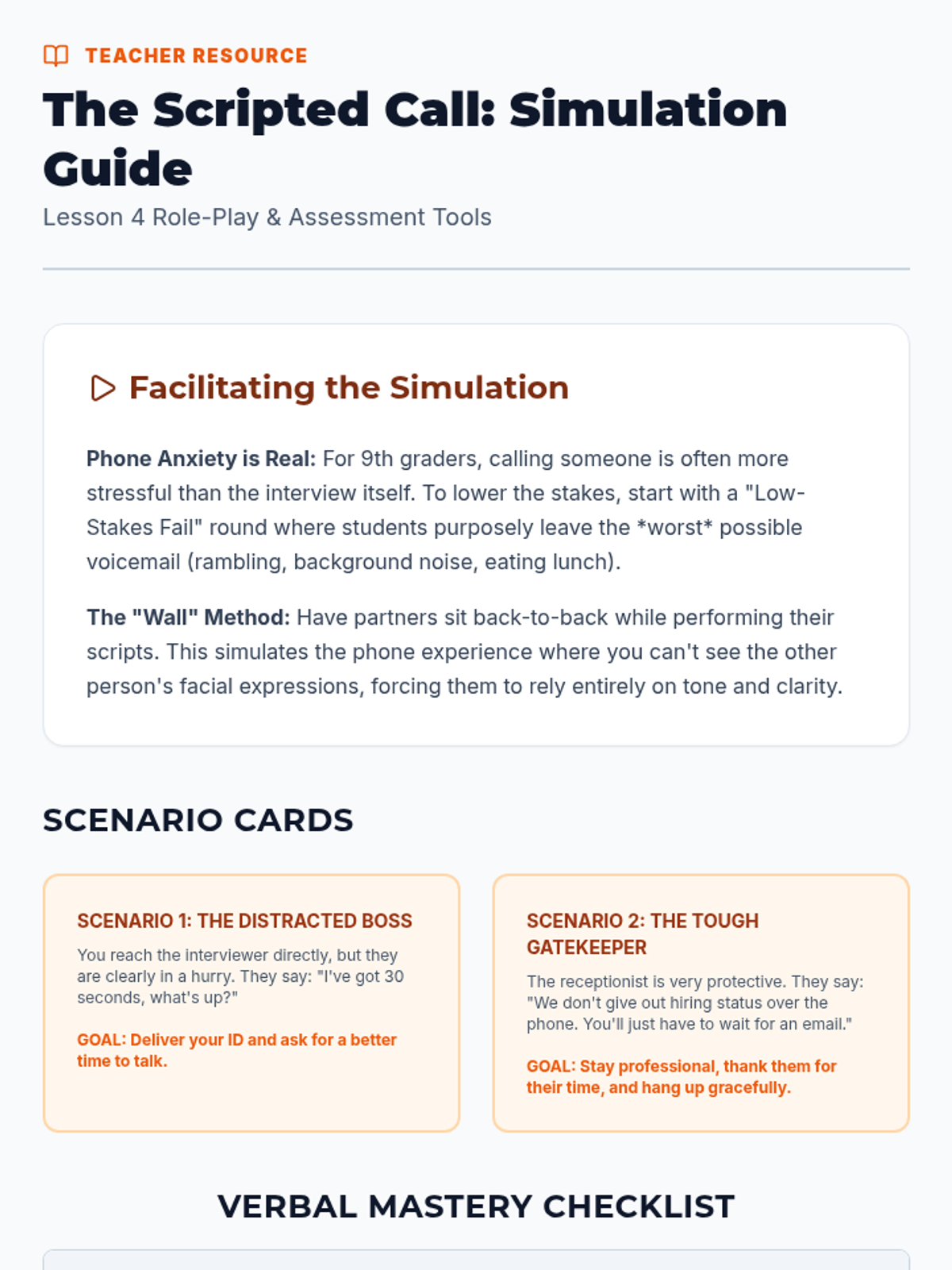
Students develop and practice verbal scripts for phone follow-ups, including voicemails and speaking with gatekeepers.
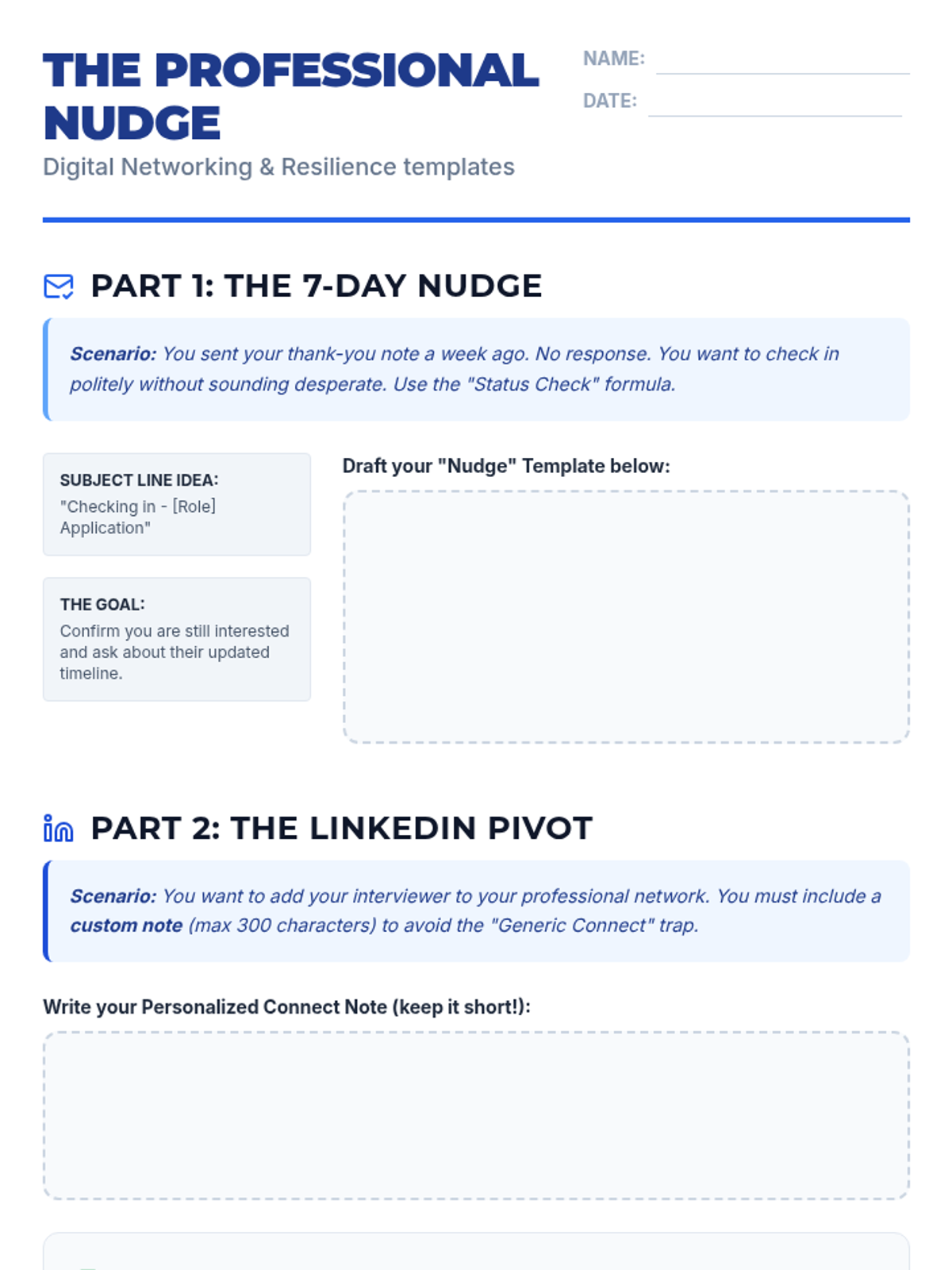
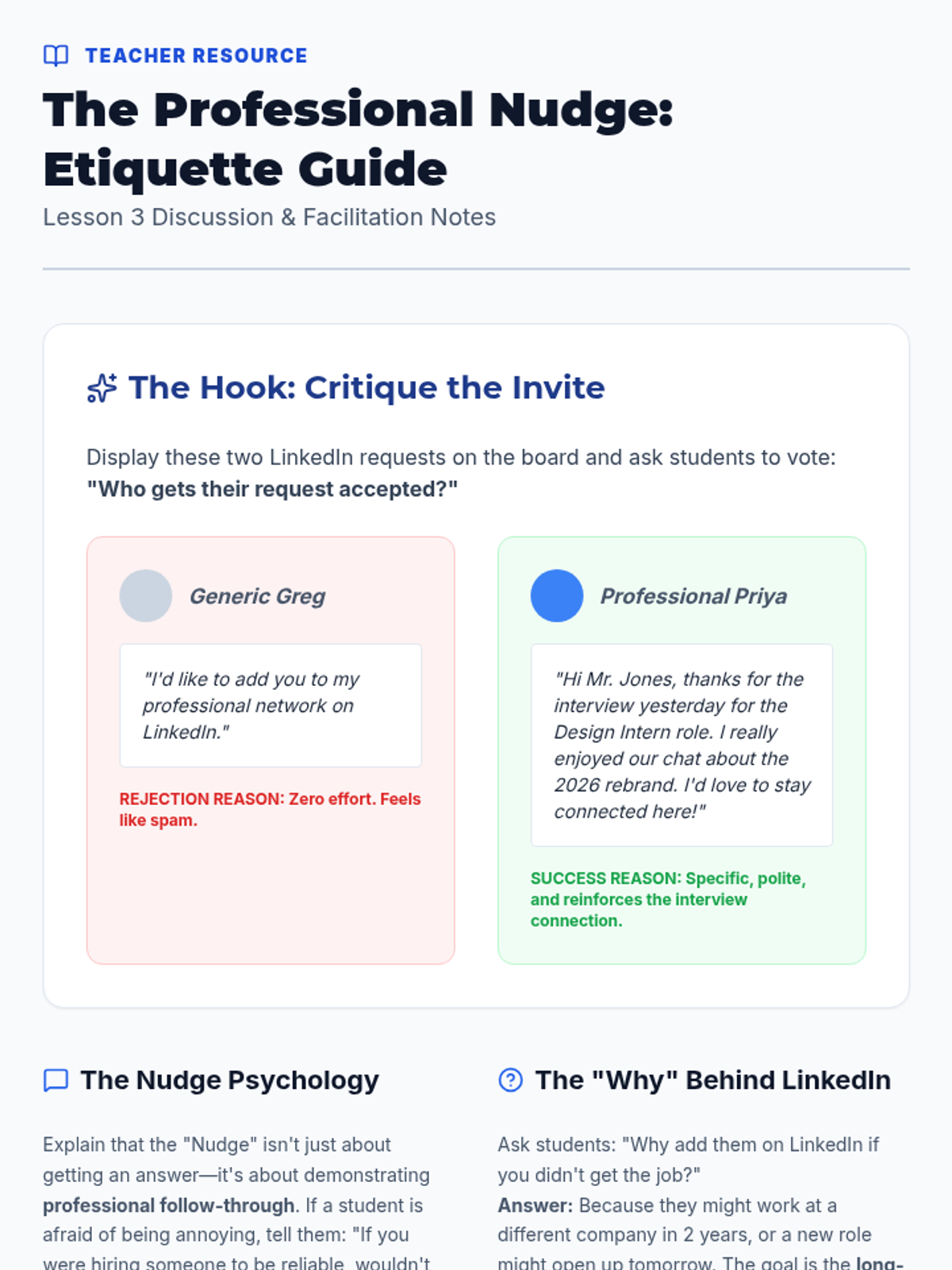
Students learn the etiquette of checking in after interview silence and leveraging LinkedIn for professional networking.
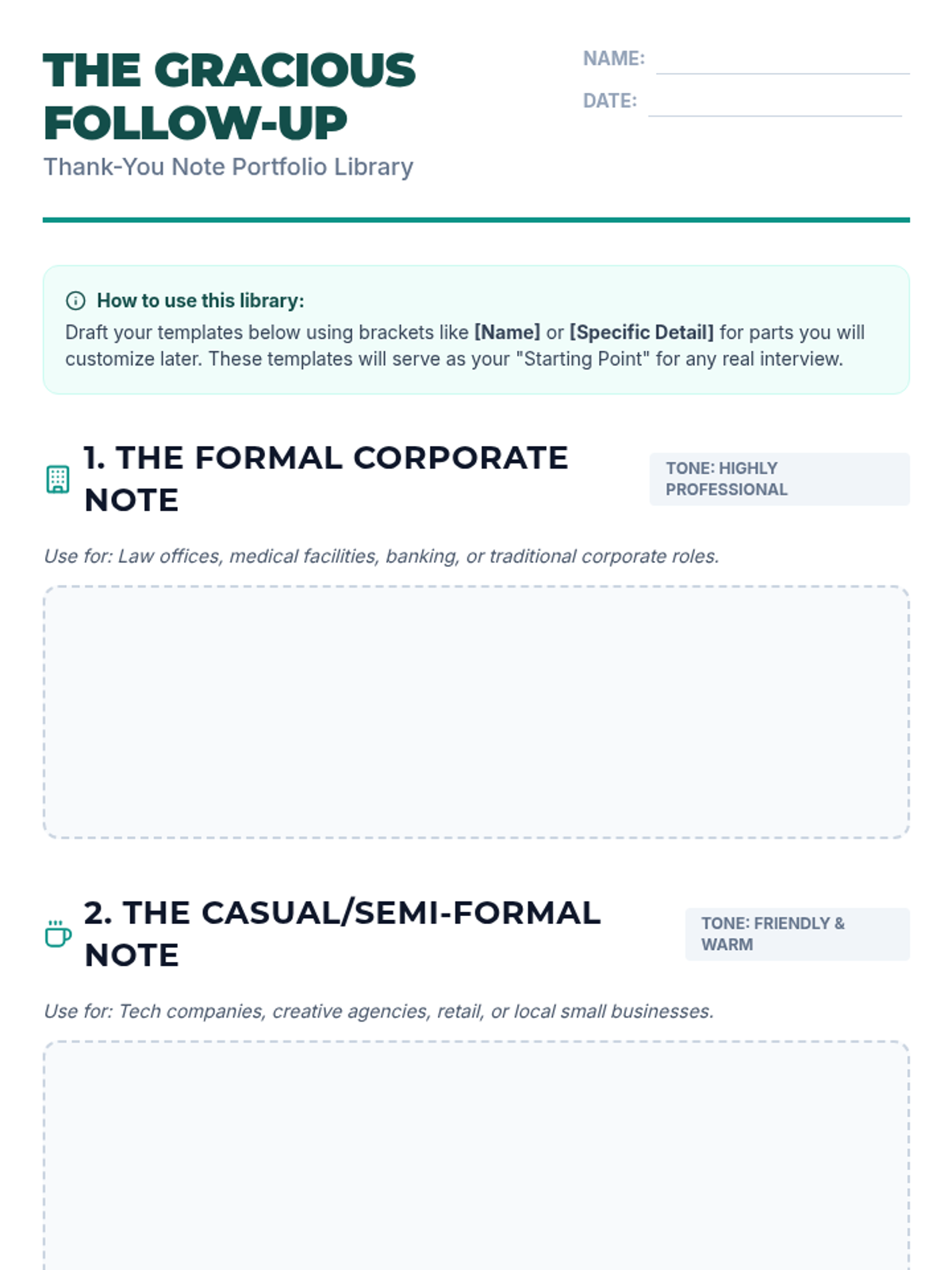
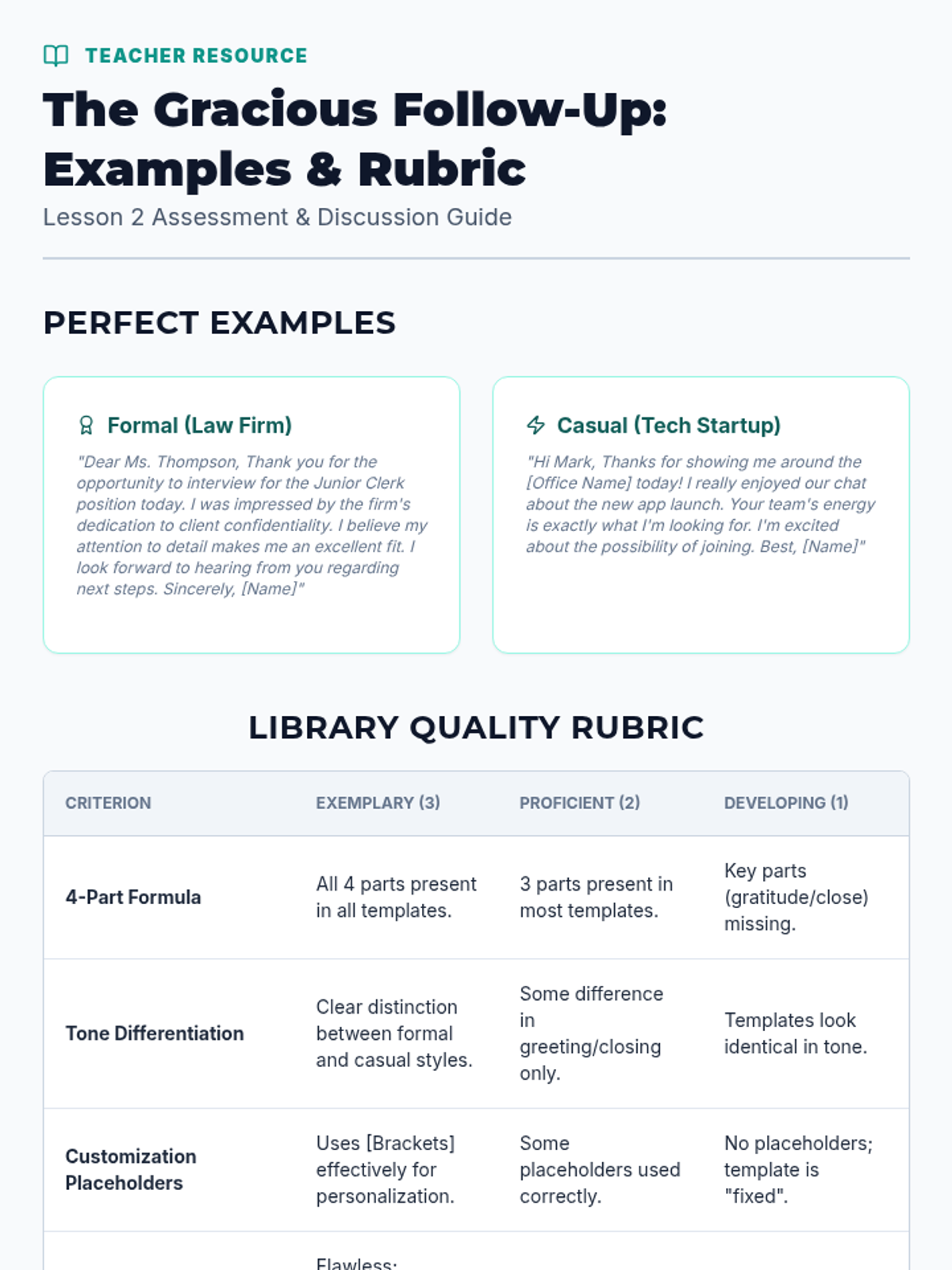
Students draft versatile thank-you note templates tailored to different company cultures and interview formats.
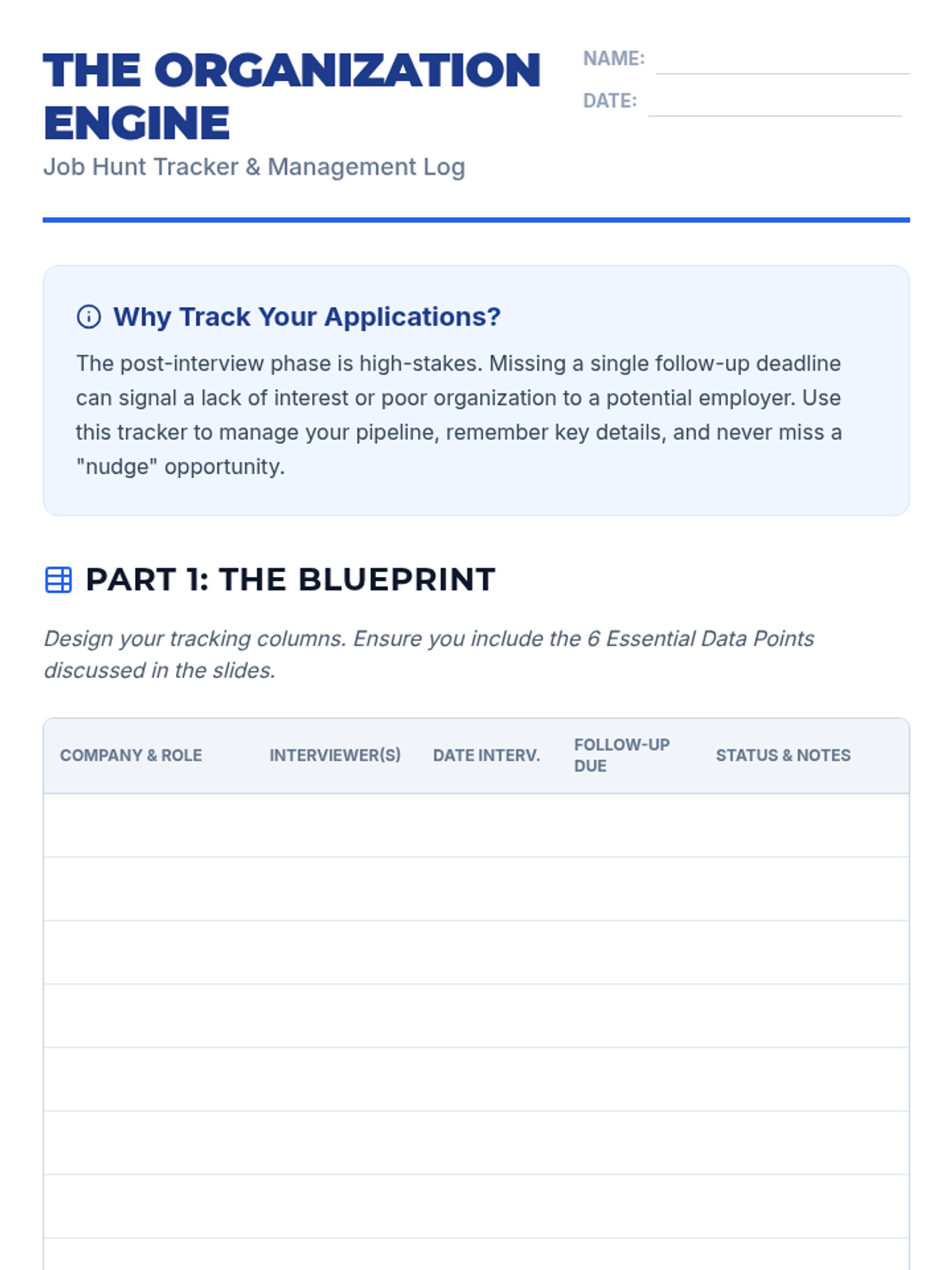
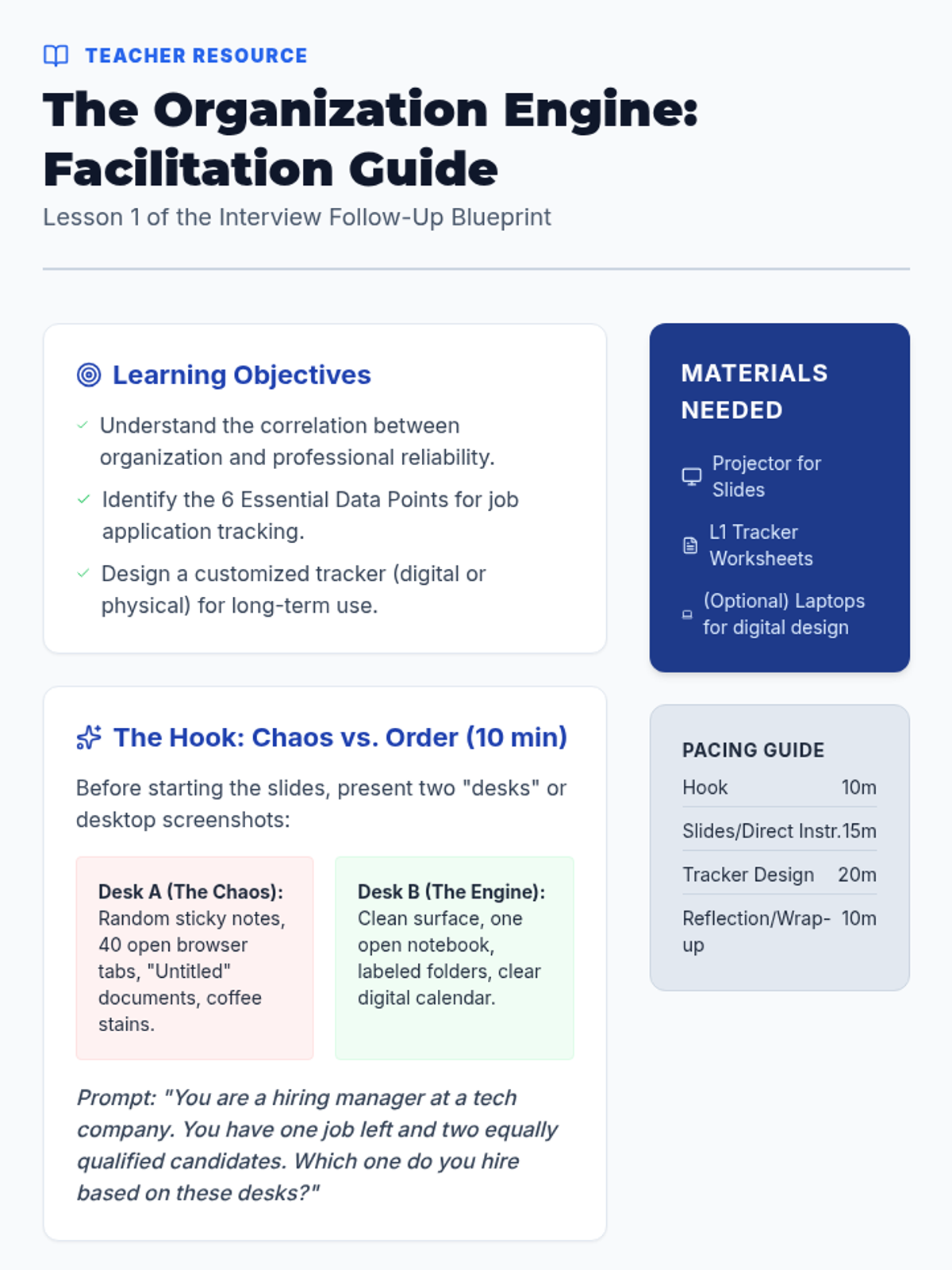
Students establish the organizational foundation for their job search by creating a comprehensive tracking system for applications and interview deadlines.
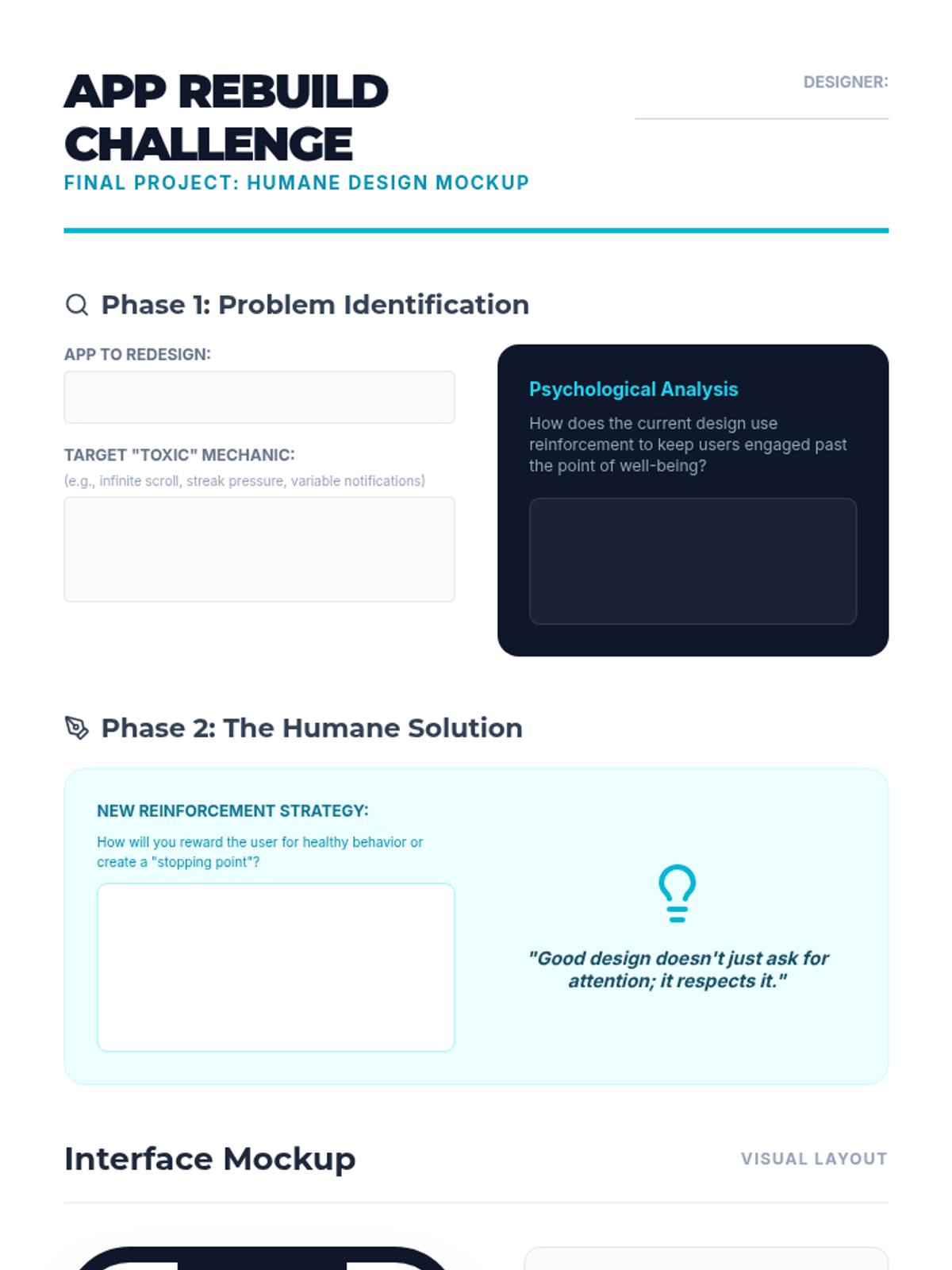
Students propose a redesign of a popular app that uses positive reinforcement to encourage healthy boundaries rather than endless consumption. They create mockups of 'humane' interfaces.
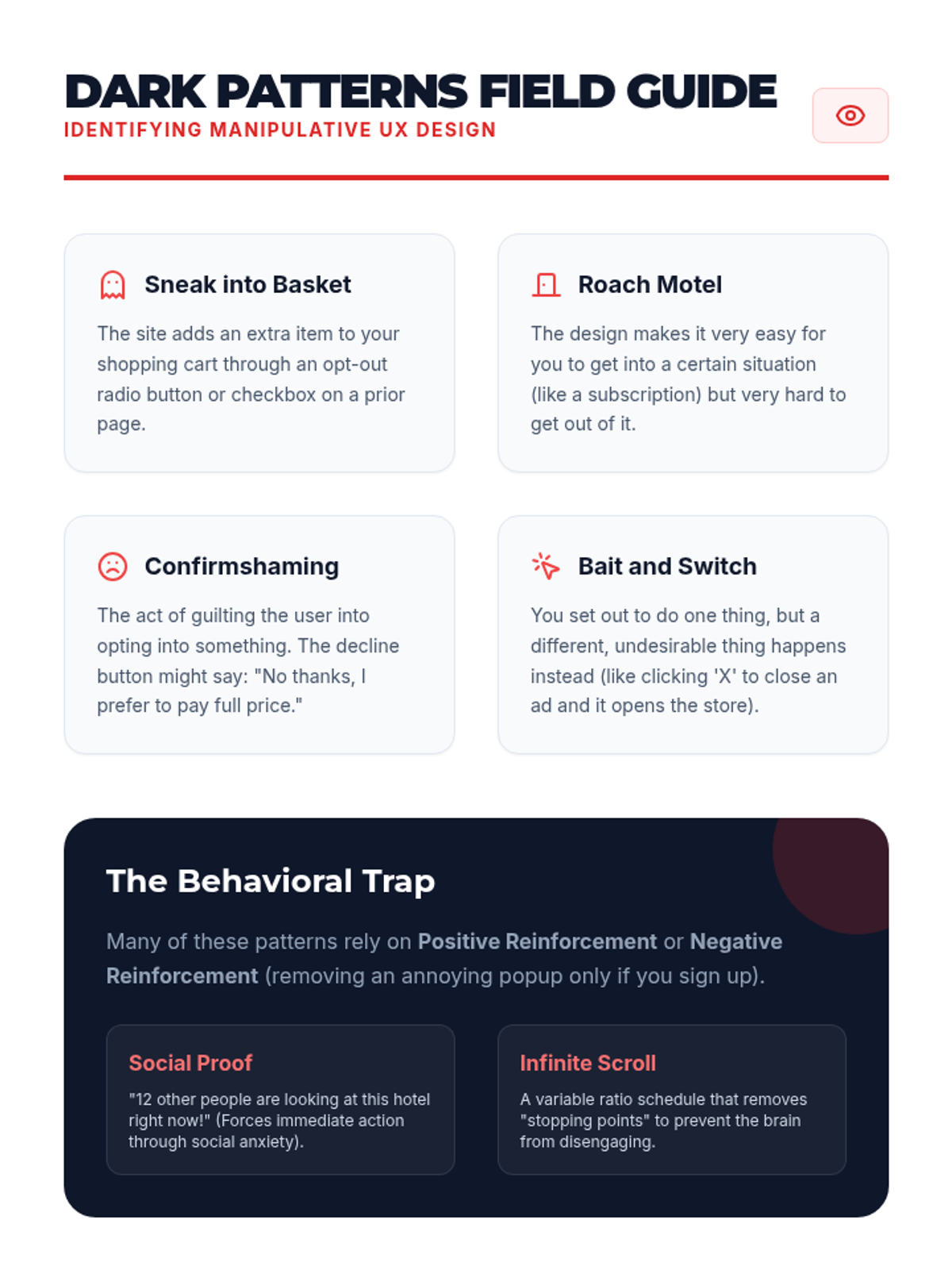
Students debate the ethics of using psychological vulnerabilities to maximize screen time. They look at 'dark patterns' in UI/UX design that exploit positive reinforcement loops.
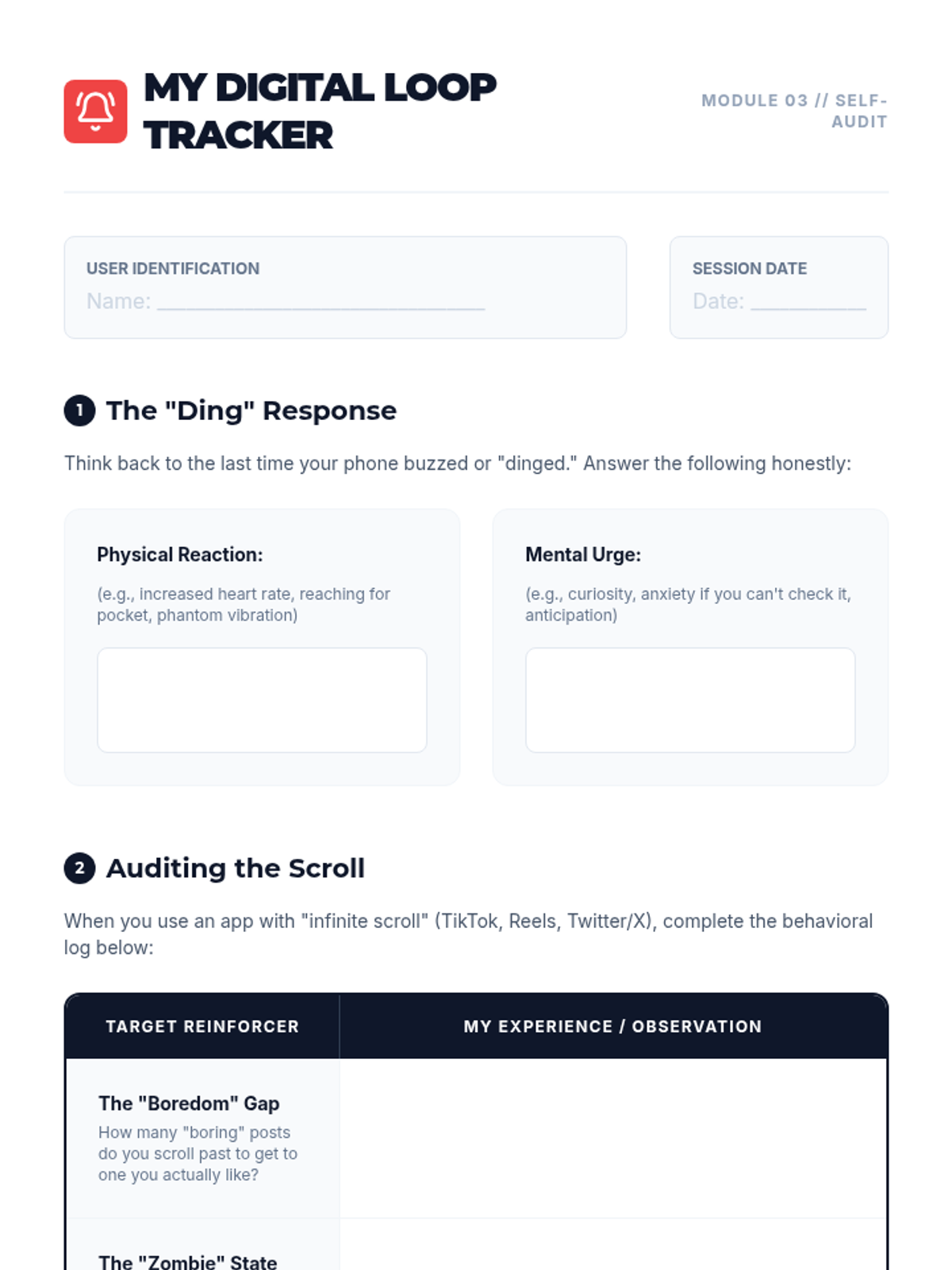
This lesson applies the concept of variable reinforcement to social media feeds (infinite scroll) and notifications. Students track their own reactions to notifications to understand the 'intermittent reward' mechanism.
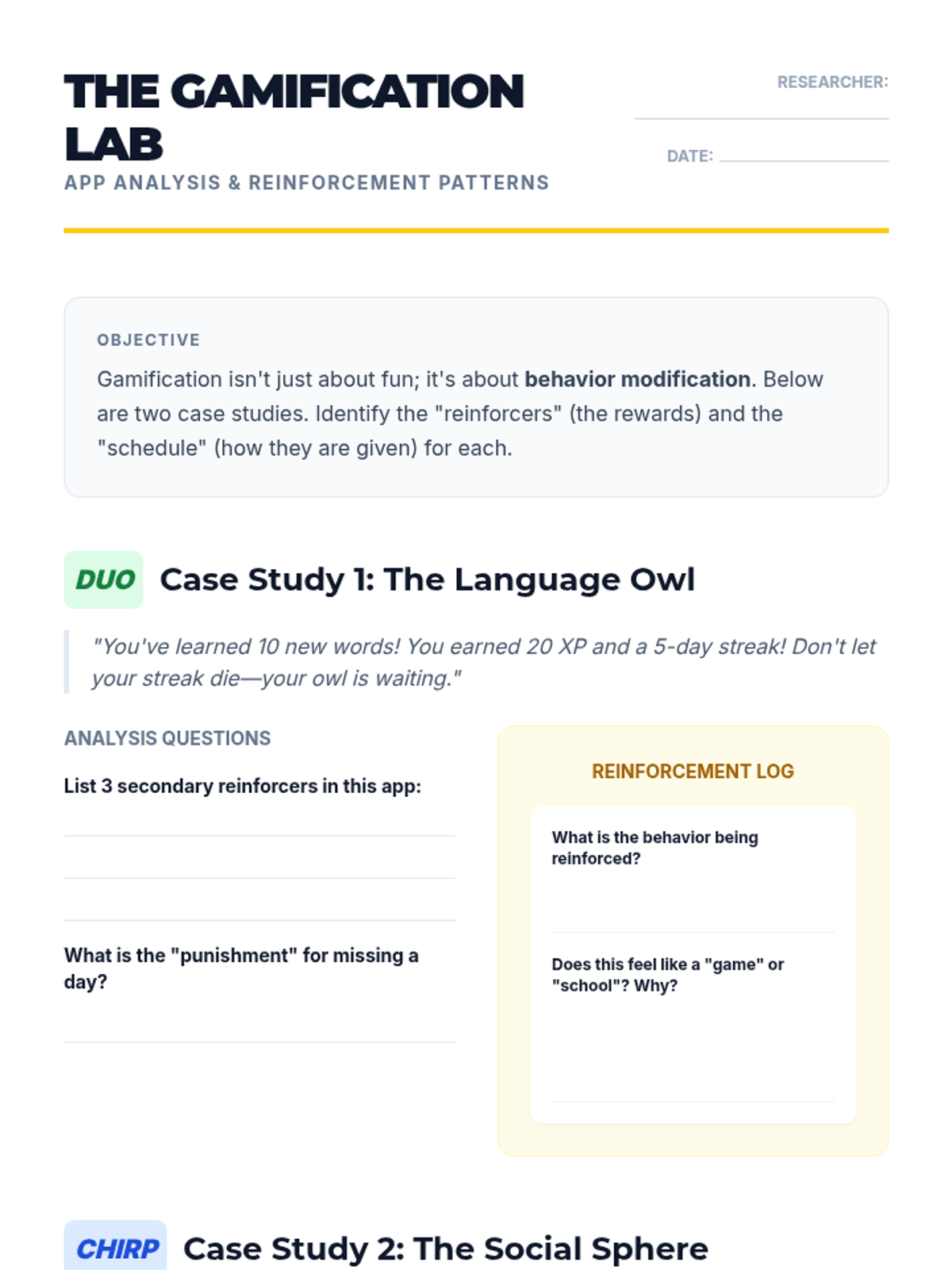
Students analyze common game elements like points, badges, and leaderboards, discussing how these digital tokens serve as conditioned reinforcers.
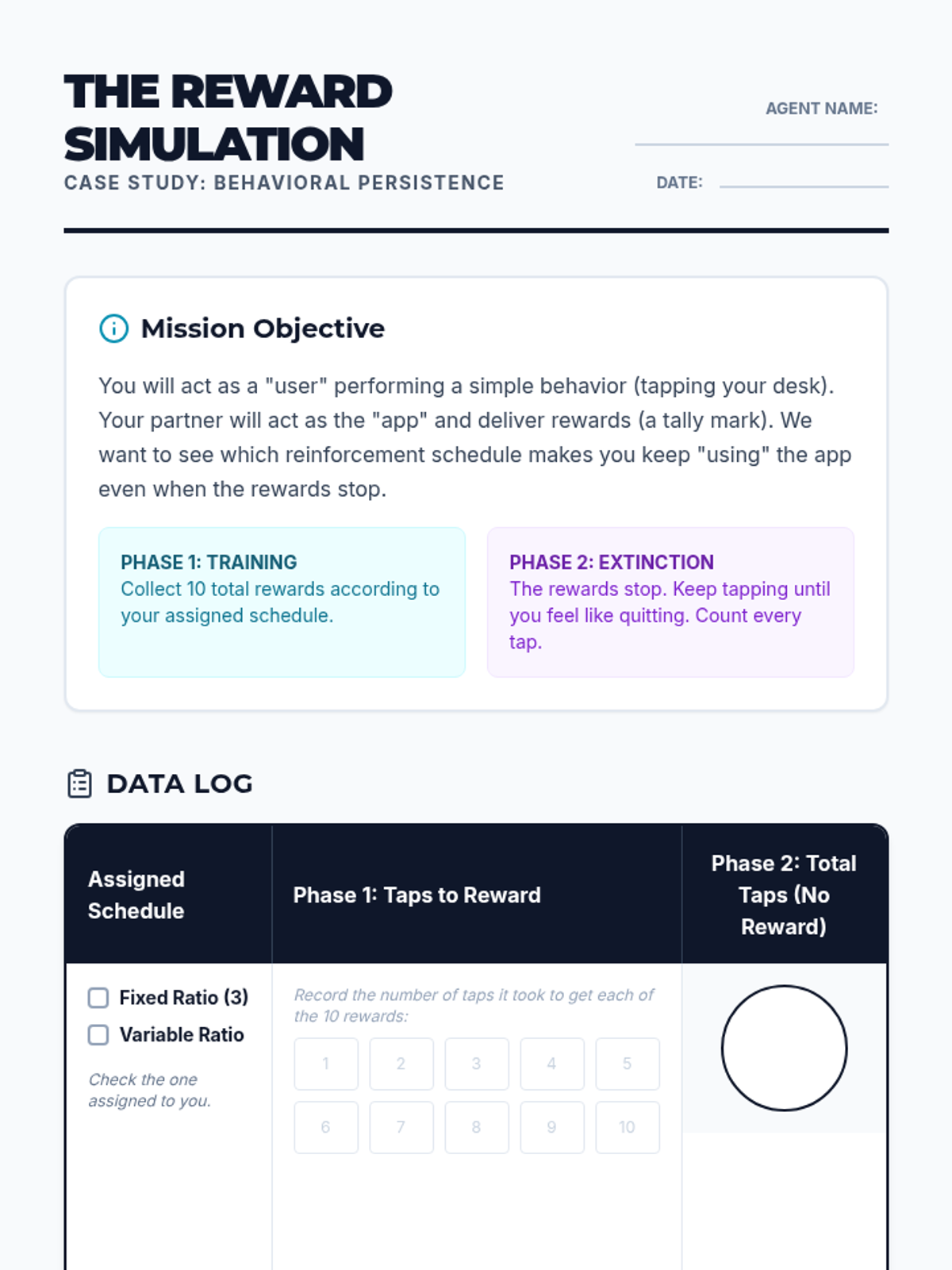
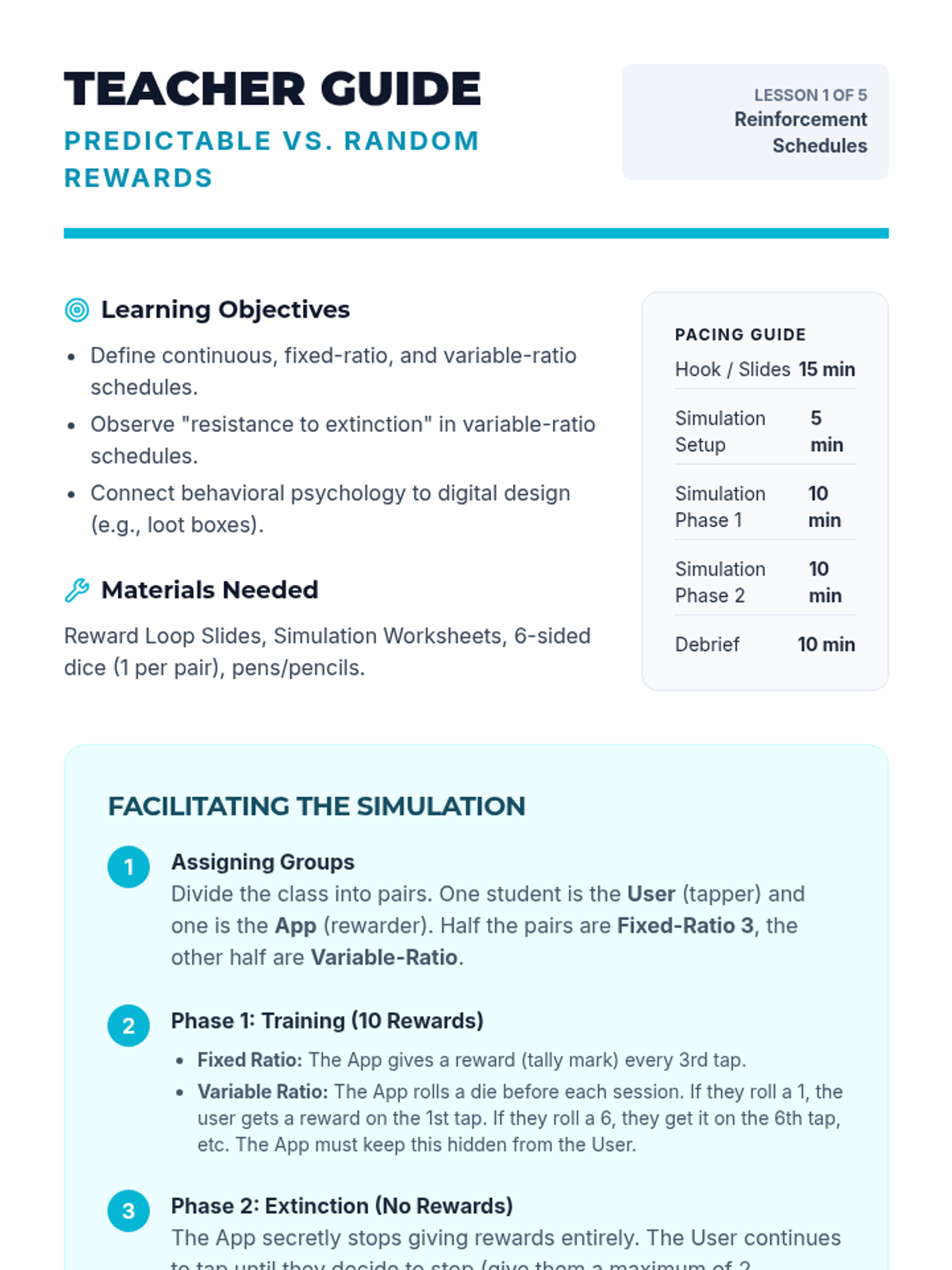
Introduction to reinforcement schedules, contrasting the predictability of fixed schedules with the persistence of variable ones.
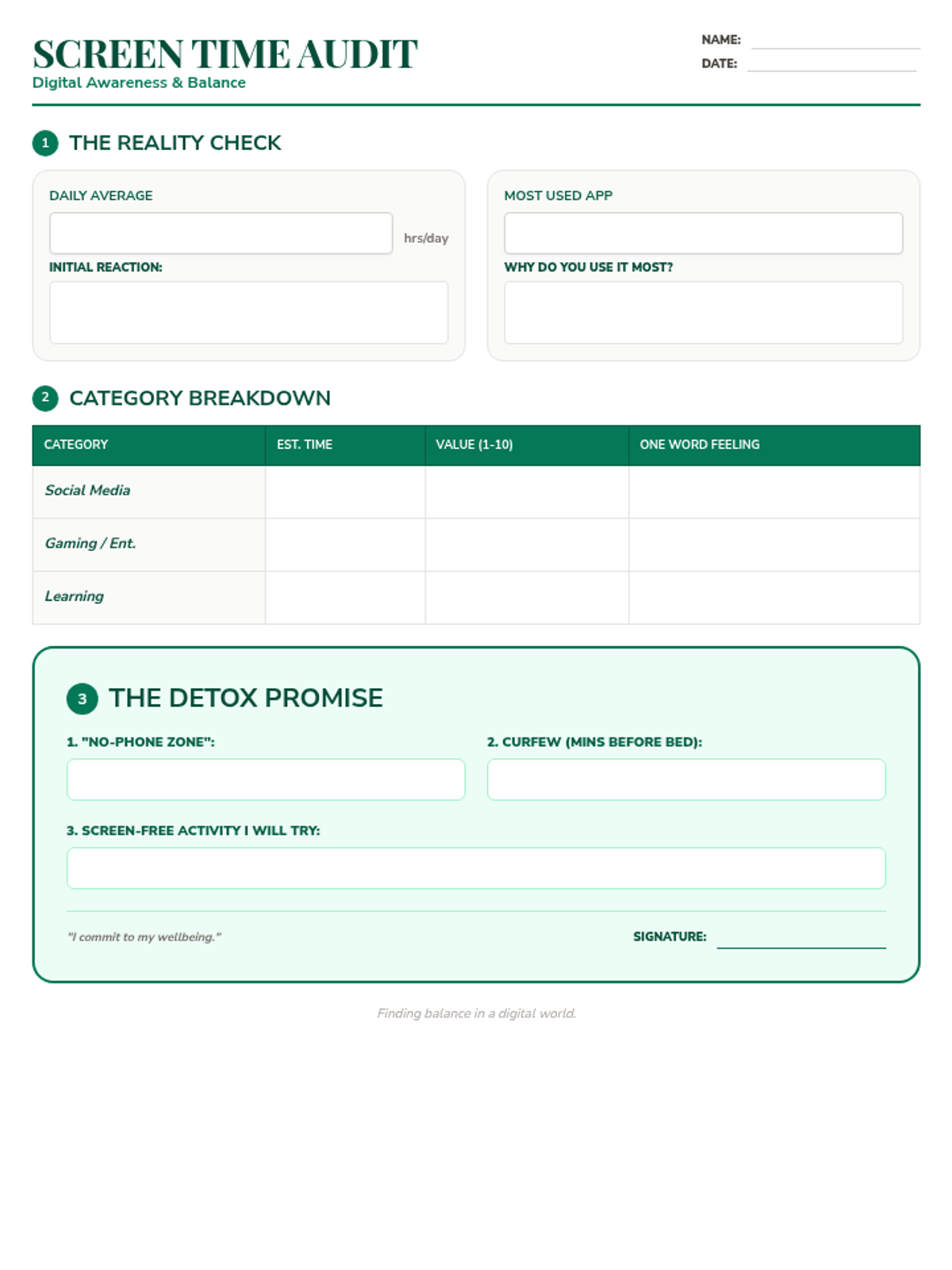
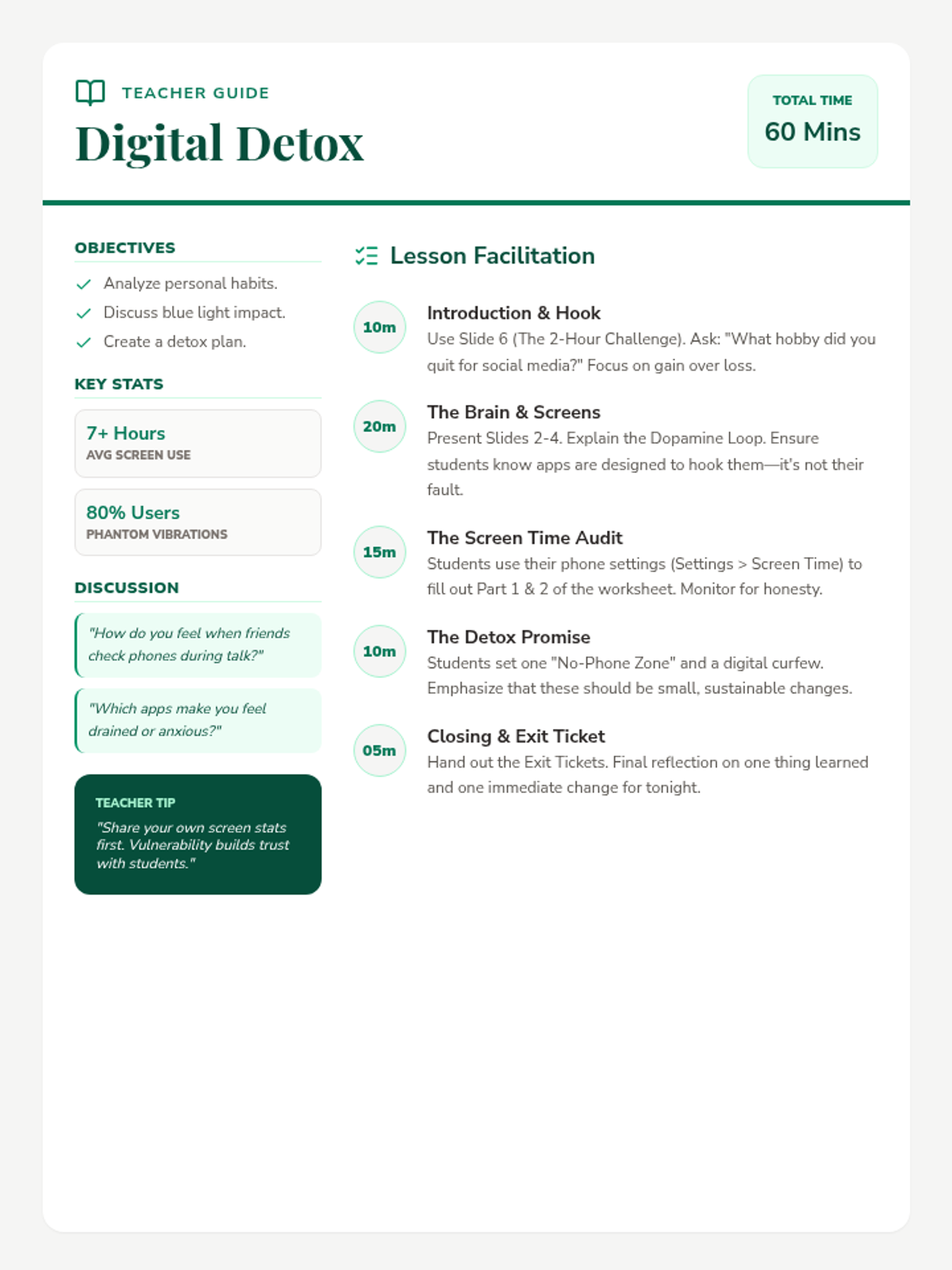
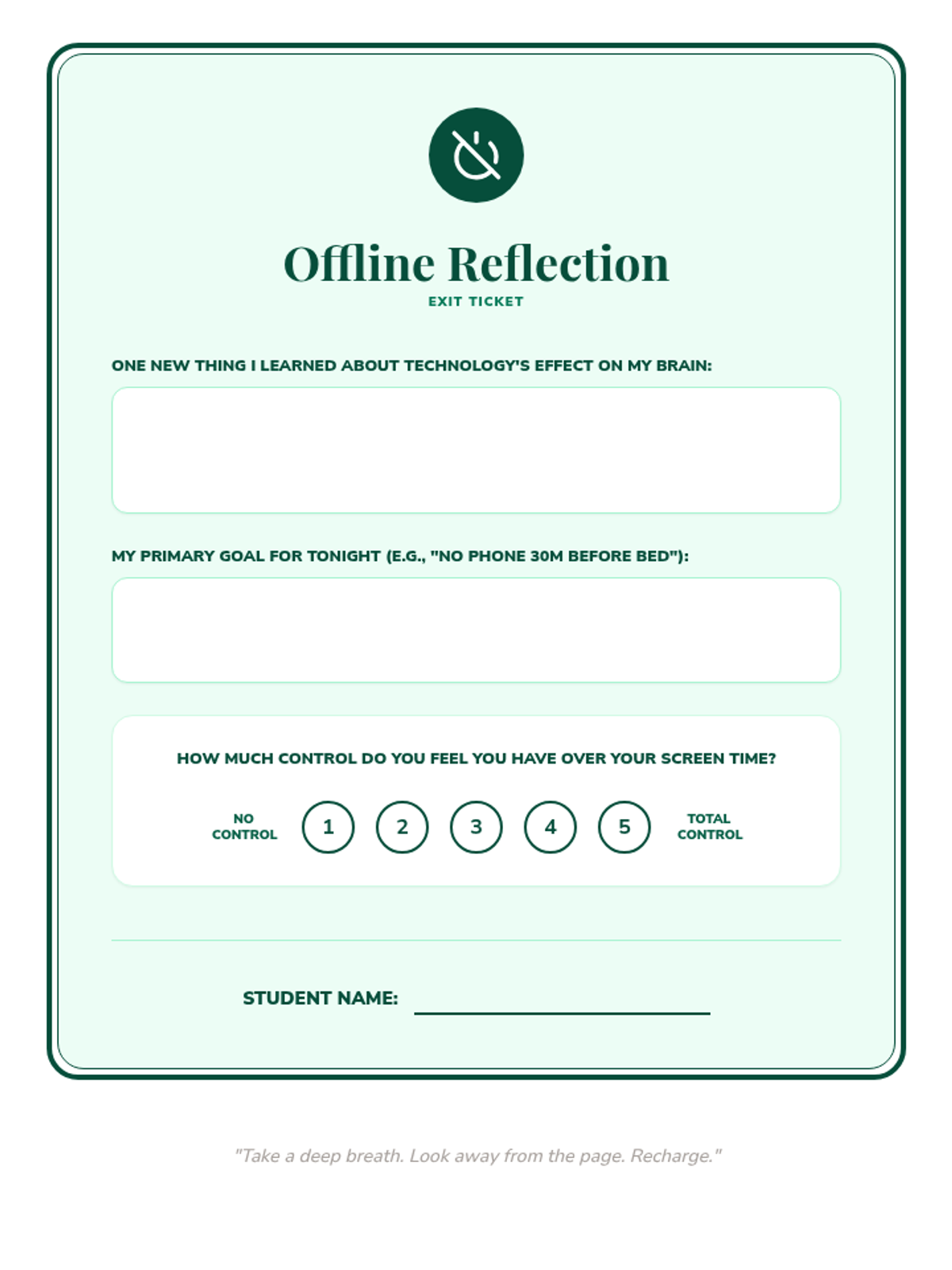
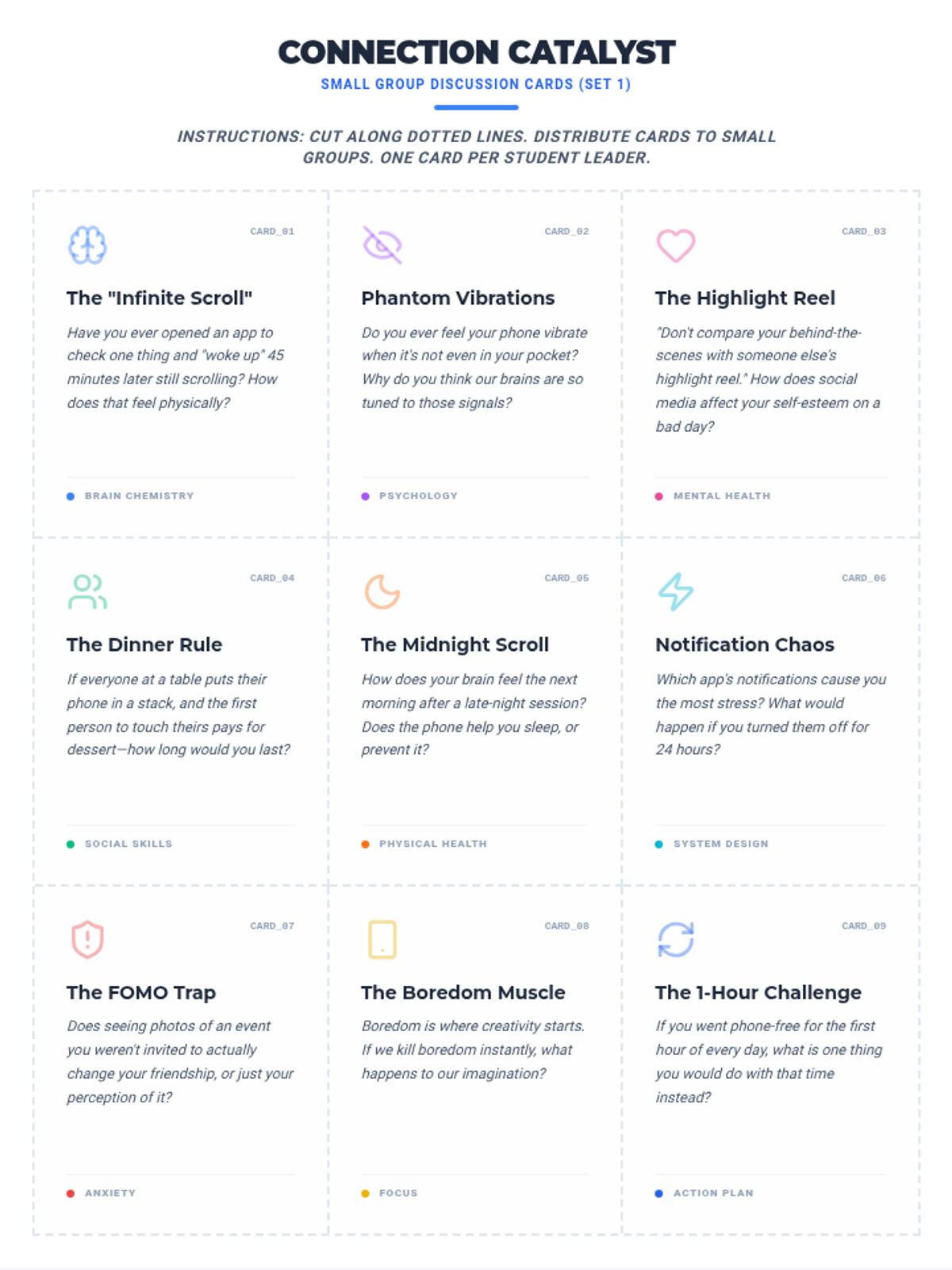
A lesson designed to help students understand the impact of excessive screen time and develop healthy, sustainable digital habits through reflection and goal-setting.
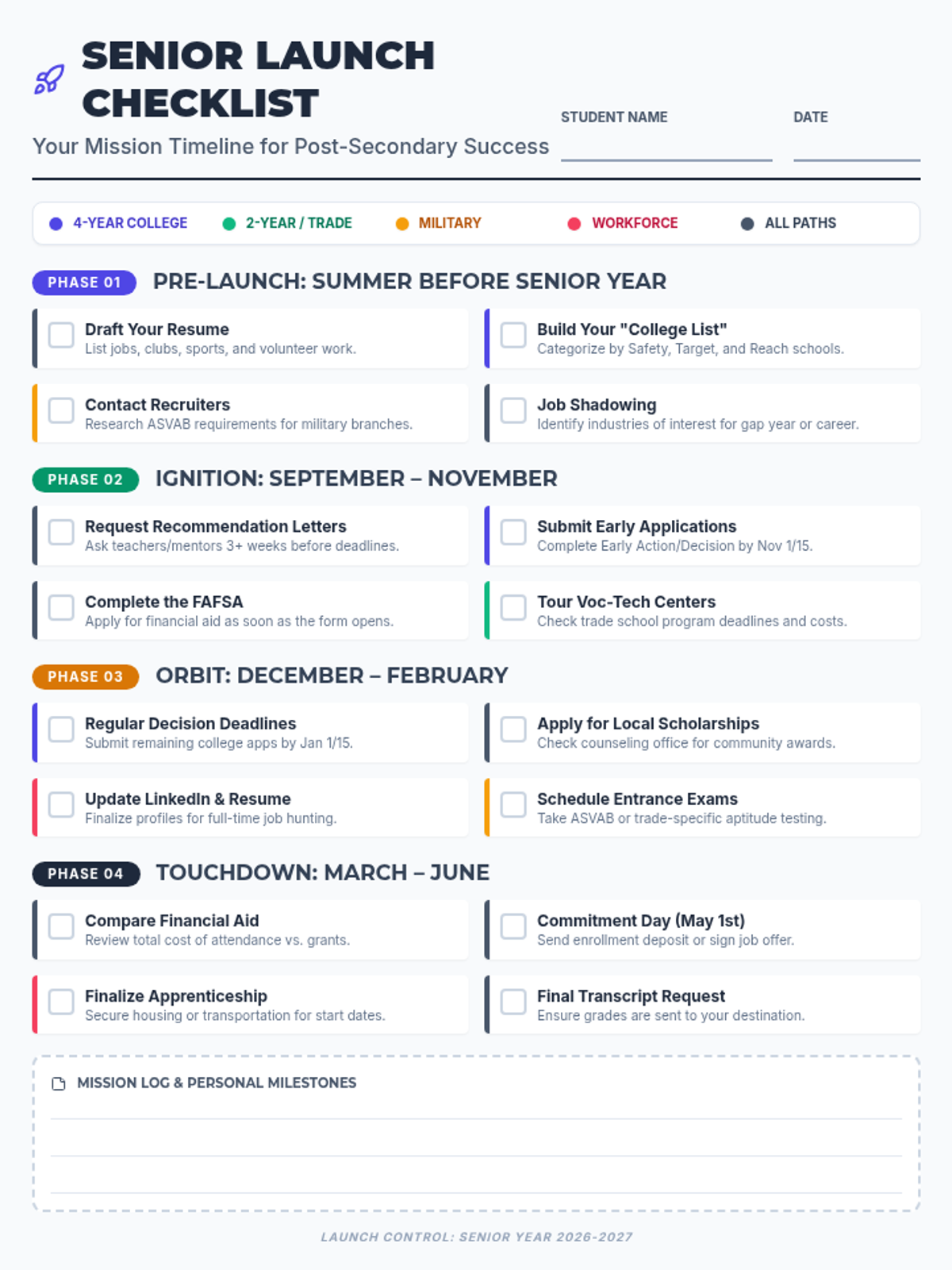
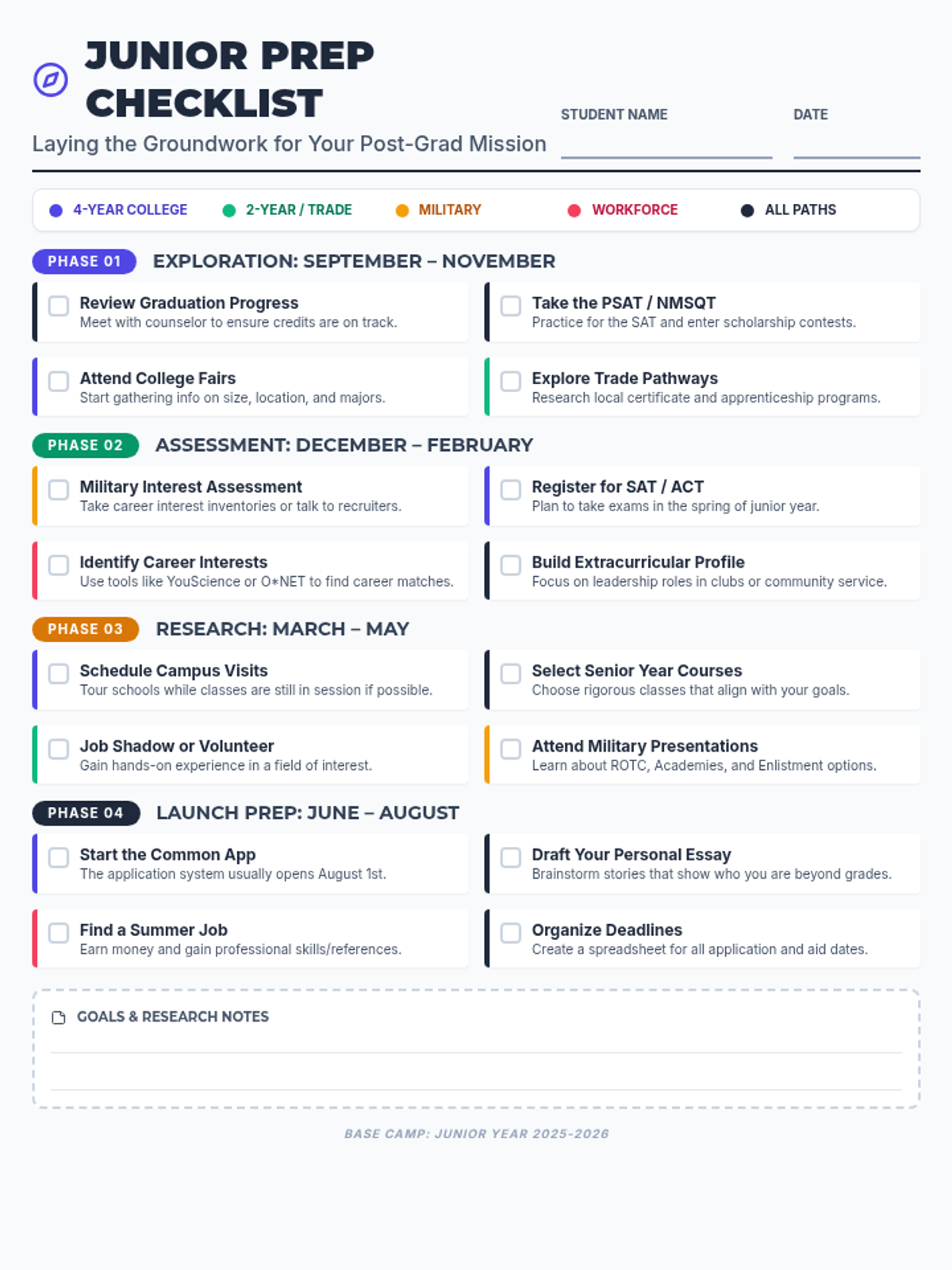
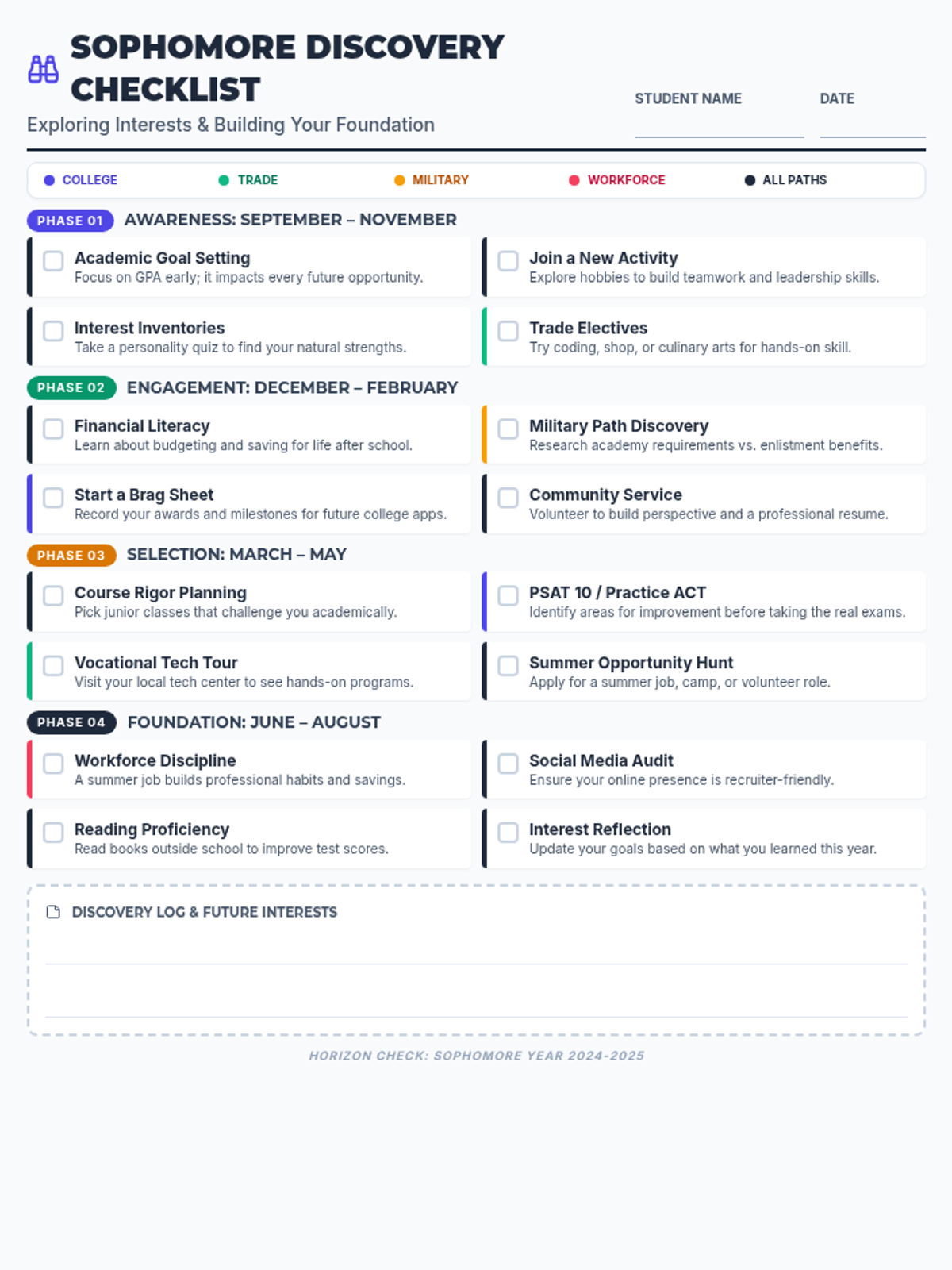
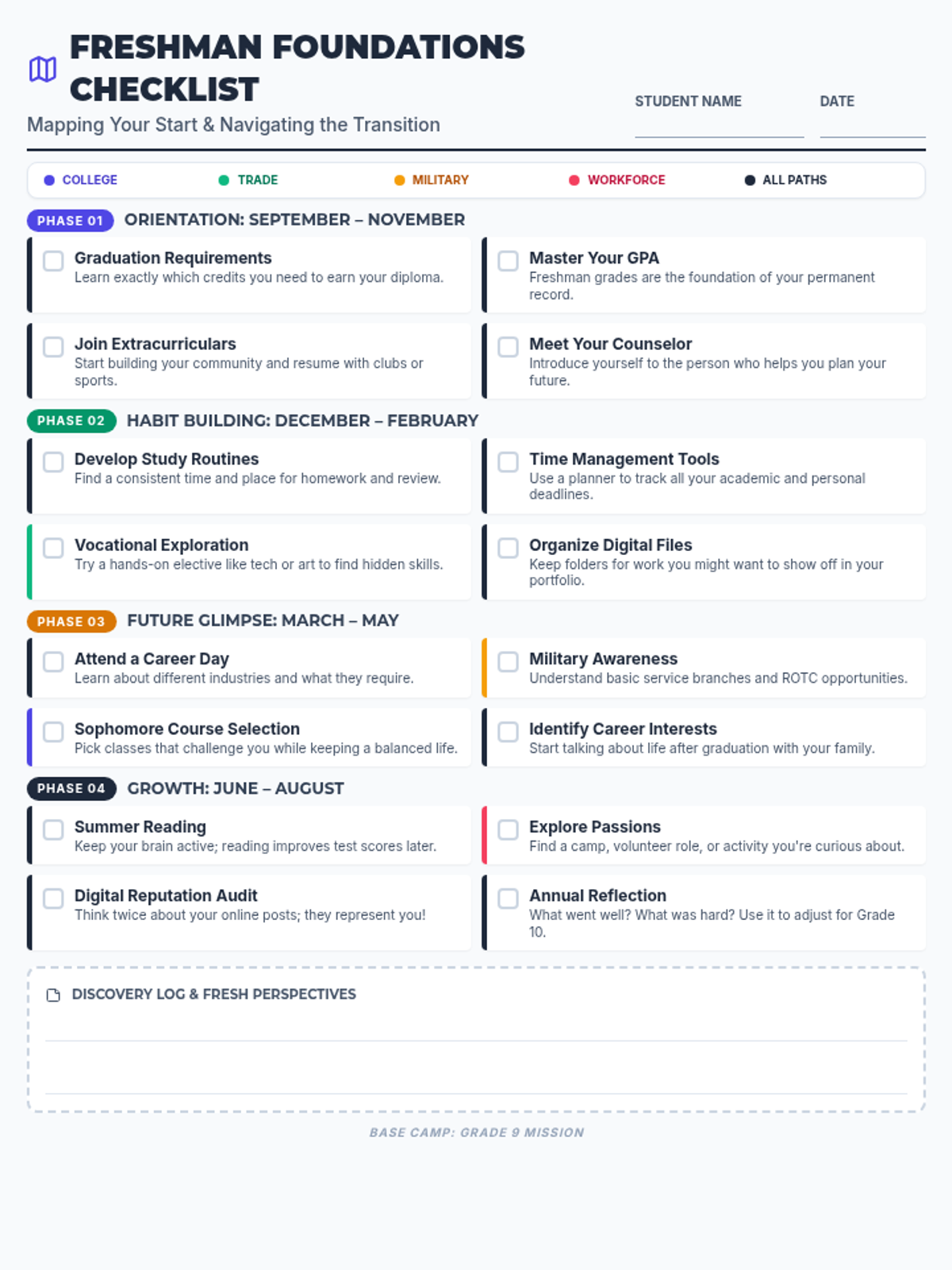
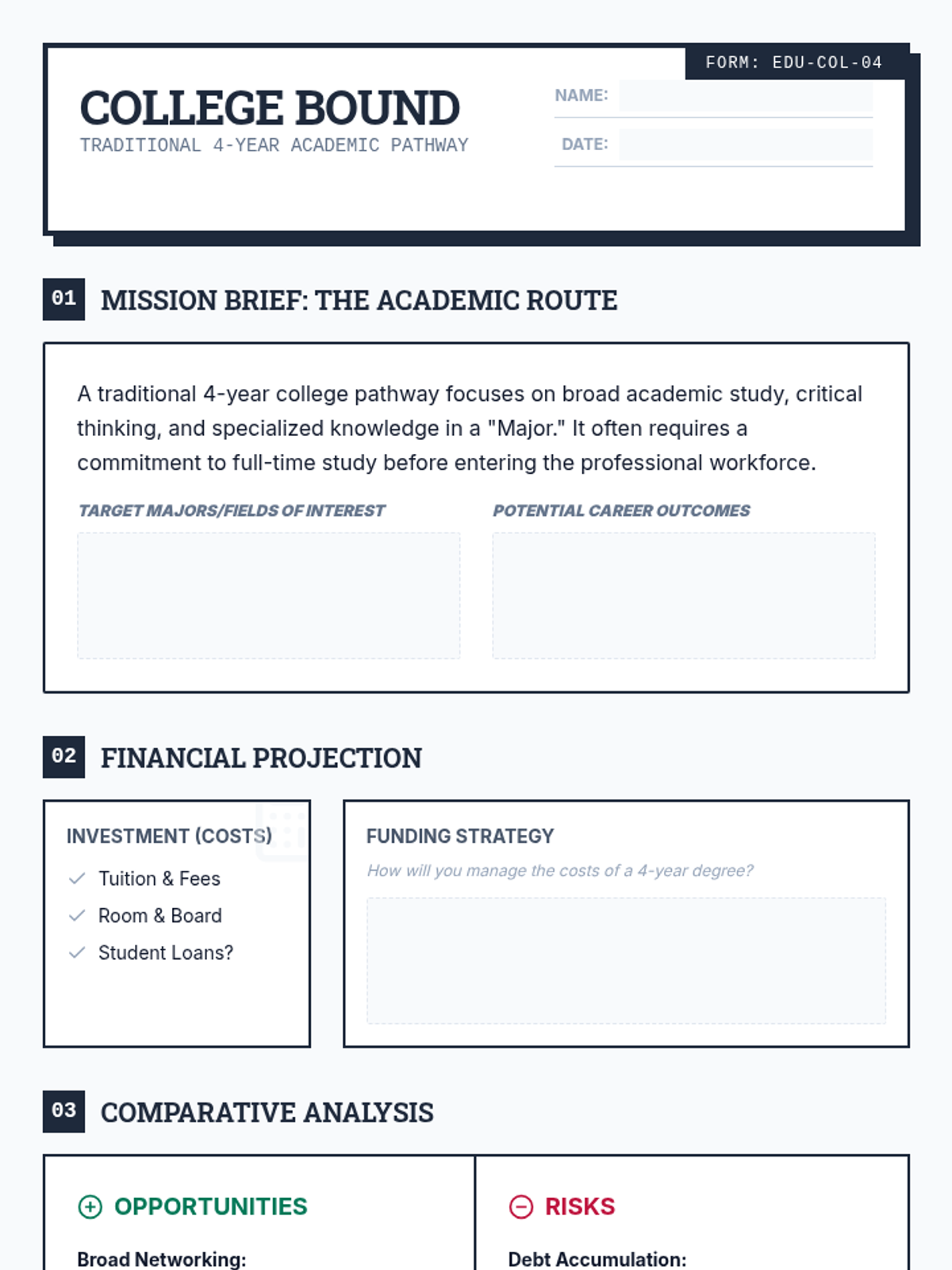
A collection of visual checklists and organizers to help high school students navigate the complex transition to post-secondary life, covering college, trade schools, military, and the workforce.
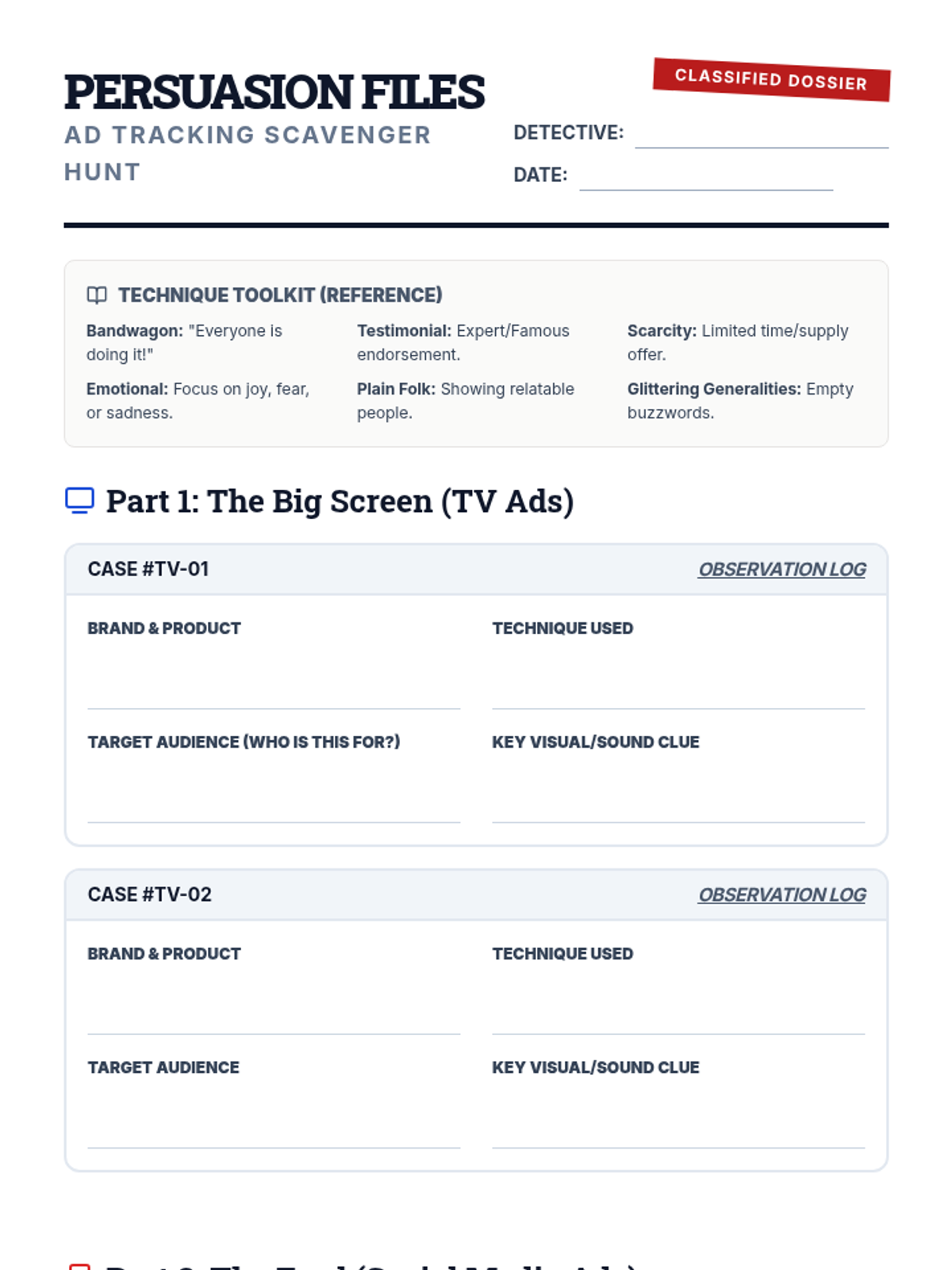
Students become 'Ad Detectives' to uncover the hidden persuasion tactics used in television and social media advertising. This lesson provides the tools and framework for a hands-on investigation of modern marketing strategies.
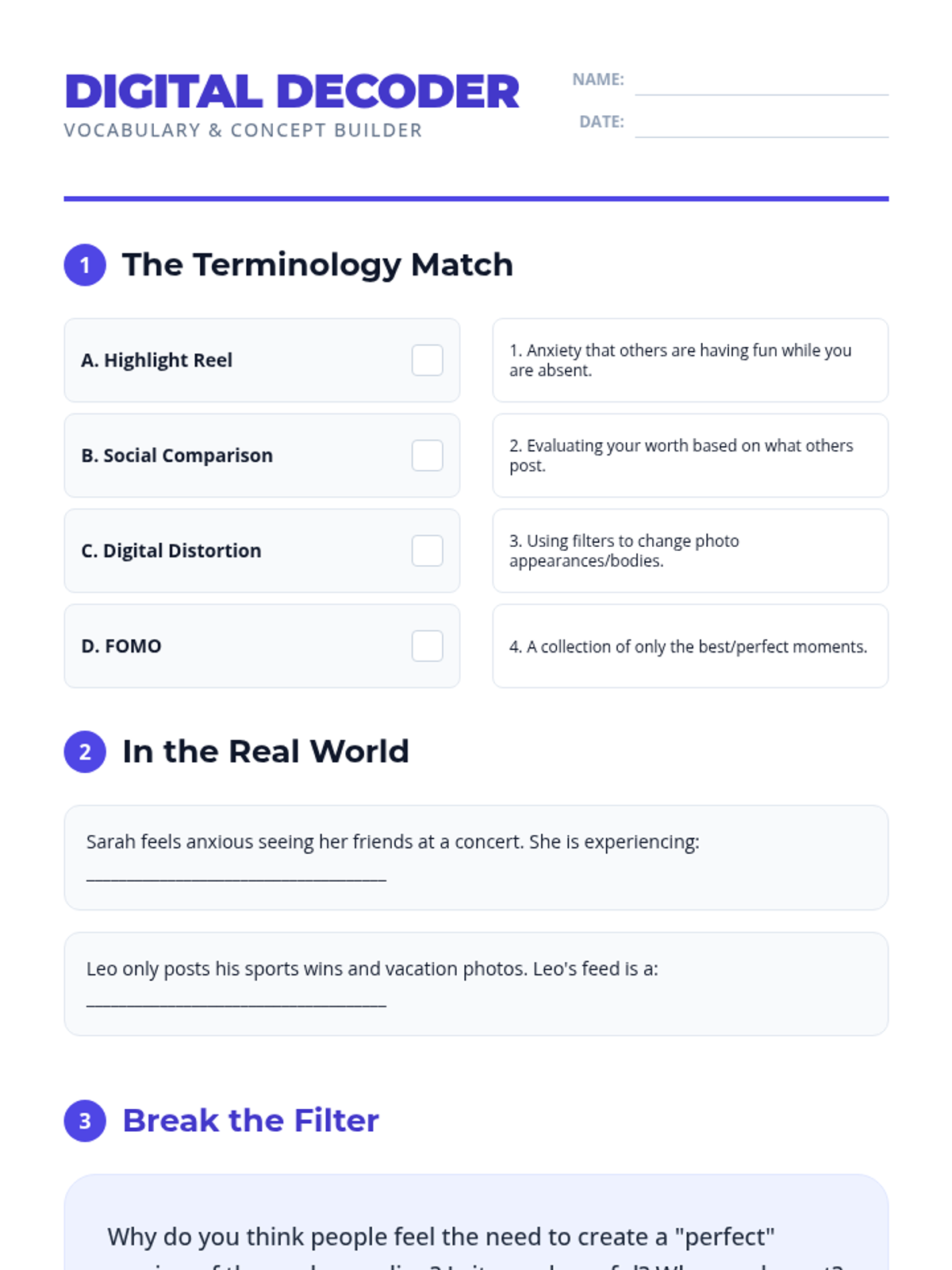
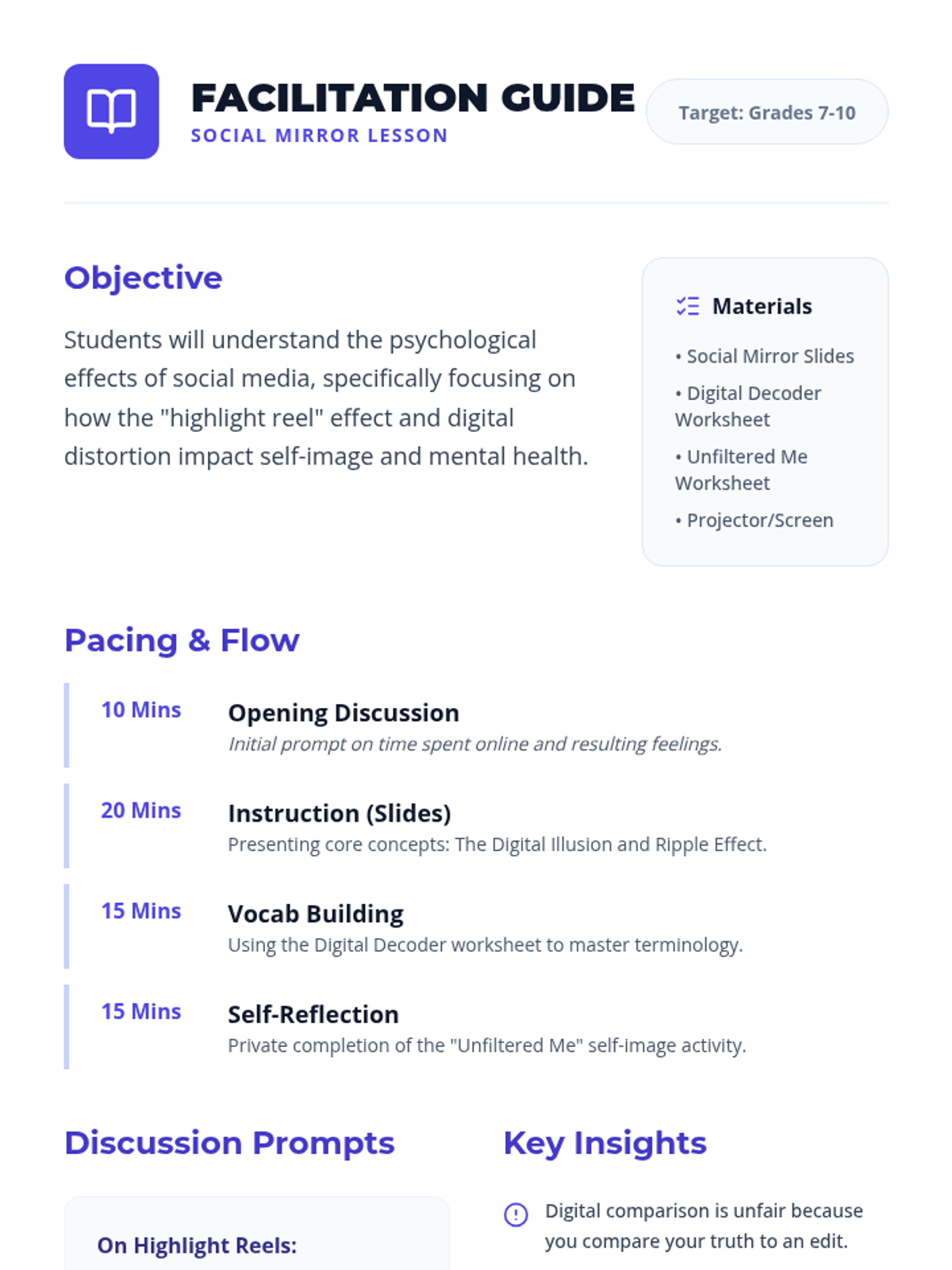
This lesson explores the psychological impacts of social media, focusing on the 'highlight reel' effect, body image, and self-perception. Students will learn to navigate digital spaces with a critical eye and build a positive self-image rooted in reality.
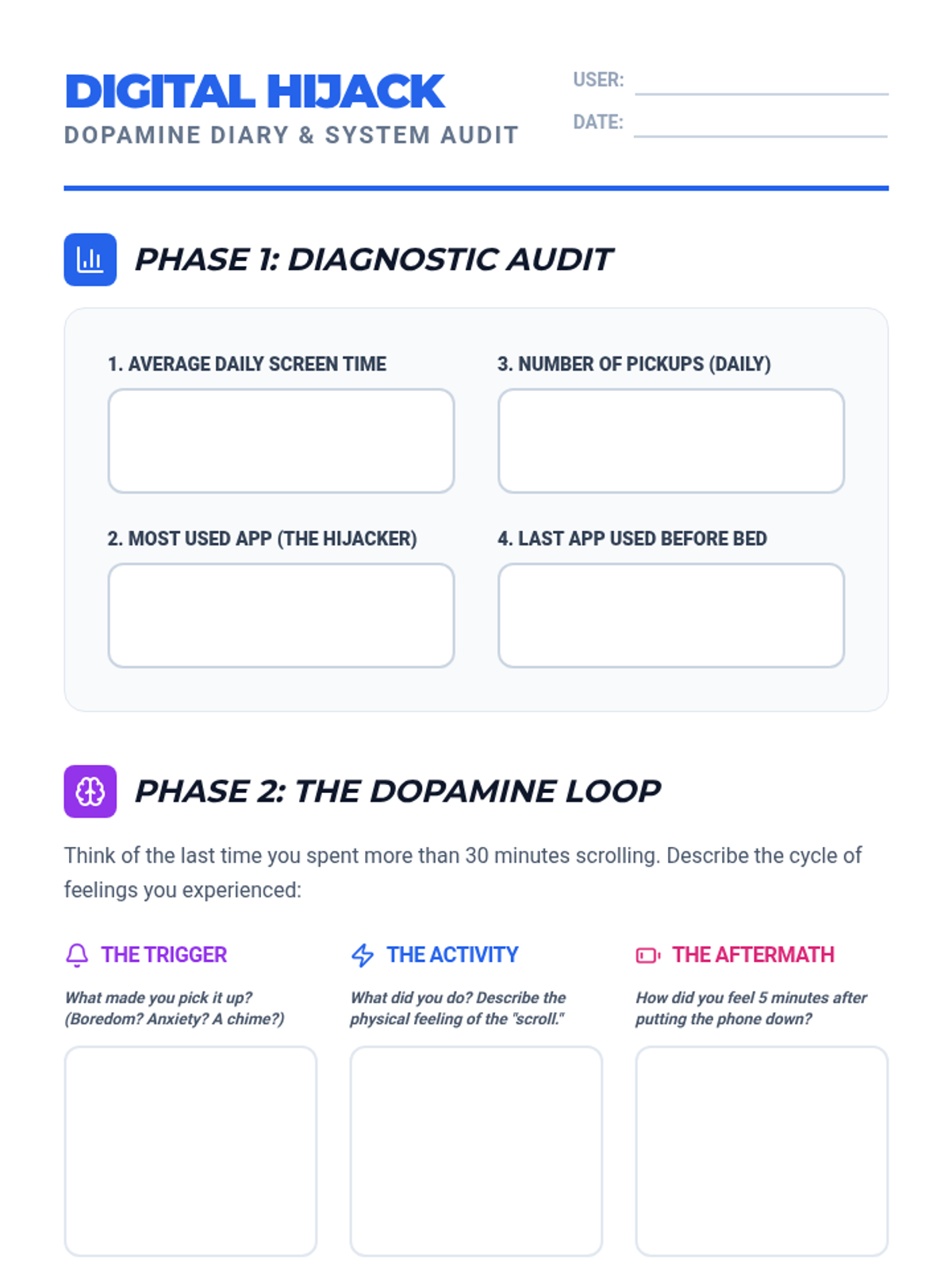
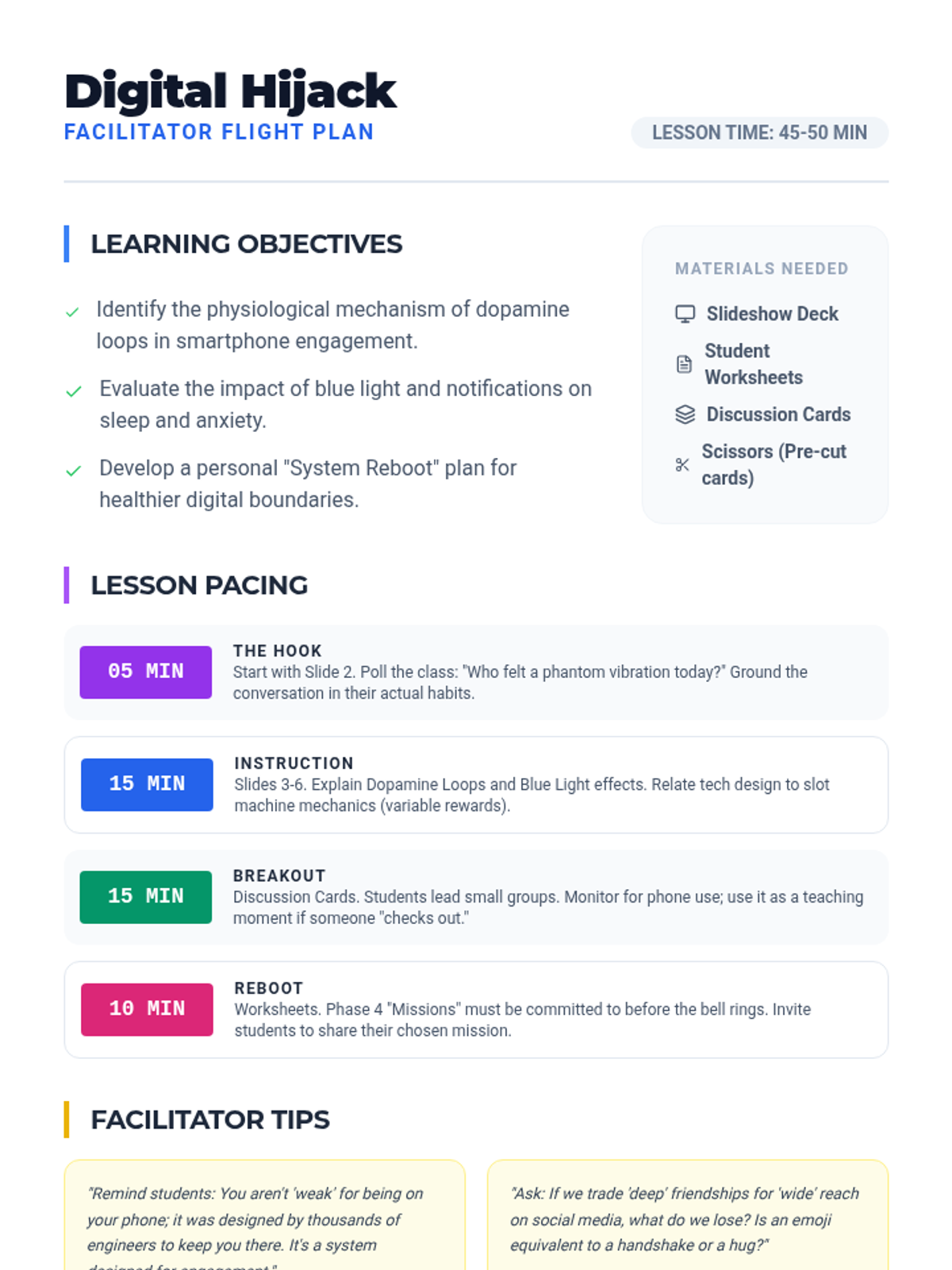
A comprehensive lesson for teenagers exploring the physiological and psychological impacts of smartphone addiction, covering dopamine loops, sleep disruption, anxiety, and social isolation.
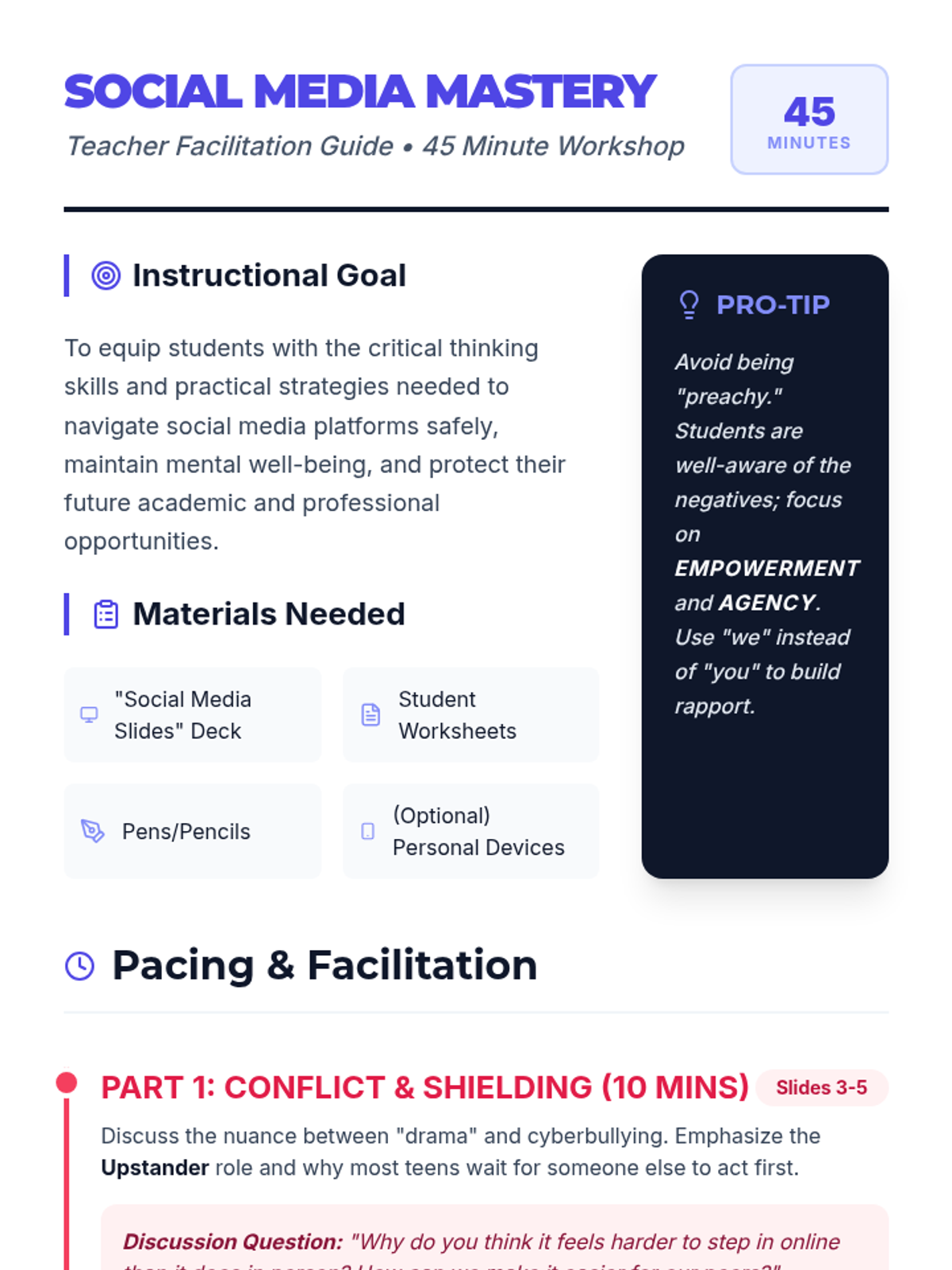
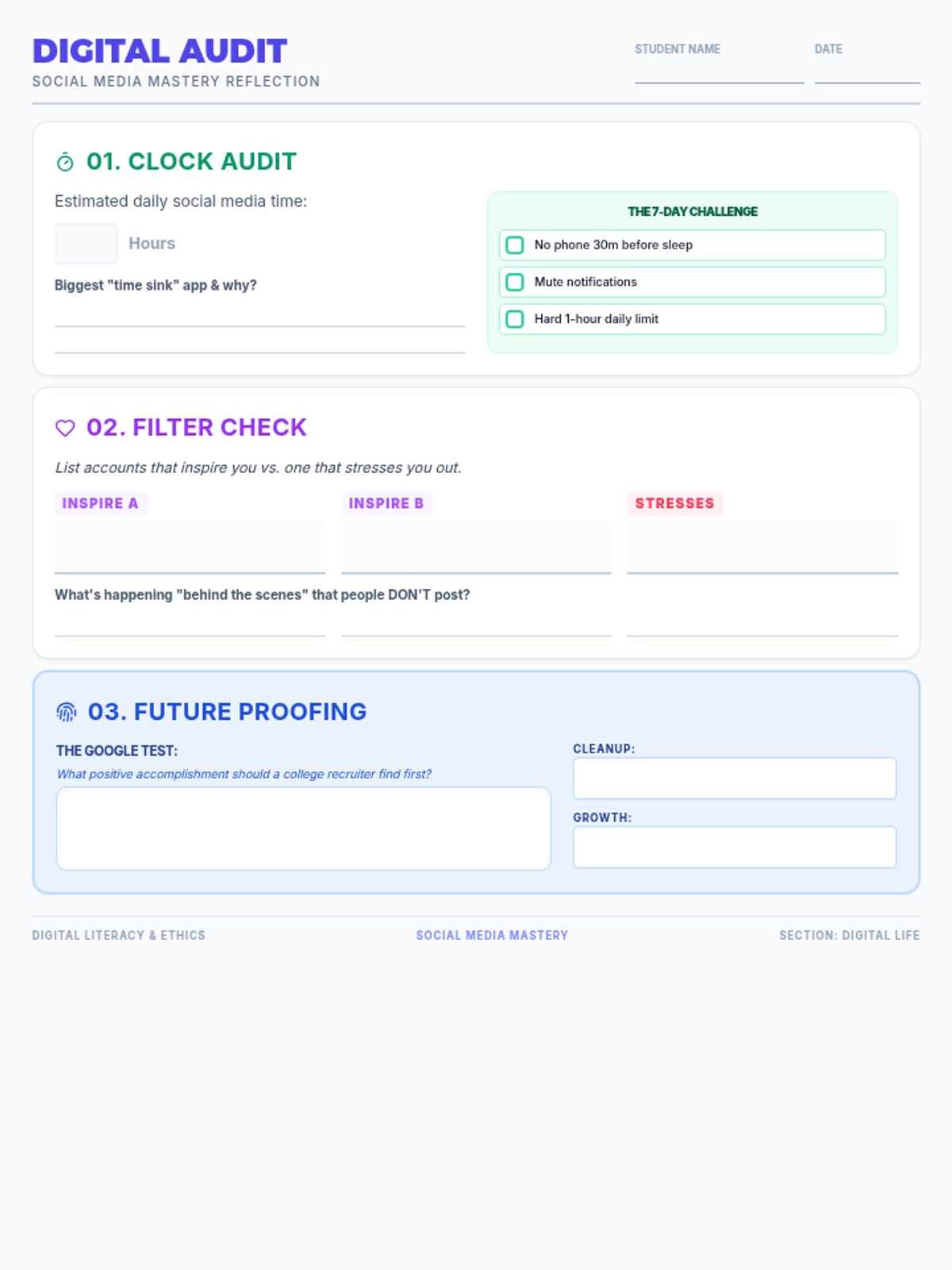
A comprehensive 45-minute lesson covering the critical pillars of responsible social media use, including digital citizenship, mental well-being, and future-proofing one's online presence.
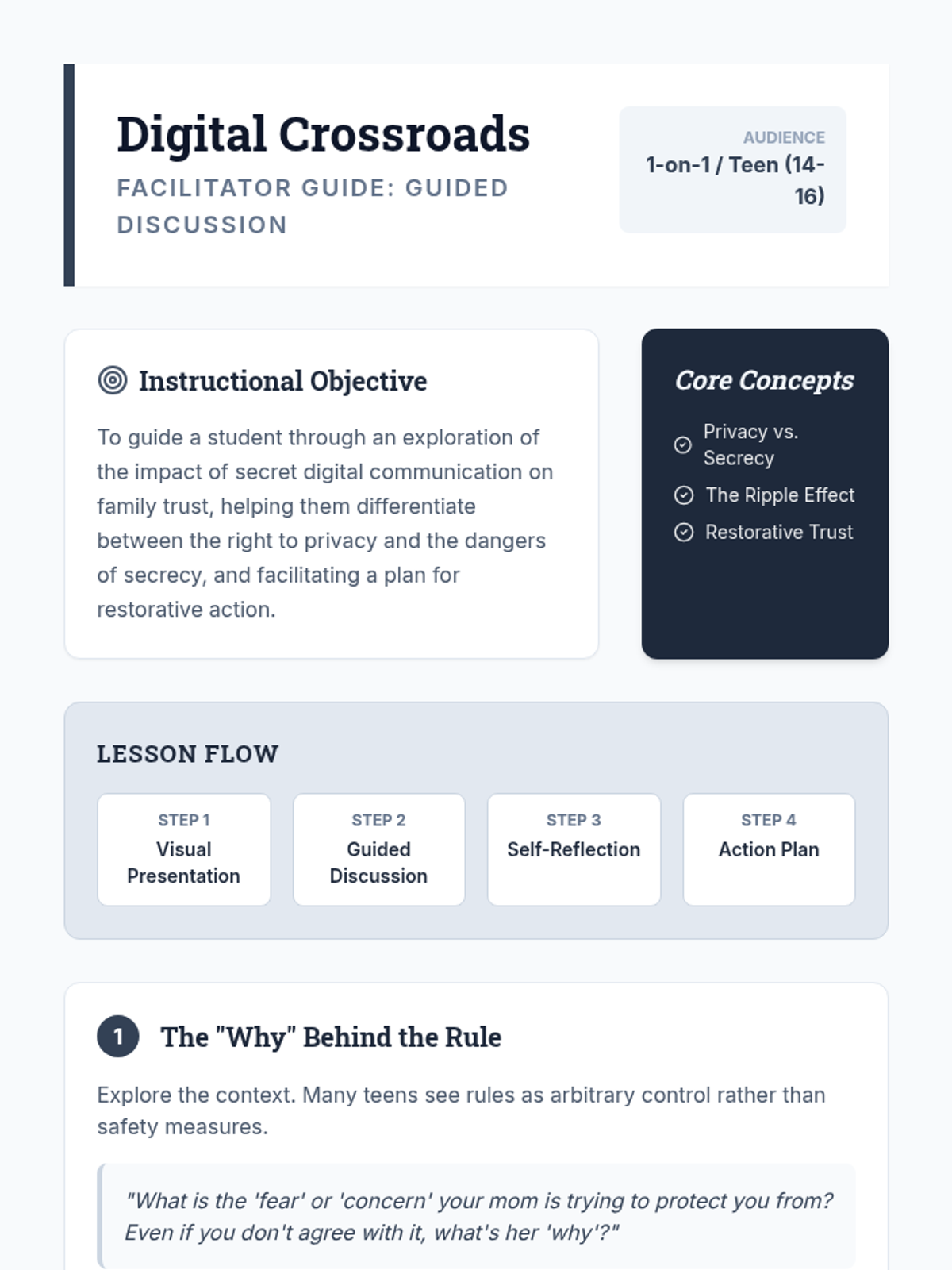
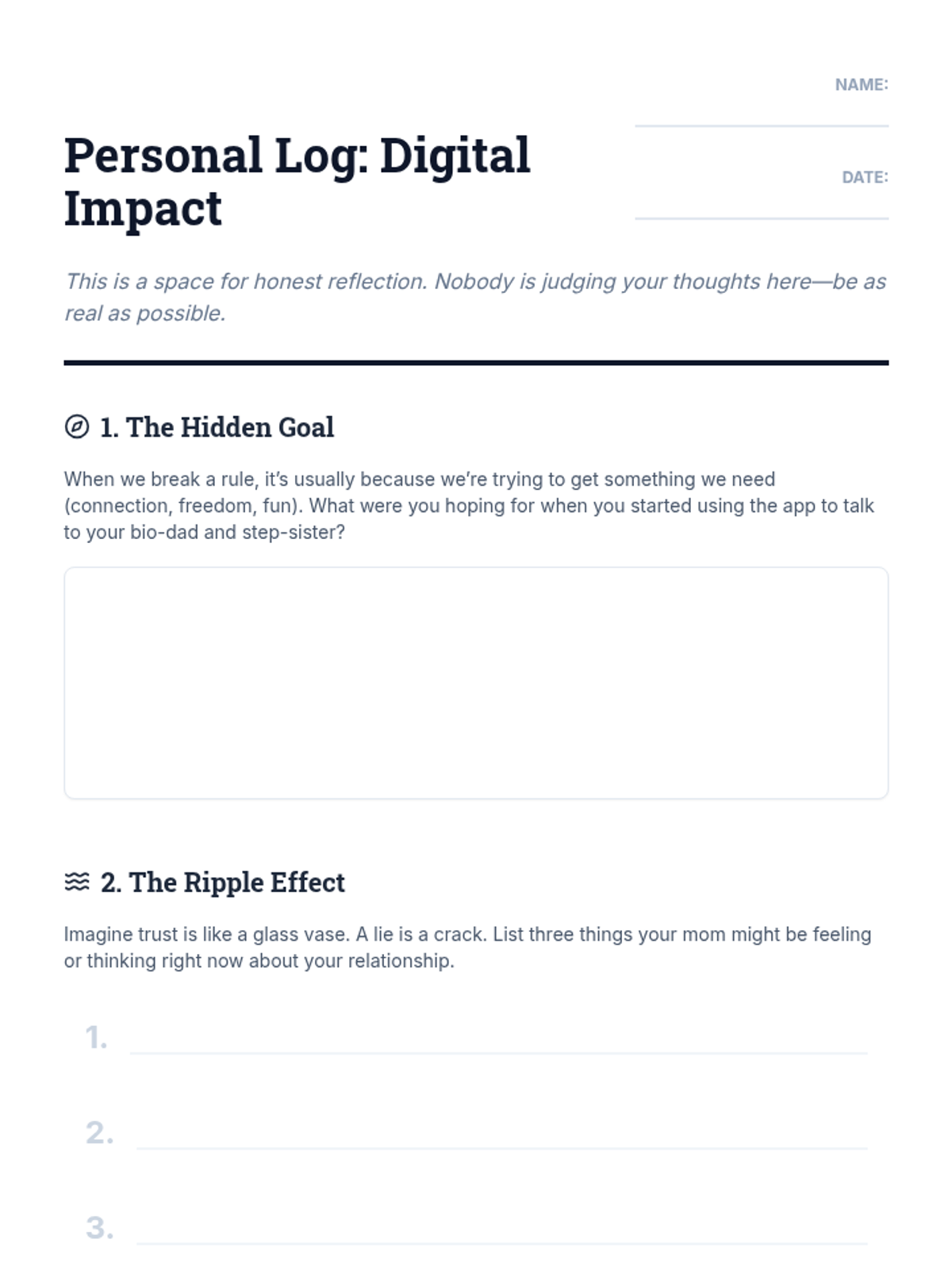
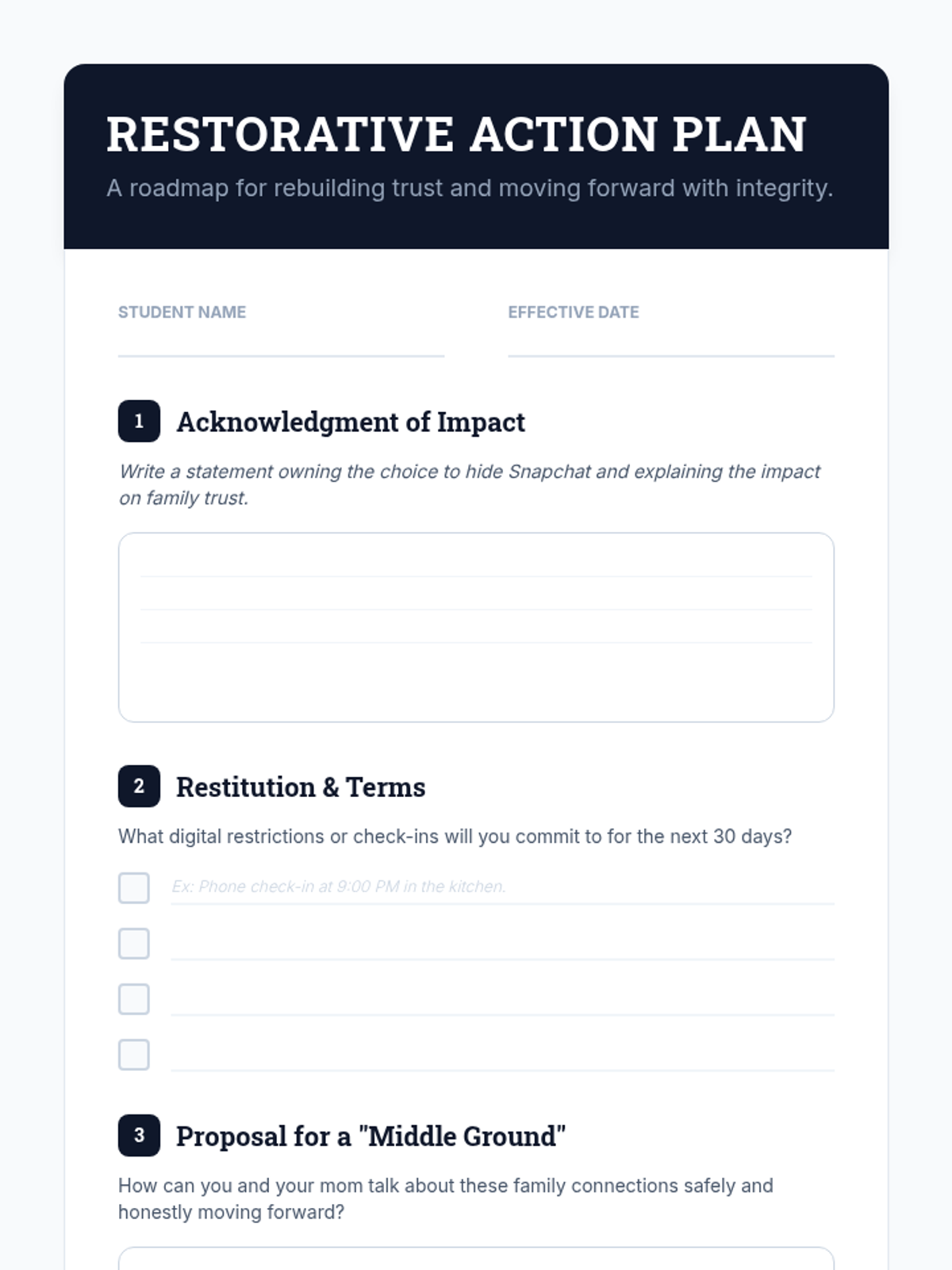
A restorative lesson designed for a teenager to navigate the complexities of digital boundaries, family trust, and secret communication. It focuses on the difference between privacy and secrecy while providing a path forward through restorative justice.
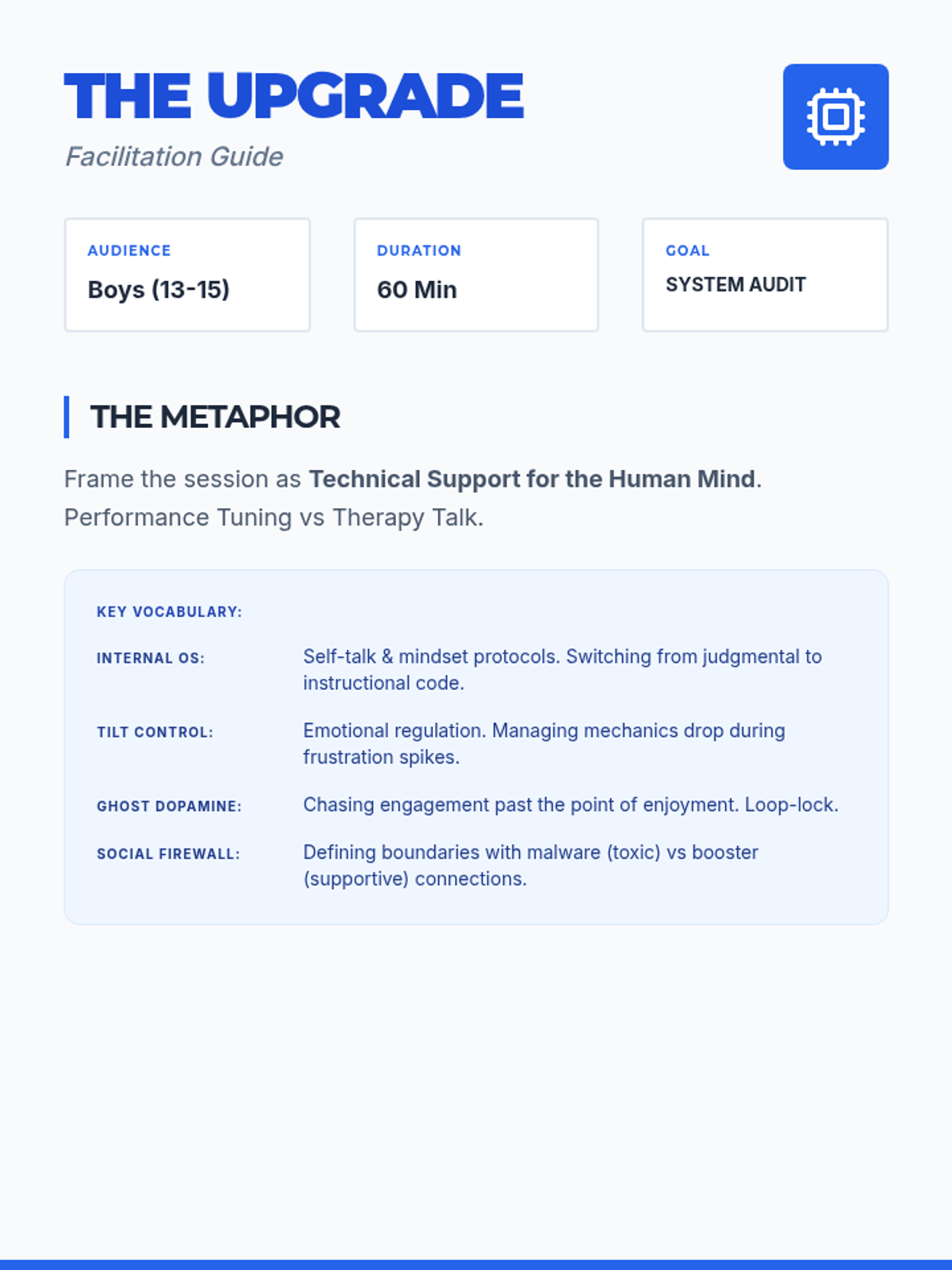
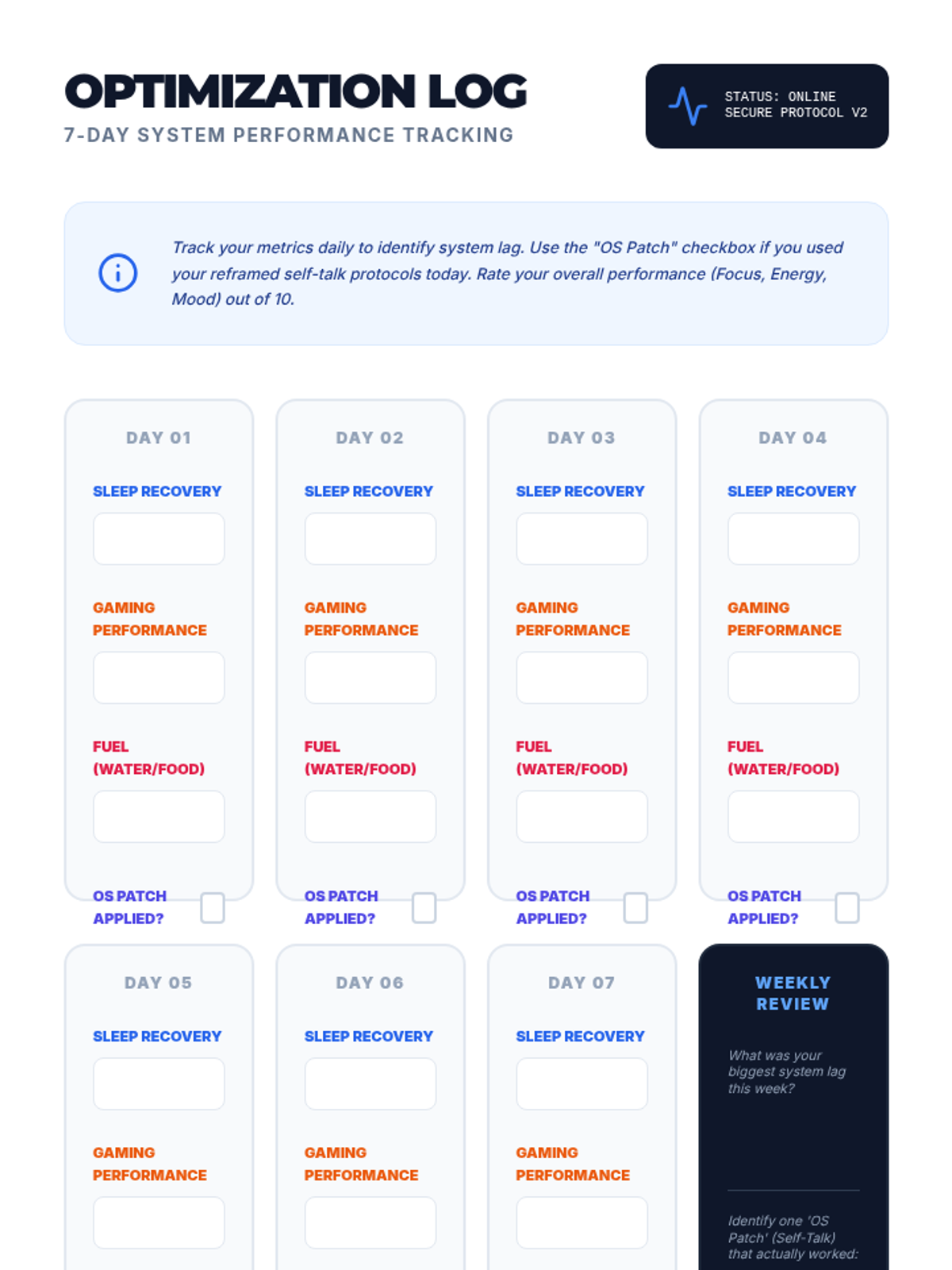
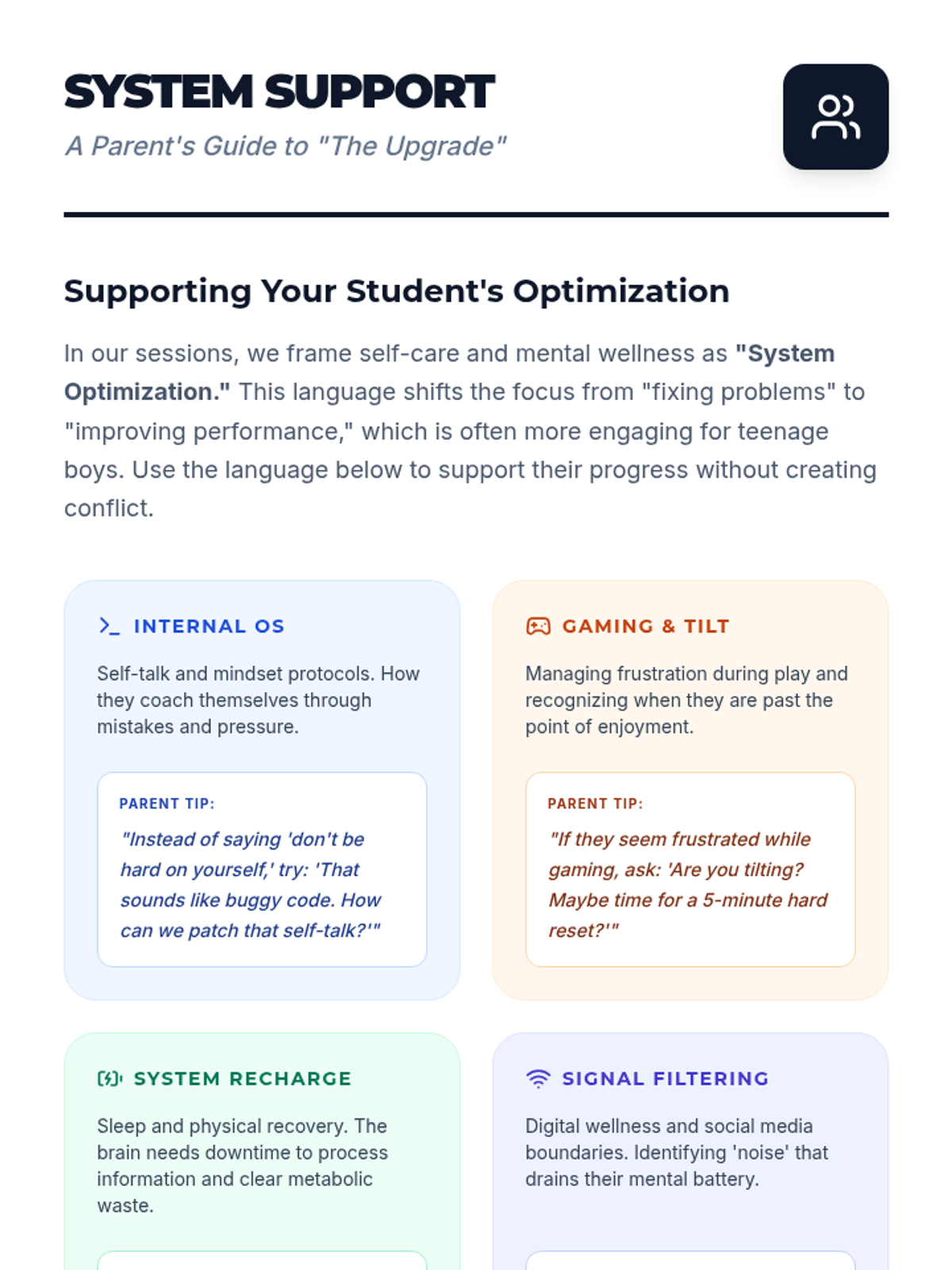
A specialized individual counseling lesson designed for teenage boys, framing self-care and positive self-talk as 'system optimization' for peak performance in digital and physical life.
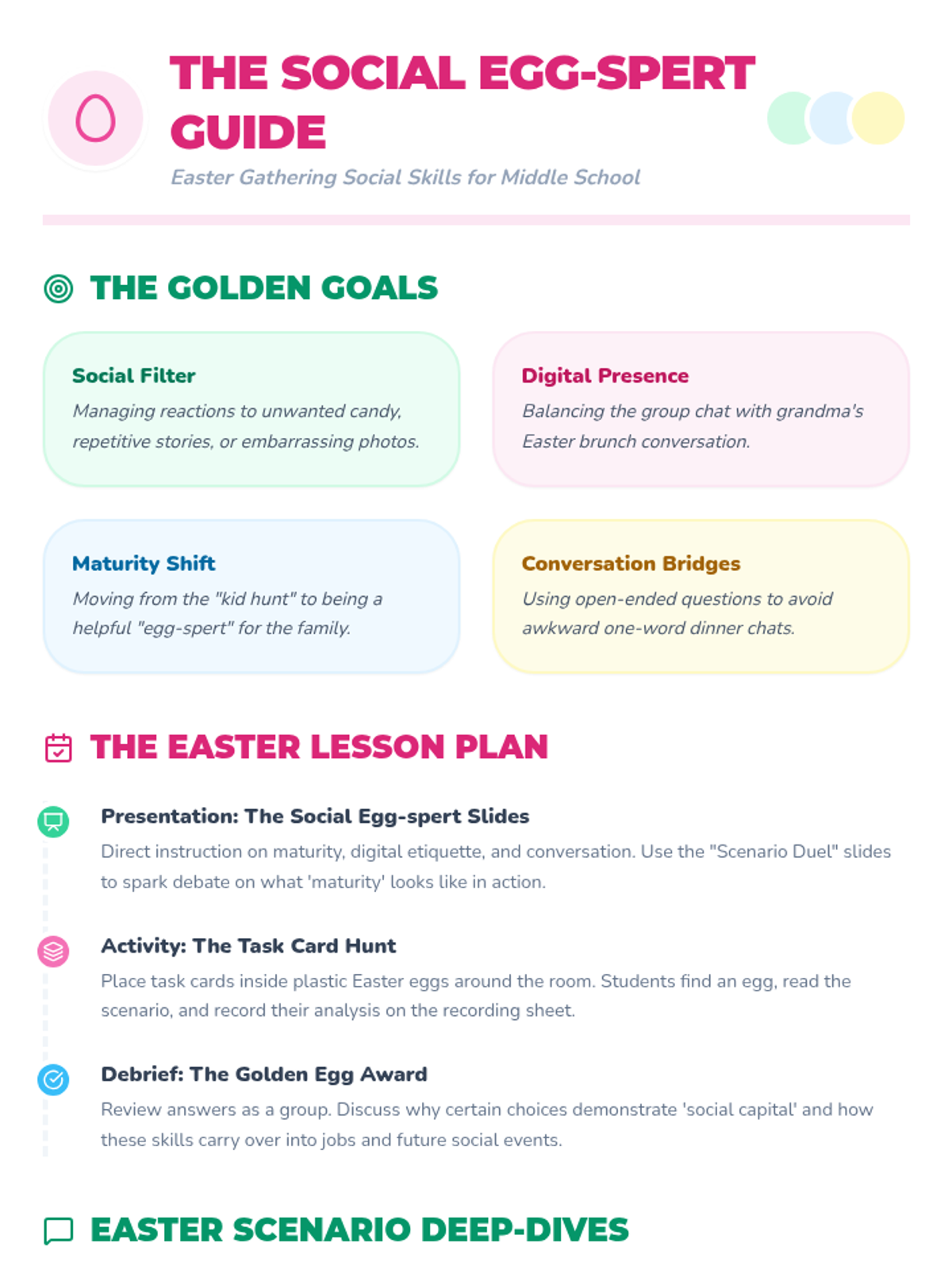
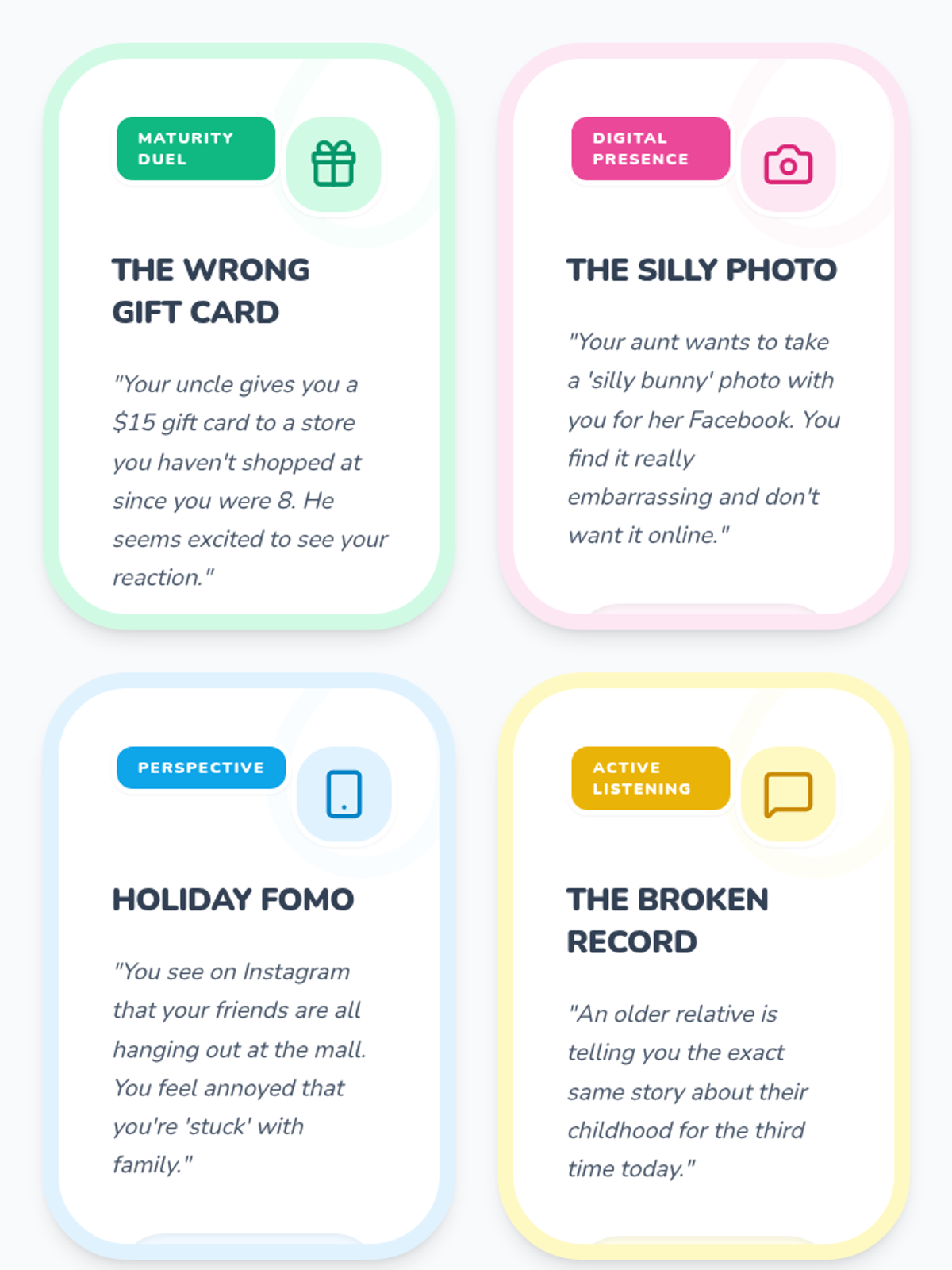
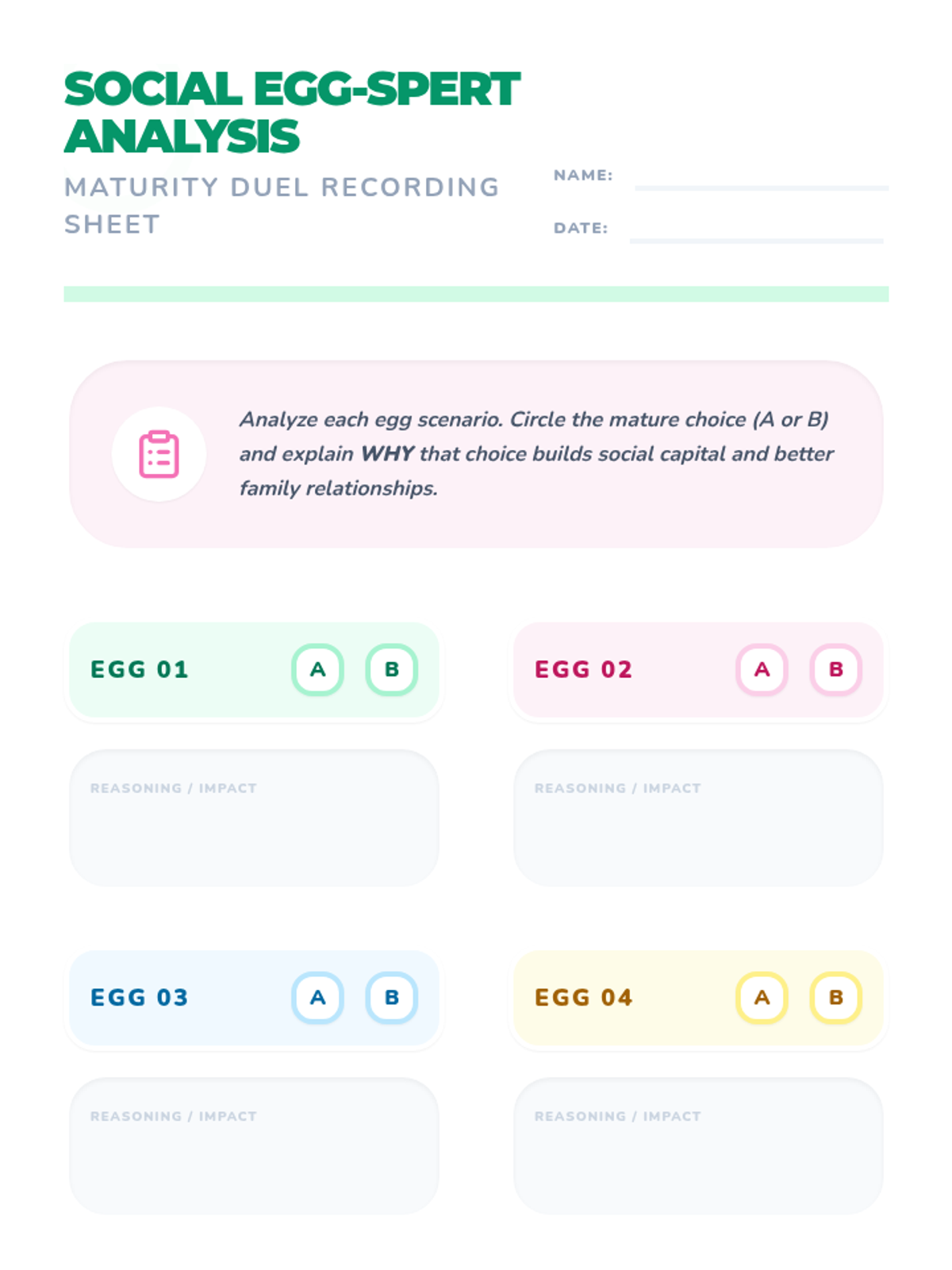
A social skills lesson focused on navigating common holiday situations like family gatherings, egg hunts, and conversations using an Easter theme. Includes interactive slides for group discussion and printable task cards for practice.
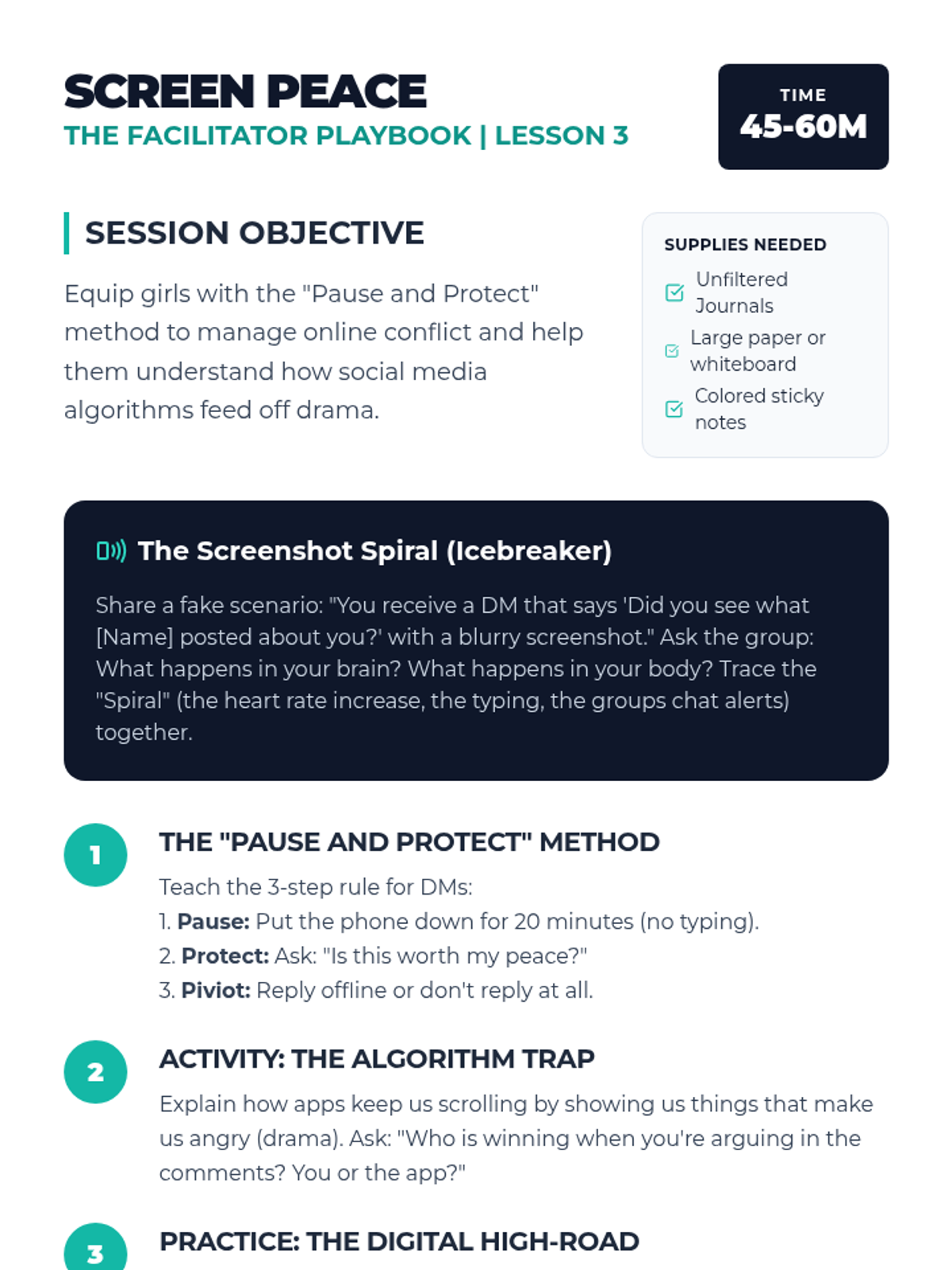
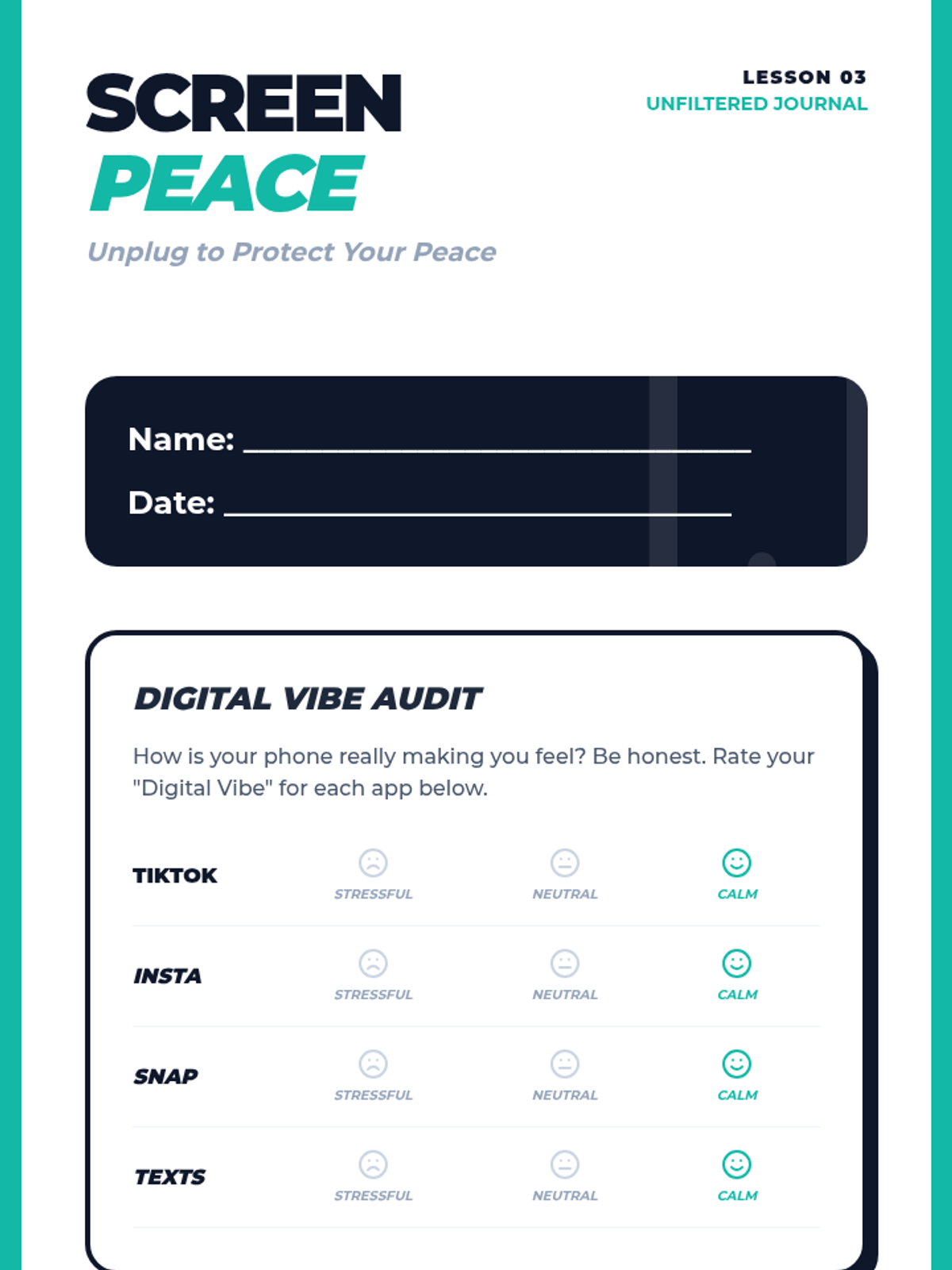
Students will analyze how digital interactions fuel drama and develop a 'Pause and Protect' strategy for managing online conflict and social media stress.
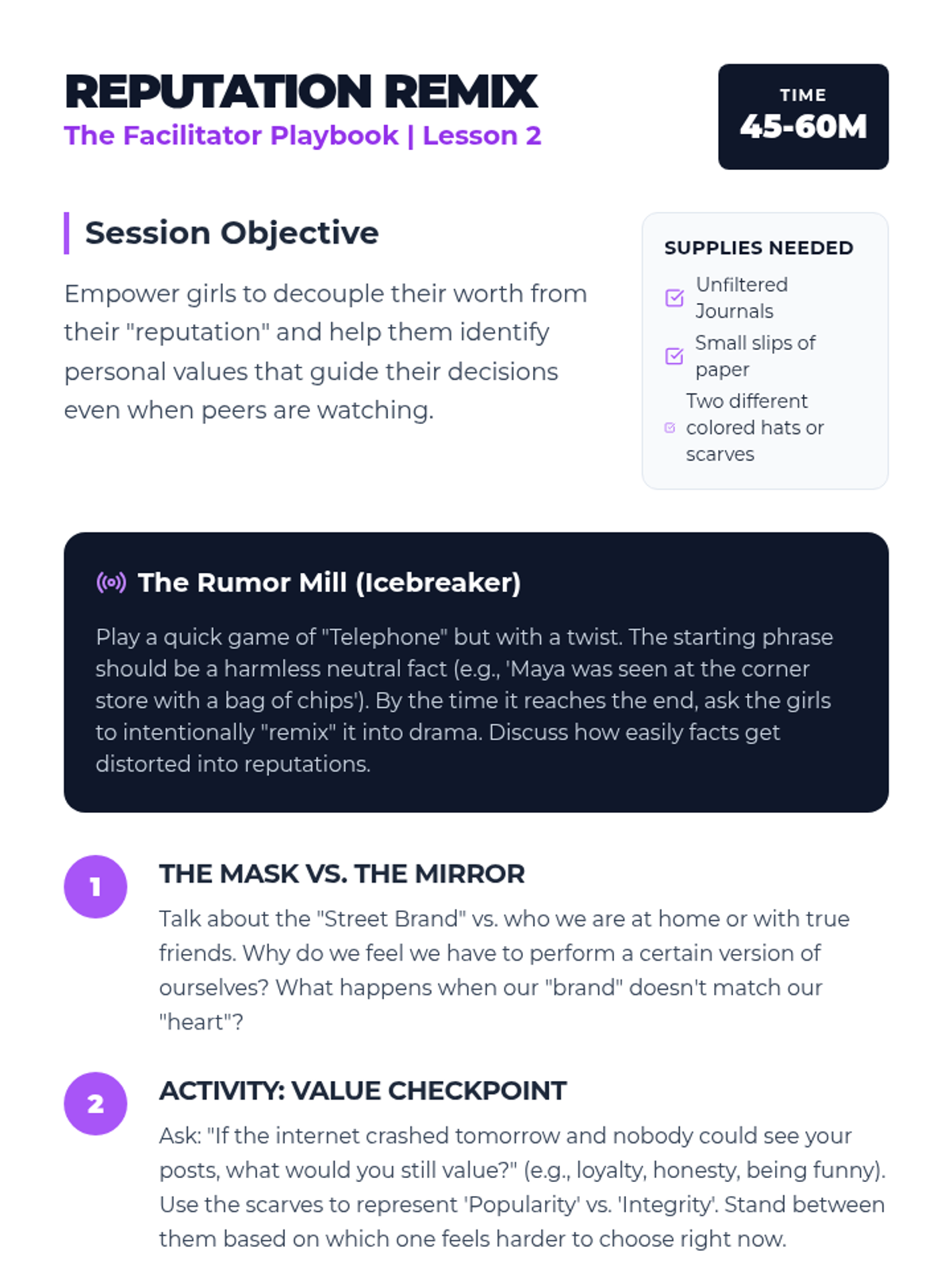
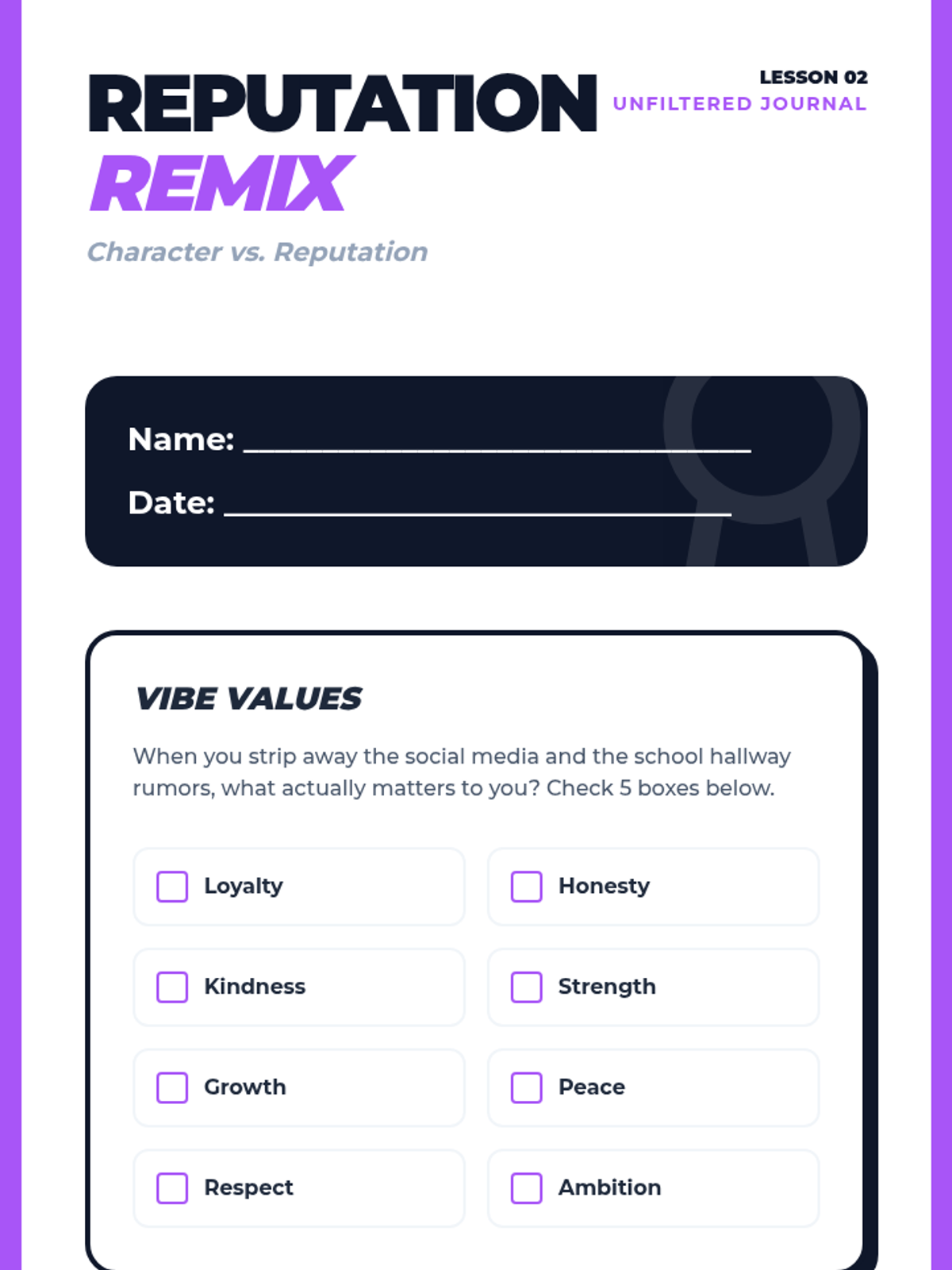
This lesson explores the pressure of maintaining a 'reputation' and provides strategies for staying true to personal values when faced with peer influence.
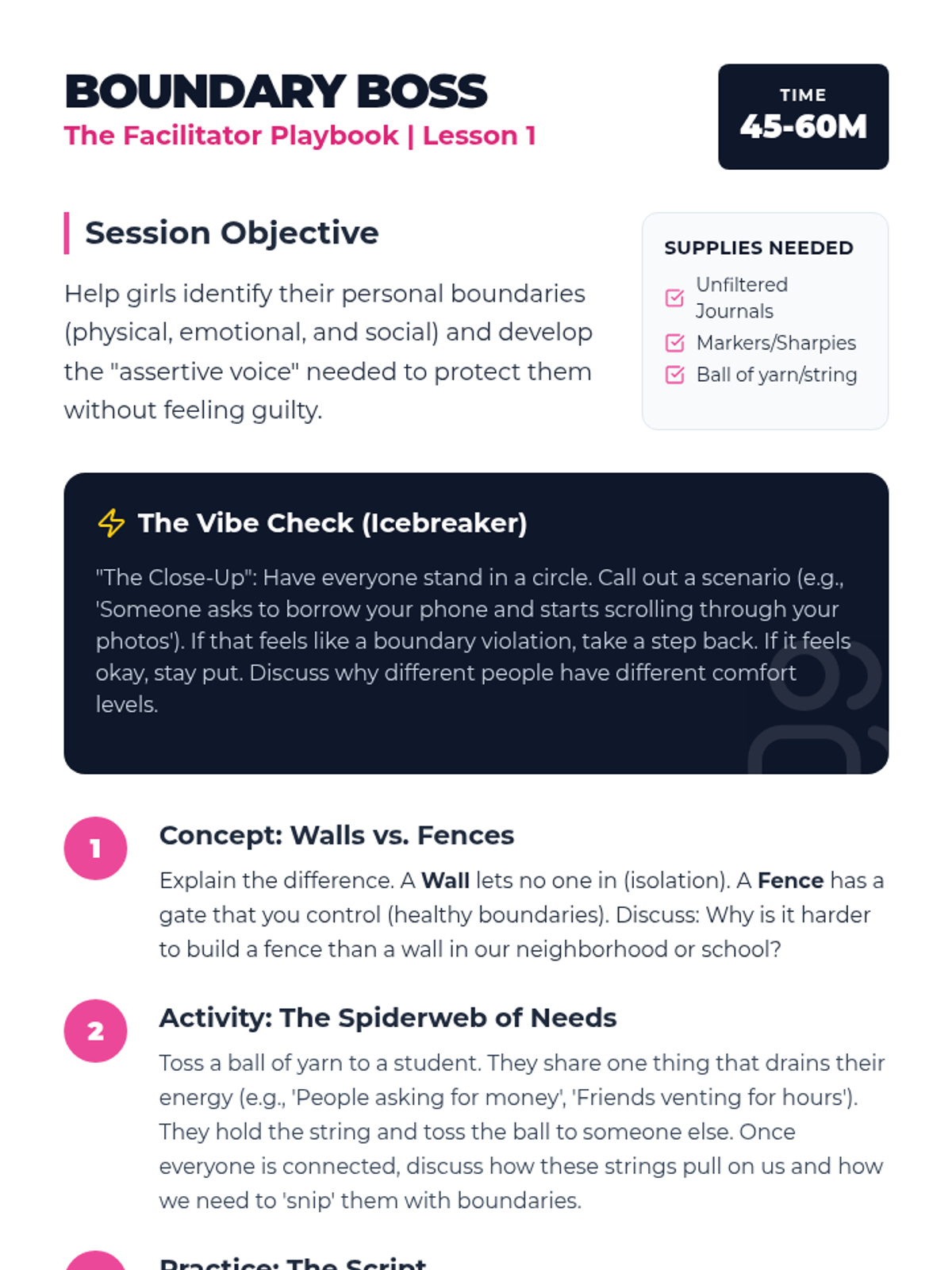
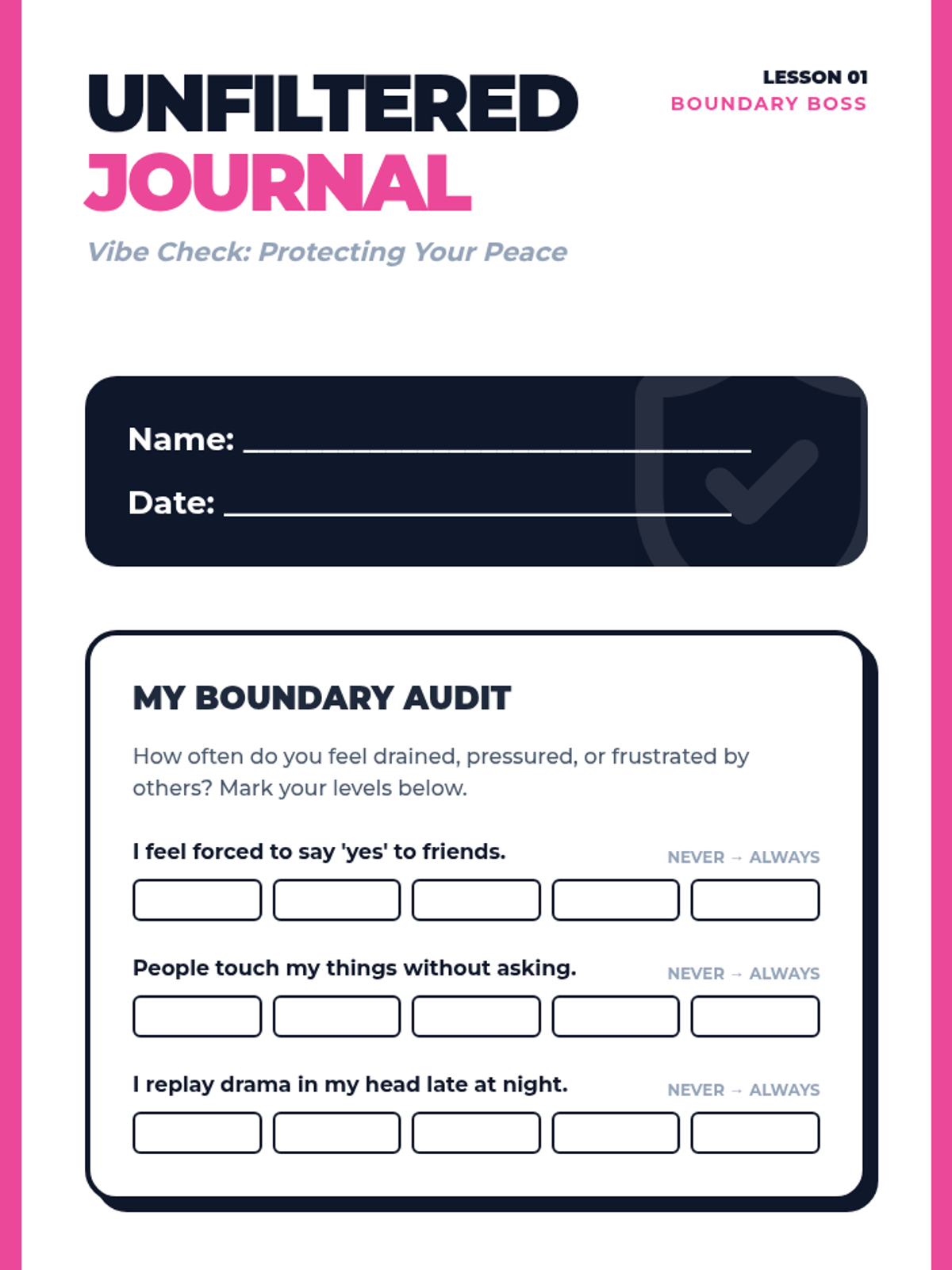
Students will learn to distinguish between healthy and unhealthy boundaries, practice assertive communication, and identify their personal 'safe space' limits.
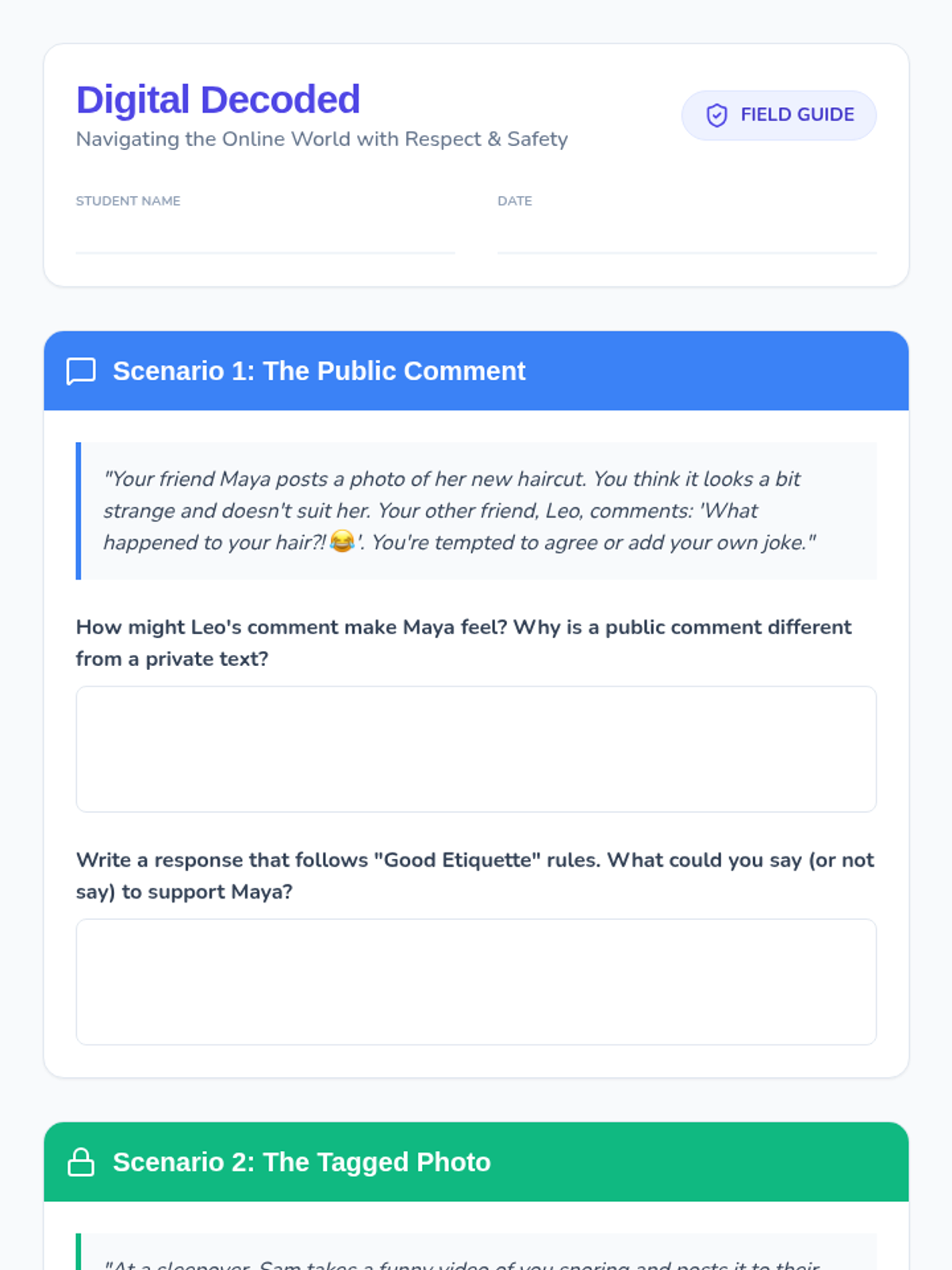
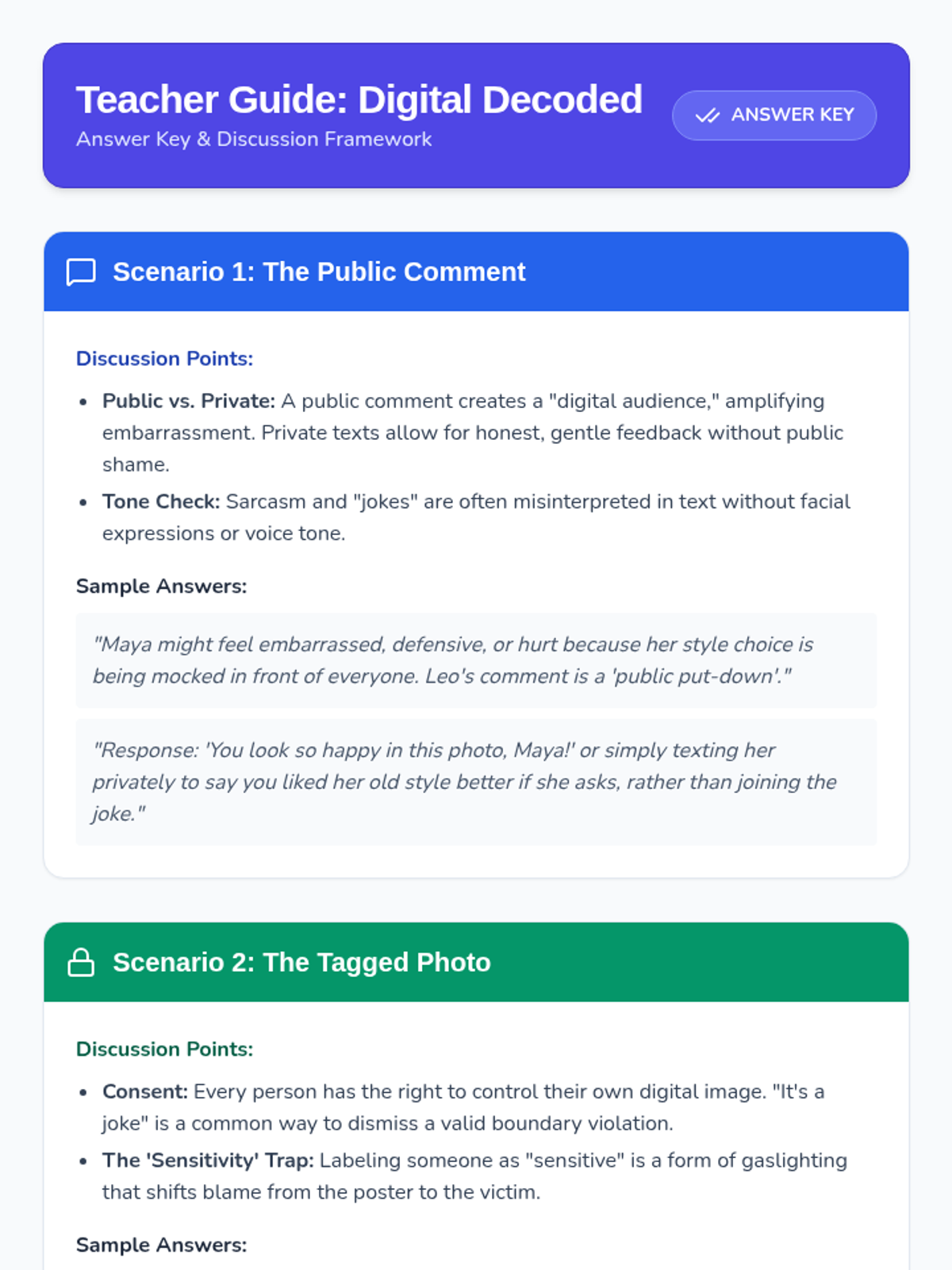
A lesson focused on navigating the complexities of digital life, covering social media etiquette, privacy boundaries, and cyberbullying prevention through realistic scenario-based learning.
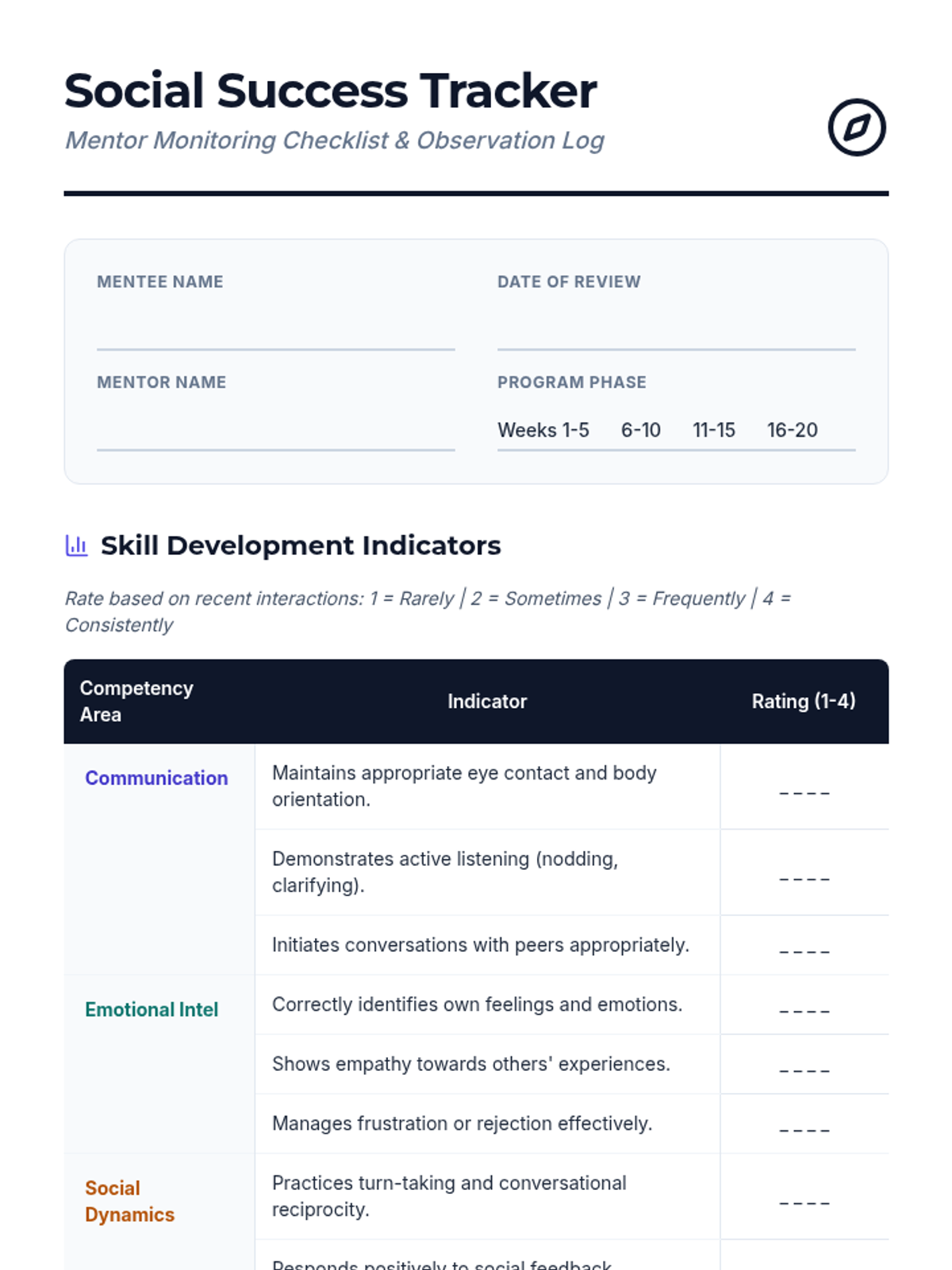
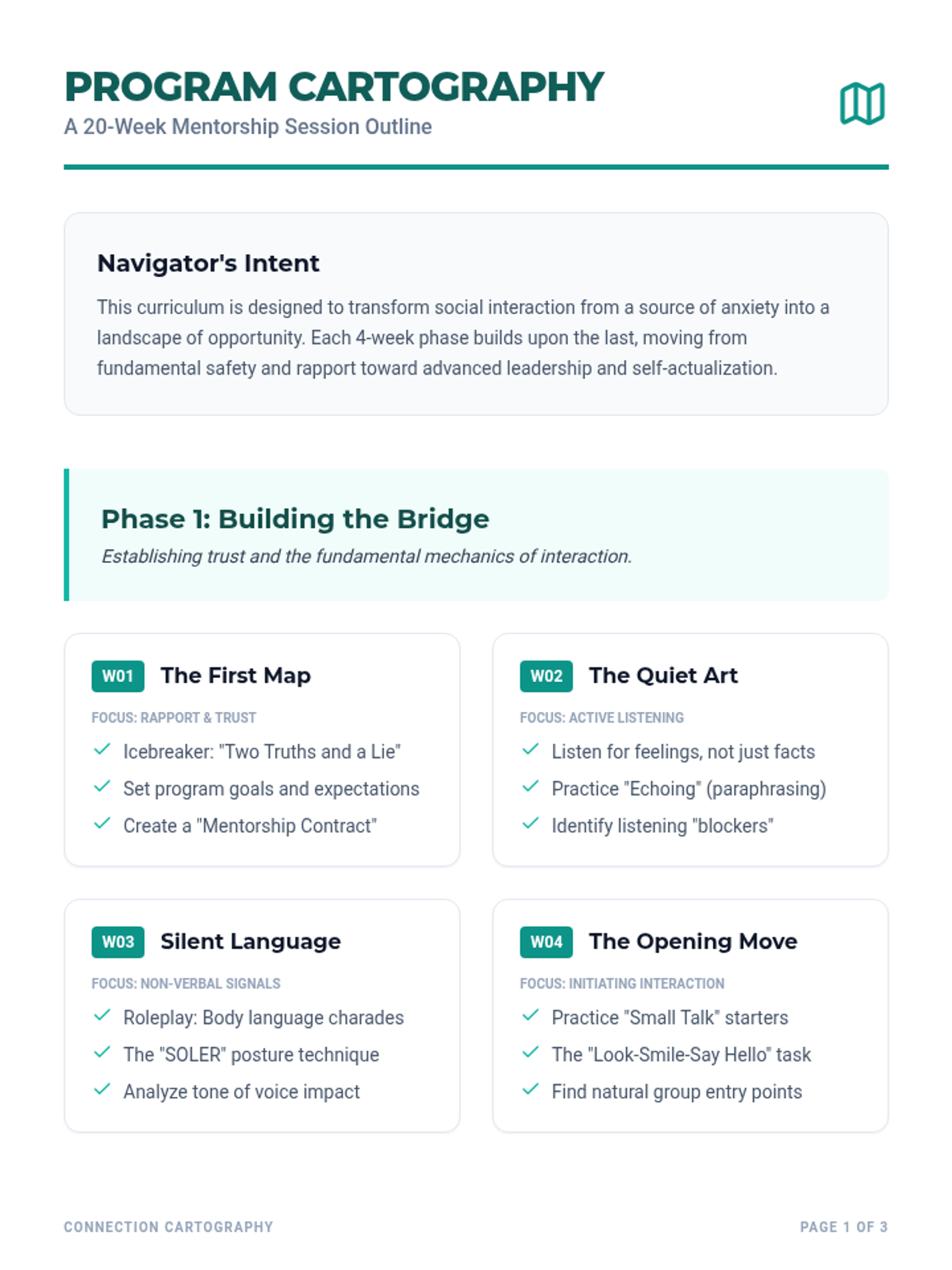
The core foundational resources for mentors to guide their mentees through the 20-session journey.
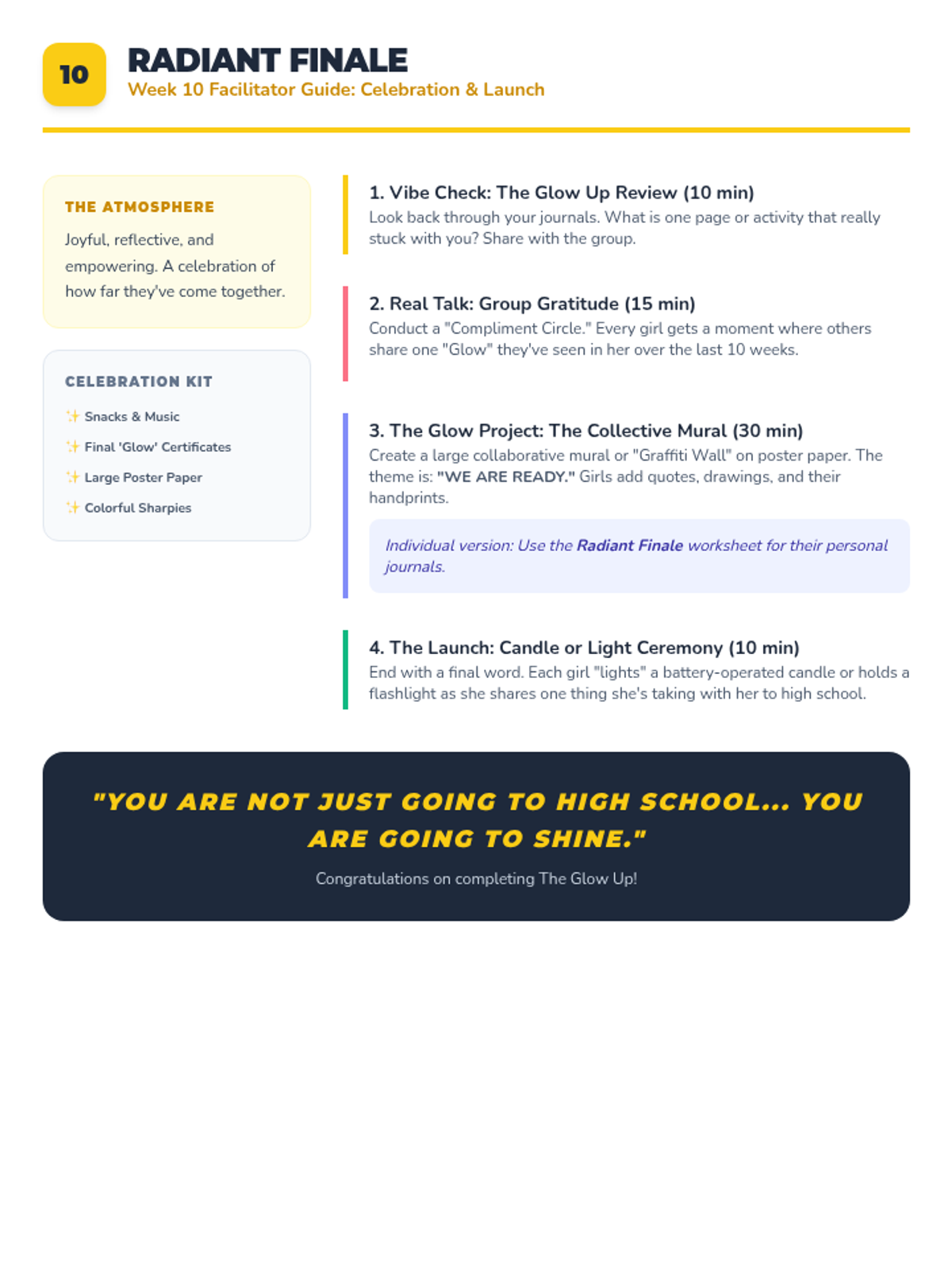
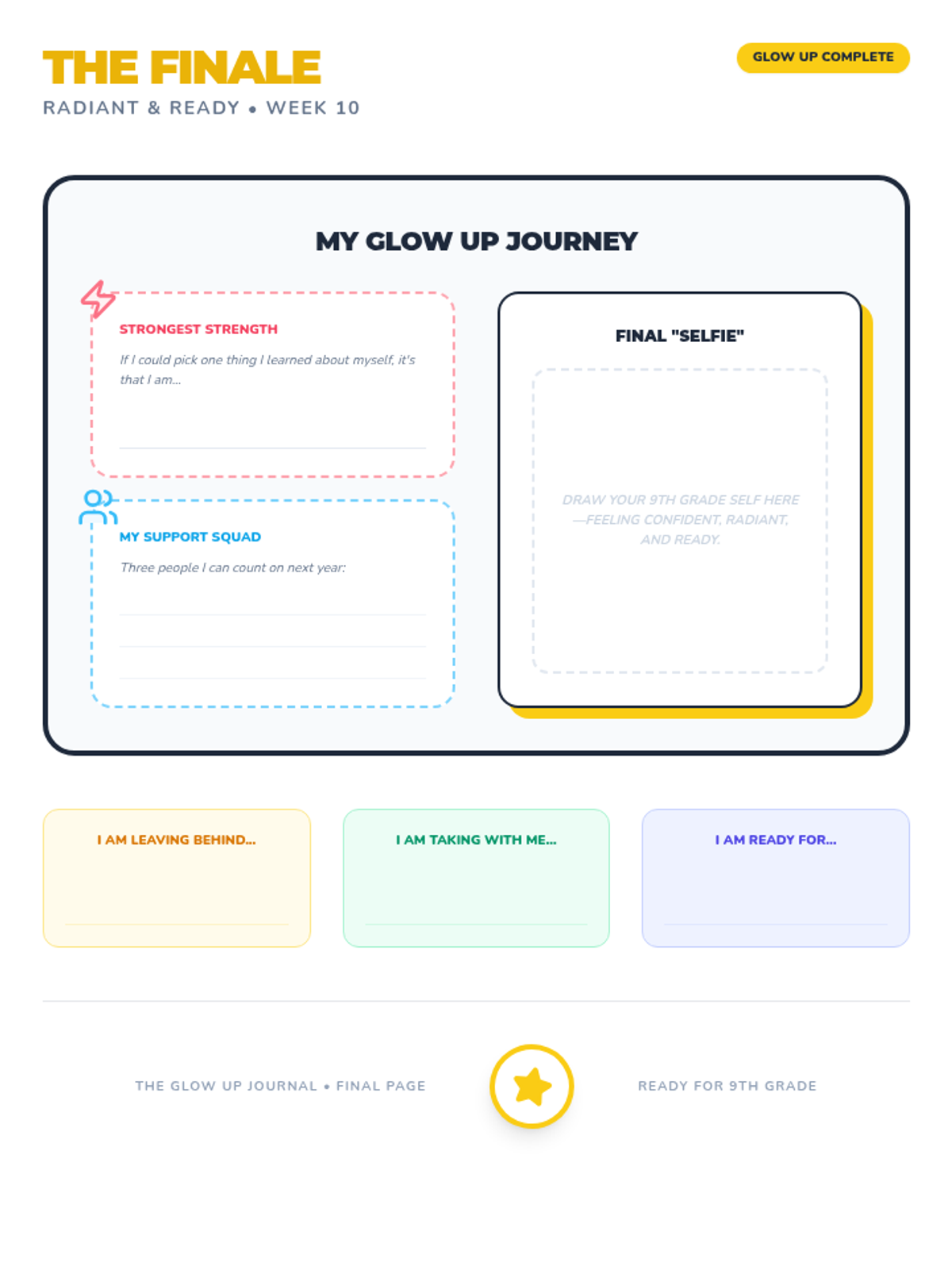
Celebrating the group's journey and individual growth with a final collaborative art piece and reflection.
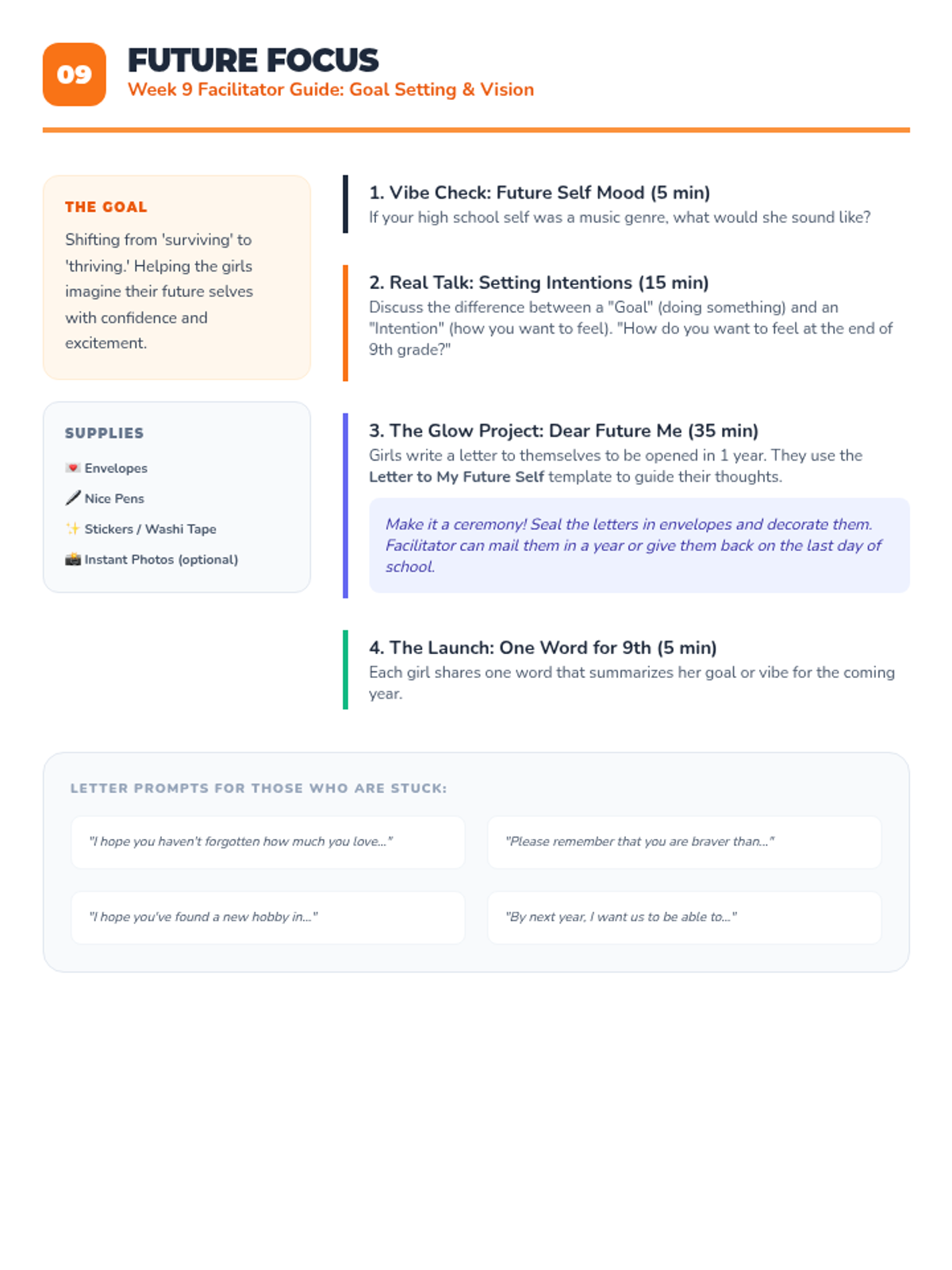
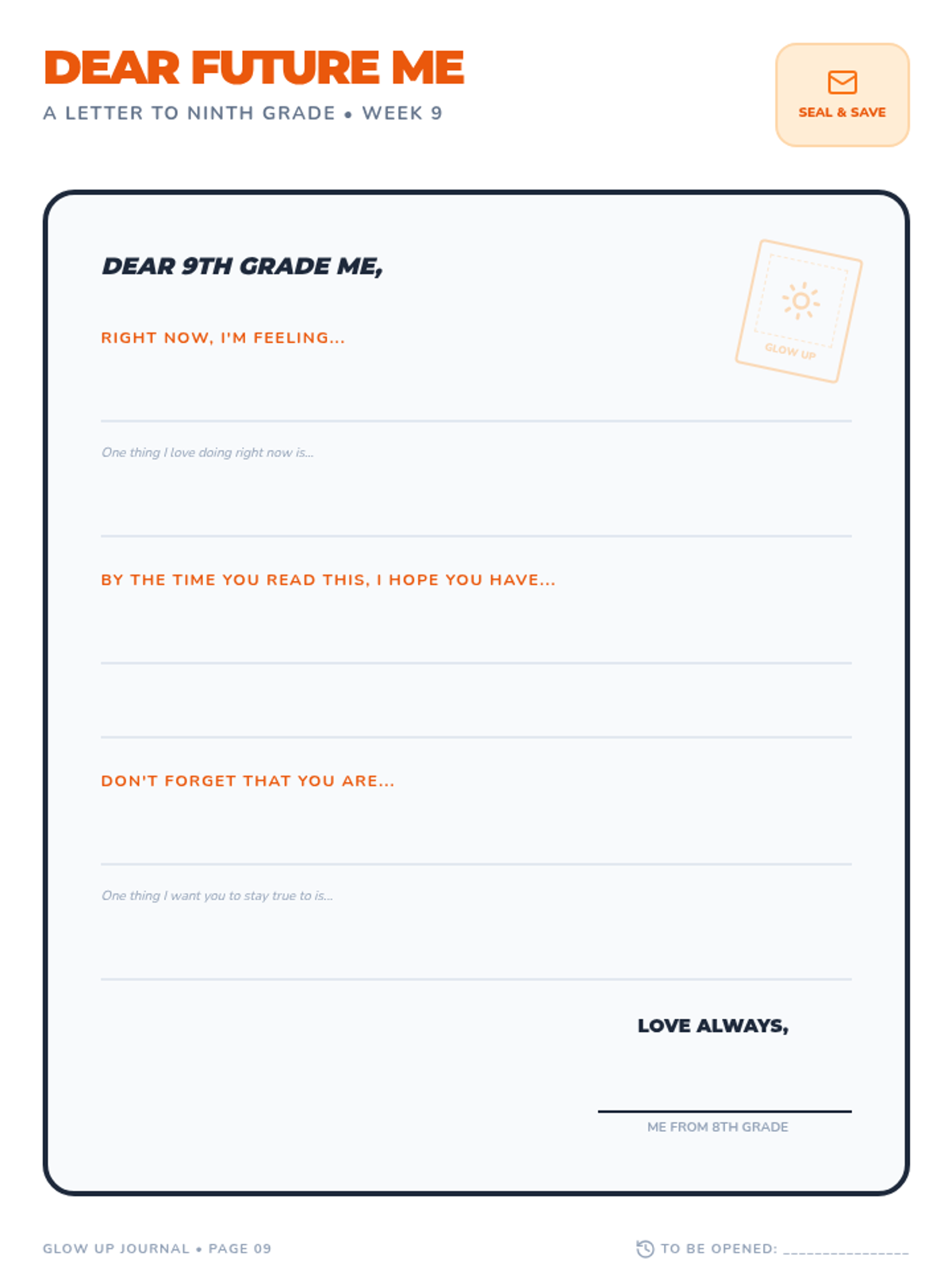
Goal setting and visioning for the future using a 'Letter to My 9th Grade Self' activity.
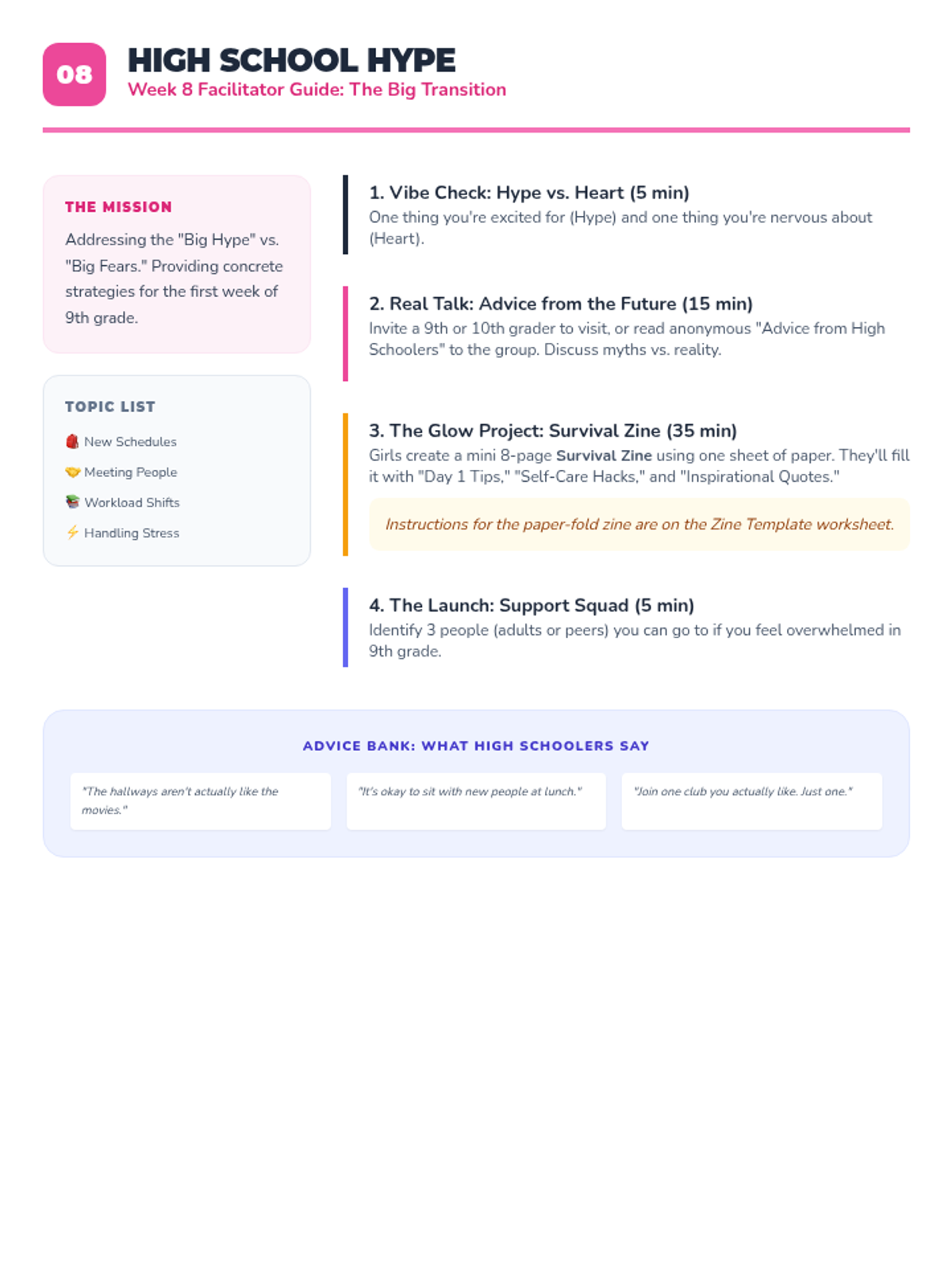
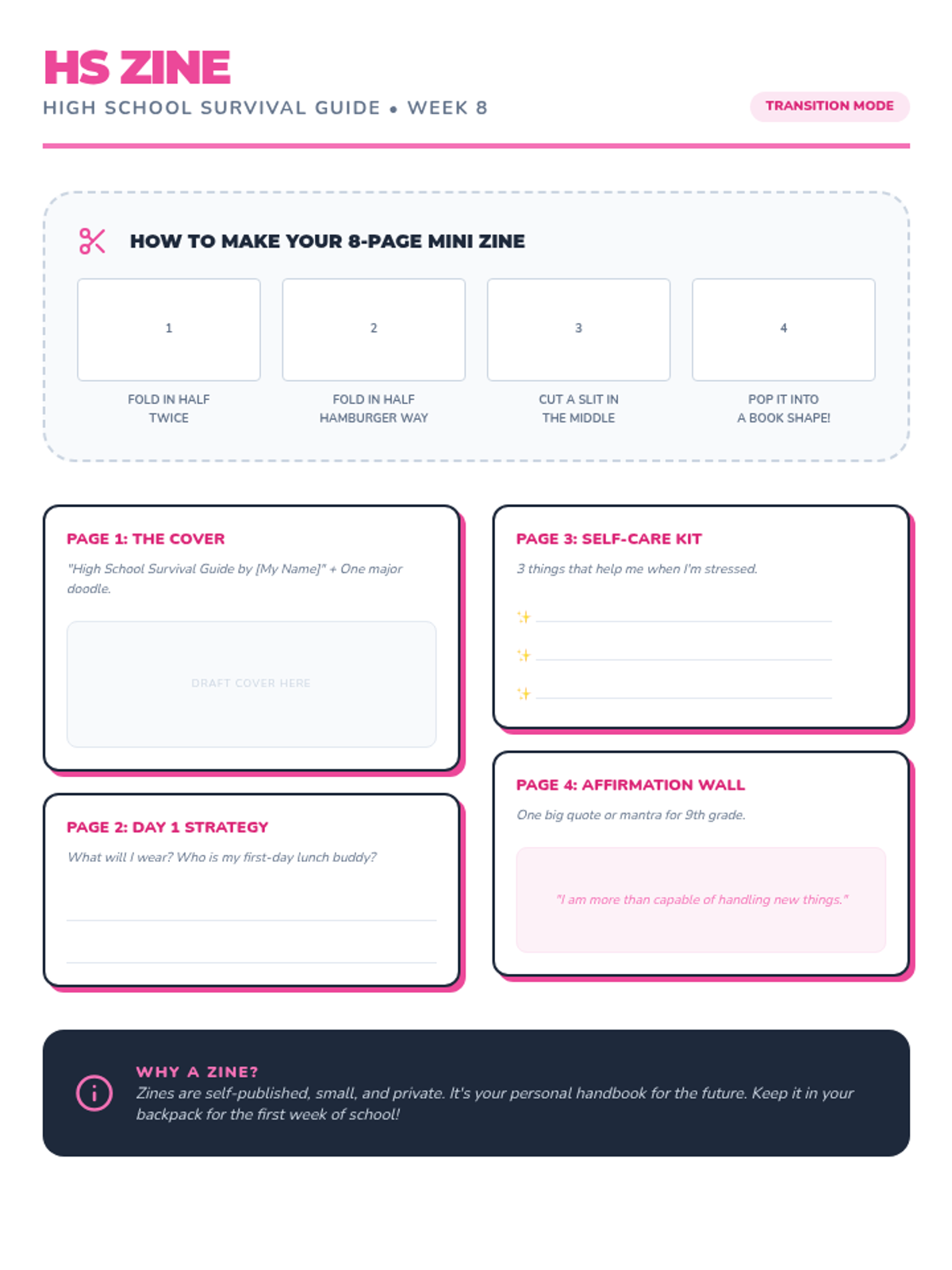
Addressing the practical and emotional aspects of transitioning to high school through a creative survival guide.
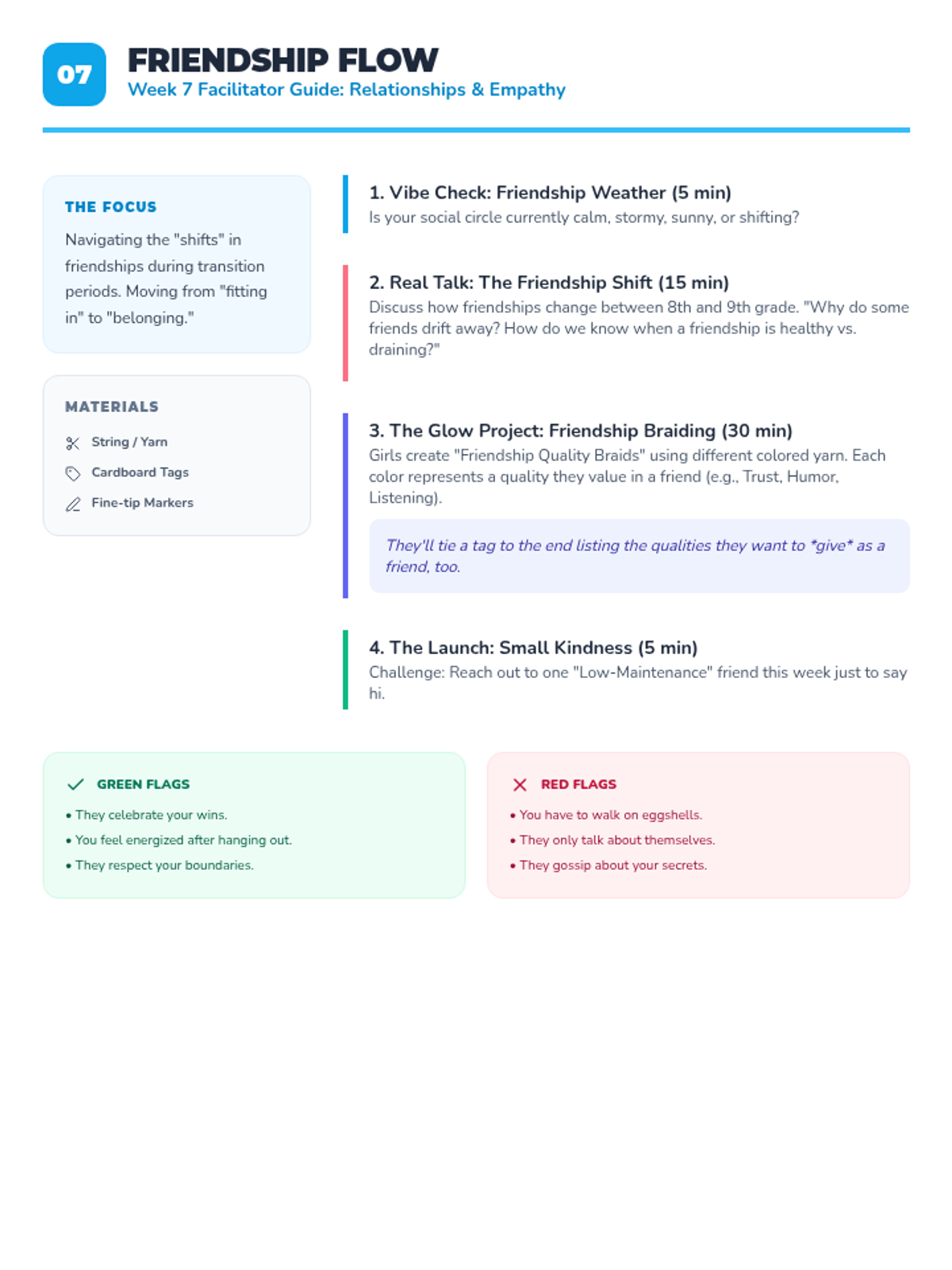
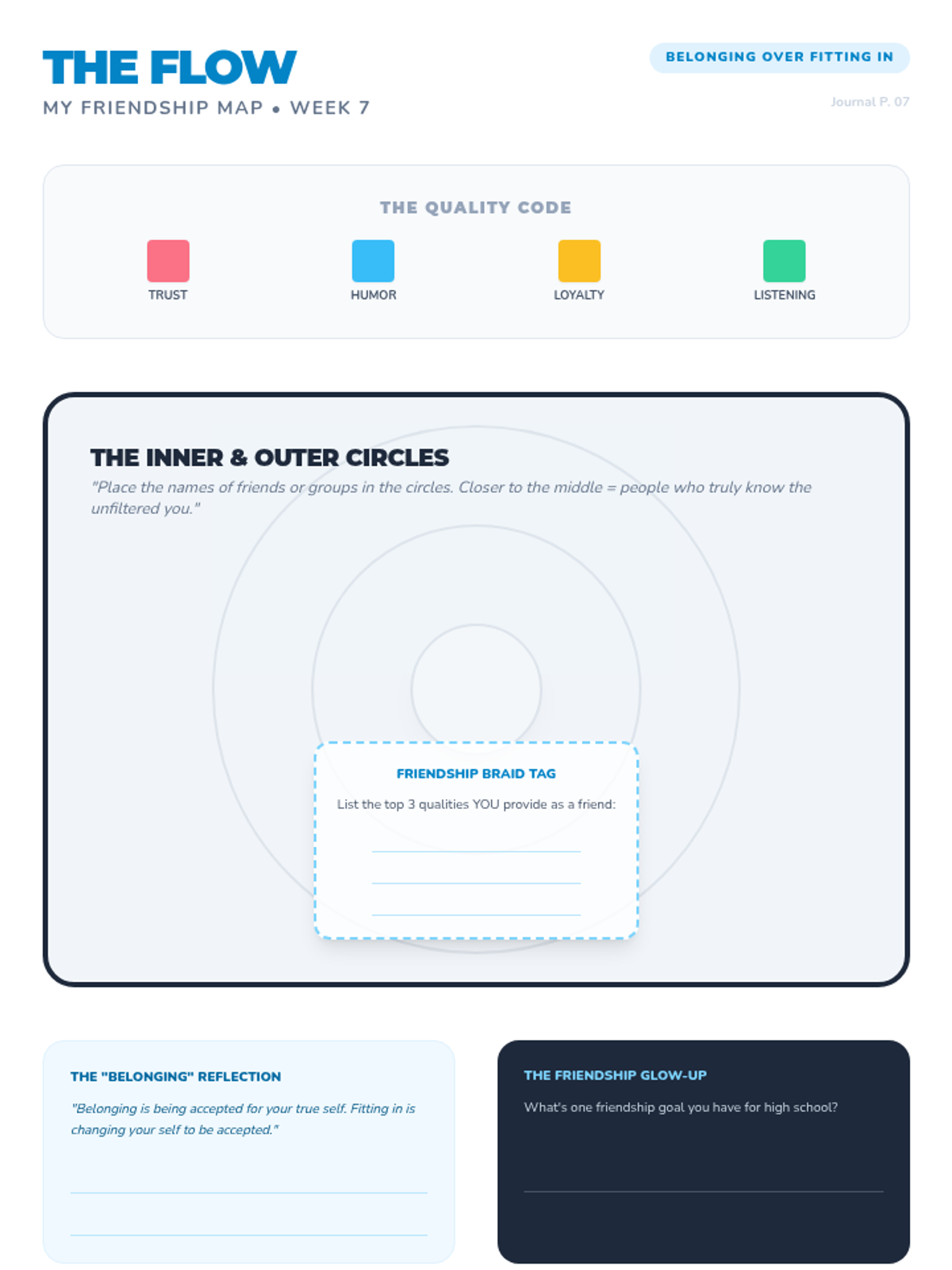
Navigating the changing landscape of middle-to-high school friendships and practicing empathy.
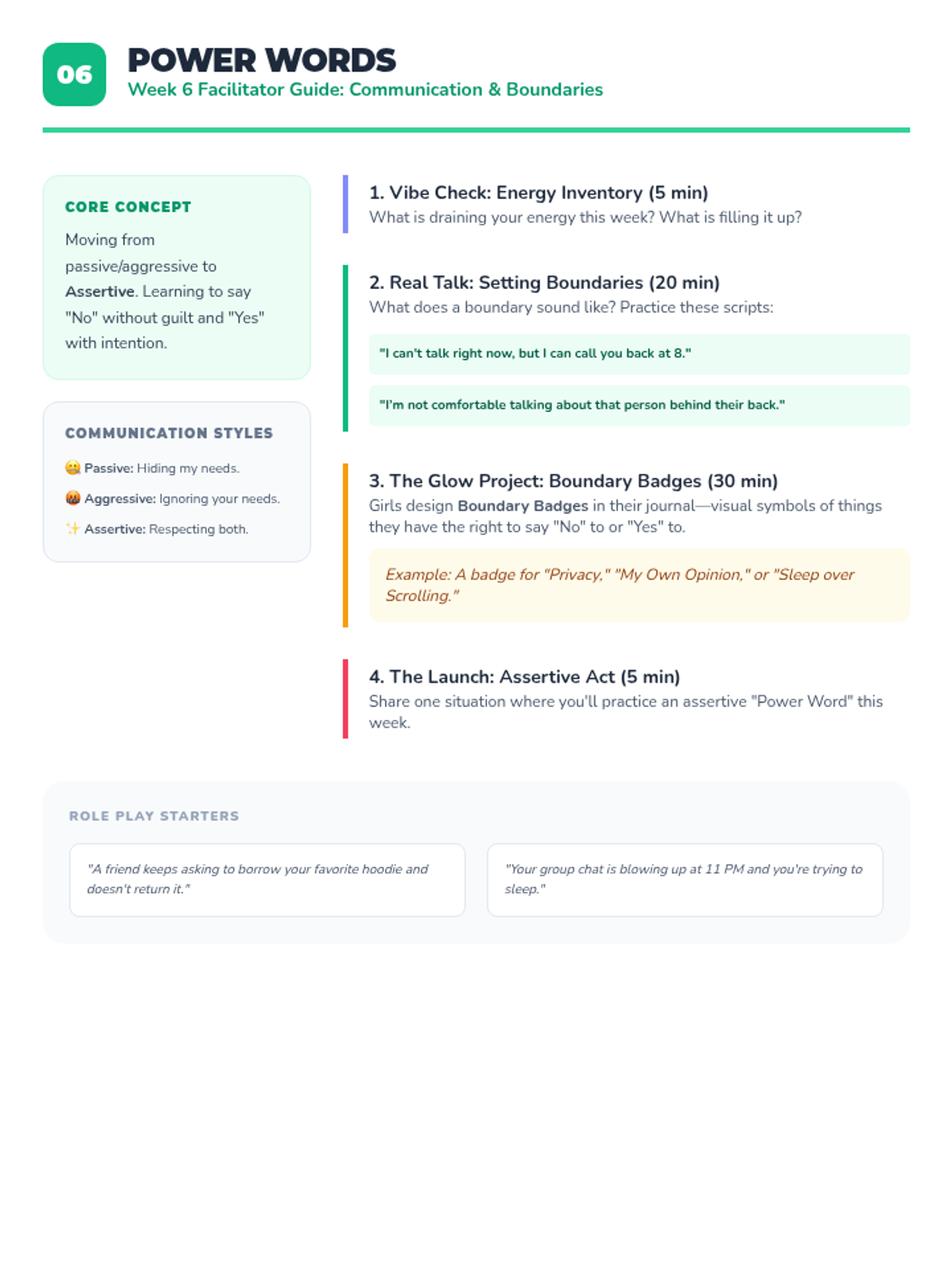
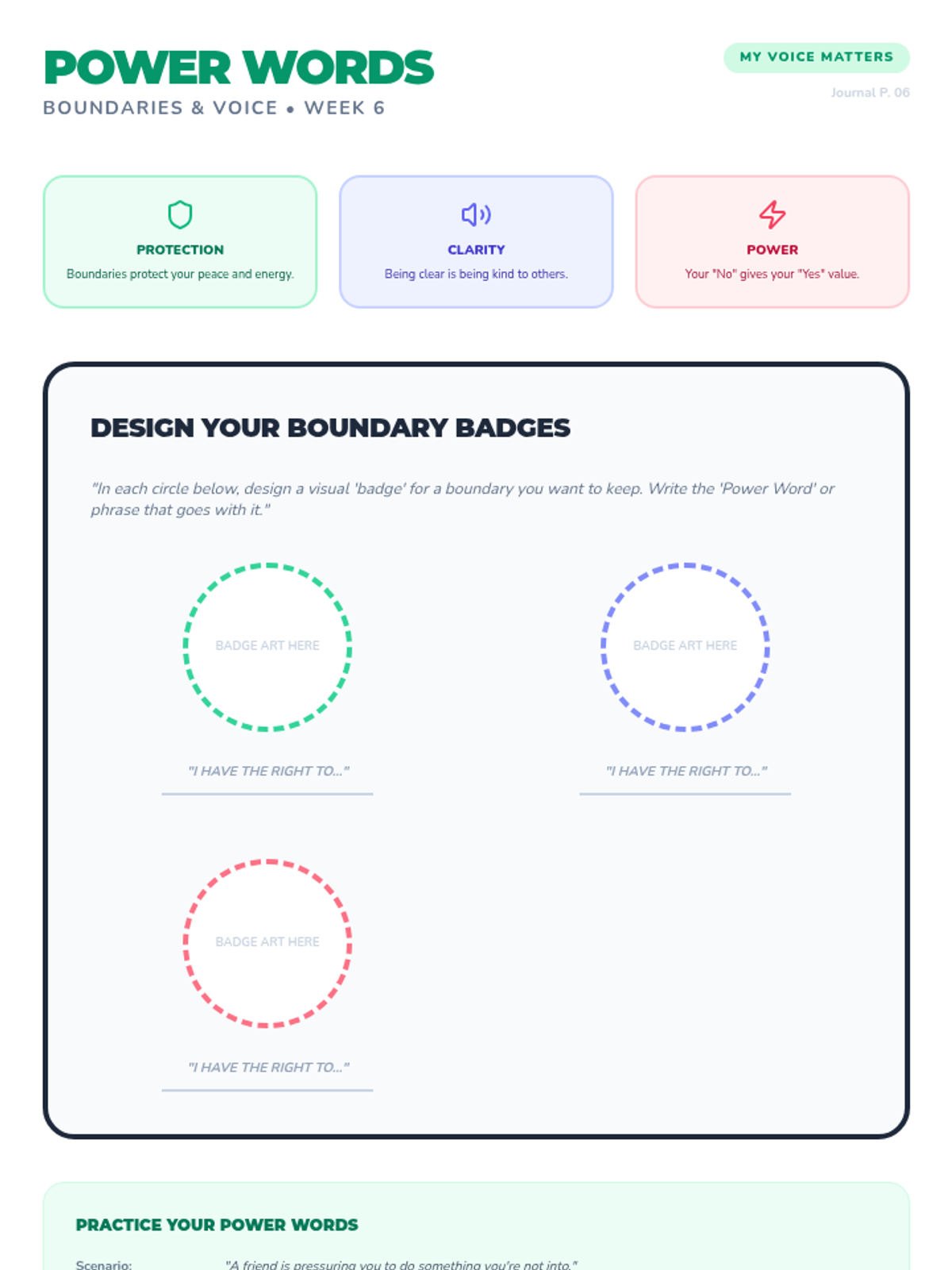
Developing assertive communication skills and learning how to set healthy boundaries with peers and family.
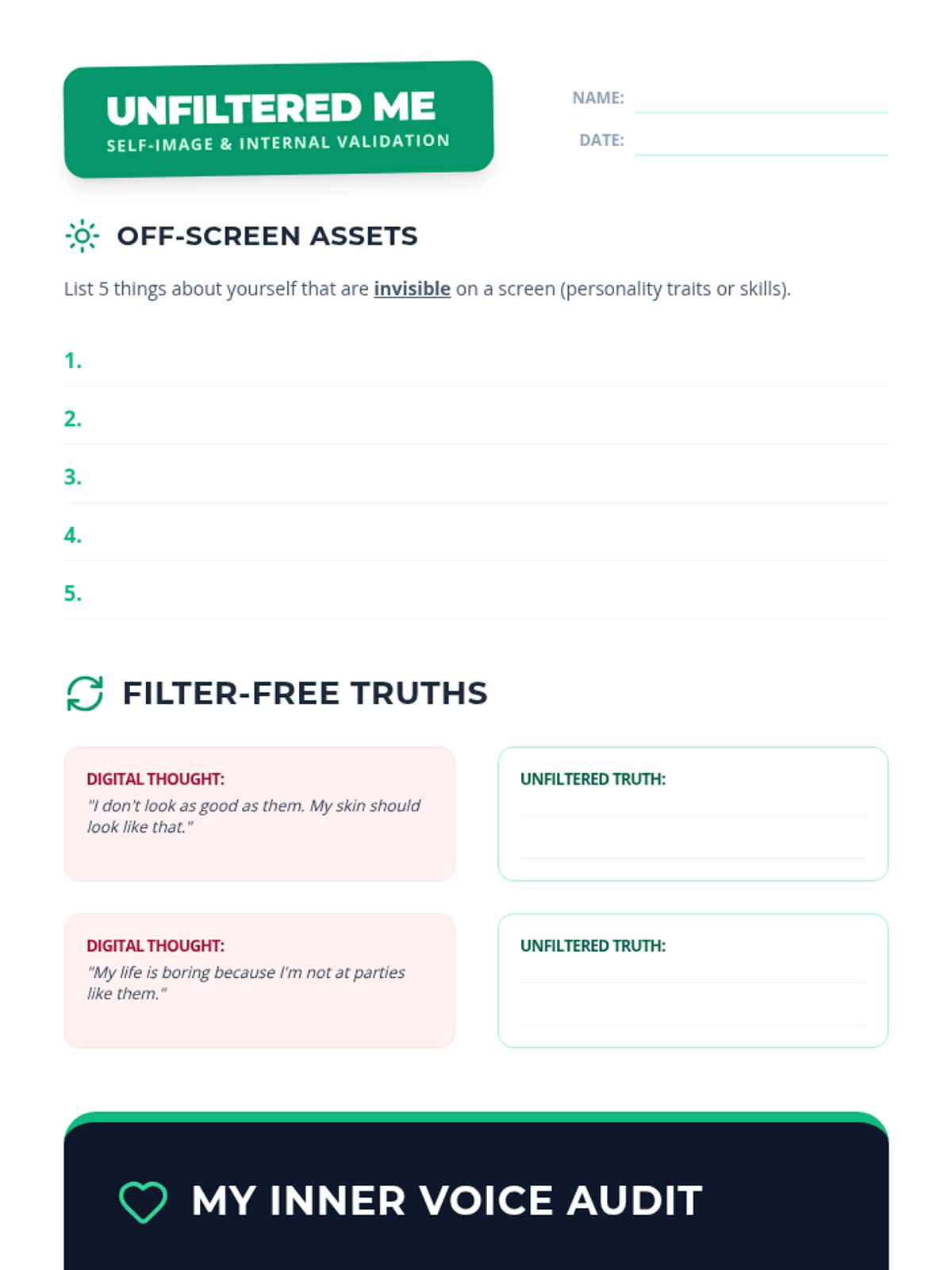
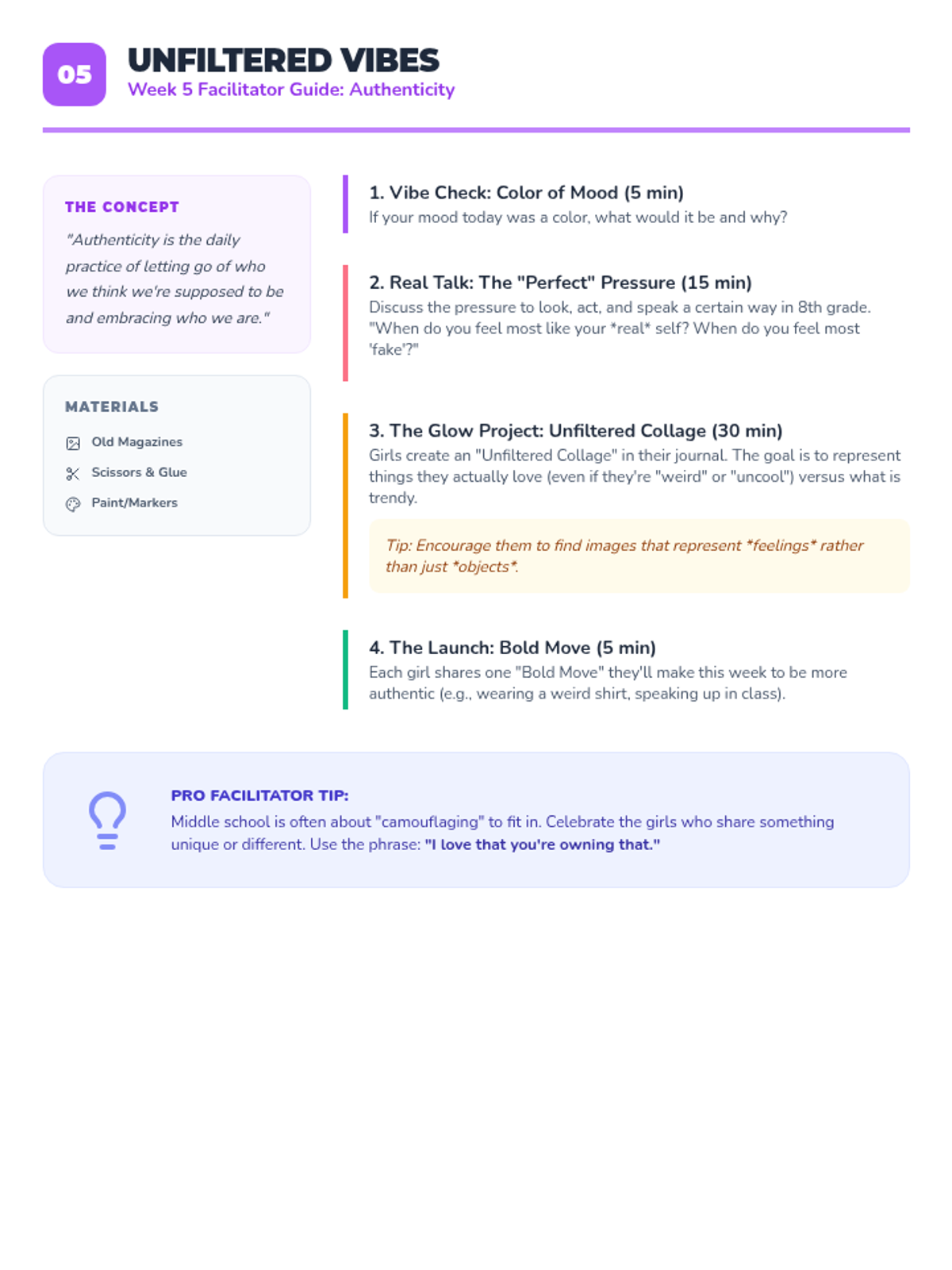
Discussing authenticity and the pressure to be 'perfect' online versus living 'unfiltered' in real life.
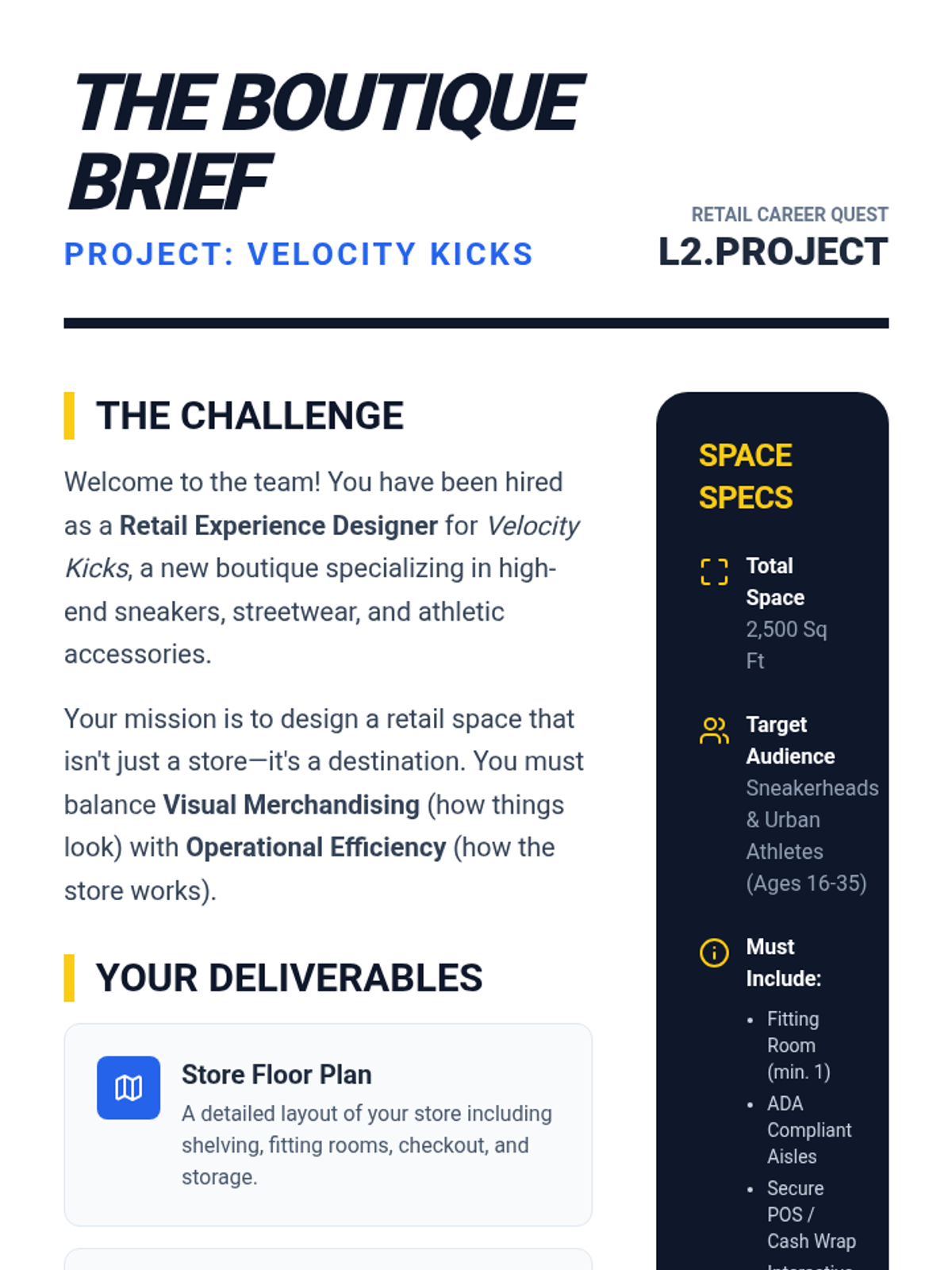
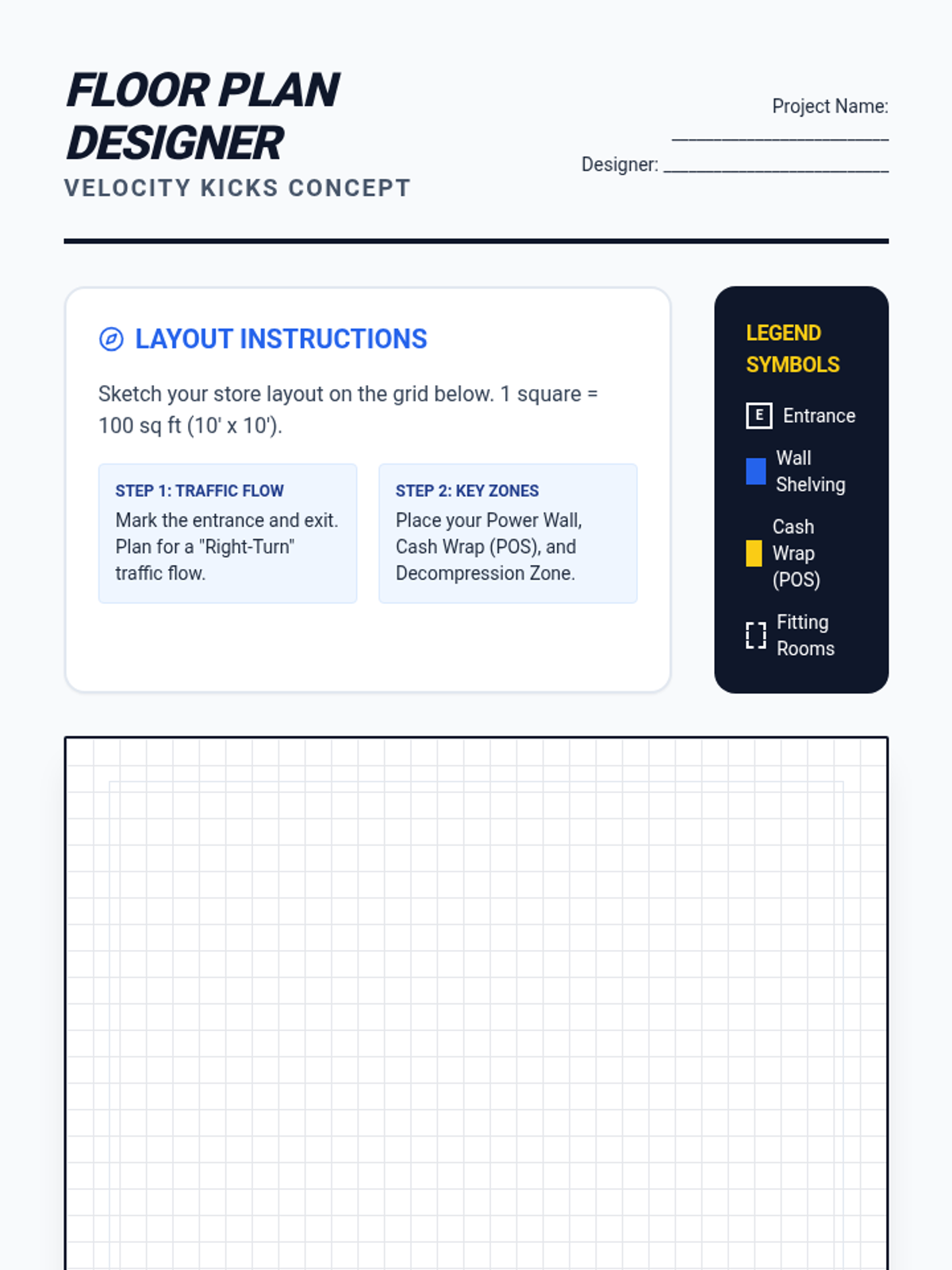
A practical project where students apply their knowledge to design a retail store, including product selection, floor layout, visual merchandising, and a promotional plan.
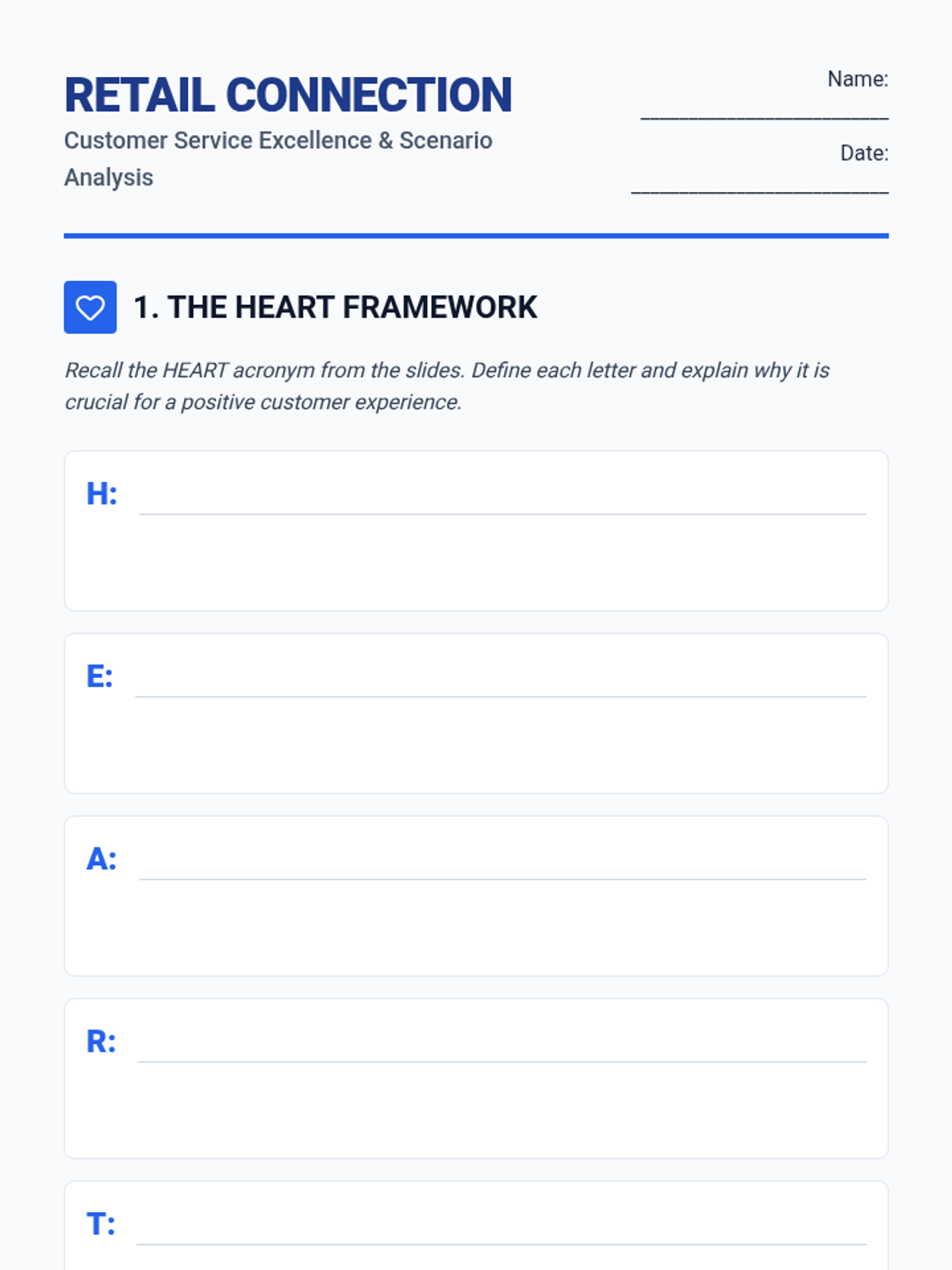
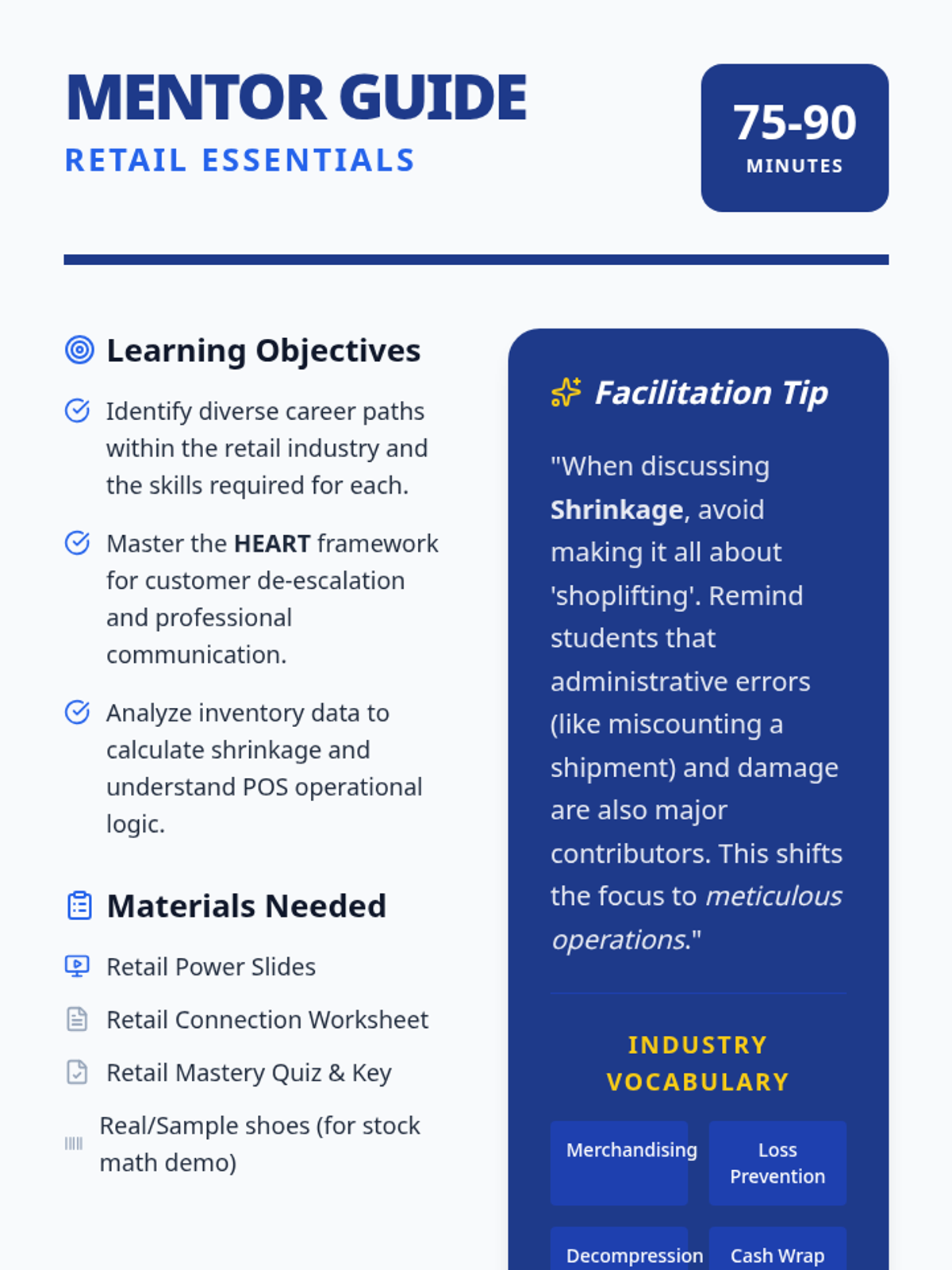
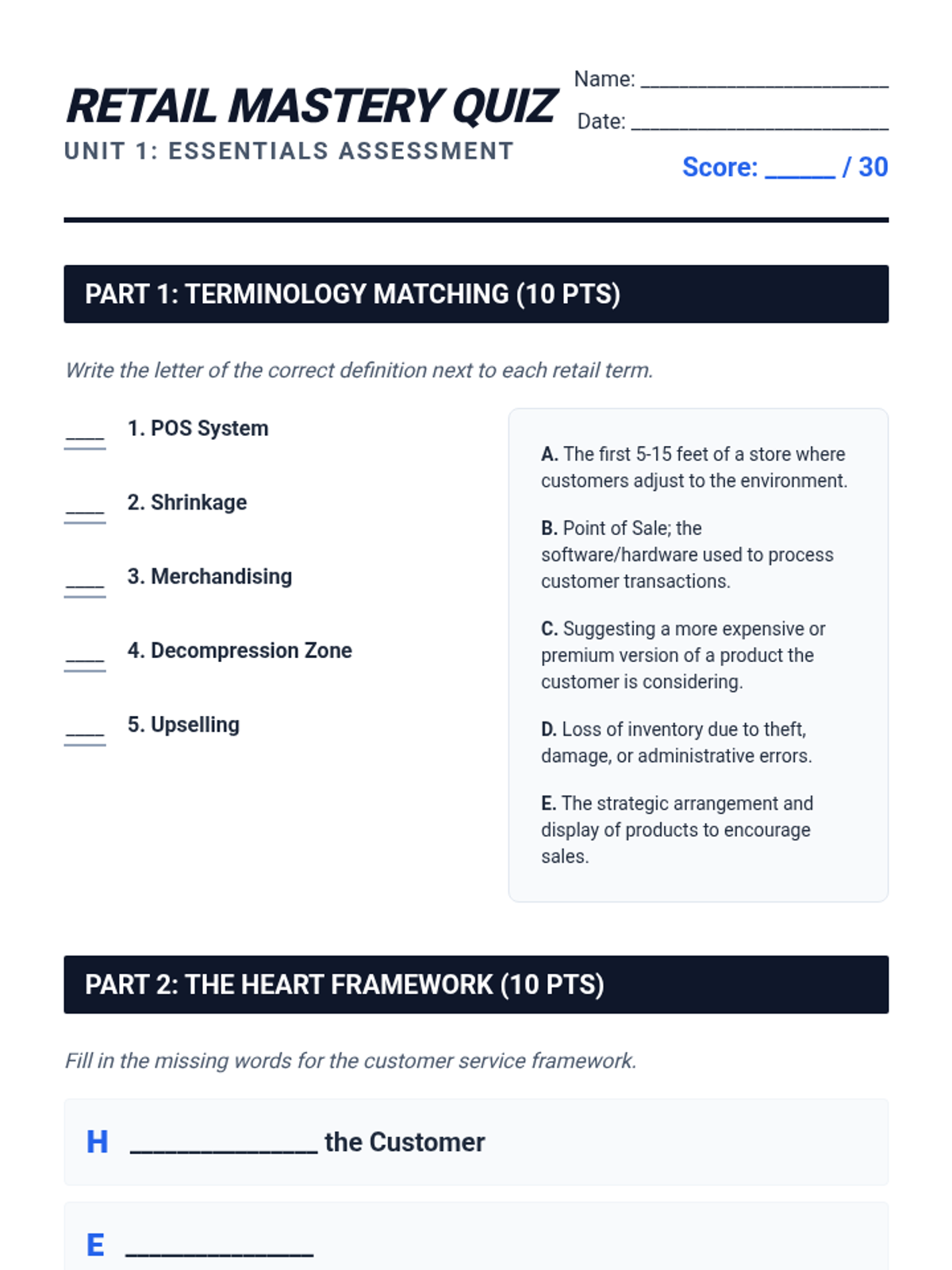
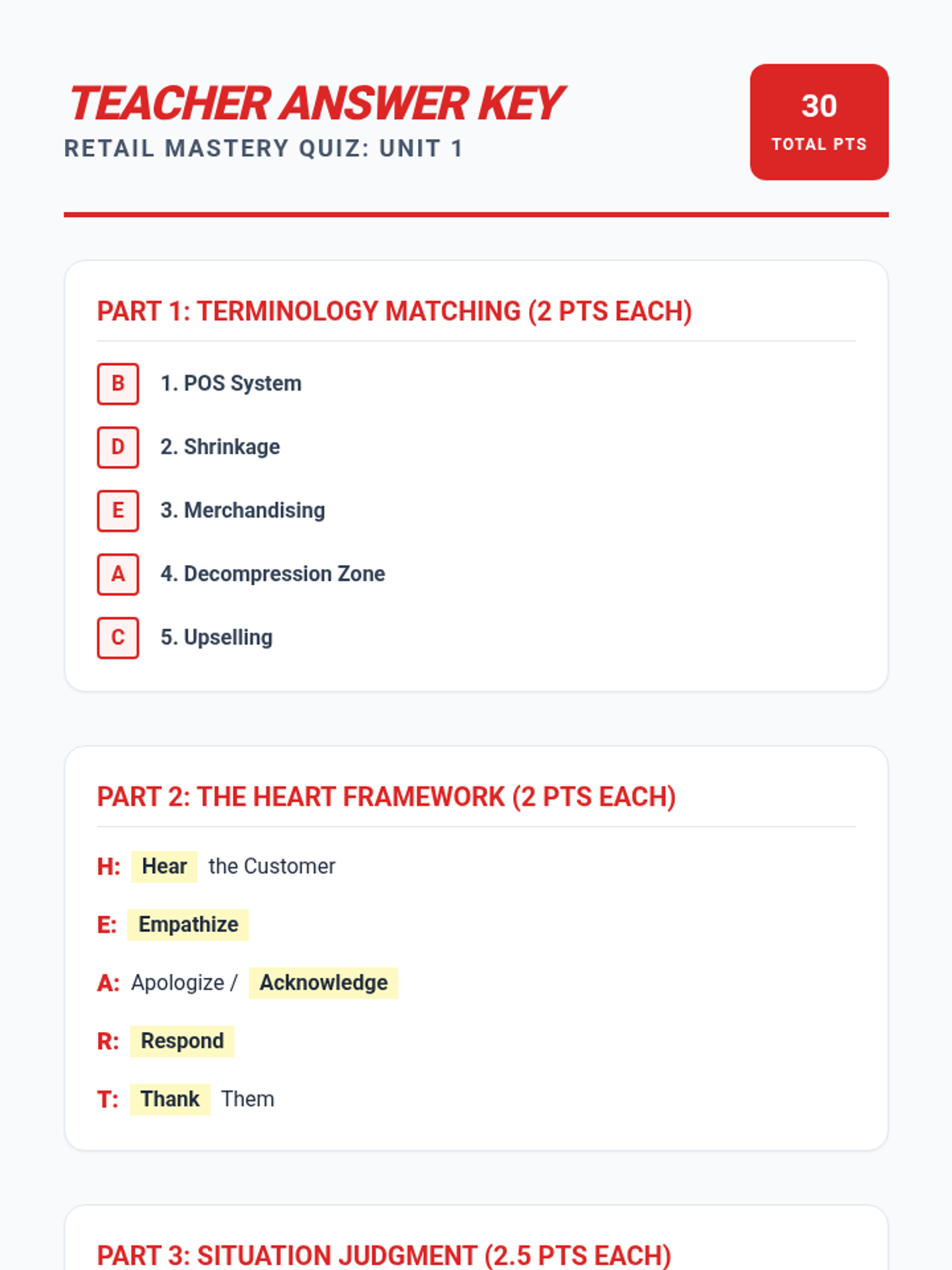
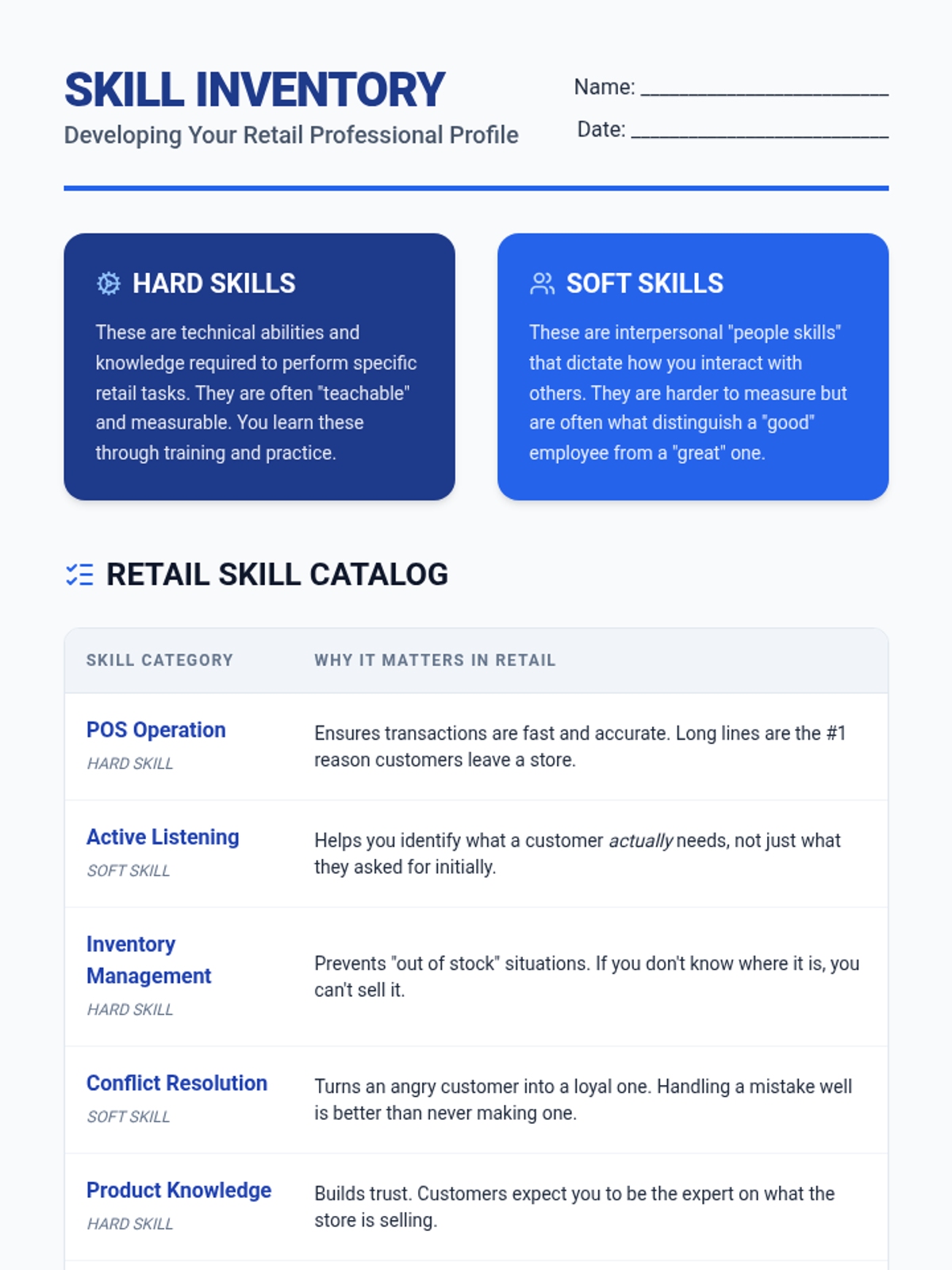
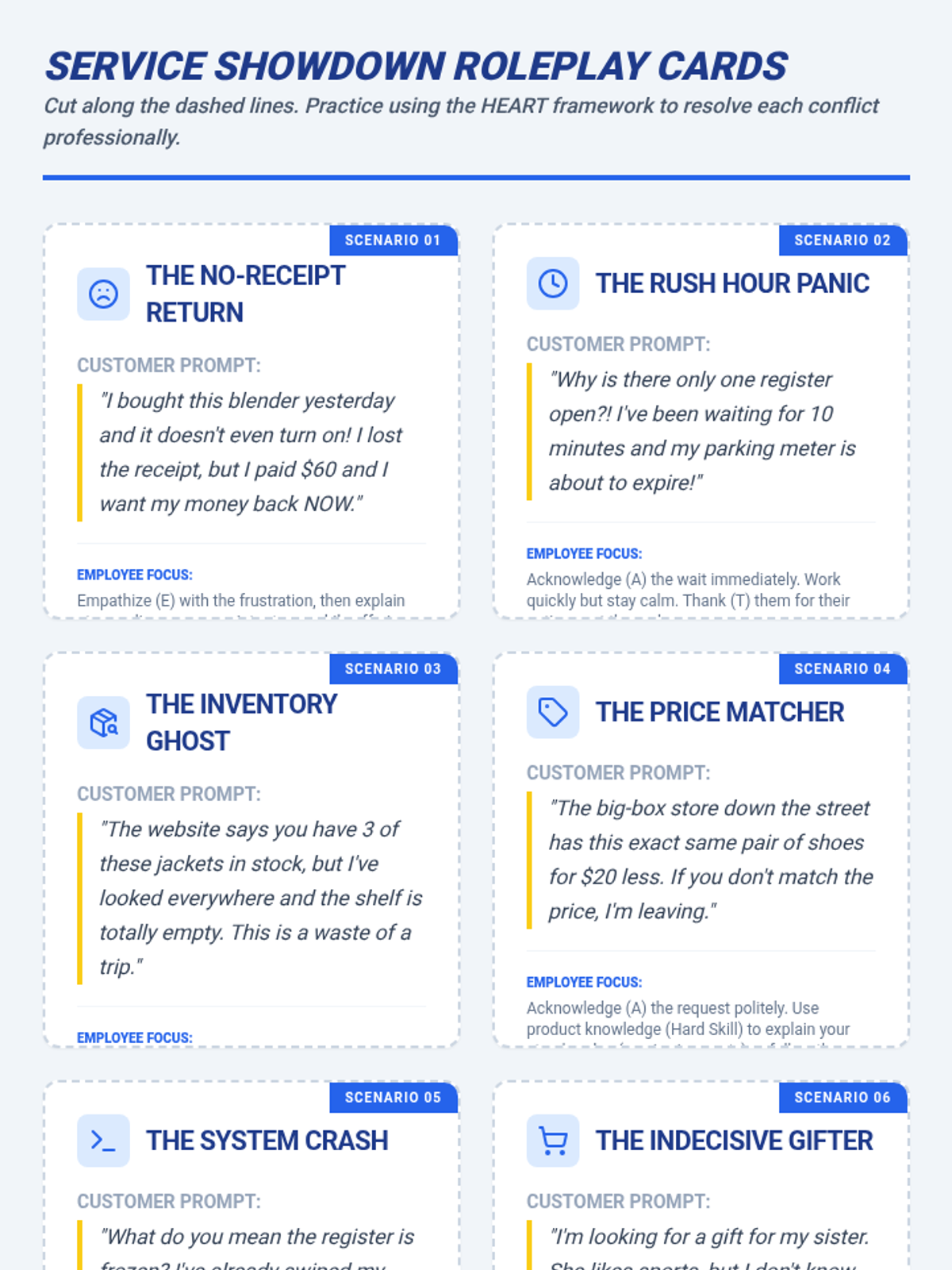
An introduction to the foundational skills of the retail industry, covering customer service techniques, cash handling, inventory management, and the professional communication required for successful sales.
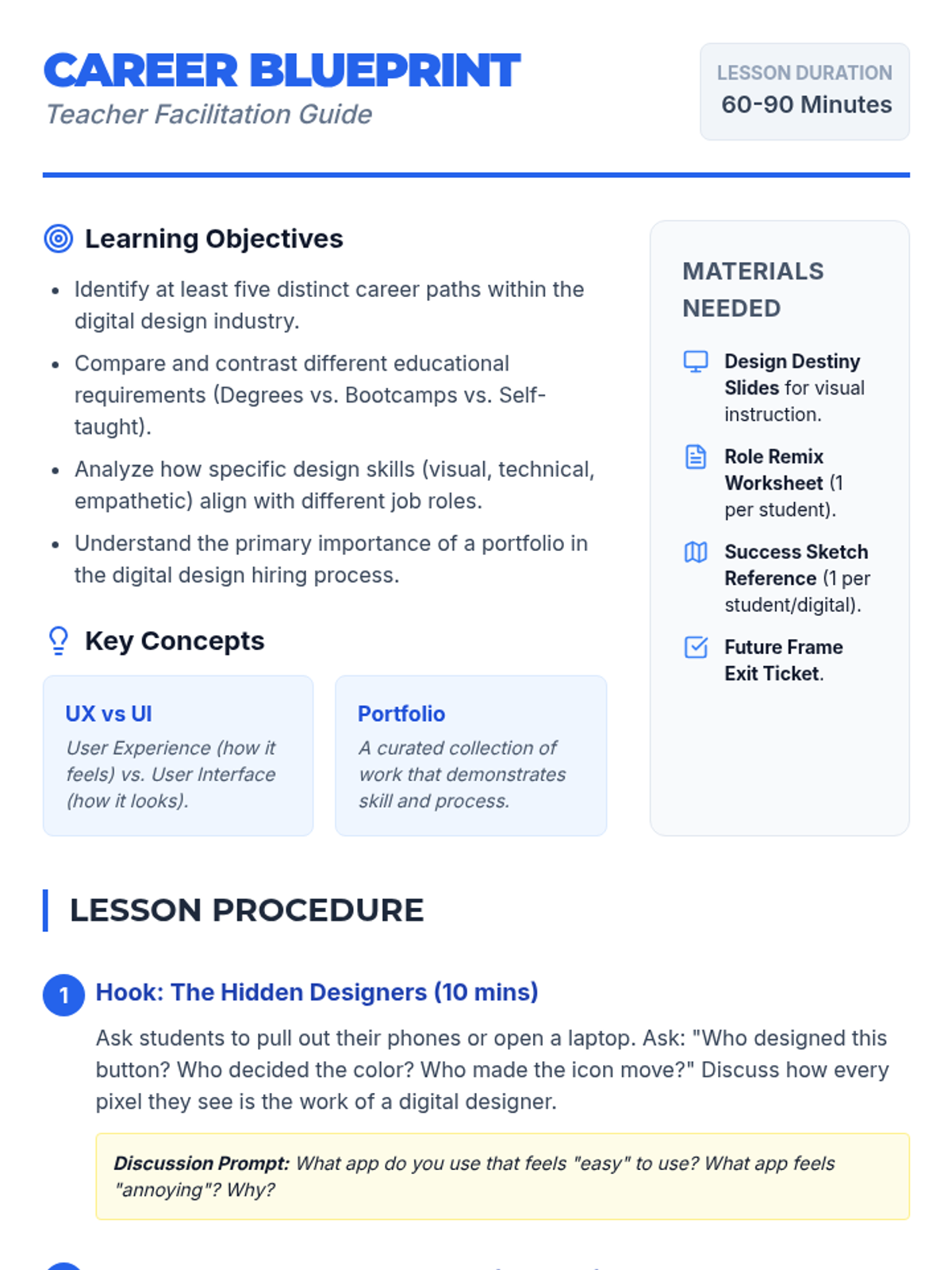
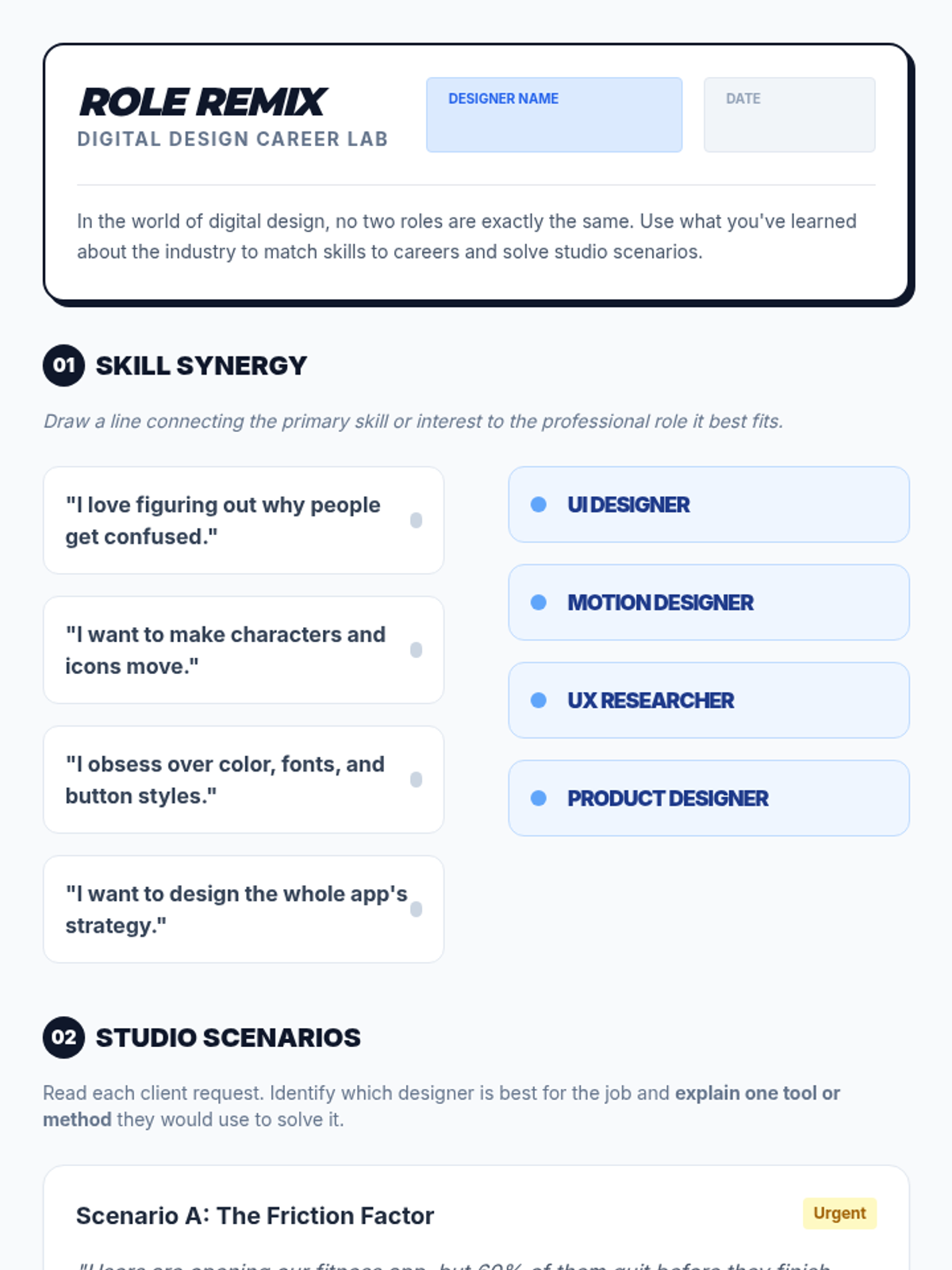
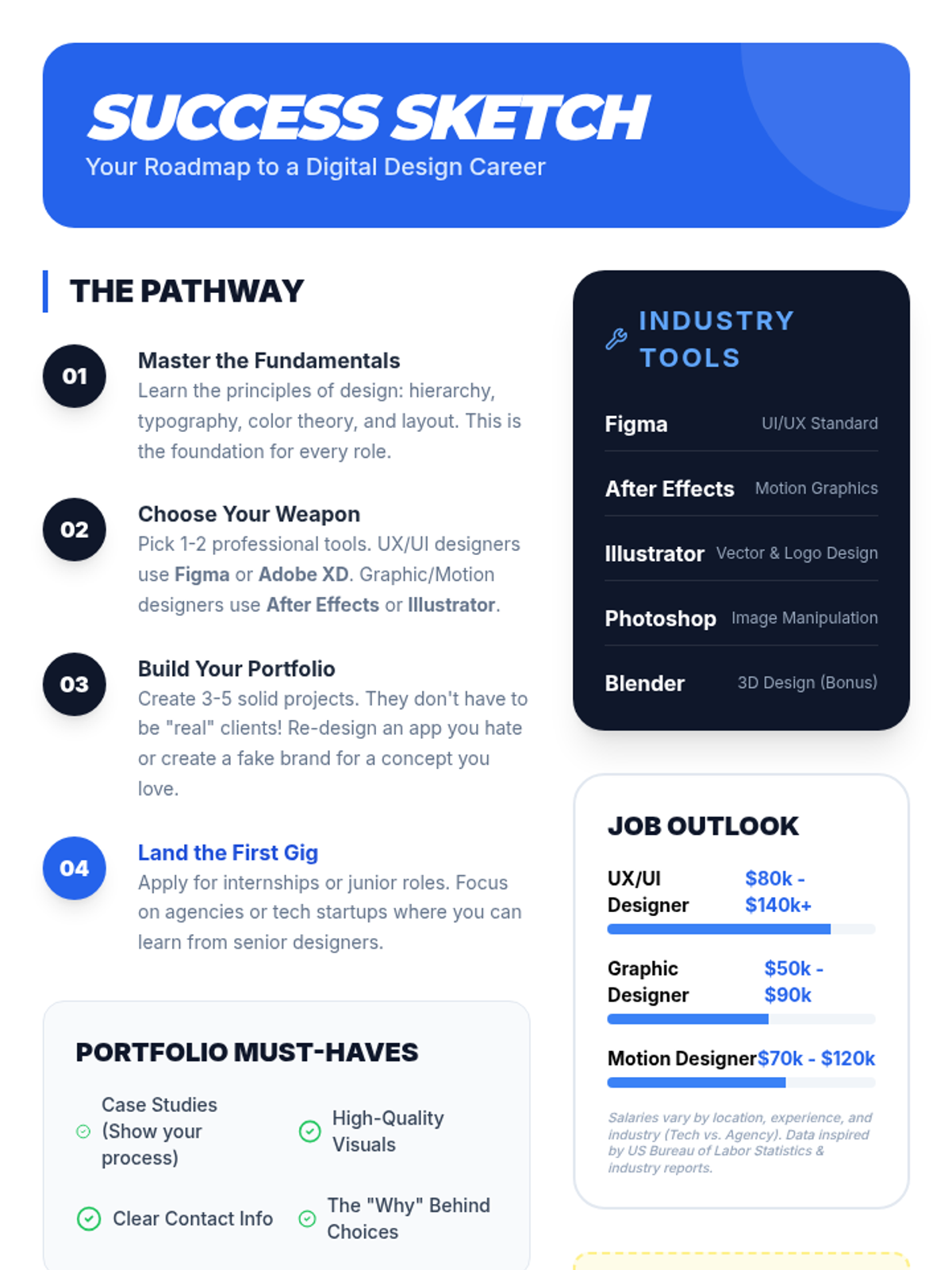
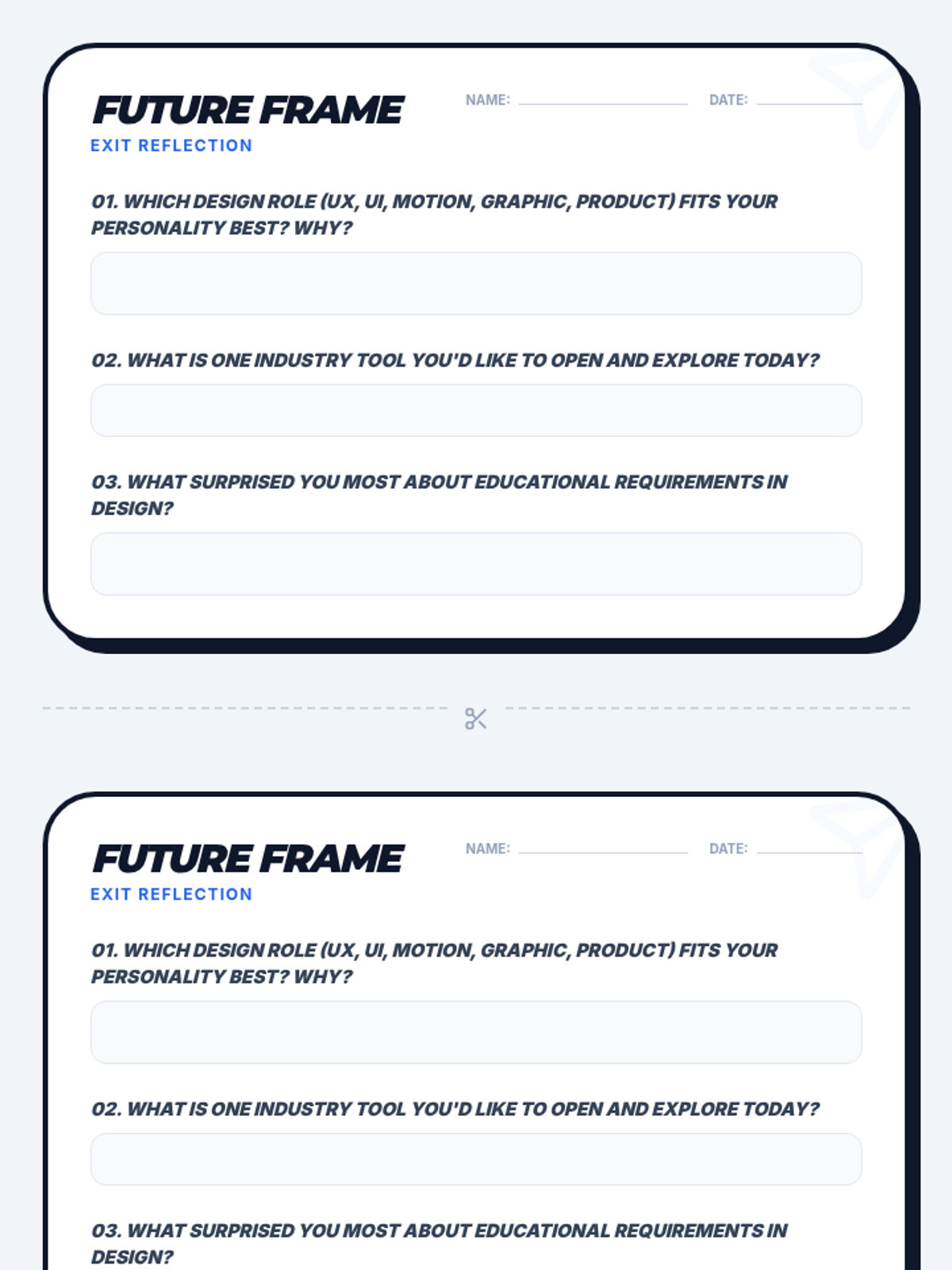
An introductory career exploration lesson where students discover the diverse world of digital design, from UX/UI to motion graphics, and map out the education and skills needed for success.
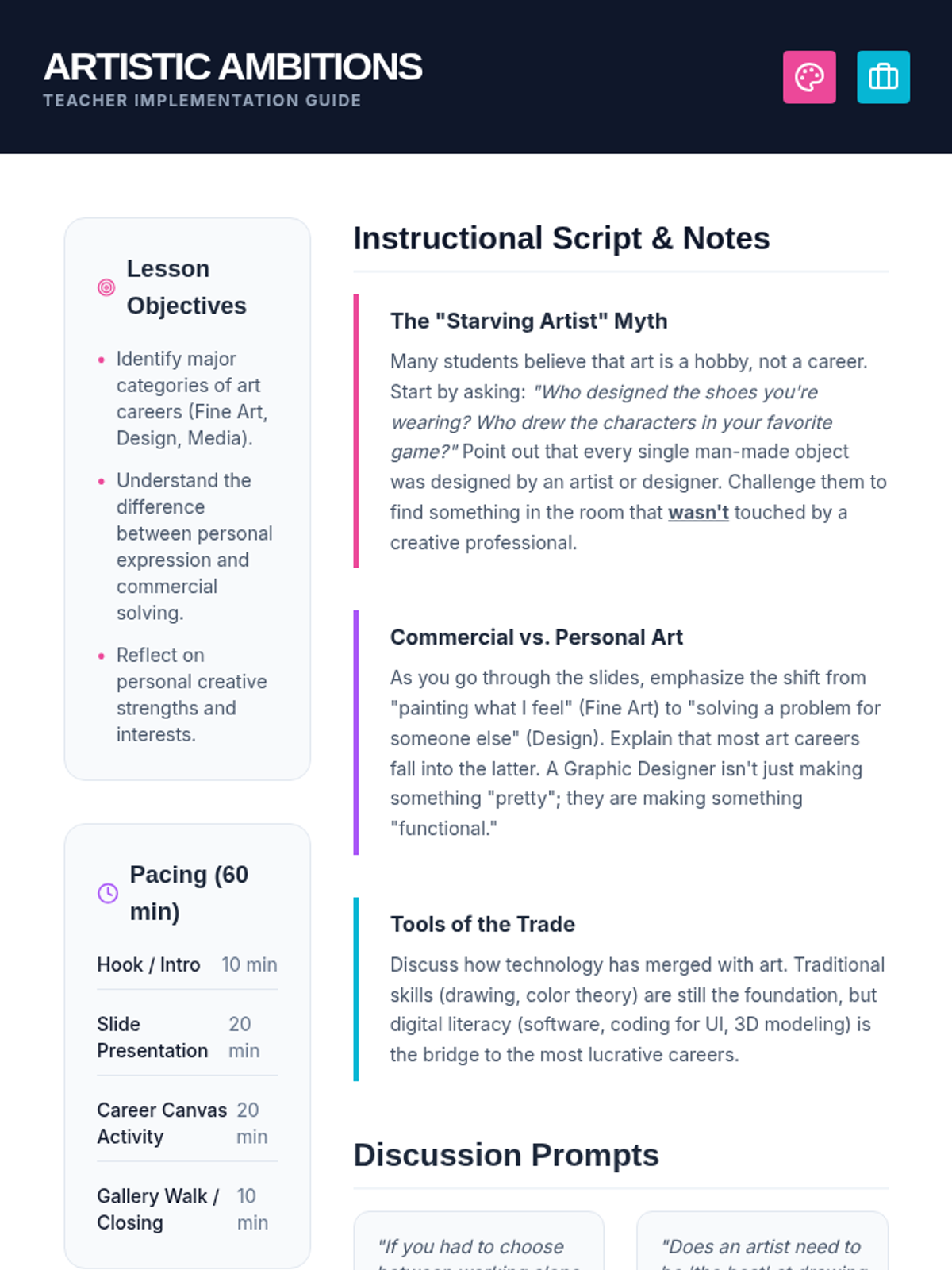
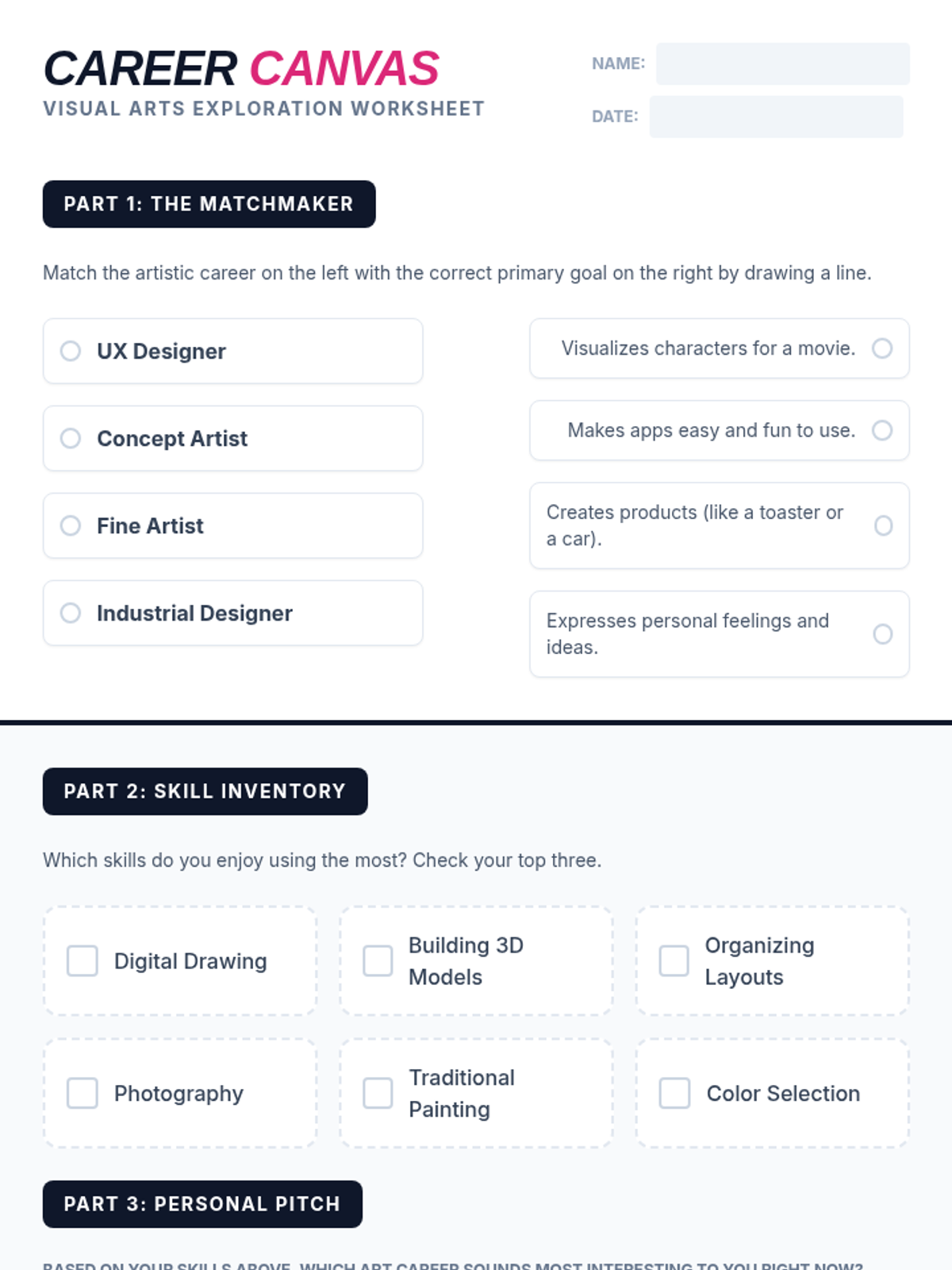
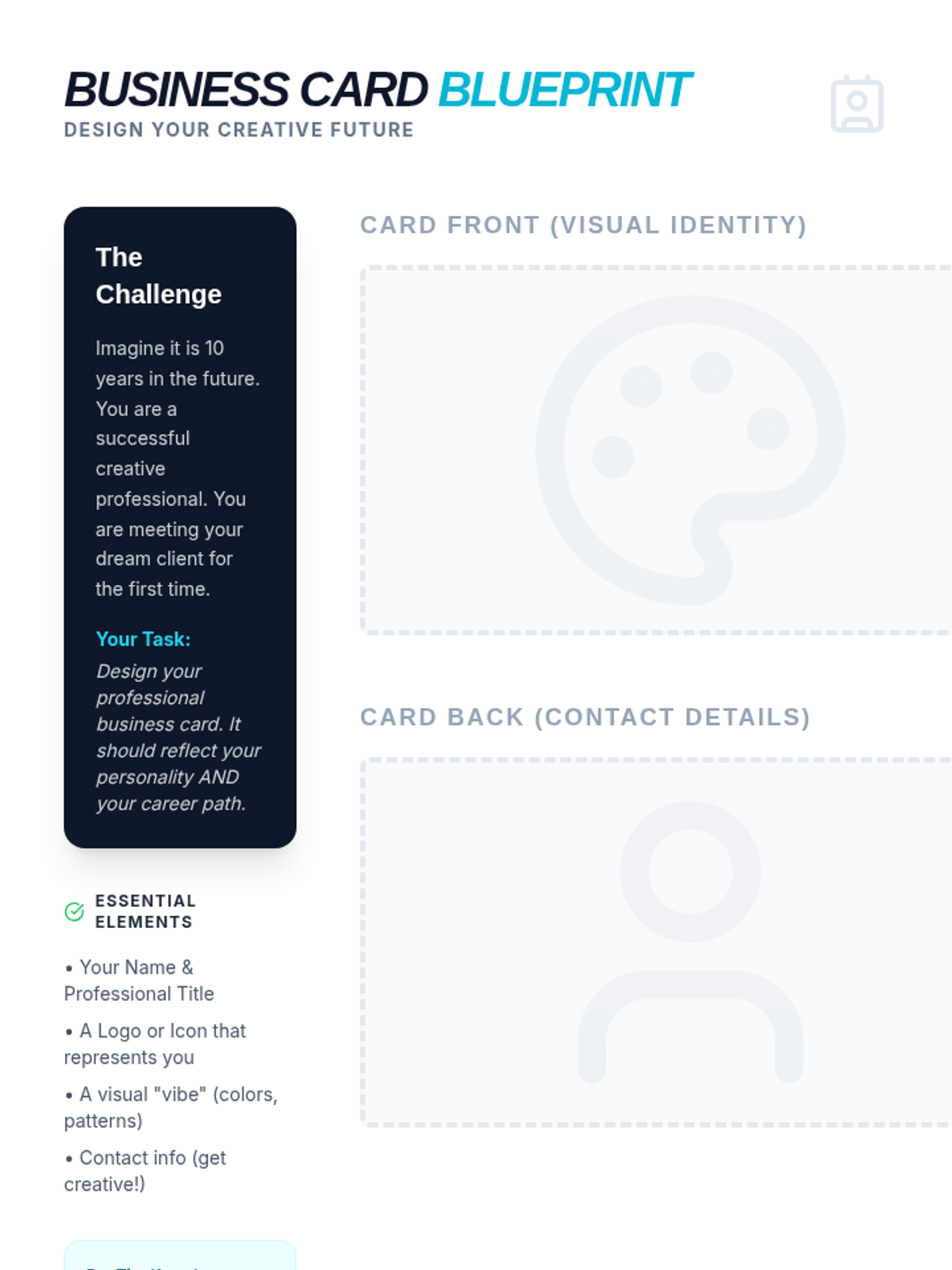
A comprehensive lesson exploring the diverse range of professional paths within the visual arts, from traditional fine arts to digital design and commercial industries.
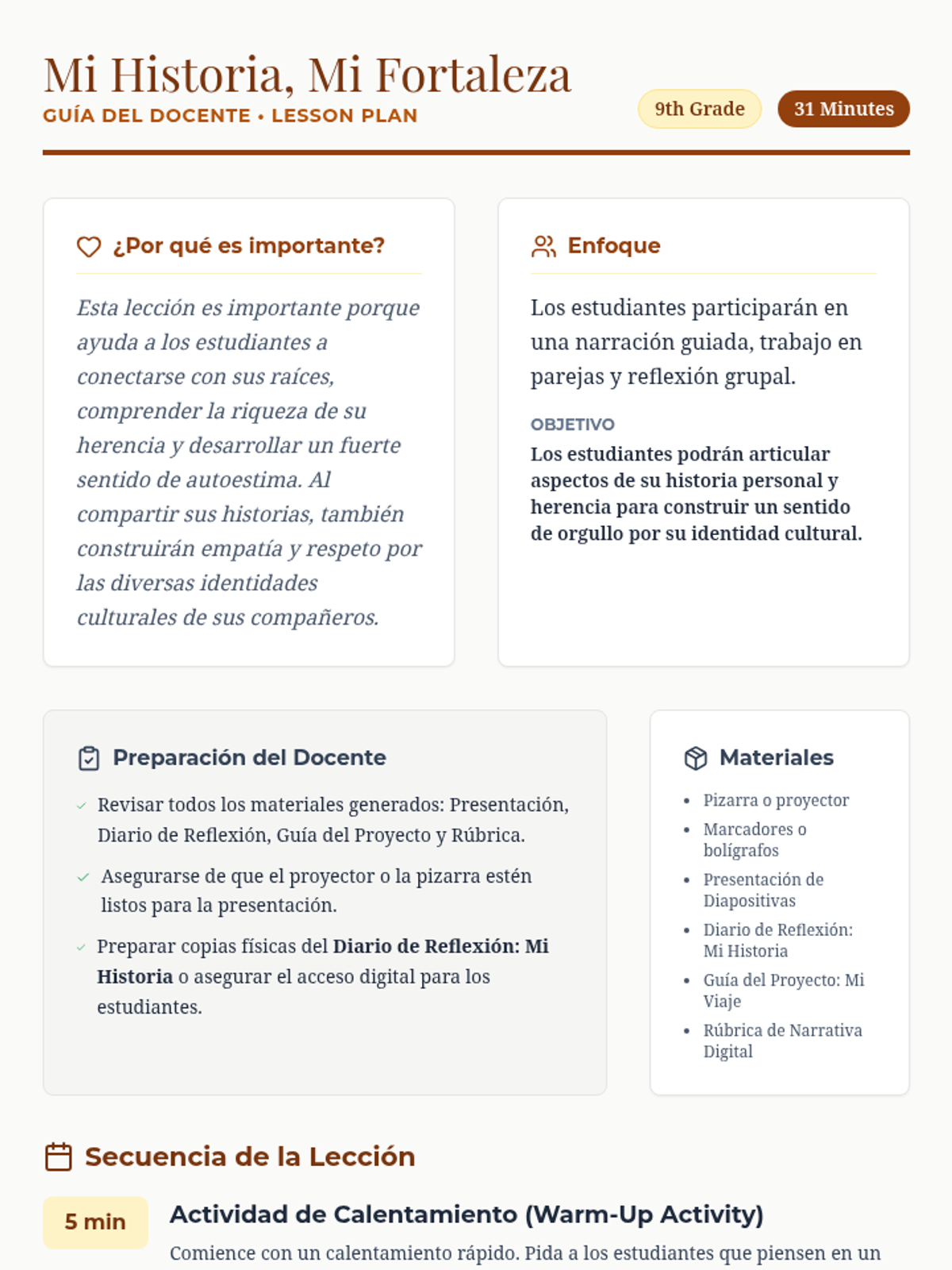
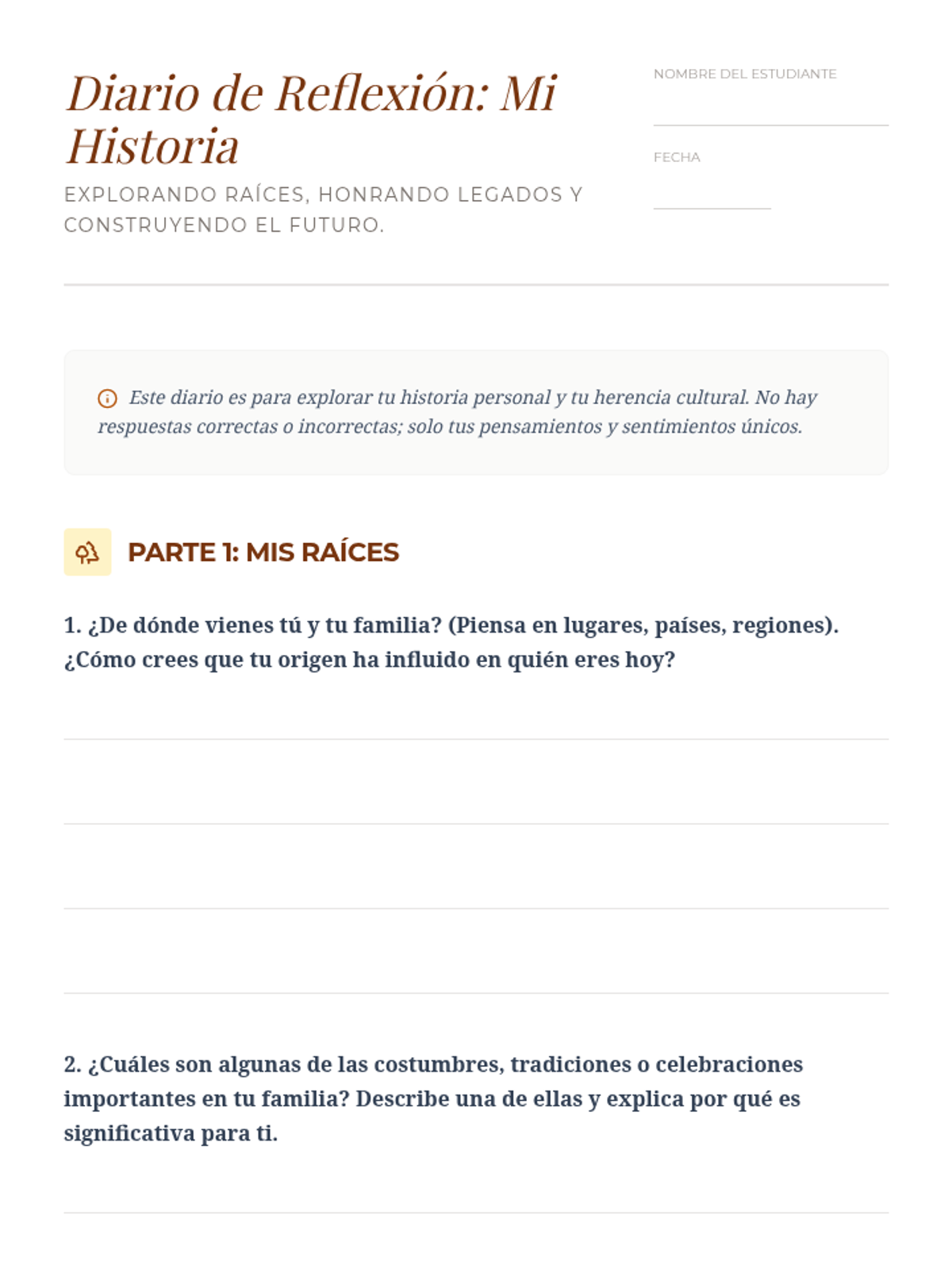
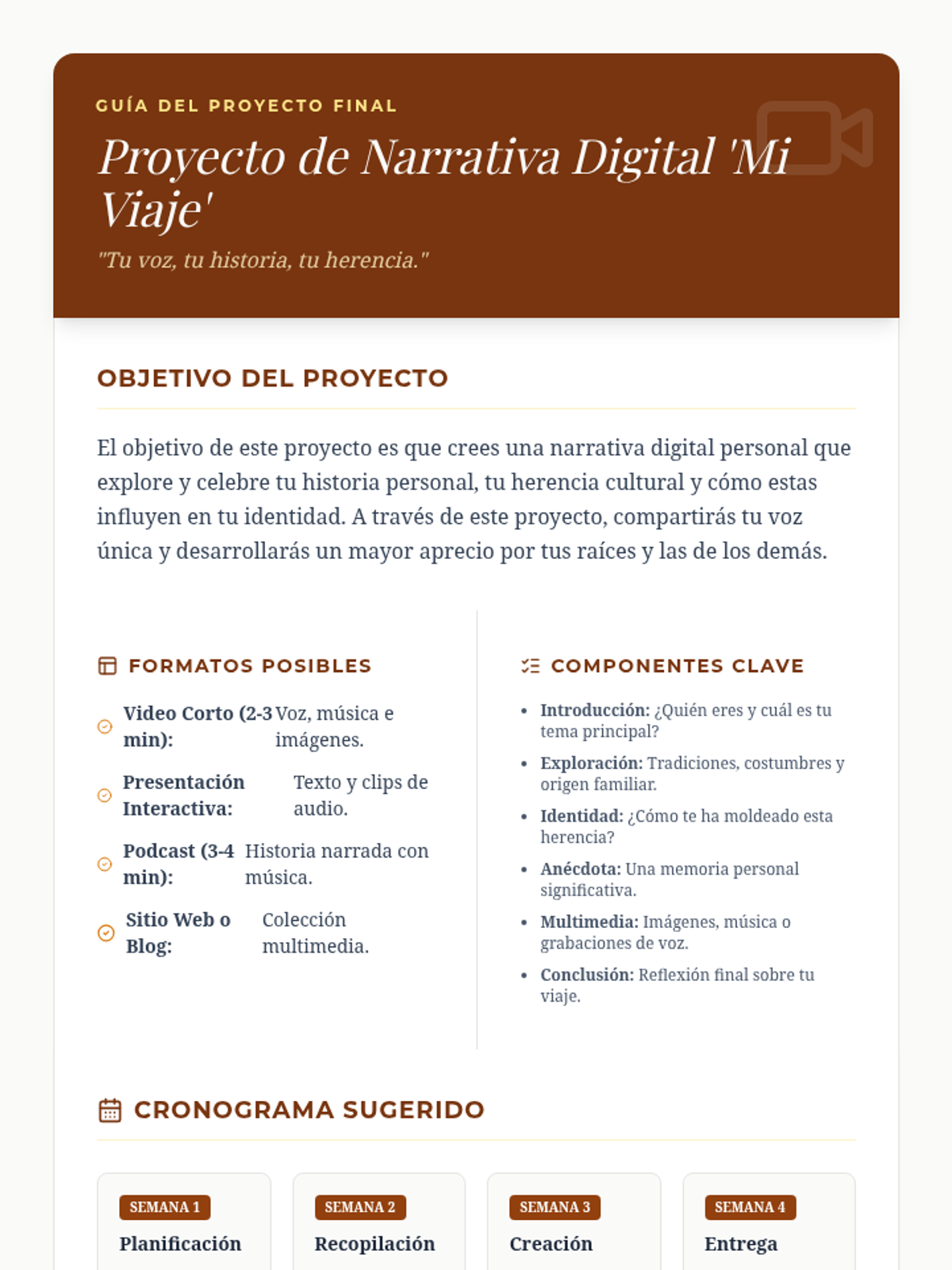
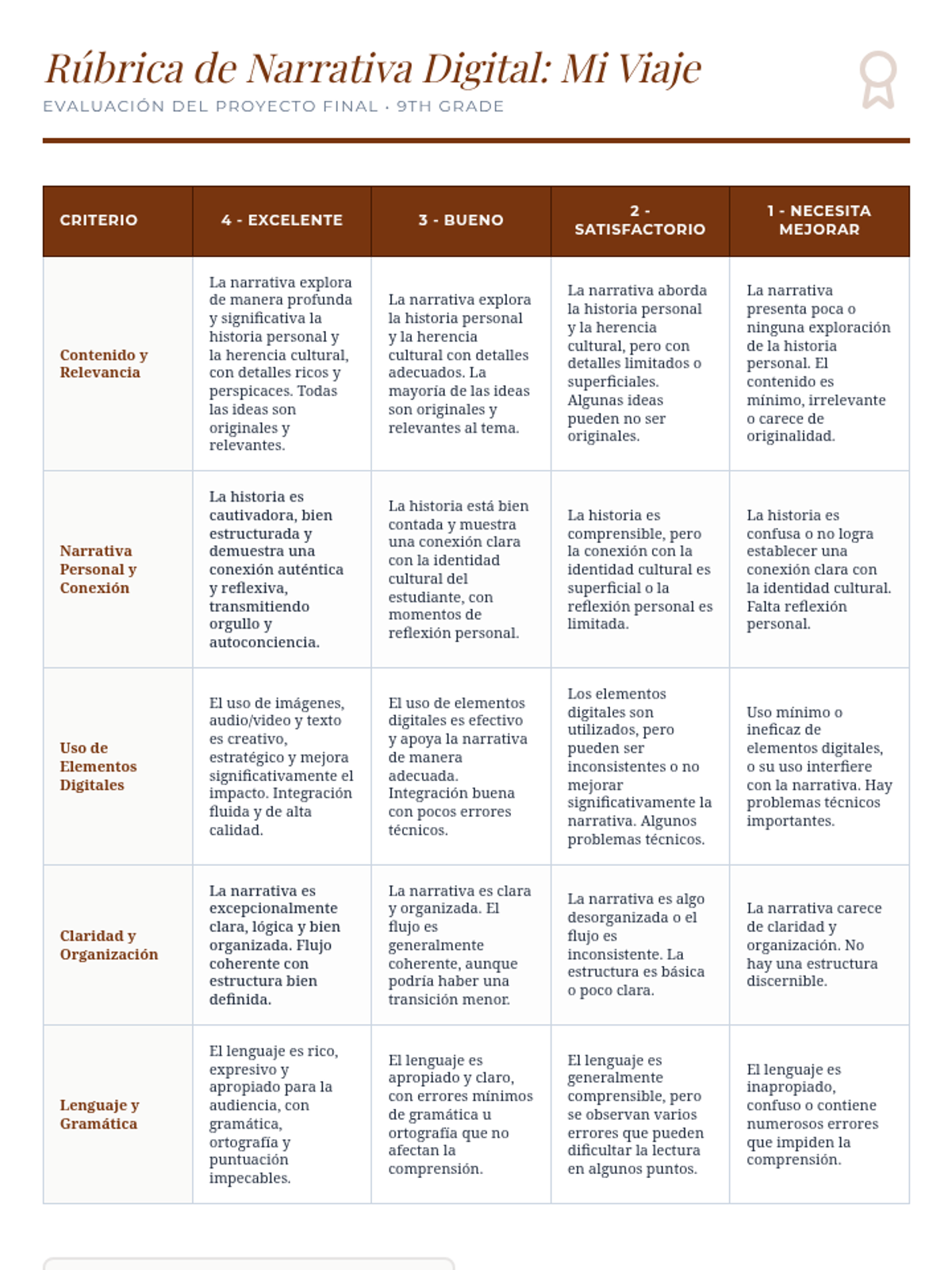
This lesson empowers 9th-grade students to explore and articulate aspects of their personal history and cultural heritage, fostering a strong sense of pride in their identity through guided storytelling and creative expression.
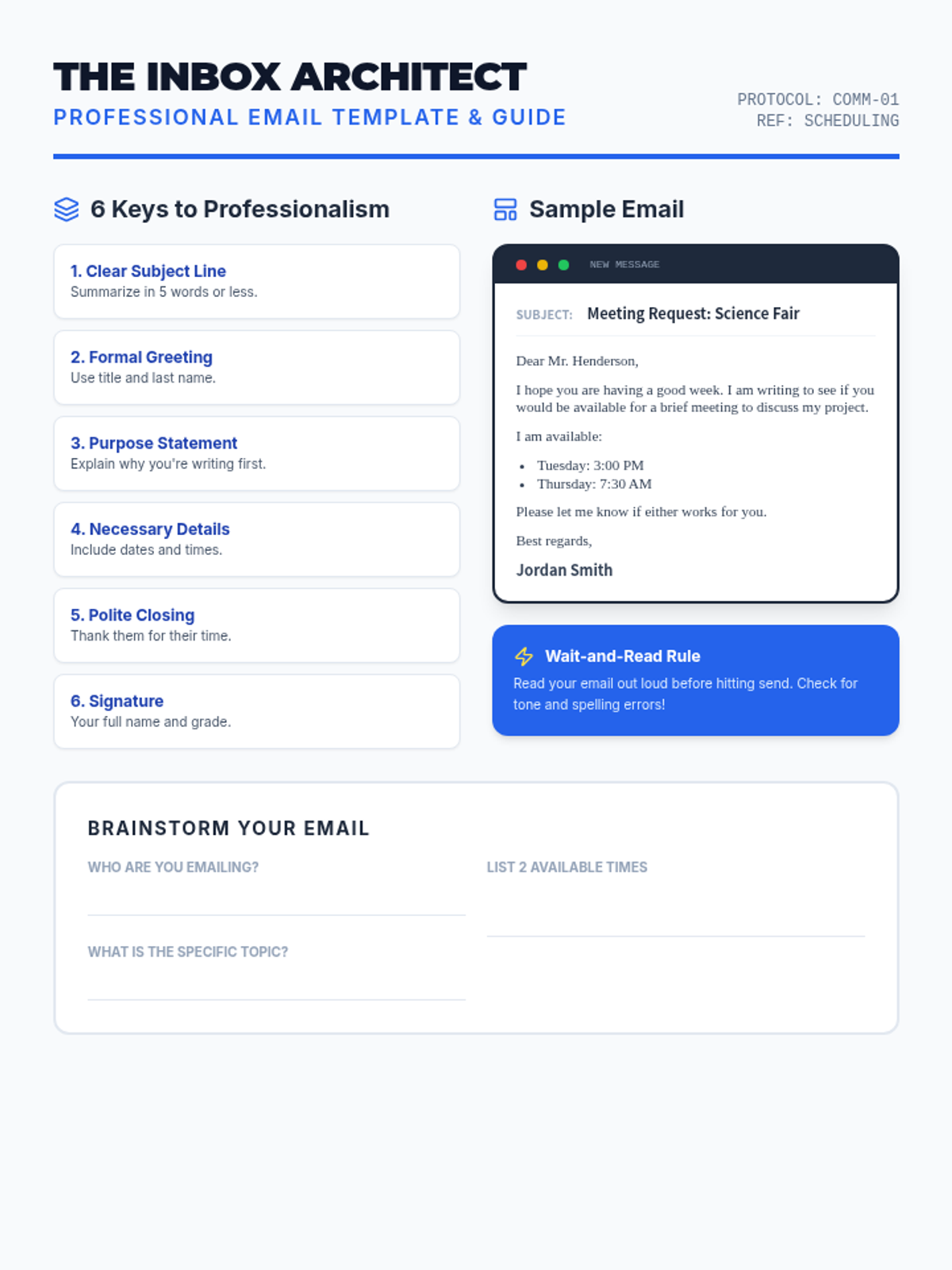
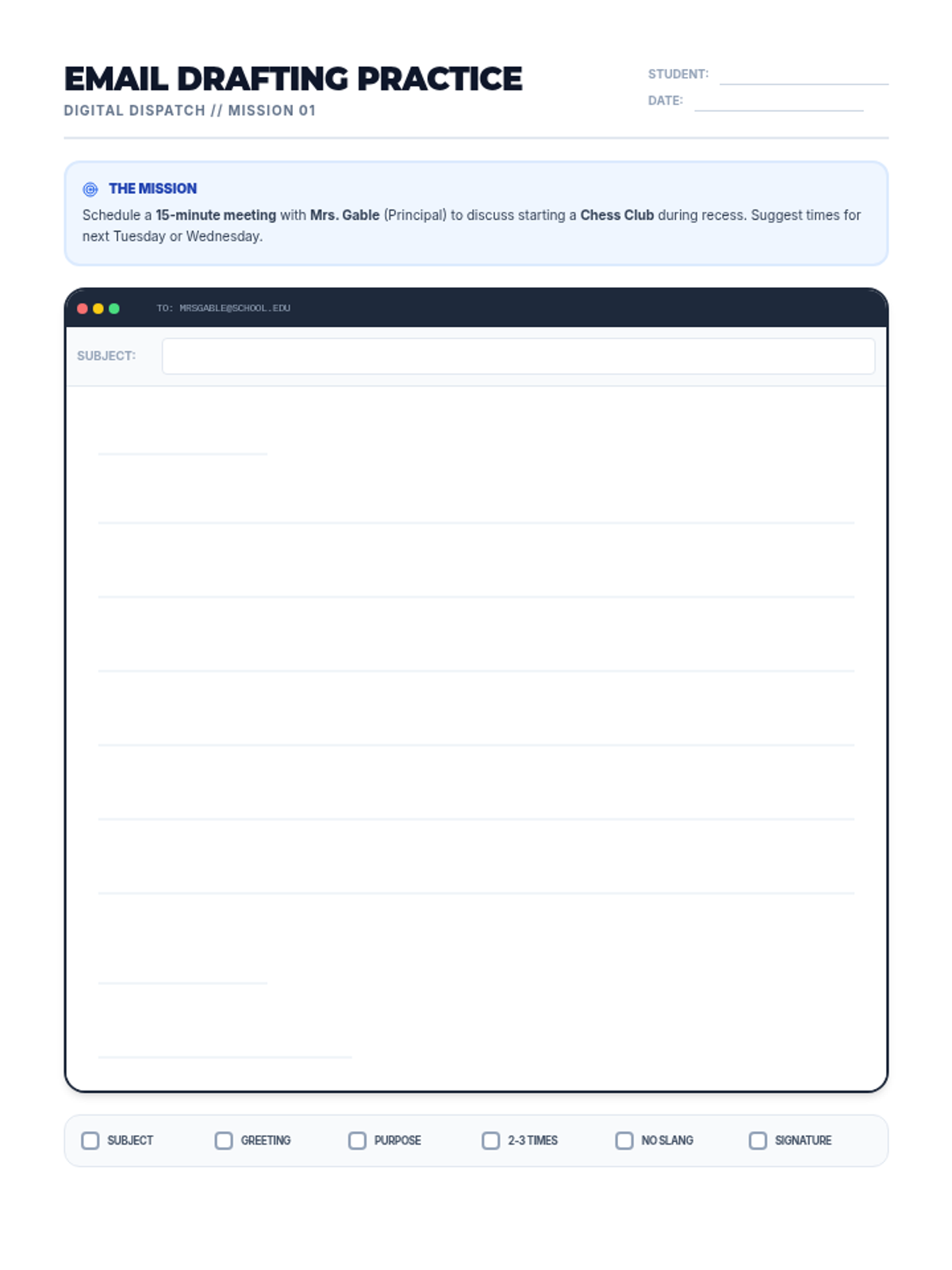
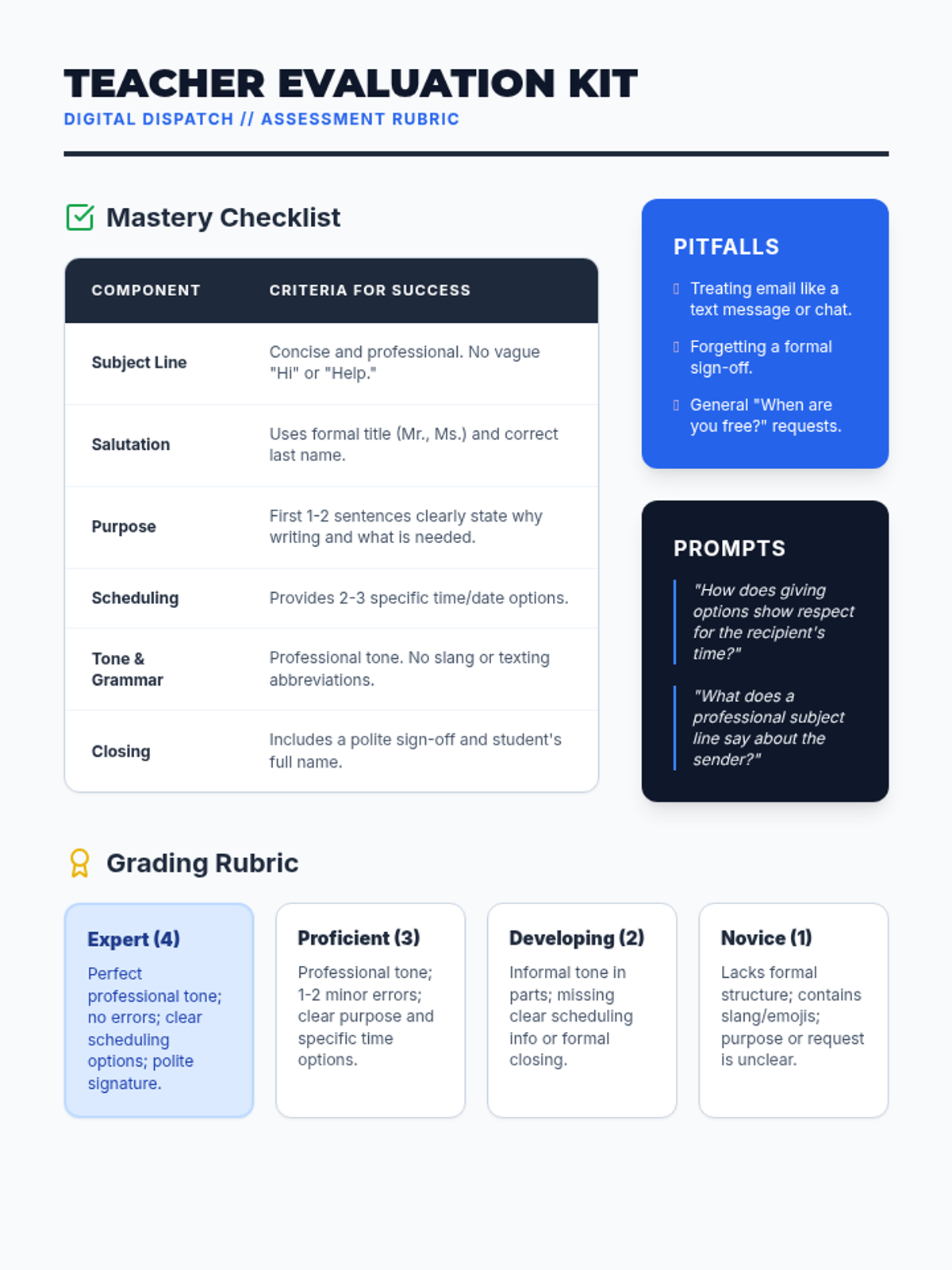
A lesson for middle schoolers on the art of professional email communication, focusing on scheduling meetings with clarity and courtesy.
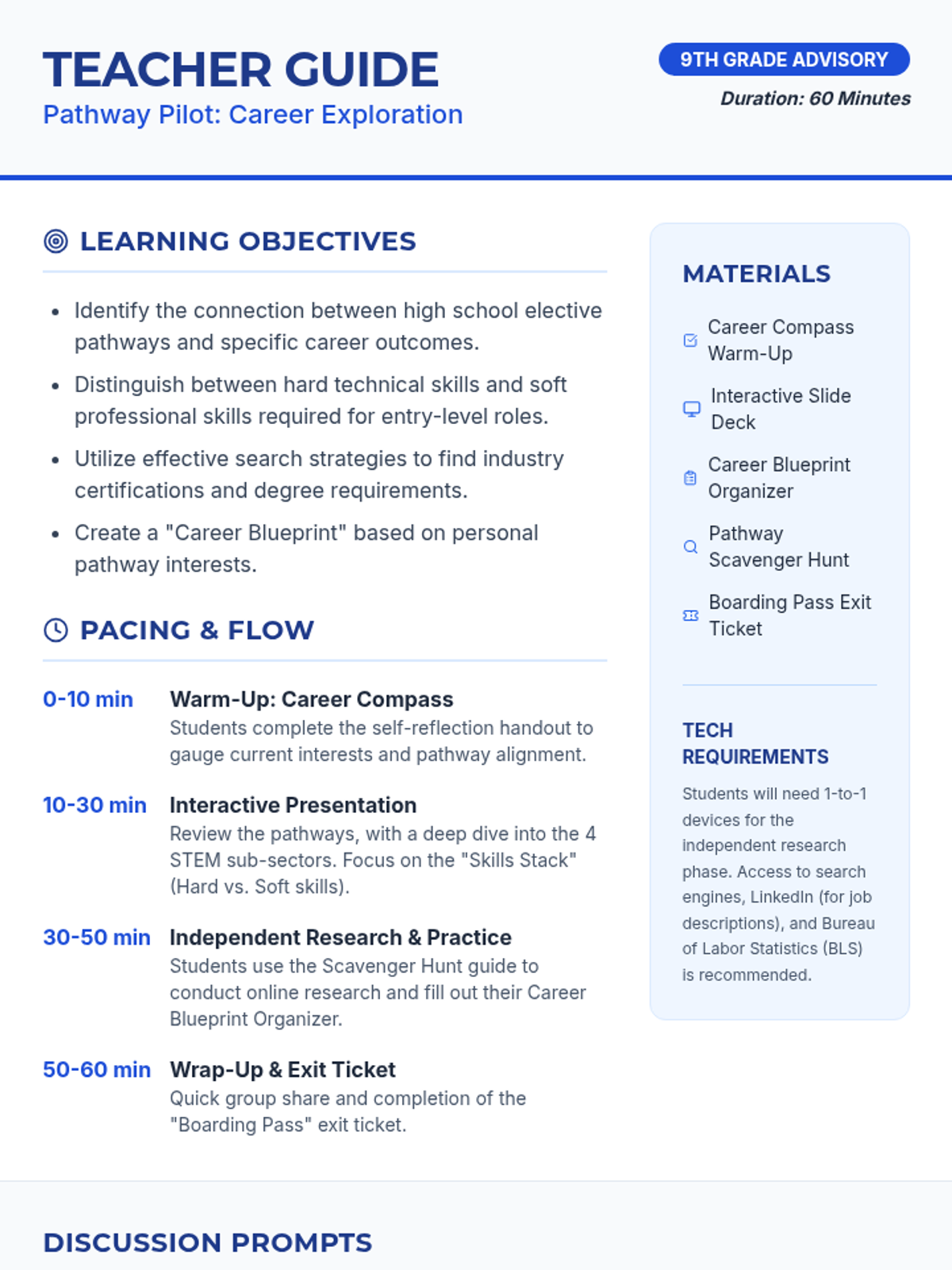
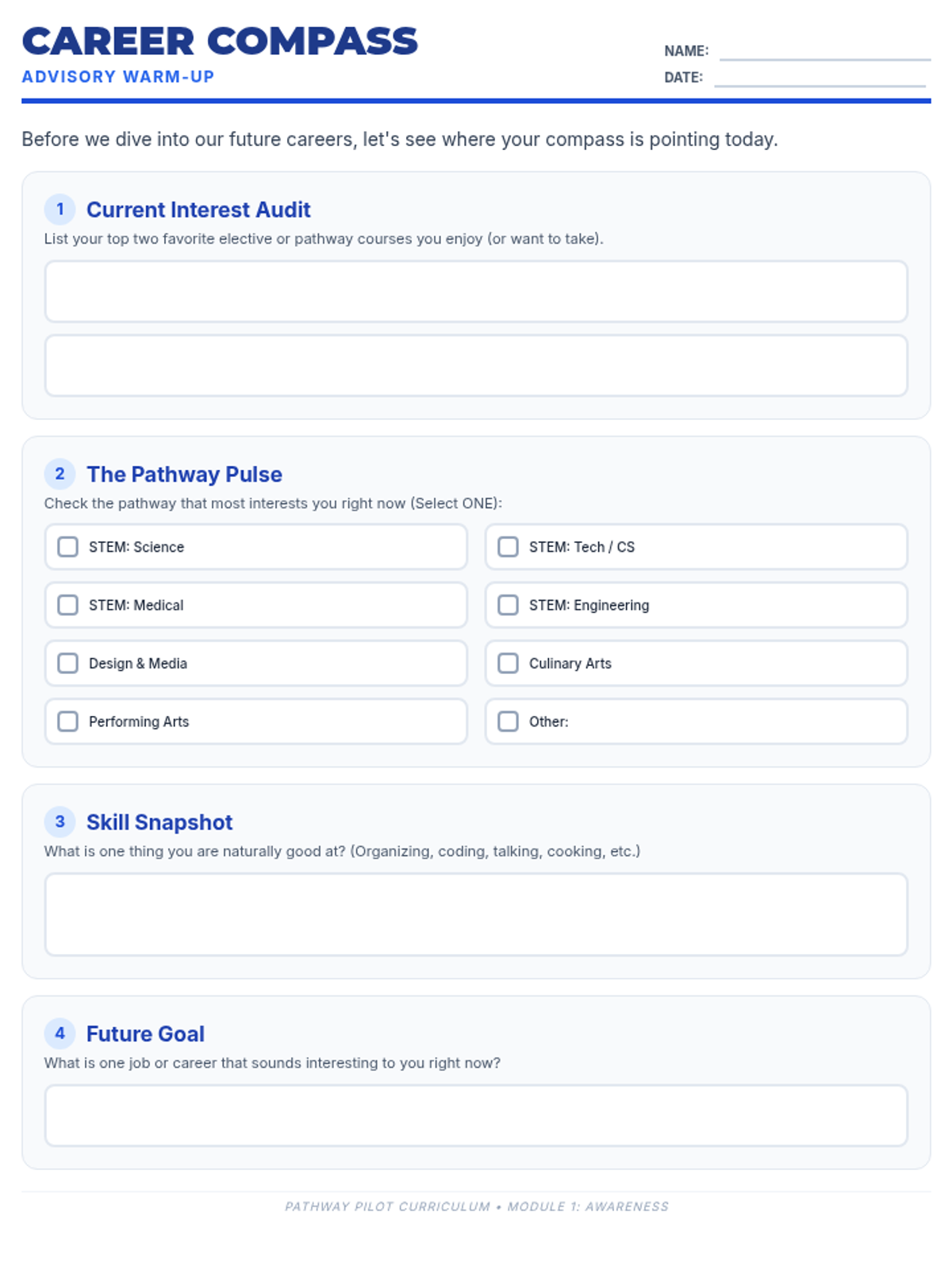
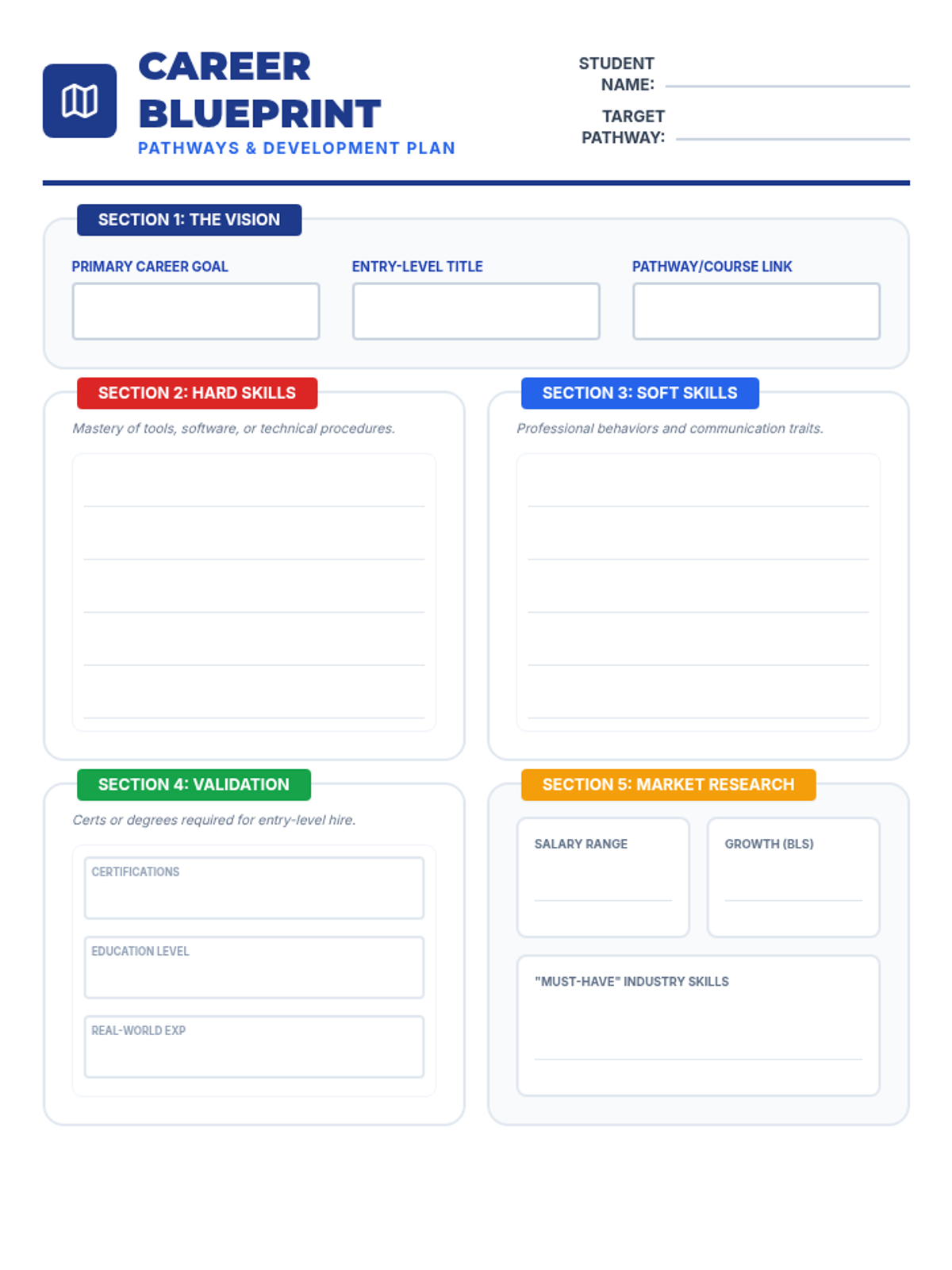
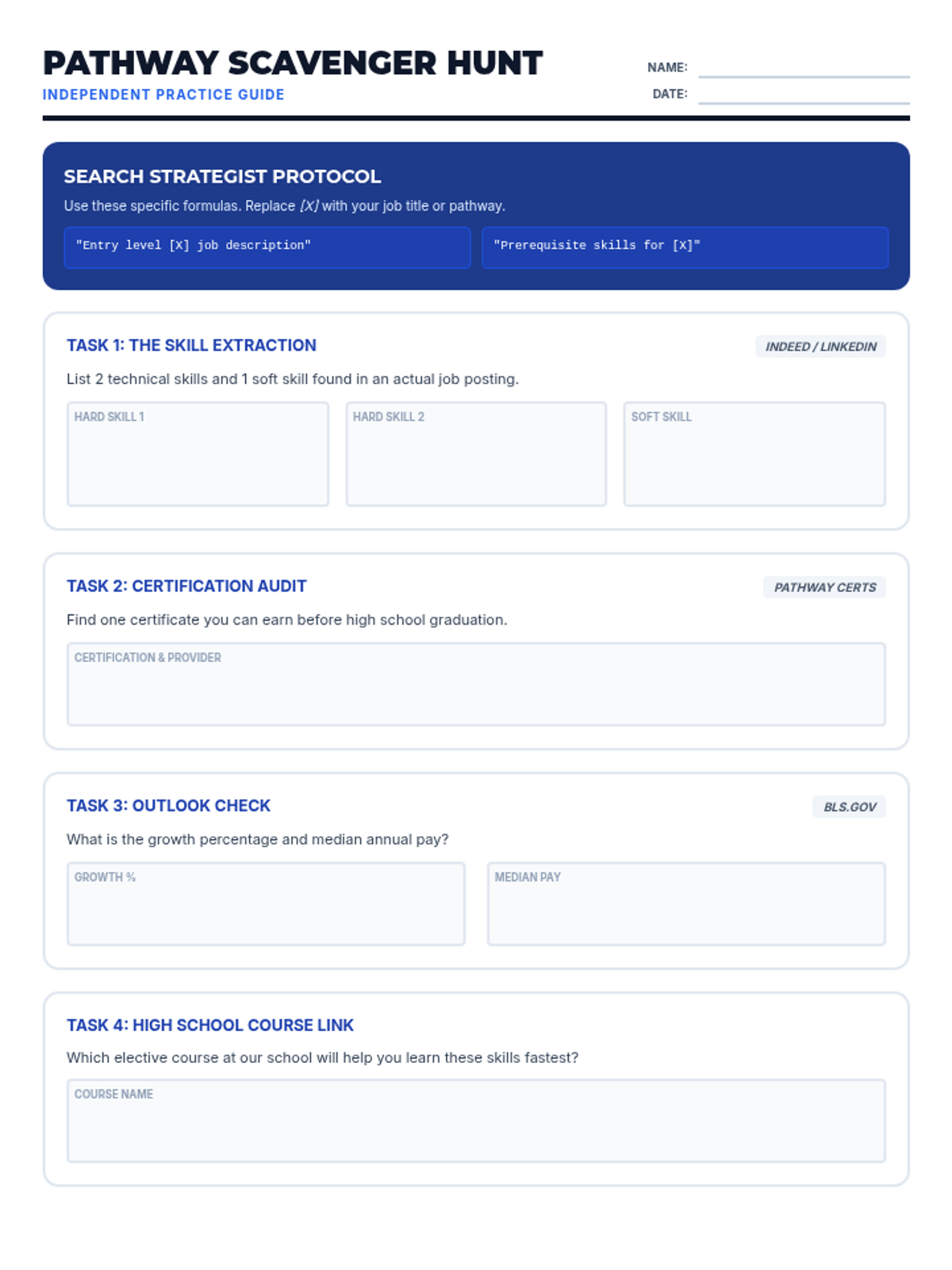
A comprehensive 60-minute advisory lesson designed to help 9th-grade students connect their high school elective pathways (Performing Arts, Design, Culinary, and STEM) to future career requirements, focusing on hard and soft skills, certifications, and research strategies.
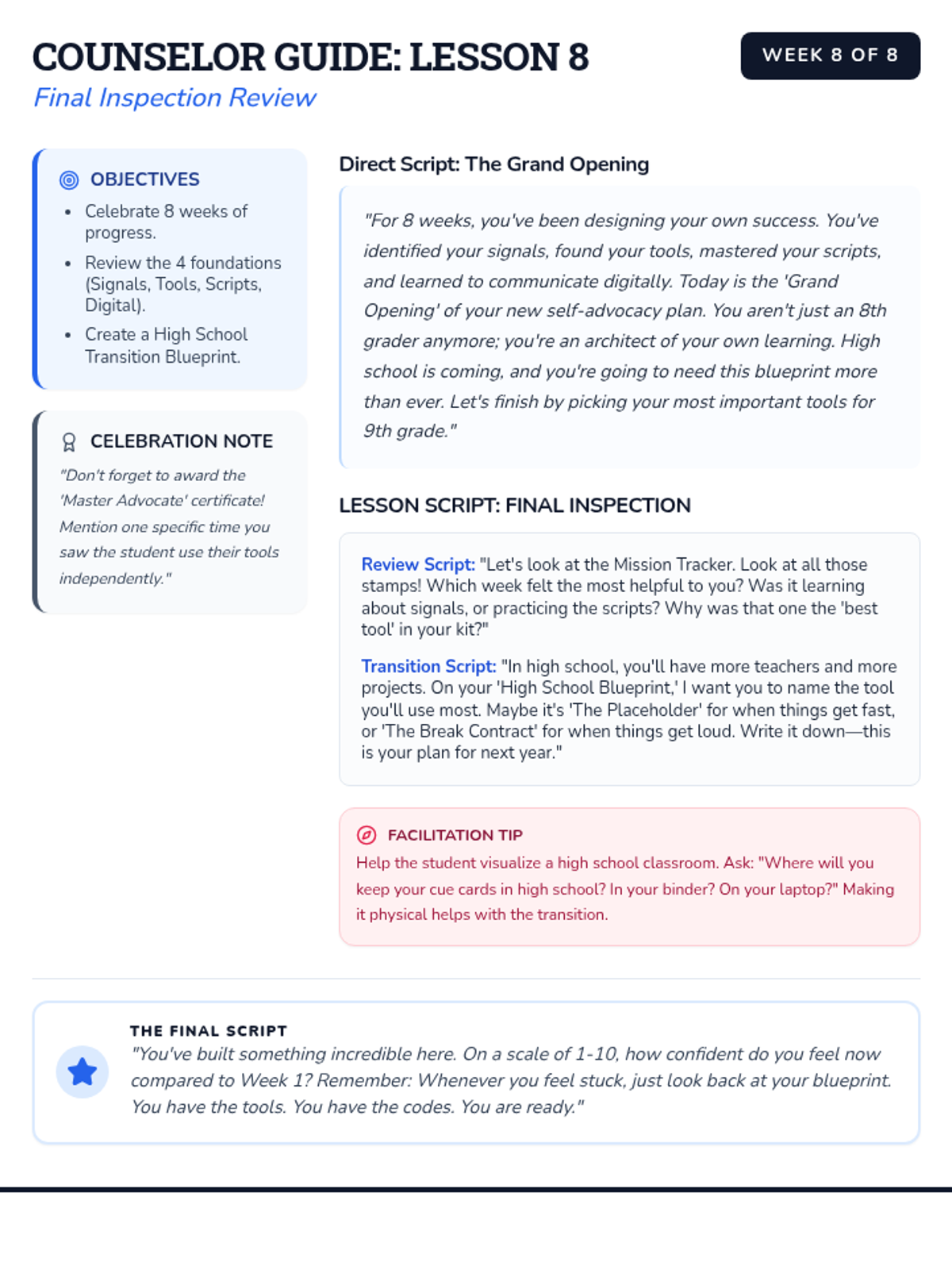
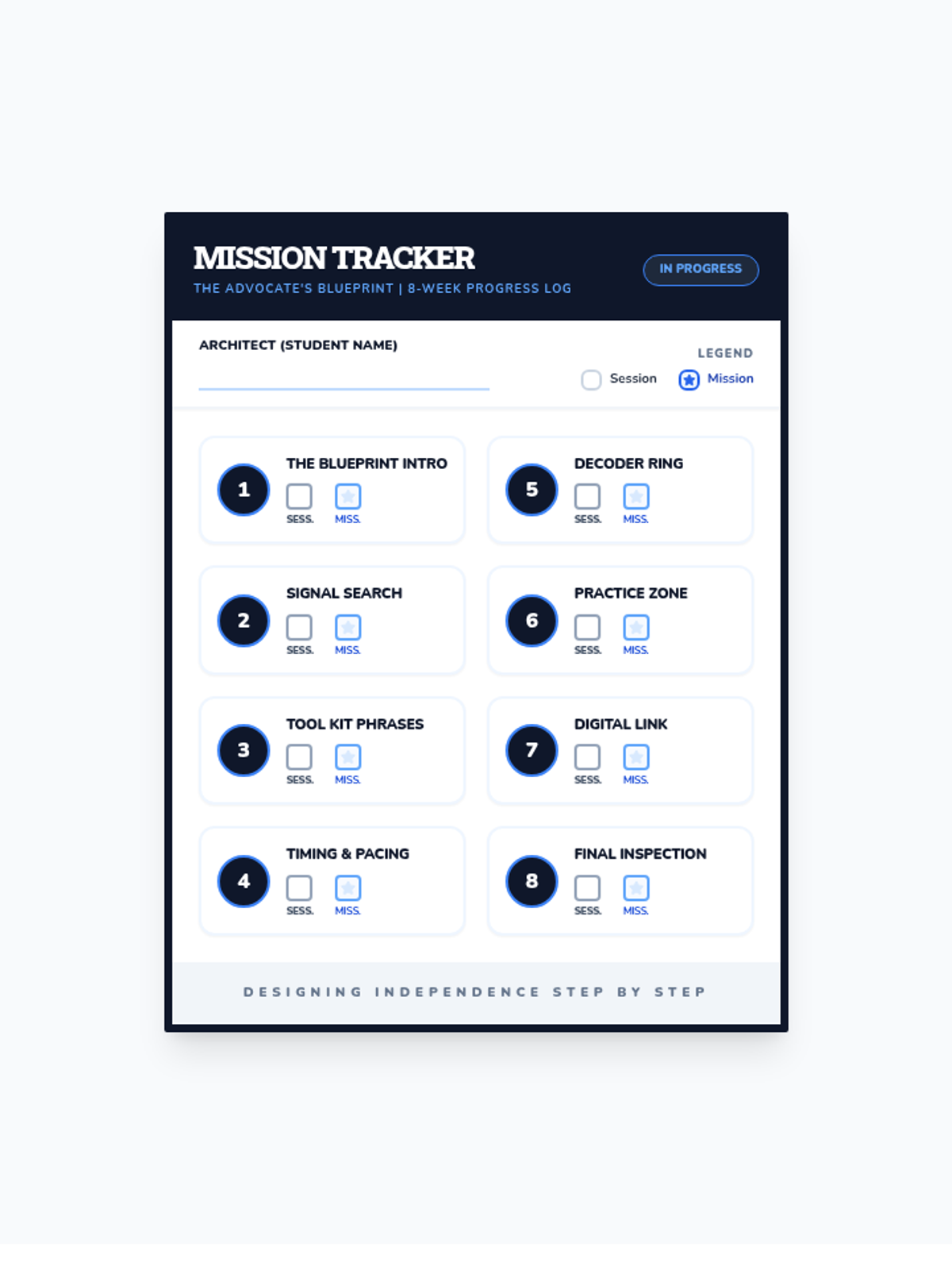
Reviewing progress, finalizing the personal advocacy plan, and celebrating growth.
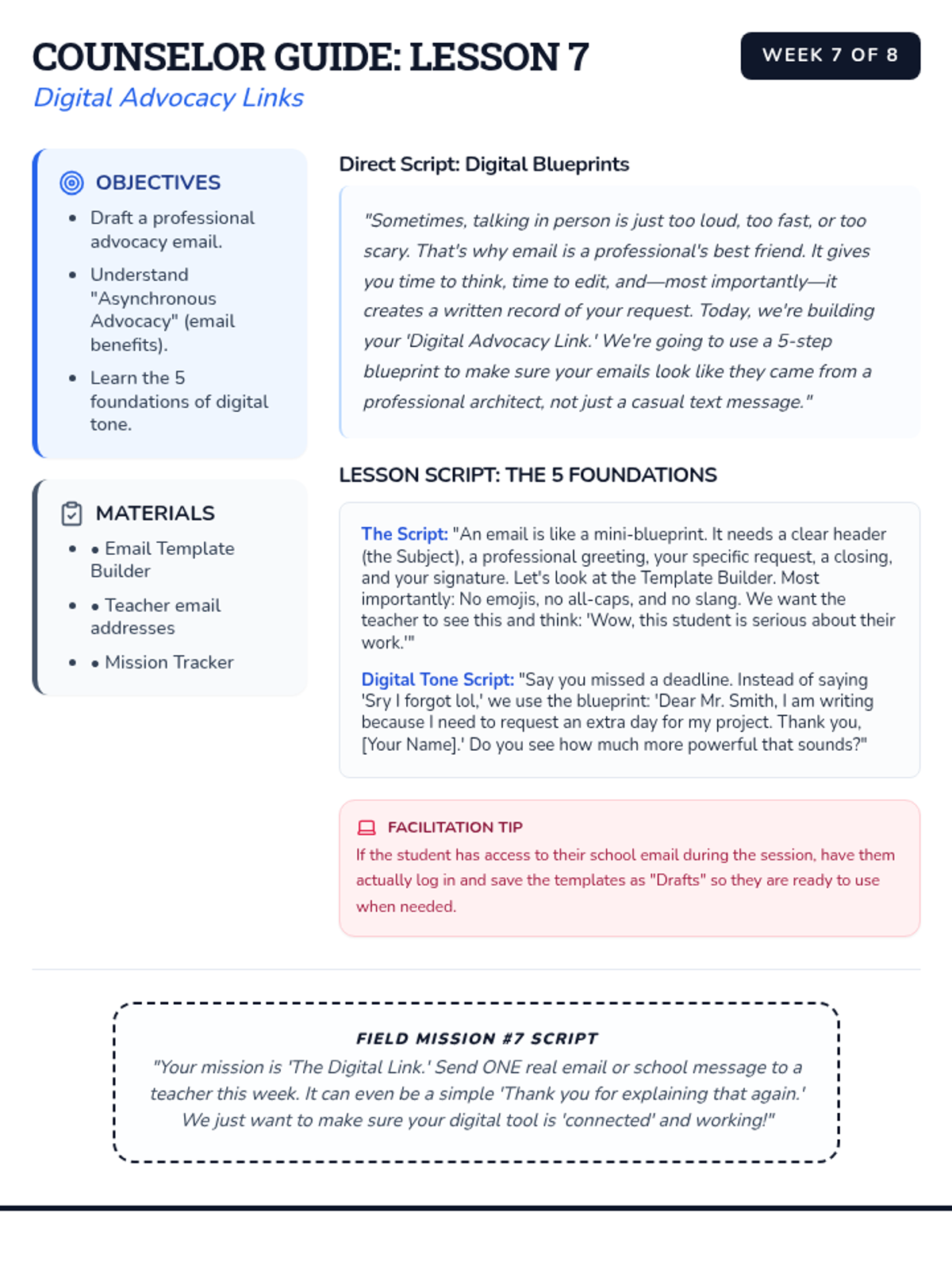
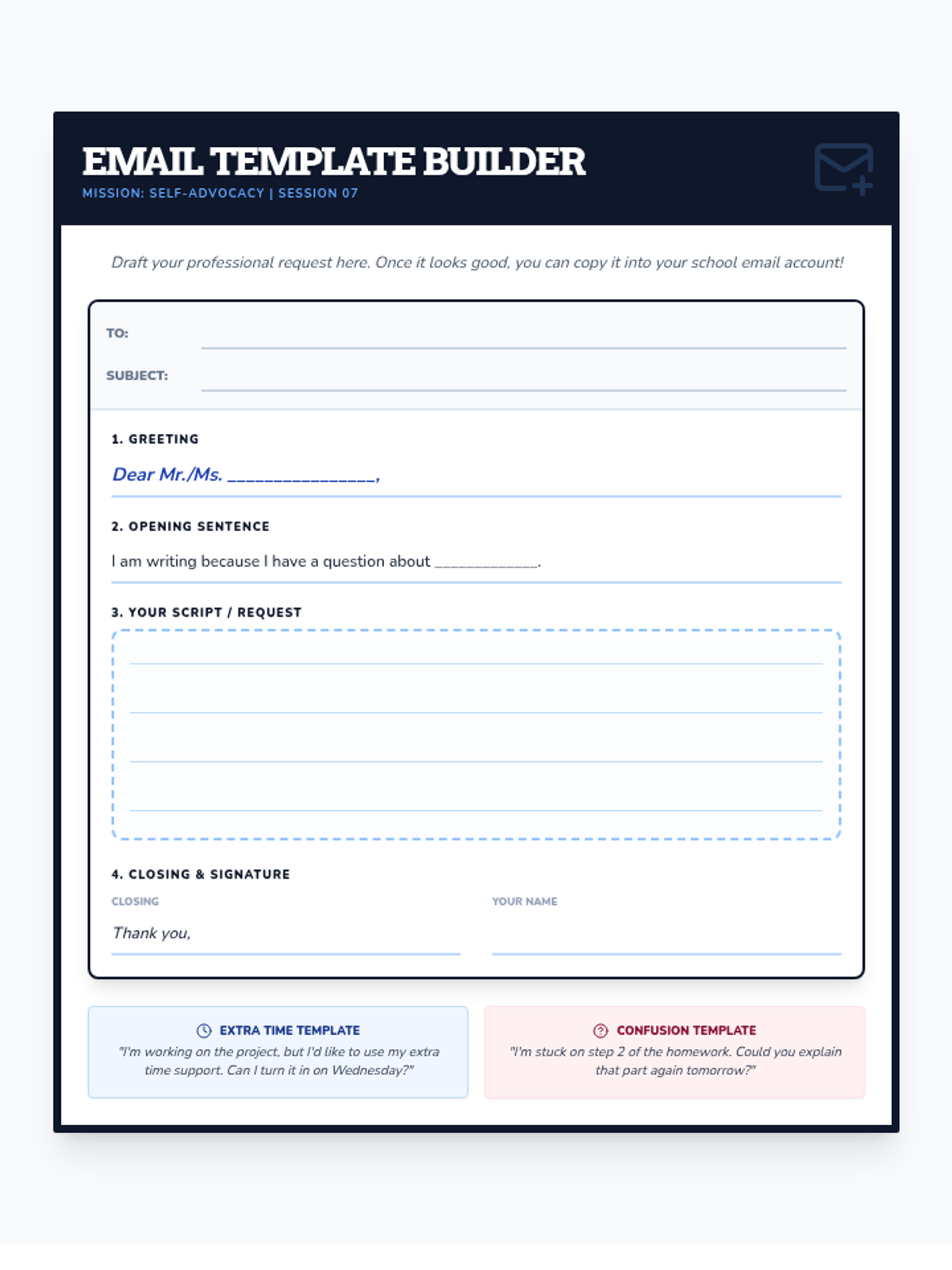
Learning how to professionally request help and tools via email or school messaging systems.
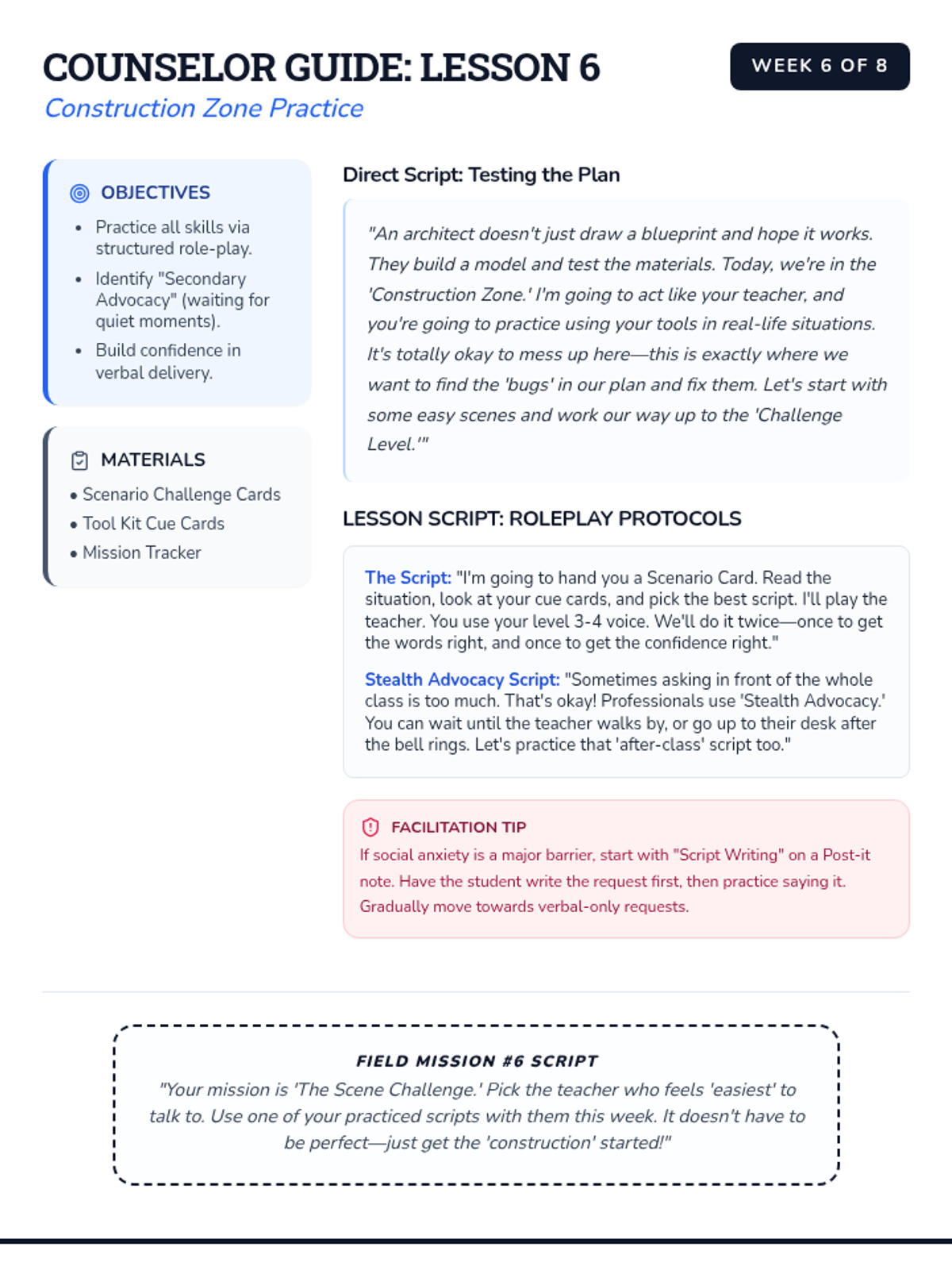
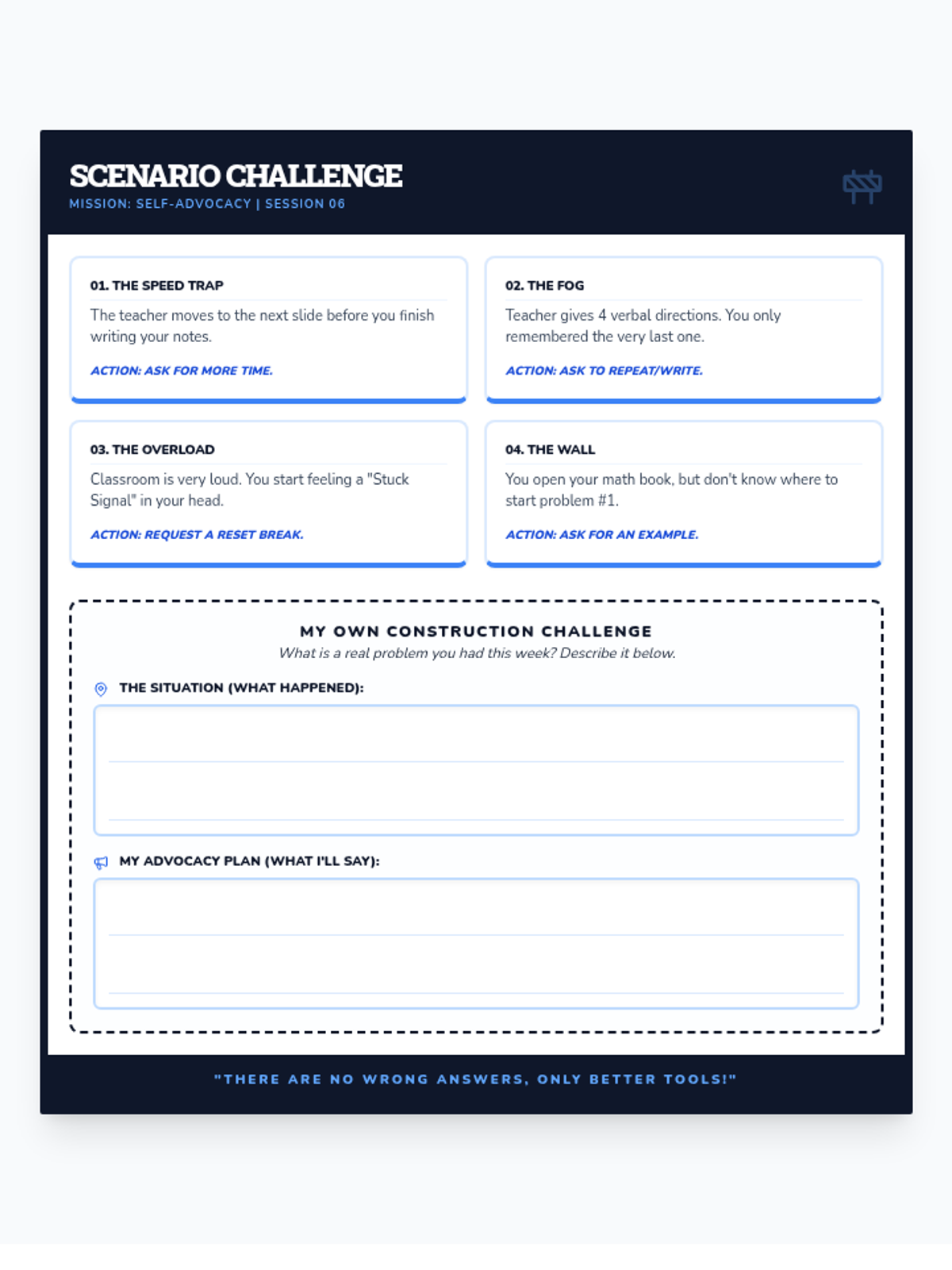
Practicing self-advocacy scripts through structured role-play in various school scenarios.
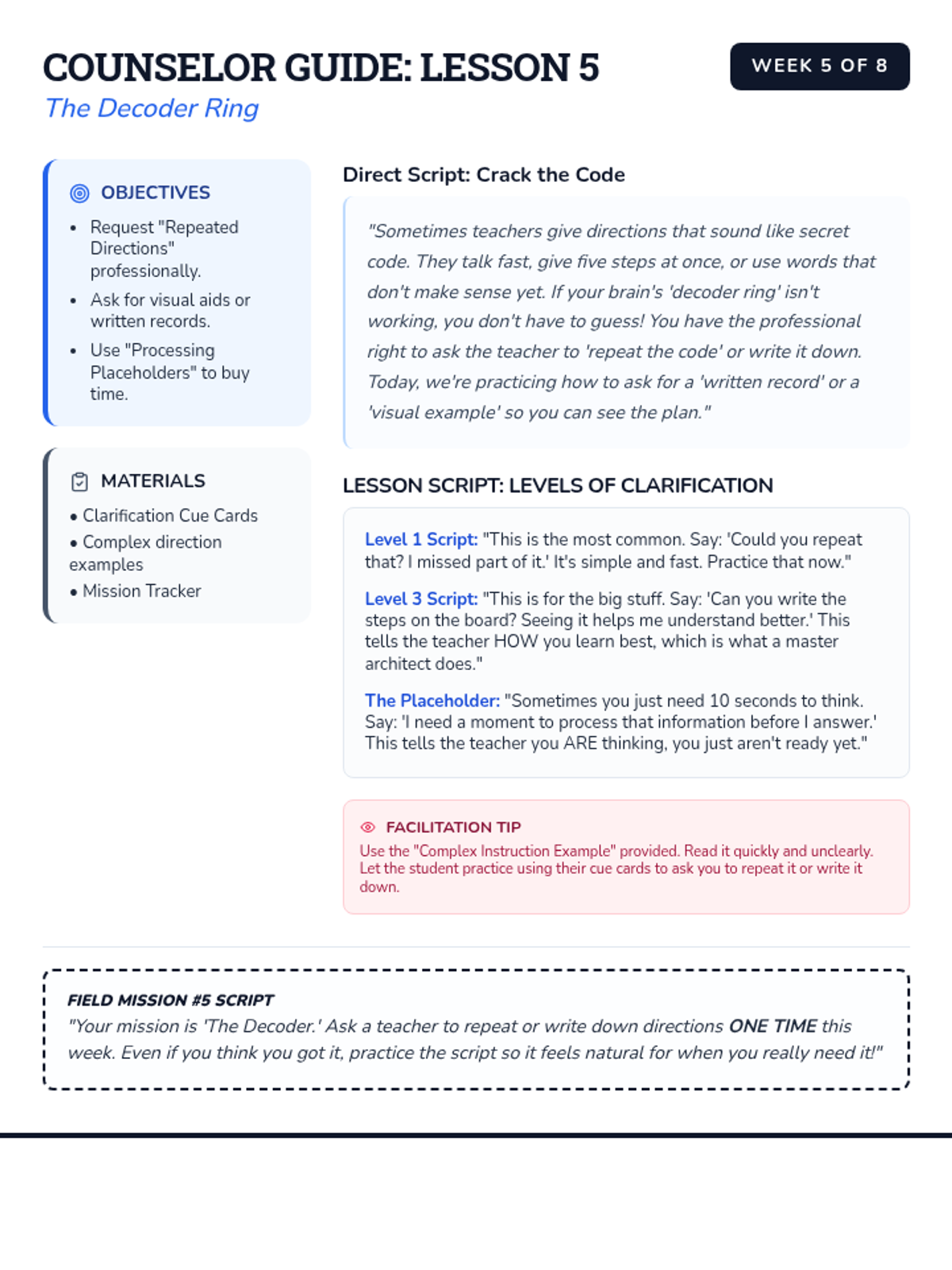
Techniques for asking teachers to repeat directions or simplify complex instructions.
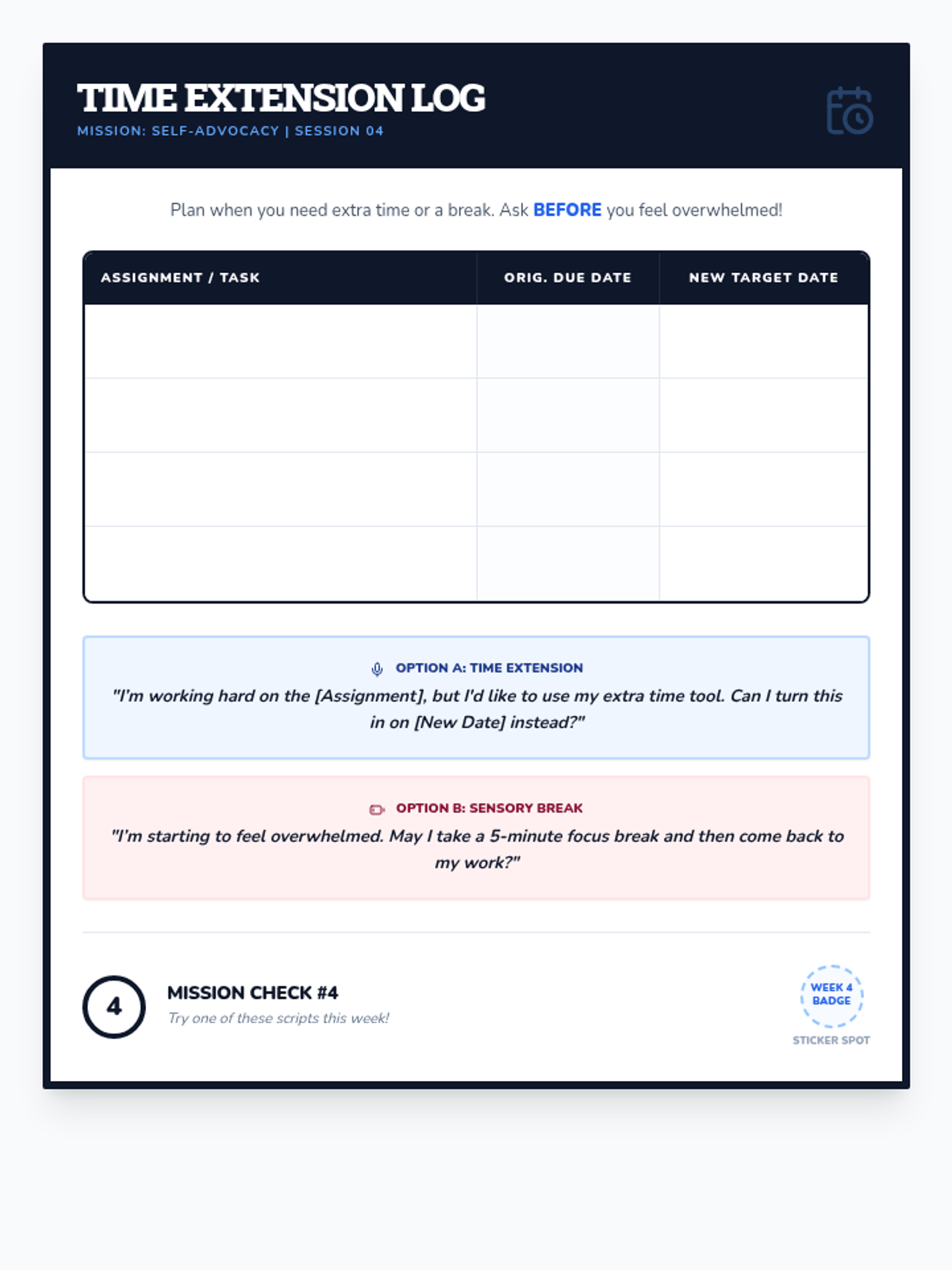
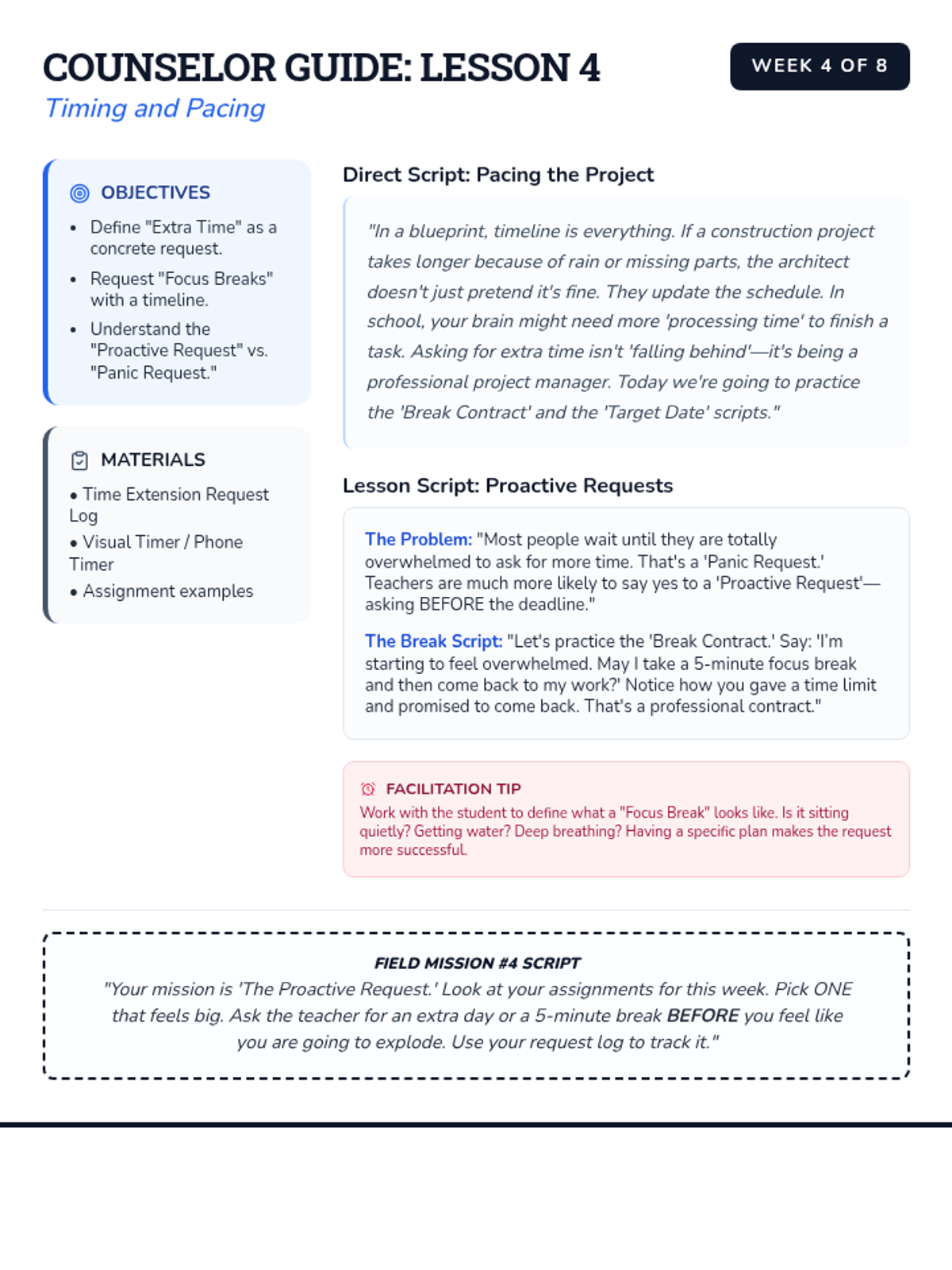
Focusing on self-advocating for time-based tools like extra time or short breaks.
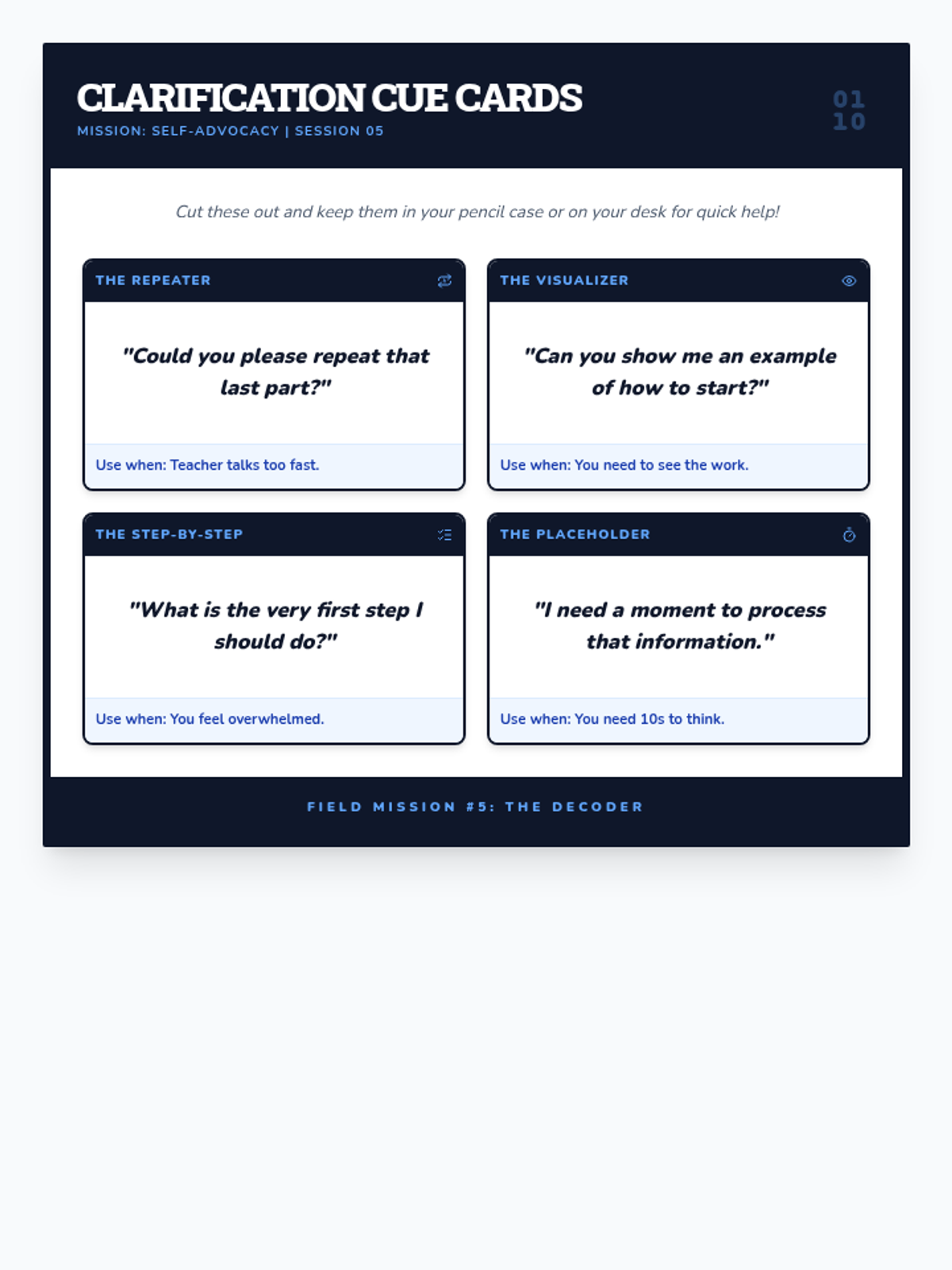
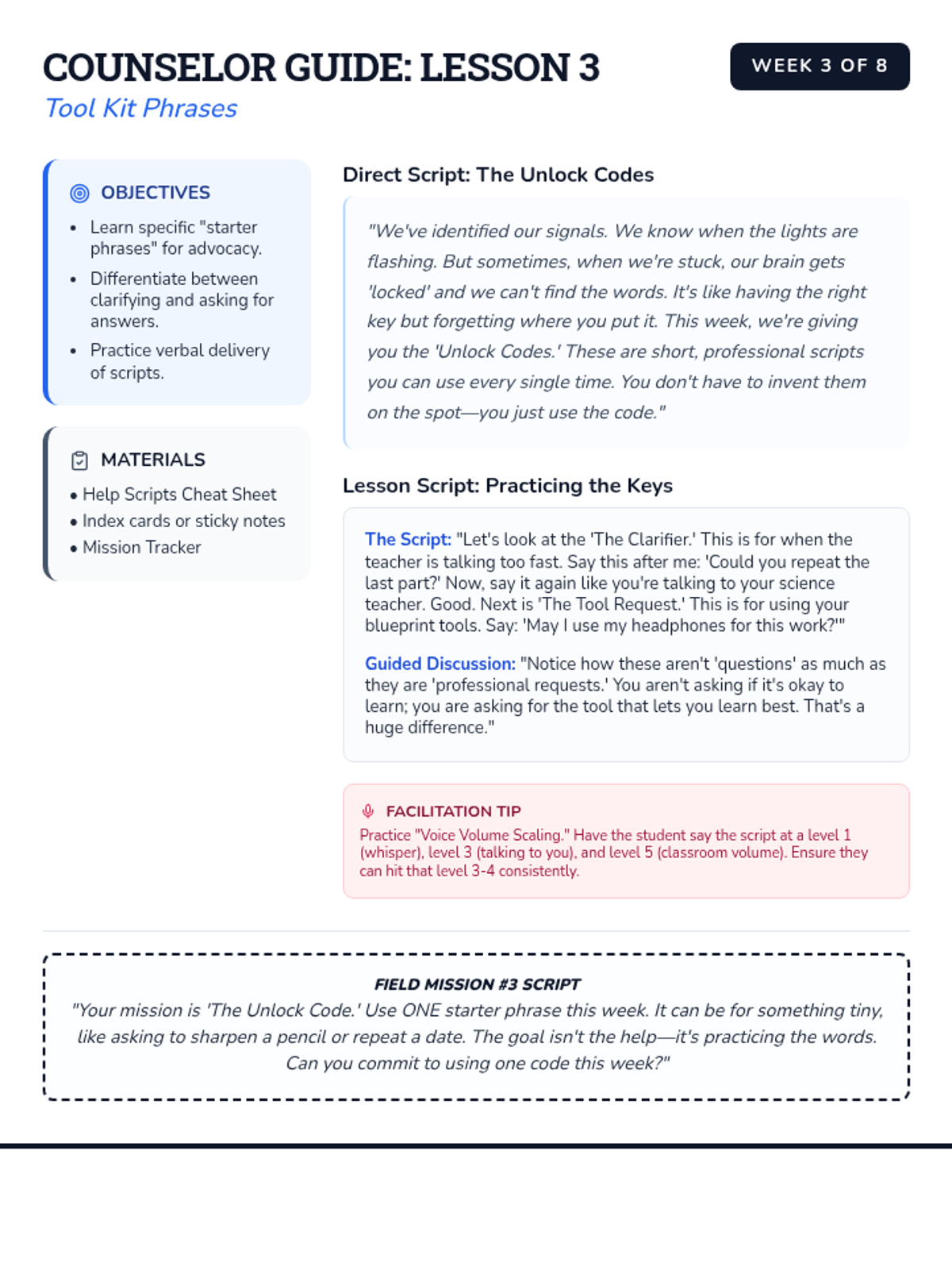
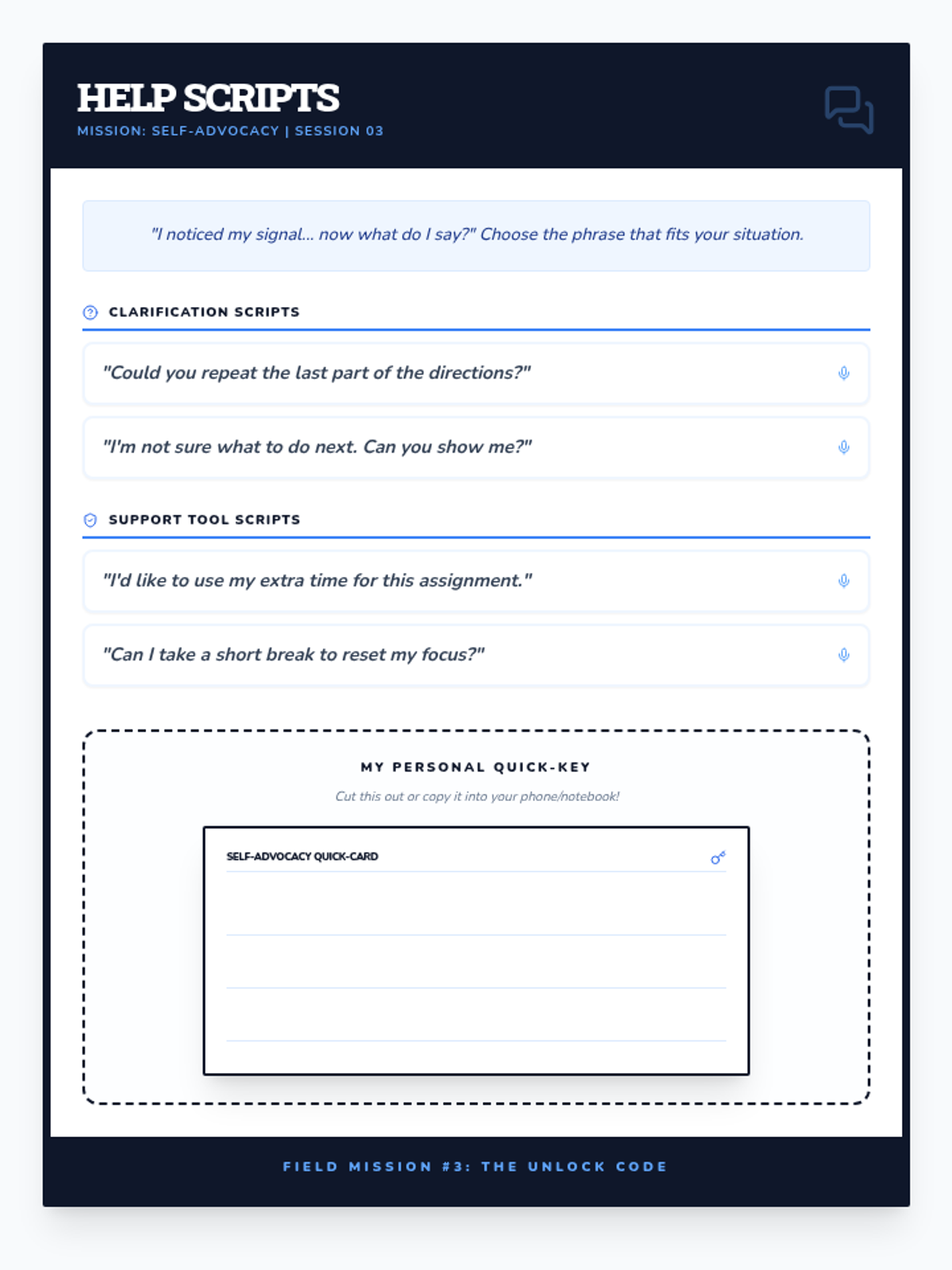
Building a collection of specific scripts and phrases for asking for help and clarification.
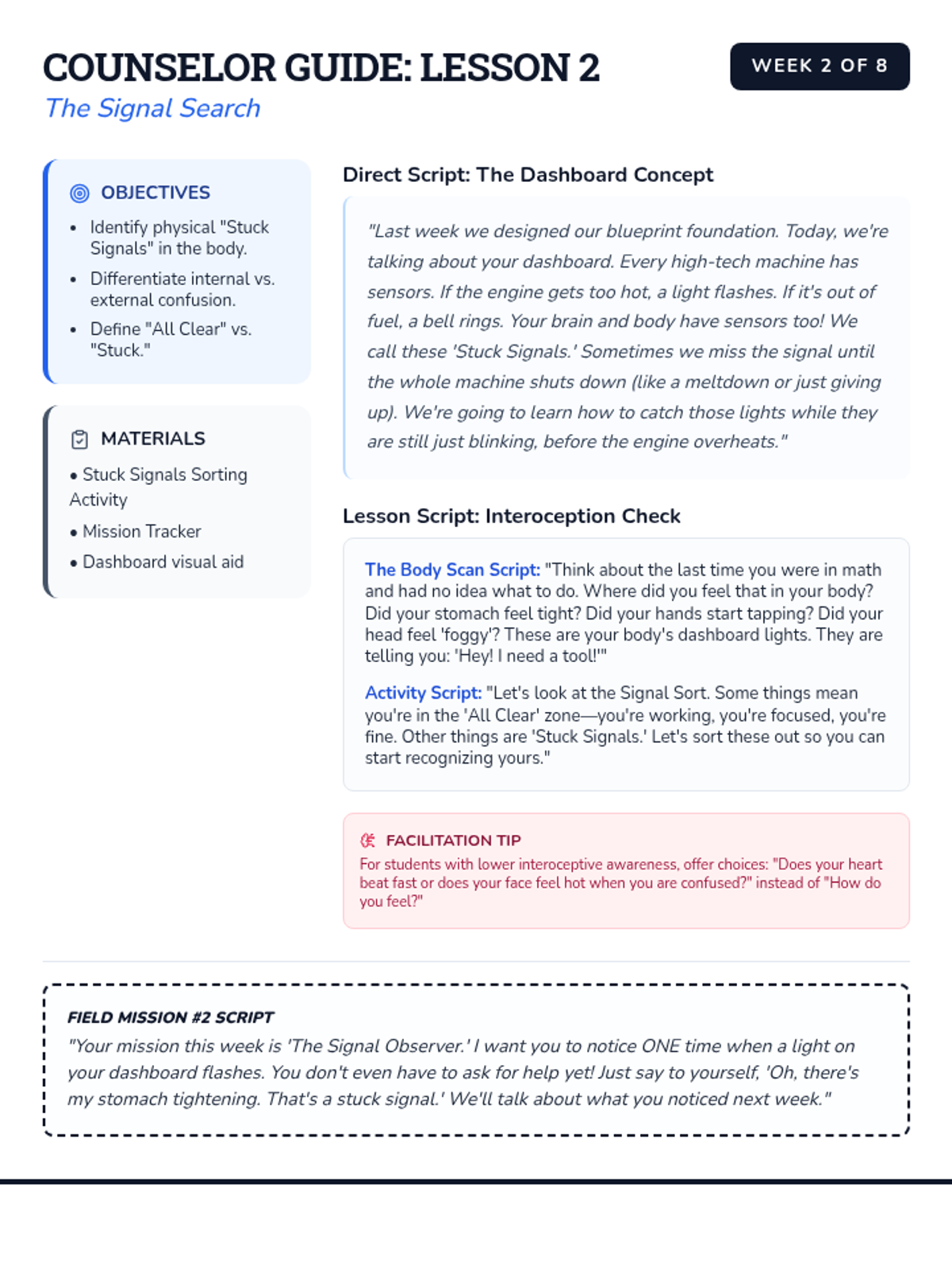
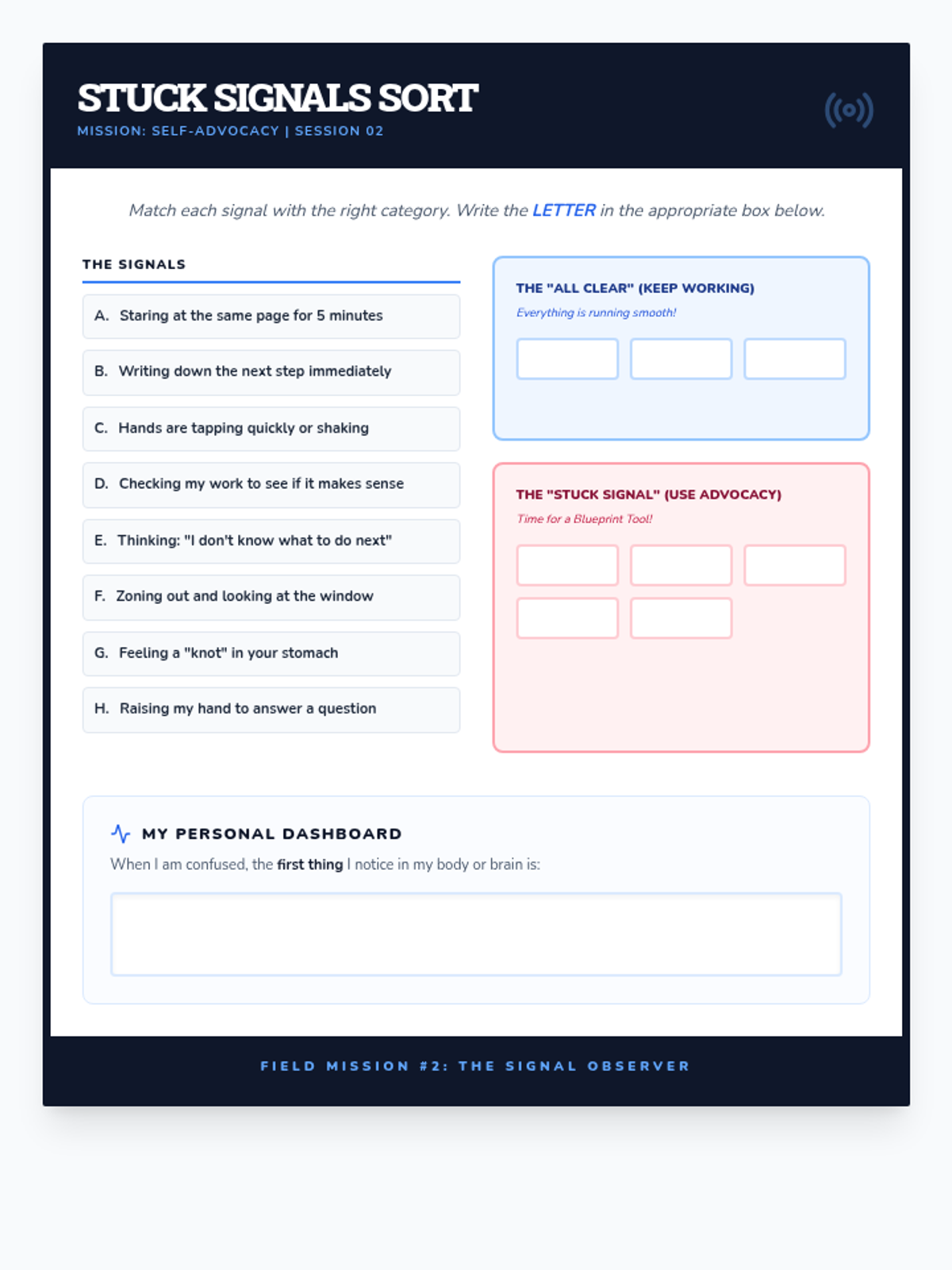
Learning to identify internal and external cues that indicate a need for help or clarification.
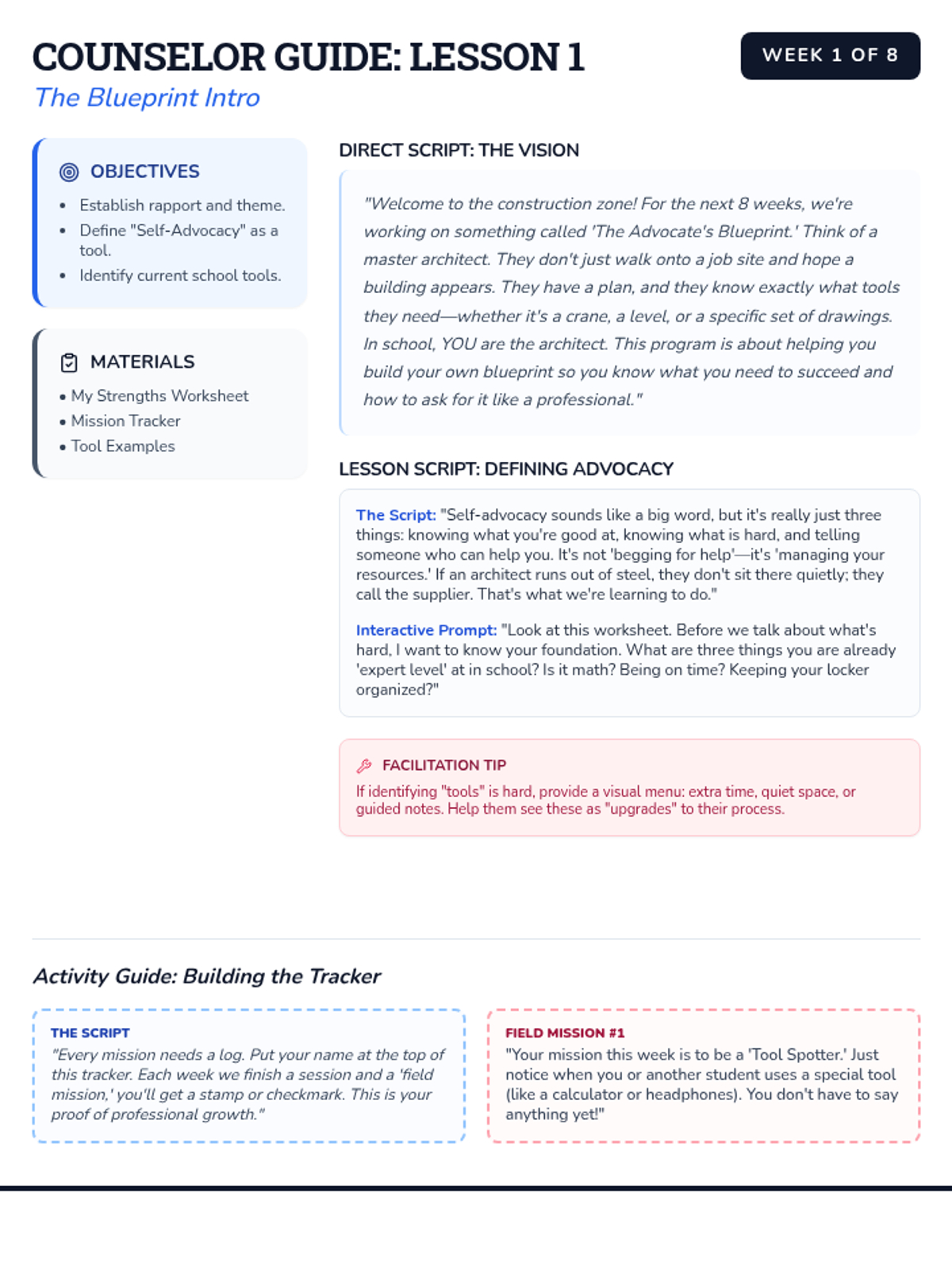
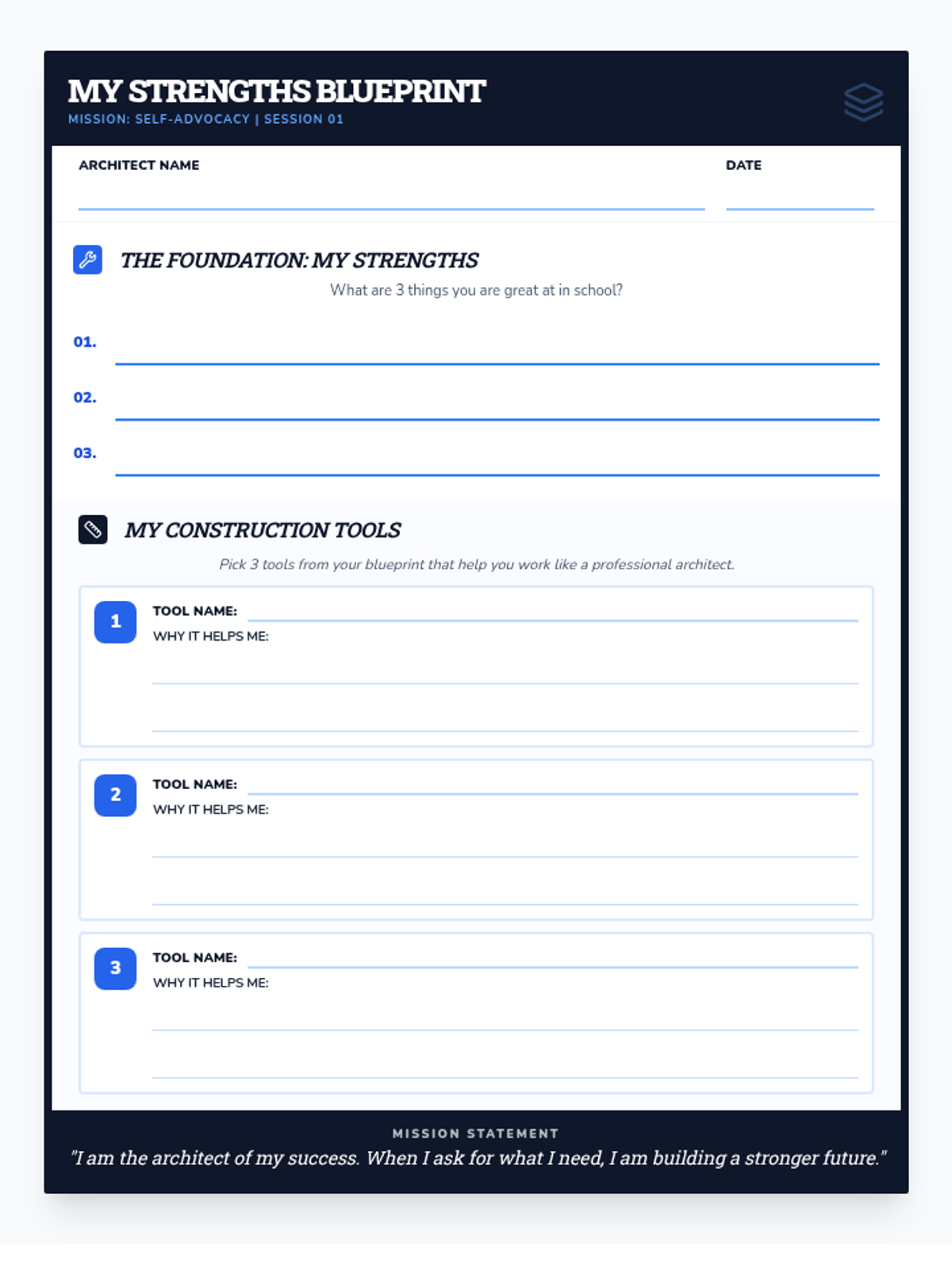
Introduction to the concept of self-advocacy and understanding the student's specific strengths and learning tools.
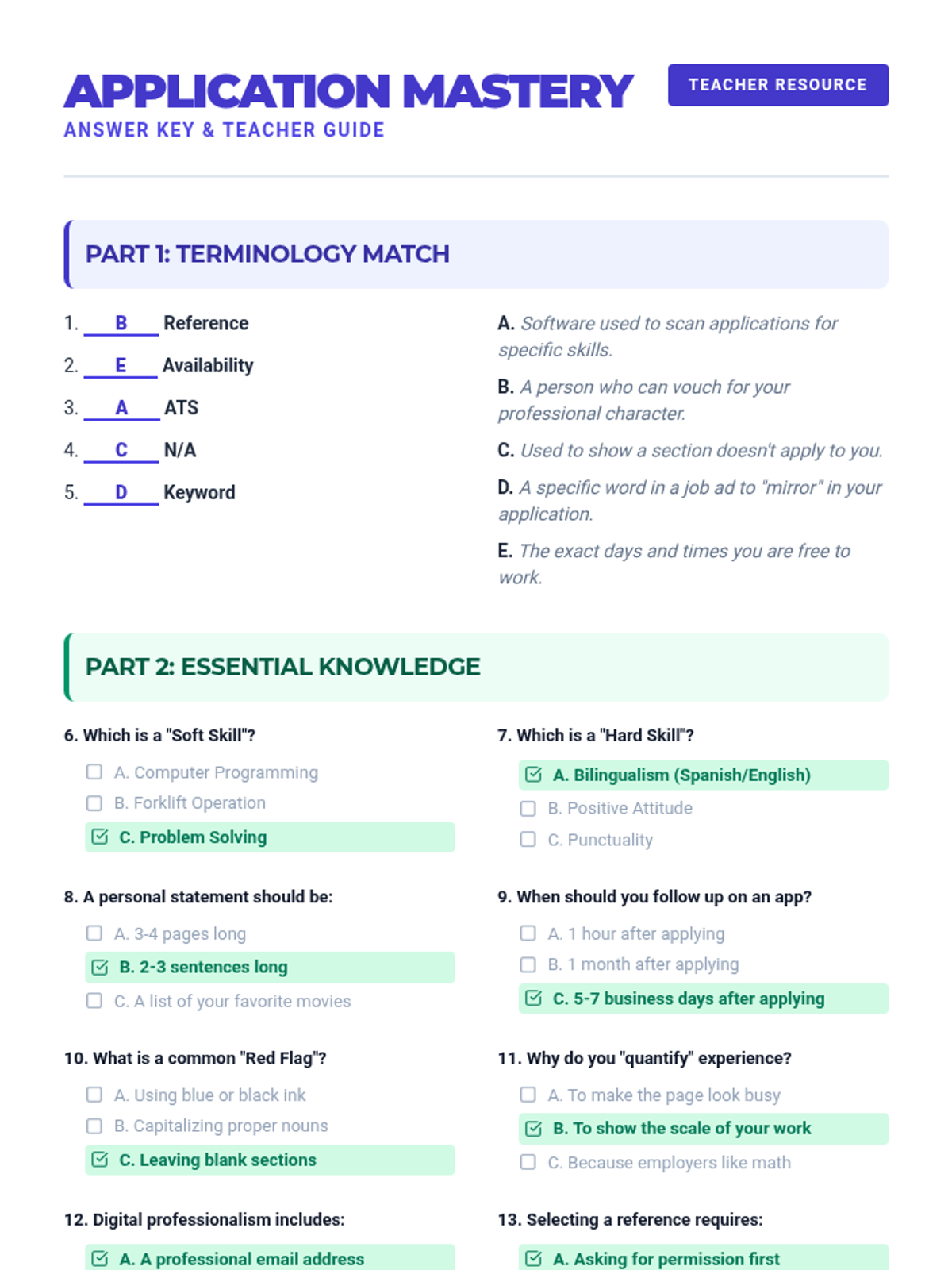
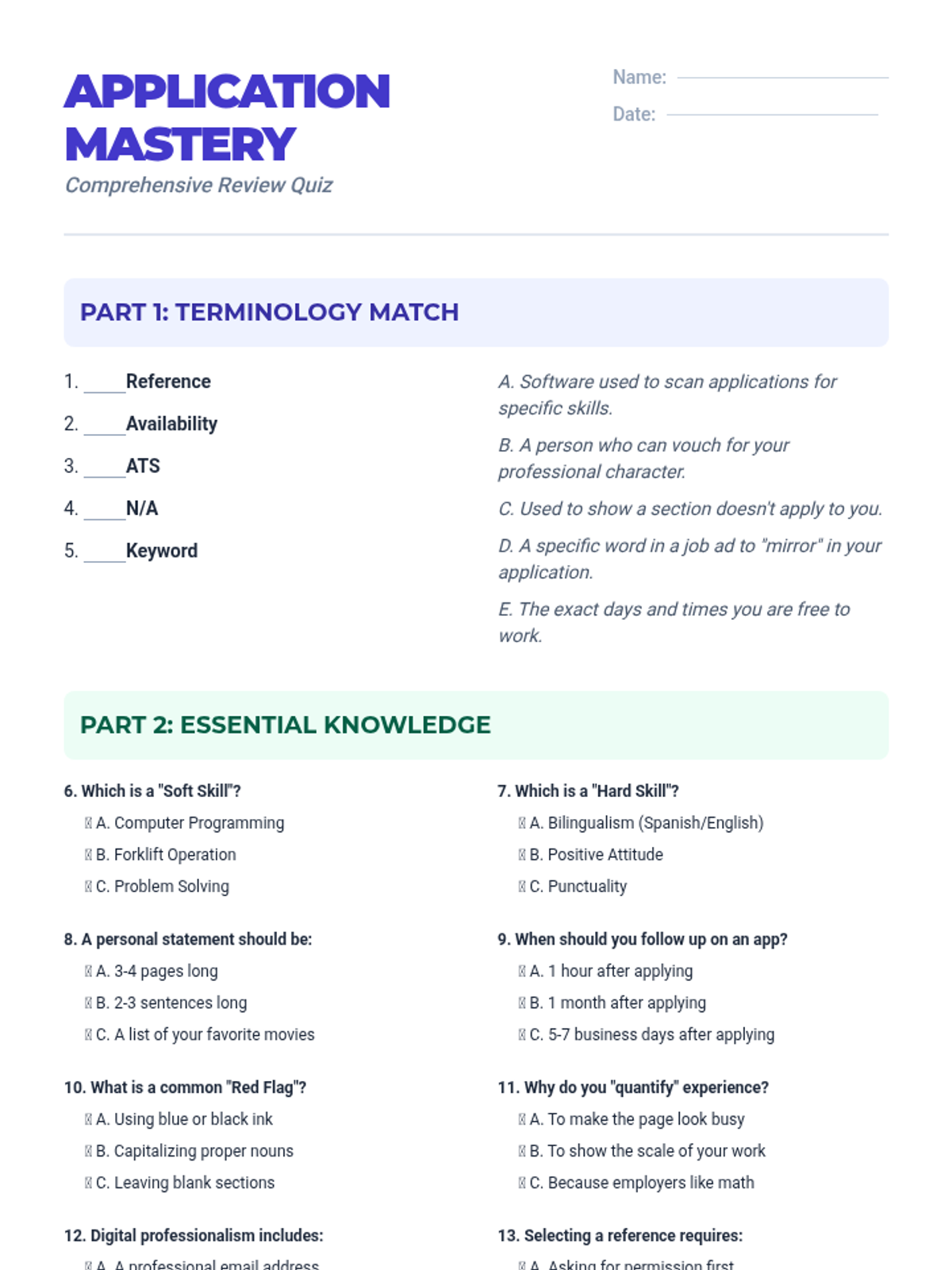
A comprehensive lesson focused on mastering the job application process, from understanding terminology to tailoring skills for specific roles.
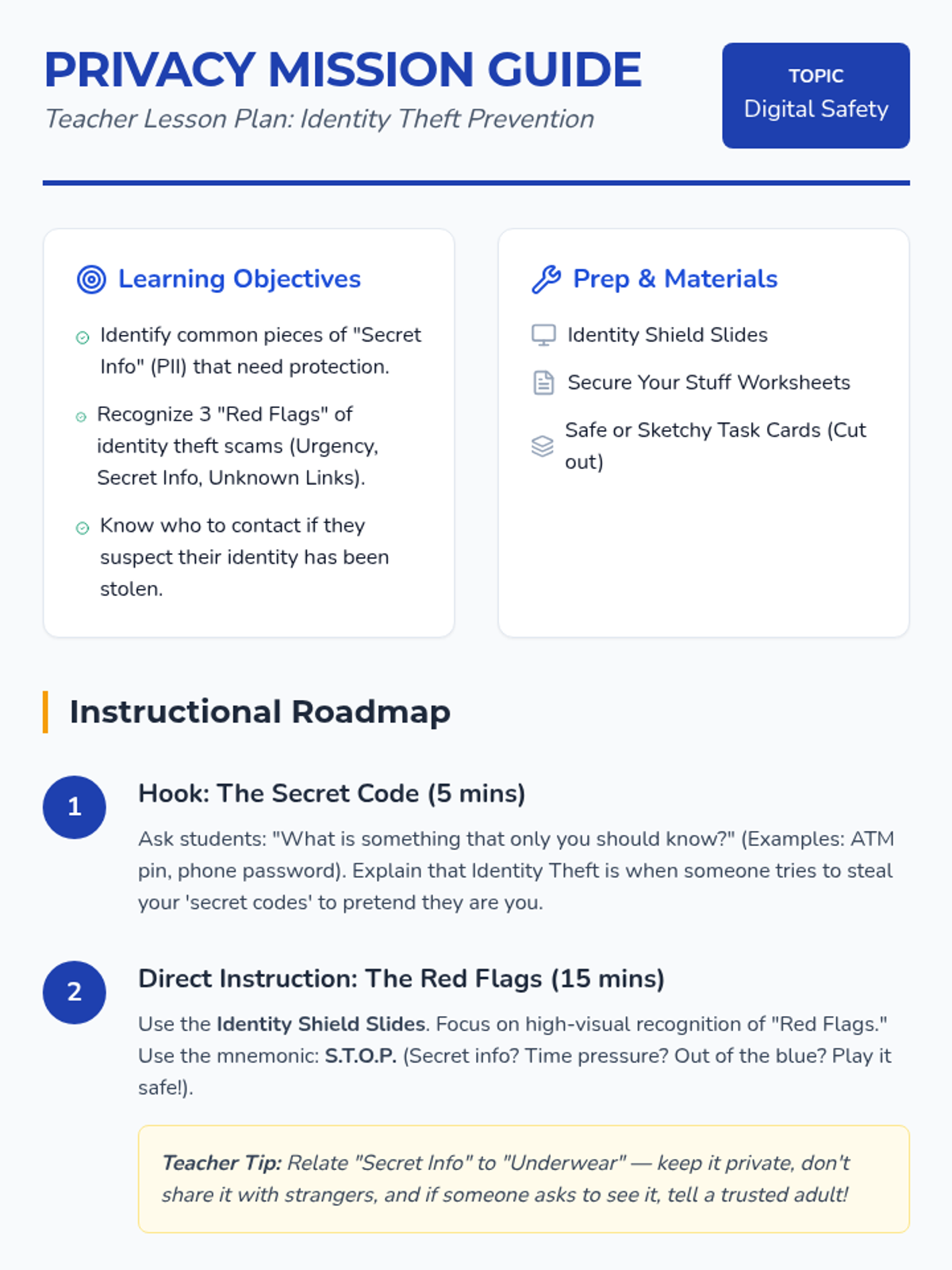
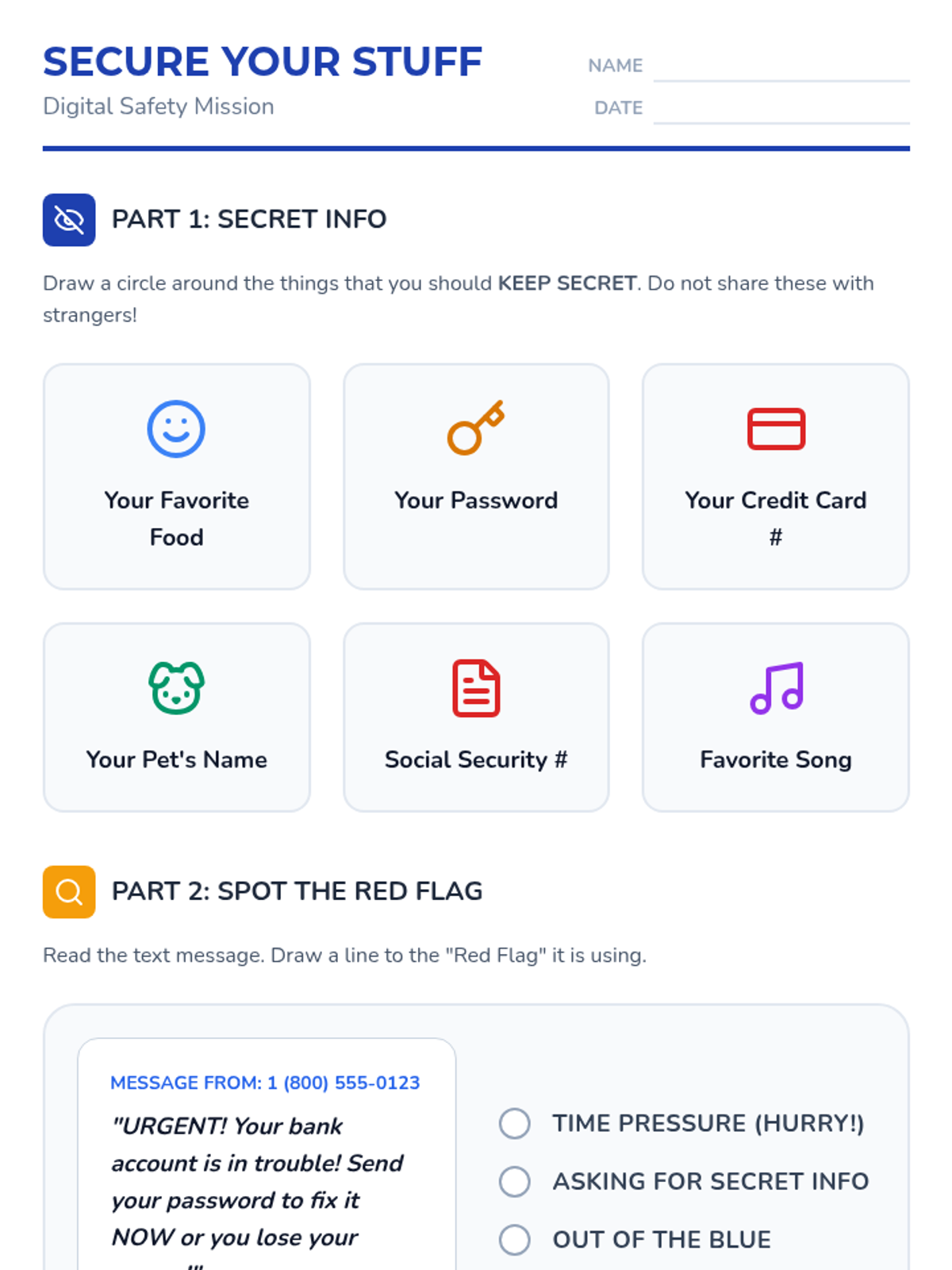
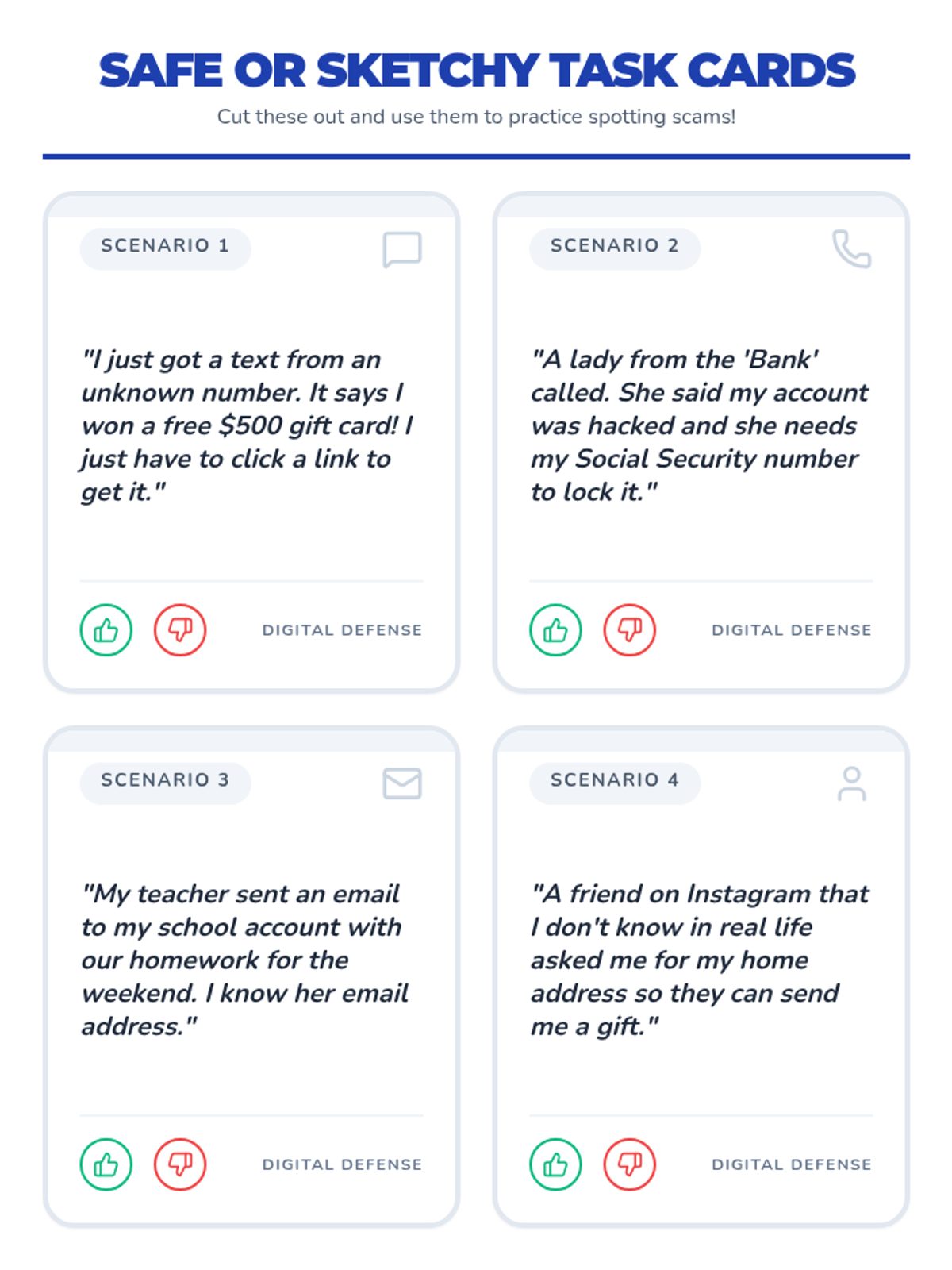
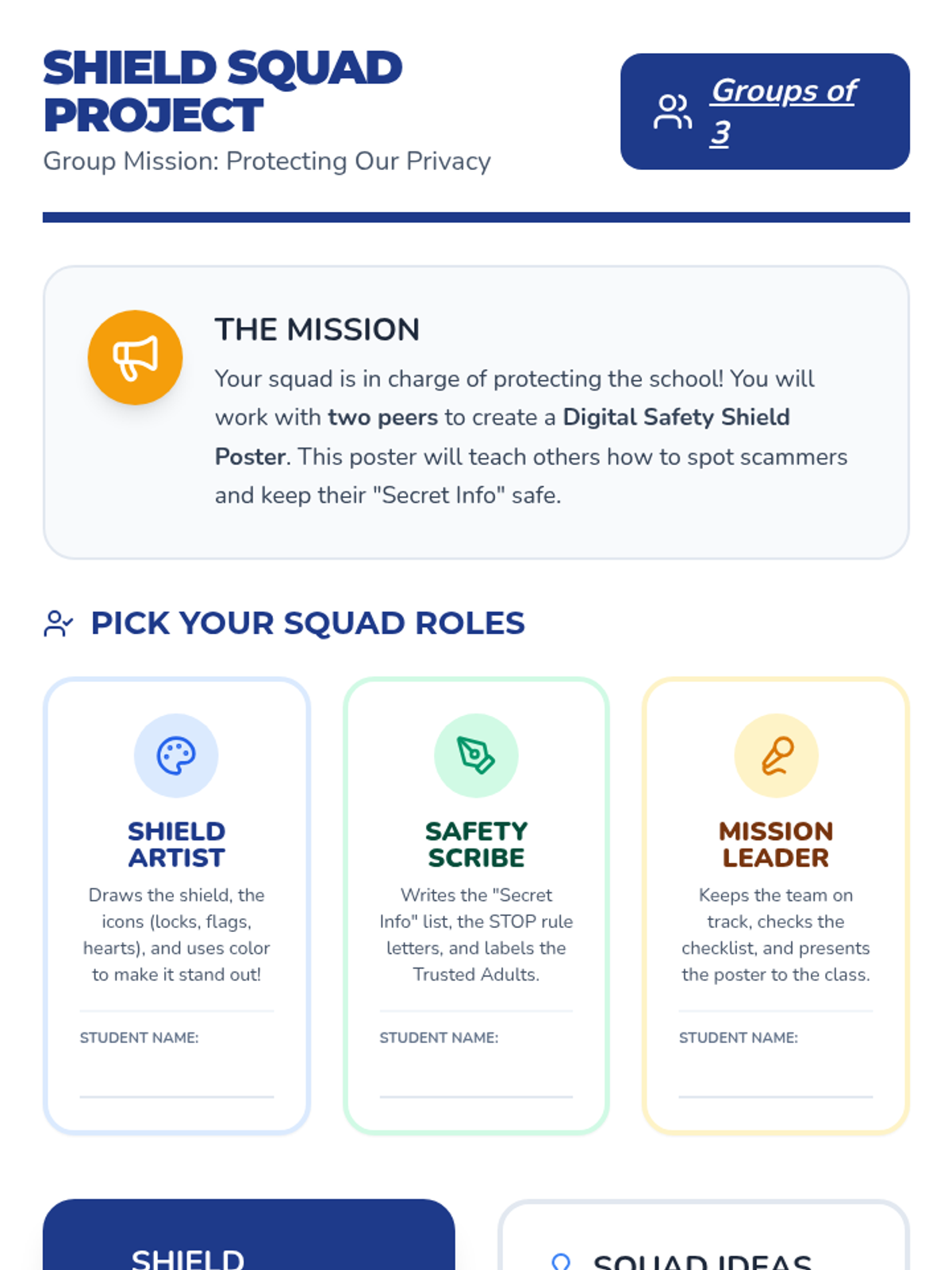
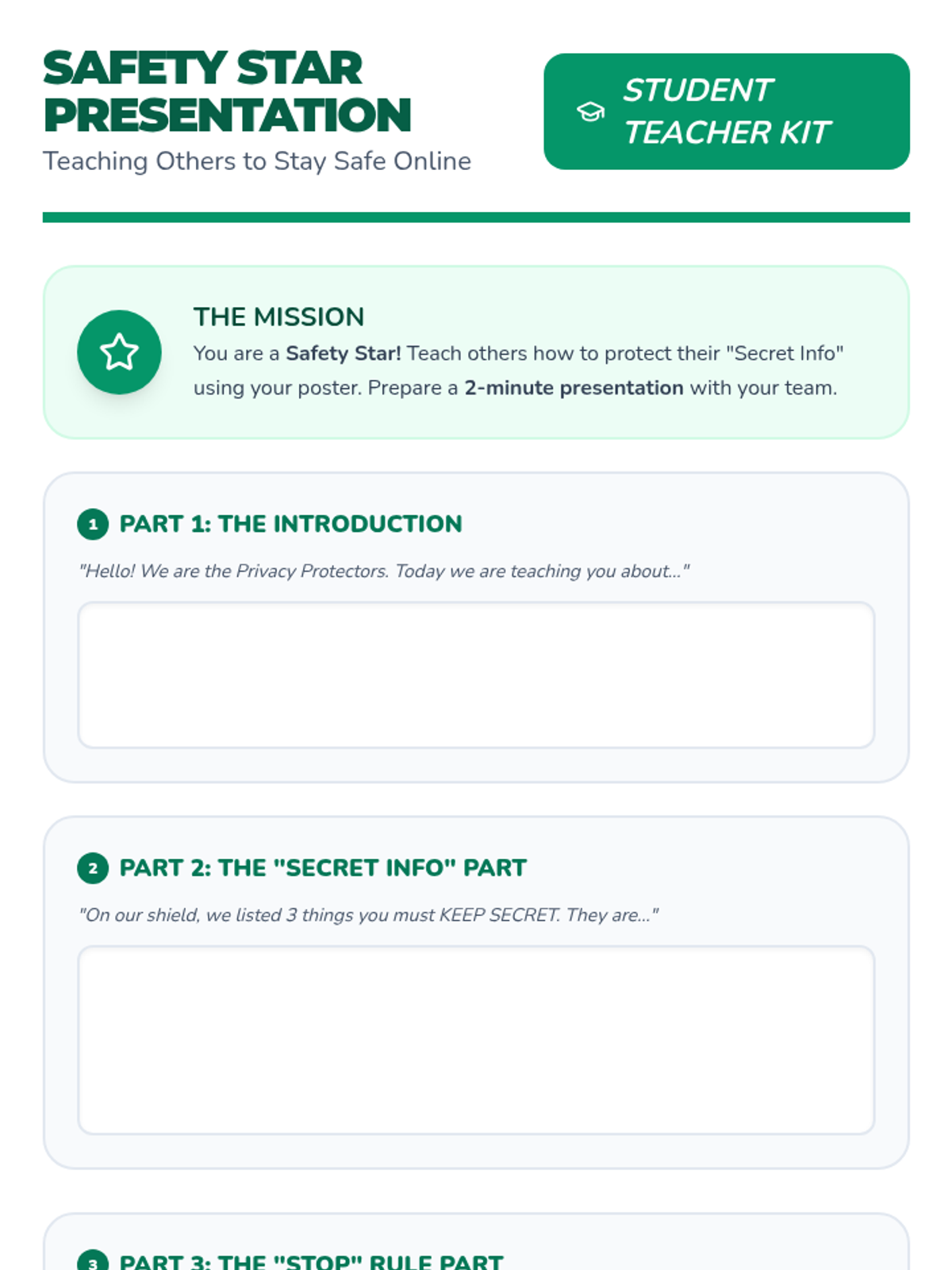
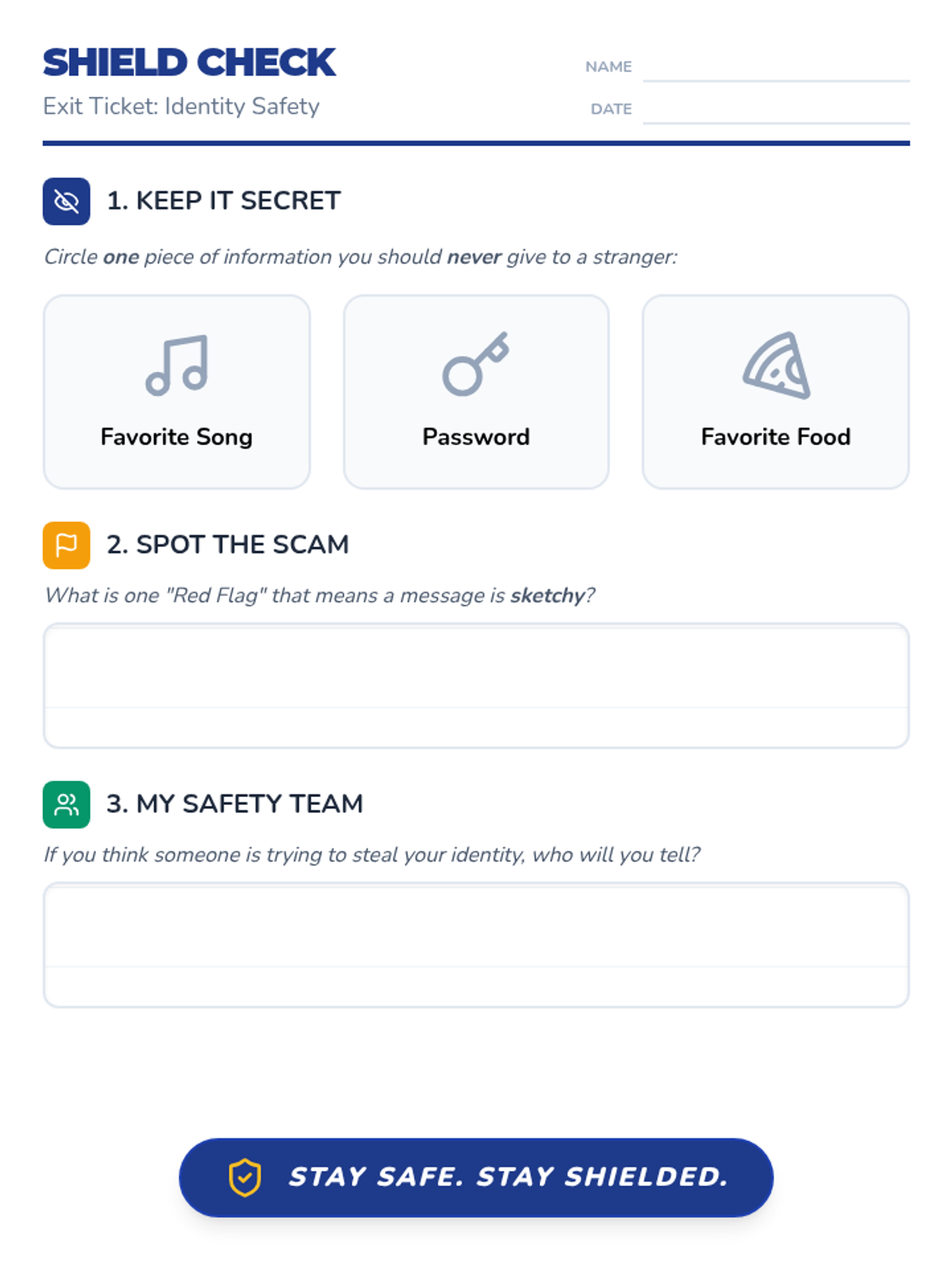
A comprehensive lesson on identity theft designed for high school special education students, focusing on recognizing red flags and protecting personal information through practical scenarios and visual aids.
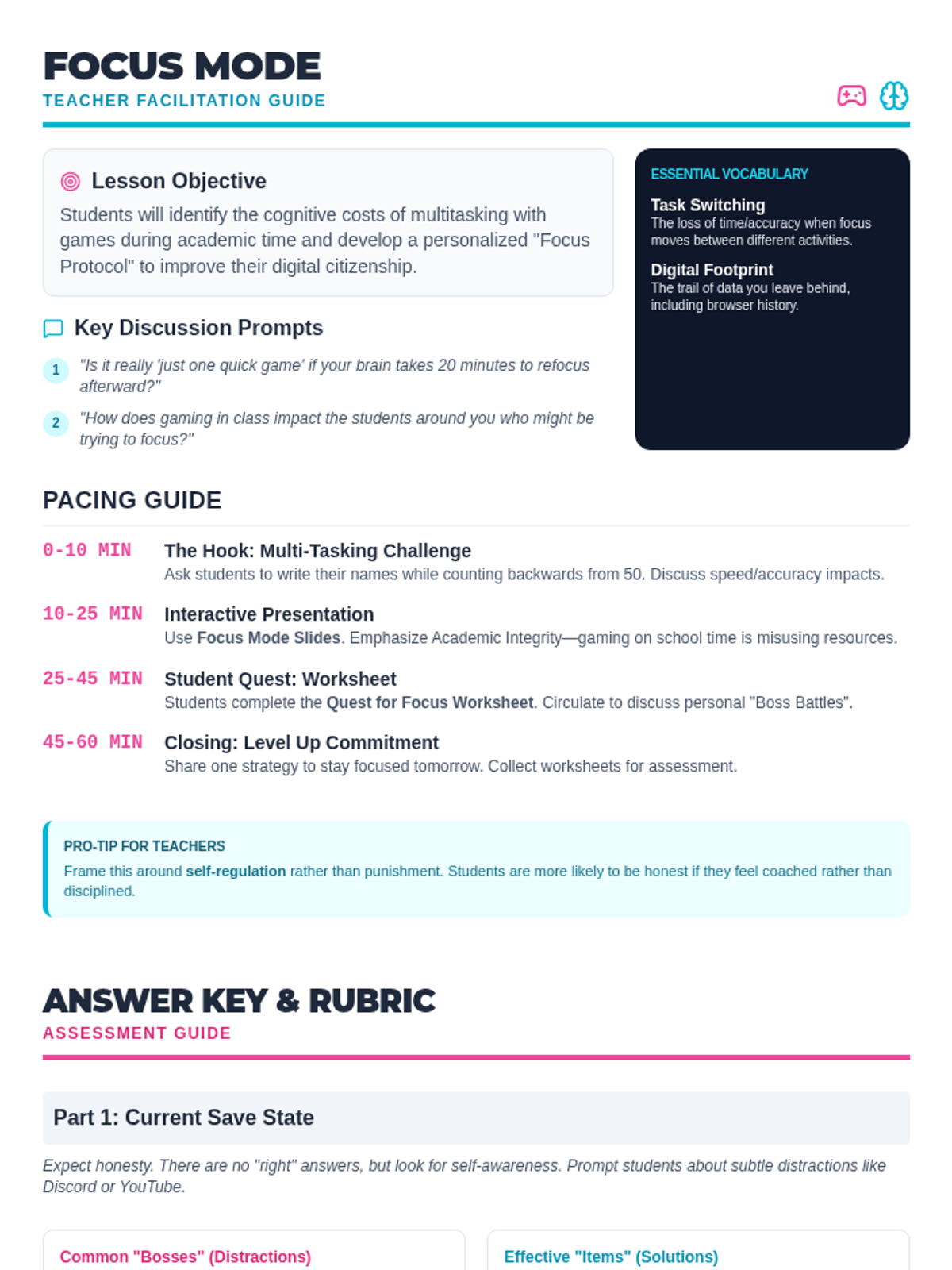
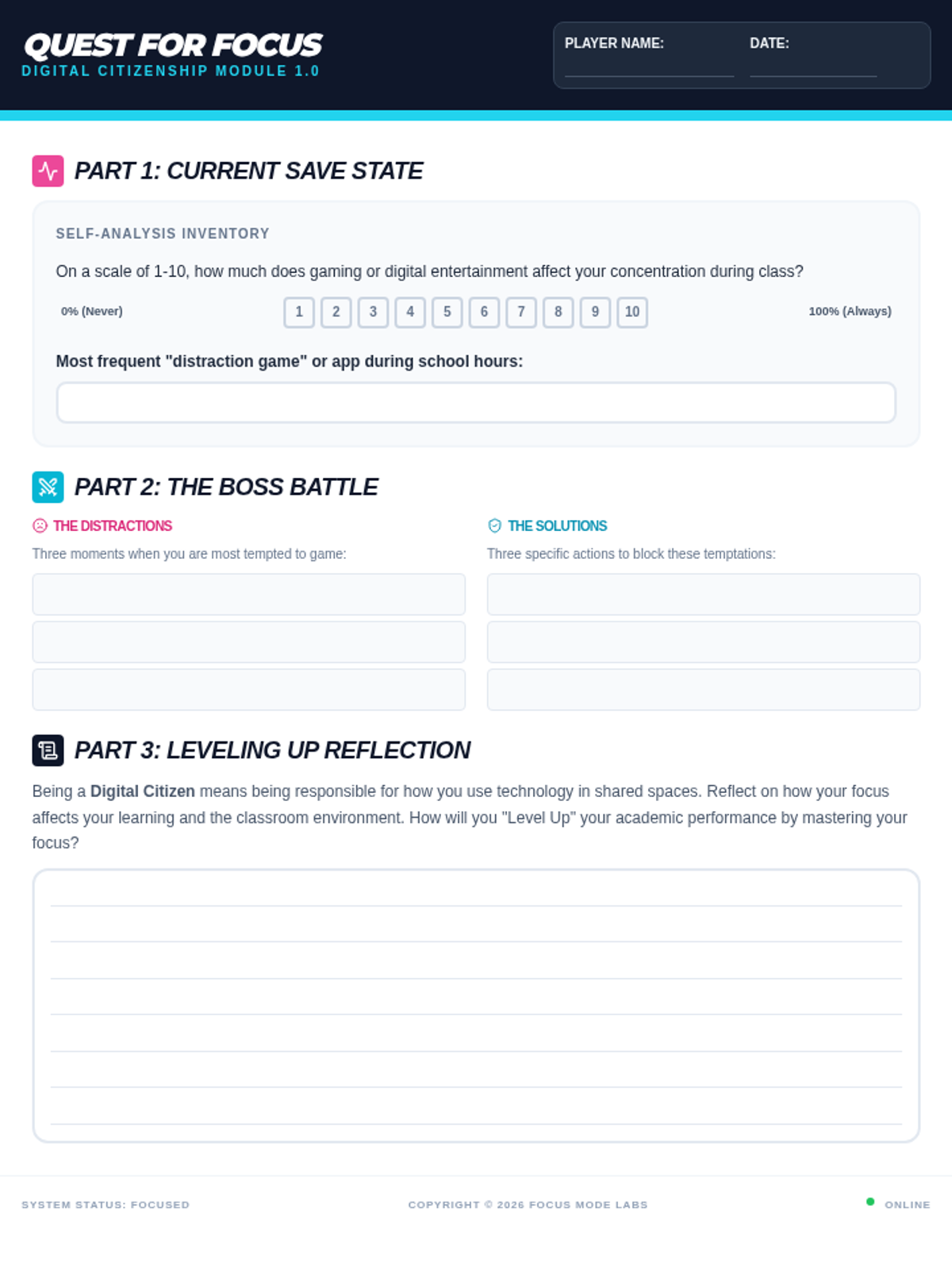
This lesson explores the impact of gaming during school hours on academic focus and digital citizenship. Students will reflect on their digital habits, analyze the myth of multitasking, and develop personal strategies for maintaining focus in a digital learning environment.
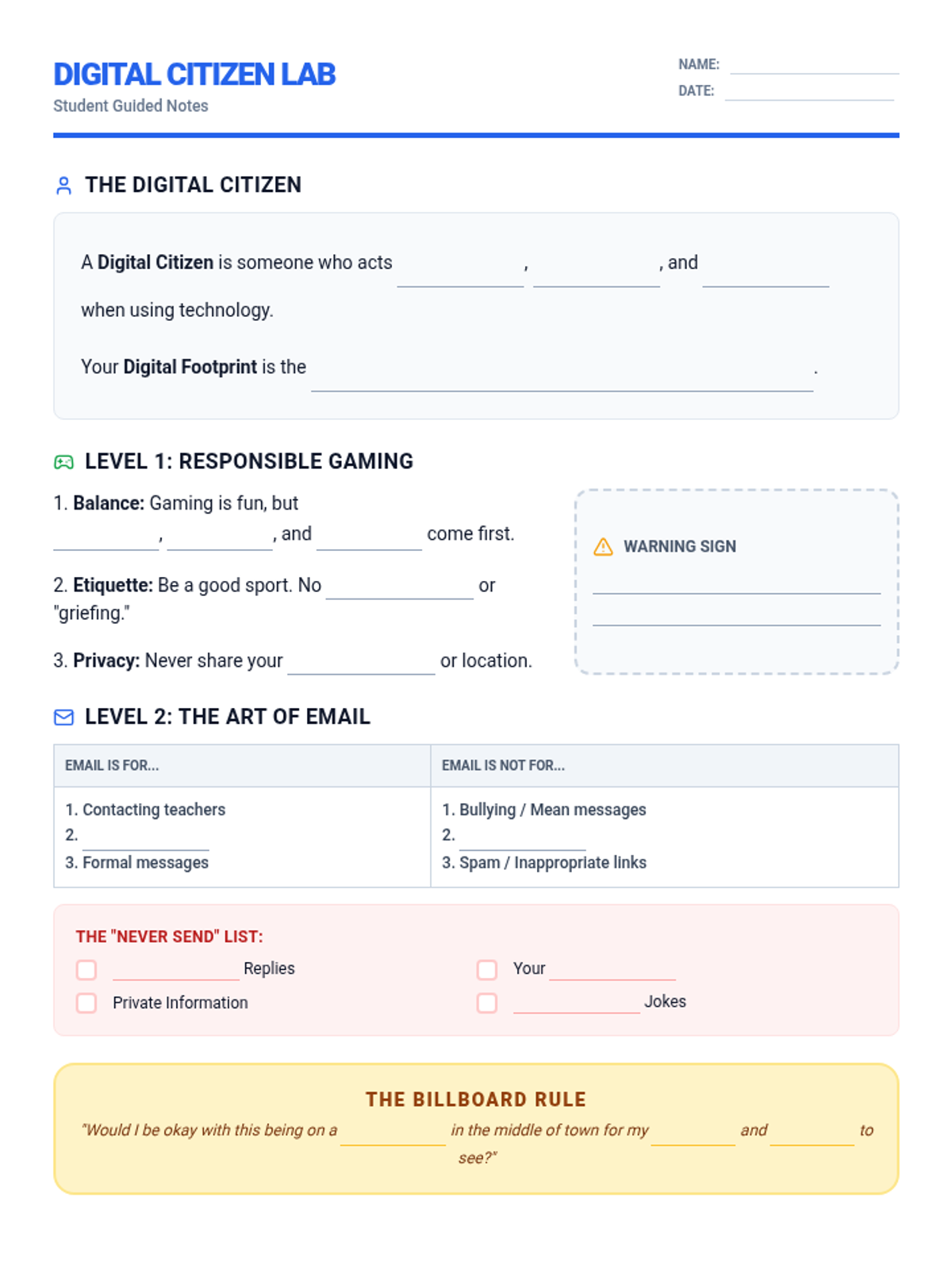
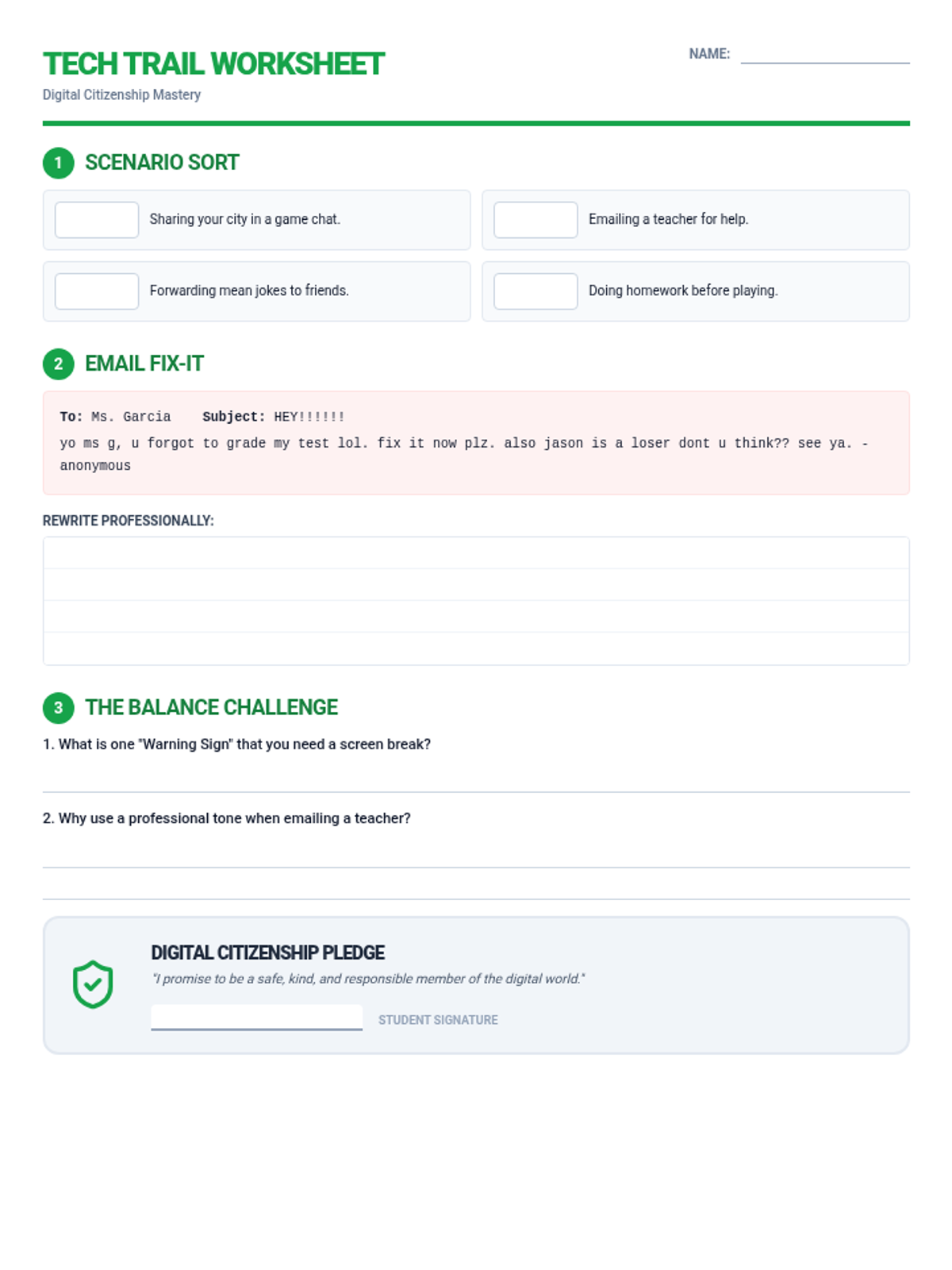
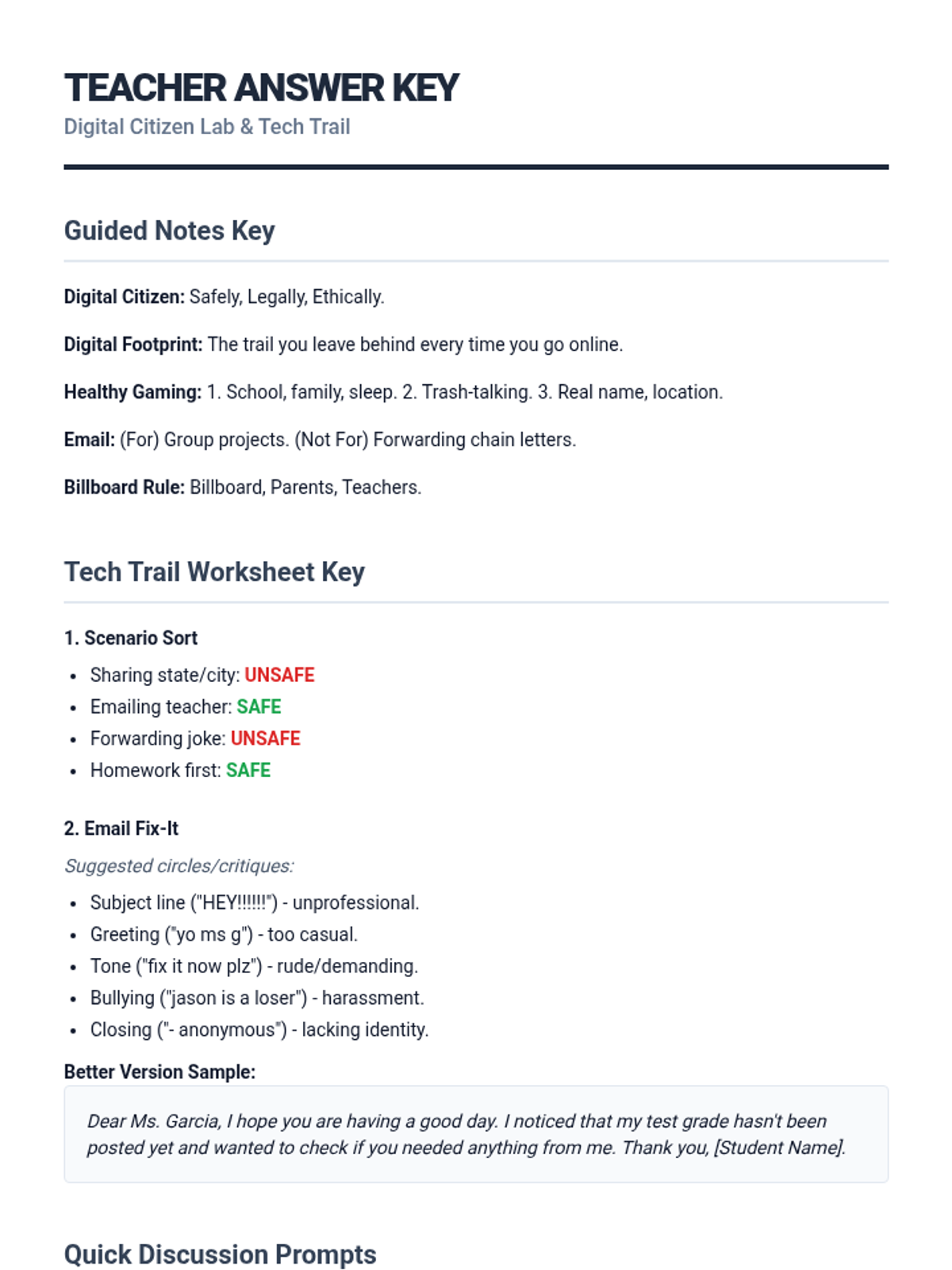
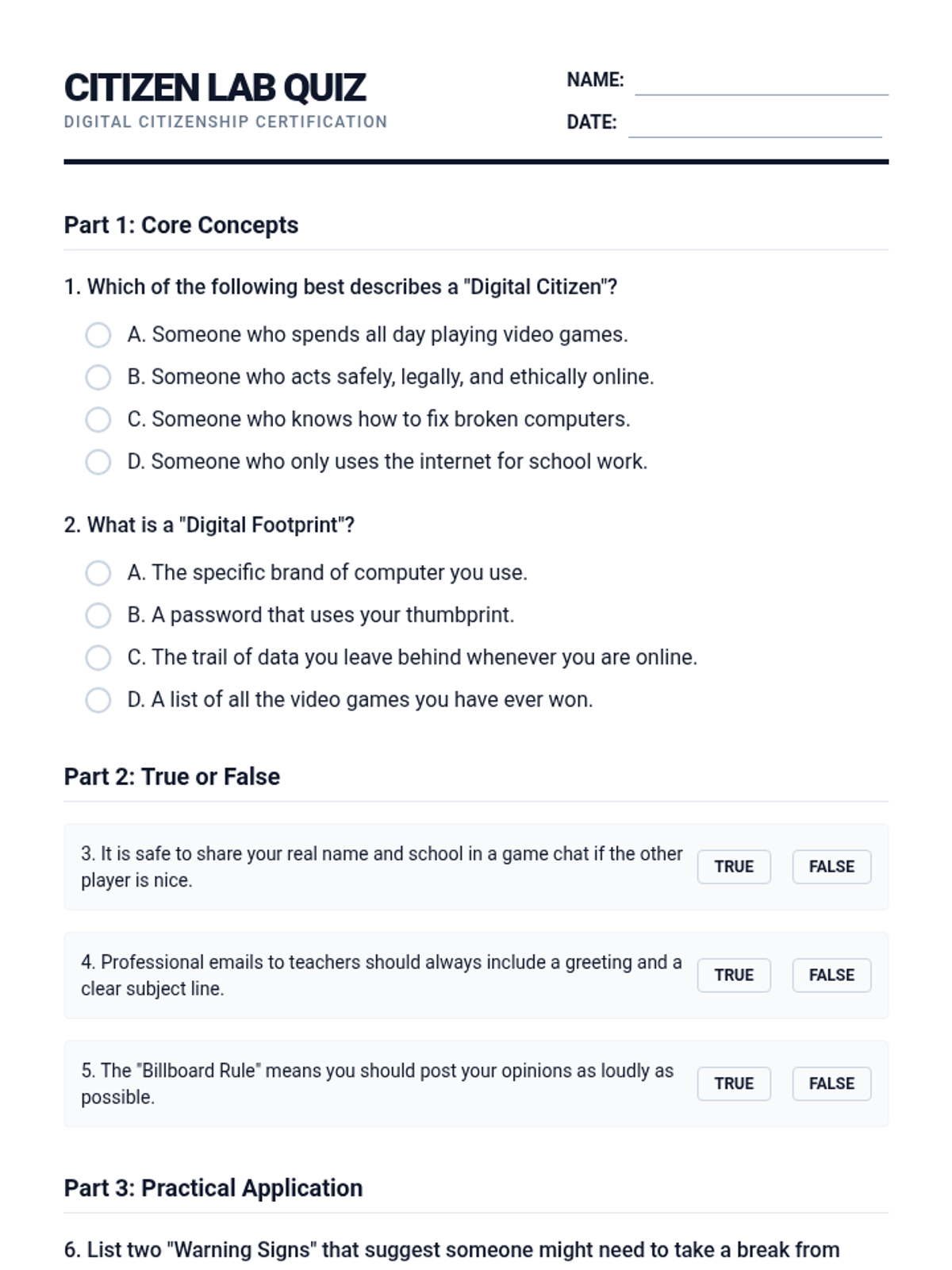
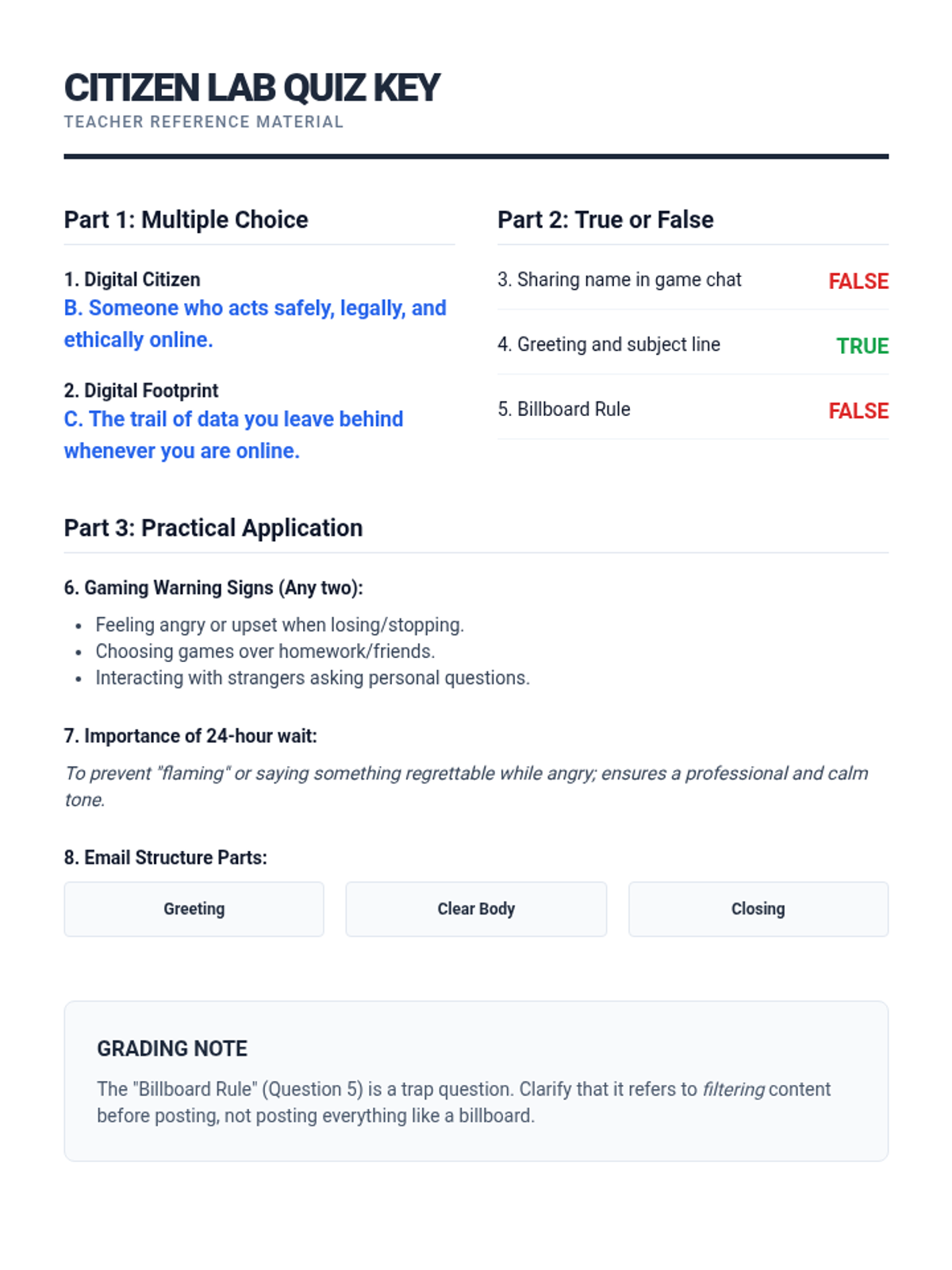
A comprehensive lesson on digital citizenship, focusing on responsible gaming habits and professional email communication for students.
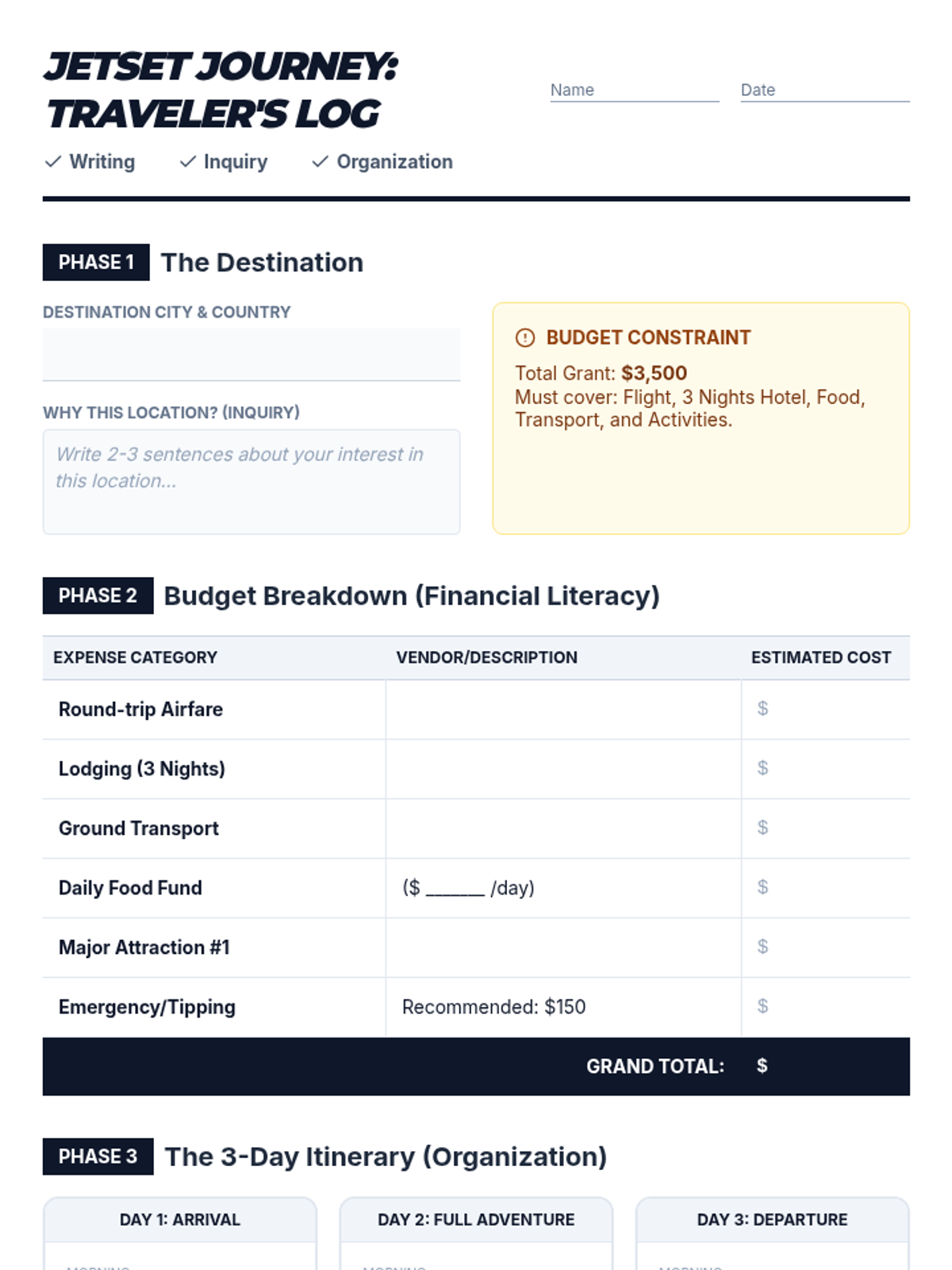
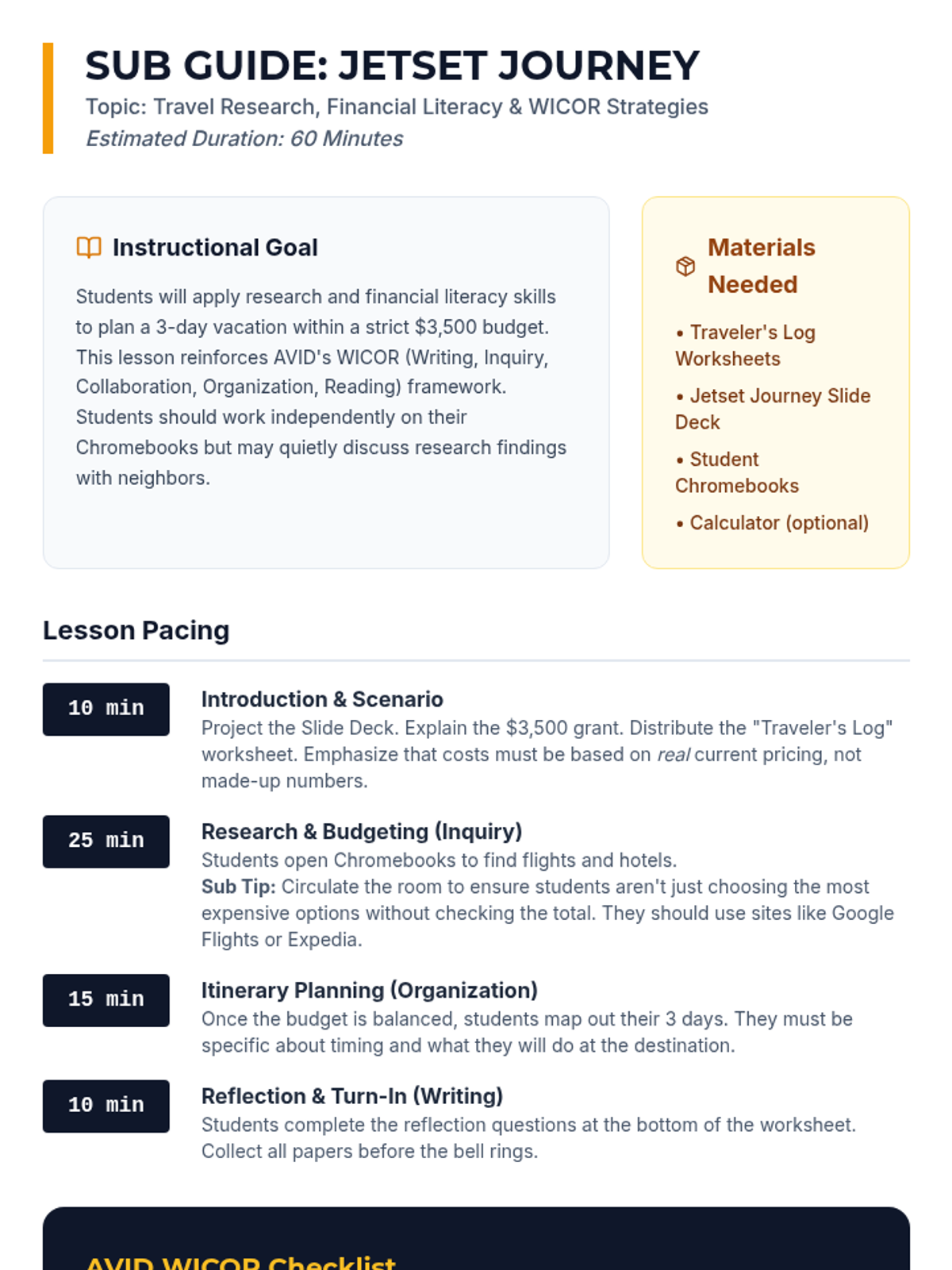
A high-engagement, sub-friendly lesson where AVID students research, budget, and plan a 3-day dream vacation while applying WICOR strategies and financial literacy skills.
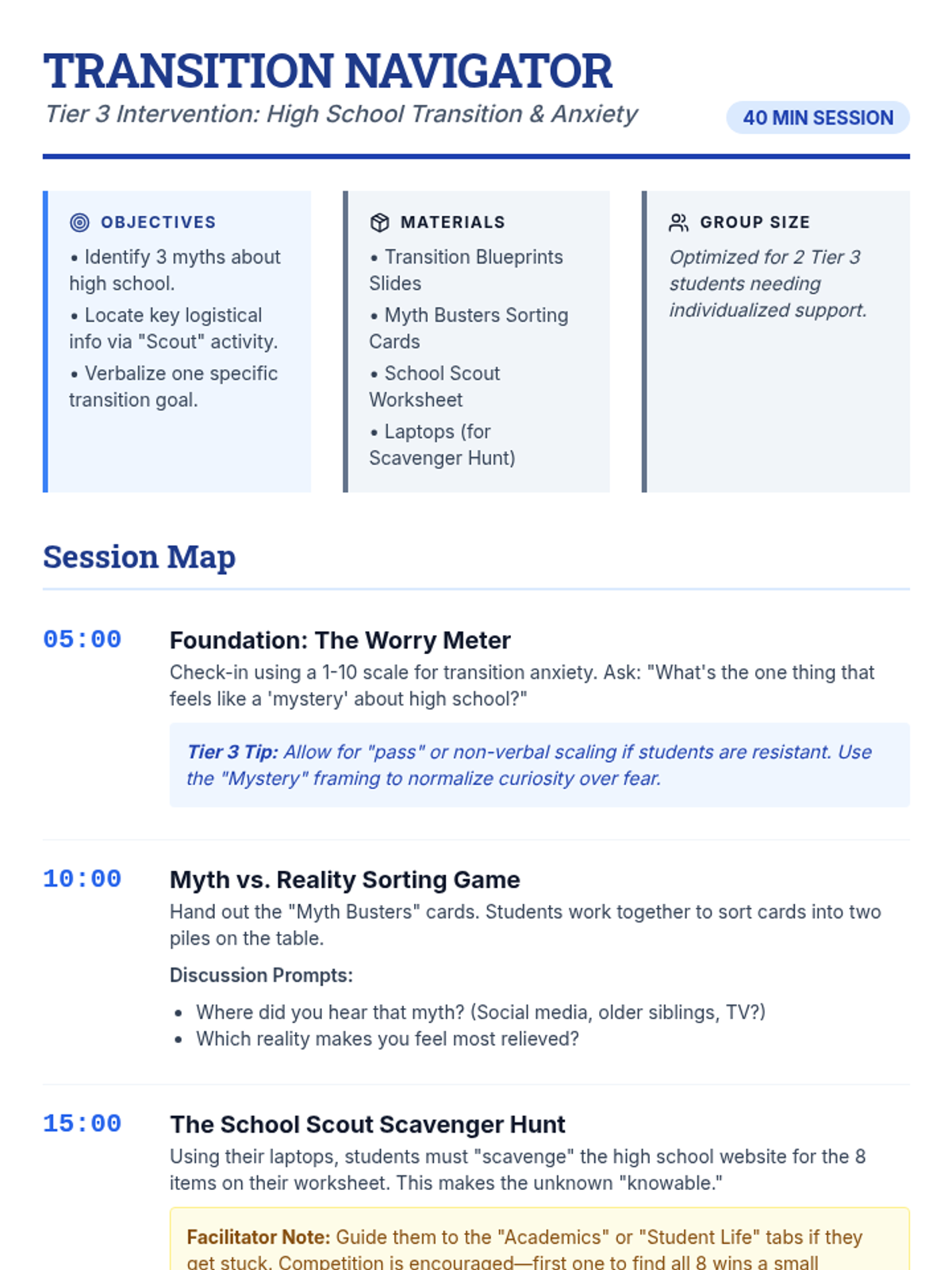
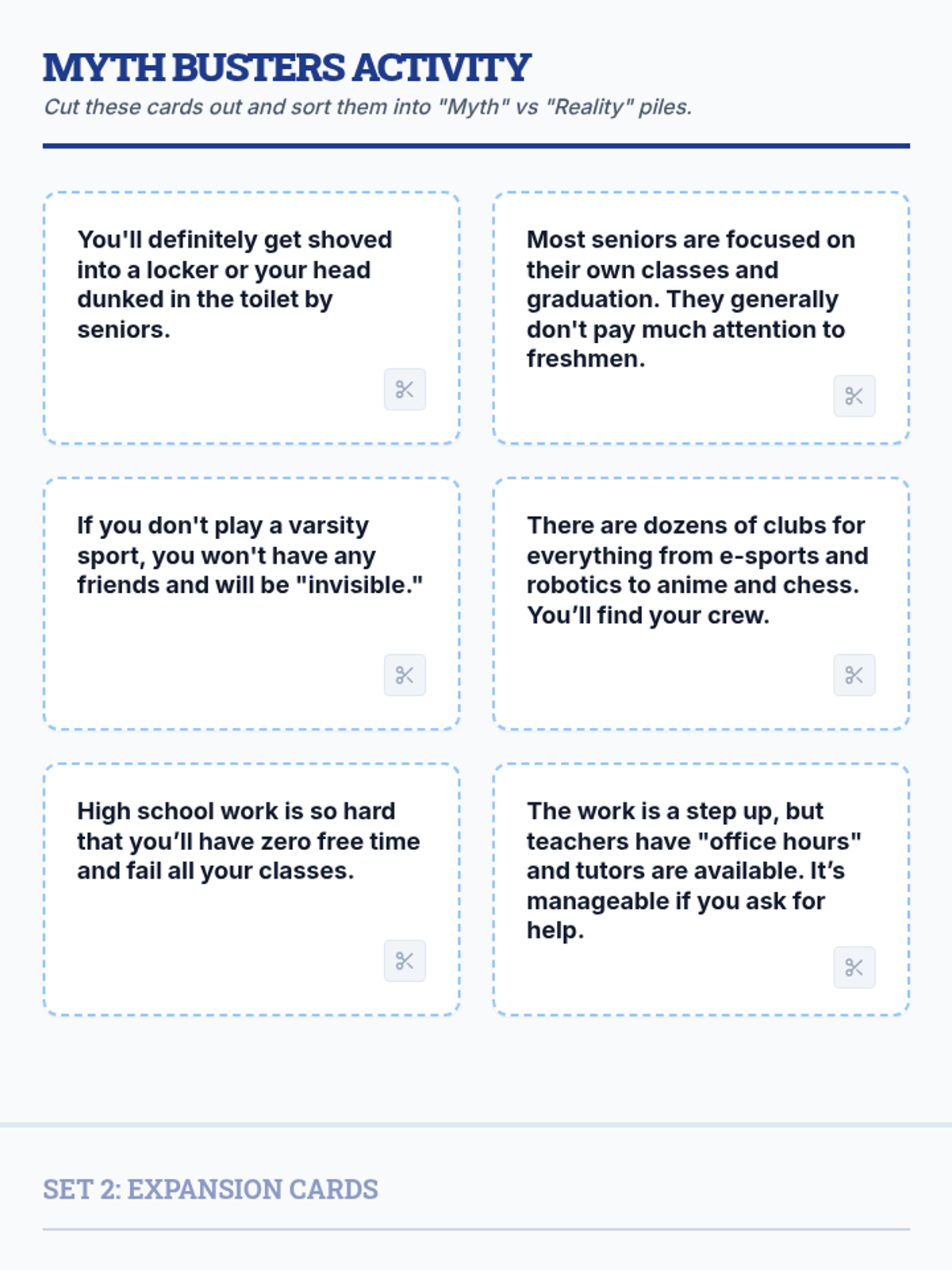
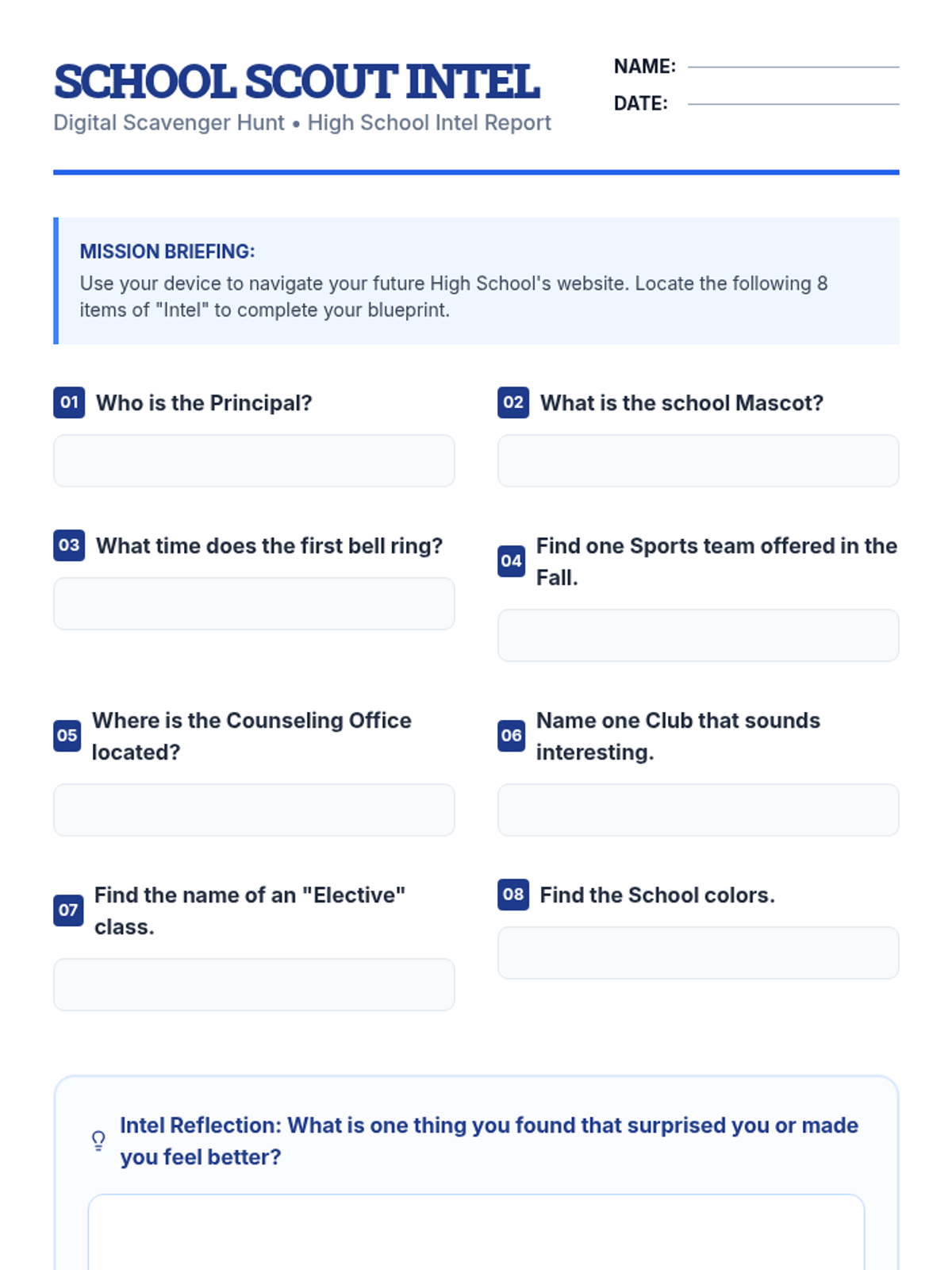
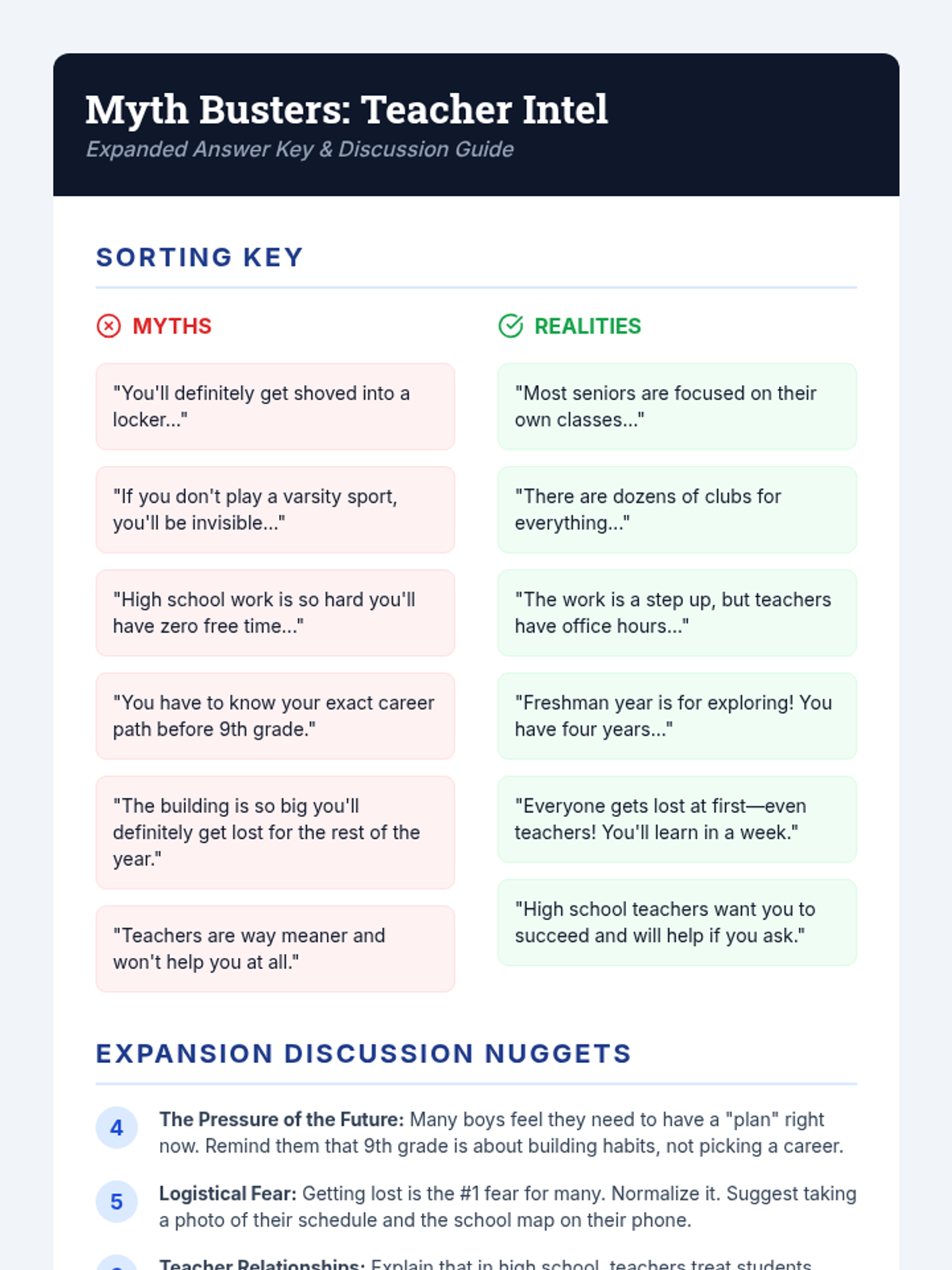
A 40-minute counseling lesson designed for middle school boys to address anxiety about the high school transition through interactive myth-busting and information gathering.
Master the transition from student to professional. This lesson covers workplace etiquette and the application process through engaging puzzles and reflective self-assessments.
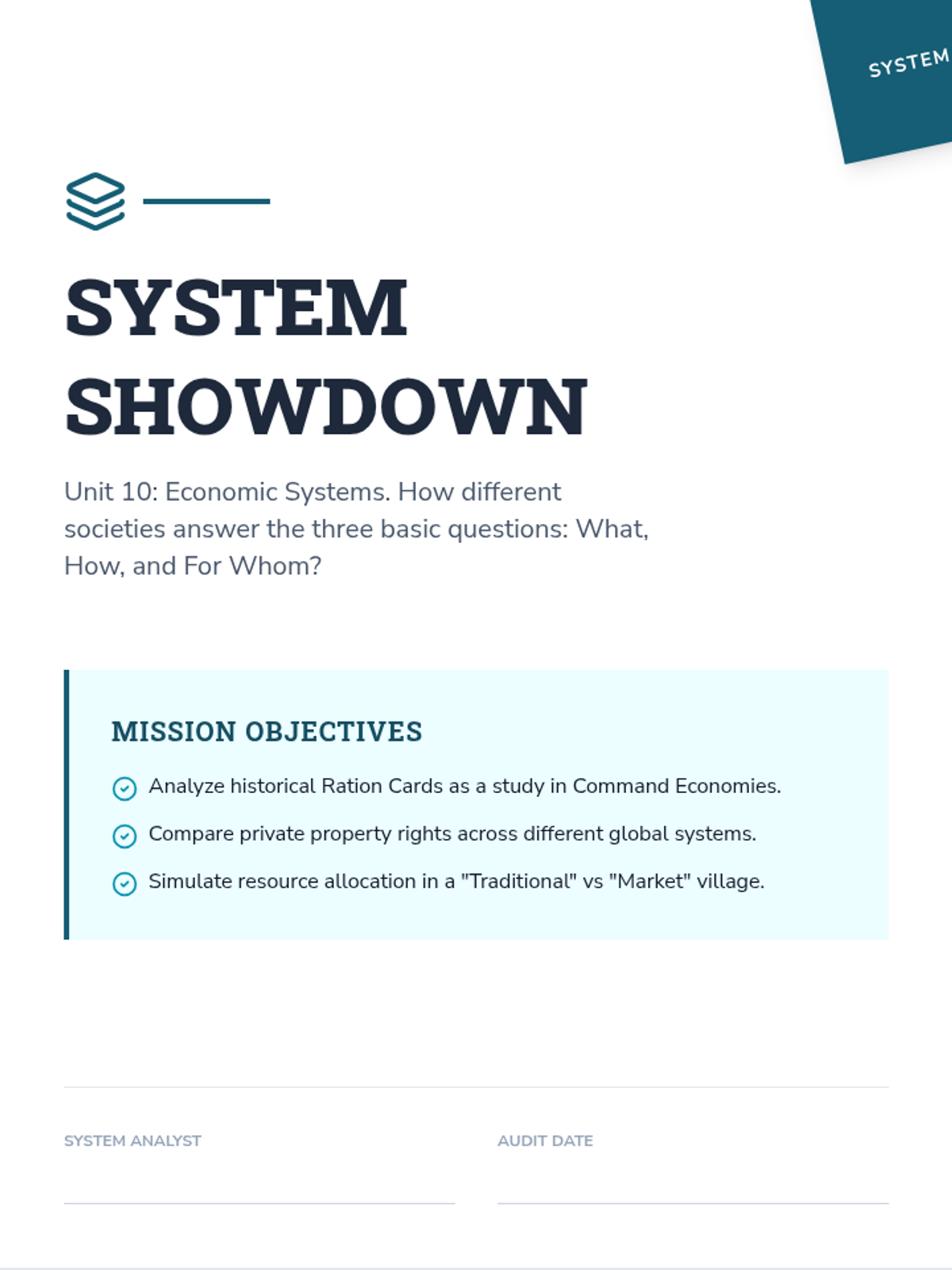
Compare the mechanics of market, command, and mixed economies through historical documents like ration cards and industrial quotas, as well as modern tax structures.
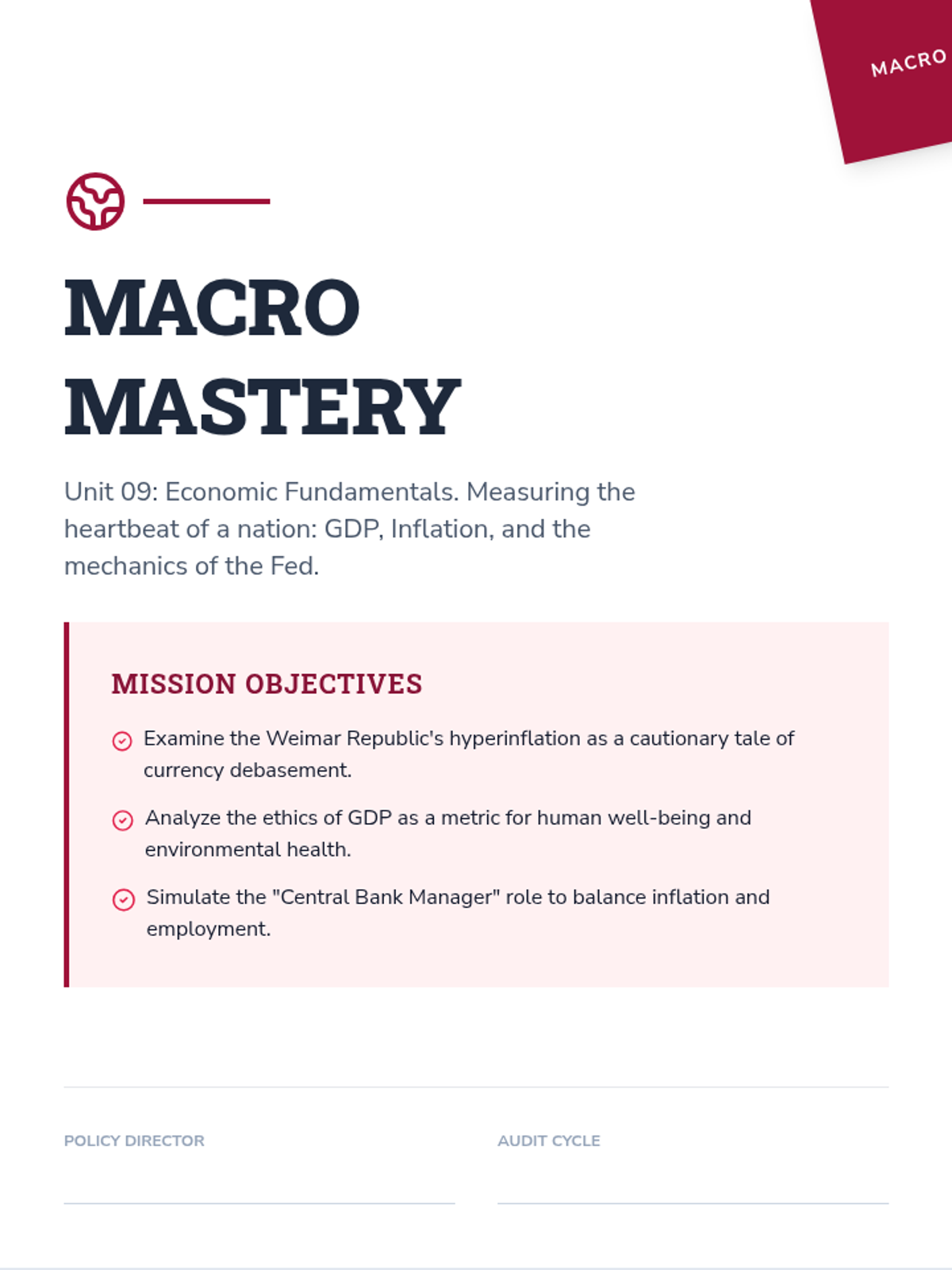
Uncover the metrics of national wealth through the history of hyperinflation, the ethics of economic growth, and simulations of central bank management.
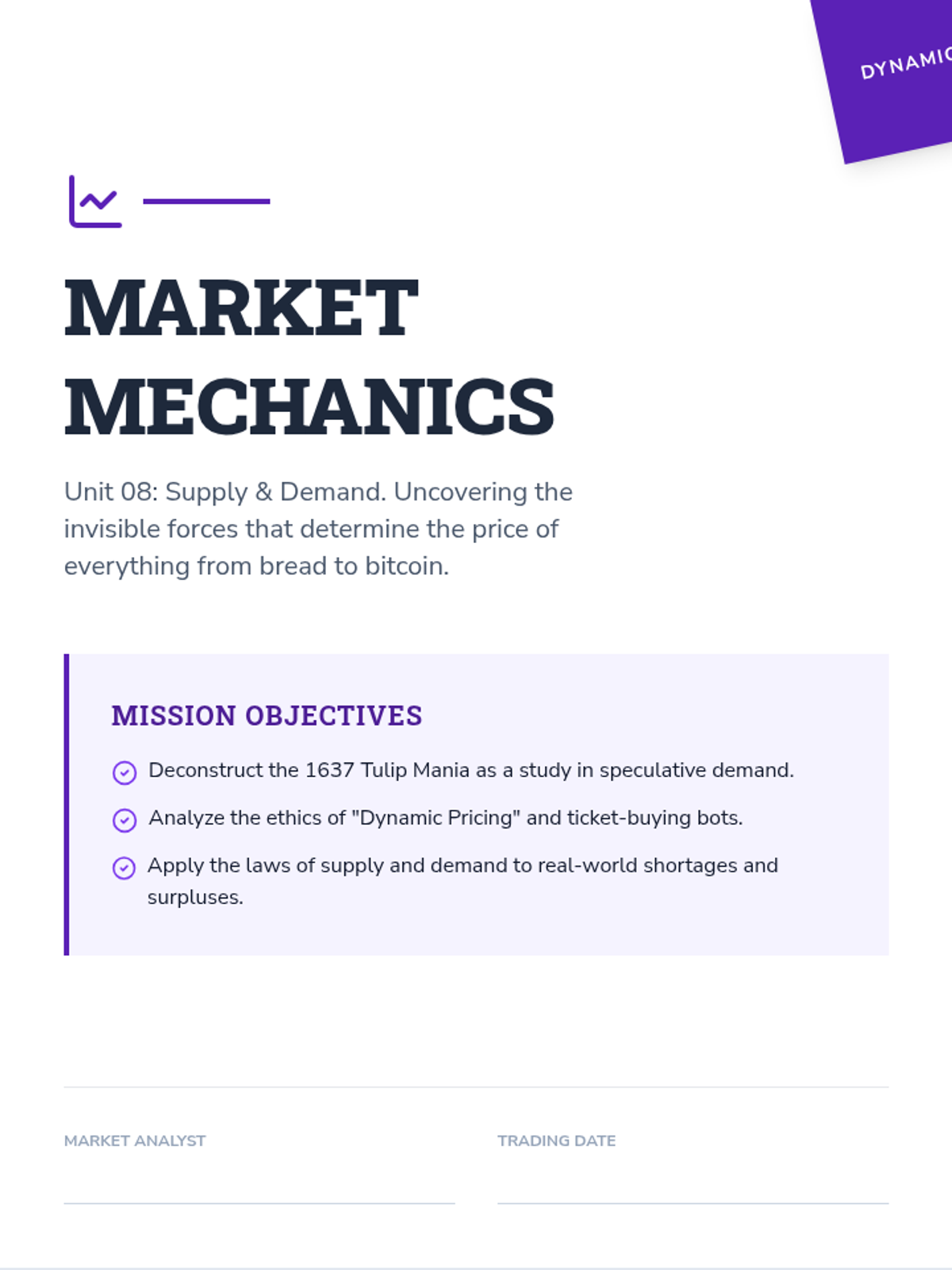
Master the dynamics of market forces through the history of the Tulip Mania, the ethics of ticket scalping, and simulations of price elasticity and equilibrium.
Explore the foundational pillars of economics through the history of the Dust Bowl, the ethics of organ markets, and simulations of scarcity and marginal utility.
Master the mechanics of life's largest financial commitments through the history of the 30-year mortgage, the ethics of urban gentrification, and complex simulations of home ownership.
Uncover the mechanisms of risk management through the history of the Great Fire of London, the ethics of pre-existing conditions, and complex simulations of health and auto insurance.
Master the battlefield of the modern marketplace through the history of consumer protection, the ethics of planned obsolescence, and simulations of contract negotiation.
Uncover the mechanics of modern banking through historical currency crises, the ethics of fee structures, and simulations of liquidity management.
Analyze the mechanics of financial choice through historical market crashes, the ethics of credit, and complex simulations of high-stakes adult purchases.
Master the art of information gathering and source verification in the digital age through historical misinformation cases and modern research simulations.
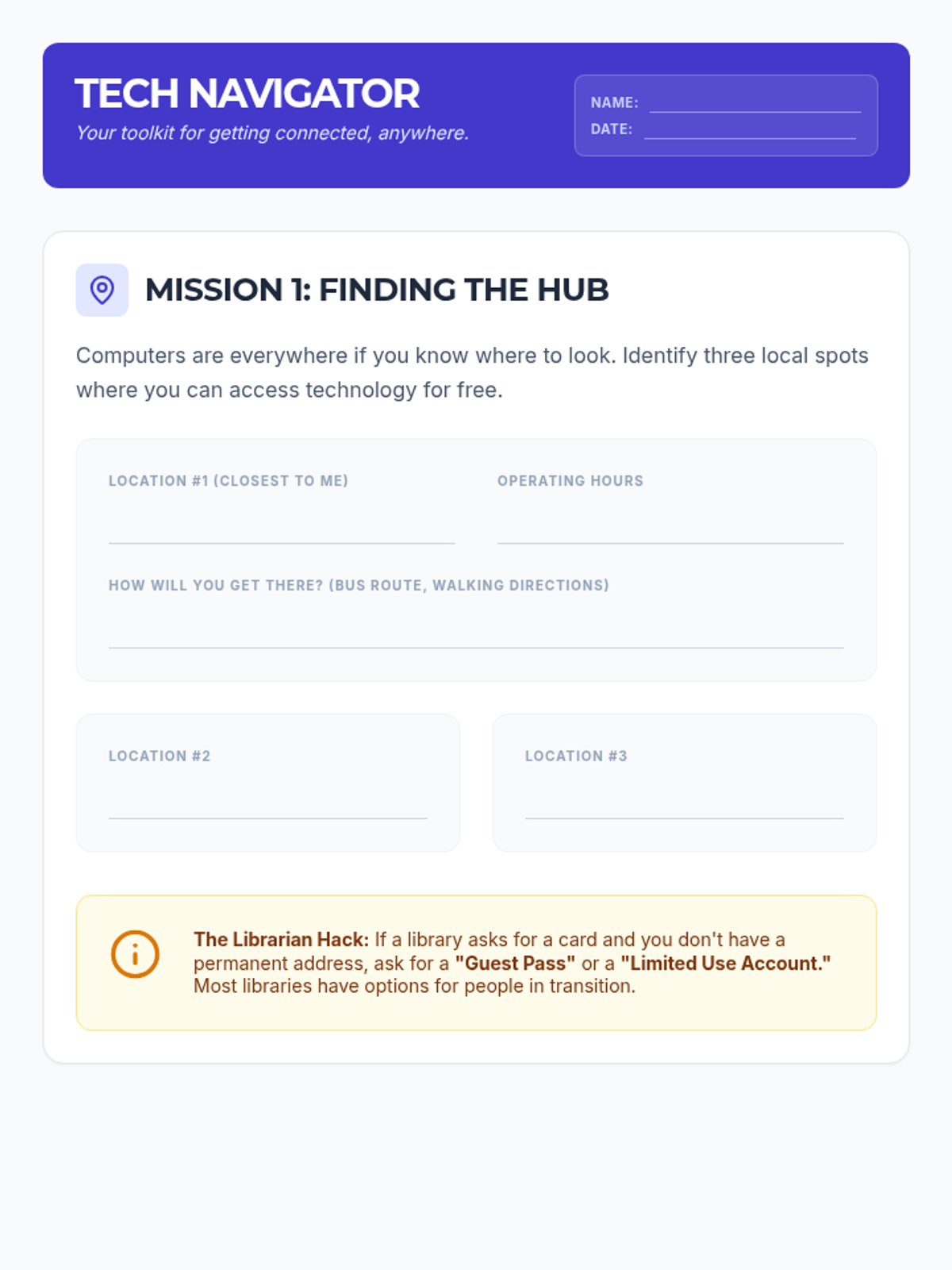
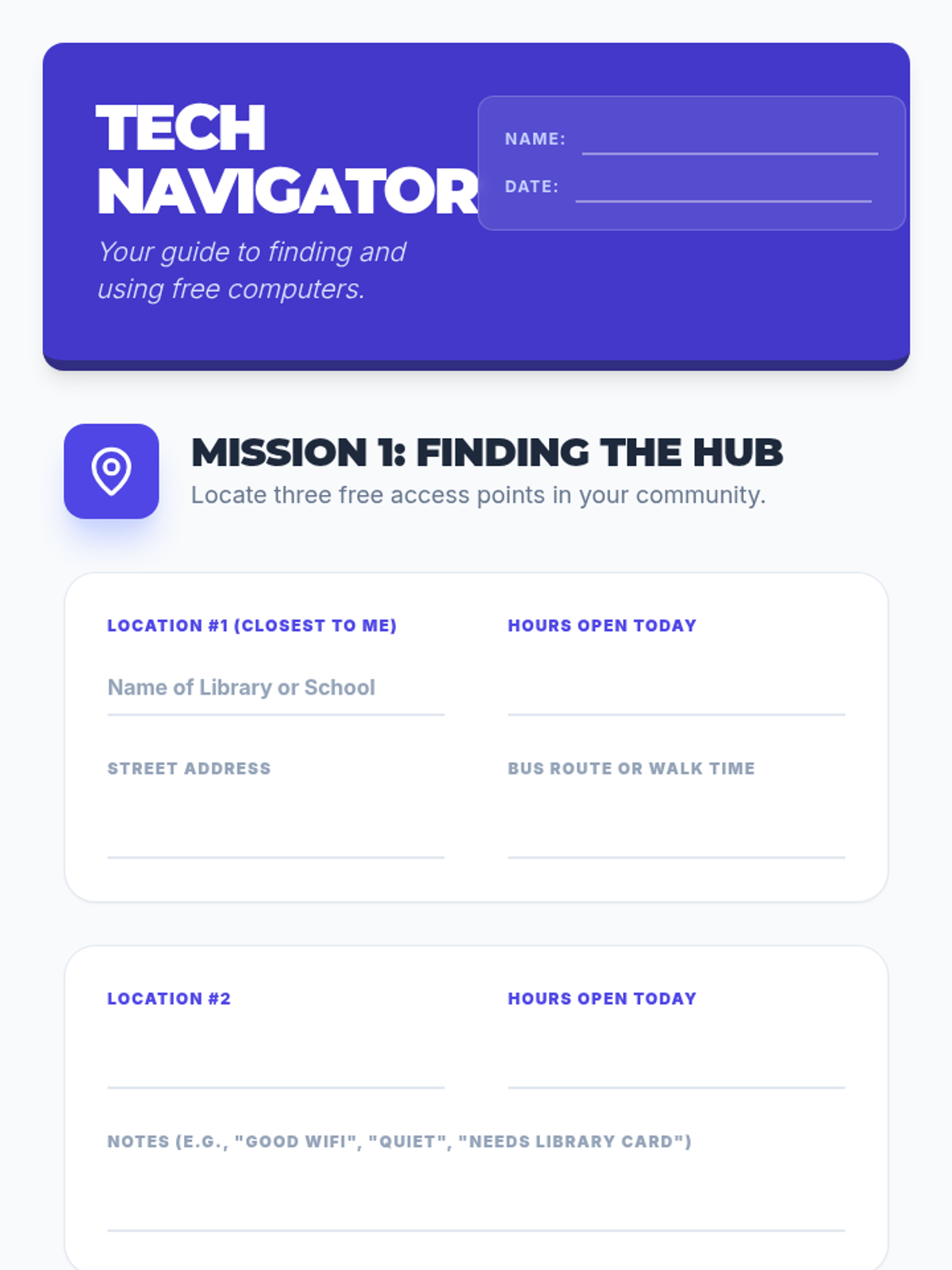
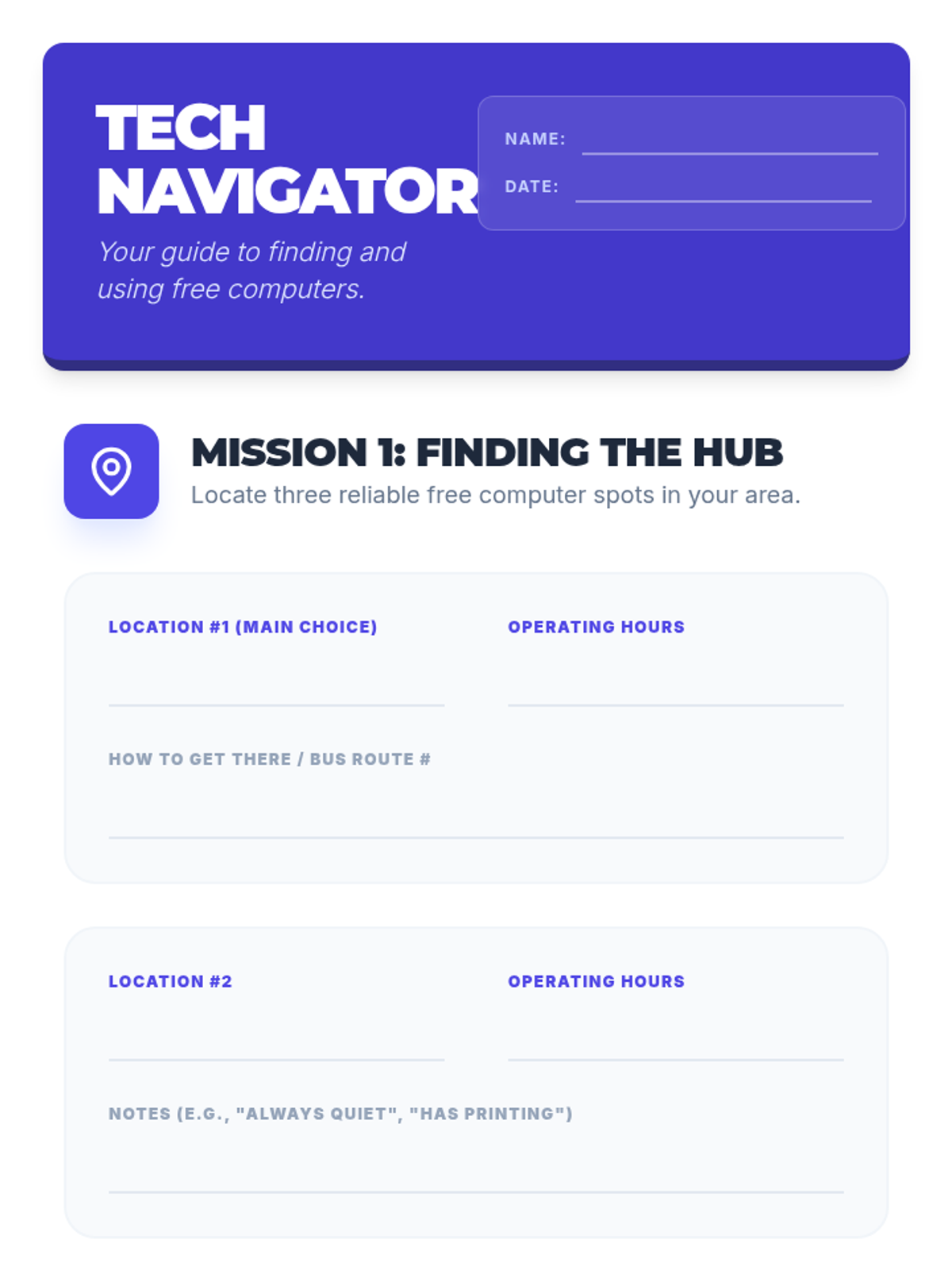
A practical guide for students to find and use public technology resources safely and effectively. This lesson covers locating free computers, navigating public interfaces, and connecting to open WiFi networks.
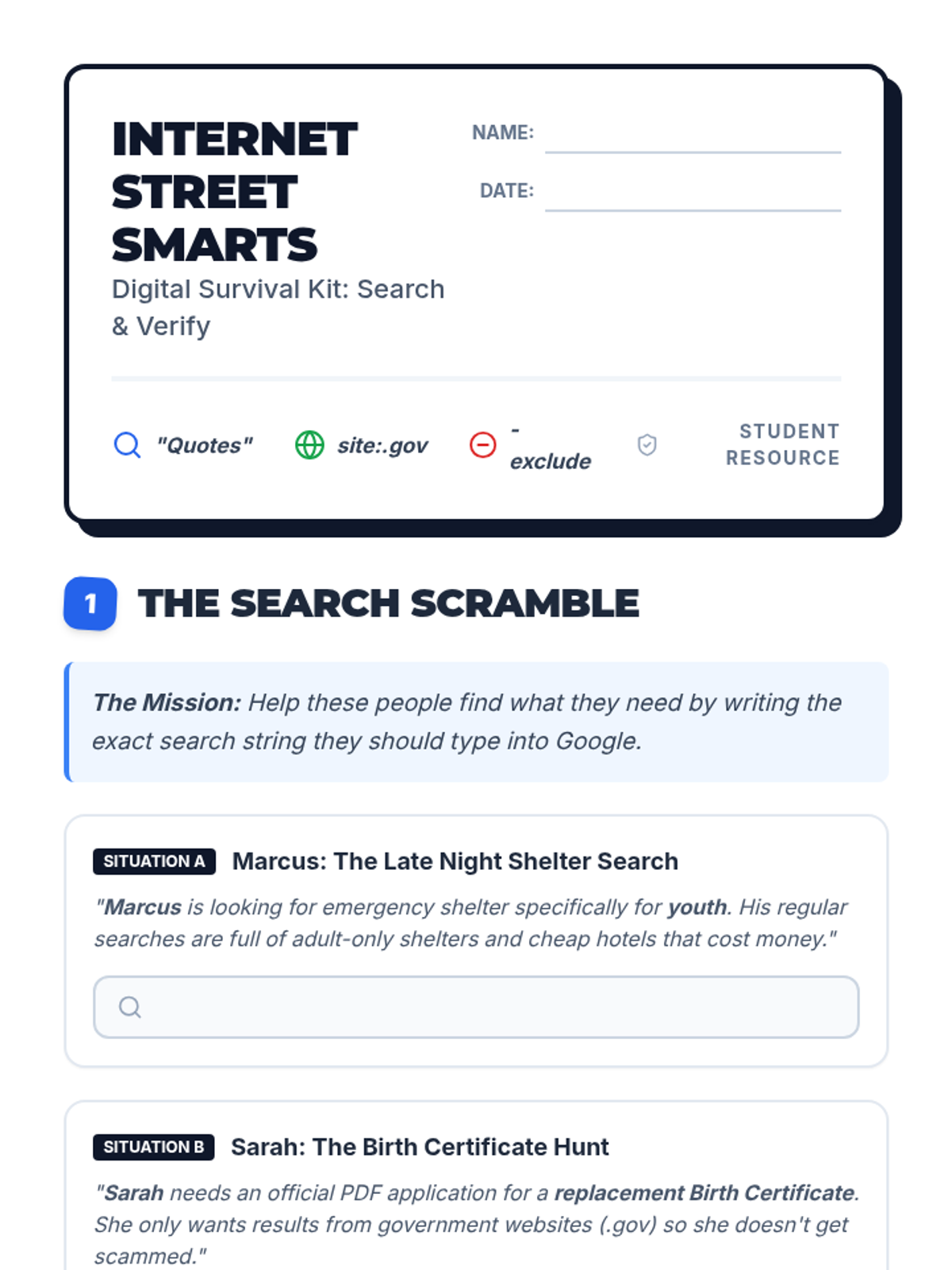
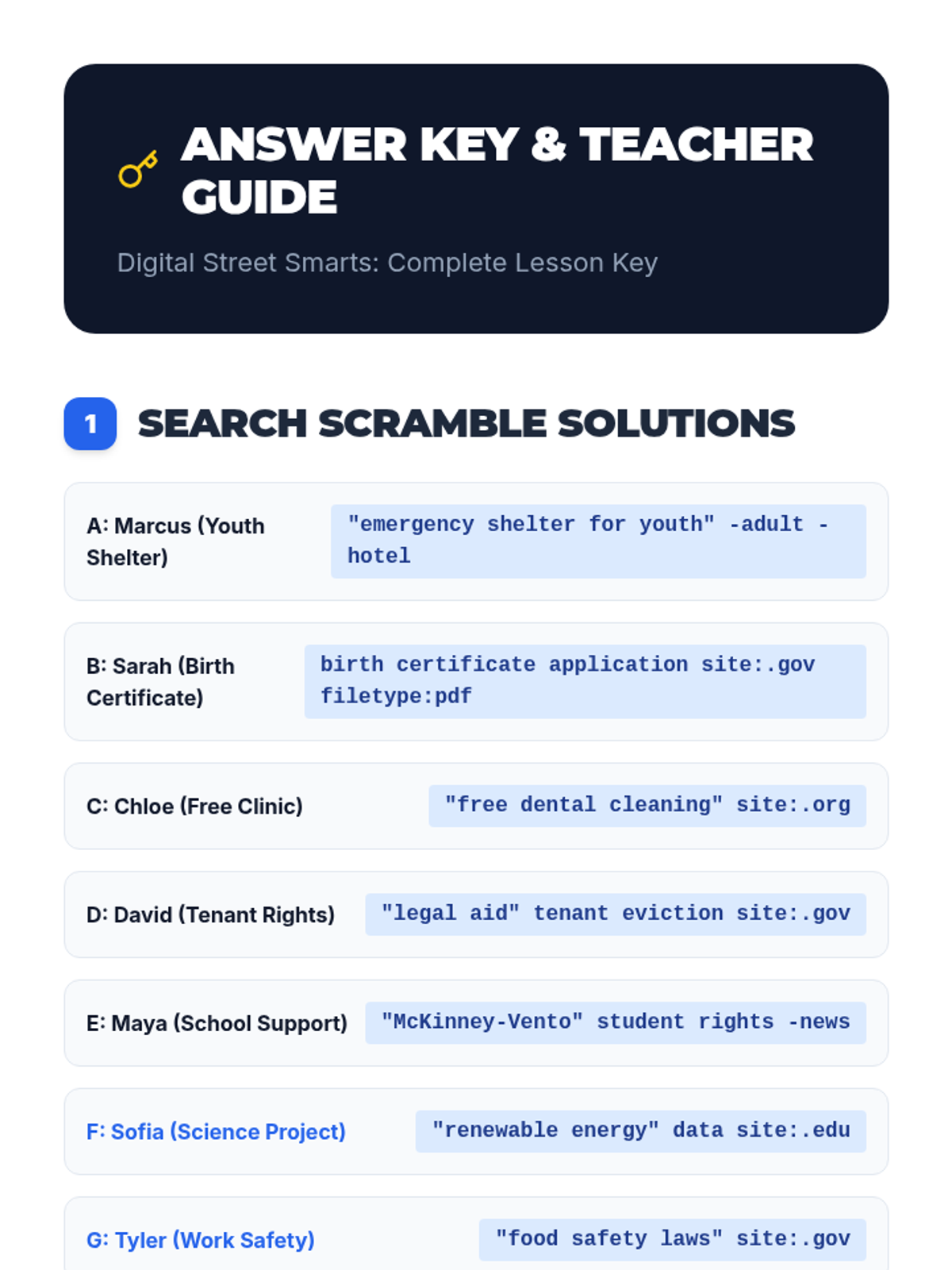
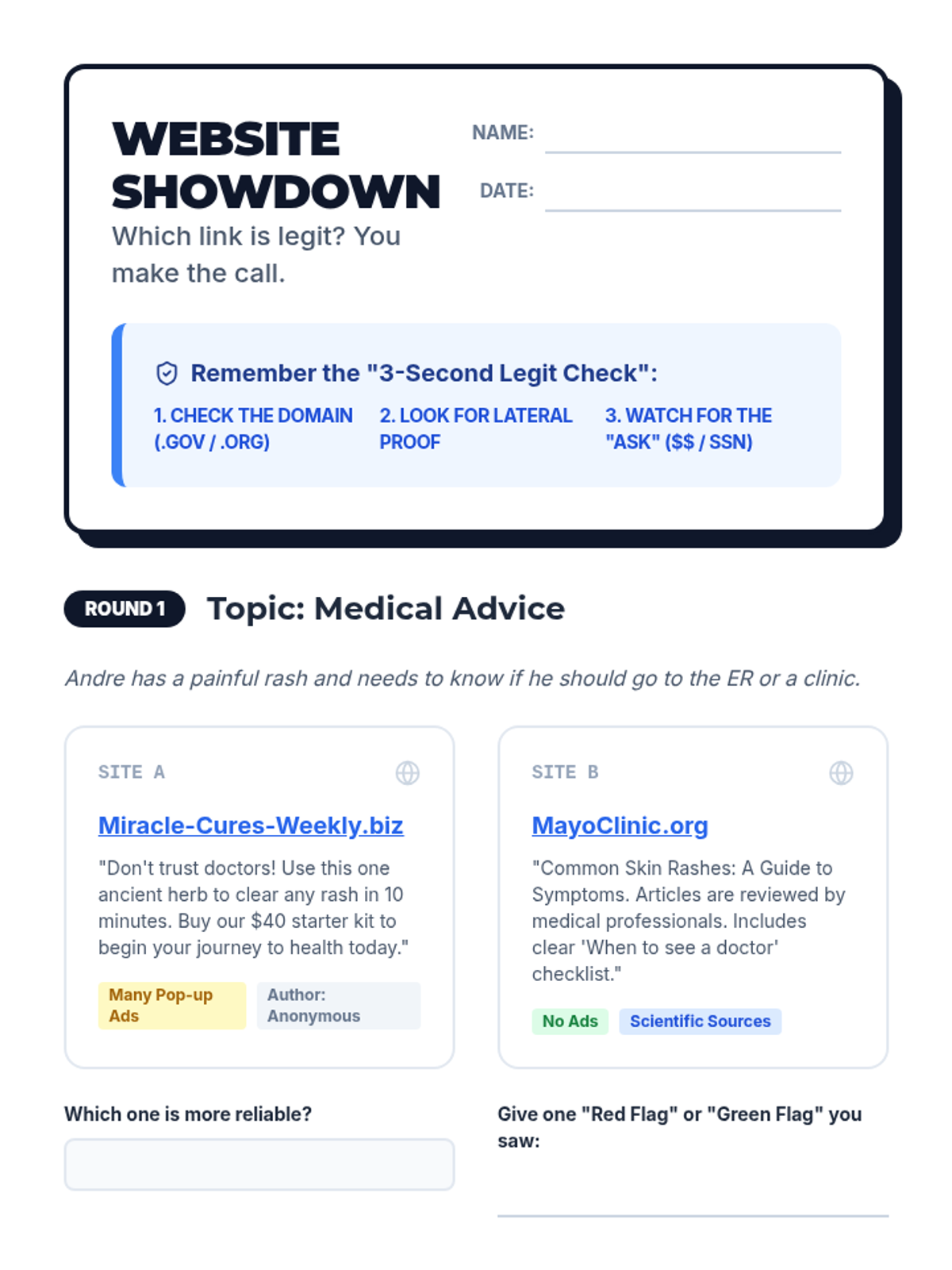
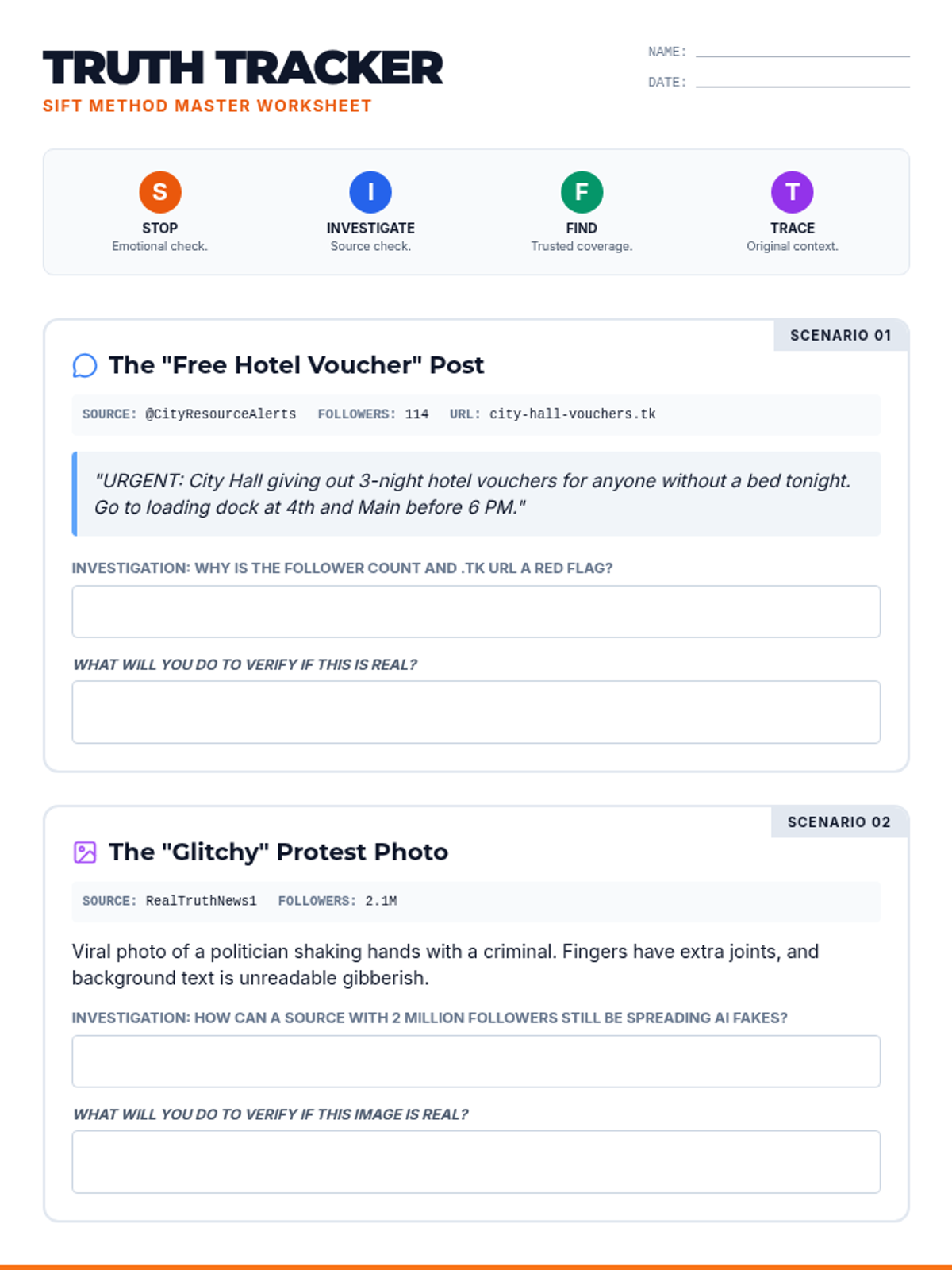
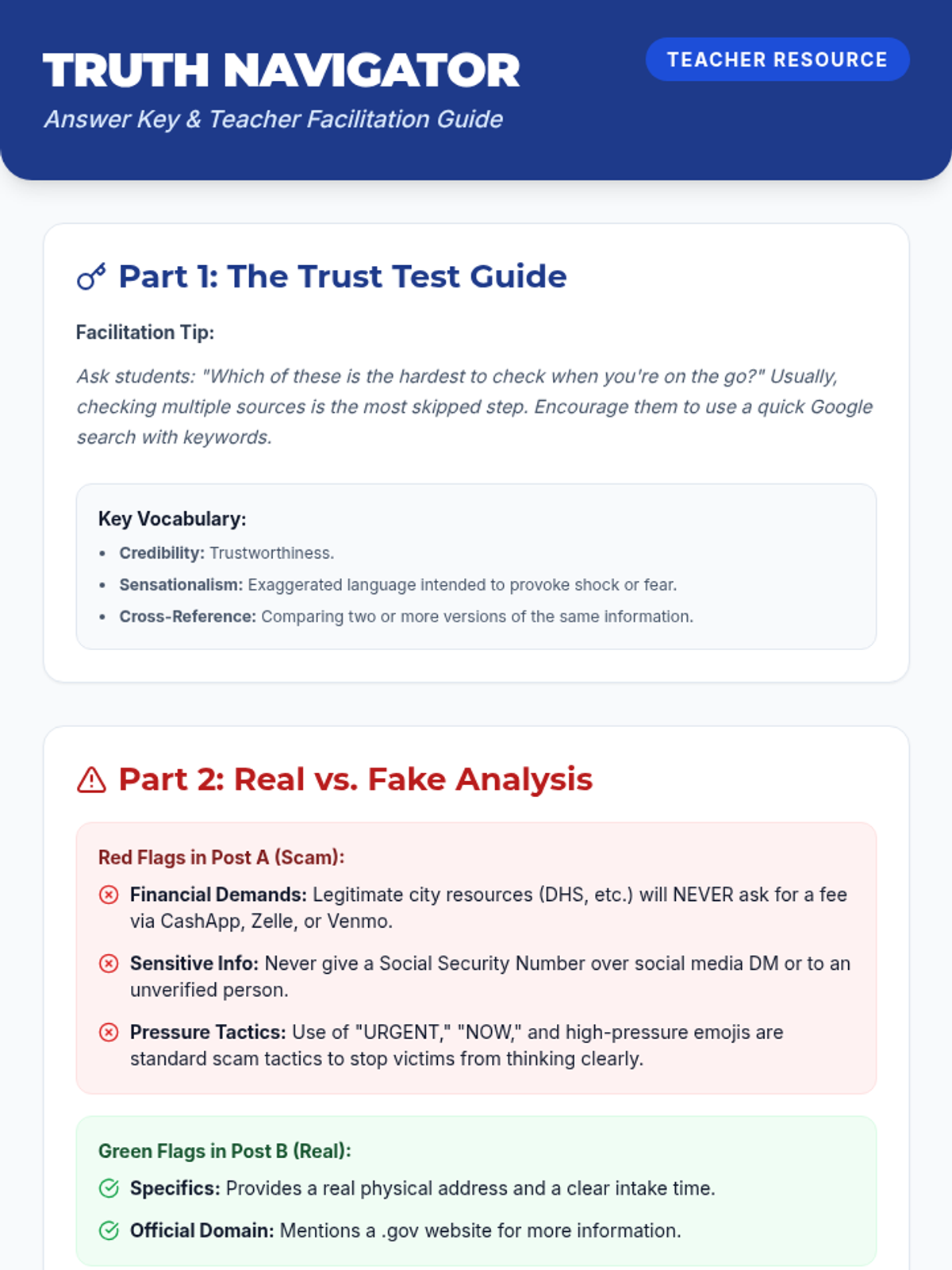
A digital literacy lesson designed for high school students in transitional housing, focusing on practical internet search skills, source evaluation, and staying safe from online scams.
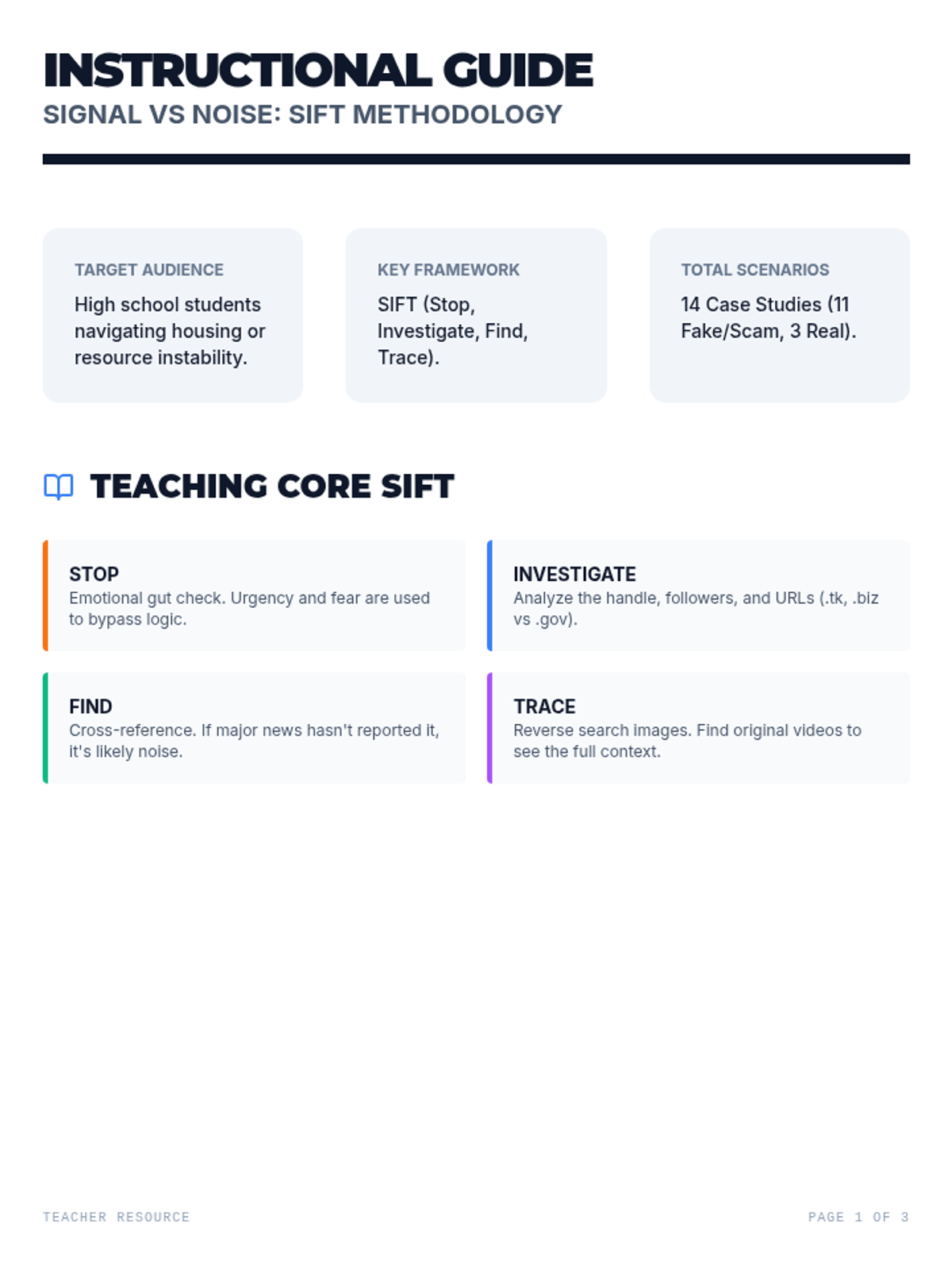
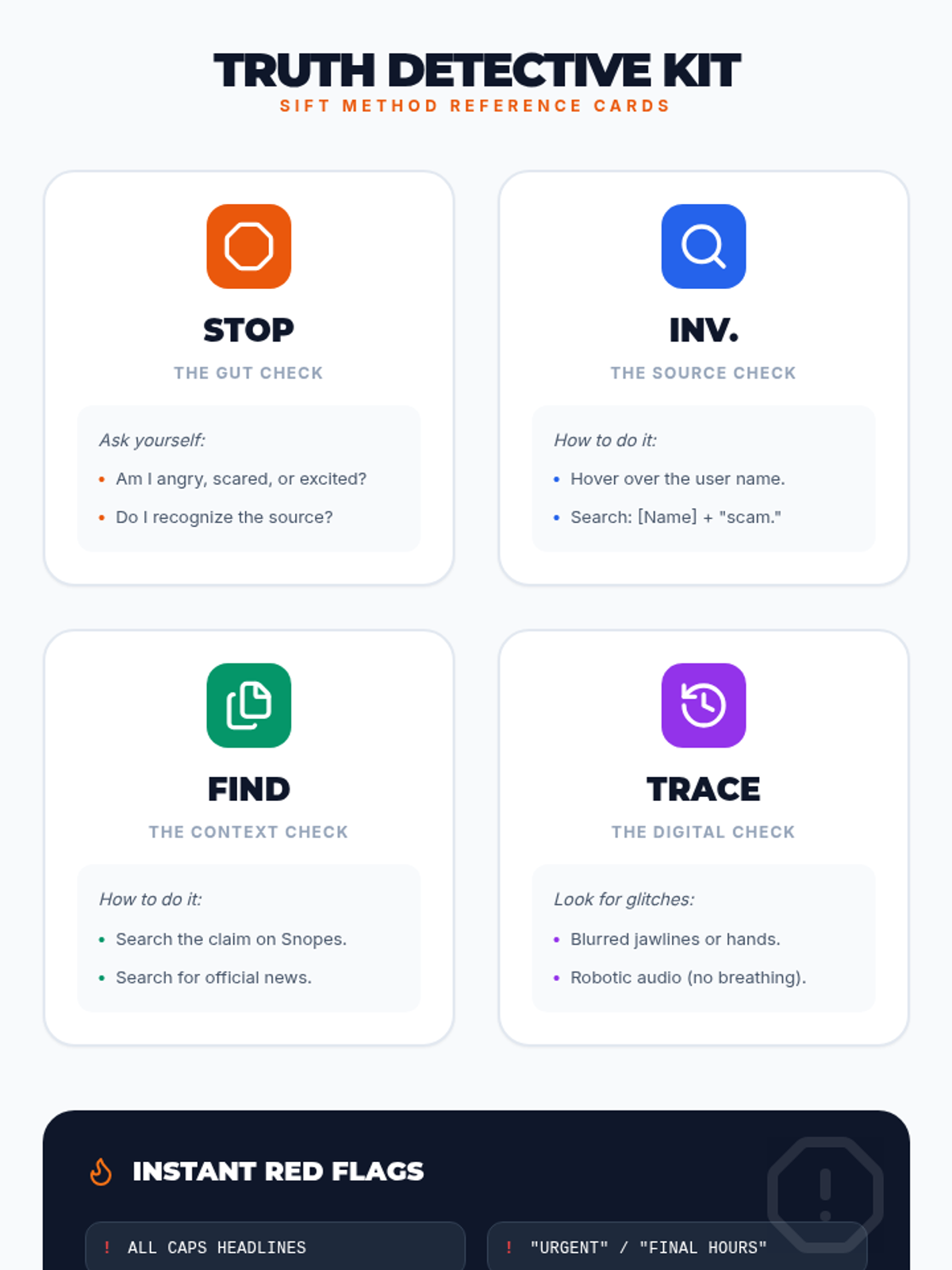
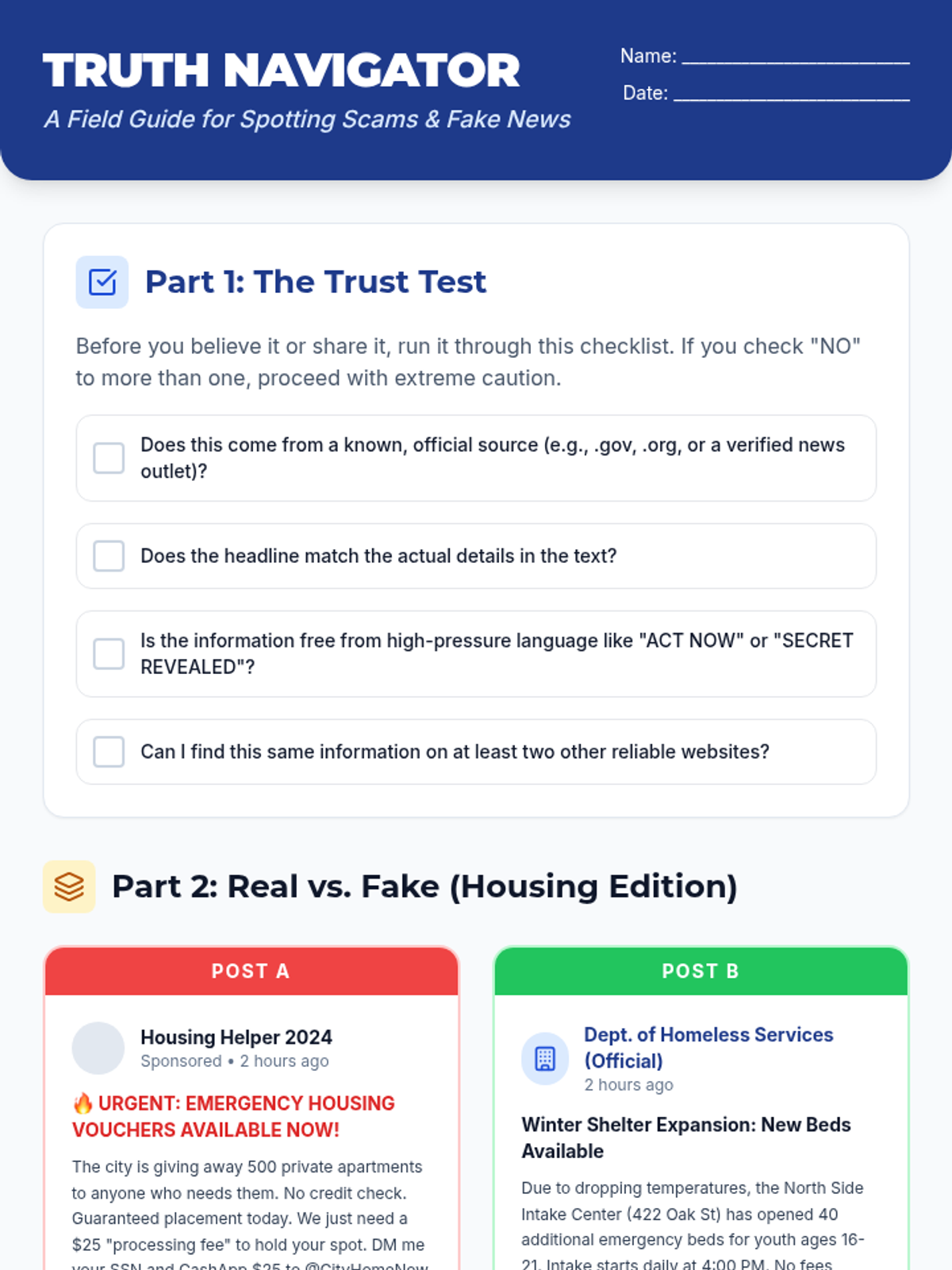
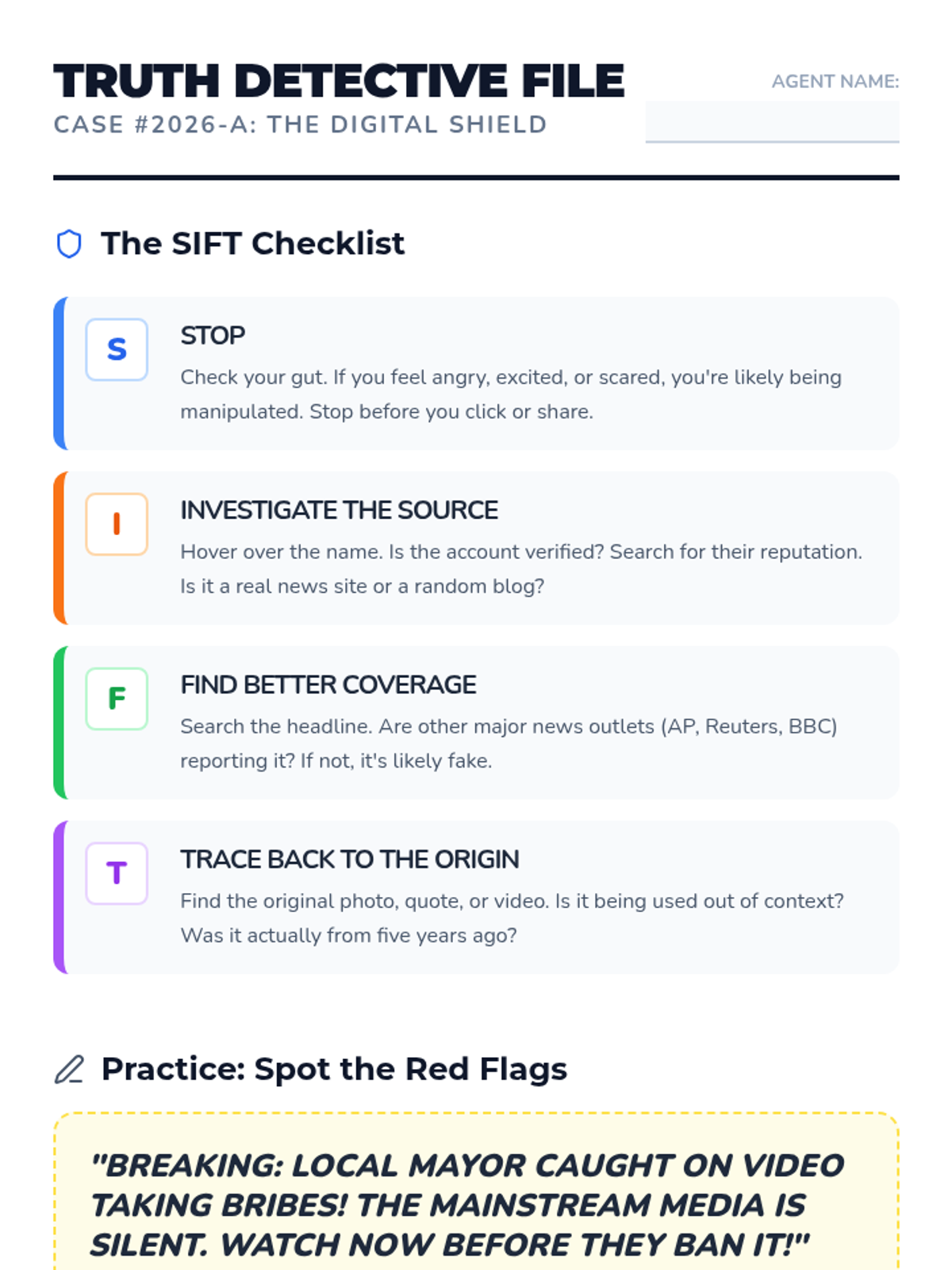
A lesson designed to empower high school students to navigate digital misinformation using the SIFT method, with a specific focus on resources and news relevant to their daily lives.
A practical guide for high school students to evaluate the credibility of political news and community resource leads, specifically housing and shelter availability.
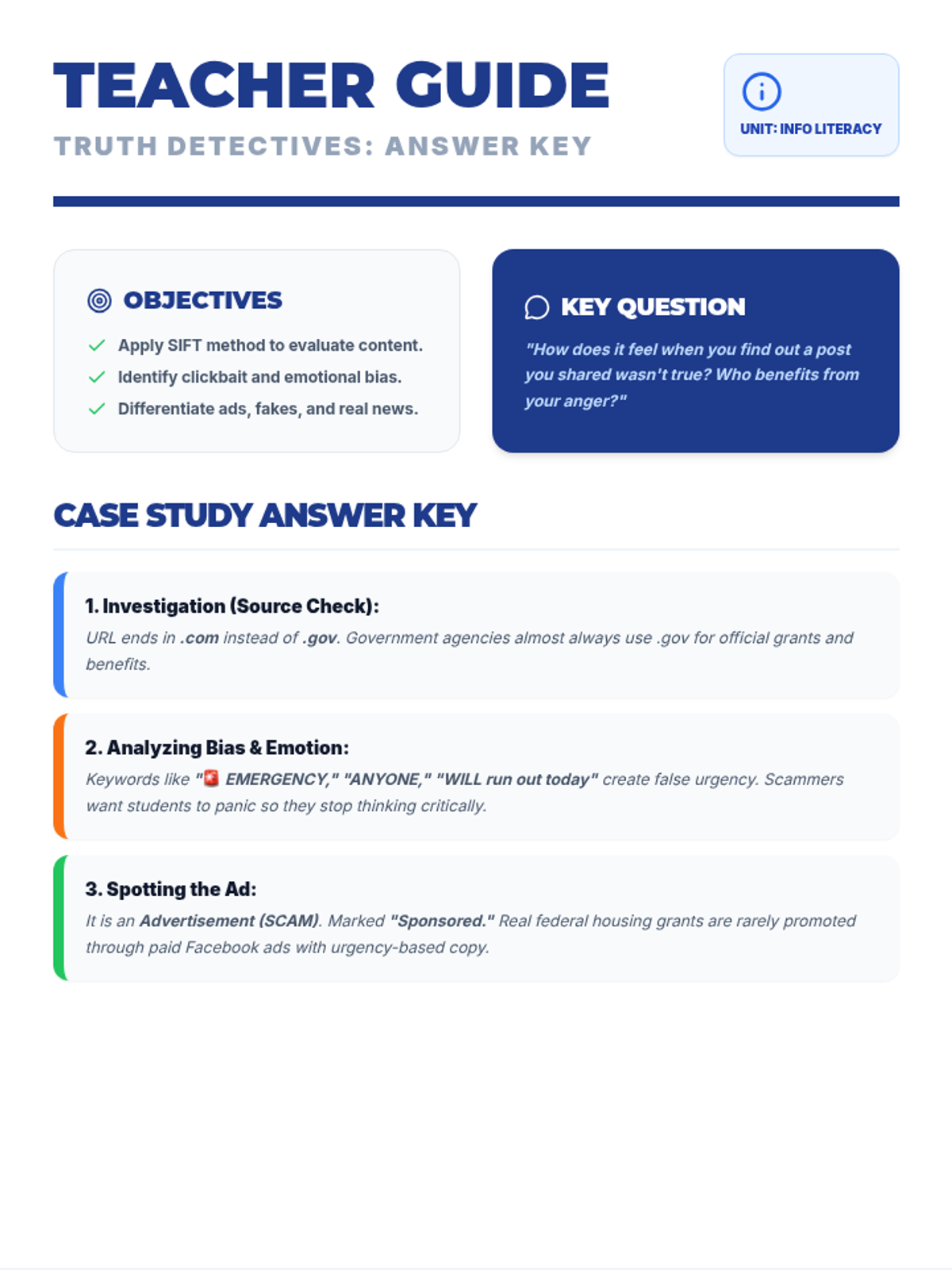
A lesson designed to empower high school students with the tools to navigate digital misinformation, focusing on the SIFT method, identifying emotional bias, and spotting sponsored content.
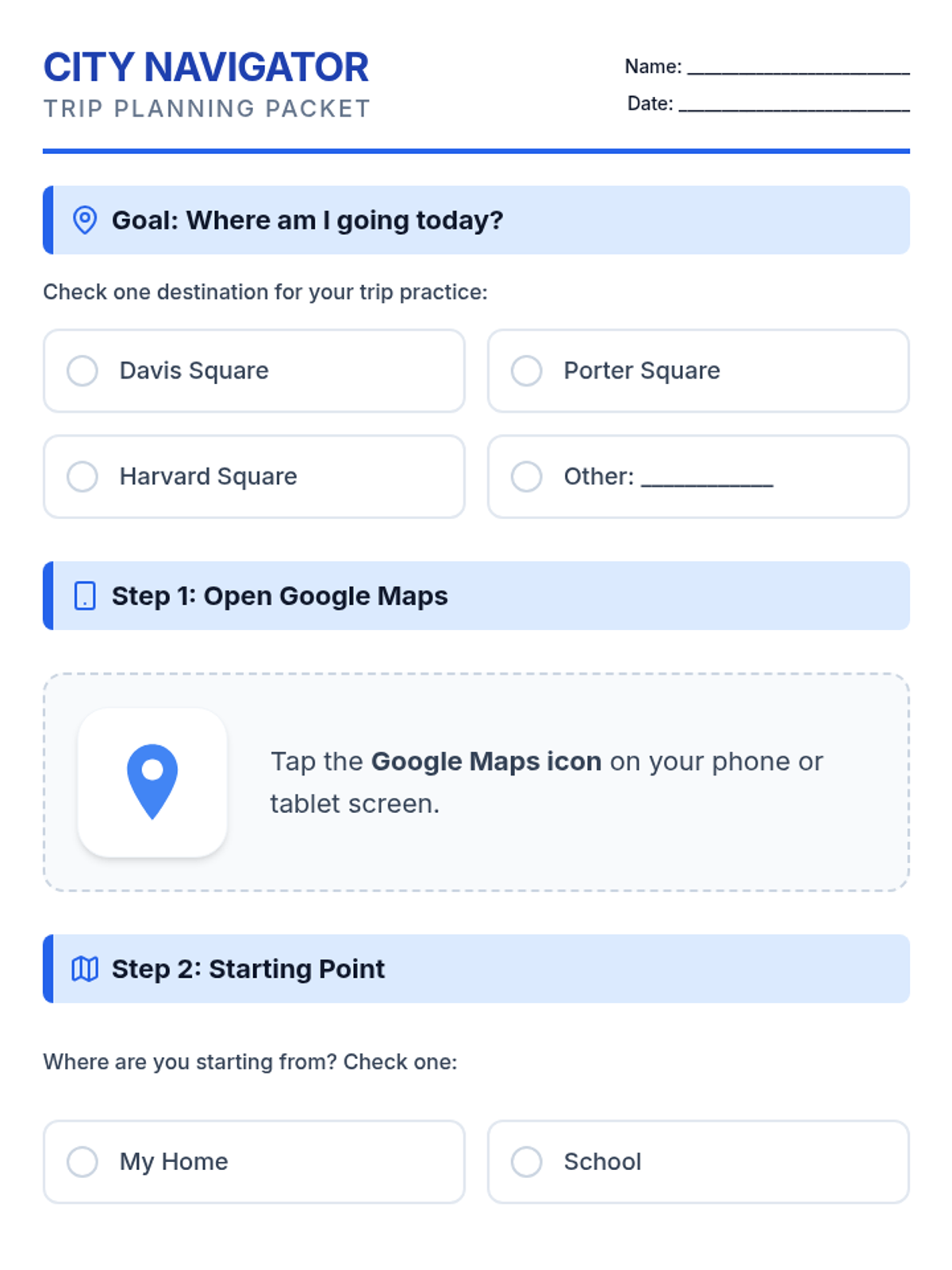
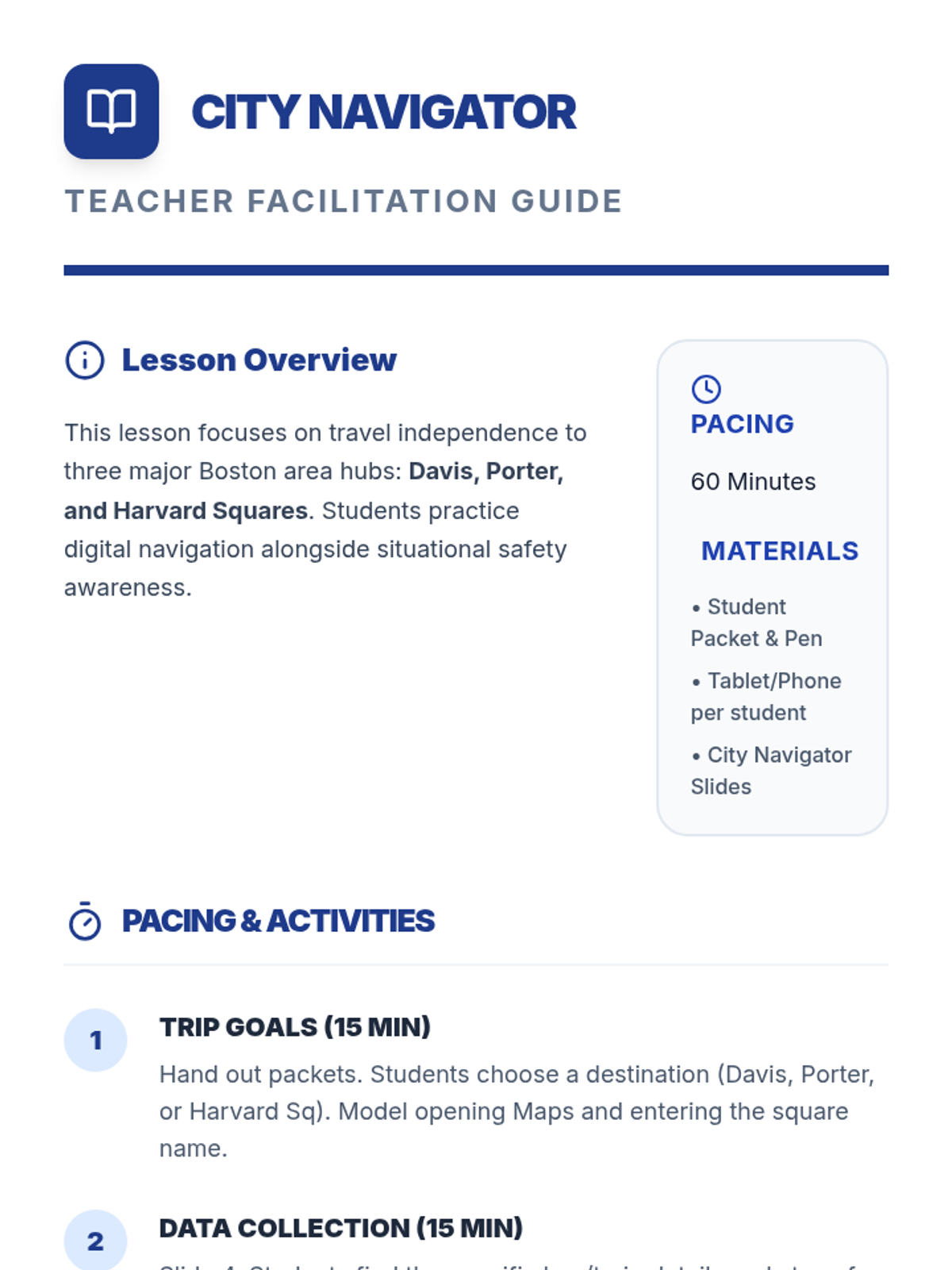
A functional travel training lesson focused on using Google Maps to plan a trip and practicing safety and etiquette on the MBTA. Students will navigate a step-by-step planning process and evaluate safe vs. unsafe behaviors in transit environments.
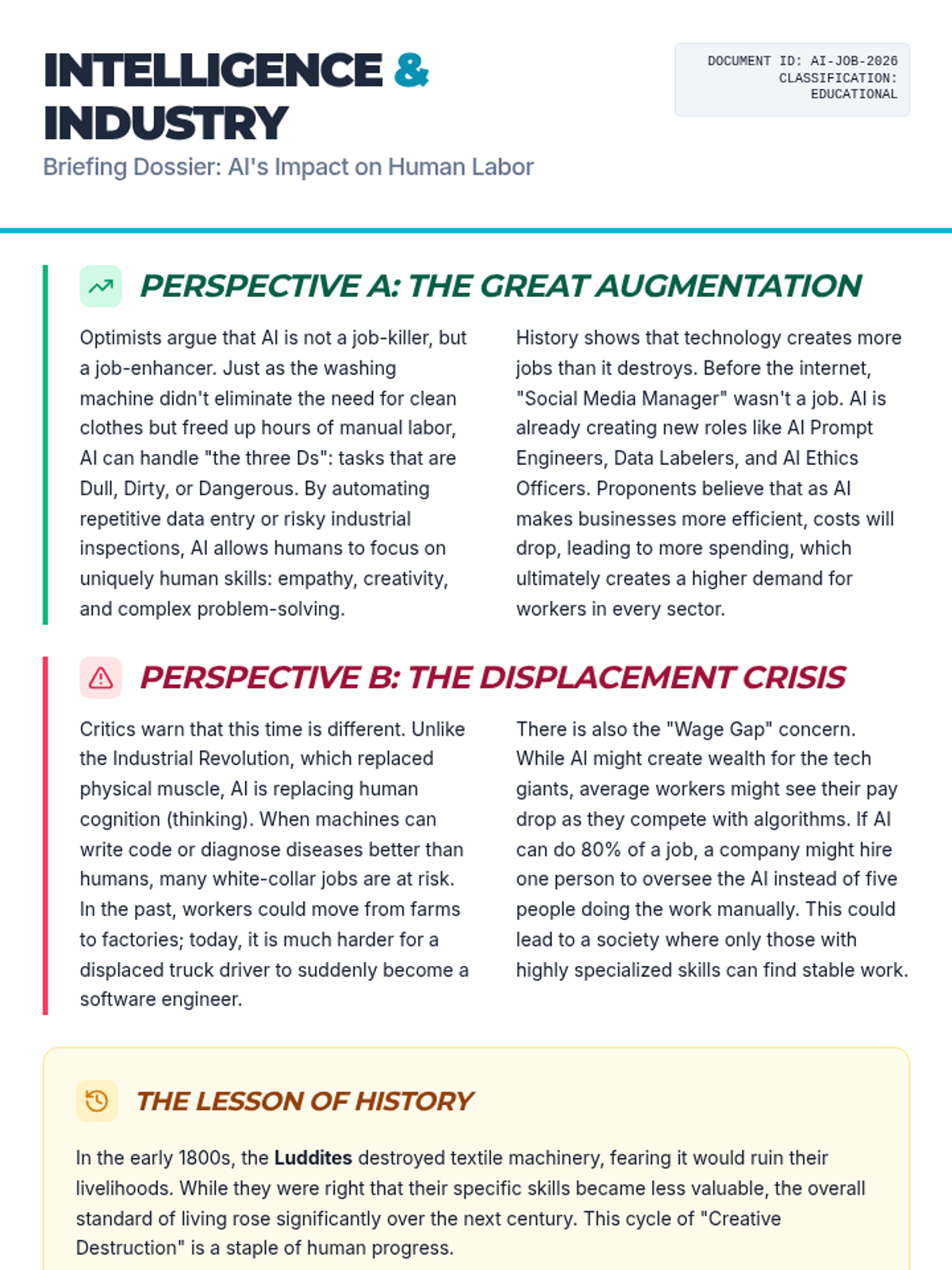
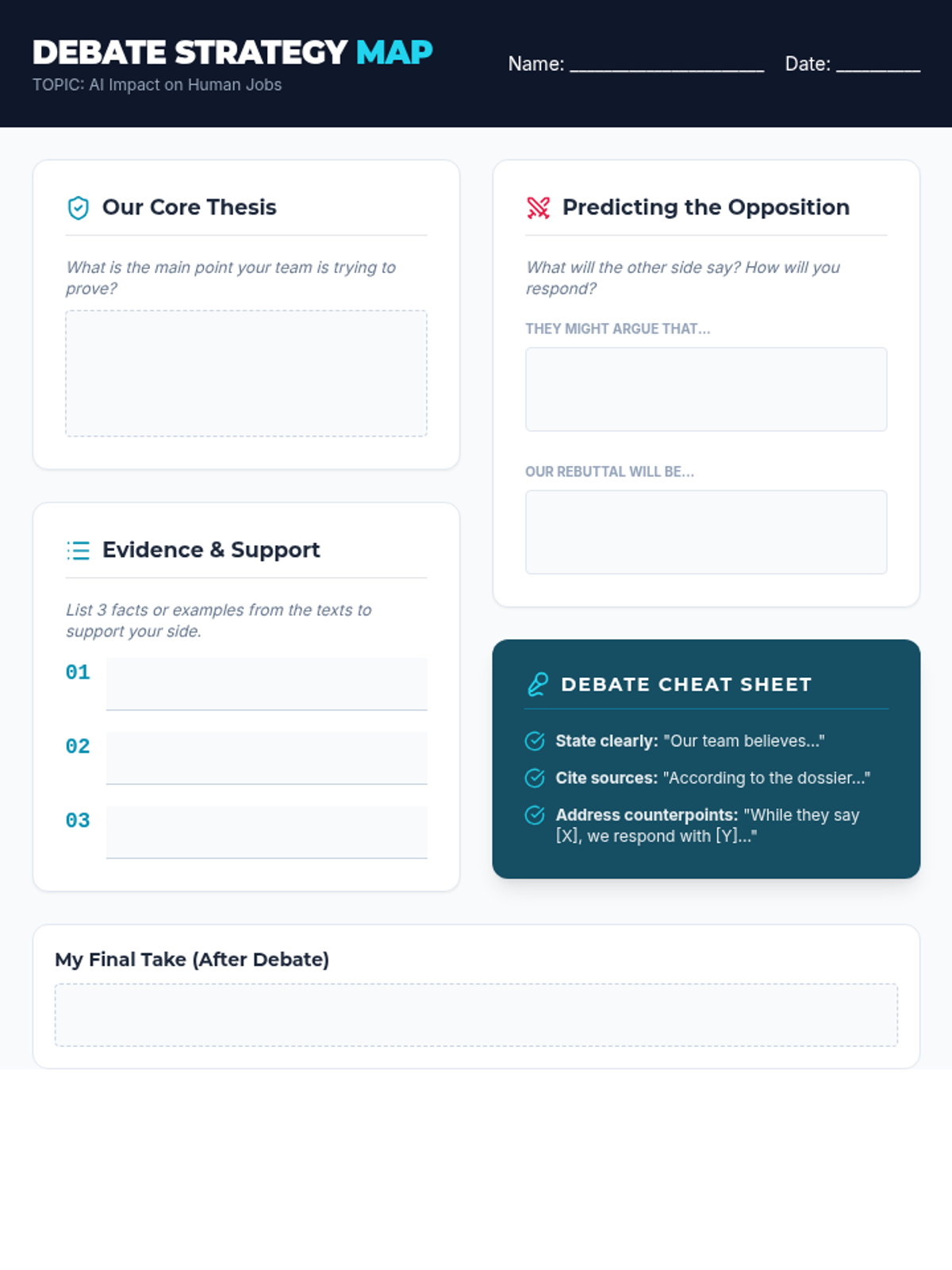
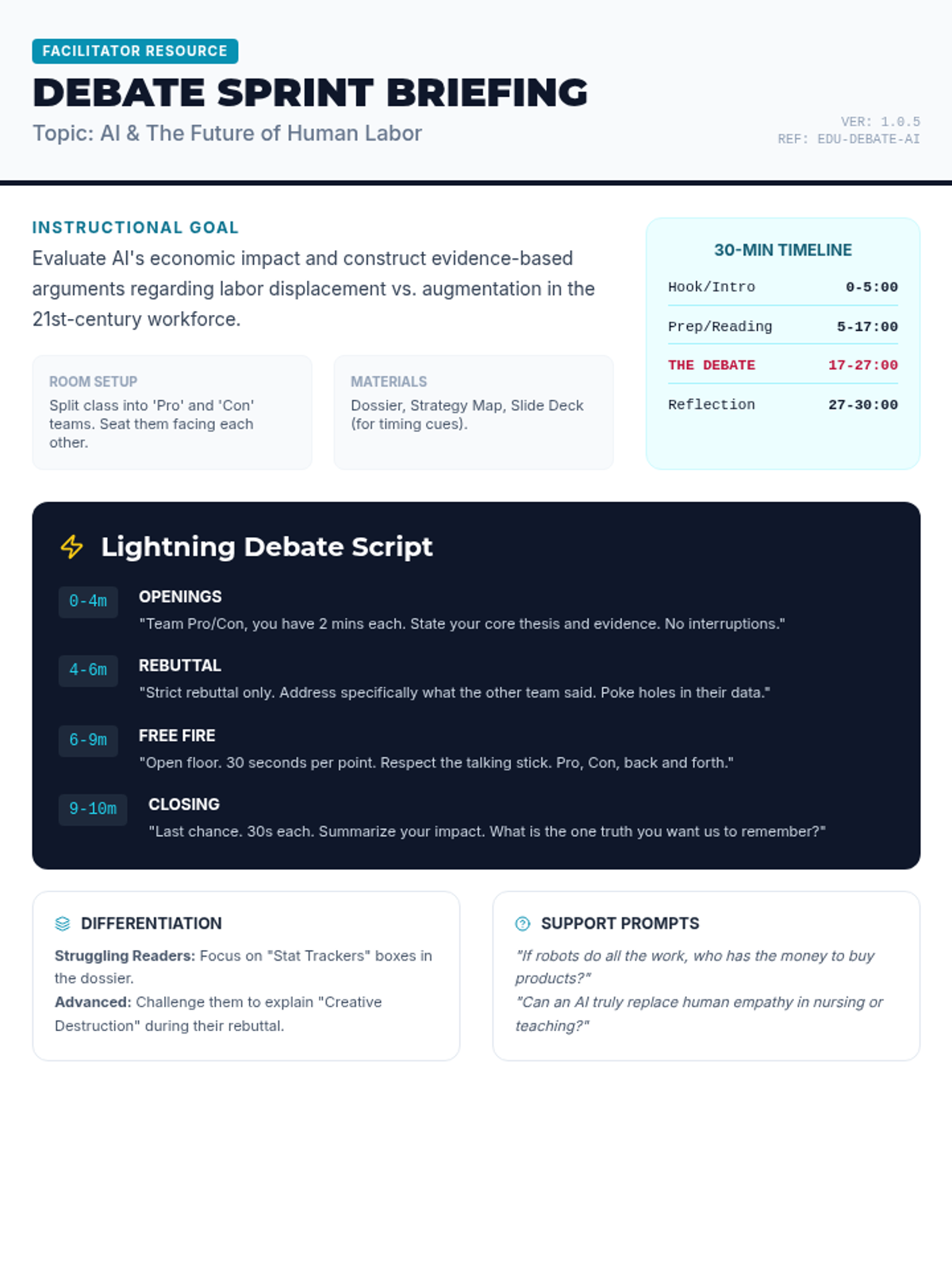
A fast-paced, 30-minute debate activity where students explore the complex impact of Artificial Intelligence on the future of human employment. Students analyze evidence, prepare arguments, and engage in a structured 'lightning' debate.
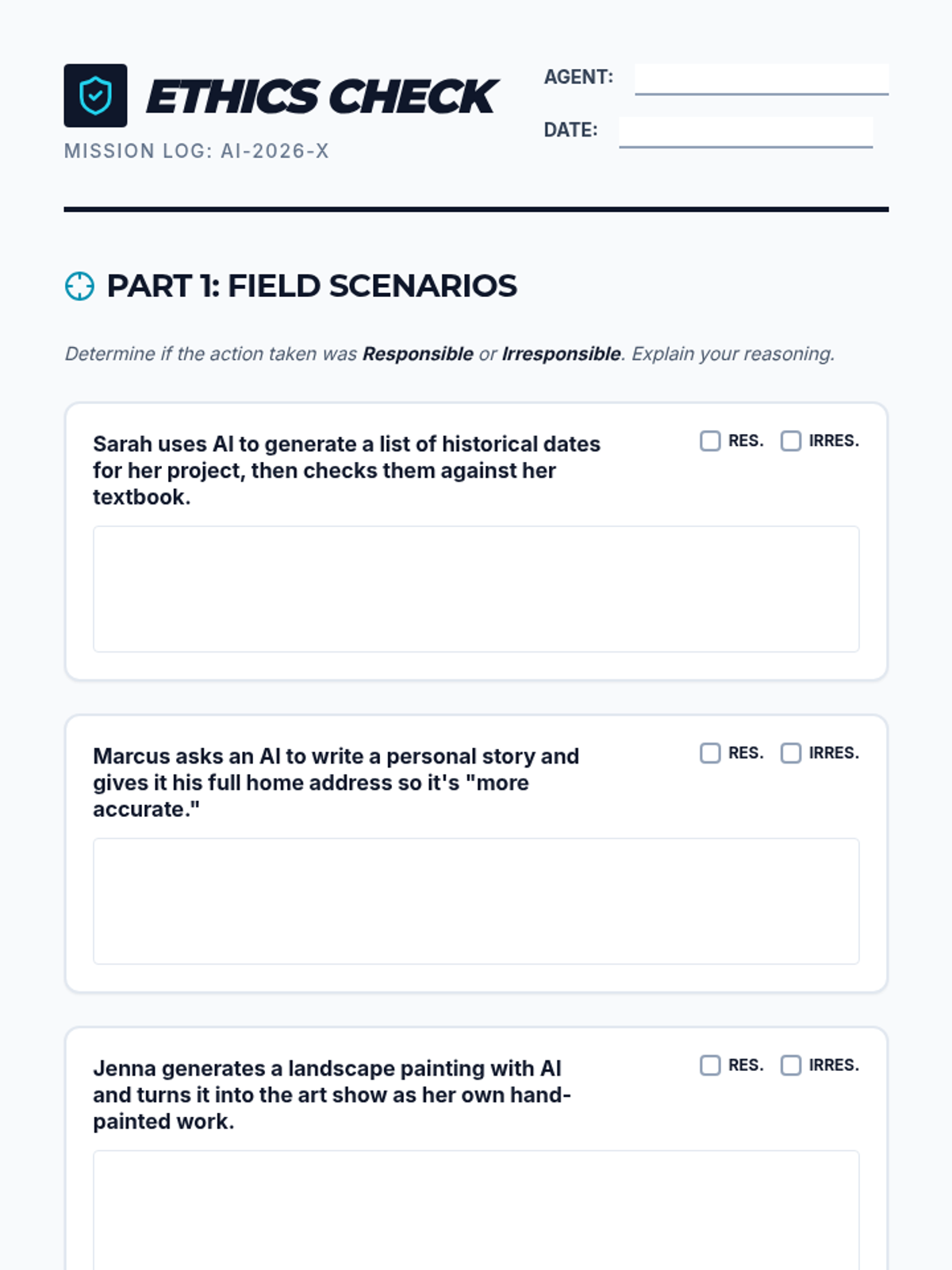
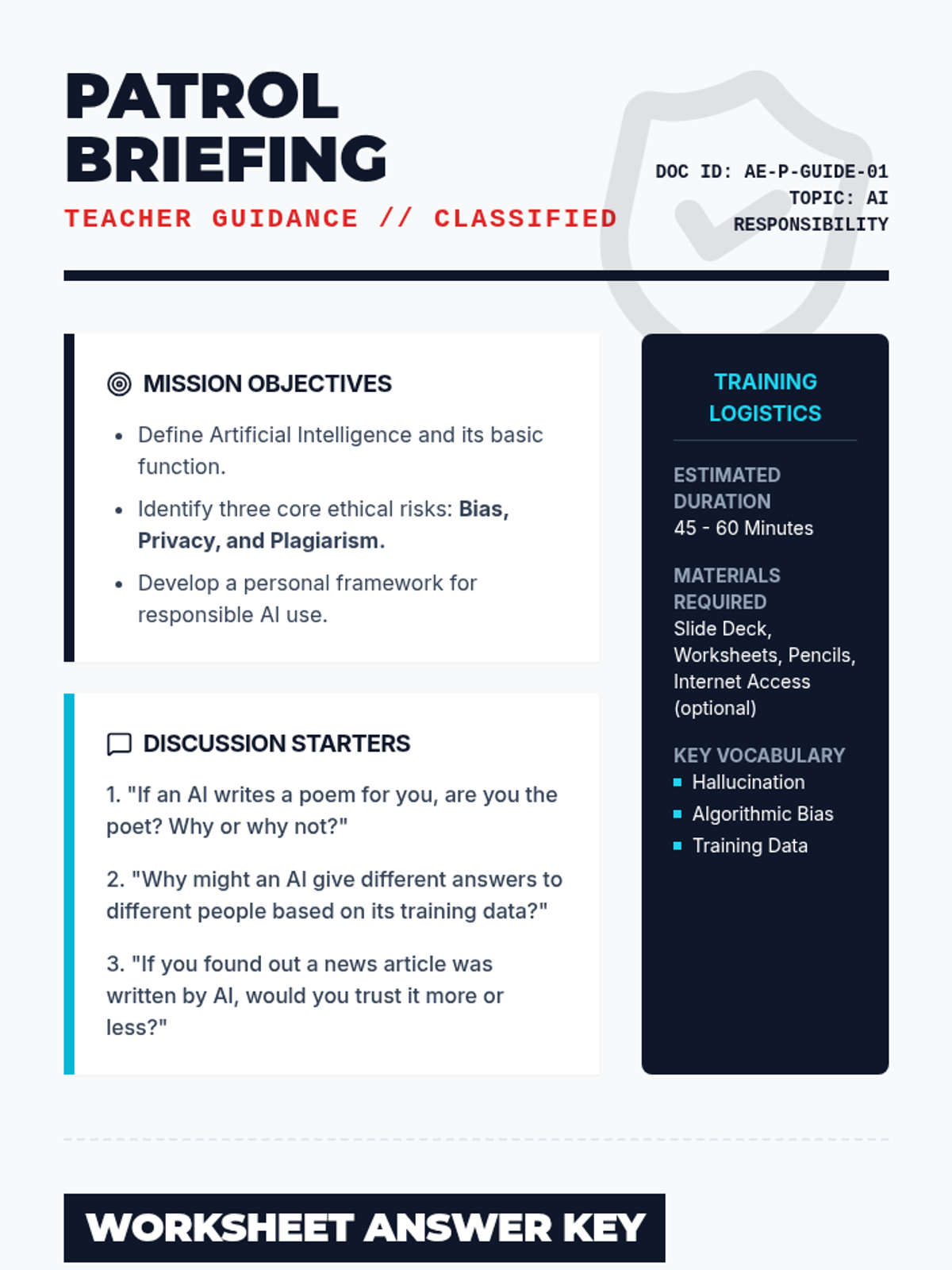
A comprehensive lesson on the ethical and responsible use of artificial intelligence. Students explore topics like bias, privacy, and academic integrity through interactive scenarios and critical thinking exercises.
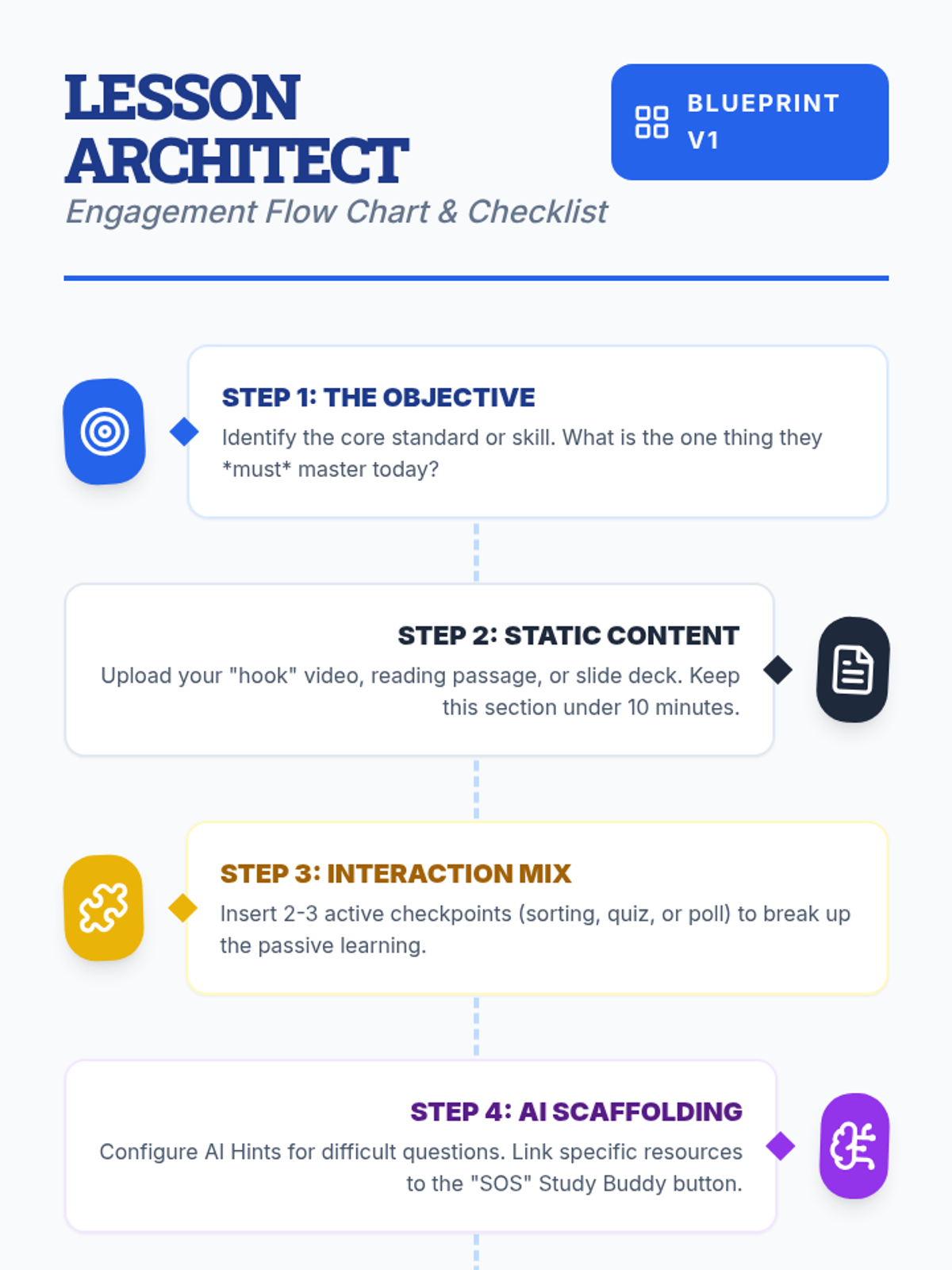
Teachers will learn how to design interactive, engaging lessons on Lenny Learning using advanced content types, gamification, and collaborative tools.
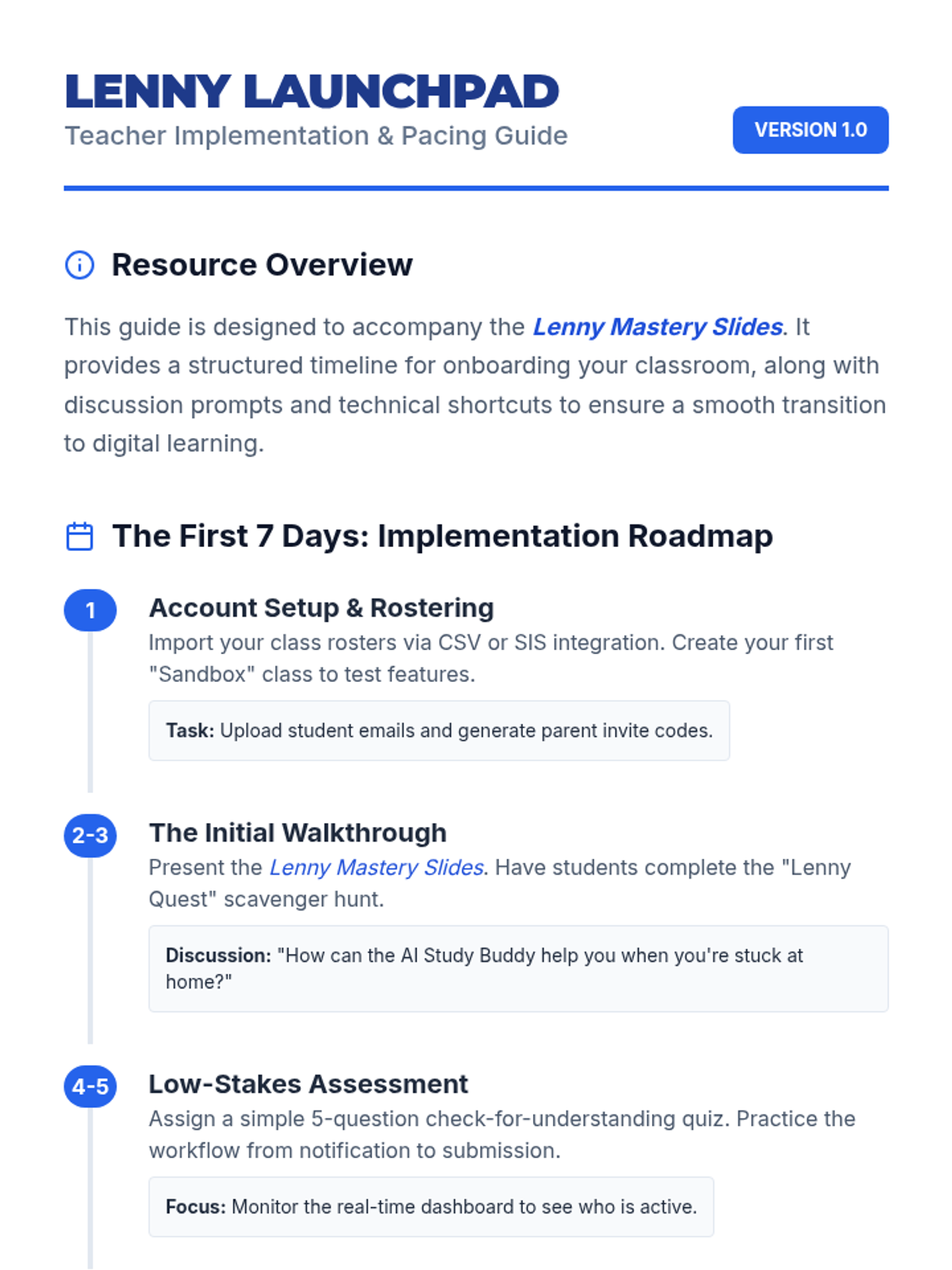
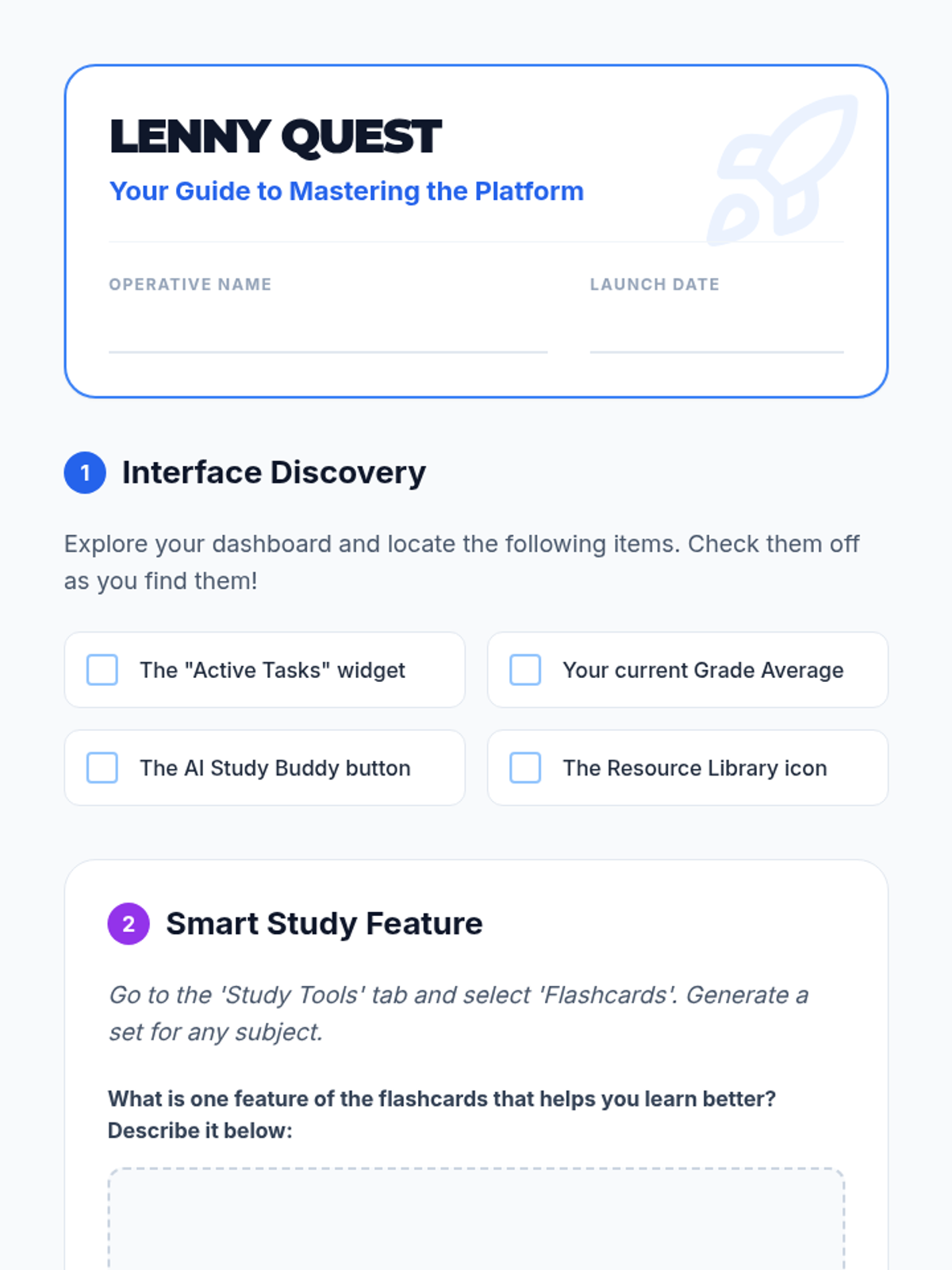
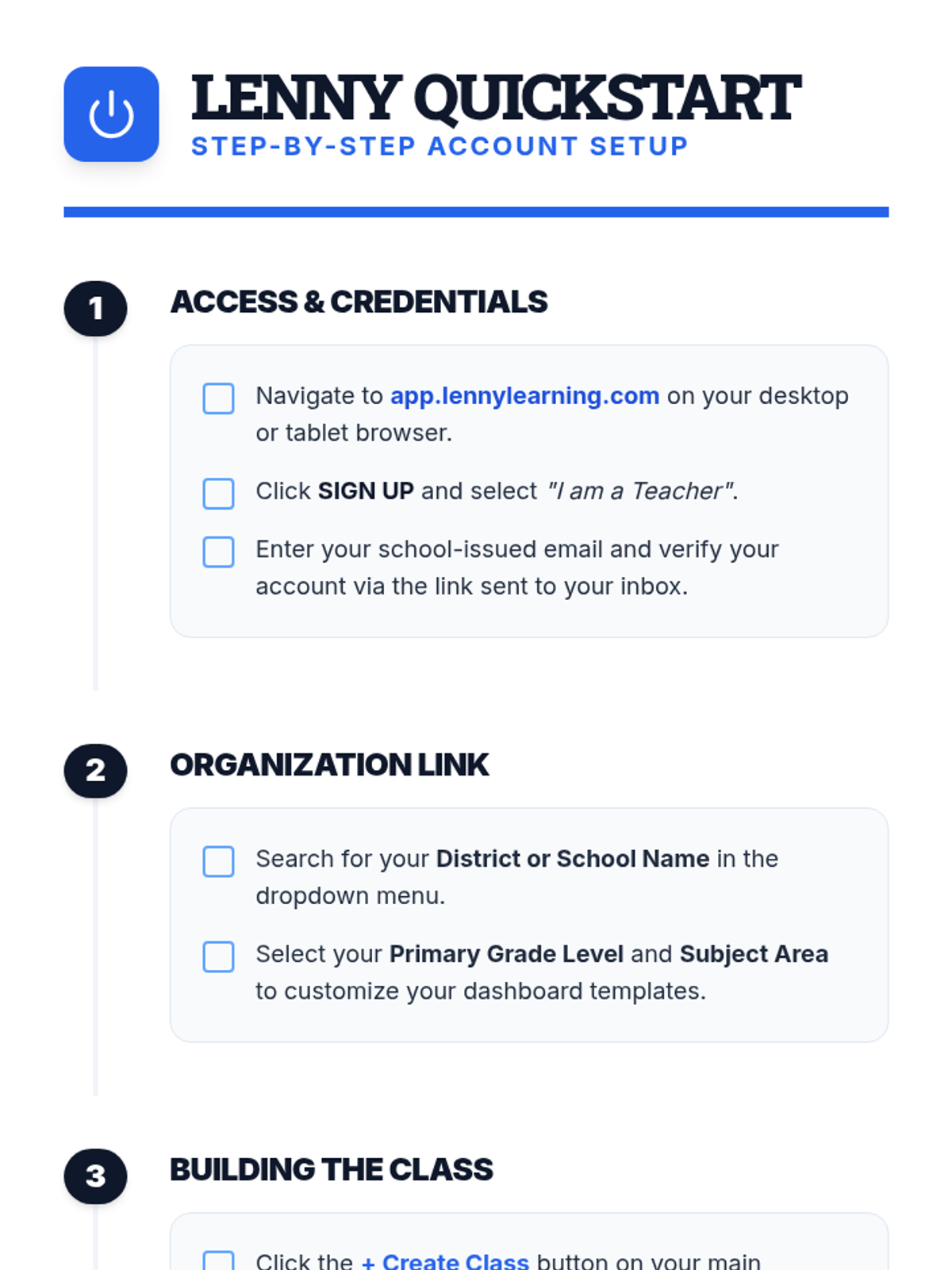
A comprehensive introduction for teachers to the Lenny Learning platform, covering the core assignment workflow, study tools, and administrative features.
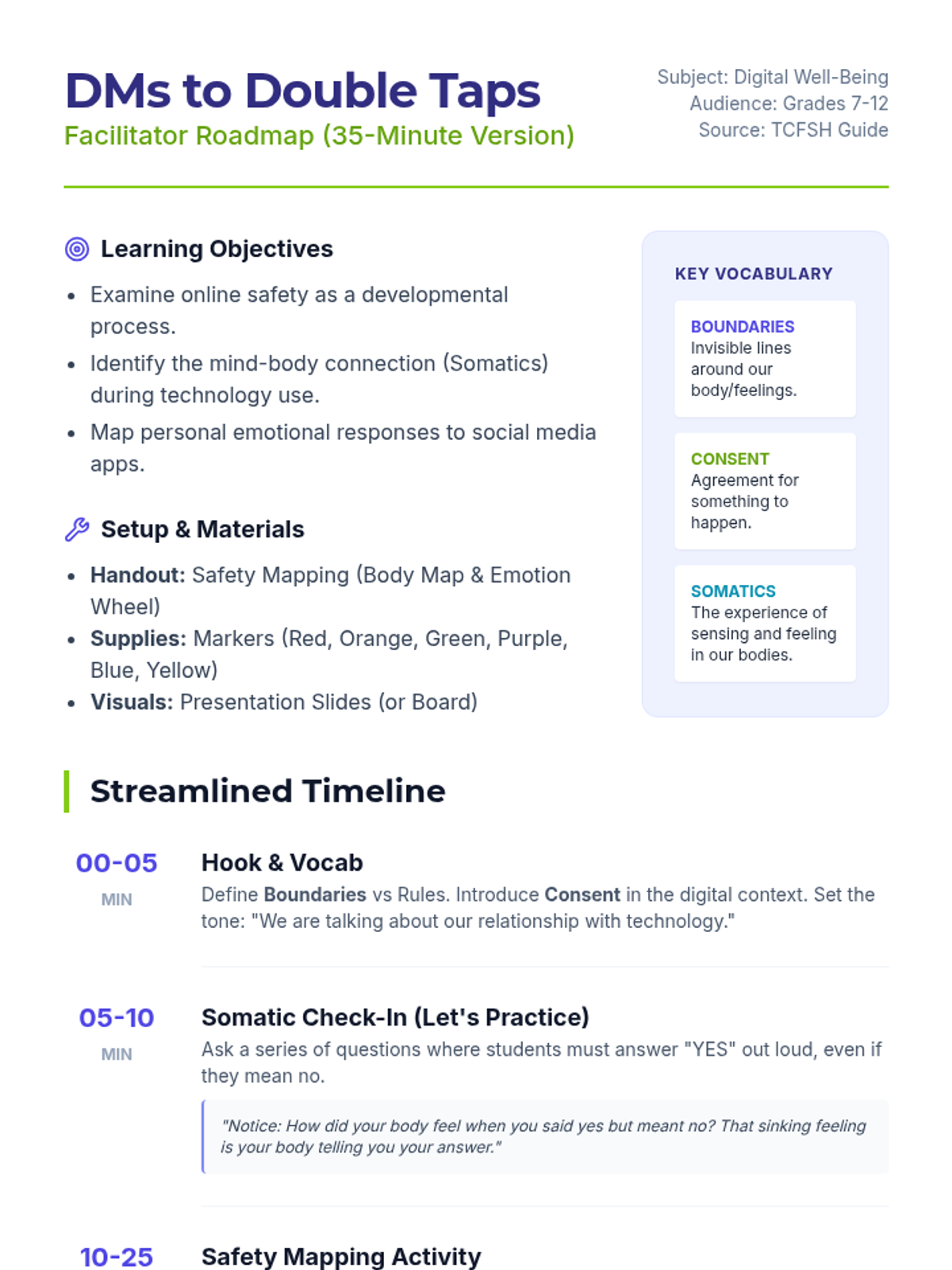
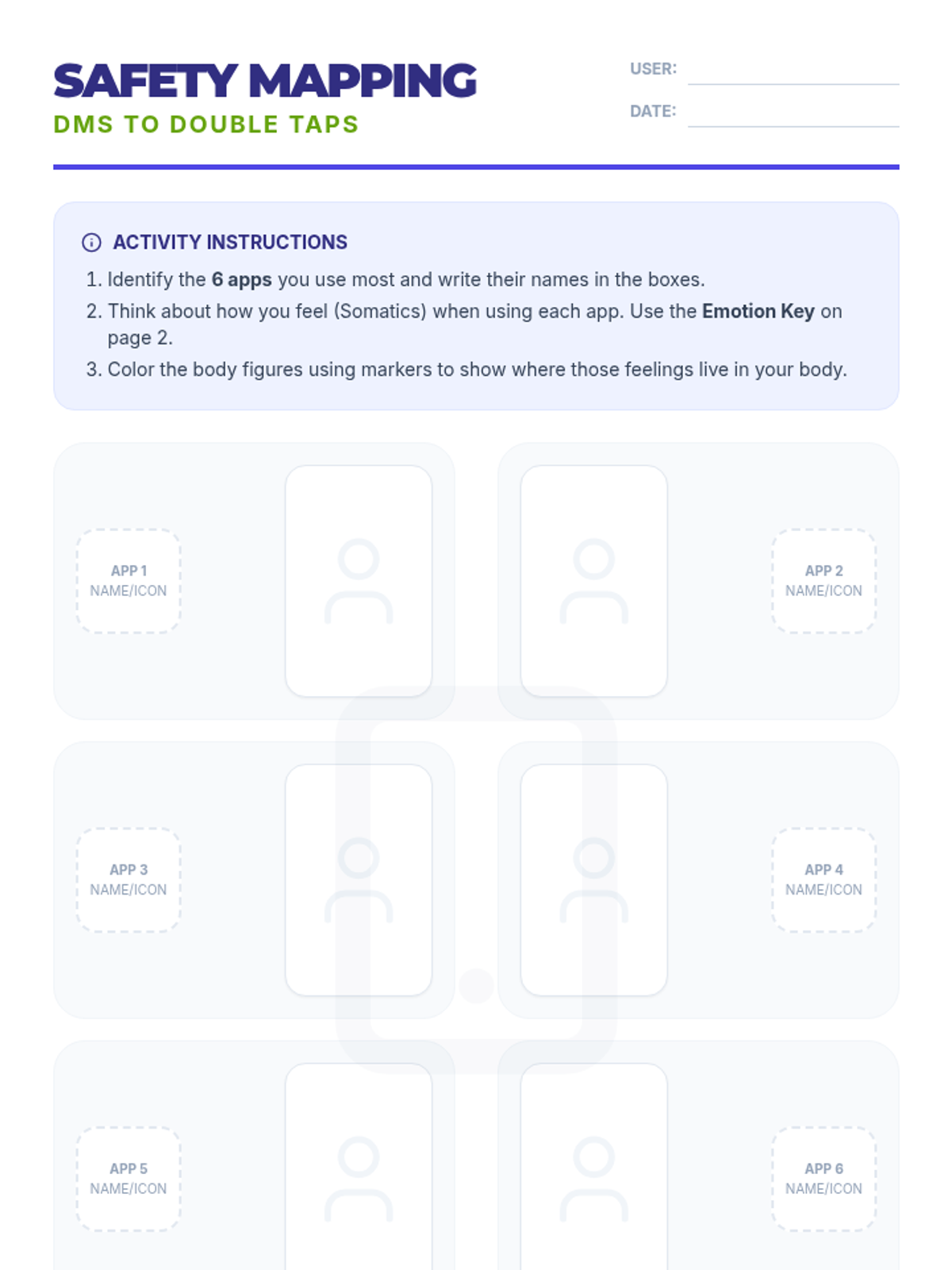
A 35-minute interactive session exploring the mind-body connection with social media. Students use somatic mapping to identify emotional triggers in their most-used apps and learn strategies for digital safety based on the TCFSH 'DMs to Double Taps' guide.
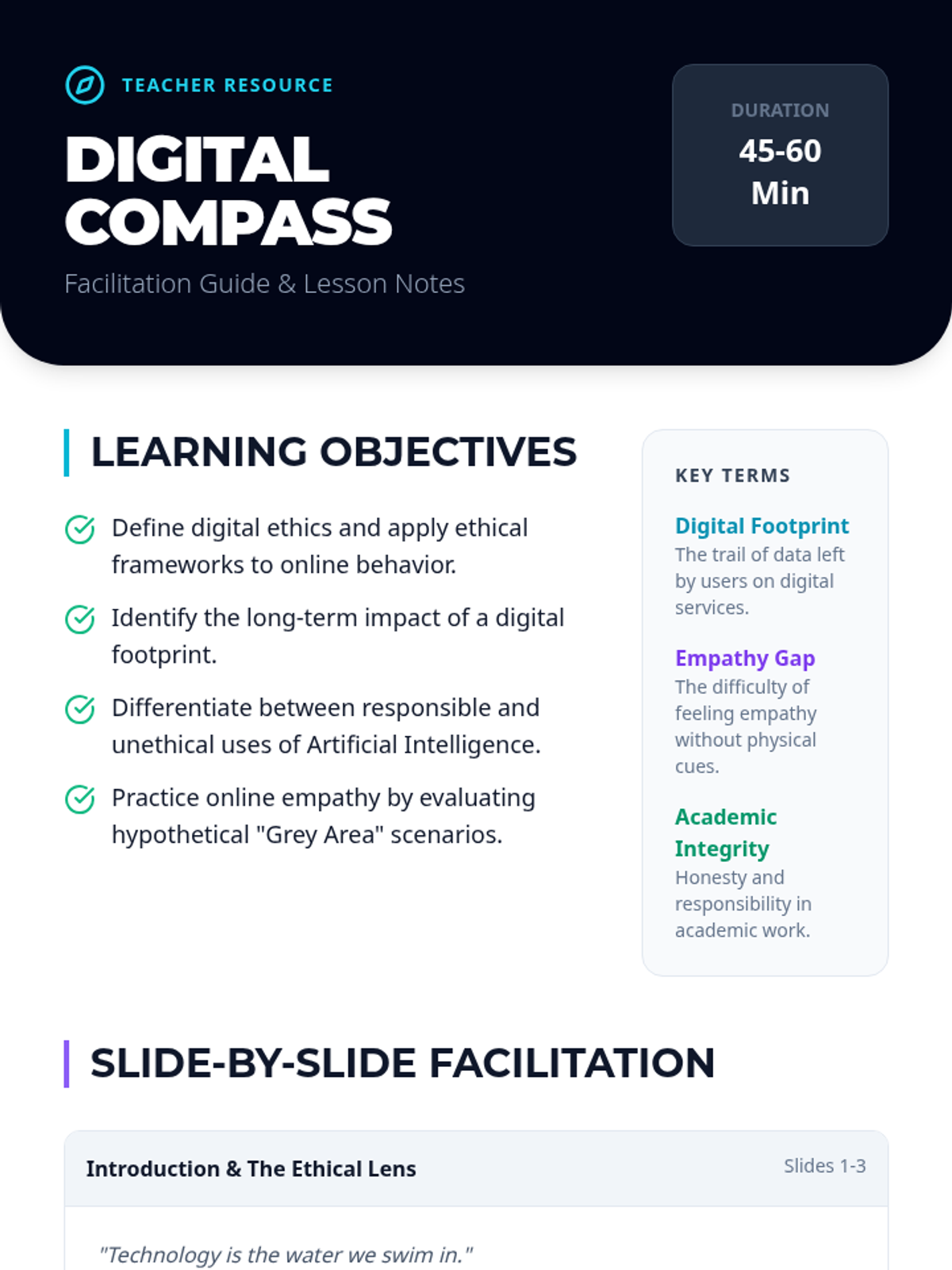
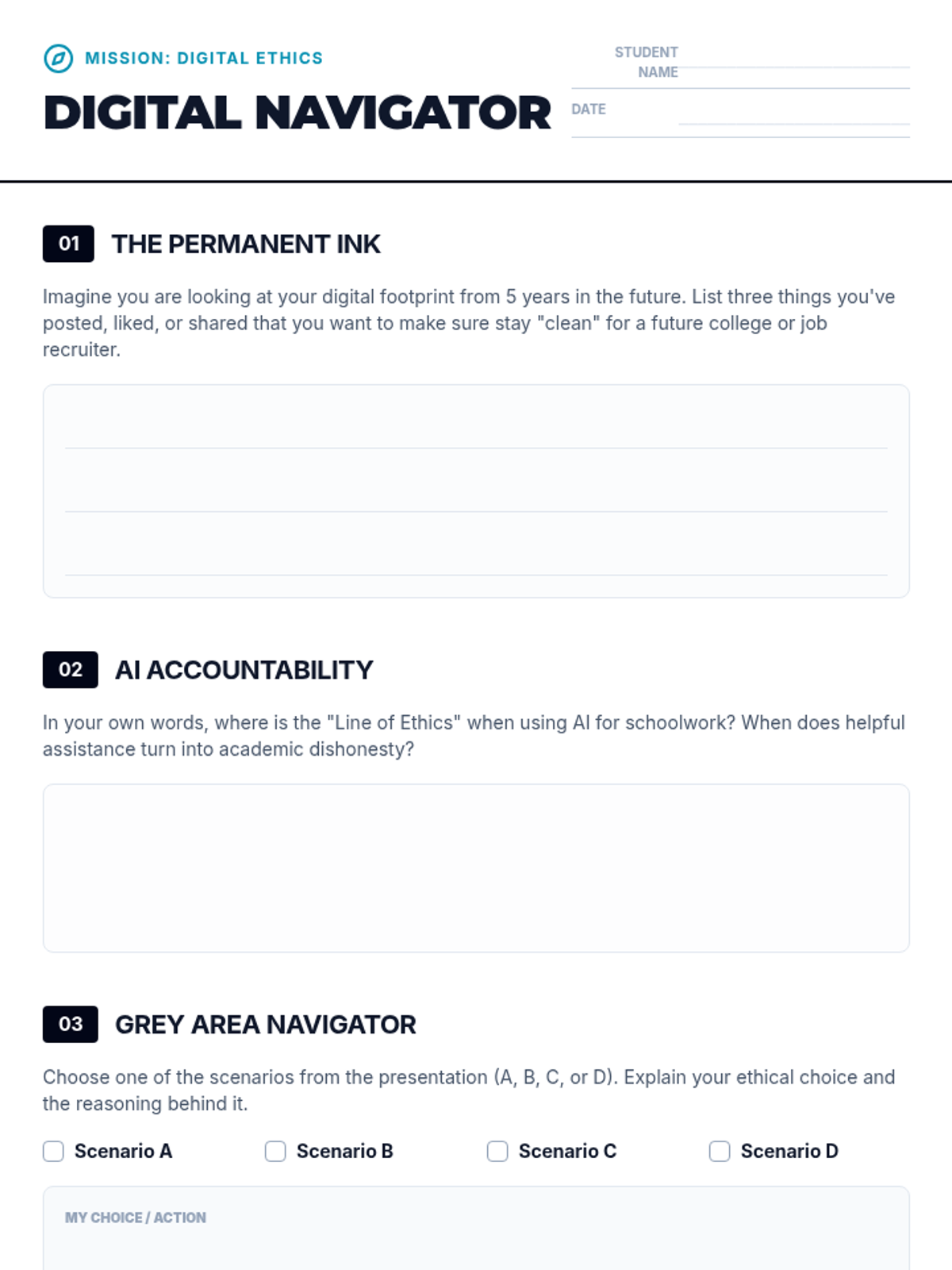
A comprehensive lesson exploring the ethical implications of digital technology use for students, covering privacy, digital footprints, AI responsibility, and online empathy.
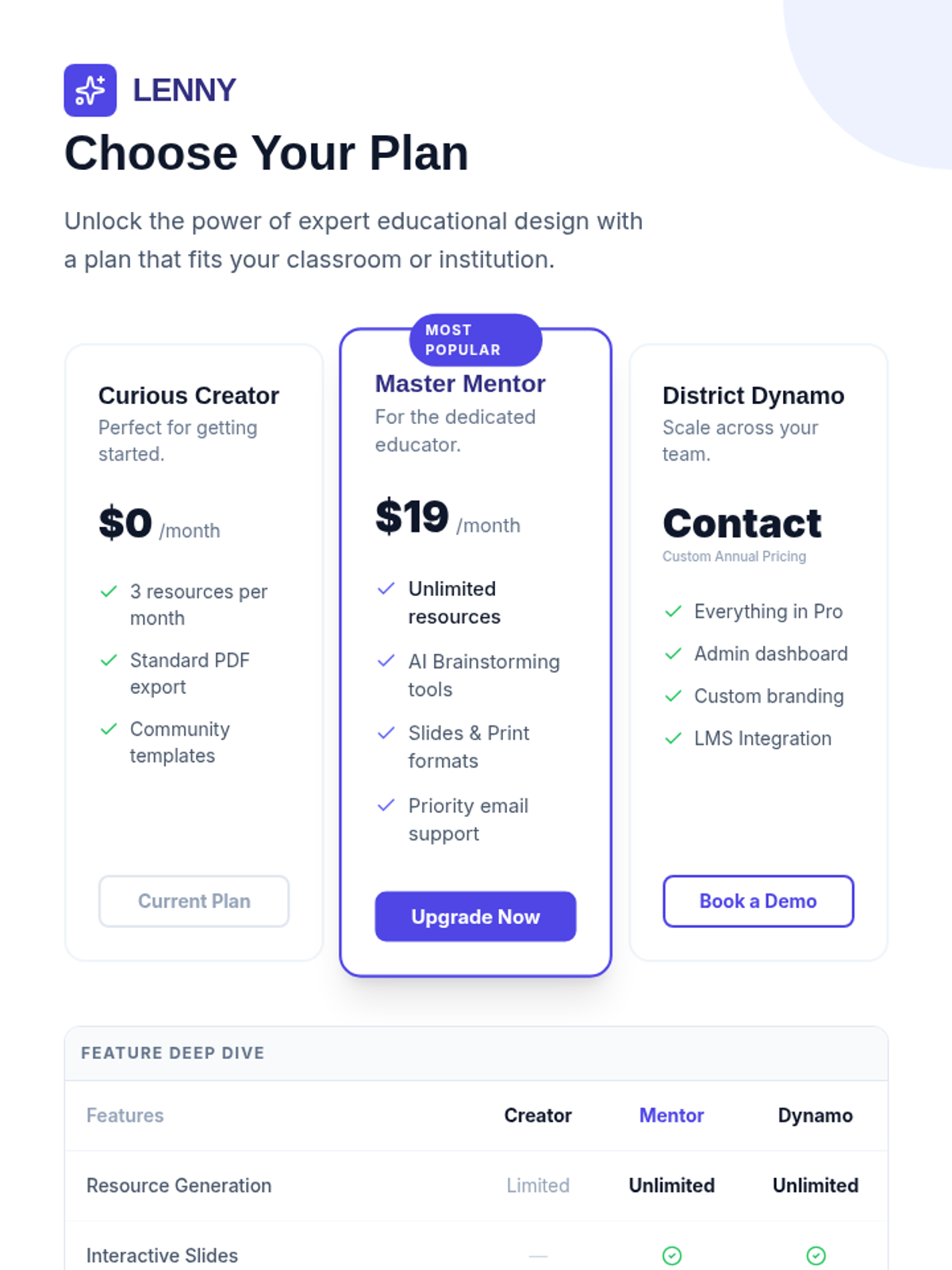
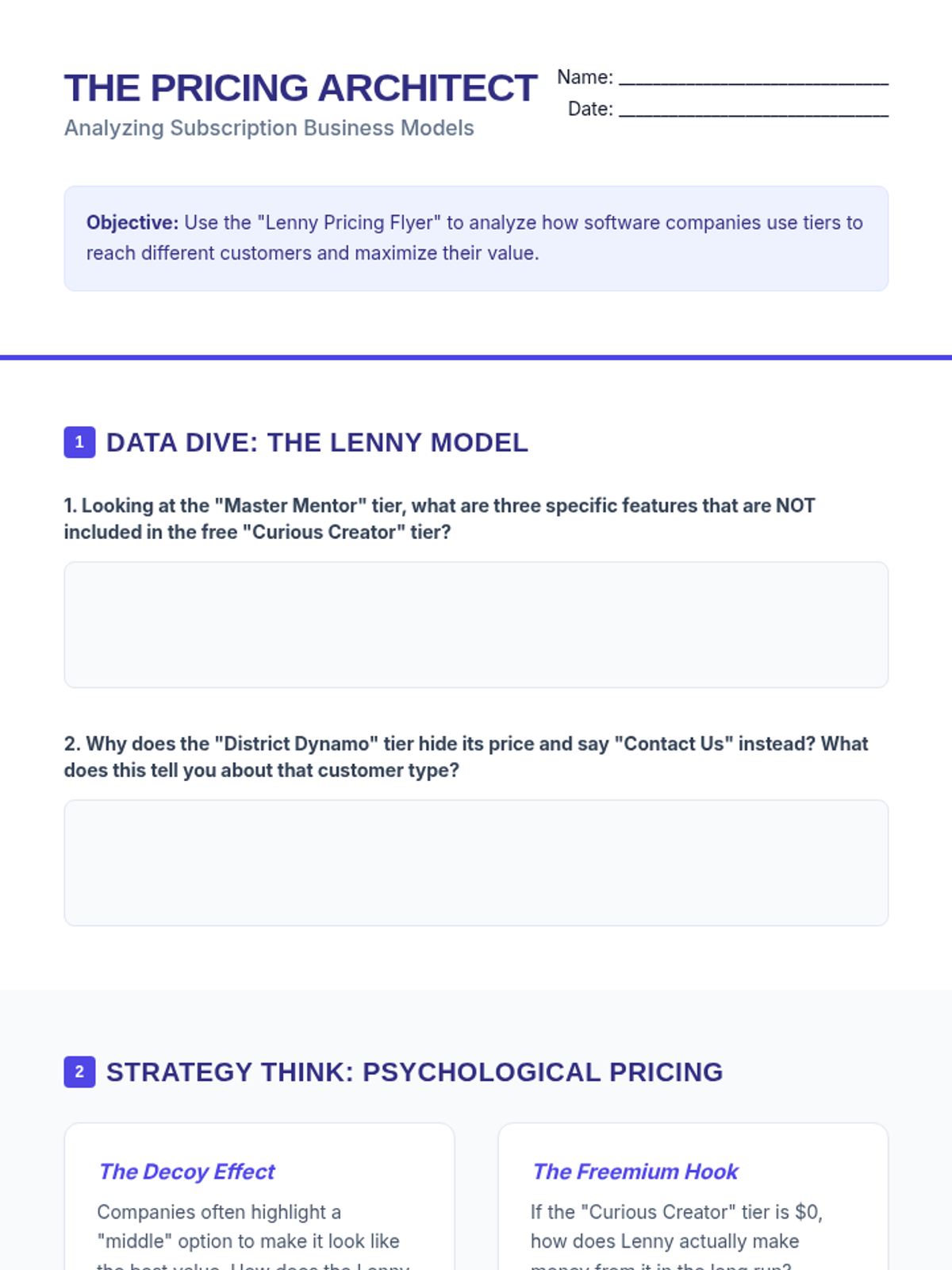
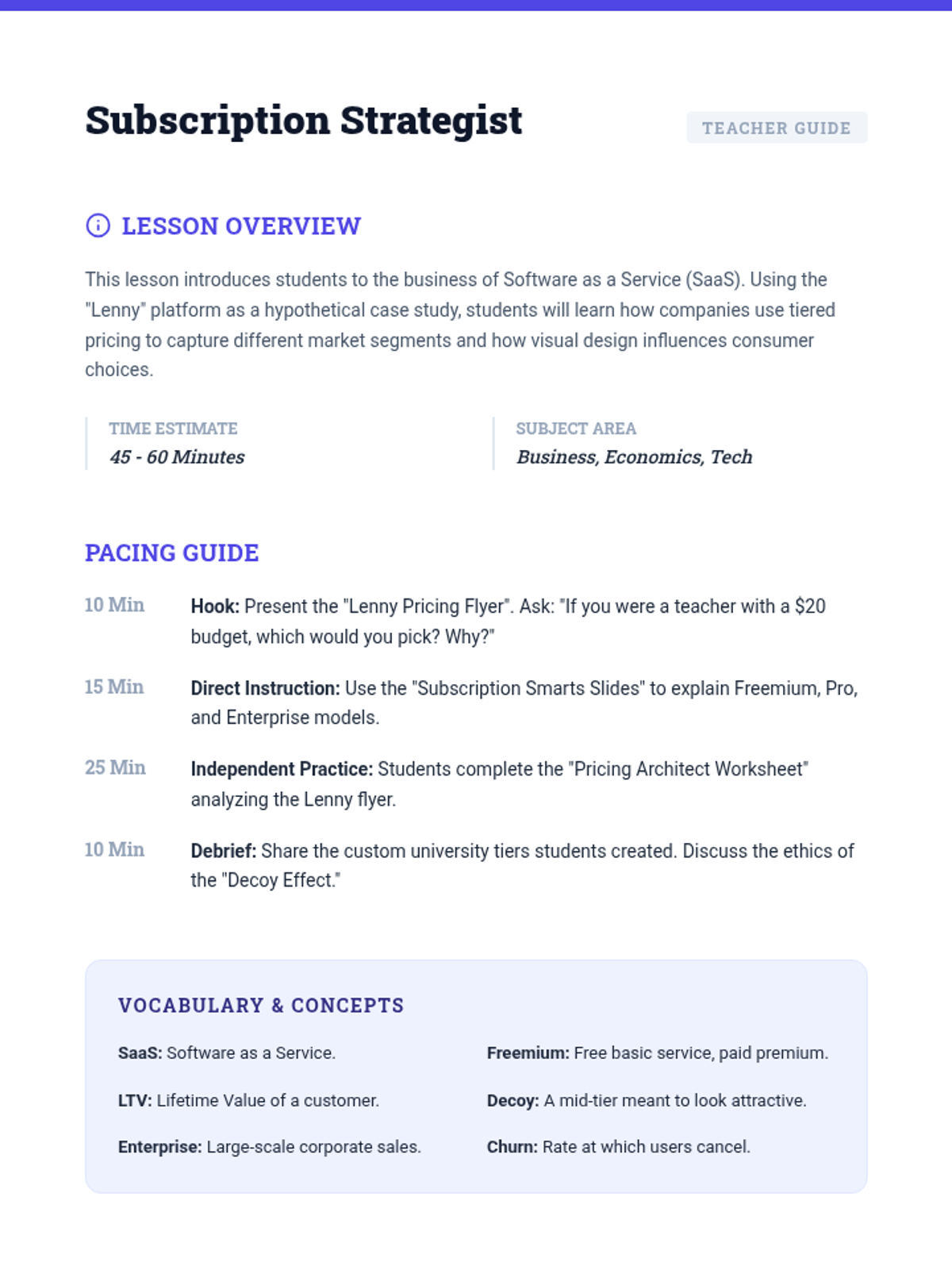
An introductory lesson on business models and subscription pricing in the tech industry, using a hypothetical educational platform as a case study.
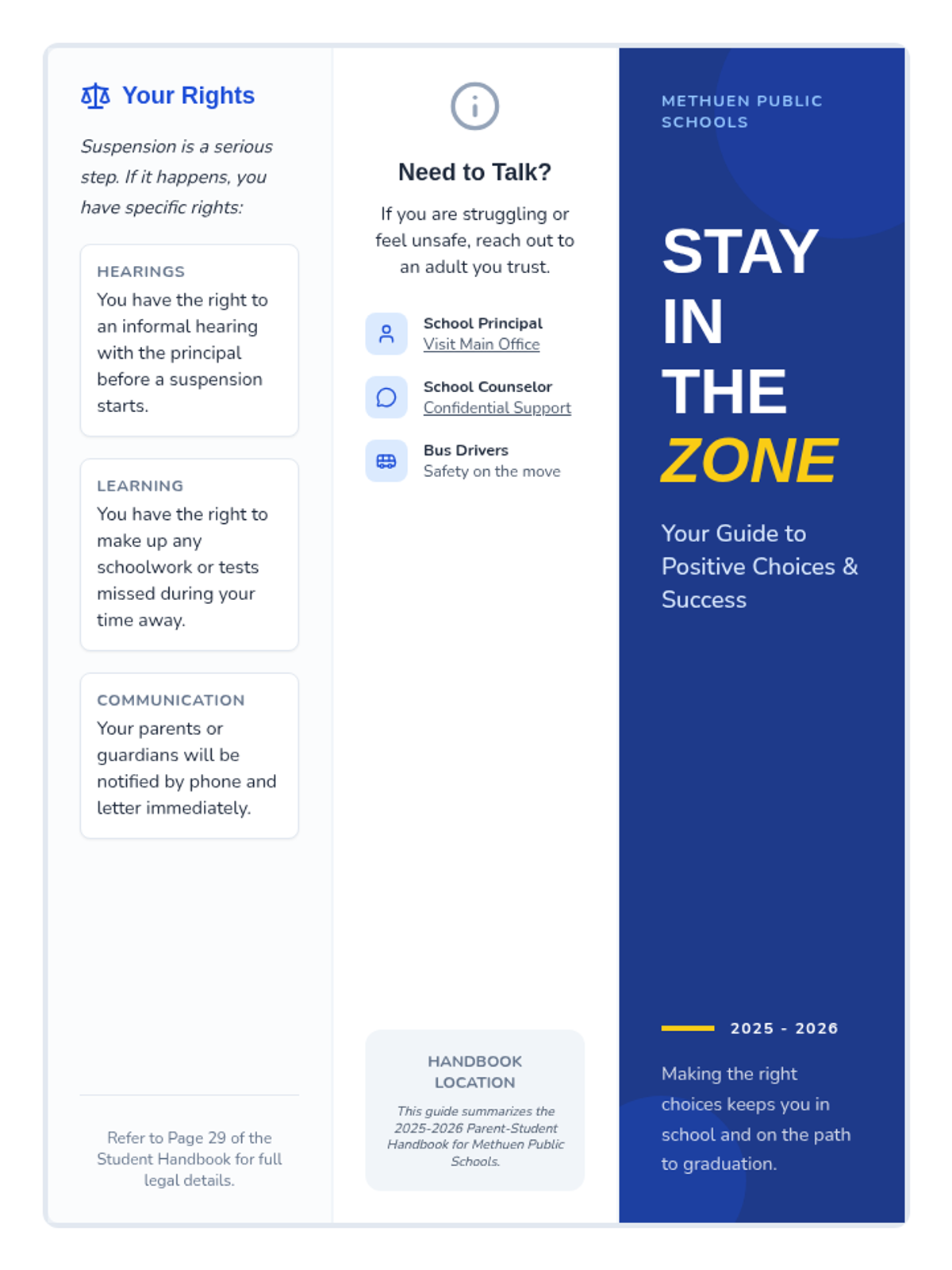
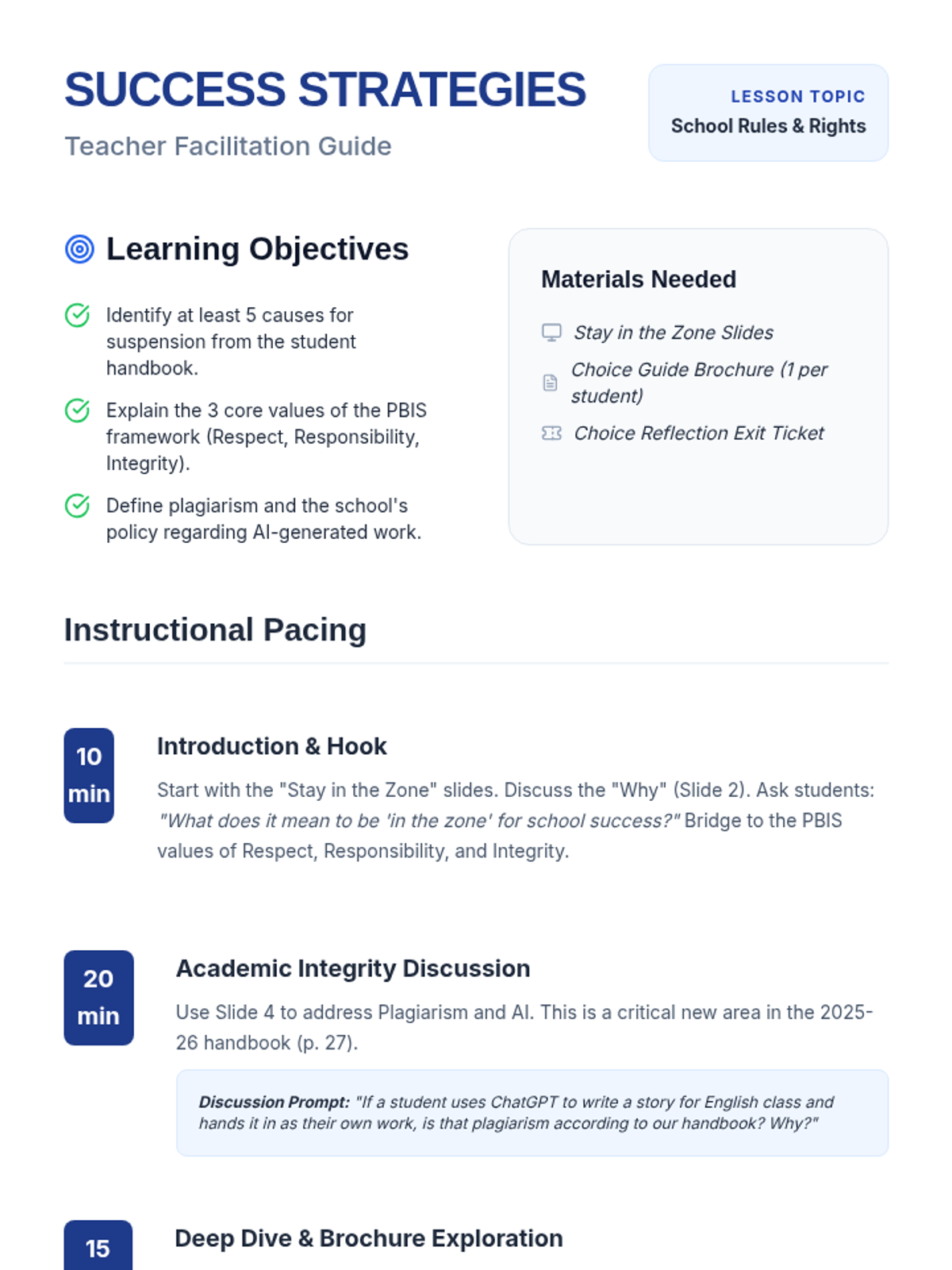
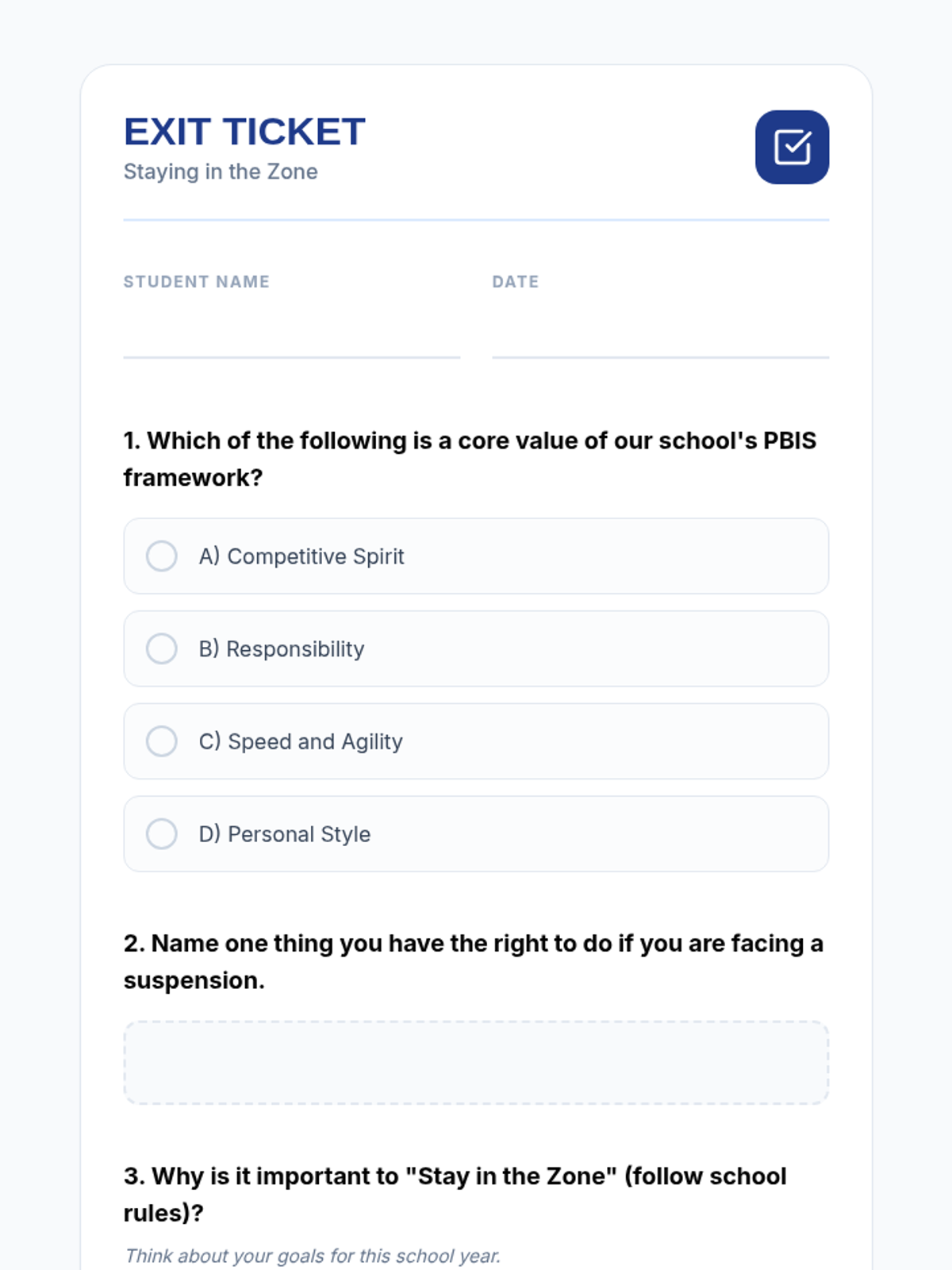
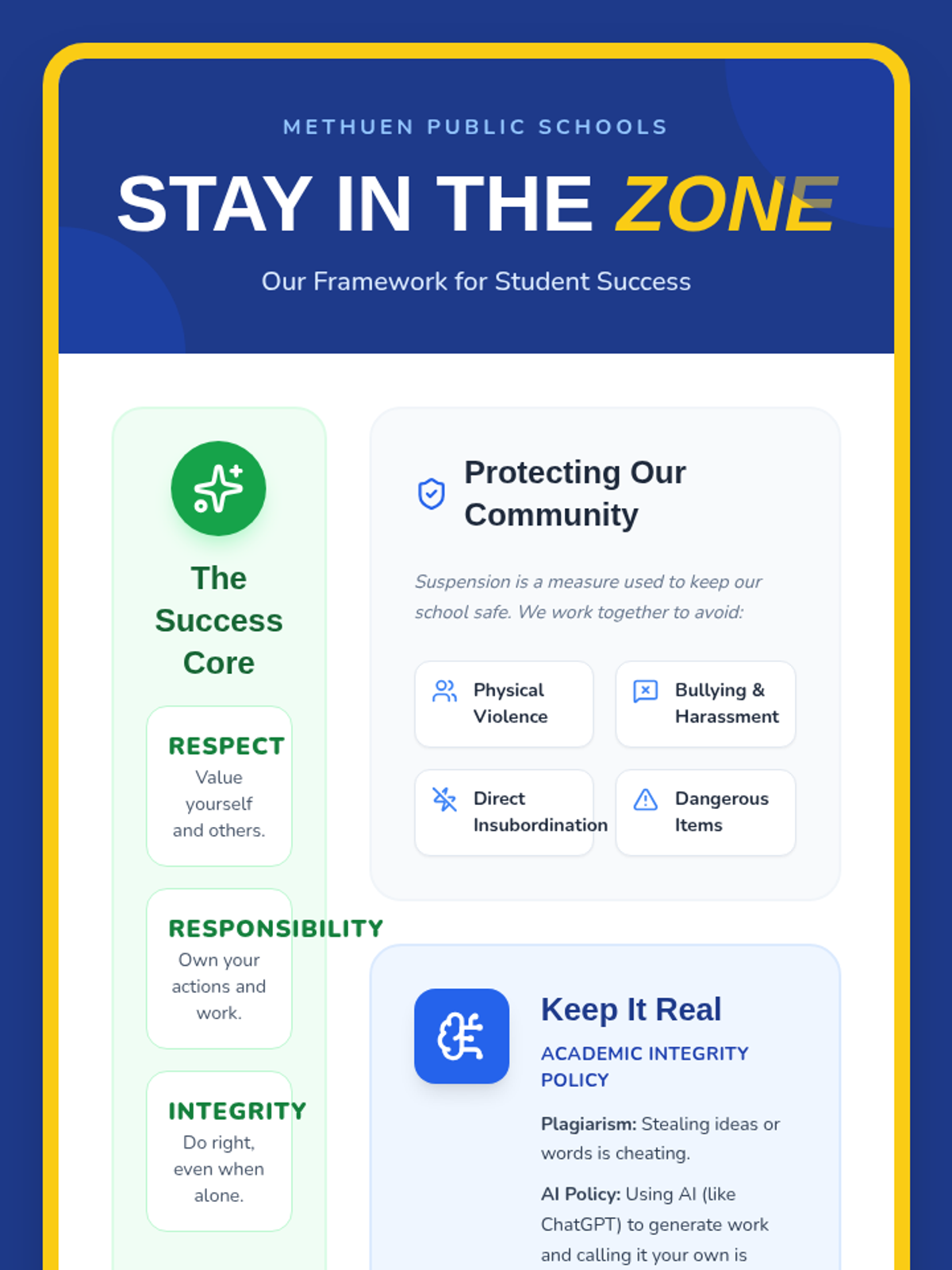
This lesson provides students with a clear, accessible guide to the school's expectations and the specific causes for suspension as outlined in the student handbook. It focuses on translating administrative language into student-friendly terms while highlighting the positive behavioral supports available to them.
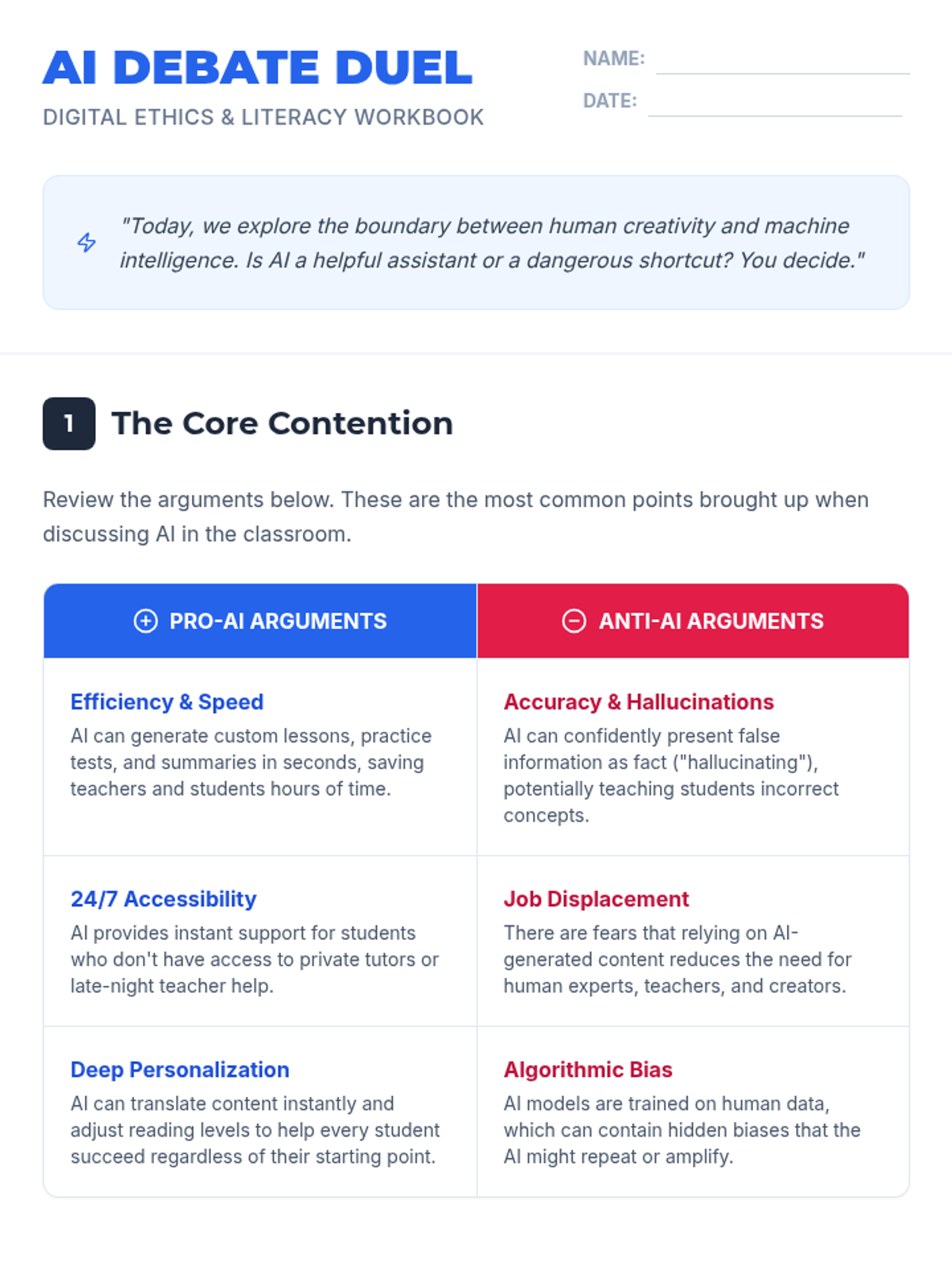
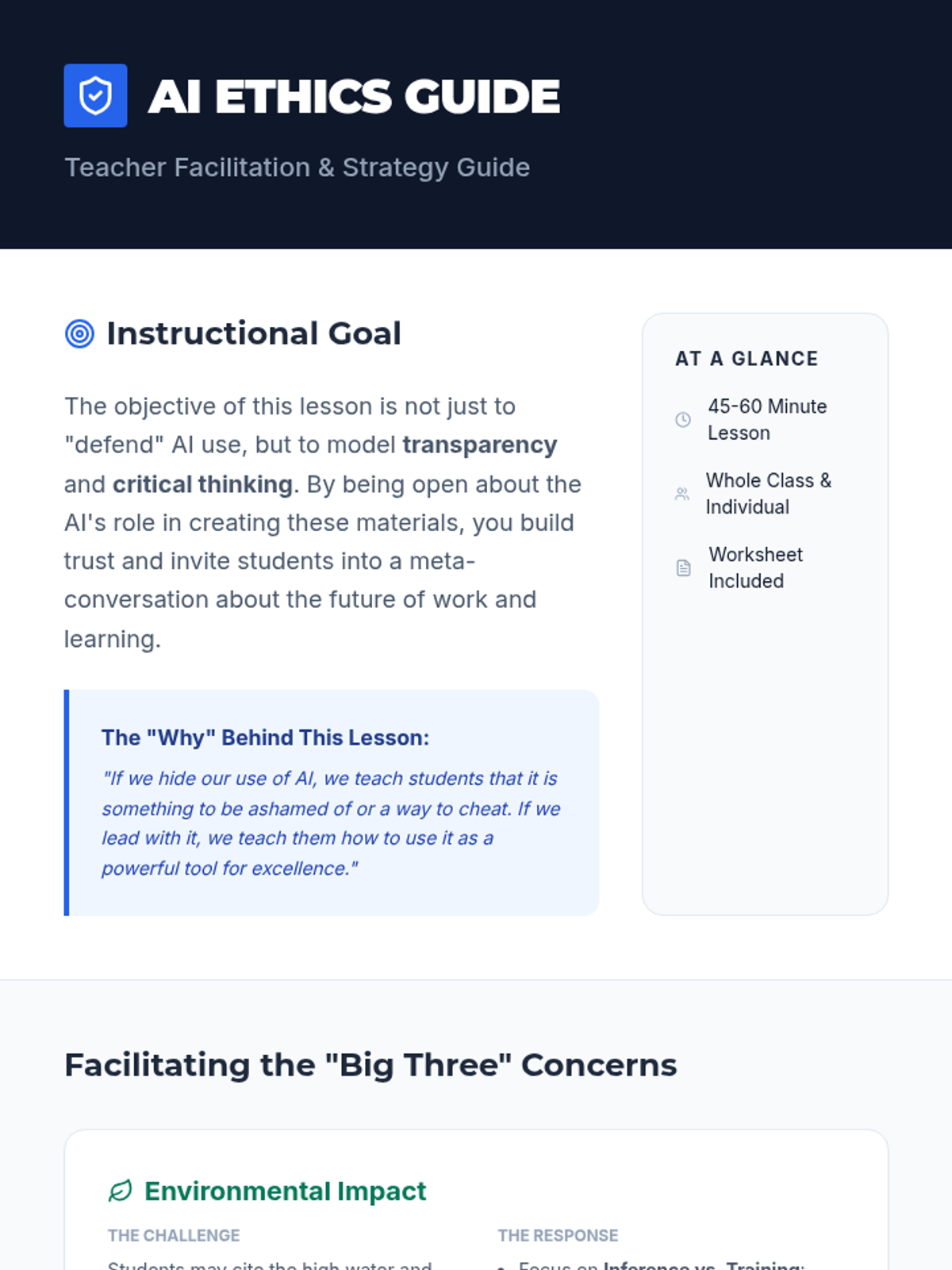
A lesson exploring the ethics and utility of AI-generated educational content, addressing common concerns like environmental impact and job displacement while highlighting the benefits of personalization and accessibility.
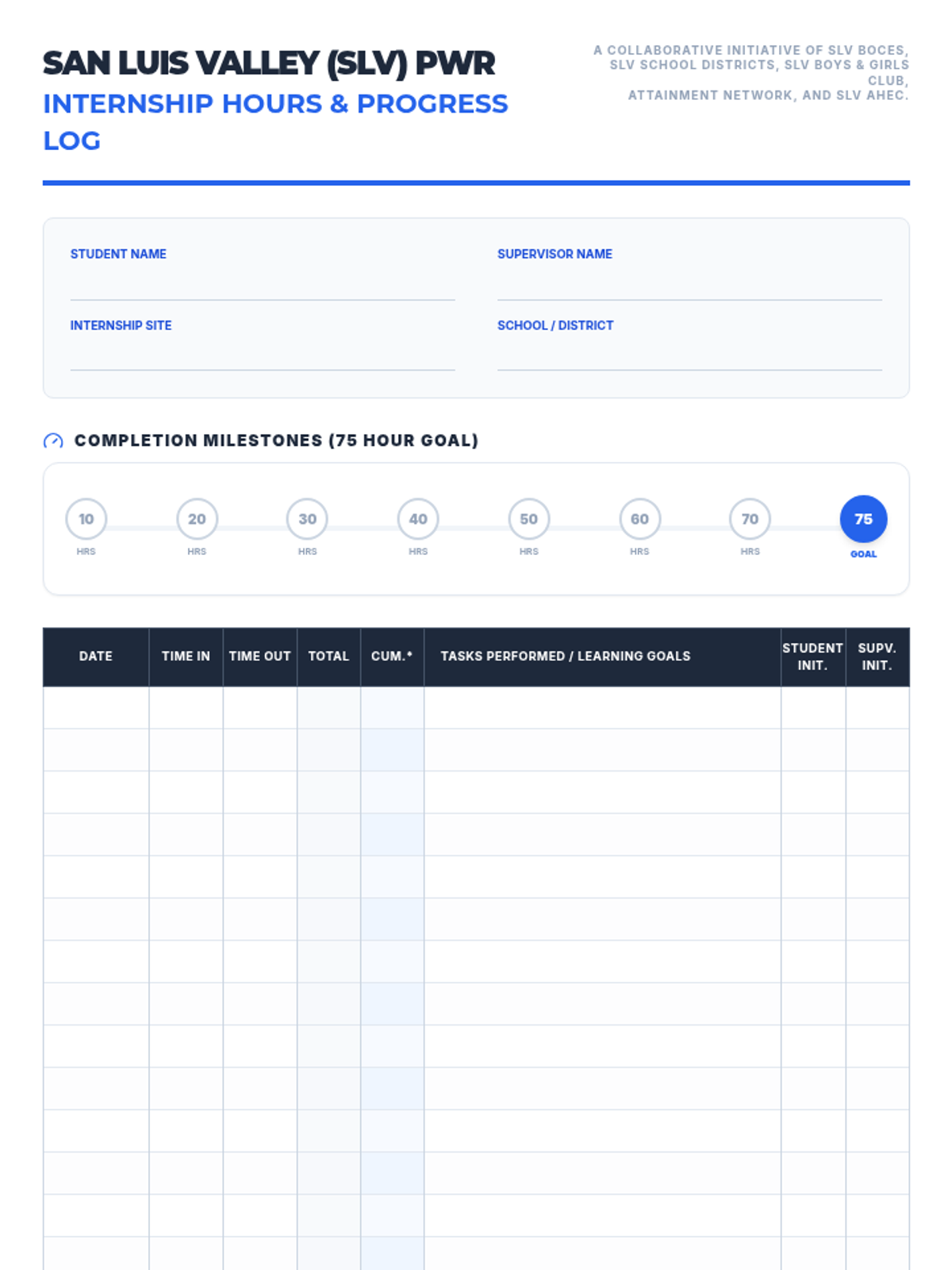
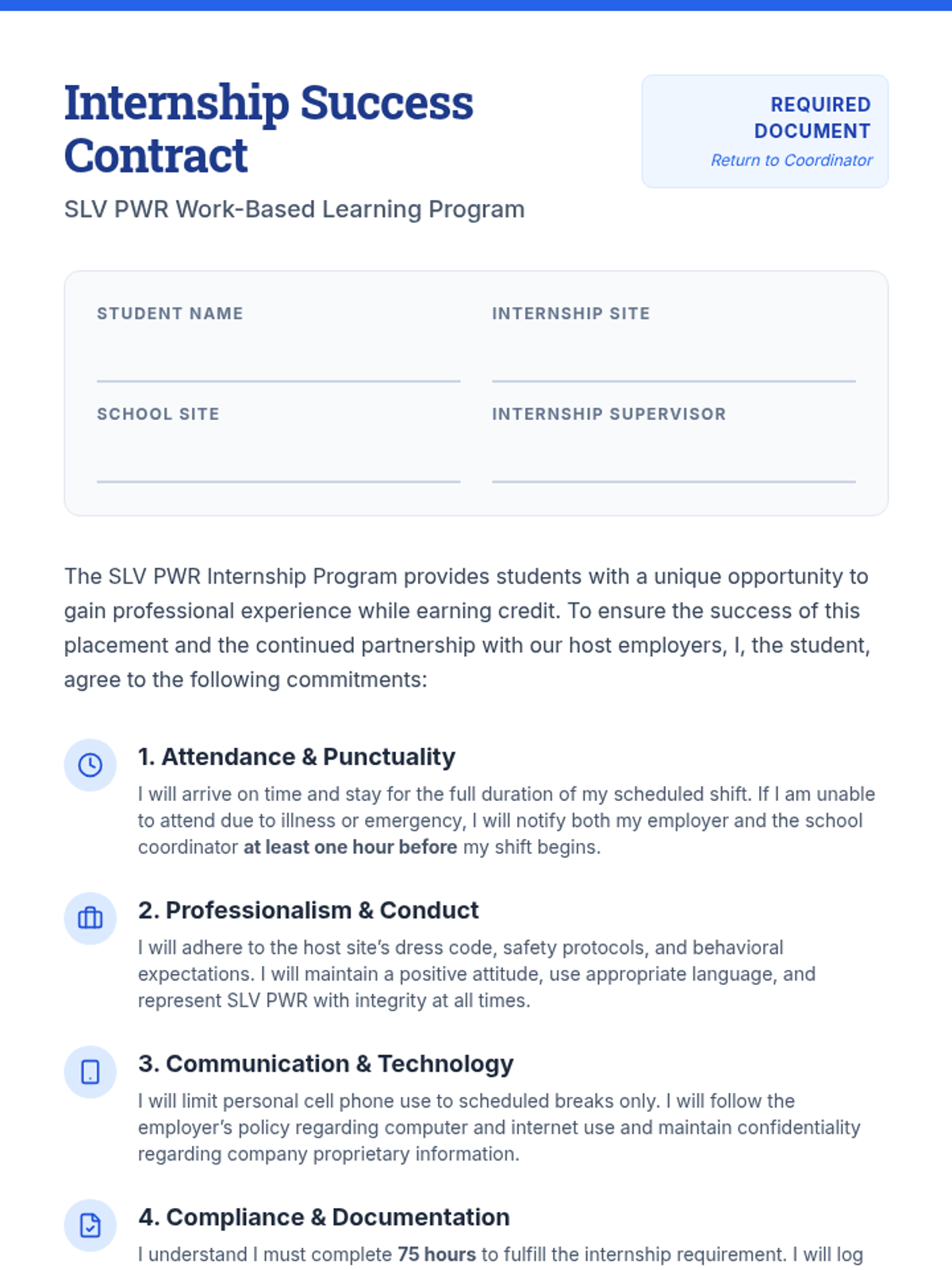
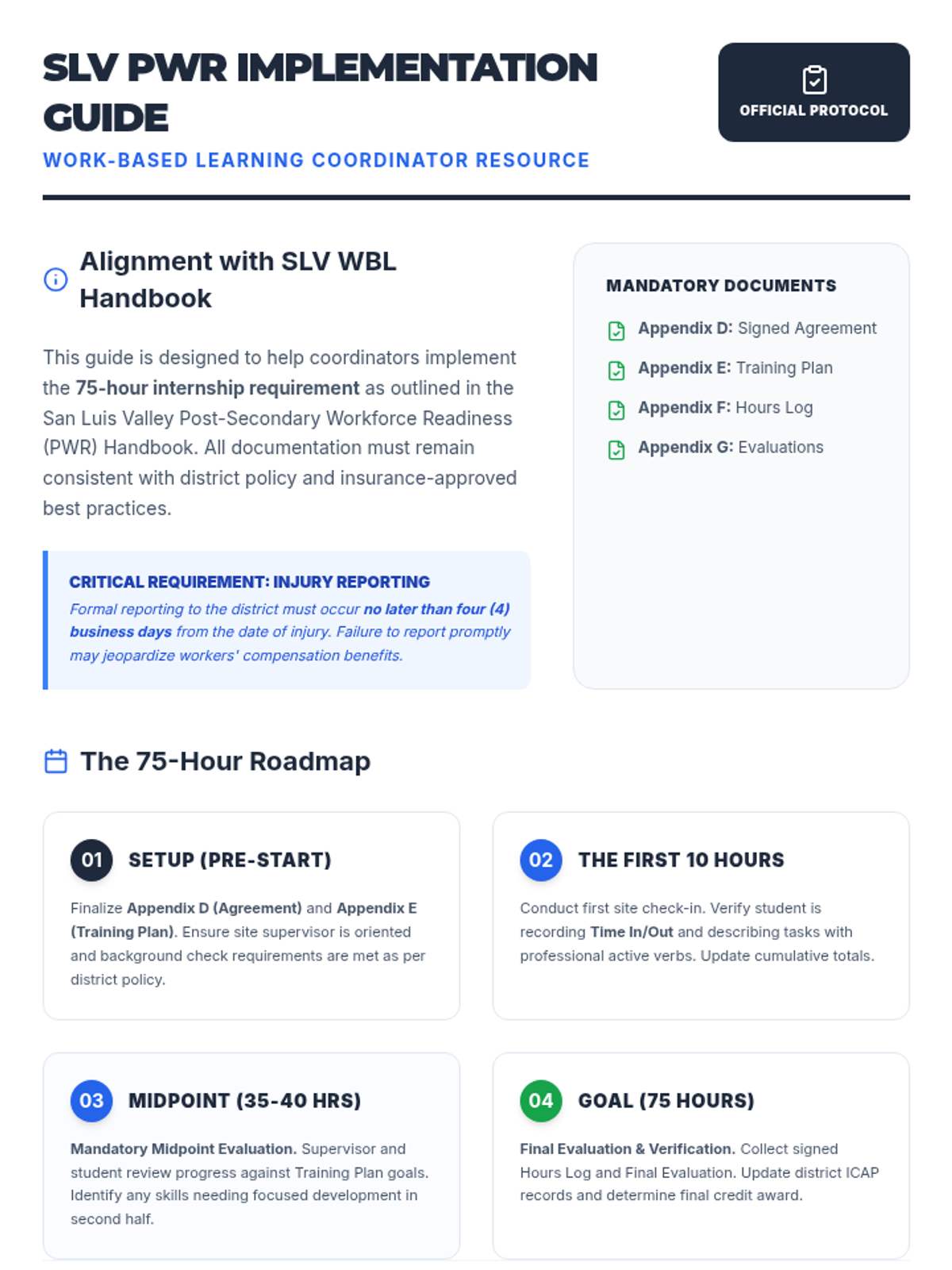
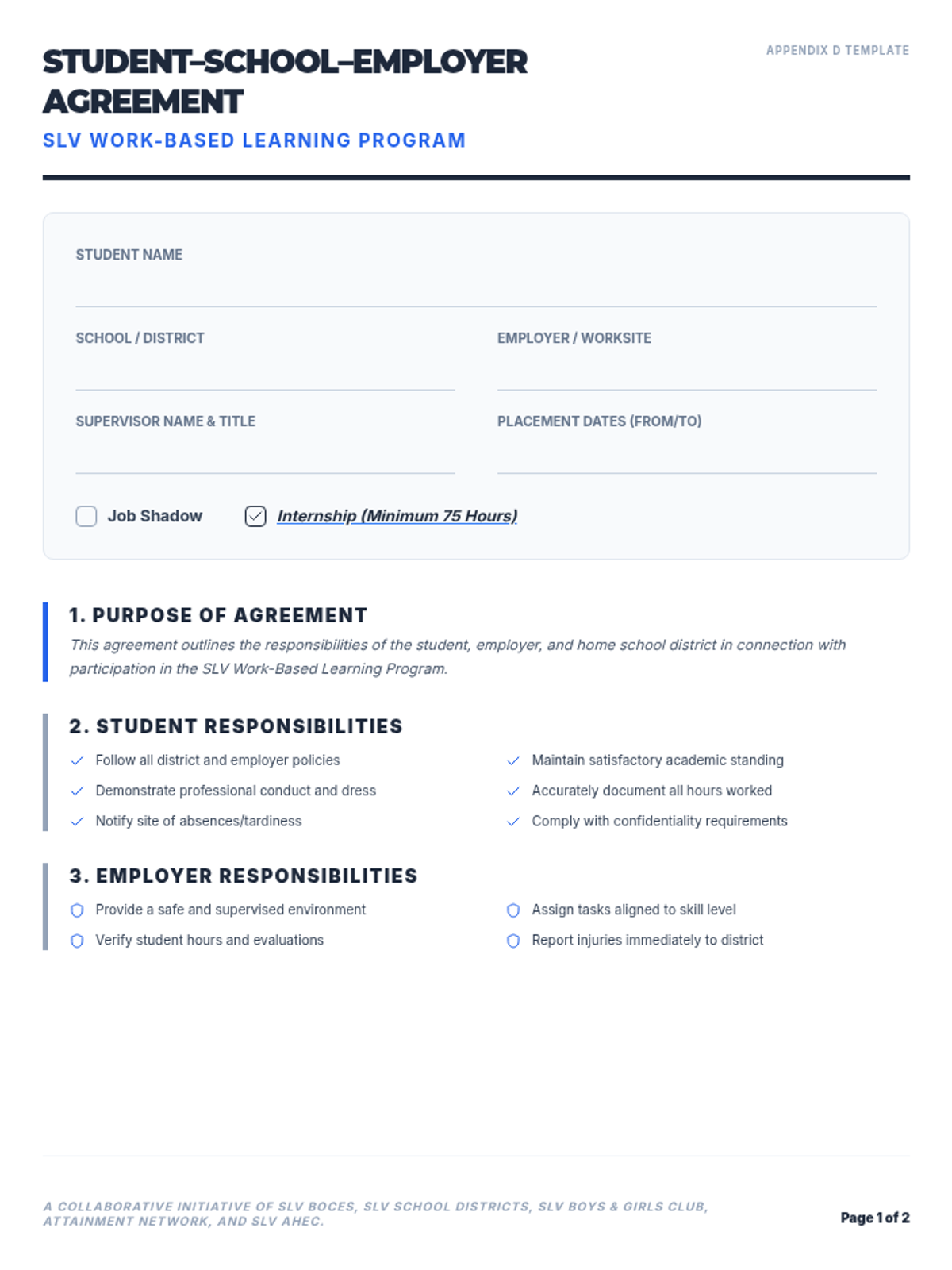
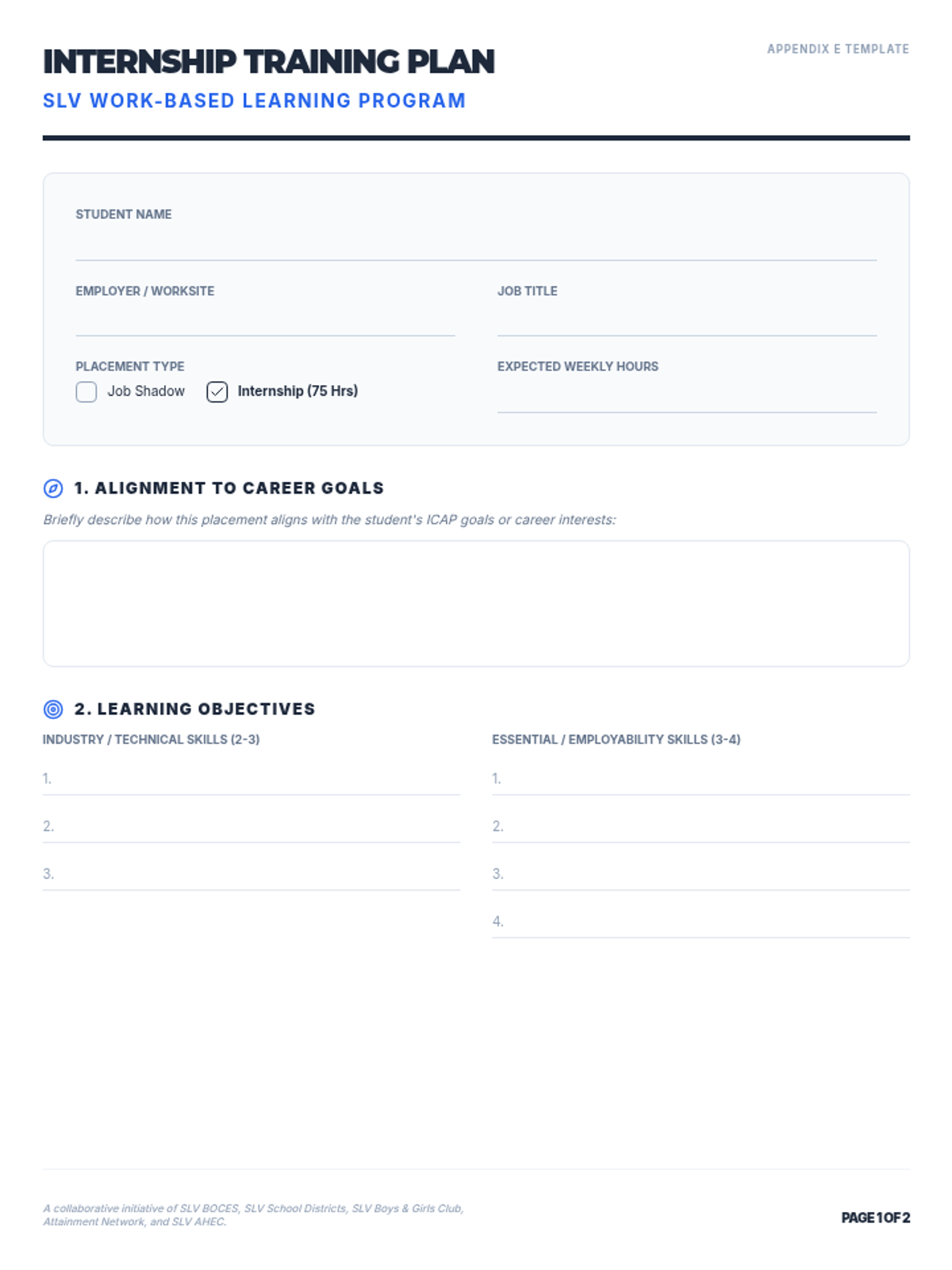
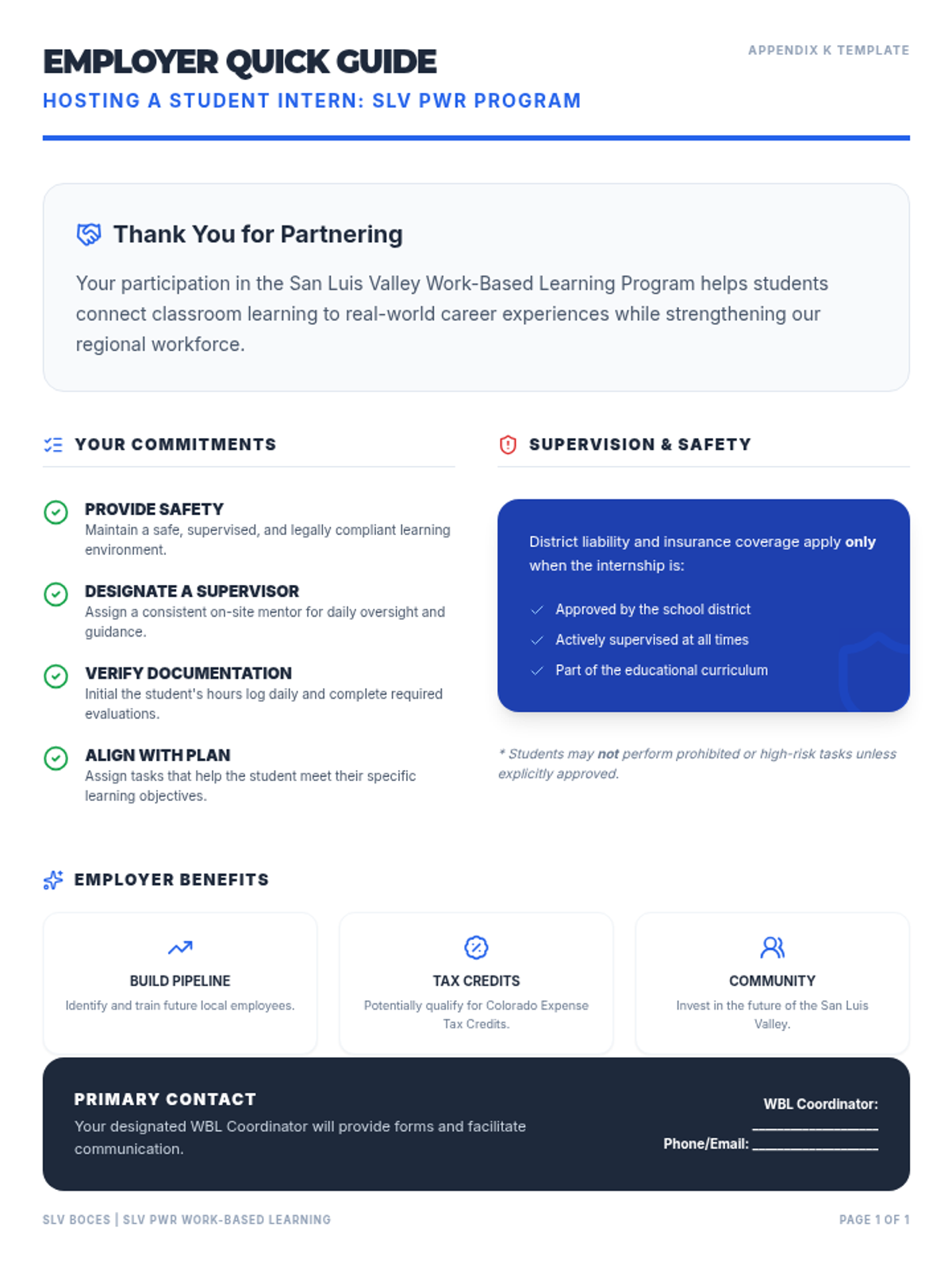
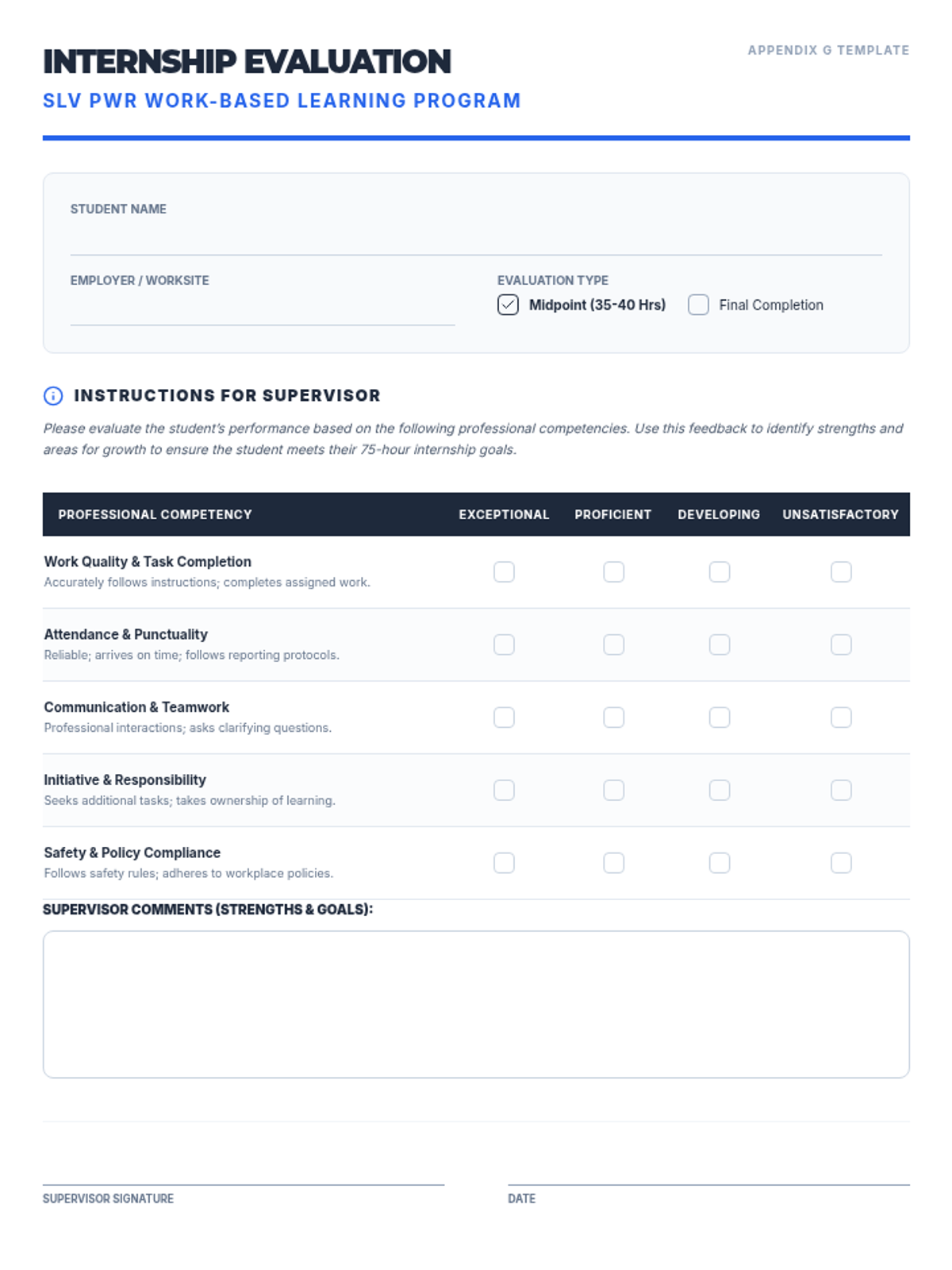
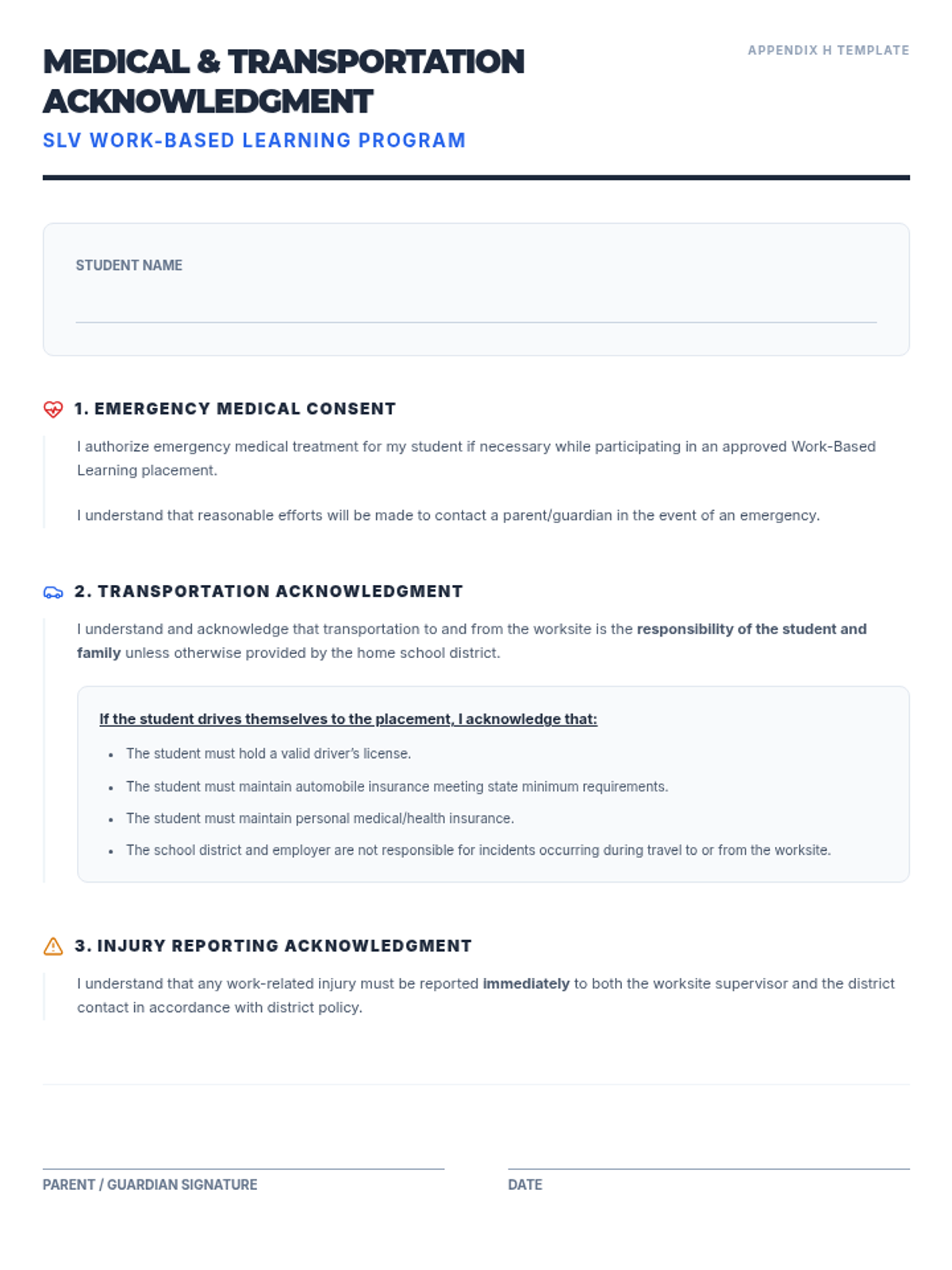
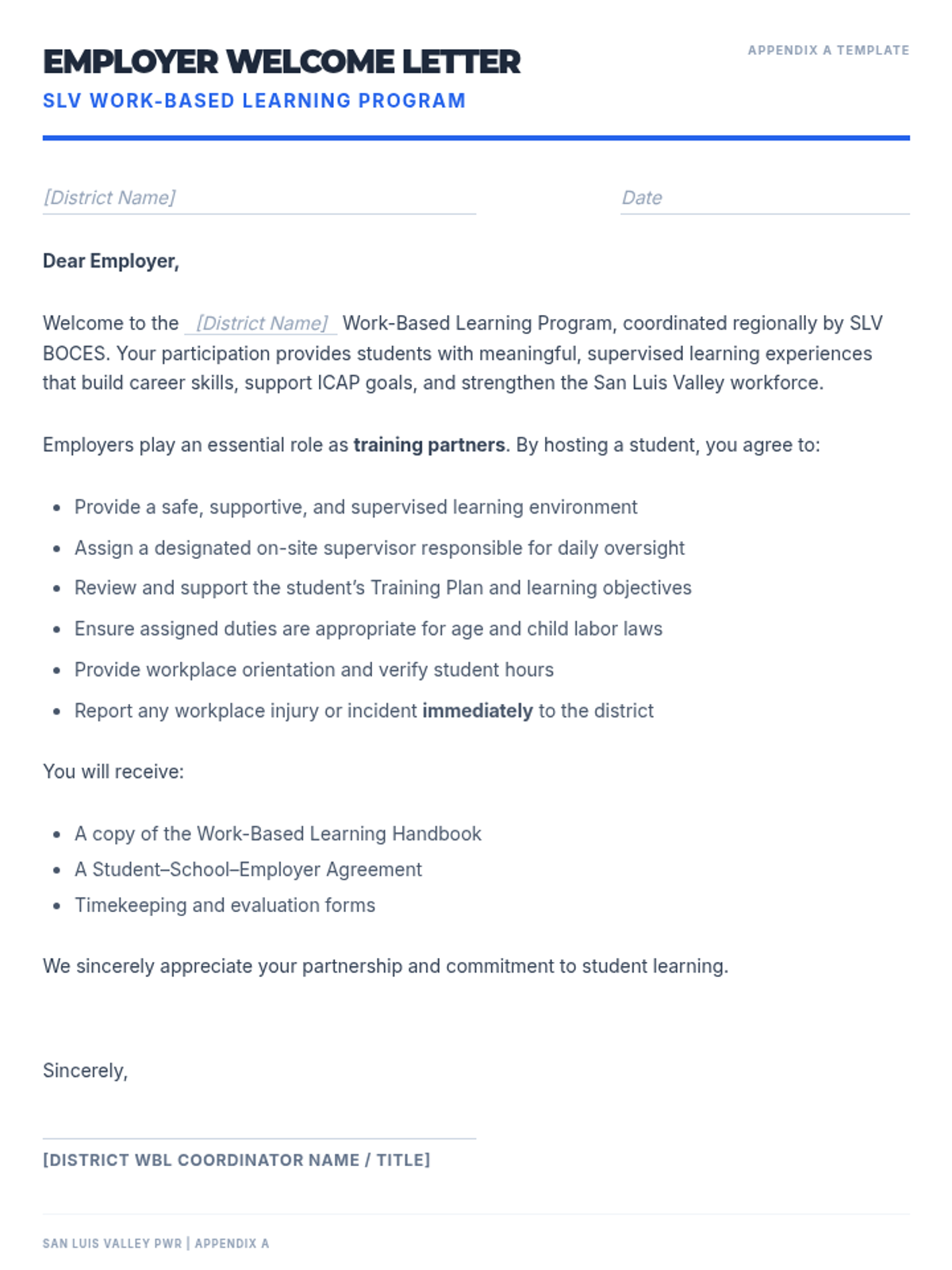
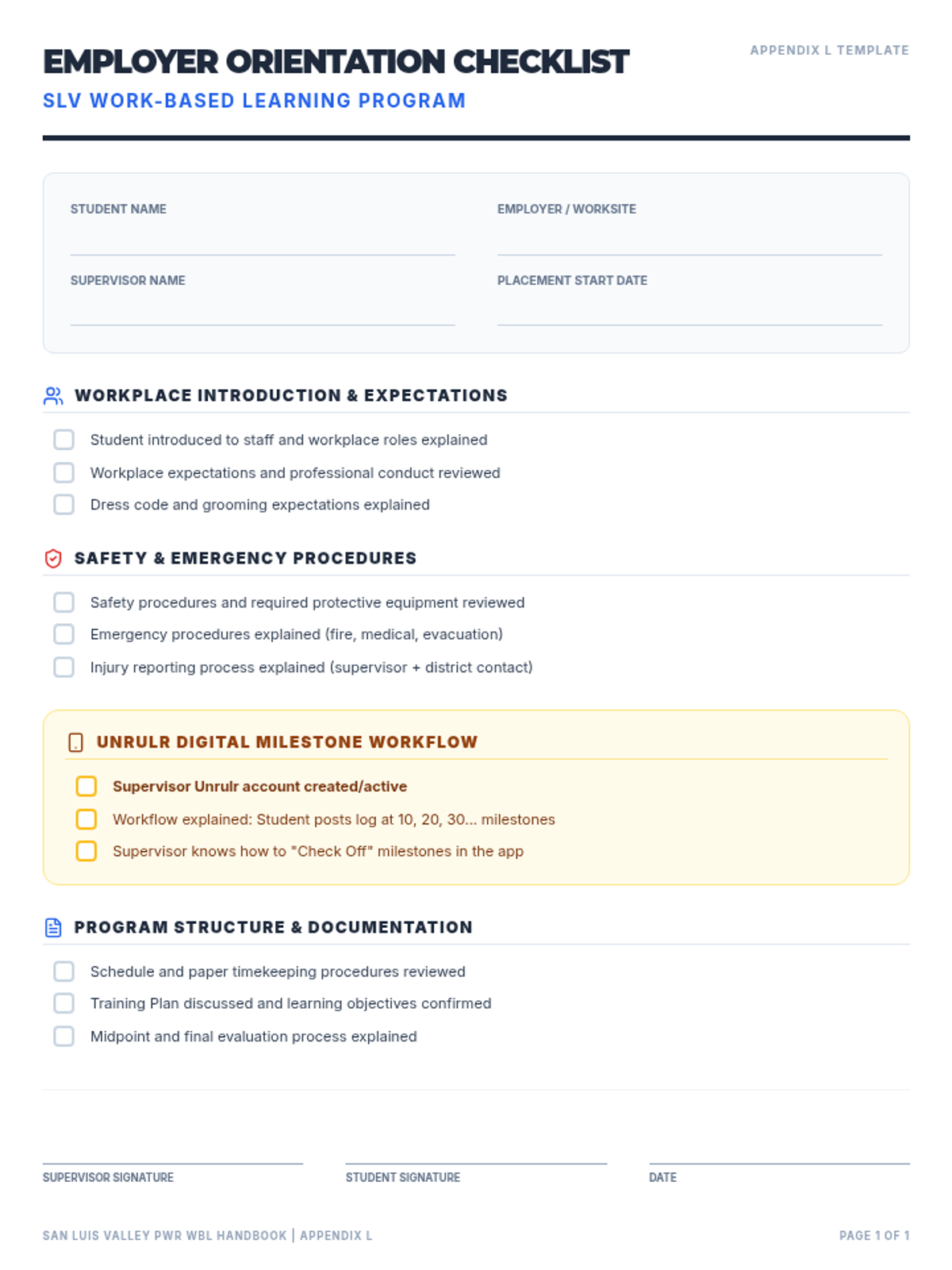
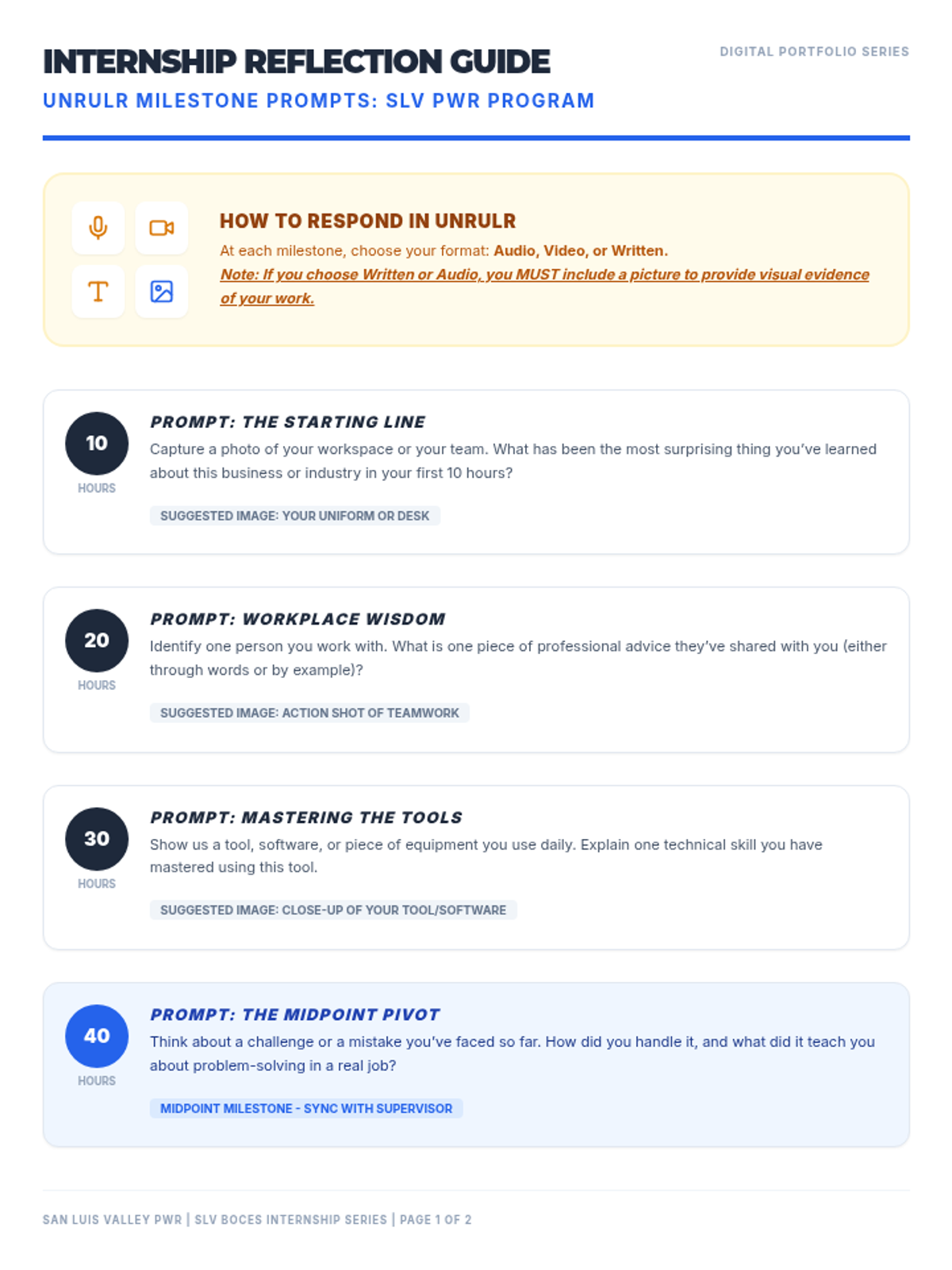
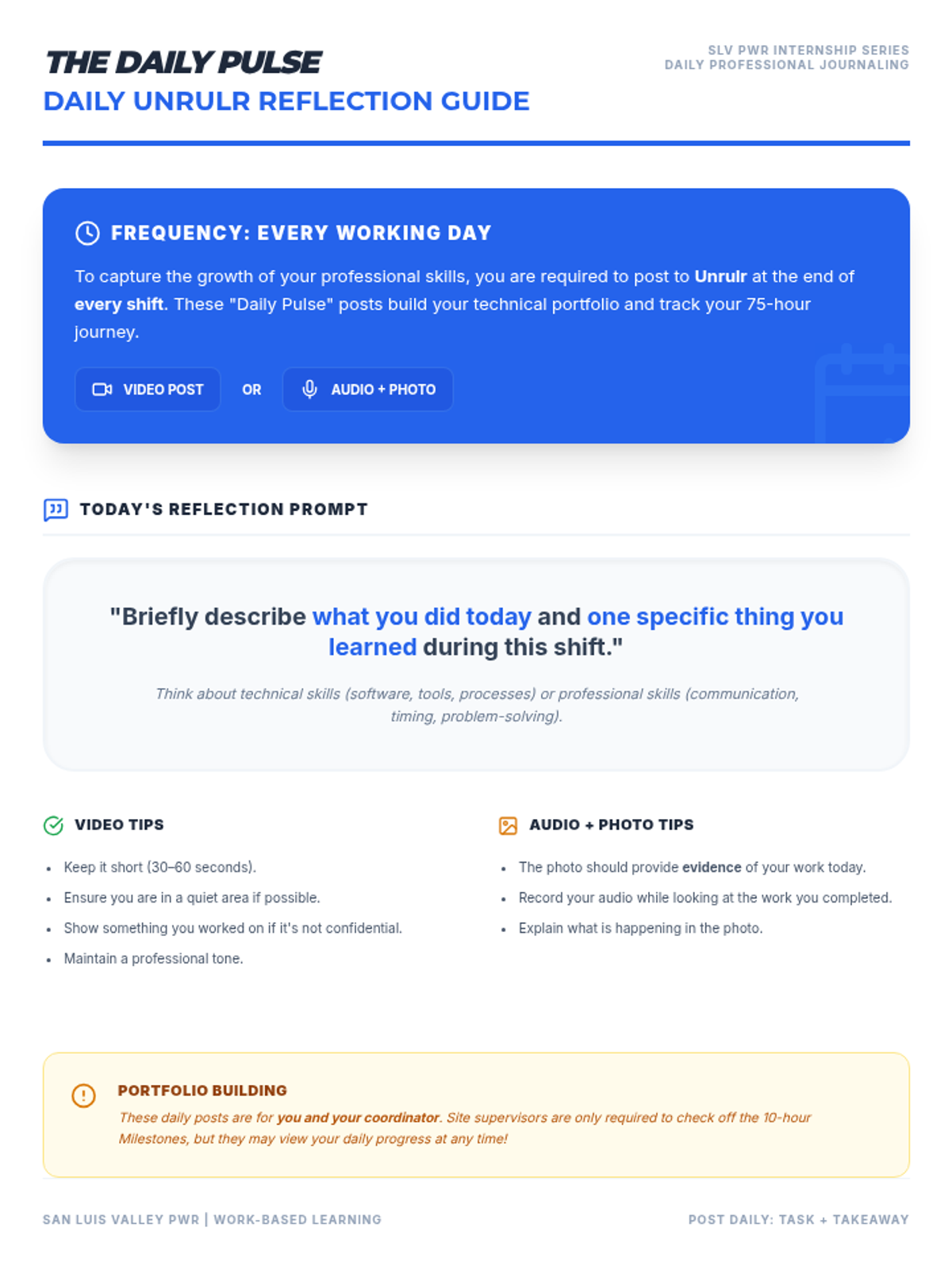
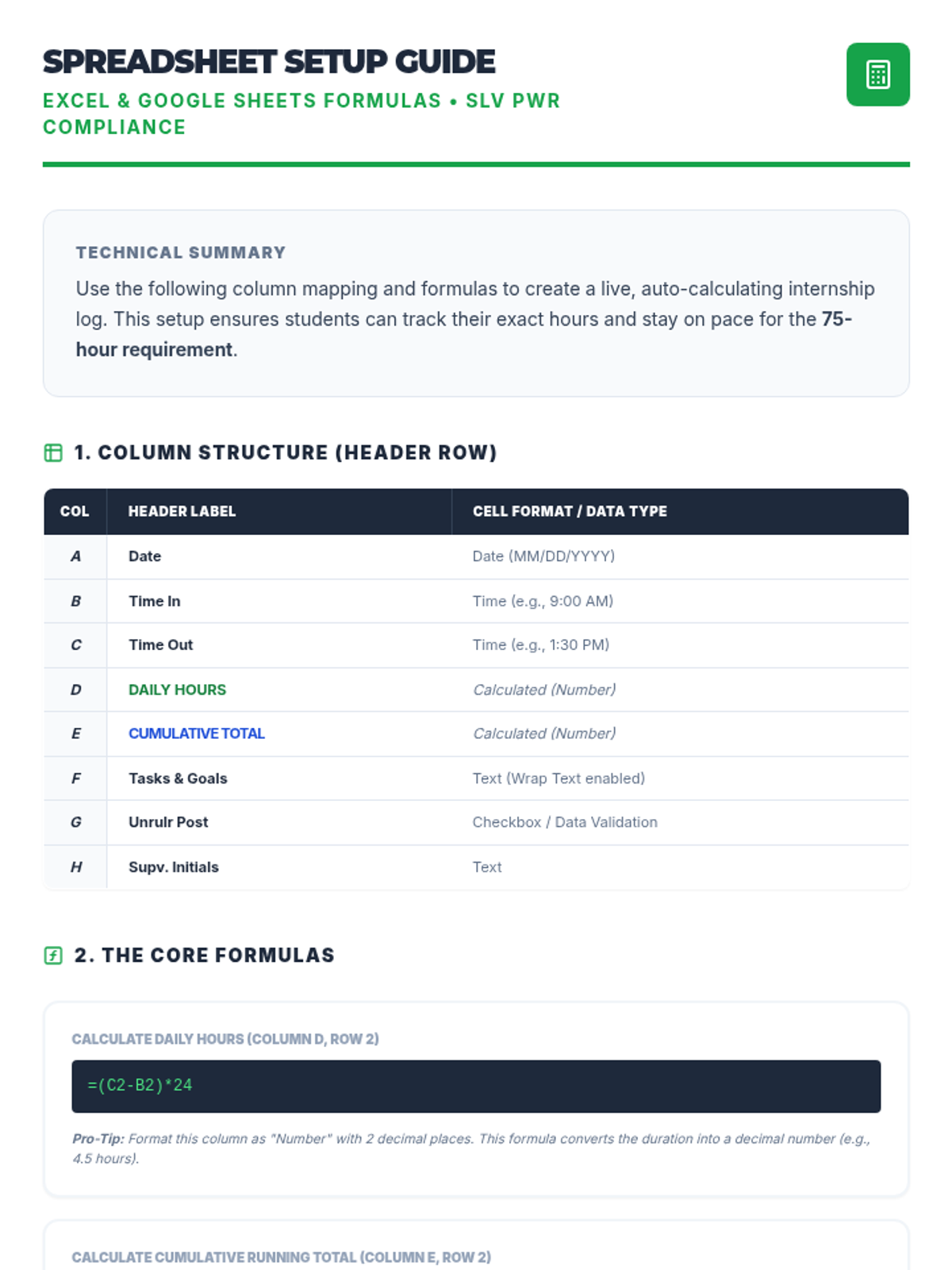
A specialized tracking system aligned with the SLV PWR Work-Based Learning Handbook, featuring compliant hours logs, training plans, and implementation resources for the 75-hour internship requirement.
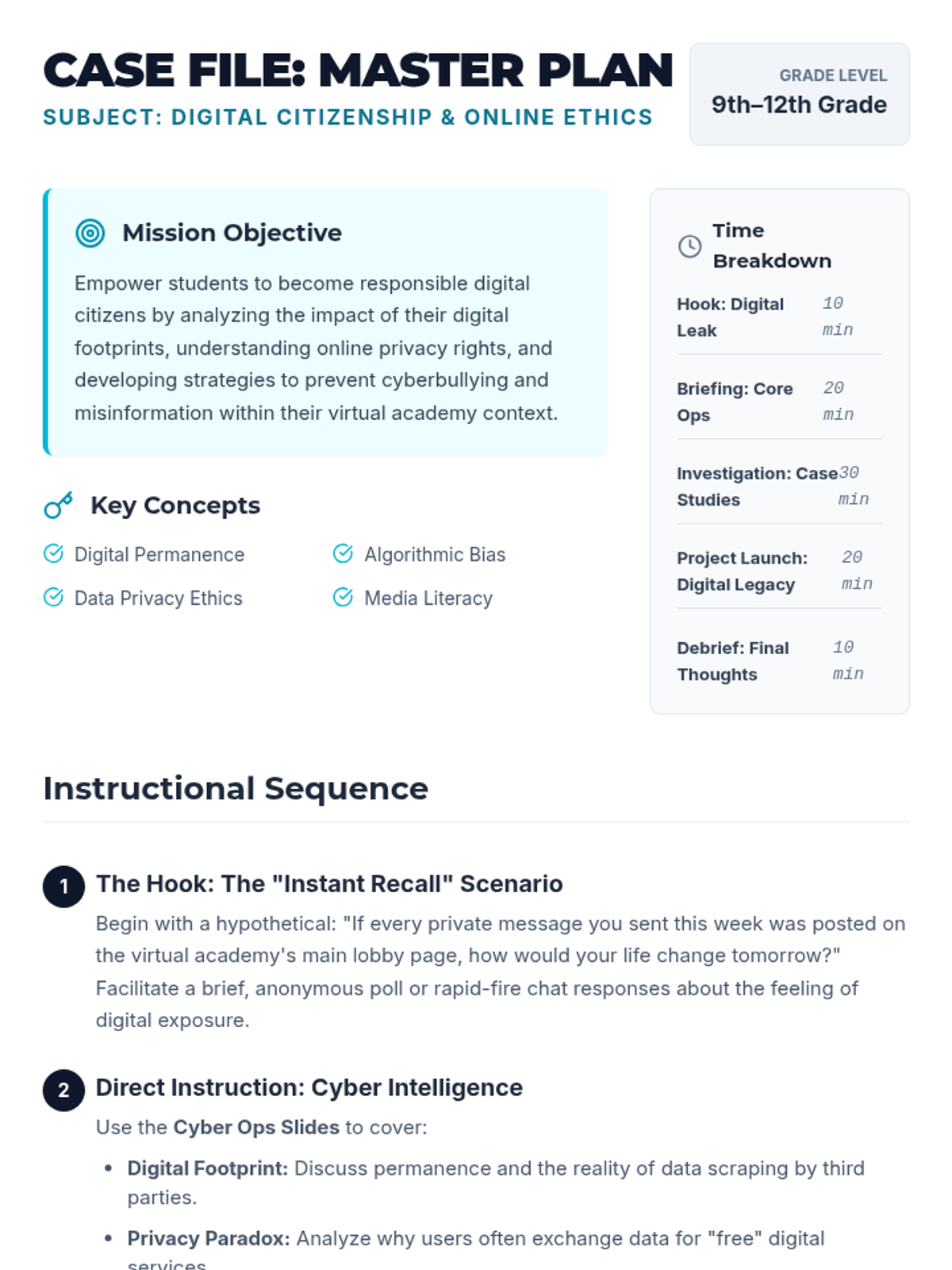
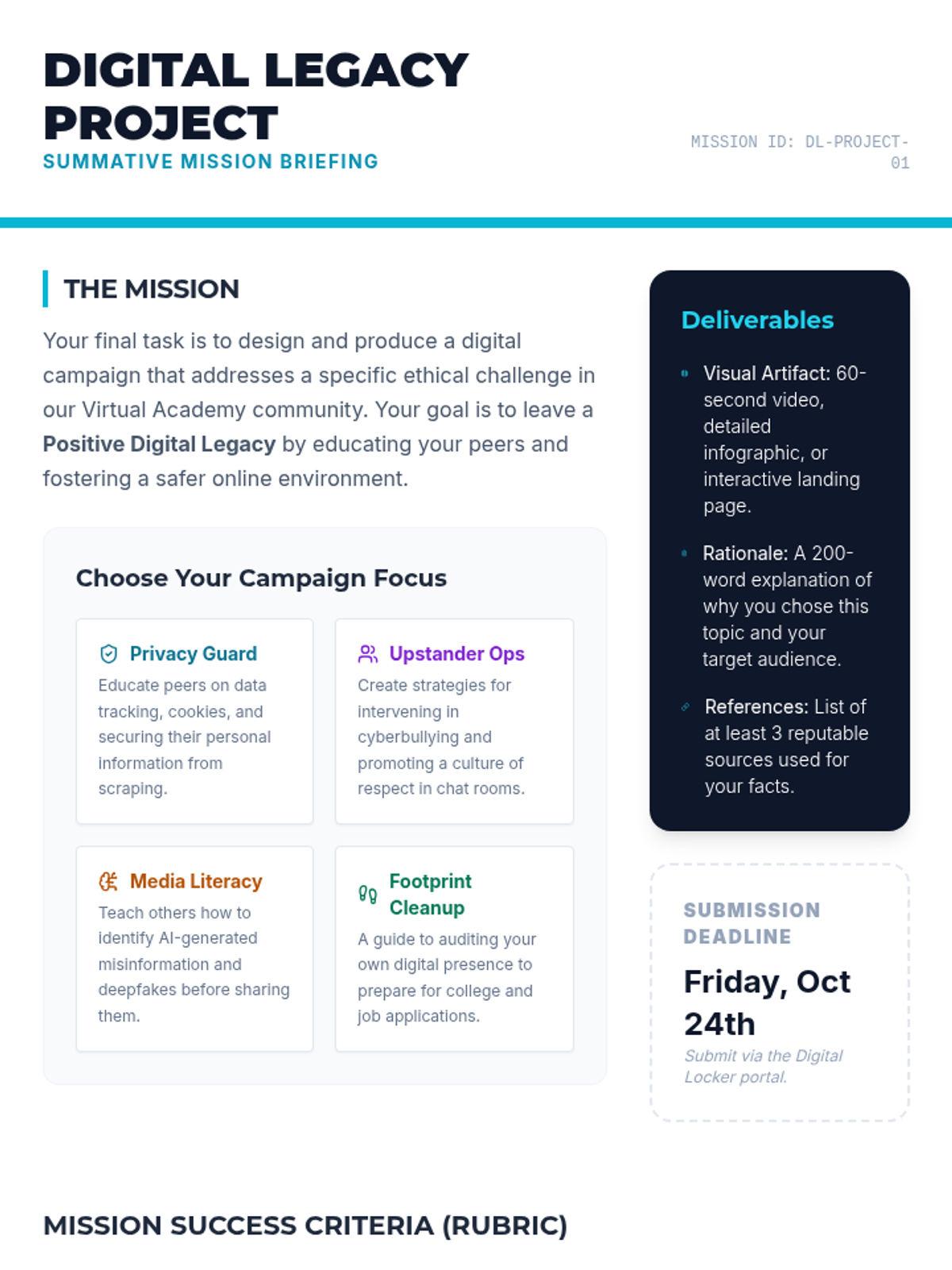
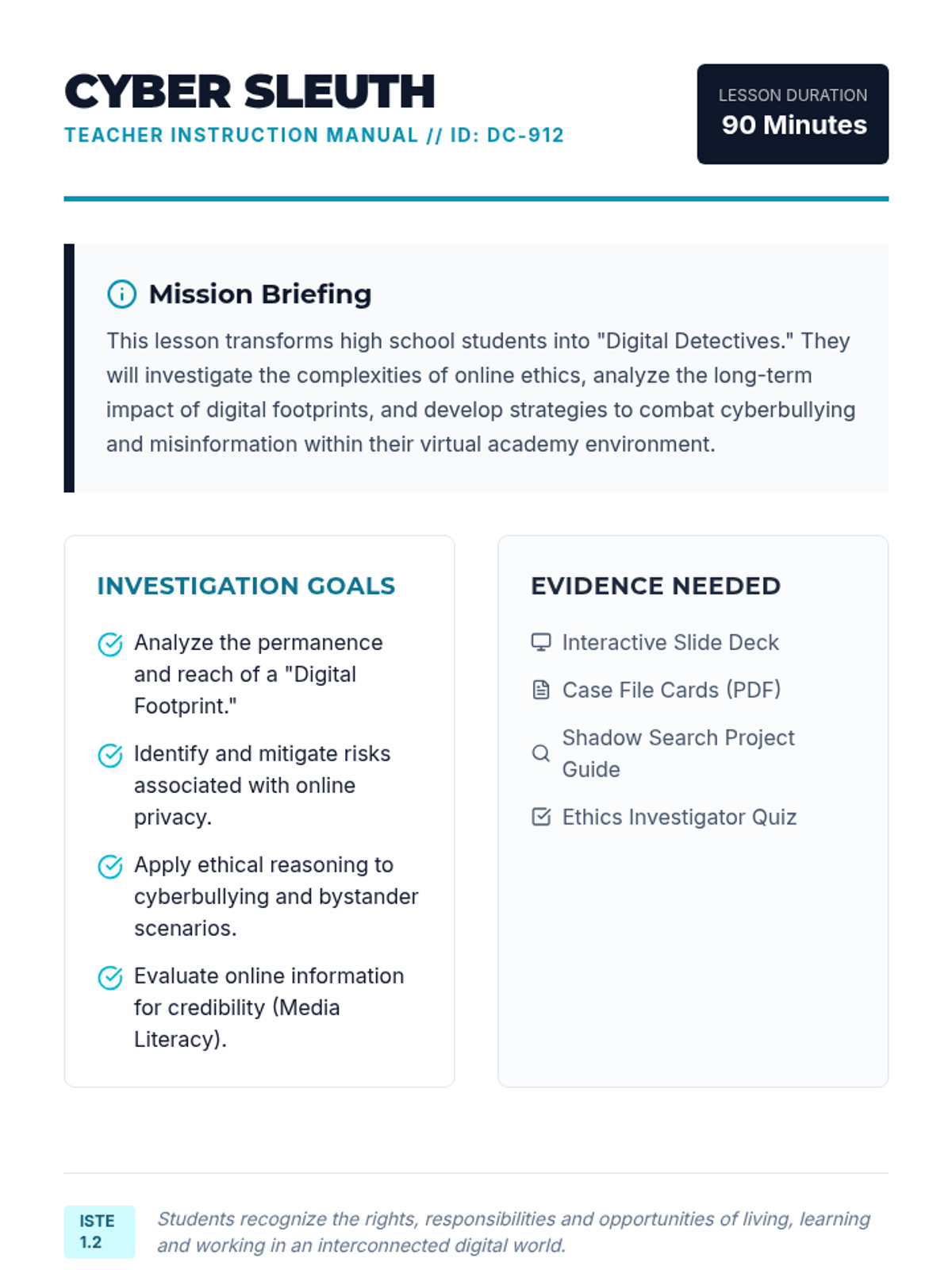
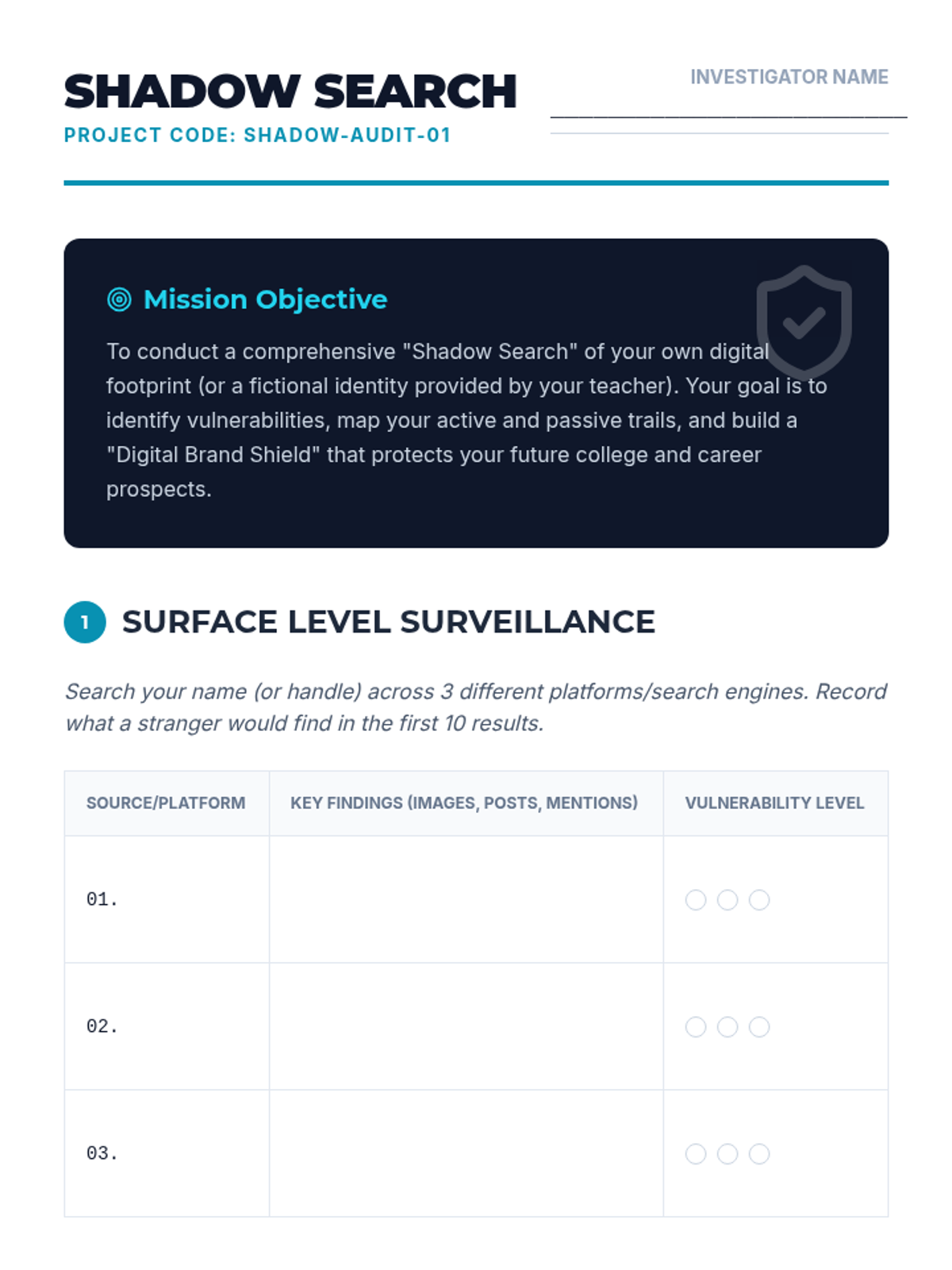
A comprehensive lesson for high school students on navigating the complexities of digital citizenship, focusing on privacy, ethics, and media literacy in a virtual environment.
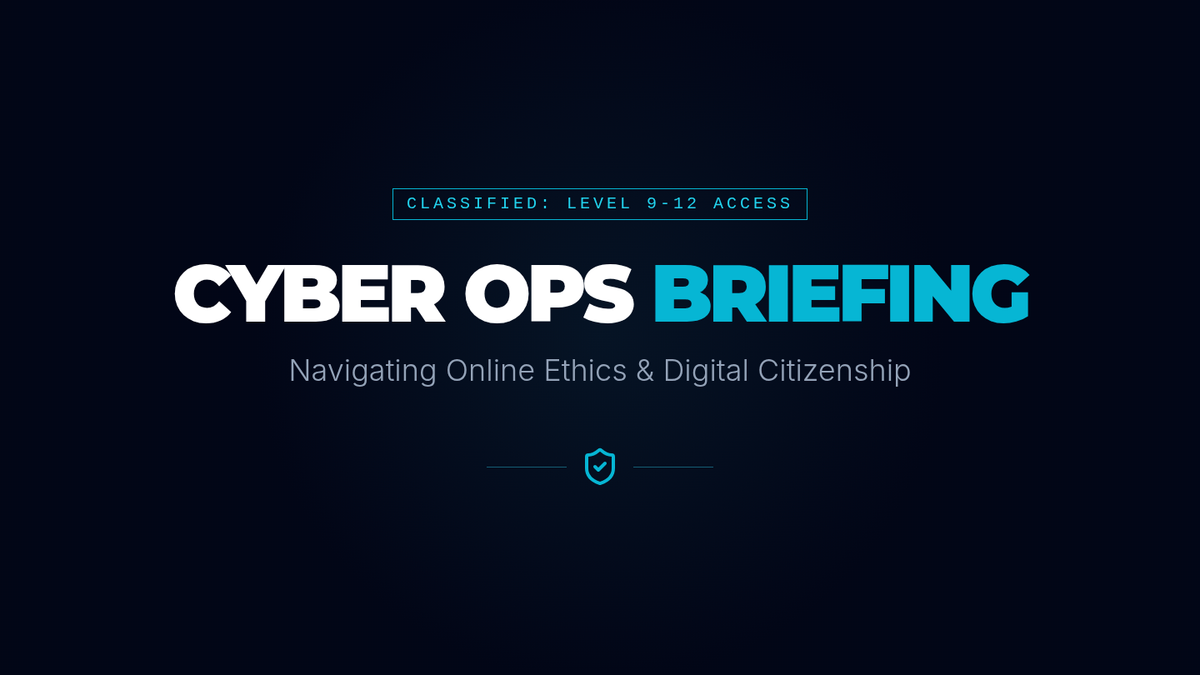
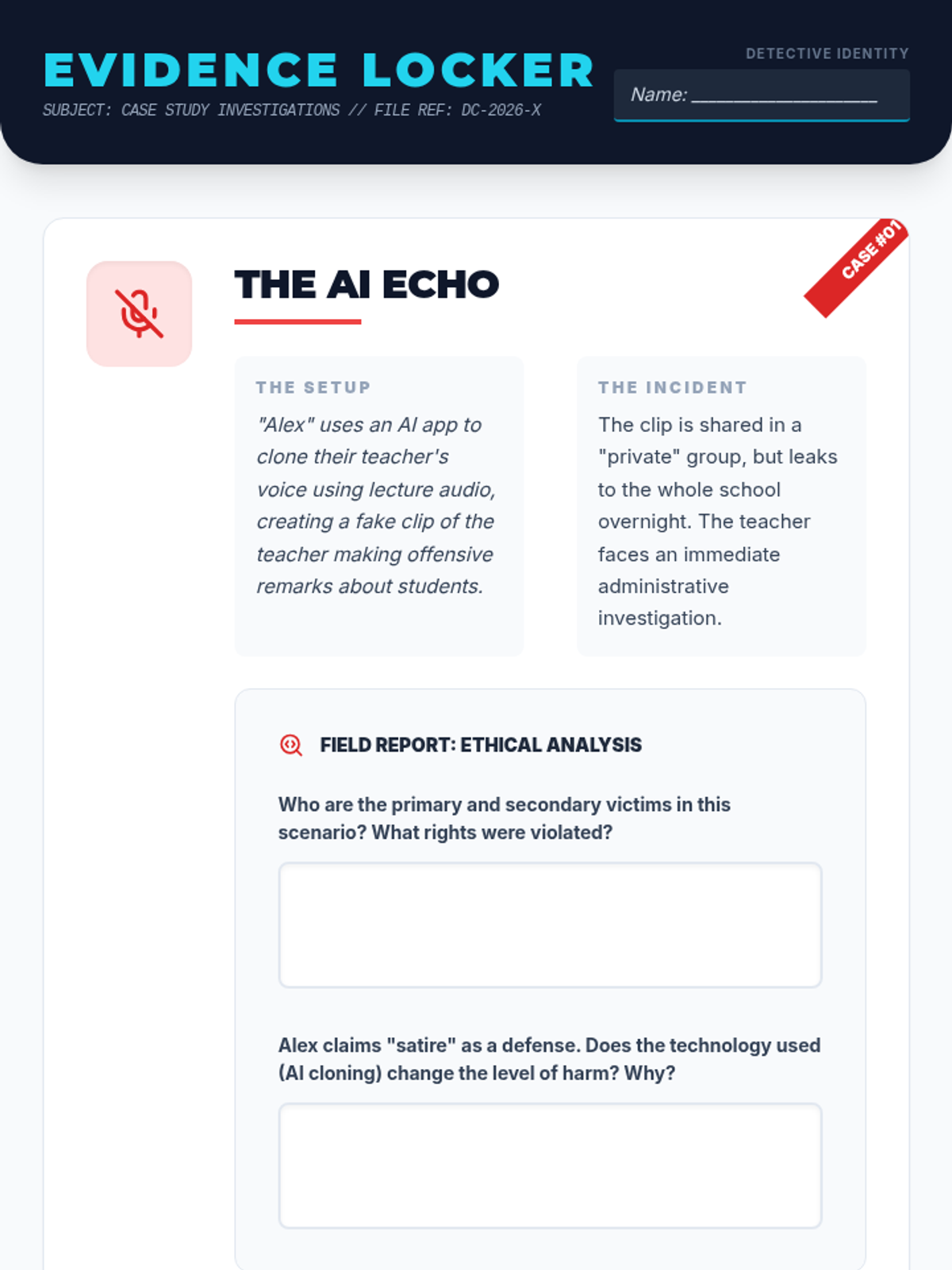
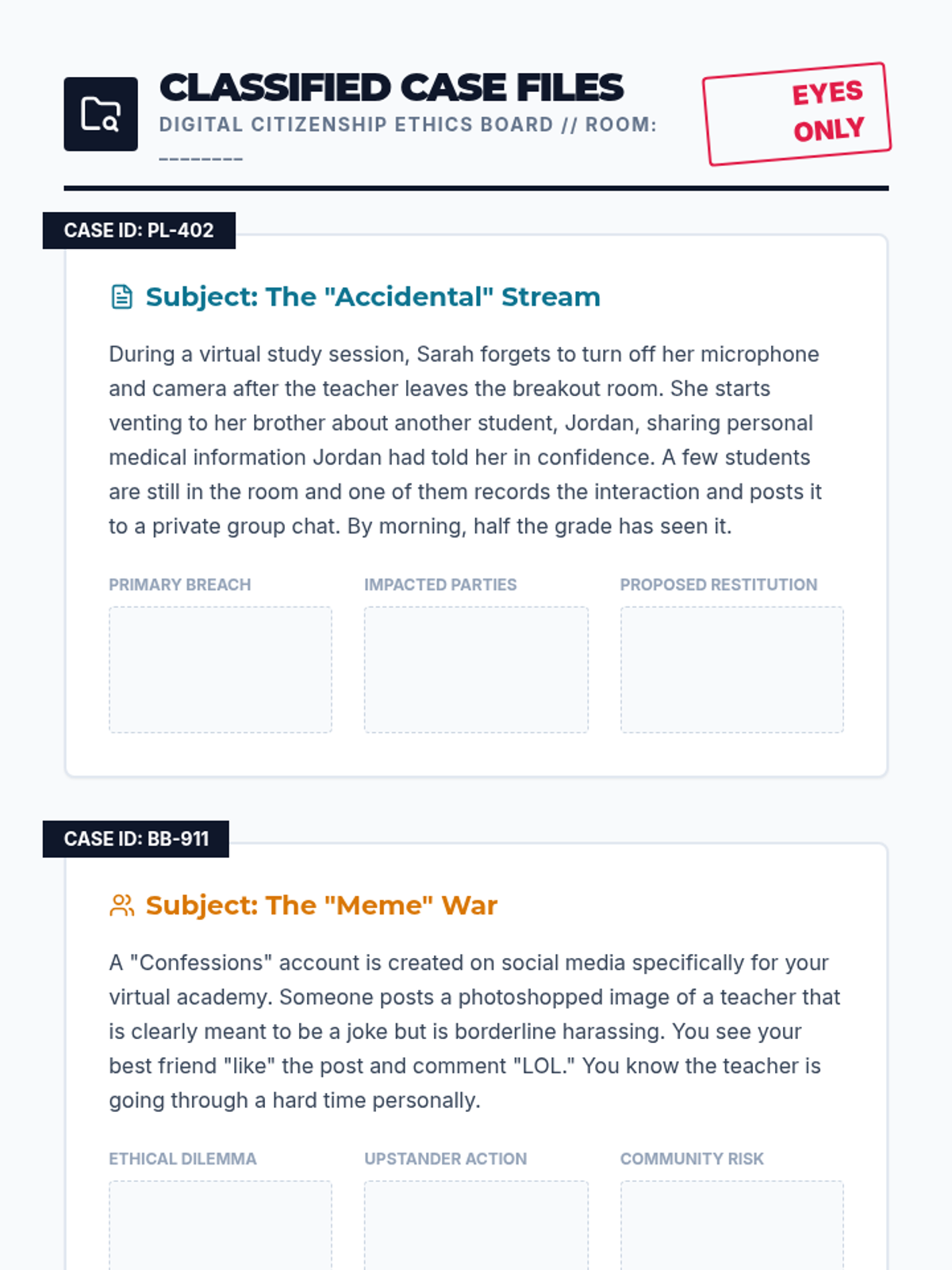
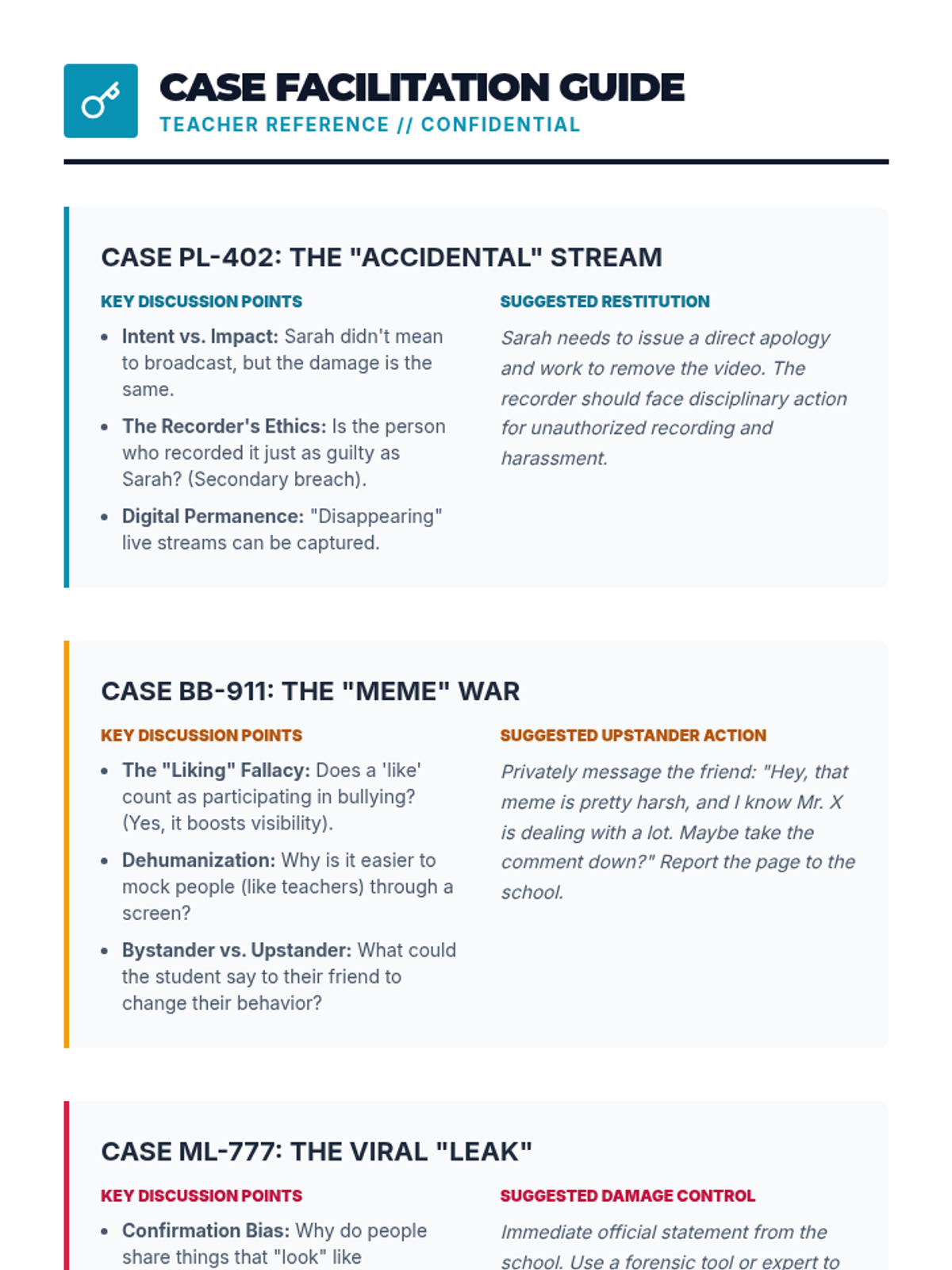
High school students investigate the nuances of online ethics, privacy, and digital footprints through case studies and critical analysis. This lesson empowers students to take control of their virtual identity and foster a positive digital community.