Fundamental hardware proficiency, secure online behavior, and ethical social media engagement. Equips learners with productivity tool mastery, web publishing skills, and critical evaluation of emerging technologies.
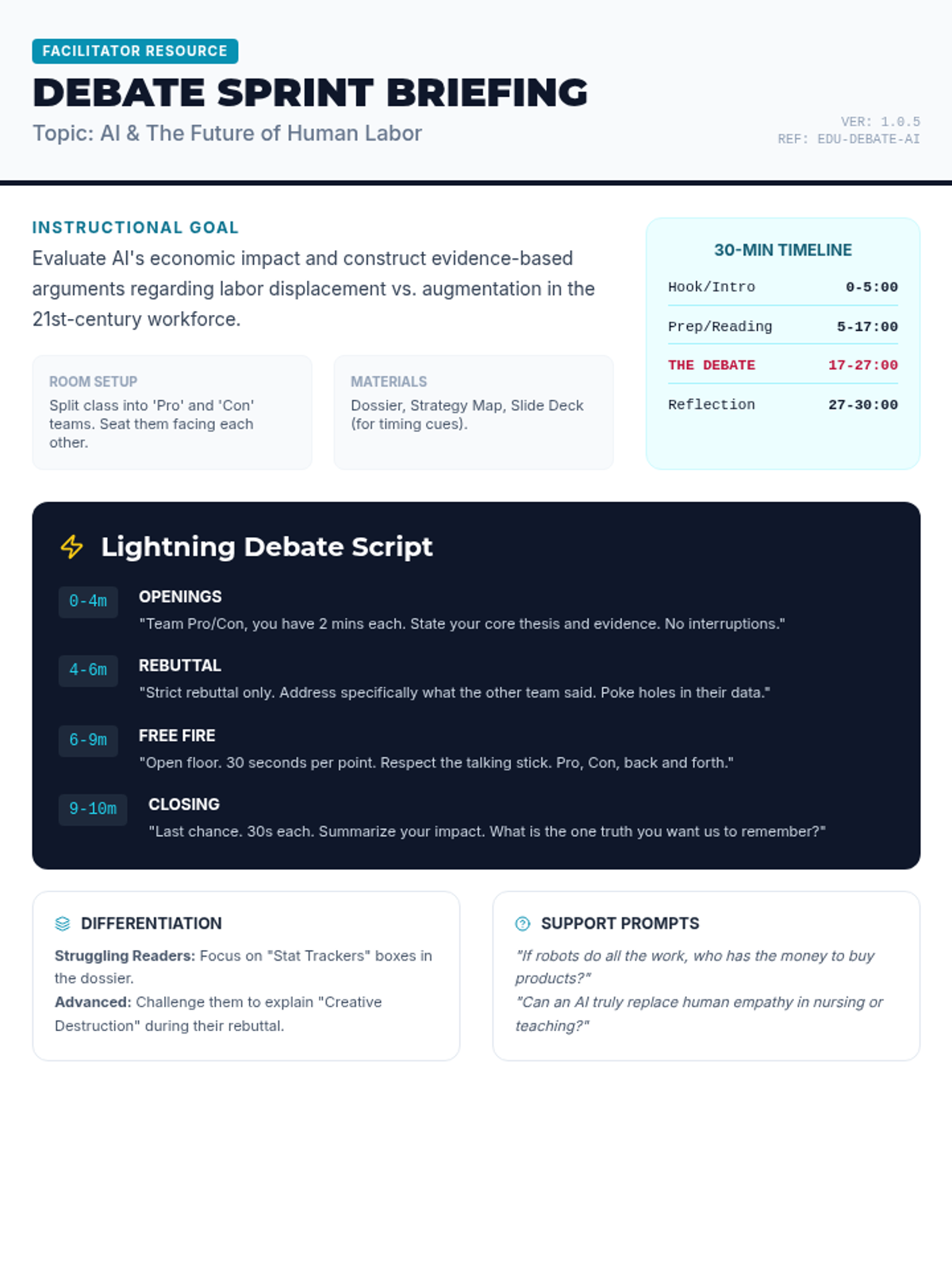
A comprehensive teacher's guide for facilitating the 30-minute 'Future Work Debate,' including a minute-by-minute script for the 'Lightning Debate' and tips for differentiation. Tightened to fit on a single page.
A 6-slide presentation deck designed to facilitate a 30-minute debate session, featuring clear timing, phases of the 'lightning' debate, and ground rules for middle school students.
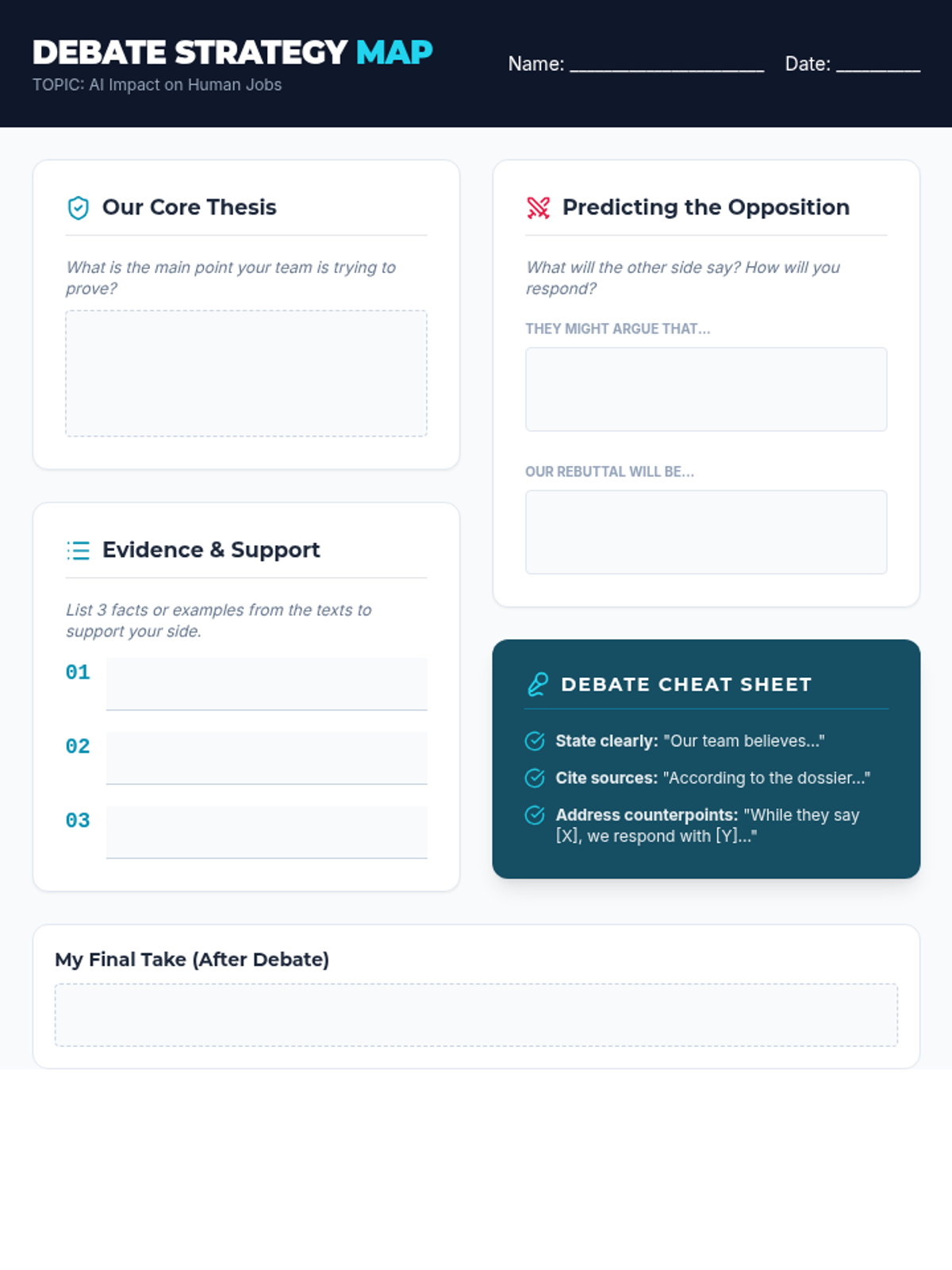
A structured graphic organizer for students to prepare their debate arguments, including sections for thesis development, evidence collection, and predicting counter-arguments.
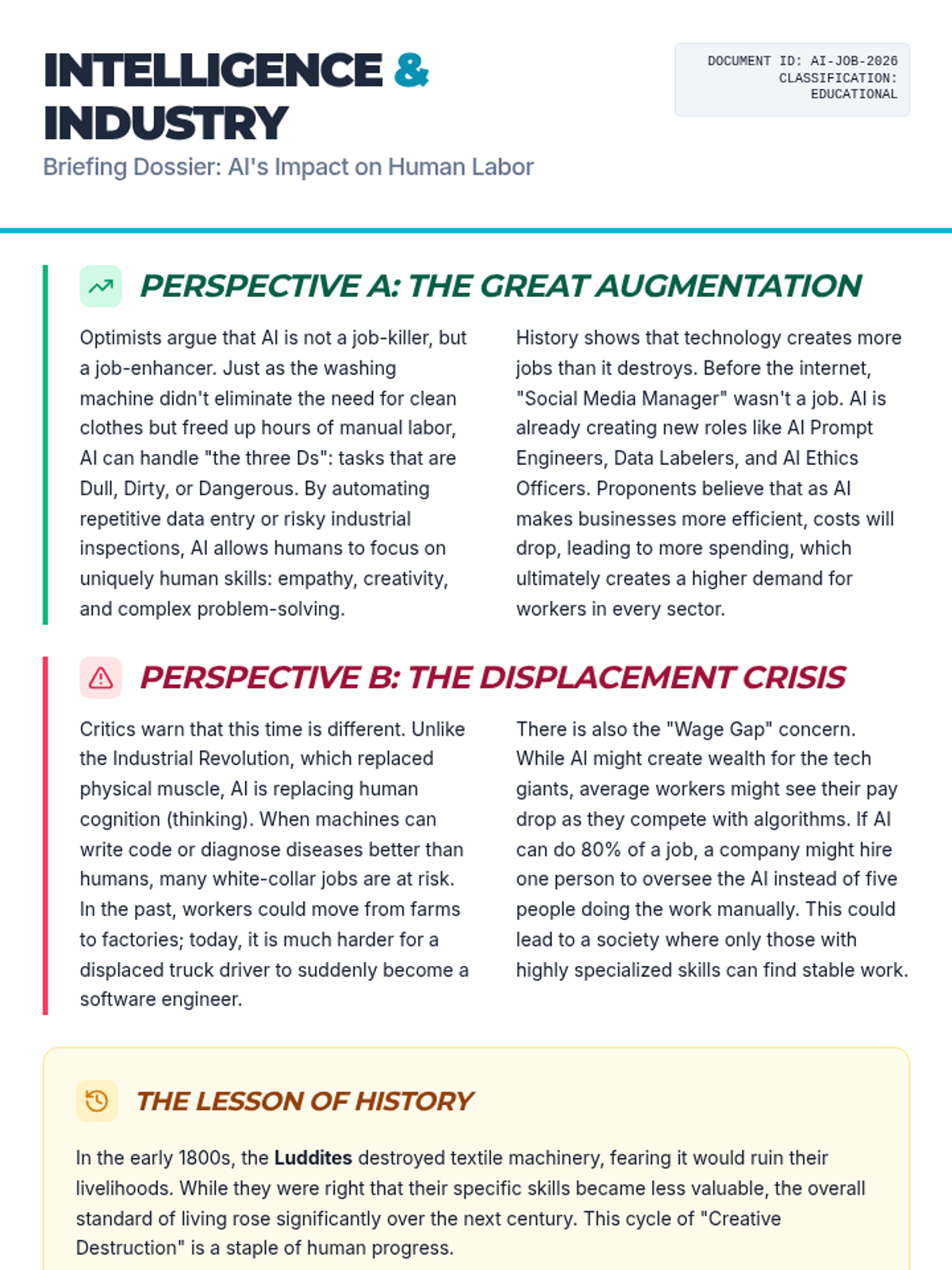
A two-page informational text dossier providing three distinct viewpoints on AI's impact on employment: the optimistic view of augmentation, the critical view of displacement, and the historical context of technological shifts.
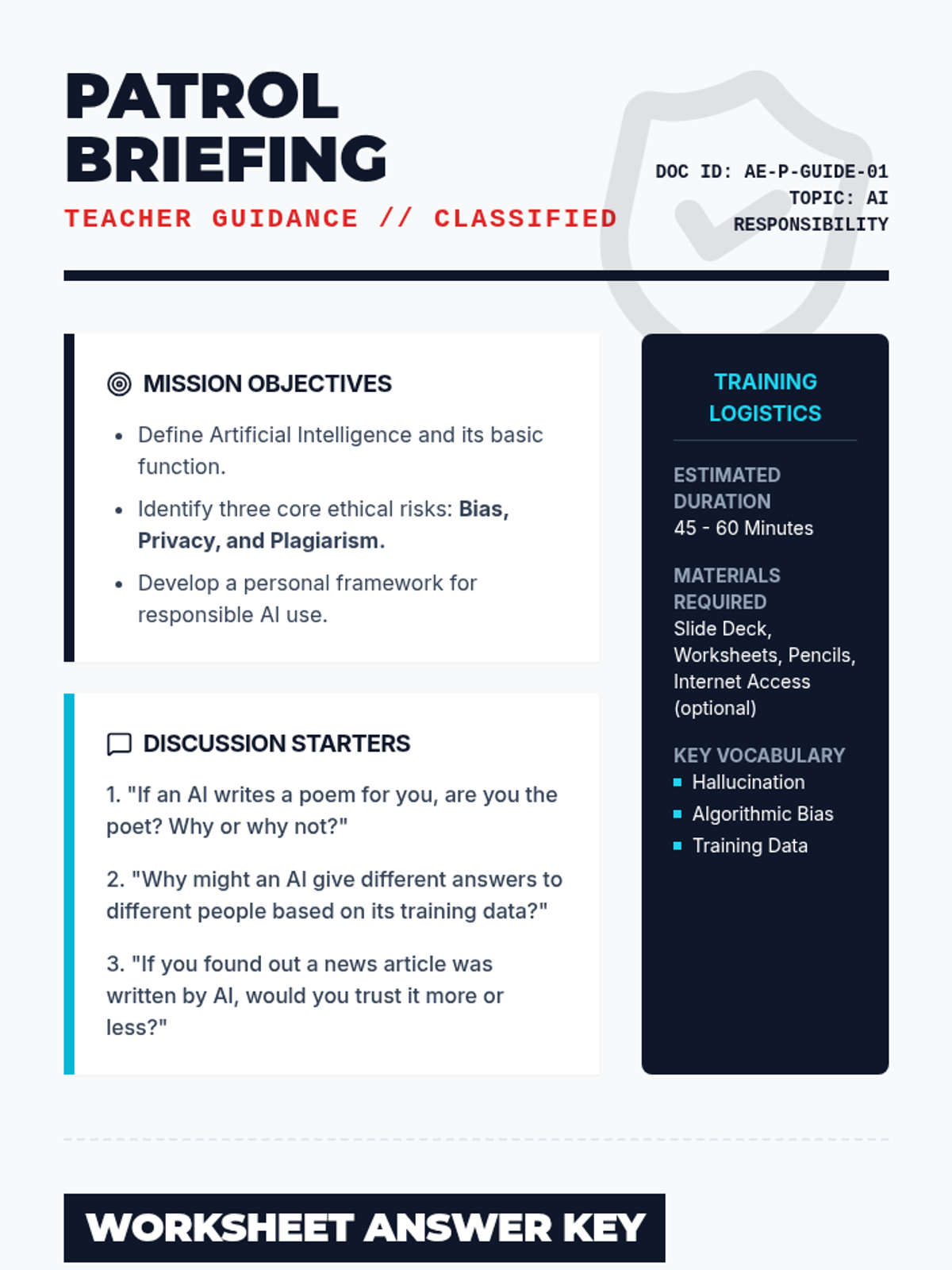
A detailed teacher-facing guide for the "Ethics Patrol" lesson. Includes lesson objectives, discussion prompts, a worksheet answer key, and strategic teaching tips for addressing AI responsibility.
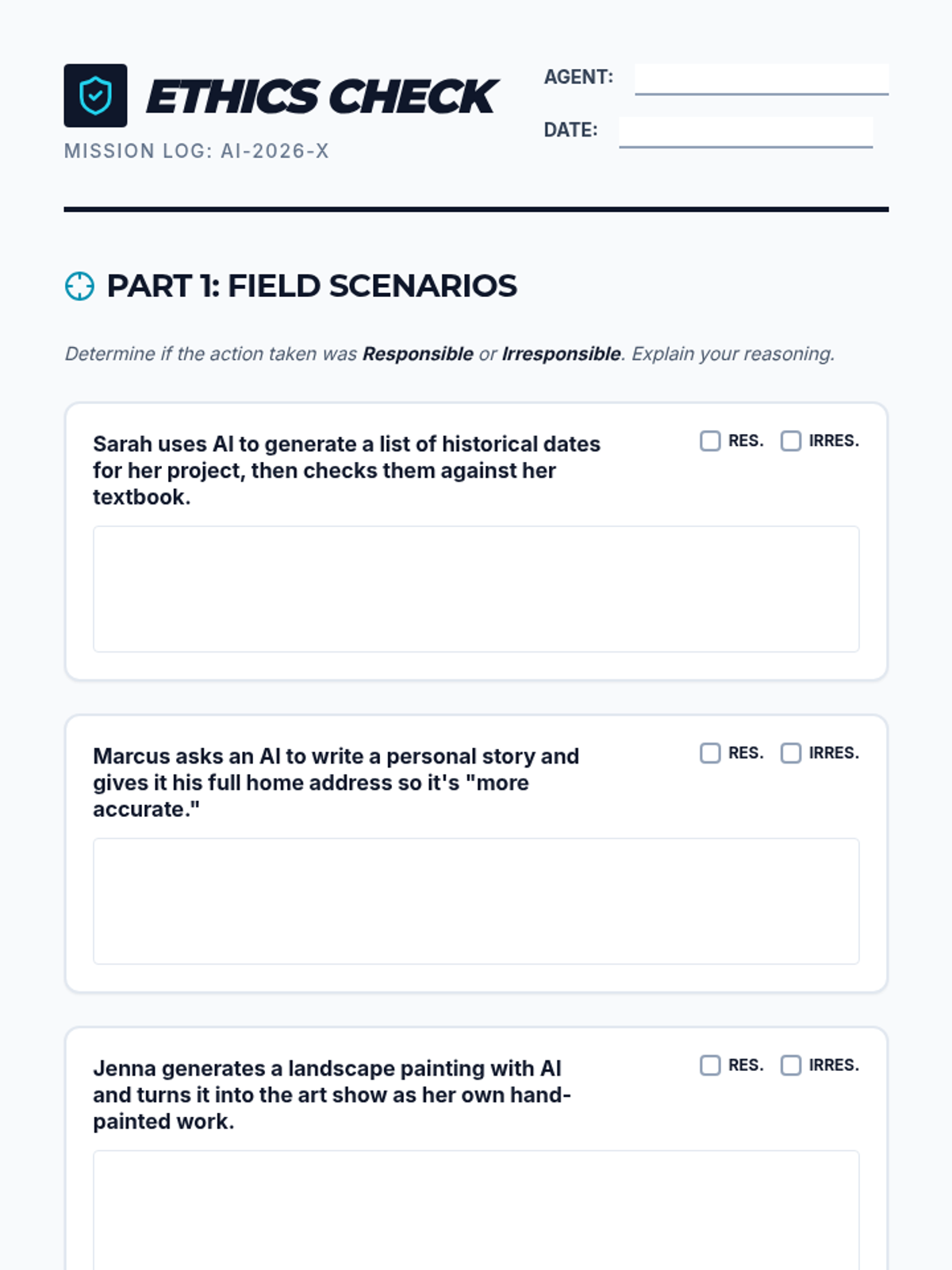
A student-facing worksheet where they analyze real-world AI use cases, identify privacy risks, and design their own ethical AI solution. Includes a signature section for the "Ethics Patrol Pledge".
A visually engaging slide deck designed for the "Ethics Patrol" lesson. It covers the basics of AI, ethical pitfalls like bias and privacy, and a real-world scenario to prompt classroom discussion.
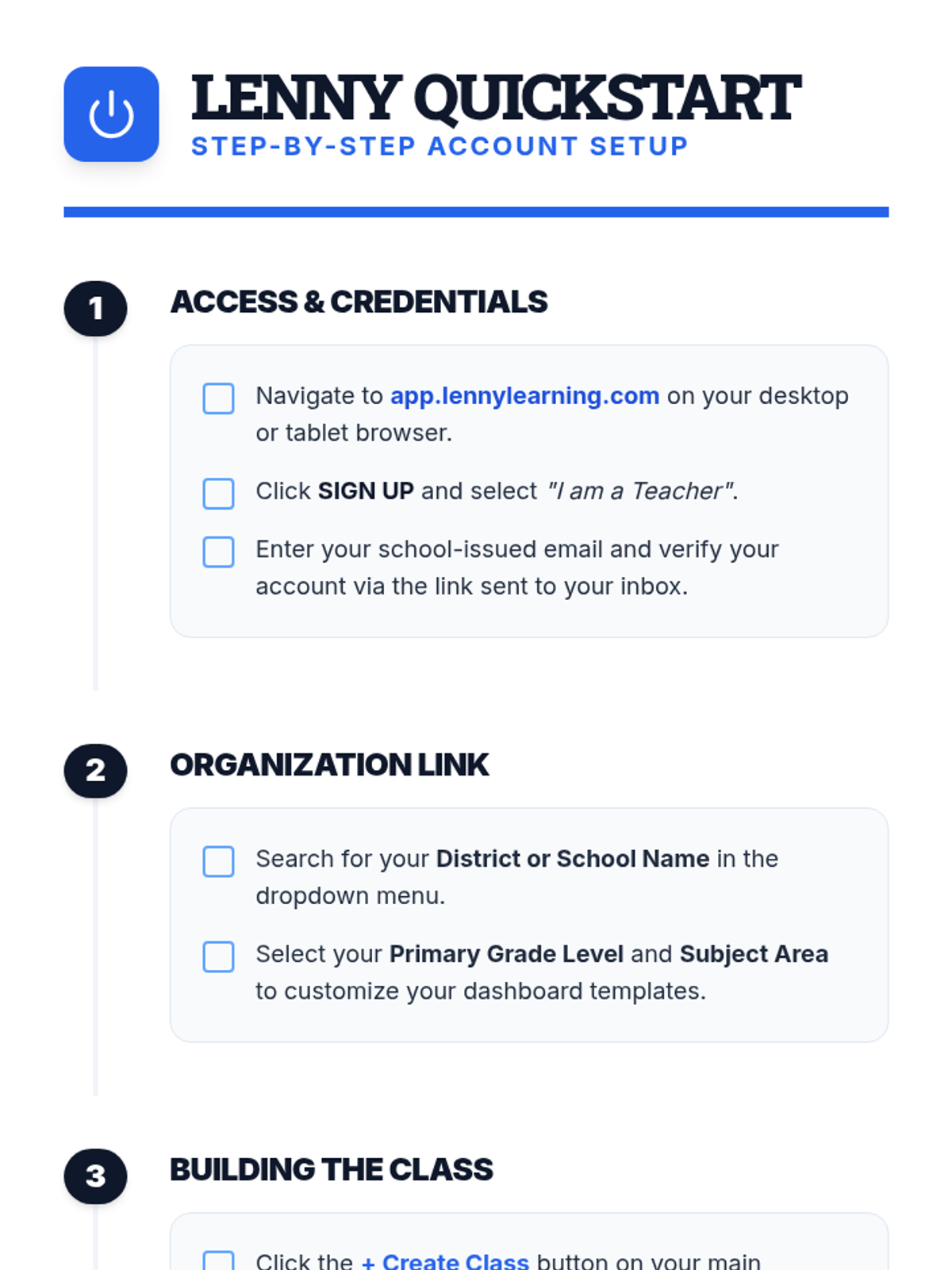
A clear, step-by-step document for teachers on setting up their Lenny Learning account, creating their first class, and onboarding students.
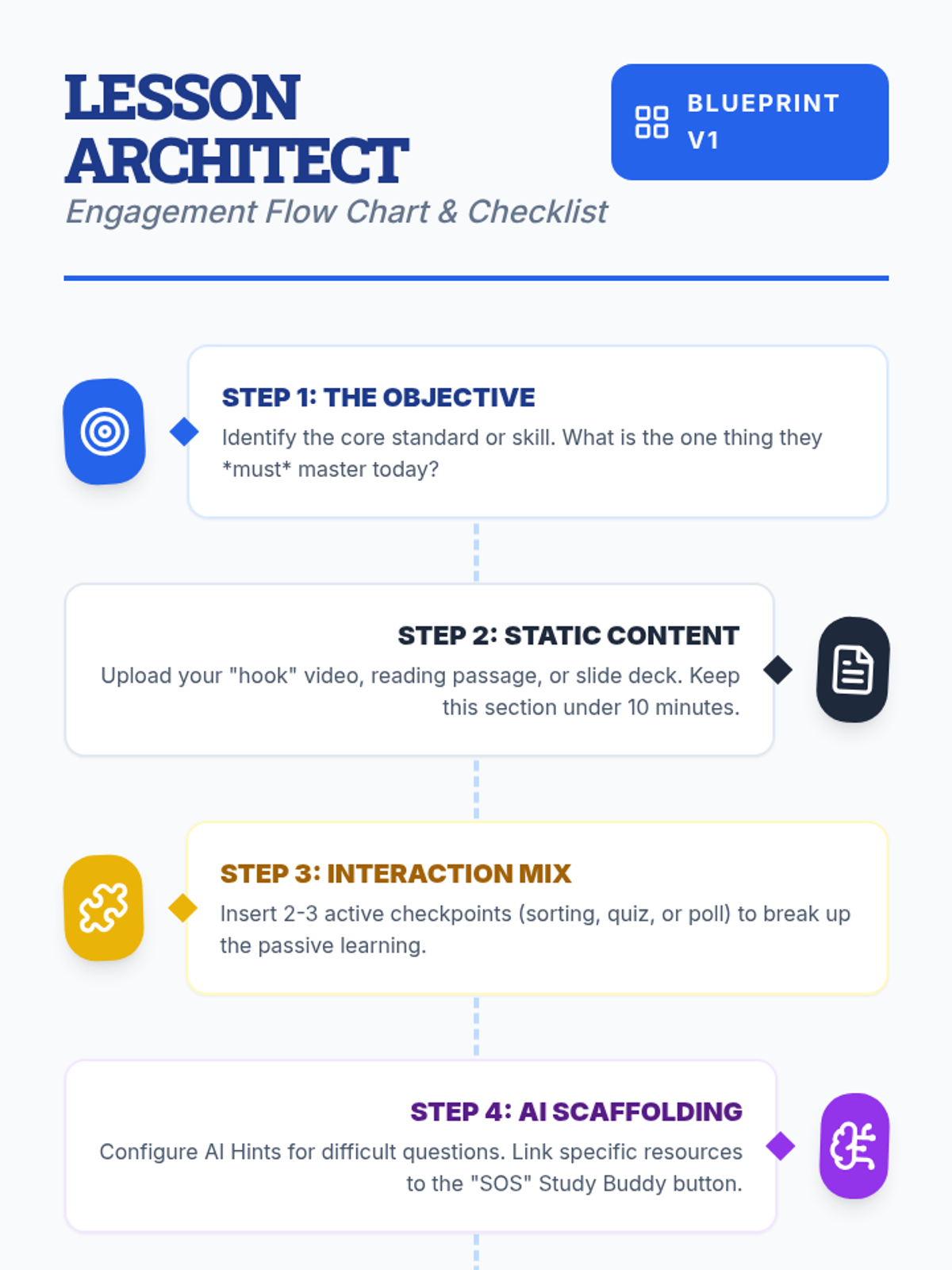
A visual flow chart and checklist for teachers detailing the step-by-step process of designing an engaging lesson on Lenny Learning.
A 10-slide presentation for teachers on designing engaging, interactive lessons using Lenny Learning's advanced features, gamification, and AI support.
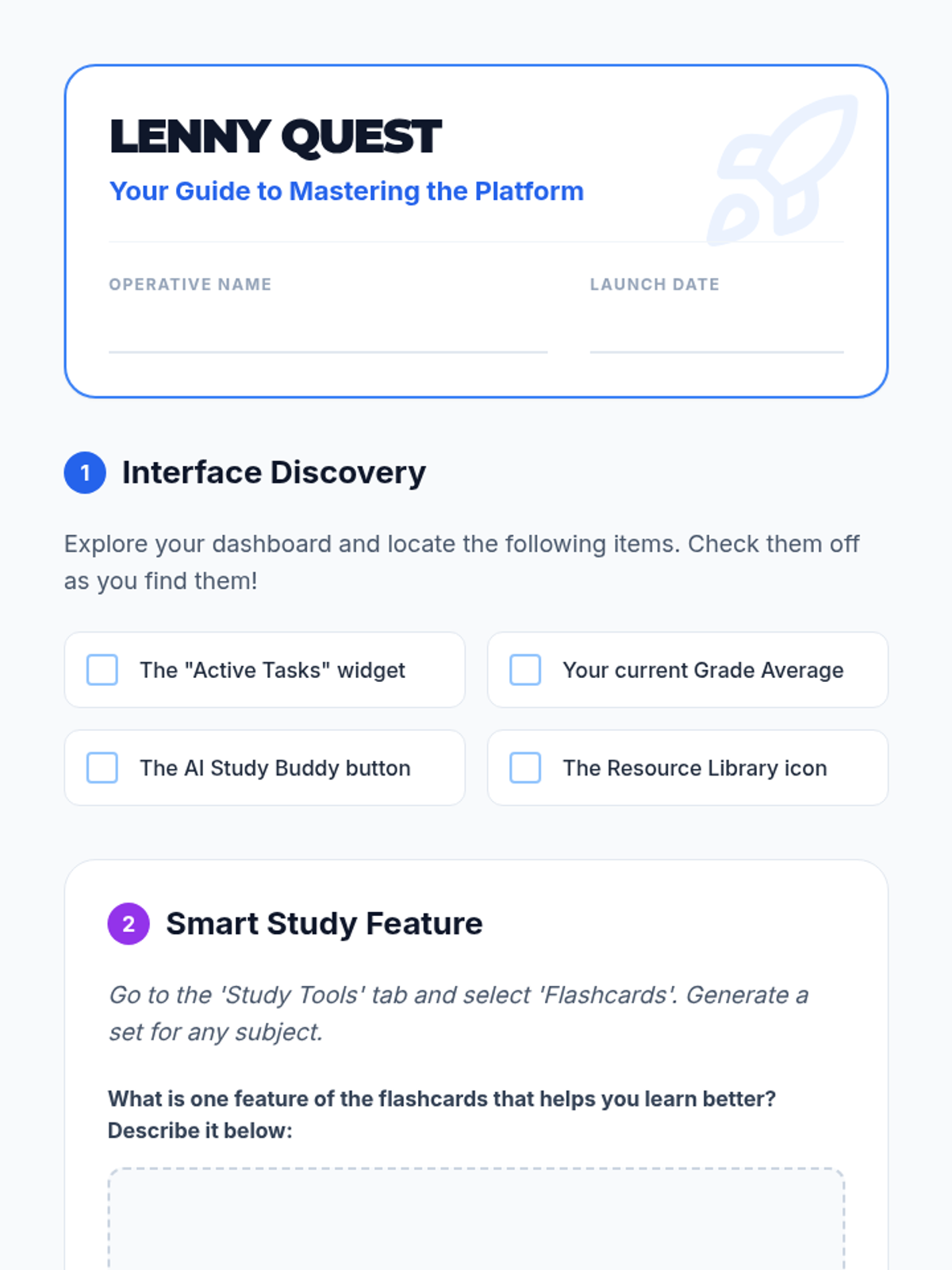
A student-facing scavenger hunt worksheet to help students explore the Lenny Learning interface and features.
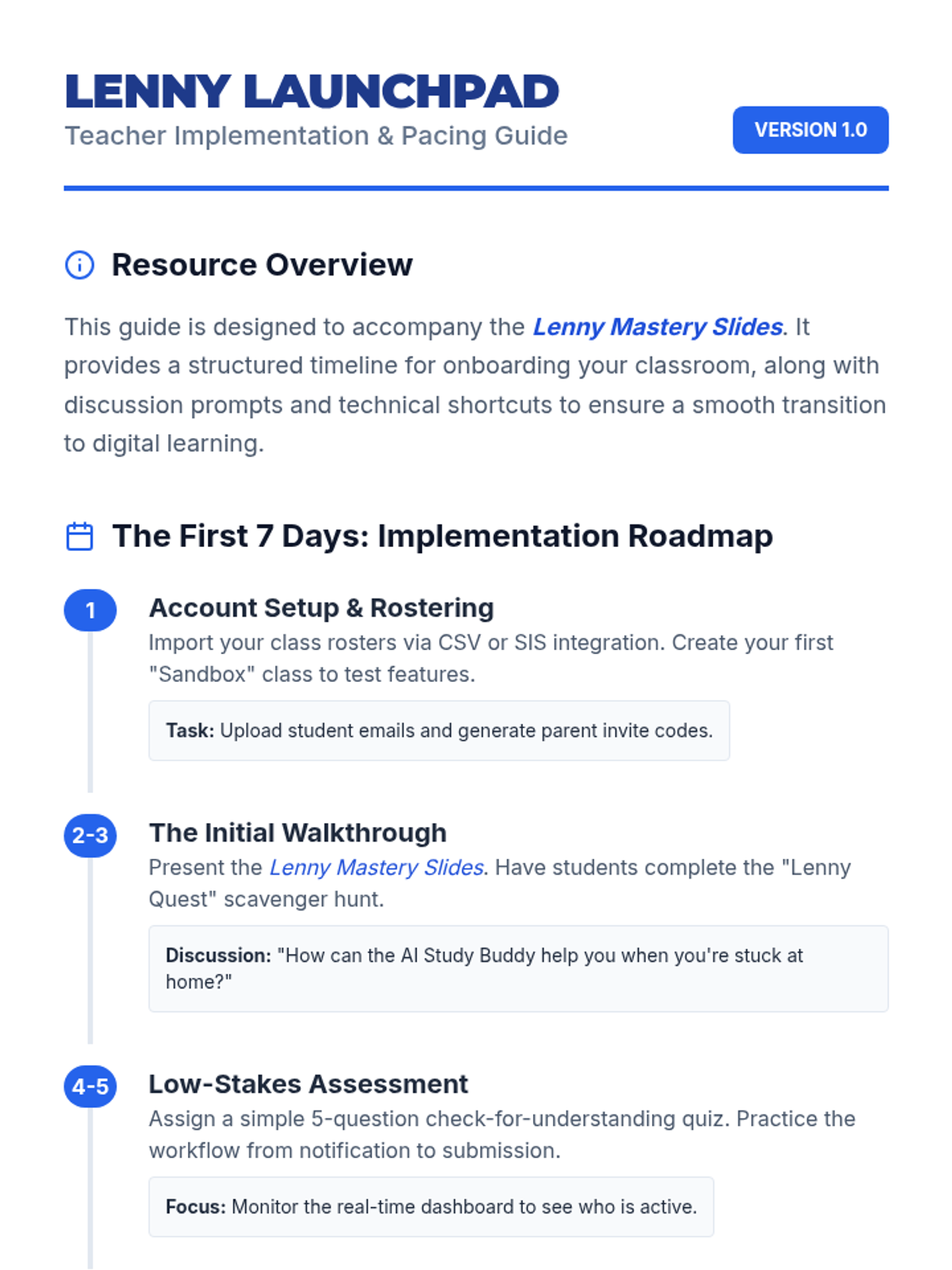
A teacher-facing guide with an onboarding timeline, troubleshooting tips, and classroom management strategies for implementing Lenny Learning.
A 10-slide presentation designed for teachers, providing a beginner-friendly overview of Lenny Learning's assignment workflows, study tools, and dashboard features.
A 10-page scenario-based workbook on major purchases. Features the history of the GI Bill, the mechanics of amortization and equity, home buying simulations with closing costs, and the ethics of redlining and gentrification.
A 10-page scenario-based workbook on insurance. Features the history of the Great Fire of London, the mechanics of risk pooling, auto and health insurance simulations, and the ethics of genetic testing and pre-existing conditions.
A 10-page scenario-based workbook on consumer skills. Covers the history of food safety, the ethics of planned obsolescence, "Right to Repair" policy, and simulations for subscription cancellations and negotiation tactics.
A 10-page workbook on modern banking, covering fractional reserve systems, the Wildcat Banking era, overdraft ethics, and liquidity management. Includes simulations for choosing bank accounts and managing transaction clearing times.
A 10-page workbook on the psychology and mechanics of financial decision-making. Features an analysis of the 2008 Financial Crisis, ethical debates on credit scores, and simulations for car buying and educational ROI.
A 10-page scenario-based workbook focusing on digital literacy, source verification, and the ethics of algorithmic research. Includes historical case studies, policy analysis of Section 230, and simulations for apartment hunting and medical vetting.
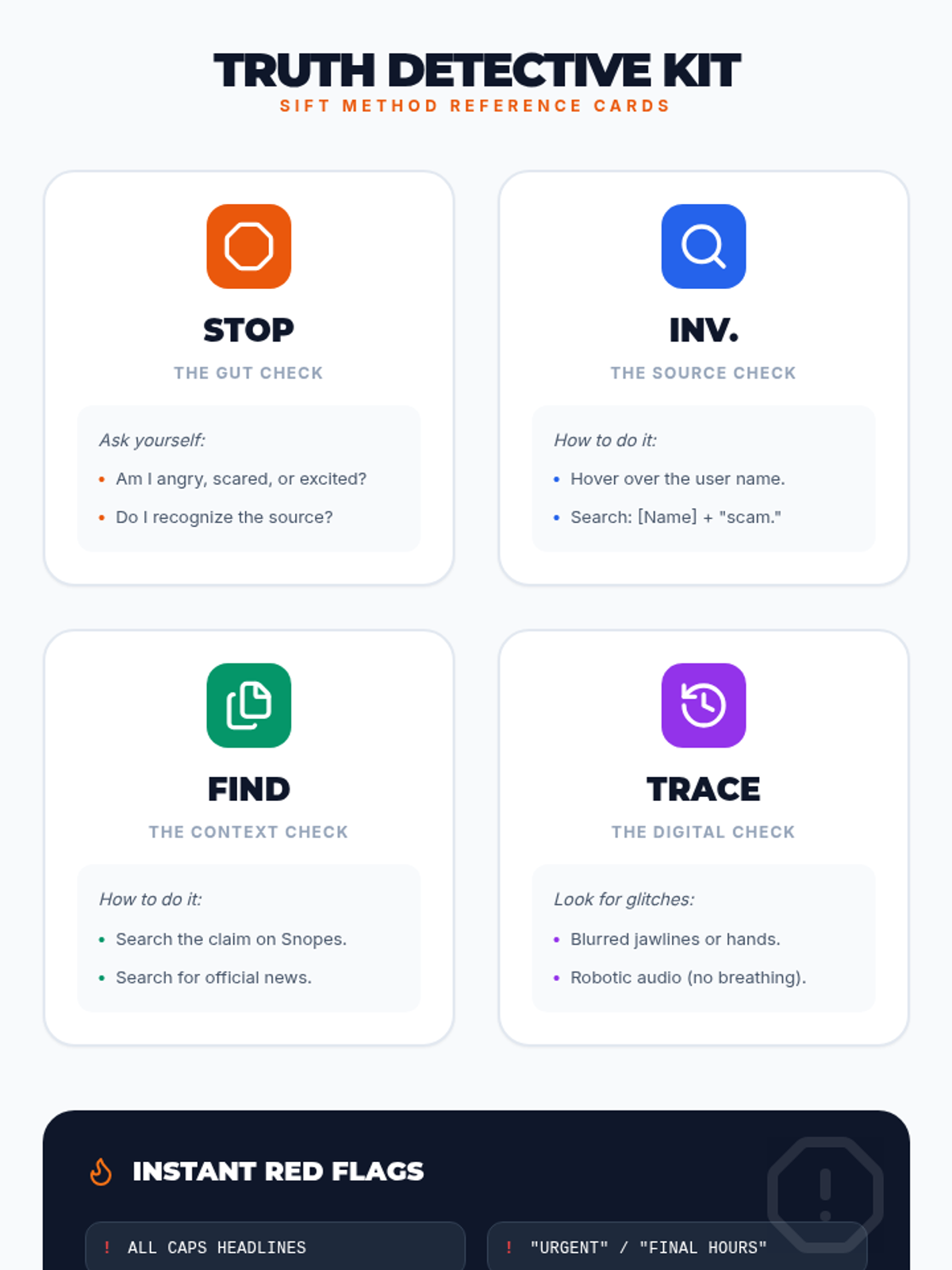
A reference sheet for students featuring four pocket-sized reference cards for each step of the SIFT method, along with a quick-glance list of digital red flags.
A creative "Boarding Pass" themed exit ticket for students to summarize their career destination, essential skills, and high school course connections. This document is tiled for efficient printing. Revised to fit 2 per page and include soft skills.
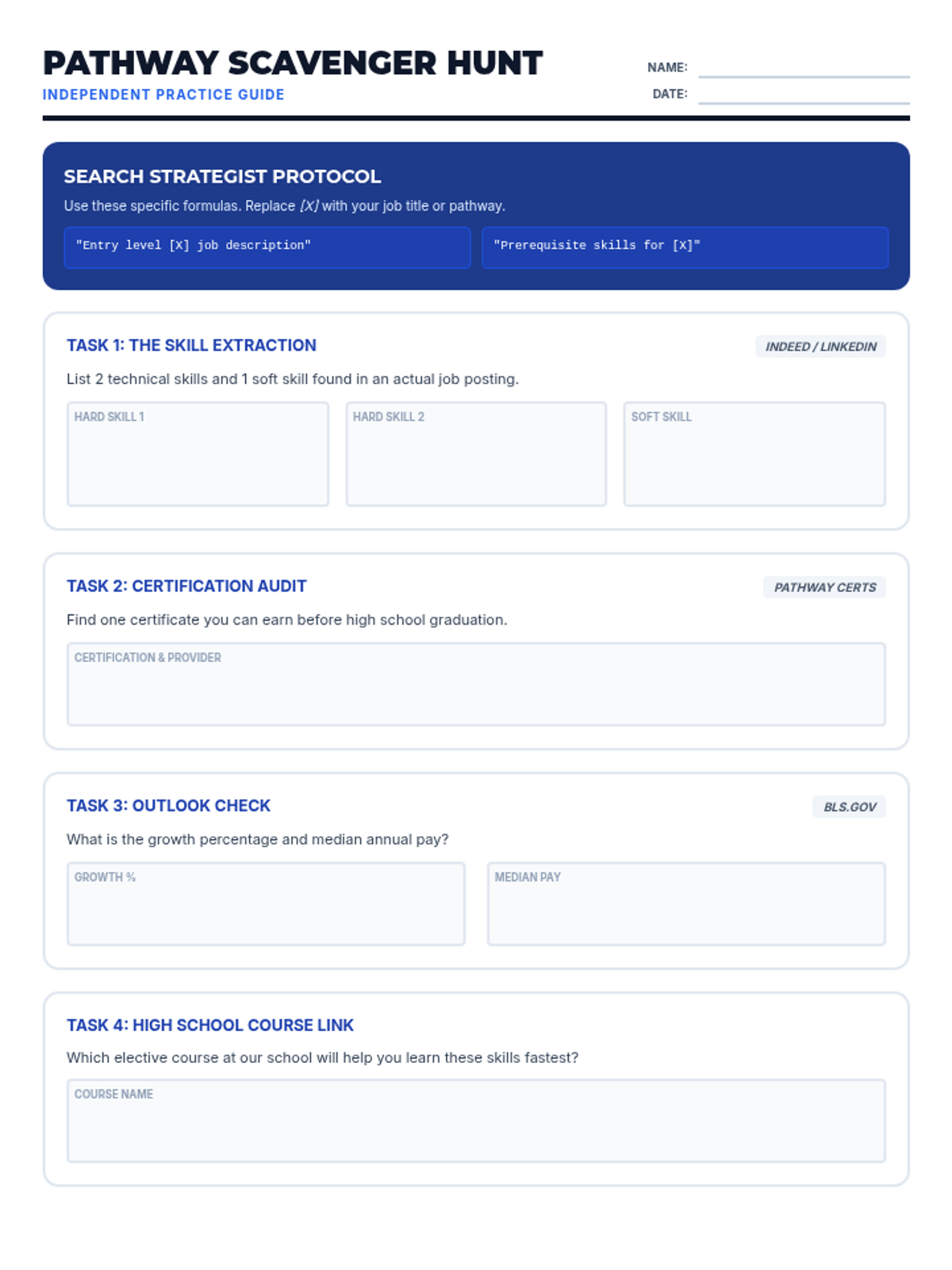
A guided independent practice worksheet featuring a "Scavenger Hunt" that teaches students how to use search formulas to extract real-world career data. Revised to fit on a single page for teacher efficiency.
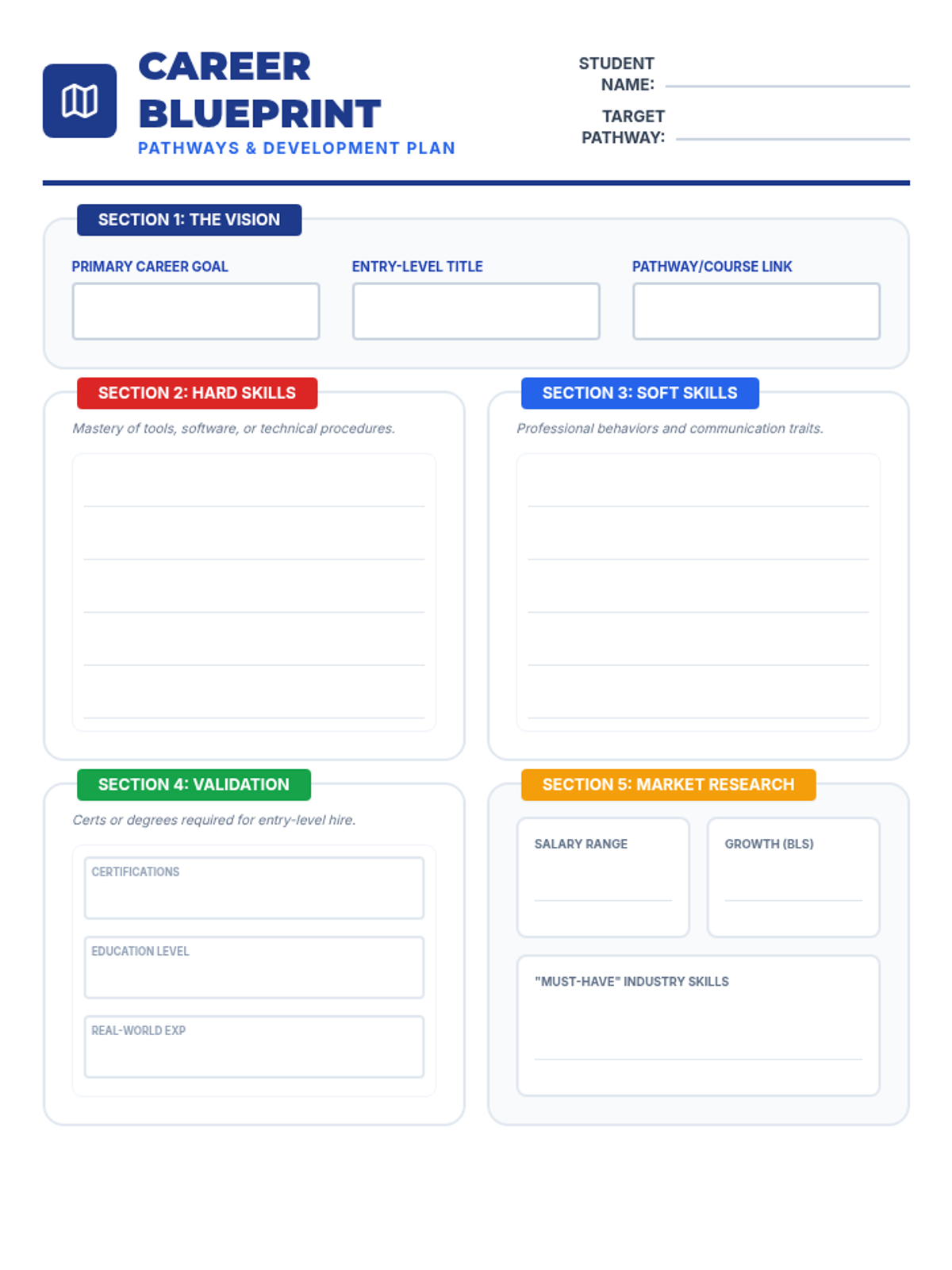
A professional-grade career research graphic organizer for students to map out their future "Career Blueprint," including sections for vision, hard/soft skills, education/validation, and market research. Revised to fit on one page and remove placeholder text.
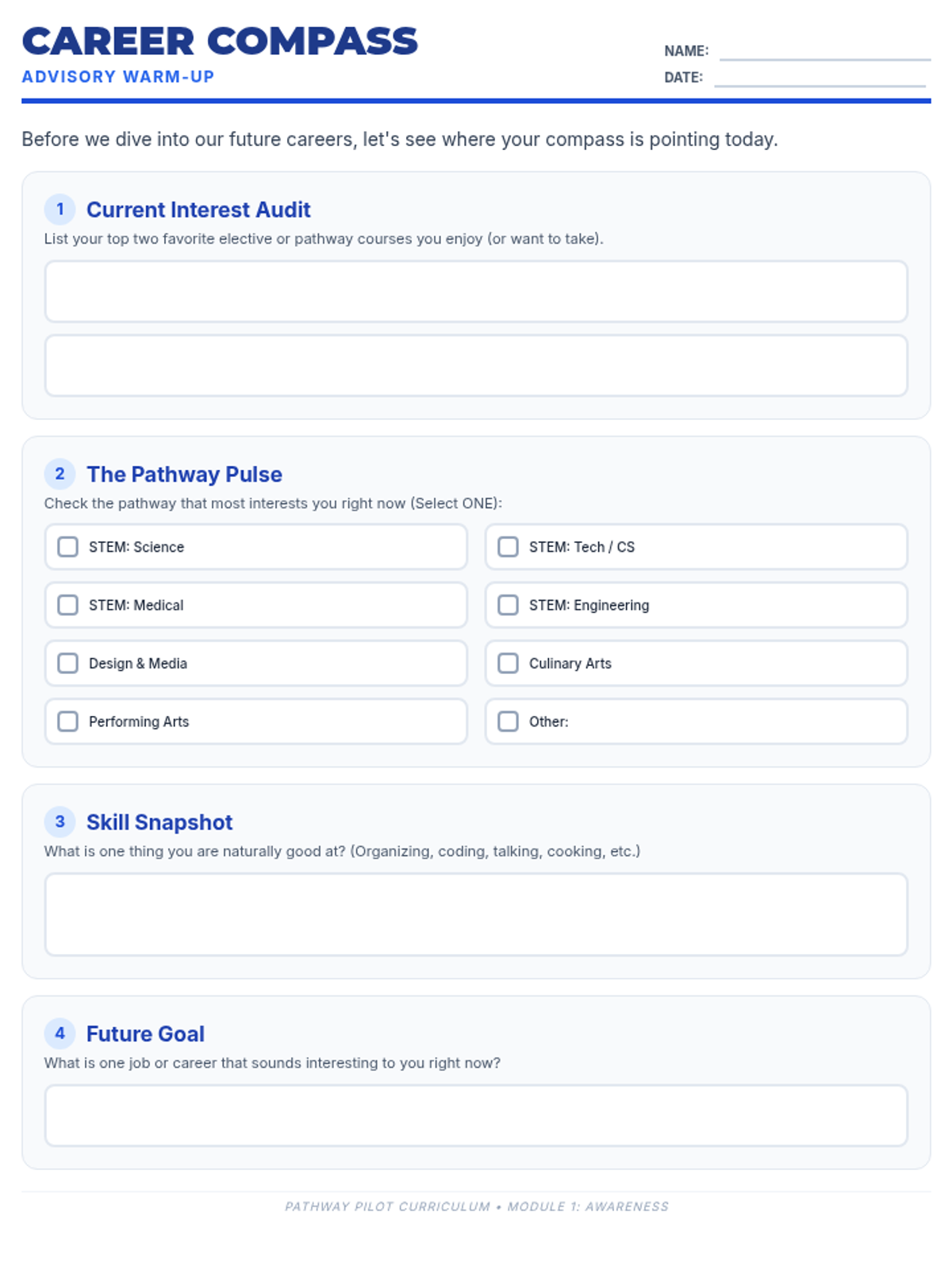
A self-reflection warm-up worksheet for students to audit their current interests, identify their preferred elective pathway, and pinpoint natural strengths. Updated to include specific STEM sub-pathways and polished student work areas.
Interactive slide presentation for the Pathway Pilot lesson, now featuring detailed slides for the four STEM sub-pathways (Science, Tech/CS, Medical, and Engineering) alongside Design, Culinary, and Arts. Includes expanded skills instruction on hard, soft, and transferrable skills.
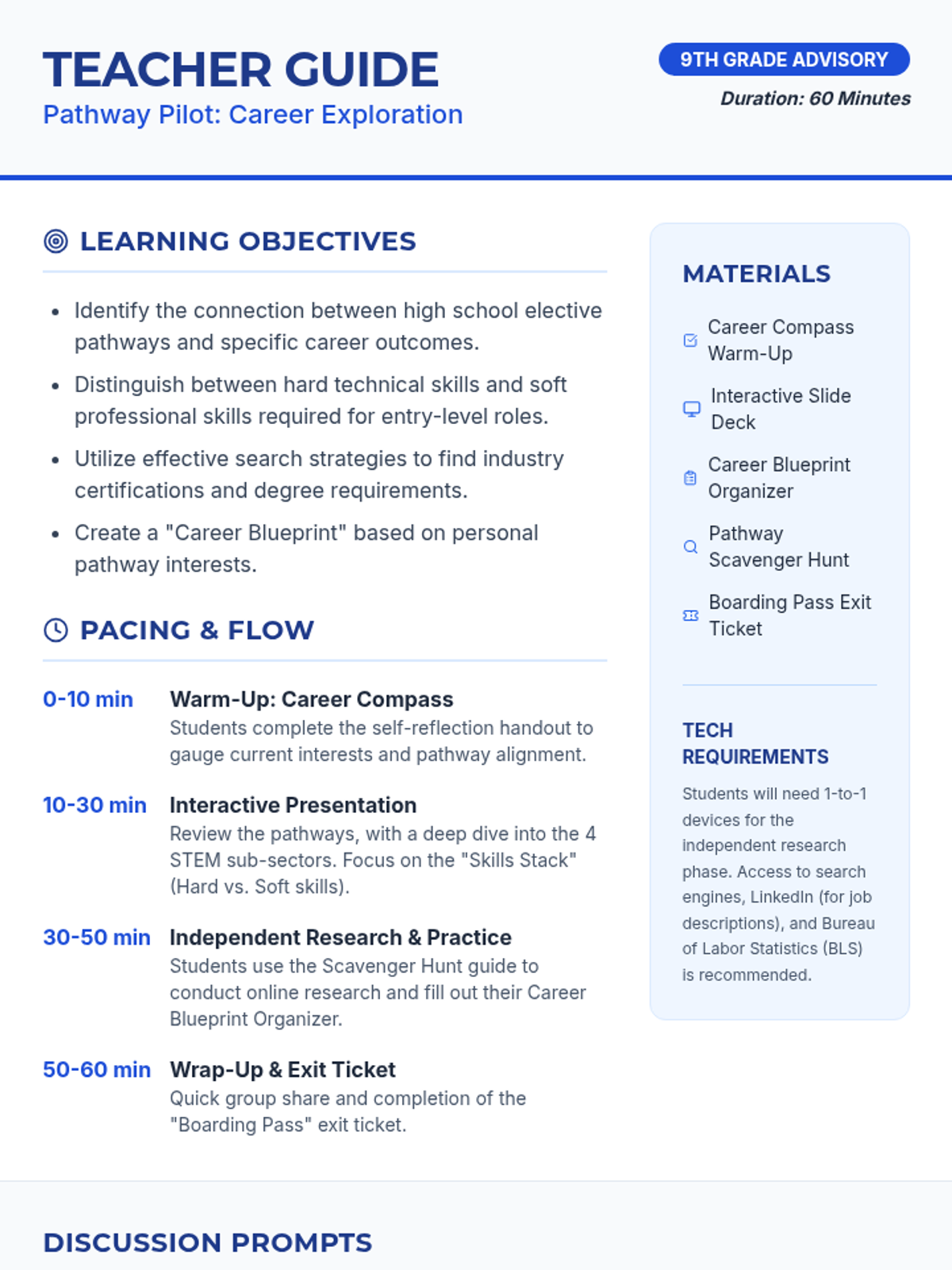
A detailed teacher guide for the Pathway Pilot lesson, including learning objectives, a minute-by-minute pacing guide, materials checklist, and targeted discussion prompts for each pathway, now featuring detailed STEM sub-pathways.
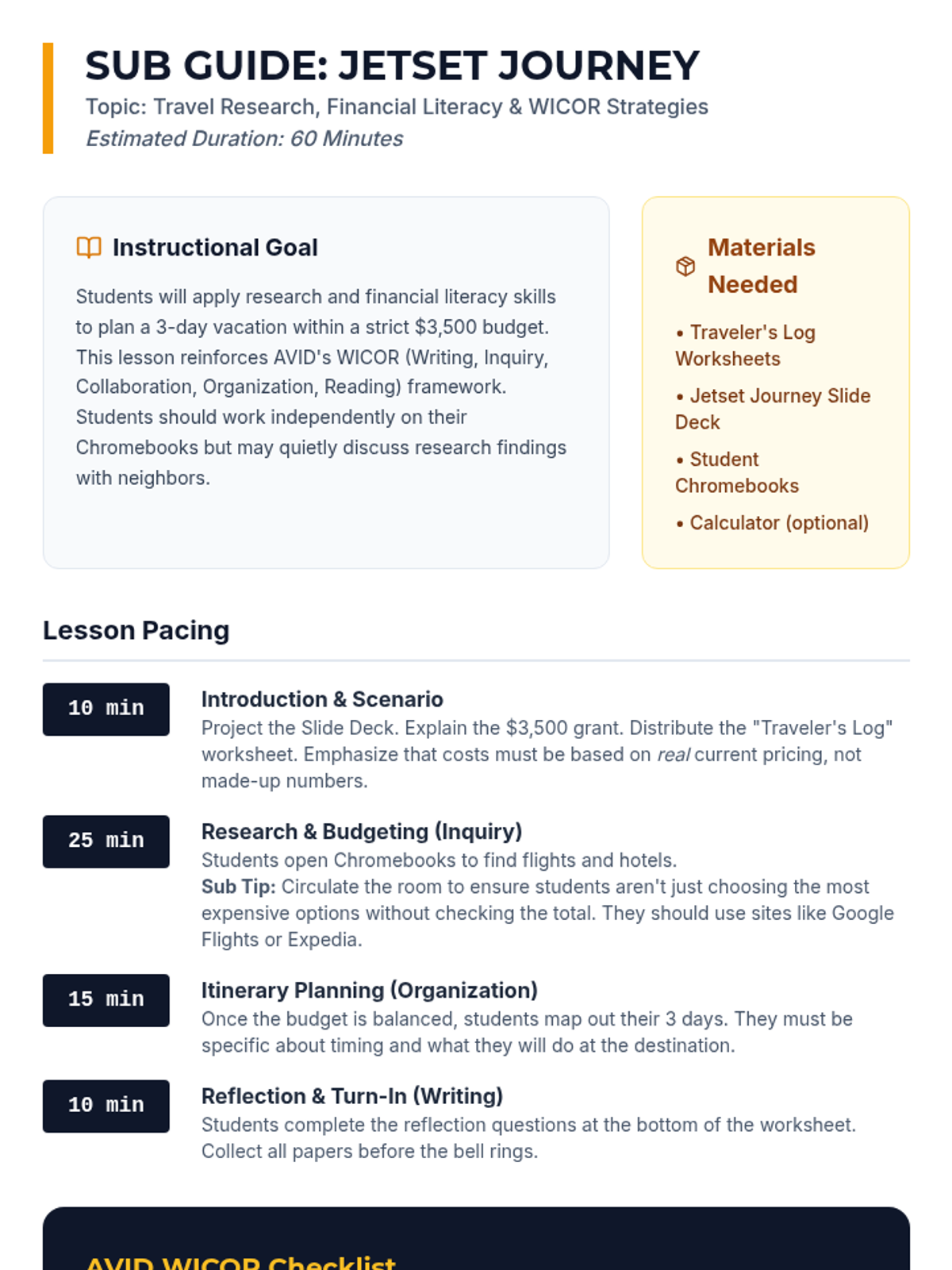
A detailed substitute teacher guide for the "Jetset Journey" lesson, including pacing, WICOR alignment, and classroom management tips for a 60-minute period.
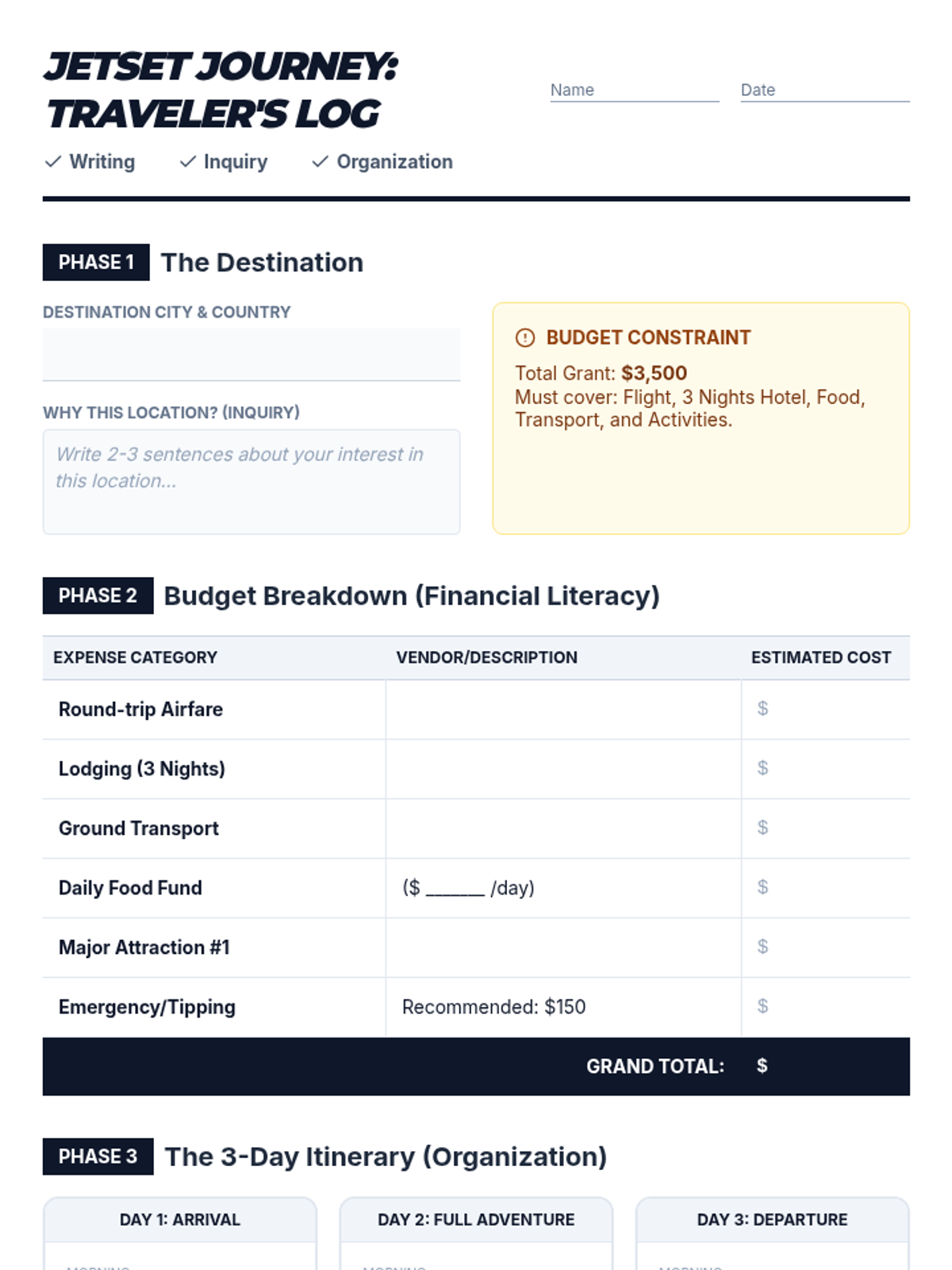
A comprehensive worksheet for AVID students to document their travel research, calculate a detailed budget, and organize a 3-day itinerary, incorporating WICOR reflections.
A visually engaging slide deck designed to guide AVID students through the "Jetset Journey" vacation planning activity, highlighting WICOR strategies and the $3,500 budget constraint.
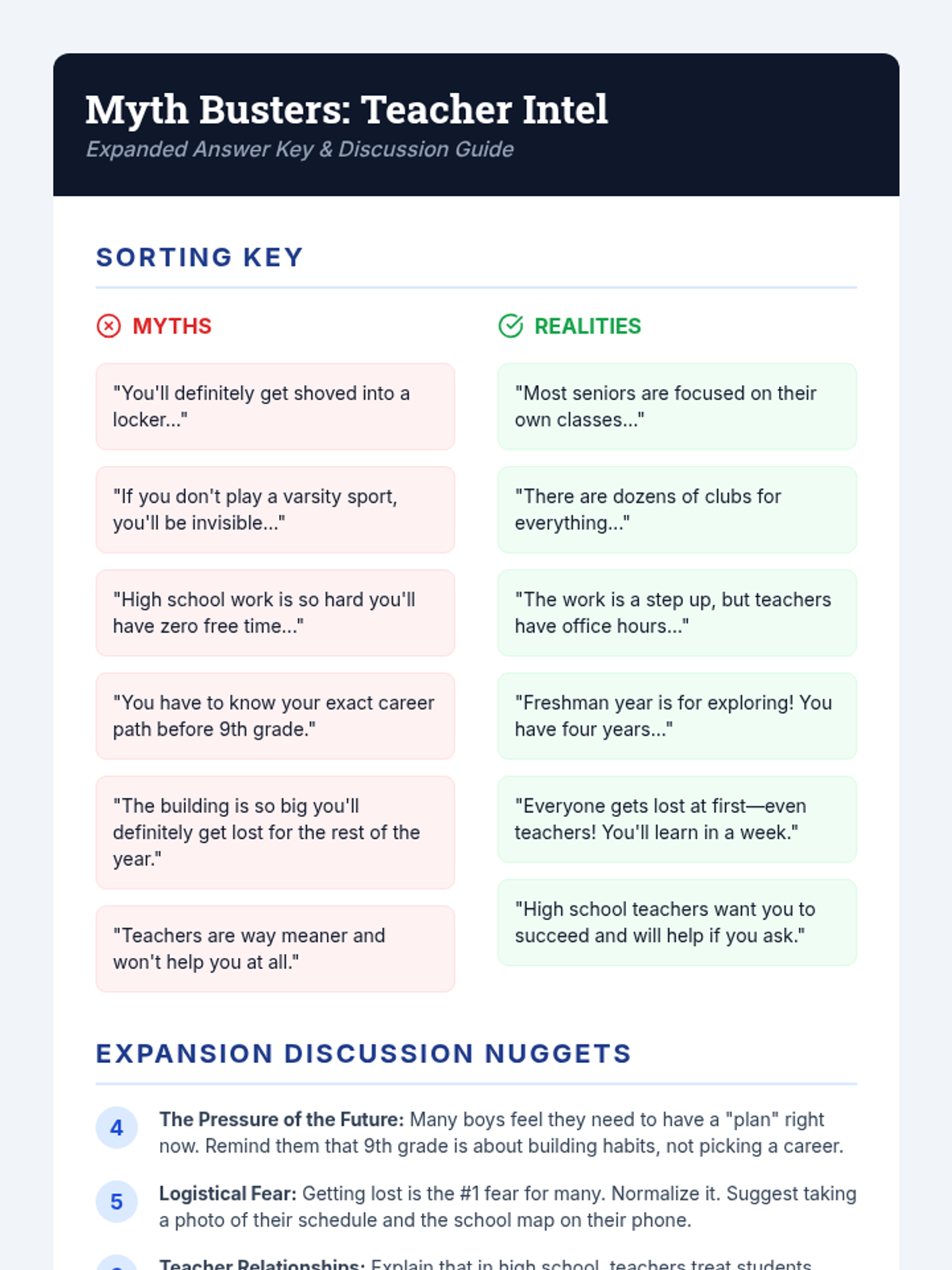
An expanded teacher answer key and discussion guide for the Myth Busters sorting activity, including 6 new card points and expanded discussion prompts.
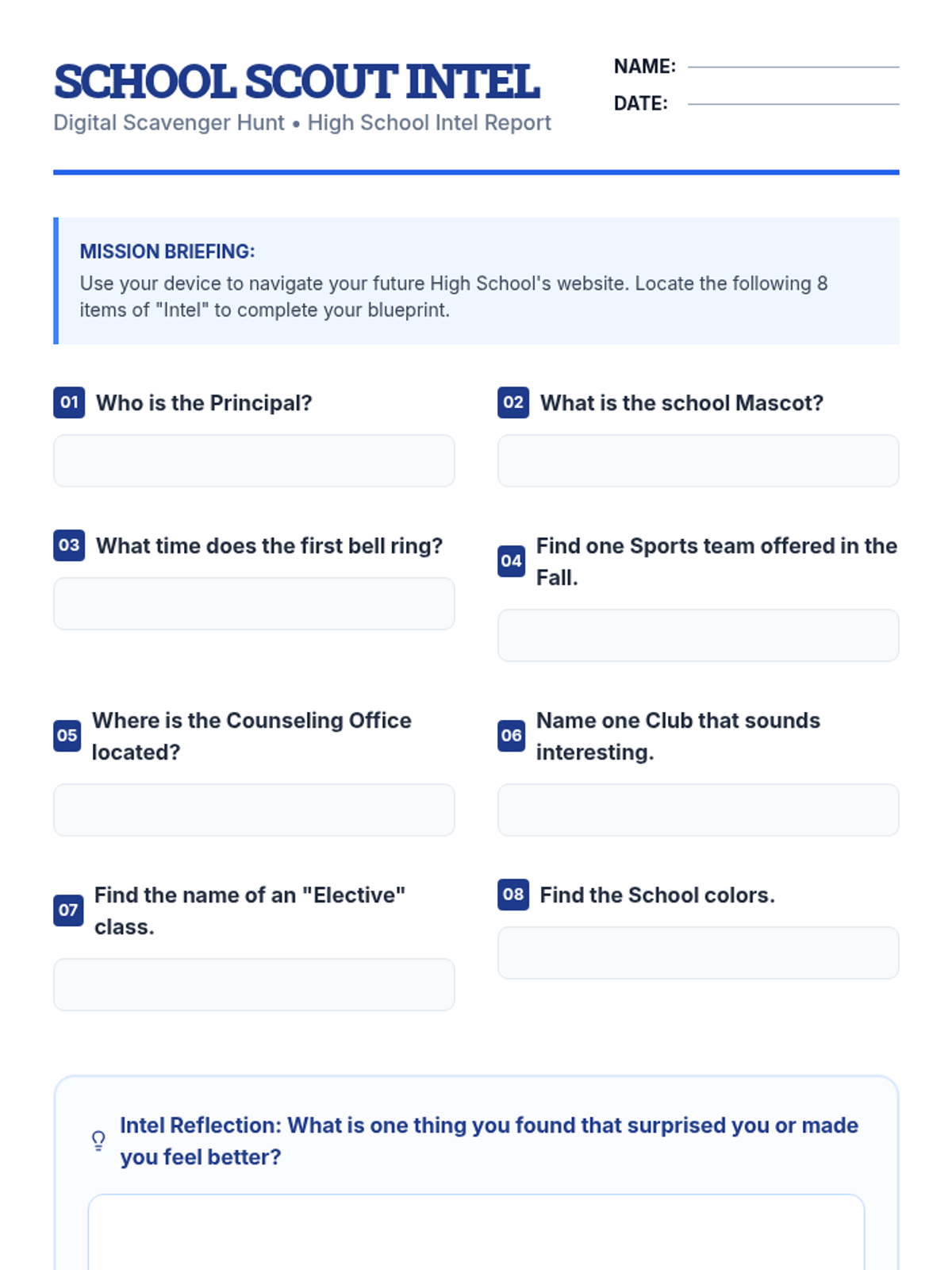
A student scavenger hunt worksheet designed for information gathering on their future high school website to demystify the transition and reduce anxiety.
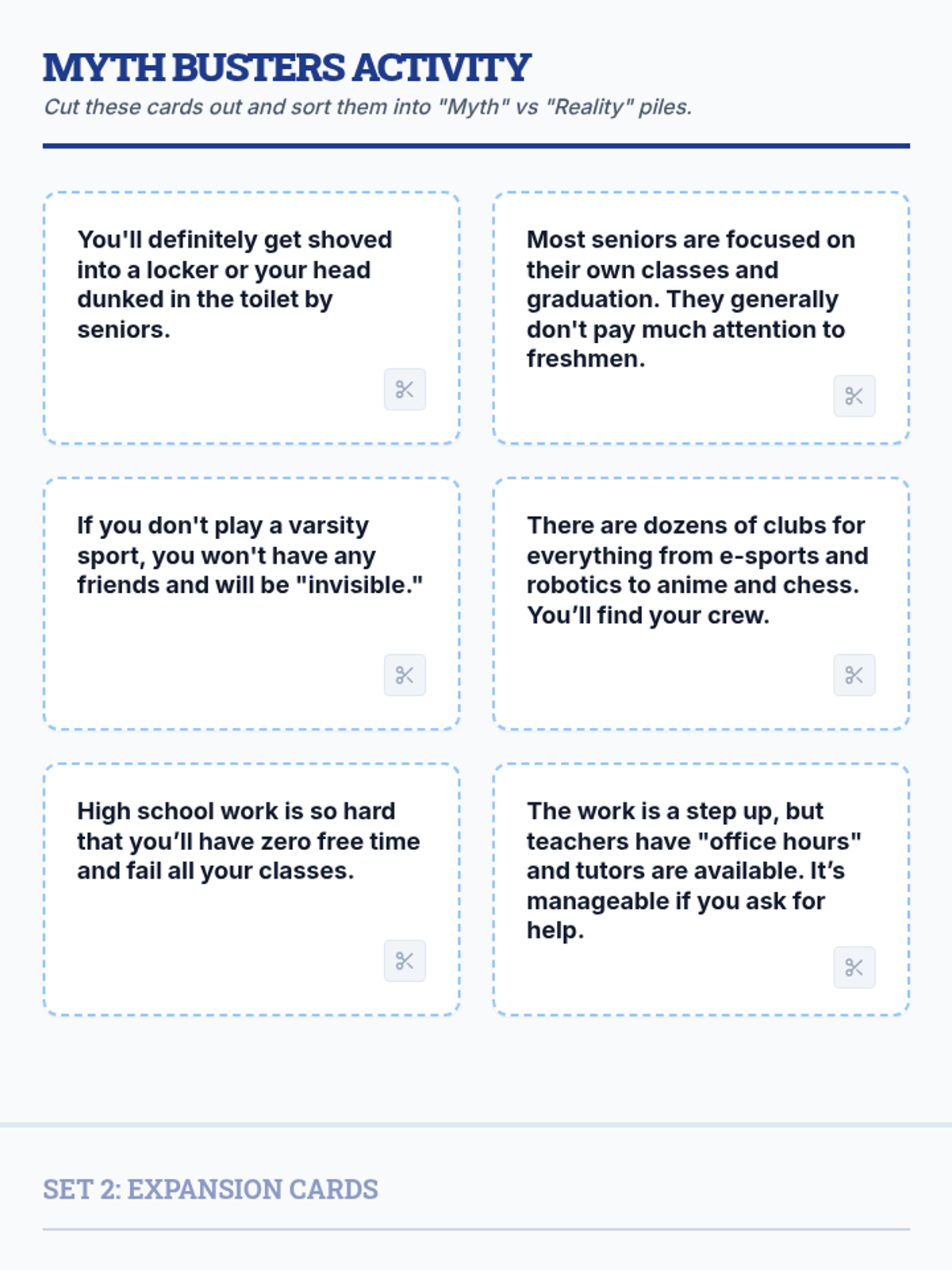
An expanded set of 12 cut-out cards (6 myths, 6 realities) for a sorting activity to reduce high school transition anxiety.
A 5-slide visual presentation to guide students through the transition session, featuring high-impact visuals and discussion prompts about high school anxiety.
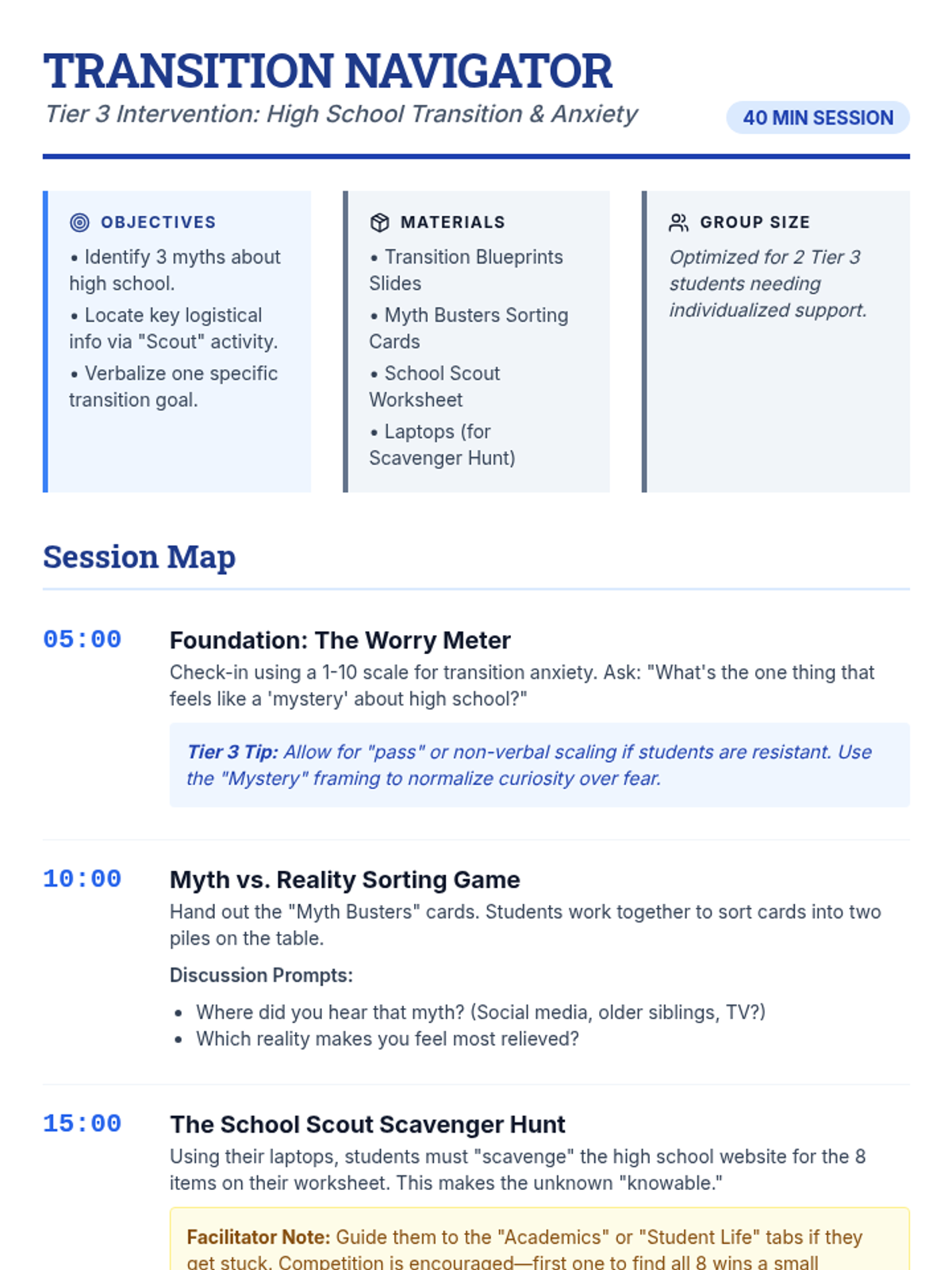
A comprehensive teacher guide for facilitating a 40-minute high school transition session, featuring pacing, discussion prompts, and Tier 3 behavioral strategies.
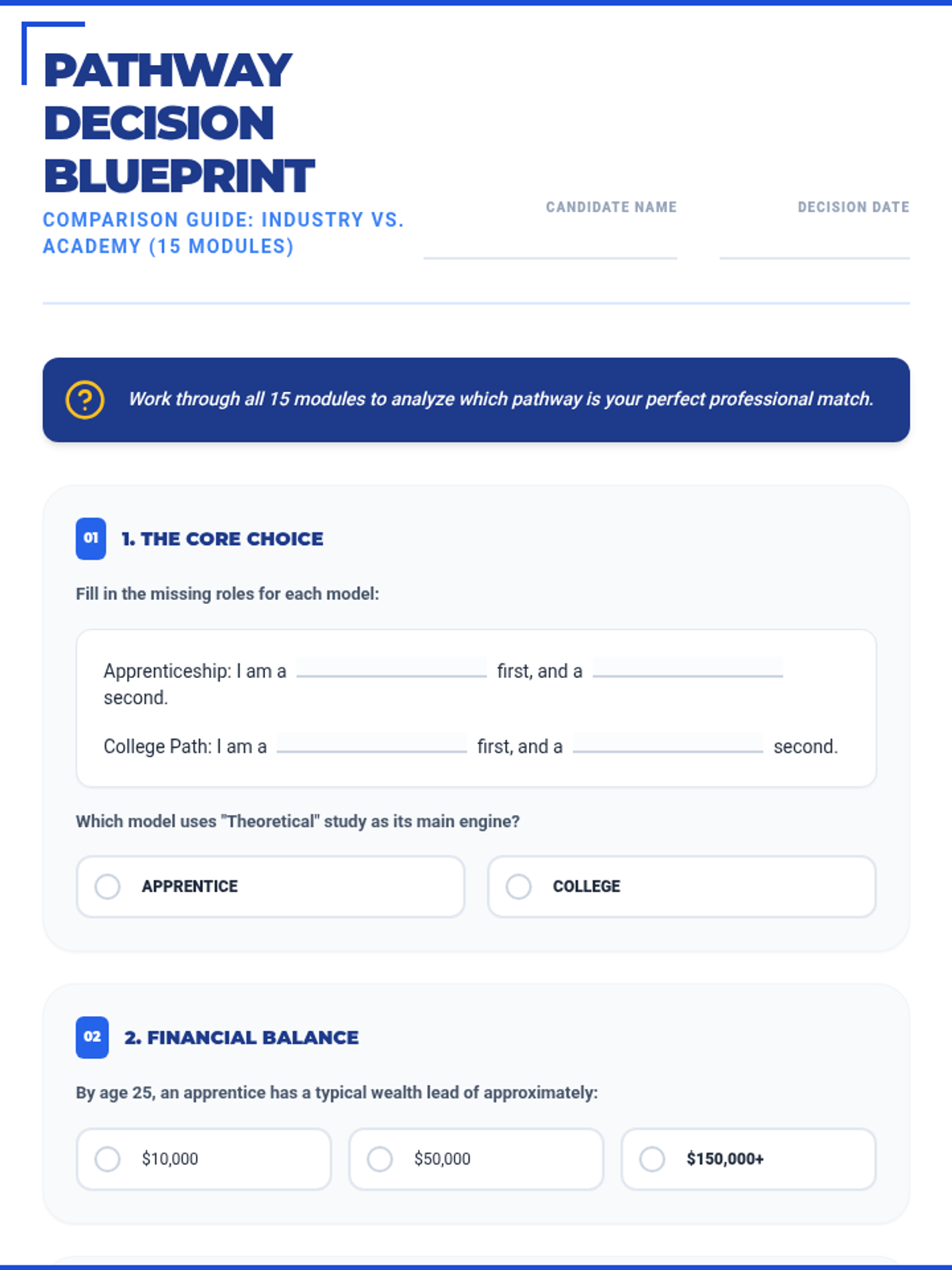
An expanded 15-section worksheet that covers all 8 modules and 10 scenarios of the masterclass, featuring a mix of fill-in-the-blank and multiple-choice questions for deep analysis.
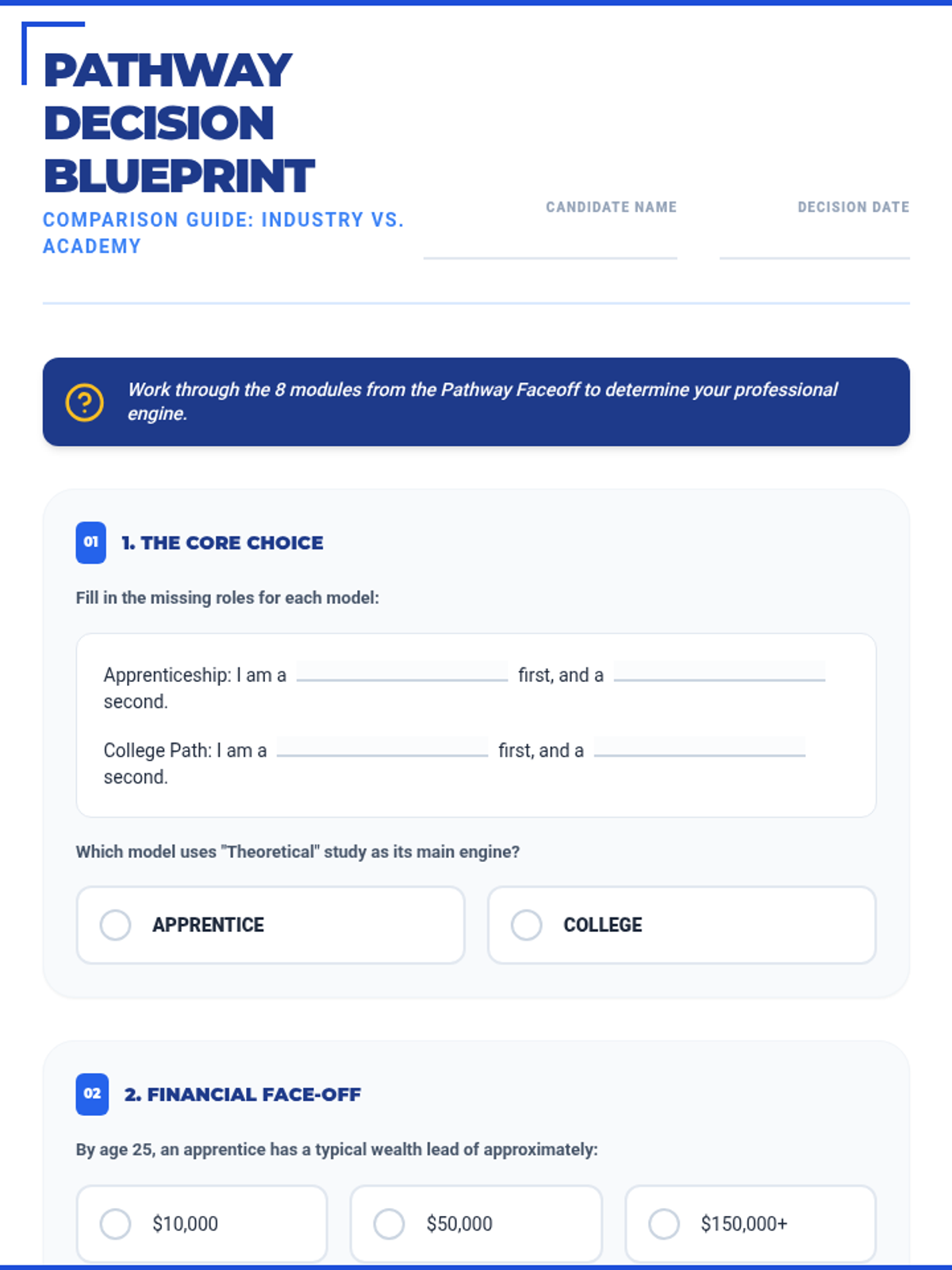
A complete overhaul of the Decision Blueprint worksheet featuring fill-in-the-blank statements and 12 multiple-choice questions across 8 strategic sections to mirror the masterclass slides.
An 8-section worksheet designed to accompany the Pathway Faceoff Slides, guiding students through a structured comparison of apprenticeship and college pathways with specific scenario reflections.
A comprehensive 45-slide comparison between apprenticeships and college degrees, featuring module-based analysis and specific "Pathway Scenarios" to help students decide.
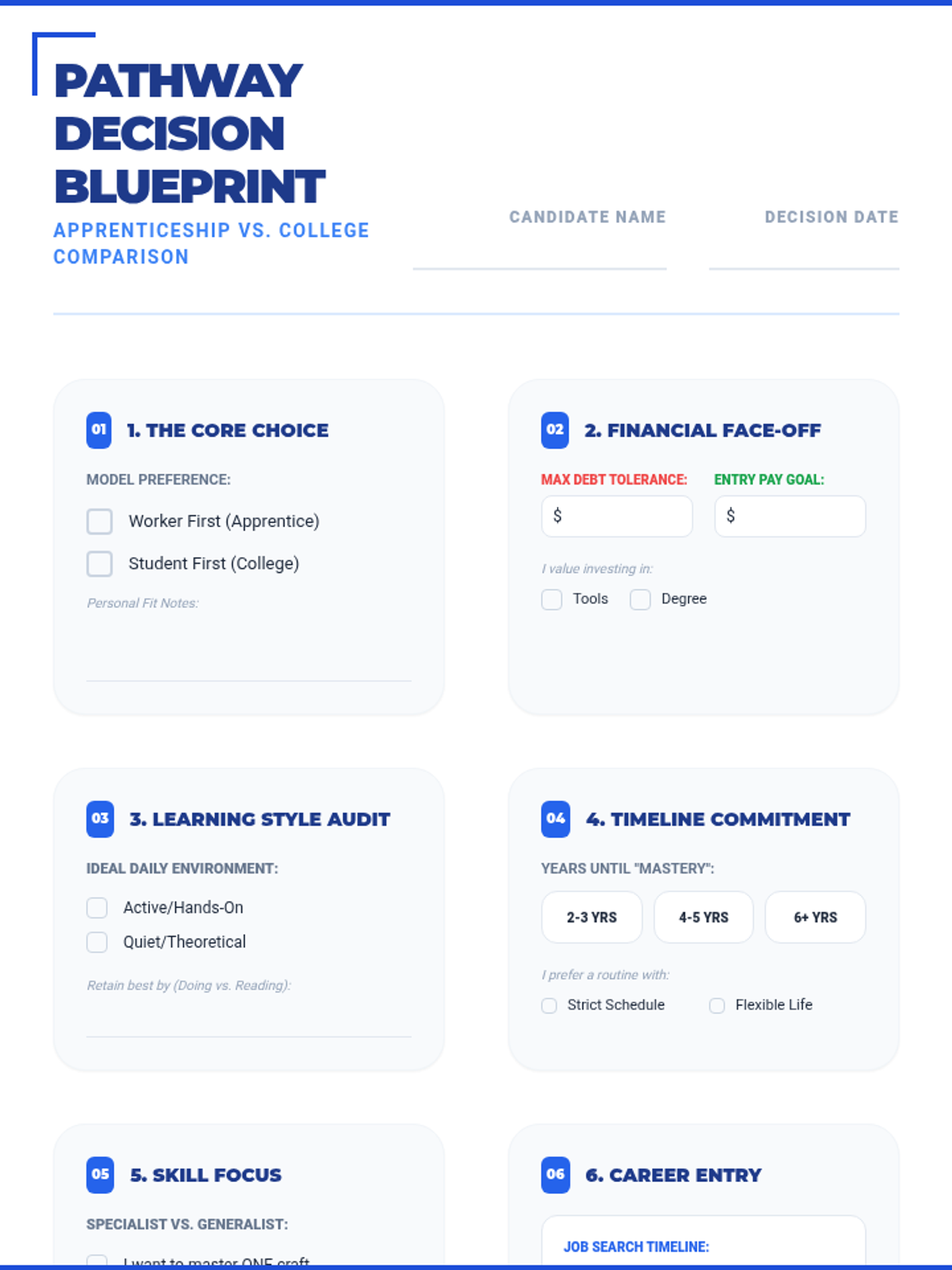
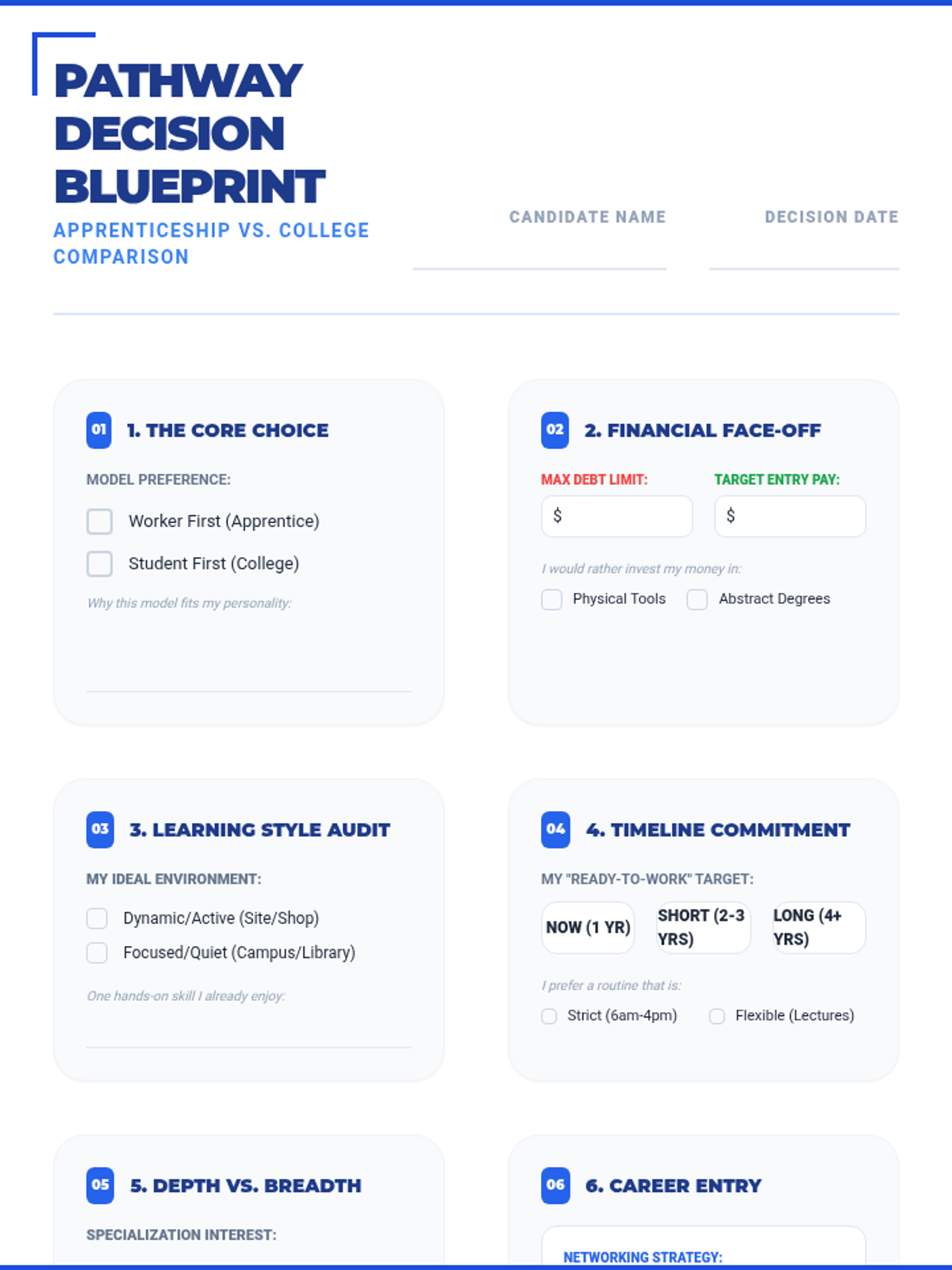
An 8-section worksheet designed to accompany the Pathway Faceoff Slides, guiding students through a structured comparison of apprenticeship and college pathways.
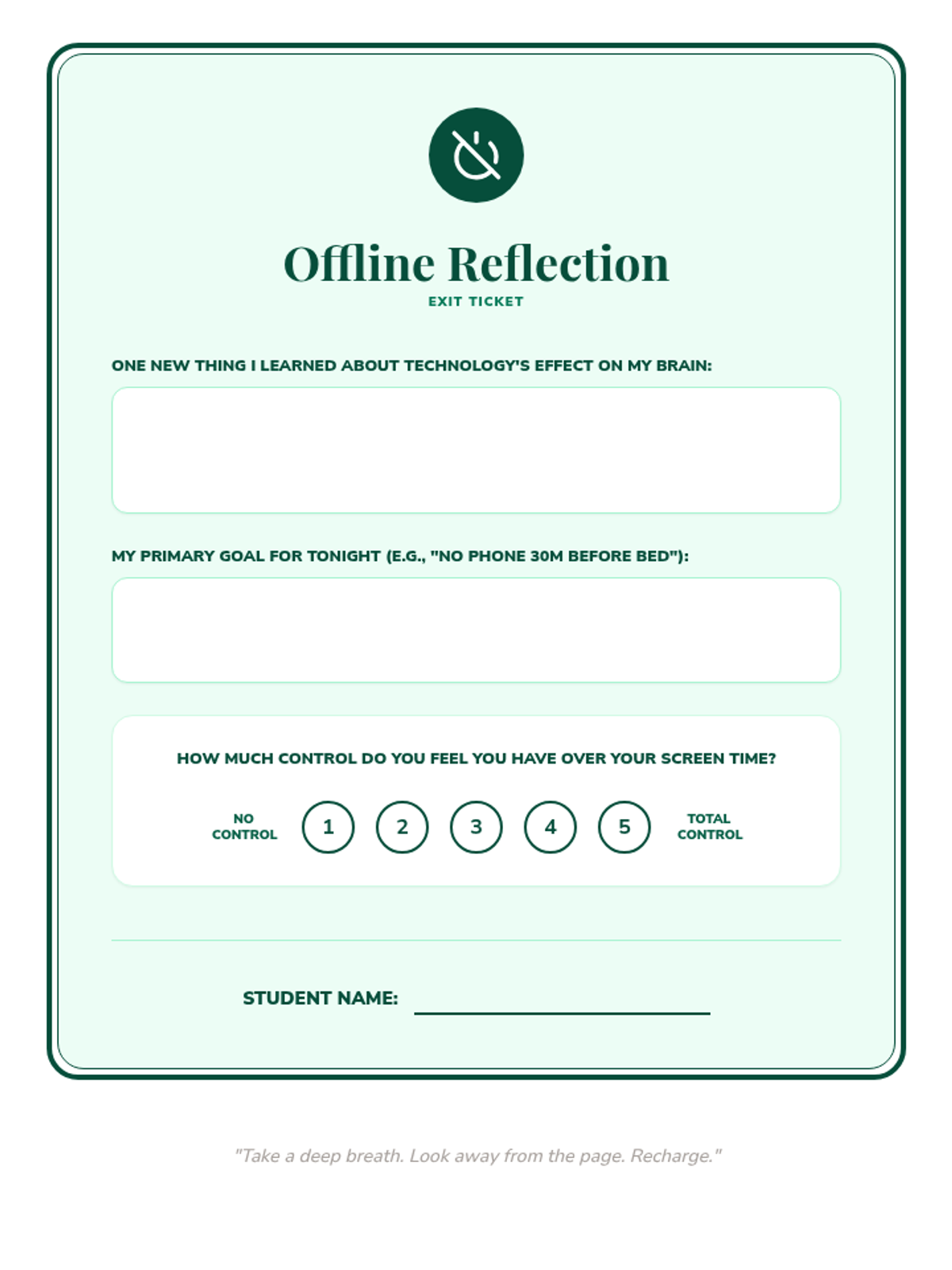
A post-lesson reflection tool for students to articulate their learning and state an immediate goal for their digital habits.
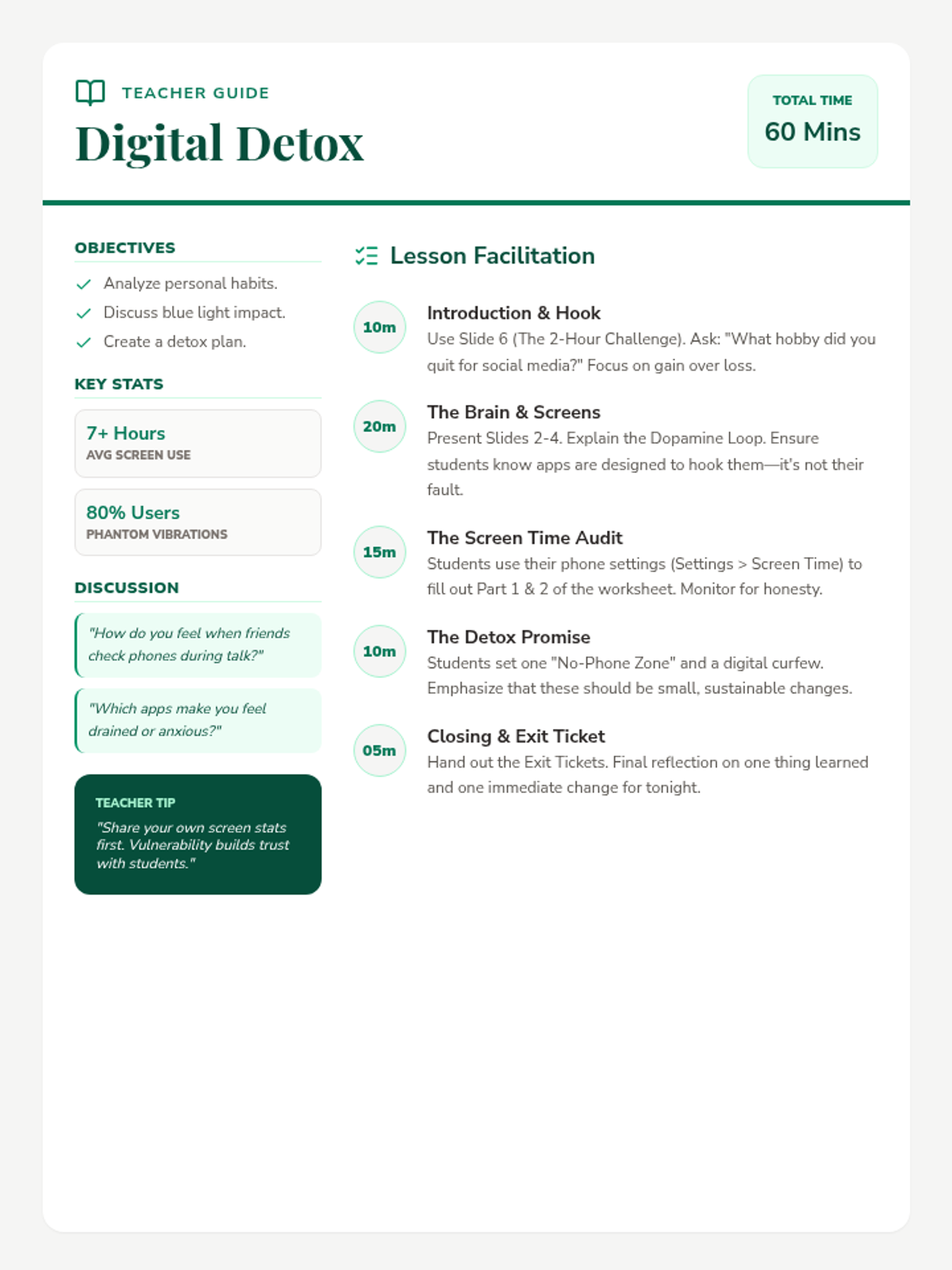
A comprehensive guide for teachers to facilitate the Digital Detox lesson, including pacing, background statistics, and discussion prompts.
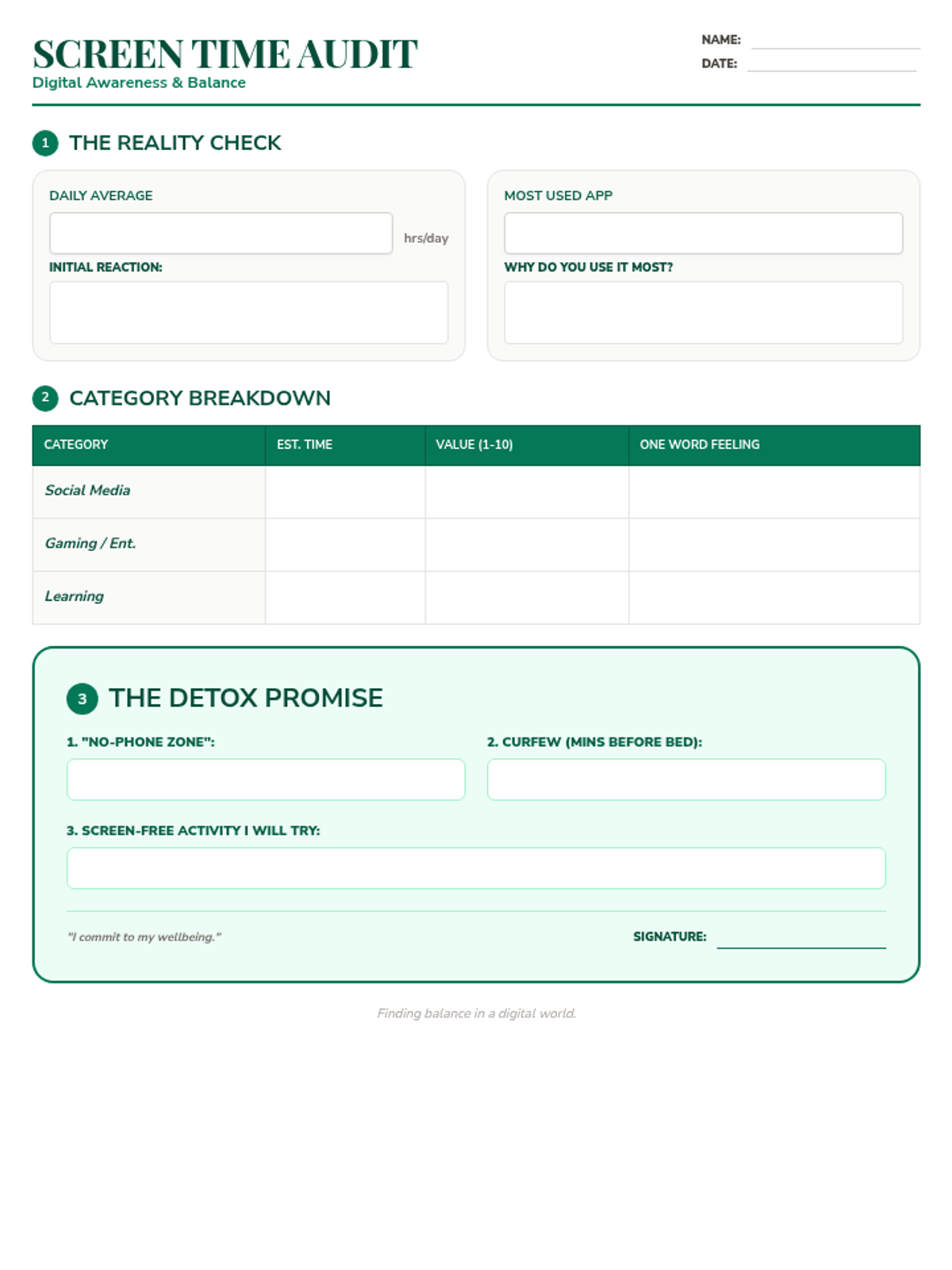
A structured worksheet for students to audit their current screen time habits and commit to specific, manageable goals for a digital detox.
A visually engaging presentation about the impact of screen time on the brain, the benefits of unplugging, and practical strategies for a digital detox.
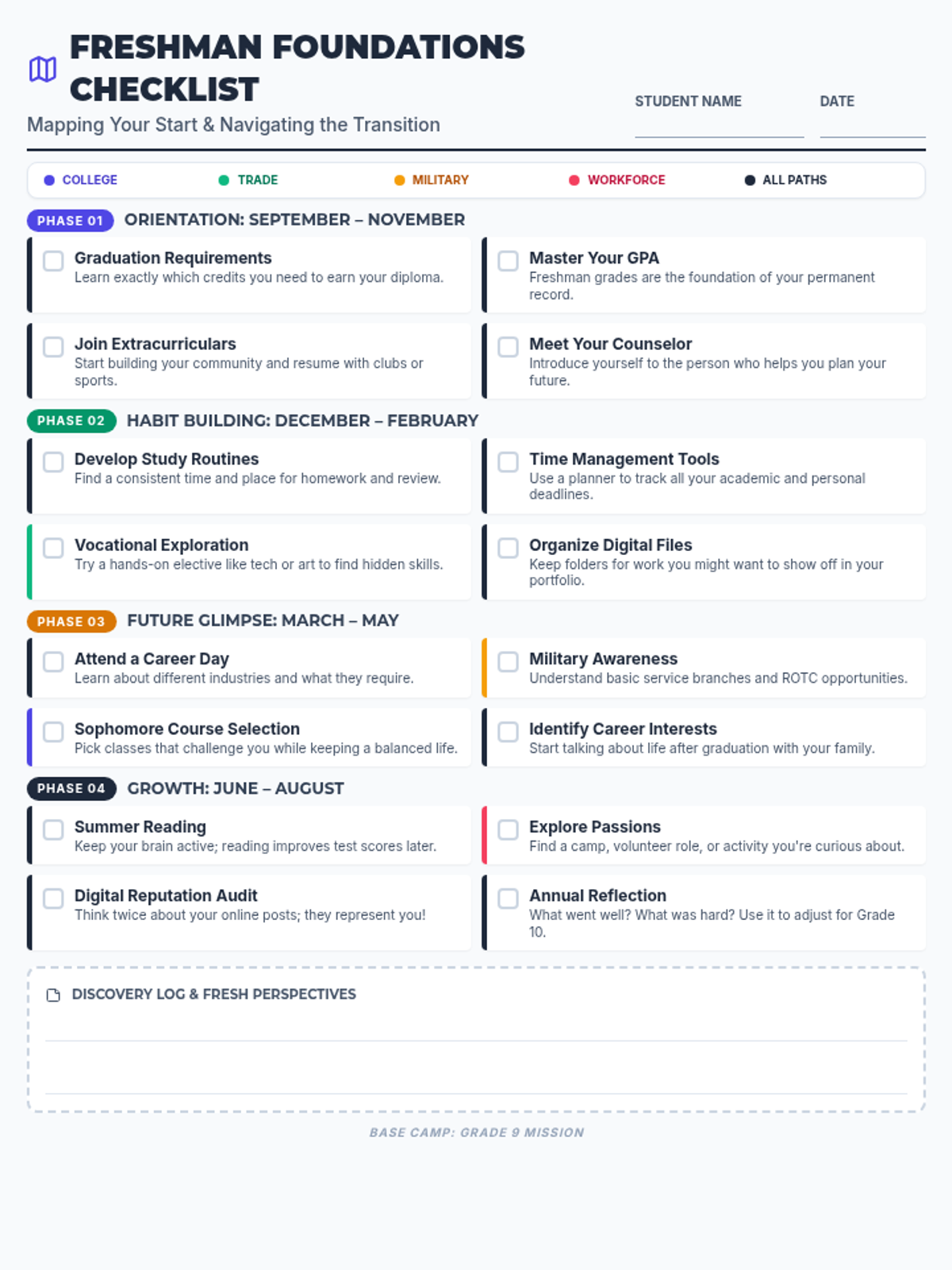
A comprehensive one-page checklist for high school freshmen, organized by seasonal phases and color-coded by post-secondary path (College, Trade, Military, Workforce). Focuses on building academic foundations, exploring interests, and developing essential study habits.
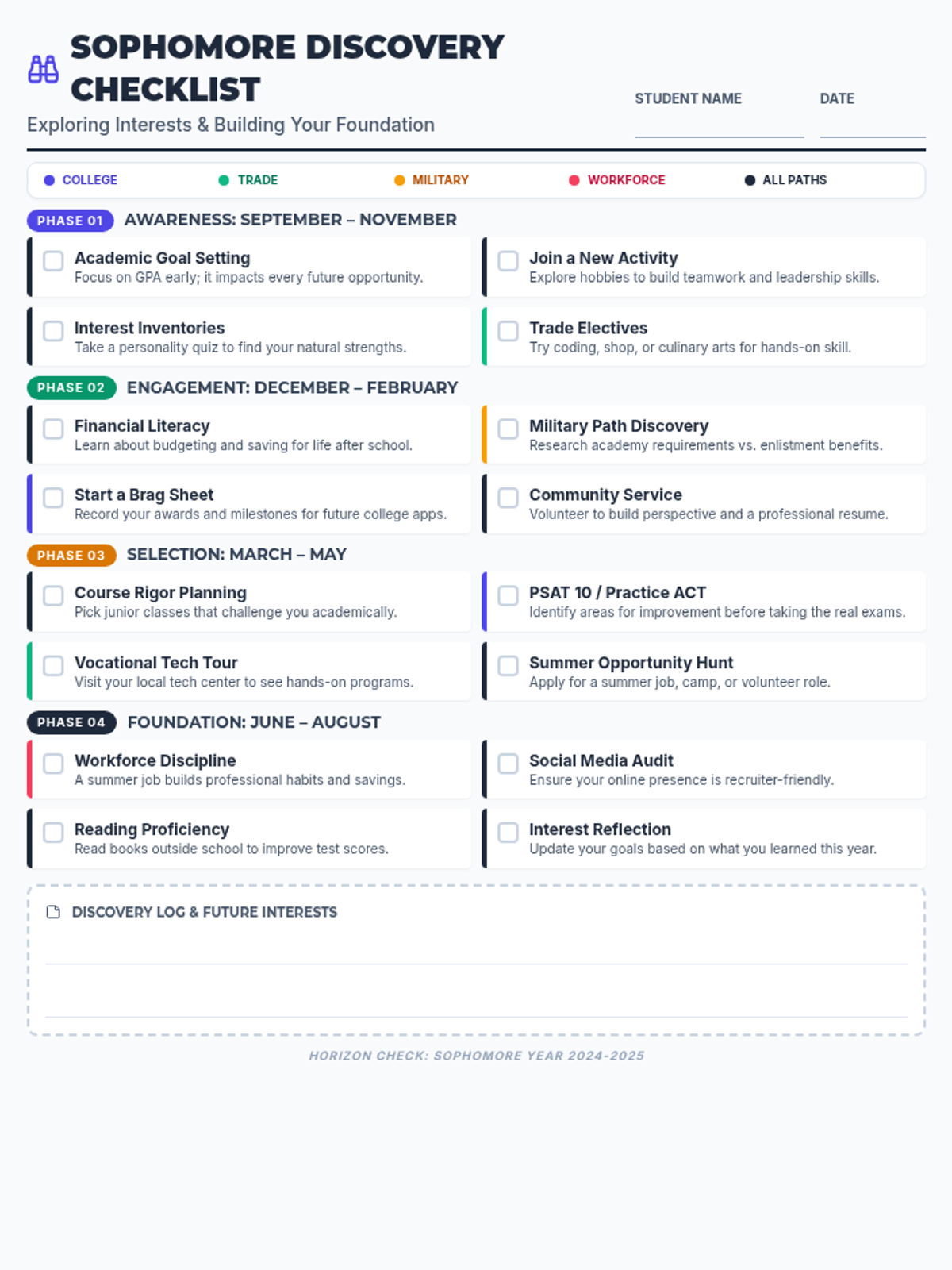
A comprehensive one-page checklist for high school sophomores, organized by seasonal phases and color-coded by post-secondary path (College, Trade, Military, Workforce). Focuses on interest exploration and building an academic and extracurricular foundation.
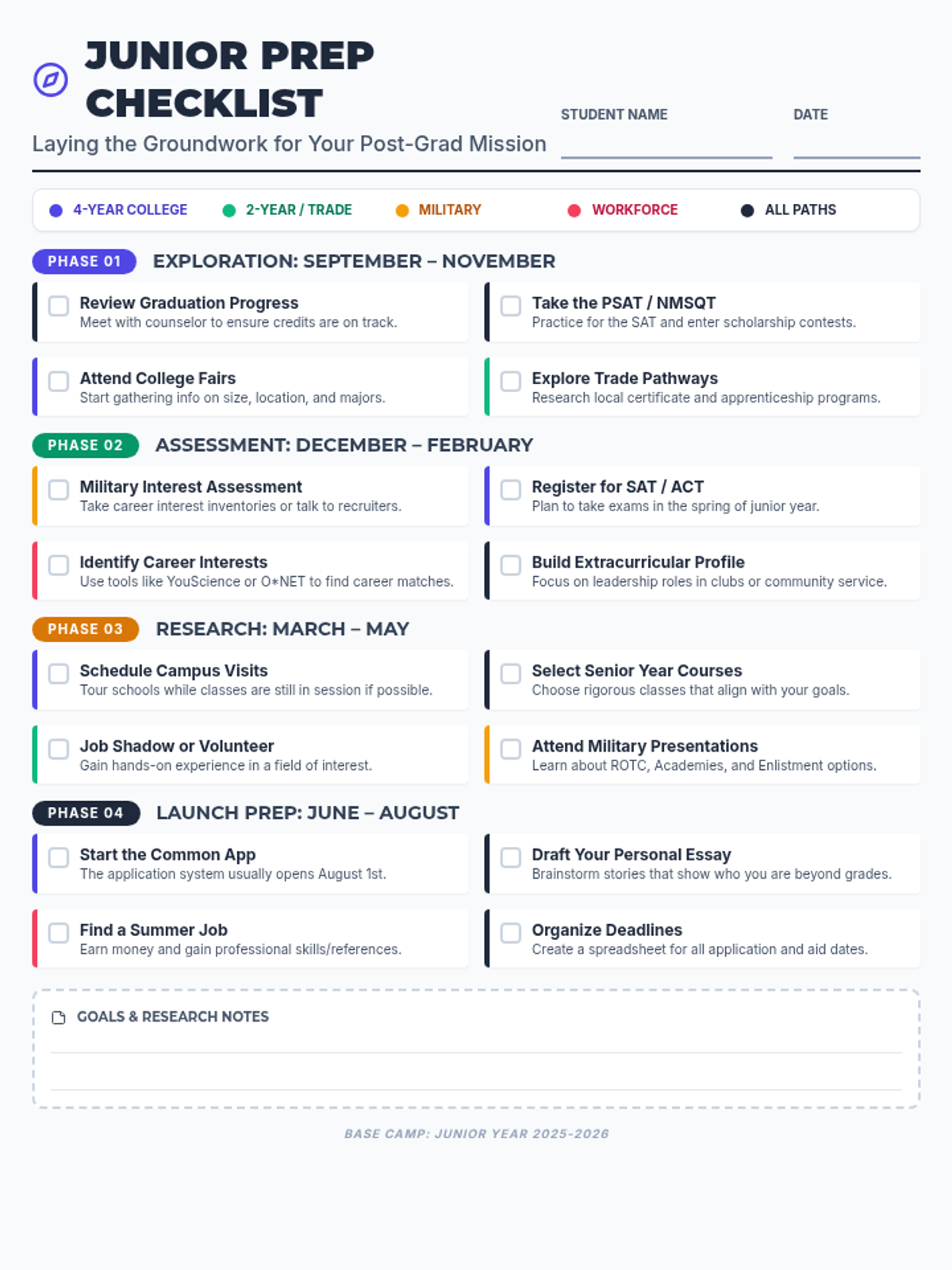
A comprehensive one-page checklist for high school juniors, organized by seasonal phases and color-coded by post-secondary path (College, Trade, Military, Workforce). Helps students lay the groundwork for their senior year mission.
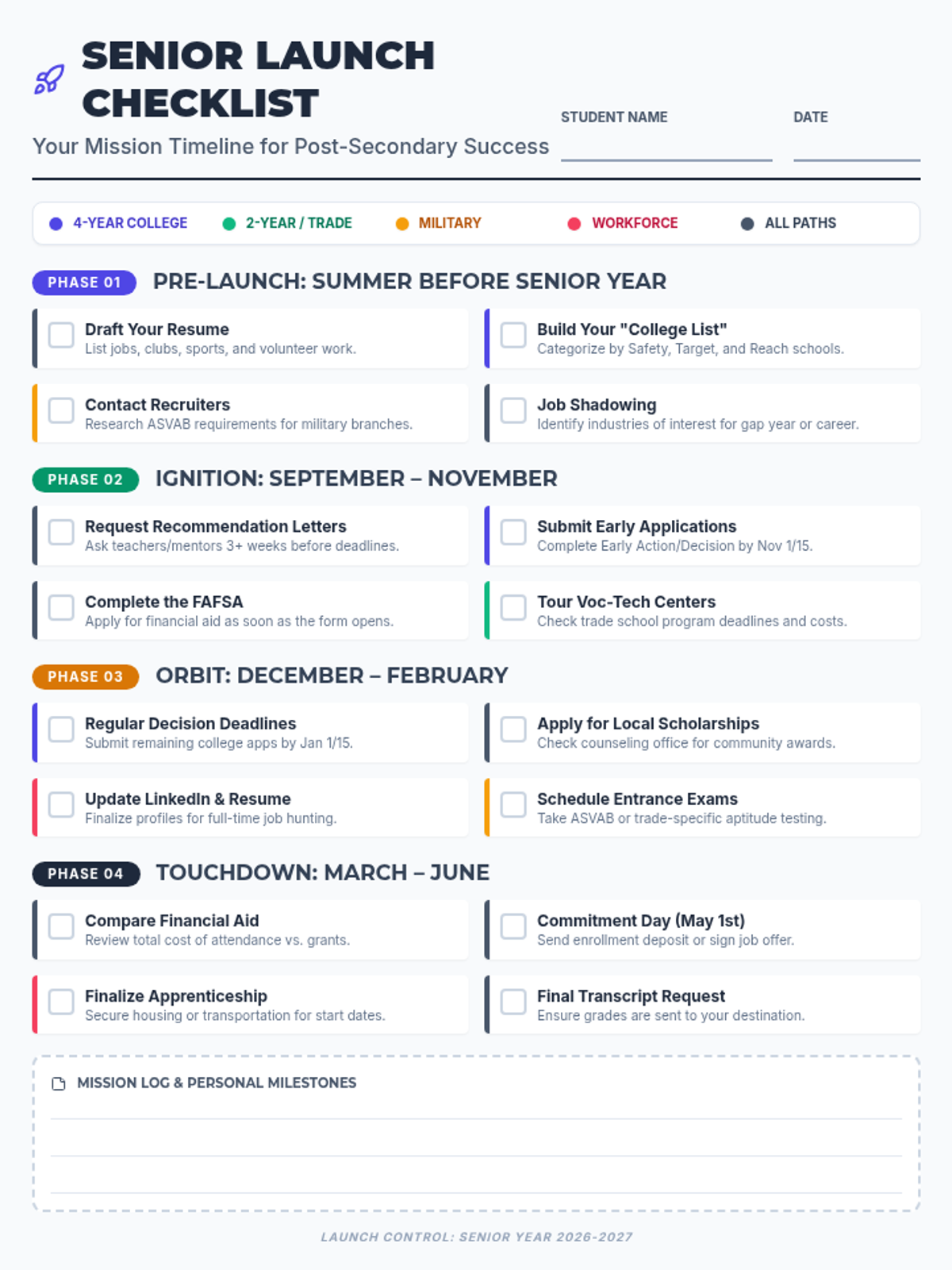
A comprehensive one-page checklist for high school seniors, organized by seasonal phases and color-coded by post-secondary path (College, Trade, Military, Workforce). Includes space for notes and tracking major milestones from summer through graduation.
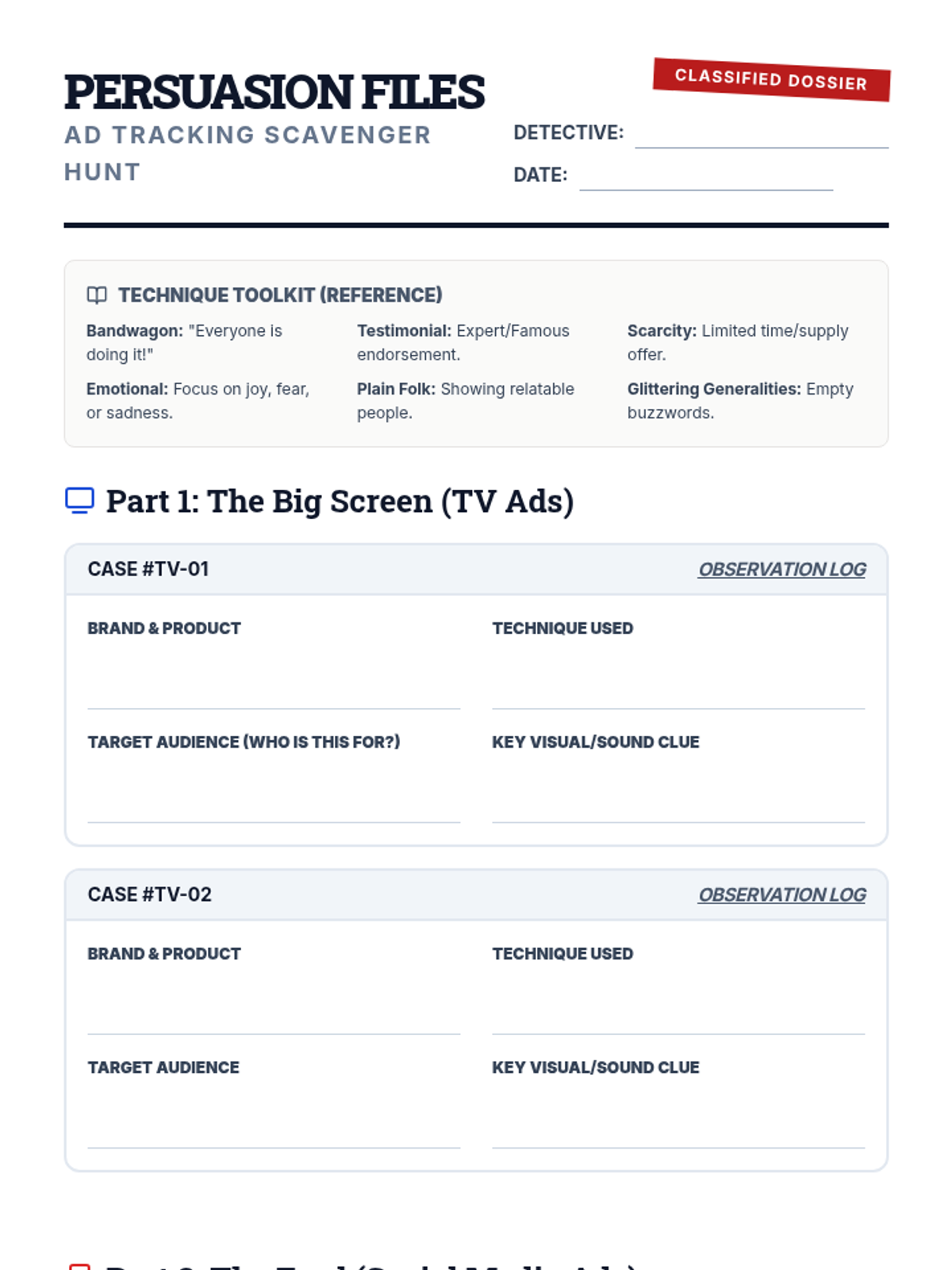
A student scavenger hunt worksheet designed for tracking and analyzing advertising tactics on TV and social media. It includes categorized investigation logs and a final reflection report.
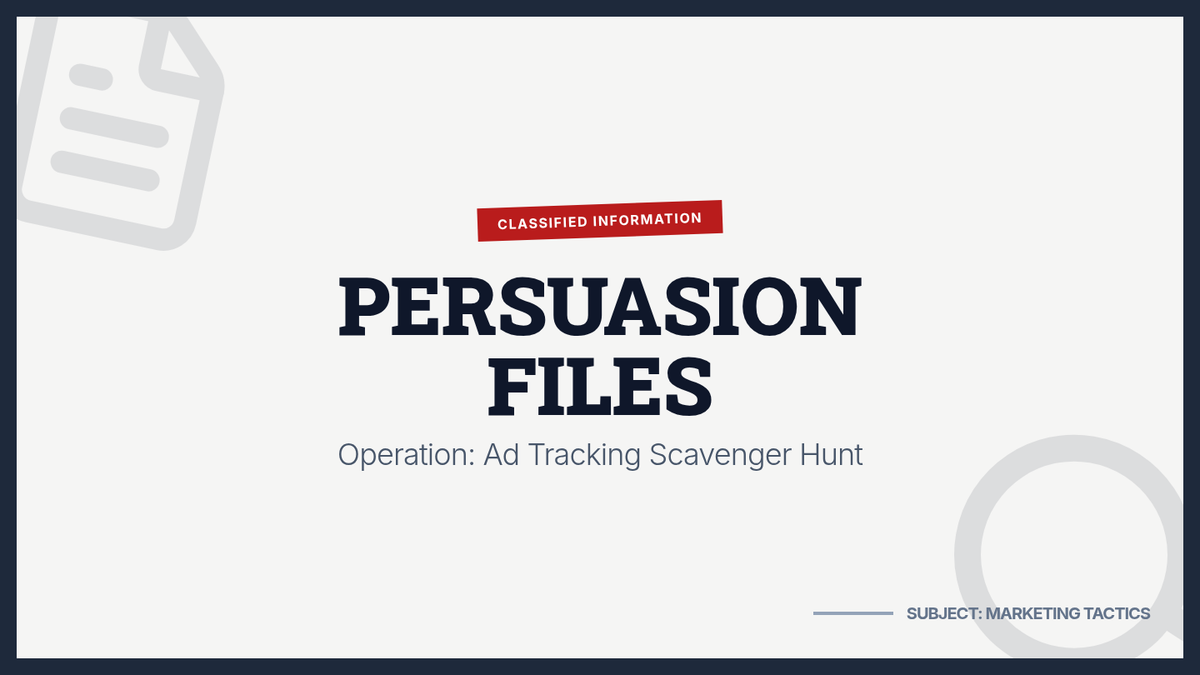
An introductory slide deck for the Ad Tracking Scavenger Hunt, establishing a detective-themed investigation into advertising techniques. It covers common marketing tactics and the differences between television and social media advertising.
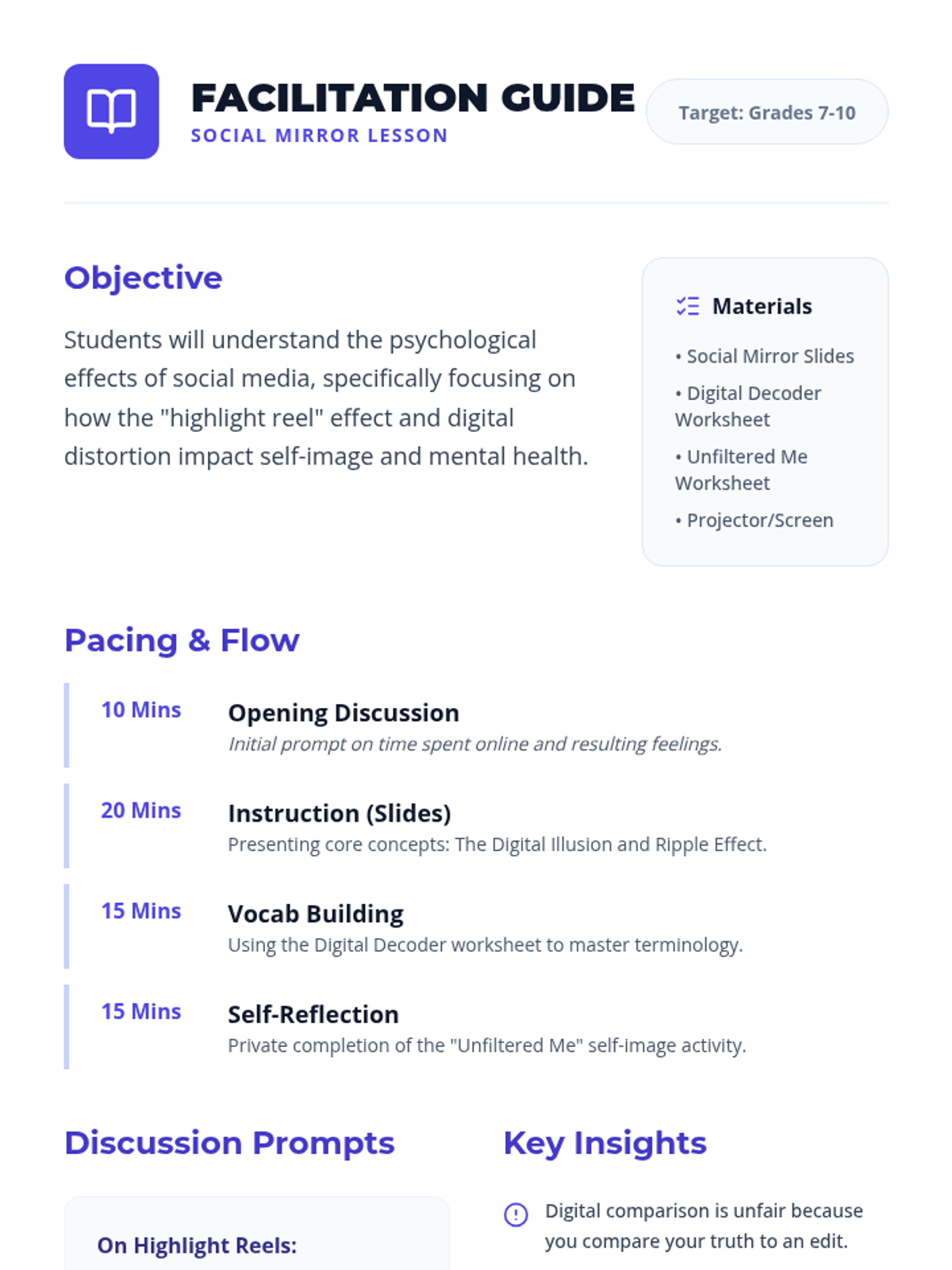
A facilitation guide for teachers to deliver the Social Mirror lesson, including pacing, discussion prompts, and key insights. Cleaned up stray bullets and improved formatting.
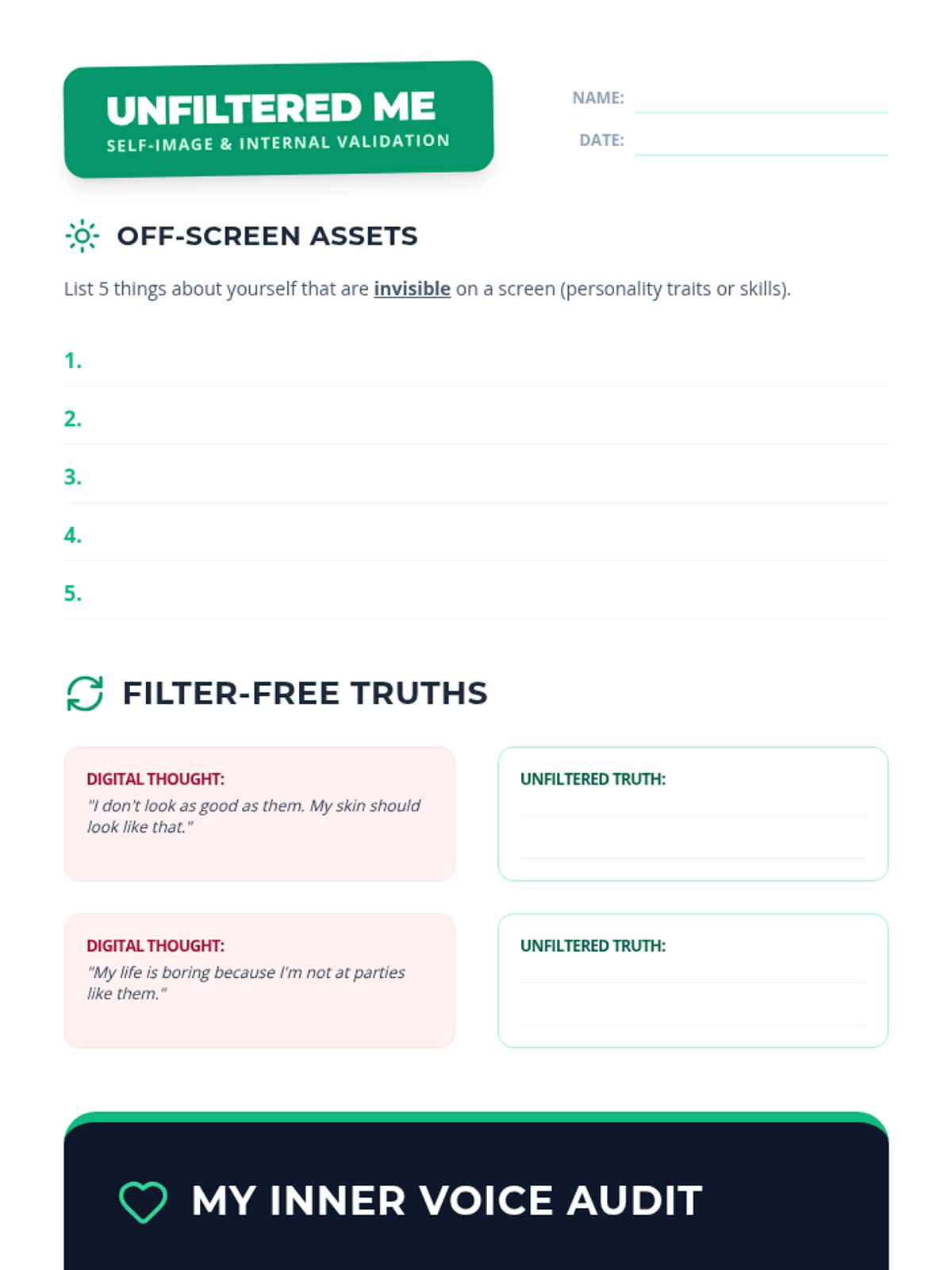
A positive self-image worksheet focused on internal validation and reframing digital comparisons. Fixes page breaks, contrast, and adds handwriting lines.
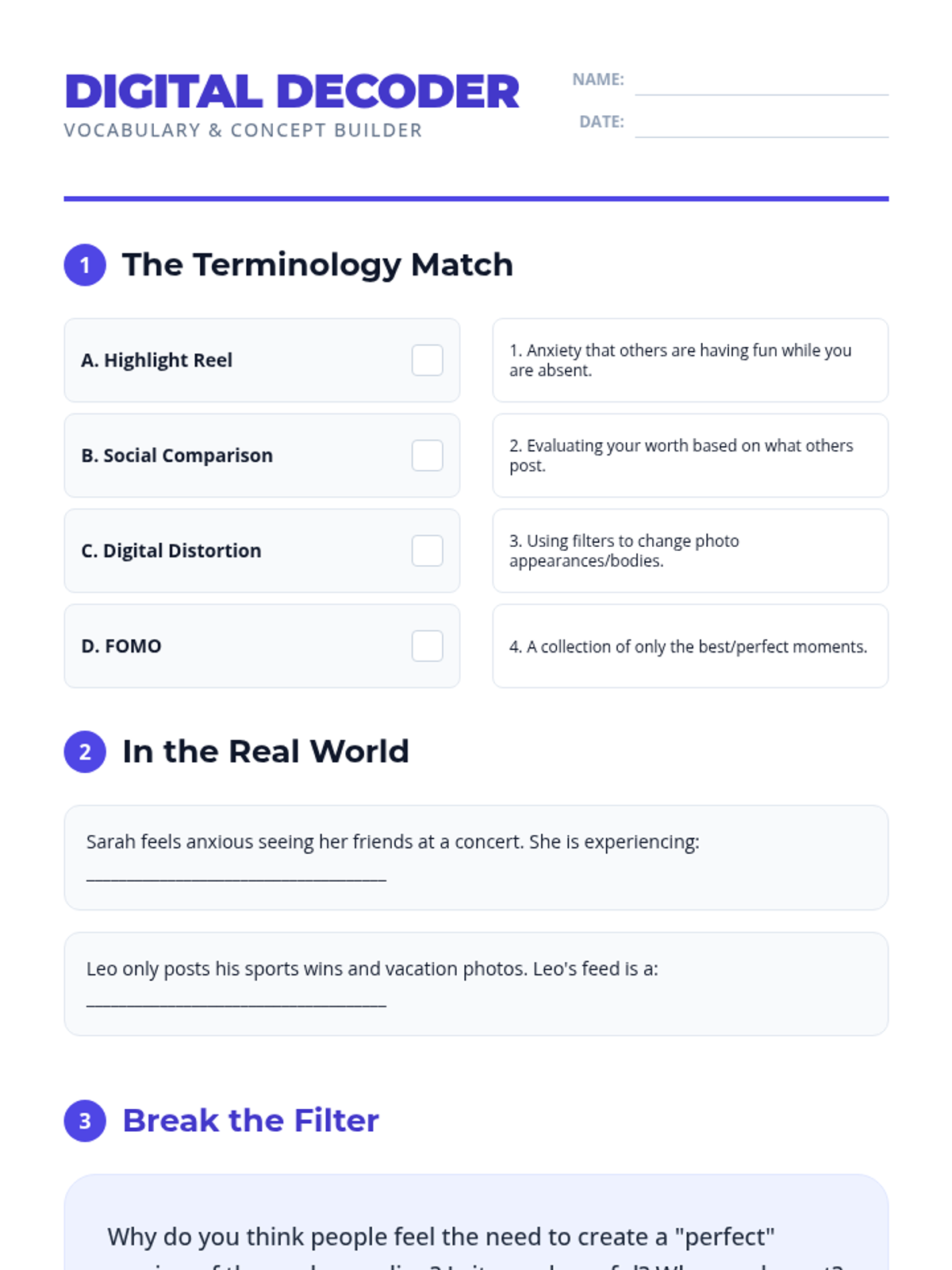
A vocabulary worksheet for key terms related to social media, its psychological effects, and digital literacy. Fixes page breaks and student work area sizing.
A presentation exploring the 'highlight reel' effect and social media's impact on body image and mental health. Fixes contrast issues and ensures visible discussion text.
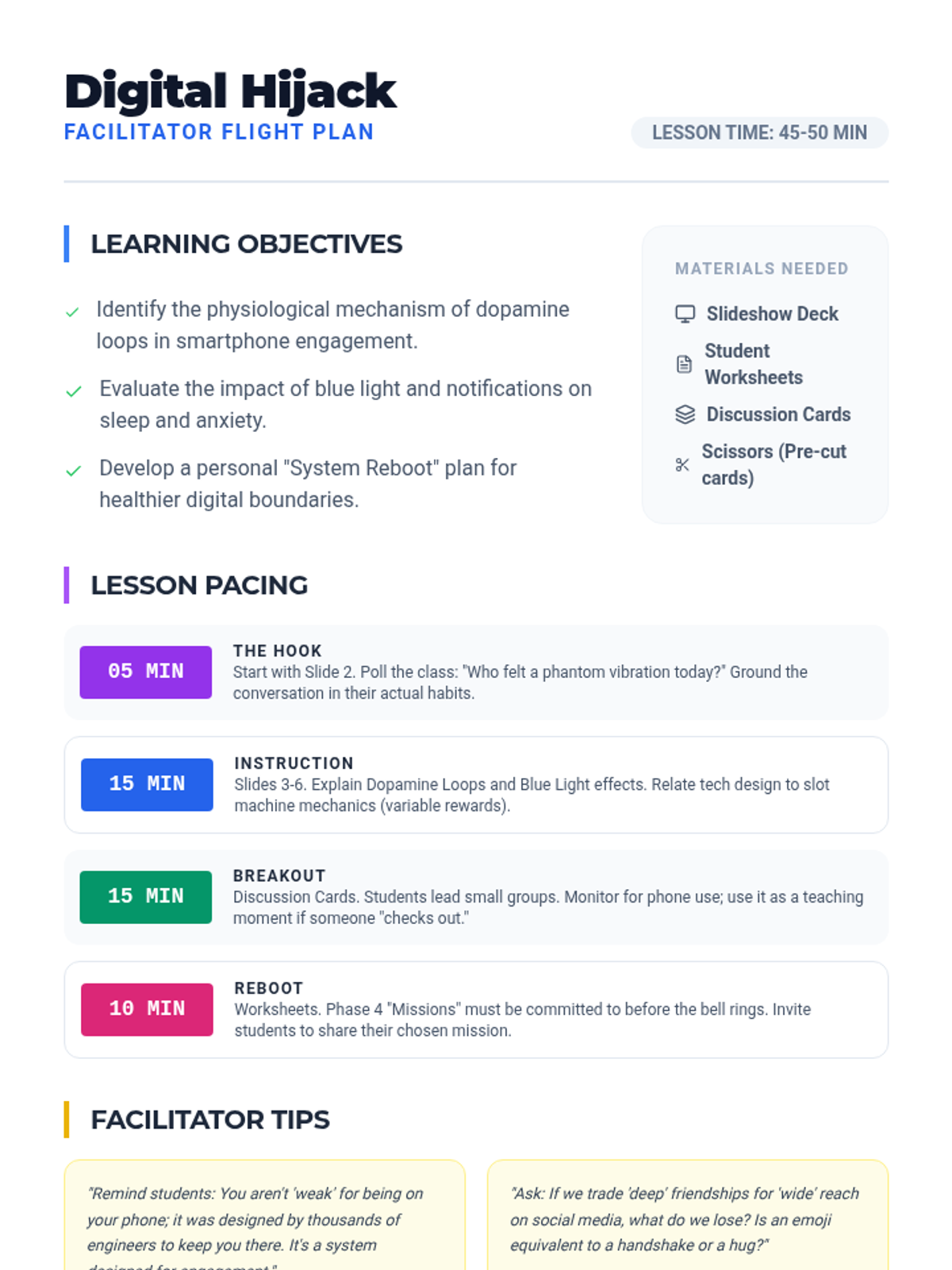
A teacher's guide providing pacing, learning objectives, and discussion prompts for the Digital Hijack lesson, ensuring effective delivery and student engagement.
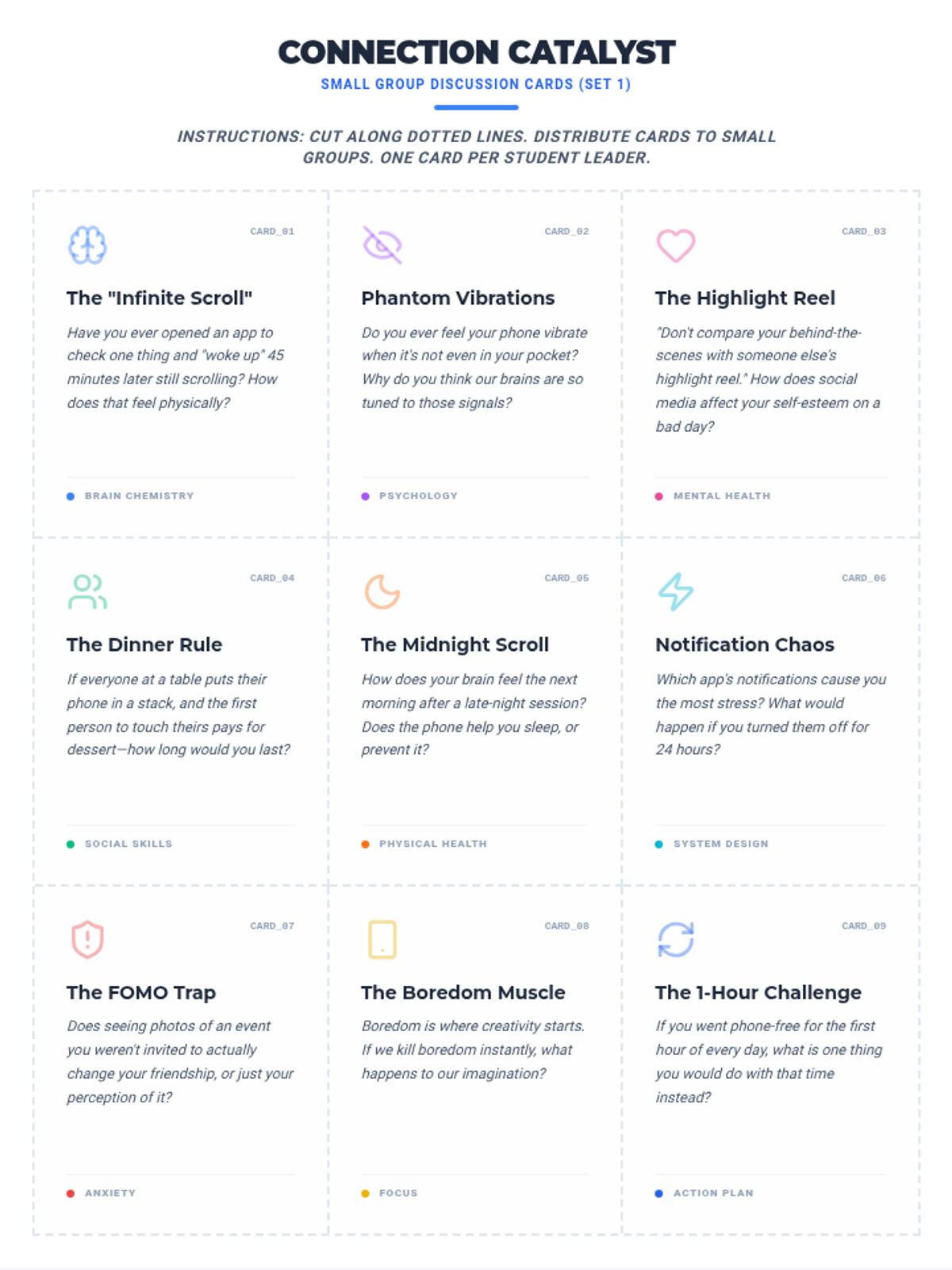
An expanded set of 18 visually distinct discussion cards designed for small group activities, prompting students to reflect on FOMO, phantom vibrations, sleep, and digital habits.
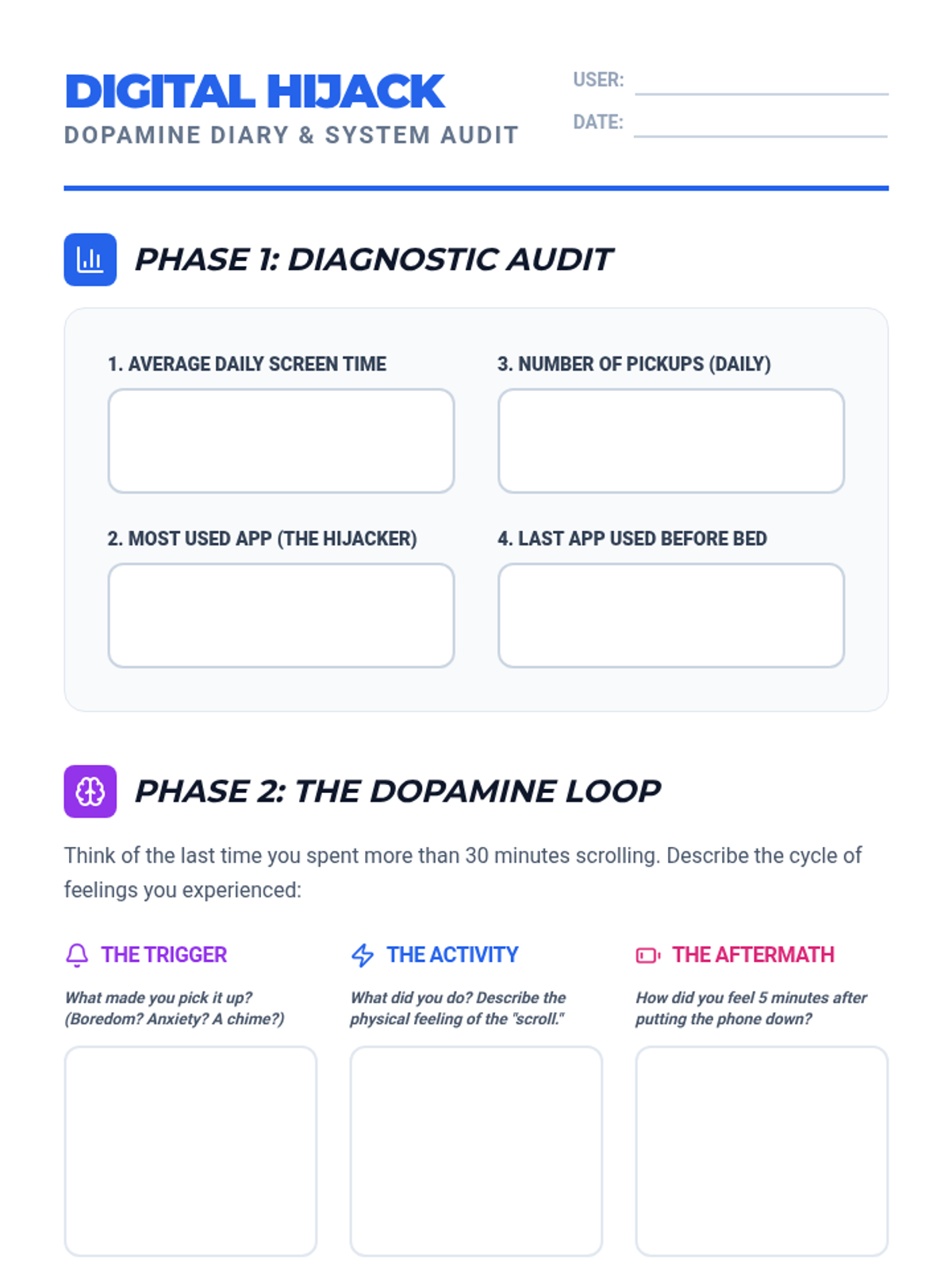
An interactive student worksheet designed for teenagers to audit their phone usage, analyze the dopamine loop, and commit to a 'System Reboot' mission for healthier digital habits.
A high-impact 8-slide presentation for teenagers about smartphone addiction, focusing on brain chemistry, sleep disruption, mental health, and social impacts with a modern cyberpunk aesthetic.
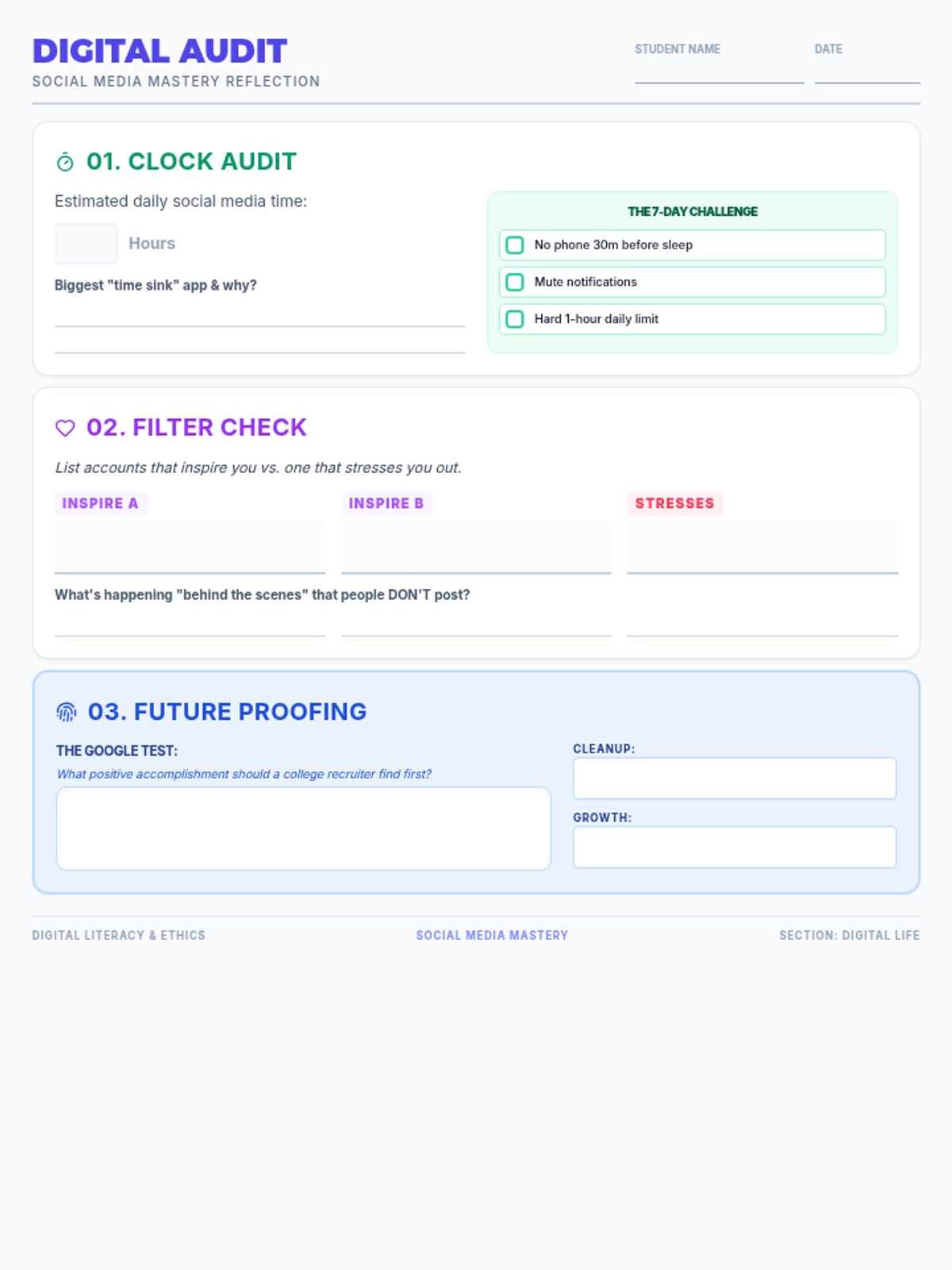
A reflection worksheet for students to audit their own social media habits. Includes a screen time self-assessment, a "filter check" to identify healthy vs. toxic accounts, and a strategic "Google Test" exercise for digital footprint management.
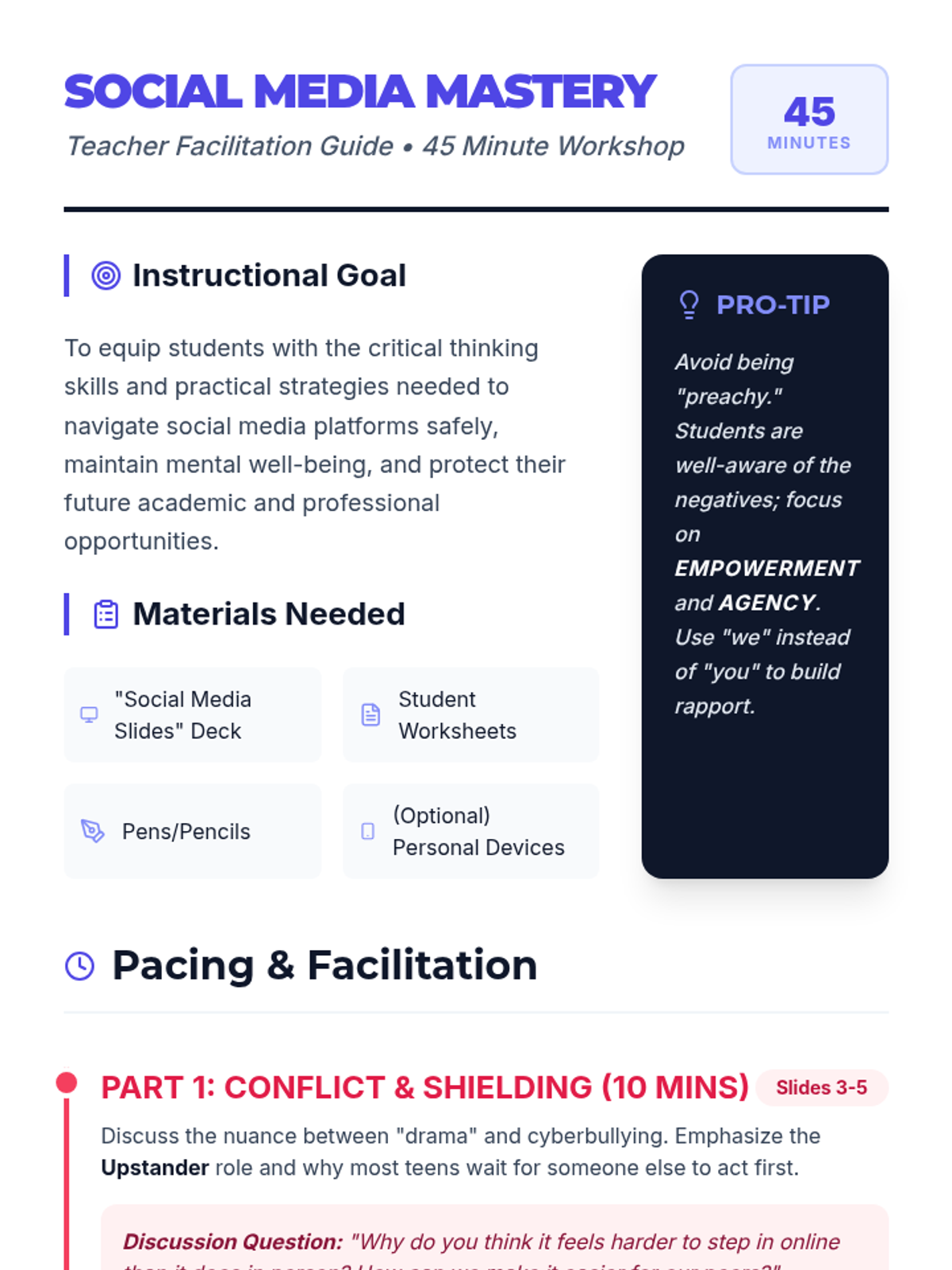
A detailed facilitation guide for teachers to deliver the Social Media Mastery workshop. Includes time-stamped pacing, specific discussion prompts for each slide section, and strategies for handling common student pushback.
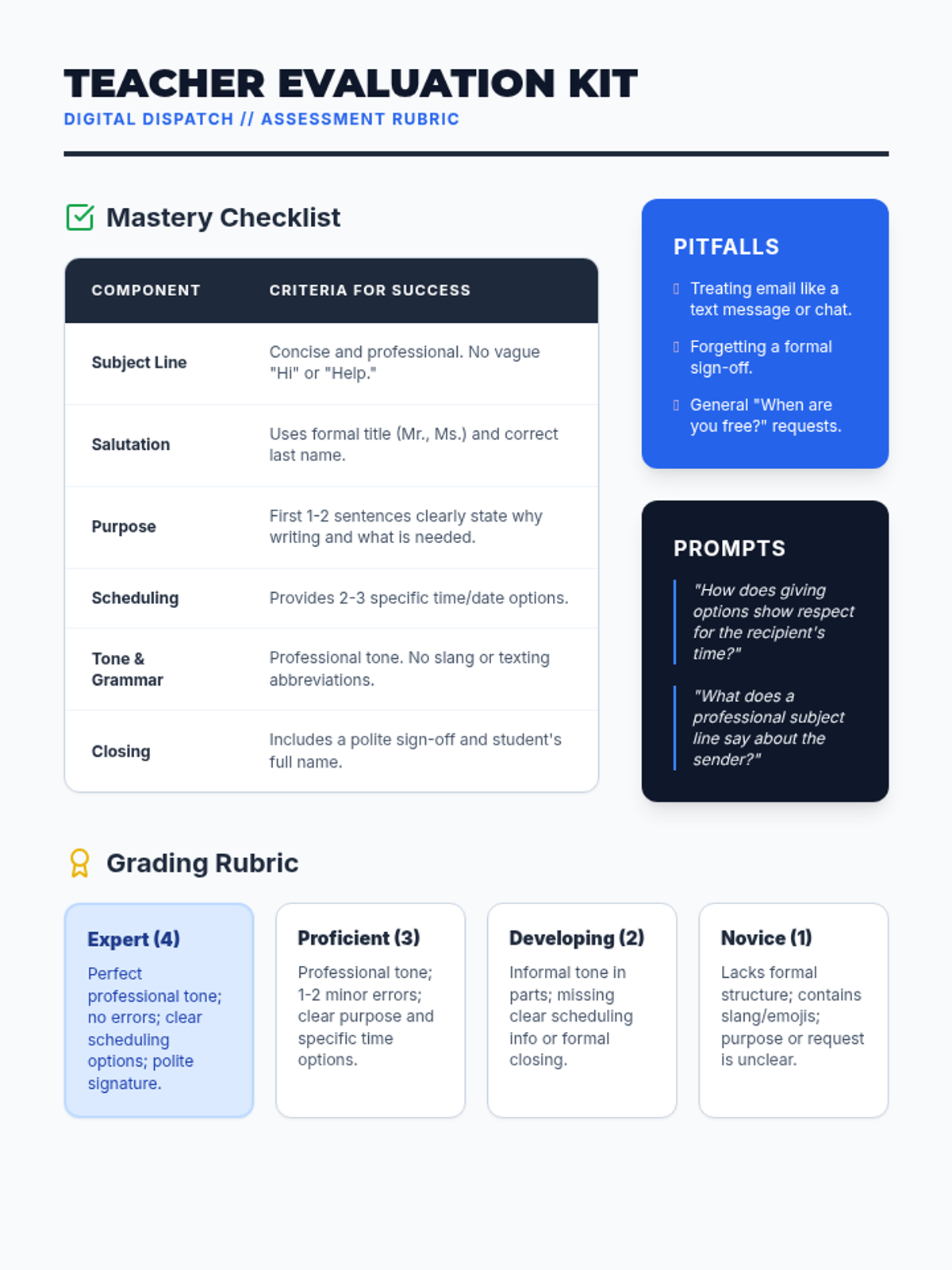
A teacher evaluation resource with a mastery checklist, grading rubric, and common pitfalls to help assess student emails.
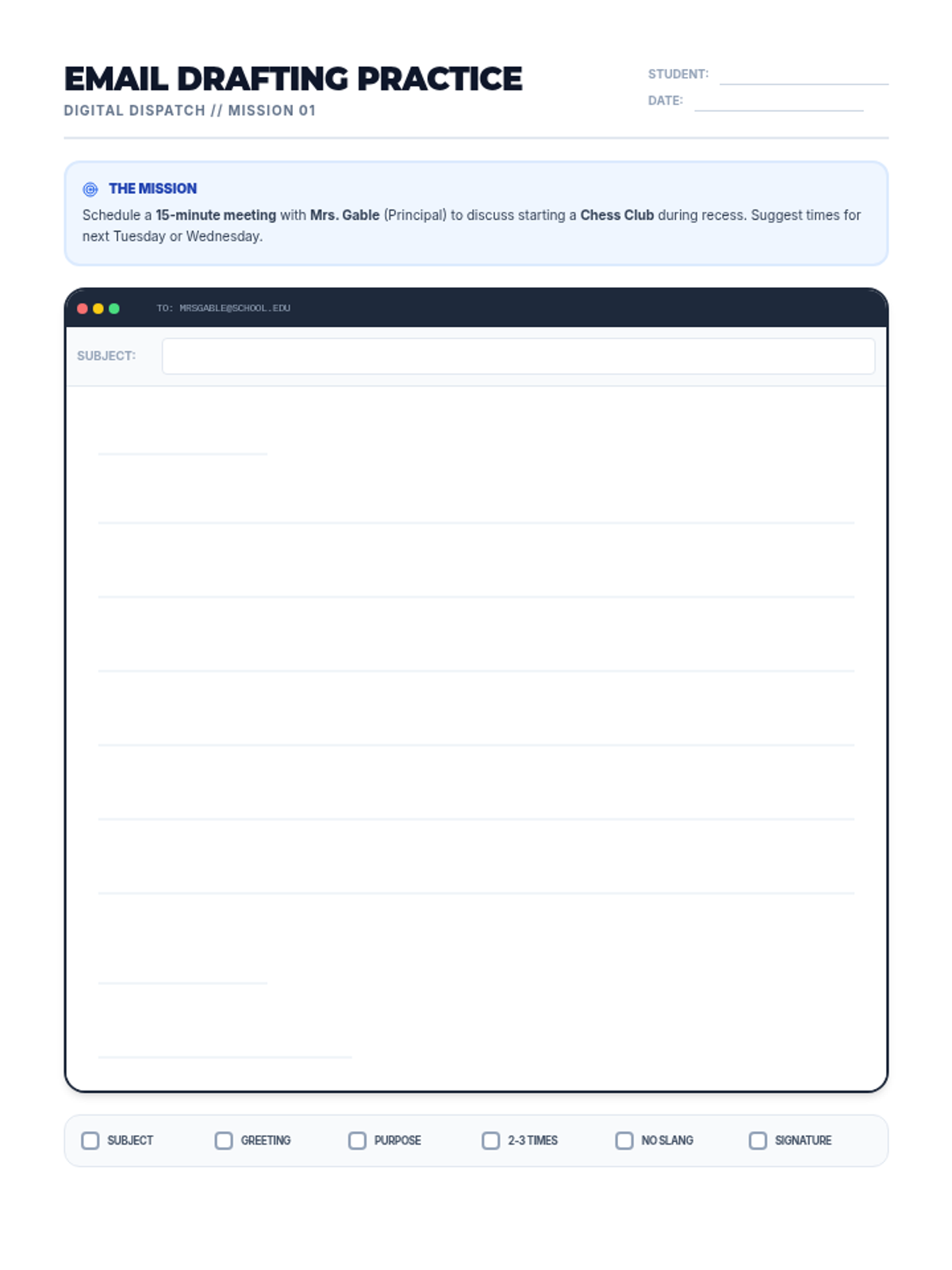
A practice worksheet where students draft their own professional email based on a specific meeting request scenario.
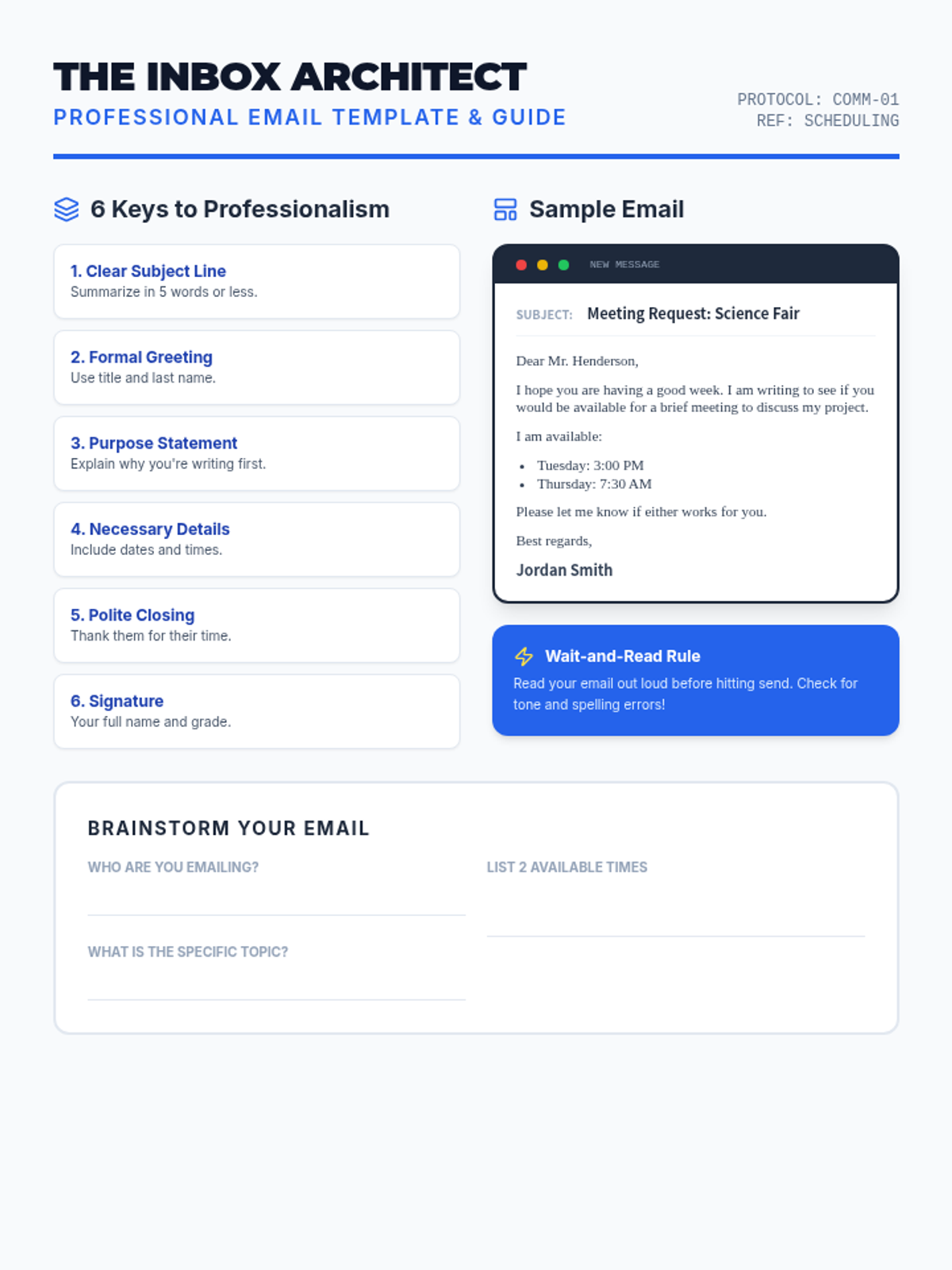
A reference guide and template for students, providing a clear example of a professional email for scheduling a meeting.
A visual presentation covering the essentials of professional email etiquette, designed for middle school students.
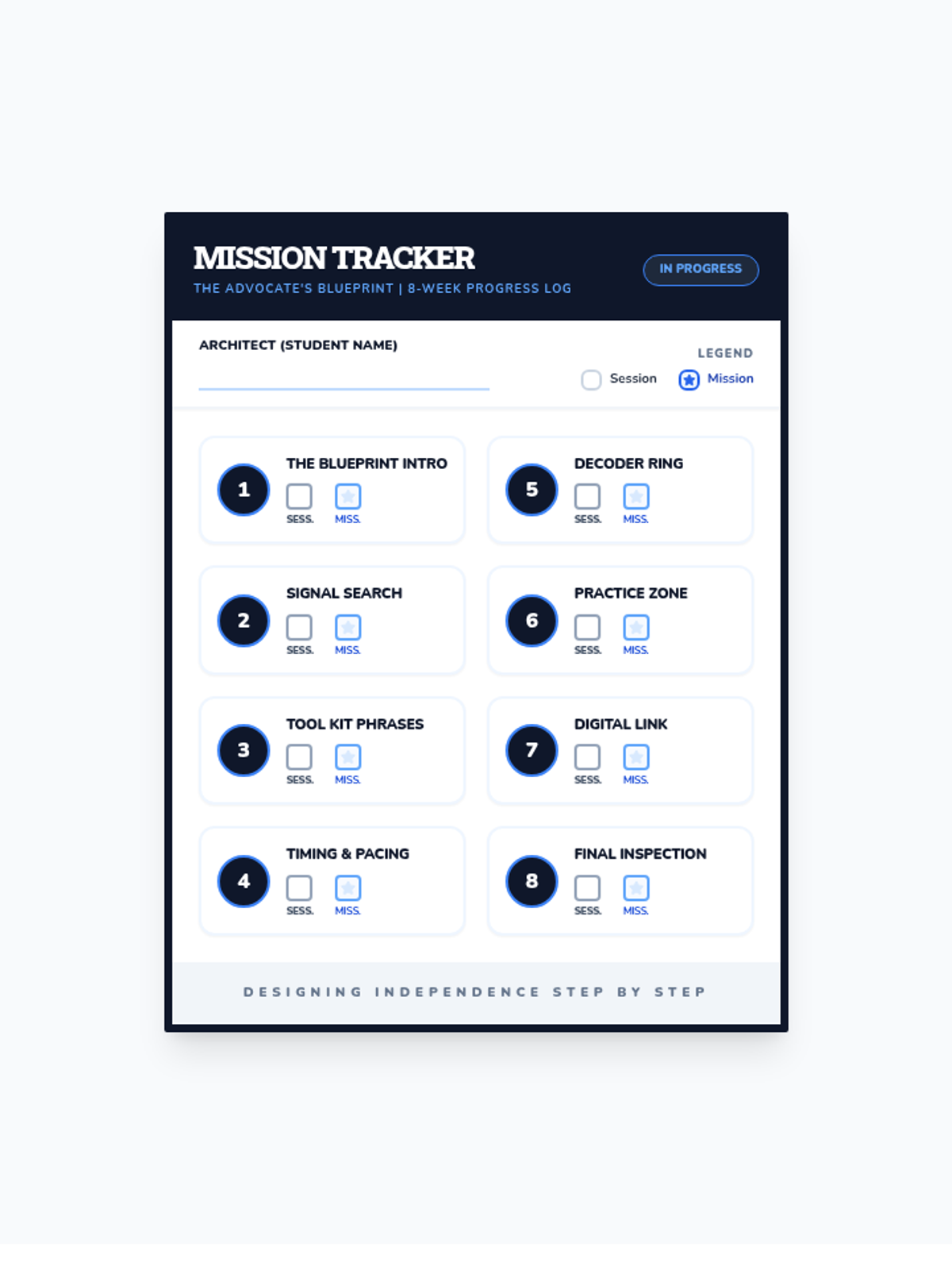
Progress tracker revised with direct checkbox labeling, increased font legibility, and fixed single-page layout. Reverted to the original blue blueprint theme. Fixed label contrast and alignment. Fixed page break.
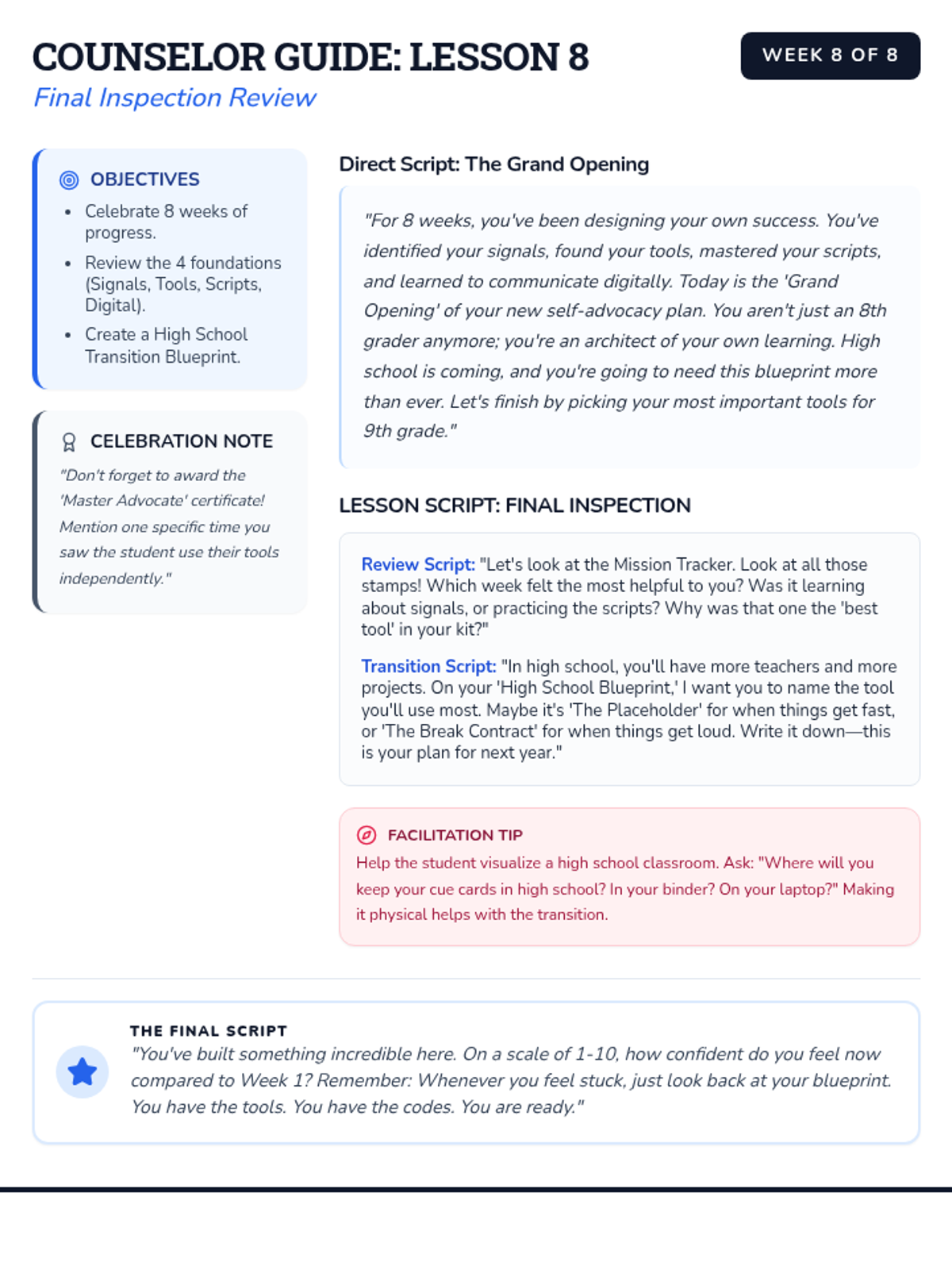
Expanded counselor guide for Week 8 with more detailed word-for-word scripts and instructional notes. Reverted to the original blue blueprint theme. Removed all IEP/Goal terminology.
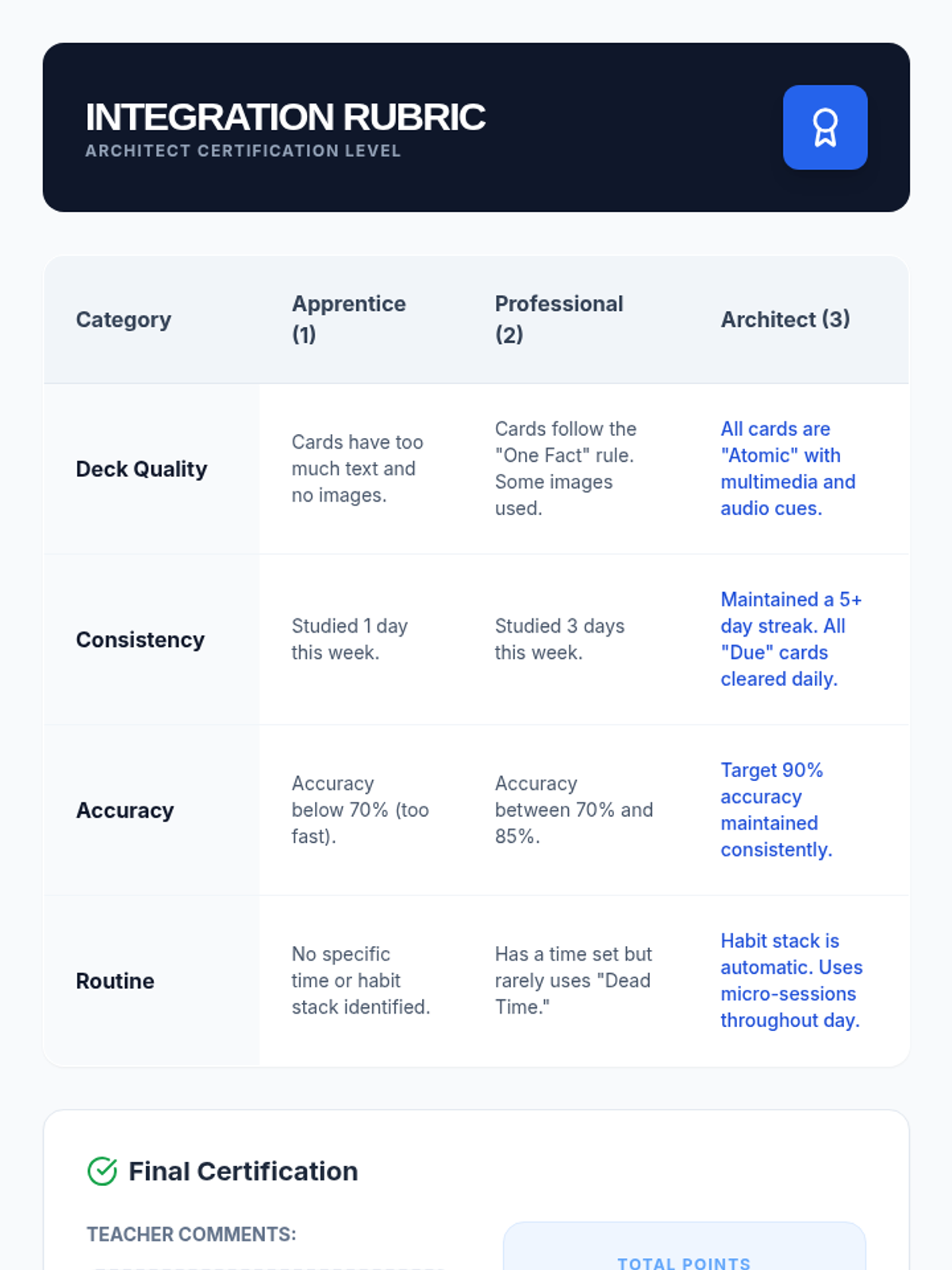
A rubric for assessing students' integration of digital spaced repetition, focusing on card quality, consistency, accuracy, and routine formation.
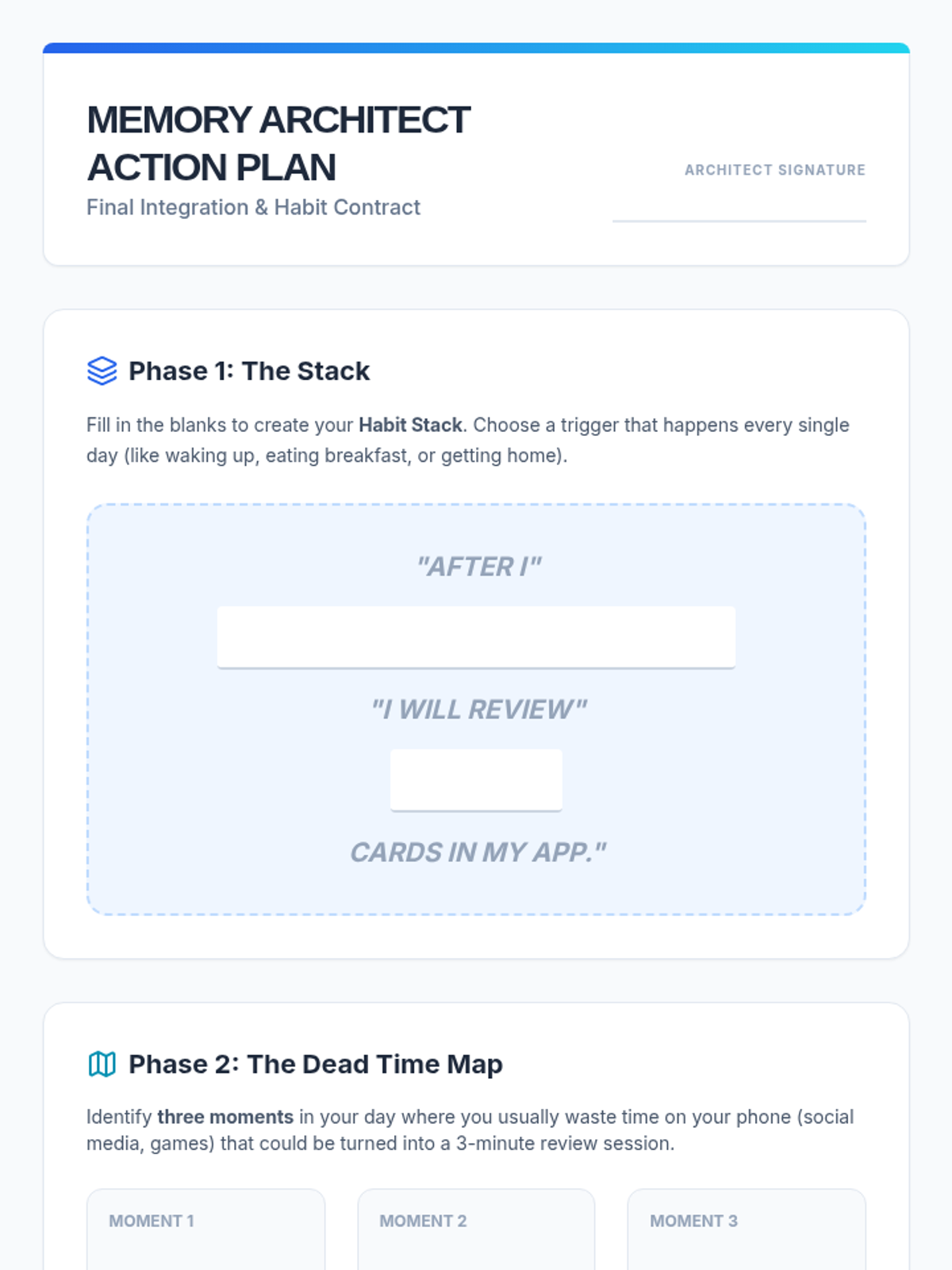
A student action plan and habit contract for integrating digital spaced repetition into their daily routine, including habit stacking and digital triggers.
A visual presentation for students on integrating spaced repetition into their daily lives through micro-habits, habit stacking, and digital notifications.
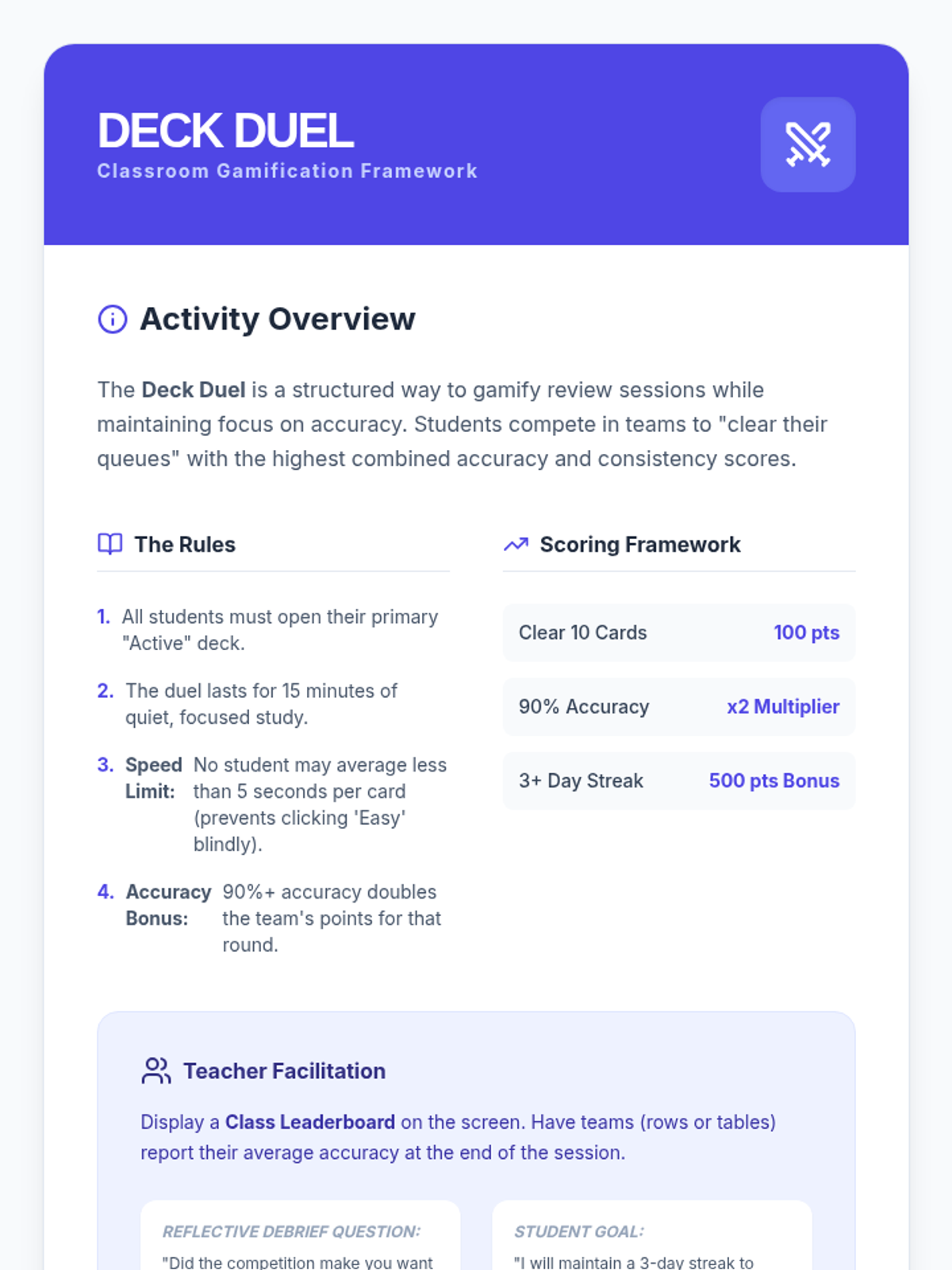
A facilitation guide for a classroom competition that gamifies the spaced repetition review process while incentivizing high accuracy and consistent study streaks.
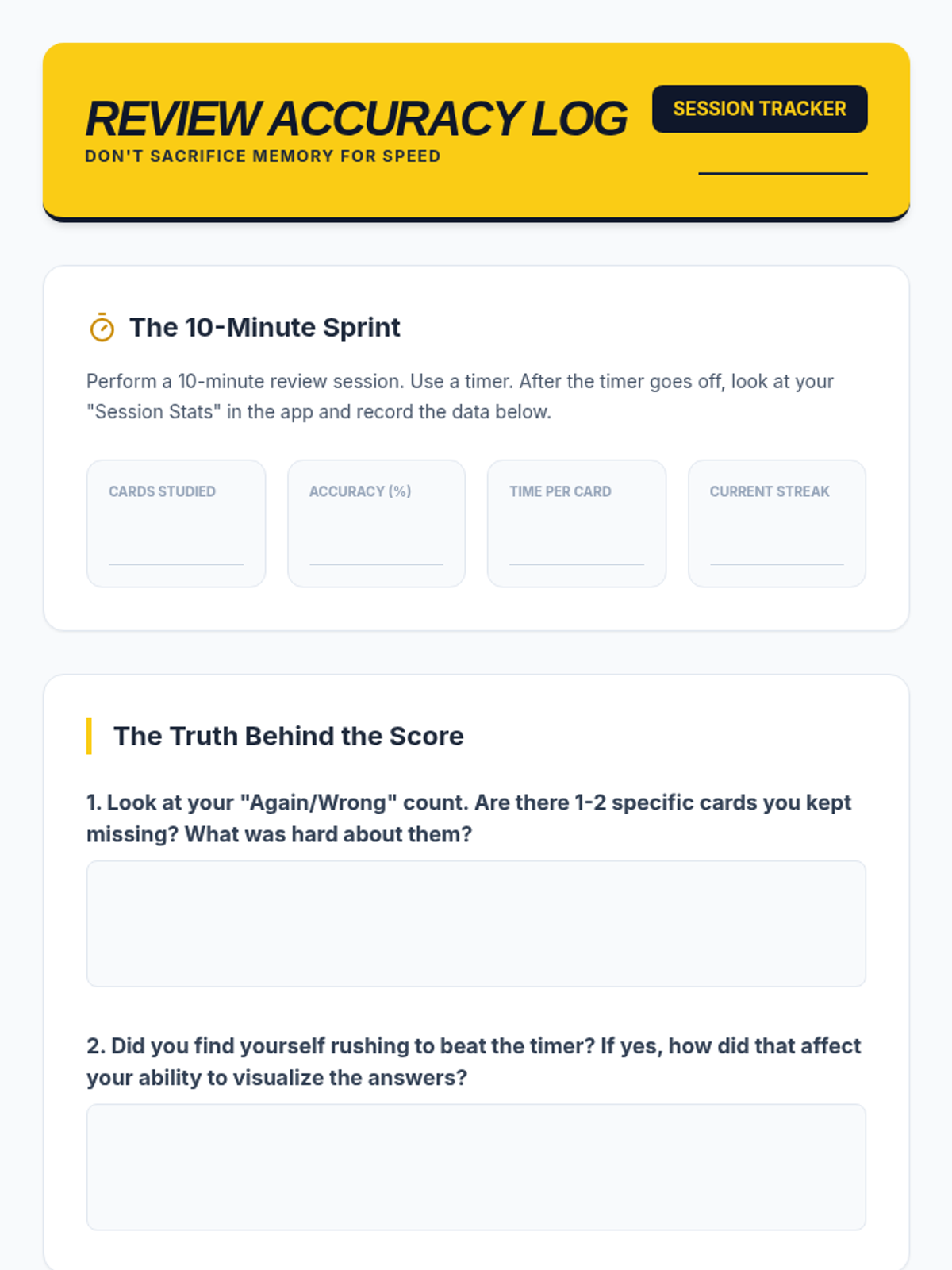
A student worksheet for logging and analyzing a 10-minute review session, focusing on the relationship between study speed and recall accuracy.
A visual presentation for students on the balance between gamification and actual learning, focusing on maintaining accuracy while utilizing app features like streaks.
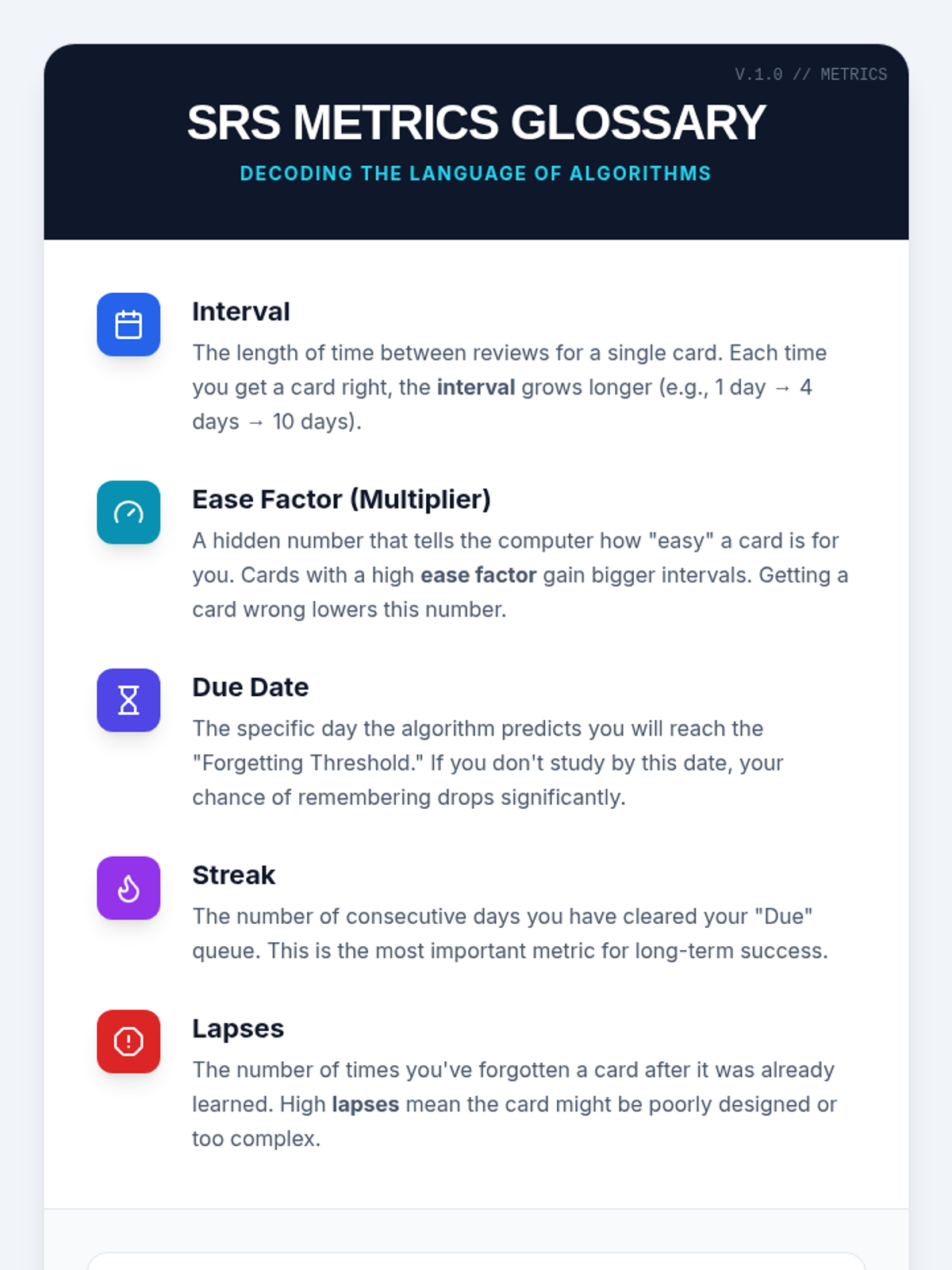
A reference sheet defining key technical terms found in spaced repetition dashboards, such as intervals, ease factors, and lapses.
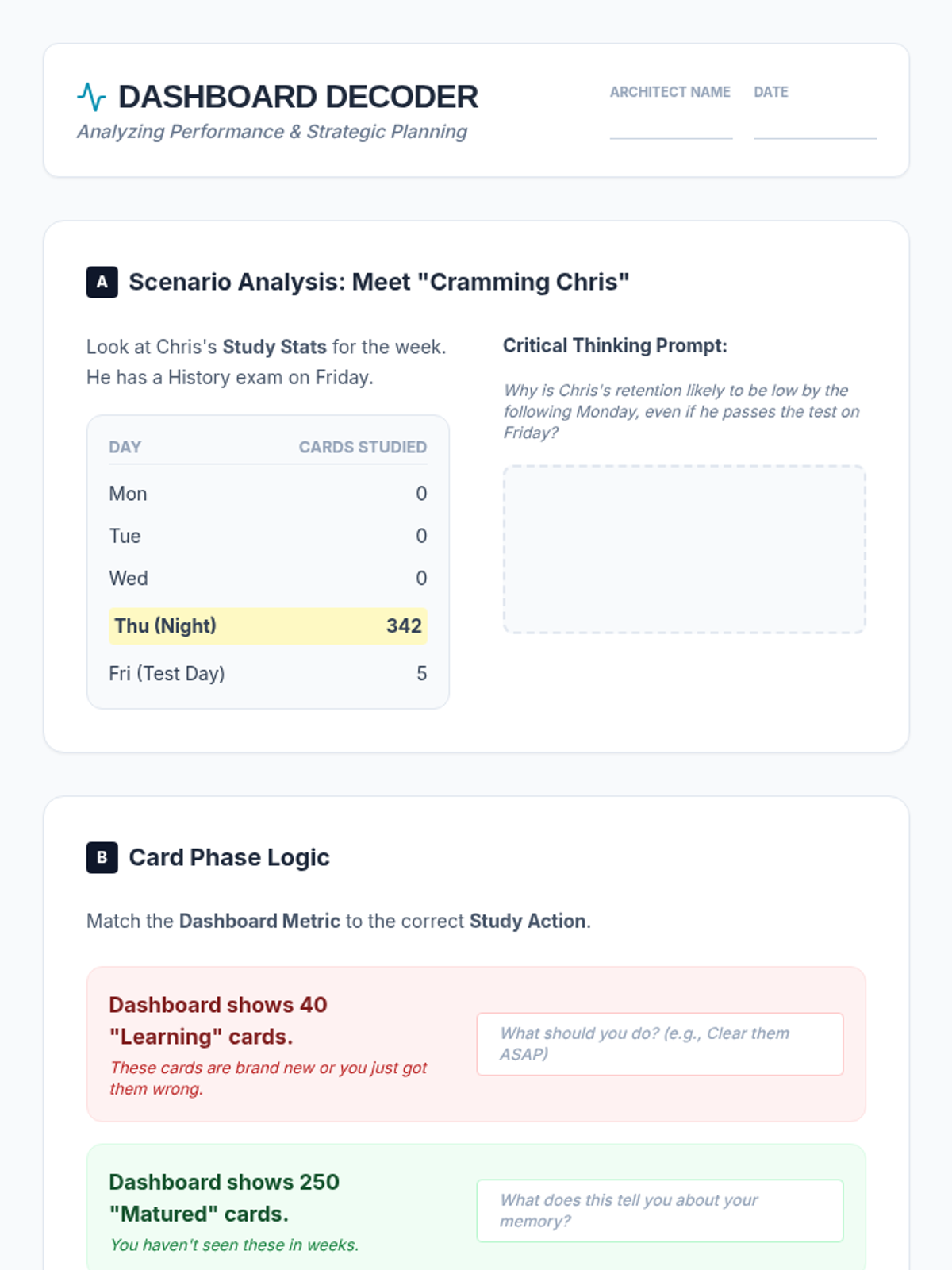
A student worksheet for analyzing sample study statistics and card phases, helping them practice data-driven decision making for their study habits.
A visual presentation for students explaining how to interpret dashboard analytics, focusing on the learning phases of cards and using heatmaps to guide study habits.
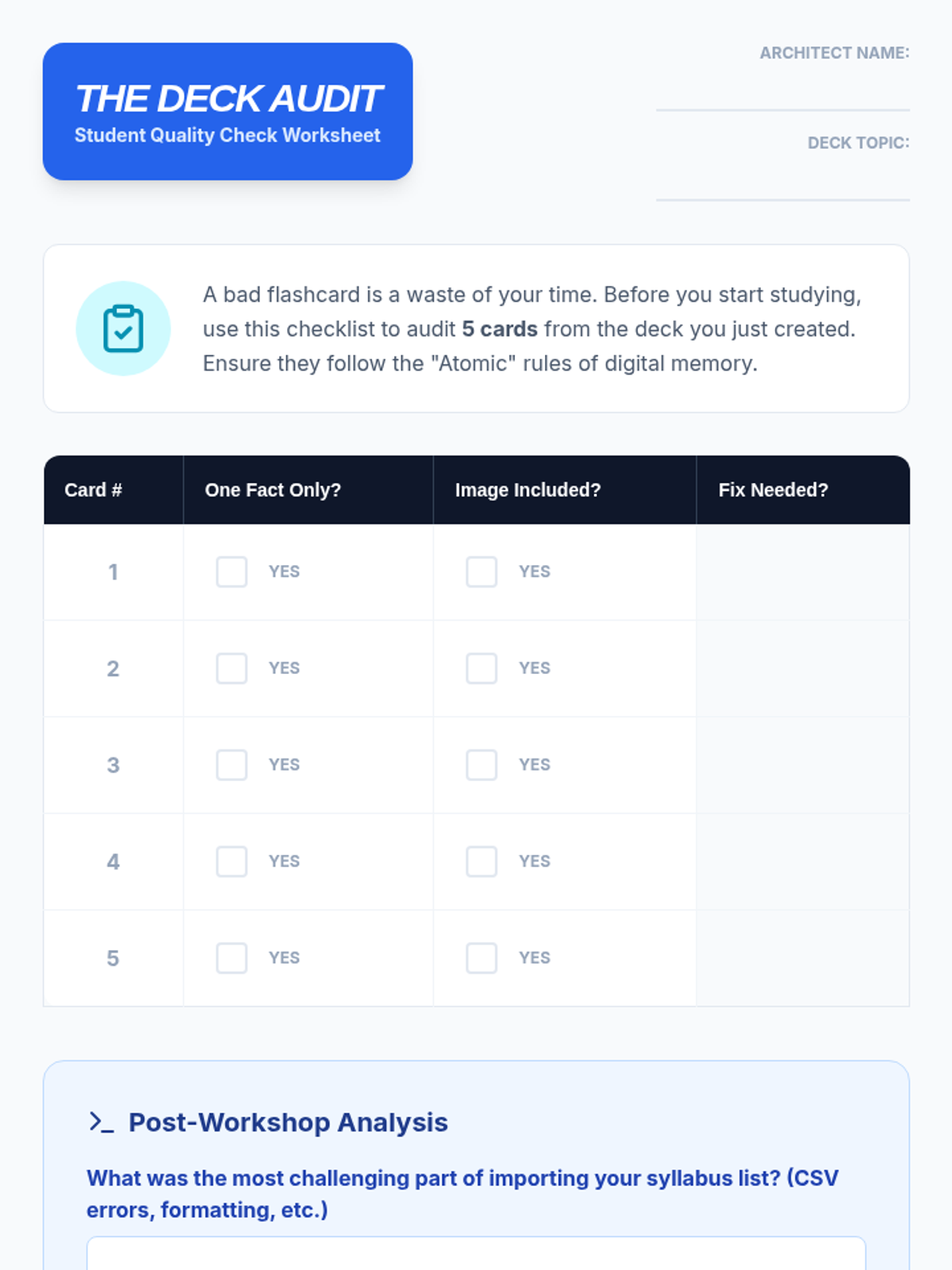
A student worksheet for auditing the quality of digital flashcards, ensuring they follow best practices like the 'One Fact' rule and multimedia inclusion.
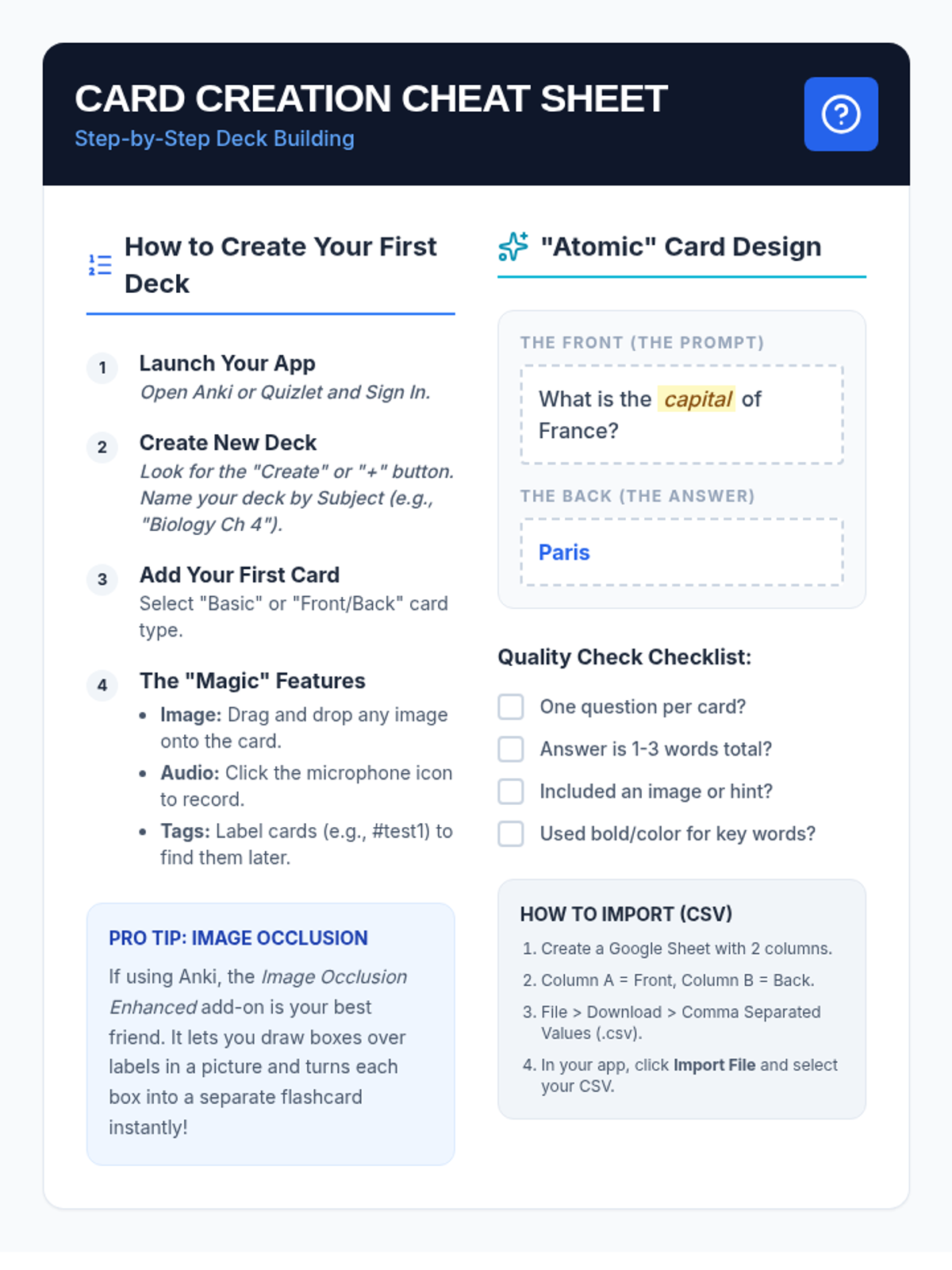
A step-by-step guide for students on setting up digital decks, using advanced features like image occlusion and audio, and bulk importing data from spreadsheets.
A visual presentation for students on the principles of creating effective digital flashcards, focusing on the 'One Fact' rule, multimedia integration, and bulk importing techniques.
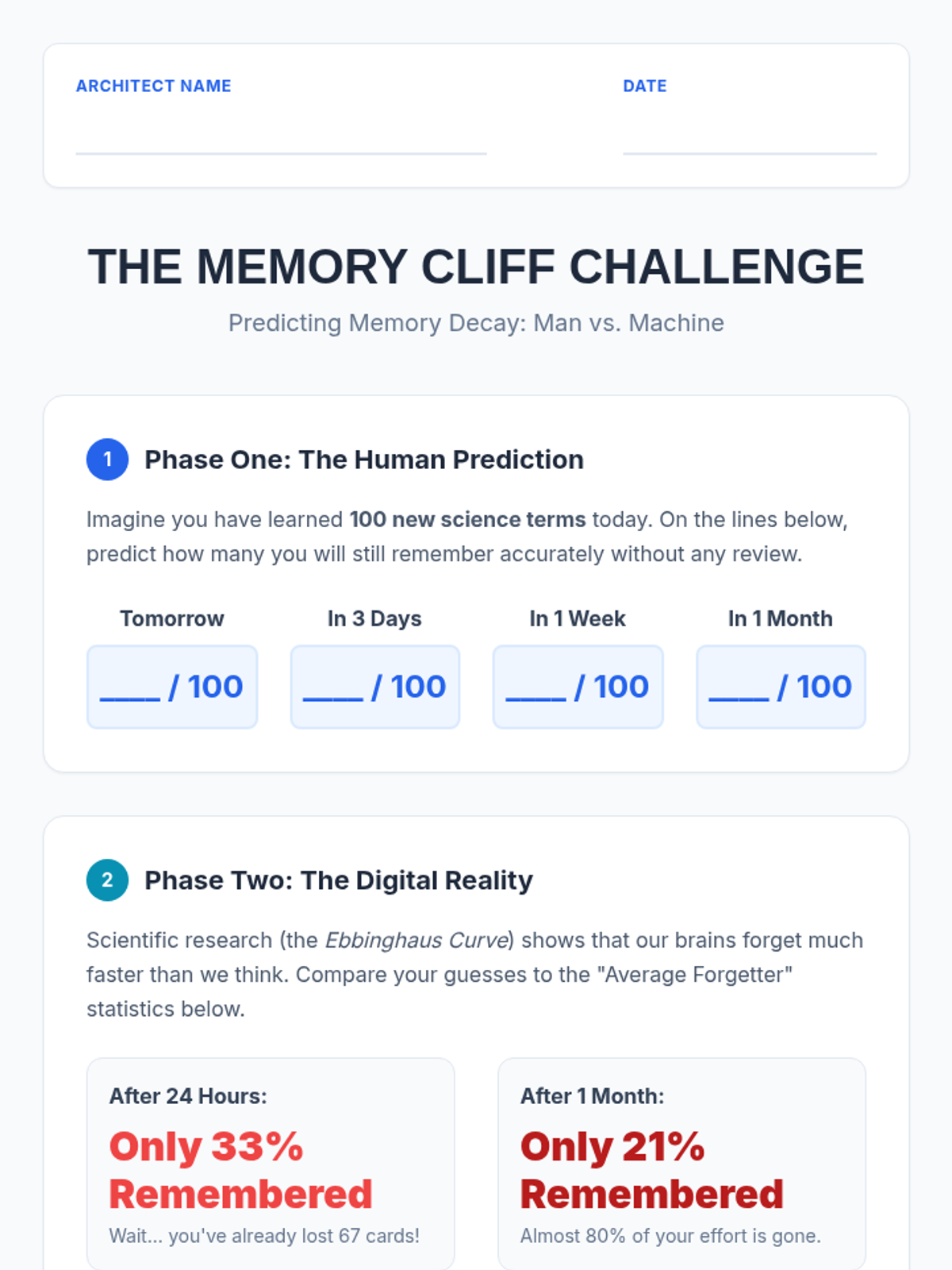
A student worksheet that guides them through predicting their own memory decay and comparing it to the scientific reality of the forgetting curve, highlighting the efficiency of digital scheduling.
A visual presentation for students explaining the science of the forgetting curve, how spaced repetition algorithms work, and why digital tools are superior to traditional manual study methods.
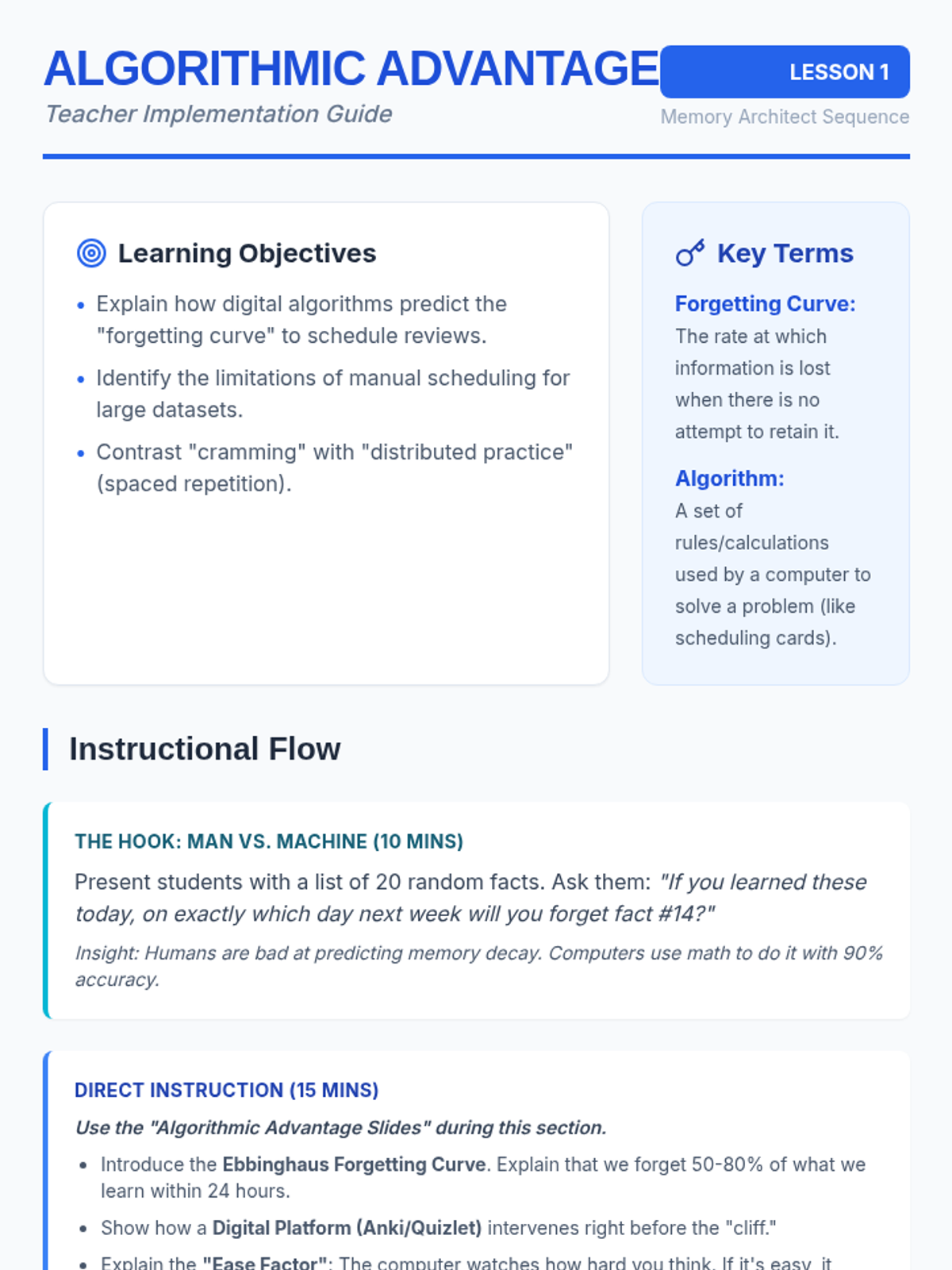
A teacher implementation guide for Lesson 1, covering the science of the forgetting curve, the role of algorithms in memory scheduling, and instructional strategies for introducing digital spaced repetition.
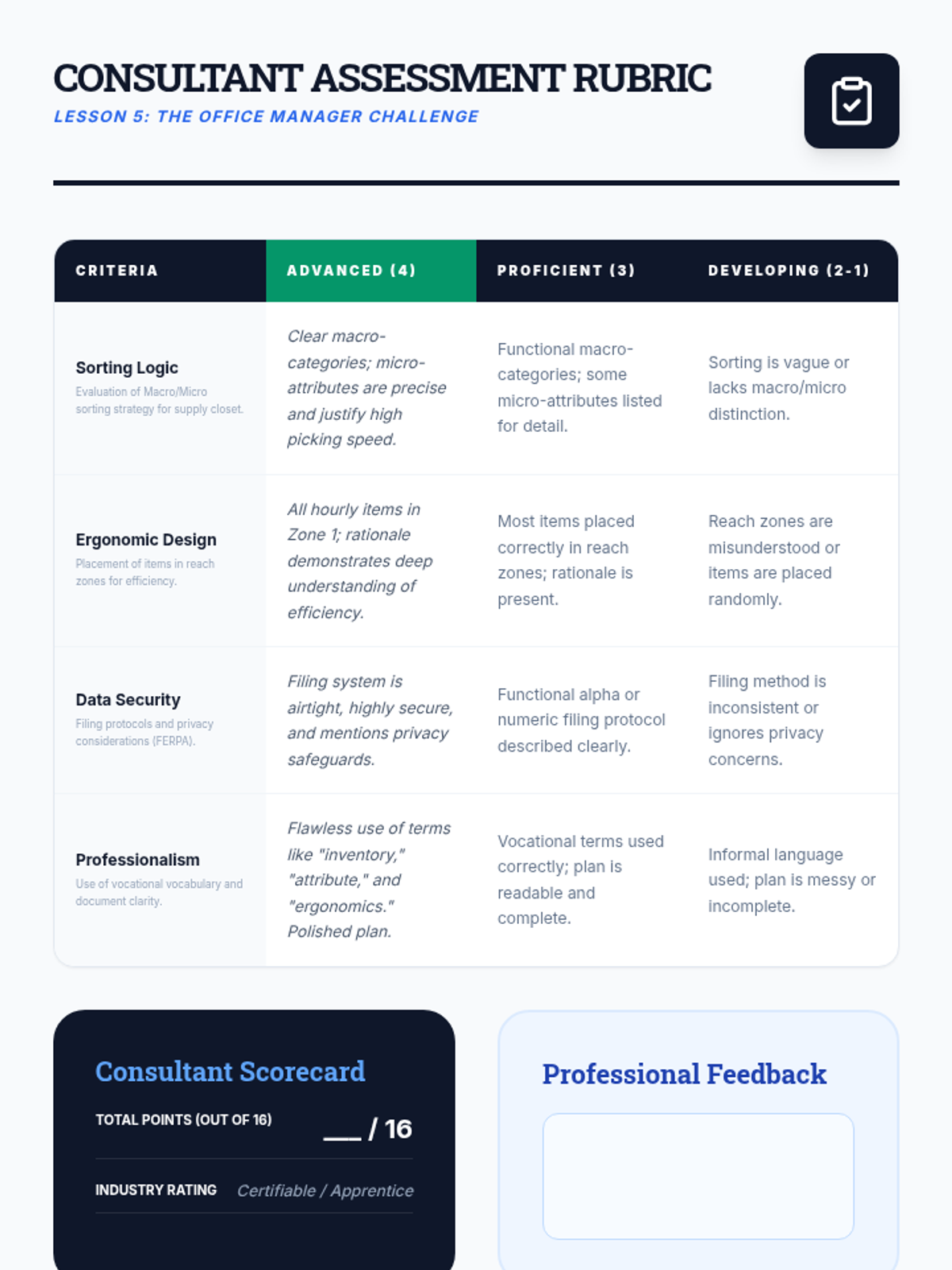
A professional grading rubric for the Office Manager Challenge, assessing sorting logic, ergonomics, data security, and professionalism.
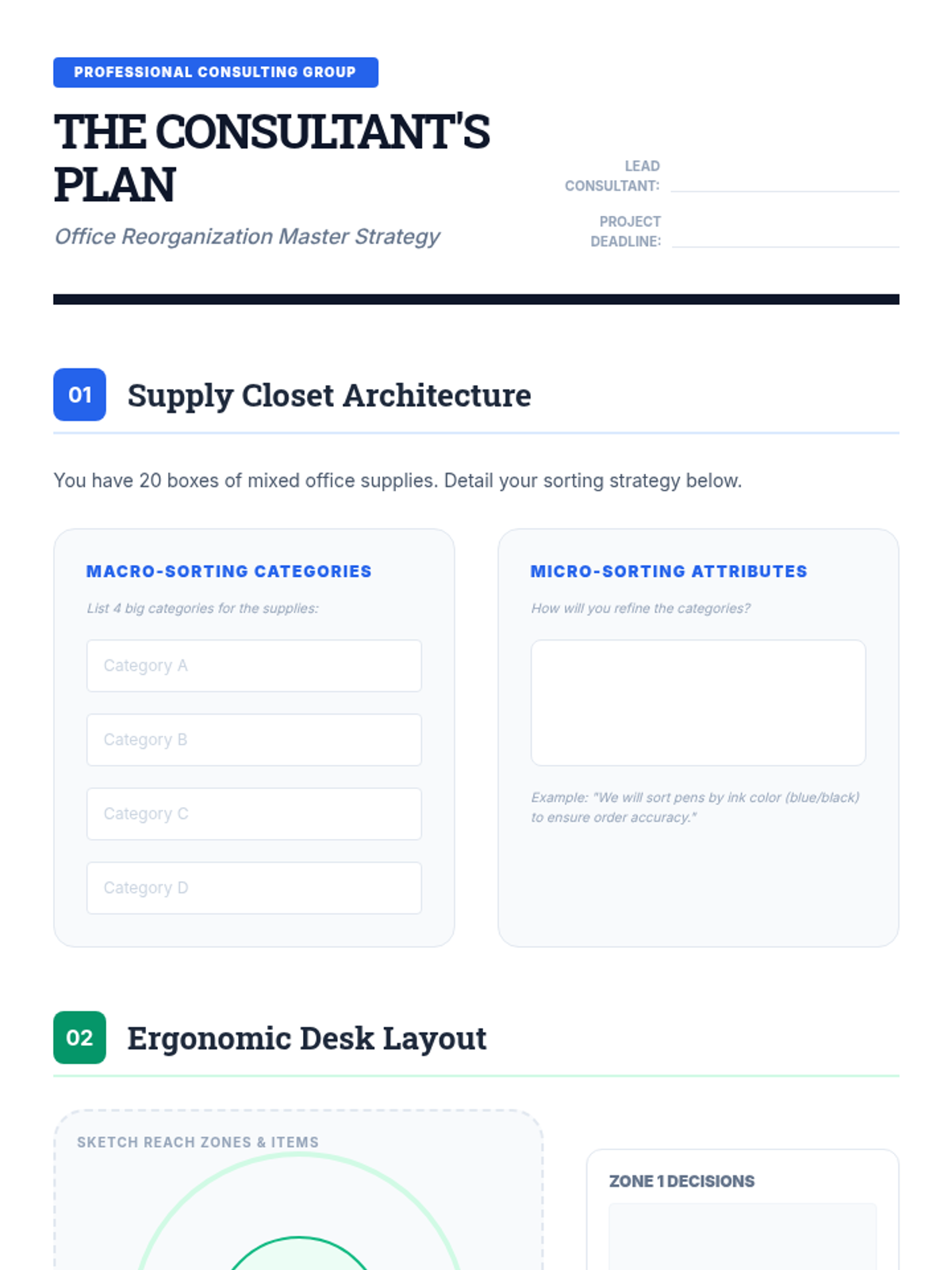
A comprehensive project planning document for the final Office Manager Challenge, guiding students through sorting, ergonomics, and filing tasks.
Slides briefing students on the final simulation: acting as an office consultant to reorganize a chaotic professional space.
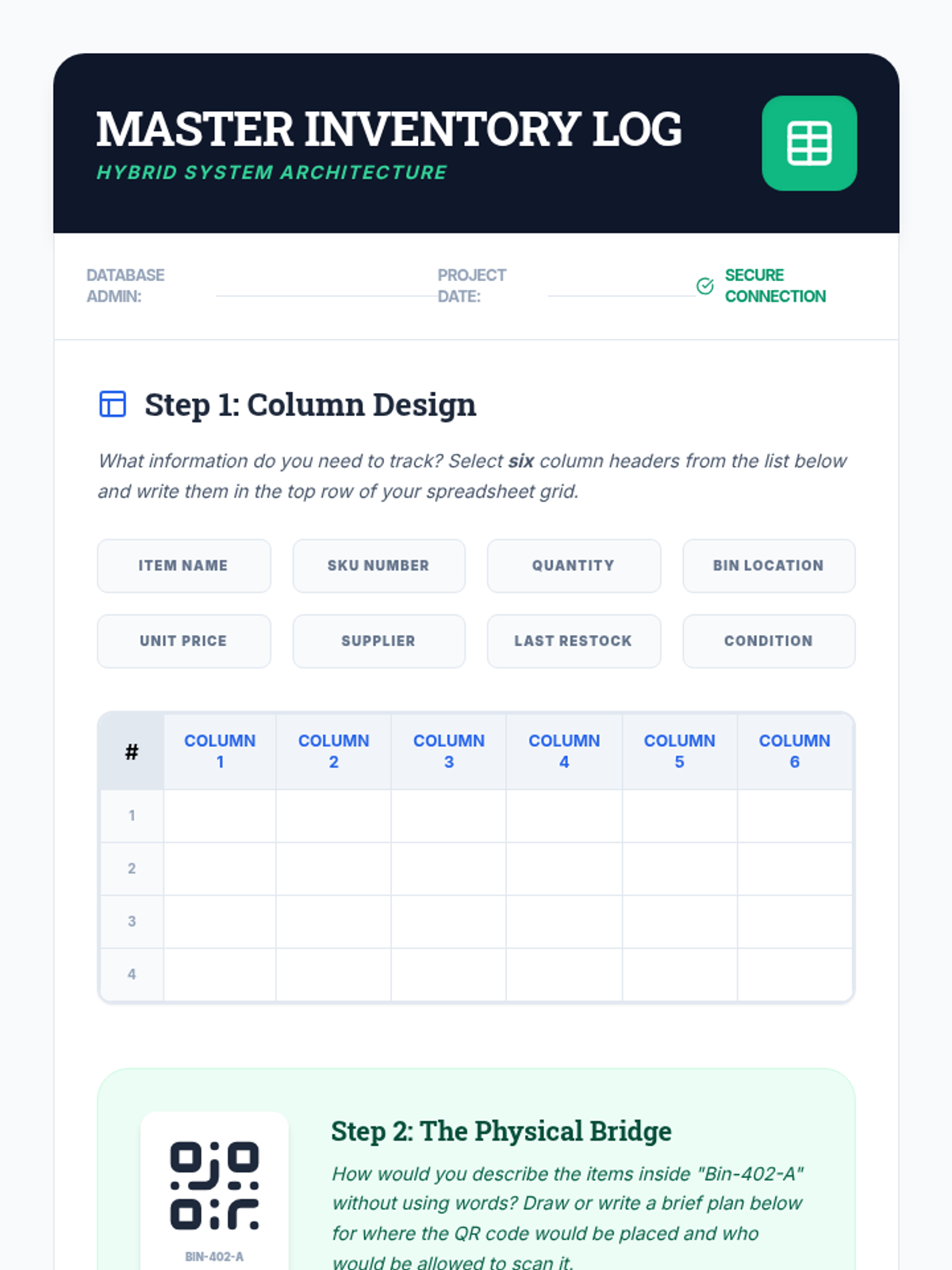
A structured worksheet for designing a digital inventory log, including column selection and QR code placement planning.
Slides on the connection between physical storage and digital inventory logs, featuring QR codes and spreadsheet basics.
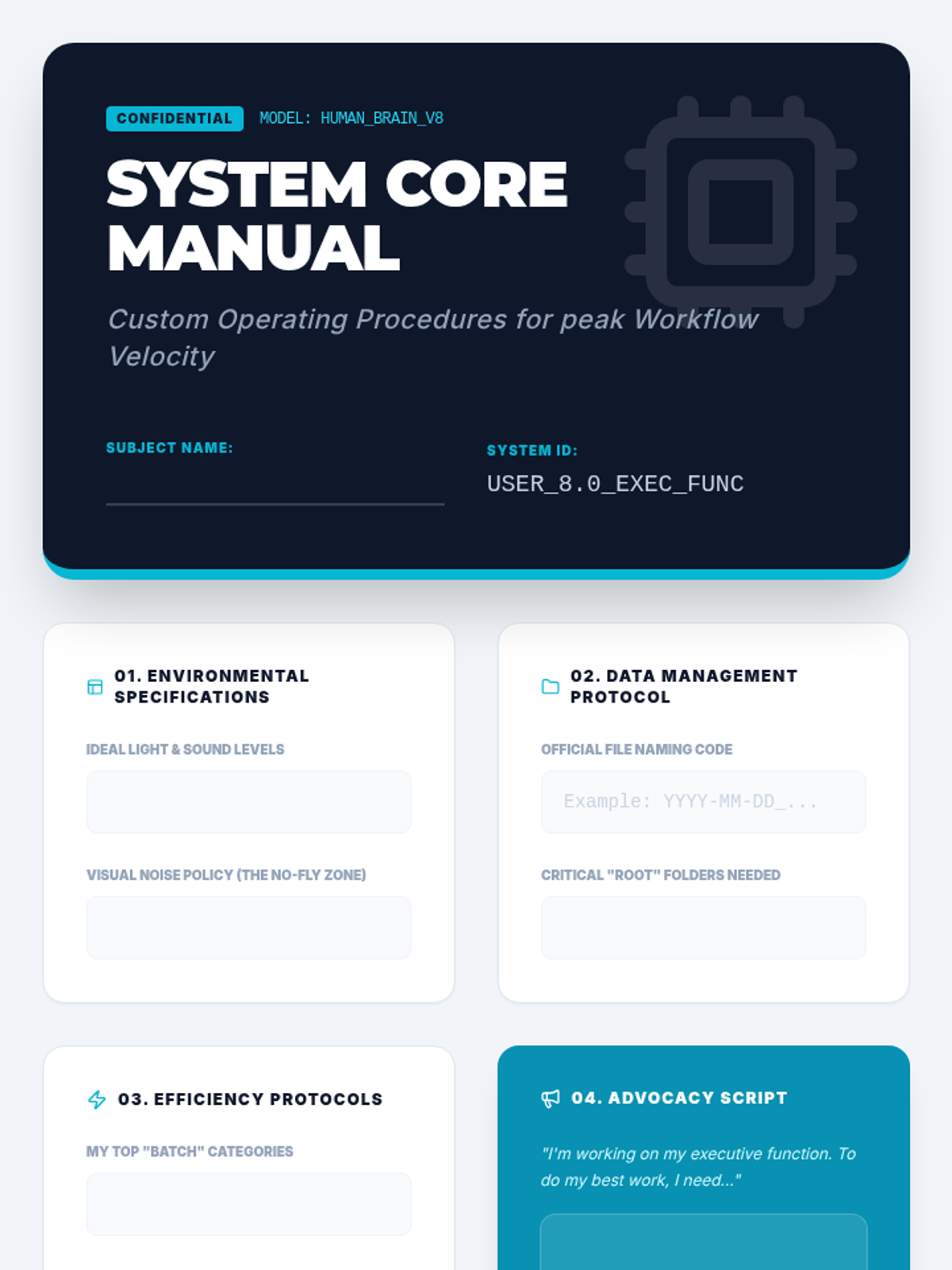
The capstone project template for the sequence. Students synthesize all previous learning into a professional-looking "System Core Manual" that documents their personalized organizational strategies and self-advocacy needs.
Final project presentation guiding students to synthesize their learning into a personal "Operating Manual." Focuses on self-advocacy and developing a set of standard operating procedures for their individual cognitive needs.
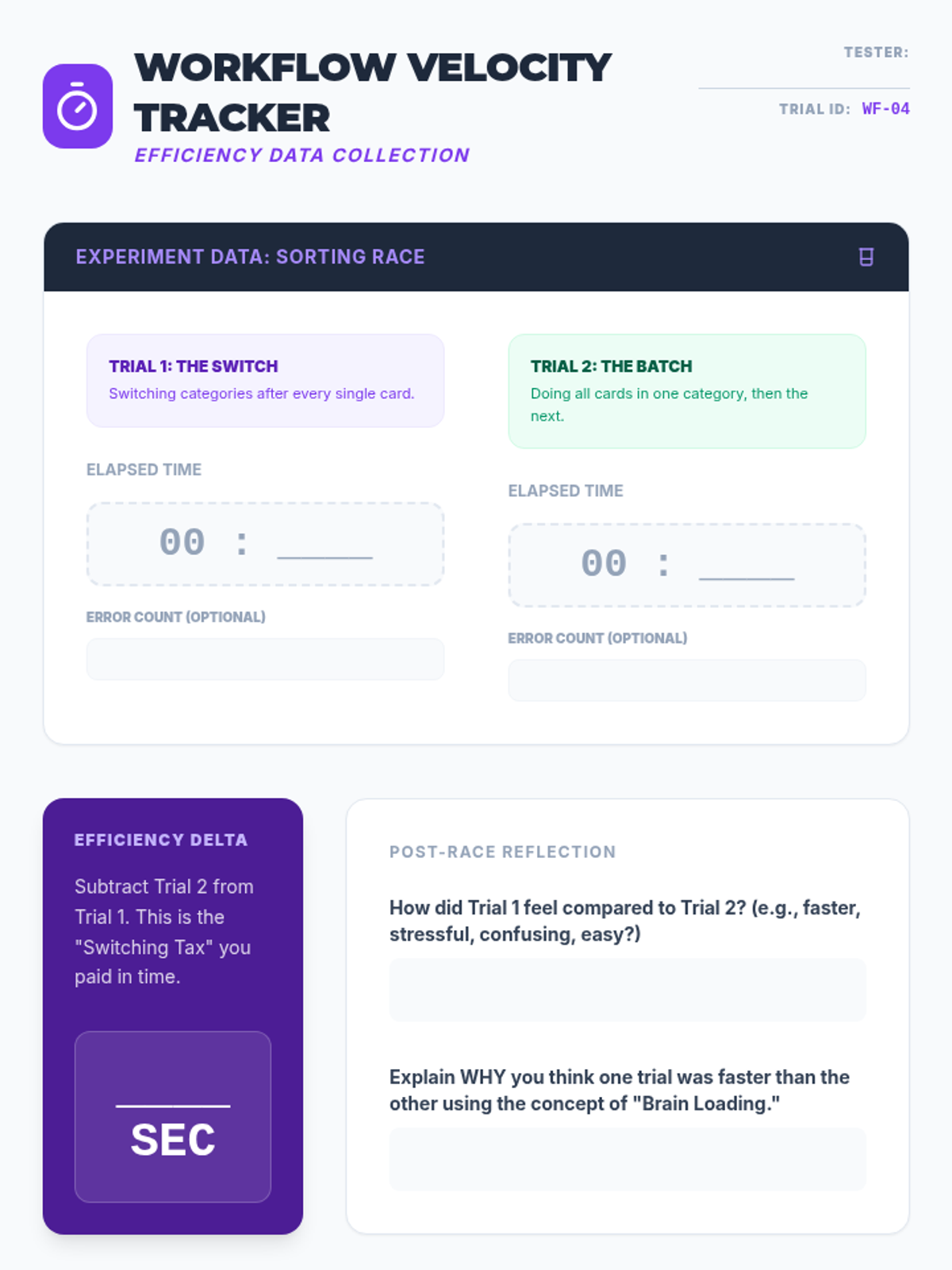
Experimental data tracker for the sorting race. Students record times for sequential versus batched tasks, calculate their efficiency delta, and plan real-world application of batching strategies to their homework.
Slides explaining the concept of task batching versus context switching. Includes instructions for a physical "Sorting Race" experiment to demonstrate the productivity cost of multitasking.
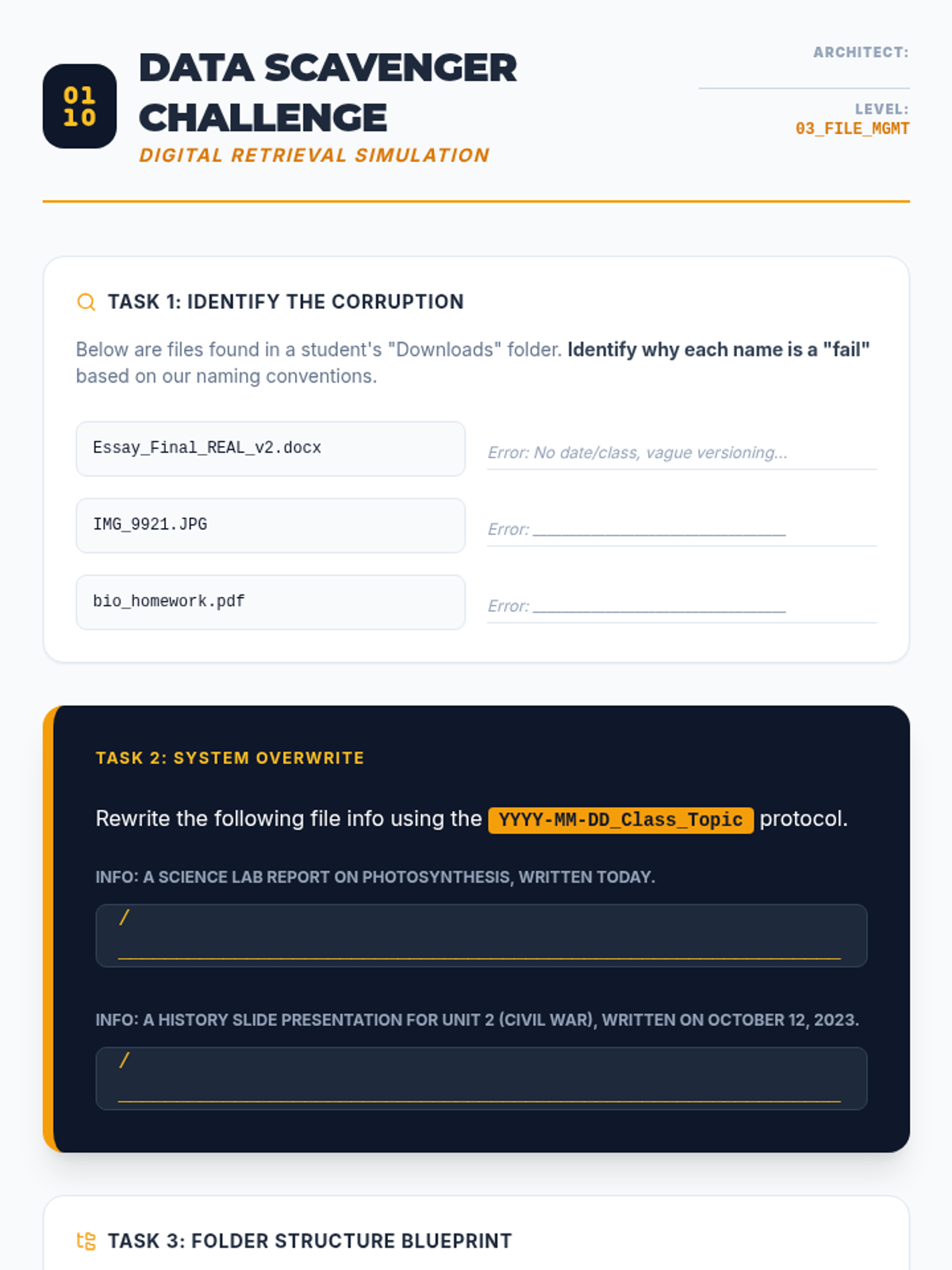
Worksheet practicing file naming conventions and digital hierarchy. Students analyze poorly named files, rewrite them using professional protocols, and design a personalized folder structure.
Slide deck teaching digital file management, focusing on file naming conventions (YYYY-MM-DD format), folder hierarchy architecture, and the "Inbox Zero" strategy for email management.
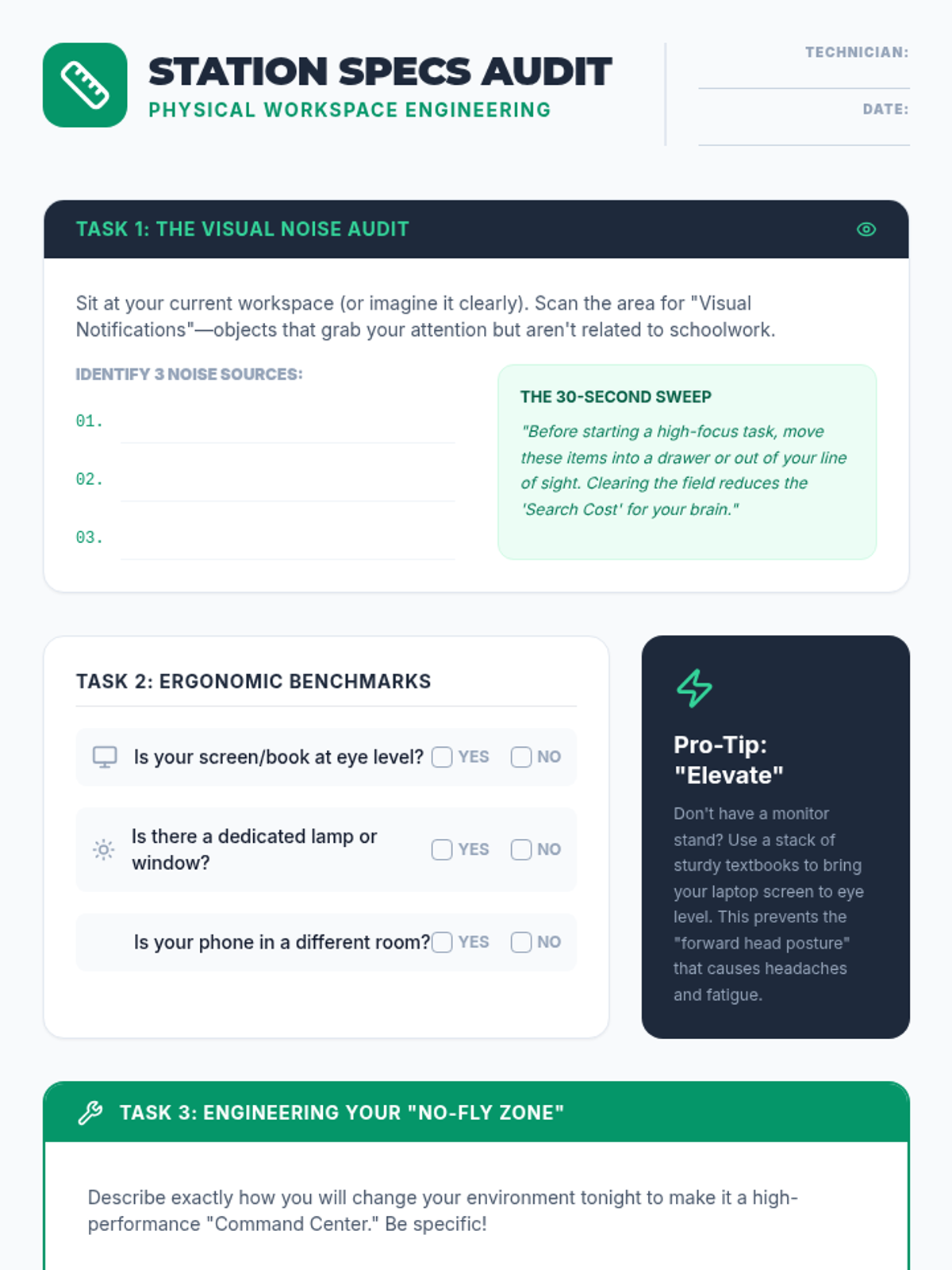
A worksheet for students to audit their current study environment and create a concrete engineering plan to optimize their physical workspace for focus and ergonomics.
Slides focusing on workspace optimization, exploring how physical clutter acts as cognitive noise and introducing the three pillars of environmental design: lighting, ergonomics, and atmosphere.
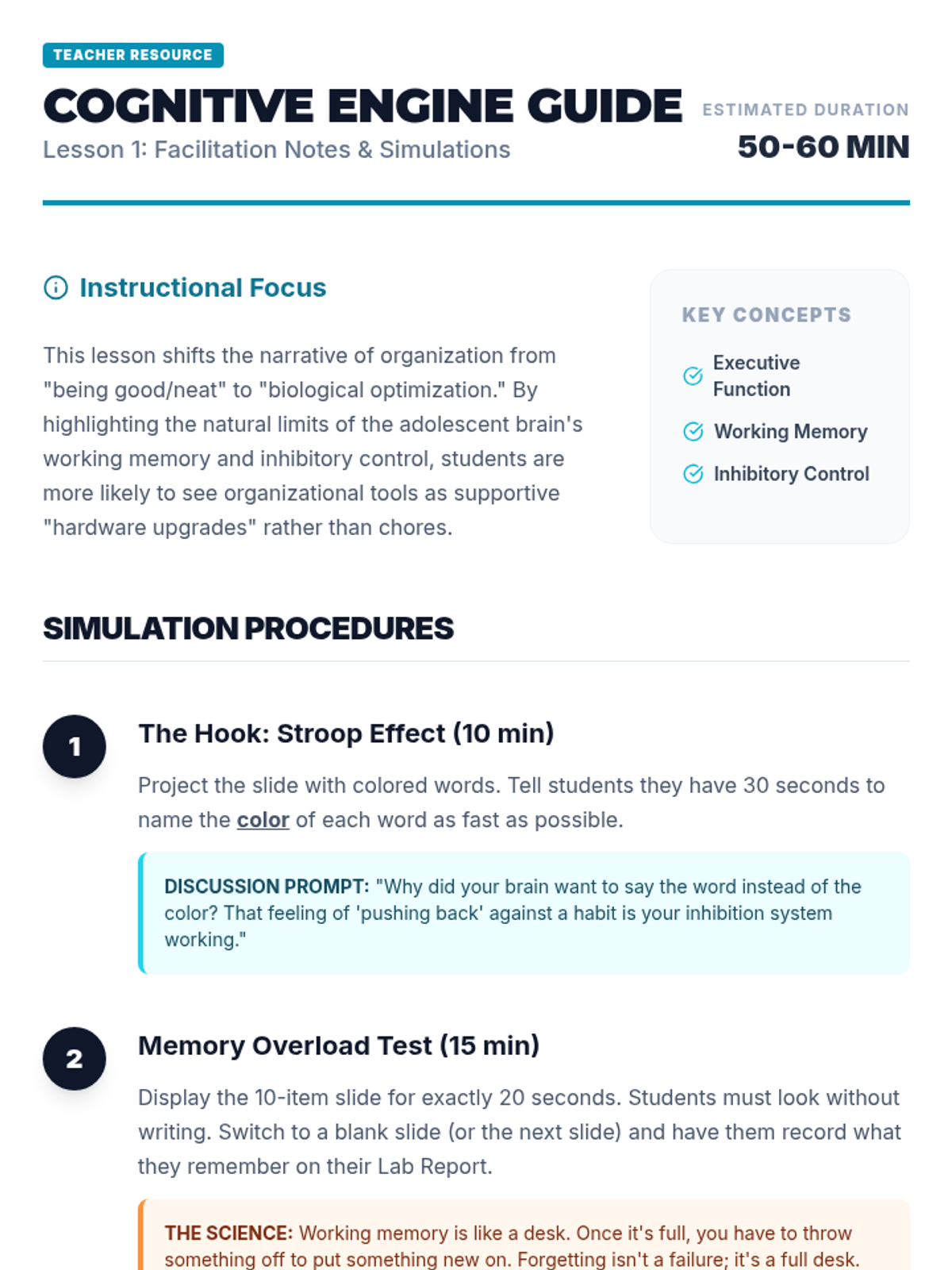
Teacher facilitator guide for the Cognitive Engine lesson, providing step-by-step simulation instructions, discussion prompts, and differentiation strategies.
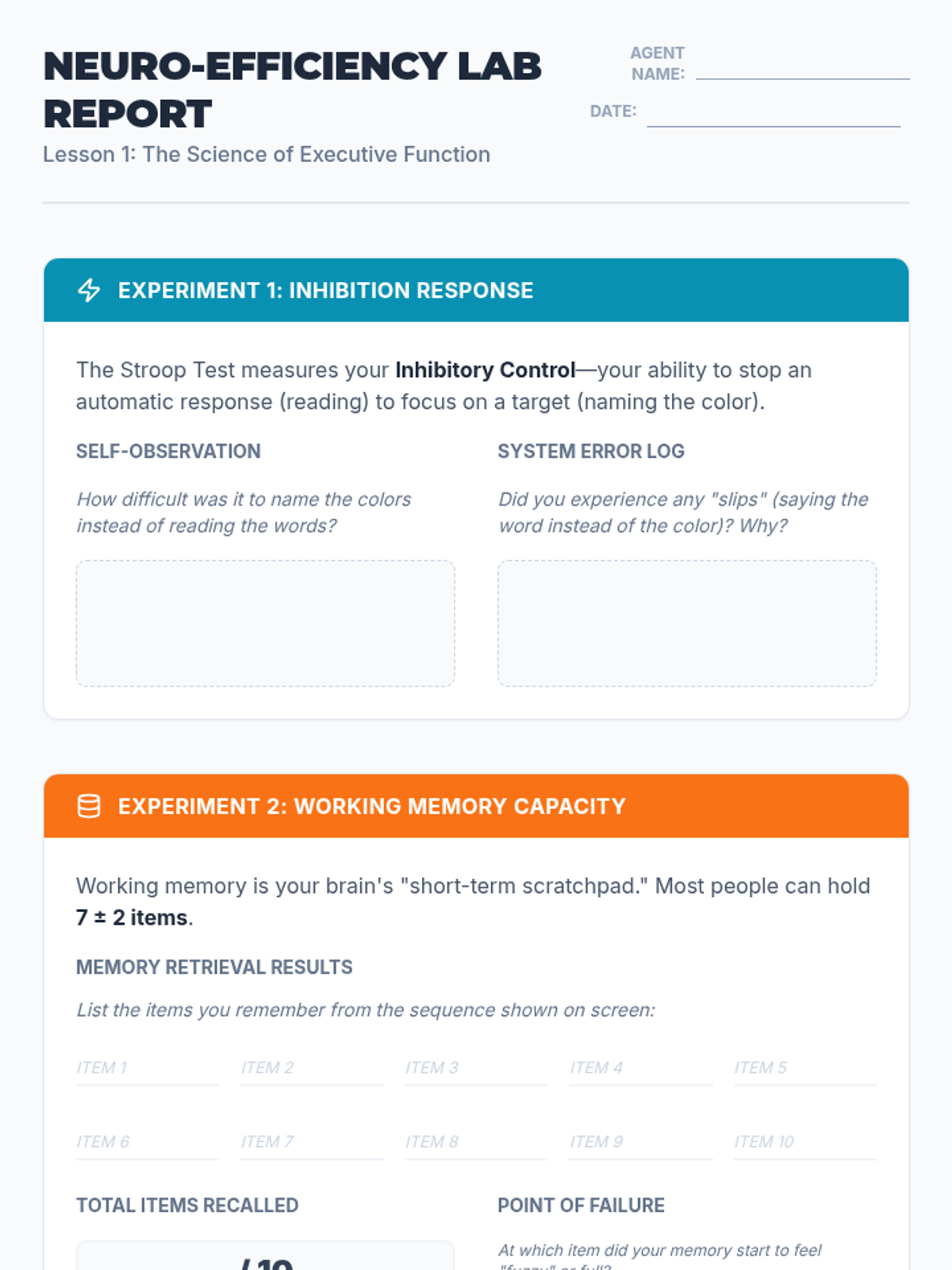
A lab report for students to record and analyze their results from the Stroop Effect and working memory simulations, connecting the biological limits of the brain to the need for organizational systems.
Introductory presentation exploring executive function concepts like working memory and inhibition through interactive simulations like the Stroop Effect and memory tasks.
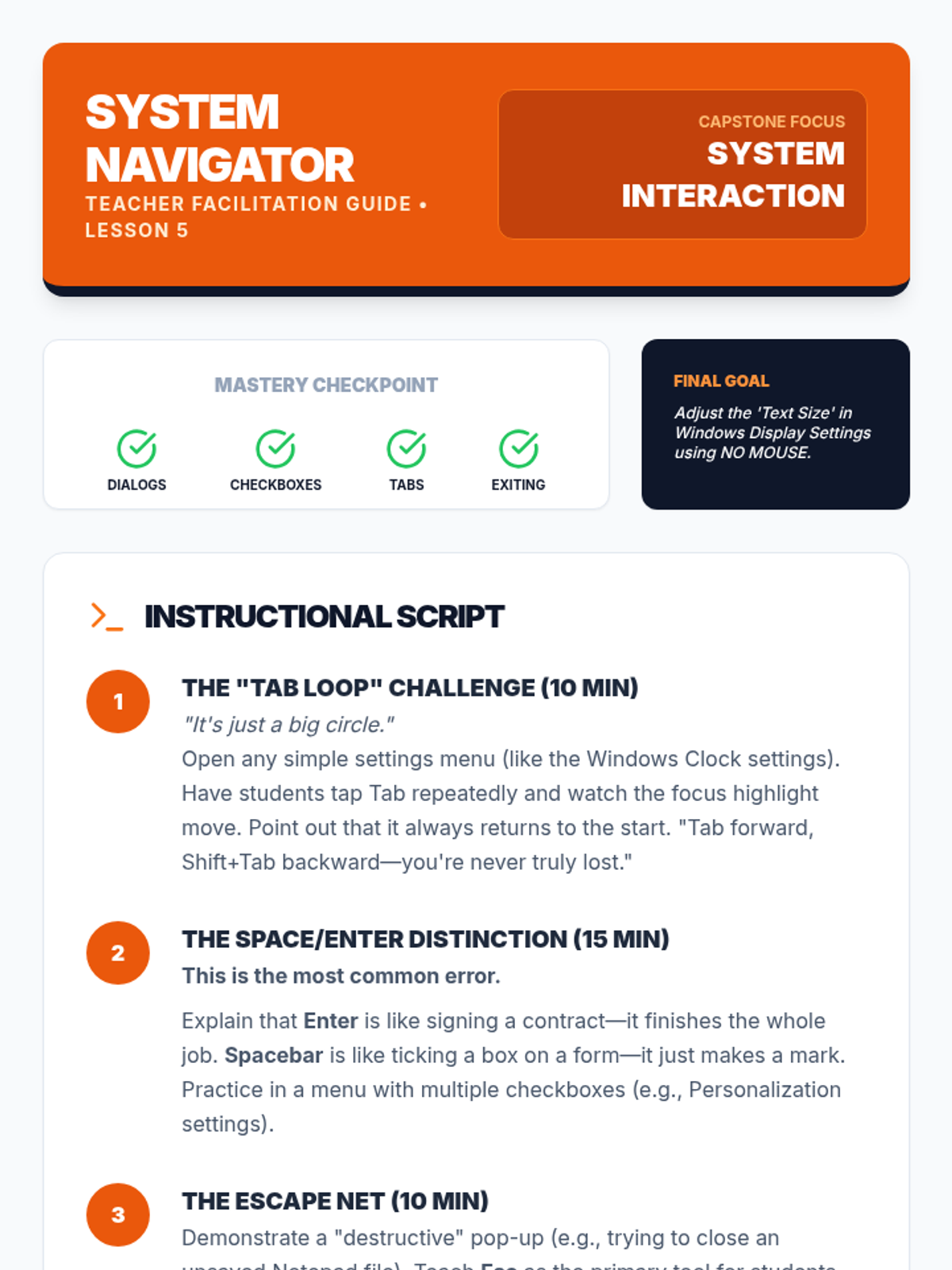
Facilitation guide for teachers to lead Lesson 5, focusing on navigating system dialogs, adjusting settings, and the final mastery assessment.
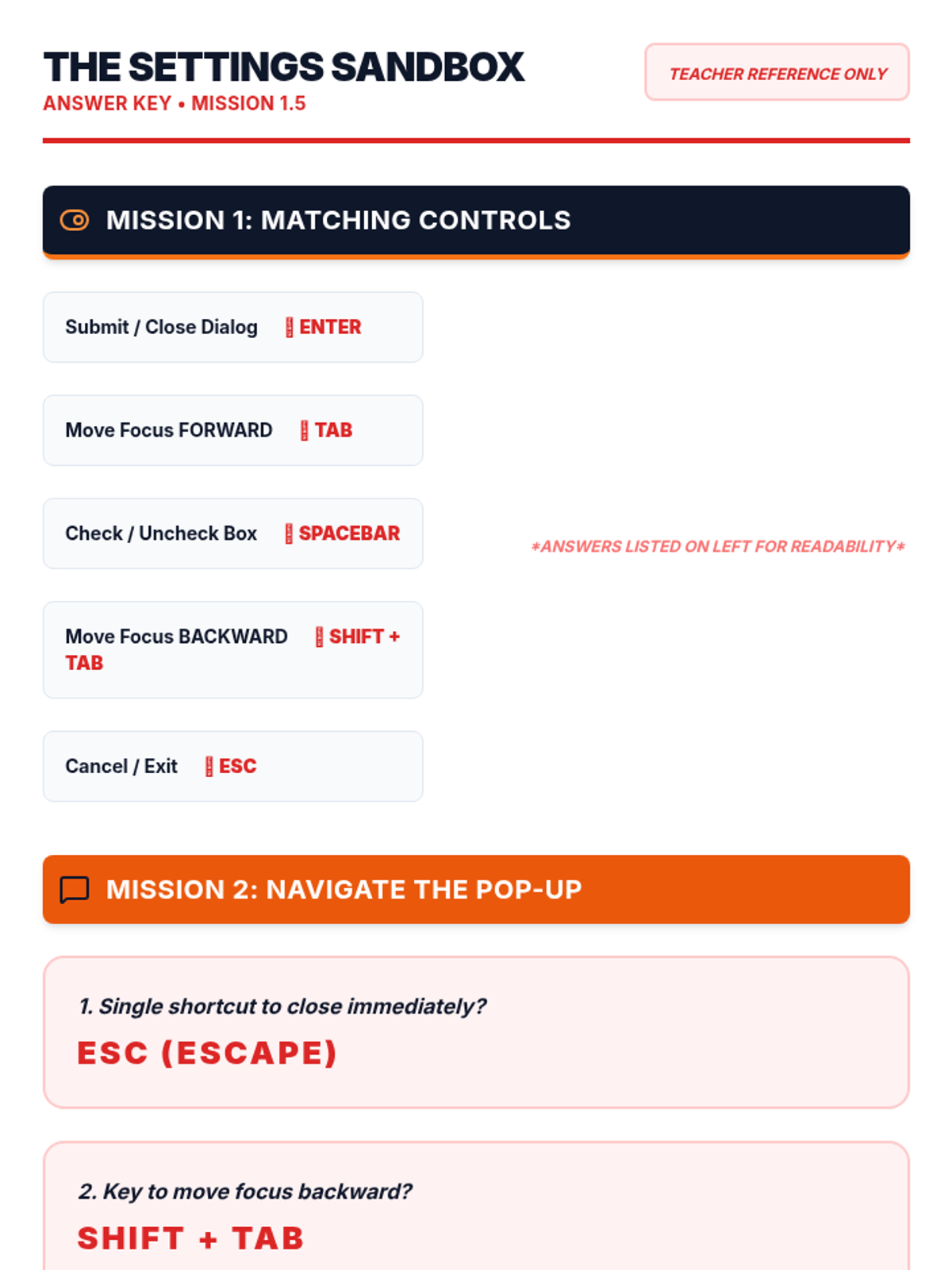
Answer key for the Settings Sandbox Worksheet, providing the correct keys and combinations for system dialog and settings navigation.
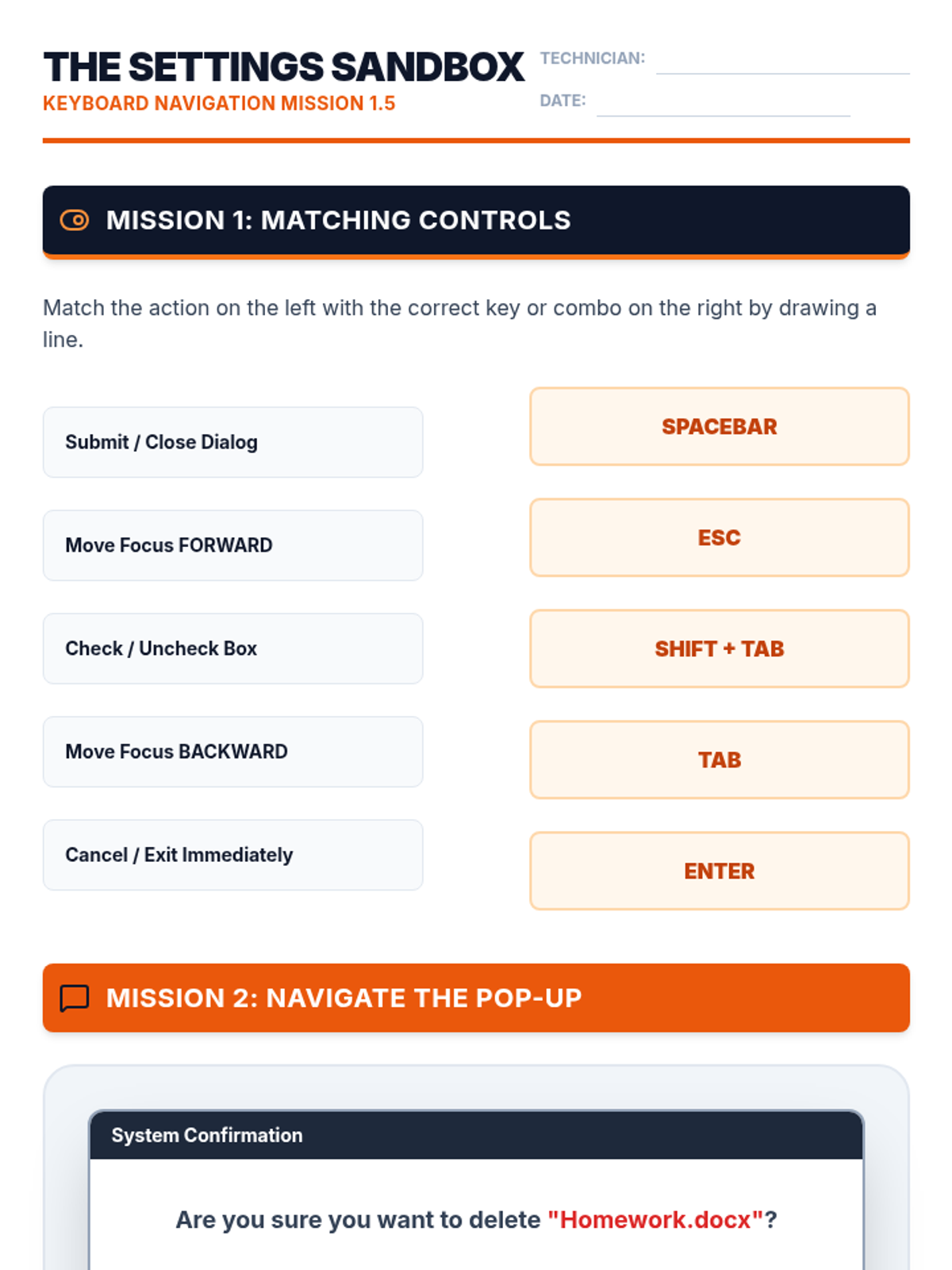
A structured worksheet for students to practice navigating dialog boxes, settings menus, and tabbed interfaces using keyboard-only commands.
A technical visual guide to interacting with system dialog boxes and settings menus using keyboard-only navigation for system configuration.
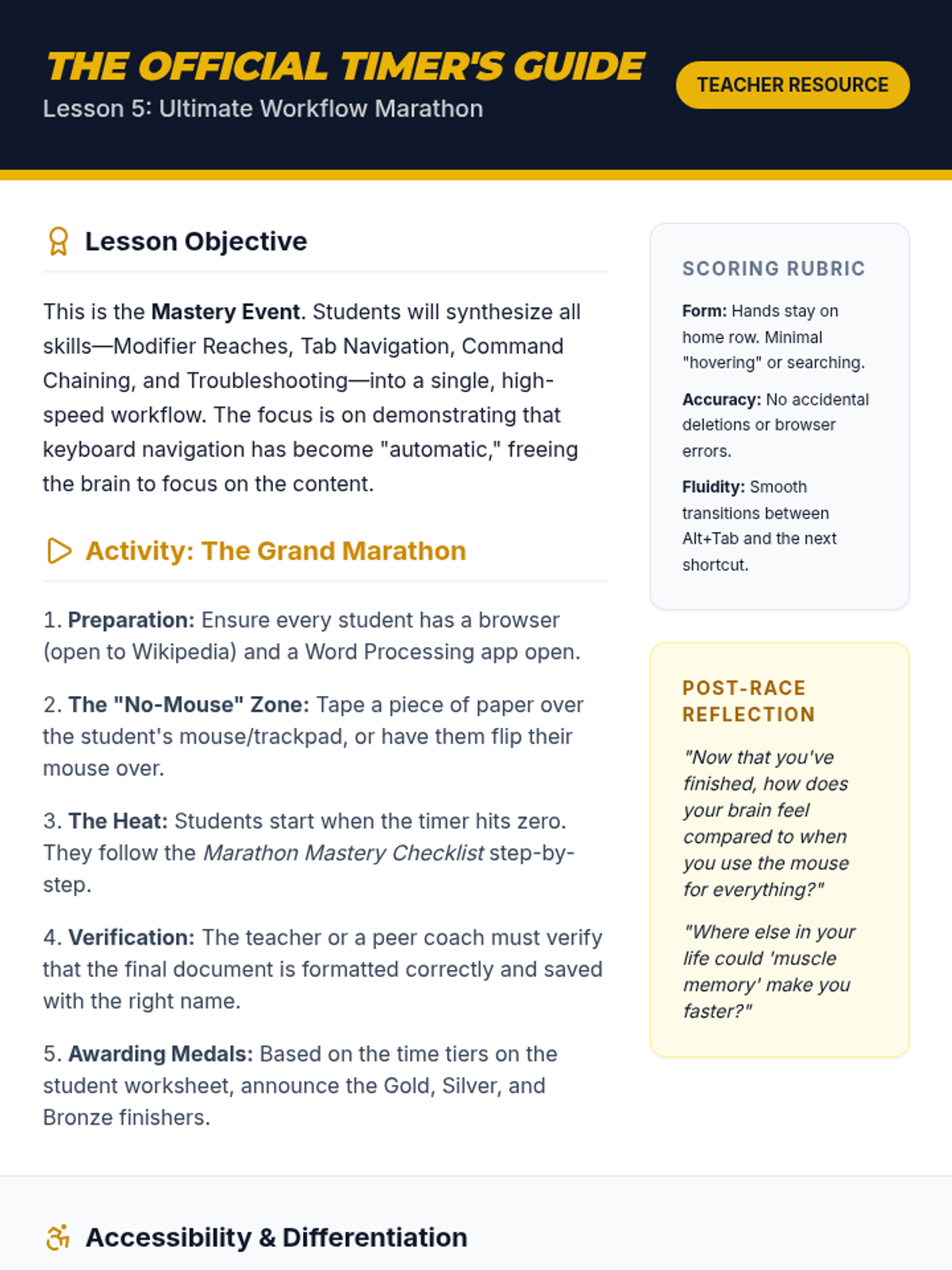
Teacher guide for the Ultimate Workflow Marathon lesson, featuring final challenge logistics, scoring rubrics, and reflection prompts.
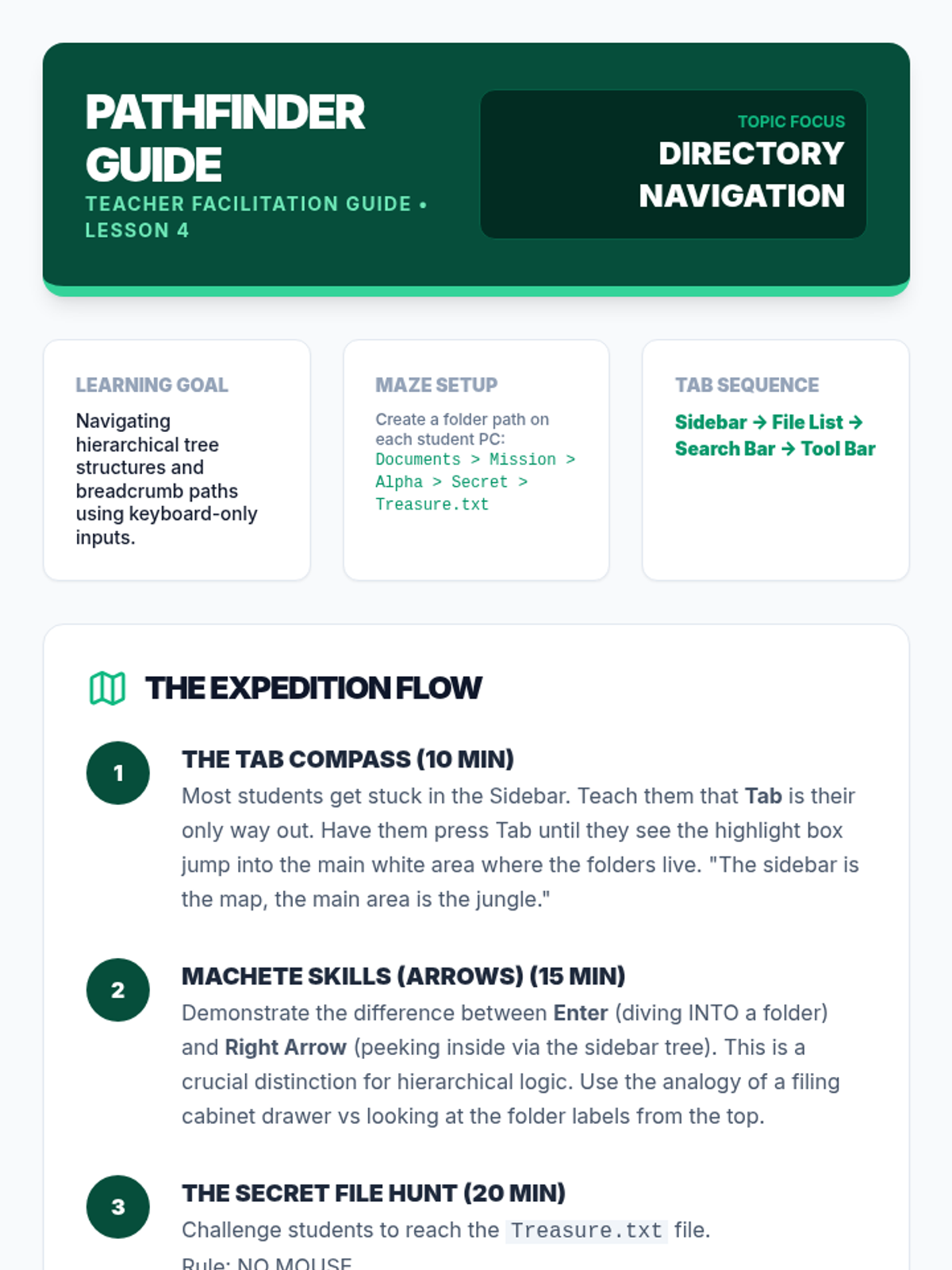
Facilitation guide for teachers to lead Lesson 4, focusing on hierarchical directory navigation, tab stops, and file search logic.
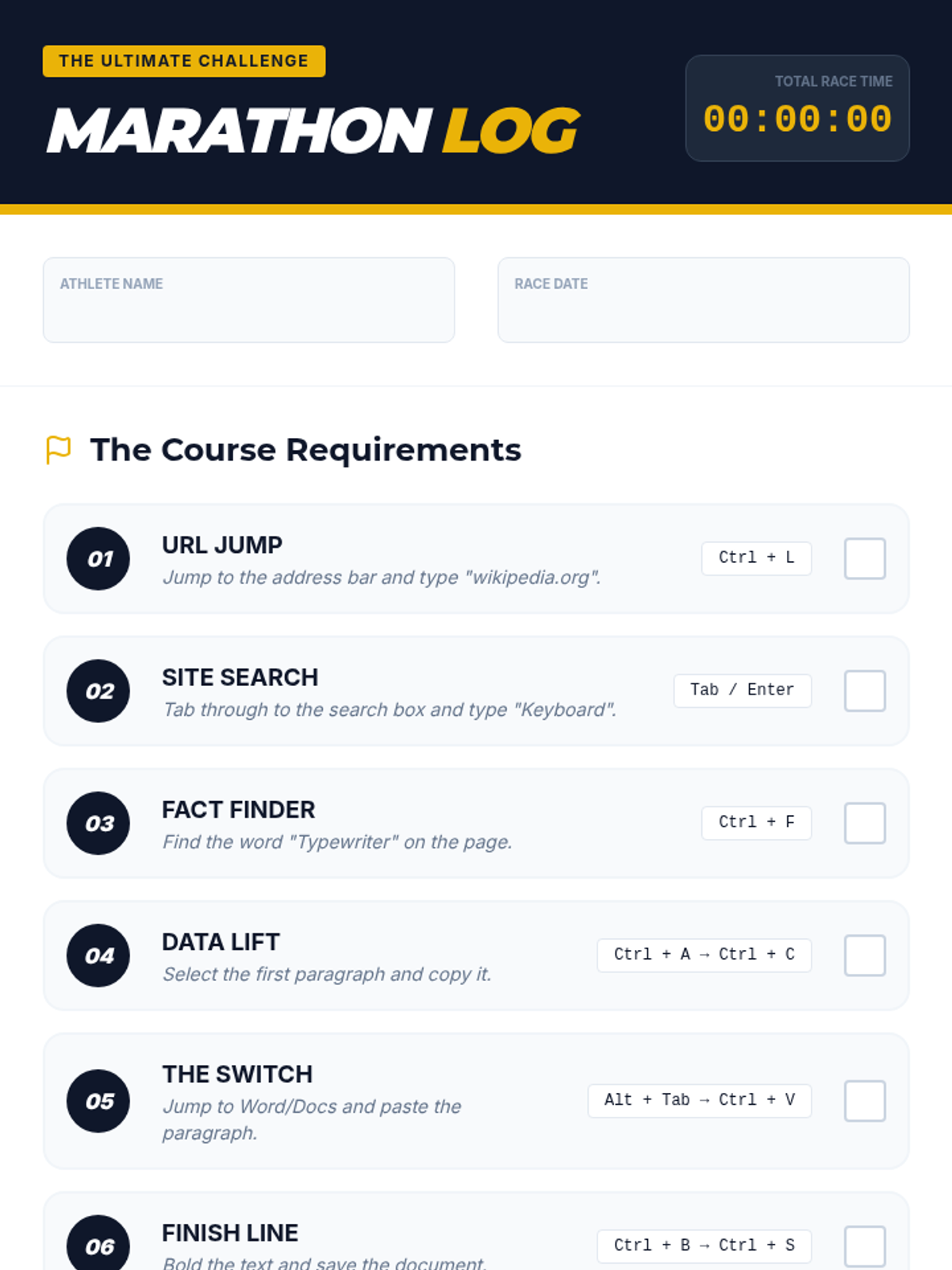
Challenge checklist for the Ultimate Workflow Marathon, mapping out every shortcut needed to complete the final multi-app task.
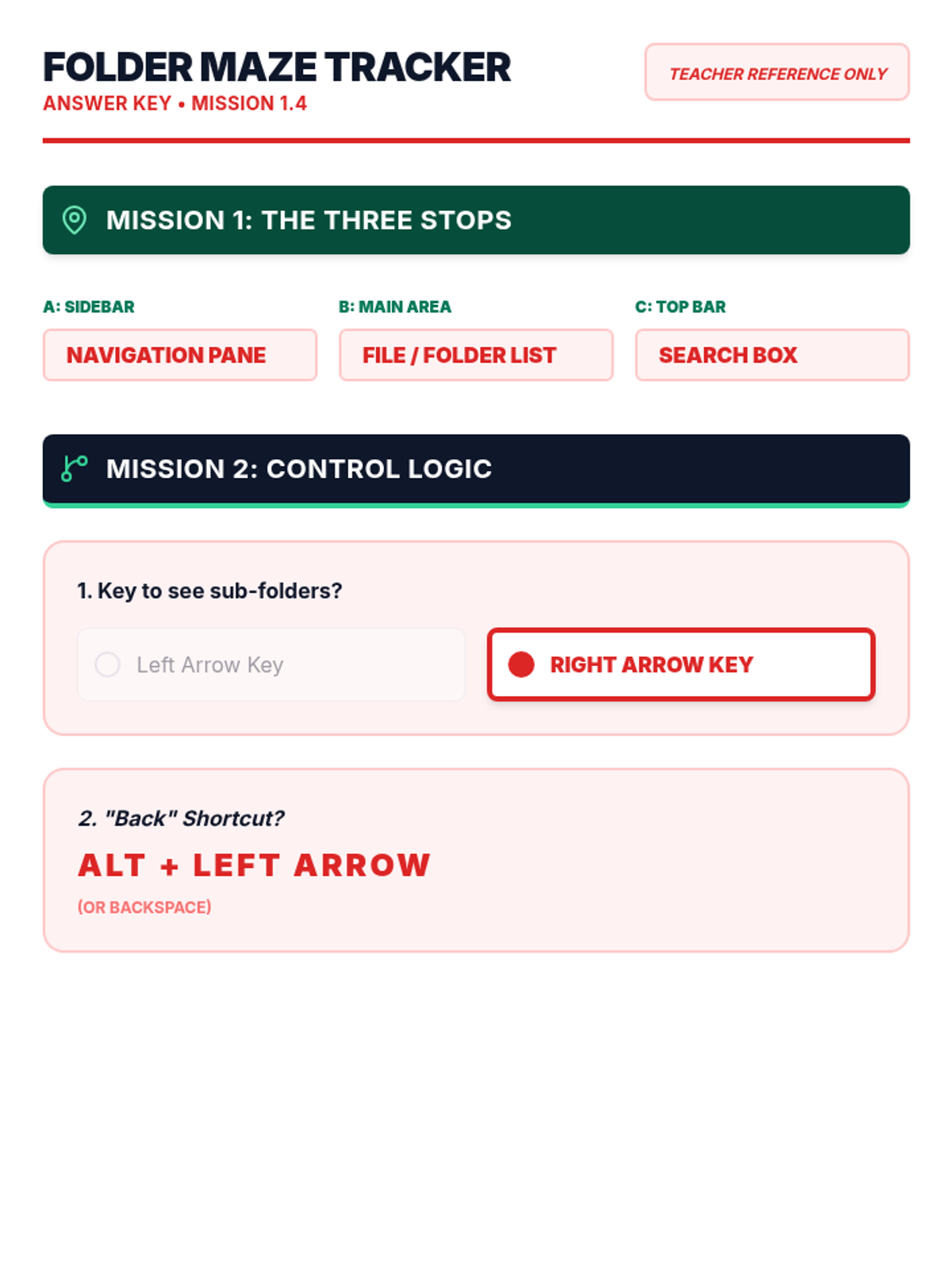
Answer key for the Folder Maze Worksheet, providing the correct labels for File Explorer areas and navigation shortcuts.
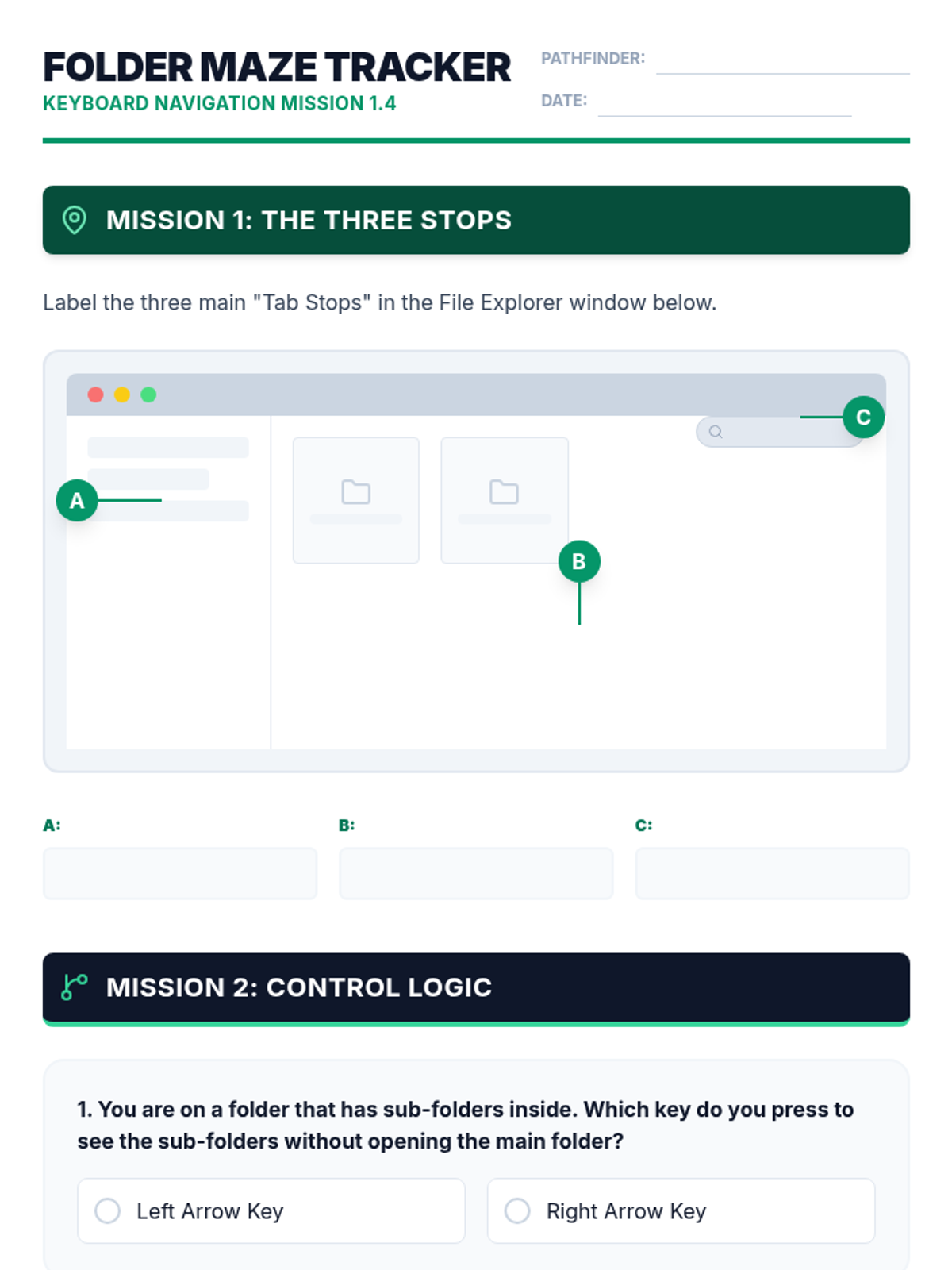
A structured worksheet for students to identify the different areas of File Explorer and practice hierarchical navigation logic.
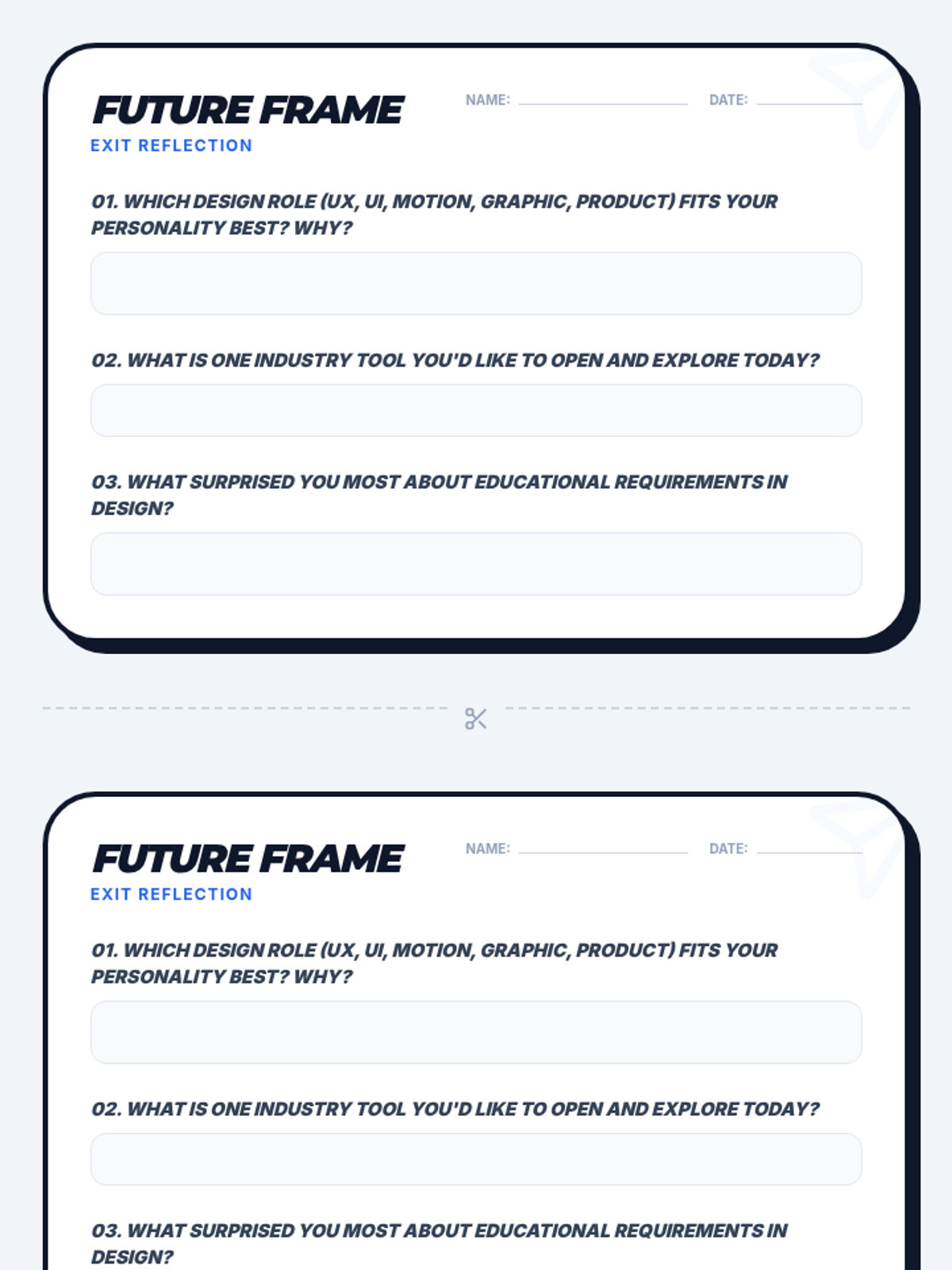
A reflective exit ticket for students to identify their preferred digital design career path and key takeaways from the lesson.
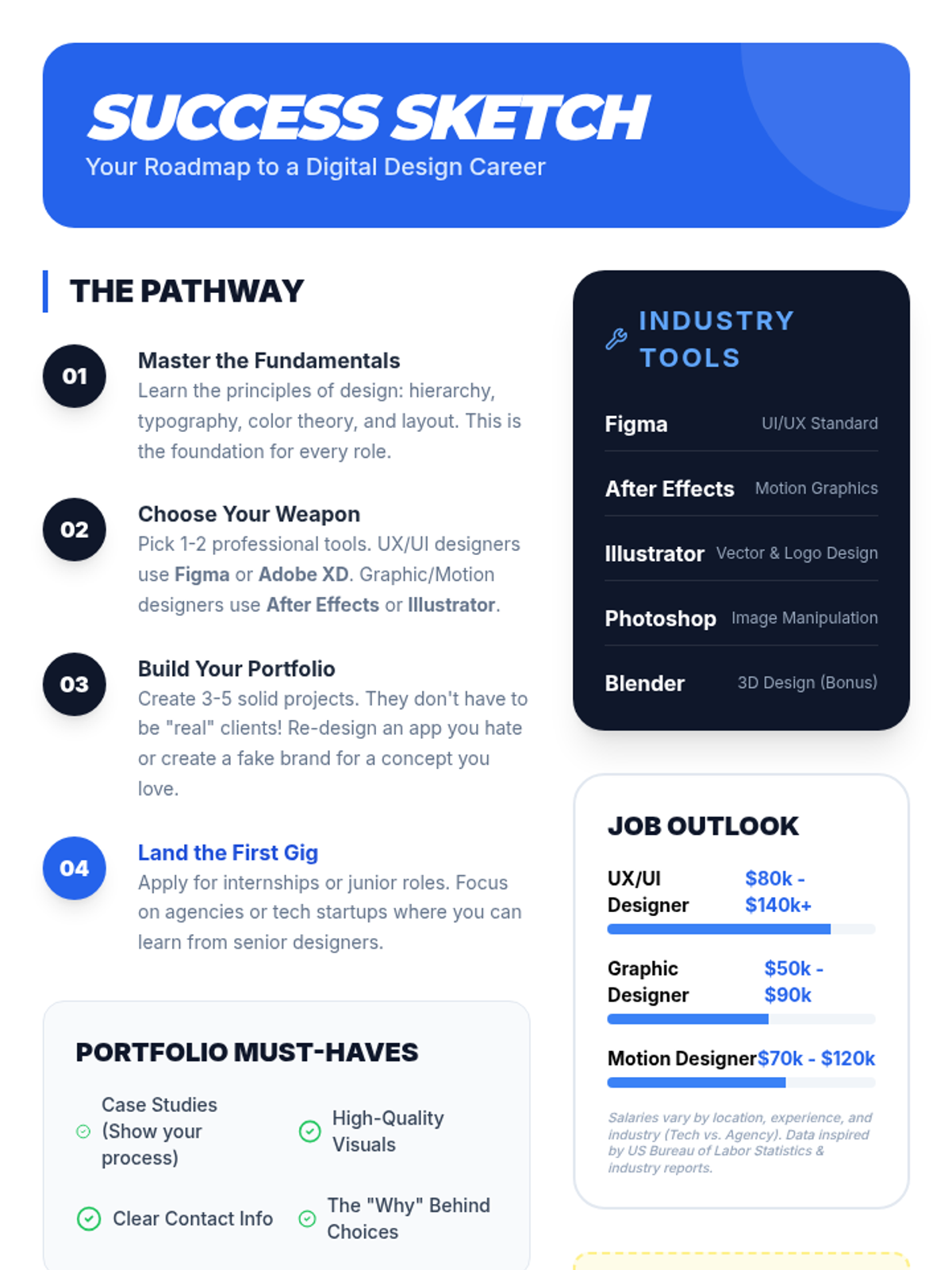
A visual career roadmap and reference sheet for students outlining essential design tools, portfolio tips, and industry salary insights.
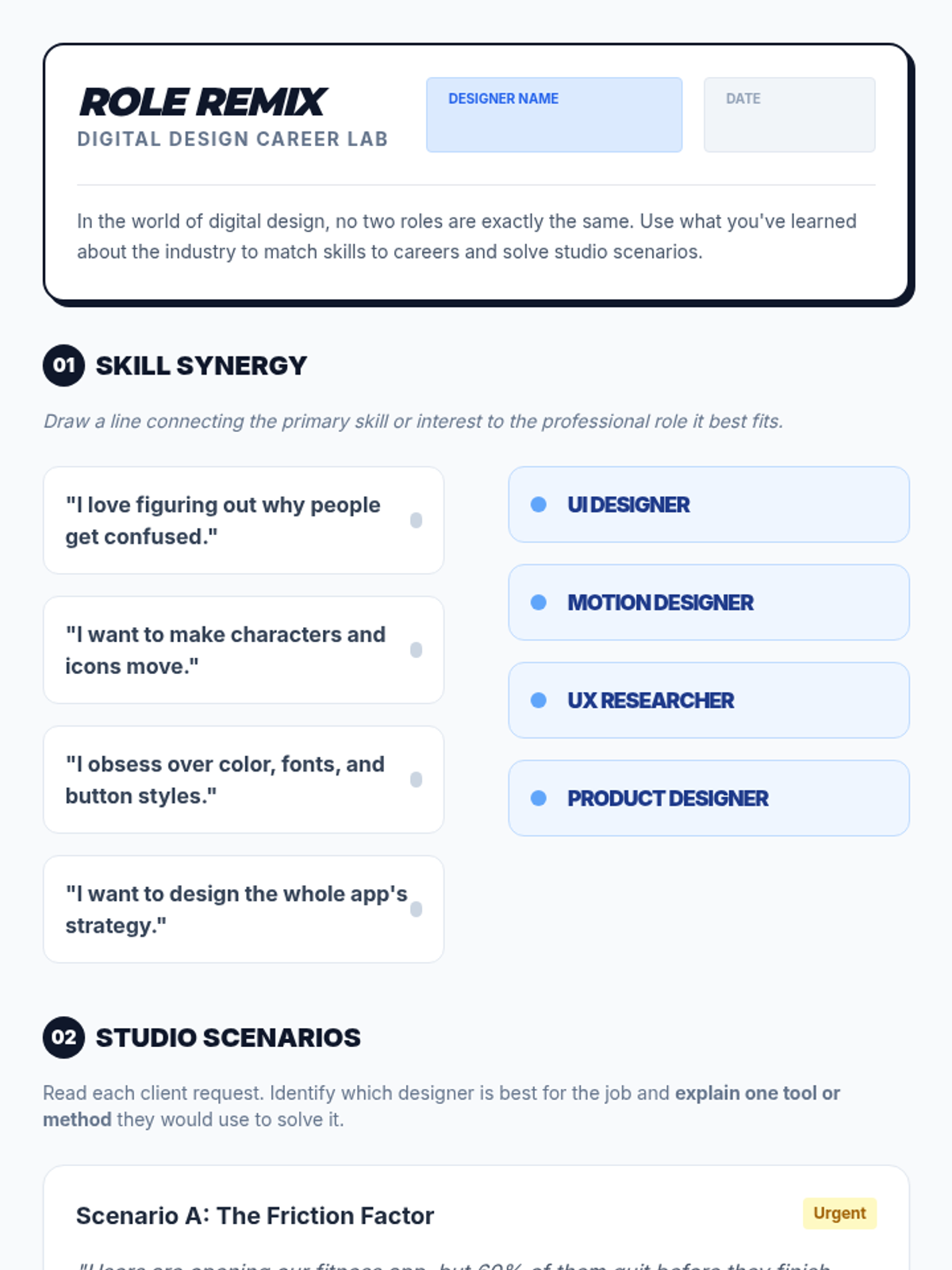
A student activity worksheet for matching skills to digital design roles and solving real-world design scenarios.
Visual presentation slides exploring five core digital design careers, their daily challenges, and the educational paths available to students.
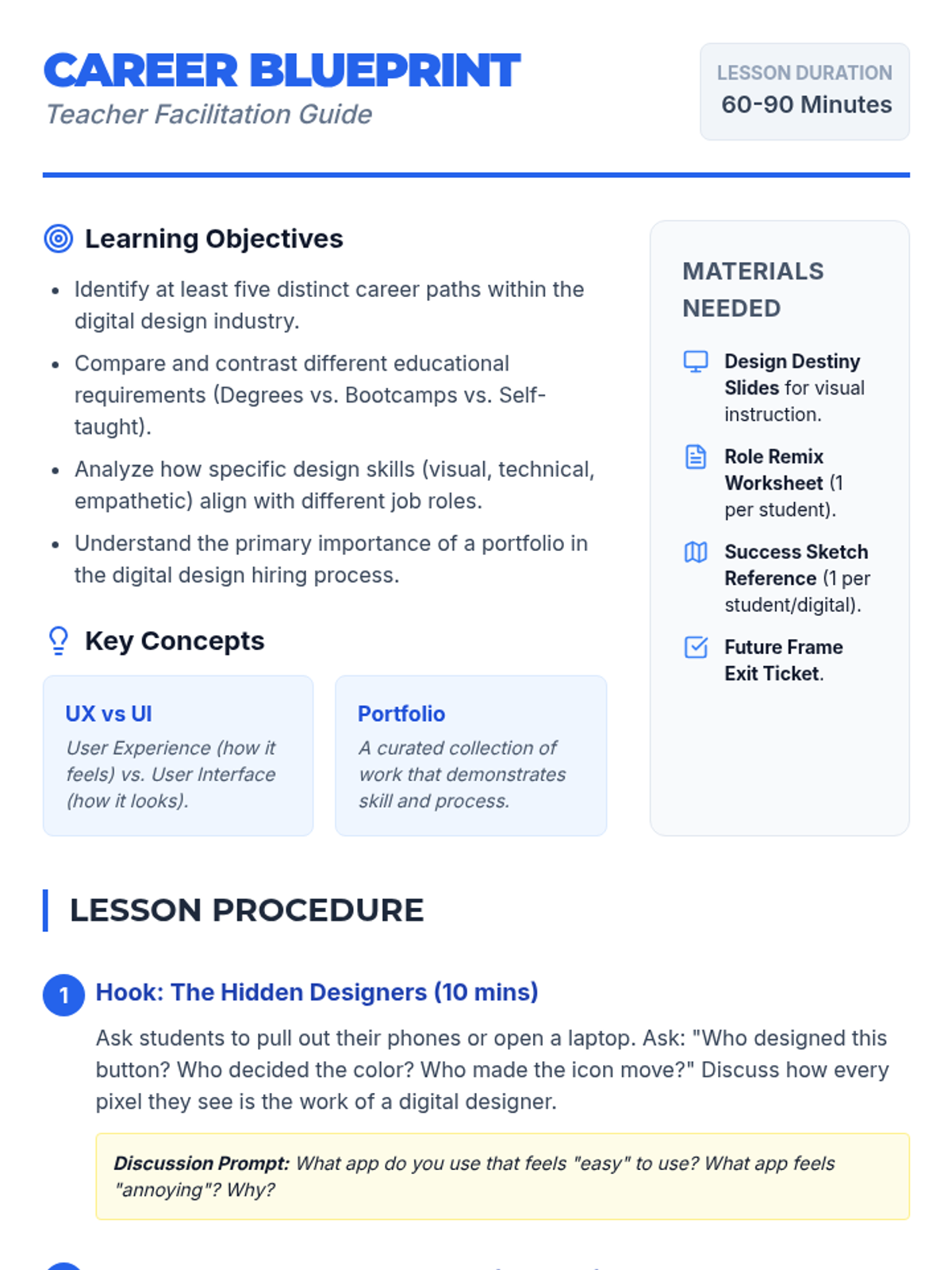
A comprehensive teacher facilitation guide for the 'Design Destiny' lesson, including learning objectives, a step-by-step procedure, and differentiation strategies.
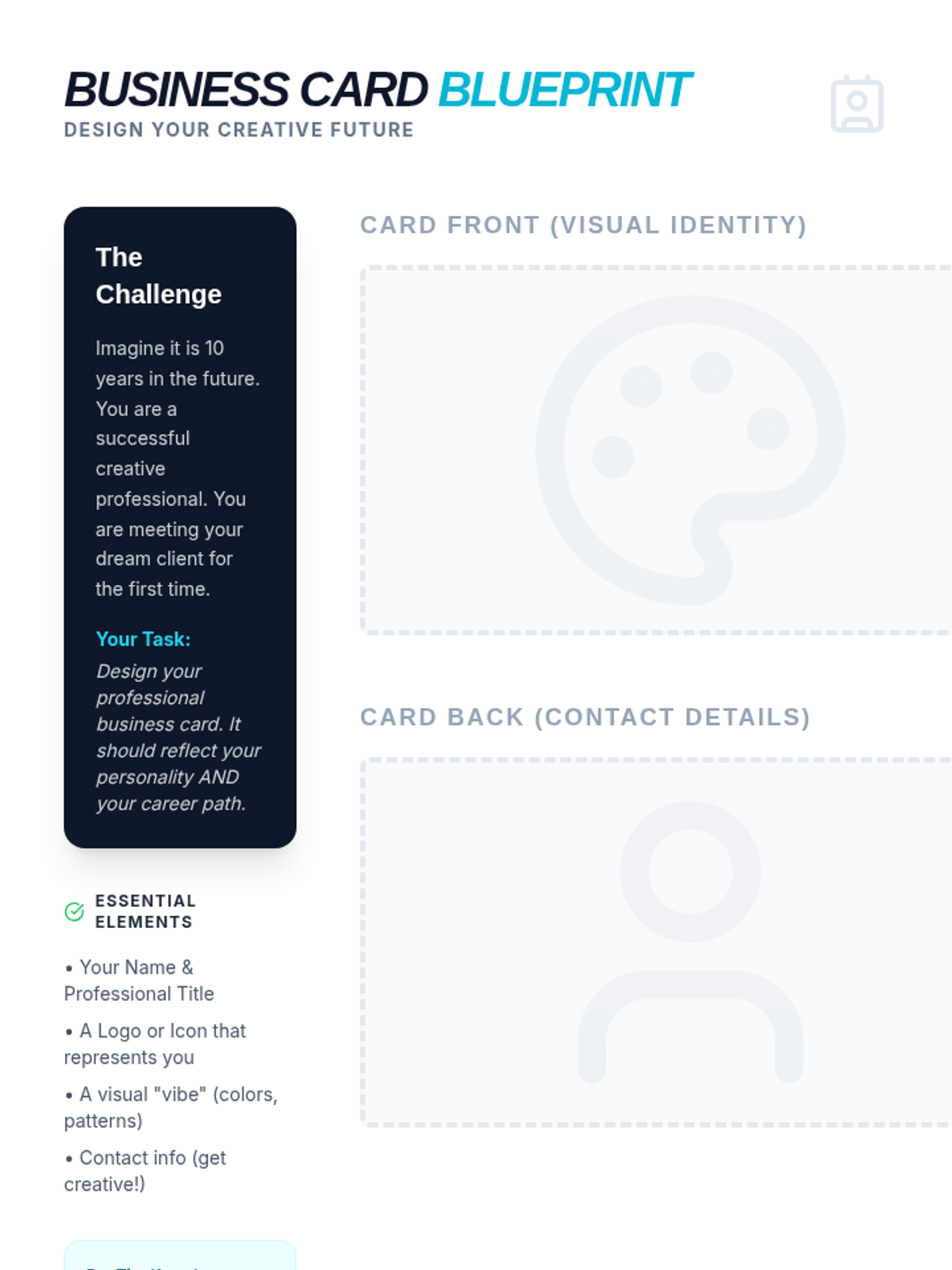
A creative activity where students design their own professional business card for a future art career, including space for front/back designs and a design reflection.
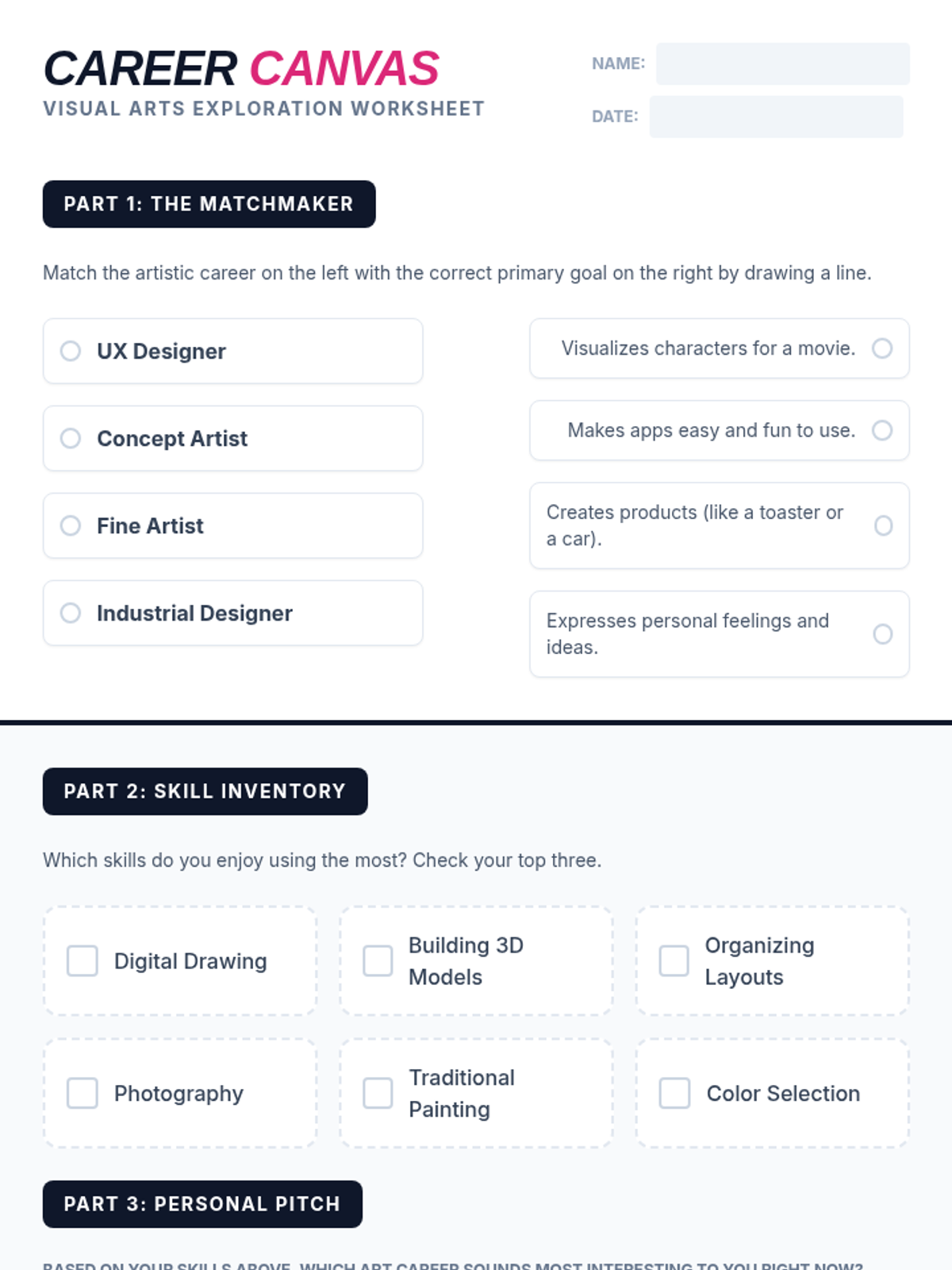
A student worksheet designed to help students explore and reflect on art careers, including a matching activity and a personal skill inventory.
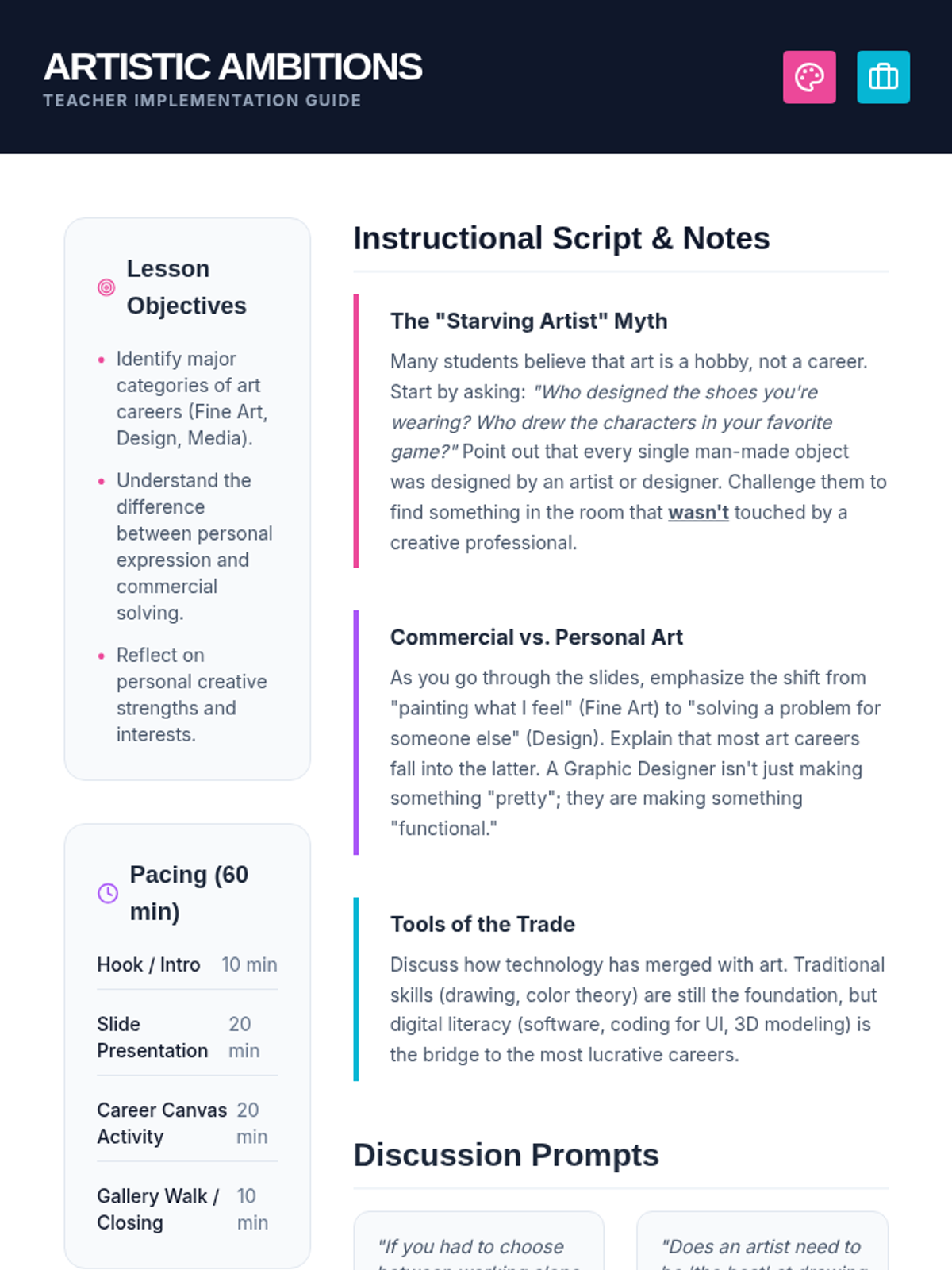
A comprehensive teacher guide for the Artistic Ambitions lesson, including pacing, discussion prompts, and instructional notes to debunk myths about art careers.
A vibrant, high-impact slide deck exploring professional paths in the visual arts, covering fine art, design, media, and architecture.
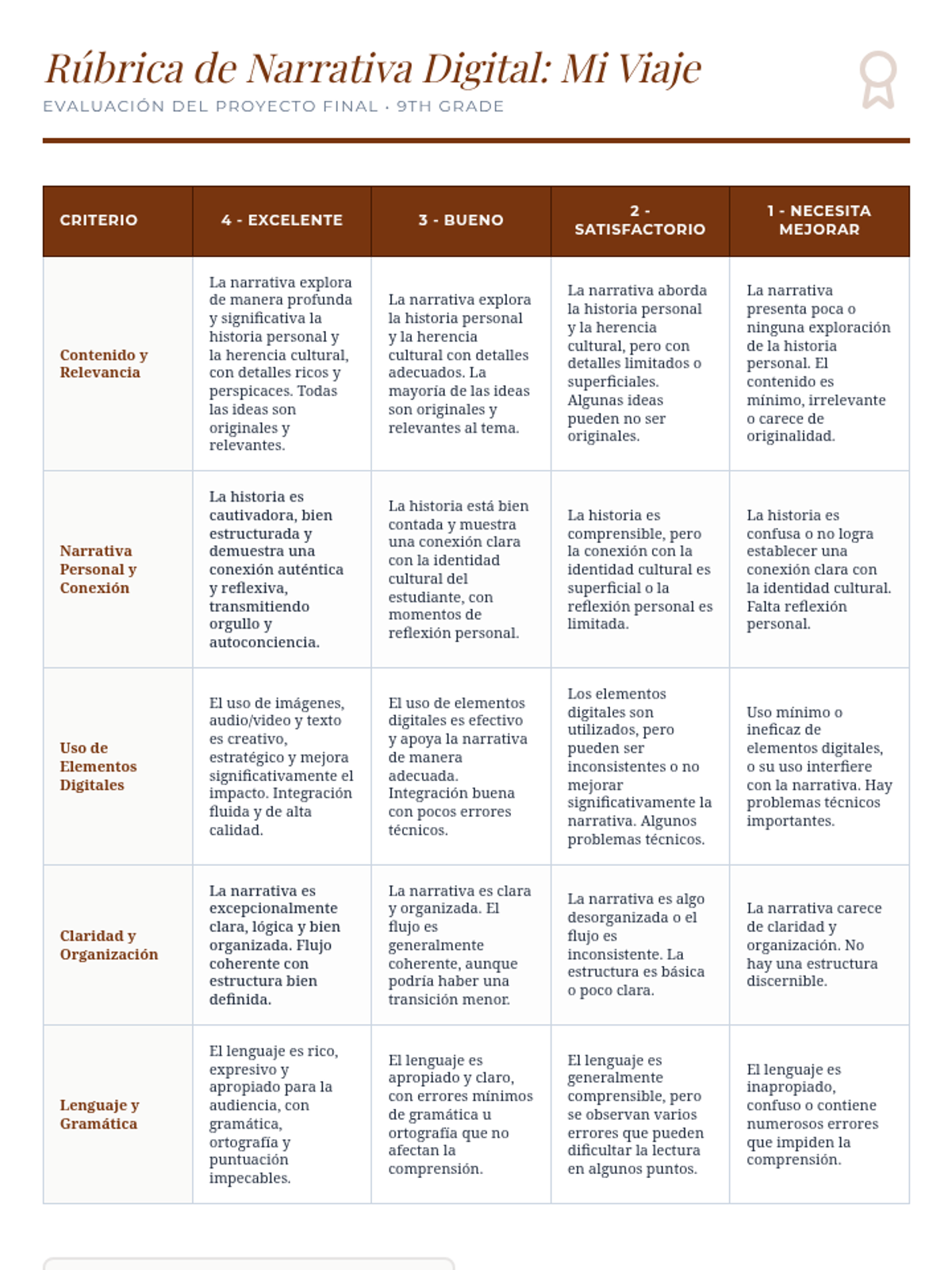
A detailed evaluation rubric for the "Mi Viaje" digital storytelling project, assessing content, narrative, digital elements, organization, and language.
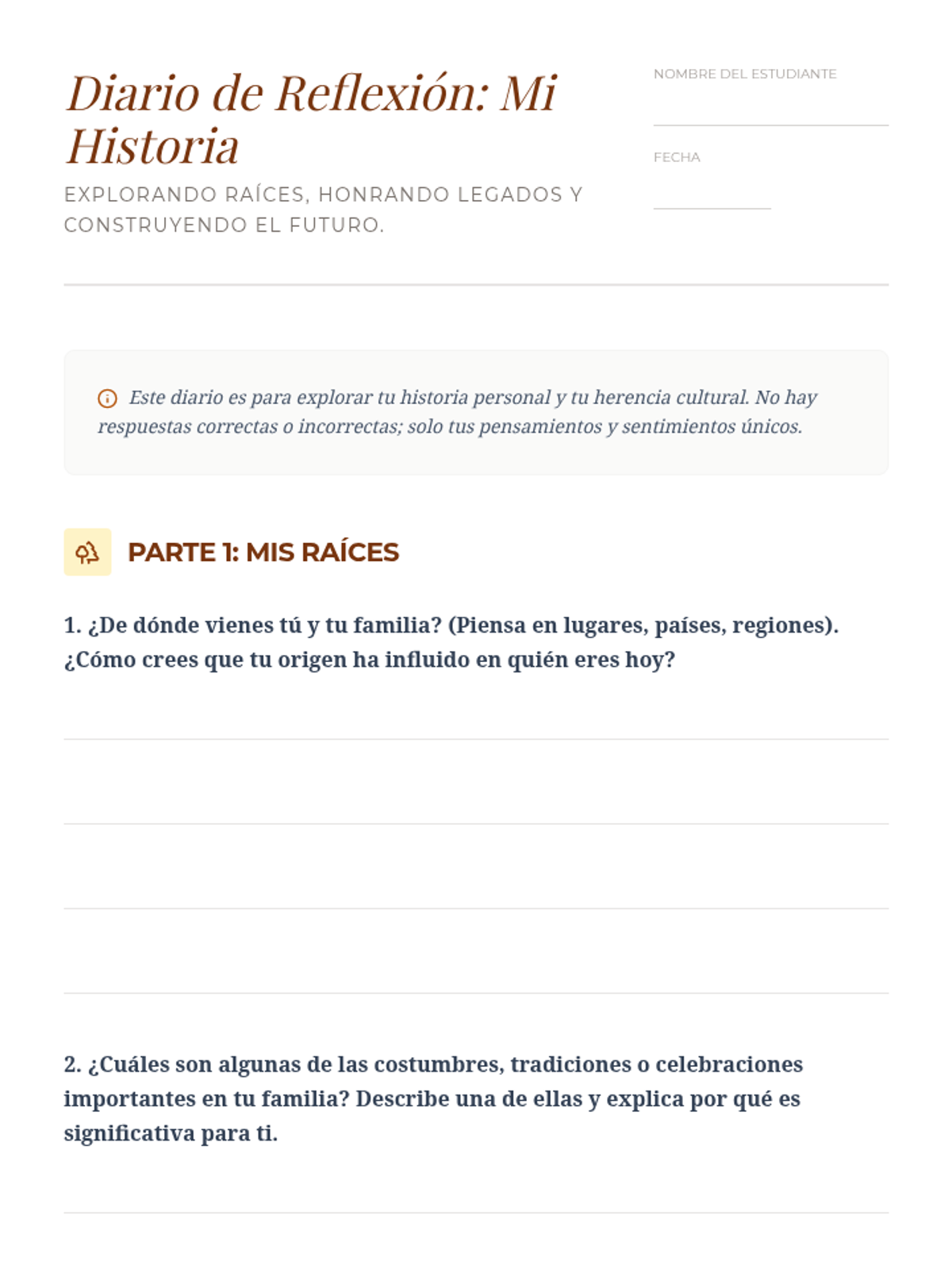
A guided journal for students to reflect on their cultural heritage, family stories, and personal identity.
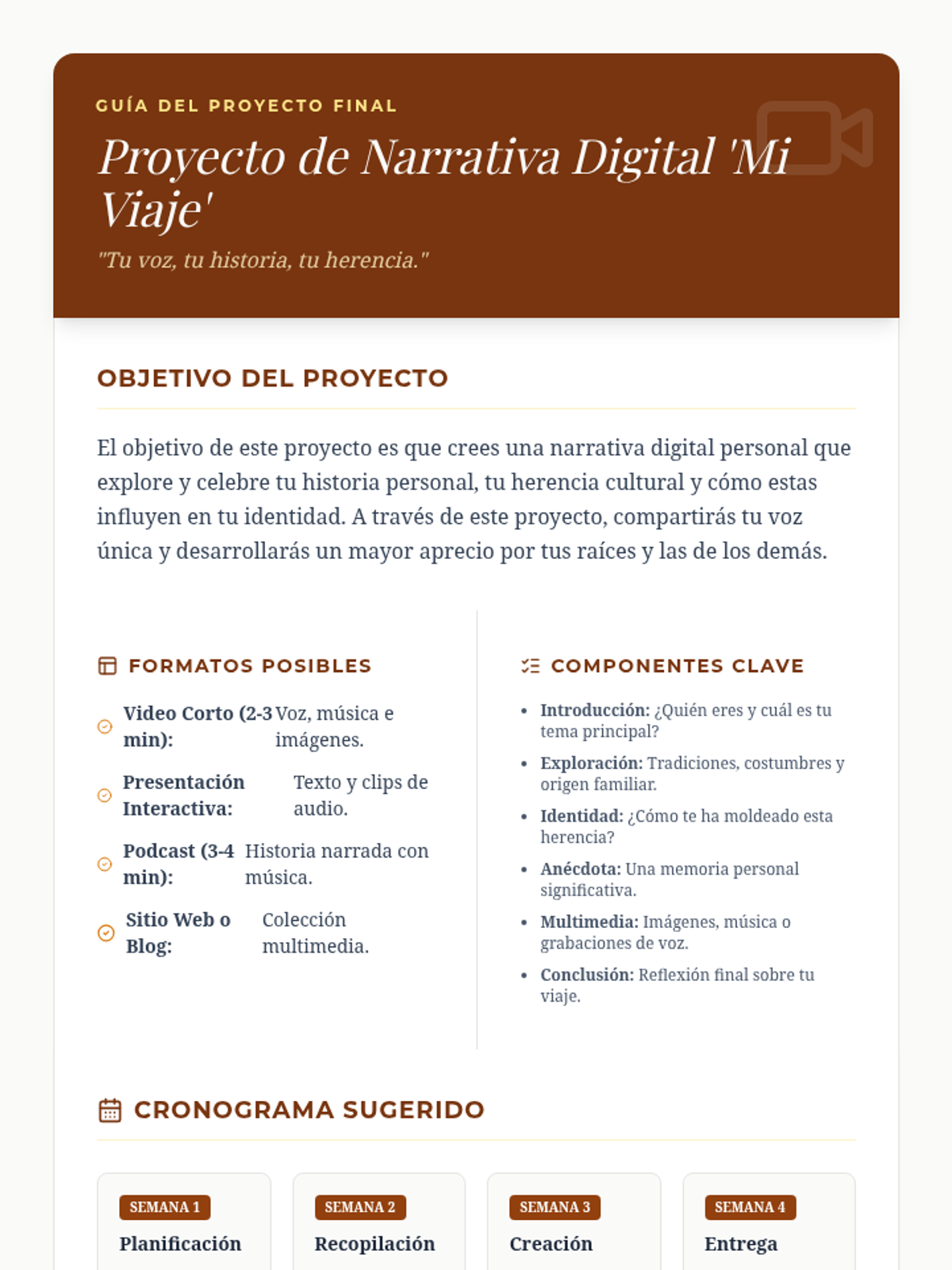
A guide for students detailing the requirements, components, and timeline for the "Mi Viaje" digital storytelling project.
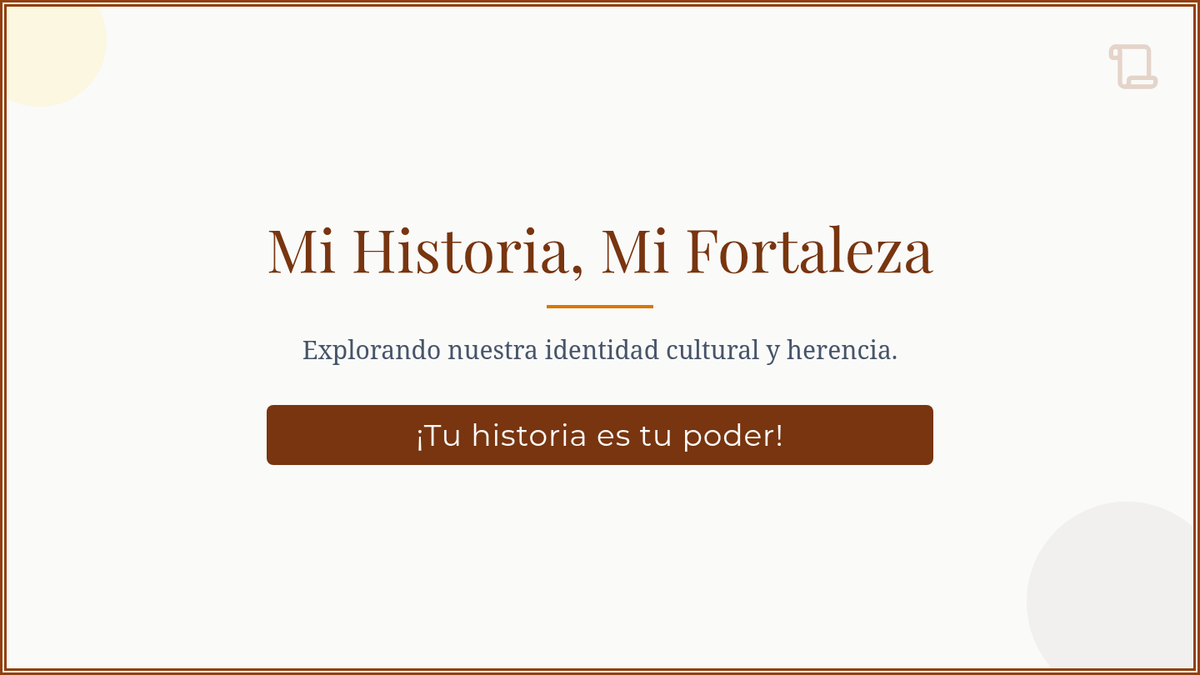
Visual presentation for the Mi Historia Mi Fortaleza lesson, guiding students through concepts of identity, heritage, and the final project.
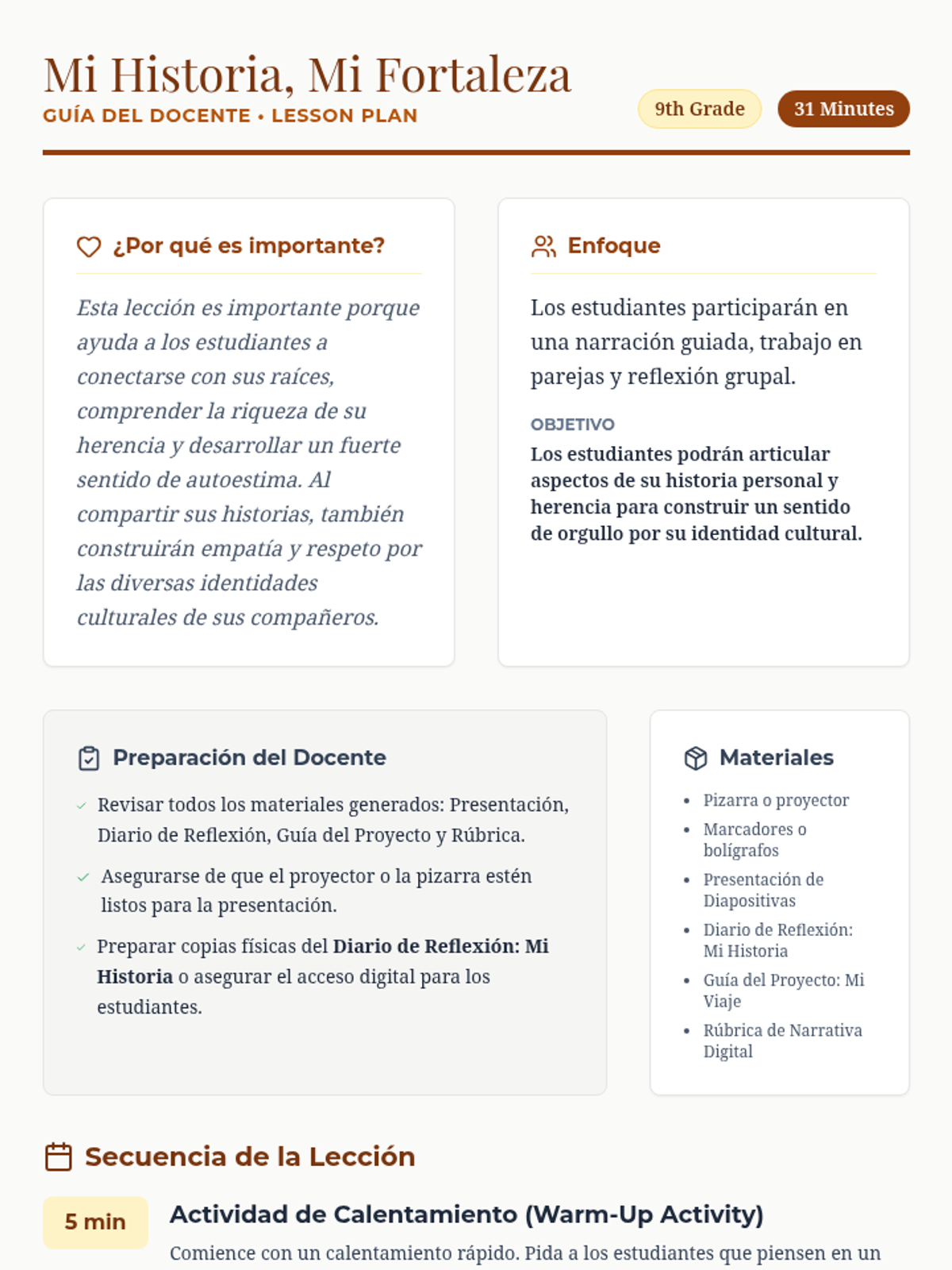
A teacher guide for the Mi Historia Mi Fortaleza lesson, including pacing, preparation notes, and step-by-step instructions.