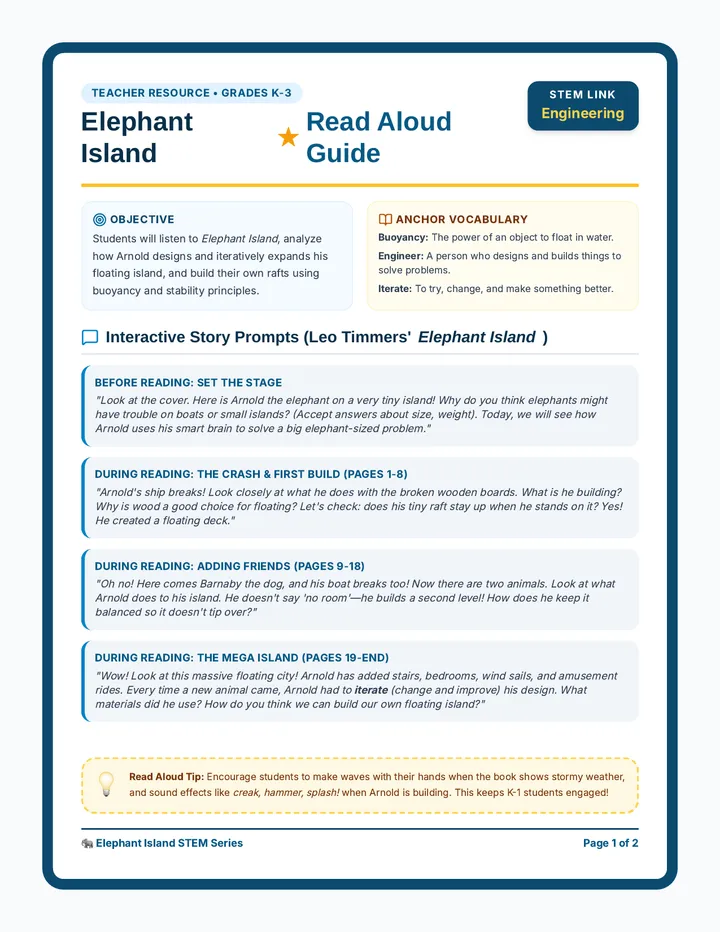
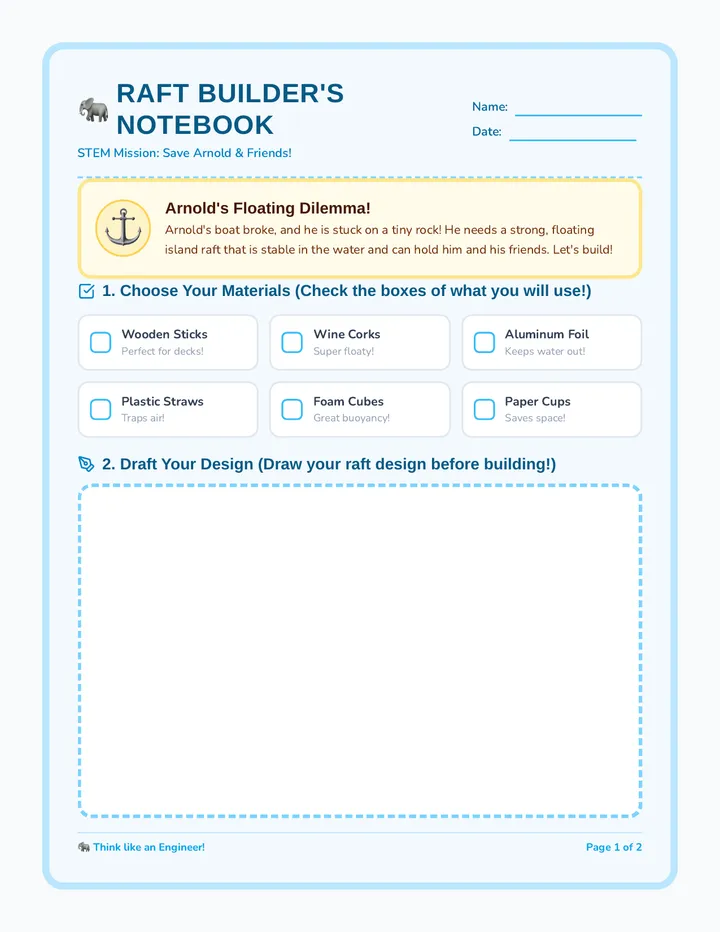
A comprehensive teacher facilitation guide containing scientific background, detailed experiment instructions, troubleshooting tips, and common misconception alerts.
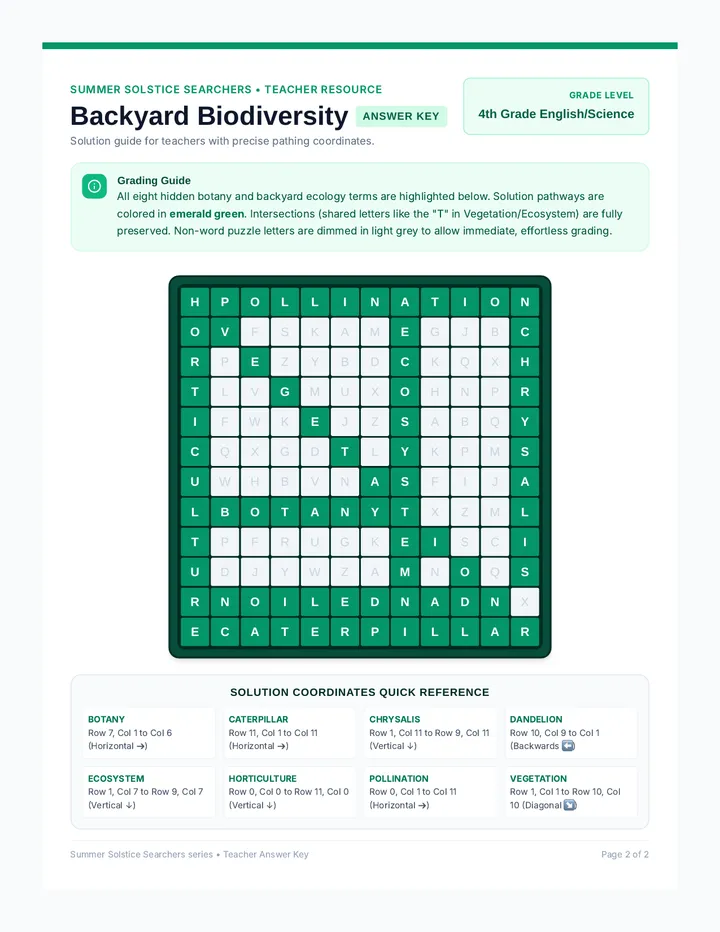
A comprehensive answer key for the Food Chain Builder Activity and the Chain Reaction Worksheet, including all eight ecosystem chains and vocabulary definitions.
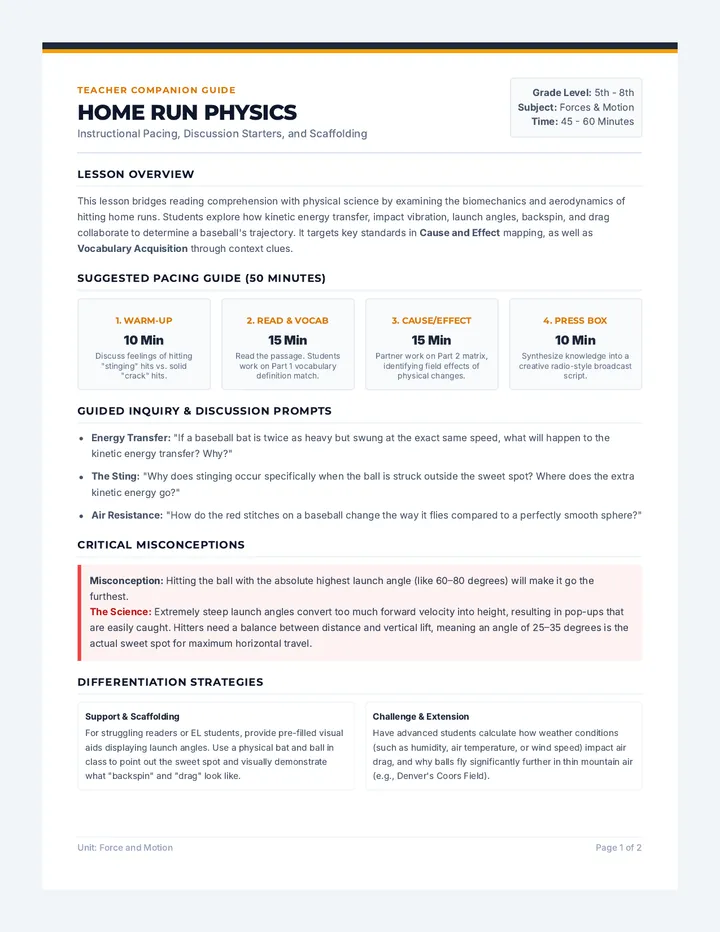
A teacher-facing facilitation guide providing lesson objectives, a pacing guide, discussion prompts, and notes on common student misconceptions regarding food chains.
A worksheet featuring vocabulary matching, a food chain diagram analysis (Corn -> Mouse -> Owl), and a creative section for students to draw their own food chain. Designed for 3rd-grade assessment.
A hands-on activity where students cut out organism cards and paste them into the correct ecosystem food chains. Covers all eight requested ecosystems: Grassland, Backyard, Rainforest, Tundra, Ocean, Desert, Forest, and Pond.
A set of interactive slides that introduce the concept of food chains, define producers and consumers, and showcase example chains from eight diverse ecosystems. Includes clear visuals and directional arrows to illustrate energy flow.
Teacher's reference and answer key for the Cycle Quest worksheet, providing suggested responses and textual evidence for RI.3.1 assessment.
A comprehensive reading passage about the water cycle with targeted 'How' and 'Why' comprehension questions to build RI.3.1 proficiency.
A vibrant slide deck introducing RI.3.1 skills through the lens of the water cycle, teaching students how to distinguish between 'how' and 'why' questions using scientific evidence.
A teacher-facing facilitation guide for the Waste Wise project, including learning objectives, pacing, safety notes, and discussion prompts.
A detailed grading rubric for the Trash to Treasure video project, focusing on scientific accuracy, creative execution, and technical quality.
A comprehensive project guide and rubric for high school students to create a video documentary or performance art piece focused on waste management and upcycling, inspired by Shoji Yamasaki.
A student brainstorming and curation guide for Lesson 19, helping them define their brand's visual voice through keywords and consistent image filtering.
A joint teacher facilitator guide for Lessons 18 and 19, providing instructional strategies for teaching brand documentation, style guides, and visual tone through Canva.
A visually rich slide deck for Lesson 19, exploring brand personality and visual tone. It features personality comparisons (Disney vs. Tesla), photography style analysis, and technical instruction on Canva image filters.
A student planning worksheet for Lesson 18, helping students document their brand's color palette, typography pairing, and alignment rules before building their formal Style Guide in Canva.
A comprehensive, visually compelling slide deck for teaching the components of a Brand Style Guide, including rules for logo usage, color palettes, and typography pairing with technical Canva skills.
A comprehensive teacher's guide for Lesson 17, providing pacing, design principles, and technical Canva troubleshooting tips for facilitating the assembly of a professional Brand Board.
A student activity guide for Lesson 17, focusing on the assembly of a Brand Board in Canva, featuring technical requirements for unity, framing, and positioning.
A professional, visually striking slide deck for teaching document architecture and layout assembly in Canva, featuring sidebar navigation, frame tools, and technical positioning skills.
A joint teacher's guide for Lessons 15 and 16, providing pacing, instructional strategy for the 'Squint Test,' and technical troubleshooting for Google Drawing logo exports.
A professional slide deck for Lesson 16, focusing on the concepts of simplicity in design, negative space, and the technical requirements for exporting brand assets in PNG and PDF formats.
A student logo drafting worksheet featuring a thumbnail sketching sprint area, a composition audit checklist, and a dedicated space for documenting the results of the 'Squint Test.'
A professional, high-energy slide deck for Lesson 15, guiding students through the anatomy of a logo and the technical construction of their first brand mark draft using Google Drawing.
A joint teacher's guide for Lessons 13 and 14, providing pacing, technical troubleshooting for Google Drawing, and instructional tips for teaching vector construction.
A professionally designed slide deck for Lesson 14, teaching custom vector shape creation (polyline/curve) and exploring the technical necessity of vector scalability and transparent PNG exports.
A student activity guide for Lesson 13, helping students document their logo reconstruction process in Google Drawing, including layer ordering and technical grouping checks.
A high-energy, visually engaging slide deck introducing students to vector design in Google Drawing, focusing on building complex logos from simple geometric shapes, grouping, and layering.
A joint teacher guide for Lessons 11 and 12, providing instructional support for transitioning students from Unit 1's analytical phase to Unit 2's visual branding phase.
A student typeface analysis sheet for Lesson 12, guiding students through the process of auditing serif, sans serif, and display fonts to find their brand's voice.
A professional, typography-focused slide deck for Lesson 12, teaching the difference between serif, sans serif, and display fonts, while exploring how letter spacing (tracking) affects brand identity.
A professional design guide for students building a brand mood board in Canva, featuring color psychology anchors, technical instructions for Hex codes, and an exit ticket drafting area.
A sleek, visually striking slide deck for Lesson 11, introducing color theory, marketing psychology, and the technical skill of using Hex codes to build brand mood boards.
A joint teacher facilitator guide for Lessons 9 and 10, covering intellectual property, source reliability, peer review protocols, and professional quality control.
A peer review feedback form and final quality control checklist for Lesson 10, designed to guide students through the 'Glow and Grow' feedback process and professional submission requirements.
A high-energy slide deck for Lesson 10 of the Innovation Lab, focusing on final document editing, peer review feedback, the 'Read Aloud' proofing trick, and professional PDF exportation.
A student research and reliability handout for Lesson 9, featuring a source evaluation guide, competitor analysis template, and a technical software skills checklist for hyperlinking and footnotes.
A high-energy slide deck for Lesson 9 of the Innovation Lab, focusing on intellectual property, source reliability, and technical software skills for hyperlinking and footnotes.
A joint teacher's guide for Lessons 7 and 8, covering persuasive business writing, features vs. benefits, and the integration of research evidence into a formal proposal.