Techniques for task initiation, strategic break management, and navigating transitions through minimal prompting and self-talk strategies. Addresses multi-day project completion, adaptive planning, and problem-solving when facing obstacles.
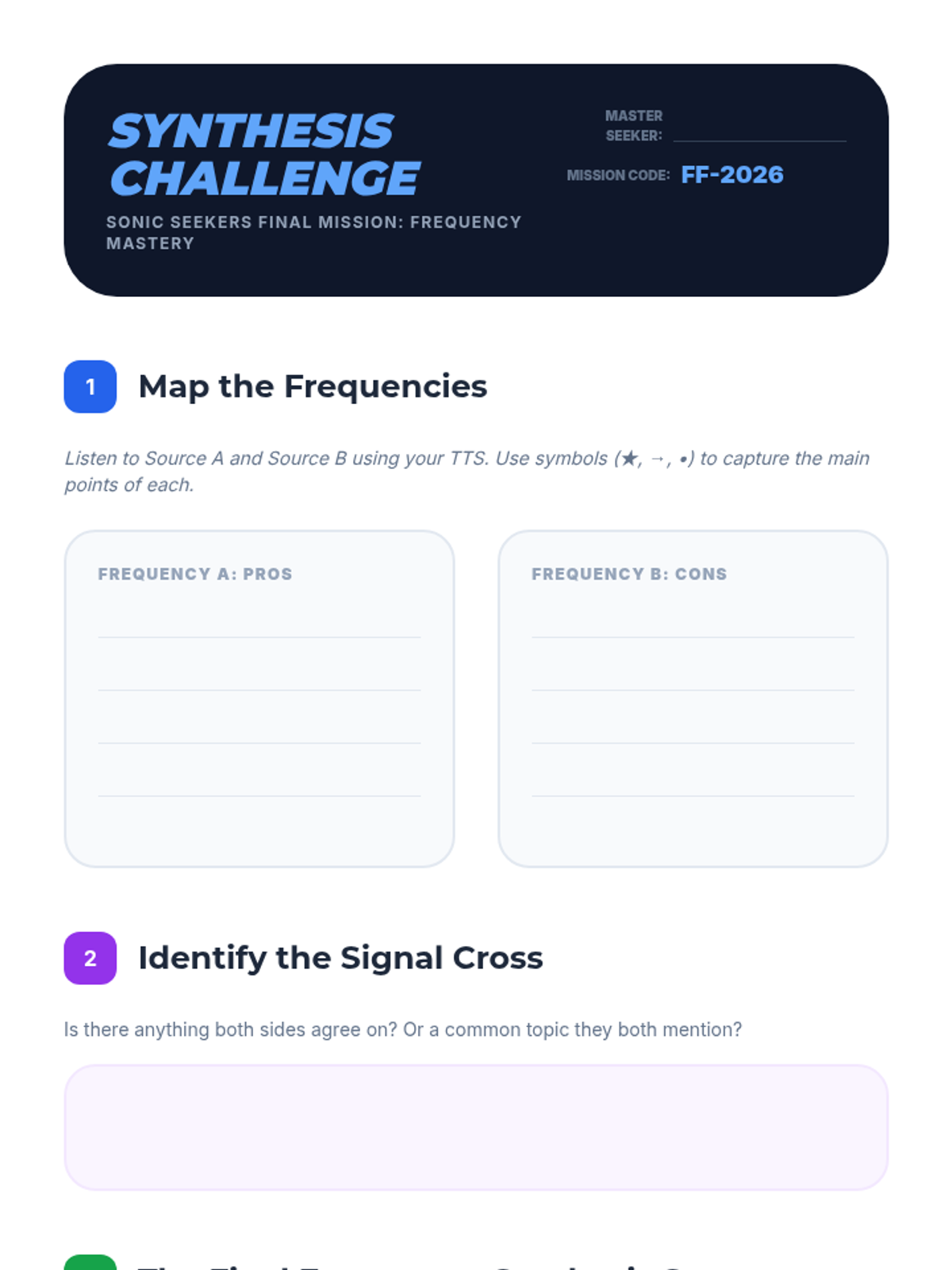
Final assessment worksheet for Lesson 5, challenging students to map two contrasting auditory viewpoints and synthesize them into a coherent written summary.
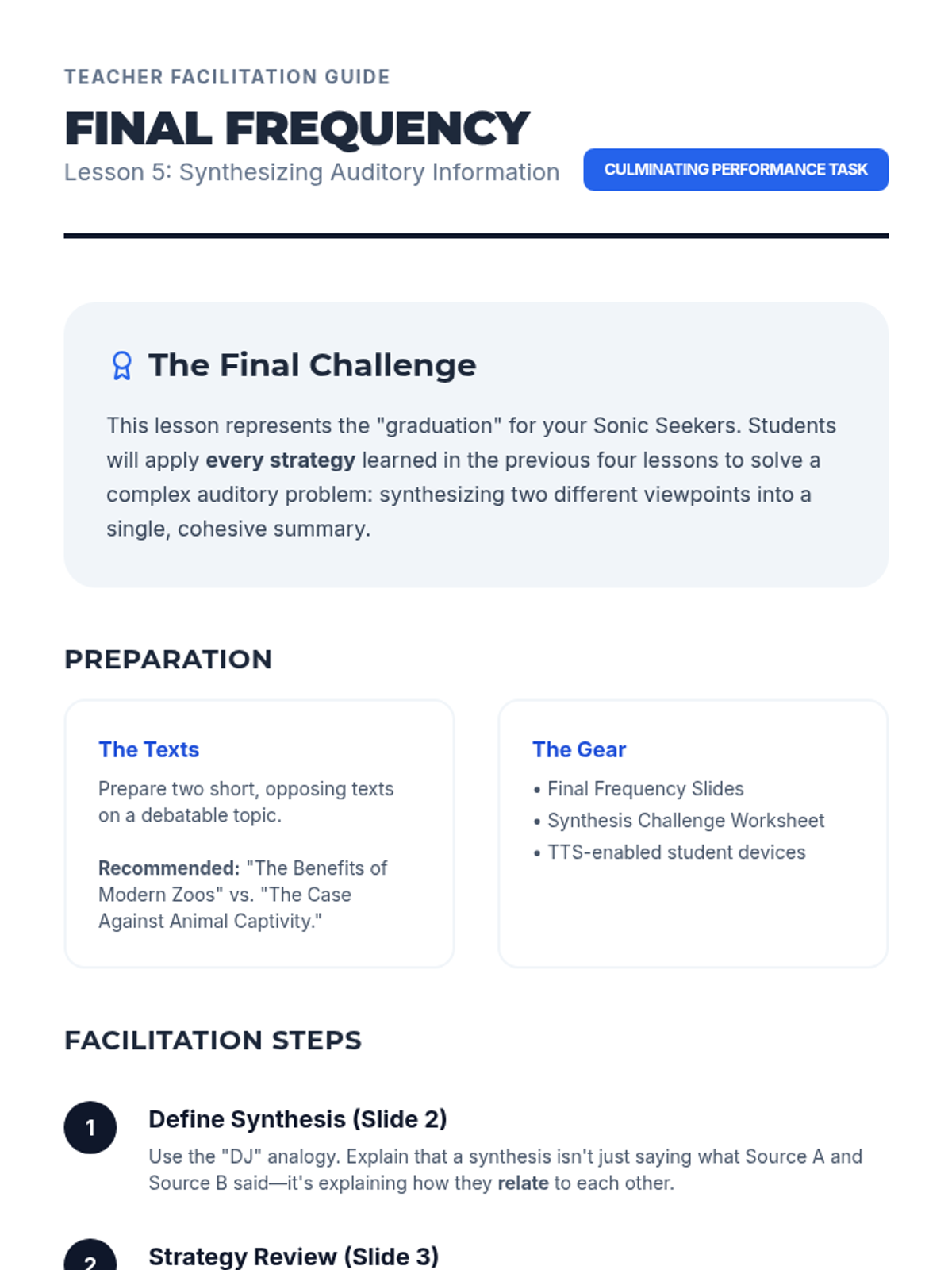
Teacher guide for Lesson 5, outlining the final synthesis task and providing a step-by-step facilitation plan for the culminating lesson.
Slide deck for Lesson 5: Synthesizing Auditory Information, introducing the final challenge of summarizing contrasting viewpoints using all previous auditory strategies.
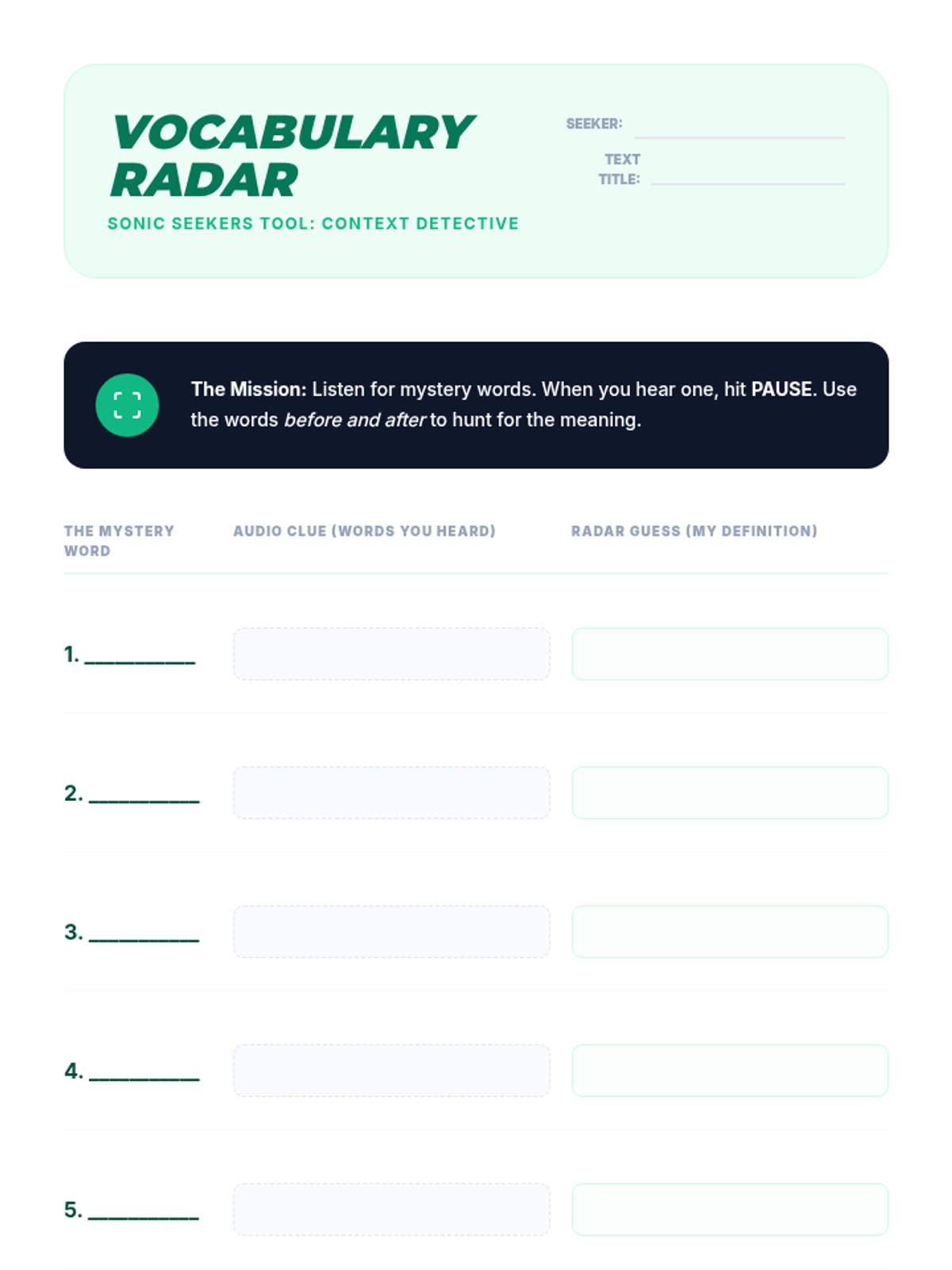
Vocabulary worksheet for Lesson 4, allowing students to record unknown words, auditory context clues, and inferred definitions while using TTS.
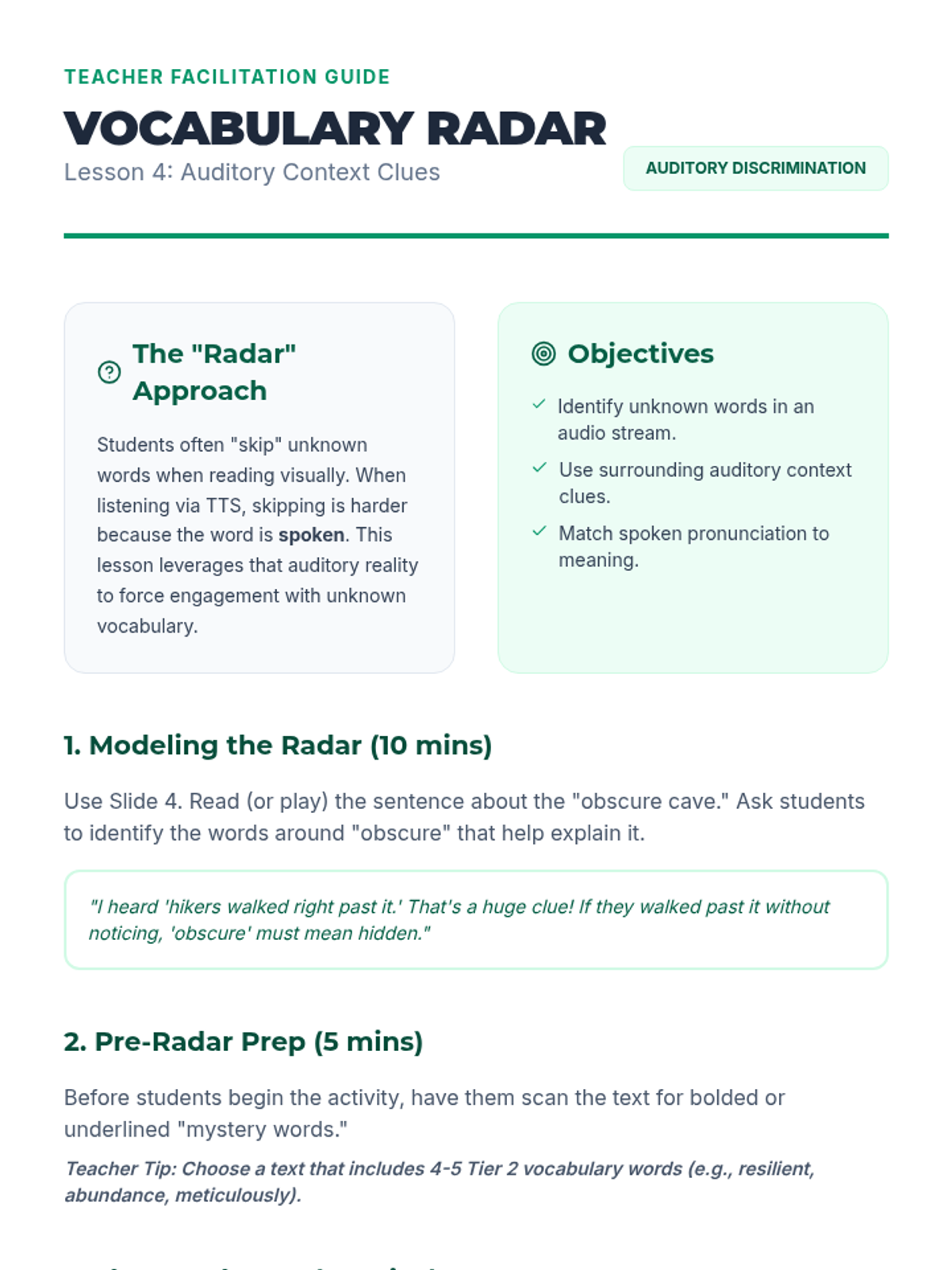
Teacher guide for Lesson 4, providing instructions on using auditory context clues and managing the "Word Hunt" activity.
Slide deck for Lesson 4: Vocabulary Acquisition through Context, explaining how to use auditory context clues to define unknown words while using TTS.
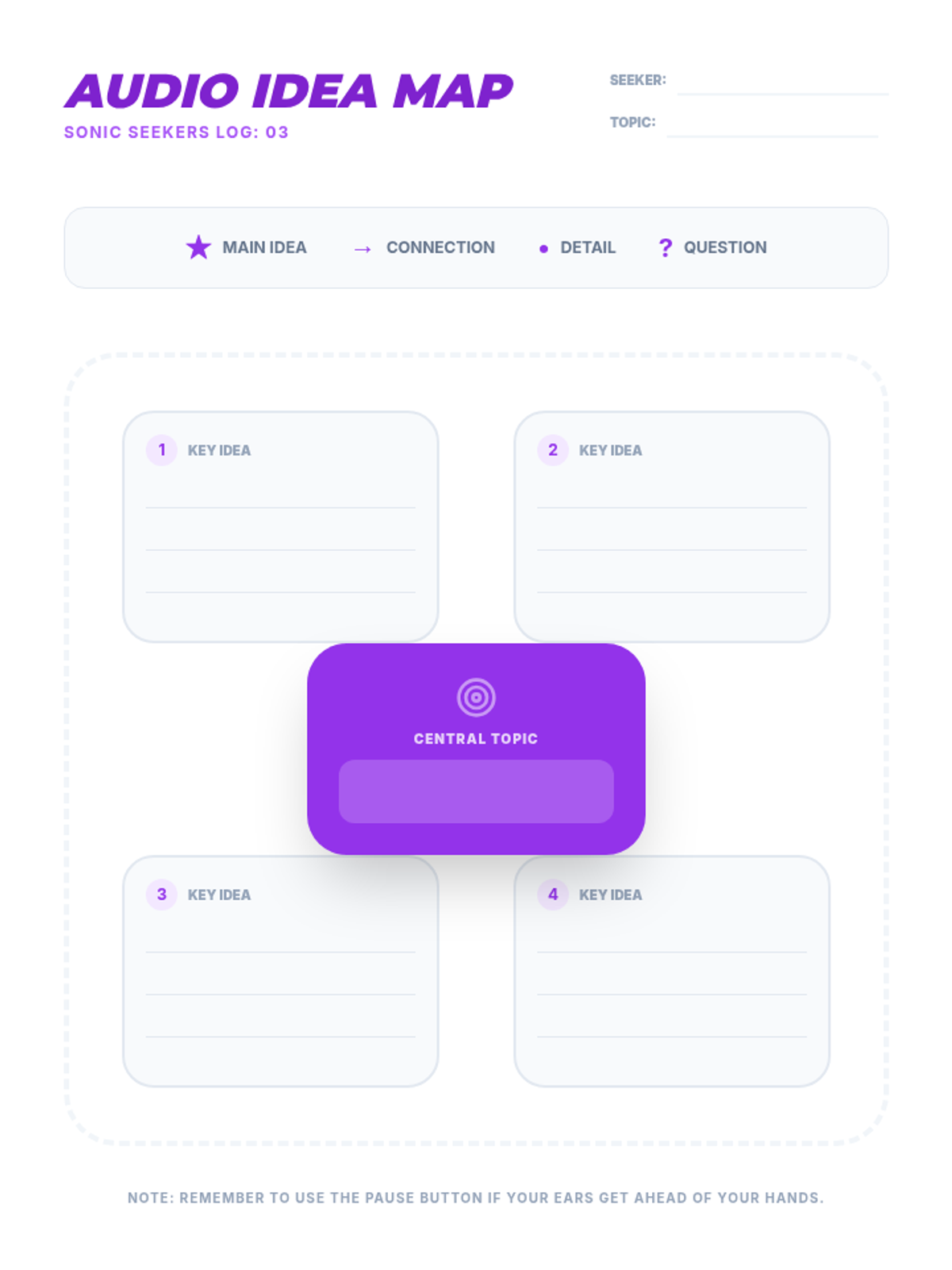
Note-taking graphic organizer for Lesson 3, providing a central topic node and four branches for key ideas and supporting details.
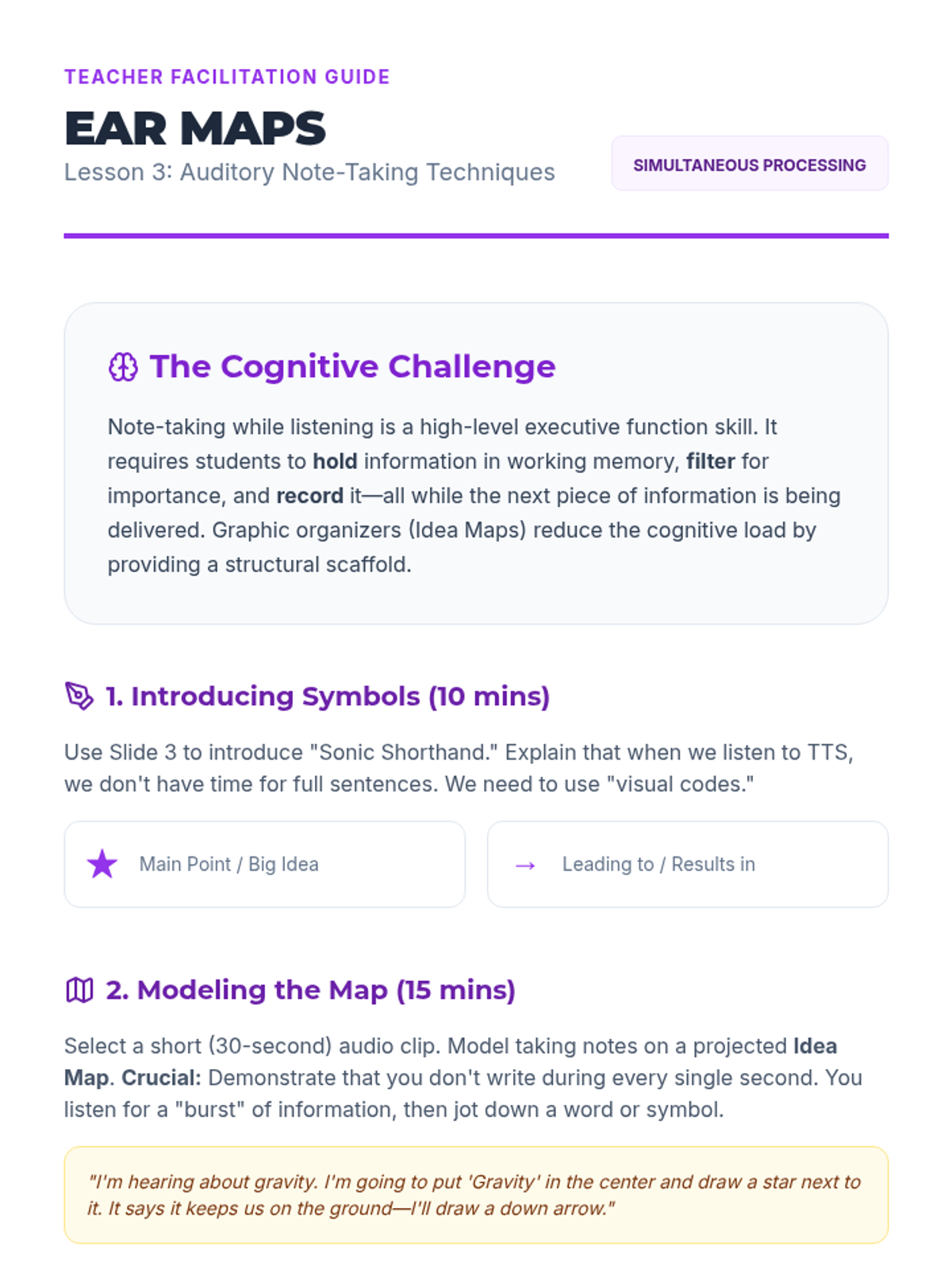
Teacher guide for Lesson 3, providing instructions on teaching auditory shorthand and modeling graphic organizers for auditory input.
Slide deck for Lesson 3: Auditory Note-Taking Techniques, introducing graphic organizers and shorthand for auditory learning.
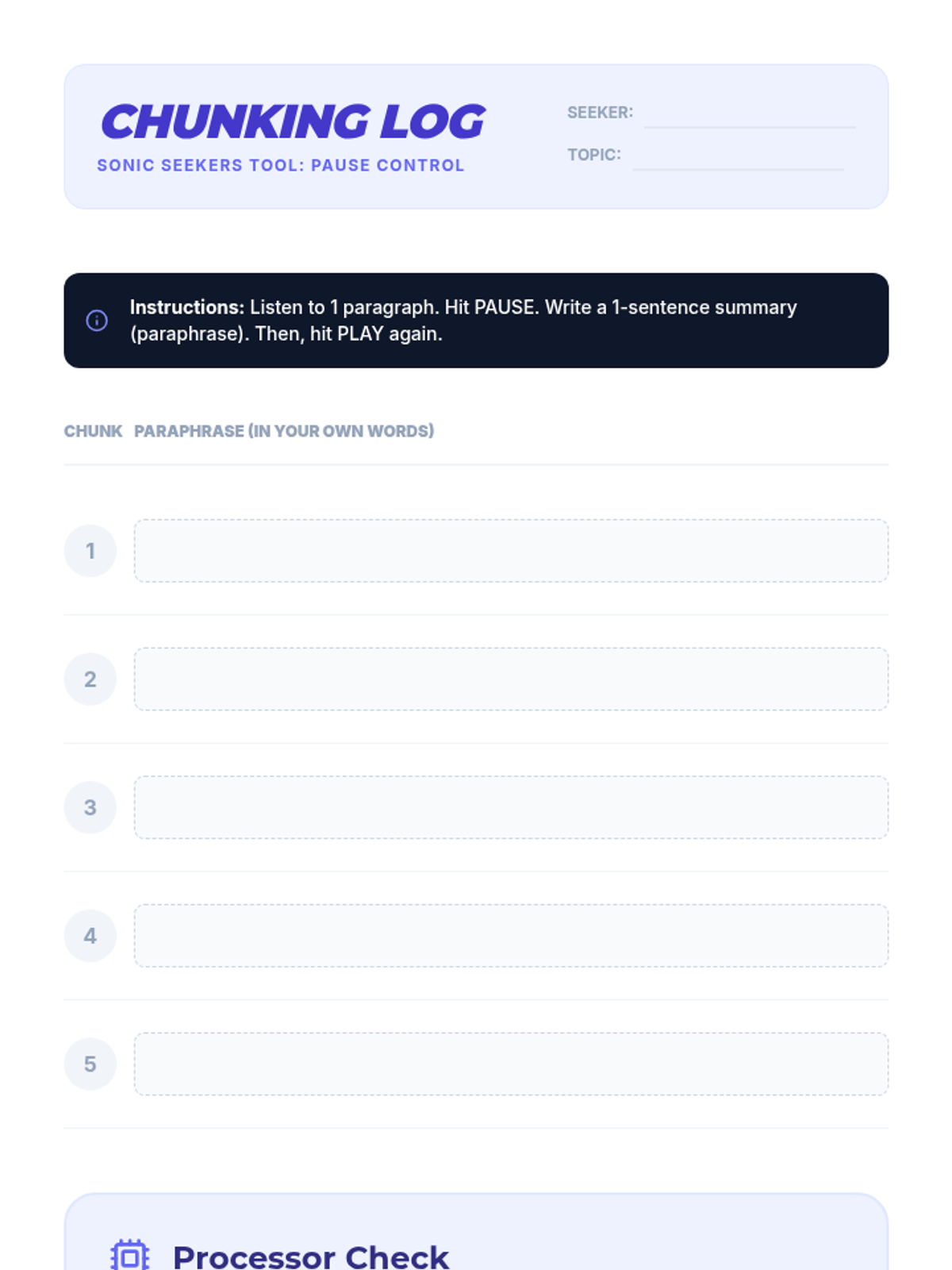
Activity log for Lesson 2, providing a structured way for students to practice chunking and paraphrasing informational text while using TTS.
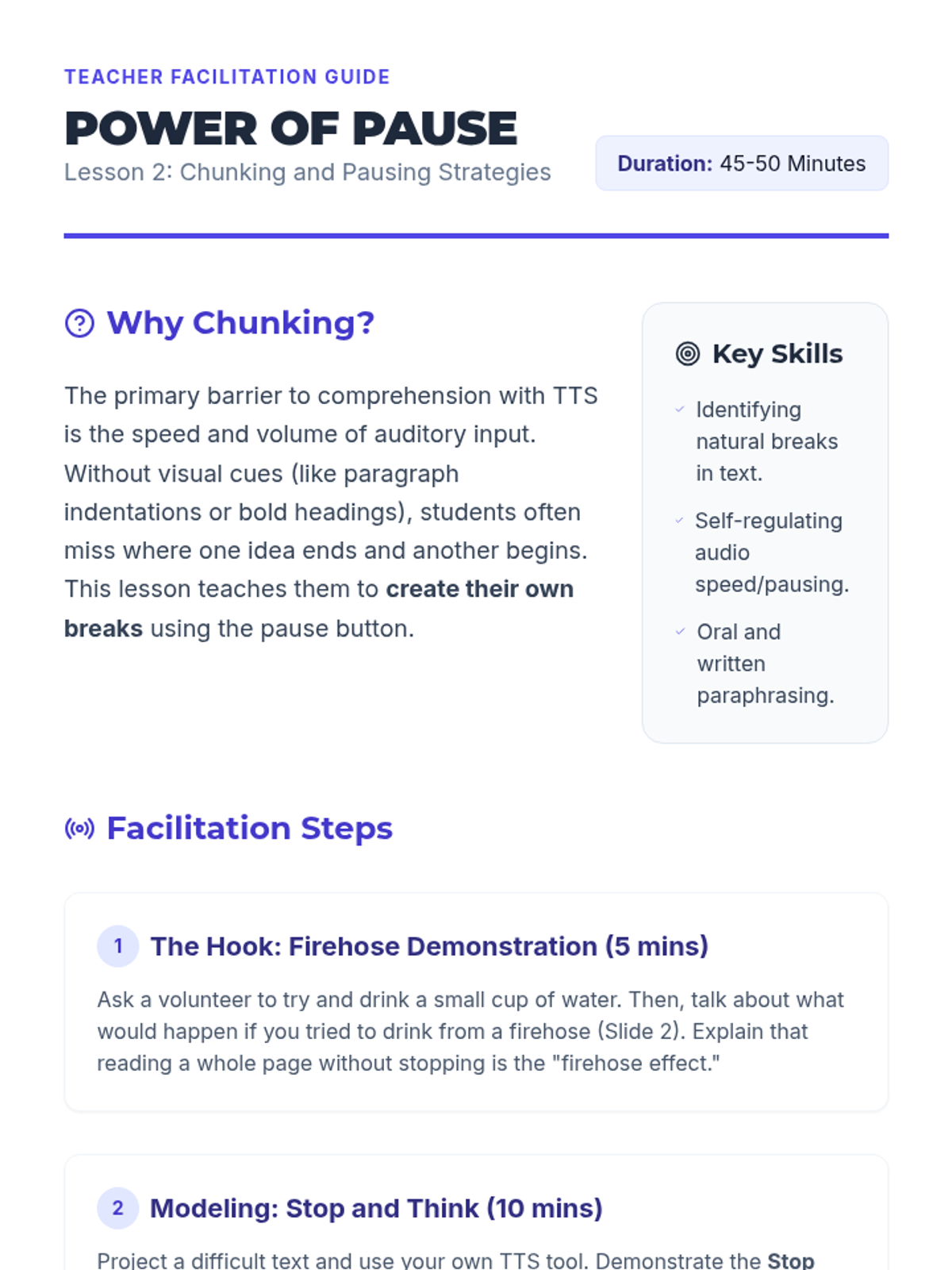
Teacher guide for Lesson 2, outlining the "Firehose Effect" hook and the "Stop and Think" instructional routine.
Slide deck for Lesson 2: Chunking and Pausing Skills, introducing the "Stop and Think" routine and the concept of information chunking for TTS.
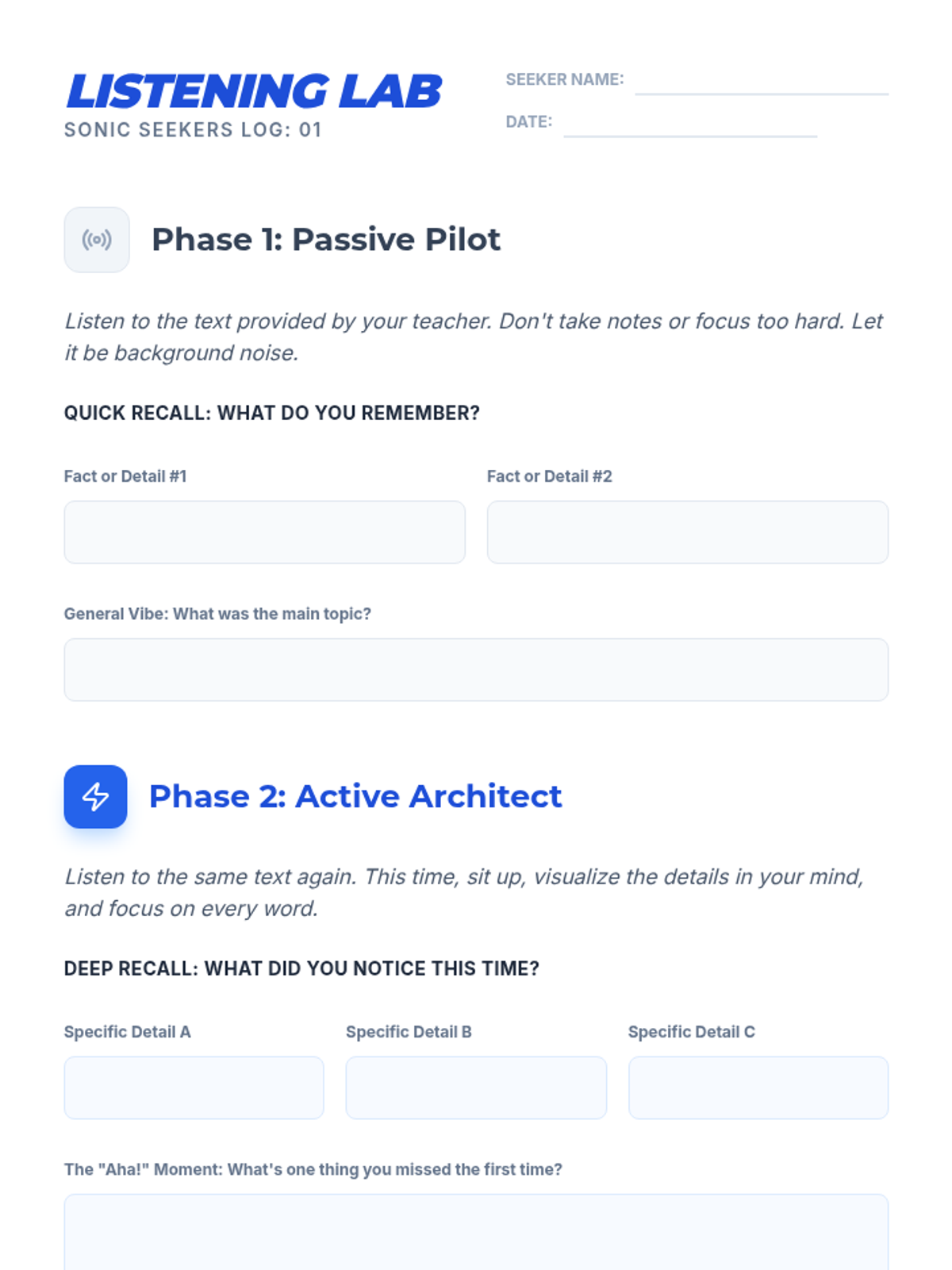
Student worksheet for Lesson 1's "Listening Lab" activity, allowing students to track and compare their recall after passive vs. active listening sessions.
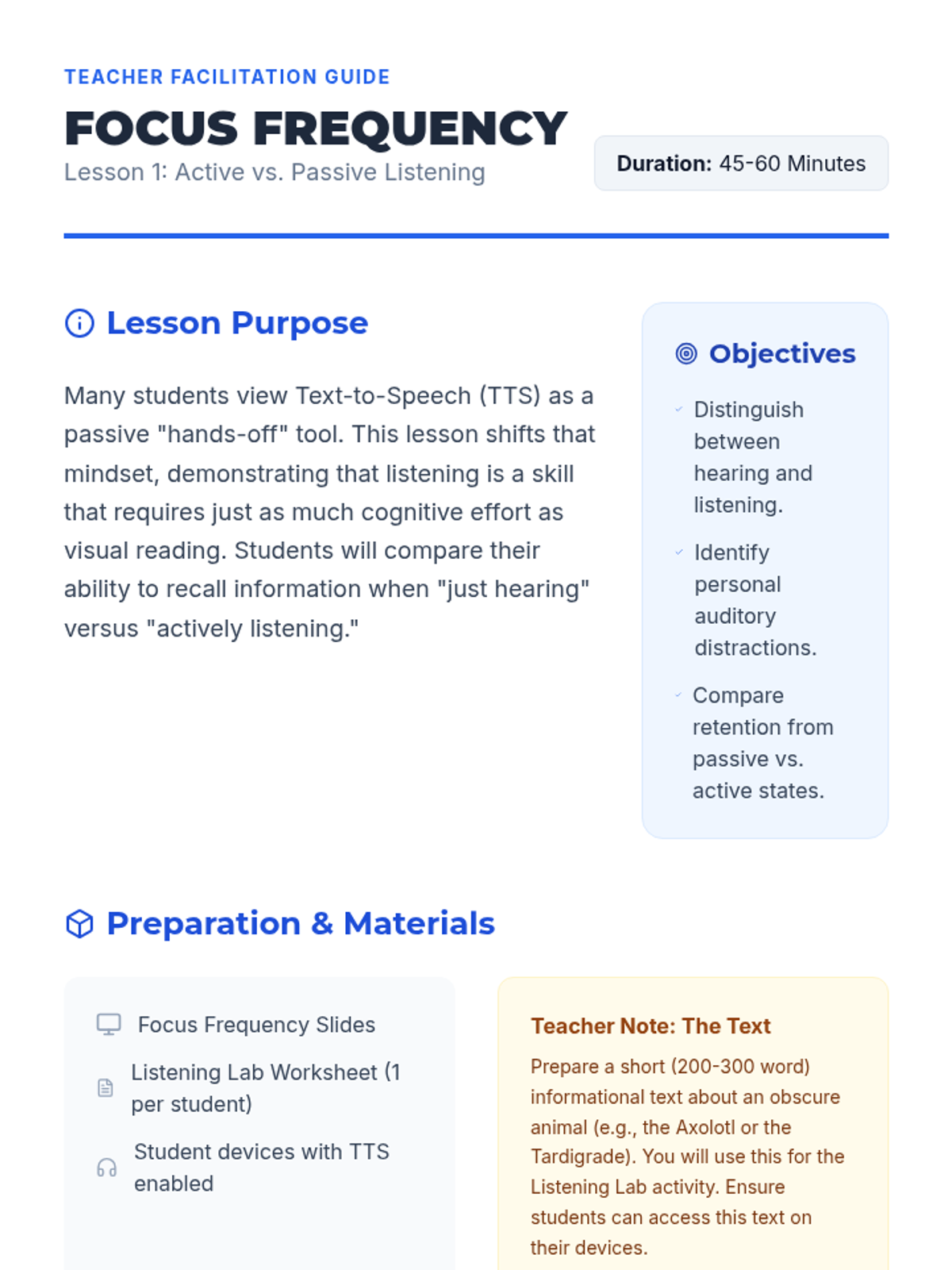
Teacher facilitation guide for Lesson 1, providing step-by-step instructions for the "Listening Lab" activity and pedagogical context.
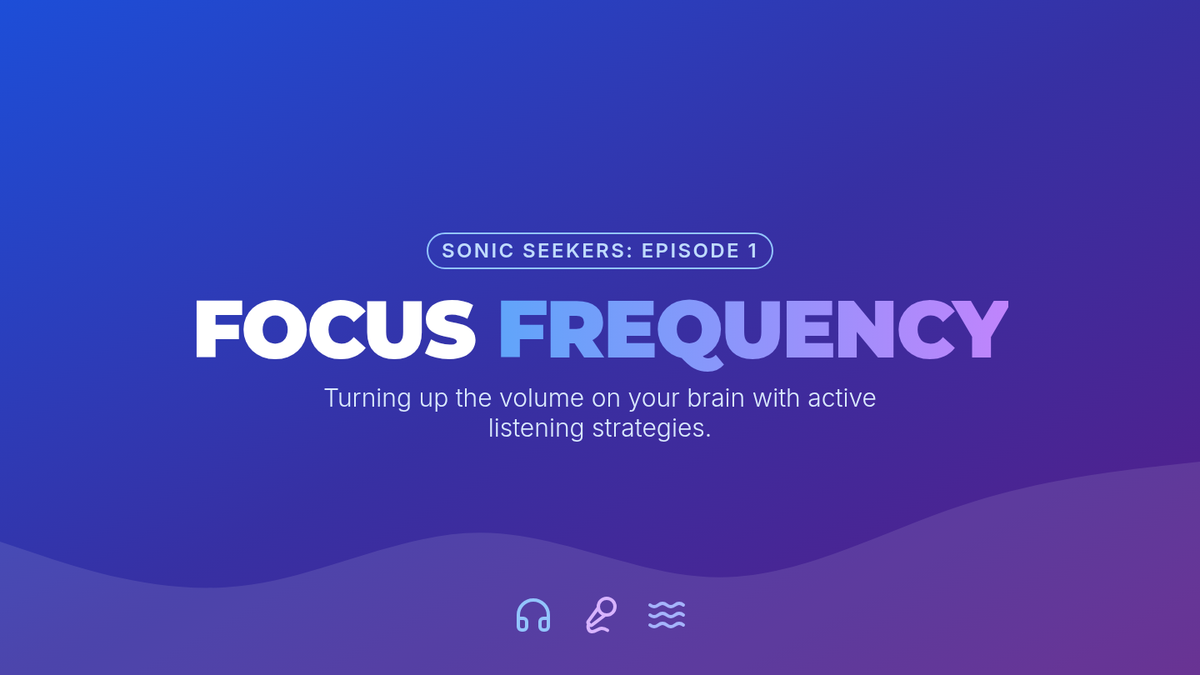
Introductory slide deck for Lesson 1: Active vs. Passive Listening, defining key terms and setting the stage for the Listening Lab activity.
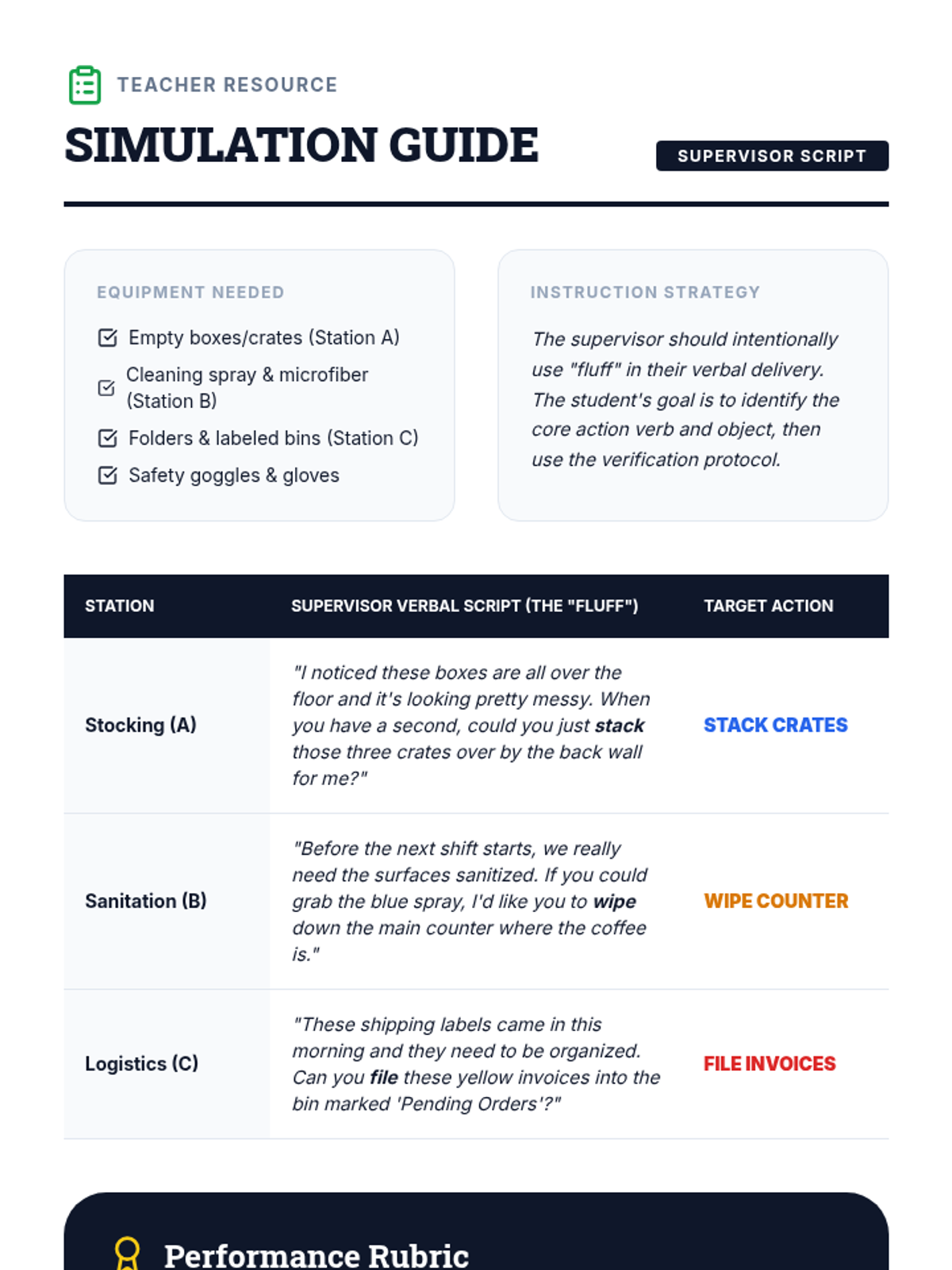
A facilitation guide for teachers/supervisors to lead the vocational simulation, including scripts, setup instructions, and a performance rubric.
A slide deck introducing the final vocational simulation, setting expectations for performance and reinforcing the learned strategies.
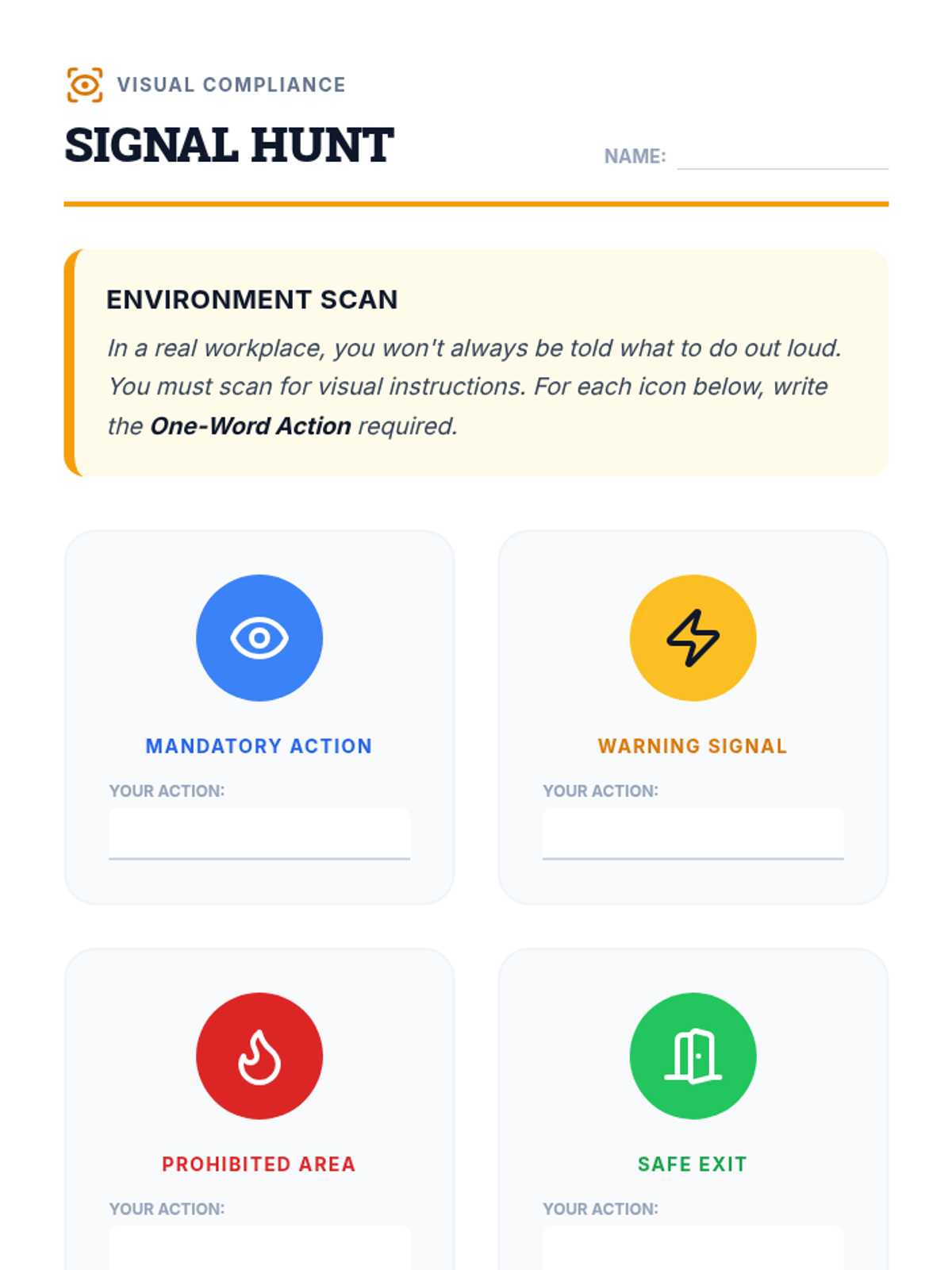
A worksheet for students to identify visual workplace cues and match them to appropriate single-step actions.
A slide deck introducing visual workplace cues, safety icons, and the importance of scanning the environment for visual instructions.
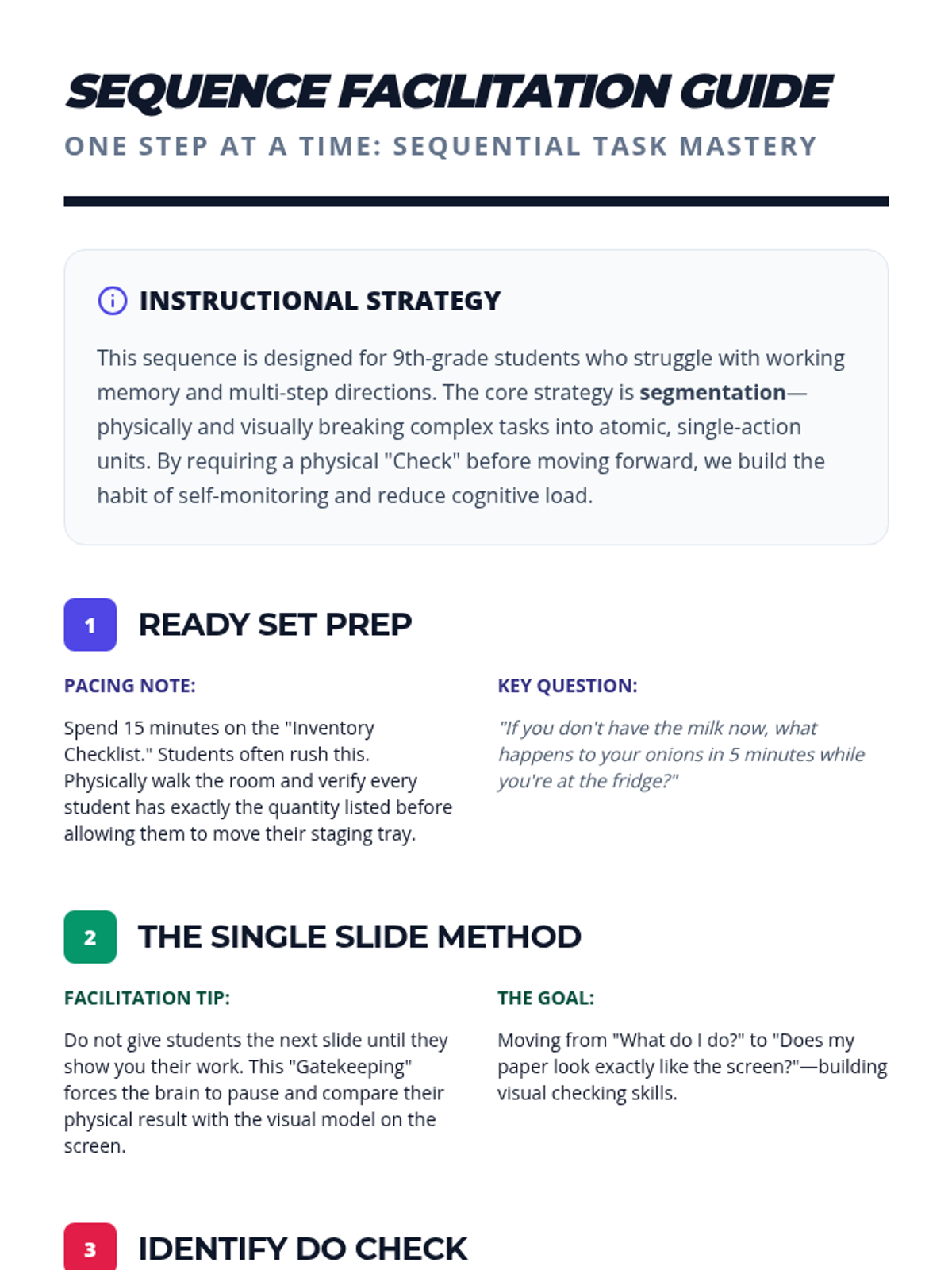
A comprehensive teacher facilitation guide for the "One Step at a Time" sequence, including pacing notes, hook ideas, and differentiation strategies for students with working memory needs.
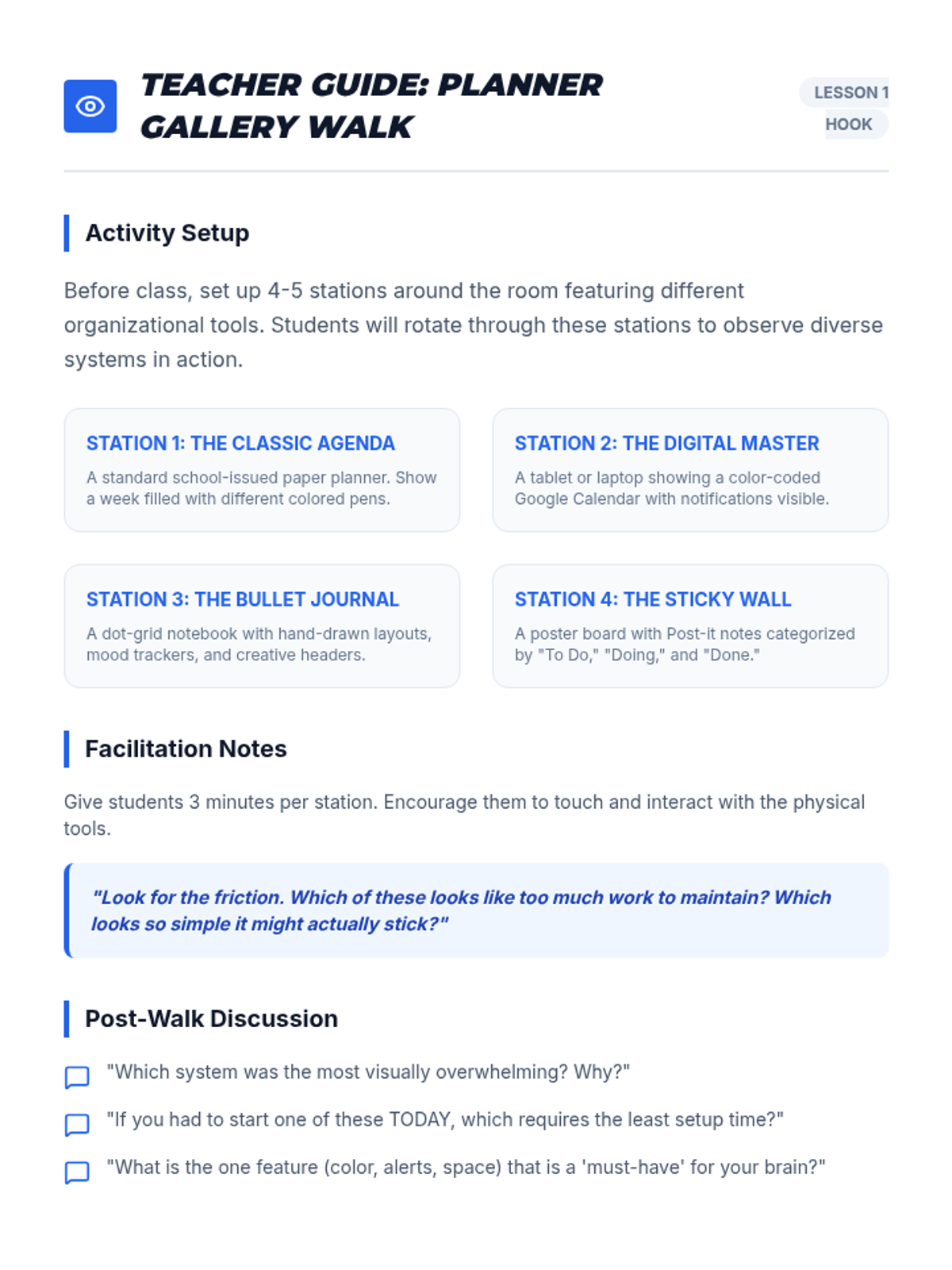
A facilitation guide for the 'Planner Gallery Walk' hook in Lesson 1, including station setup ideas and discussion prompts.
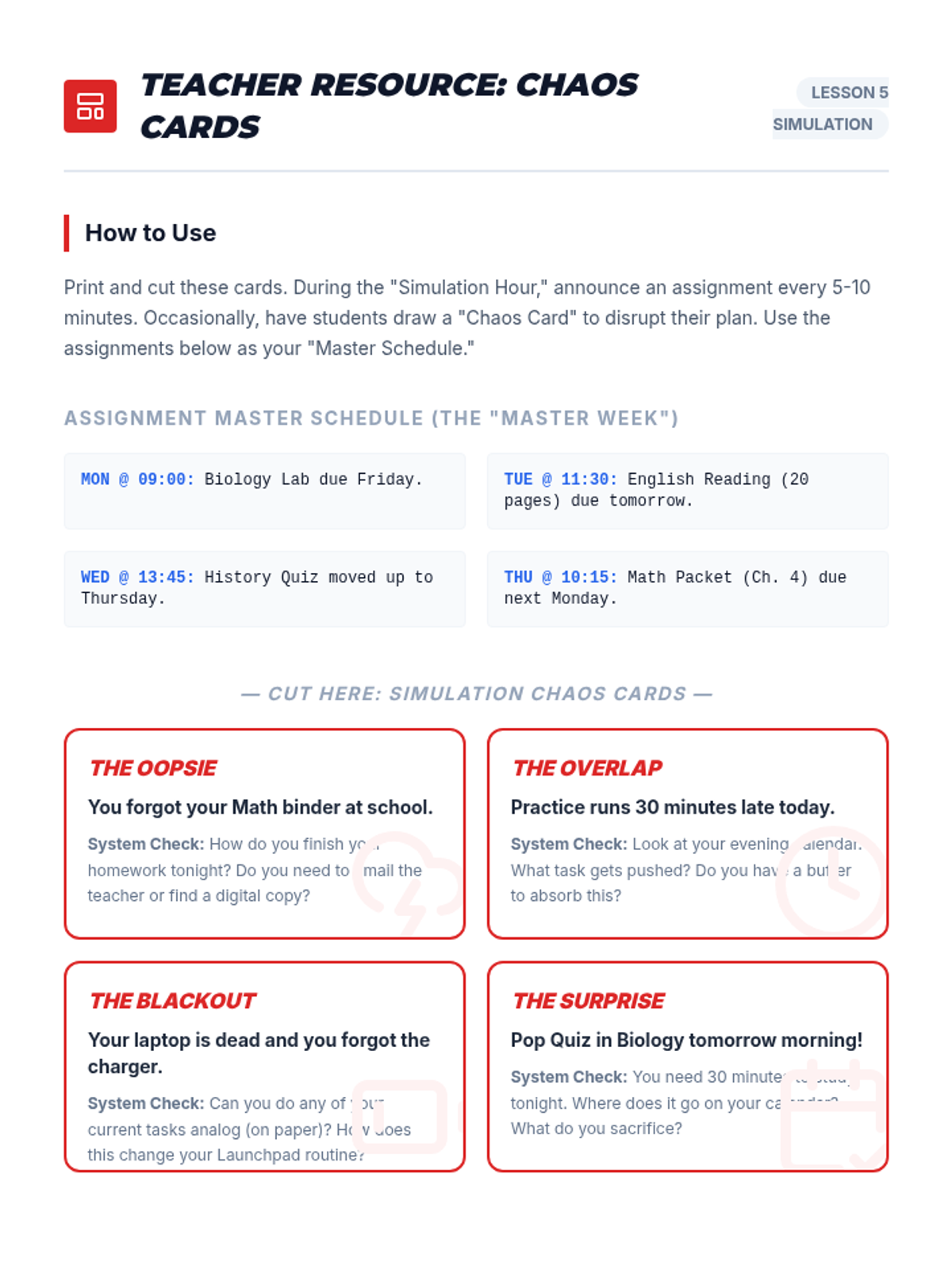
A set of scenario cards for the simulation activity, including master assignments and 'Chaos Card' events to test students' organizational frameworks.
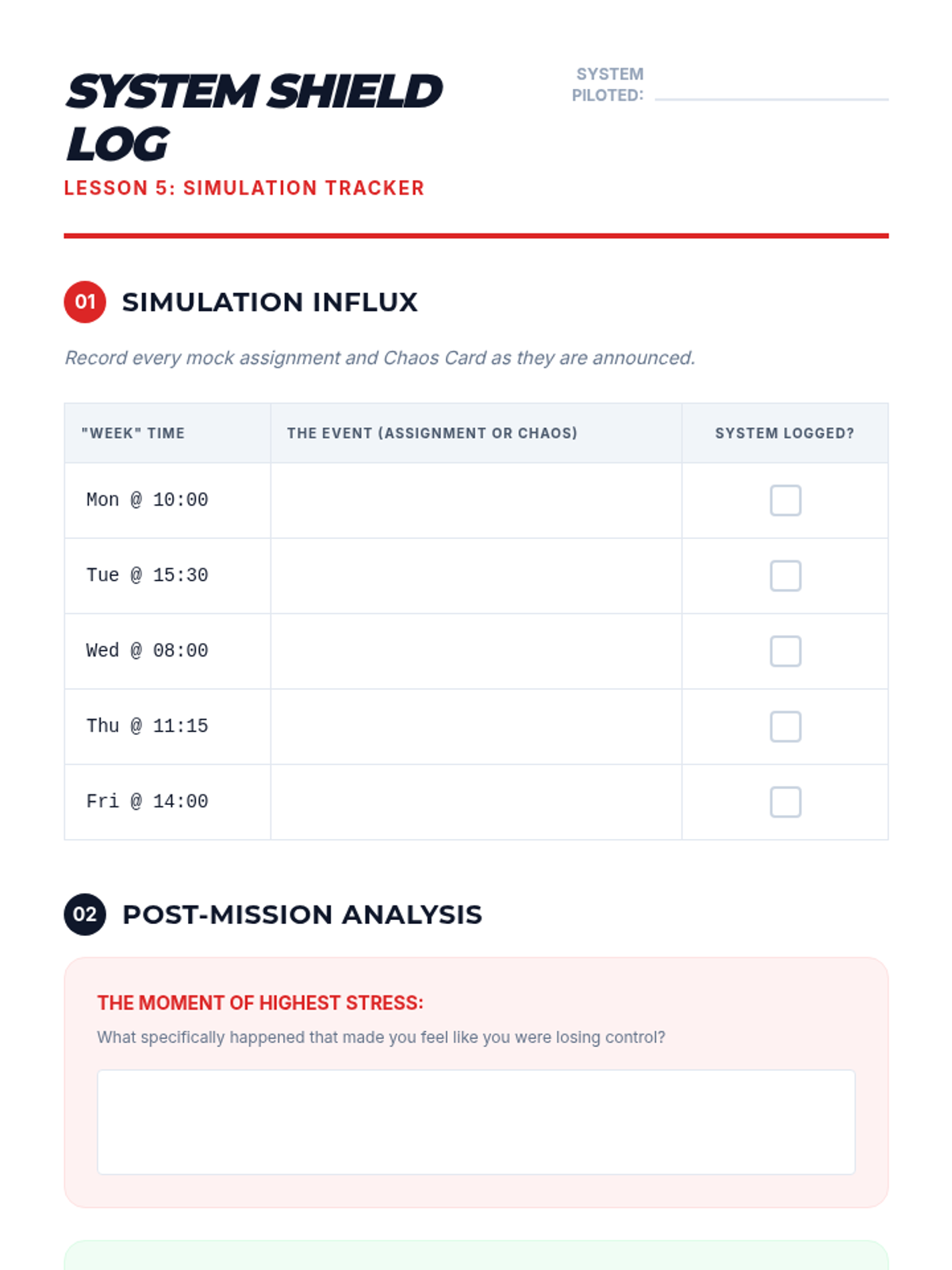
A reflection and tracking log for students to record successes and failures during the 'Stress Test' simulation.
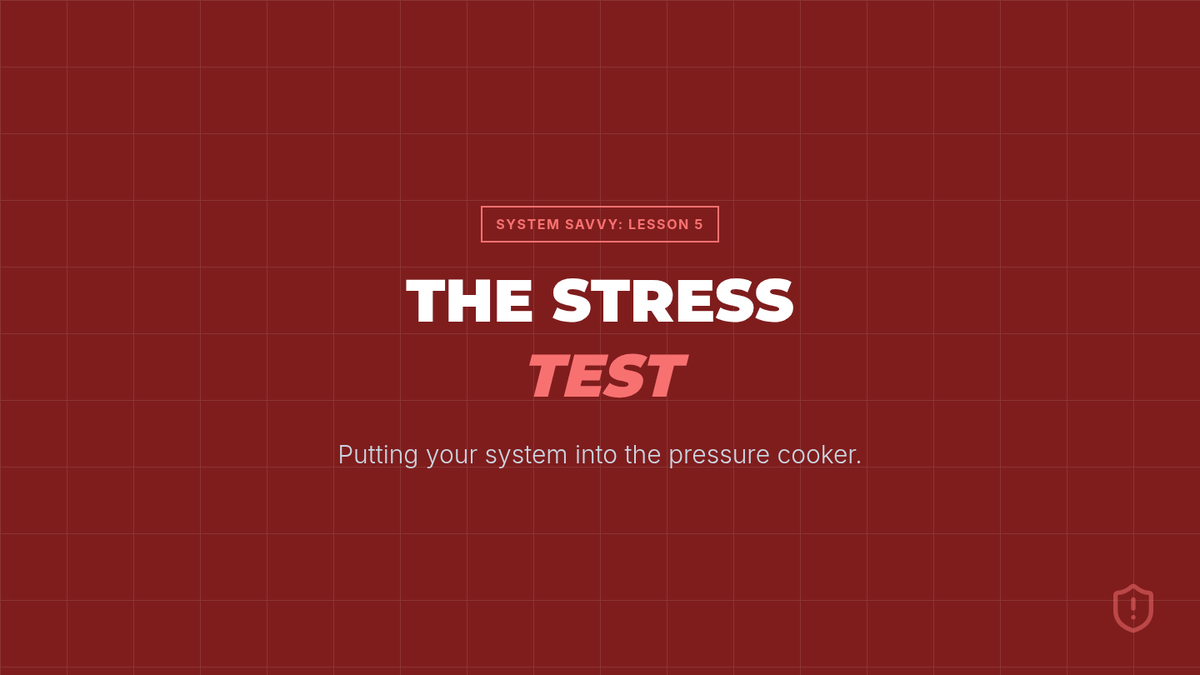
Simulation instructions and debrief slides for Lesson 5, putting students' organizational systems through a 'stress test' with mock assignments and surprise events.
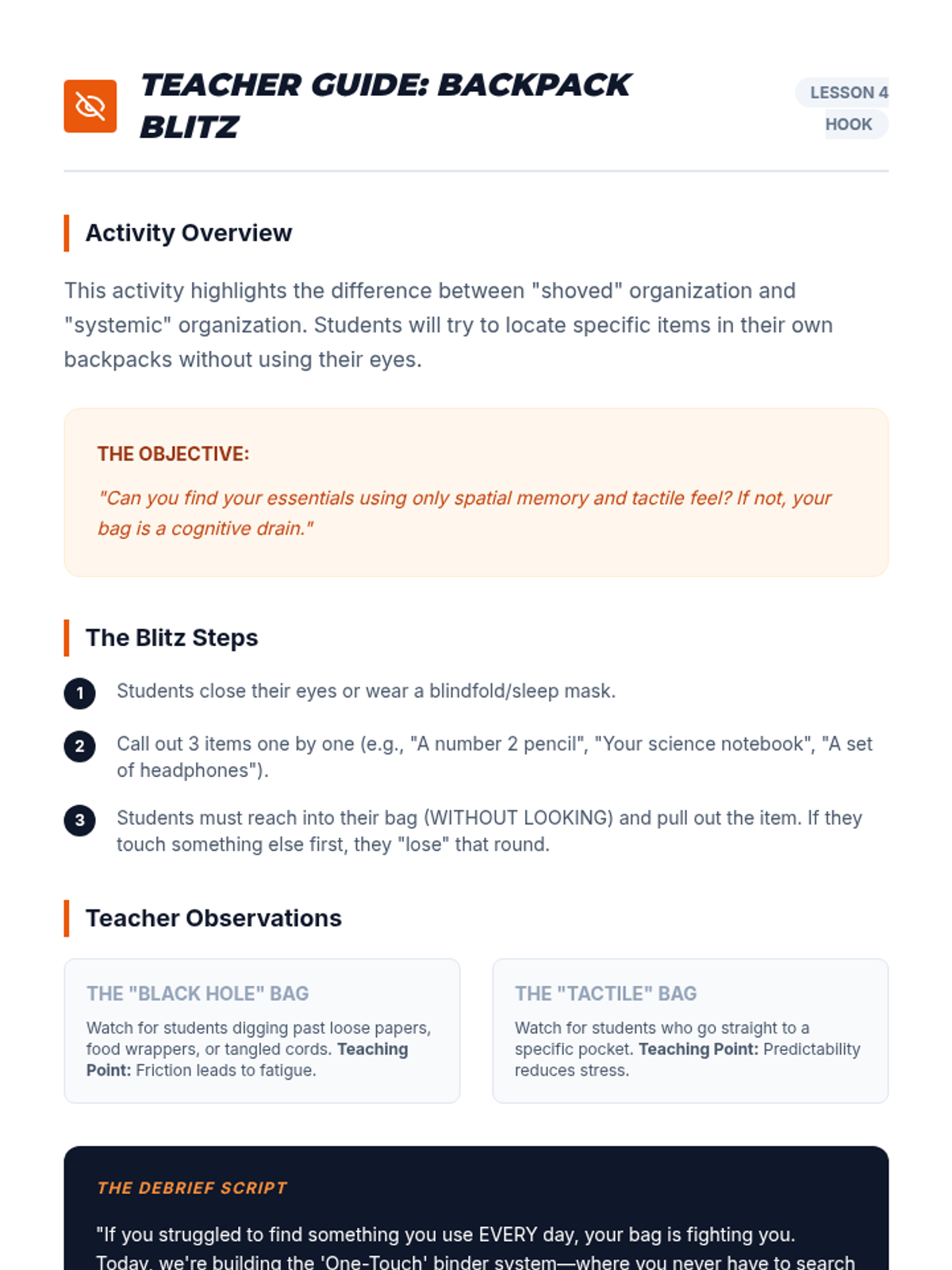
A facilitation guide for the 'Backpack Blitz' blindfold activity, focusing on spatial memory and physical organization.
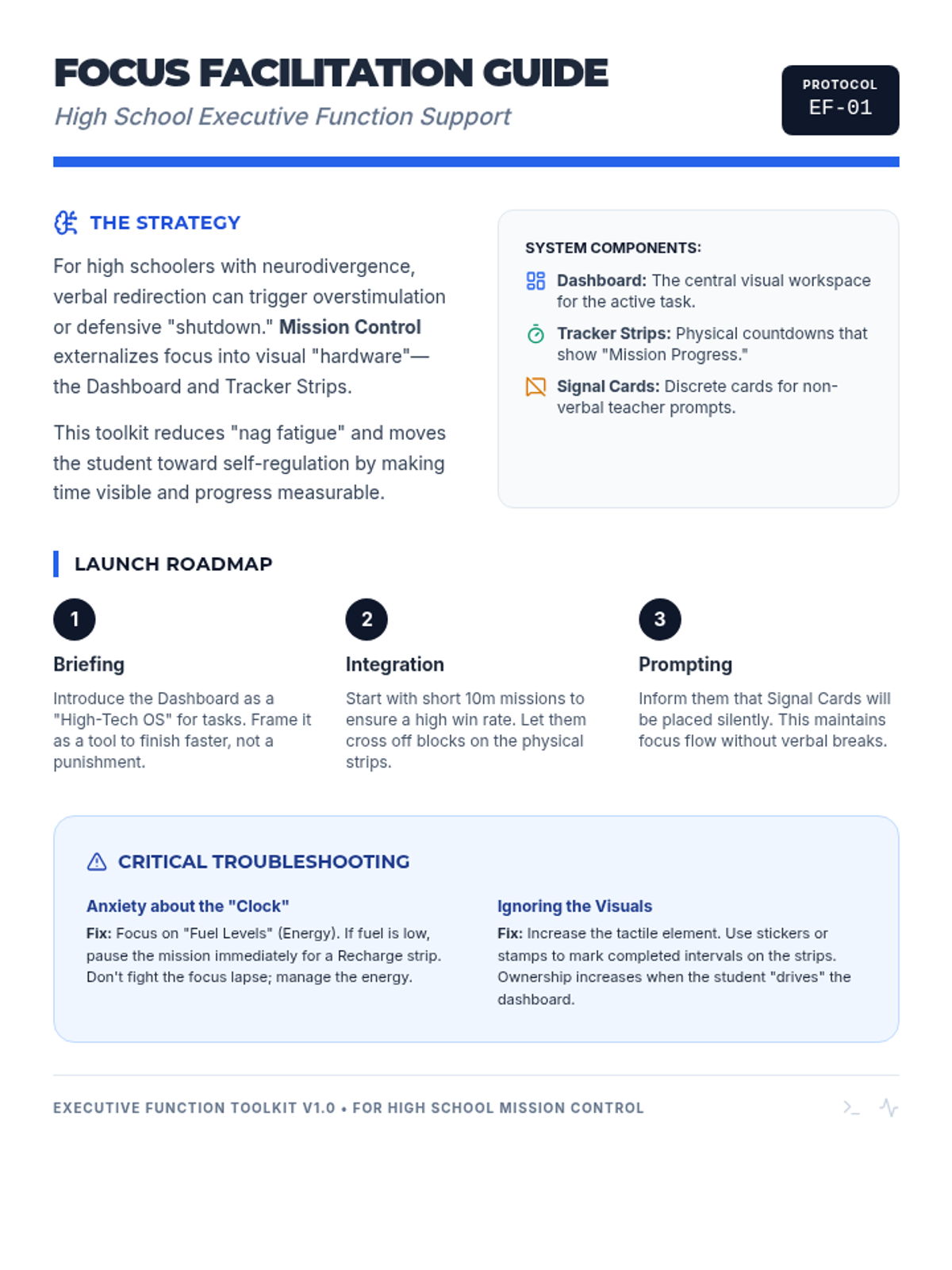
A professional guide for educators on how to implement the Mission Control focus system. Includes instructional scripts, troubleshooting tips for neurodivergent students, and strategies for non-verbal redirection.
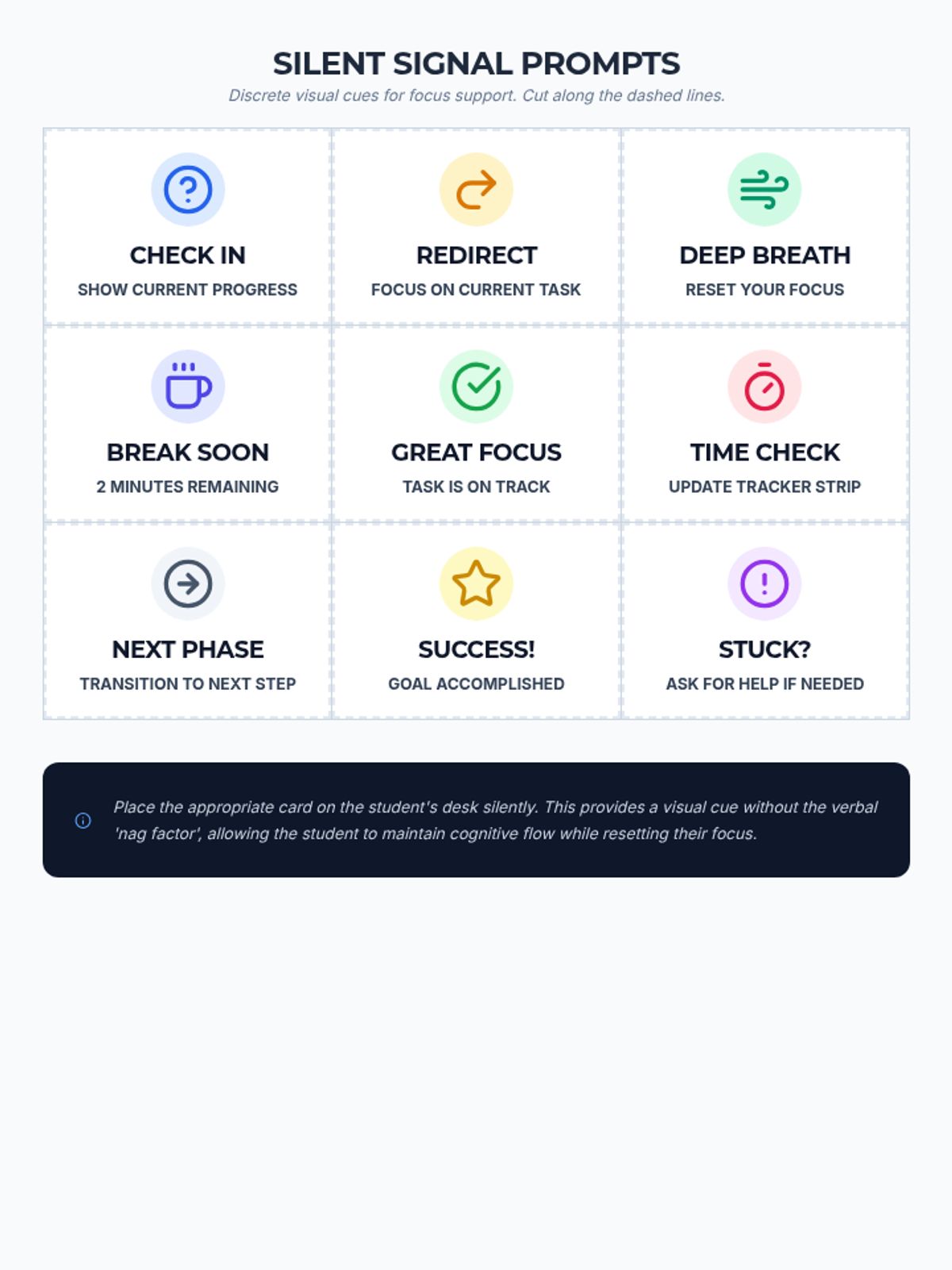
A set of non-verbal redirection cards for teachers to use discretely with students. These provide visual prompts for 'Checking In', 'Back to Task', and 'Break Soon' to minimize verbal interruptions.
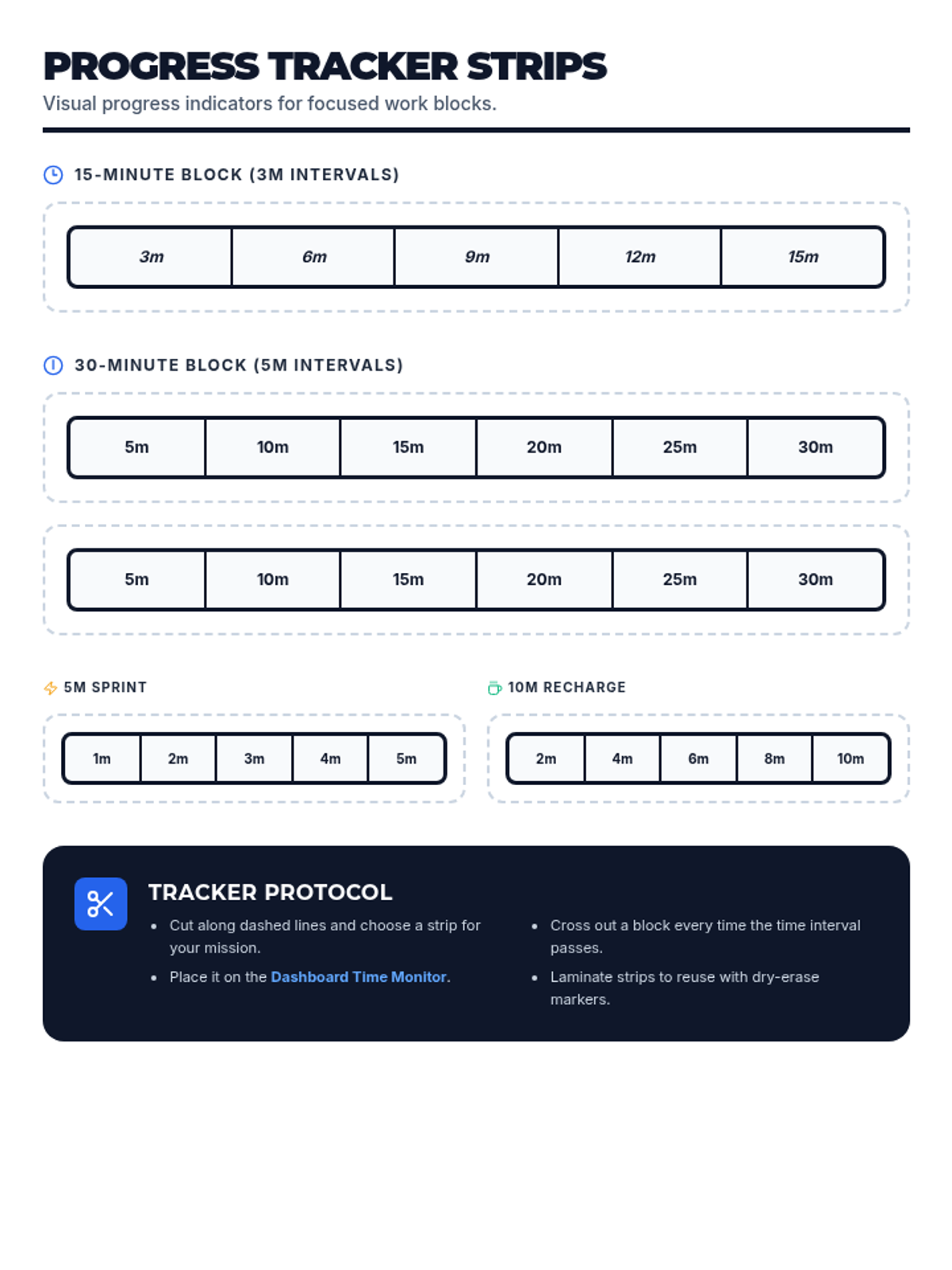
A set of printable time tracker strips designed to help students visualize the passage of time in set intervals. These strips function as physical 'progress bars' for tasks or breaks.
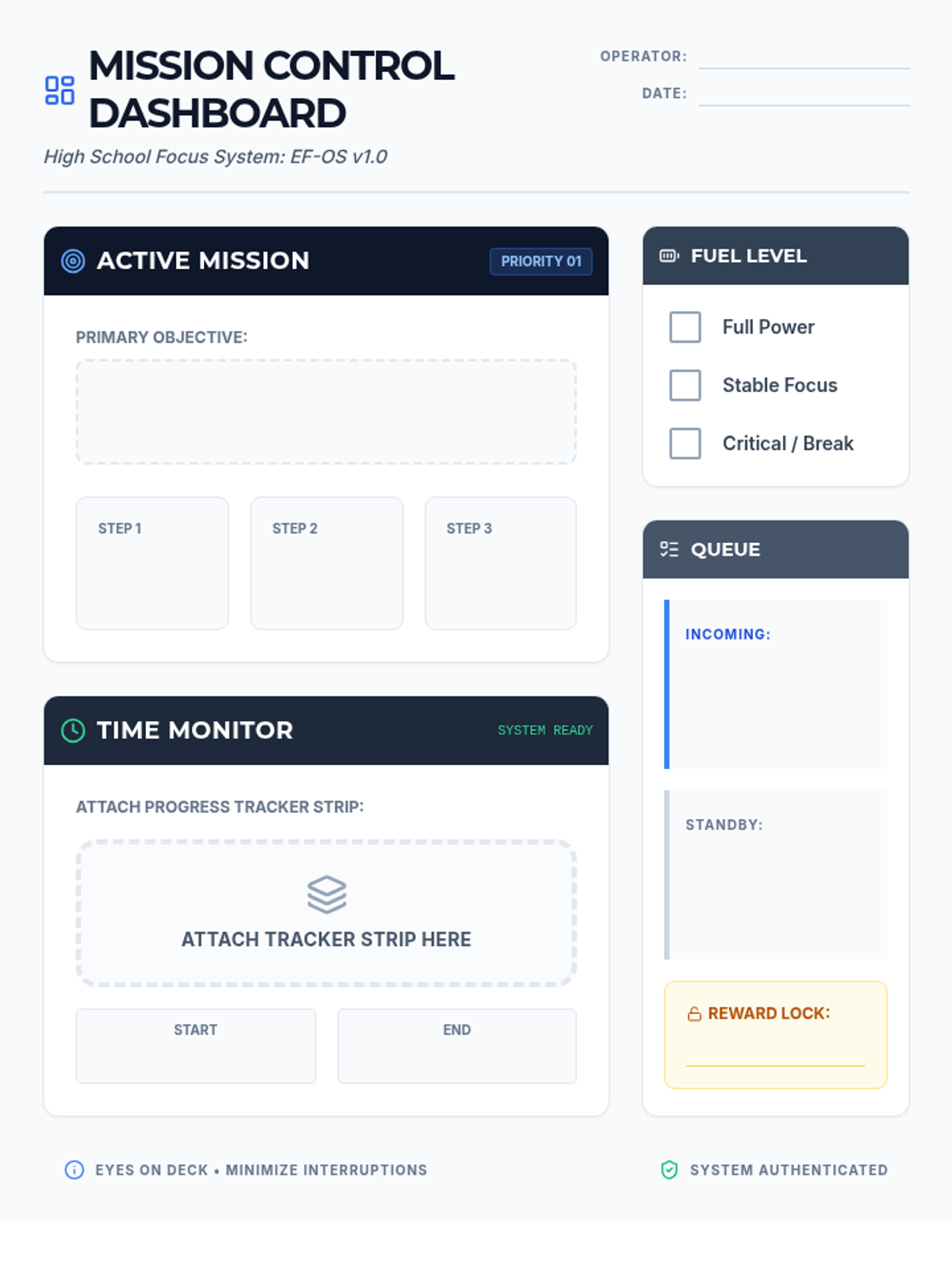
A high-school appropriate 'Mission Control' themed focus dashboard for students to track their current task, steps, and energy levels. It features a dedicated area for attaching visual timer strips and tracking next operations.
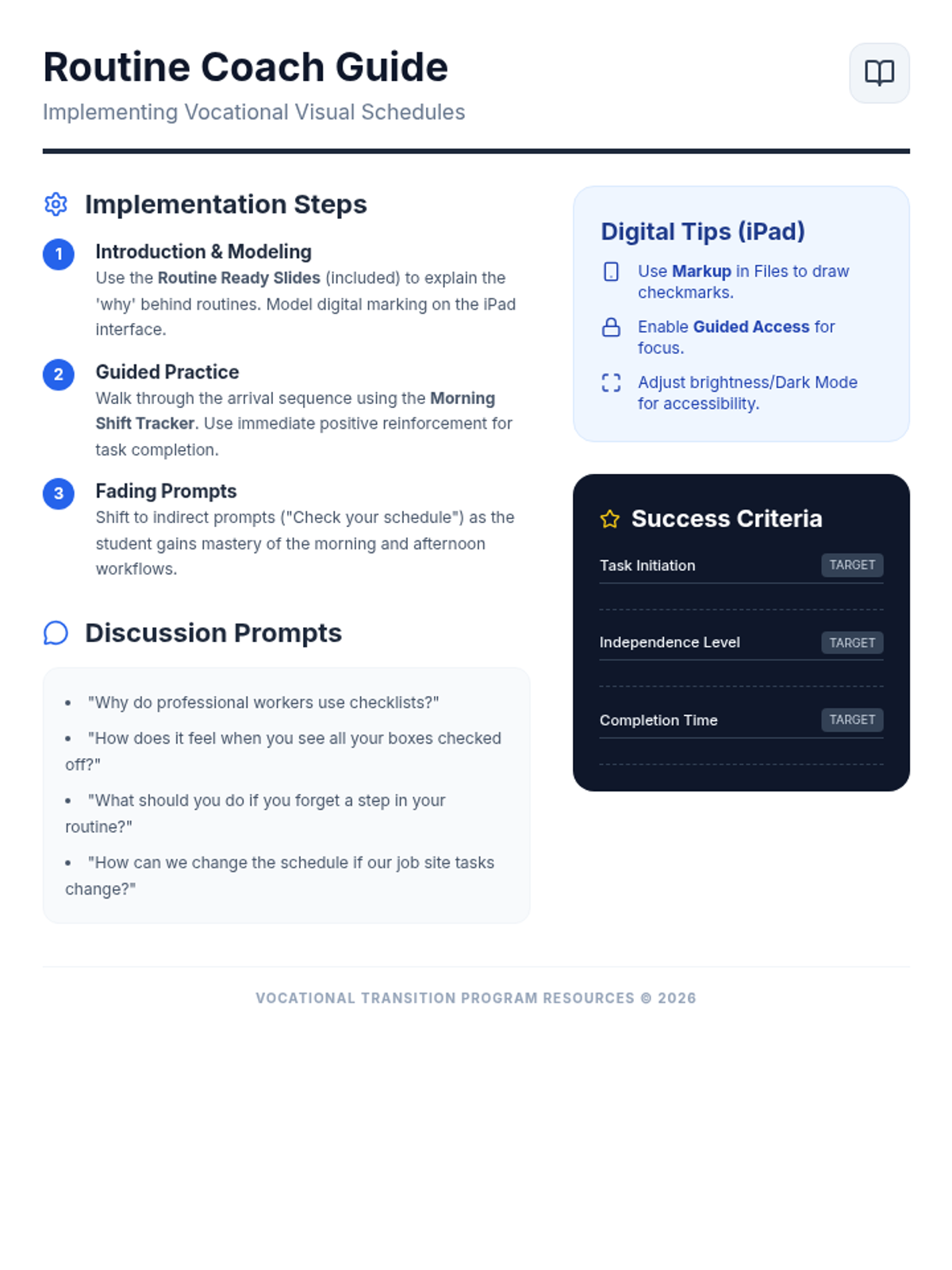
A teacher-facing instructional guide providing strategies for implementing visual schedules in a vocational setting. Includes tips for digital use on iPads, discussion prompts, and success criteria for high school students.
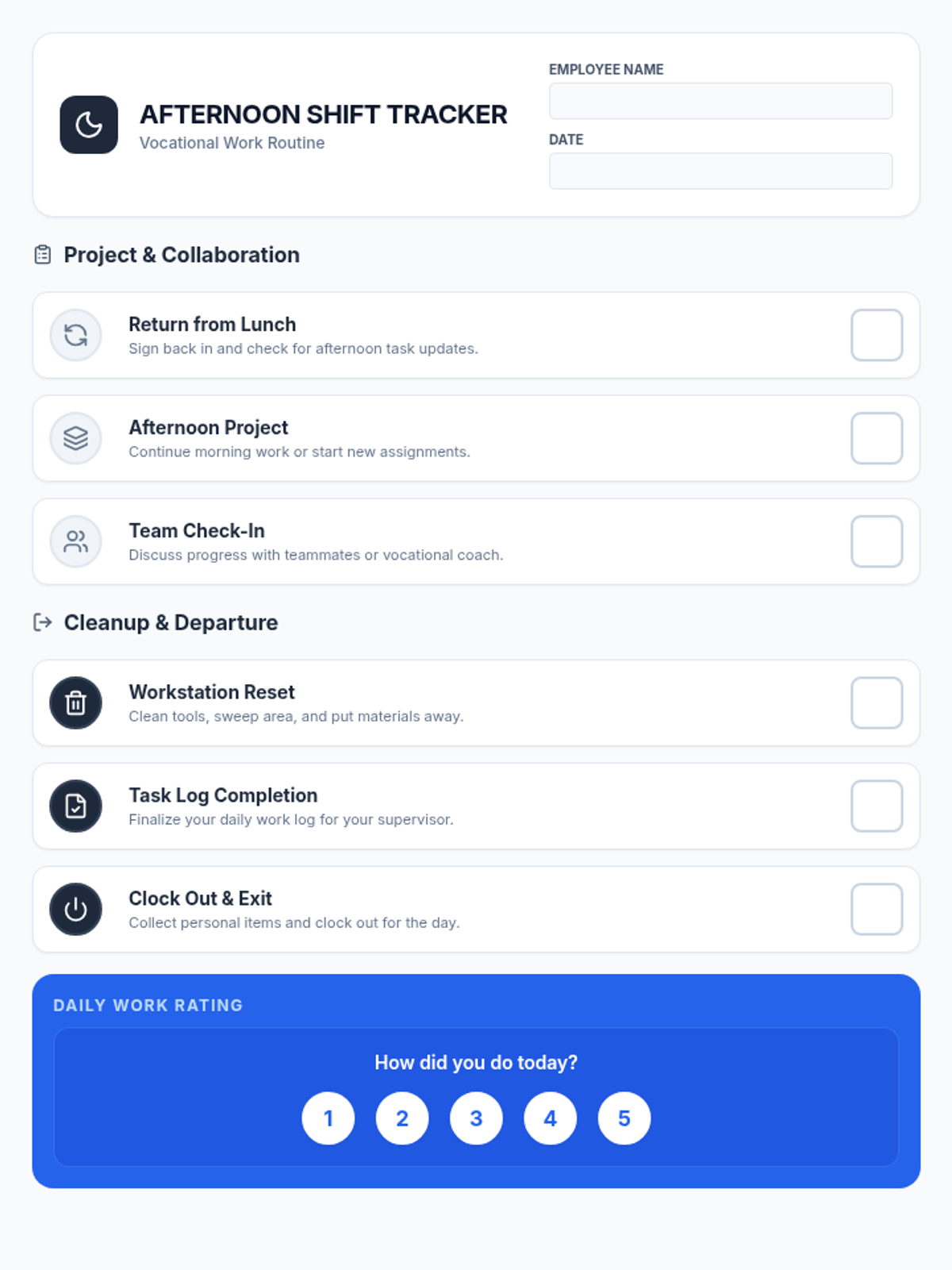
A student-facing afternoon routine checklist for high school vocational training. This document covers transition from lunch, afternoon tasks, and cleaning routines, designed for digital accessibility on an iPad.
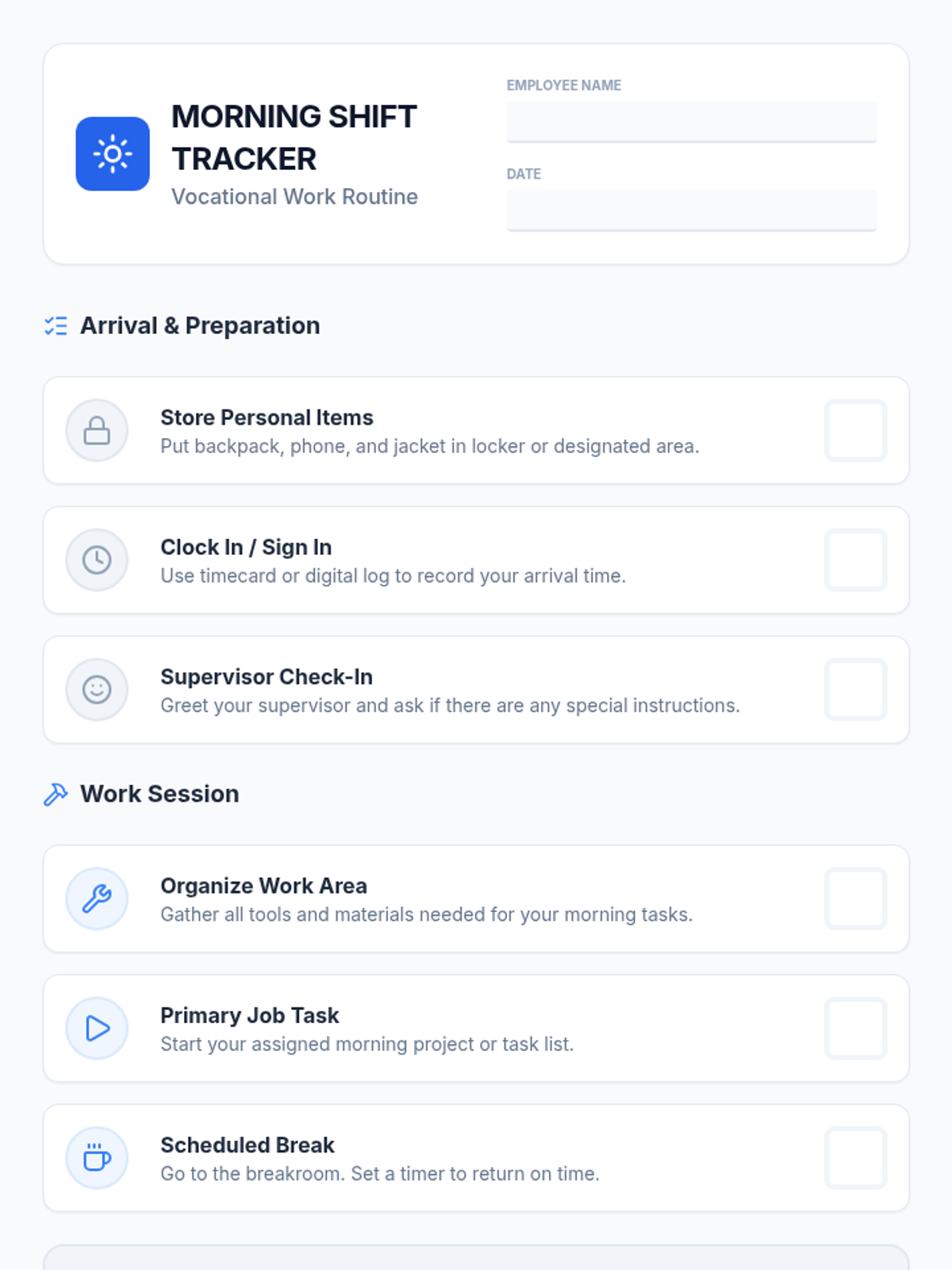
A student-facing morning routine checklist designed for vocational high school students. It features clear, professional icons and descriptions of arrival and work-prep tasks, optimized for iPad viewing or printing.
A visual slide presentation designed for high school vocational students to introduce the importance of daily routines and overview the morning and afternoon shift structures. The slides use a professional, workplace-oriented aesthetic suitable for transitions programs.
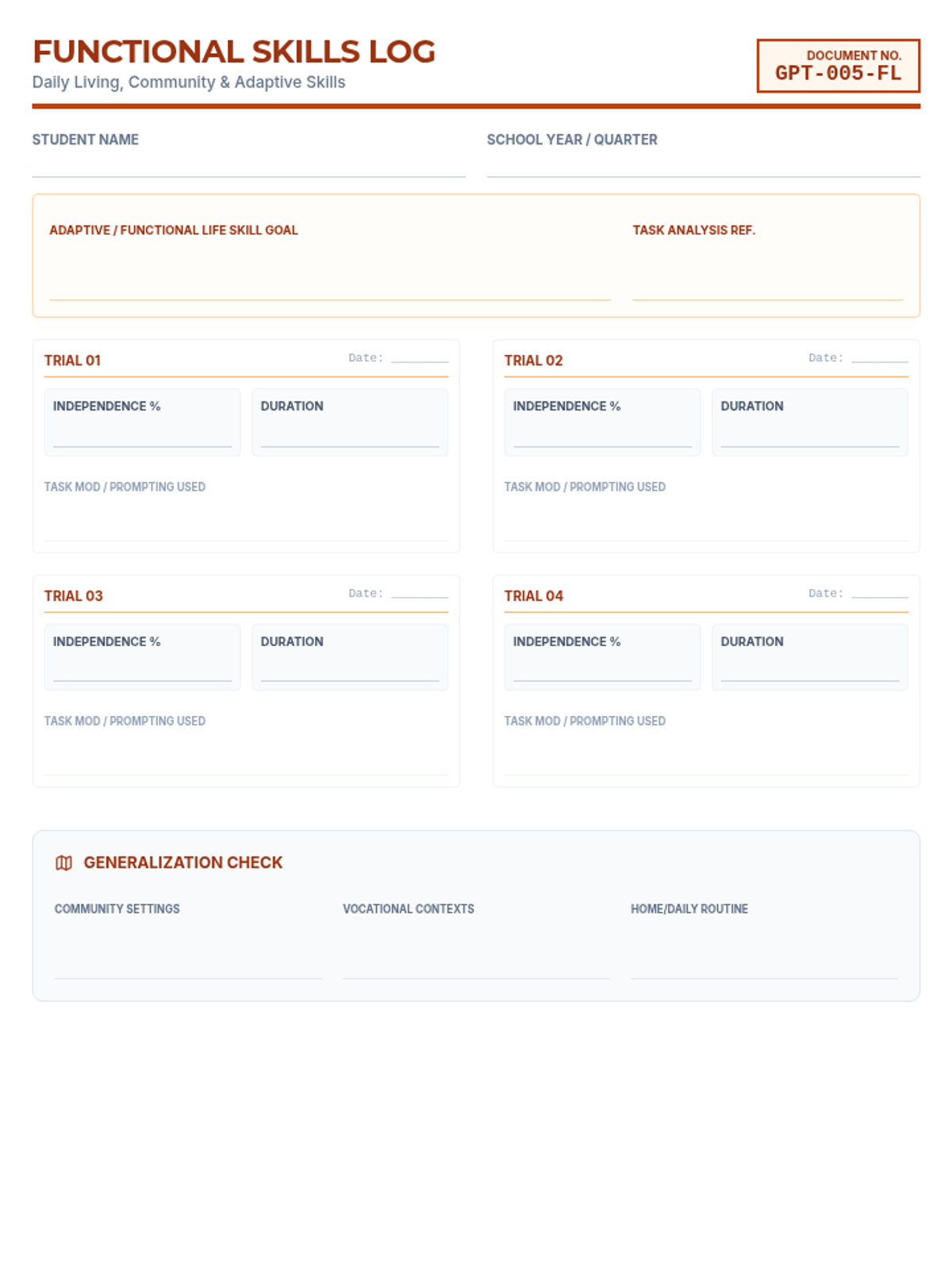
A data collection log for Functional Life Skills IEP goals, focusing on independence percentages, task analysis, and generalization across community, vocational, and daily routine settings.
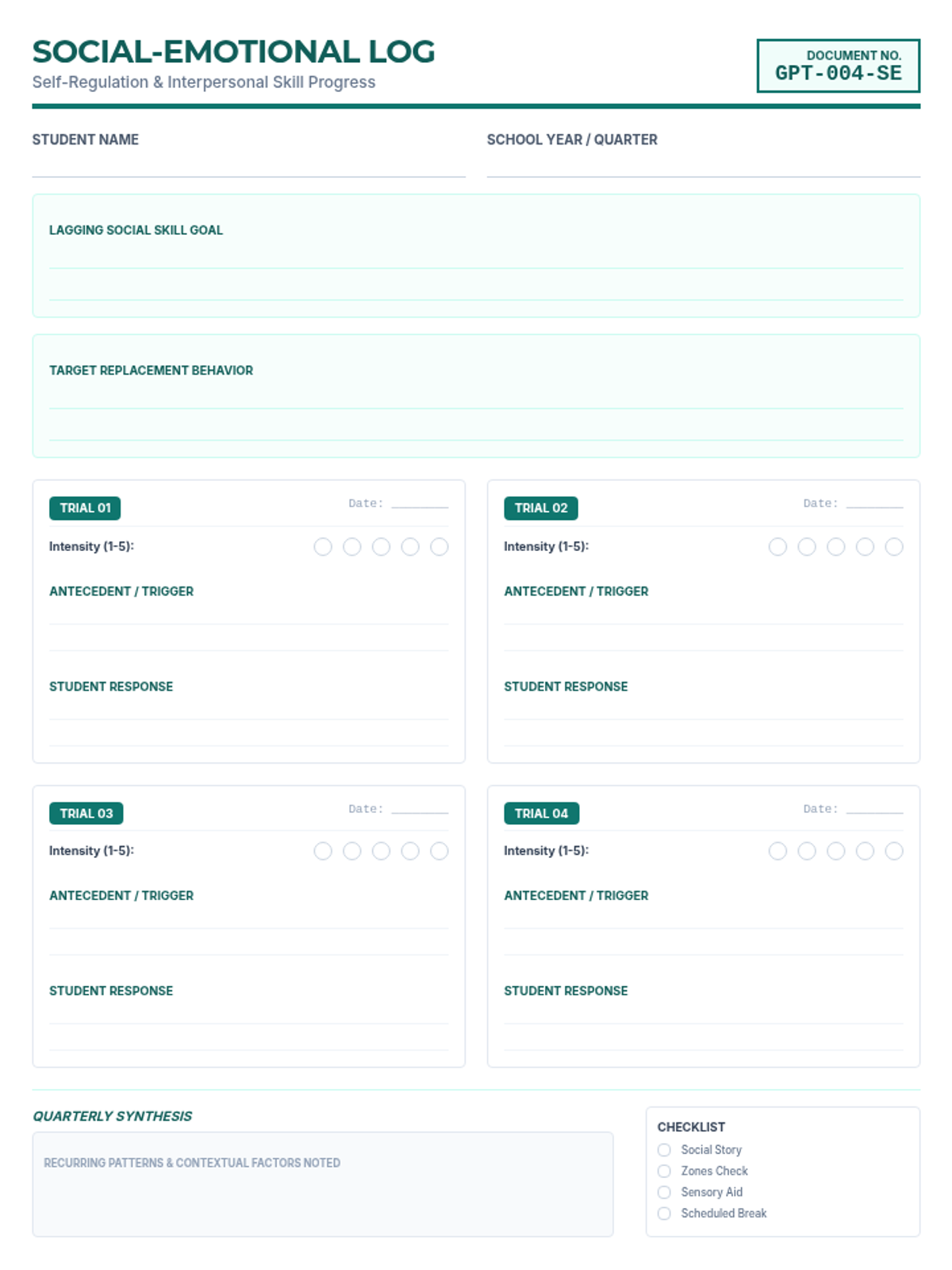
A detailed data log for monitoring Social-Emotional IEP goals, including qualitative tracking of antecedents and responses, intensity ratings (1-5), and quarterly synthesis of social interaction patterns.
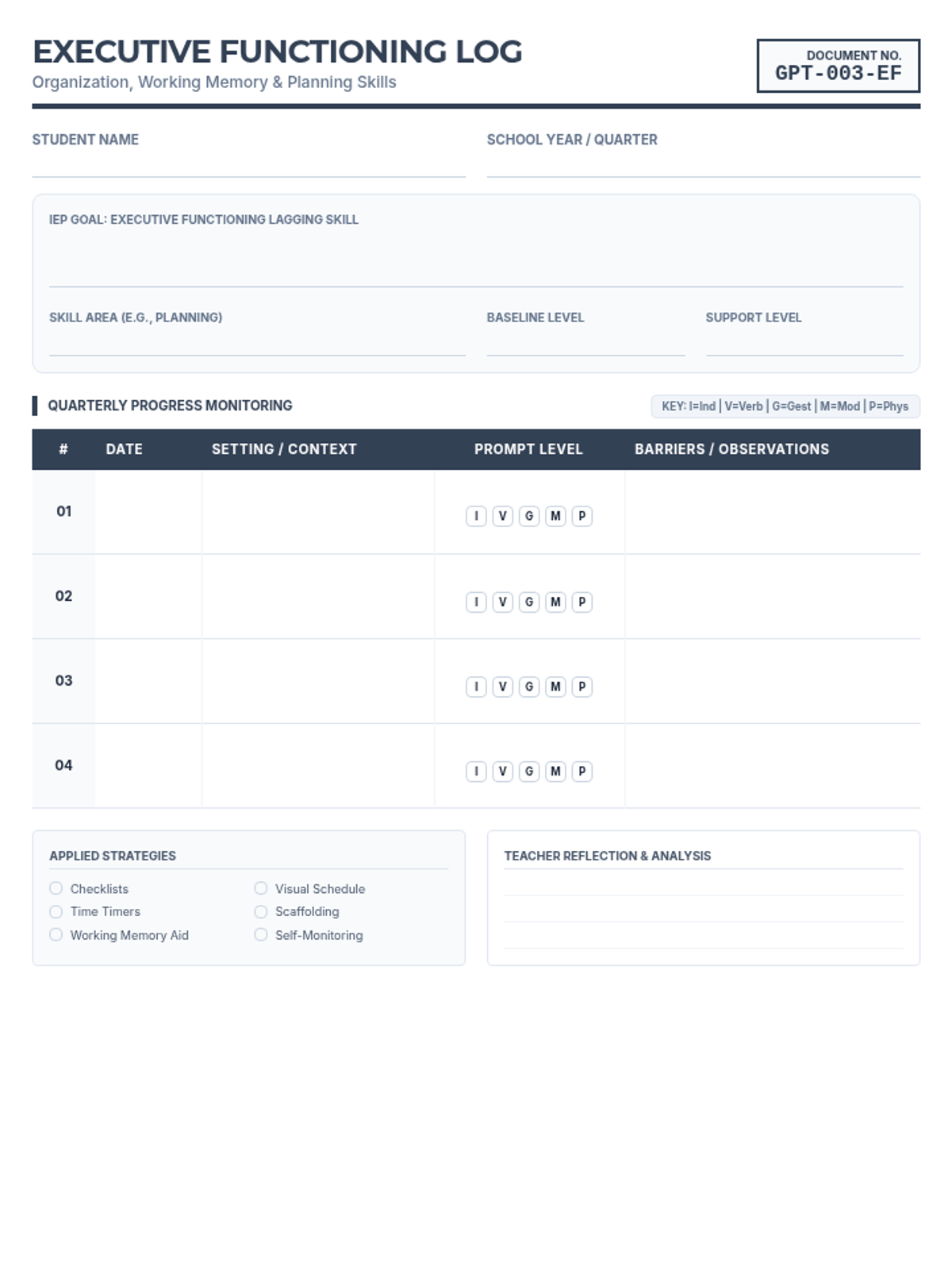
A progress monitoring log specifically designed for Executive Functioning IEP goals, featuring prompt level tracking (Independent to Physical) and setting analysis for lagging skills like planning and organization.
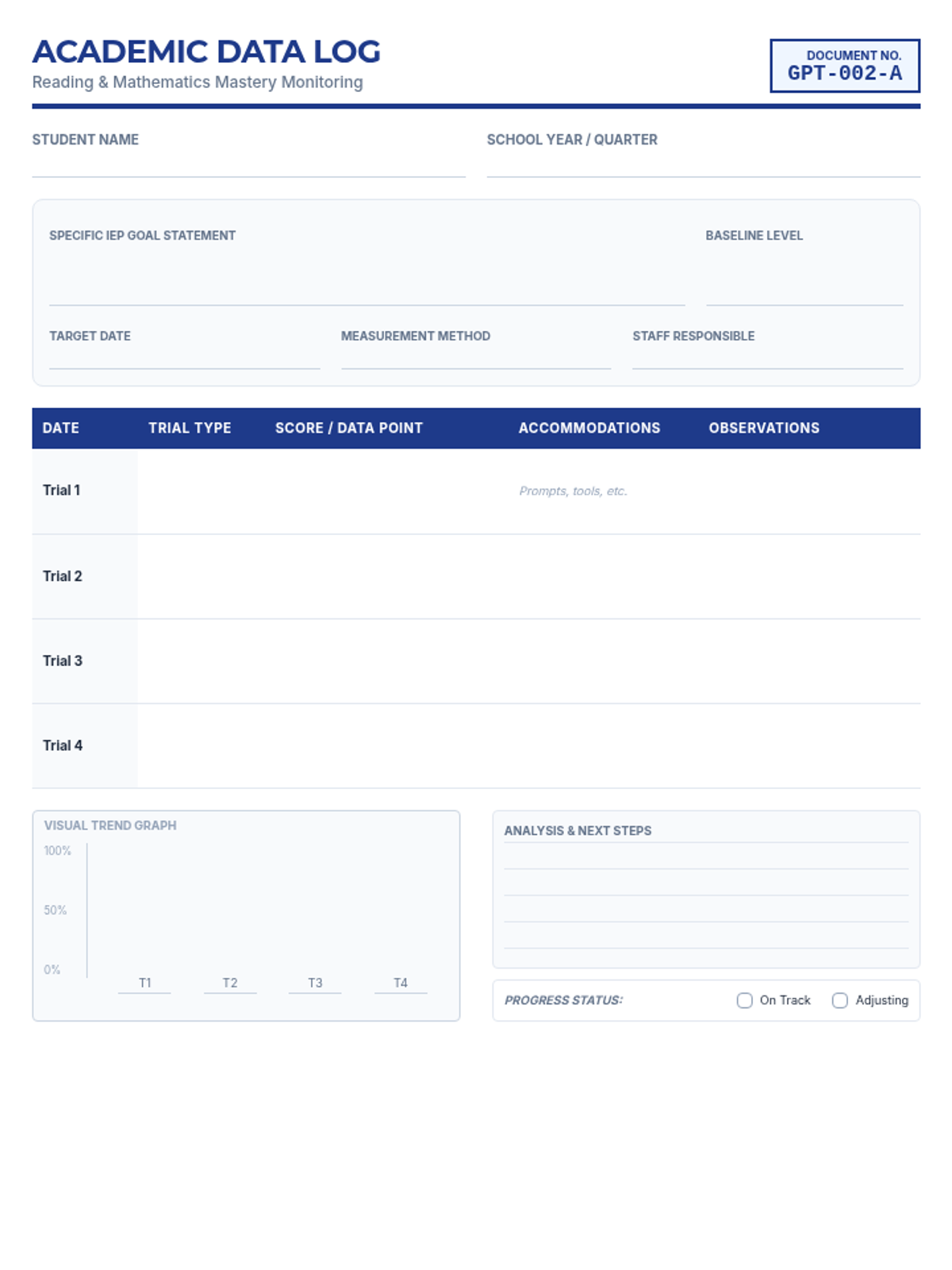
A specialized data collection log for Academic (Reading/Math) IEP goals, allowing for detailed tracking of four trials per quarter including accommodations, observations, and visual trend graphing.
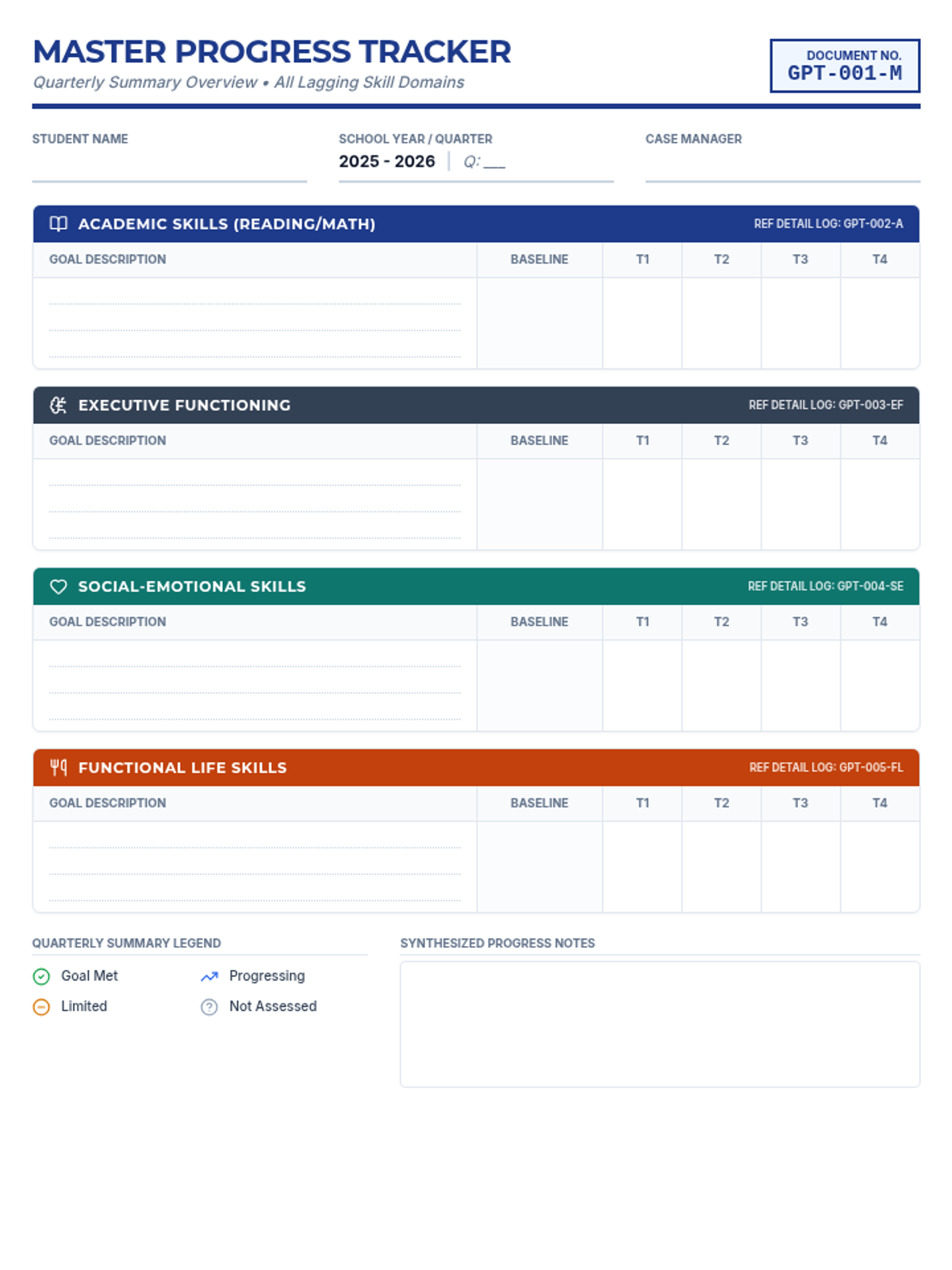
A high-level summary tracker for a single student to monitor progress across four main skill areas (Academic, Executive Functioning, Social-Emotional, and Functional Life Skills) with four data points per quarter.
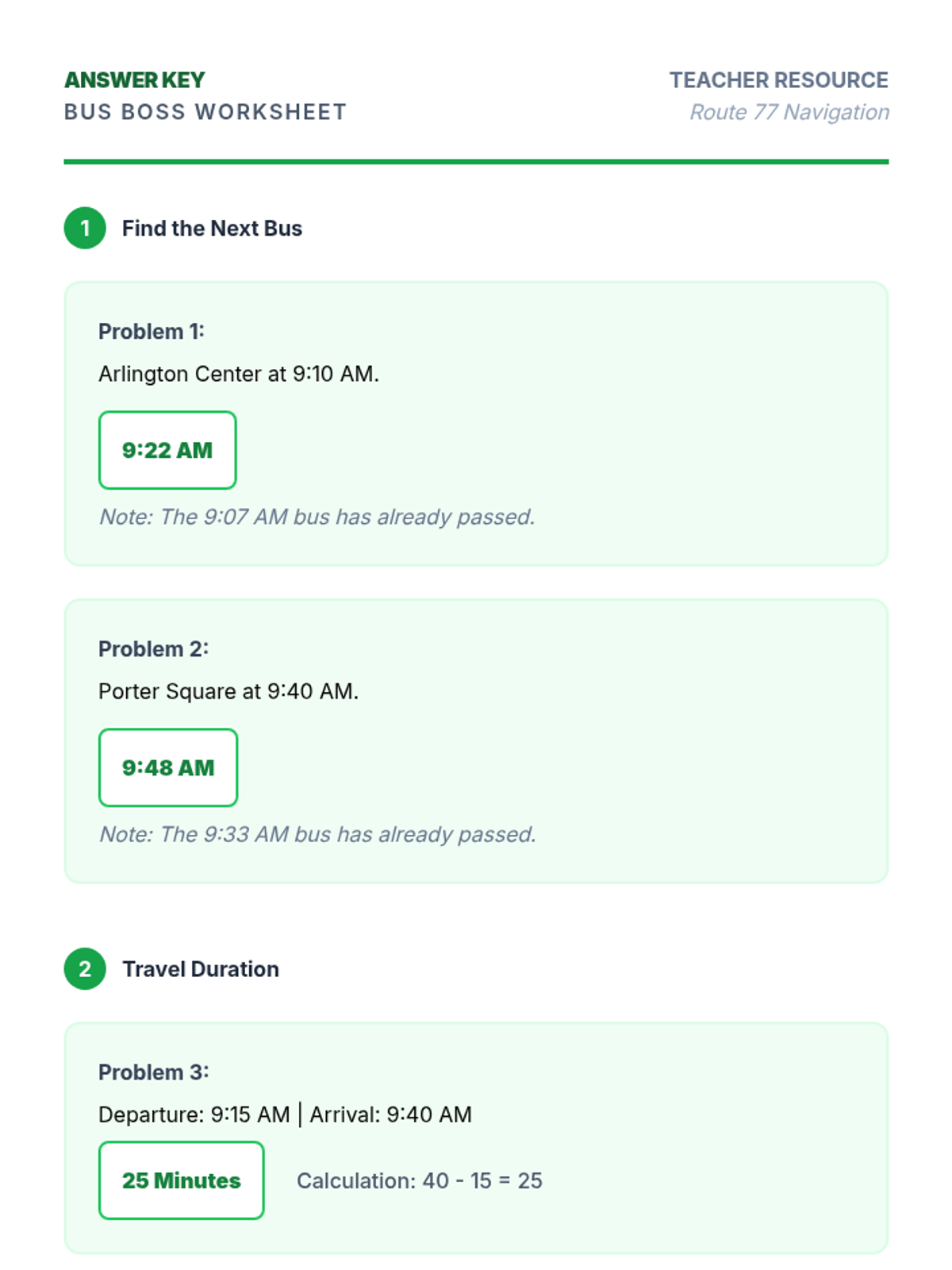
Teacher answer key and instructional guide for the Bus Boss Worksheet, providing clear solutions and specialized teaching strategies for transition-age students with ASD.
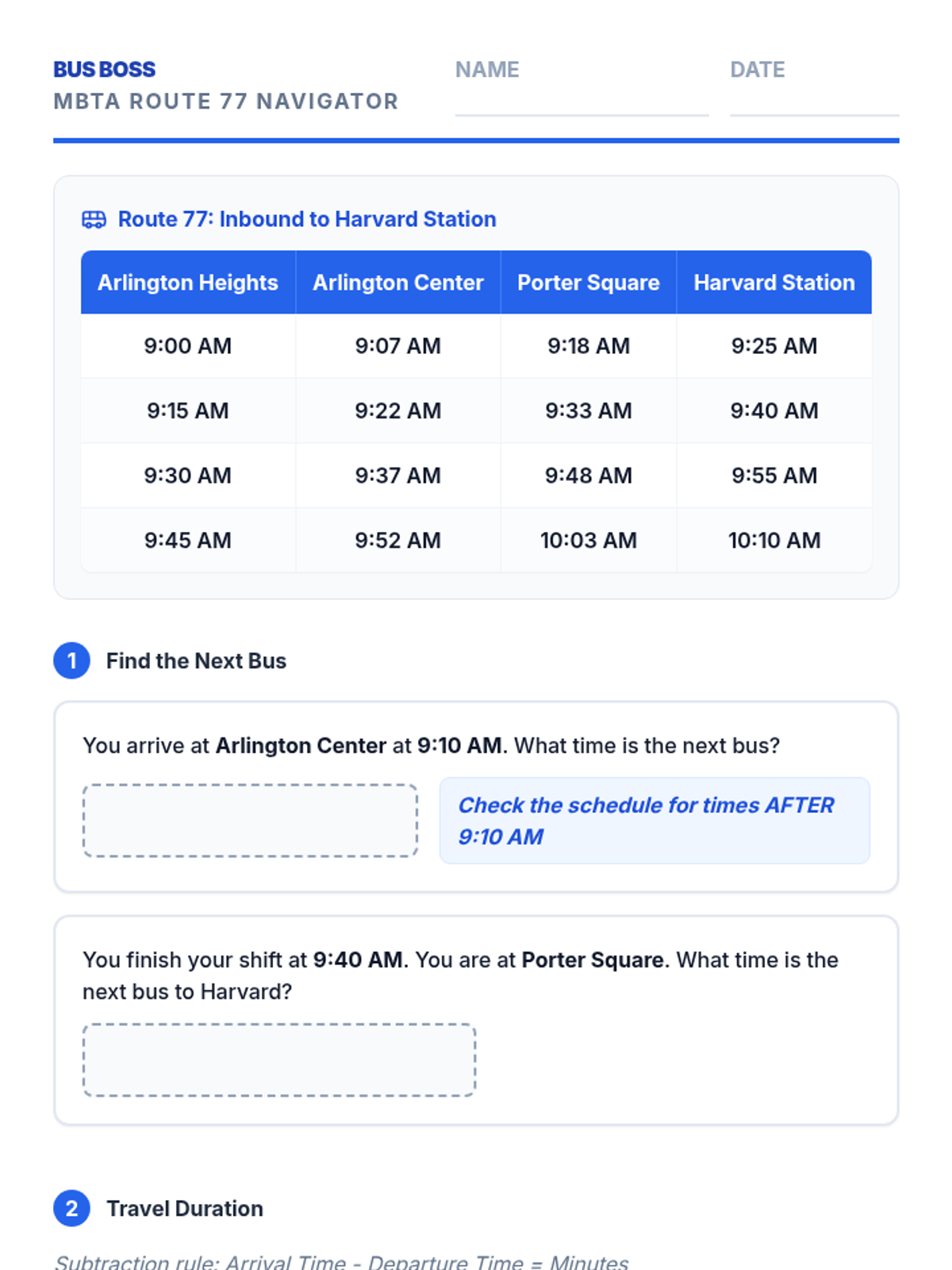
A practice worksheet for transition students to build functional numeracy skills by reading a simplified MBTA Route 77 bus schedule and calculating trip lengths.
A visual presentation designed for students with ASD to learn how to navigate the MBTA Route 77 bus schedule, featuring step-by-step guides for finding departure times and calculating trip duration.
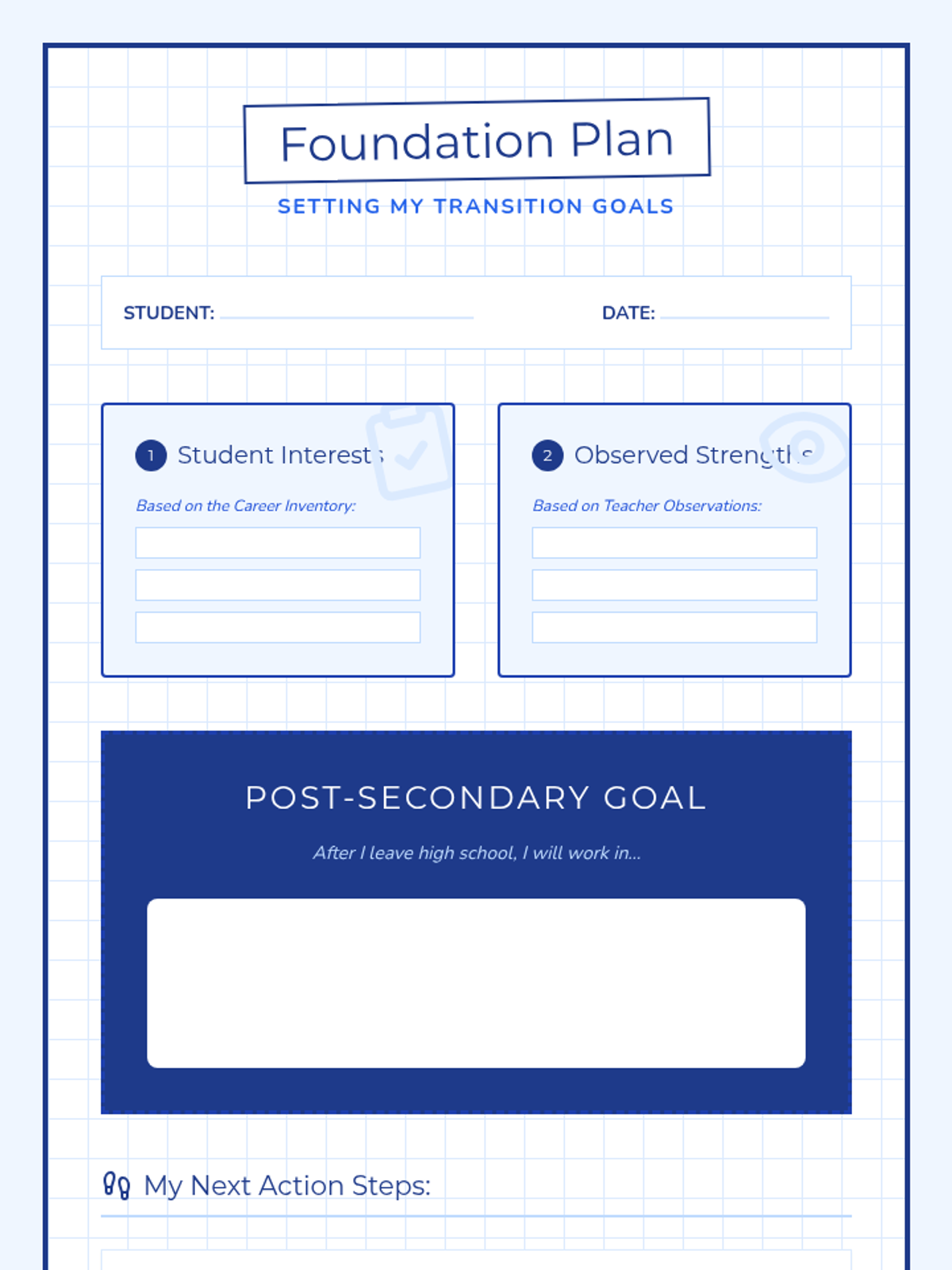
A collaborative transition planning tool used to synthesize student interests and teacher observation data into concrete post-secondary vocational goals and action steps.
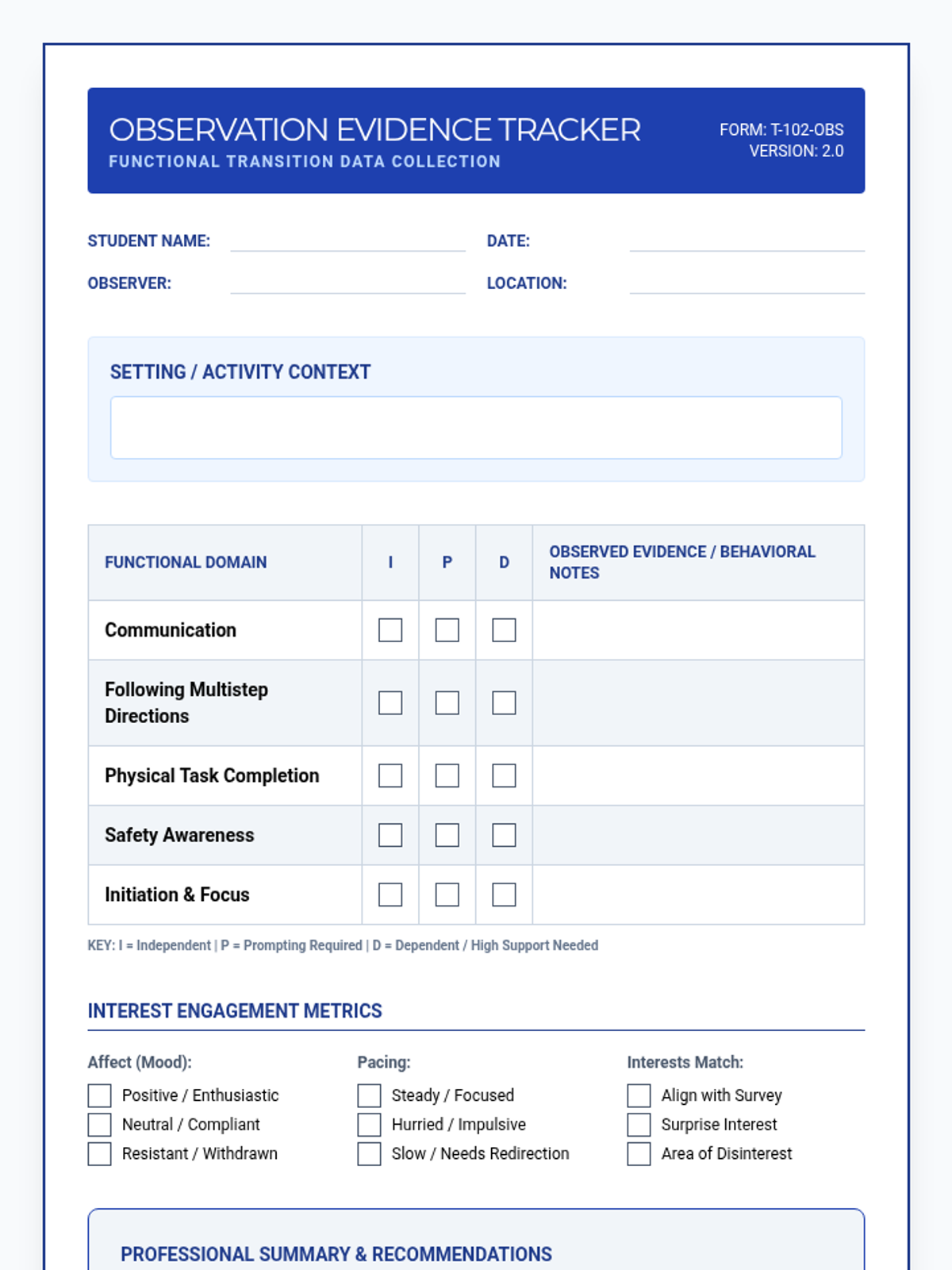
A professional teacher-facing observation tool to document behavioral evidence of student interests and functional skills during community-based or vocational activities. Features a skill level key and engagement metrics.
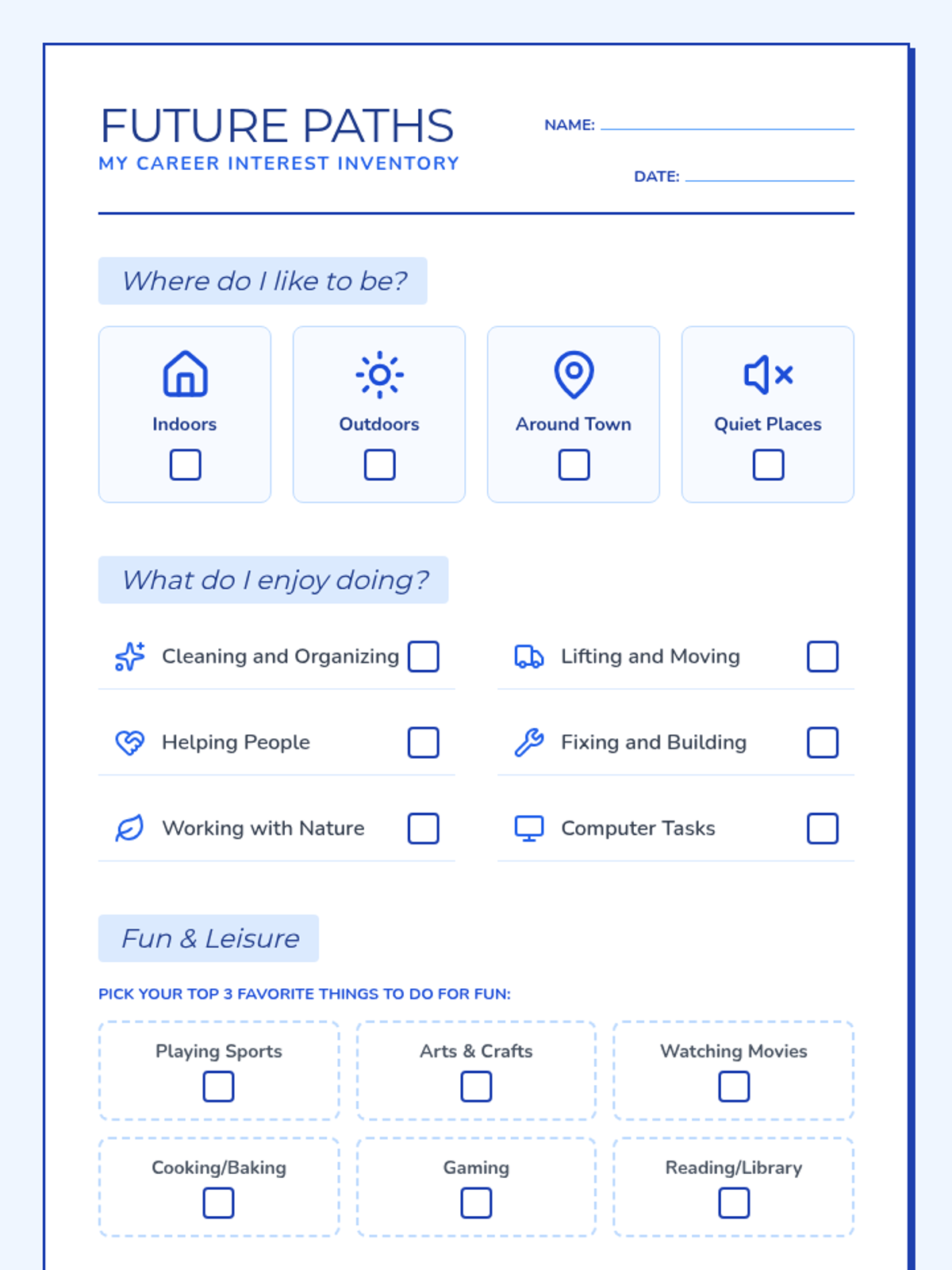
A two-page student-facing career interest inventory using a blueprint theme. It features visual icons and checklists to help students identify their preferred environments, vocational interests, and community-based career goals.
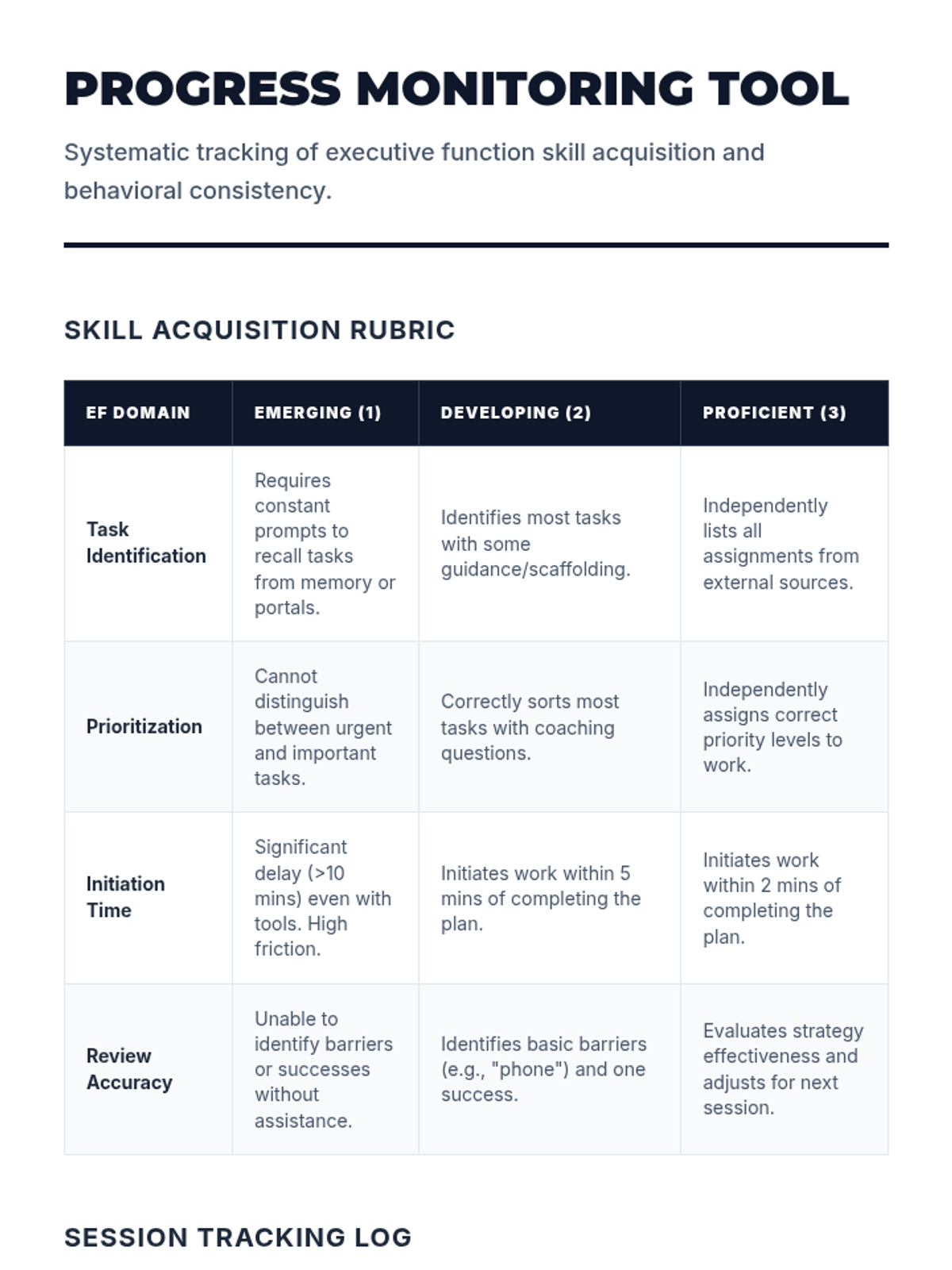
A systematic progress monitoring tool for teachers and coaches. Includes a skill acquisition rubric for task identification, prioritization, initiation, and review, along with a tracking log for data collection. Revised for professional language and contrast.
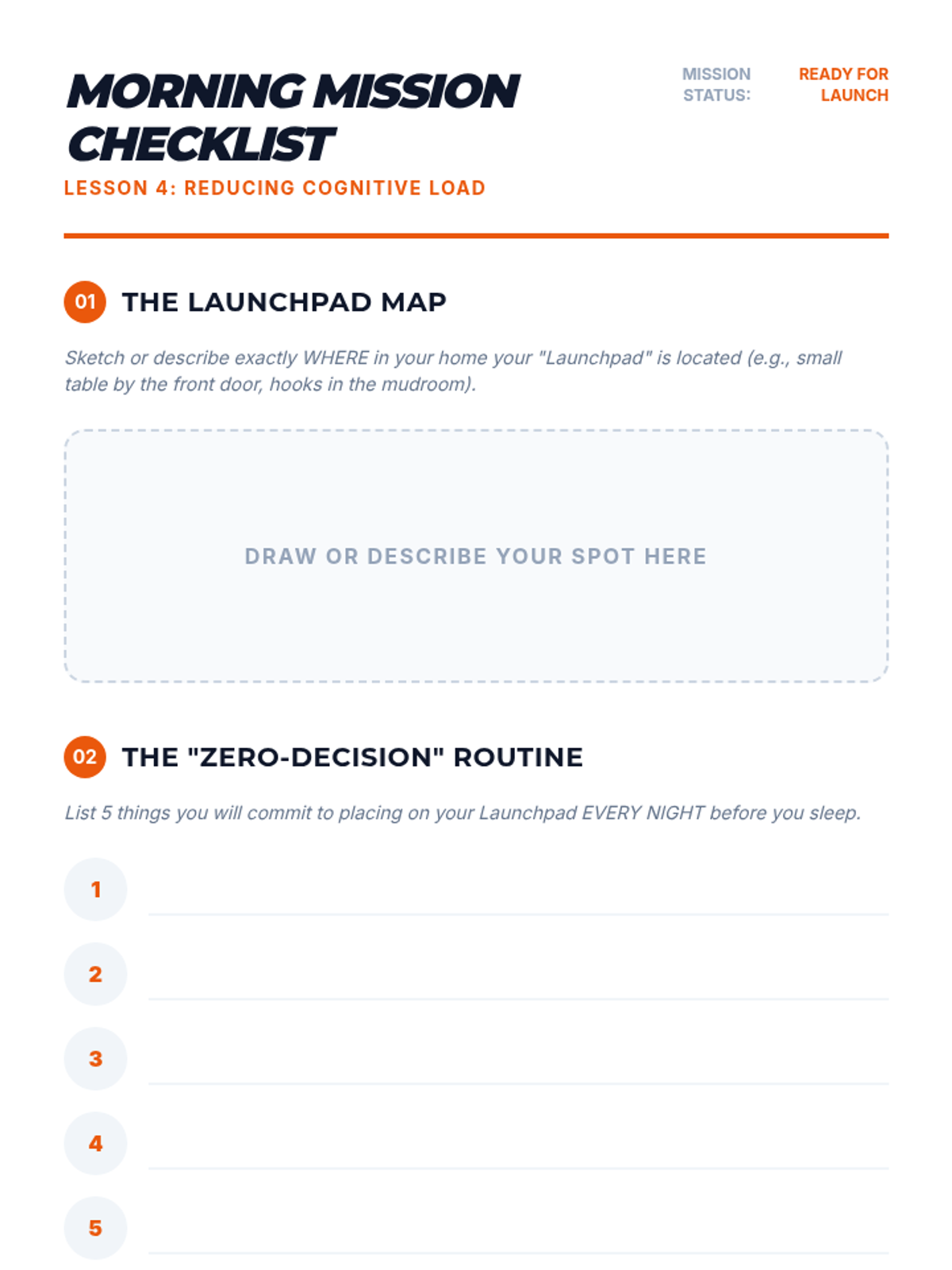
A guide for students to build a 'launchpad' routine and Morning Mission checklist to reduce morning cognitive load.
Workshop slides for Lesson 4, focusing on physical organization systems like binders and 'launchpad' routines to reduce morning cognitive load.
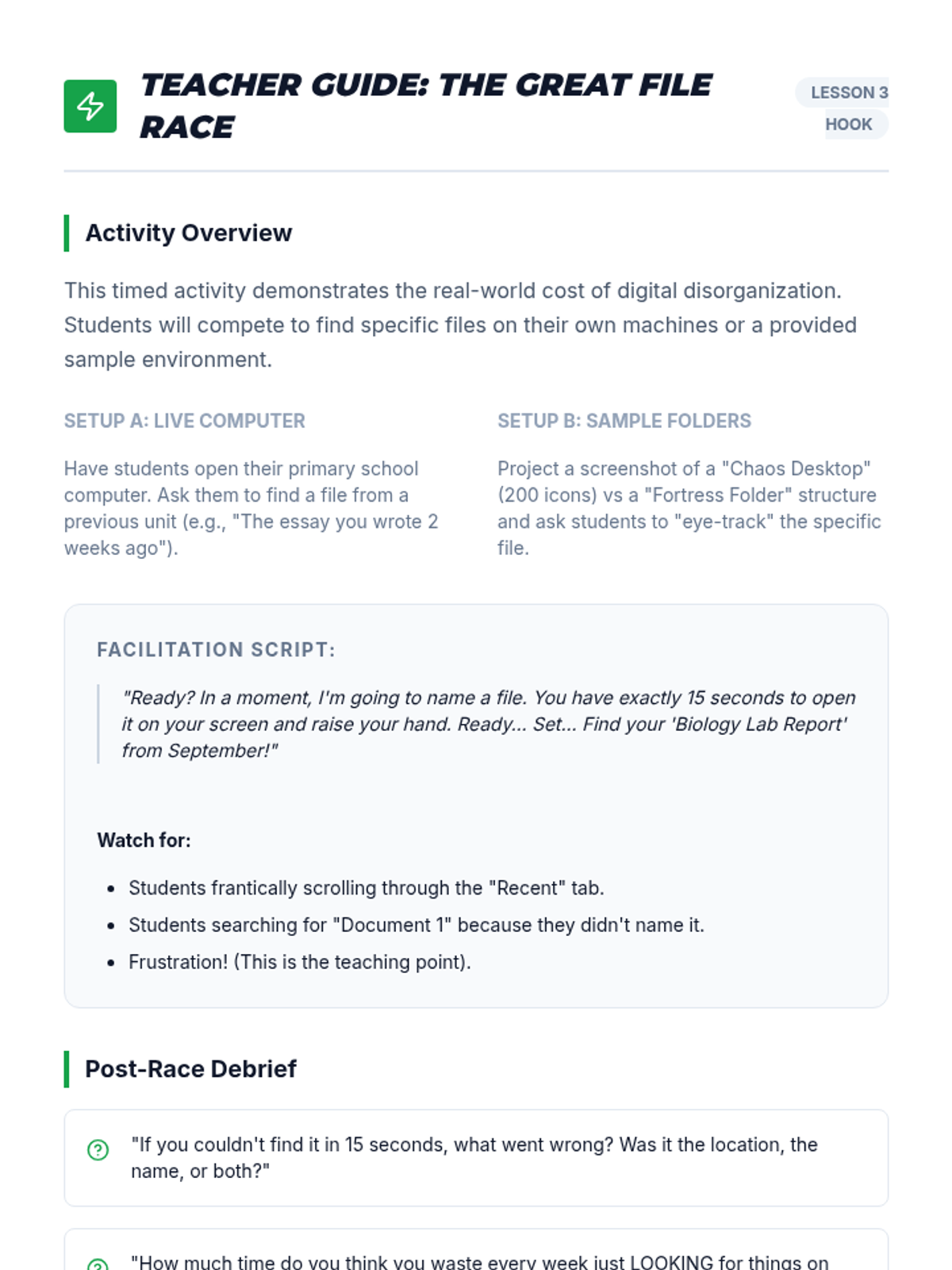
A facilitation guide for the 'Digital Race' hook activity, including script ideas and debrief questions.
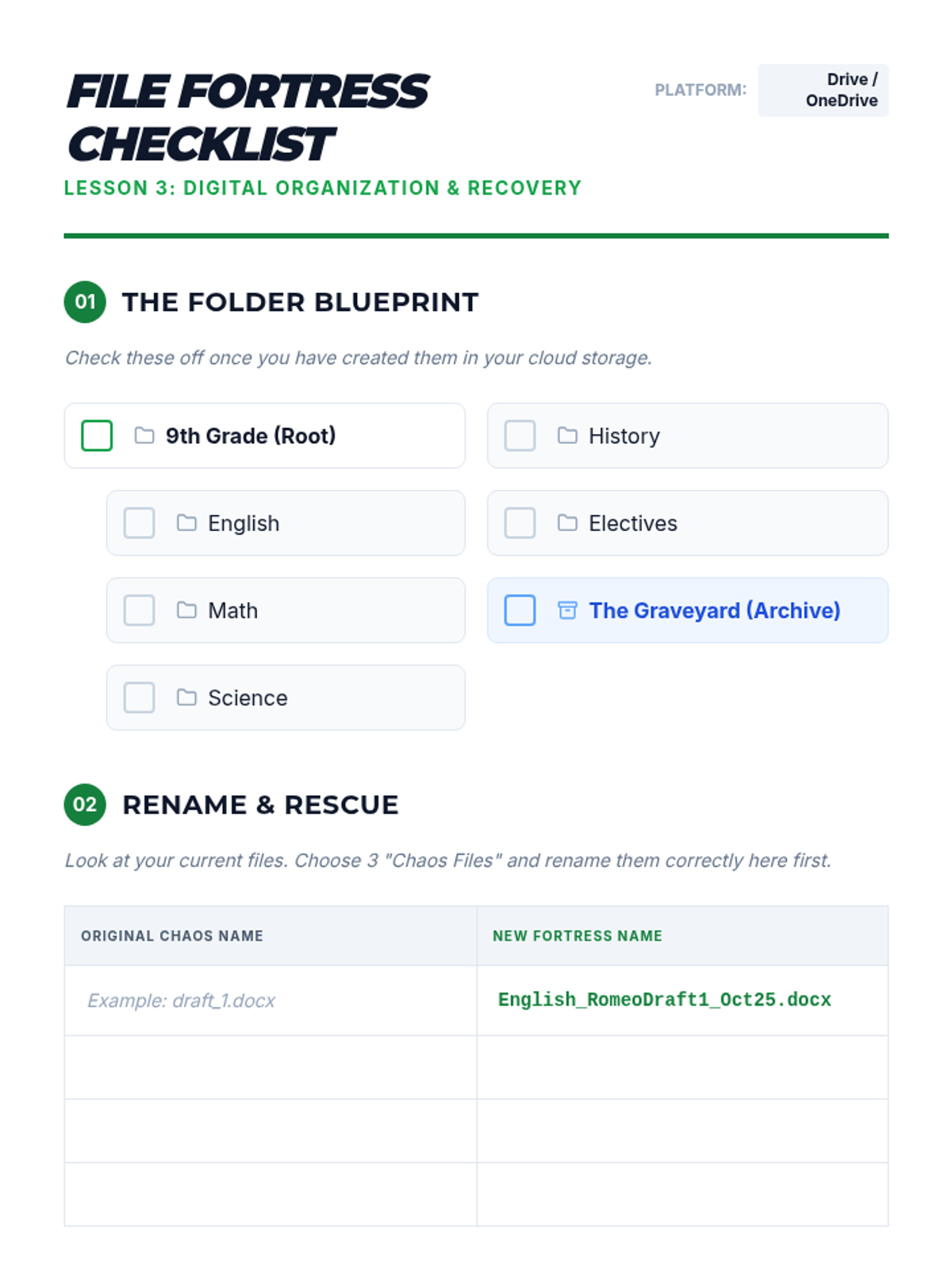
A guide for students to set up their digital folder hierarchy and practice professional file naming conventions.
Workshop slides for Lesson 3, focusing on folder hierarchies, naming conventions, and quick digital retrieval strategies to prevent lost assignments.
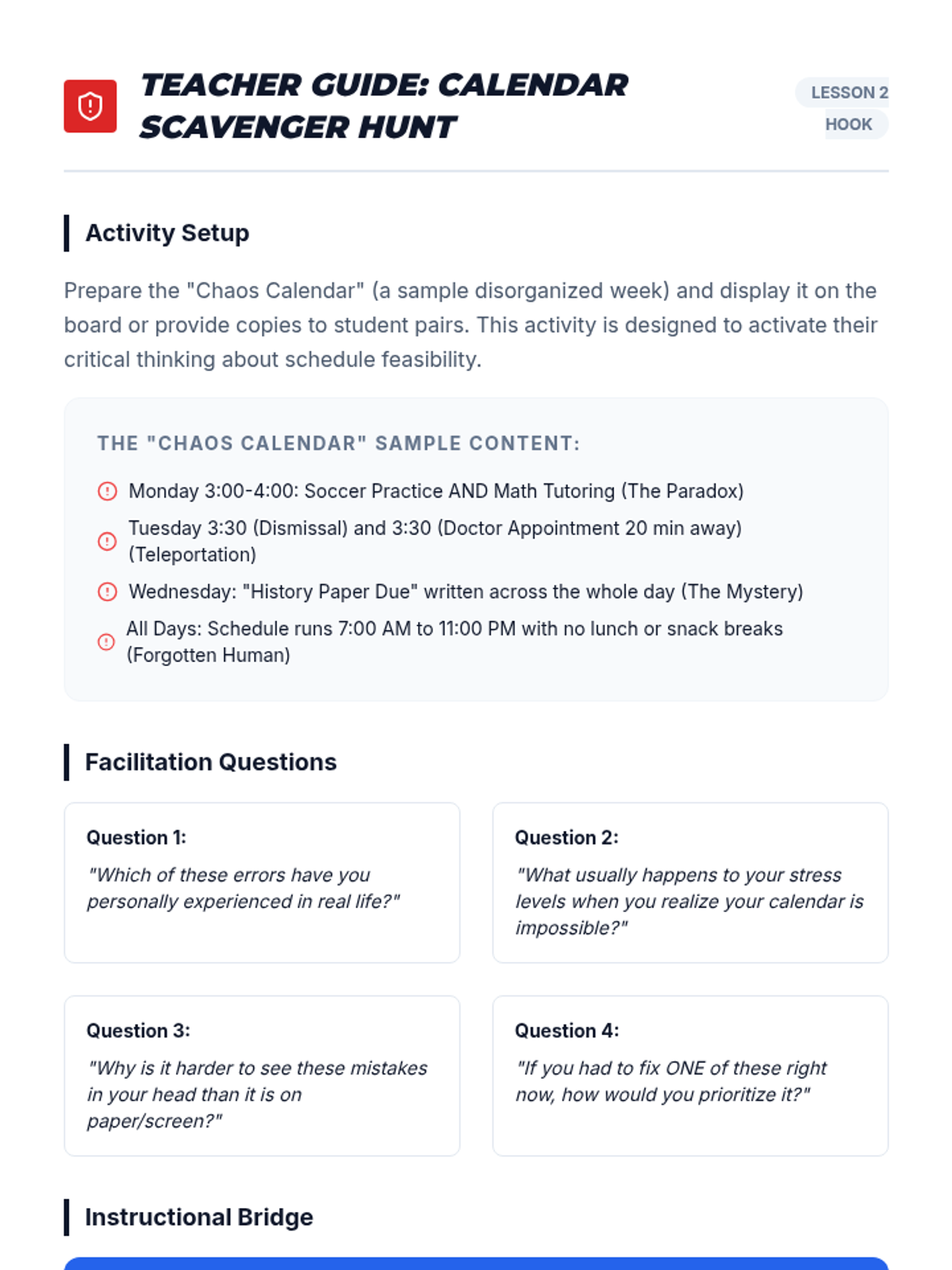
A facilitation guide for teachers to lead the 'Calendar Scavenger Hunt' hook, including sample chaos calendar entries and discussion prompts.
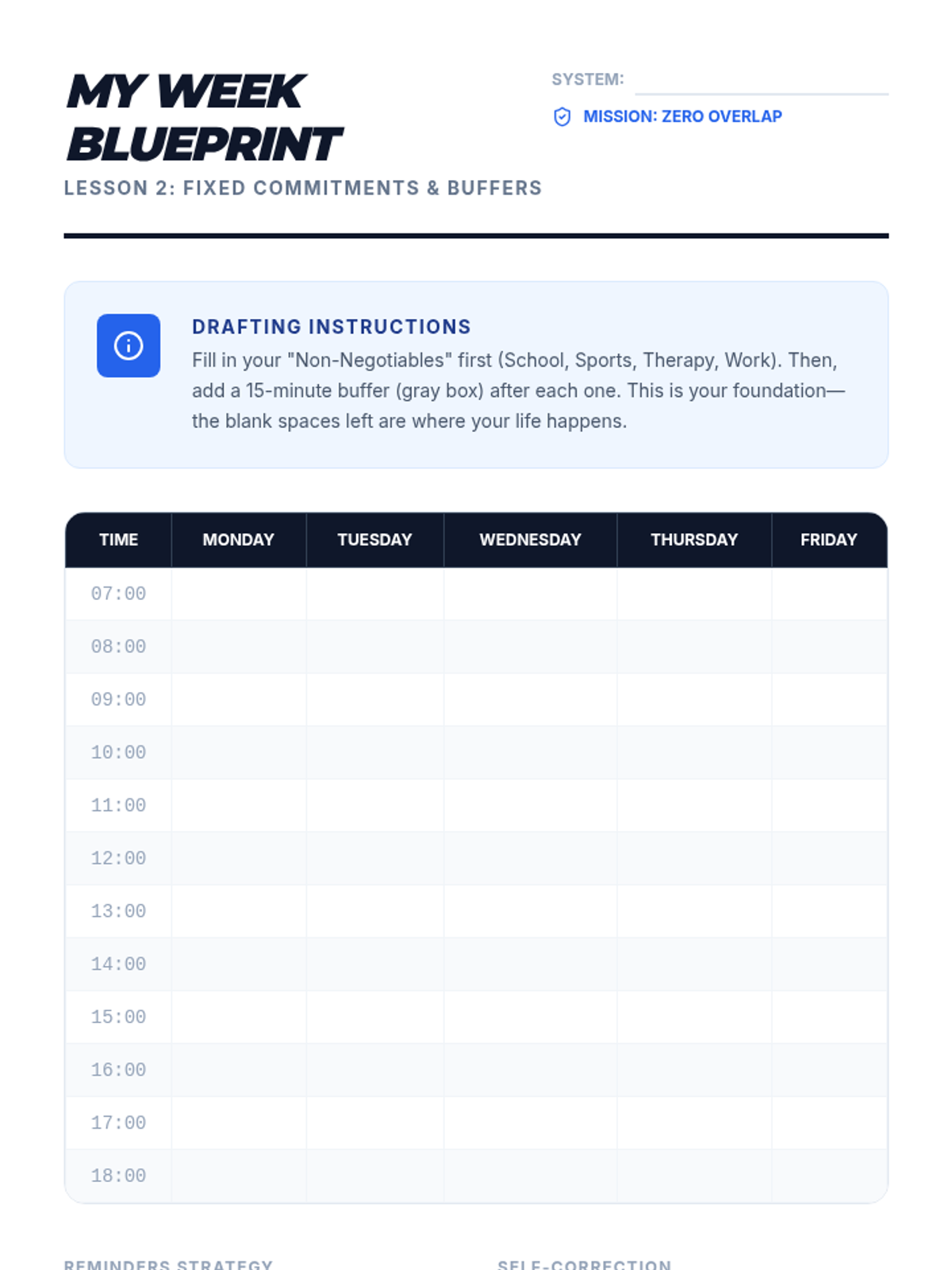
A calendar template designed for students to identify fixed commitments and incorporate necessary buffer times into their weekly schedule.
Workshop slides for Lesson 2, focusing on time blocking, fixed commitments, the '15-minute buffer' rule, and effective digital reminder strategies.
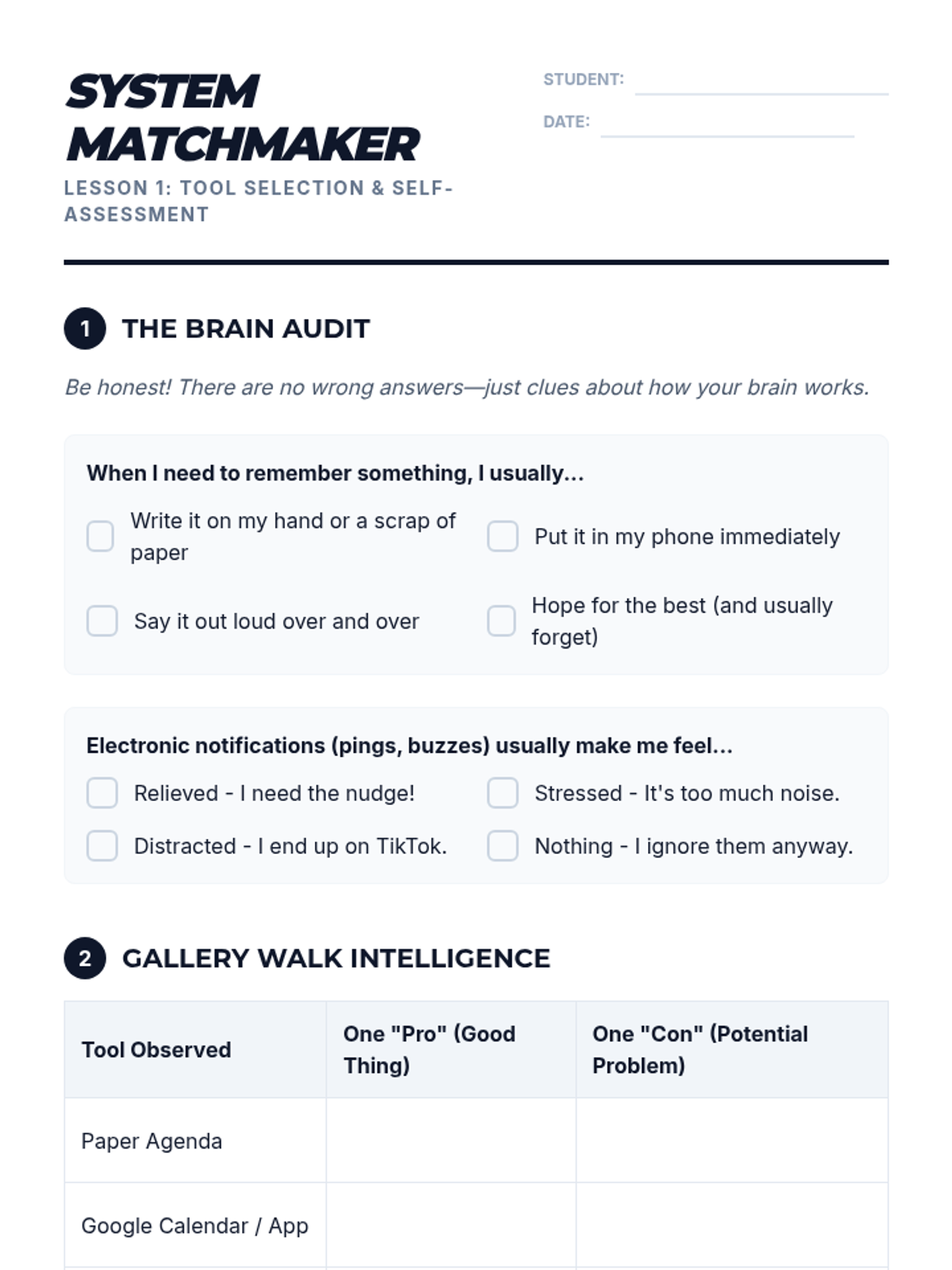
A self-assessment and tool-comparison worksheet for students to identify their organizational style and select a planning tool to pilot.
Introductory slides for Lesson 1, comparing analog and digital planning systems with a focus on self-assessment and finding the right 'fit'.
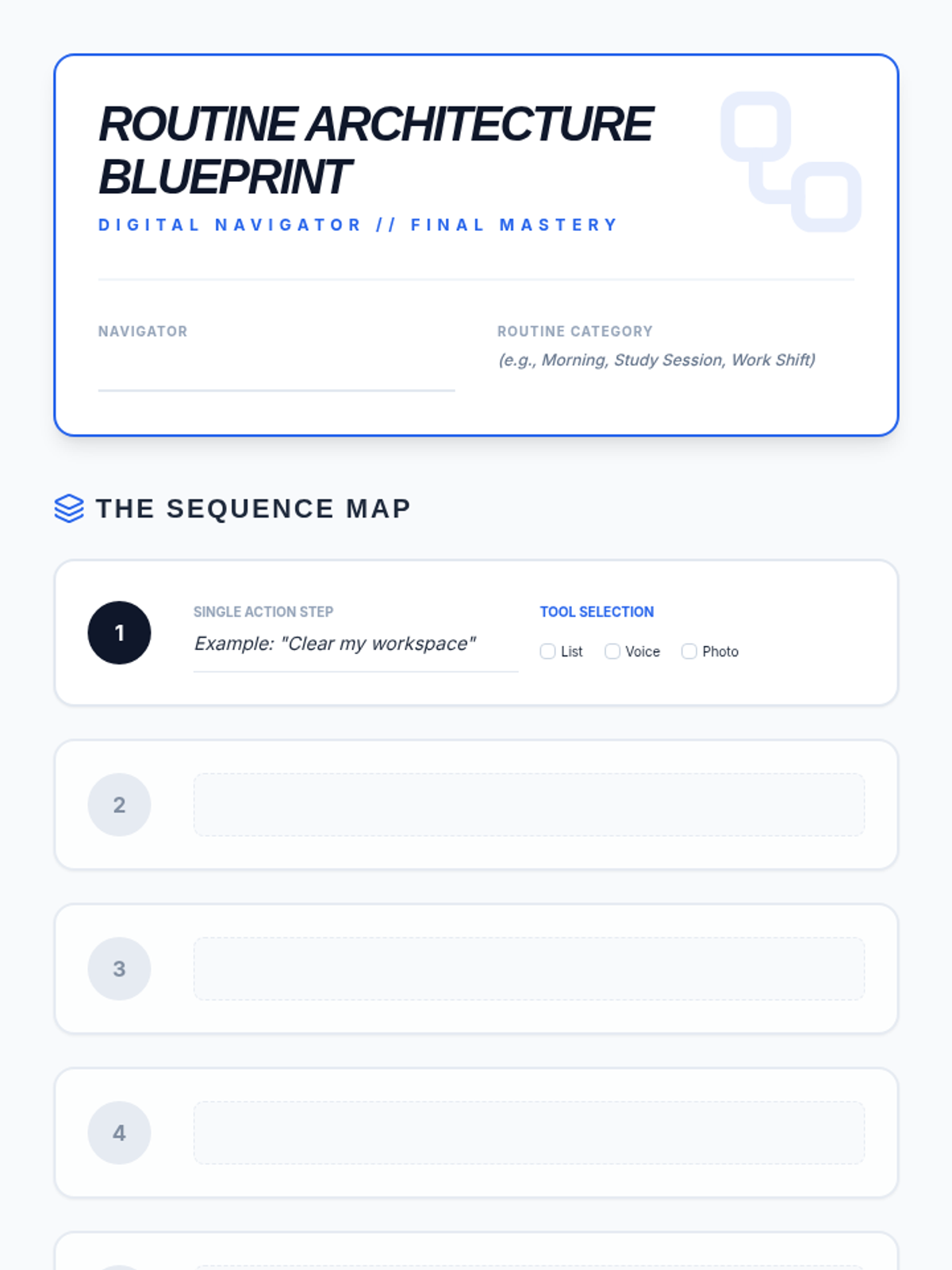
Final project planning worksheet for Lesson 5: Digital Routine Builder. Includes a step-by-step mapping grid with tool selection and a structured peer-testing (Beta Test) log.
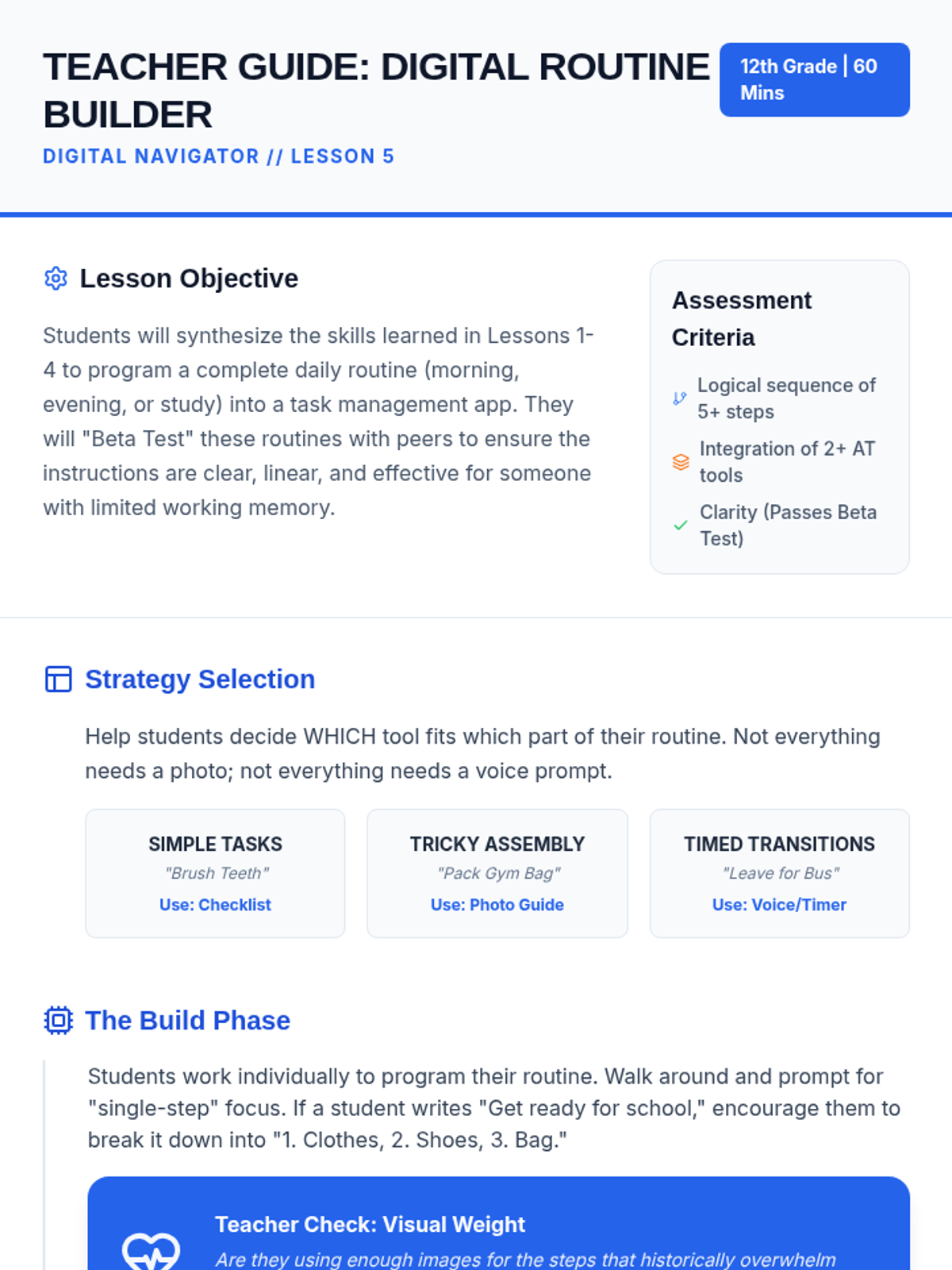
Teacher guide for Lesson 5: Digital Routine Builder. Focuses on tool synthesis, the building phase, and the "Beta Test" protocol for ensuring independence.
Final slide deck for Lesson 5: Digital Routine Builder. Synthesizes all previous tools (checklists, voice, photos, QR) into a single personalized routine and introduces the "Beta Test" peer review.
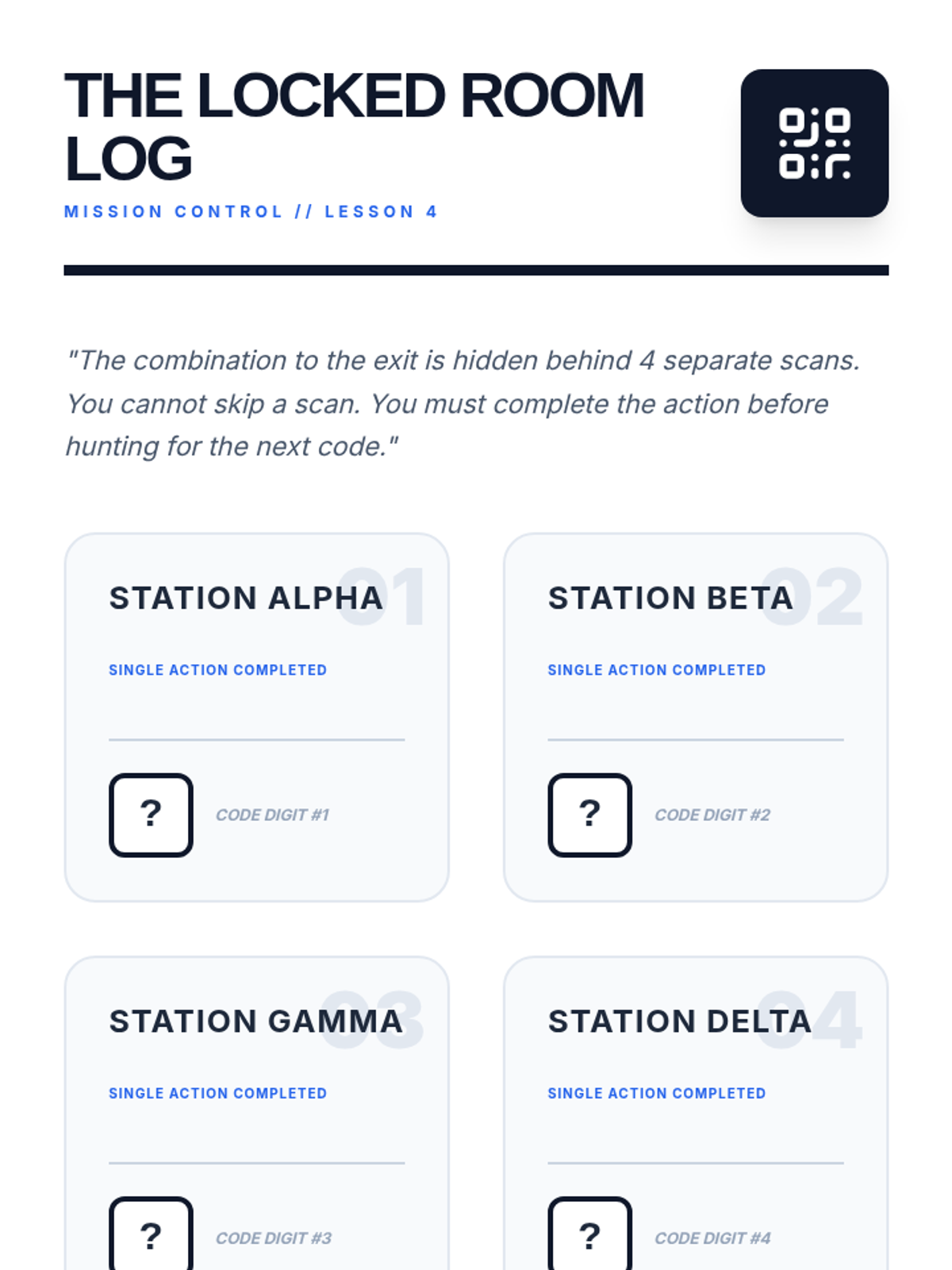
Student mission log for the "Locked Room" scavenger hunt in Lesson 4. Features a station-by-station tracking grid and a final combination lock visual.
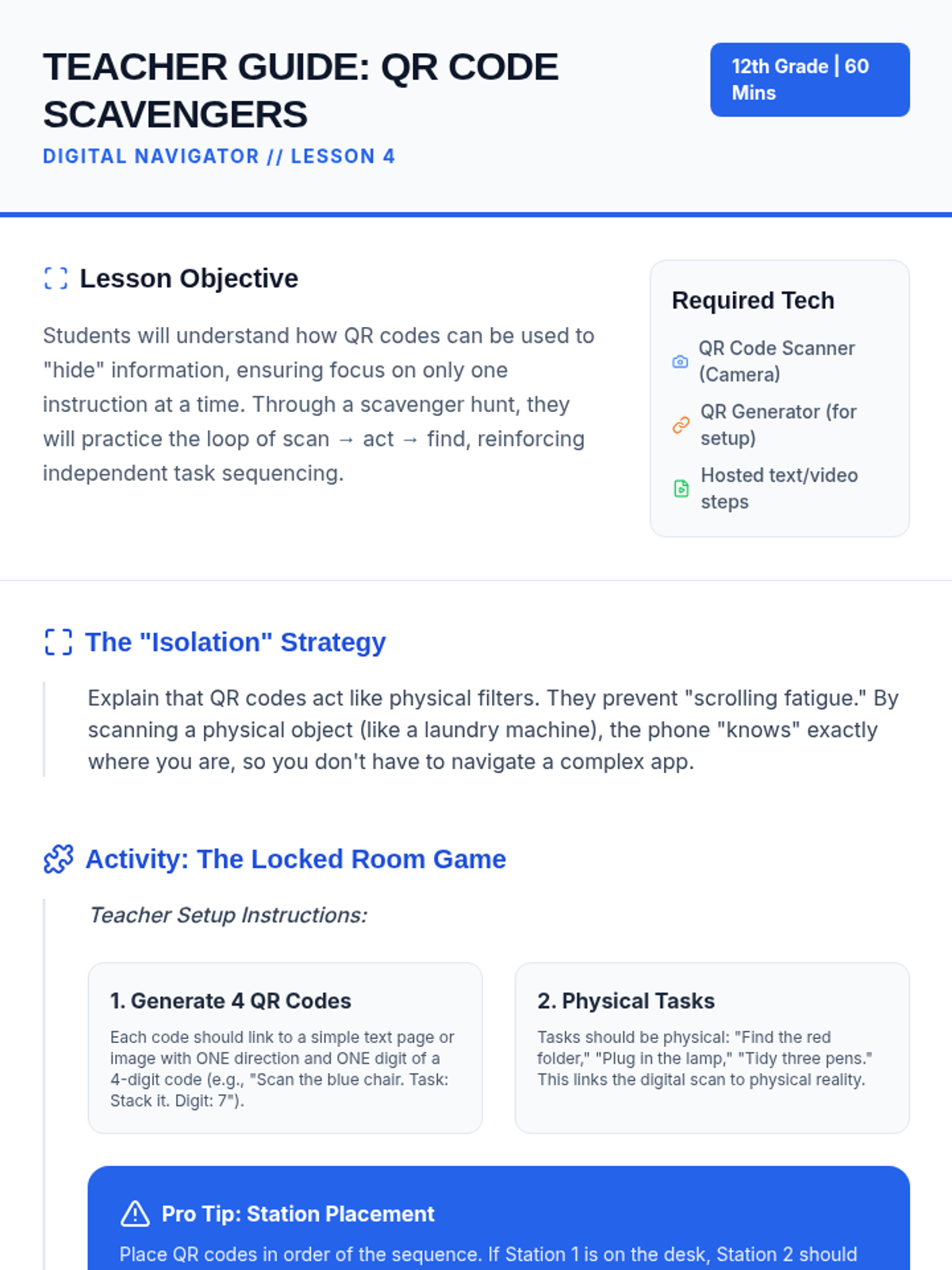
Teacher guide for Lesson 4: QR Code Scavengers. Includes instructions for setting up the "Locked Room" scavenger hunt, generating QR codes, and differentiating for varied needs.
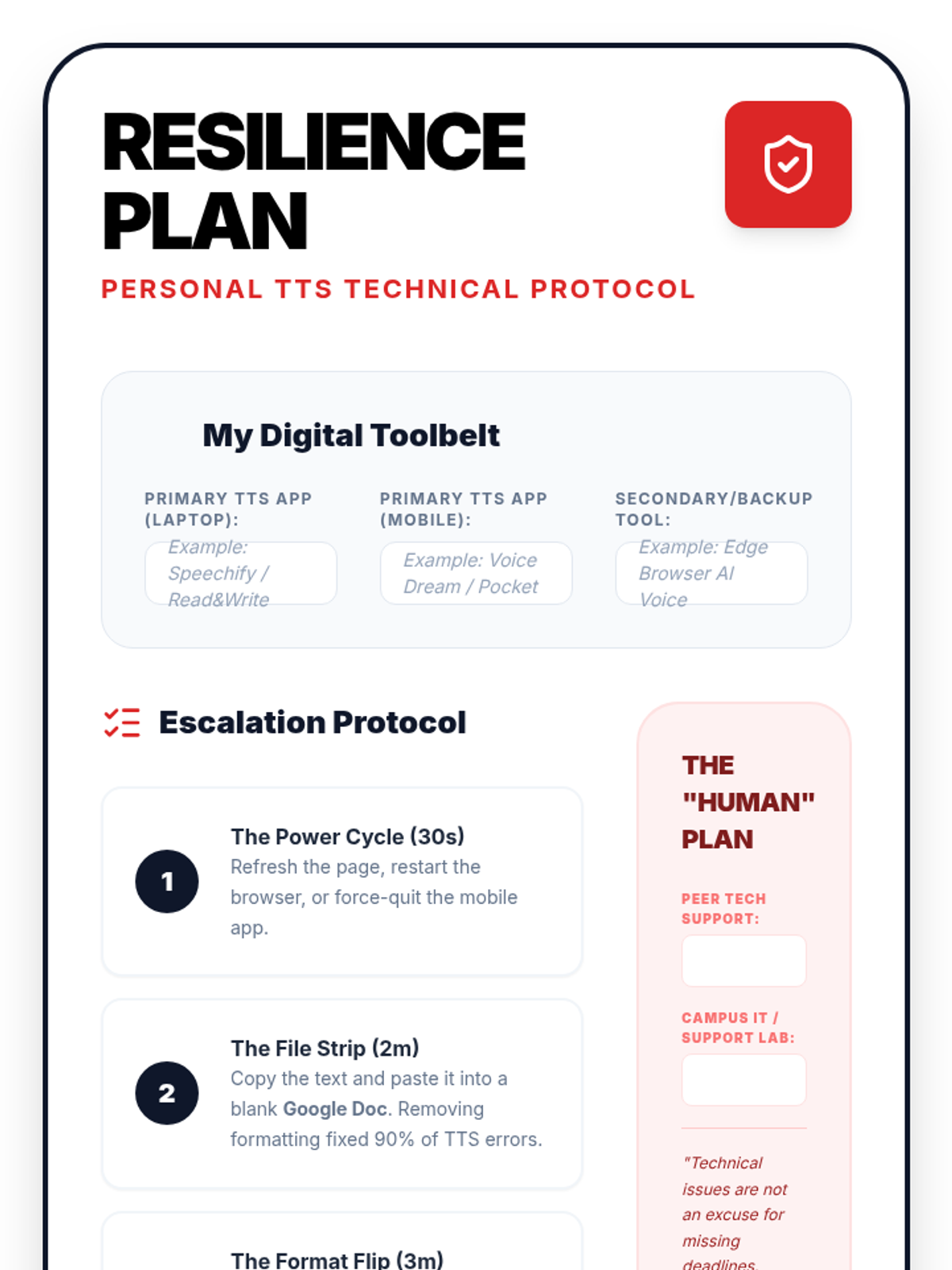
A personal template for Lesson 5. Students fill this out to create their own 'Digital Resilience Plan', documenting their tool arsenal, escalation steps for technical failures, and human support resources.
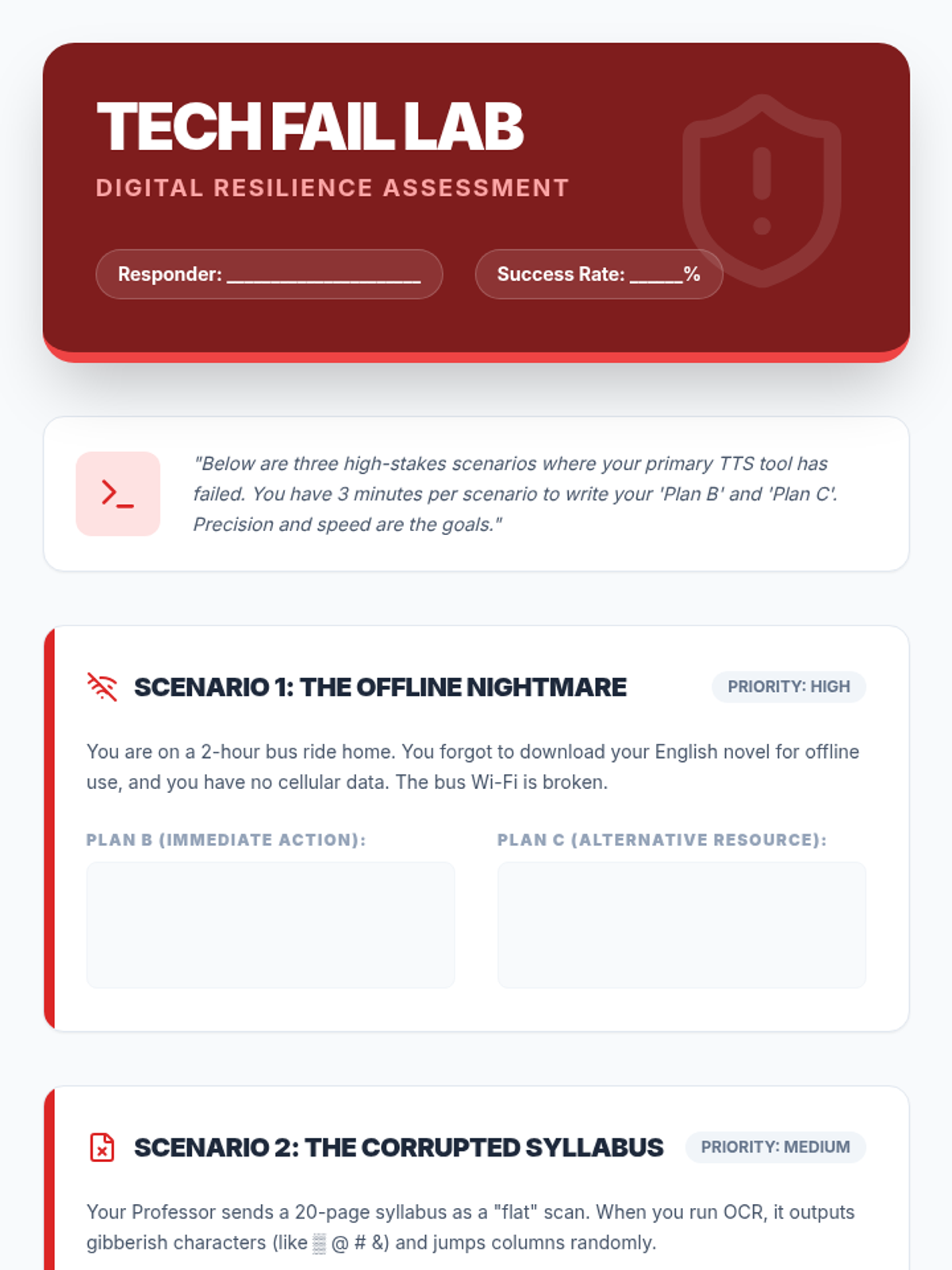
A technical worksheet for Lesson 5. Students are presented with three 'high-stakes' technical failure scenarios and must document their primary and secondary backup plans to ensure reading productivity.
Slides for Lesson 5 on Digital Resilience. Teaches students how to troubleshoot common TTS failures, establish a 'Plan B' hierarchy, and remain productive during technical high-stakes moments.
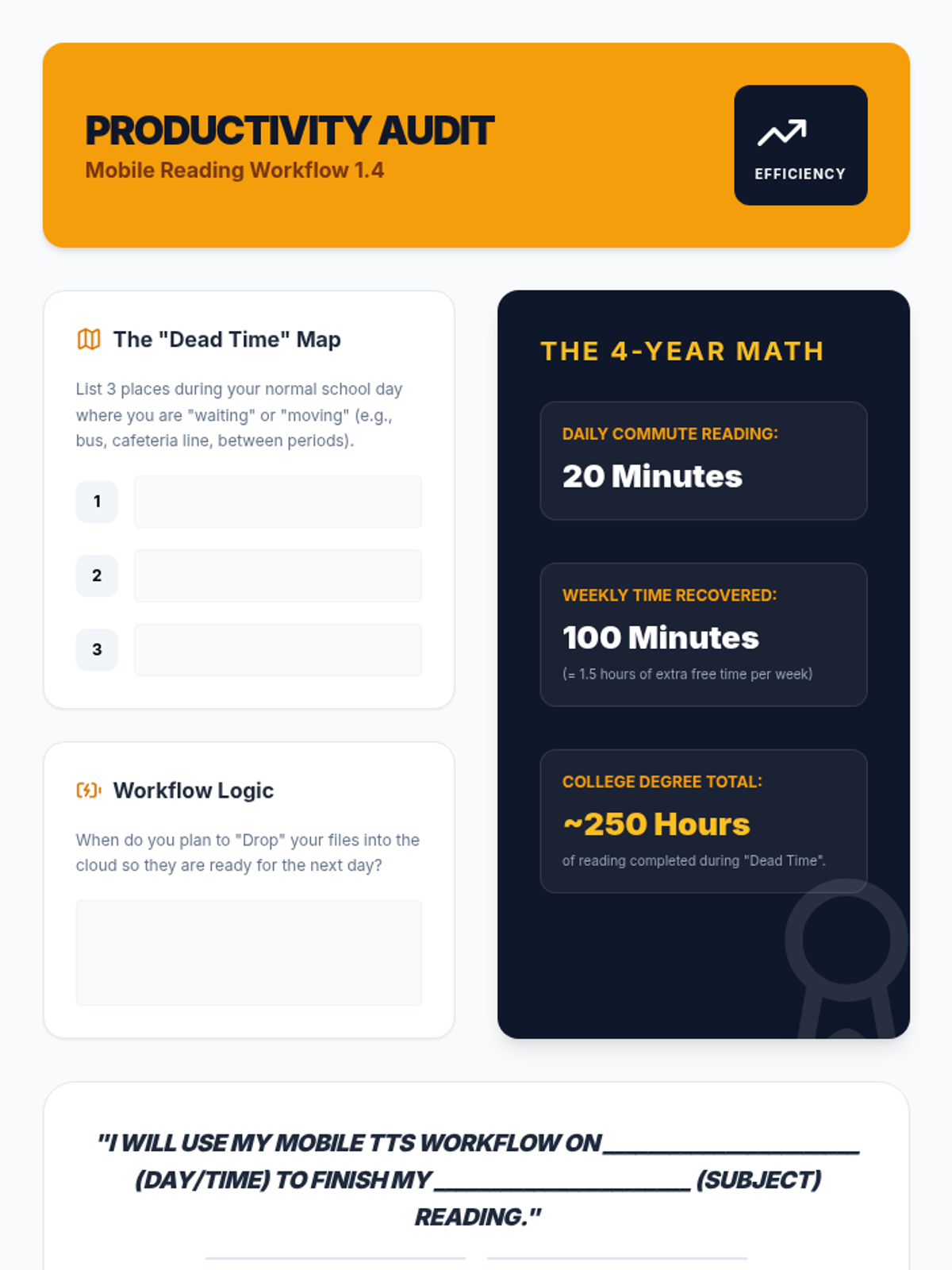
A productivity audit worksheet for Lesson 4. Students identify 'dead time' in their schedules, calculate the time savings over their college career, and make a formal commitment to using their mobile TTS workflow.
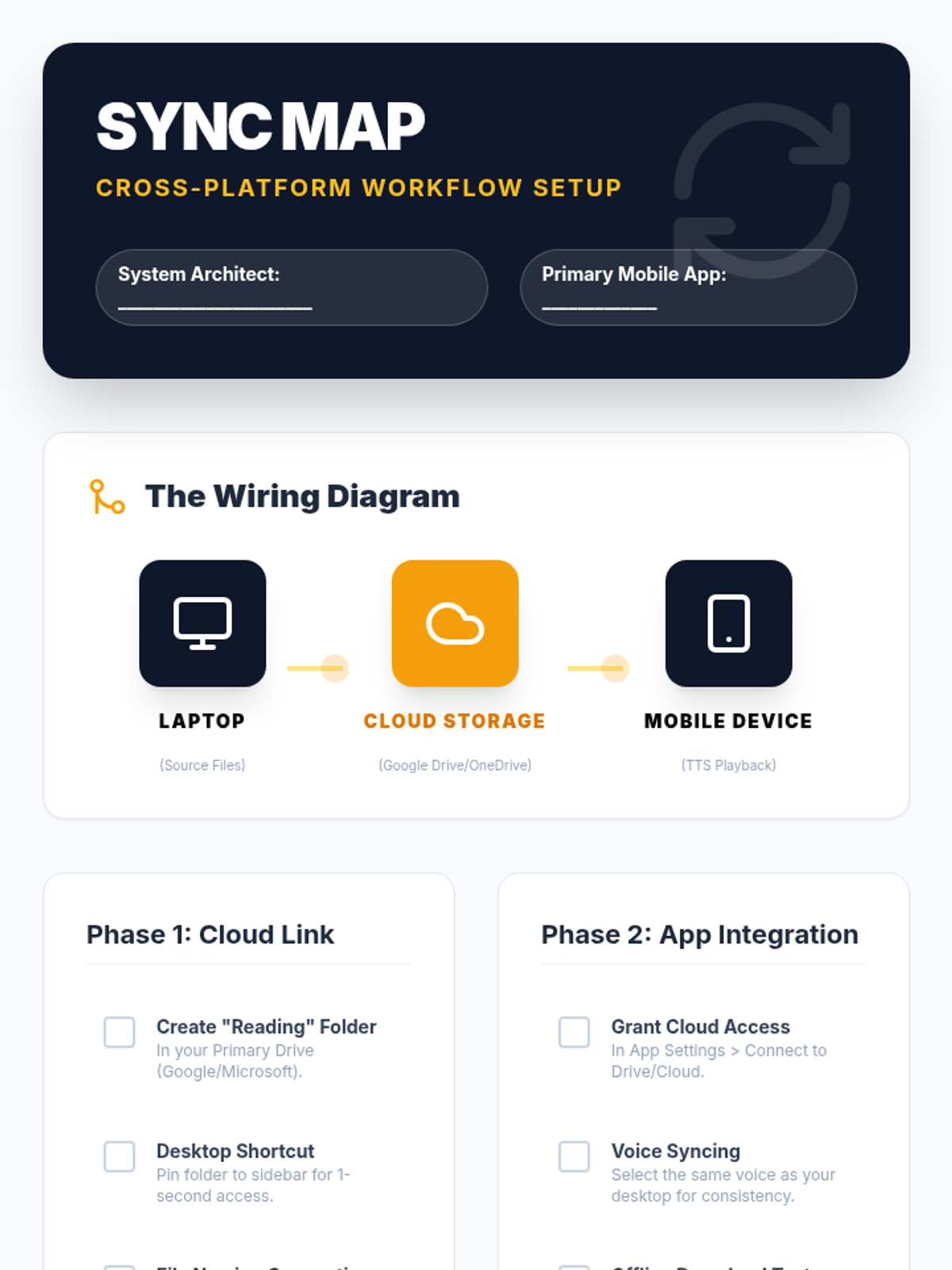
A technical setup checklist for Lesson 4. Guides students through linking their desktop cloud storage to their mobile TTS apps, with verification steps for offline playback and file syncing.
Slides for Lesson 4 on Mobile TTS Workflows. Focuses on syncing desktop files with mobile devices, cloud integration, and using transit time for academic reading.
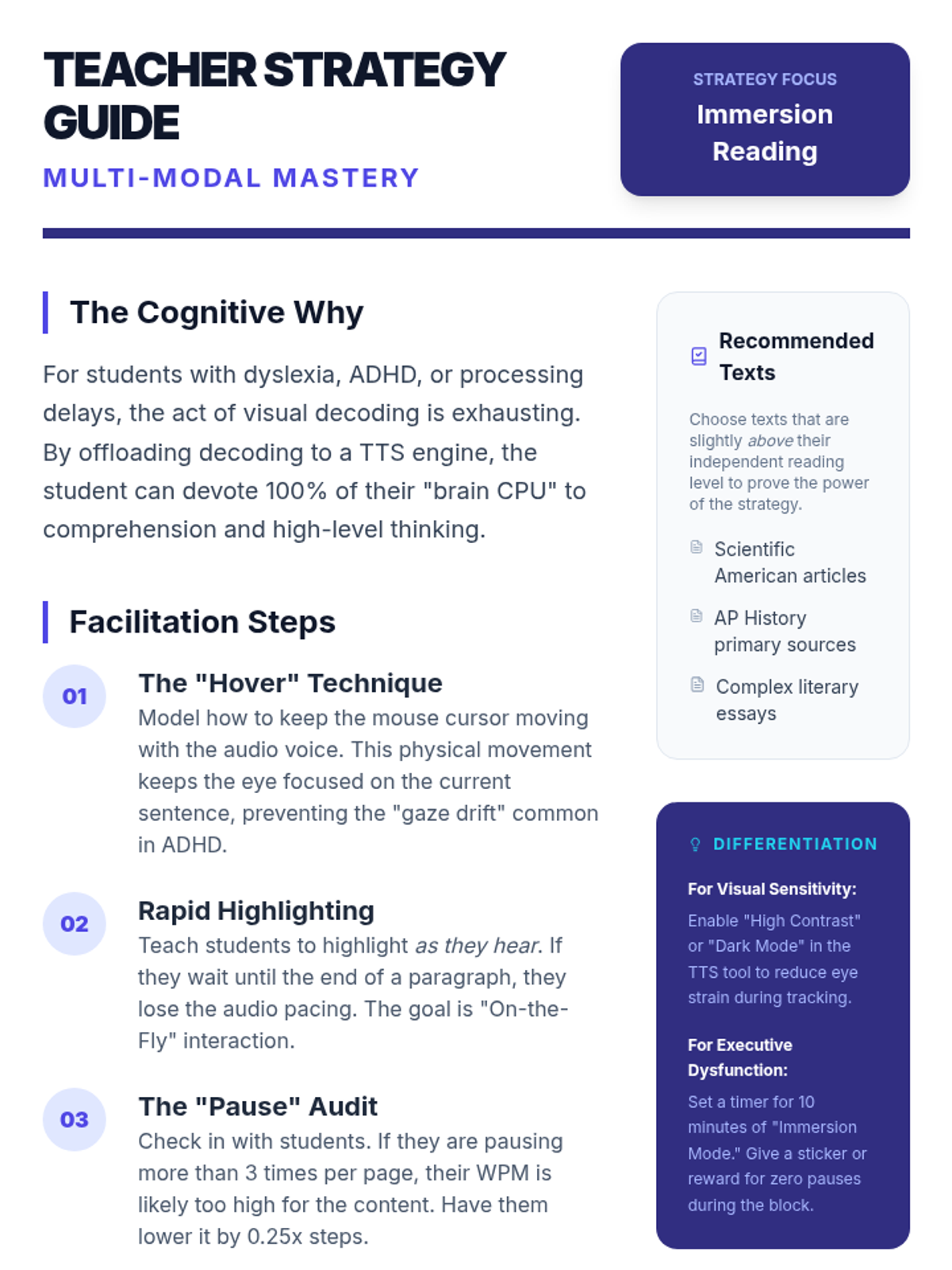
A pedagogical guide for teachers on Lesson 3, detailing the 'Cognitive Why' behind immersion reading, facilitation steps like the 'Hover Technique', and scripts for modeling active multi-modal engagement.
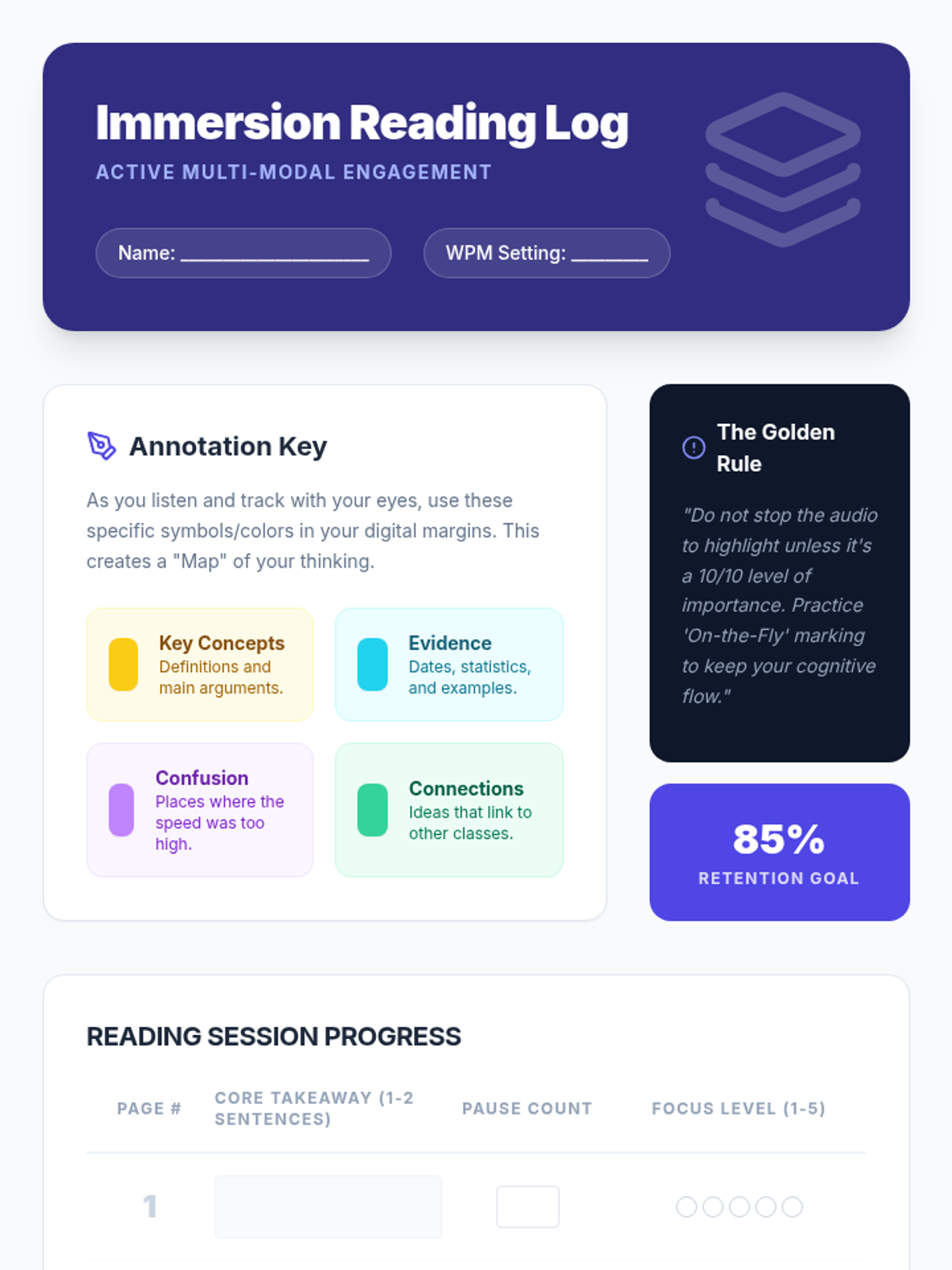
A specialized worksheet for Lesson 3. Students use this log to track their takeaways, pause frequency, and focus levels while performing immersion reading on a dense text. Includes a color-coded annotation key.
Slide deck for Lesson 3 on Immersion Reading. Explains the cognitive benefits of combining auditory and visual tracking, and introduces workflows for digital annotation while listening to TTS.
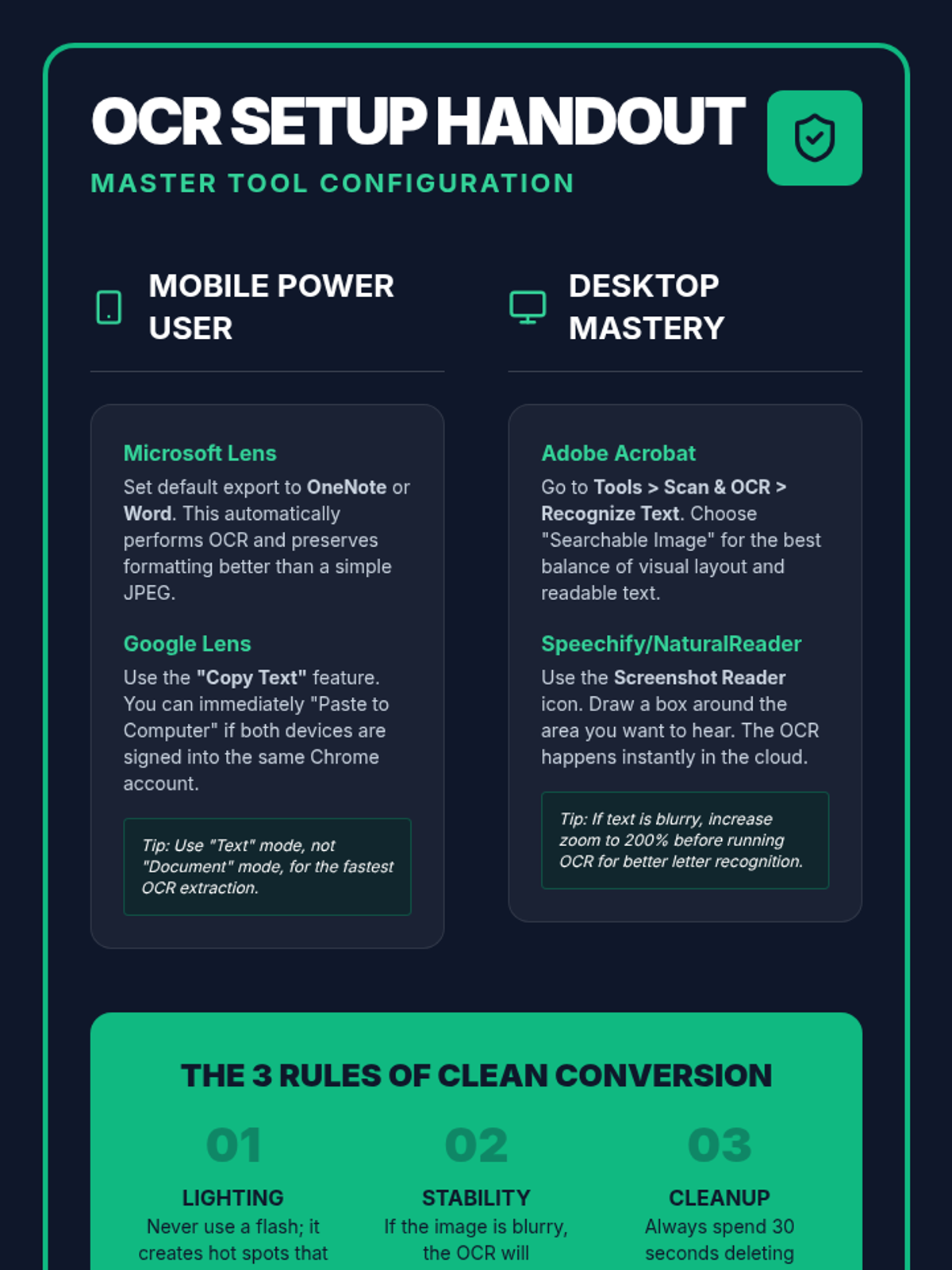
A technical reference guide for Lesson 2, providing step-by-step configuration for popular OCR tools like Microsoft Lens, Google Lens, and Adobe Acrobat. Includes pro-tips for high-accuracy conversion.
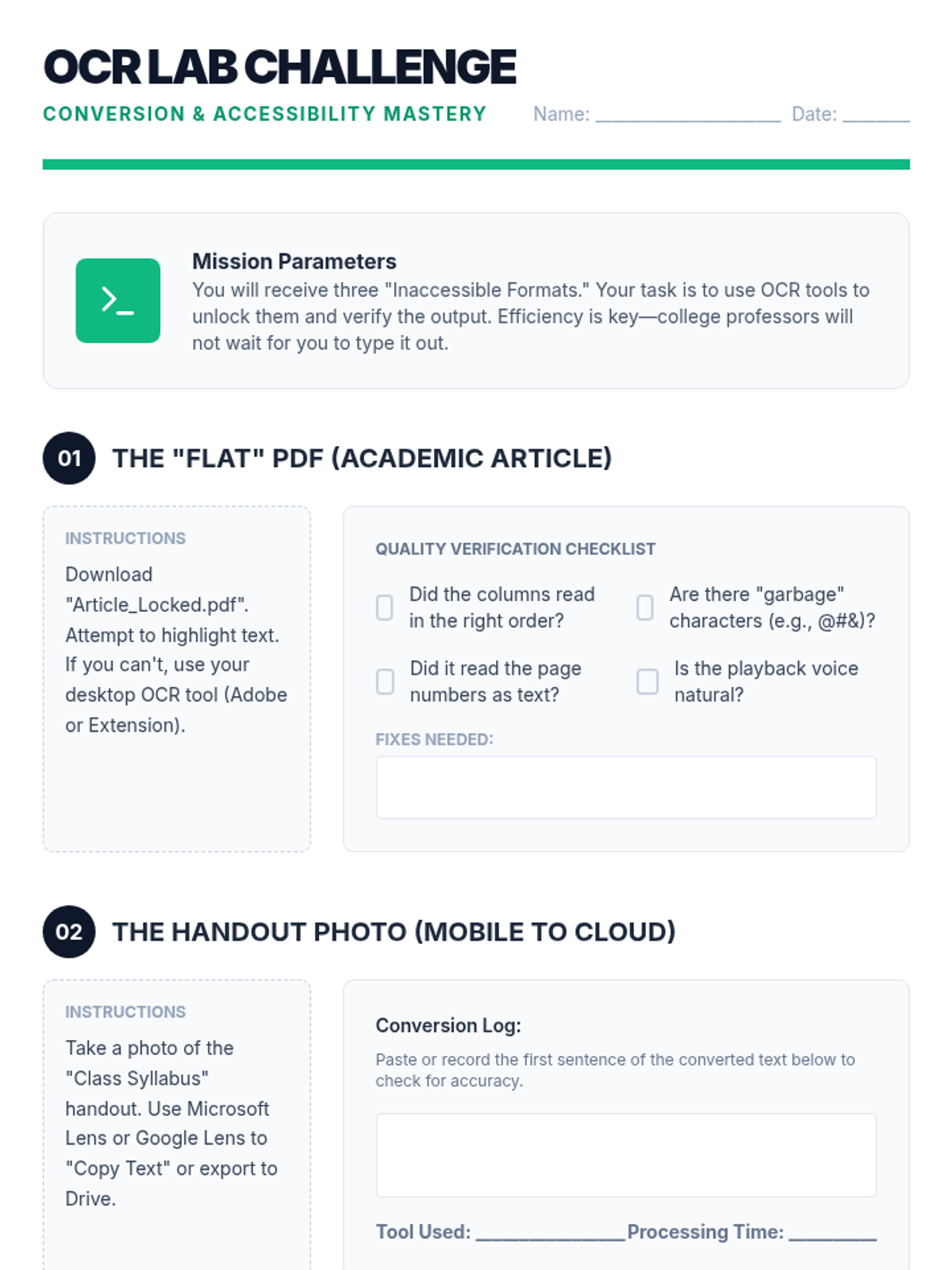
A technical challenge sheet for Lesson 2. Students practice using OCR on different formats (locked PDFs, photo-based handouts) and log their accuracy and tool performance.
Visual presentation for Lesson 2 focusing on OCR (Optical Character Recognition). Explains the technical problem of 'flat' text and provides a workflow for converting images to audio-ready documents.
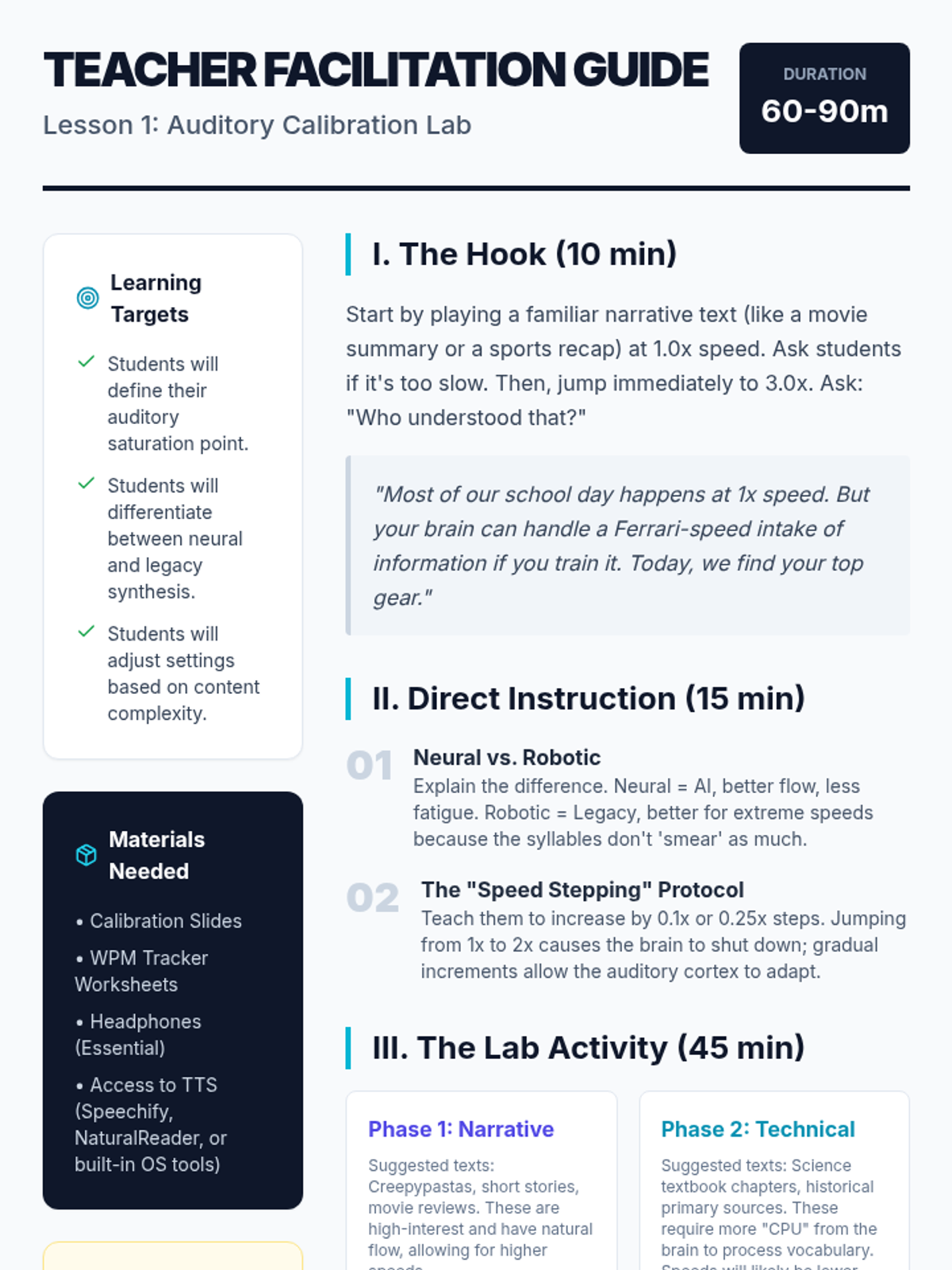
A comprehensive teacher facilitation guide for Lesson 1, including learning targets, activity timelines, pedagogical tips for WPM calibration, and strategies for overcoming common student obstacles.
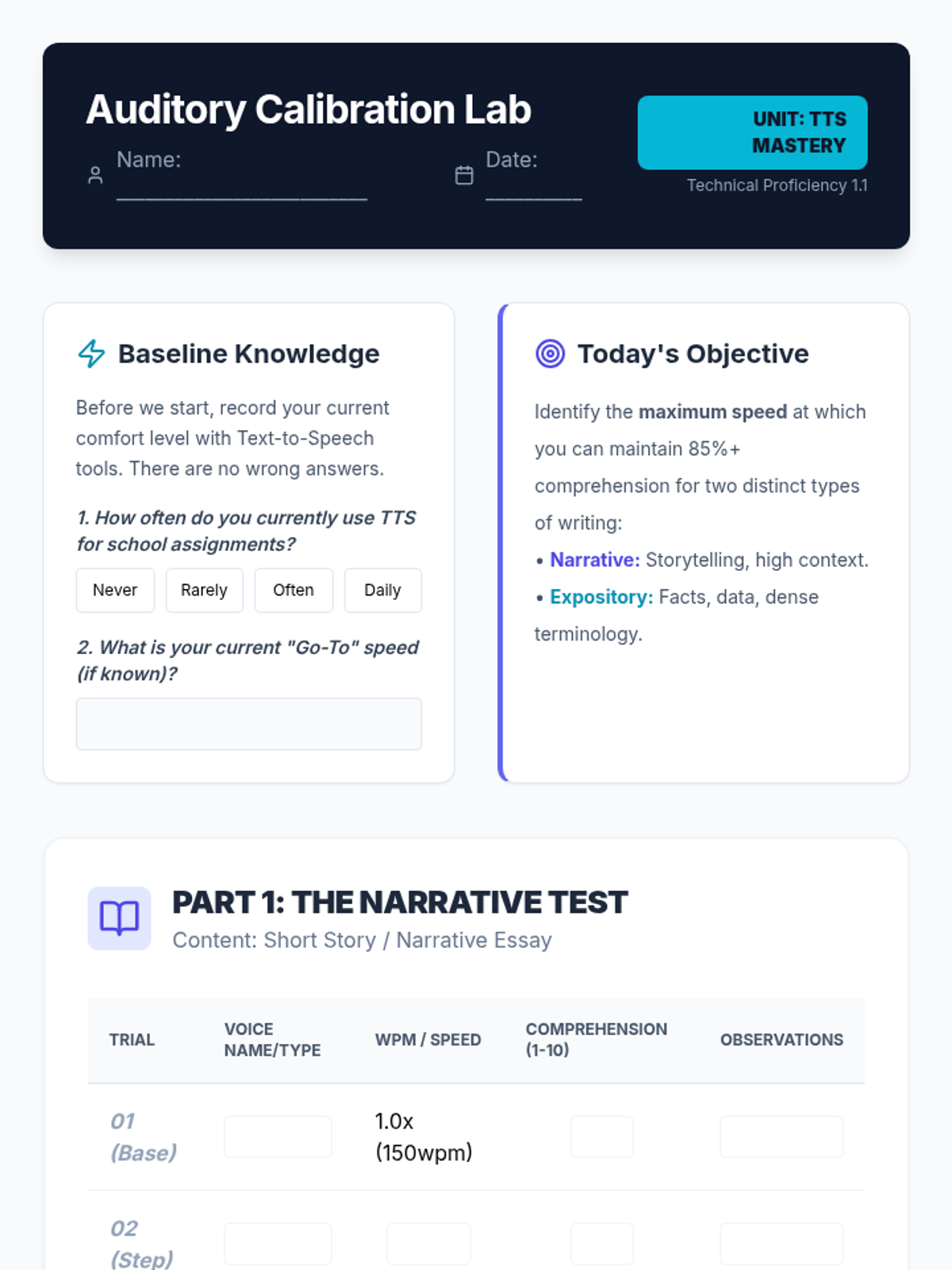
A lab-style worksheet for students to record their auditory calibration data, including trials for narrative and technical texts, speed tracking, and voice selection notes.
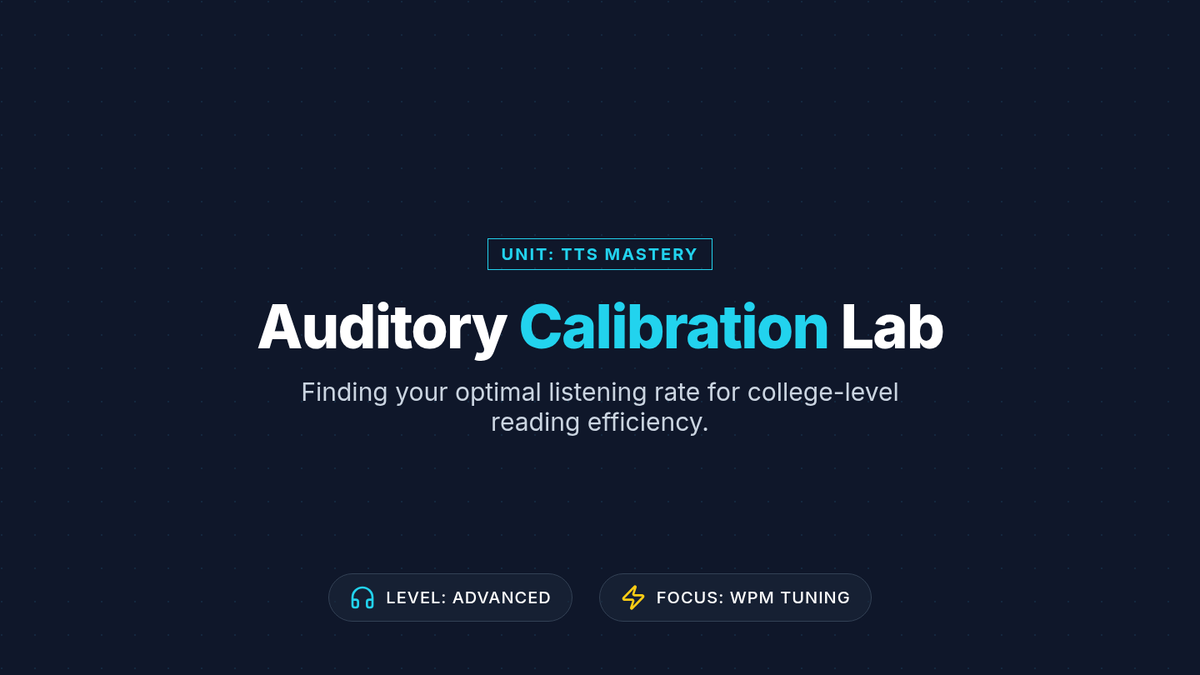
A professional, tech-themed slide deck for Lesson 1, guiding students through the process of auditory calibration, voice selection, and determining optimal reading speeds (WPM).
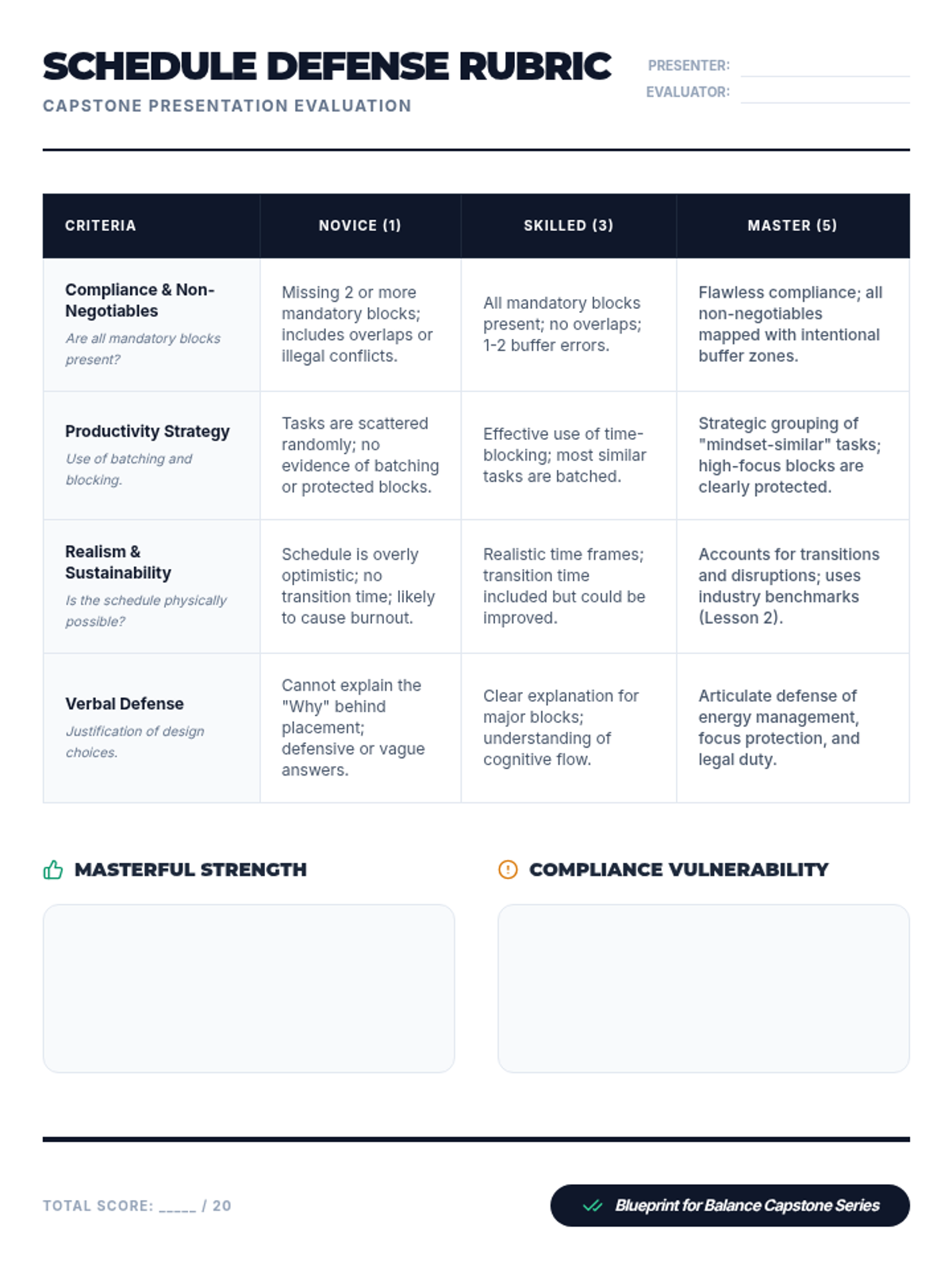
A rubric for evaluating the final 'Master Blueprint' presentation, focusing on compliance, productivity strategies, realism, and verbal defense.
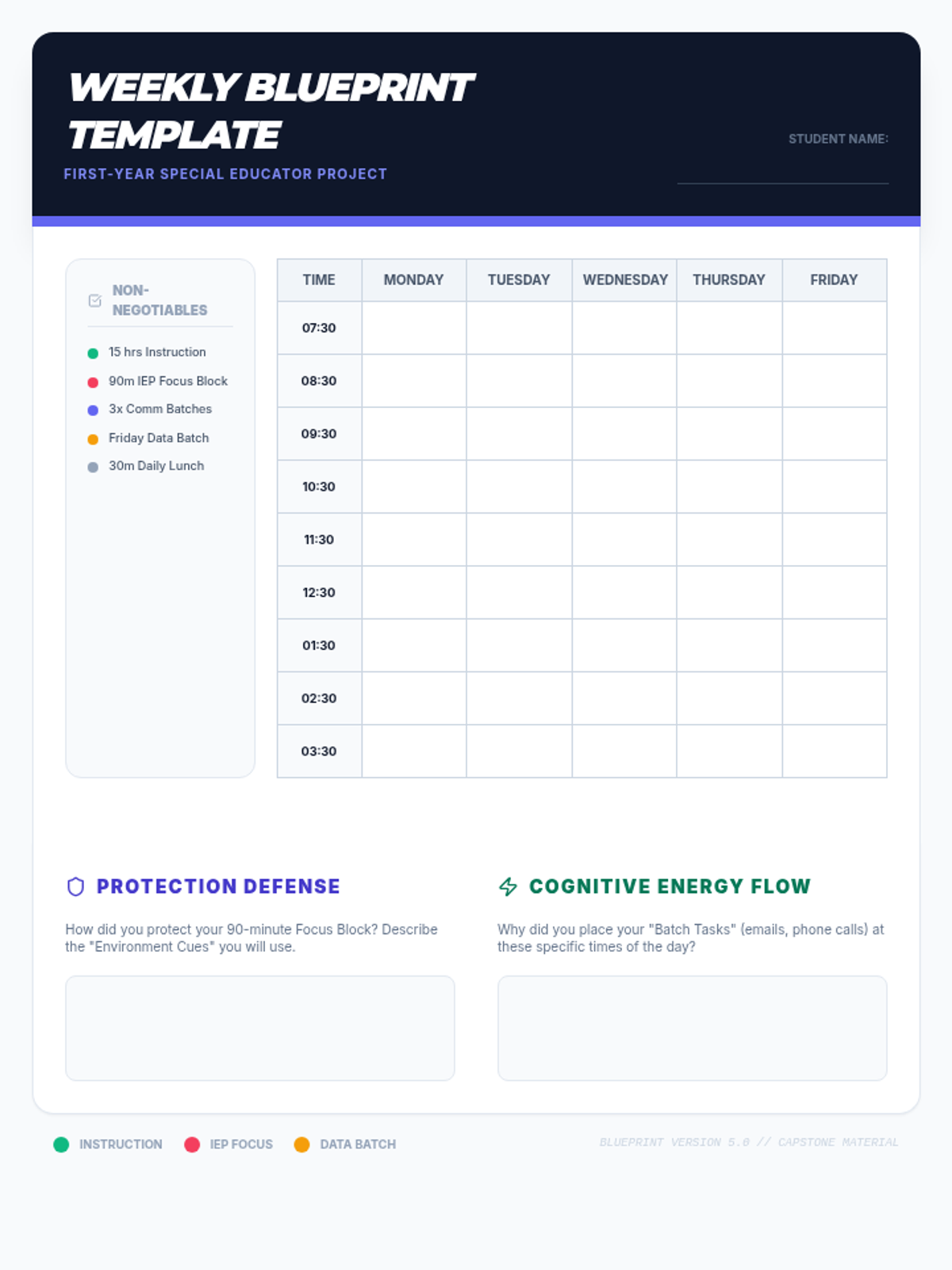
The master template for the capstone project. Students use this to map out their perfect instructional week while balancing compliance and administrative tasks.
Introductory slides for Lesson 5, outlining the 'Perfect Week' capstone project and providing guidelines for scheduling and peer review.
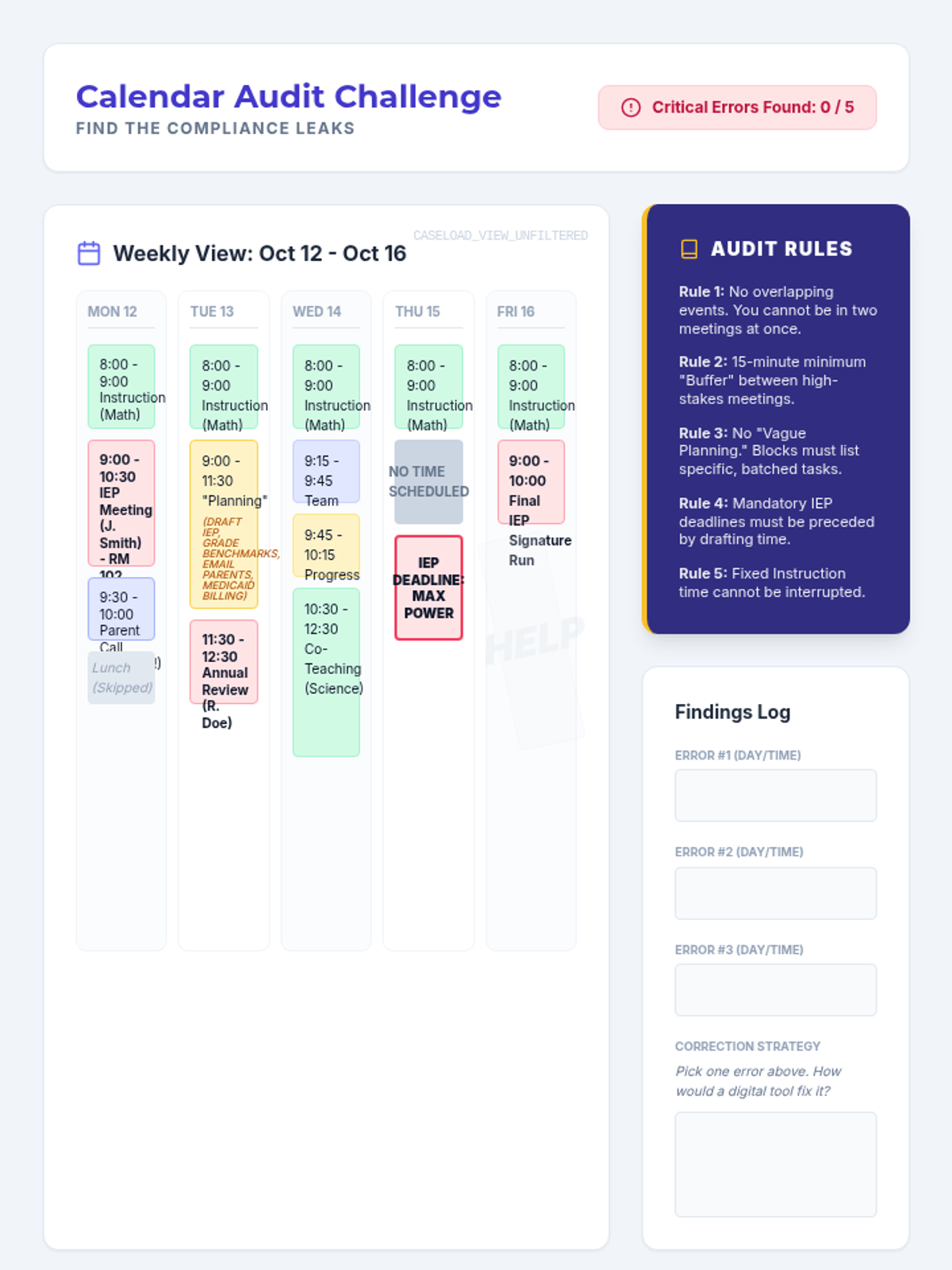
A worksheet featuring a visual 'messy' calendar where students must identify critical errors such as overlapping appointments, missing transition time, and vague planning blocks using a set of 'Audit Rules'.
Introductory slides for Lesson 4, exploring digital calendar features and identifying critical scheduling errors in caseload management.
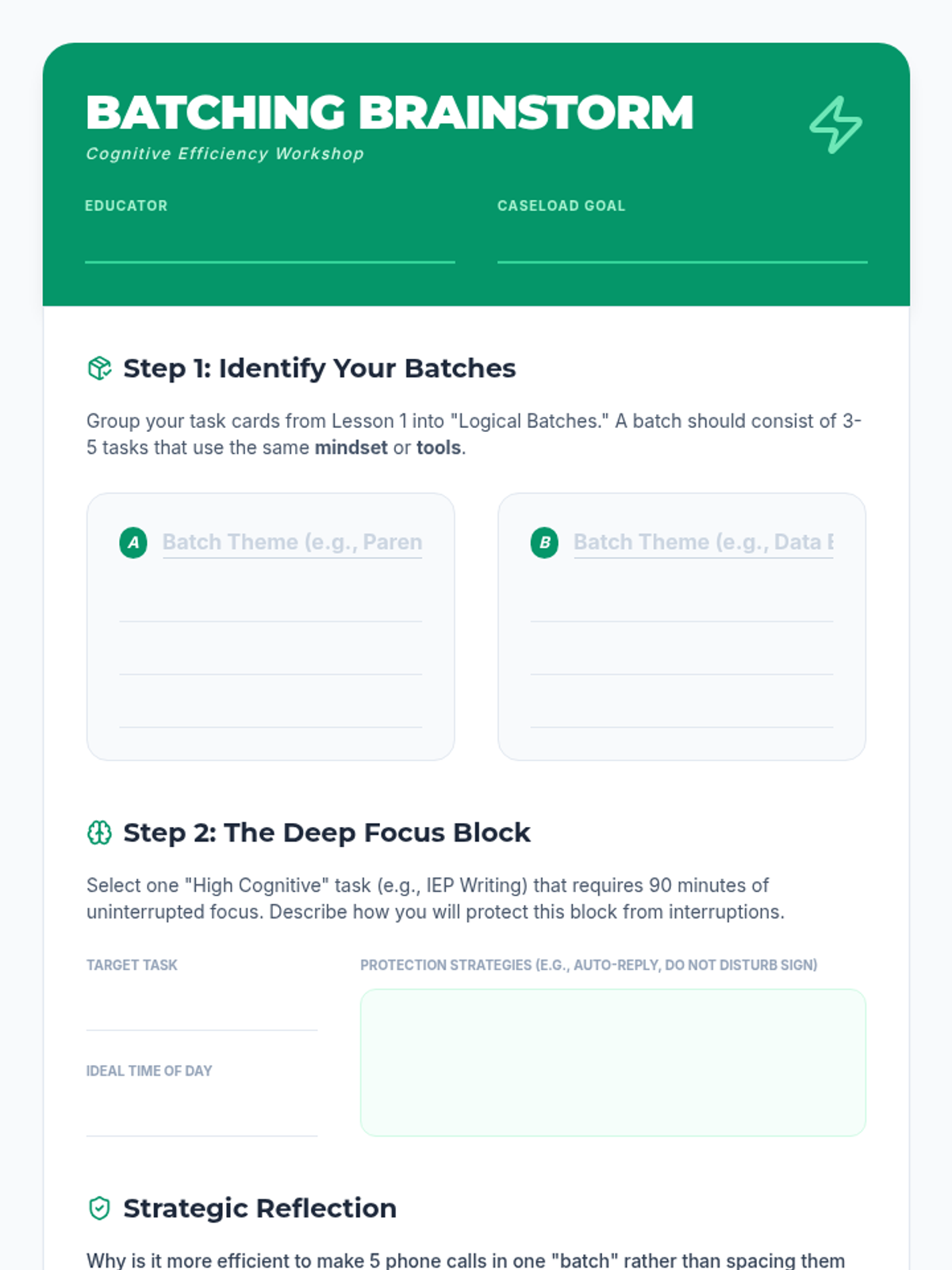
A worksheet for students to practice identifying task batches and planning deep focus blocks to improve productivity and reduce cognitive switching costs.
Introductory slides for Lesson 3, teaching the concepts of cognitive switching costs, time-blocking, and task-batching in a special education context.
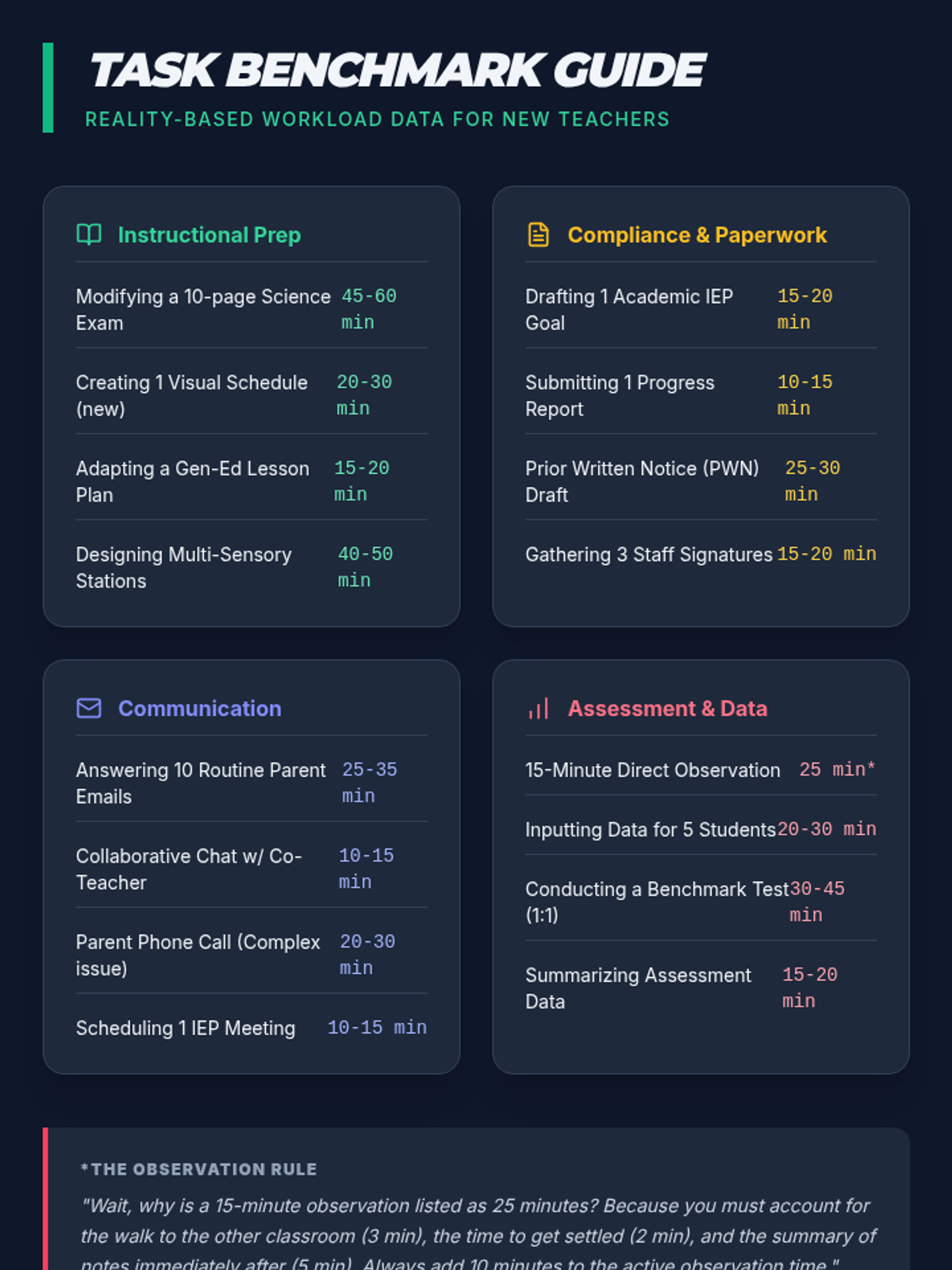
A teacher-verified reference guide showing realistic time durations for common special education tasks, including hidden time costs for transitions and documentation.
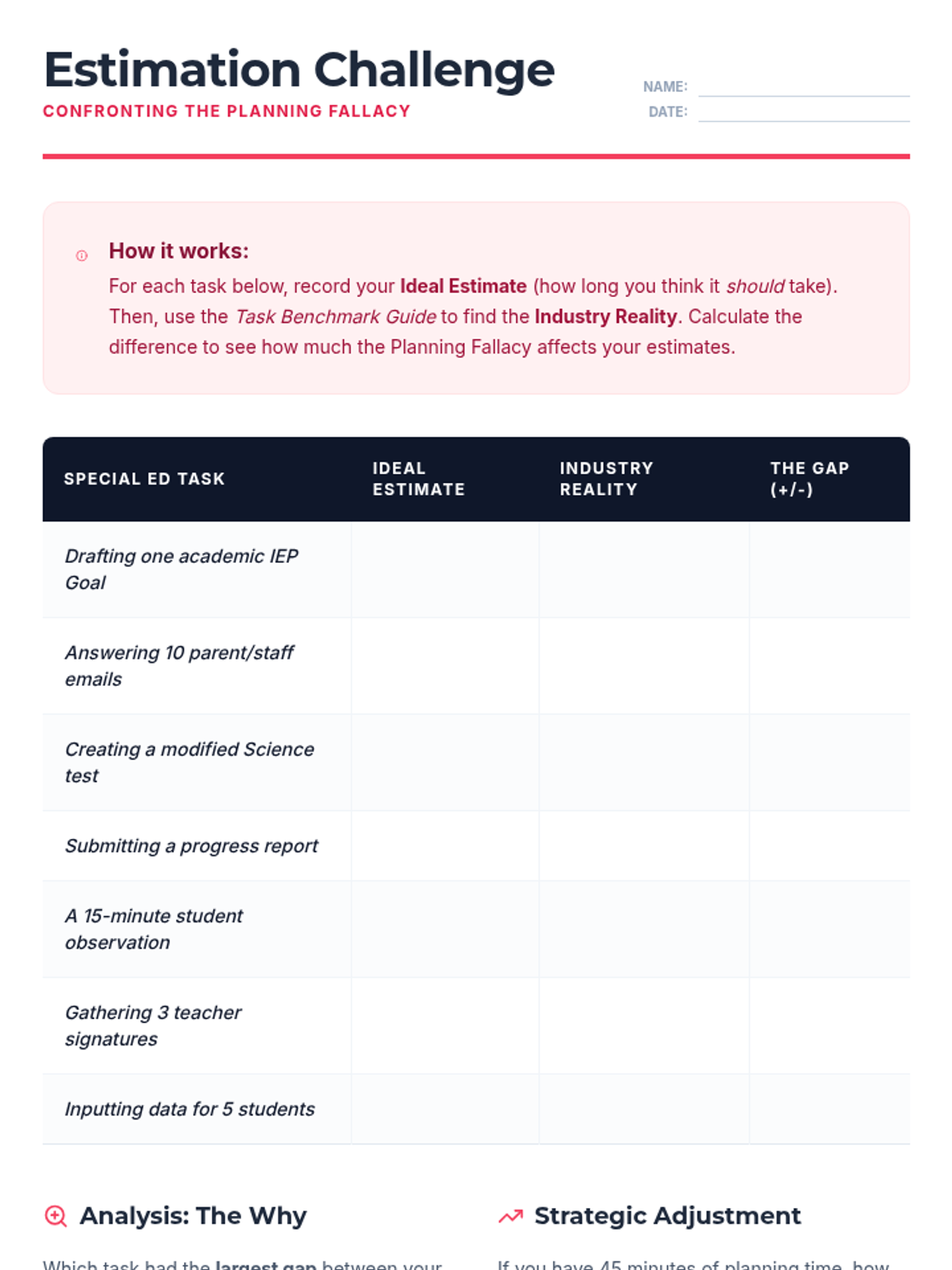
A student worksheet for practicing time estimation by comparing personal guesses to industry reality data. Includes a task table and analysis questions.
Introductory slides for Lesson 2, exploring the 'planning fallacy' and industry-standard time benchmarks for common special education tasks.
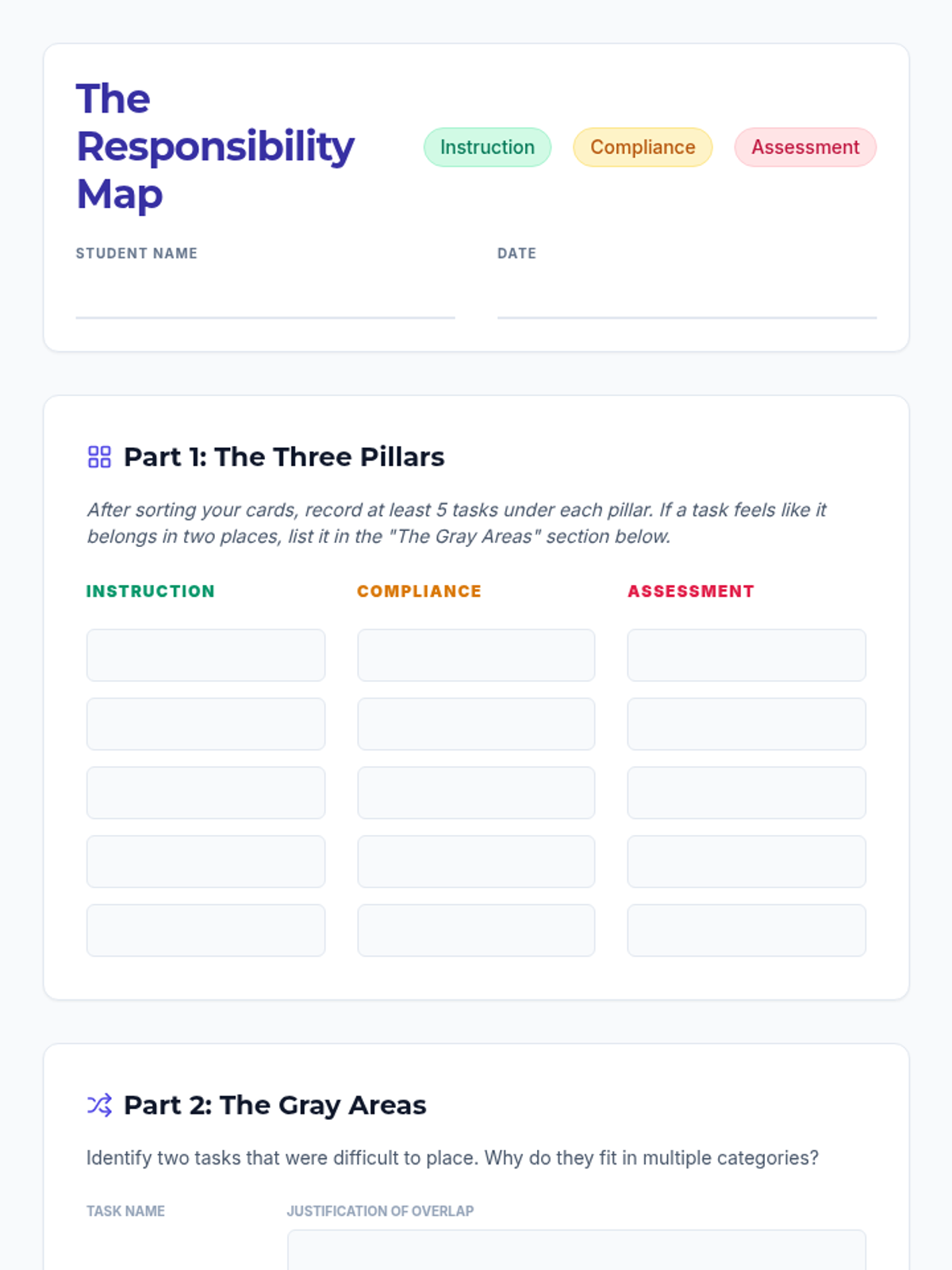
A worksheet for students to record their categorization of teacher tasks and analyze the overlap between instruction, compliance, and assessment.
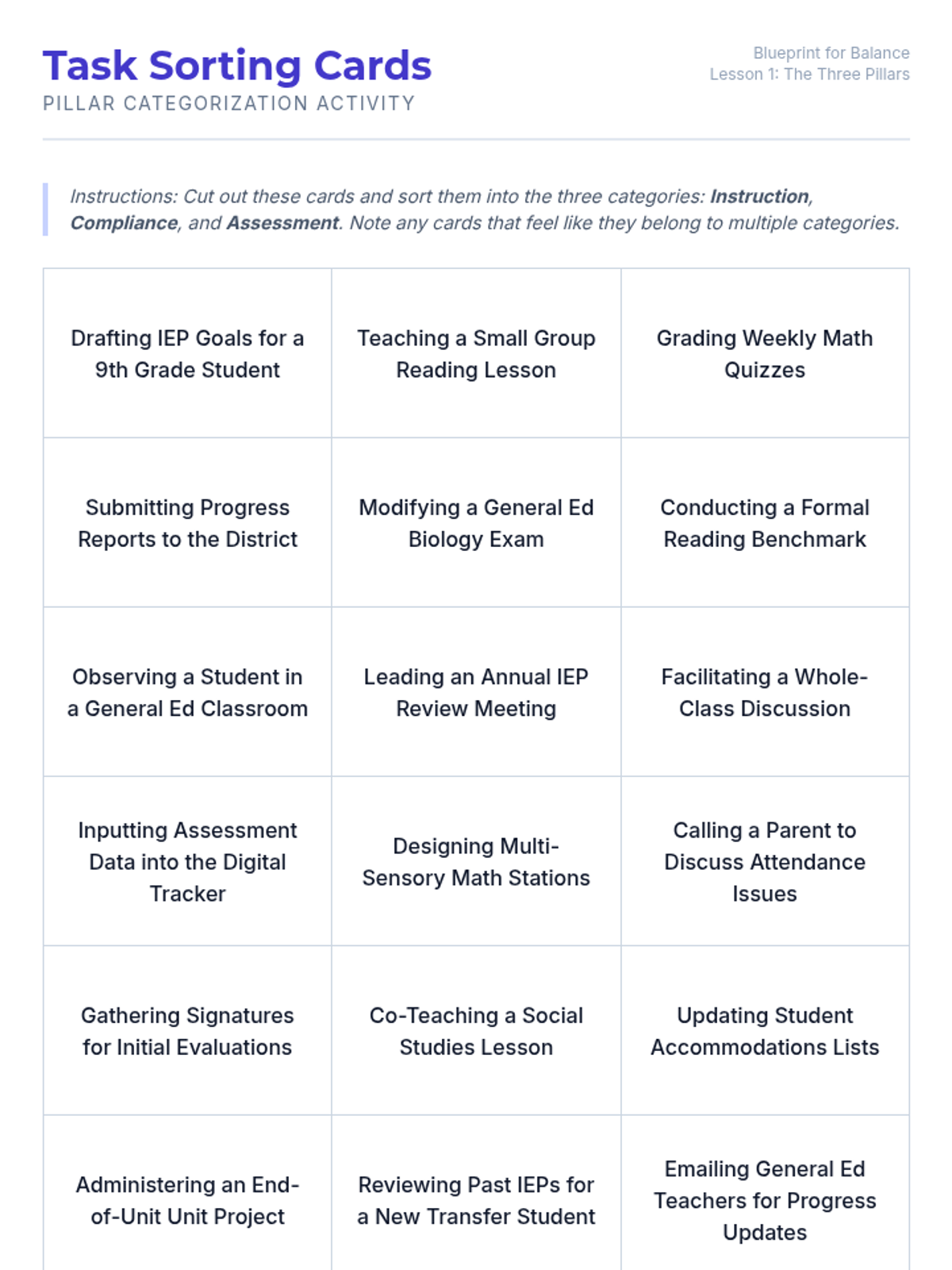
A set of 24 task cards for students to cut and sort into Instruction, Compliance, and Assessment categories. Ideal for kinesthetic learning and group discussion.
Introductory slides for the first lesson, defining the three pillars of Special Education workload: Instruction, Compliance, and Assessment. Includes a hook activity and real-world context for 12th graders.
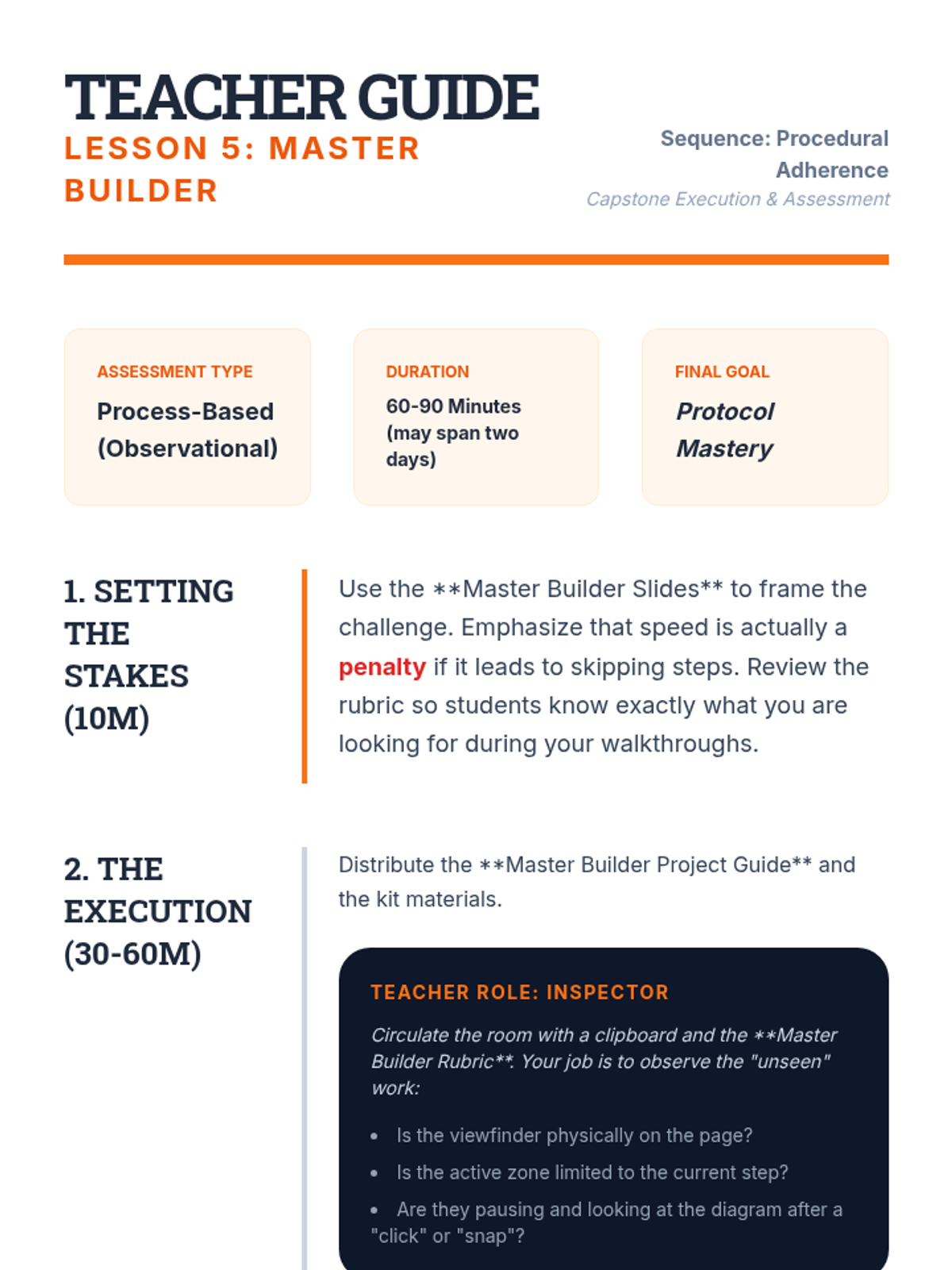
Teacher guide for the Lesson 5 capstone, providing instructions for the observational assessment and tips for managing the final multi-stage assembly project.
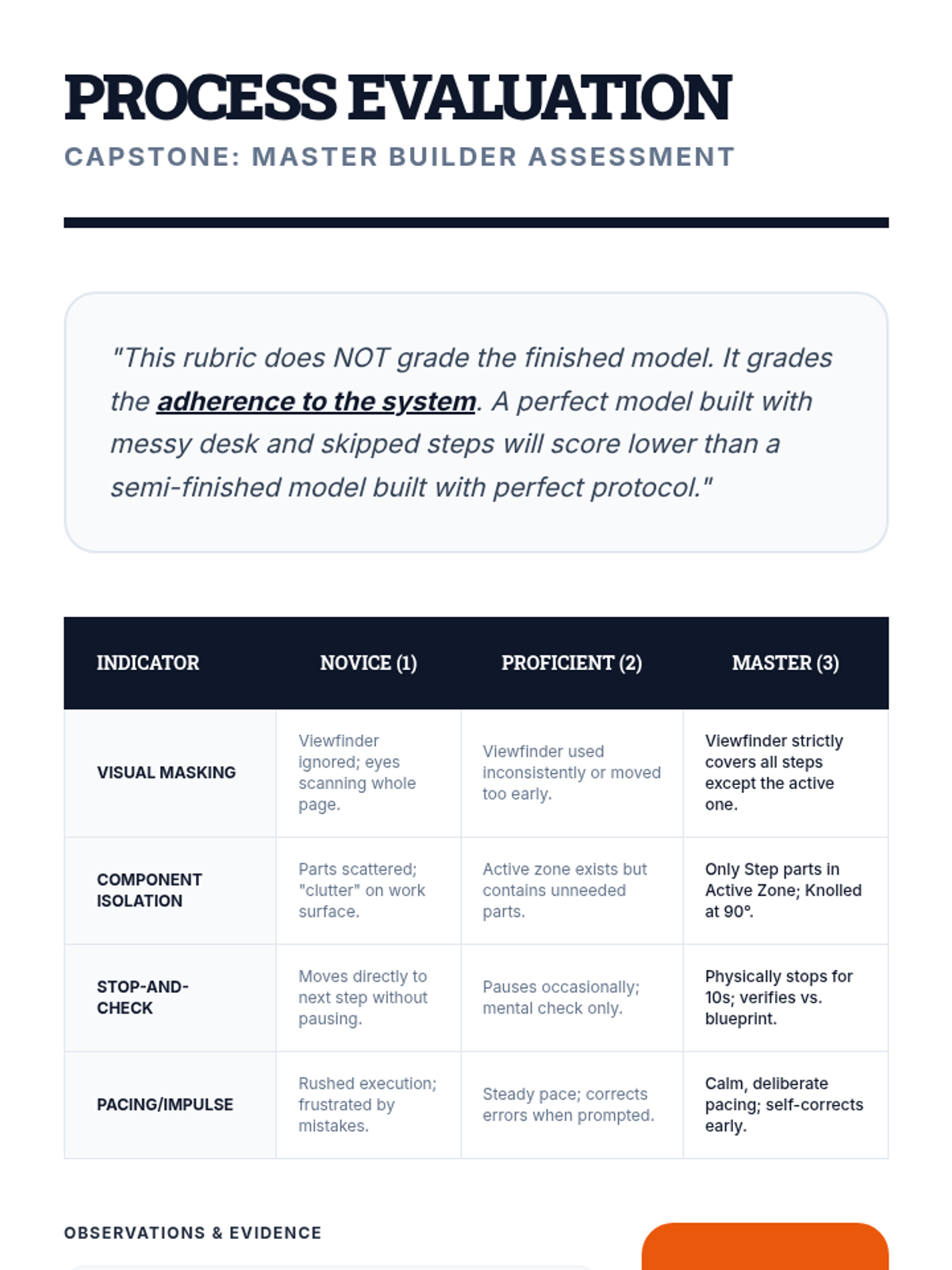
A process-focused rubric for Lesson 5, assessing students on their use of the viewfinder, knolling, and stop-and-check protocols during the capstone assembly.
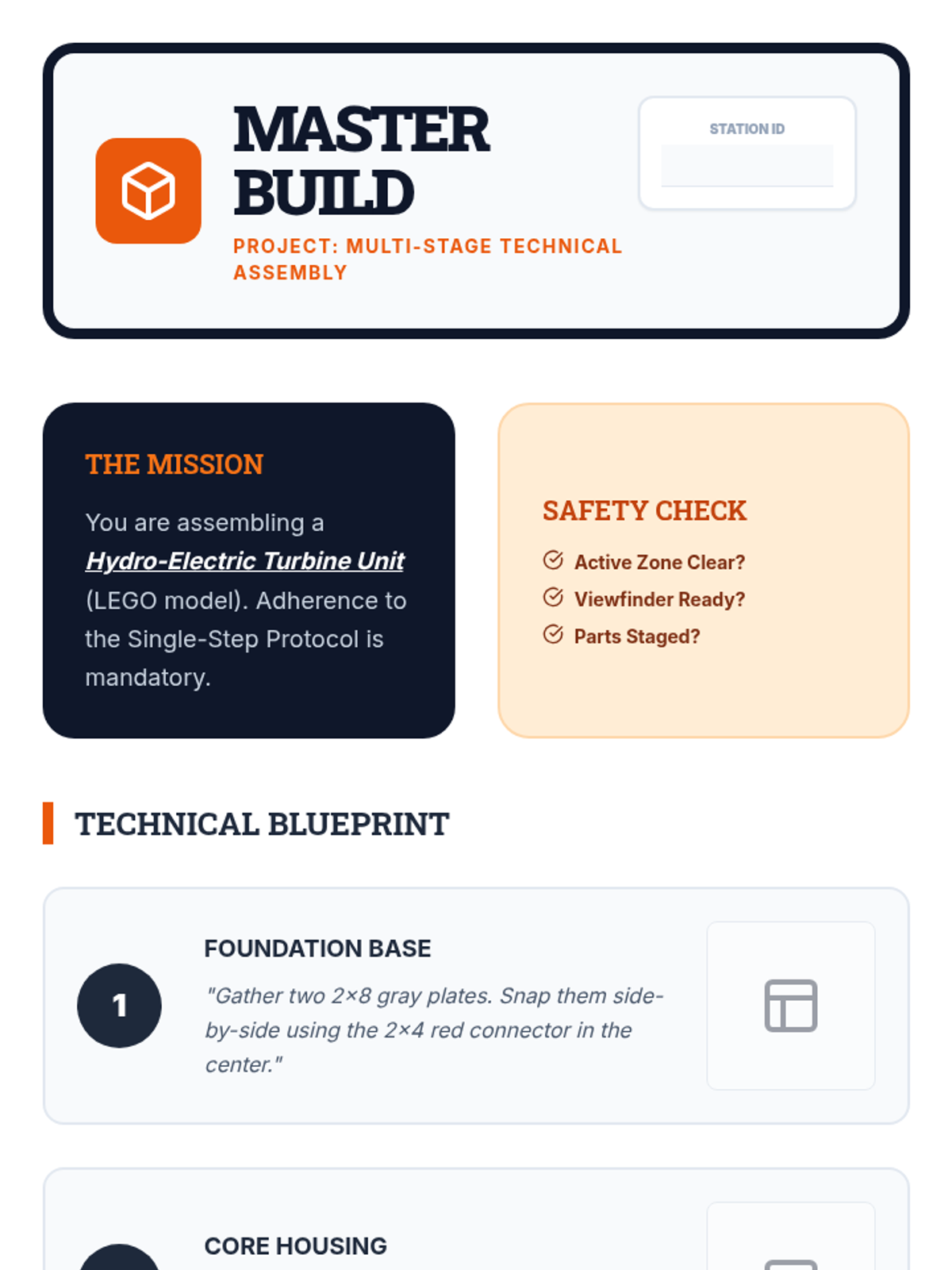
A multi-stage assembly project guide for the Lesson 5 capstone, requiring students to apply all previous strategies (viewfinder, knolling, verification) to a complex build.
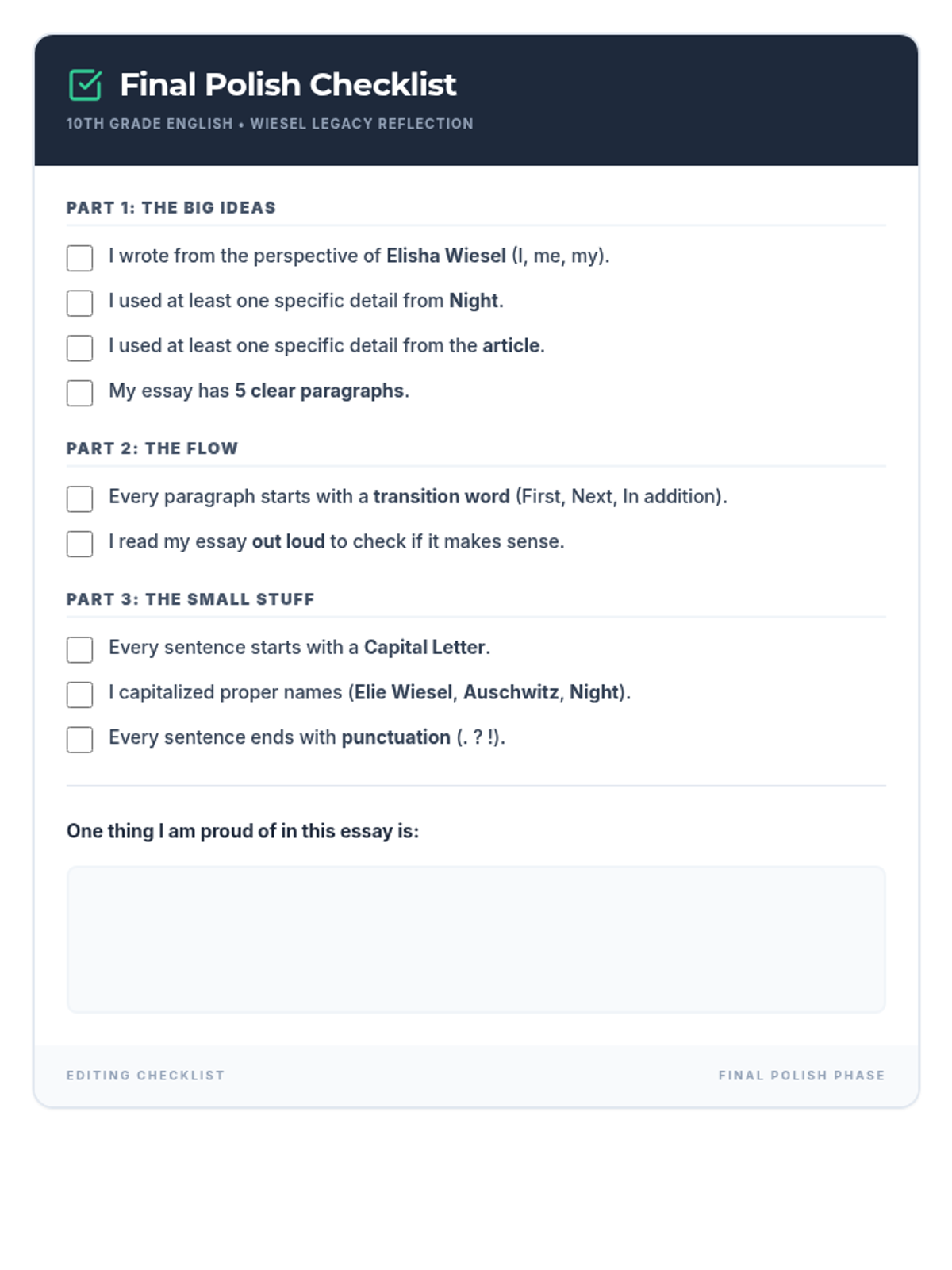
A visually clear editing checklist for students with ADHD and SLD, focusing on prompt requirements and mechanics. Revised to fit on a single page with improved contrast and larger reflection area.
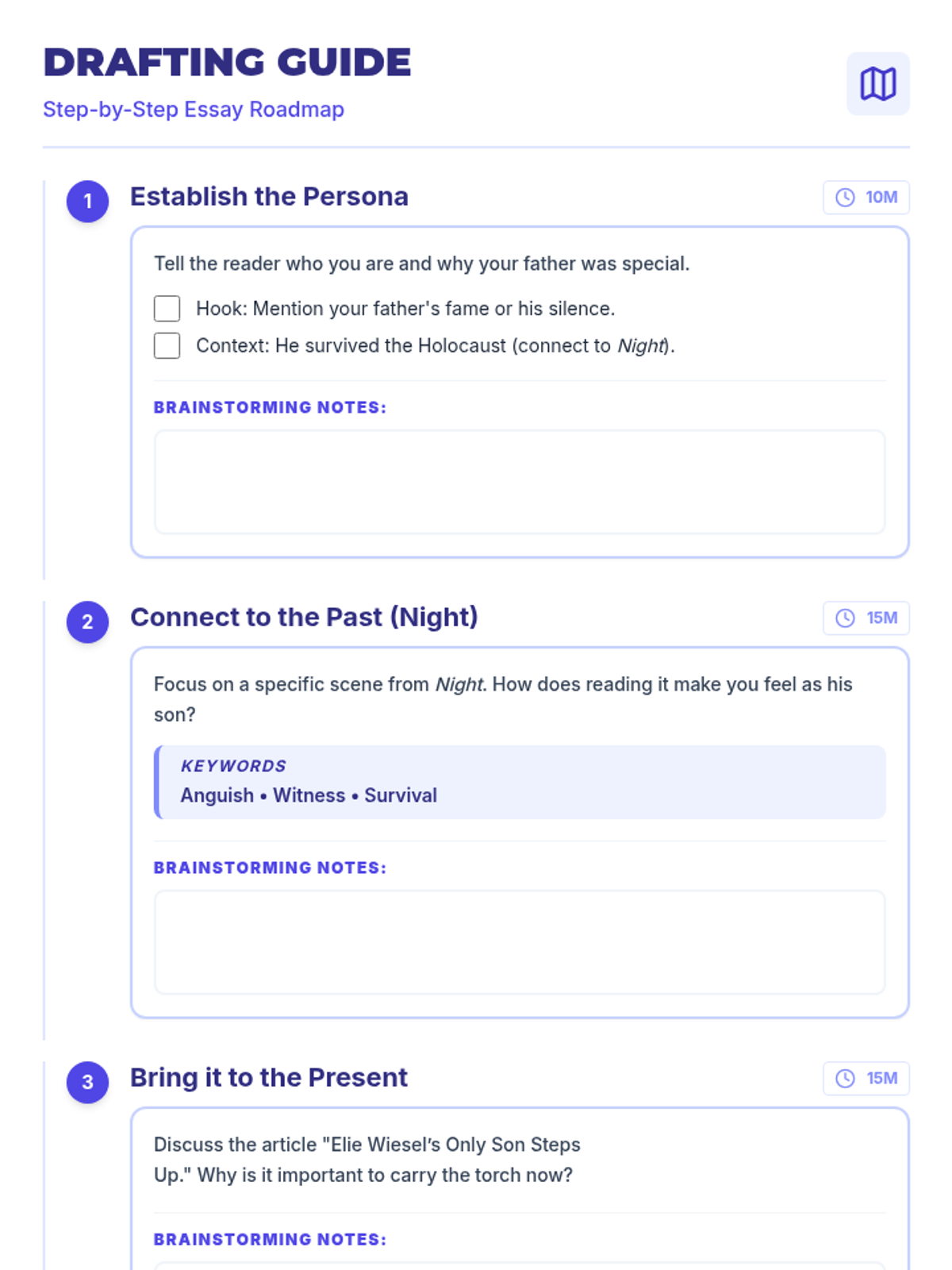
A step-by-step drafting guide for students, breaking down the reflective essay into manageable 10-15 minute 'chunks' with clear goals for each paragraph. Revised for a clean 2-page layout with improved font legibility and removed pro-tips.
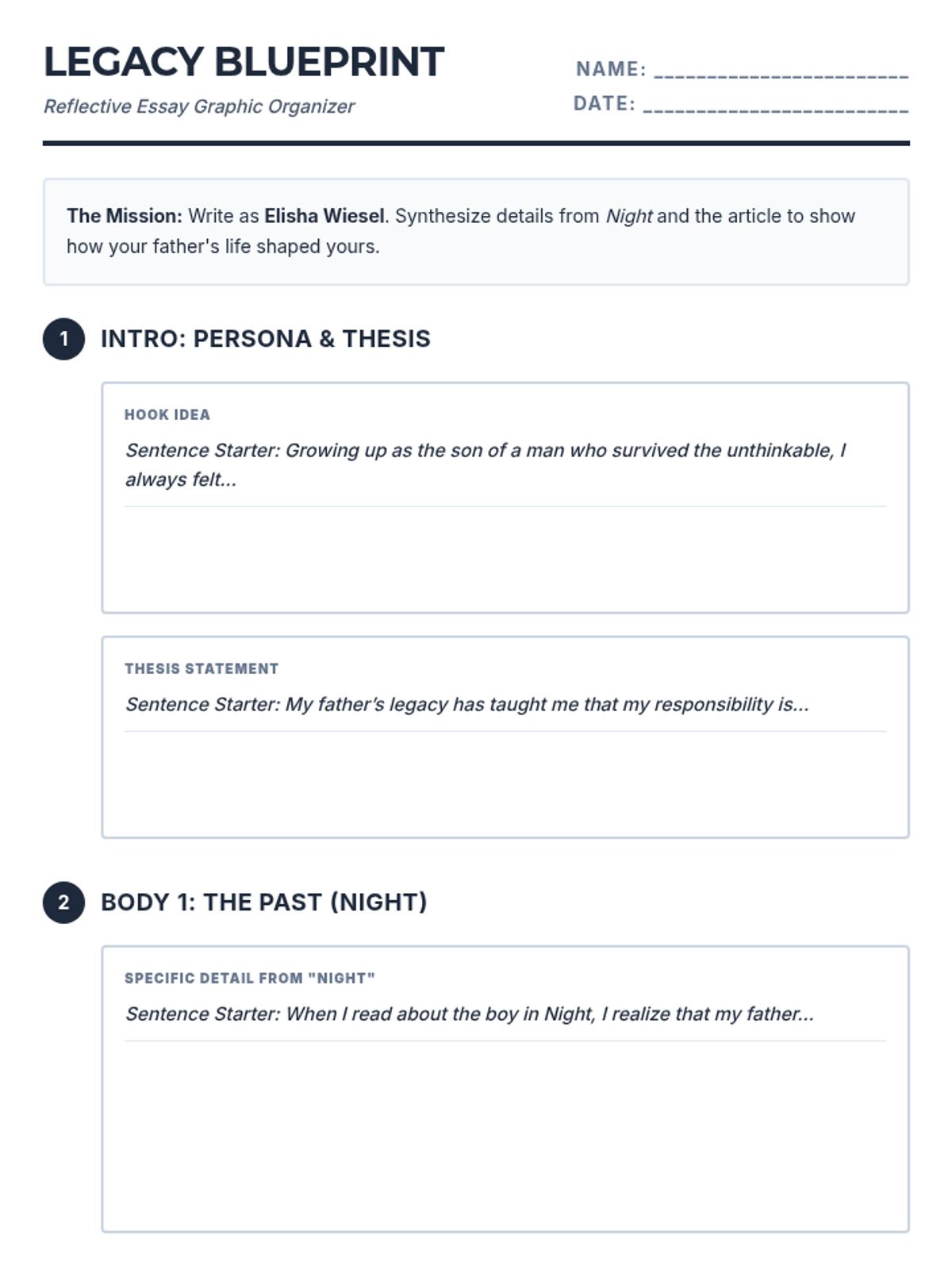
A structured graphic organizer for a 5-paragraph reflective essay, including specific sentence starters for each section. Revised for a consistent 2-page layout by balancing writing space heights and ensuring 12px+ font legibility. Removal of any specific disability-focused terminology in headers/instructions.
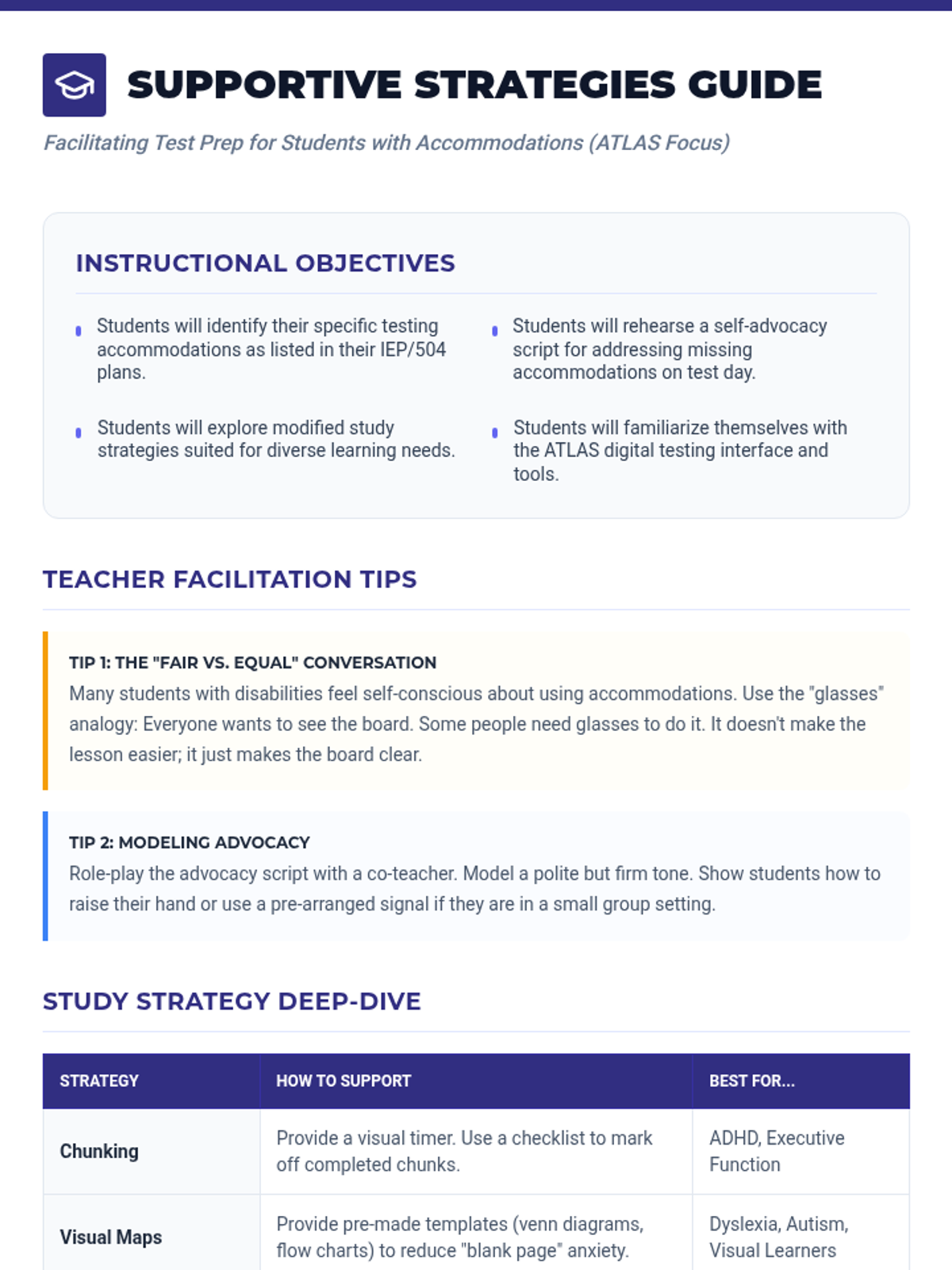
A facilitation guide for teachers to deliver the ATLAS prep lesson, including modeling tips, instructional goals, and a strategy deep-dive.
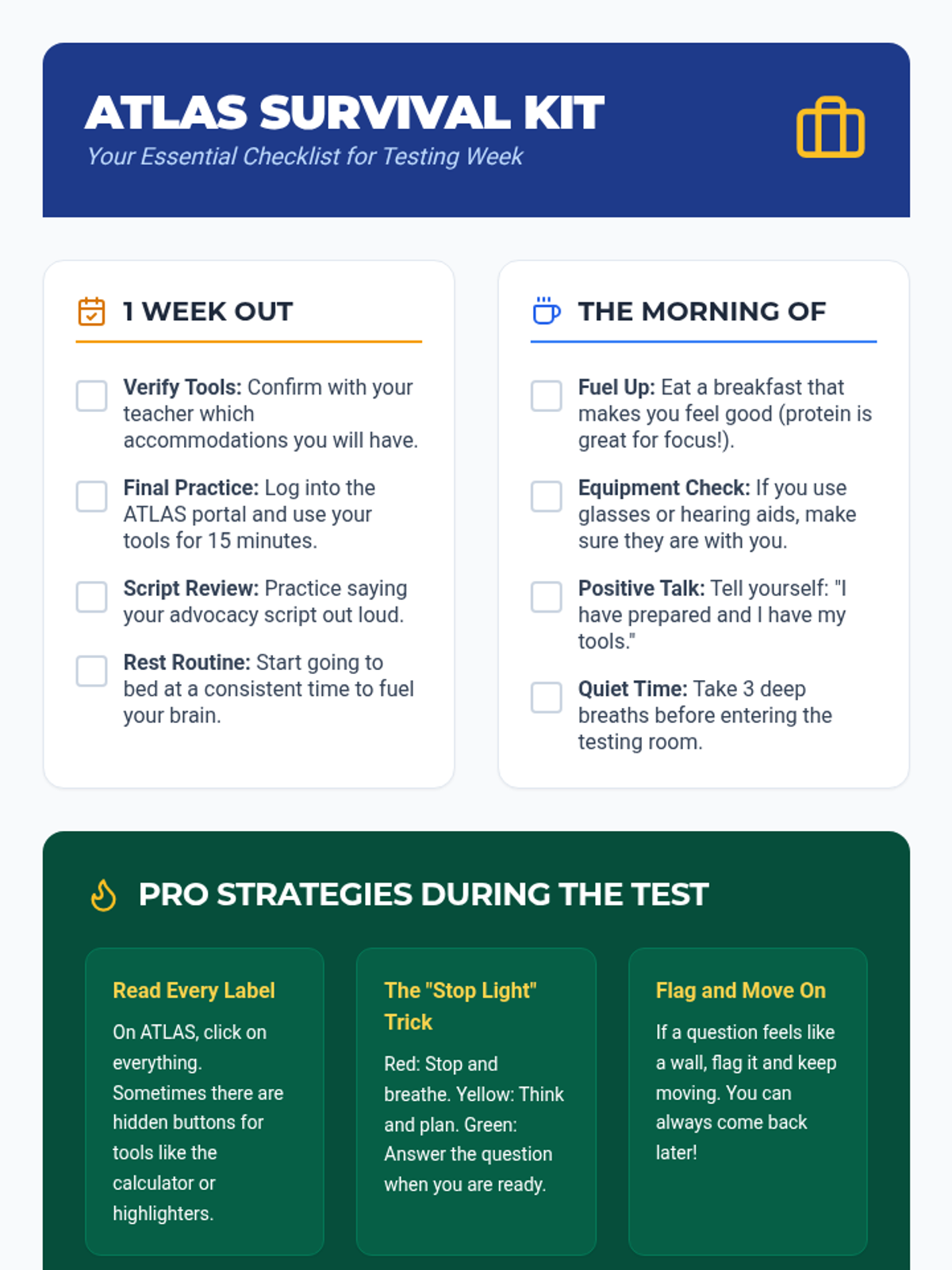
A practical checklist and reference handout for students to use during the week leading up to the ATLAS assessments.
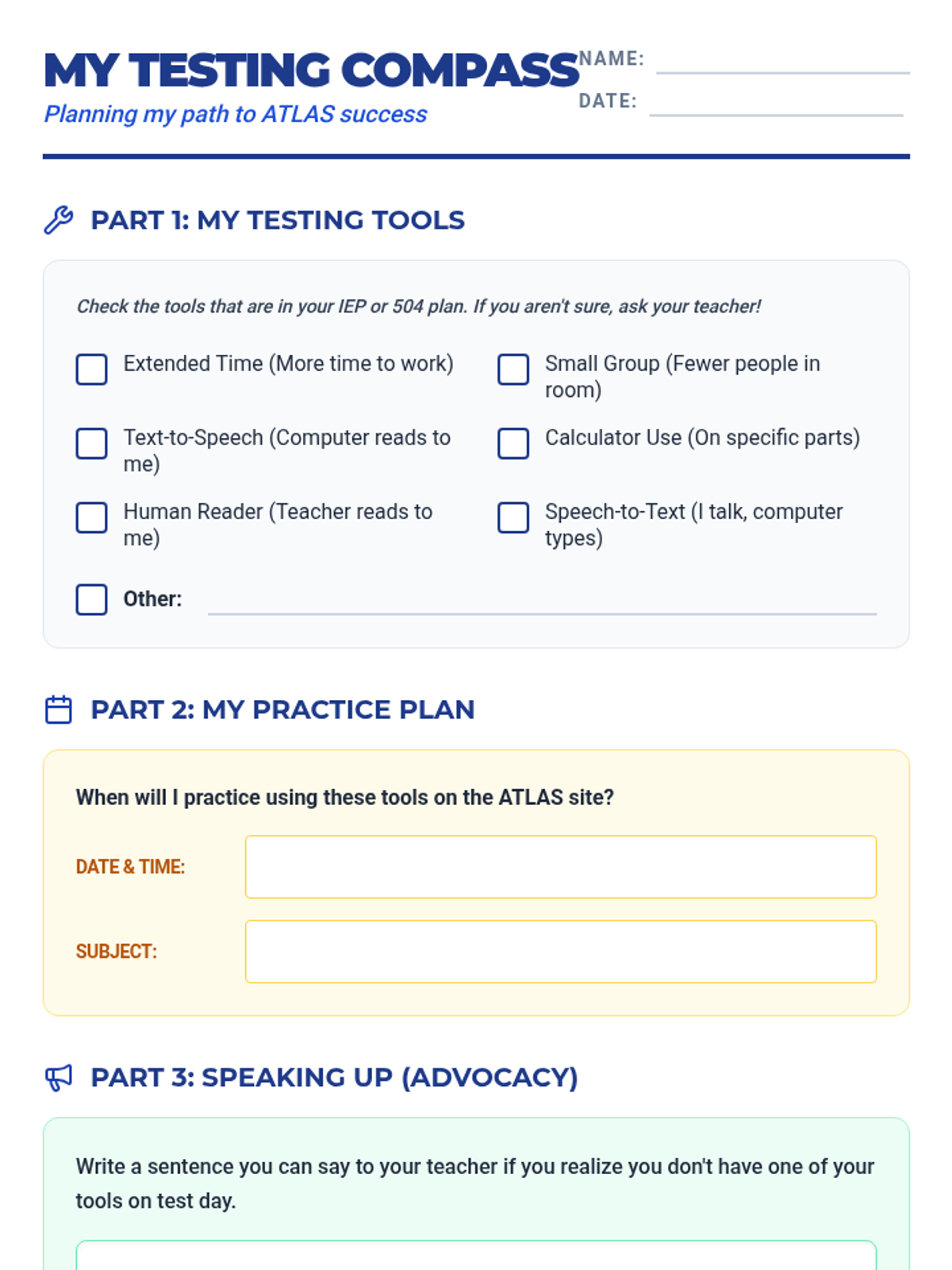
A student worksheet for identifying accommodations, planning practice sessions, and drafting self-advocacy scripts for the ATLAS assessments.
A slide deck designed to support students with IEPs and 504 plans in navigating the Arkansas ATLAS assessments, focusing on accommodations, practice, and self-advocacy.
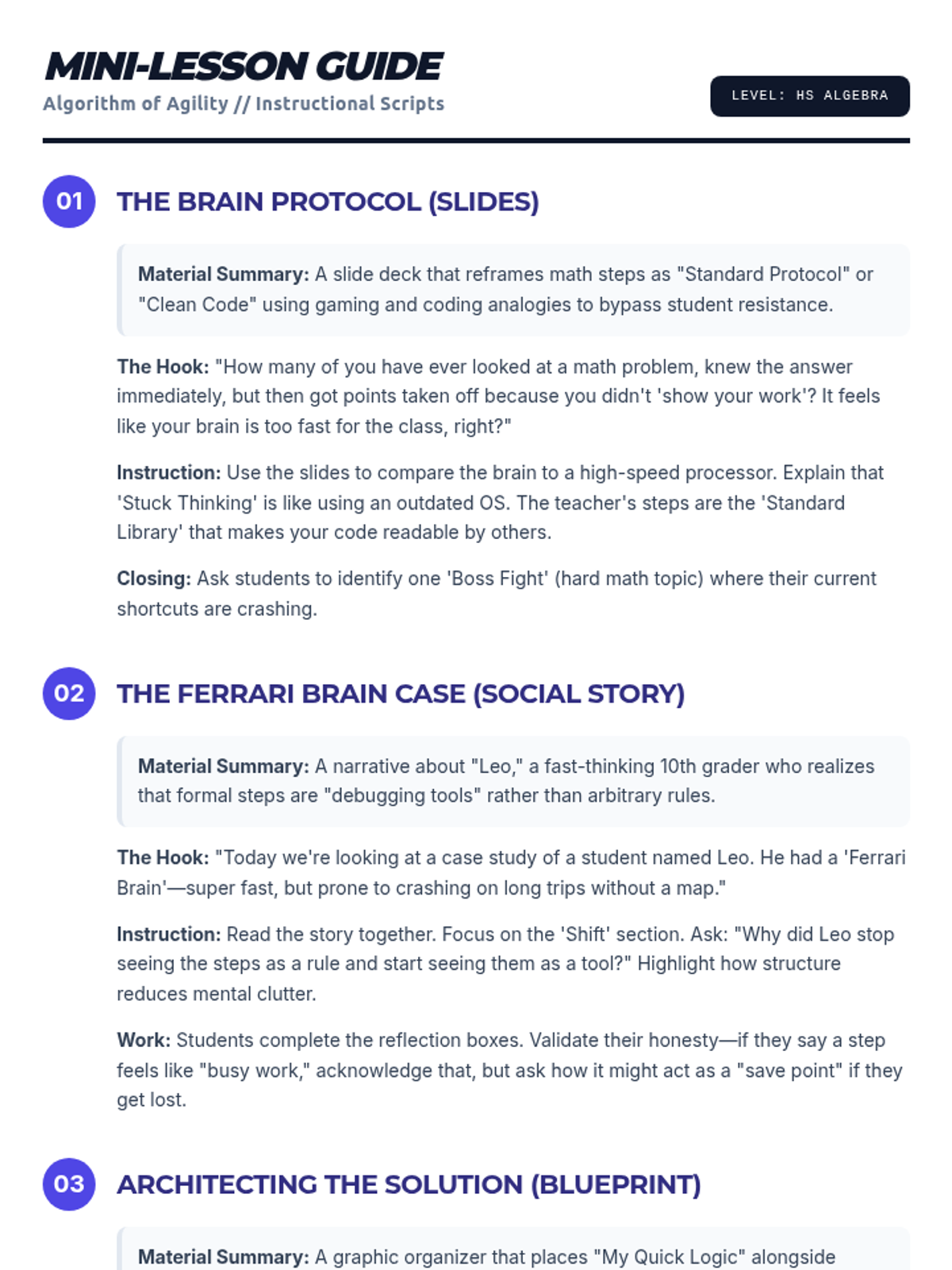
Detailed instructional scripts and hooks for each day of the Algorithm of Agility curriculum, formatted as a teacher-facing guide. Revised to fix LaTeX issues, add summaries, and optimize page flow.
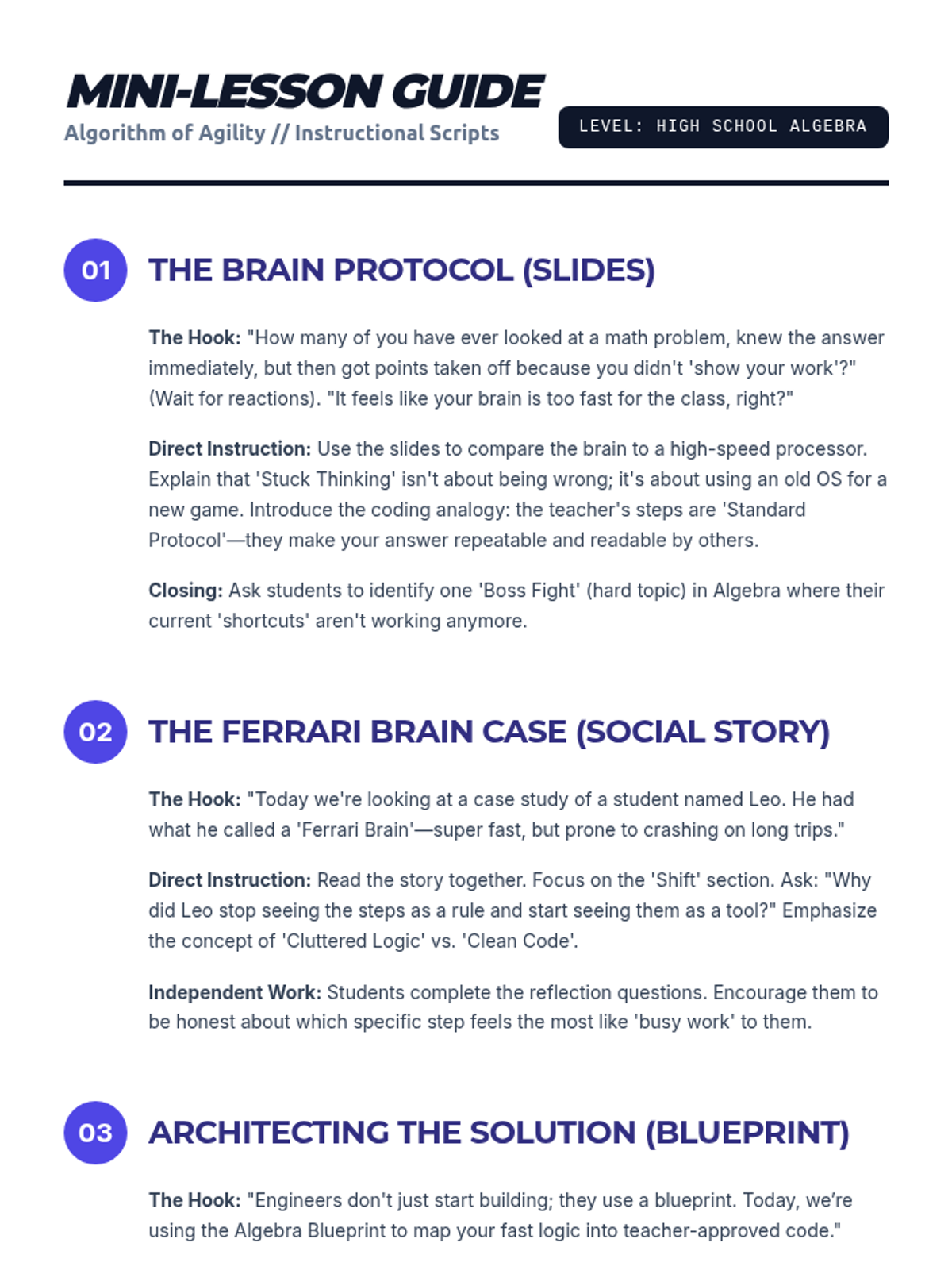
Detailed instructional scripts and hooks for each day of the Algorithm of Agility curriculum, formatted as a teacher-facing guide.
A social story booklet focusing on the steps for choosing, buying, and waiting to pay for a souvenir in Washington, D.C. gift shops.
A social story booklet focusing on museum manners, including quiet voices, walking feet, looking with eyes, and staying with the group.
A social story booklet explaining safety rules, noise levels, and behavior expectations for the bus ride from Grafton to Washington, D.C.
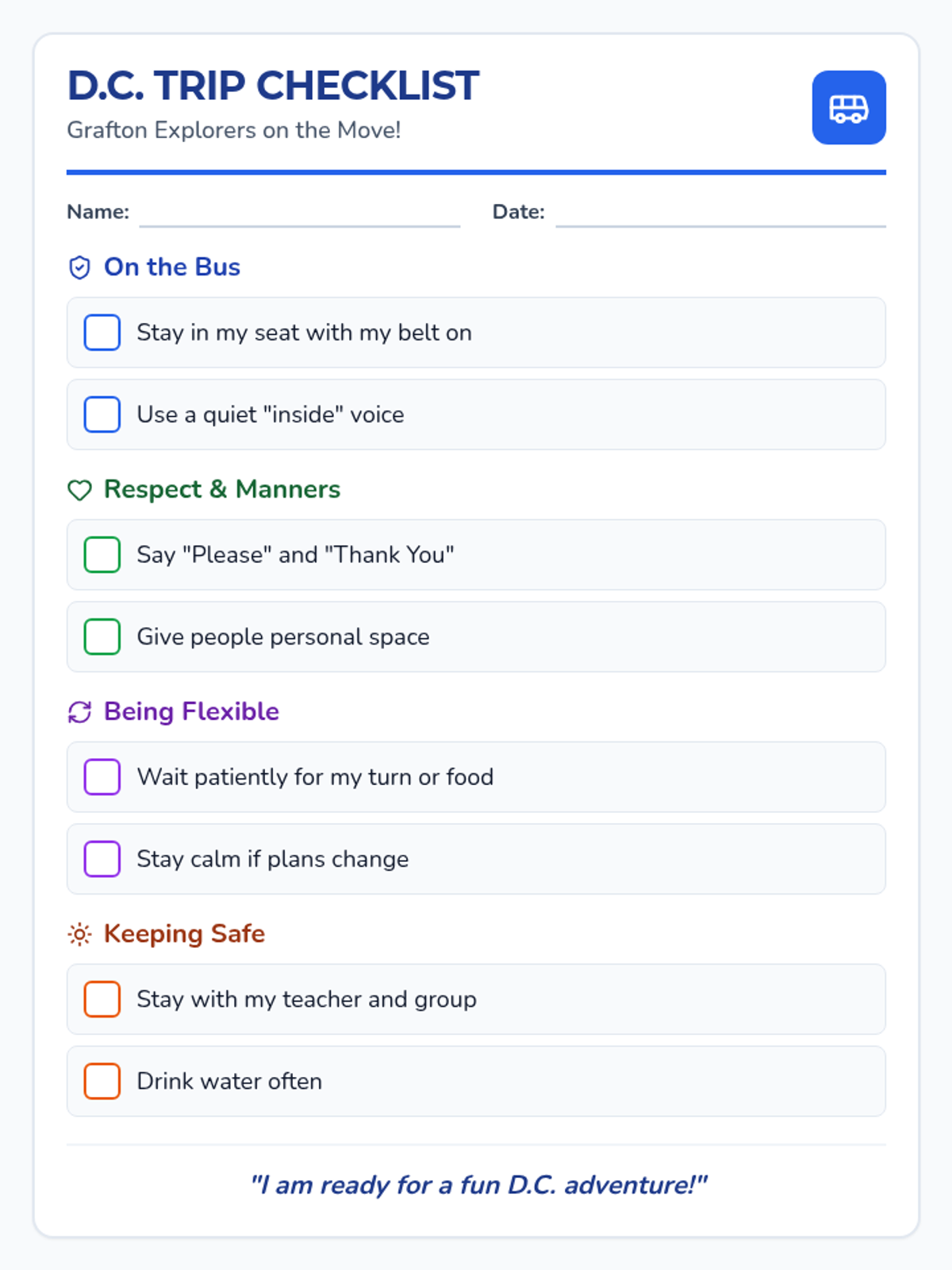
A single-page visual checklist for students to track appropriate behaviors including bus rules, manners, flexibility, and sun safety during their Washington, D.C. trip.
A social story booklet addressing walking endurance, staying hydrated, wearing sun protection, and staying with the group during the hot D.C. field trip.
A social story booklet focusing on restaurant manners, patience while waiting for tables and food, and flexibility during the D.C. field trip.
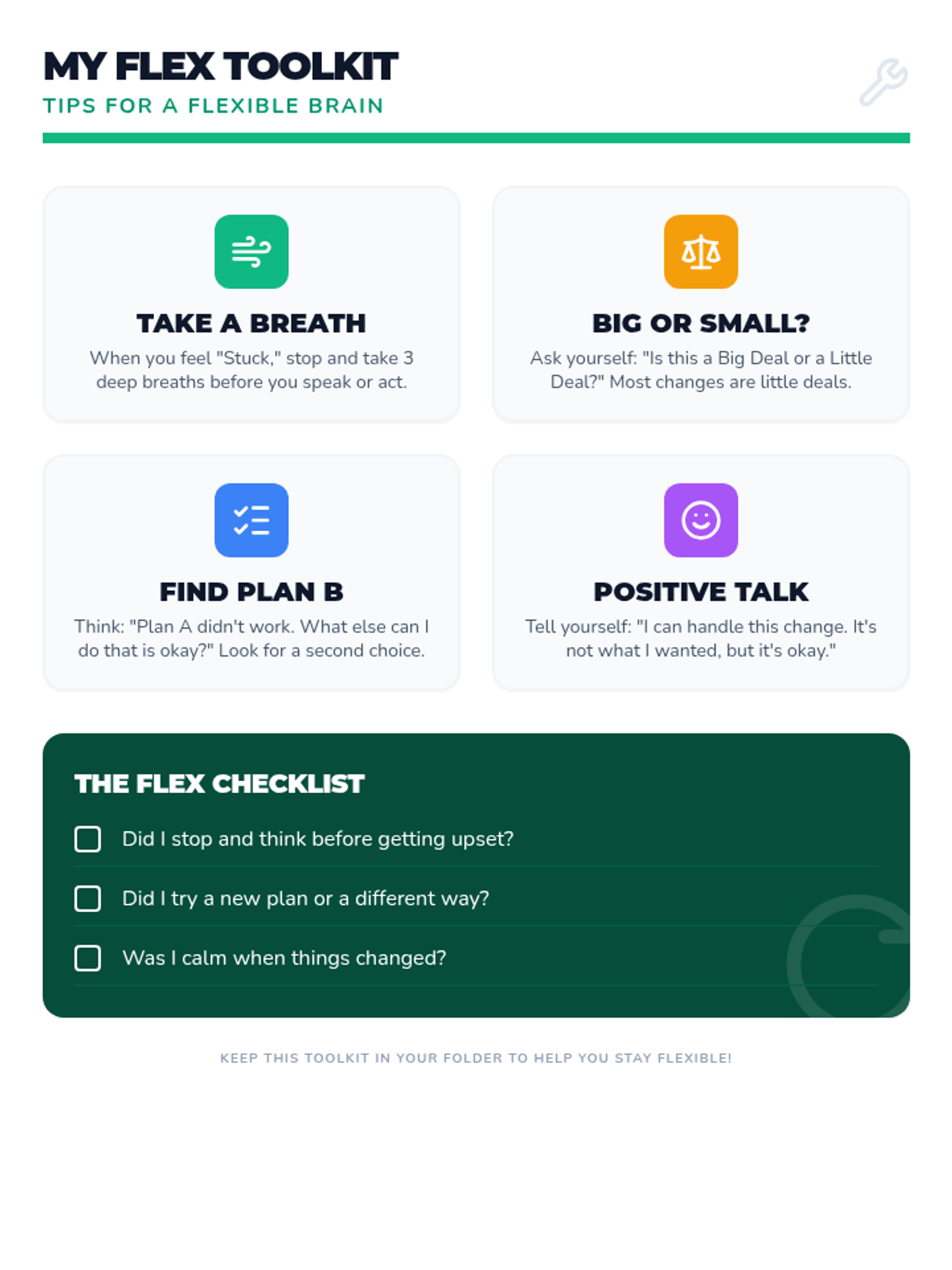
A student-facing reference guide (toolkit) with four actionable tips for improving flexible thinking in real-time, including a self-reflection checklist. Revised for single-page layout and improved contrast.
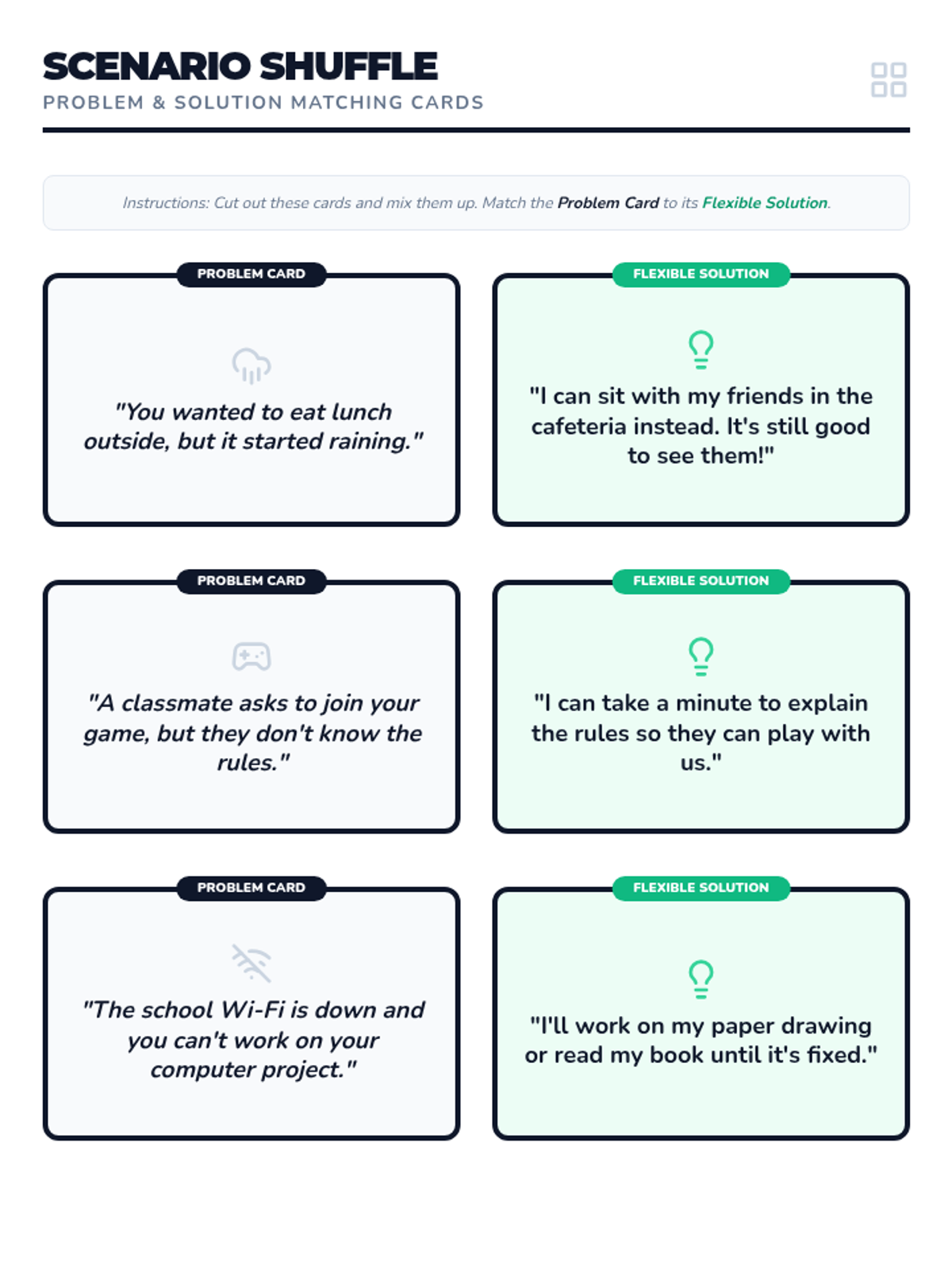
A set of scenario sorting cards featuring three common problems and their corresponding flexible solutions. Revised for uniform borders and single-page layout.
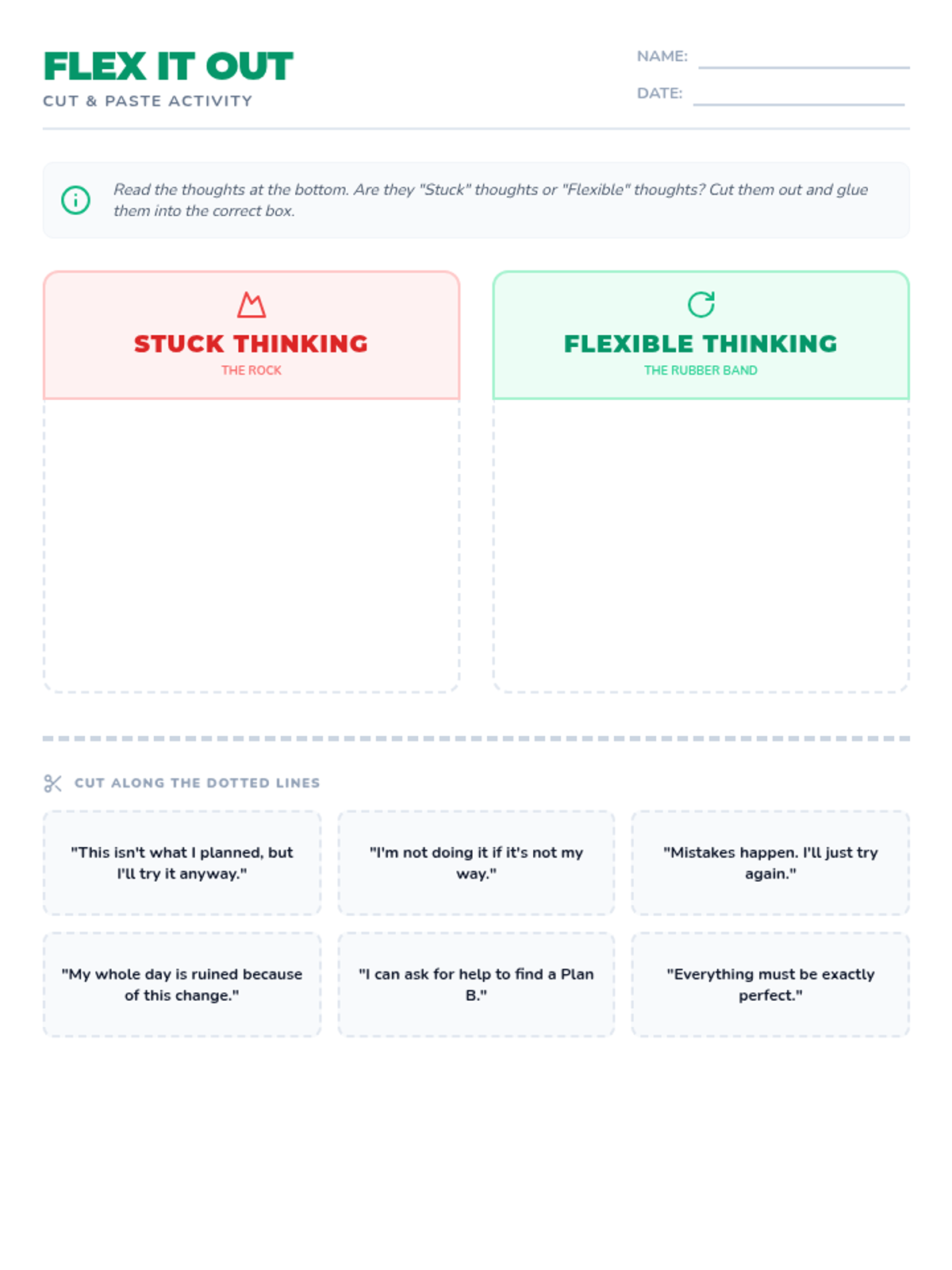
A cut-and-paste activity worksheet where students categorize different thoughts as either 'Stuck Thinking' or 'Flexible Thinking' on a T-chart. Revised to fit on a single page.
An engaging 9-slide presentation designed for high school special education students. Now includes a specific slide with tips on how to improve flexible thinking in real-time. Revised for better polish and larger work areas on discussion slides.
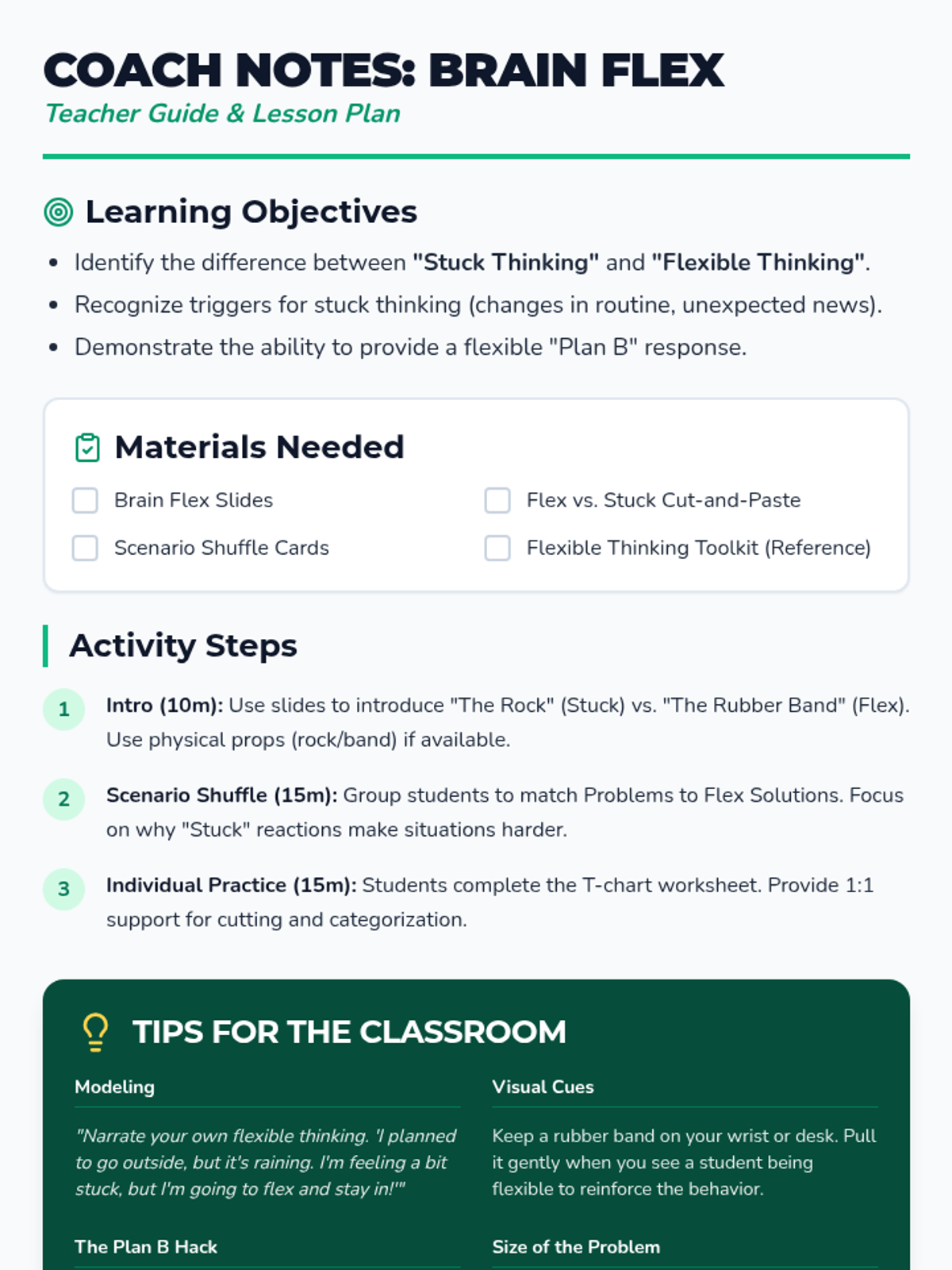
A comprehensive teacher guide for the Brain Flex lesson, including learning objectives, a materials checklist, step-by-step procedures, and an answer key for the student activities. Revised to include instructional tips for classroom implementation.
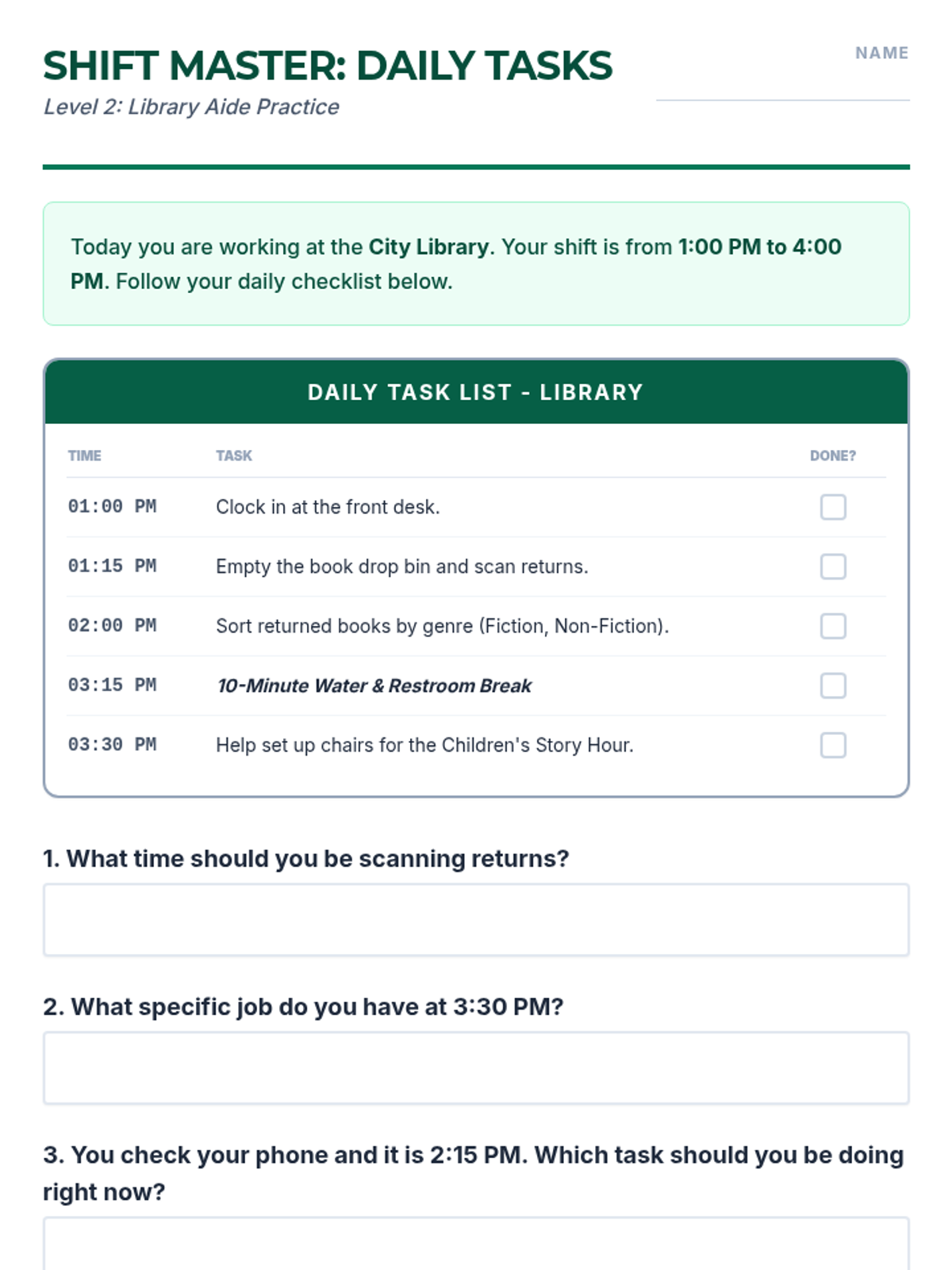
A comprehensive practice packet for transition students to master workplace schedules. Includes new daily task checklists for a library, a weekly roster for a cinema, and a mixed-schedule conflict-checking activity to build real-world planning skills. Revised for better page layout and handwriting legibility.
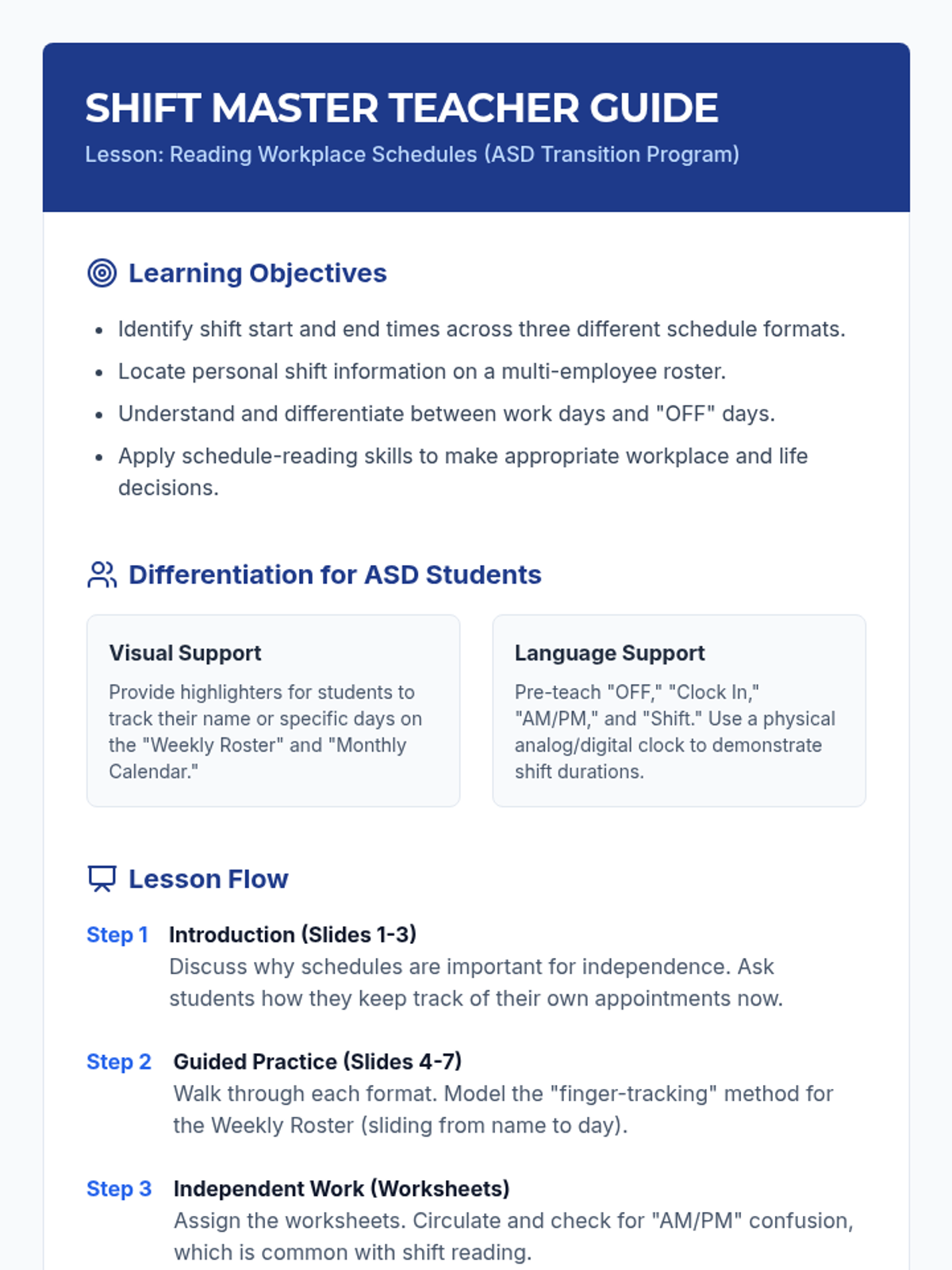
A teacher guide providing instructional strategies, differentiation tips for students with ASD, and a lesson delivery framework. Includes a quick-reference answer key for both the foundational worksheets and the new Schedule Expert Packet.
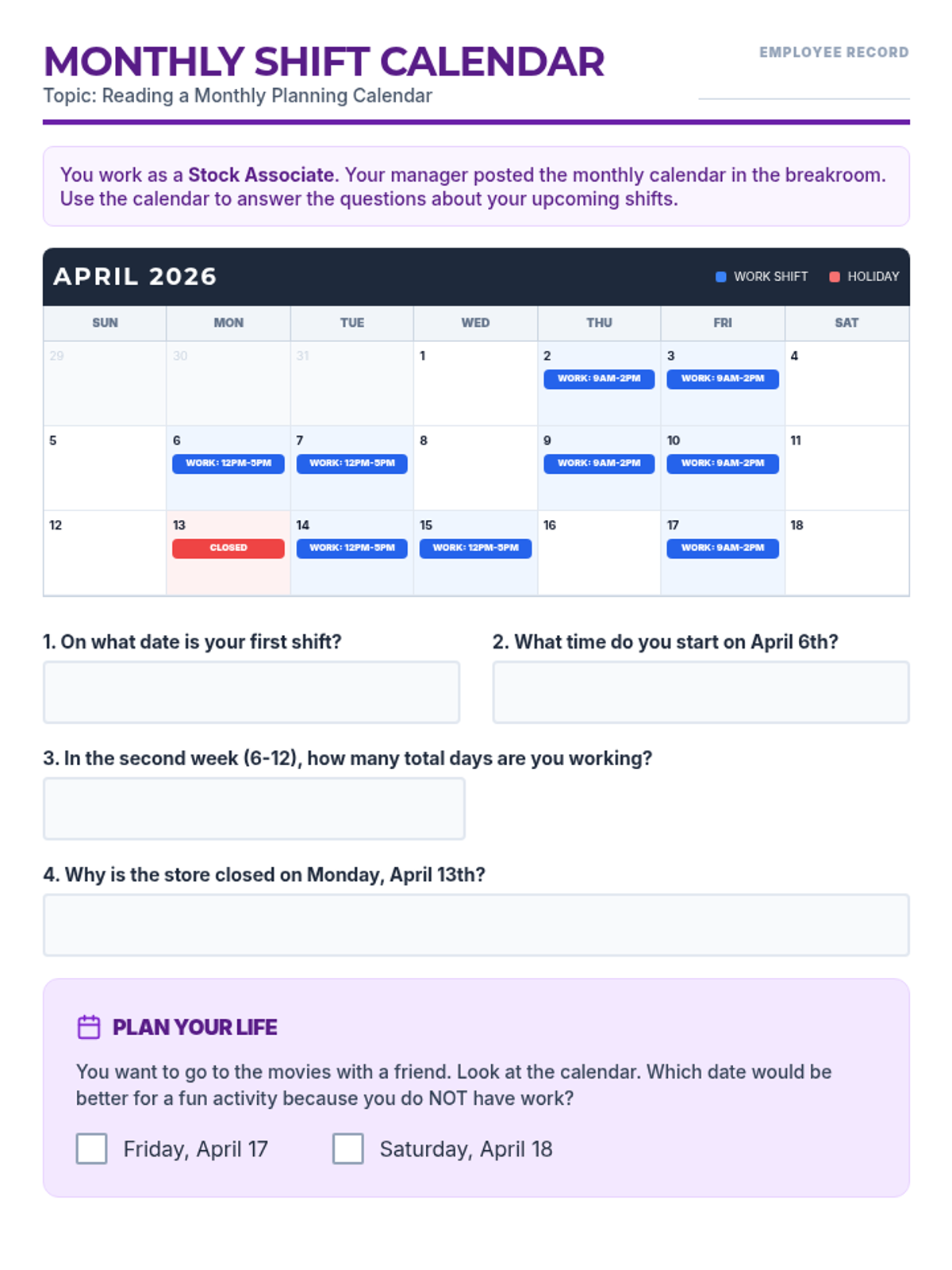
A monthly workplace calendar practice activity. Students analyze an April shift calendar to identify start times, total work days per week, holidays, and use the schedule to make personal planning decisions. Revised to fit on a single page with optimized space and uniform answer choices.
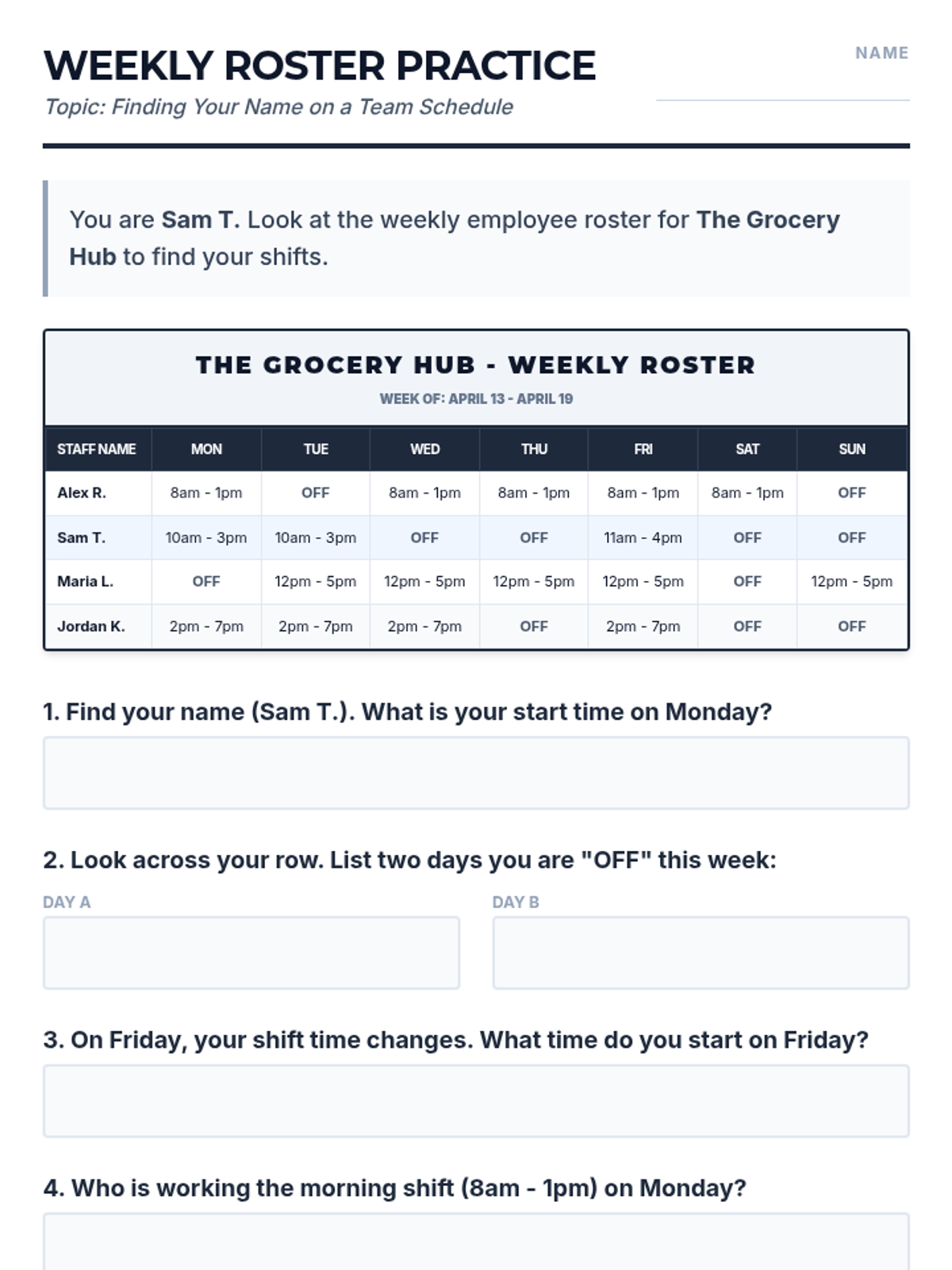
A realistic weekly employee roster worksheet that simulates a grocery store schedule. Students practice locating their names, identifying shift start/end times, recognizing 'OFF' days, and understanding workplace etiquette regarding schedule conflicts. Revised with Saturday/Sunday columns, optimized handwriting space, and uniform answer choices.
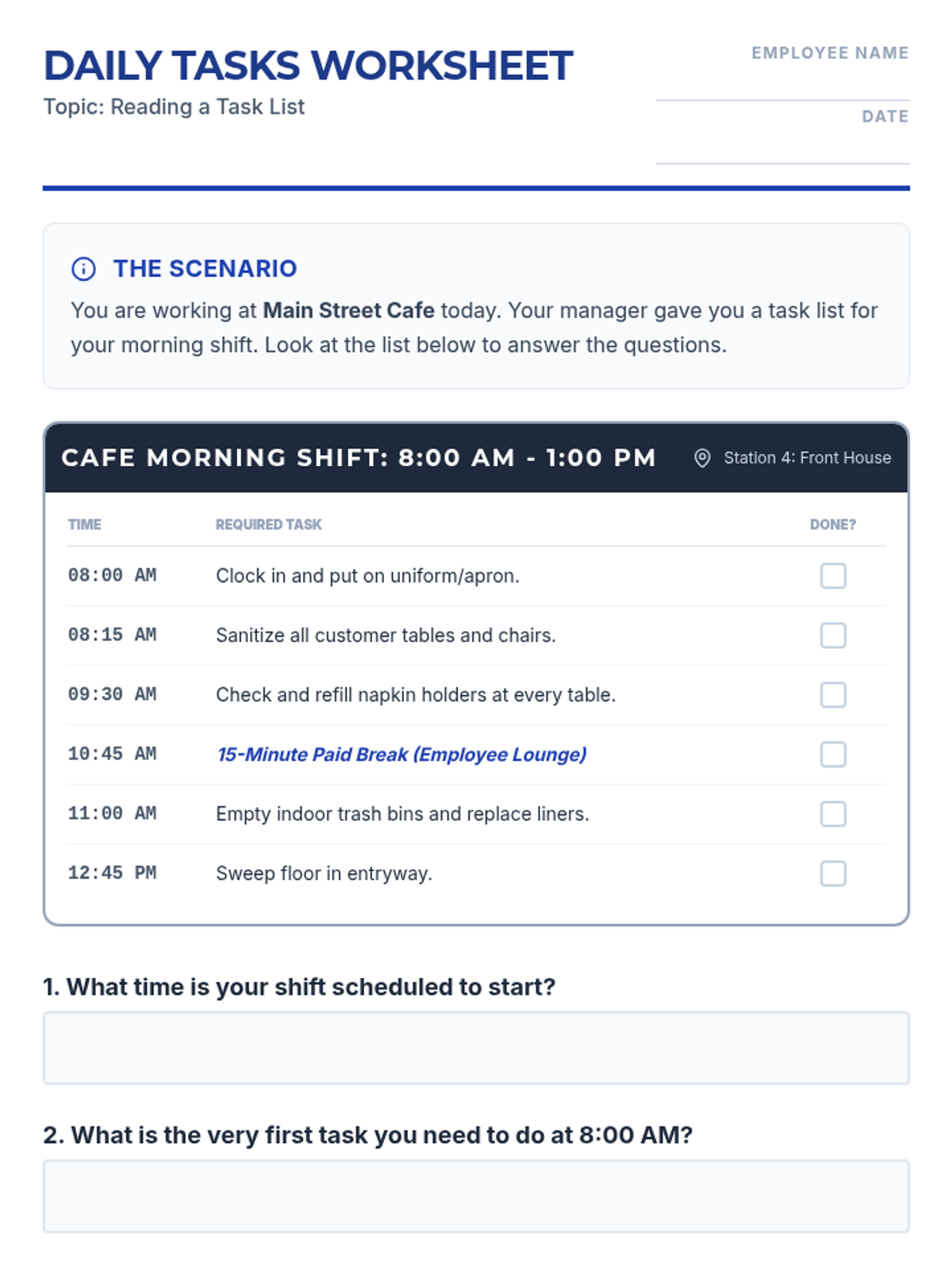
A functional worksheet designed to help students practice reading a daily workplace task list. It features a realistic cafe shift schedule with times and specific duties, followed by comprehension and critical thinking questions. Revised for better page usage, handwriting space, and uniform answer choices.