Implementation of AAC device navigation, symbol-word communication, and speech recognition for text editing. Builds proficiency in keyboard shortcuts, text-to-speech reading supports, and digital organization through productivity apps and calendars.
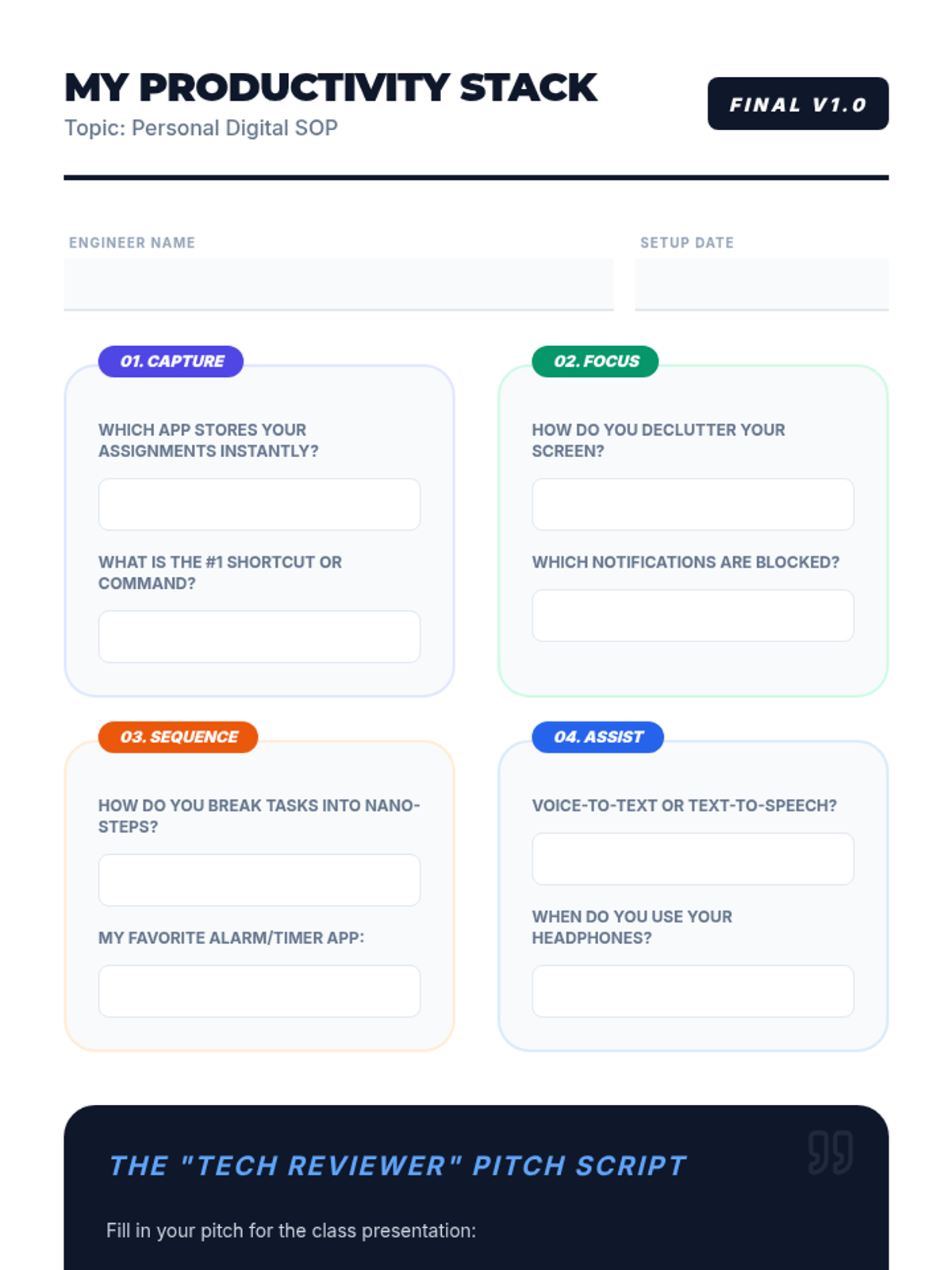
Final project worksheet for Lesson 5: Designing a Personal Digital Workflow. A graphic organizer for students to design their "Ultimate Stack" and write their "Tech Reviewer" pitch script.
Final project slides for Lesson 5: Designing a Personal Digital Workflow. Introduces the "Ultimate Stack" concept and provides a framework for students to present their "Tech Reviewer" style productivity pitches.
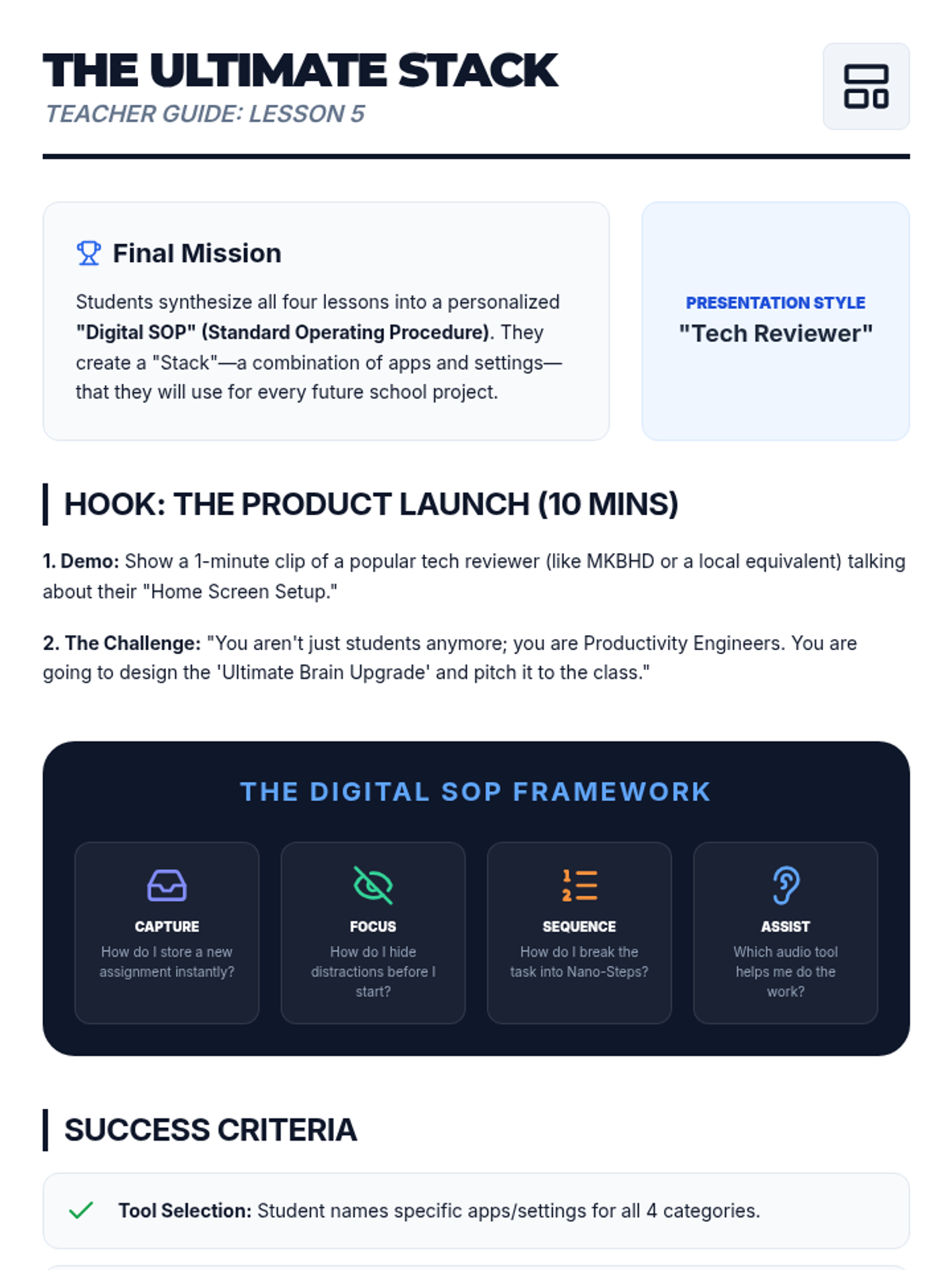
Teacher guide for Lesson 5: Designing a Personal Digital Workflow. Outlines the final "Productivity Stack" project where students create a personalized Standard Operating Procedure (SOP).
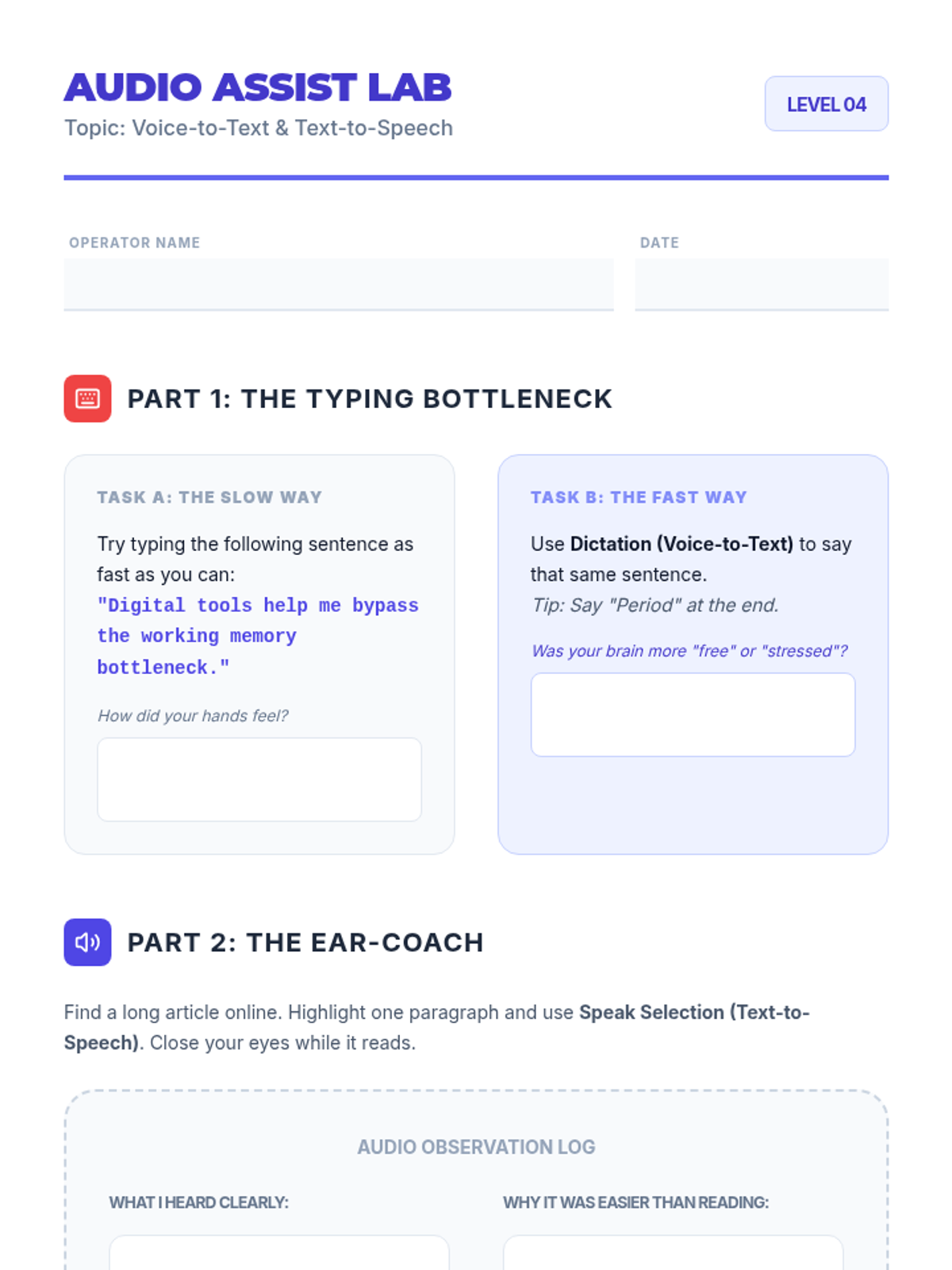
Student worksheet for Lesson 4: Voice-to-Text and Text-to-Speech support. Features a bottleneck test comparing typing vs dictation and an "Ear-Coach" observation log for audio learning.
Visual presentation for Lesson 4: Voice-to-Text and Text-to-Speech support. Illustrates the "Bottleneck" between brain speed and writing speed and introduces audio-based capture and recall strategies.
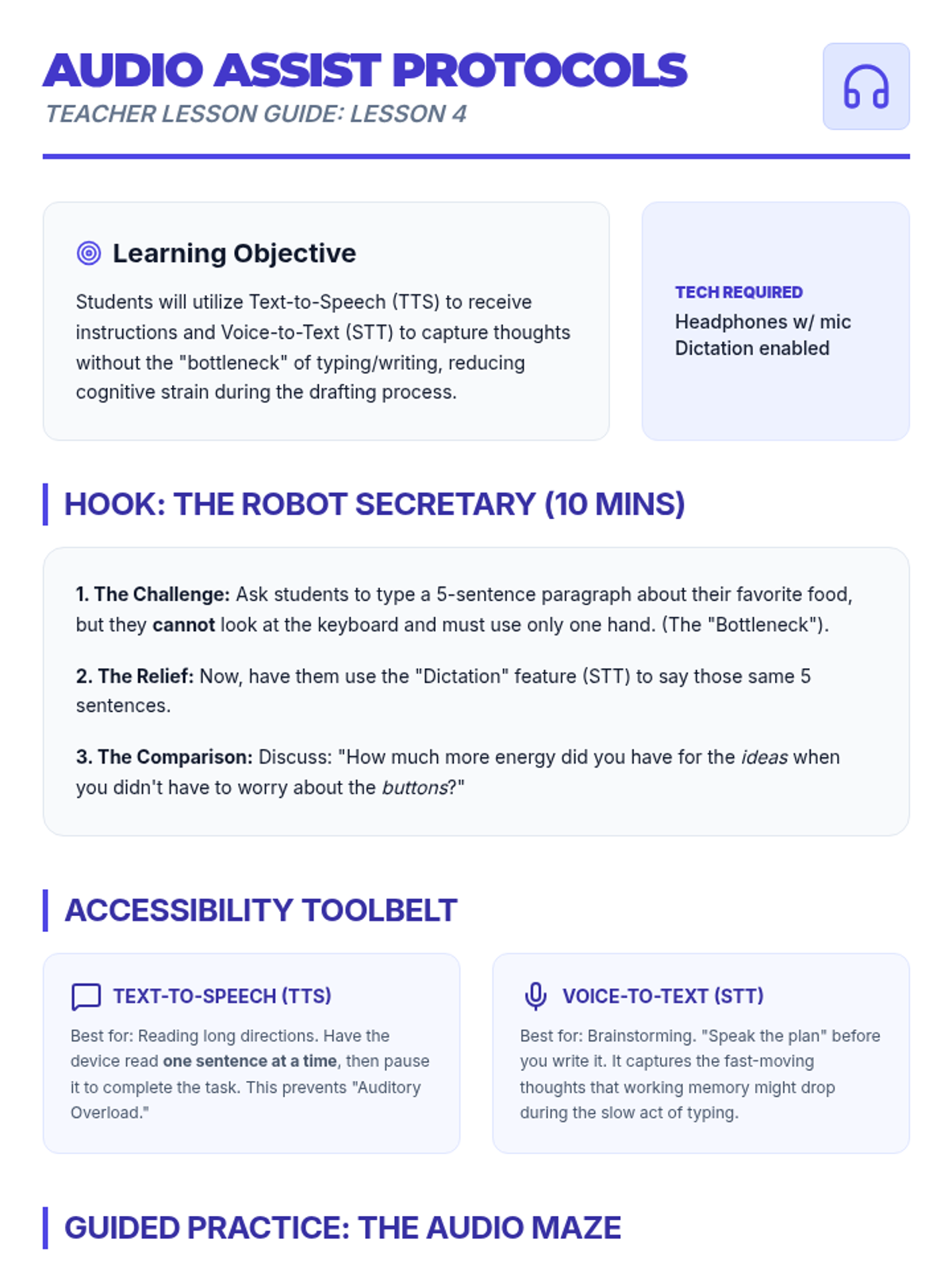
Teacher guide for Lesson 4: Voice-to-Text and Text-to-Speech support. Includes a "Robot Secretary" hook and specific strategies for using audio tools to bypass the writing/typing "bottleneck."
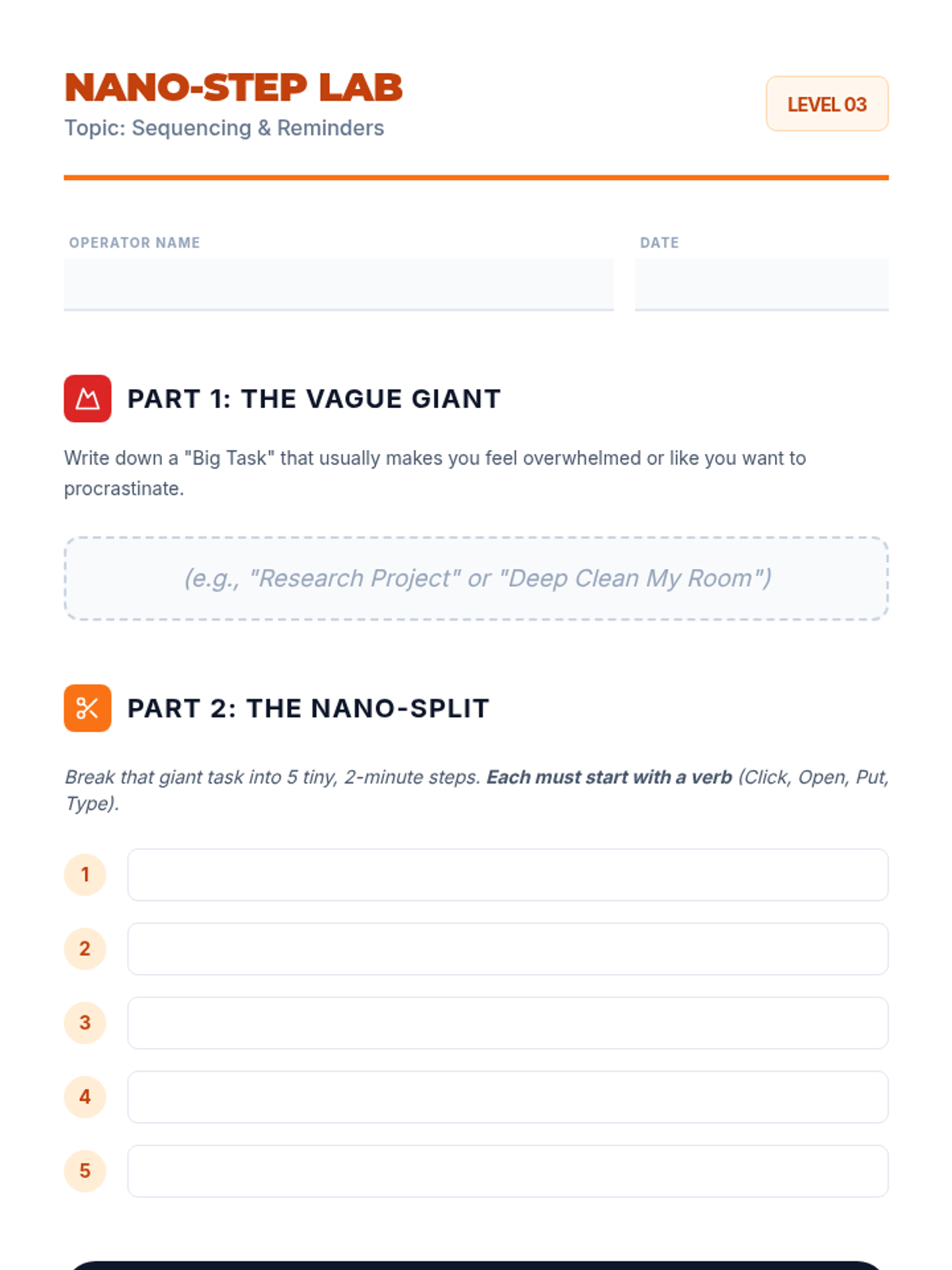
Student worksheet for Lesson 3: Digital Sequencing and Reminders. Helps students break a "Big Task" into 5 "Nano-Steps" and plan a digital "Alarm Chain."
Visual presentation for Lesson 3: Digital Sequencing and Reminders. Introduces "Task Paralysis," defines "Nano-Steps," and explains how to set an "Alarm Chain" for productivity.
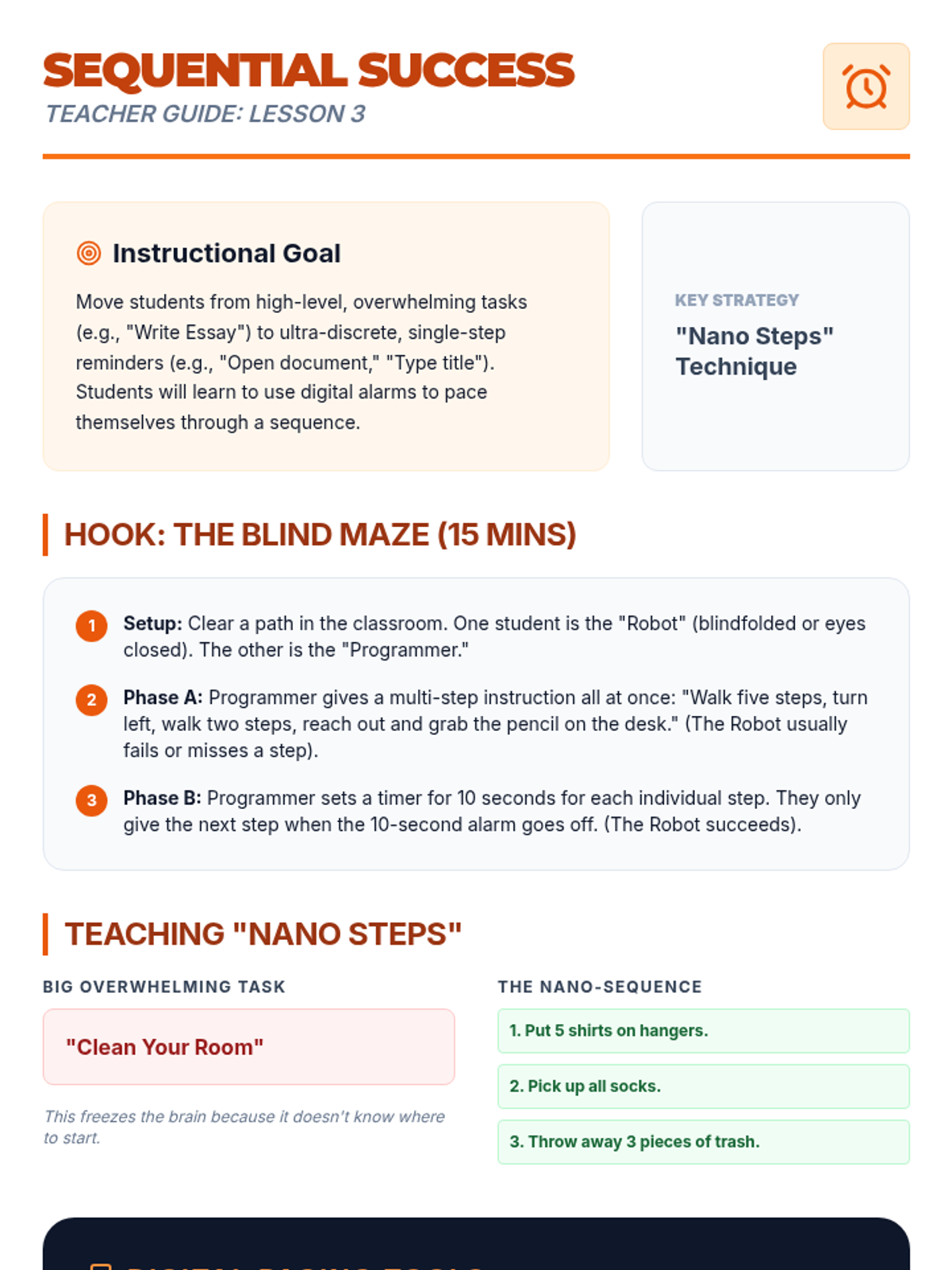
Teacher guide for Lesson 3: Digital Sequencing and Reminders. Focuses on the "Nano Steps" technique for breaking down overwhelming tasks and using sequential alarms for pacing.
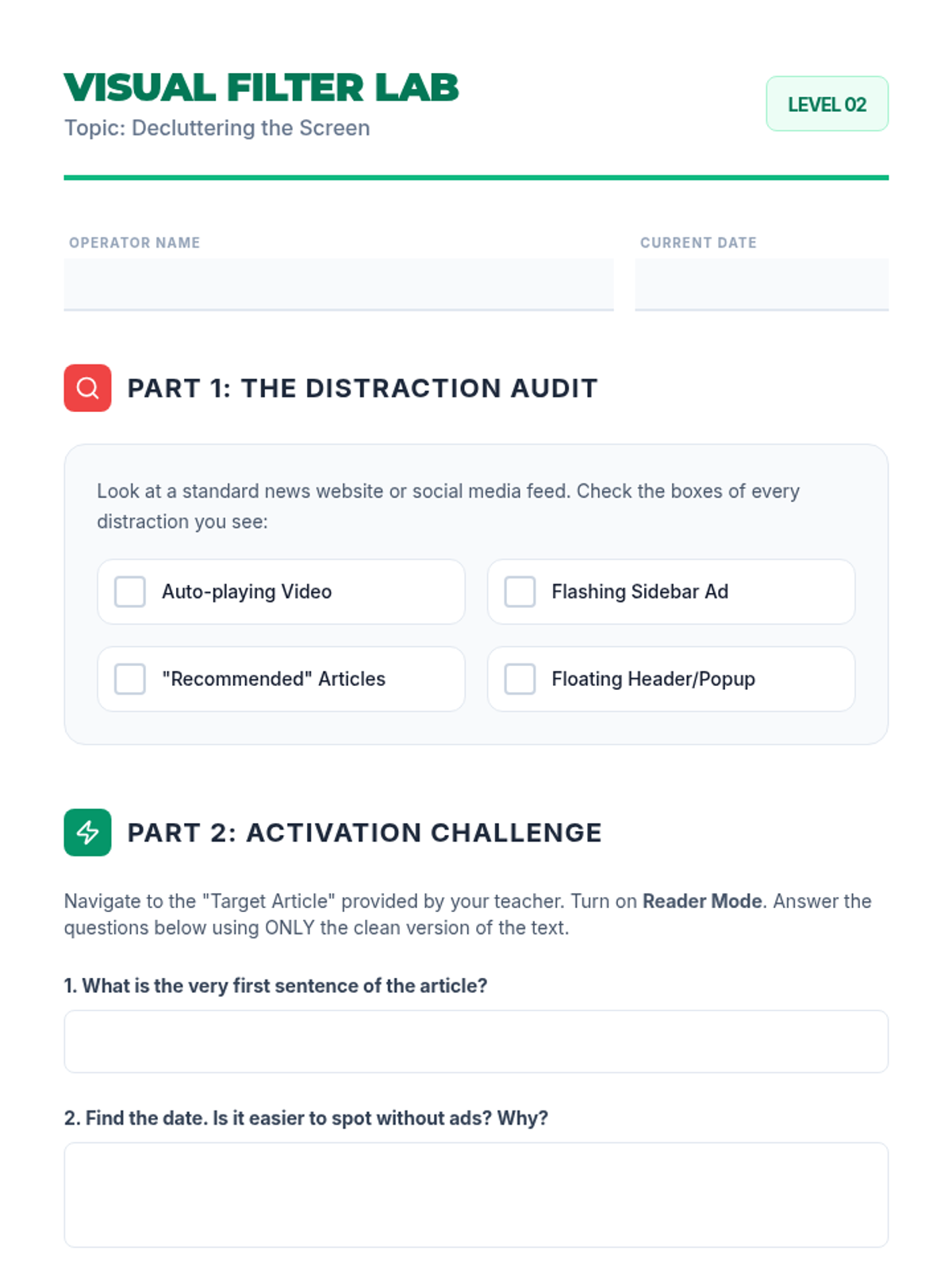
Student practice sheet for Lesson 2: Focus Mode and Task Isolation. Includes a distraction audit checklist and space for reflections on Reader Mode and window resizing strategies.
Visual presentation for Lesson 2: Focus Mode and Task Isolation. Explains the "Noise Trap" of cluttered websites and demonstrates the benefits of Reader View and line isolation techniques.
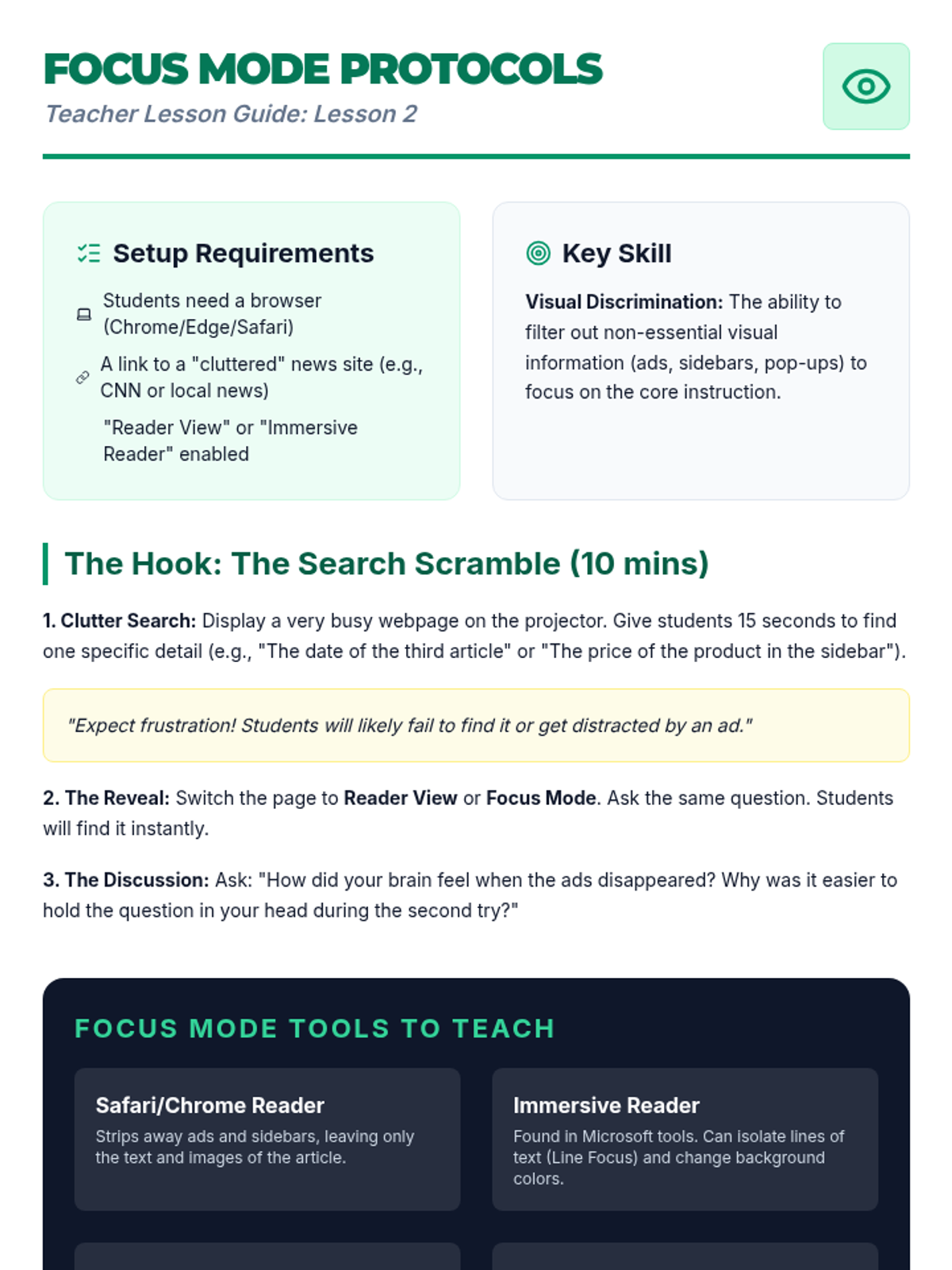
Teacher guide for Lesson 2: Focus Mode and Task Isolation. Features a "Search Scramble" hook and specific instructions for teaching "Reader View" and line isolation techniques.
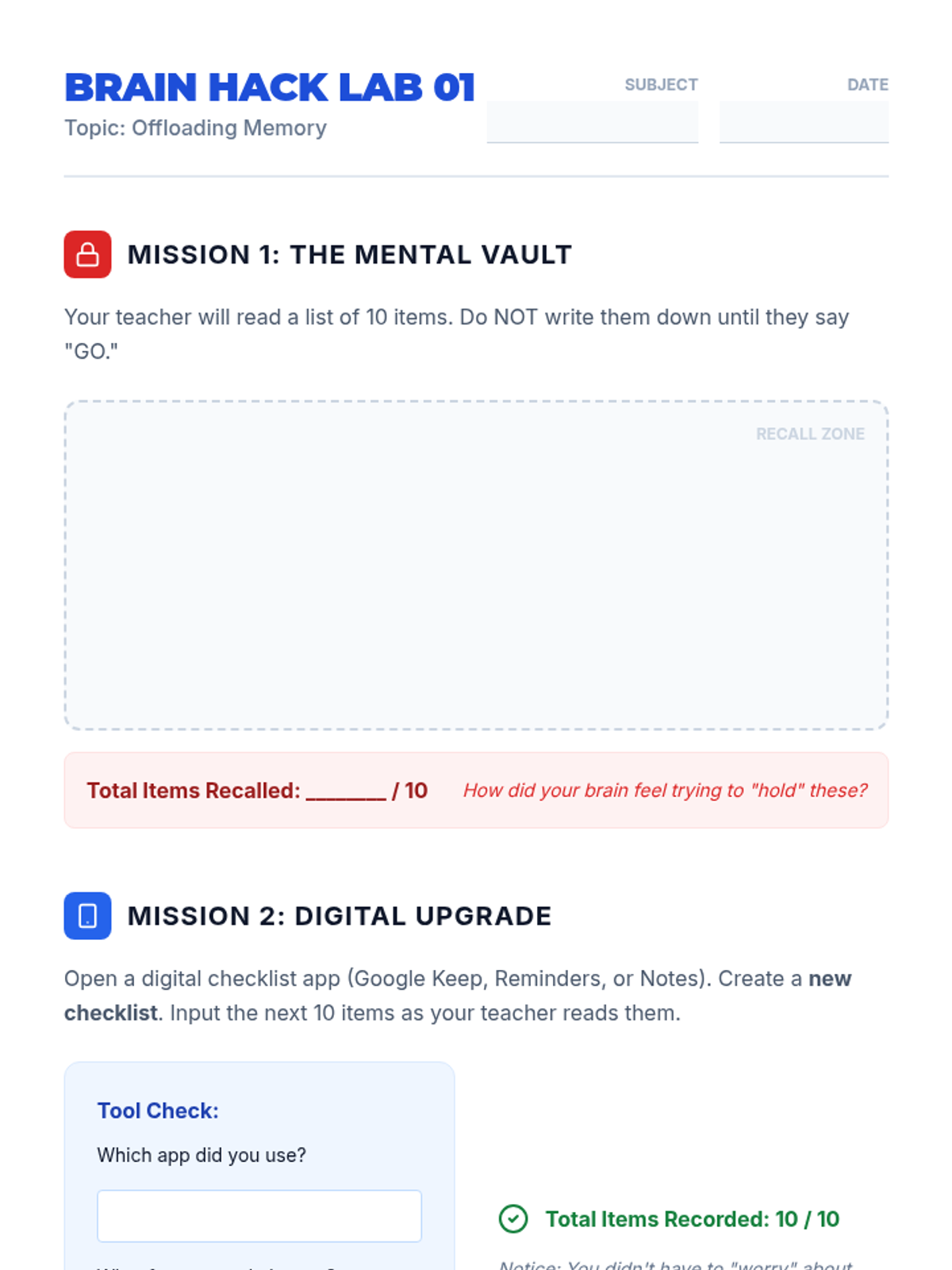
Student worksheet for Lesson 1: Externalizing Memory with Tech. Includes a recall zone for the mental memory challenge and a tool-check section for digital checklist practice.
Introductory slides for Lesson 1: Externalizing Memory with Tech. Explains working memory limits (The Rule of Seven) and the concept of offloading tasks to digital tools.
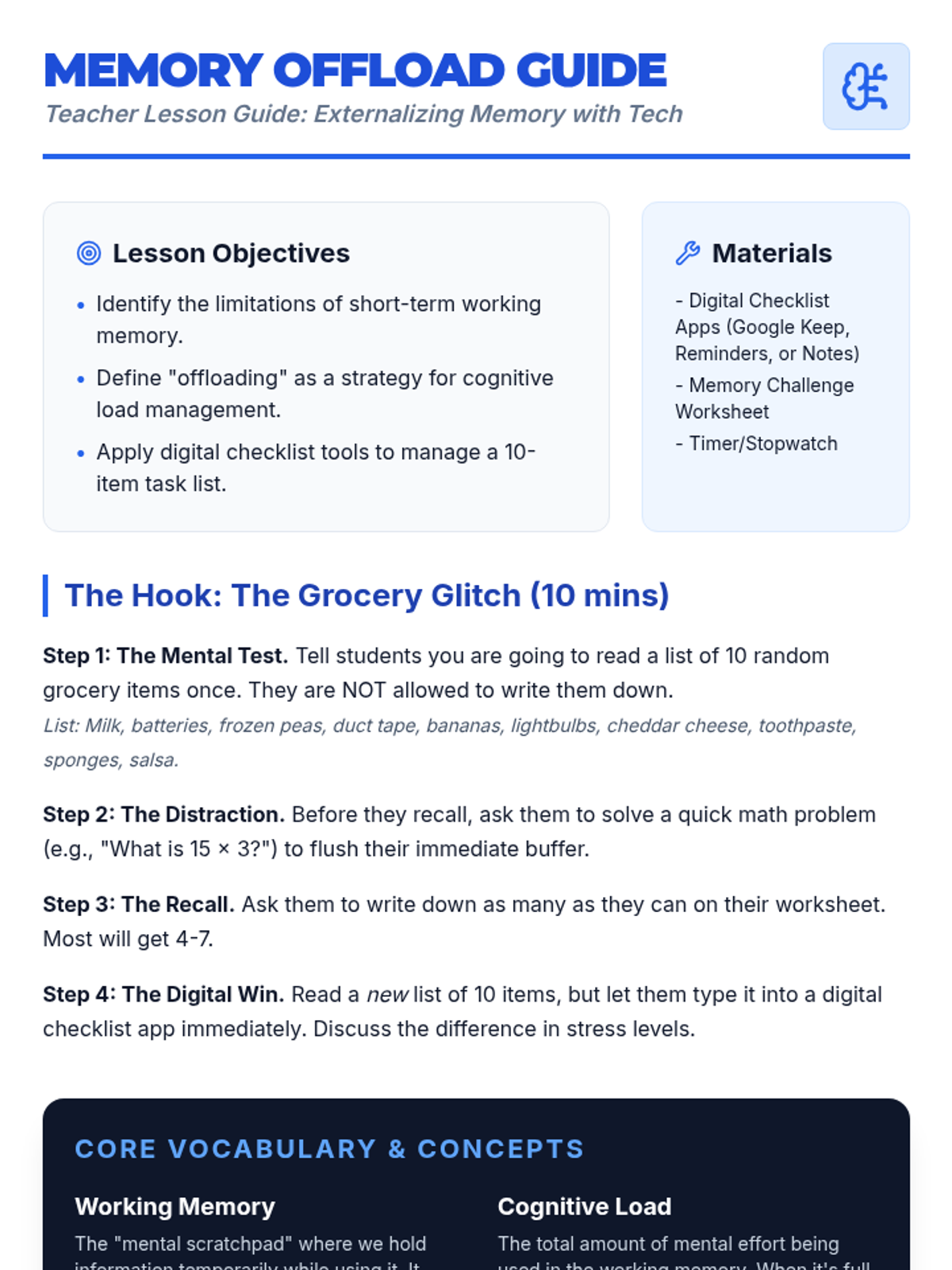
Teacher guide for Lesson 1: Externalizing Memory with Tech. Includes hook instructions for the memory challenge, key vocabulary on cognitive load, and facilitation tips for Special Education support.
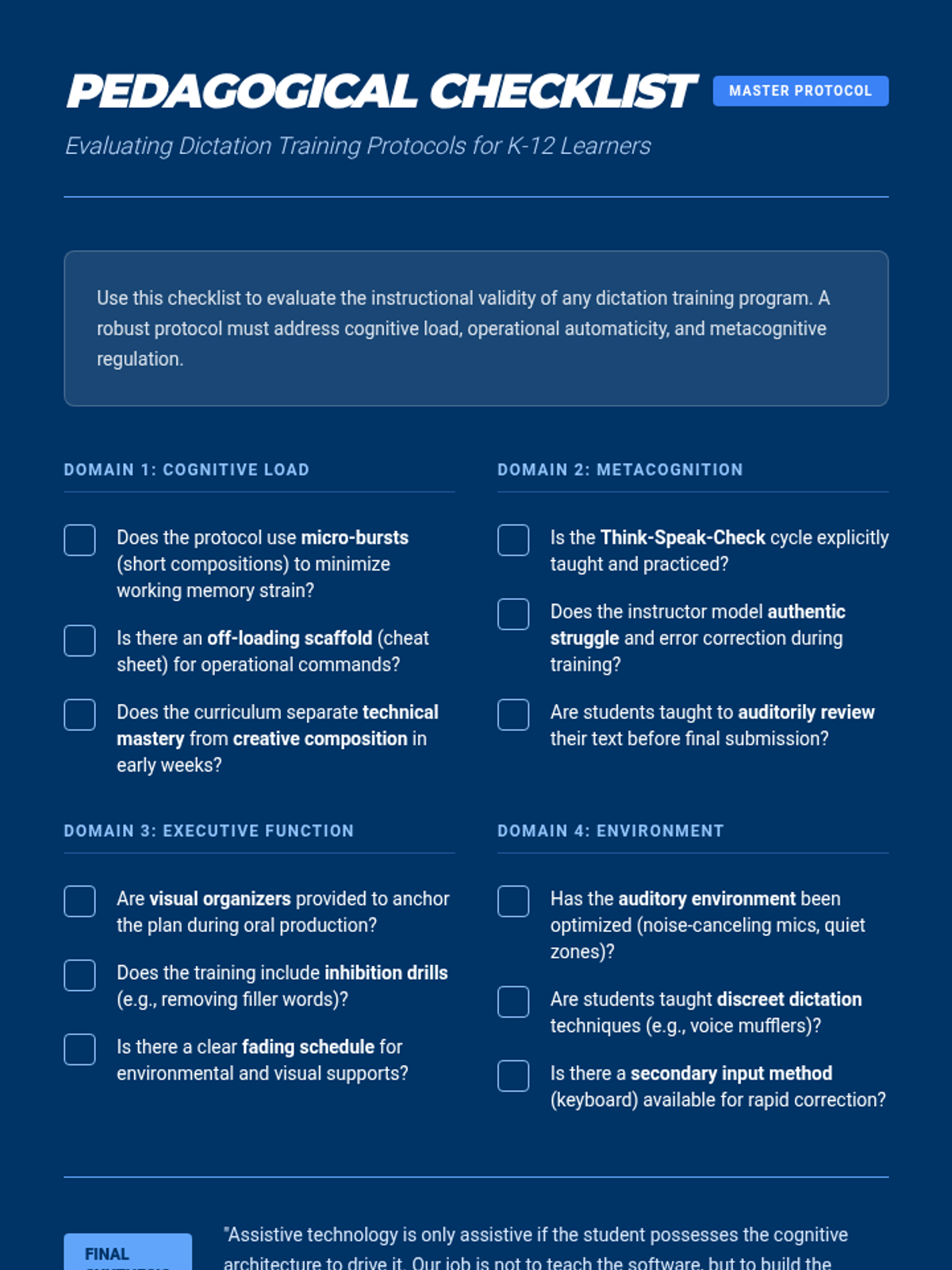
A comprehensive pedagogical checklist for graduate students to evaluate and refine dictation training protocols, ensuring they address cognitive load, executive function, and metacognition.
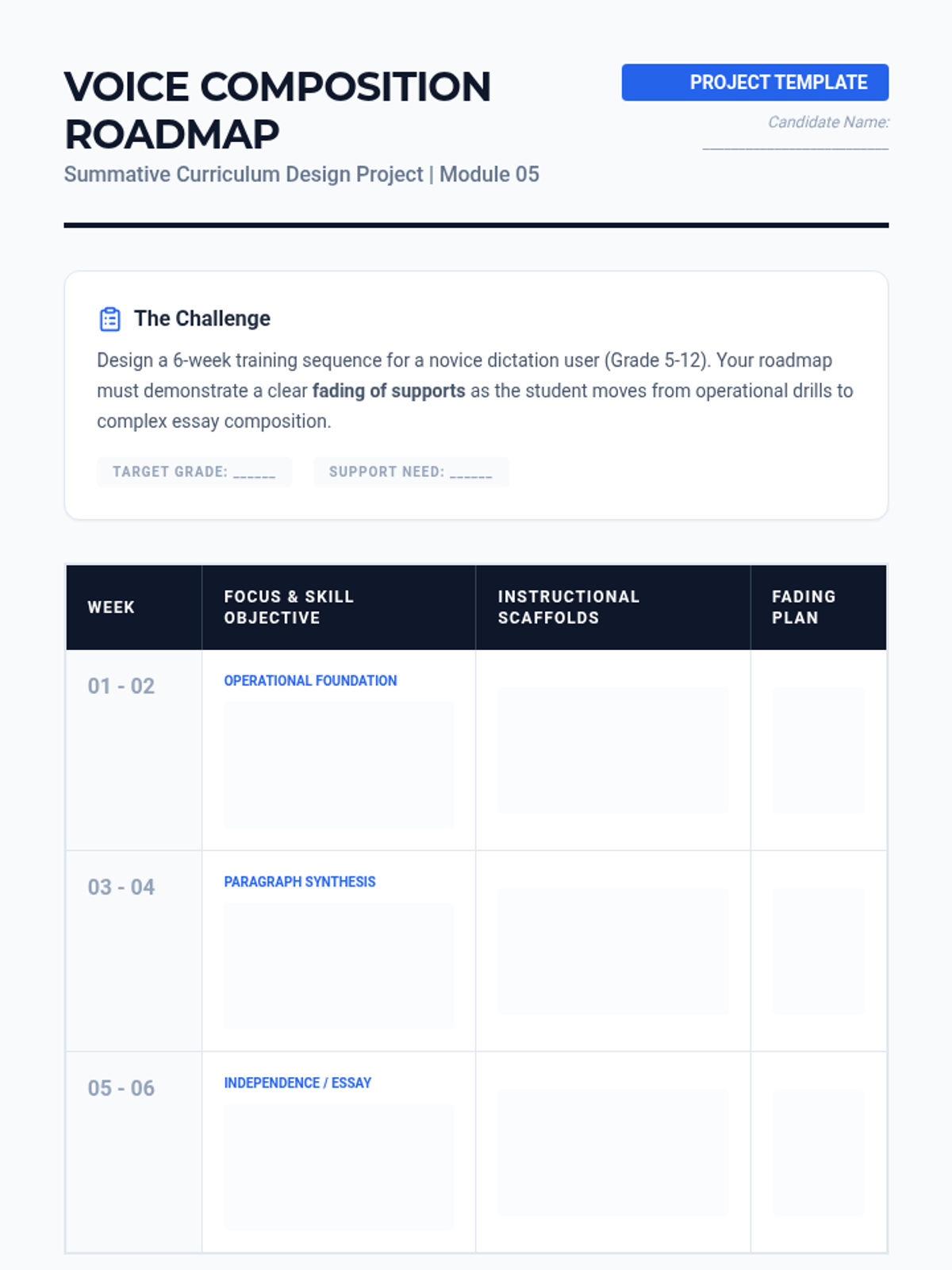
A comprehensive training roadmap template for graduate students to design a 6-week scaffolded dictation curriculum, including fading plans and pedagogical justifications.
Final slide deck for Lesson 5, focusing on curriculum implementation, data-driven decision making, and the trajectory of fading supports in dictation training.
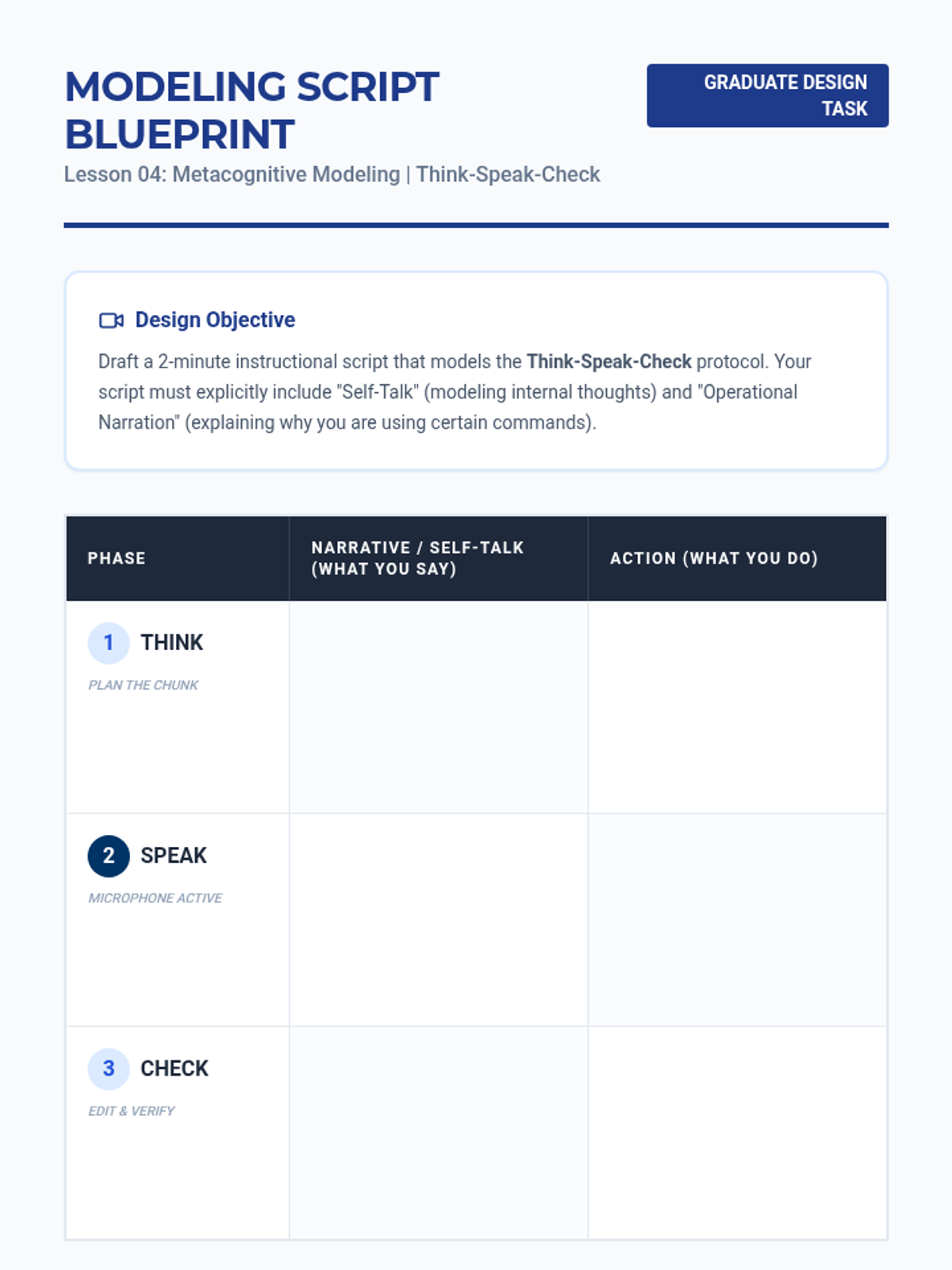
A template for graduate students to draft an instructional modeling script for the 'Think-Speak-Check' protocol, emphasizing self-talk and operational narration.
Introductory slides for Lesson 4 focusing on the 'Think-Speak-Check' protocol and how to model metacognitive regulation for students using speech-to-text.
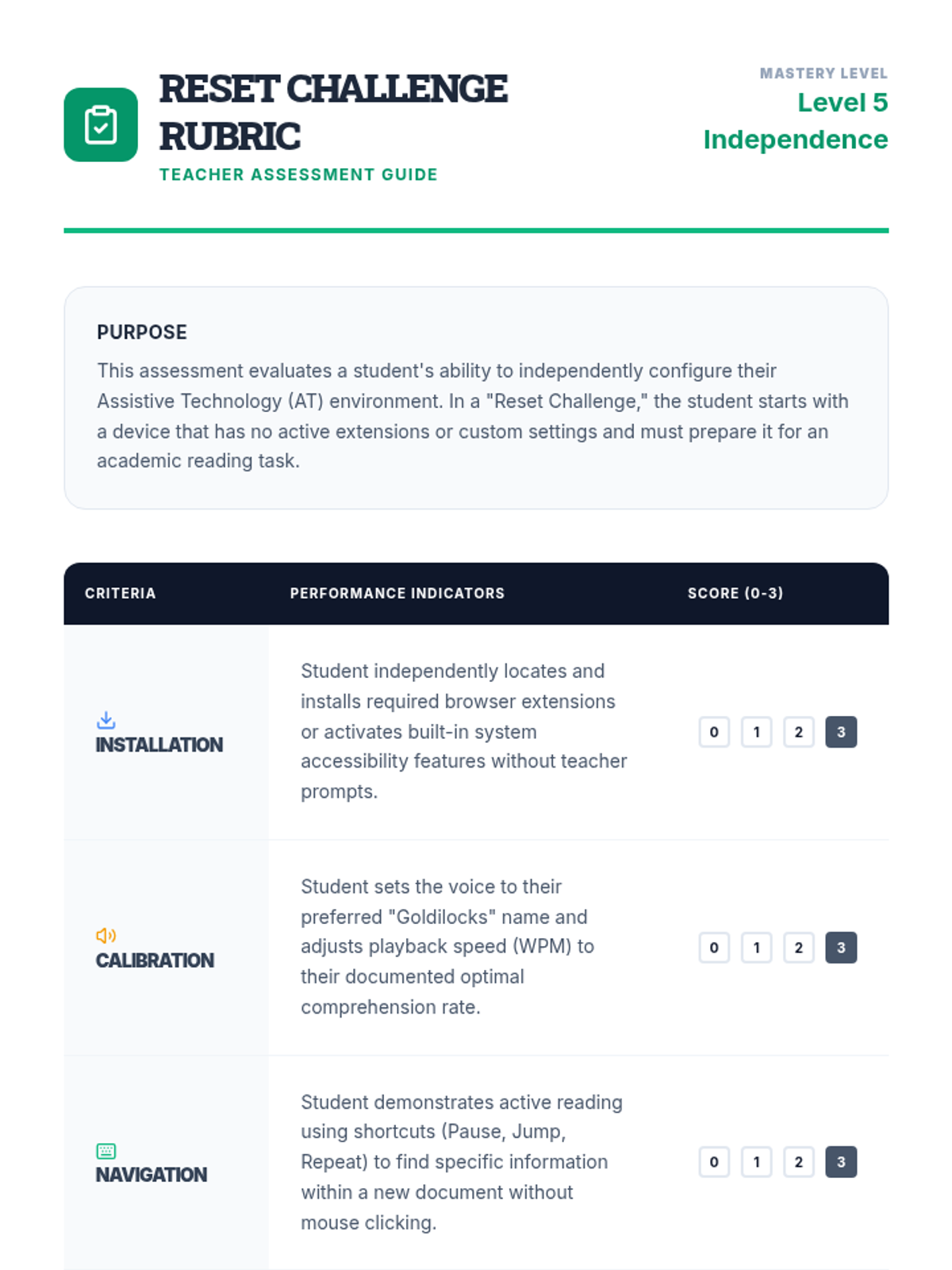
A teacher-facing rubric for assessing students during the 'Reset Challenge', focusing on installation, calibration, navigation, and technical efficiency.
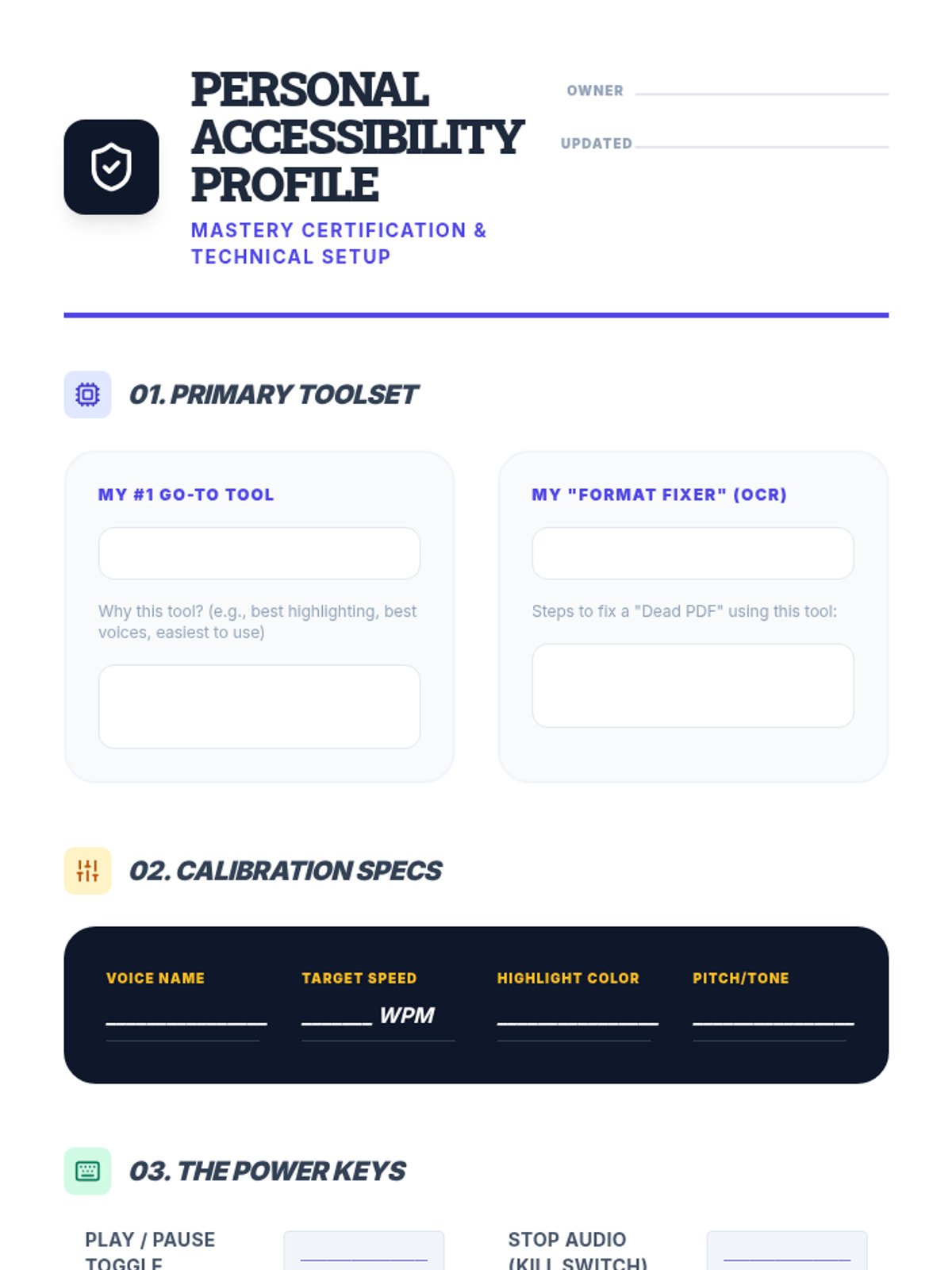
A student-facing document where they record their finalized TTS settings, tools, and shortcuts to serve as a personal reference for independent academic work.
Introductory slides for the final lesson of the TTS sequence, introducing the concept of a Personal Accessibility Profile and the 'Reset Challenge'.
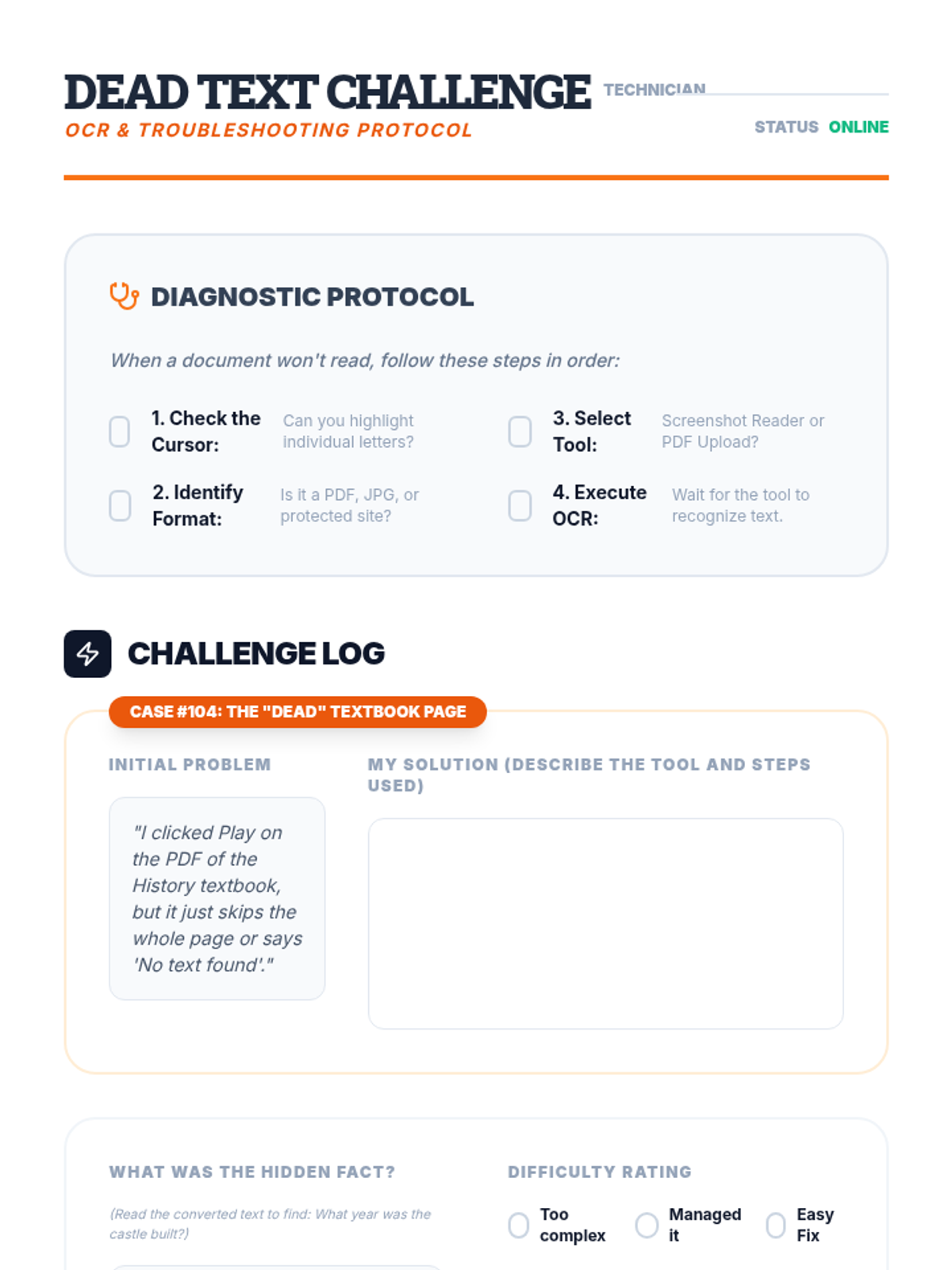
A worksheet for students to practice troubleshooting inaccessible text by using OCR tools and recording their process.
Introductory slides for the format troubleshooting lesson, explaining the difference between 'dead' and 'alive' text and introducing OCR tools.
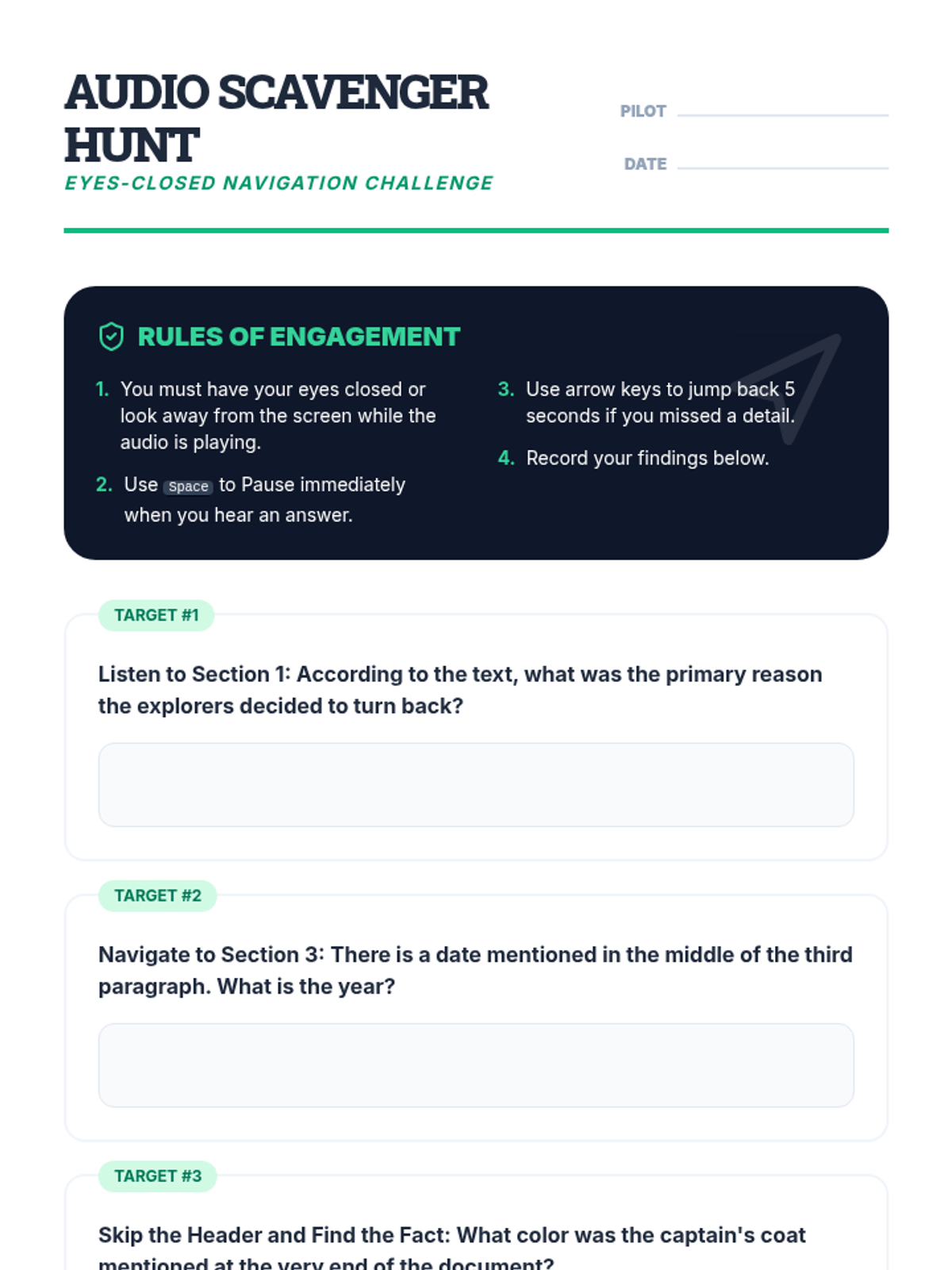
A student activity sheet for a navigation challenge, where students must find specific information in a text using only audio and keyboard shortcuts.
Introductory slides for the navigation shortcuts lesson, focusing on active reading strategies and essential keyboard controls for TTS software.
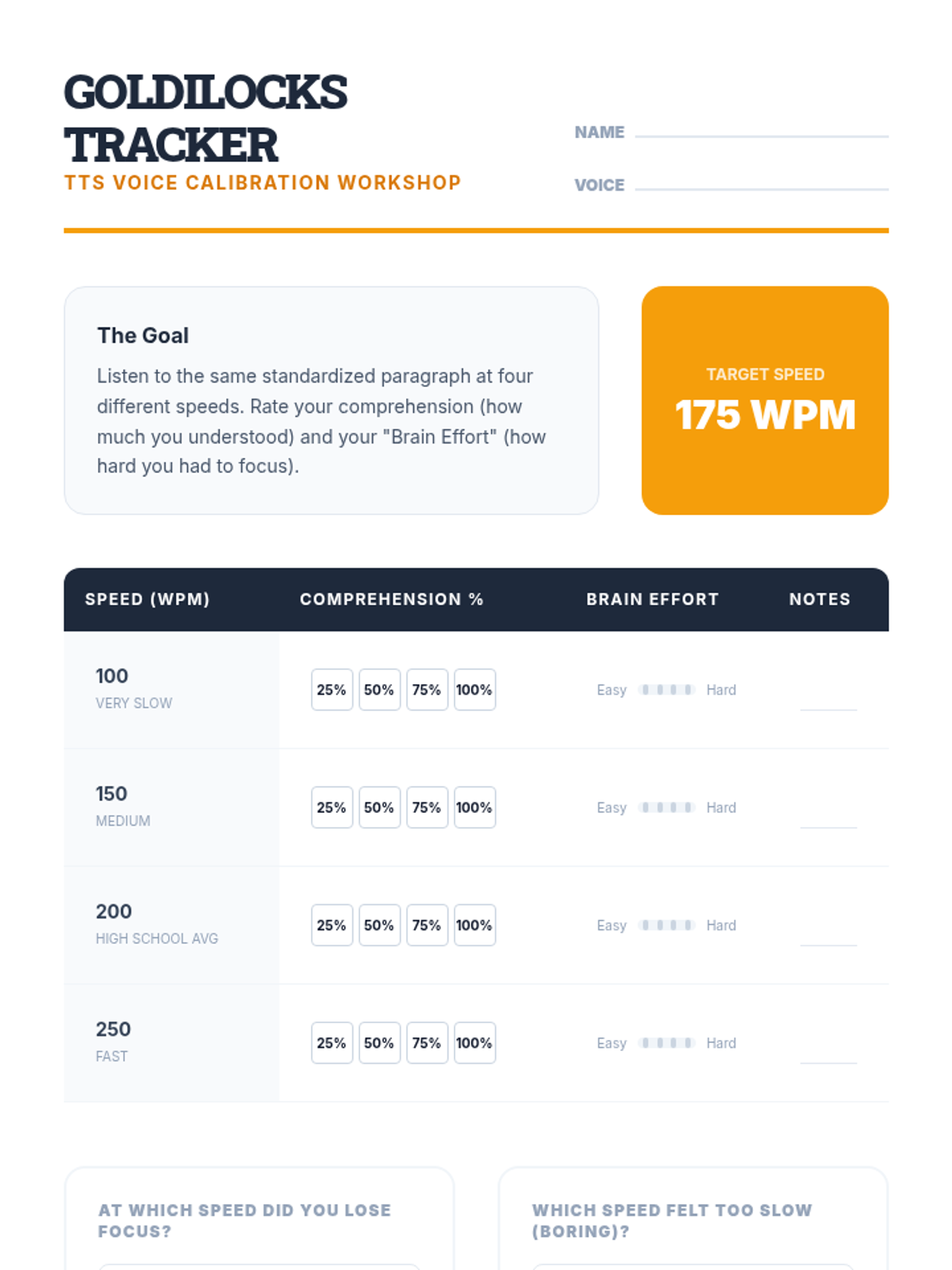
A technical worksheet for students to record their comprehension and effort at various TTS speeds to find their optimal listening pace.
Introductory slides for the voice optimization workshop, helping students understand the importance of playback speed and voice selection.
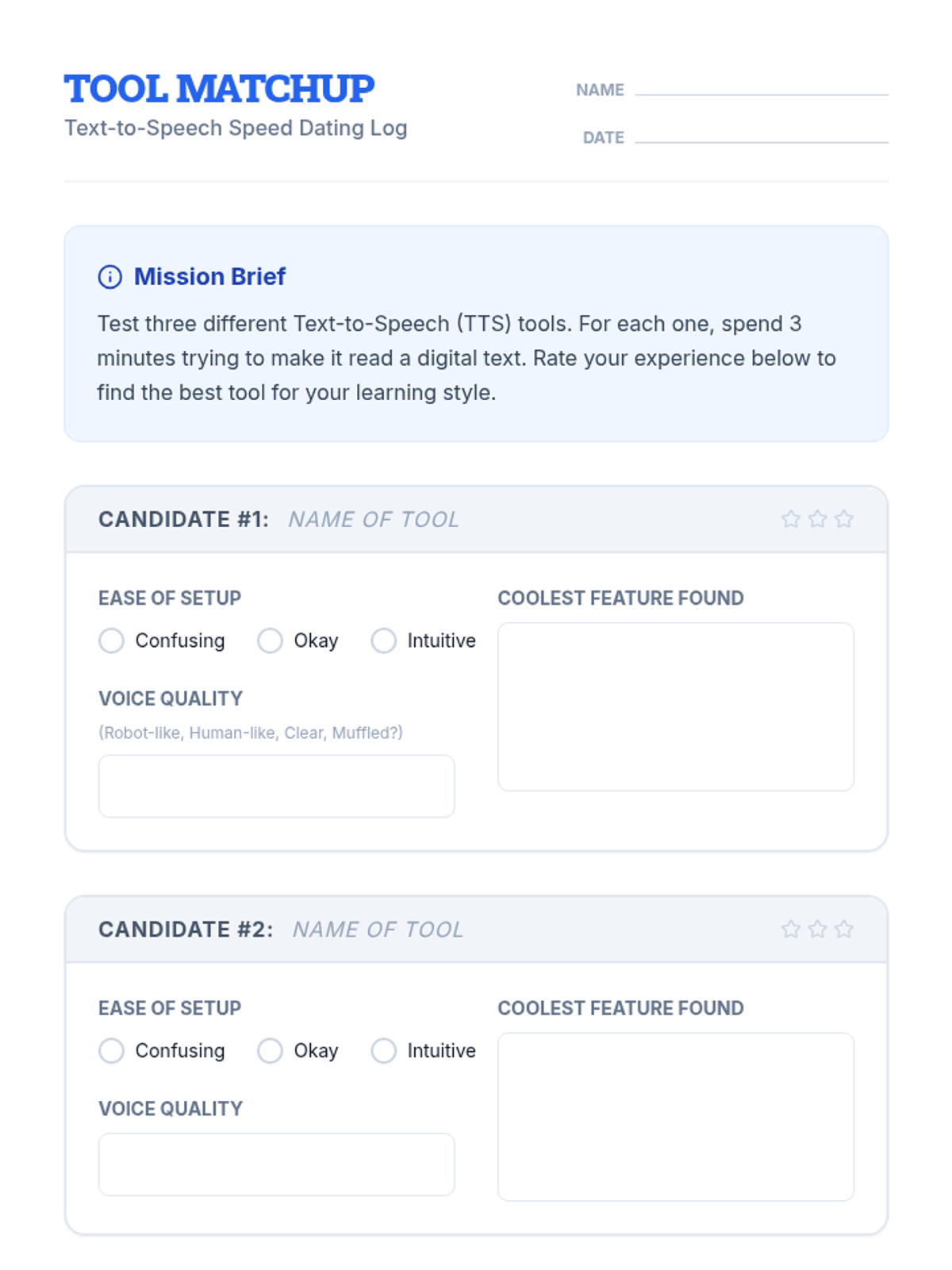
A student worksheet for recording findings during the 'Tool Speed Date' activity, with space to rate and compare three different TTS tools.
Introductory slides for the TTS sequence, featuring the 'Tool Speed Date' concept, an overview of available platforms, and student activity instructions.
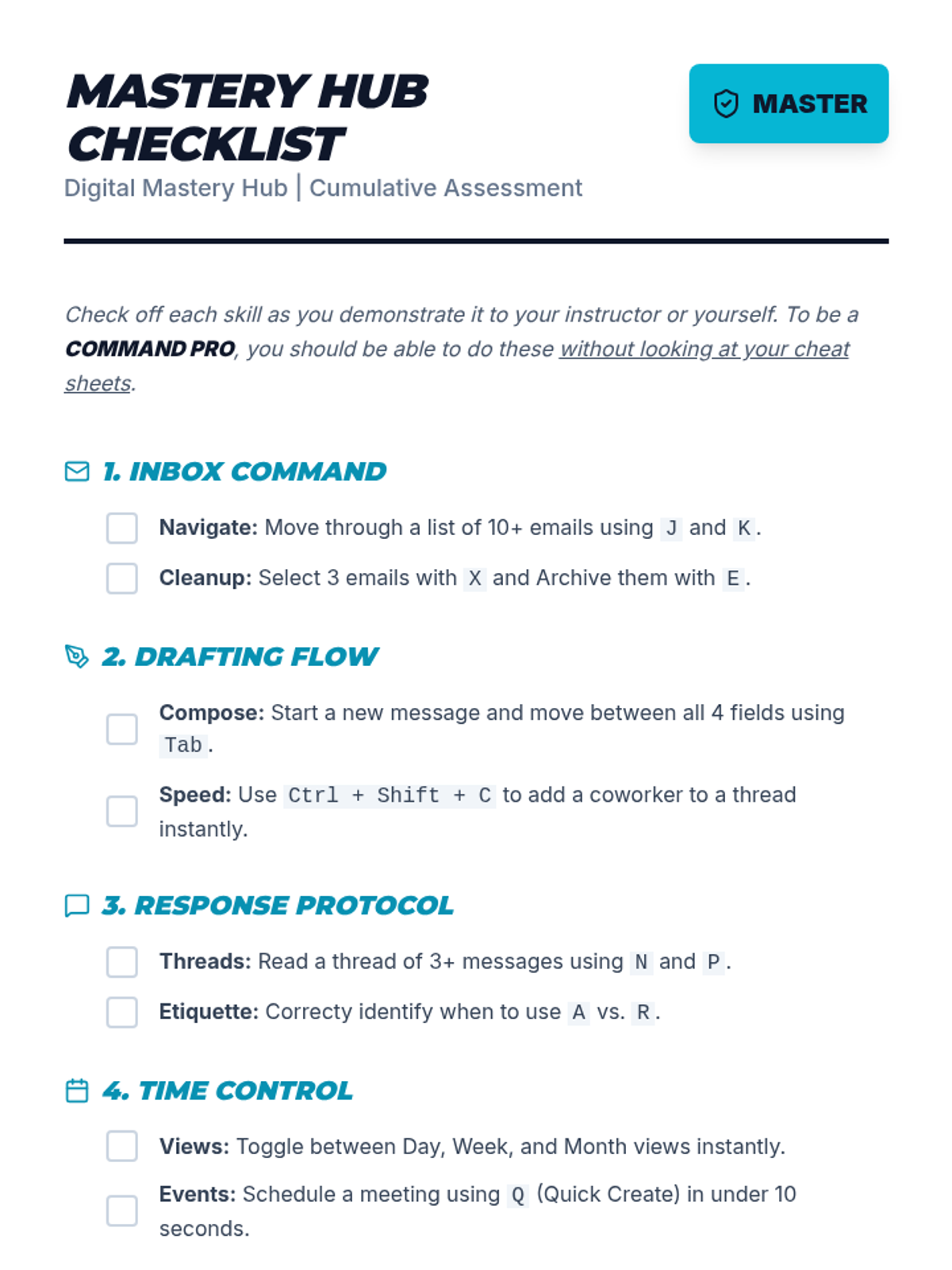
A comprehensive cumulative mastery checklist for students to track their progress through the "Digital Mastery Hub" unit. Covers key navigation, drafting, response, scheduling, and retrieval skills required for workplace readiness.
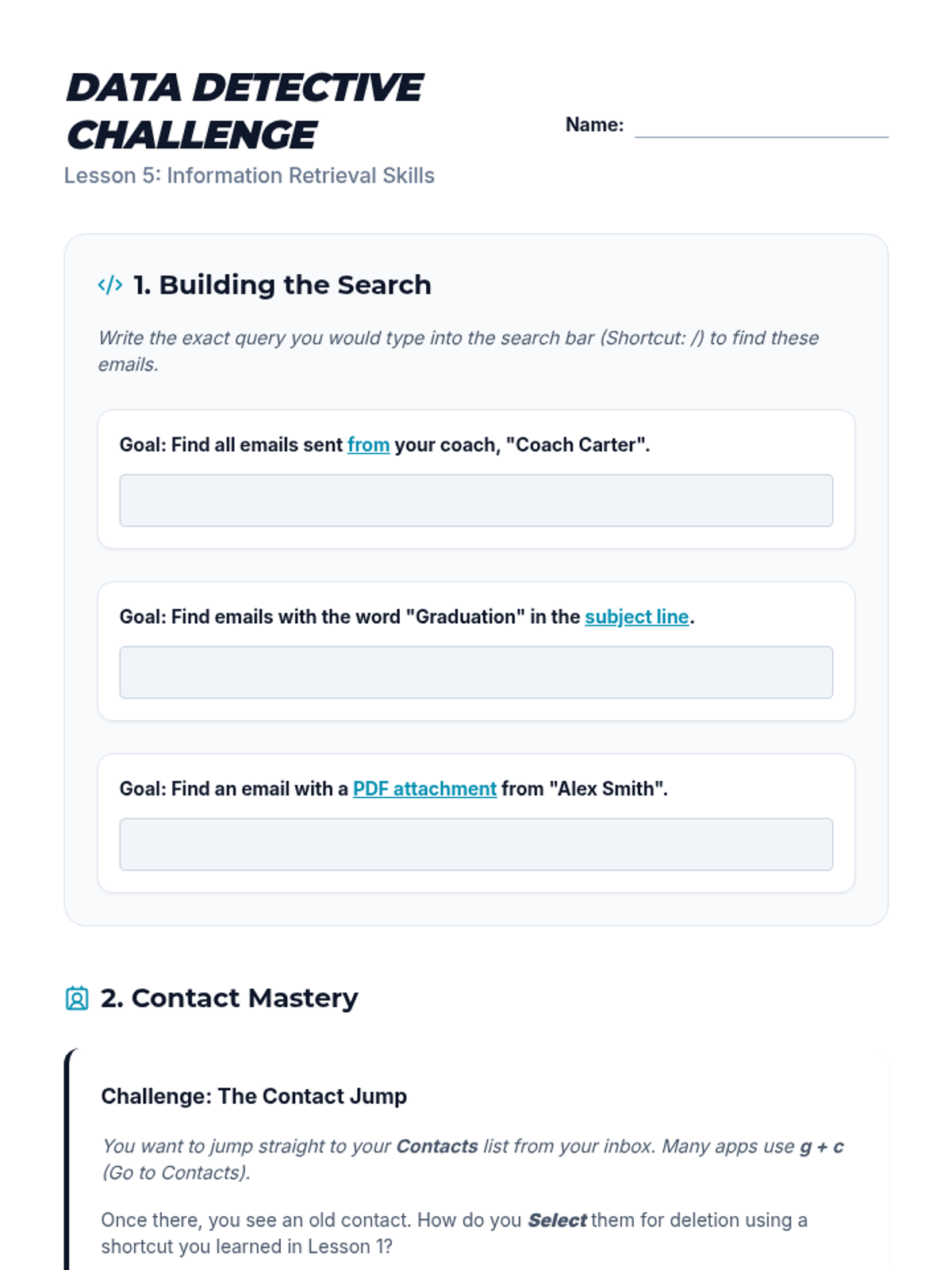
A worksheet for students to practice constructing advanced search queries using operators. Includes query writing for specific scenarios, contact management shortcuts, and a final reflection on vocational readiness.
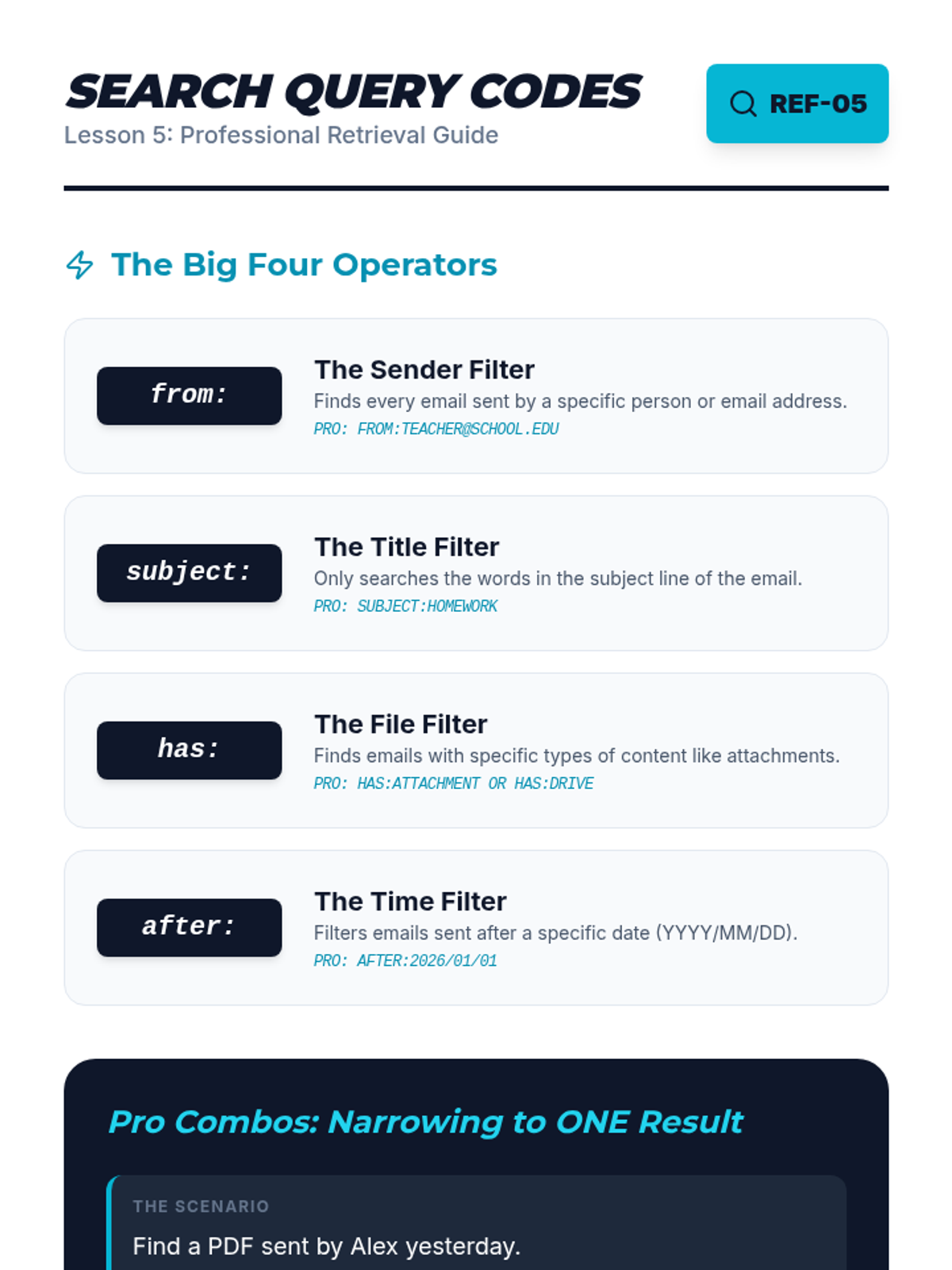
A search operator cheat sheet for students covering advanced query techniques. Includes from:, subject:, has:, and after: operators with "Pro Combo" examples for complex searches.
A visual presentation for Lesson 5 introducing advanced search operators and summarizing the unit's mastery goals. Covers from:, has:attachment, after:, and subject: operators.
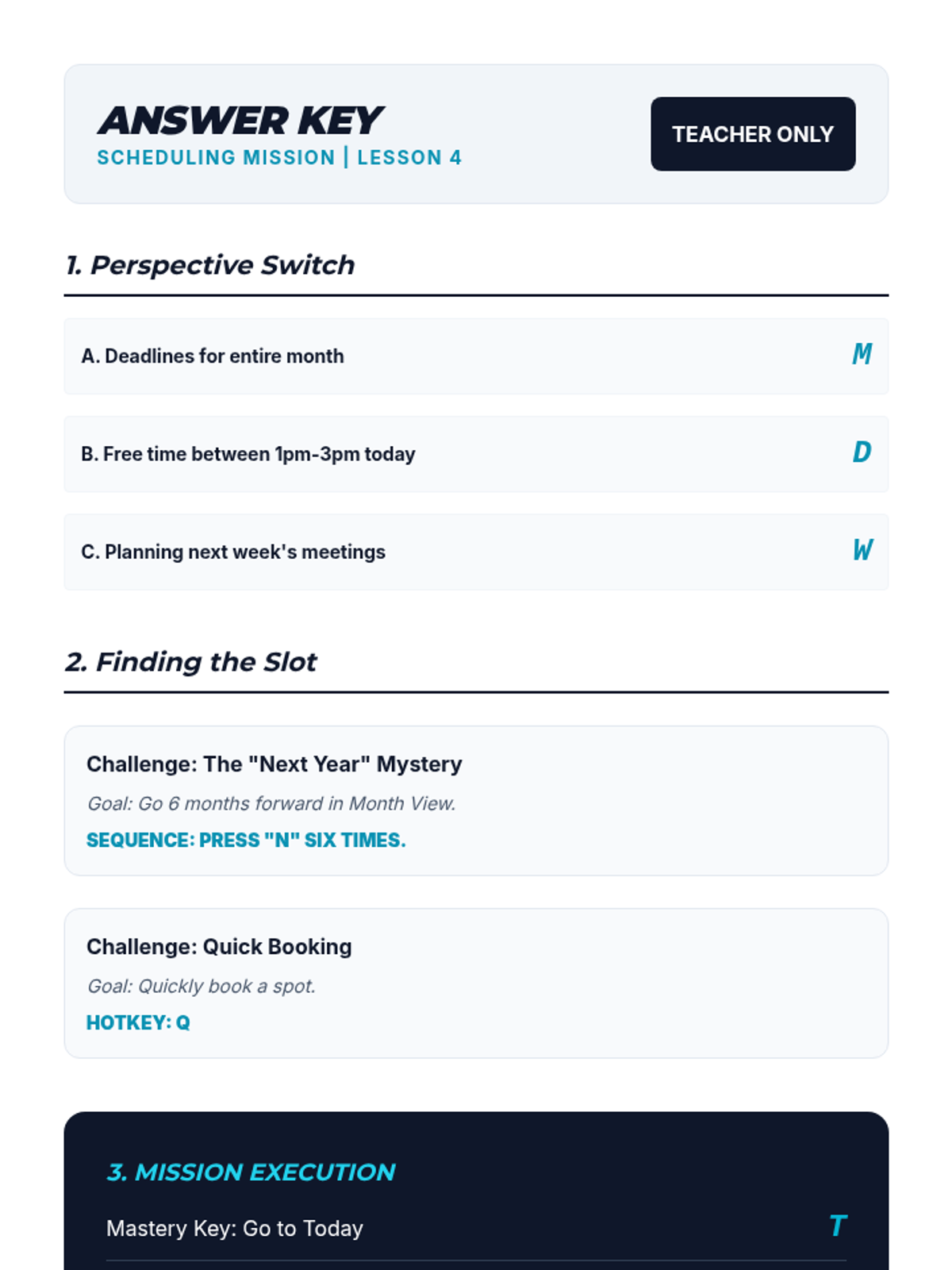
The teacher's answer key for the Scheduling Mission Worksheet, providing correct hotkey identifications and justifications for calendar navigation scenarios.
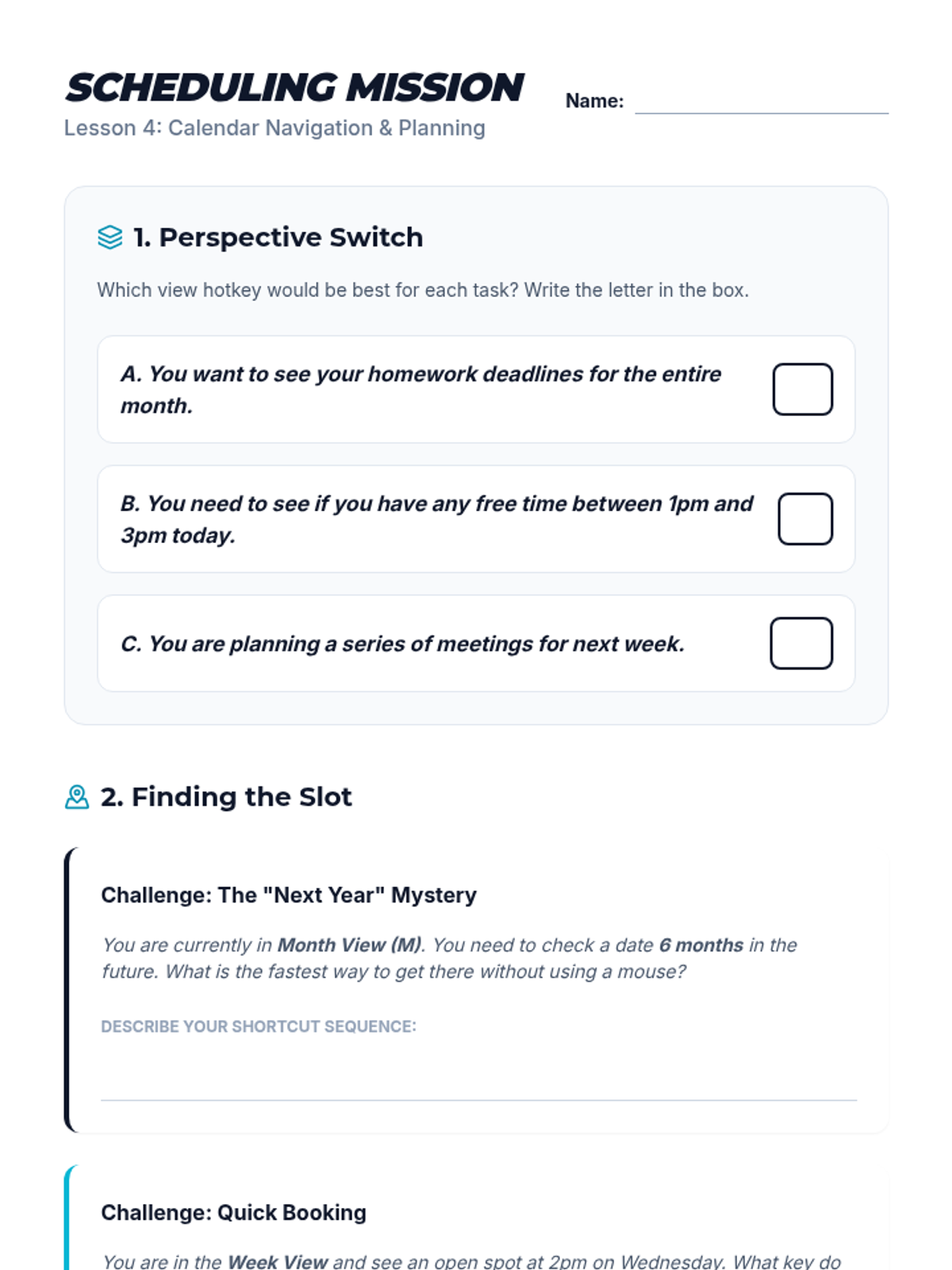
A worksheet for students to practice calendar navigation and view switching. Includes matching tasks for viewing modes and scenario-based sequence planning for finding open time slots.
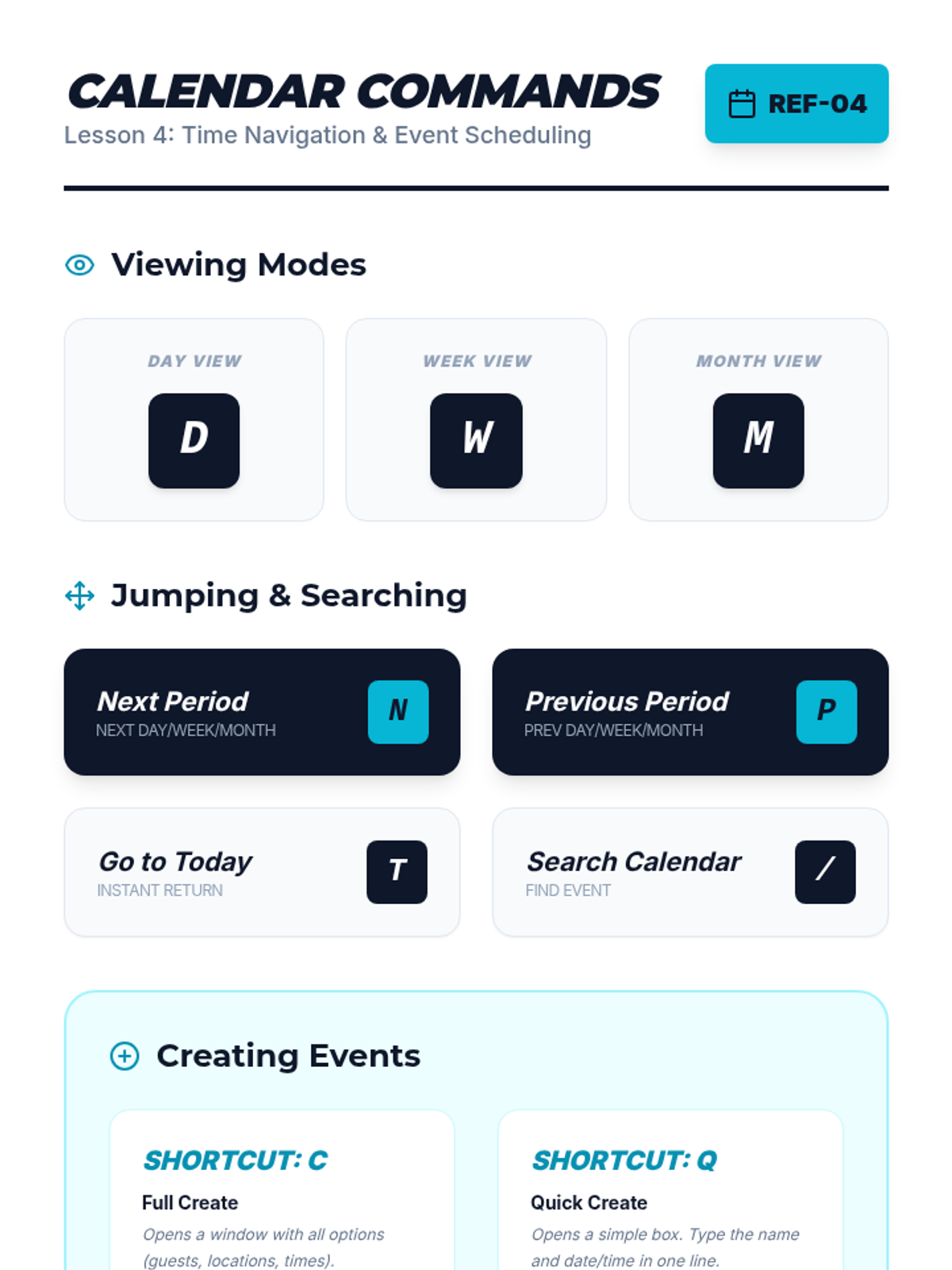
A quick-reference cheat sheet for students containing calendar navigation and event creation shortcuts. Includes viewing modes, period jumping, and quick vs. full creation commands.
A visual presentation for Lesson 4 introducing calendar keyboard navigation. Covers view switching (D, W, M), period jumping (N, P), and event creation shortcuts (C, Q).
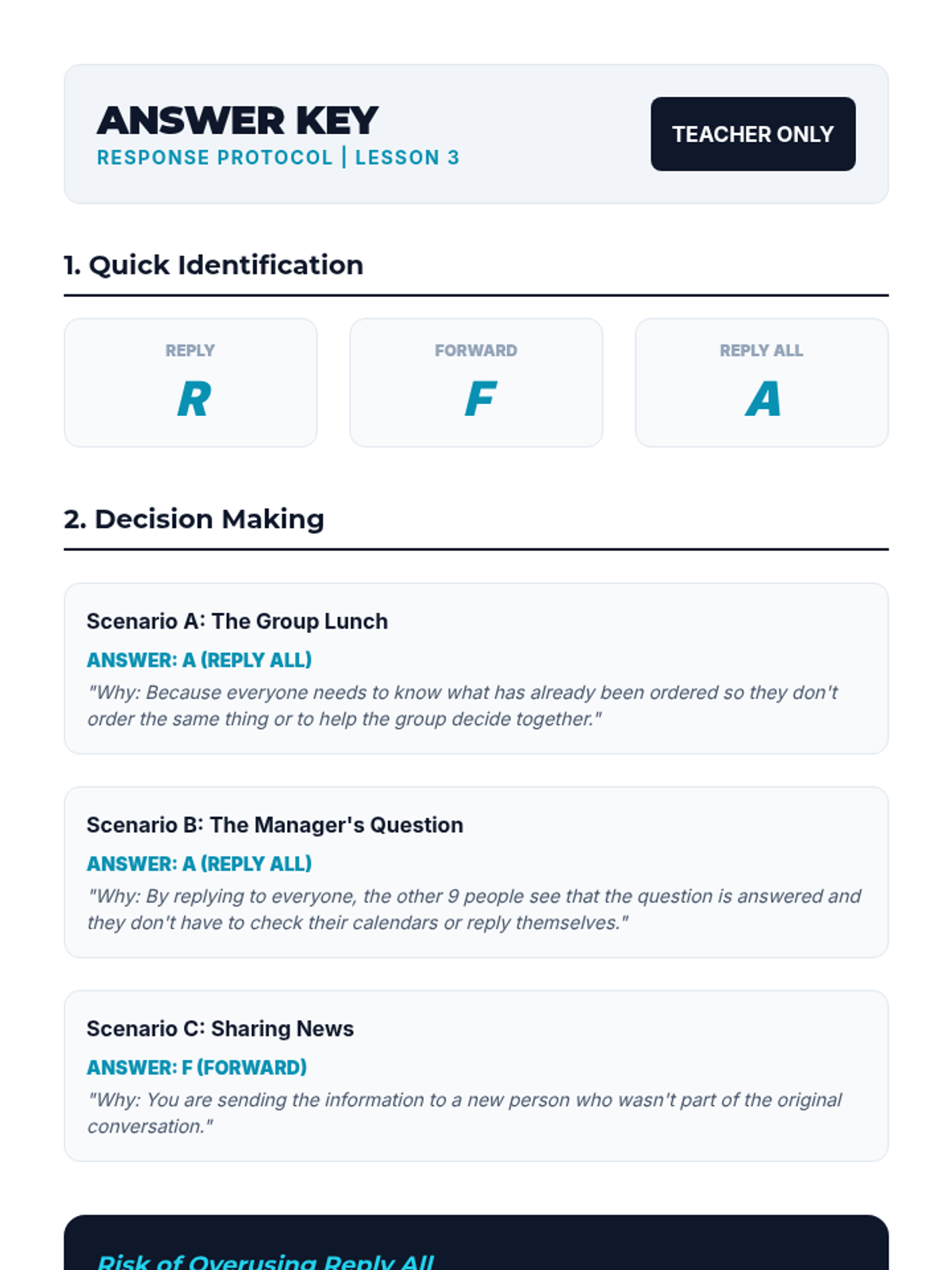
The teacher's answer key for the Response Protocol Quiz, providing correct hotkey identifications and justifications for scenario-based responses.
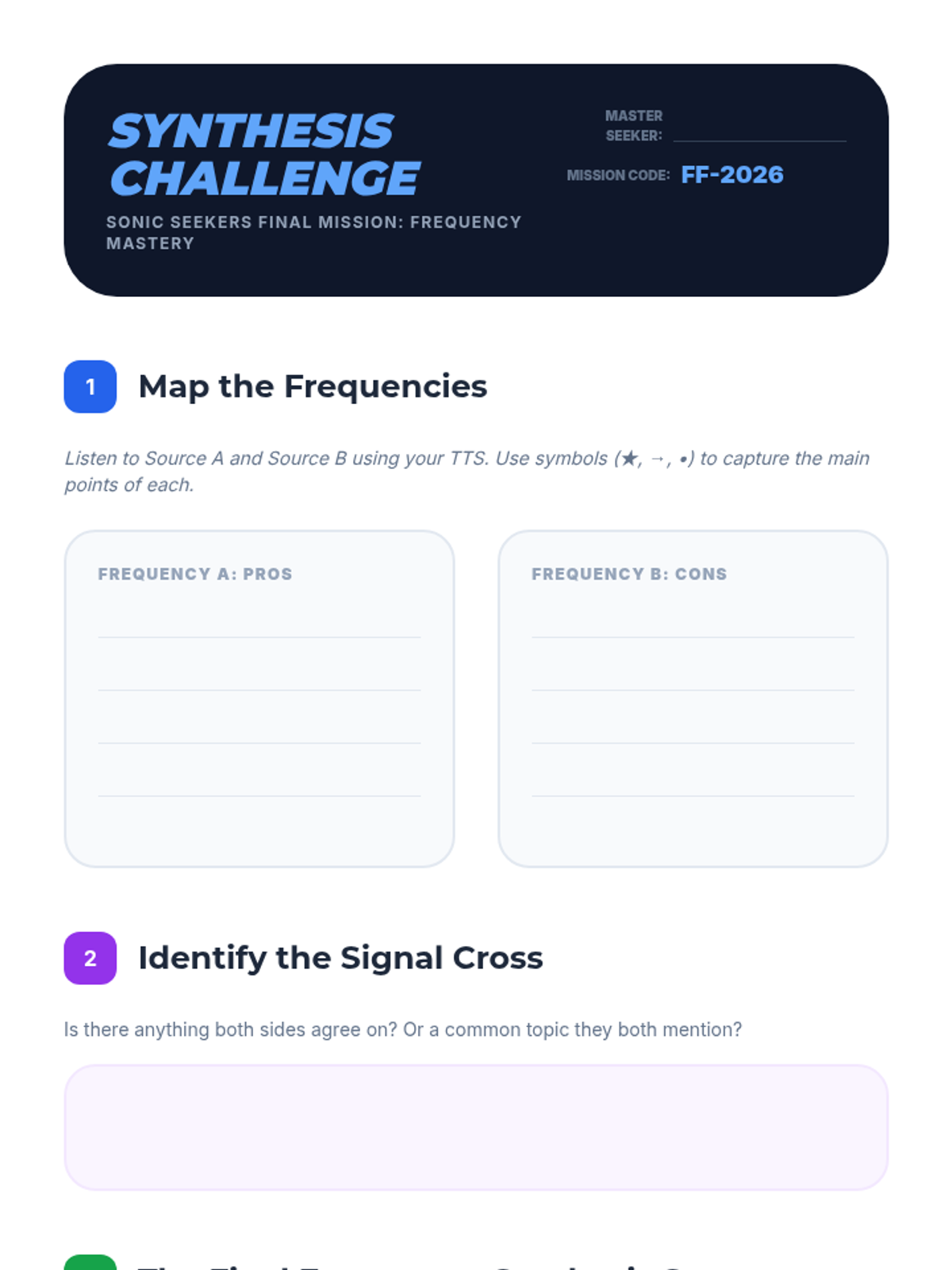
Final assessment worksheet for Lesson 5, challenging students to map two contrasting auditory viewpoints and synthesize them into a coherent written summary.
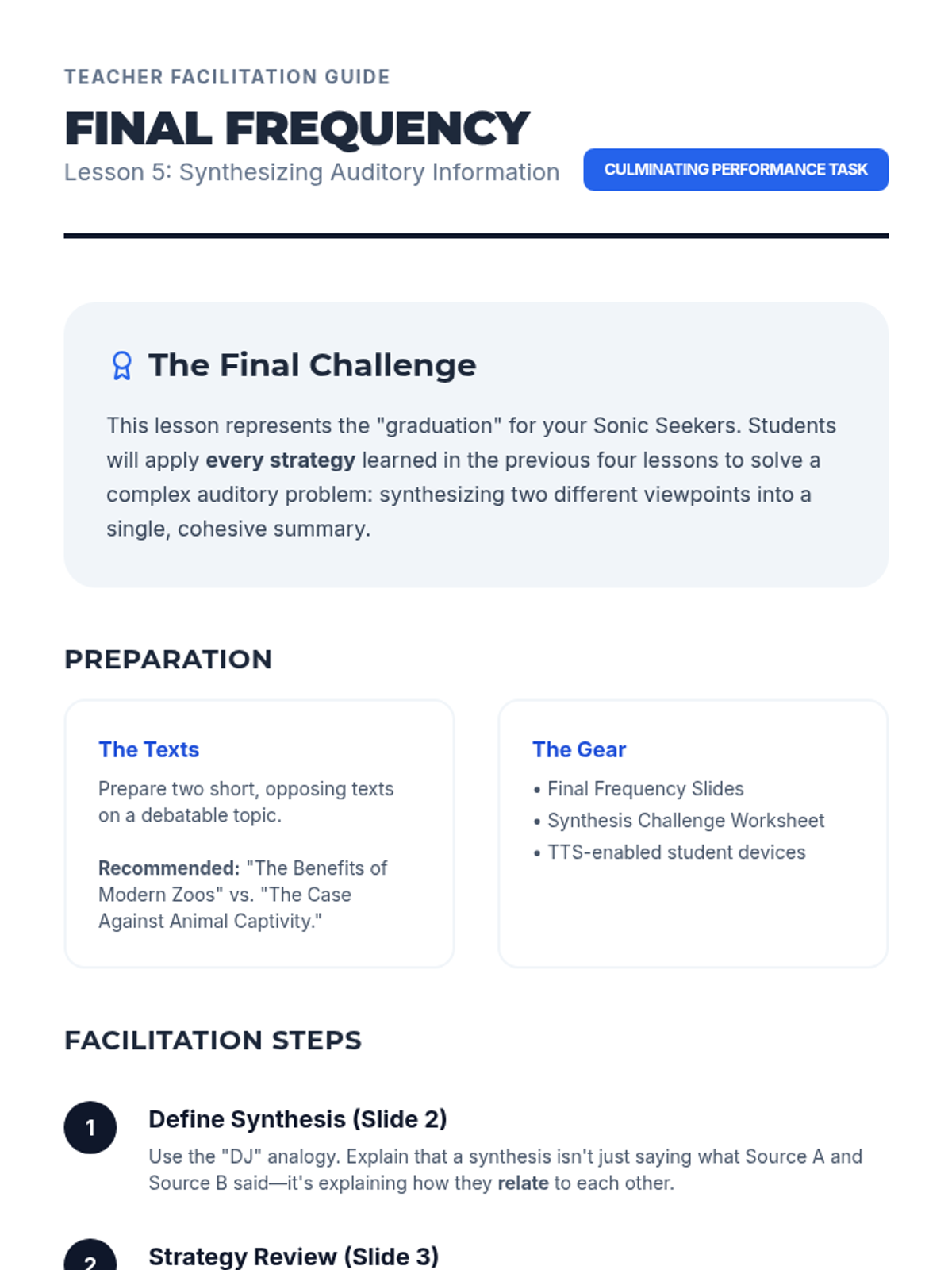
Teacher guide for Lesson 5, outlining the final synthesis task and providing a step-by-step facilitation plan for the culminating lesson.
Slide deck for Lesson 5: Synthesizing Auditory Information, introducing the final challenge of summarizing contrasting viewpoints using all previous auditory strategies.
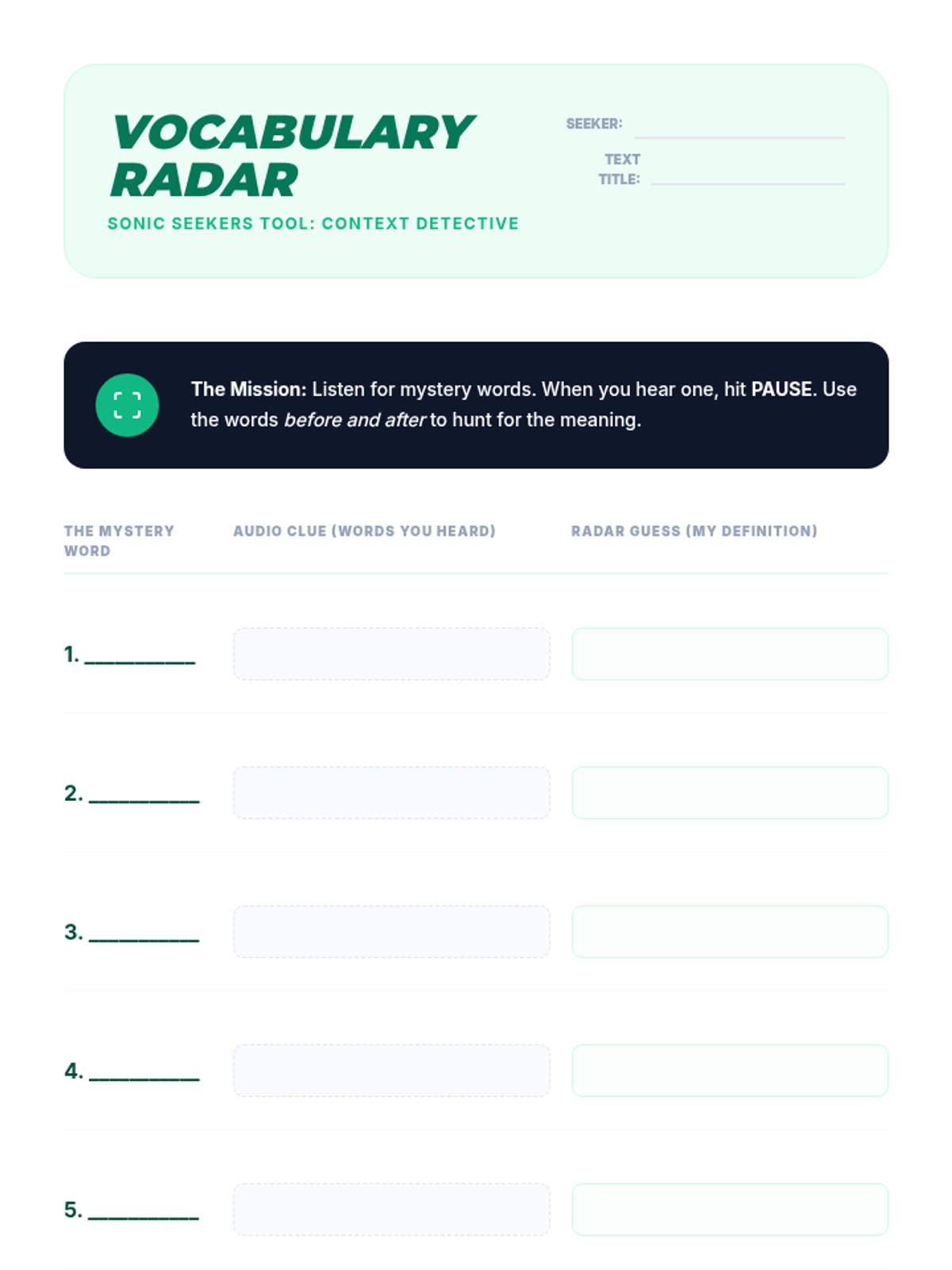
Vocabulary worksheet for Lesson 4, allowing students to record unknown words, auditory context clues, and inferred definitions while using TTS.
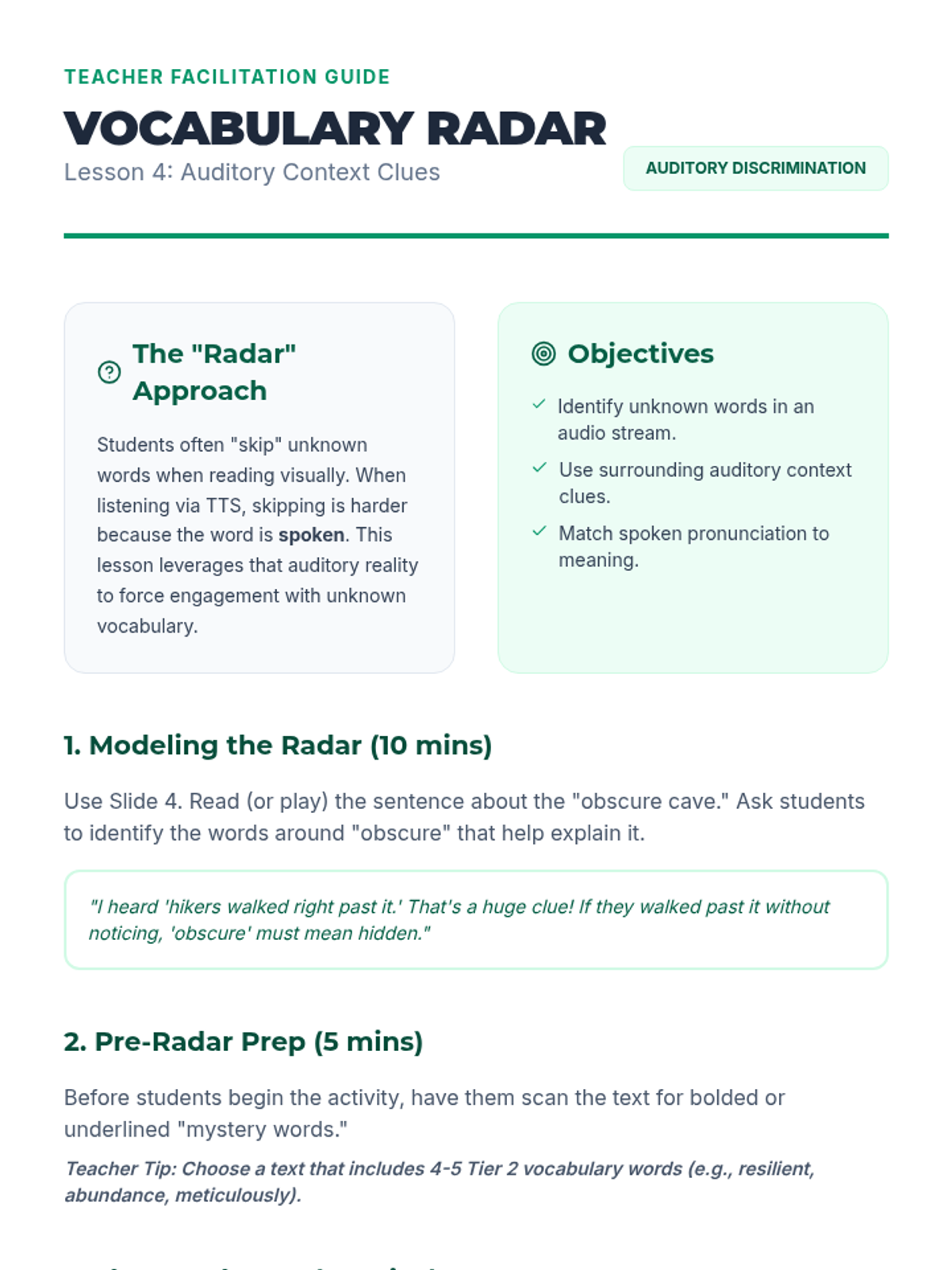
Teacher guide for Lesson 4, providing instructions on using auditory context clues and managing the "Word Hunt" activity.
Slide deck for Lesson 4: Vocabulary Acquisition through Context, explaining how to use auditory context clues to define unknown words while using TTS.
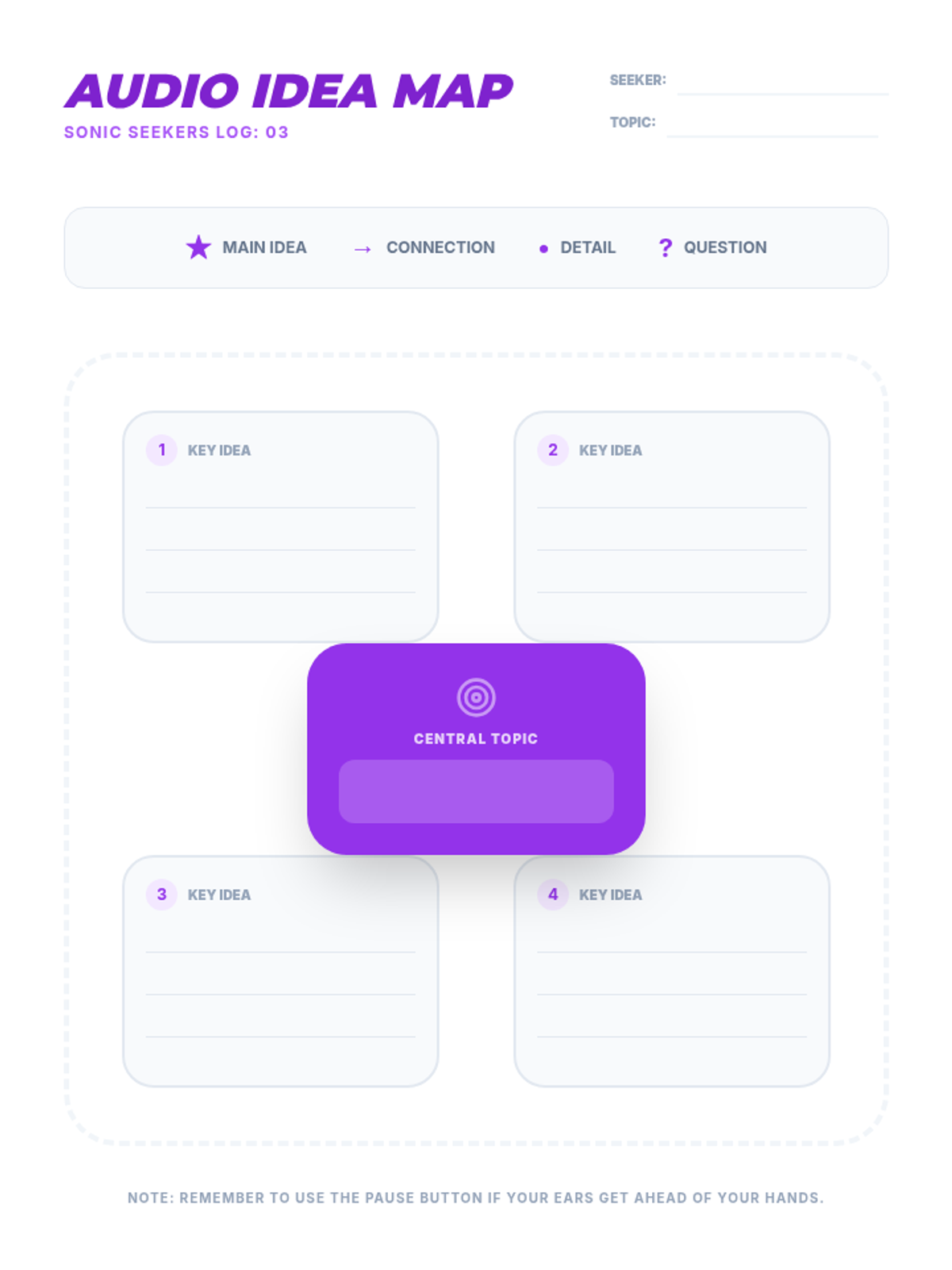
Note-taking graphic organizer for Lesson 3, providing a central topic node and four branches for key ideas and supporting details.
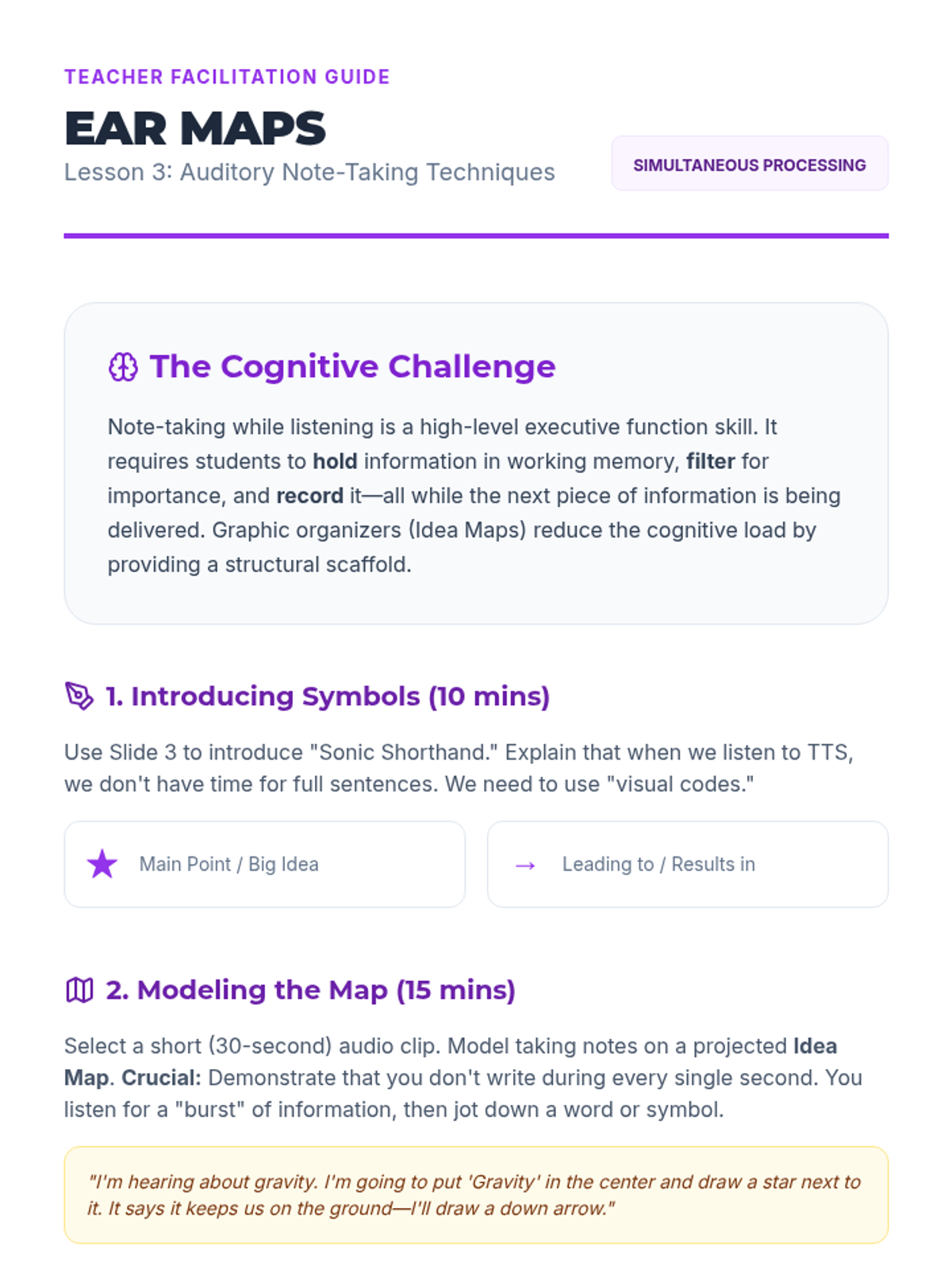
Teacher guide for Lesson 3, providing instructions on teaching auditory shorthand and modeling graphic organizers for auditory input.
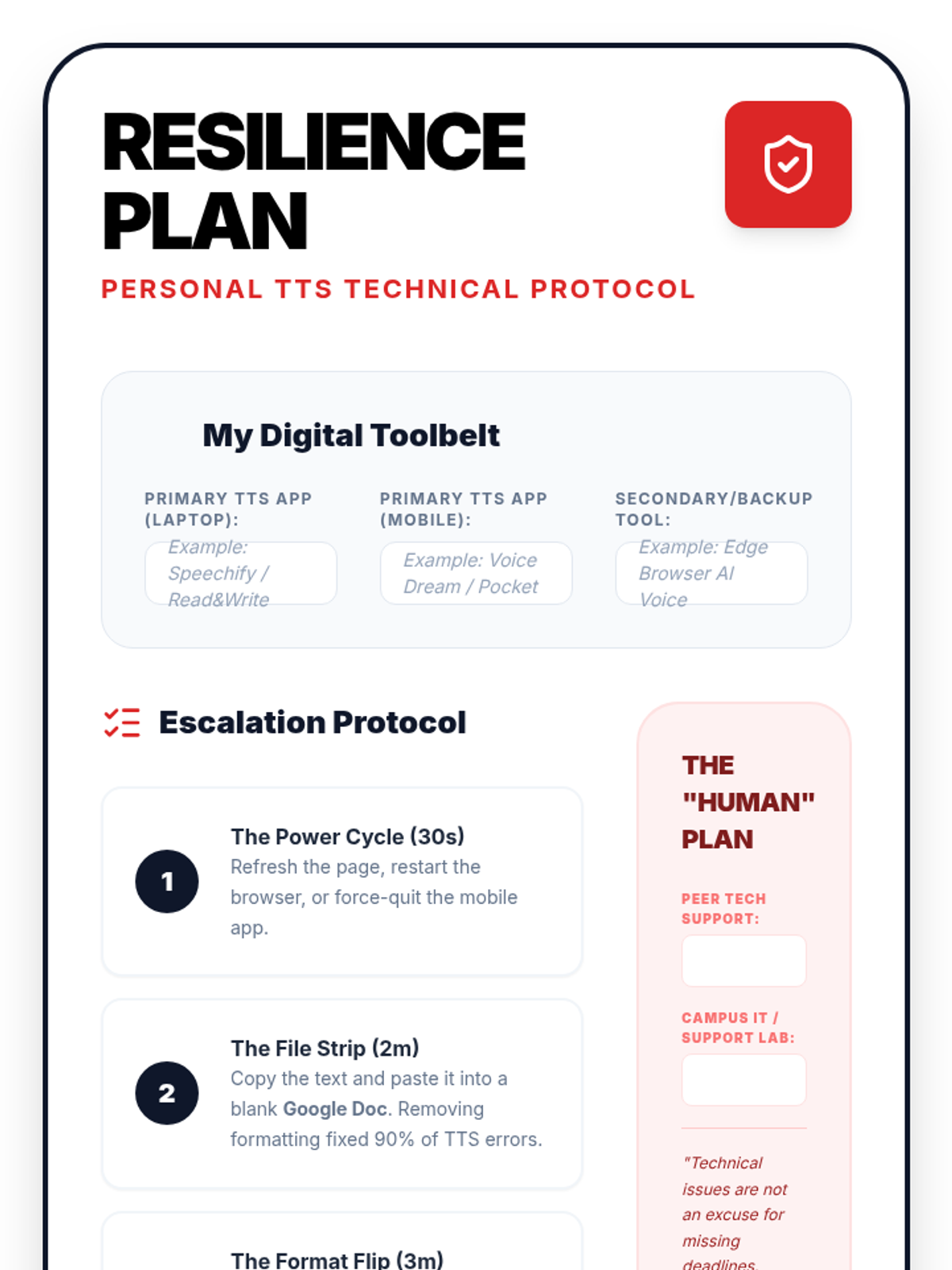
A personal template for Lesson 5. Students fill this out to create their own 'Digital Resilience Plan', documenting their tool arsenal, escalation steps for technical failures, and human support resources.
Slide deck for Lesson 3: Auditory Note-Taking Techniques, introducing graphic organizers and shorthand for auditory learning.
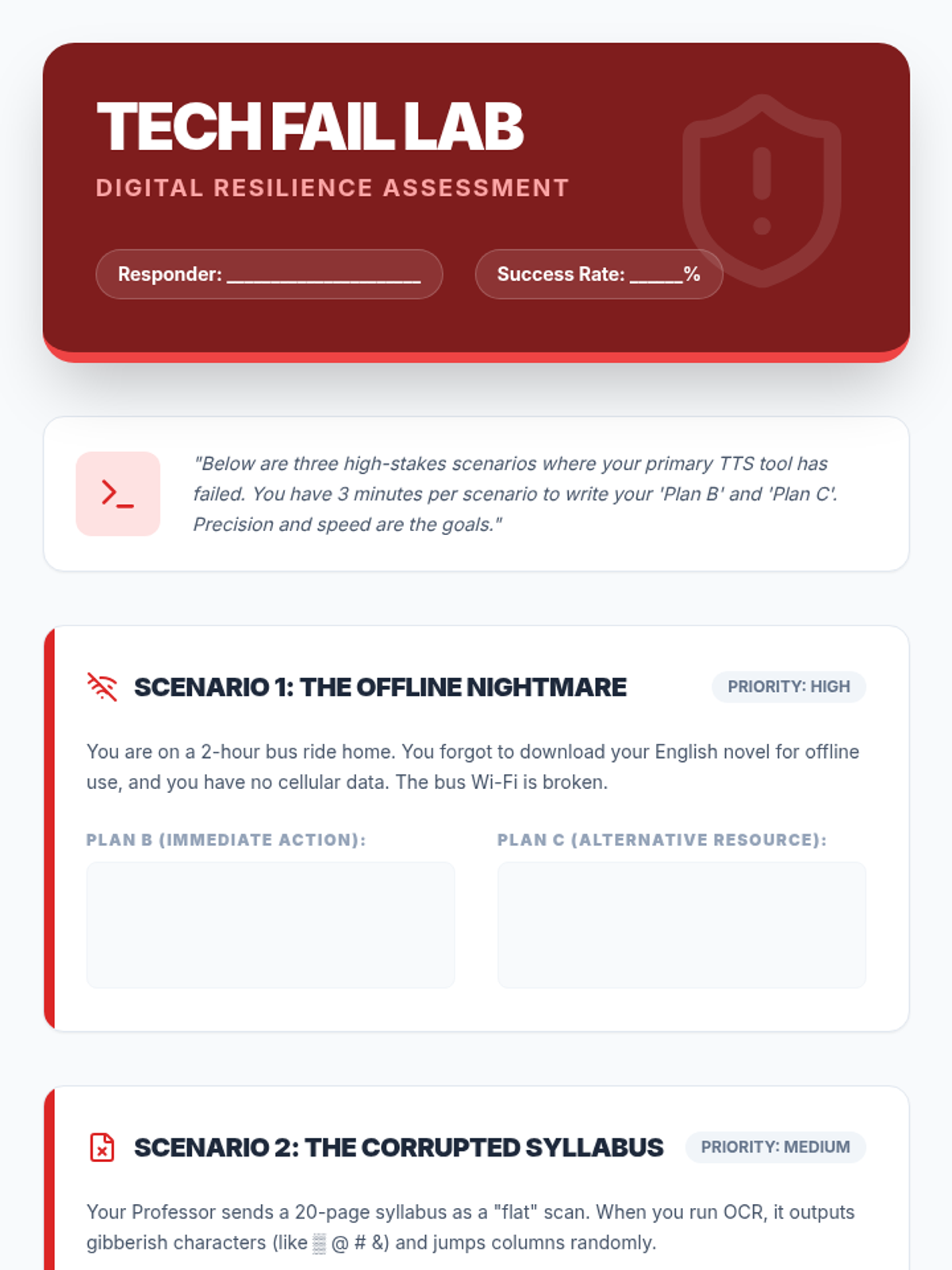
A technical worksheet for Lesson 5. Students are presented with three 'high-stakes' technical failure scenarios and must document their primary and secondary backup plans to ensure reading productivity.
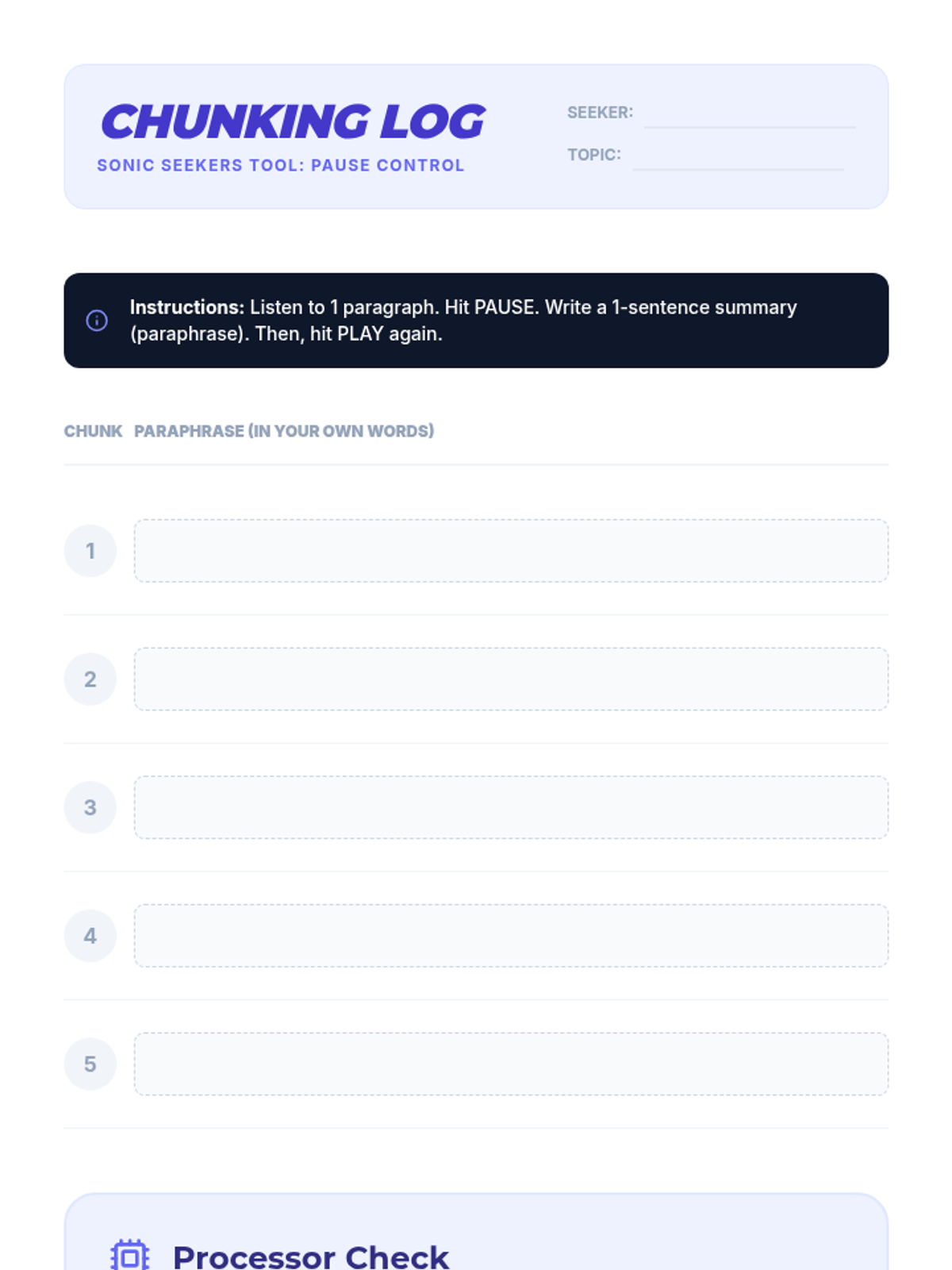
Activity log for Lesson 2, providing a structured way for students to practice chunking and paraphrasing informational text while using TTS.
Slides for Lesson 5 on Digital Resilience. Teaches students how to troubleshoot common TTS failures, establish a 'Plan B' hierarchy, and remain productive during technical high-stakes moments.
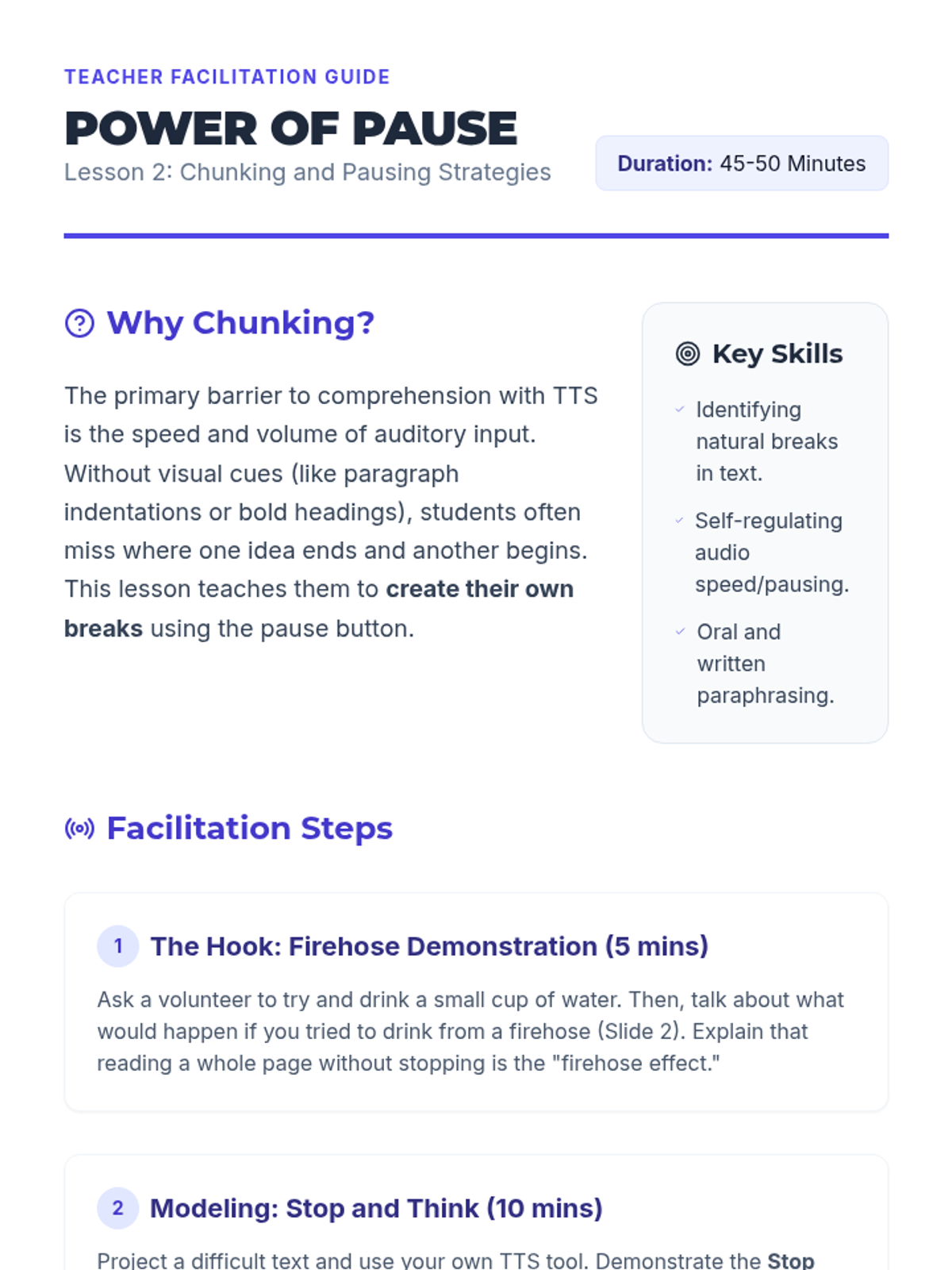
Teacher guide for Lesson 2, outlining the "Firehose Effect" hook and the "Stop and Think" instructional routine.
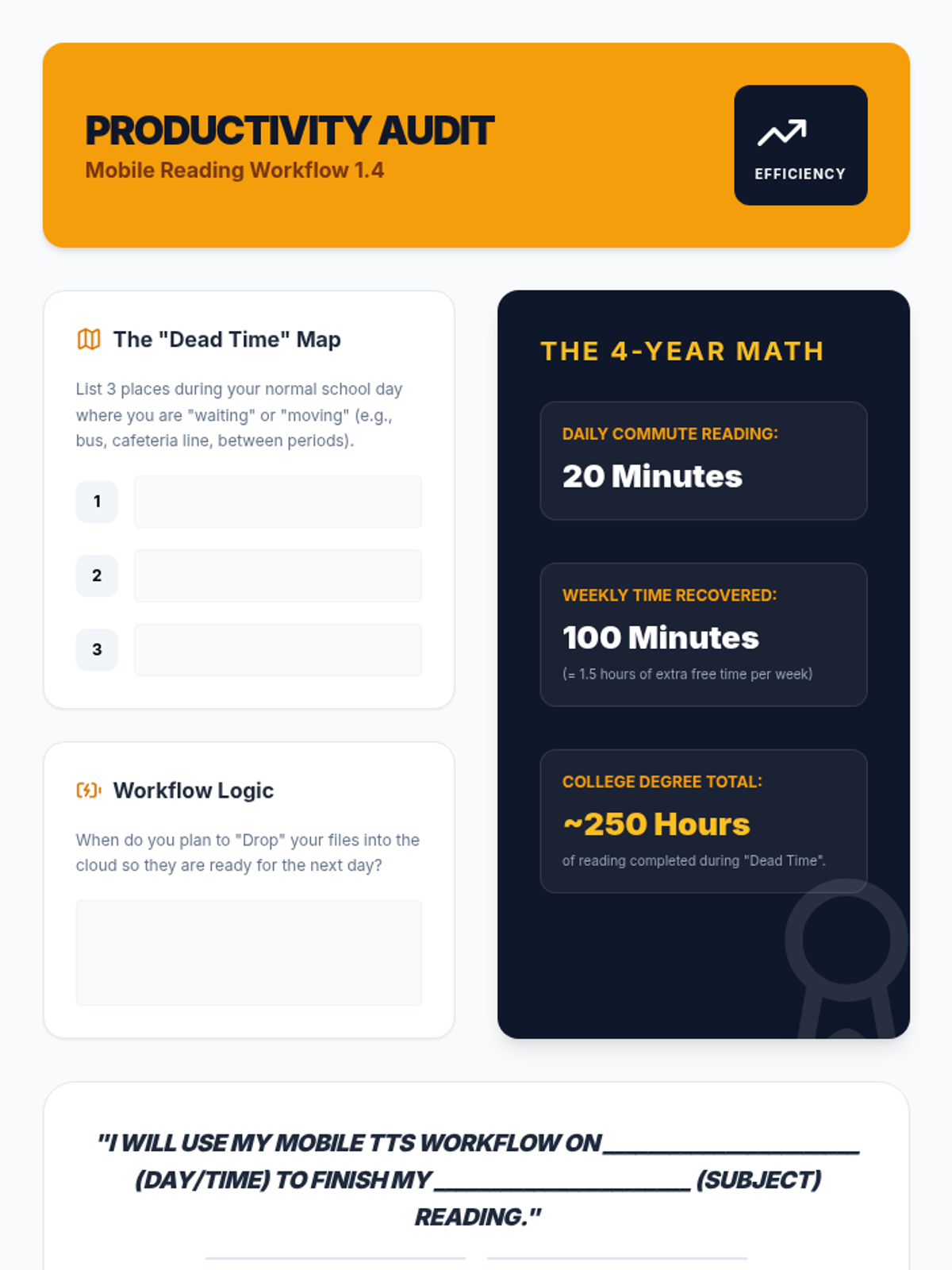
A productivity audit worksheet for Lesson 4. Students identify 'dead time' in their schedules, calculate the time savings over their college career, and make a formal commitment to using their mobile TTS workflow.
Slide deck for Lesson 2: Chunking and Pausing Skills, introducing the "Stop and Think" routine and the concept of information chunking for TTS.
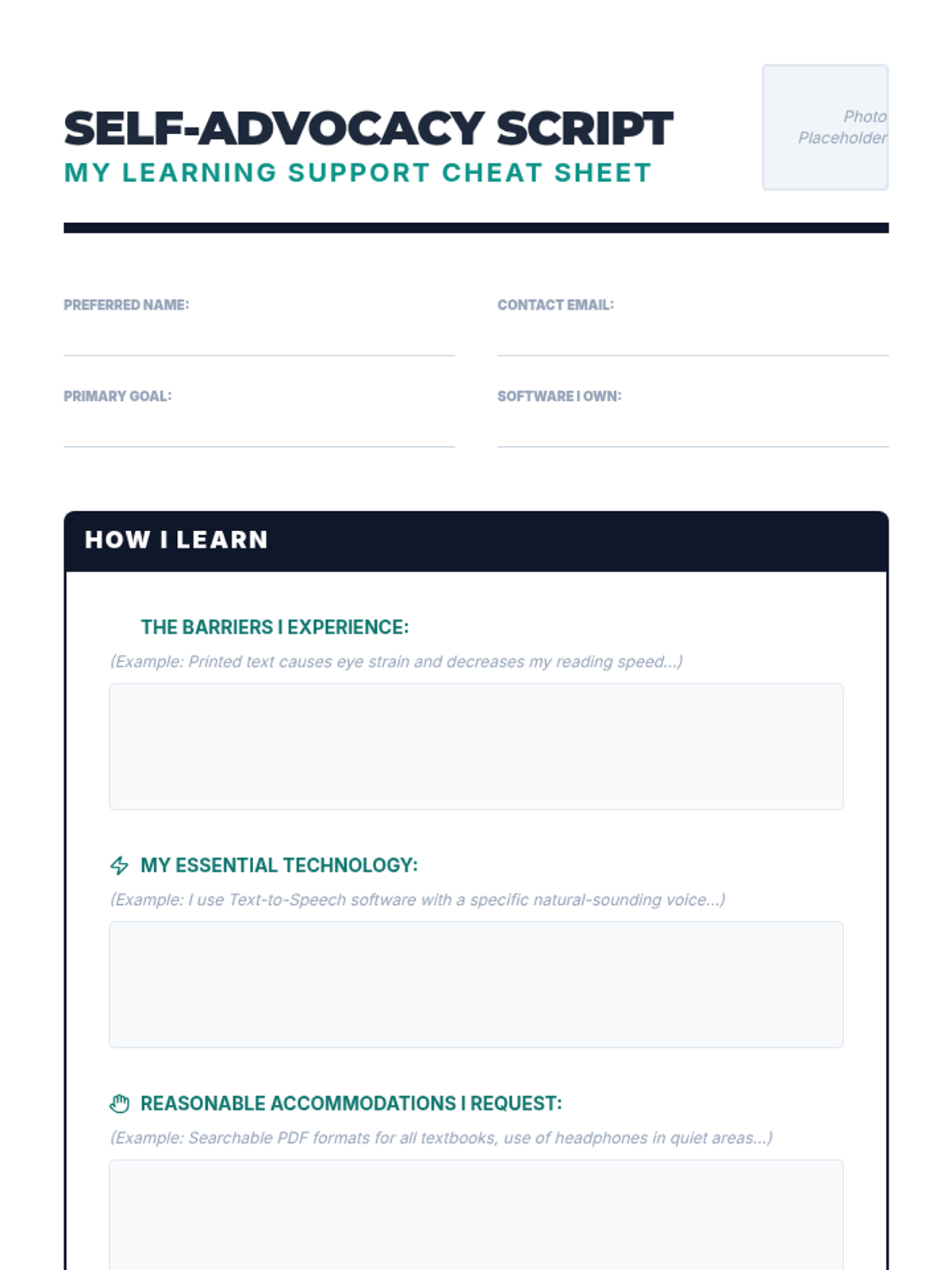
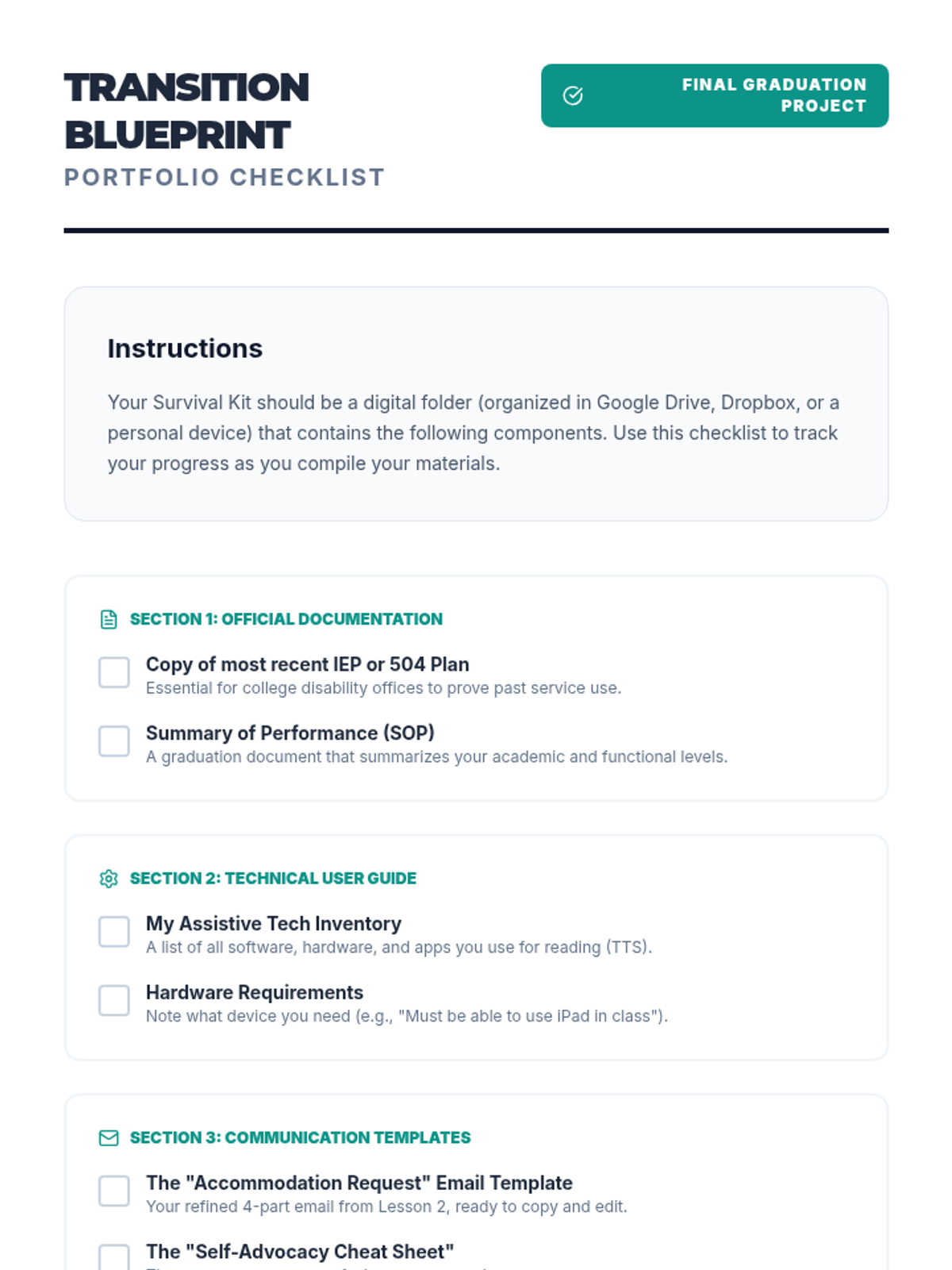
A "Self-Advocacy Cheat Sheet" that summarizes their needs and tools.
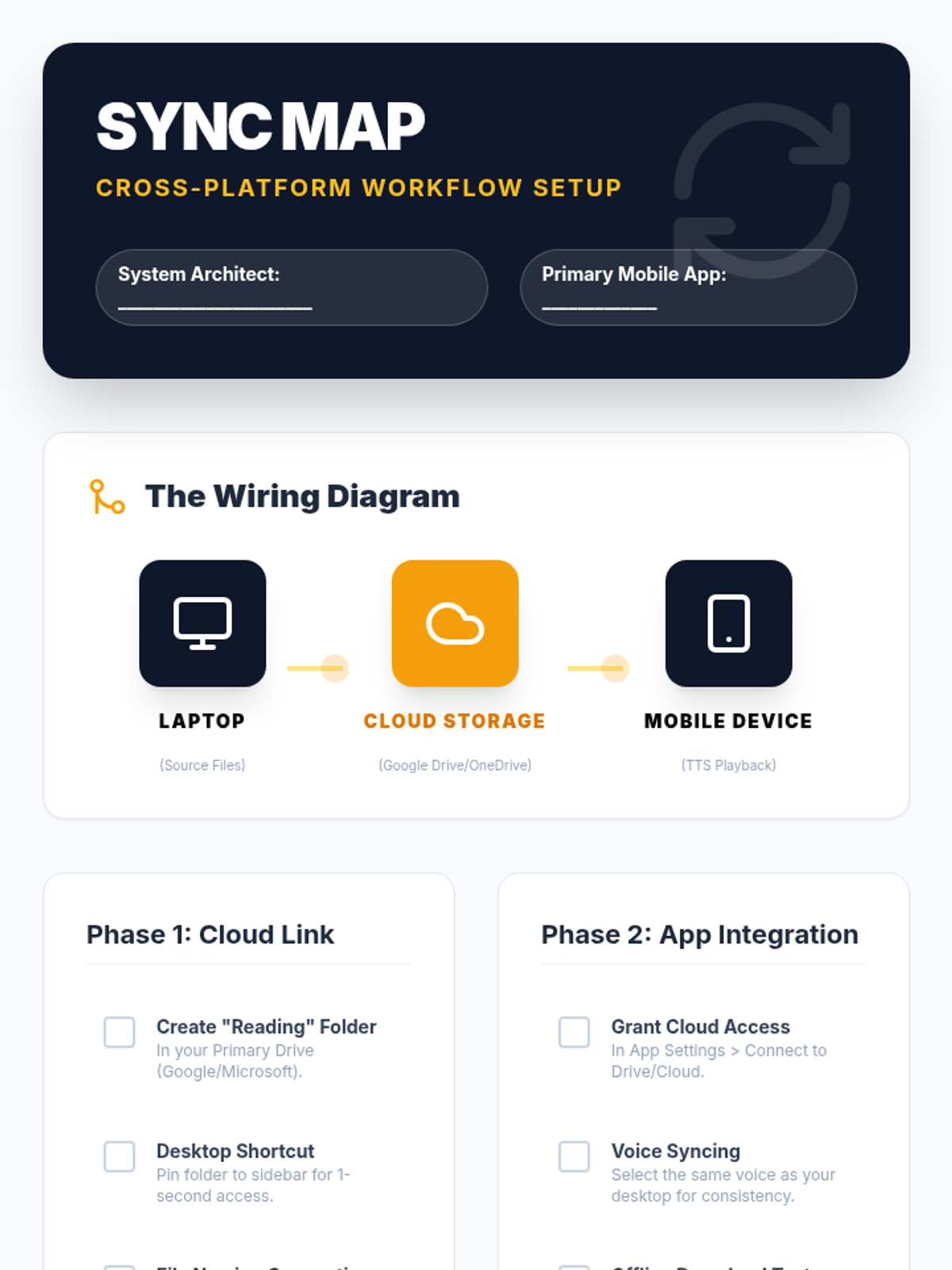
A technical setup checklist for Lesson 4. Guides students through linking their desktop cloud storage to their mobile TTS apps, with verification steps for offline playback and file syncing.
A checklist for what to include in the digital/physical portfolio.
Slides for Lesson 4 on Mobile TTS Workflows. Focuses on syncing desktop files with mobile devices, cloud integration, and using transit time for academic reading.
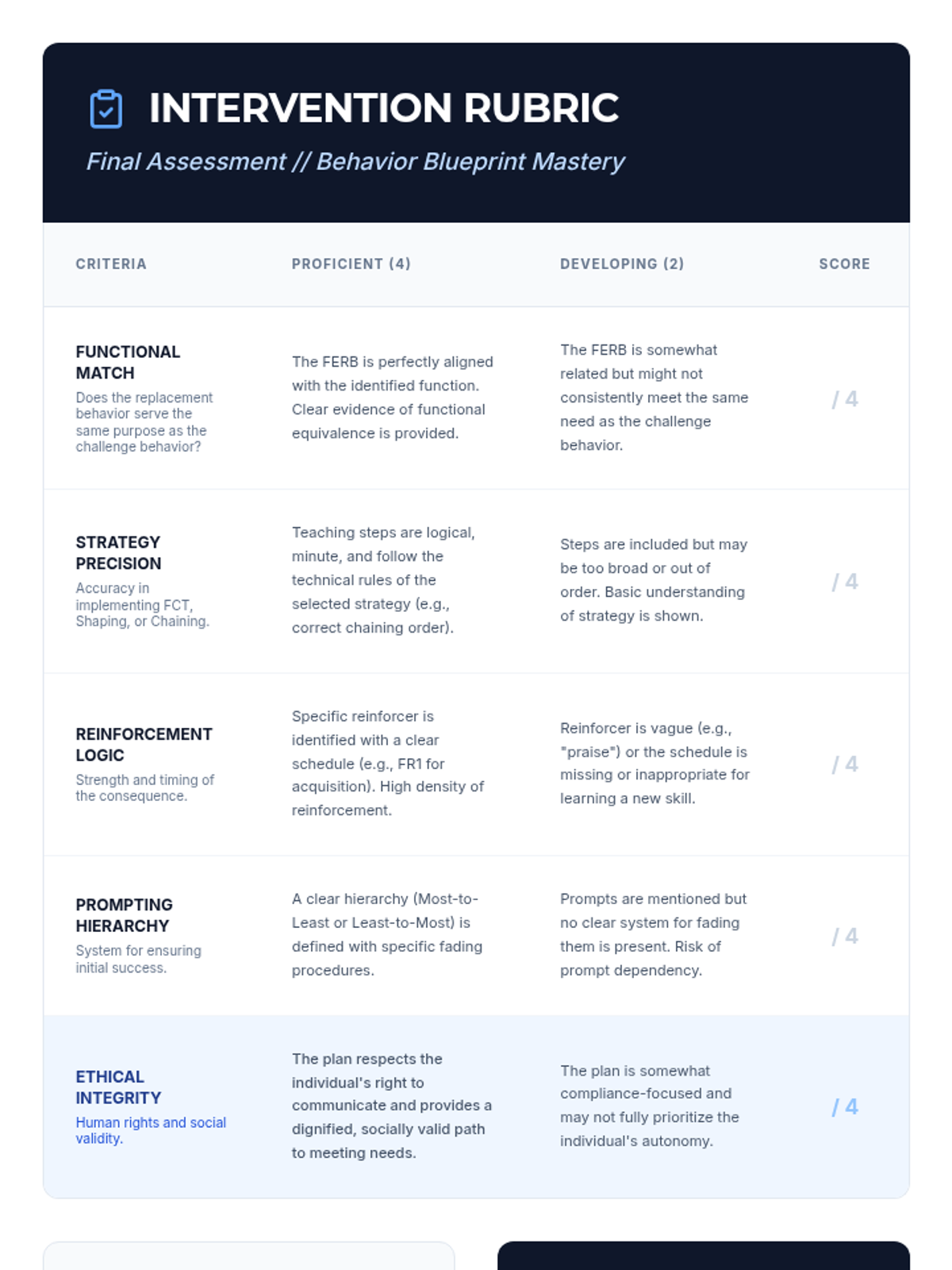
An assessment rubric for the final intervention design project. It provides specific criteria for grading functional matching, strategy precision, reinforcement logic, prompting hierarchies, and ethical integrity, allowing for objective evaluation of student mastery of the entire sequence.
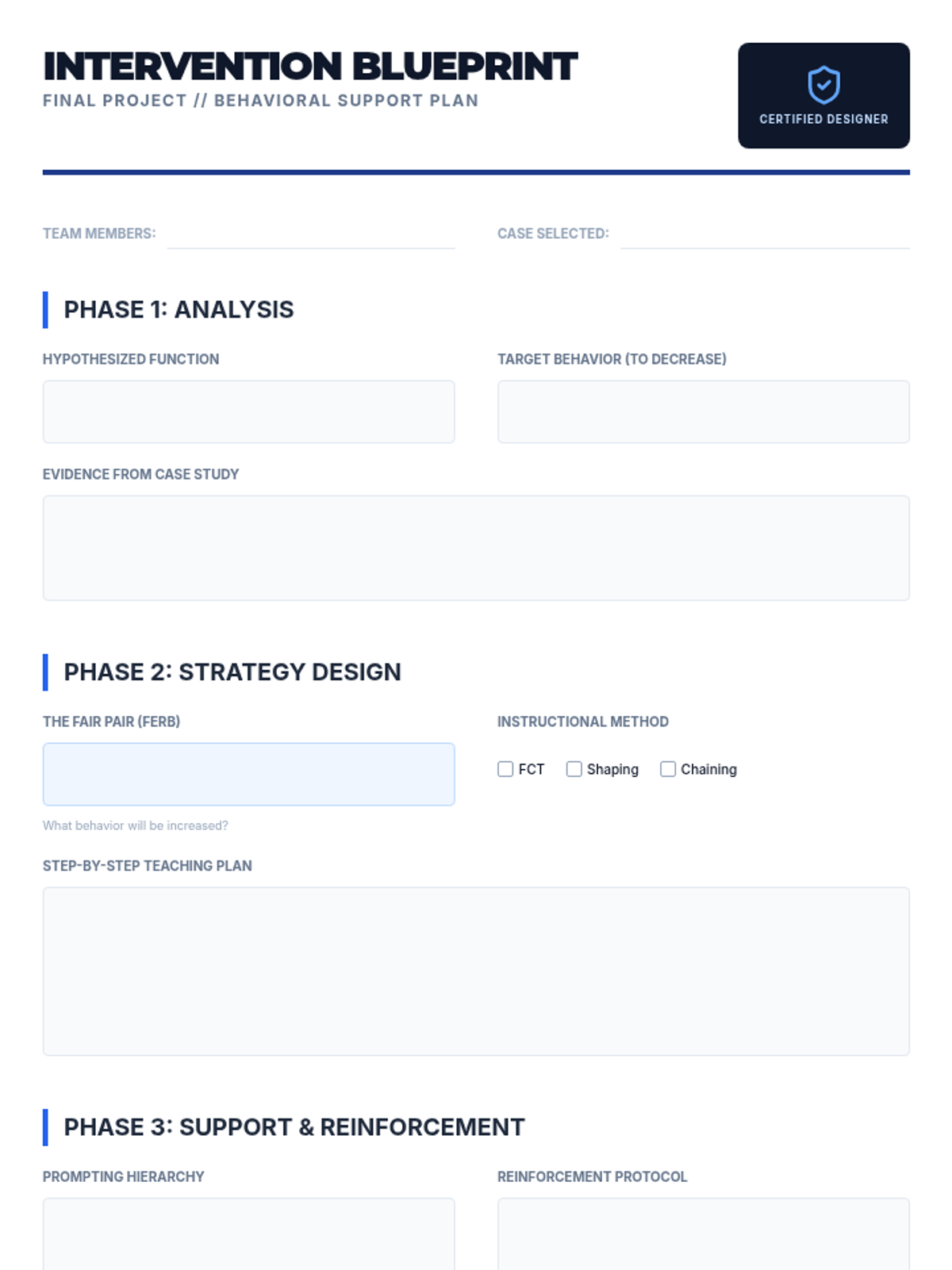
The primary design document for the final project in the replacement behavior sequence. It guides students through a four-phase intervention design process: analysis of behavioral function, strategy selection (FCT, shaping, or chaining), implementation planning (prompting and reinforcement), and a final ethical verification check.
The kickoff presentation for the Intervention Design Studio. It outlines the final project requirements, provides essential design specifications for behavioral plans (FERB, prompting, reinforcement), and presents two realistic case study options for students to analyze and develop.
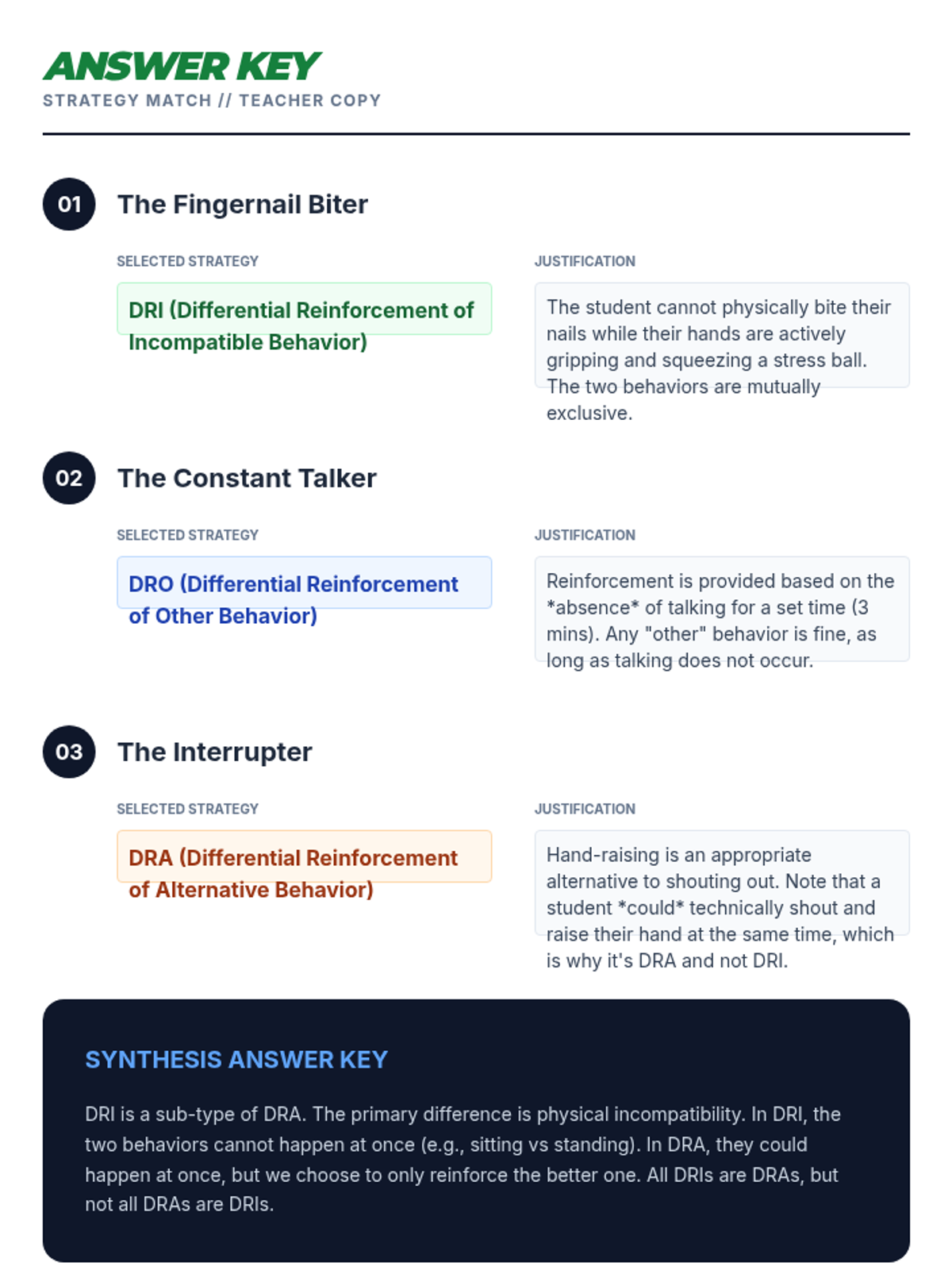
An answer key for teachers to grade the Strategy Match Worksheet. It provides the correct differential reinforcement strategy (DRA, DRO, or DRI) for each case study along with a detailed justification for each choice and a model answer for the synthesis question.
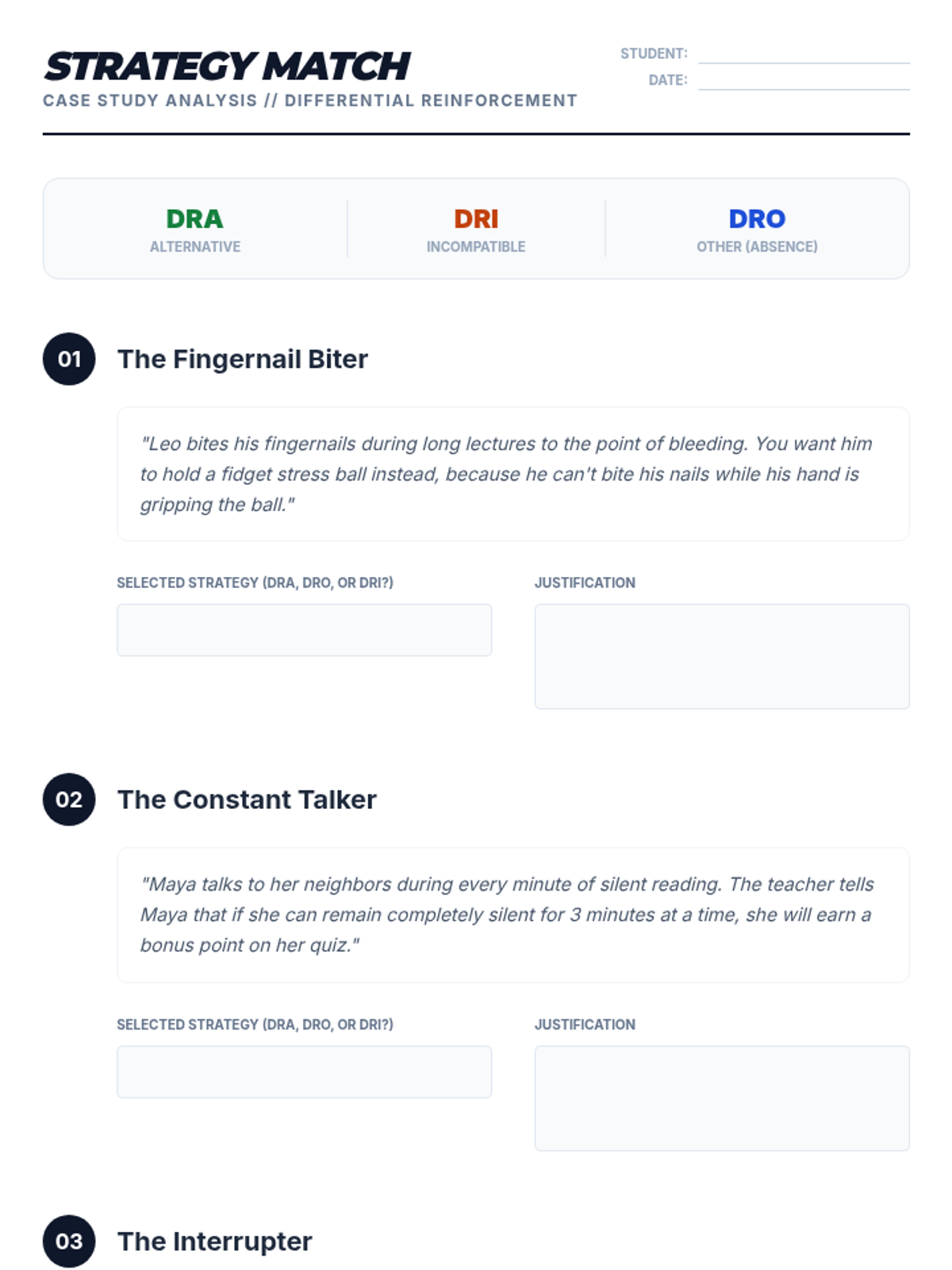
A worksheet for students to practice identifying and justifying the use of DRA, DRO, and DRI in various behavioral scenarios. It includes case studies of common classroom and clinical behaviors, requiring students to match the strategy to the specific reinforcement logic used.
This slide deck for 12th-grade students explains the three main types of differential reinforcement: DRA (Alternative), DRO (Other), and DRI (Incompatible). It covers the definitions, provides clear examples of each, and gives guidance on how to select the most appropriate strategy for a given behavior.
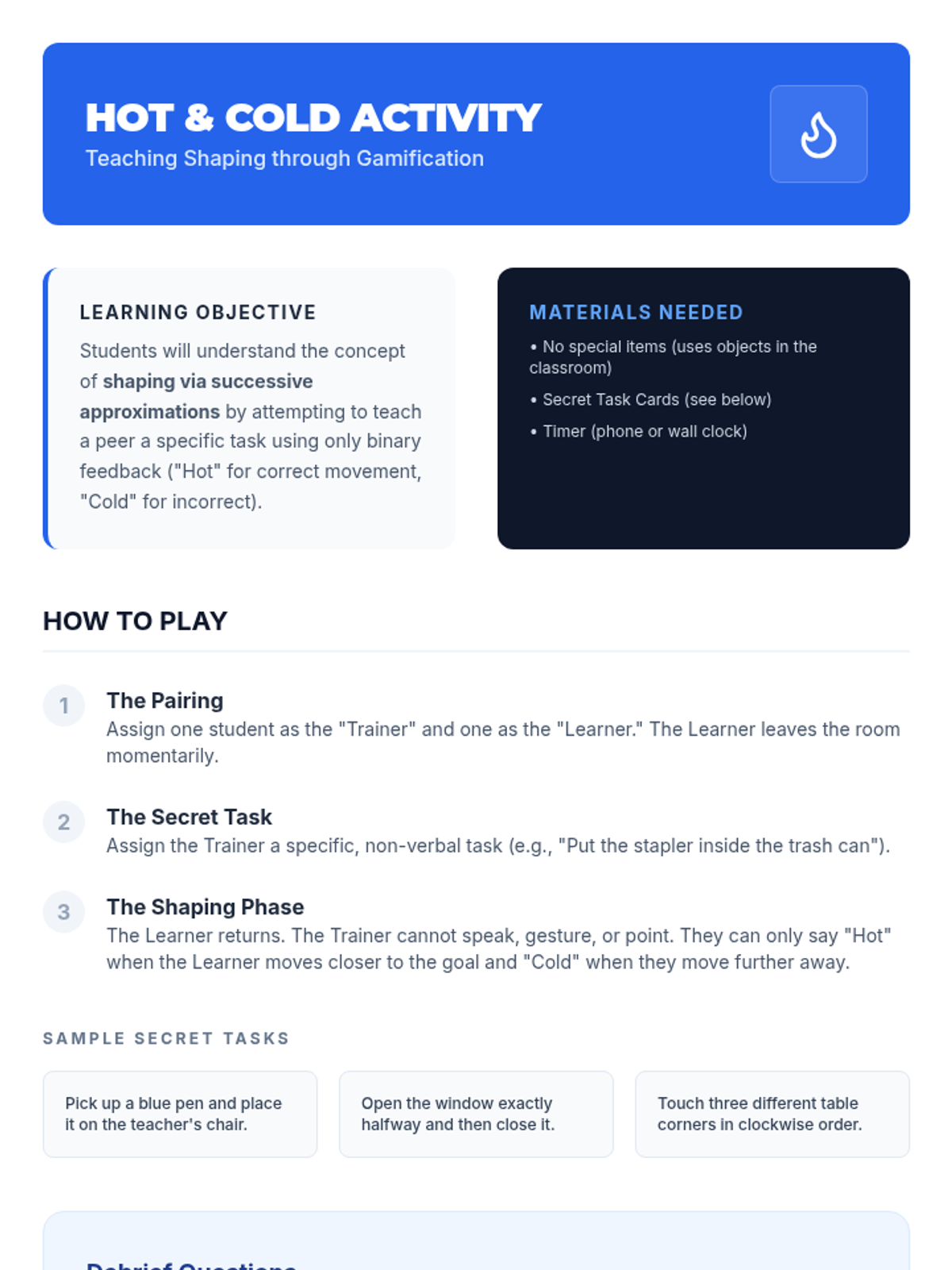
A guide for teachers to lead a game-based activity that demonstrates the principles of shaping. Students attempt to 'shape' their peers' behavior into a specific action using only 'Hot' and 'Cold' feedback, followed by a structured debrief on reinforcement timing and successive approximations.
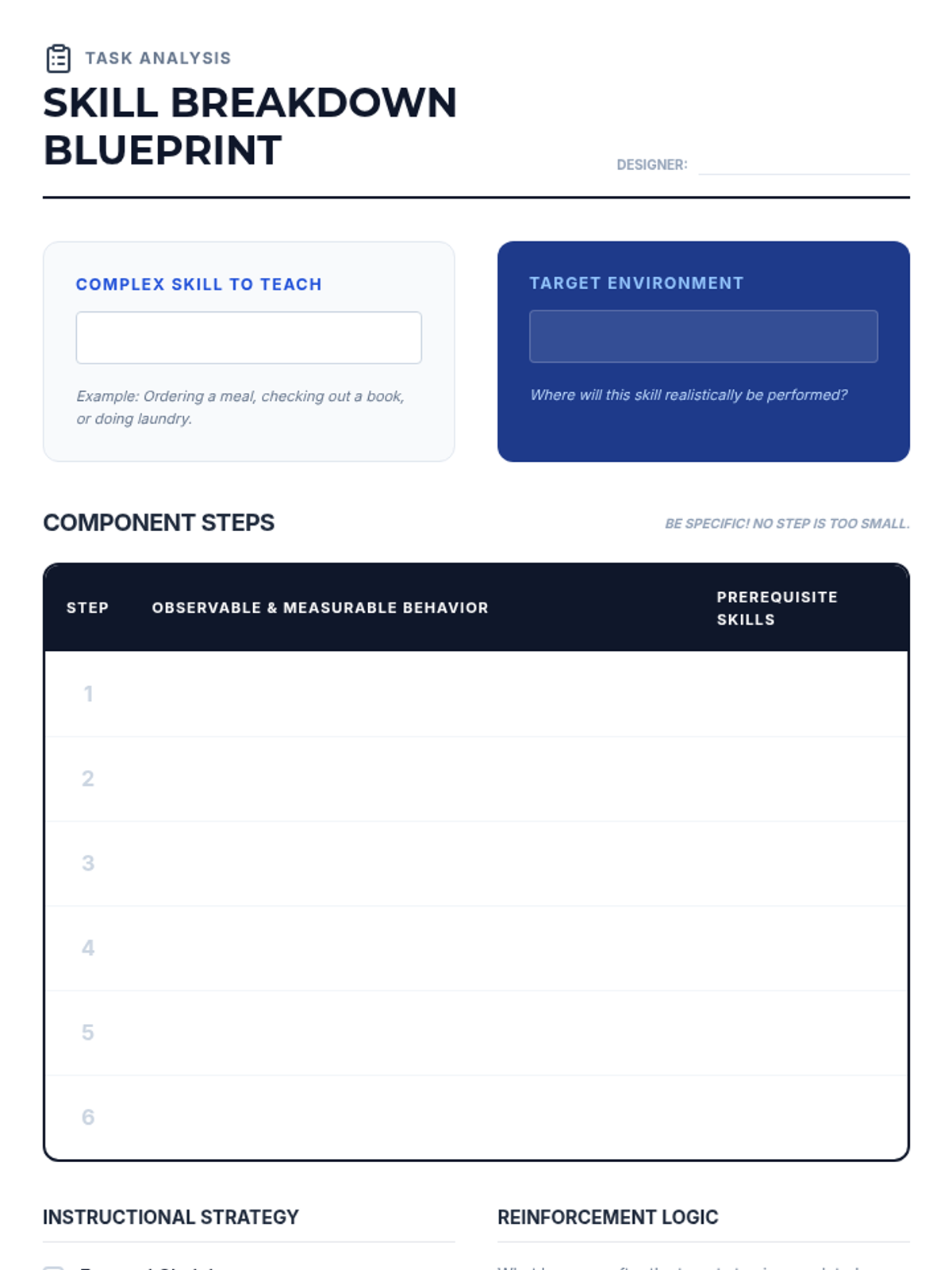
A professional template for students to conduct a task analysis. It provides space for a detailed step-by-step breakdown of a complex skill, prerequisite identification, strategy selection (forward, backward, or total task), and the design of a reinforcement and prompting schedule.
This slide deck introduces 12th-grade students to instructional strategies for complex behaviors. It covers the definition and process of shaping (successive approximations), the creation of task analyses, and the three primary methods of behavior chaining (forward, backward, and total task).
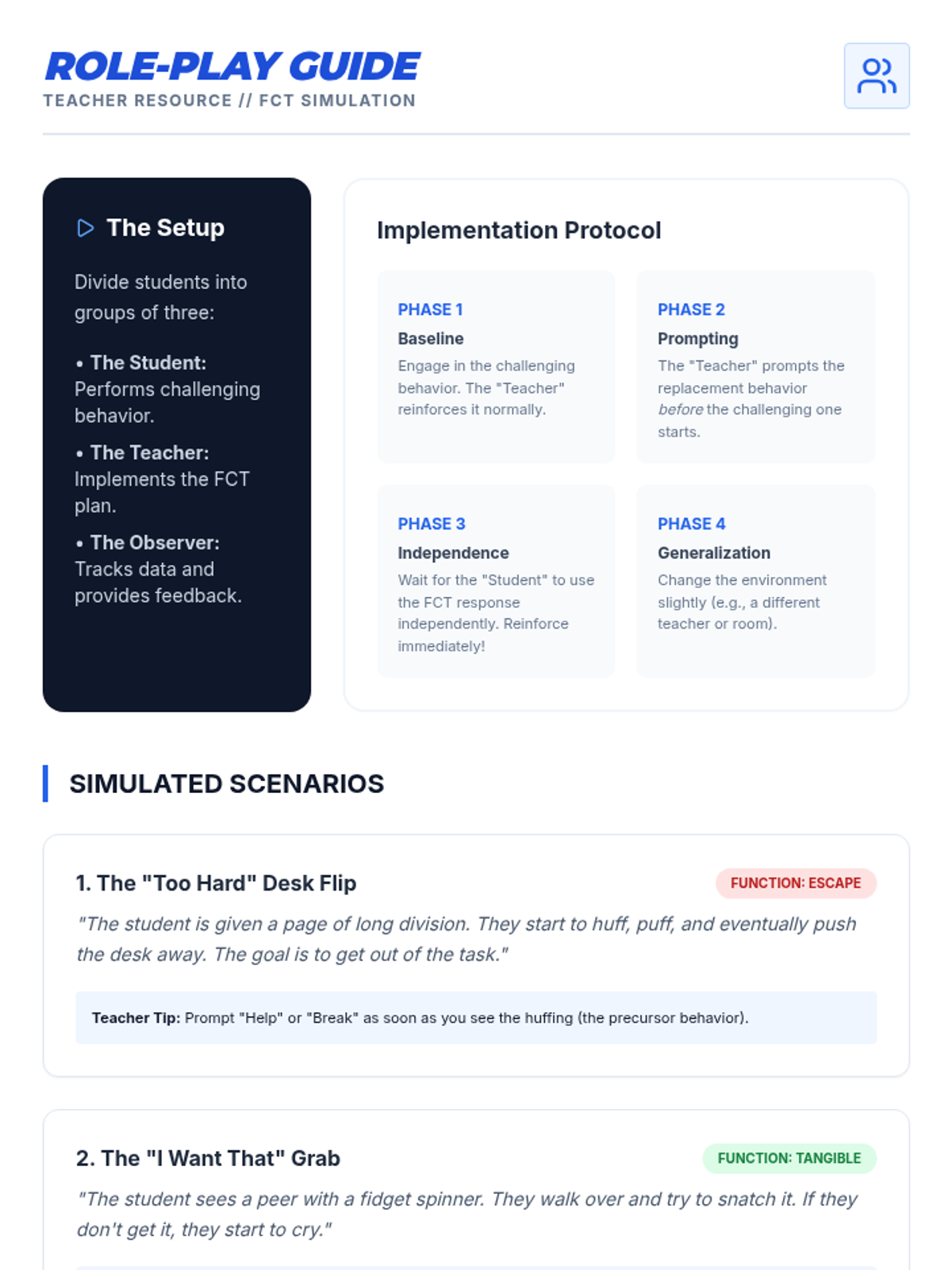
A comprehensive teacher-facing role-play guide for simulating FCT interventions in the classroom. It includes group roles, a four-phase implementation protocol, specific scenarios covering multiple behavioral functions, and an observer checklist for peer feedback.
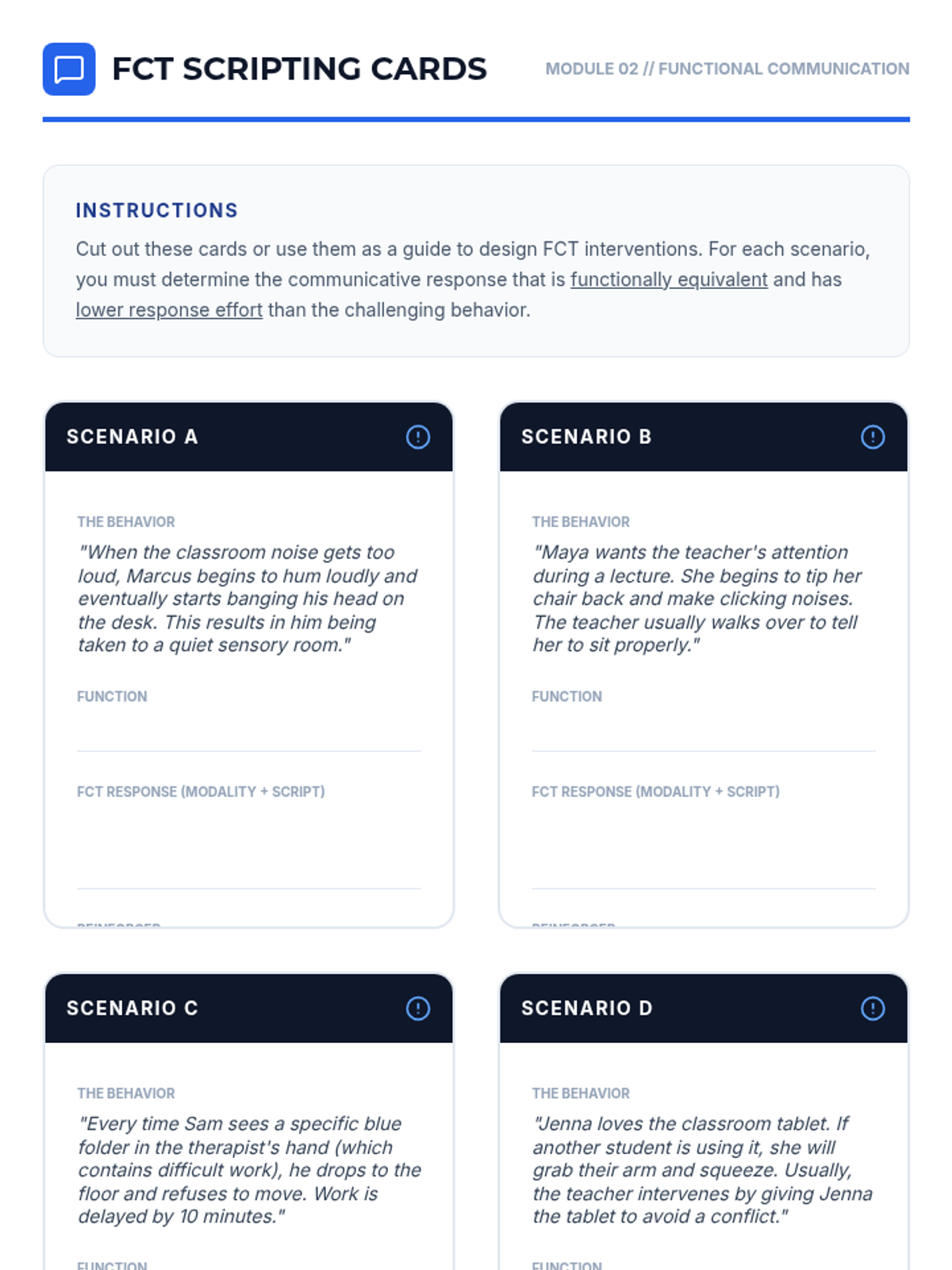
These FCT Scripting Cards provide students with realistic scenarios where they must design communication-based interventions. Each card requires the student to analyze the function of the behavior, choose an appropriate communication modality, and define the specific reinforcer that maintains the new skill.
This slide deck for 12th-grade students explores Functional Communication Training (FCT). It defines FCT, explains various communication modalities, outlines the three essential rules for success (response effort, immediacy, consistency), and provides a step-by-step scripting framework for interventions.
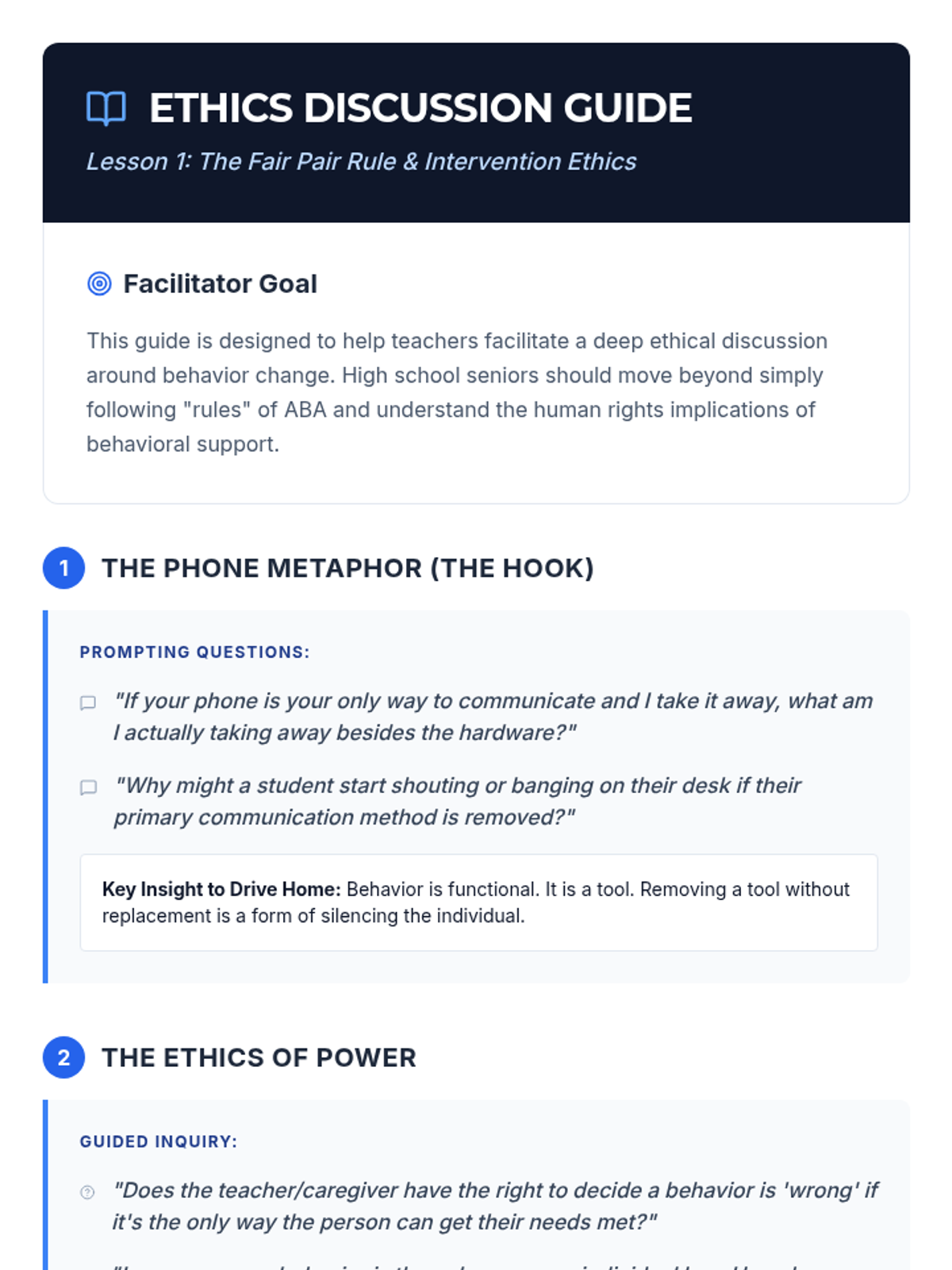
A guide for teachers to lead high-level ethical discussions with 12th-grade students about the implications of behavioral interventions. It includes prompting questions and key talking points regarding power dynamics, communication rights, and the 'vacuum effect' of removing behaviors without replacements.
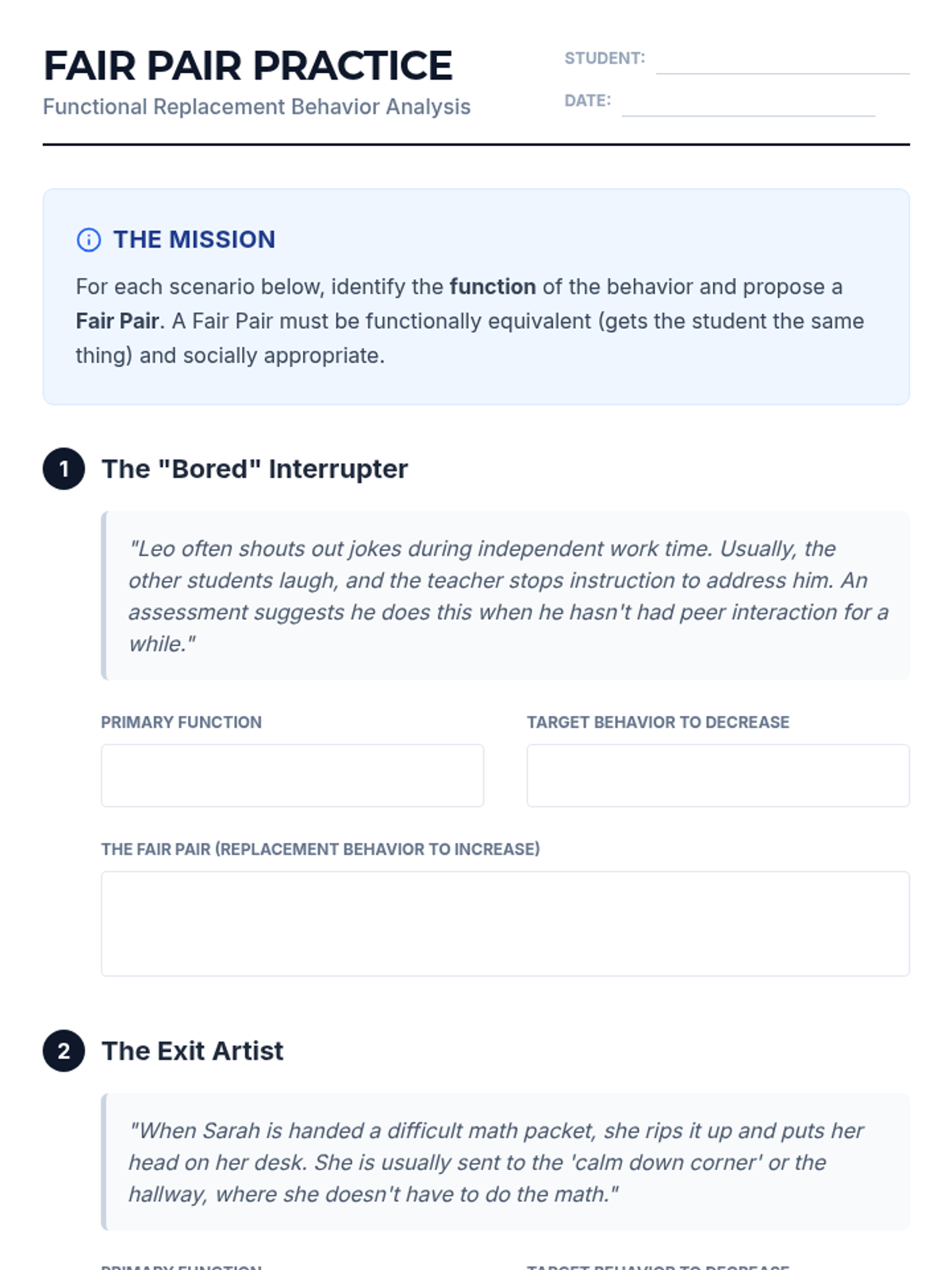
This worksheet provides 12th-grade students with realistic case studies to apply the 'Fair Pair Rule'. Students must identify the function of challenging behaviors and develop appropriate replacement behaviors that are functionally equivalent and ethical.
This slide deck introduces 12th-grade students to the 'Fair Pair Rule' in behavioral support. It covers the definition of the rule, the four functions of behavior, the ethical implications of removing behaviors without replacements, and how to verify if a replacement behavior is functionally equivalent.
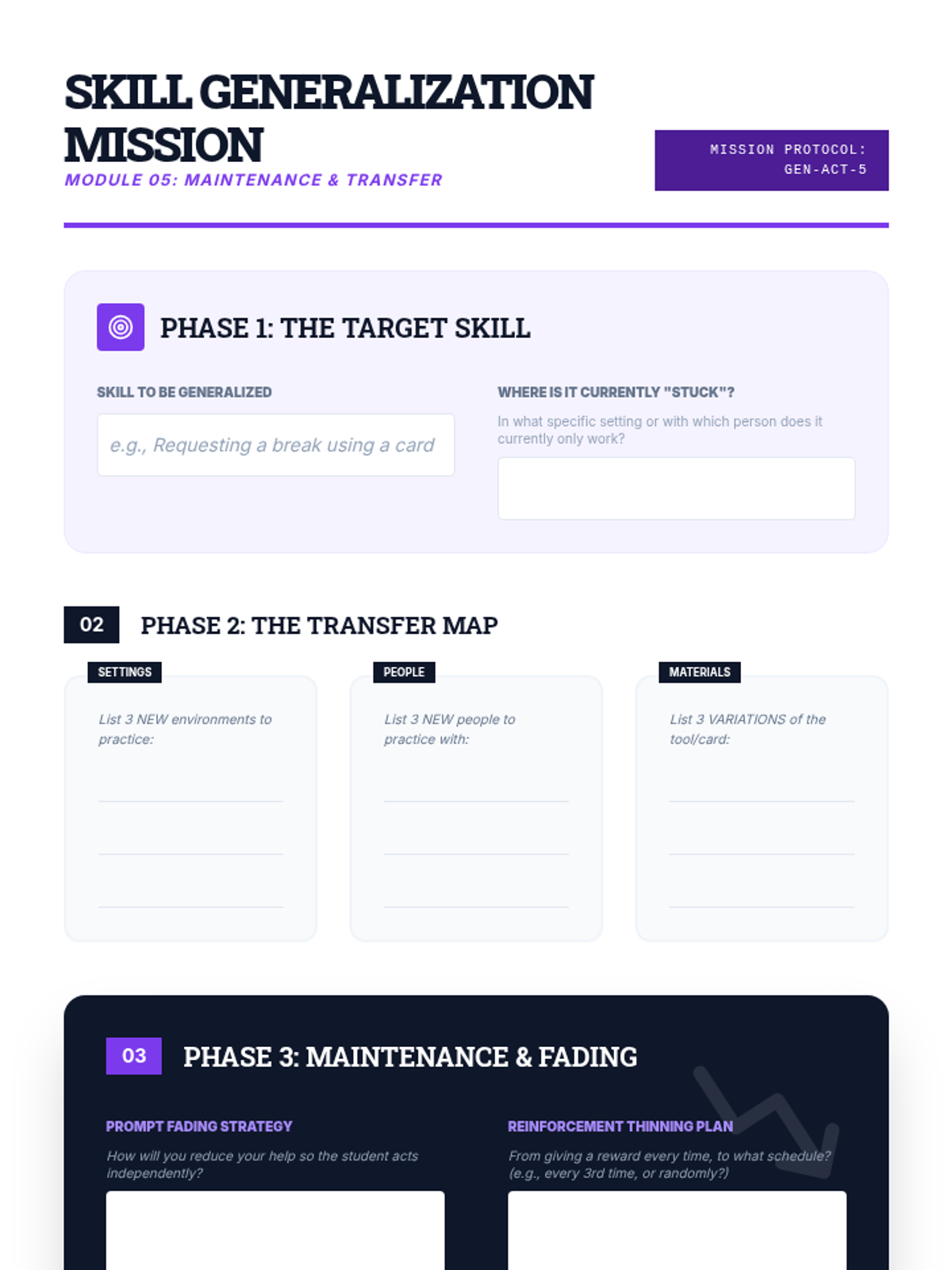
A student planning tool for identifying generalization targets across settings, people, and materials, including prompt fading and reinforcement thinning schedules.
Introductory presentation on generalization and maintenance, covering stimulus/response generalization, strategies for skill transfer, and reinforcement fading.
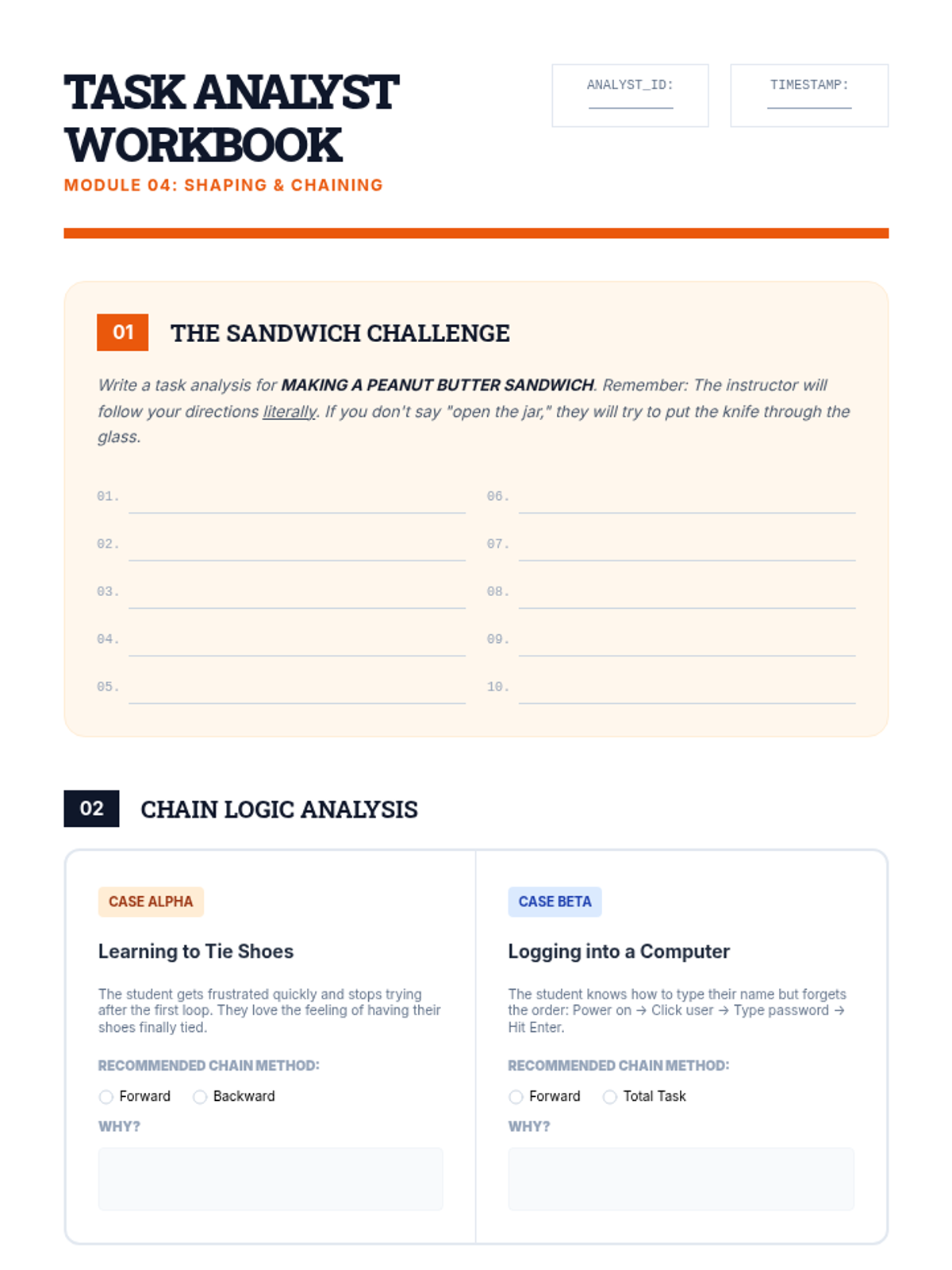
A student technical worksheet for writing task analyses, choosing chaining methods for case studies, and planning successive approximations for shaping skills.
Introductory presentation on shaping, chaining, and task analysis, including definitions and comparisons of forward, backward, and total task chaining.
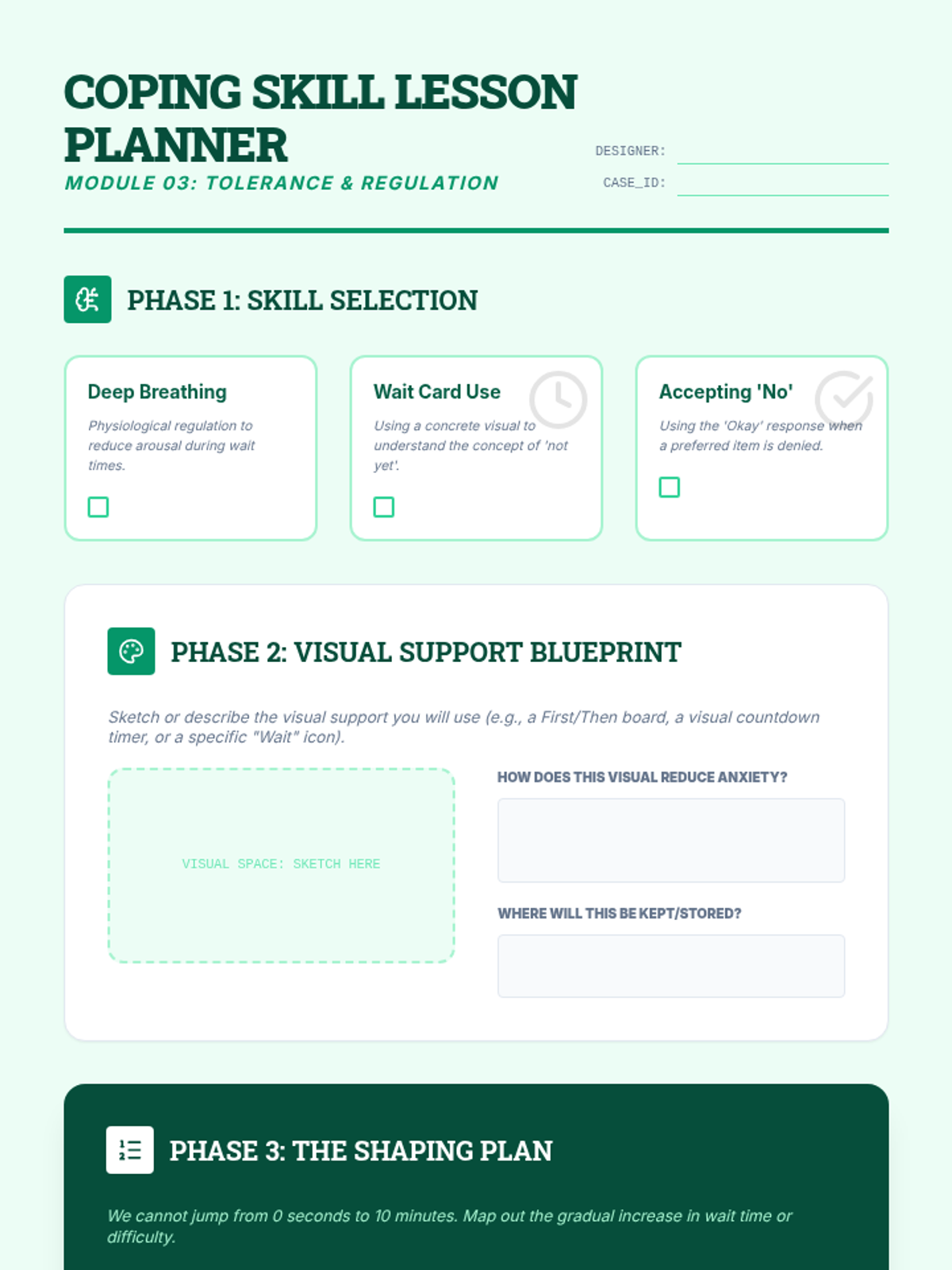
A student lesson planning sheet for developing coping skills and tolerance protocols, including visual support design and systematic delay mapping.
Introductory slides for teaching coping and tolerance, covering the Marshmallow Test, functional equivalence of waiting, and implementation of visual supports like First/Then boards and timers.
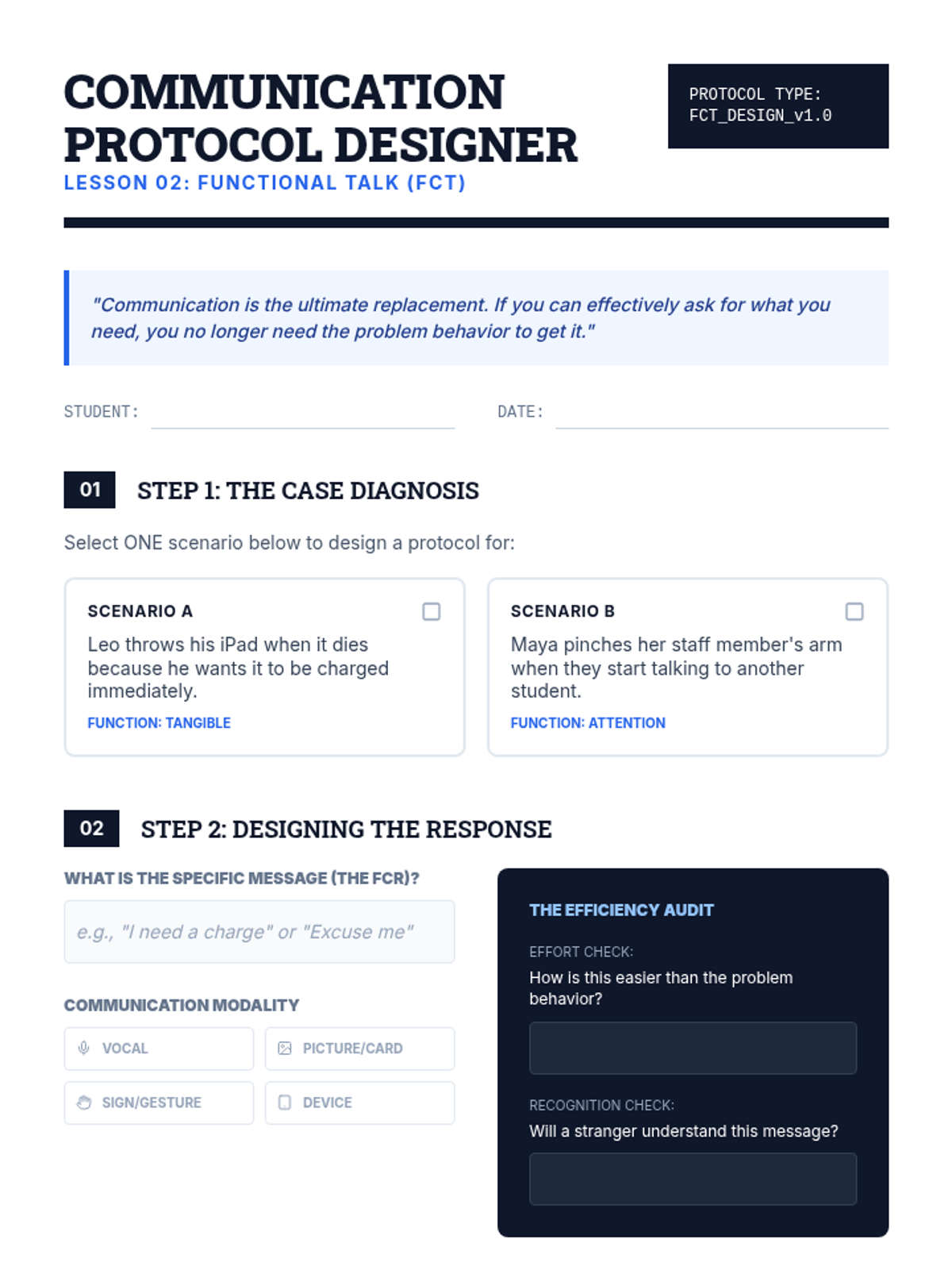
A student design sheet for creating Functional Communication Training protocols, including scenario selection, modality choice, and implementation scripting.
Introductory presentation on Functional Communication Training (FCT), covering the definition, rules for selection, communication modalities, and implementation steps.
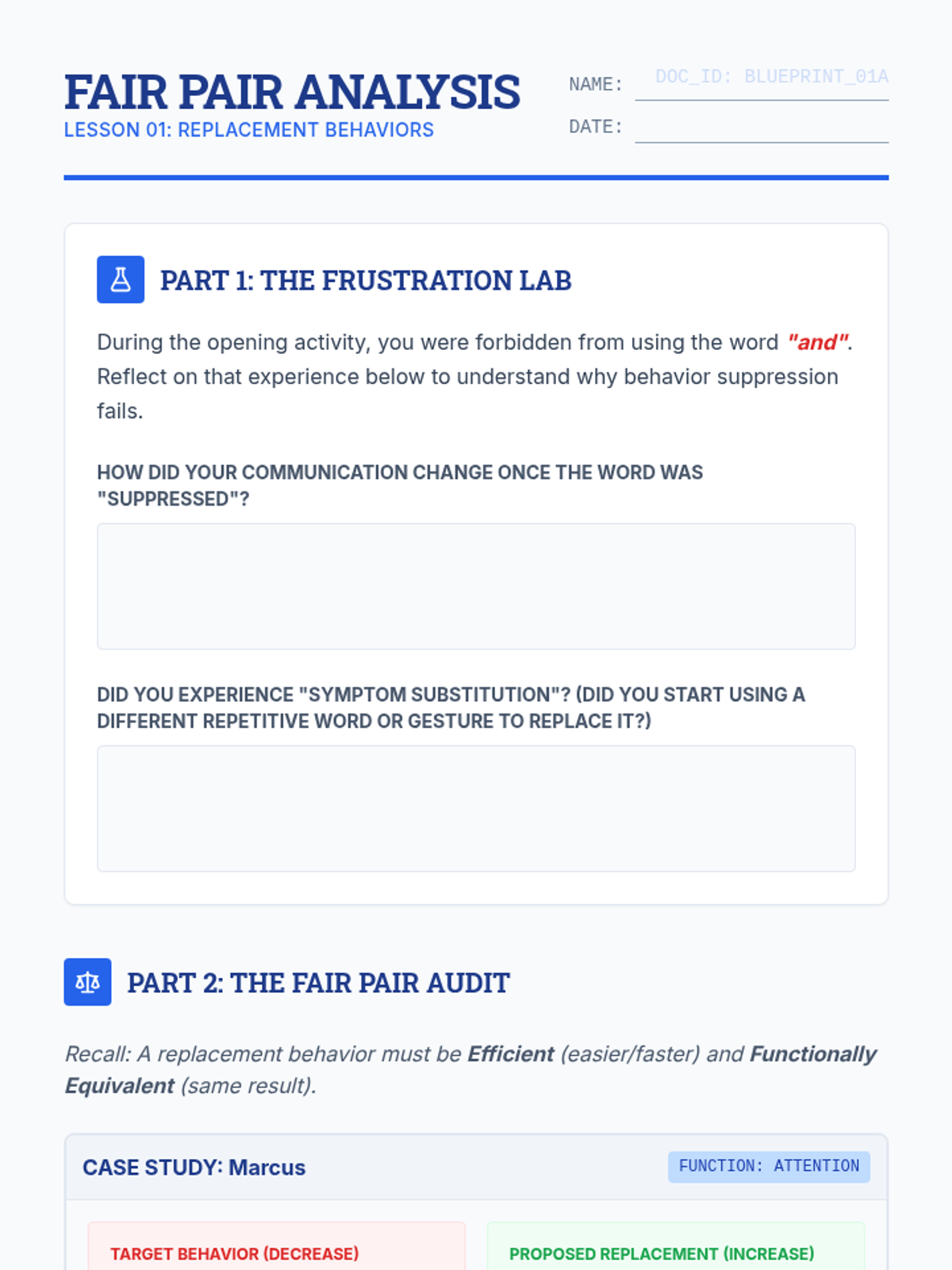
A student activity sheet for analyzing behavioral scenarios through the lens of the Fair Pair rule, focusing on functional equivalence and efficiency.
Introductory slides for the Fair Pair Rule, covering the ethics of replacement vs. suppression, symptom substitution, and criteria for selecting replacement behaviors (efficiency and equivalence).
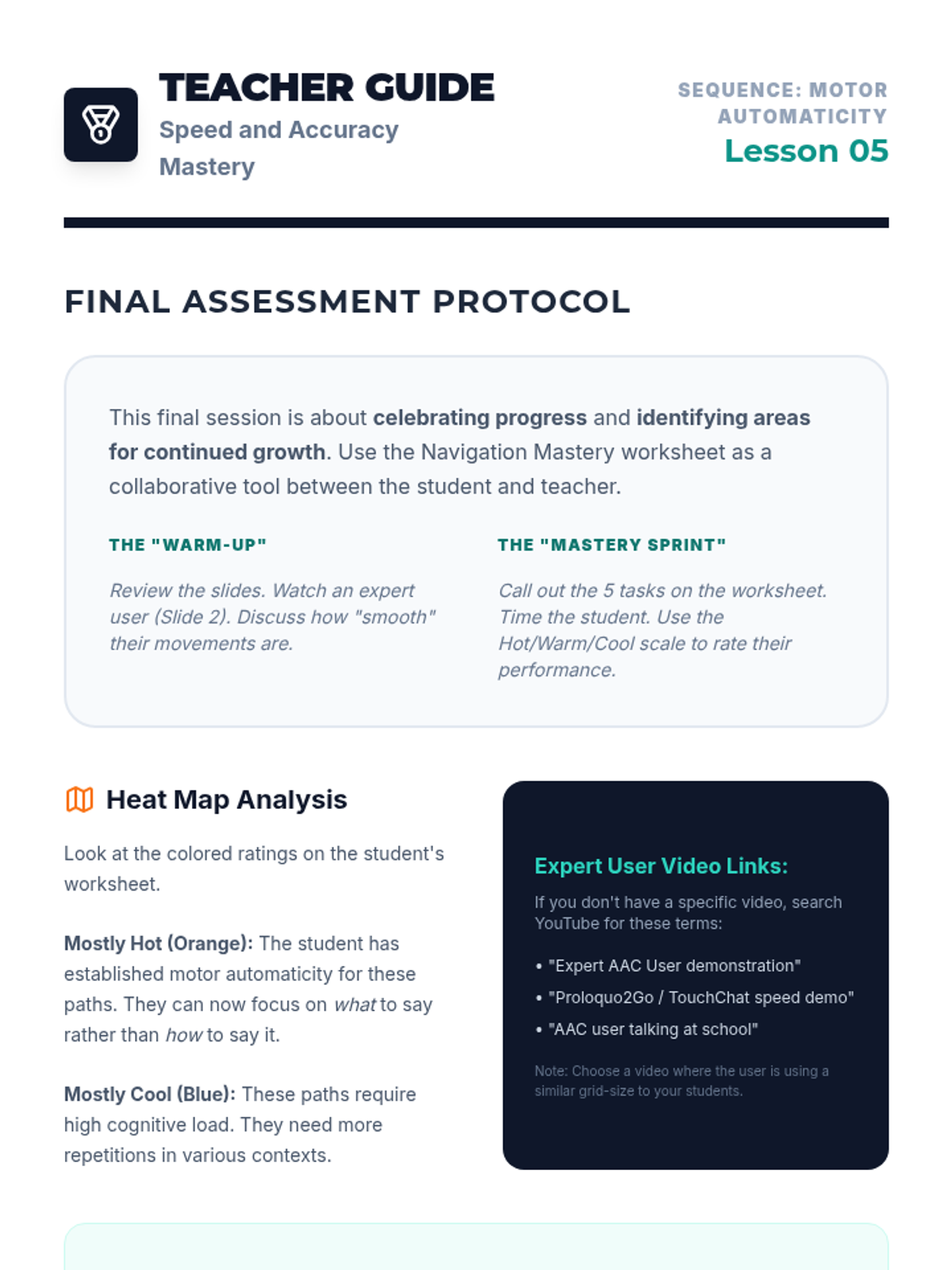
A teacher guide for Lesson 5 focusing on final navigation assessments, heat-map analysis, and sequence wrap-up.
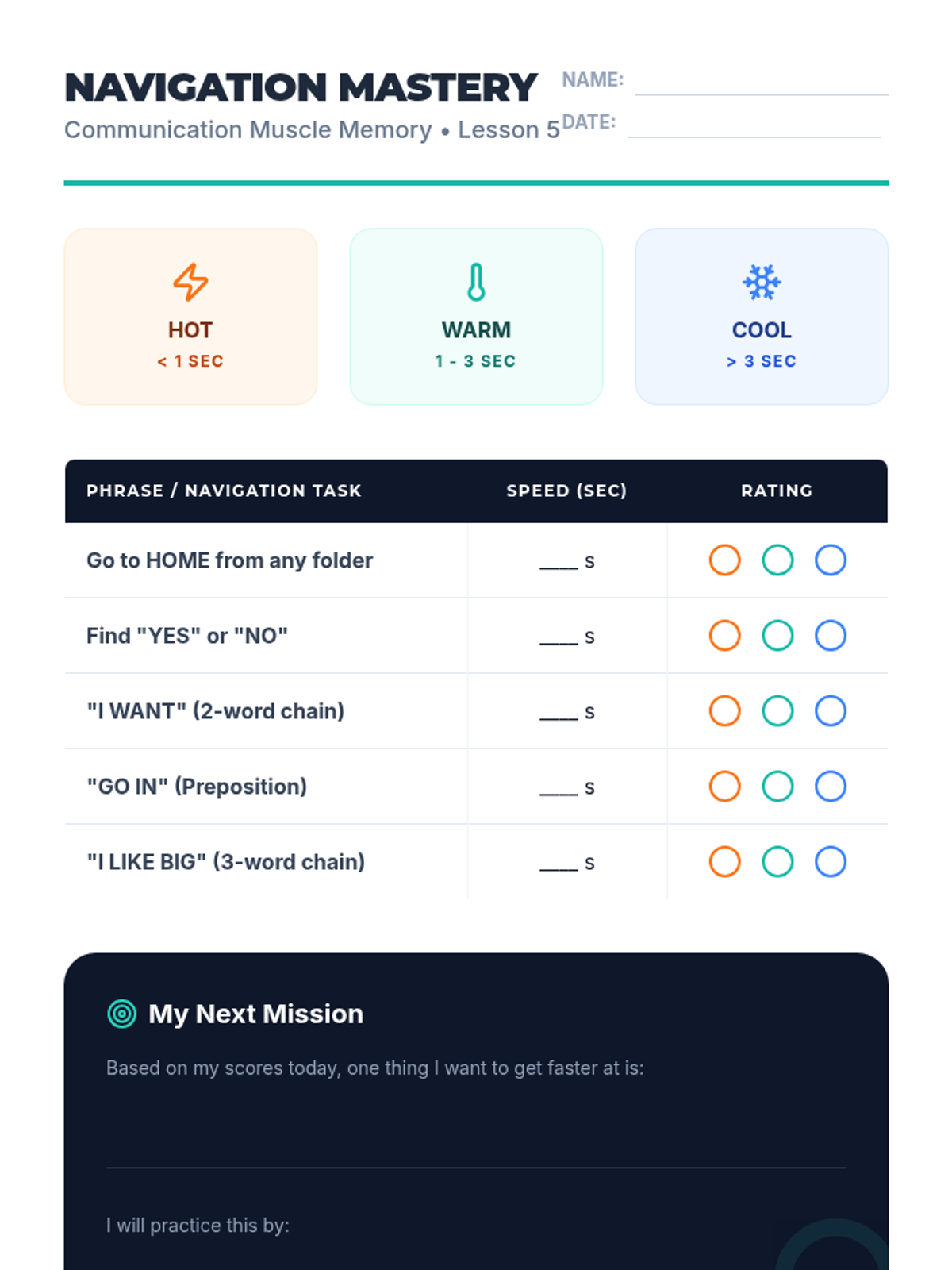
A navigation fluency assessment and goal-setting worksheet for students to measure their AAC navigation progress.
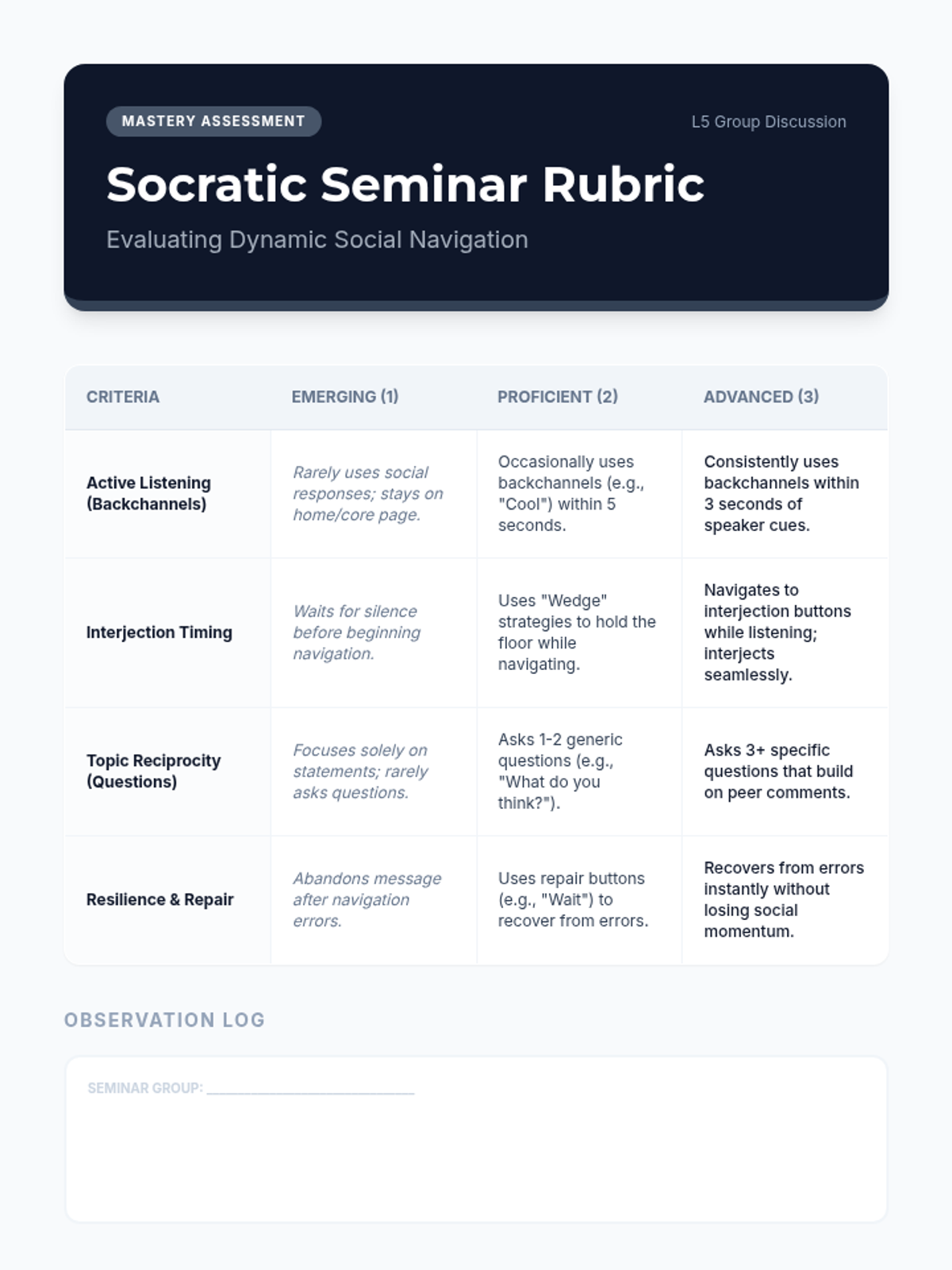
Teacher mastery assessment rubric for the Lesson 5 Socratic seminar. Evaluates student performance across active listening, interjection speed, topic reciprocity, and communication repair.
A culminating slide deck for the sequence, focusing on expert AAC usage, heat-mapping speed, and goal-setting.
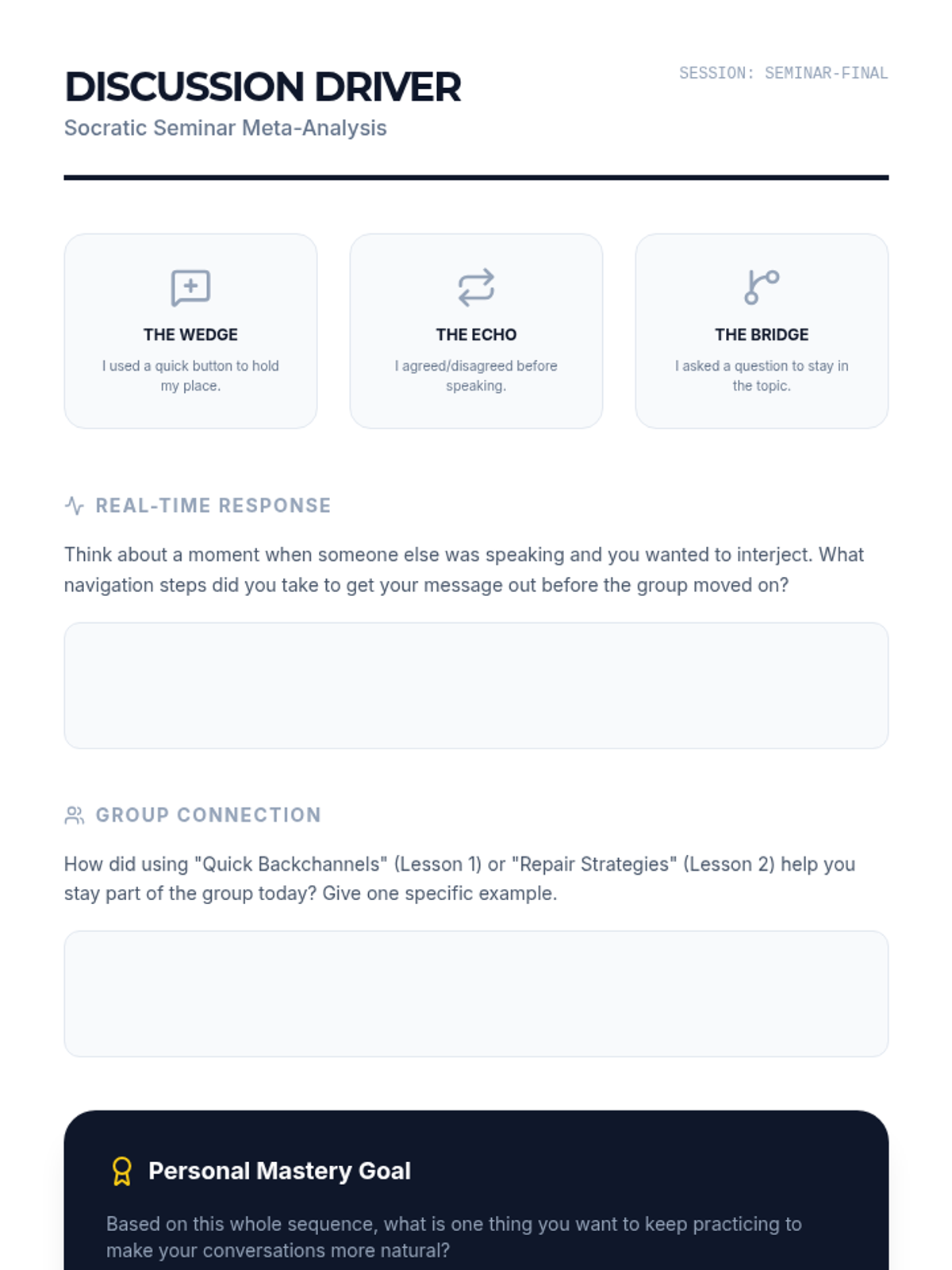
Student reflection worksheet for the Lesson 5 Socratic seminar. Focuses on interjection strategies, group connection, and personal mastery goals for AAC navigation.
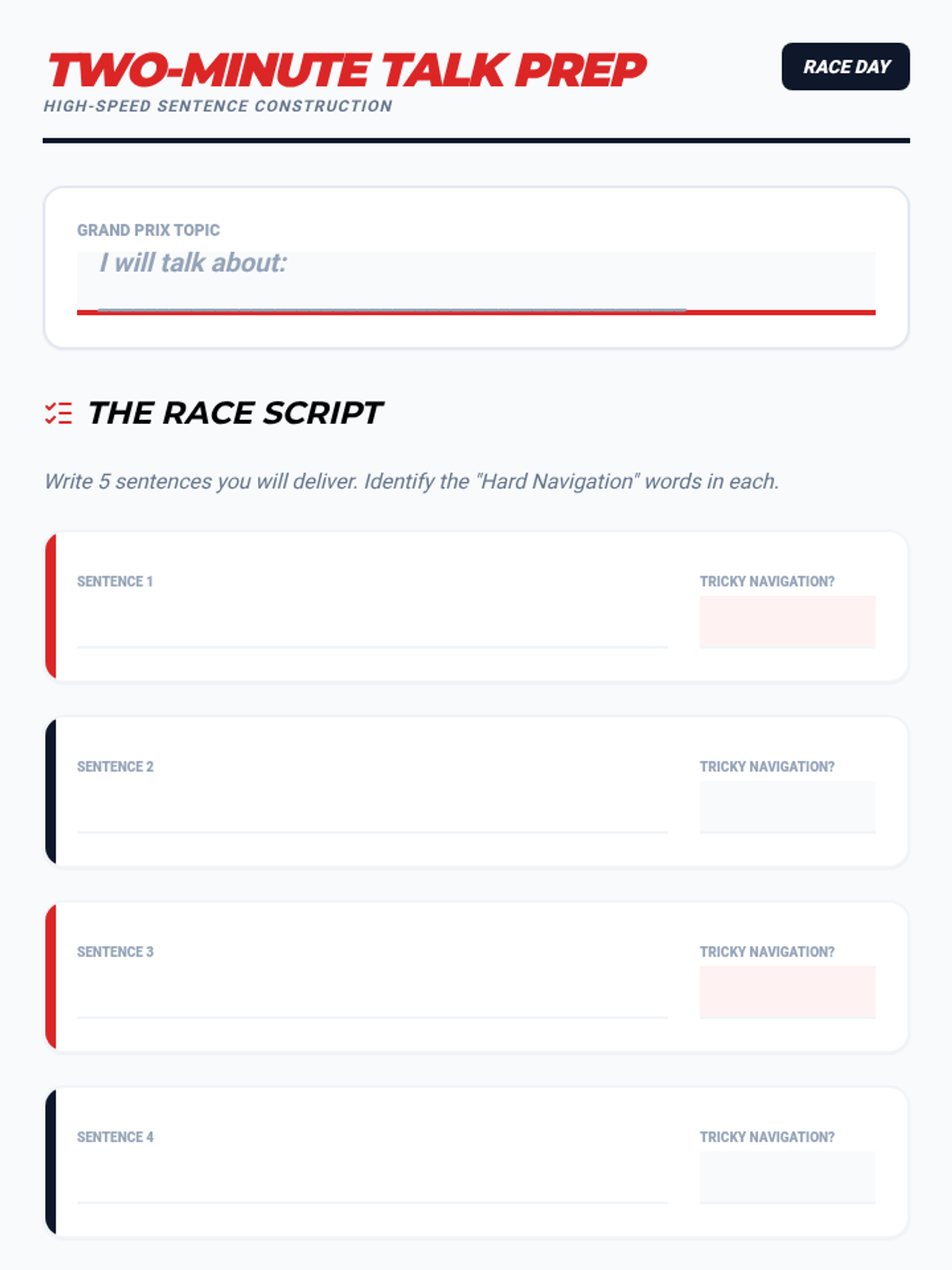
A planning worksheet for the capstone "Two-Minute Talk," where students draft sentences and identify complex navigation paths.
Instructional slides for Lesson 5 focusing on group discussion dynamics and interjection strategies for AAC users. Prepares students for the Socratic seminar.
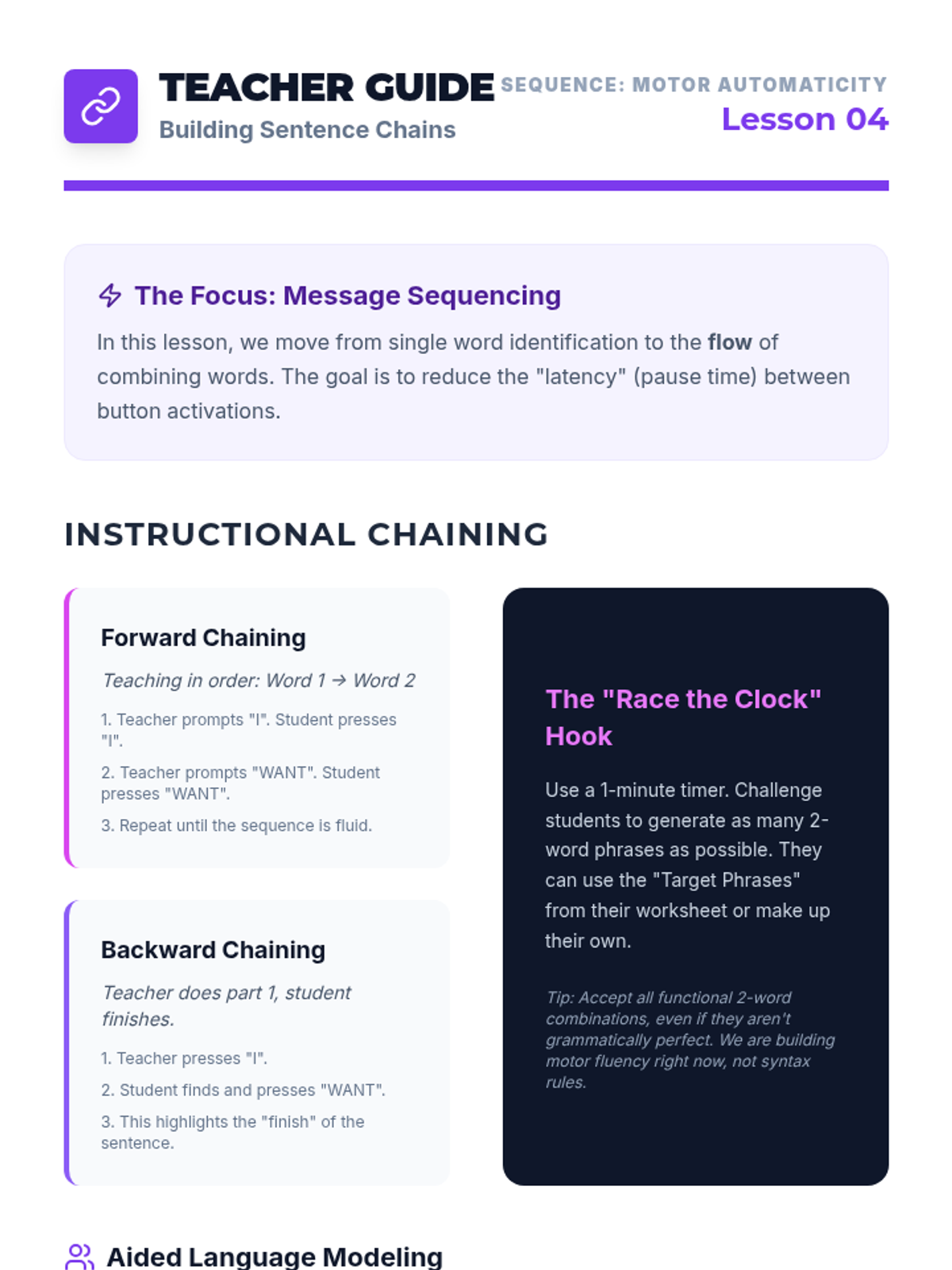
A teacher guide for Lesson 4 focusing on sequencing icons into phrases and using forward/backward chaining techniques.
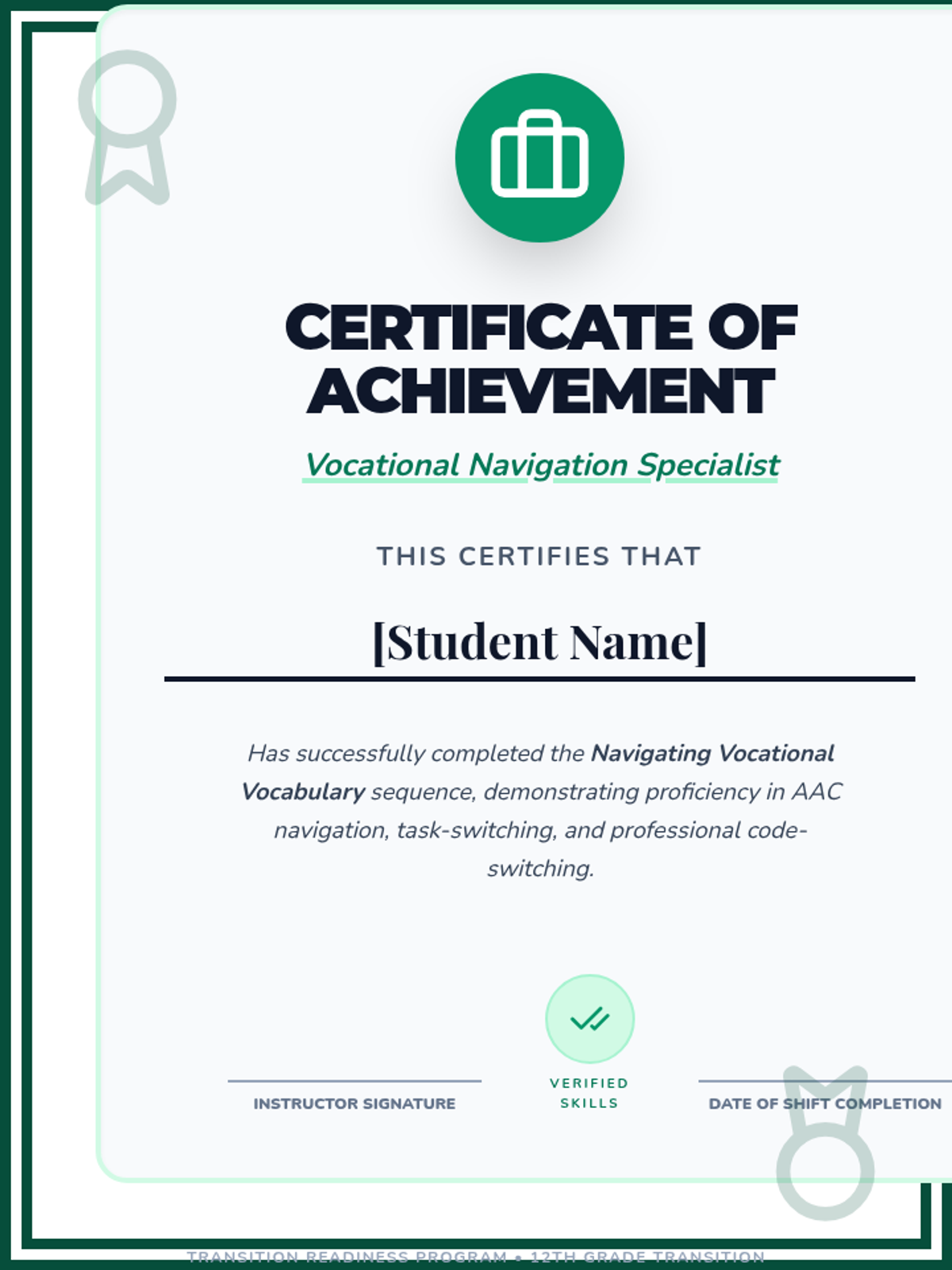
A formal certificate awarded to students upon the successful completion of the Vocational Navigation sequence.
Capstone slides for Lesson 5, focusing on the synthesis of speed and accuracy during the final "Two-Minute Talk" challenge.
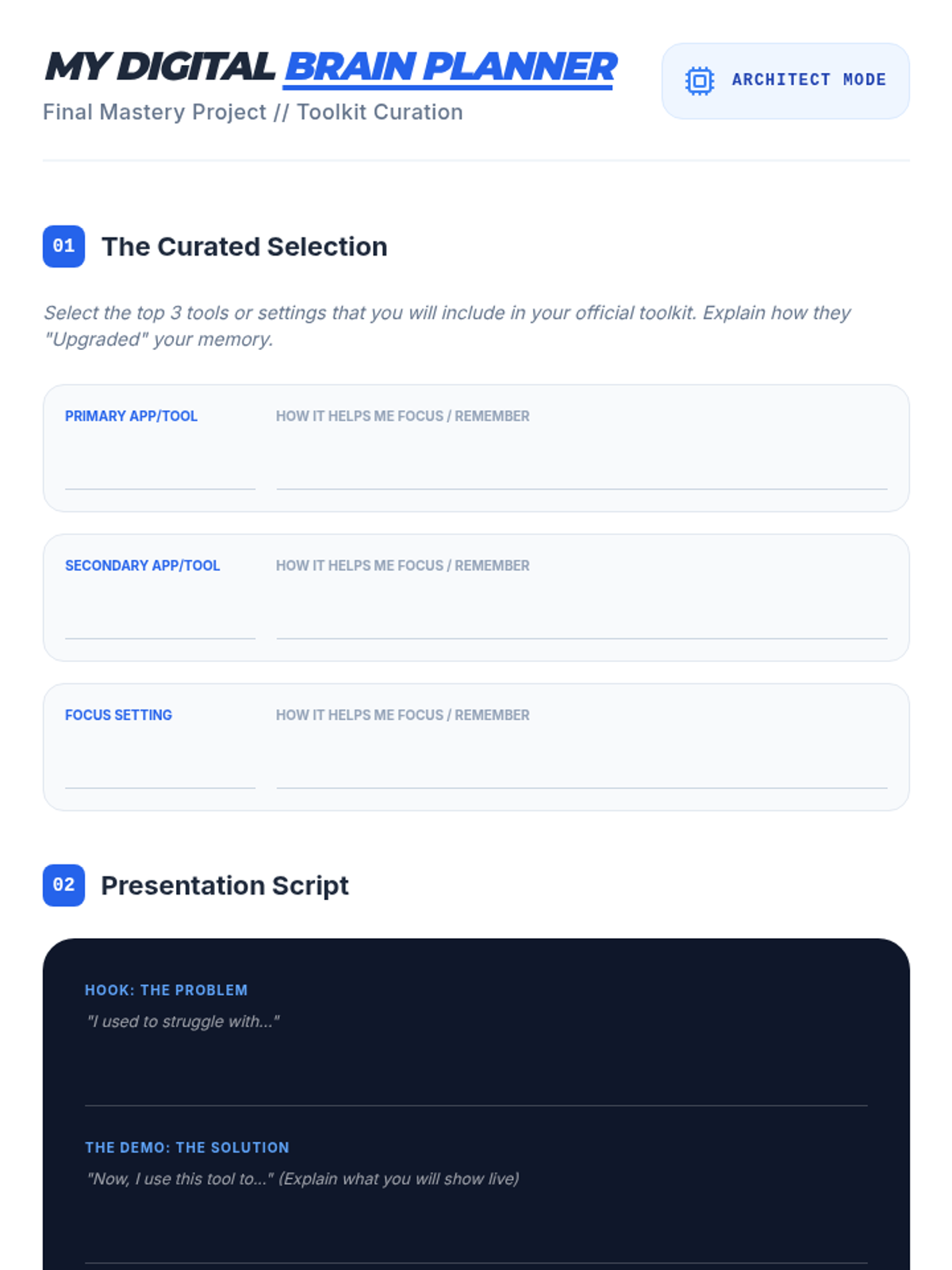
Final project planner for Lesson 5, helping students curate their favorite tools and draft a script for their "Digital Brain" mastery presentation.
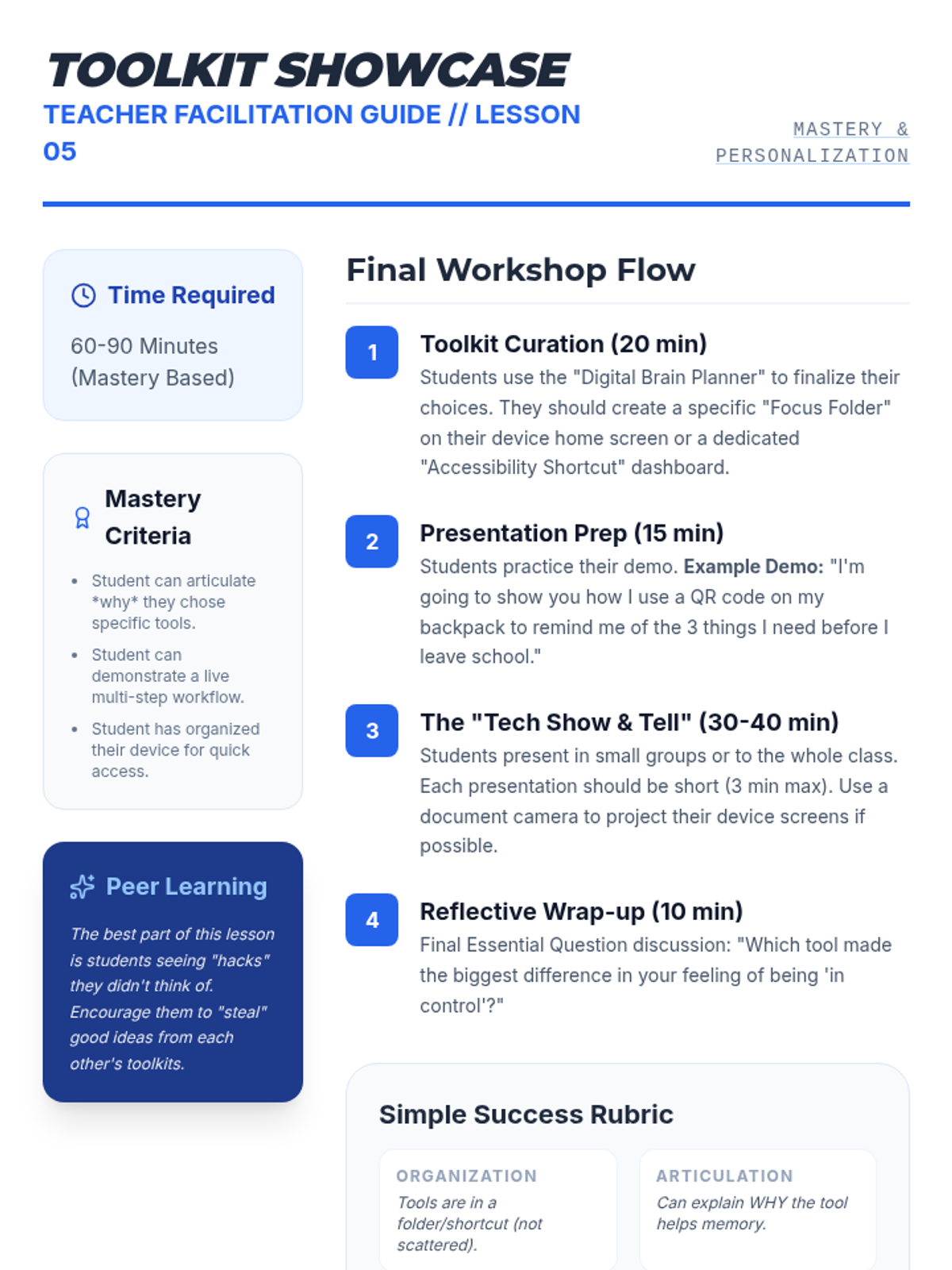
Teacher guide for the final lesson, detailing the toolkit curation process, presentation structure, and a simple success rubric for assessing mastery of digital working memory tools.
Final presentation slides for Lesson 5, guiding students through the "Mastery Demo" of their digital support toolkit. It emphasizes personalization and sharing discovered tricks with peers.
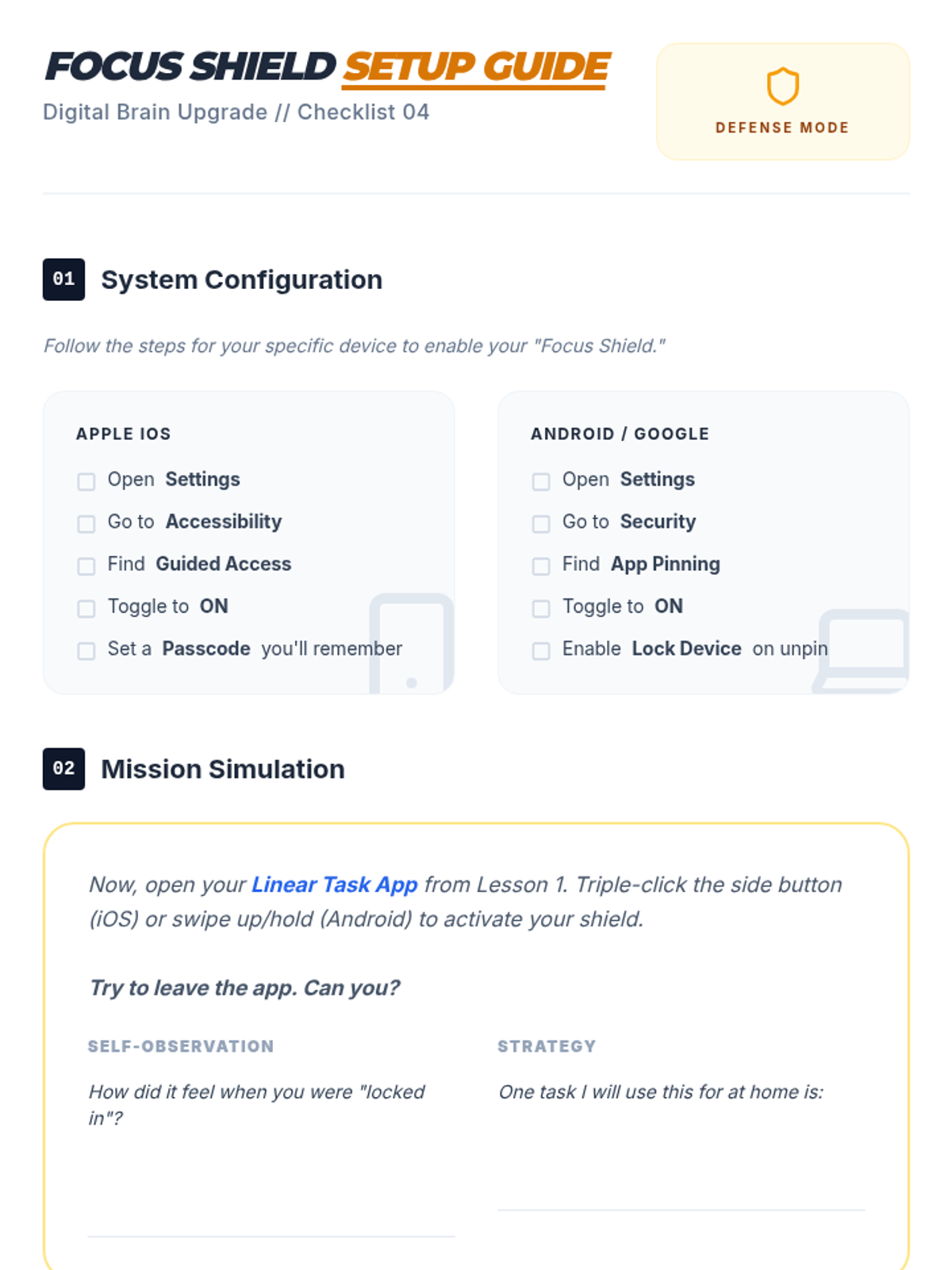
Student checklist and setup guide for Lesson 4, walking students through the technical steps to enable Guided Access/App Pinning on their specific devices.
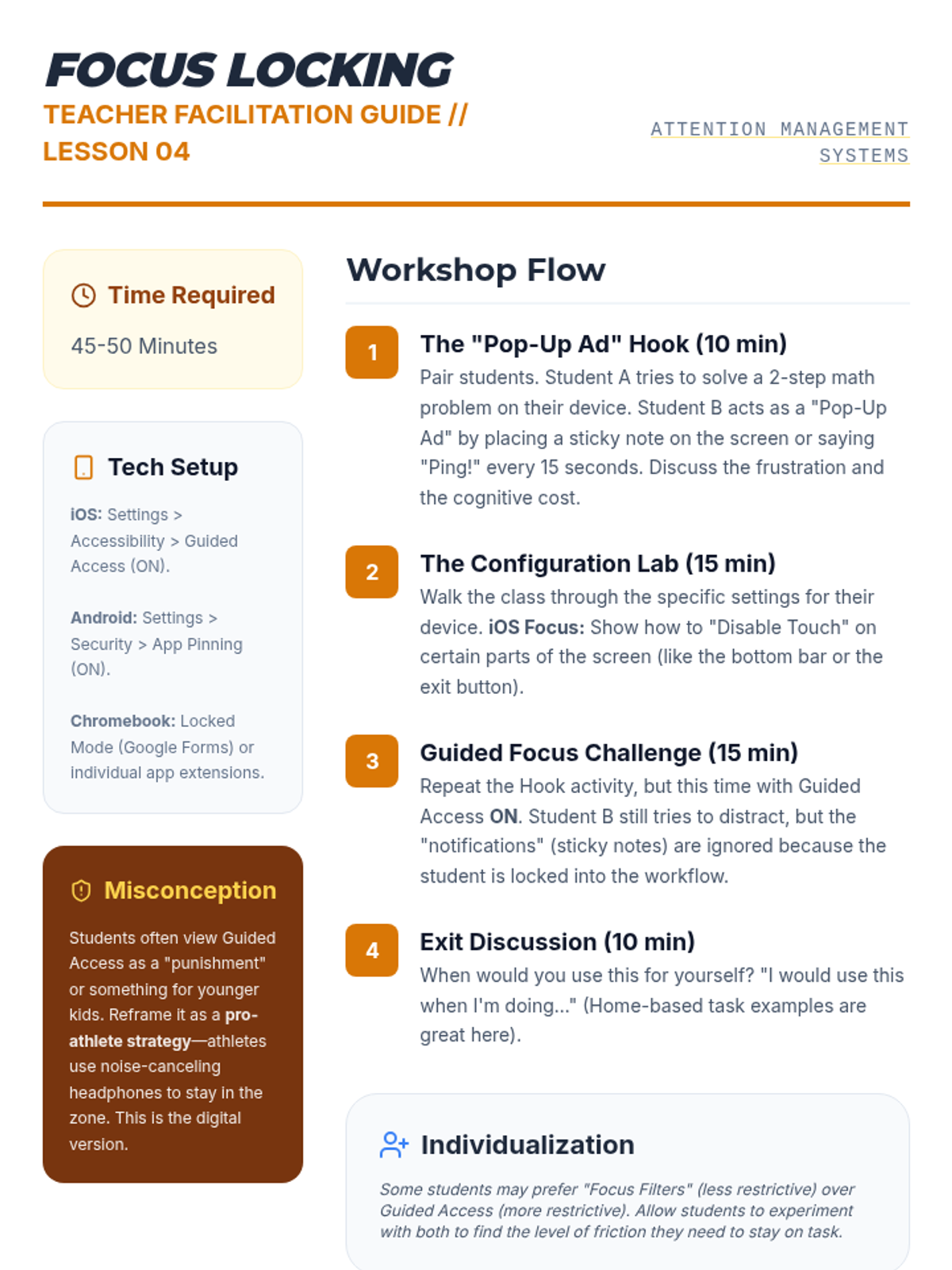
Teacher guide for Lesson 4, detailing the sticky-note "Pop-Up Ad" hook and the step-by-step configuration of Guided Access/App Pinning for attention management.
Slide deck for Lesson 4, introducing Guided Access and focus features. It explains the high cost of digital interruptions for students with working memory challenges and demonstrates how to lock a device for "Deep Focus."
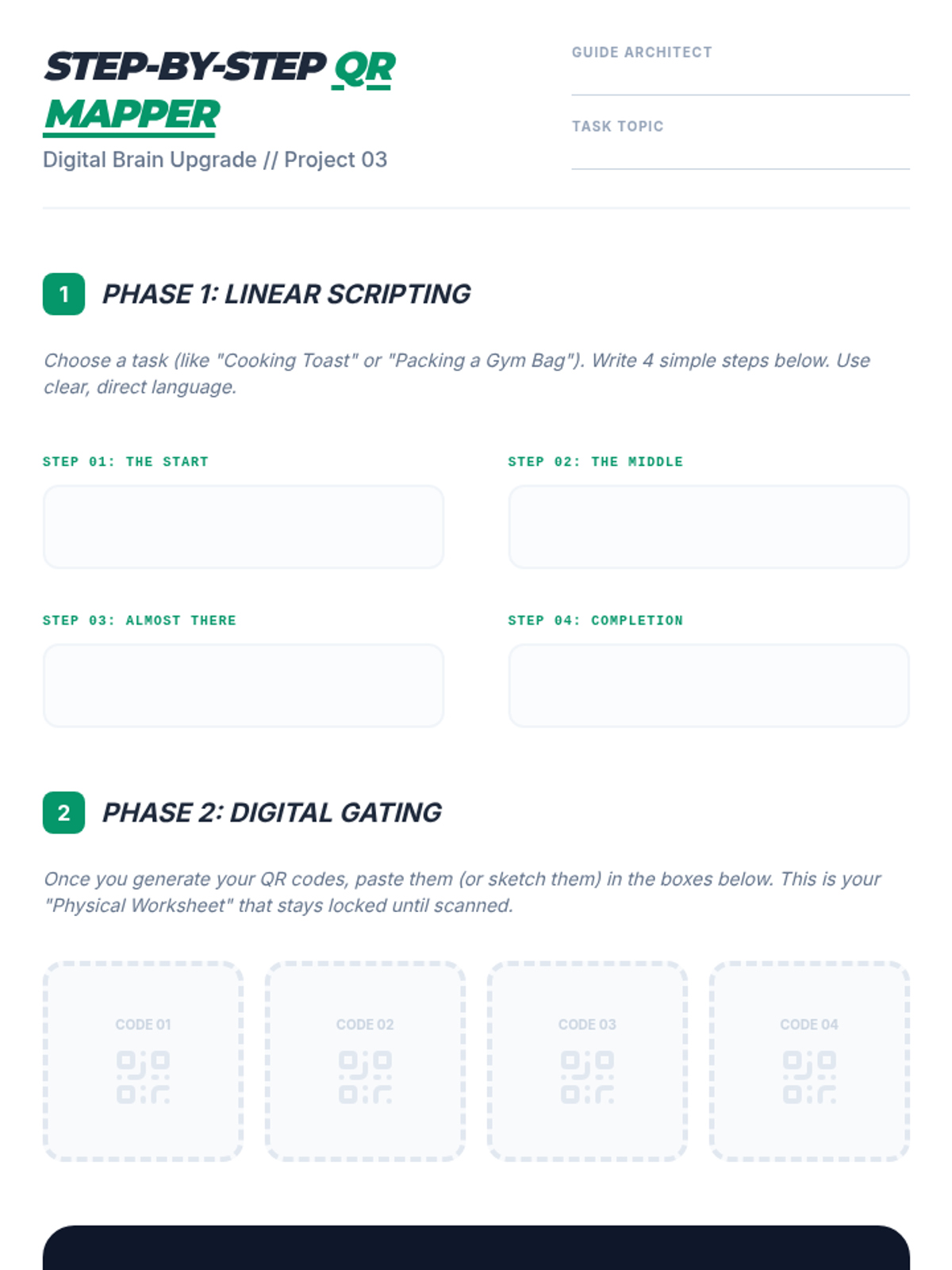
Student project worksheet for Lesson 3, where students plan a 4-step task and then map their generated QR codes to a physical sheet for peer testing.
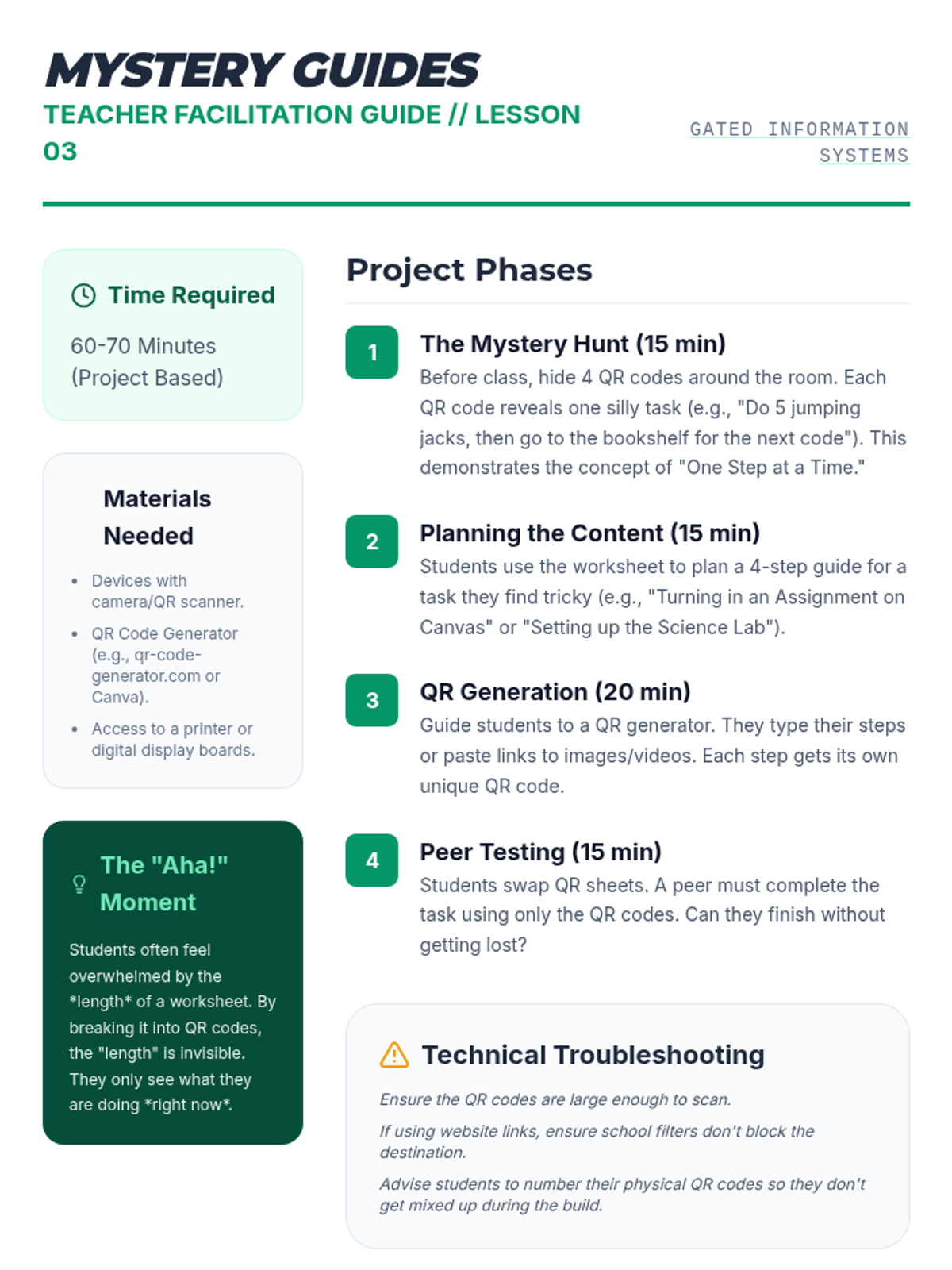
Teacher guide for Lesson 3, detailing how to set up the Mystery Hunt hook, guide students through QR generation, and troubleshoot technical issues with digital "gating."
Slides for Lesson 3, focusing on "Information Gating" with QR codes. It introduces the concept of cognitive load when facing long lists and explains how QR codes can hide future steps until a student is ready.
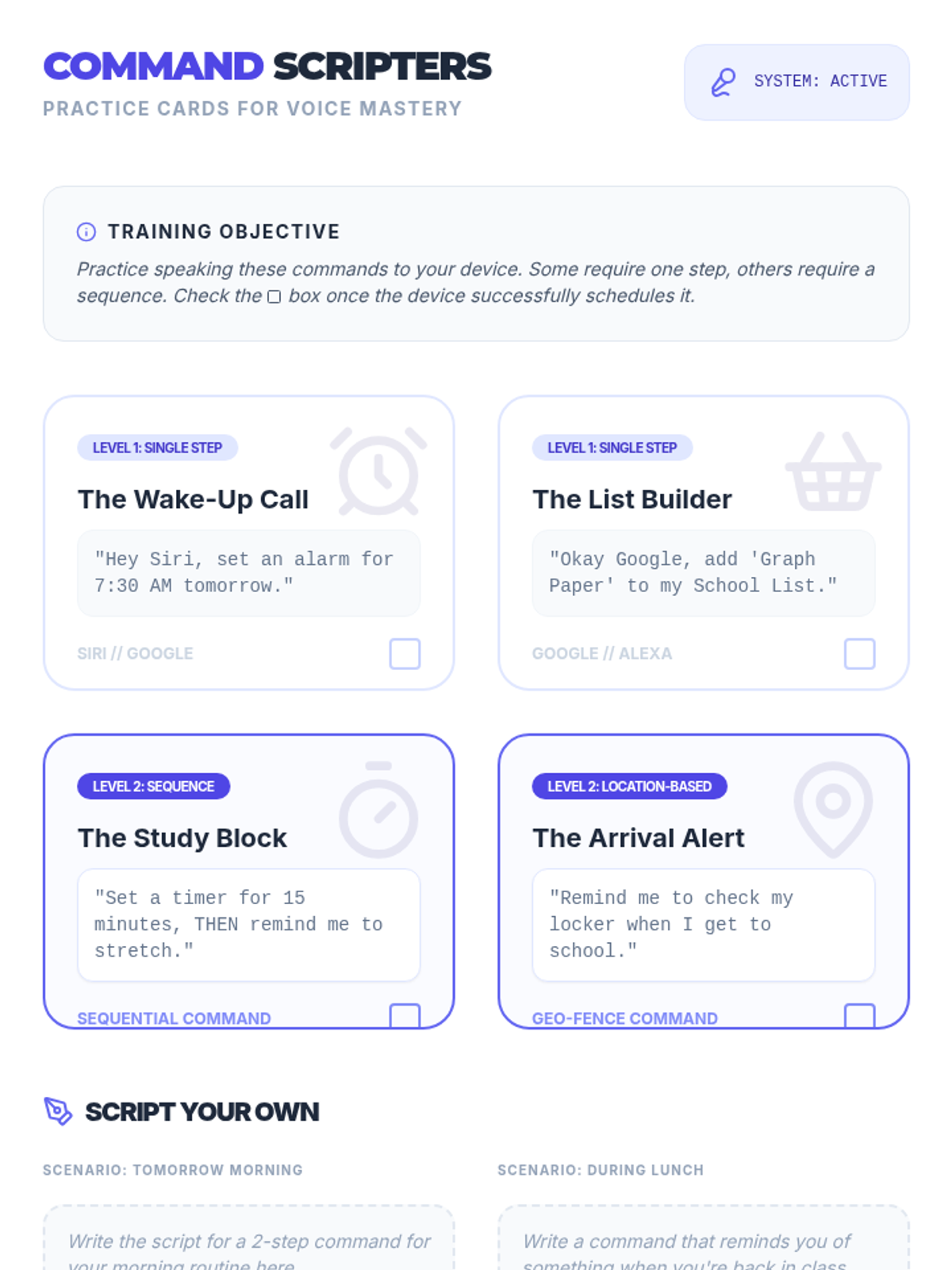
Command script cards for Lesson 2, providing students with structured voice assistant prompts to practice single-step and sequential commands.
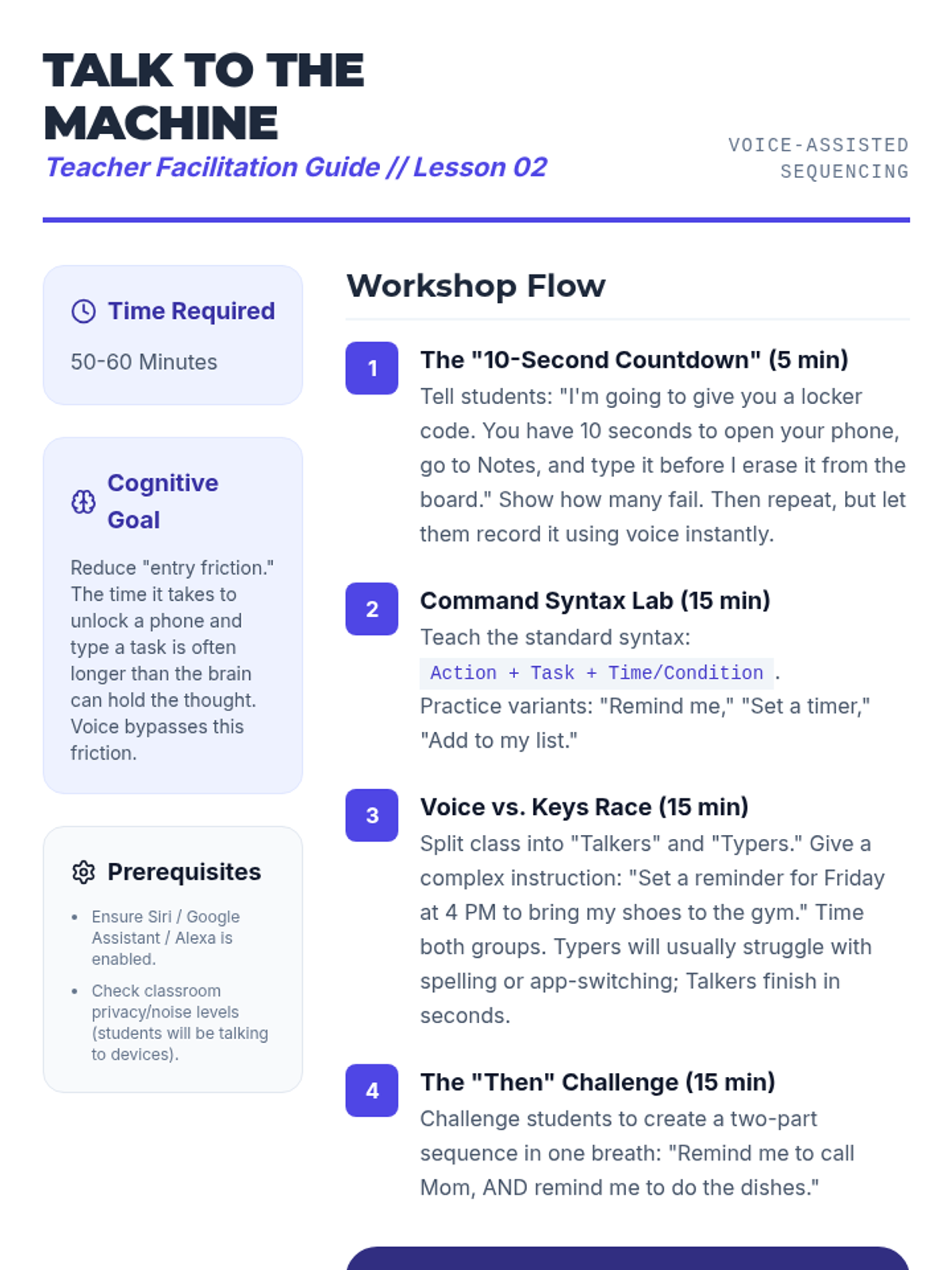
Teacher guide for Lesson 2, outlining the "10-Second Countdown" hook, the Voice vs. Keys race, and techniques for teaching command syntax and articulation.
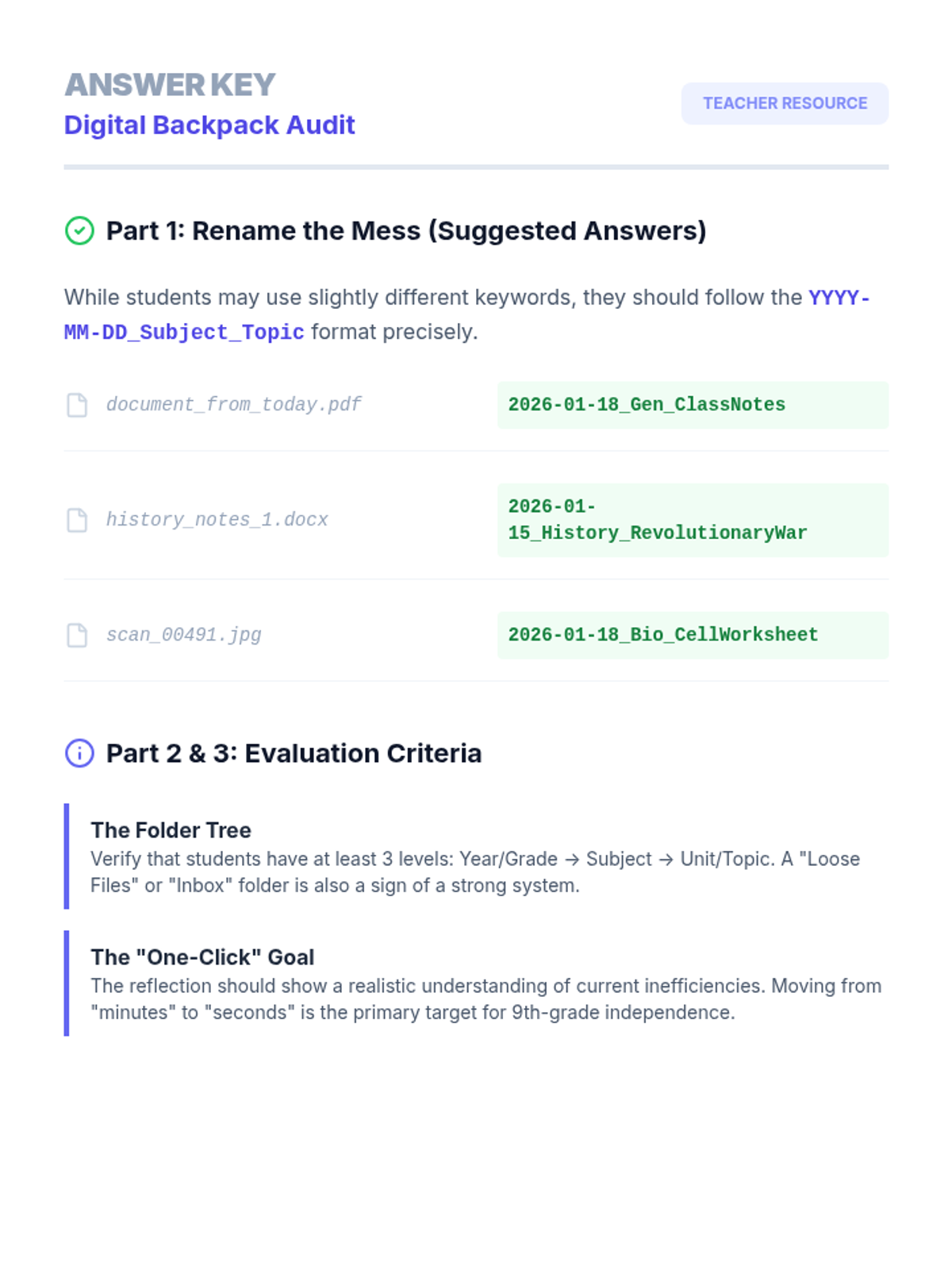
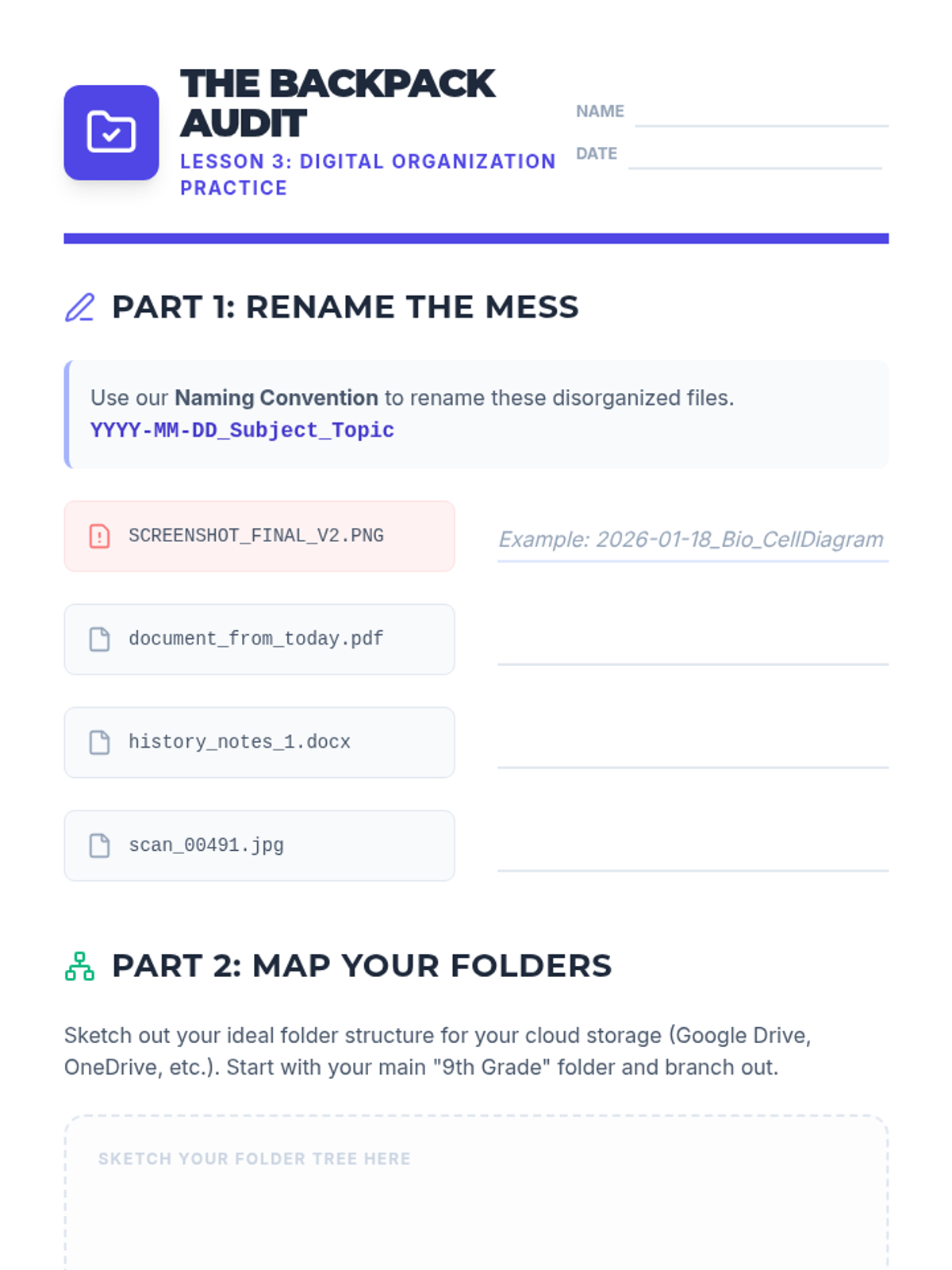
Answer key and evaluation guide for the Digital Backpack Audit worksheet, providing suggested file naming conventions and folder structure criteria.
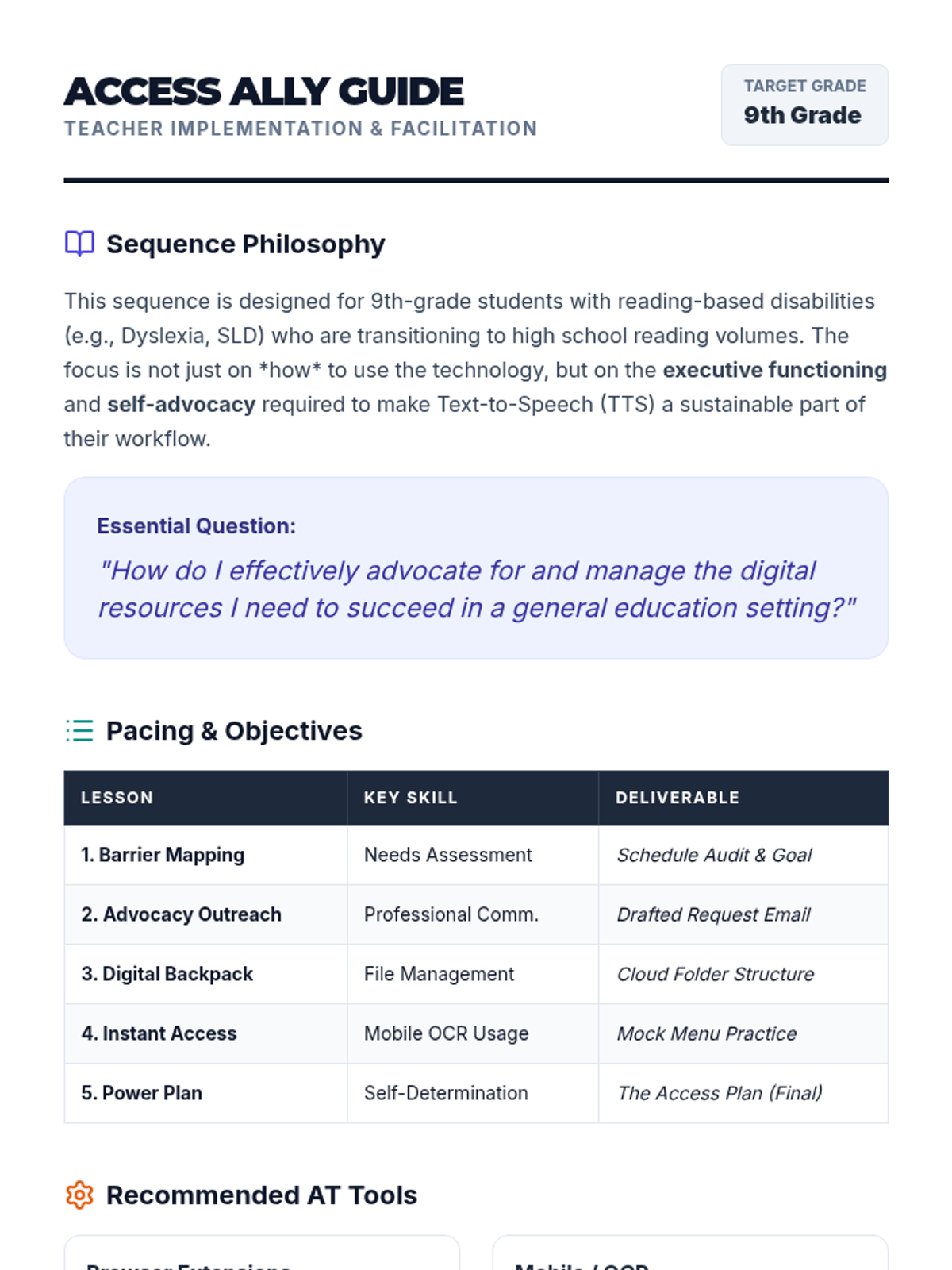
A comprehensive teacher guide for the Access Ally sequence, covering pacing, recommended AT tools, and facilitation strategies for 9th-grade self-advocacy.
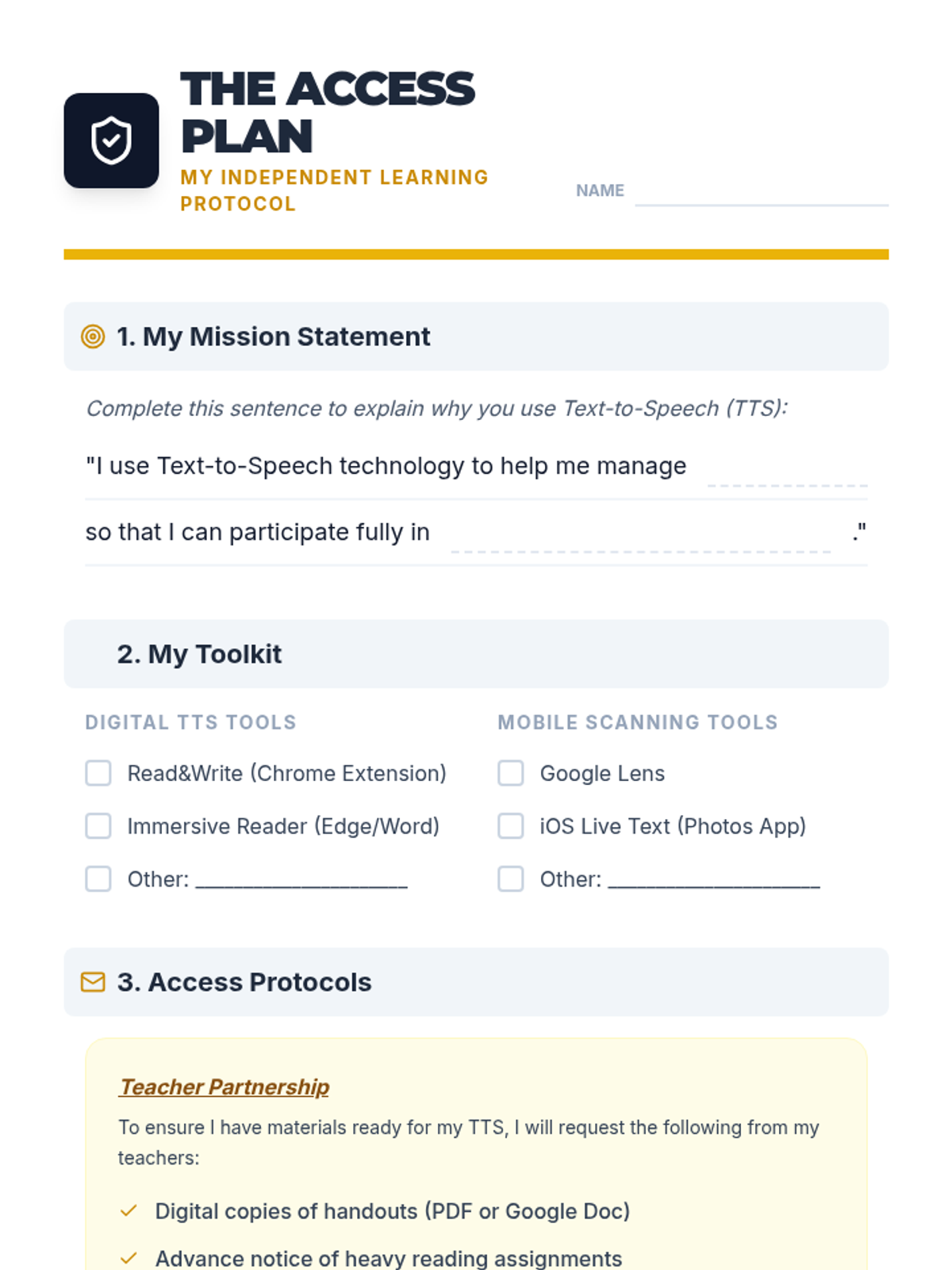
A one-page 'Access Plan' template for students to synthesize their TTS tools, file management strategies, and self-advocacy goals for sharing with teachers.
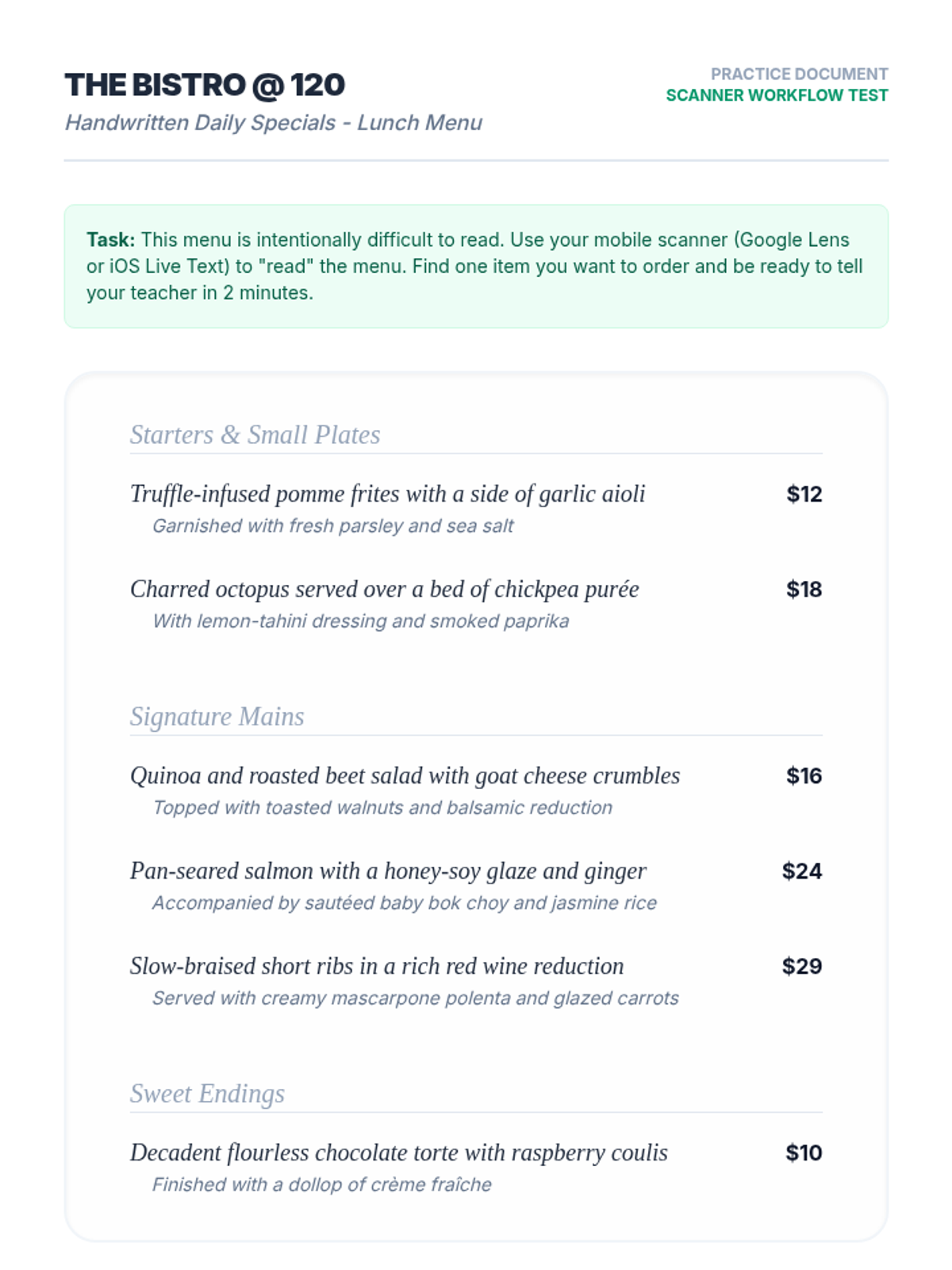
A mock restaurant menu with complex vocabulary and serif fonts, designed for students to practice using mobile OCR/TTS scanning tools.
Final project slides for the Power Plan lesson. Guides students through creating and presenting their one-page 'Access Plan' for teachers, emphasizing professional advocacy and self-determination.
Introductory slides for the Instant Access lesson. Covers OCR technology, mobile tool selection (Google Lens vs iOS Live Text), and tips for successful physical-to-digital text conversion.
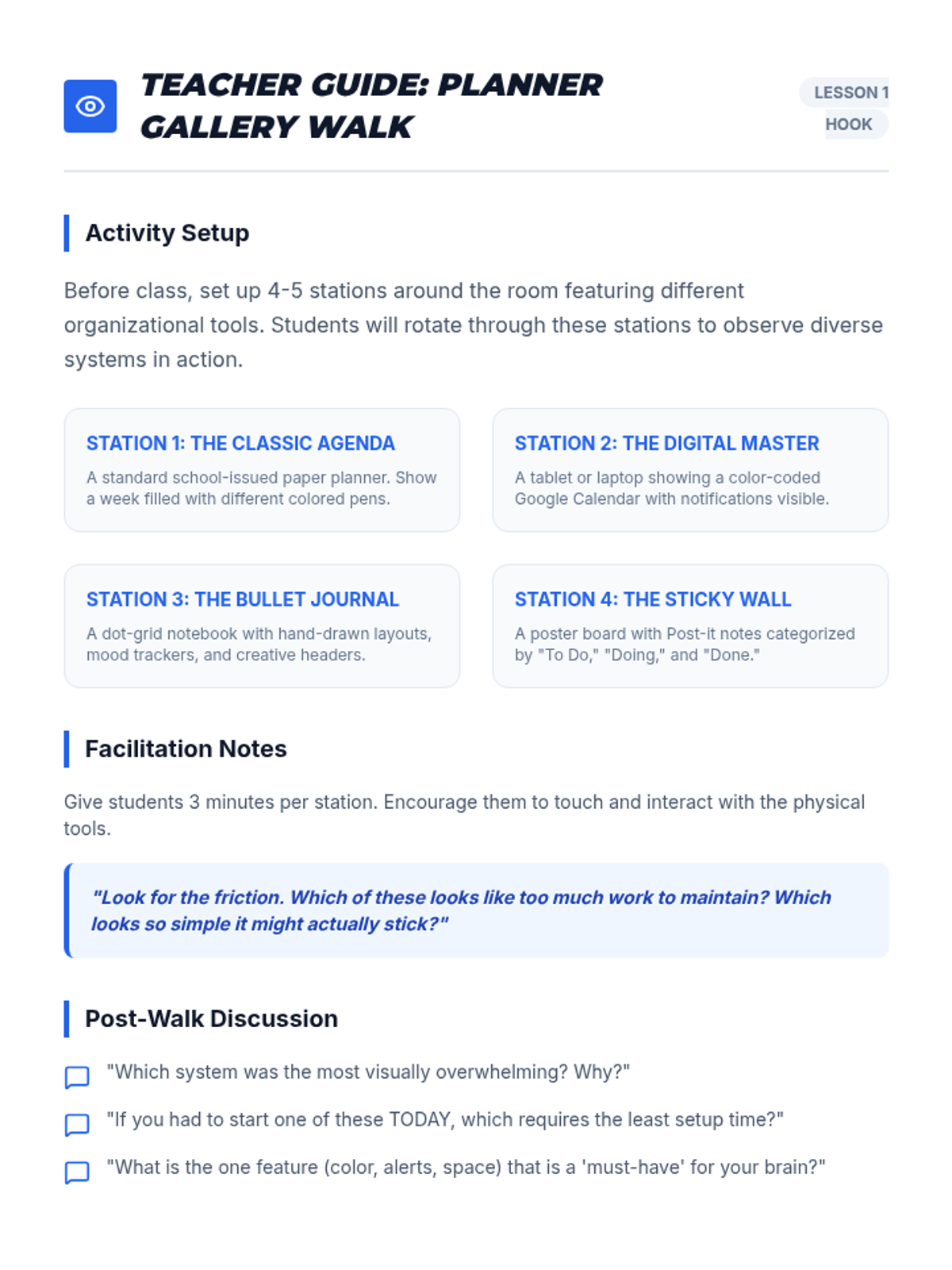
A facilitation guide for the 'Planner Gallery Walk' hook in Lesson 1, including station setup ideas and discussion prompts.
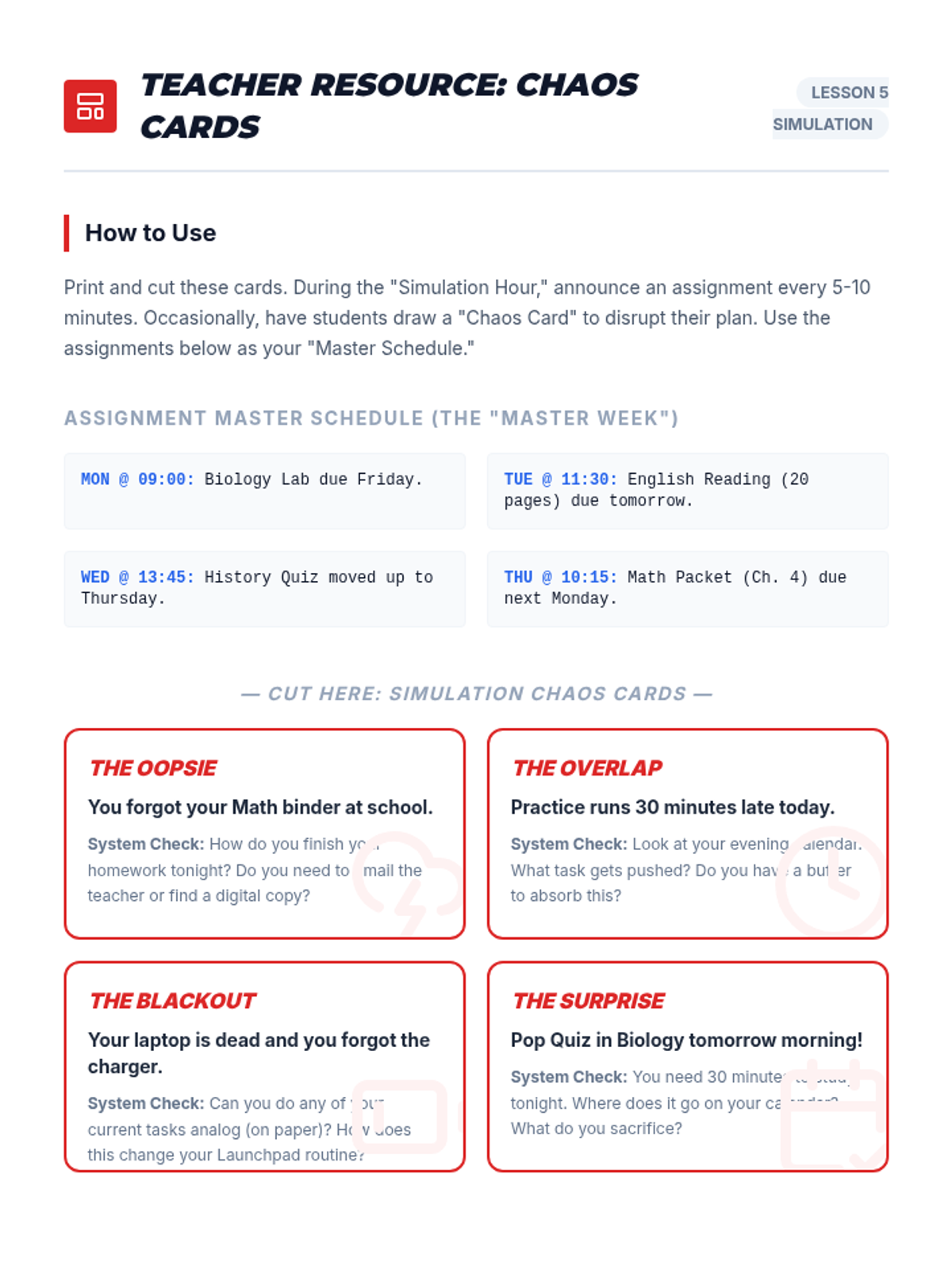
A set of scenario cards for the simulation activity, including master assignments and 'Chaos Card' events to test students' organizational frameworks.
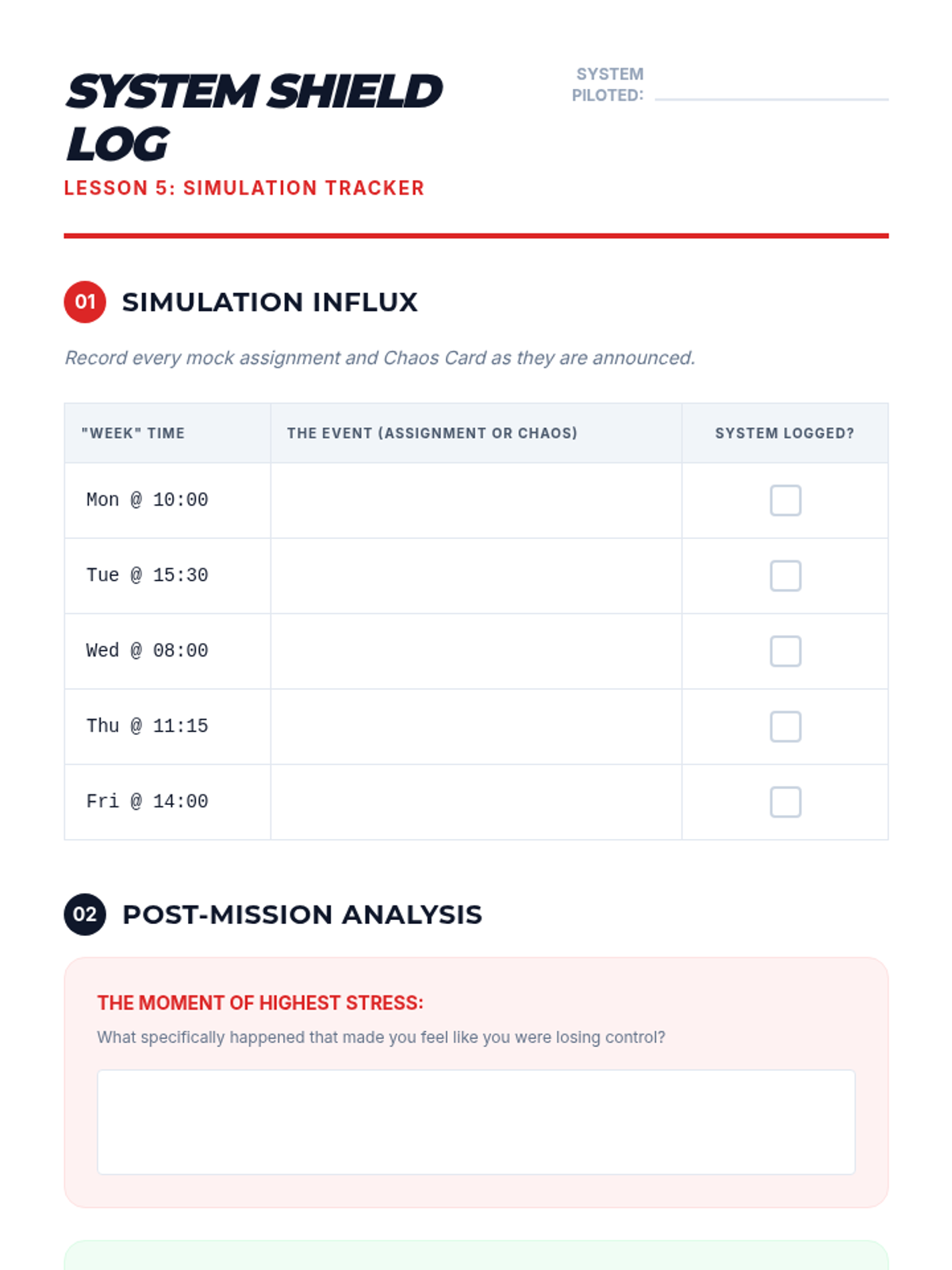
A reflection and tracking log for students to record successes and failures during the 'Stress Test' simulation.
A worksheet for students to practice file naming conventions and map out a structured digital folder system for their Text-to-Speech materials.
Simulation instructions and debrief slides for Lesson 5, putting students' organizational systems through a 'stress test' with mock assignments and surprise events.
Introductory slides for the Digital Backpack lesson. Covers file naming conventions, cloud storage organization, and the link between executive functioning and TTS independence.
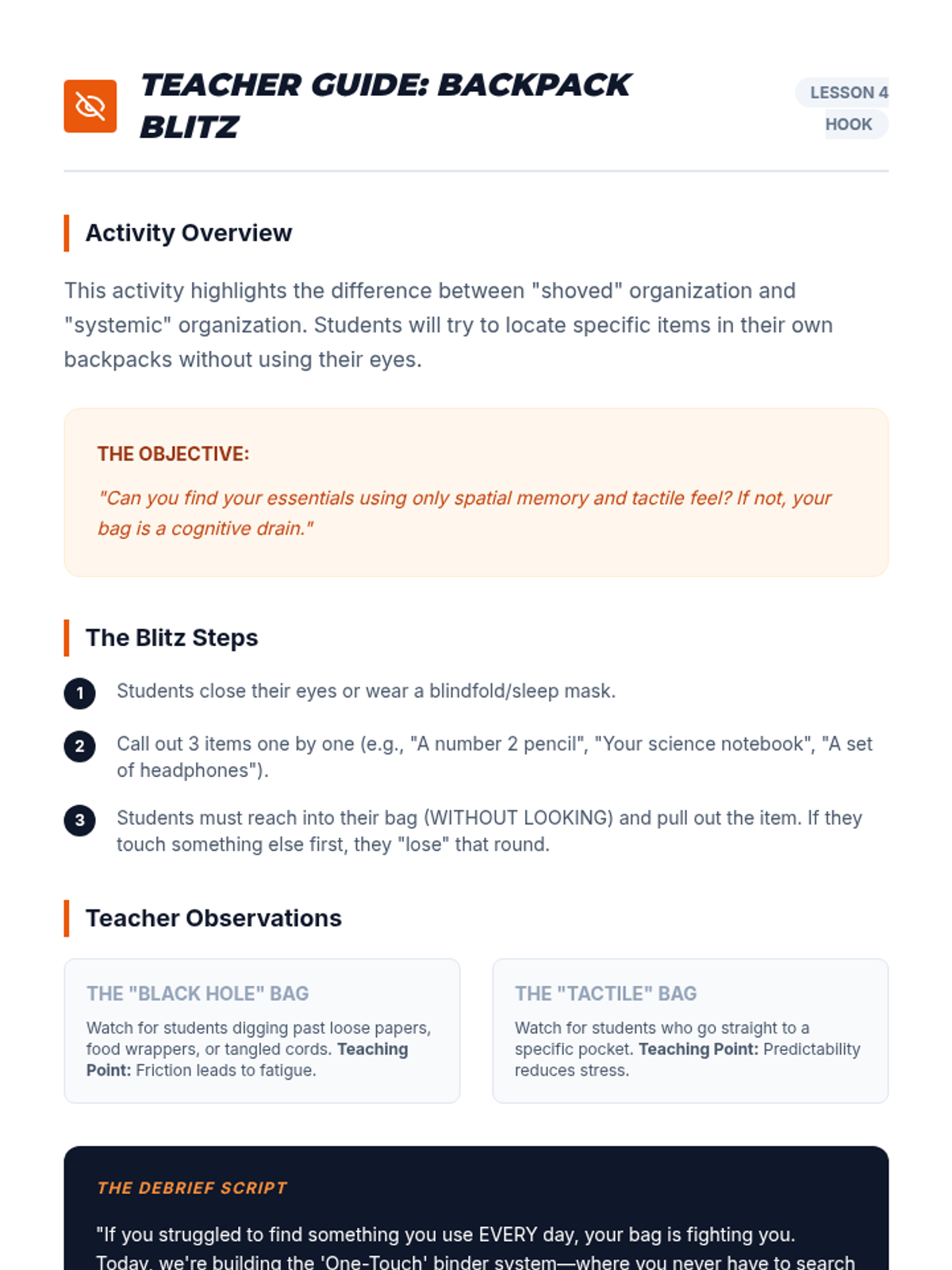
A facilitation guide for the 'Backpack Blitz' blindfold activity, focusing on spatial memory and physical organization.
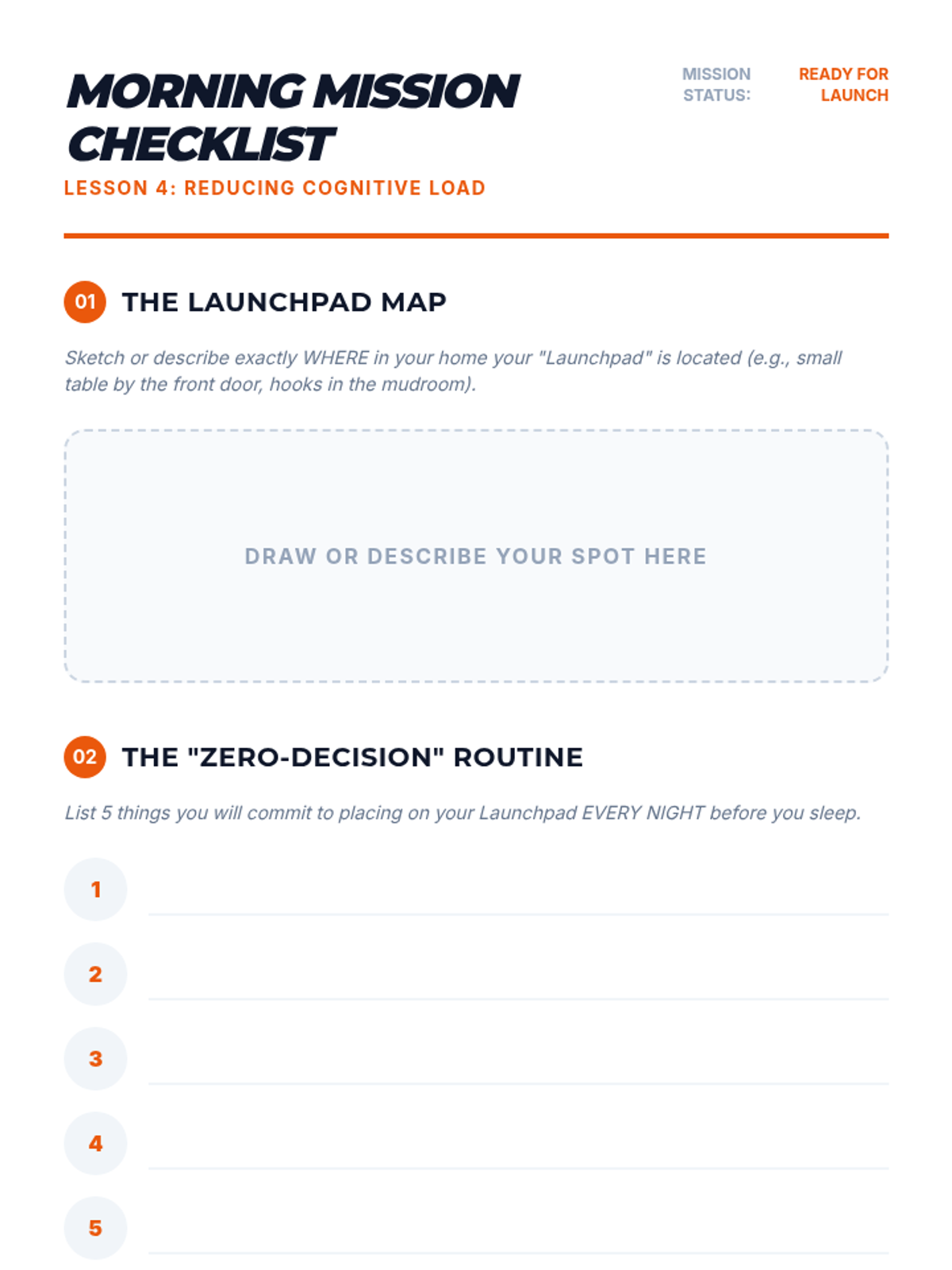
A guide for students to build a 'launchpad' routine and Morning Mission checklist to reduce morning cognitive load.
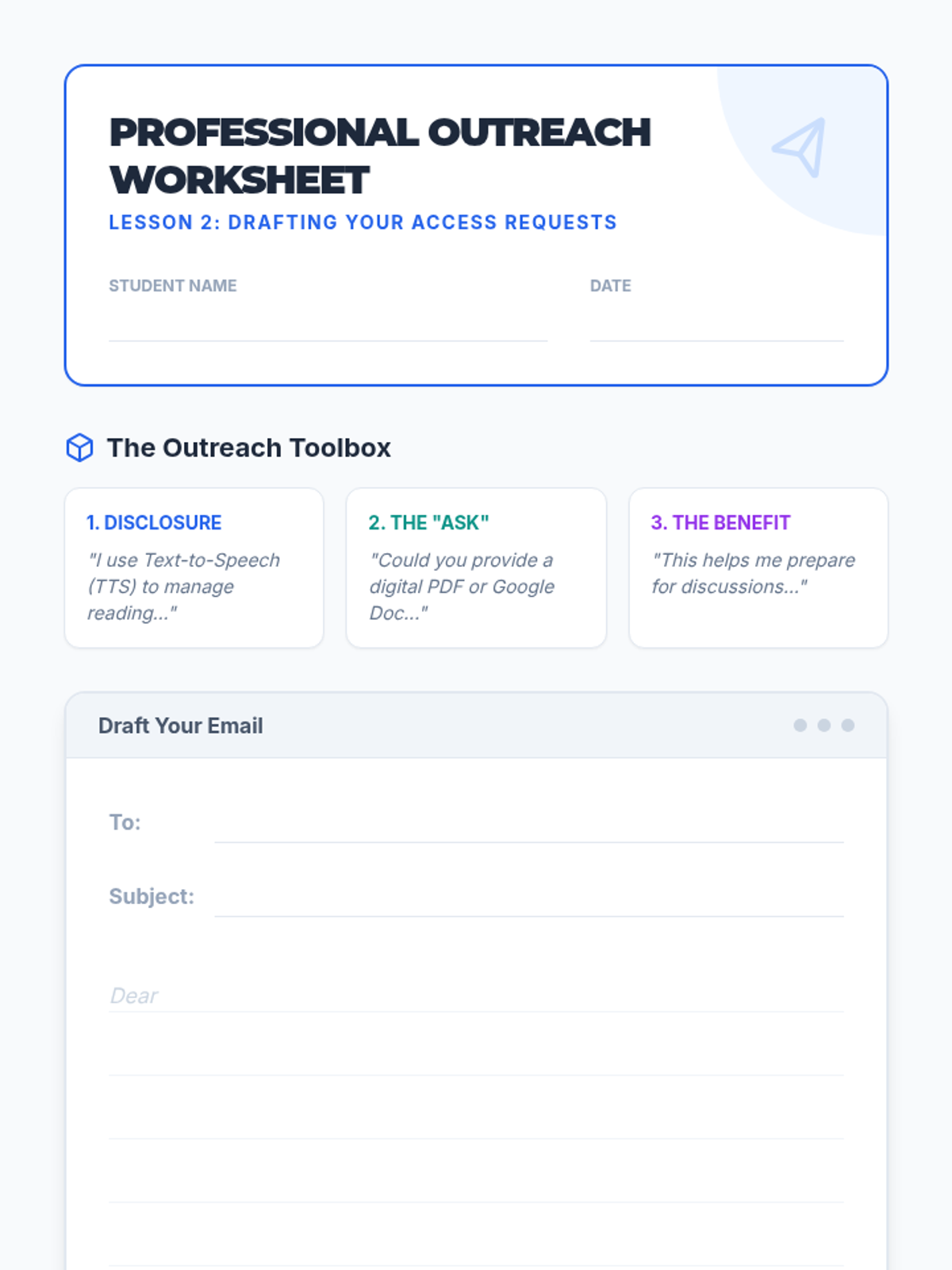
A worksheet for students to draft professional emails to their teachers requesting digital versions of classroom materials for Text-to-Speech use.
Workshop slides for Lesson 4, focusing on physical organization systems like binders and 'launchpad' routines to reduce morning cognitive load.
Introductory slides for the Advocacy Outreach lesson. Teaches students how to structure professional emails to request digital versions of materials for TTS use.
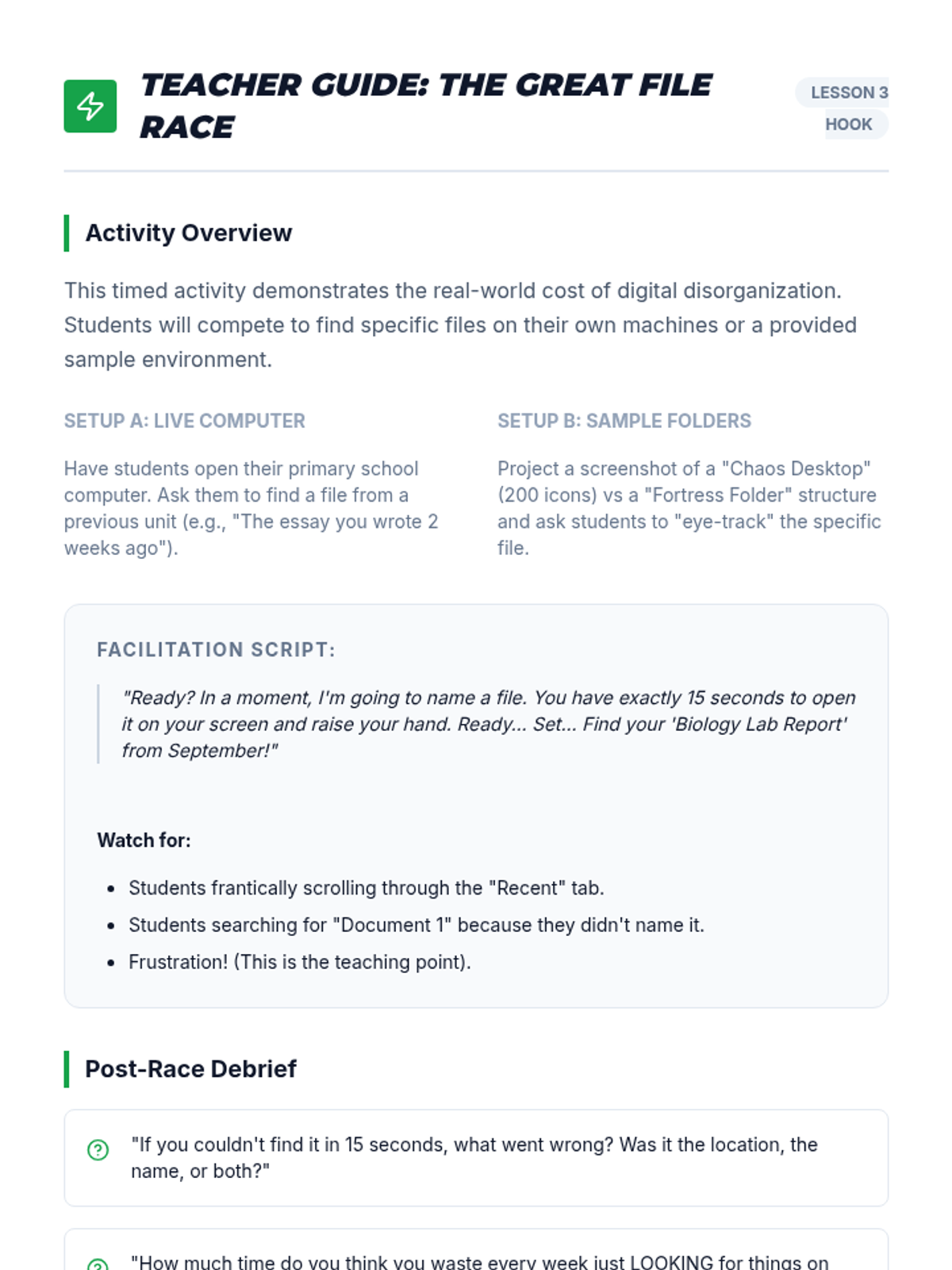
A facilitation guide for the 'Digital Race' hook activity, including script ideas and debrief questions.
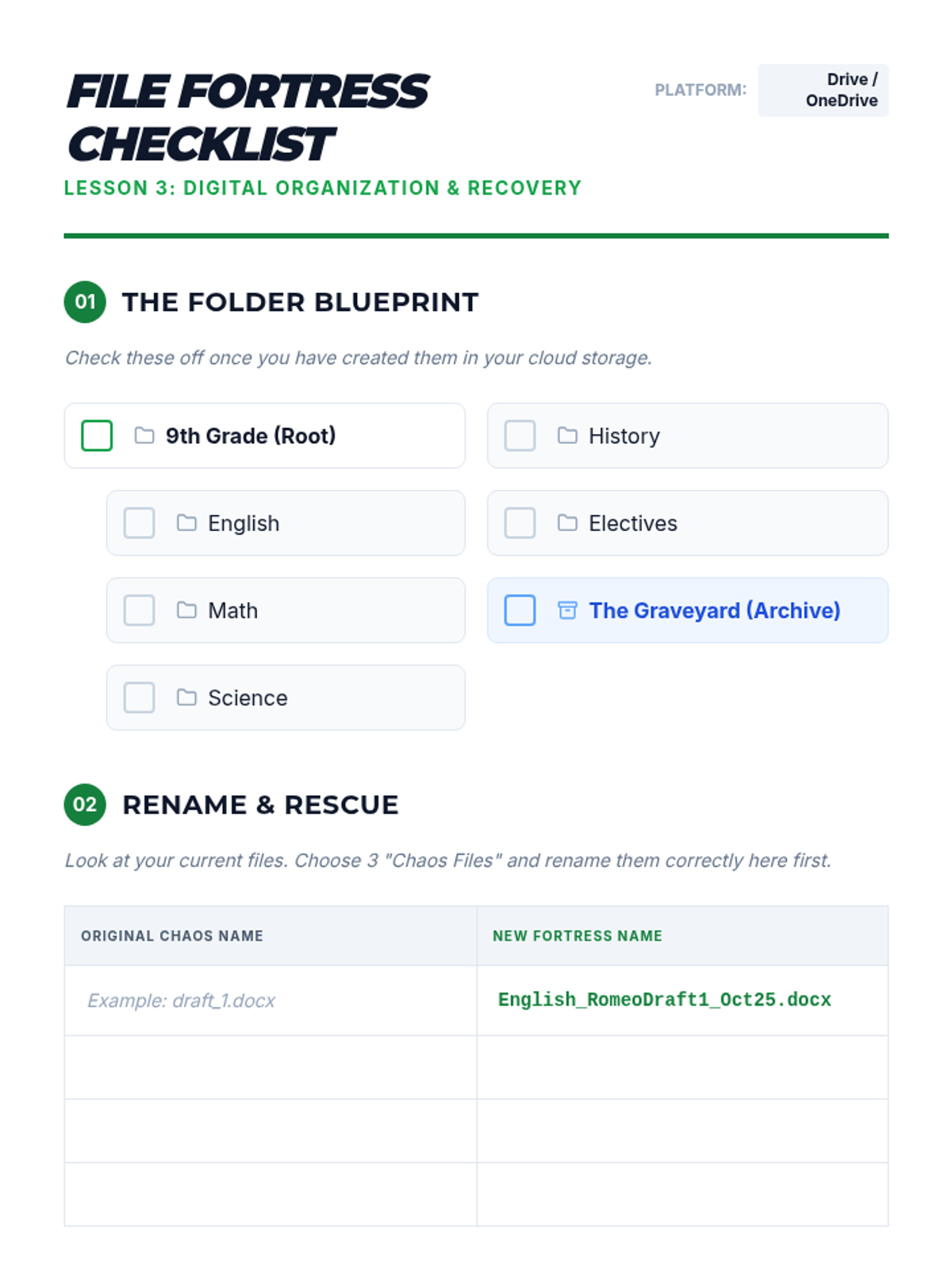
A guide for students to set up their digital folder hierarchy and practice professional file naming conventions.
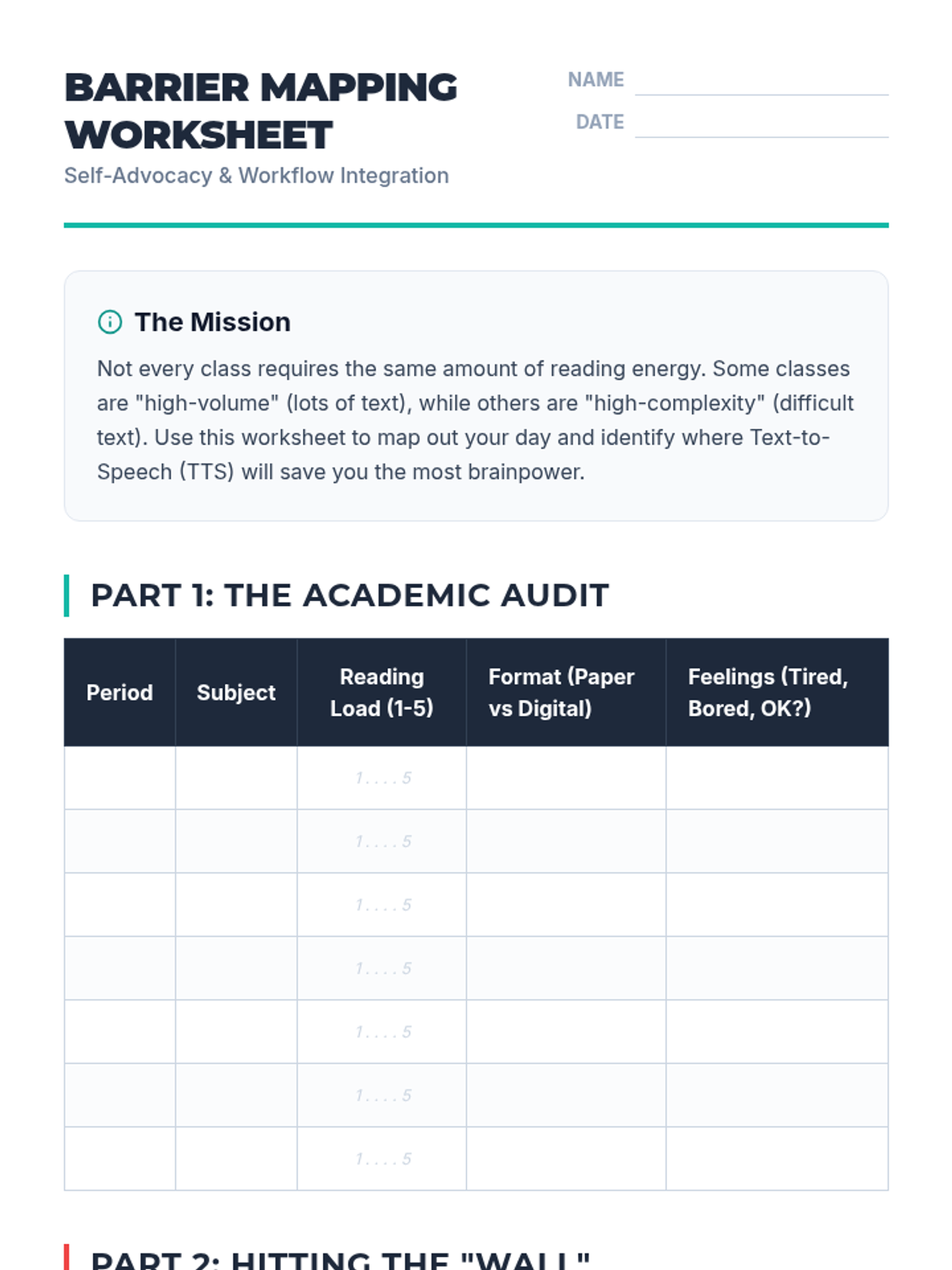
A worksheet for students to audit their academic schedules, identify high-reading-demand classes, and set specific goals for Text-to-Speech implementation.
Workshop slides for Lesson 3, focusing on folder hierarchies, naming conventions, and quick digital retrieval strategies to prevent lost assignments.
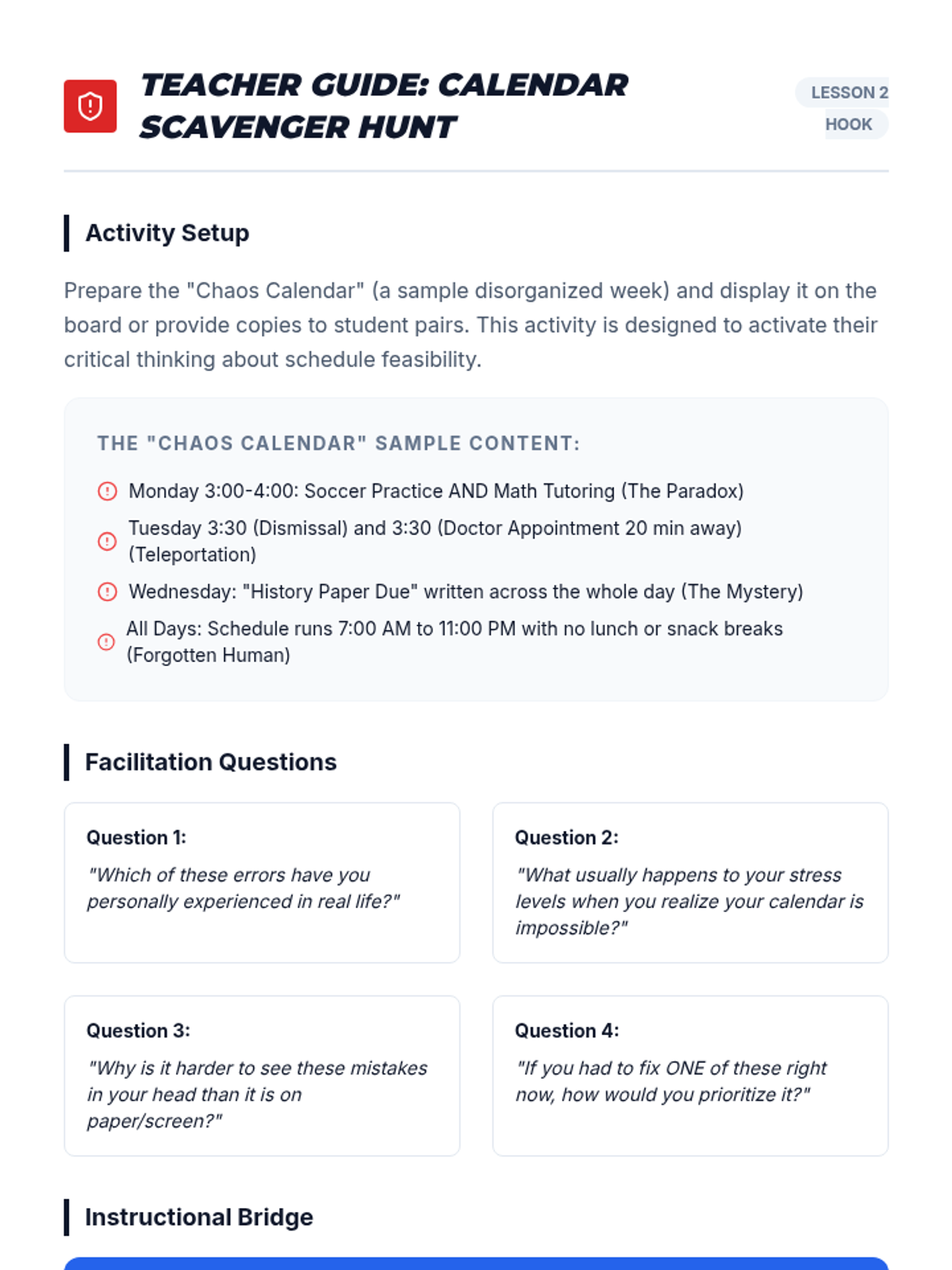
A facilitation guide for teachers to lead the 'Calendar Scavenger Hunt' hook, including sample chaos calendar entries and discussion prompts.
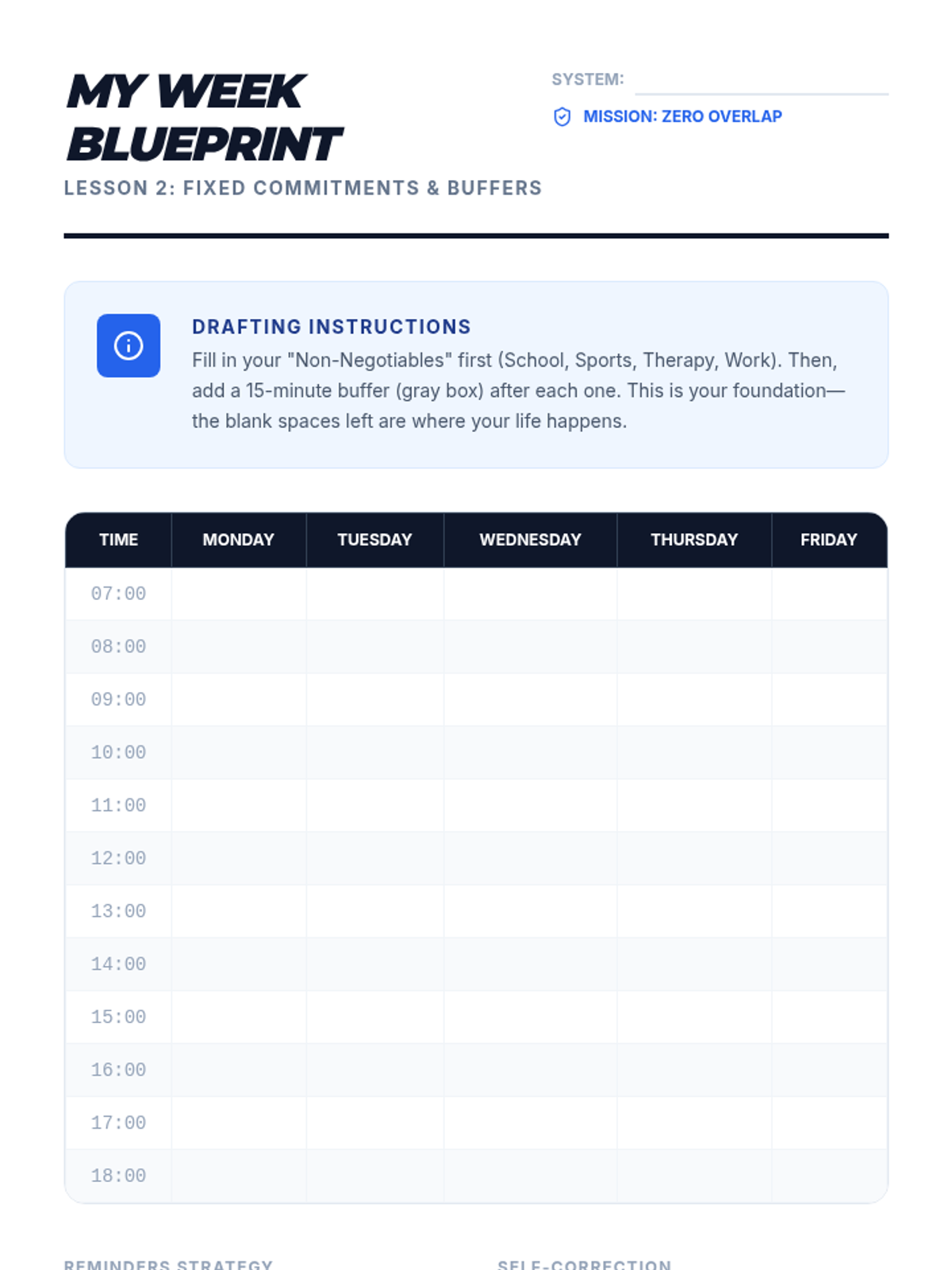
A calendar template designed for students to identify fixed commitments and incorporate necessary buffer times into their weekly schedule.
Workshop slides for Lesson 2, focusing on time blocking, fixed commitments, the '15-minute buffer' rule, and effective digital reminder strategies.
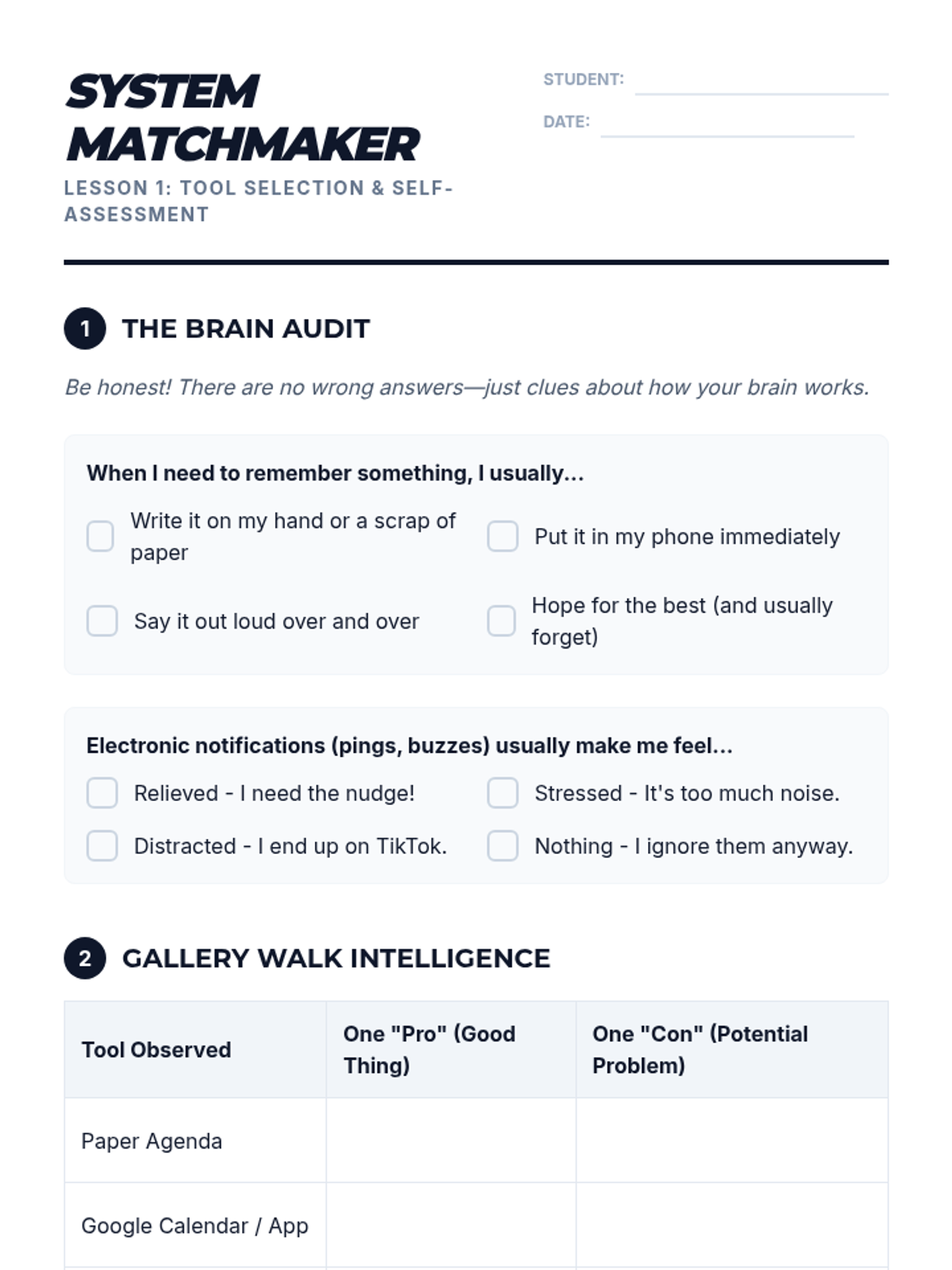
A self-assessment and tool-comparison worksheet for students to identify their organizational style and select a planning tool to pilot.
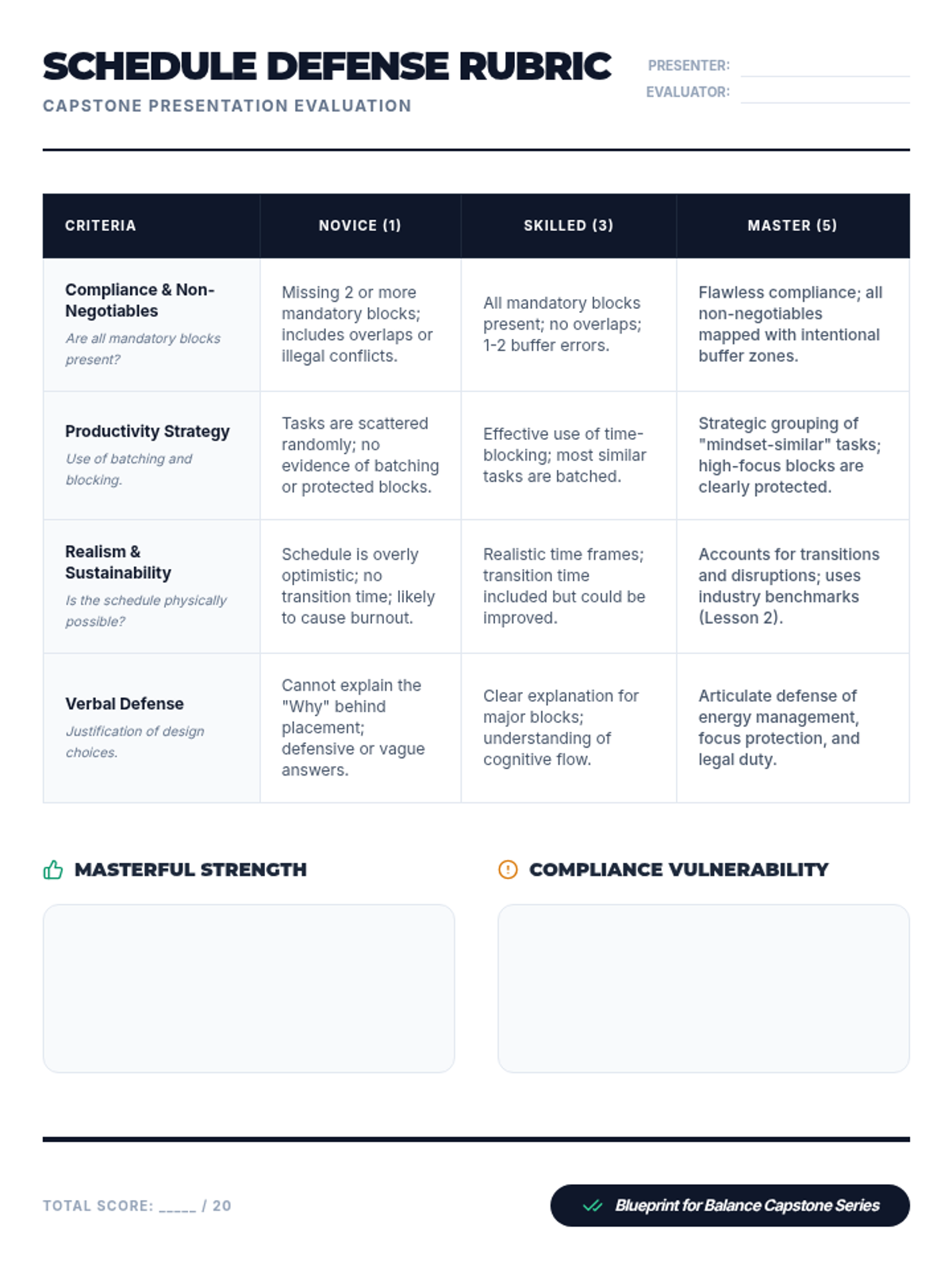
A rubric for evaluating the final 'Master Blueprint' presentation, focusing on compliance, productivity strategies, realism, and verbal defense.
Introductory slides for Lesson 1, comparing analog and digital planning systems with a focus on self-assessment and finding the right 'fit'.
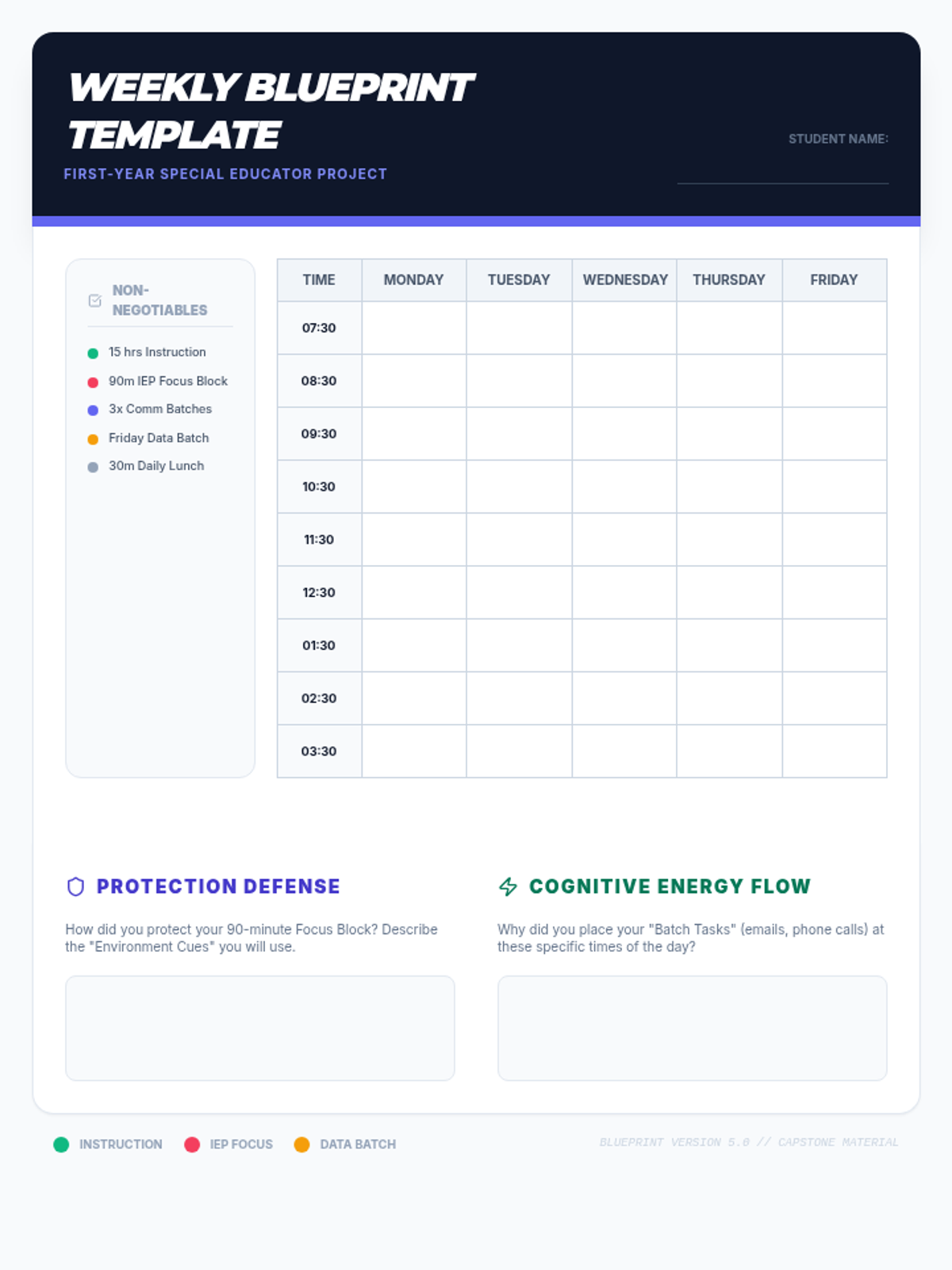
The master template for the capstone project. Students use this to map out their perfect instructional week while balancing compliance and administrative tasks.
Introductory slides for Lesson 5, outlining the 'Perfect Week' capstone project and providing guidelines for scheduling and peer review.
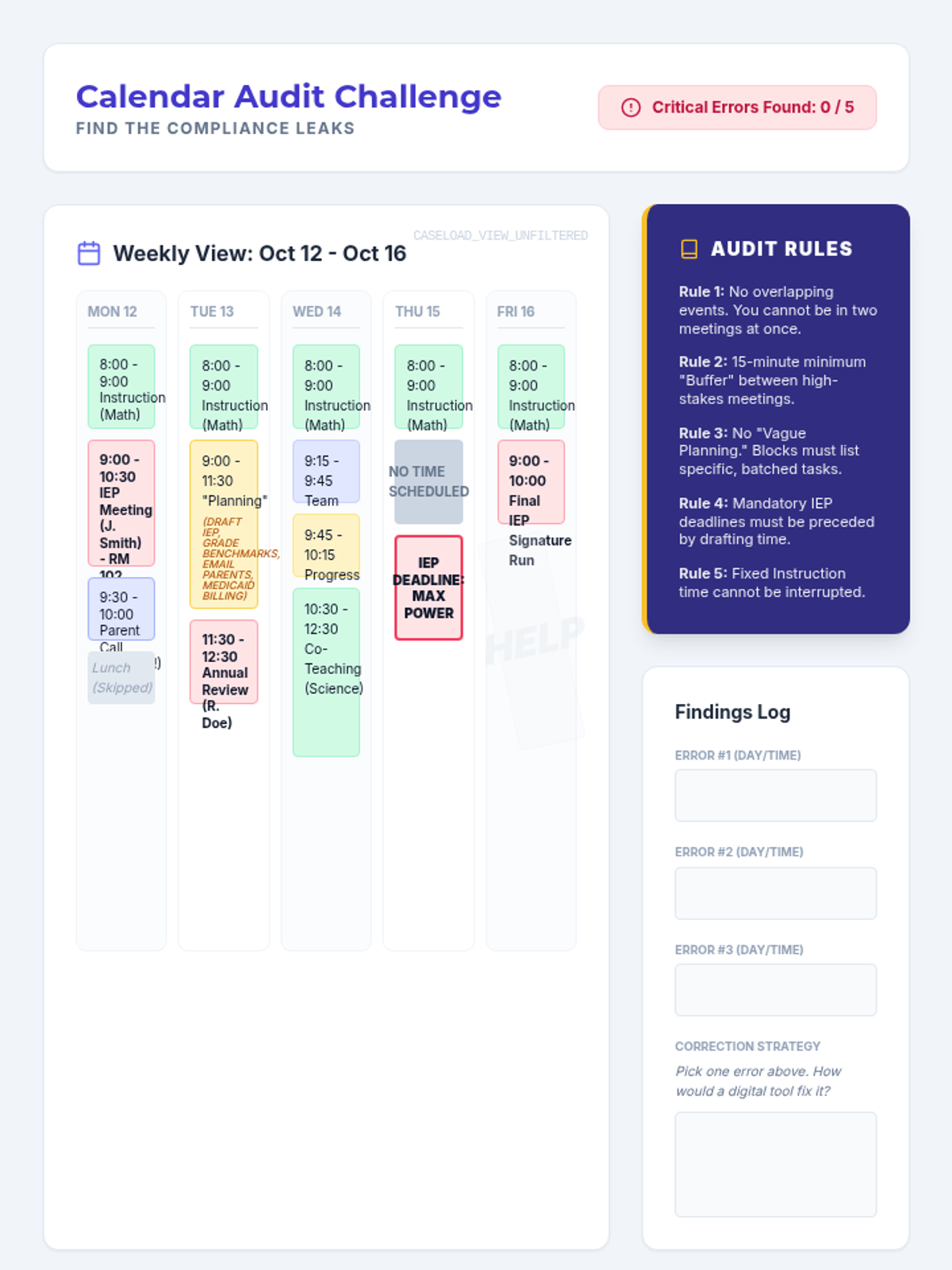
A worksheet featuring a visual 'messy' calendar where students must identify critical errors such as overlapping appointments, missing transition time, and vague planning blocks using a set of 'Audit Rules'.
Introductory slides for Lesson 4, exploring digital calendar features and identifying critical scheduling errors in caseload management.