Lenny LearningLenny
Create
Explore
Workspace
LoginSign up
MathEnglish Language ArtsScience & EngineeringSocial StudiesGlobal LanguagesHealth & Physical EducationSpecial EducationCounseling & Life SkillsArts & CreativityESL
Lenny LearningLenny
Lenny Learning
About
Training
Pricing
Support
Contact
© 2026 Lenny Learning Inc.

Assistive Technology

SequencesLessonsMaterialsVideos
  1. Special Education

Assistive Technology

SequencesLessonsMaterialsVideos

Implementation of AAC device navigation, symbol-word communication, and speech recognition for text editing. Builds proficiency in keyboard shortcuts, text-to-speech reading supports, and digital organization through productivity apps and calendars.

Symbol-Word CommunicationVisual supports and symbol-based software for developing literacy and functional communication. Targets students with complex communication needs through picture-word association and structured AAC systems.
AAC Device NavigationMotor planning, symbol hierarchies, and folder organization for high-tech communication tools. Develops speed and accuracy in locating vocabulary across diverse page sets.
Speech Recognition DictationVoice-to-text tools and implementation strategies for students with writing or physical disabilities. Addresses software selection, student training, and editing workflows to increase independence in written expression.
Dictation Text EditingVoice-recognition commands, punctuation insertion, and error correction techniques for speech-to-text users. Develops independence in drafting and refining written work for students with physical or learning barriers.
Text-to-Speech for ReadingImplementation of digital tools that convert written text into auditory output for enhanced reading accessibility. Targets decoding, fluency, and comprehension barriers for students with learning disabilities or visual impairments.
Digital Calendar UseVisual alerts, color-coding, and recurring event features within digital platforms to support executive function. Guides the integration of accessible scheduling tools to increase student independence and time management skills.
Keyboard Shortcuts NavigationKeyboard navigation techniques and essential shortcut combinations for accessible computing. Equips learners with motor or visual impairments to navigate operating systems, web browsers, and document editors without a mouse.
Productivity App ManagementConfiguration of digital organizers, task managers, and reminder systems to support executive function. Targets selection strategies and workflow customization to meet diverse accessibility needs.
Sequence
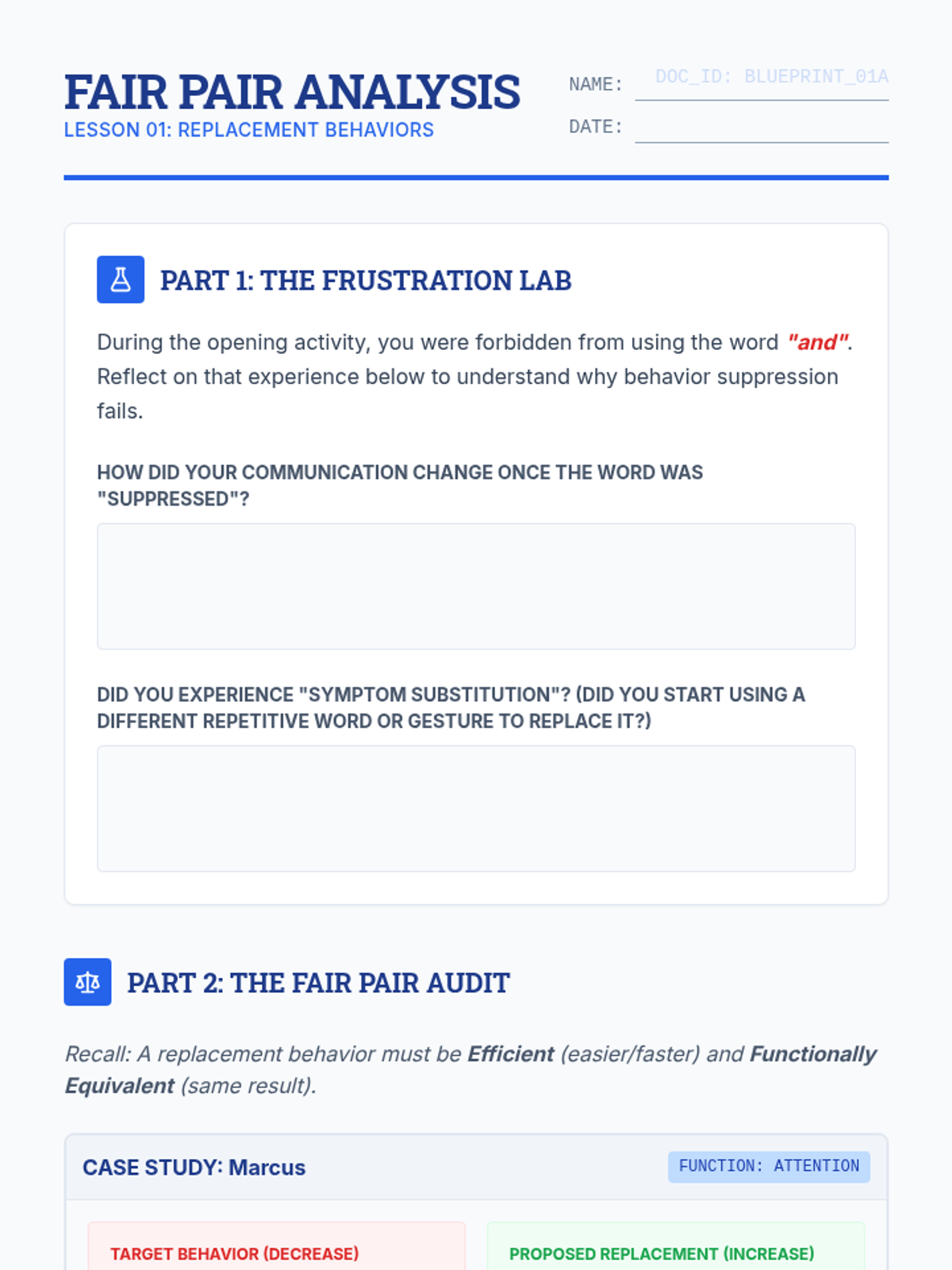
The Fair Pair Slides
Fair Pair Analysis Worksheet

Behavioral Blueprint

A comprehensive unit for high school students on the ethical and technical aspects of teaching replacement behaviors. Students move from the core philosophy of the 'Fair Pair' rule to technical skills like FCT, task analysis, and generalization planning.

Lenny Avatar
Lenny
1/17
Sequence
Home Base Slides
Home Screen Blueprint Worksheet
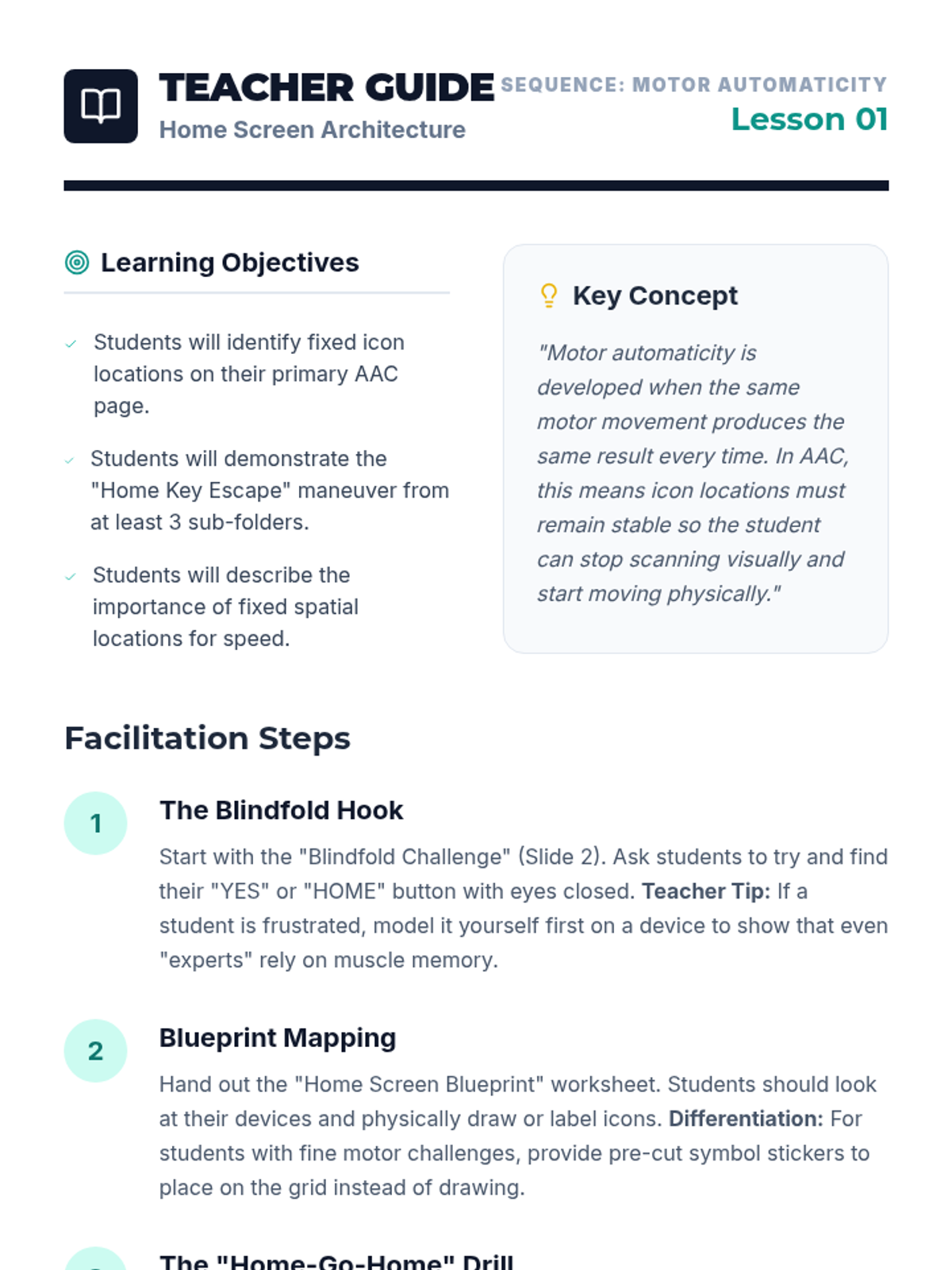
Home Base Teacher Guide

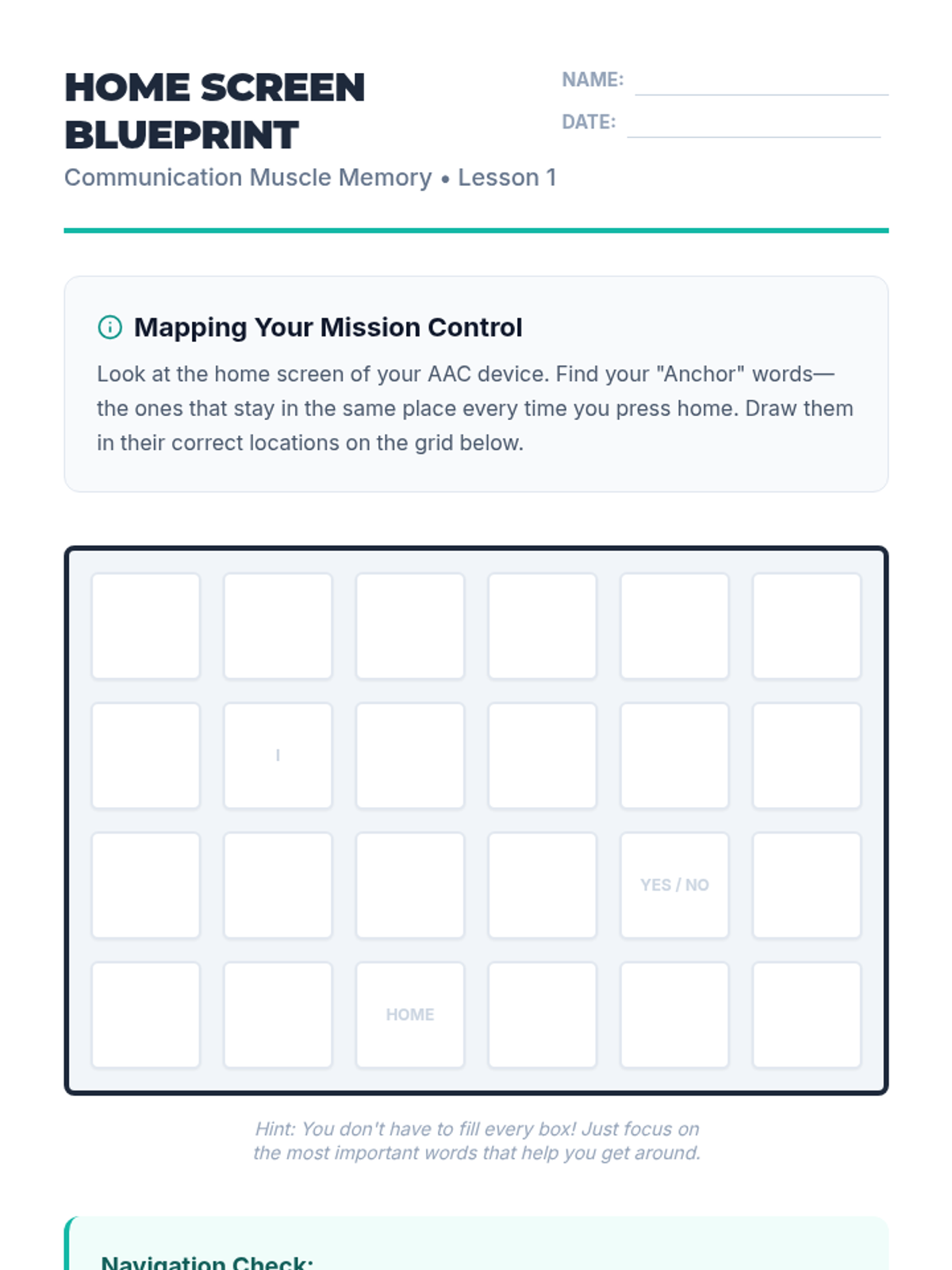
Communication Muscle Memory

This sequence focuses on developing motor automaticity for high-frequency core vocabulary in AAC systems. Students engage in repetitive, gamified practice to establish muscle memory, moving from single-icon identification to rapid 2-3 word sentence building.

Lenny Avatar
Lenny
1/17
Sequence
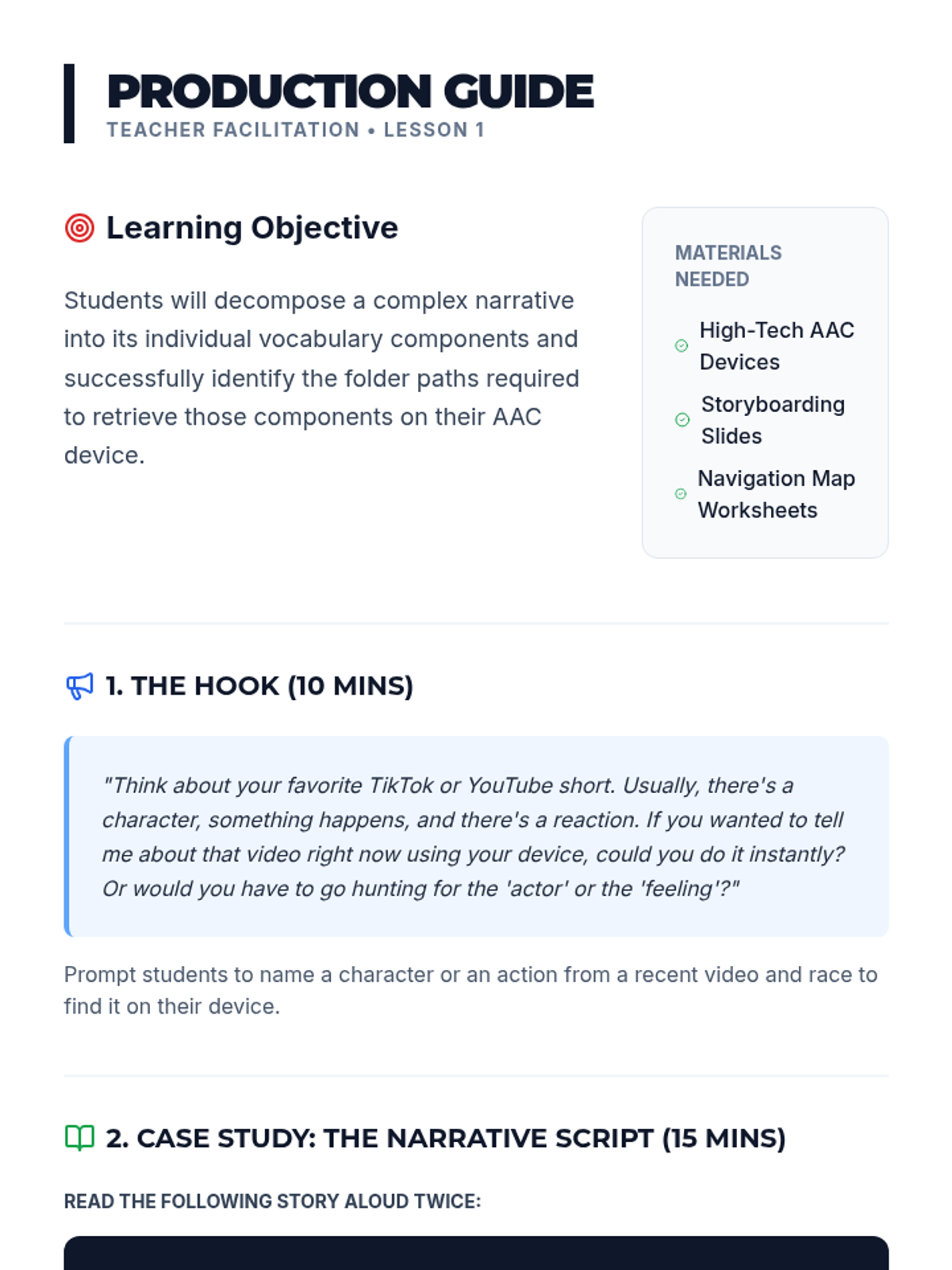
Storyboarding Paths Presentation
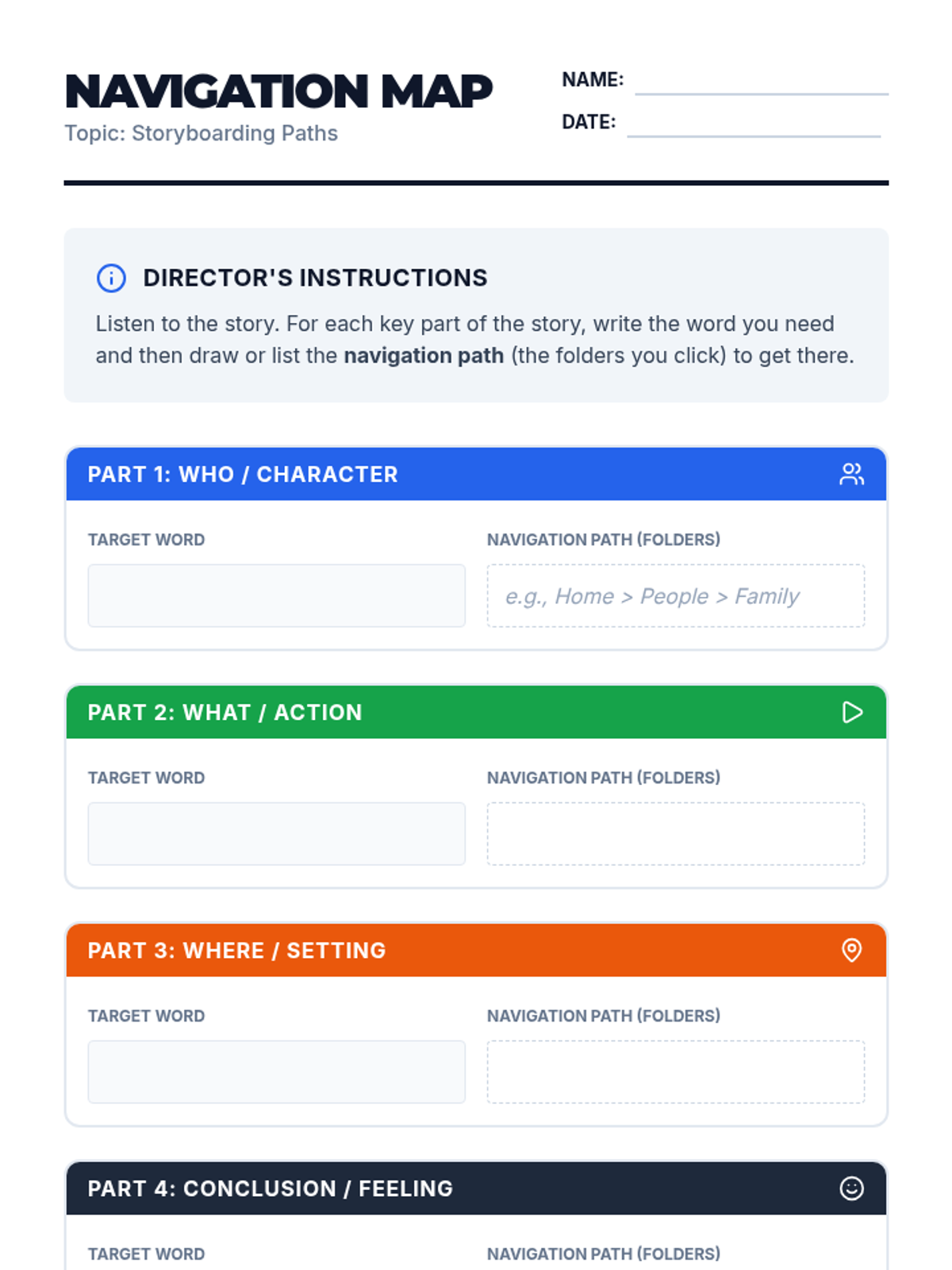
Navigation Map Worksheet
Storyboarding Teacher Guide

Narrative Navigators

This sequence guides 12th-grade AAC users through the process of navigating complex device folder structures to construct rich, multi-part narratives. Students progress from mapping navigation paths to applying morphology and descriptive language, culminating in a recorded digital story showcase.

Lenny Avatar
Lenny
1/17
Sequence
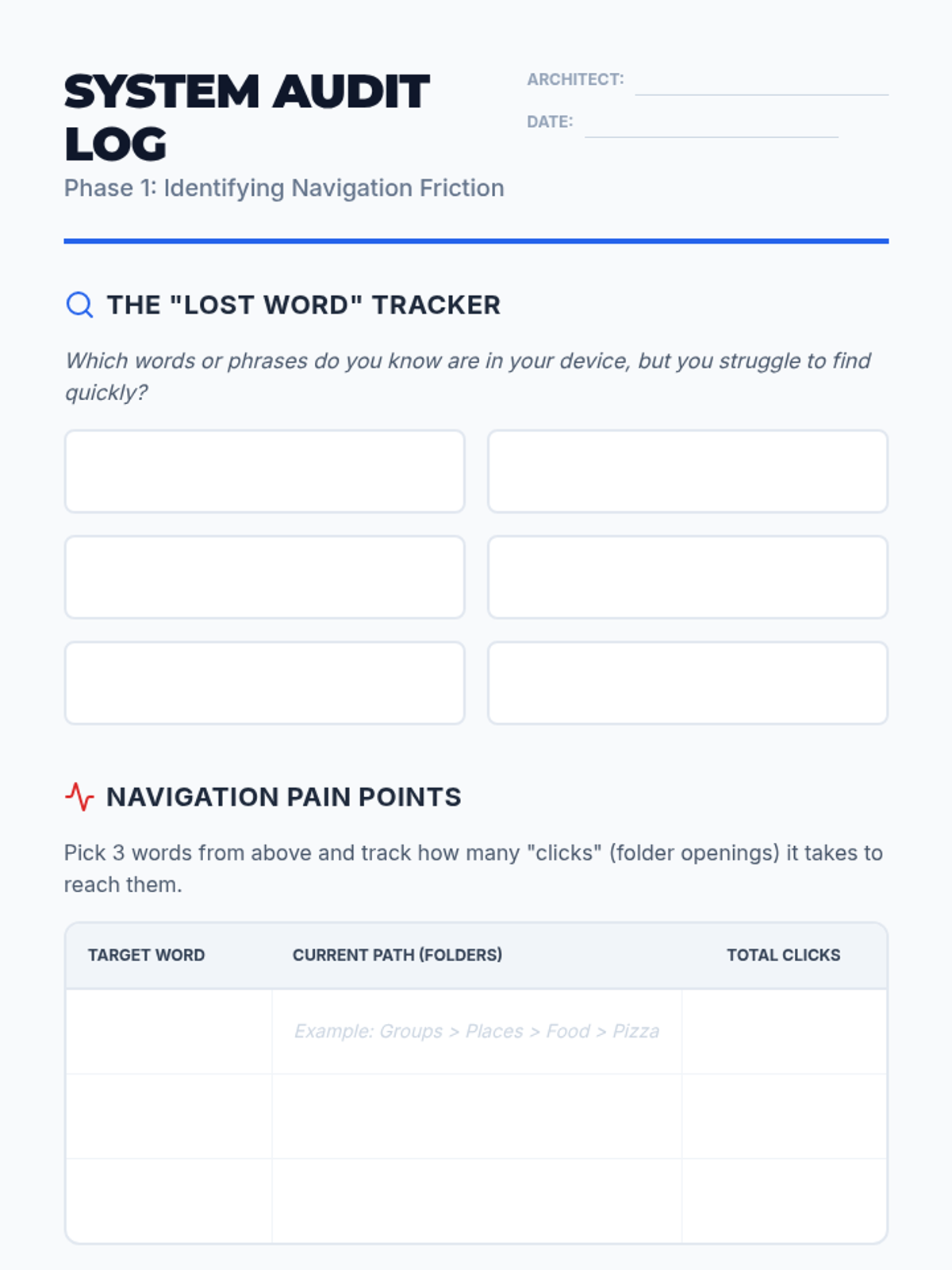
Audit Lab Slides
Audit Log Worksheet

System Architect AAC Optimization

This 5-lesson sequence empowers 12th-grade AAC users to audit, redesign, and optimize their device layouts for maximum communication efficiency. Students transition from being passive users to 'system architects' who customize their tools to reflect their personal voices and priorities.

Lenny Avatar
Lenny
1/17
Sequence
Listening Echo Slides
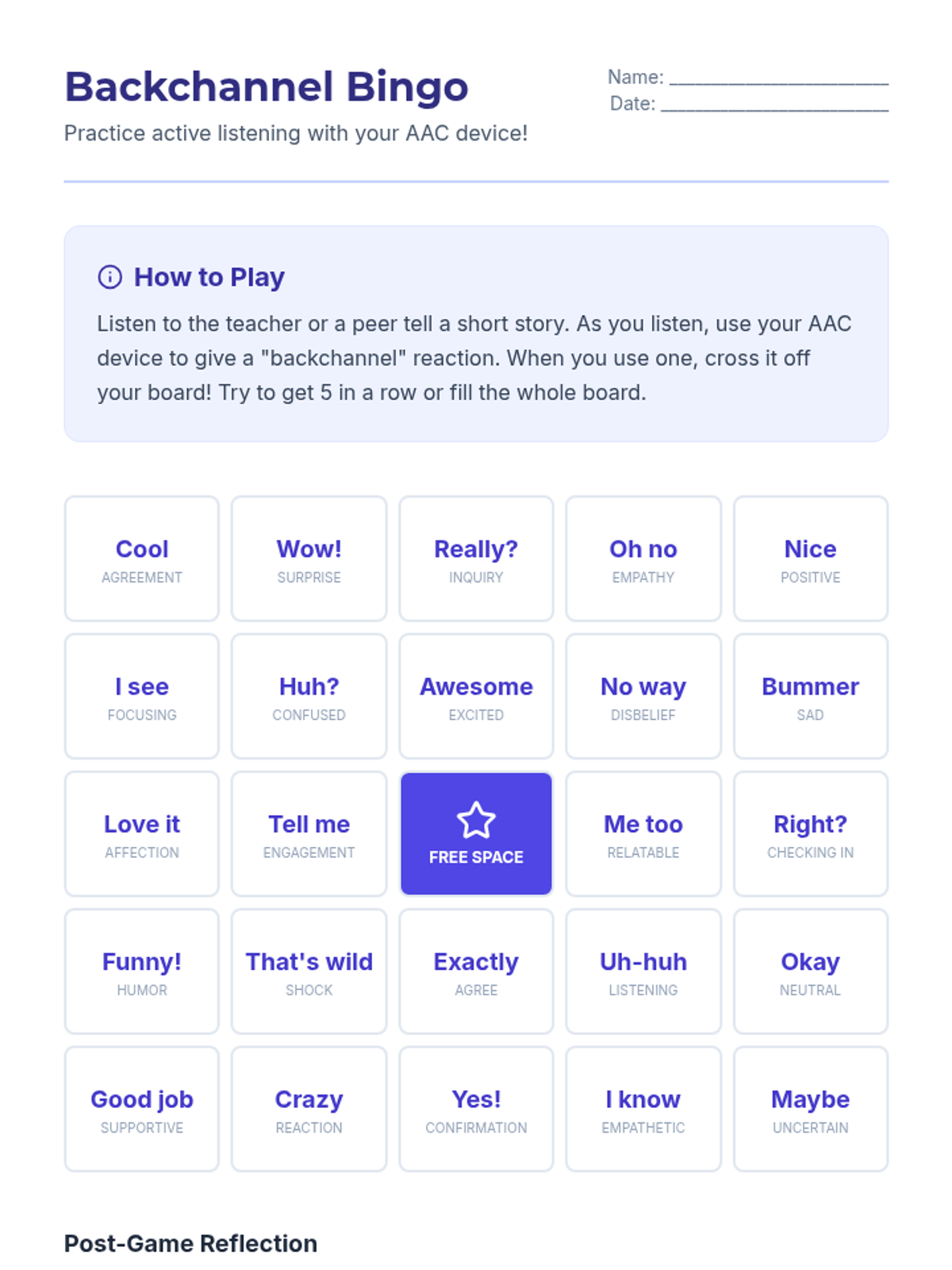
Backchannel Bingo Worksheet
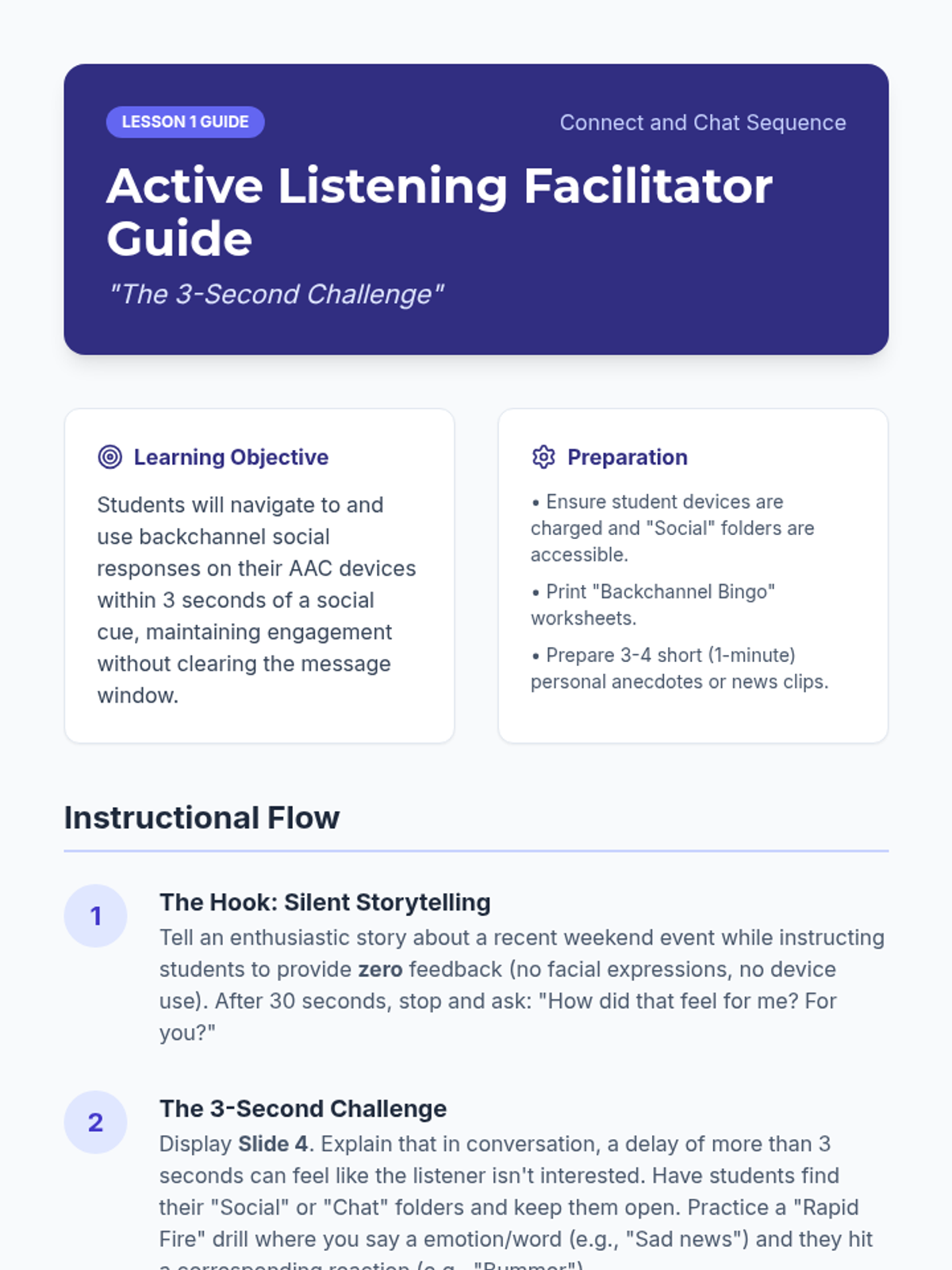
Active Listening Facilitator Guide

Connect and Chat AAC Navigation

This sequence focuses on the high demands of social interaction for AAC users, training 12th-grade students to navigate their devices during real-time conversation. Students practice rapid switching between questions, comments, and exclamations to maintain dialogue flow, culminating in a group discussion where navigation speed supports active participation.

Lenny Avatar
Lenny
1/17
Sequence
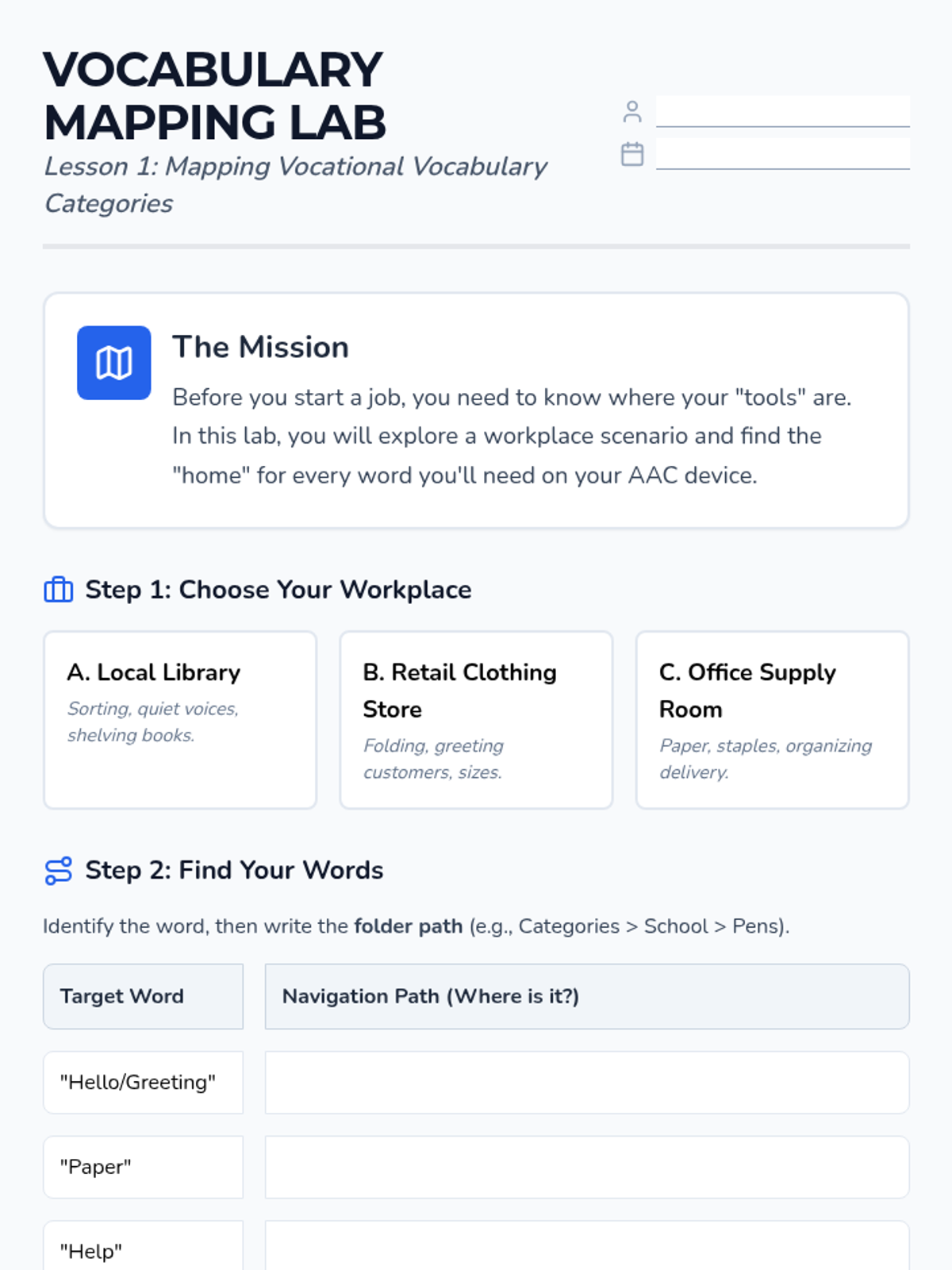
Vocab Mapping Worksheet
Vocab Lab Presentation
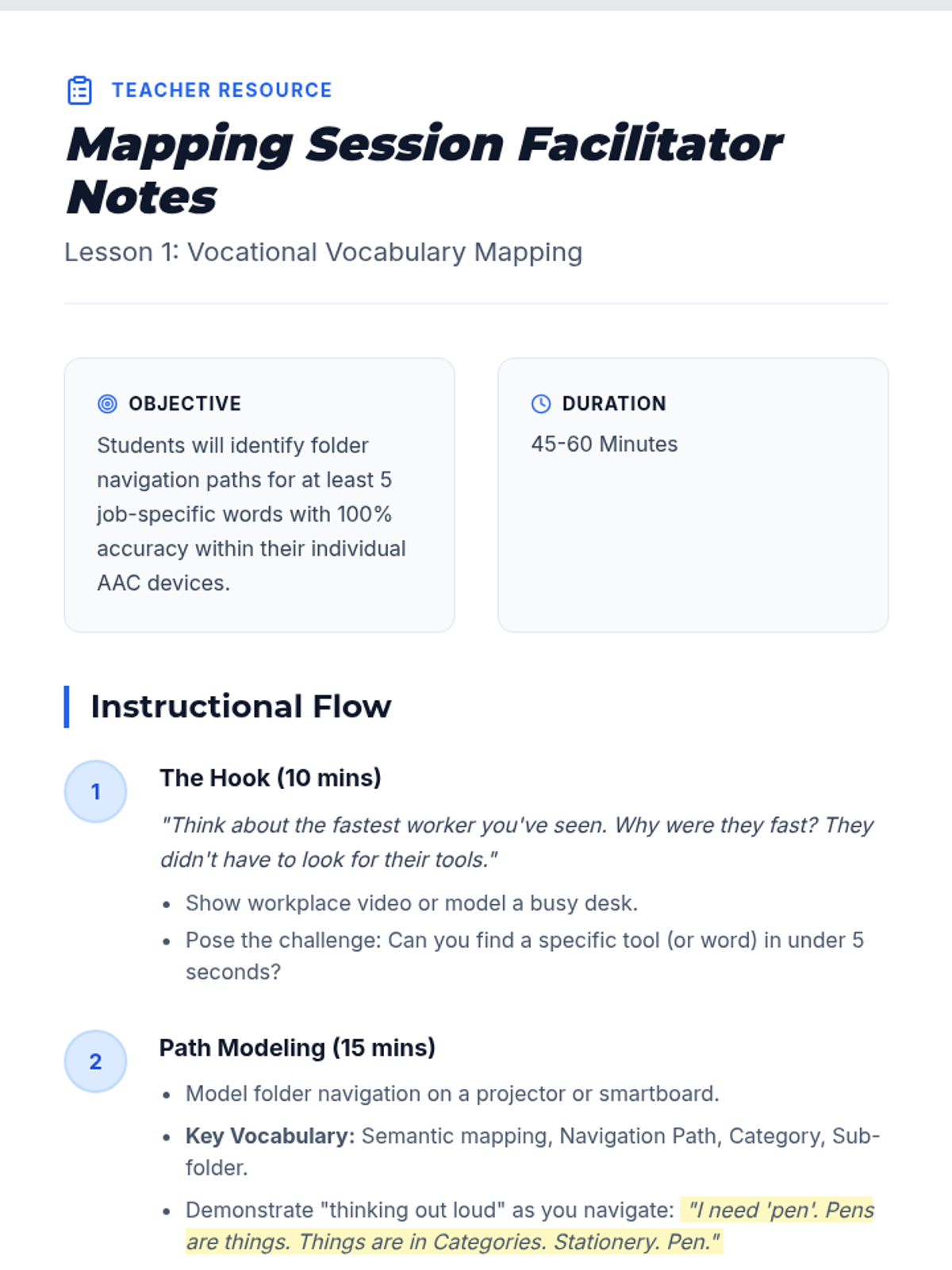
Mapping Facilitator Notes

Navigating Vocational Vocabulary

This sequence prepares 12th-grade transition students to navigate their AAC devices efficiently within workplace environments. It focuses on semantic mapping, rapid switching between social and functional folders, and context-dependent communication strategies.

Lenny Avatar
Lenny
1/17
Sequence
Baseline Blast Slides
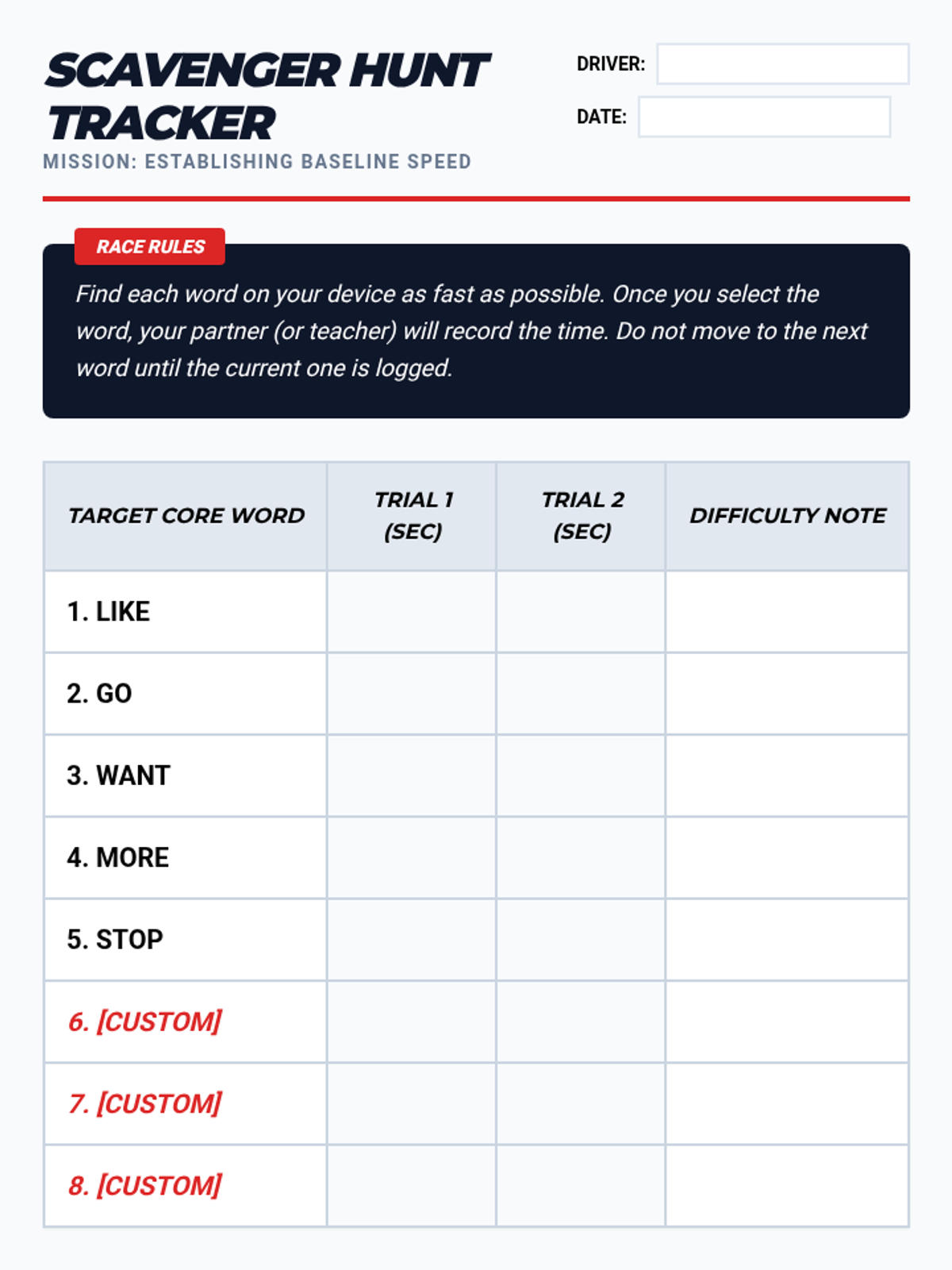
Scavenger Hunt Tracker
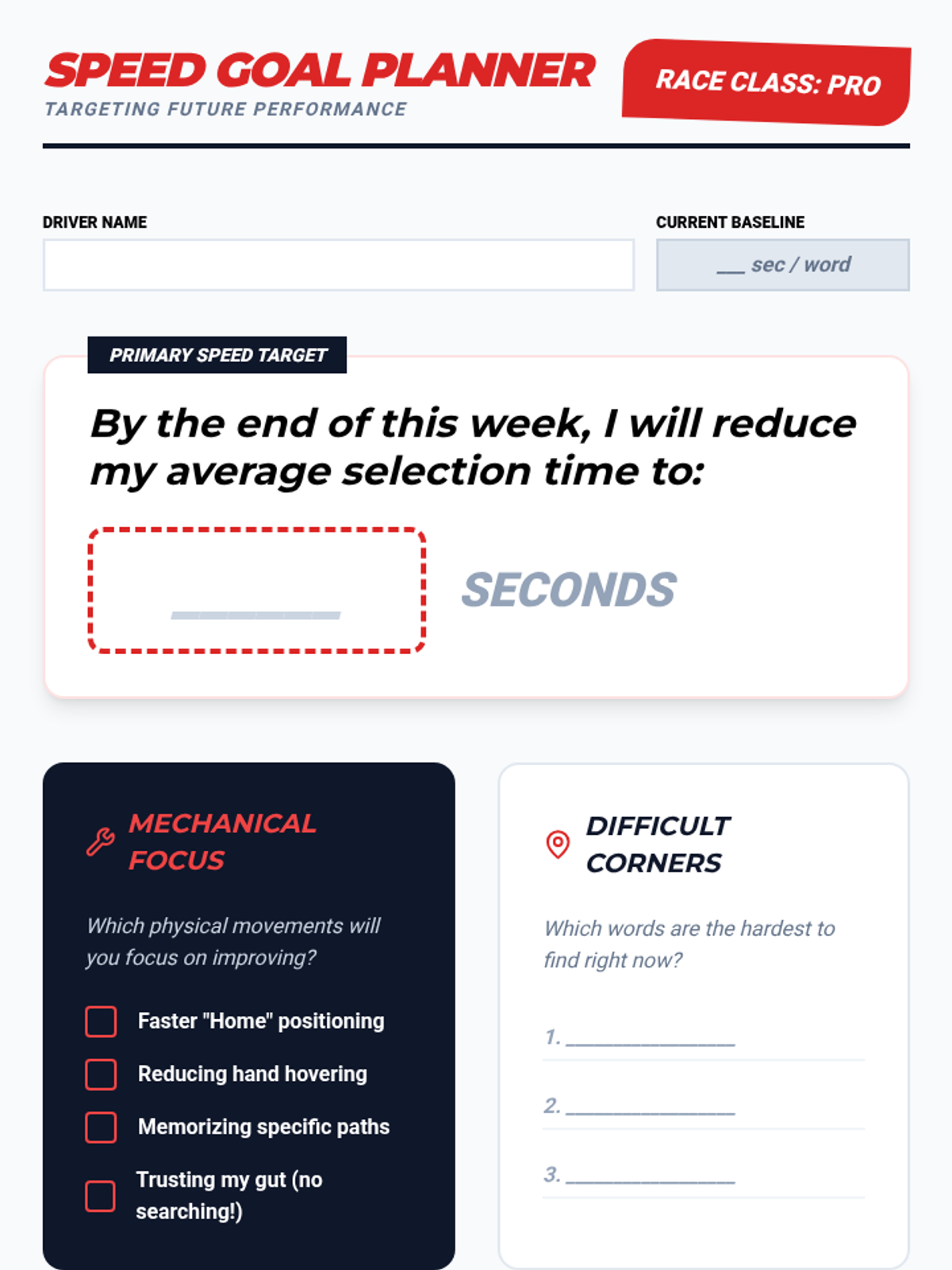
Speed Goal Planner

Rapid Response AAC

A specialized training sequence for 12th-grade AAC users to transition from visual scanning to motor automaticity. Students use racing-themed drills and gamified challenges to build muscle memory for core vocabulary and folder navigation, culminating in high-speed communication fluency.

Lenny Avatar
Lenny
1/17
Sequence
Detective Deck Slides
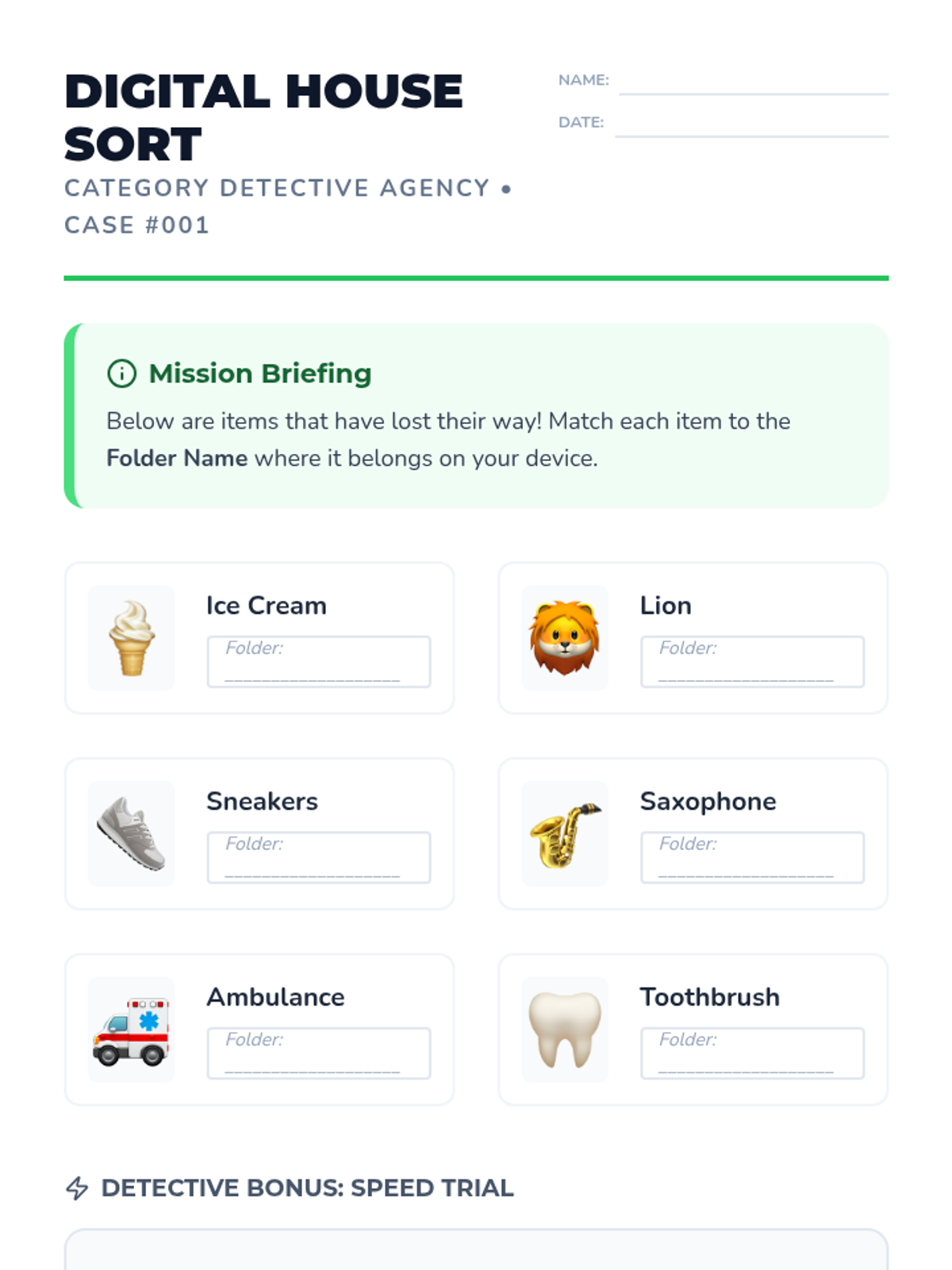
Digital House Sort Worksheet
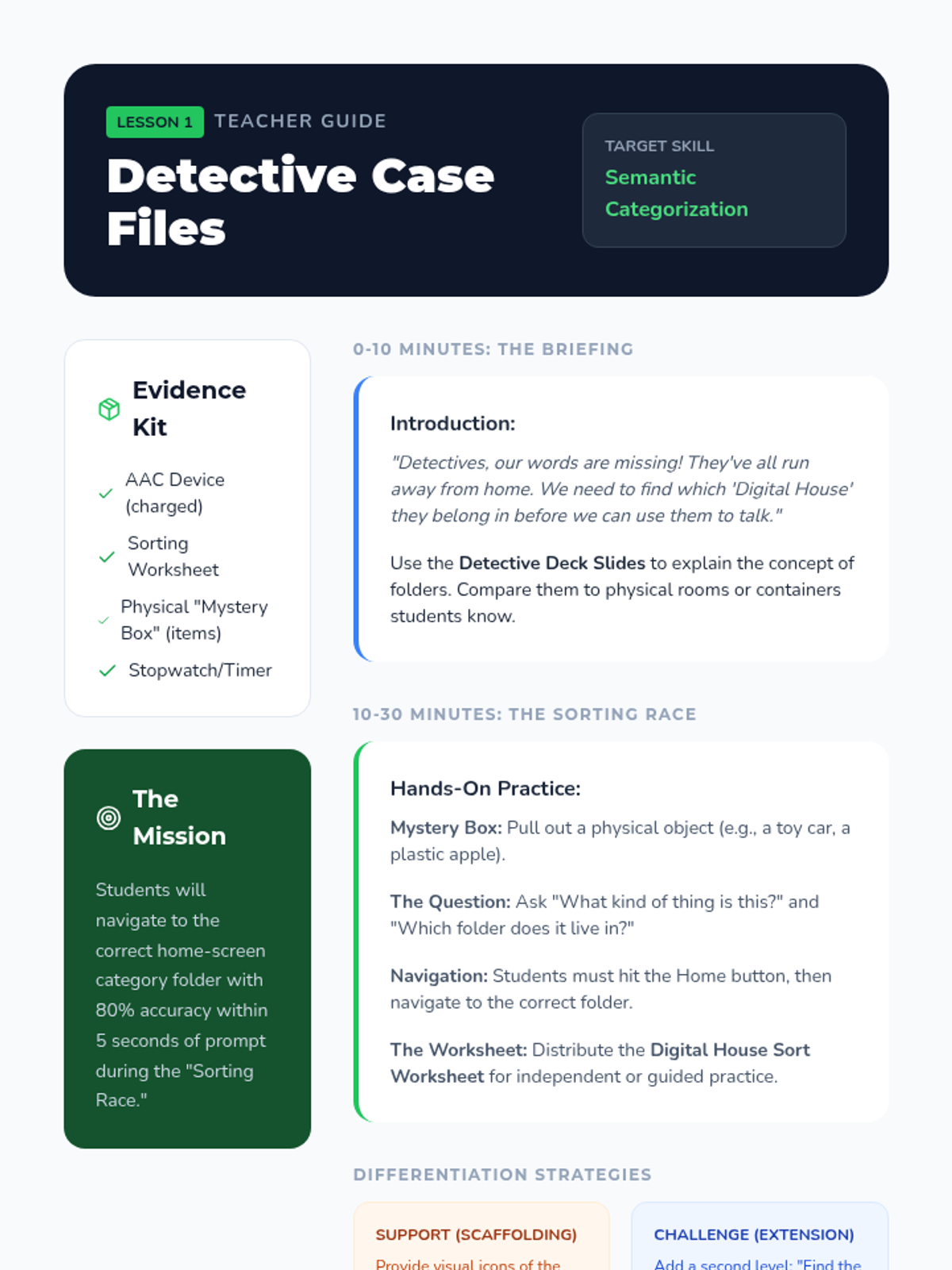
Detective Case Files Guide

Navigation Master Challenge

A gamified series of lessons designed to improve the motor automaticity and navigational speed of students using high-tech AAC devices. Students progress from simple category sorting to complex, multi-step message formulation through interactive challenges.

Lenny Avatar
Lenny
1/17
Sequence
Mapping Home Base Slides
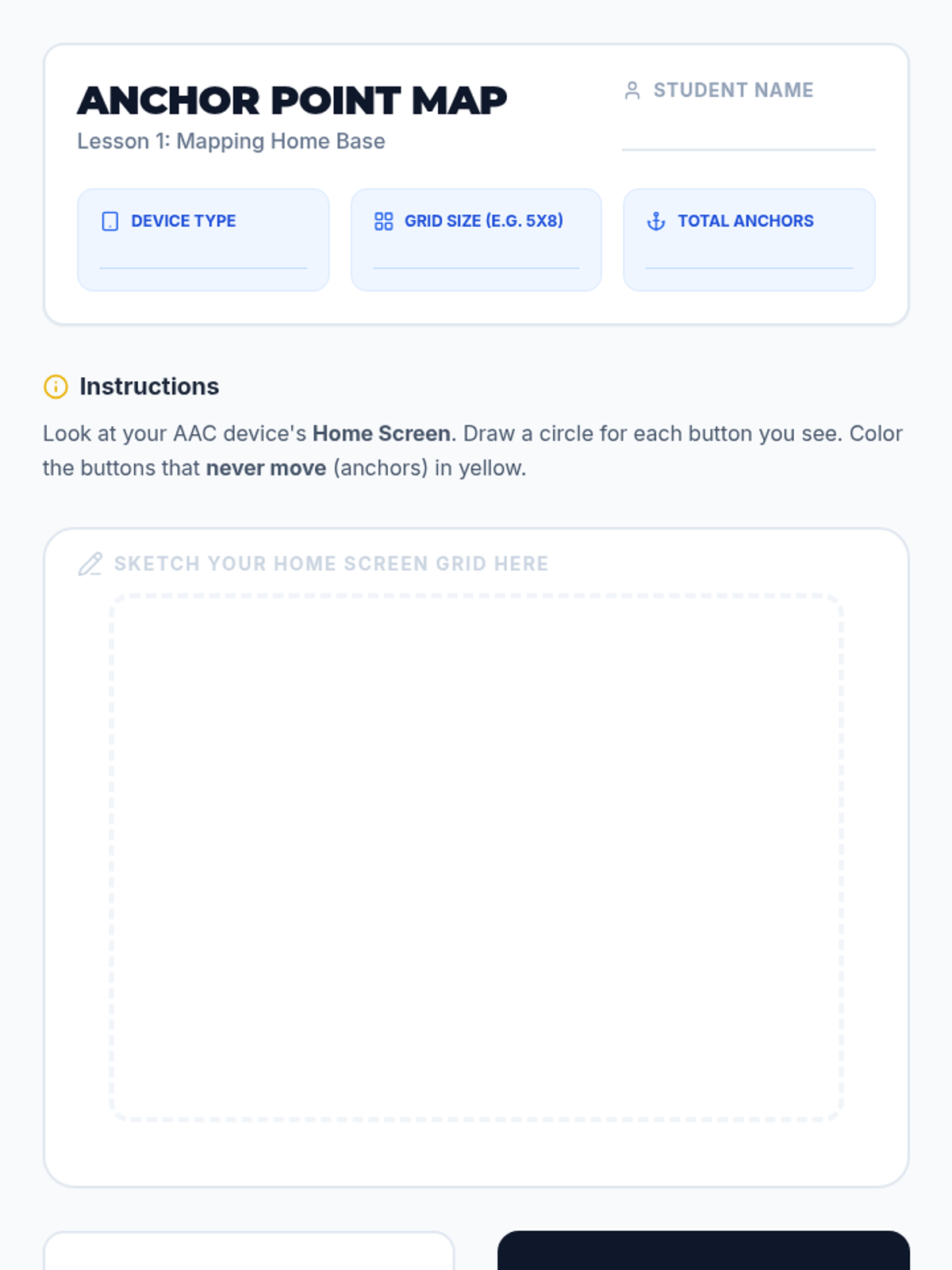
Anchor Point Worksheet

Motor Memory Mastery

This sequence helps students using AAC devices build motor planning and automaticity through high-repetition drills, landmarks, and rhythmic chaining. By the end of the unit, students will navigate their communication devices with increased speed and reduced cognitive effort, focusing on core vocabulary and grammatical morphology.

Lenny Avatar
Lenny
1/17
Sequence
Concrete Category Logic Slides
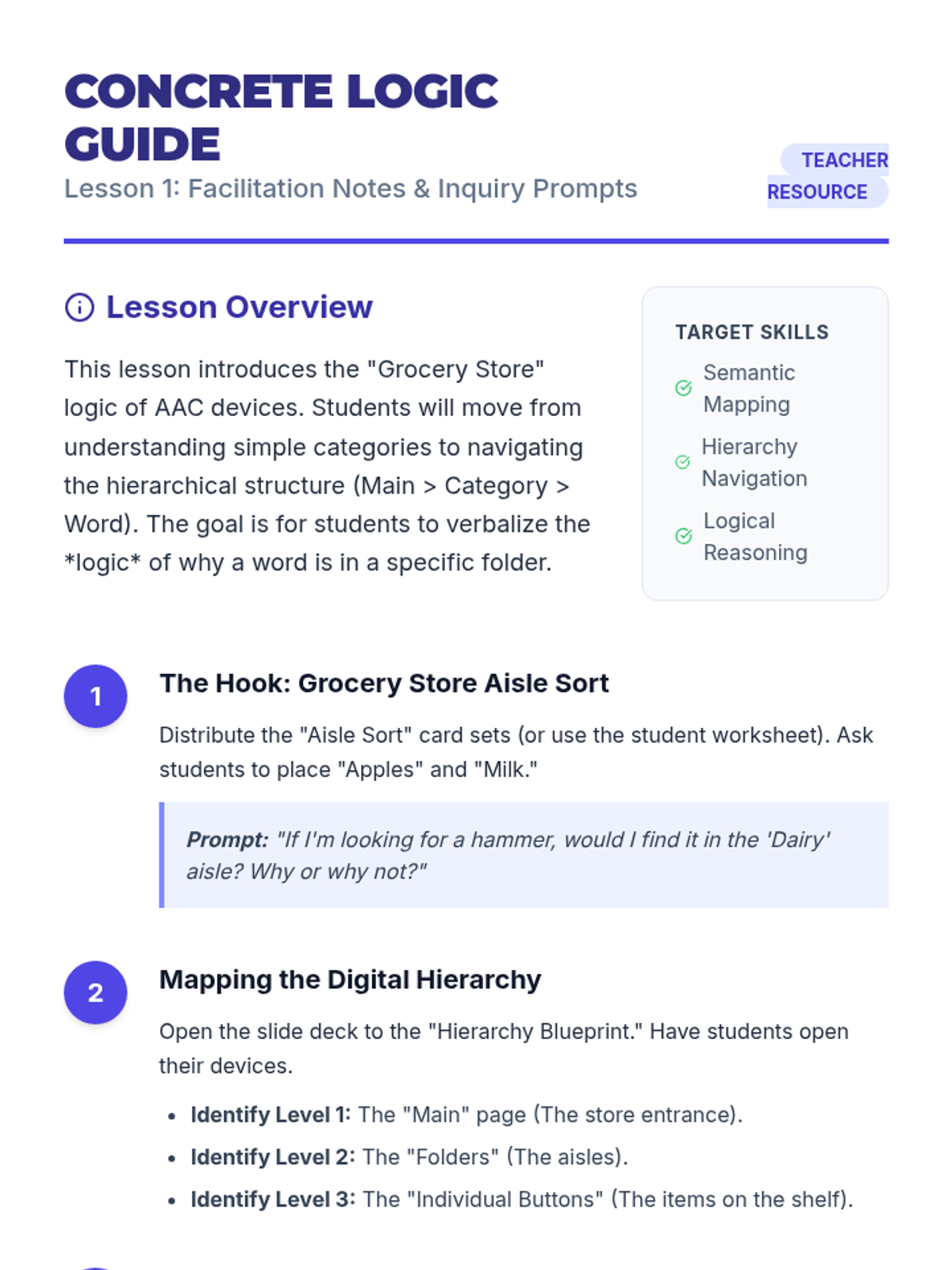
Concrete Logic Guide
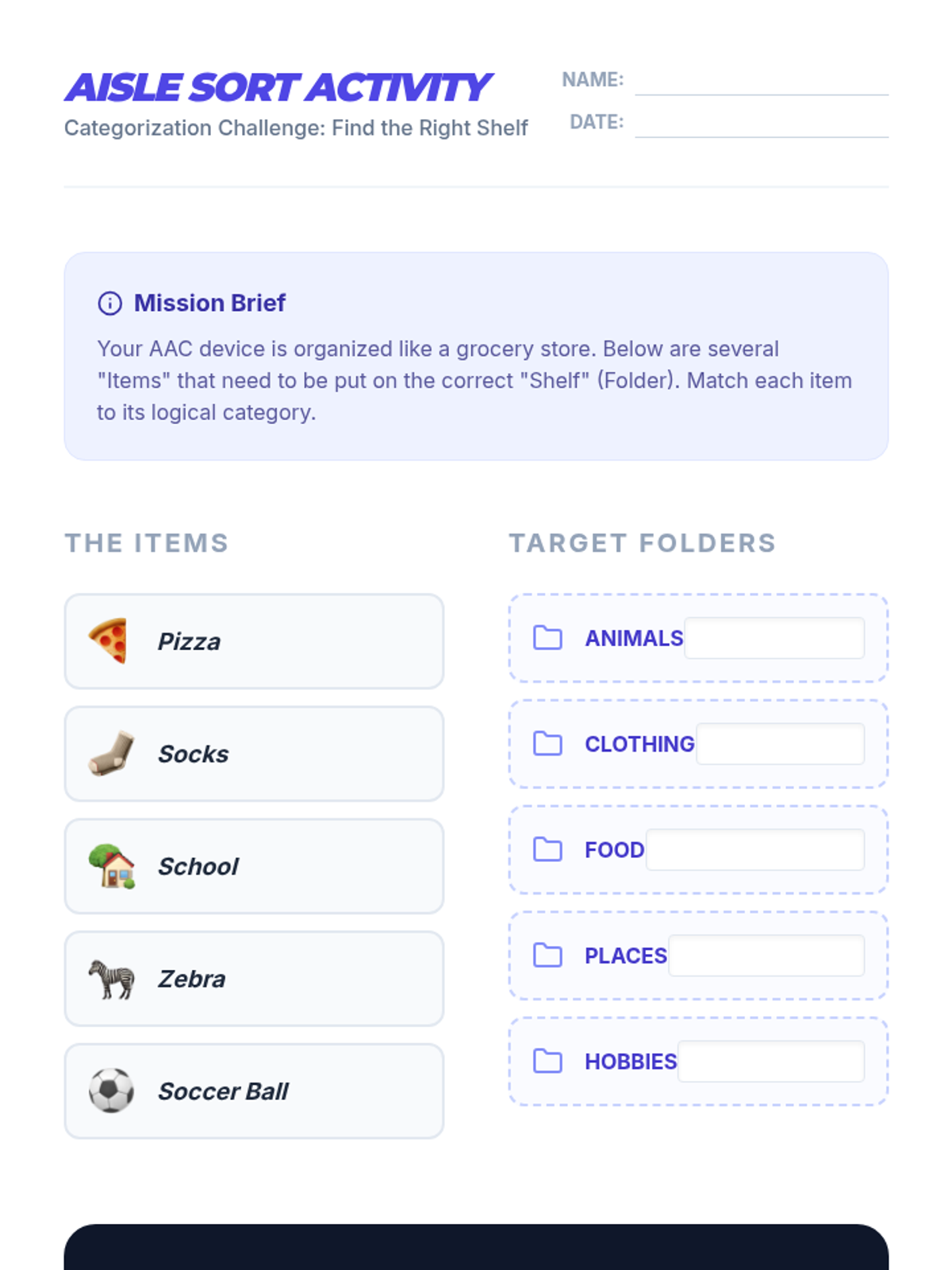
Aisle Sort Activity

Semantic Navigation Mastery

Students explore the logical organization of AAC devices to understand semantic associations and category hierarchies, moving from concrete to abstract concepts.

Lenny Avatar
Lenny
1/17
Sequence
Tool Speed Date Slides
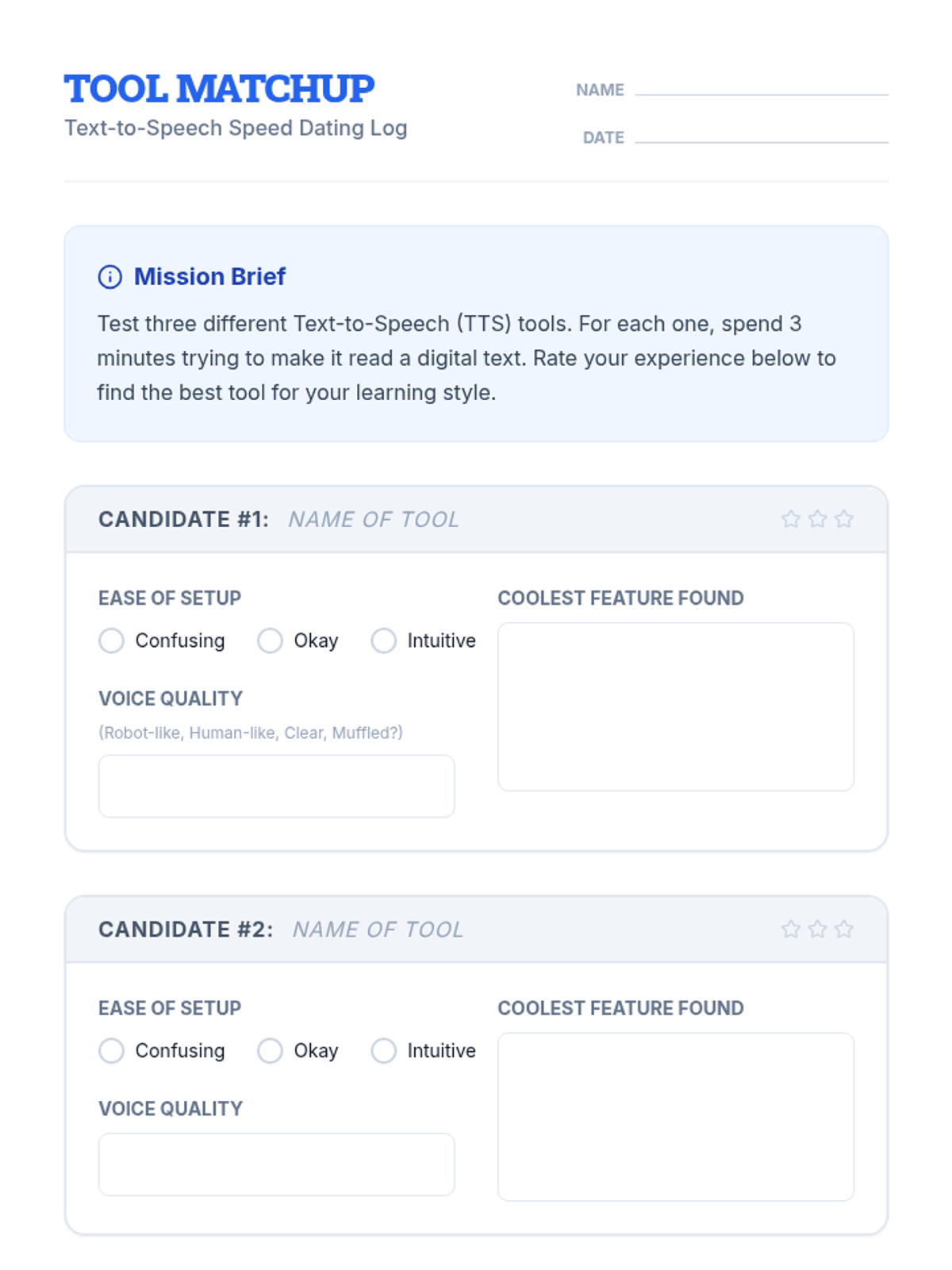
Tool Matchup Worksheet

TTS Mastery Sequence

A technical sequence designed for high school students to master text-to-speech (TTS) tools. It covers tool selection, voice optimization, navigation shortcuts, troubleshooting inaccessible formats like PDFs, and ends with students creating a personal accessibility profile for independent academic success.

Lenny Avatar
Lenny
1/18
Sequence
Inbox Command Slides
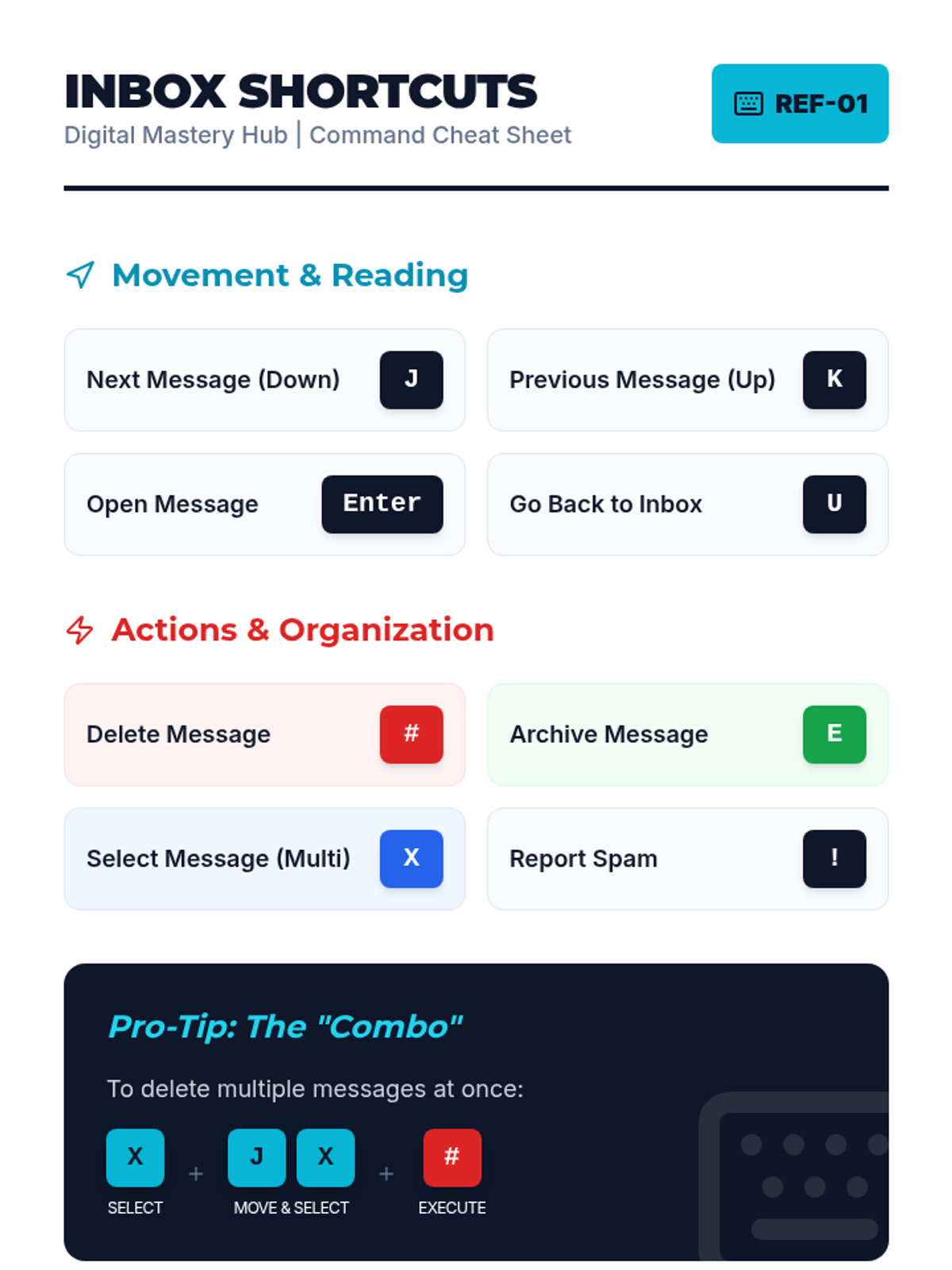
Inbox Shortcuts Cheat Sheet
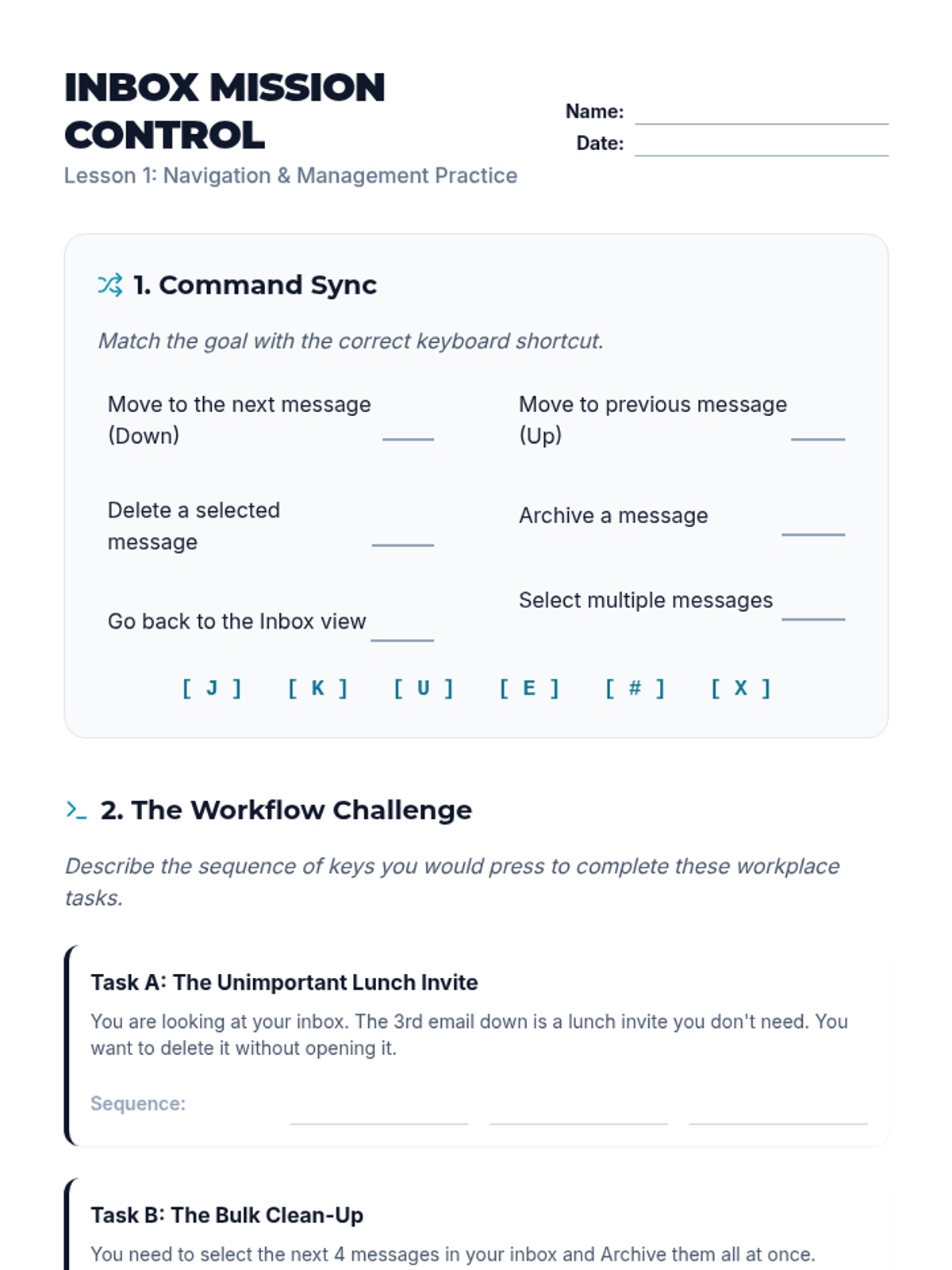
Inbox Navigation Worksheet
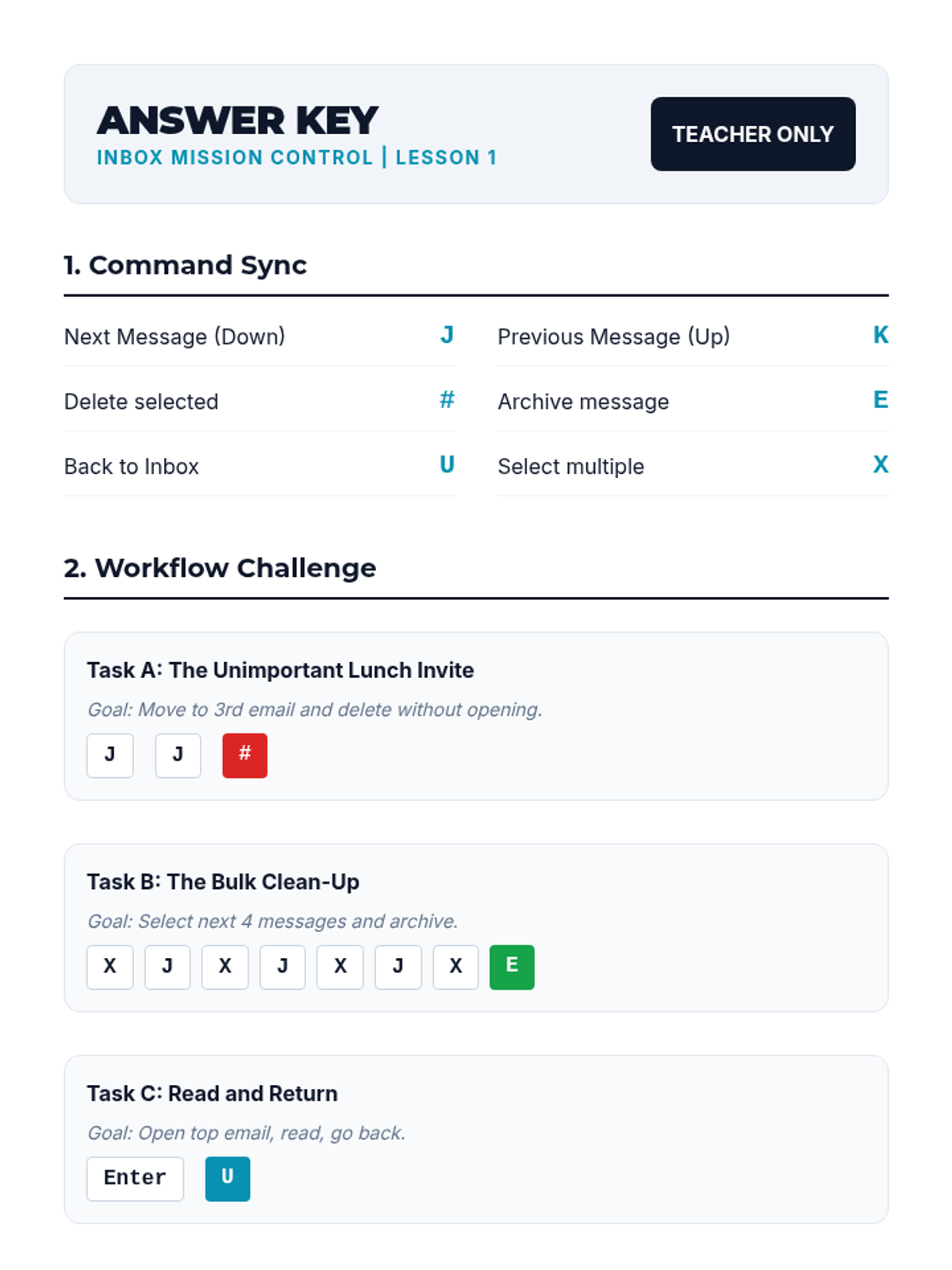
Inbox Navigation Answer Key

Digital Mastery Hub

A vocational-readiness sequence for 9th-grade students focusing on mastering assistive technology through keyboard shortcuts in professional communication tools (email and calendar). Students develop digital independence by learning to manage high-volume communication without mouse interaction, preparing them for workplace efficiency and accessibility.

Lenny Avatar
Lenny
1/18
Sequence
Access Keys Slides
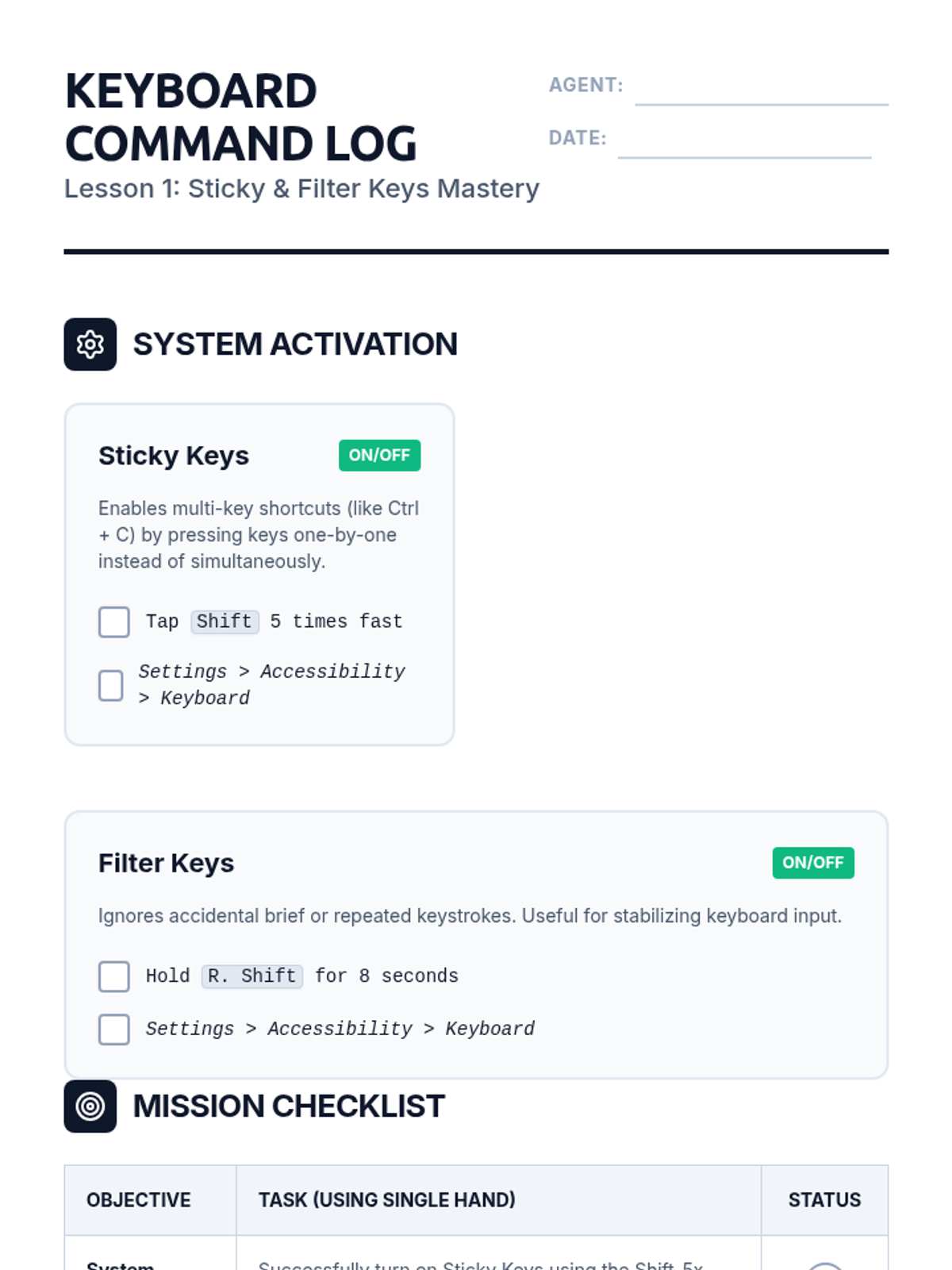
Key Access Handout

Command Center Access

An advanced 8th-grade sequence focusing on assistive technology, specifically keyboard accessibility features, shortcut customization, troubleshooting, and mouse-free workflow mastery. Students progress from basic accessibility settings to full independent digital navigation without a mouse.

Lenny Avatar
Lenny
1/18
Sequence
Address Bar Slides
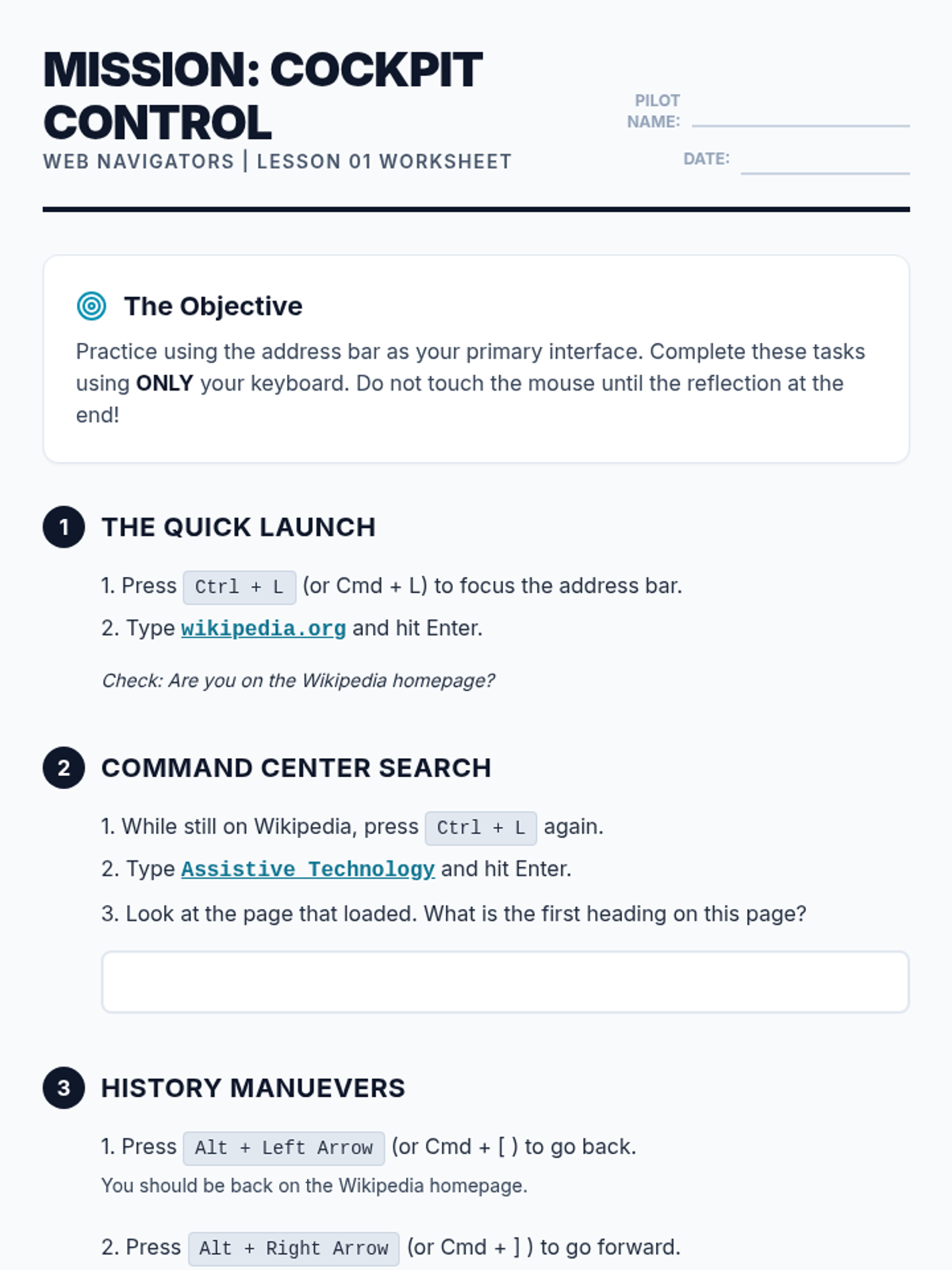
URL Entry Worksheet

Web Navigators

A comprehensive sequence for 12th-grade students on mastering web browser navigation using keyboard shortcuts. This unit covers address bar manipulation, tab management, link navigation, form interaction, and integrated research workflows to build independence and efficiency in digital environments.

Lenny Avatar
Lenny
1/18
Sequence
Core Navigation Slides
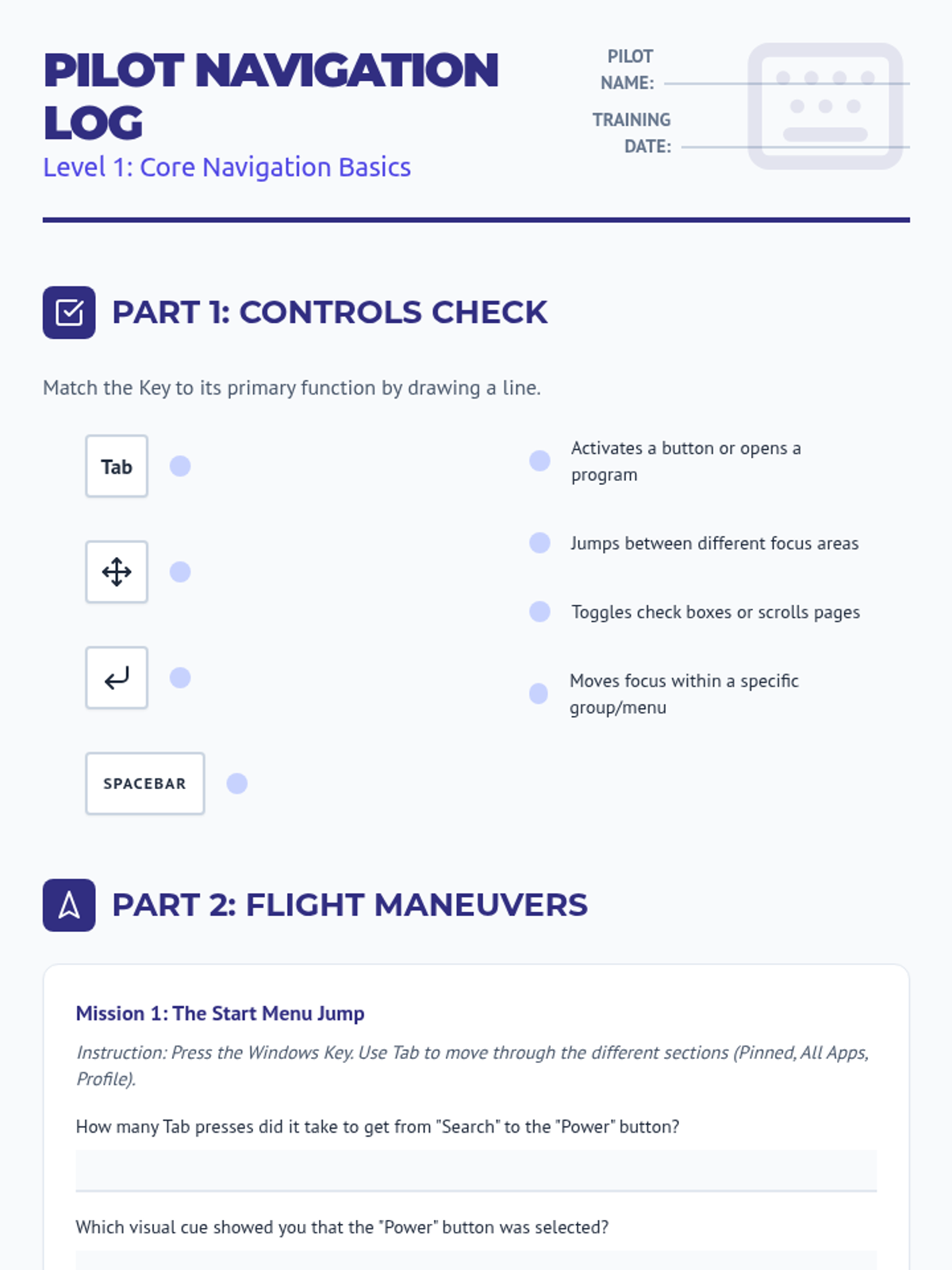
Interface Traversal Worksheet
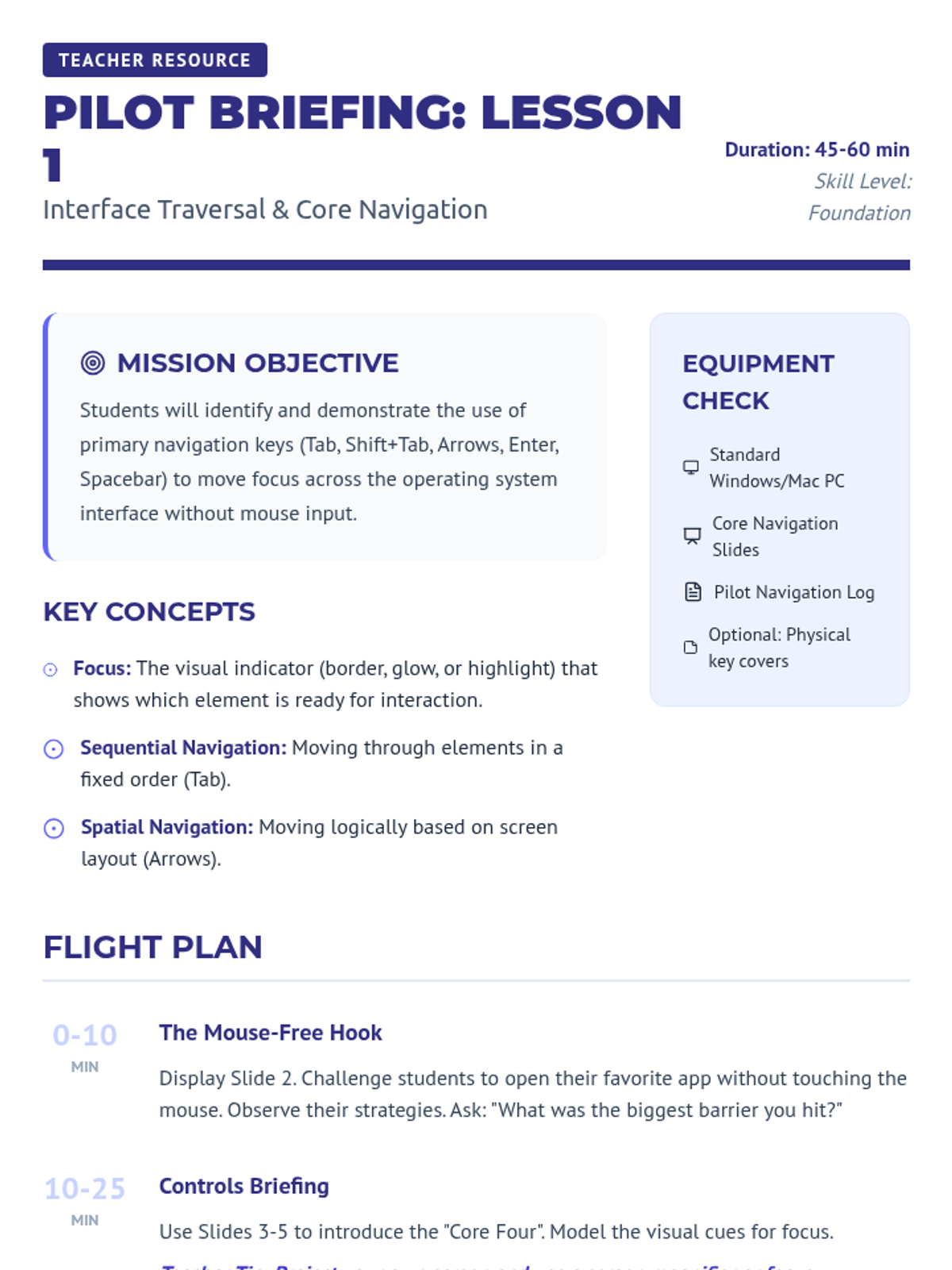
Core Navigation Teacher Guide

Key Commander OS Navigation

This sequence equips students with the essential keyboard skills to navigate an operating system independently, fostering digital accessibility and efficiency for learners who benefit from mouse-free computer interaction.

Lenny Avatar
Lenny
1/18
Sequence
Second Brain Slides
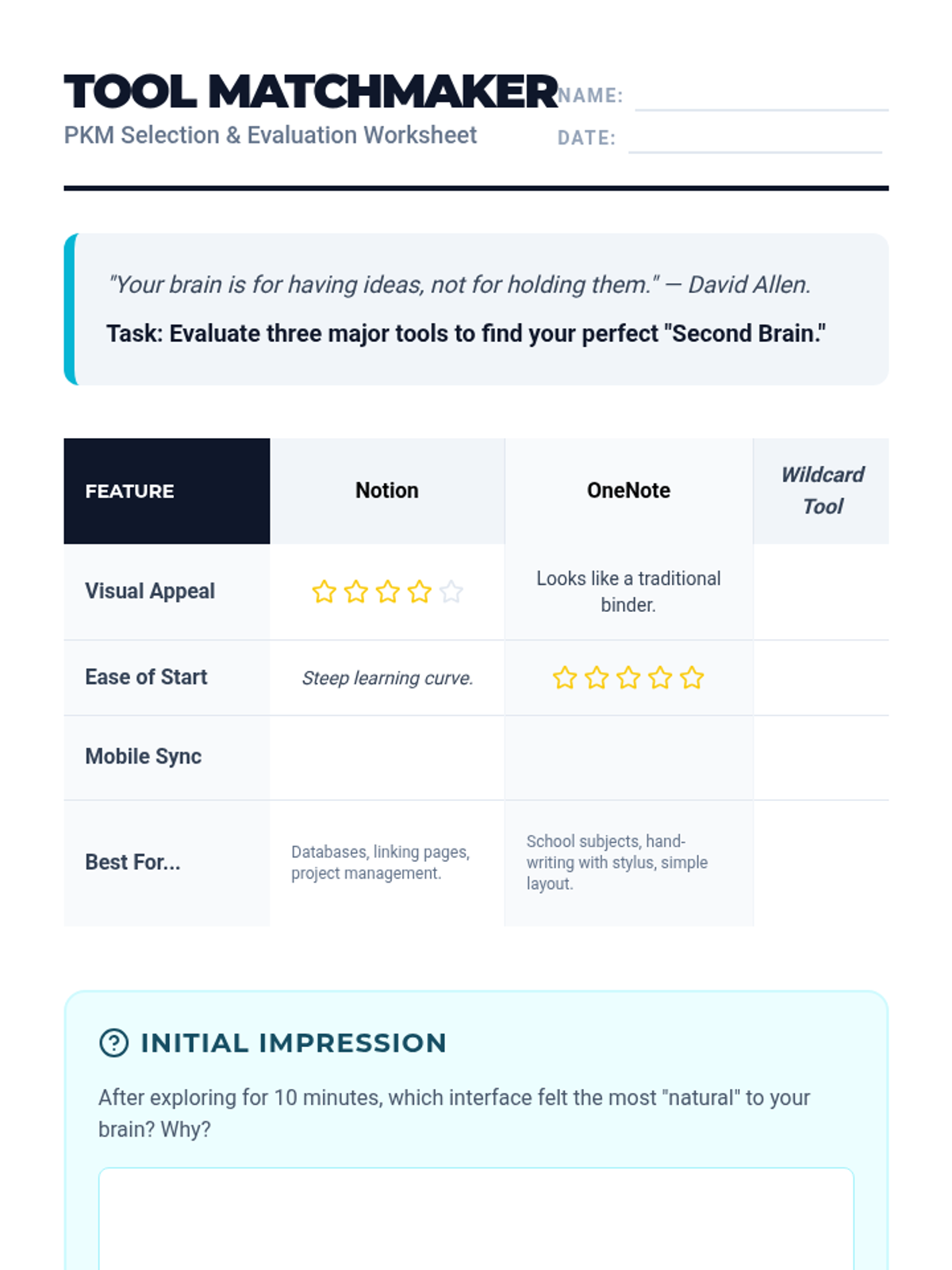
Tool Matchmaker Worksheet
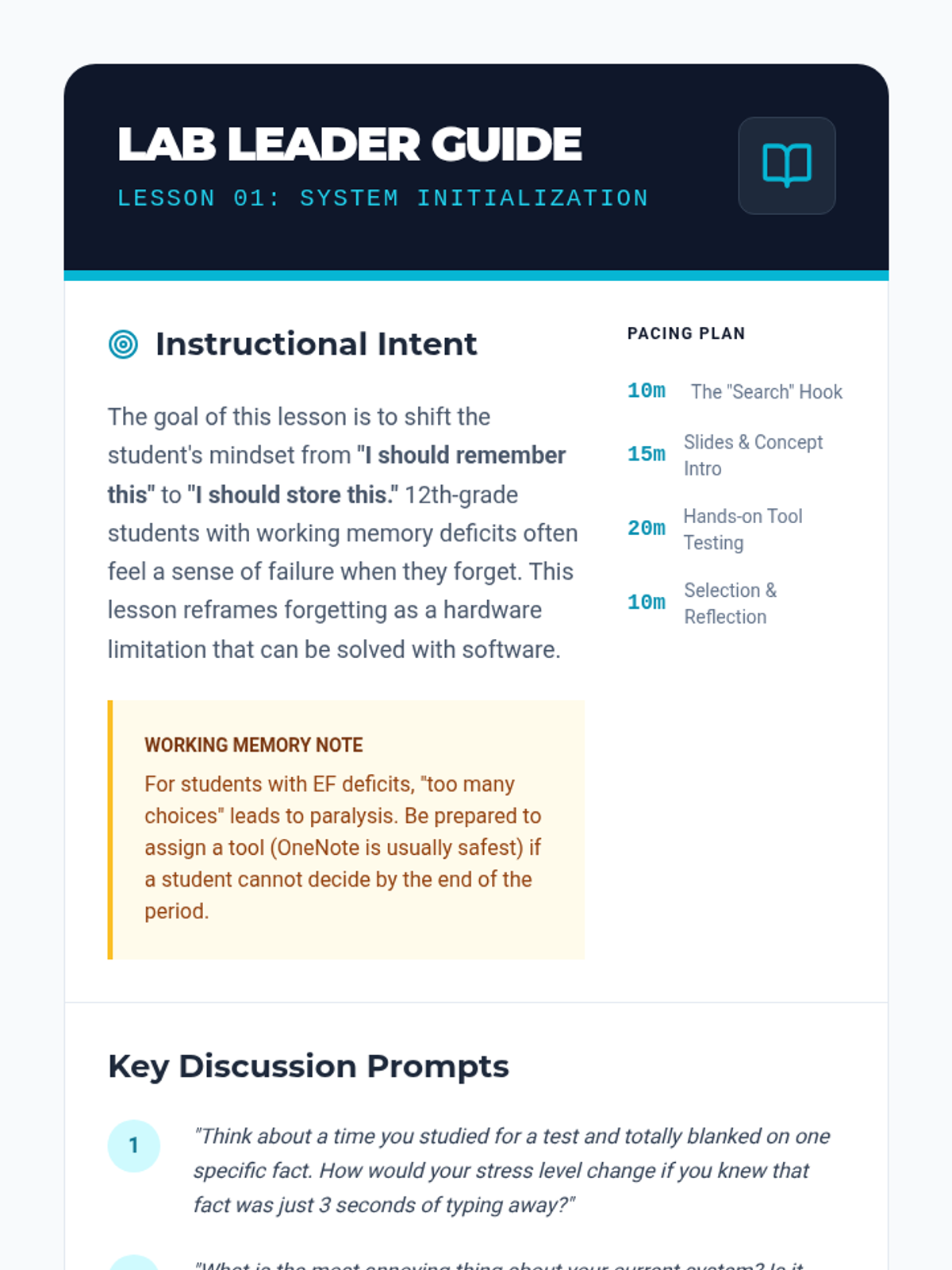
Lab Leader Guide

Second Brain Lab

A 12th-grade Special Education sequence focused on leveraging technology to support working memory through Personal Knowledge Management (PKM). Students learn to build a 'second brain' by creating automated, searchable, and multimedia-rich digital systems for note organization and review.

Lenny Avatar
Lenny
1/17
Sequence
Fair Pair Slides
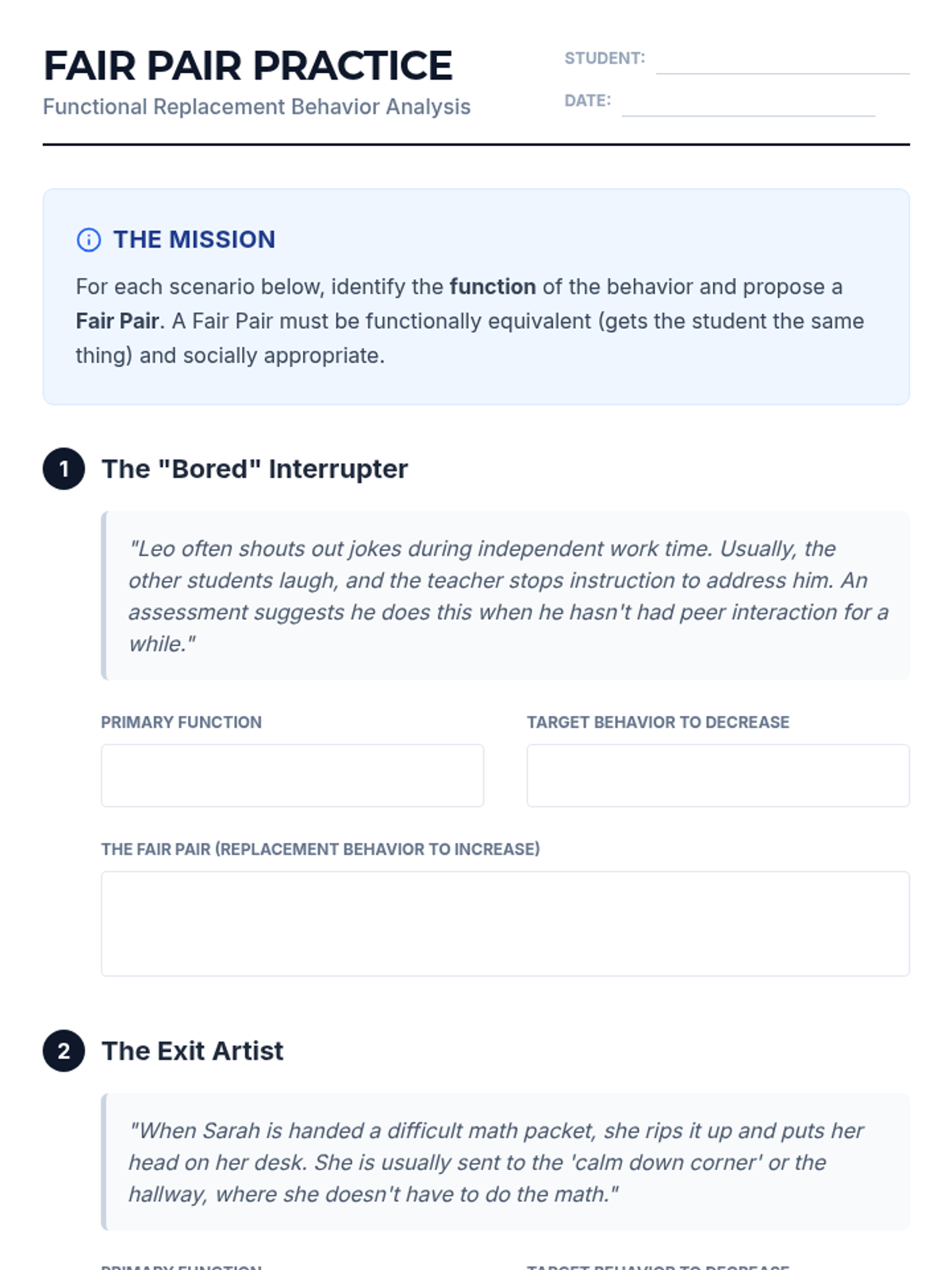
Fair Pair Practice Worksheet
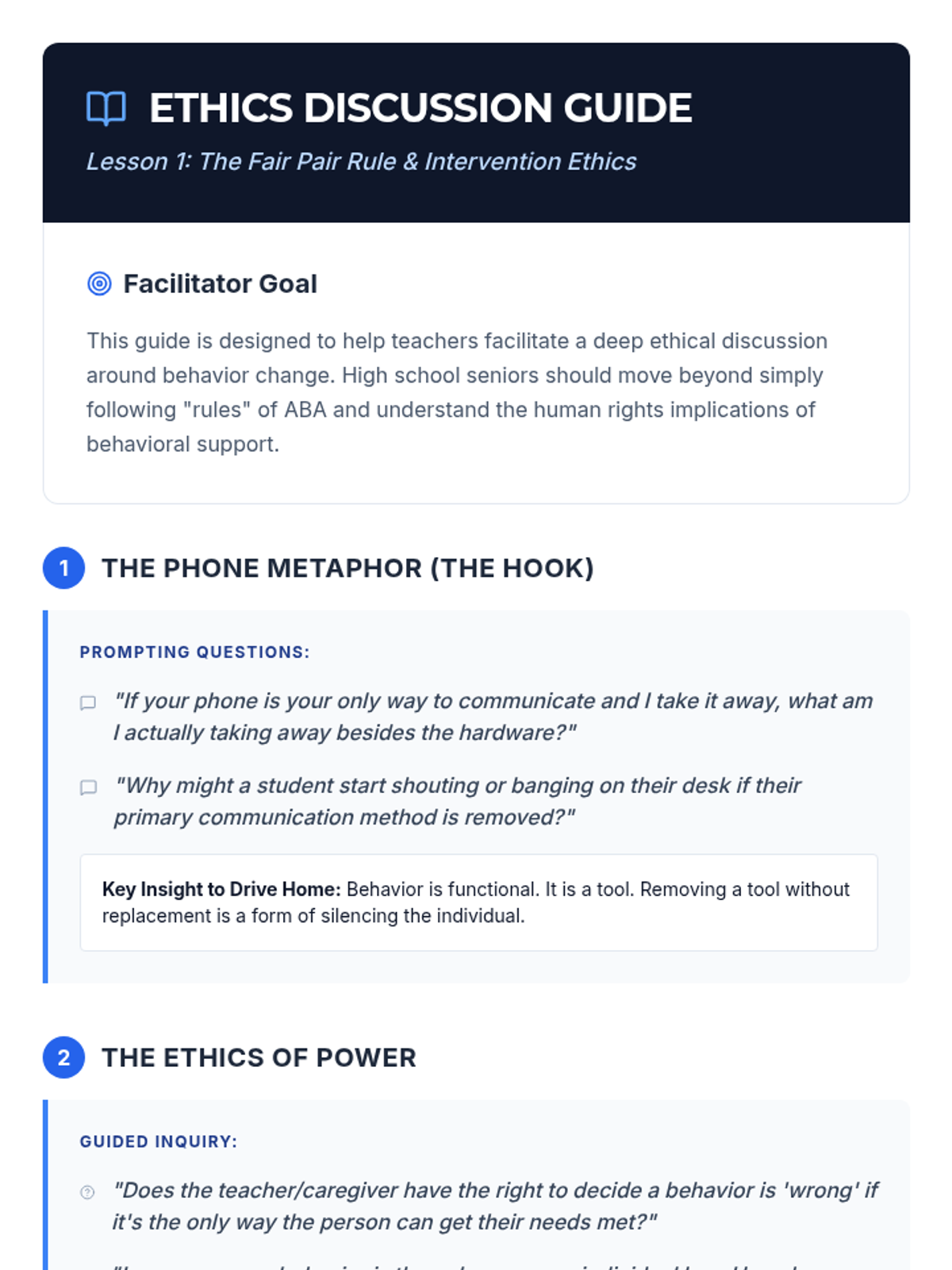
Ethics Discussion Guide

Behavior Blueprint Replacement Skills

This sequence teaches 12th-grade students how to replace challenging behaviors with adaptive skills. Students explore the ethics of behavior change, master Functional Communication Training, learn instructional techniques like shaping and chaining, and design comprehensive intervention plans based on differential reinforcement.

Lenny Avatar
Lenny
1/18
Sequence
The Fair Pair Slides
Fair Pair Analysis Worksheet

Behavioral Blueprint

A comprehensive unit for high school students on the ethical and technical aspects of teaching replacement behaviors. Students move from the core philosophy of the 'Fair Pair' rule to technical skills like FCT, task analysis, and generalization planning.

Lenny Avatar
Lenny
1/17
Sequence
Home Base Slides
Home Screen Blueprint Worksheet
Home Base Teacher Guide

Communication Muscle Memory

This sequence focuses on developing motor automaticity for high-frequency core vocabulary in AAC systems. Students engage in repetitive, gamified practice to establish muscle memory, moving from single-icon identification to rapid 2-3 word sentence building.

Lenny Avatar
Lenny
1/17
Sequence
Storyboarding Paths Presentation
Navigation Map Worksheet
Storyboarding Teacher Guide

Narrative Navigators

This sequence guides 12th-grade AAC users through the process of navigating complex device folder structures to construct rich, multi-part narratives. Students progress from mapping navigation paths to applying morphology and descriptive language, culminating in a recorded digital story showcase.

Lenny Avatar
Lenny
1/17
Sequence
Audit Lab Slides
Audit Log Worksheet

System Architect AAC Optimization

This 5-lesson sequence empowers 12th-grade AAC users to audit, redesign, and optimize their device layouts for maximum communication efficiency. Students transition from being passive users to 'system architects' who customize their tools to reflect their personal voices and priorities.

Lenny Avatar
Lenny
1/17
Sequence
Listening Echo Slides
Backchannel Bingo Worksheet
Active Listening Facilitator Guide

Connect and Chat AAC Navigation

This sequence focuses on the high demands of social interaction for AAC users, training 12th-grade students to navigate their devices during real-time conversation. Students practice rapid switching between questions, comments, and exclamations to maintain dialogue flow, culminating in a group discussion where navigation speed supports active participation.

Lenny Avatar
Lenny
1/17
Sequence
Vocab Mapping Worksheet
Vocab Lab Presentation
Mapping Facilitator Notes

Navigating Vocational Vocabulary

This sequence prepares 12th-grade transition students to navigate their AAC devices efficiently within workplace environments. It focuses on semantic mapping, rapid switching between social and functional folders, and context-dependent communication strategies.

Lenny Avatar
Lenny
1/17
Sequence
Baseline Blast Slides
Scavenger Hunt Tracker
Speed Goal Planner

Rapid Response AAC

A specialized training sequence for 12th-grade AAC users to transition from visual scanning to motor automaticity. Students use racing-themed drills and gamified challenges to build muscle memory for core vocabulary and folder navigation, culminating in high-speed communication fluency.

Lenny Avatar
Lenny
1/17
Sequence
Detective Deck Slides
Digital House Sort Worksheet
Detective Case Files Guide

Navigation Master Challenge

A gamified series of lessons designed to improve the motor automaticity and navigational speed of students using high-tech AAC devices. Students progress from simple category sorting to complex, multi-step message formulation through interactive challenges.

Lenny Avatar
Lenny
1/17
Sequence
Mapping Home Base Slides
Anchor Point Worksheet

Motor Memory Mastery

This sequence helps students using AAC devices build motor planning and automaticity through high-repetition drills, landmarks, and rhythmic chaining. By the end of the unit, students will navigate their communication devices with increased speed and reduced cognitive effort, focusing on core vocabulary and grammatical morphology.

Lenny Avatar
Lenny
1/17
Sequence
Concrete Category Logic Slides
Concrete Logic Guide
Aisle Sort Activity

Semantic Navigation Mastery

Students explore the logical organization of AAC devices to understand semantic associations and category hierarchies, moving from concrete to abstract concepts.

Lenny Avatar
Lenny
1/17
Sequence
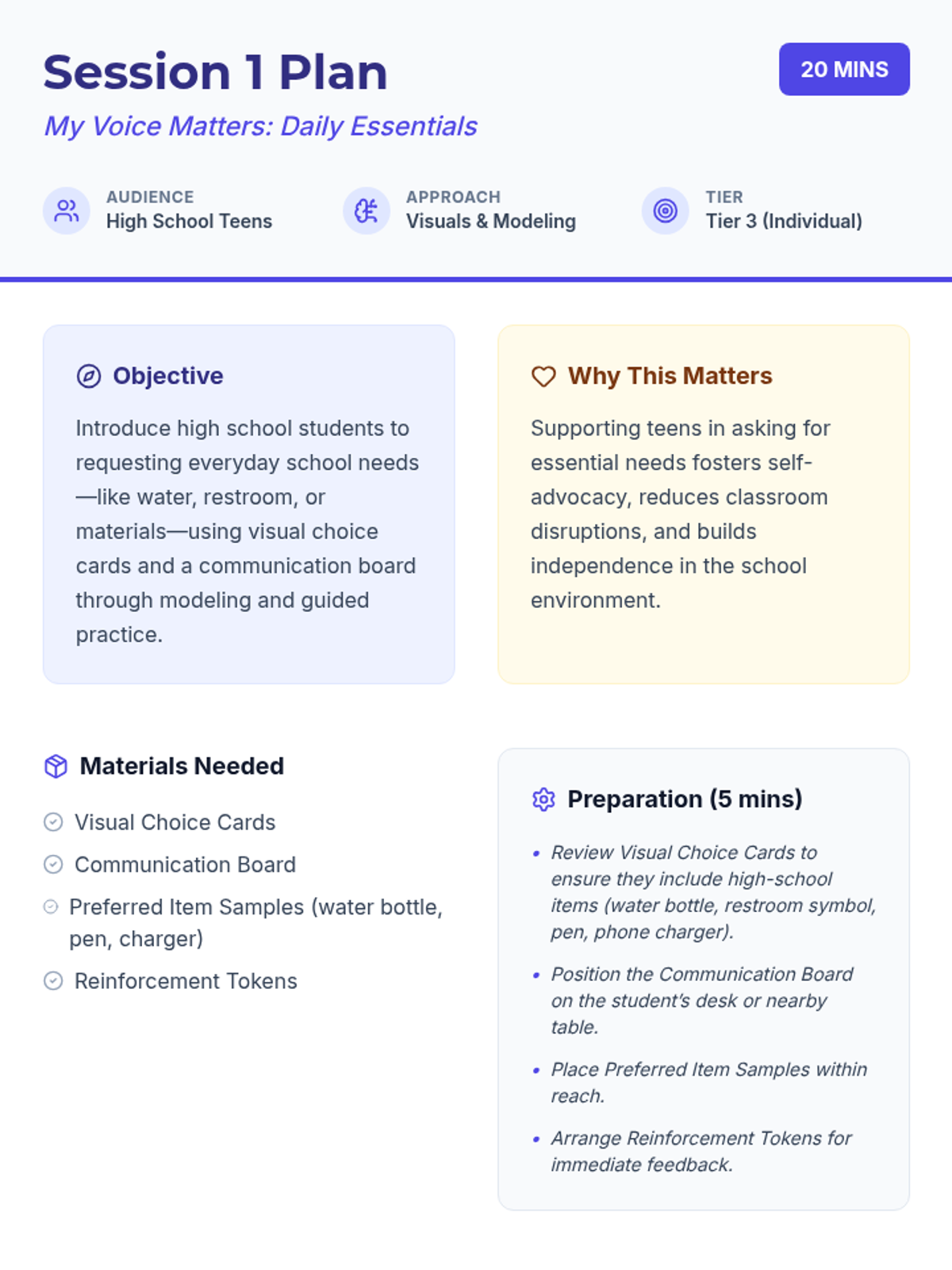
Session 1 Plan Document
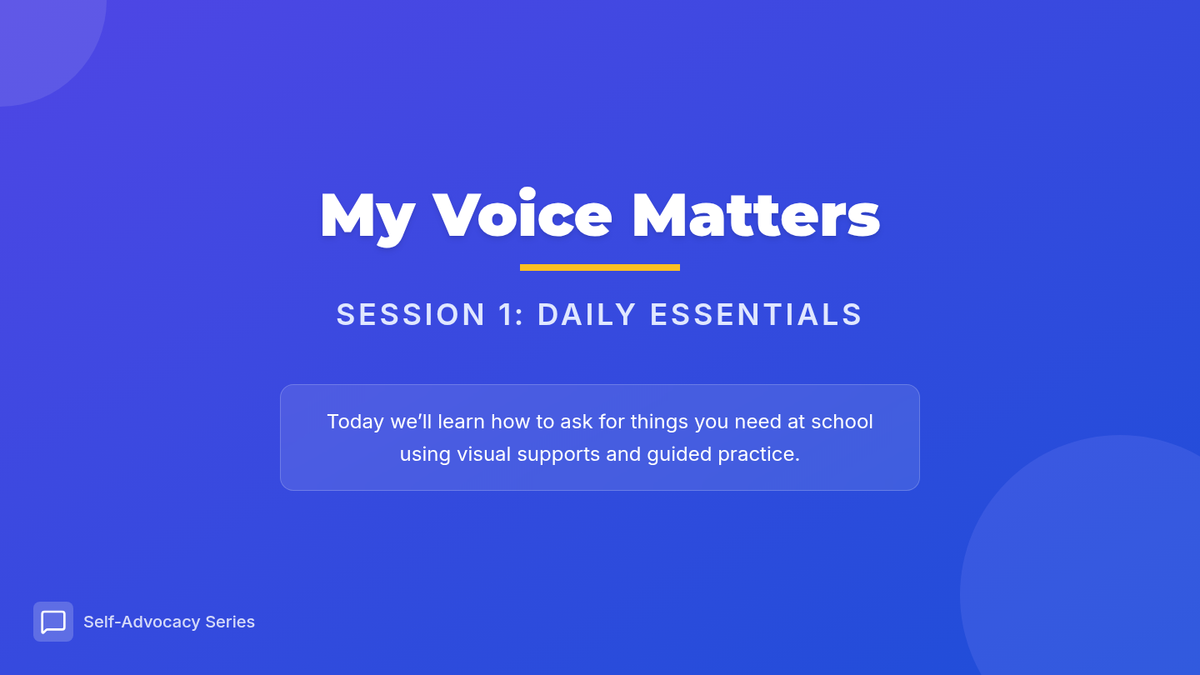
Session 1 Slides Presentation
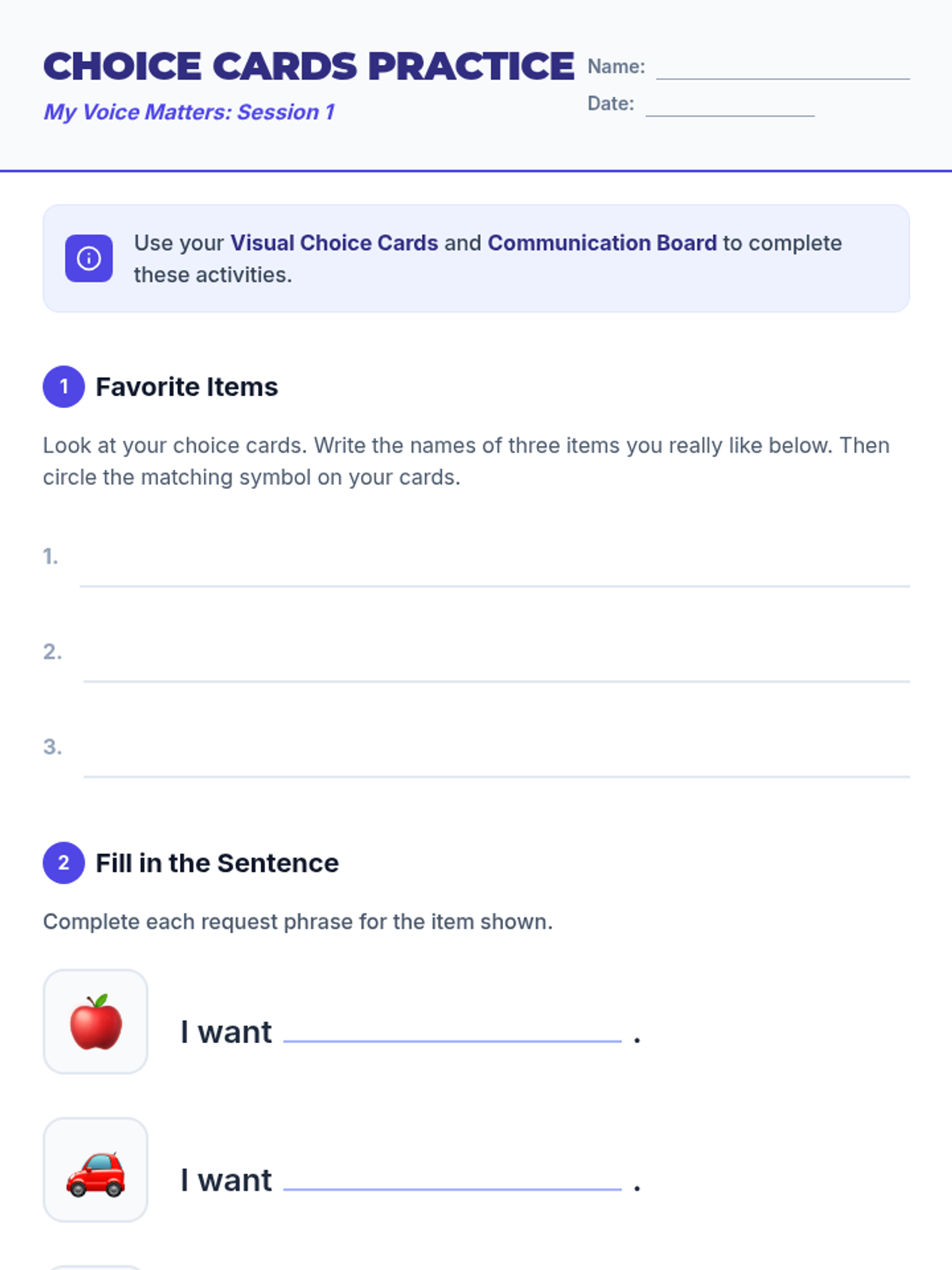
Choice Cards Practice Worksheet
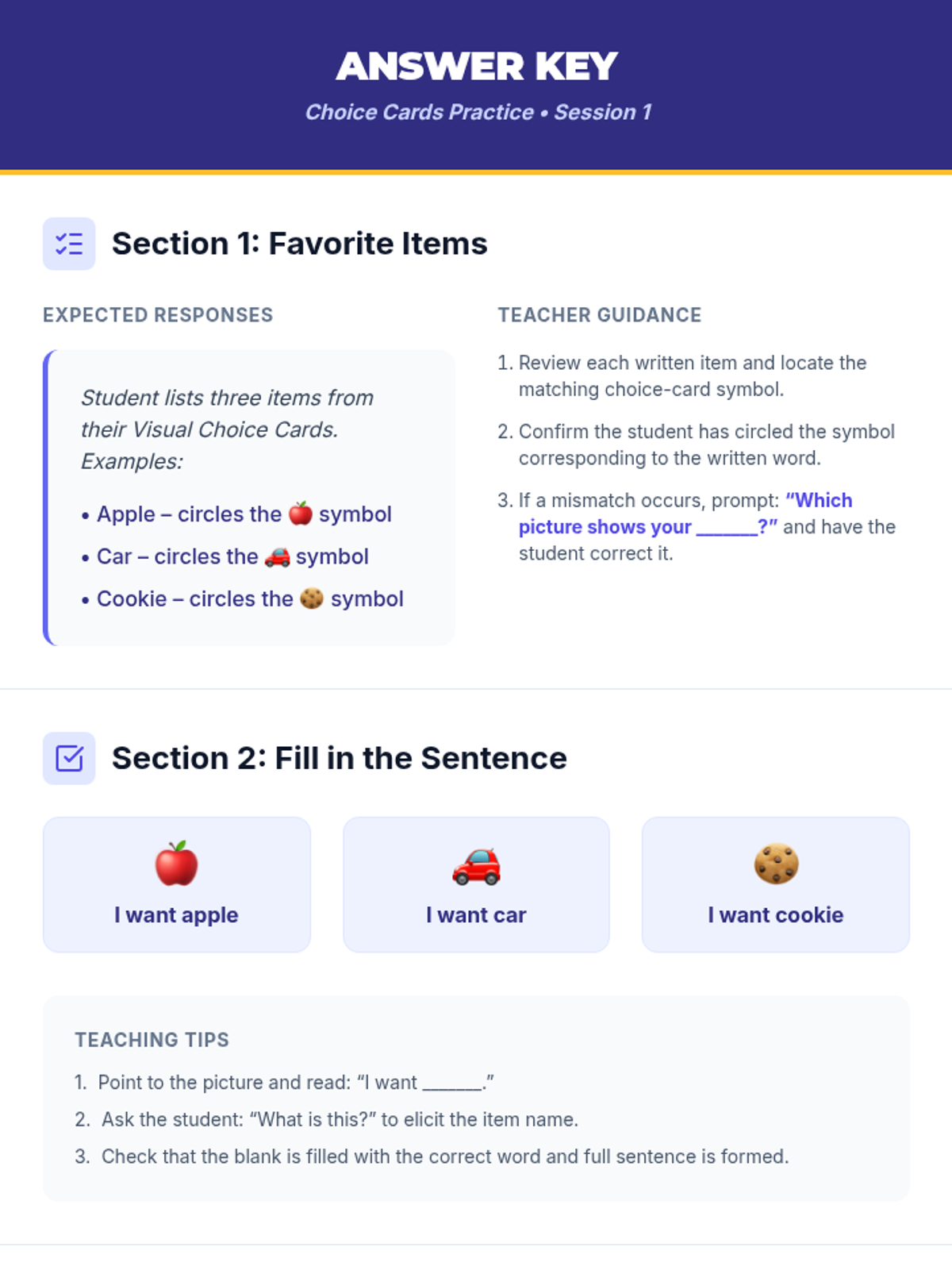
Choice Cards Practice Key

My Voice Matters

A 6-session individual communication series for high school students to build self-advocacy and functional language skills using visual supports and modeling.

VJ

Veronica Jaramillo

Social Worker
8/22/25
Sequence
Memory Offload Teacher Guide
Memory Offload Slides
Memory Offload Worksheet

Digital Brain Hacks

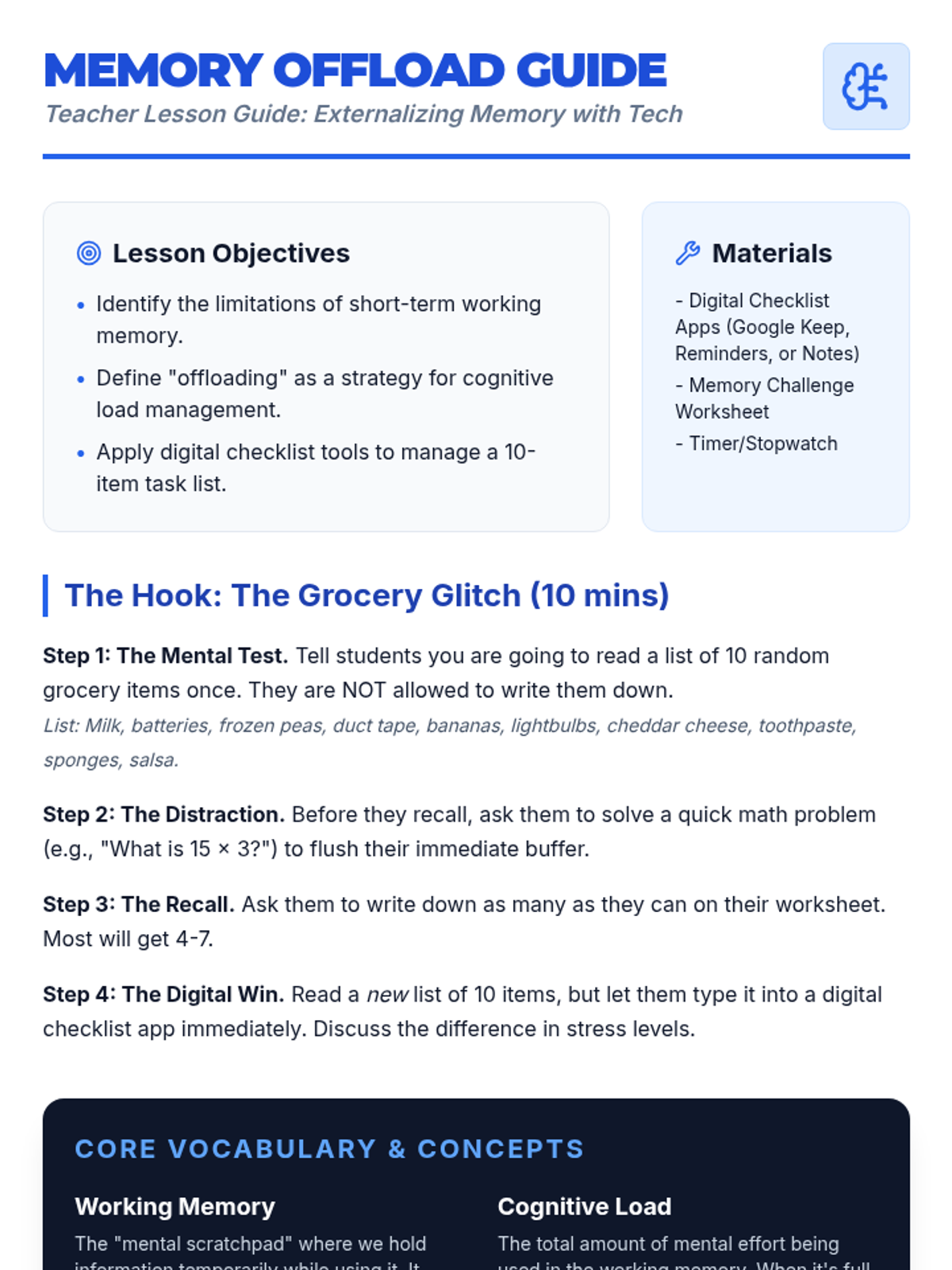
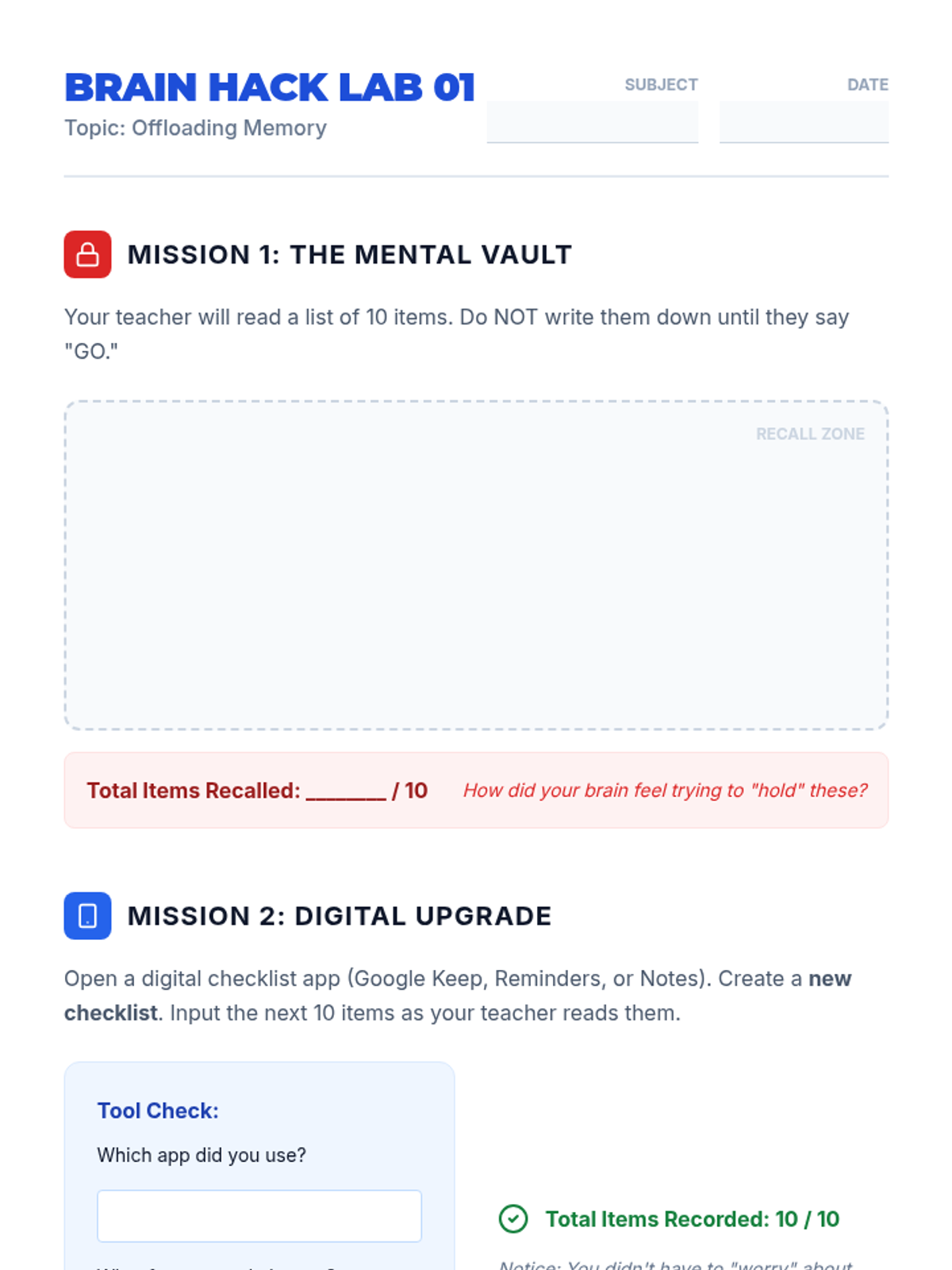
A 5-lesson unit for 8th-grade students focusing on using digital tools to offload working memory and manage cognitive load. Students learn to use task managers, focus modes, sequential reminders, and assistive speech technologies to create a personalized digital workflow for school success.

Lenny Avatar
Lenny
1/18
Sequence
Cognitive Load Slides
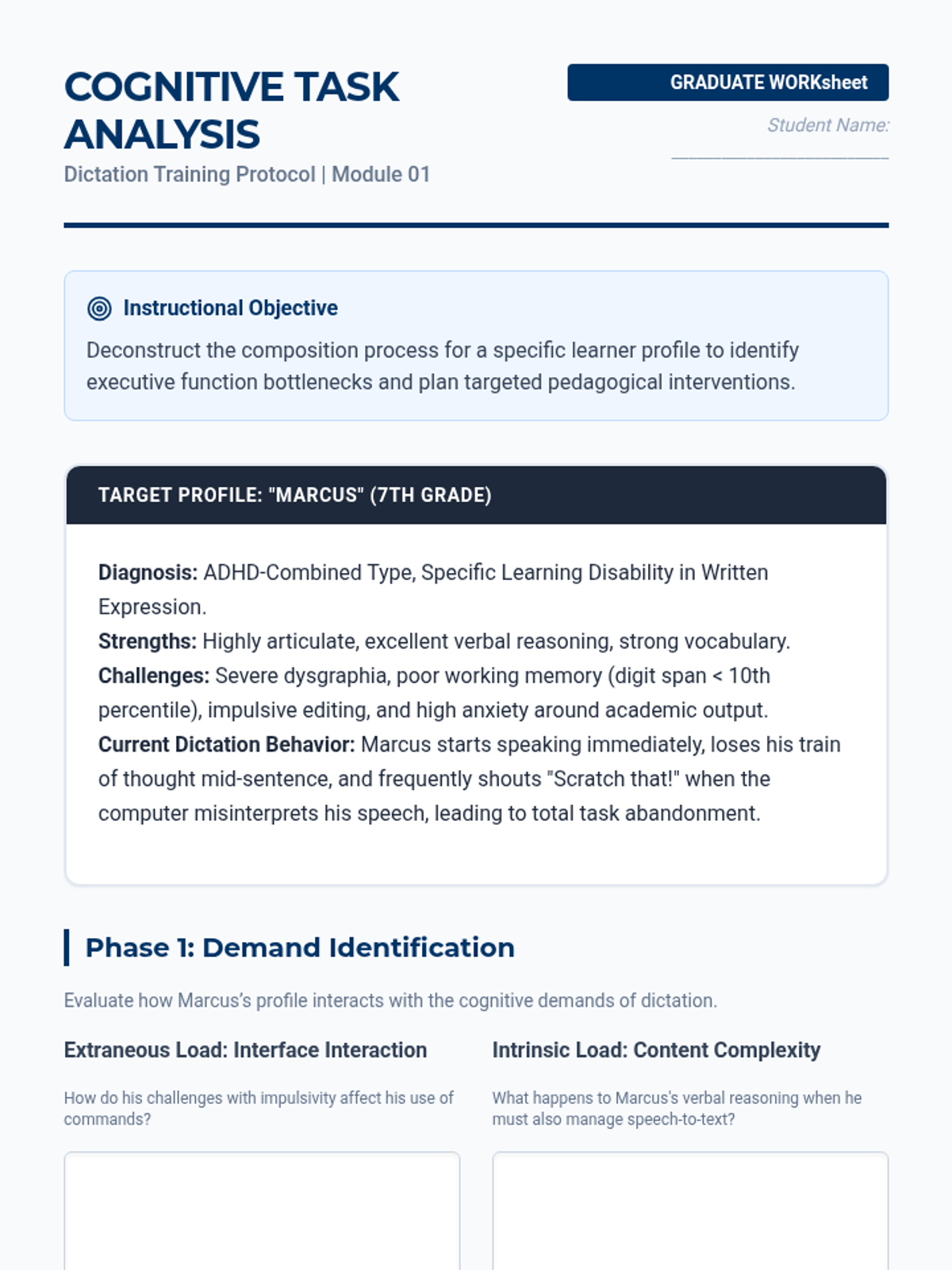
Cognitive Task Analysis Worksheet
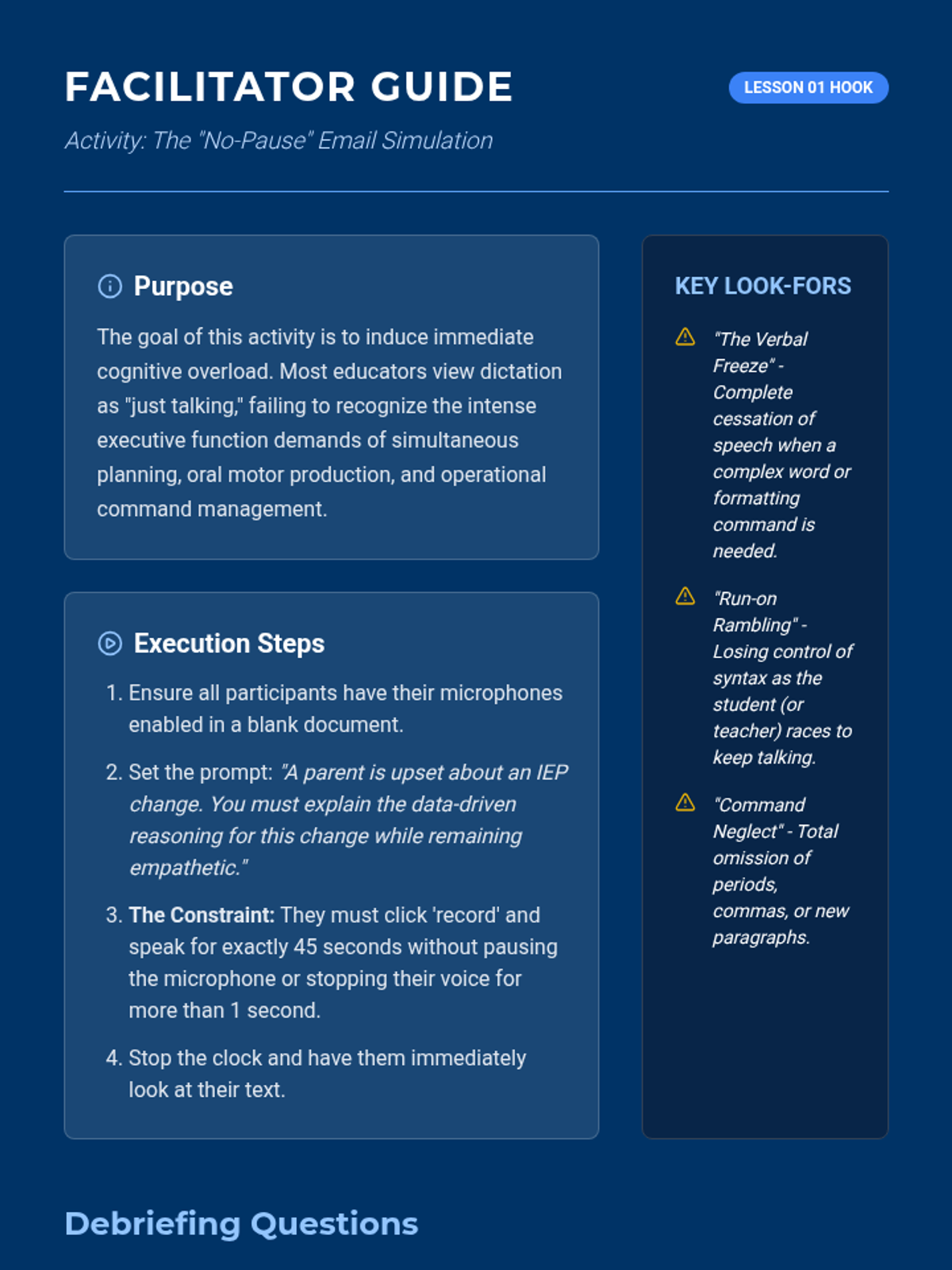
Rambling Email Hook Guide

Dictation Design Protocols

A graduate-level sequence focused on the pedagogy of speech recognition. Students shift from learning the technology to designing instructional protocols that address the cognitive demands of oral composition, specifically for K-12 learners with executive function challenges.

Lenny Avatar
Lenny
1/18
Sequence
Calibration Slides
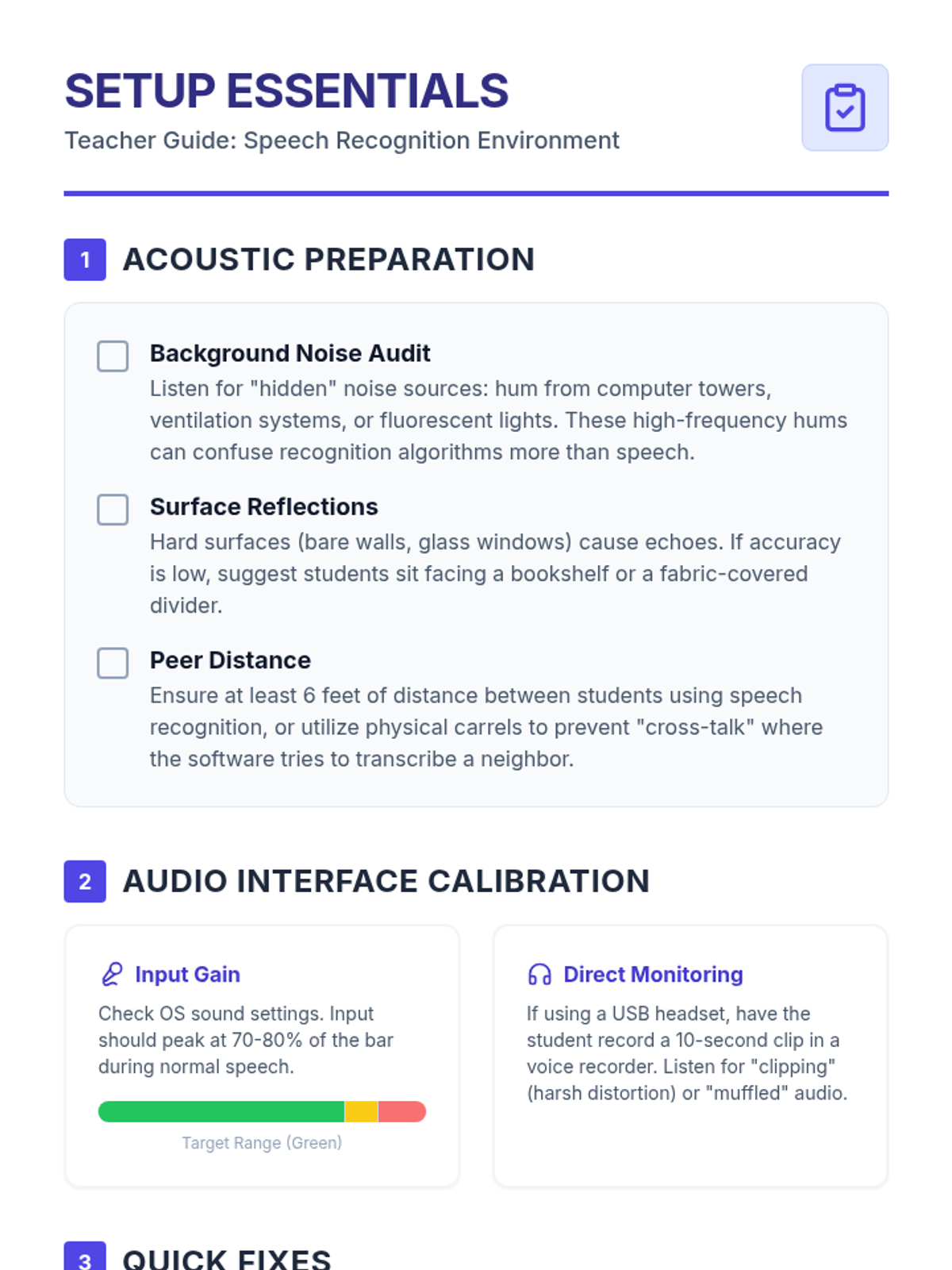
Setup Essentials Guide
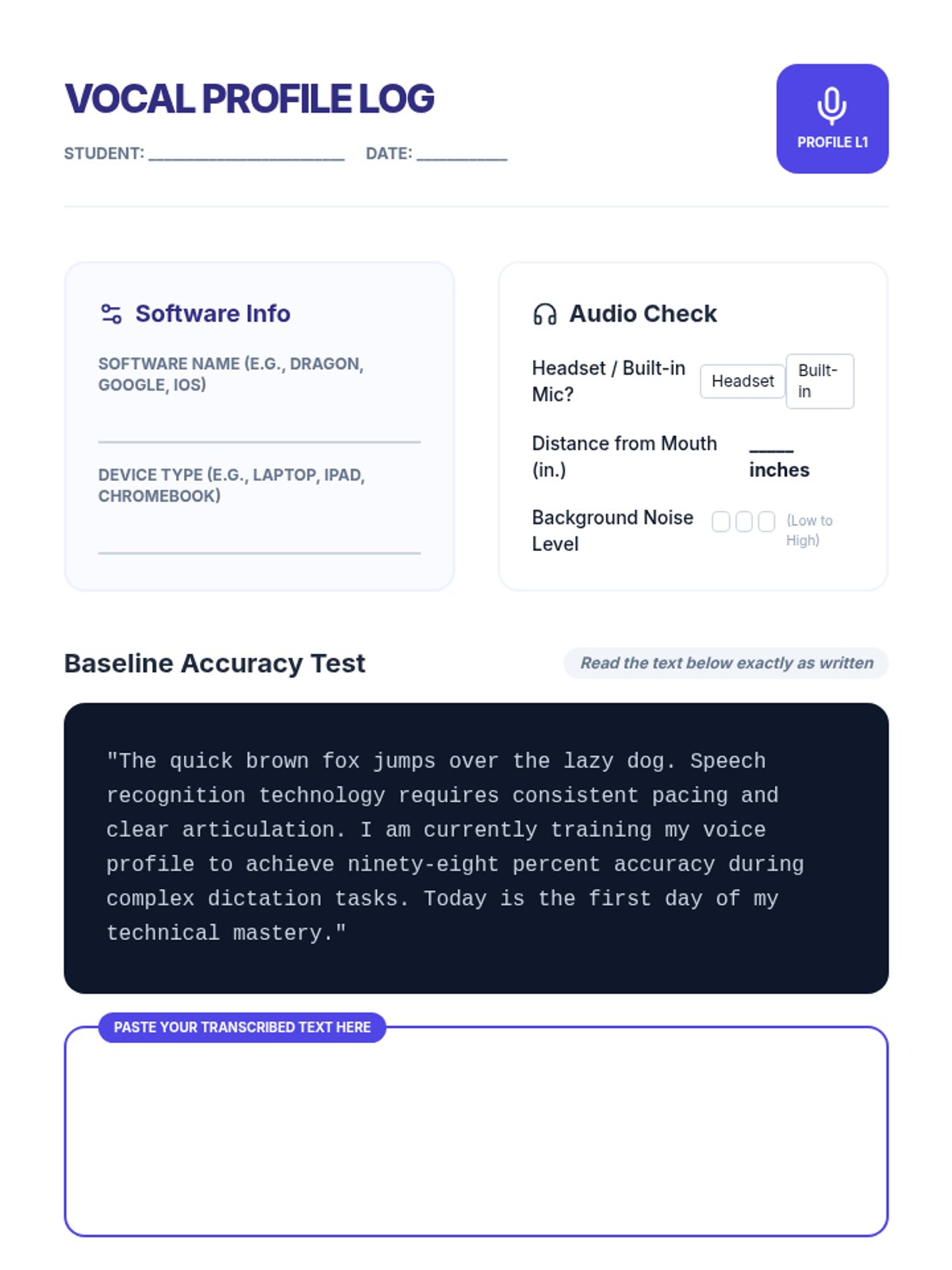
Vocal Profile Log

Voice Power Proficiency

A technical mastery sequence for 12th-grade students to transition from basic dictation to advanced, command-driven document creation using speech recognition technology. Students learn calibration, complex formatting commands, hands-free navigation, and error-correction workflows.

Lenny Avatar
Lenny
1/18
Sequence
Ghost in the Machine Slides
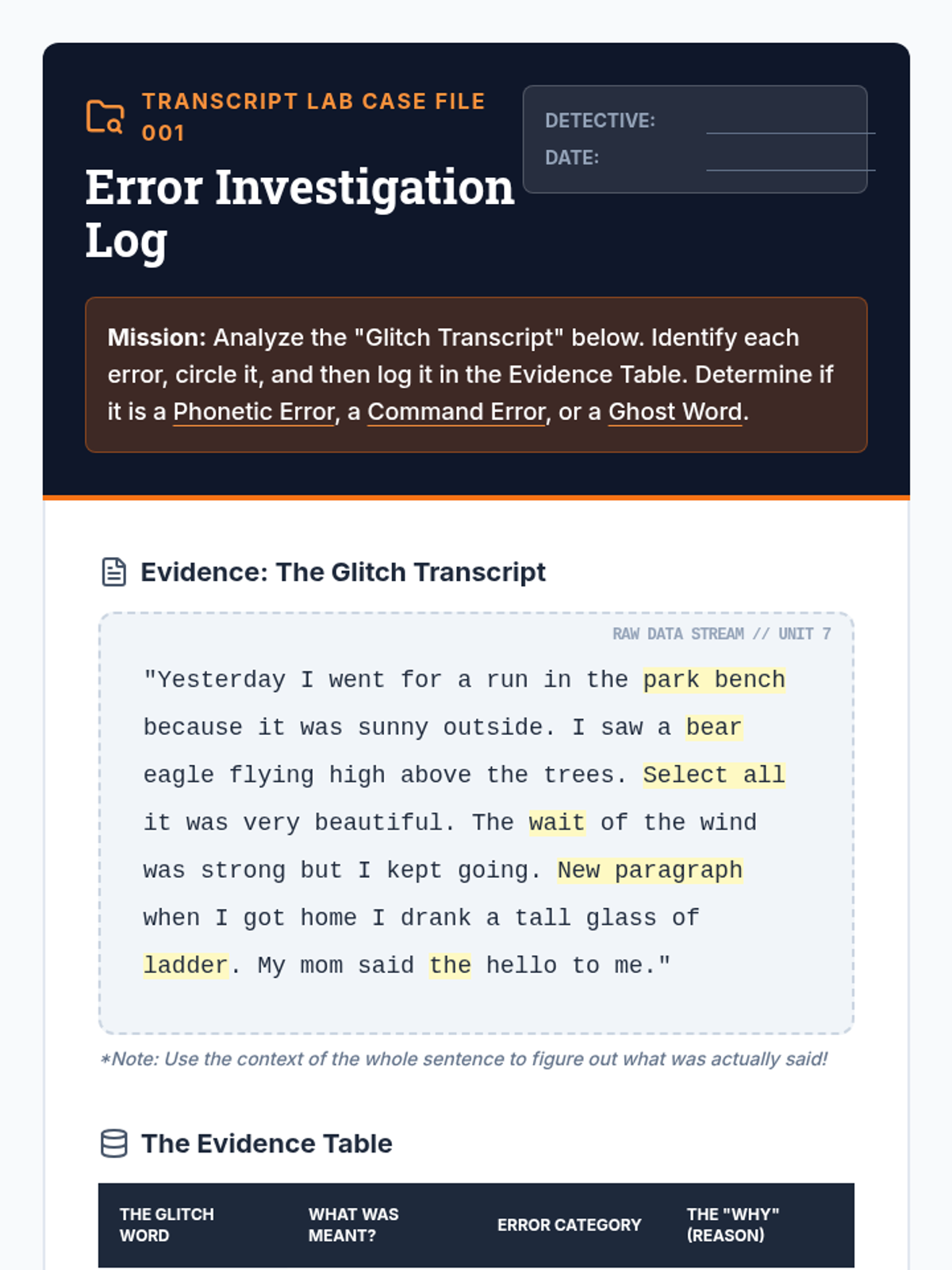
Error Investigation Log Worksheet
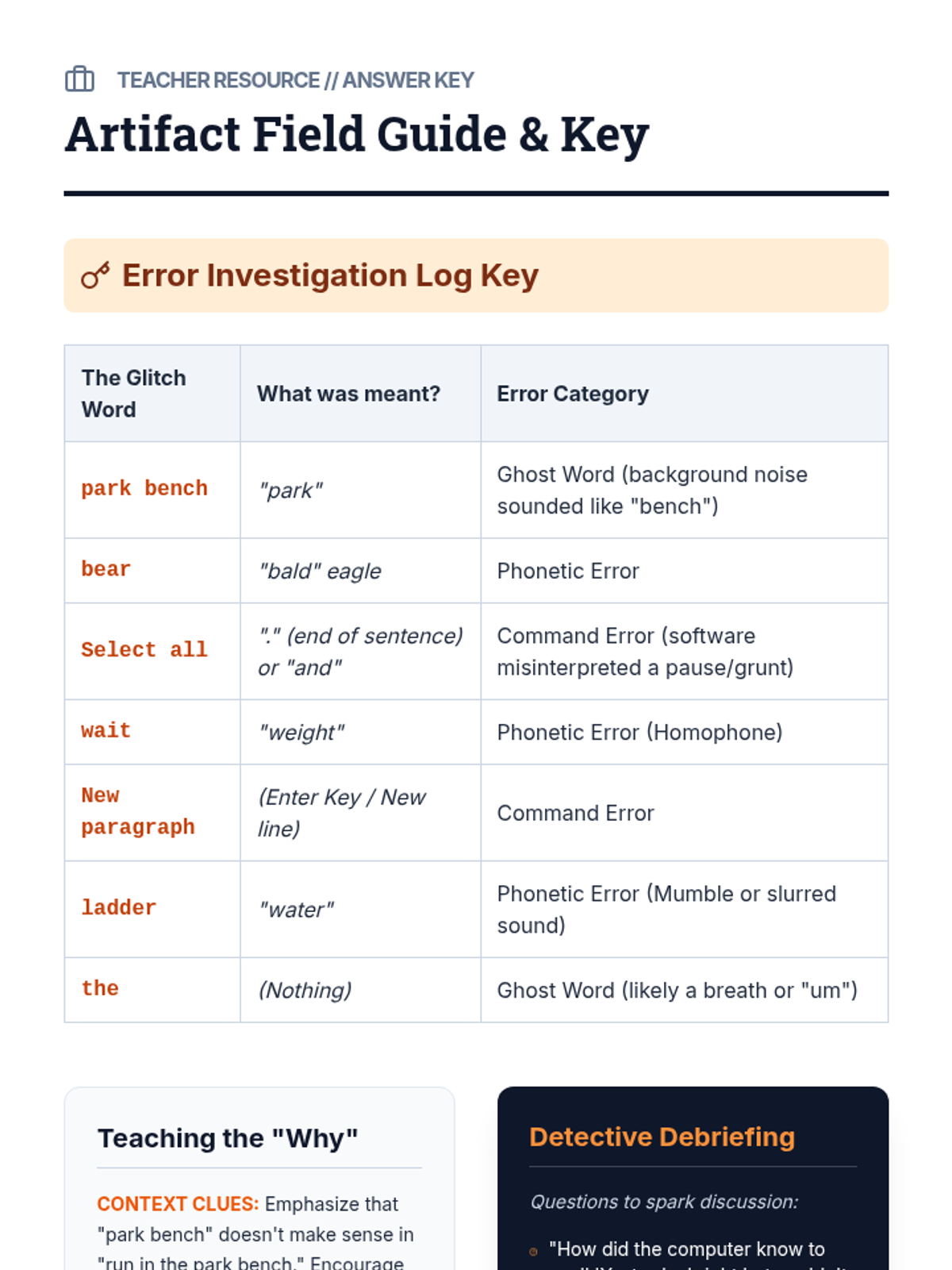
Artifact Field Guide Teacher Key

Transcript Detectives

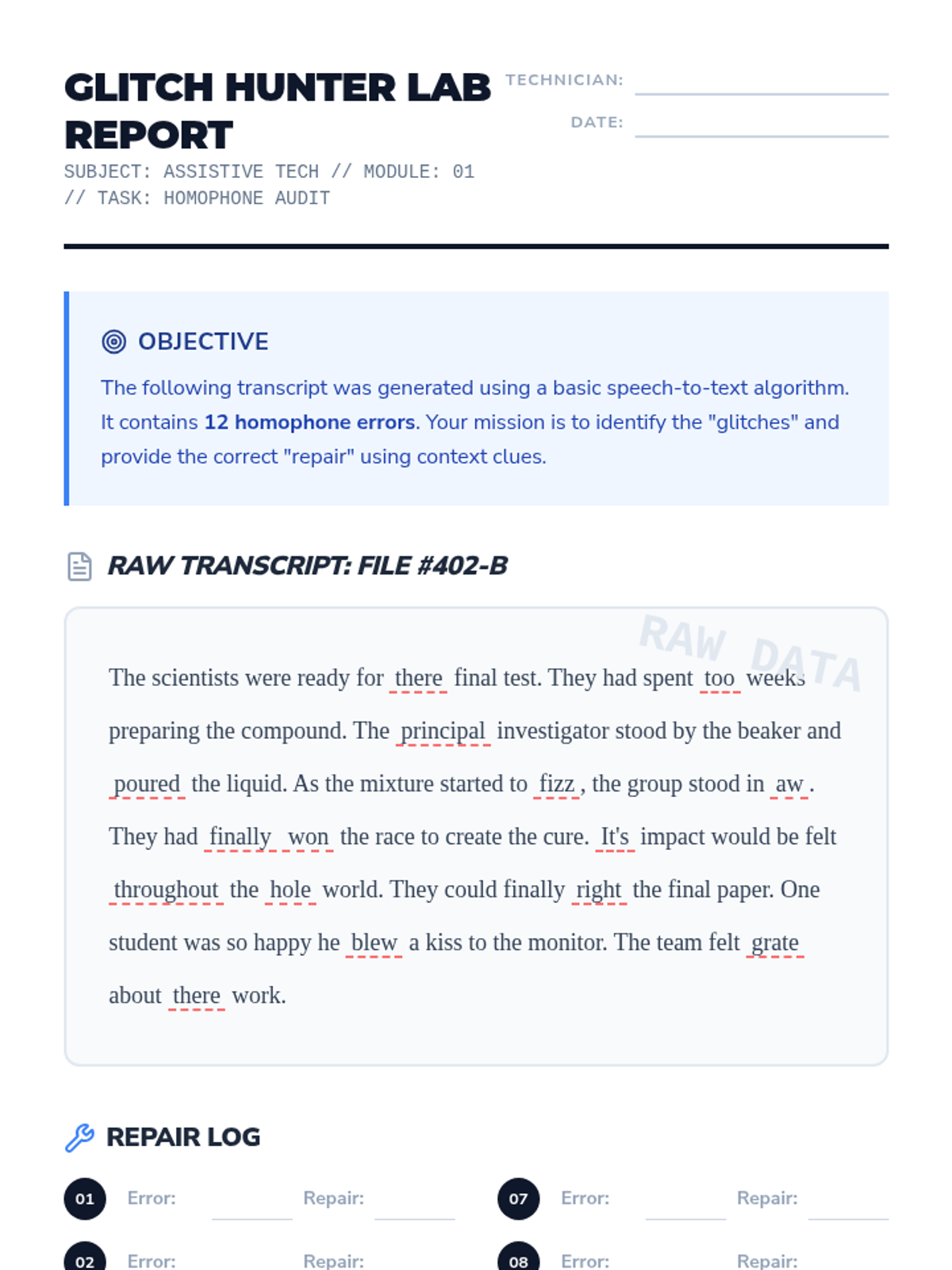
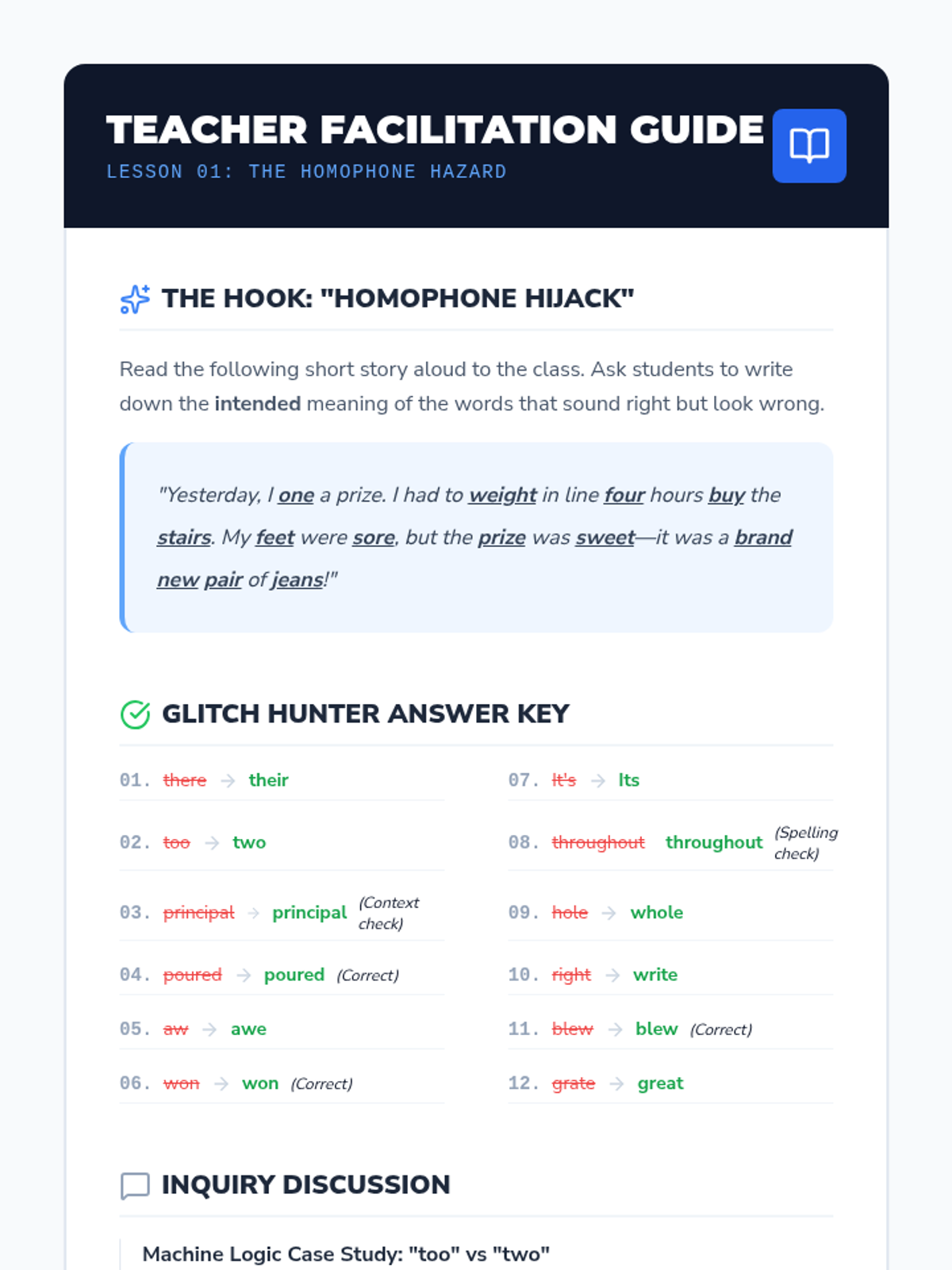
Students master the art of refining raw speech-to-text transcripts by identifying software-specific errors, correcting homophones, and using voice commands to polish their writing. This sequence empowers students with assistive technology needs to become independent editors of their own voice-dictated work.

Lenny Avatar
Lenny
1/18
Sequence
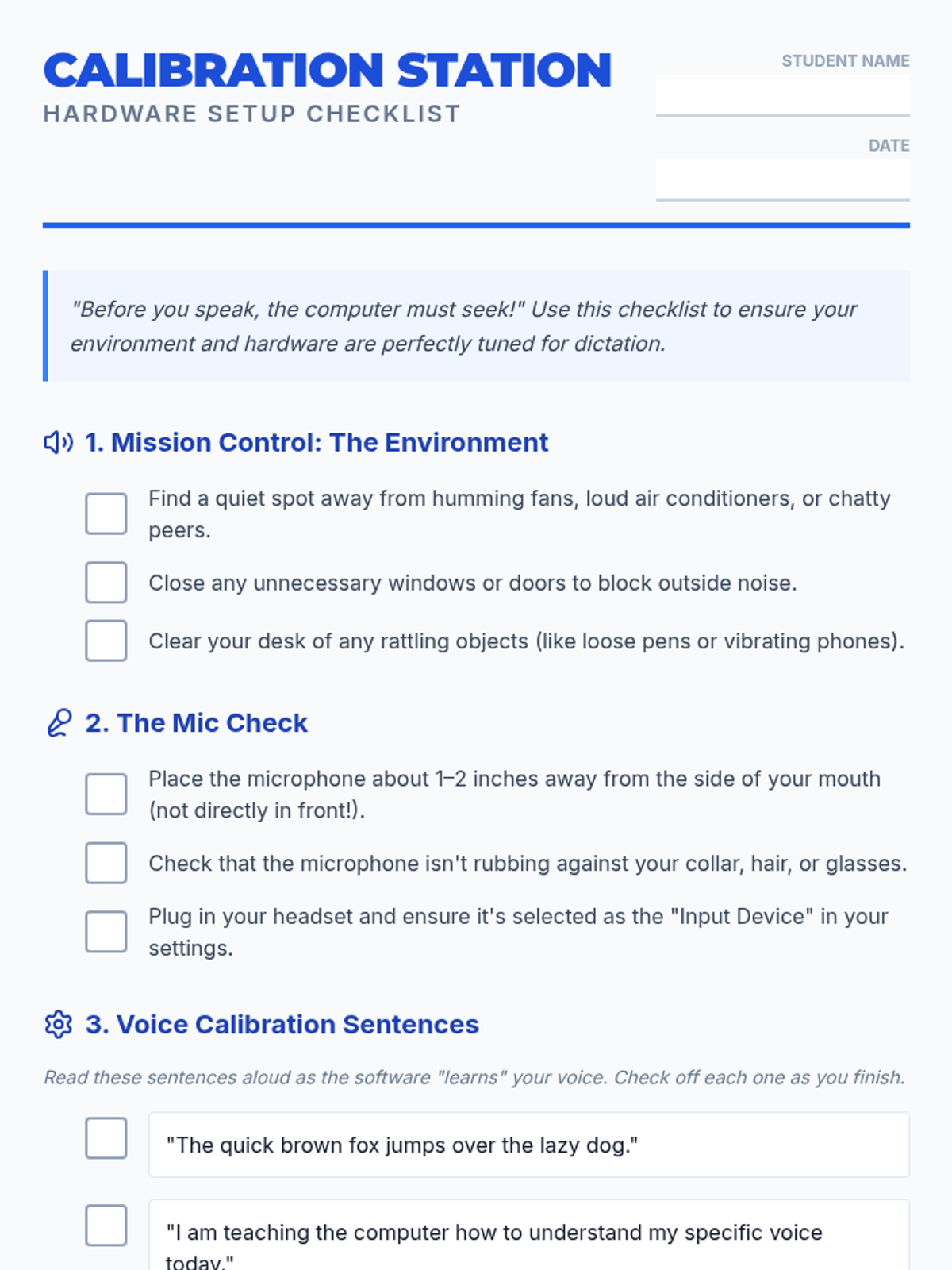
Calibration Station Checklist
Voice Command Slides
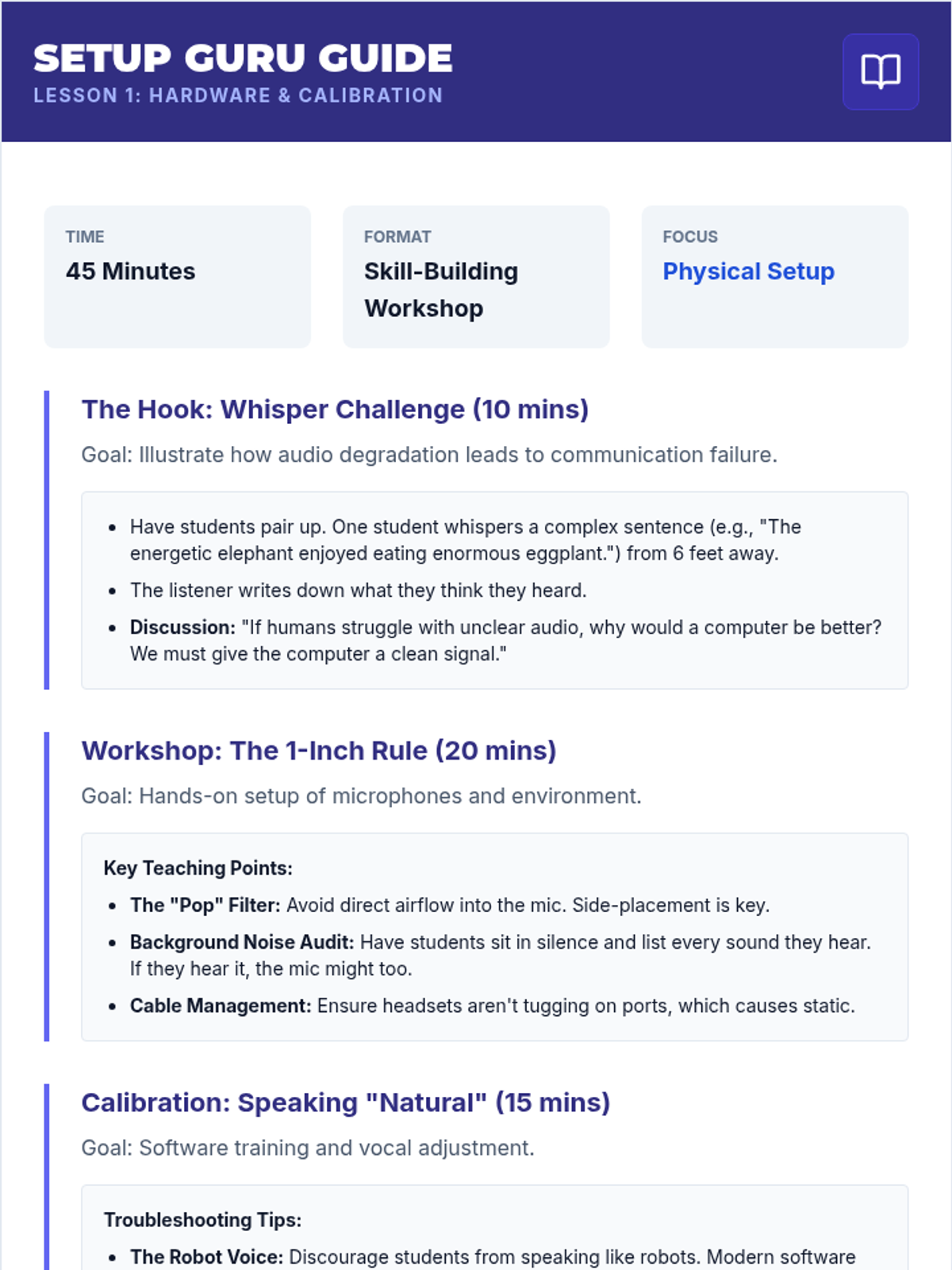
Setup Guru Guide

Fundamentals of Speech Recognition and Dictation

This introductory sequence establishes the foundational skills necessary for effectively using speech-to-text software in an academic setting. Students learn to configure hardware, master punctuation commands, and develop the enunciation and pacing required for accurate dictation, culminating in the creation of a coherent paragraph using only voice commands.

Lenny Avatar
Lenny
1/18
Sequence
Sound Lab Slides
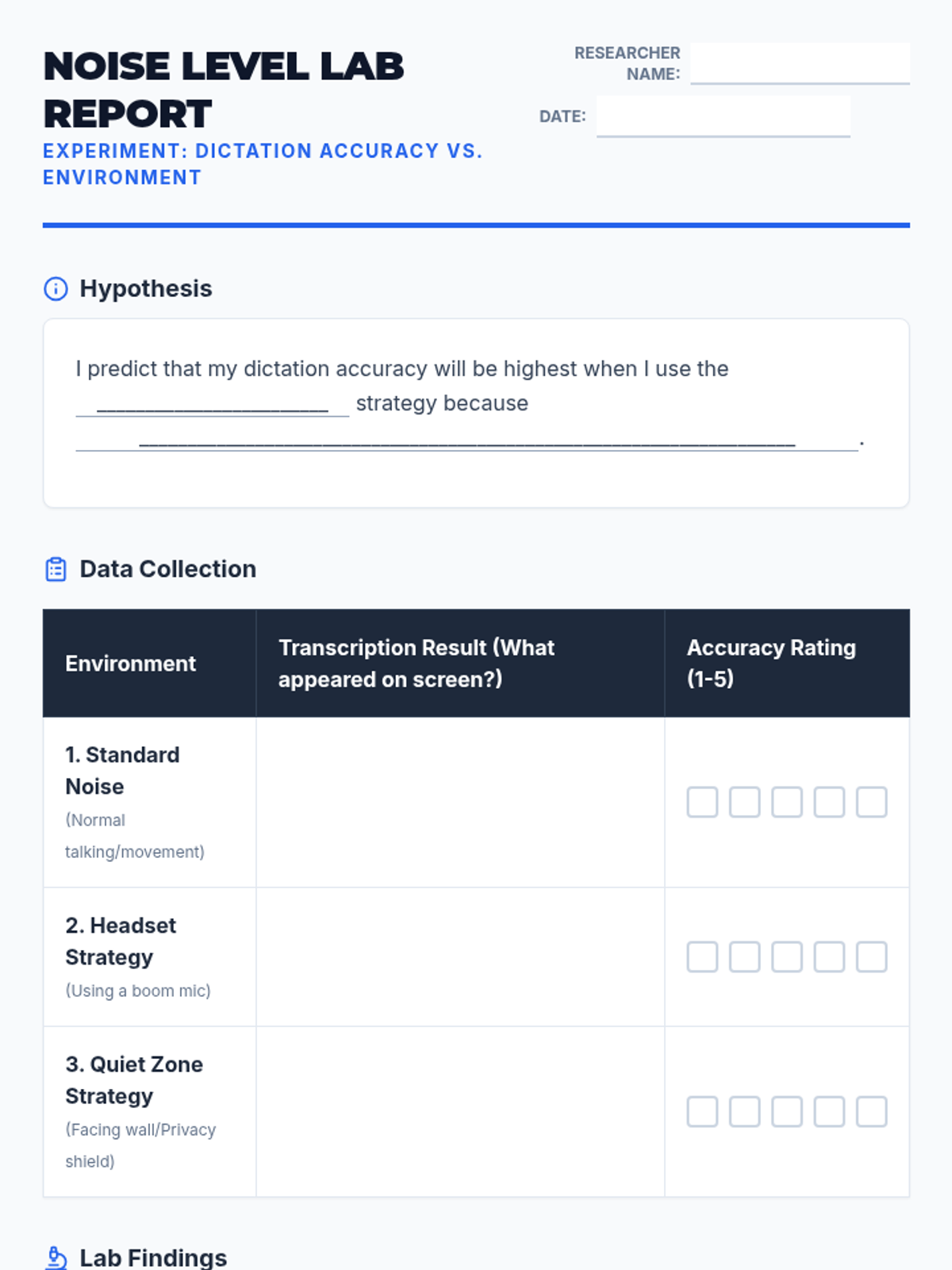
Noise Level Lab Report
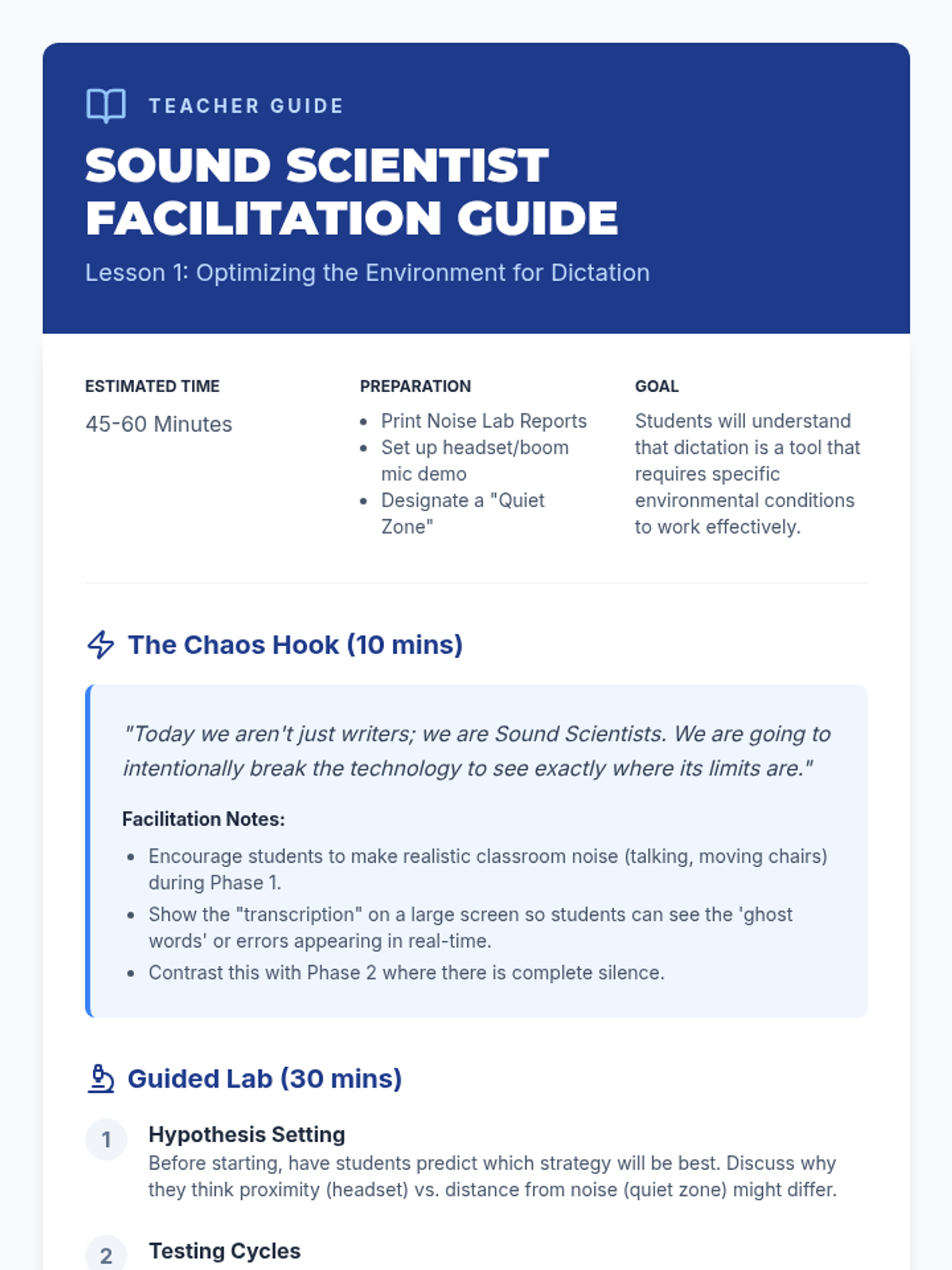
Sound Scientist Facilitation Guide

Independent Dictation Workflows

This sequence develops independence and troubleshooting skills for students using dictation software. Students learn to optimize their environment, solve technical glitches, handle complex vocabulary, and internalize a complete independent workflow.

Lenny Avatar
Lenny
1/18
Sequence
Brainstorm Blueprint Slides
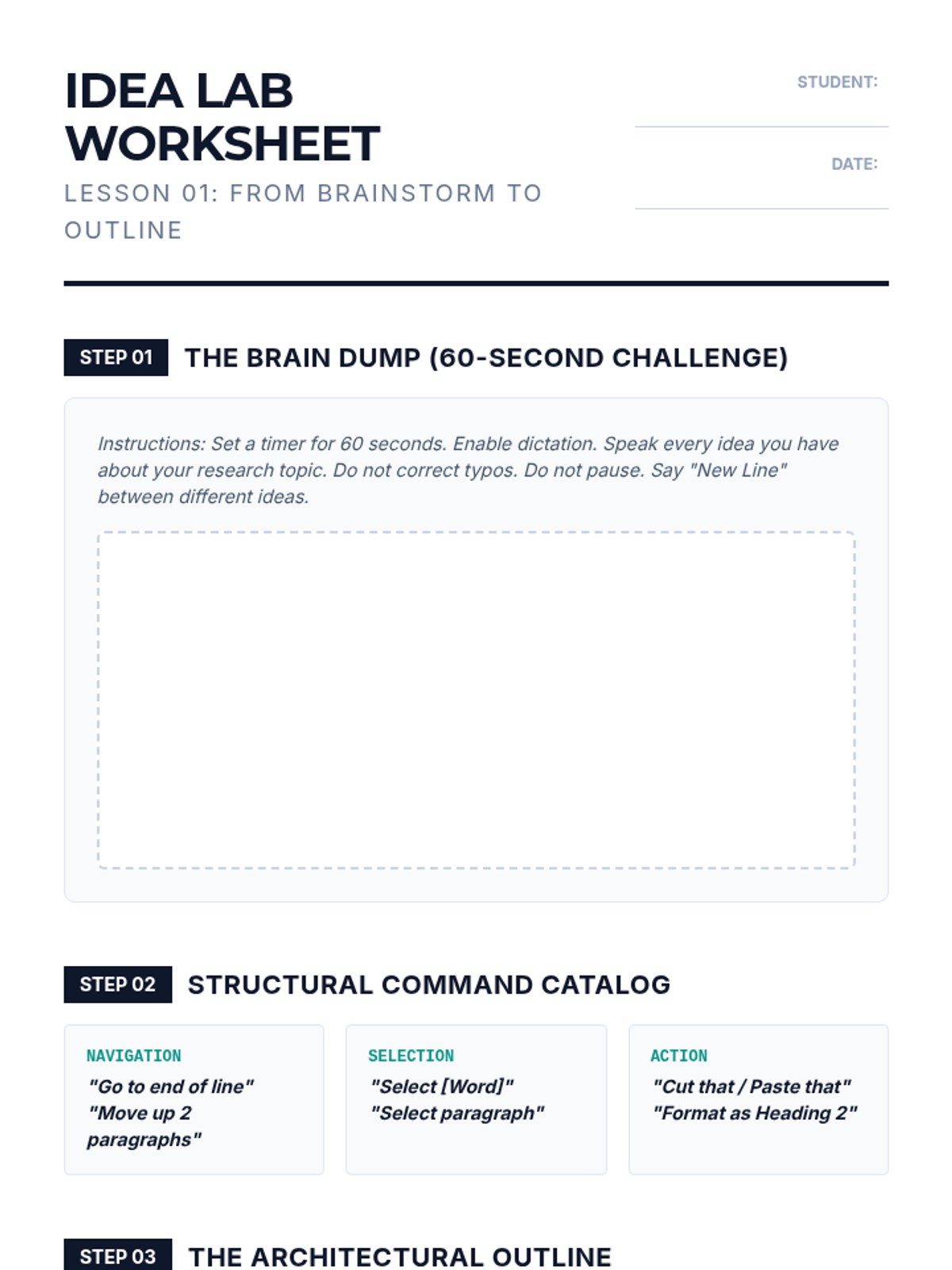
Idea Lab Worksheet
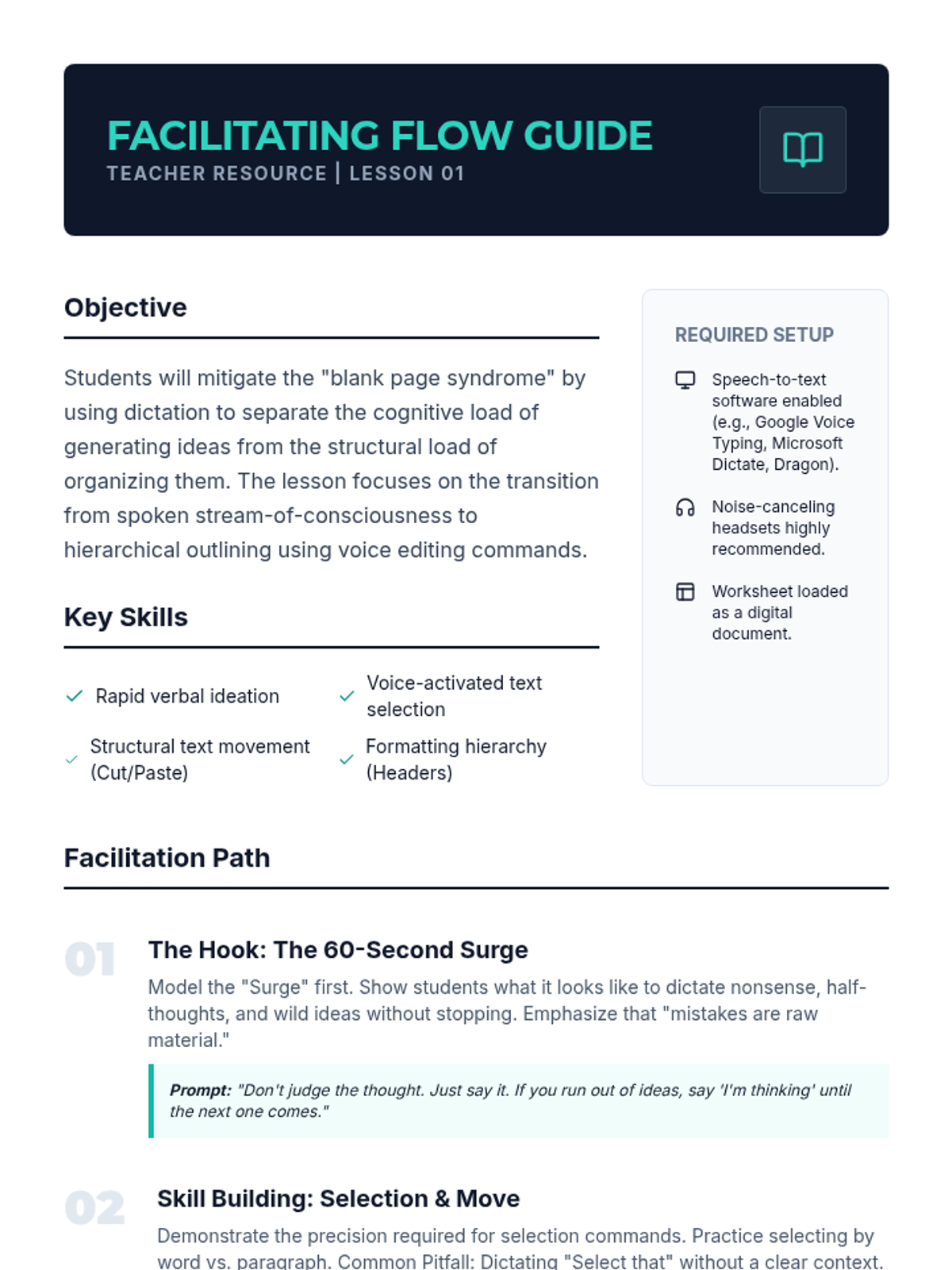
Facilitating Flow Guide

Voice Architect Academic Writing

A comprehensive 12th-grade sequence focused on mastering assistive technology (dictation) for college-level research and academic writing, covering everything from rapid ideation to complex citation formatting and document navigation.

Lenny Avatar
Lenny
1/18
Sequence
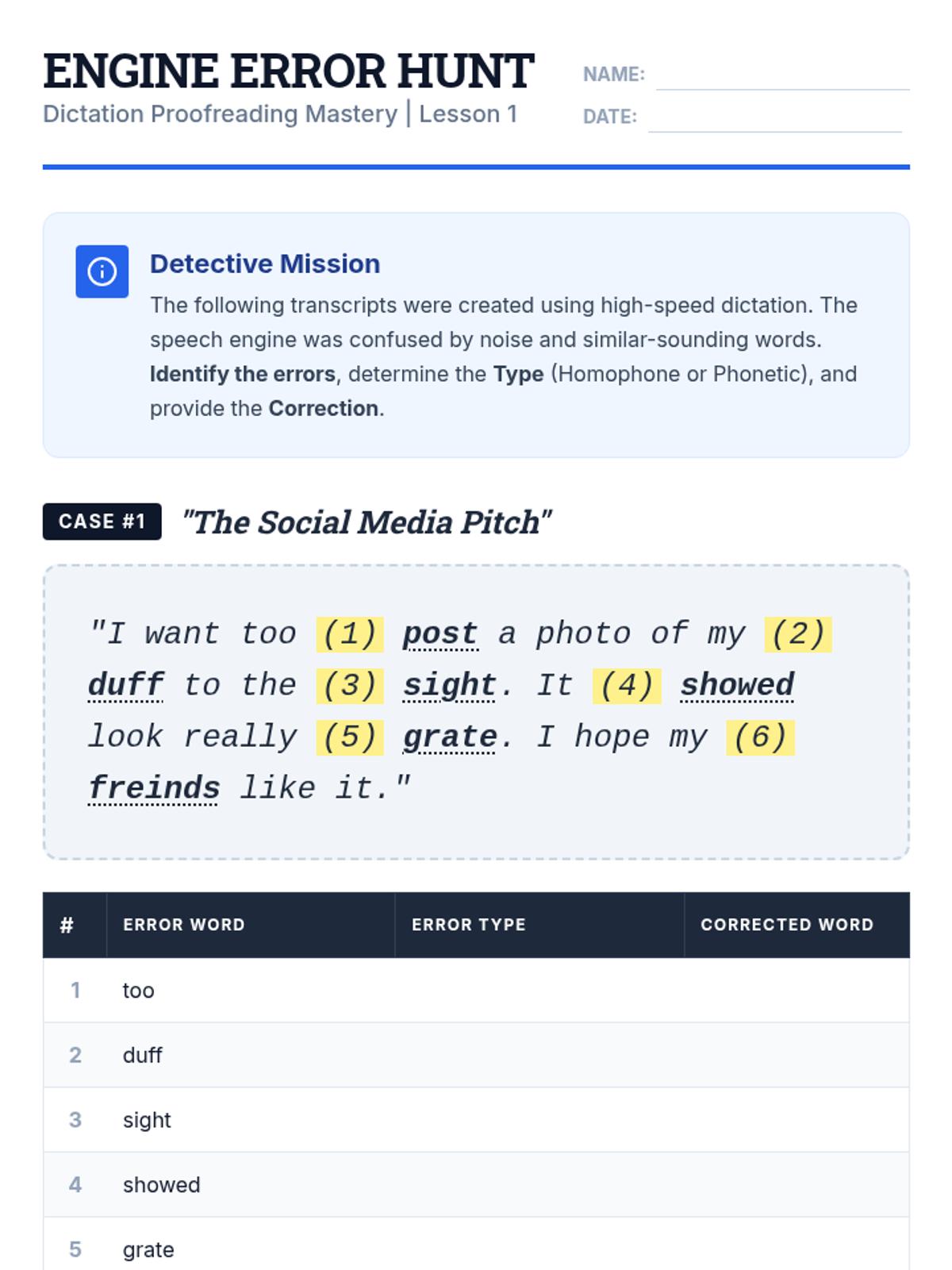
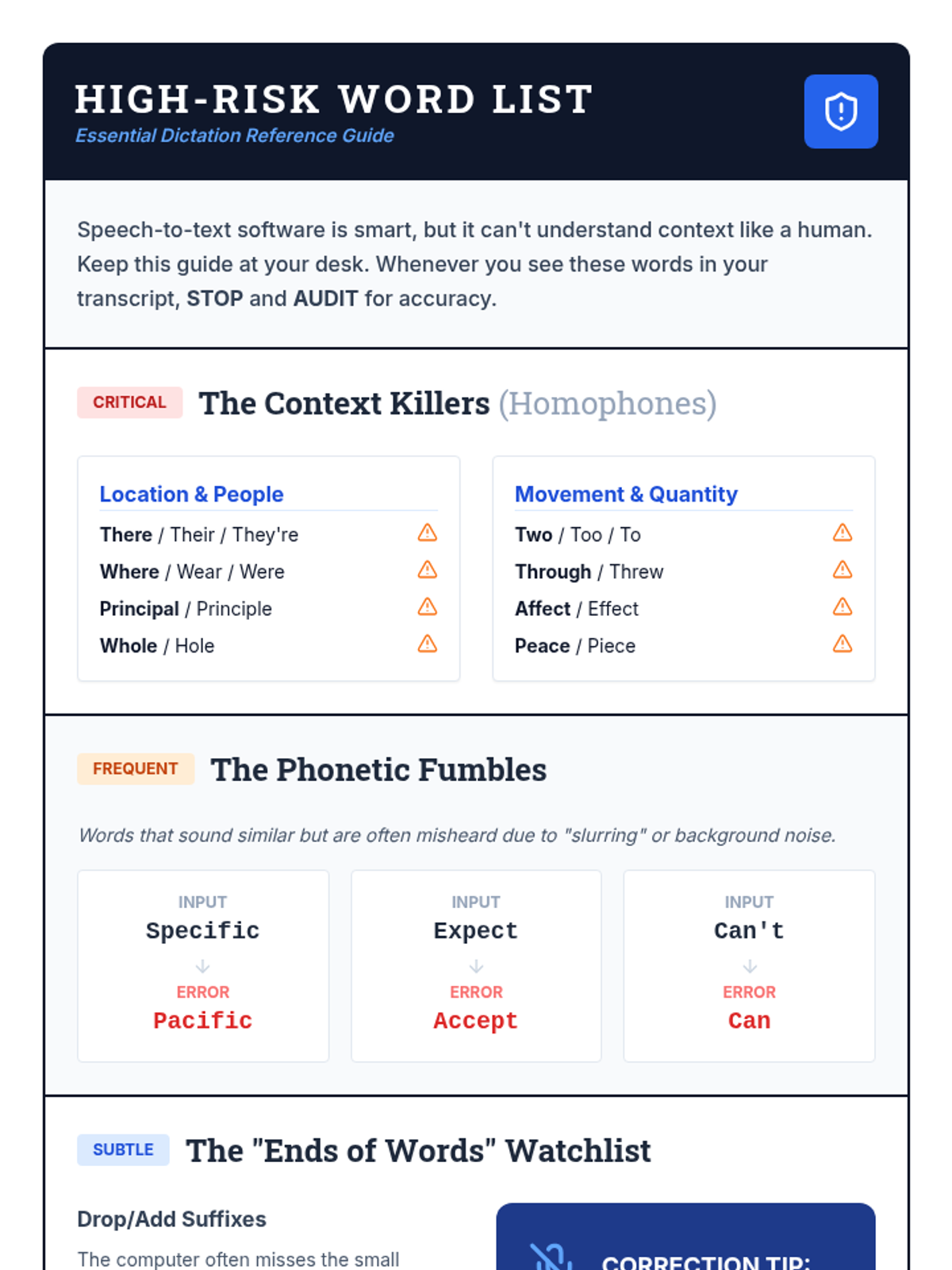
Identifying Errors Slides
Engine Error Worksheet
High Risk Handout

Dictation Proofreading Mastery

This sequence teaches 12th-grade students with diverse learning needs how to master the technical and cognitive skills required for proofreading and editing text generated by speech-to-text (STT) technology. Students move from basic error identification to auditory proofreading and professional-level syntactic refinement.

Lenny Avatar
Lenny
1/18
Sequence
Homophone Hazard Slides
Glitch Hunter Worksheet
Homophone Hazard Teacher Guide

Edit Lab Dictation Decoders

This sequence focuses on the critical 'post-dictation' phase of writing, treating speech-to-text software as a partner that requires human supervision. Students engage in game-based activities to identify common errors, learn the 'Listen Back' technique using text-to-speech, and master voice commands for macro and micro editing to turn rough transcripts into professional documents.

Lenny Avatar
Lenny
1/18
Sequence
Tech Tasting Slides
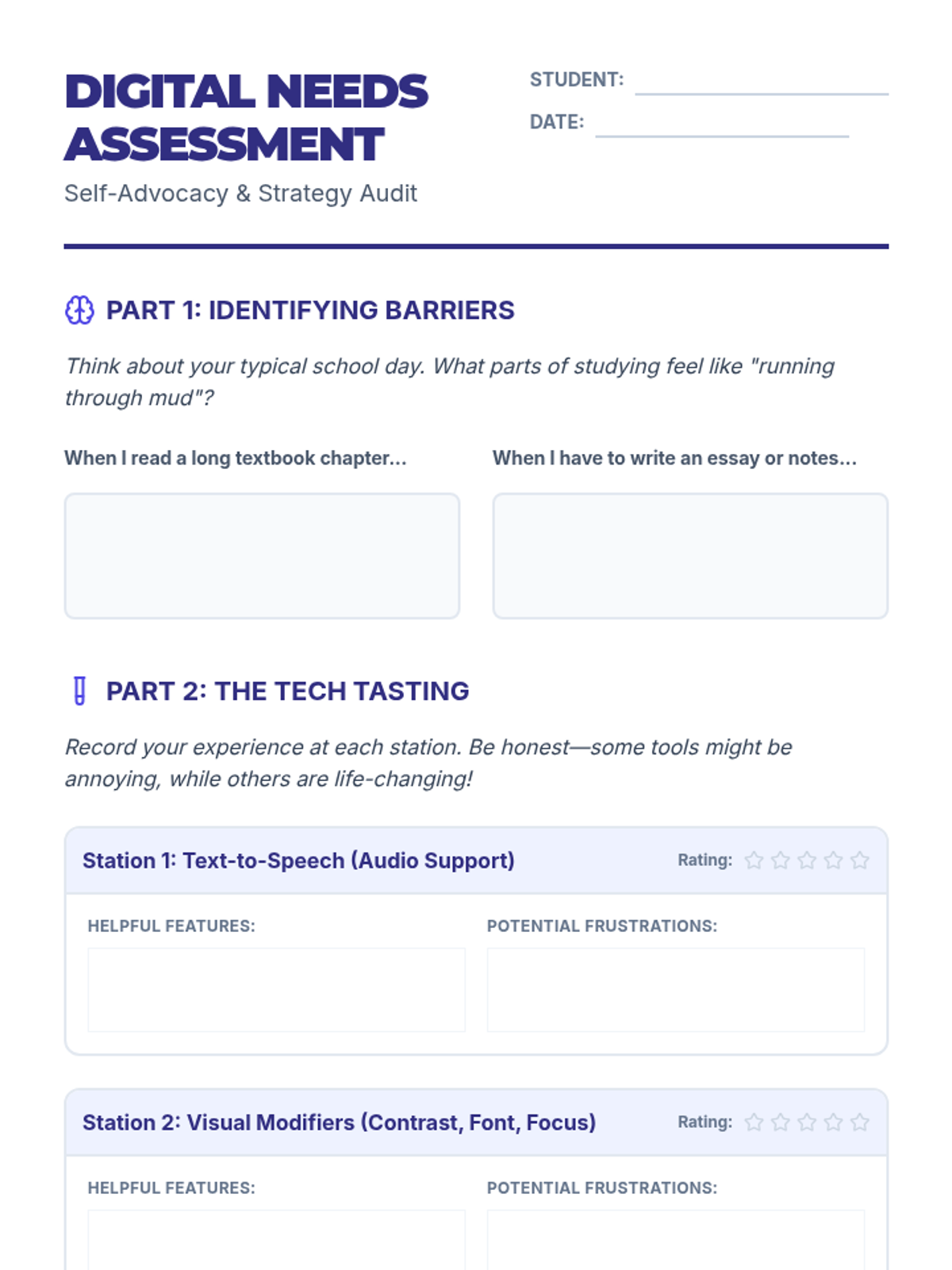
Digital Needs Assessment Worksheet
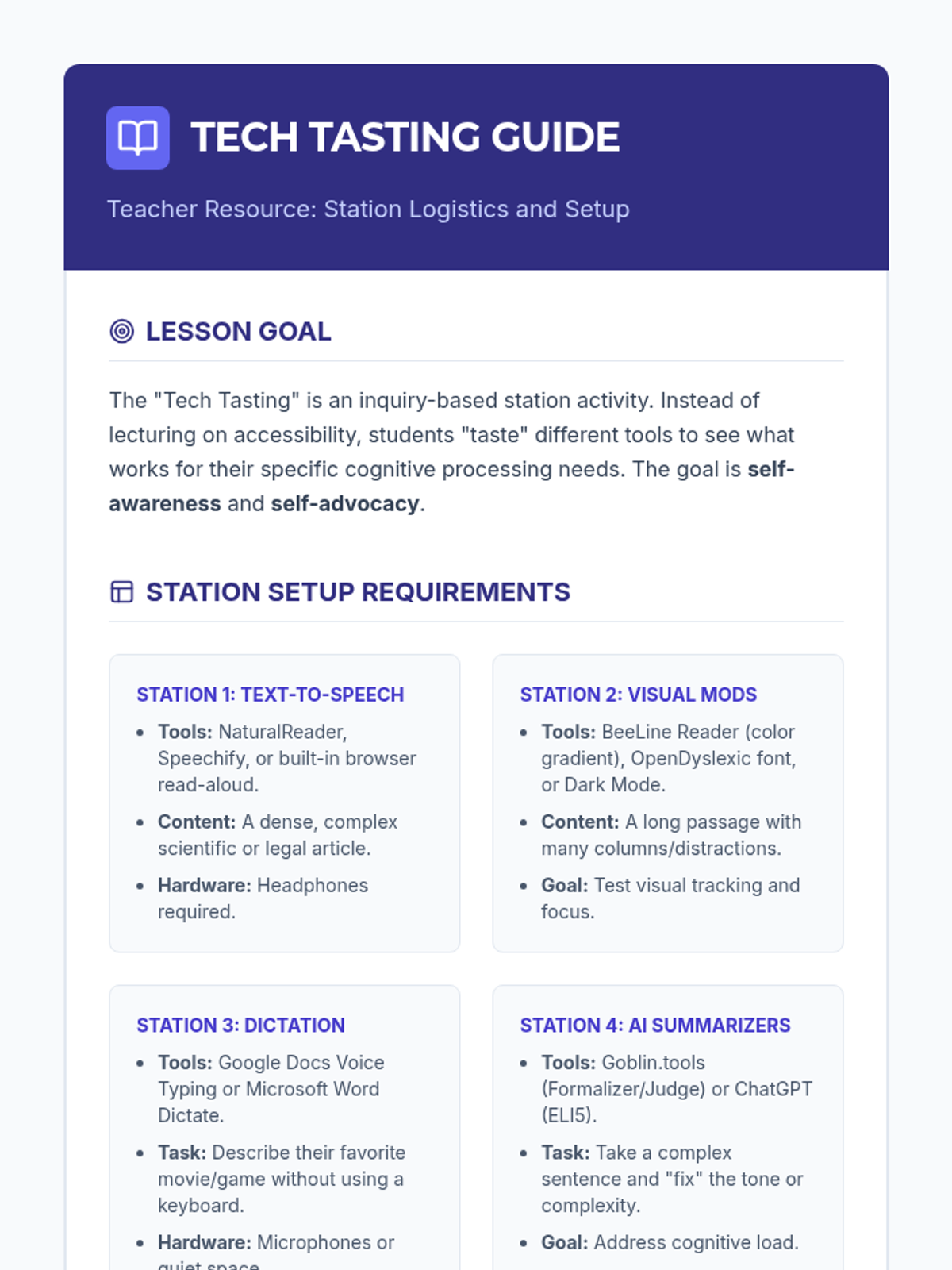
Teacher Tech Tasting Guide

Accessible Digital Study Materials

This sequence empowers 12th-grade students to identify and leverage digital accessibility tools for independent study. Students move from exploring assistive technology to curating a personalized digital study ecosystem, culminating in a self-advocacy portfolio for post-secondary success.

Lenny Avatar
Lenny
1/18
Sequence
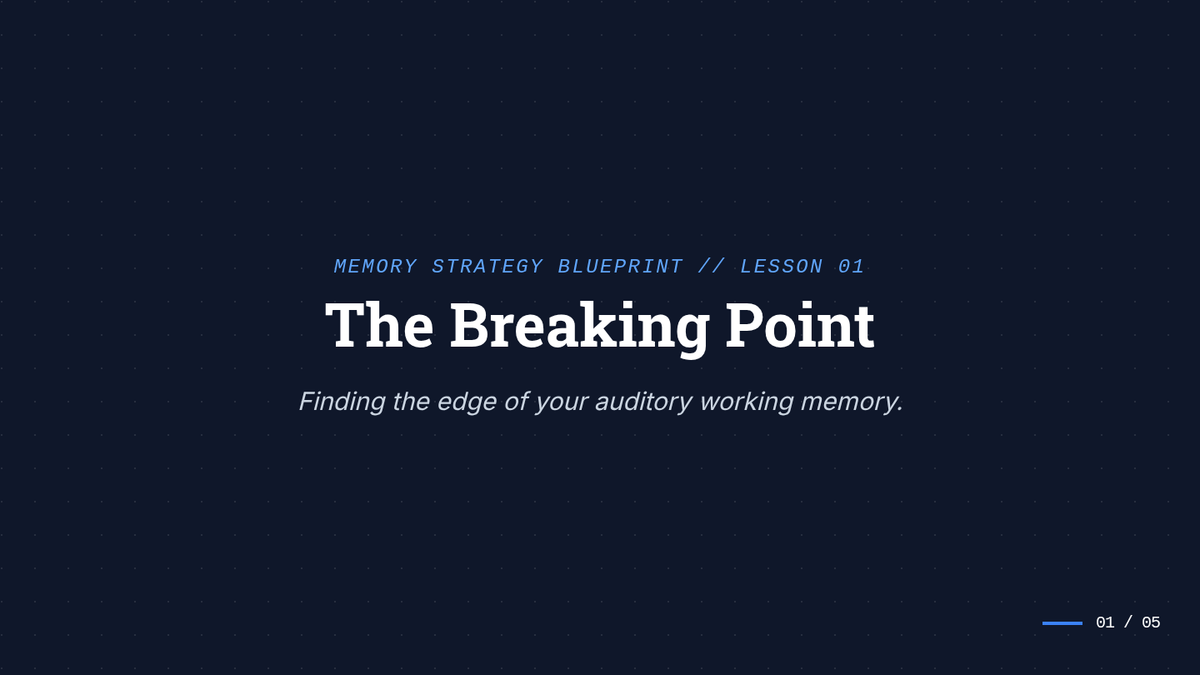
The Breaking Point Slides
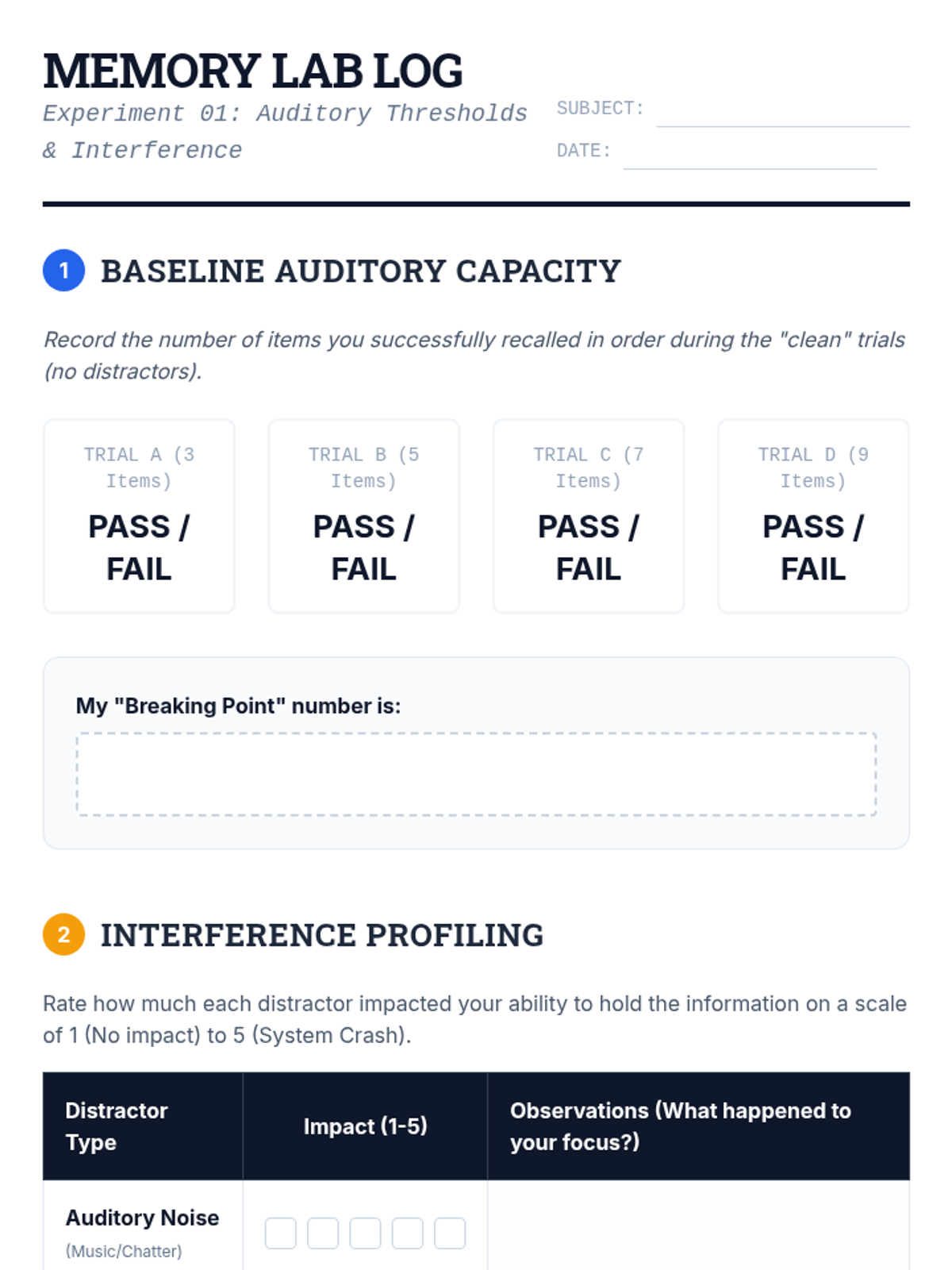
Memory Lab Log Worksheet
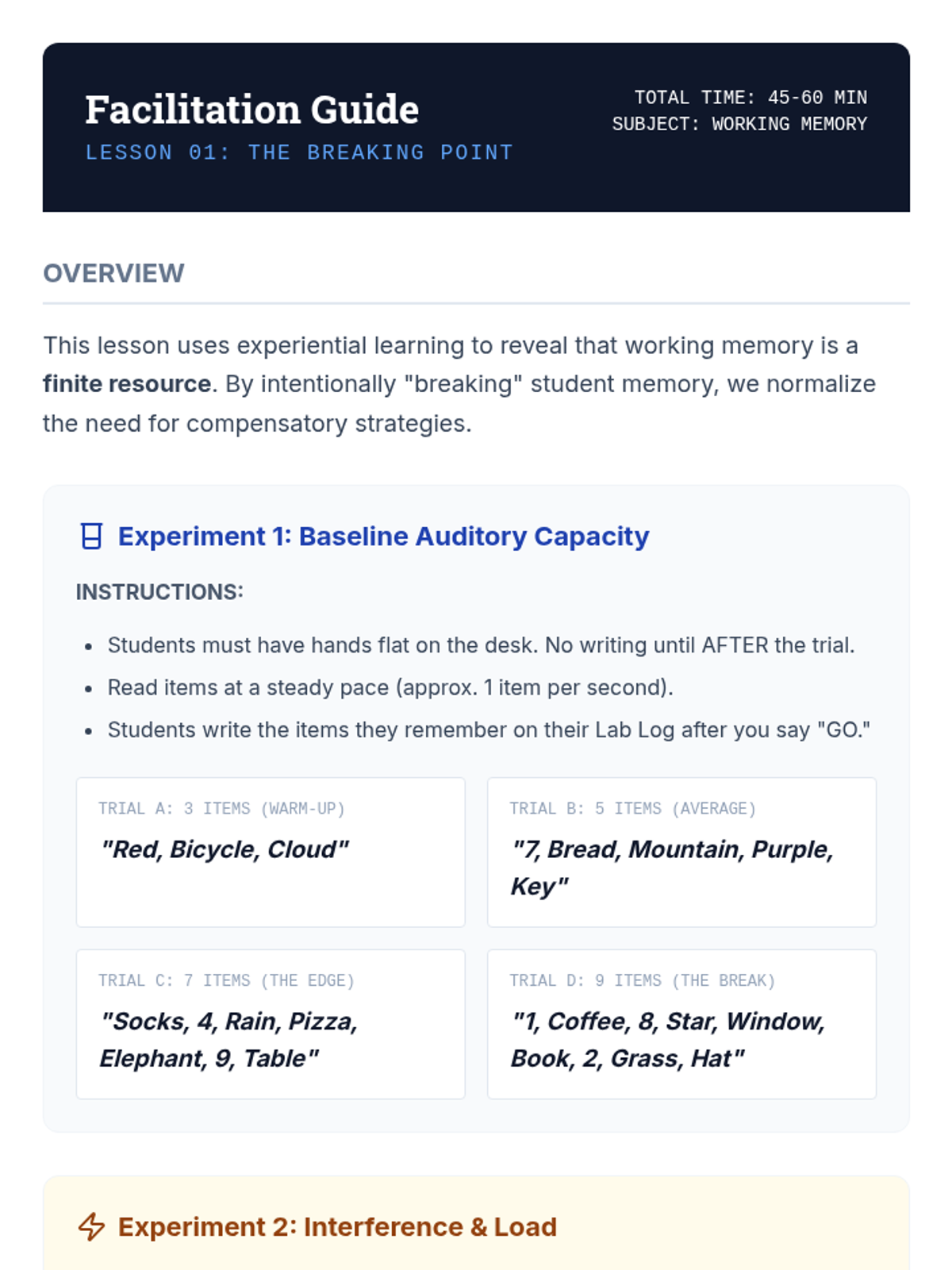
Breaking Point Facilitation Guide

Memory Strategy Blueprint

A metacognitive sequence for 12th-grade students to understand their working memory profiles and build a personalized 'external brain' toolkit for following multi-step directions. Students move from self-diagnosis to strategy mastery and finally to self-advocacy for transition to college or the workforce.

Lenny Avatar
Lenny
1/18
Sequence
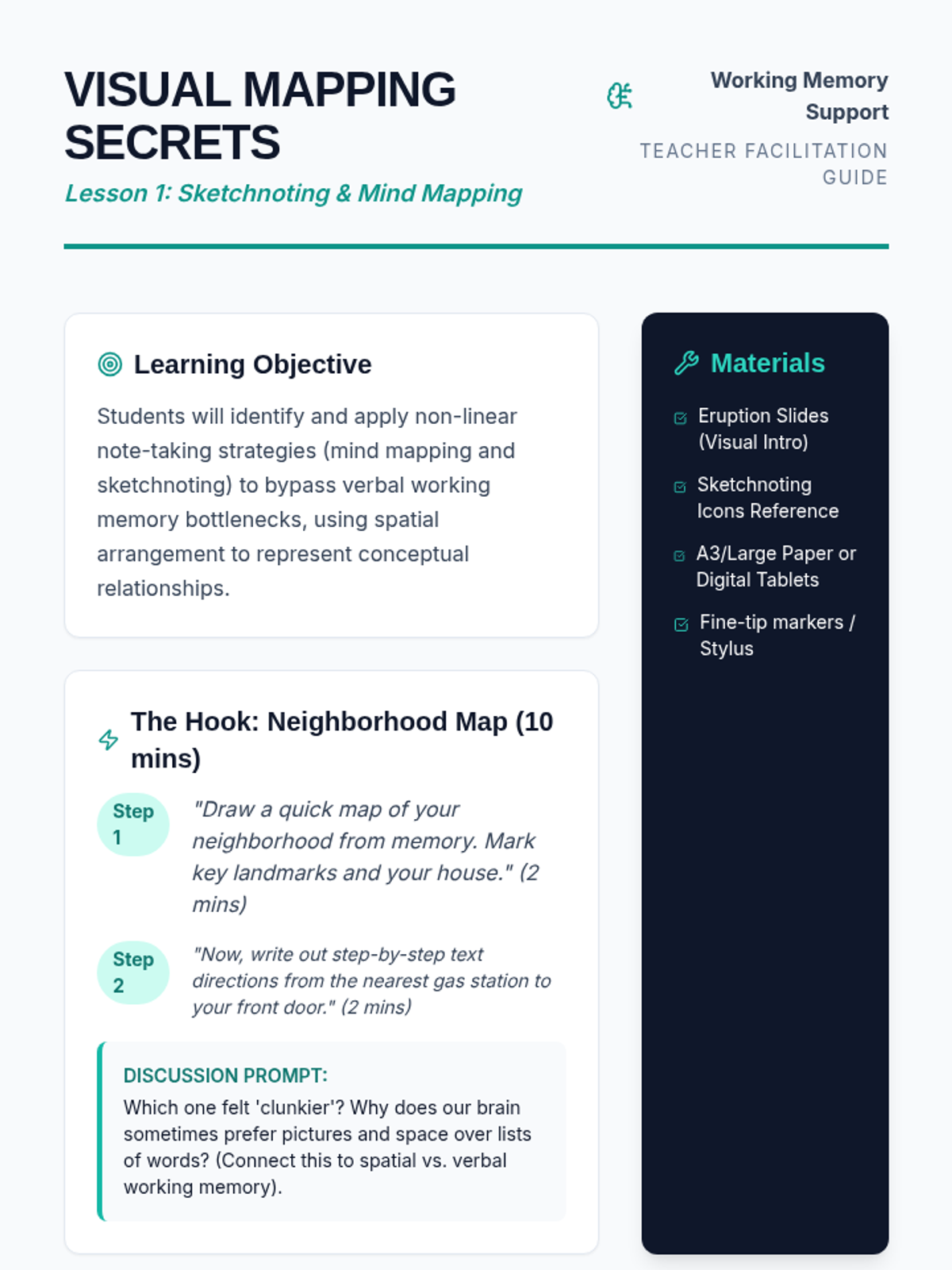
Visual Mapping Teacher Guide
Visual Mapping Slides
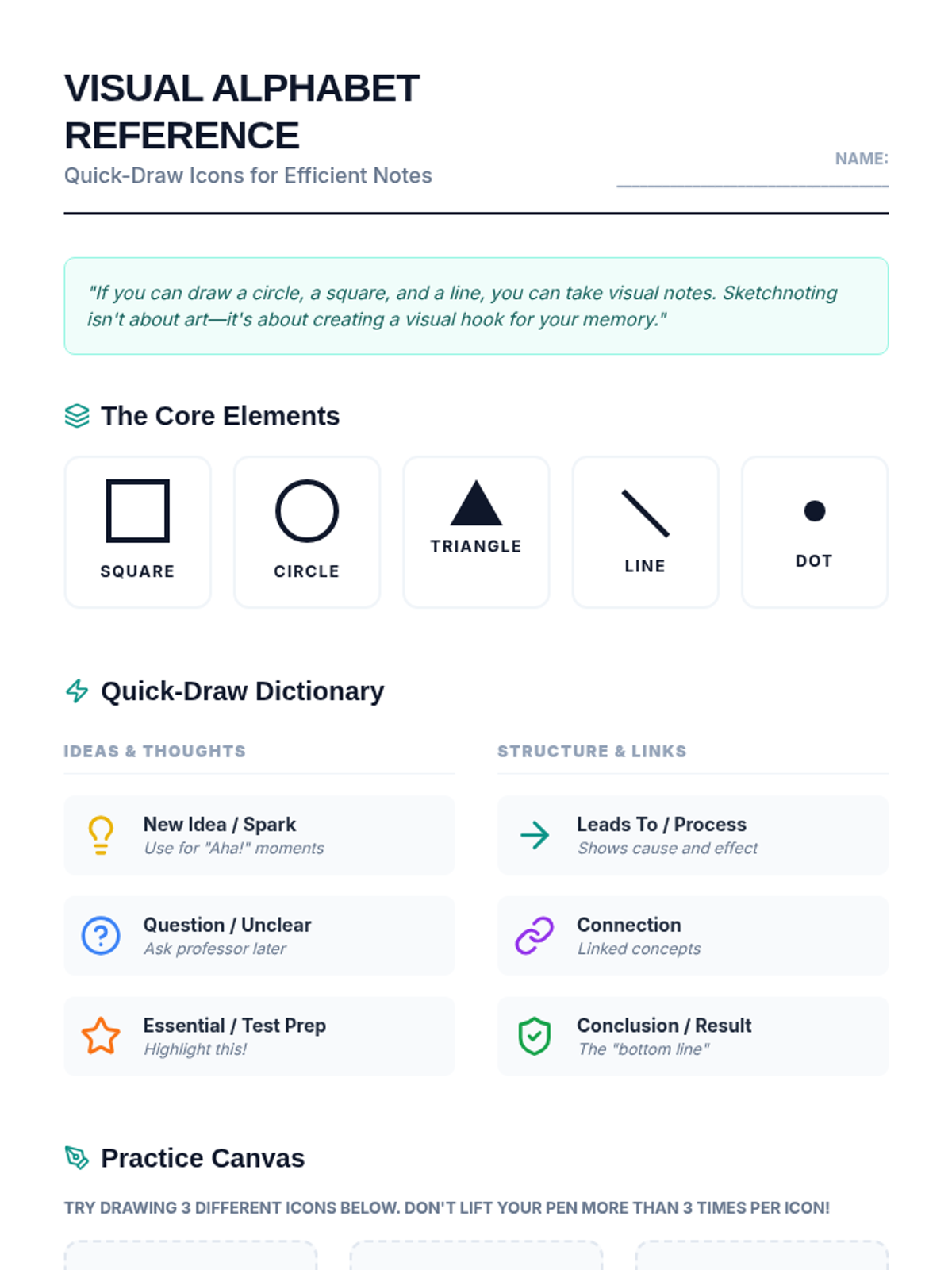
Visual Alphabet Reference
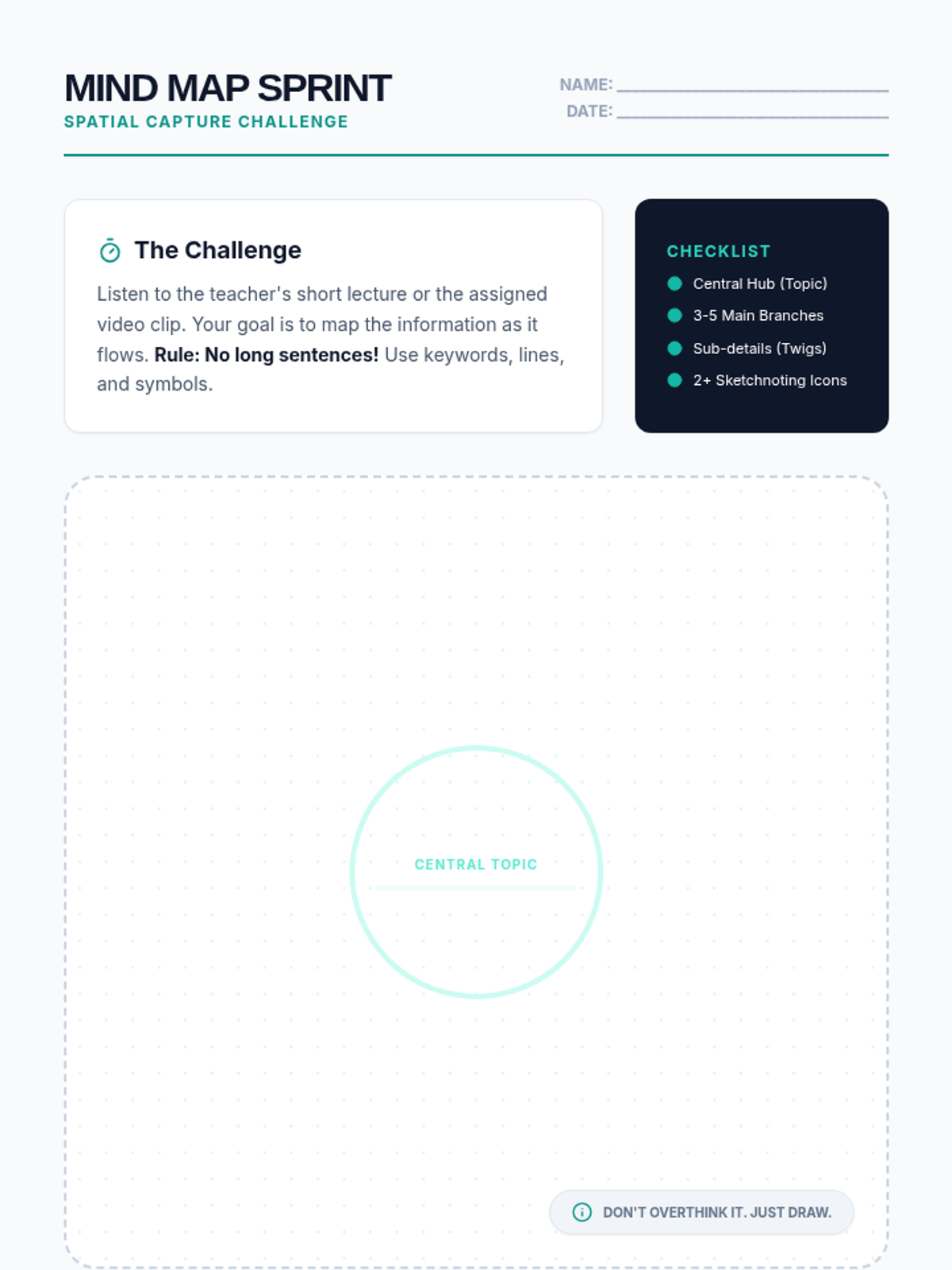
Mind Map Sprint Worksheet

Note Capture Mastery

This sequence explores non-linear and technology-assisted strategies for students who struggle with traditional text-based recording, moving from visual mapping to digital tools and personalized systems. Students develop a digital toolkit to mitigate working memory deficits in post-secondary environments.

Lenny Avatar
Lenny
1/18
Sequence
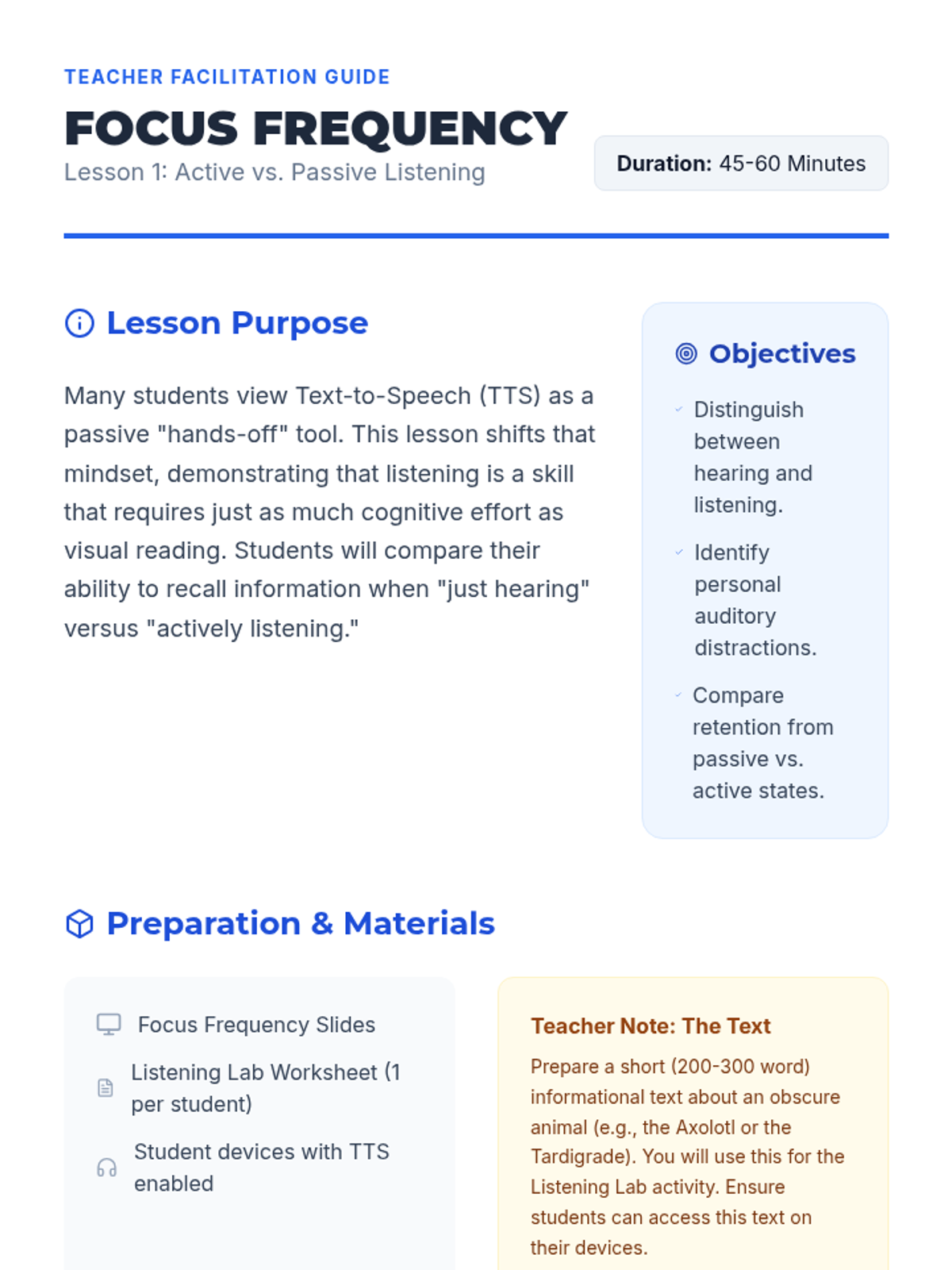
Focus Frequency Slides
Focus Frequency Teacher Guide
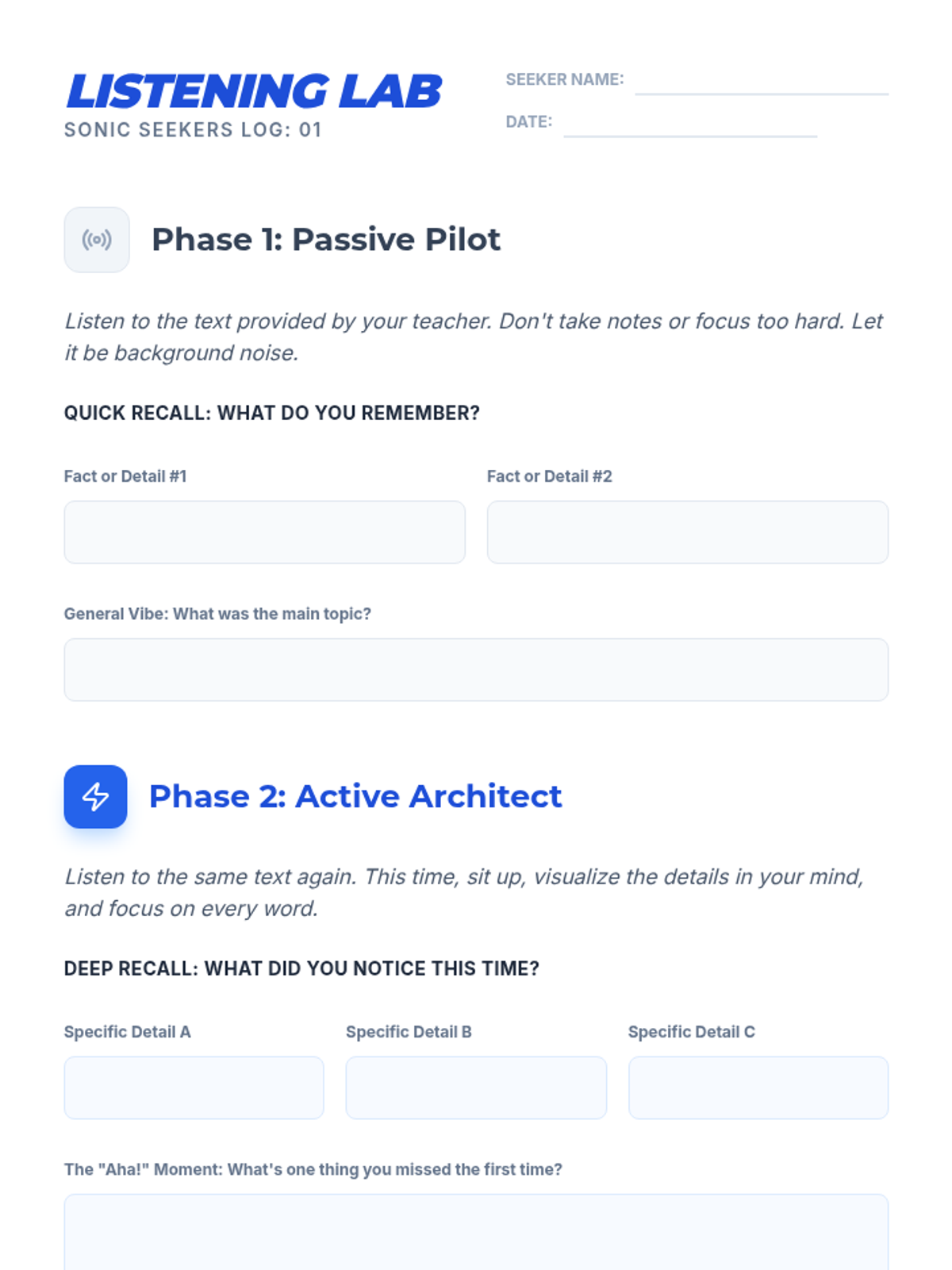
Listening Lab Worksheet

Sonic Seekers Auditory Mastery

This sequence shifts the focus from assistive technology to the cognitive strategies required for auditory learning. Students engage in inquiry-based activities to distinguish between passive hearing and active listening, applying specific comprehension strategies while using text-to-speech (TTS) to access grade-level texts.

Lenny Avatar
Lenny
1/18
Sequence
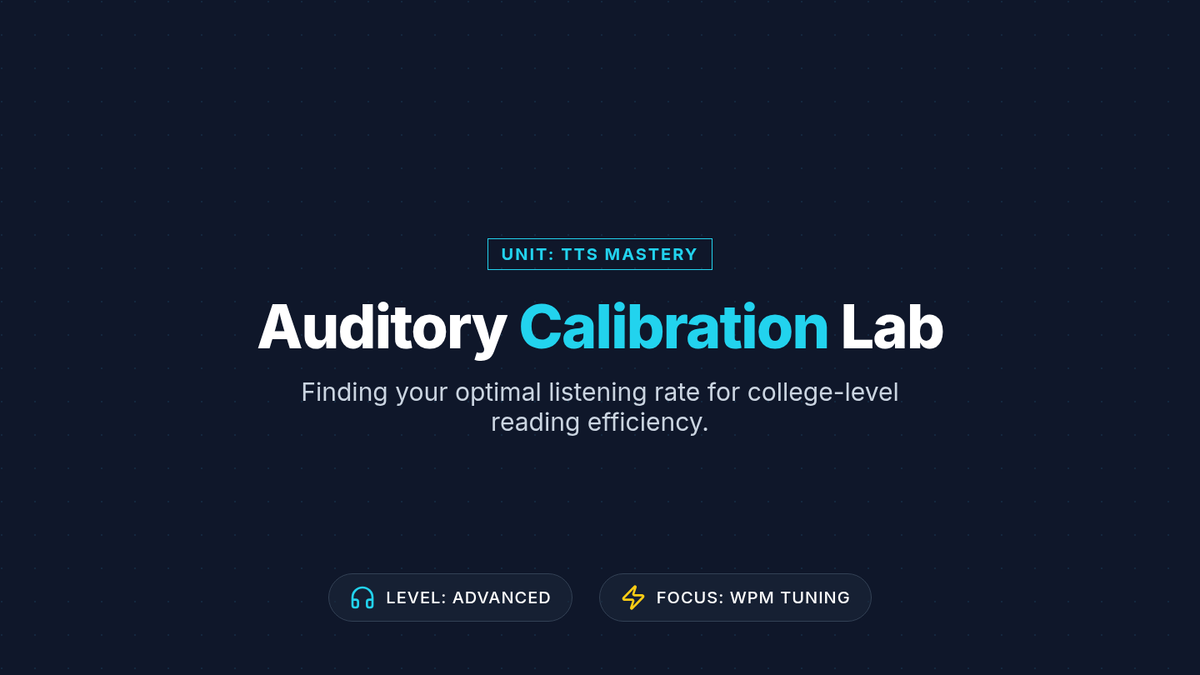
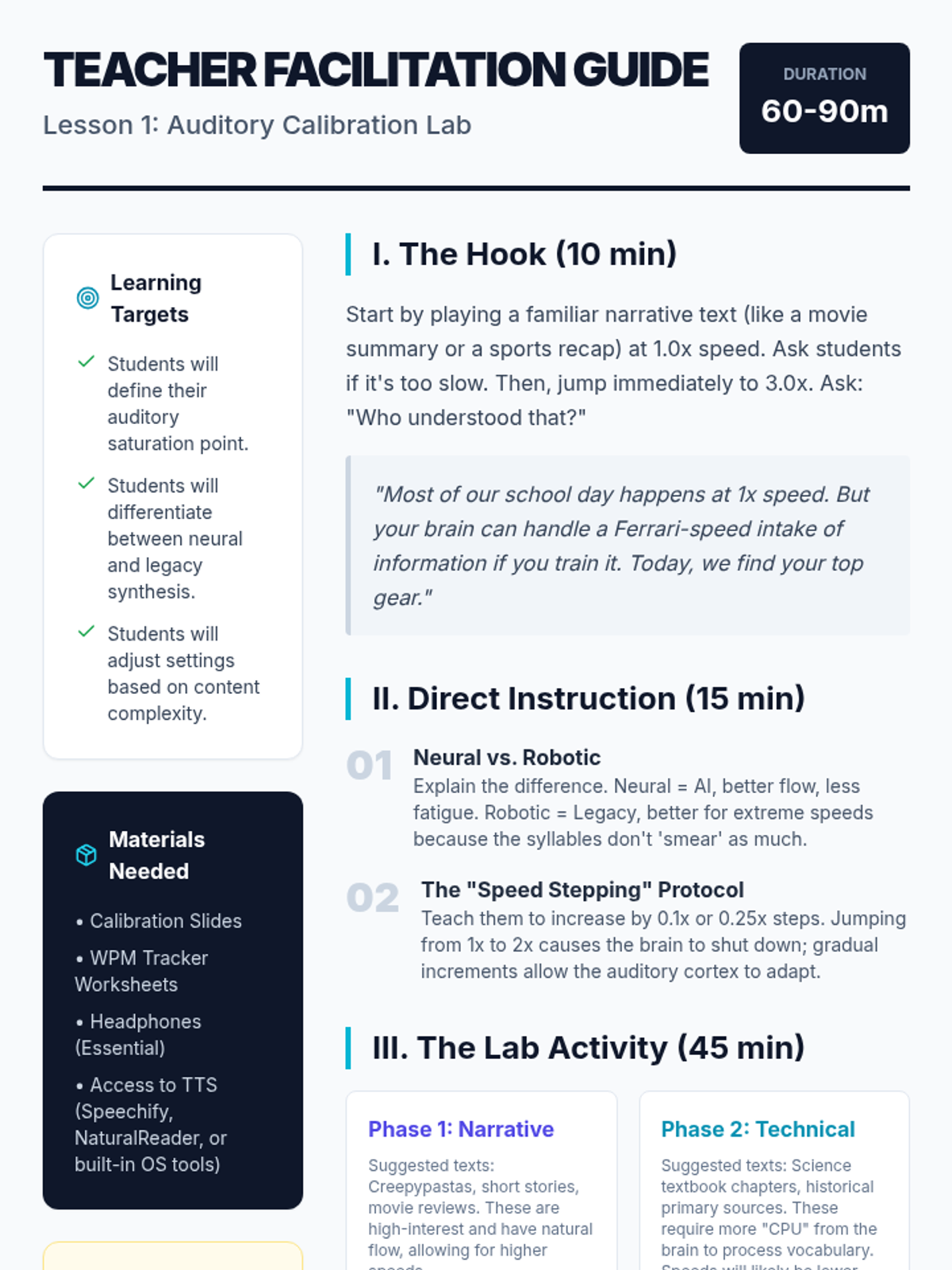
Calibration Slides
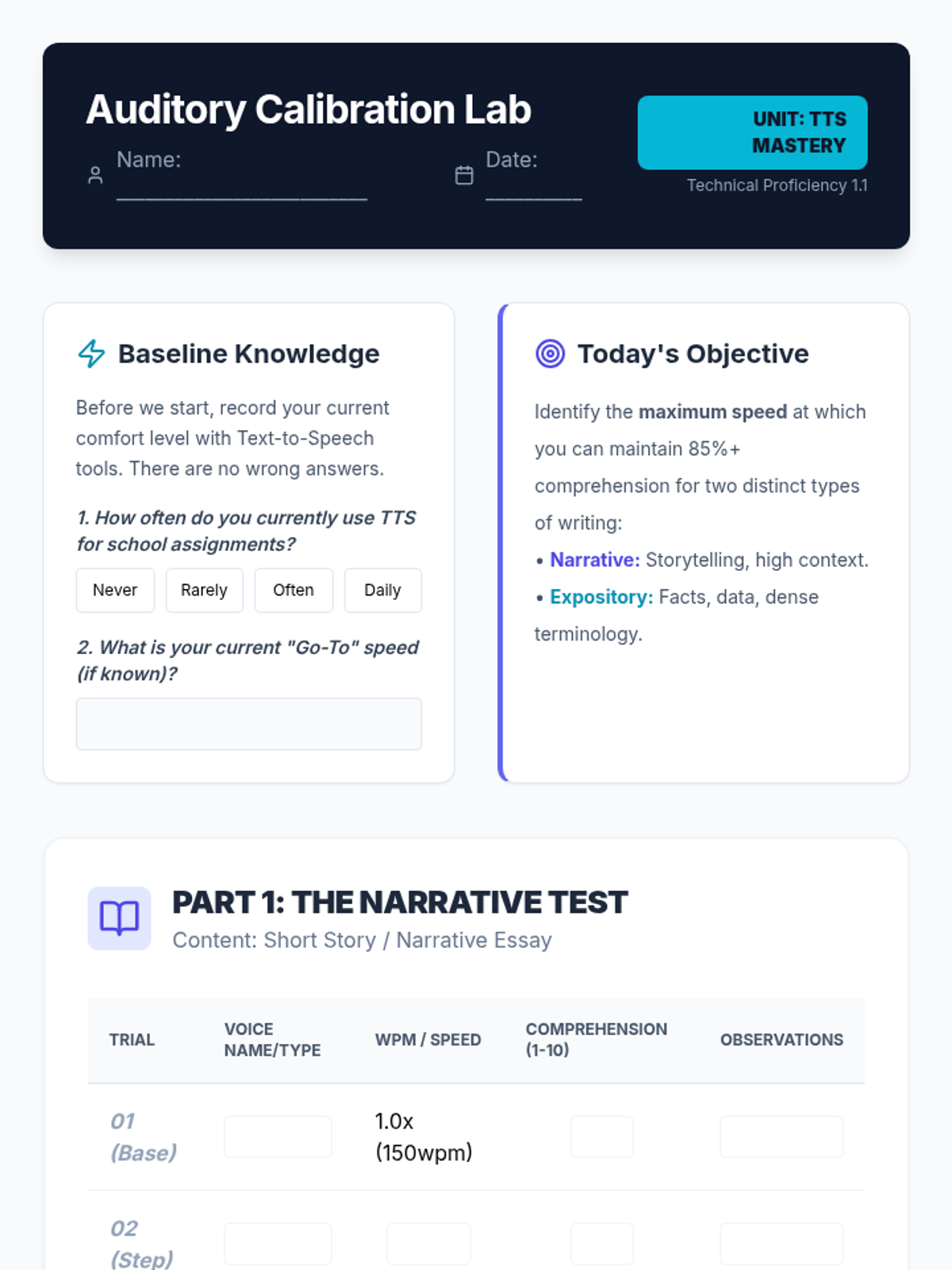
WPM Tracker Worksheet
Calibration Teacher Guide

TTS Mastery Workflow

This sequence equips 12th-grade students with advanced technical skills in Text-to-Speech (TTS) technology. It moves beyond basic tool usage to professional-grade workflows, including auditory calibration, OCR conversion, immersion reading, mobile synchronization, and technical troubleshooting, preparing students for the heavy reading demands of post-secondary environments.

Lenny Avatar
Lenny
1/18
Sequence
Rights and Rules Slides
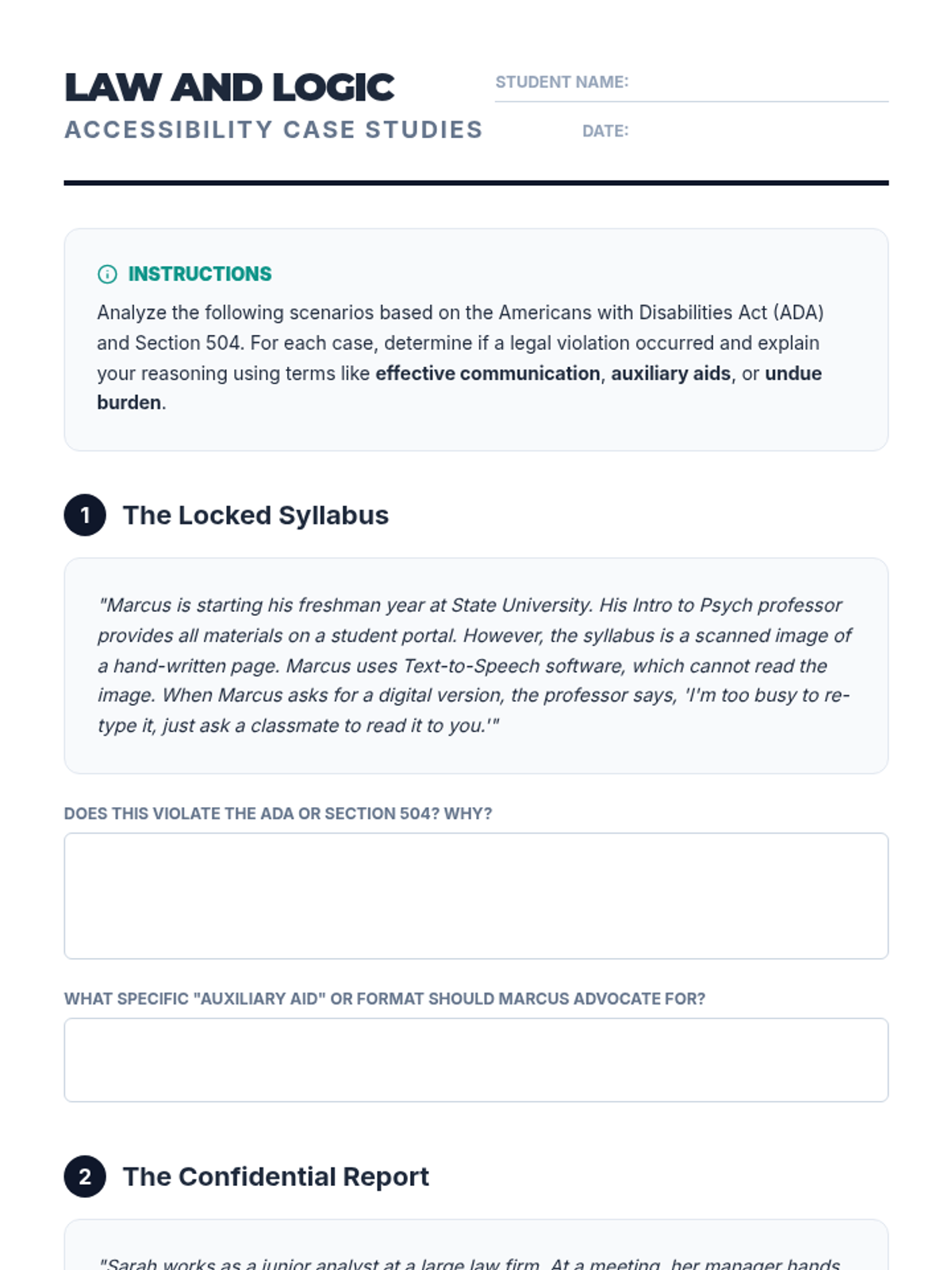
Law and Logic Worksheet
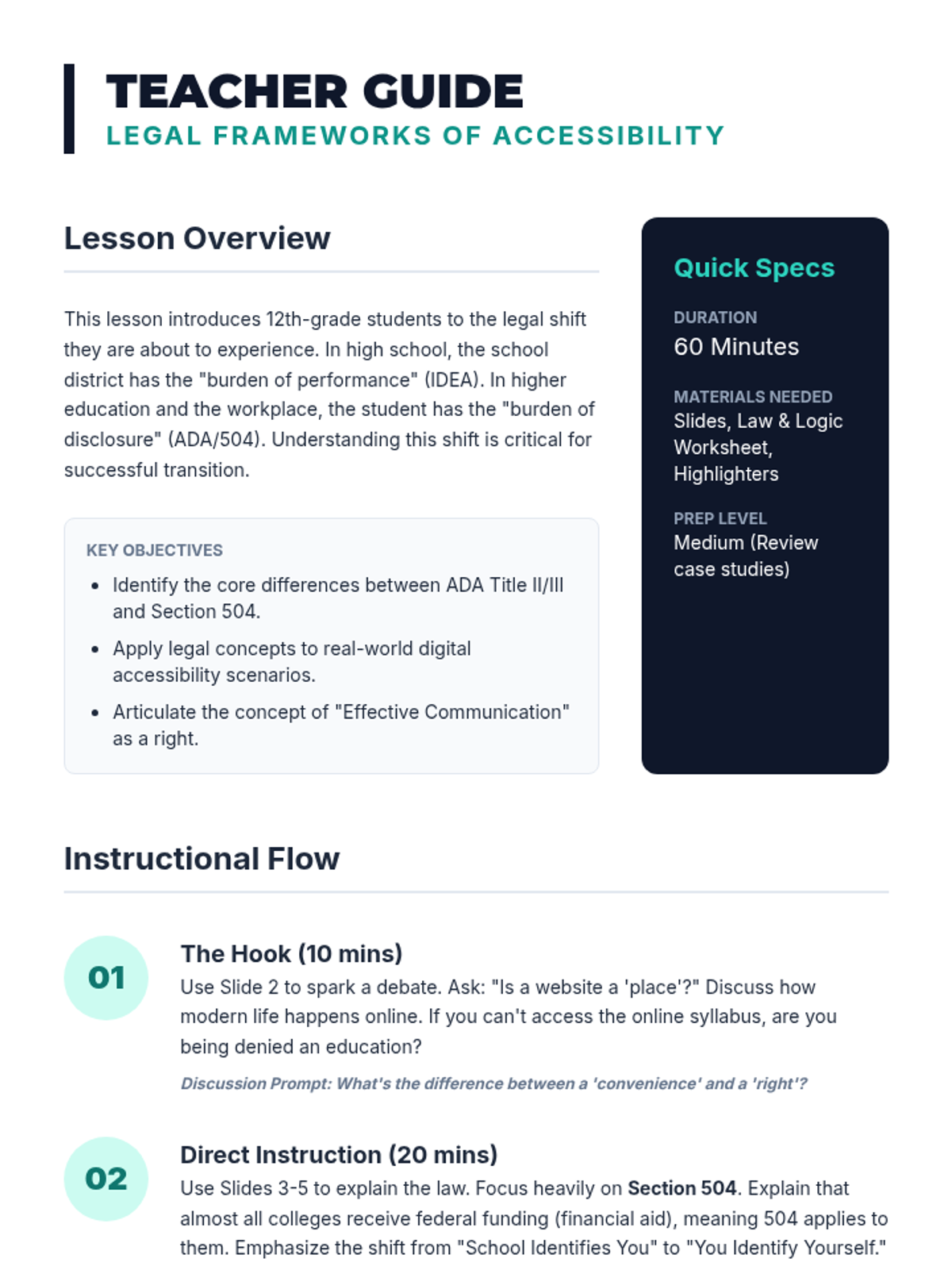
Legal Framework Teacher Guide

Bridge to Access

A comprehensive transition sequence for 12th-grade students focusing on the legal, professional, and practical aspects of using Text-to-Speech (TTS) and other assistive technologies in higher education and the workplace. Students learn to advocate for their rights under the ADA and Section 504 through role-play, professional writing, and portfolio building.

Lenny Avatar
Lenny
1/18
Sequence
Barrier Mapping Slides
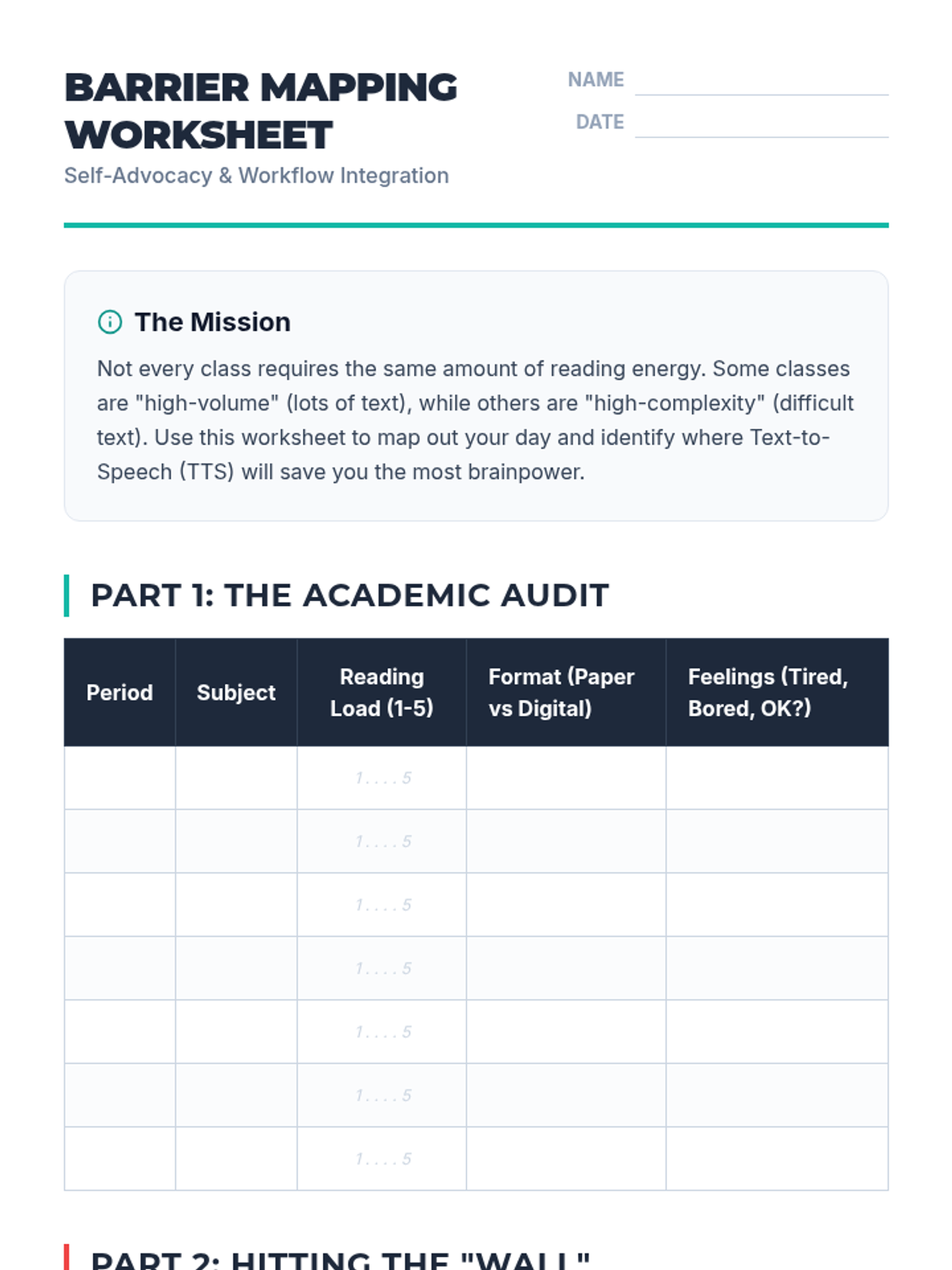
Barrier Mapping Worksheet
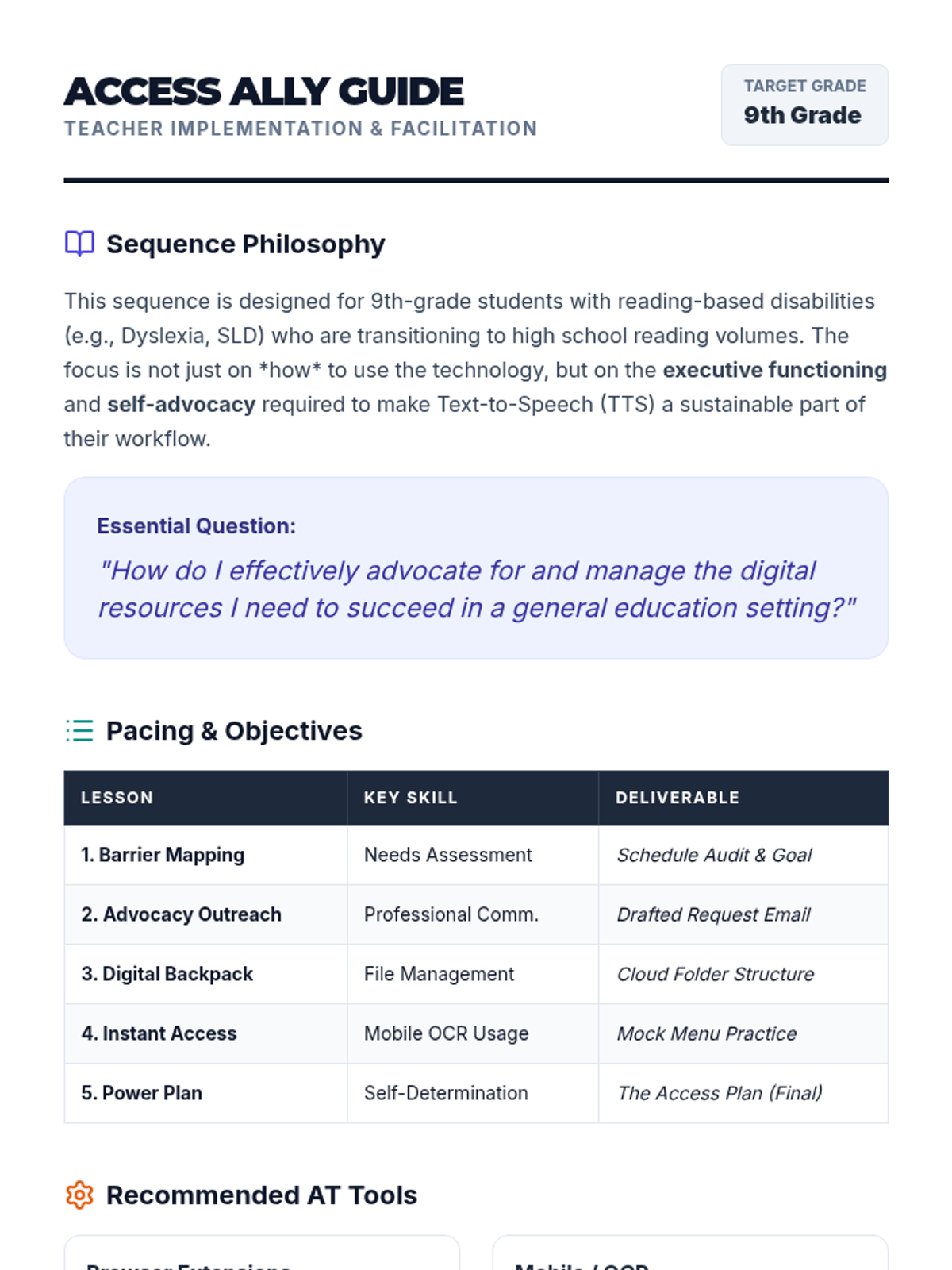
Access Ally Teacher Guide

Access Ally Sequence

This sequence empowers 9th-grade students to integrate Text-to-Speech (TTS) into their high school workflows through self-advocacy and digital organization. Students move from identifying reading barriers in their schedules to creating a professional Access Plan for their teachers.

Lenny Avatar
Lenny
1/18
Sequence
Tool Speed Date Slides
Tool Matchup Worksheet

TTS Mastery Sequence

A technical sequence designed for high school students to master text-to-speech (TTS) tools. It covers tool selection, voice optimization, navigation shortcuts, troubleshooting inaccessible formats like PDFs, and ends with students creating a personal accessibility profile for independent academic success.

Lenny Avatar
Lenny
1/18
Sequence
Memory Offload Teacher Guide
Memory Offload Slides
Memory Offload Worksheet

Digital Brain Hacks

A 5-lesson unit for 8th-grade students focusing on using digital tools to offload working memory and manage cognitive load. Students learn to use task managers, focus modes, sequential reminders, and assistive speech technologies to create a personalized digital workflow for school success.

Lenny Avatar
Lenny
1/18
Sequence
Ghost in the Machine Slides
Error Investigation Log Worksheet
Artifact Field Guide Teacher Key

Transcript Detectives

Students master the art of refining raw speech-to-text transcripts by identifying software-specific errors, correcting homophones, and using voice commands to polish their writing. This sequence empowers students with assistive technology needs to become independent editors of their own voice-dictated work.

Lenny Avatar
Lenny
1/18
Sequence
Identifying Errors Slides
Engine Error Worksheet
High Risk Handout

Dictation Proofreading Mastery

This sequence teaches 12th-grade students with diverse learning needs how to master the technical and cognitive skills required for proofreading and editing text generated by speech-to-text (STT) technology. Students move from basic error identification to auditory proofreading and professional-level syntactic refinement.

Lenny Avatar
Lenny
1/18
Sequence
Homophone Hazard Slides
Glitch Hunter Worksheet
Homophone Hazard Teacher Guide

Edit Lab Dictation Decoders

This sequence focuses on the critical 'post-dictation' phase of writing, treating speech-to-text software as a partner that requires human supervision. Students engage in game-based activities to identify common errors, learn the 'Listen Back' technique using text-to-speech, and master voice commands for macro and micro editing to turn rough transcripts into professional documents.

Lenny Avatar
Lenny
1/18
Sequence
Tech Tasting Slides
Digital Needs Assessment Worksheet
Teacher Tech Tasting Guide

Accessible Digital Study Materials

This sequence empowers 12th-grade students to identify and leverage digital accessibility tools for independent study. Students move from exploring assistive technology to curating a personalized digital study ecosystem, culminating in a self-advocacy portfolio for post-secondary success.

Lenny Avatar
Lenny
1/18
Sequence
How vs What Slides
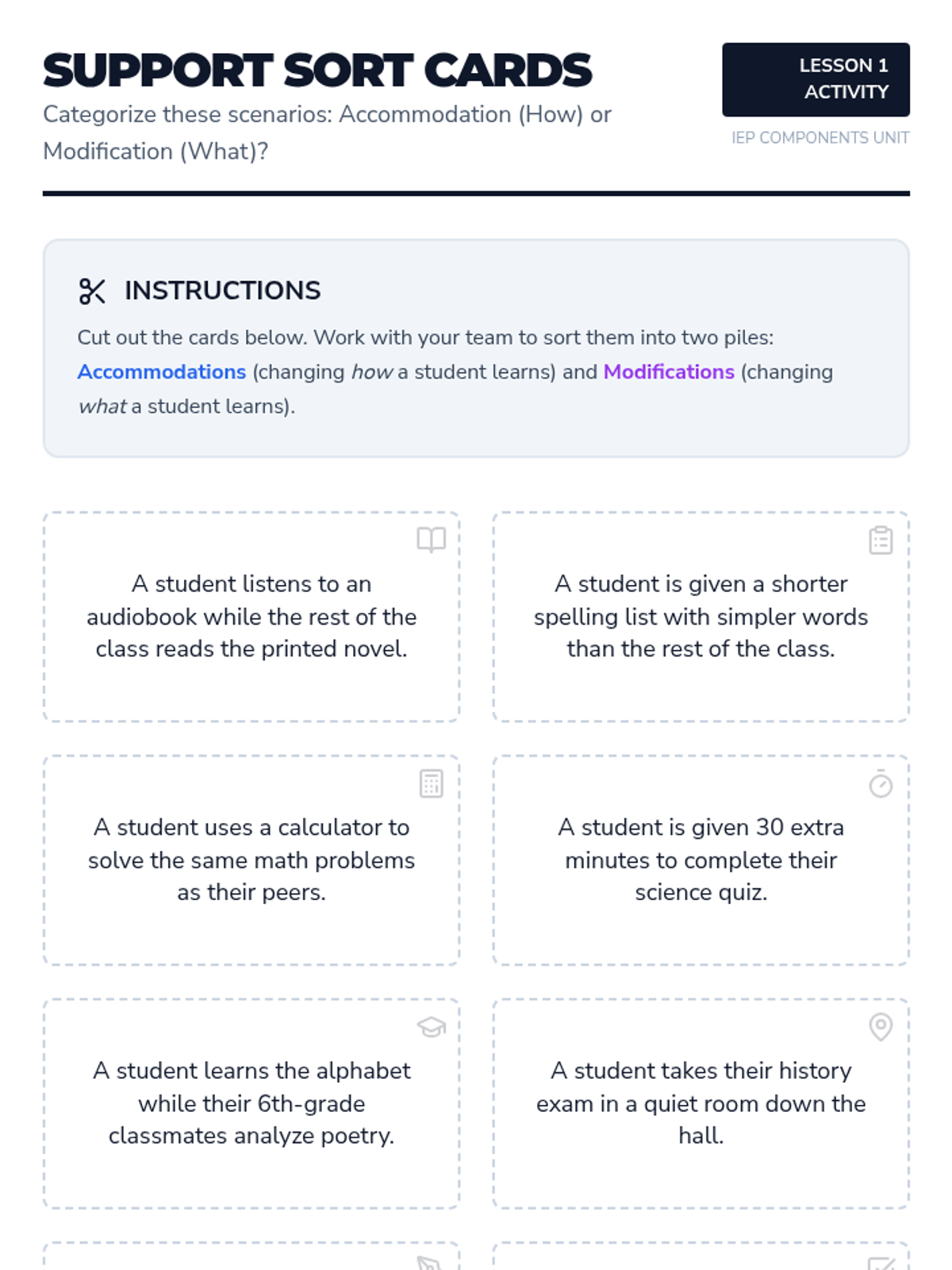
Support Sort Cards

Level Up Supports

This sequence explores the specific supports within an IEP, focusing on the distinction between accommodations and modifications. Students engage in simulations and workshops to identify valid tools for overcoming learning barriers and learn to advocate for their personal support needs.

Lenny Avatar
Lenny
1/17
Sequence
One Step Slides
Linear Workflows Teacher Guide
Micro Step Worksheet

Digital Brain Upgrades

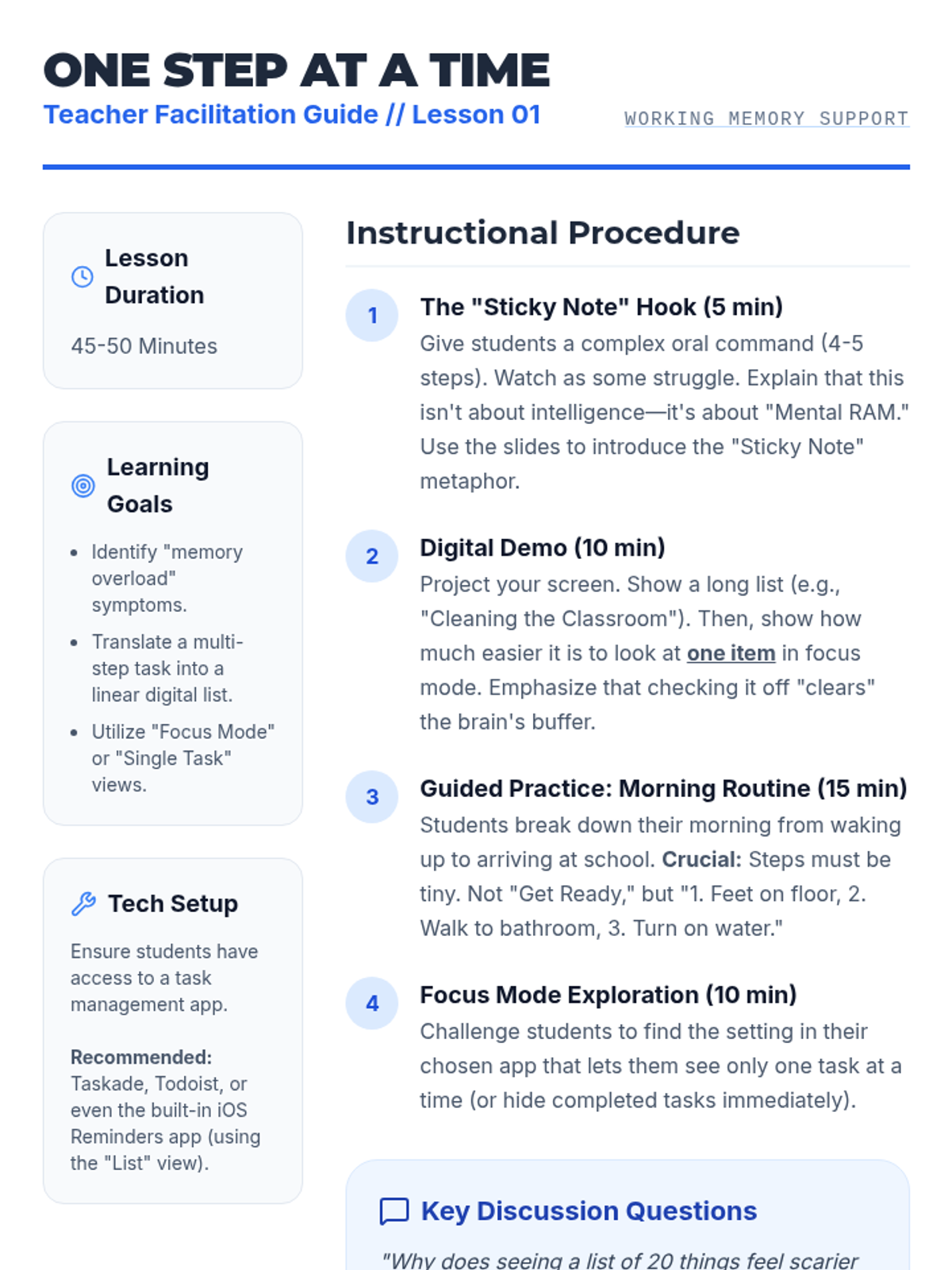
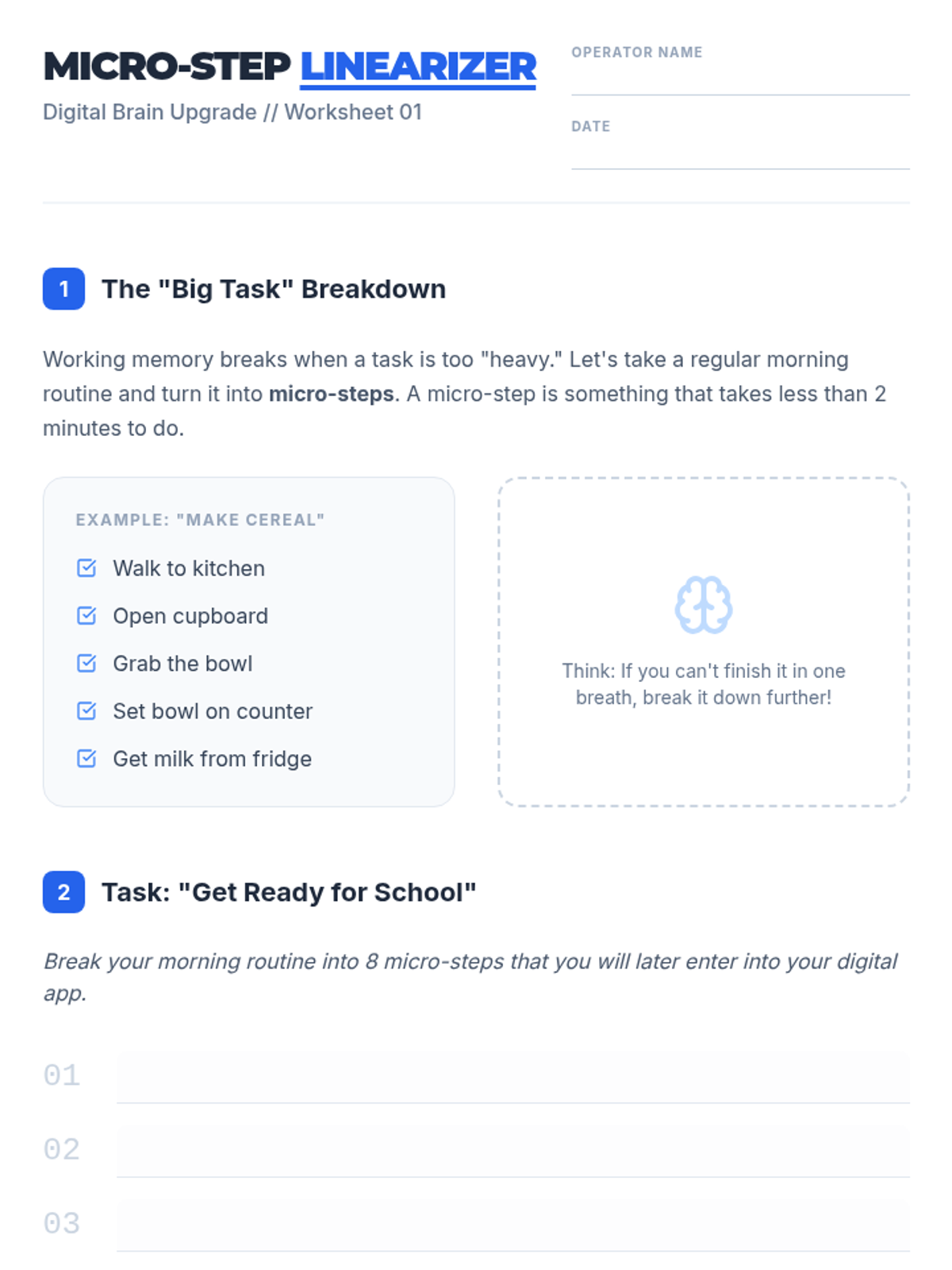
This sequence empowers students with working memory challenges to use digital tools to linearize tasks. Students learn to offload cognitive burden by using task managers, voice assistants, QR codes, and accessibility features to focus on one step at a time.

Lenny Avatar
Lenny
1/18
Sequence
Memory Offload Teacher Guide
Memory Offload Slides
Memory Offload Worksheet

Digital Brain Hacks

A 5-lesson unit for 8th-grade students focusing on using digital tools to offload working memory and manage cognitive load. Students learn to use task managers, focus modes, sequential reminders, and assistive speech technologies to create a personalized digital workflow for school success.

Lenny Avatar
Lenny
1/18
Sequence
Cognitive Load Slides
Cognitive Task Analysis Worksheet
Rambling Email Hook Guide

Dictation Design Protocols

A graduate-level sequence focused on the pedagogy of speech recognition. Students shift from learning the technology to designing instructional protocols that address the cognitive demands of oral composition, specifically for K-12 learners with executive function challenges.

Lenny Avatar
Lenny
1/18
Sequence
Calibration Slides
Setup Essentials Guide
Vocal Profile Log

Voice Power Proficiency

A technical mastery sequence for 12th-grade students to transition from basic dictation to advanced, command-driven document creation using speech recognition technology. Students learn calibration, complex formatting commands, hands-free navigation, and error-correction workflows.

Lenny Avatar
Lenny
1/18
Sequence
Ghost in the Machine Slides
Error Investigation Log Worksheet
Artifact Field Guide Teacher Key

Transcript Detectives

Students master the art of refining raw speech-to-text transcripts by identifying software-specific errors, correcting homophones, and using voice commands to polish their writing. This sequence empowers students with assistive technology needs to become independent editors of their own voice-dictated work.

Lenny Avatar
Lenny
1/18
Sequence
Calibration Station Checklist
Voice Command Slides
Setup Guru Guide

Fundamentals of Speech Recognition and Dictation

This introductory sequence establishes the foundational skills necessary for effectively using speech-to-text software in an academic setting. Students learn to configure hardware, master punctuation commands, and develop the enunciation and pacing required for accurate dictation, culminating in the creation of a coherent paragraph using only voice commands.

Lenny Avatar
Lenny
1/18
Sequence
Sound Lab Slides
Noise Level Lab Report
Sound Scientist Facilitation Guide

Independent Dictation Workflows

This sequence develops independence and troubleshooting skills for students using dictation software. Students learn to optimize their environment, solve technical glitches, handle complex vocabulary, and internalize a complete independent workflow.

Lenny Avatar
Lenny
1/18
Sequence
Brainstorm Blueprint Slides
Idea Lab Worksheet
Facilitating Flow Guide

Voice Architect Academic Writing

A comprehensive 12th-grade sequence focused on mastering assistive technology (dictation) for college-level research and academic writing, covering everything from rapid ideation to complex citation formatting and document navigation.

Lenny Avatar
Lenny
1/18
Sequence
Identifying Errors Slides
Engine Error Worksheet
High Risk Handout

Dictation Proofreading Mastery

This sequence teaches 12th-grade students with diverse learning needs how to master the technical and cognitive skills required for proofreading and editing text generated by speech-to-text (STT) technology. Students move from basic error identification to auditory proofreading and professional-level syntactic refinement.

Lenny Avatar
Lenny
1/18
Sequence
Homophone Hazard Slides
Glitch Hunter Worksheet
Homophone Hazard Teacher Guide

Edit Lab Dictation Decoders

This sequence focuses on the critical 'post-dictation' phase of writing, treating speech-to-text software as a partner that requires human supervision. Students engage in game-based activities to identify common errors, learn the 'Listen Back' technique using text-to-speech, and master voice commands for macro and micro editing to turn rough transcripts into professional documents.

Lenny Avatar
Lenny
1/18
Sequence
Tech Tasting Slides
Digital Needs Assessment Worksheet
Teacher Tech Tasting Guide

Accessible Digital Study Materials

This sequence empowers 12th-grade students to identify and leverage digital accessibility tools for independent study. Students move from exploring assistive technology to curating a personalized digital study ecosystem, culminating in a self-advocacy portfolio for post-secondary success.

Lenny Avatar
Lenny
1/18
Sequence
Note Catchers Slides
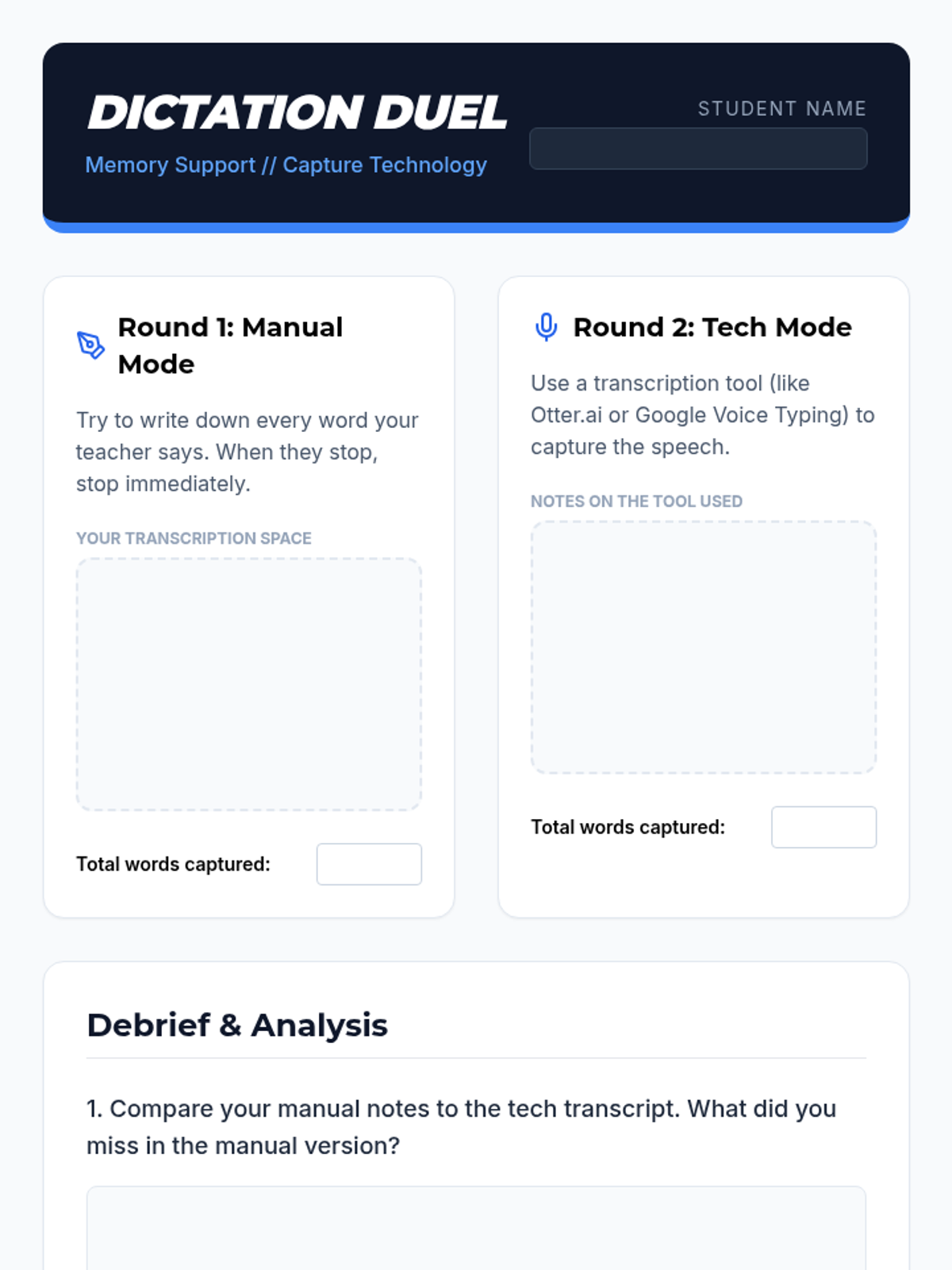
Dictation Duel Worksheet
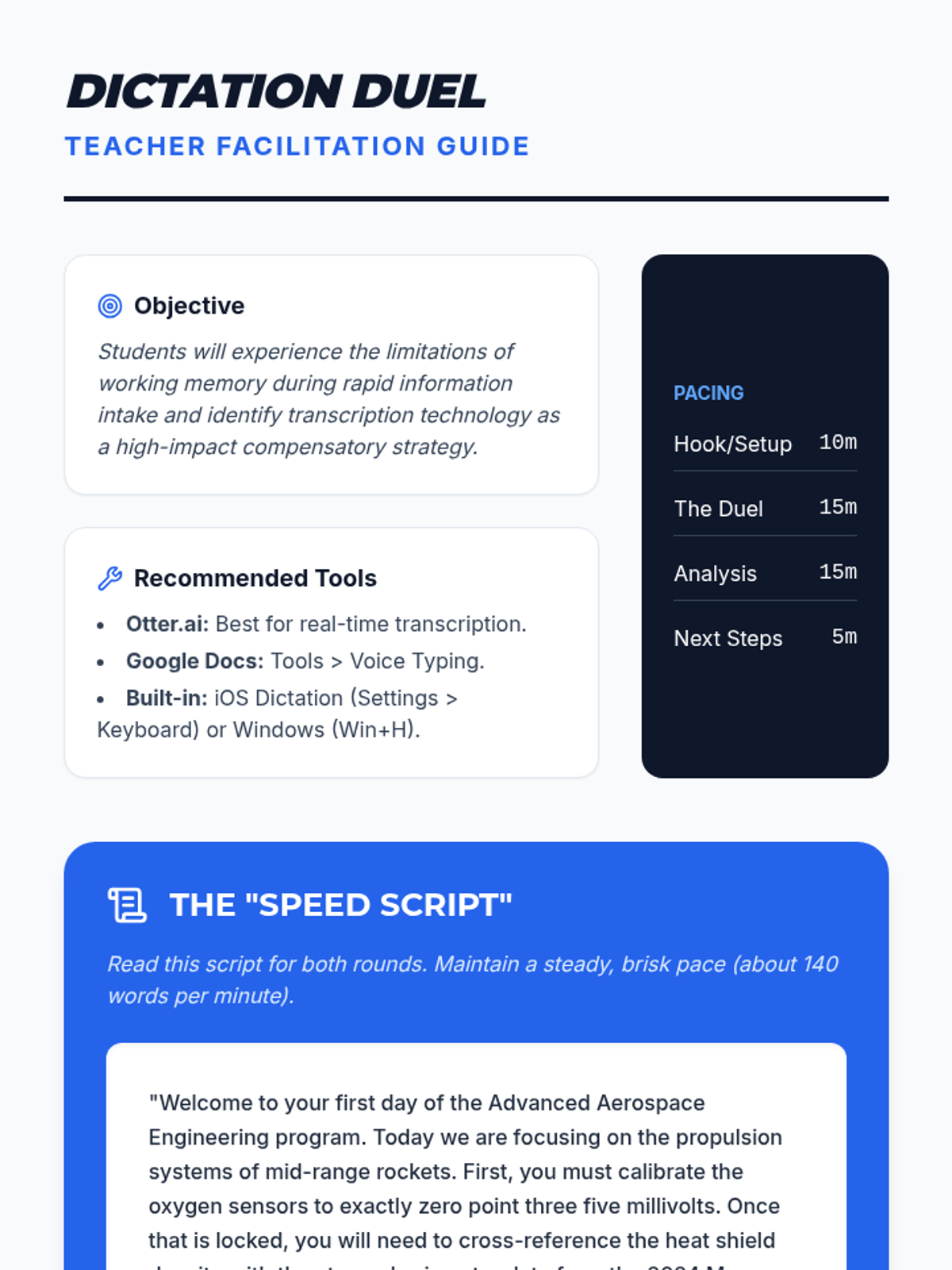
Dictation Duel Teacher Guide

External Brain Blueprint

A 9th-grade sequence focused on using digital tools and external aids to compensate for working memory limitations. Students learn to offload cognitive load using transcription, sequential reminders, logic-based planning, and strategic tutorial navigation to build a personalized 'external brain'.

Lenny Avatar
Lenny
1/18
Sequence
The Breaking Point Slides
Memory Lab Log Worksheet
Breaking Point Facilitation Guide

Memory Strategy Blueprint

A metacognitive sequence for 12th-grade students to understand their working memory profiles and build a personalized 'external brain' toolkit for following multi-step directions. Students move from self-diagnosis to strategy mastery and finally to self-advocacy for transition to college or the workforce.

Lenny Avatar
Lenny
1/18
Sequence
Visual Mapping Teacher Guide
Visual Mapping Slides
Visual Alphabet Reference
Mind Map Sprint Worksheet

Note Capture Mastery

This sequence explores non-linear and technology-assisted strategies for students who struggle with traditional text-based recording, moving from visual mapping to digital tools and personalized systems. Students develop a digital toolkit to mitigate working memory deficits in post-secondary environments.

Lenny Avatar
Lenny
1/18
Sequence
Hands Free Hacks Slides
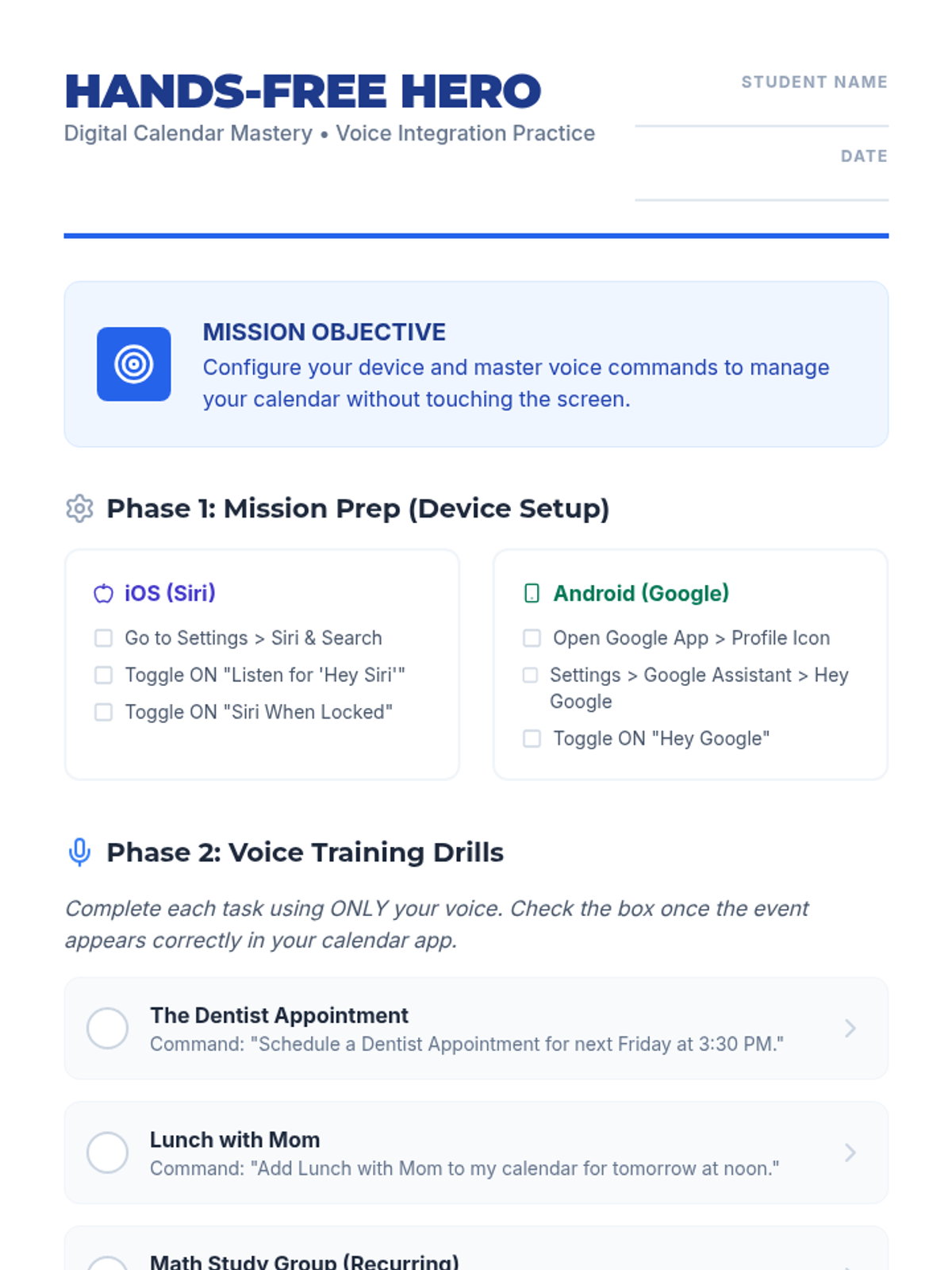
Hands Free Hero Worksheet
Hands Free Teacher Guide

On The Go

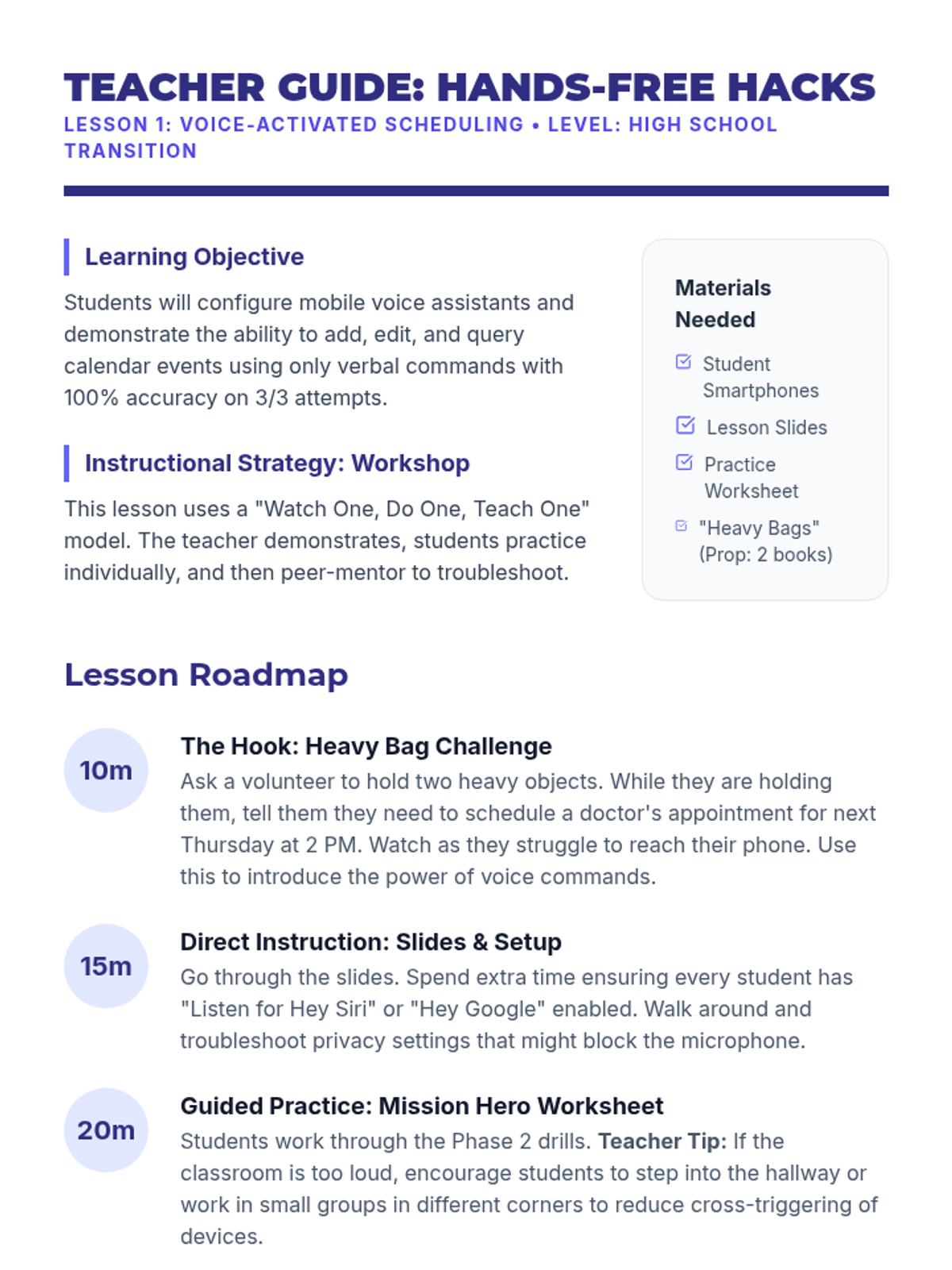
A comprehensive sequence for 12th-grade students focusing on utilizing mobile assistive technology for calendar management, transitioning from basic voice input to complex real-world navigation and troubleshooting.

Lenny Avatar
Lenny
1/17
Sequence
How vs What Slides
Support Sort Cards

Level Up Supports

This sequence explores the specific supports within an IEP, focusing on the distinction between accommodations and modifications. Students engage in simulations and workshops to identify valid tools for overcoming learning barriers and learn to advocate for their personal support needs.

Lenny Avatar
Lenny
1/17
Sequence
Power Up Session Overview Teacher Guide
Power Up Your Voice Slides
Power Up Activities Menu
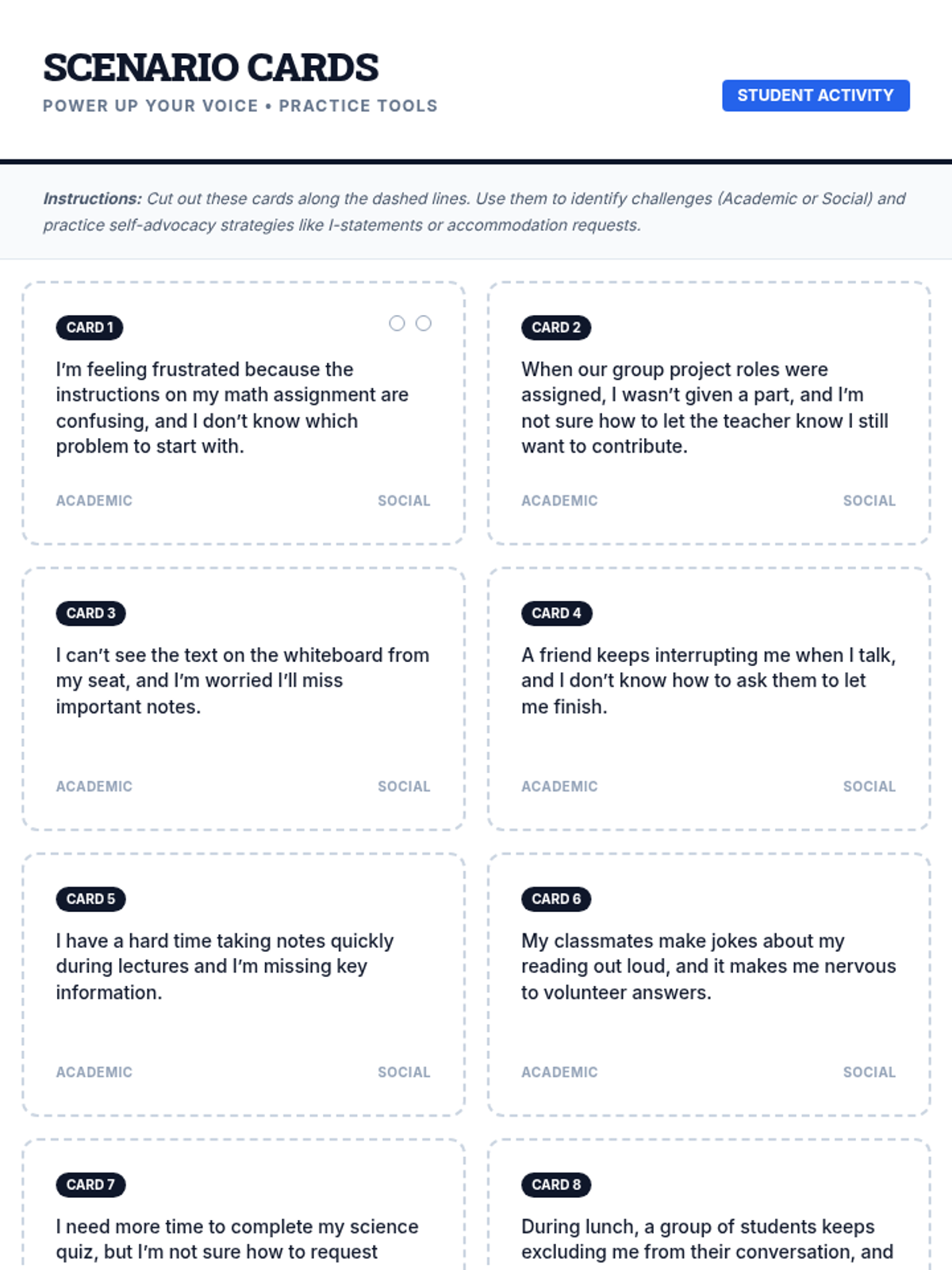
Self-Advocacy Scenario Cards Worksheet
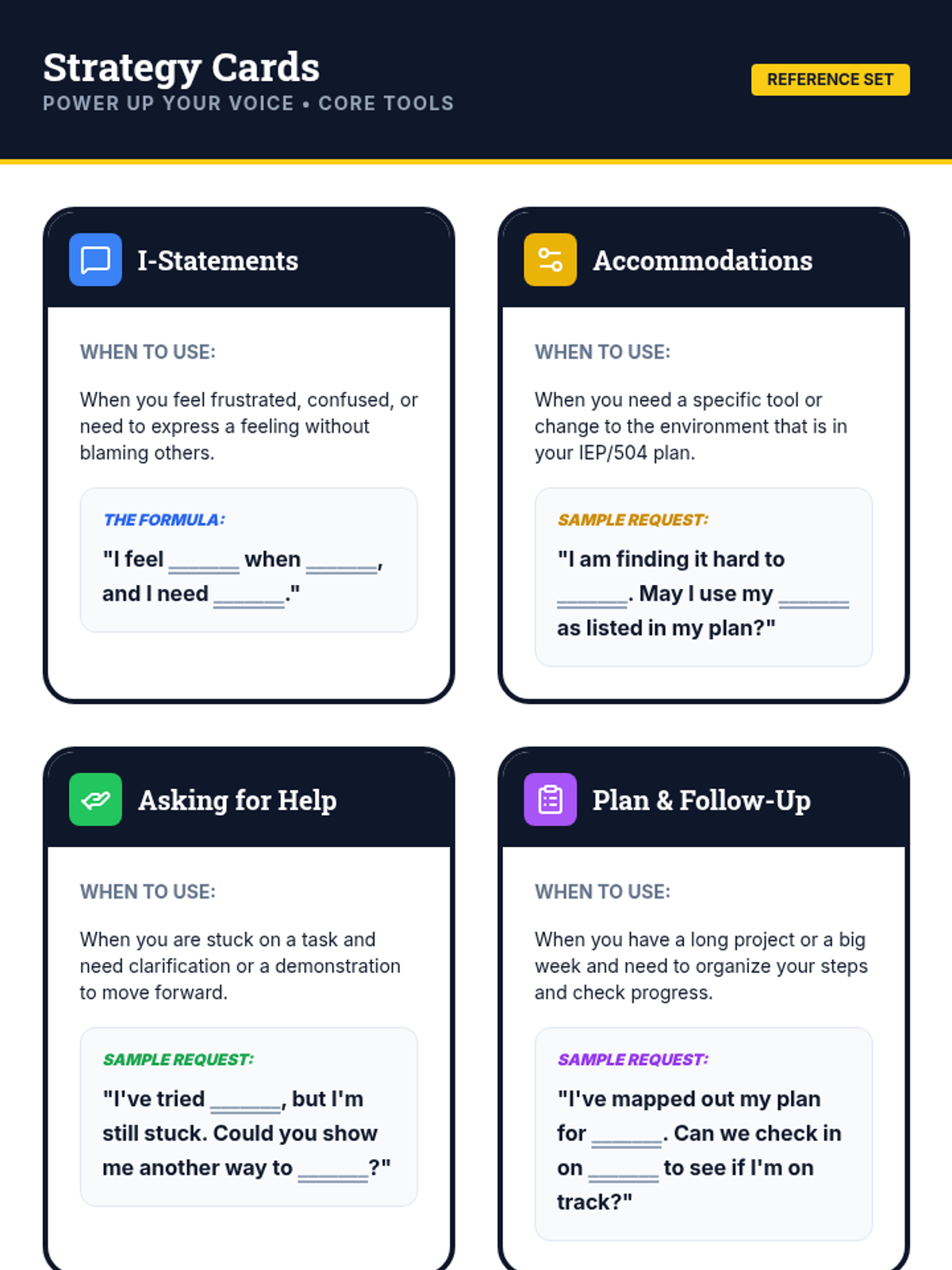
Self-Advocacy Strategy Cards Worksheet
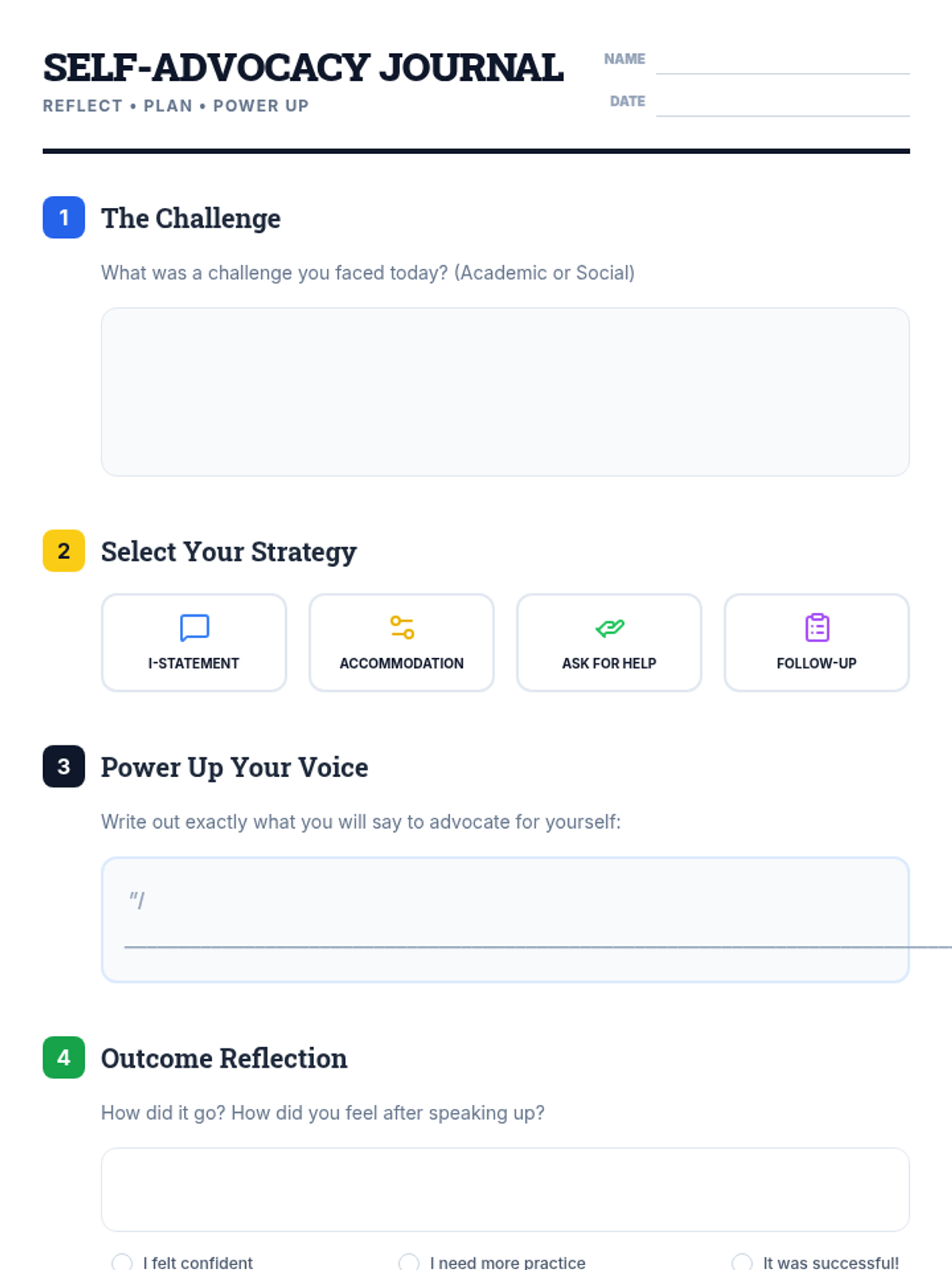
Self-Advocacy Journal Template Worksheet
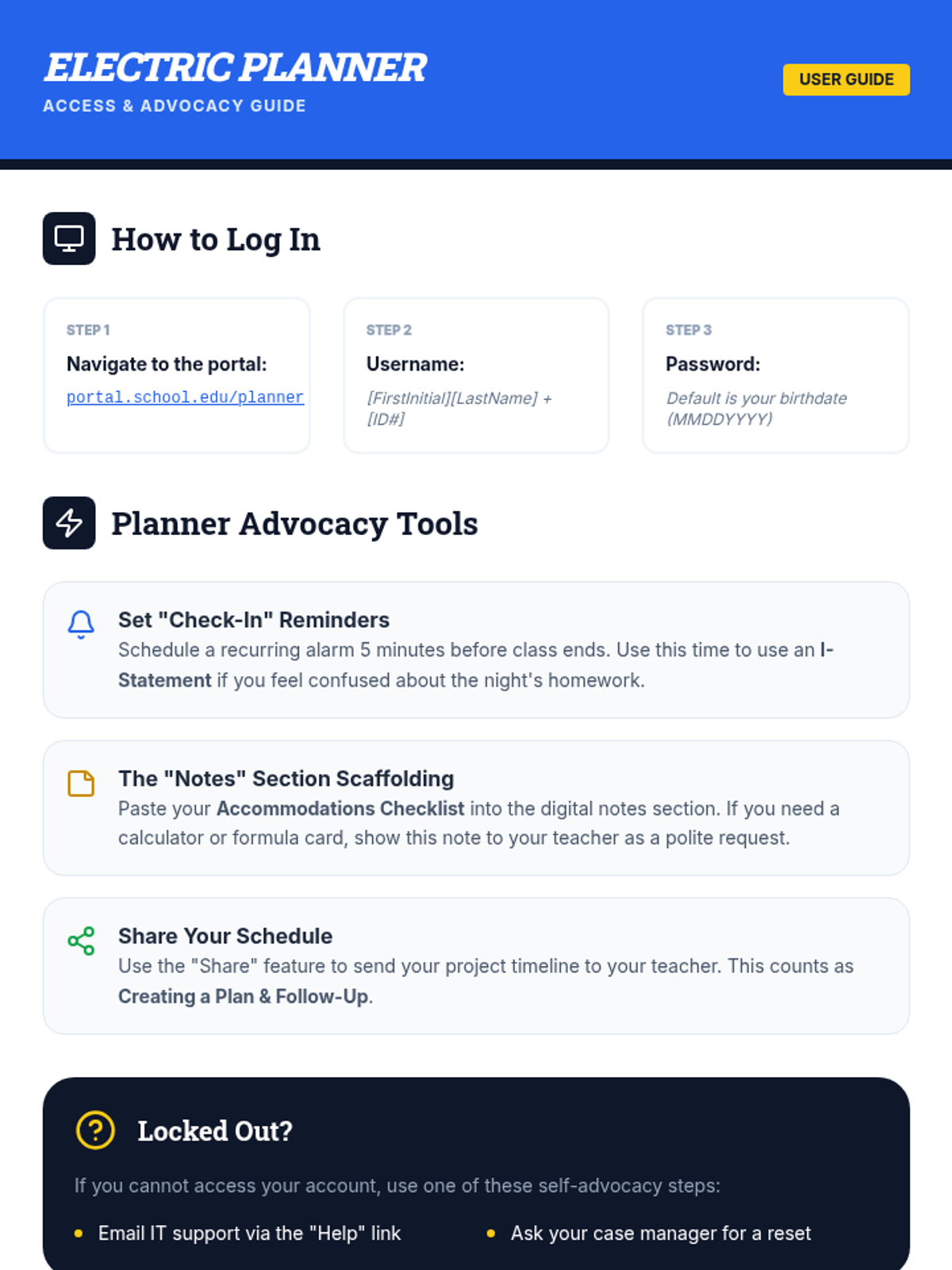
Electric Planner Access Guide Worksheet
Planner Printout Worksheet
Accommodations Reminder Checklist Worksheet

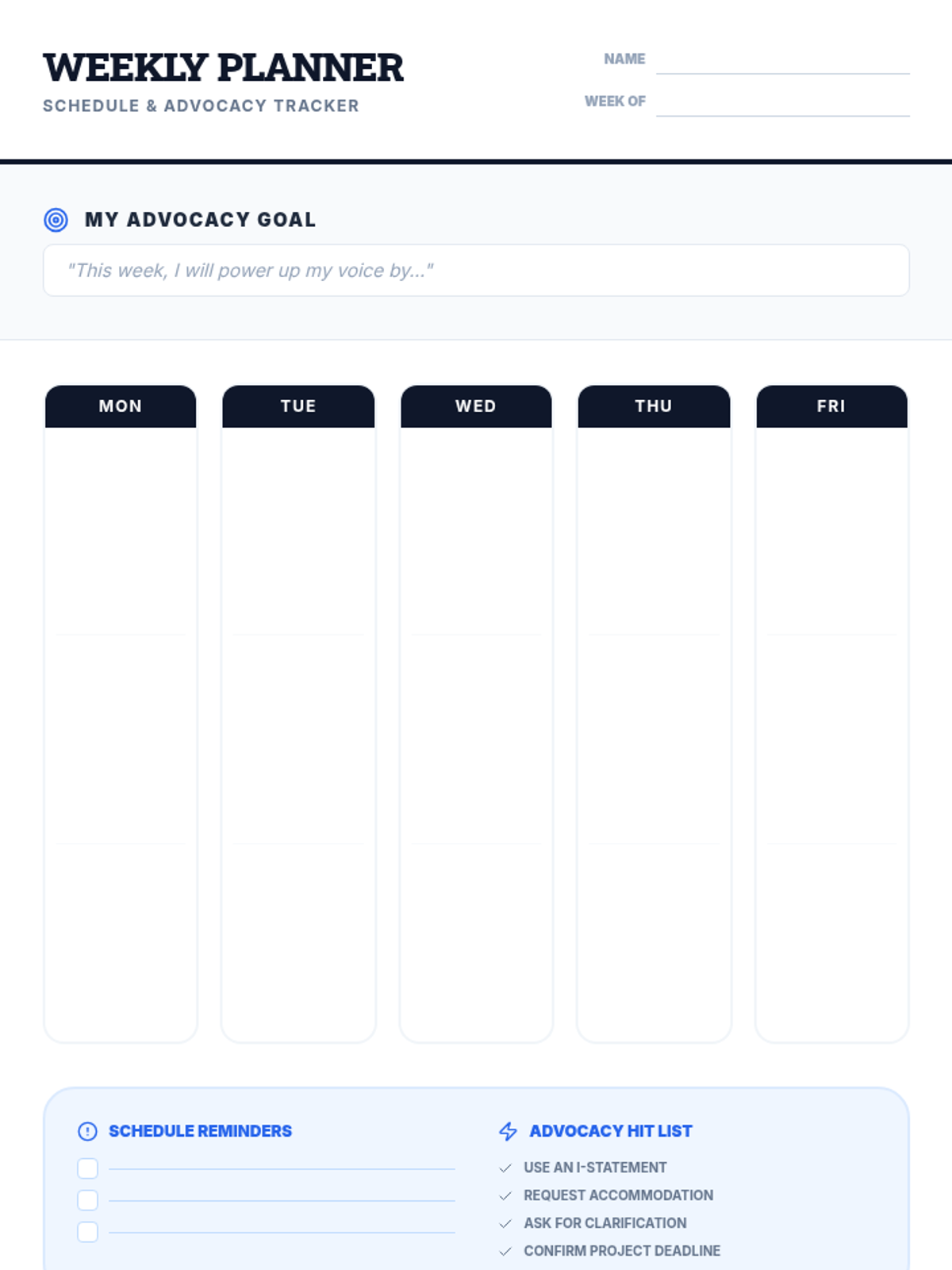
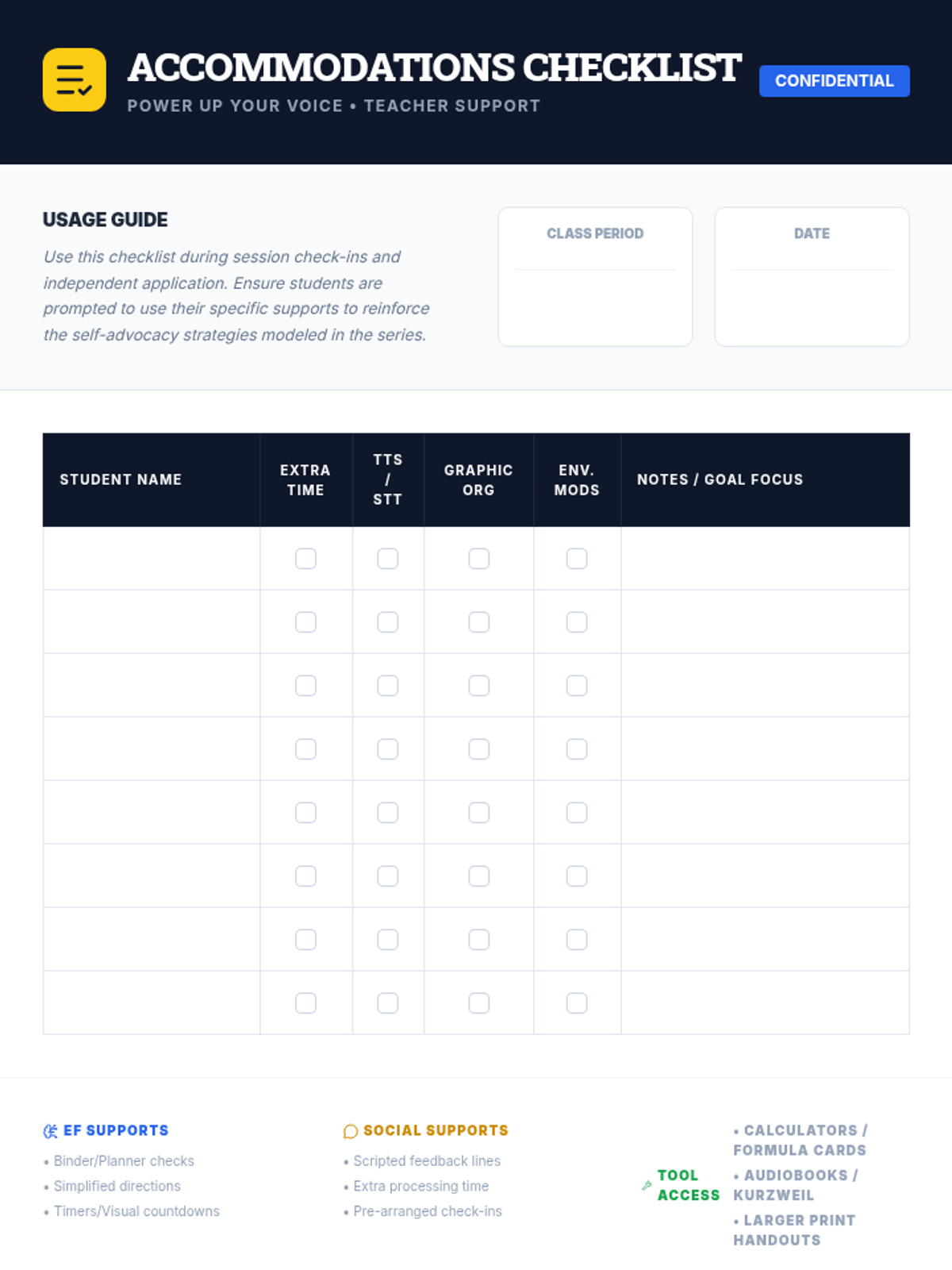
Power Up Your Voice

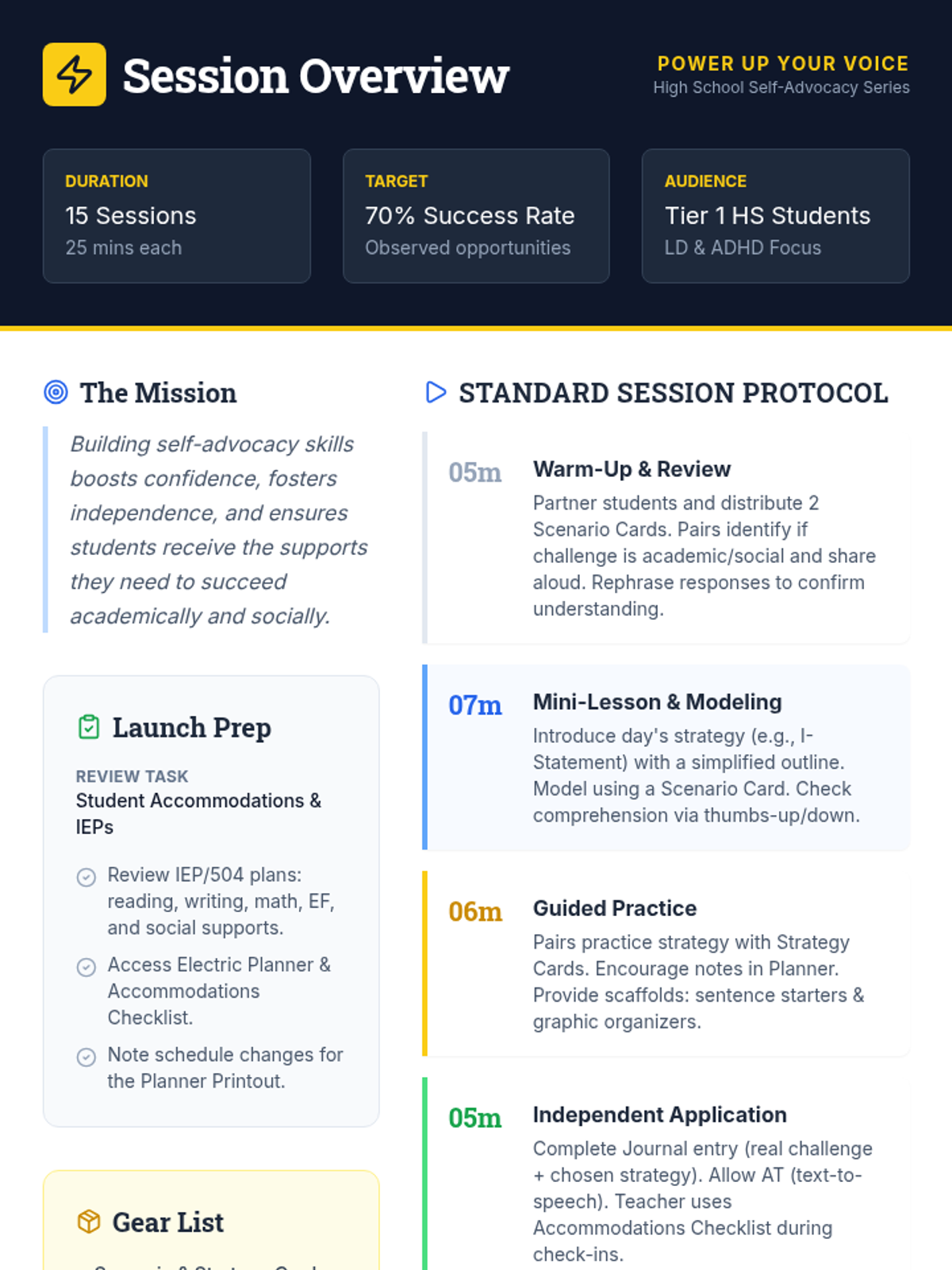
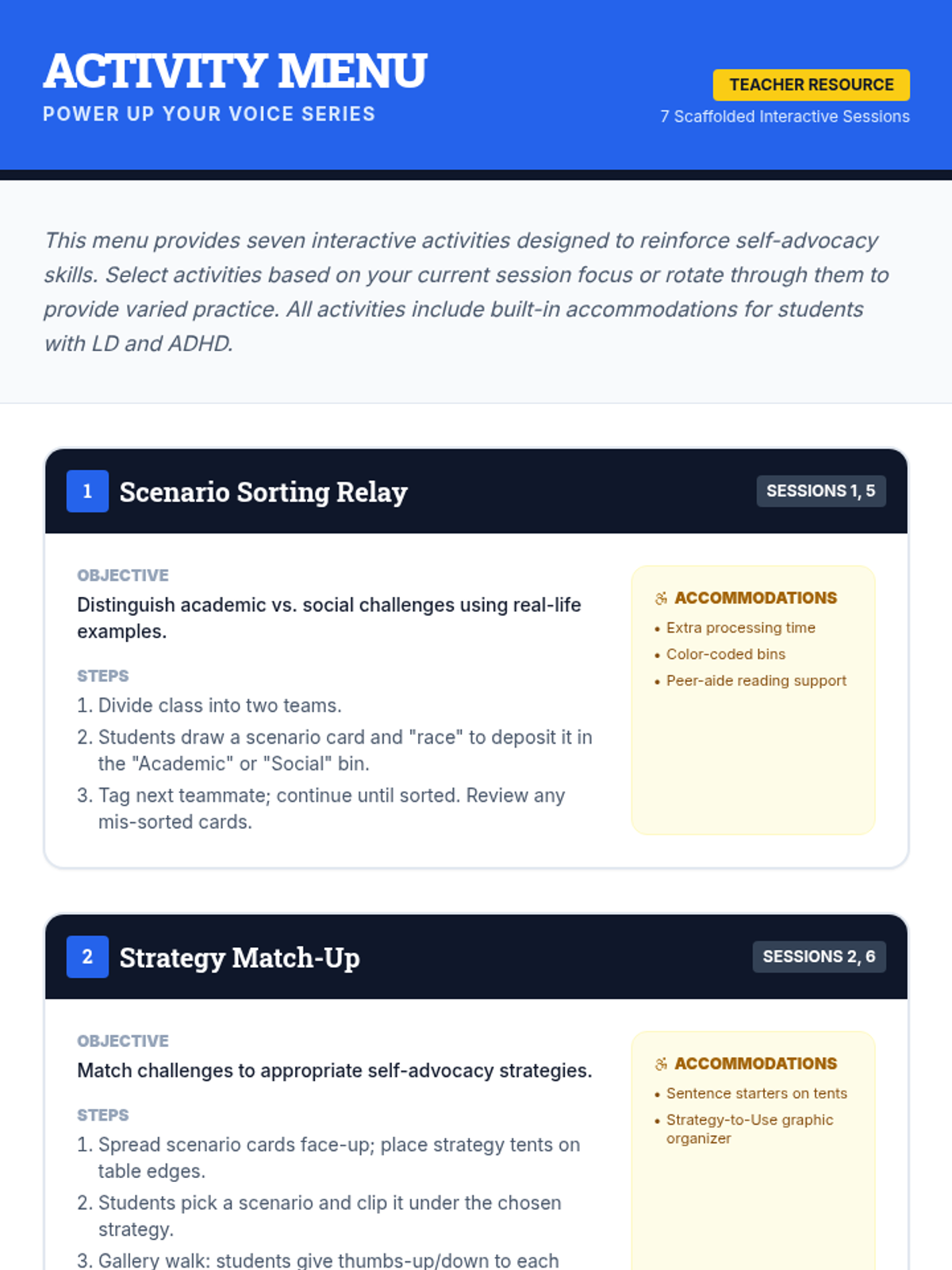
A comprehensive 15-session self-advocacy series designed for high school students with learning disabilities and ADHD, focusing on identifying challenges and requesting supports.

JR

Jazmeen Rivera

Social Worker
9/2/25
Sequence
Planner Power Slides
System Matchmaker Worksheet
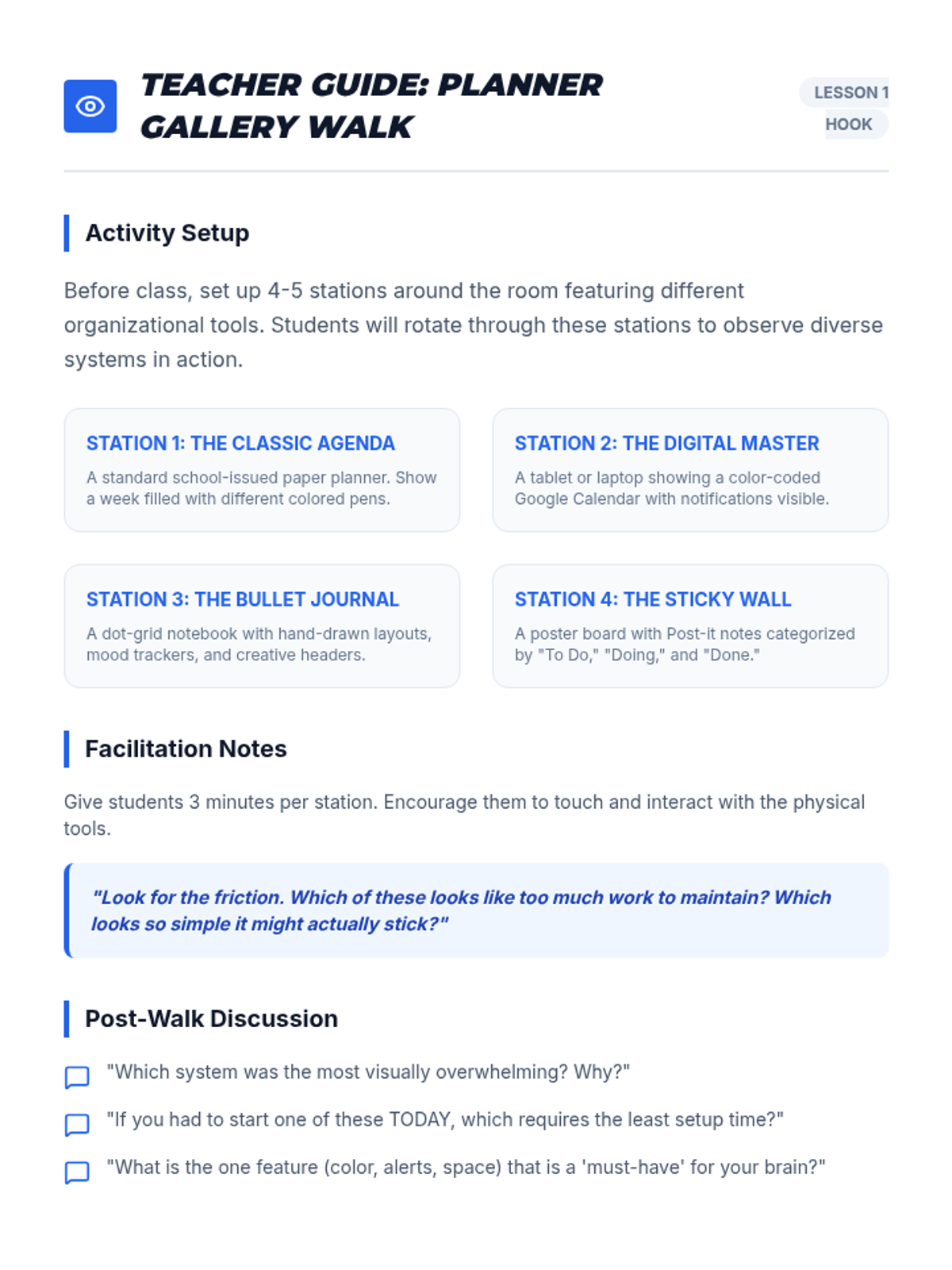
Planner Gallery Guide

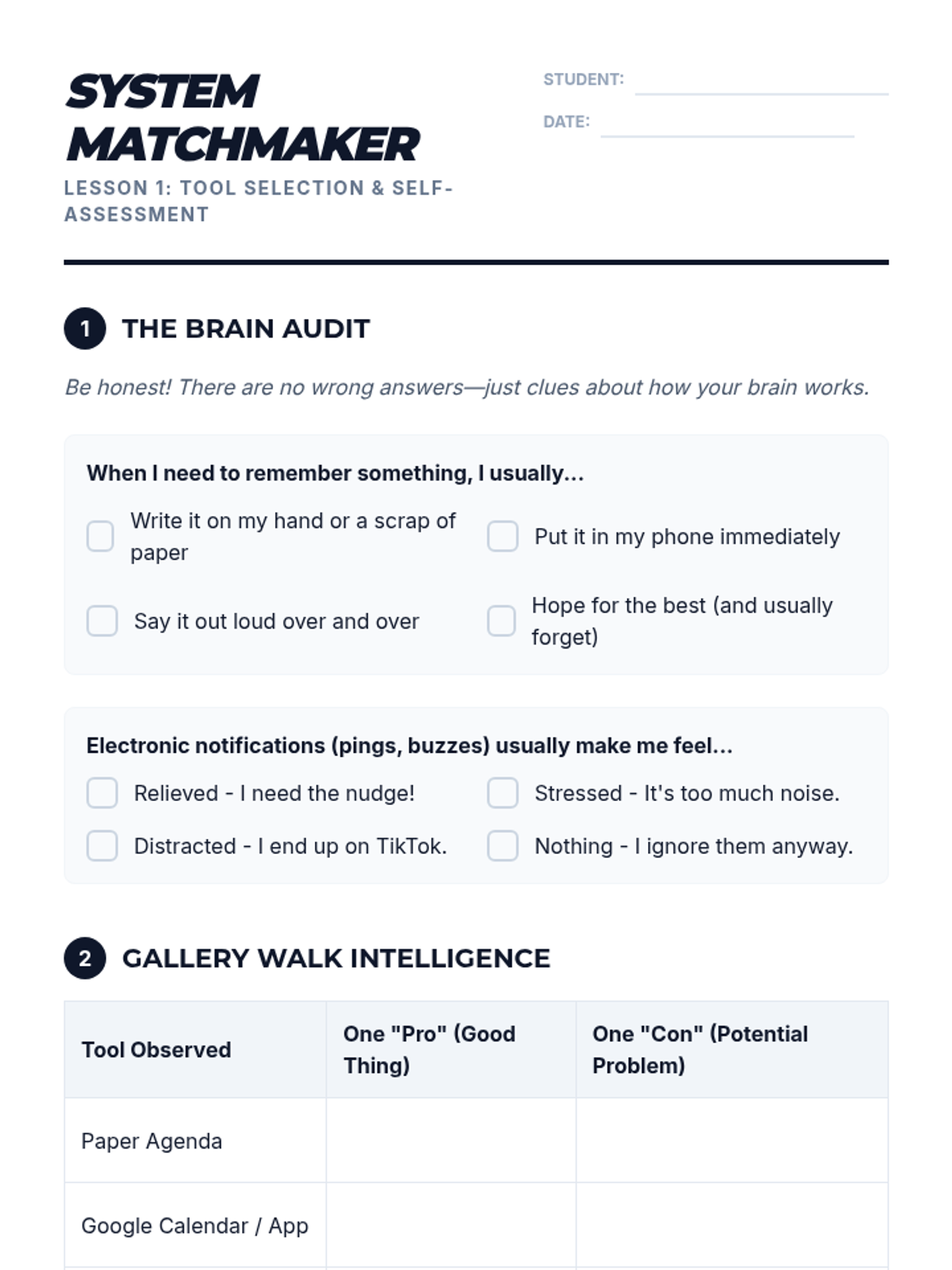
System Savvy Sequence

A comprehensive sequence designed to help 9th-grade students with executive function challenges develop, implement, and test personalized organizational systems. Students explore analog and digital tools, master calendar management, organize digital and physical spaces, and simulate real-world 'stress tests' to refine their chosen frameworks.

Lenny Avatar
Lenny
1/18
Sequence
Pillars of Practice Slides
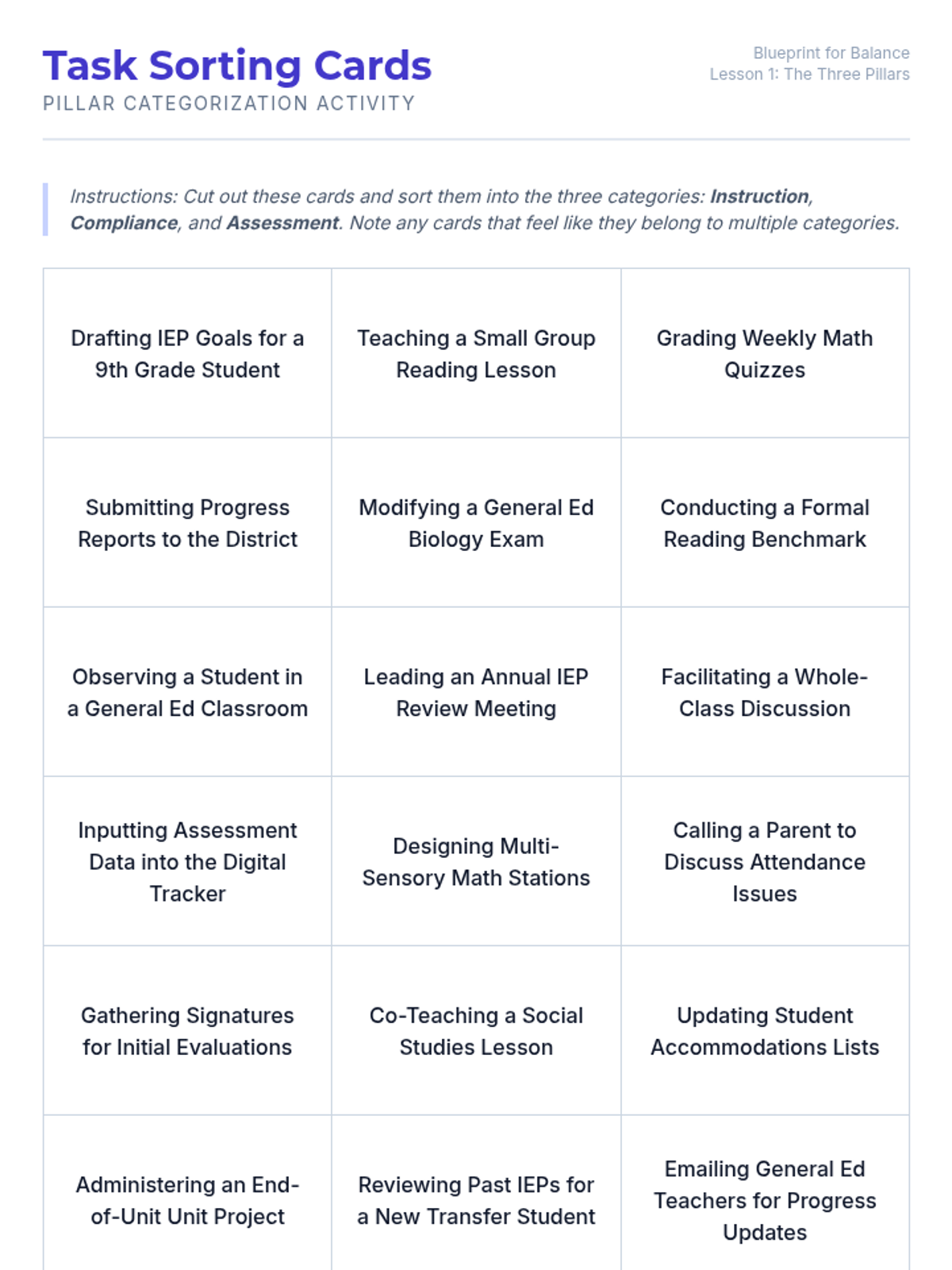
Task Sorting Deck
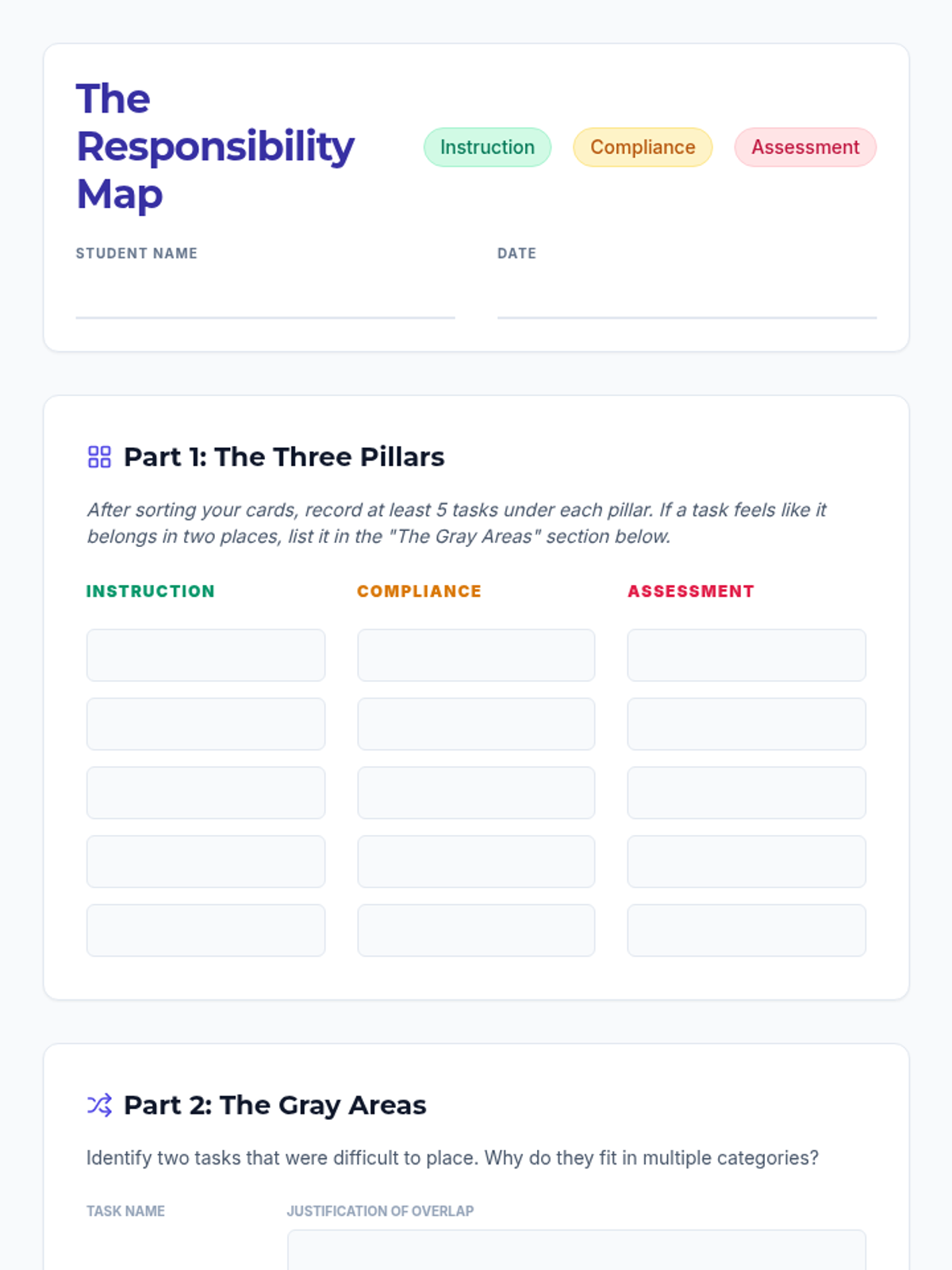
Responsibility Map Worksheet

Blueprint for Balance

This sequence introduces 12th-grade students to the complex workload management required in Special Education. Students will learn to categorize tasks into instruction, compliance, and assessment pillars, improve their time estimation skills, and apply productivity strategies like time-blocking and task-batching to create a functional weekly schedule.

Lenny Avatar
Lenny
1/18
Sequence
Checklist Mastery Slides
Checklist Mastery Teacher Guide
Checklist Mastery Worksheet

Digital Navigator Task Sequencing

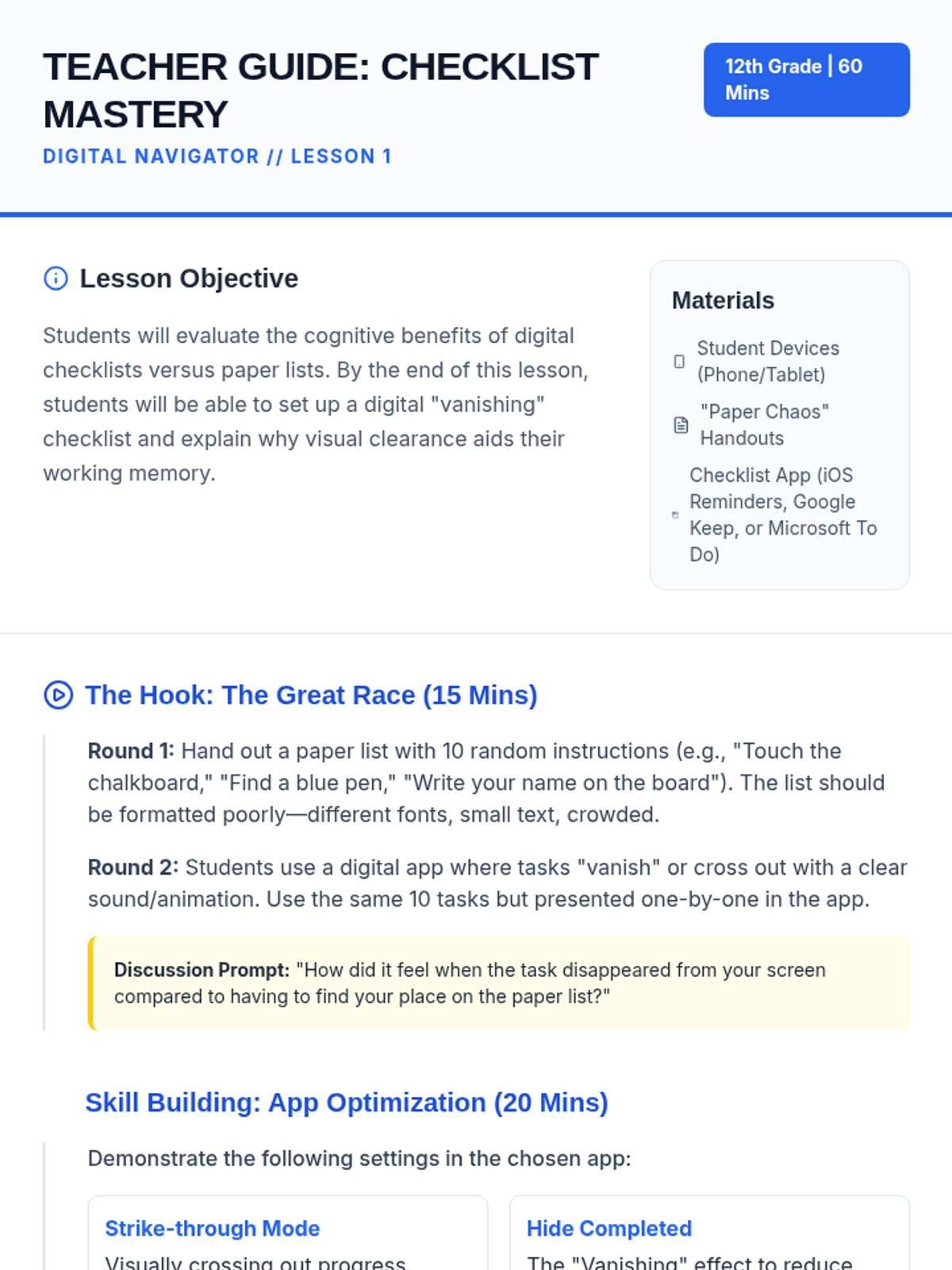
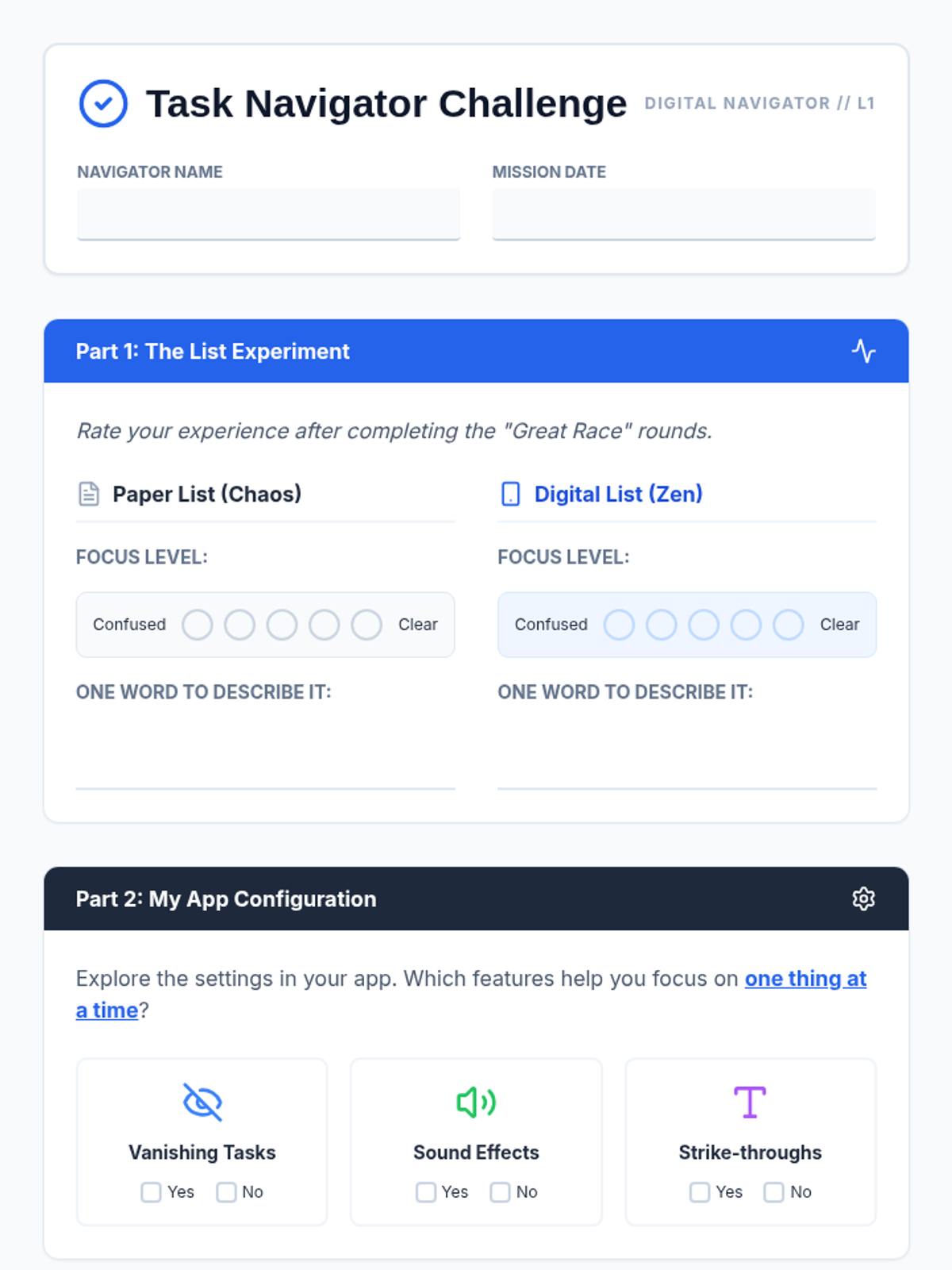
A 5-lesson sequence for 12th-grade students with working memory challenges, focusing on using assistive technology to break down complex tasks into manageable single-step directions. Students explore checklists, voice assistants, photo-based instructions, and QR codes to build independence through digital literacy.

Lenny Avatar
Lenny
1/18
Sequence
One Step Slides
Linear Workflows Teacher Guide
Micro Step Worksheet

Digital Brain Upgrades

This sequence empowers students with working memory challenges to use digital tools to linearize tasks. Students learn to offload cognitive burden by using task managers, voice assistants, QR codes, and accessibility features to focus on one step at a time.

Lenny Avatar
Lenny
1/18
Sequence
Memory Offload Teacher Guide
Memory Offload Slides
Memory Offload Worksheet

Digital Brain Hacks

A 5-lesson unit for 8th-grade students focusing on using digital tools to offload working memory and manage cognitive load. Students learn to use task managers, focus modes, sequential reminders, and assistive speech technologies to create a personalized digital workflow for school success.

Lenny Avatar
Lenny
1/18
Sequence
Inbox Command Slides
Inbox Shortcuts Cheat Sheet
Inbox Navigation Worksheet
Inbox Navigation Answer Key

Digital Mastery Hub

A vocational-readiness sequence for 9th-grade students focusing on mastering assistive technology through keyboard shortcuts in professional communication tools (email and calendar). Students develop digital independence by learning to manage high-volume communication without mouse interaction, preparing them for workplace efficiency and accessibility.

Lenny Avatar
Lenny
1/18
Sequence
Note Catchers Slides
Dictation Duel Worksheet
Dictation Duel Teacher Guide

External Brain Blueprint

A 9th-grade sequence focused on using digital tools and external aids to compensate for working memory limitations. Students learn to offload cognitive load using transcription, sequential reminders, logic-based planning, and strategic tutorial navigation to build a personalized 'external brain'.

Lenny Avatar
Lenny
1/18
Sequence
Hands Free Hacks Slides
Hands Free Hero Worksheet
Hands Free Teacher Guide

On The Go

A comprehensive sequence for 12th-grade students focusing on utilizing mobile assistive technology for calendar management, transitioning from basic voice input to complex real-world navigation and troubleshooting.

Lenny Avatar
Lenny
1/17
Sequence
Color Coding Slides
Color Compass Worksheet
Category Key Guide

Executive Brain Boost

This sequence teaches 12th-grade students with executive functioning needs how to leverage digital calendar features as assistive technology. Students progress from visual organization through color-coding to advanced notification strategies, time blocking, and transition management, culminating in a personalized 'Alert Protocol' for self-regulation and independence.

Lenny Avatar
Lenny
1/17
Sequence
Platform Pick Worksheet
Calendar Control Slides
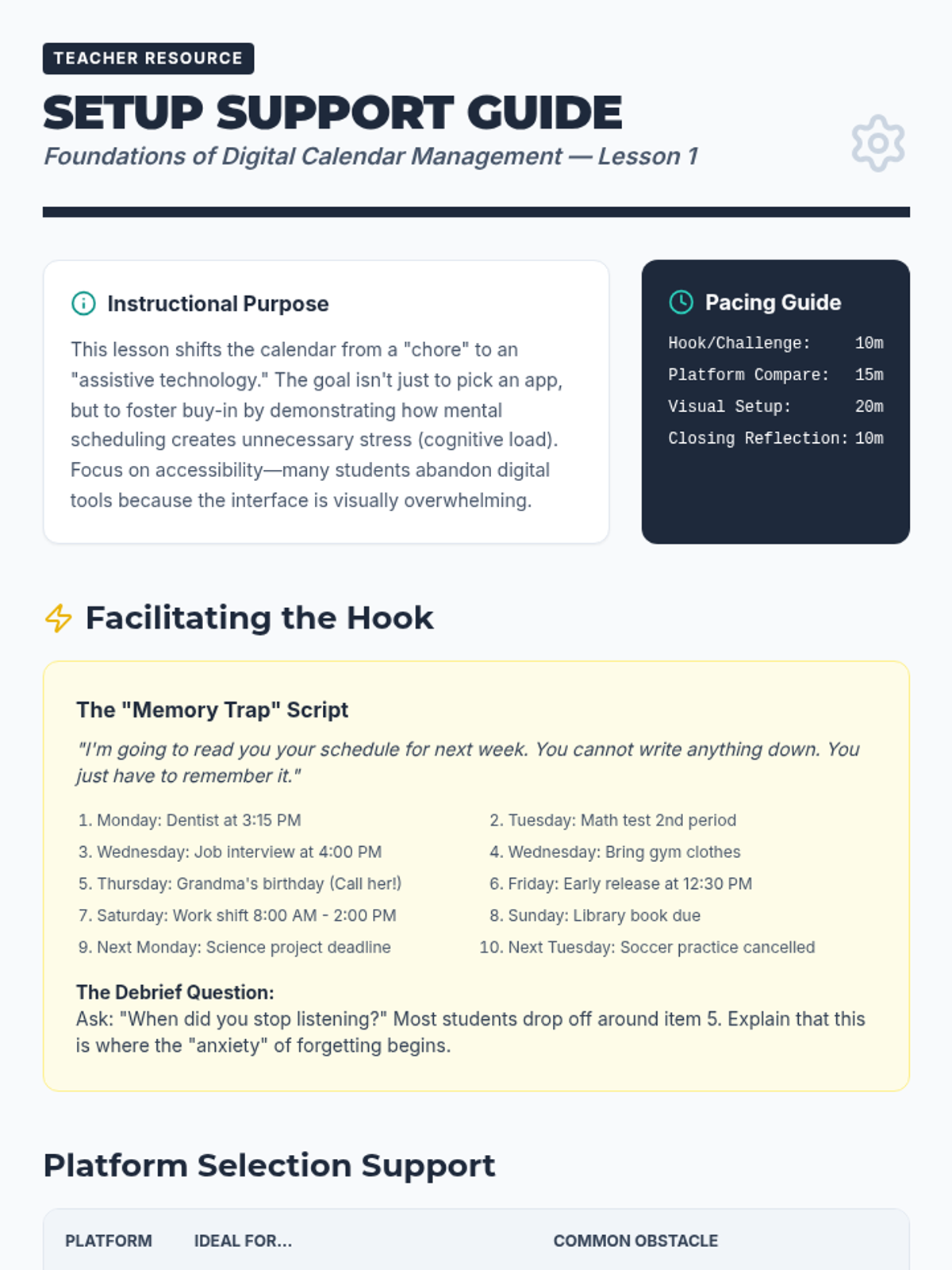
Setup Support Guide

Foundations of Digital Calendar Management

A foundational sequence for 12th-grade students to master digital calendar management as an assistive technology tool, focusing on reducing cognitive load and increasing independence.

Lenny Avatar
Lenny
1/17
Sequence
Sandwich Method Slides
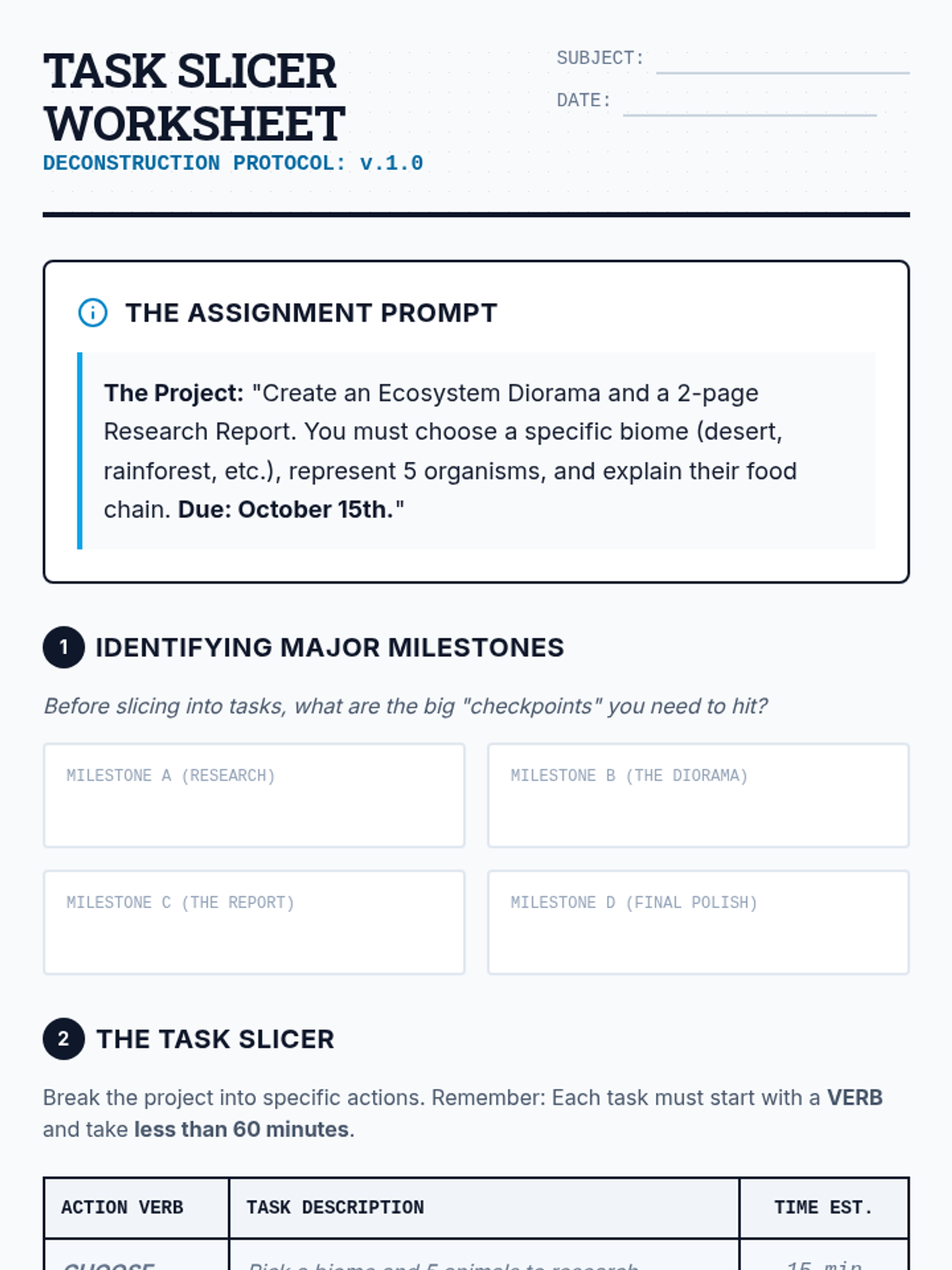
Task Slicer Worksheet

Strategic Time Management and Backwards Planning

This sequence teaches 9th-grade students with executive function needs how to use digital calendars for backwards planning. Students learn to deconstruct large projects, estimate time accurately, and block out dedicated work sessions to manage their workload effectively.

Lenny Avatar
Lenny
1/17
Sequence
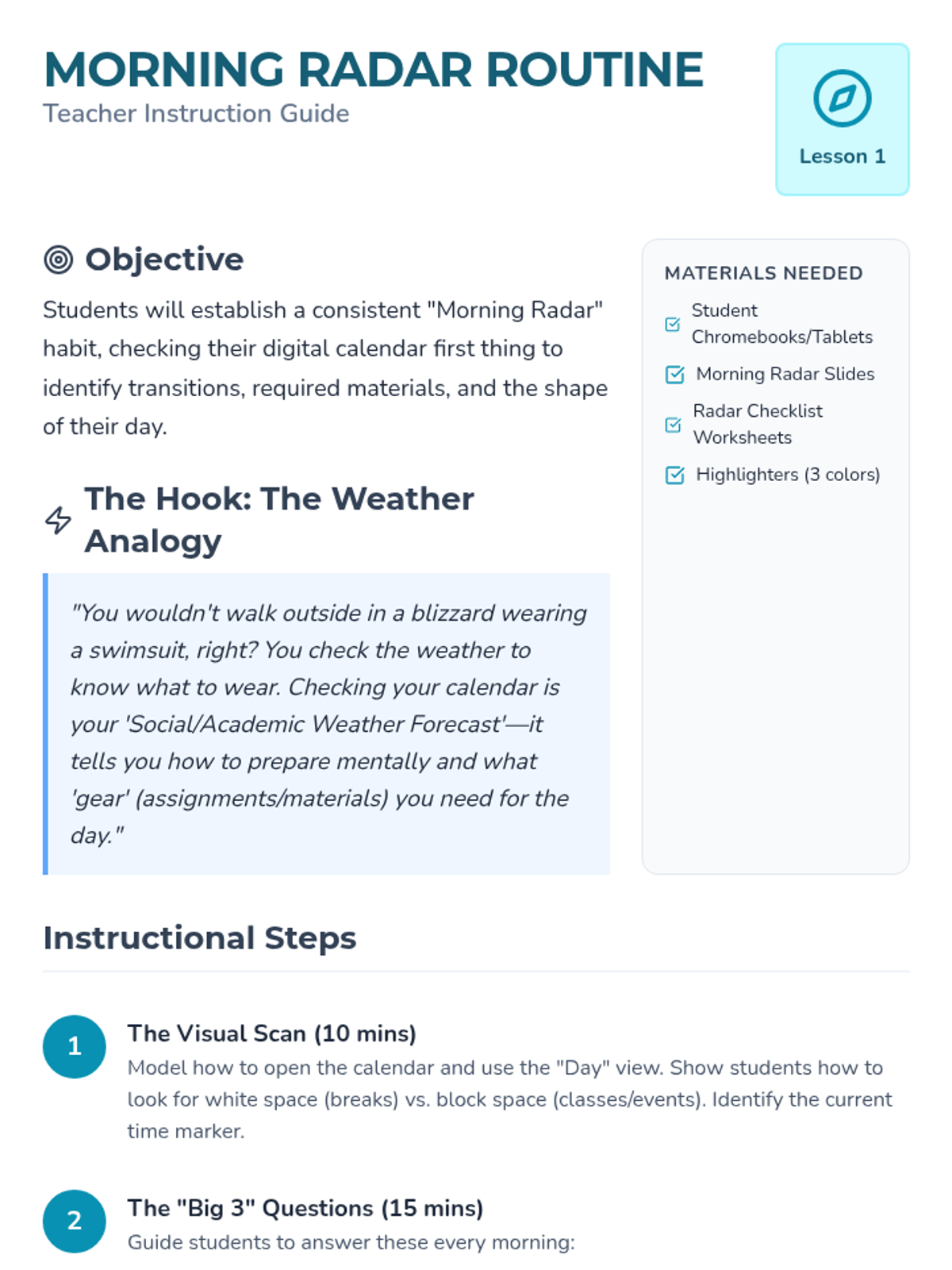
Morning Radar Teacher Guide
Morning Radar Slides
Morning Radar Worksheet

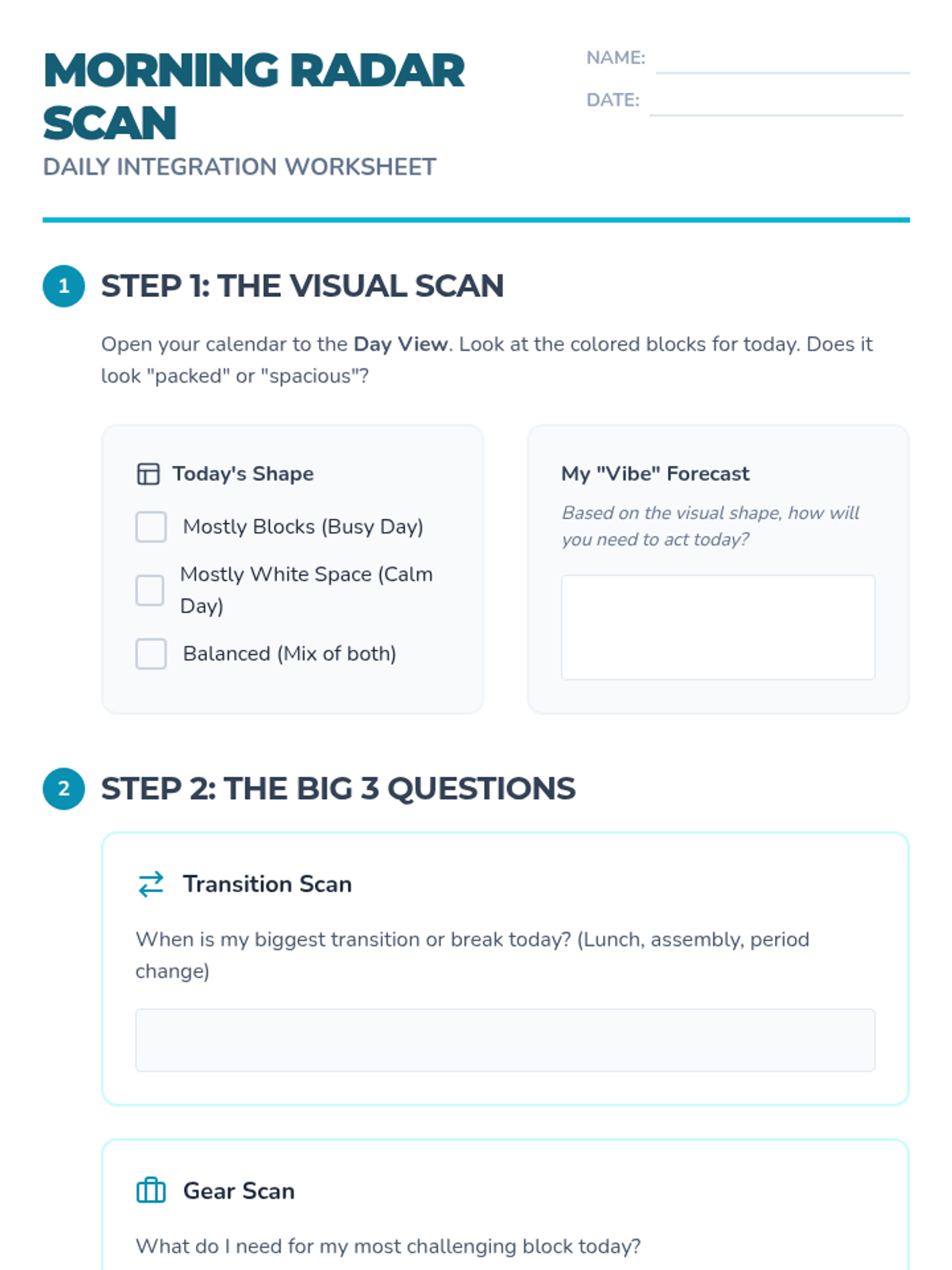
Calendar Habit Heroes

This sequence focuses on habit formation, maintenance, and the social aspects of calendar use for students with assistive technology needs. Students explore daily routines, syncing, troubleshooting, and sharing schedules to build independence and self-advocacy.

Lenny Avatar
Lenny
1/17
Sequence
Life Domain Blueprint Worksheet
Chaos to Clarity Slides
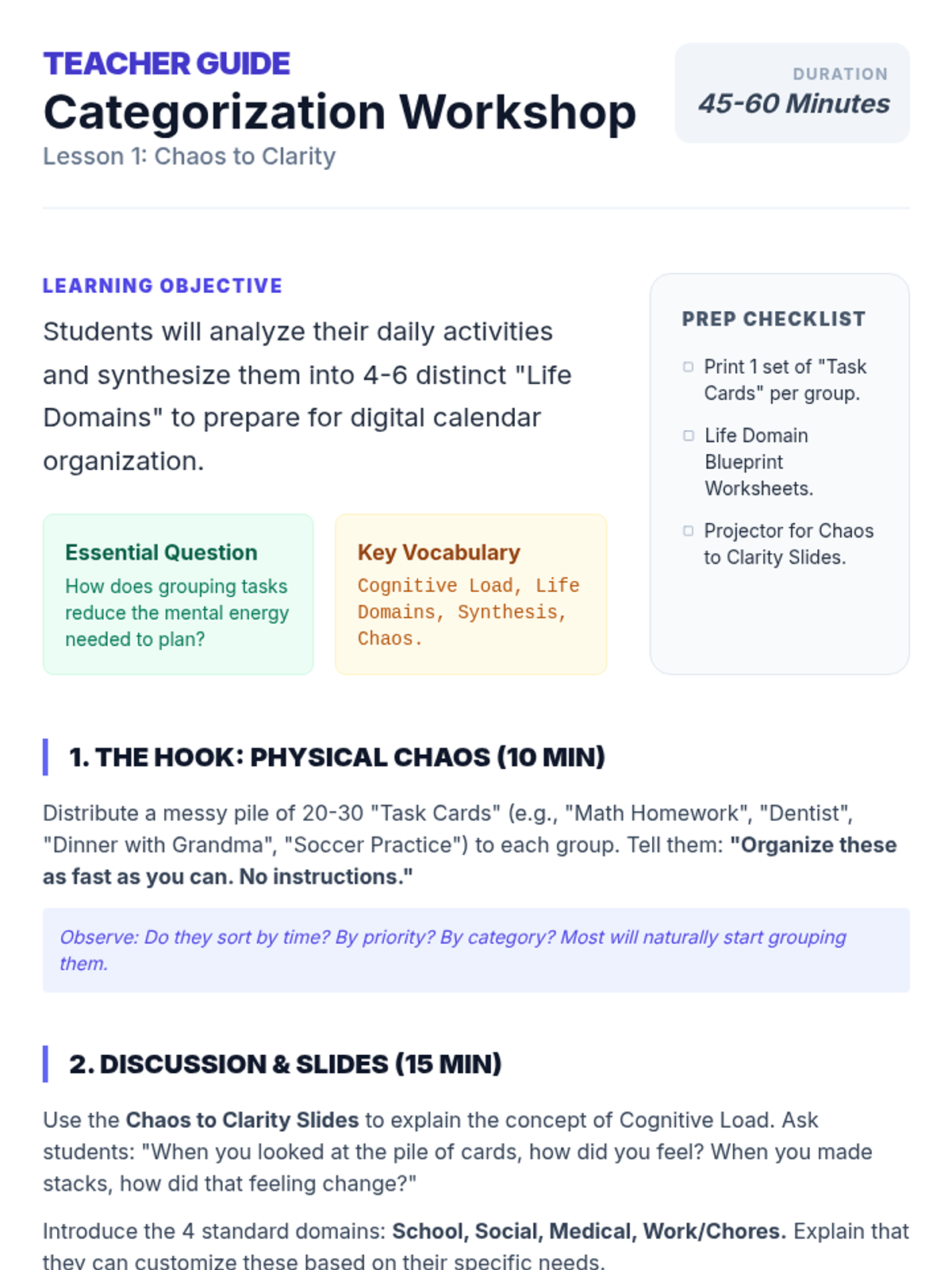
Category Sorting Teacher Guide

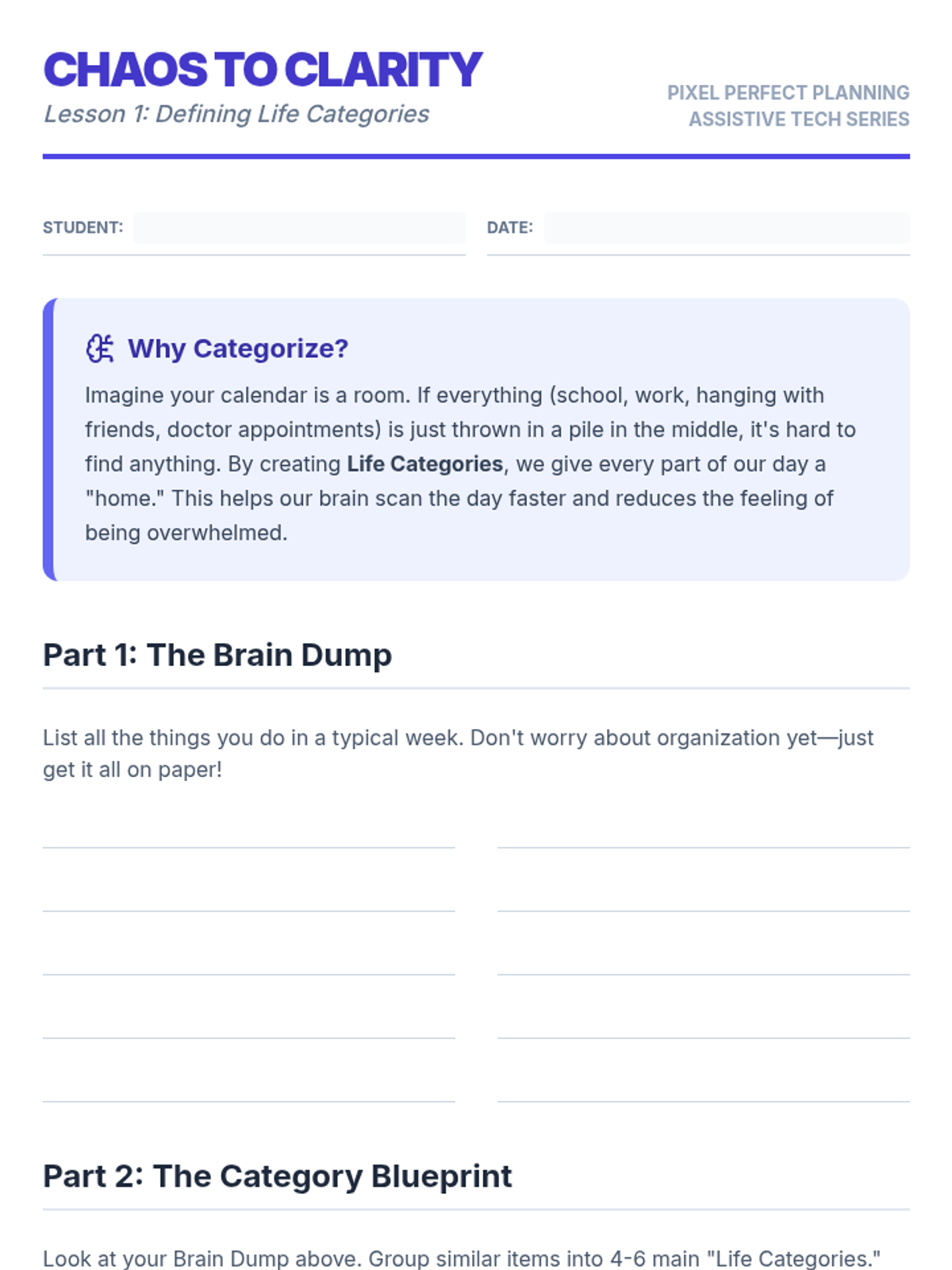
Pixel Perfect Planning

This sequence teaches 11th-grade students how to use digital calendars as assistive technology by implementing visual organization, color-coding, and filtering strategies to reduce cognitive load and improve time management.

Lenny Avatar
Lenny
1/17
Sequence
Second Brain Slides
Tool Matchmaker Worksheet
Lab Leader Guide

Second Brain Lab

A 12th-grade Special Education sequence focused on leveraging technology to support working memory through Personal Knowledge Management (PKM). Students learn to build a 'second brain' by creating automated, searchable, and multimedia-rich digital systems for note organization and review.

Lenny Avatar
Lenny
1/17
Sequence
Detective Case Slides
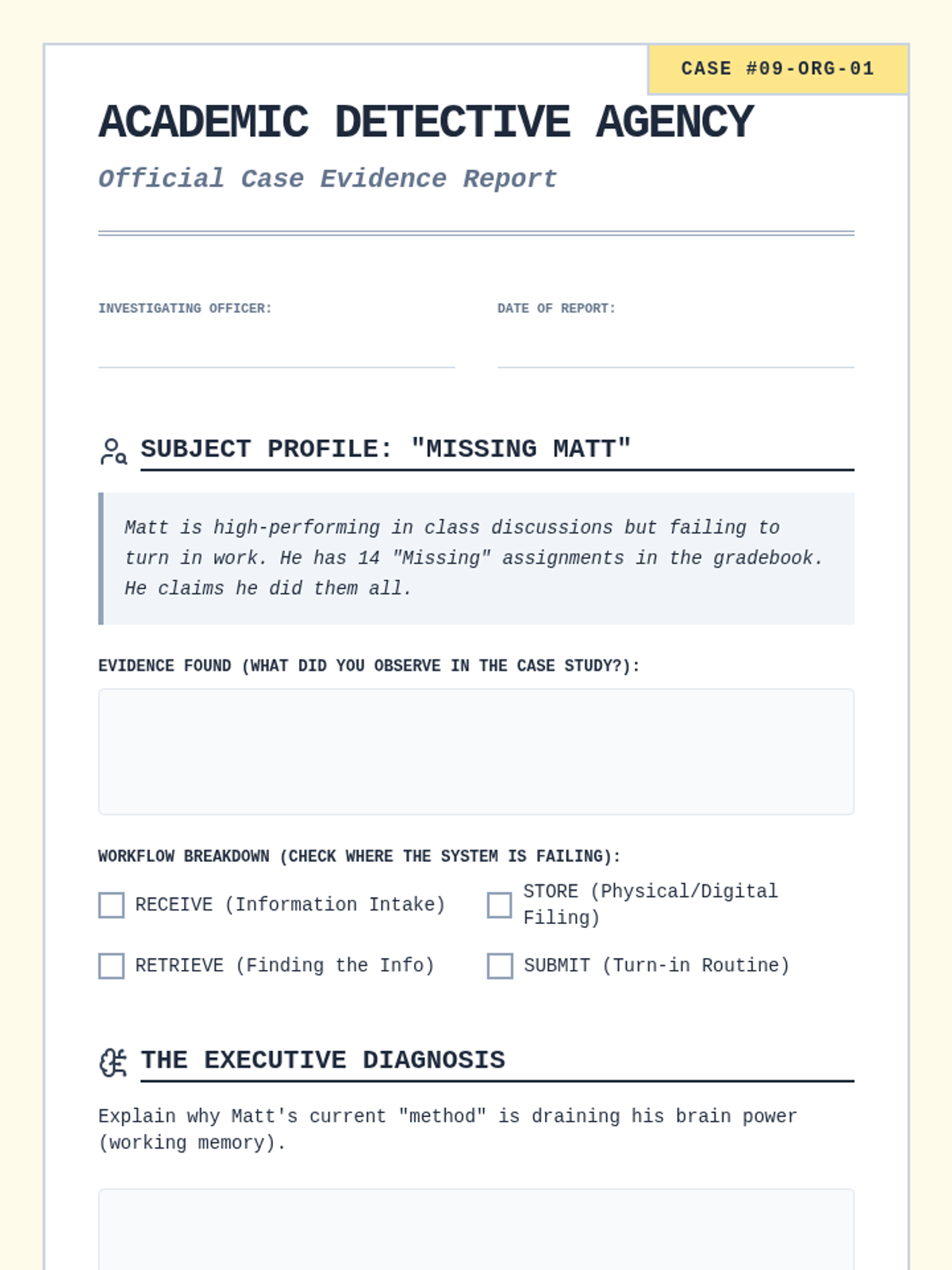
Detective Evidence Worksheet

Executive Routines for Information Management

A metacognitive sequence helping students understand the executive functions behind organization through case studies, environmental analysis, digital management, and routine formation.

Lenny Avatar
Lenny
1/17
Sequence
Memory Leak Slides
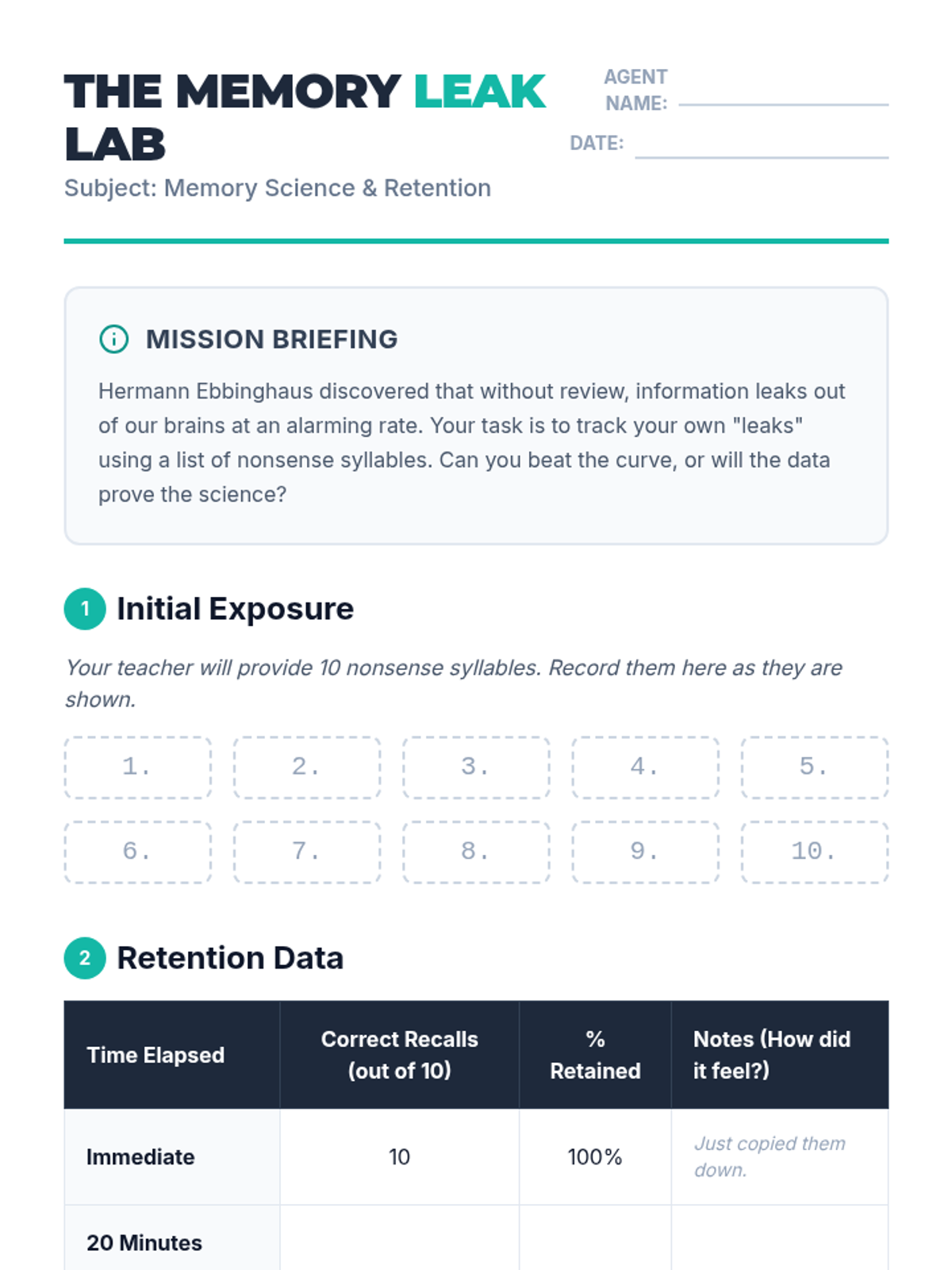
Memory Leak Lab Worksheet
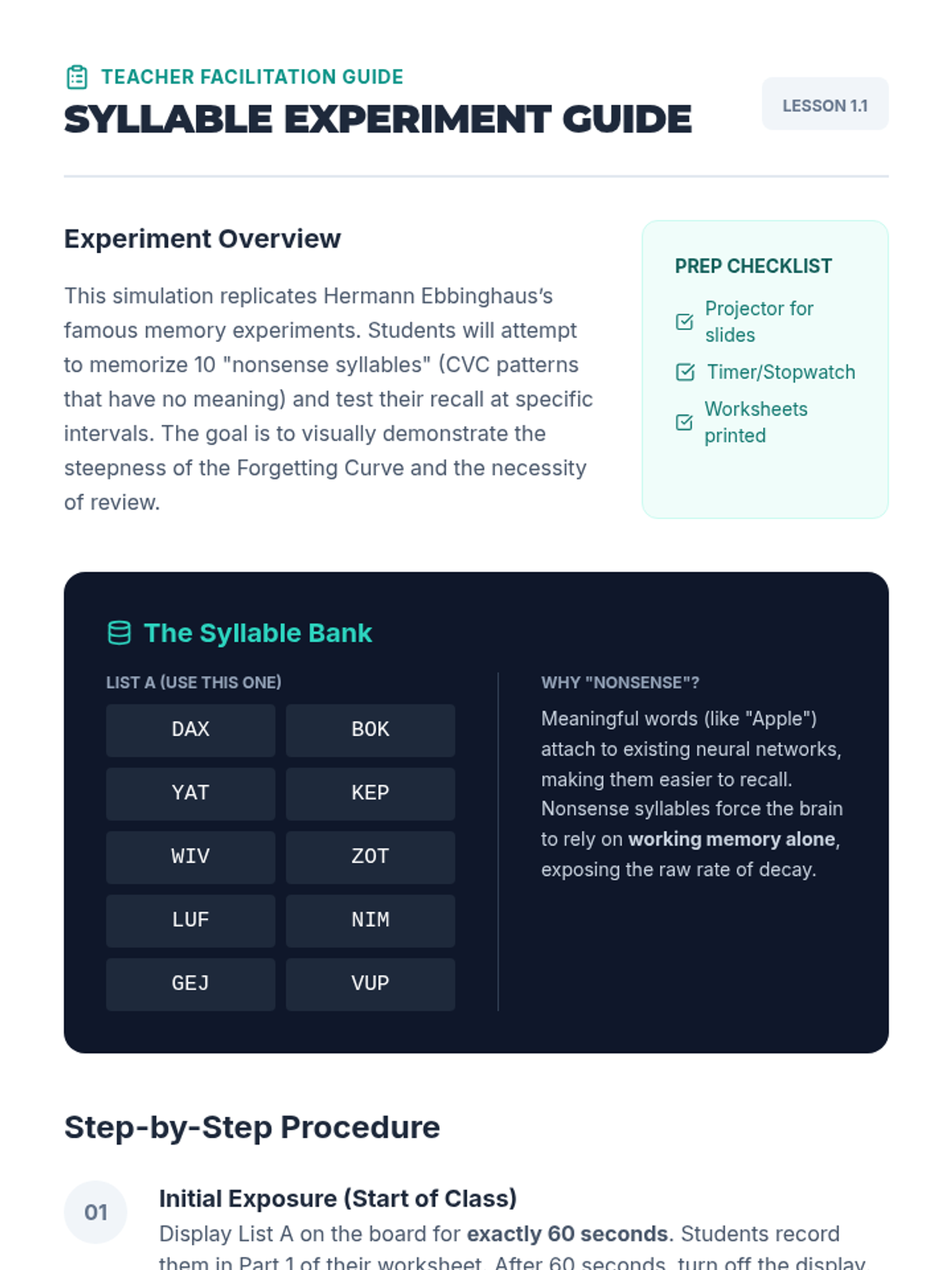
Syllable Experiment Guide

Memory Hackers Spaced Repetition

A comprehensive sequence designed for 9th-grade students to master long-term retention through spaced repetition and active recall. Students explore the science of memory, develop retrieval cues, implement the Leitner Box system, and leverage digital tools to optimize their working memory and study efficiency.

Lenny Avatar
Lenny
1/17
Sequence
Time Lab Log Worksheet
Clock Calibration Slides
Time Lab Teacher Guide Part 1

Time Lab Calibration

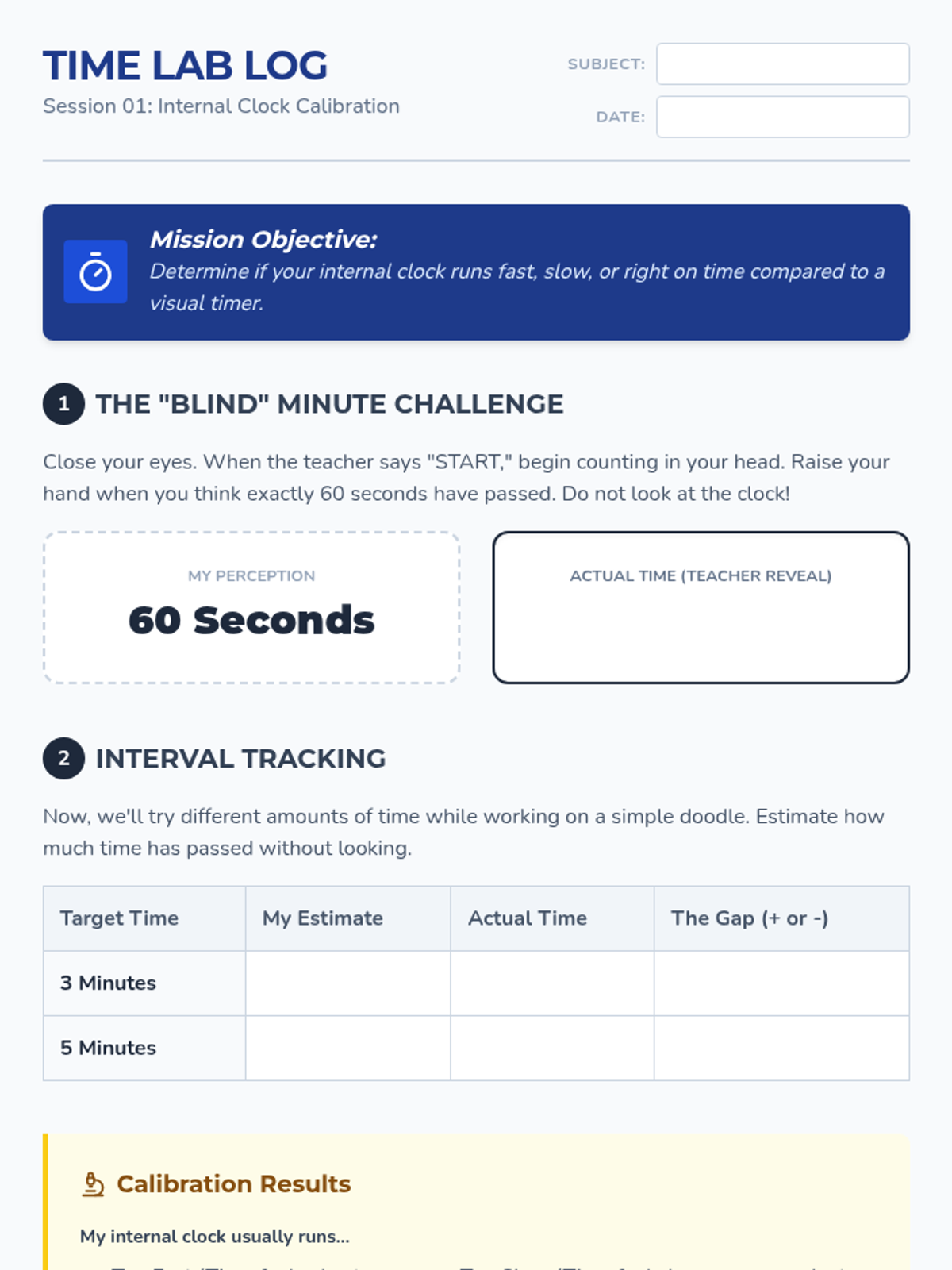
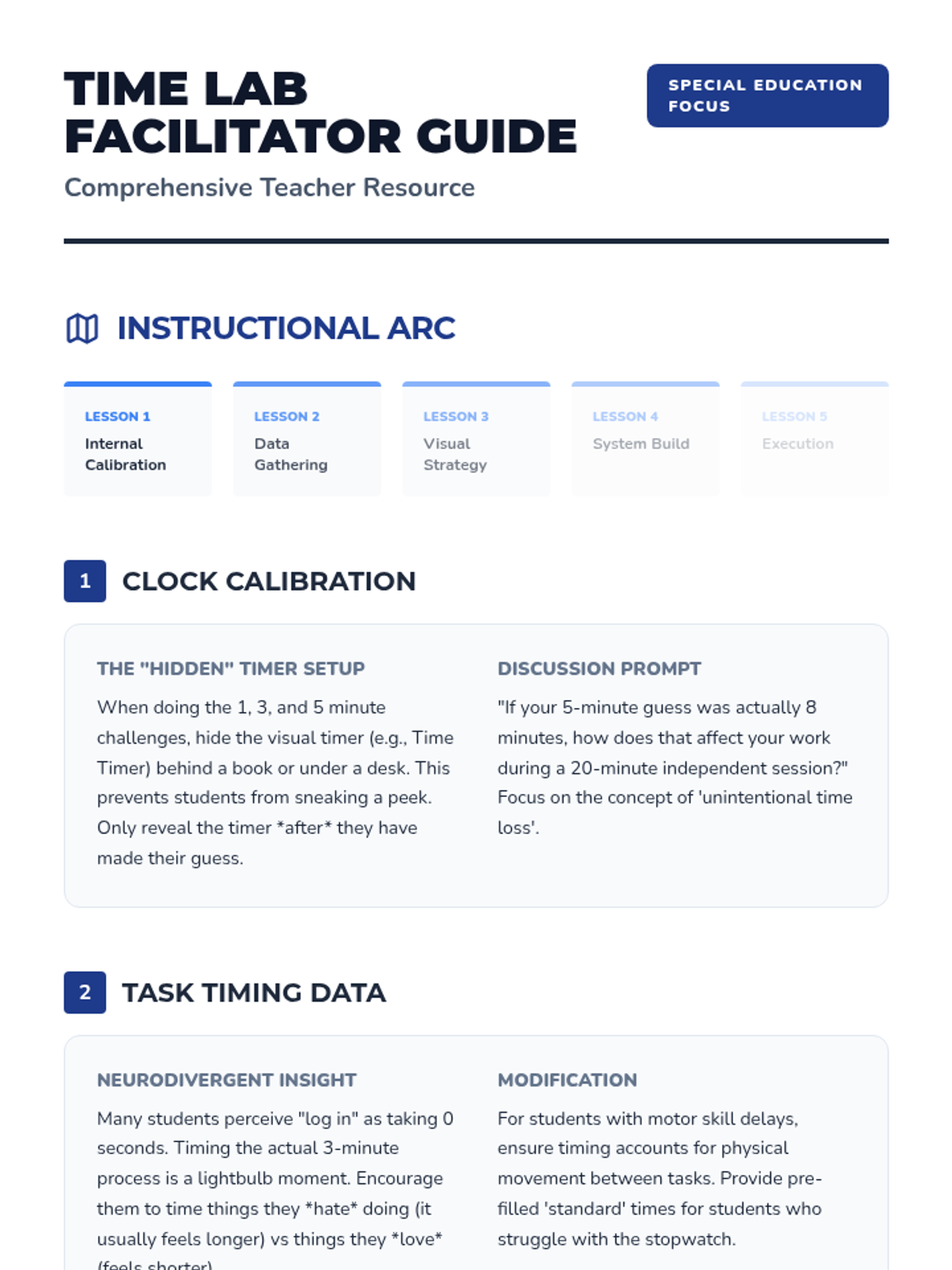
A sequence designed to help neurodivergent learners overcome 'time blindness' by calibrating their internal clocks. Students move from basic time estimation to creating and following realistic time-blocked visual schedules using visual timers.
Lenny Avatar
Lenny
1/17
Sequence
Power Up Session Overview Teacher Guide
Power Up Your Voice Slides
Power Up Activities Menu
Self-Advocacy Scenario Cards Worksheet
Self-Advocacy Strategy Cards Worksheet
Self-Advocacy Journal Template Worksheet
Electric Planner Access Guide Worksheet
Planner Printout Worksheet
Accommodations Reminder Checklist Worksheet

Power Up Your Voice

A comprehensive 15-session self-advocacy series designed for high school students with learning disabilities and ADHD, focusing on identifying challenges and requesting supports.

JR

Jazmeen Rivera

Social Worker
9/2/25
Sequence
Barrier Mapping Slides
Barrier Mapping Worksheet
Access Ally Teacher Guide

Access Ally Sequence

This sequence empowers 9th-grade students to integrate Text-to-Speech (TTS) into their high school workflows through self-advocacy and digital organization. Students move from identifying reading barriers in their schedules to creating a professional Access Plan for their teachers.

Lenny Avatar
Lenny
1/18
Sequence
Planner Power Slides
System Matchmaker Worksheet
Planner Gallery Guide

System Savvy Sequence

A comprehensive sequence designed to help 9th-grade students with executive function challenges develop, implement, and test personalized organizational systems. Students explore analog and digital tools, master calendar management, organize digital and physical spaces, and simulate real-world 'stress tests' to refine their chosen frameworks.

Lenny Avatar
Lenny
1/18
Sequence
Pillars of Practice Slides
Task Sorting Deck
Responsibility Map Worksheet

Blueprint for Balance

This sequence introduces 12th-grade students to the complex workload management required in Special Education. Students will learn to categorize tasks into instruction, compliance, and assessment pillars, improve their time estimation skills, and apply productivity strategies like time-blocking and task-batching to create a functional weekly schedule.

Lenny Avatar
Lenny
1/18
Sequence
Checklist Mastery Slides
Checklist Mastery Teacher Guide
Checklist Mastery Worksheet

Digital Navigator Task Sequencing

A 5-lesson sequence for 12th-grade students with working memory challenges, focusing on using assistive technology to break down complex tasks into manageable single-step directions. Students explore checklists, voice assistants, photo-based instructions, and QR codes to build independence through digital literacy.

Lenny Avatar
Lenny
1/18
Sequence
One Step Slides
Linear Workflows Teacher Guide
Micro Step Worksheet

Digital Brain Upgrades

This sequence empowers students with working memory challenges to use digital tools to linearize tasks. Students learn to offload cognitive burden by using task managers, voice assistants, QR codes, and accessibility features to focus on one step at a time.

Lenny Avatar
Lenny
1/18
Sequence
Memory Offload Teacher Guide
Memory Offload Slides
Memory Offload Worksheet

Digital Brain Hacks

A 5-lesson unit for 8th-grade students focusing on using digital tools to offload working memory and manage cognitive load. Students learn to use task managers, focus modes, sequential reminders, and assistive speech technologies to create a personalized digital workflow for school success.

Lenny Avatar
Lenny
1/18
Sequence
Tech Tasting Slides
Digital Needs Assessment Worksheet
Teacher Tech Tasting Guide

Accessible Digital Study Materials

This sequence empowers 12th-grade students to identify and leverage digital accessibility tools for independent study. Students move from exploring assistive technology to curating a personalized digital study ecosystem, culminating in a self-advocacy portfolio for post-secondary success.

Lenny Avatar
Lenny
1/18
Sequence
Note Catchers Slides
Dictation Duel Worksheet
Dictation Duel Teacher Guide

External Brain Blueprint

A 9th-grade sequence focused on using digital tools and external aids to compensate for working memory limitations. Students learn to offload cognitive load using transcription, sequential reminders, logic-based planning, and strategic tutorial navigation to build a personalized 'external brain'.

Lenny Avatar
Lenny
1/18
Sequence
The Breaking Point Slides
Memory Lab Log Worksheet
Breaking Point Facilitation Guide

Memory Strategy Blueprint

A metacognitive sequence for 12th-grade students to understand their working memory profiles and build a personalized 'external brain' toolkit for following multi-step directions. Students move from self-diagnosis to strategy mastery and finally to self-advocacy for transition to college or the workforce.

Lenny Avatar
Lenny
1/18
Sequence
Visual Mapping Teacher Guide
Visual Mapping Slides
Visual Alphabet Reference
Mind Map Sprint Worksheet

Note Capture Mastery

This sequence explores non-linear and technology-assisted strategies for students who struggle with traditional text-based recording, moving from visual mapping to digital tools and personalized systems. Students develop a digital toolkit to mitigate working memory deficits in post-secondary environments.

Lenny Avatar
Lenny
1/18
Sequence
Hands Free Hacks Slides
Hands Free Hero Worksheet
Hands Free Teacher Guide

On The Go

A comprehensive sequence for 12th-grade students focusing on utilizing mobile assistive technology for calendar management, transitioning from basic voice input to complex real-world navigation and troubleshooting.

Lenny Avatar
Lenny
1/17
Sequence
Color Coding Slides
Color Compass Worksheet
Category Key Guide

Executive Brain Boost

This sequence teaches 12th-grade students with executive functioning needs how to leverage digital calendar features as assistive technology. Students progress from visual organization through color-coding to advanced notification strategies, time blocking, and transition management, culminating in a personalized 'Alert Protocol' for self-regulation and independence.

Lenny Avatar
Lenny
1/17
Sequence
Platform Pick Worksheet
Calendar Control Slides
Setup Support Guide

Foundations of Digital Calendar Management

A foundational sequence for 12th-grade students to master digital calendar management as an assistive technology tool, focusing on reducing cognitive load and increasing independence.

Lenny Avatar
Lenny
1/17
Sequence
Sandwich Method Slides
Task Slicer Worksheet

Strategic Time Management and Backwards Planning

This sequence teaches 9th-grade students with executive function needs how to use digital calendars for backwards planning. Students learn to deconstruct large projects, estimate time accurately, and block out dedicated work sessions to manage their workload effectively.

Lenny Avatar
Lenny
1/17
Sequence
Second Brain Slides
Tool Matchmaker Worksheet
Lab Leader Guide

Second Brain Lab

A 12th-grade Special Education sequence focused on leveraging technology to support working memory through Personal Knowledge Management (PKM). Students learn to build a 'second brain' by creating automated, searchable, and multimedia-rich digital systems for note organization and review.

Lenny Avatar
Lenny
1/17
Sequence
Detective Case Slides
Detective Evidence Worksheet

Executive Routines for Information Management

A metacognitive sequence helping students understand the executive functions behind organization through case studies, environmental analysis, digital management, and routine formation.

Lenny Avatar
Lenny
1/17
Sequence
Memory Leak Slides
Memory Leak Lab Worksheet
Syllable Experiment Guide

Memory Hackers Spaced Repetition

A comprehensive sequence designed for 9th-grade students to master long-term retention through spaced repetition and active recall. Students explore the science of memory, develop retrieval cues, implement the Leitner Box system, and leverage digital tools to optimize their working memory and study efficiency.

Lenny Avatar
Lenny
1/17
Sequence
Time Lab Log Worksheet
Clock Calibration Slides
Time Lab Teacher Guide Part 1

Time Lab Calibration

A sequence designed to help neurodivergent learners overcome 'time blindness' by calibrating their internal clocks. Students move from basic time estimation to creating and following realistic time-blocked visual schedules using visual timers.
Lenny Avatar
Lenny
1/17
Sequence
Power Up Session Overview Teacher Guide
Power Up Your Voice Slides
Power Up Activities Menu
Self-Advocacy Scenario Cards Worksheet
Self-Advocacy Strategy Cards Worksheet
Self-Advocacy Journal Template Worksheet
Electric Planner Access Guide Worksheet
Planner Printout Worksheet
Accommodations Reminder Checklist Worksheet

Power Up Your Voice

A comprehensive 15-session self-advocacy series designed for high school students with learning disabilities and ADHD, focusing on identifying challenges and requesting supports.
JR

Jazmeen Rivera

Social Worker
9/2/25
Special EducationSensory Processing & RegulationSensory Preferences IdentificationSensory Tool UseCommunicating Sensory NeedsSensory Overload RecognitionDeep Breathing PracticeMovement Break UtilizationIndependent Calming Strategy UsePersonalized Calming RoutinePersonal Sensory Diet CreationProactive Sensory BreaksEmotion Intensity RecognitionDysregulation RecoveryPositive Behavior SupportUnderstanding Social StoriesPersonal Social Story CreationEmotional Regulation FrameworksPersonal Trigger IdentificationSelecting Regulation StrategiesReinforcement System ResponseSelf-Monitoring & RewardsLearning Positive AlternativesCross-Setting Skill GeneralizationSocial CommunicationEye Contact & Personal SpaceContext-Appropriate GreetingsAppropriate Volume & ToneConversation Turn-TakingTopic Maintenance in DiscussionEffective Help-SeekingBody Language InterpretationFacial Expression RecognitionIdioms & Figurative LanguageSocial Problem IdentificationSocial Solution GenerationSocial Decision EvaluationTask ManagementMinimal Prompting Task StartSelf-Talk for StartingStarter Strategies for Difficult TasksAge-Appropriate Task PersistenceStrategic Break ManagementSmooth Task TransitionsAdapting to Plan ChangesObstacle Problem-SolvingMulti-Day Project CompletionPlanning & OrganizationPhysical Material OrganizationVisual Schedule & Timer UseSequential Task BreakingTime Estimation SkillsTask PrioritizationDigital & Physical Workspace ManagementPersonalized Organization StrategiesDetailed Project PlanningMultiple Commitment BalancingAcademic Support StrategiesMath Manipulative UseVisual Math Problem RepresentationComplex Math Problem BreakdownText Highlighting & AnnotationVisualization While ReadingPredictions & Inferences from TextText Structure Graphic OrganizersWriting Graphic OrganizersSentence Frames & TemplatesStudy Guide CreationSpaced Repetition for MemoryAssistive Writing TechnologyWorking Memory SupportSingle-Step Direction FocusMulti-Step Direction FollowingInformation Chunking PracticeVisual Support Memory AidsMnemonic Device ApplicationEfficient Note-Taking SystemsGraphic Organizer Note-TakingNote Review & OrganizationSustained Complex Task AttentionAssistive TechnologySymbol-Word CommunicationAAC Device NavigationSpeech Recognition DictationDictation Text EditingText-to-Speech for ReadingDigital Calendar UseKeyboard Shortcuts NavigationProductivity App ManagementSelf-Advocacy SkillsCommunicating Learning NeedsRequesting AccommodationsAdvocating for Appropriate SupportsIEP & Student RightsUnderstanding IEP ComponentsMeaningful IEP Meeting ParticipationIDEA & Section 504 RightsProgress MonitoringTracking IEP Goal ProgressReflecting on AchievementData-Informed Instructional AdjustmentTransition PlanningCareer & Vocational Goal SettingExploring Post-Secondary OptionsIndependent Living Skills Planning