Post-secondary education pathways, independent living requirements, and vocational training strategies for students with diverse needs. Targets career goal setting and the development of essential daily life skills for adult independence.
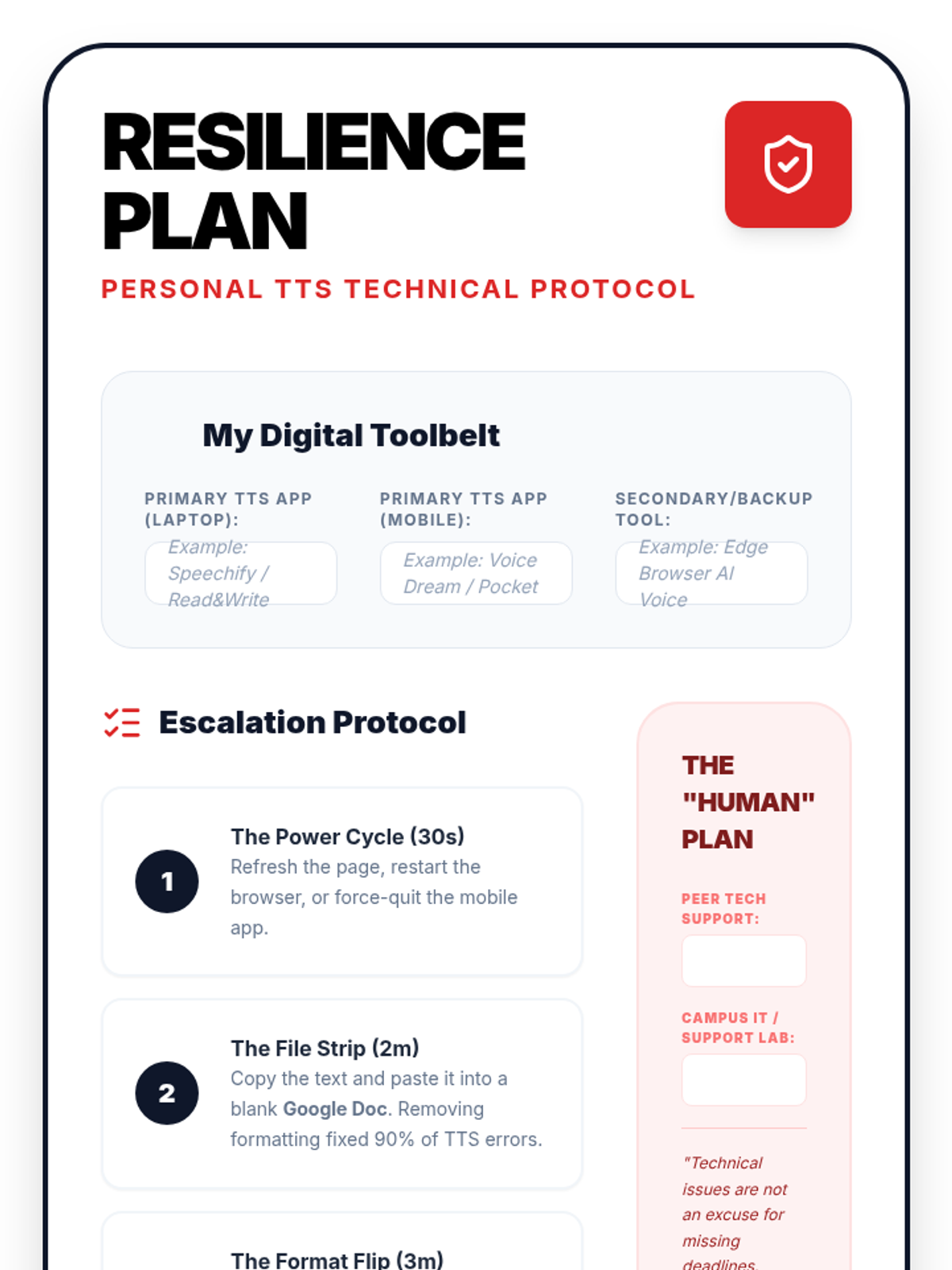
A personal template for Lesson 5. Students fill this out to create their own 'Digital Resilience Plan', documenting their tool arsenal, escalation steps for technical failures, and human support resources.
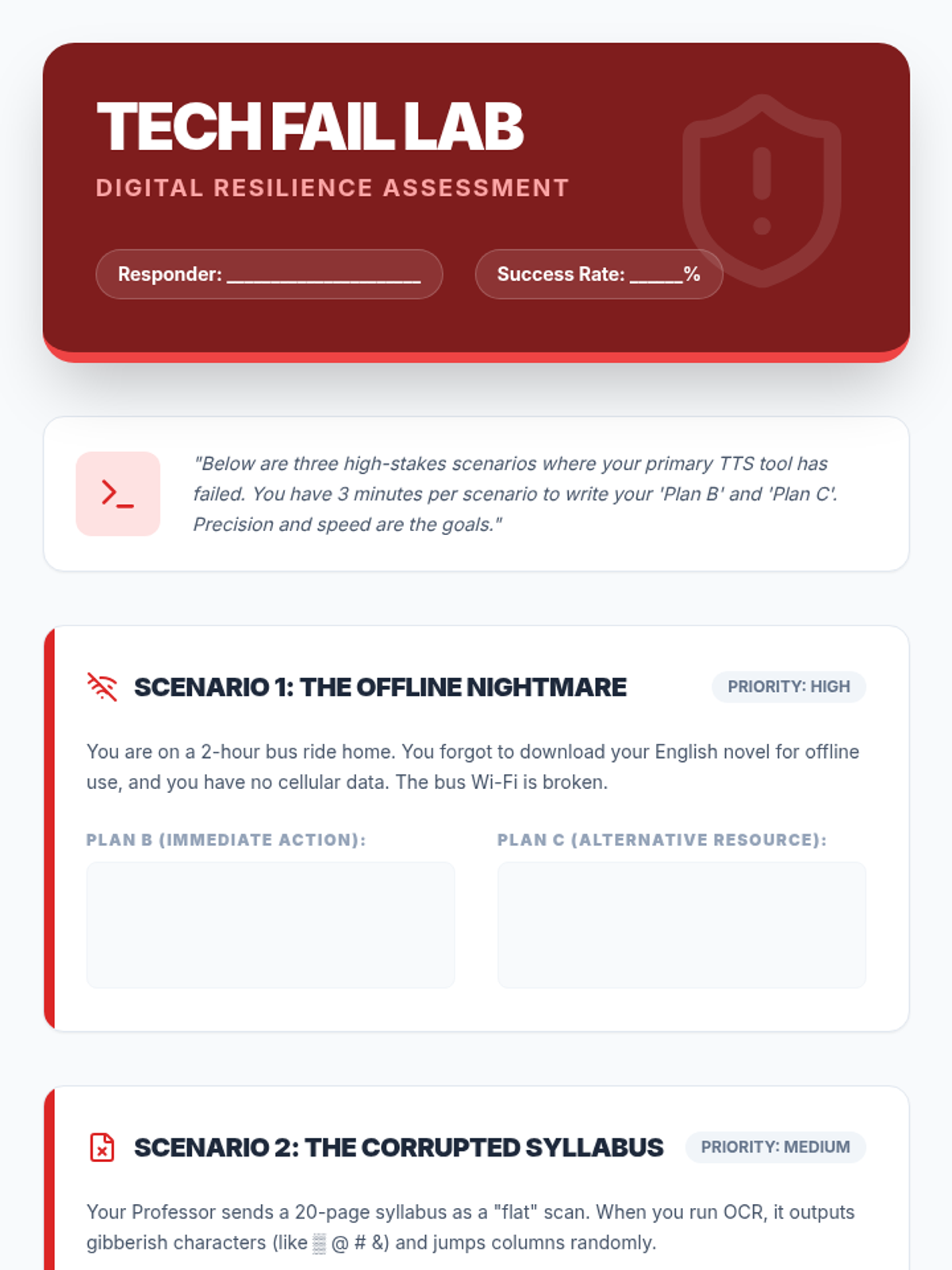
A technical worksheet for Lesson 5. Students are presented with three 'high-stakes' technical failure scenarios and must document their primary and secondary backup plans to ensure reading productivity.
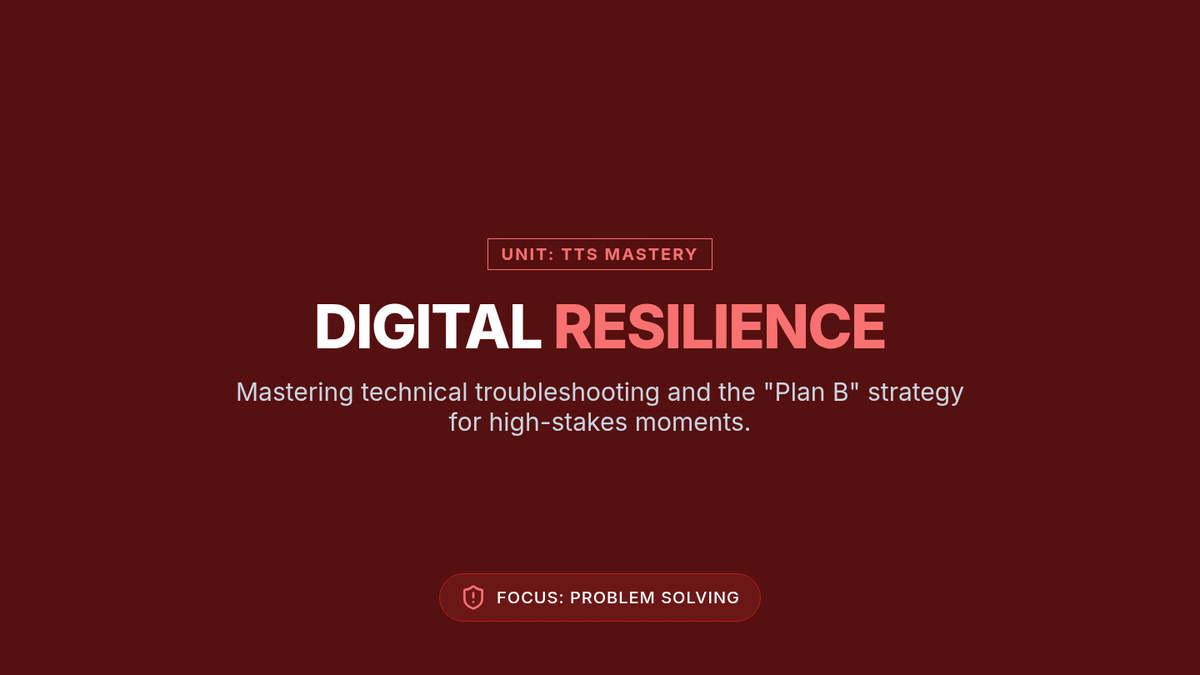
Slides for Lesson 5 on Digital Resilience. Teaches students how to troubleshoot common TTS failures, establish a 'Plan B' hierarchy, and remain productive during technical high-stakes moments.
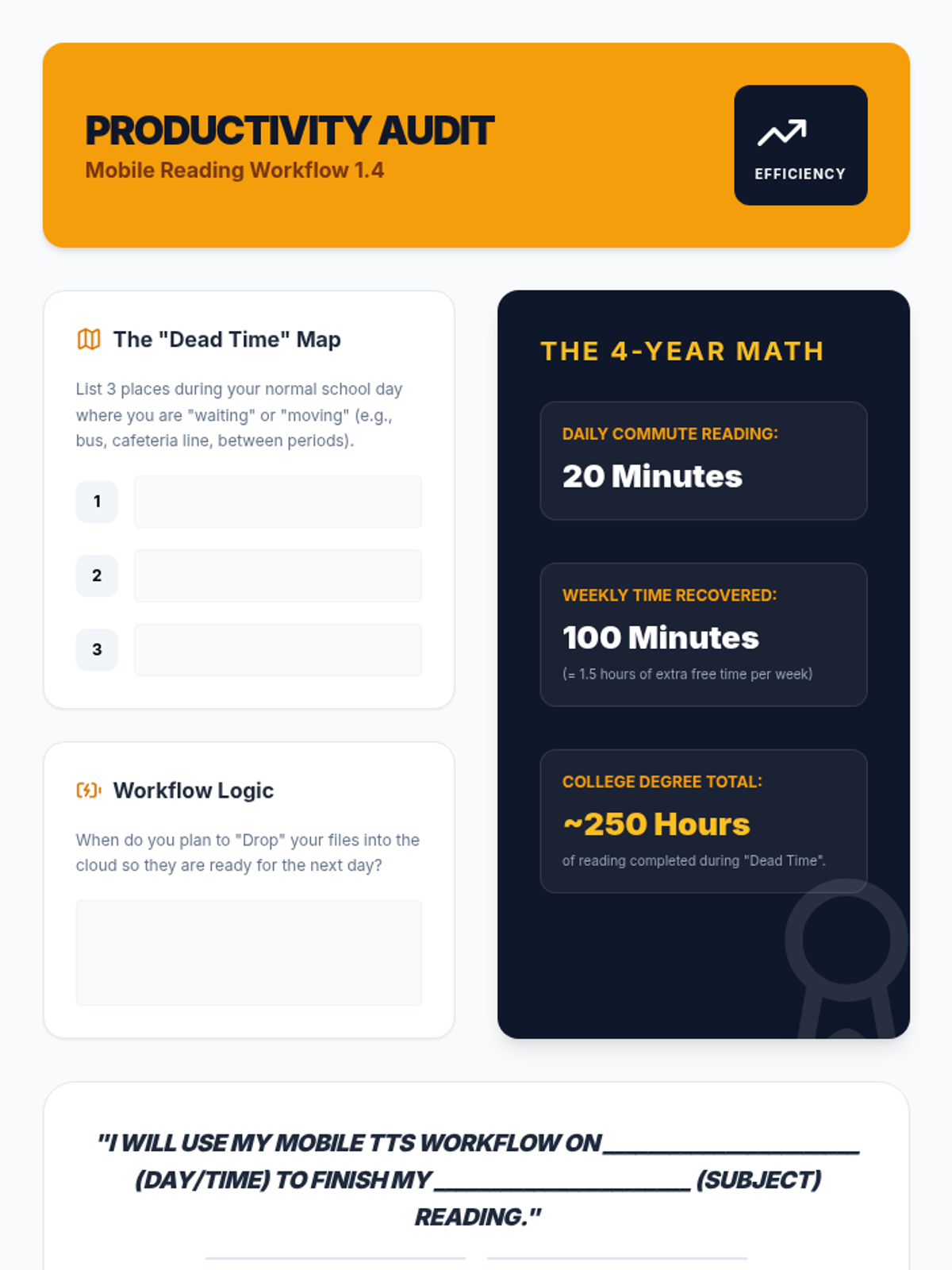
A productivity audit worksheet for Lesson 4. Students identify 'dead time' in their schedules, calculate the time savings over their college career, and make a formal commitment to using their mobile TTS workflow.
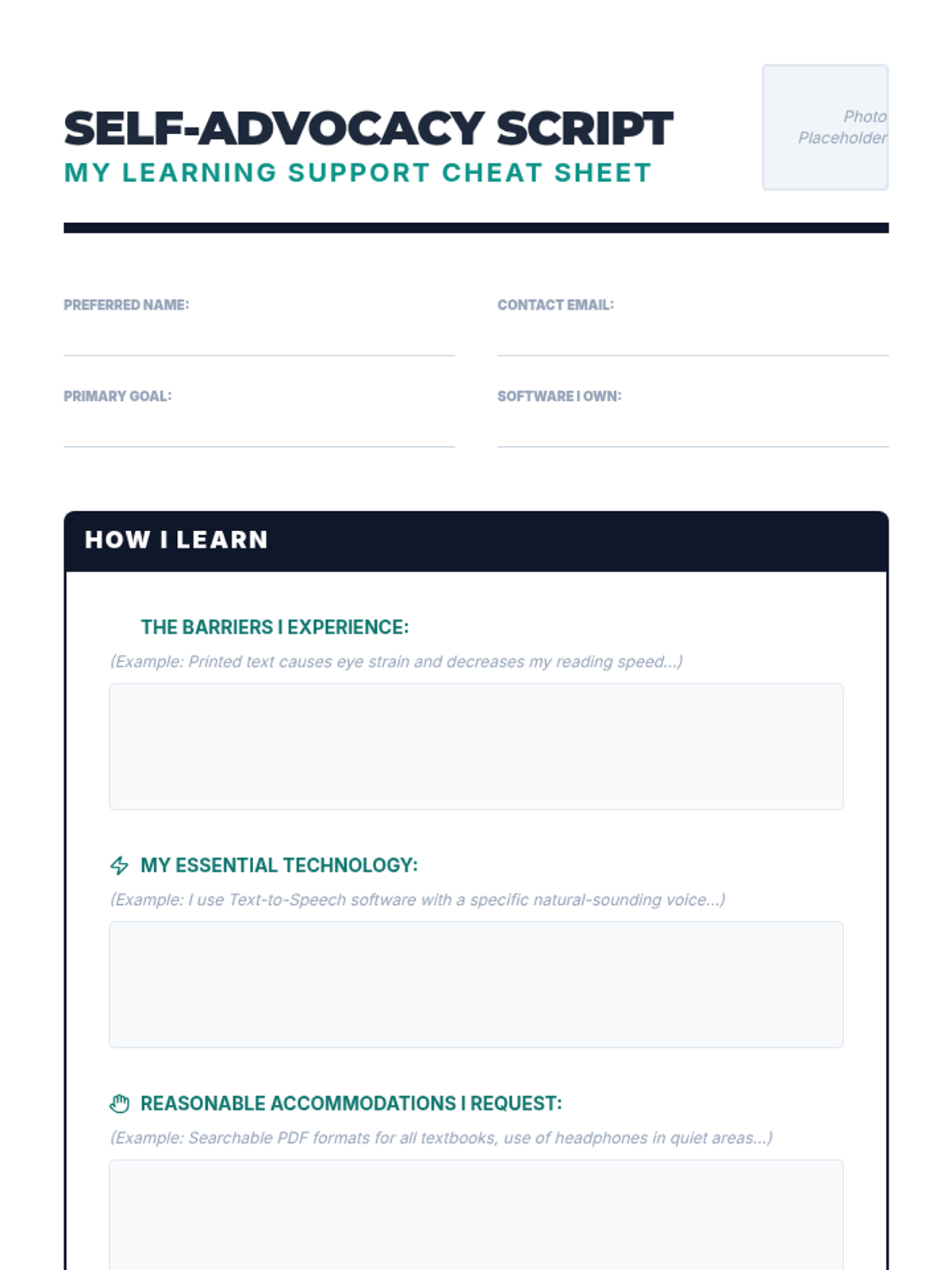
A "Self-Advocacy Cheat Sheet" that summarizes their needs and tools.
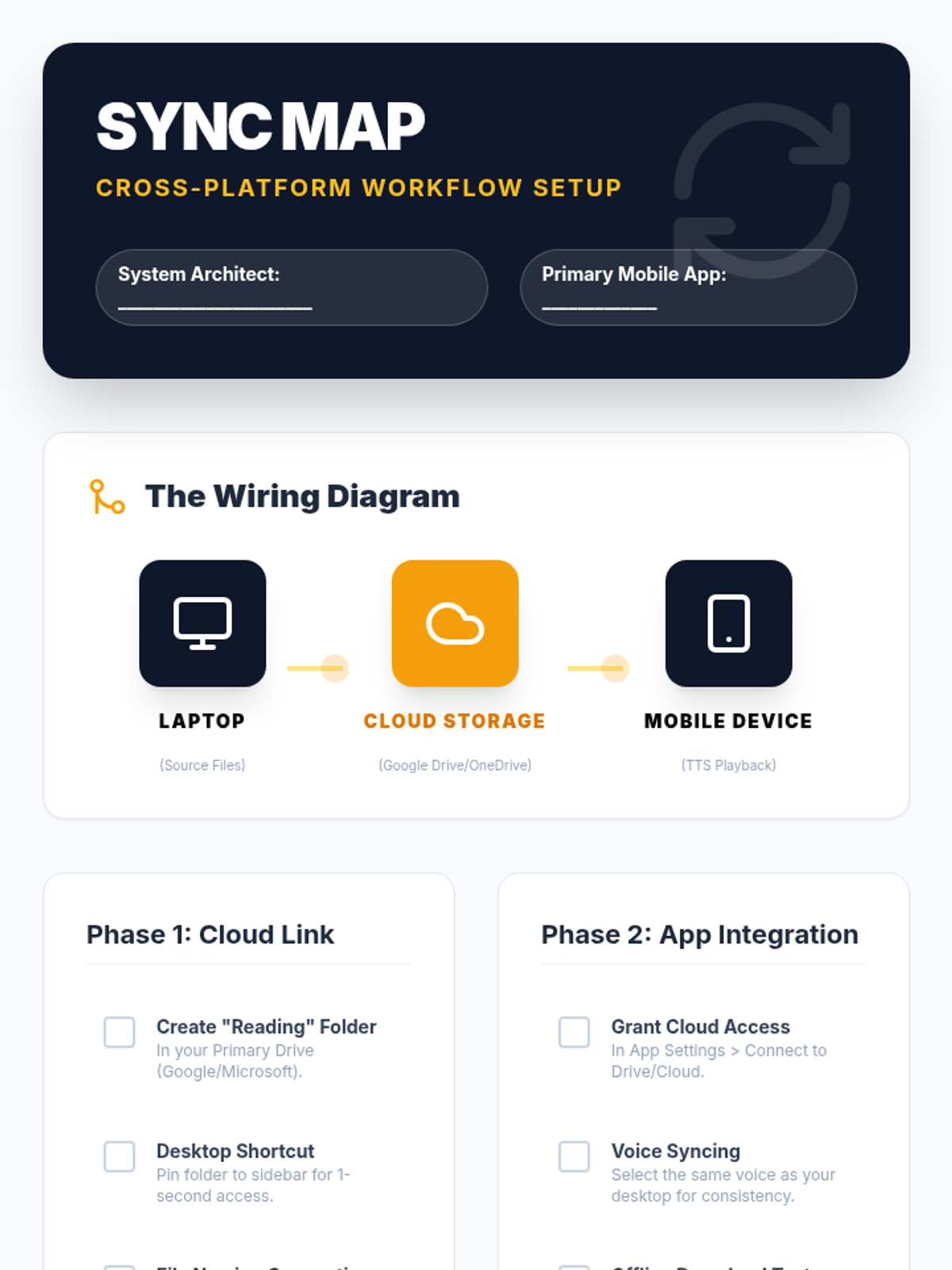
A technical setup checklist for Lesson 4. Guides students through linking their desktop cloud storage to their mobile TTS apps, with verification steps for offline playback and file syncing.
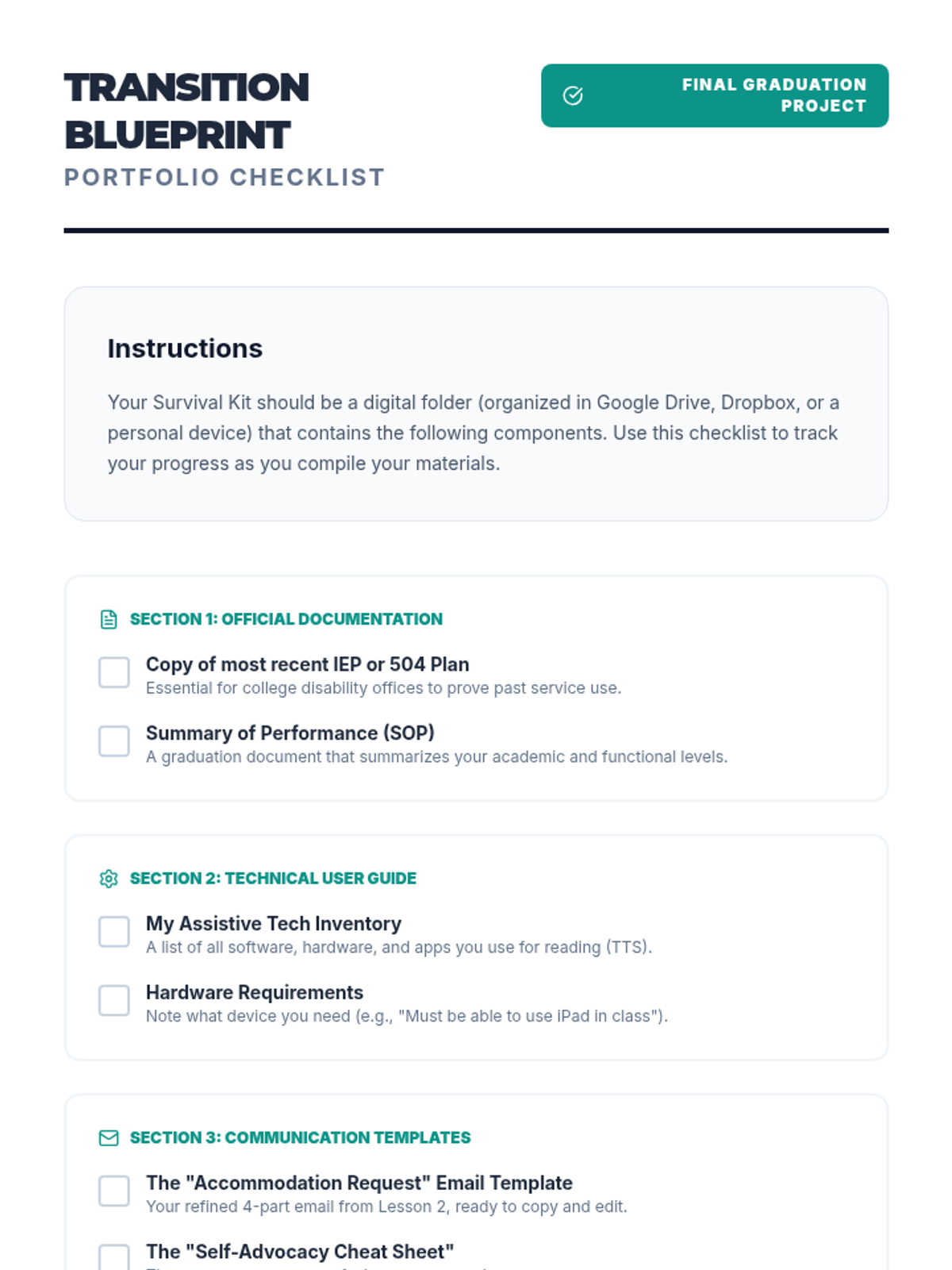
A checklist for what to include in the digital/physical portfolio.
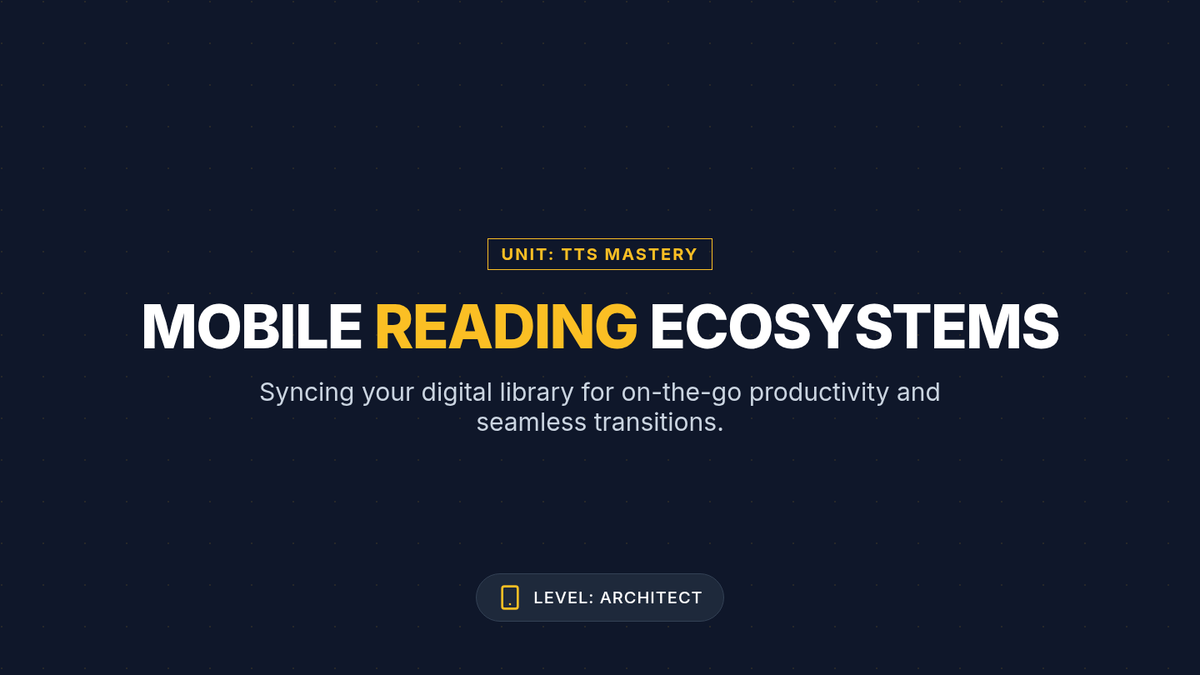
Slides for Lesson 4 on Mobile TTS Workflows. Focuses on syncing desktop files with mobile devices, cloud integration, and using transit time for academic reading.
Slides for Lesson 5 focusing on organizing and finalizing the digital transition portfolio.
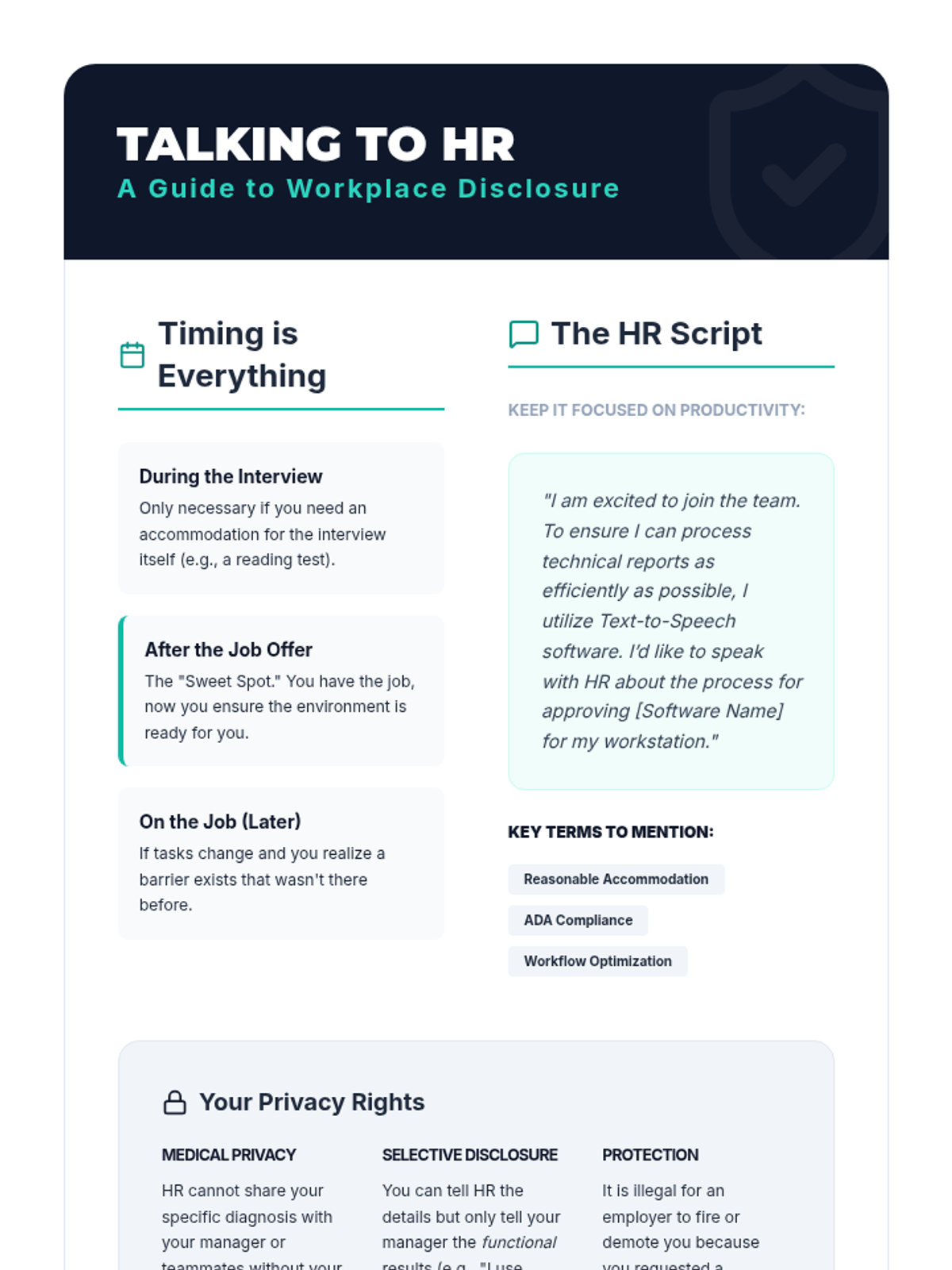
A professional reference sheet for students on when and how to disclose their technology needs to Human Resources in a workplace setting.
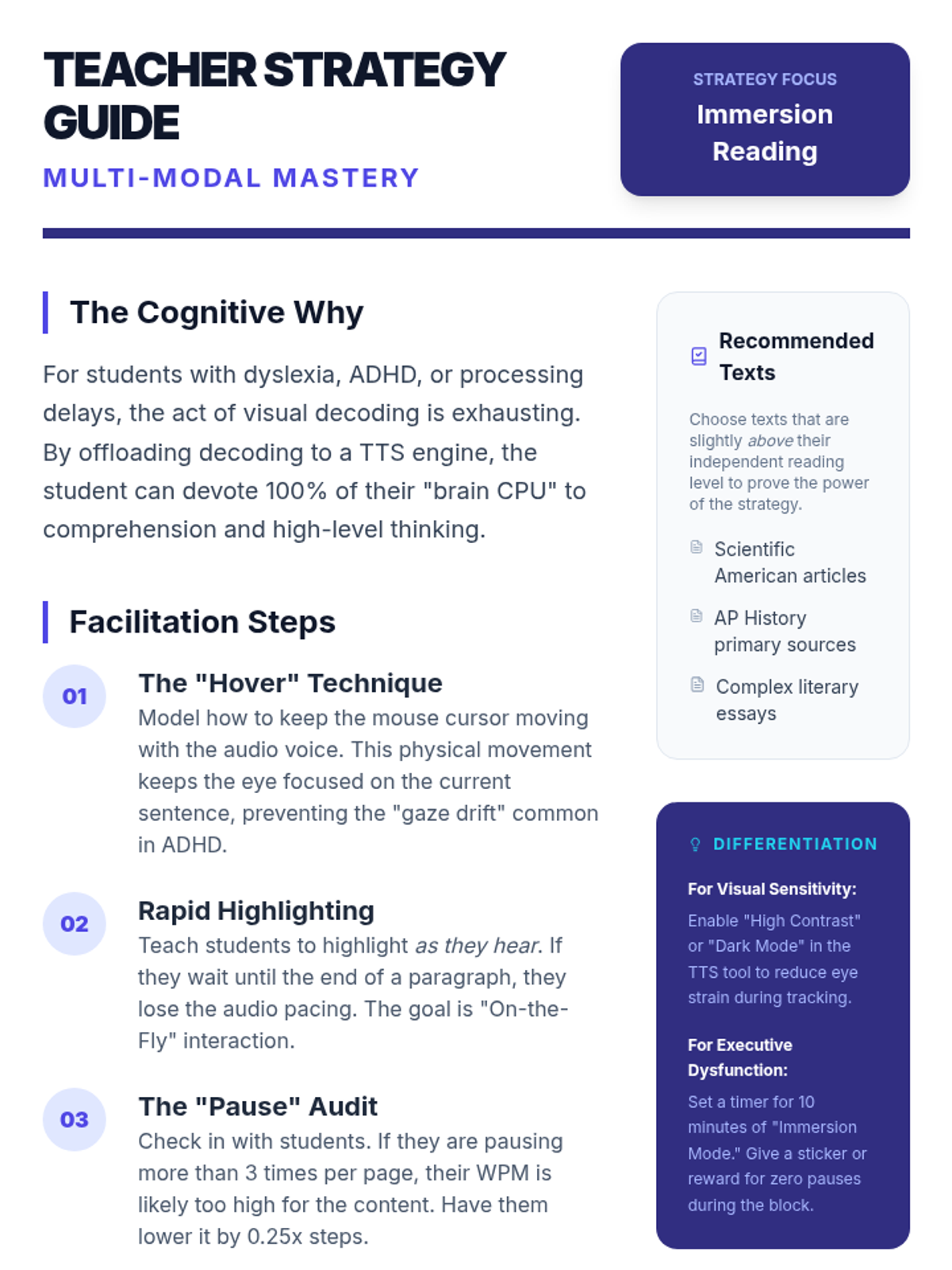
A pedagogical guide for teachers on Lesson 3, detailing the 'Cognitive Why' behind immersion reading, facilitation steps like the 'Hover Technique', and scripts for modeling active multi-modal engagement.
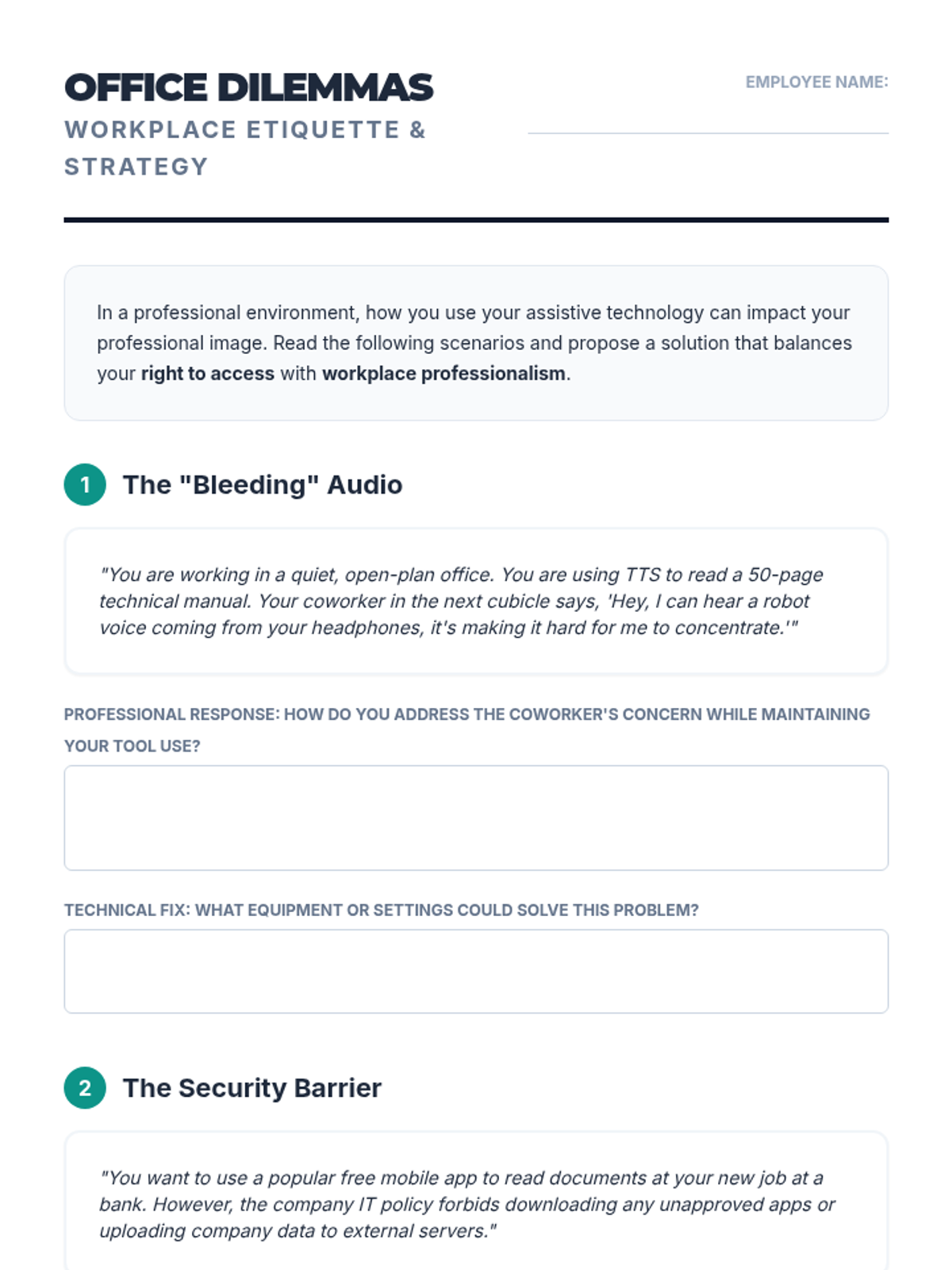
A worksheet containing workplace scenarios for students to analyze, focusing on balancing professional etiquette with assistive technology needs.
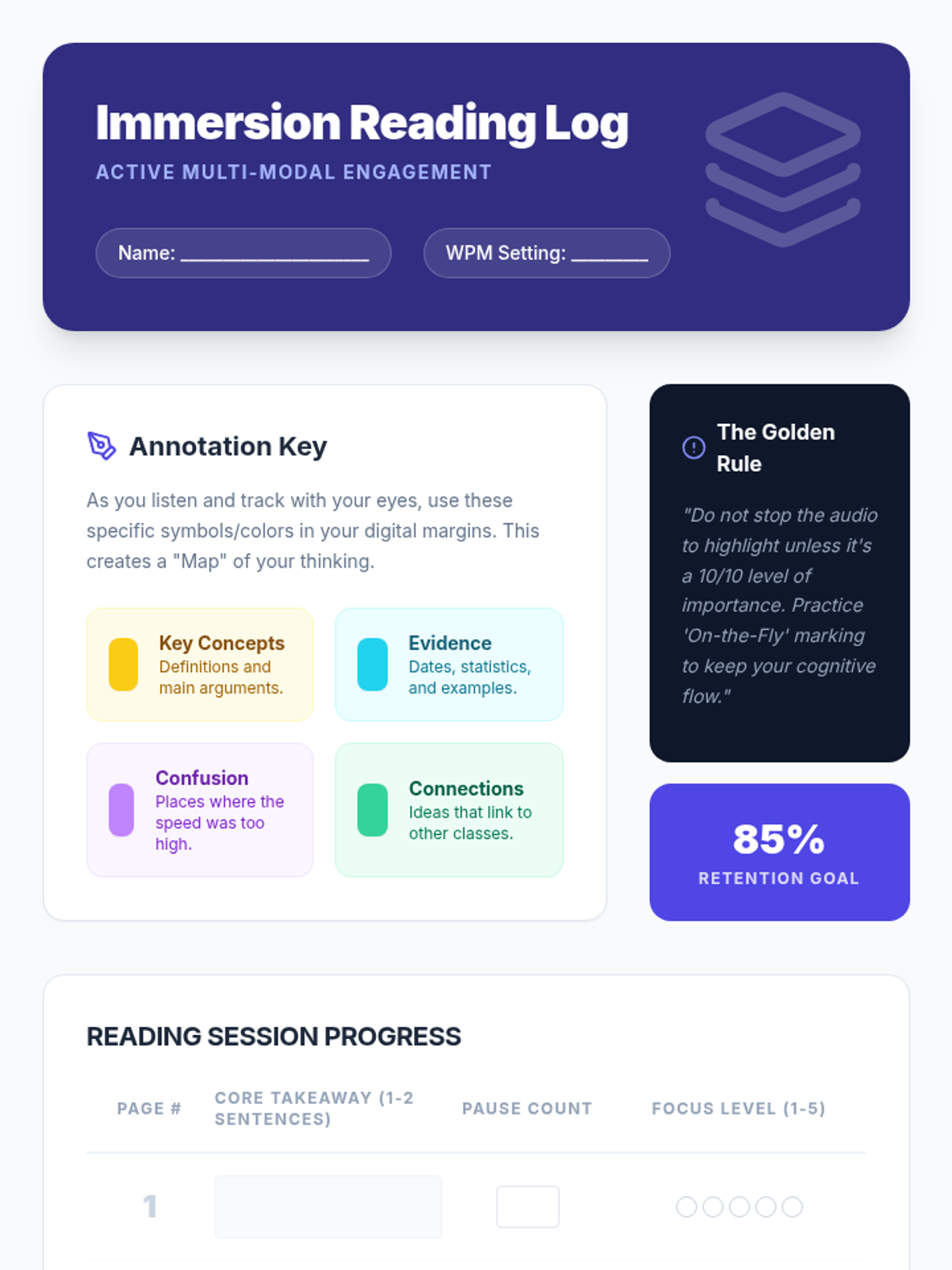
A specialized worksheet for Lesson 3. Students use this log to track their takeaways, pause frequency, and focus levels while performing immersion reading on a dense text. Includes a color-coded annotation key.
Slides for Lesson 4 focusing on how TTS is utilized and perceived in professional corporate environments.
Slide deck for Lesson 3 on Immersion Reading. Explains the cognitive benefits of combining auditory and visual tracking, and introduces workflows for digital annotation while listening to TTS.
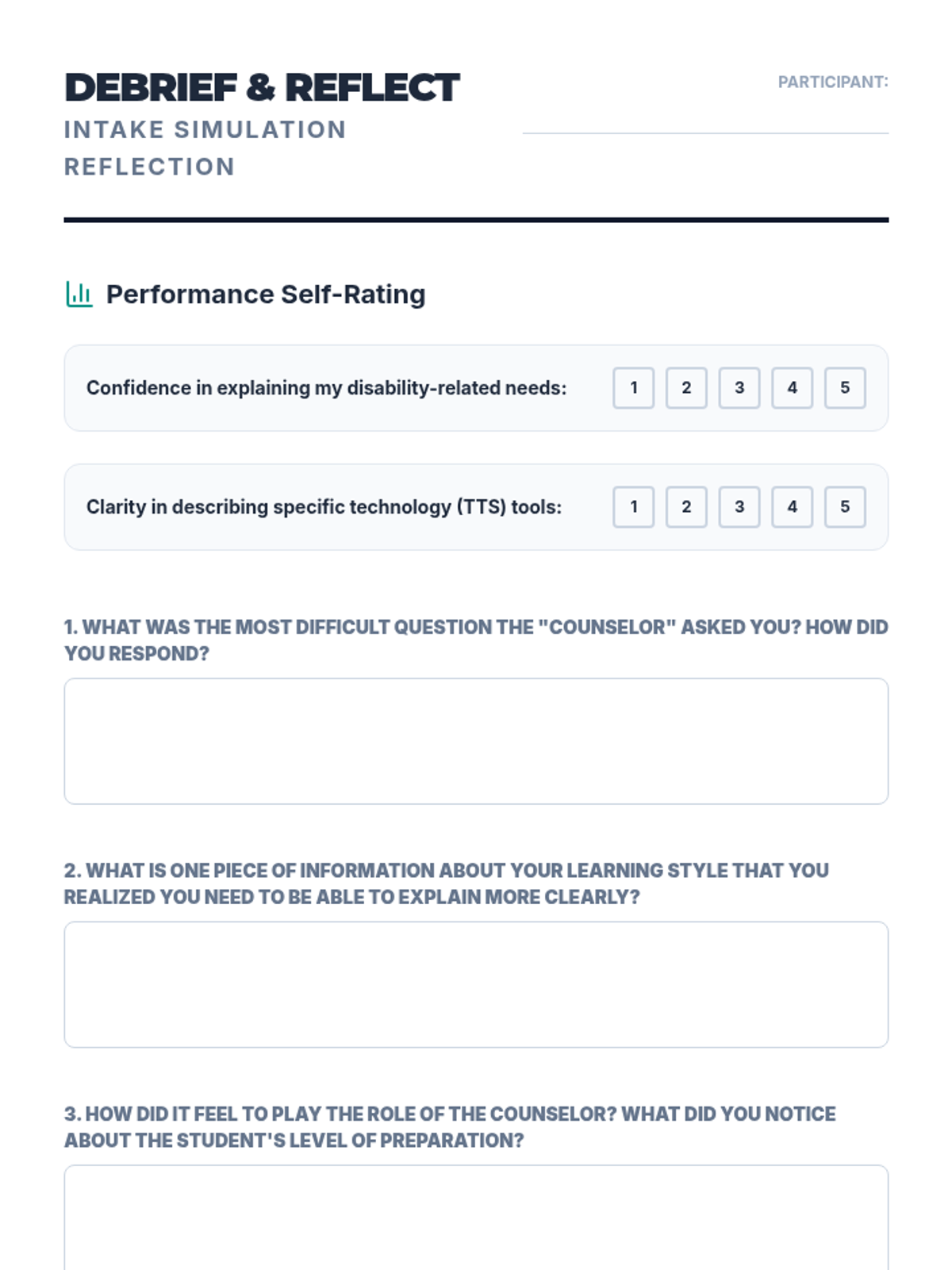
A reflection sheet for students to complete after the intake interview simulation, focusing on self-assessment and future preparation.
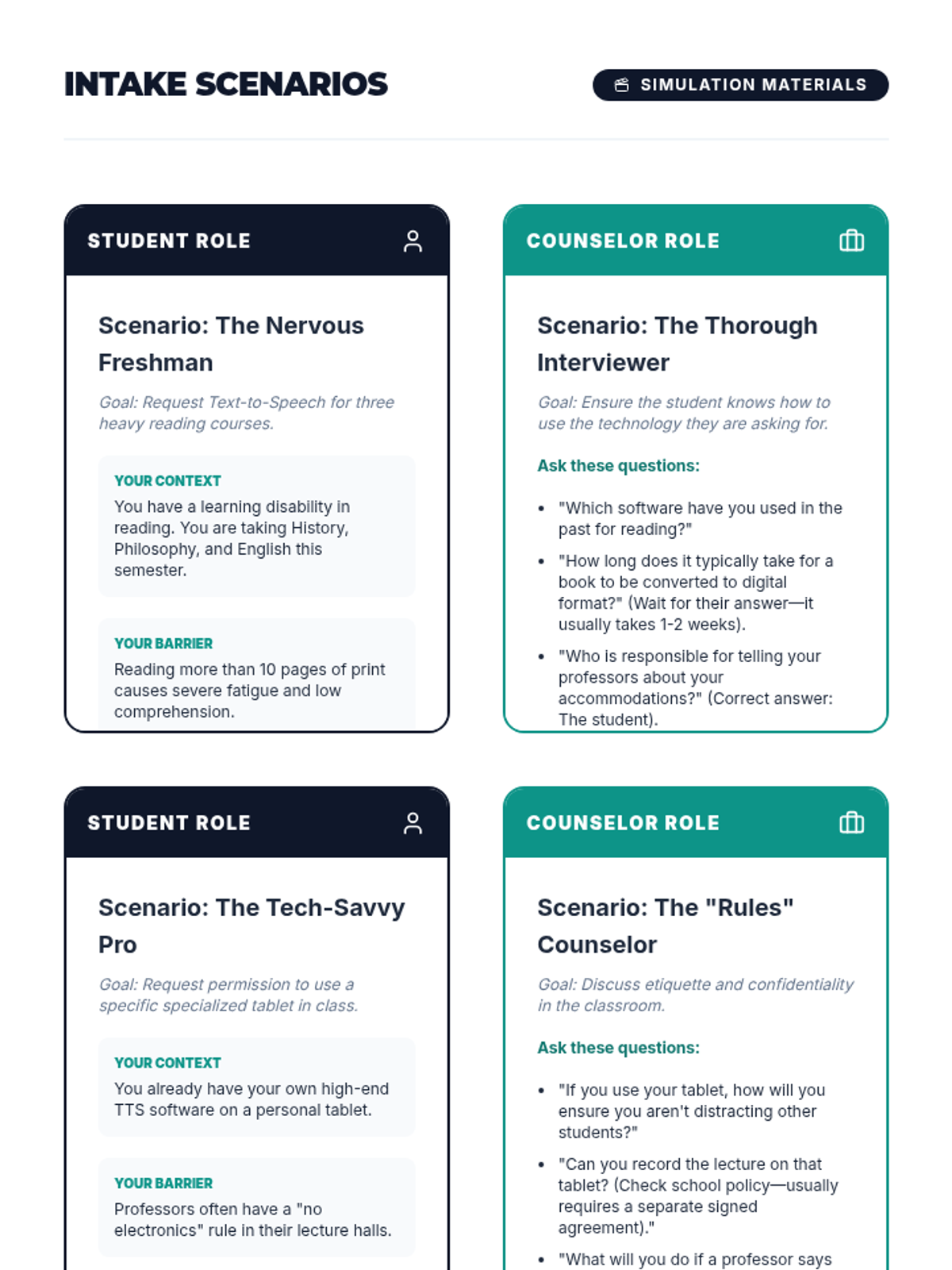
Role-play cards for a simulated disability services intake interview, featuring both student and counselor perspectives with specific scenarios and prompts.
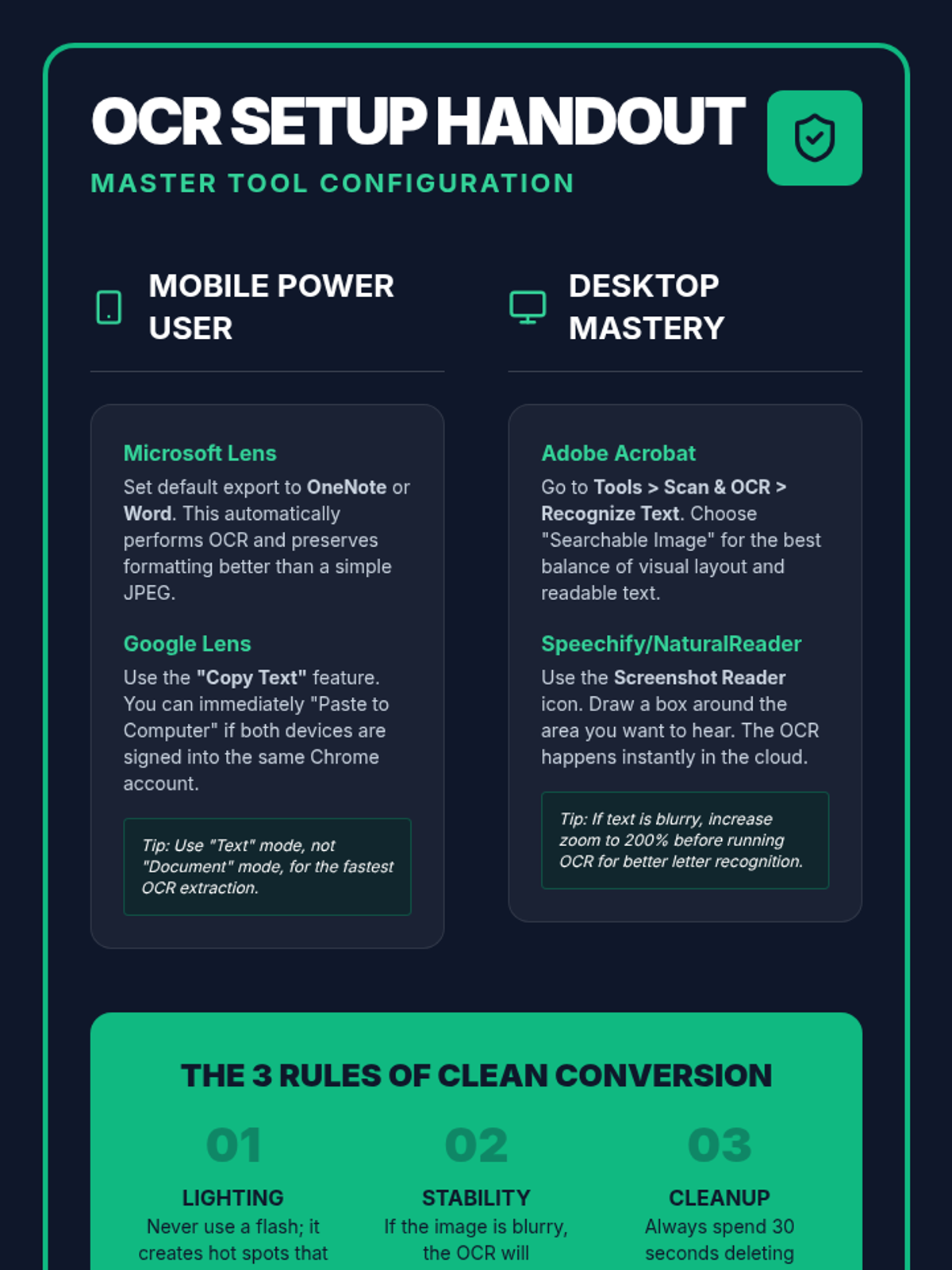
A technical reference guide for Lesson 2, providing step-by-step configuration for popular OCR tools like Microsoft Lens, Google Lens, and Adobe Acrobat. Includes pro-tips for high-accuracy conversion.
Introductory slides for Lesson 3 focusing on the college disability services intake interview process and self-explanation skills.
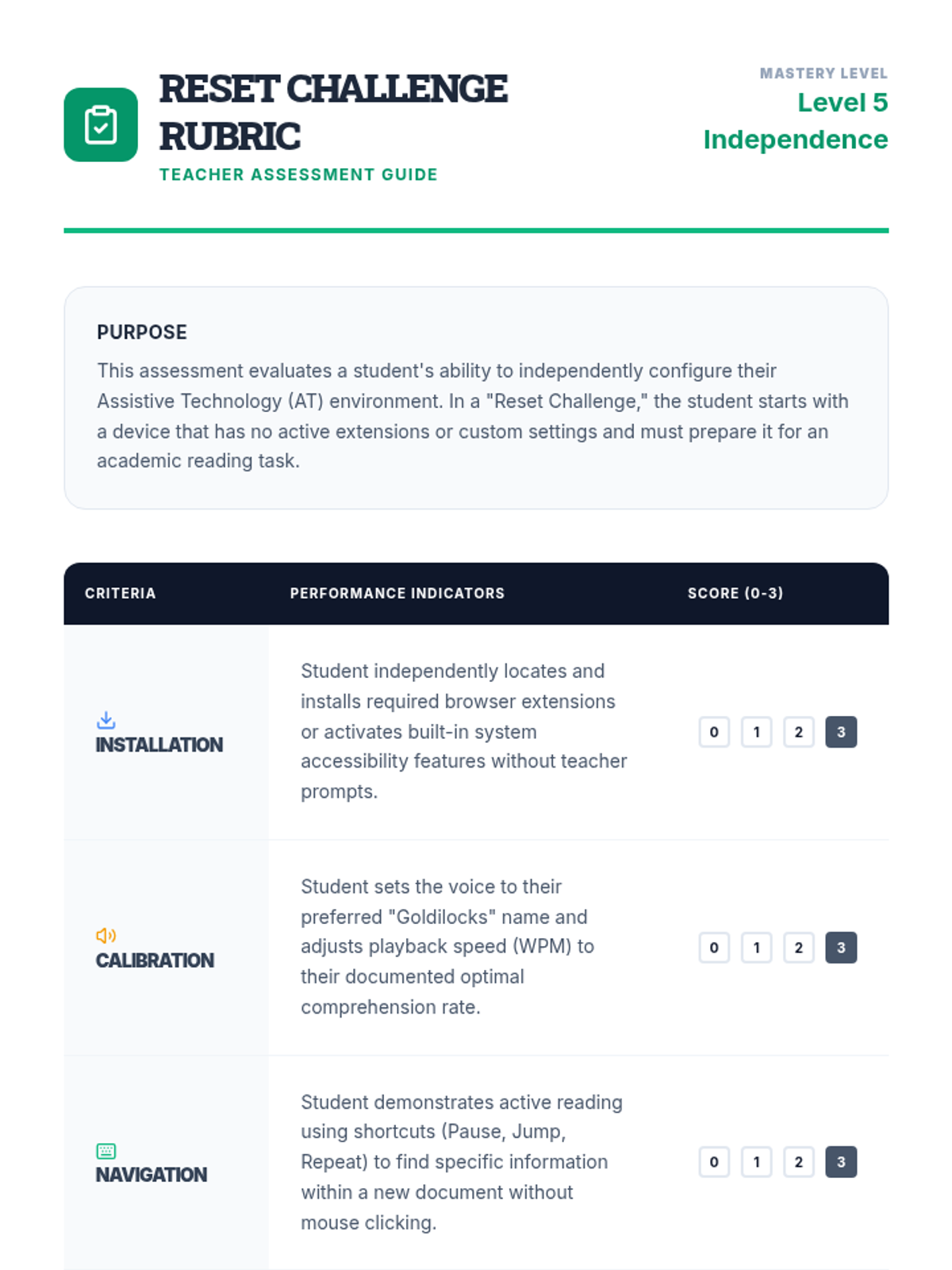
A teacher-facing rubric for assessing students during the 'Reset Challenge', focusing on installation, calibration, navigation, and technical efficiency.
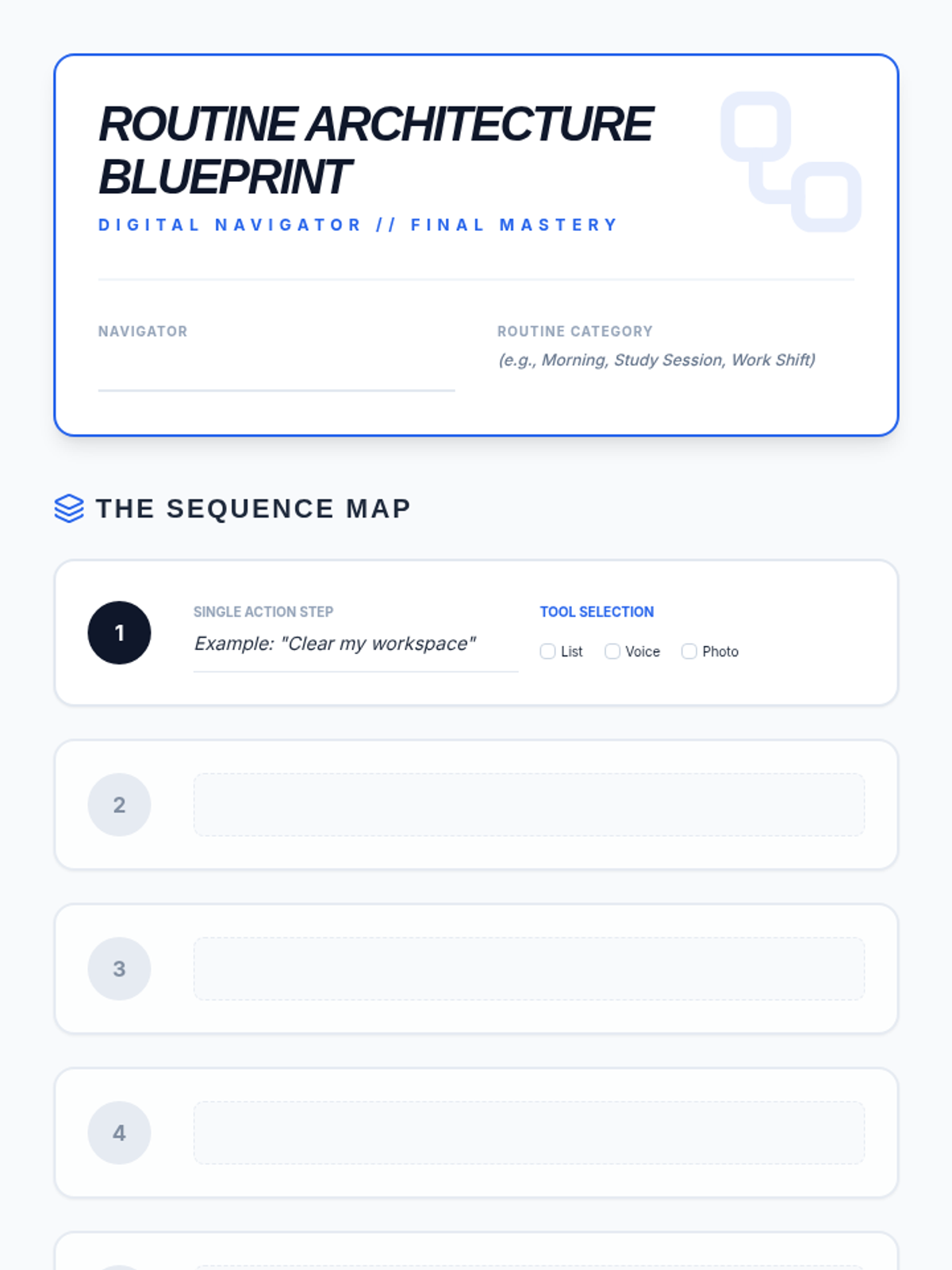
Final project planning worksheet for Lesson 5: Digital Routine Builder. Includes a step-by-step mapping grid with tool selection and a structured peer-testing (Beta Test) log.
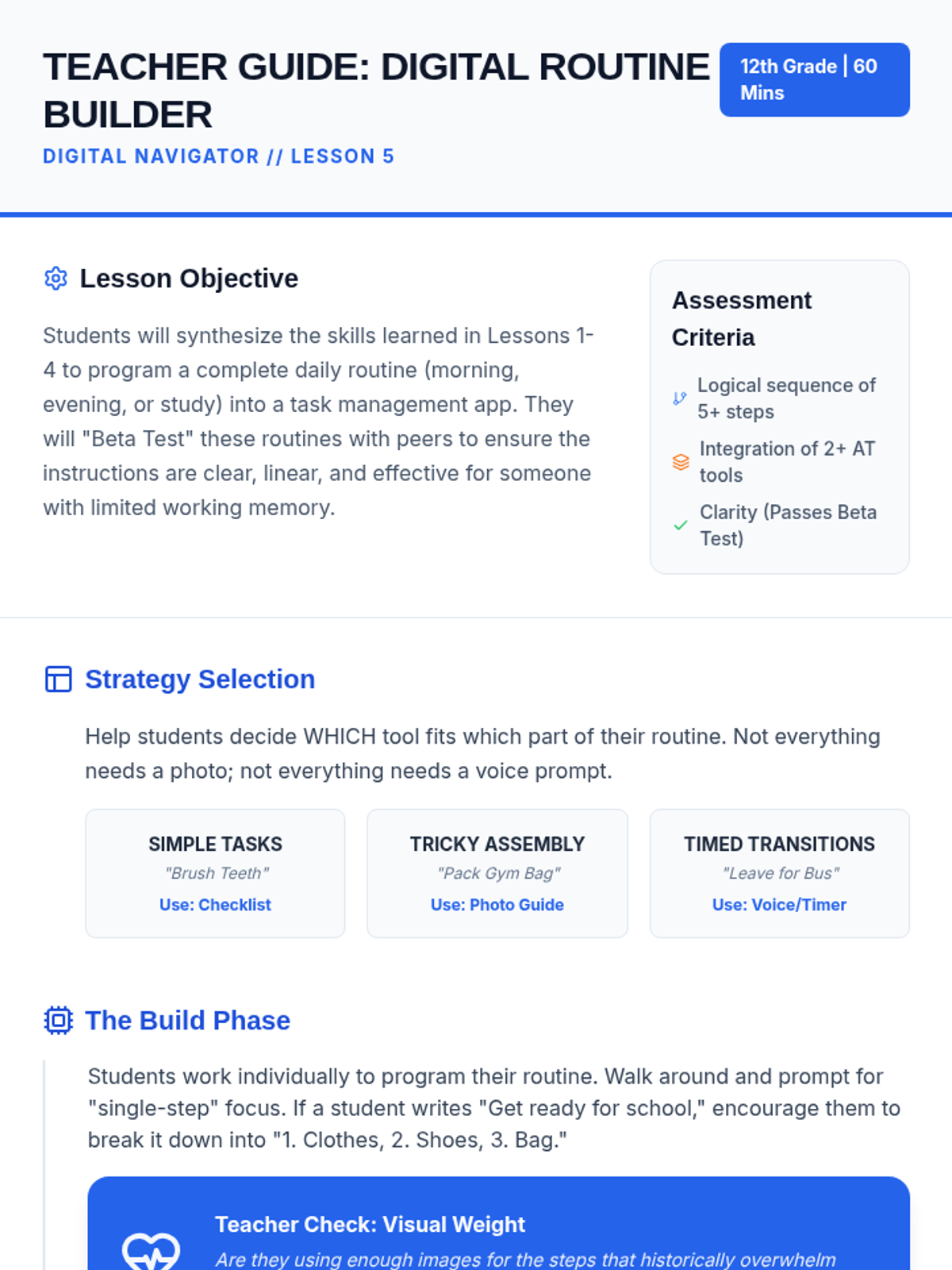
Teacher guide for Lesson 5: Digital Routine Builder. Focuses on tool synthesis, the building phase, and the "Beta Test" protocol for ensuring independence.
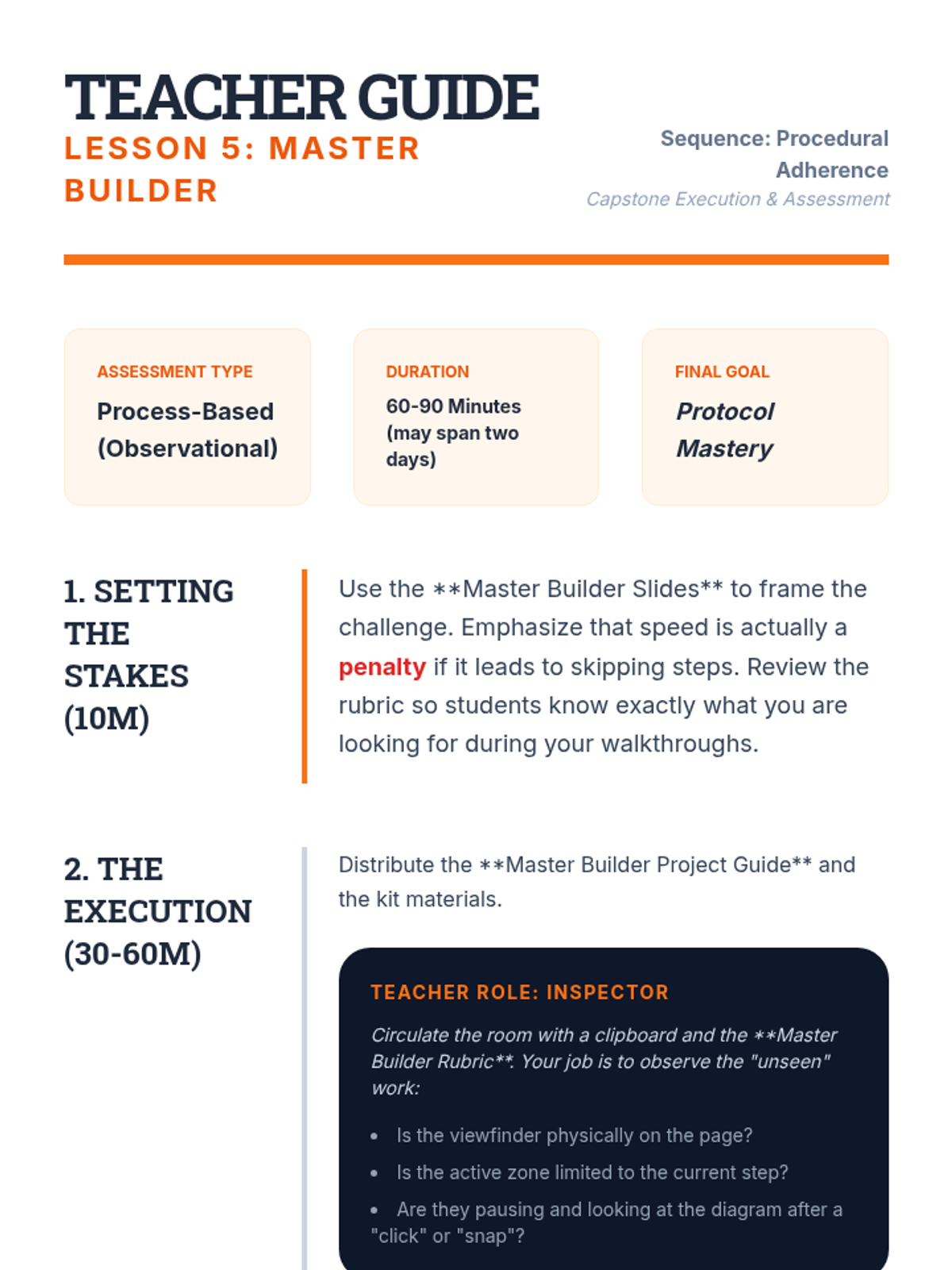
Teacher guide for the Lesson 5 capstone, providing instructions for the observational assessment and tips for managing the final multi-stage assembly project.
Final slide deck for Lesson 5: Digital Routine Builder. Synthesizes all previous tools (checklists, voice, photos, QR) into a single personalized routine and introduces the "Beta Test" peer review.
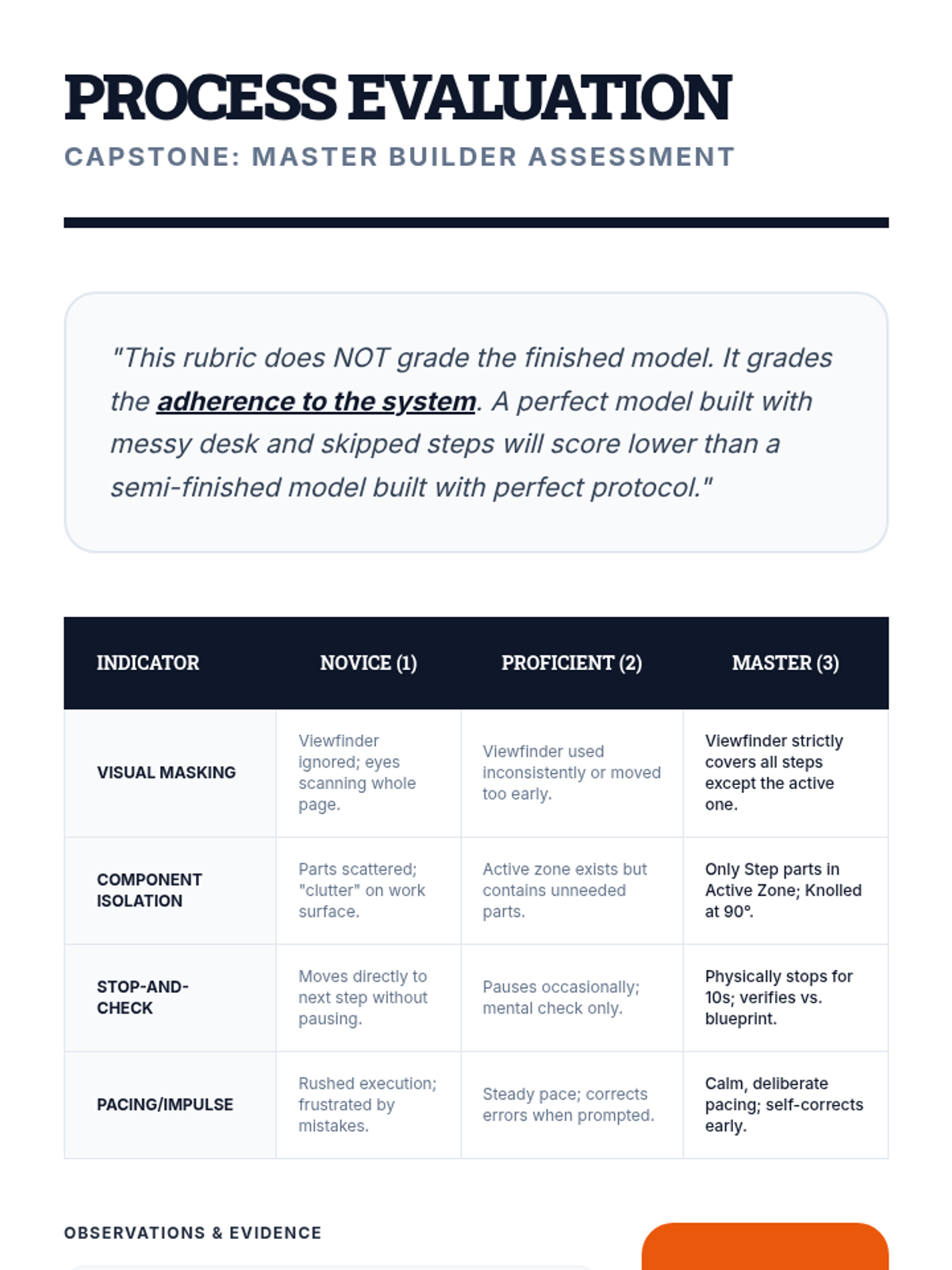
A process-focused rubric for Lesson 5, assessing students on their use of the viewfinder, knolling, and stop-and-check protocols during the capstone assembly.
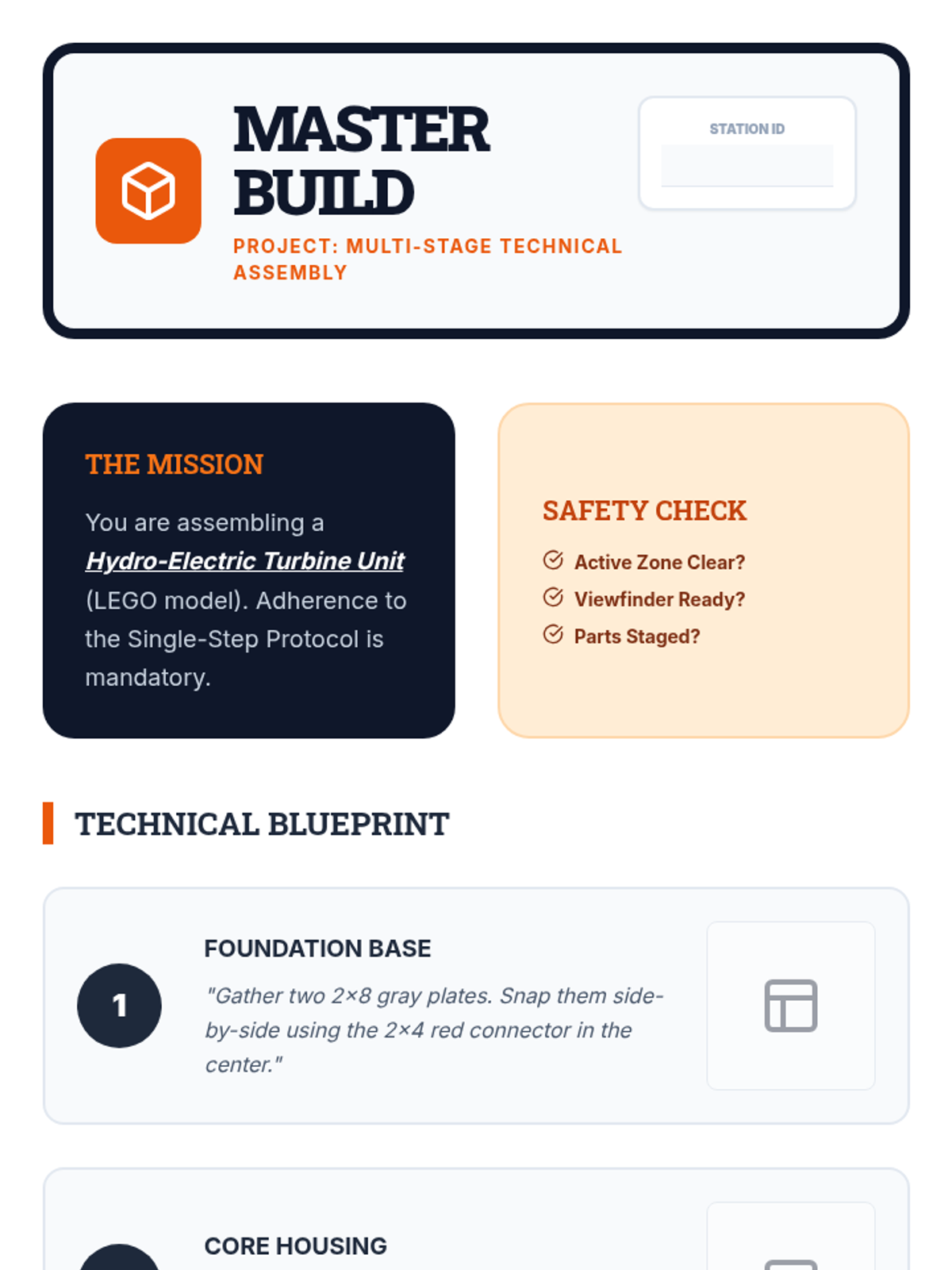
A multi-stage assembly project guide for the Lesson 5 capstone, requiring students to apply all previous strategies (viewfinder, knolling, verification) to a complex build.
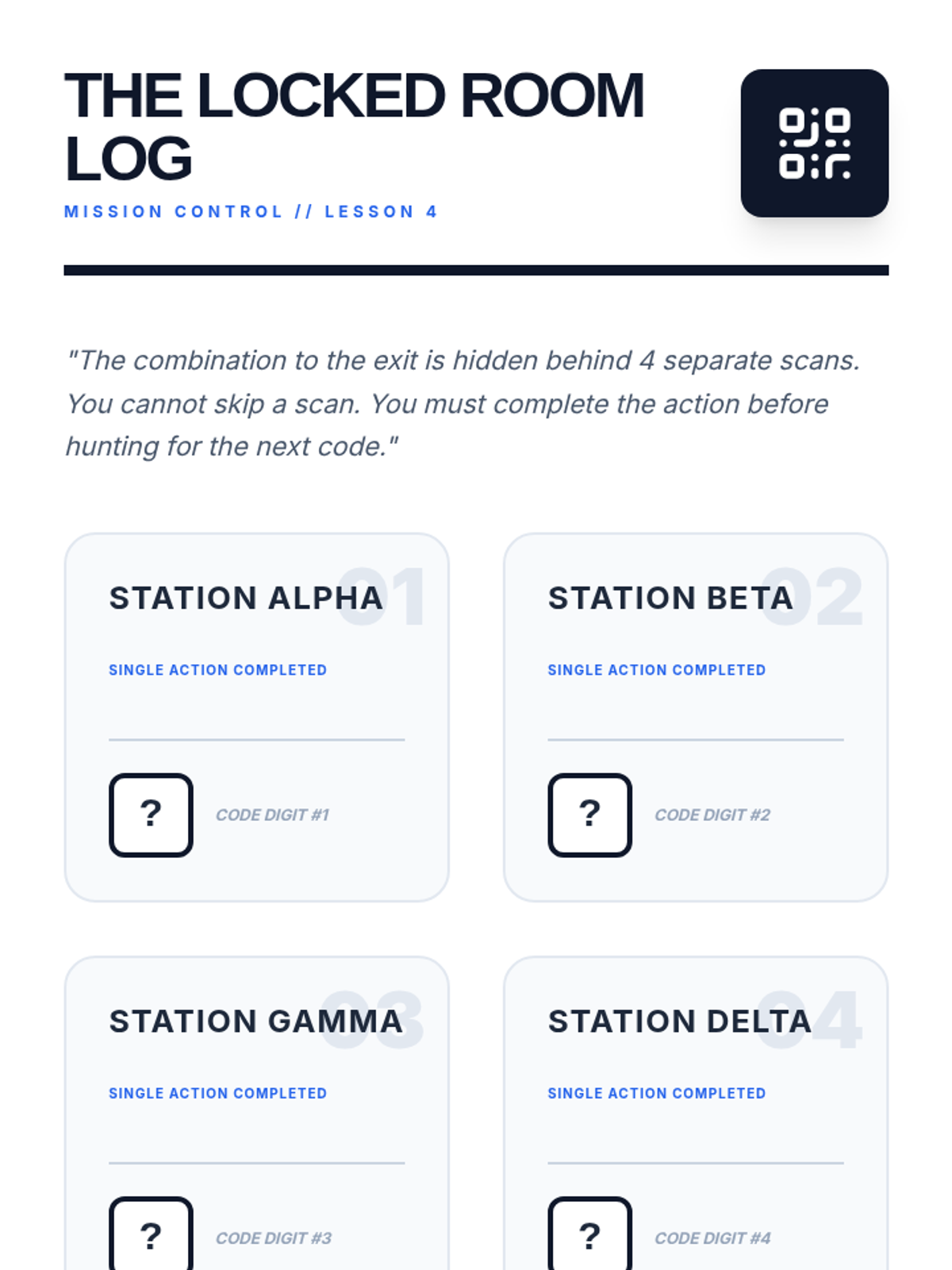
Student mission log for the "Locked Room" scavenger hunt in Lesson 4. Features a station-by-station tracking grid and a final combination lock visual.
Introductory slide deck for Lesson 5, introducing the capstone project and the shift from product-focused to process-focused evaluation.
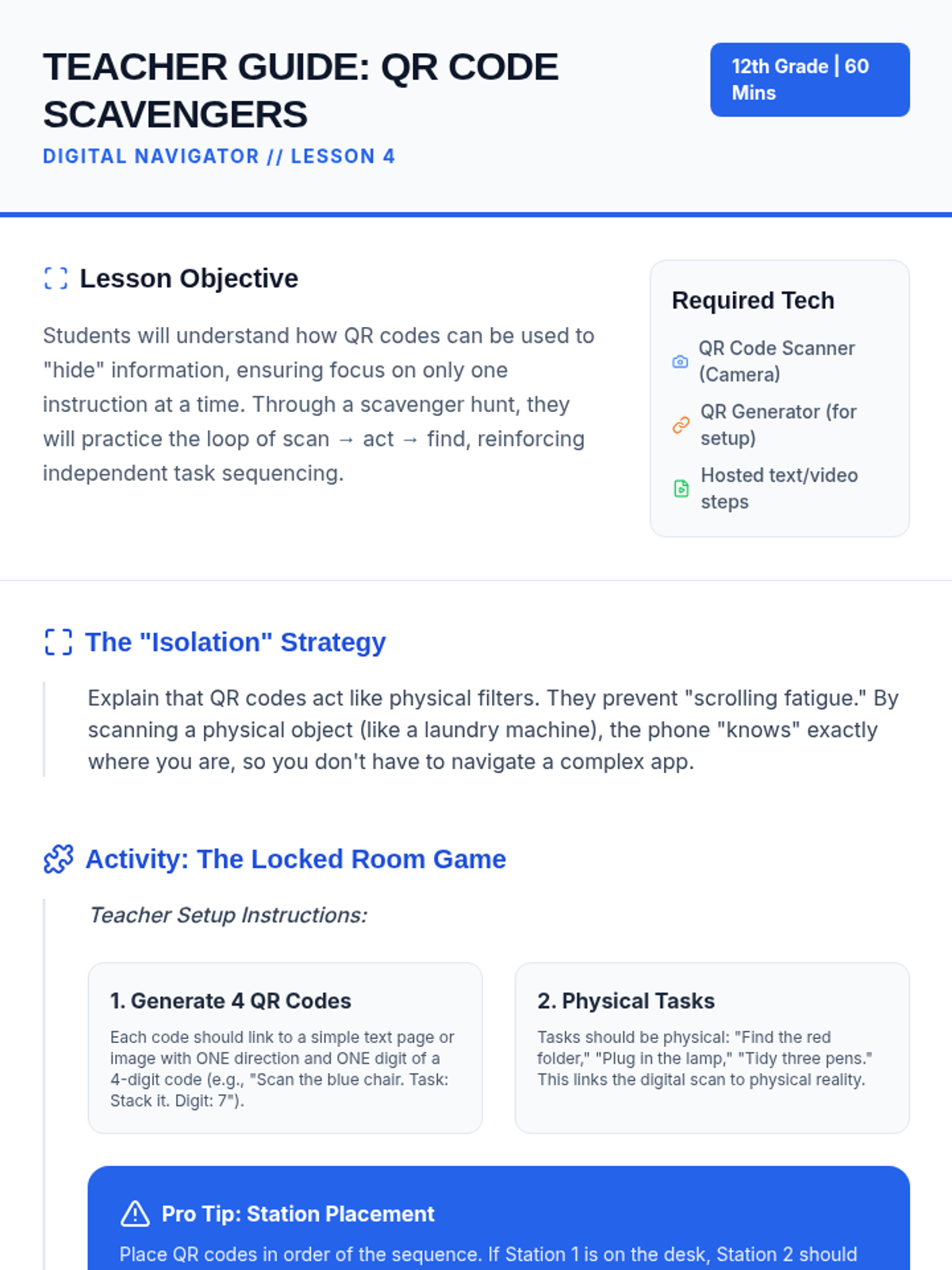
Teacher guide for Lesson 4: QR Code Scavengers. Includes instructions for setting up the "Locked Room" scavenger hunt, generating QR codes, and differentiating for varied needs.
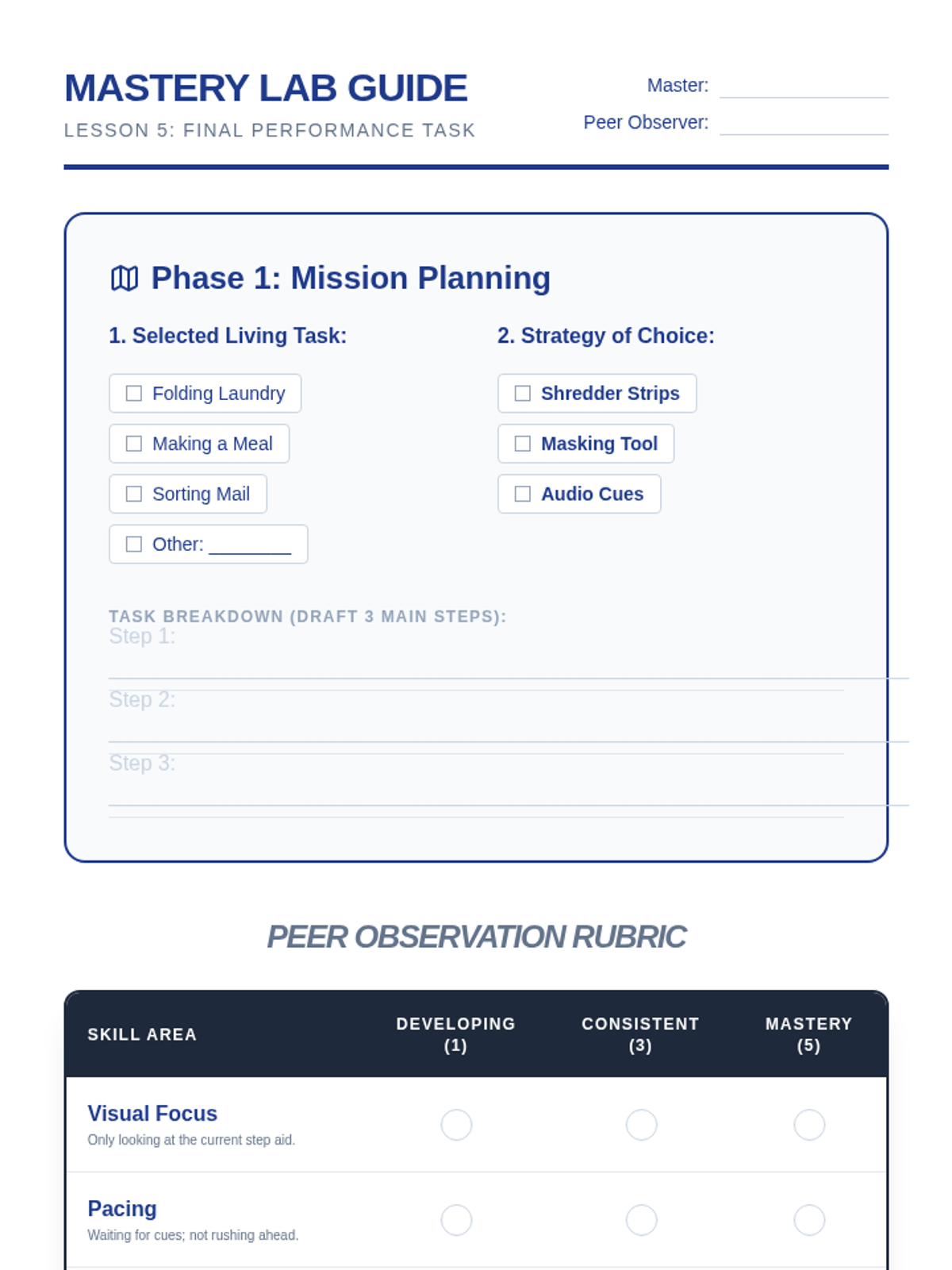
A final capstone project planning guide and peer rubric for students to demonstrate mastery in using single-step execution techniques for independent living tasks.
Slide deck for Lesson 4: QR Code Scavengers. Explores "information isolation" and sets up the "Locked Room" game-based learning activity.
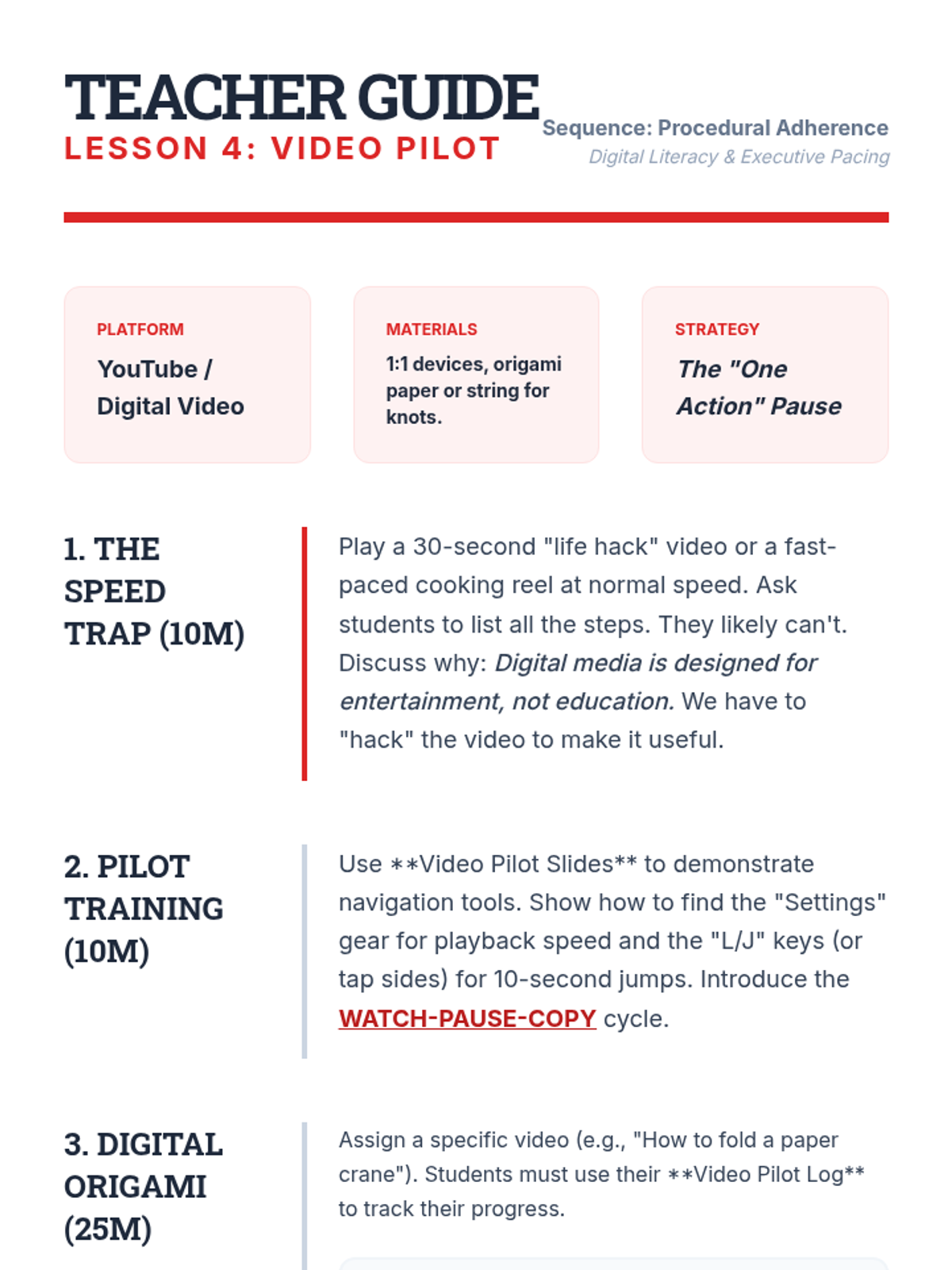
Teacher guide for Lesson 4, including strategies for managing digital instructions, navigation tool training, and facilitation notes for the video tutorial activity.
A visual presentation for the final capstone project, where students choose and apply a single-step execution strategy to an independent living task.
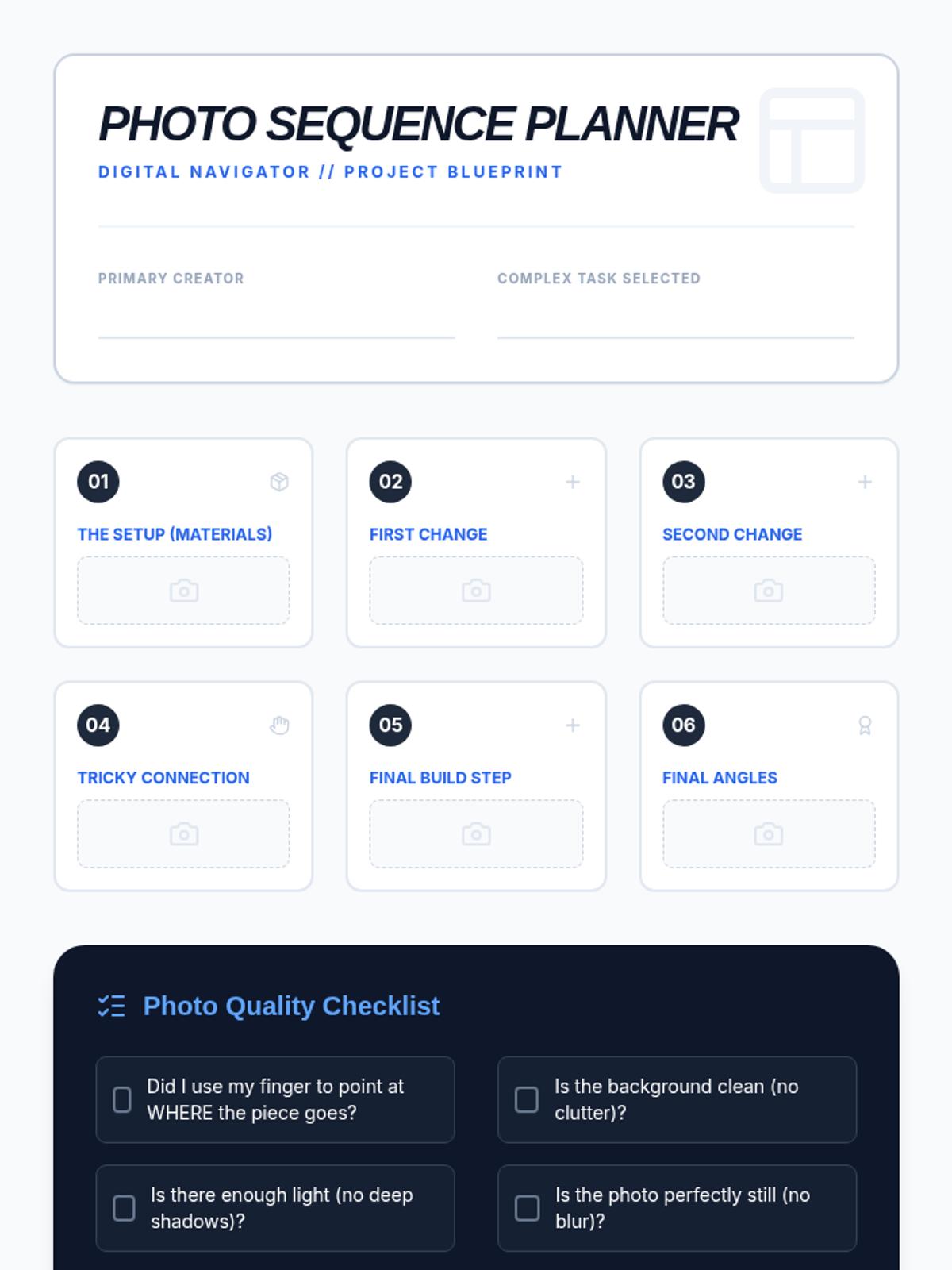
Student photo sequence planner for Lesson 3: Visual Step Snapshots. Provides a grid for mapping out 6 key photo steps and a quality control checklist.
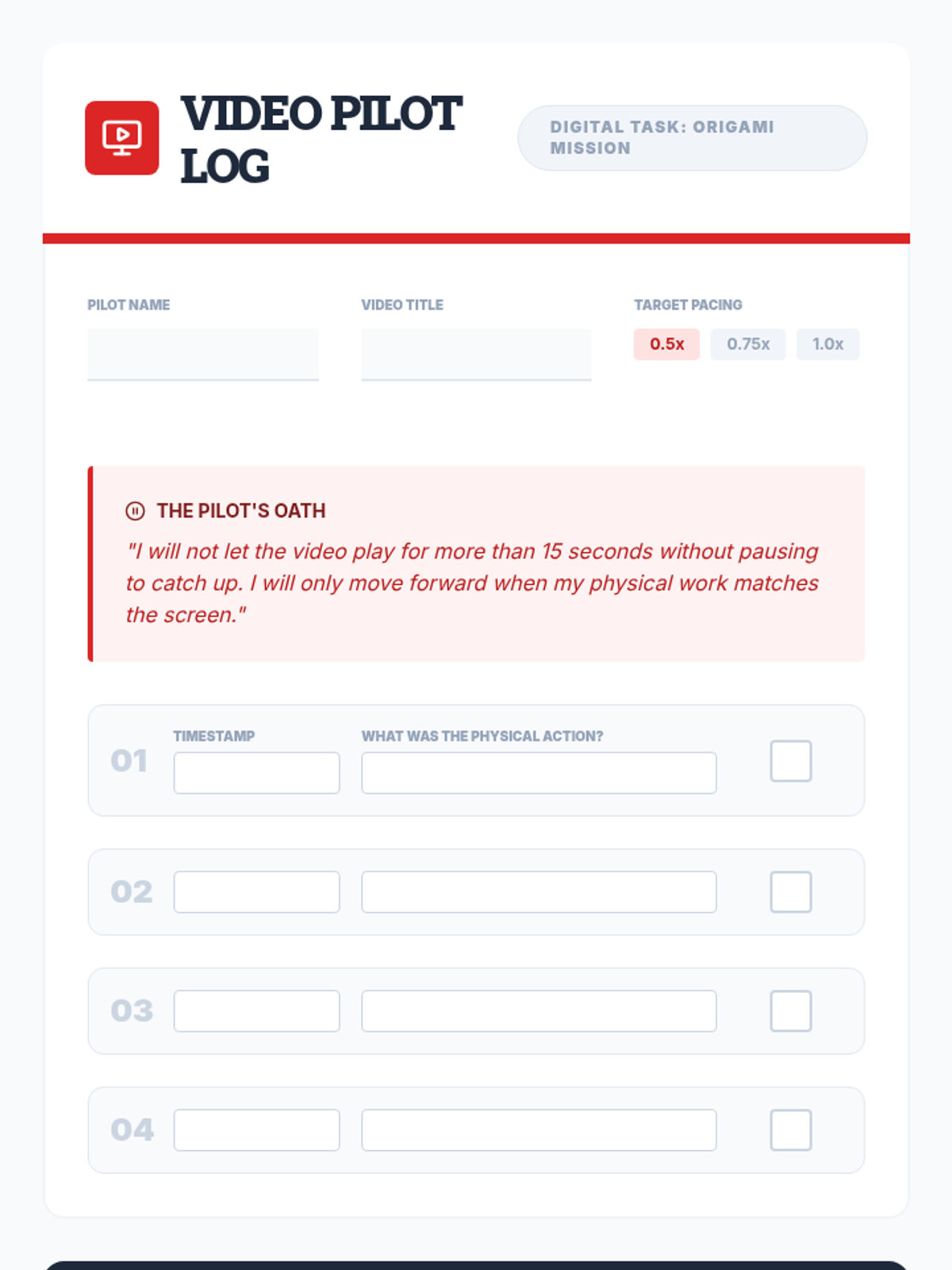
A video tutorial log for Lesson 4 where students track timestamps and physical actions while practicing the 'Pause-and-Copy' technique for digital instructions.
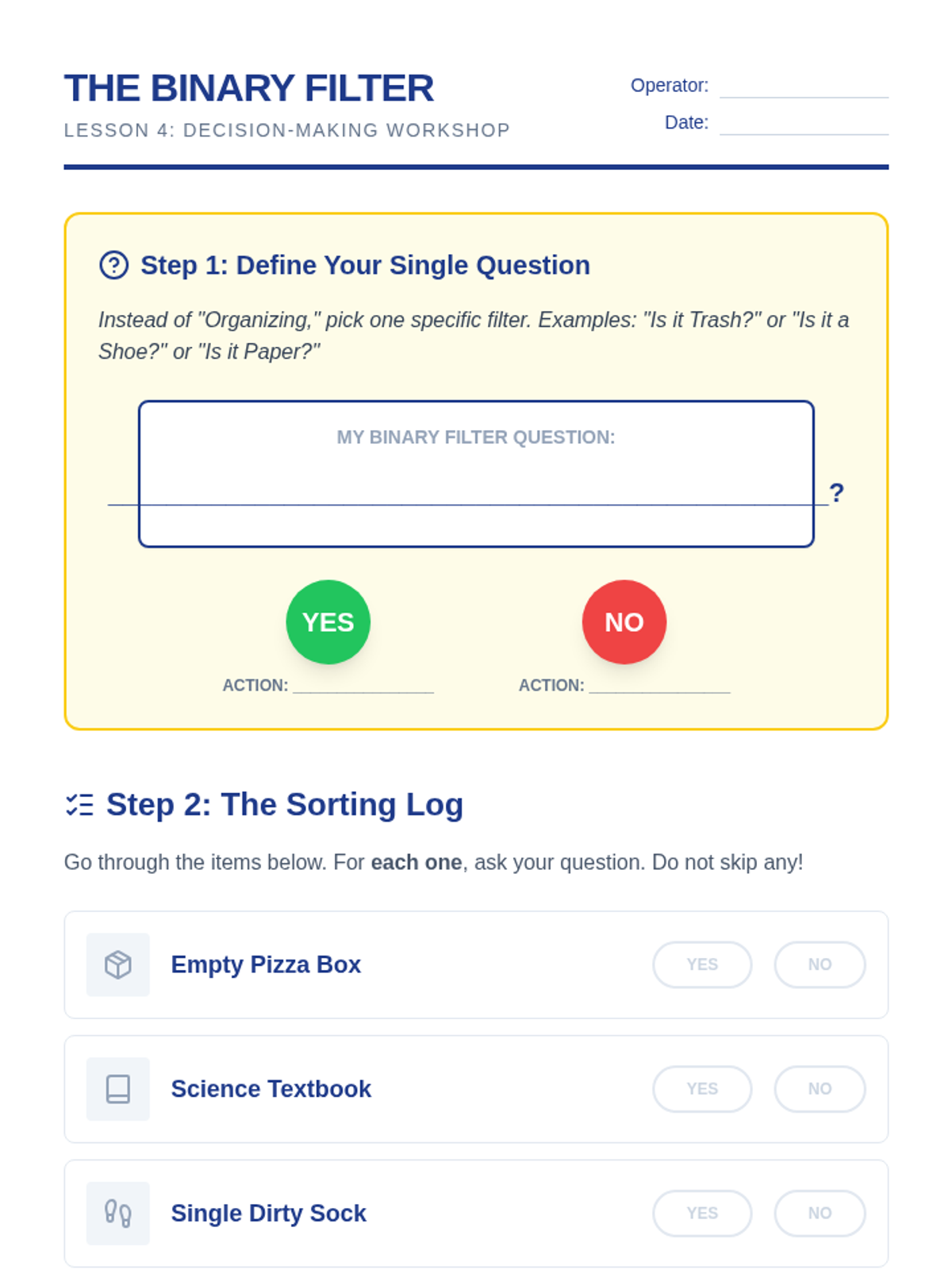
A worksheet for practicing the binary choice sorting method, including a decision flowchart and a practice sorting log for common household items.
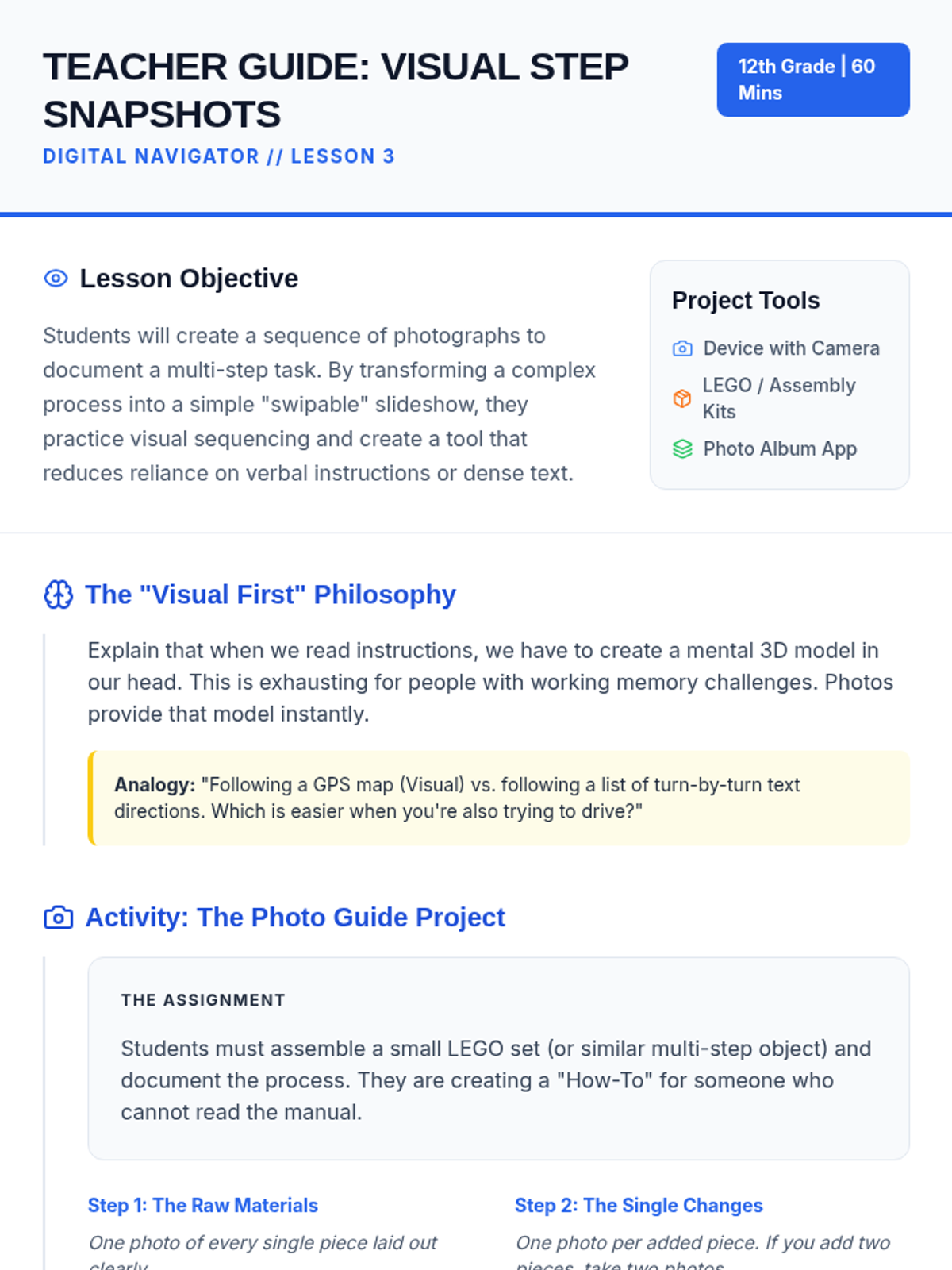
Teacher guide for Lesson 3: Visual Step Snapshots. Focuses on the "Visual First" philosophy, the Photo Guide project, and peer testing protocols.
Introductory slide deck for Lesson 4, introducing the skills of managing digital instructions through pacing, pausing, and playback speed.
A visual presentation teaching students to simplify complex organizational decisions into simple binary (Yes/No) questions to prevent decision fatigue.
Slide deck for Lesson 3: Visual Step Snapshots. Teaches the cognitive benefits of photo-based instructions and the "Swipe" workflow for creating step-by-step guides.
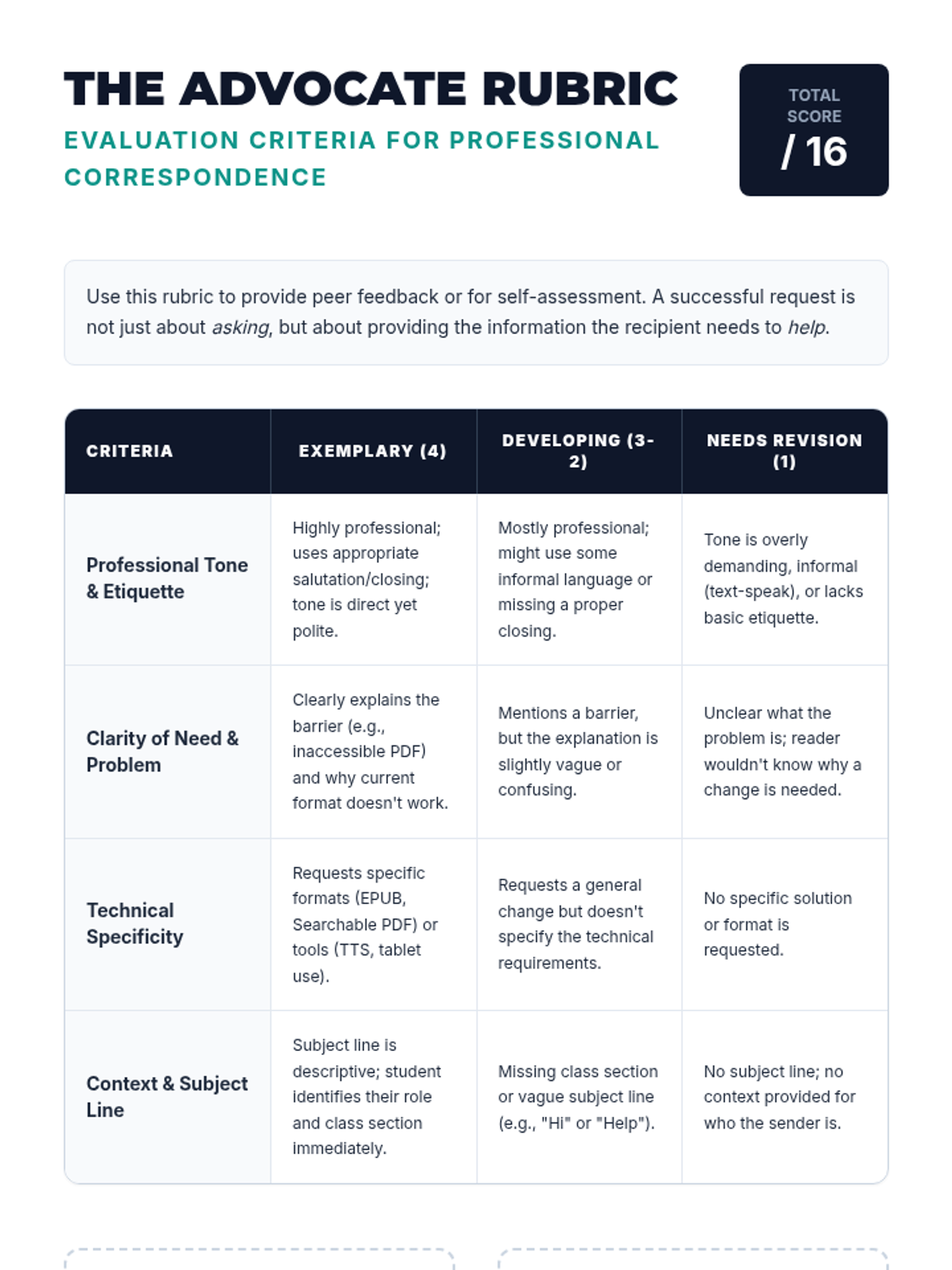
A professional correspondence rubric for peer and self-evaluation of accommodation request drafts.
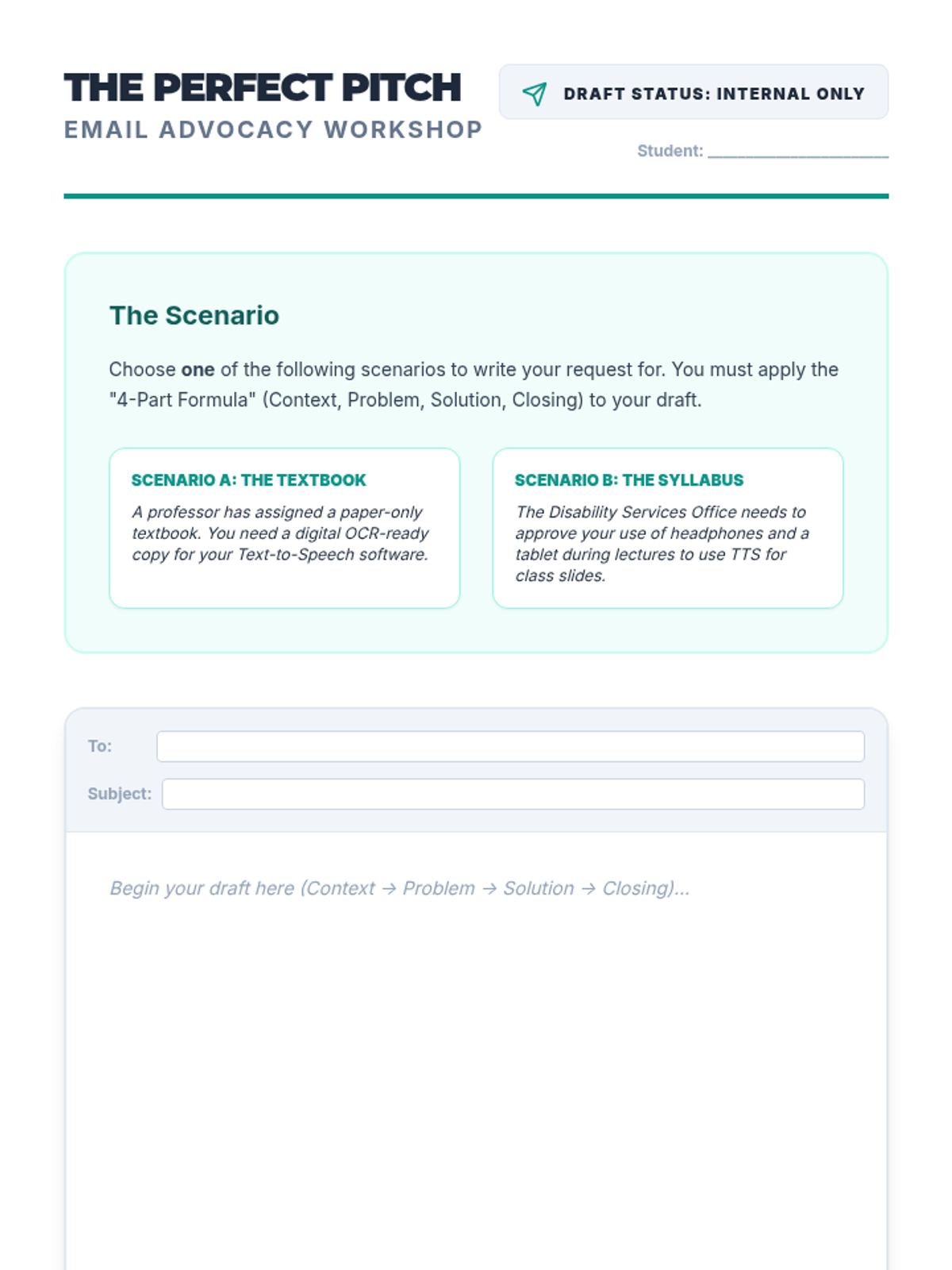
A worksheet for students to draft a professional accommodation request email using a 4-part formula.
Slides for Lesson 2 focusing on professional communication, tone, and the structure of an accommodation request email.
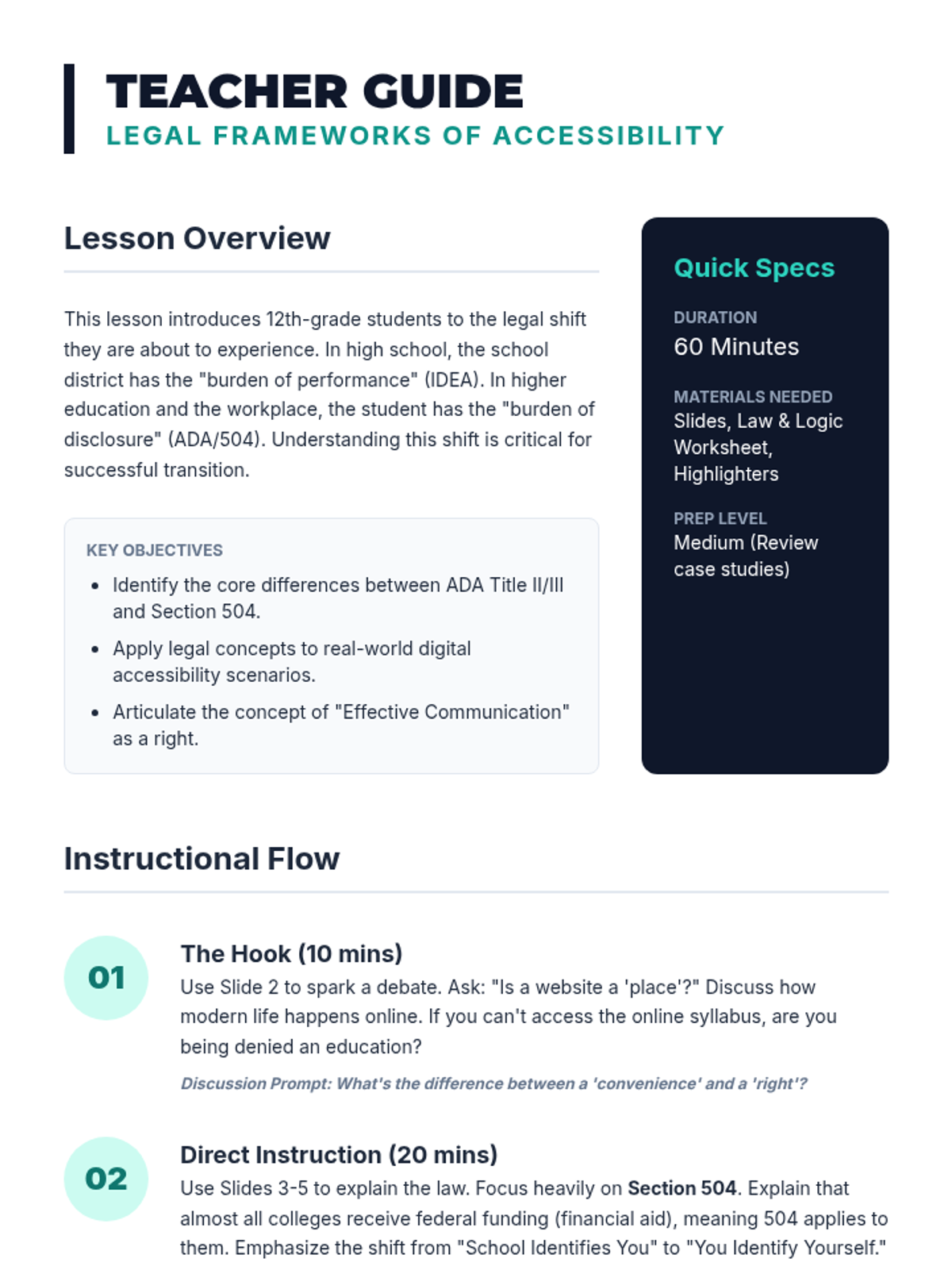
Teacher's guide for Lesson 1, providing instructional flow, discussion prompts, and clarification on key legal concepts.
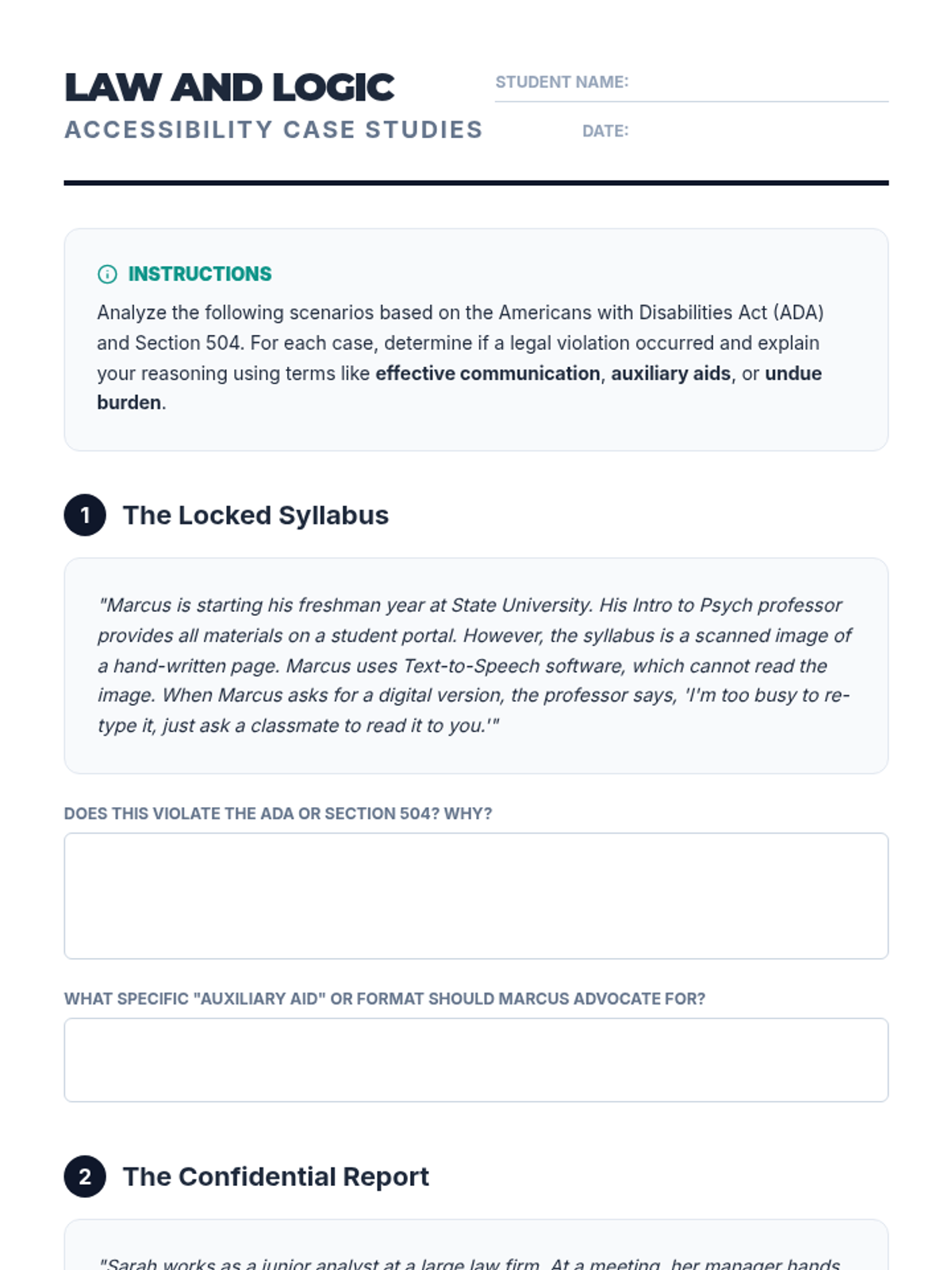
A worksheet containing two legal case studies for students to analyze based on ADA and Section 504 regulations regarding digital accessibility and TTS usage.
Introductory slides for Lesson 1, covering the ADA and Section 504 legal frameworks for digital accessibility.
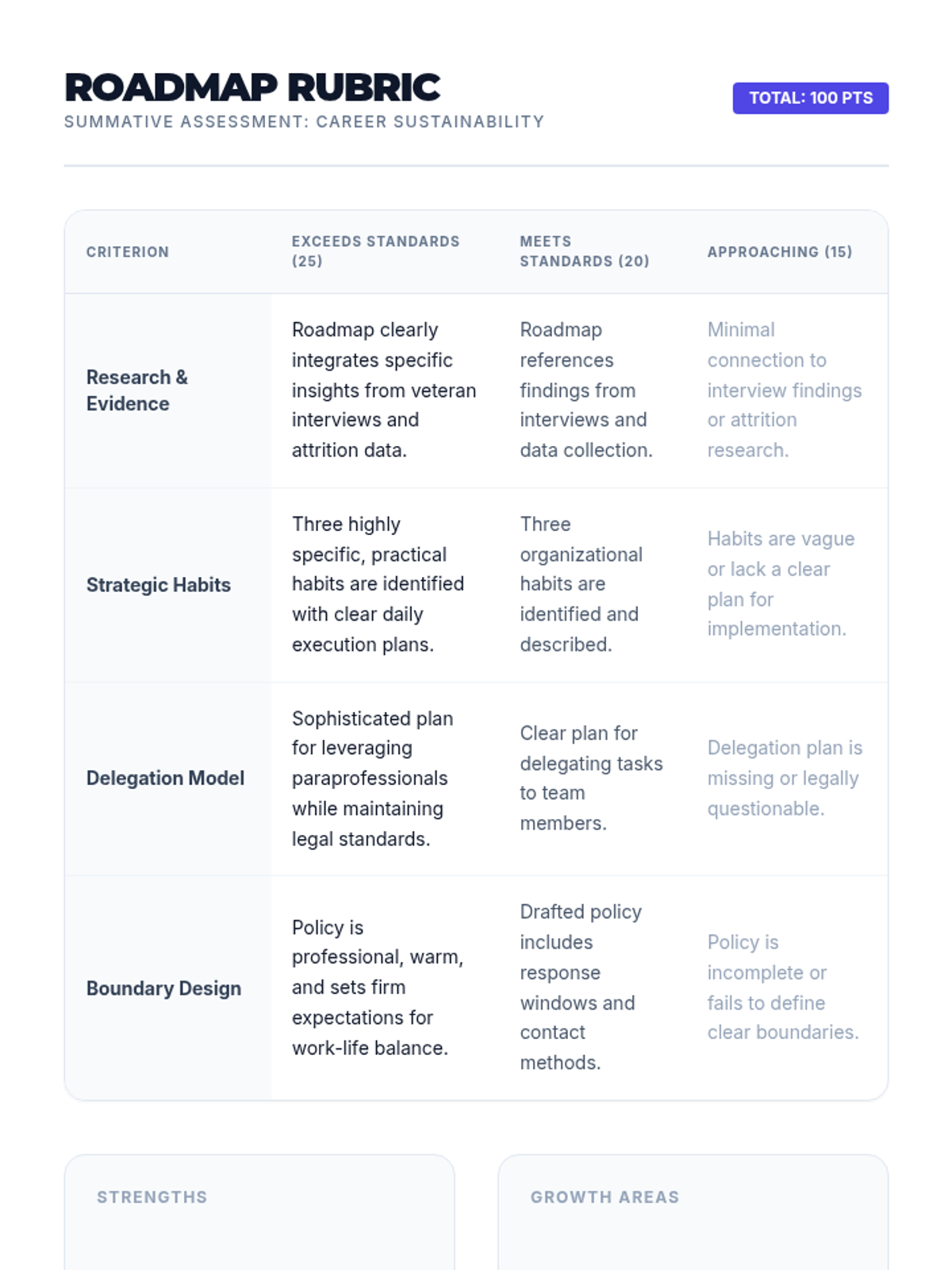
A grading rubric for the Sustainability Roadmap project, evaluating research integration, strategic habits, delegation planning, and boundary design.
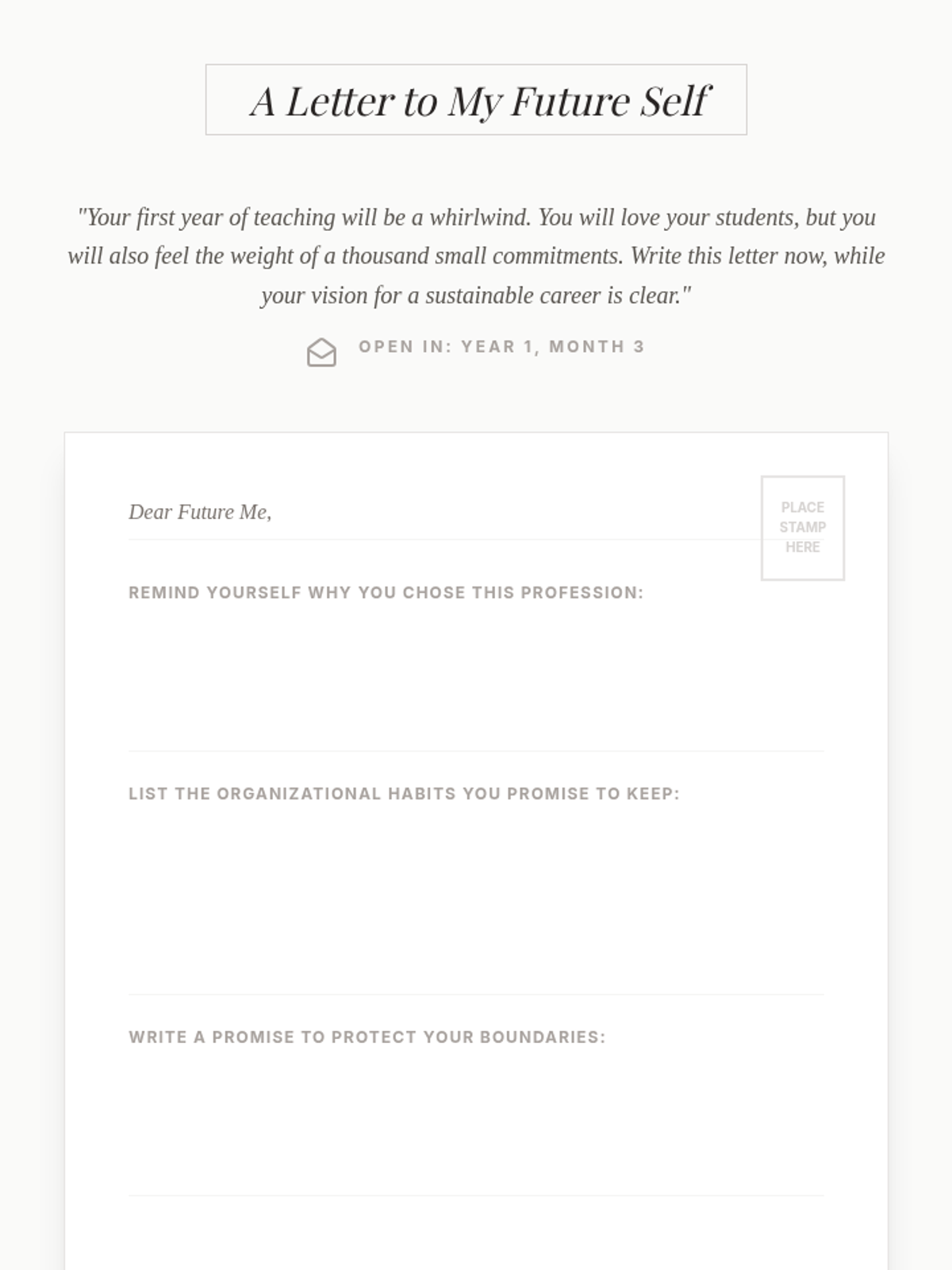
A creative reflection activity where students write a letter to their future selves, committing to the organizational habits and boundaries explored in the unit.
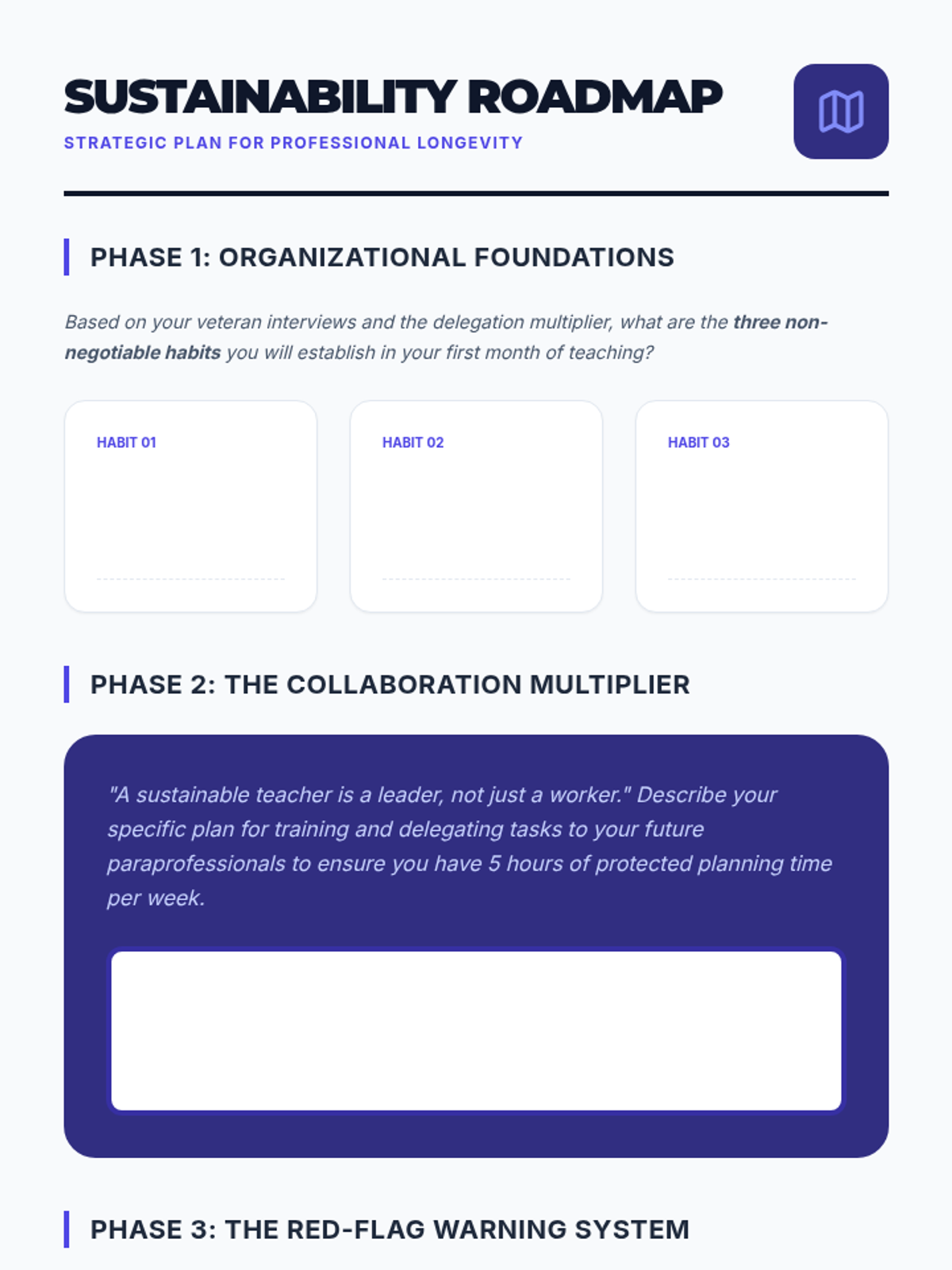
A comprehensive strategic planning document where students synthesize their learning into a personal 'Sustainability Roadmap' for their future teaching career.
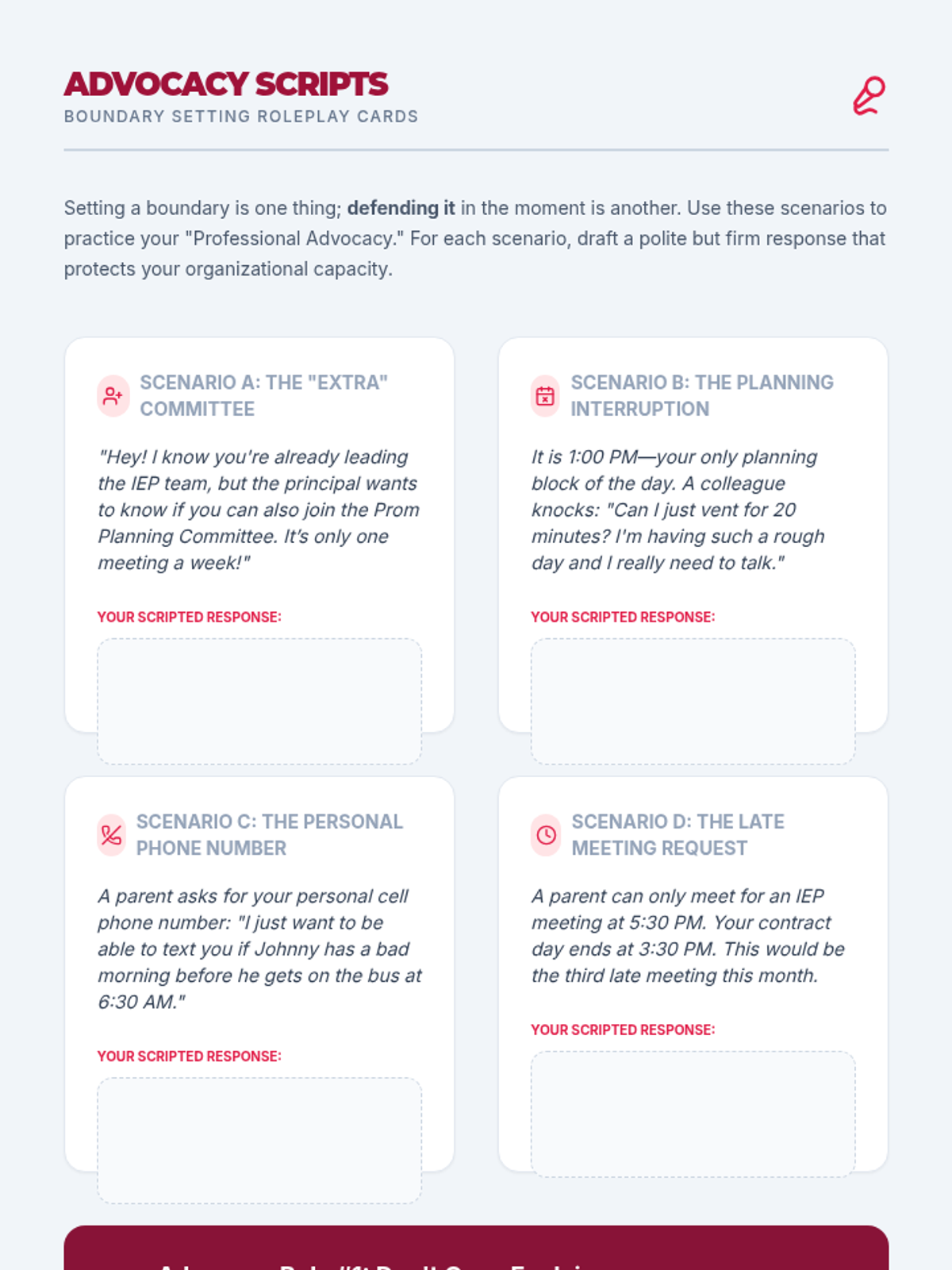
A set of roleplay scenarios and script-drafting exercises to help students practice professional advocacy and boundary-setting in common school situations.
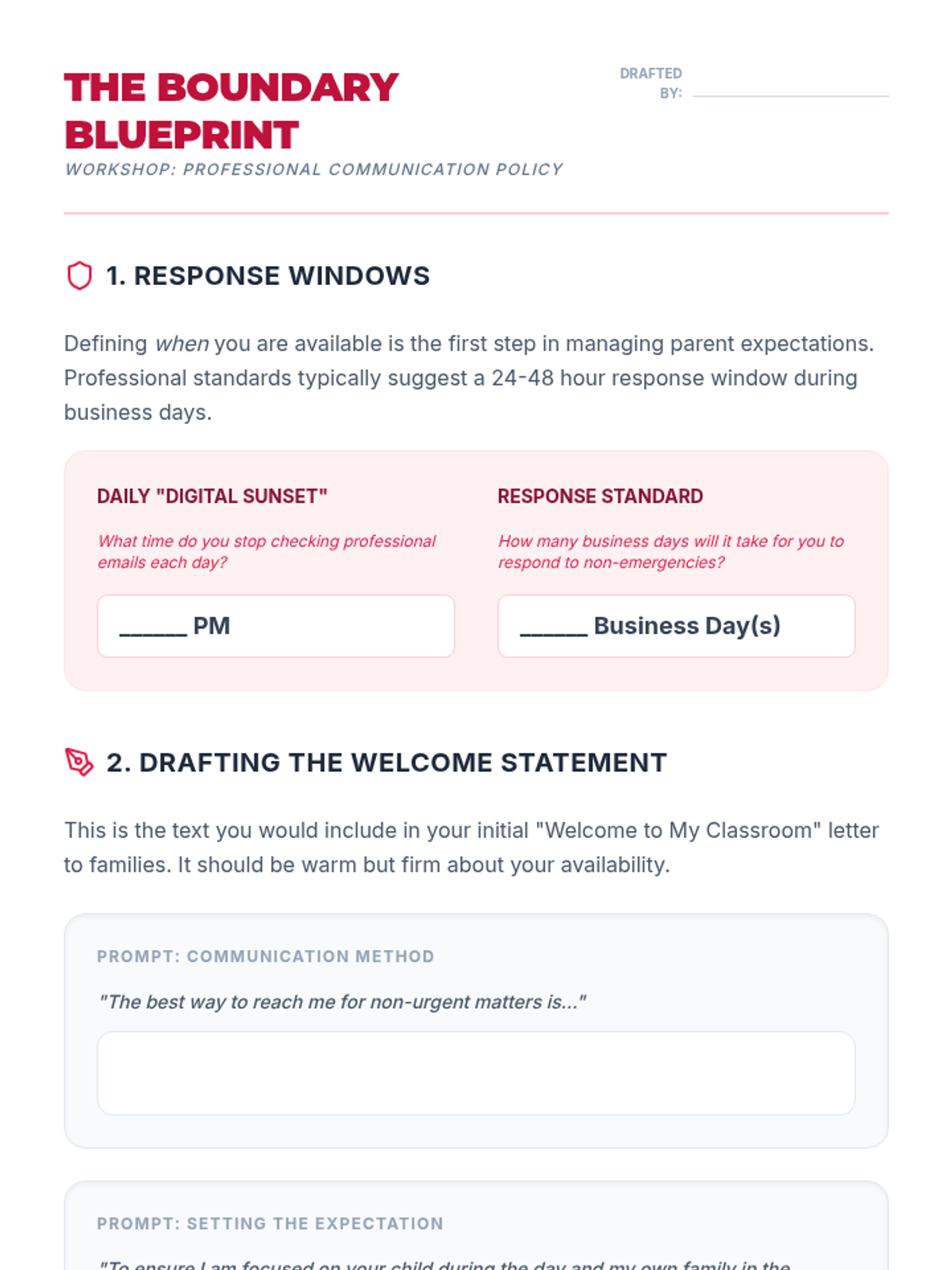
A workshop worksheet where students draft their own professional communication policies and response standards to maintain work-life balance.