Post-secondary education pathways, independent living requirements, and vocational training strategies for students with diverse needs. Targets career goal setting and the development of essential daily life skills for adult independence.
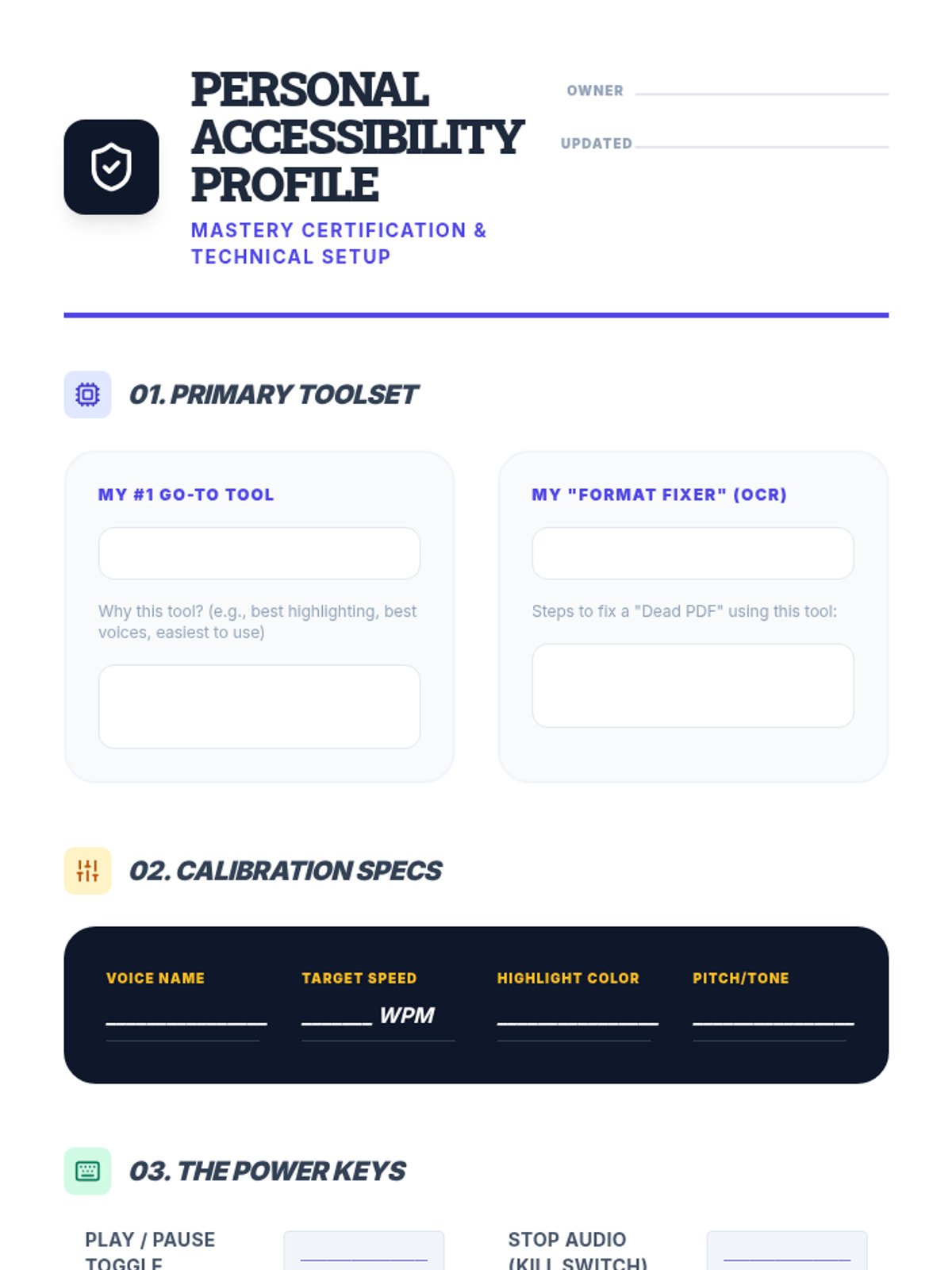
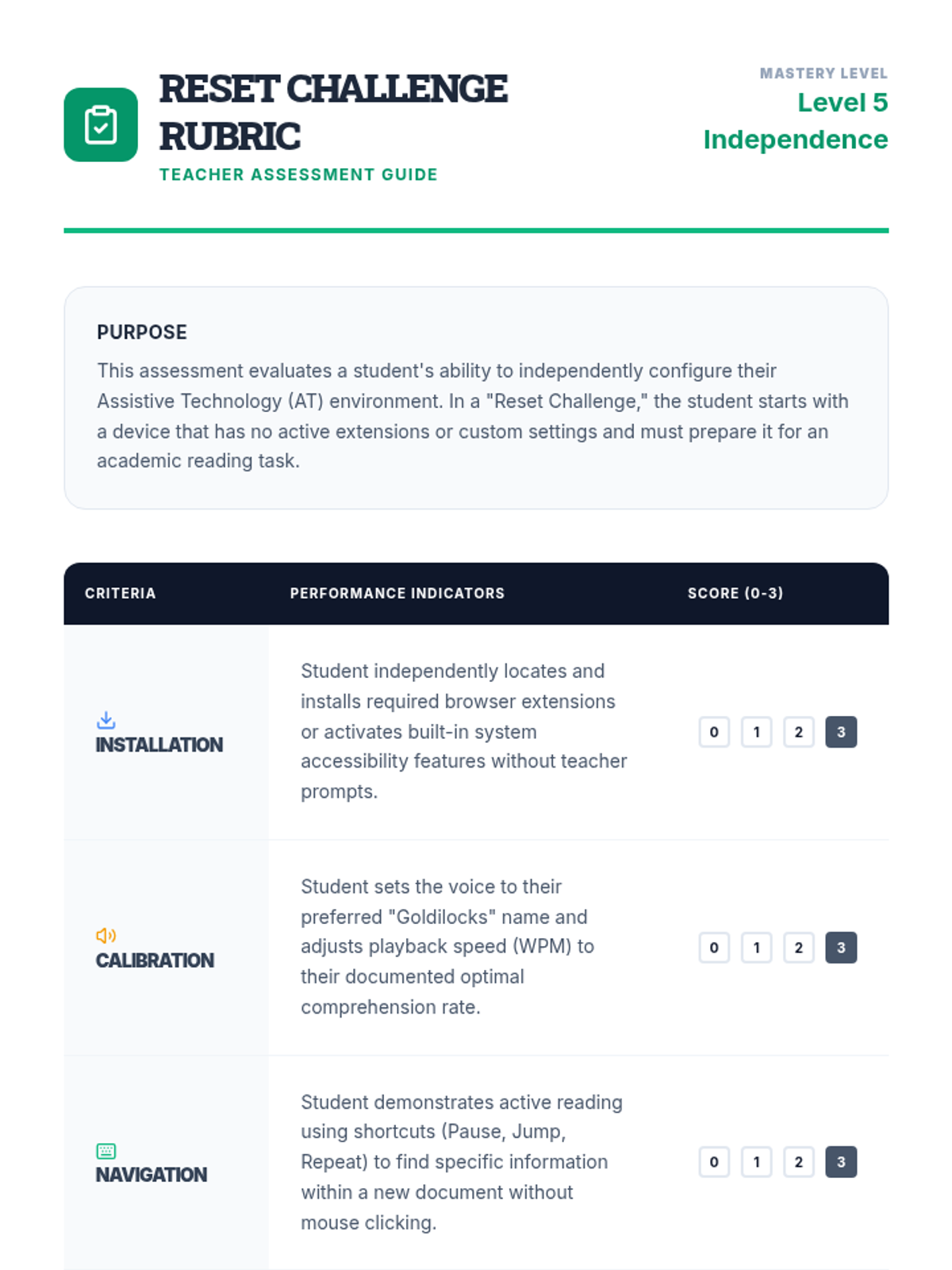
Students synthesize their preferences into a 'Personal Accessibility Profile' document that lists their preferred tools, settings, and strategies. They demonstrate mastery by configuring a 'clean' device to their specifications within a set time limit.
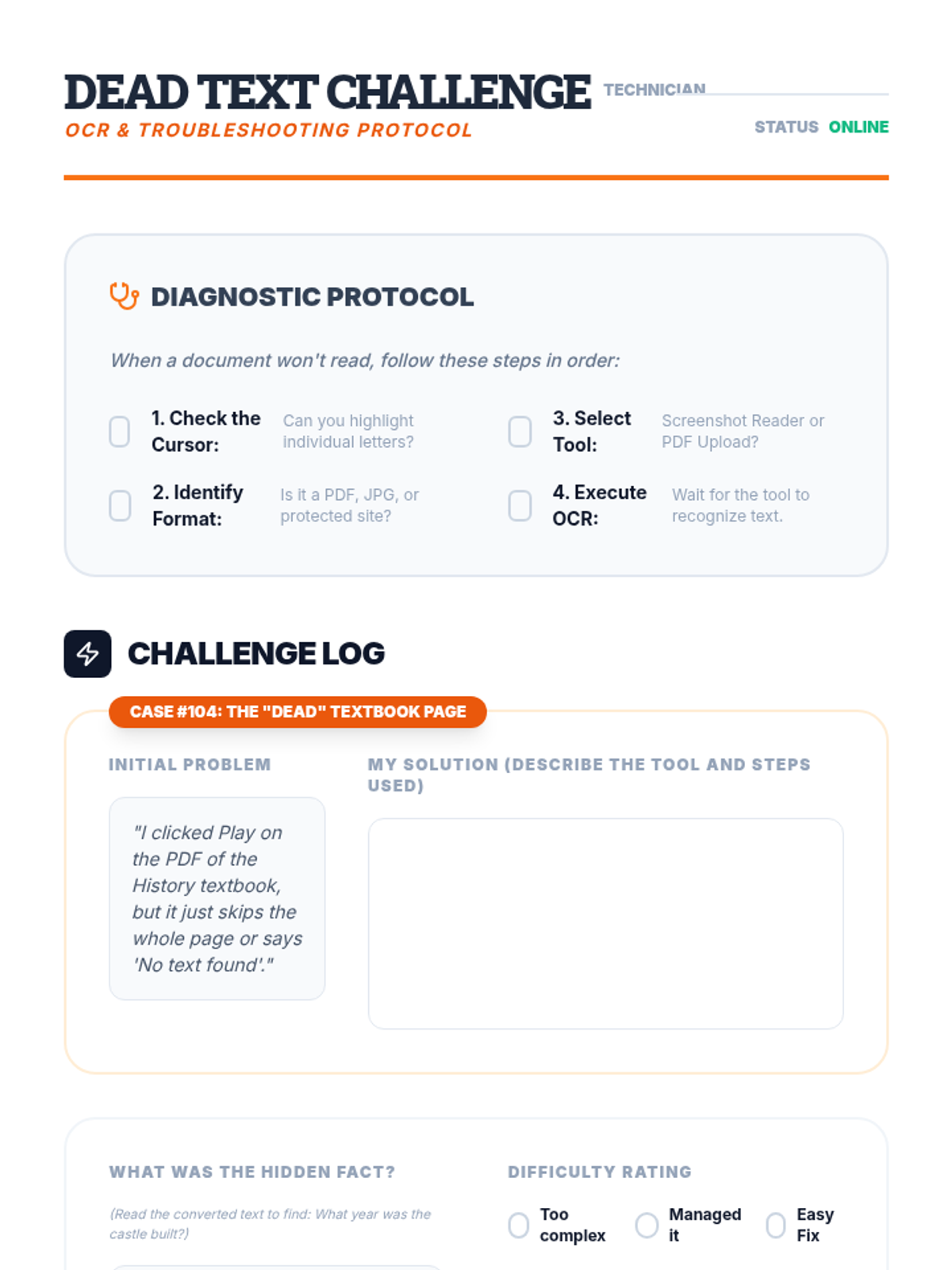
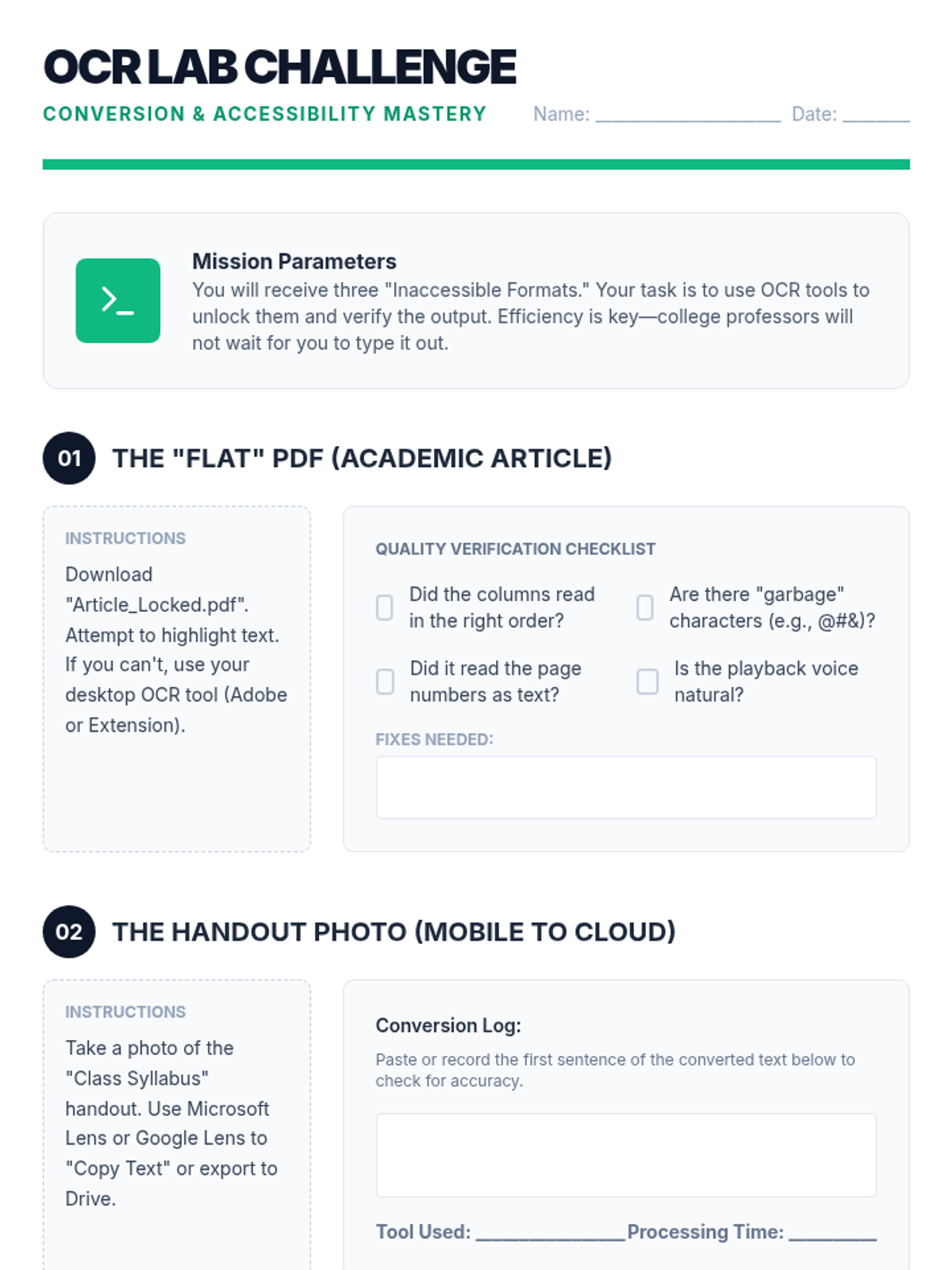
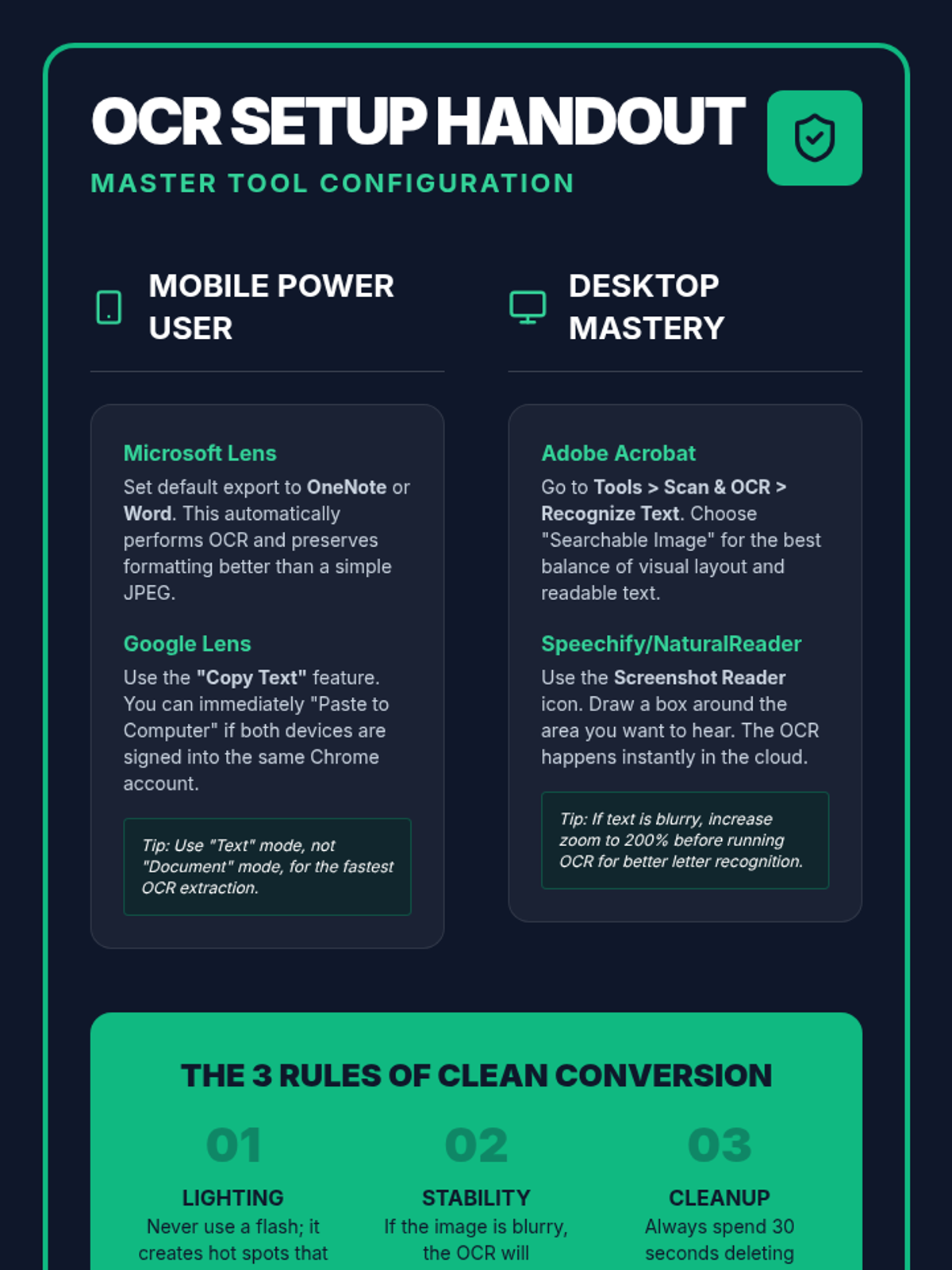
This lesson addresses common barriers, such as inaccessible PDFs or text embedded in images, by teaching students to use OCR (Optical Character Recognition) tools. Students practice converting 'dead text' into readable formats compatible with their TTS software.
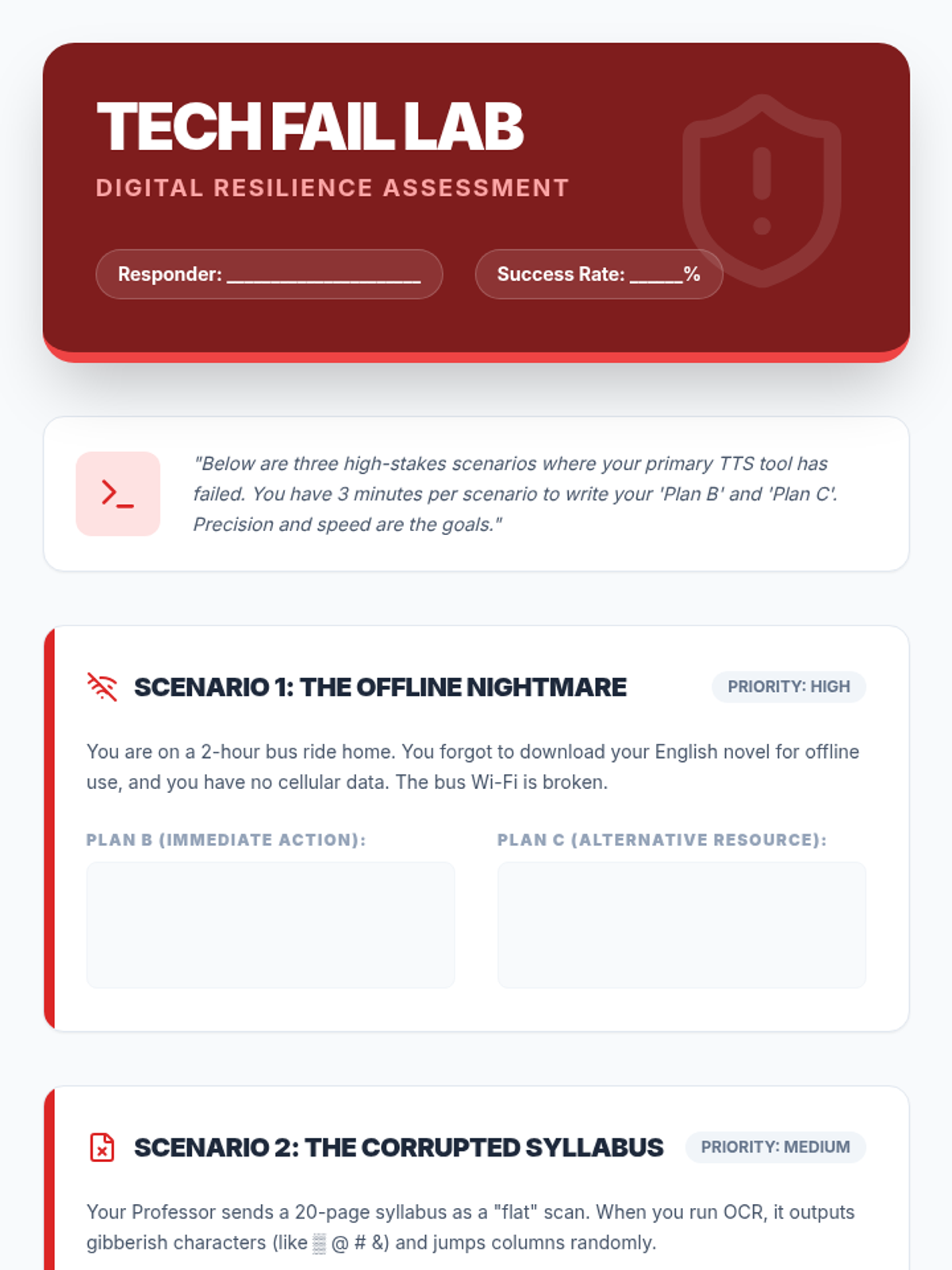
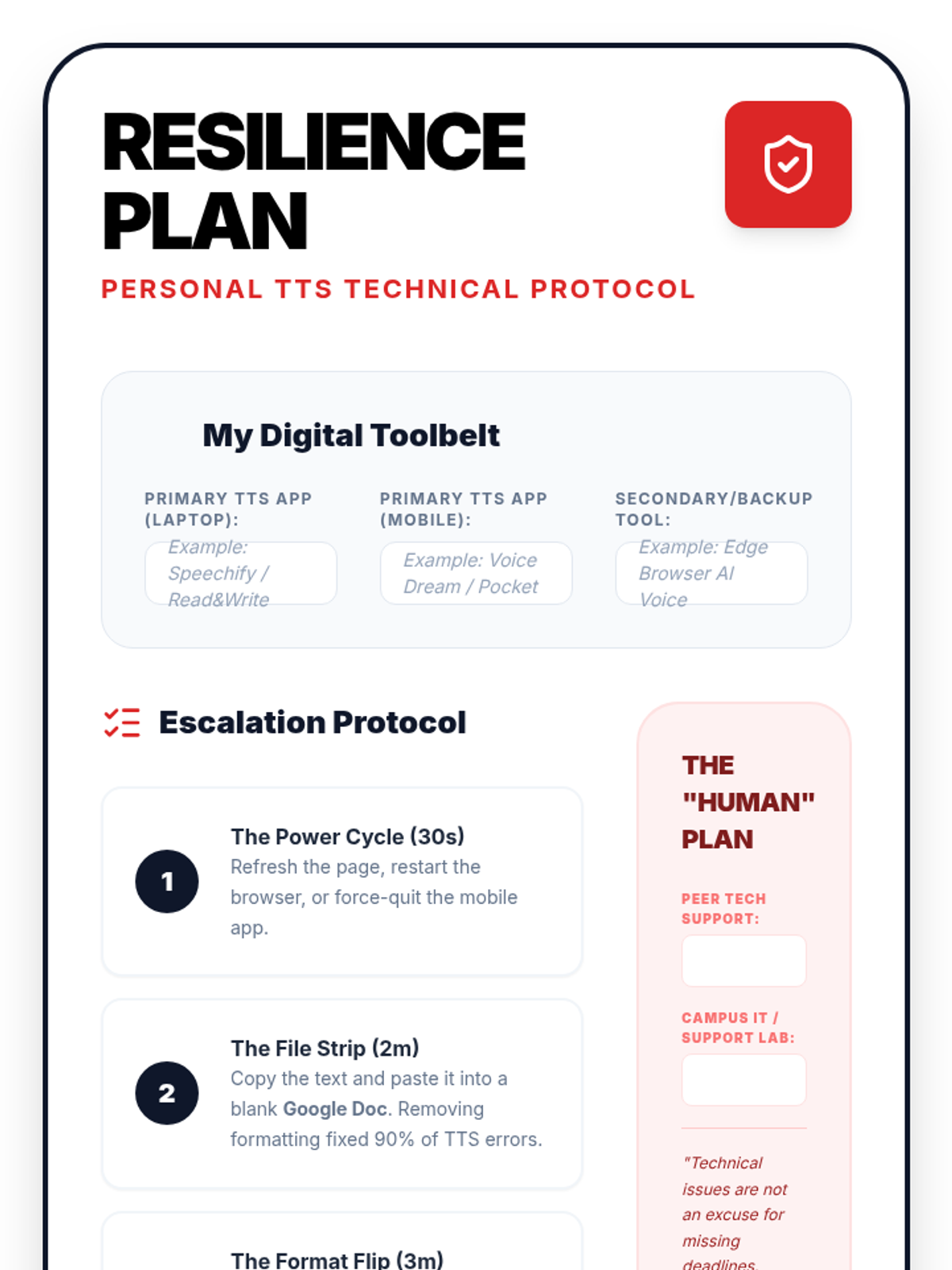
In this final lesson, students practice solving common TTS technical failures. They develop 'digital resilience' by creating backup plans for high-stakes academic situations.
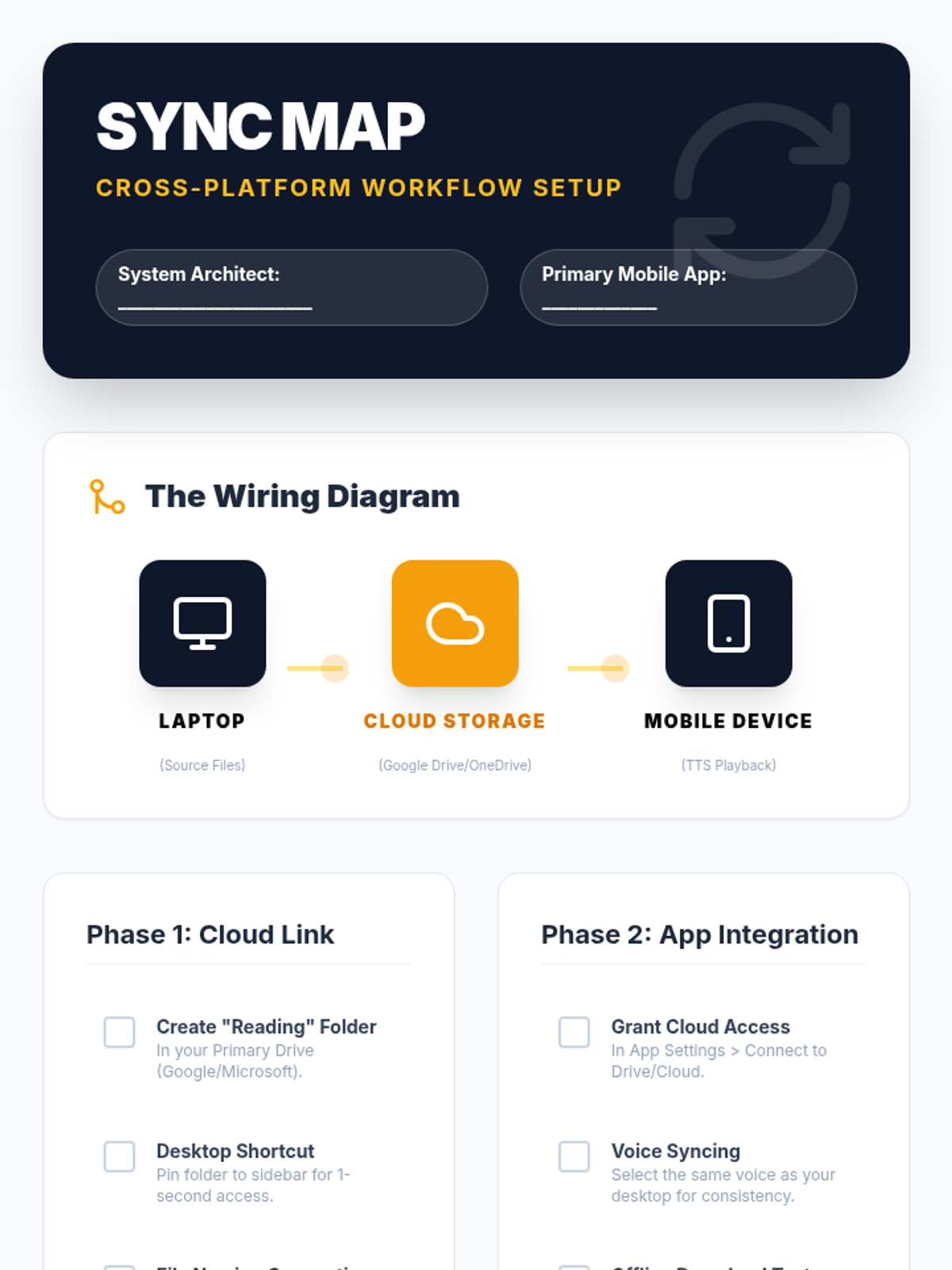
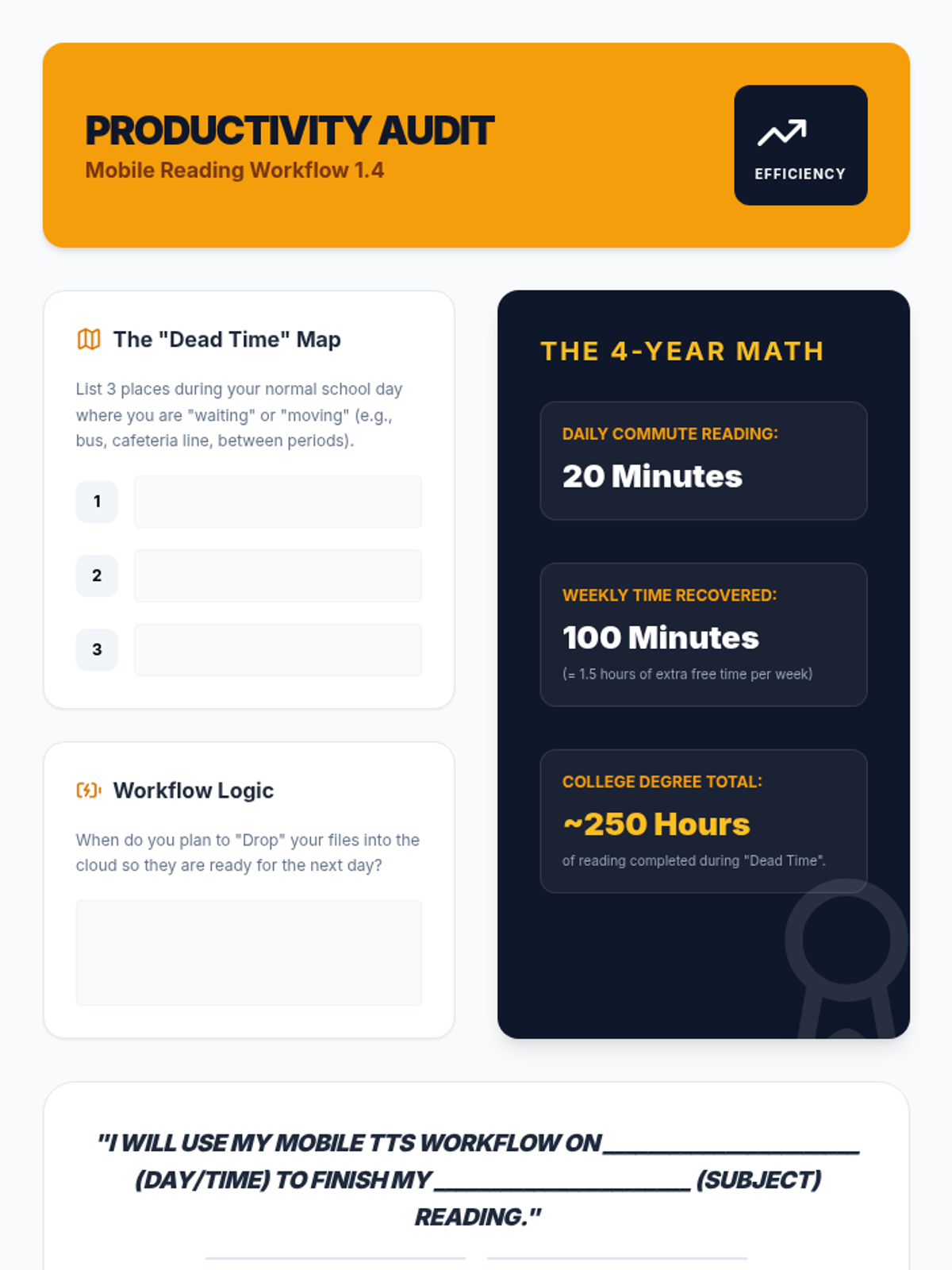
Students set up mobile reading ecosystems, syncing their computer-based reading lists with mobile devices for on-the-go learning and effective time management.
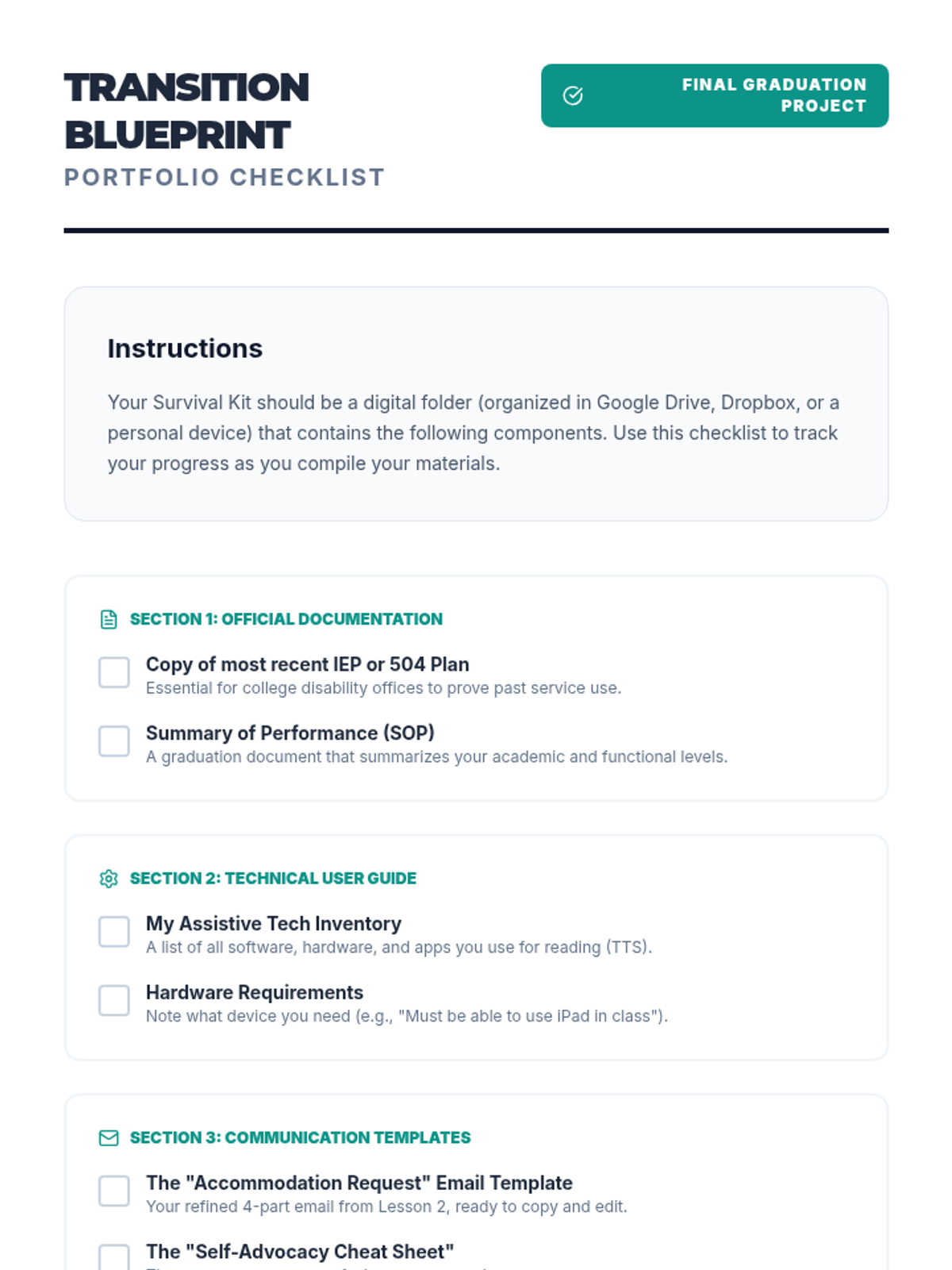
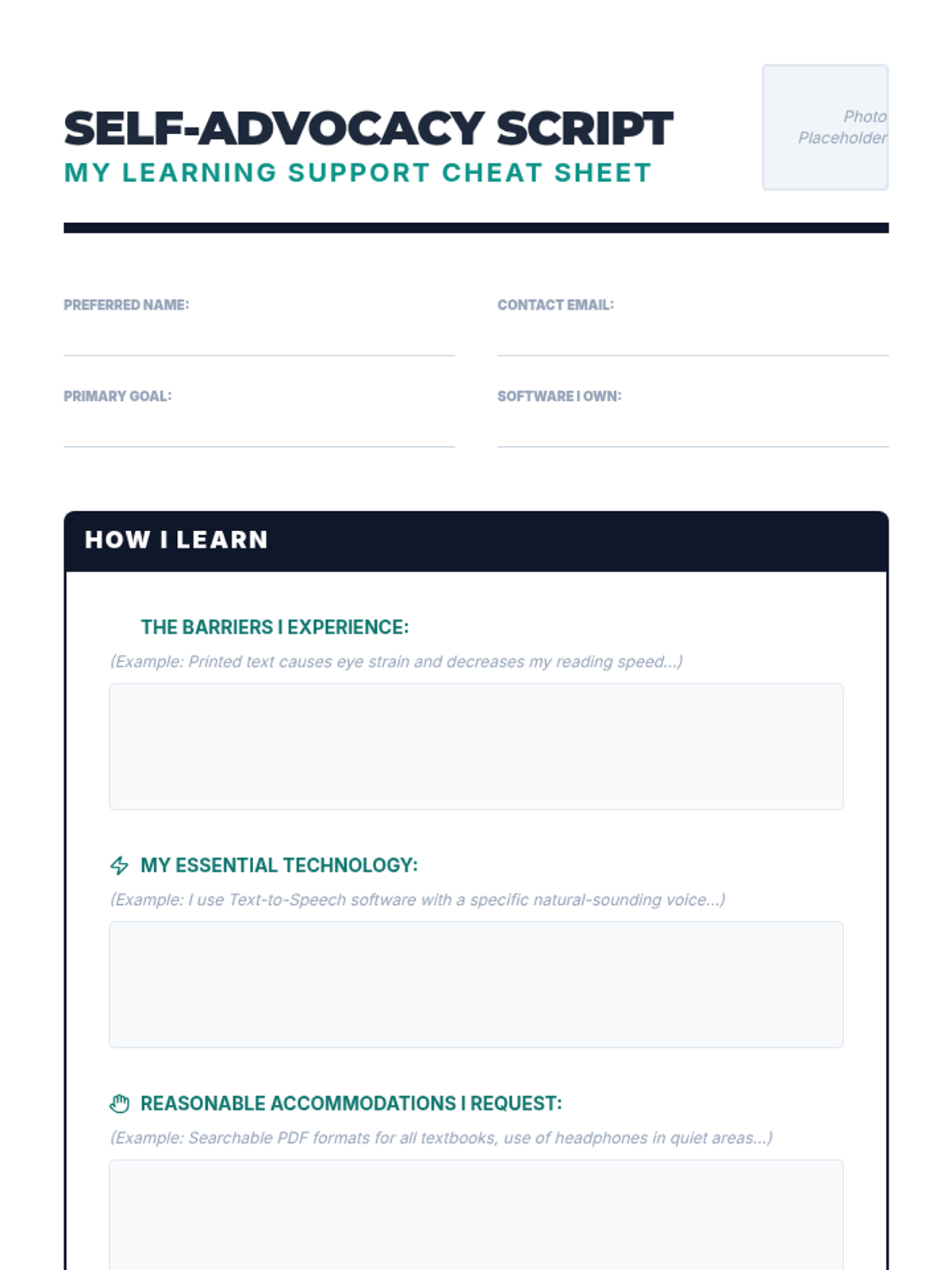
In this culminating lesson, students compile a digital portfolio listing their preferred software, proof of diagnosis/need, and templates for requesting accommodations.
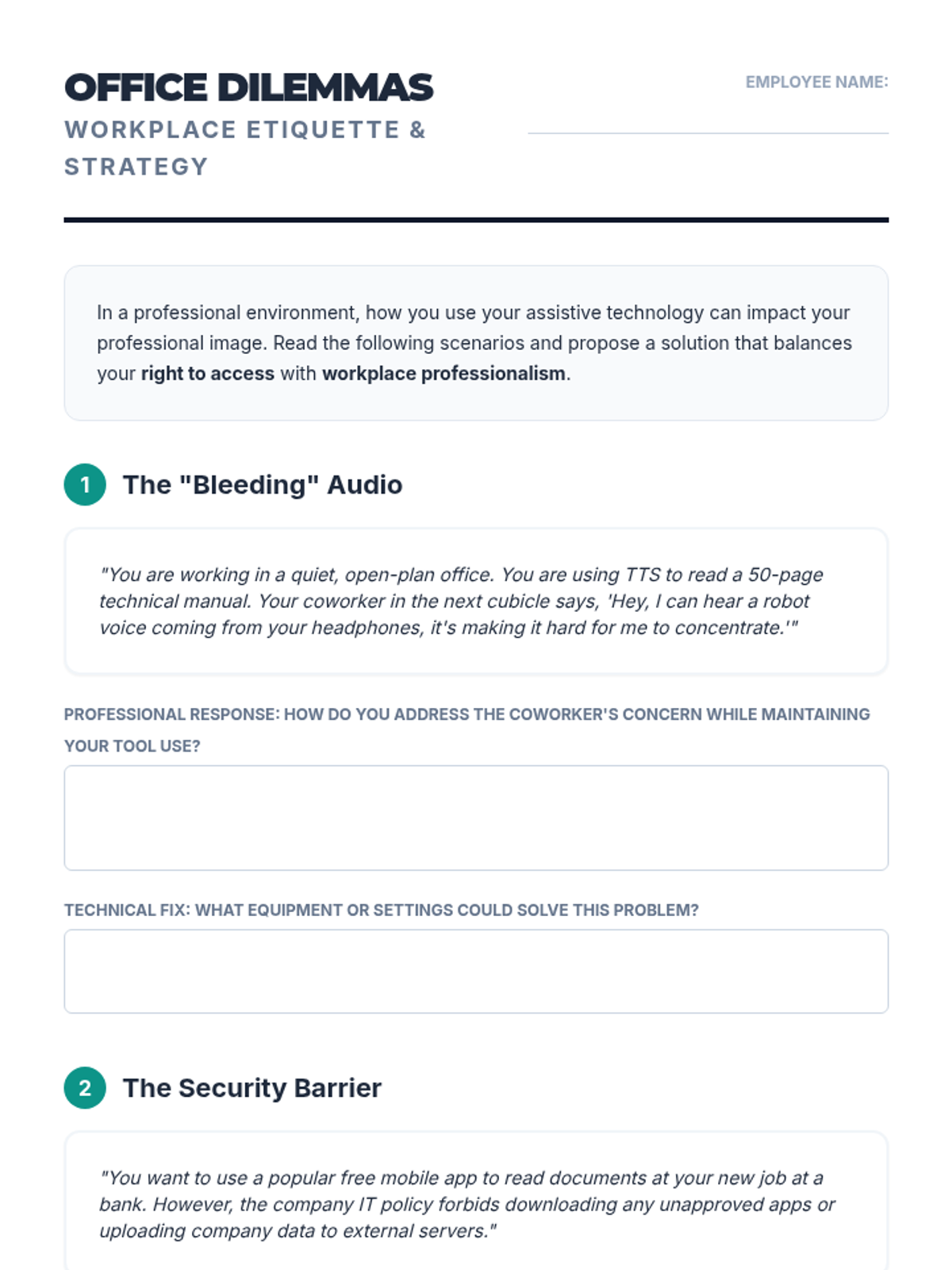
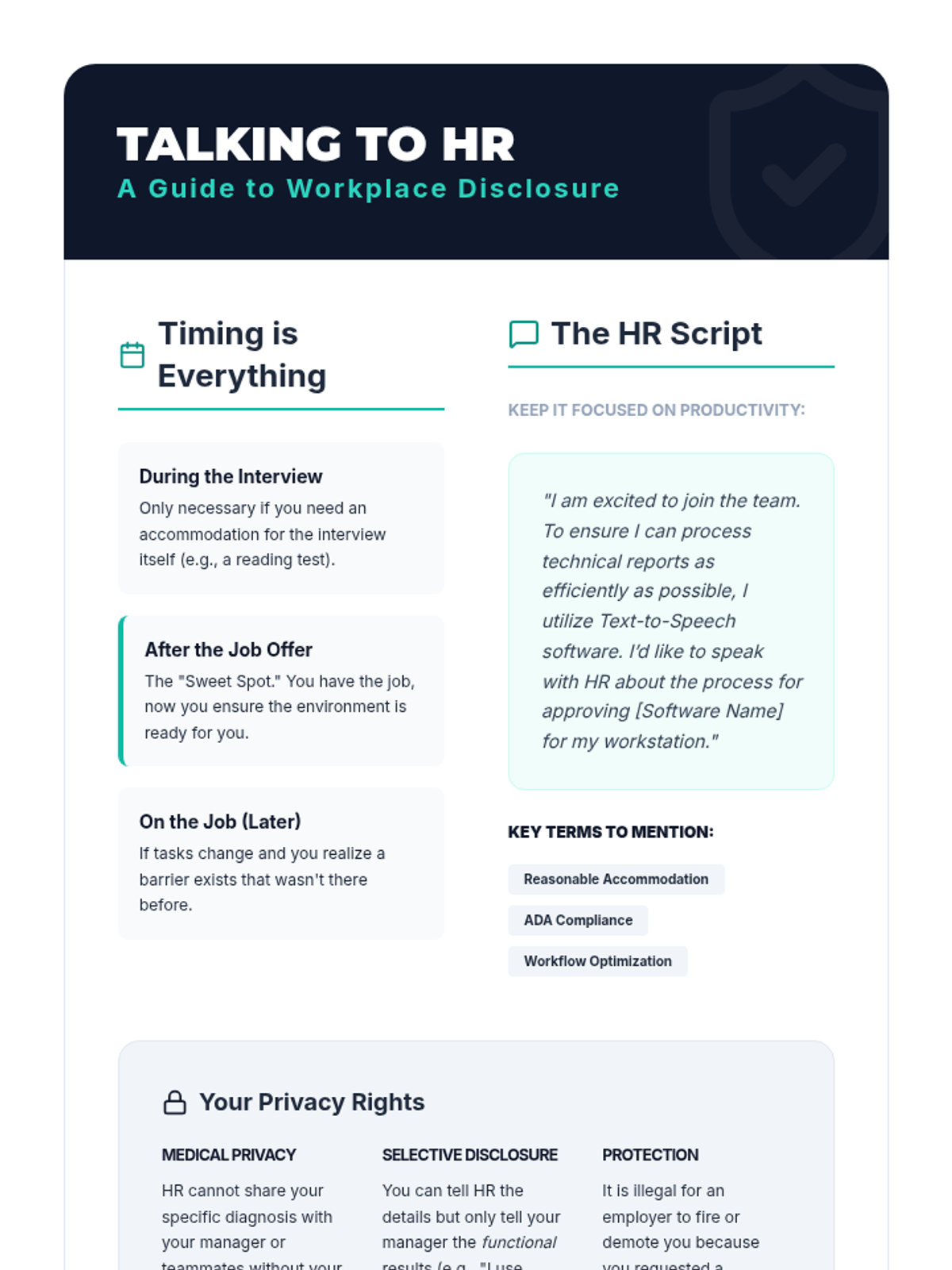
Students explore how TTS is perceived and utilized in corporate environments versus academic ones. They analyze workplace scenarios involving confidentiality, open-office etiquette, and disclosure to HR.
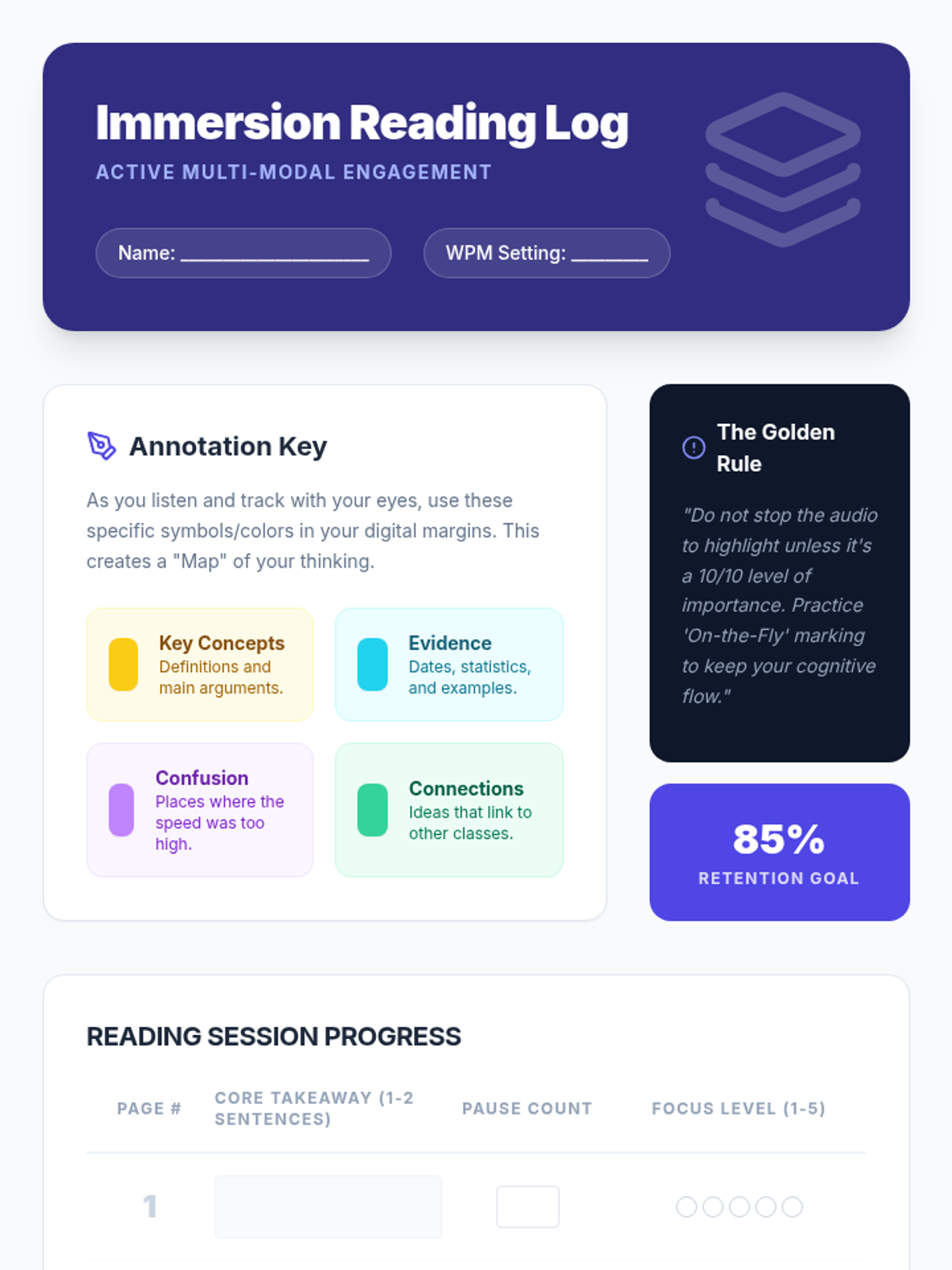
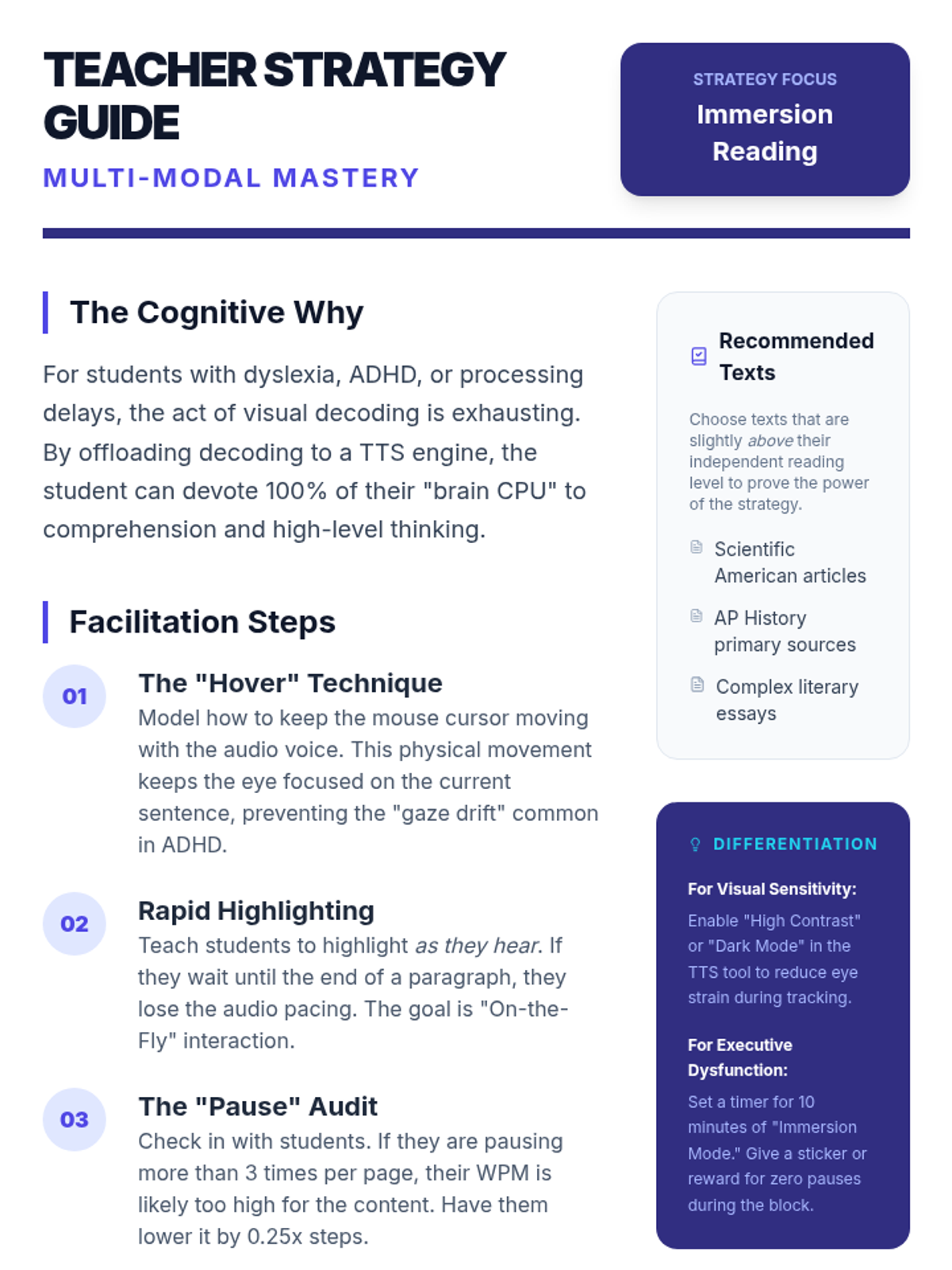
This lesson focuses on 'immersion reading'—the simultaneous use of auditory and visual input. Students learn to use digital annotation tools to mark up text while listening.
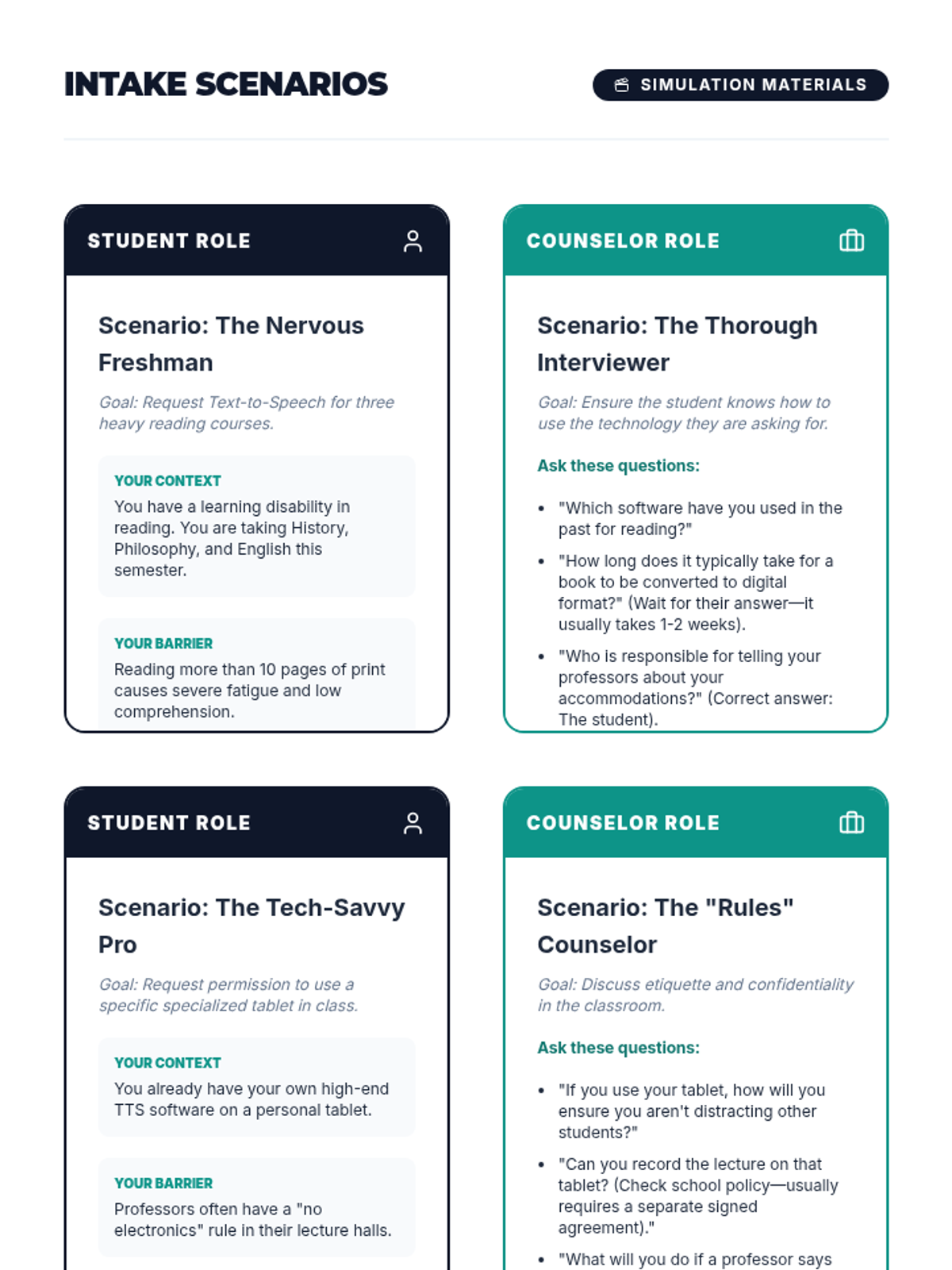
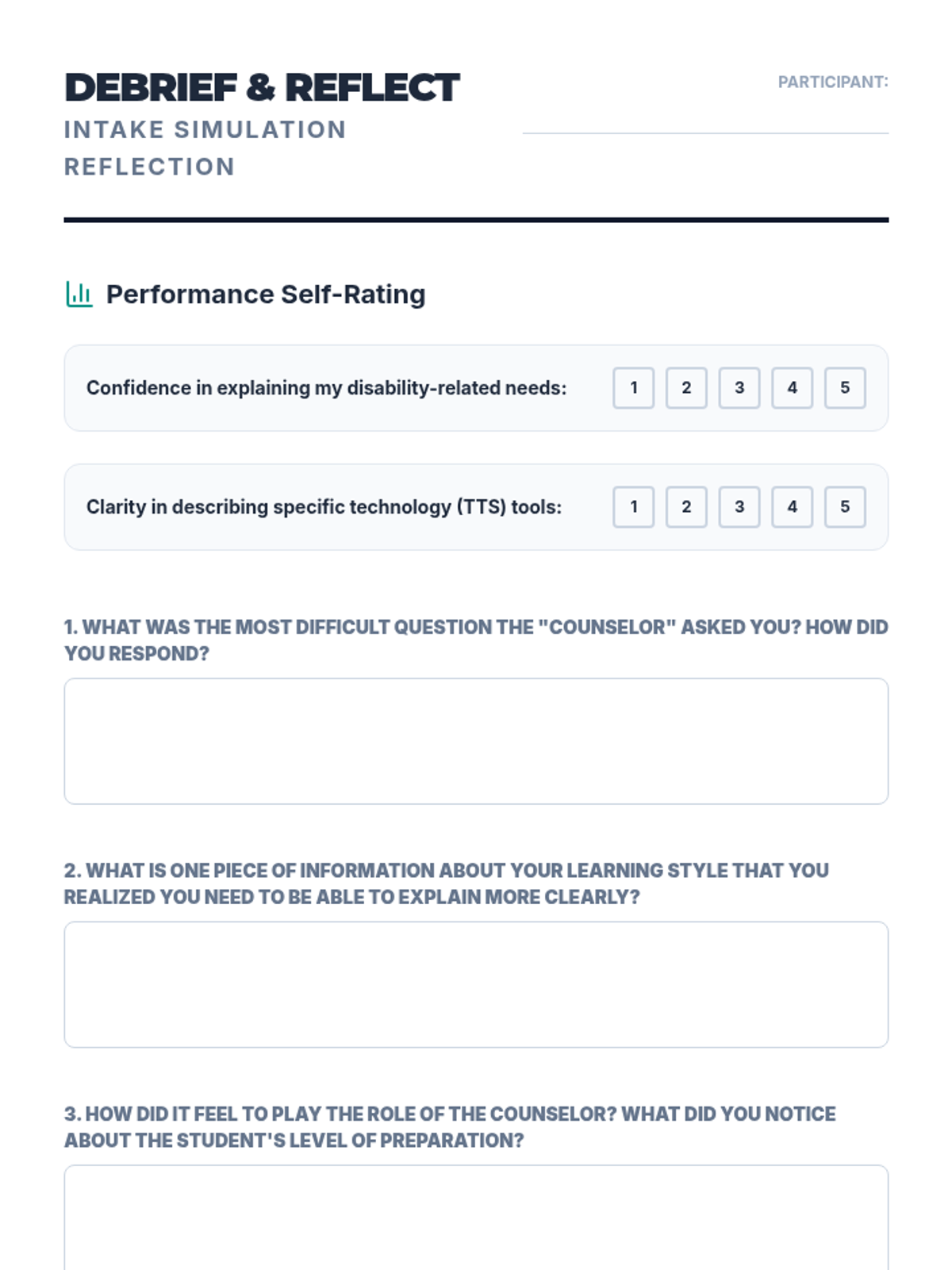
Using role-play, students practice the intake interview process common in college disability support centers. One student plays the counselor, the other the student explaining their need for TTS software and digital formats.
Students tackle inaccessible text formats using Optical Character Recognition (OCR). They will learn to convert images and flat PDFs into editable, readable text for TTS tools.
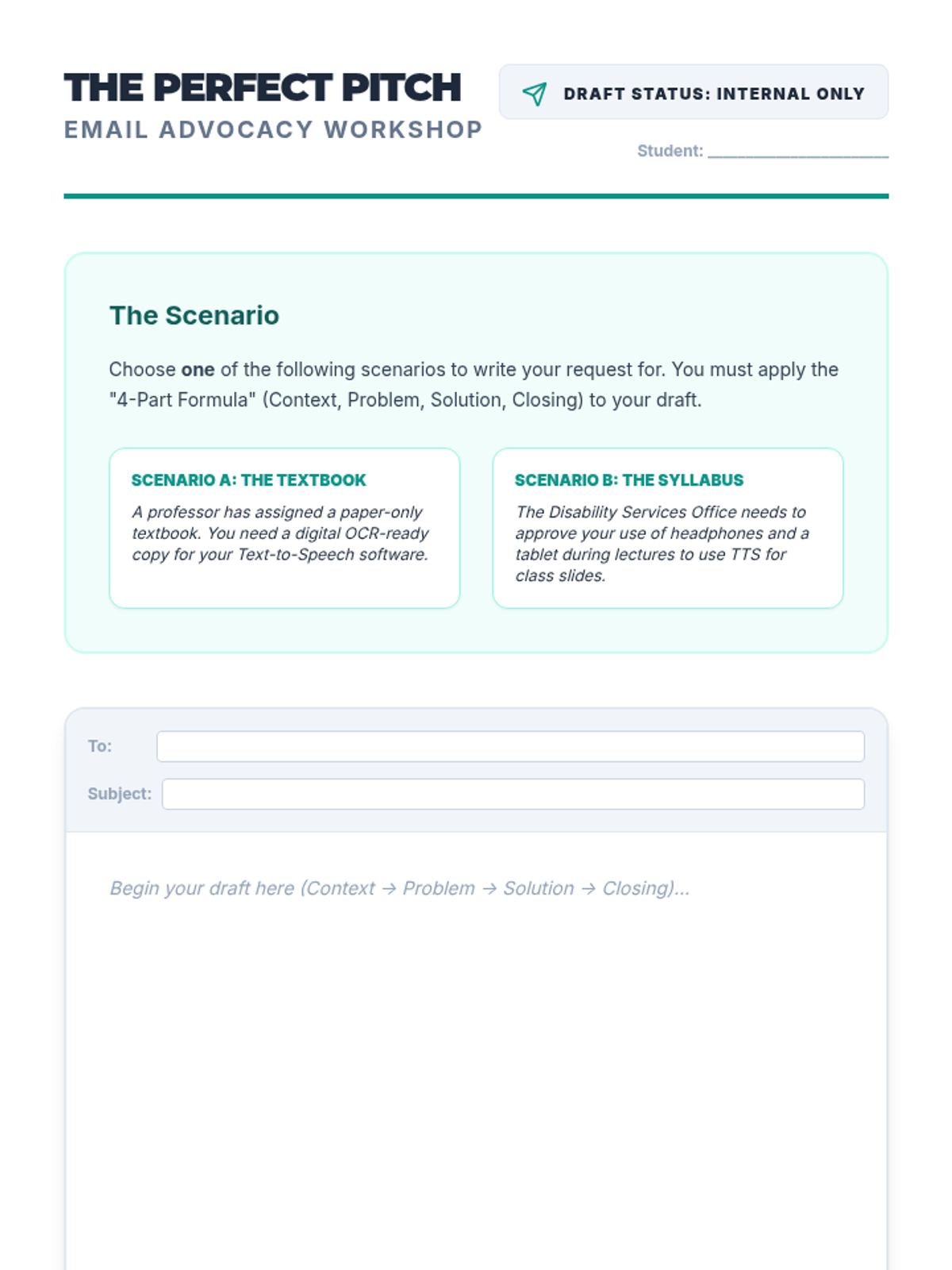
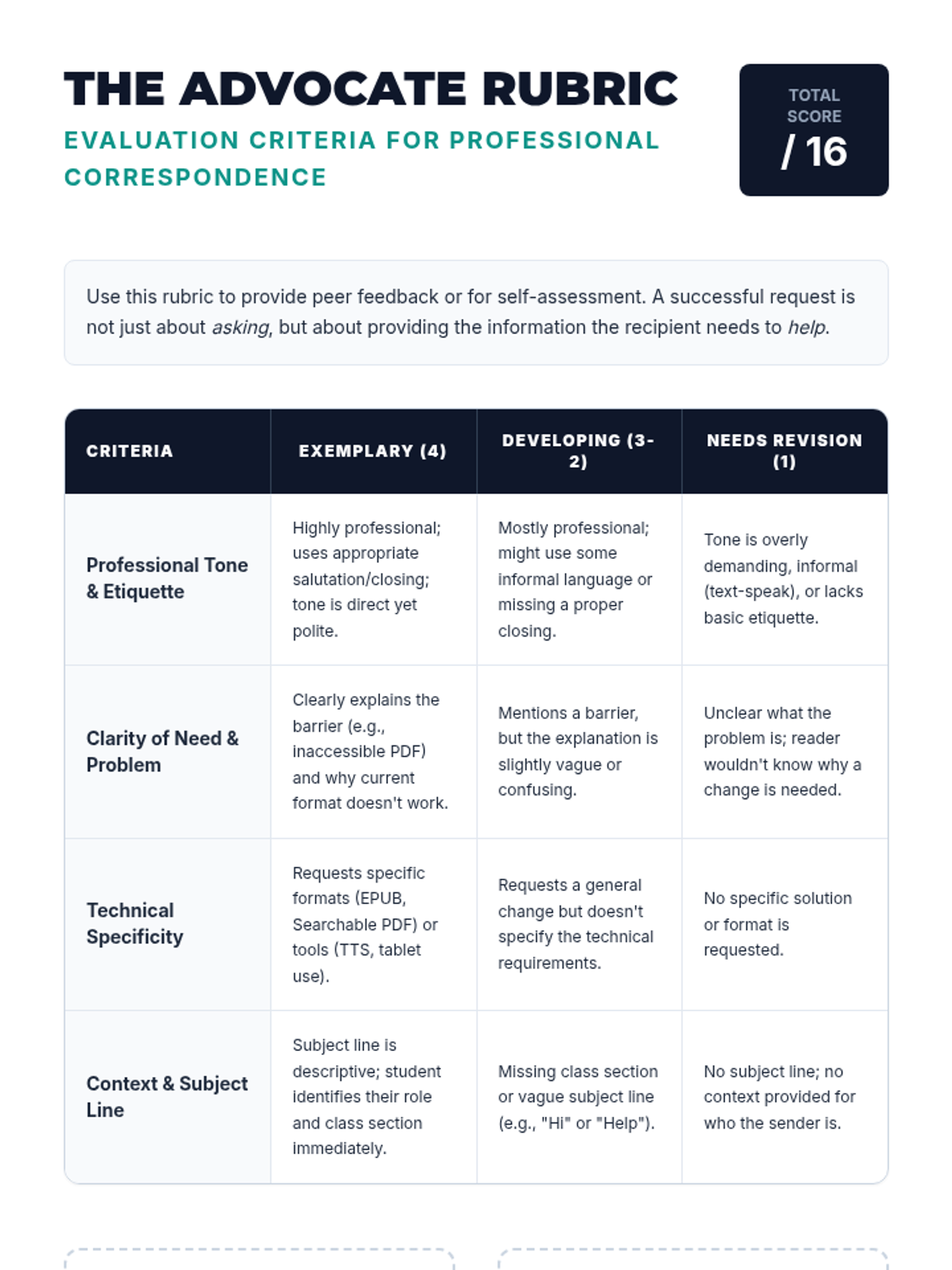
Students draft professional emails and scripts to request digital text formats from professors or disability service offices. They focus on professional tone, clarity of need, and specific technical requirements.
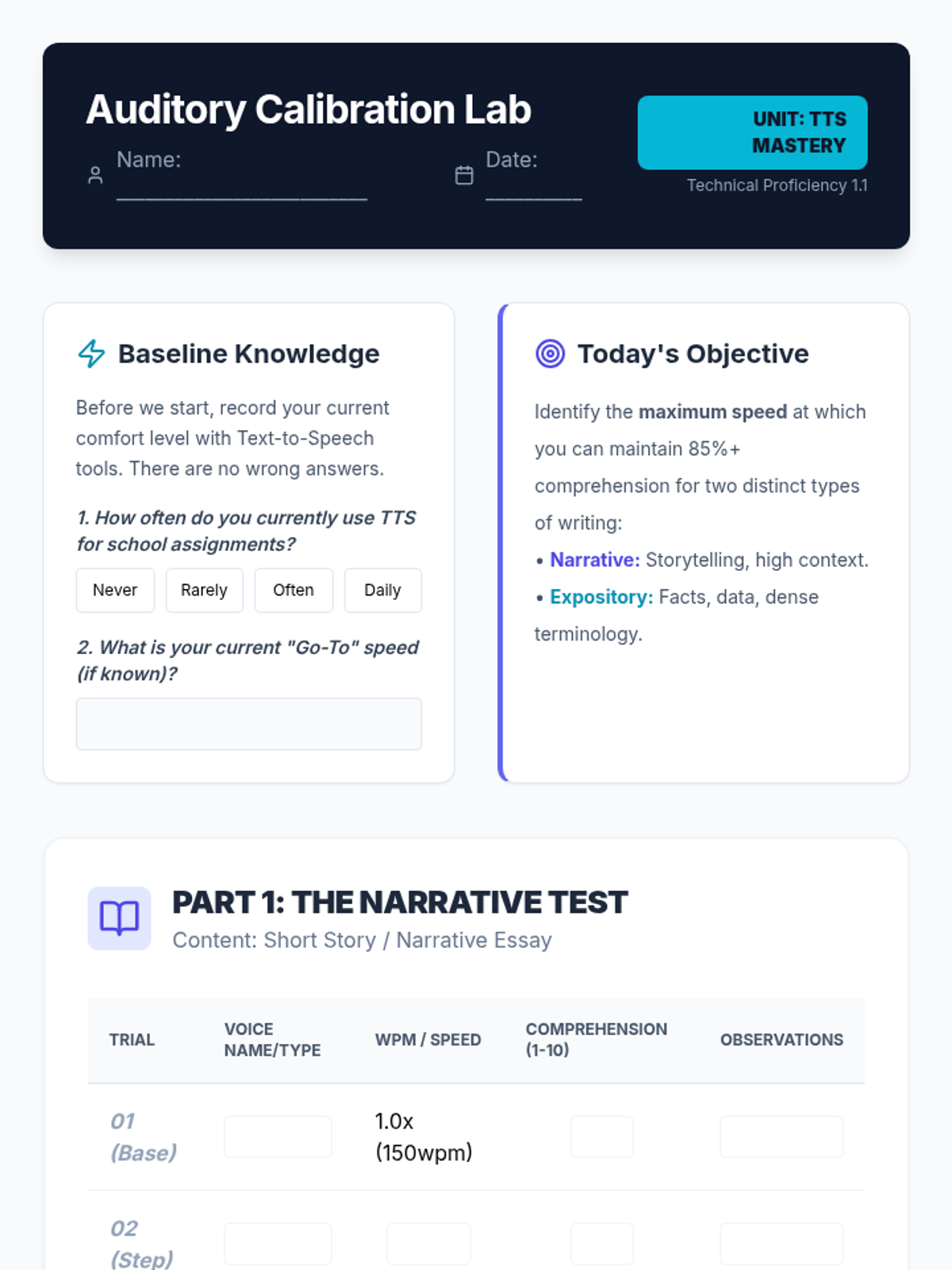
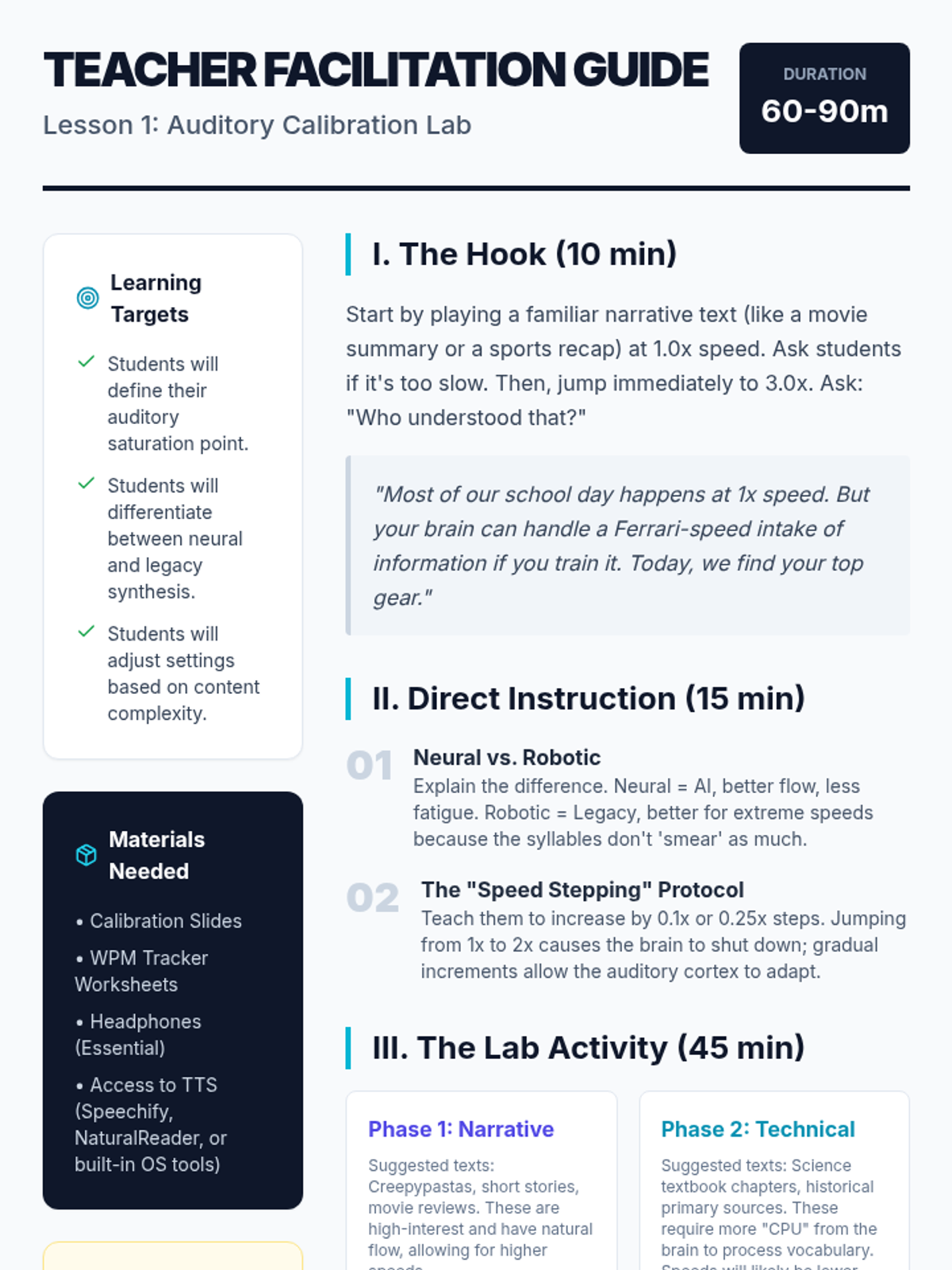
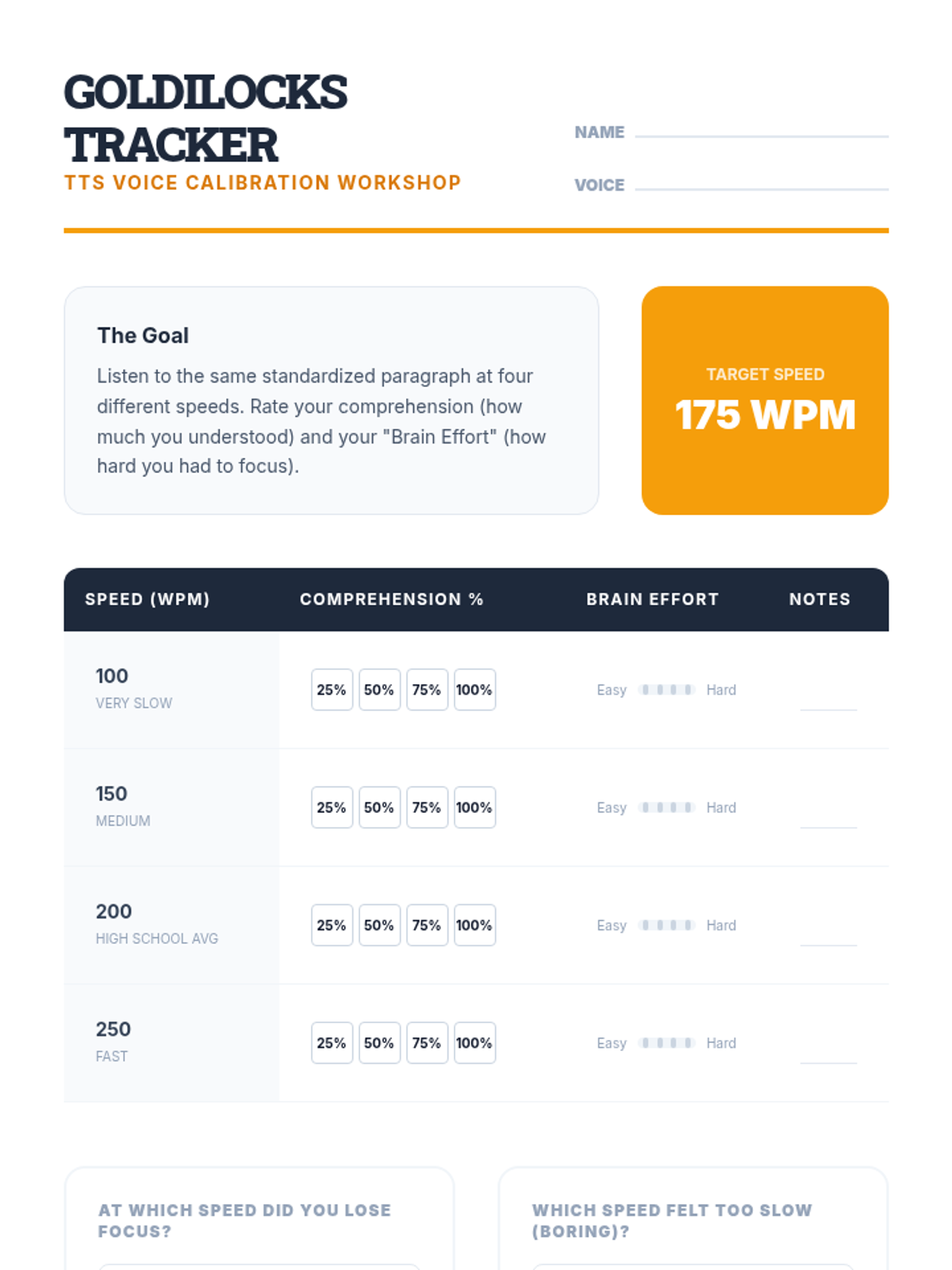
Students explore the impact of voice selection and playback speed on comprehension. They will determine their personal 'sweet spot' for different genres, learning to maximize efficiency without sacrificing retention.
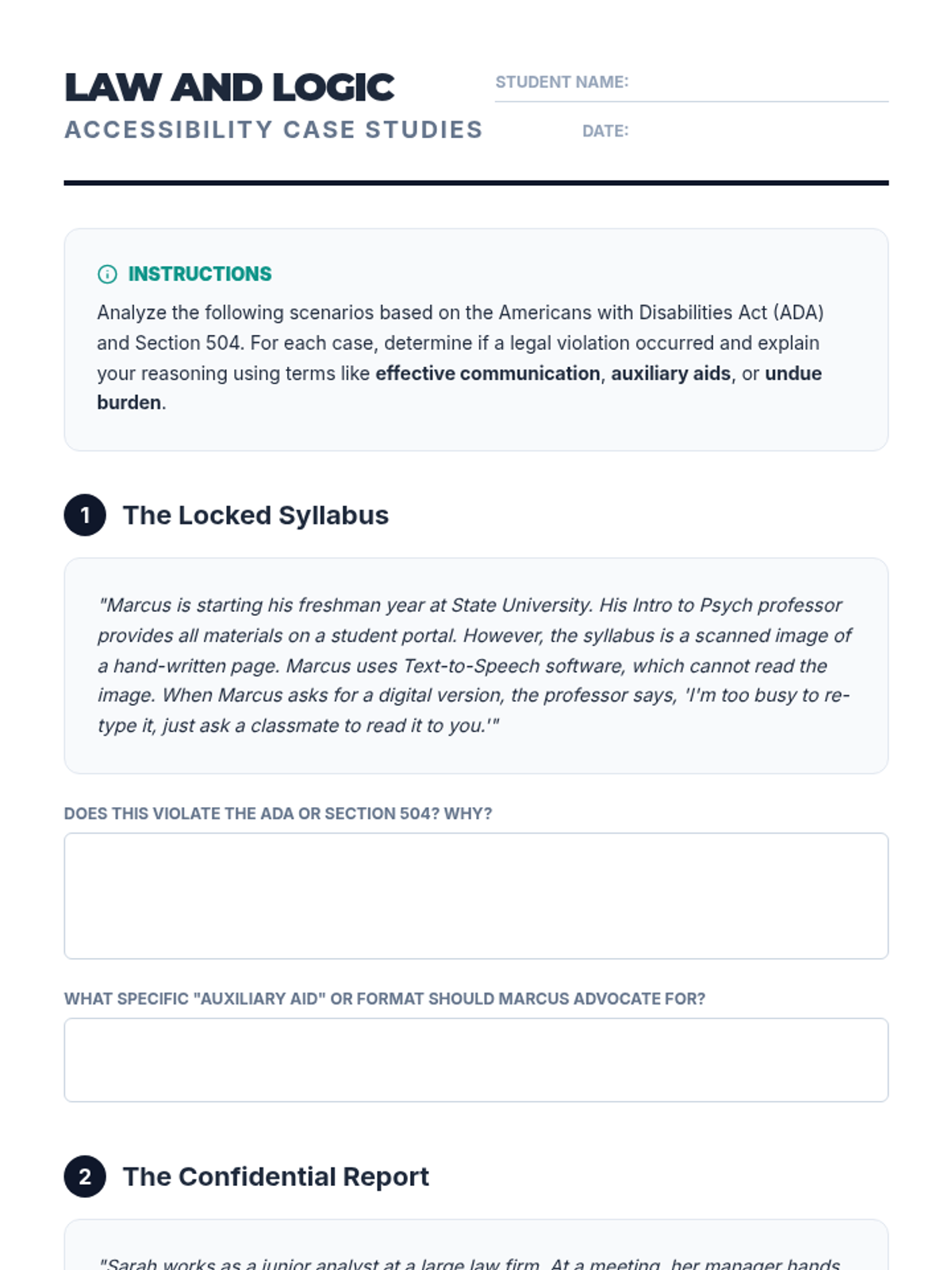
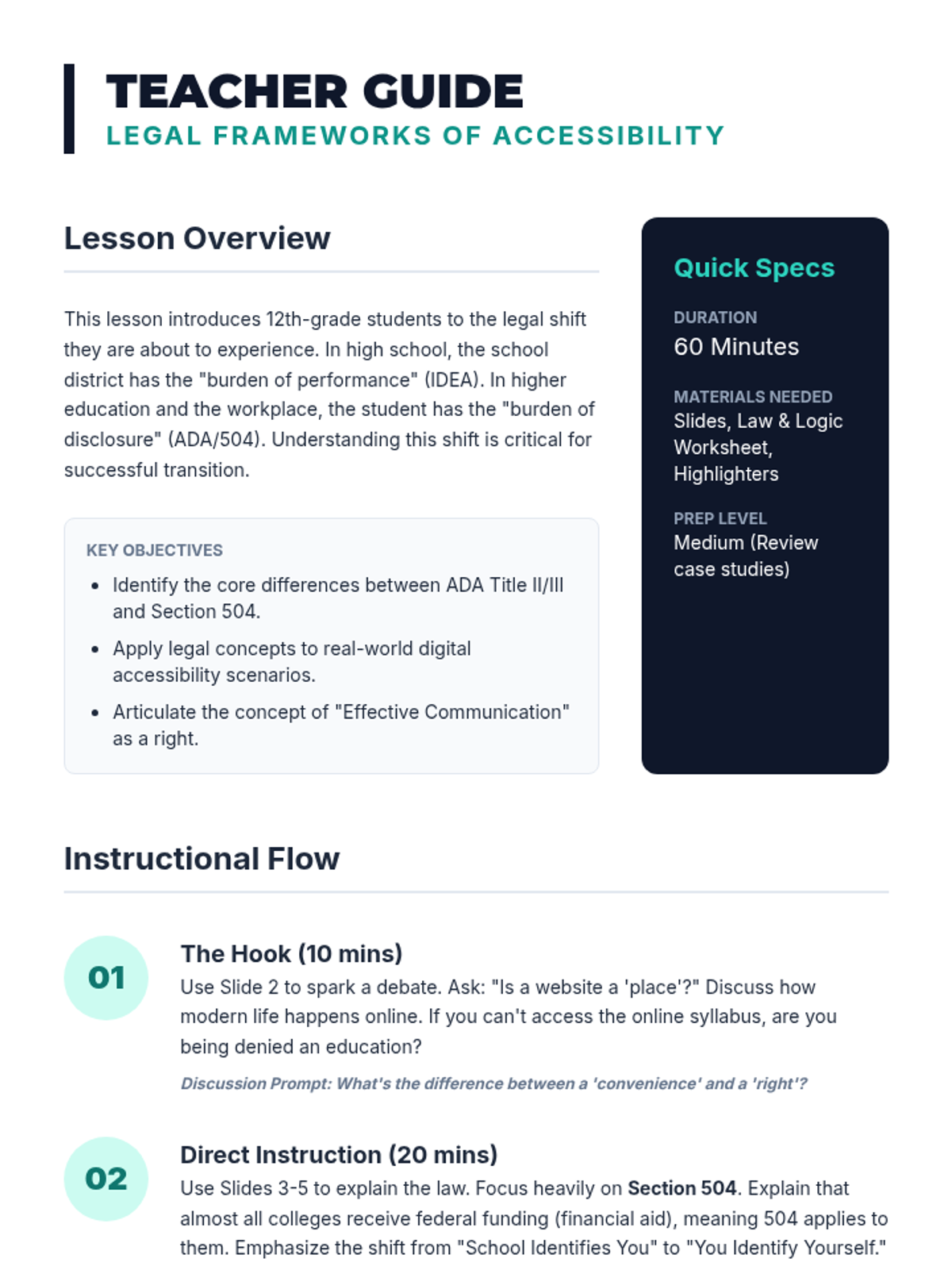
Students examine the Americans with Disabilities Act (ADA) and Section 504 to understand their legal rights regarding accessible text and assistive technology. They will analyze case studies of accessibility lawsuits to understand the legal obligation of institutions to provide digital formats.
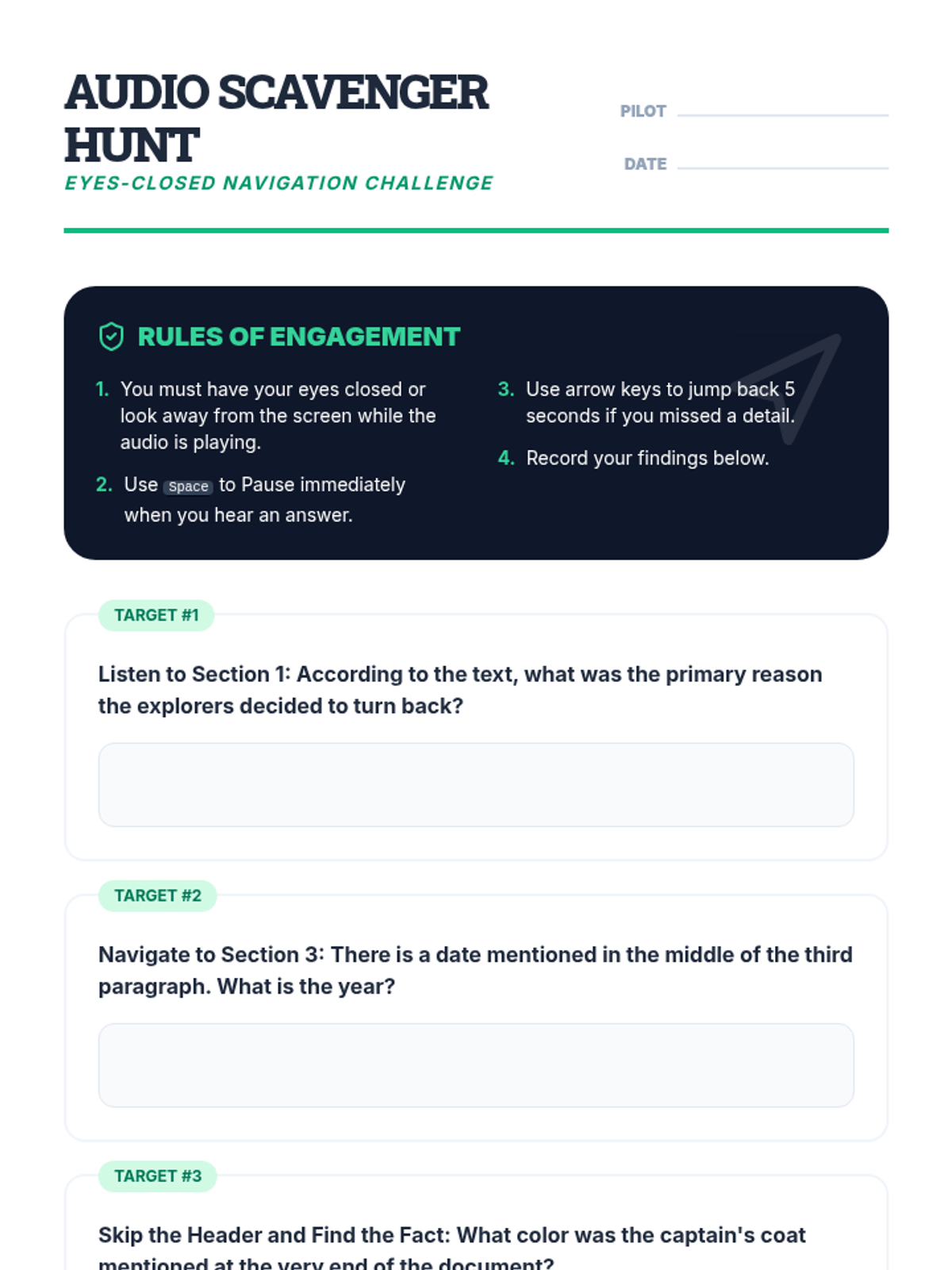
Students learn to control the flow of information by using navigation shortcuts to skip headers, repeat sentences, and jump between paragraphs. The lesson focuses on moving beyond passive listening to active navigation required for academic reading.
In this technical workshop, students experiment with voice synthesis options and playback rates to determine their optimal comprehension speed. Students track their understanding of a standardized text at various words-per-minute settings to find their 'Goldilocks' zone.
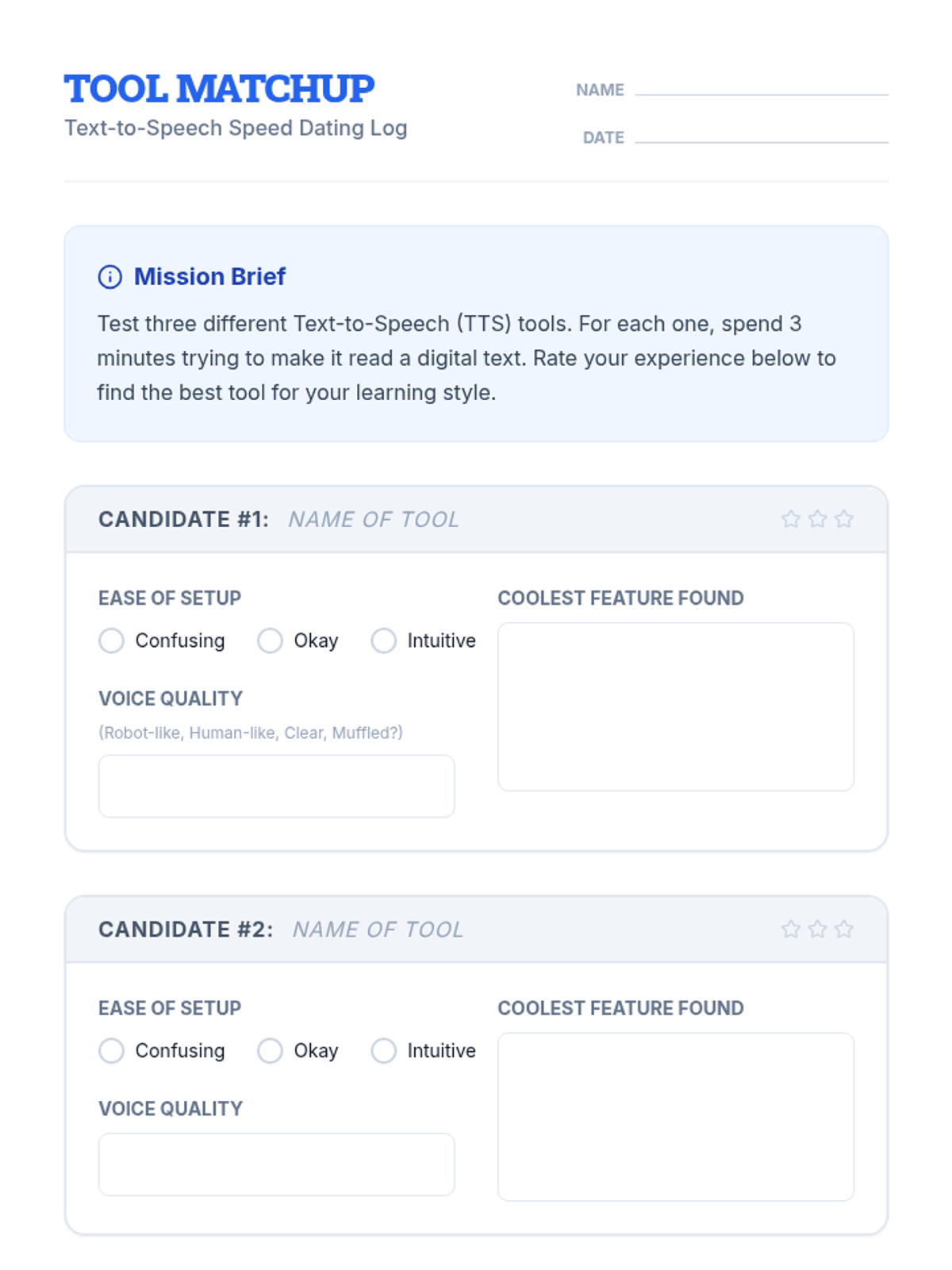
Students explore and compare various TTS tools, extensions, and built-in features to find the platform that best fits their learning style and device.
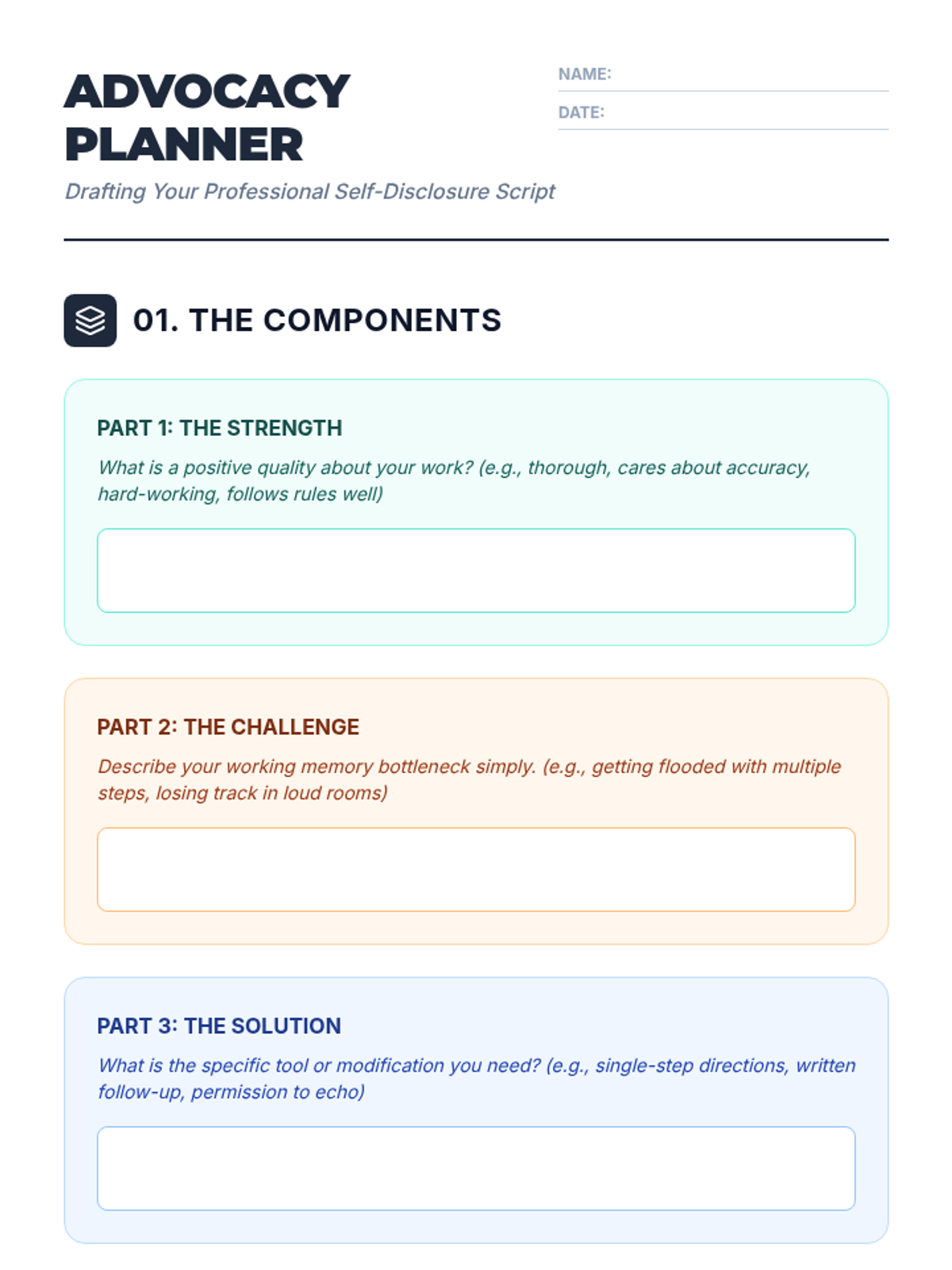
Students synthesize their skills into a personal disclosure script for use in interviews, IEP meetings, or workplace settings.
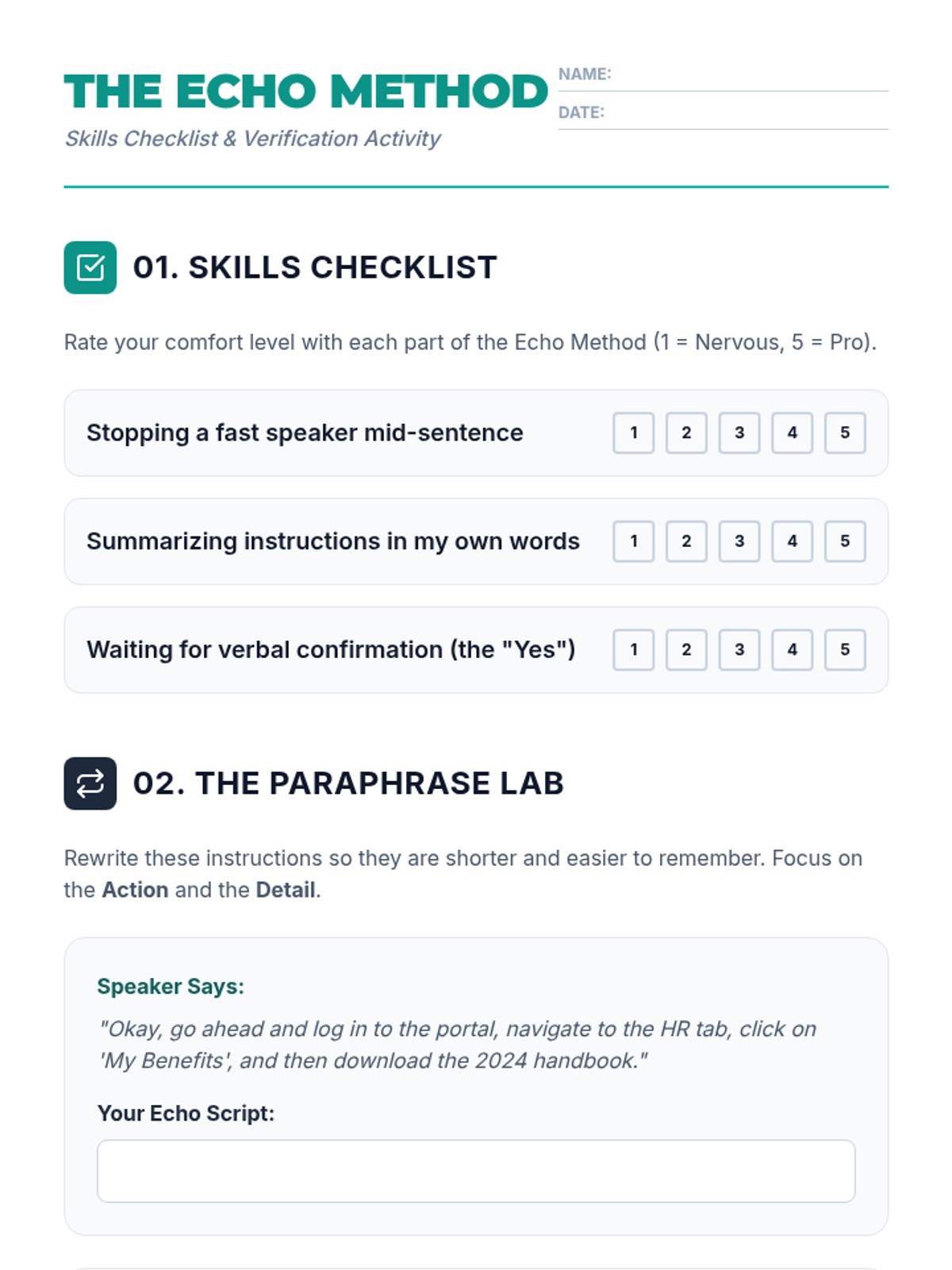
Students master the 'read-back' method to verify instructions and slow down information delivery.
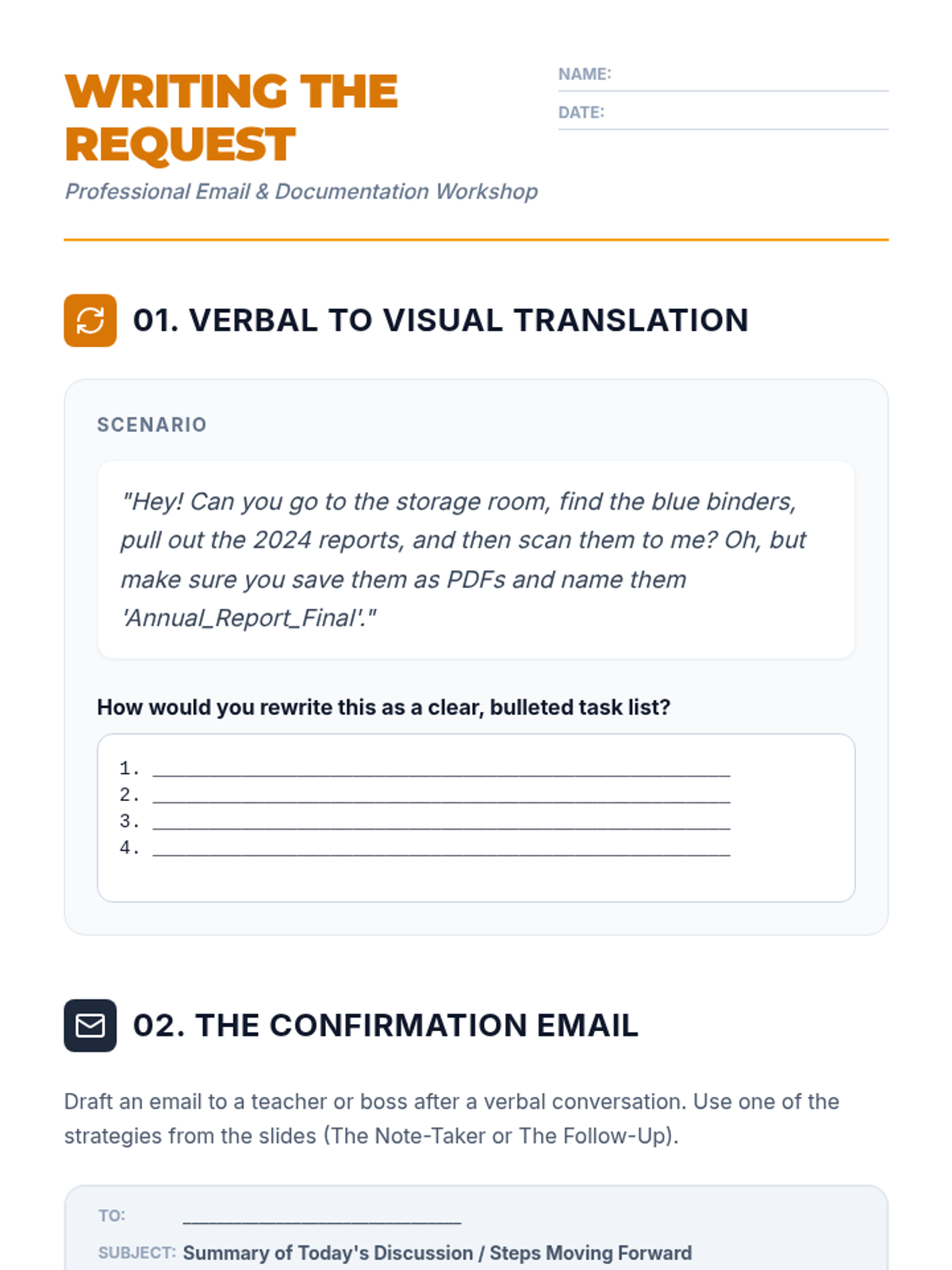
Students practice converting verbal instructions into written documentation through email templates and professional requests.
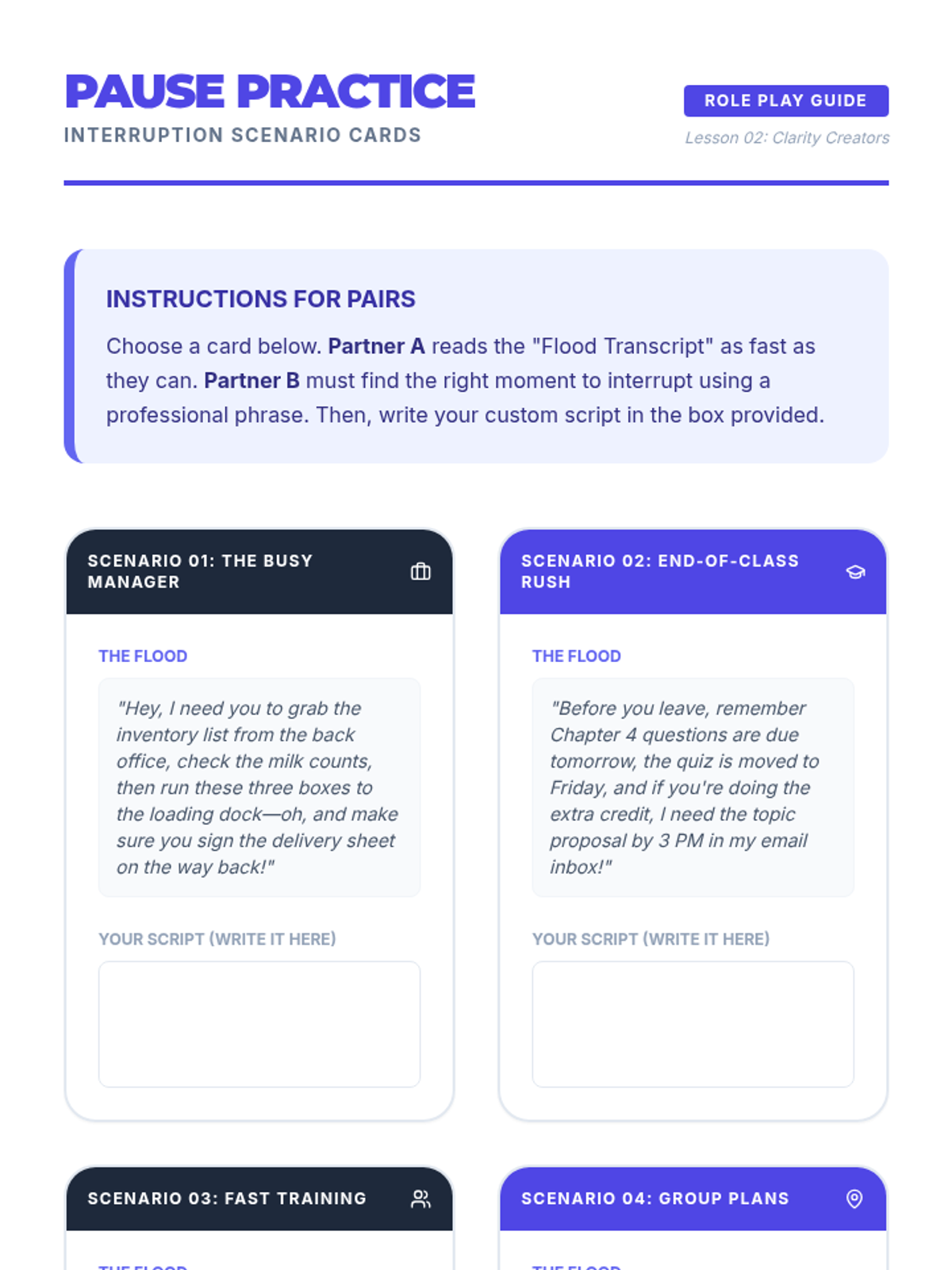
Students learn and practice professional interruption techniques to pause speakers and gain control over the flow of information.
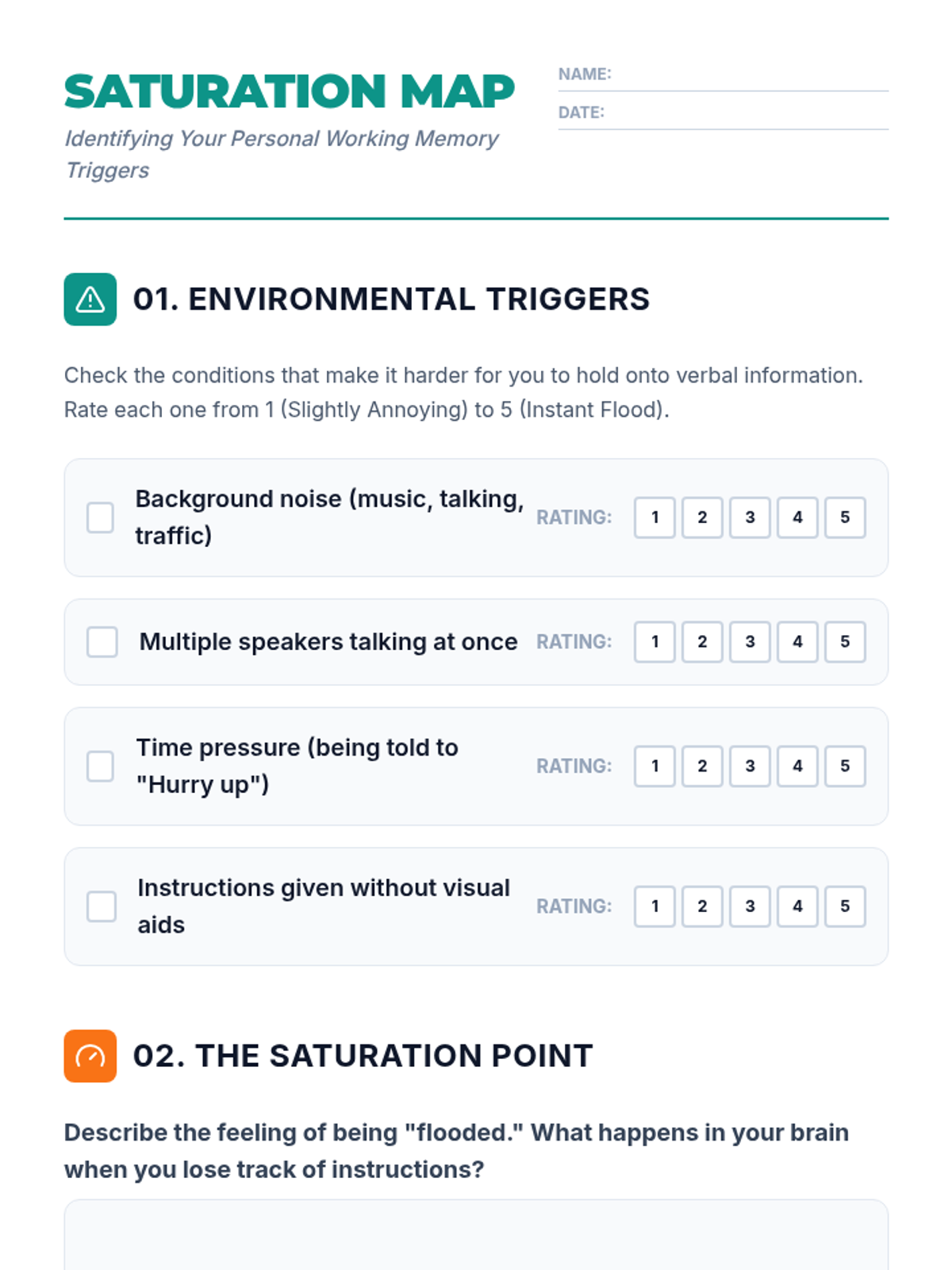
Students analyze high-pressure environments to identify working memory saturation and map their personal 'flooding' triggers.
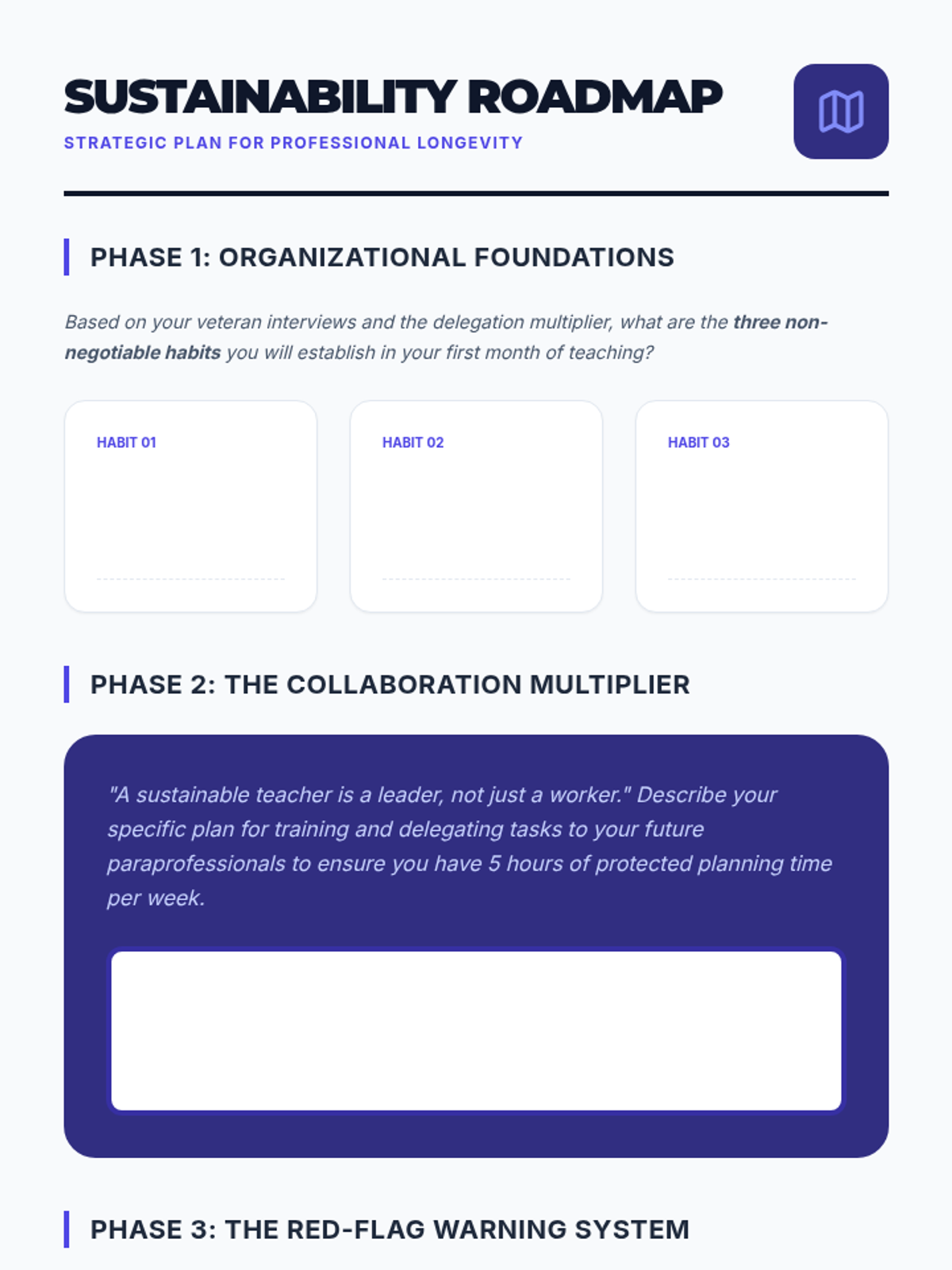
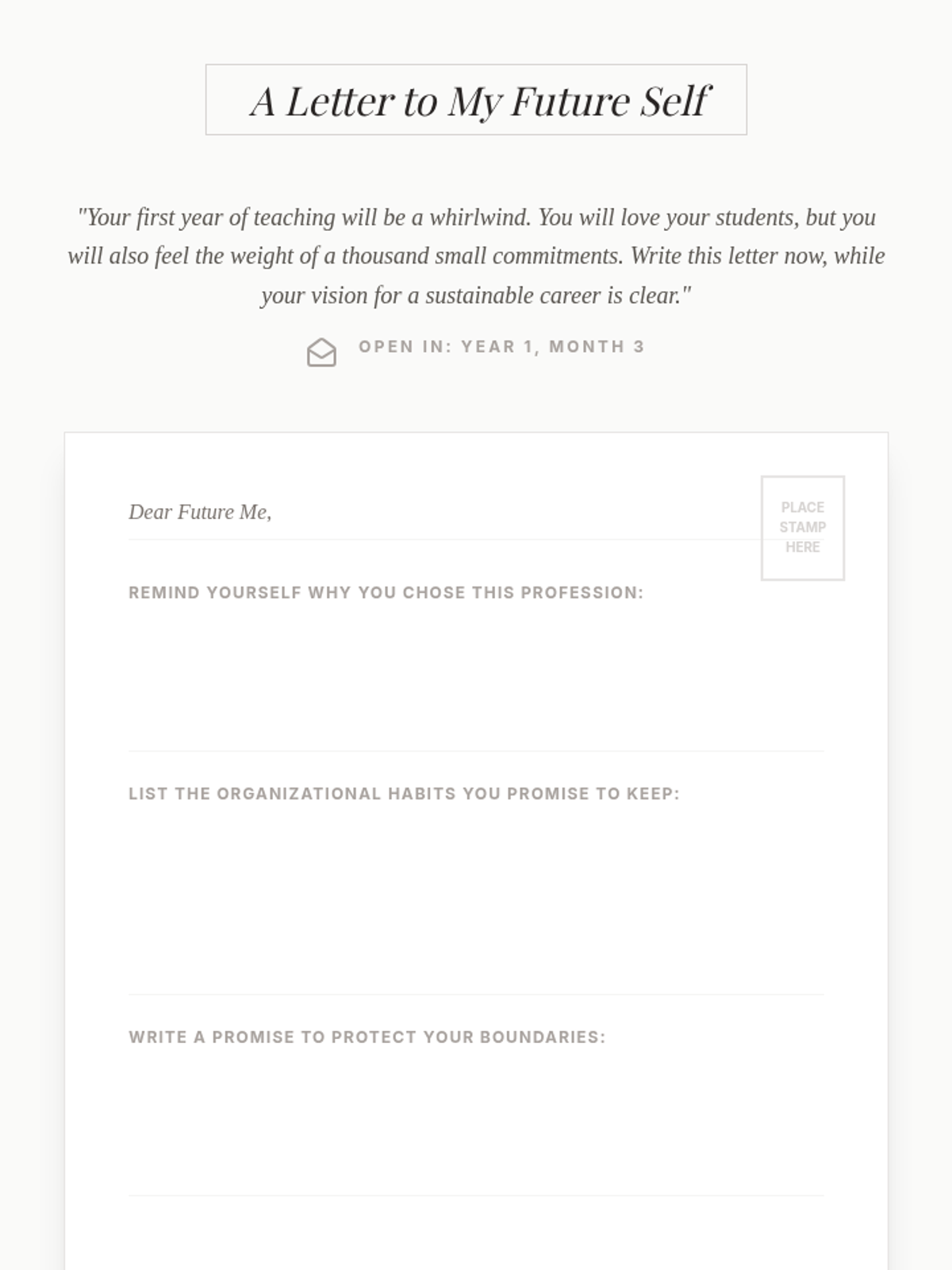
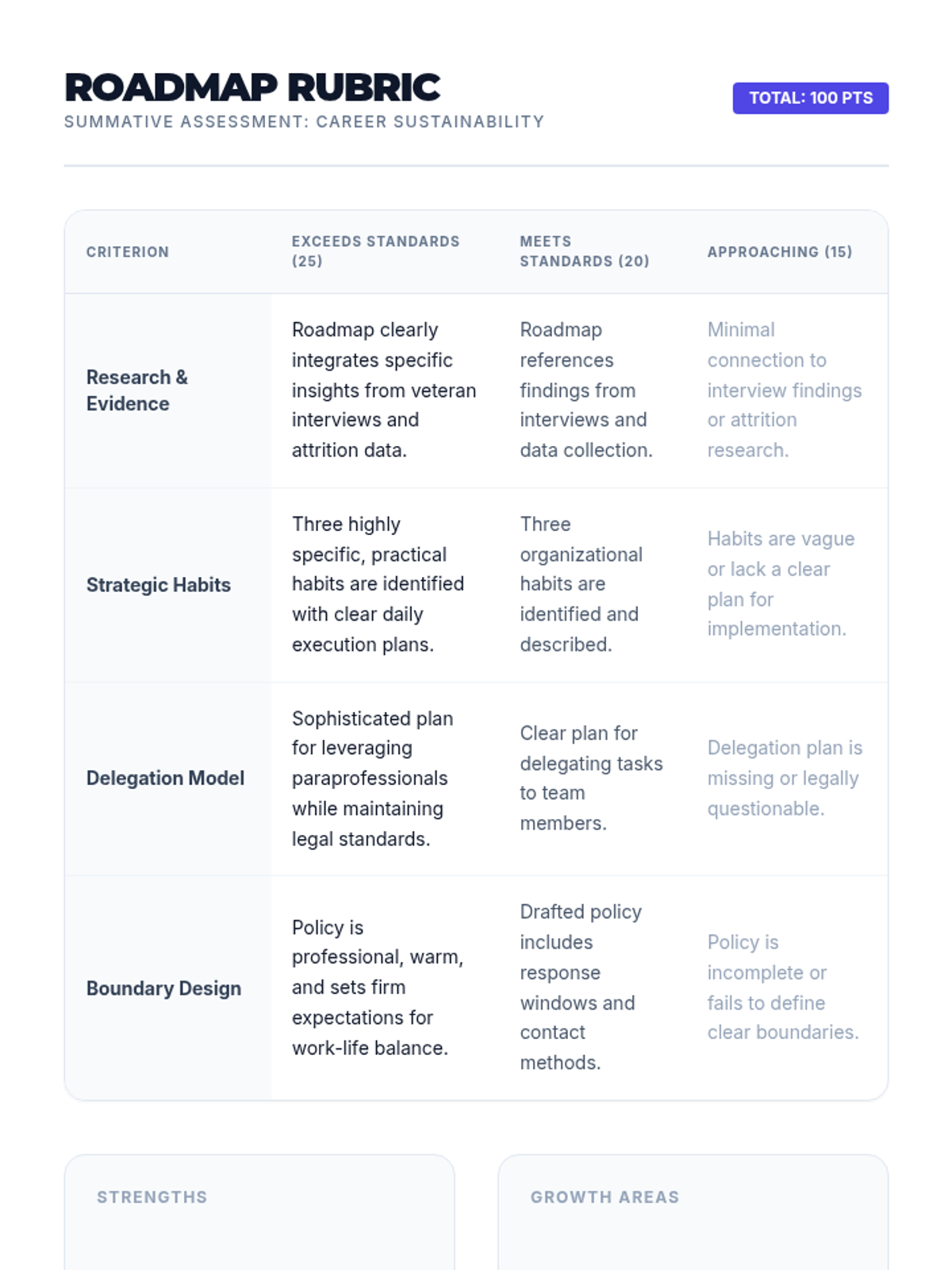
Students synthesize their learning into a comprehensive Sustainability Roadmap, including a commitment letter to their future selves and a strategic plan for organizational health.
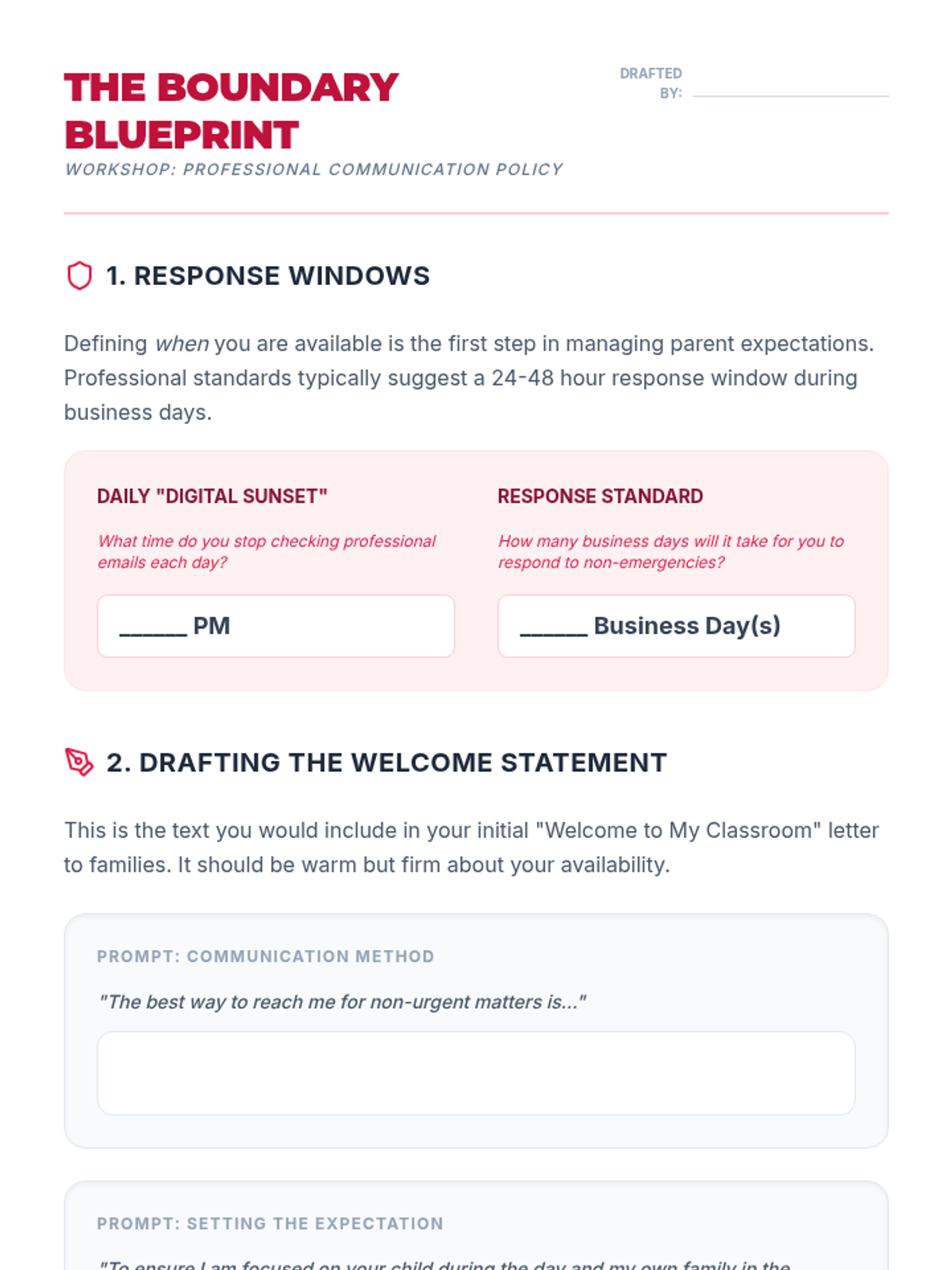
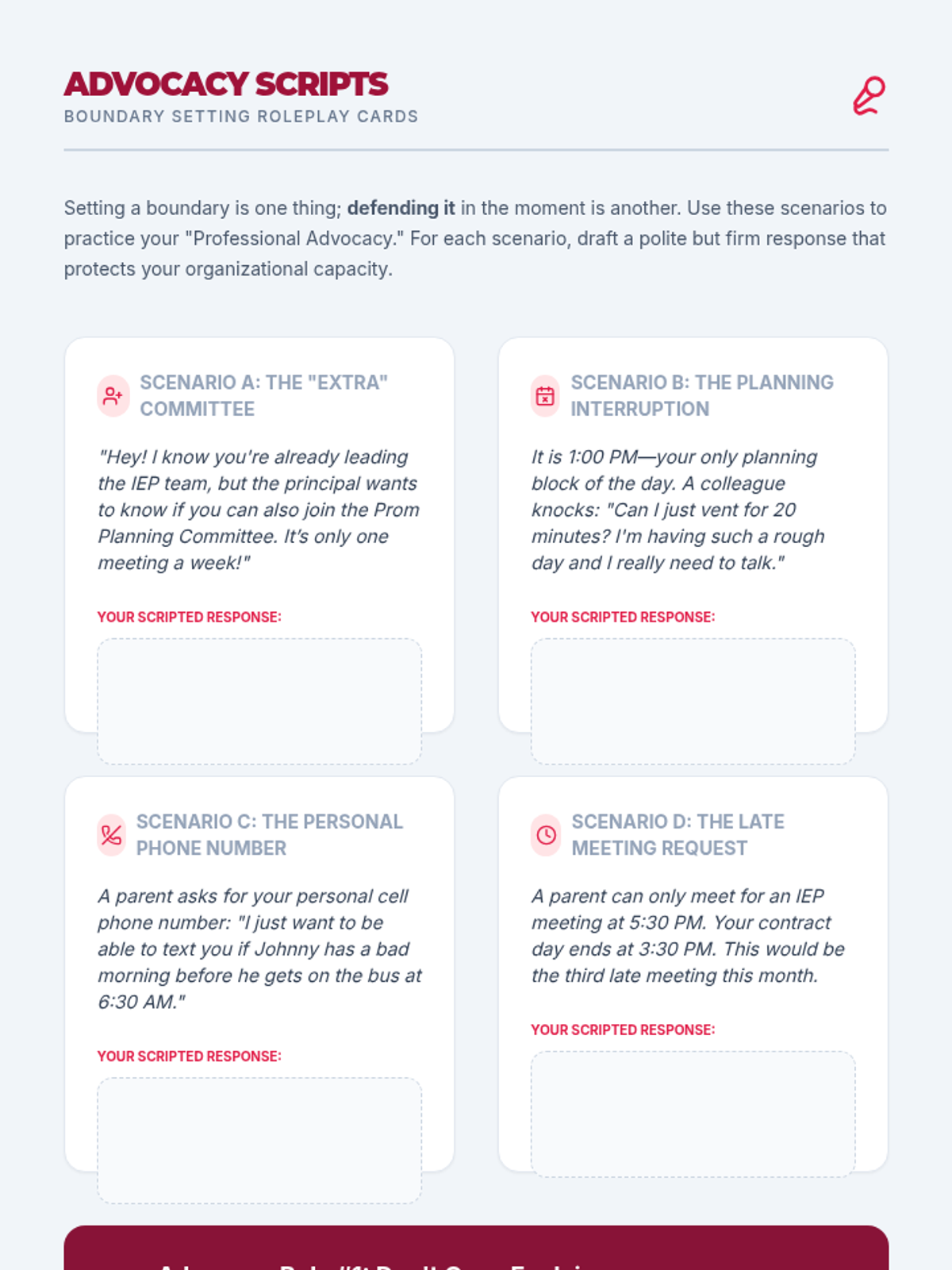
Students develop professional communication policies and boundary-setting strategies to protect their personal time and mental energy from the 'always-on' expectations of the modern teaching environment.
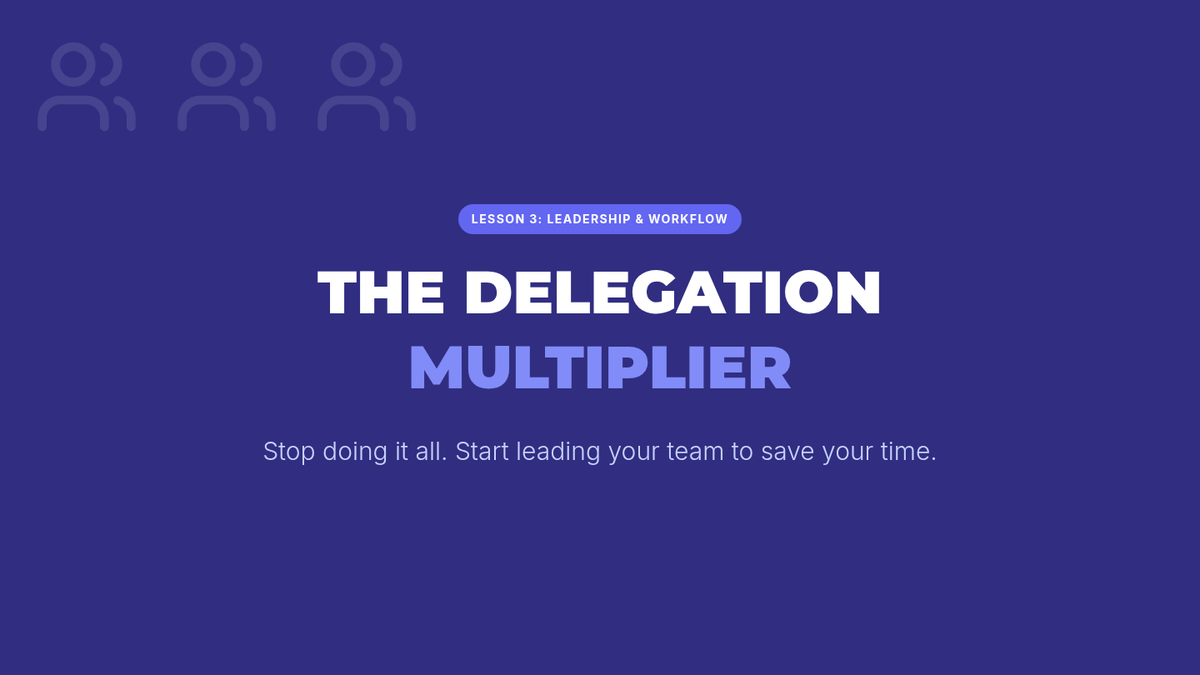
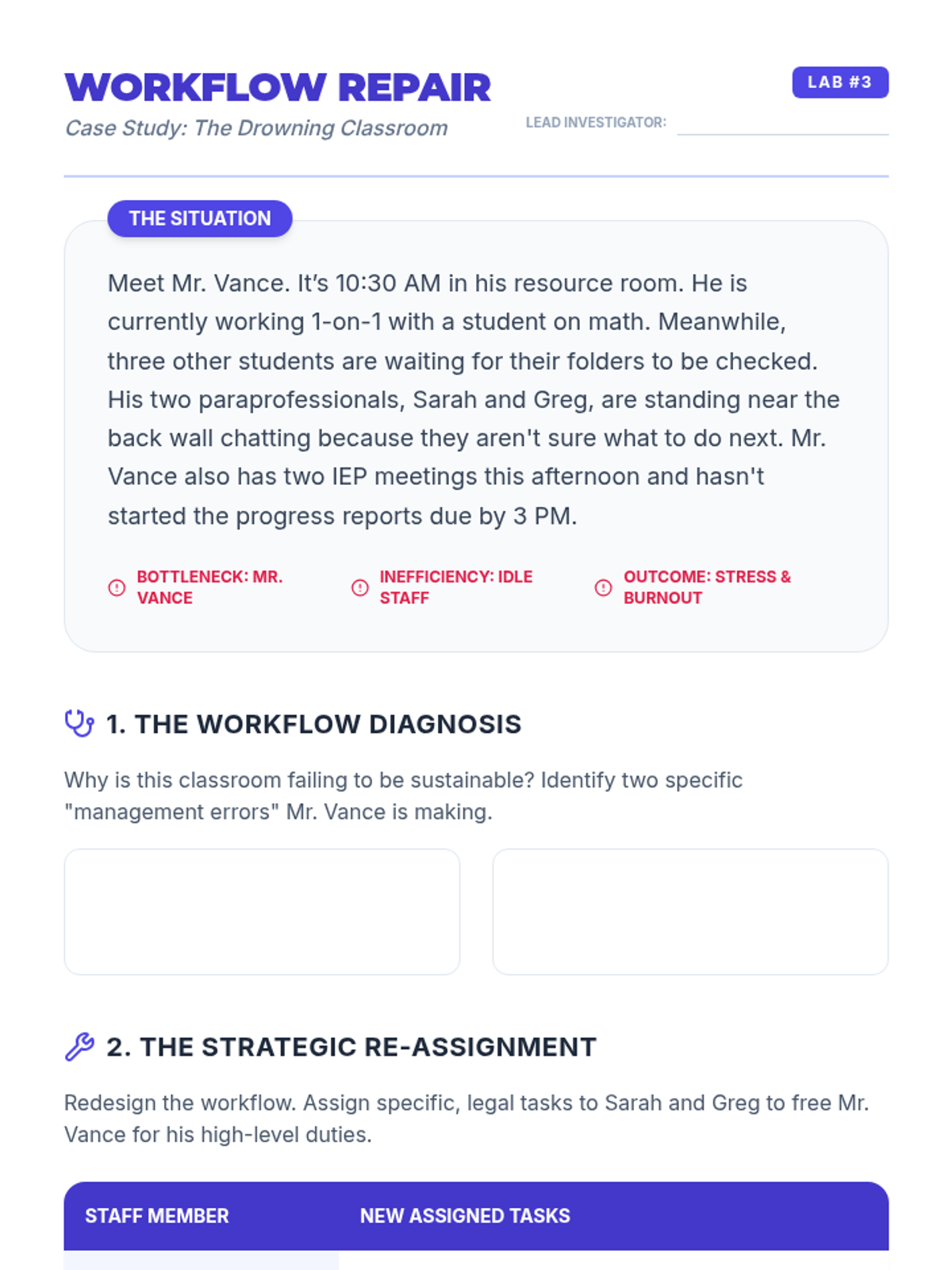
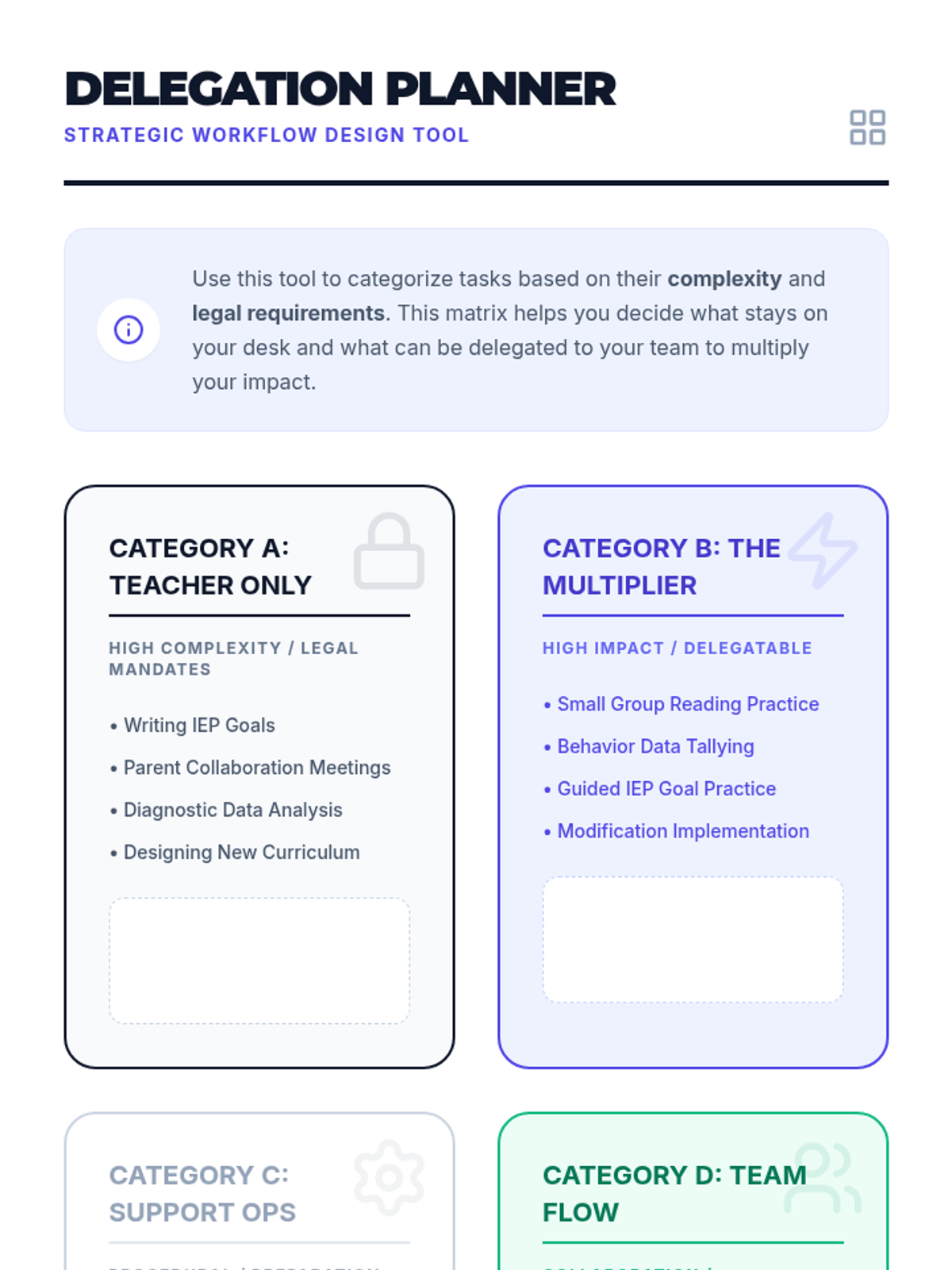
Students explore effective team management and delegation, learning how to leverage paraprofessionals to optimize workflows and reduce individual teacher burden within legal frameworks.
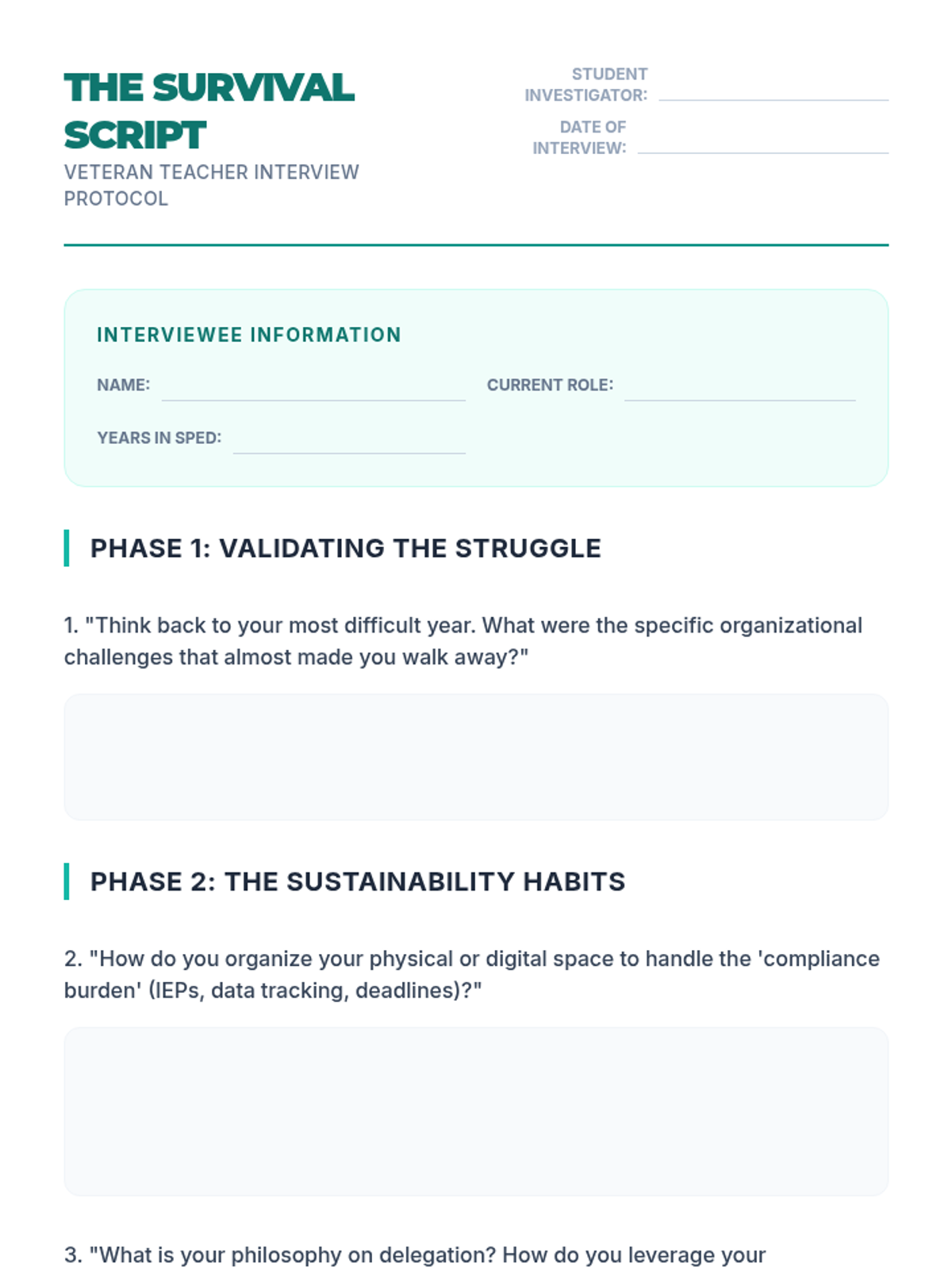
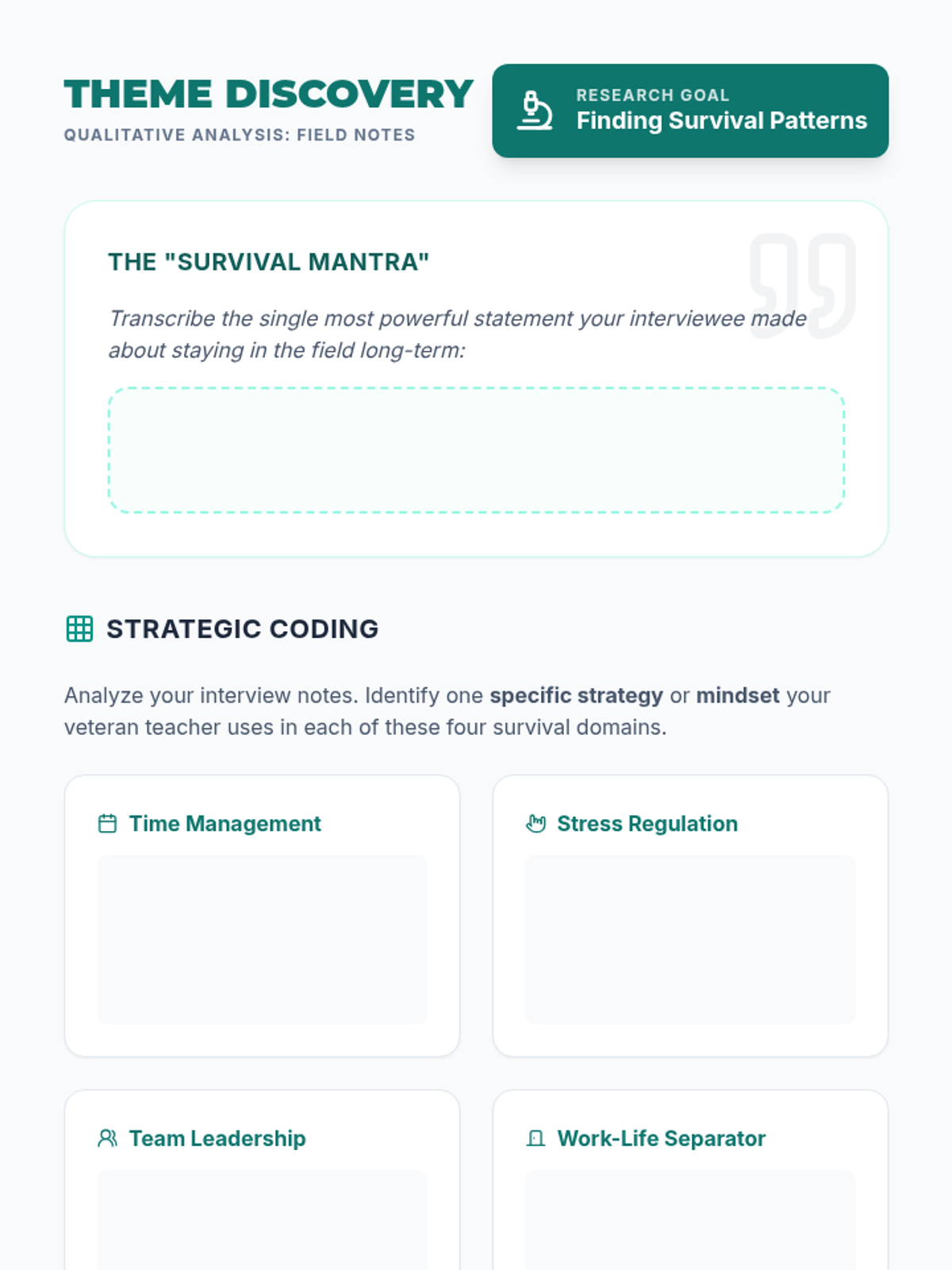
Students conduct field interviews with veteran special education teachers to uncover the organizational strategies and mental habits that allow for a long, healthy career in the field.
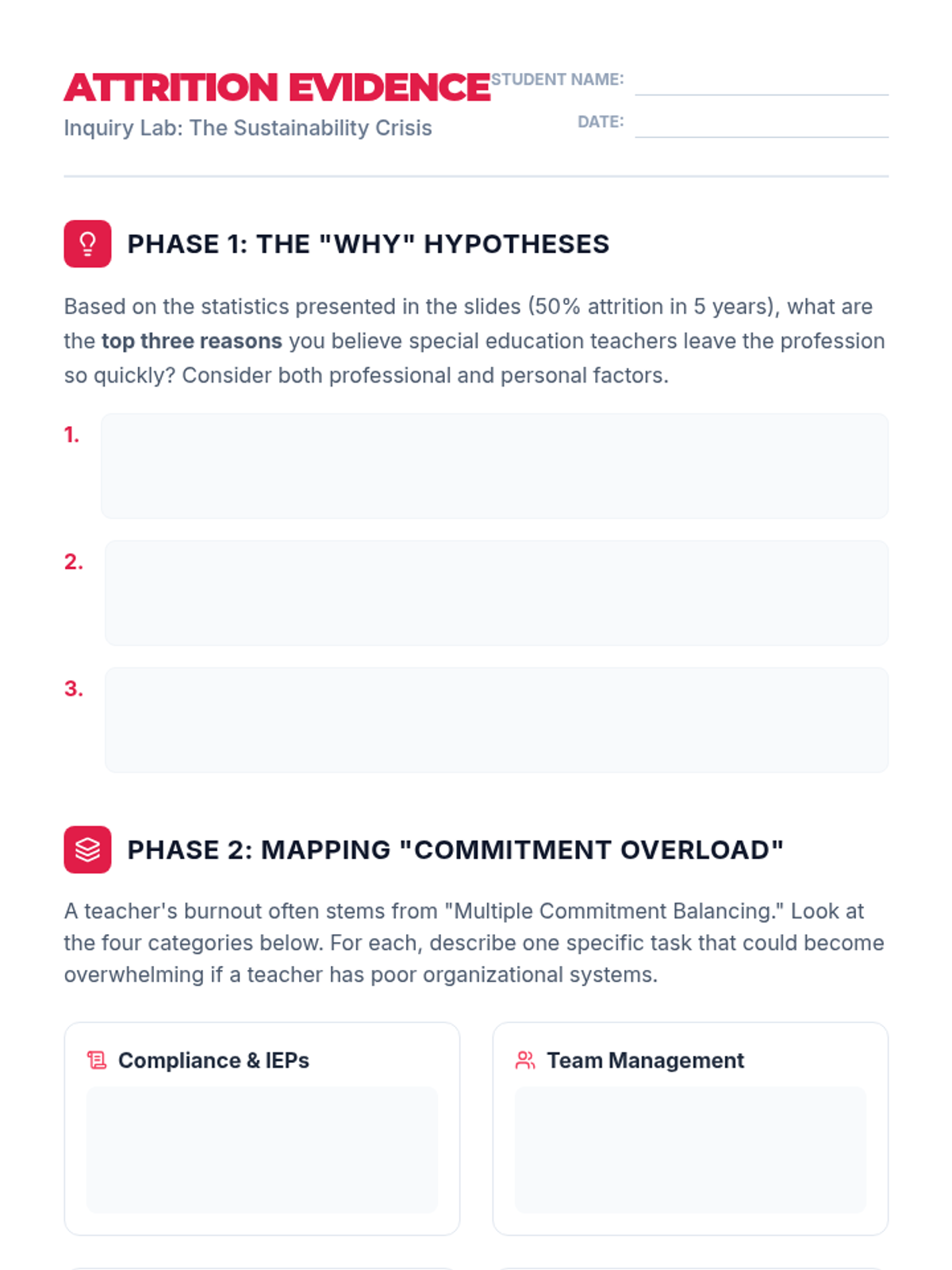
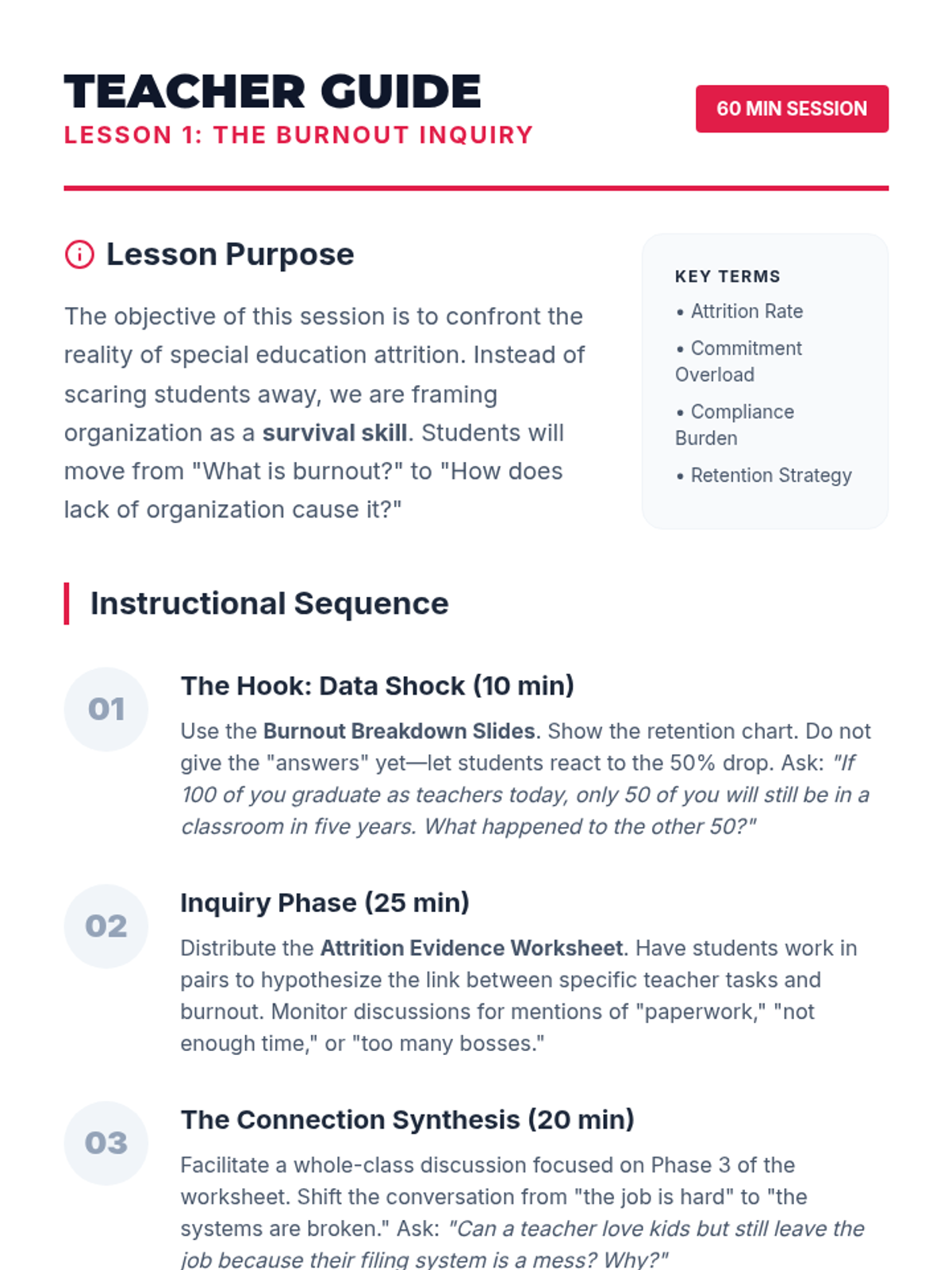
Students investigate special education teacher attrition rates, identifying how multiple commitment overload contributes to burnout and validating findings through data analysis and literature review.
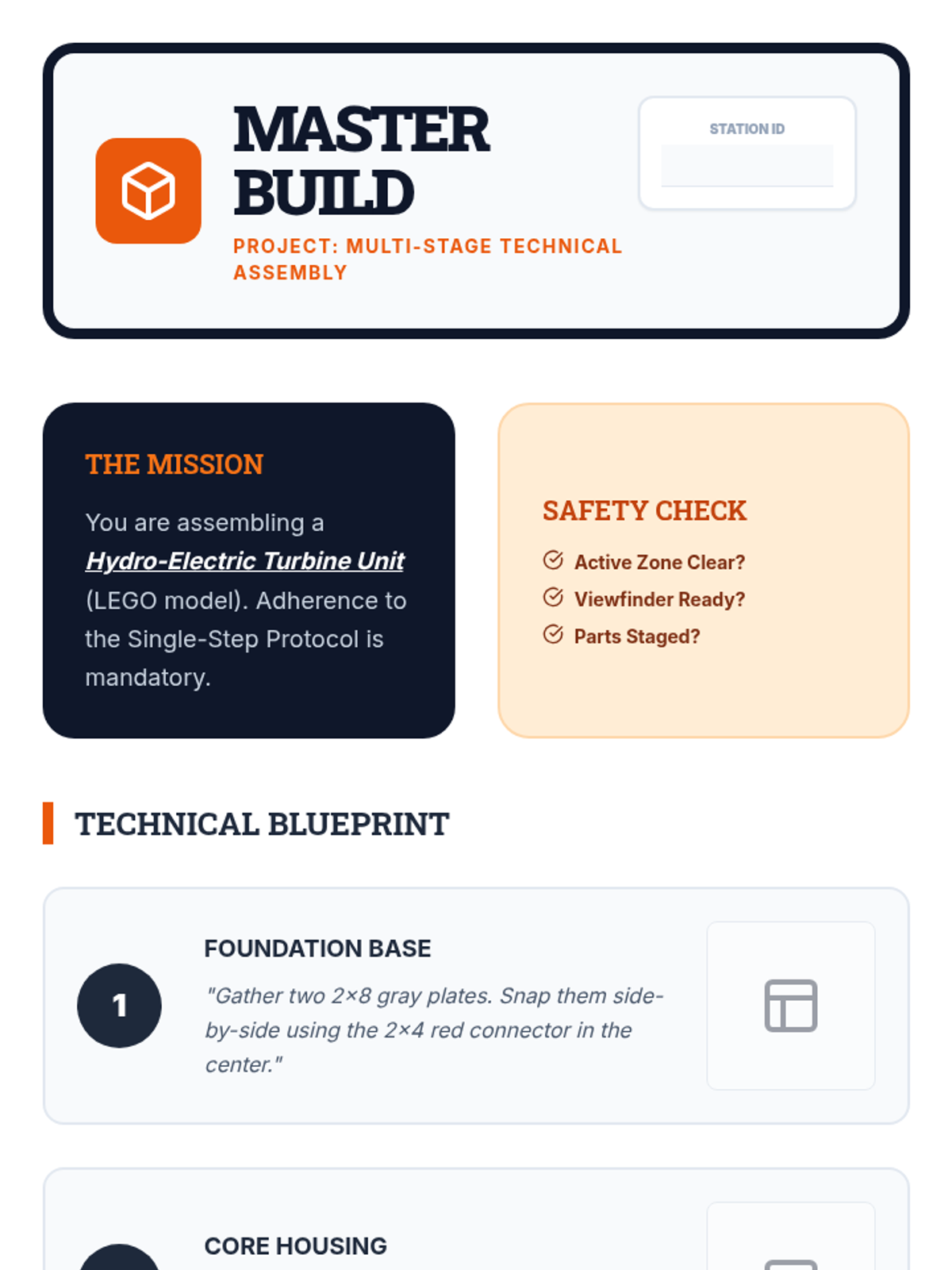
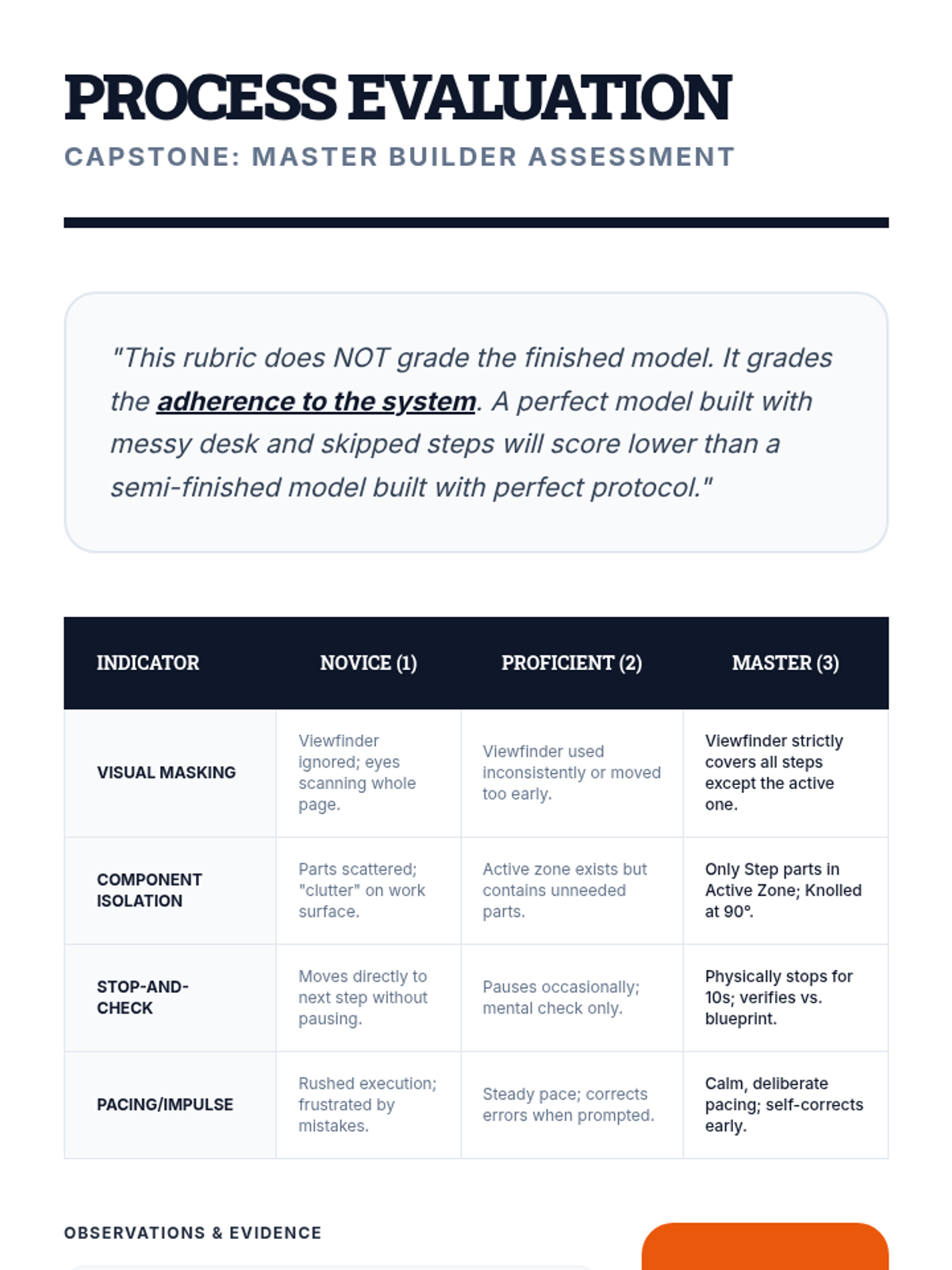
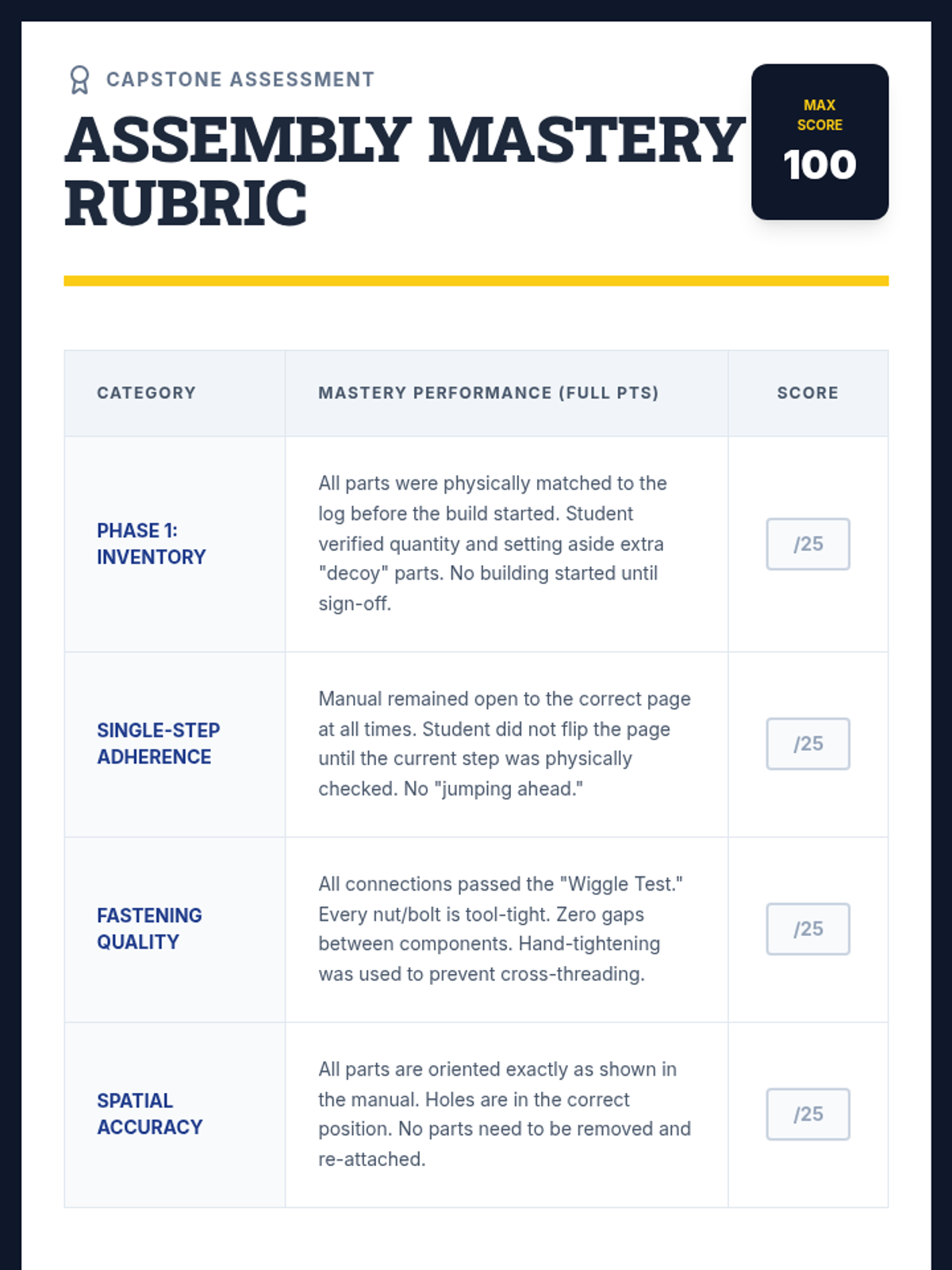
Students complete a multi-stage assembly project (e.g., a simple wood kit or circuit). They are assessed on their adherence to the single-step process rather than just the final product.
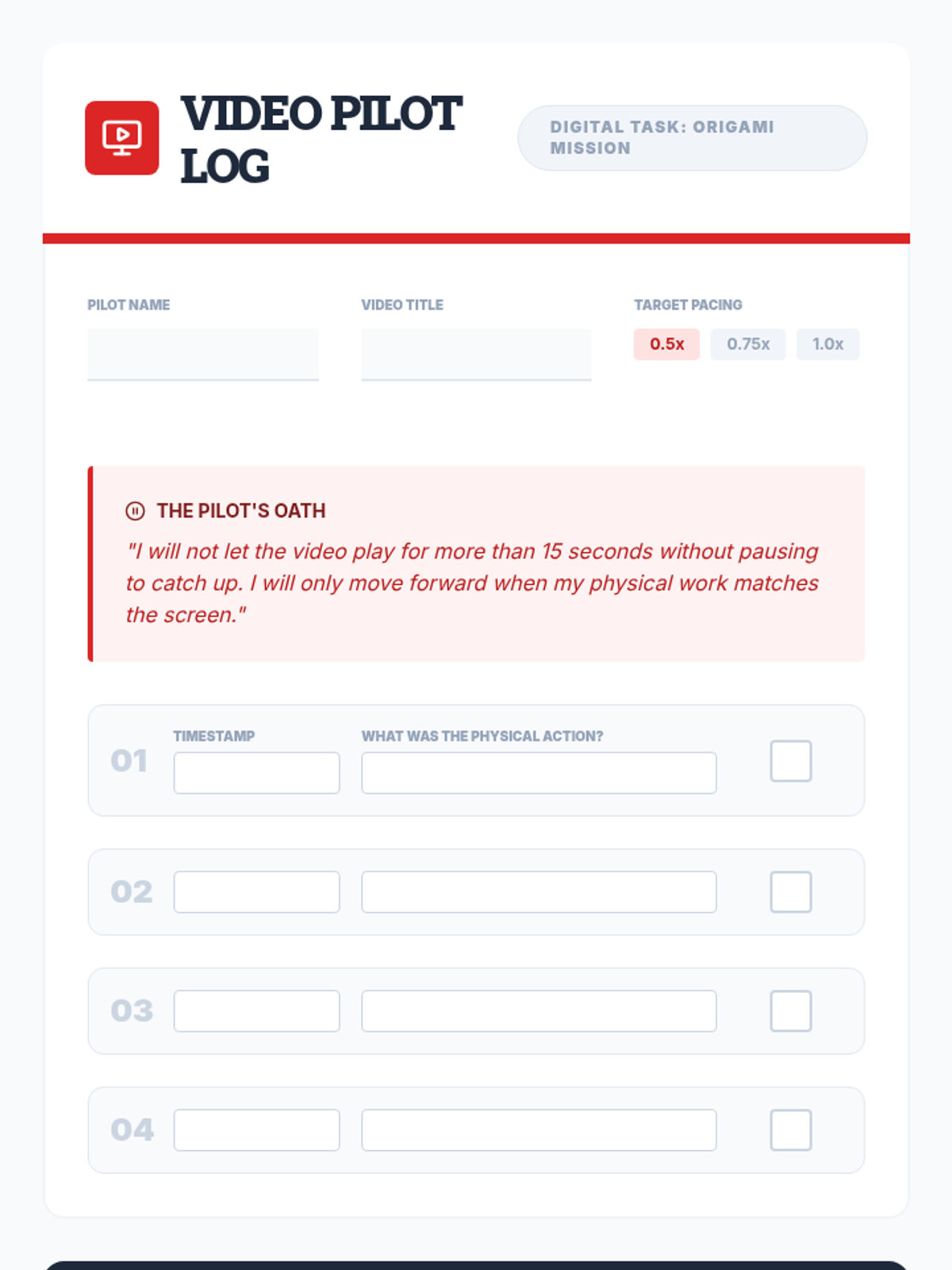
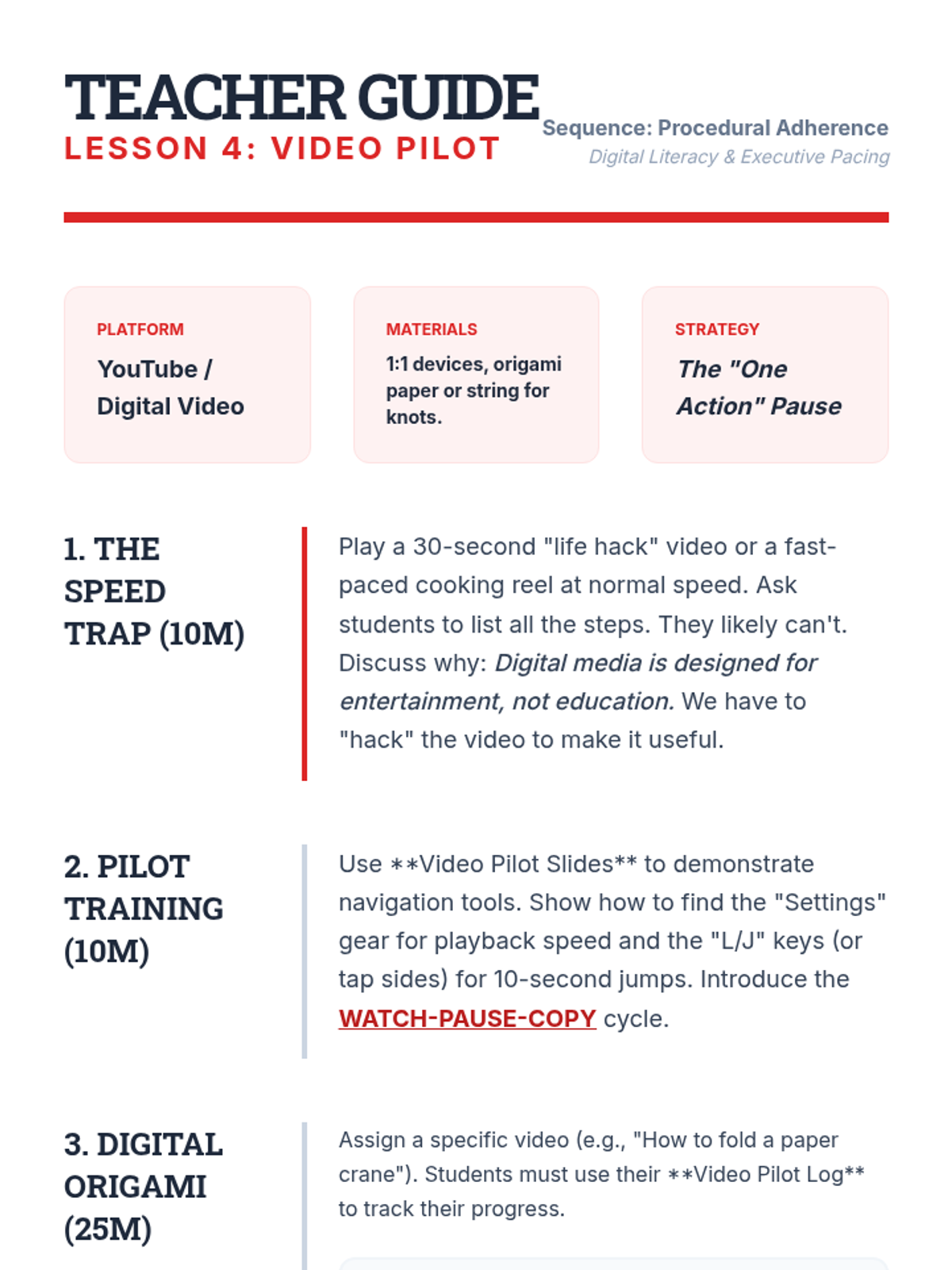
Students follow a video tutorial for a physical task (e.g., tie-dye or origami), practicing the skill of pausing the video to complete a single action before allowing the playback to continue.
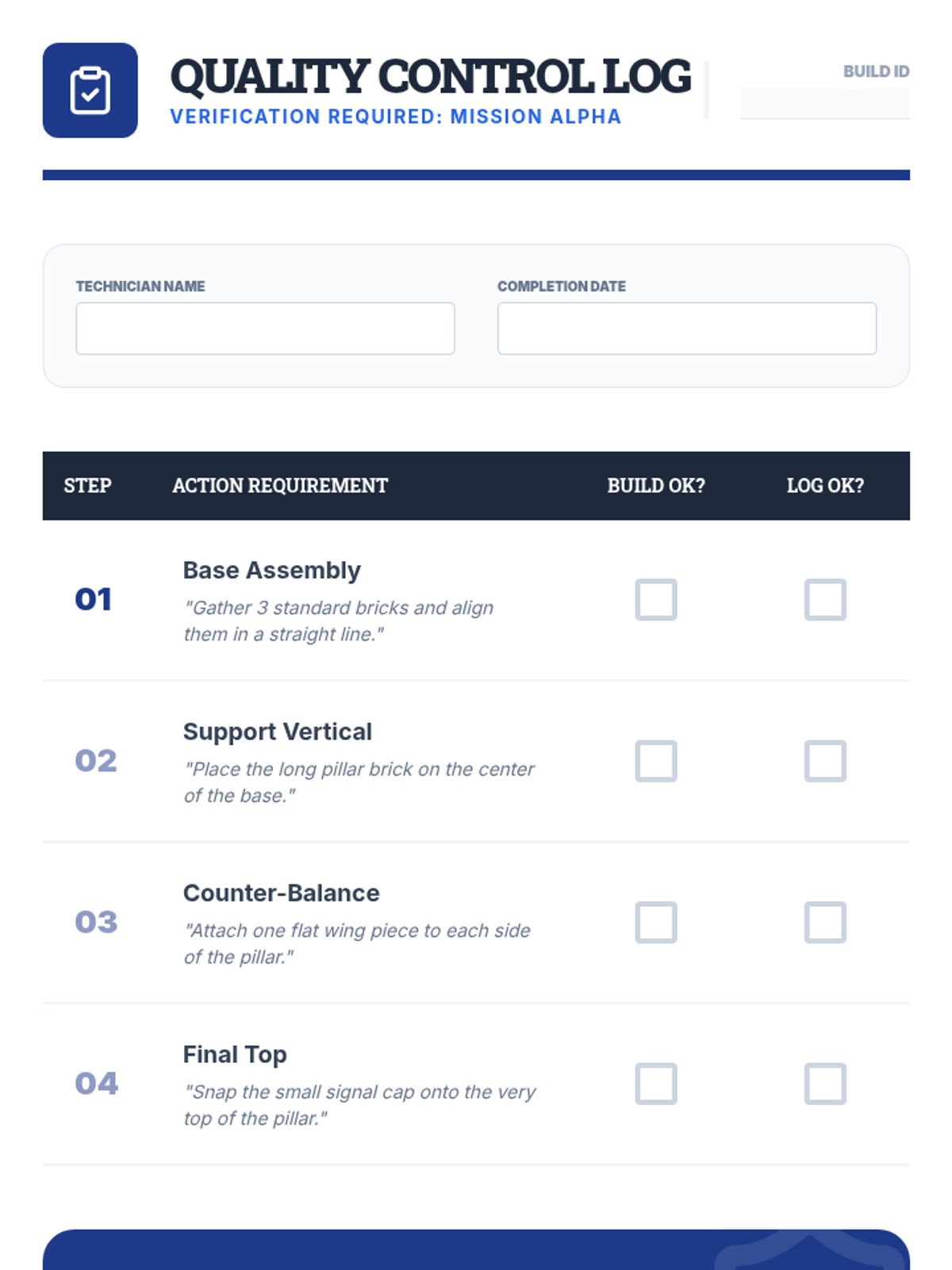
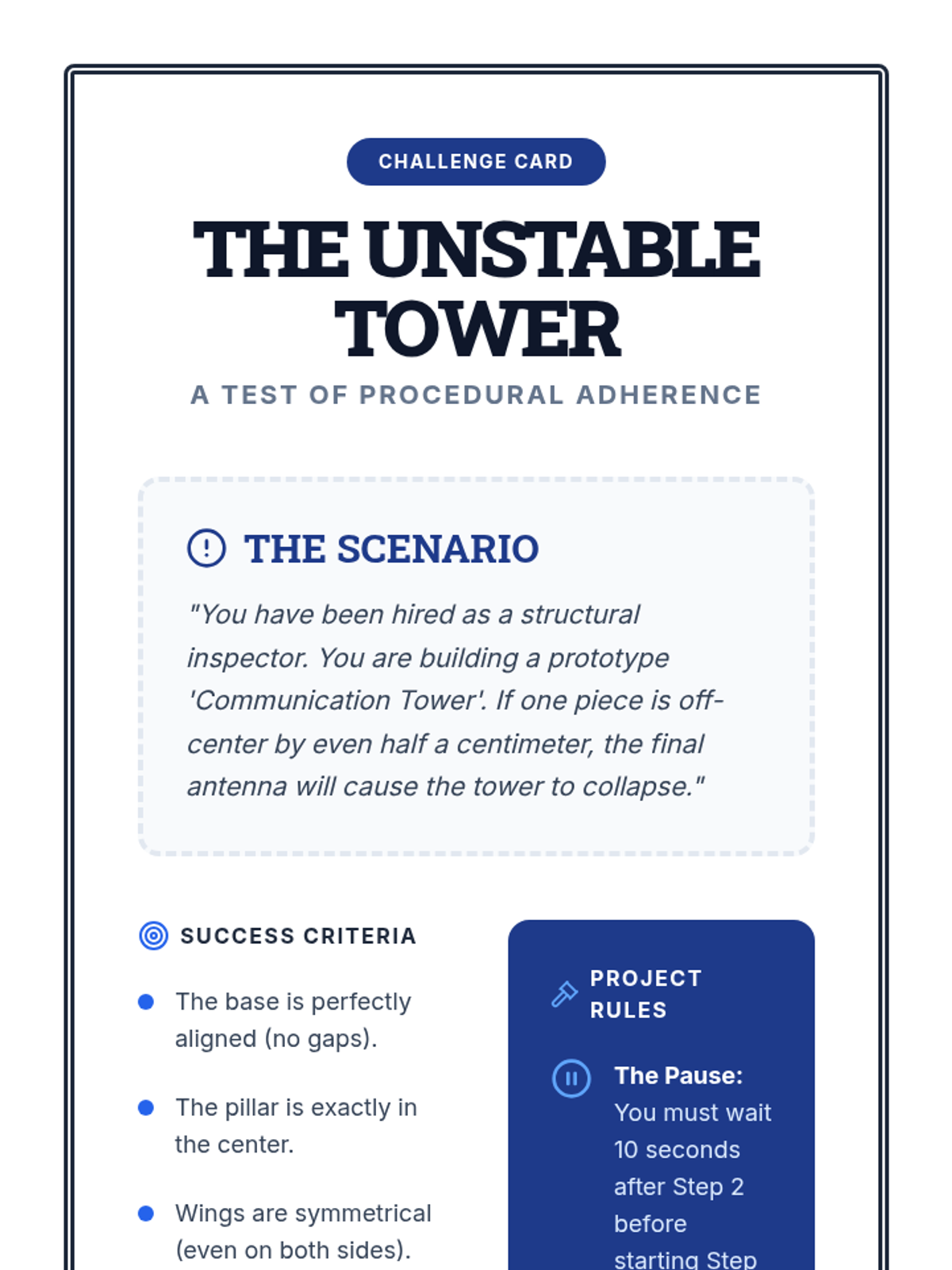
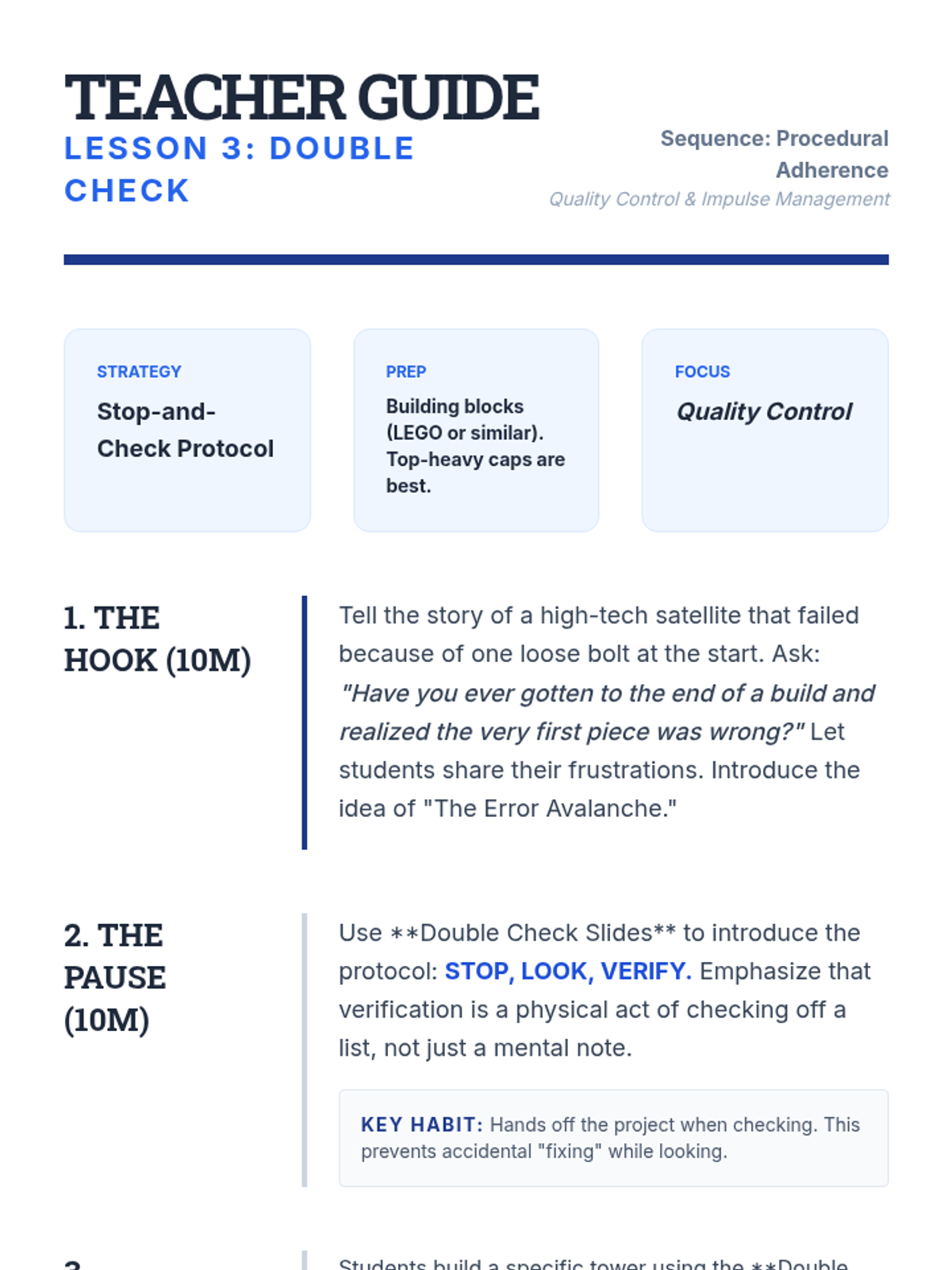
Students engage in a building task where they must physically pause and verify accuracy after every single step. This builds the habit of quality control and prevents compound errors.
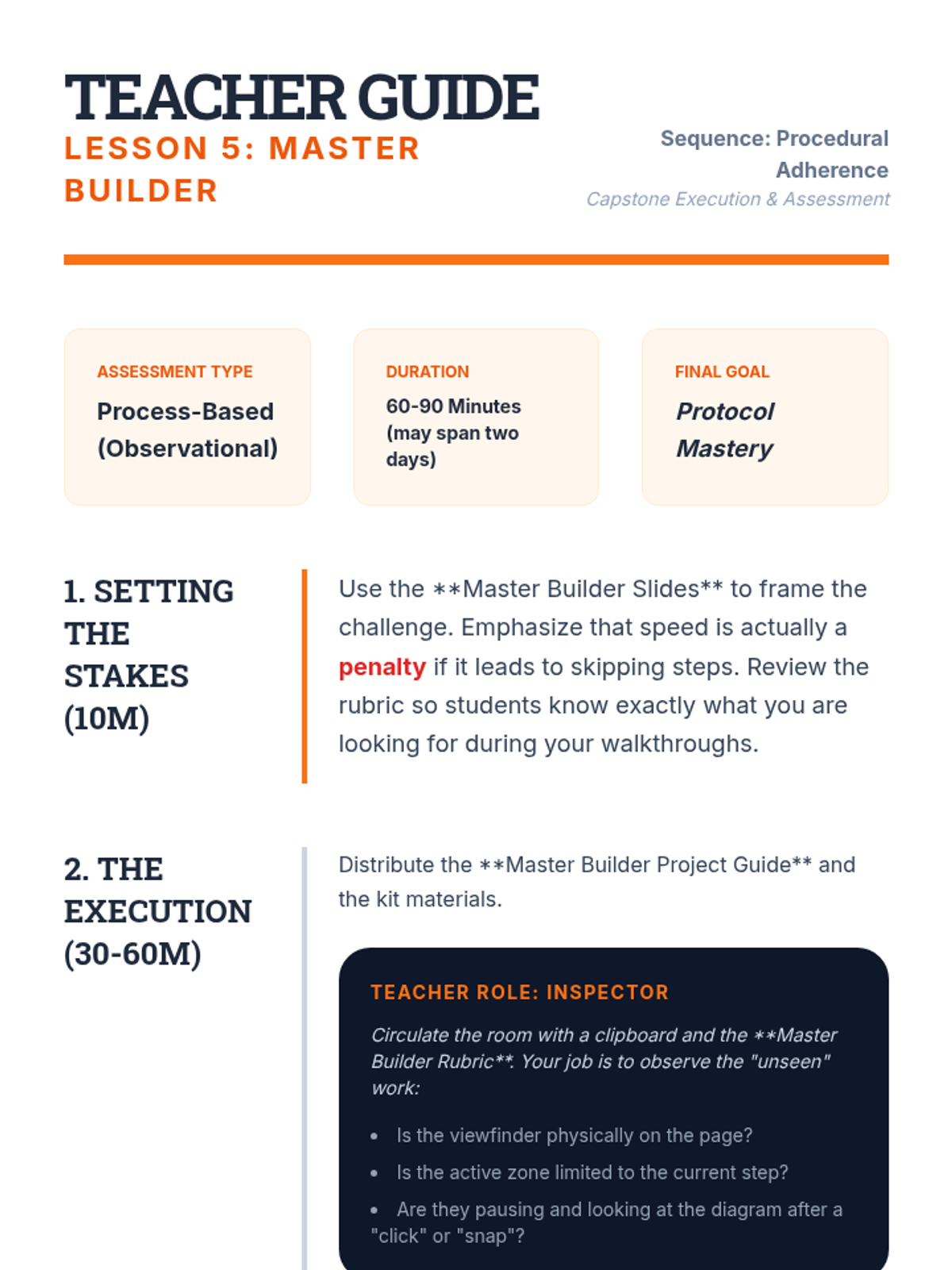
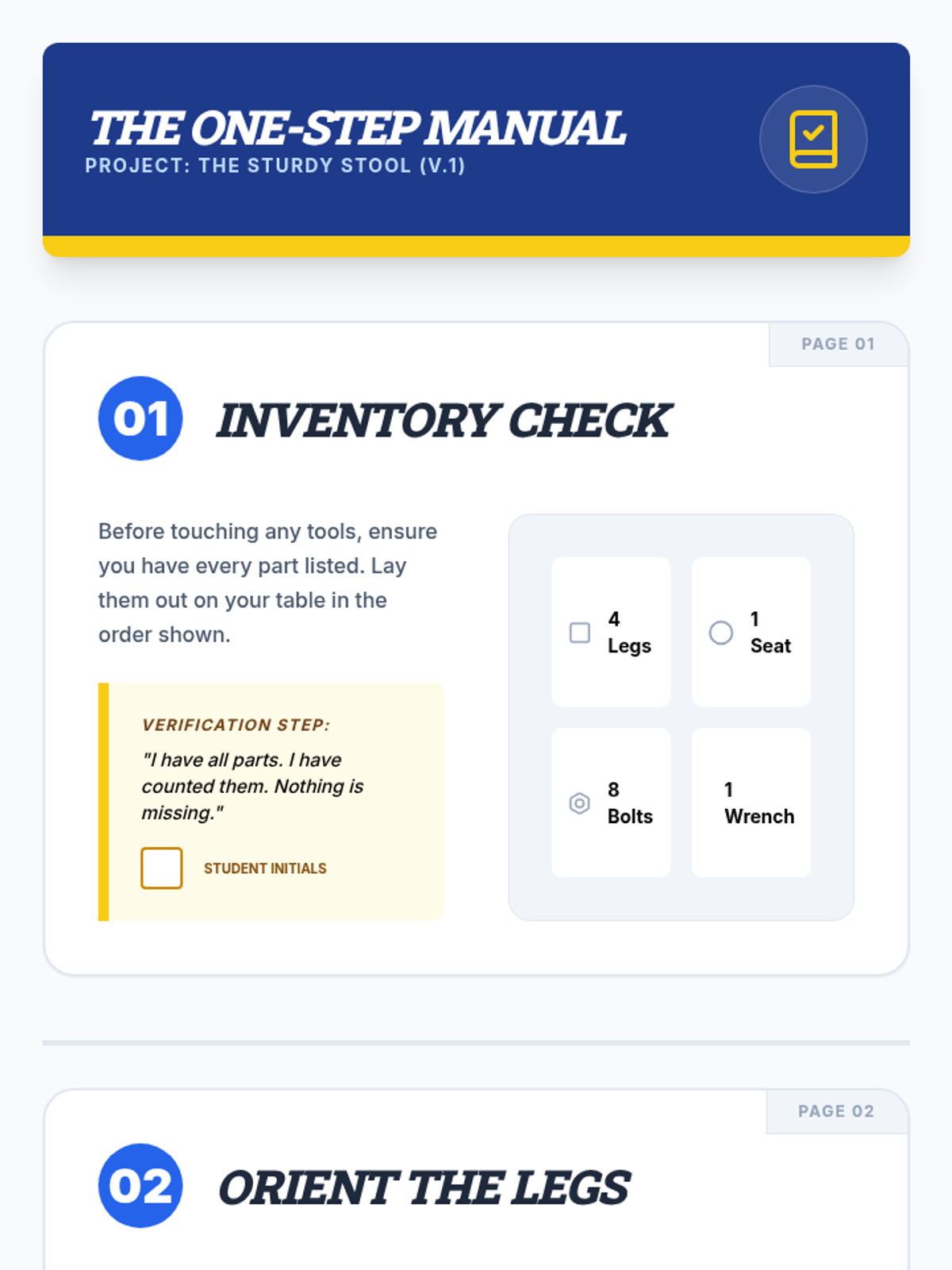
The capstone assembly challenge where students build a complex item using single-step instructions to demonstrate mastery of process adherence.
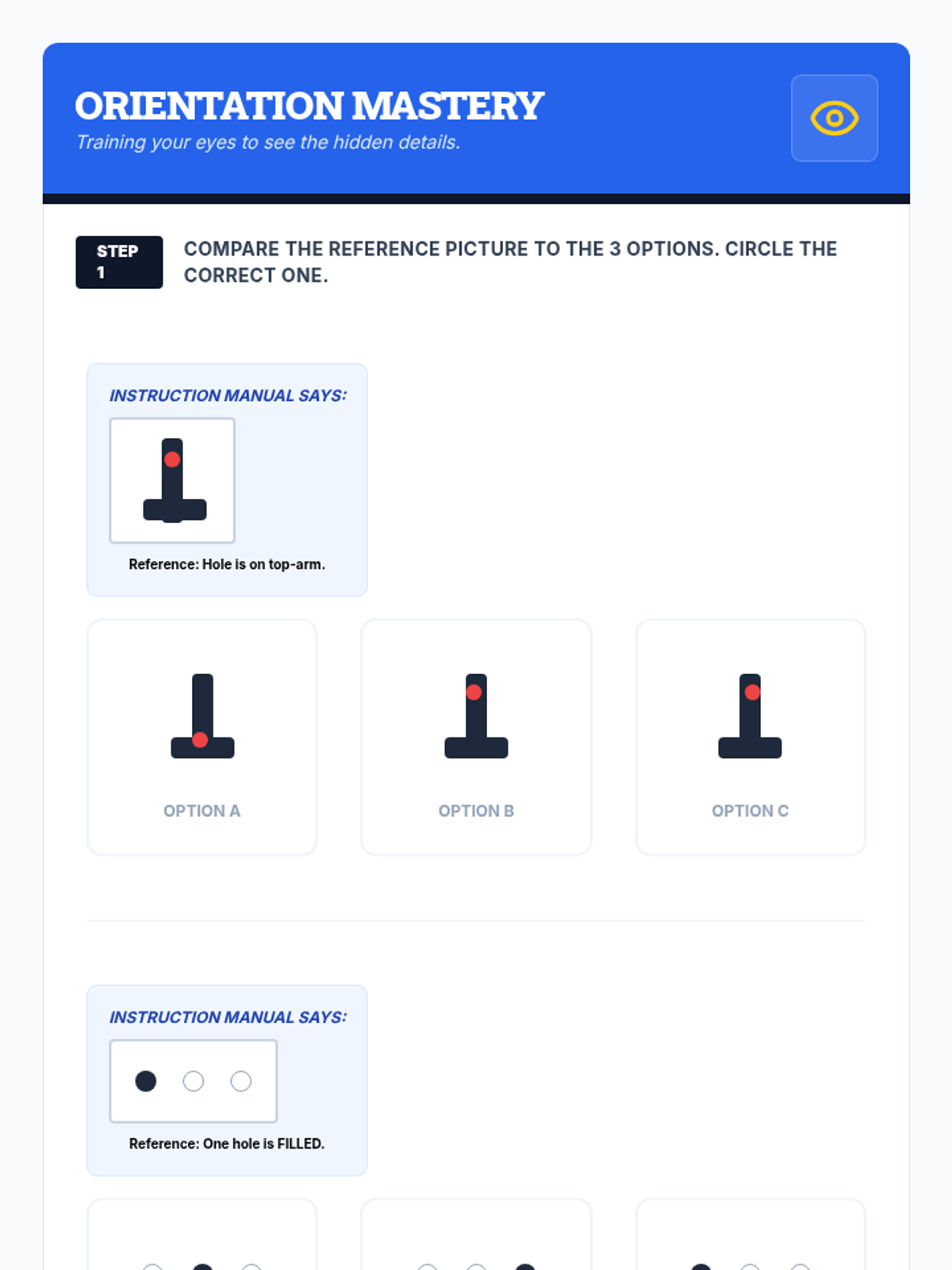
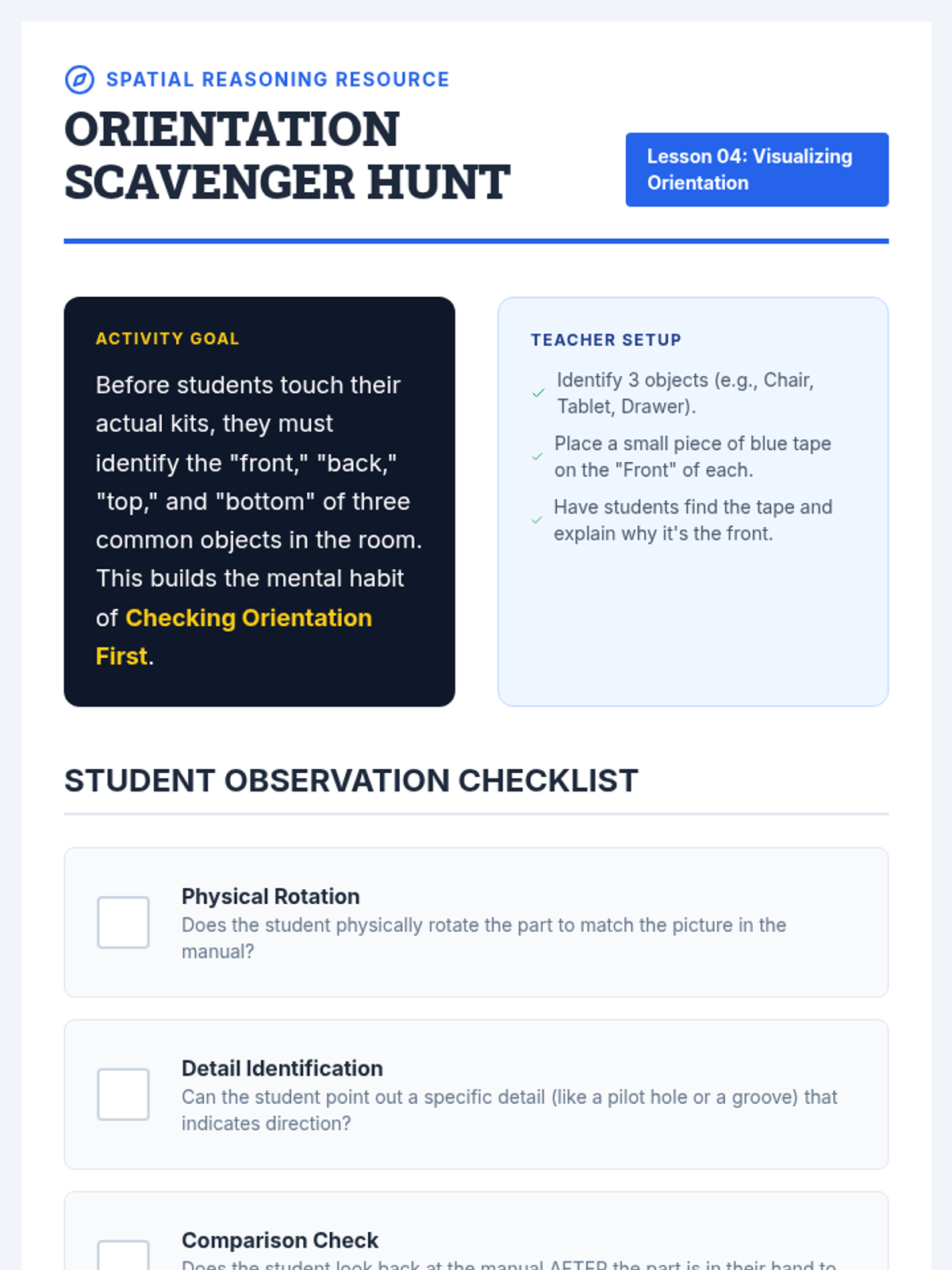
Emphasis on spatial reasoning and detail orientation, specifically focusing on the correct orientation of parts before attachment.
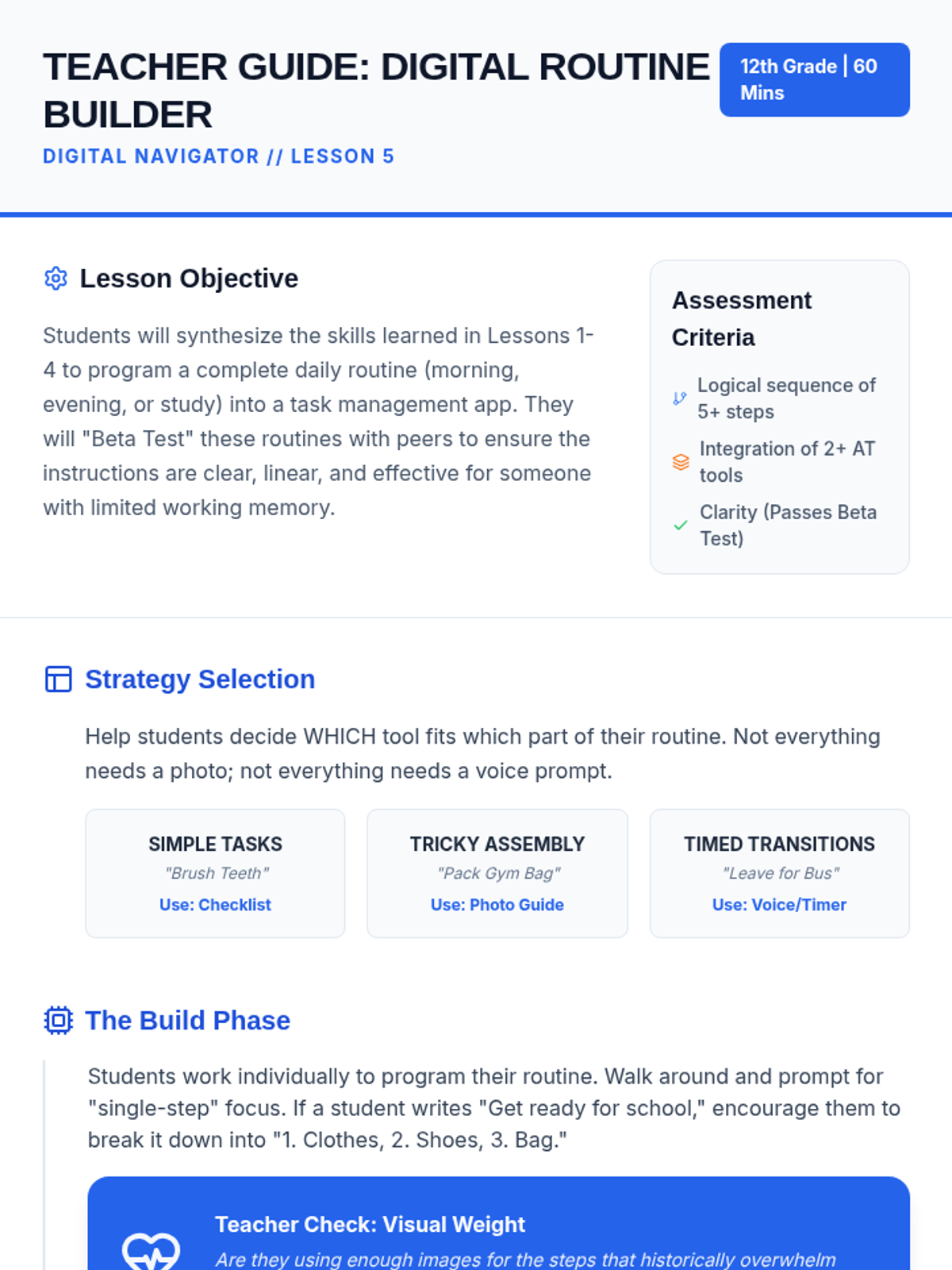
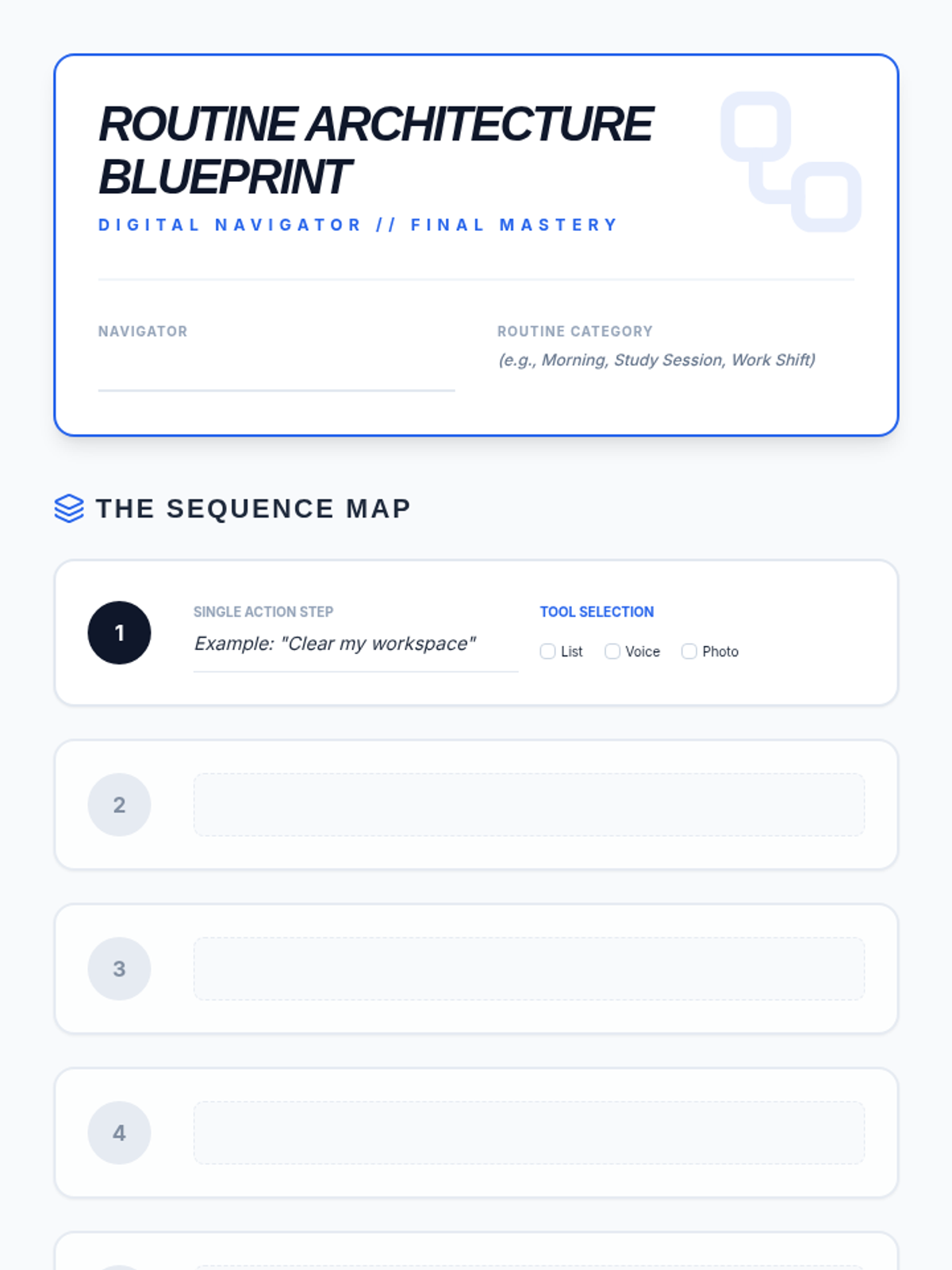
Students synthesize their learning by programming a full daily routine into a task management app and testing it for clarity and functionality.
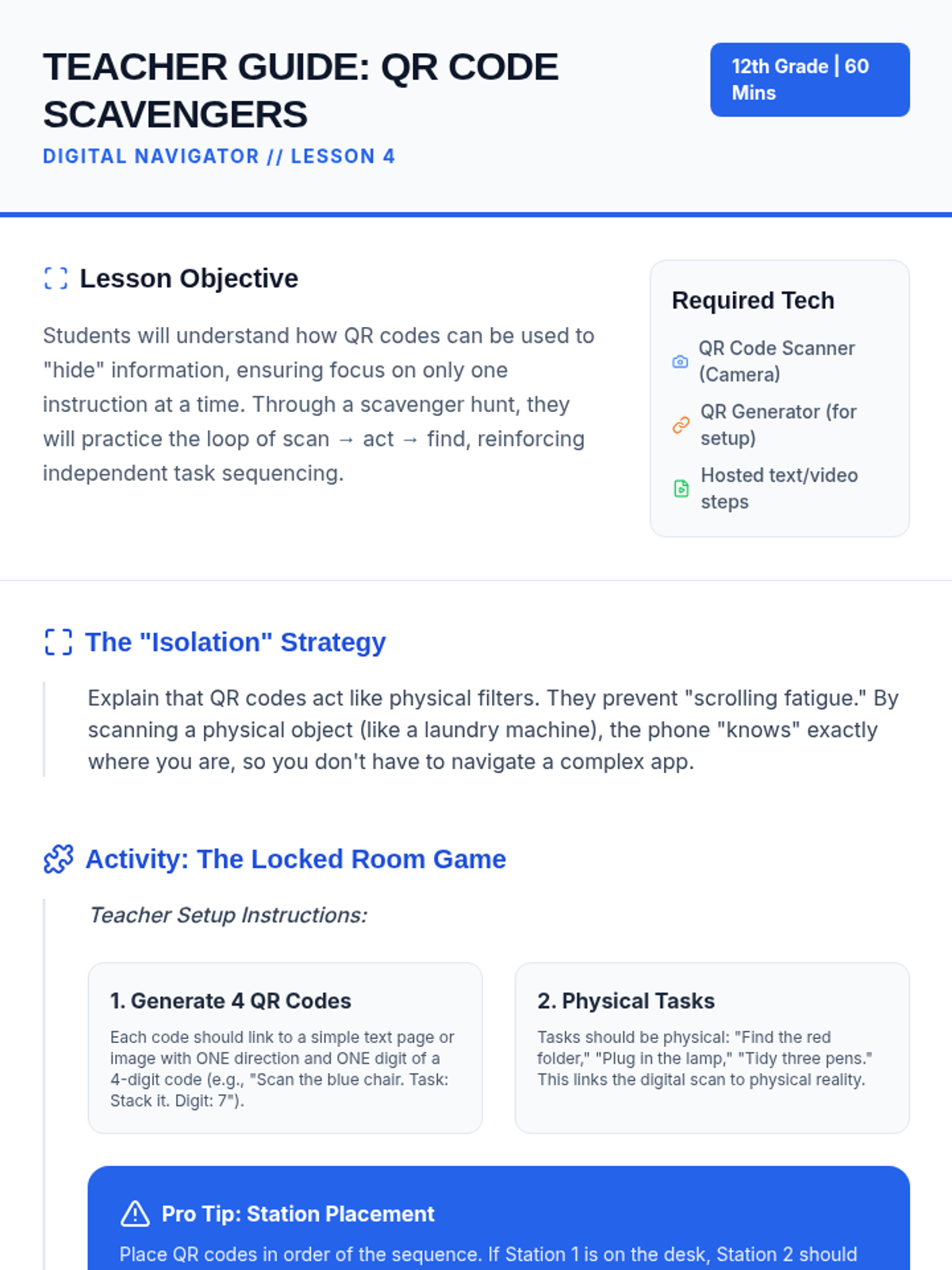
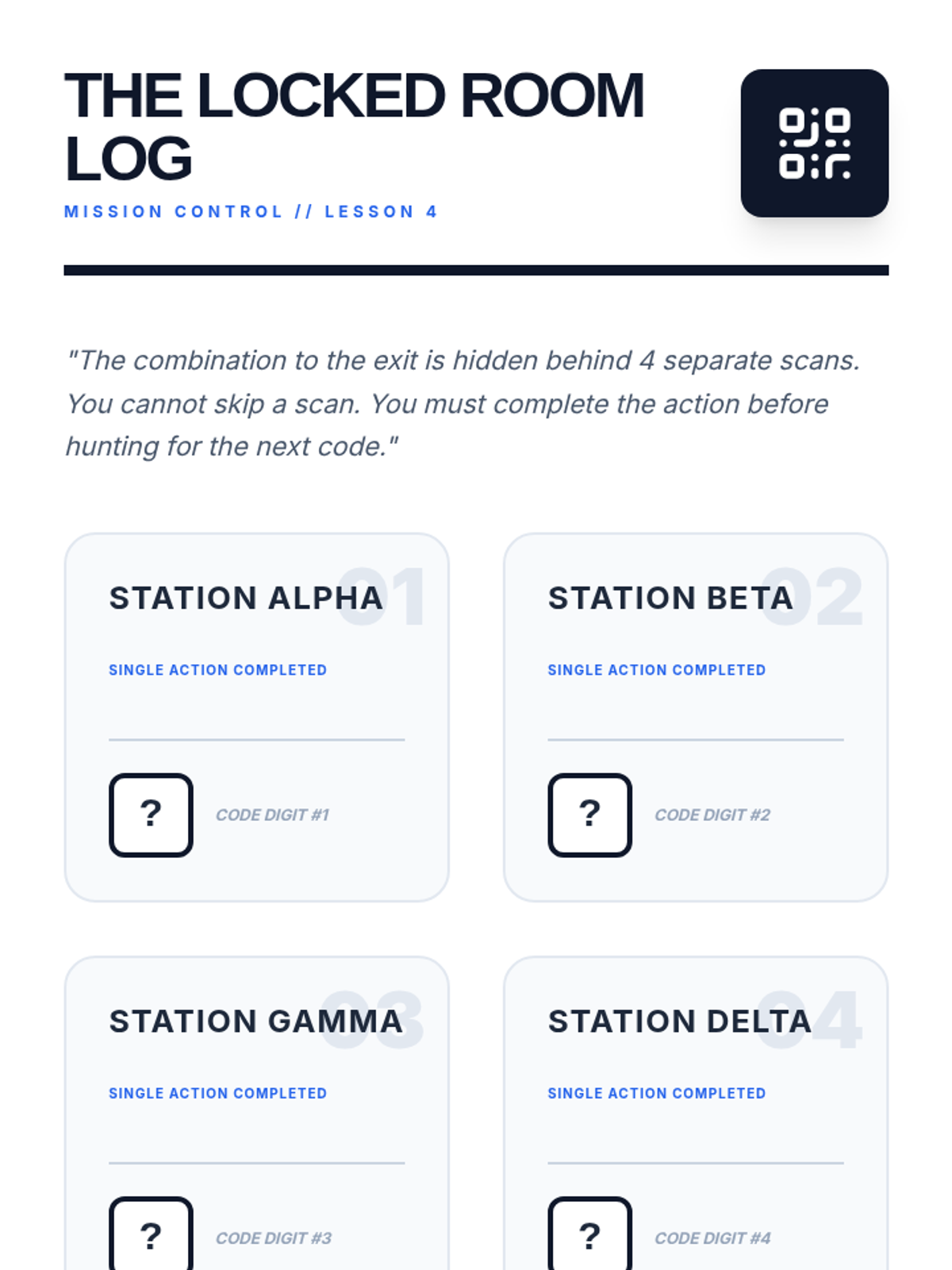
A game-based exploration of using QR codes to isolate single instructions, ensuring students complete one step before moving to the next.
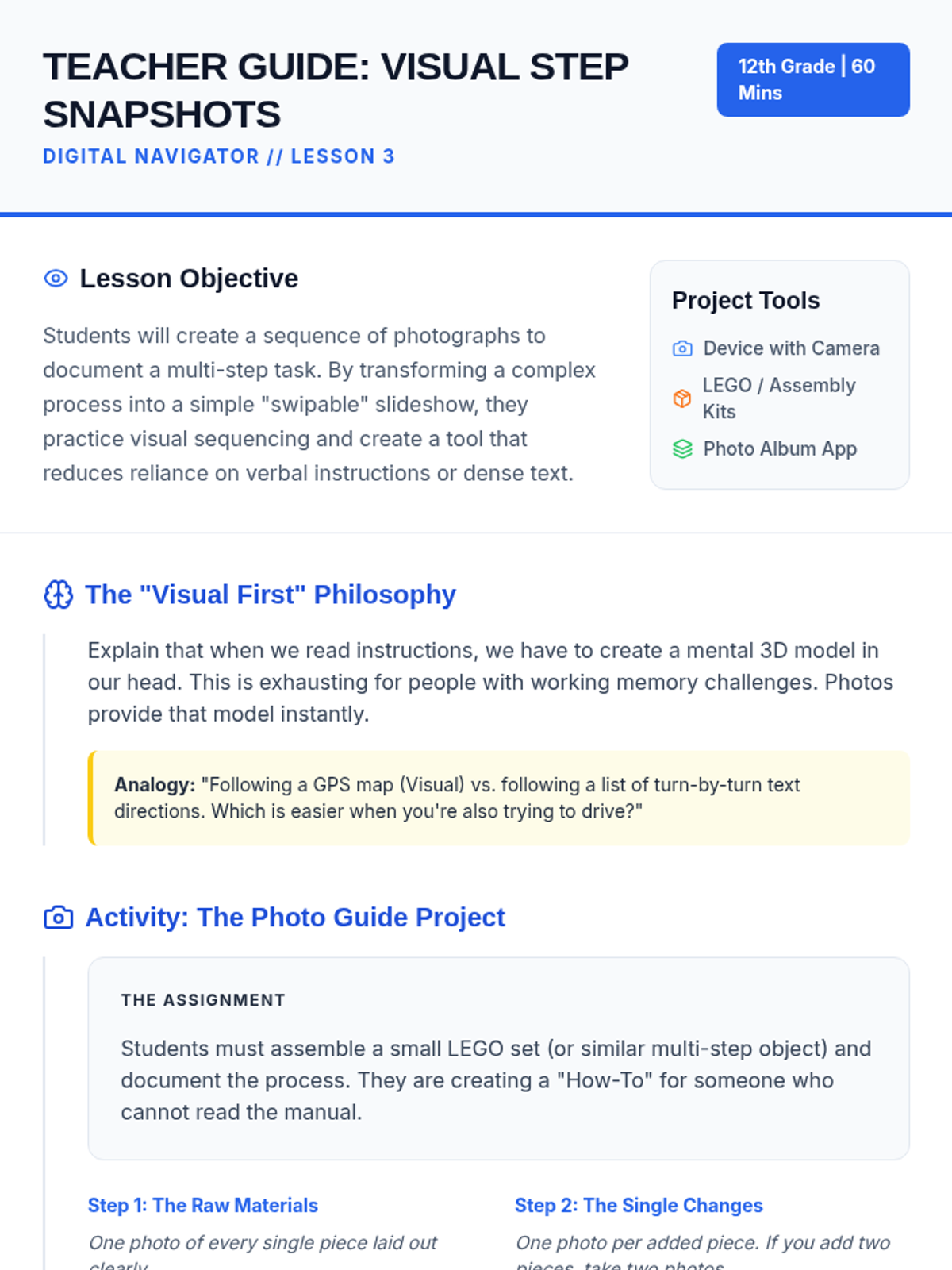
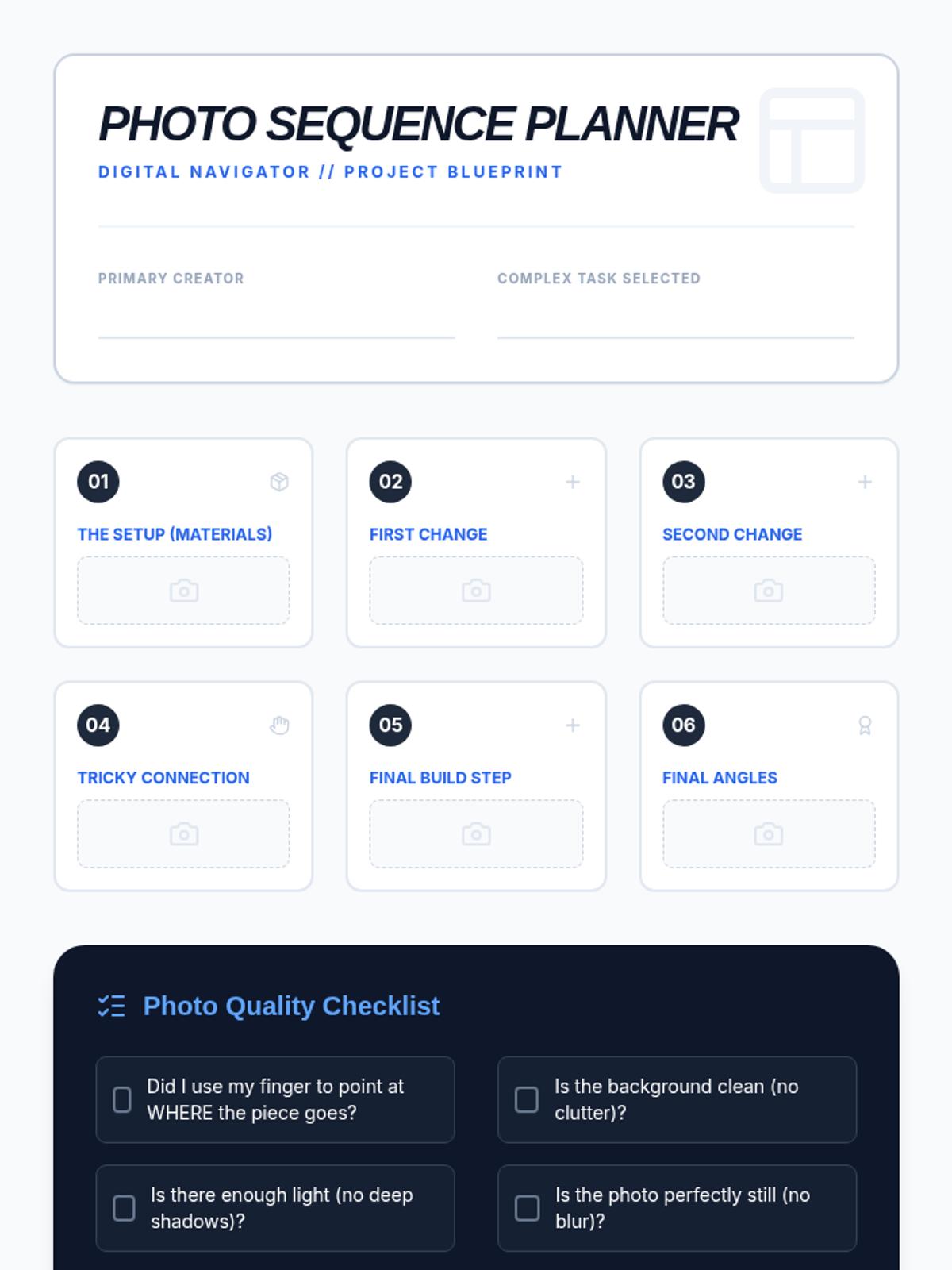
Students create visual, step-by-step guides using photography to transform complex processes into a simple series of swipable images.
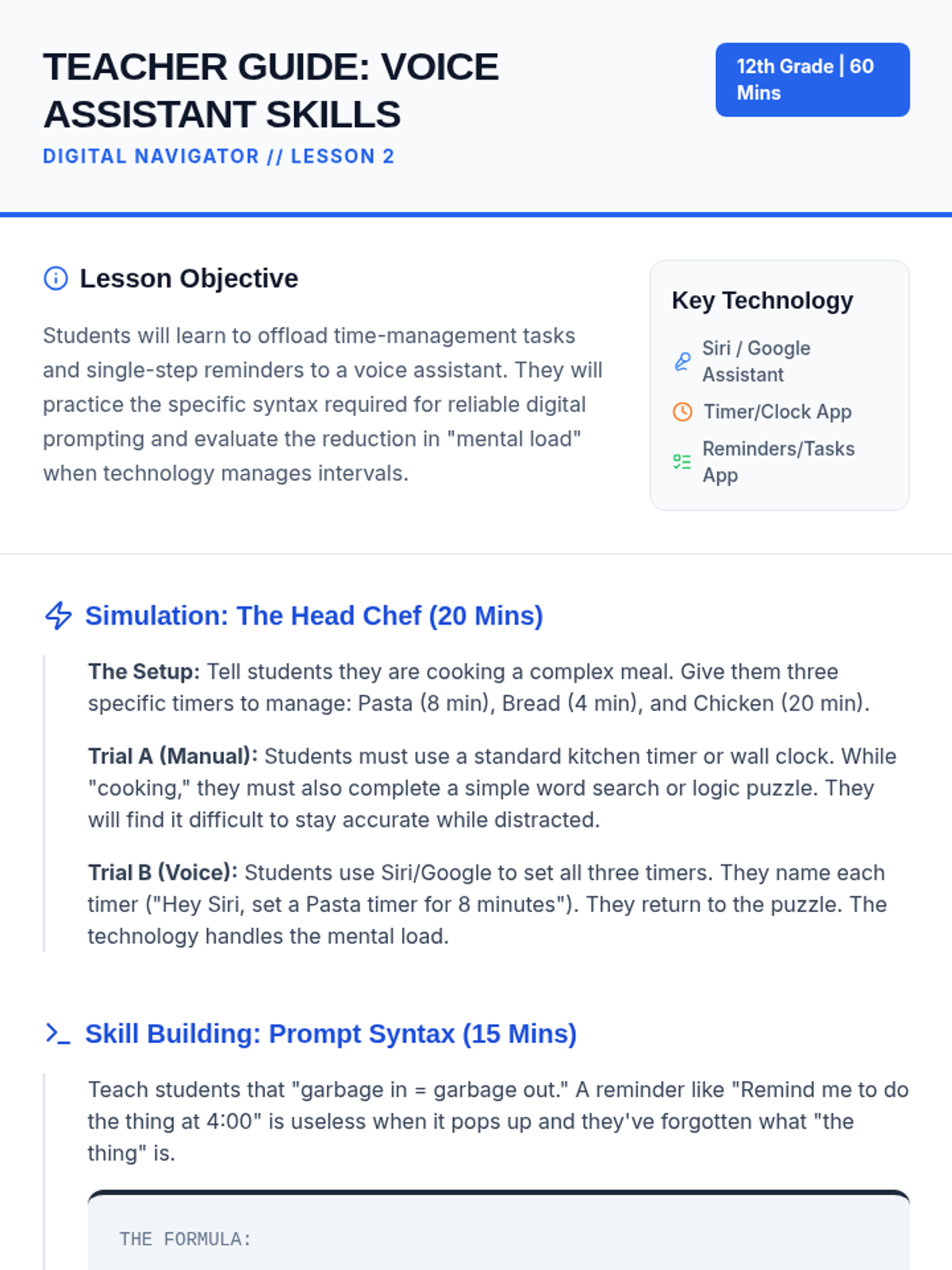
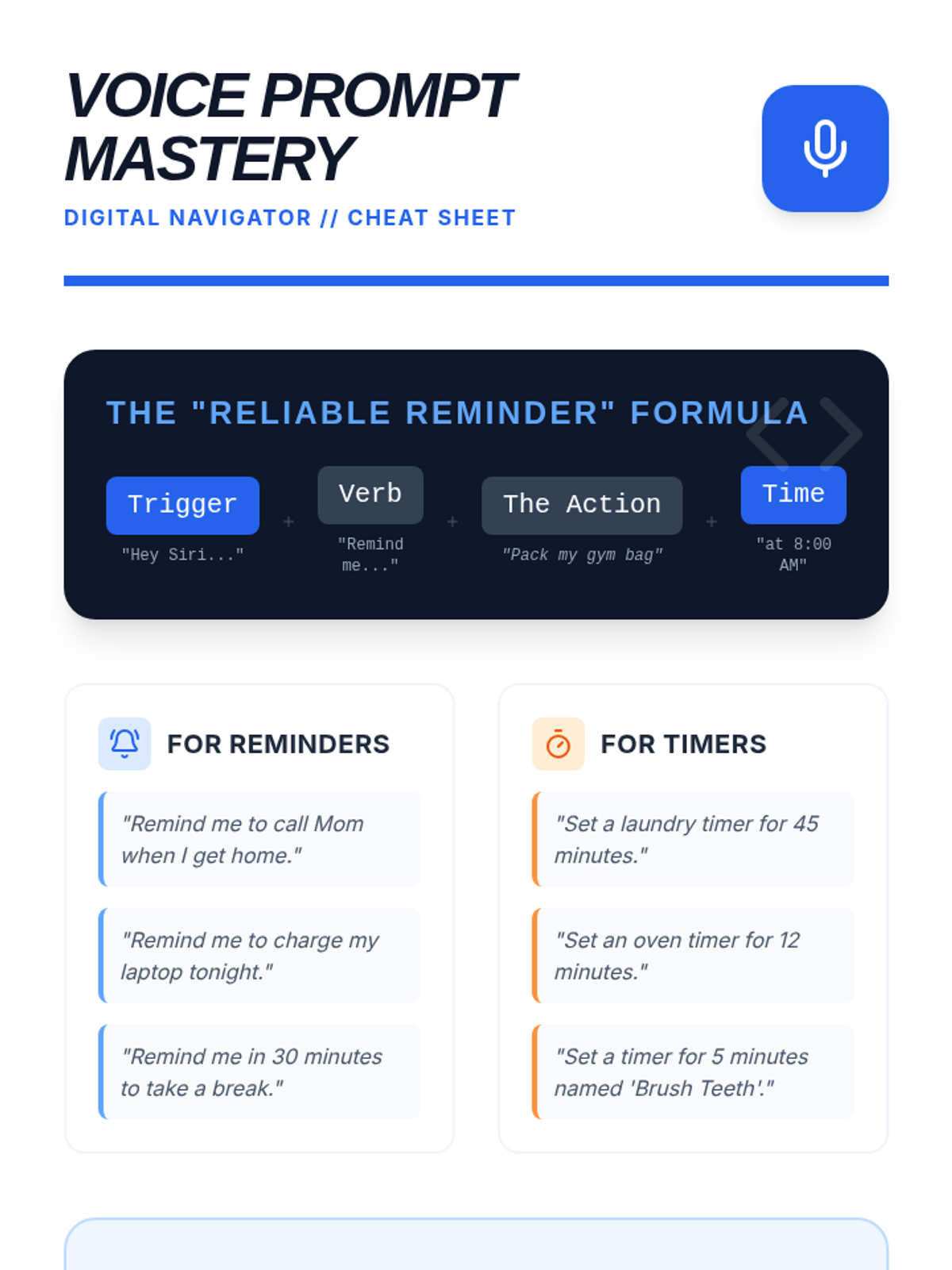
Learners practice using voice-activated technology to set reminders and timers, offloading the mental effort of time management to digital assistants.
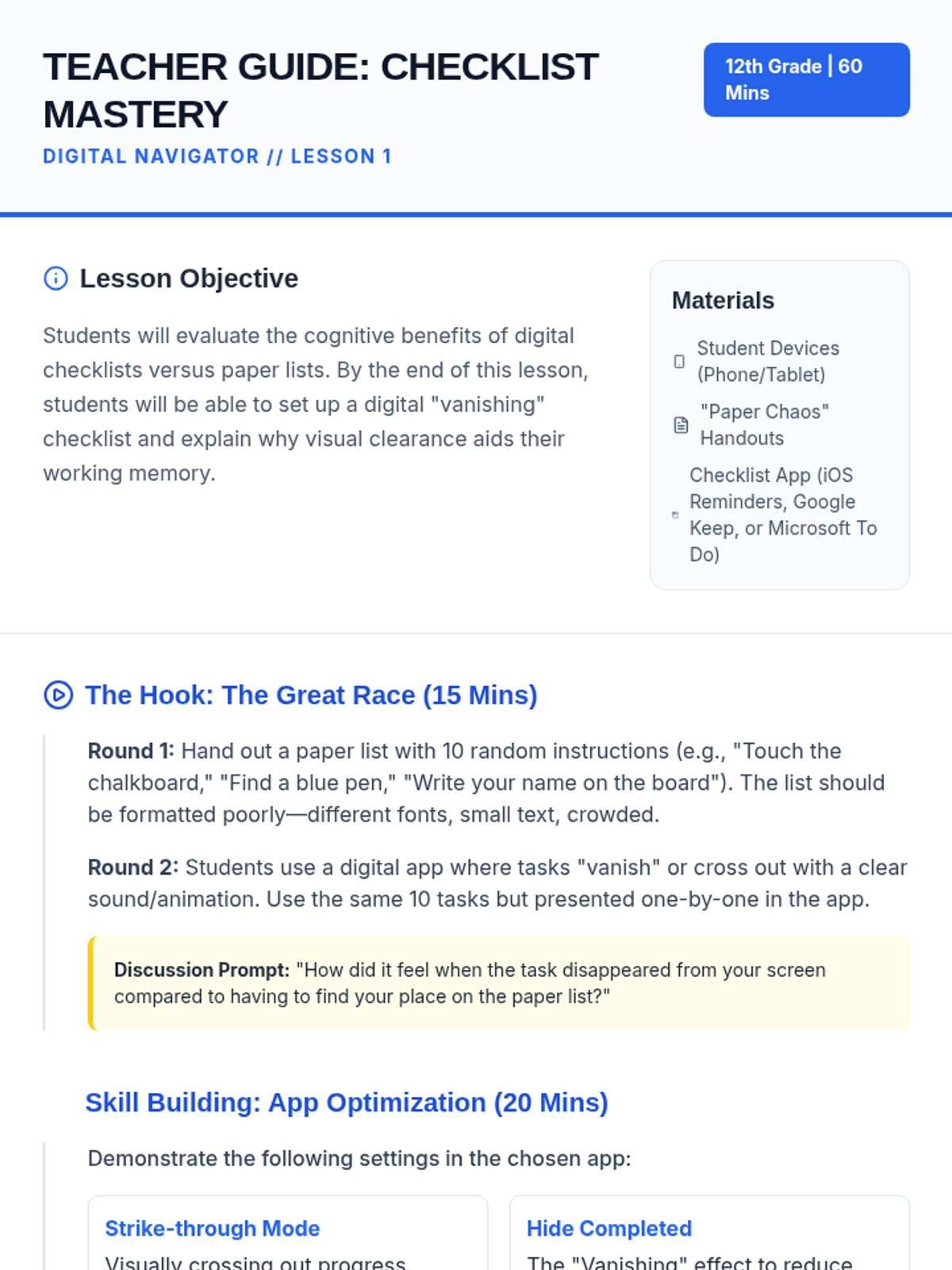
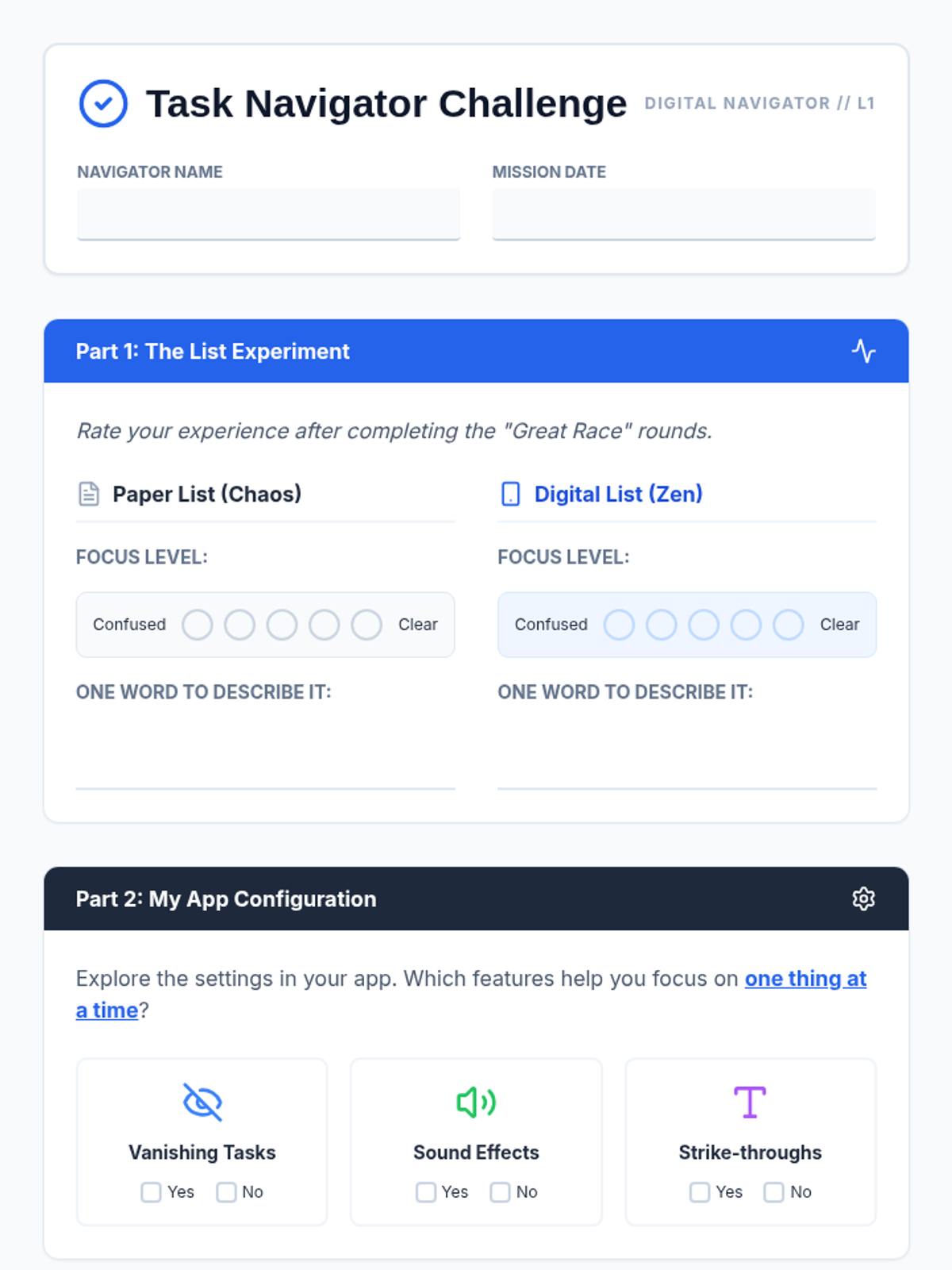
Students compare paper and digital checklists to understand how 'strike-through' and 'vanishing' features reduce cognitive load and help focus on one task at a time.
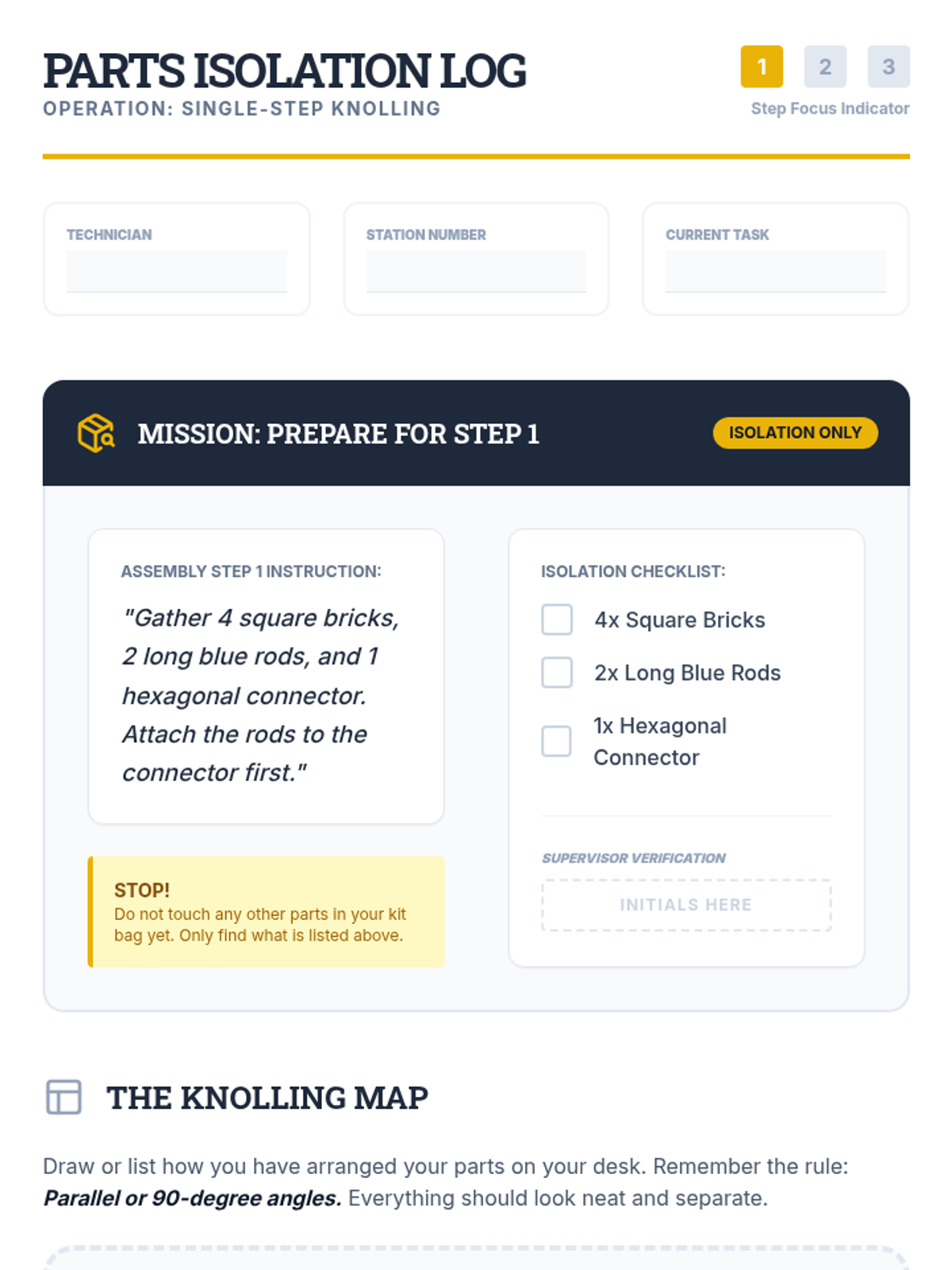
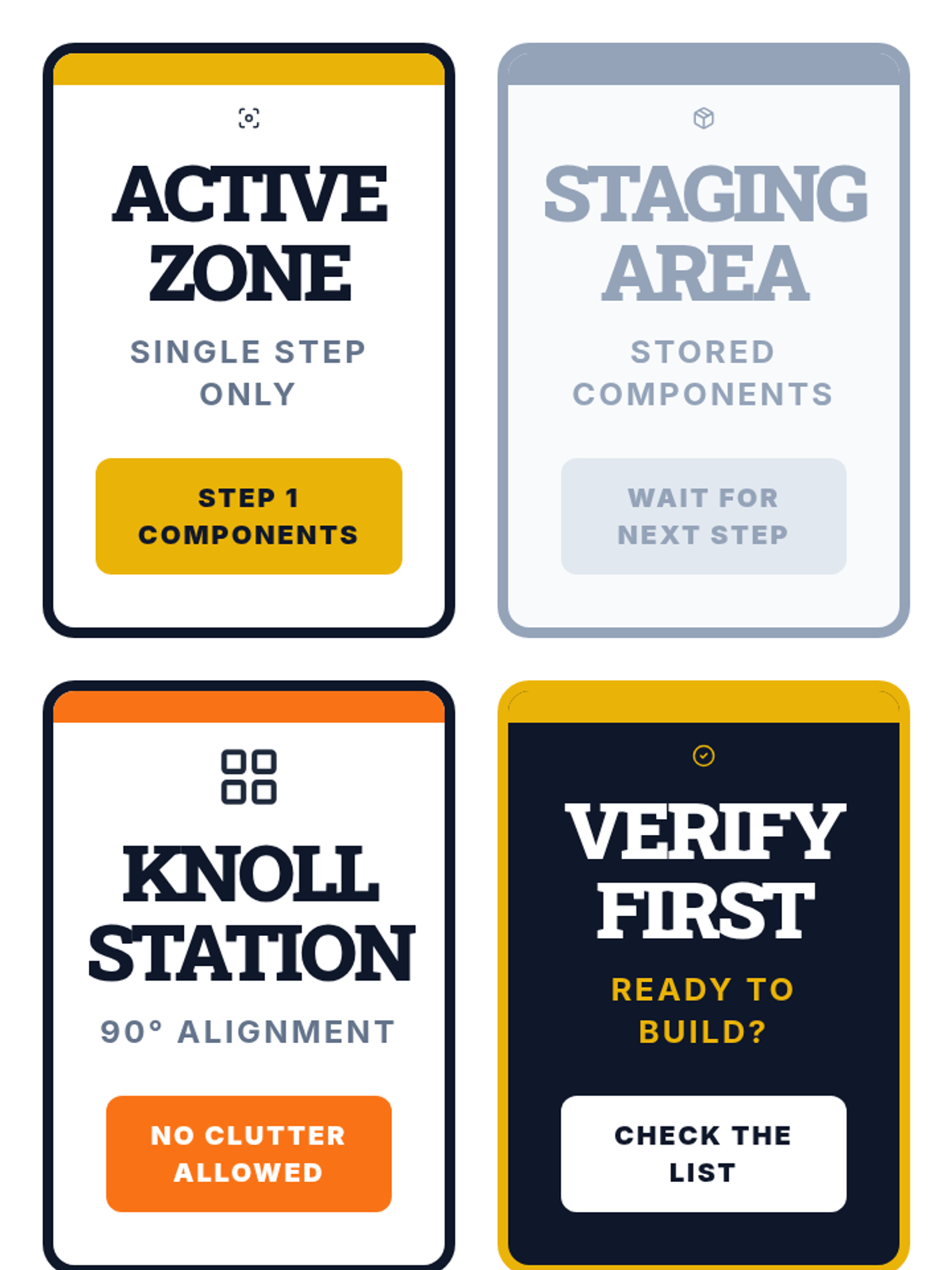
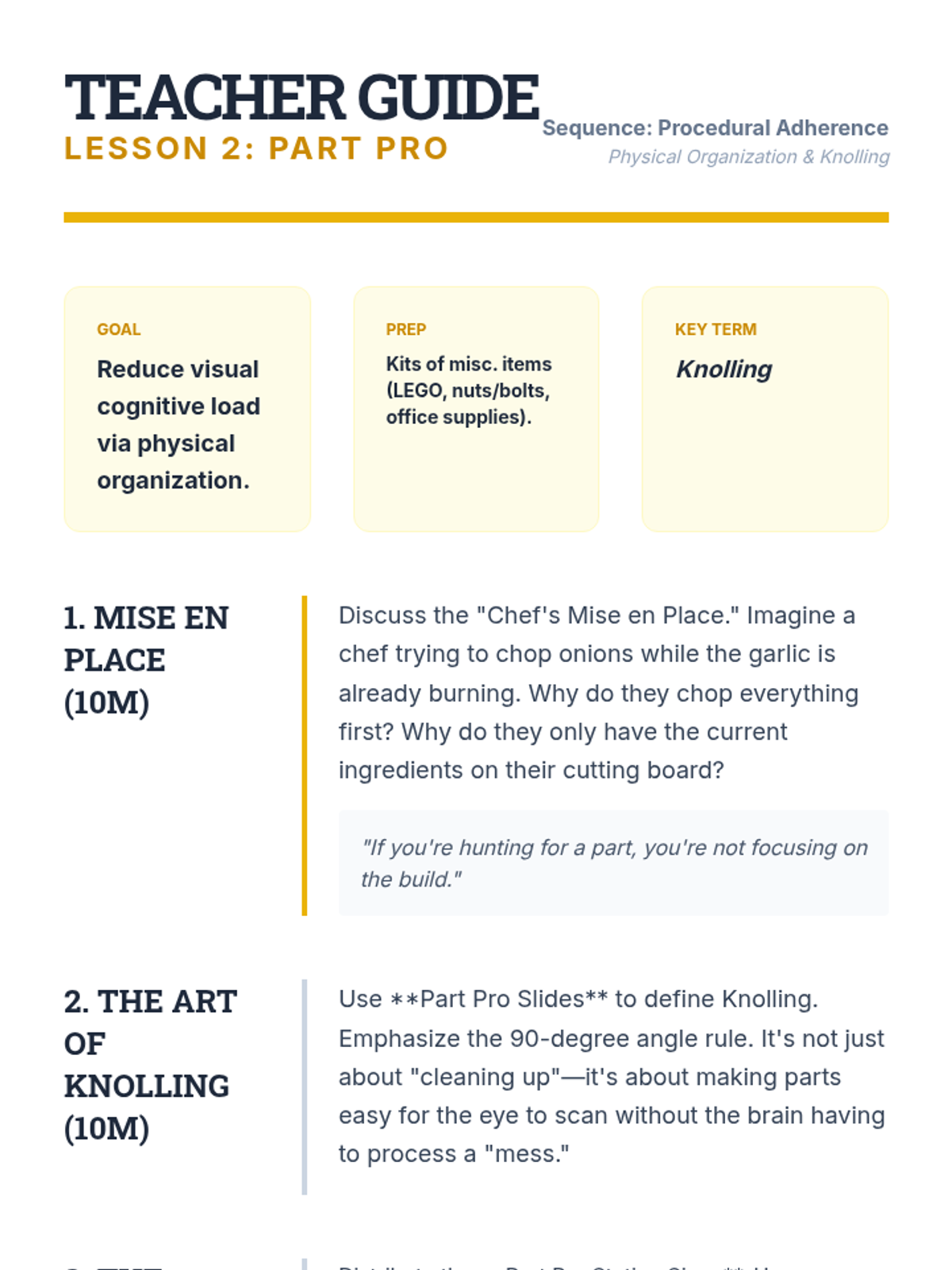
Before assembly, students practice 'knolling'—gathering and arranging only the parts needed for the immediate single step. This physical organization reduces cognitive clutter.
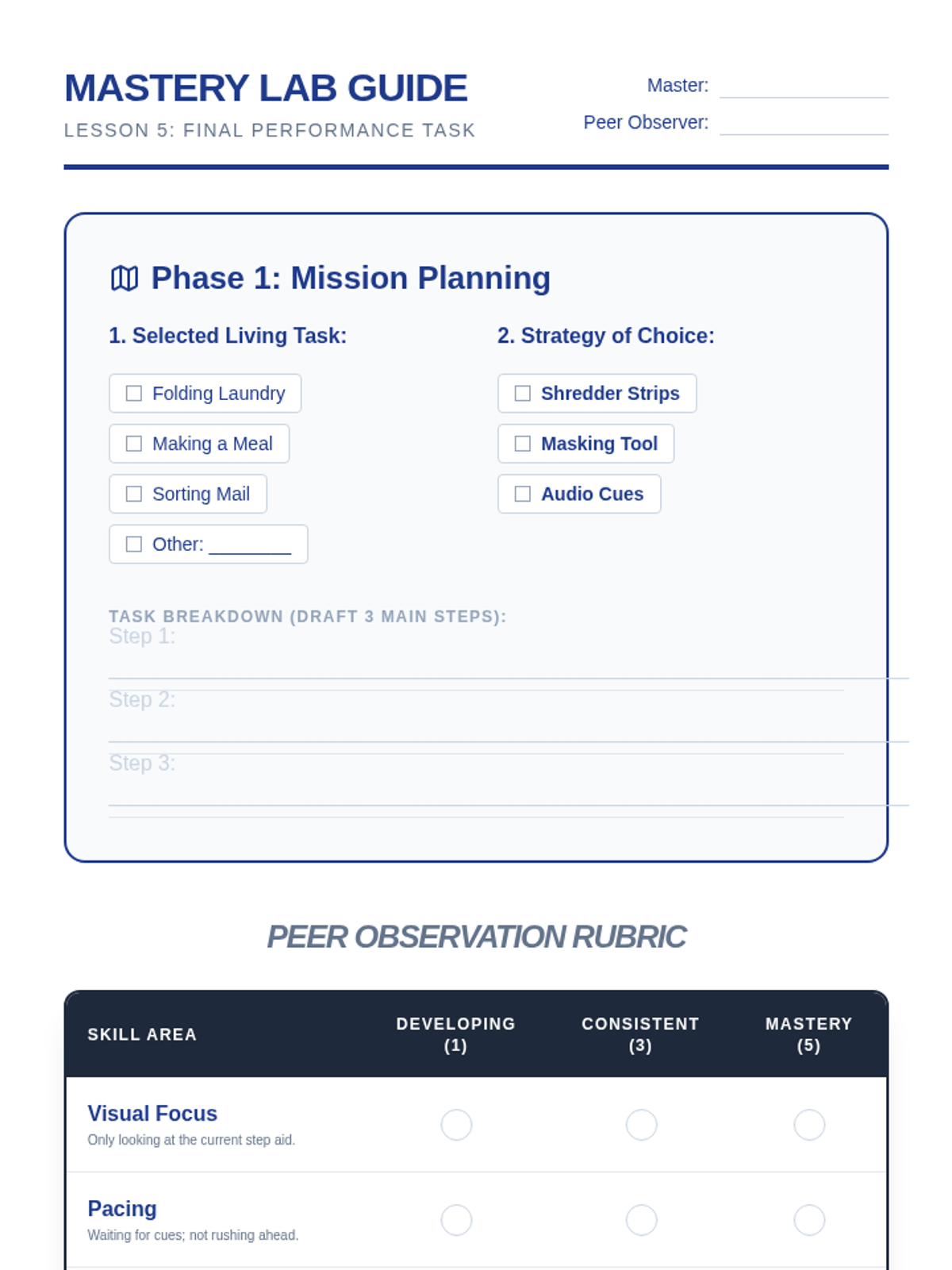
The capstone lesson where students apply their chosen single-step method to a real-world task, demonstrating mastery and peer-reviewed independence.
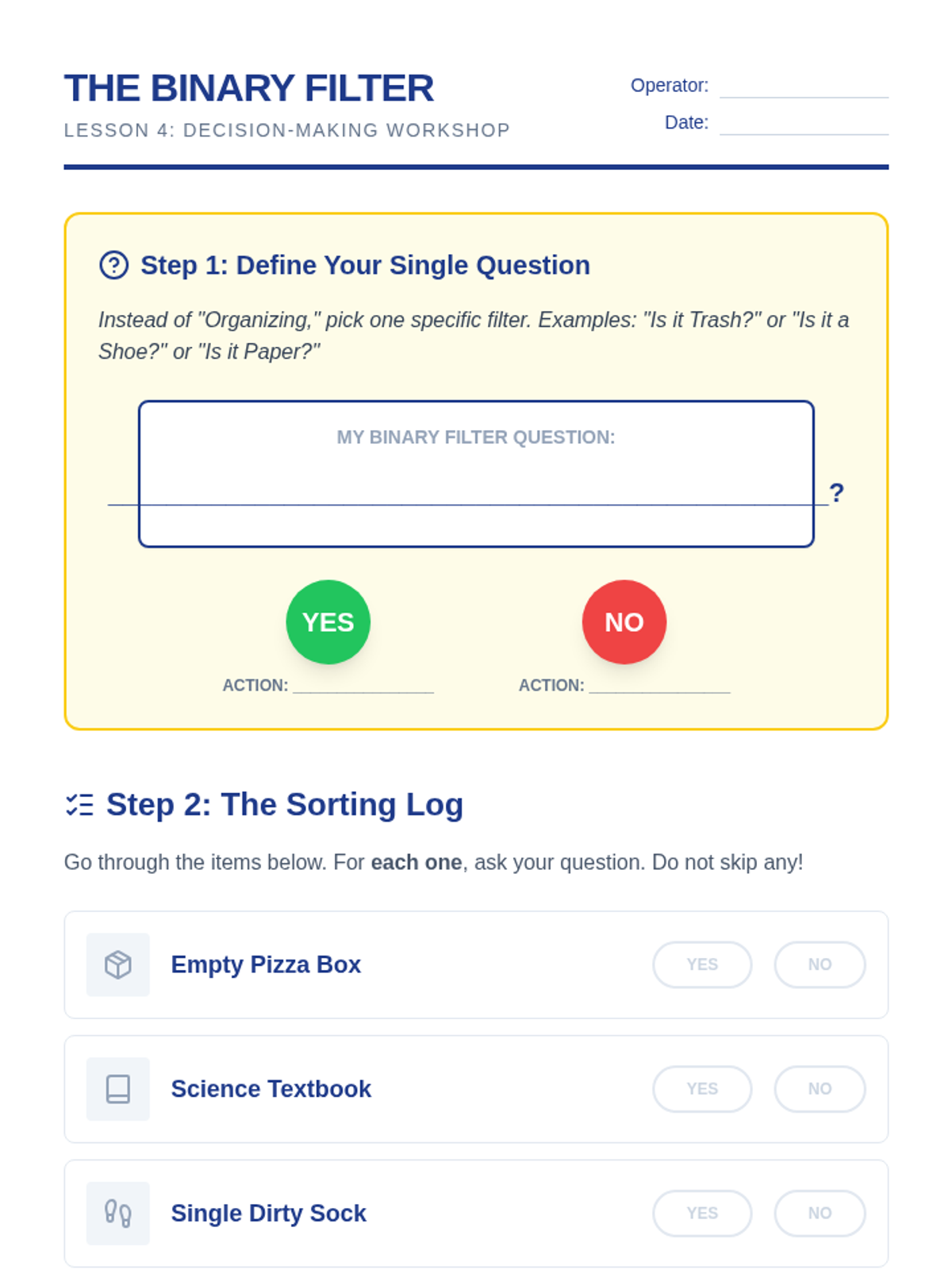
Teaches students to simplify complex organizational decisions into simple binary (Yes/No) questions to prevent decision fatigue.
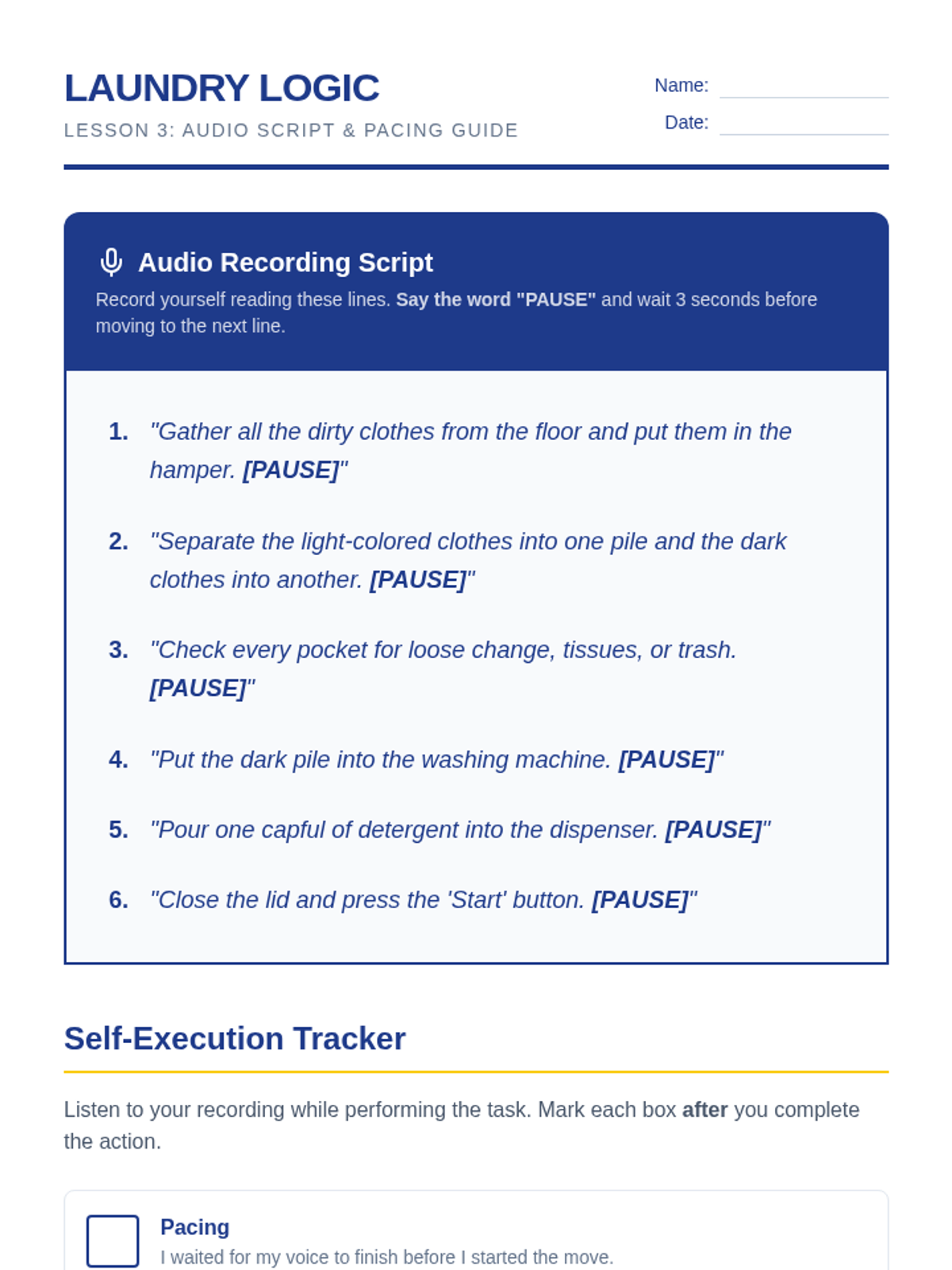
Explores the use of auditory cues and paced instruction to regulate execution speed and maintain focus on one task at a time.
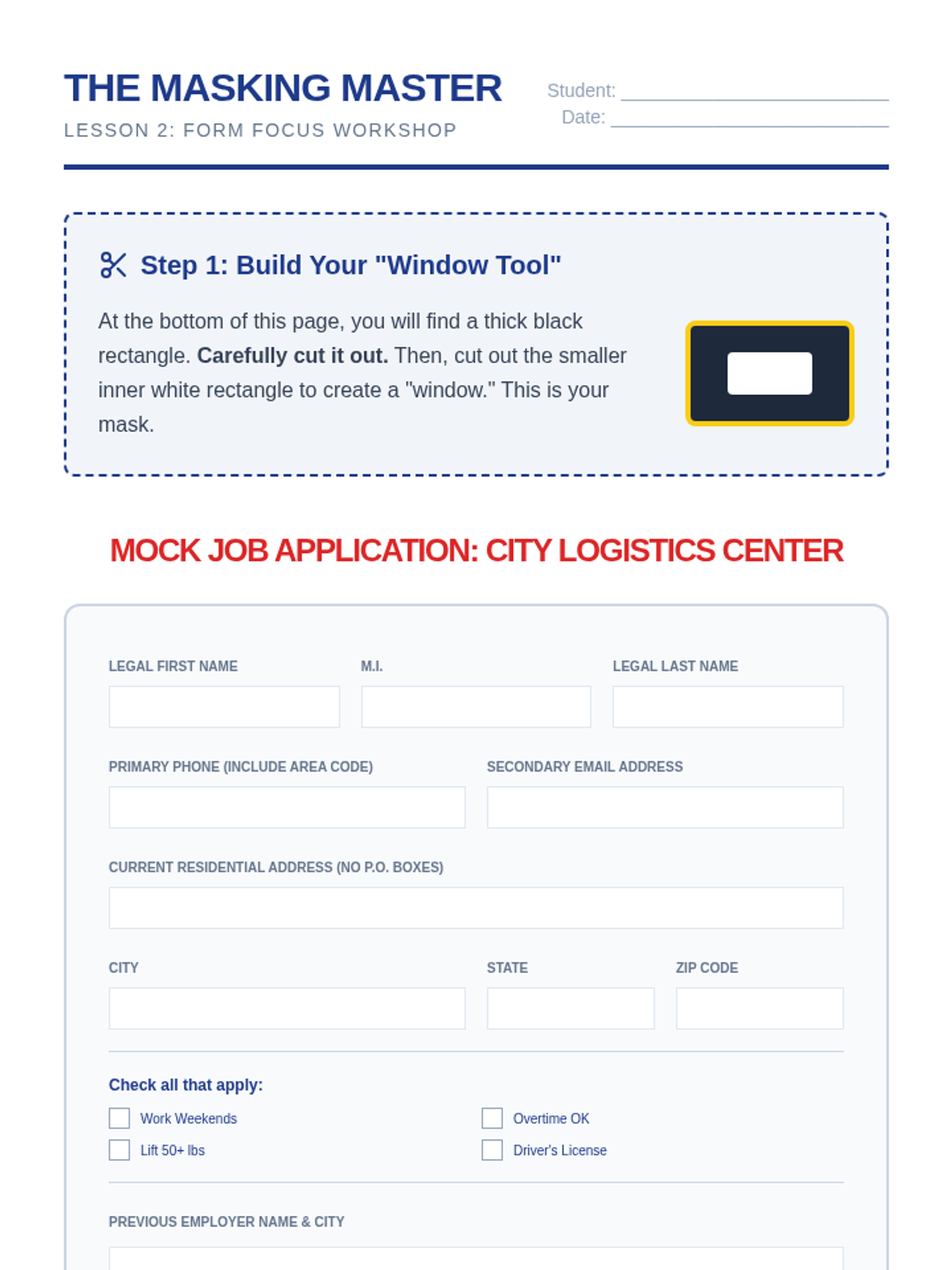
Focuses on the 'masking' technique to physically block out distracting information on forms and instructional texts, ensuring visual focus remains on the current step.
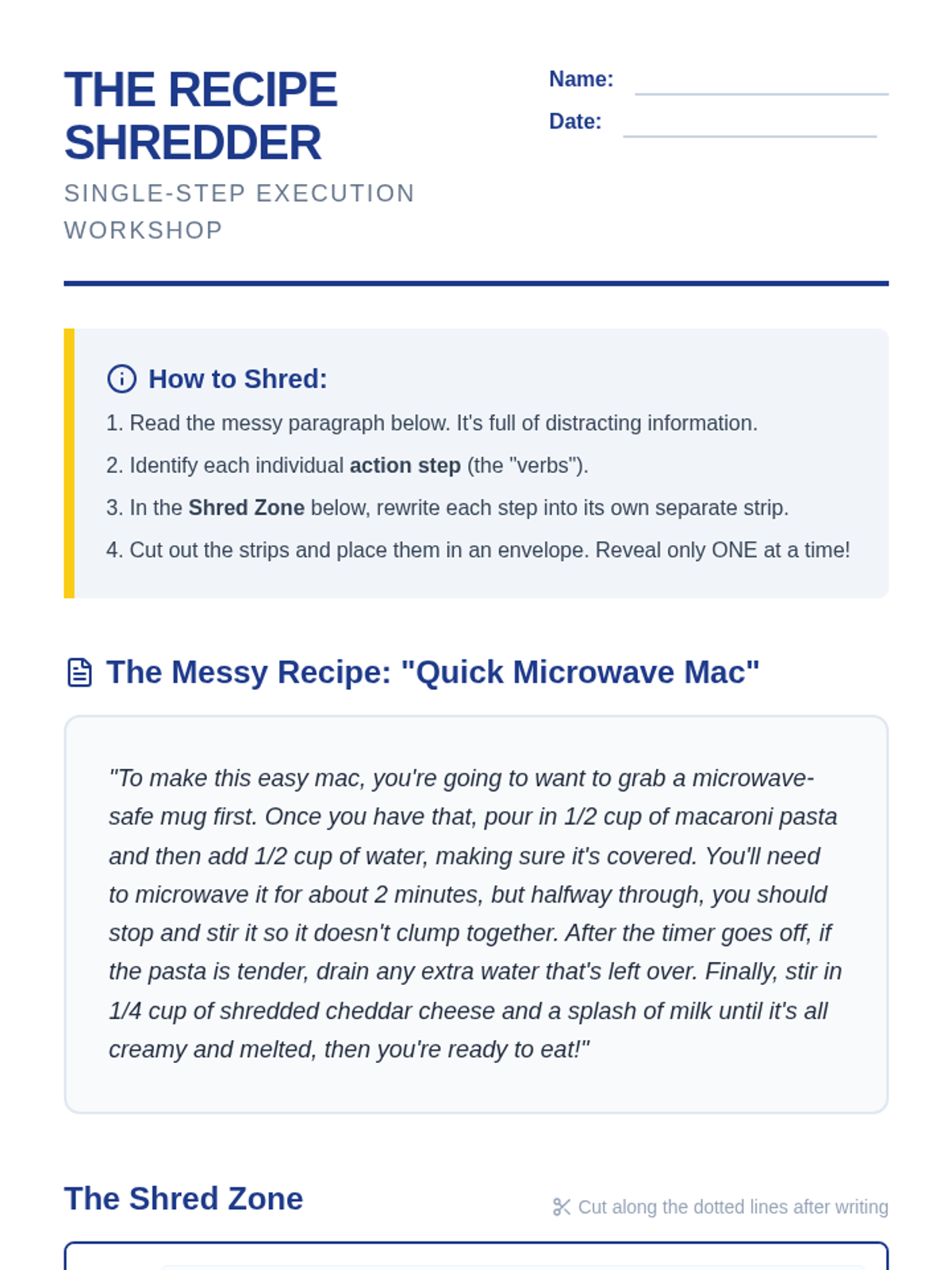
Students learn to transform overwhelming paragraph-style instructions into manageable single-step strips, reducing cognitive load during complex tasks.
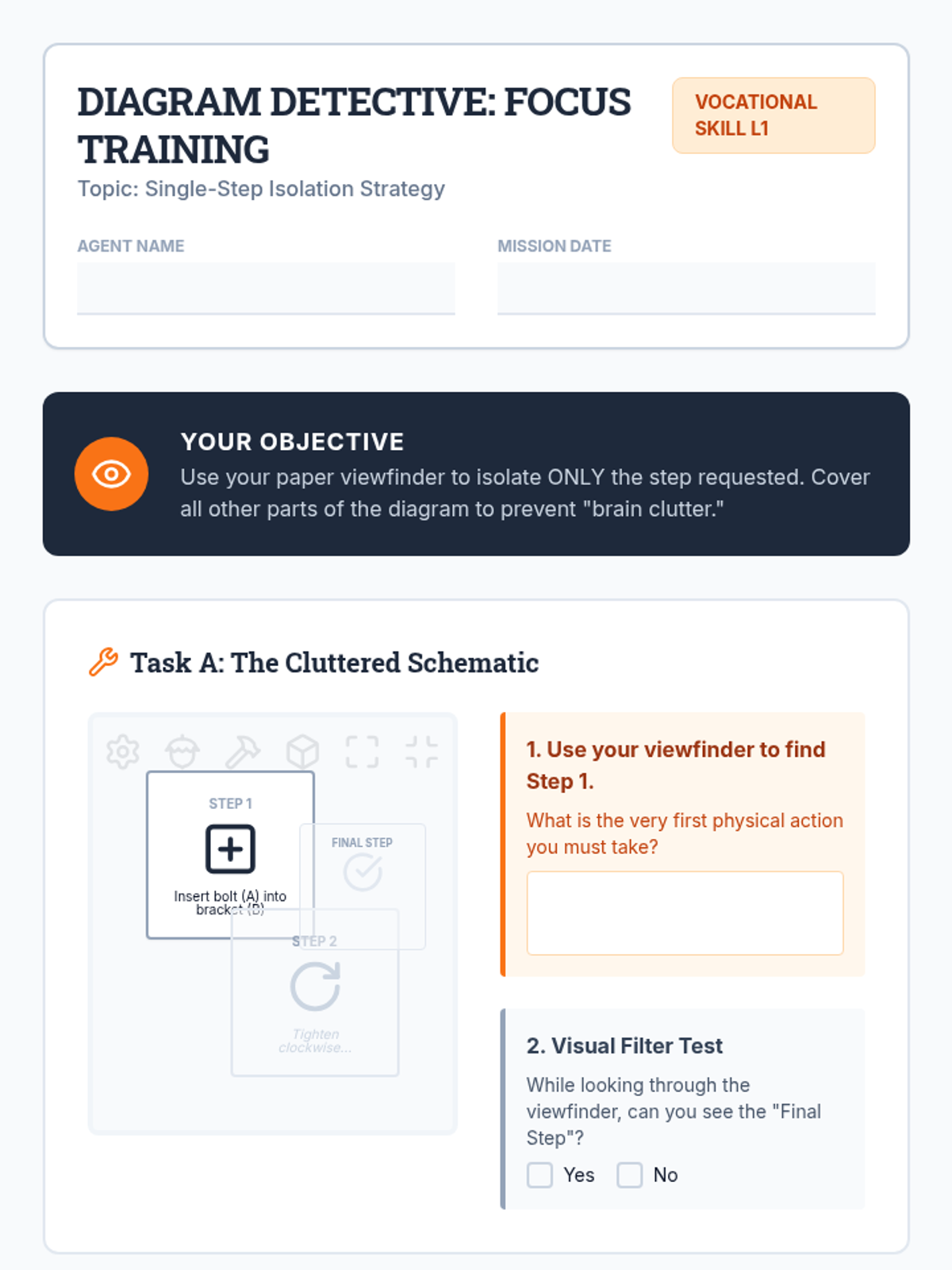
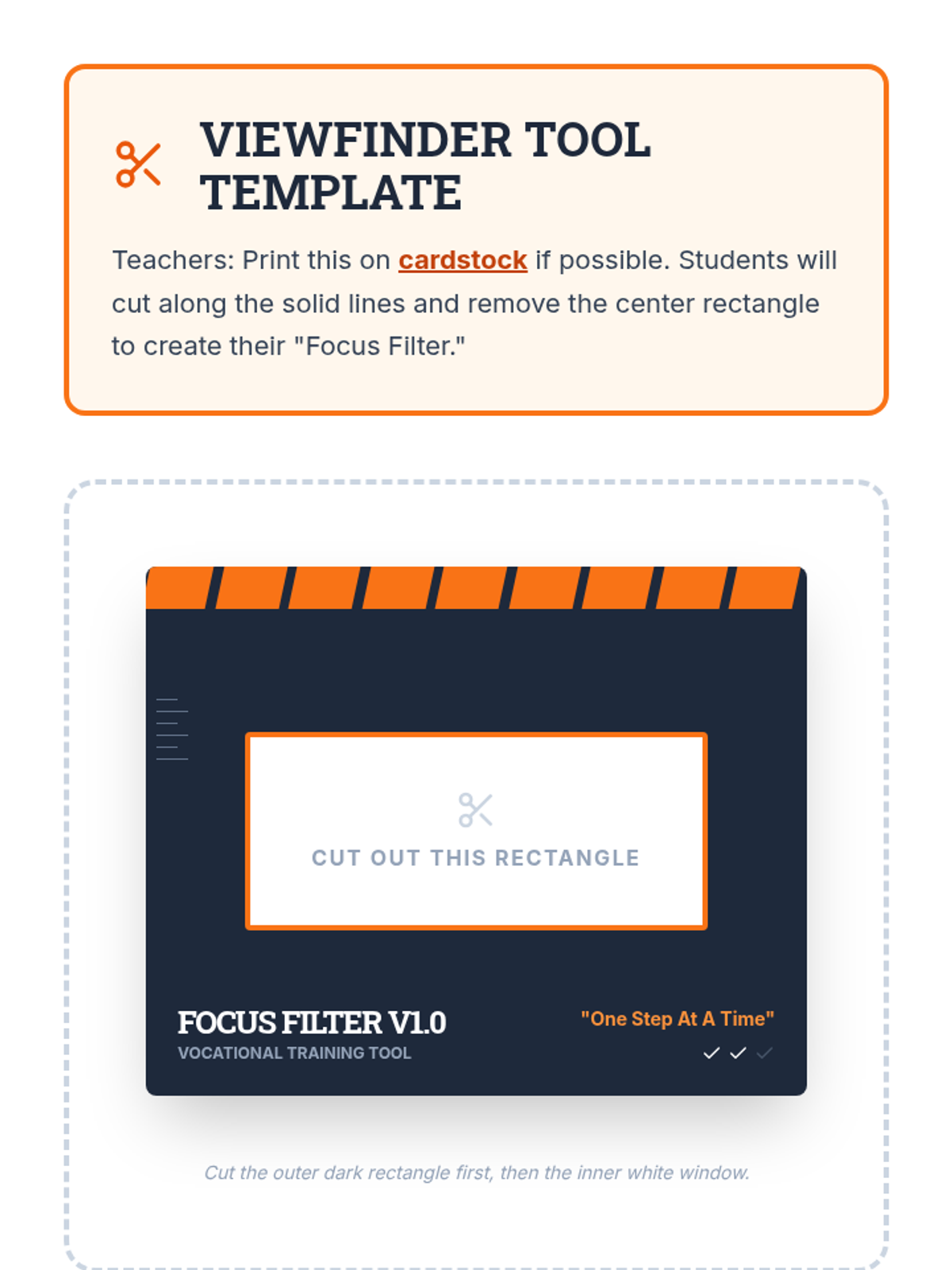
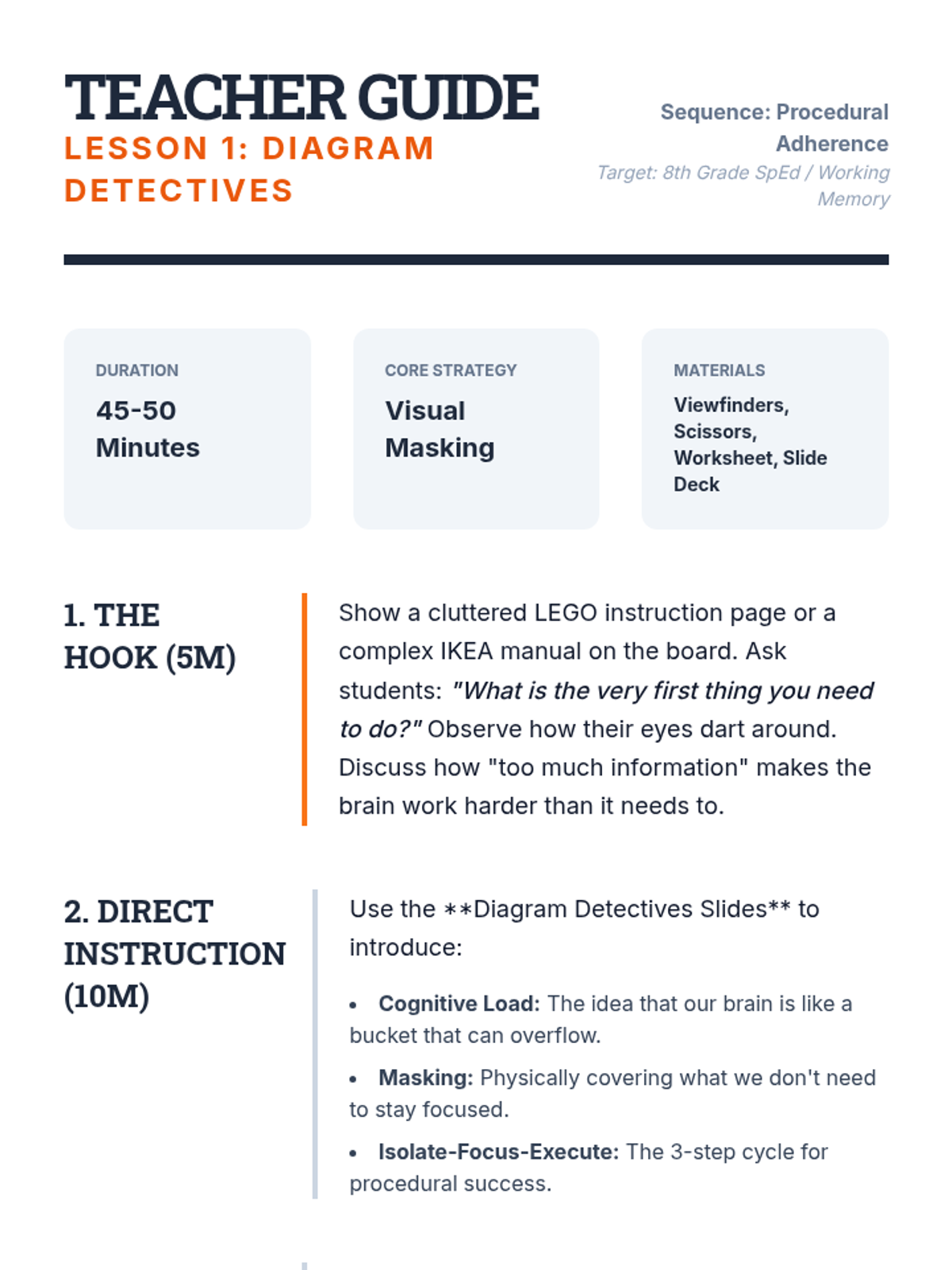
Students learn to read instructional diagrams by masking future steps and focusing visual attention solely on the current component using 'viewfinders'.
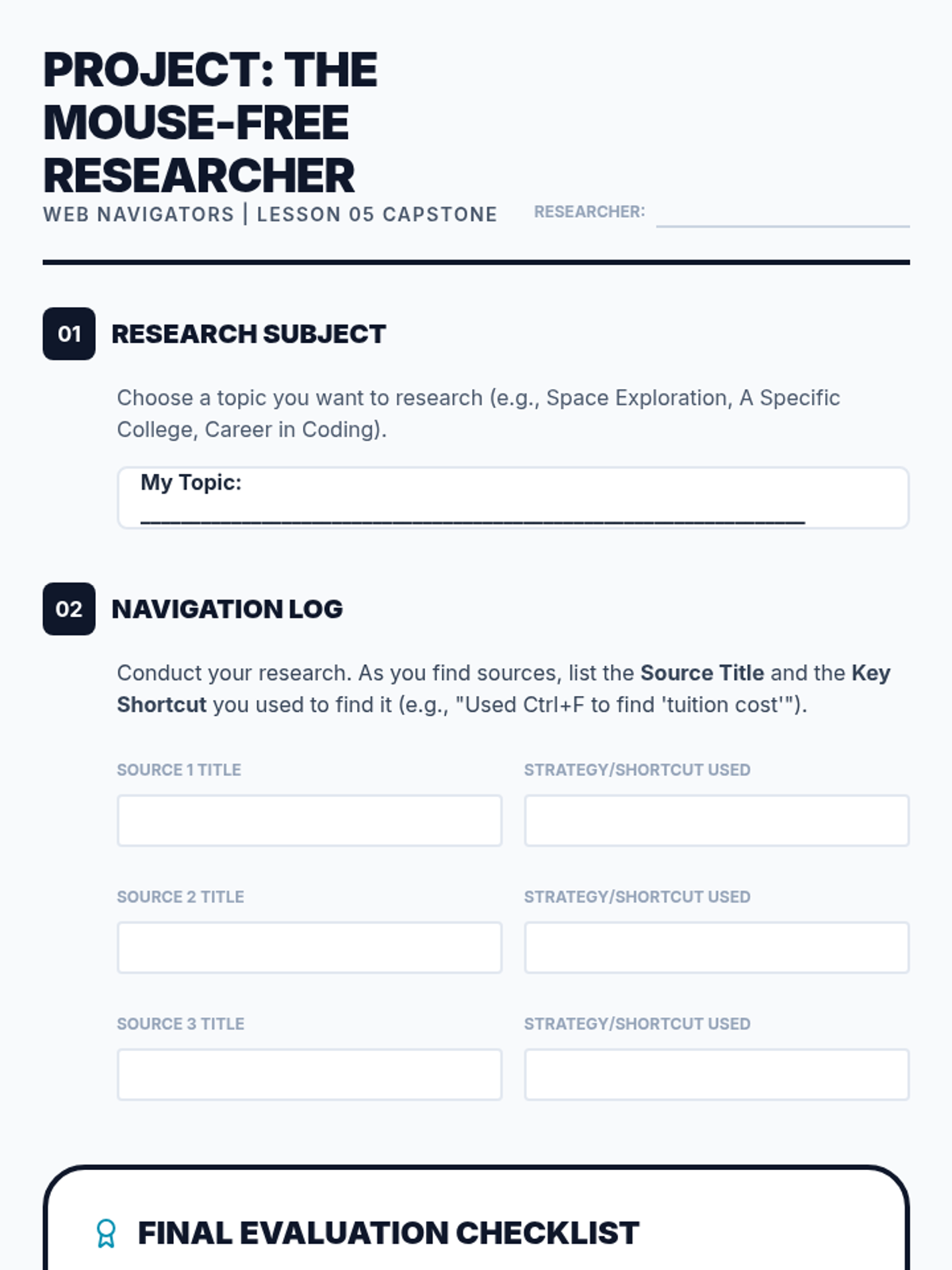
A culminating project where students apply all learned shortcuts to conduct a research task entirely mouse-free, resulting in a compiled list of sources.
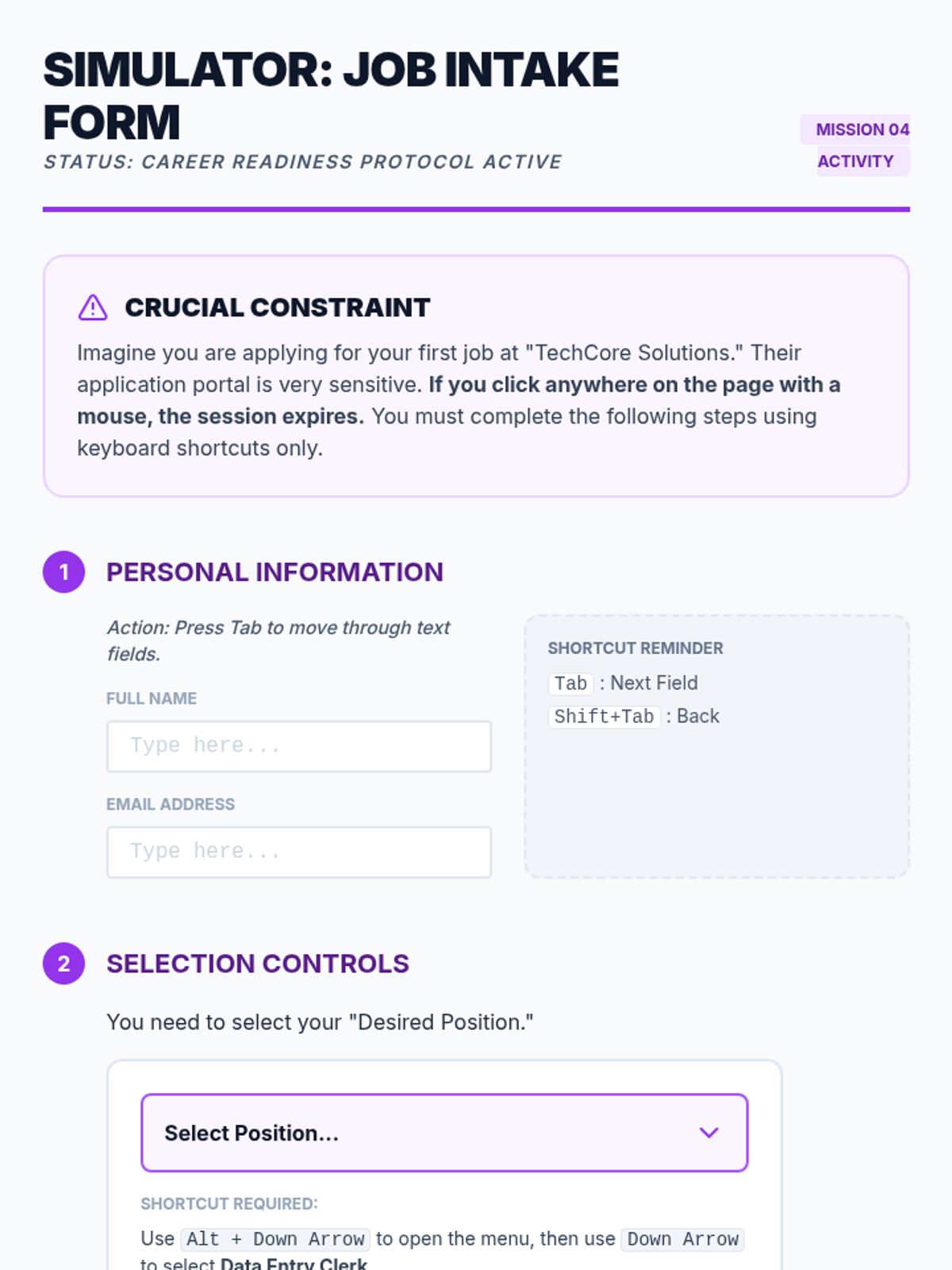
Prepares students for complex web interactions like college or job applications by teaching them to navigate and interact with forms, dropdowns, and checkboxes via keyboard.
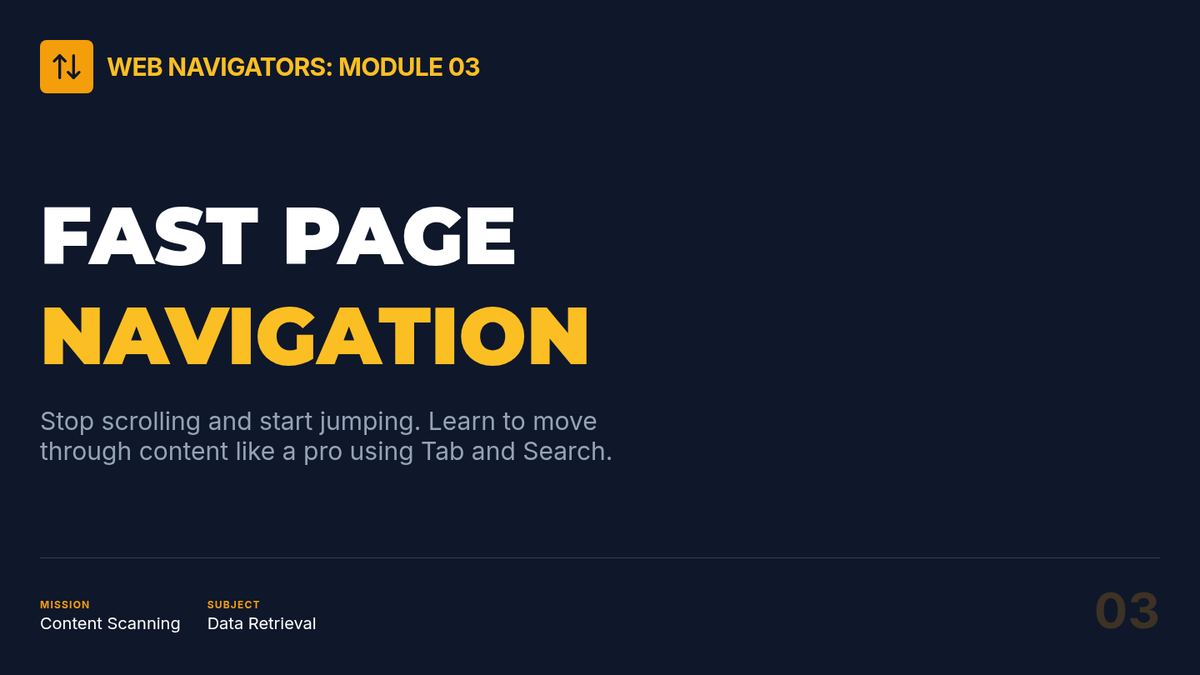
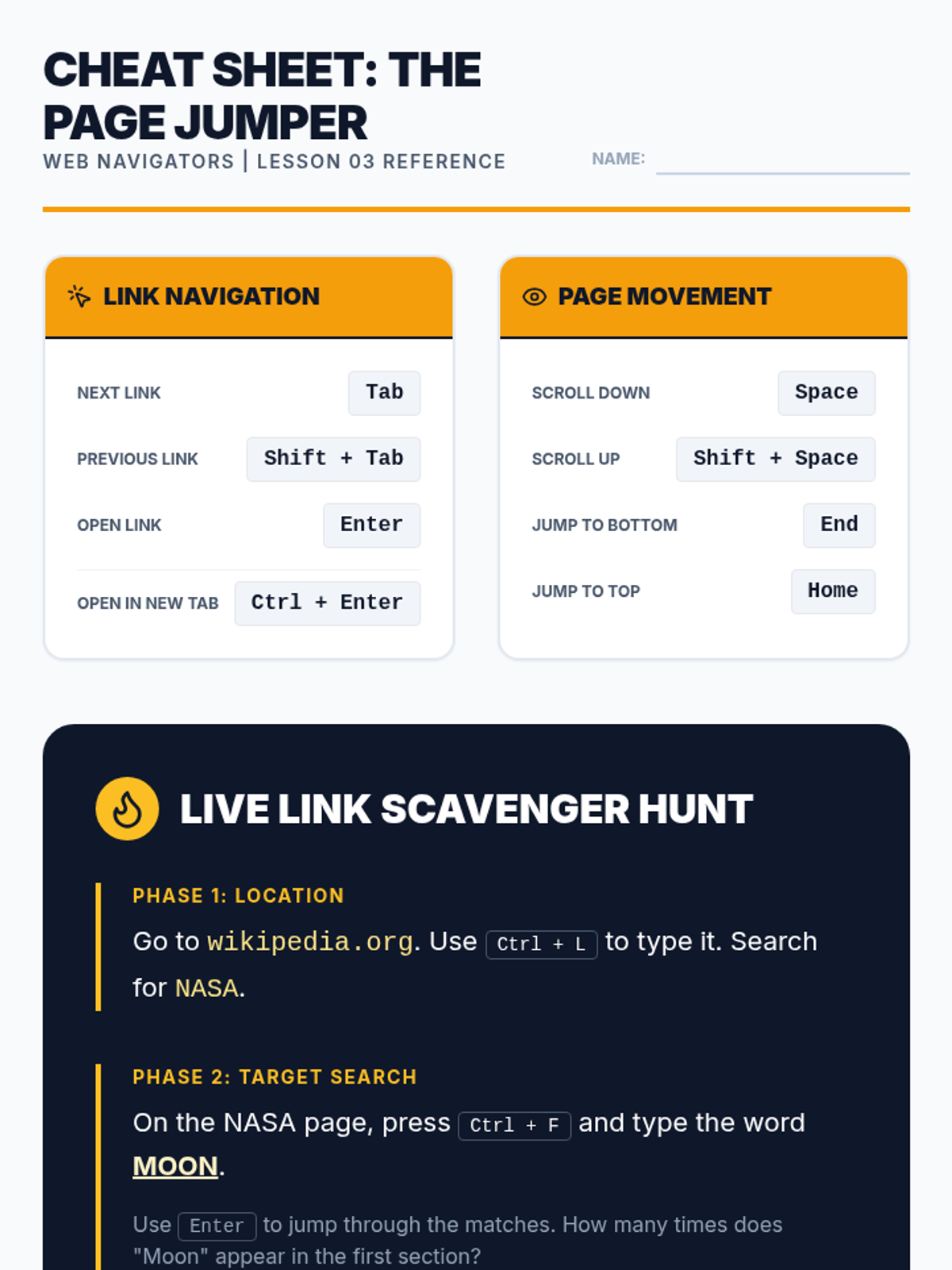
Teaches techniques for moving through webpage content, including tabbing through links, scrolling with the keyboard, and using 'Find' to locate specific text.
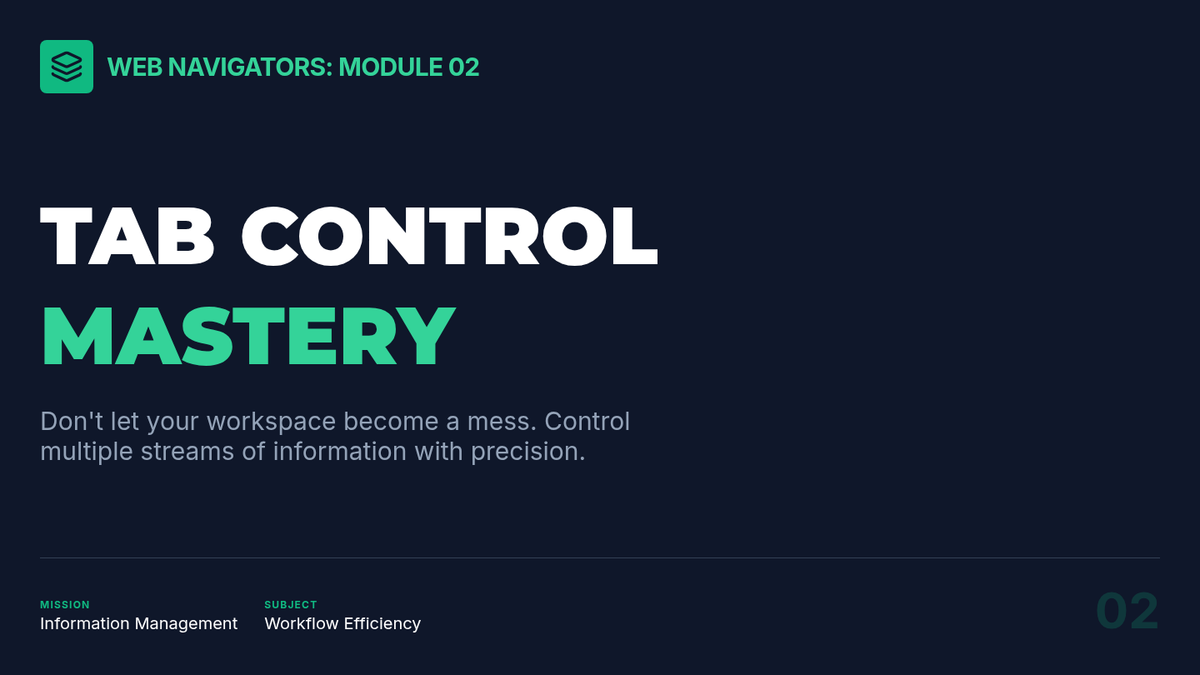
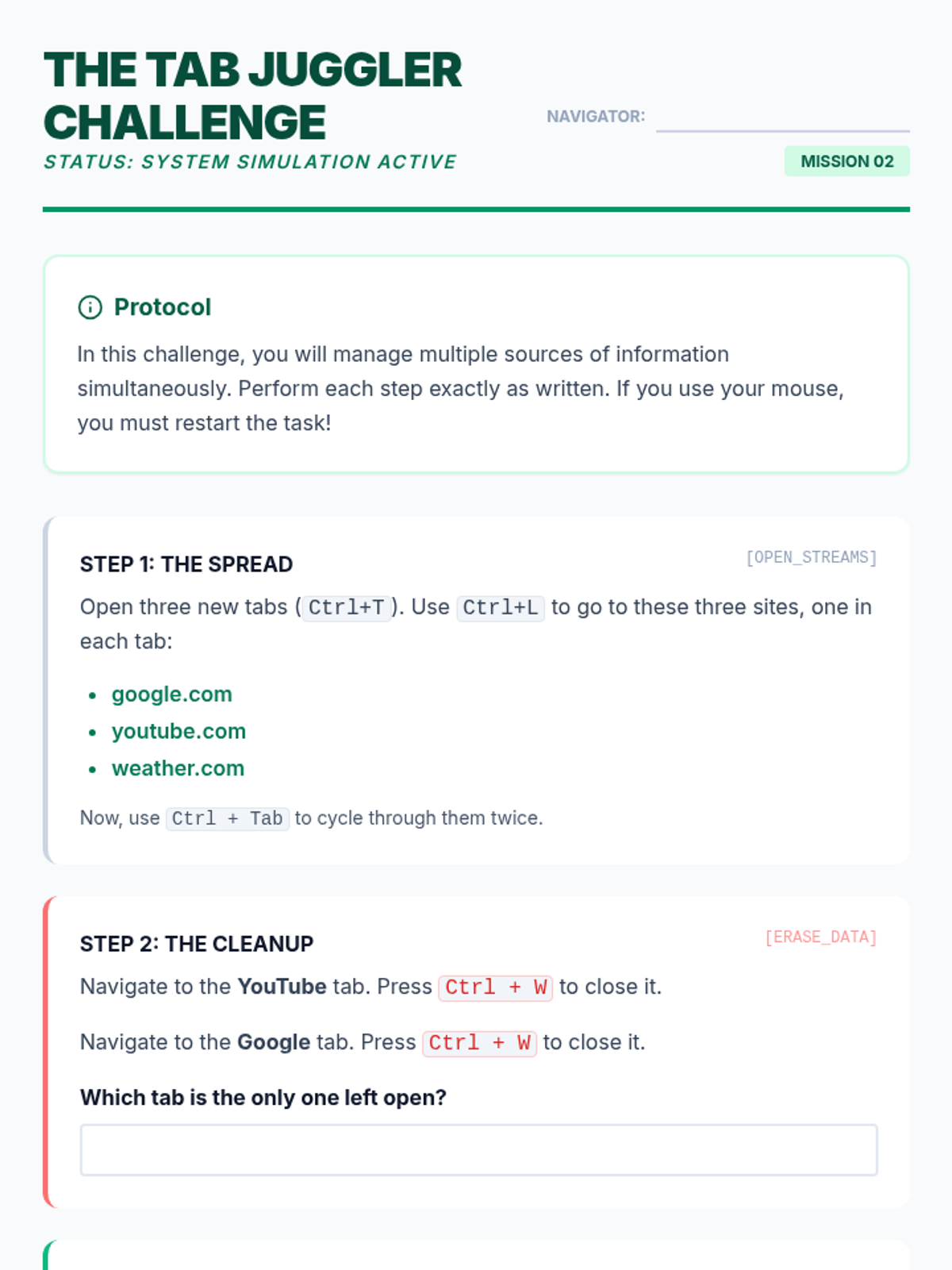
Focuses on efficient multi-tasking by teaching students to open, close, restore, and toggle between browser tabs and windows using essential keyboard commands.
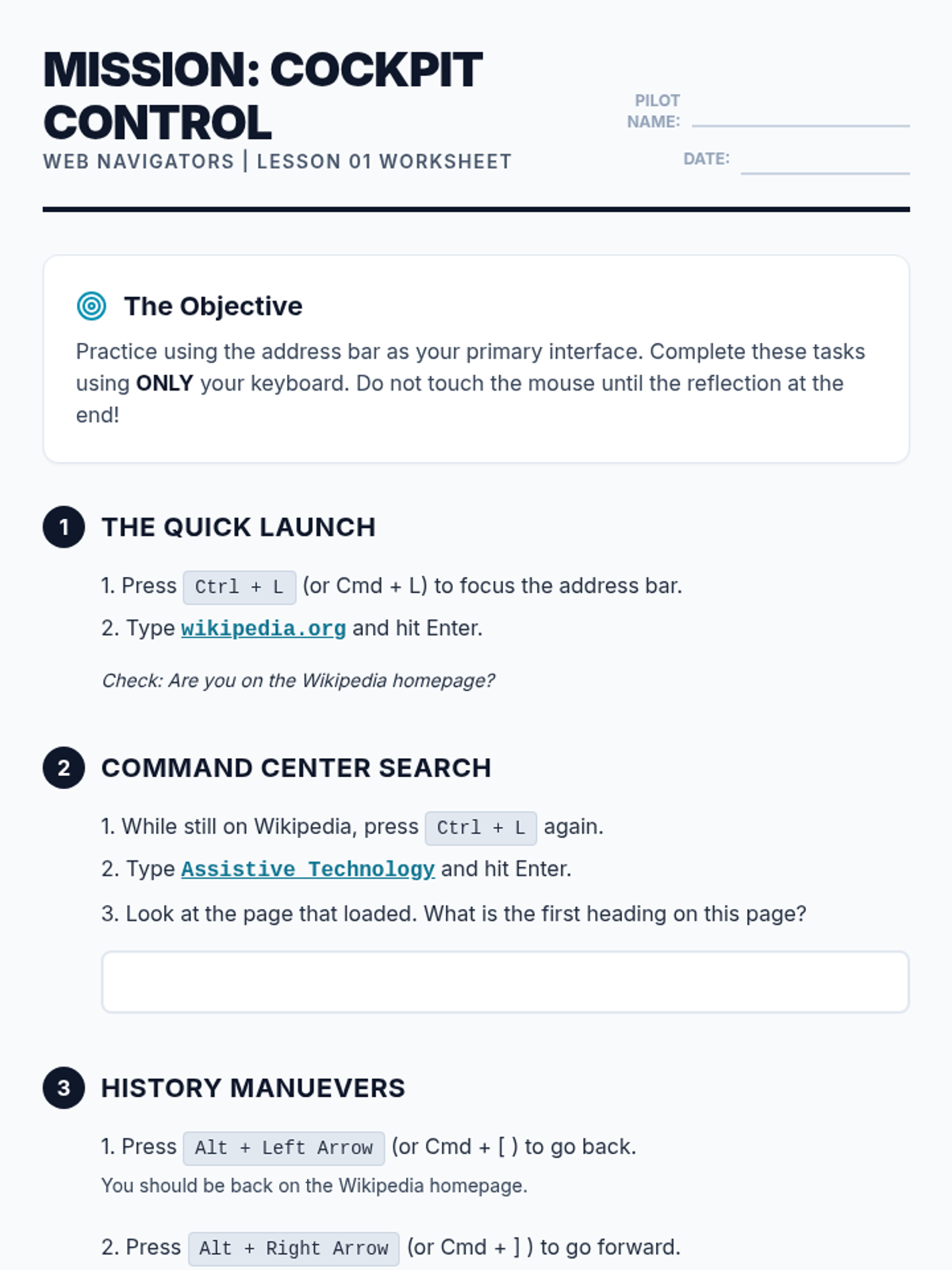
Students master the browser's address bar as a primary command center, learning to jump to URLs, search instantly, and manage page refreshes and history without using a mouse.