Techniques for brainstorming, collaborative project management, and individual artistic expression. Guides students through the iterative creative process from initial concept to final execution.
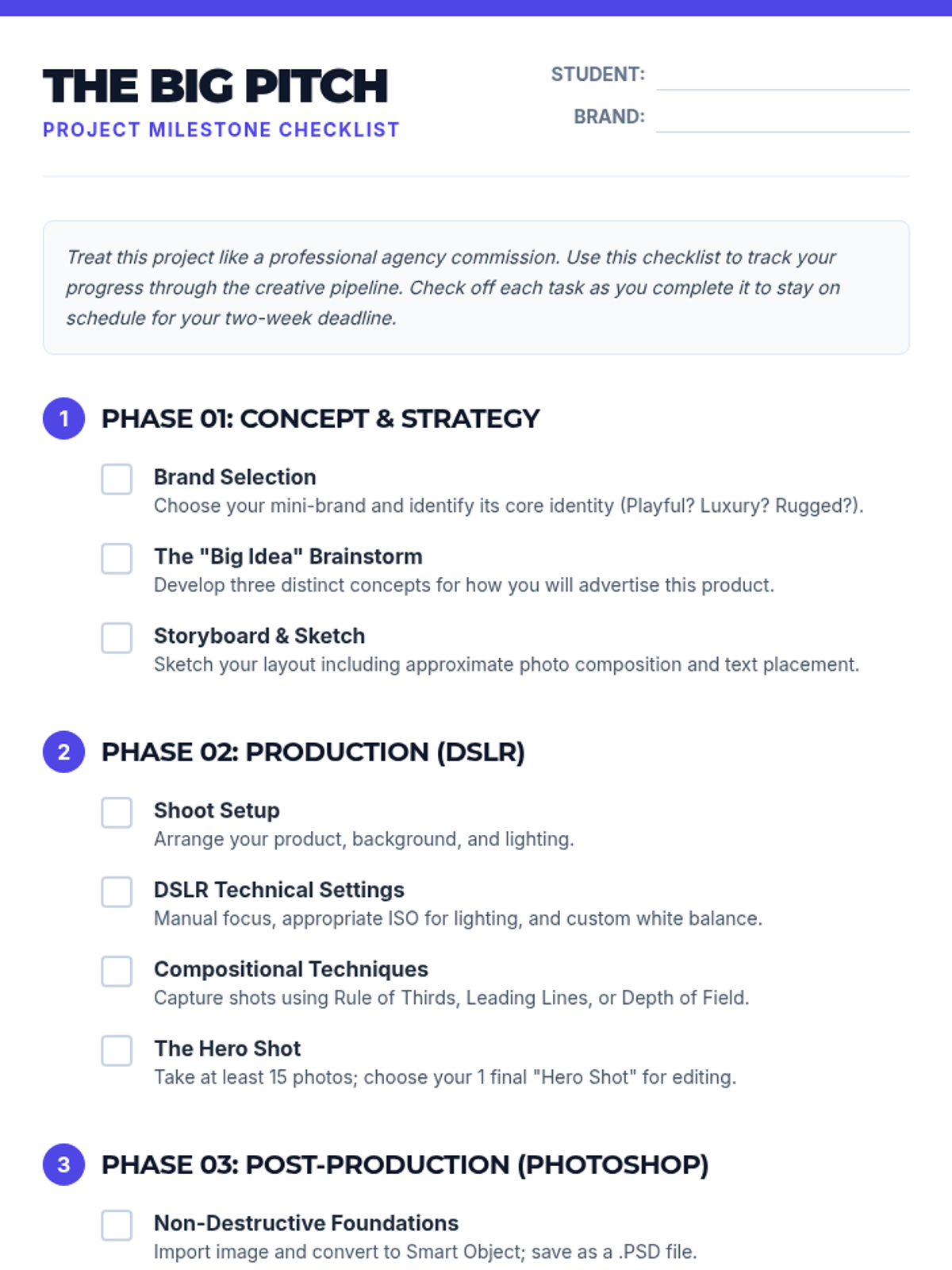
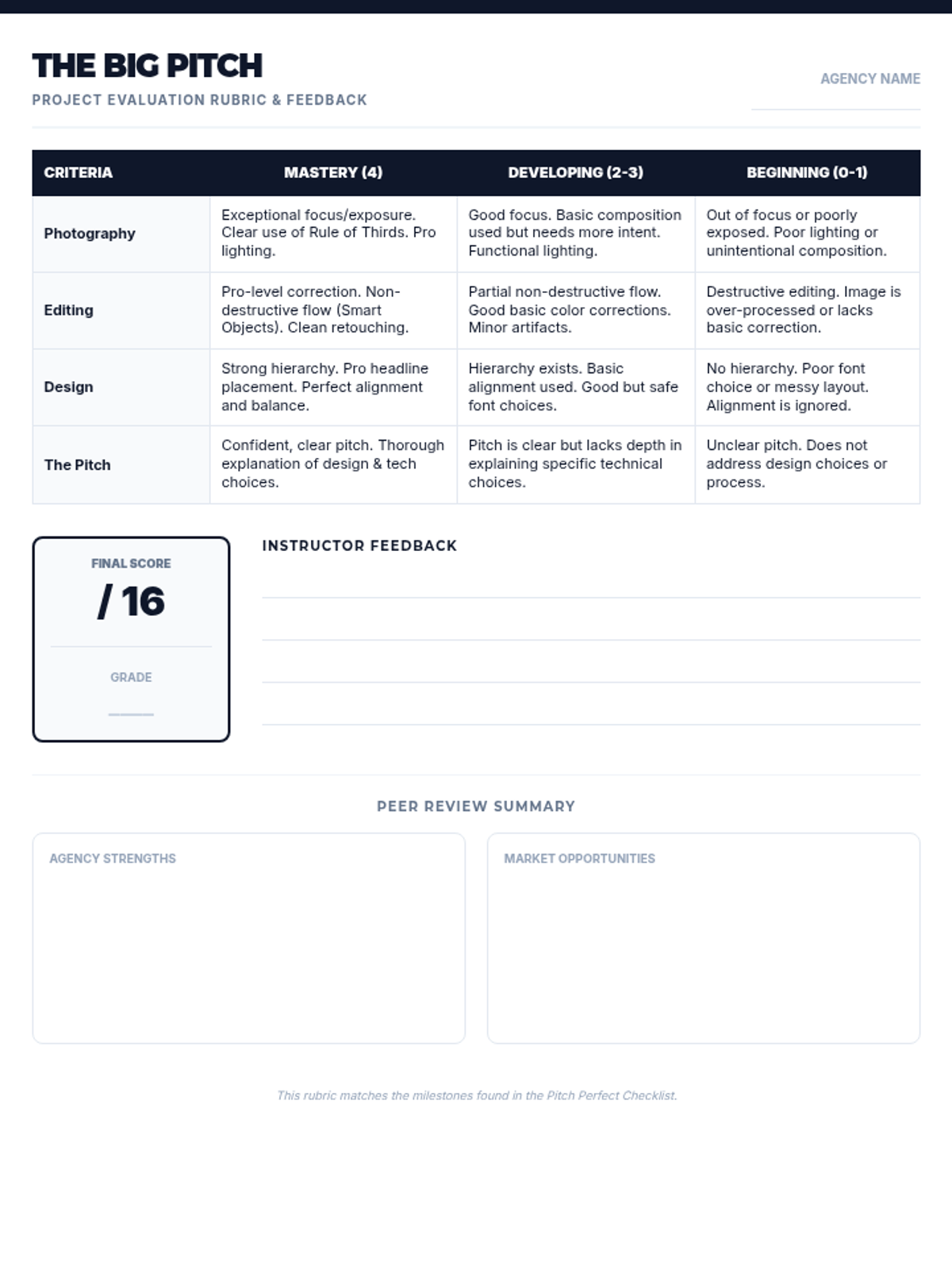
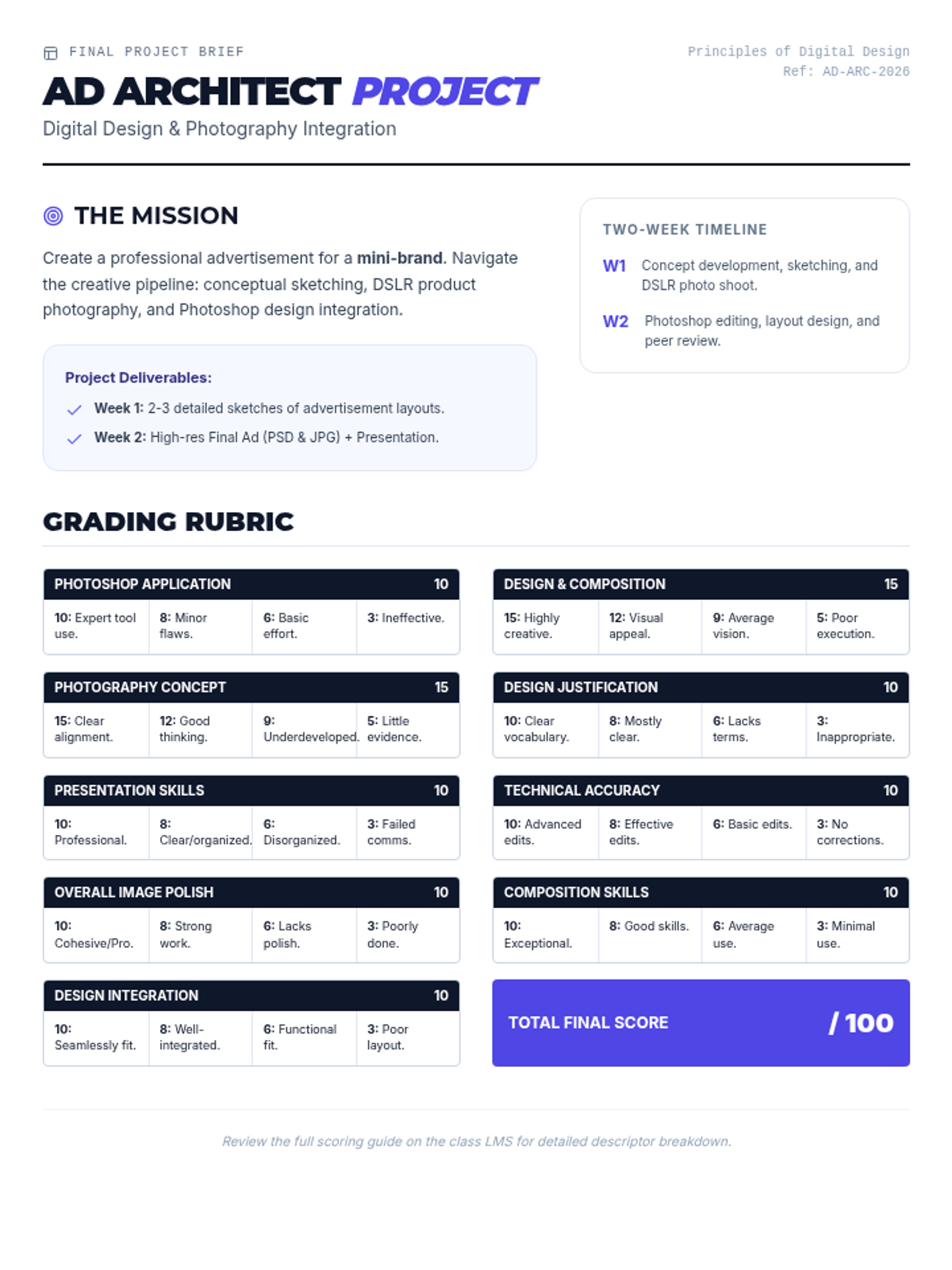
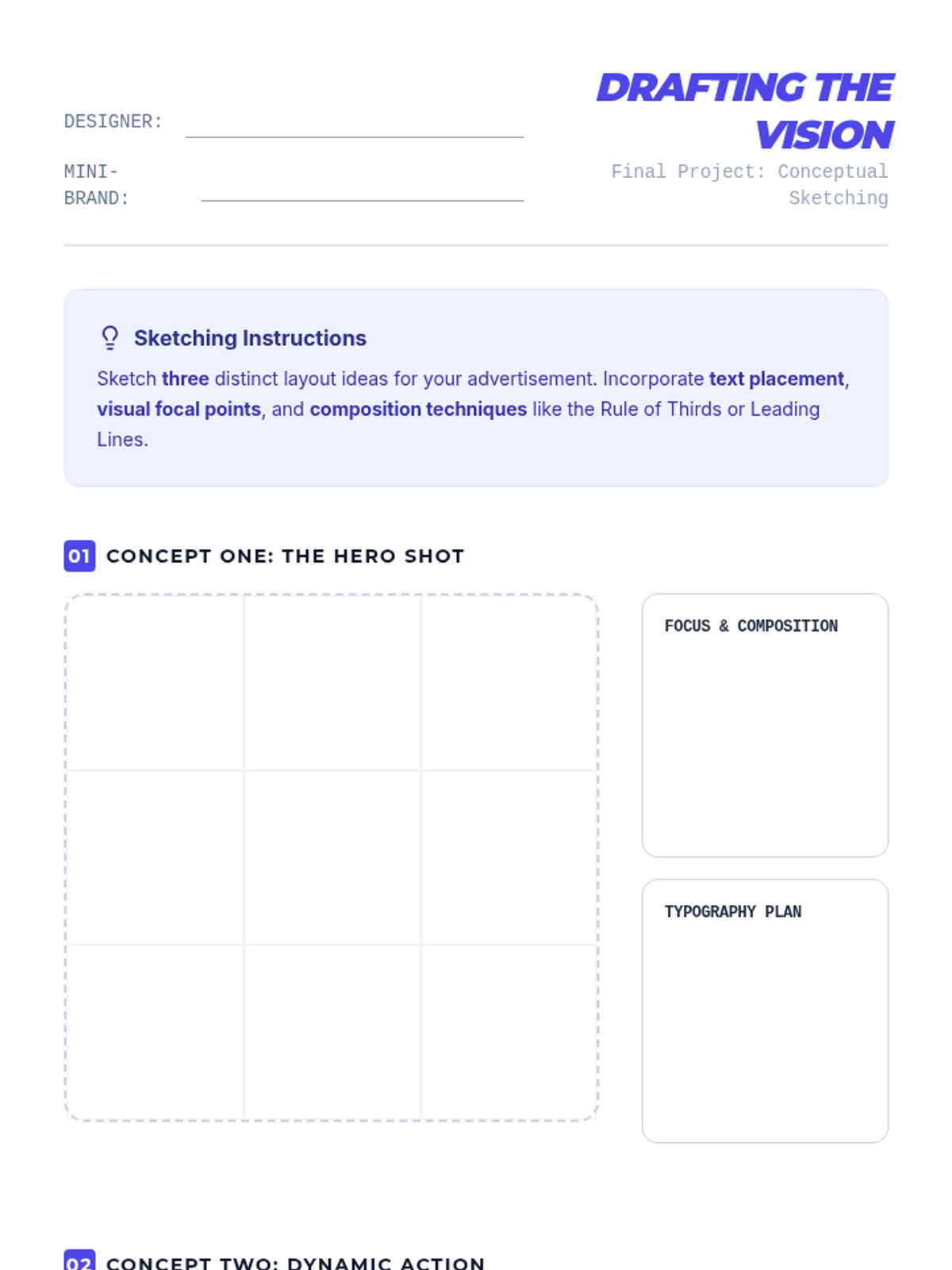
A comprehensive final project where students act as a creative agency to design a professional advertisement for a mini-brand, integrating photography, Photoshop editing, and design principles.
A comprehensive final project for digital design students where they create a professional advertisement for a mini-brand using photography and Photoshop.
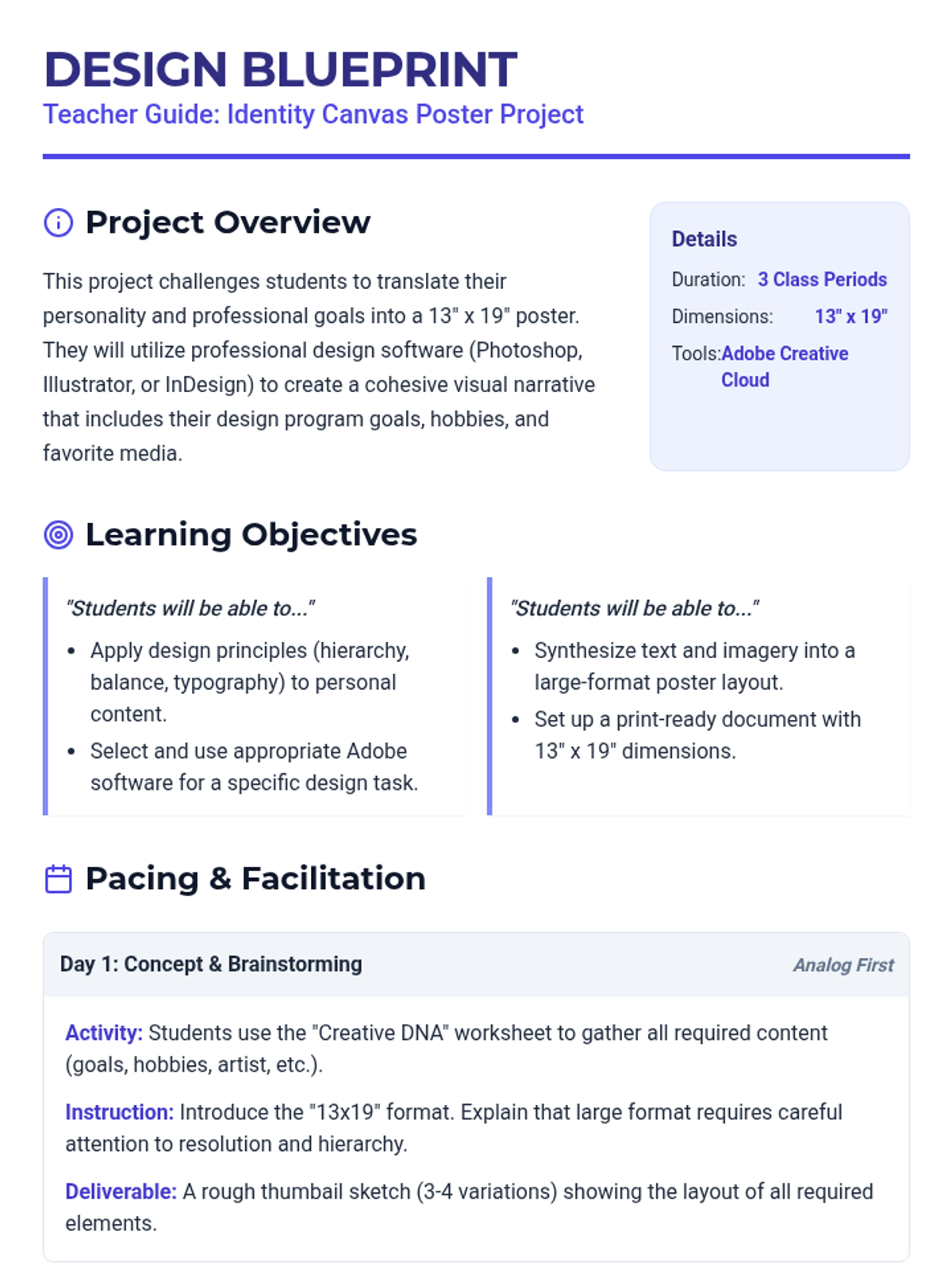
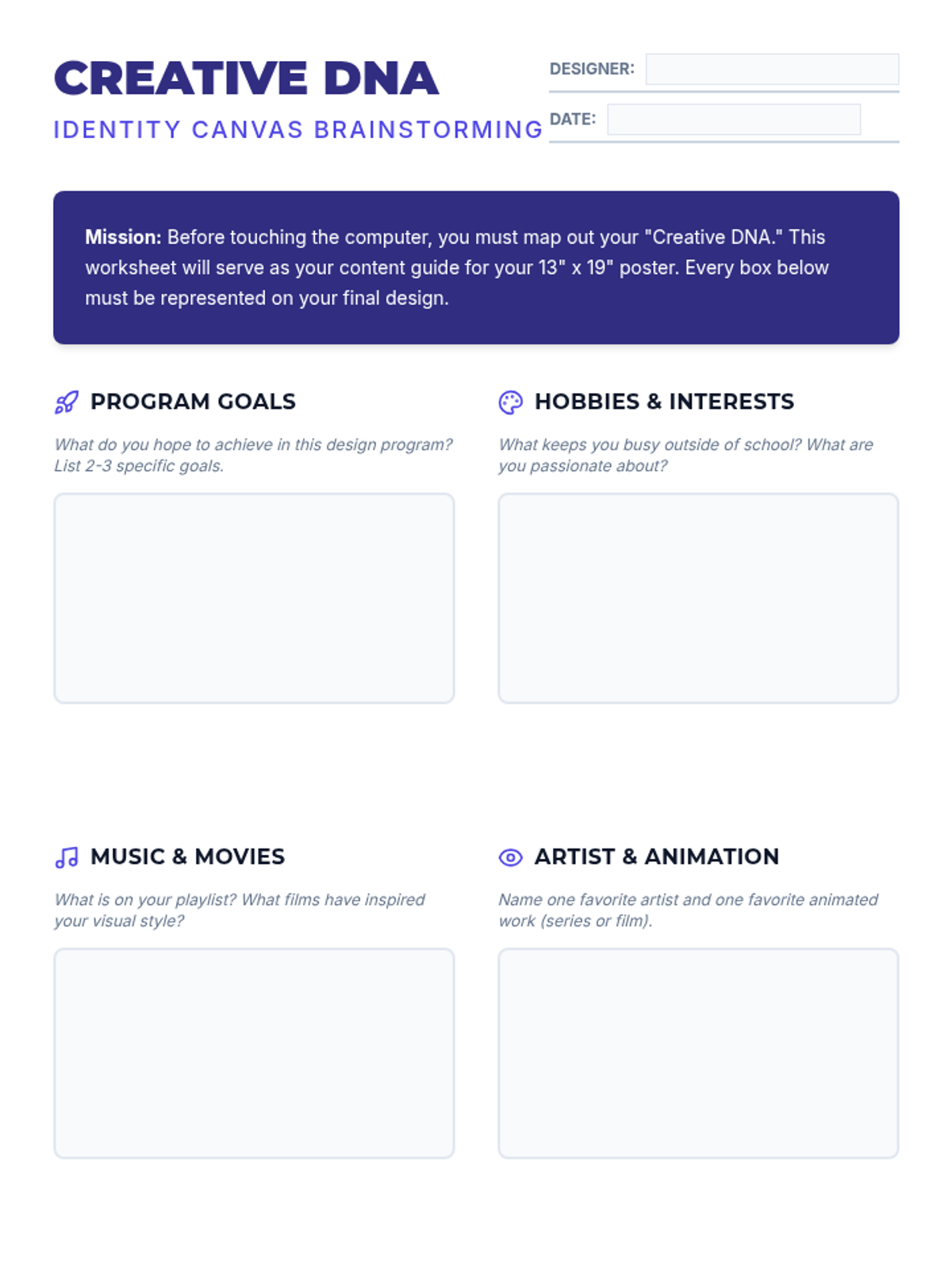
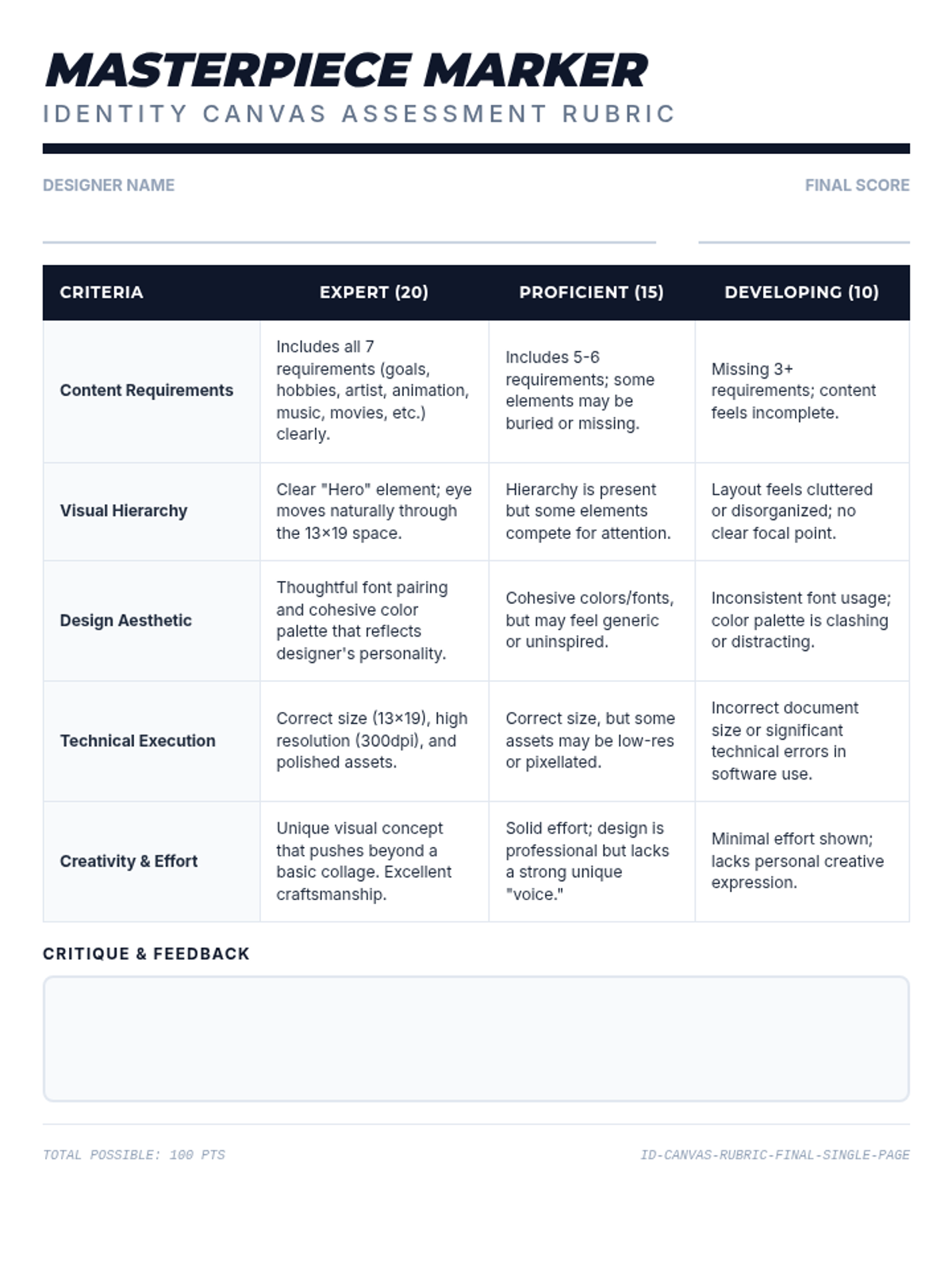
A 3-period design project where students create a 13"x19" 'About Me' poster using Adobe Creative Cloud. Students explore their personal brand through goals, hobbies, and artistic influences.
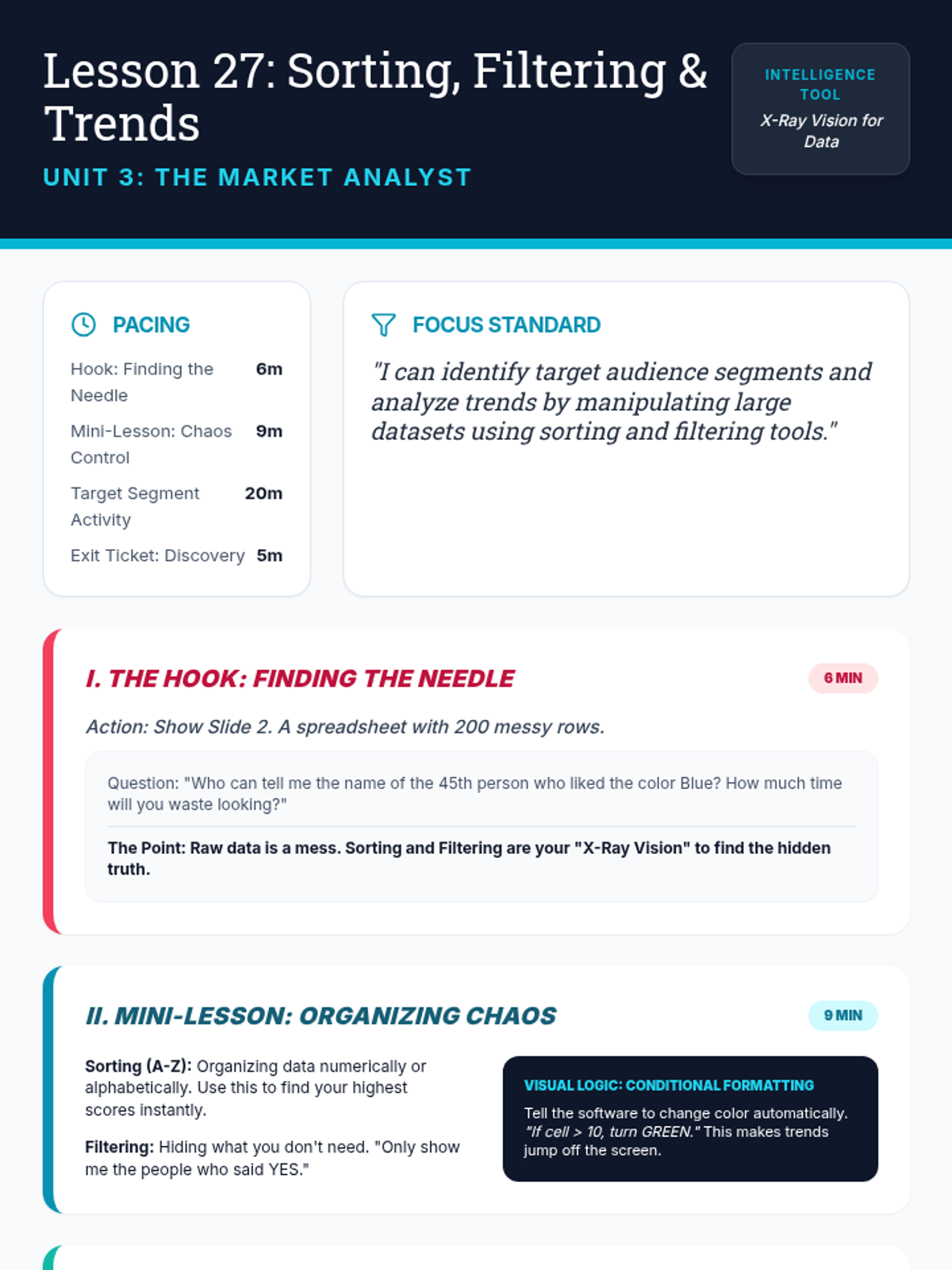
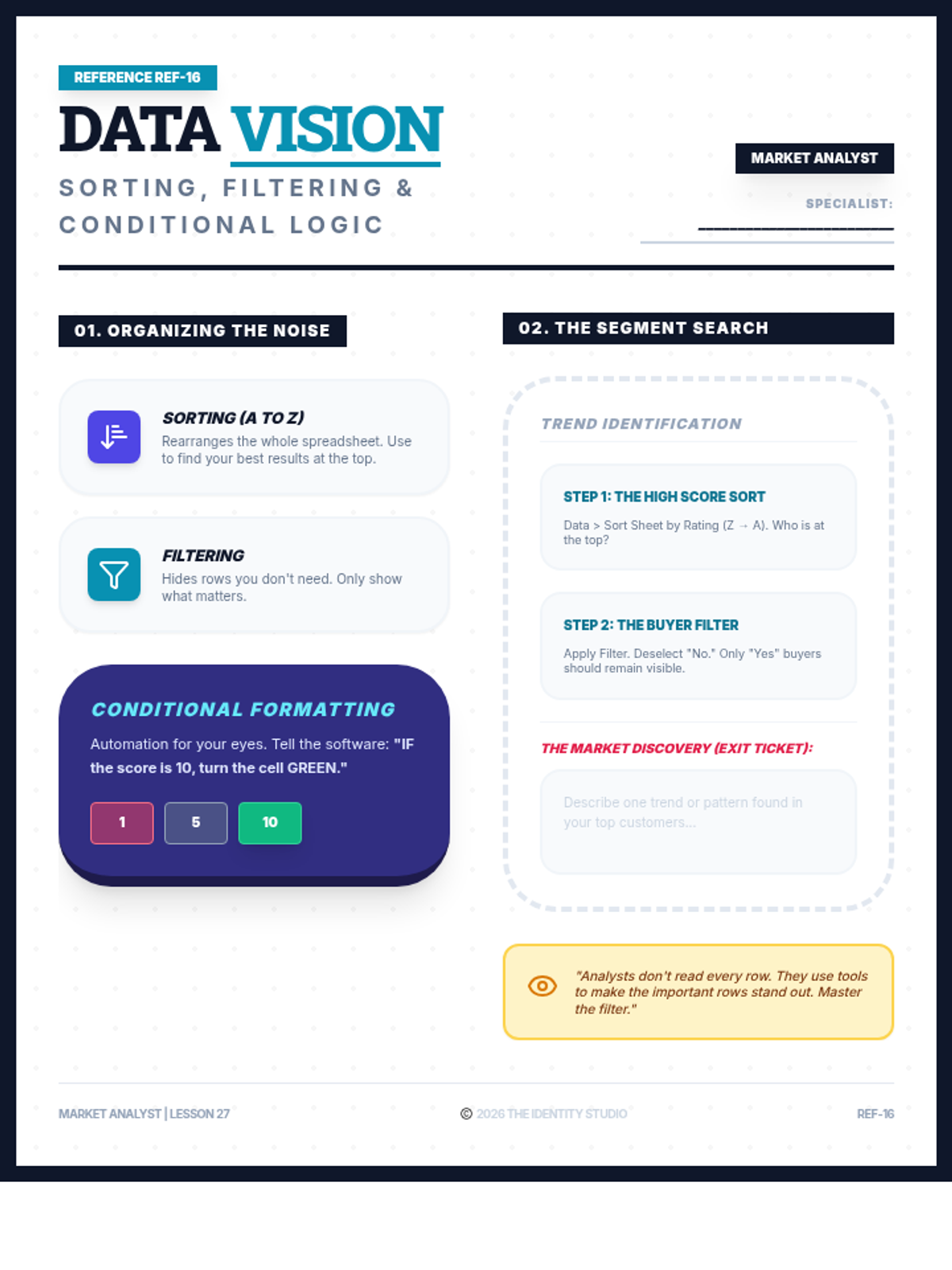
Students gain 'x-ray vision' over large datasets by learning to sort and filter information. They explore conditional formatting to visualize trends and identify specific target segments within their market research data.
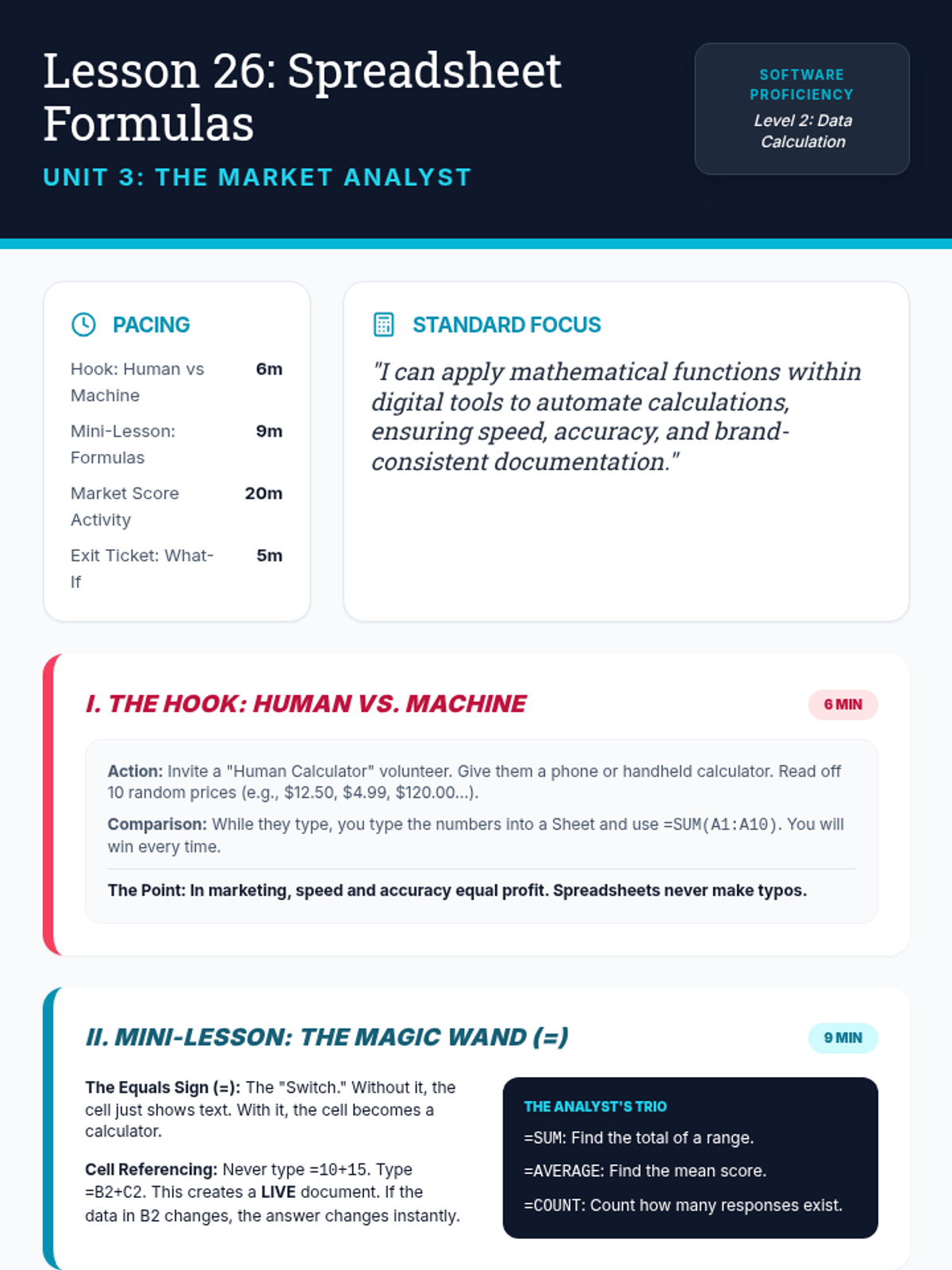
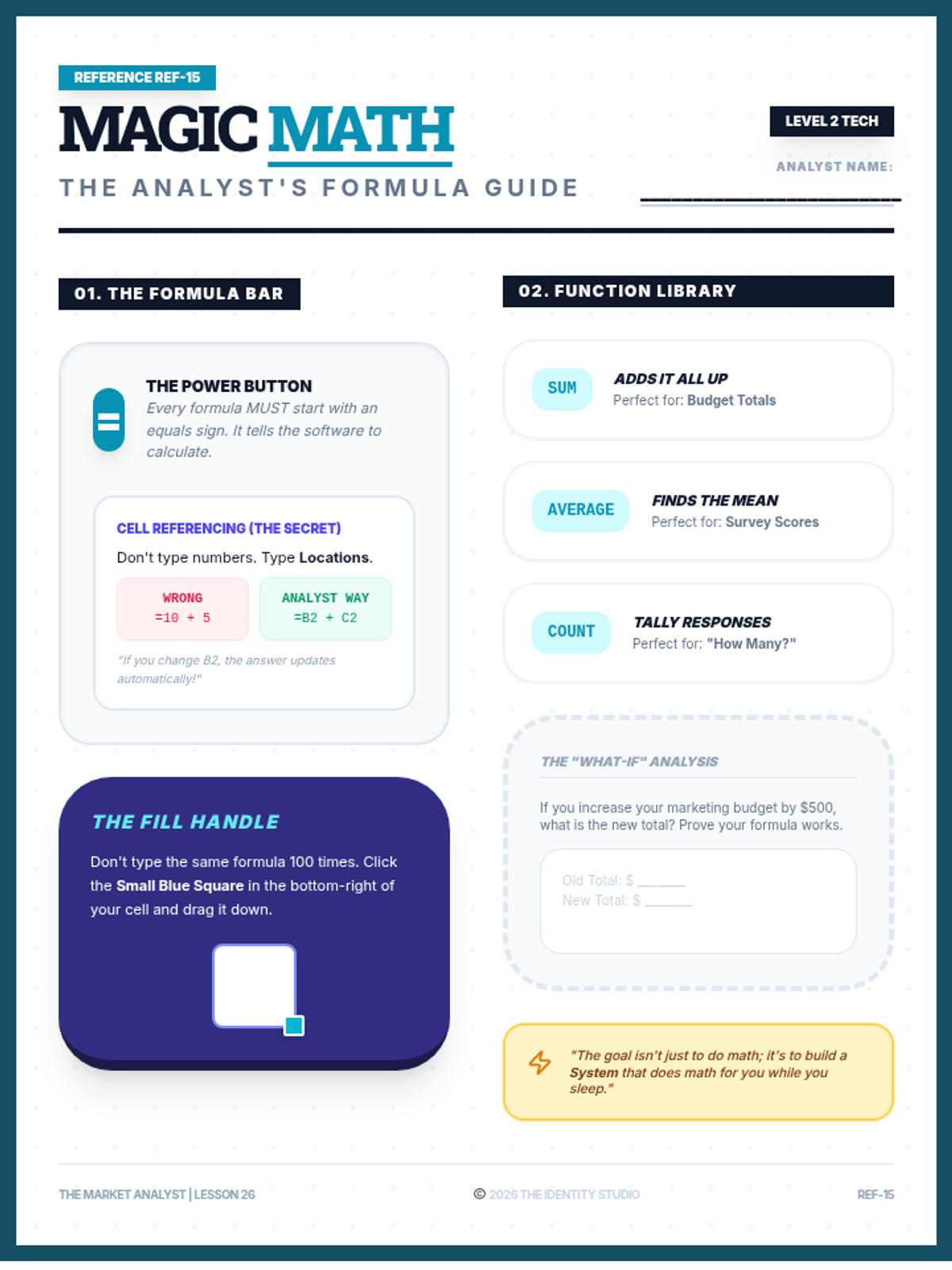
Students transition from data entry to data analysis by mastering fundamental spreadsheet formulas. They learn the power of the equals sign, cell referencing, and essential functions like =SUM, =AVERAGE, and =COUNT to automate business calculations.
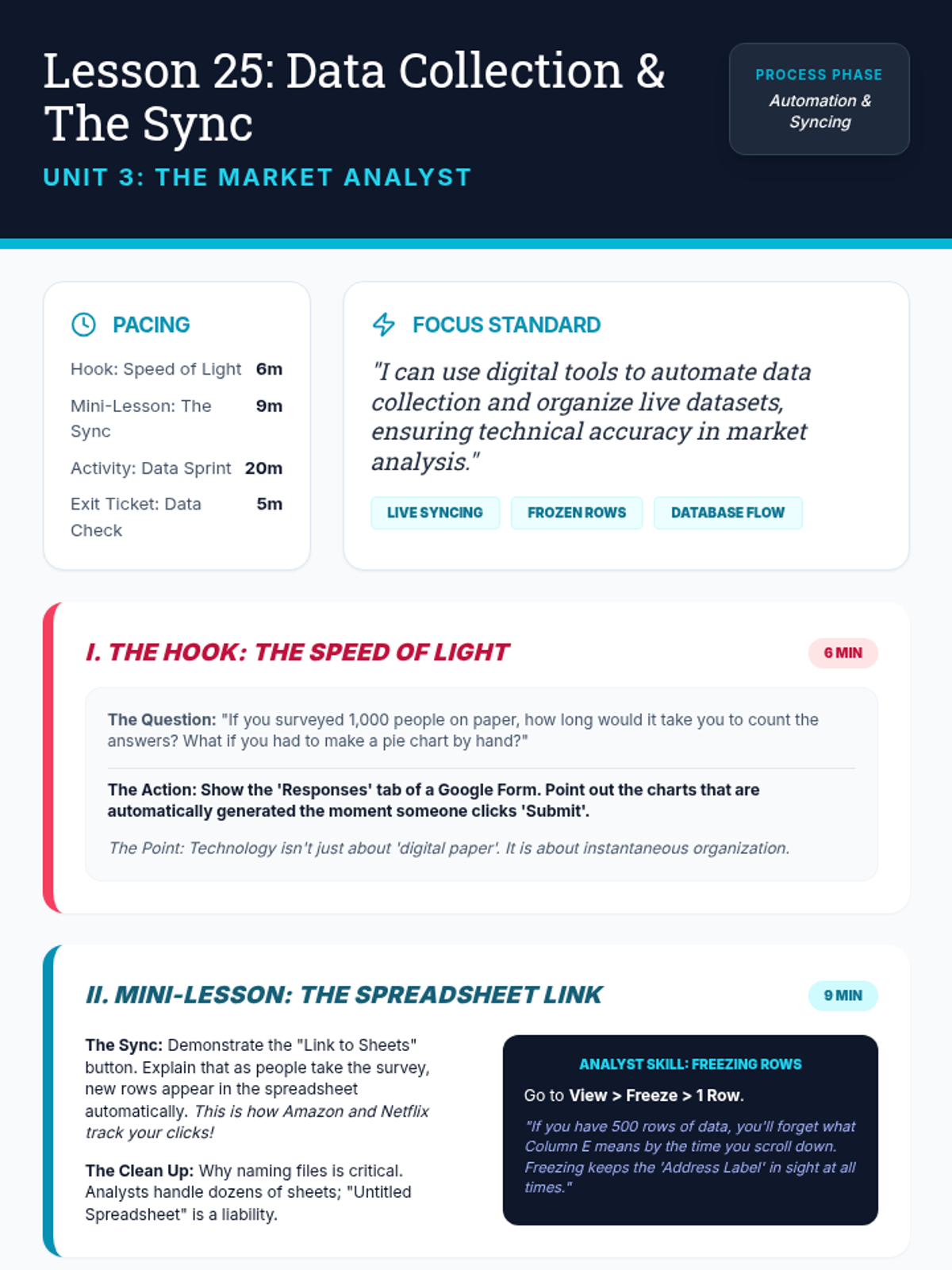
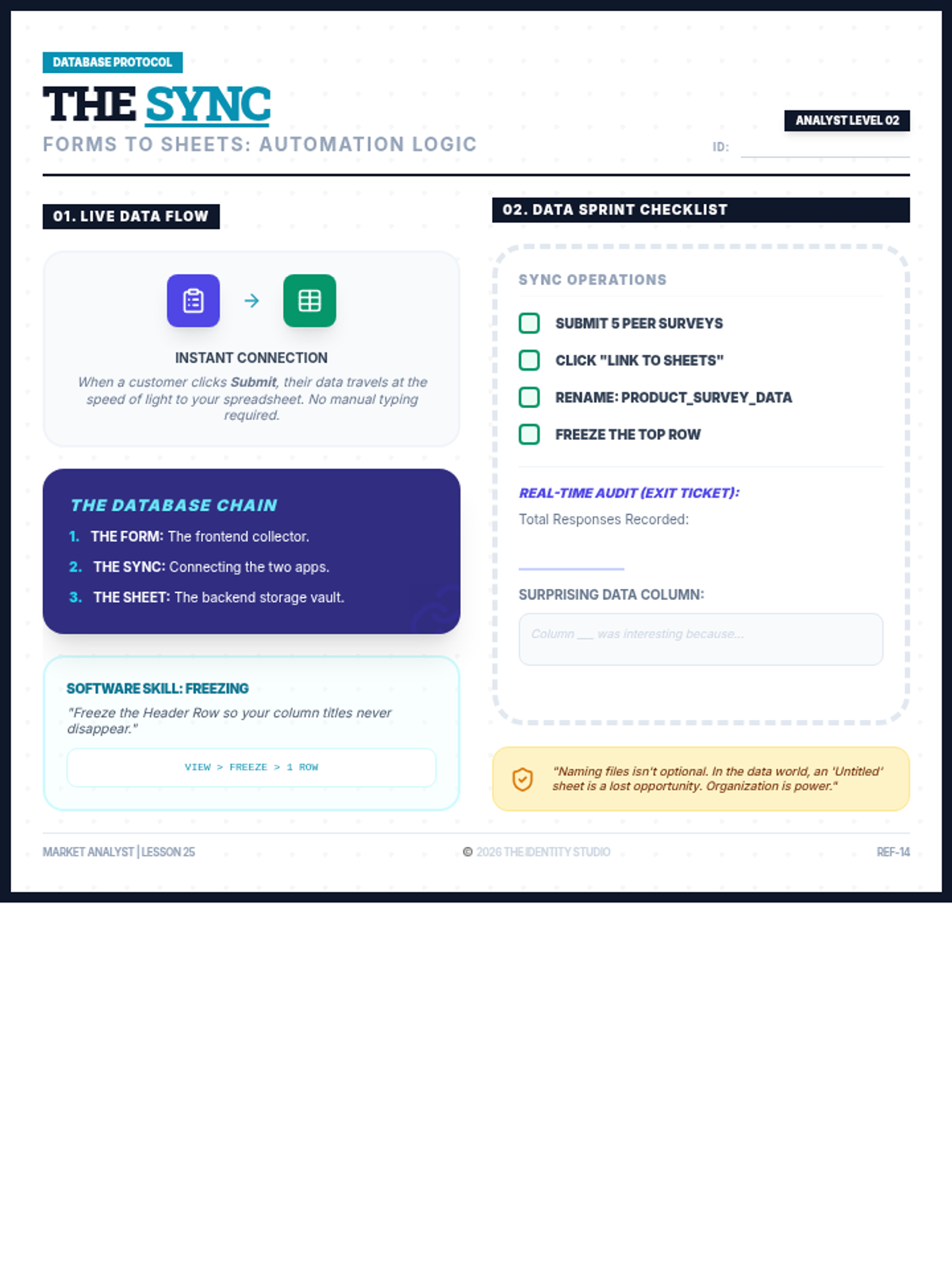
Students explore the efficiency of automated data collection by linking their market research forms to live spreadsheets. They learn the concept of real-time data syncing and master the 'Freezing Rows' skill to manage large datasets effectively.
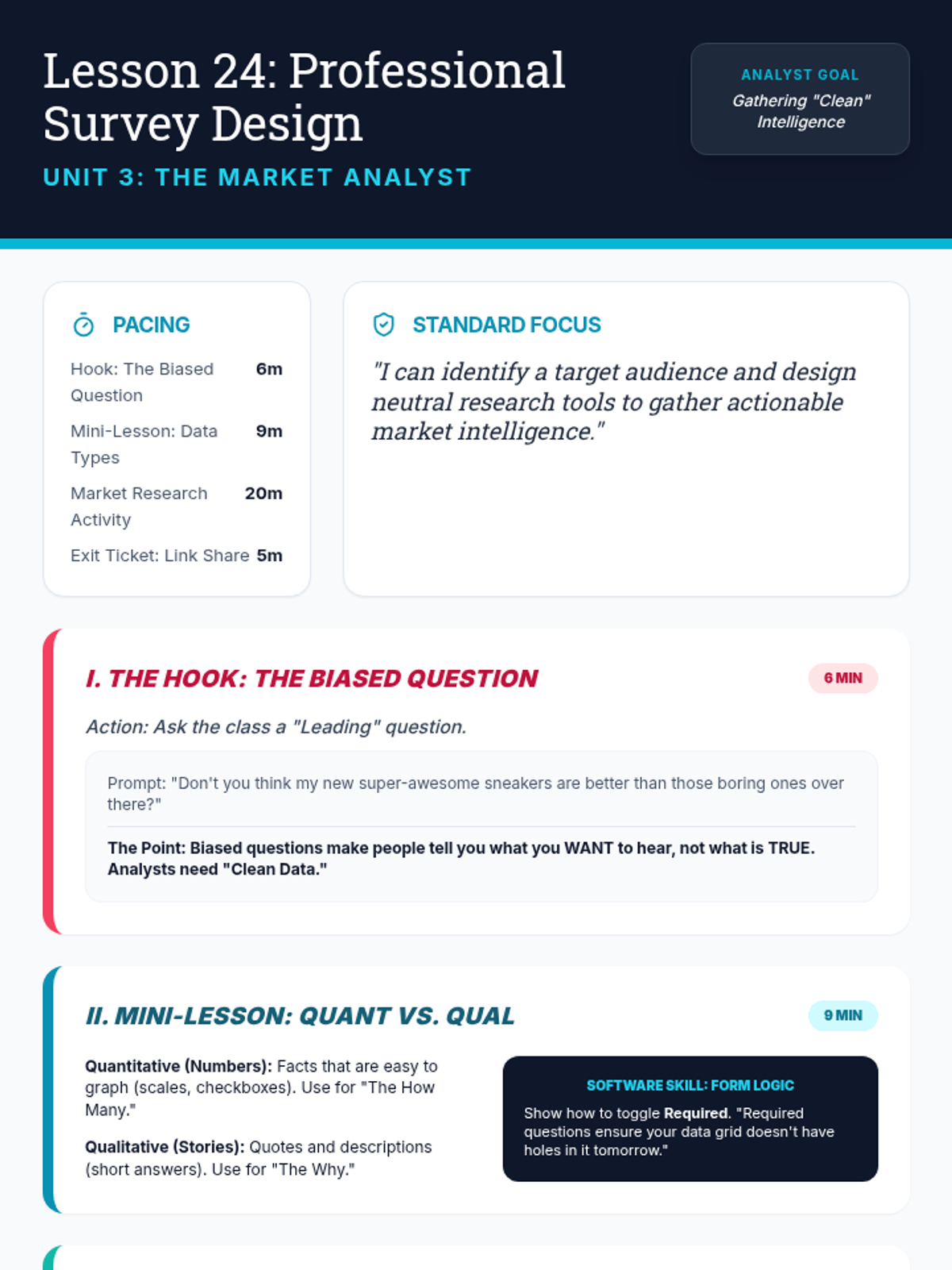
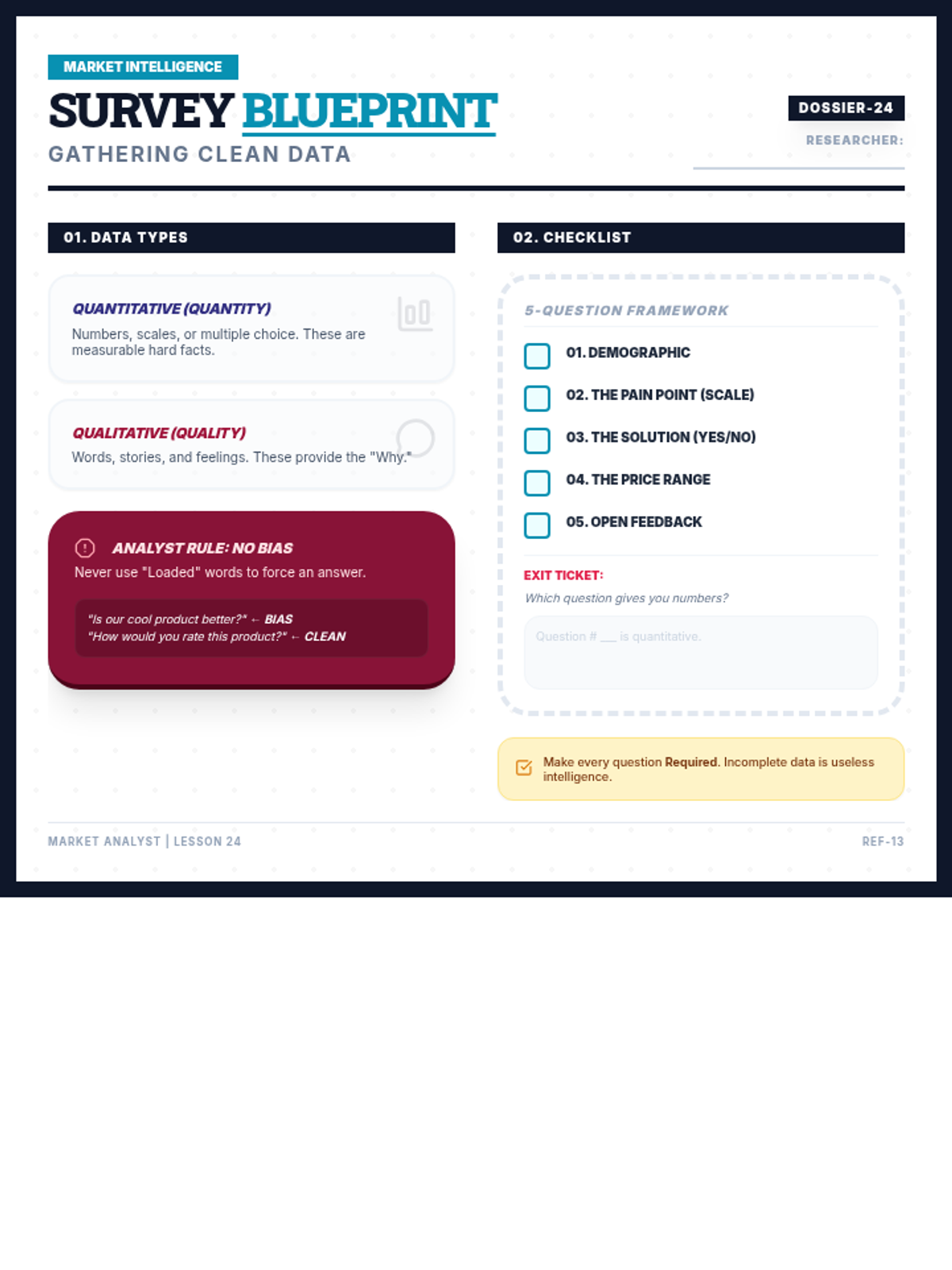
Students learn the art of professional survey design to gather market intelligence. They distinguish between quantitative and qualitative data, identify biased questioning, and build a multi-format survey in Google Forms or Microsoft Forms to collect clean data from their target audience.
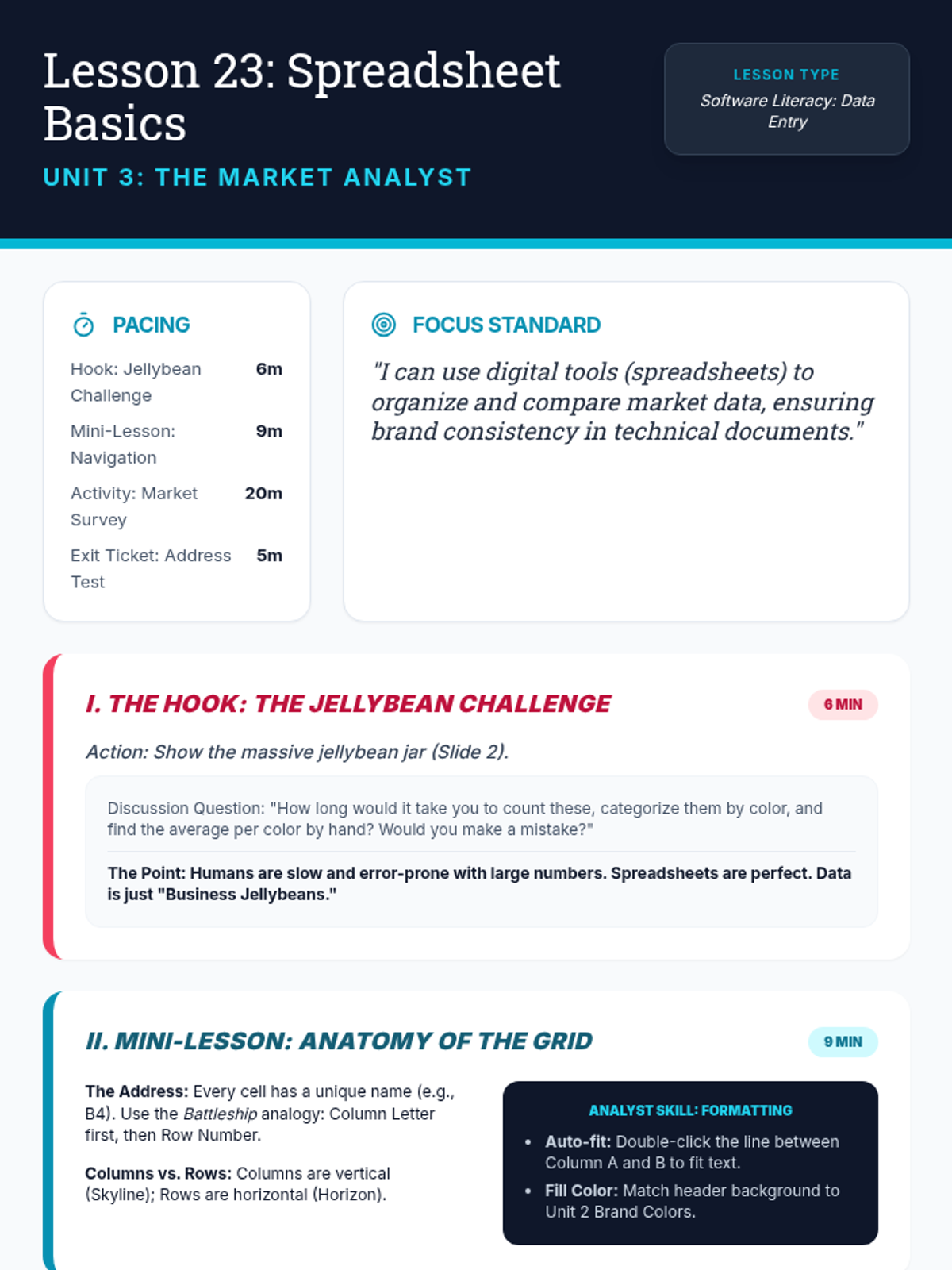
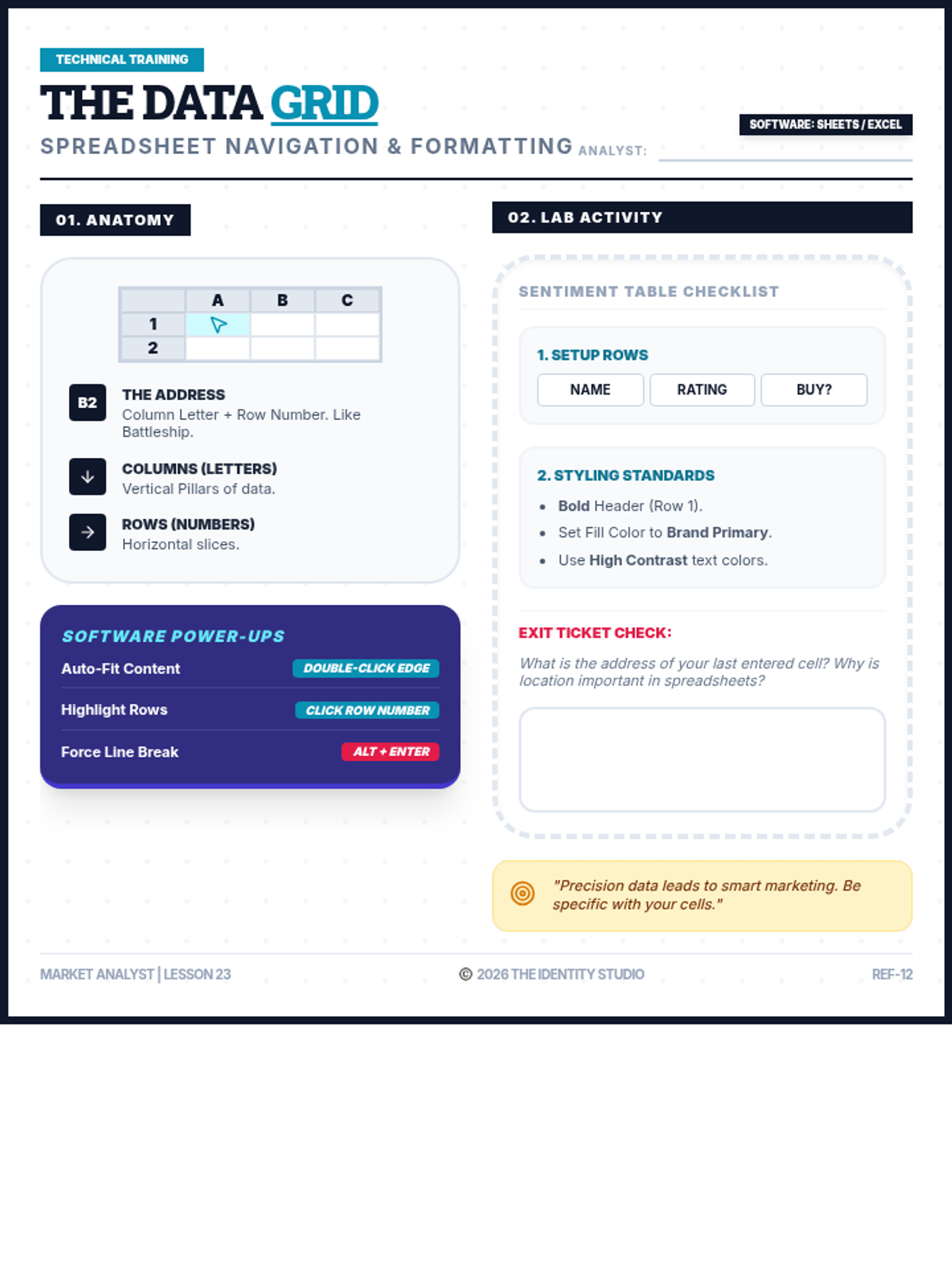
This lesson introduces students to the fundamental structure of spreadsheet software. They learn about cells, rows, columns, and addresses while performing basic data entry and formatting to align with their brand identity.
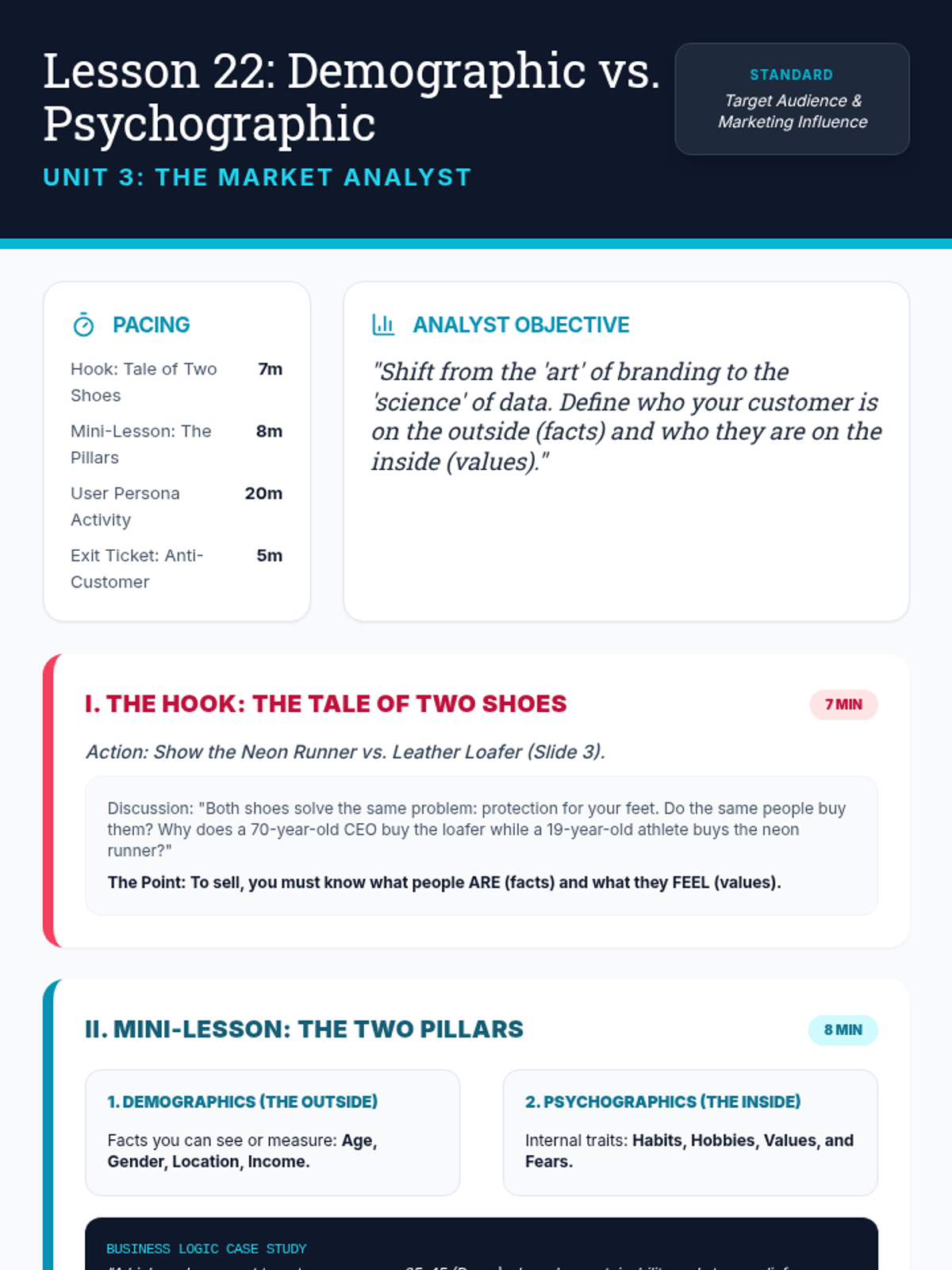
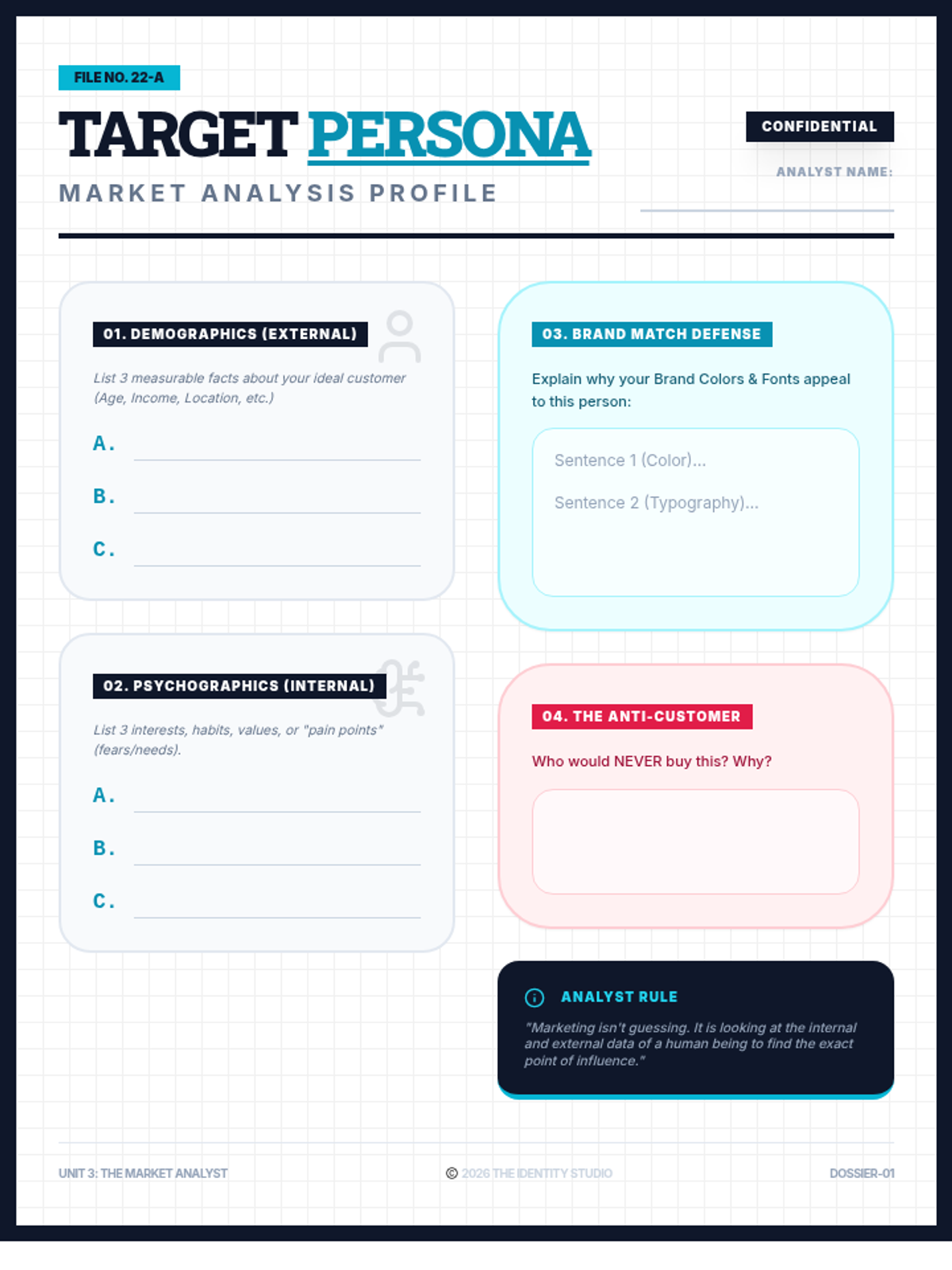
Students transition from brand design to market analysis by distinguishing between demographic data (external facts) and psychographic data (internal values). They apply these concepts by building a formal User Persona for their brand, justifying their earlier design choices based on audience data.
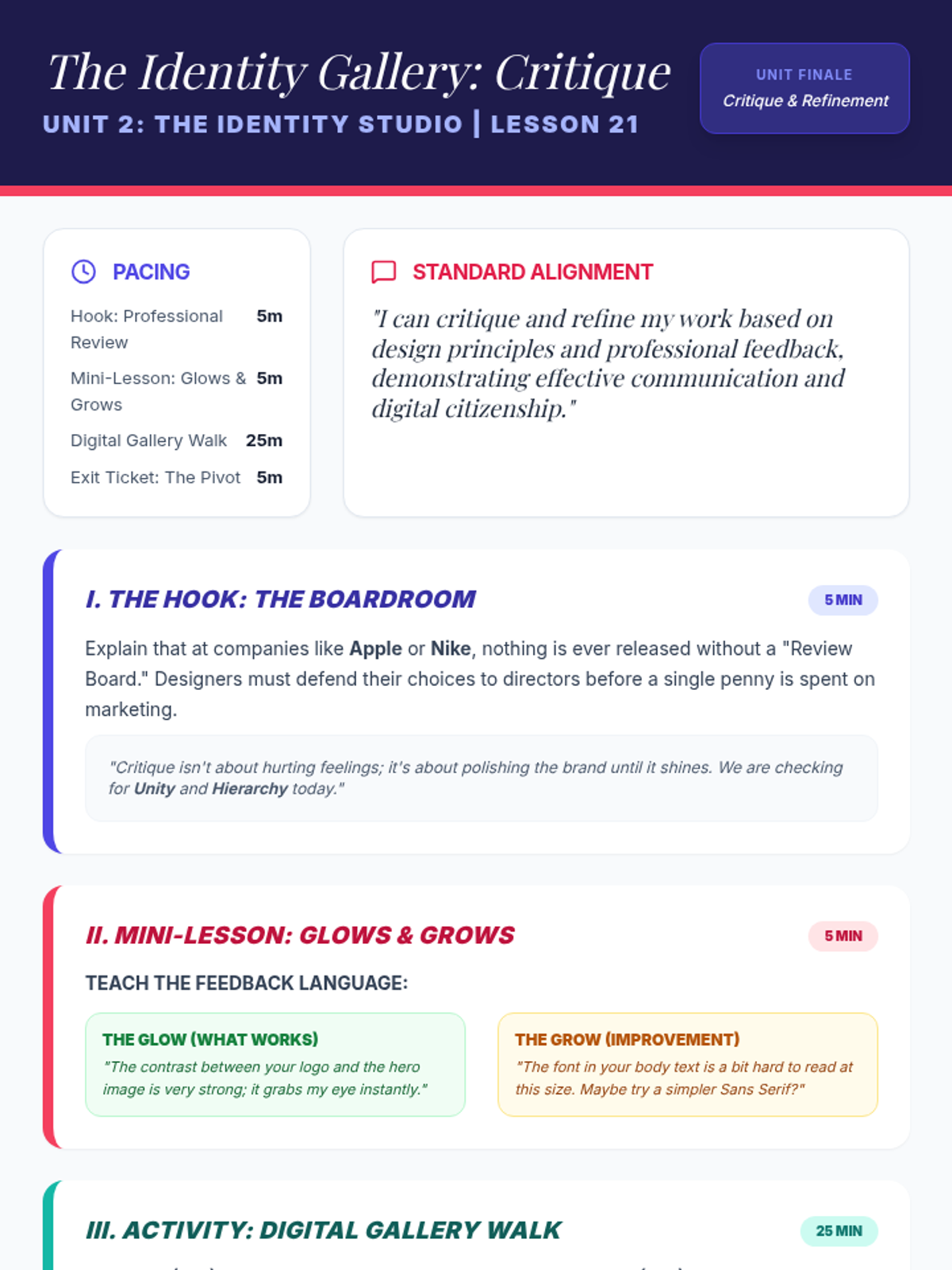
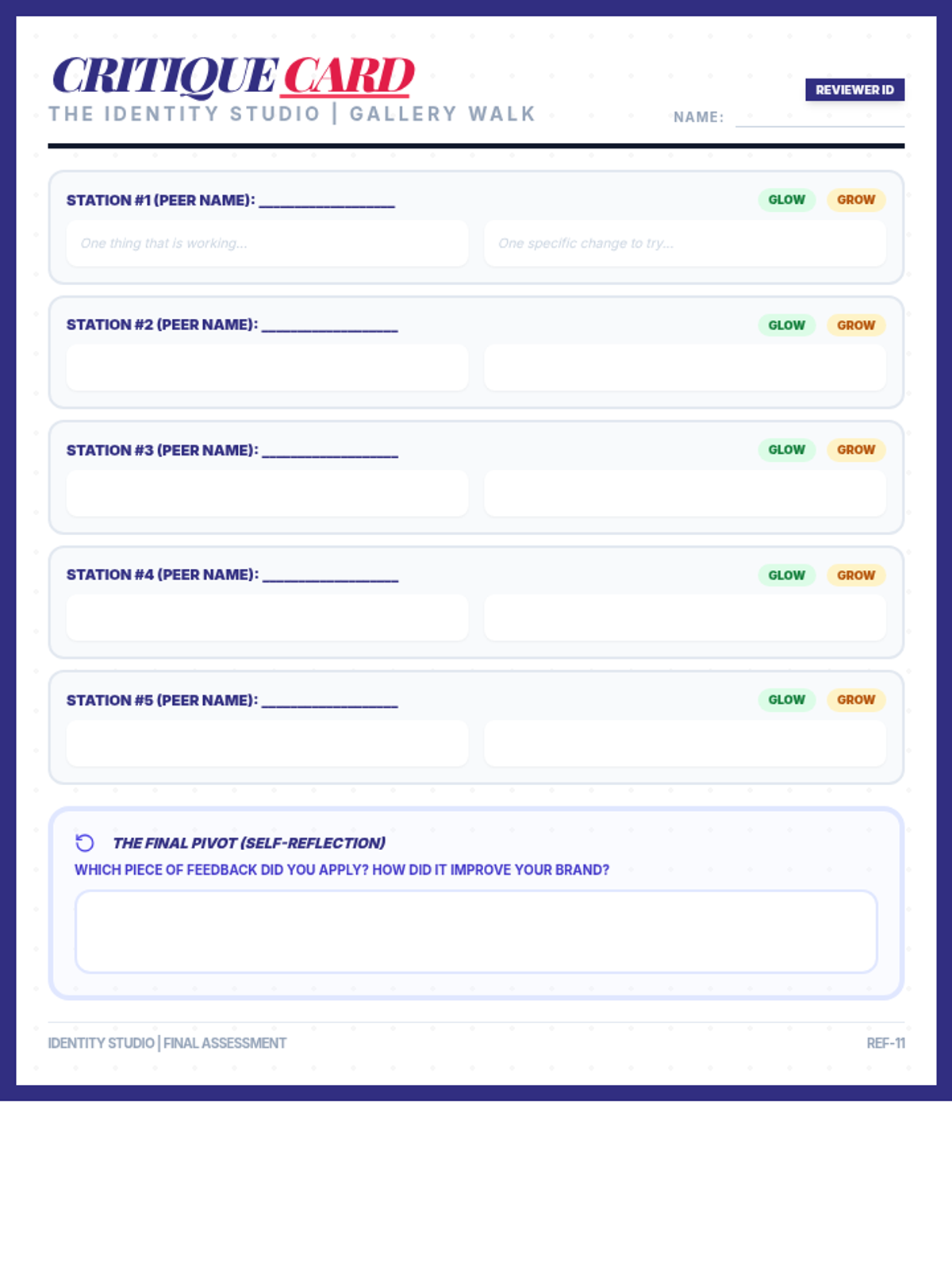
Students participate in a professional 'Gallery Walk' to provide and receive constructive feedback on their Brand Style Guides and One-Pagers. They apply the 'Glow and Grow' framework to refine their designs, fulfilling standards for artistic critique and professional communication.
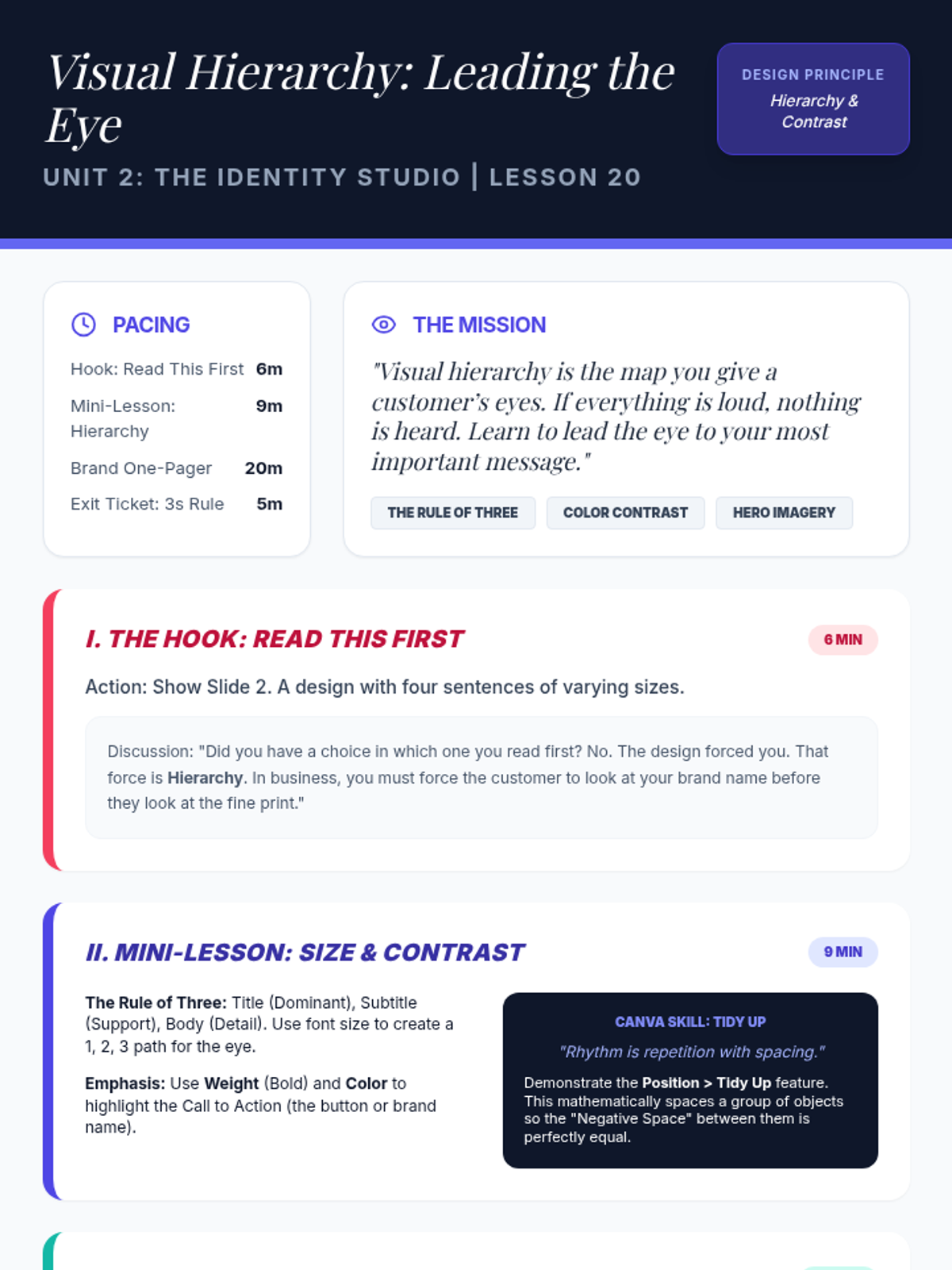
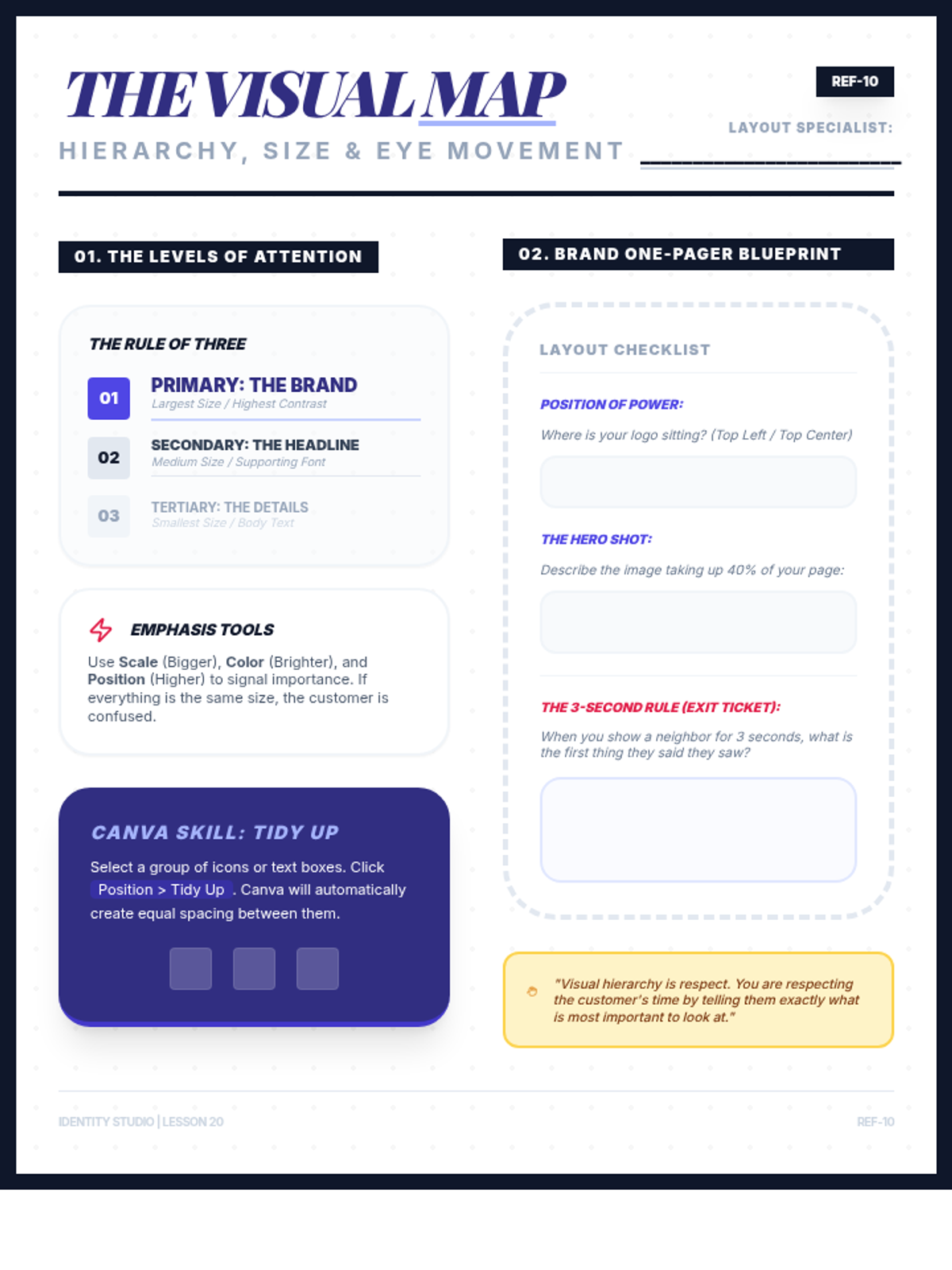
Students master the principle of visual hierarchy to lead a customer's eye through a design. They apply the 'Rule of Three' (Size, Weight, and Contrast) to create a professional brand 'One-Pager' in Canva, ensuring their most important brand assets receive maximum visibility.
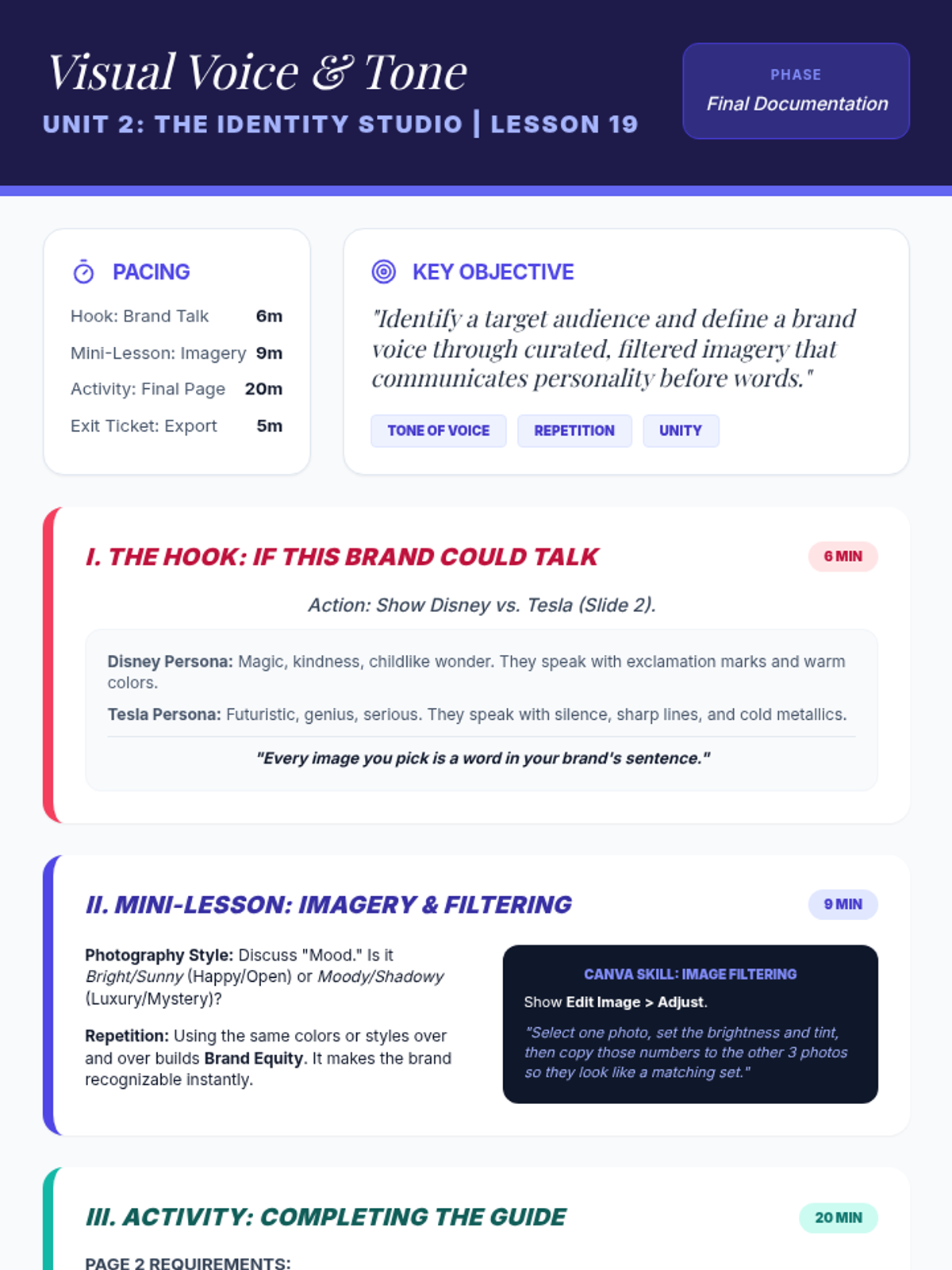
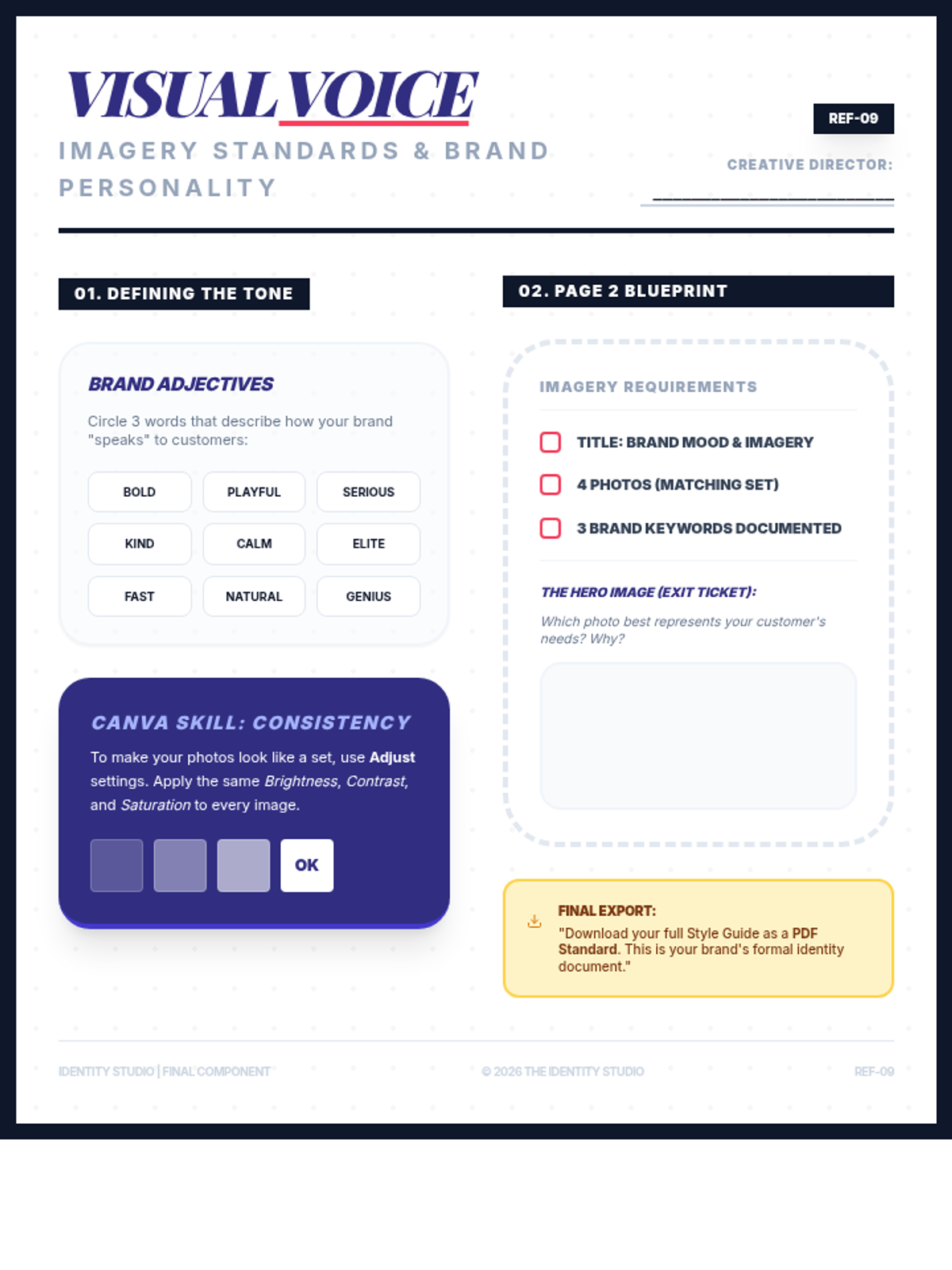
Students define their brand's 'personality' by selecting and filtering imagery that aligns with a specific tone. They complete their formal Brand Style Guide by documenting photography standards and brand keywords, focusing on the principles of repetition and unity.
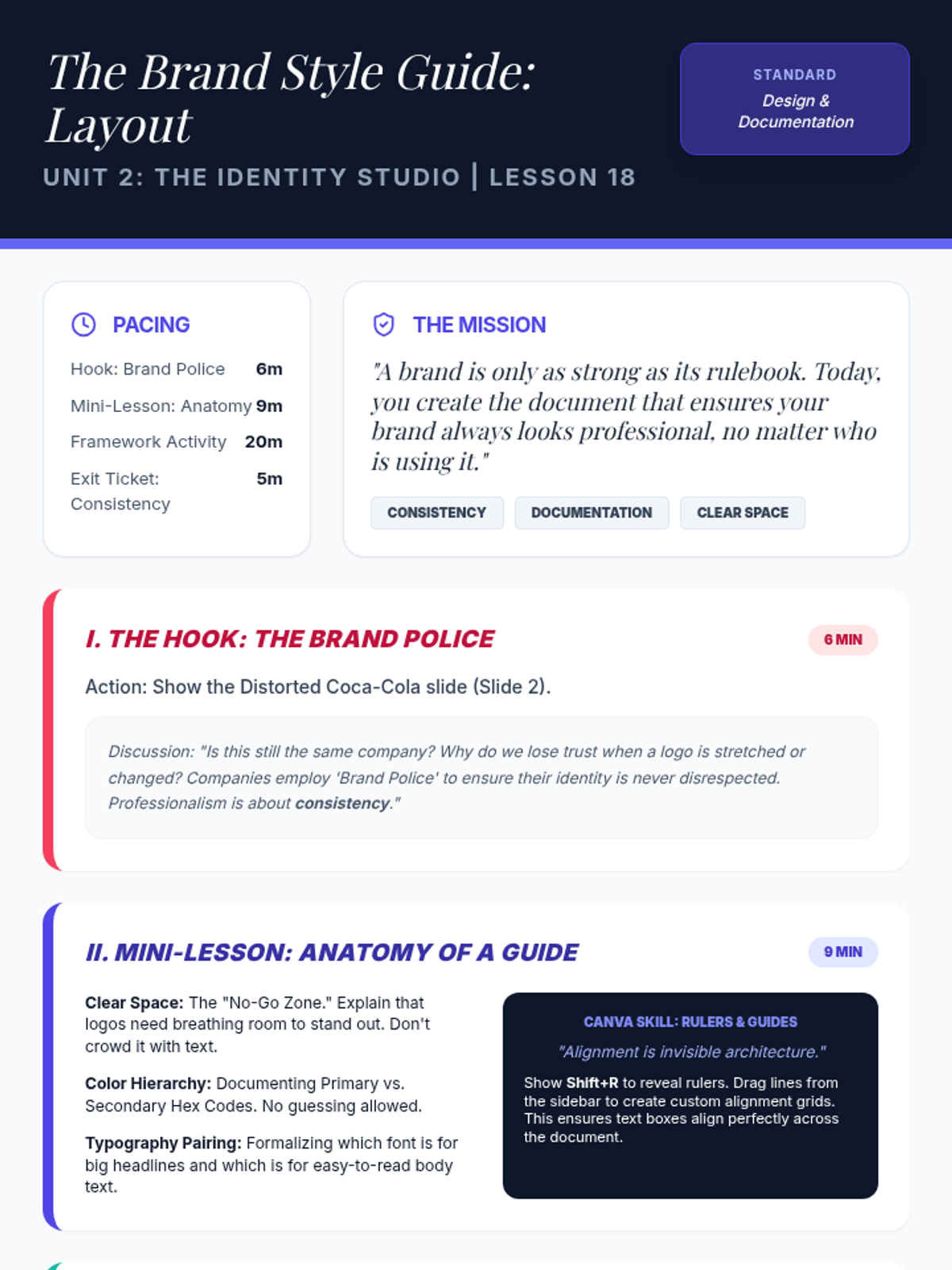
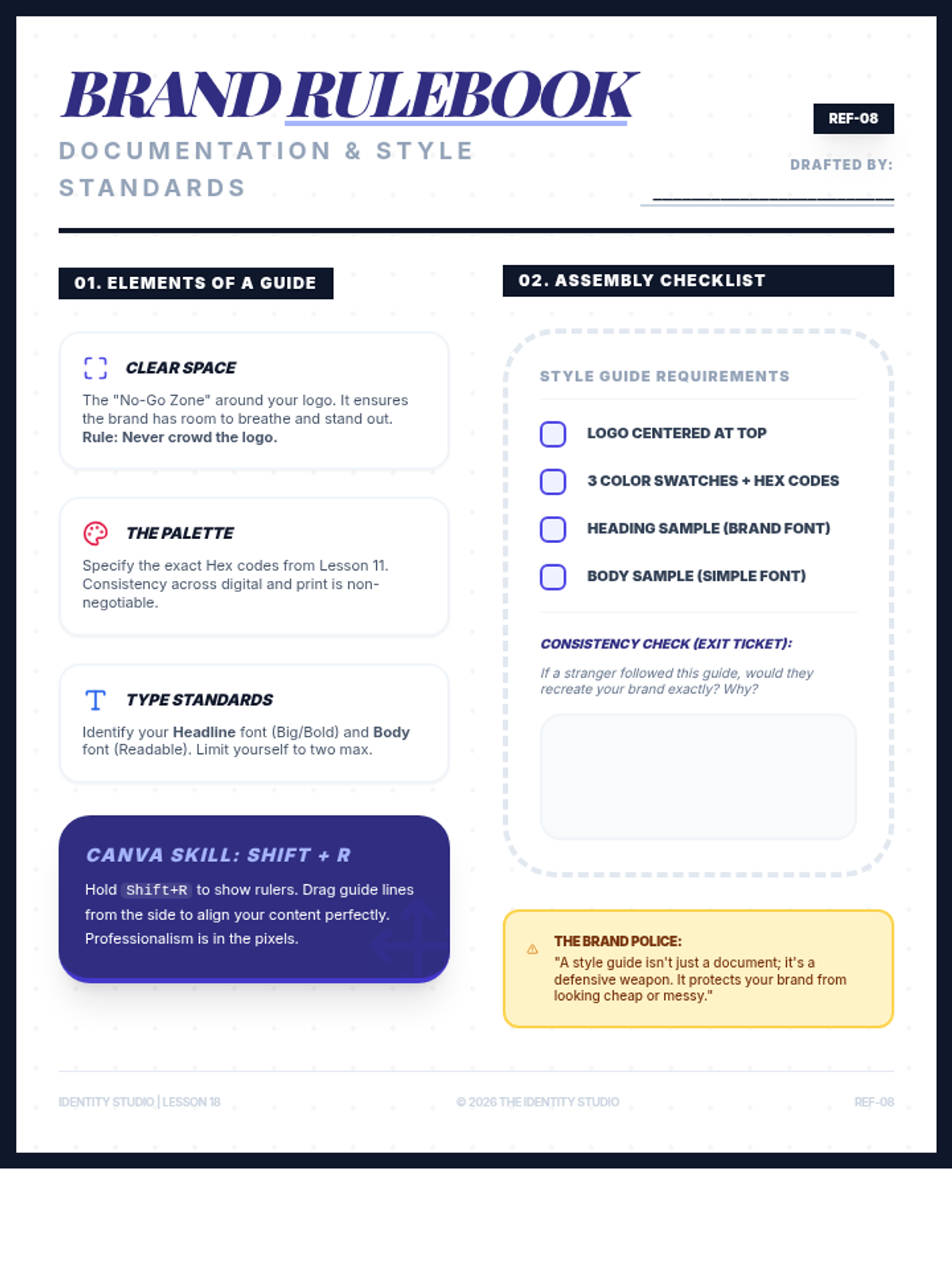
Students transition from brand creation to documentation by building a formal Style Guide. They learn the importance of brand consistency through 'The Brand Police' concept and document their logo usage, hex codes, and typography pairings in Canva using alignment rulers and guides.
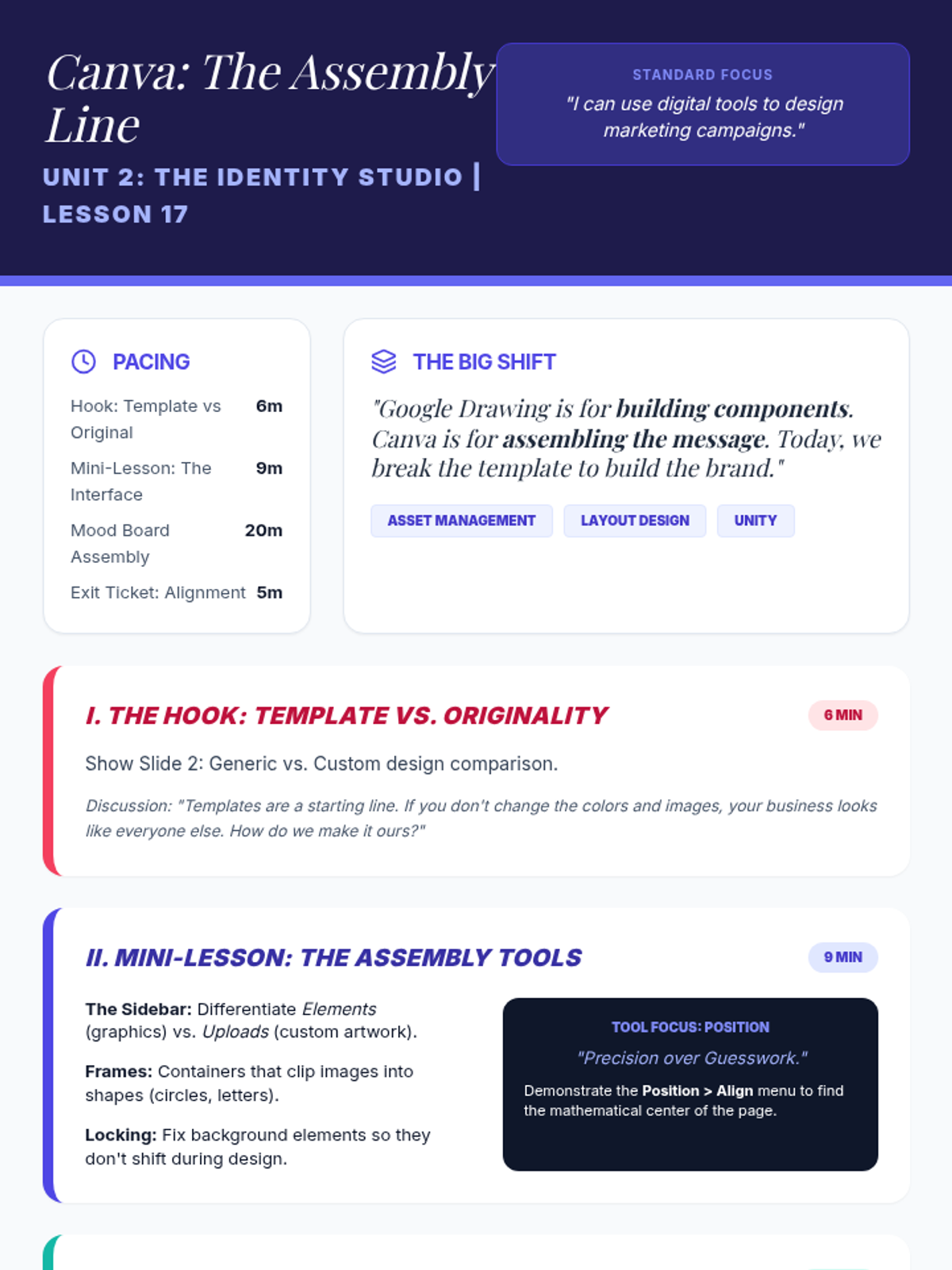
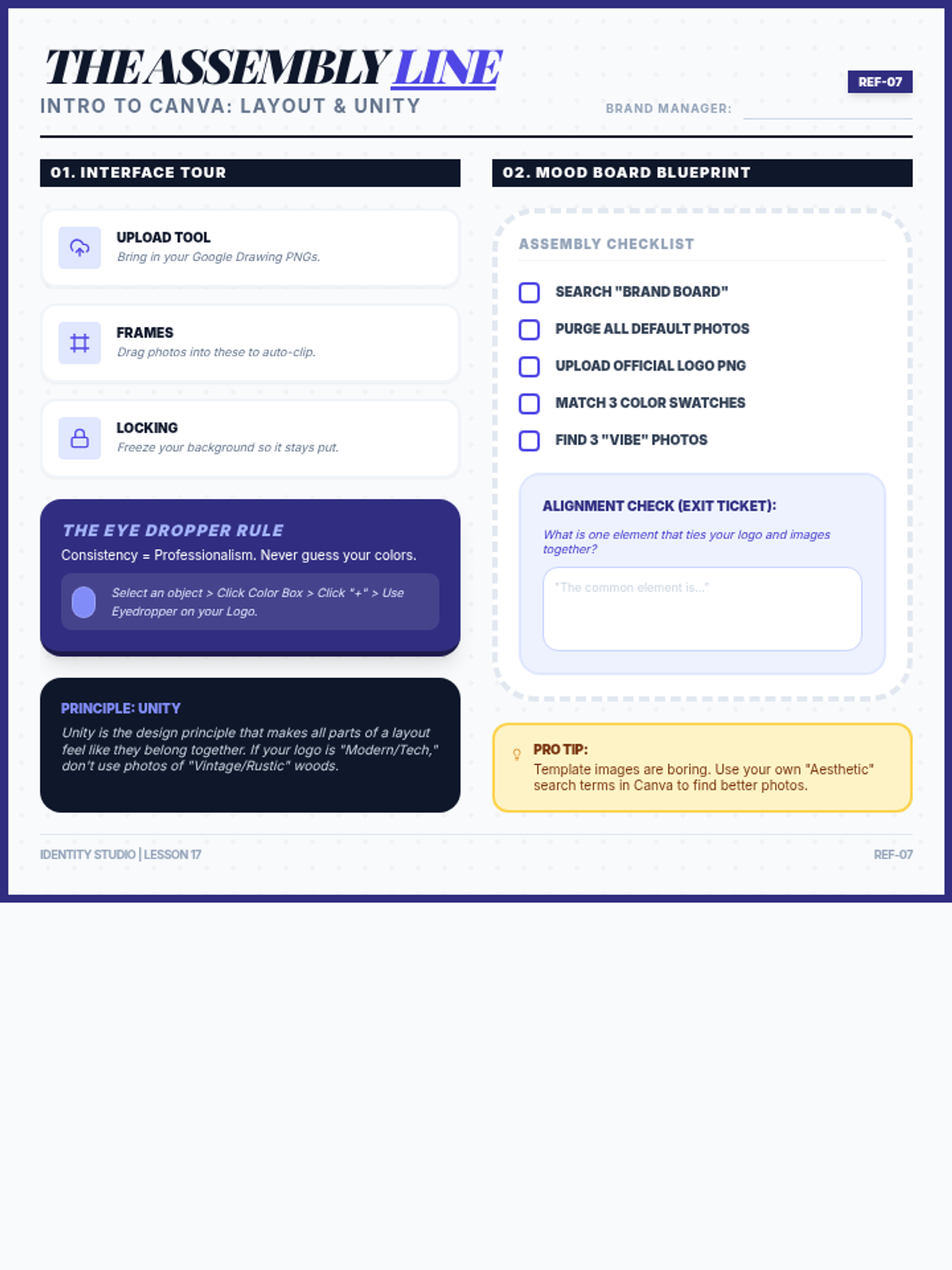
Students transition to Canva as a layout tool to assemble their brand assets into a professional Mood Board. They learn to 'break' templates by replacing generic elements with their own custom logos and colors, focusing on brand consistency and visual harmony.
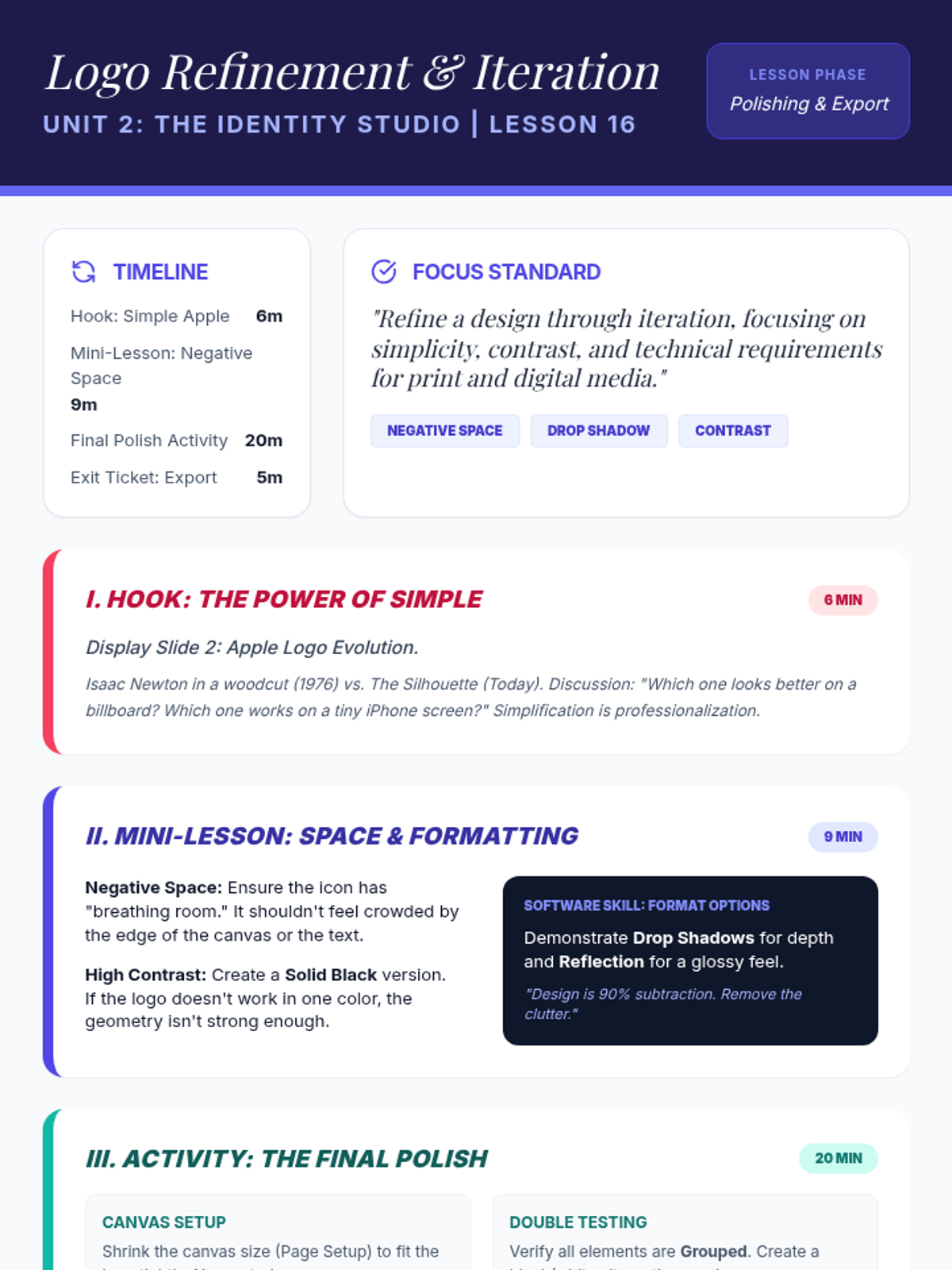
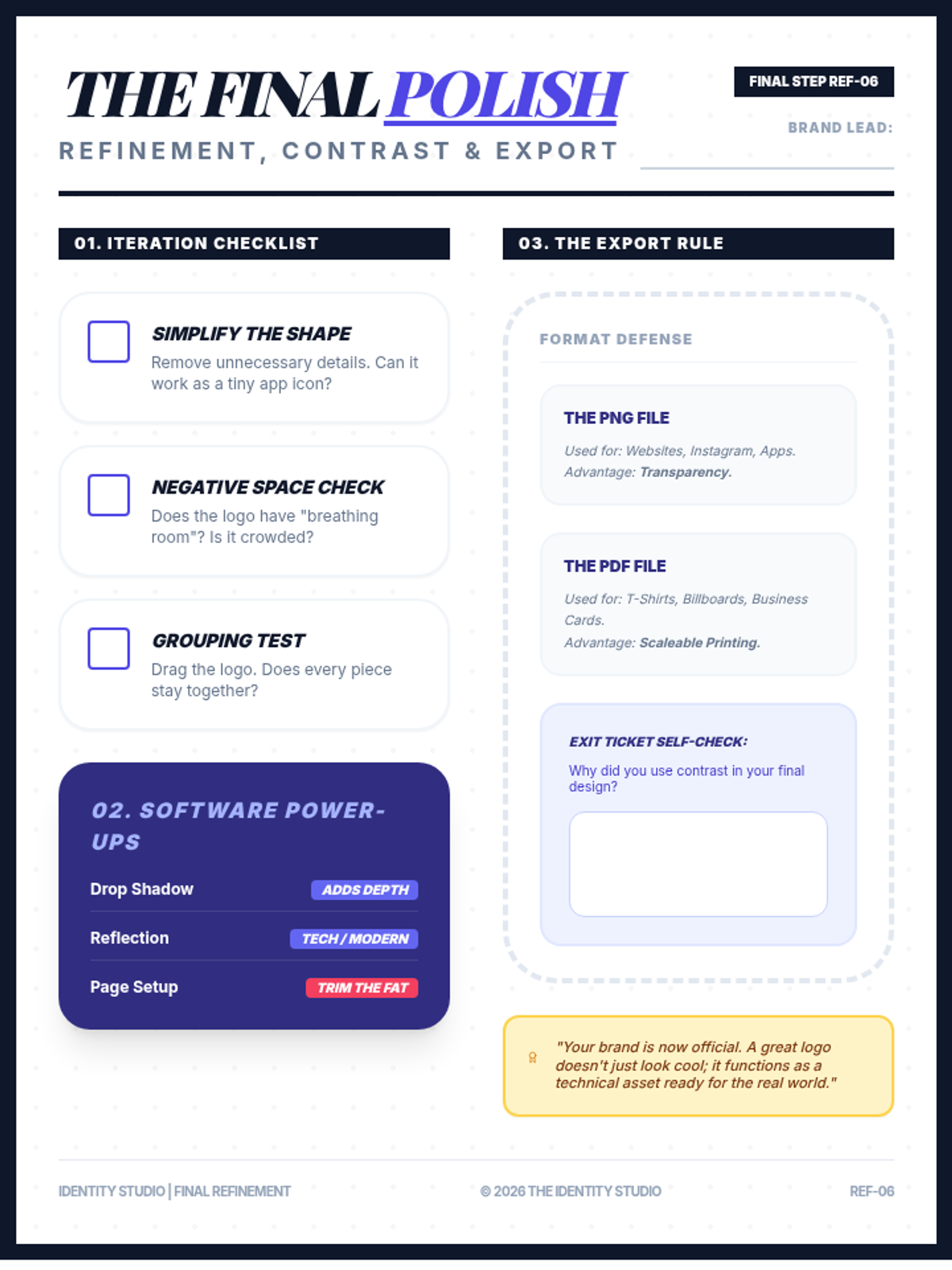
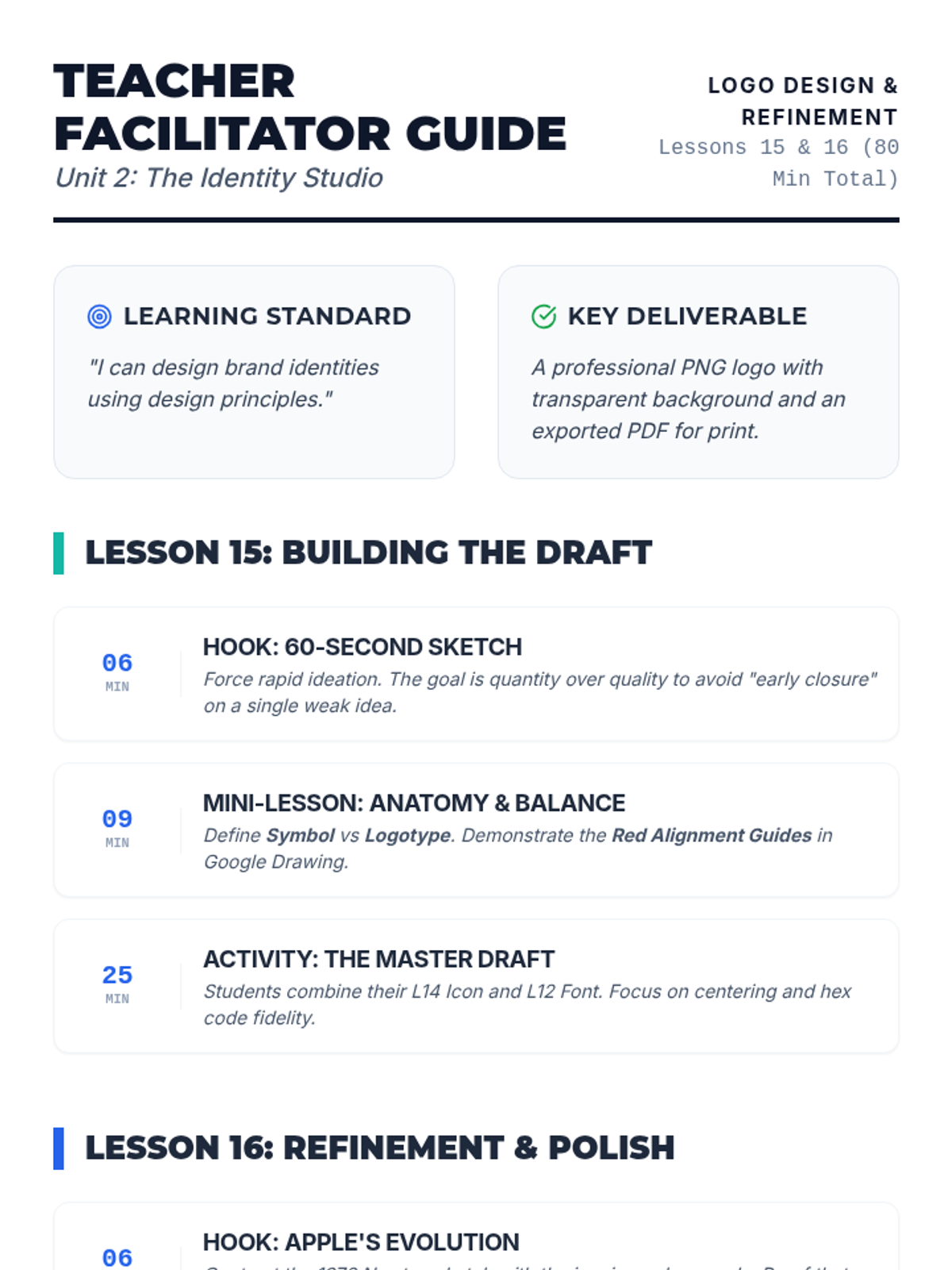
Students refine their logo drafts for professional use, focusing on simplicity, negative space, and contrast. They learn to create multiple versions (Full Color and Solid Black) and understand the technical export requirements for digital vs. print media (PNG vs. PDF).
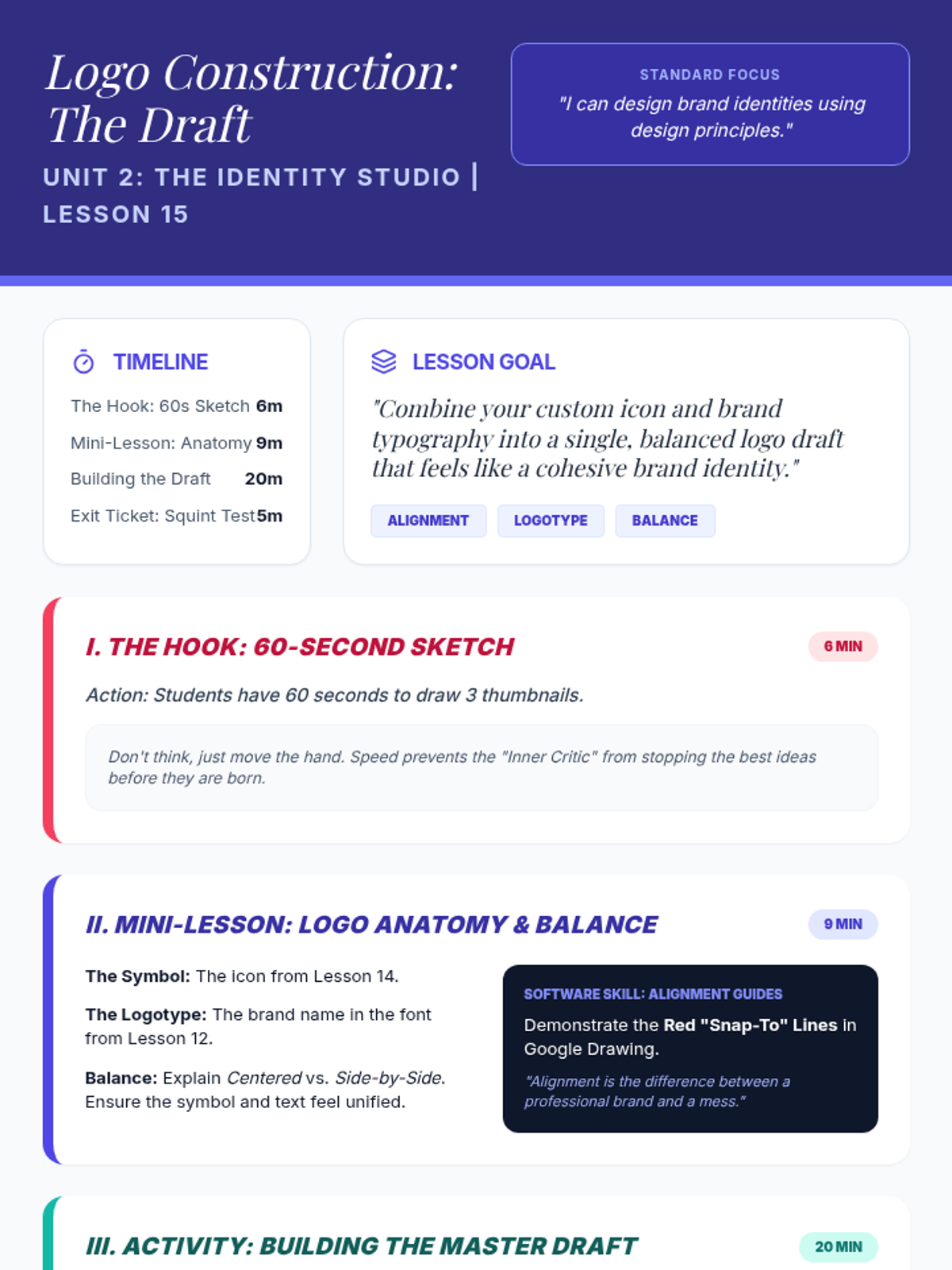
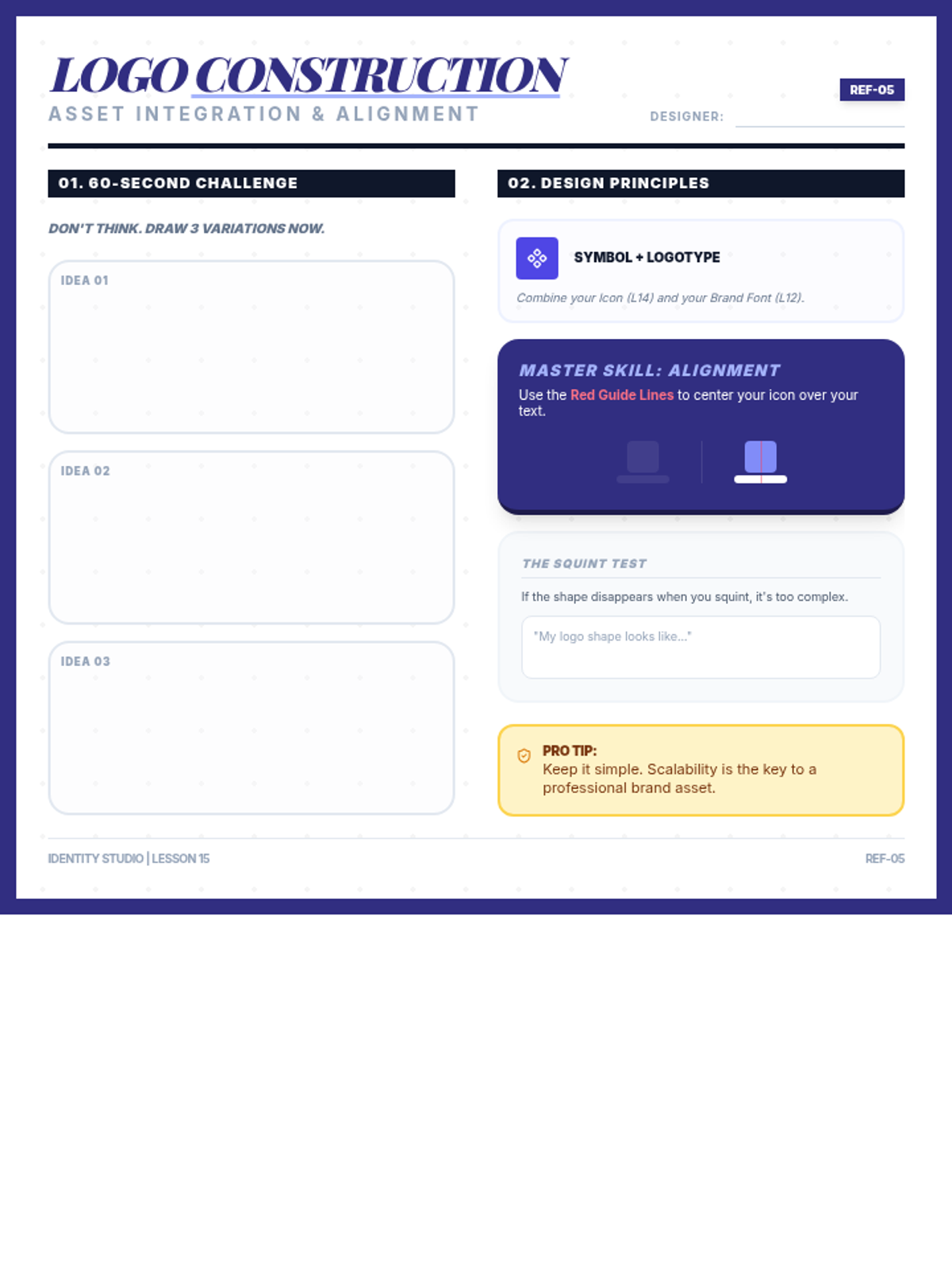
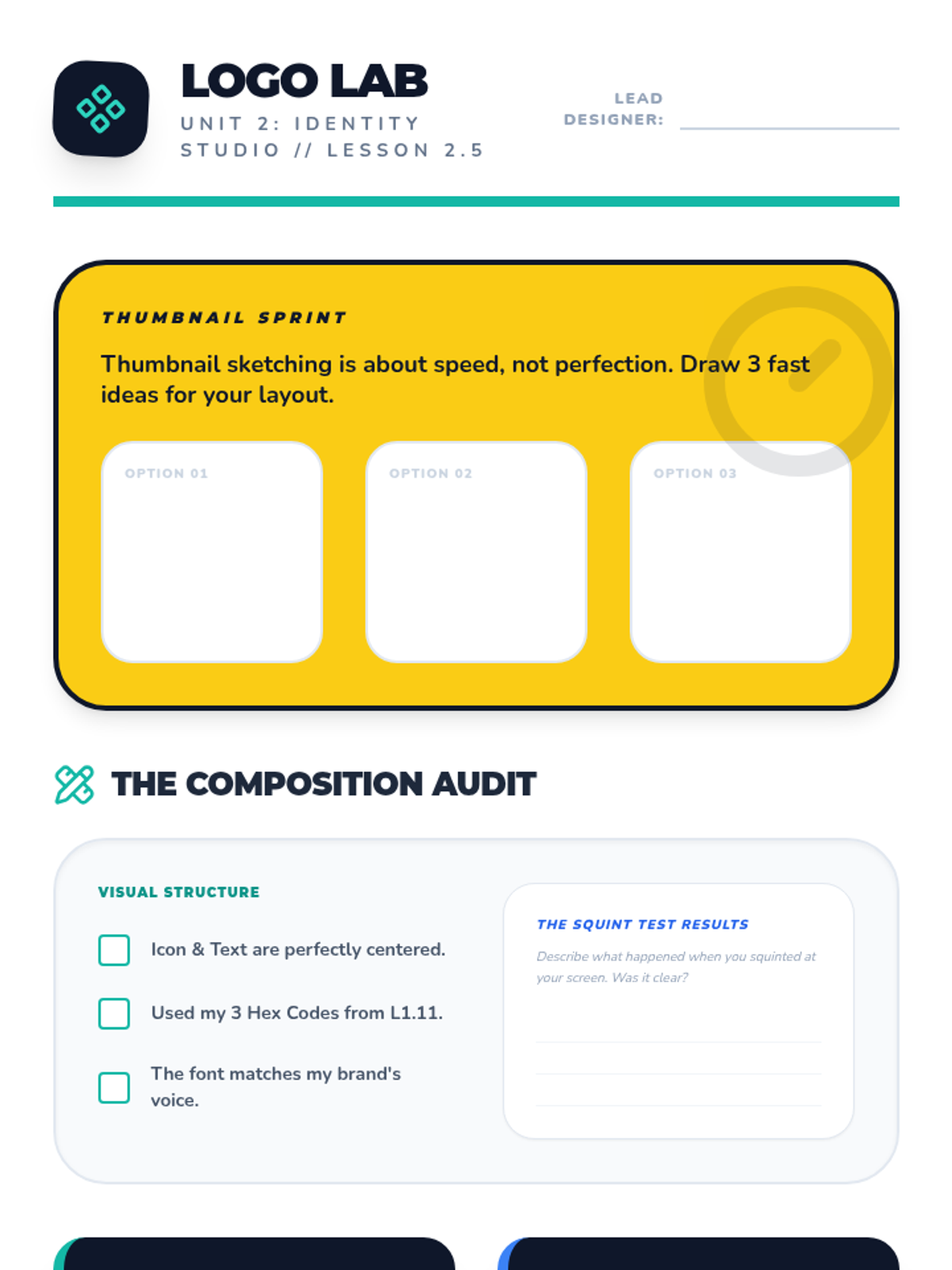
Students transition from creating isolated assets to building their official brand logo. They learn the anatomy of a logo (Symbol + Logotype), master alignment guides in Google Drawing, and perform the 'Squint Test' to ensure their design is clear and balanced.
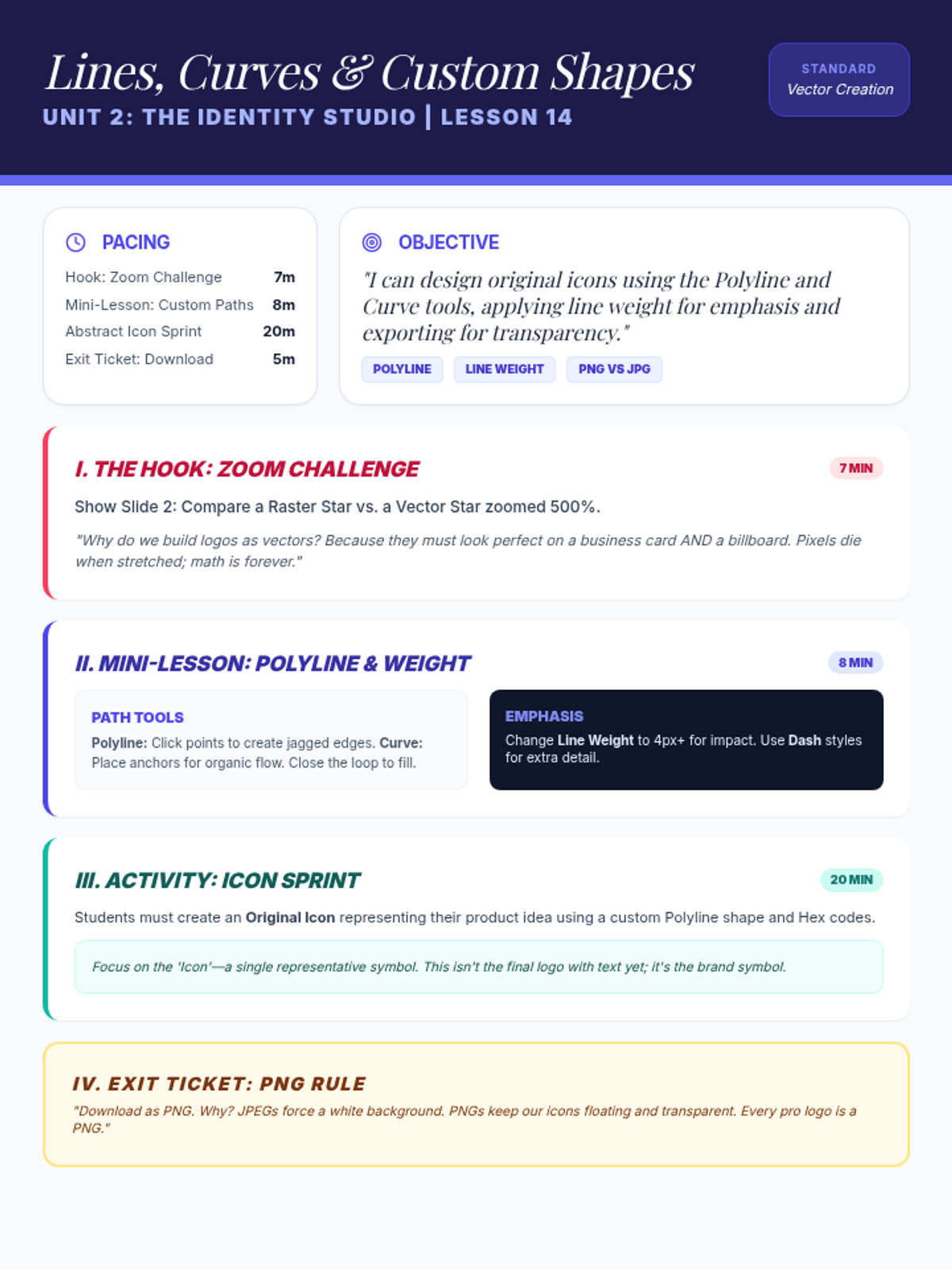
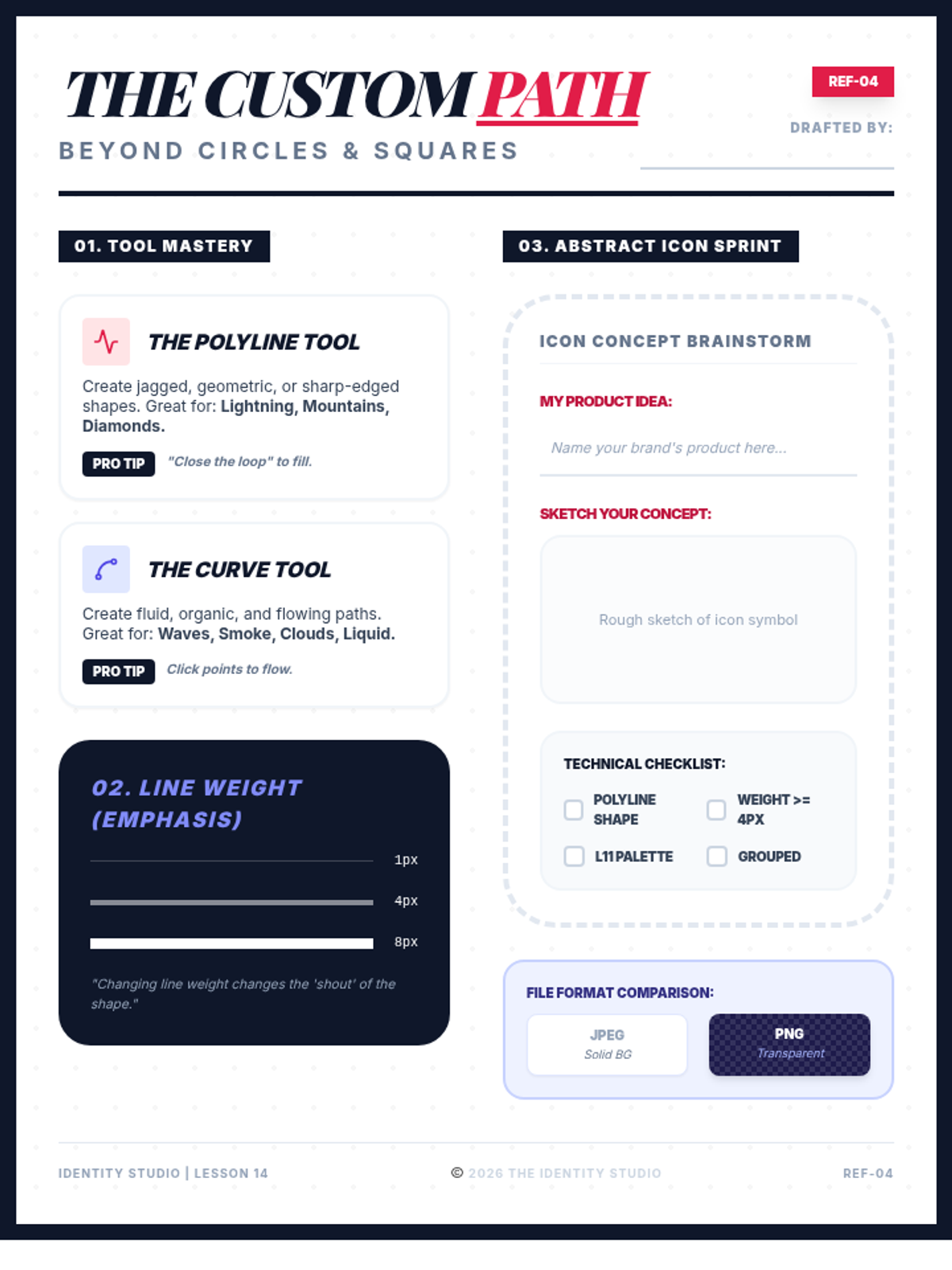
Students advance their Google Drawing skills by moving beyond basic geometric shapes to custom paths. They learn to use the Polyline and Curve tools to create original icons, while understanding the technical differences between Vector and Raster images and the importance of PNG transparency.
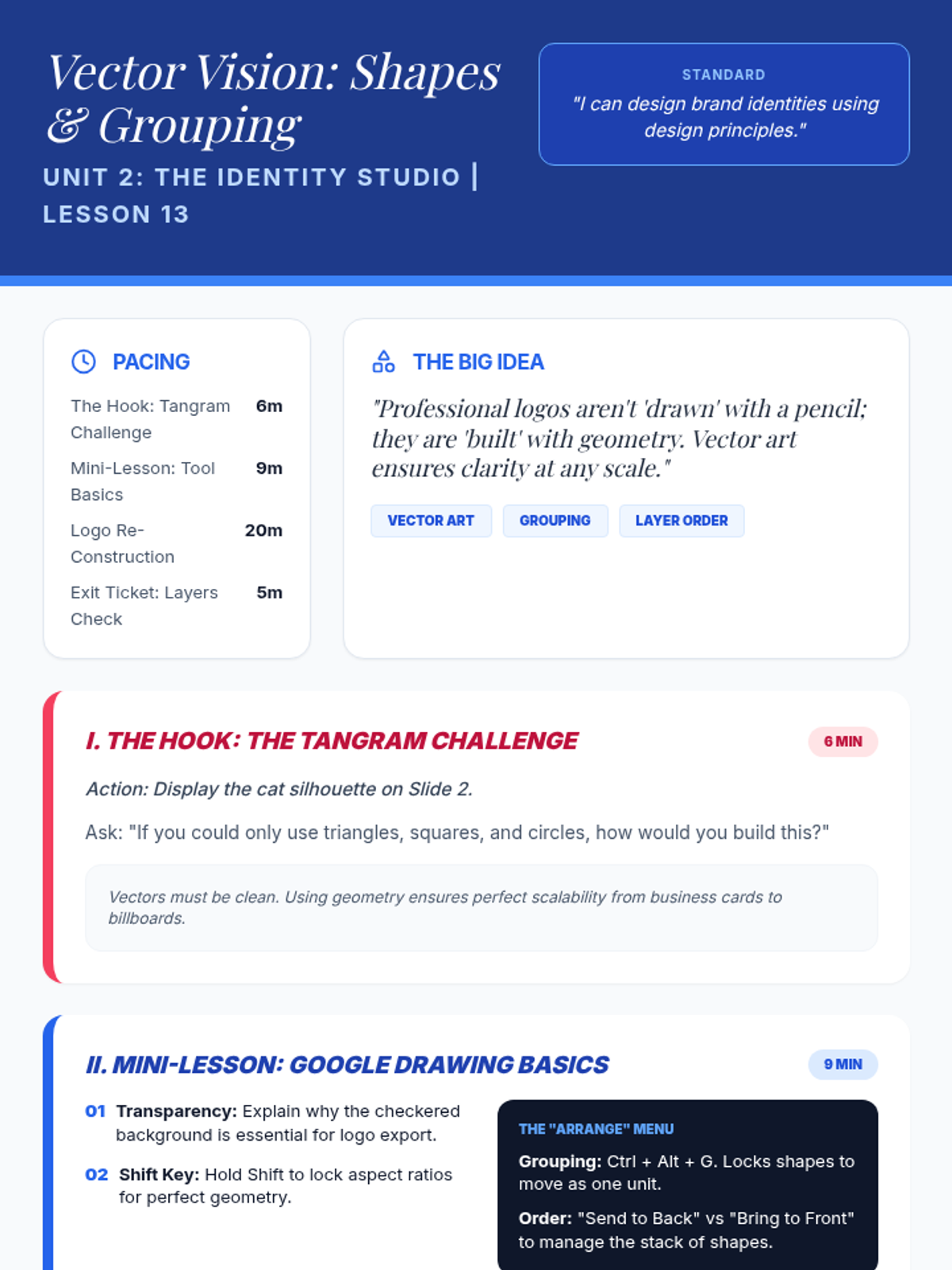
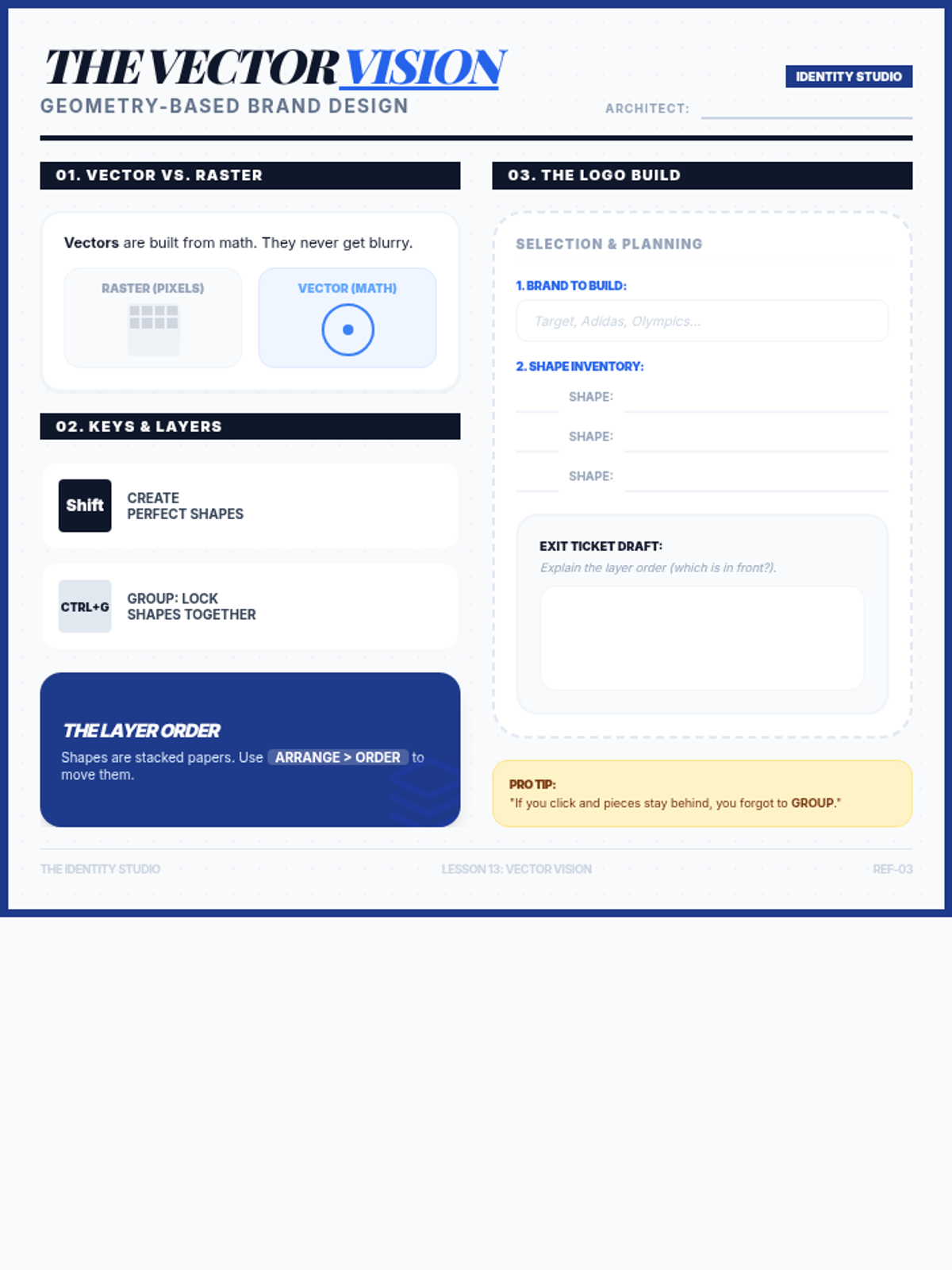
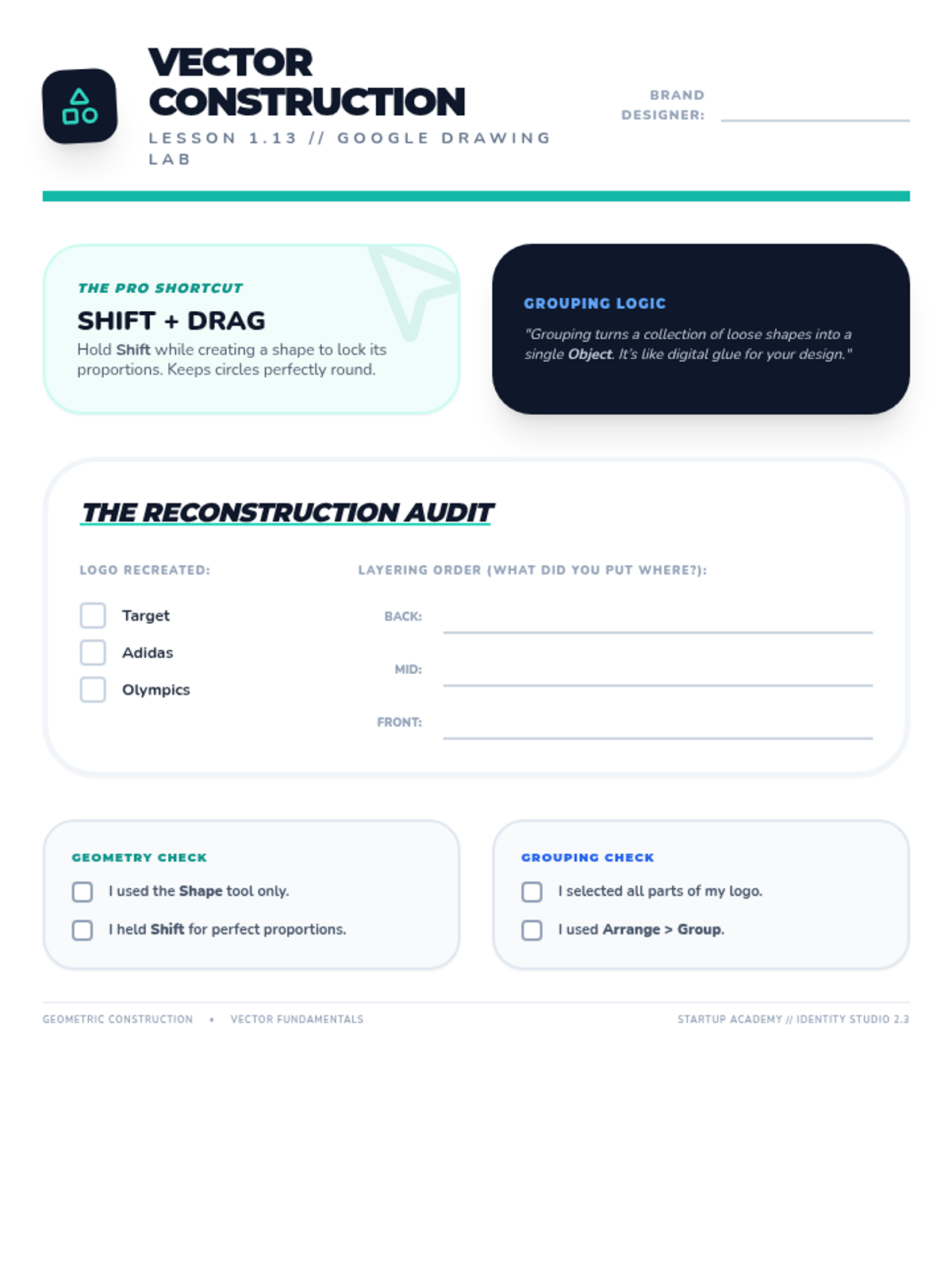
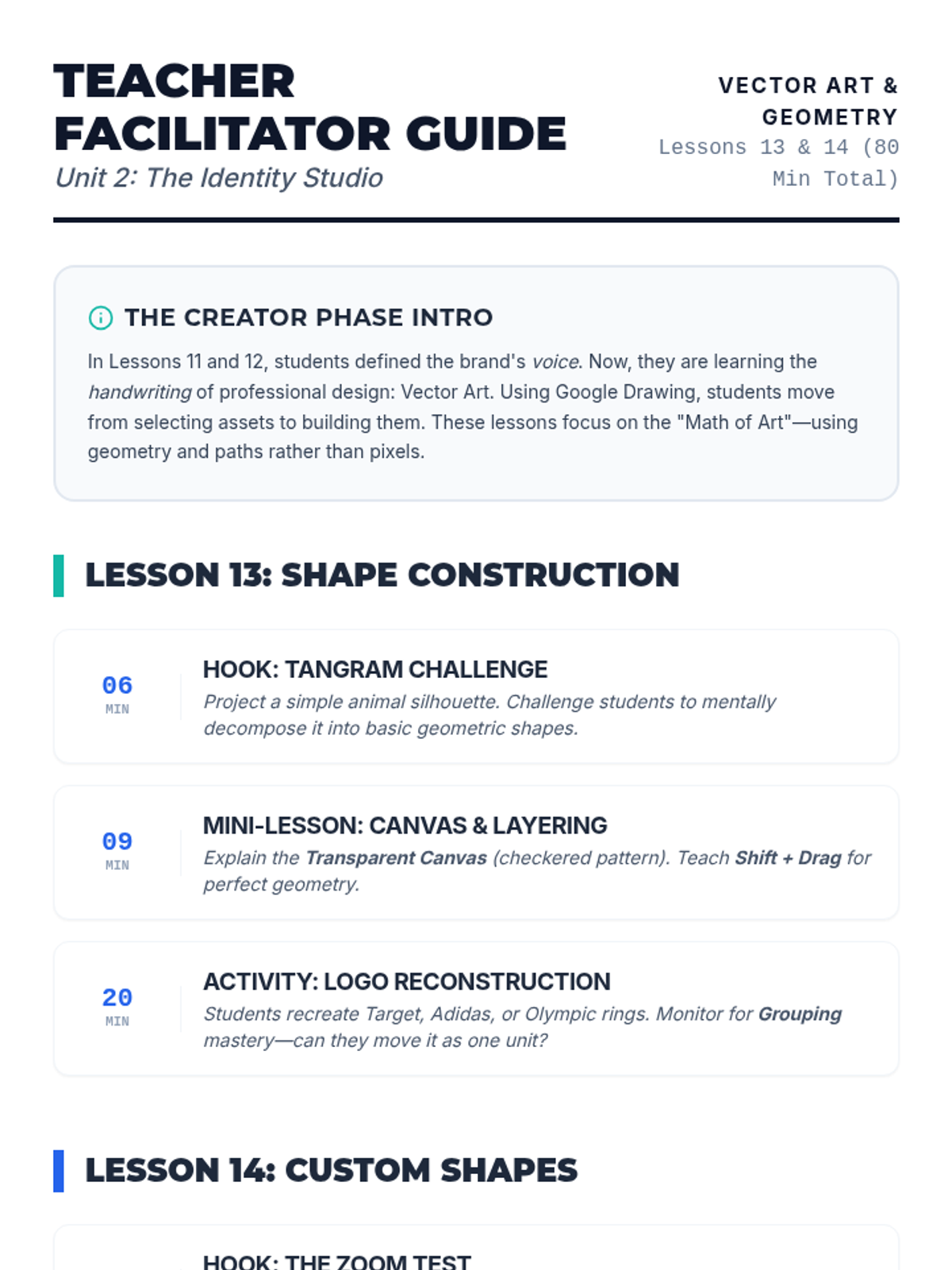
This lesson introduces students to the concept of vector art using Google Drawing. Students learn to build complex objects using simple geometric shapes, mastering skills like grouping, layering (order), and the use of the Shift key for perfect proportions.
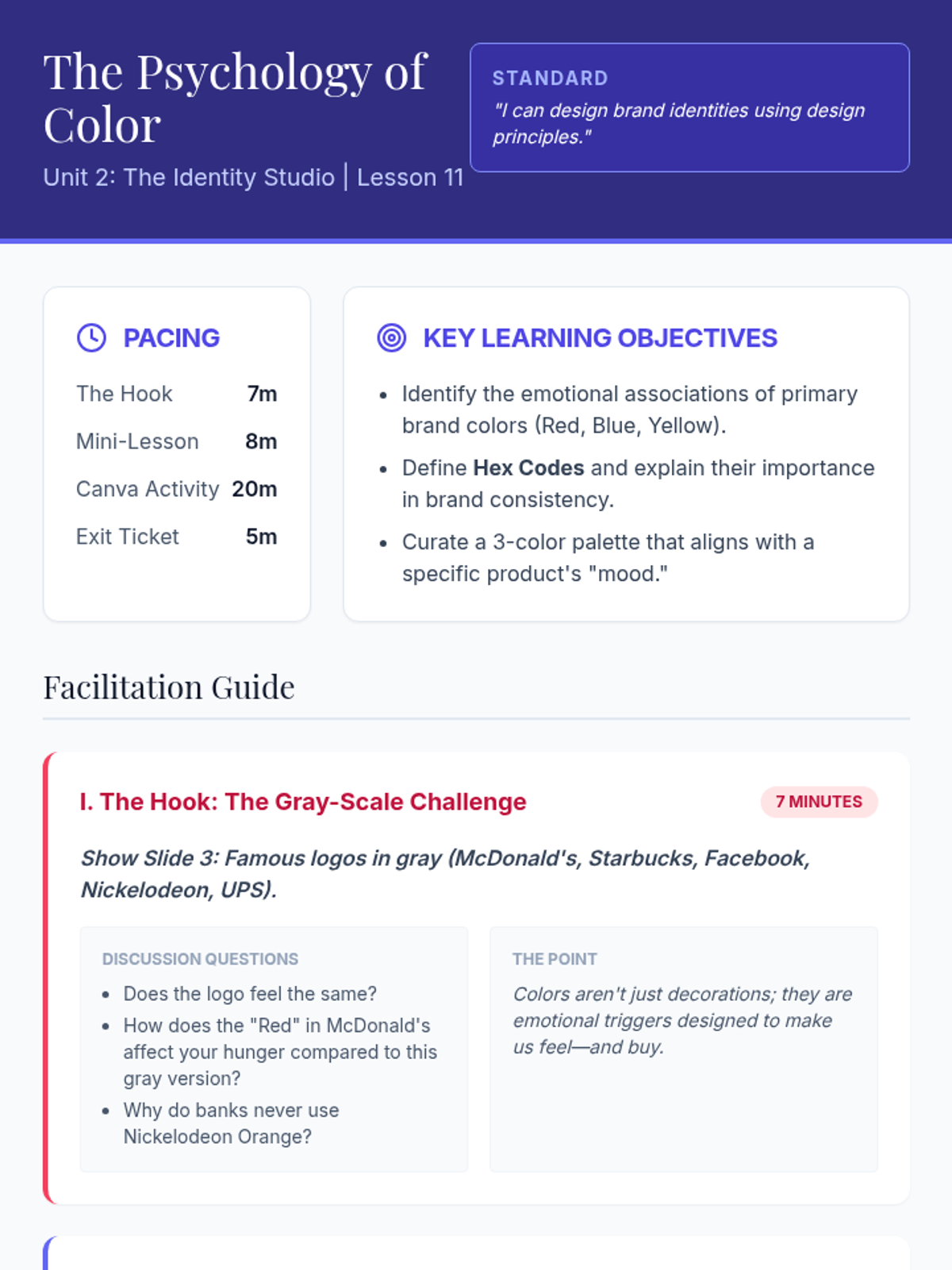
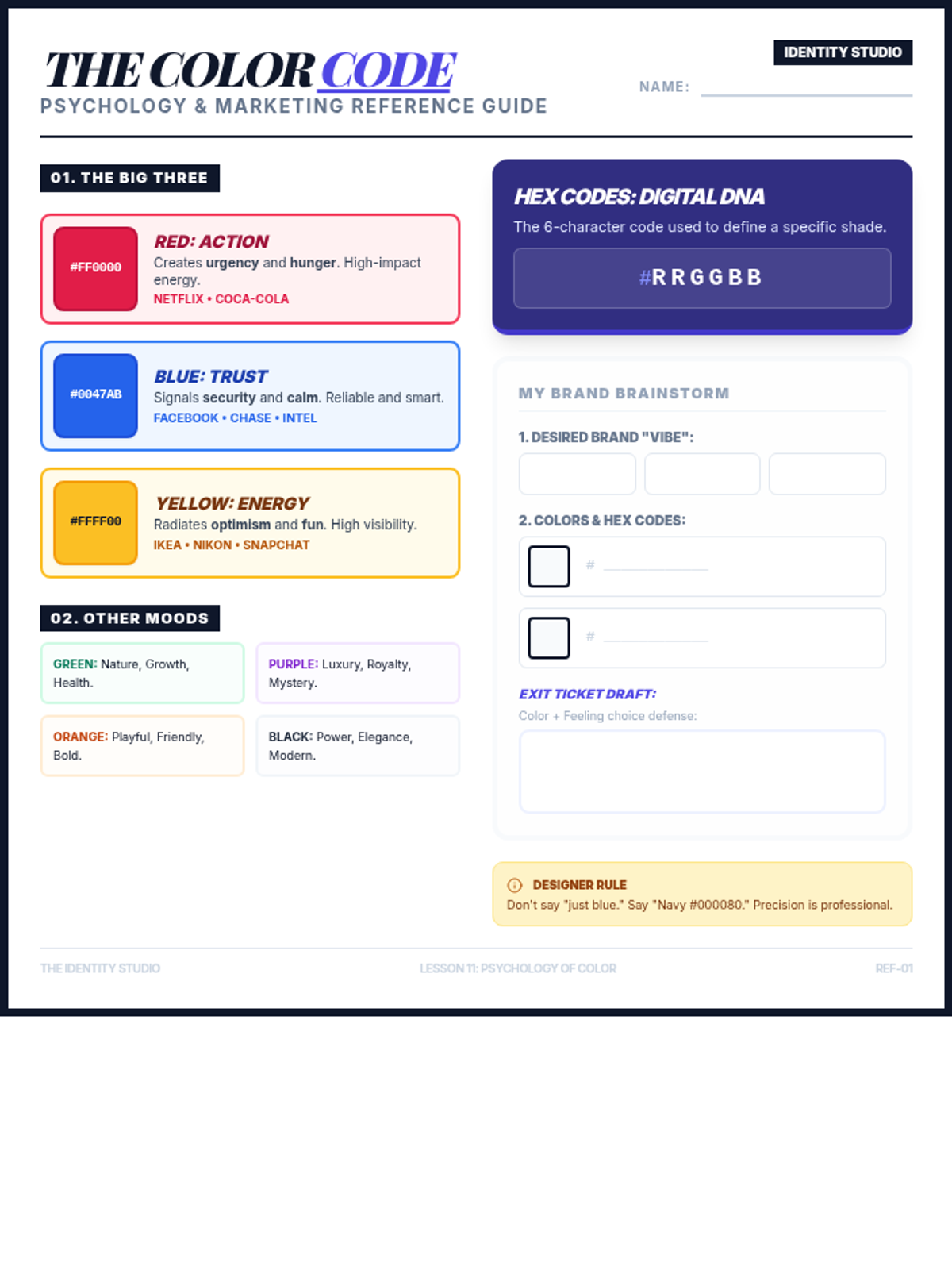
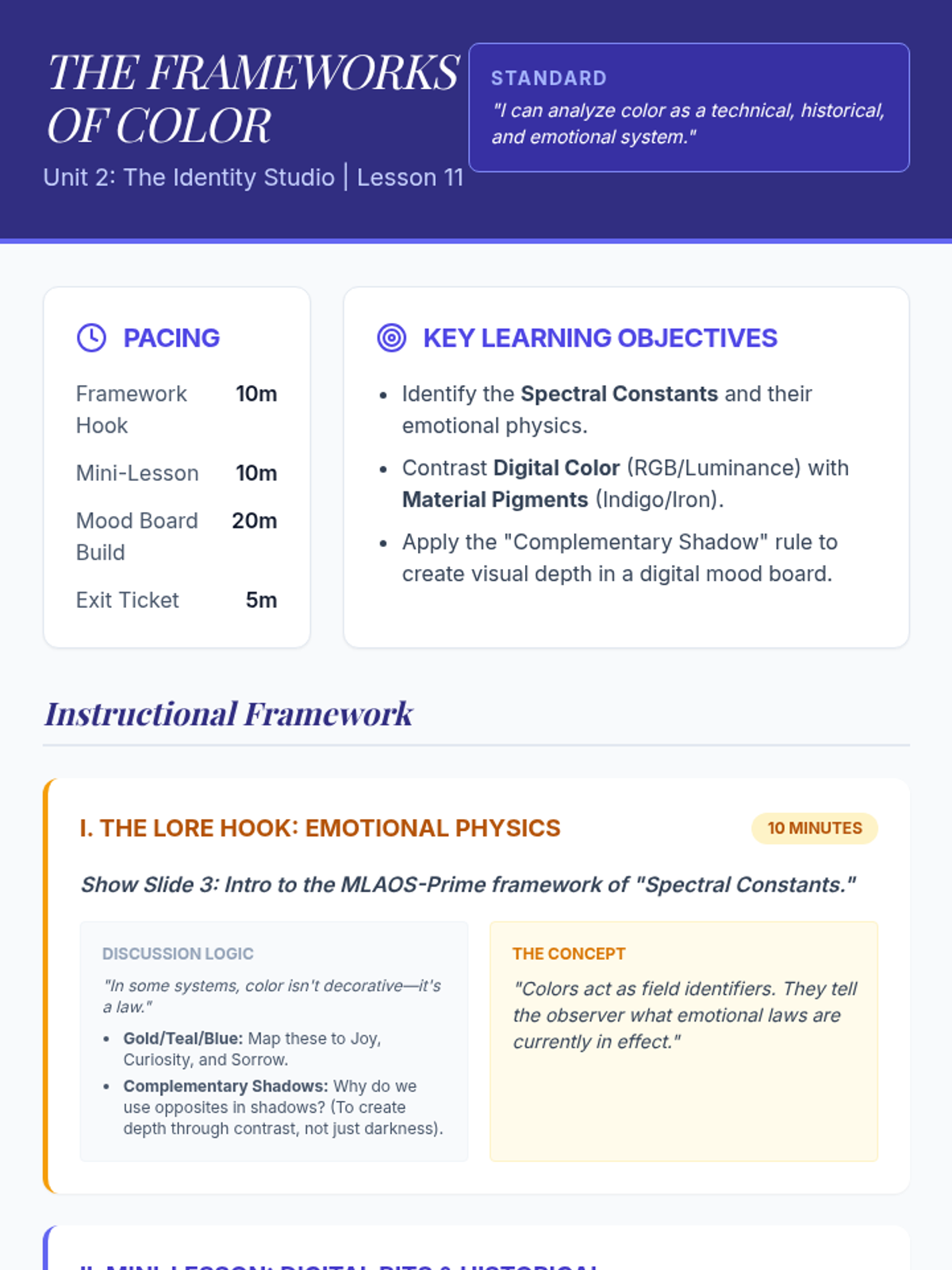
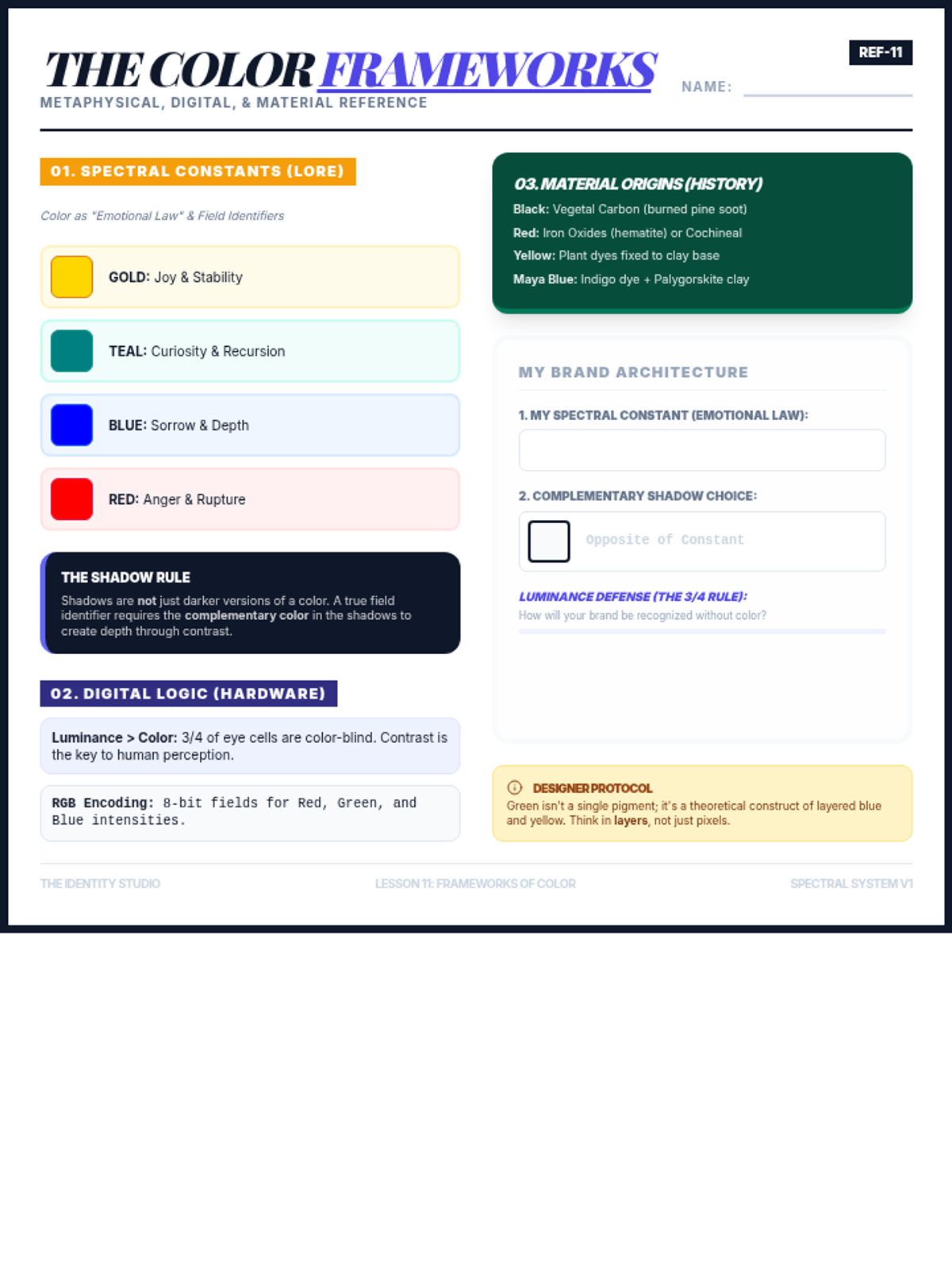
This lesson introduces students to the emotional impact of color in branding, the basics of color theory in marketing, and the technical use of Hex Codes in digital design. Students apply these concepts by creating a brand mood board in Canva.
Students refine their logo drafts by applying principles of negative space and contrast, creating color and black-and-white versions for professional export.
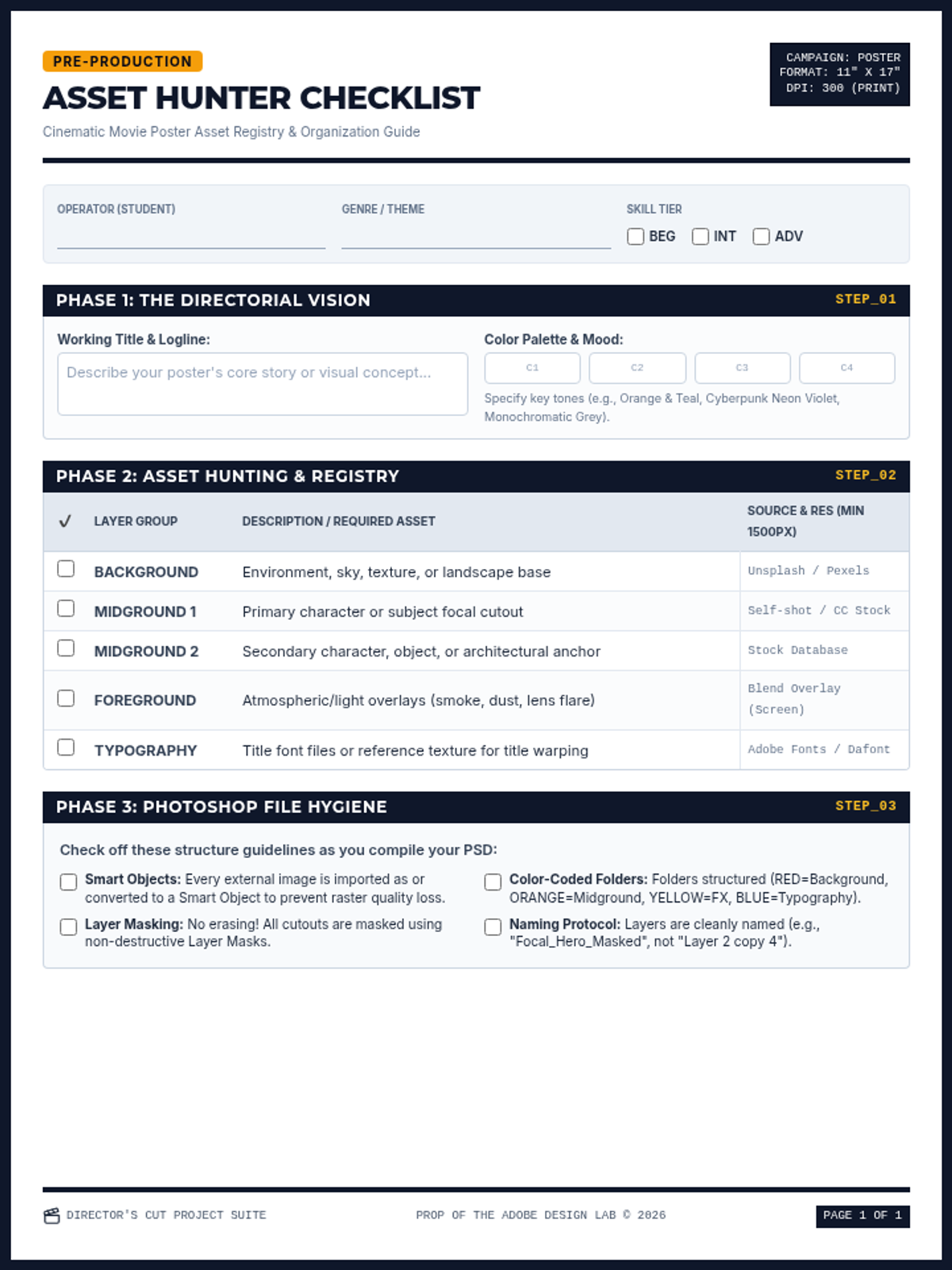
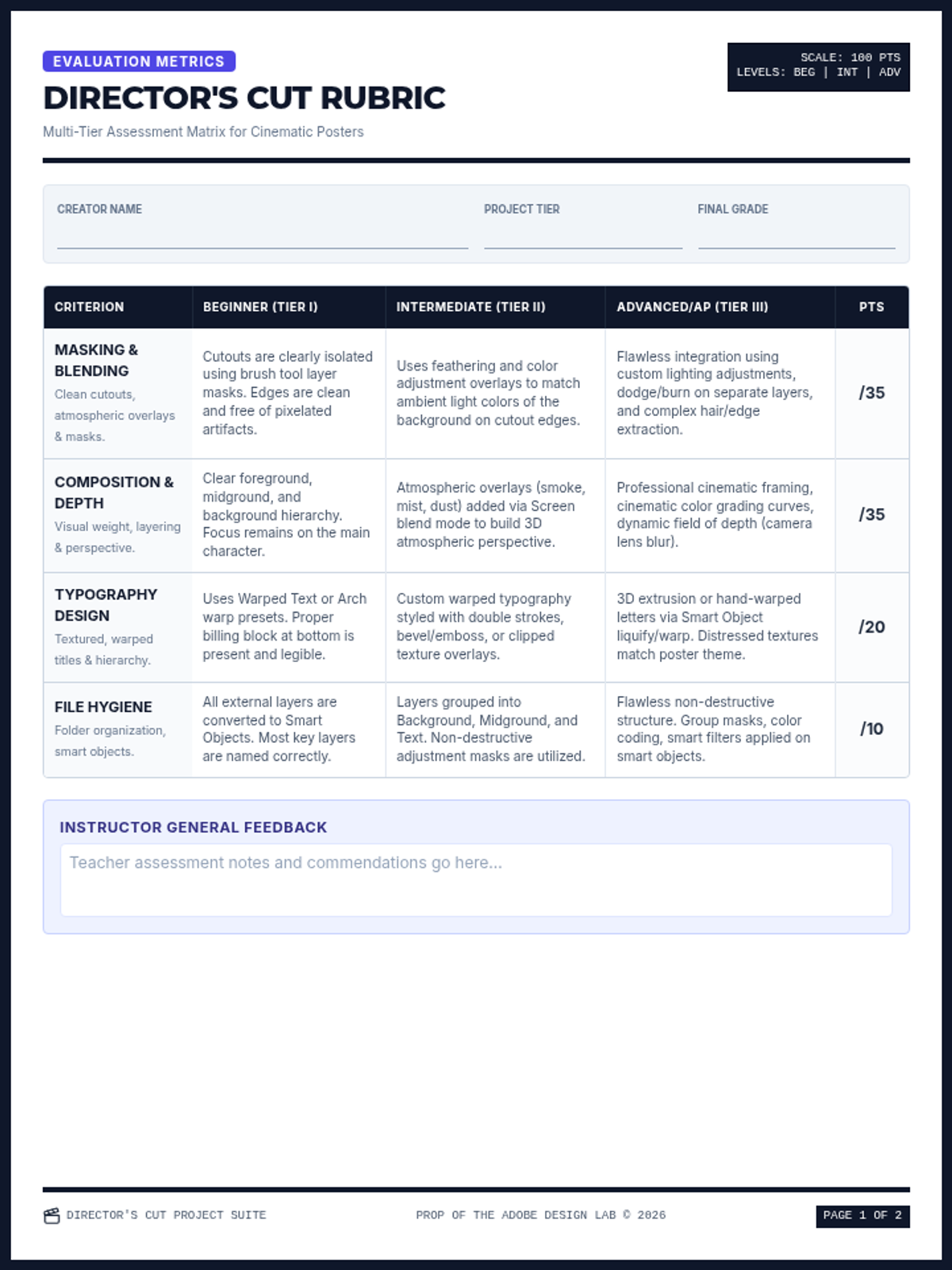
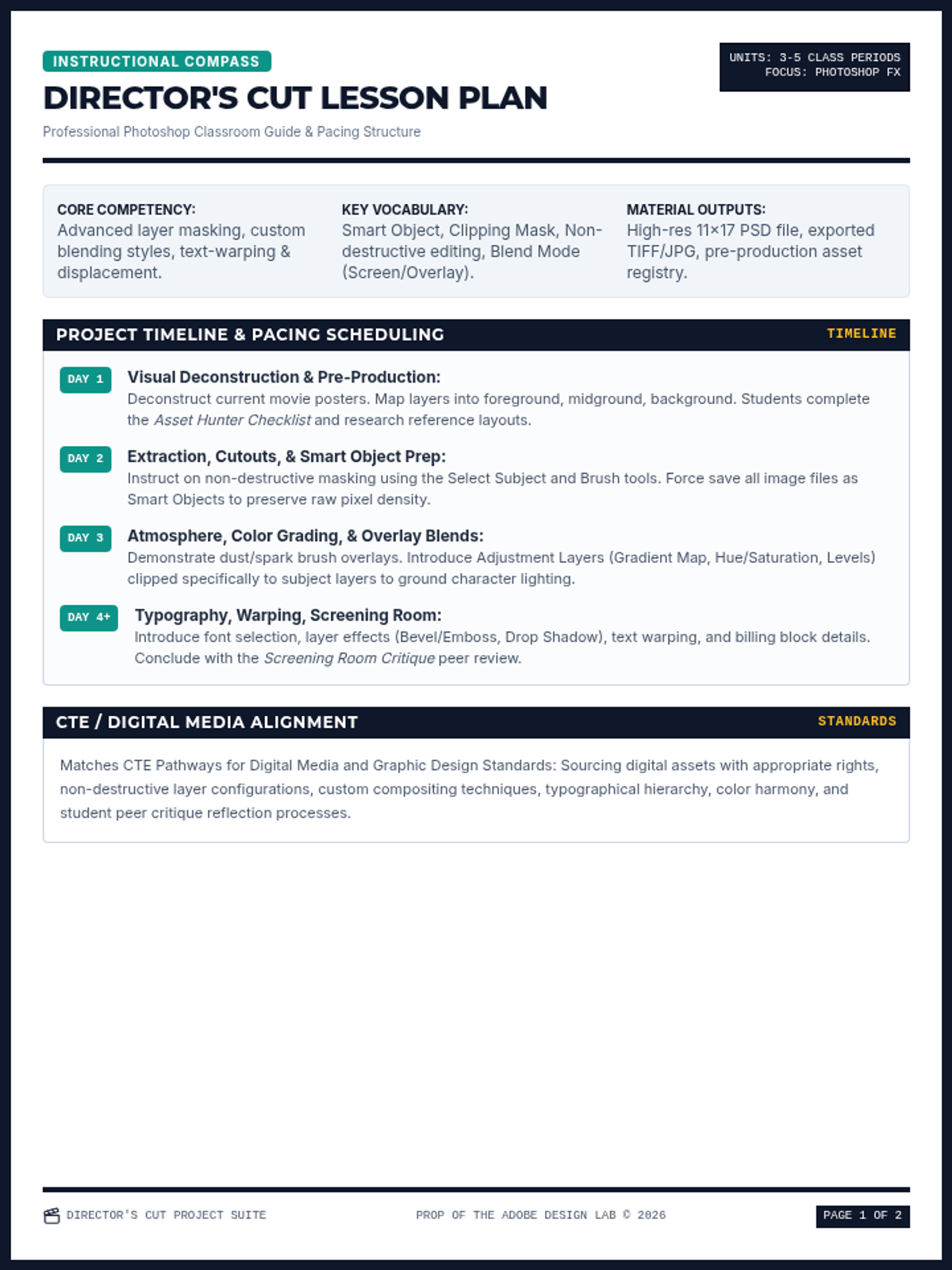
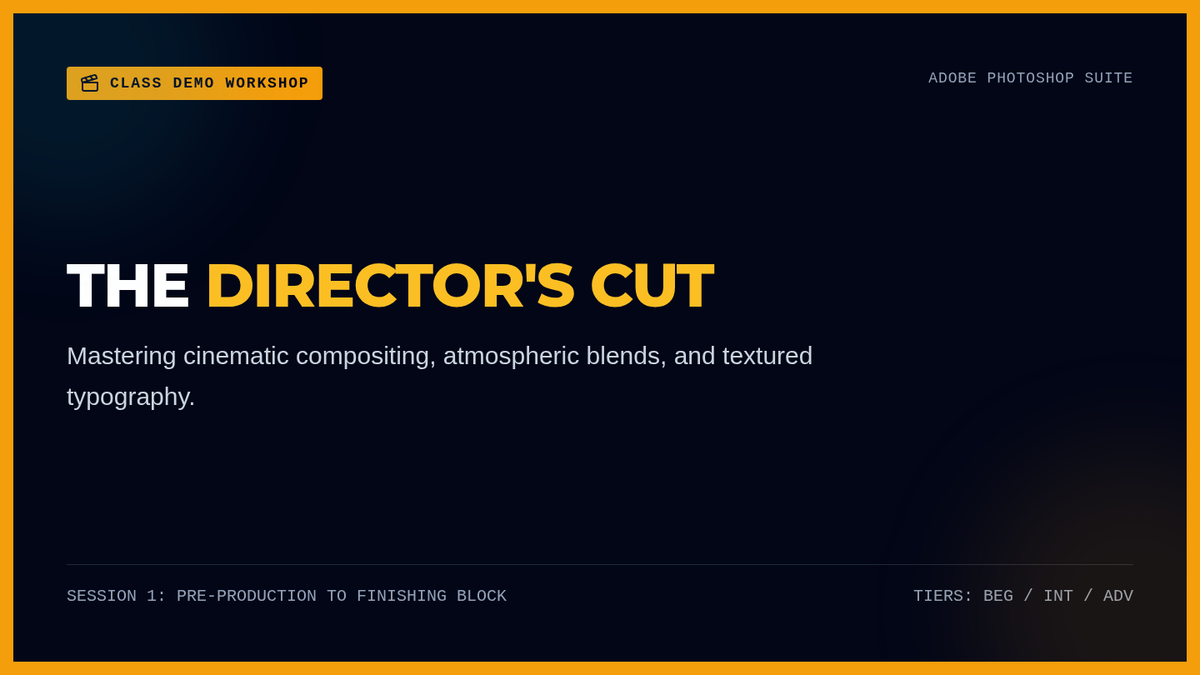
A comprehensive project-based lesson for designing cinematic movie or game posters in Adobe Photoshop. Covers image blending, atmospheric overlays, and textured typography tailored for Beginner, Intermediate, and Advanced/AP levels.
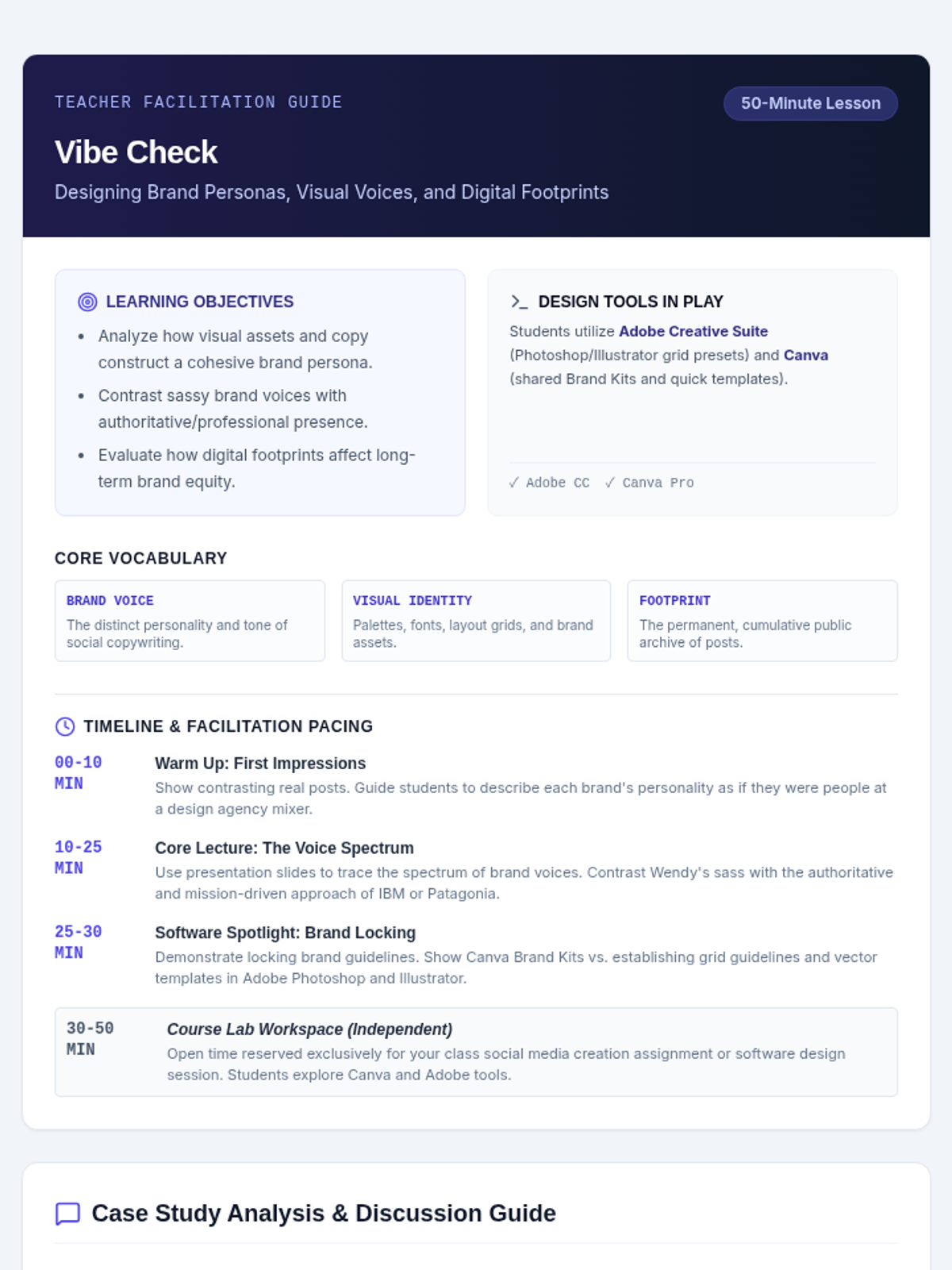
A digital design lesson focusing on social media brand personas, digital footprint, and visual design aesthetics using Adobe and Canva. Students compare contrasting brand voices, from Wendy's playful roasts to polished professional corporate presences.
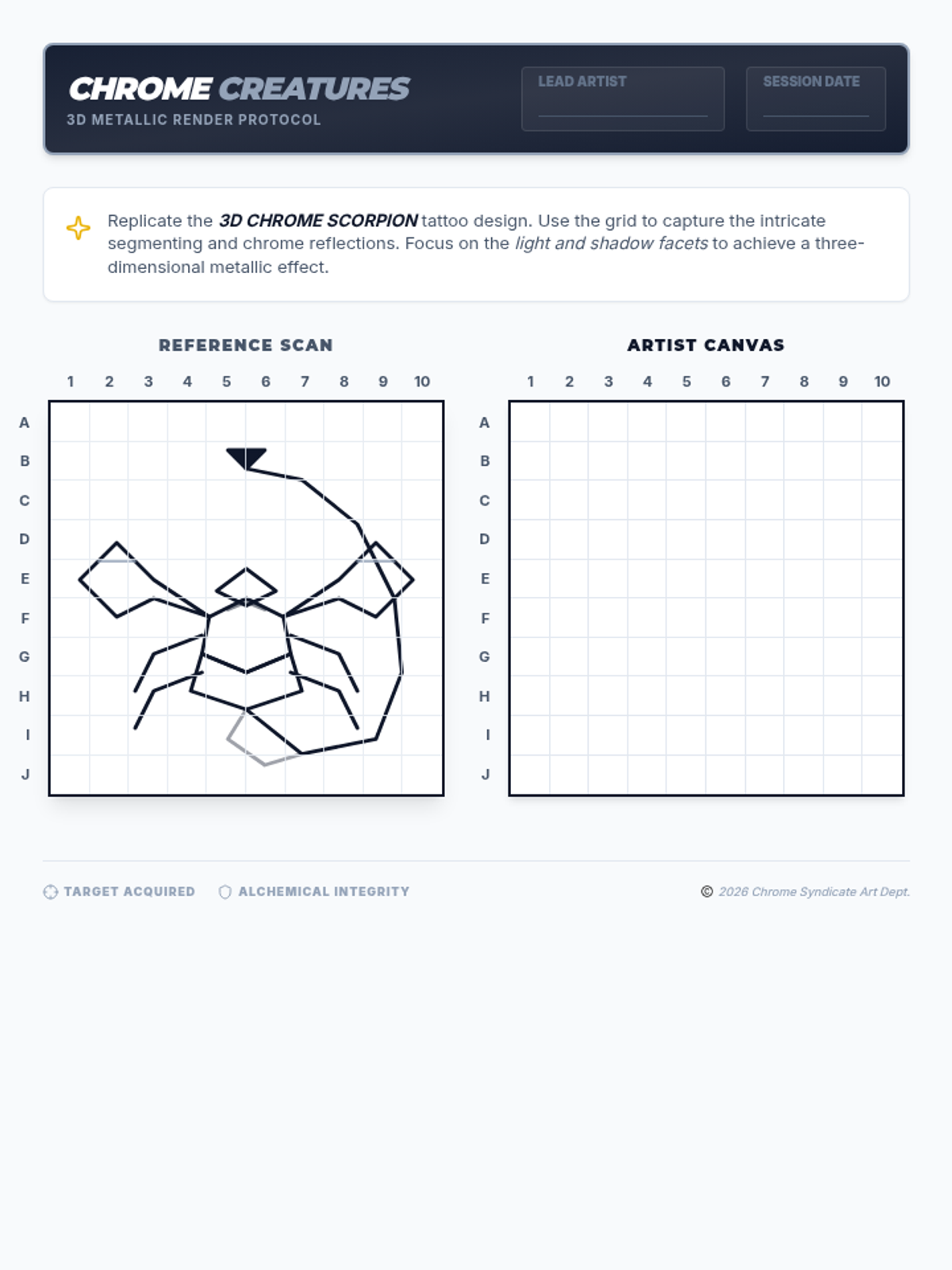
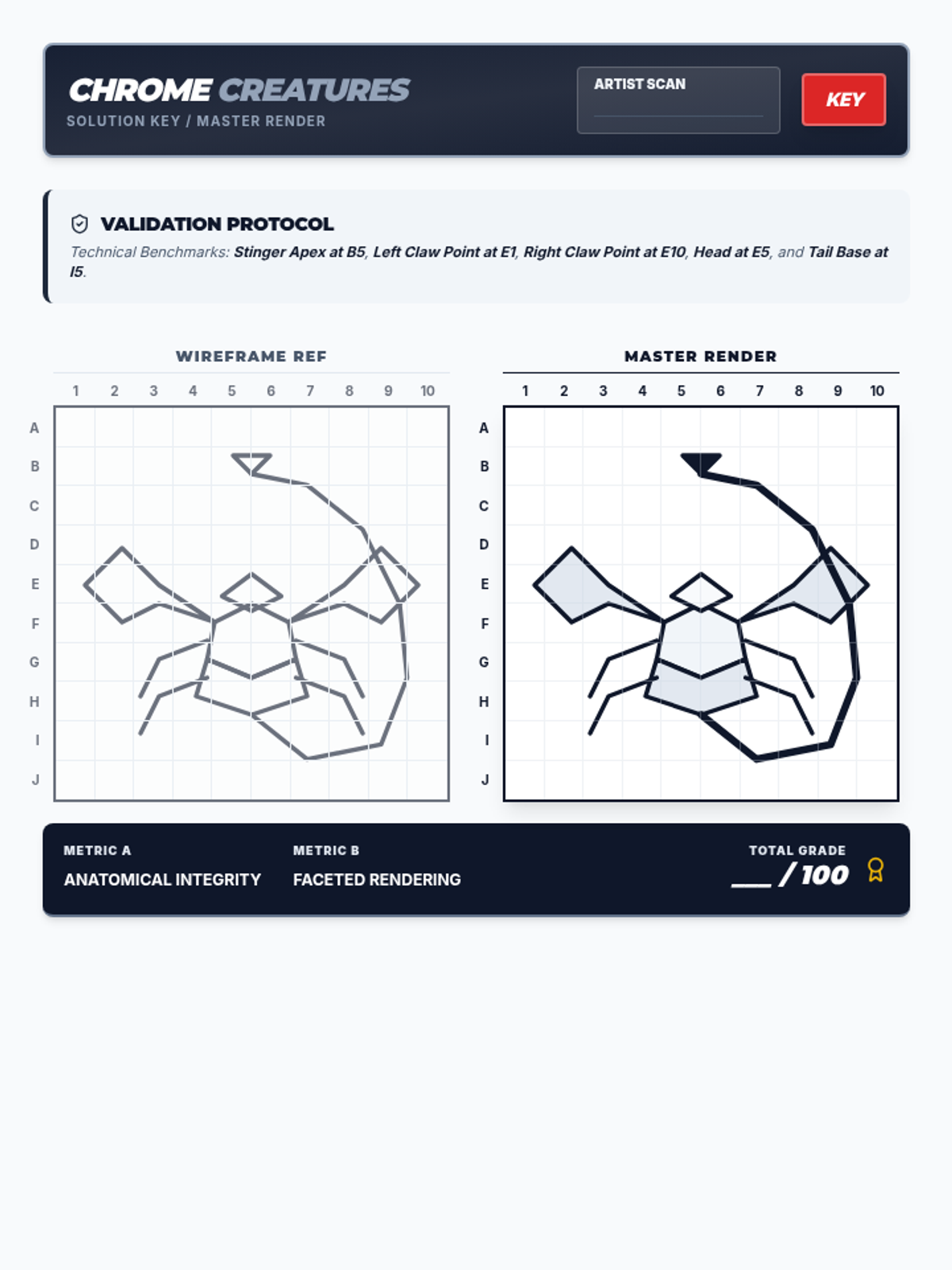
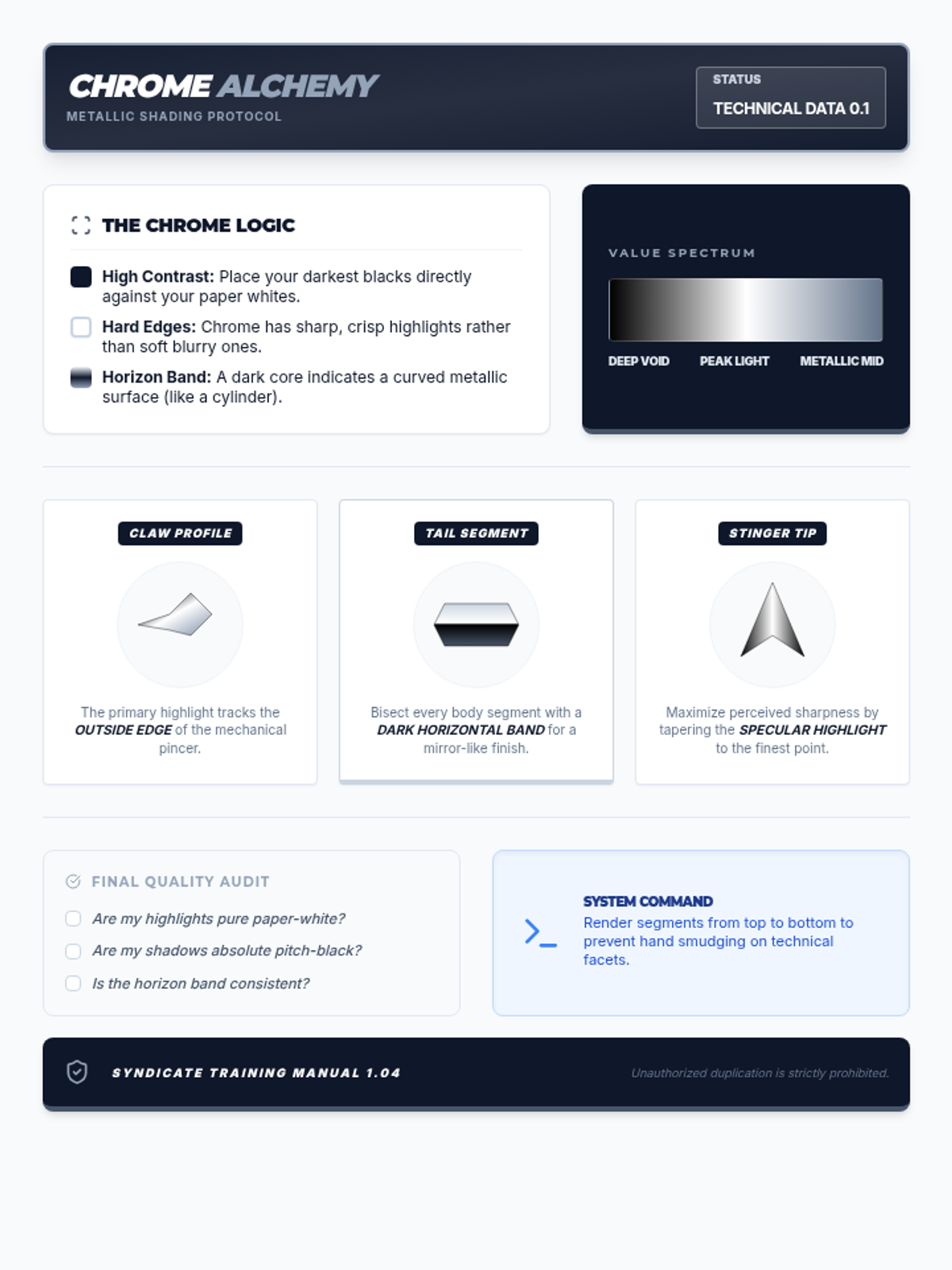
A lesson on precision drawing and proportion using grid techniques, themed around futuristic chrome animal tattoo designs. Students learn to translate complex shapes square by square to achieve technical accuracy.
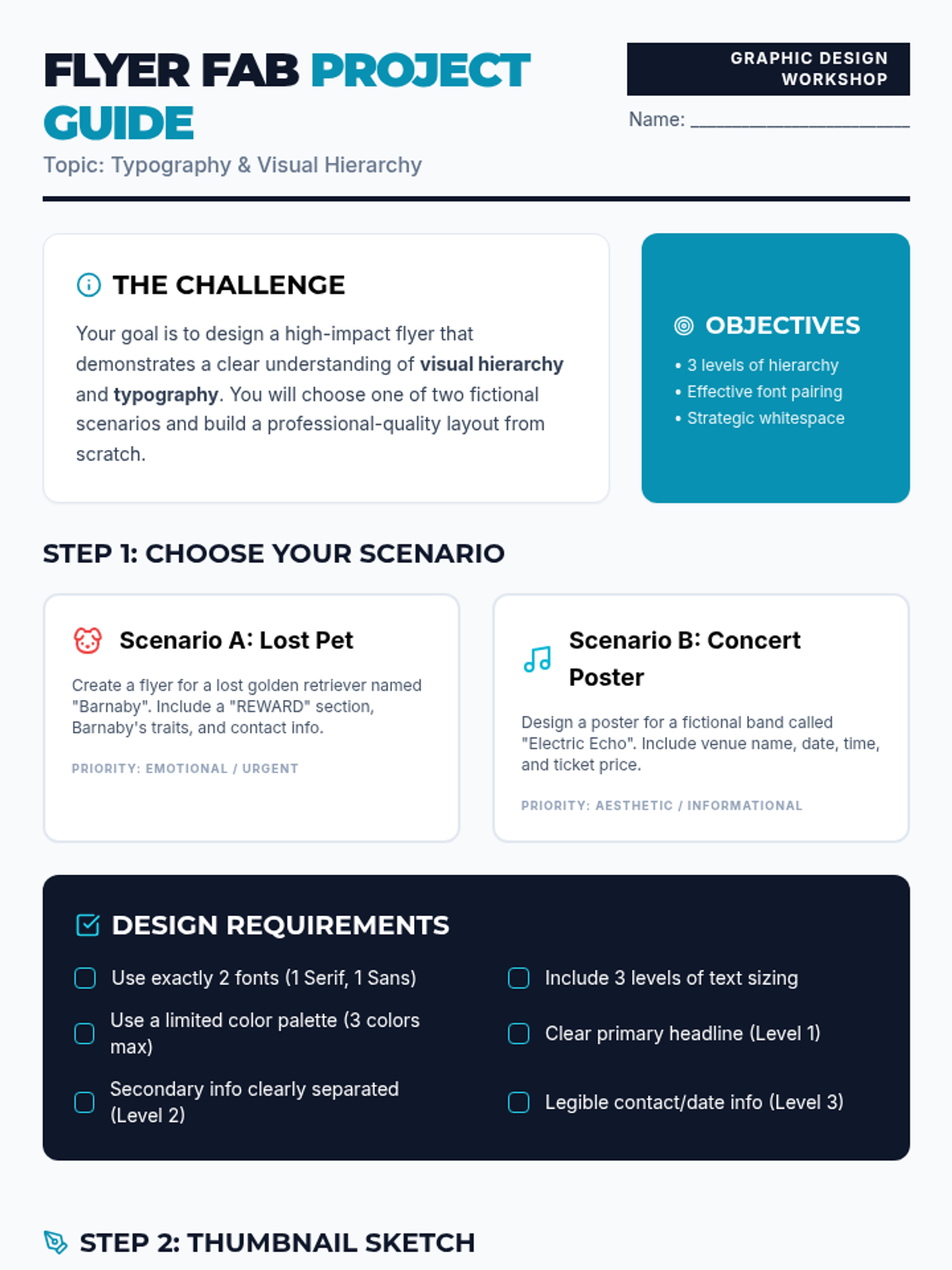
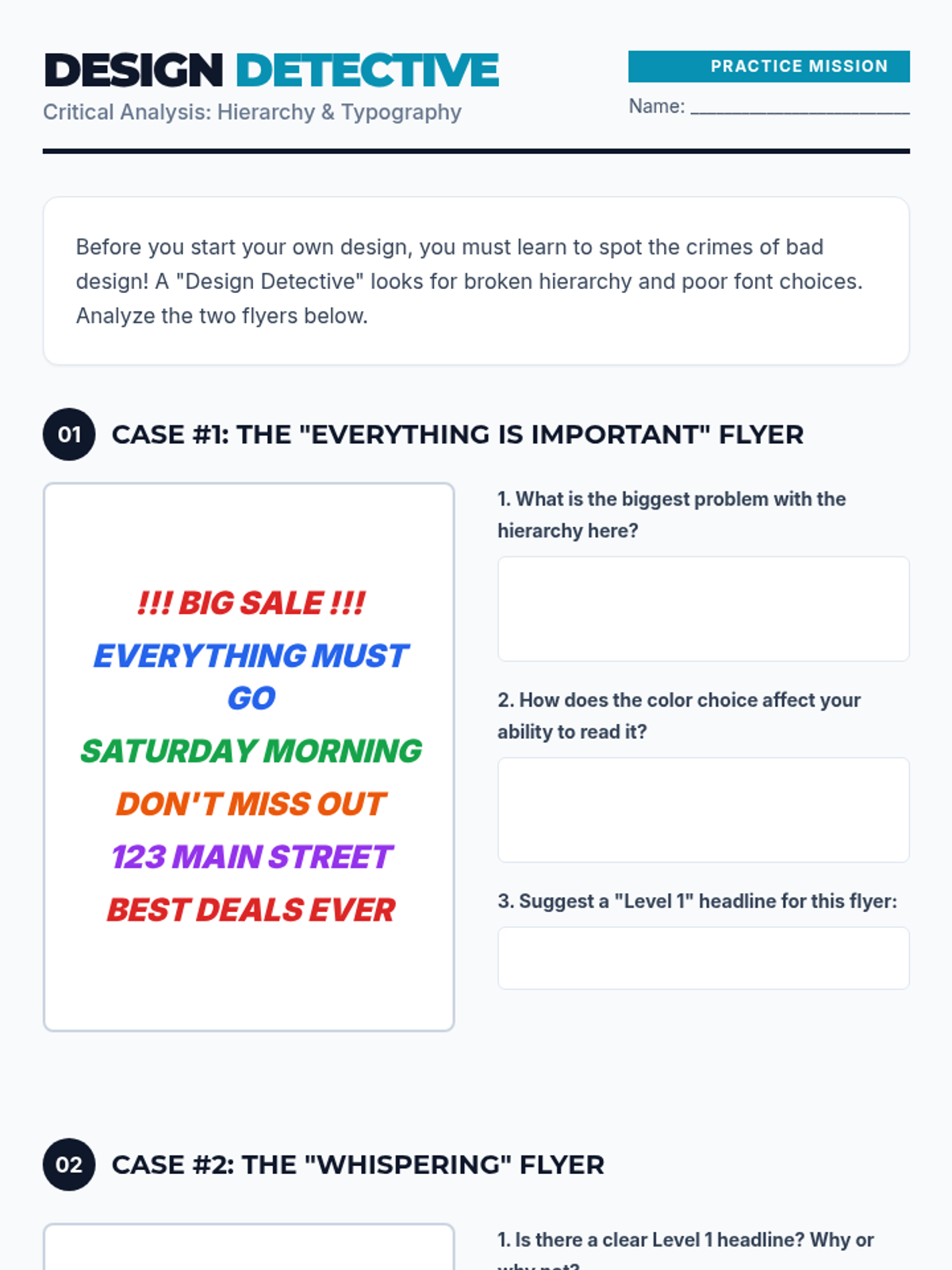
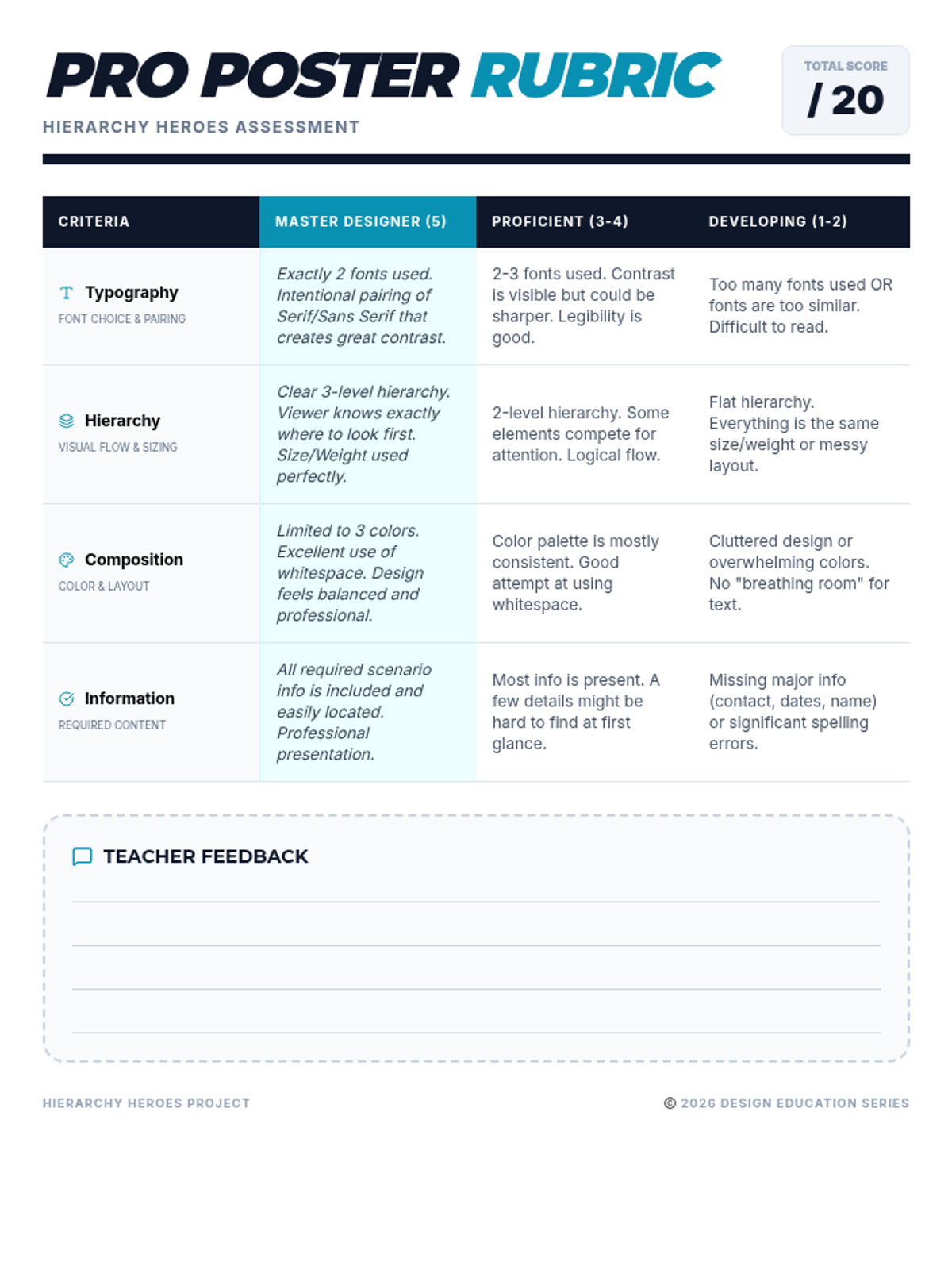
A graphic design project focused on visual hierarchy and typography. Students will choose between creating a lost pet flyer or a concert poster to demonstrate their understanding of design principles.
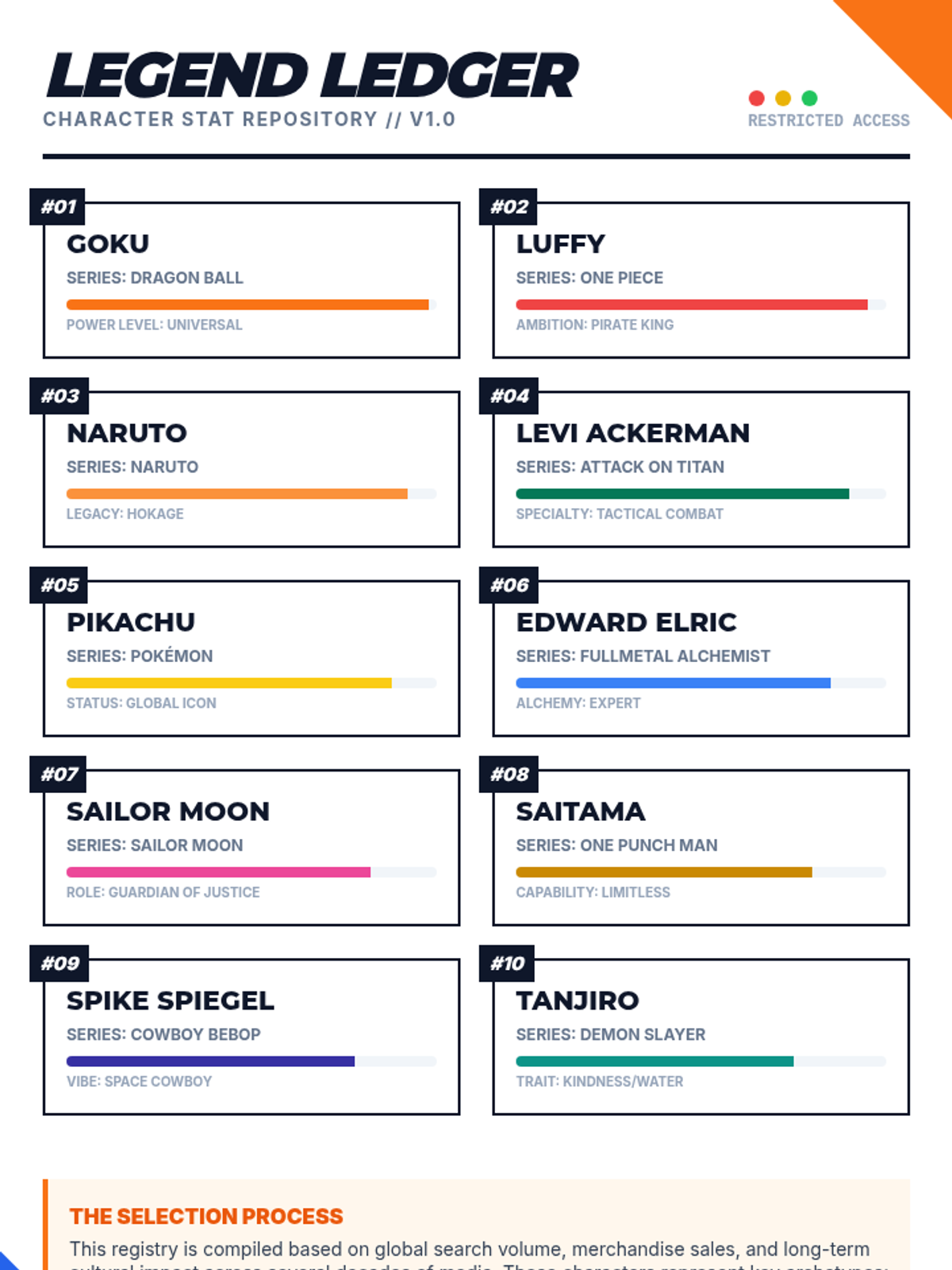
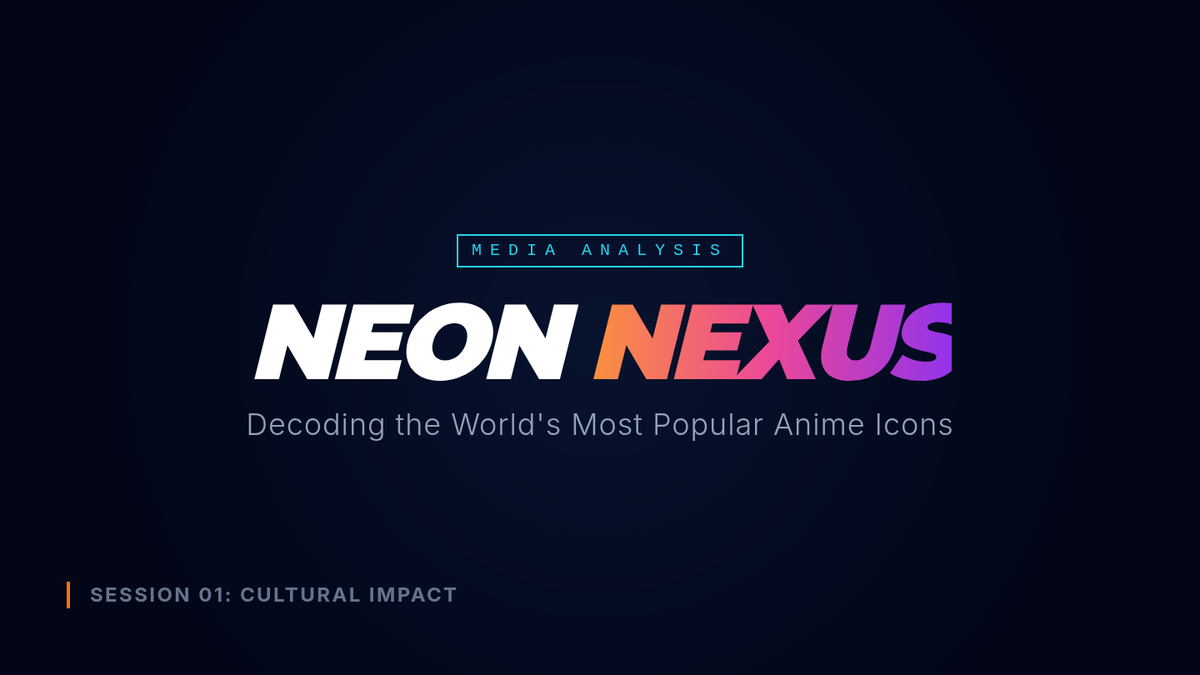
Explore the cultural impact and character archetypes of the world's most iconic anime characters. This lesson analyzes why these characters resonate globally and how their designs and stories influence modern media.
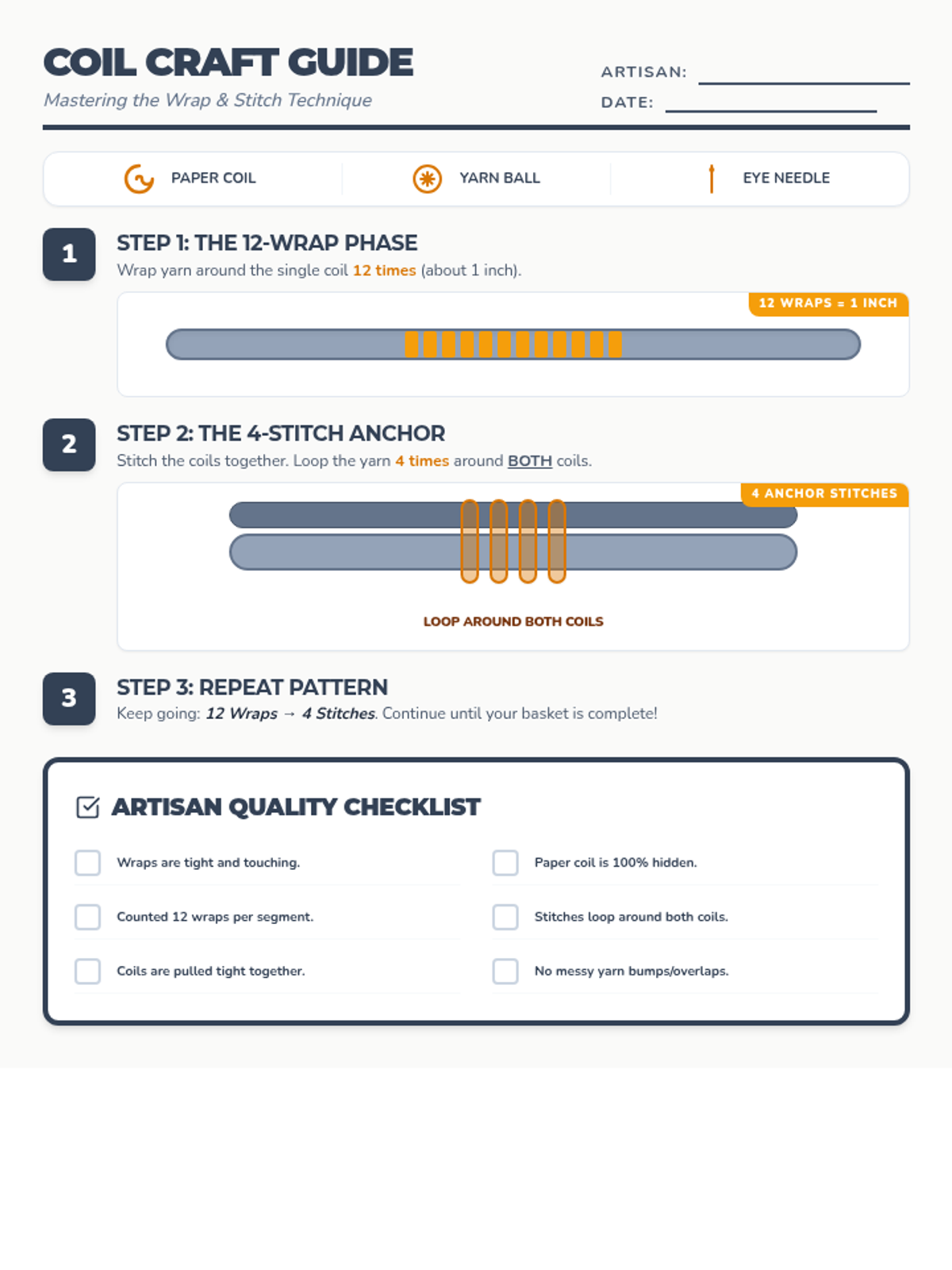
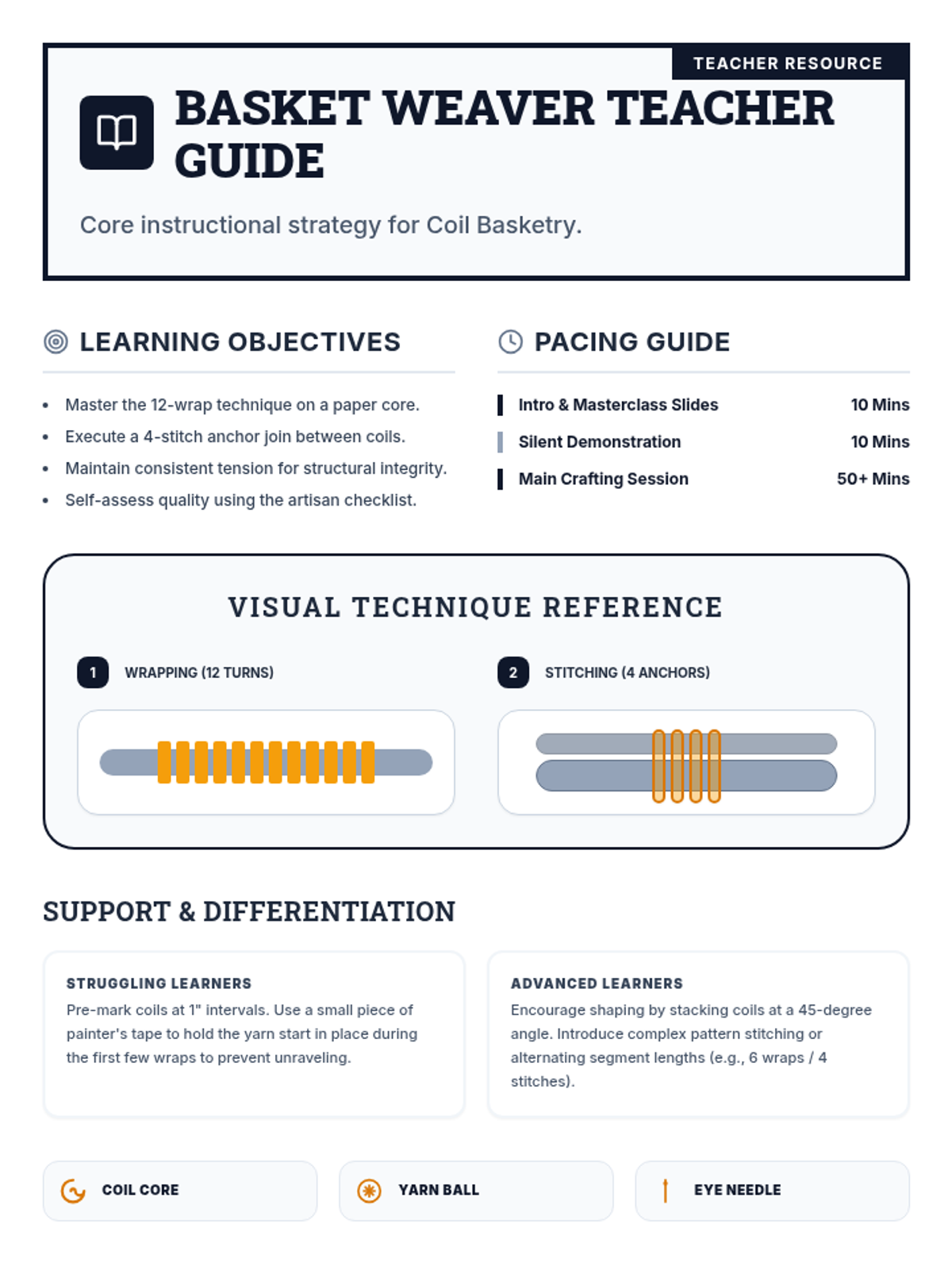
A hands-on introductory lesson to the traditional art of coil basketry using paper coils and yarn. Students master the rhythmic technique of wrapping and stitching to create a functional, decorative vessel.
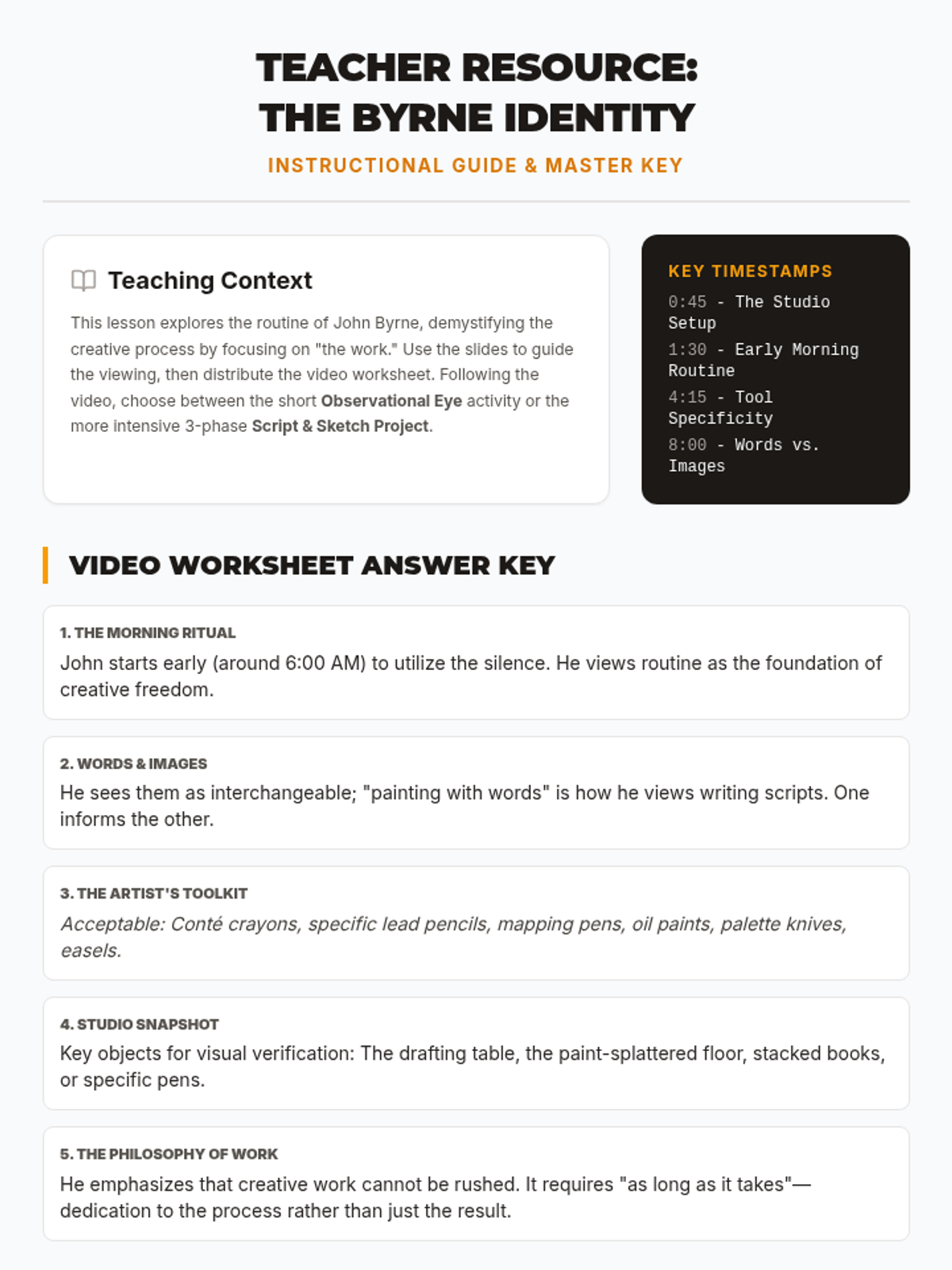
An in-depth look at John Byrne's daily life as a painter and playwright, focusing on his studio habits, materials, and the intersection of visual art and storytelling.
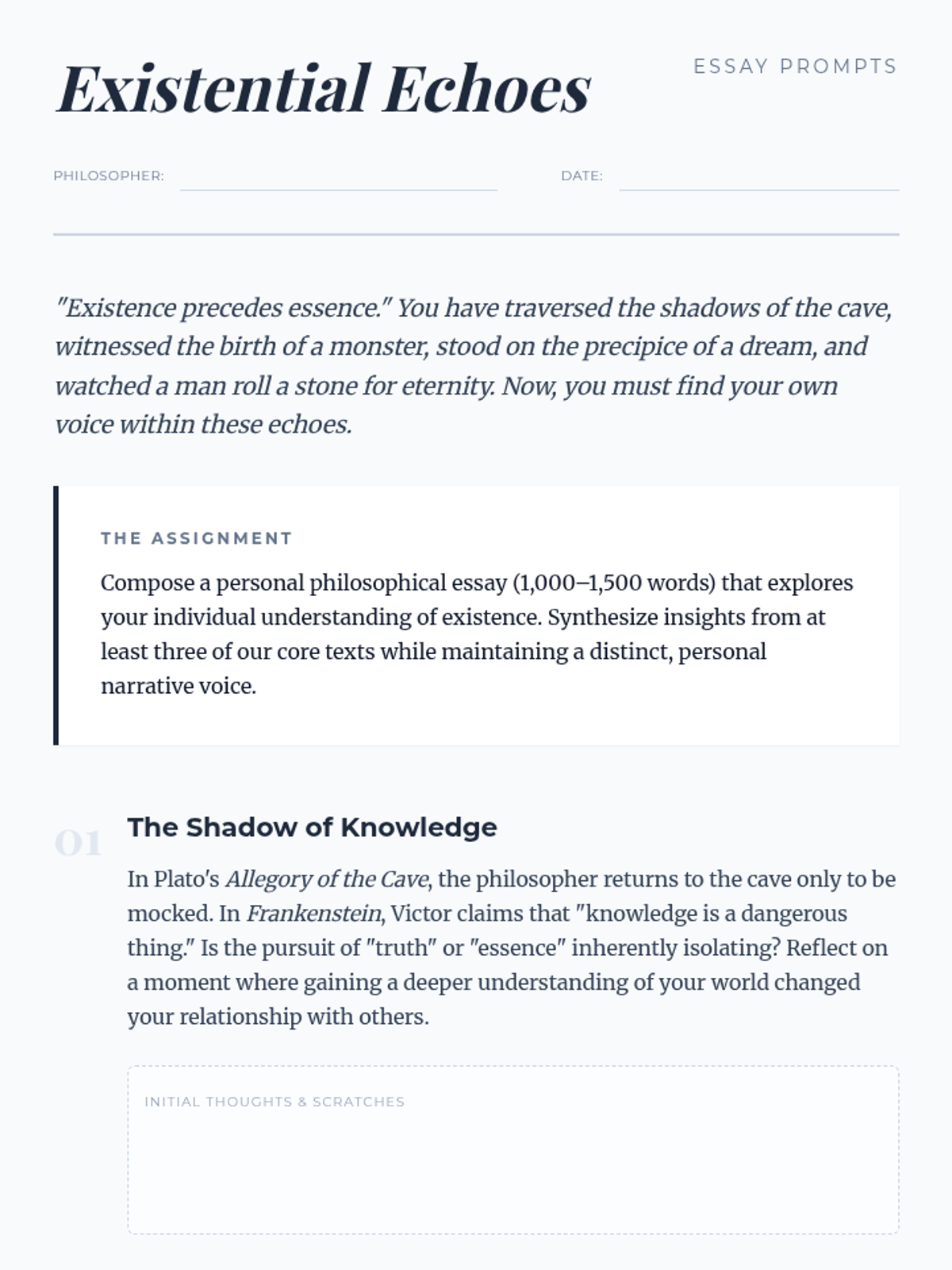
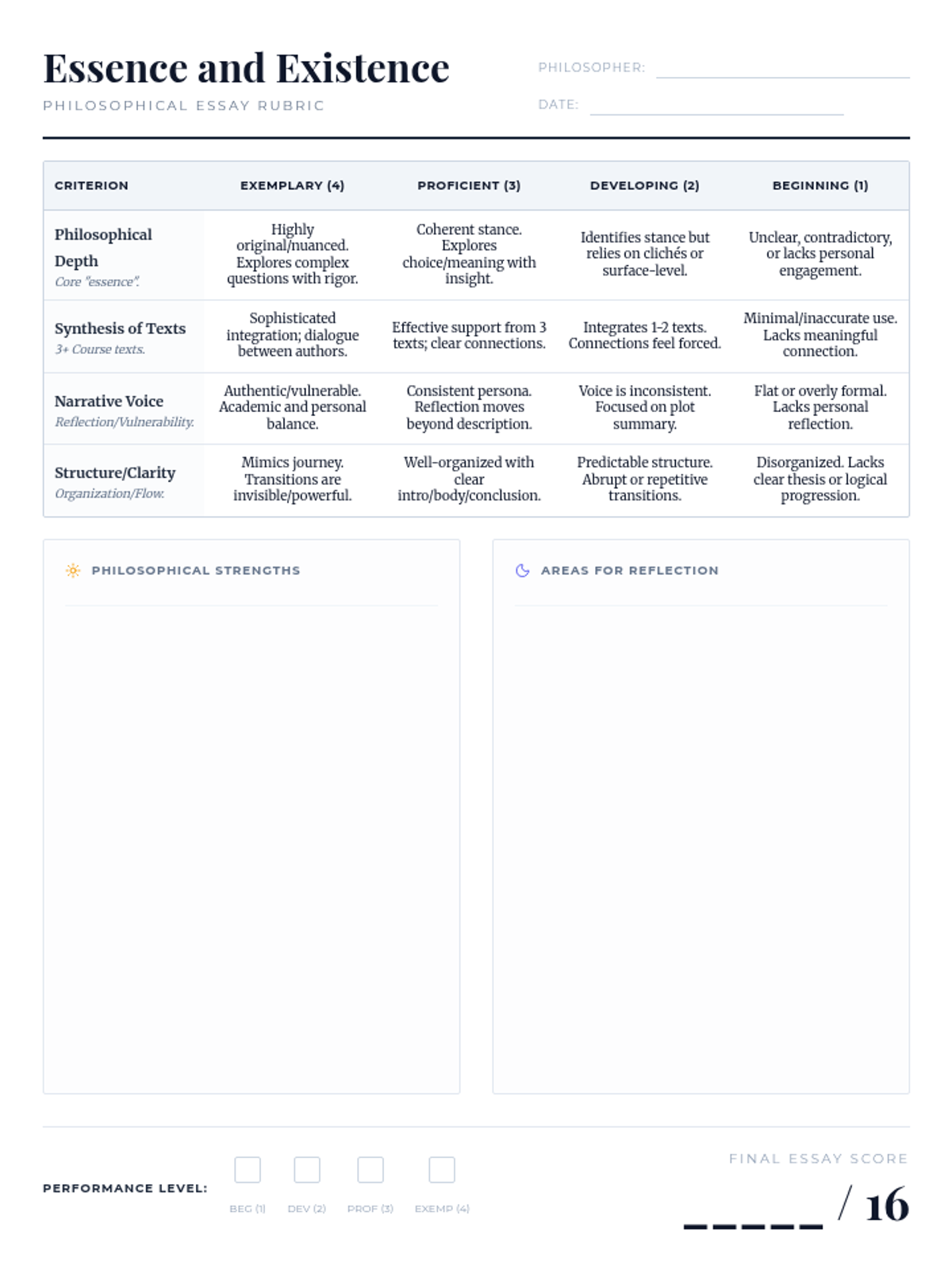
A exploration of existential themes through classic literature, philosophy, and contemporary film, culminating in a personal philosophical essay.
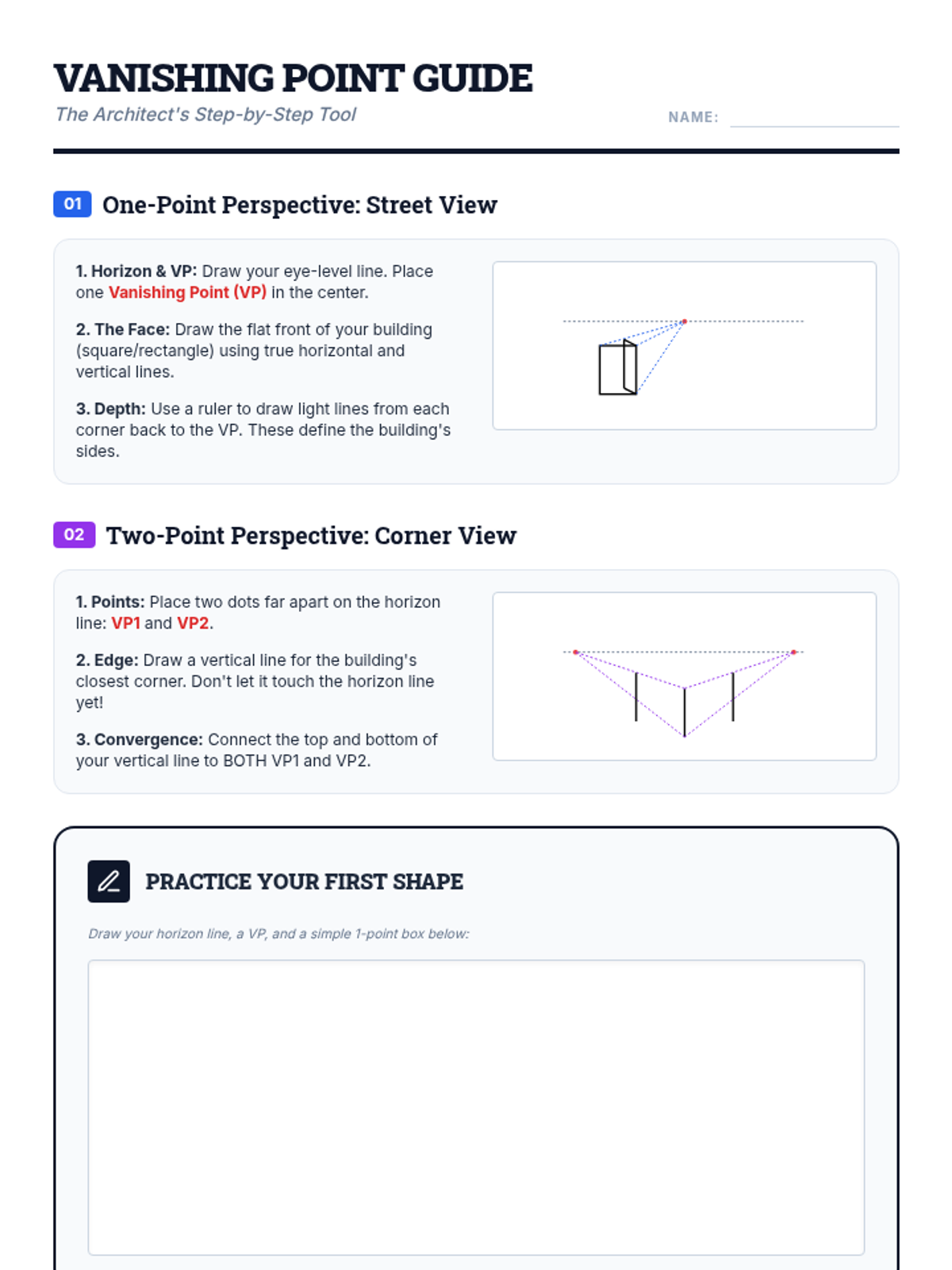
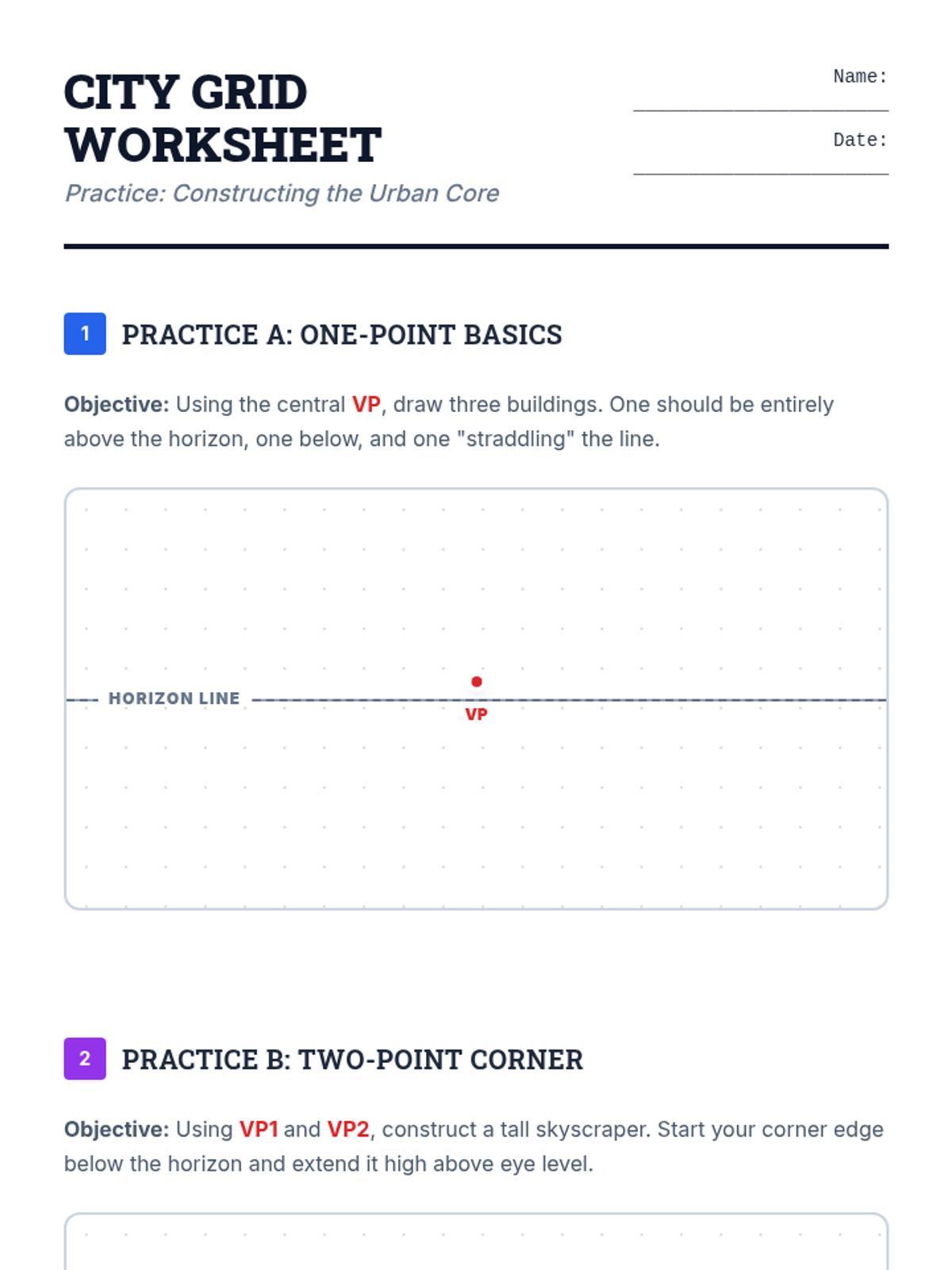
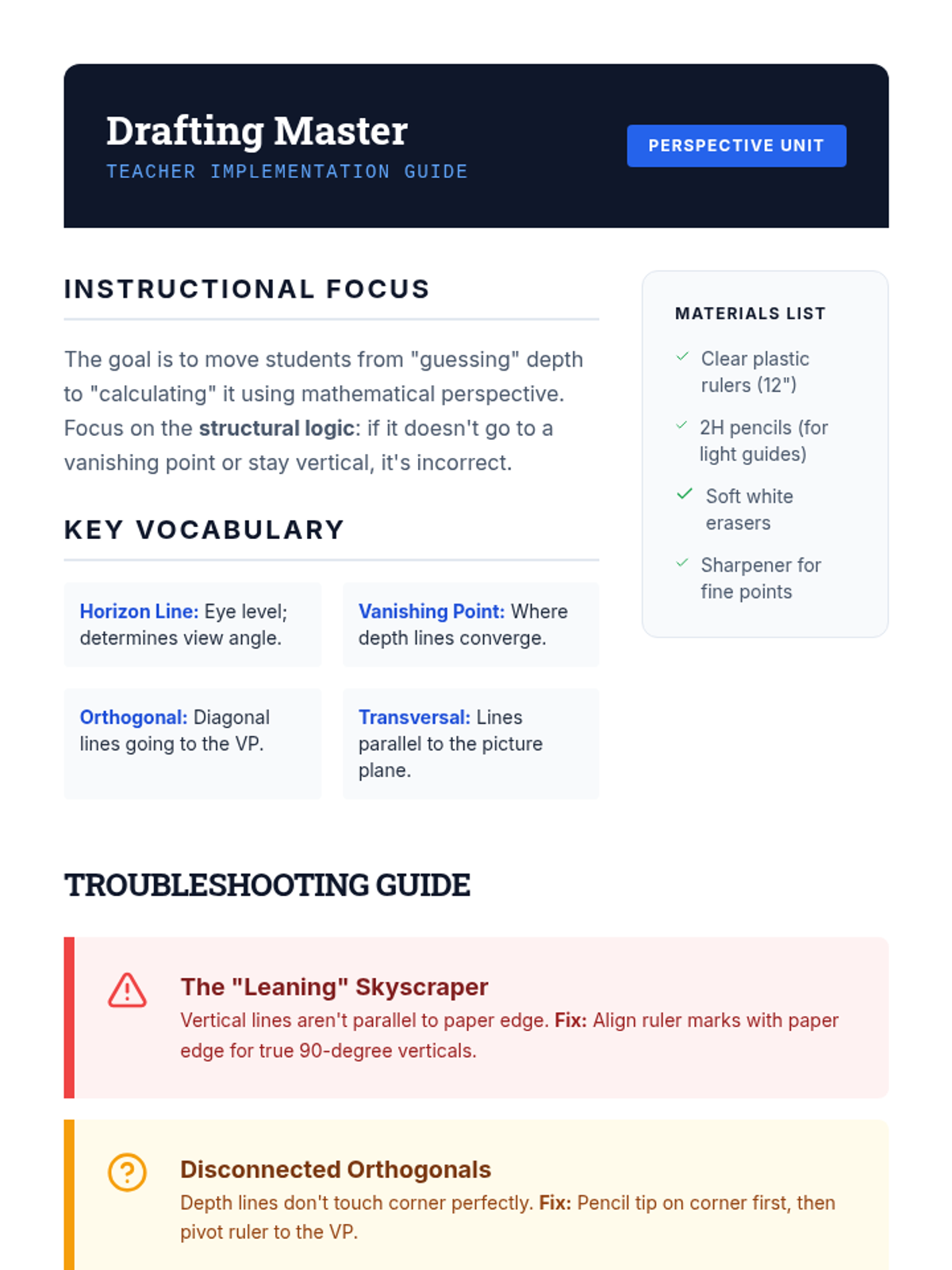
A comprehensive introduction to 1-point and 2-point perspective drawing through the lens of urban architecture. Students learn the fundamentals of vanishing points and horizon lines to create realistic 3D cityscapes.
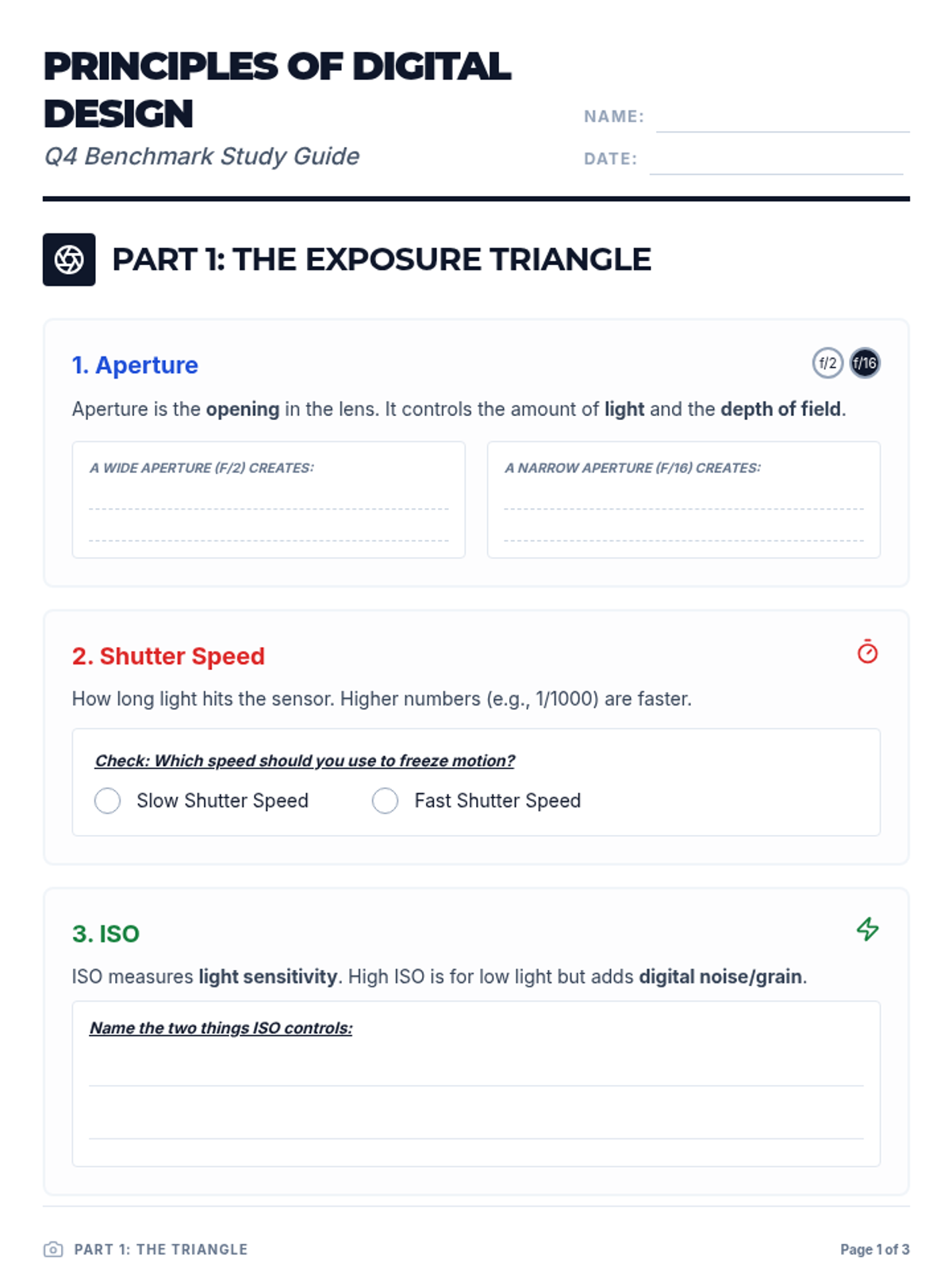
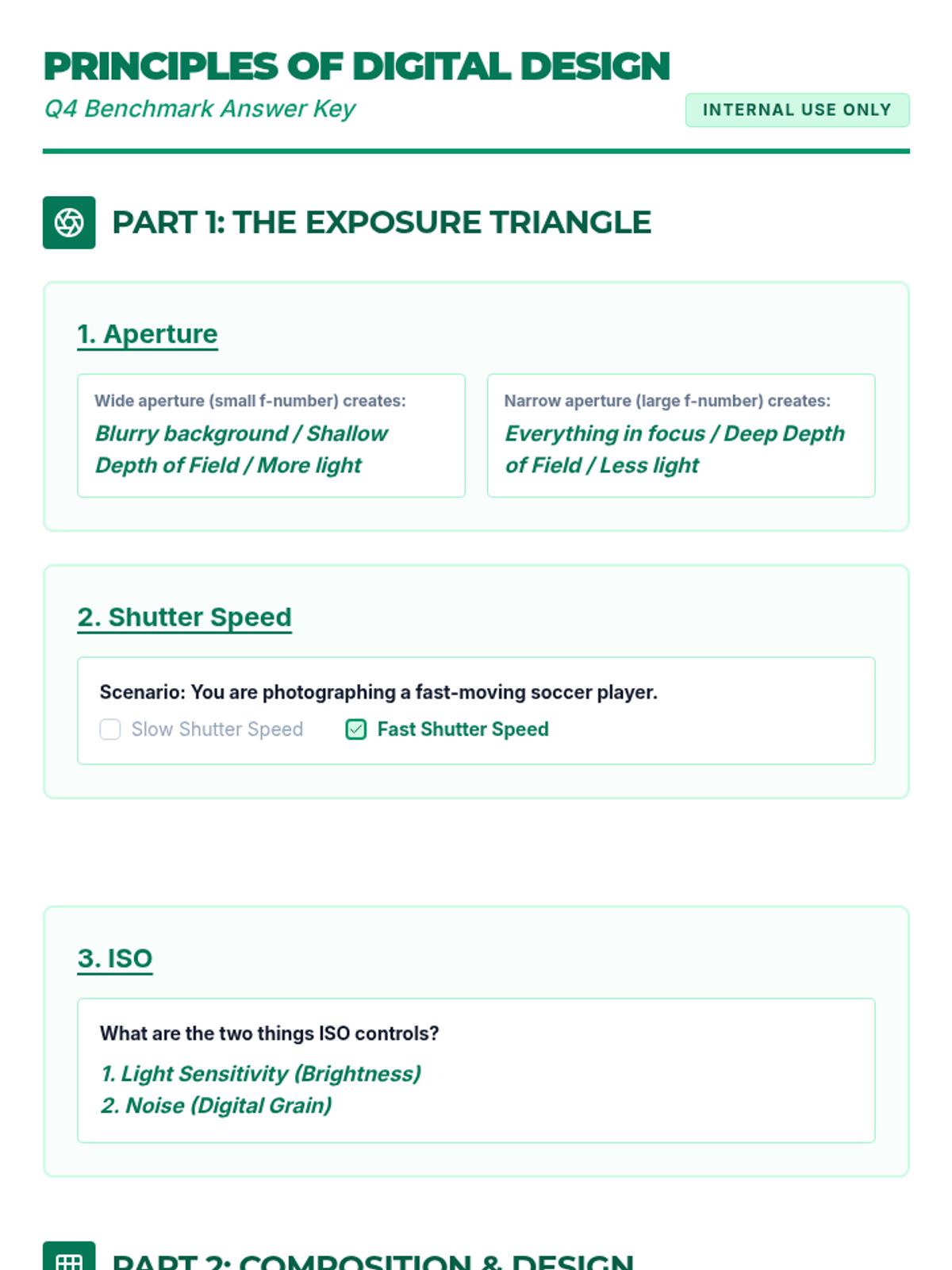
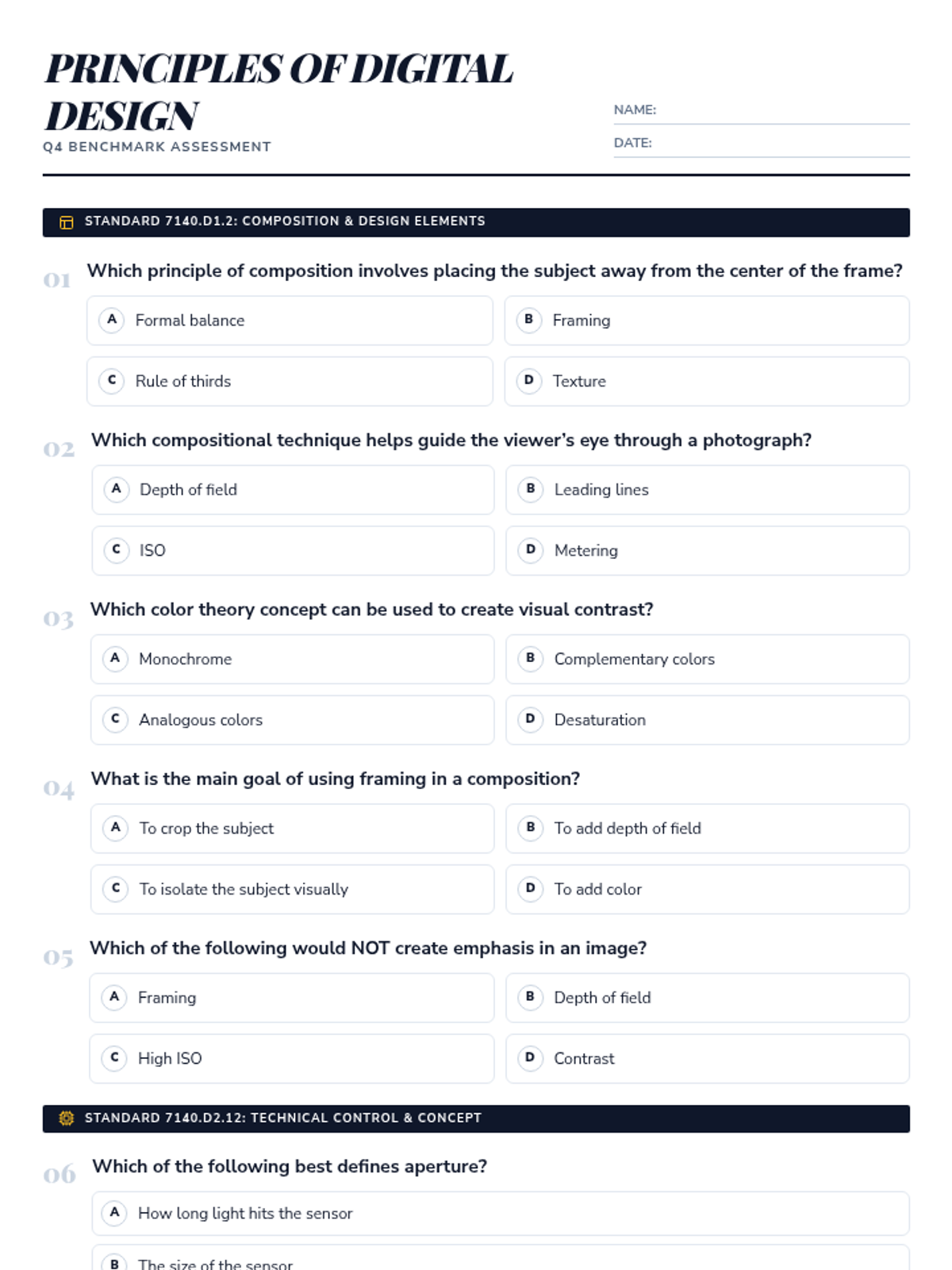
A comprehensive lesson preparing students for their photography benchmark, covering technical camera settings, compositional principles, and the philosophy of artistic intention.
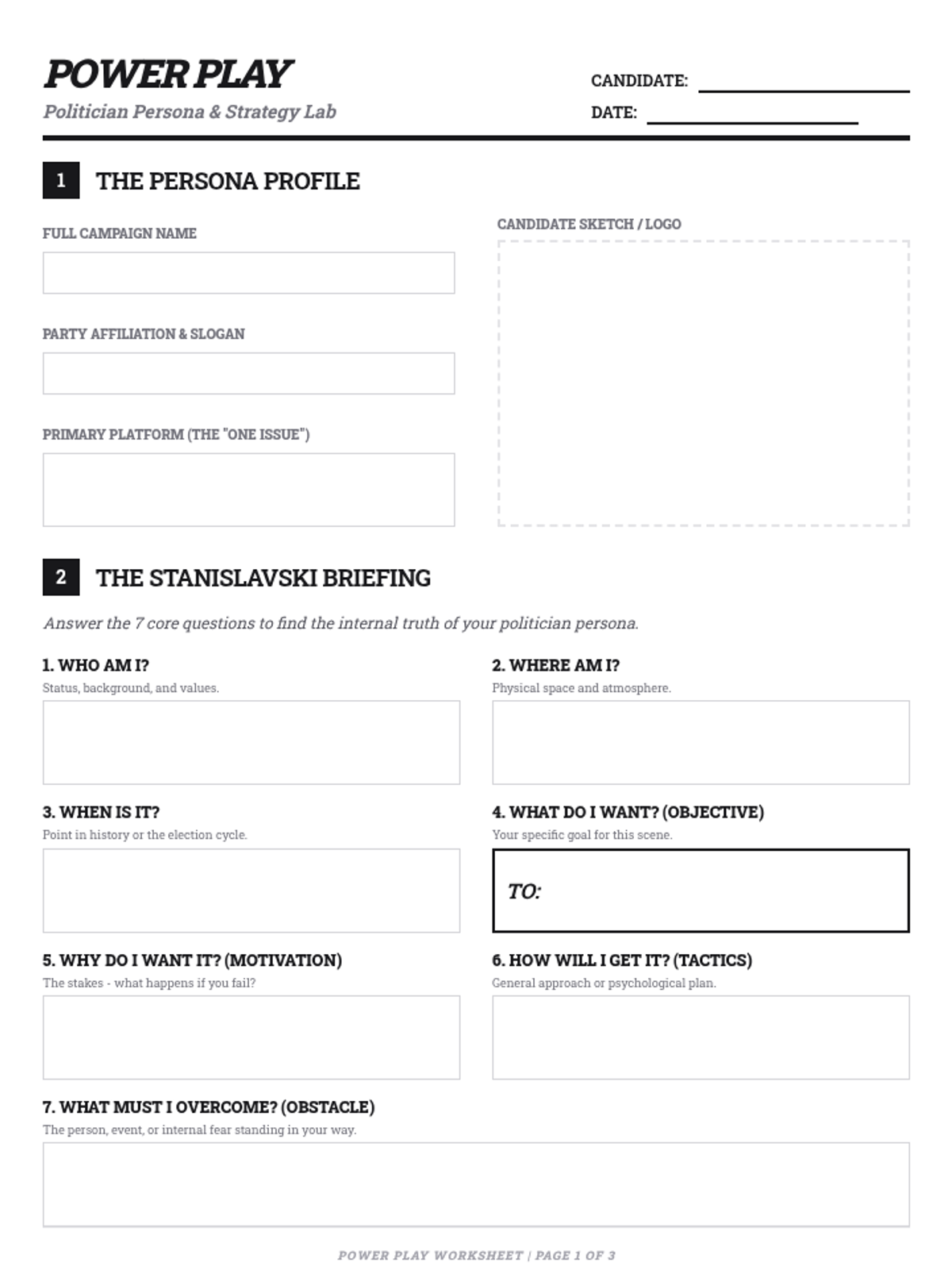
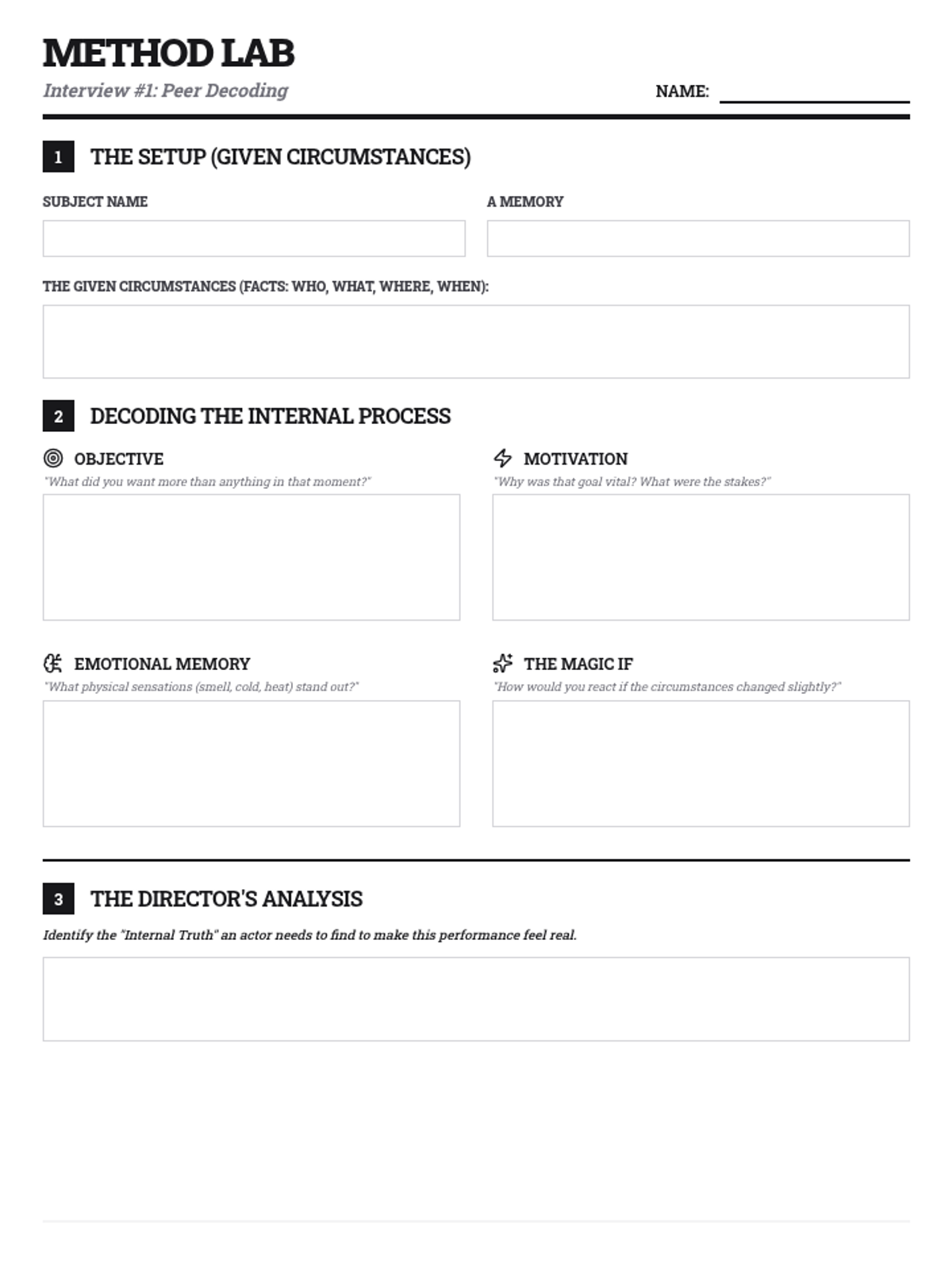
A deep dive into Stanislavski's 'System', focusing on using real-world experiences to inform character work through peer interviews.
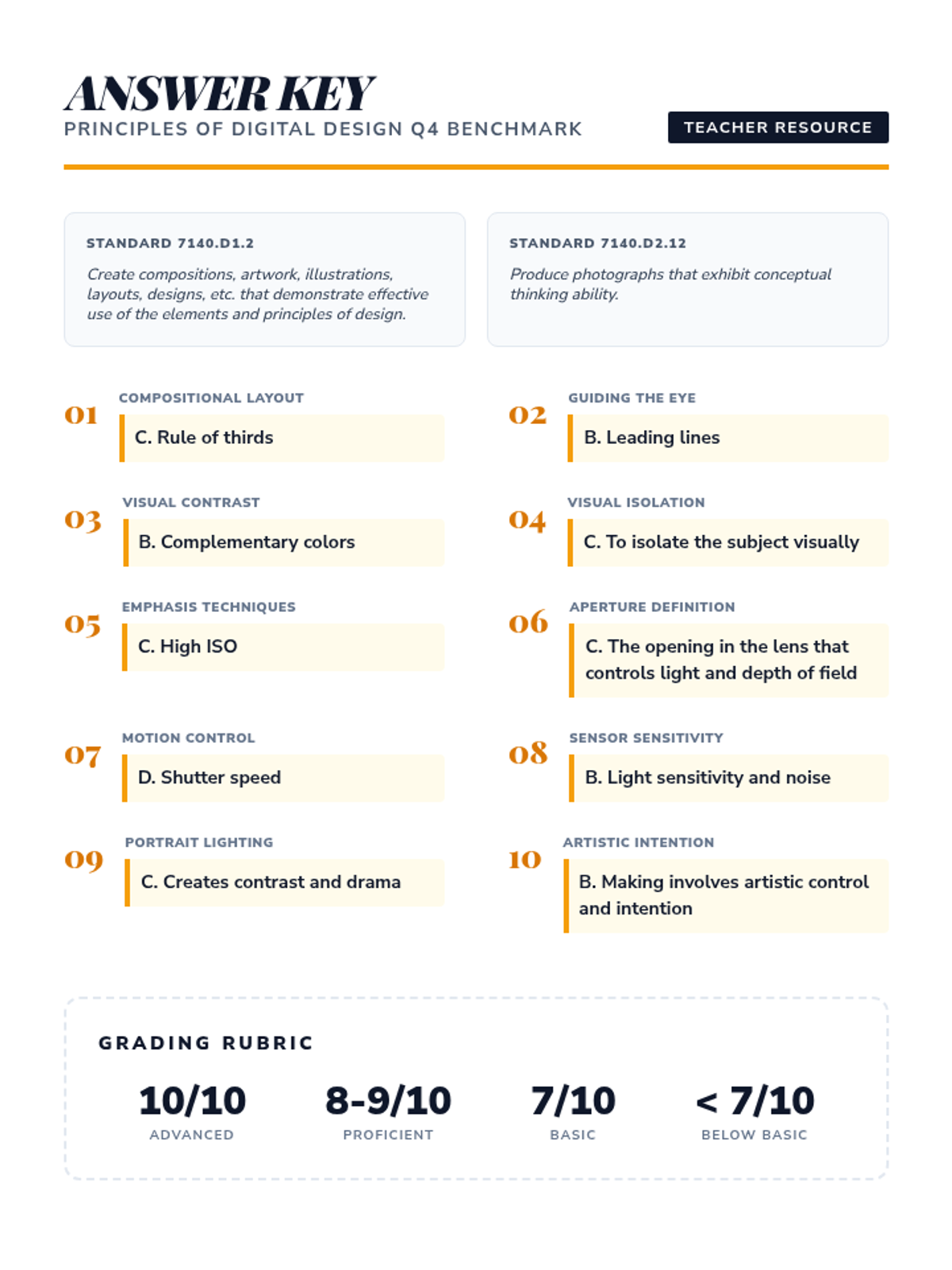
A comprehensive digital design assessment based on standard 7140.D1.2 and 7140.D2.12, covering composition, camera settings, and conceptual thinking.
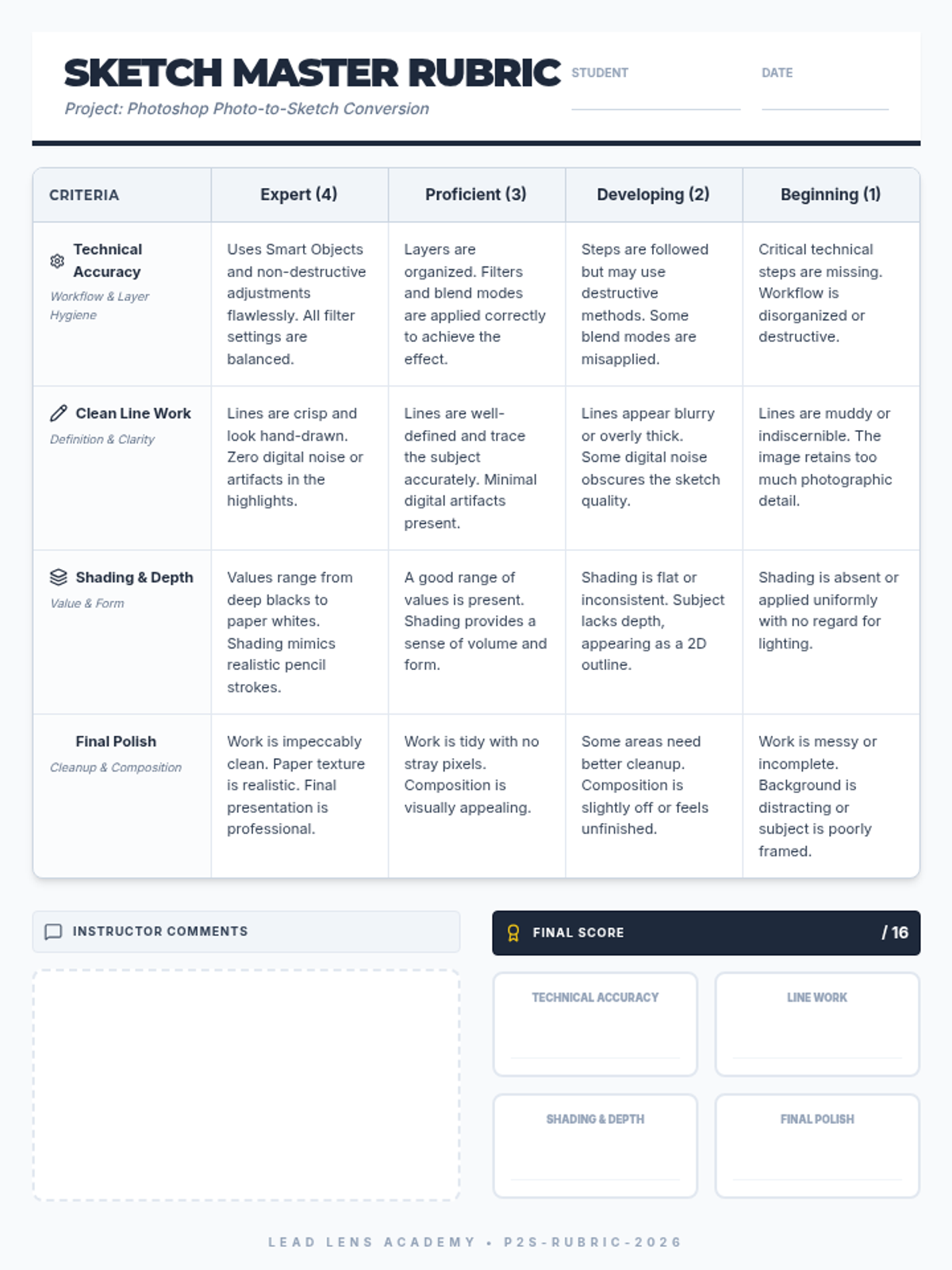
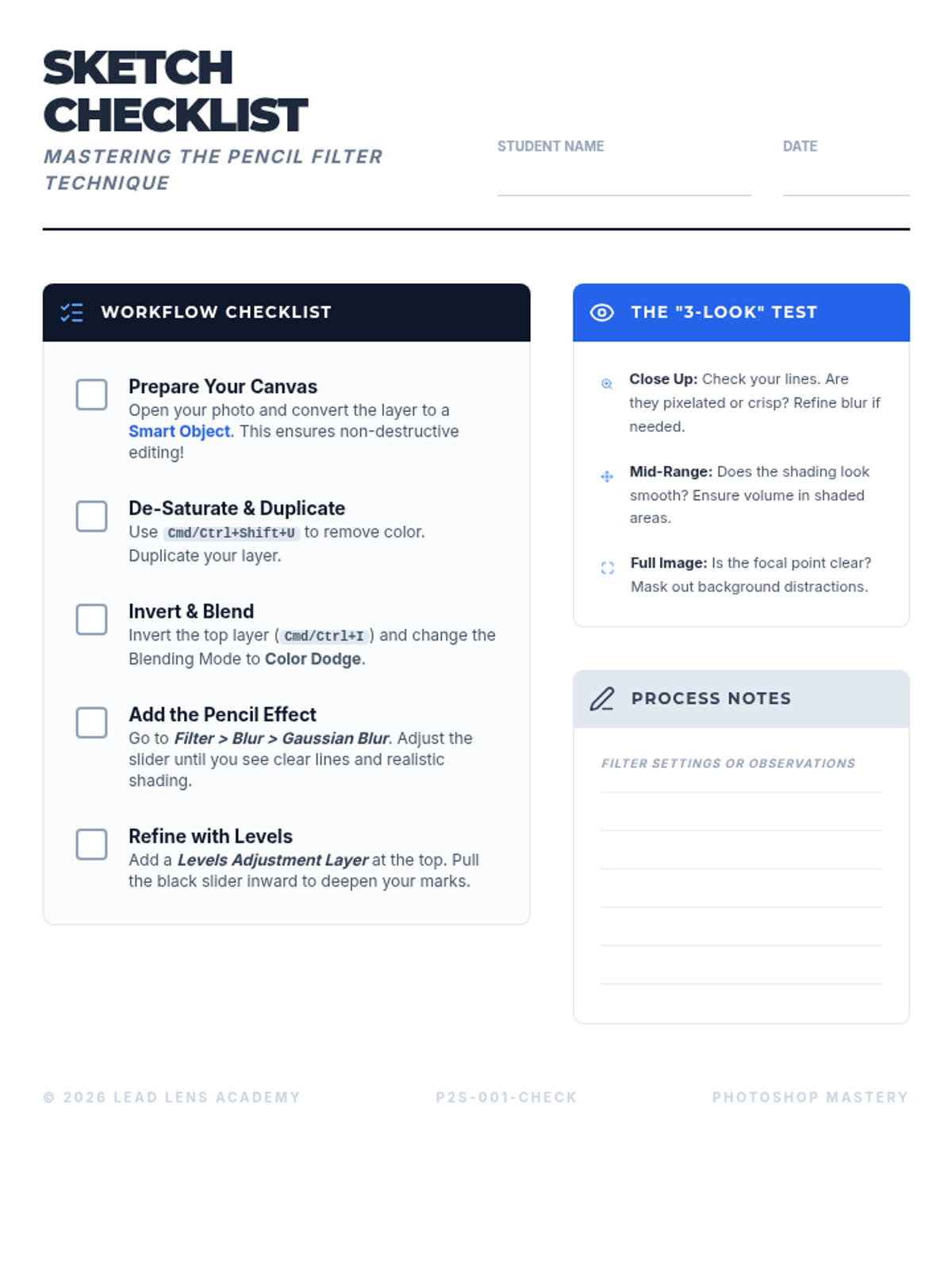
A comprehensive guide to transforming digital photographs into realistic pencil sketches using Adobe Photoshop, focusing on technical precision and artistic shading techniques.
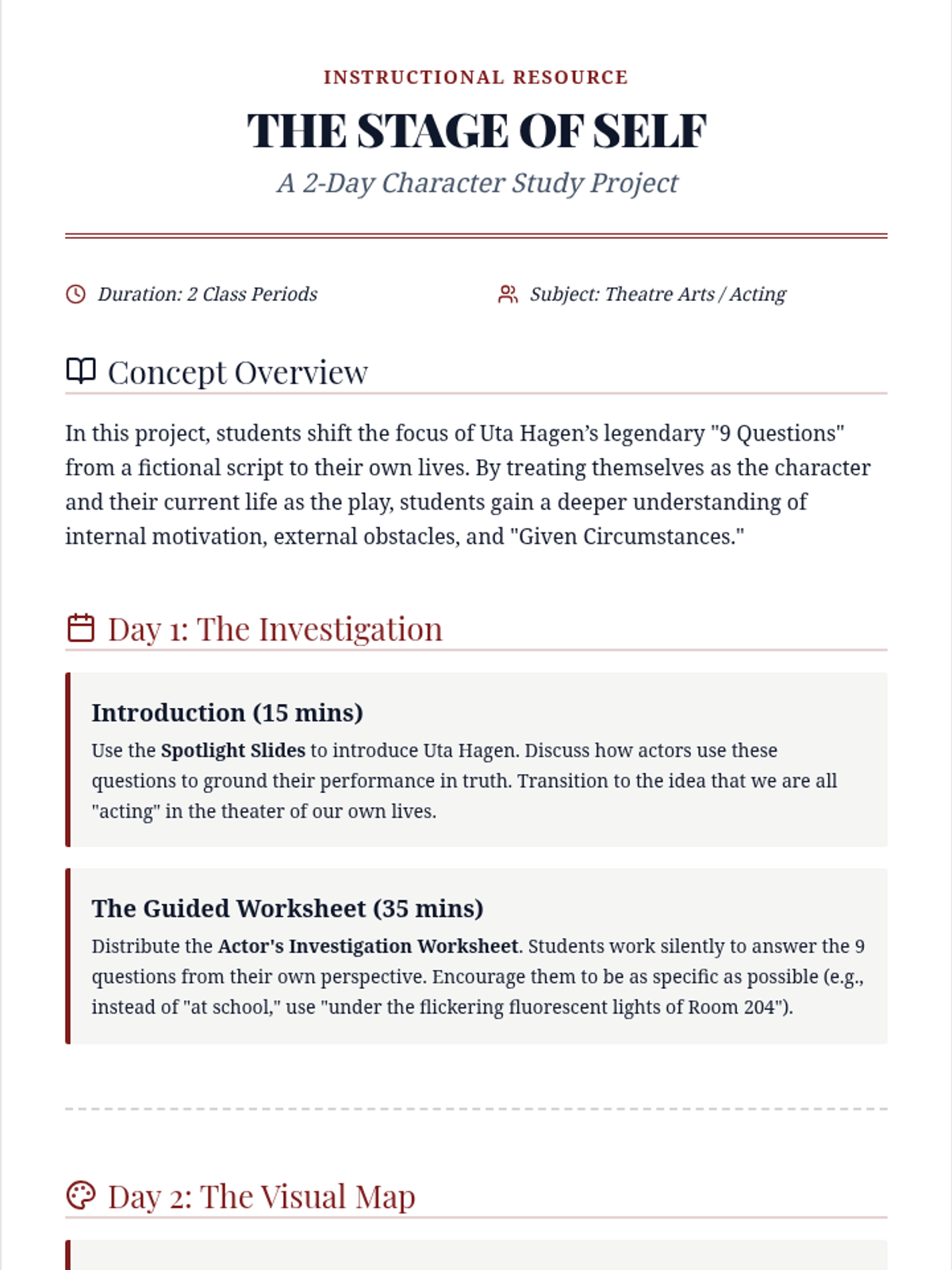
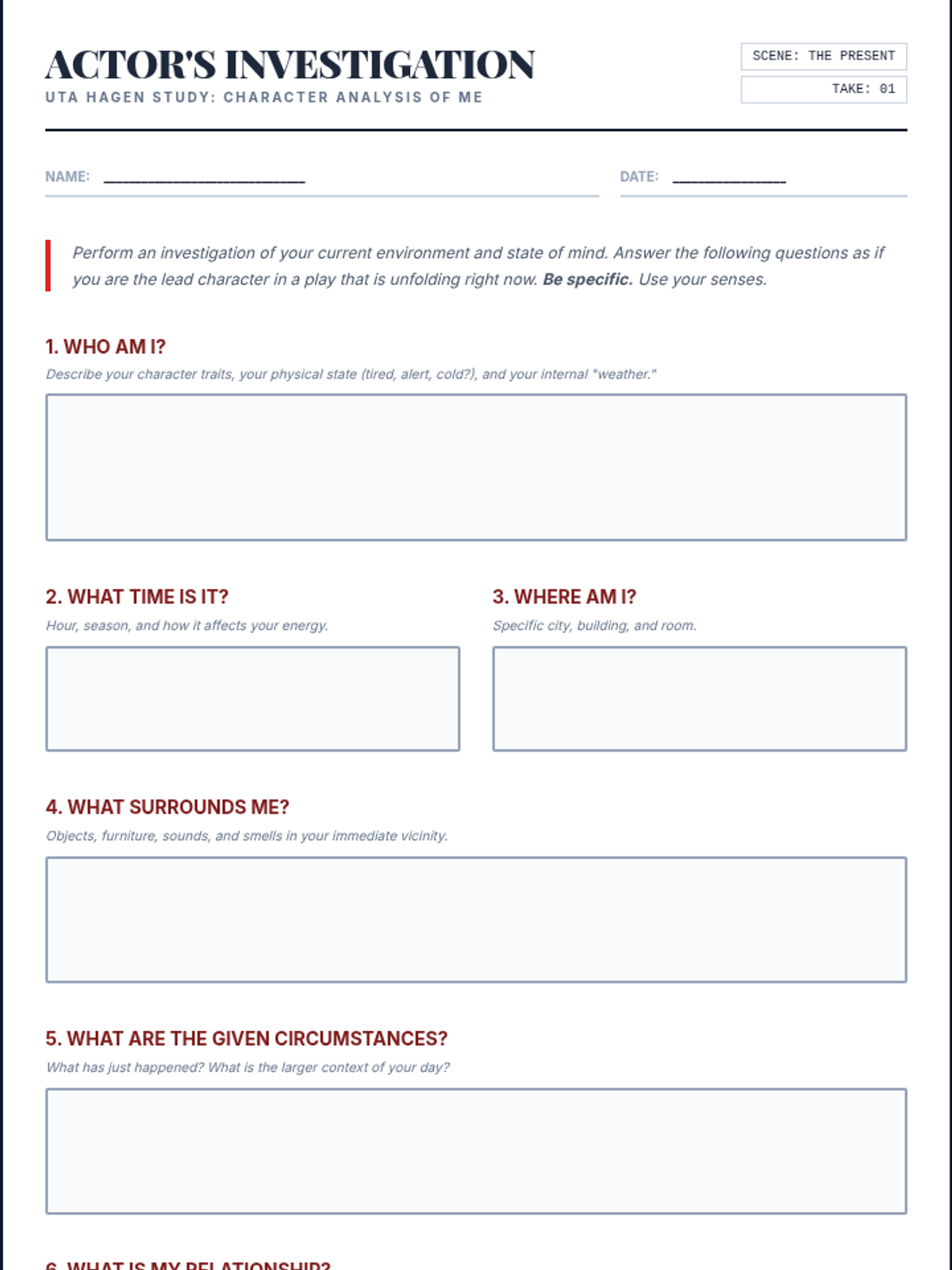
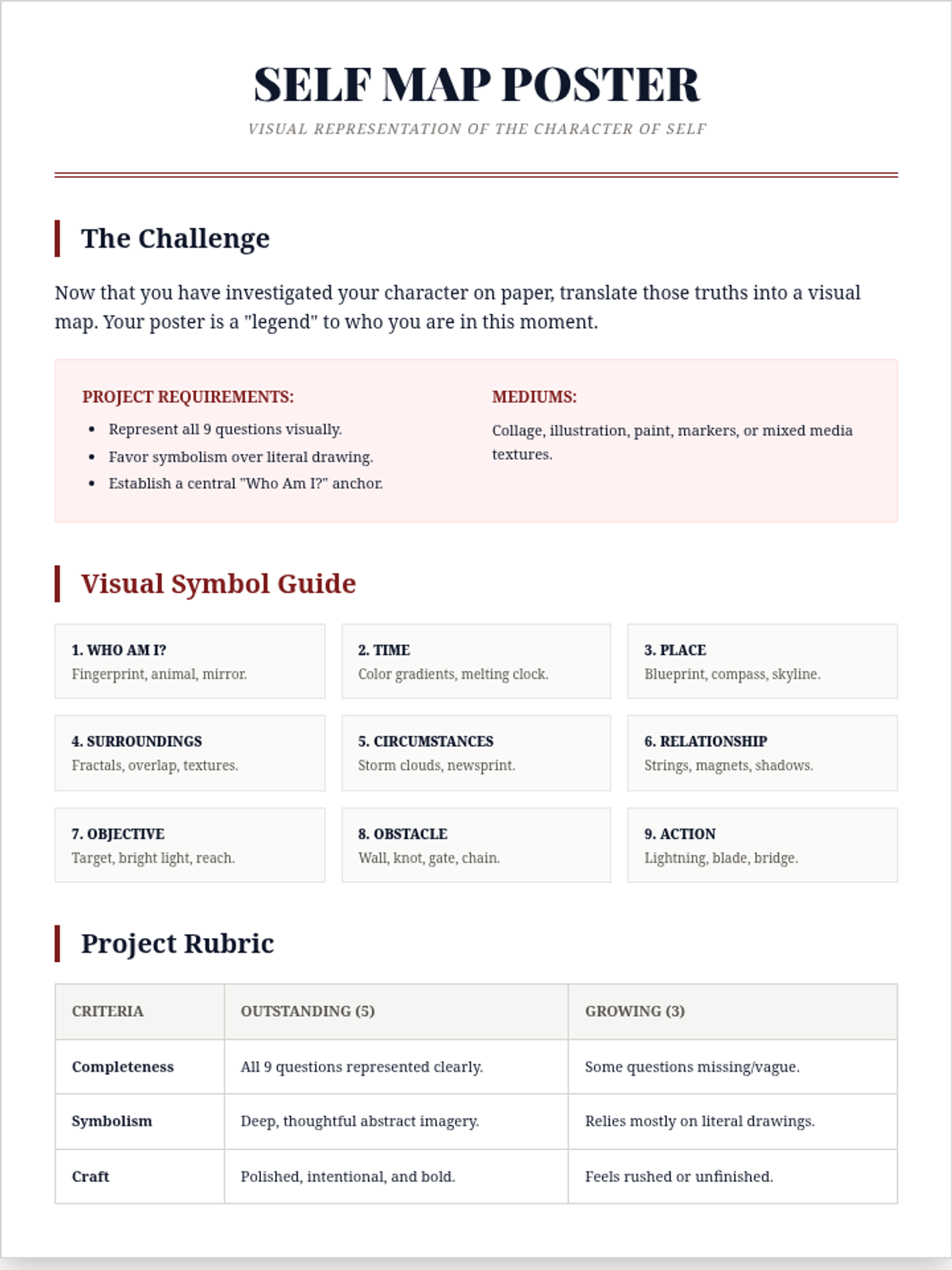
A 2-day drama project where students apply Uta Hagen's 9 Questions to themselves, culminating in a visual character map poster that explores their own 'given circumstances' and 'objectives'.
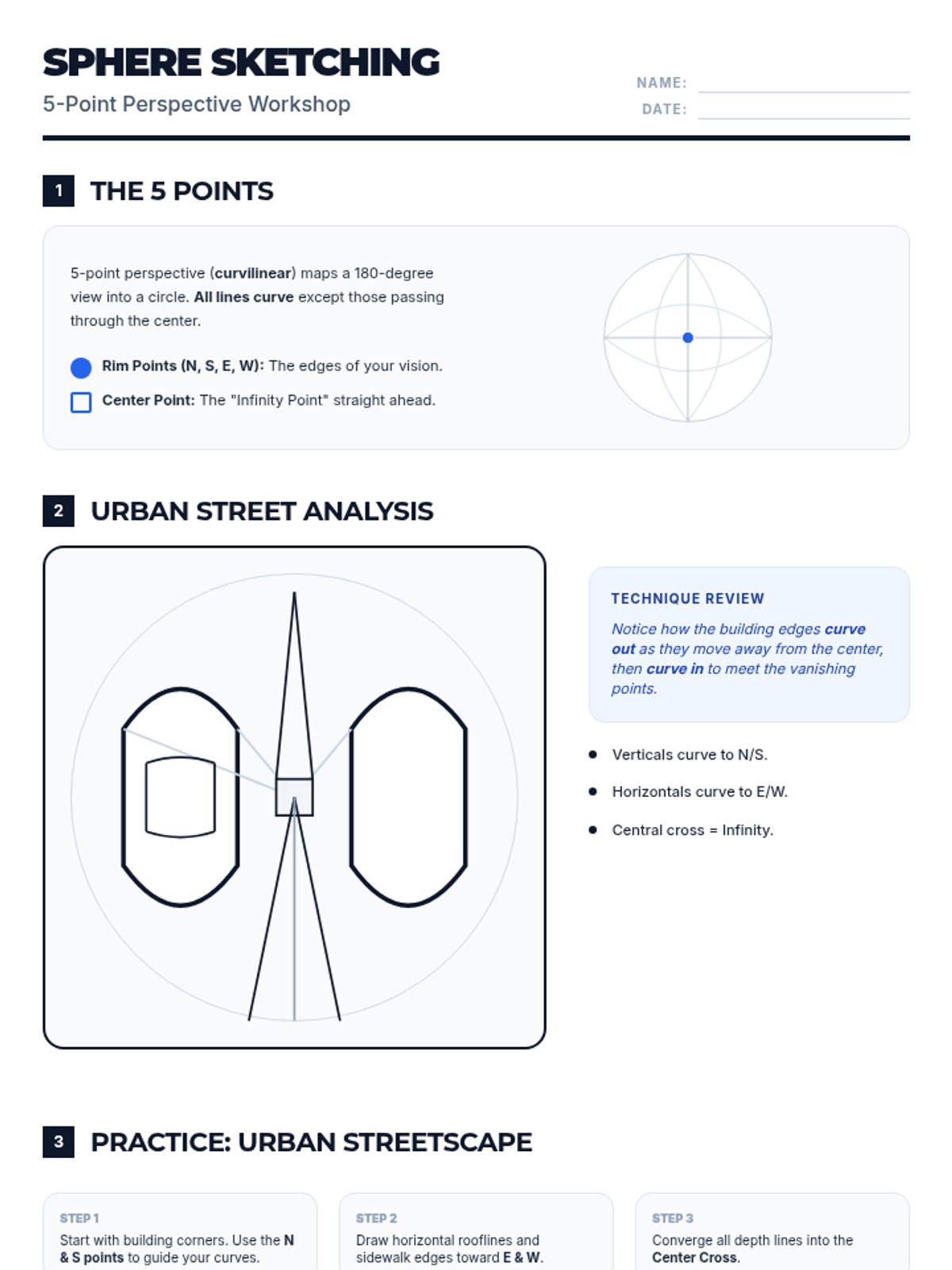
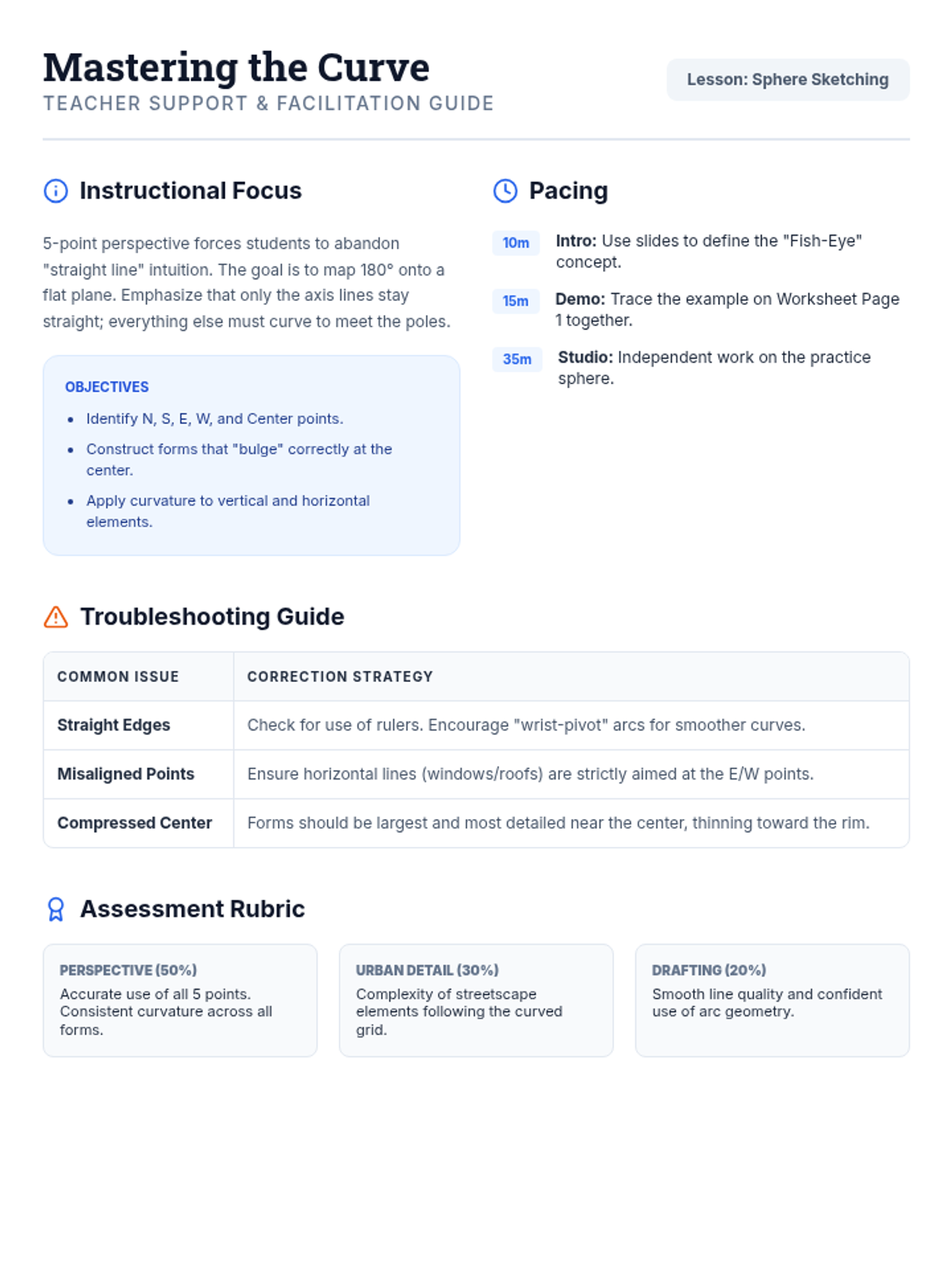
A lesson on mastering 5-point curvilinear perspective, focusing on capturing wide-angle urban environments within a spherical frame. Students will learn to map the world onto a sphere using five vanishing points.
A mini-lesson introducing students to the world of stock photography by transforming everyday school environments into marketable, high-quality visual assets. Students learn about composition, lighting, and technical skills like depth of field through the lens of commercial utility.
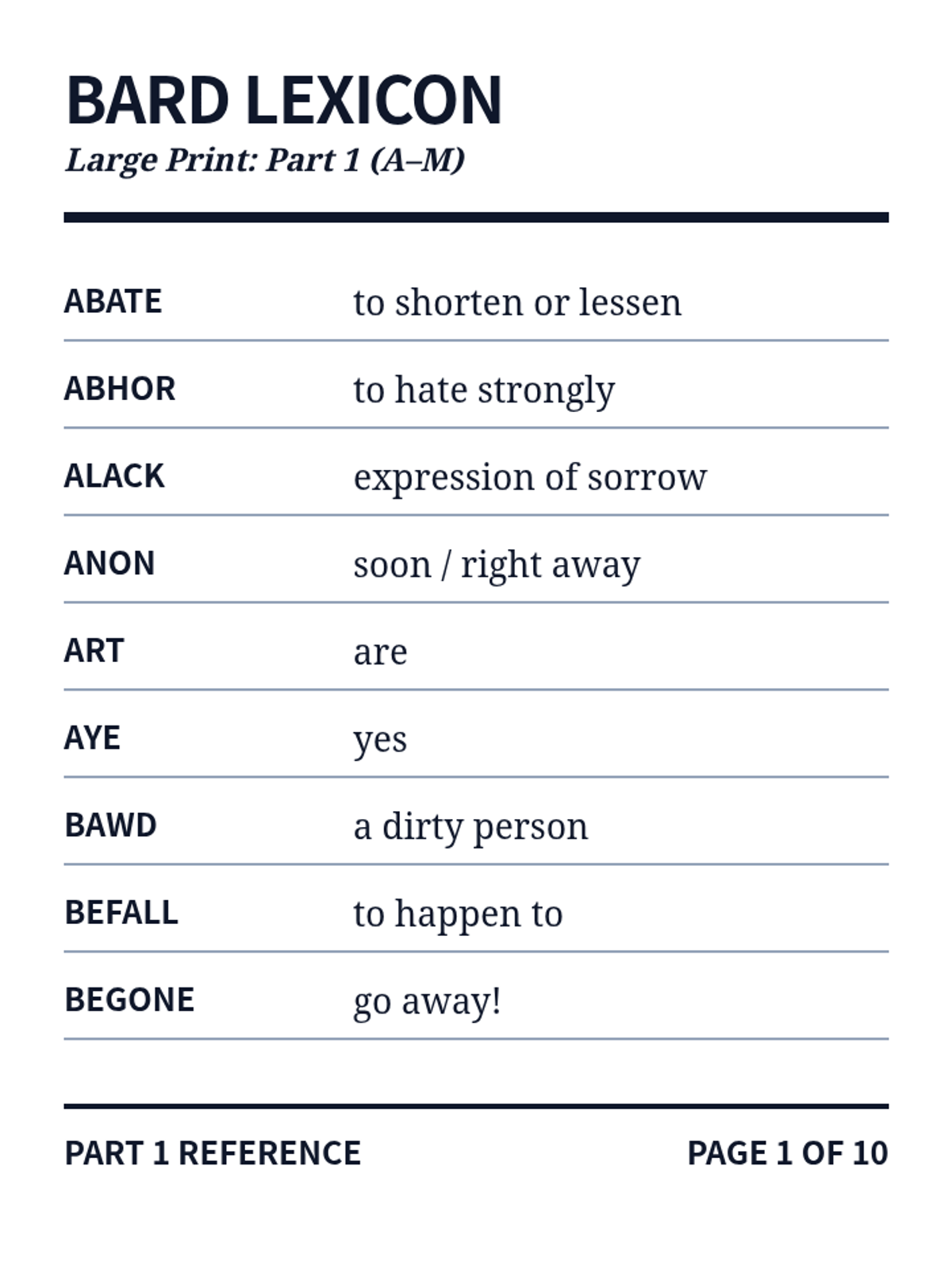
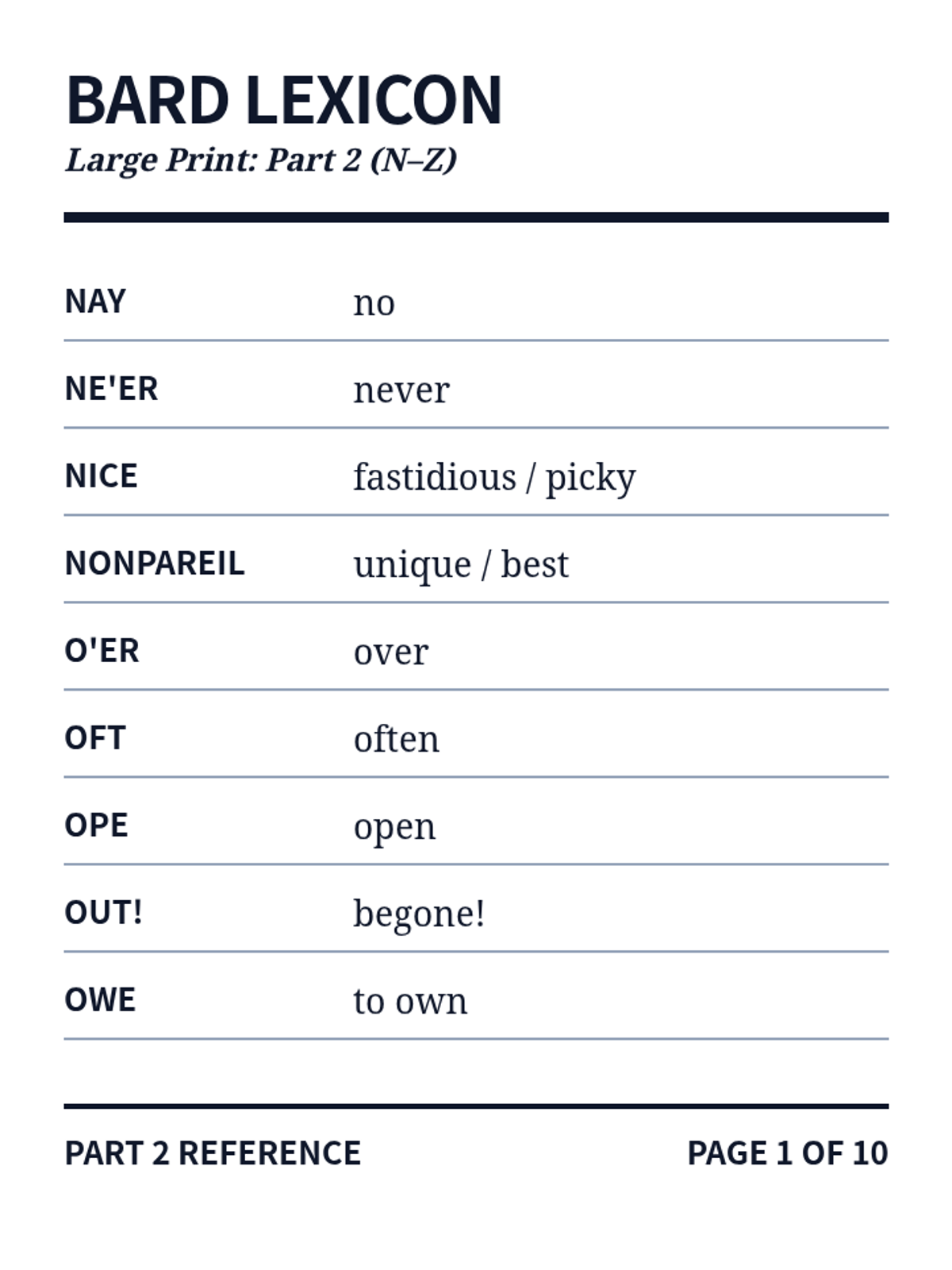
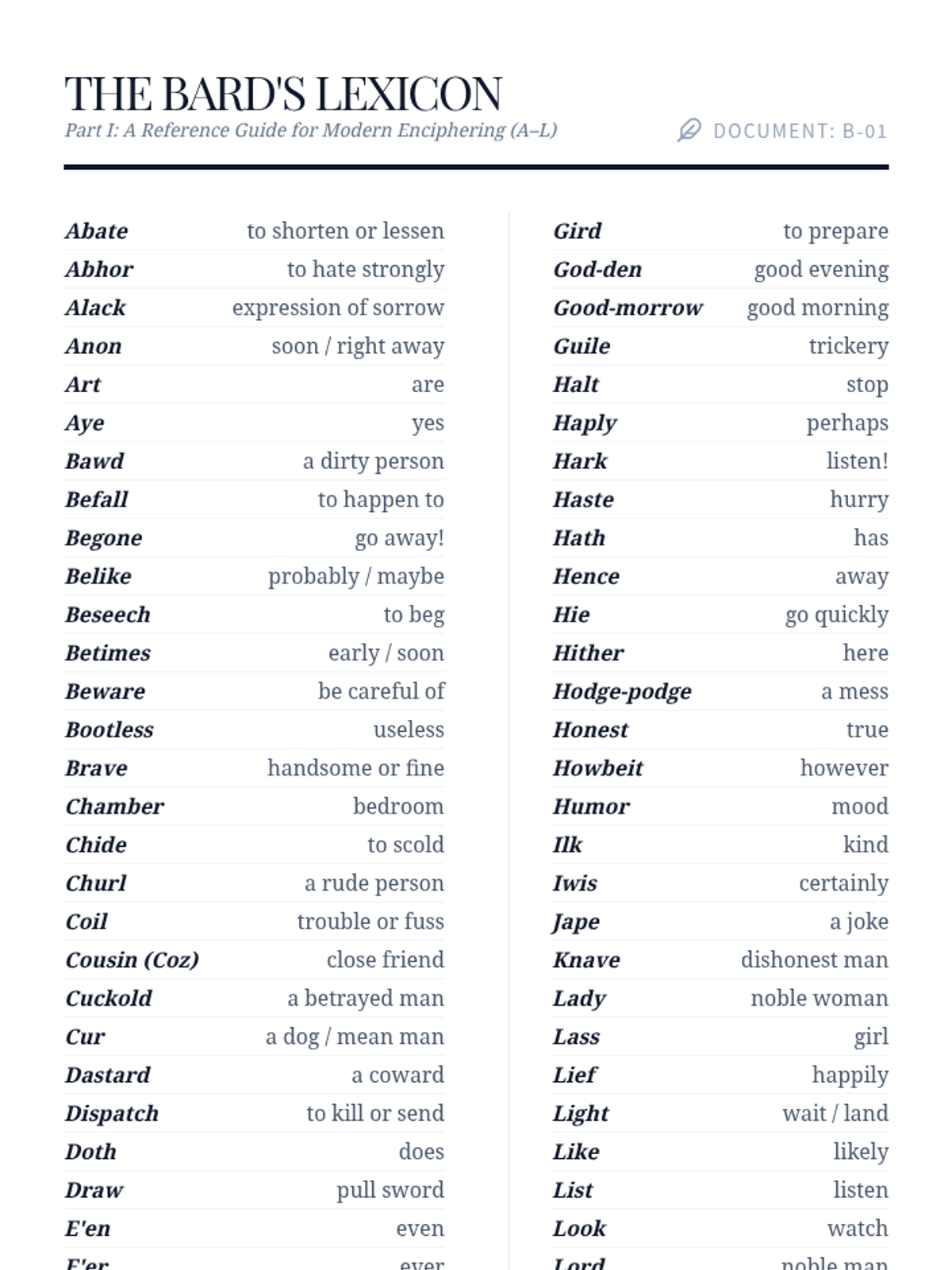
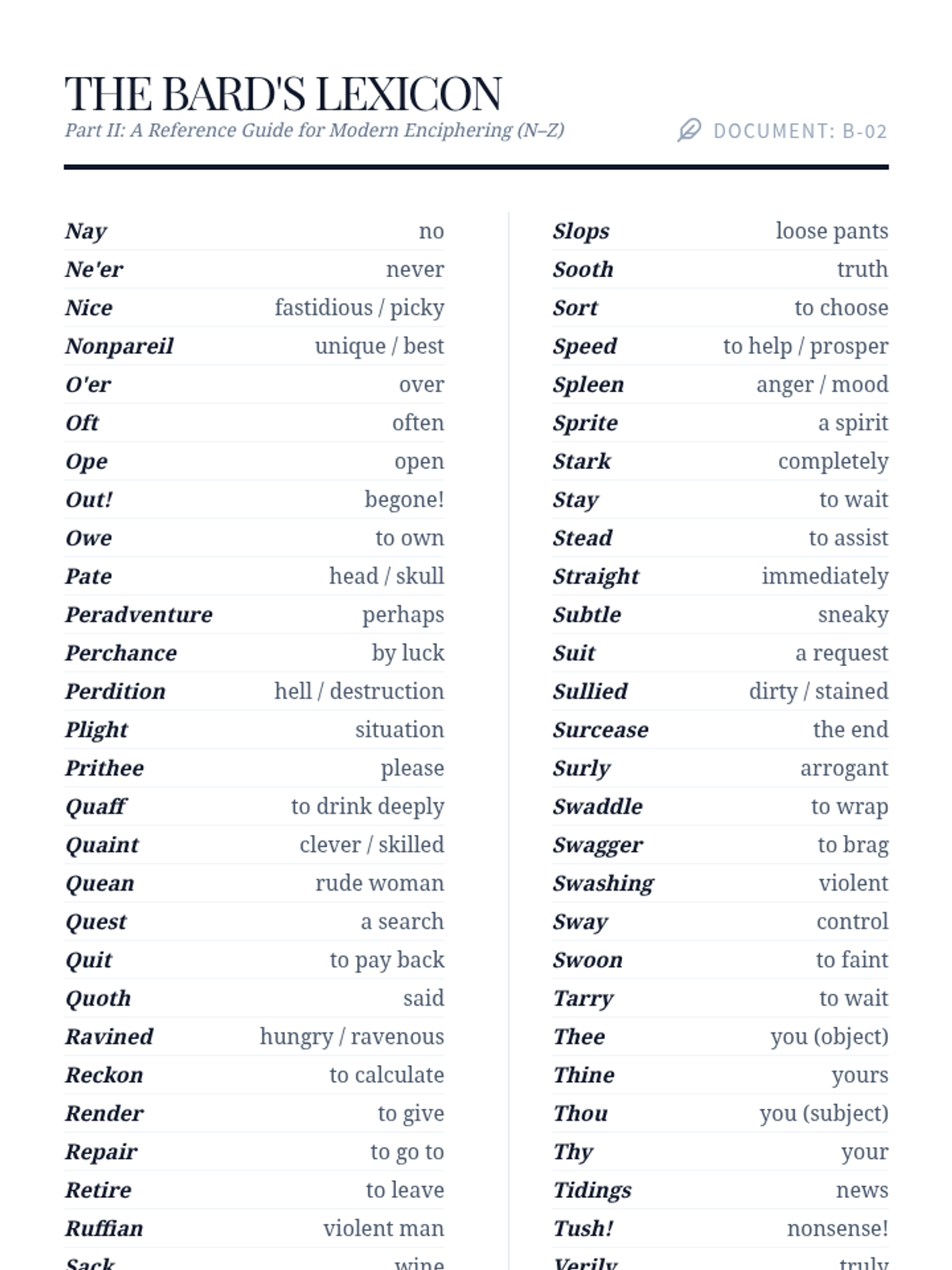
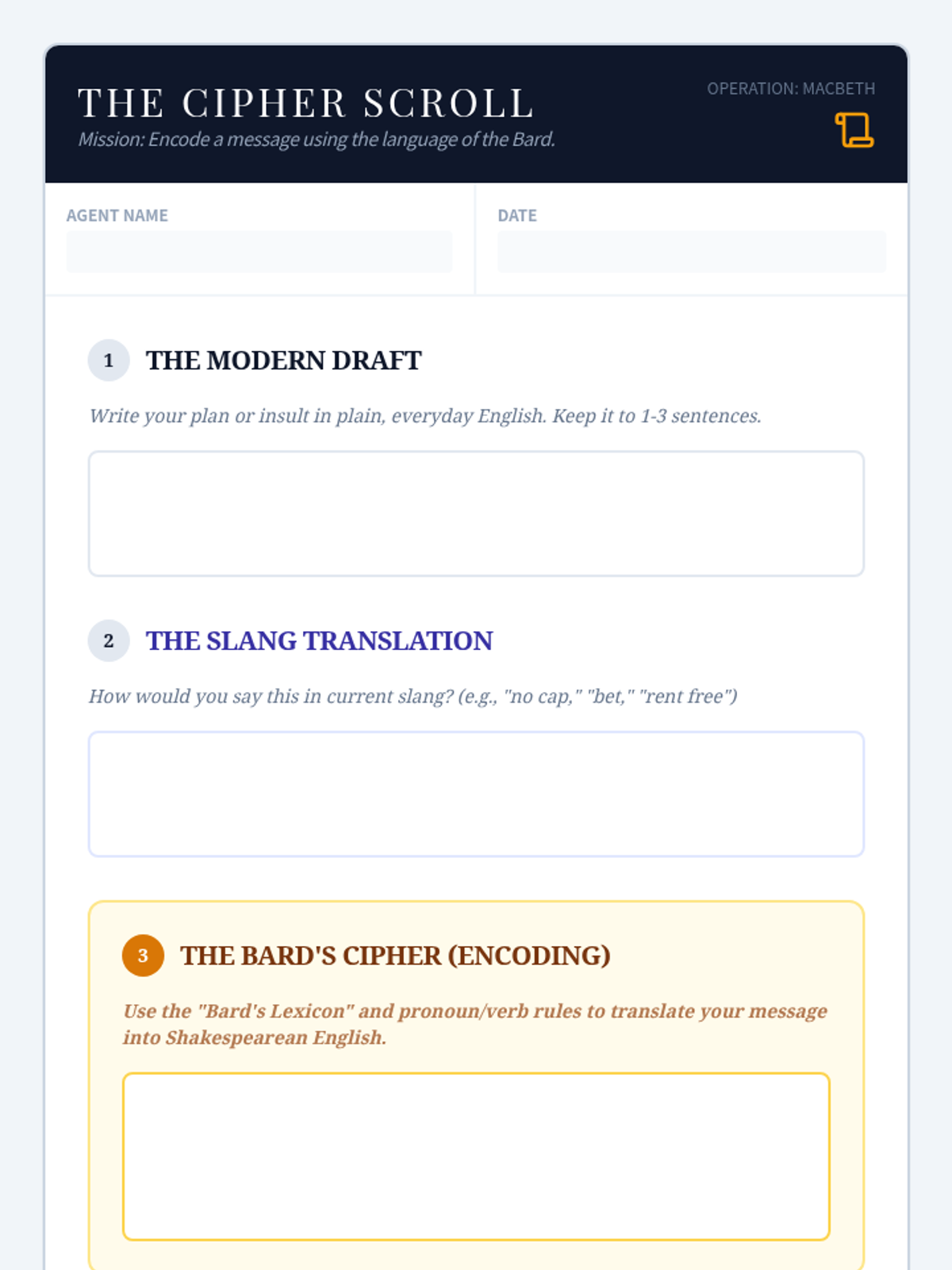
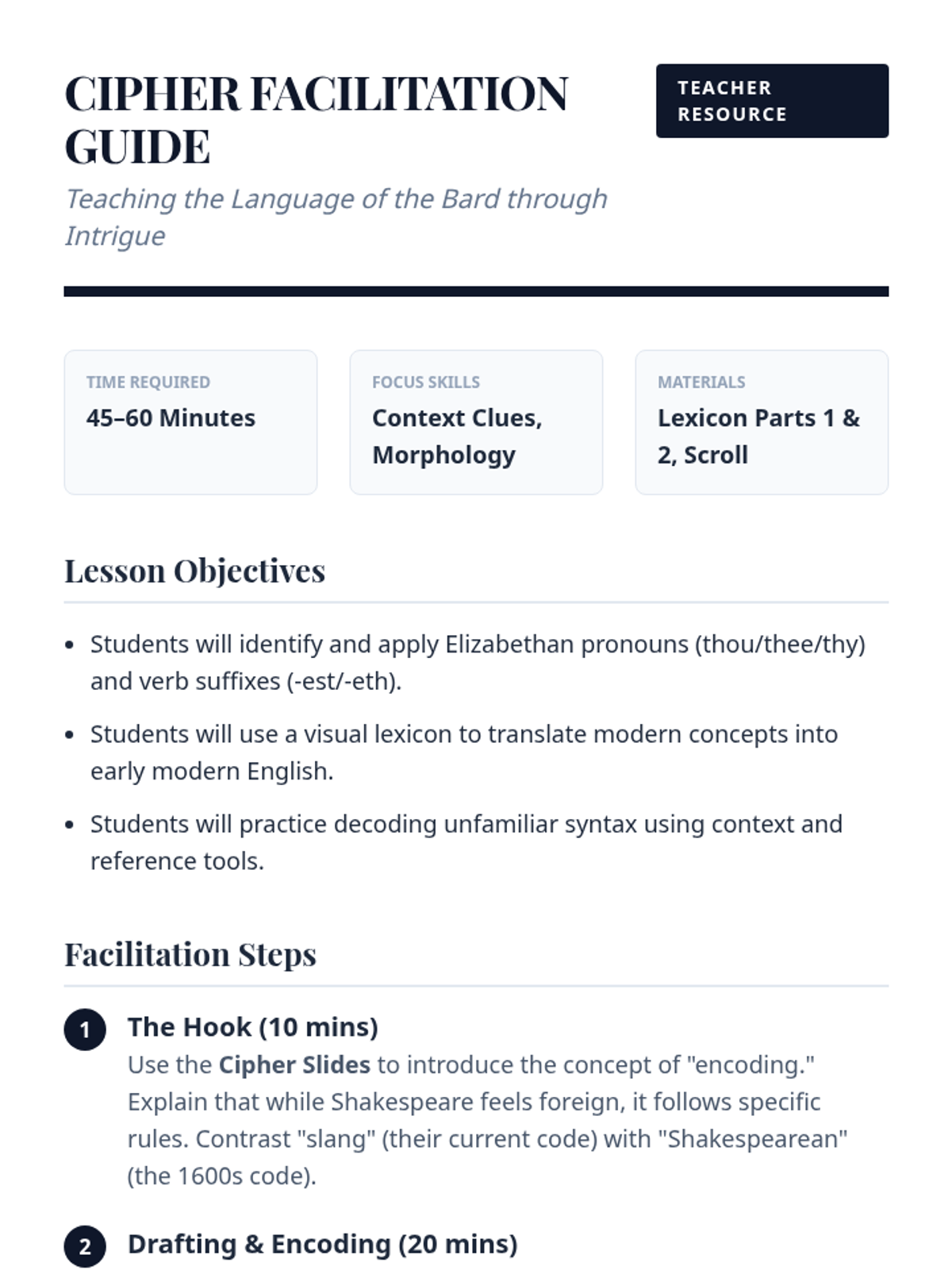
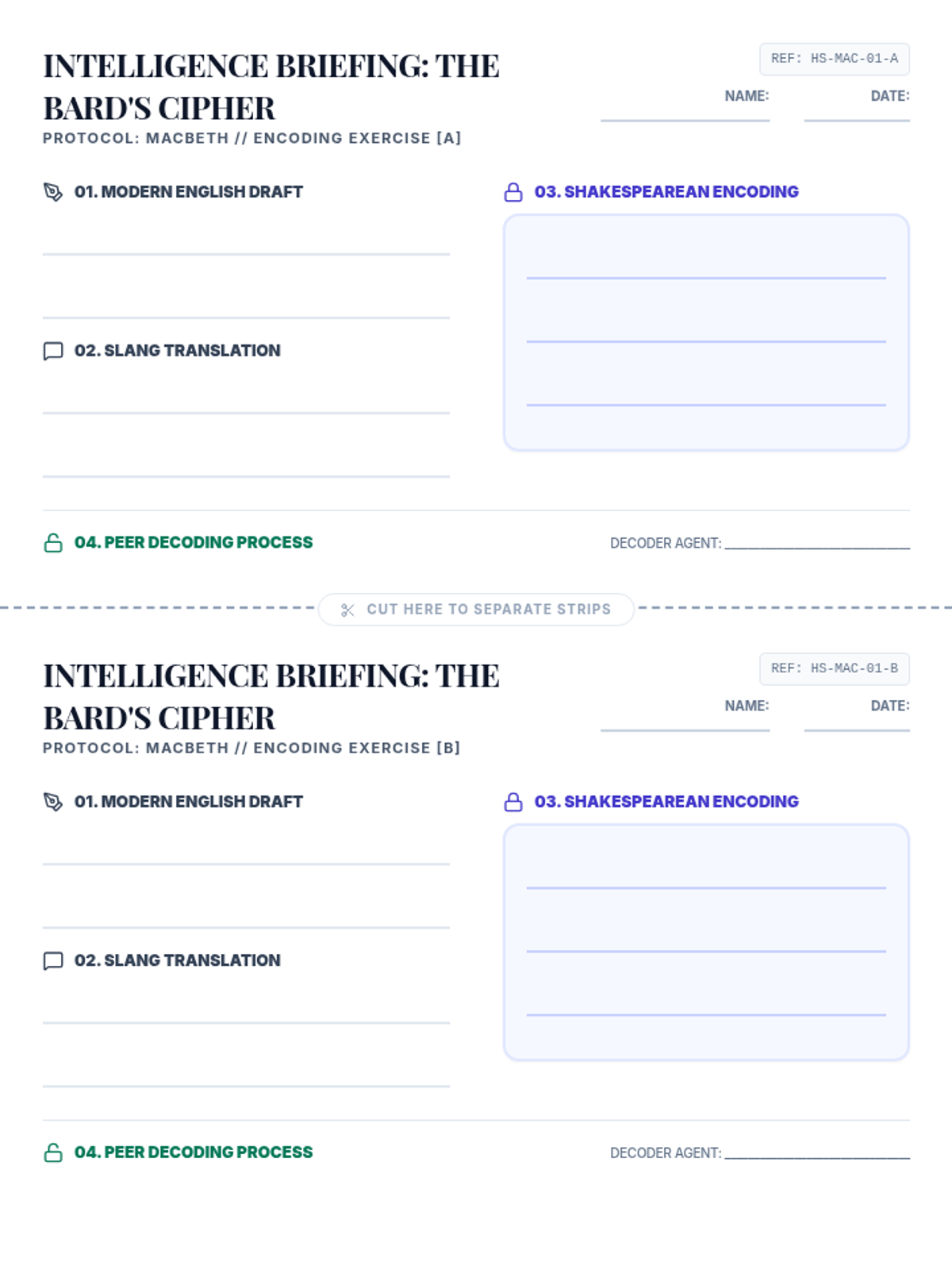
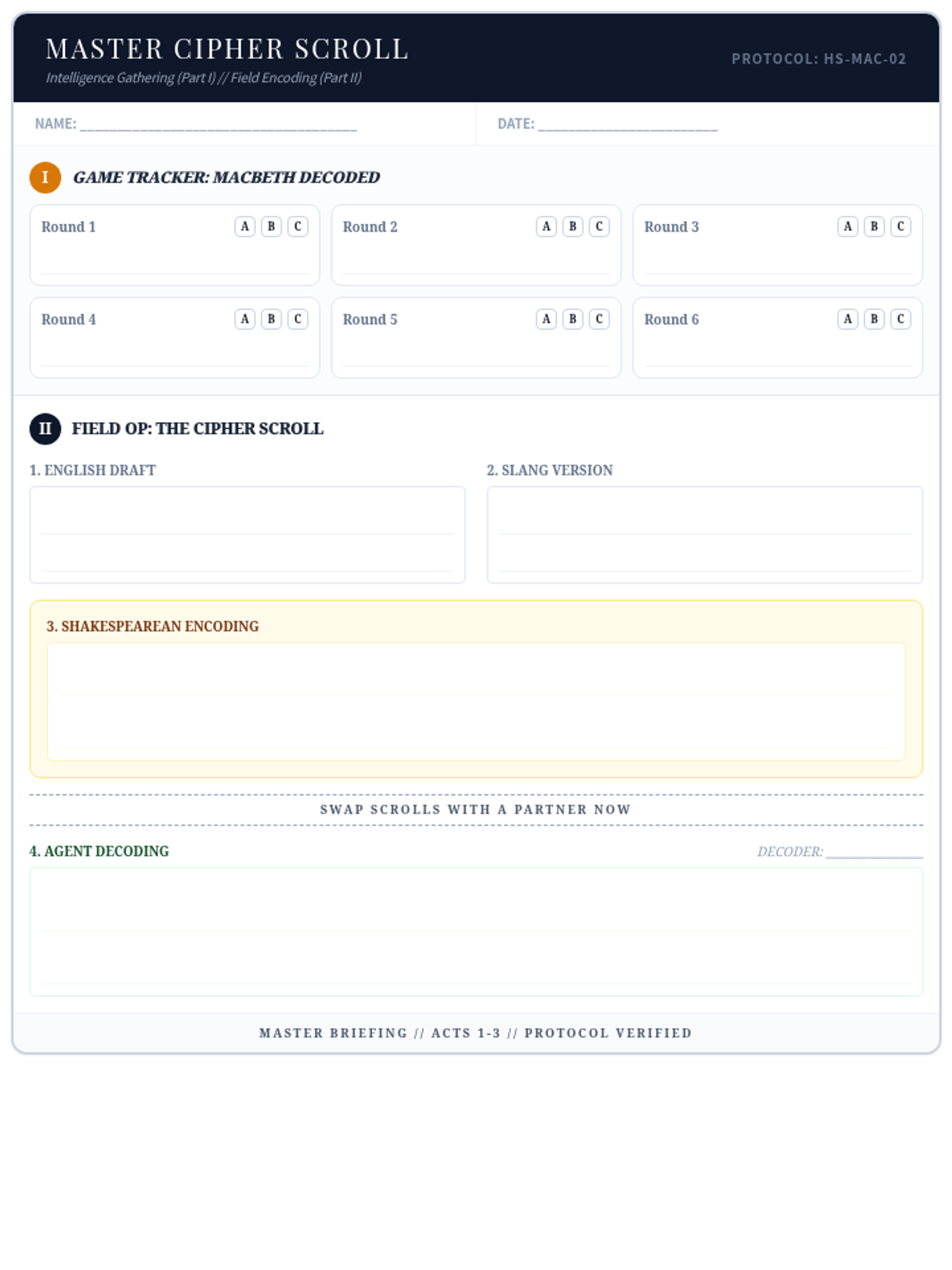
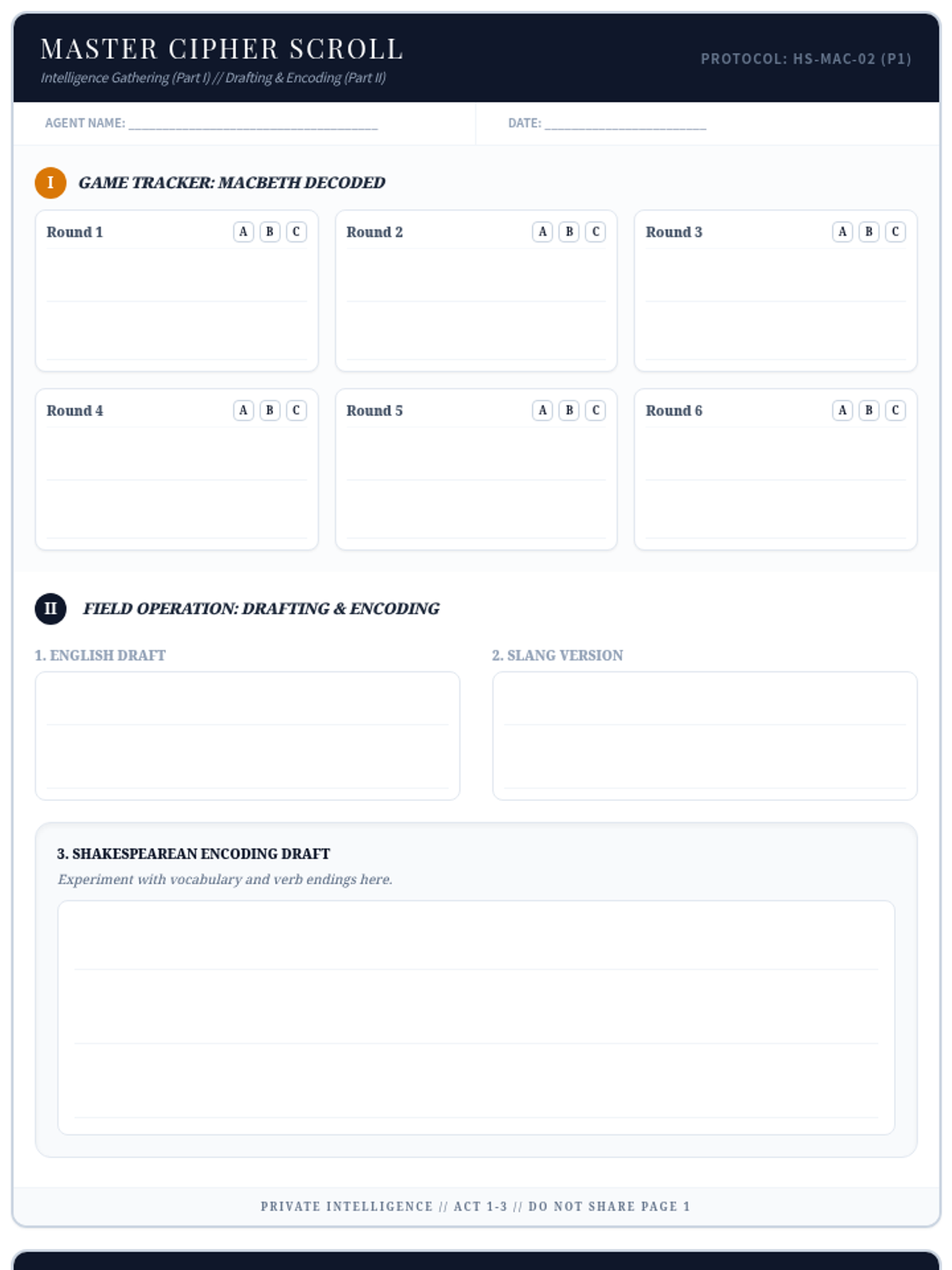
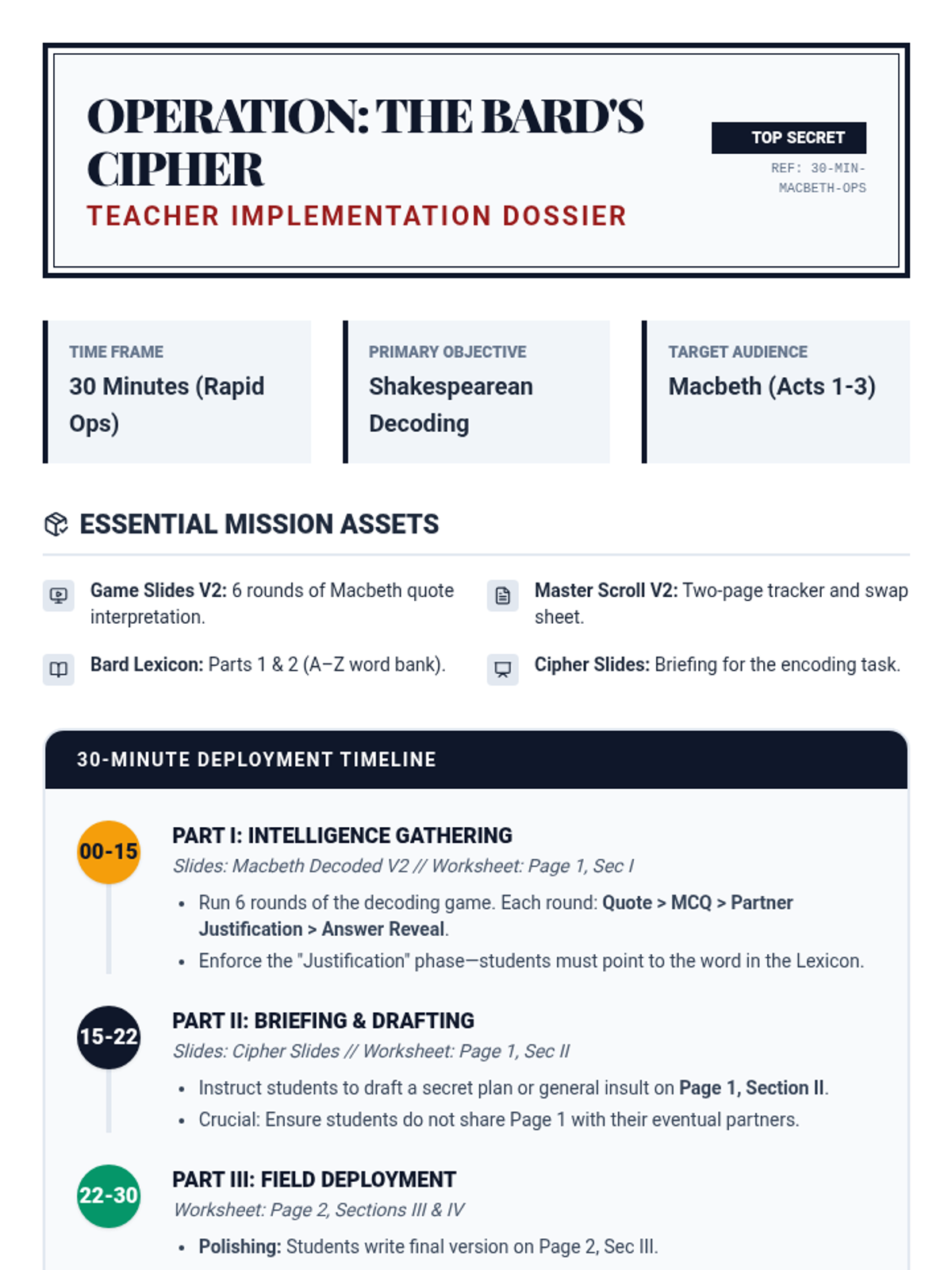
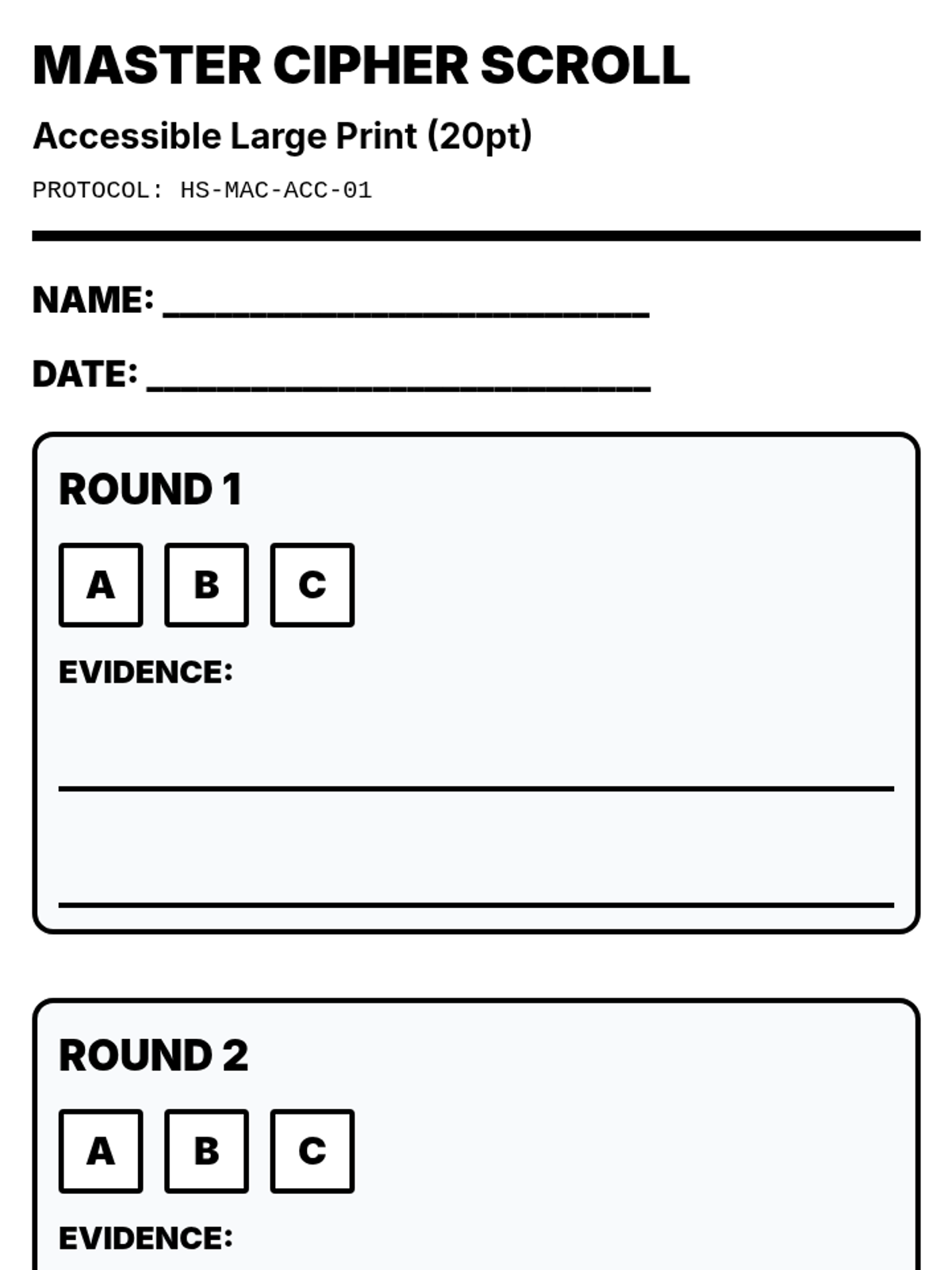
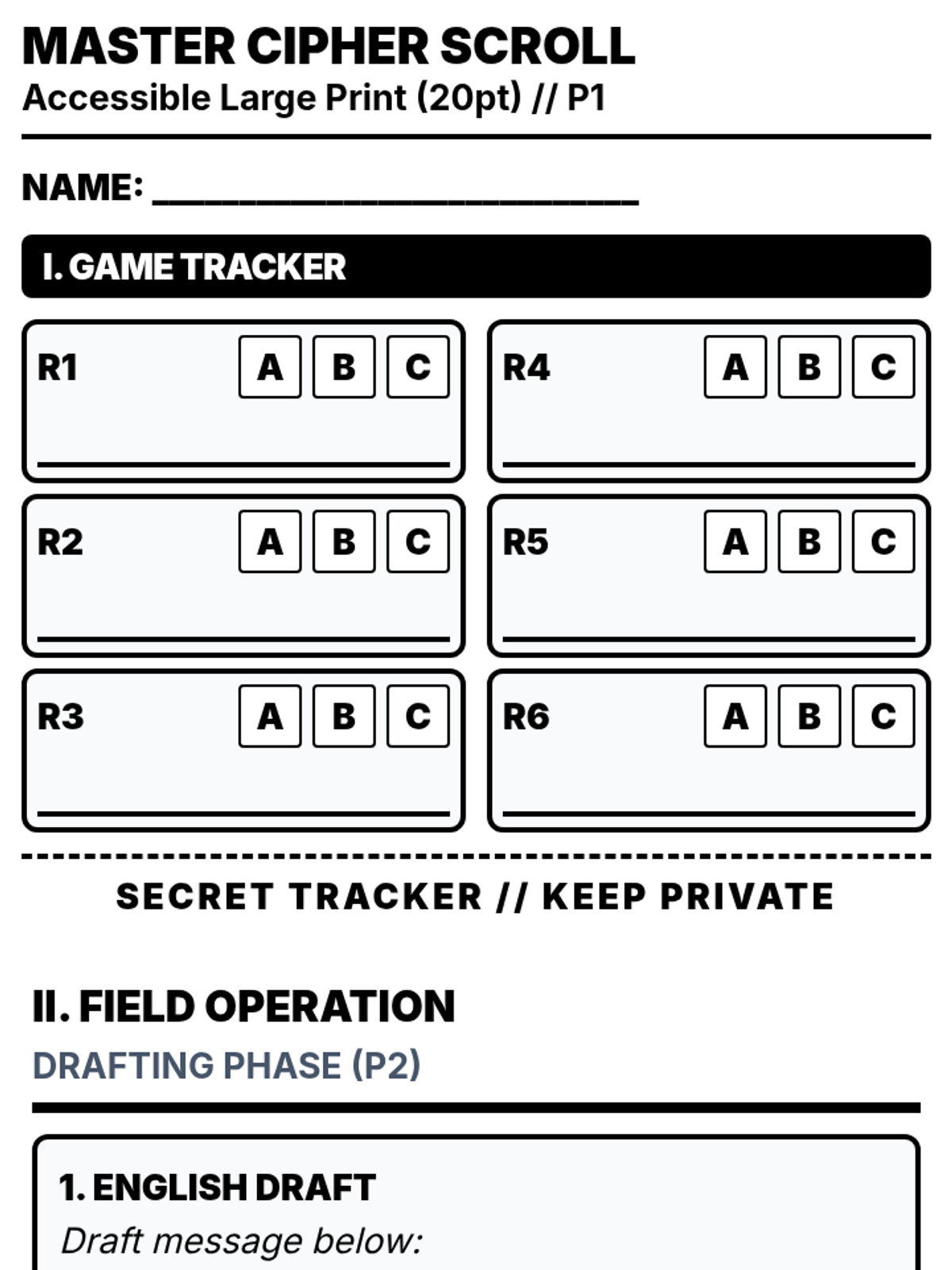
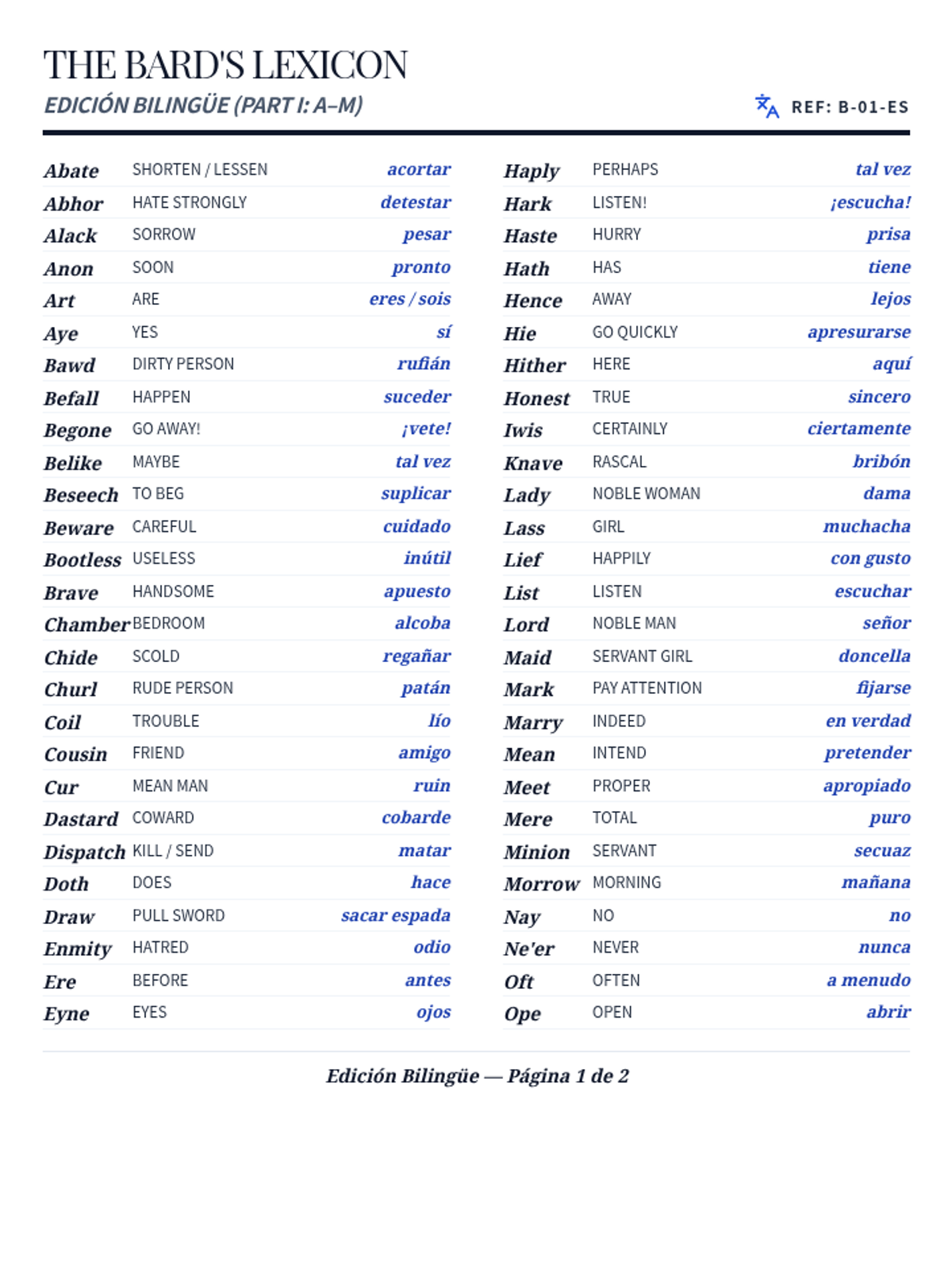
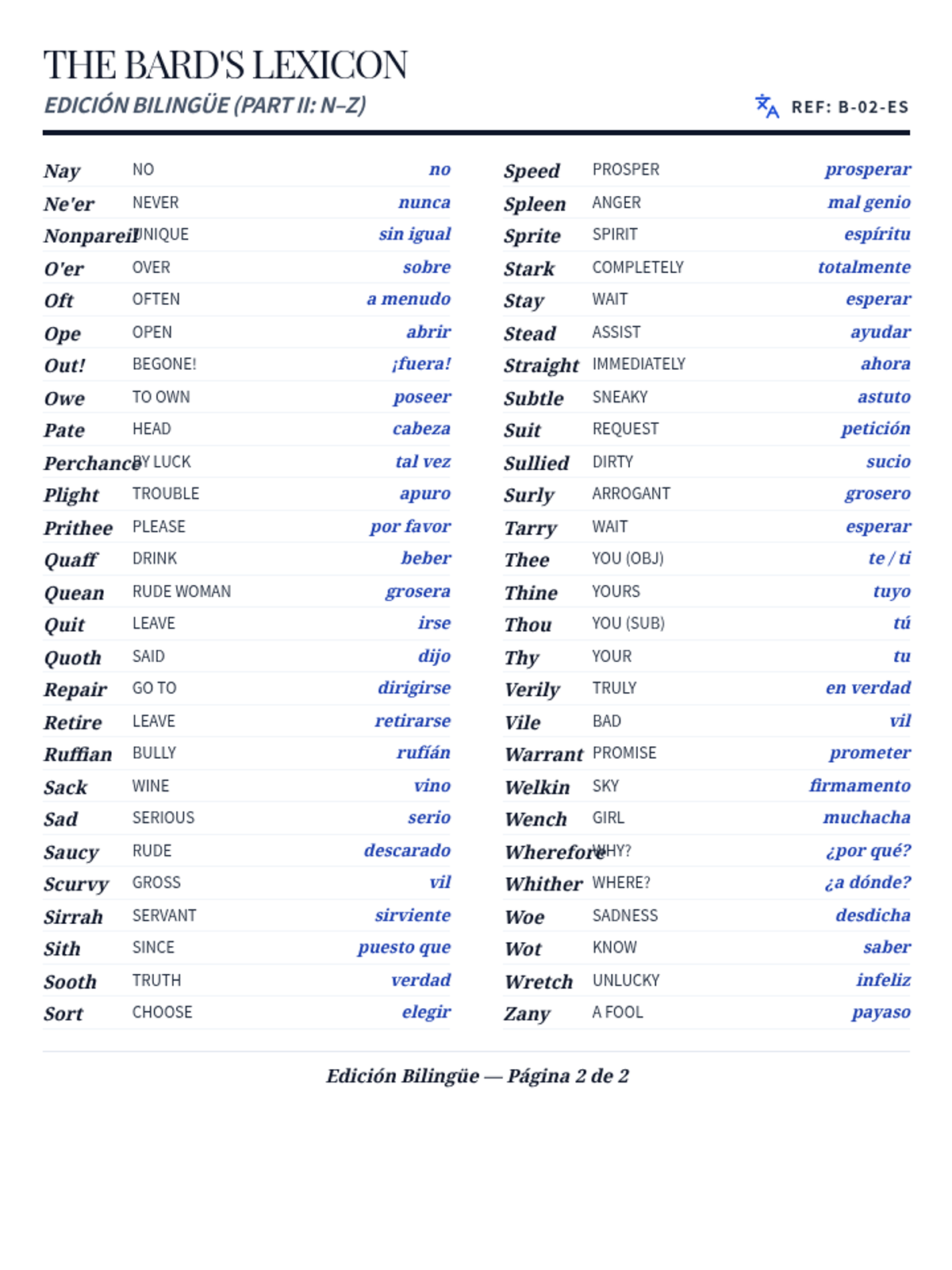
A hands-on activity where students learn to decode and encode Shakespearean language by writing secret messages or insults, then swapping them with peers to translate.
Students combine their icon and typography choices to build an official brand logo draft, focusing on balance, alignment guides, and the 'Squint Test' for simplicity.
Students master custom shape creation using polyline and curve tools, exploring line weights and the importance of vector scalability for professional branding.
Students move from curating to creating, using Google Drawing to build complex objects with simple geometric shapes while learning the fundamentals of vector design and layering.
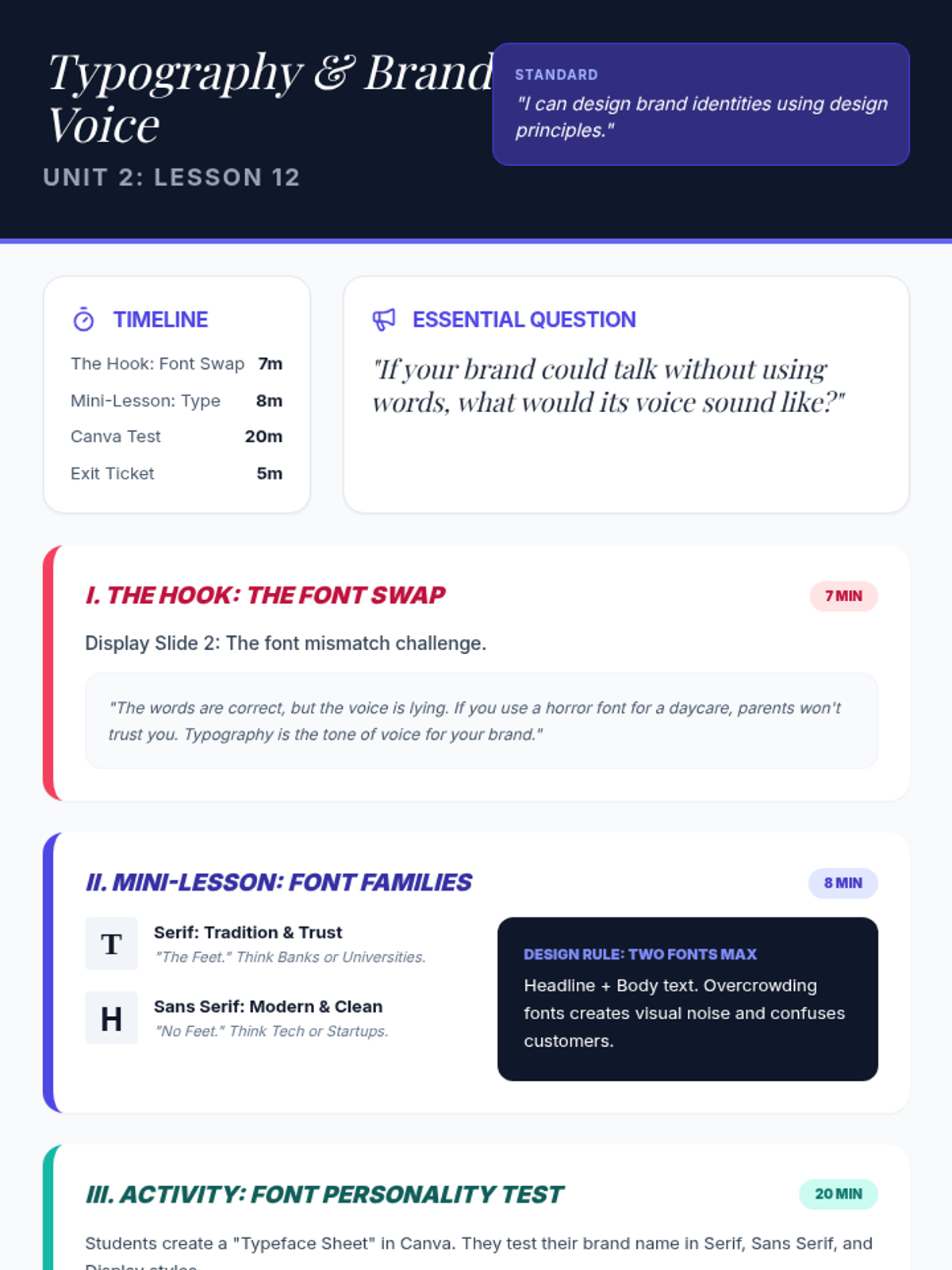
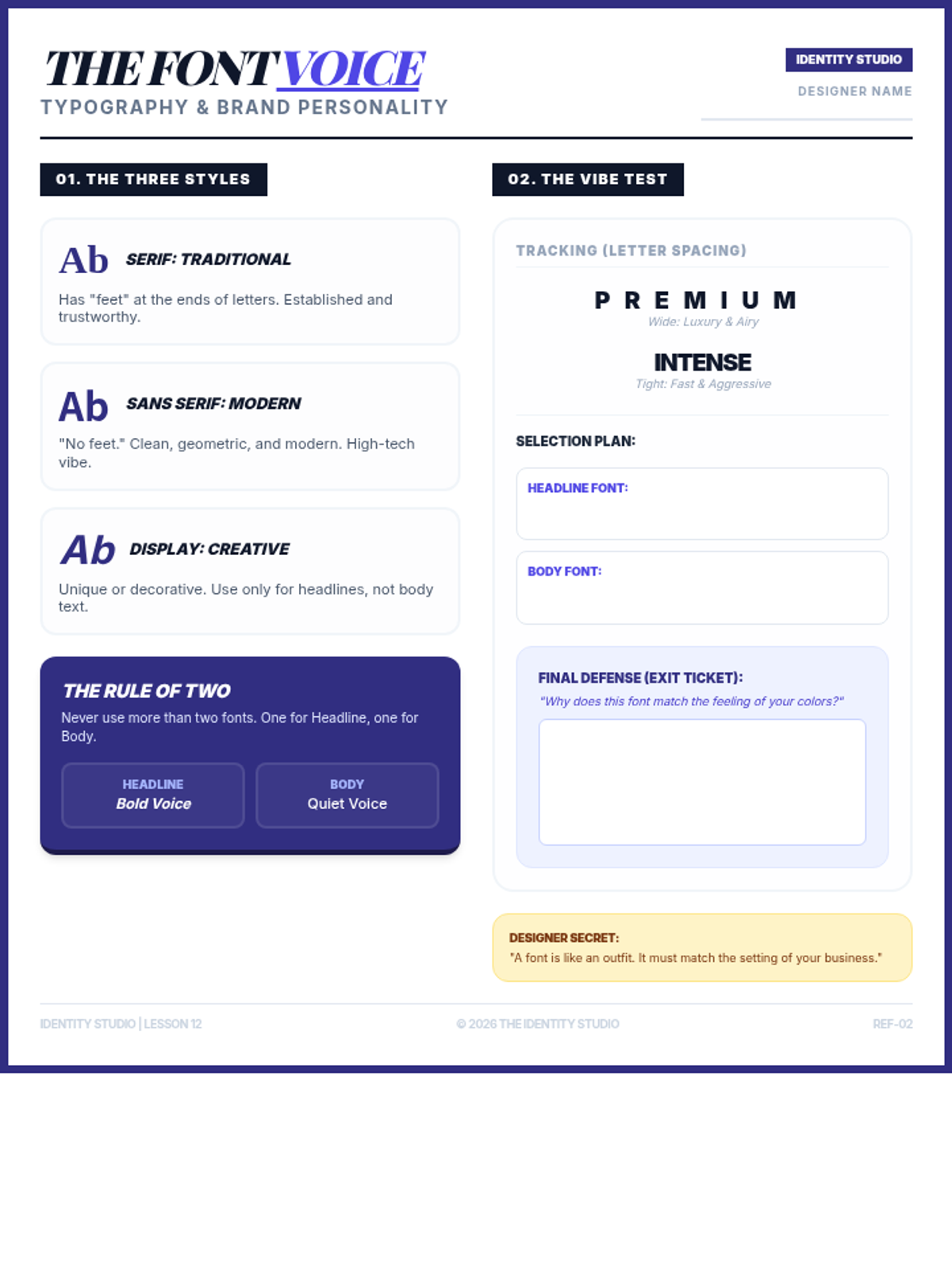
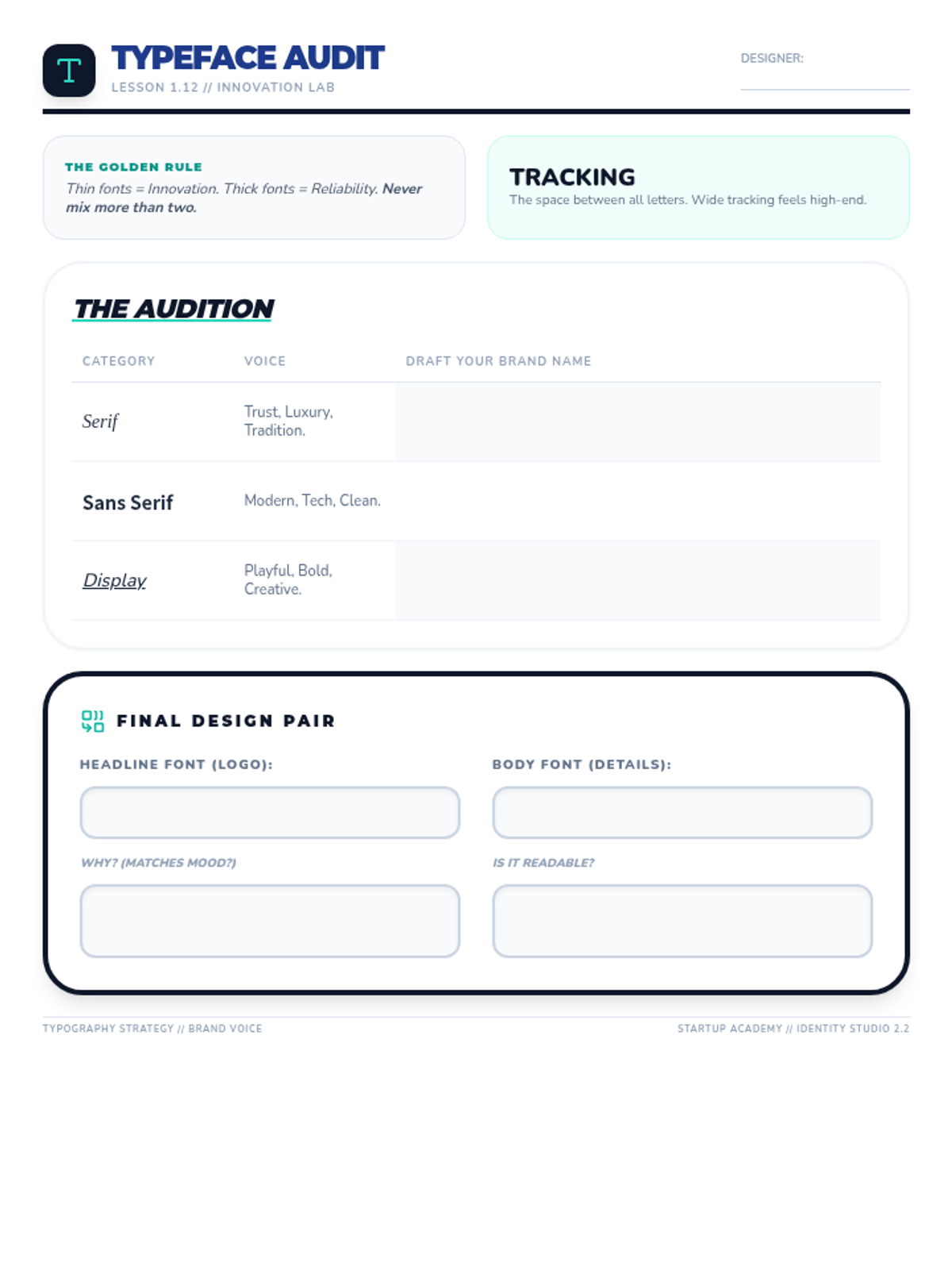
Students learn how font choices communicate a brand's tone of voice, distinguishing between serif, sans serif, and display fonts to select a pair that fits their business identity.