Fundamental hardware proficiency, secure online behavior, and ethical social media engagement. Equips learners with productivity tool mastery, web publishing skills, and critical evaluation of emerging technologies.
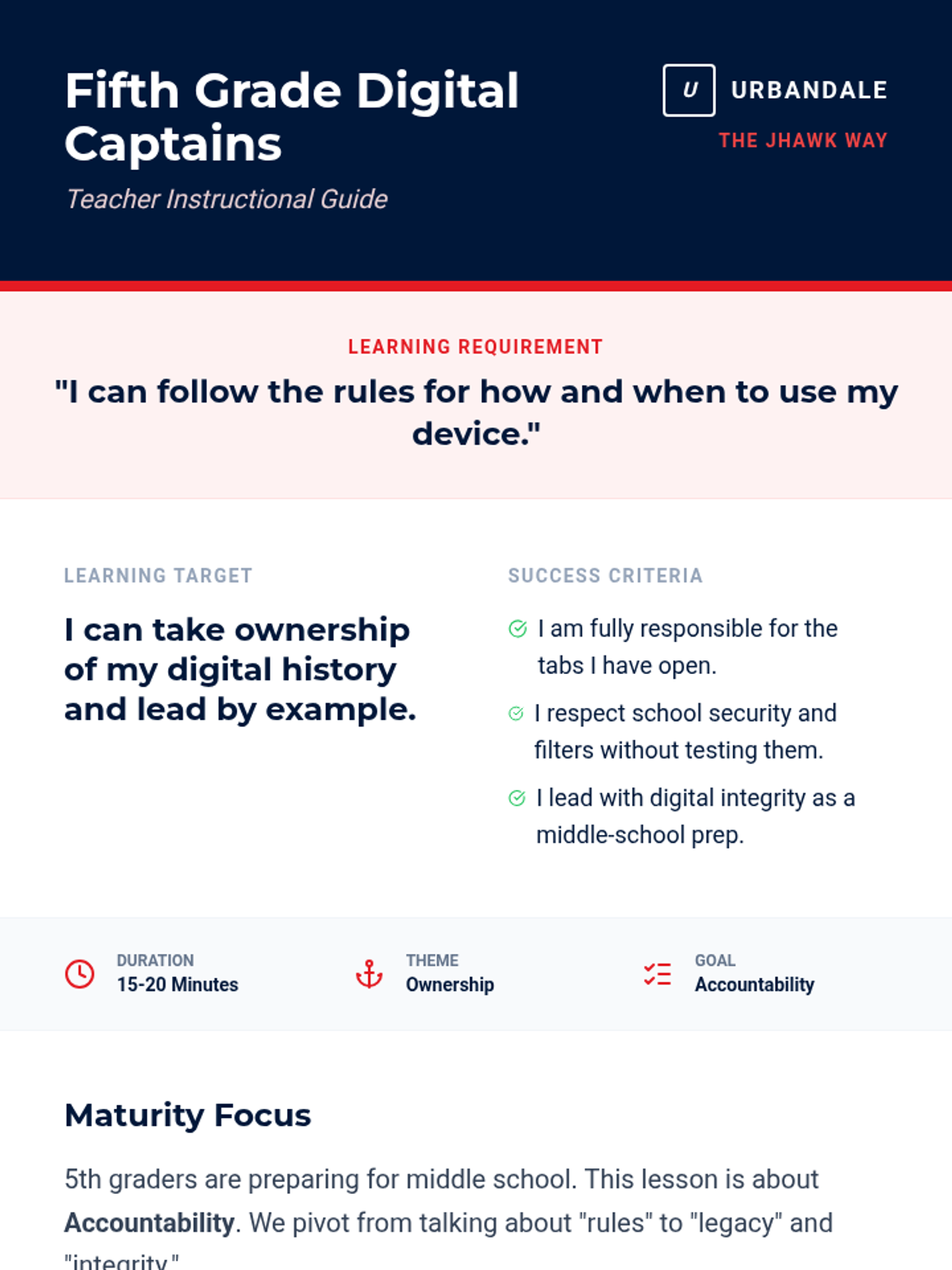
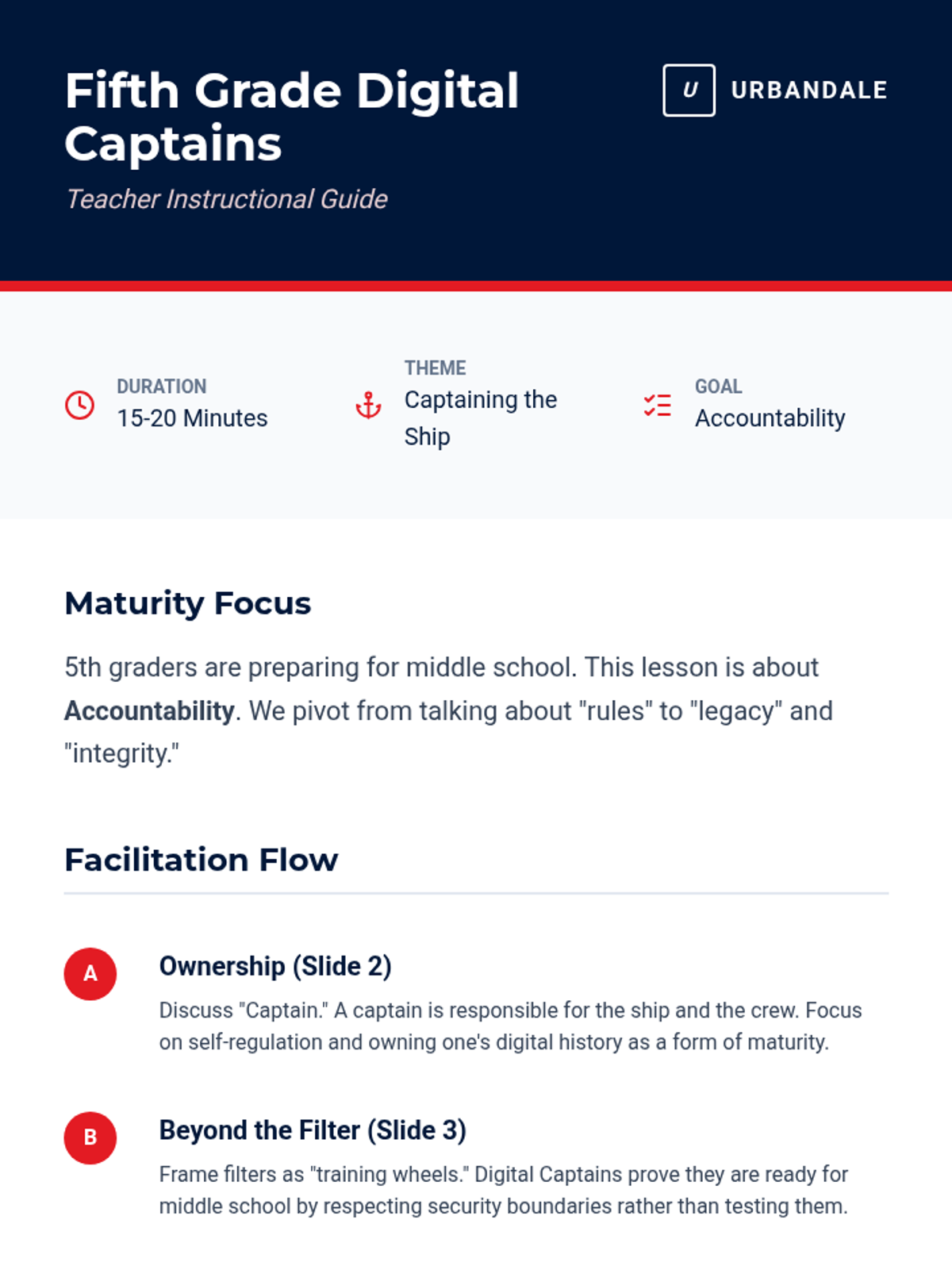
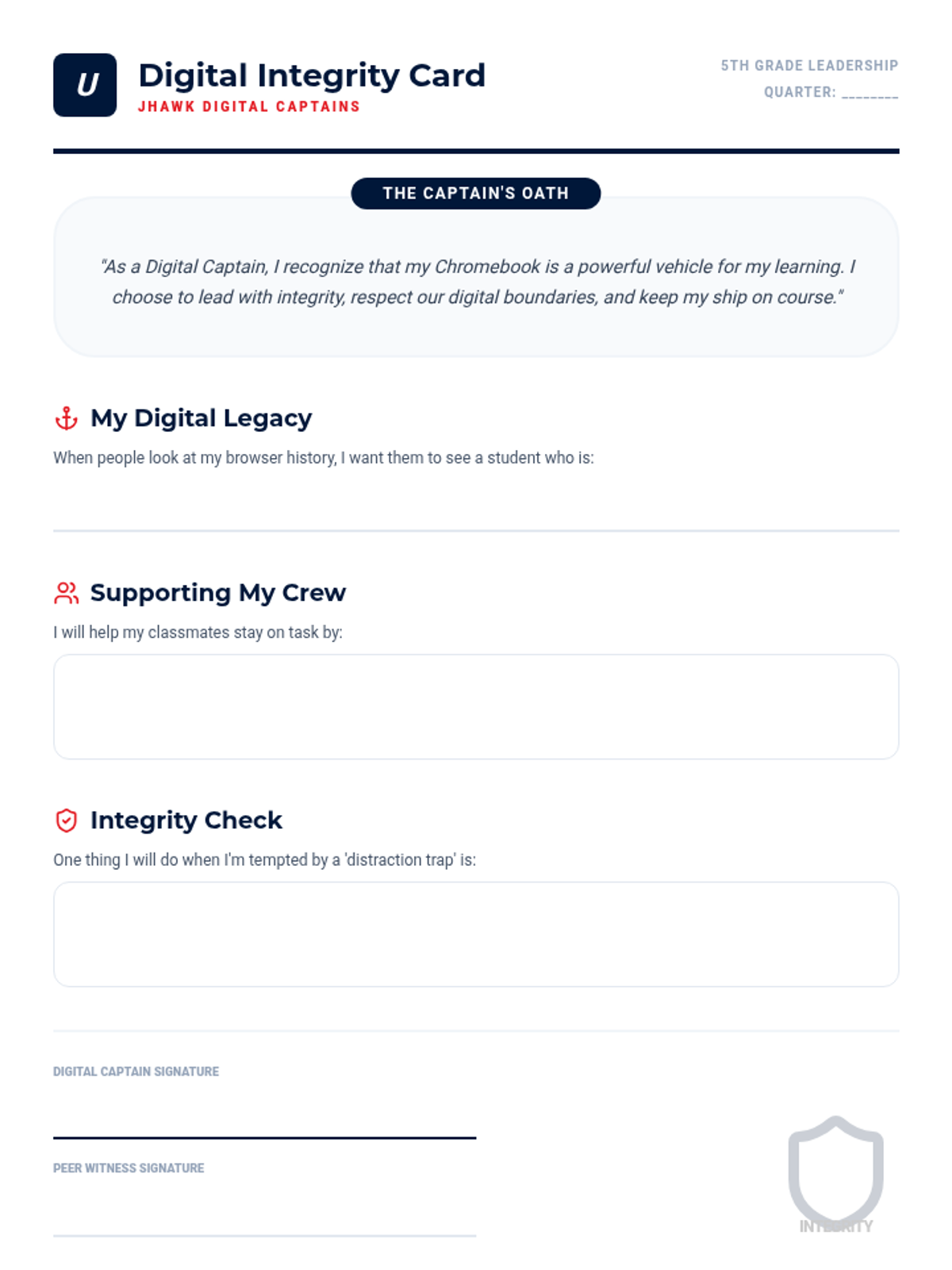
Empowers 5th graders to lead by example, discussing the importance of academic integrity and resisting the urge to bypass school filters.
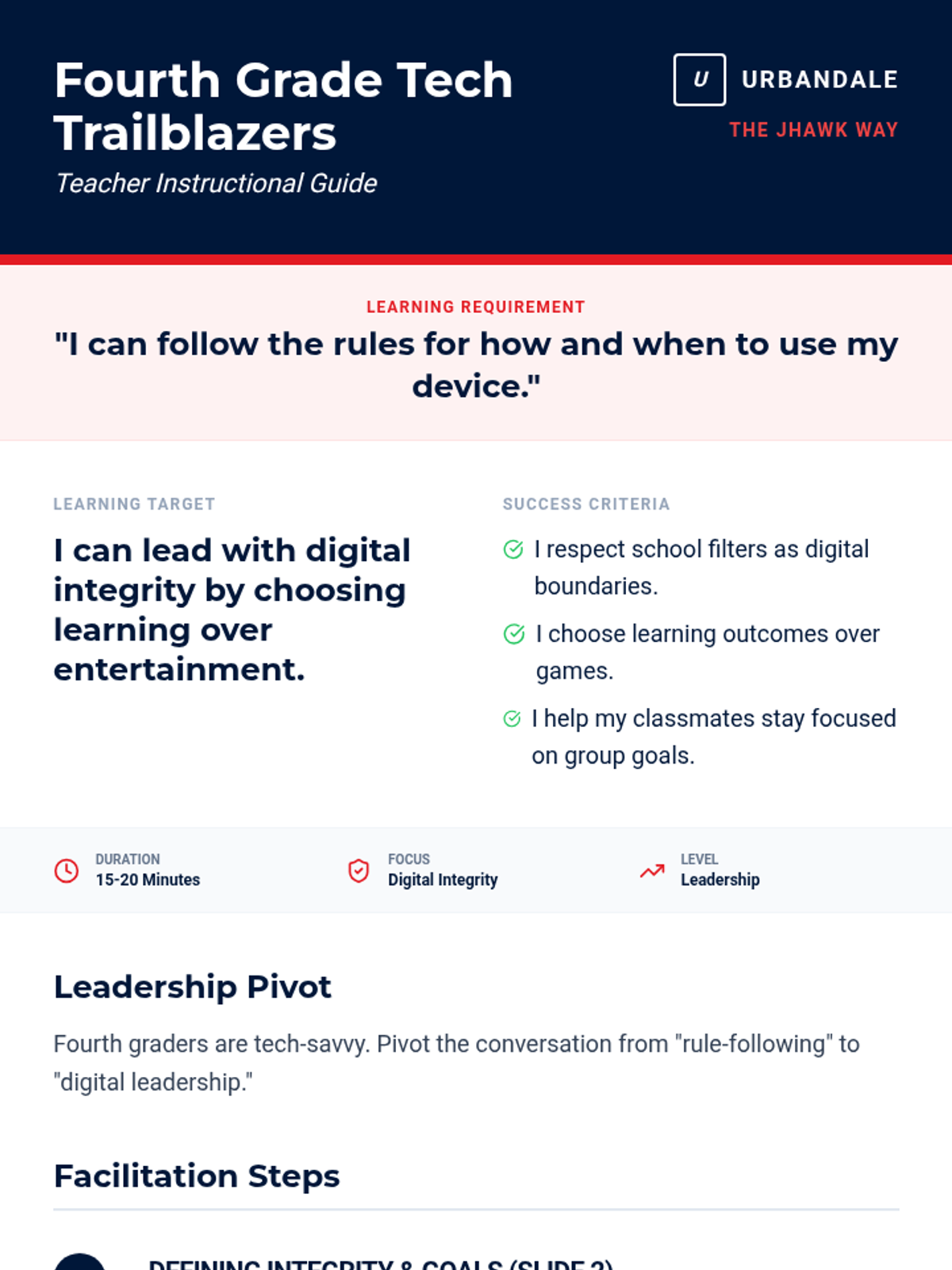
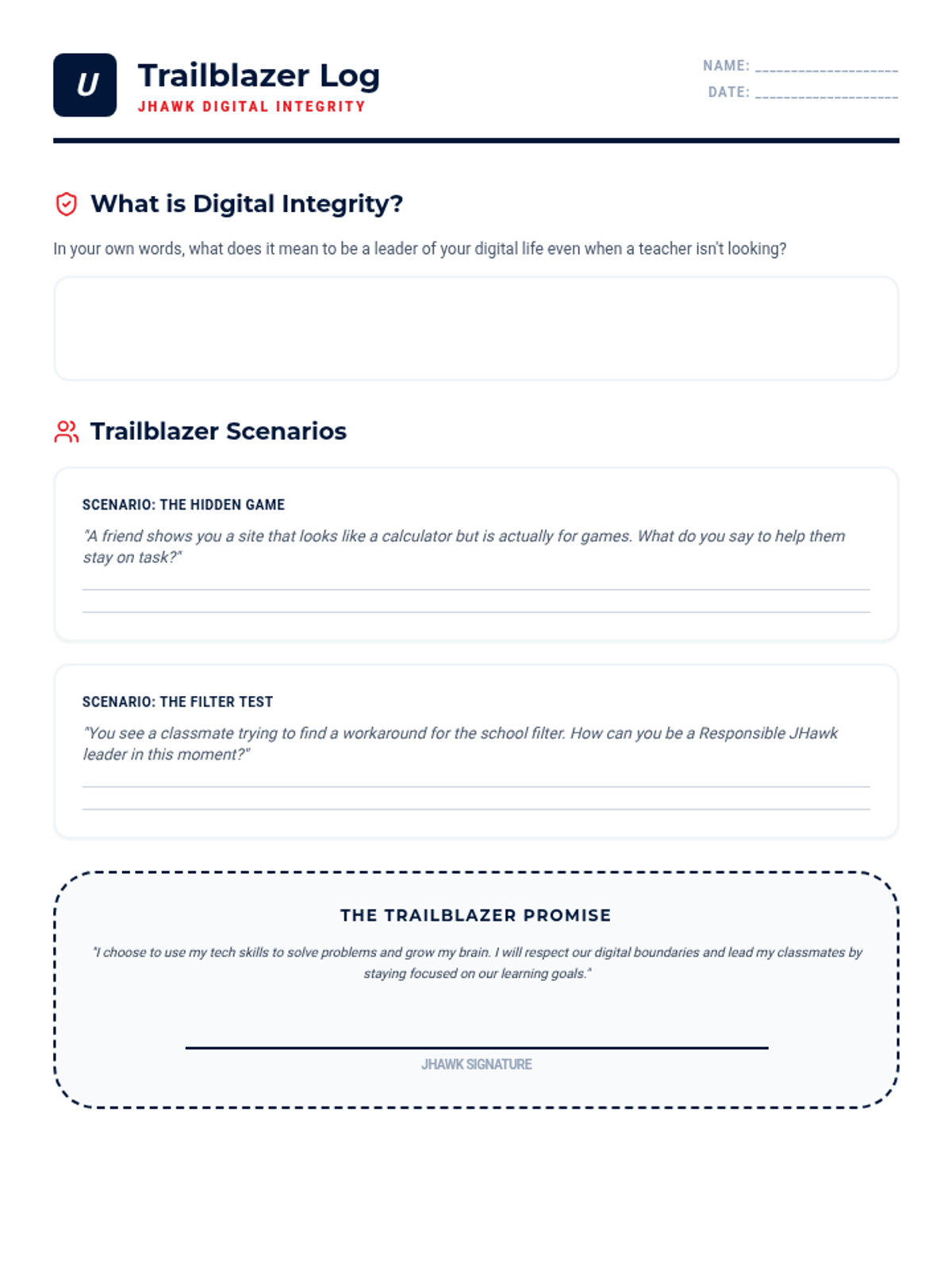
Addresses the specific challenges of 4th graders, focusing on avoiding game websites and maintaining focus on assigned tasks.
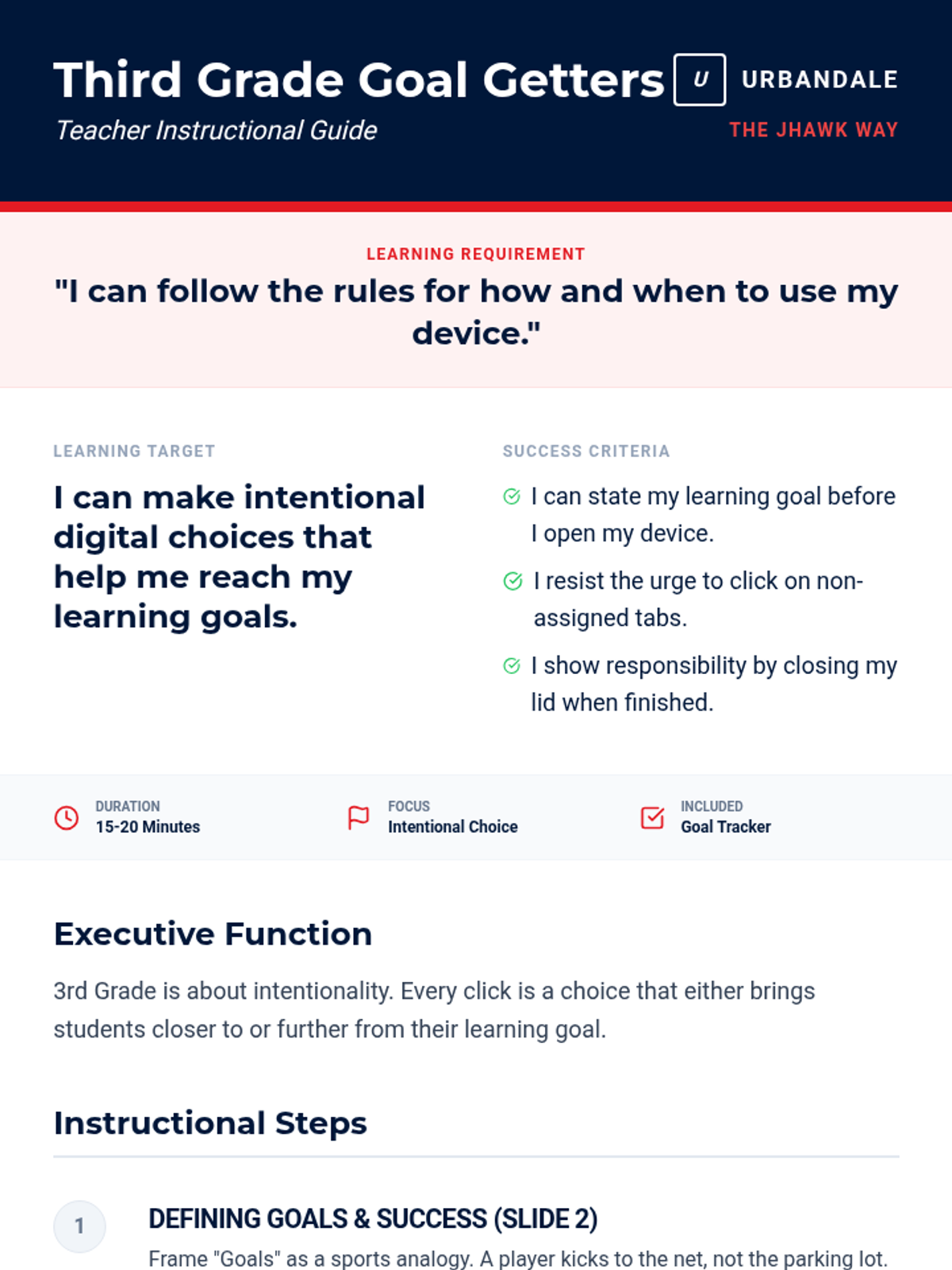
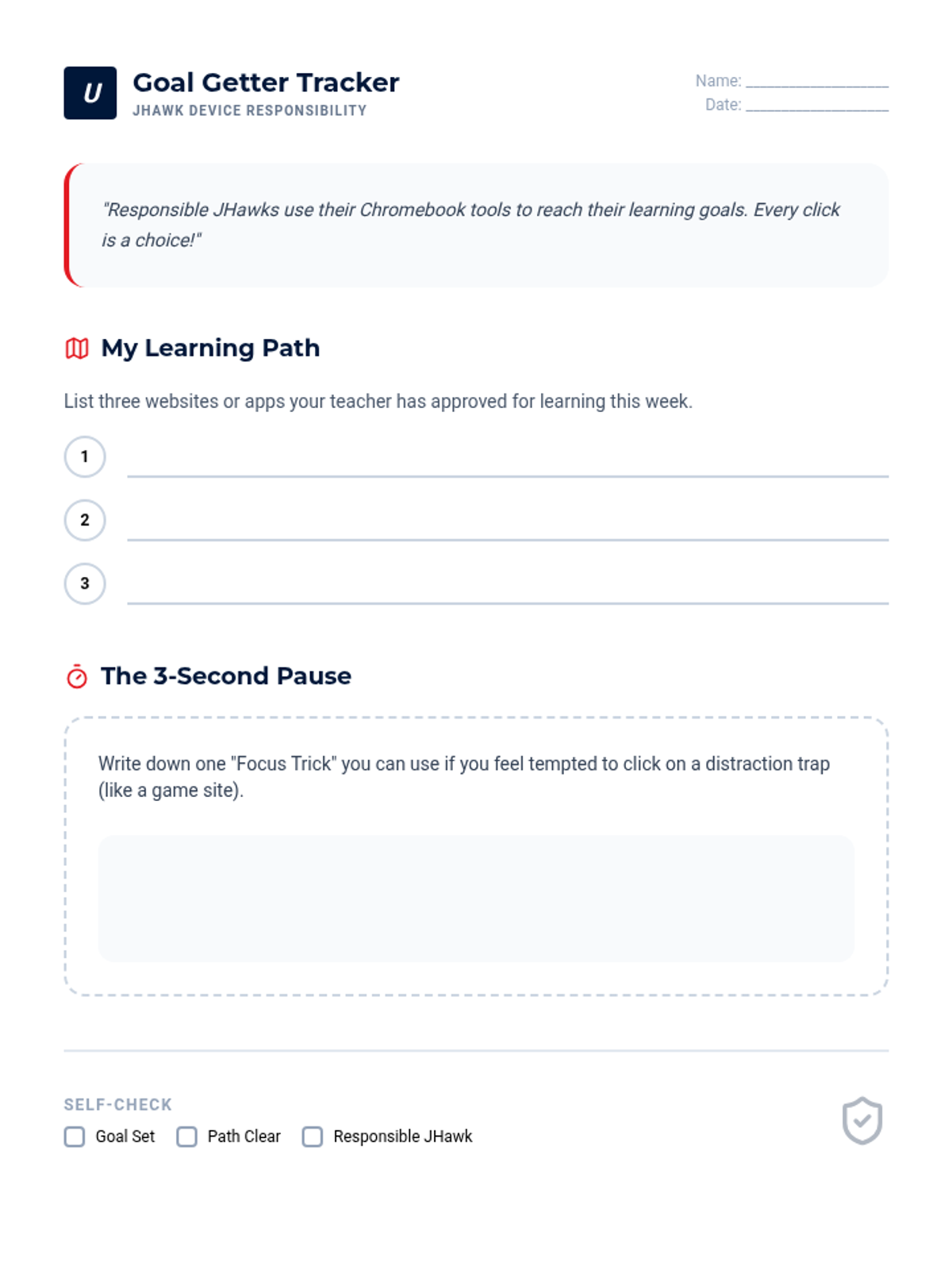
Helps 3rd graders identify common online distractions and practice making responsible choices that align with their learning goals.
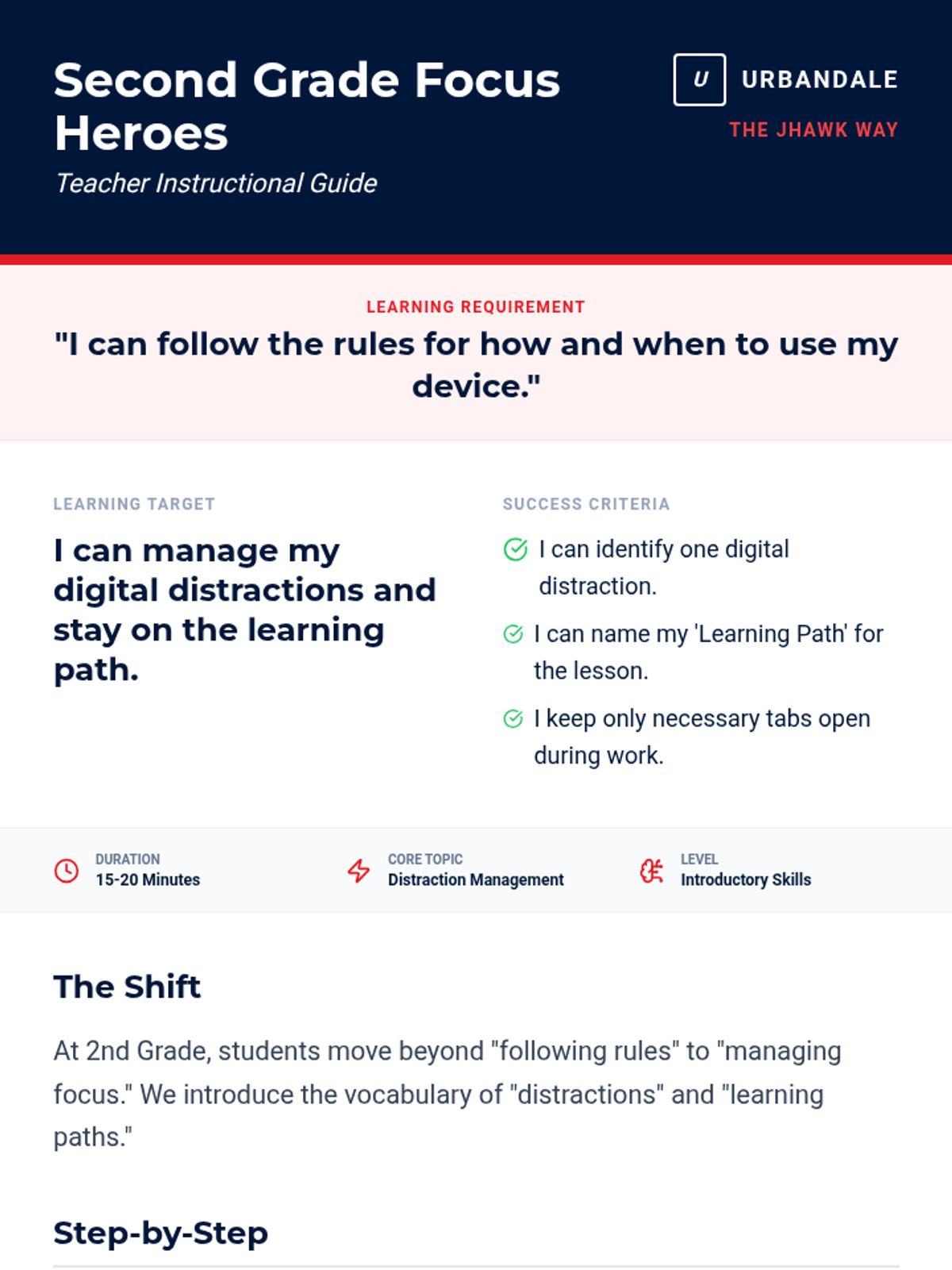
Introduces 2nd graders to the idea of managing digital distractions and staying on task during learning time.
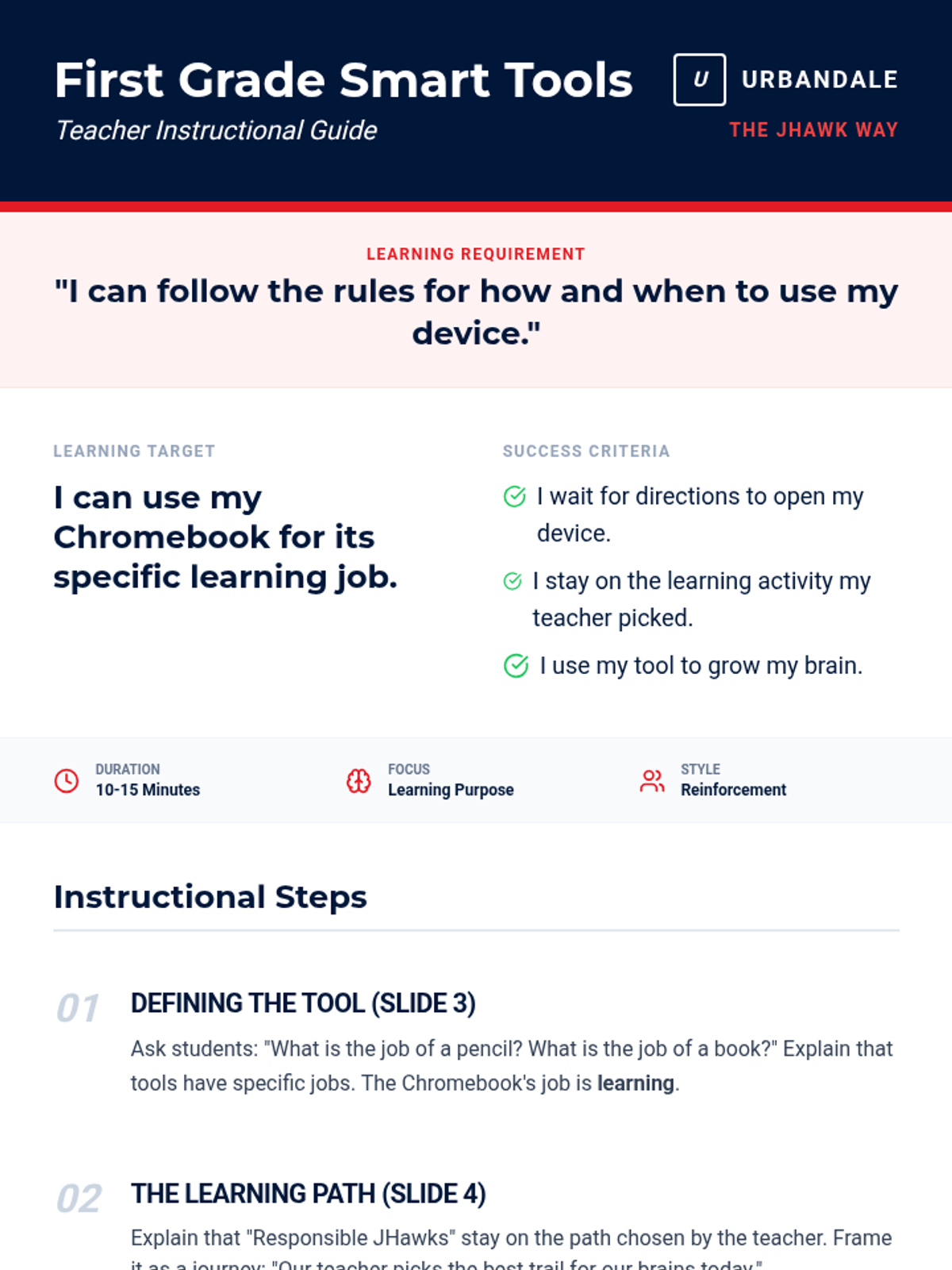
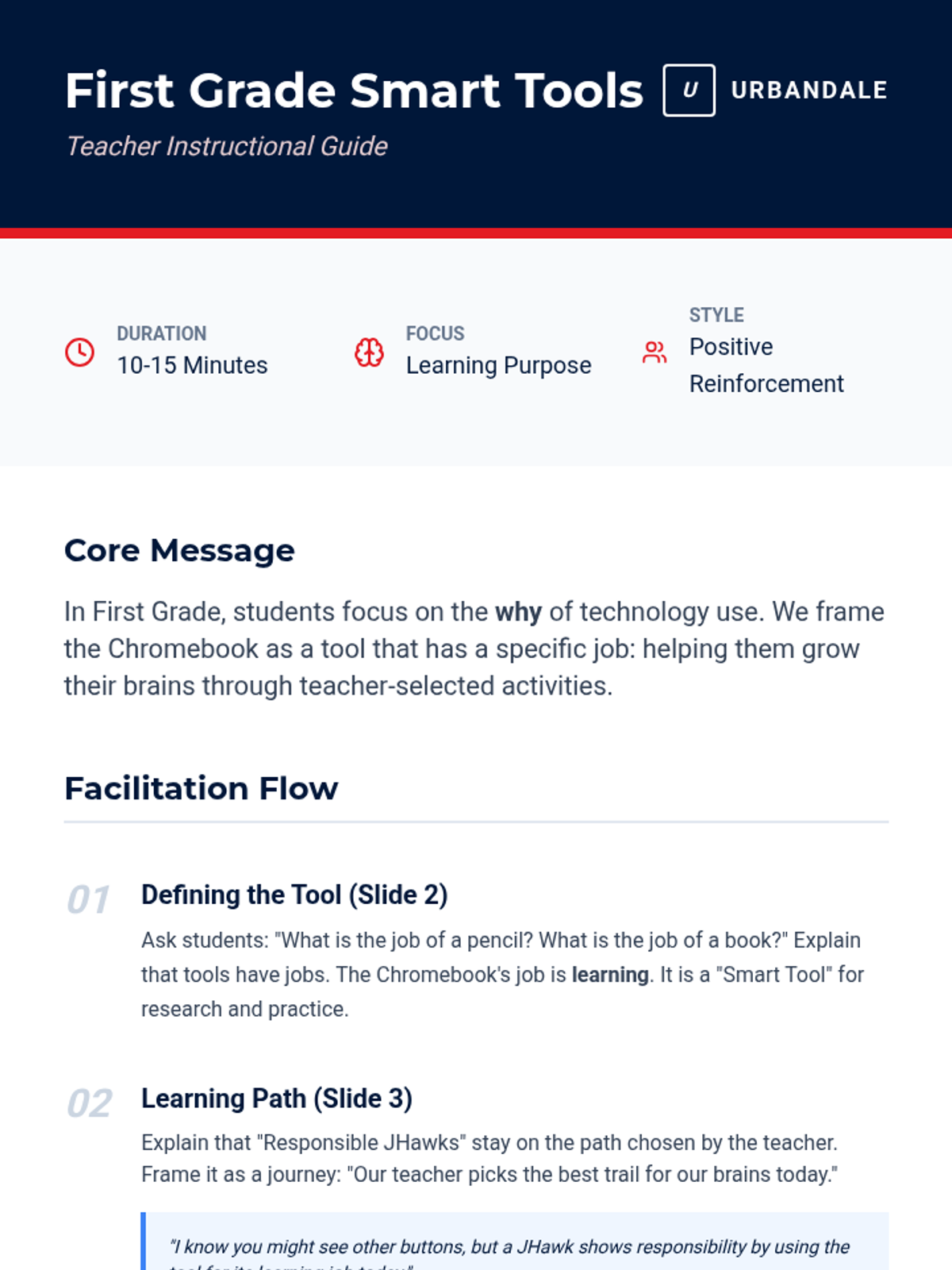
Reinforces the 'Tool not Toy' concept for 1st graders, emphasizing being Responsible with school technology.
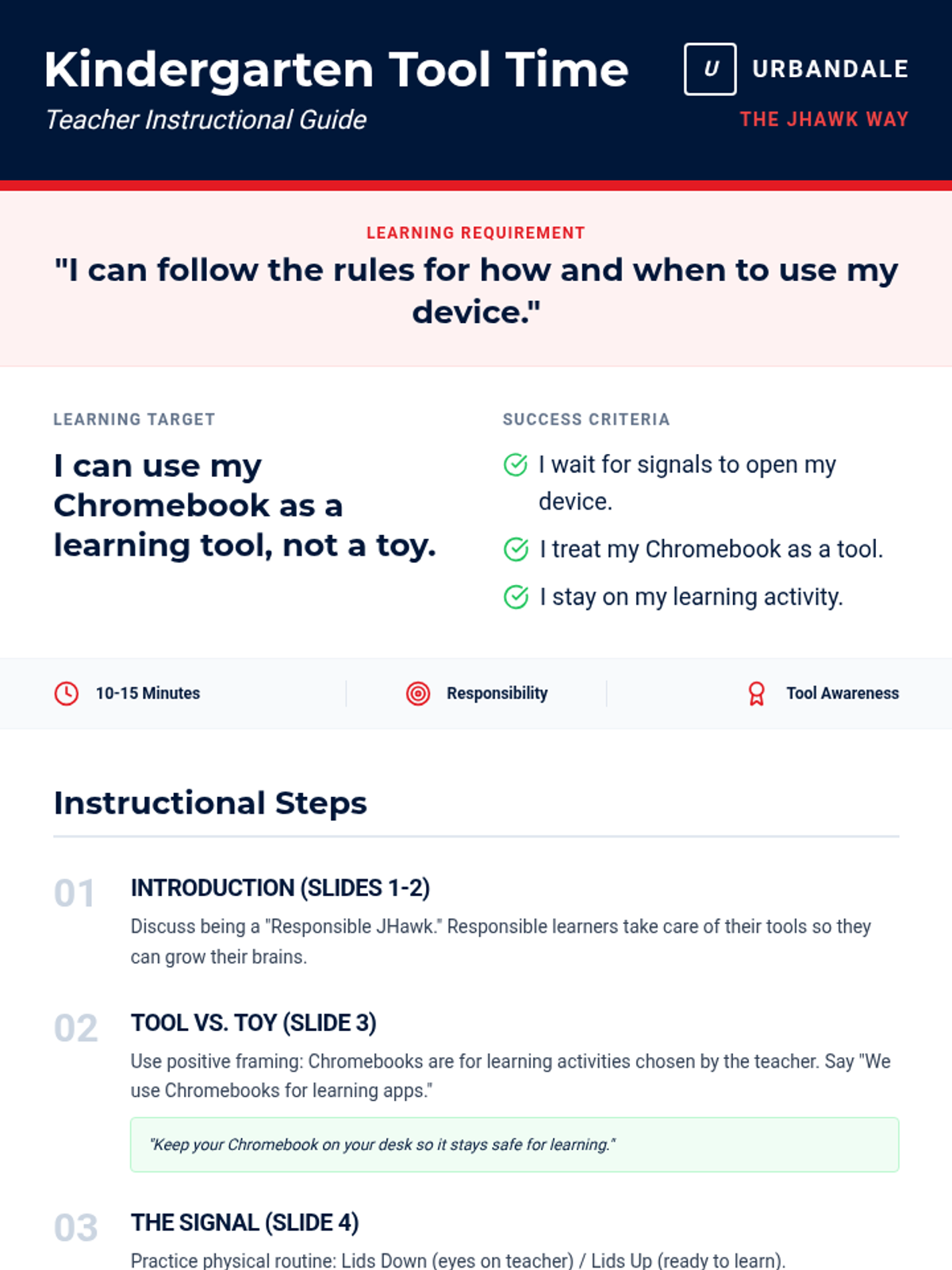
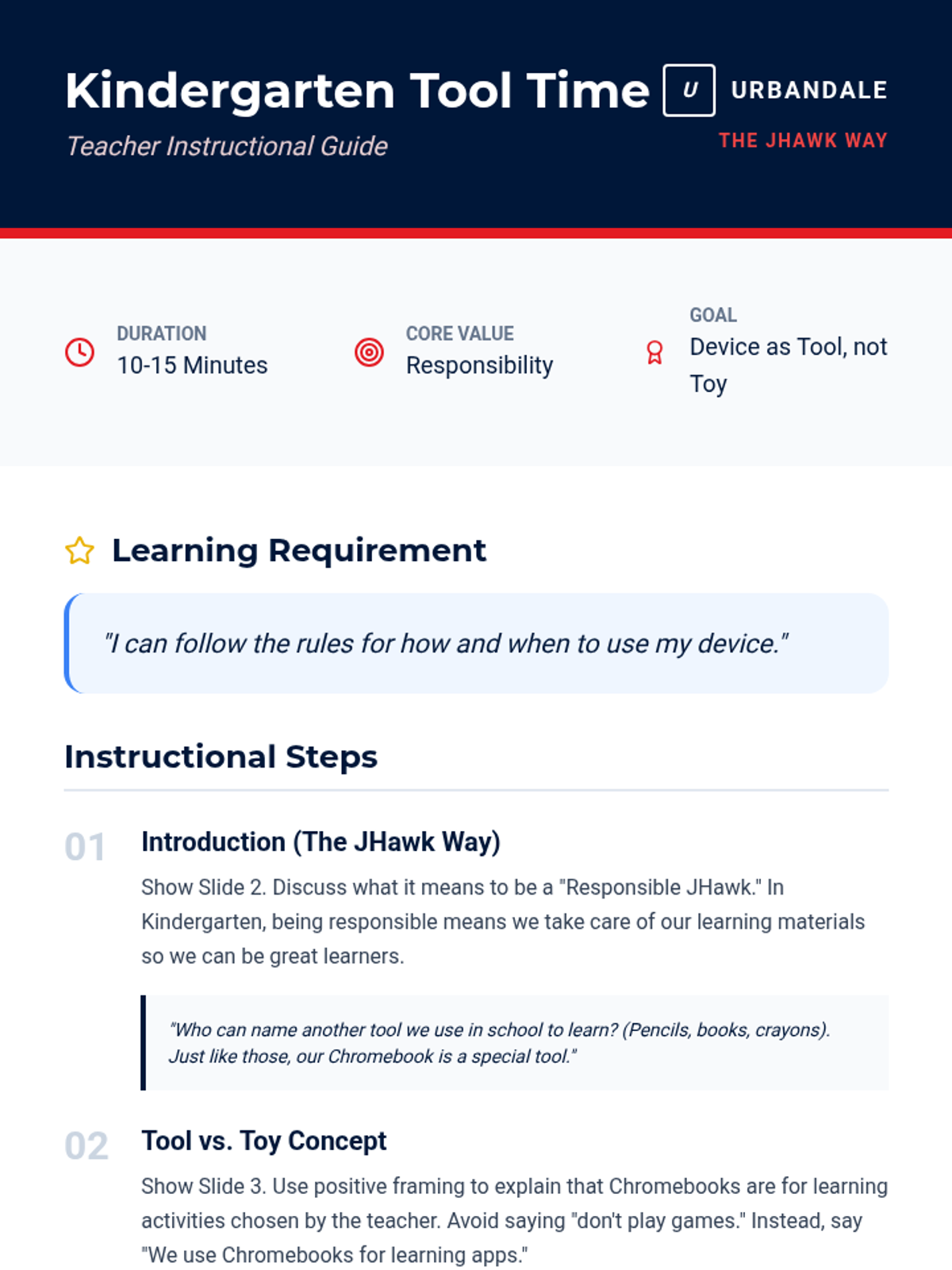
Introduces Kindergarteners to the concept that Chromebooks are learning tools, not toys, focusing on following teacher directions for when to use them.
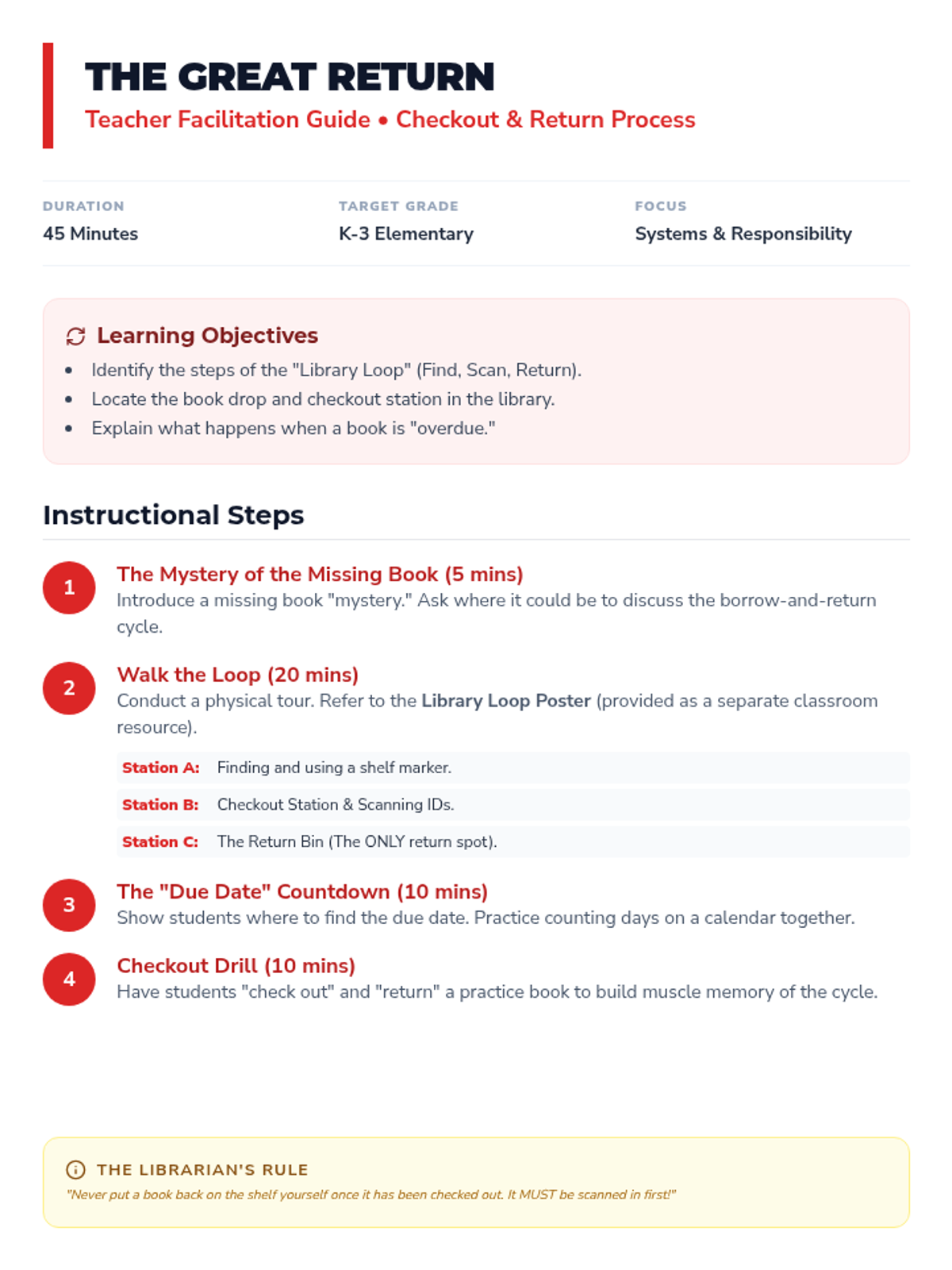
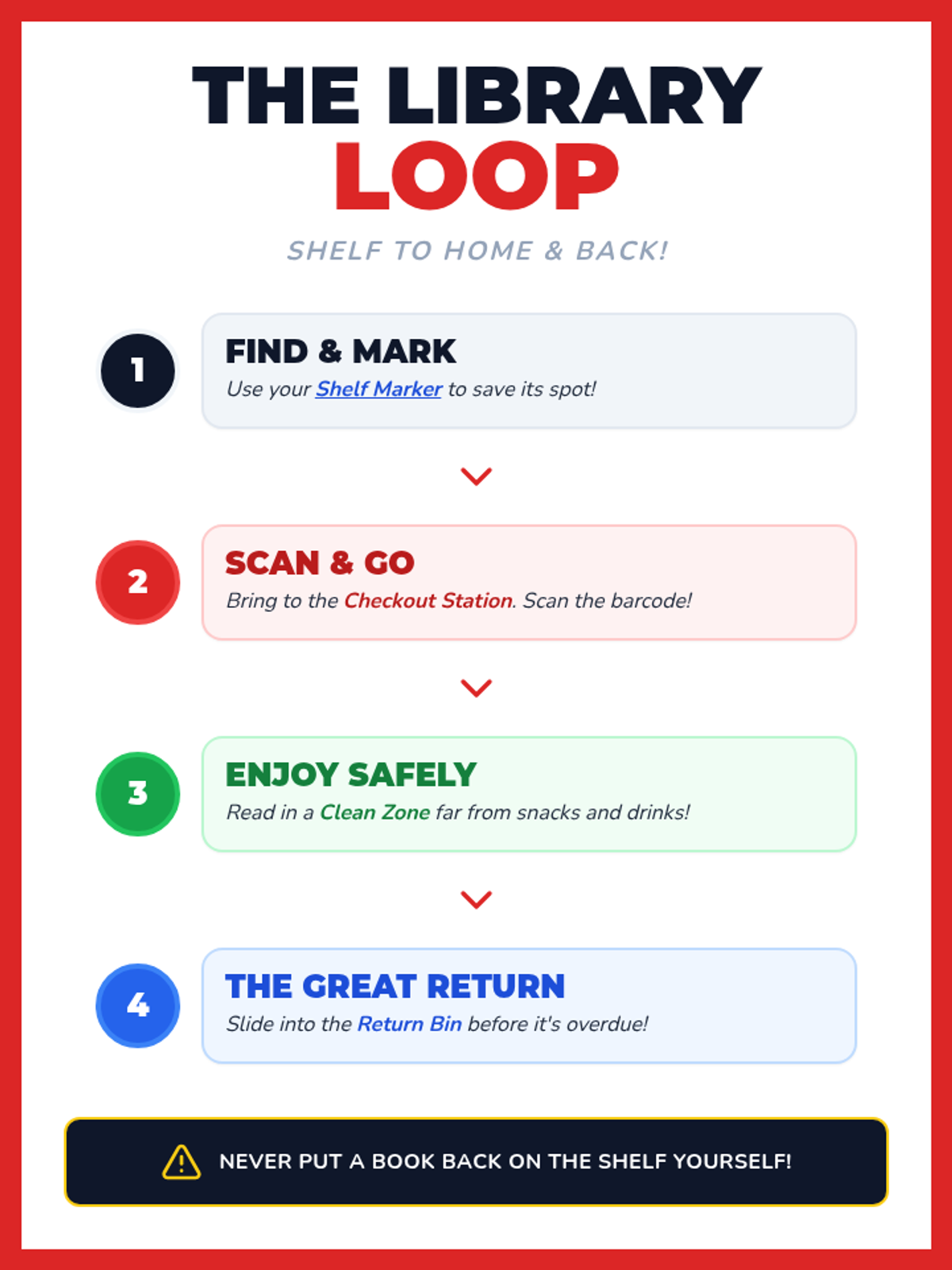
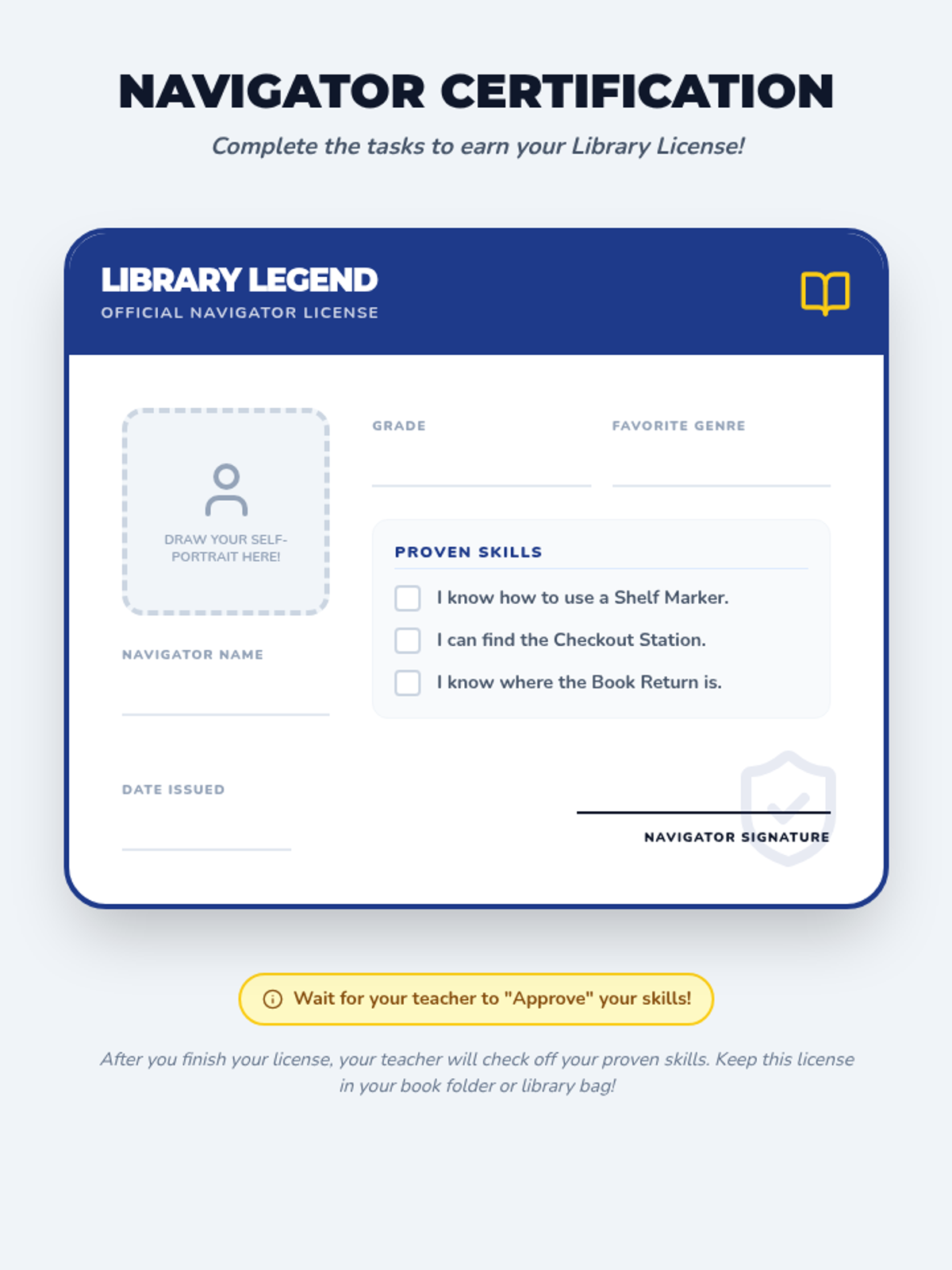
Covers the practical mechanics of the library: finding a book, checking it out with a librarian or system, tracking due dates, and the importance of timely returns to the book drop.
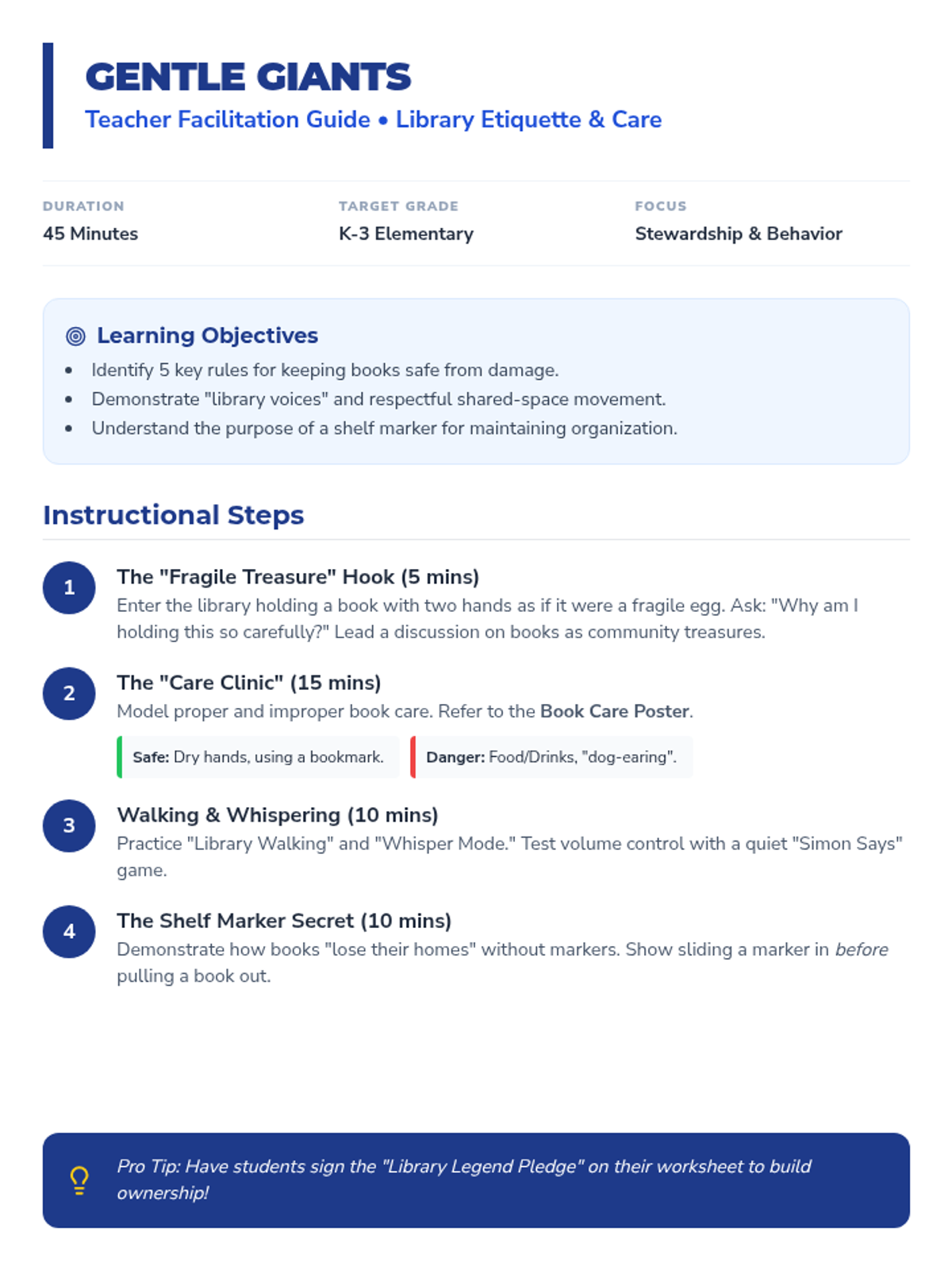
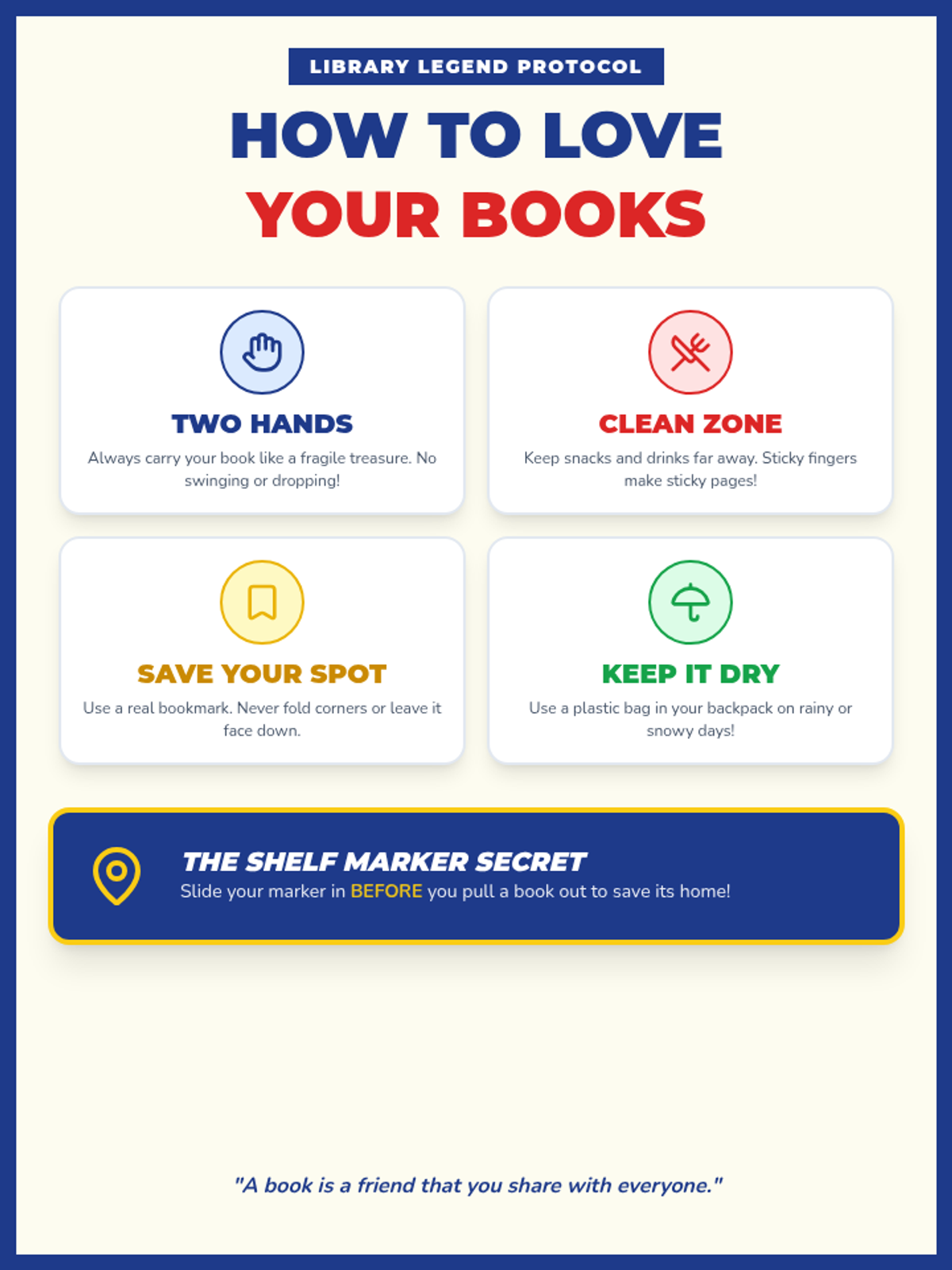
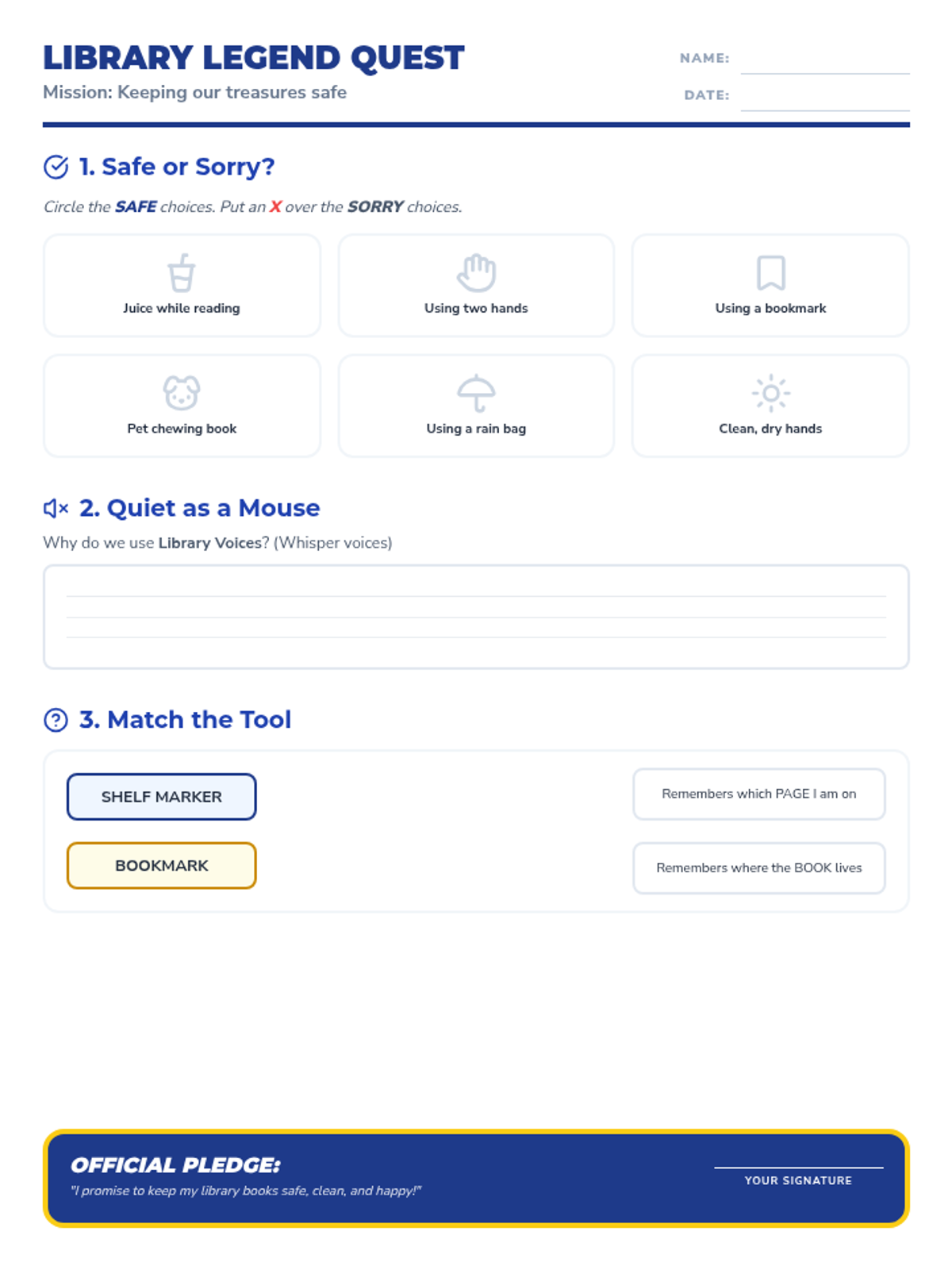
Focuses on the emotional and physical aspects of library use: why we care for books, how to handle them safely, and the social expectations of a shared quiet space. Includes a focus on 'shelf markers' and gentle handling.
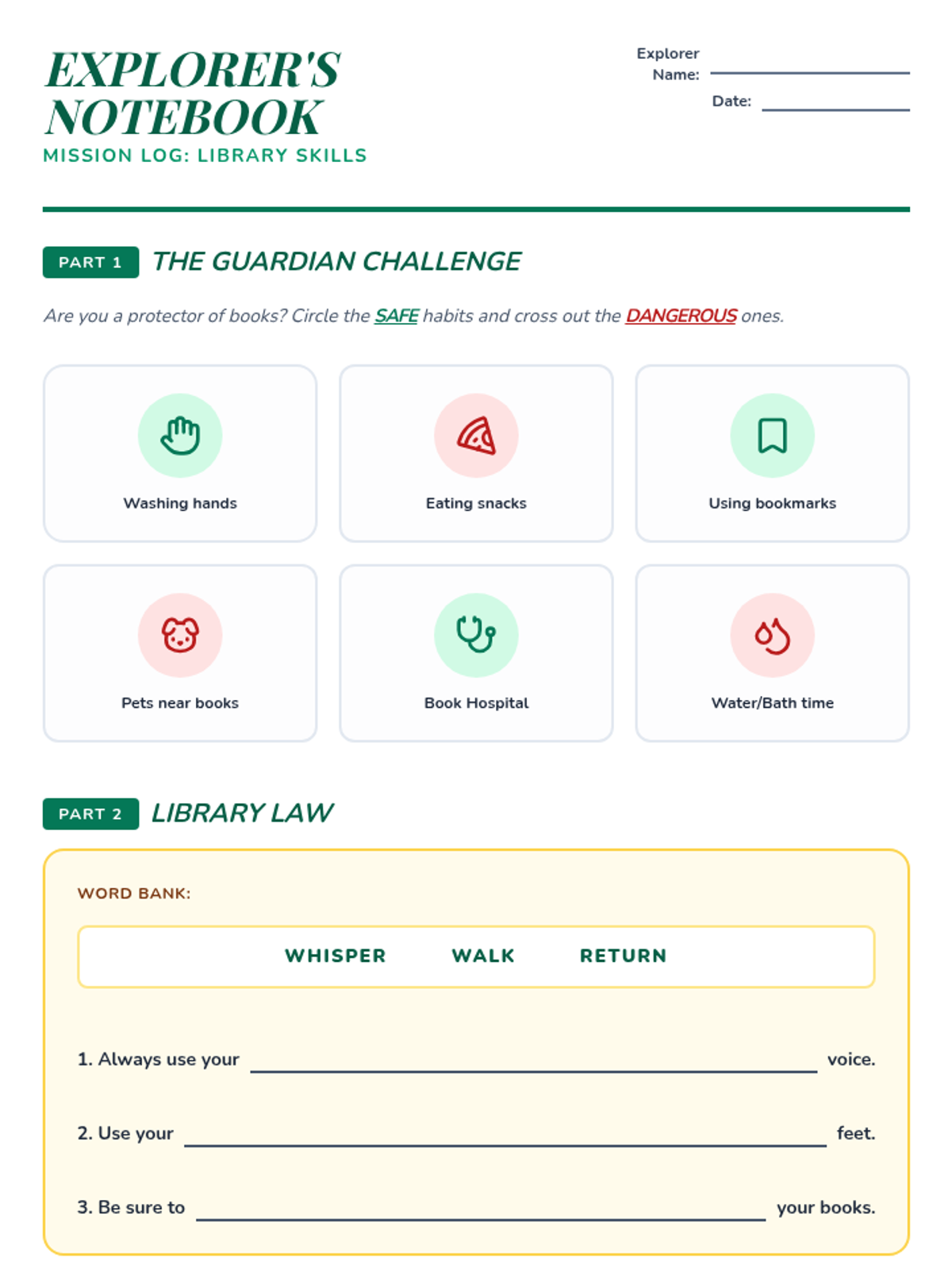
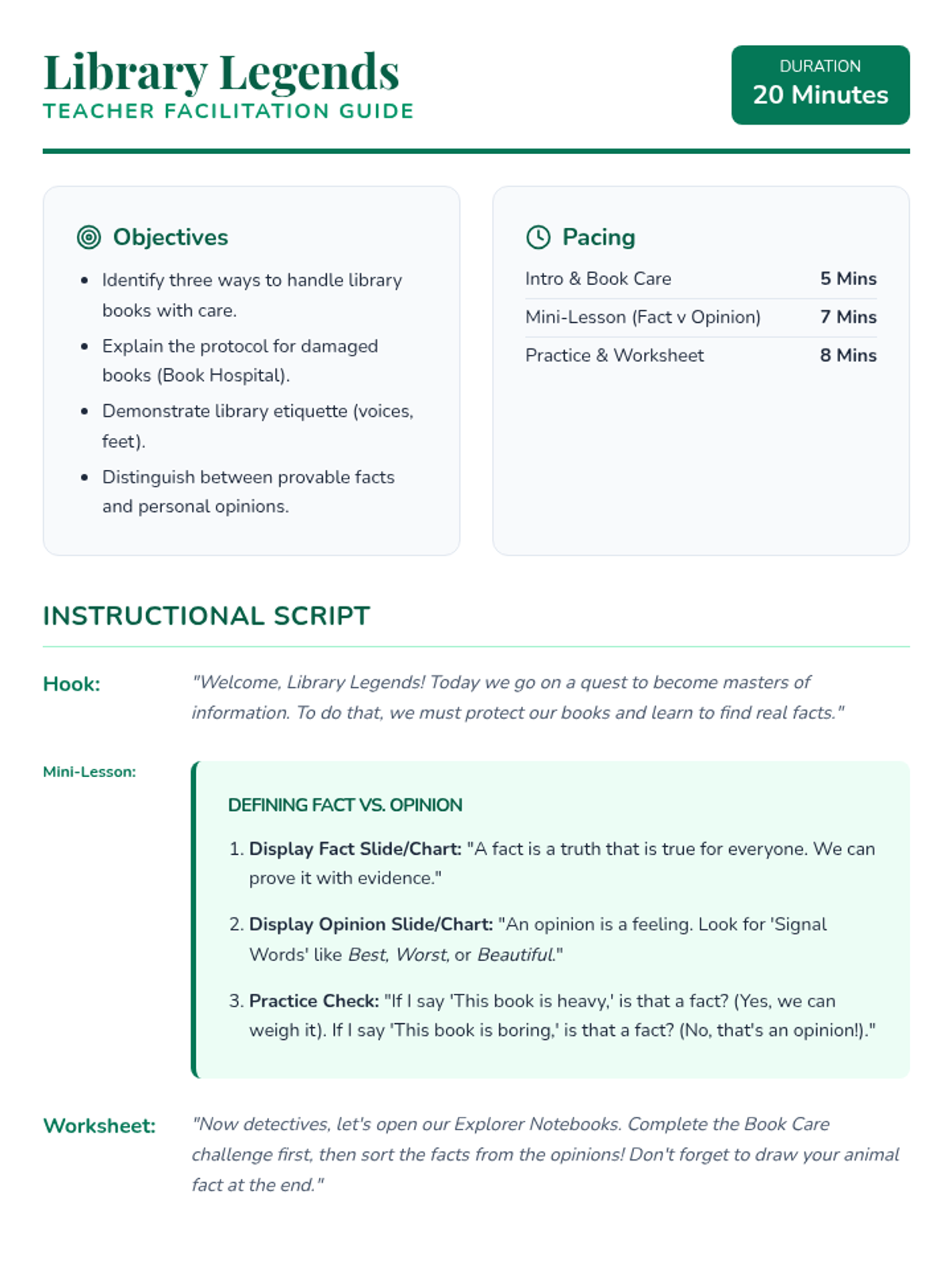
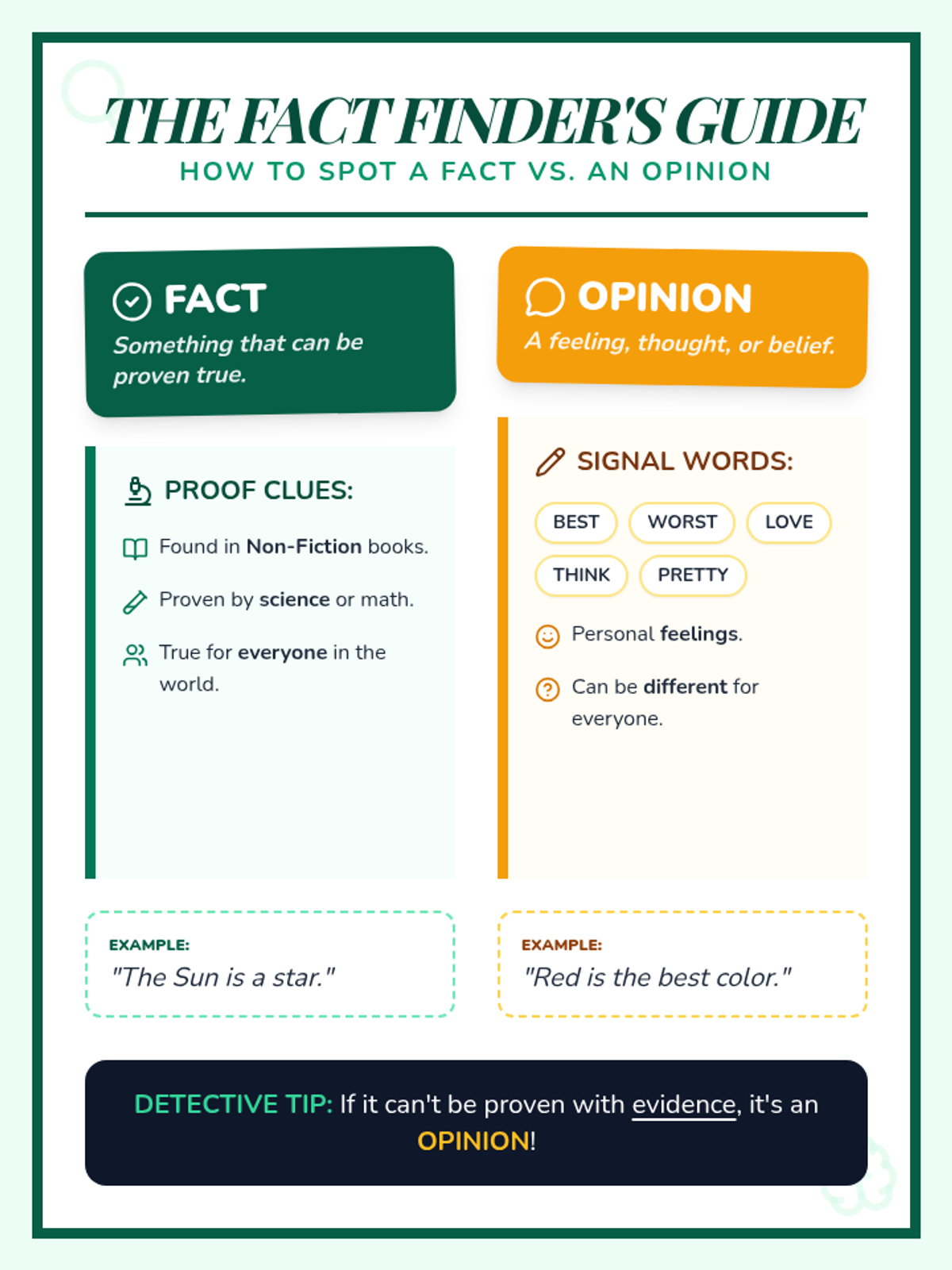
A fast-paced, 20-minute introduction to essential library etiquette and basic research concepts. Students learn to handle books with care, follow library expectations, and distinguish between facts and opinions.
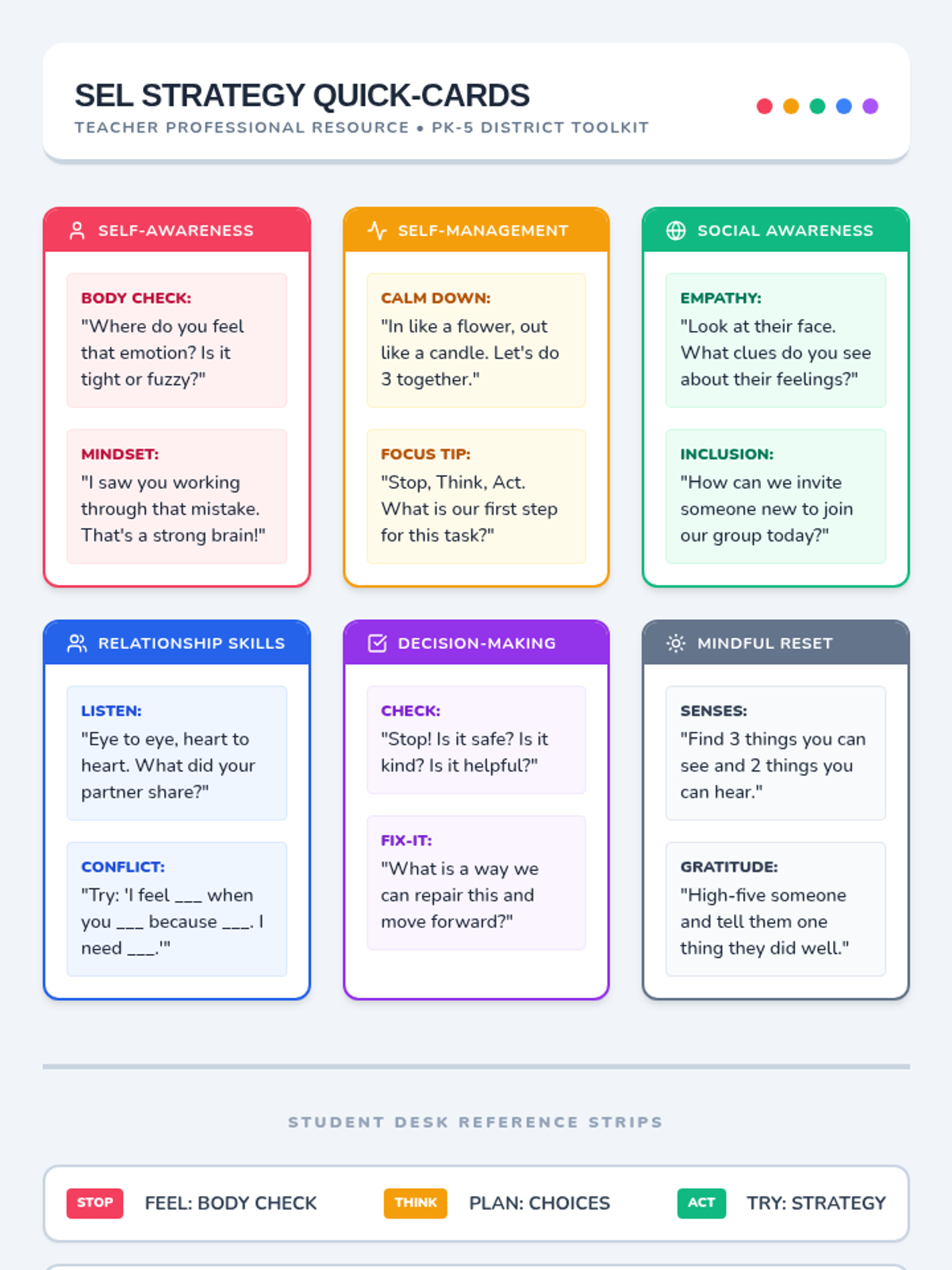
Practical resources for educators to implement the SEL calendar, including classroom presentation materials and teacher reference guides.
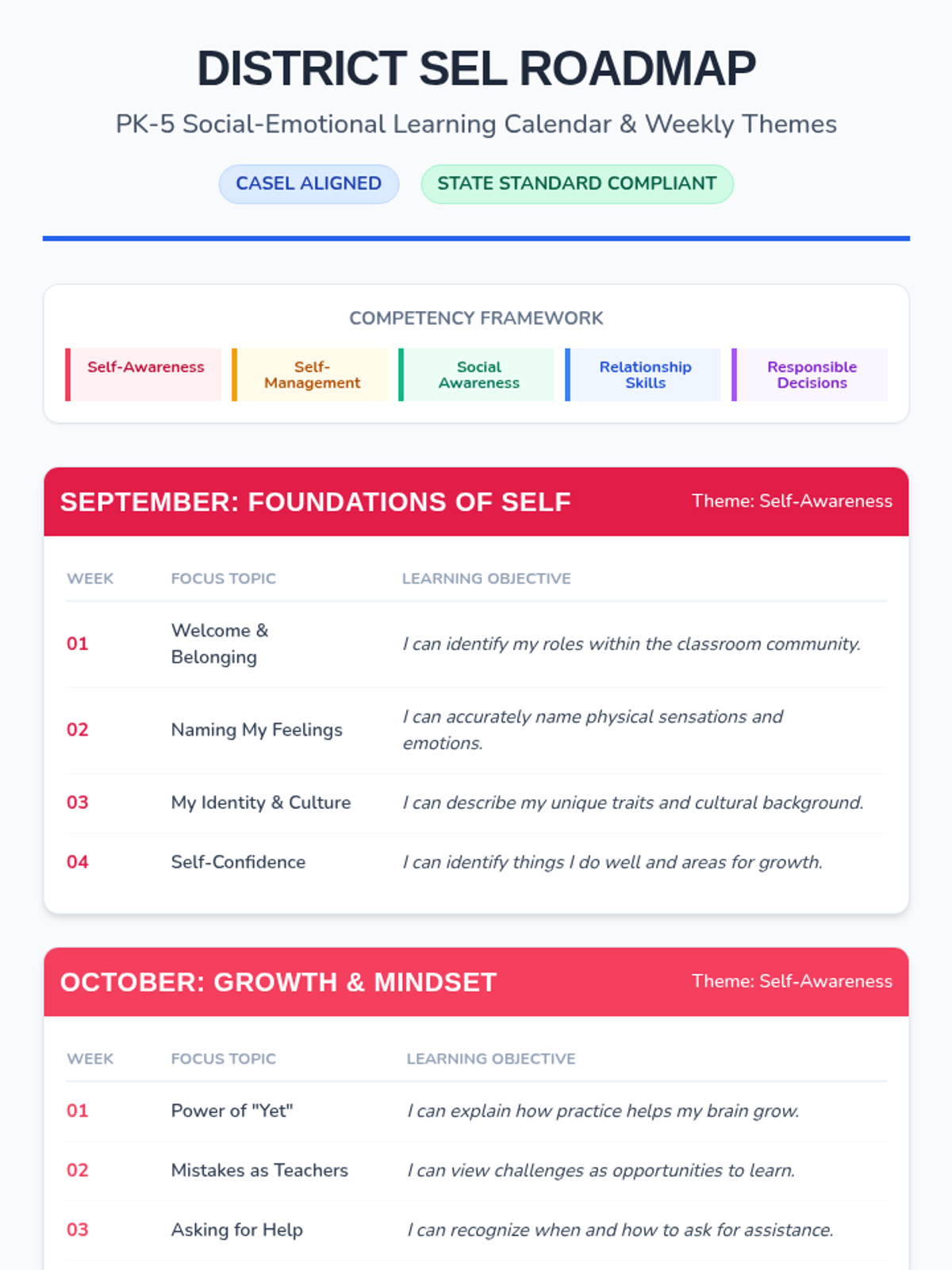
The foundational roadmap for the school year, detailing monthly CASEL themes and weekly focus topics tailored for PK-5 developmental stages.
Reinforces the 'Tool not Toy' concept for 1st graders, emphasizing the JHawk Way of being Responsible with school technology.
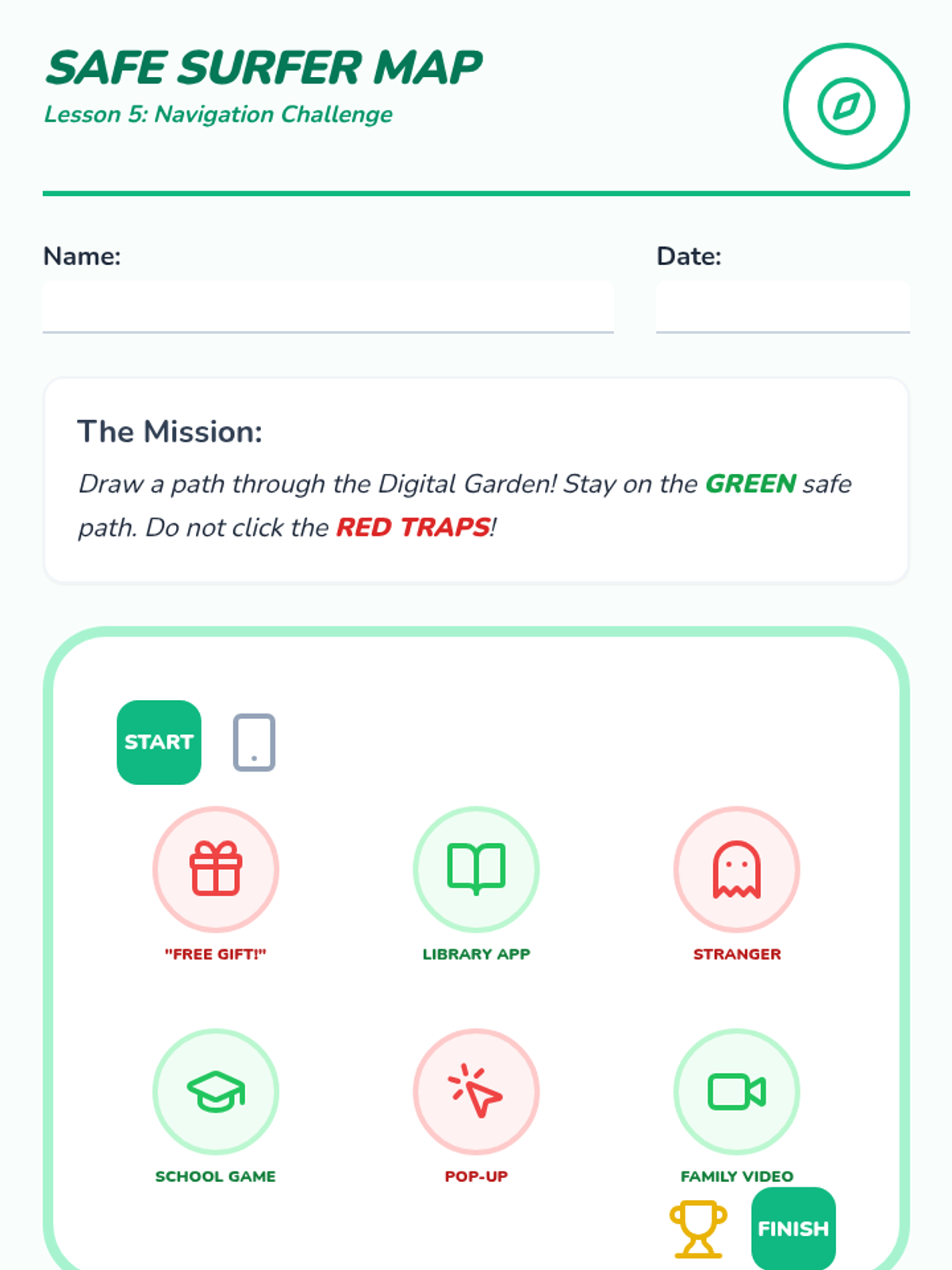
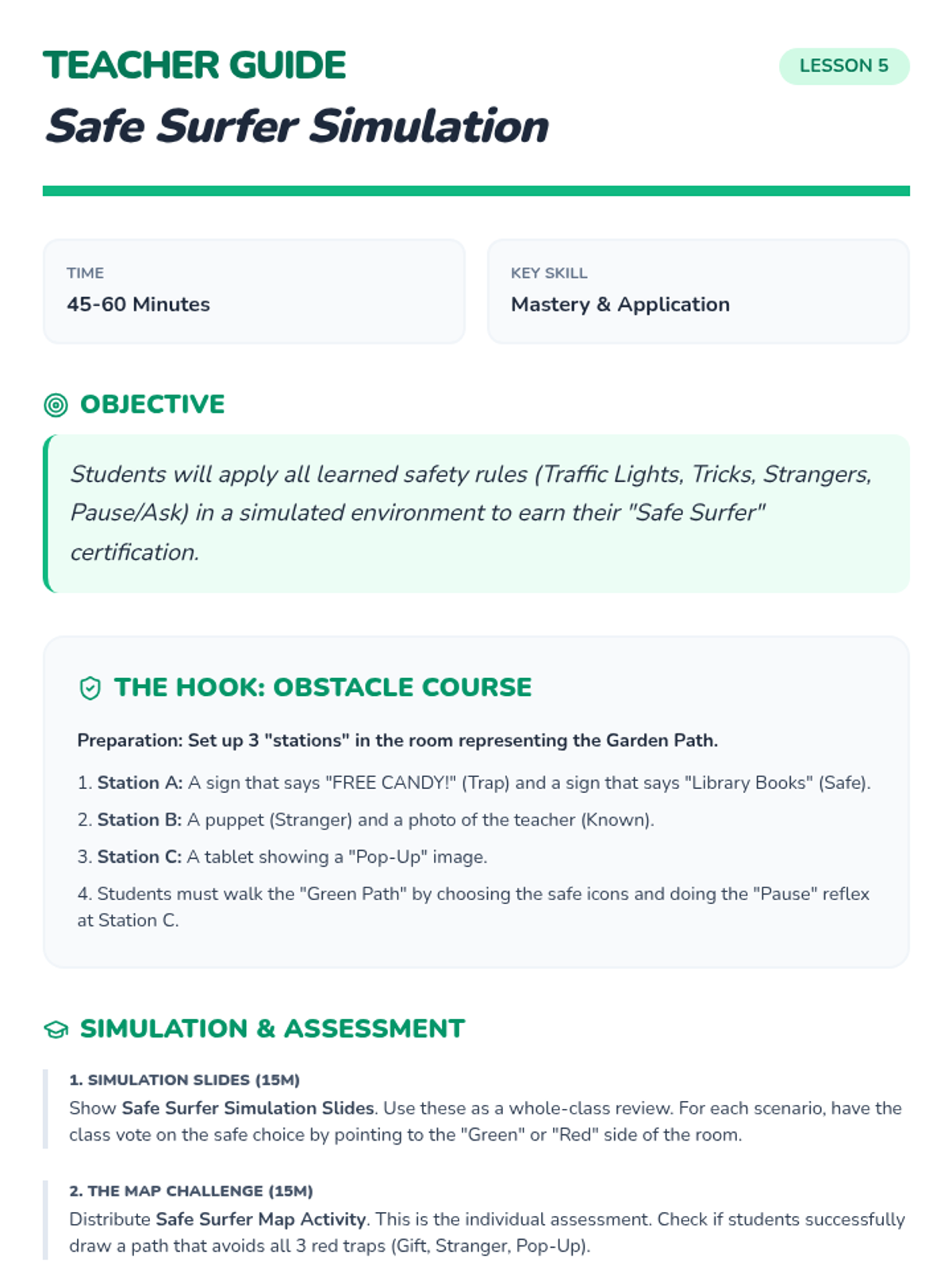
A final simulation where students apply their knowledge to navigate a safe digital environment and earn their 'Safe Surfer' certificate.
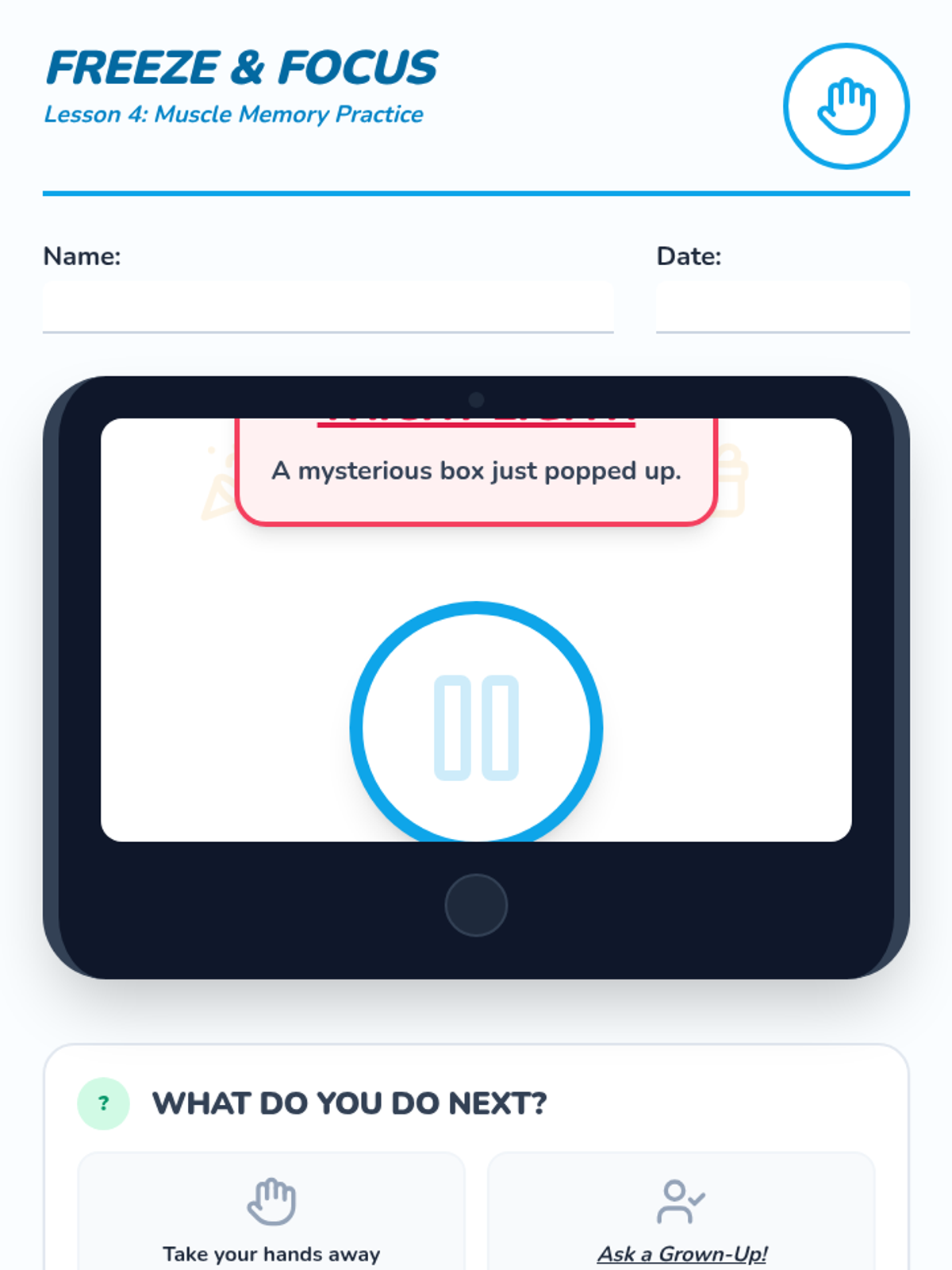
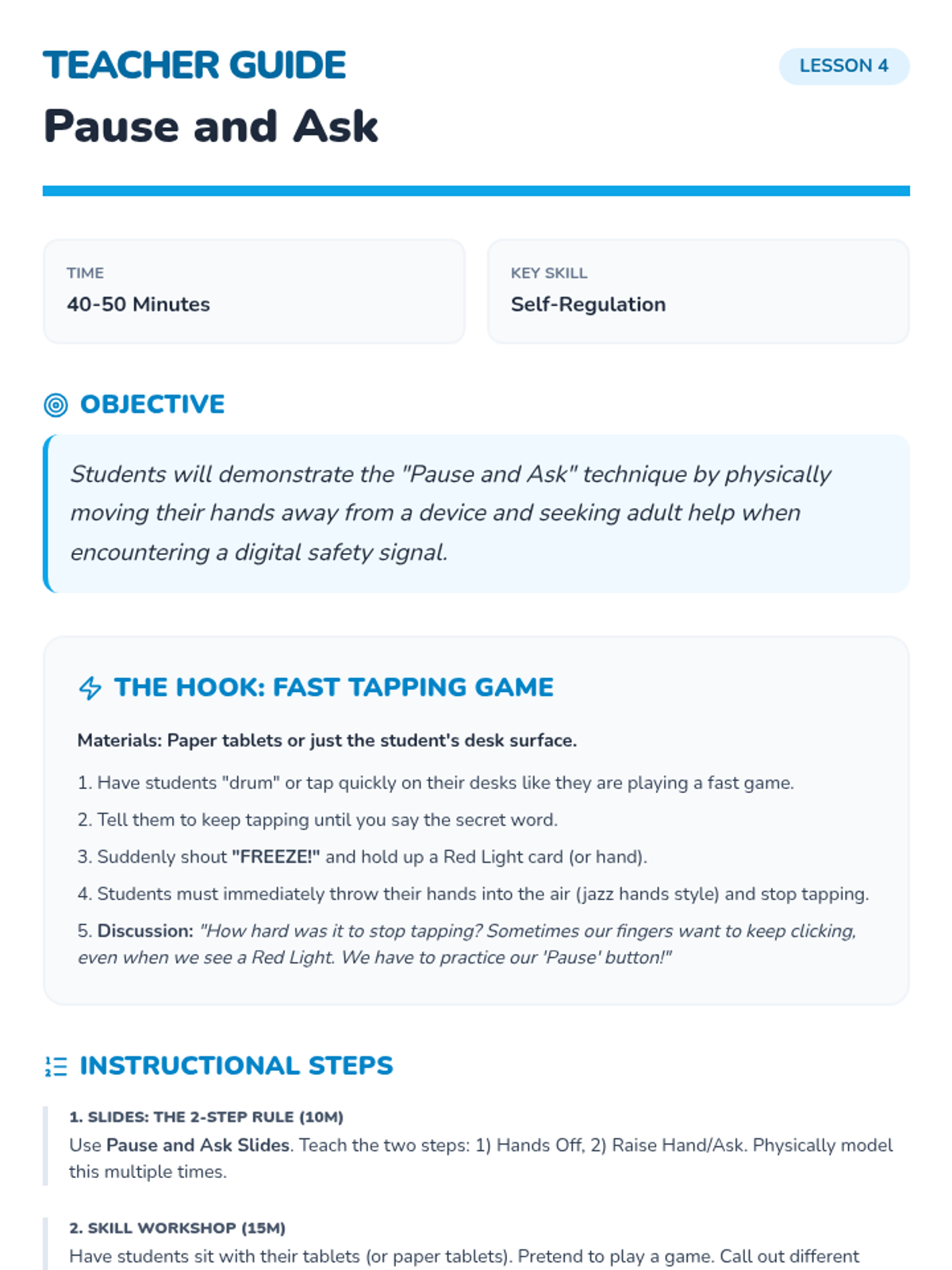
Students build muscle memory for the 'Pause and Ask' technique to handle unexpected or scary online encounters.
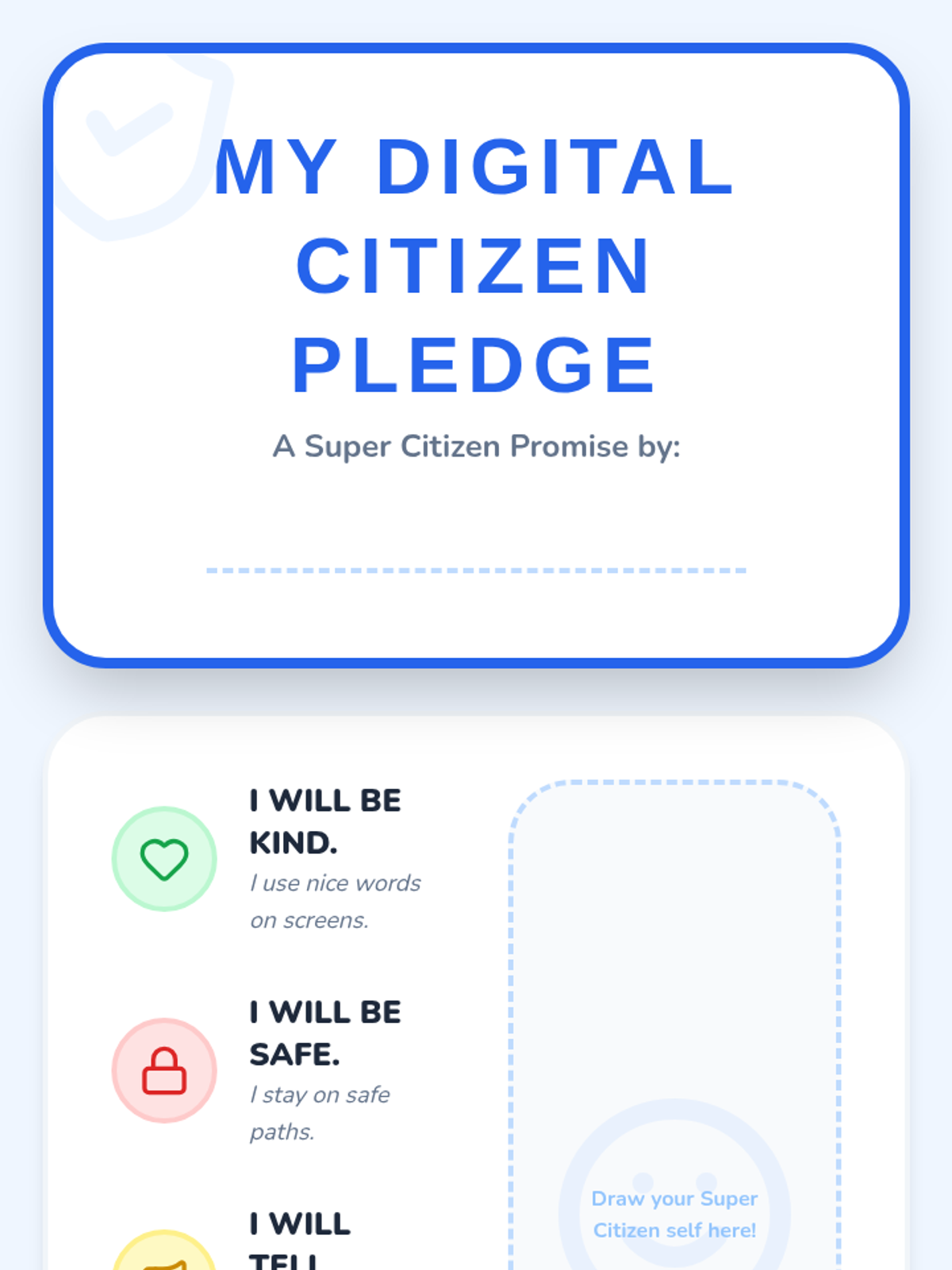
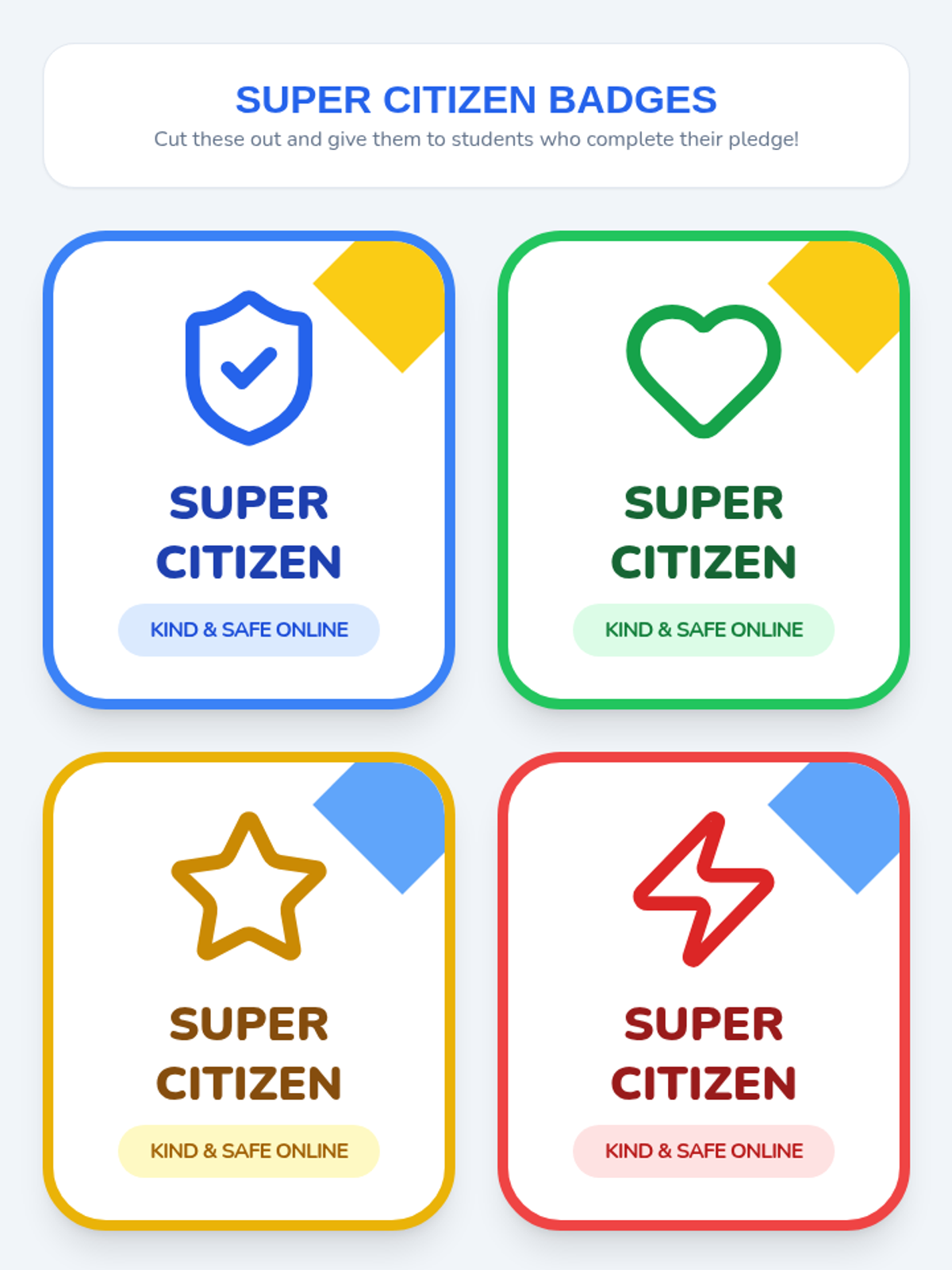
Students synthesize their learning by creating a personal Digital Citizen Pledge and earning their Super Citizen badges.
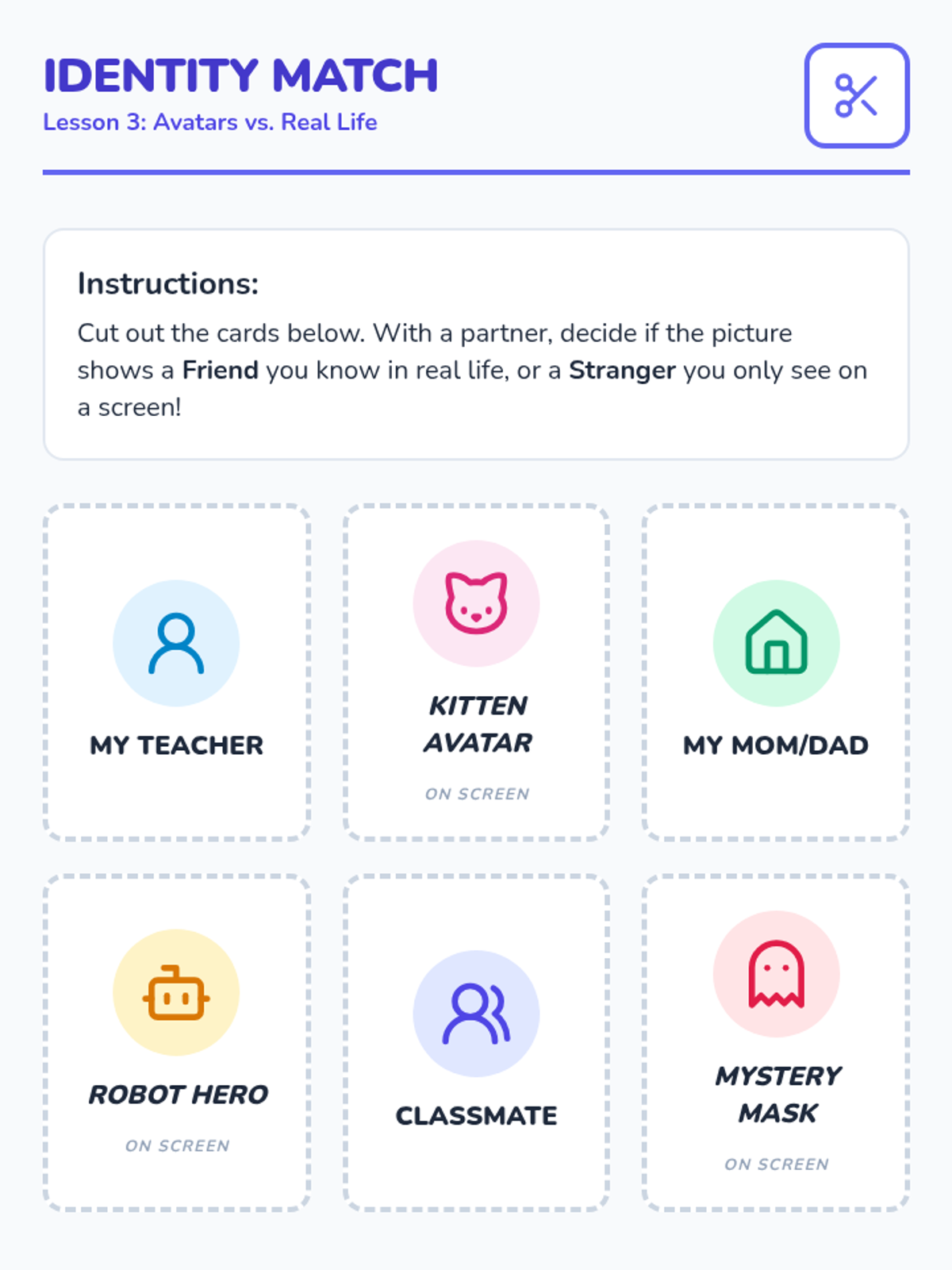
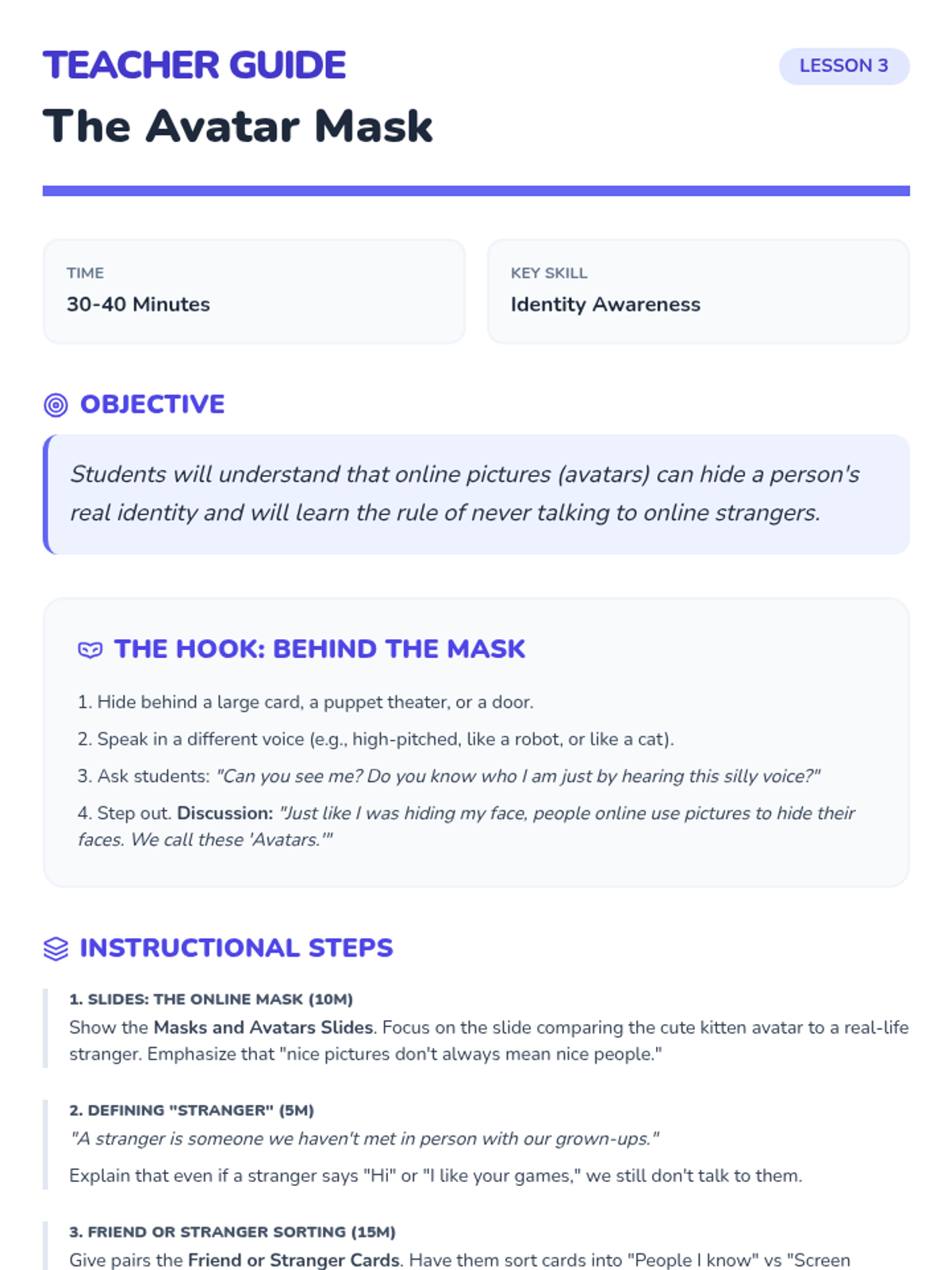
Students learn that avatars can hide a person's true identity and establish the rule of never talking to strangers online.
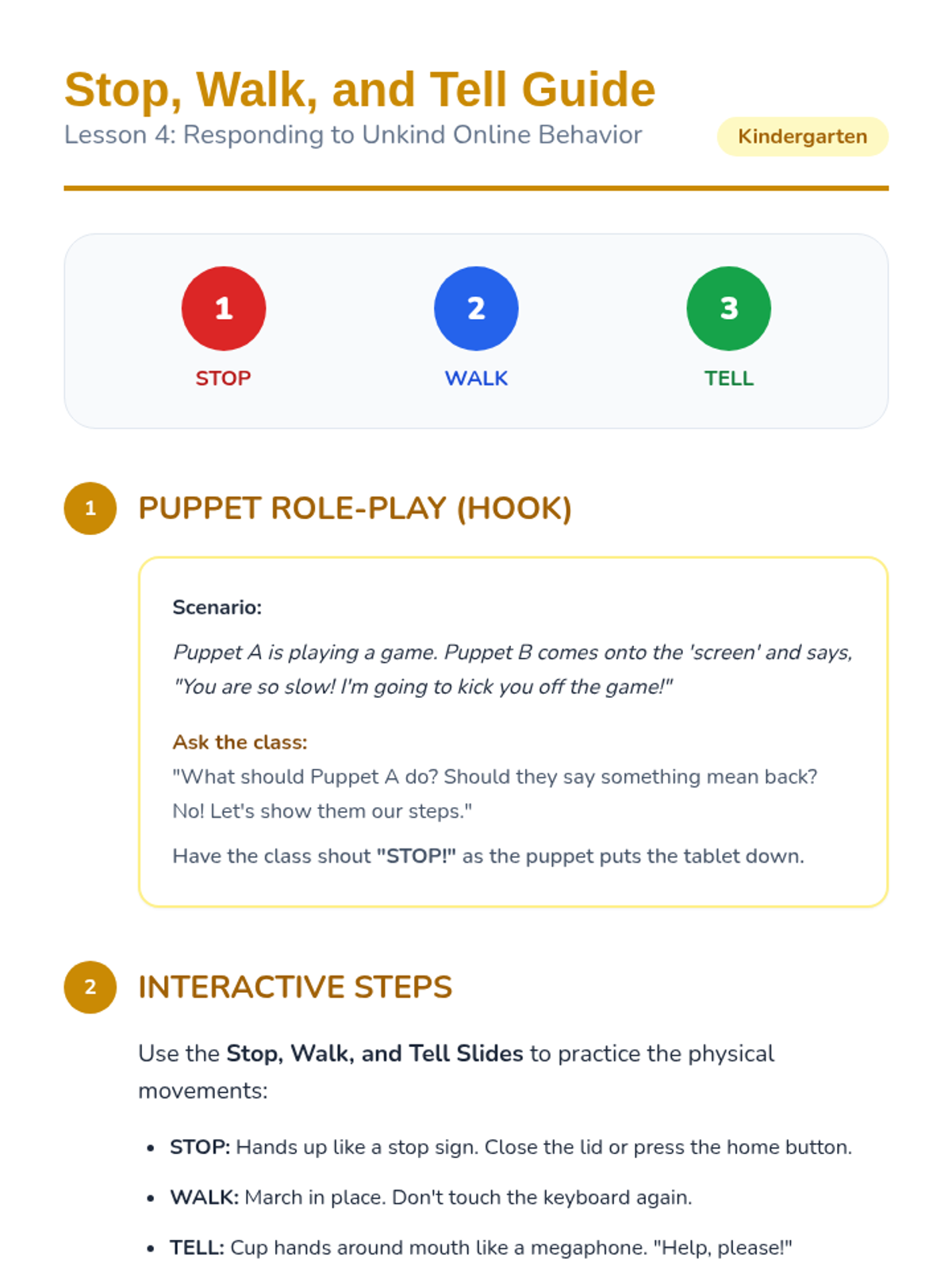
Students practice the "Stop, Walk, and Tell" strategy to respond to unkind behavior or scary content online, focusing on seeking help from trusted adults.
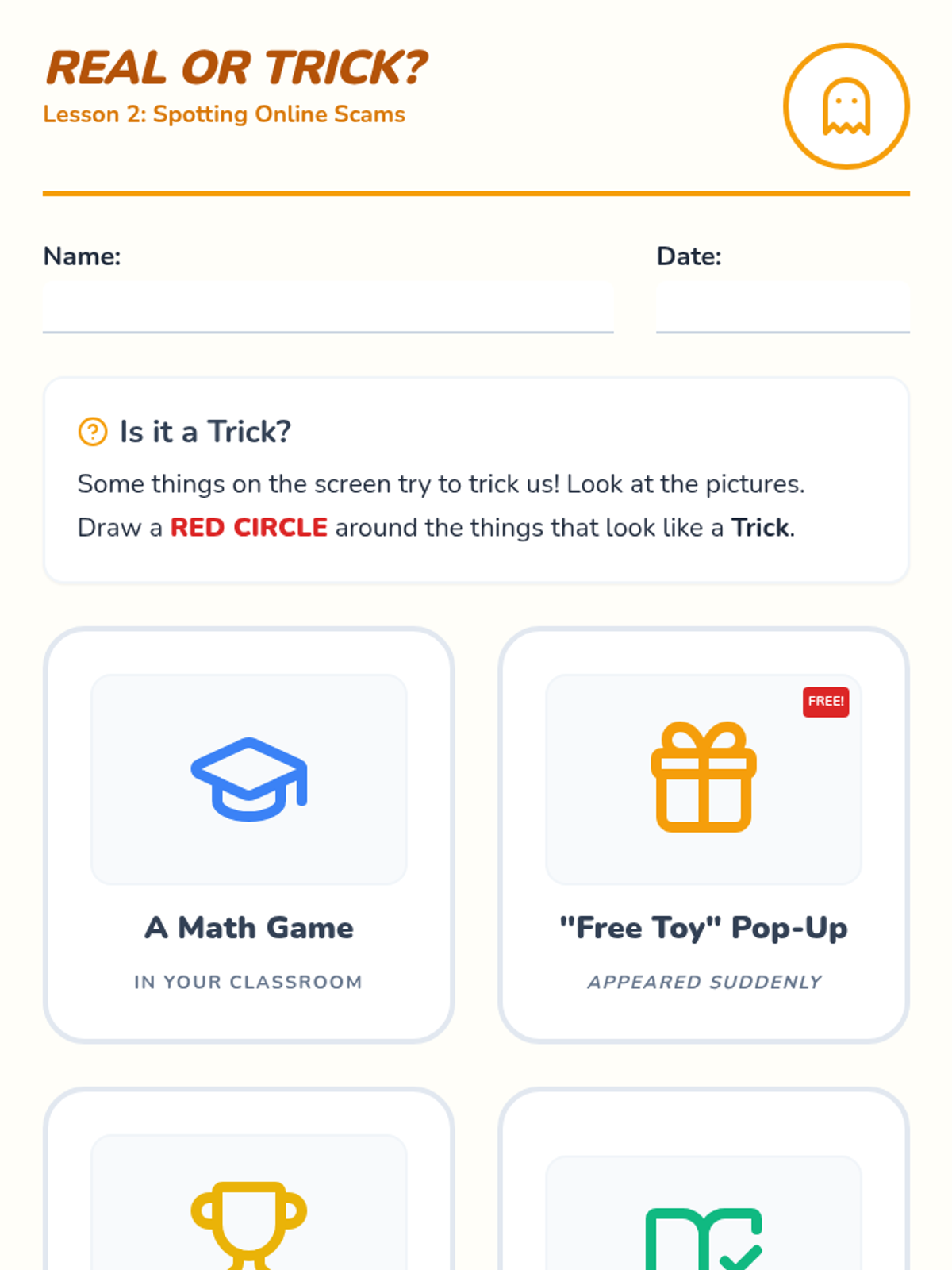
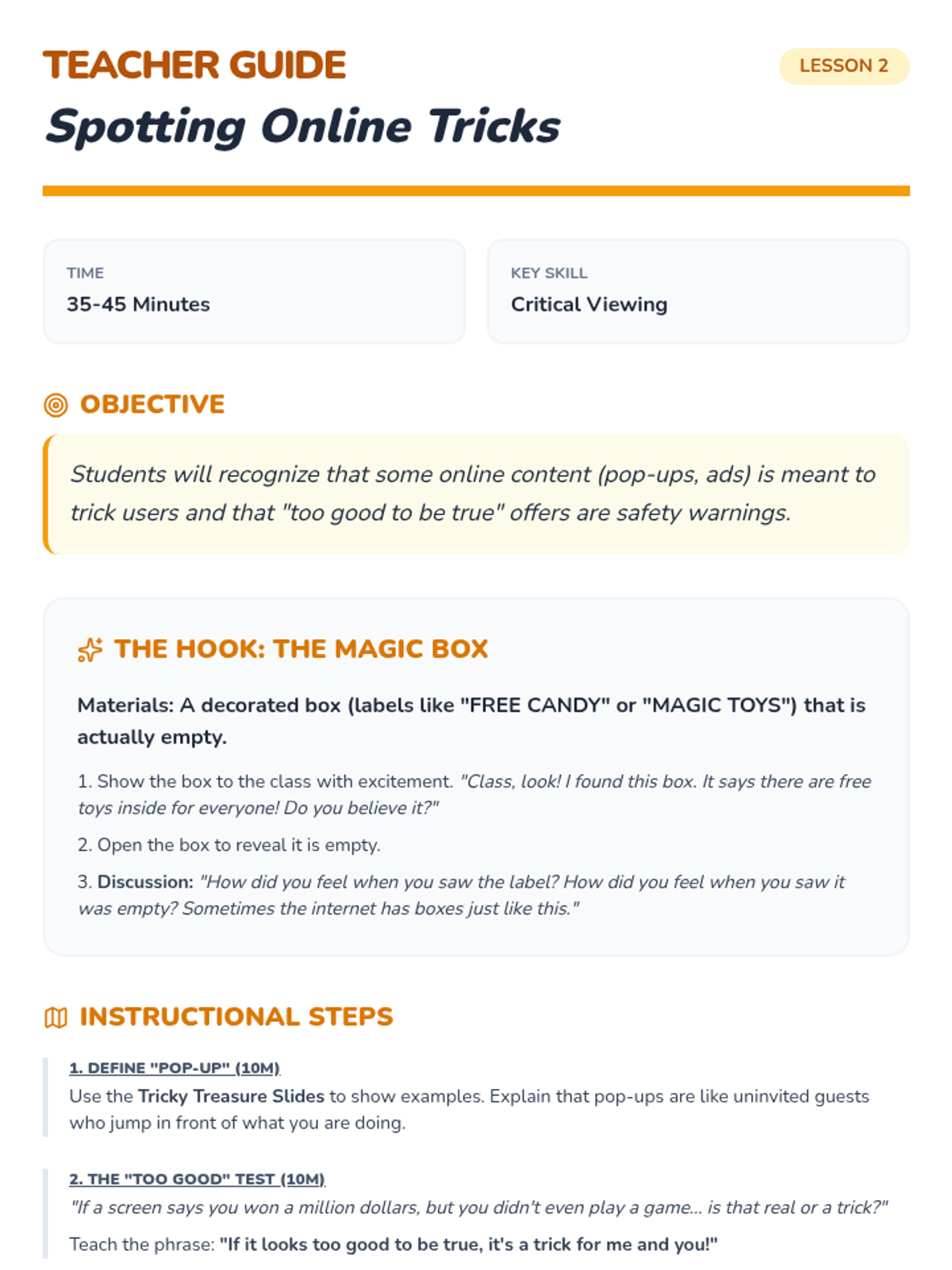
This lesson focuses on identifying 'tricky' online content like pop-up ads and fake prizes that look too good to be true.
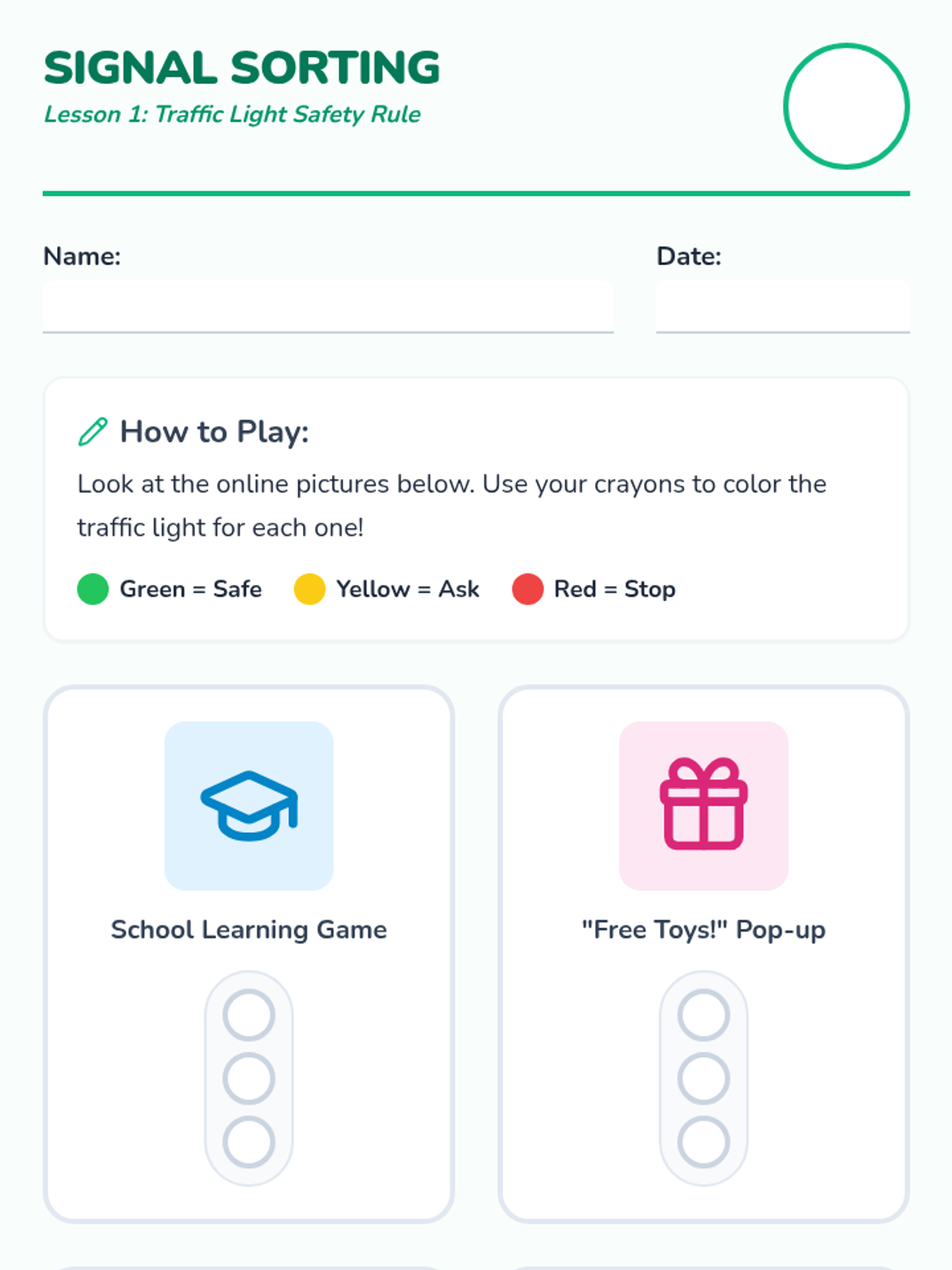
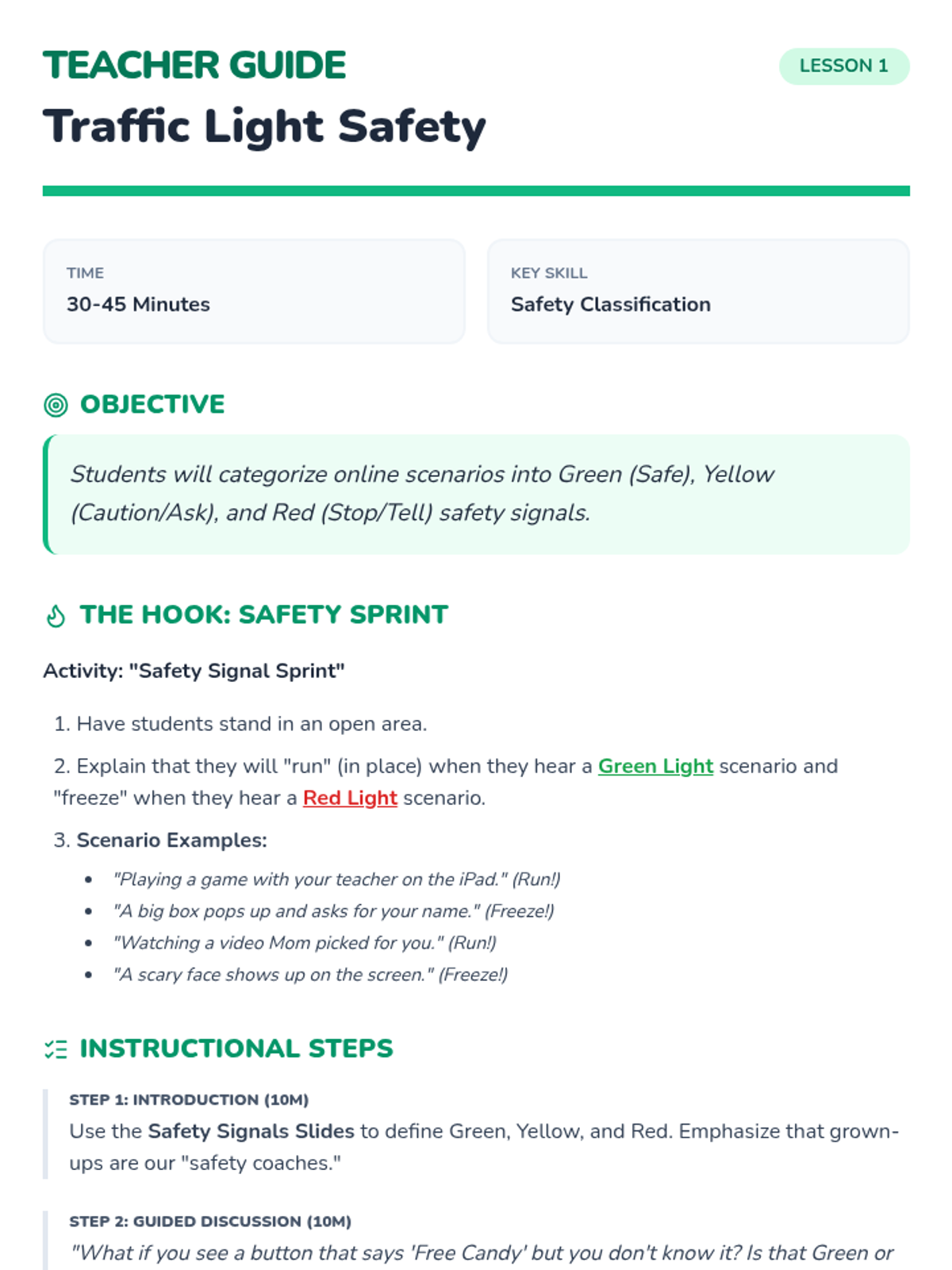
Students are introduced to the Green/Yellow/Red framework for internet safety, learning to categorize sites as safe, cautious, or dangerous.
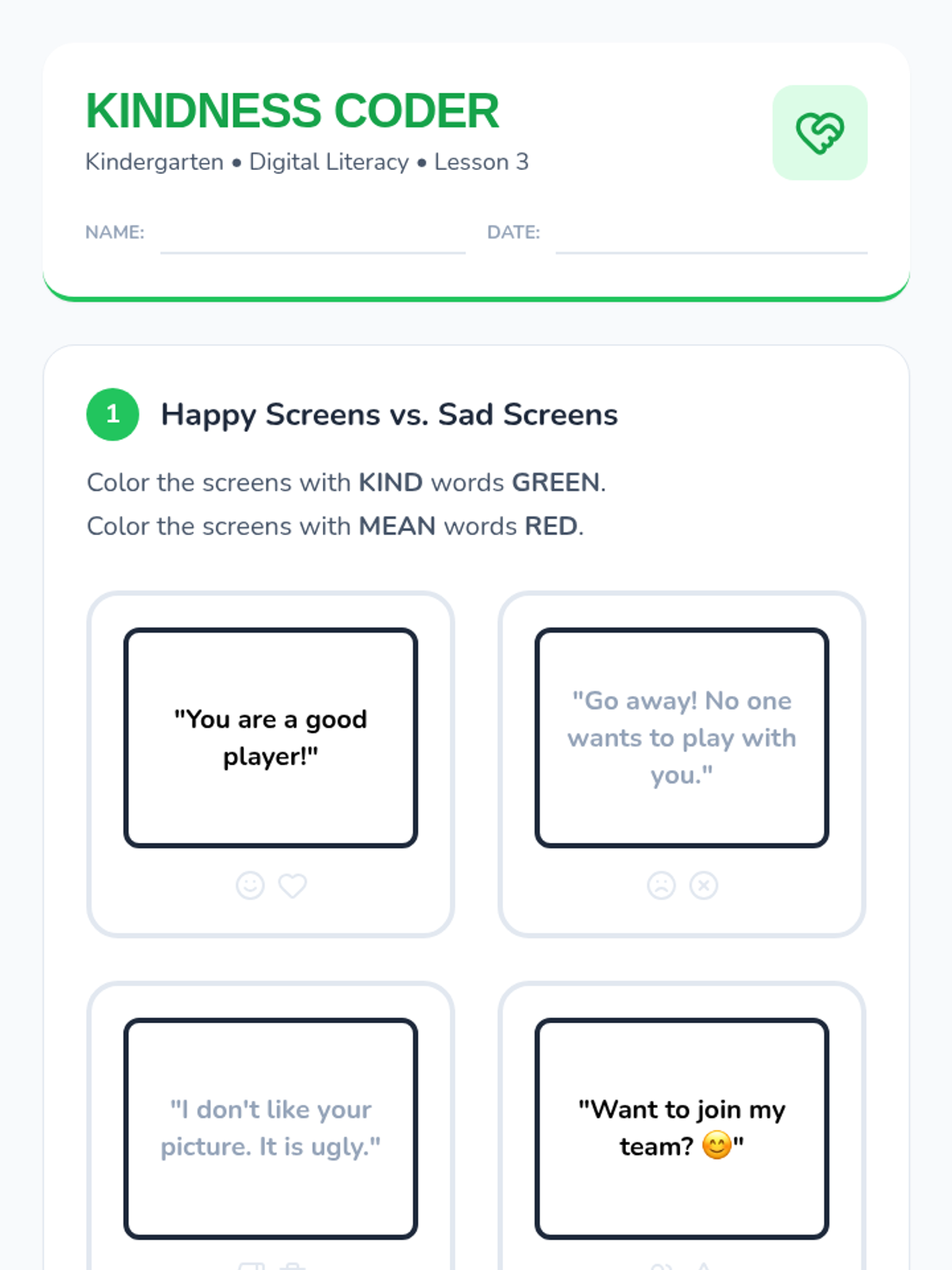
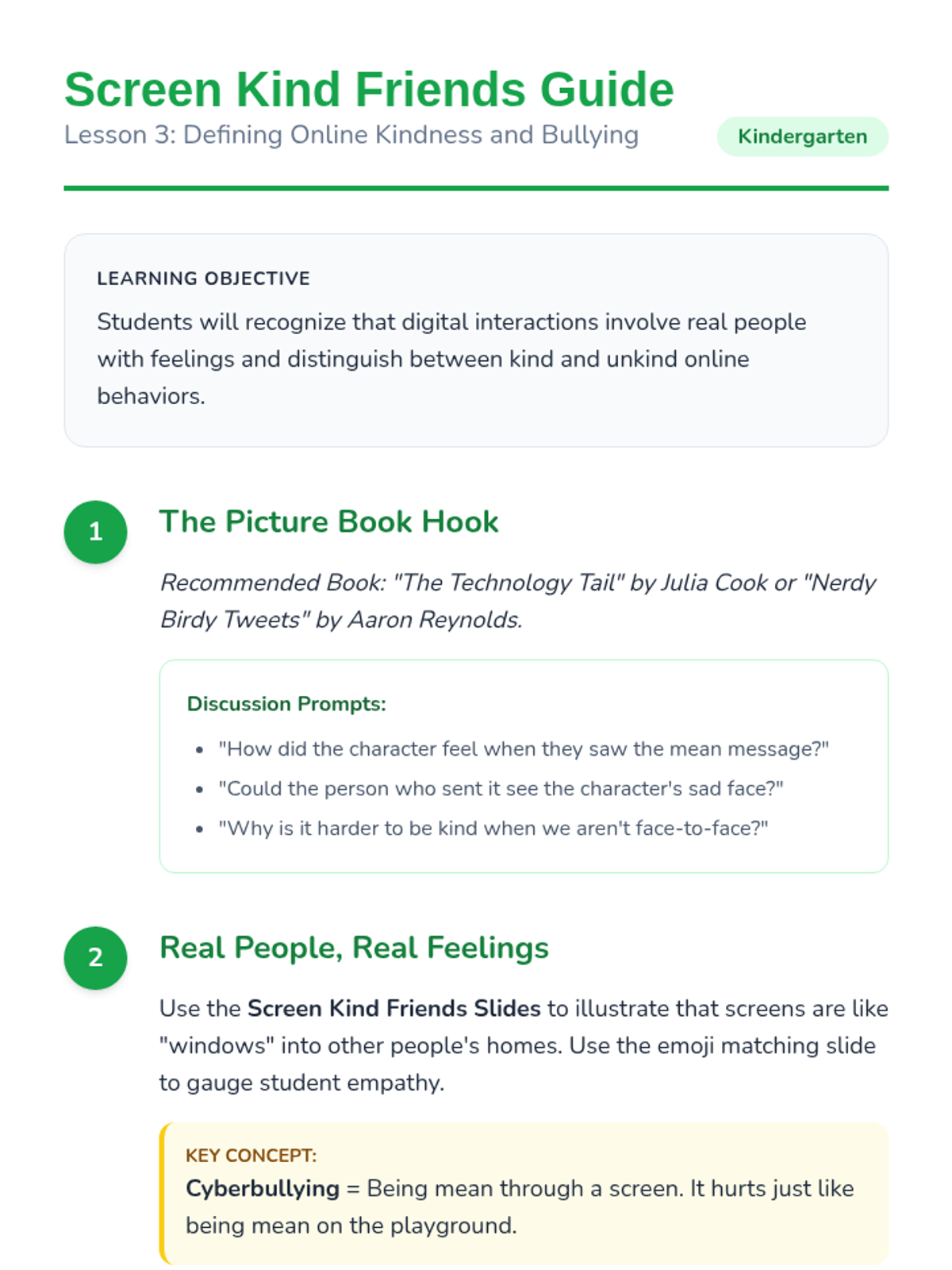
Students learn to identify kind and unkind digital behaviors, focusing on the feelings of others behind the screen and the basics of cyberbullying prevention.
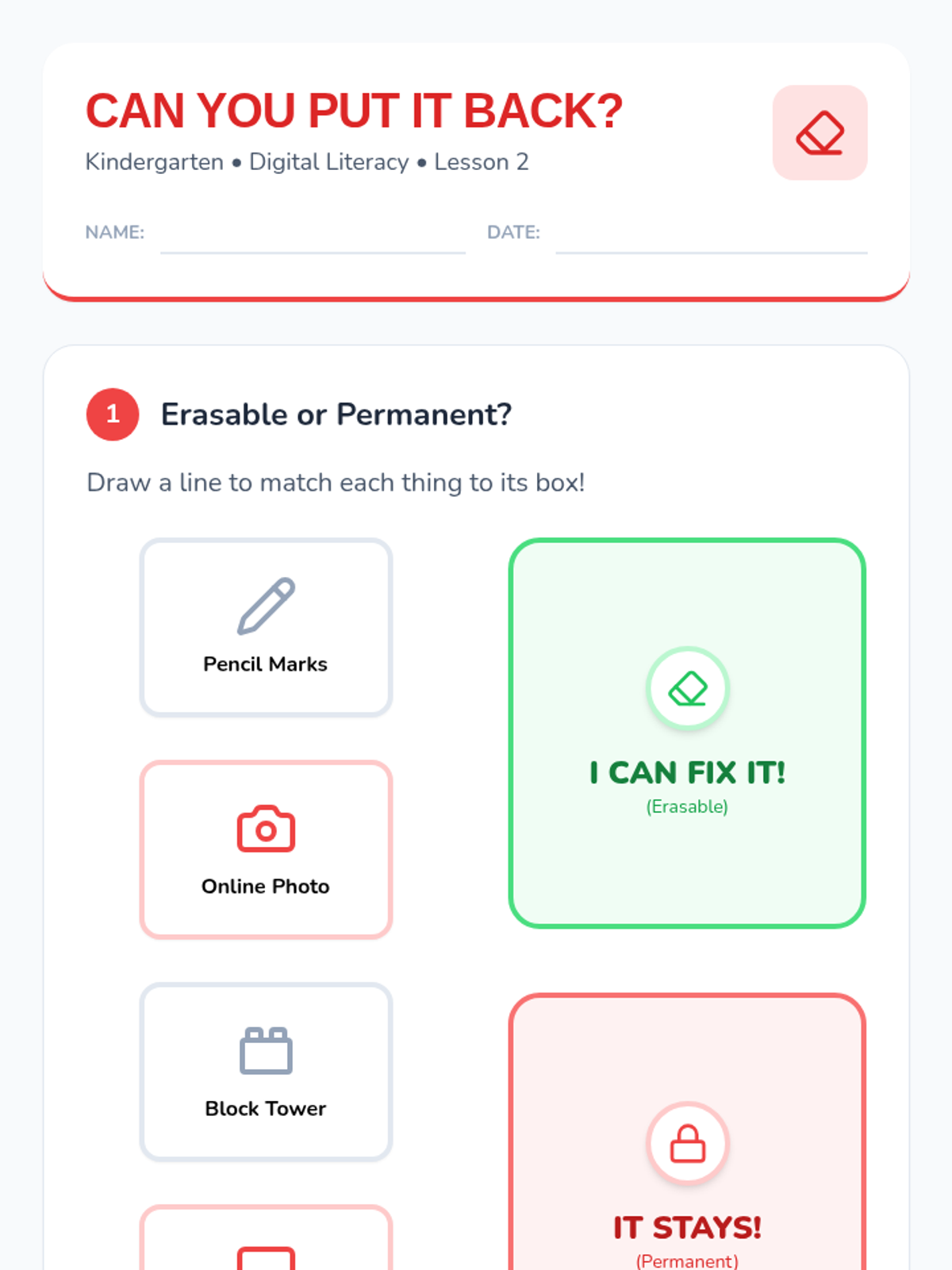
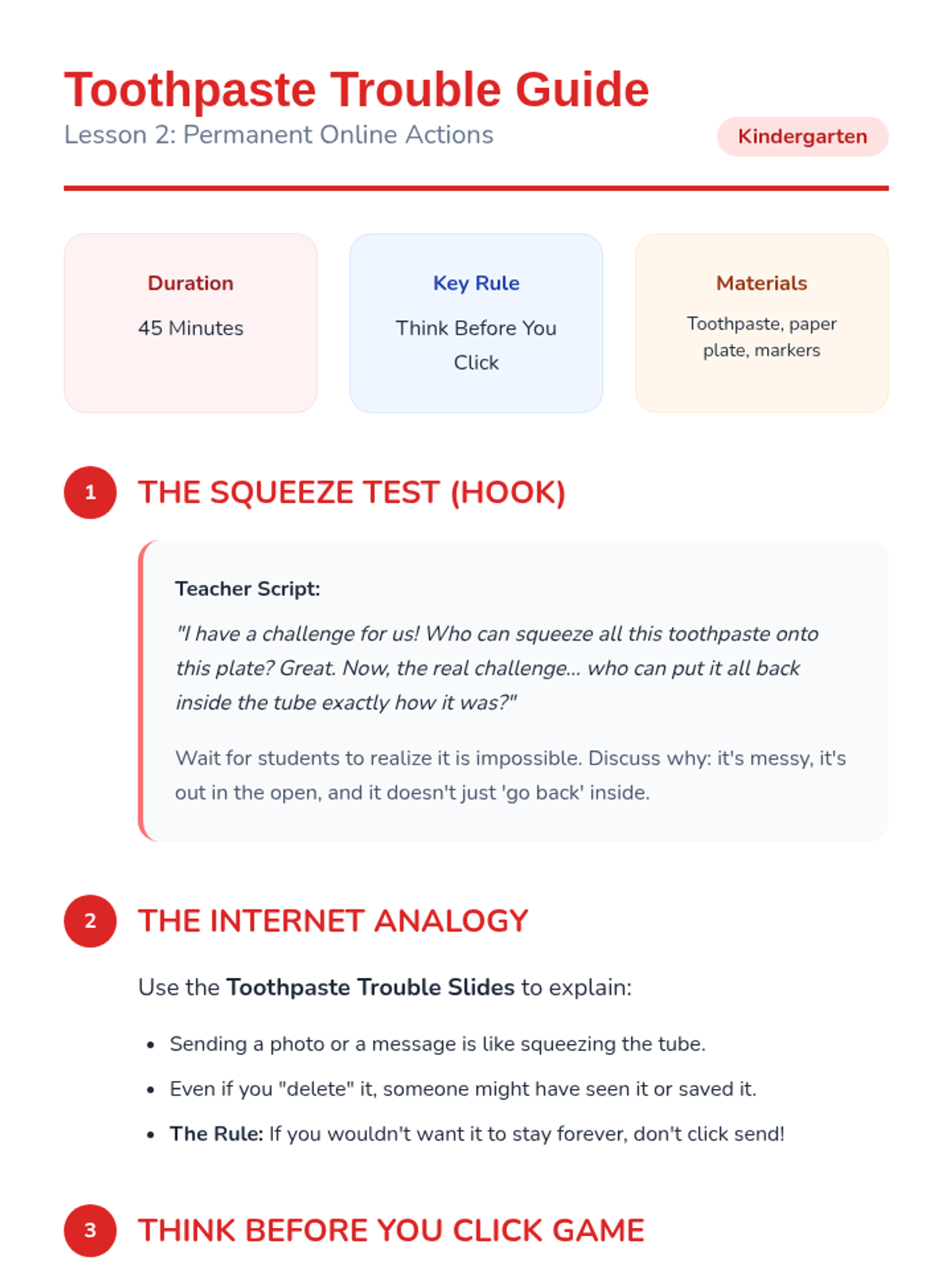
Using the toothpaste analogy, students learn that online actions are permanent and practice the "Think Before You Click" strategy to manage their digital presence.
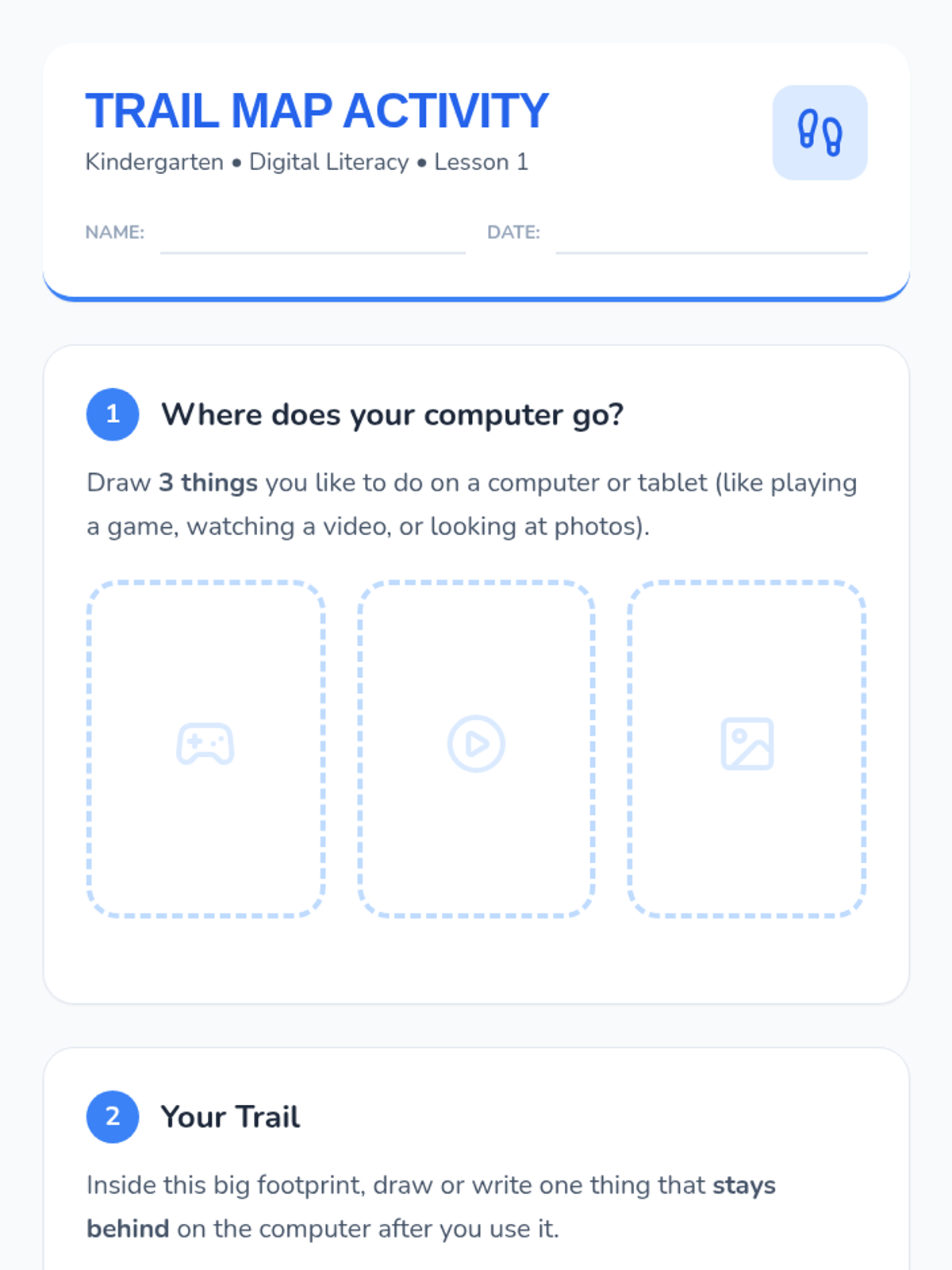
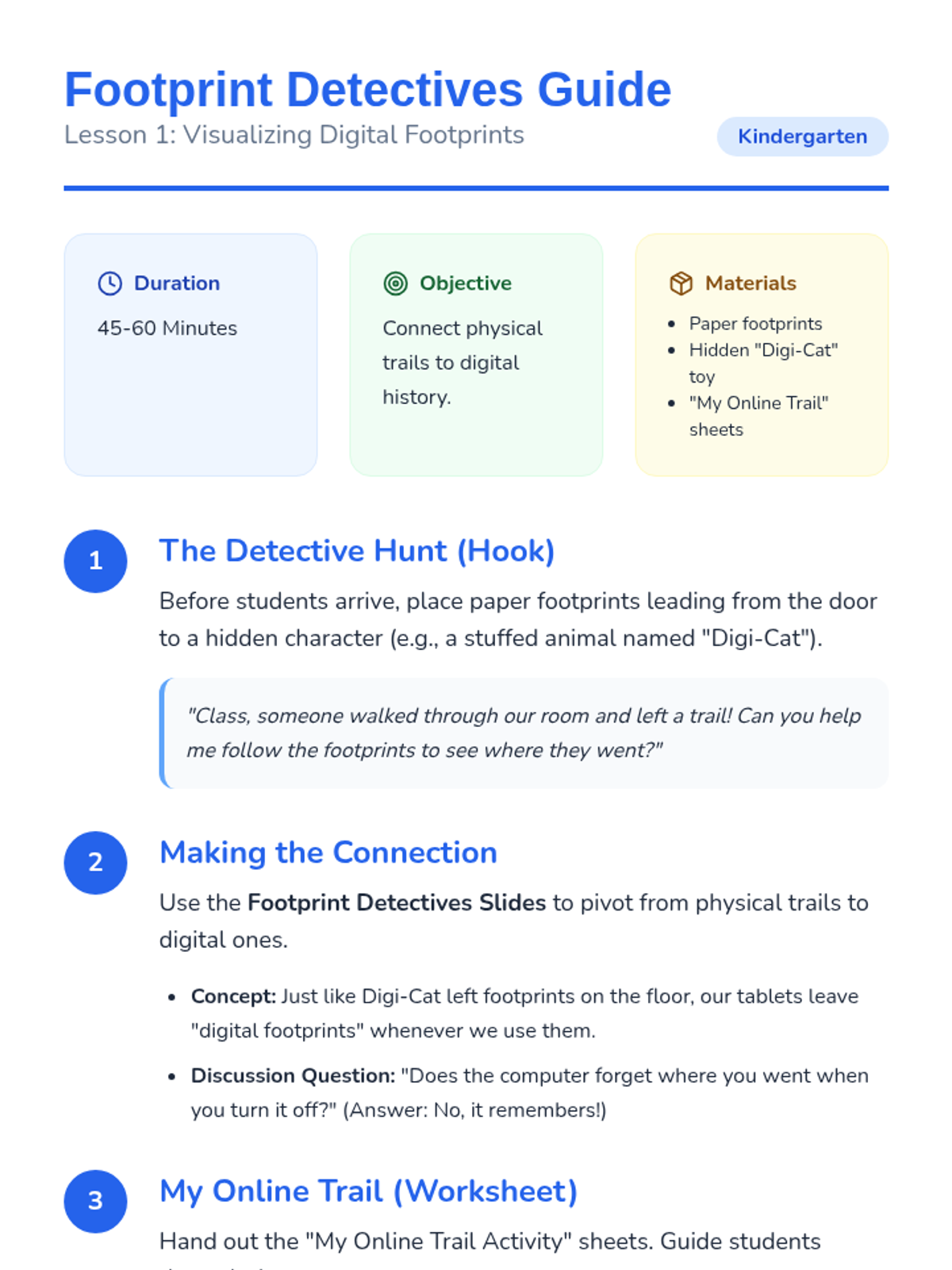
Students explore how digital actions leave trails by connecting physical footprints to their digital history, emphasizing that computers remember our paths.
A culminating lesson where students apply their knowledge through role-play and a 'Stop and Ask' decision-making game.
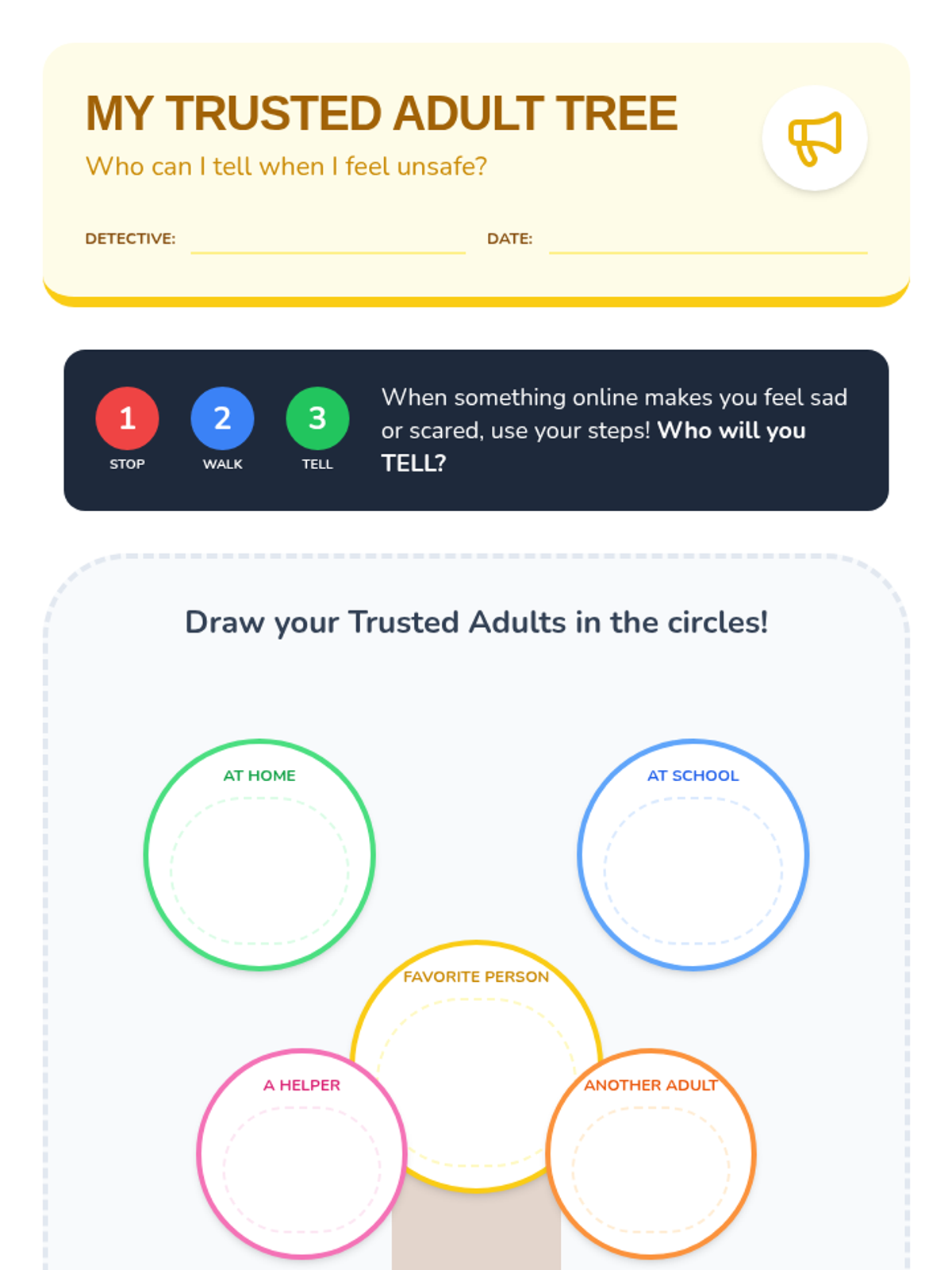
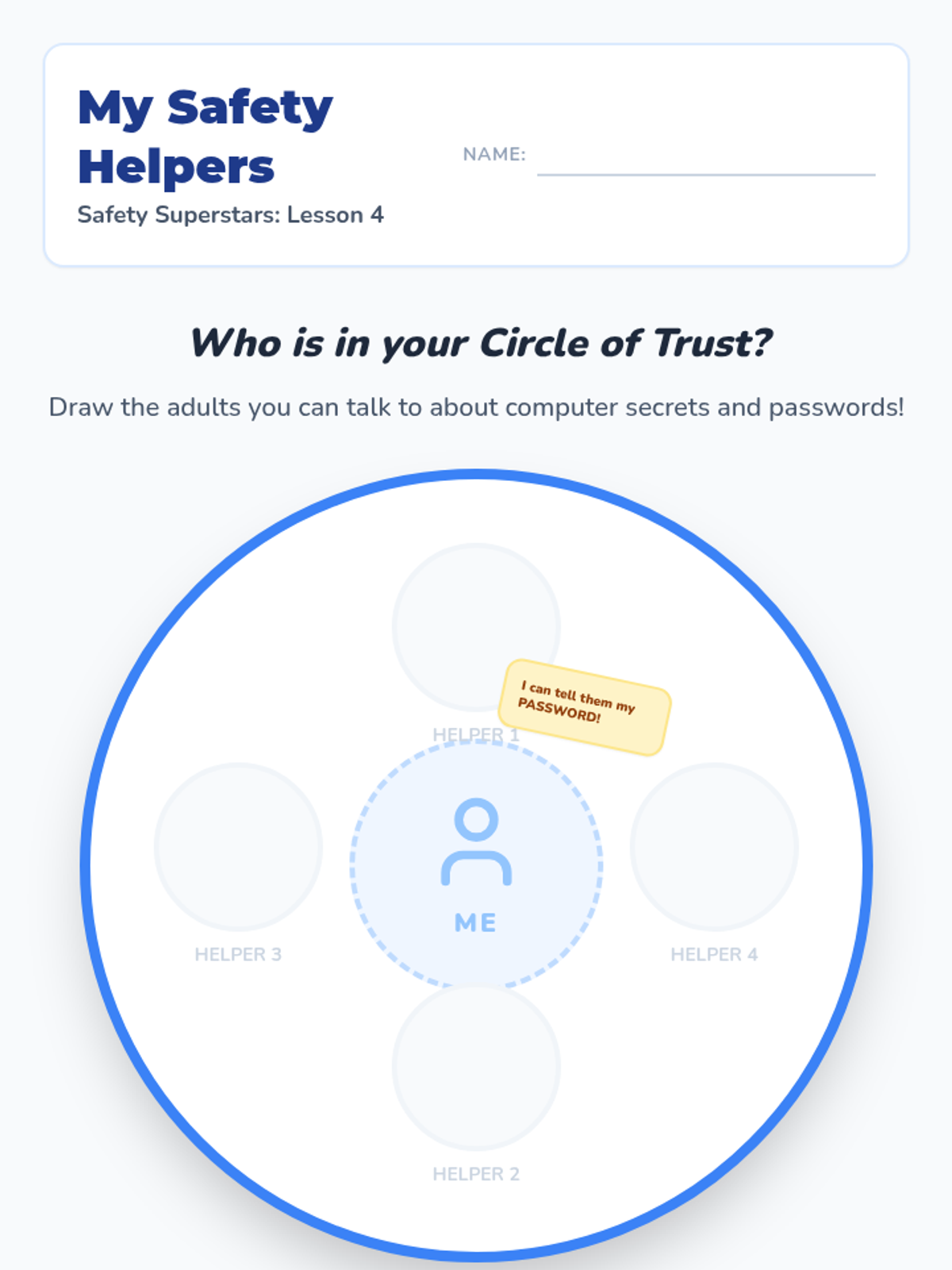
Students identify their 'Circle of Trust'—the adults they can safely share digital secrets with and ask for help.
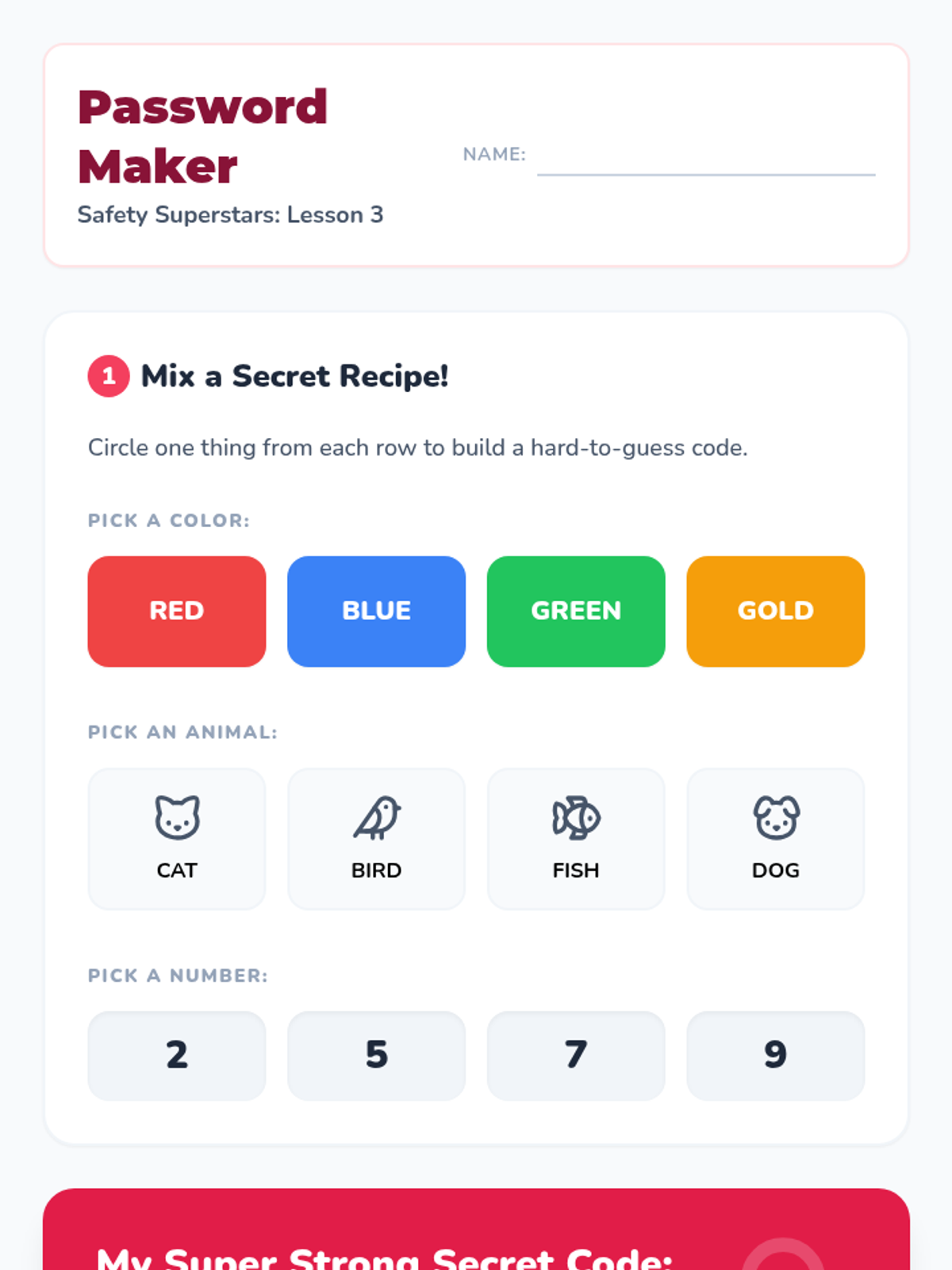
Students practice creating simple, hard-to-guess passwords and learn why simple sequences are not safe.
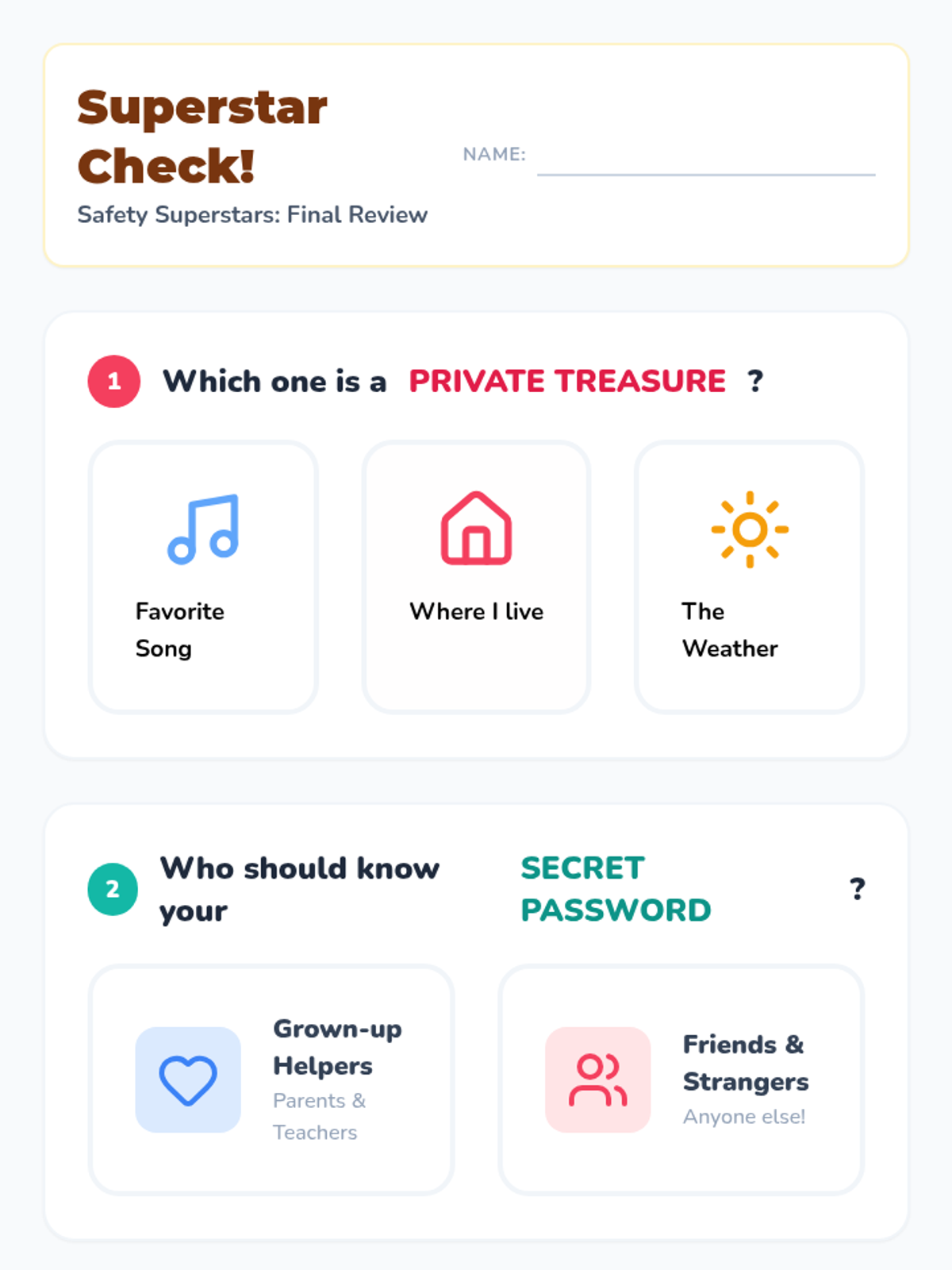
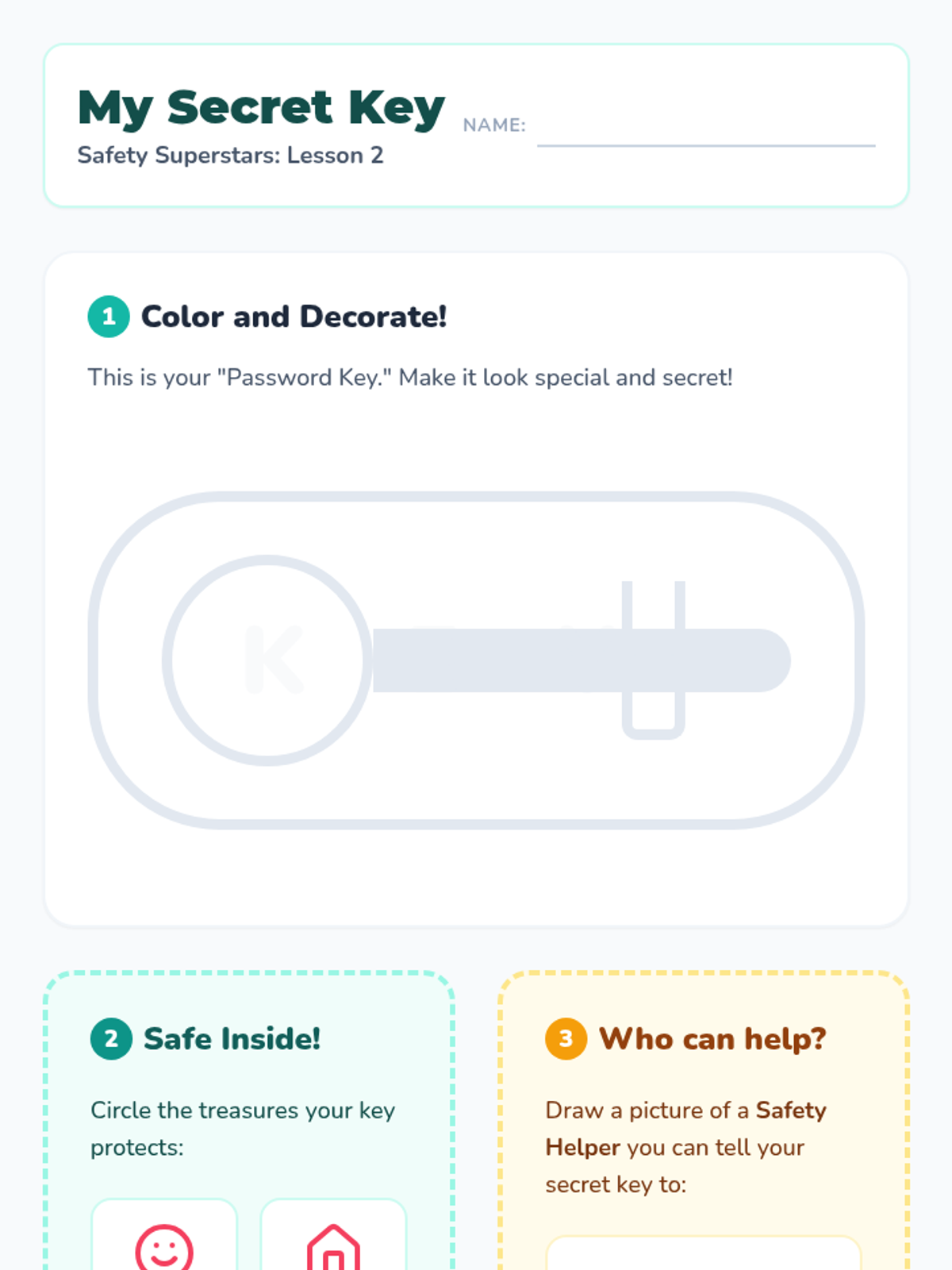
Using the analogy of a house key, students learn how passwords protect personal information and who should know them.
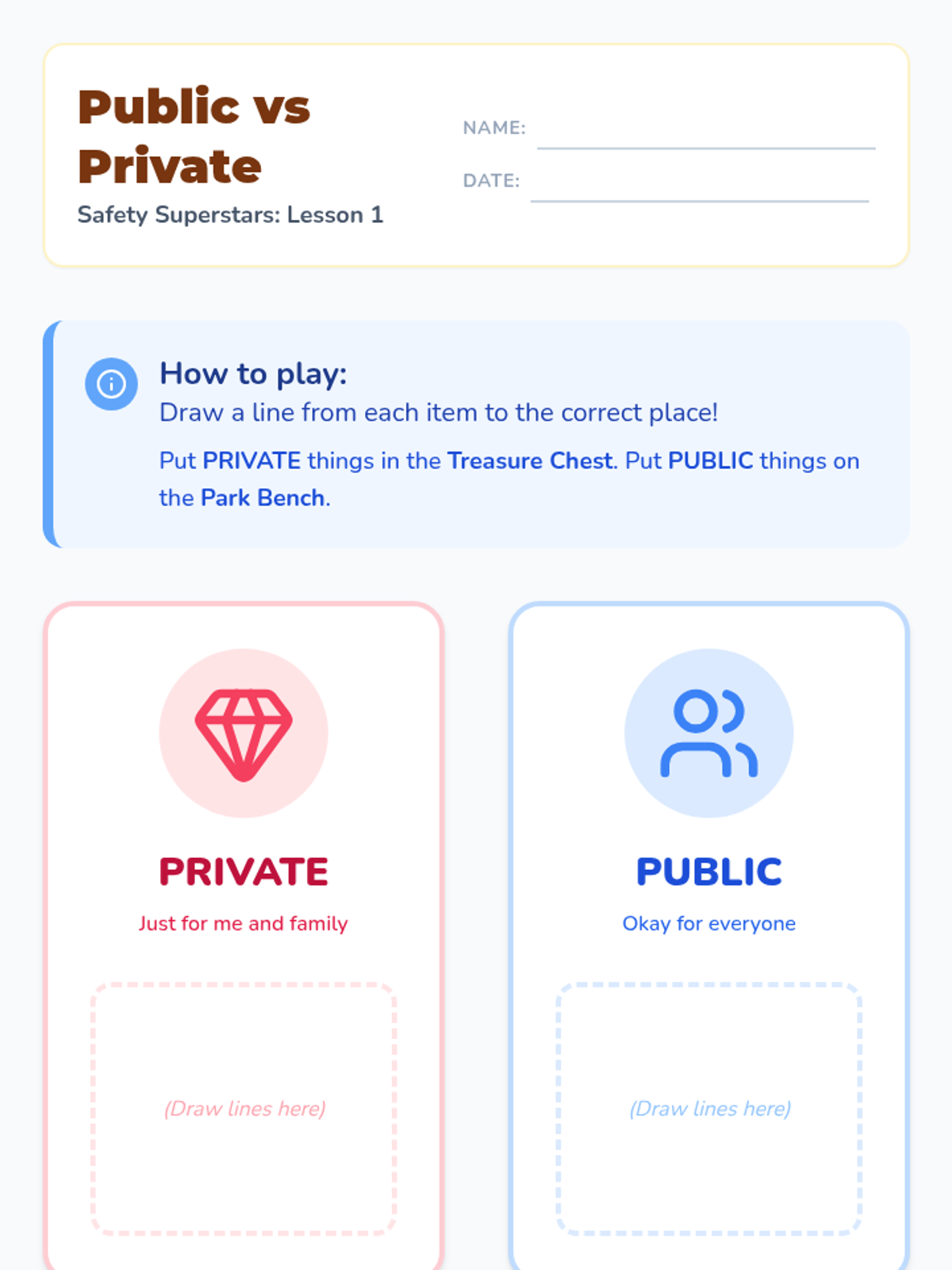
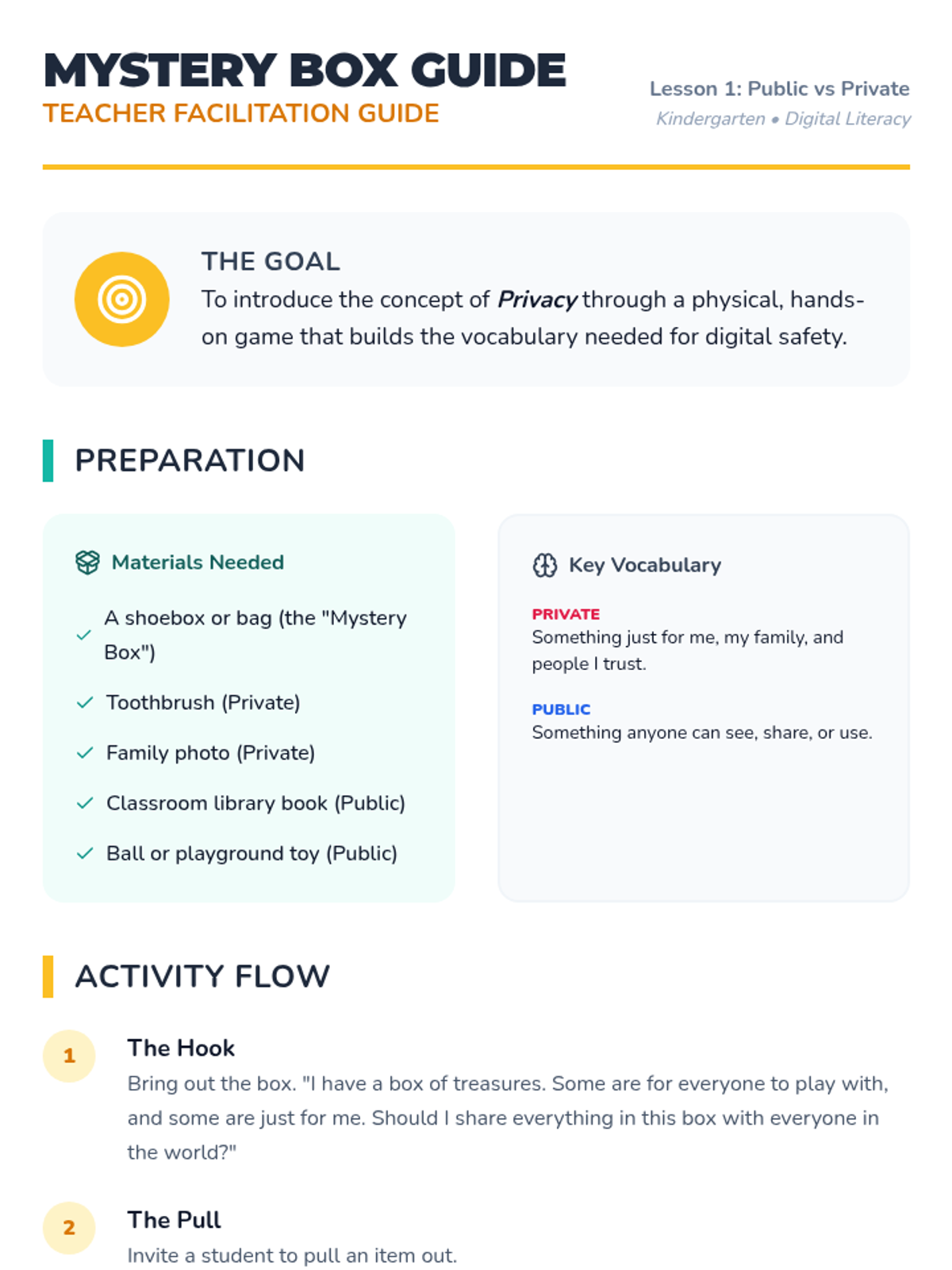
Students categorize items and information as 'Public' or 'Private' using concrete analogies like a mystery box and personal treasures.
Students learn to balance screen time with 'green time' activities like playing outside, reading, and moving.
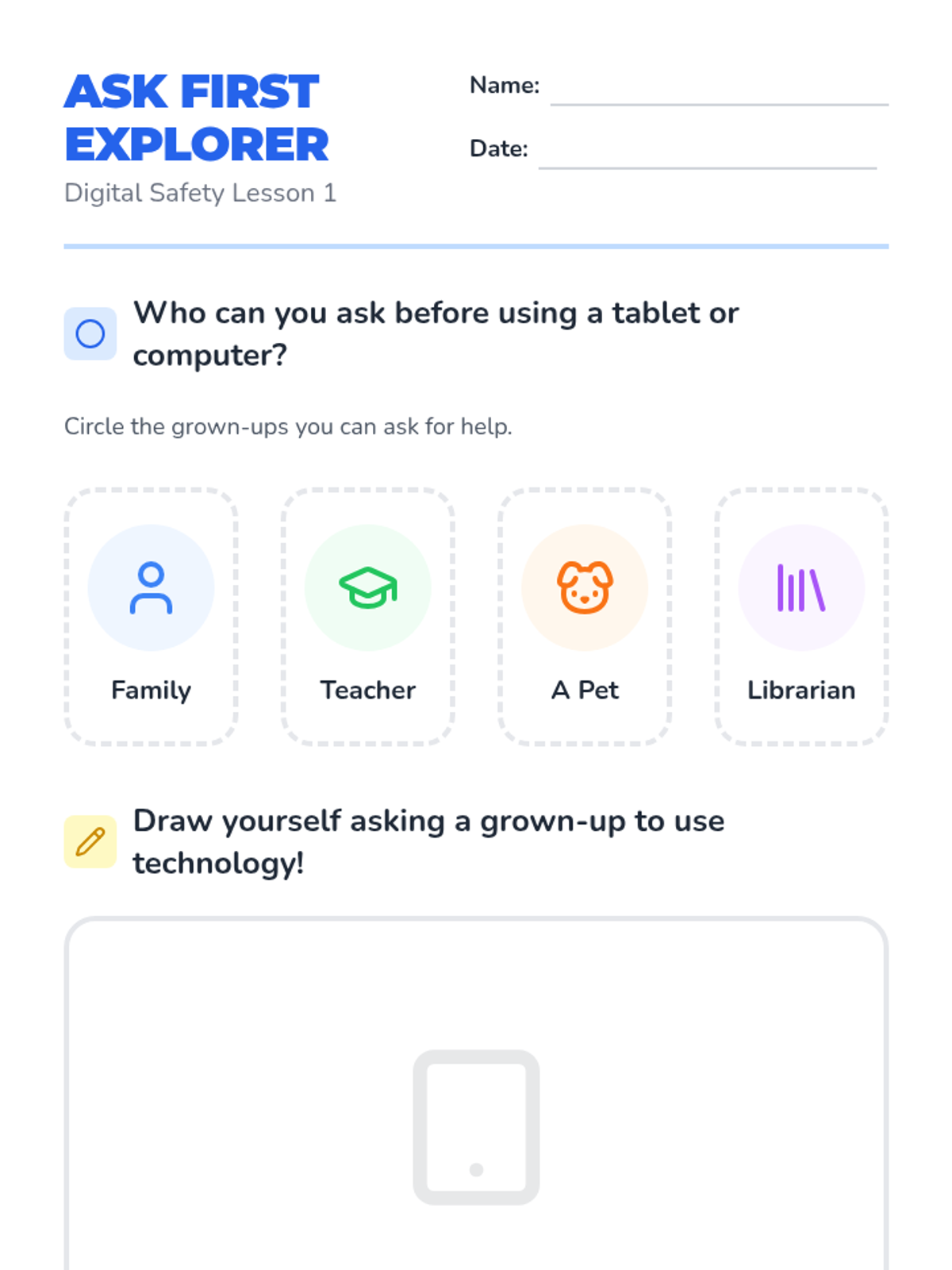
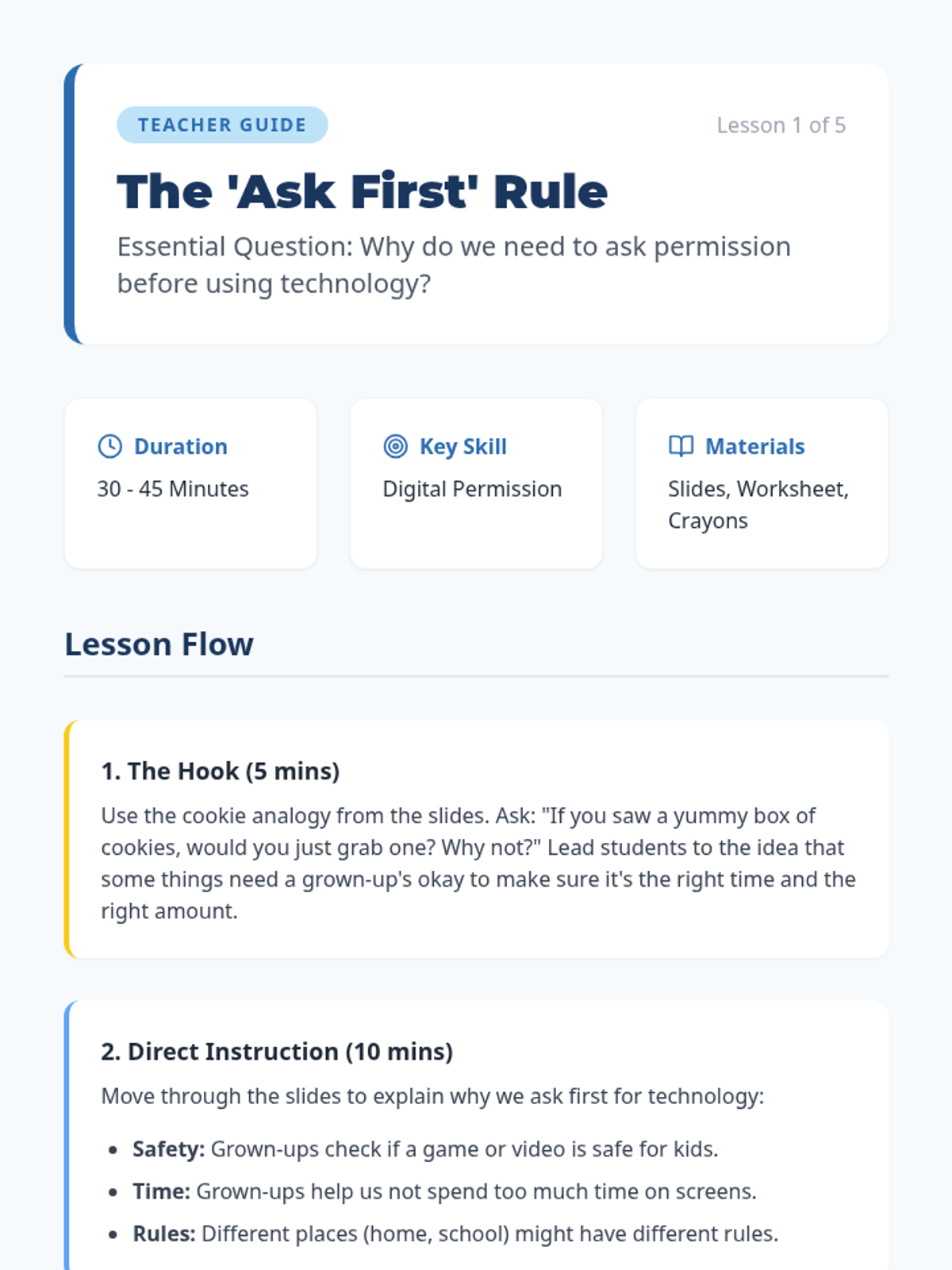
Students learn why it's essential to ask a grown-up before using a device and practice the 'Ask First' rule through role-play.
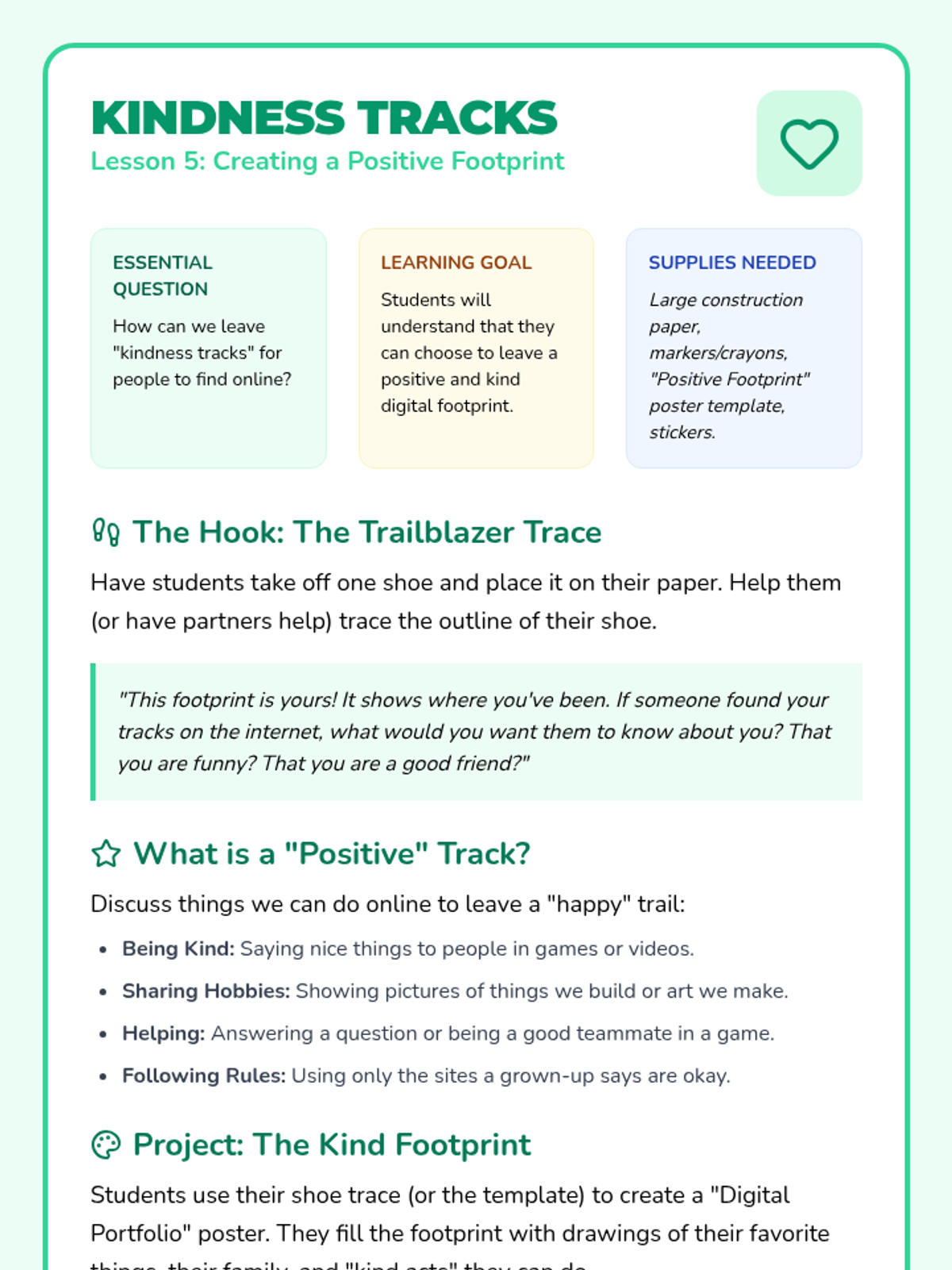
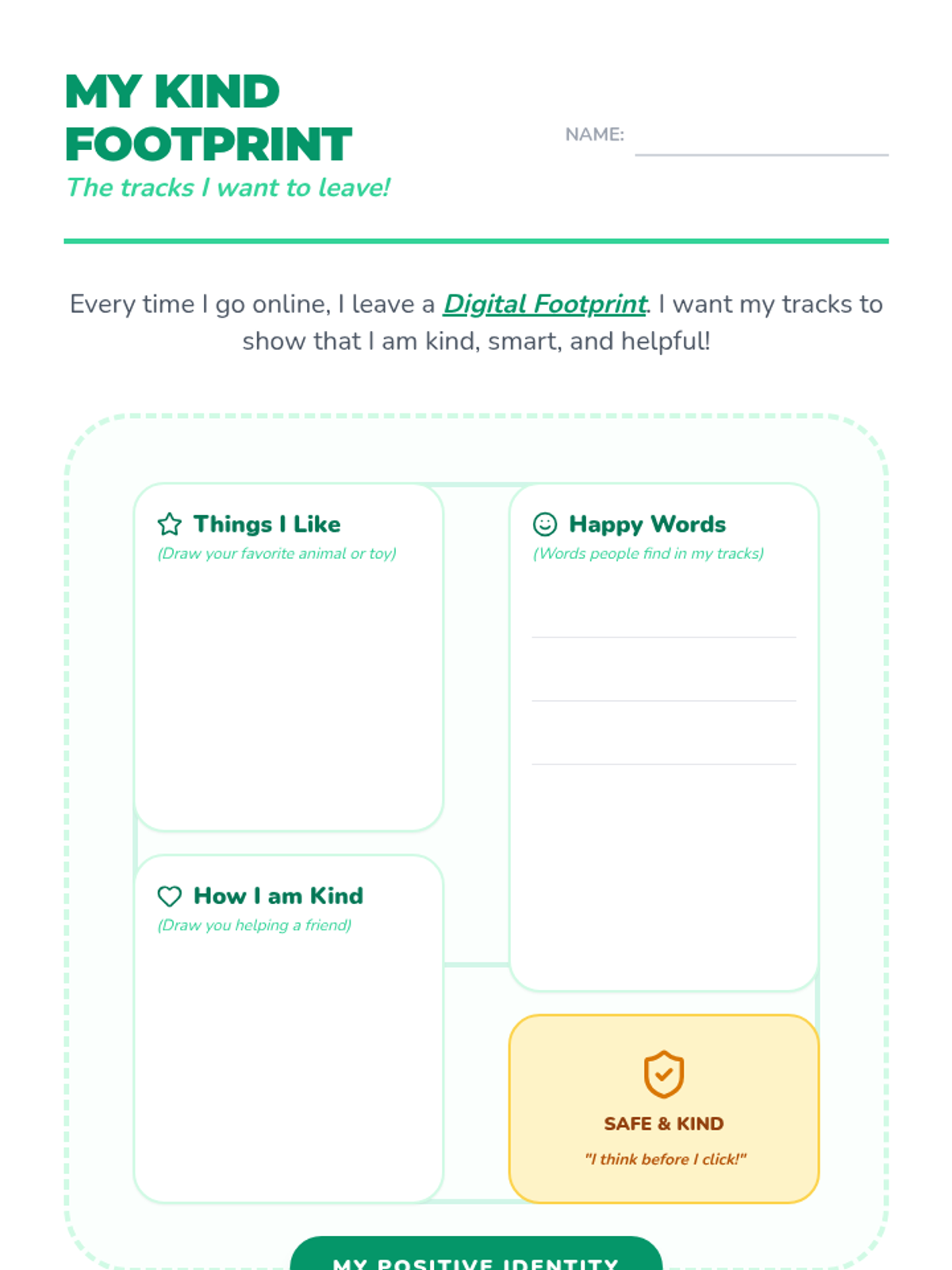
Encourages students to be intentional about their digital footprints by creating a positive digital identity centered on kindness and interests.
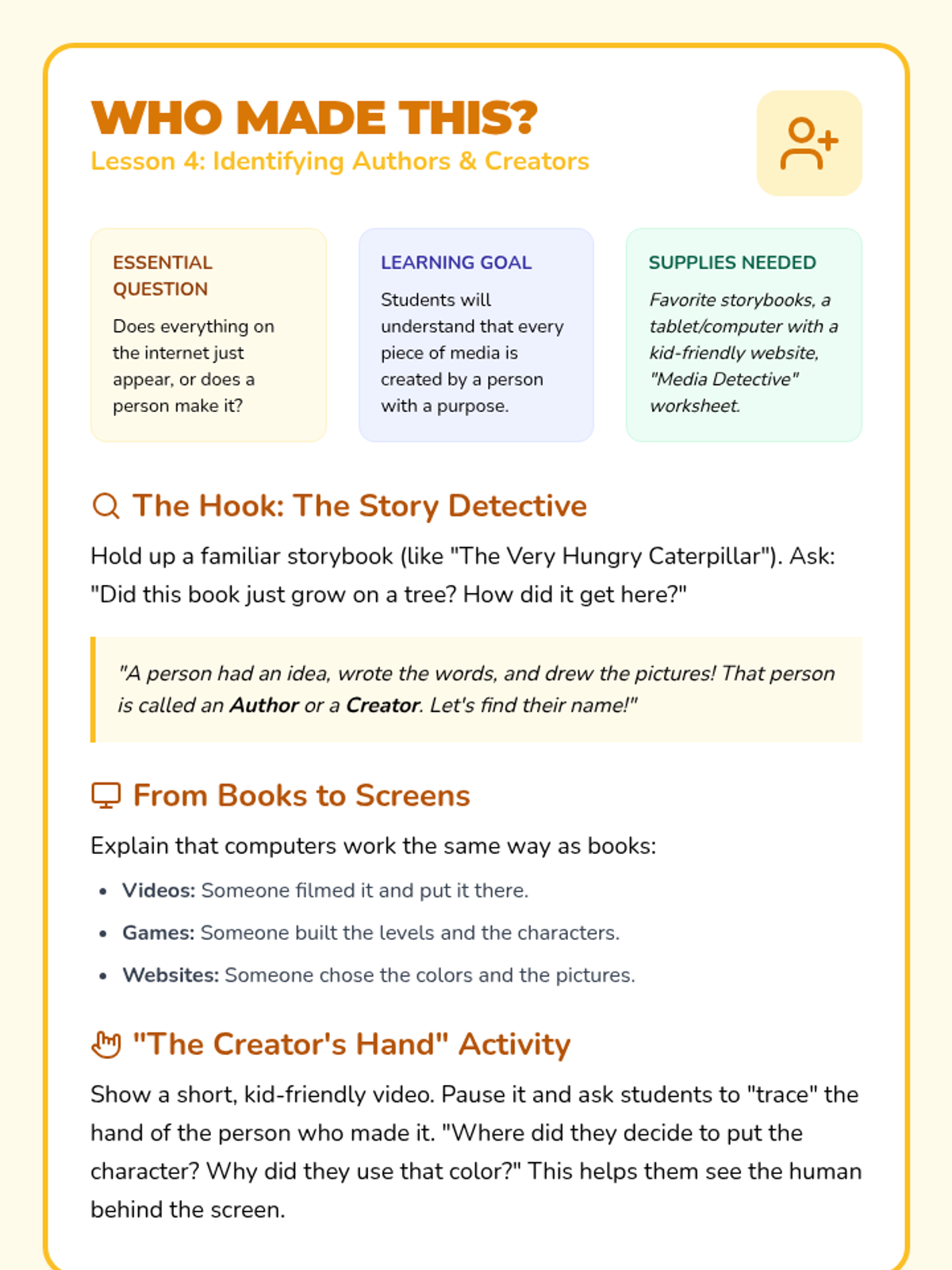
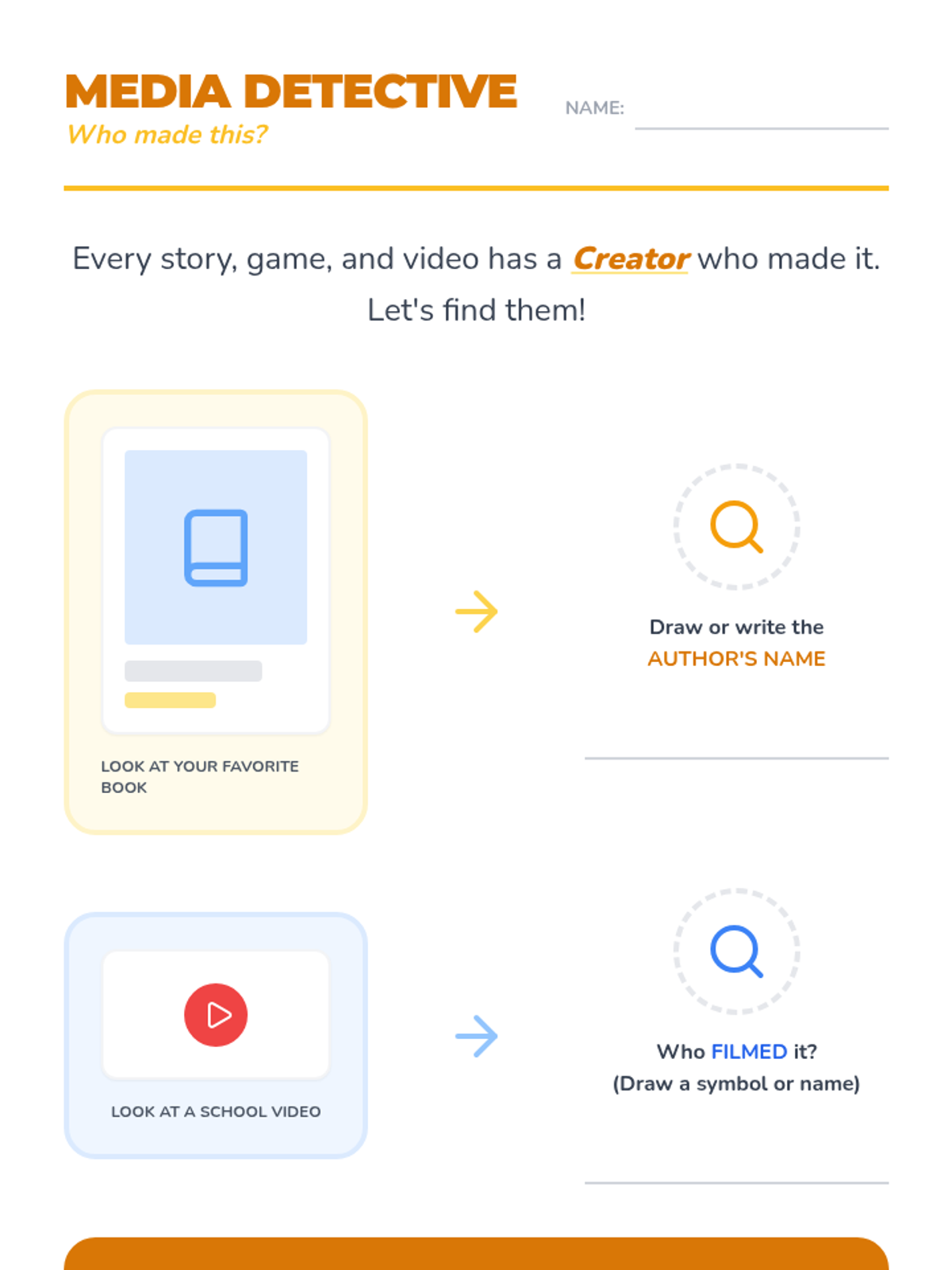
Explores the concept of creators and authors. Students learn that every piece of media is made by a person with a purpose.
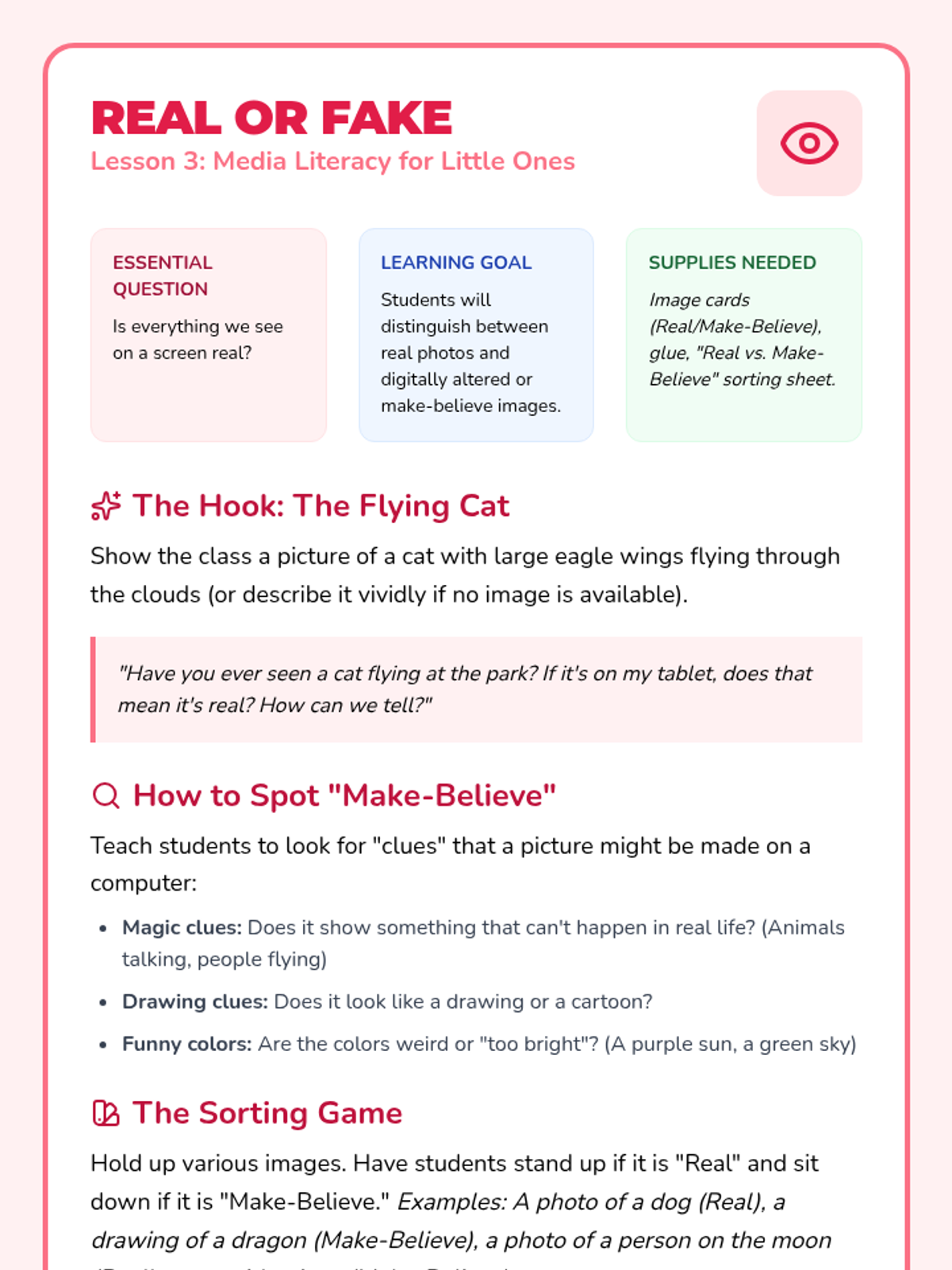
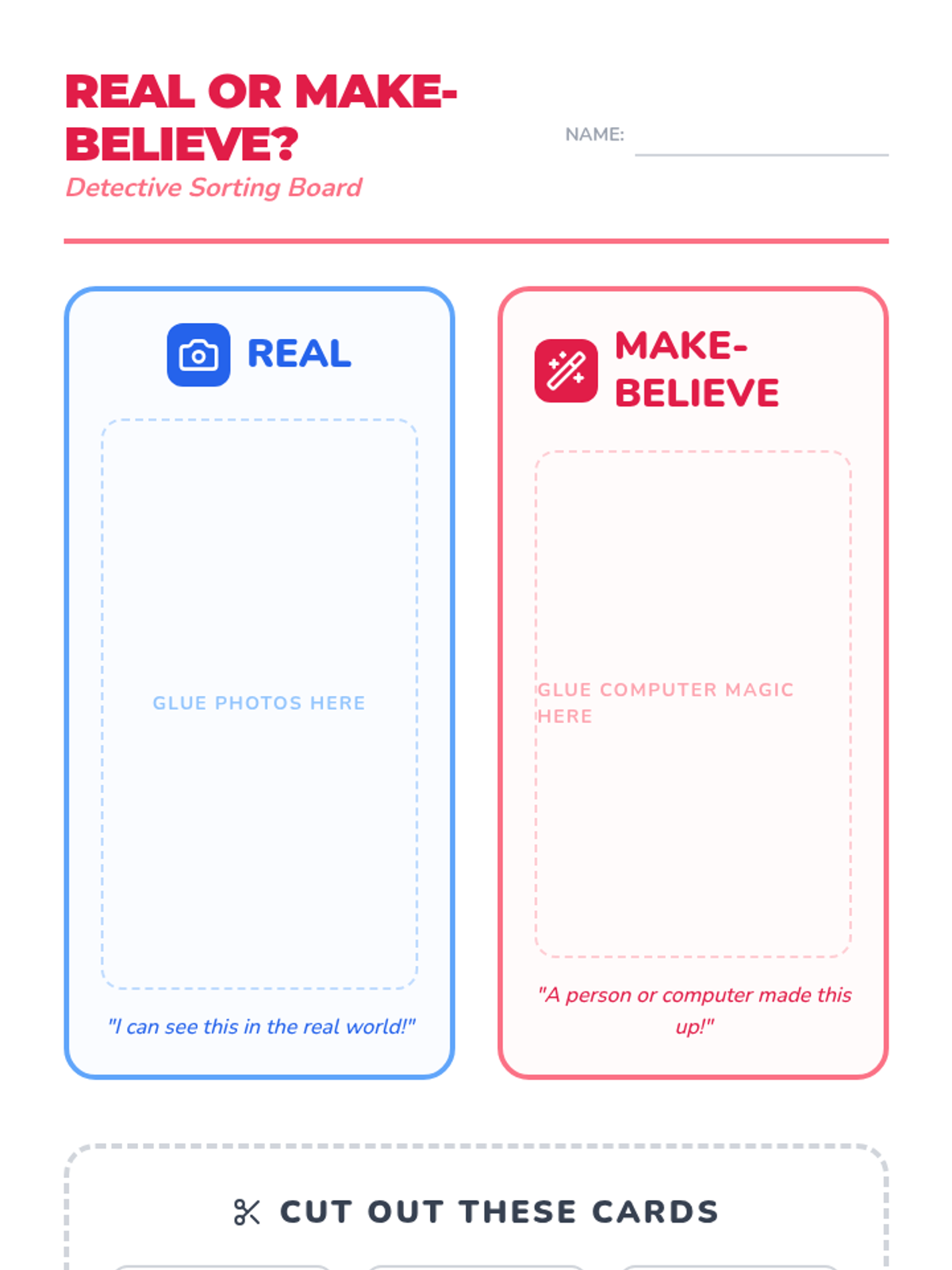
Helps students distinguish between real photos and digitally altered or make-believe images. Introduces basic media literacy concepts.