Fundamental hardware proficiency, secure online behavior, and ethical social media engagement. Equips learners with productivity tool mastery, web publishing skills, and critical evaluation of emerging technologies.
Updated Fifth Grade Slides with a dedicated learning goals slide (Slide 2) featuring the learning target, success criteria, and JHawk Way requirement for alignment with the updated teacher guide.
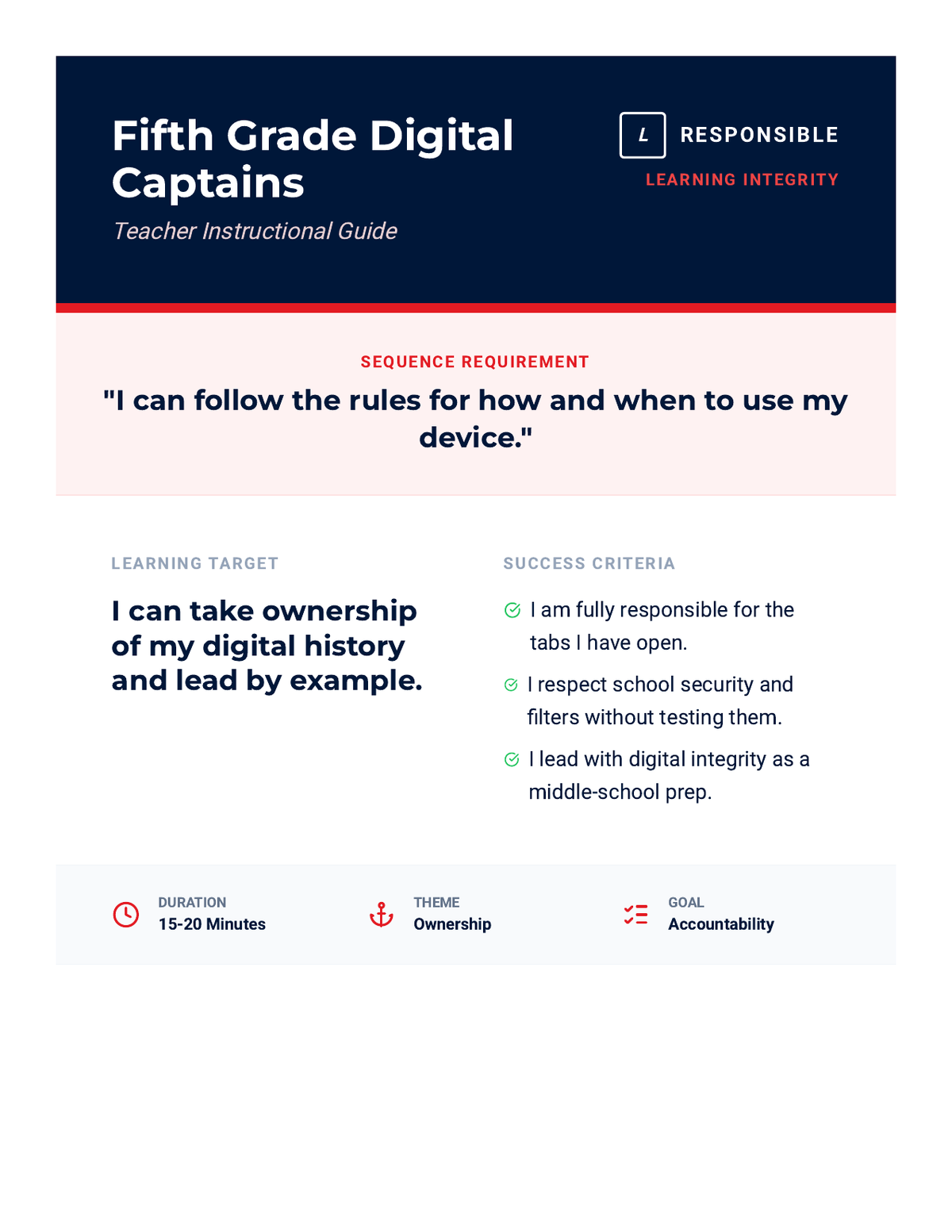
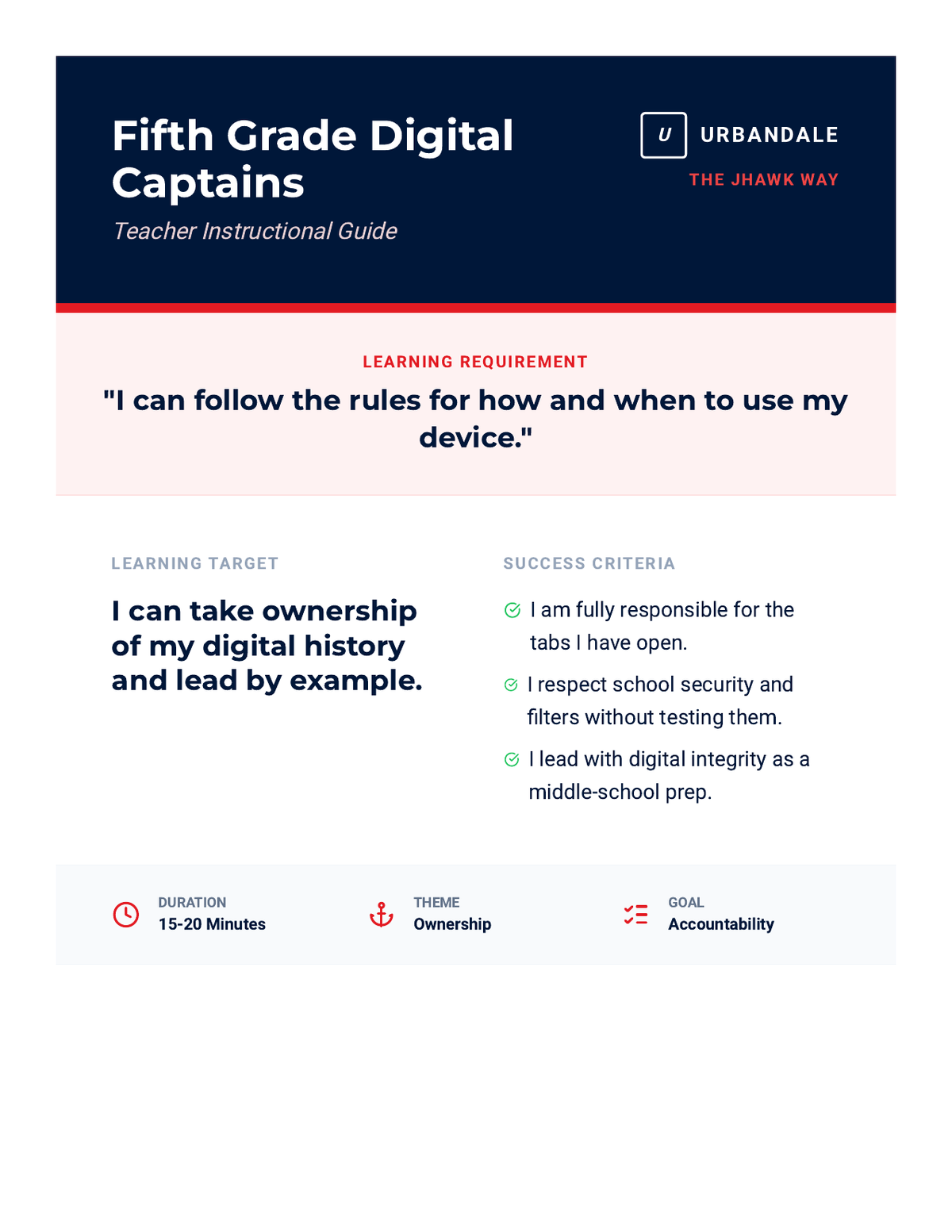
Updated Fifth Grade Teacher Guide with the JHawk Way requirement at the top and success criteria positioned near the learning target for better visibility and sequence alignment.
Updated Fourth Grade Slides with a dedicated learning goals slide (Slide 2) and consistent Success Criteria icons. Improved contrast on final slides for better classroom visibility.
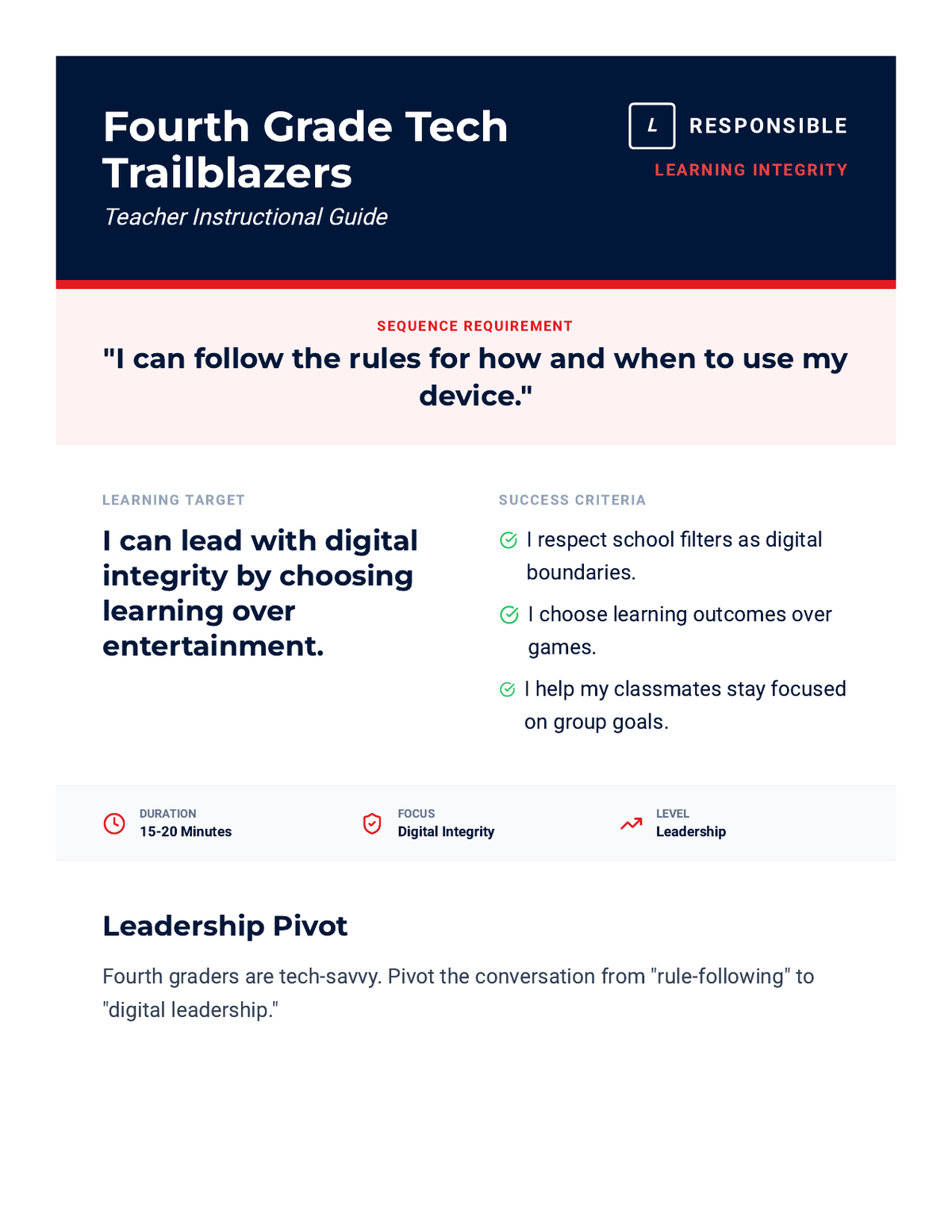
Updated Fourth Grade Teacher Guide with the JHawk Way requirement at the top and success criteria positioned near the learning target for better visibility. Revised layout to prevent orphaned sections and optimize document length.
Updated Third Grade Slides with a dedicated learning goals slide (Slide 2) featuring the learning target, success criteria, and sequence requirement for alignment with the updated teacher guide.
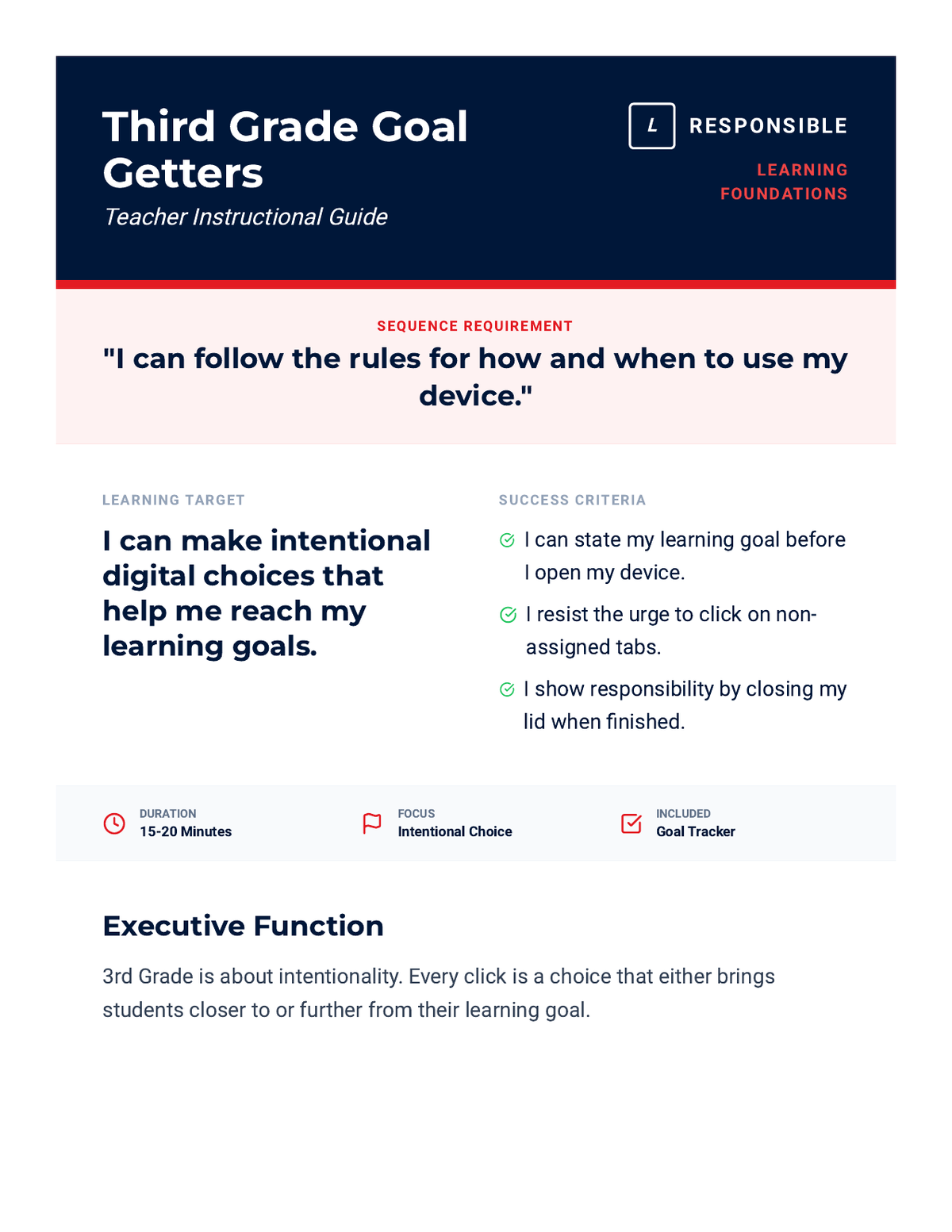
Updated Third Grade Teacher Guide with the JHawk Way requirement at the top and success criteria positioned near the learning target for better visibility. Revised layout for better page flow and step visualization.
Updated Second Grade Slides with generic terminology, removing mascot references. Consistent with the updated teacher guide.
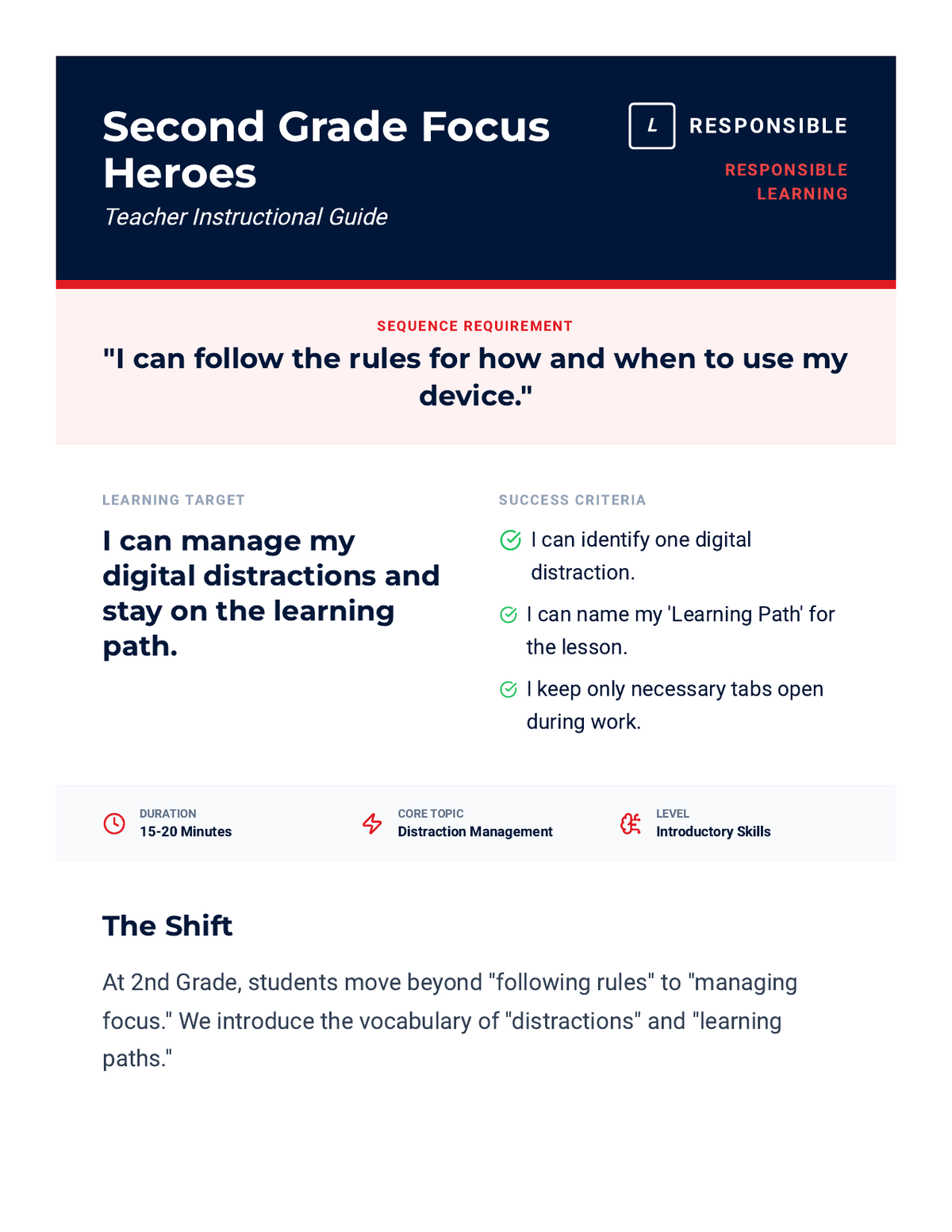
Updated Second Grade Teacher Guide with generic learning requirements and success criteria, removing all mascot references. Revised layout for better page flow and compactness.
Updated First Grade Slides with a dedicated learning goals slide (Slide 2) featuring the learning target, success criteria, and sequence requirement for alignment with the updated teacher guide.
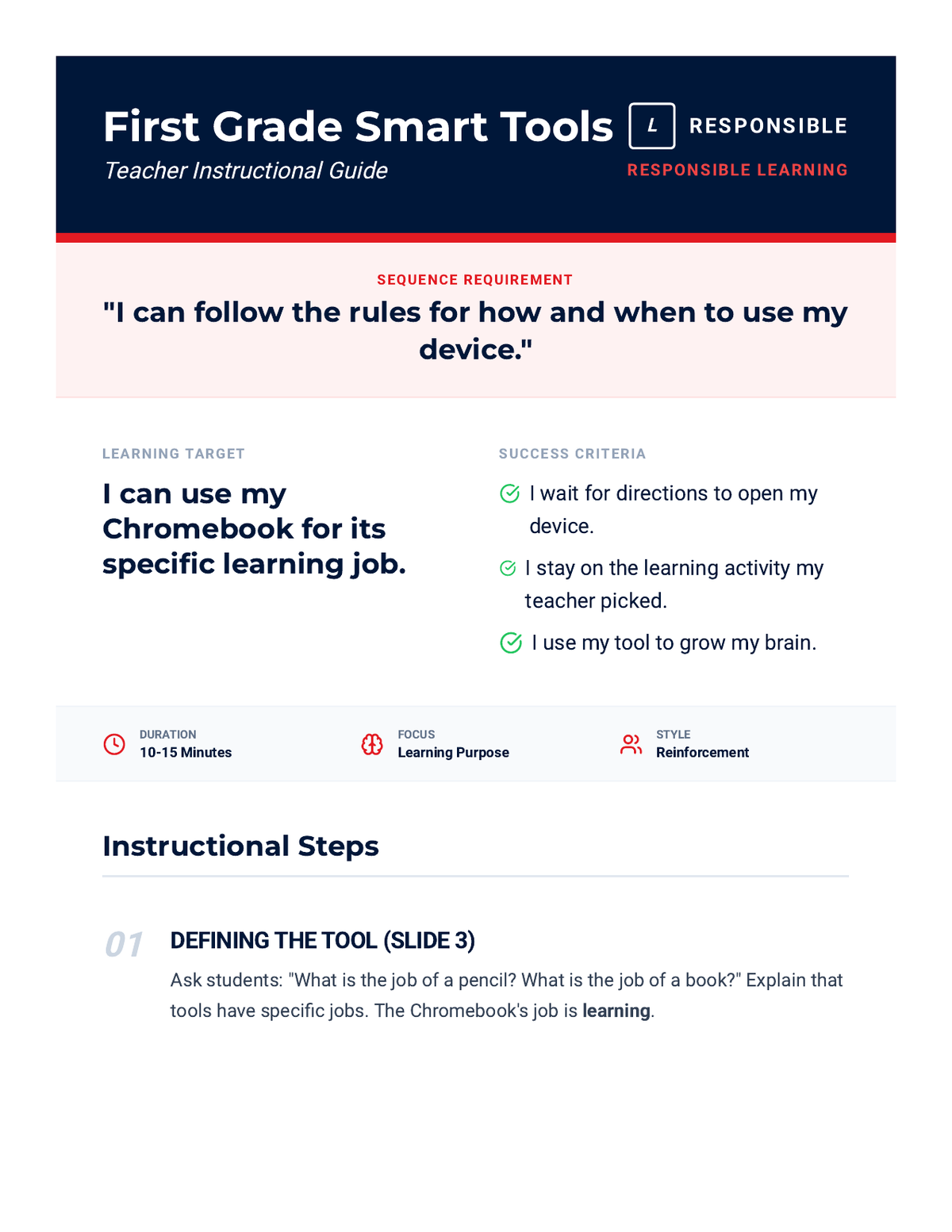
Updated First Grade Teacher Guide with the JHawk Way learning requirement at the top and success criteria positioned near the learning target for better visibility and sequence alignment. Revised for better page flow and contrast.
Updated Kindergarten Slides with a dedicated learning goals slide (Slide 2) and generic terminology, removing mascot references. Consistent with the updated teacher guide.
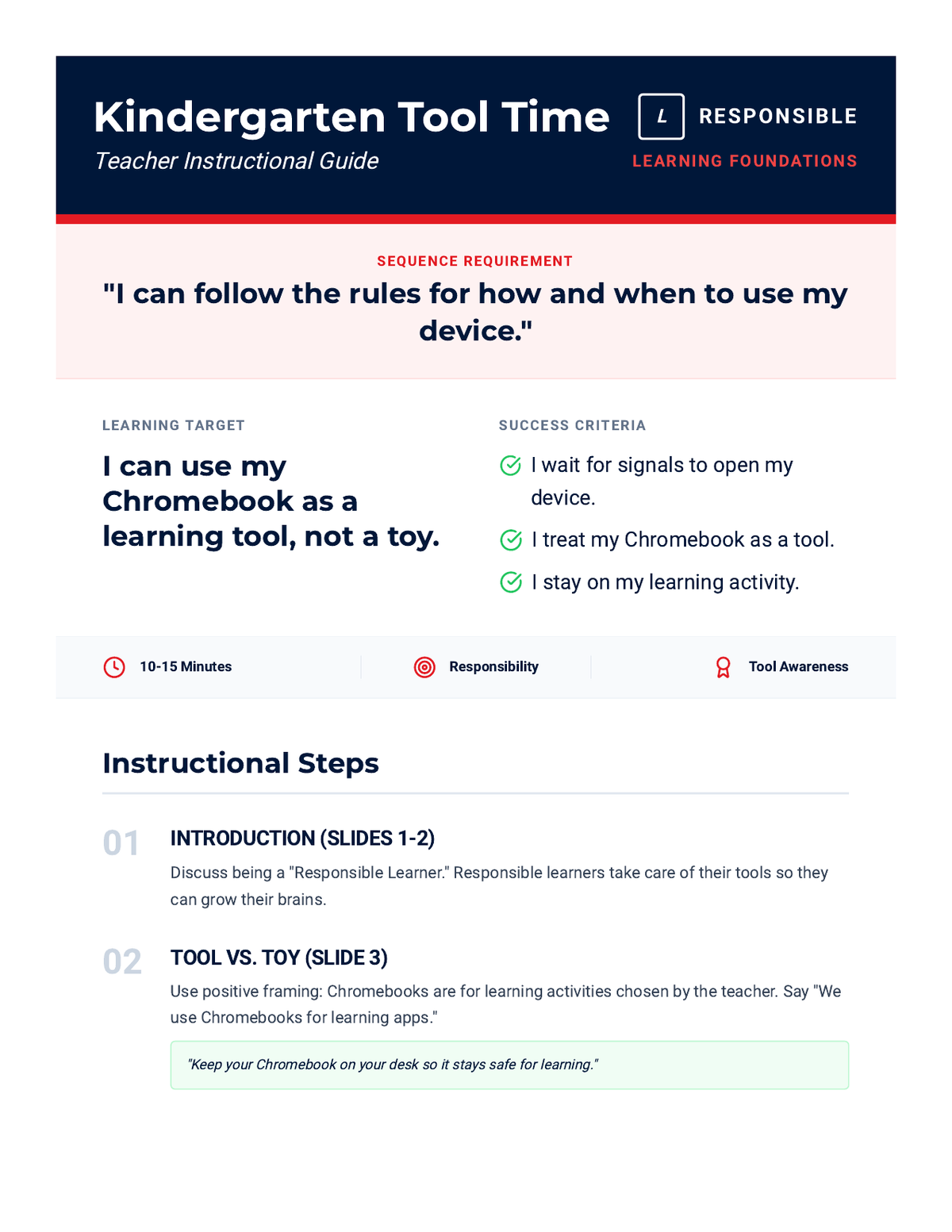
Updated Kindergarten Teacher Guide with generic learning requirements and success criteria, removing all mascot references. Revised layout to prevent orphaned headers and optimize page flow.
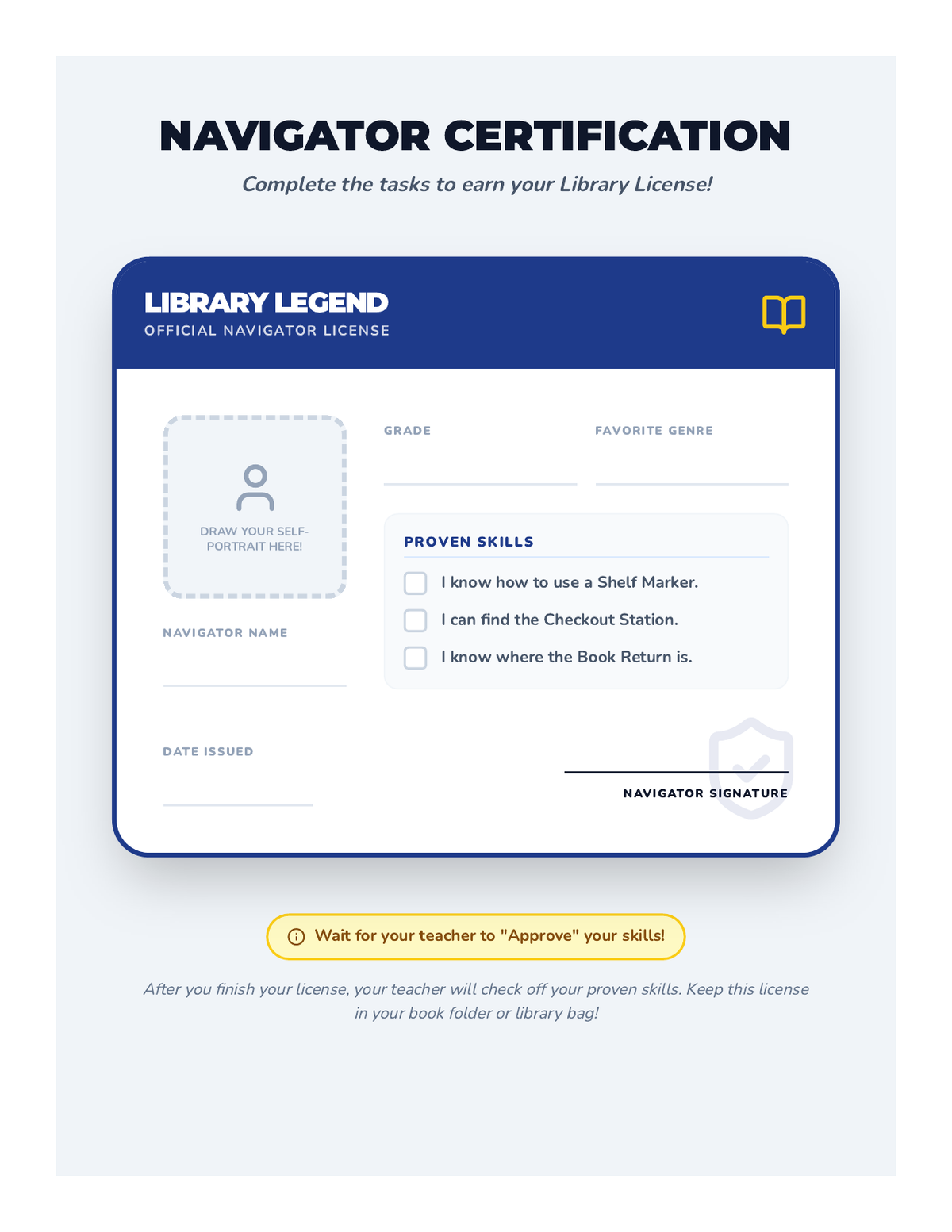
A creative 'Library Navigator License' activity where students fill out their personal details, draw a self-portrait, and have their skills (shelf marker use, checkout location, etc.) verified by a teacher or librarian.
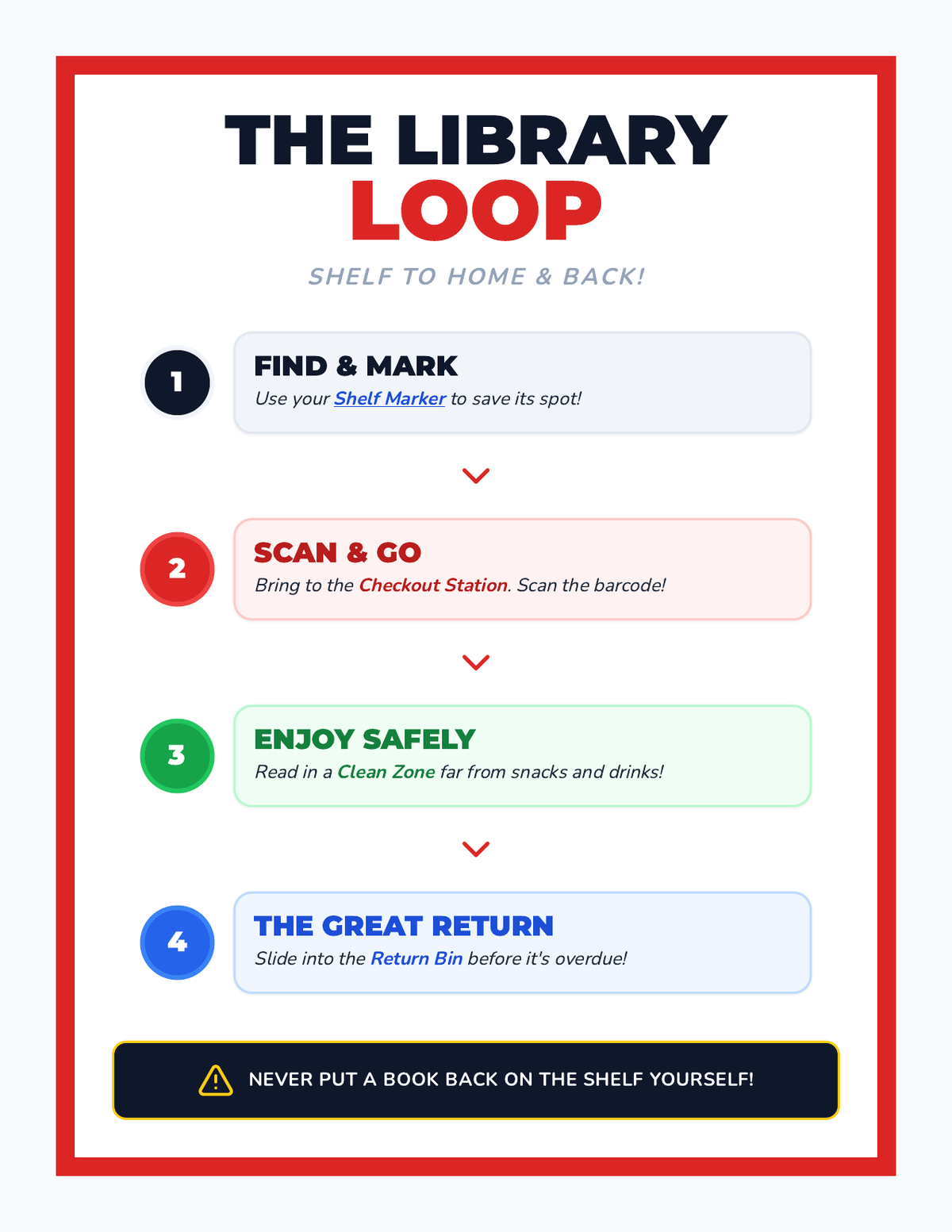
A step-by-step visual flowchart (The Library Loop) that guides students through the process of finding, scanning, reading, and returning library books. Uses color-coded steps and bold iconography for clear instruction.
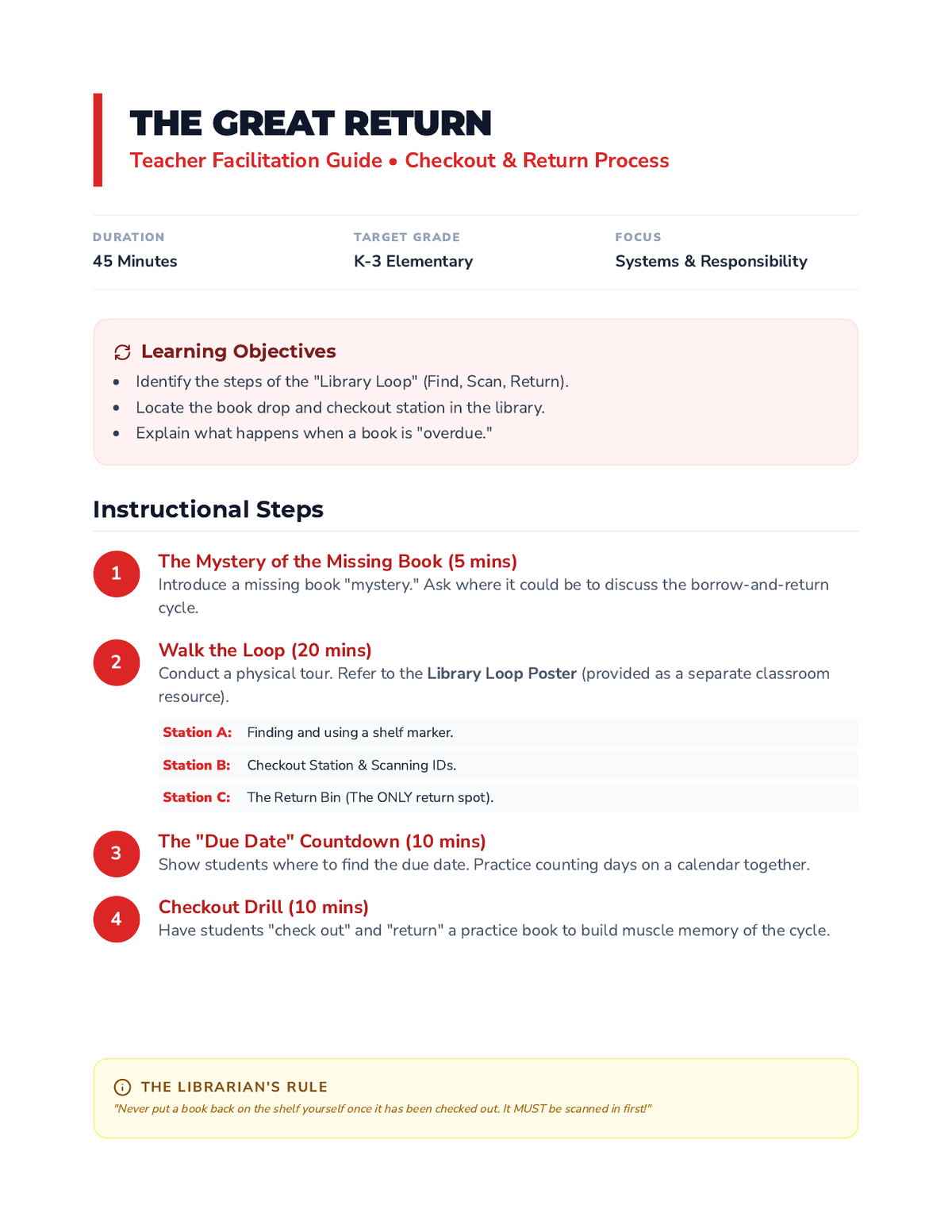
A teacher-facing lesson plan for teaching the library checkout and return process. It outlines a 'physical loop' tour of the library, explains due dates, and includes a practical checkout drill for students.
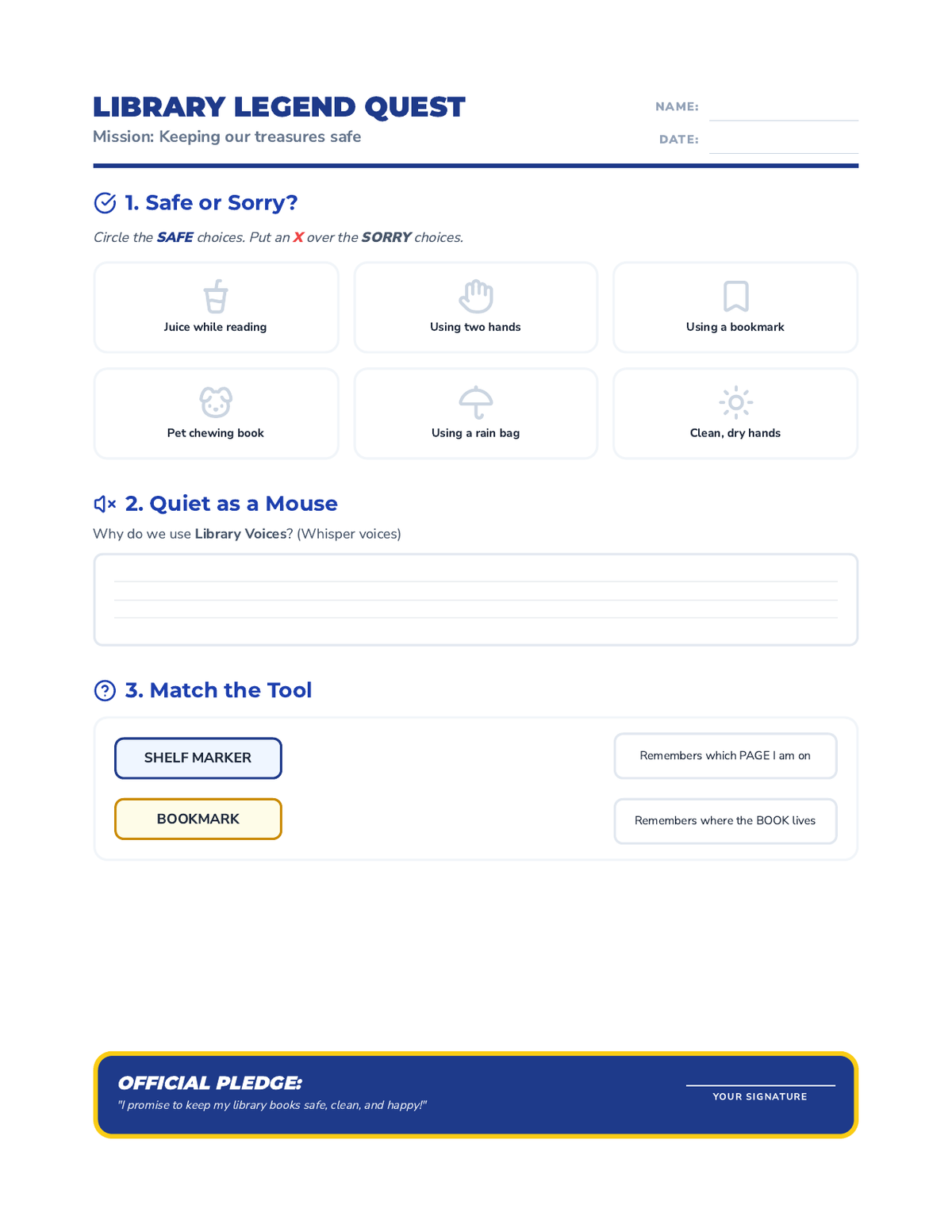
A student worksheet that reinforces library etiquette and book care through a sorting activity, a short response about volume control, and a matching game for library tools. Includes an 'Official Pledge' for students to sign.
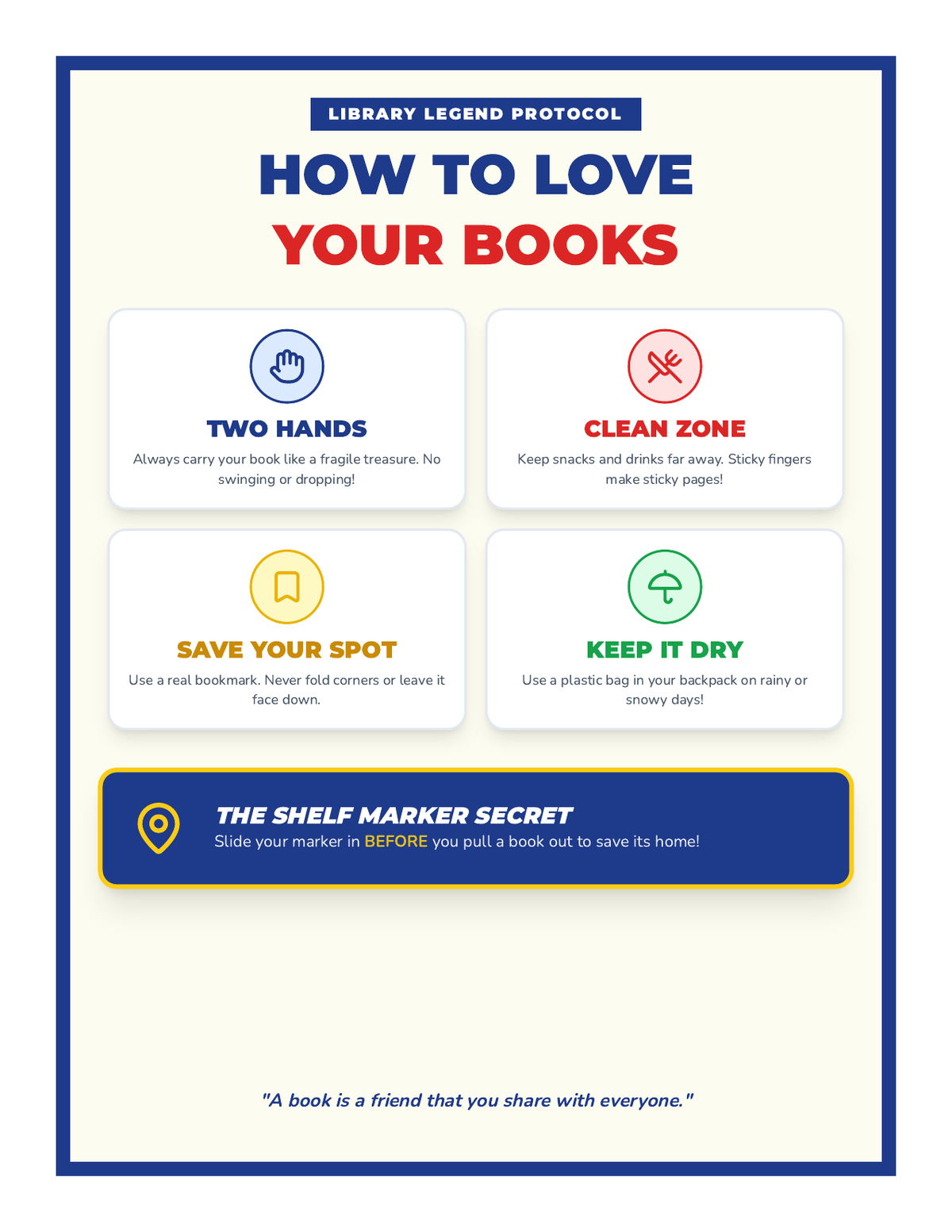
A vibrant, high-contrast classroom anchor chart outlining the four 'Golden Rules' of book care. Using clear icons and bold typography, it teaches students about proper handling, cleanliness, bookmarking, and protection from the elements.
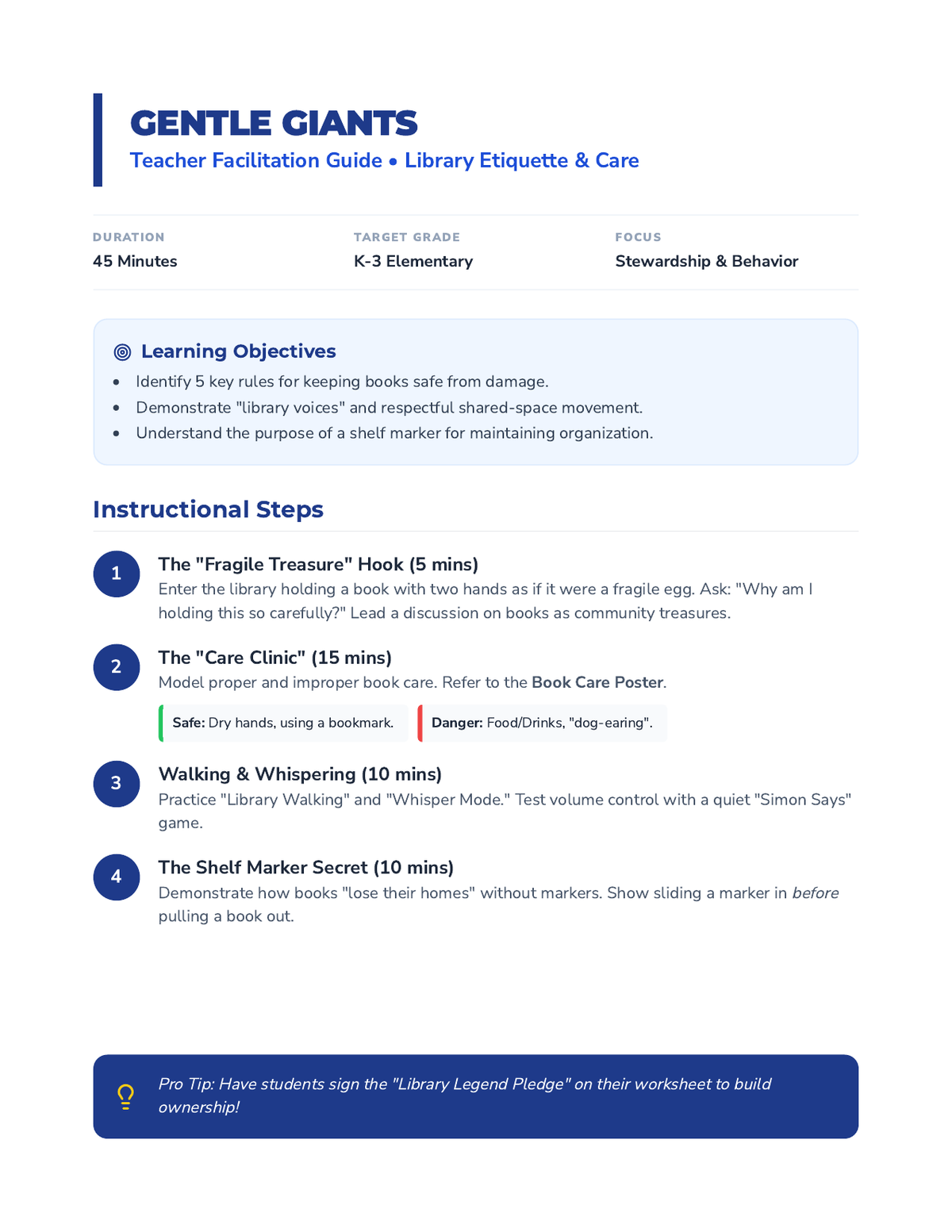
A detailed teacher facilitation guide for the first lesson in the Library Legends sequence. It includes instructional steps for teaching book care, volume control, and the proper use of shelf markers, along with common student misconceptions and assessment strategies.
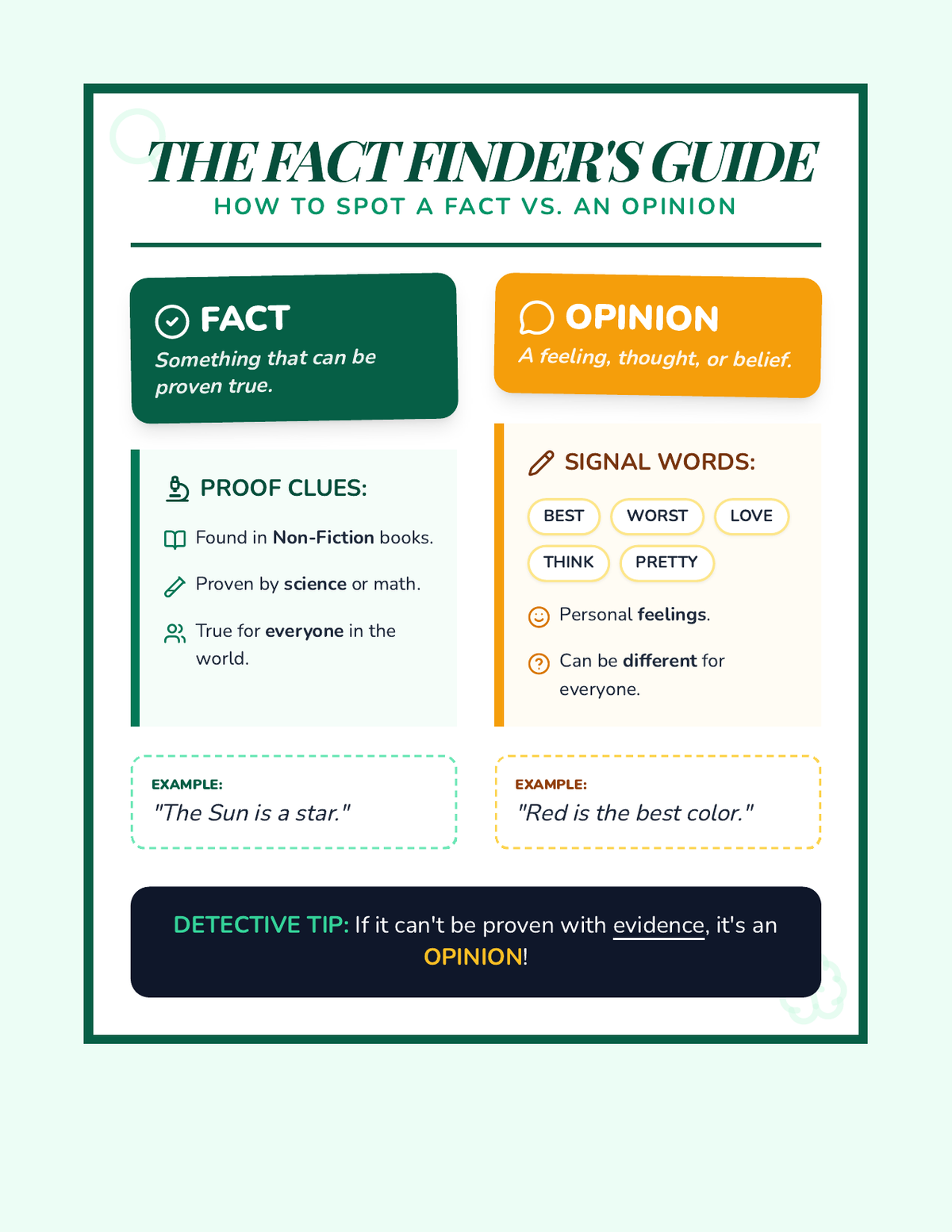
A vibrant, visually engaging anchor chart that defines facts and opinions, provides proof clues, identifies signal words, and offers concrete examples. Redesigned to fit on a single page.
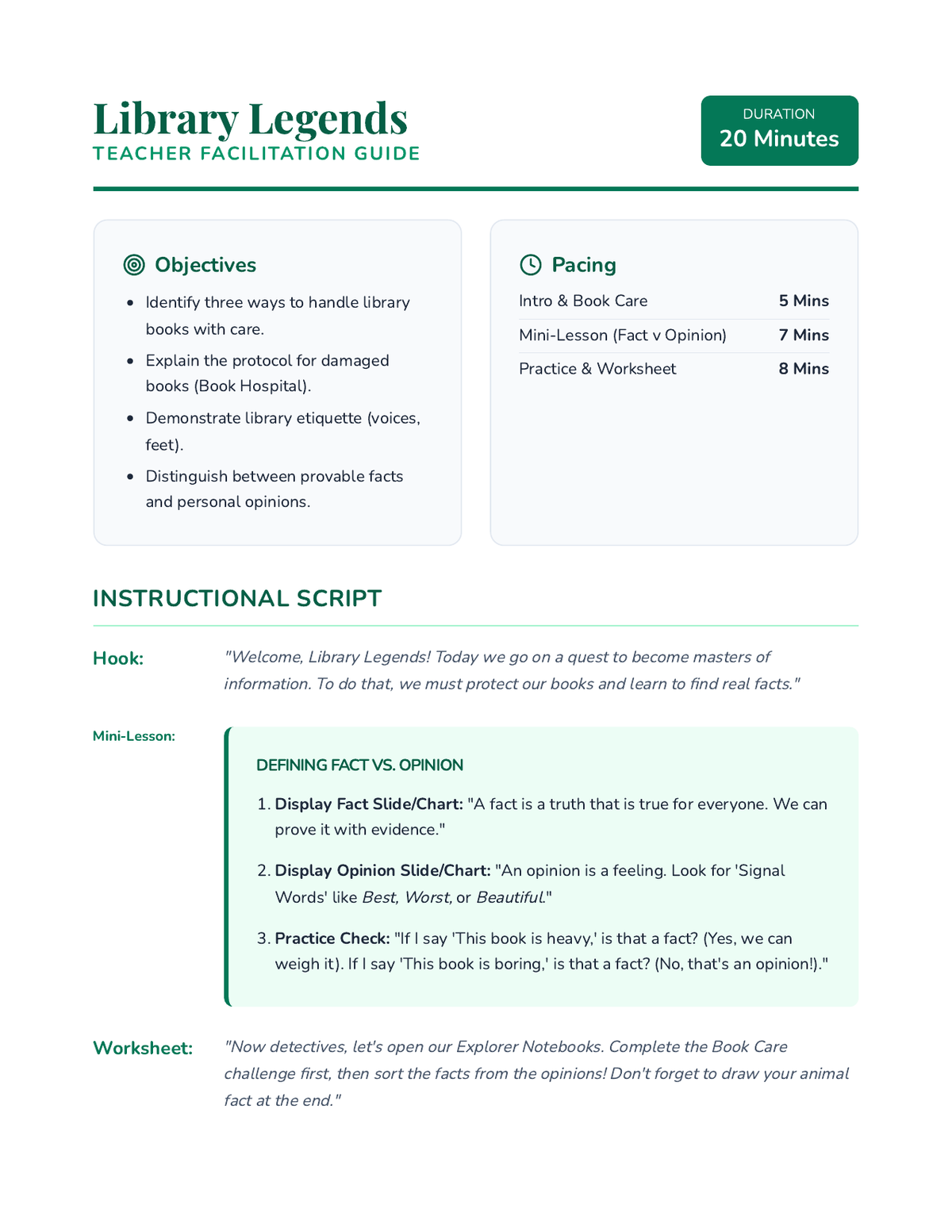
A comprehensive teacher guide for the Library Legends lesson, including pacing, instructional scripts, answer keys, and facilitation tips for a 20-minute session. Revised to fix layout issues and answer key clarity. Final check for page breaks and font contrast.
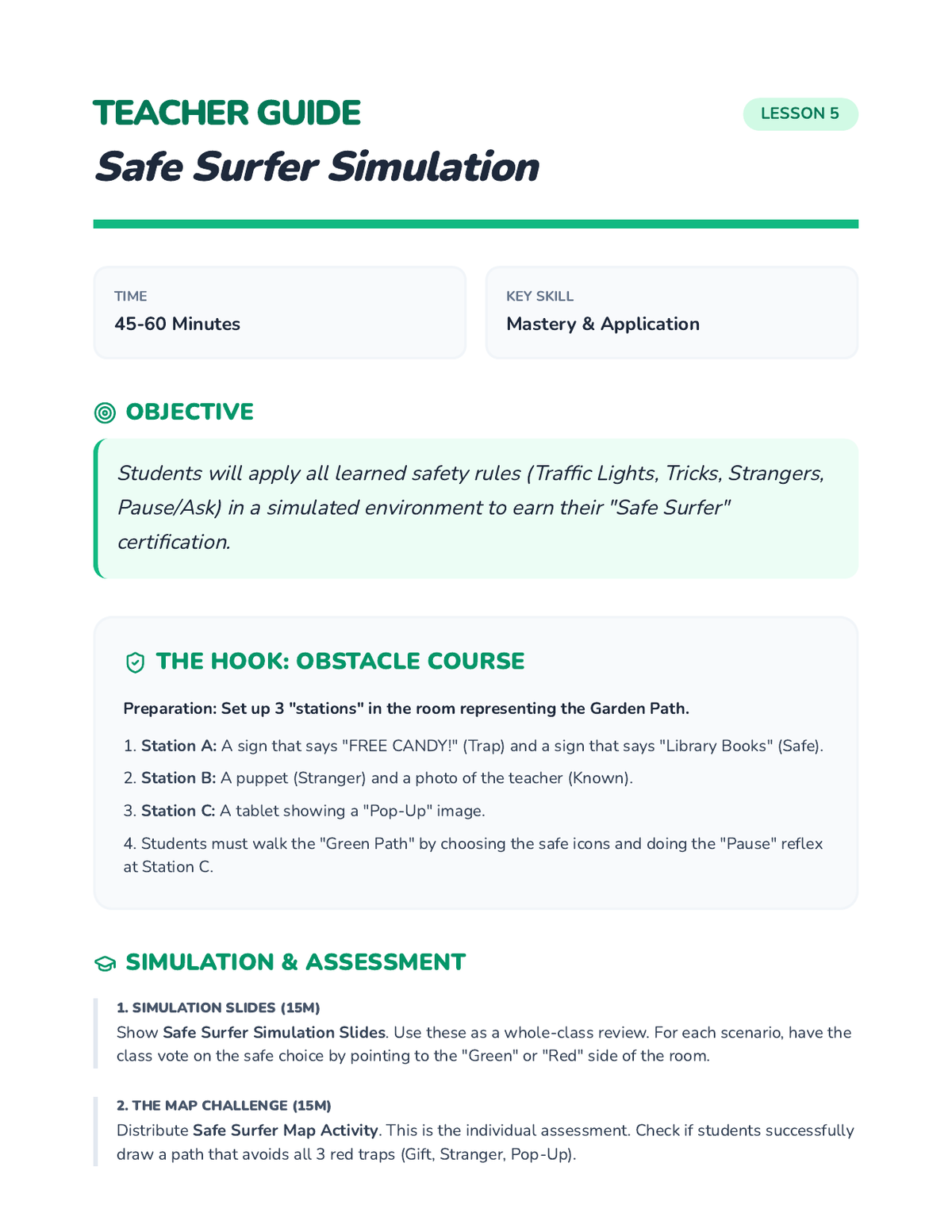
Teacher lesson guide for the final simulation and certification, providing a recap of all safety rules and assessment instructions.
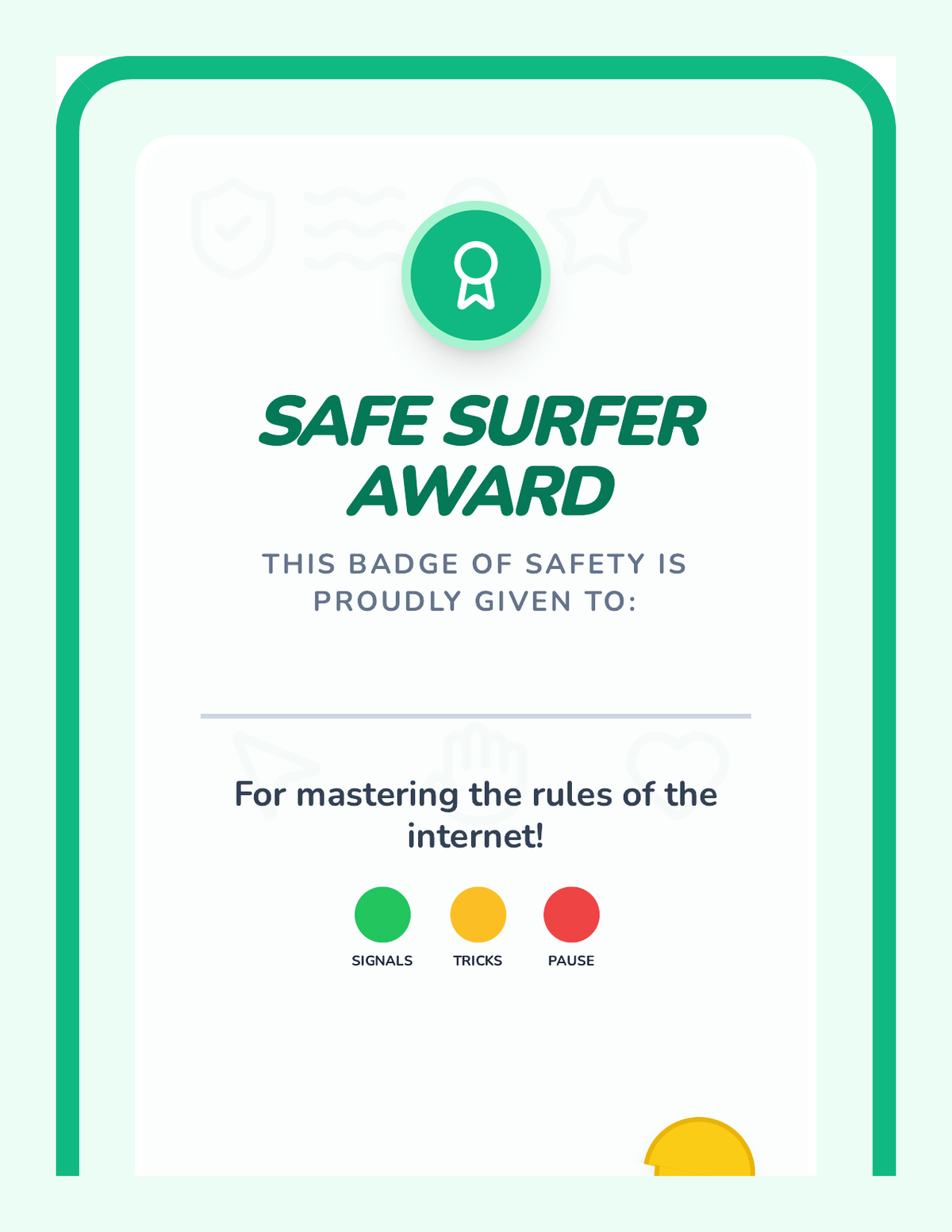
A printable graduation certificate for Kindergarteners who complete the Online Safety Signals sequence.
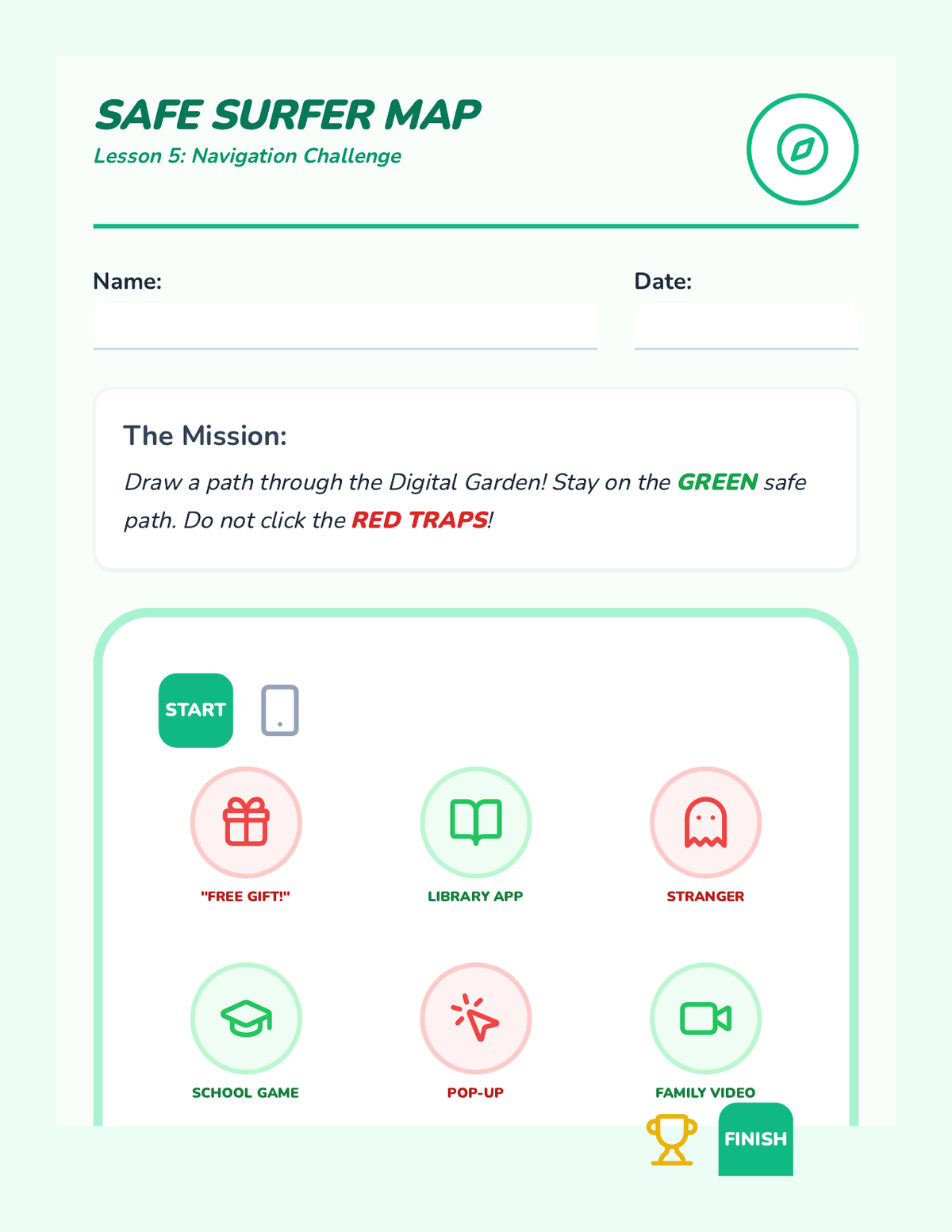
A Kindergarten map activity where students draw a path through safe digital "zones" while avoiding tricky traps.
Visual slide deck for Lesson 5 including final assessment scenarios and the "Safe Surfer Promise."
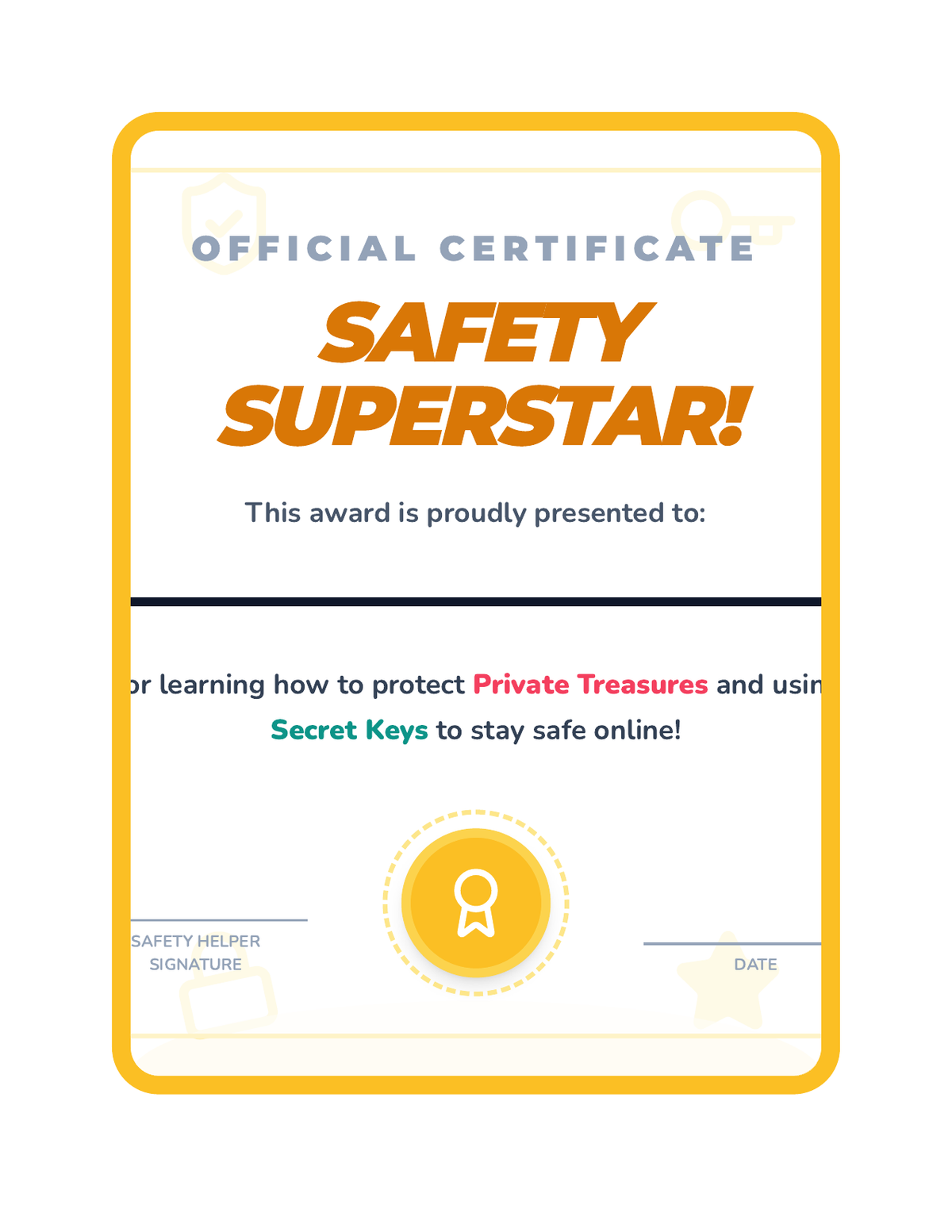
A celebratory certificate for students who complete the Safety Superstars sequence.
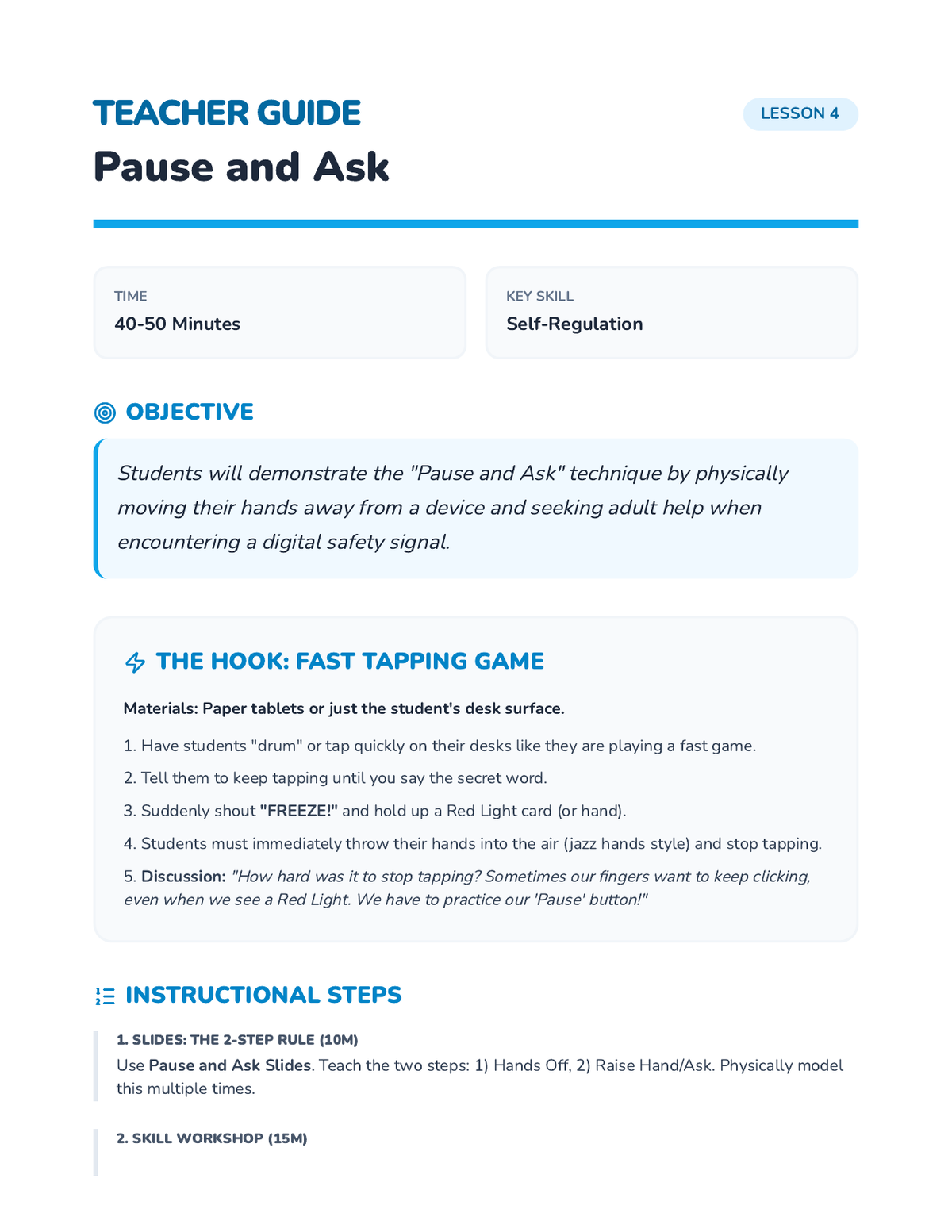
Teacher lesson guide for the "Pause and Ask" technique, featuring the fast-paced tapping game and muscle memory workshops.
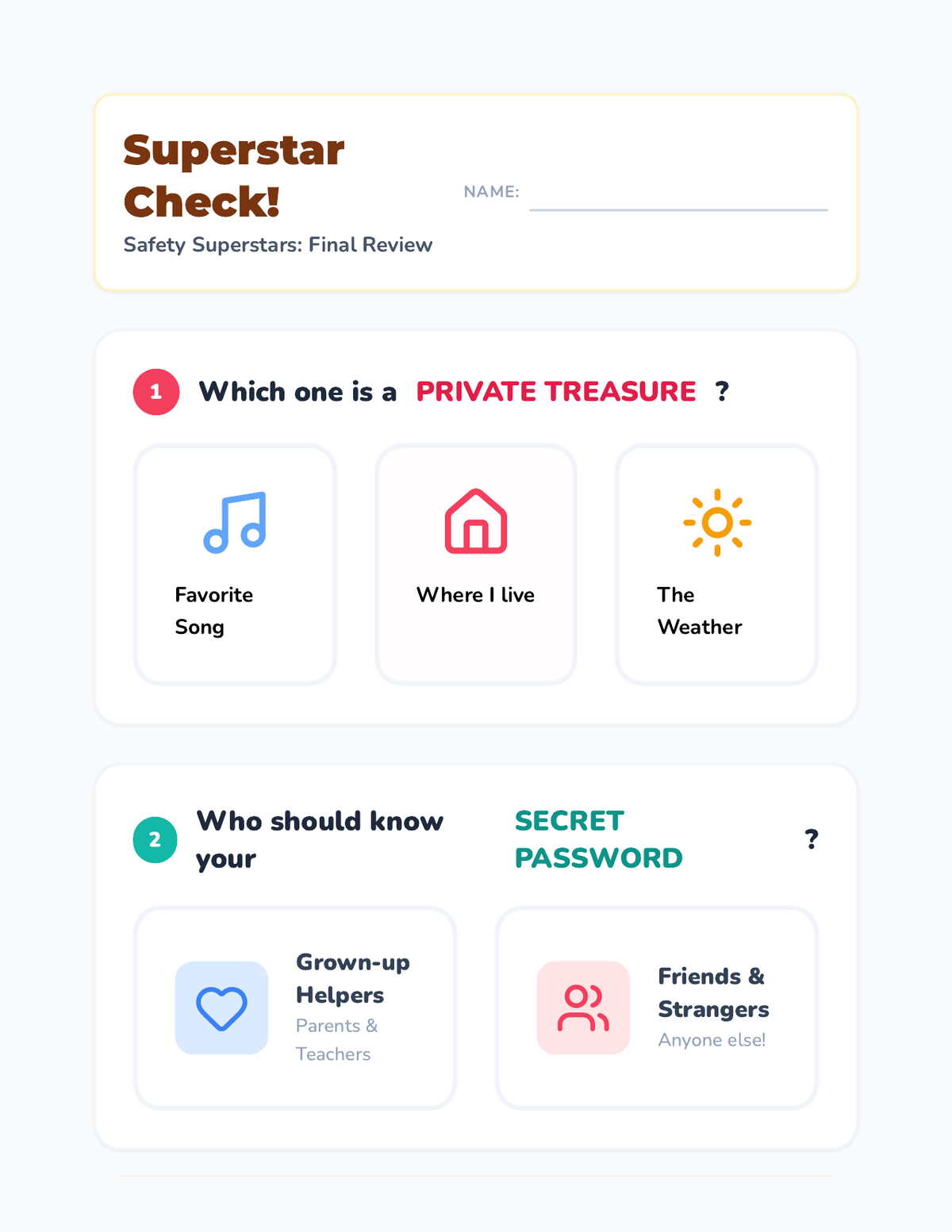
A visual assessment for Kindergarten students to demonstrate their understanding of private information, password sharing, and the 'Stop and Ask' rule.
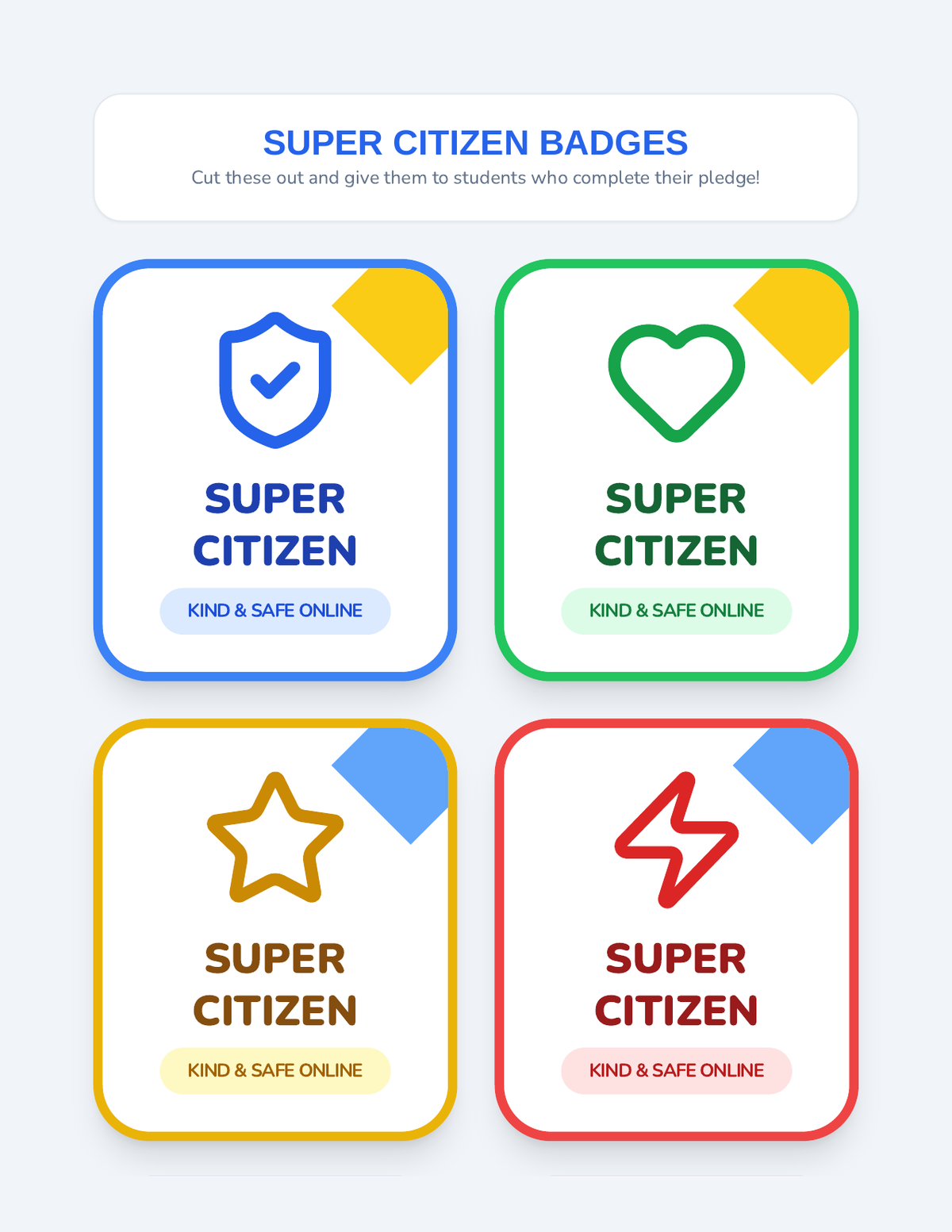
Printable merit badges for students to celebrate their completion of the Digital Citizen sequence.
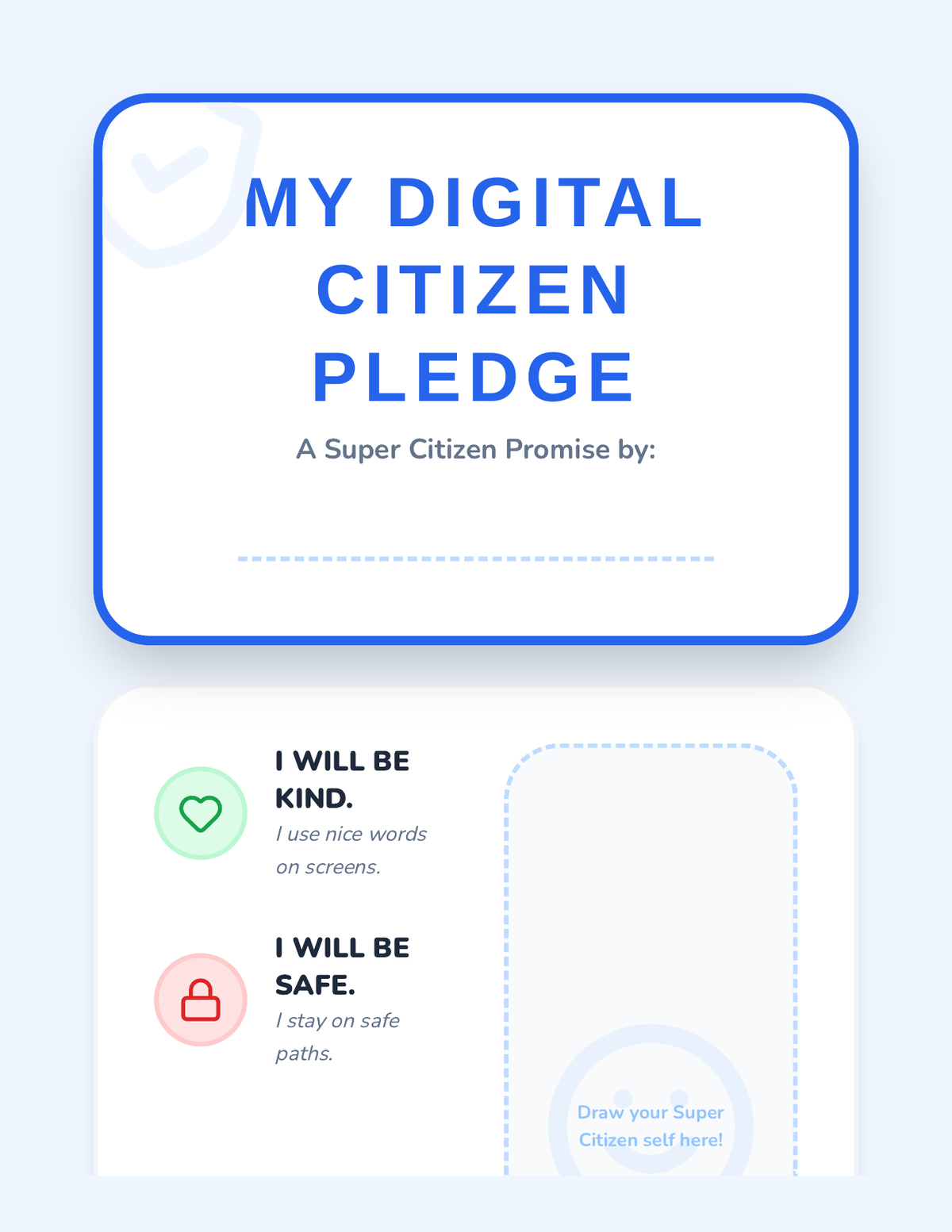
A formal pledge template for Kindergarteners to finalize their commitment to digital citizenship through drawing and signing.
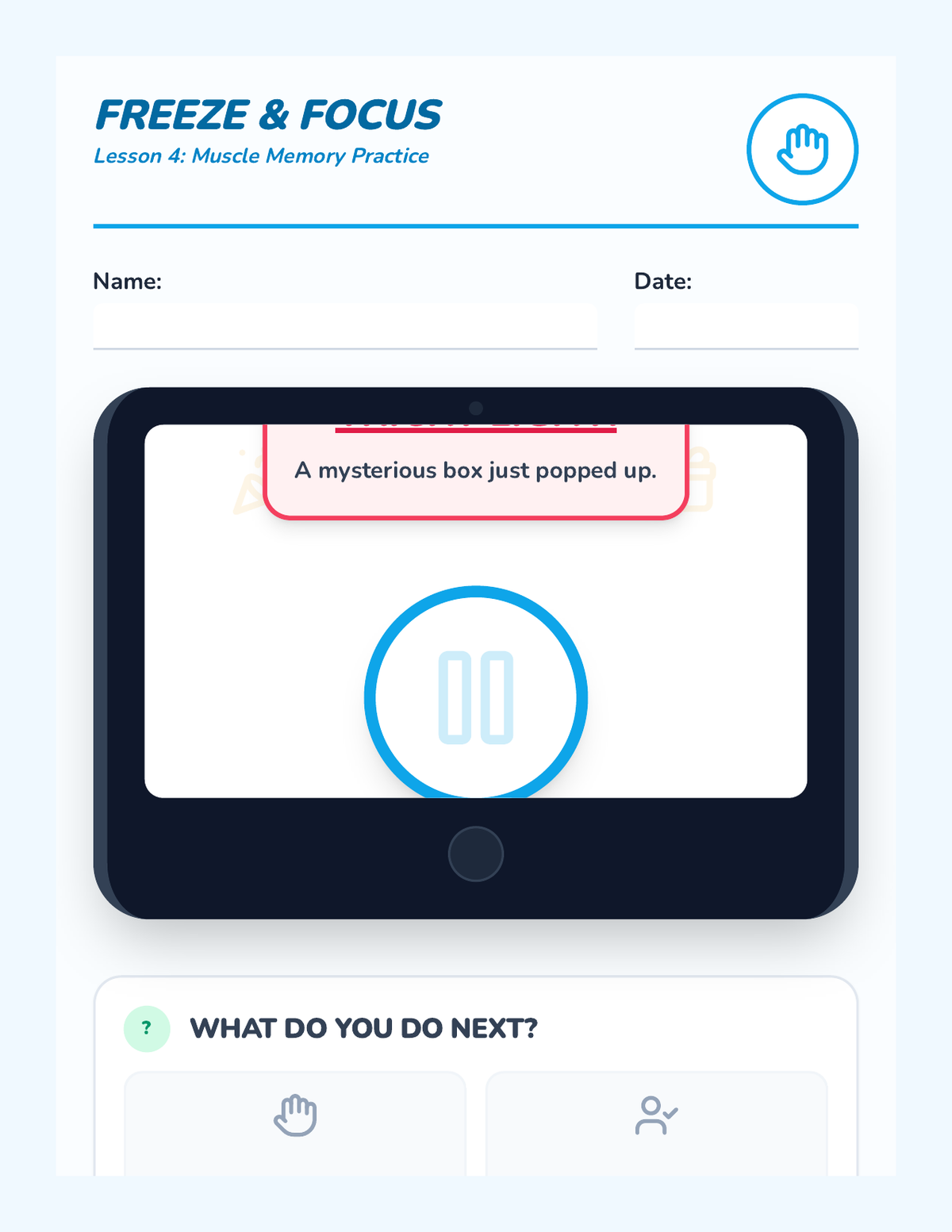
A practice worksheet designed to look like a tablet screen where Kindergarteners practice identifying when to pause and ask for help.
Introductory slides for Lesson 5 focusing on role-play scenarios and the final review of safety rules.
Final slide deck for Lesson 5, reviewing the sequence's core concepts and introducing the final "Super Citizen Pledge" project.
Visual slide deck for Lesson 4 about the "Pause and Ask" technique for handling unexpected or tricky online situations.
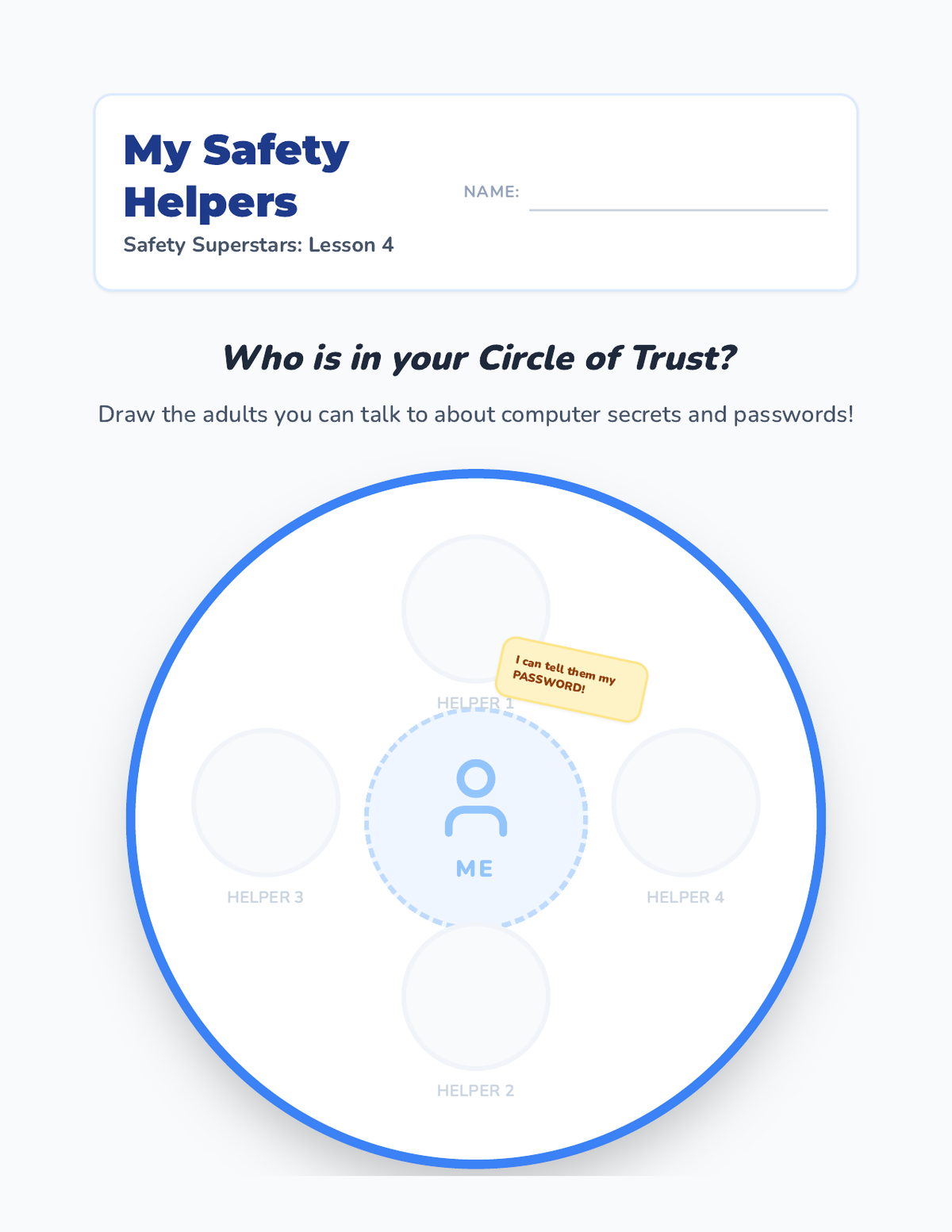
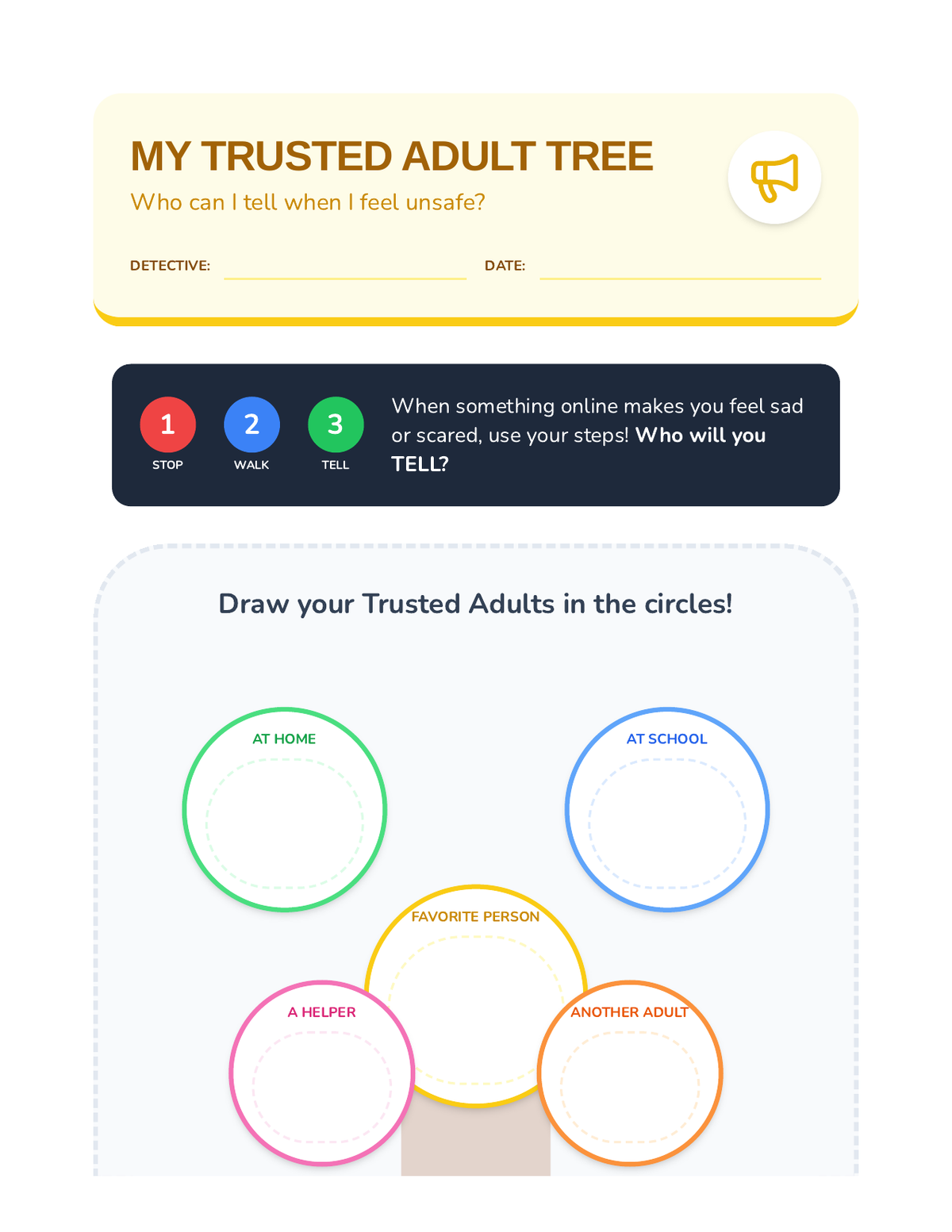
A visual worksheet for Kindergarten students to draw the trusted adults in their life who form their 'Circle of Trust'.
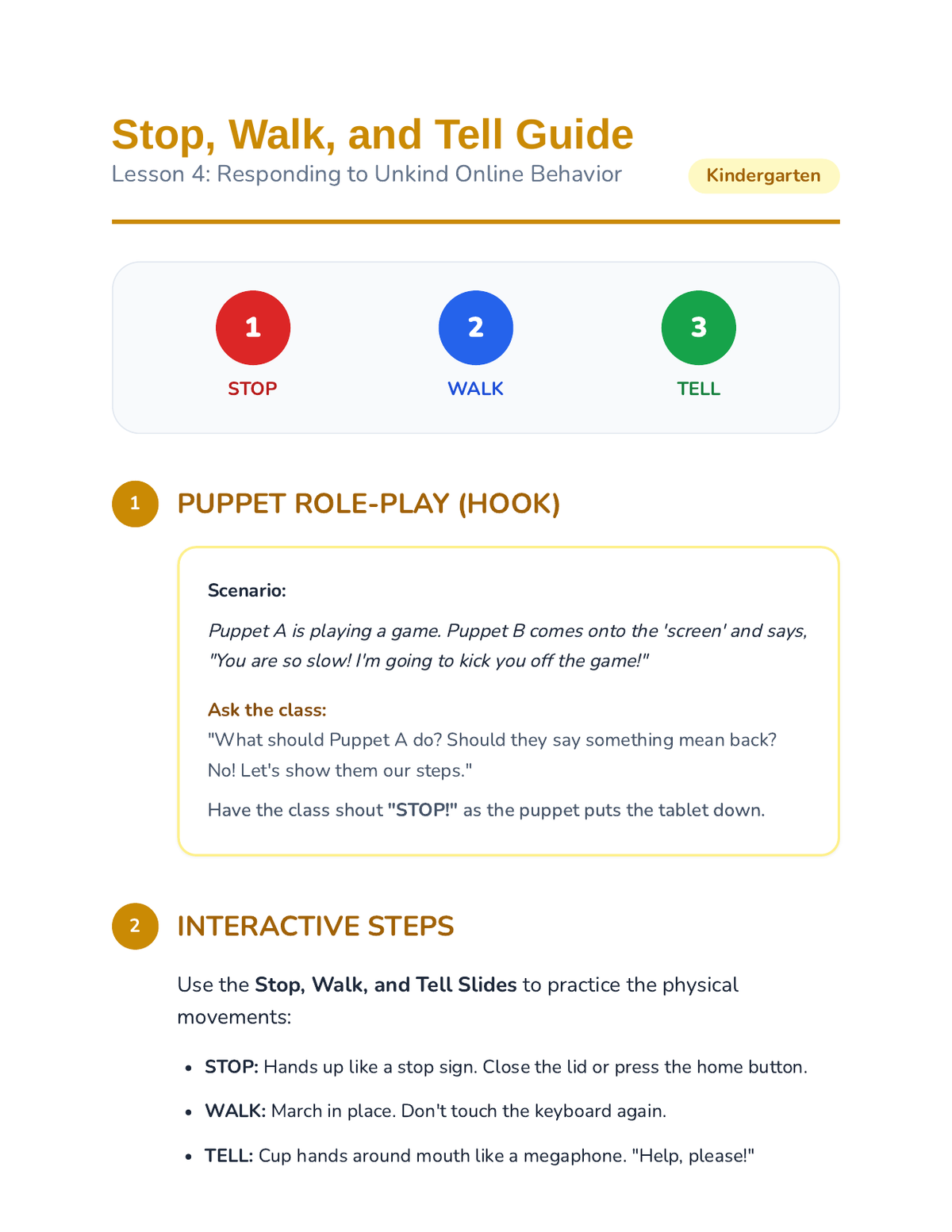
Teacher facilitation guide for Lesson 4, featuring a puppet role-play script and instructions for teaching the "Stop, Walk, and Tell" strategy.
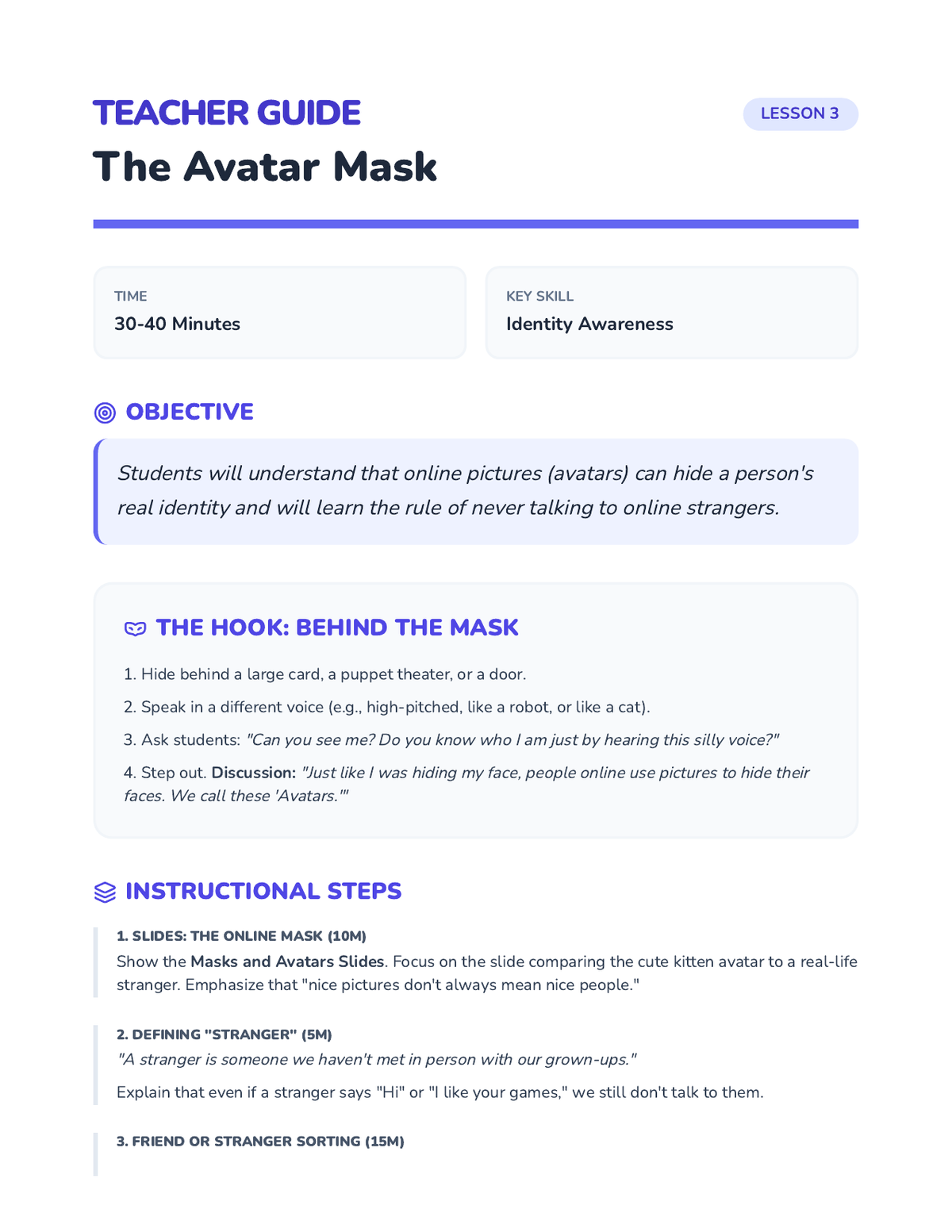
Teacher lesson guide for the Stranger Danger Online lesson, featuring the "Behind the Mask" voice activity and identity discussion.
Introductory slides for Lesson 4 focusing on the 'Circle of Trust' and identifying adults who can help with online safety.
An activity sheet where Kindergarteners identify and draw the trusted adults in their lives they can turn to when they encounter something upsetting online.
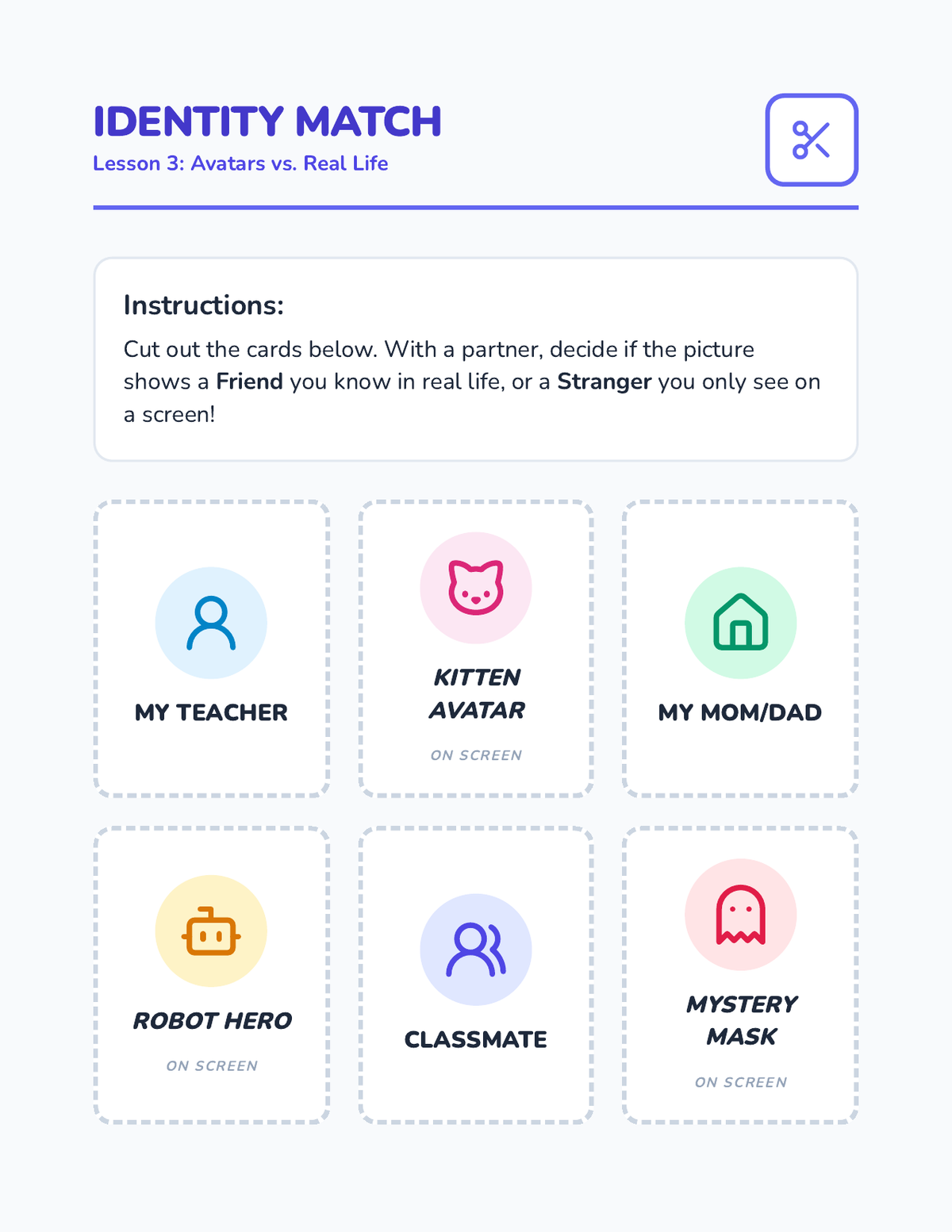
A set of sorting cards for Kindergarteners to distinguish between people they know in real life and unknown online avatars.
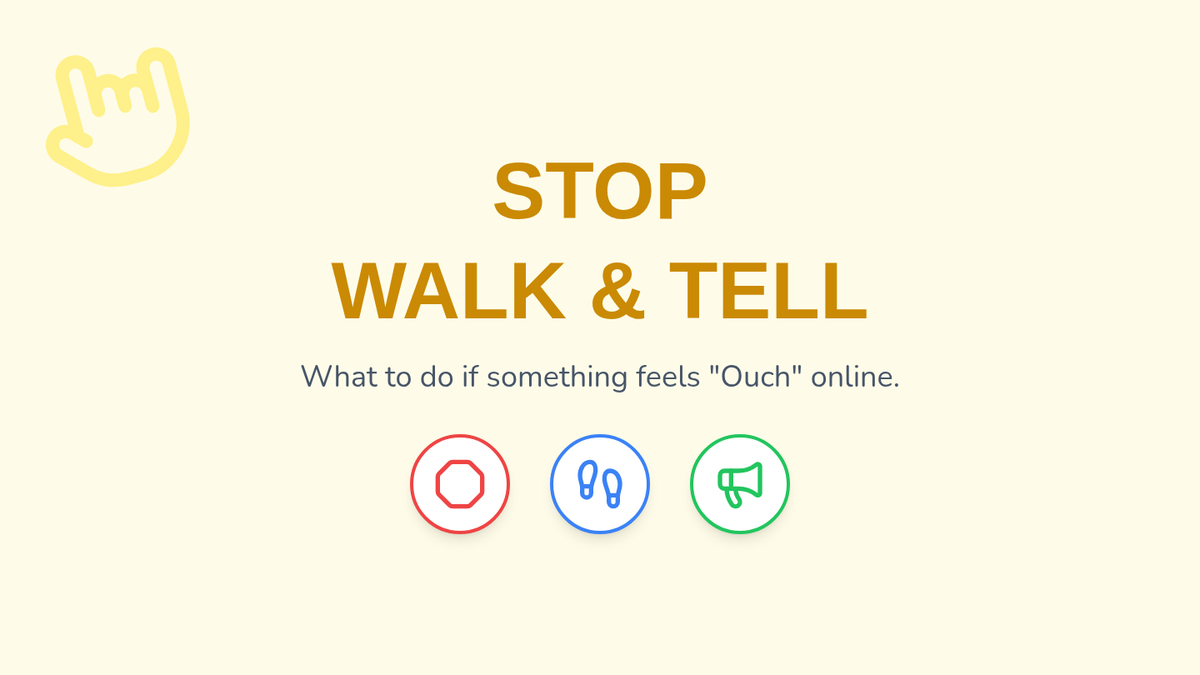
Slide deck for Lesson 4 teaching the "Stop, Walk, and Tell" strategy for responding to unkind or uncomfortable online content.