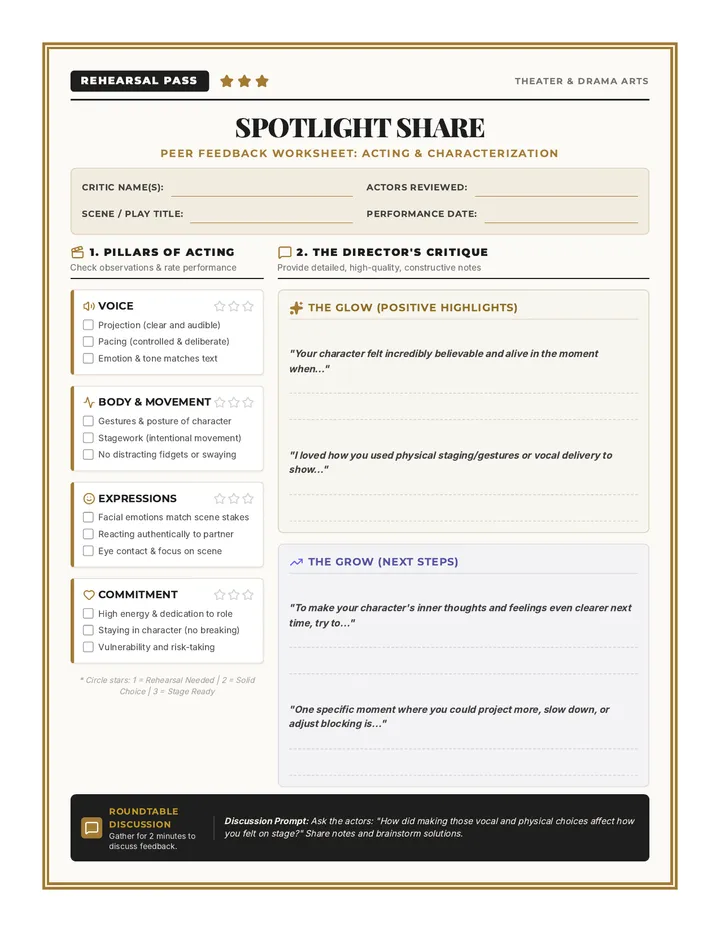
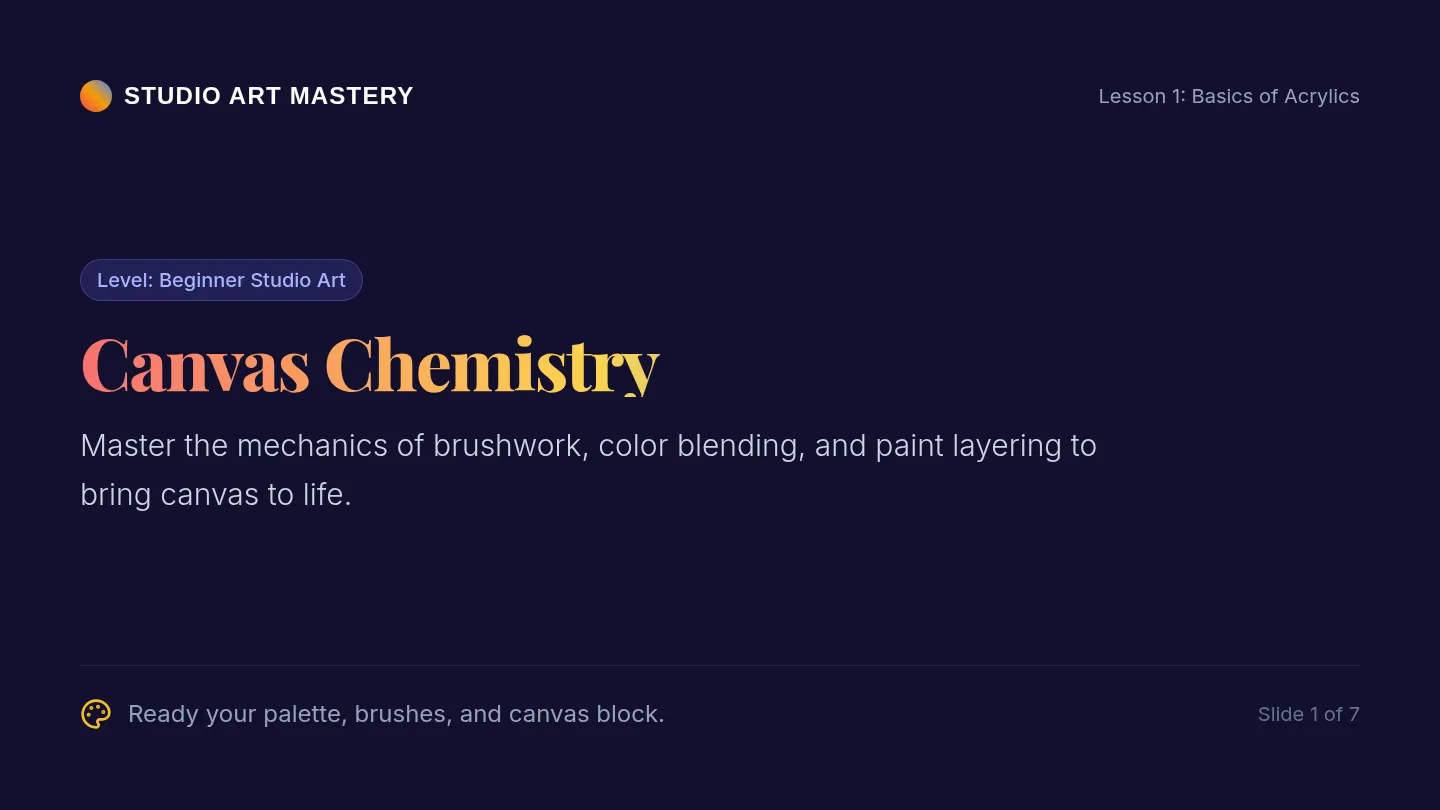
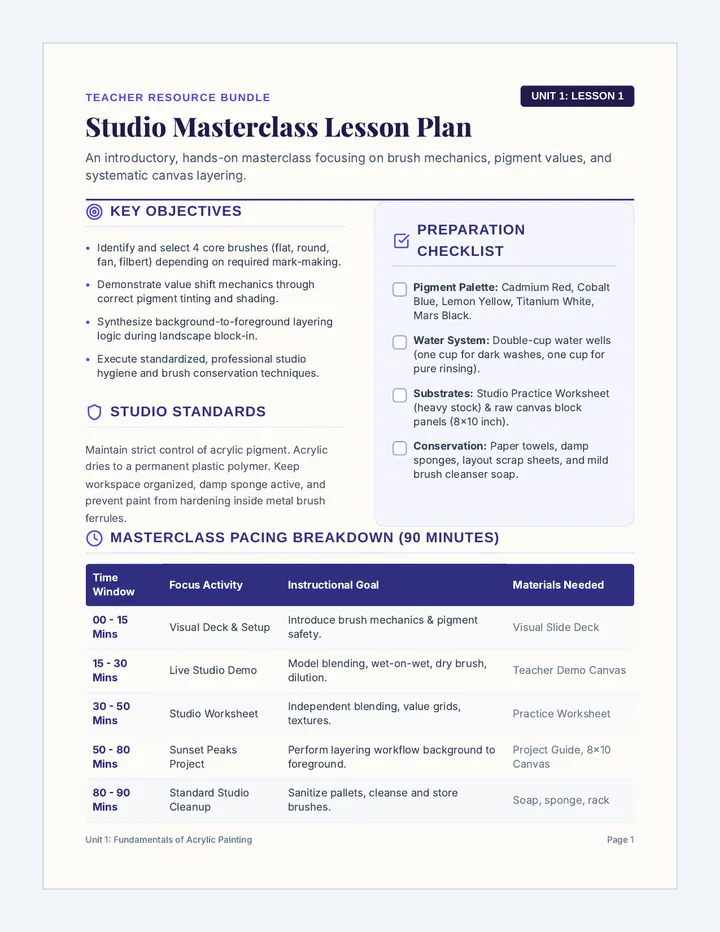
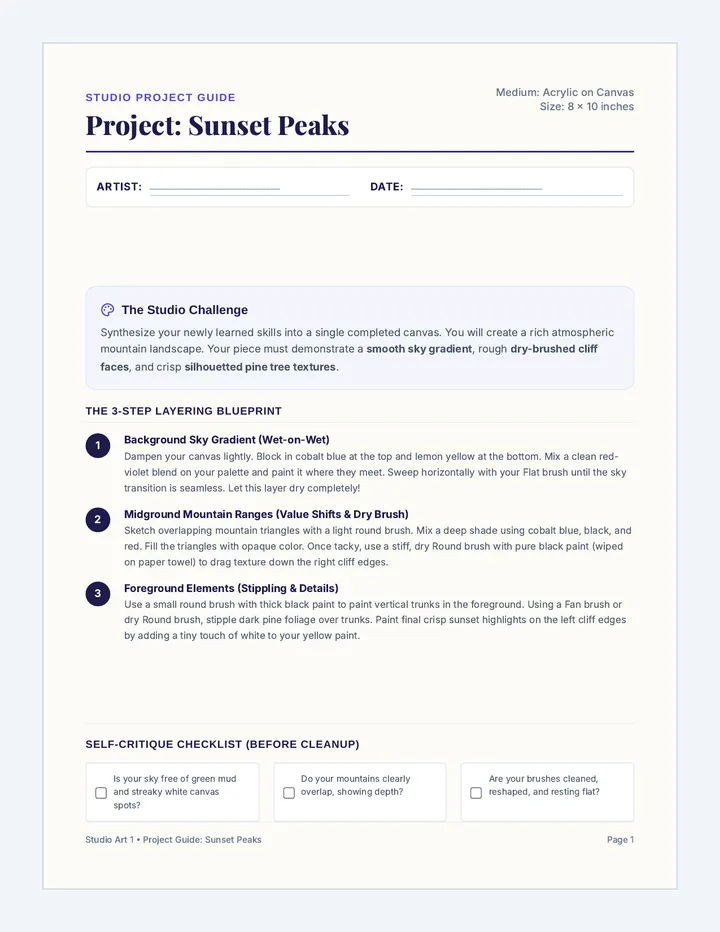
Students learn the anatomy of breathing for the stage, distinguishing between shallow chest breathing and deep diaphragmatic support. They practice sustaining breath to support long phrases of text.

Students gain 'x-ray vision' over large datasets by learning to sort and filter information. They explore conditional formatting to visualize trends and identify specific target segments within their market research data.
Students transition from data entry to data analysis by mastering fundamental spreadsheet formulas. They learn the power of the equals sign, cell referencing, and essential functions like =SUM, =AVERAGE, and =COUNT to automate business calculations.
Students explore the efficiency of automated data collection by linking their market research forms to live spreadsheets. They learn the concept of real-time data syncing and master the 'Freezing Rows' skill to manage large datasets effectively.
Students learn the art of professional survey design to gather market intelligence. They distinguish between quantitative and qualitative data, identify biased questioning, and build a multi-format survey in Google Forms or Microsoft Forms to collect clean data from their target audience.
This lesson introduces students to the fundamental structure of spreadsheet software. They learn about cells, rows, columns, and addresses while performing basic data entry and formatting to align with their brand identity.
Students transition from brand design to market analysis by distinguishing between demographic data (external facts) and psychographic data (internal values). They apply these concepts by building a formal User Persona for their brand, justifying their earlier design choices based on audience data.
Students participate in a professional 'Gallery Walk' to provide and receive constructive feedback on their Brand Style Guides and One-Pagers. They apply the 'Glow and Grow' framework to refine their designs, fulfilling standards for artistic critique and professional communication.
Students master the principle of visual hierarchy to lead a customer's eye through a design. They apply the 'Rule of Three' (Size, Weight, and Contrast) to create a professional brand 'One-Pager' in Canva, ensuring their most important brand assets receive maximum visibility.
Students define their brand's 'personality' by selecting and filtering imagery that aligns with a specific tone. They complete their formal Brand Style Guide by documenting photography standards and brand keywords, focusing on the principles of repetition and unity.
Students transition from brand creation to documentation by building a formal Style Guide. They learn the importance of brand consistency through 'The Brand Police' concept and document their logo usage, hex codes, and typography pairings in Canva using alignment rulers and guides.
Students transition to Canva as a layout tool to assemble their brand assets into a professional Mood Board. They learn to 'break' templates by replacing generic elements with their own custom logos and colors, focusing on brand consistency and visual harmony.
Students refine their logo drafts for professional use, focusing on simplicity, negative space, and contrast. They learn to create multiple versions (Full Color and Solid Black) and understand the technical export requirements for digital vs. print media (PNG vs. PDF).
Students transition from creating isolated assets to building their official brand logo. They learn the anatomy of a logo (Symbol + Logotype), master alignment guides in Google Drawing, and perform the 'Squint Test' to ensure their design is clear and balanced.