Fundamental hardware proficiency, secure online behavior, and ethical social media engagement. Equips learners with productivity tool mastery, web publishing skills, and critical evaluation of emerging technologies.
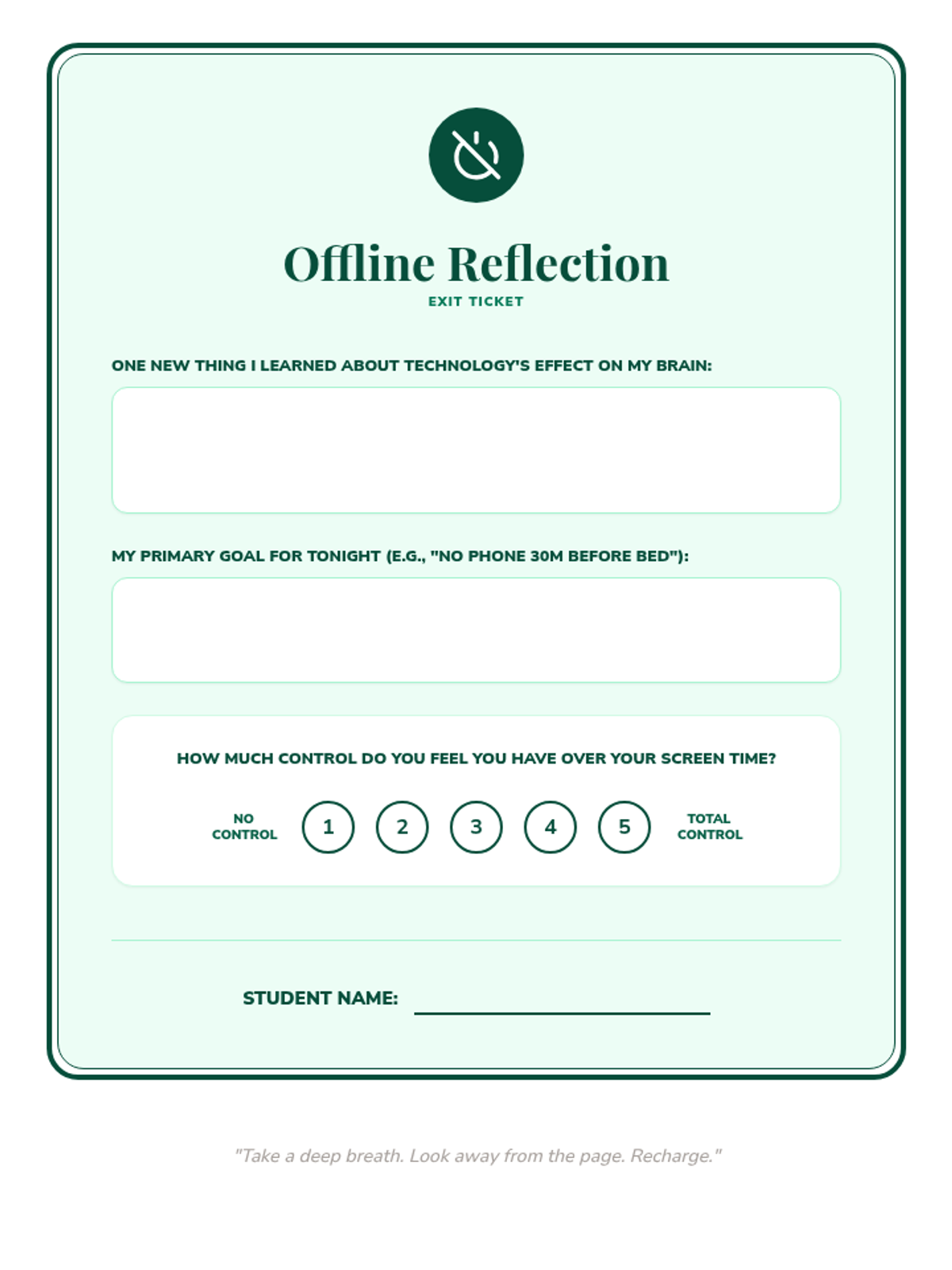
A post-lesson reflection tool for students to articulate their learning and state an immediate goal for their digital habits.
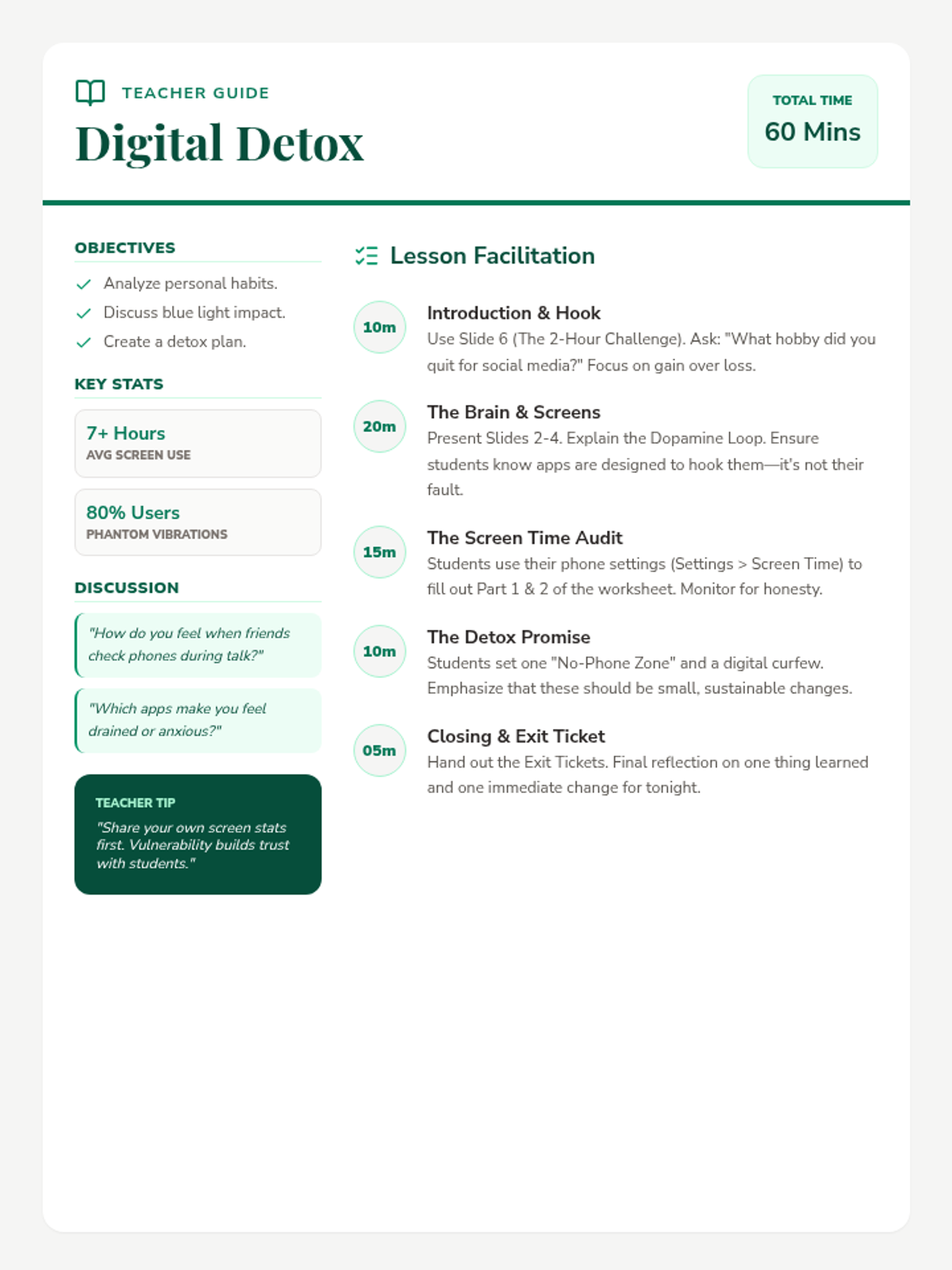
A comprehensive guide for teachers to facilitate the Digital Detox lesson, including pacing, background statistics, and discussion prompts.
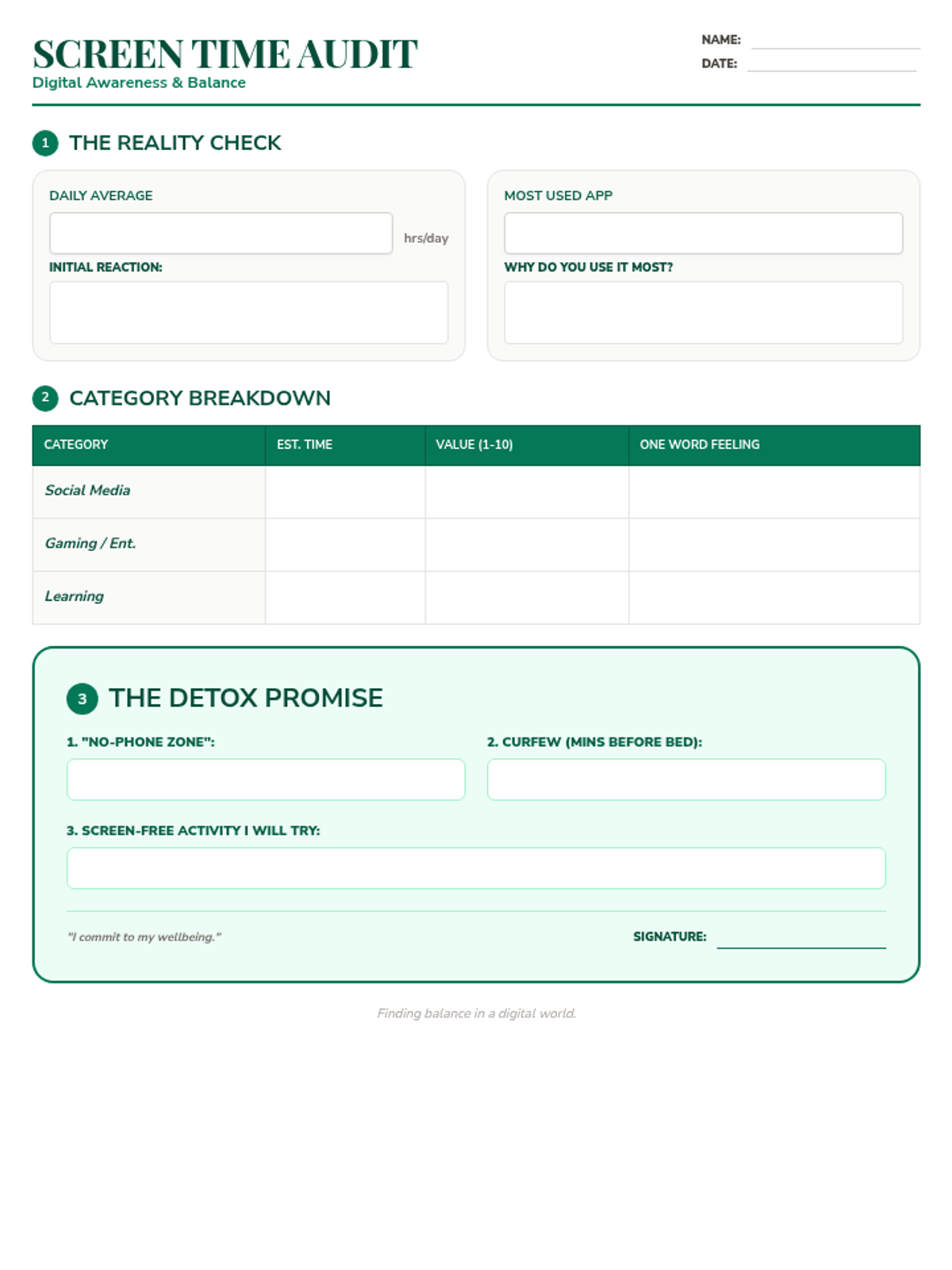
A structured worksheet for students to audit their current screen time habits and commit to specific, manageable goals for a digital detox.
A visually engaging presentation about the impact of screen time on the brain, the benefits of unplugging, and practical strategies for a digital detox.
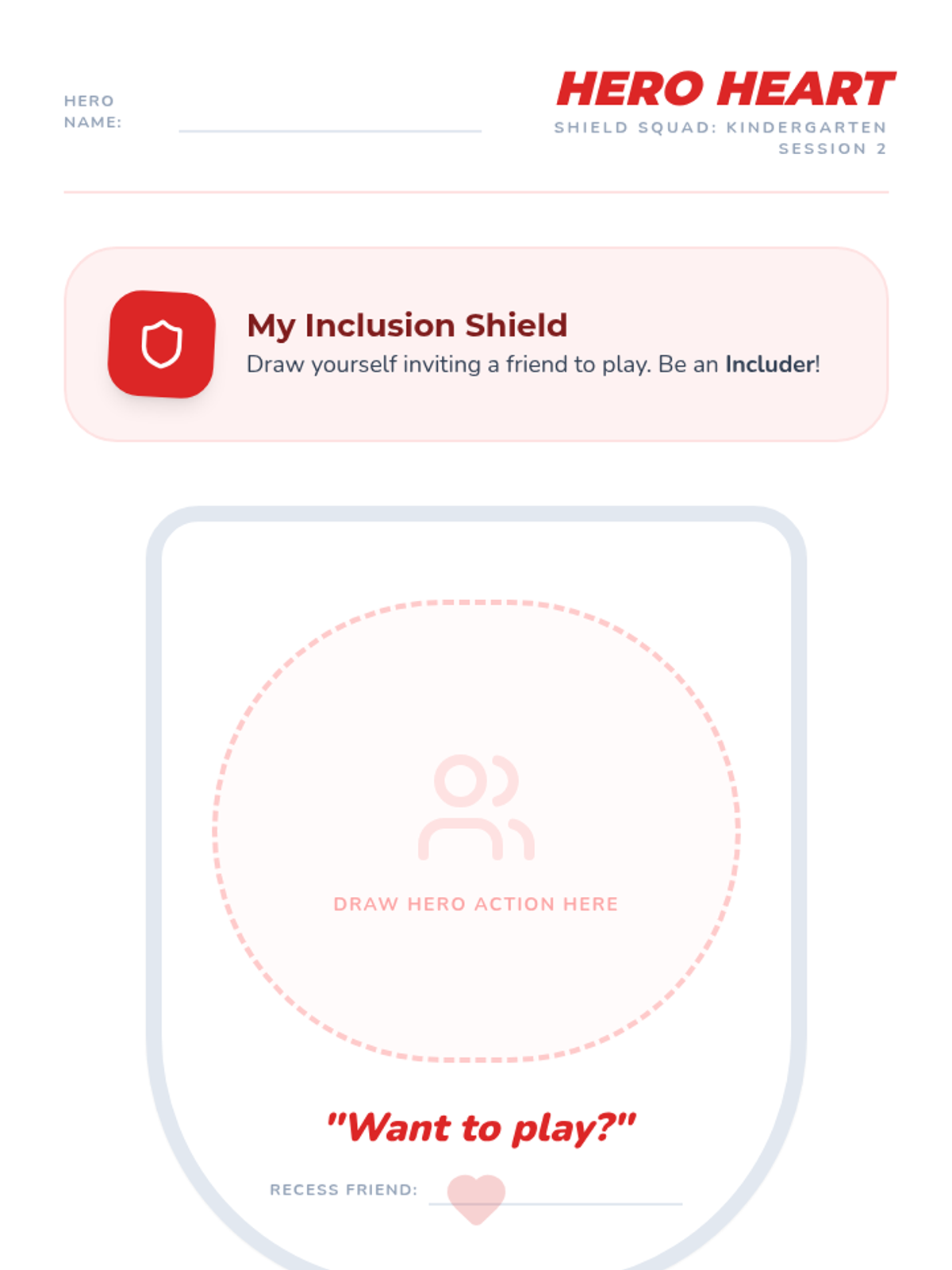
A creative drawing and strategy reinforcement worksheet for Kindergarten. Features a large shield area for students to draw inclusive actions and reminders for the Stop-Walk-Talk strategy.
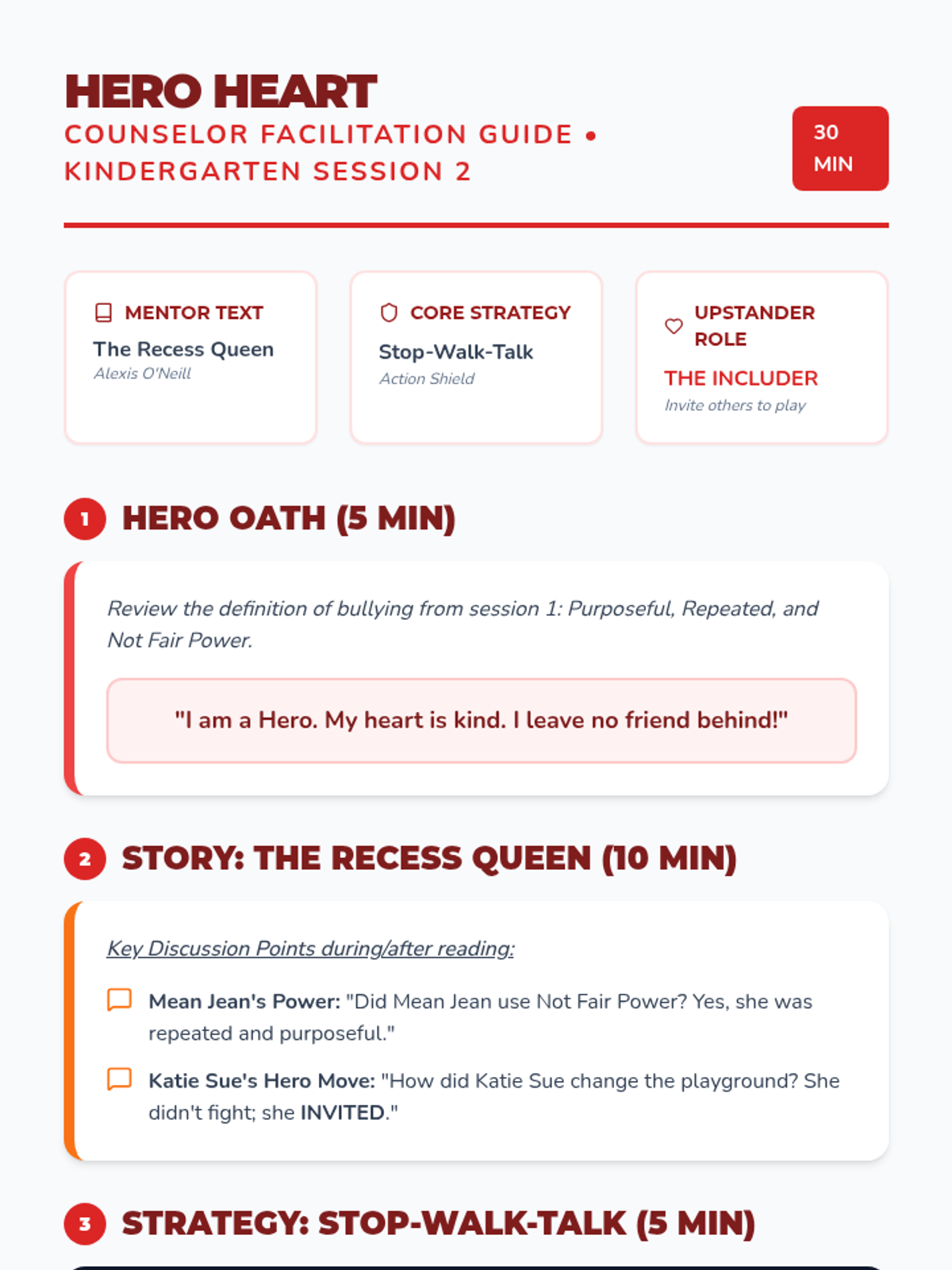
Counselor guide for Kindergarten using 'The Recess Queen' by Alexis O'Neill. Includes lesson script, Stop-Walk-Talk strategy review, and instructions for the Hero Heart Shield activity.
Slide deck for Kindergarten Hero Heart, featuring 'The Recess Queen' by Alexis O'Neill. Focuses on the role of the 'Includer', the Stop-Walk-Talk strategy, and identifying bullying vs. conflict.
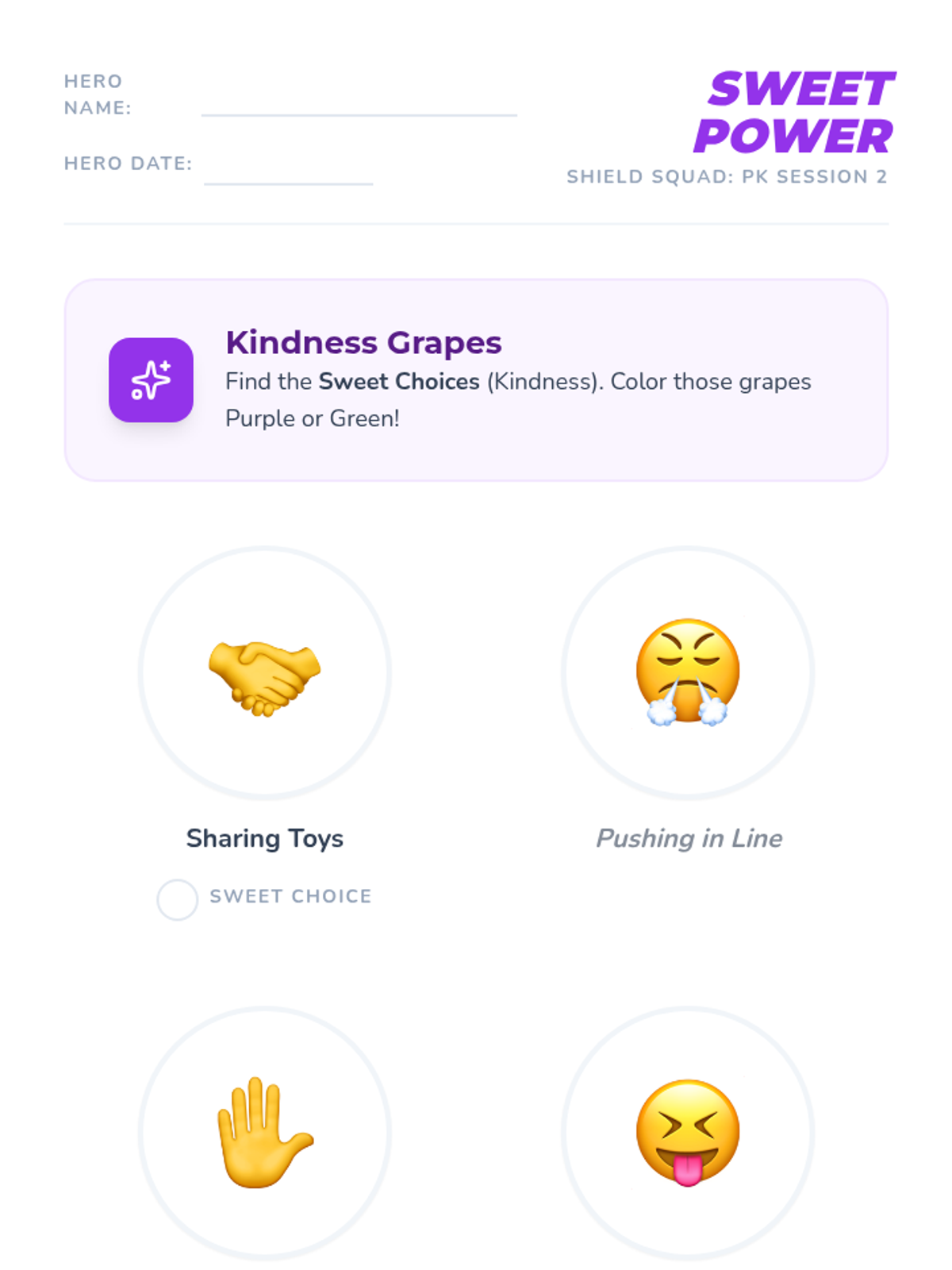
A visual sorting and drawing worksheet for PK students to distinguish between kind and mean choices. Features large icons for non-readers and a creative drawing area for personal kindness moves.
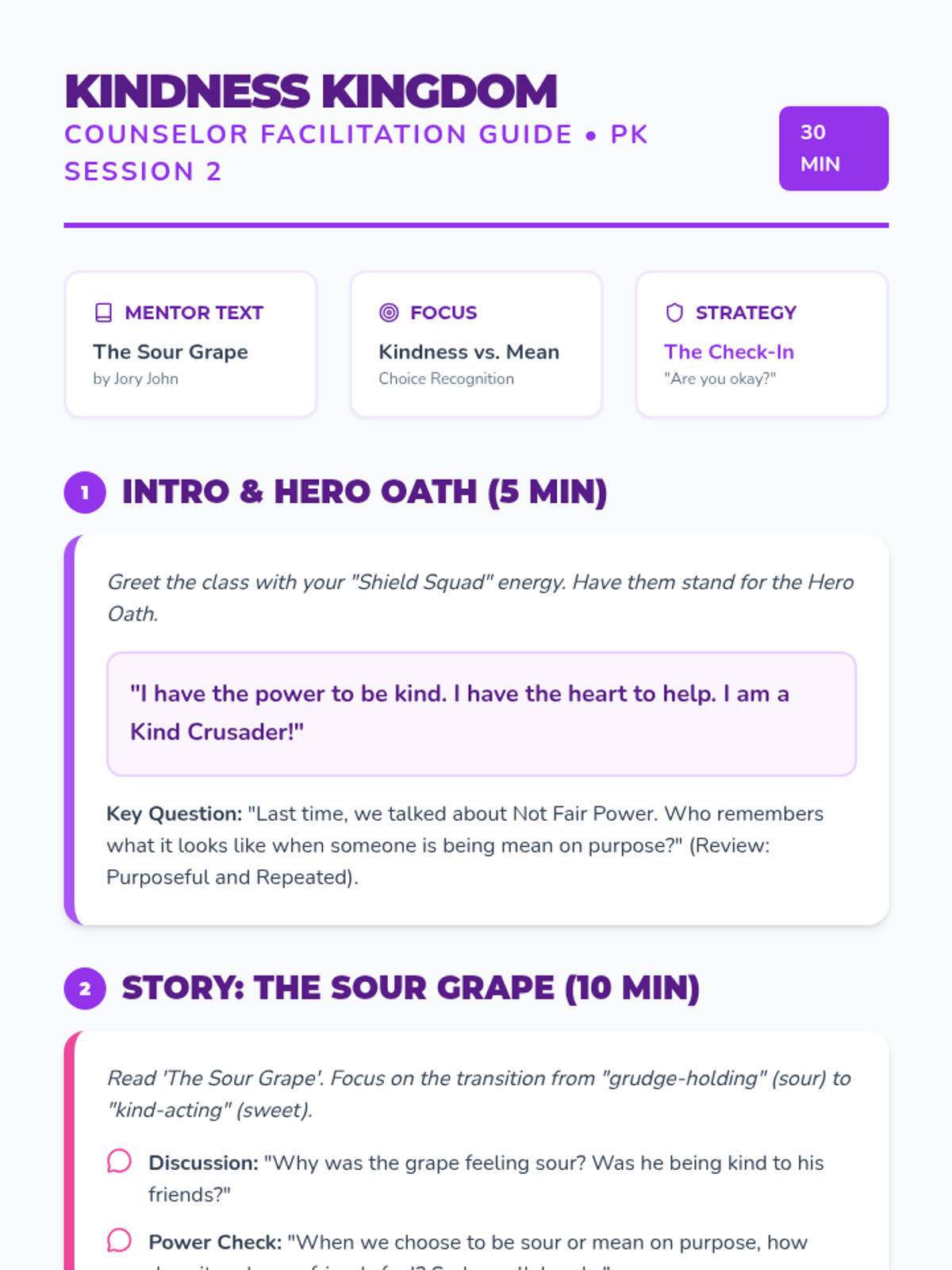
Counselor guide for PK using 'The Sour Grape' by Jory John. Includes lesson script, Hero Oath, and instructions for the Kindness Grapes sorting/coloring activity.
Slide deck for PK Kindness Kingdom, featuring 'The Sour Grape' by Jory John. Focuses on identifying purposeful mean behavior vs. kind choices and introduces the 'Check-In' upstander strategy.
Slide deck for 4th grade Upstander Elite, featuring 'Confessions of a Former Bully' by Trudy Ludwig, the bullying circle, and power shift strategies. Optimized for high contrast and fixed rendering.
Slide deck for 3rd grade Power Protectors, featuring 'Tease Monster' by Julia Cook, bullying definitions, and the 4 upstander power moves. Optimized for classroom delivery.
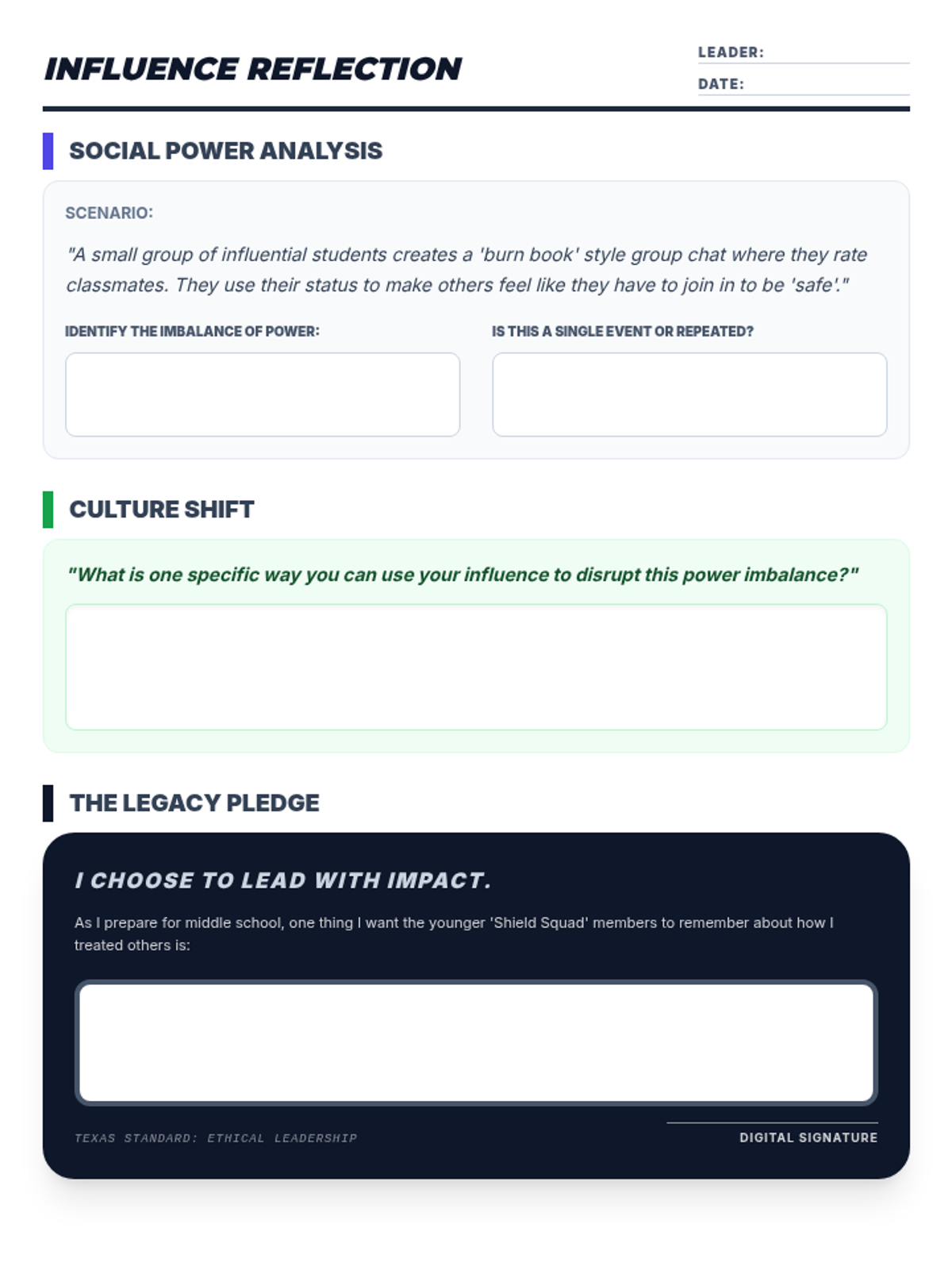
Legacy reflection handout for 5th-6th grade. Features status auditing, a leadership move brainstorm, and a school legacy pledge with high-contrast work areas.
Slide deck for 6th grade Social Leadership, exploring school culture audits, 'Restart' themes, and building a legacy of advocacy. Optimized for high contrast and fixed rendering. Includes conflict vs bullying comparison.
Slide deck for 5th grade Impact Influencers, exploring 'Zero' by Kathryn Otoshi, social capital as power, and single significant events in cyberbullying. Optimized for high contrast and fixed rendering. Includes conflict vs bullying comparison.
Slide deck for 2nd grade Inclusion Squad, featuring 'The Invisible Boy' by Trudy Ludwig, bullying definitions, and specific includer strategies. Optimized for visual engagement.
Slide deck for 1st grade Friendship Force, featuring 'Trouble Talk' by Trudy Ludwig, bullying definitions, and the seesaw model of power. Optimized for high contrast and fixed icon rendering.
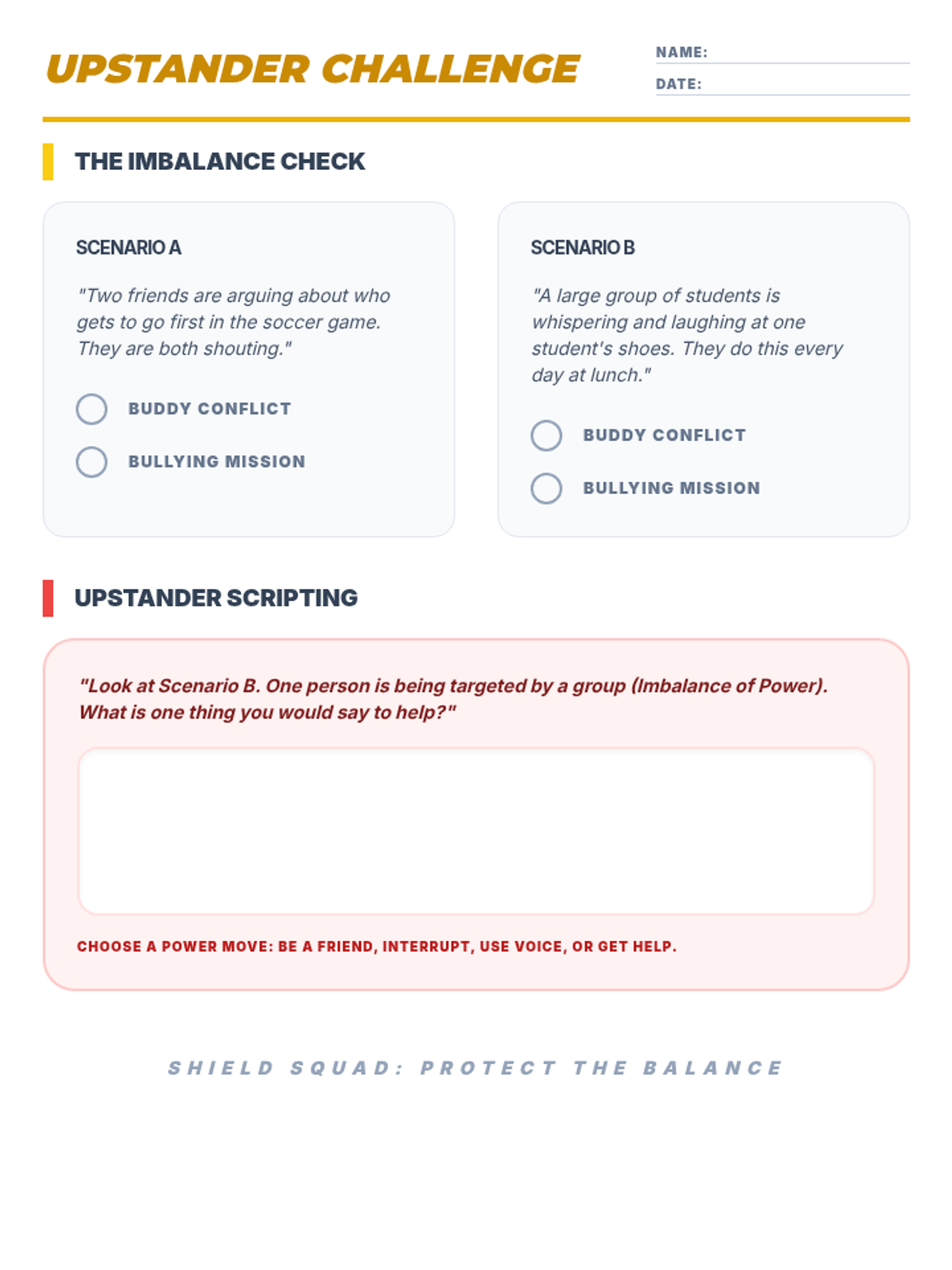
Upstander challenge handout for 3rd-4th grade. Features scenario sorting between conflict and bullying based on imbalance of power, plus a writing area for upstander scripting.
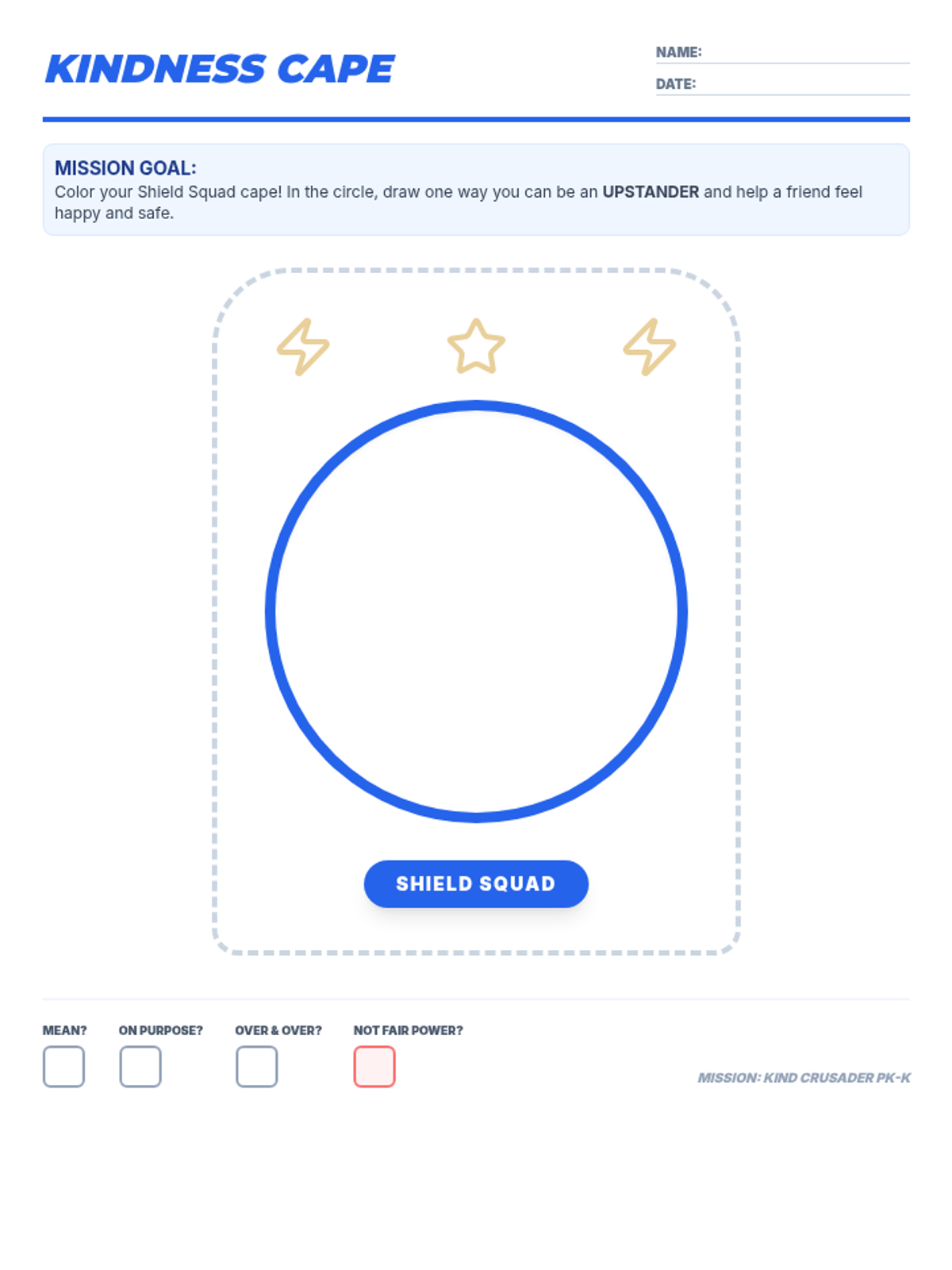
Creative drawing and coloring worksheet for PK-K students. High-contrast printable with a focus on upstander actions and the core bullying definition checkboxes.
Slide deck for Kinder Kindness Knights, featuring 'Bully B.E.A.N.S.' by Julia Cook, bullying definitions, and hero roles. Optimized for high contrast and fixed rendering.
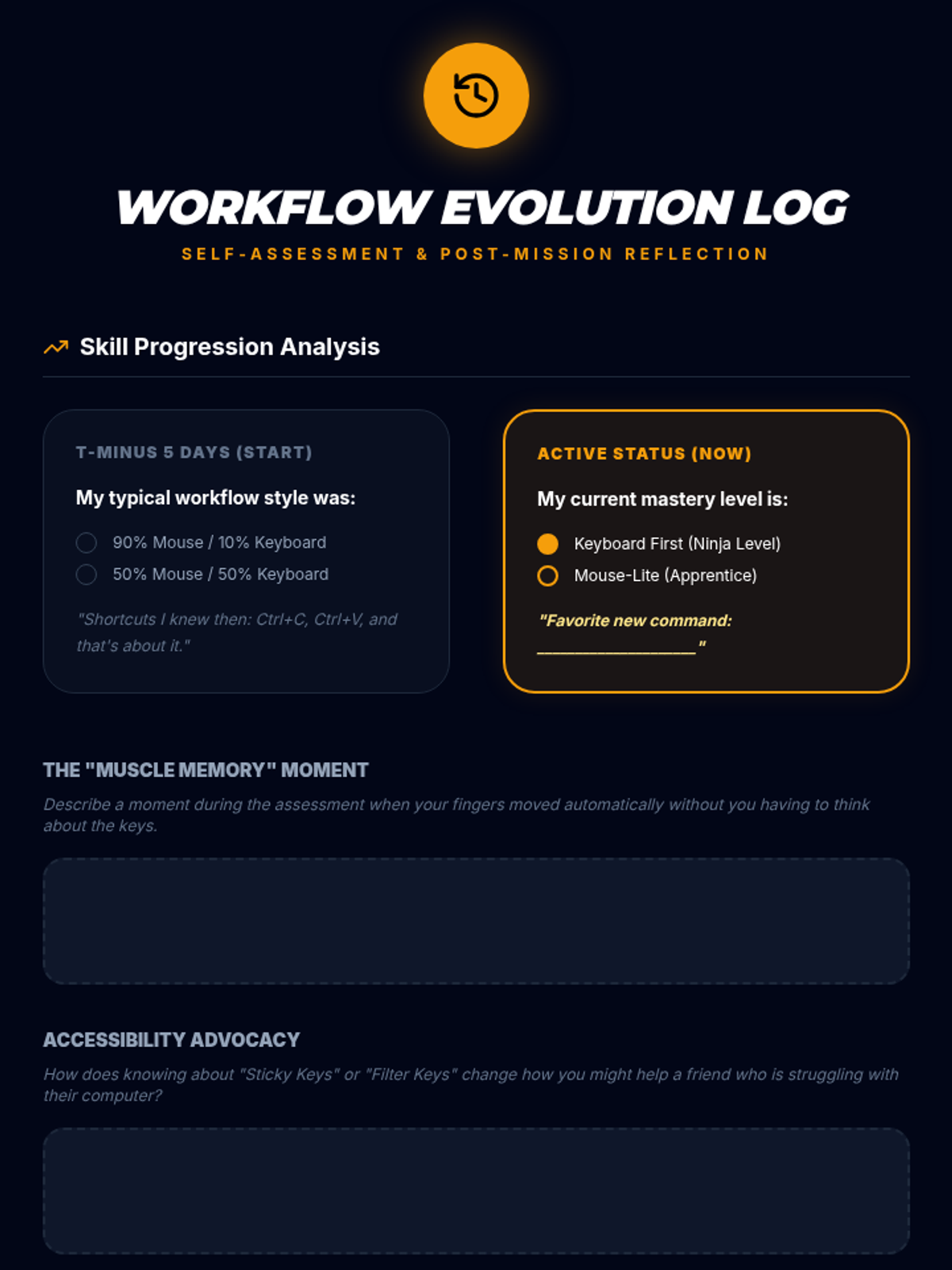
Reflection sheet for students to track their progress from the start to the end of the sequence, focusing on their shift from mouse to keyboard use.
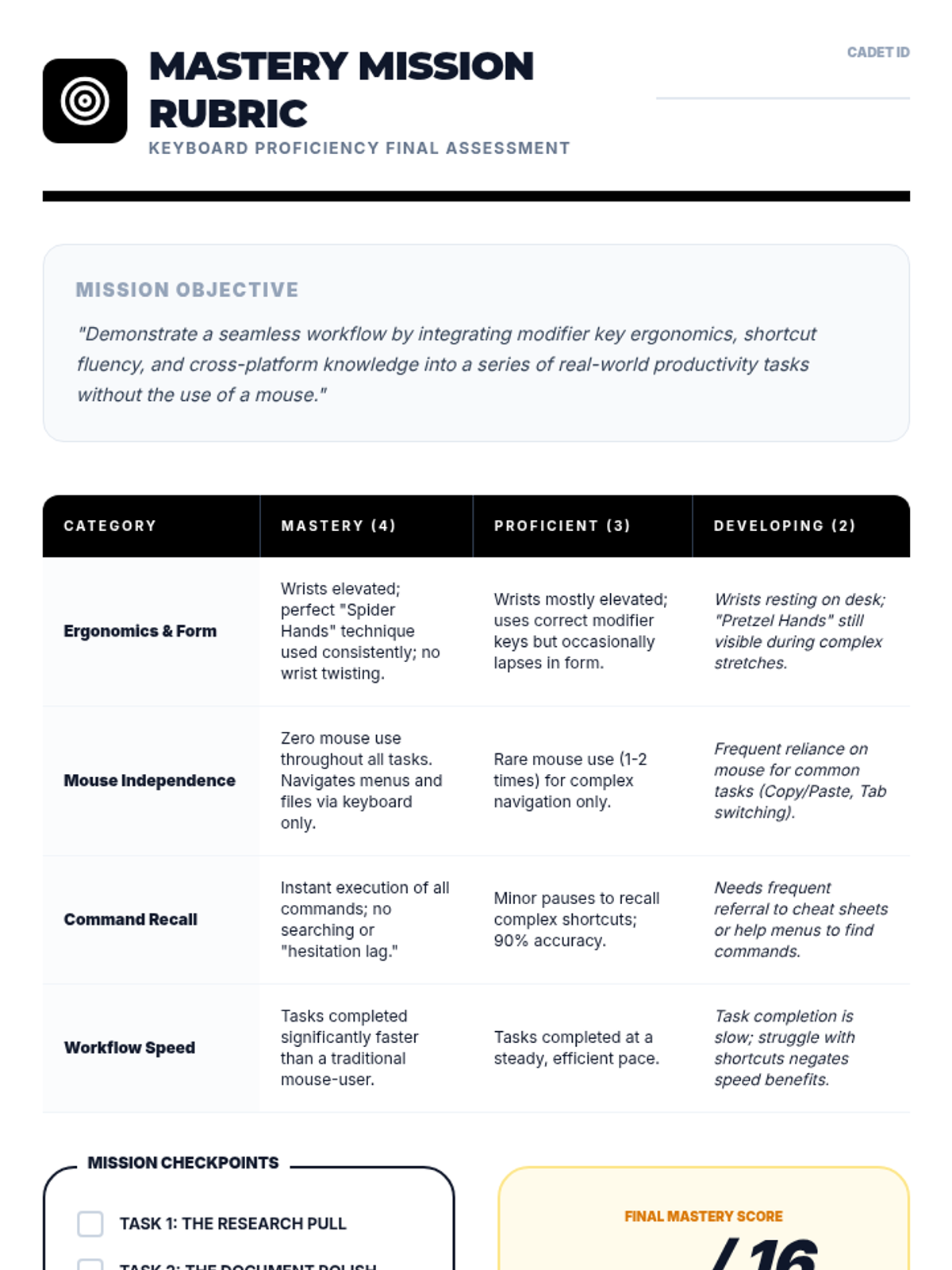
Performance rubric for the final keyboard proficiency assessment, focusing on ergonomics, mouse independence, and speed.
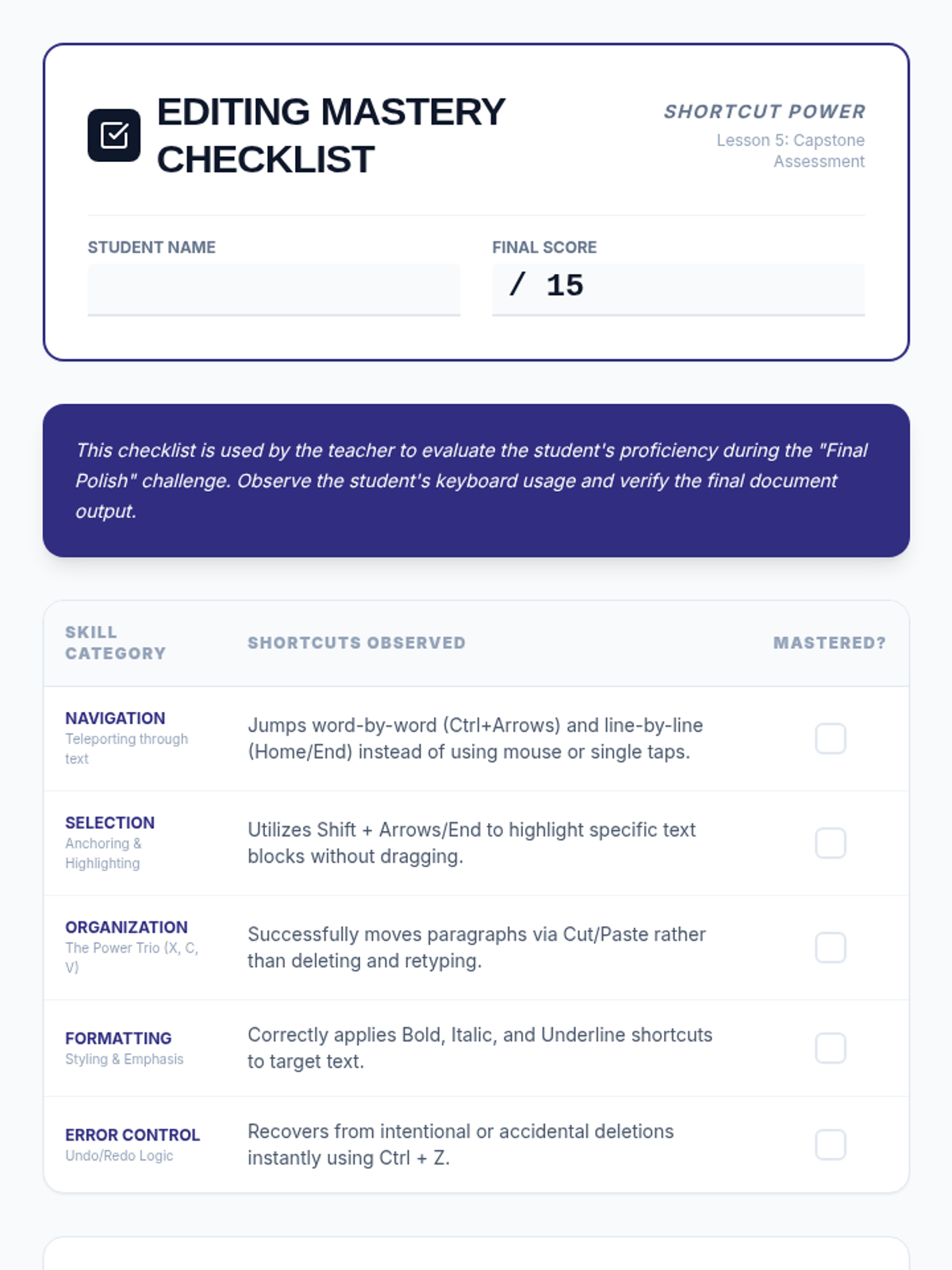
A mastery-based assessment checklist for teachers to evaluate student proficiency across all five lessons. Includes categories for Navigation, Selection, Organization, Formatting, and Error Control, with space for teacher observations on motor efficiency and mouse reliance.
Visual presentation for Lesson 5 outlining the final keyboard proficiency assessment tasks and requirements.
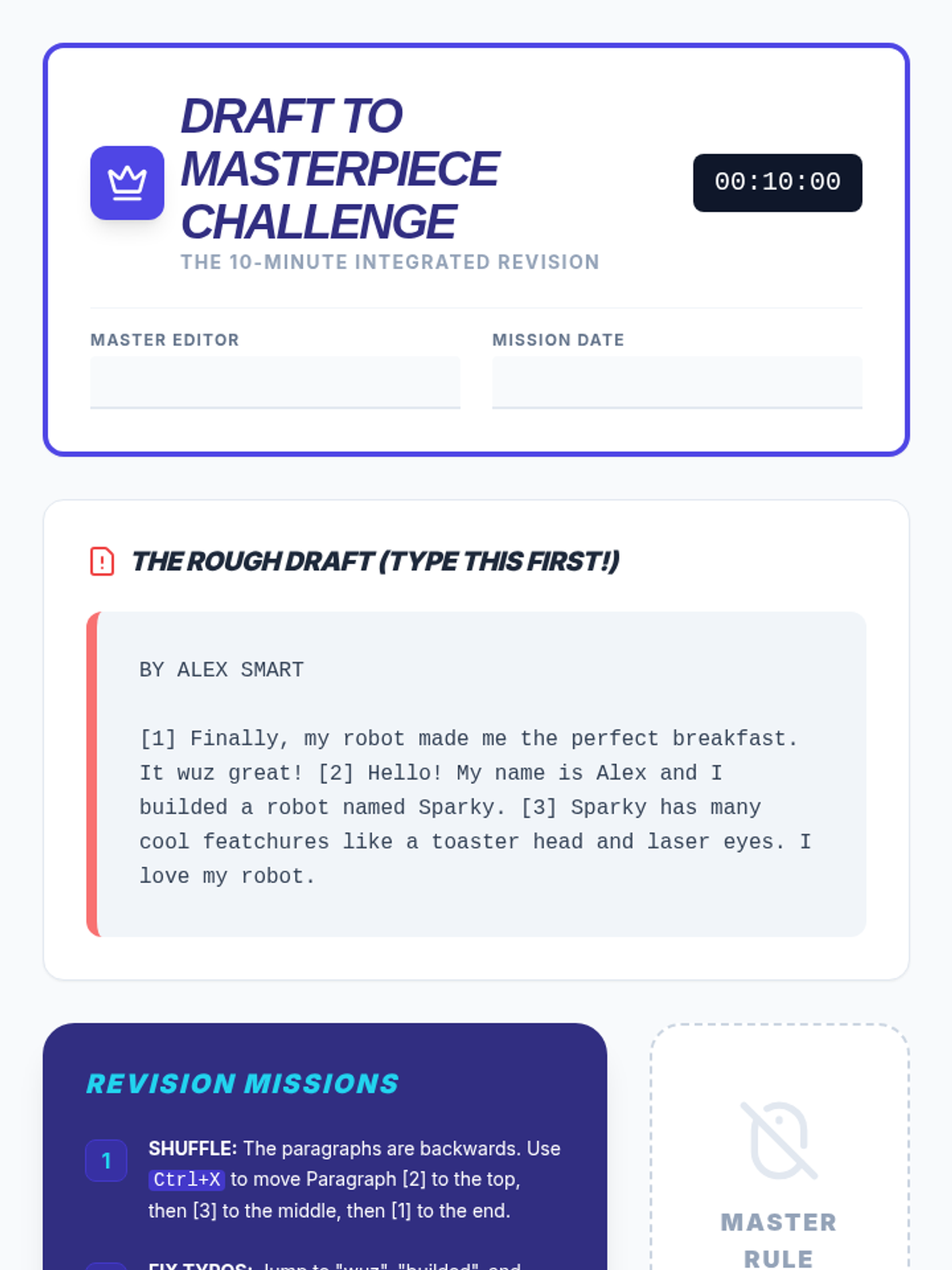
The capstone integrated activity worksheet for the sequence. Students type a deliberately messy and scrambled draft, then apply all navigation, selection, clipboard, and formatting shortcuts to revise it into a final polished report under a timed "no mouse" challenge.
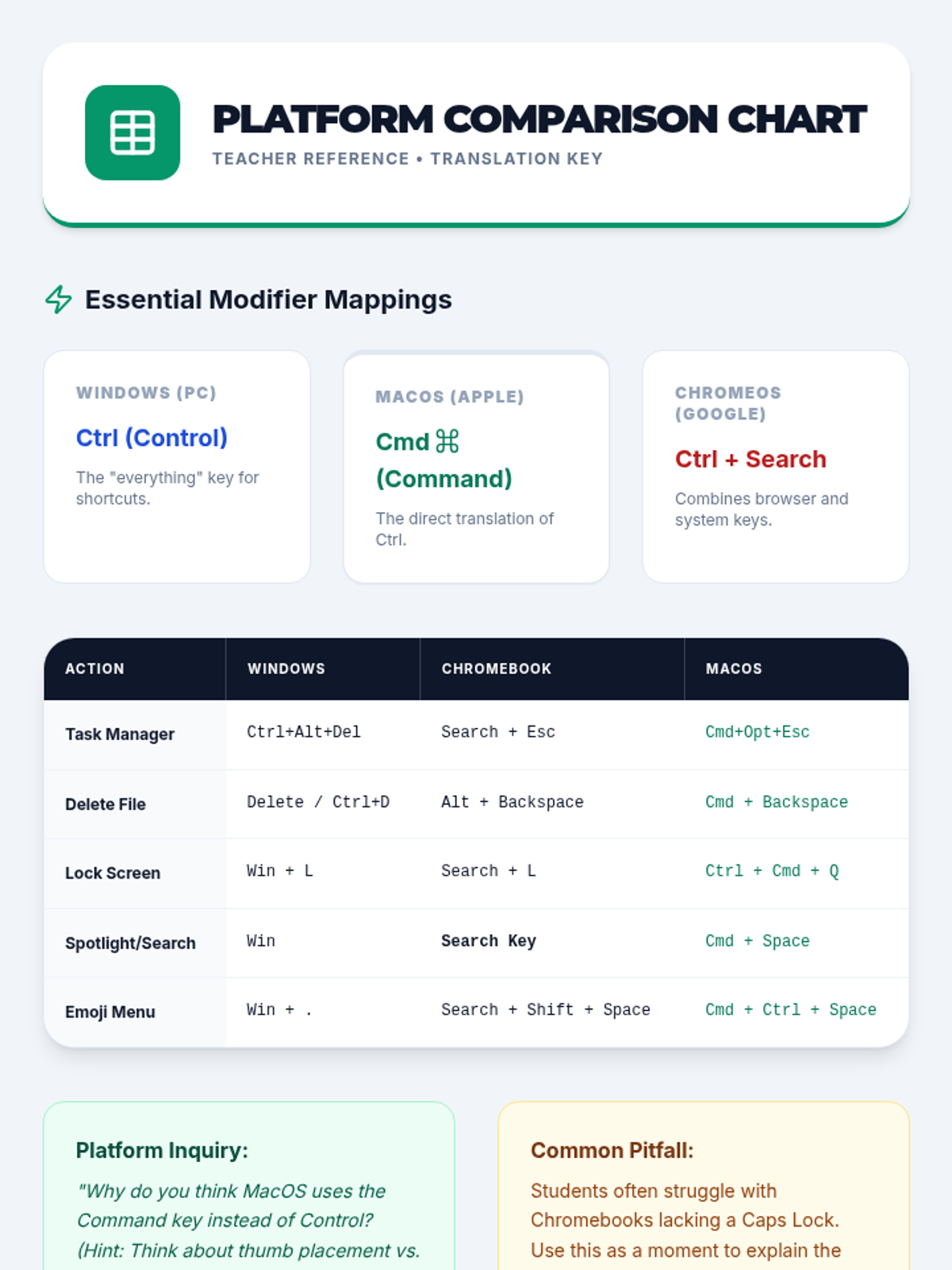
Teacher reference sheet providing a detailed comparison of keyboard shortcuts across Windows, ChromeOS, and macOS.
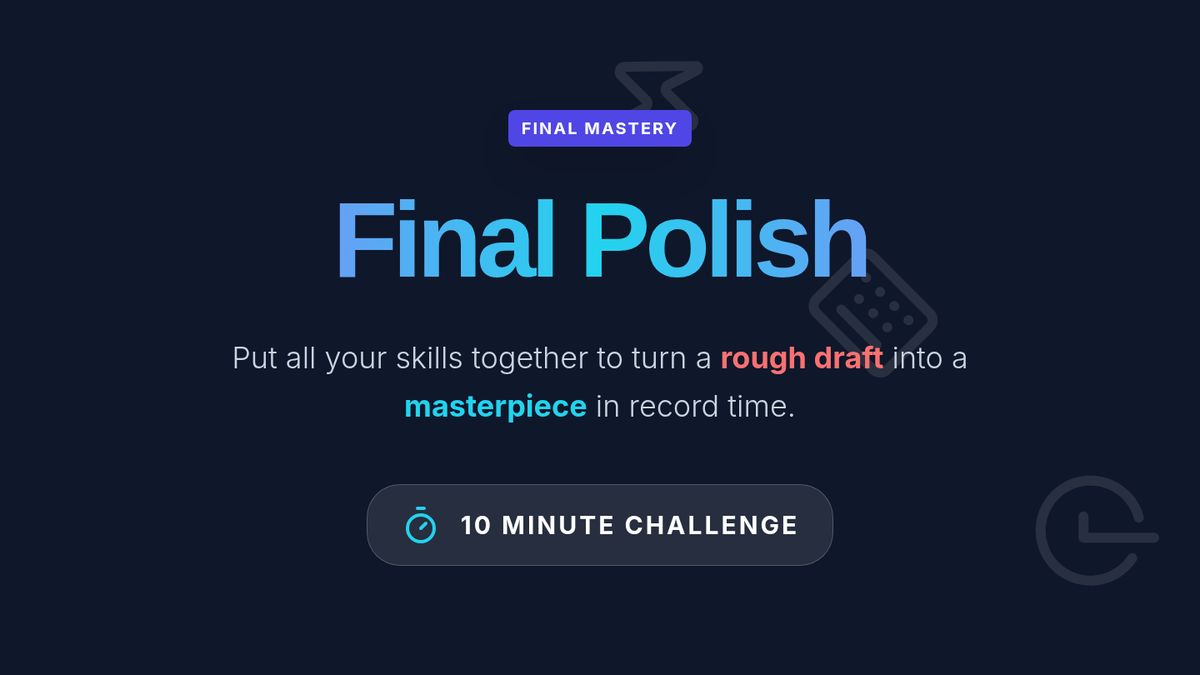
Capstone slide deck for the Final Polish lesson. Summarizes the "Shortcut Arsenal" (Navigate, Select, Move, Style) and presents the 10-minute challenge requirements for students to demonstrate integrated mastery of all document editing shortcuts.
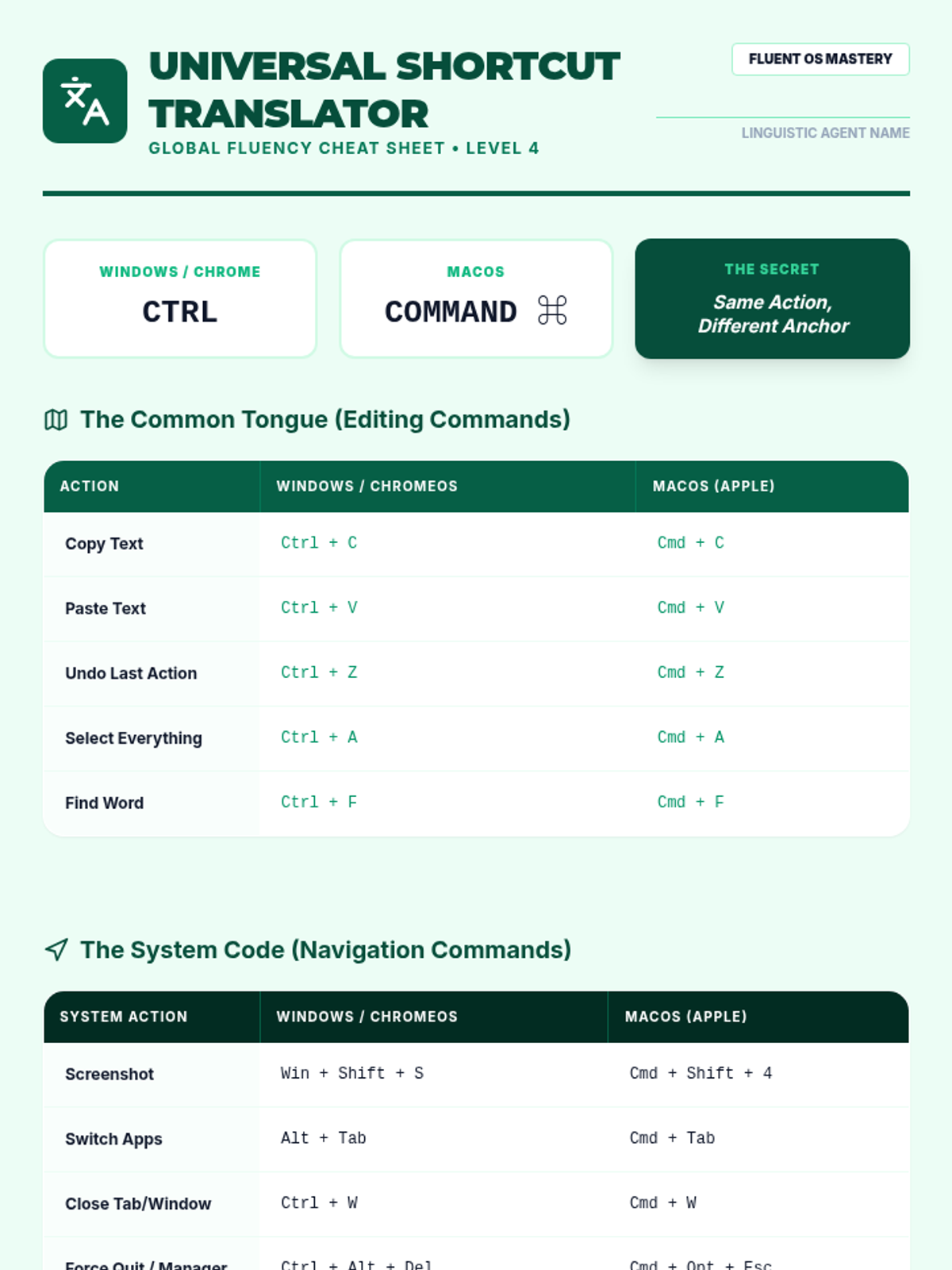
Student cheat sheet template for comparing and translating keyboard shortcuts across Windows, ChromeOS, and macOS.
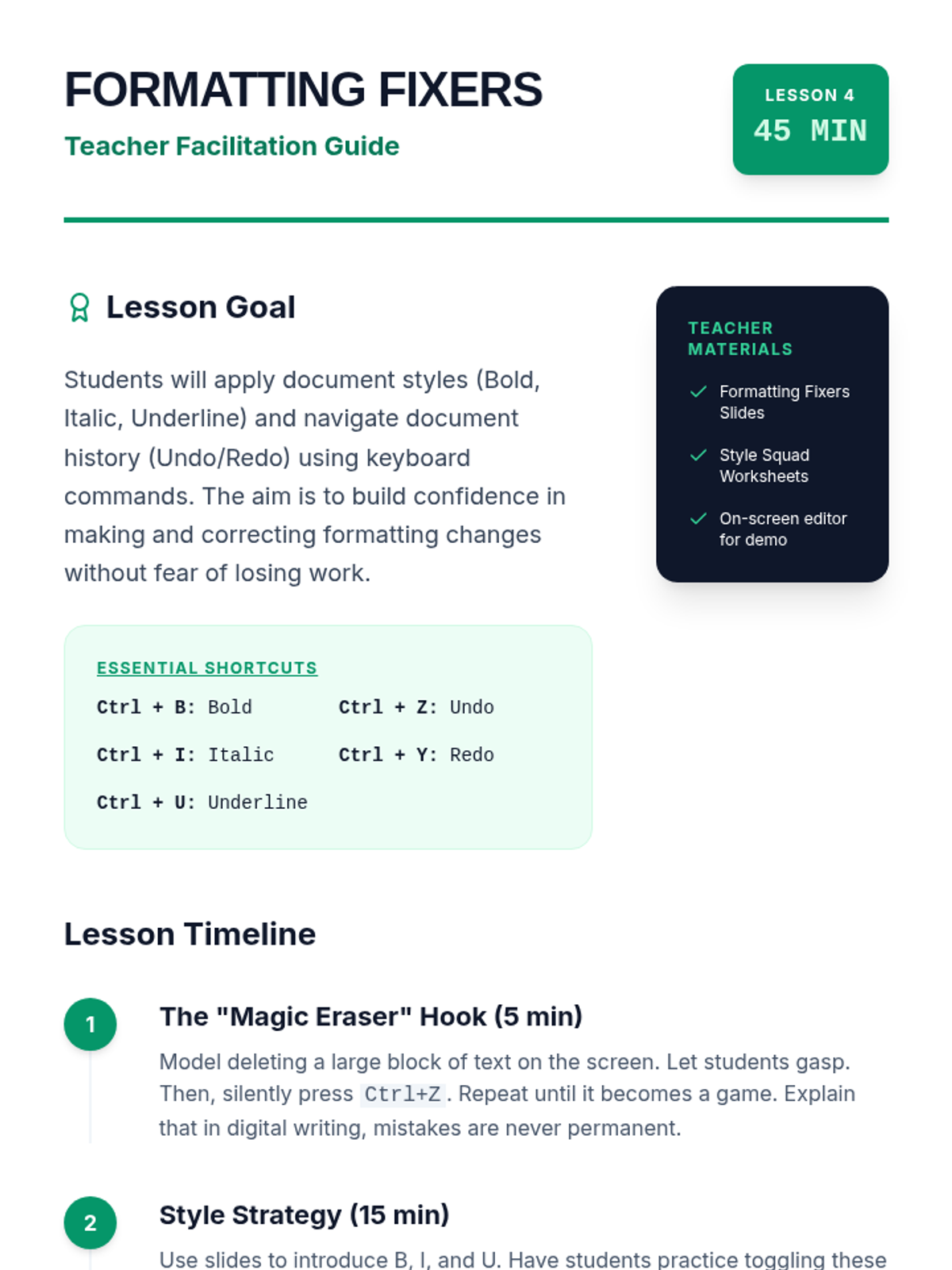
A comprehensive teacher guide for Lesson 4 on formatting and undo strategies. Features a "Magic Eraser" hook, guidance on teaching toggle-based shortcuts, and specific troubleshooting tips for Mac vs. PC users and students with physical fatigue.
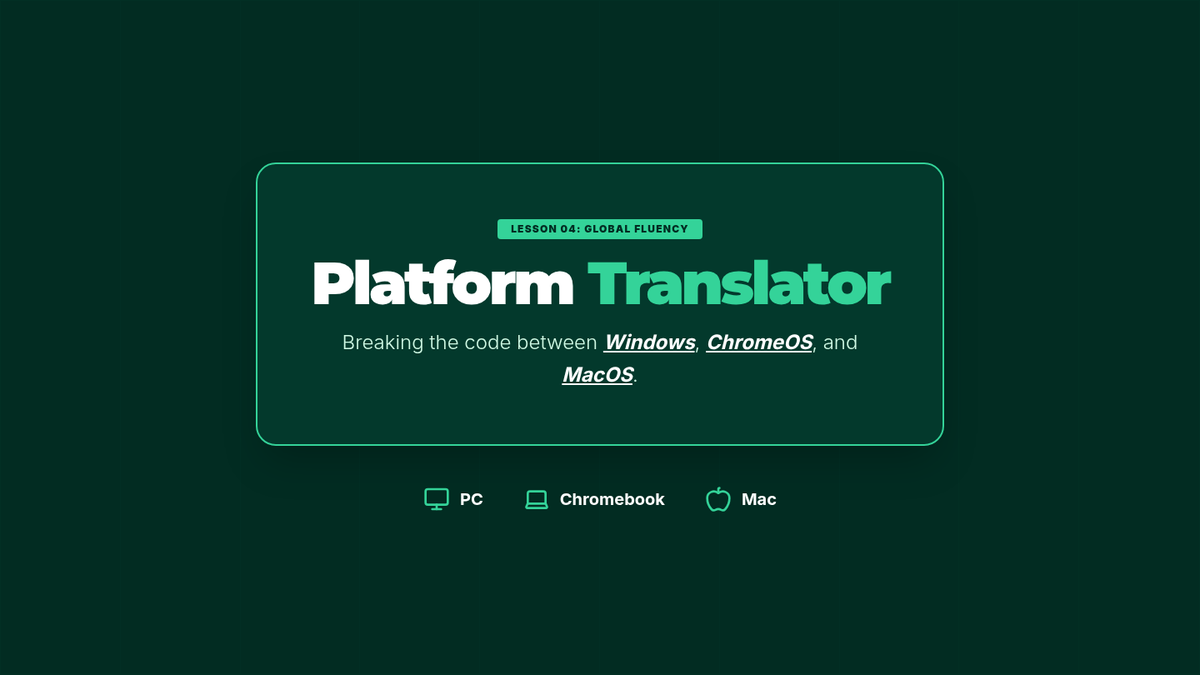
Visual presentation for Lesson 4 comparing keyboard shortcuts across different operating systems (Windows, ChromeOS, macOS).
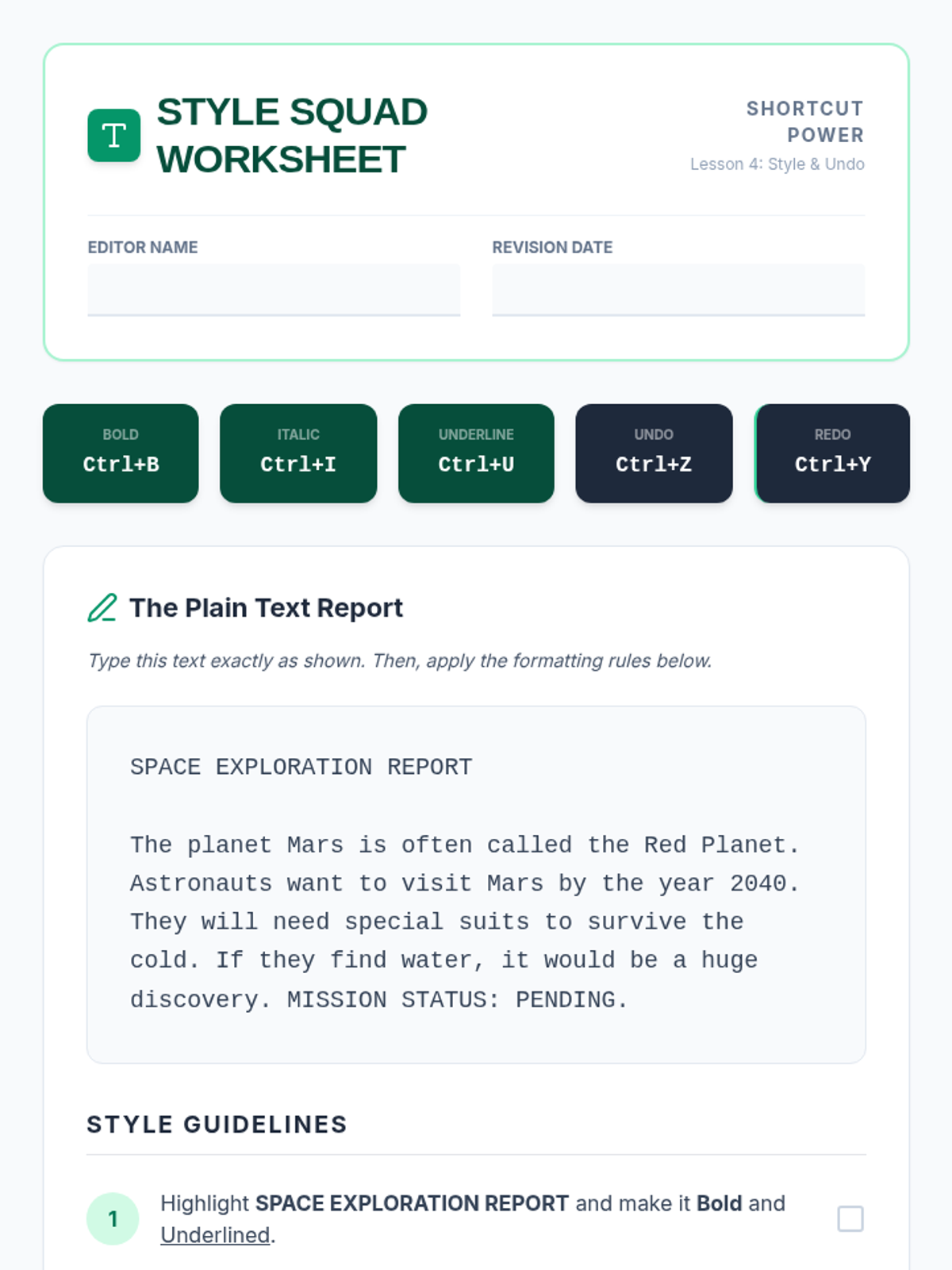
A student worksheet for Lesson 4. Students practice applying Bold, Italic, and Underline formatting to a plain text report and perform an "Undo Challenge" to master Ctrl+Z and Ctrl+Y for error correction and revision control.
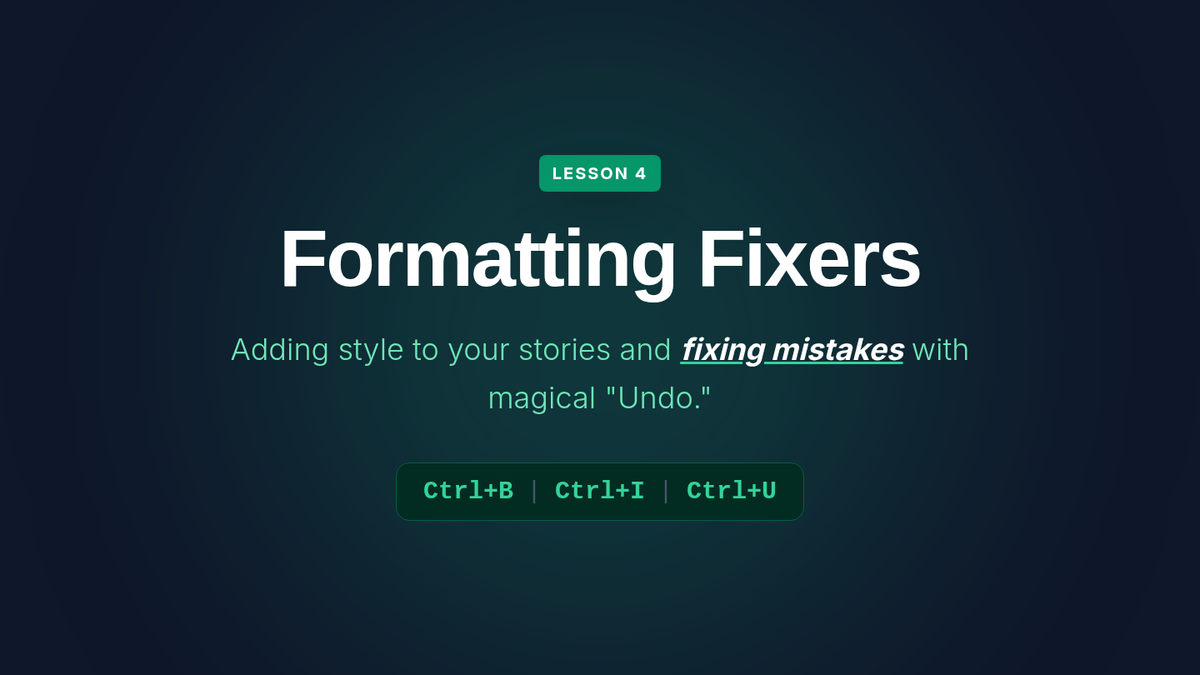
Lesson 4 slides on text formatting and error correction. Introduces Bold (Ctrl+B), Italic (Ctrl+I), and Underline (Ctrl+U), along with the powerful Undo (Ctrl+Z) and Redo (Ctrl+Y) shortcuts. Visualizes shortcuts as "Style Tools" and "Time Machines."
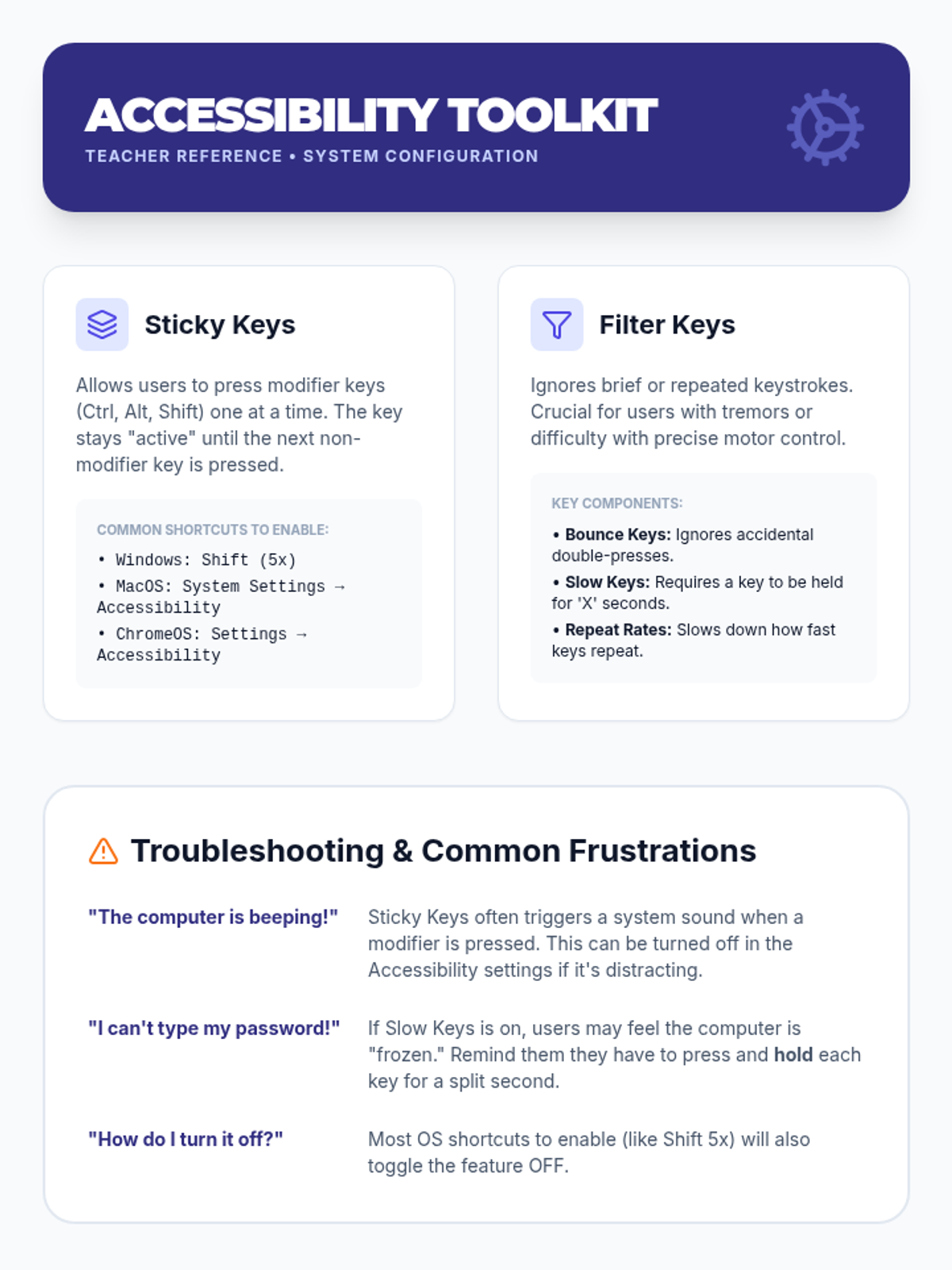
Teacher reference guide for configuring and troubleshooting keyboard accessibility settings across different operating systems.
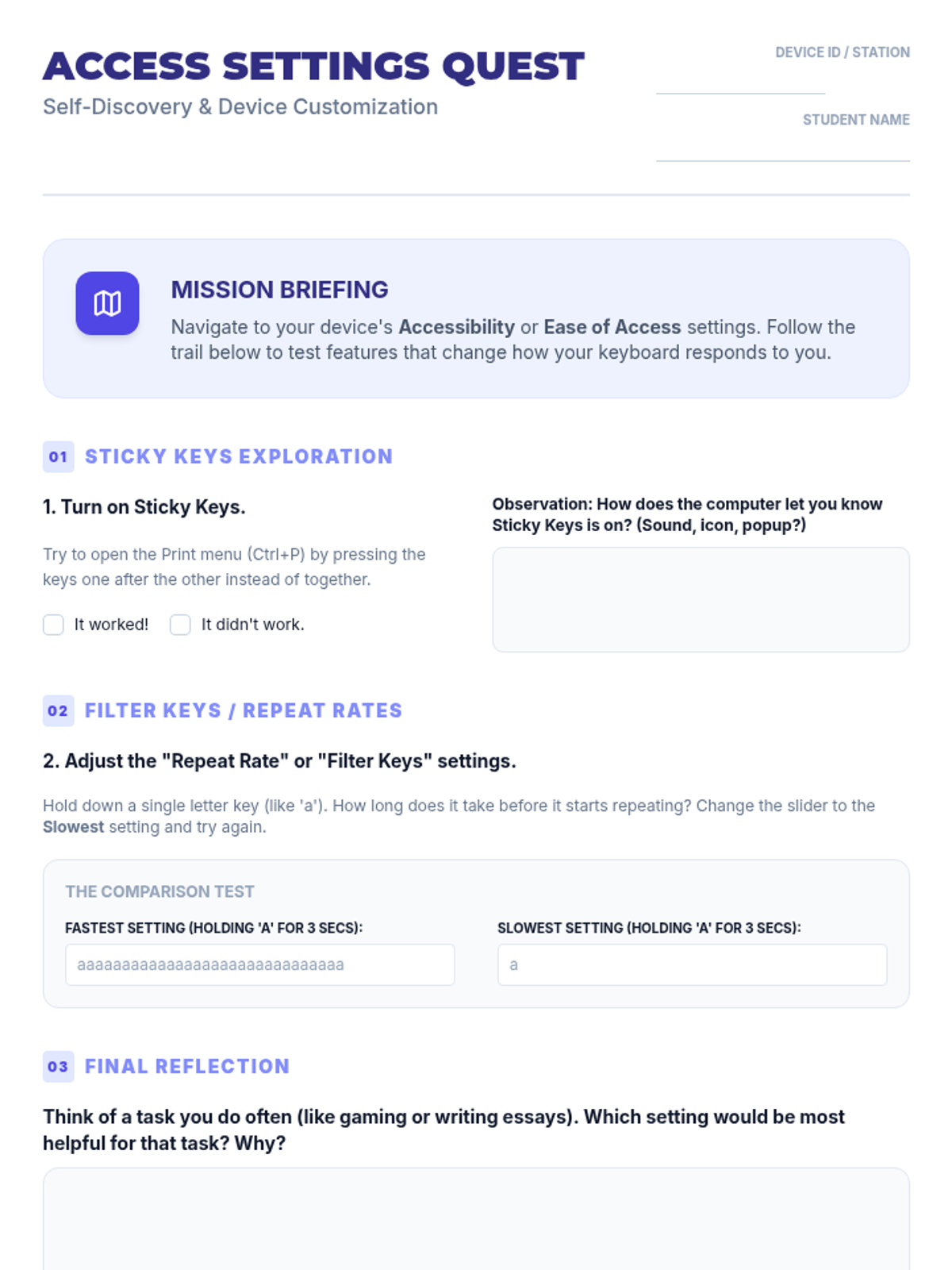
Guided exploration worksheet for students to navigate and test keyboard accessibility settings on their devices.
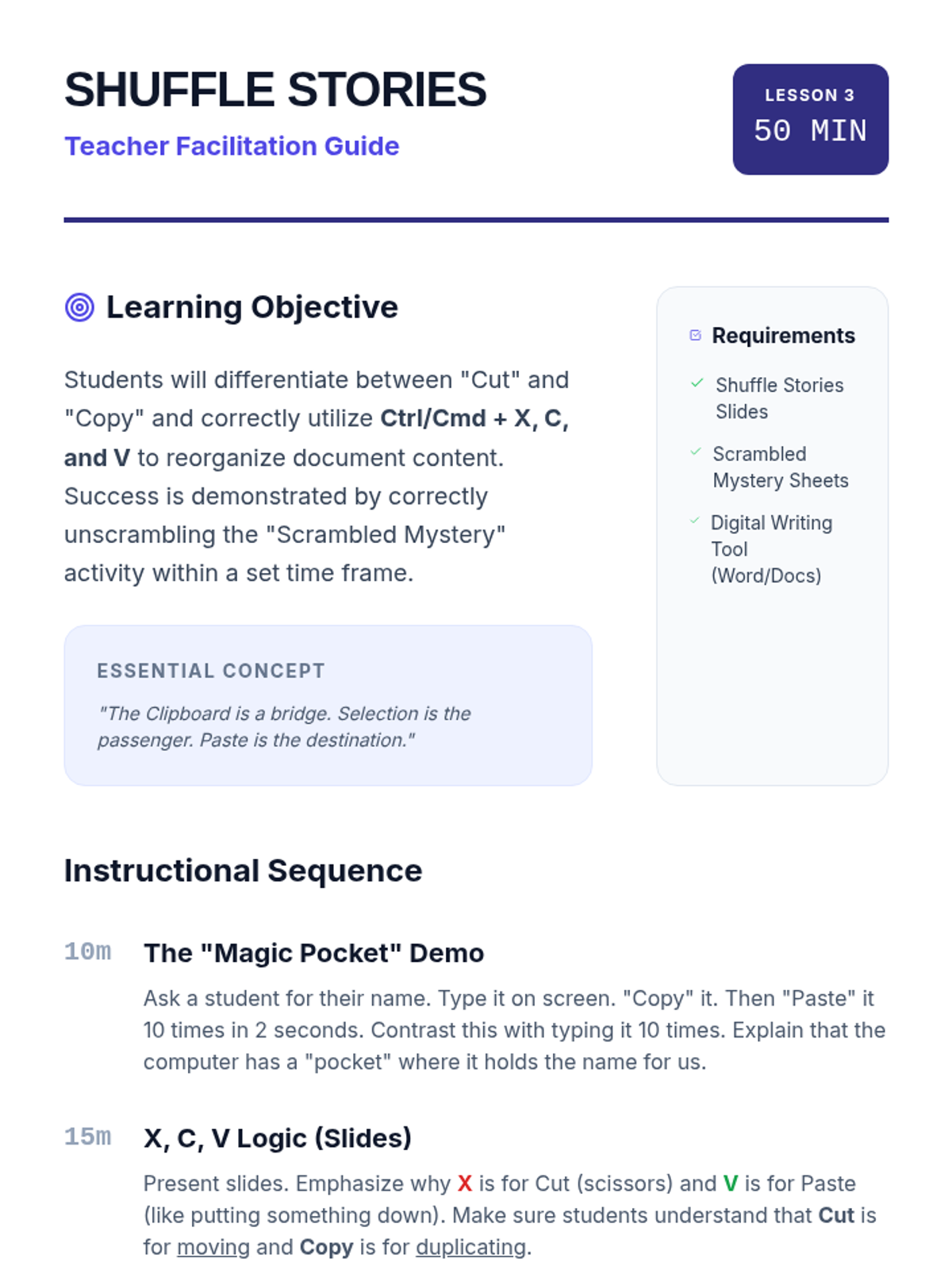
Teacher guide for Lesson 3 on clipboard operations. Includes an engaging demo, a timed instructional sequence for the "Scrambled Mystery" activity, and specific accessibility modifications for students with motor or visual challenges.
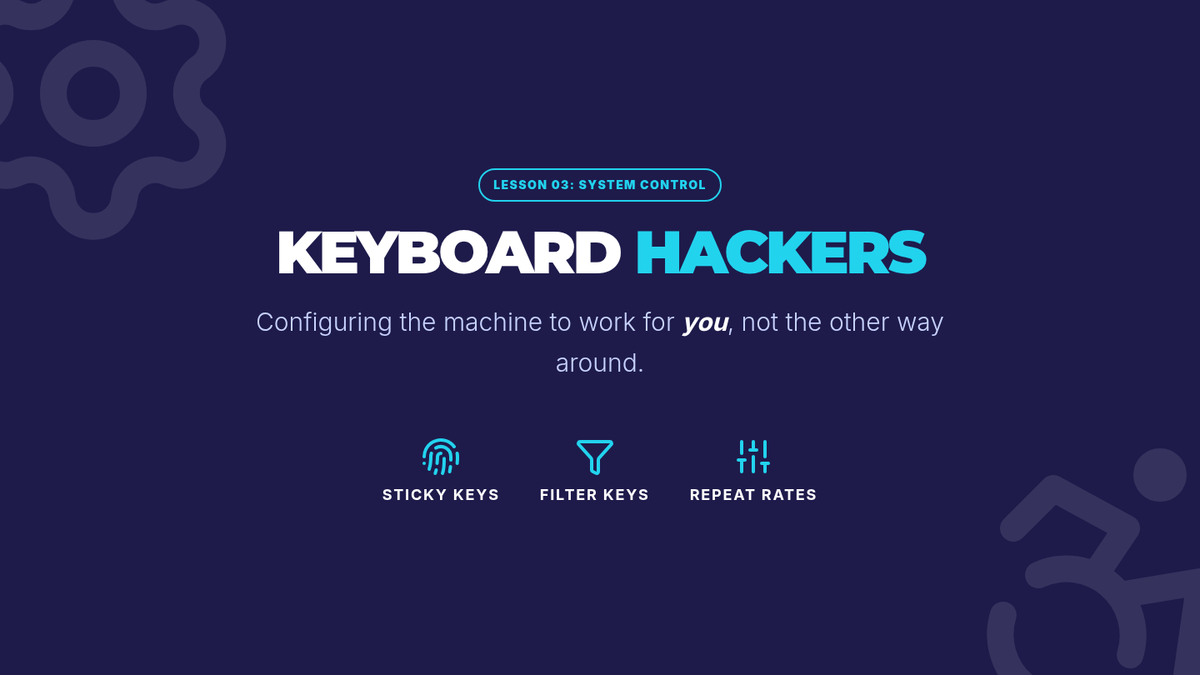
Visual presentation for Lesson 3 introducing assistive technology settings like Sticky Keys and Filter Keys.
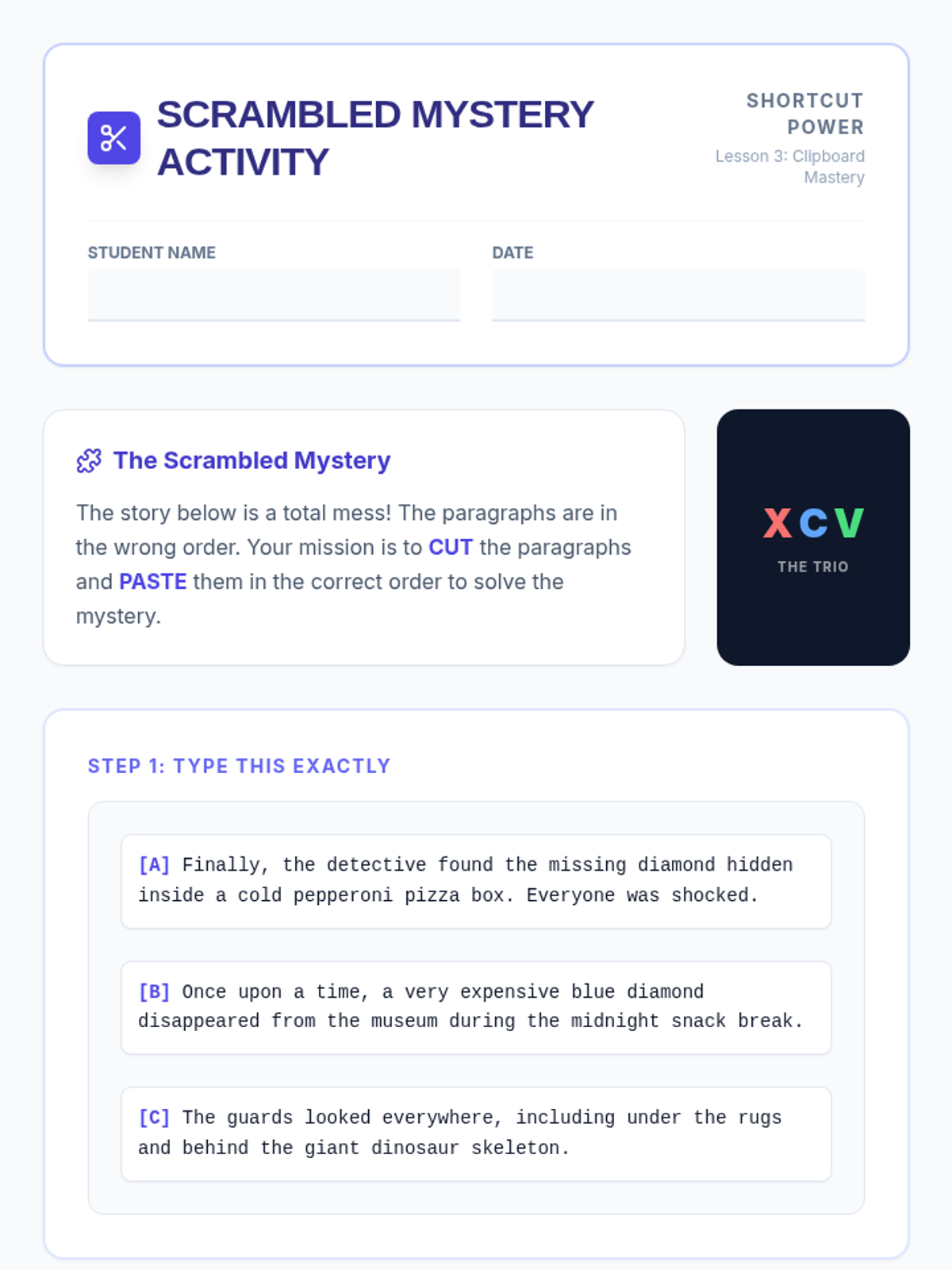
A student activity worksheet for Lesson 3. Students type three scrambled paragraphs of a mystery story and use Cut (Ctrl+X) and Paste (Ctrl+V) shortcuts to reorganize them into the correct chronological order, practicing efficient text manipulation.
Lesson 3 slide deck introducing clipboard operations: Cut (Ctrl+X), Copy (Ctrl+C), and Paste (Ctrl+V). Explains the "Invisible Clipboard" concept, the difference between cutting and copying, and includes visual memory tricks for remembering the shortcuts.
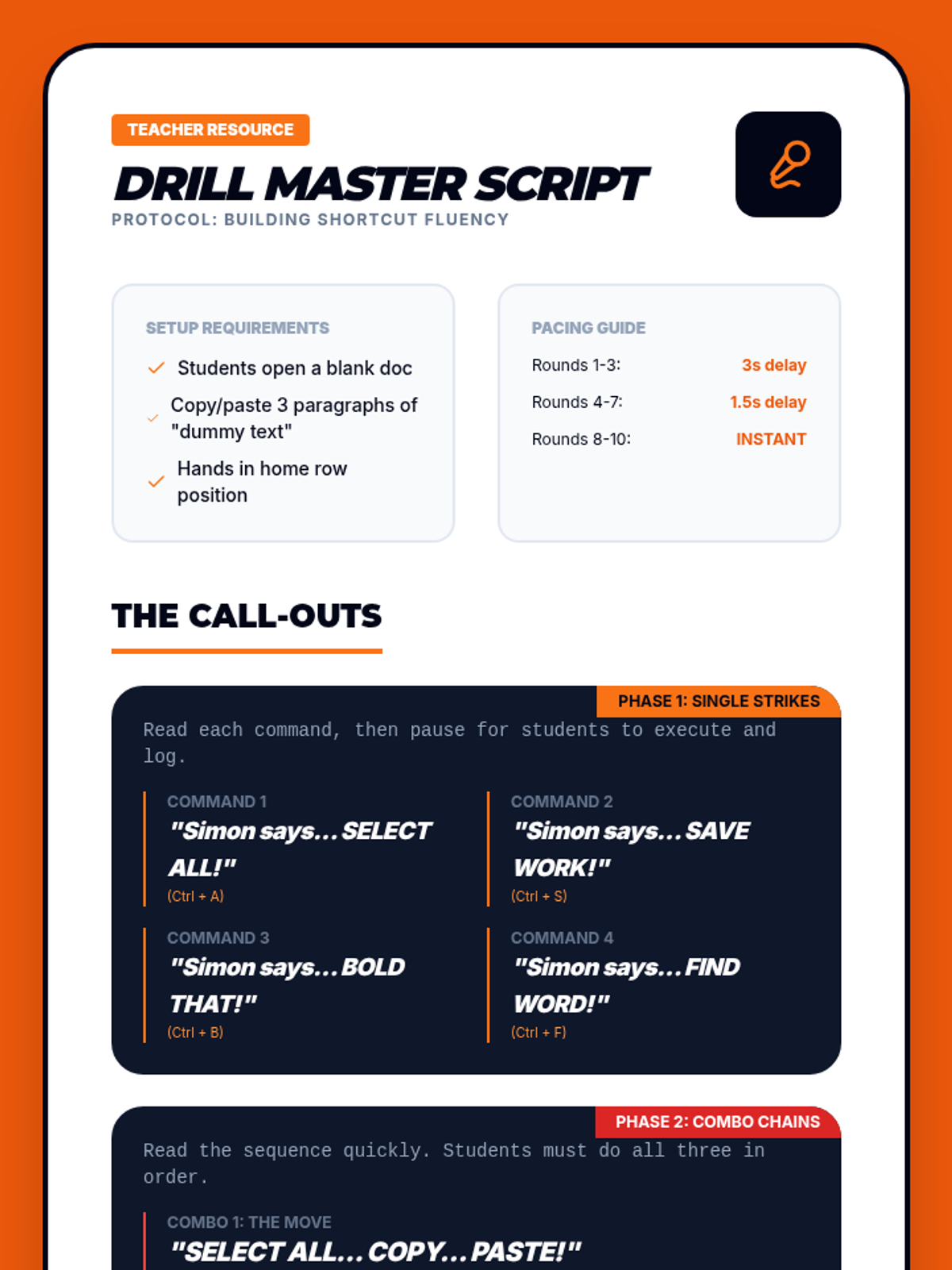
Facilitation script for teachers to lead rapid-fire "Simon Says" style keyboard drills with command sequences and pacing guides.
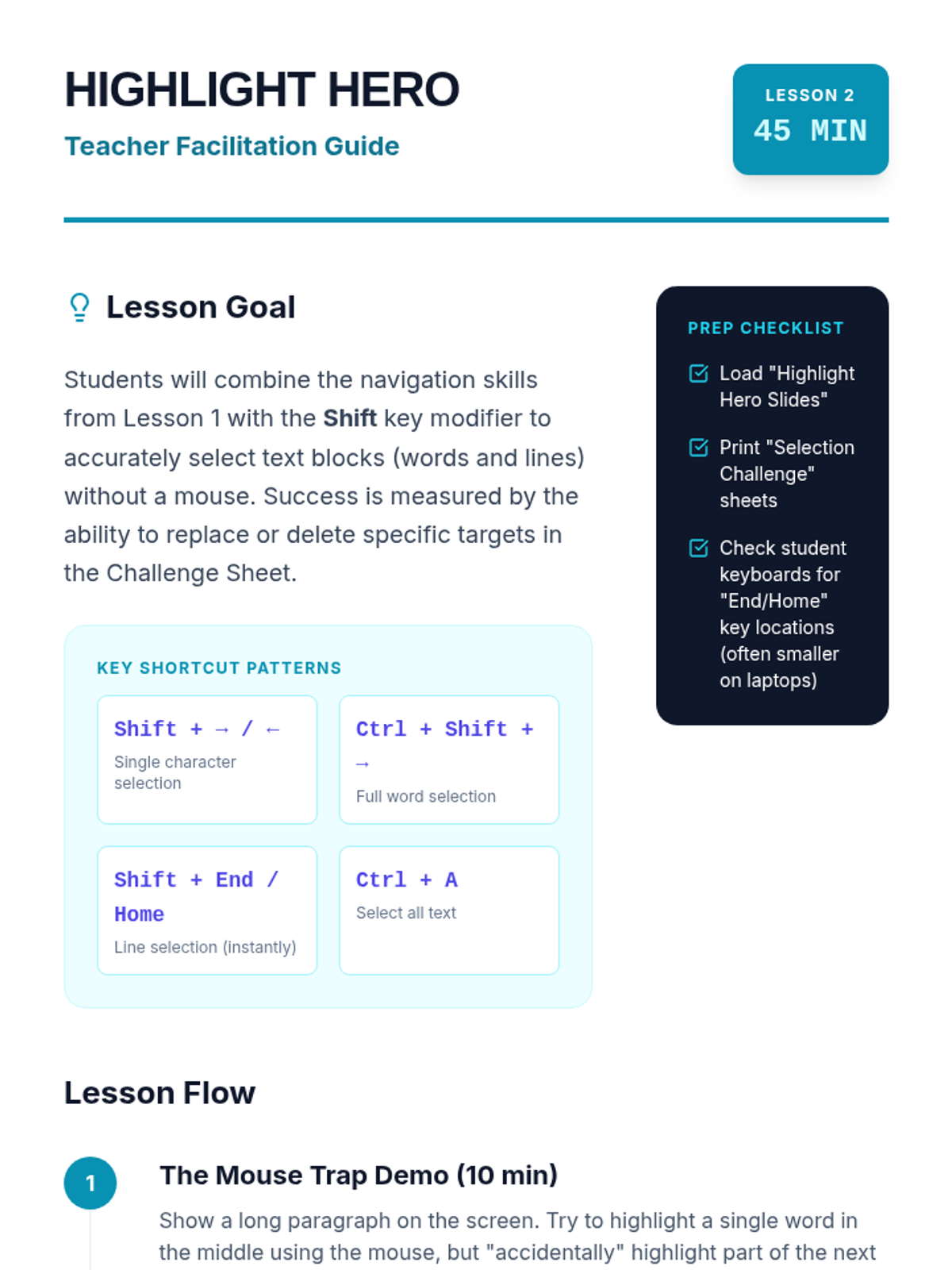
A detailed teacher guide for Lesson 2, focusing on teaching text selection with modifier keys. Includes lesson goals, a preparation checklist, an instructional timeline with a "Mouse Trap" demo, and differentiation strategies for students with various motor abilities.
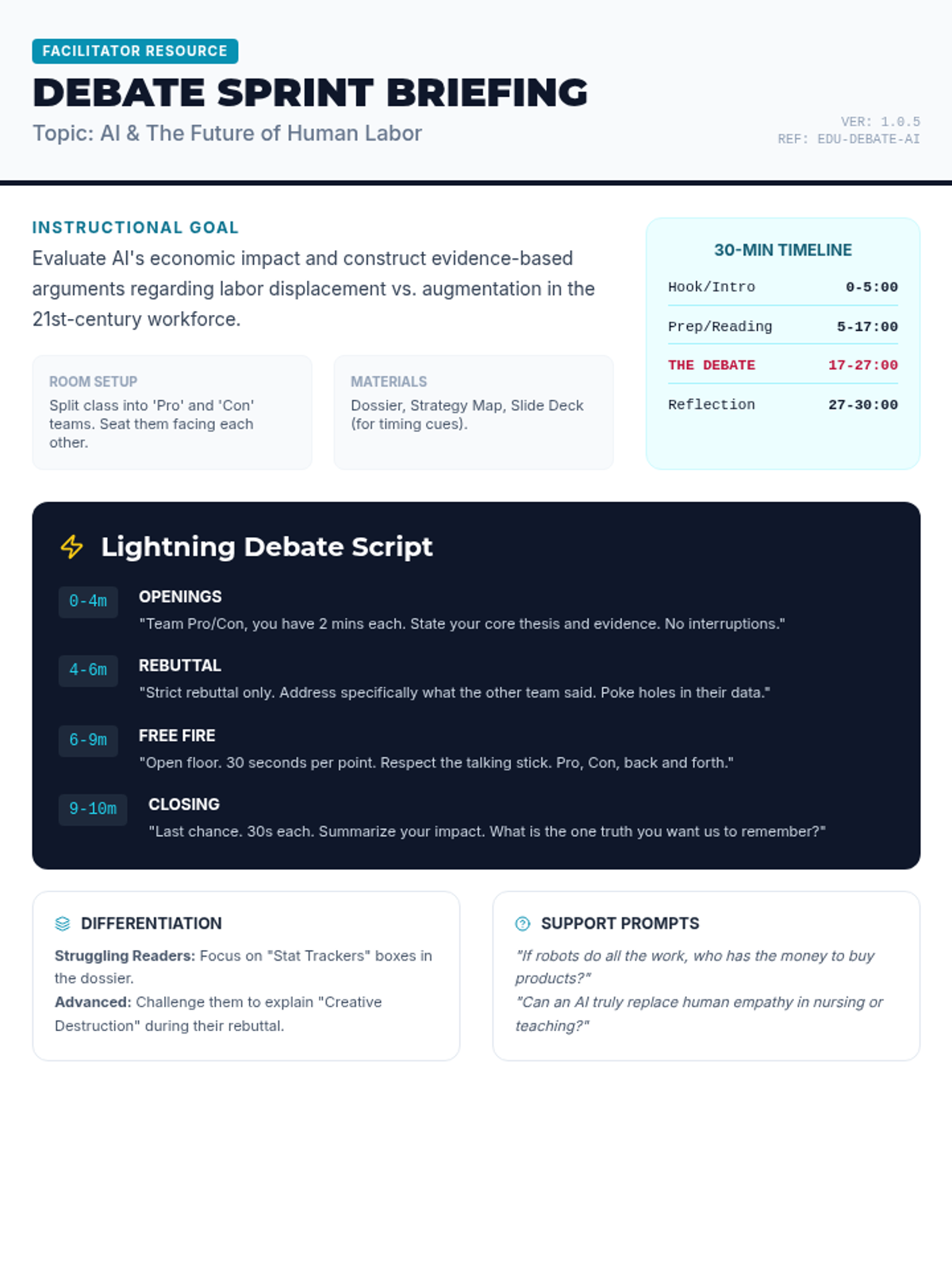
A comprehensive teacher's guide for facilitating the 30-minute 'Future Work Debate,' including a minute-by-minute script for the 'Lightning Debate' and tips for differentiation. Tightened to fit on a single page.
A 6-slide presentation deck designed to facilitate a 30-minute debate session, featuring clear timing, phases of the 'lightning' debate, and ground rules for middle school students.
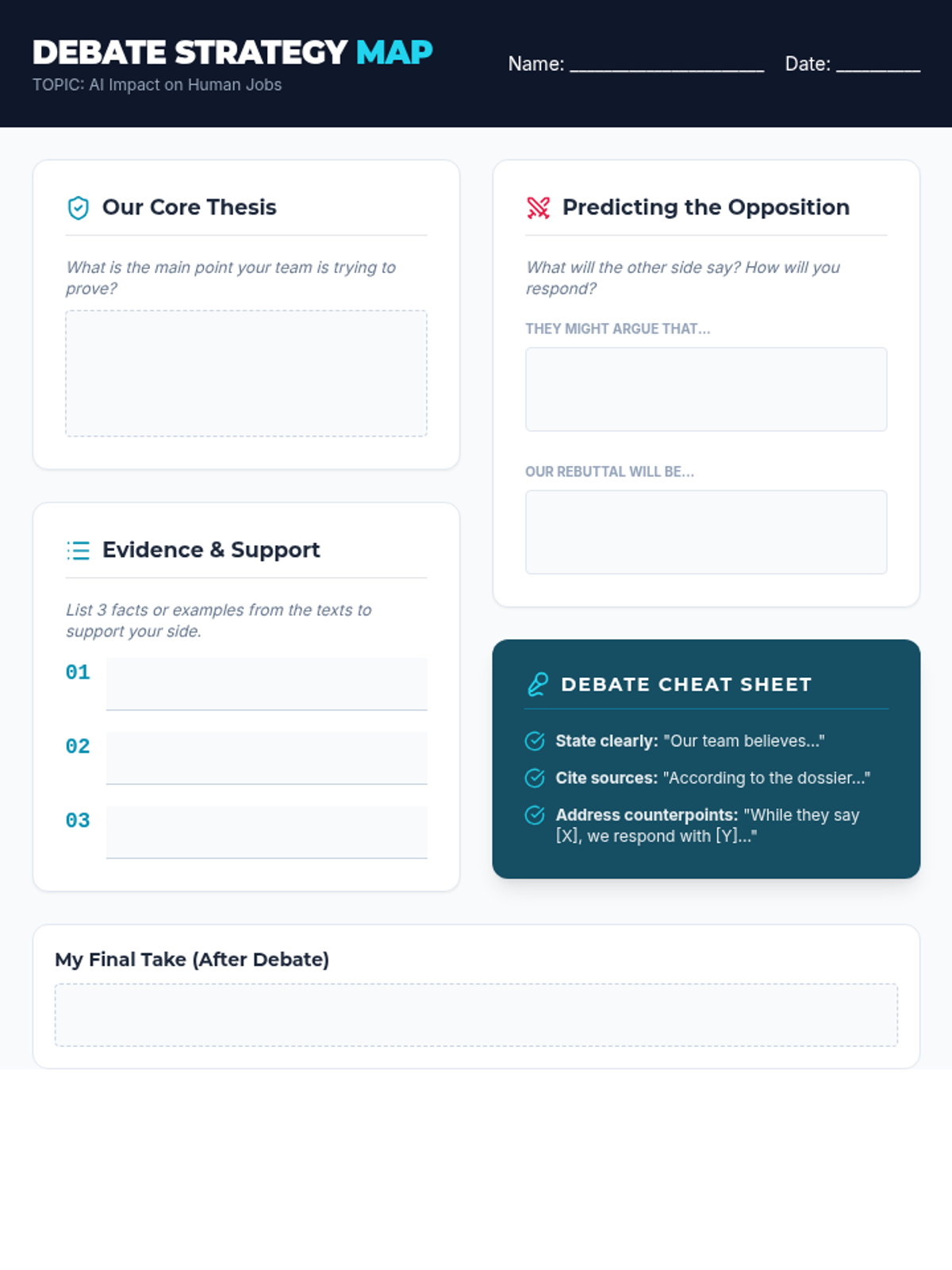
A structured graphic organizer for students to prepare their debate arguments, including sections for thesis development, evidence collection, and predicting counter-arguments.
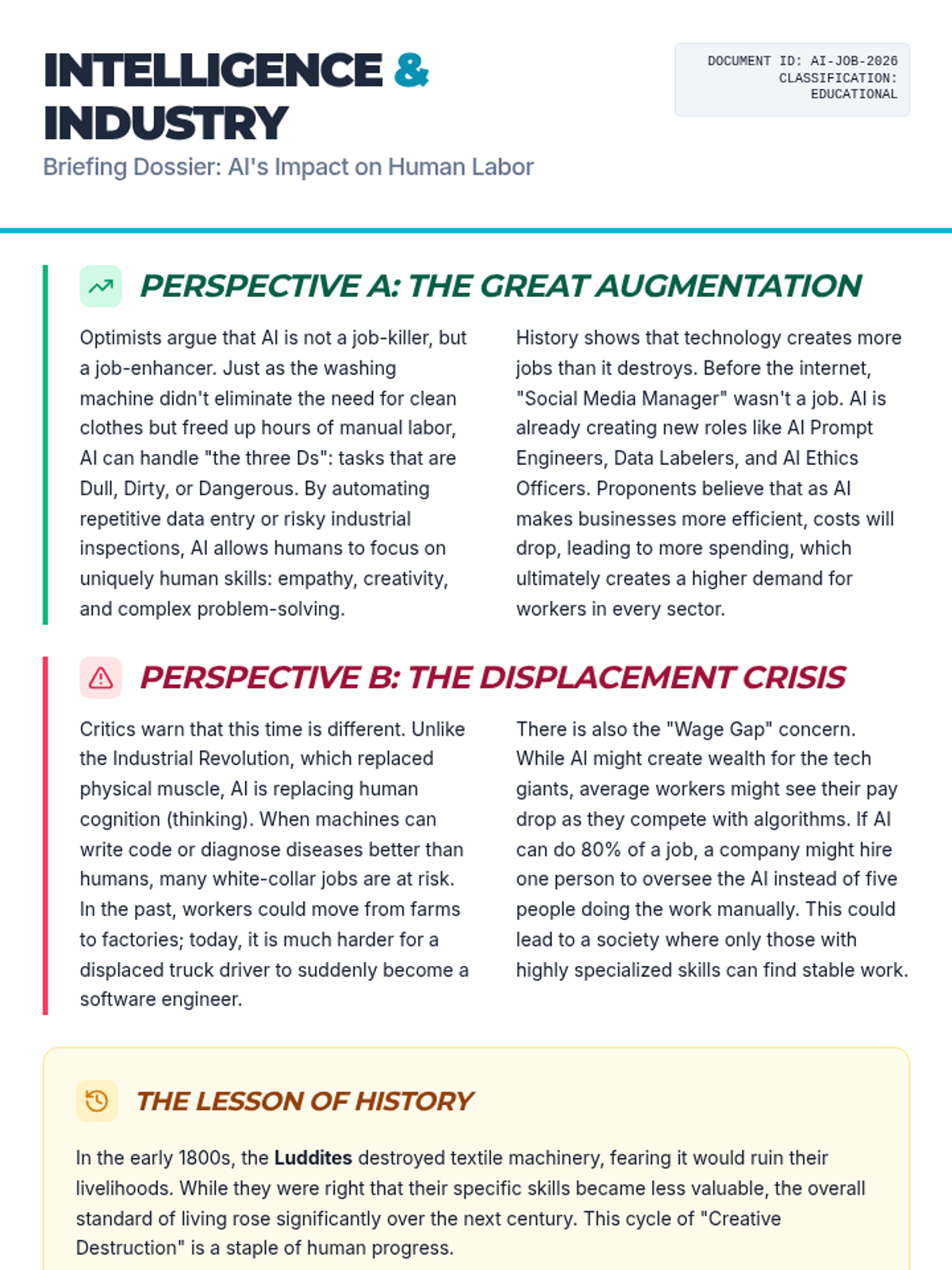
A two-page informational text dossier providing three distinct viewpoints on AI's impact on employment: the optimistic view of augmentation, the critical view of displacement, and the historical context of technological shifts.
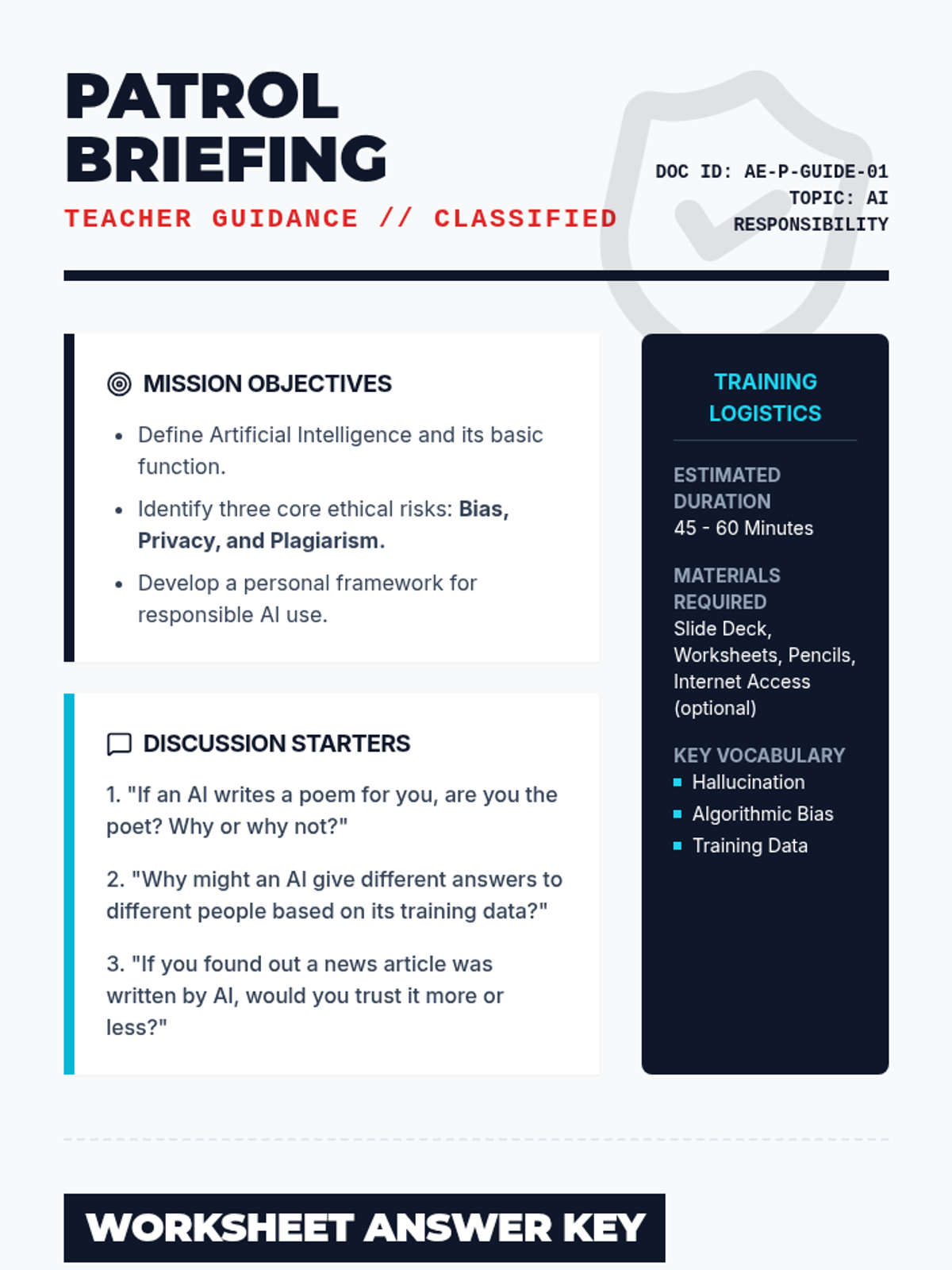
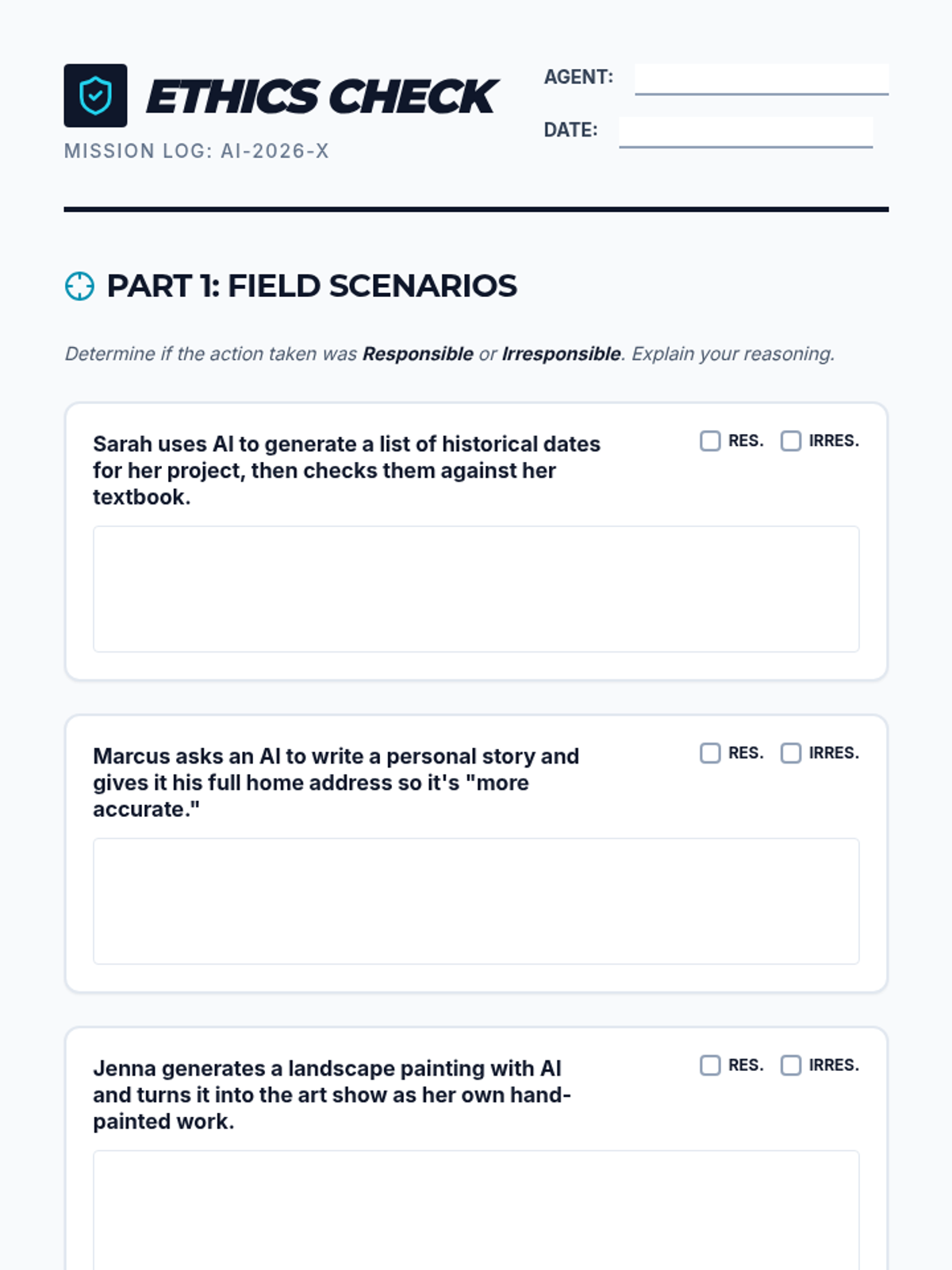
A detailed teacher-facing guide for the "Ethics Patrol" lesson. Includes lesson objectives, discussion prompts, a worksheet answer key, and strategic teaching tips for addressing AI responsibility.
A student-facing worksheet where they analyze real-world AI use cases, identify privacy risks, and design their own ethical AI solution. Includes a signature section for the "Ethics Patrol Pledge".
A visually engaging slide deck designed for the "Ethics Patrol" lesson. It covers the basics of AI, ethical pitfalls like bias and privacy, and a real-world scenario to prompt classroom discussion.
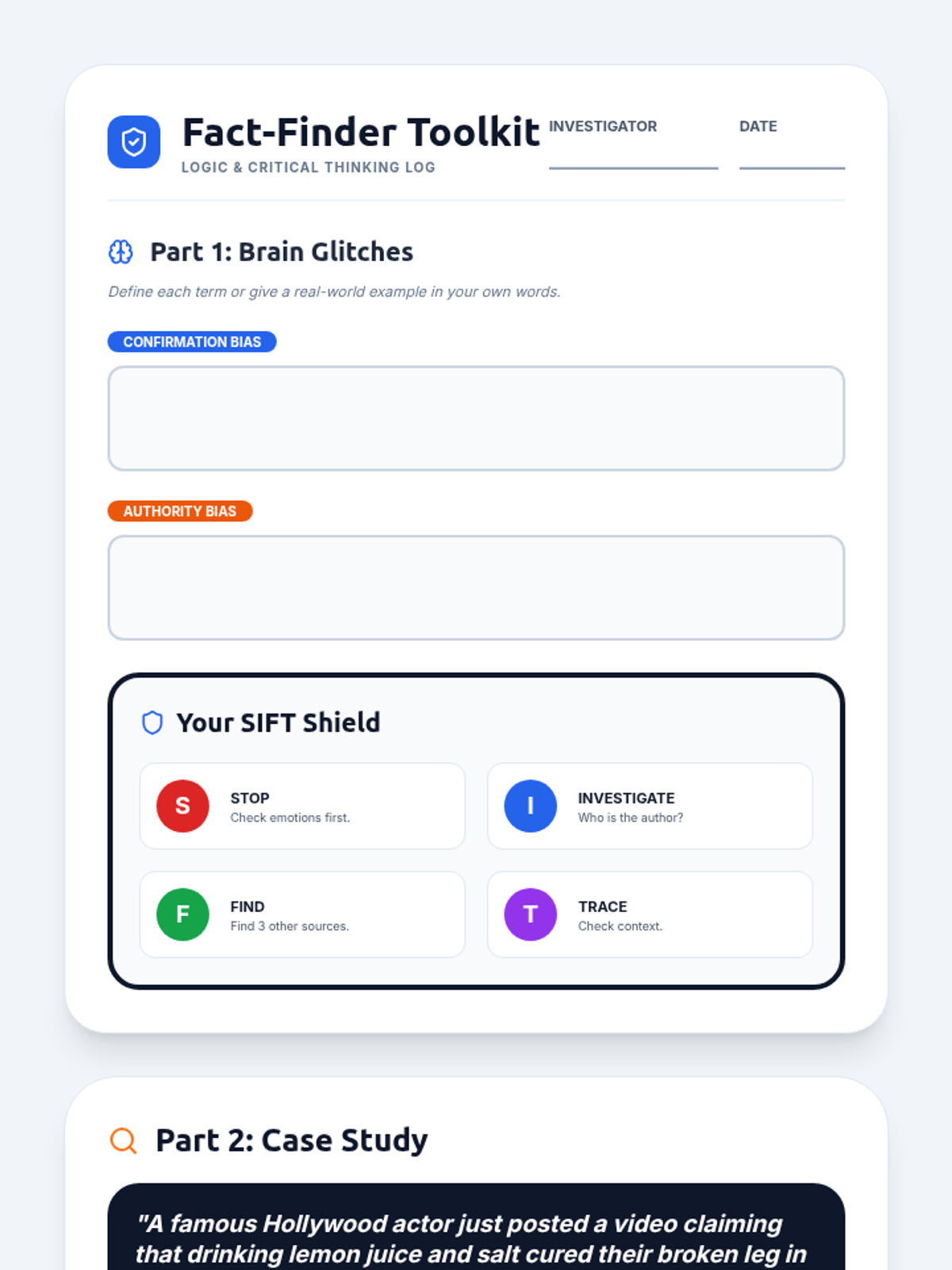
A 2-page student worksheet for the Brain Glitch lesson. Features a compact SIFT reference section, vocabulary practice, and a deep-dive case study with 4 critical thinking prompts.
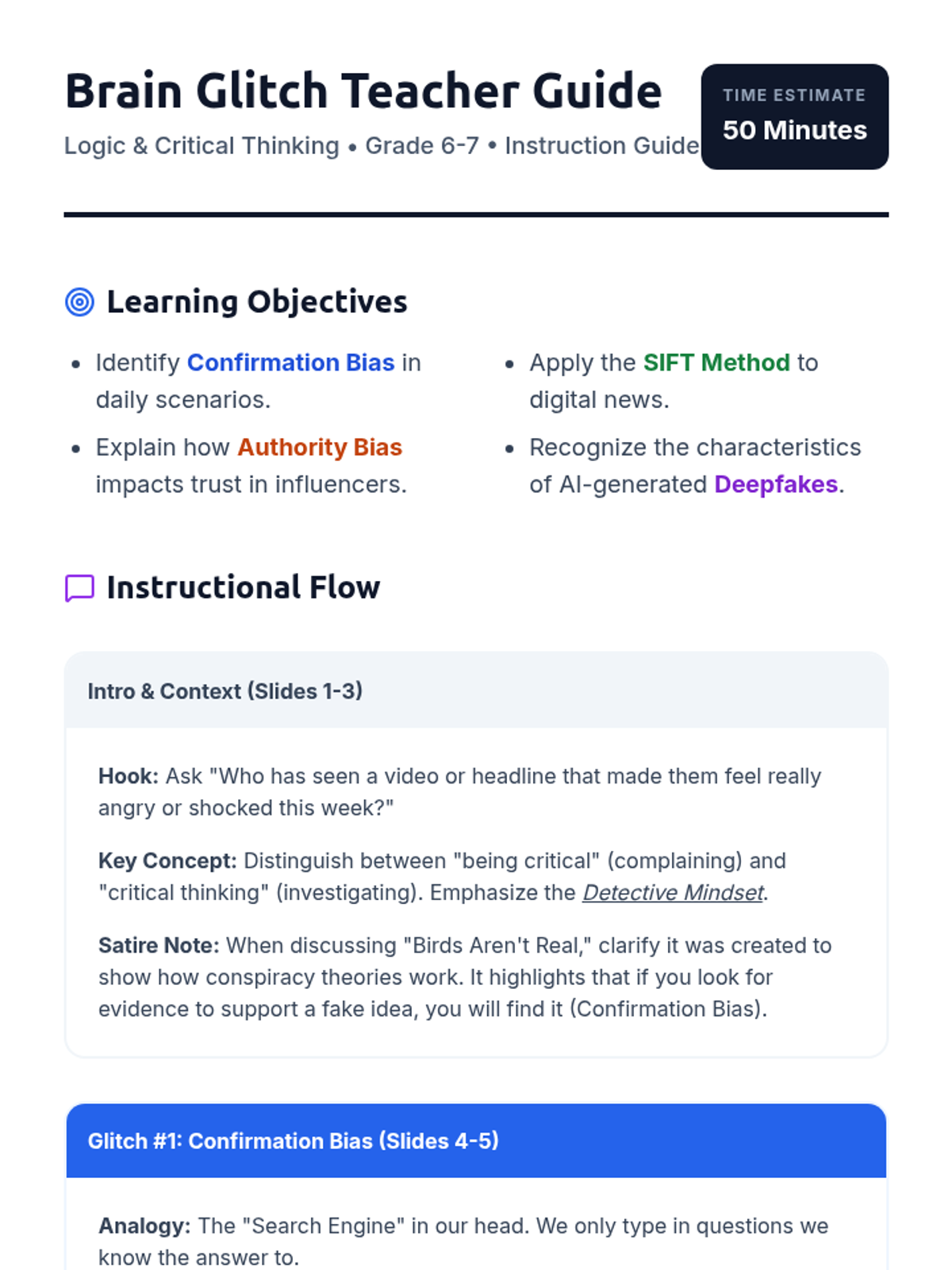
Revised teacher guide for the Brain Glitch lesson. Includes slide-by-slide pedagogical flow, clear learning objectives, and answer keys with improved layout to prevent content splitting.
A 10-slide presentation for middle school students on critical thinking, featuring confirmation bias, authority bias, and the SIFT method for fact-checking. Includes on-slide speaker notes for teachers.
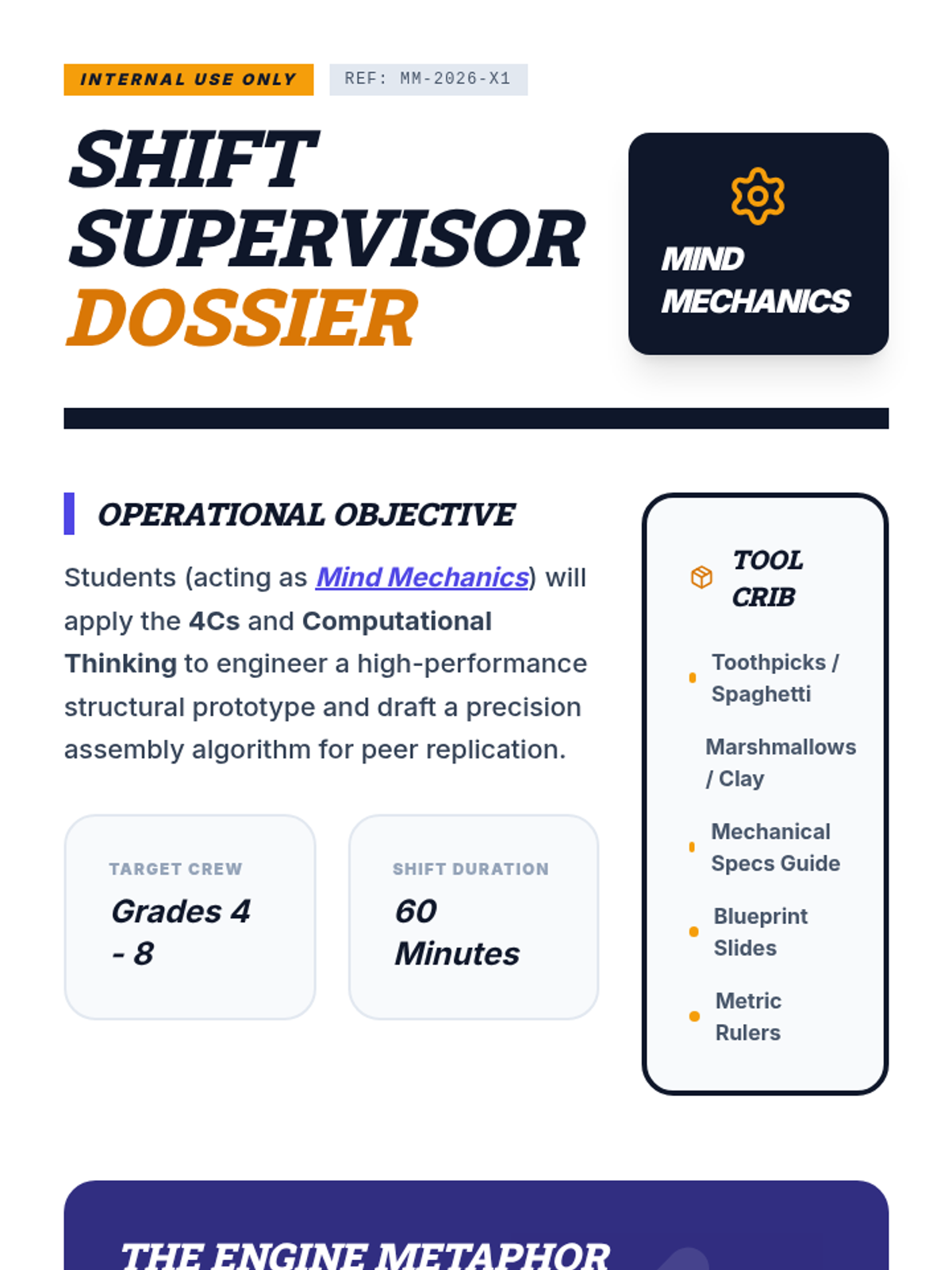
A detailed mission dossier for teachers, including lesson flow, materials list, and instructional strategies for teaching the 4Cs and Computational Thinking.
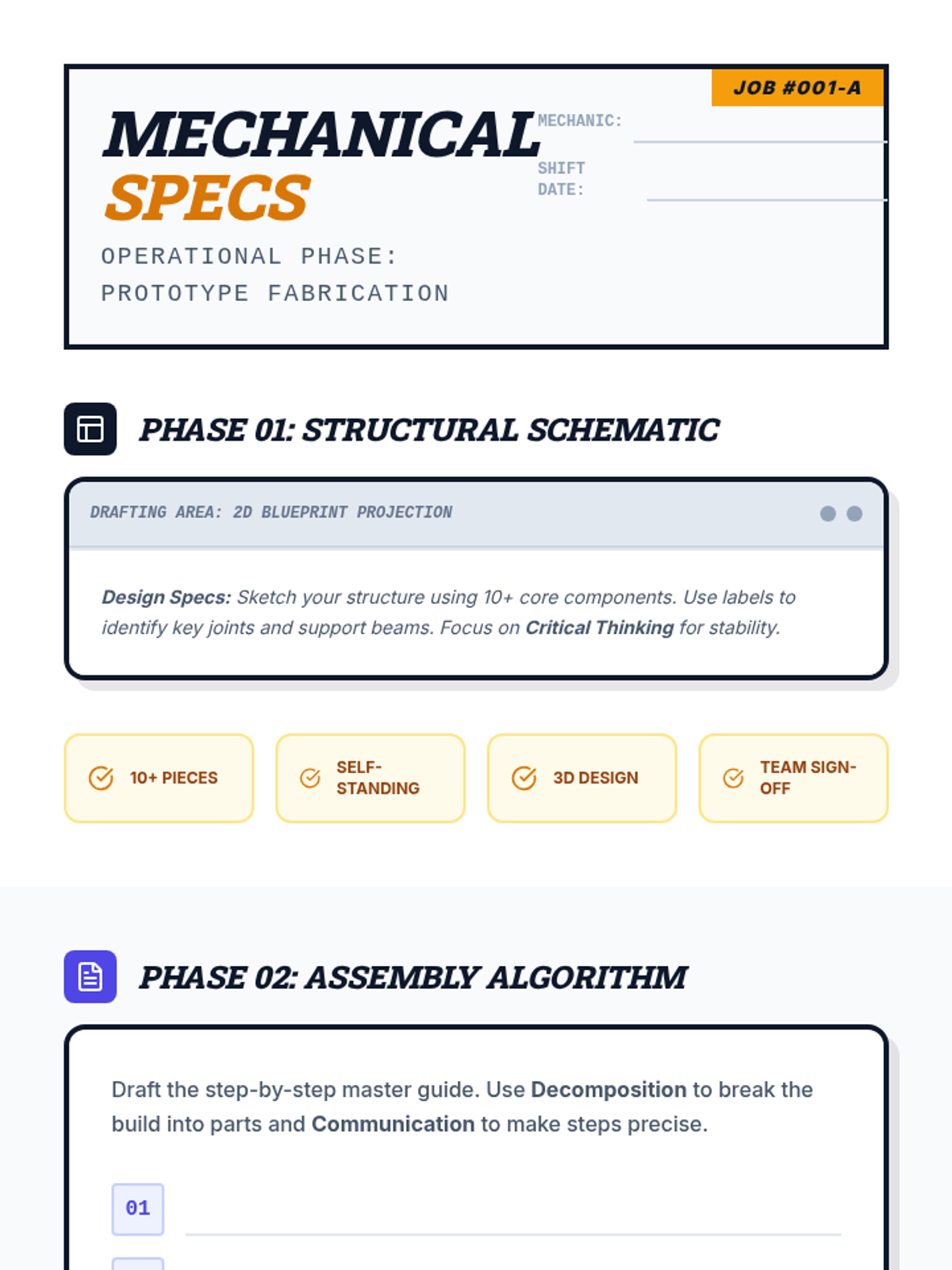
An industrial-themed field guide for students to design their structural prototype, write their assembly algorithm, and reflect on their use of the 4Cs and Computational Thinking.
A high-energy, industrial-themed slide deck that introduces the 4Cs and Computational Thinking with large, high-contrast text and a modern workshop aesthetic.
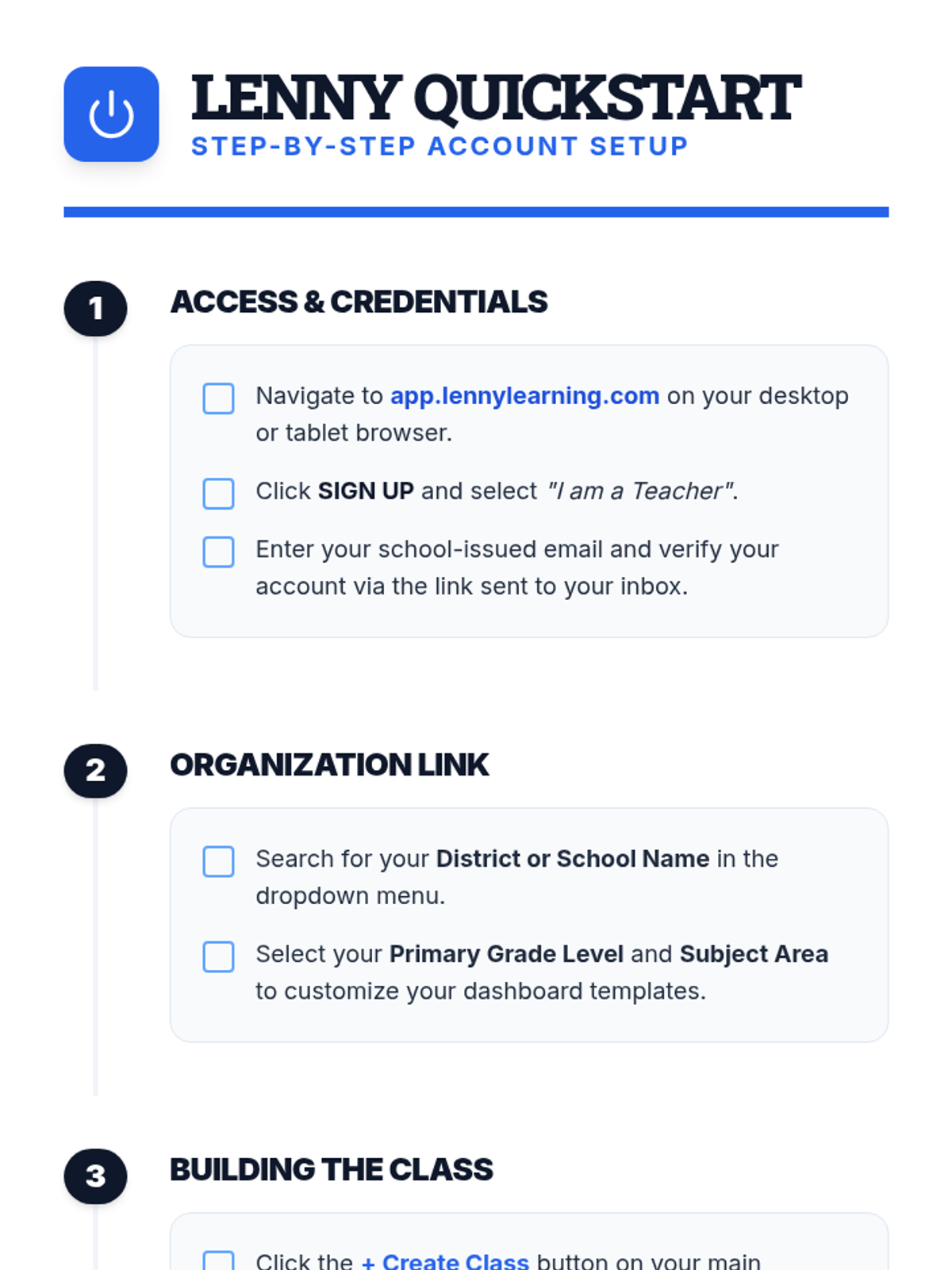
A clear, step-by-step document for teachers on setting up their Lenny Learning account, creating their first class, and onboarding students.
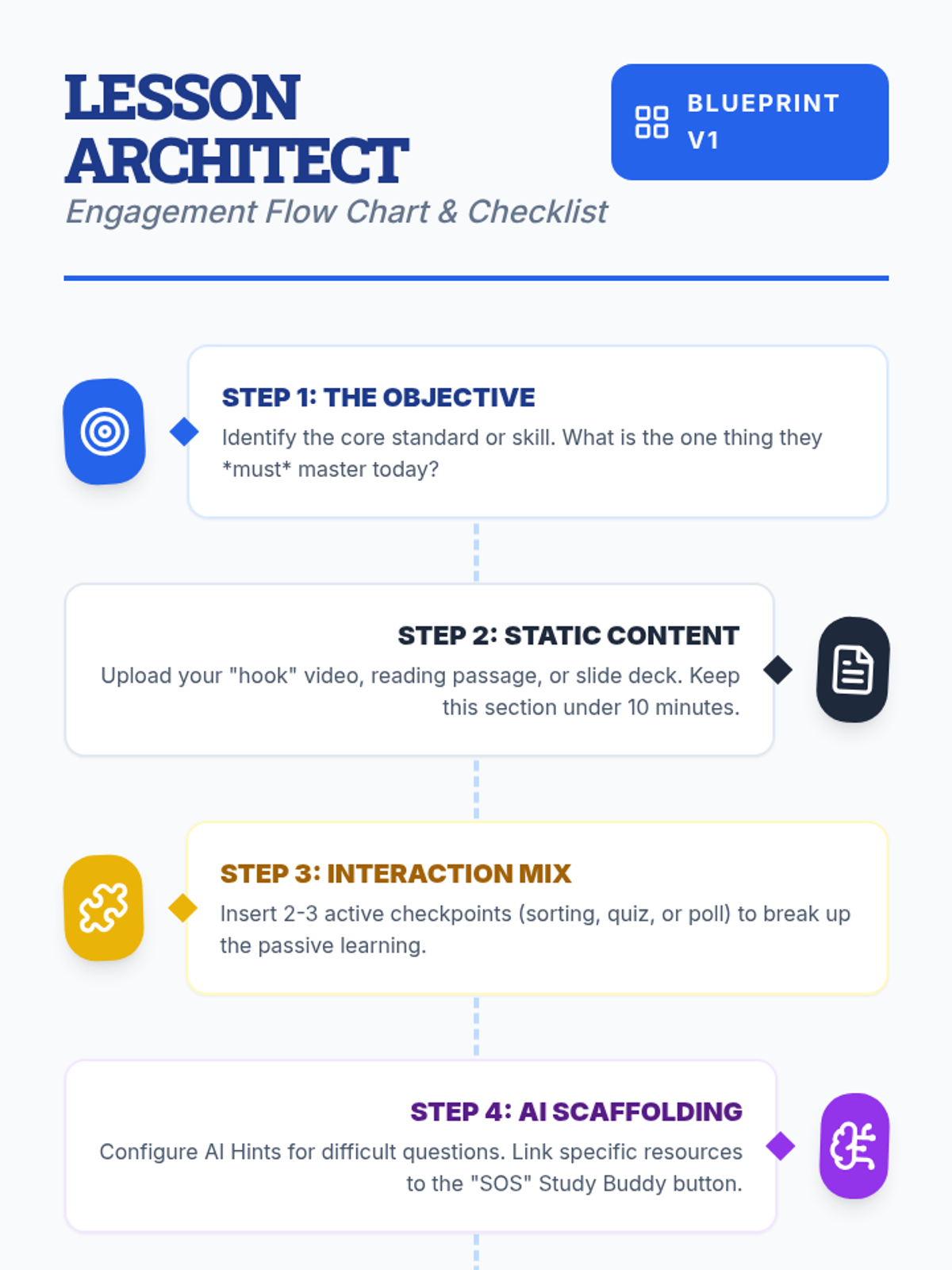
A visual flow chart and checklist for teachers detailing the step-by-step process of designing an engaging lesson on Lenny Learning.
A 10-slide presentation for teachers on designing engaging, interactive lessons using Lenny Learning's advanced features, gamification, and AI support.
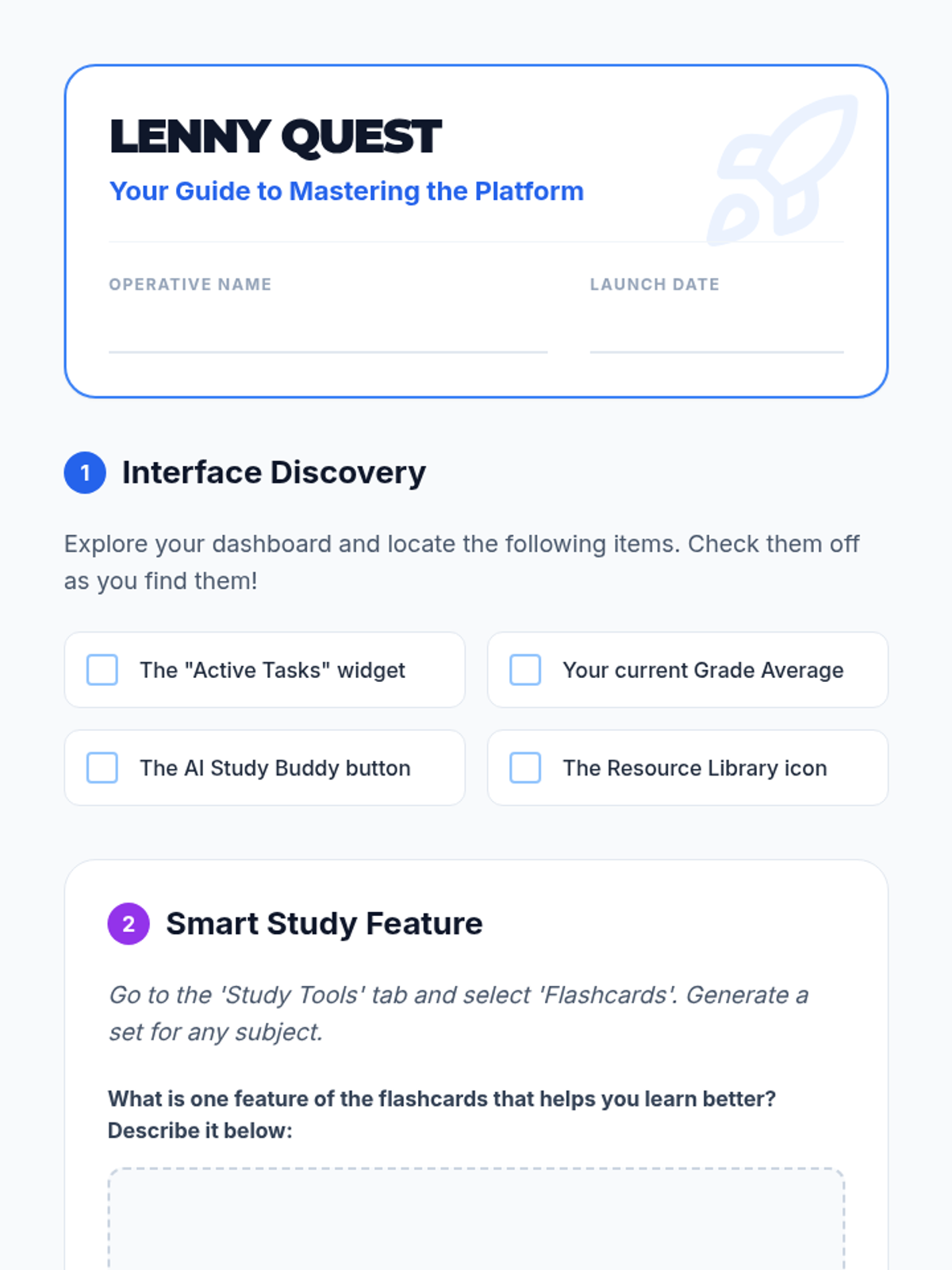
A student-facing scavenger hunt worksheet to help students explore the Lenny Learning interface and features.
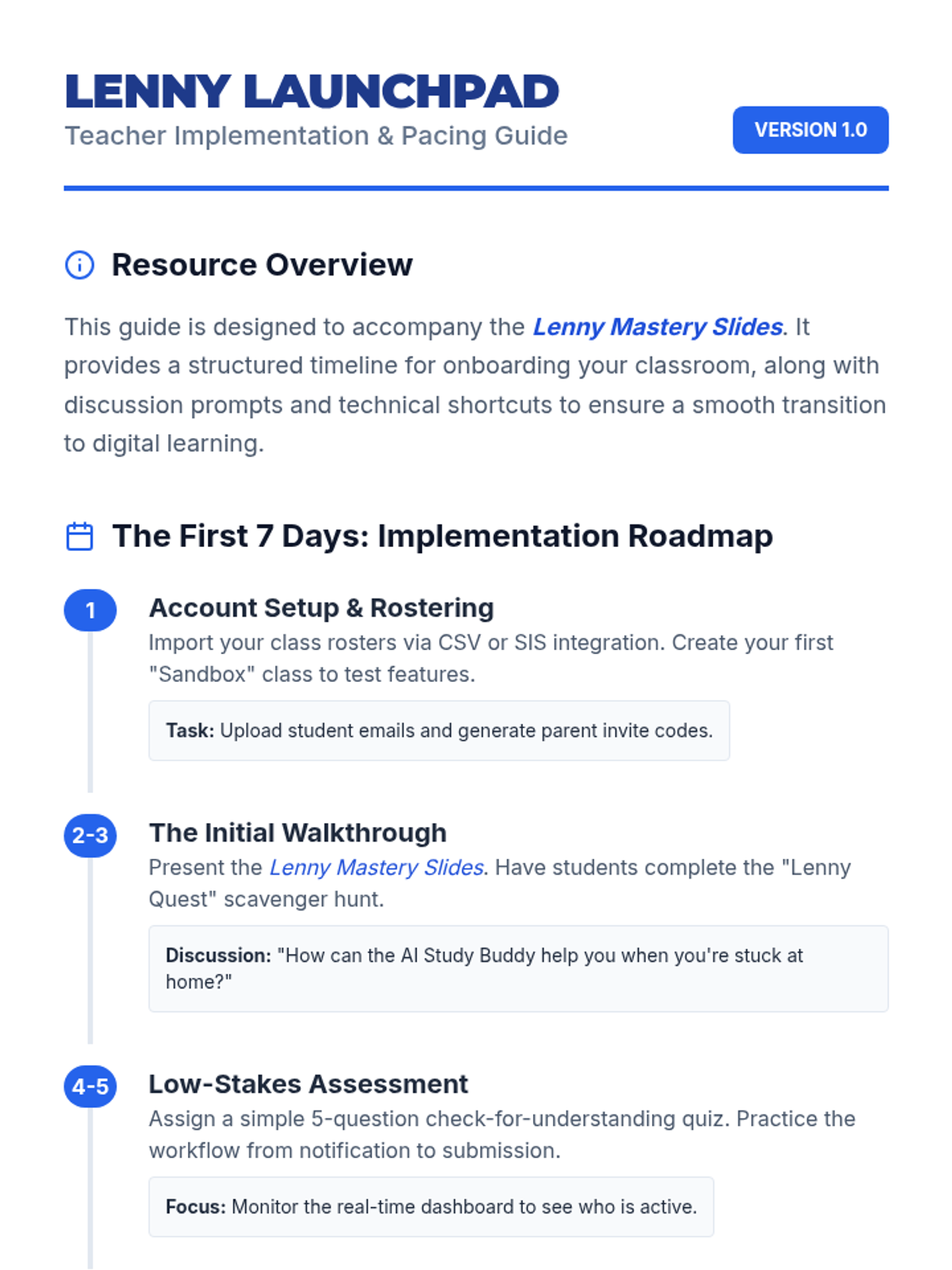
A teacher-facing guide with an onboarding timeline, troubleshooting tips, and classroom management strategies for implementing Lenny Learning.
A 10-slide presentation designed for teachers, providing a beginner-friendly overview of Lenny Learning's assignment workflows, study tools, and dashboard features.
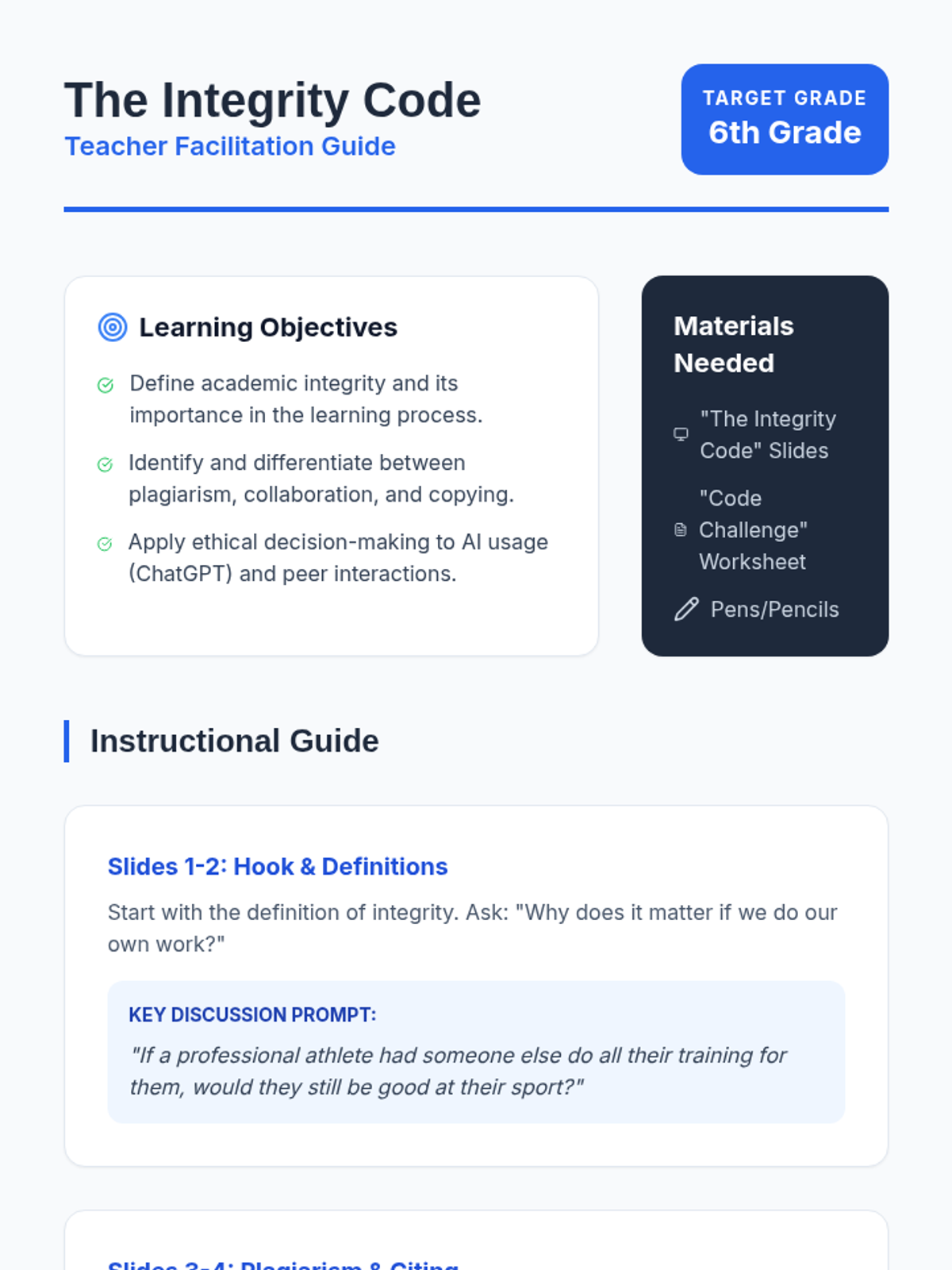
A detailed teacher guide for facilitating "The Integrity Code" lesson, including learning objectives, slide-by-slide talking points, discussion prompts, and a worksheet answer key.
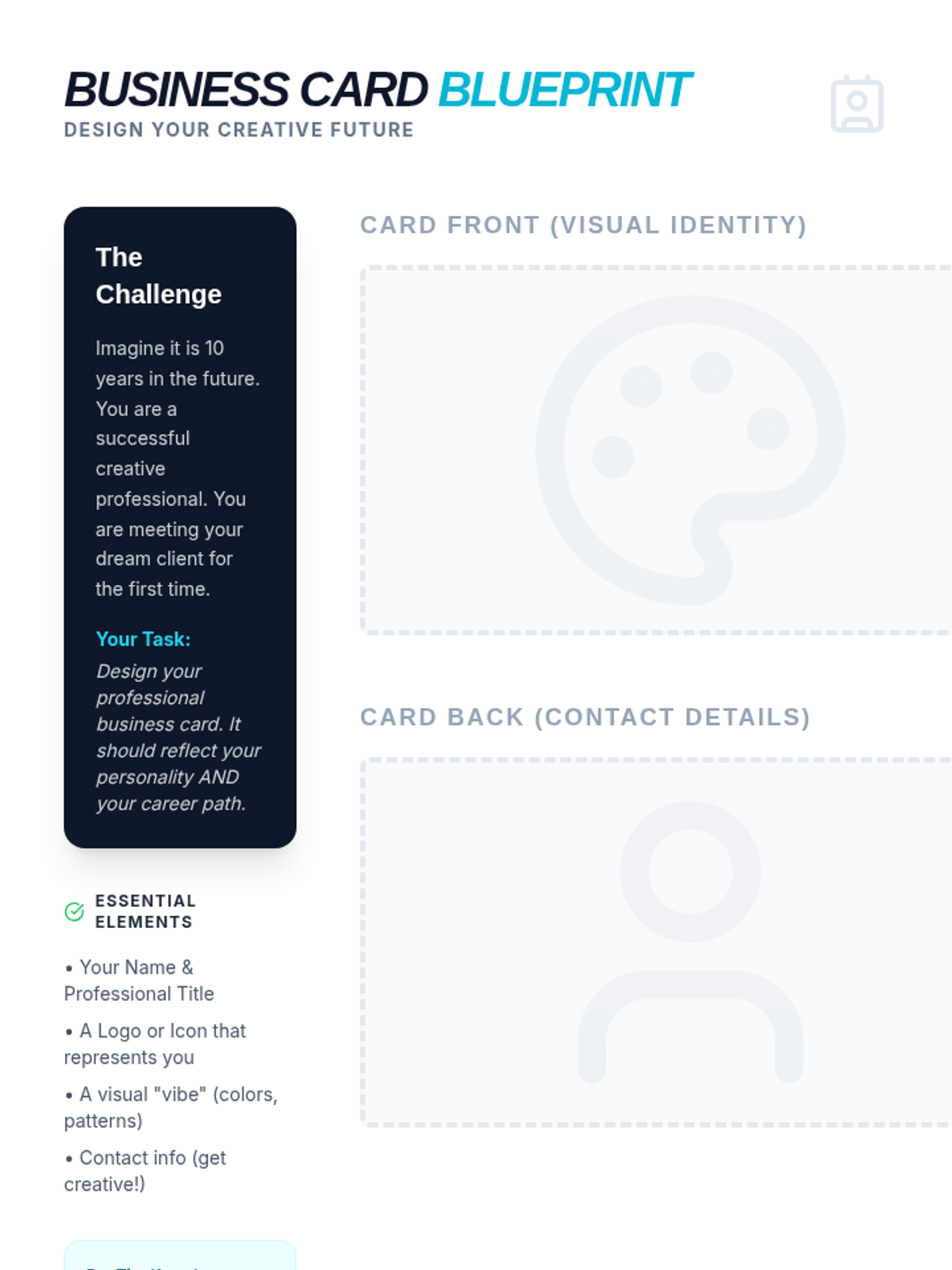
A creative activity where students design their own professional business card for a future art career, including space for front/back designs and a design reflection.
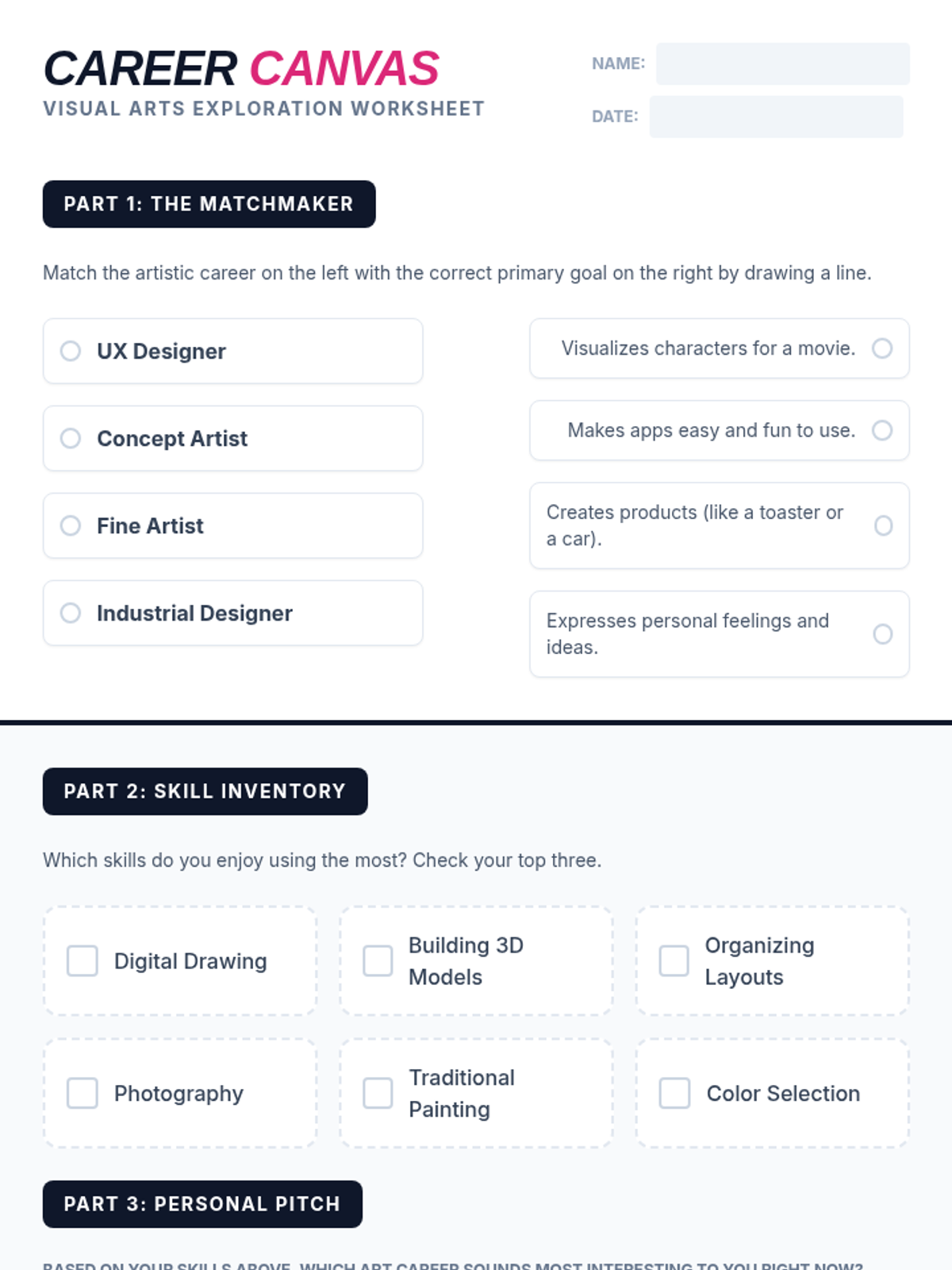
A student worksheet designed to help students explore and reflect on art careers, including a matching activity and a personal skill inventory.
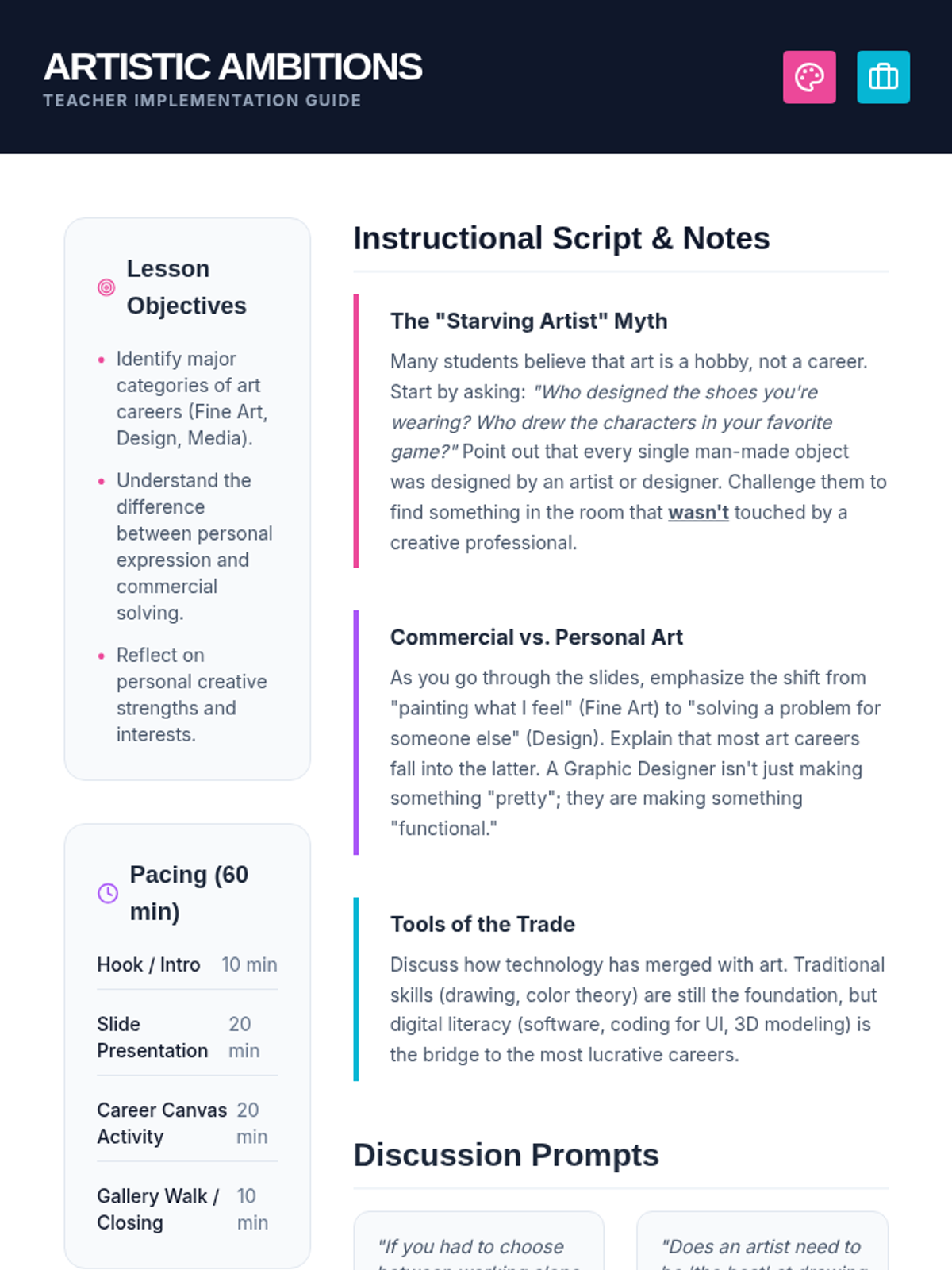
A comprehensive teacher guide for the Artistic Ambitions lesson, including pacing, discussion prompts, and instructional notes to debunk myths about art careers.
A vibrant, high-impact slide deck exploring professional paths in the visual arts, covering fine art, design, media, and architecture.
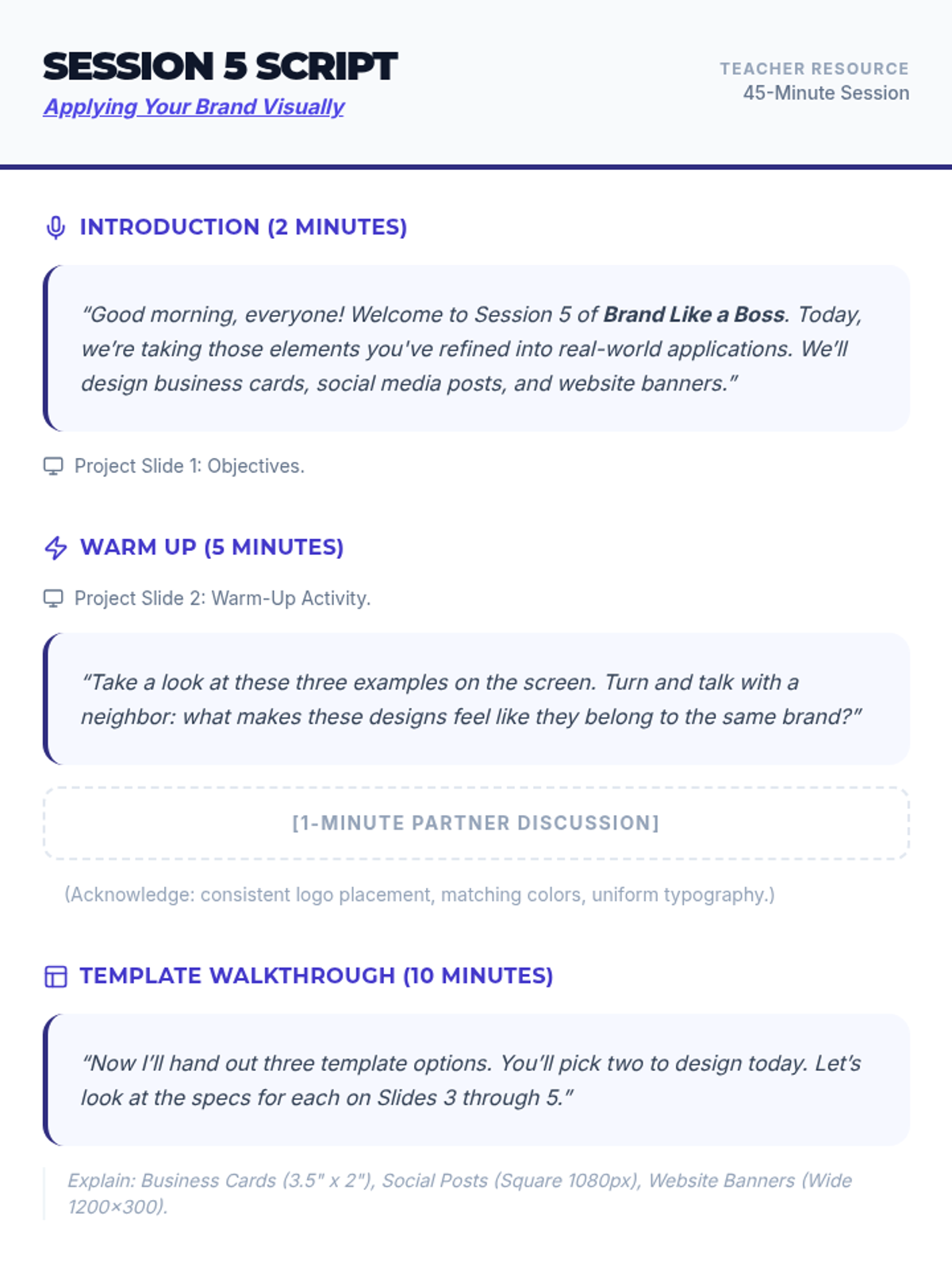
Instructional script for the teacher to facilitate Session 5, including speaking prompts, activity transitions, and slide cues.
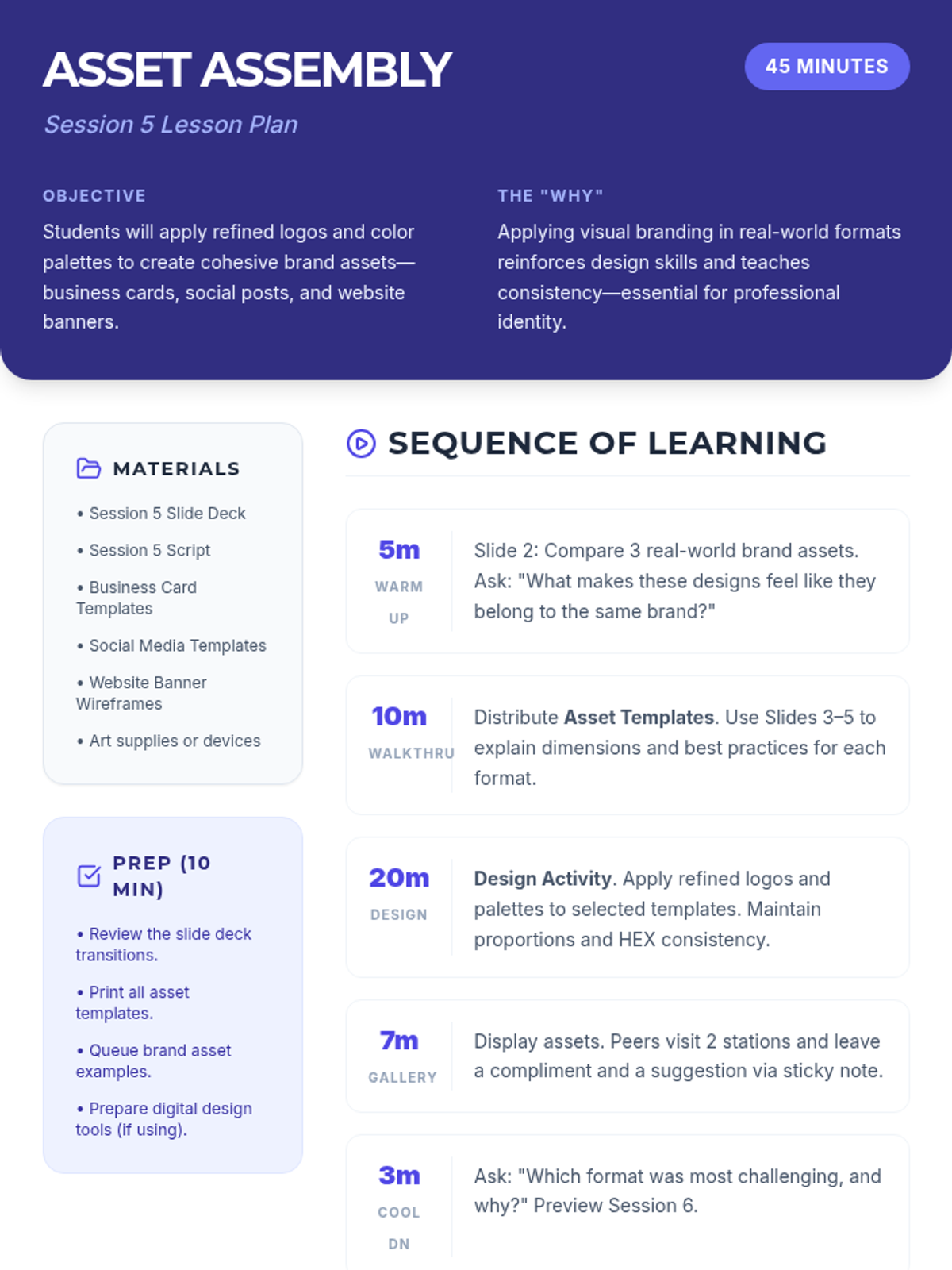
Lesson plan for Session 5 focused on applying branding to real-world assets like business cards, social media posts, and website banners.
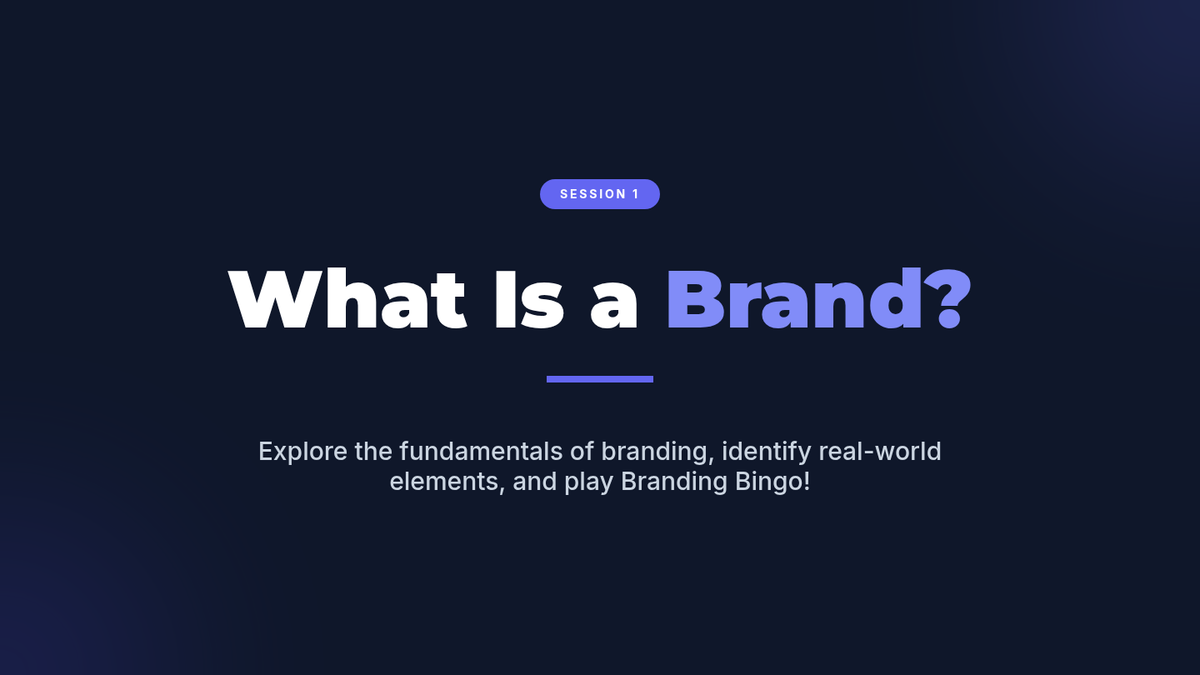
Session 1 slide deck exploring the definition of branding and real-world examples with a Branding Bingo activity.
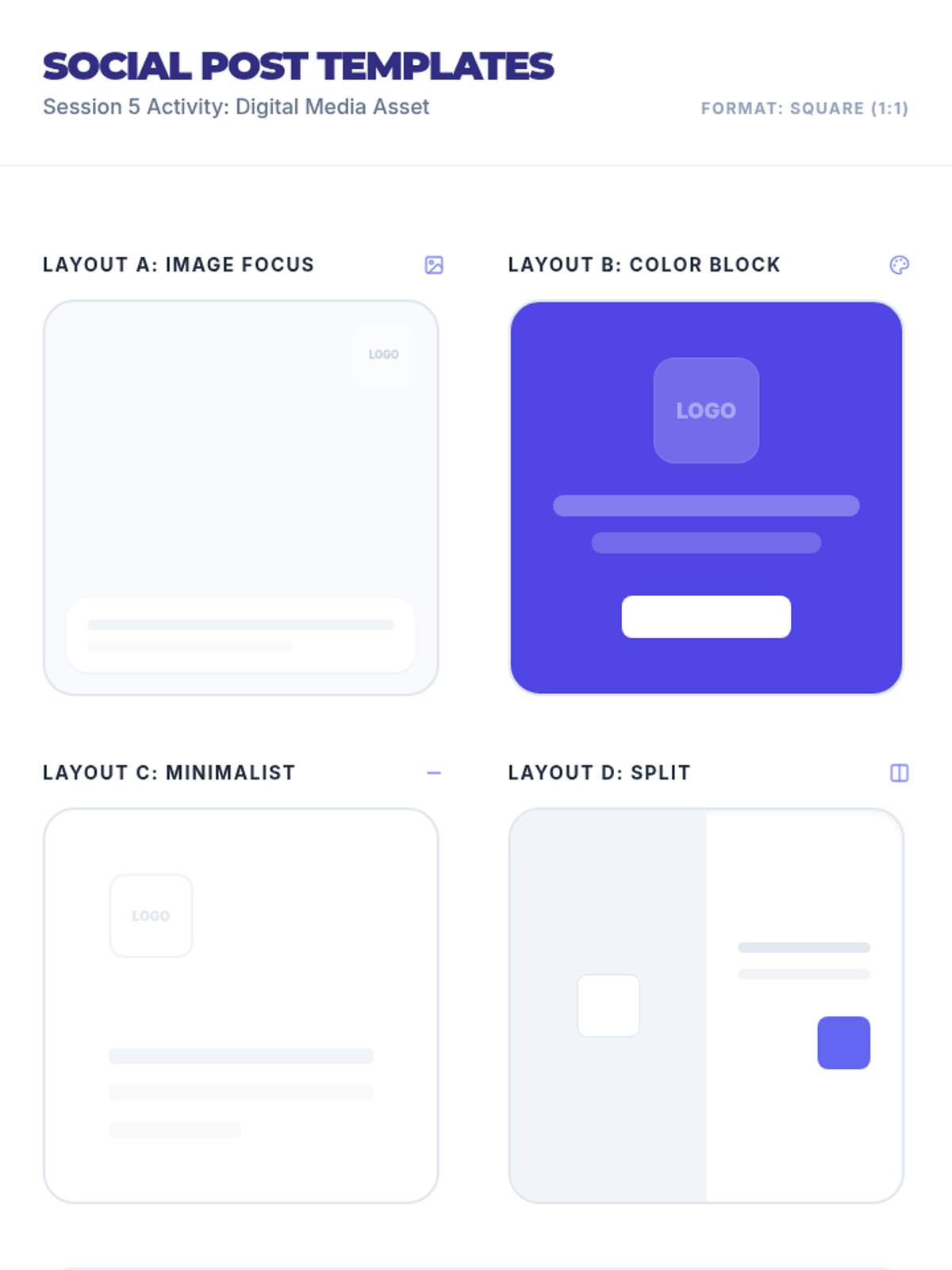
Social media post design templates for Session 5 featuring various layouts (image focus, color block, minimalist, split) in a square format.
Session 5 slide deck guiding students through the creation of brand assets (business cards, social posts, website banners) with peer feedback.
Session 2 slide deck exploring brand voice, core values, and introductory logo design with design tips and a matching game.
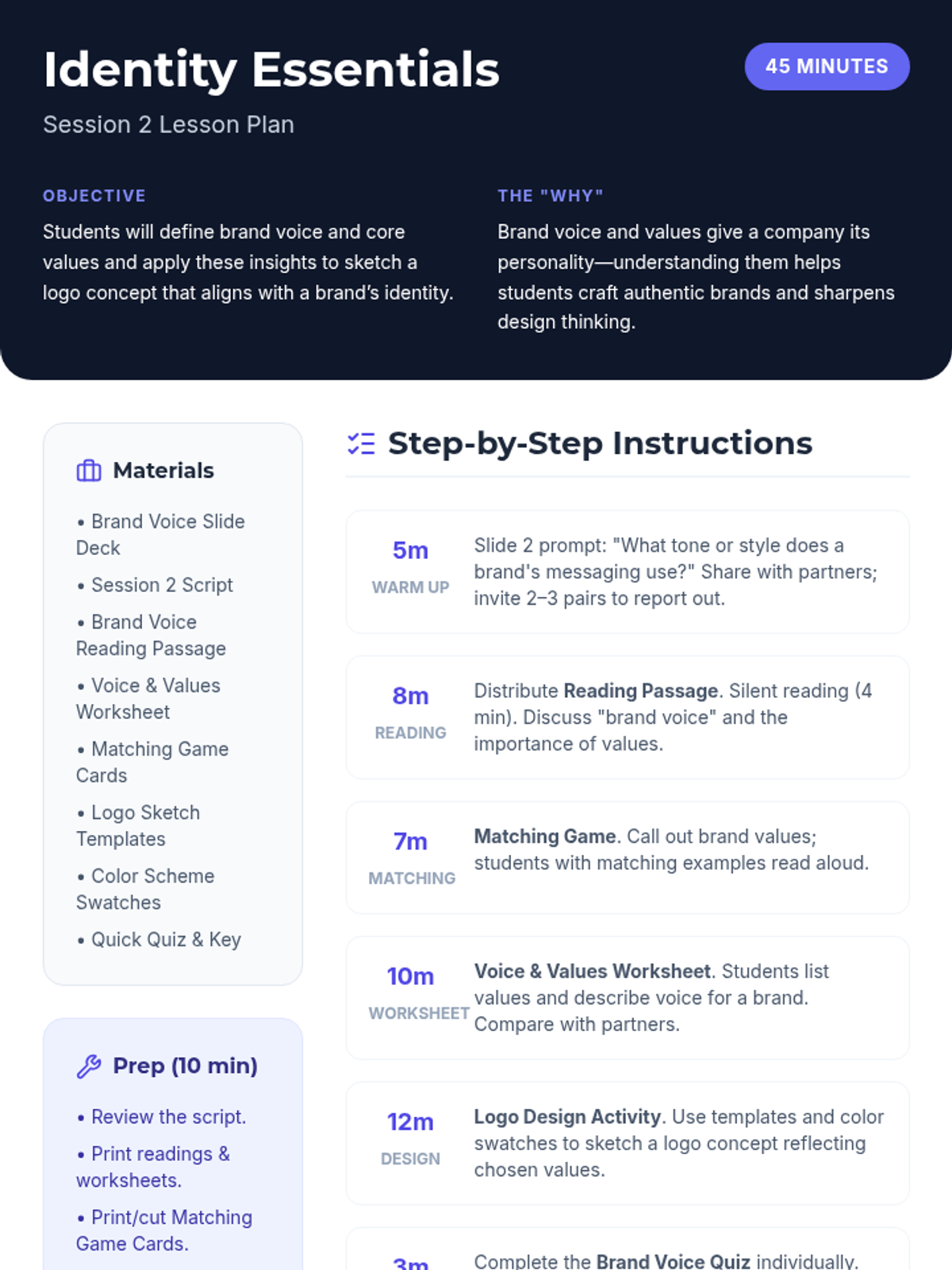
Lesson plan for Session 2 focused on brand voice, core values, and introductory logo design.
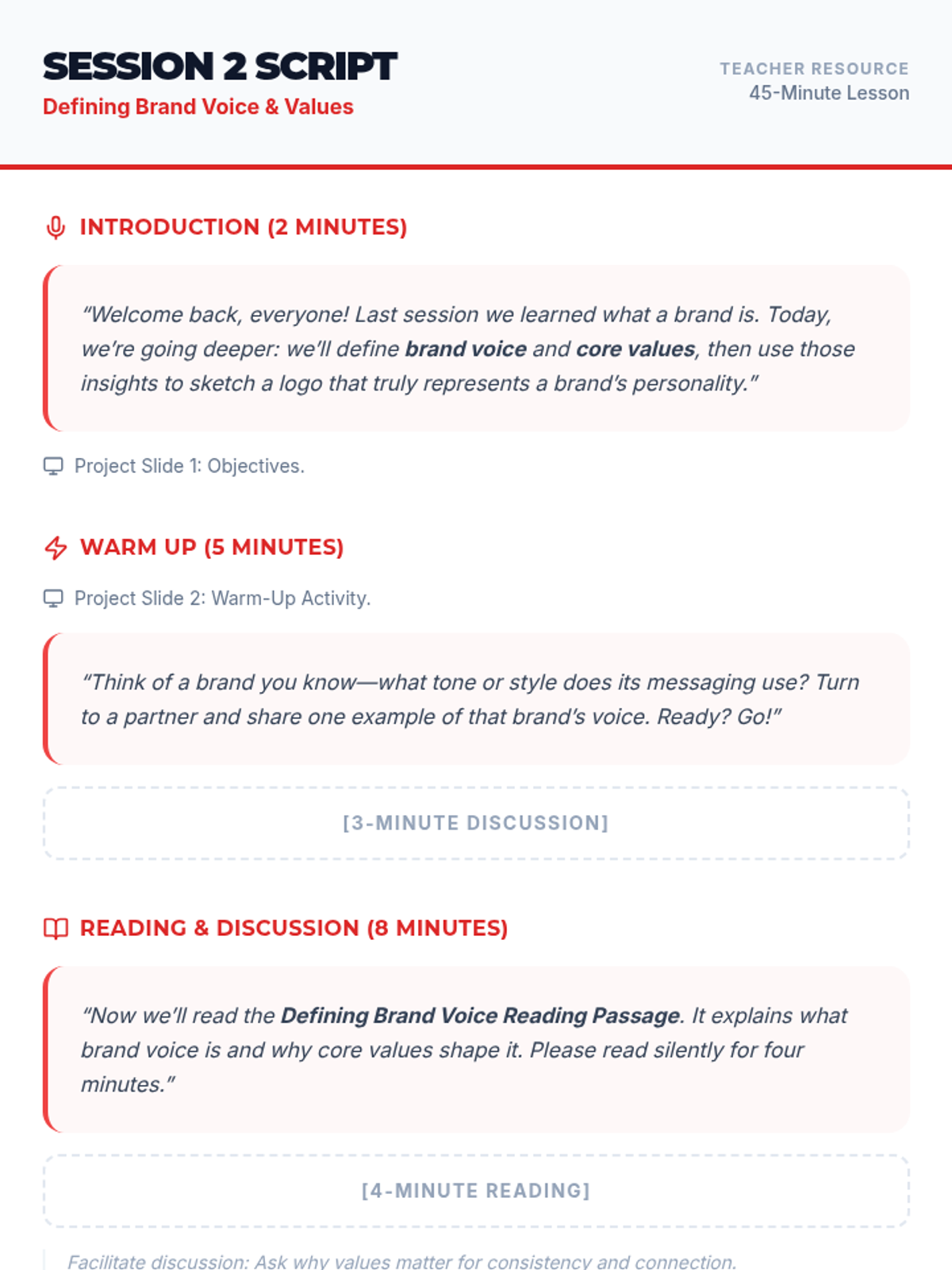
Instructional script for the teacher to facilitate Session 2, including speaking prompts, activity transitions, and slide cues.
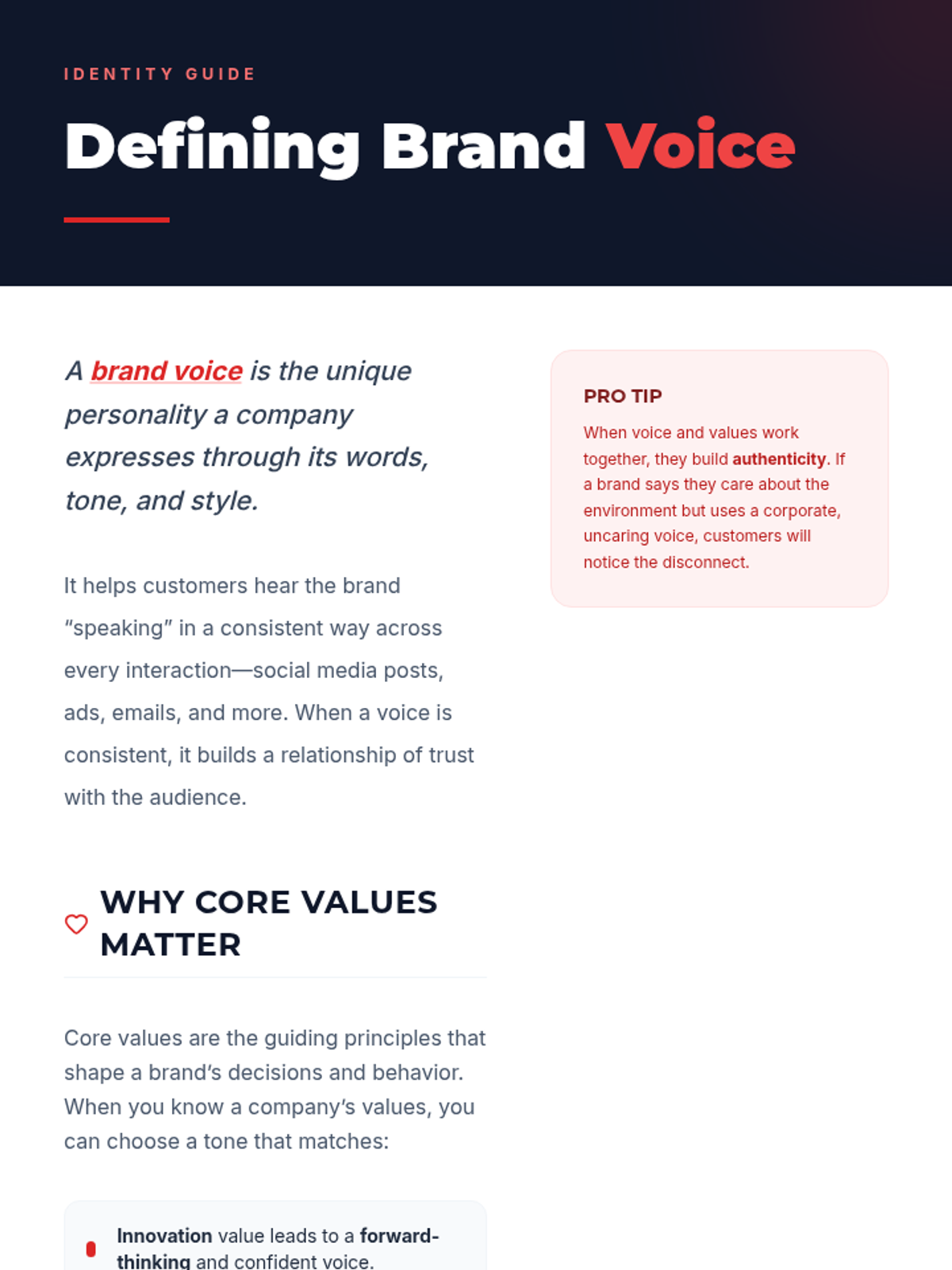
Reading passage for Session 2 defining brand voice and its connection to core values with examples.
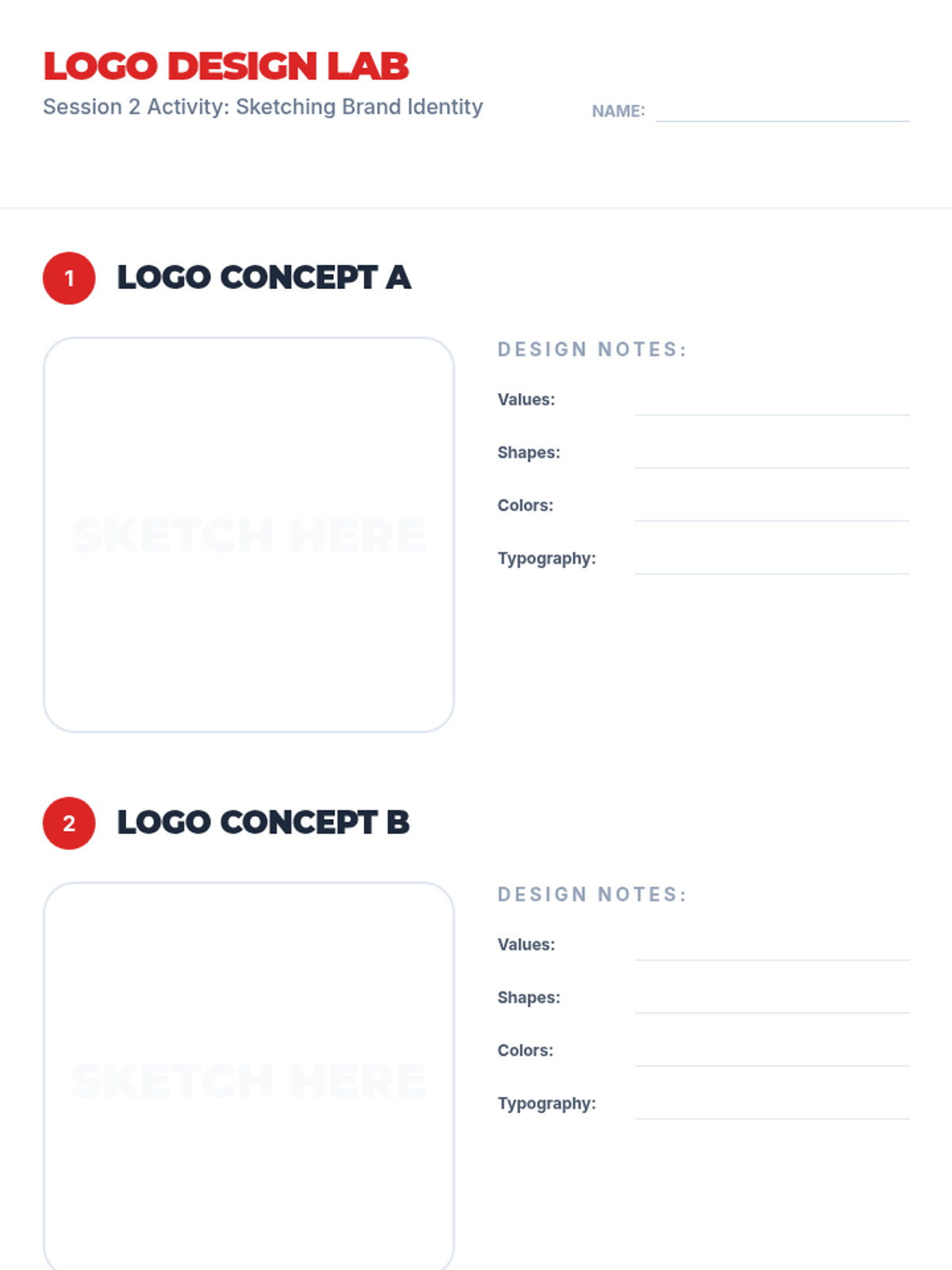
Logo sketching templates for Session 2 where students can concept two different logo versions based on their brand's voice and values.
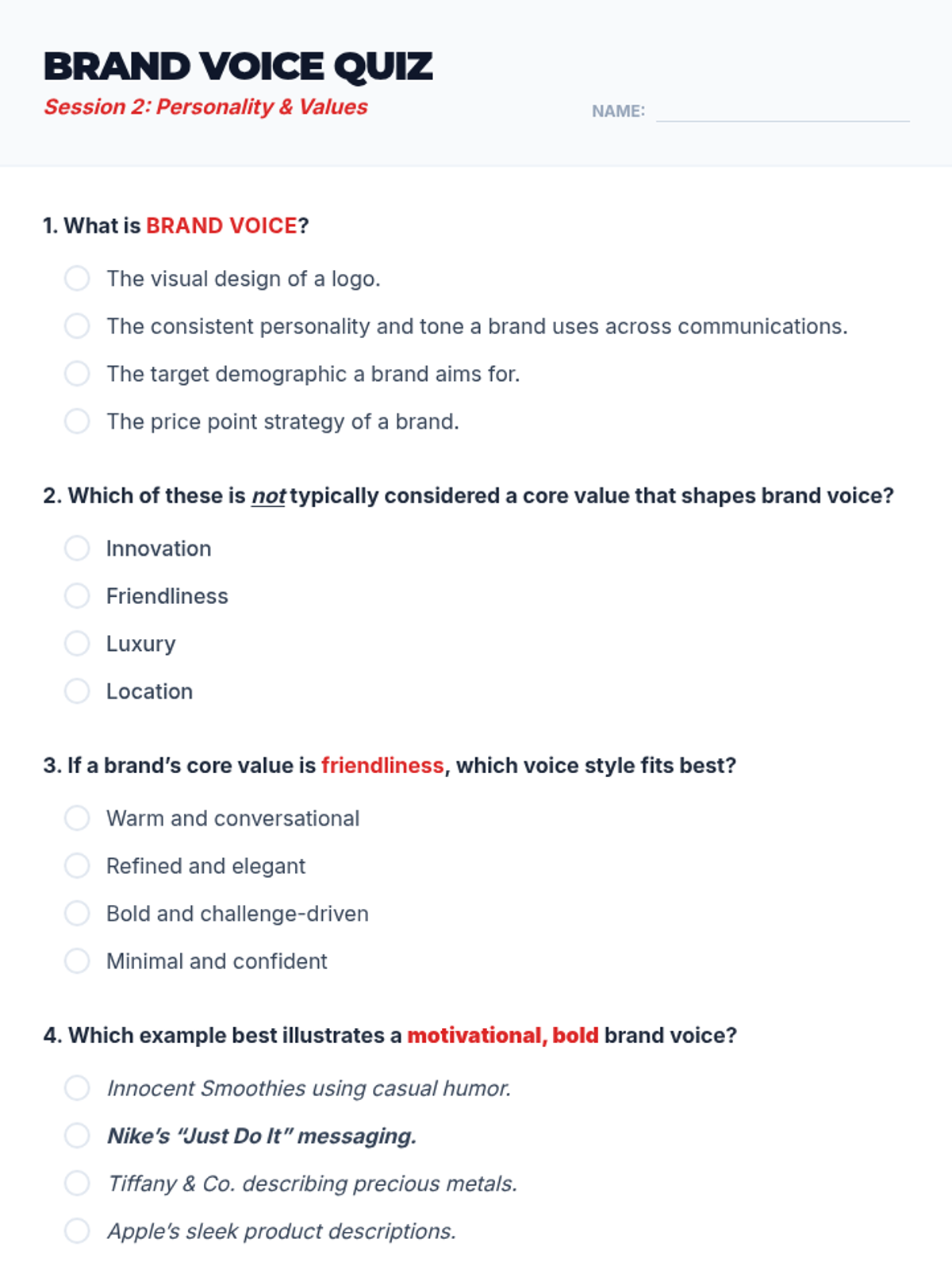
A 5-question quick quiz for Session 2 to assess student understanding of brand voice and values.
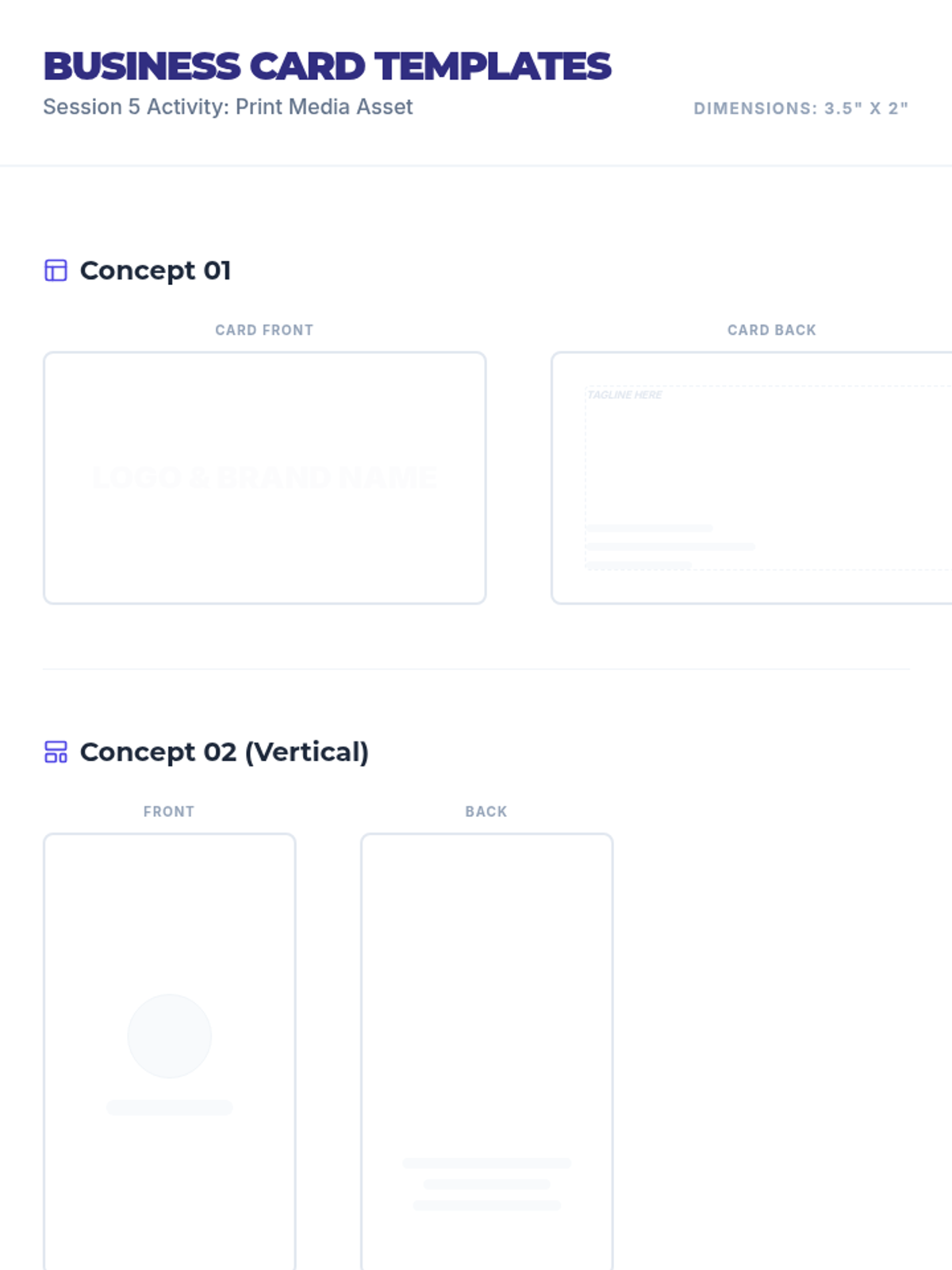
Business card design templates for Session 5 where students apply their branding to a standard 3.5" x 2" format.
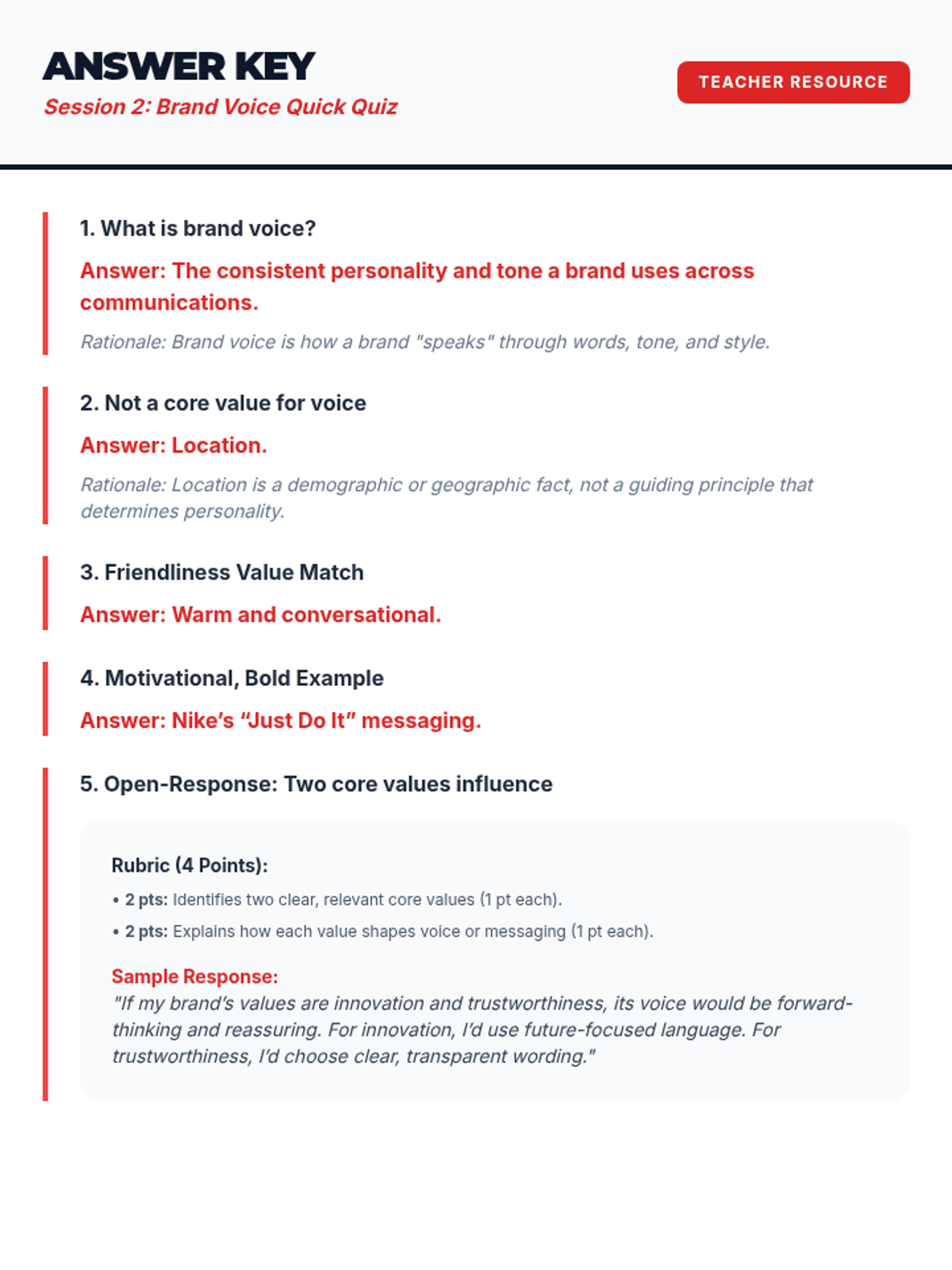
Answer key for the Session 2 Brand Voice Quick Quiz.
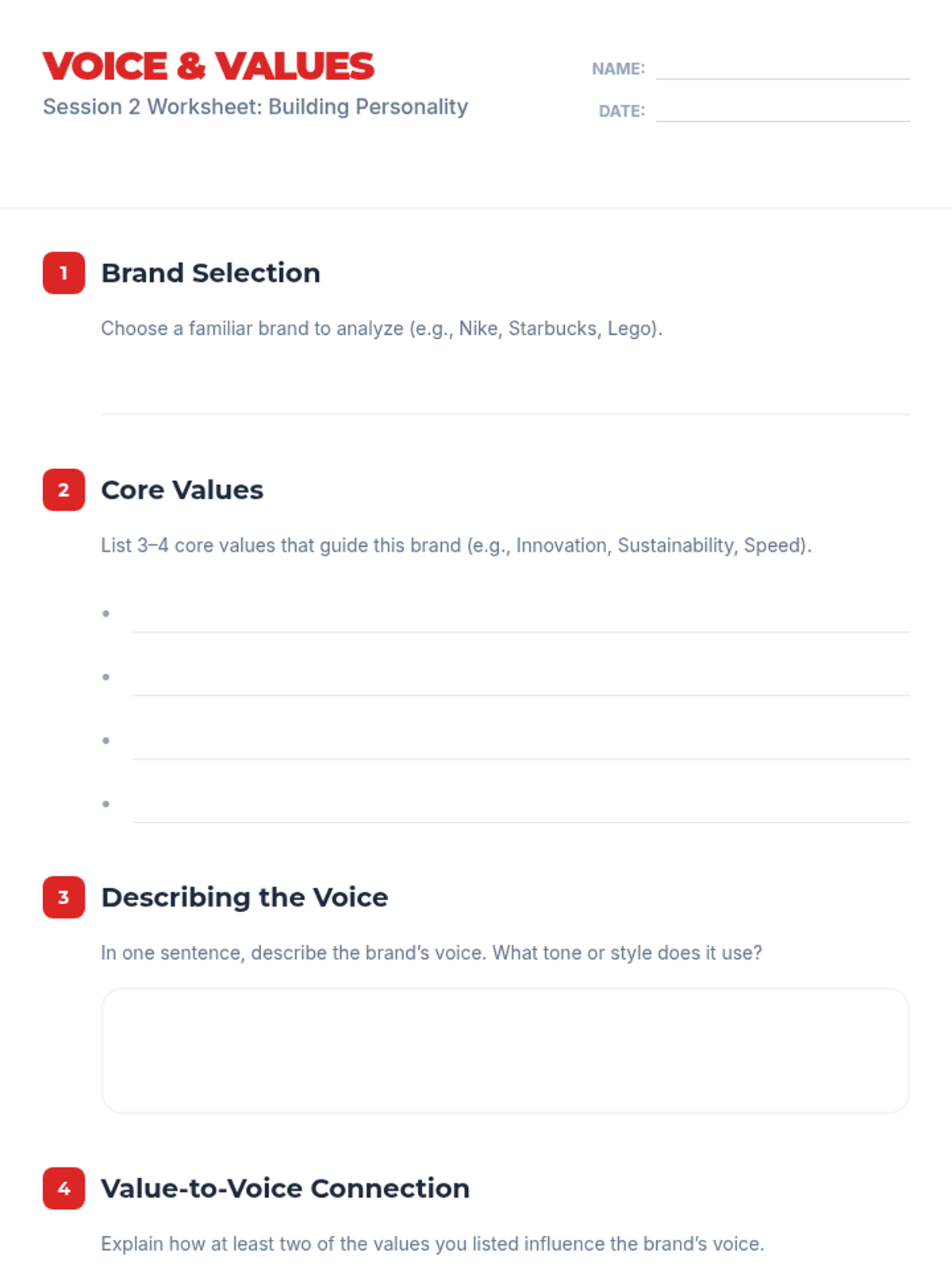
Worksheet for Session 2 where students choose a brand and analyze its core values and brand voice.
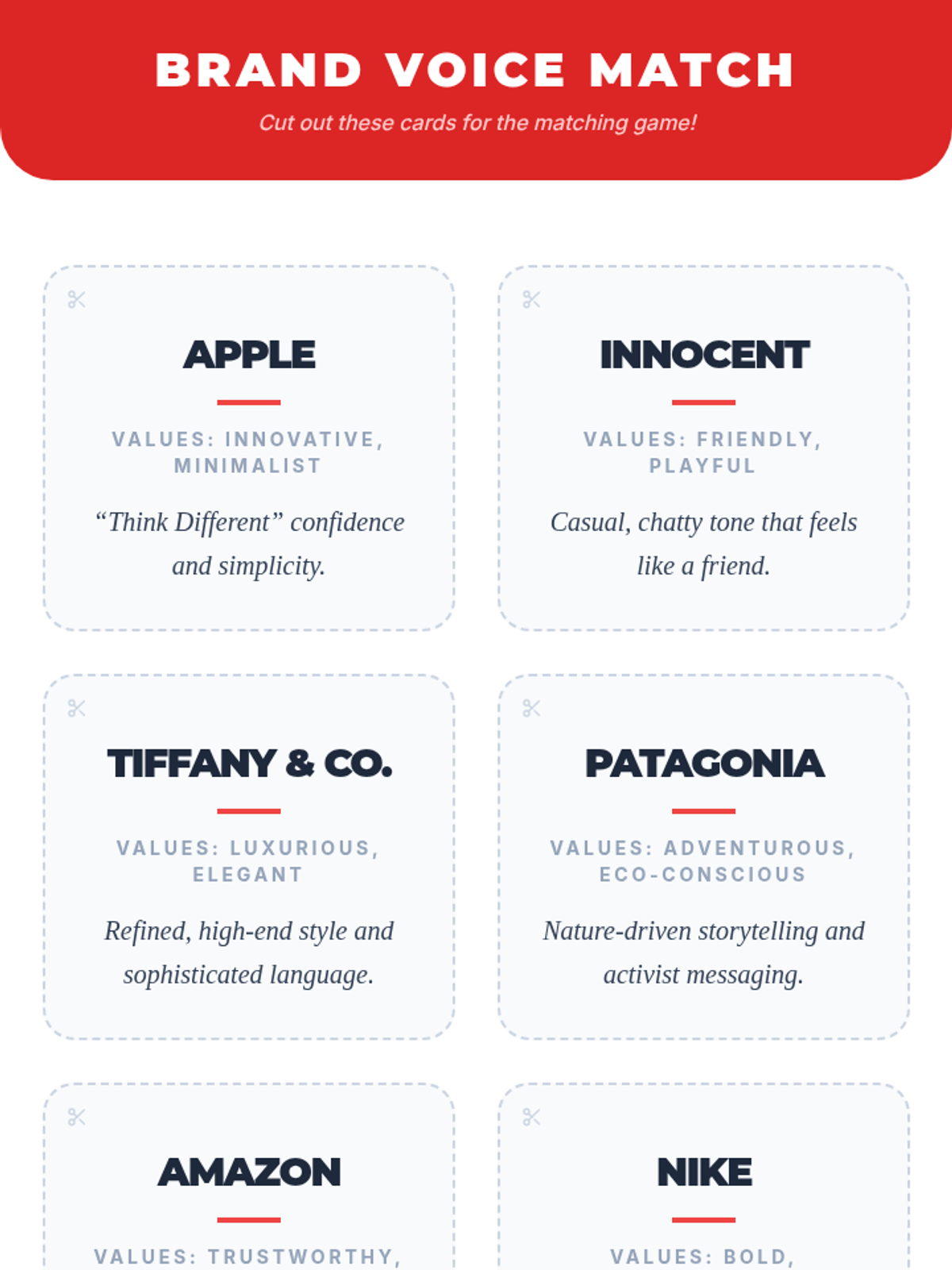
Game cards for Session 2 featuring various brands, their values, and their voice descriptions to be used in a matching activity.
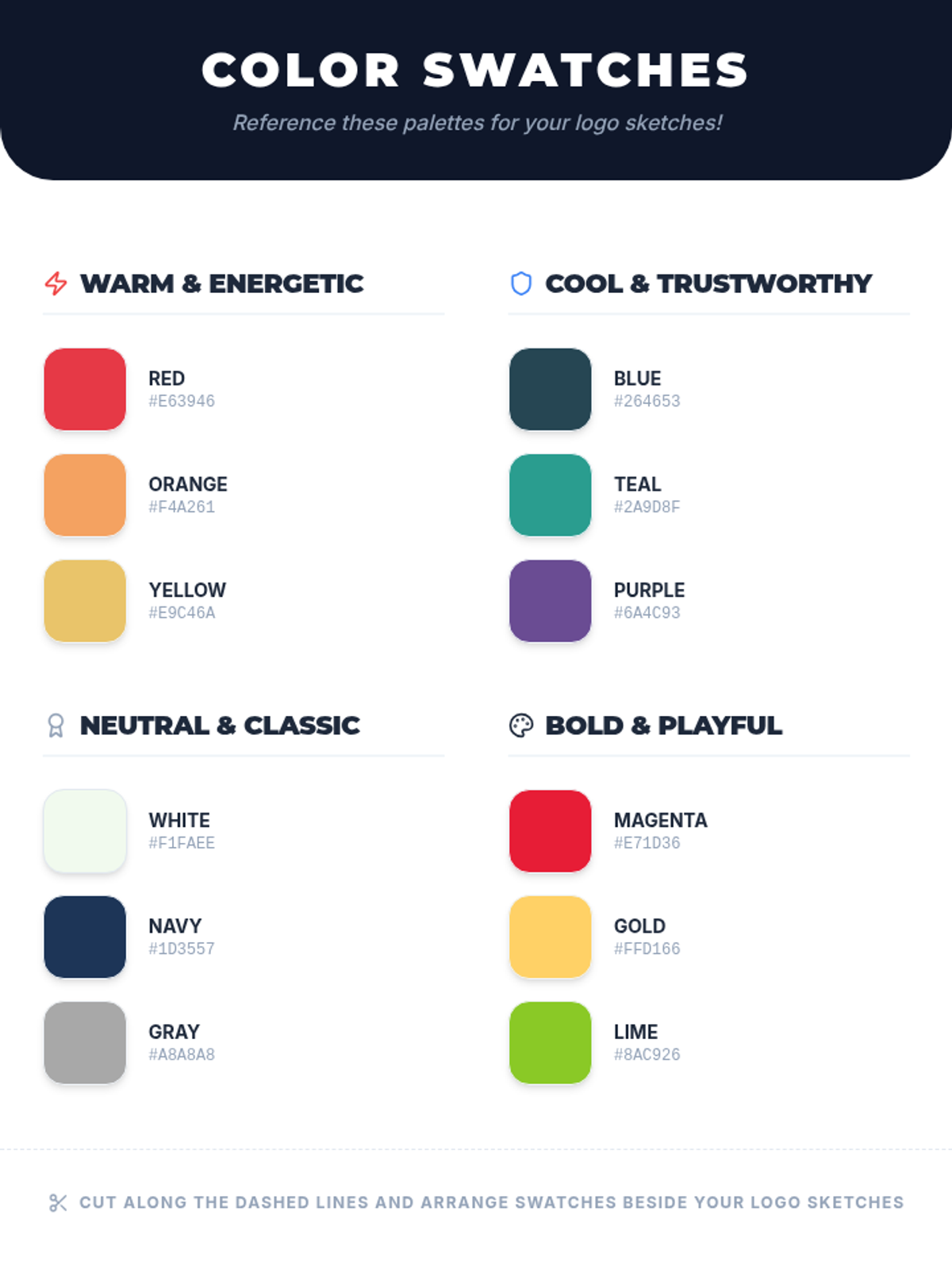
Color scheme reference swatches for Session 2 providing various palettes with hex codes to inform student logo design choices.
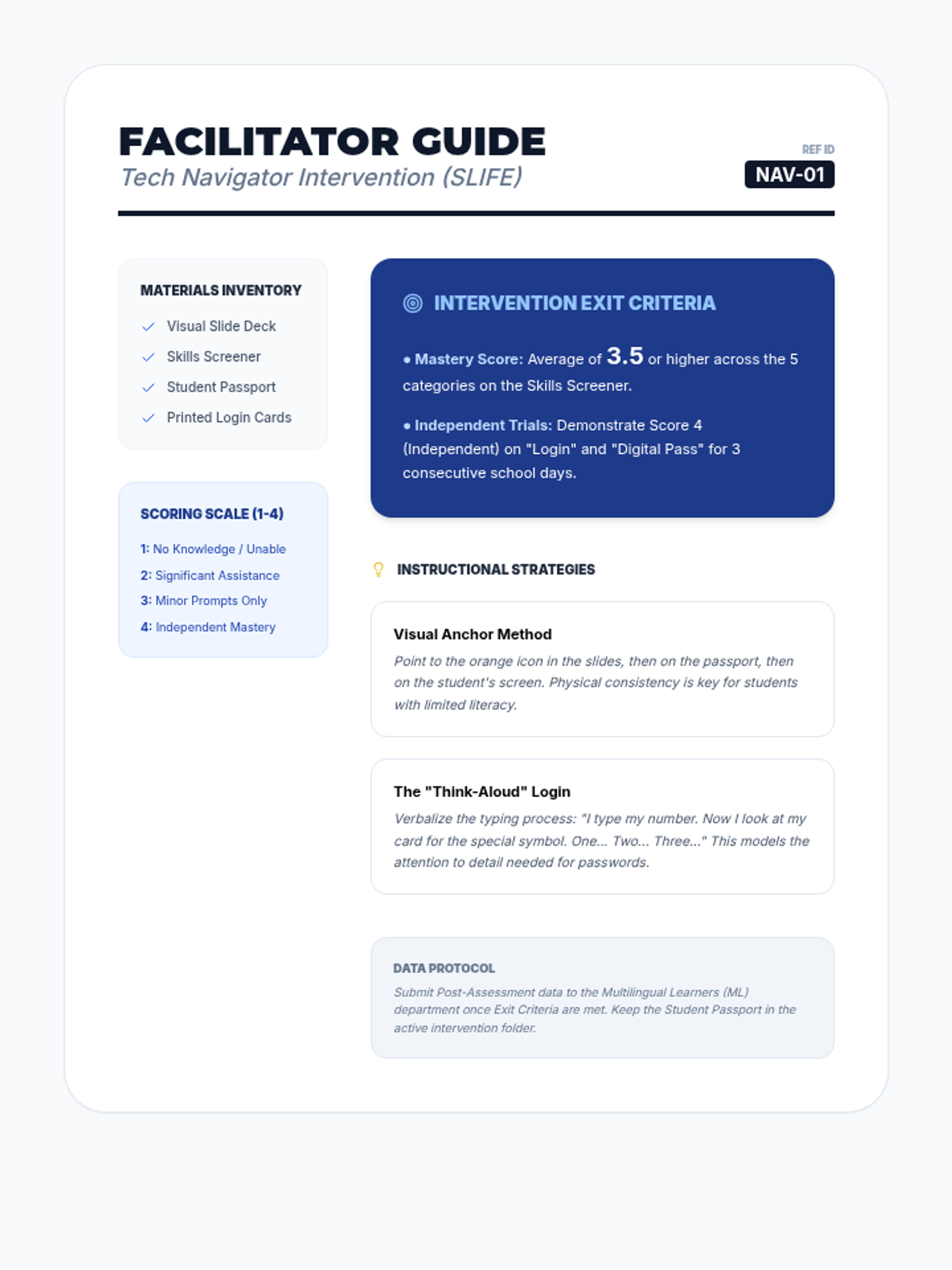
A facilitator guide for teachers delivering the Tech Navigator intervention, outlining clear exit criteria, pacing suggestions, and evidence-based instructional strategies specifically tailored for SLIFE students.
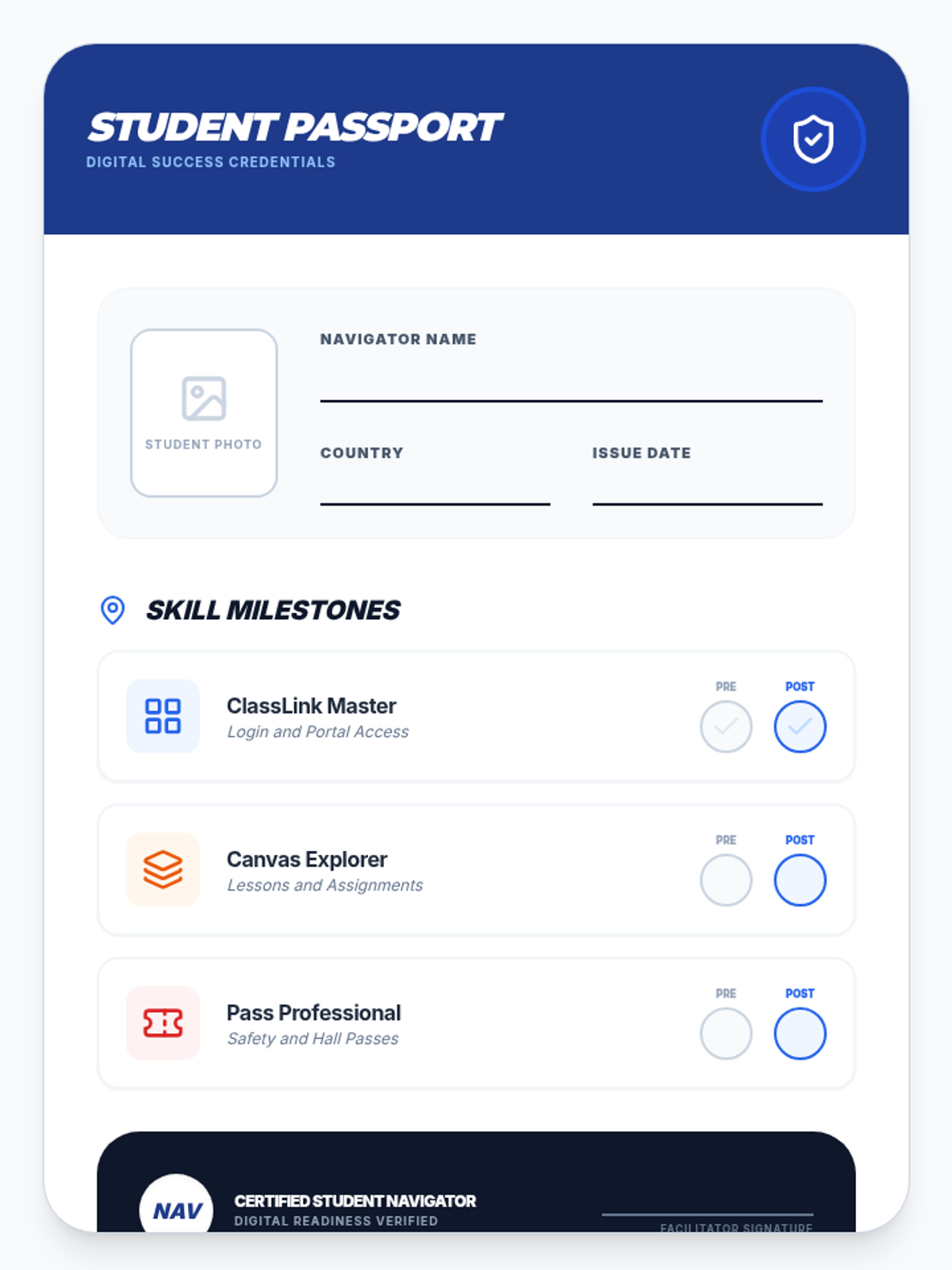
An engaging, passport-style progress tracker for students to visually record their mastery of core digital skills, including dedicated certification stamps for ClassLink, Canvas, grades, email, and digital hall passes.
A highly visual slide deck designed for SLIFE students, introducing core digital school skills like ClassLink, Canvas, email, and digital hall passes with large icons and clear, simplified language.
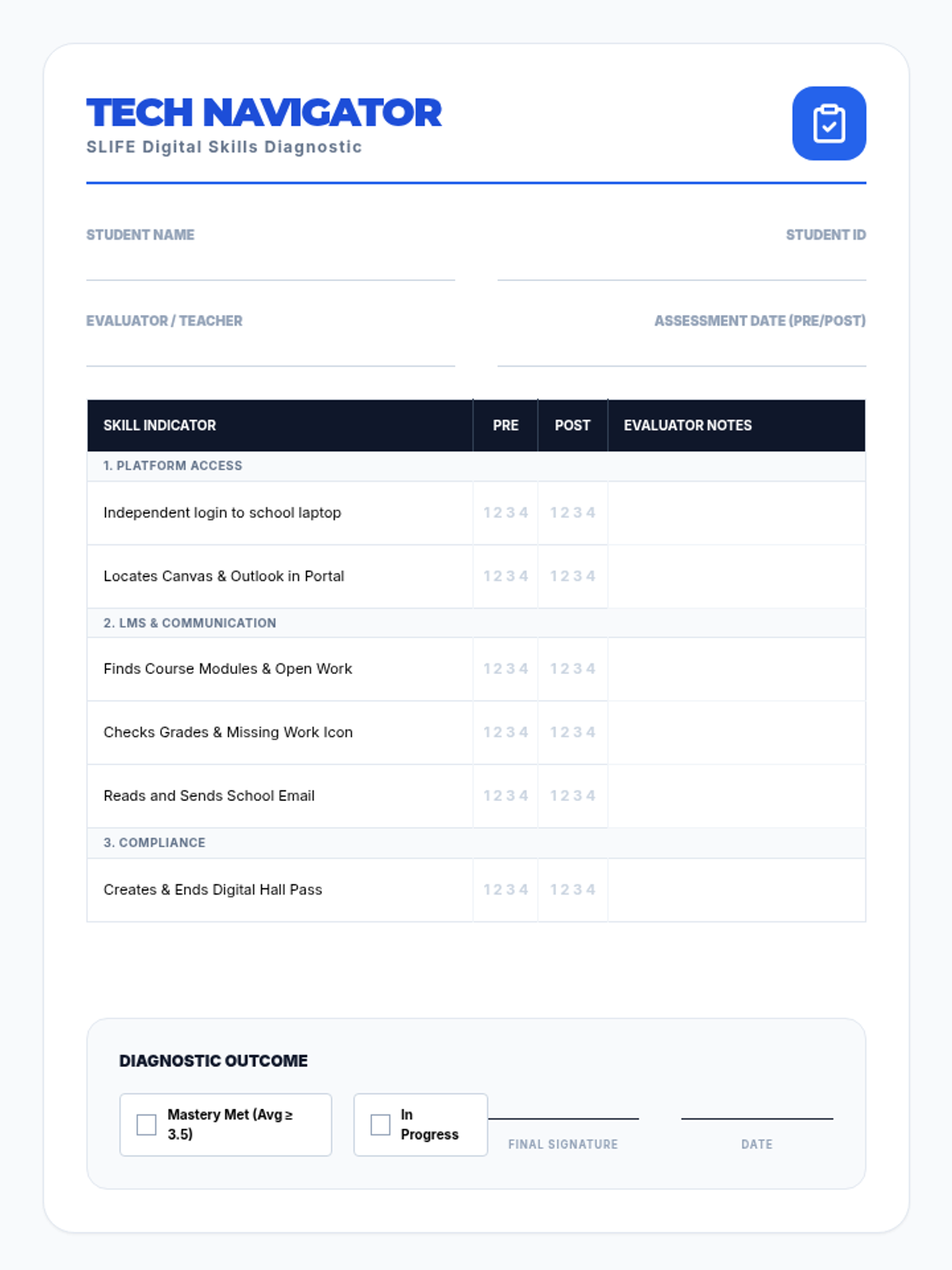
A comprehensive pre- and post-intervention screener for teachers to assess SLIFE students' proficiency in essential digital school skills, featuring a 4-point proficiency scale and specific skill indicators for ClassLink, Canvas, grades, email, and digital passes.
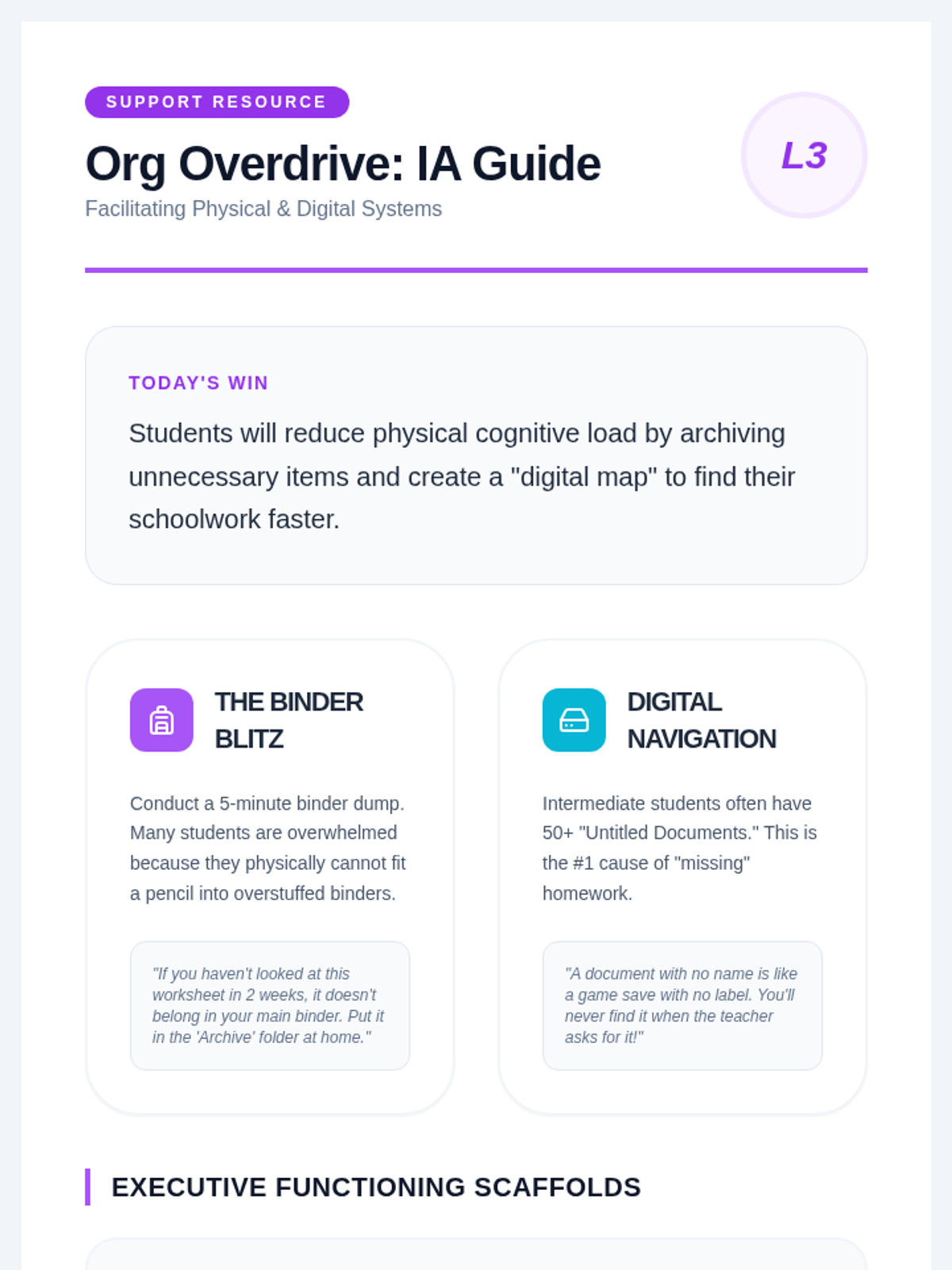
A guide for IAs on facilitating physical and digital organization lessons. Provides actionable strategies for 'The Binder Blitz' and digital file management, including specific scripting and weekly maintenance routines.
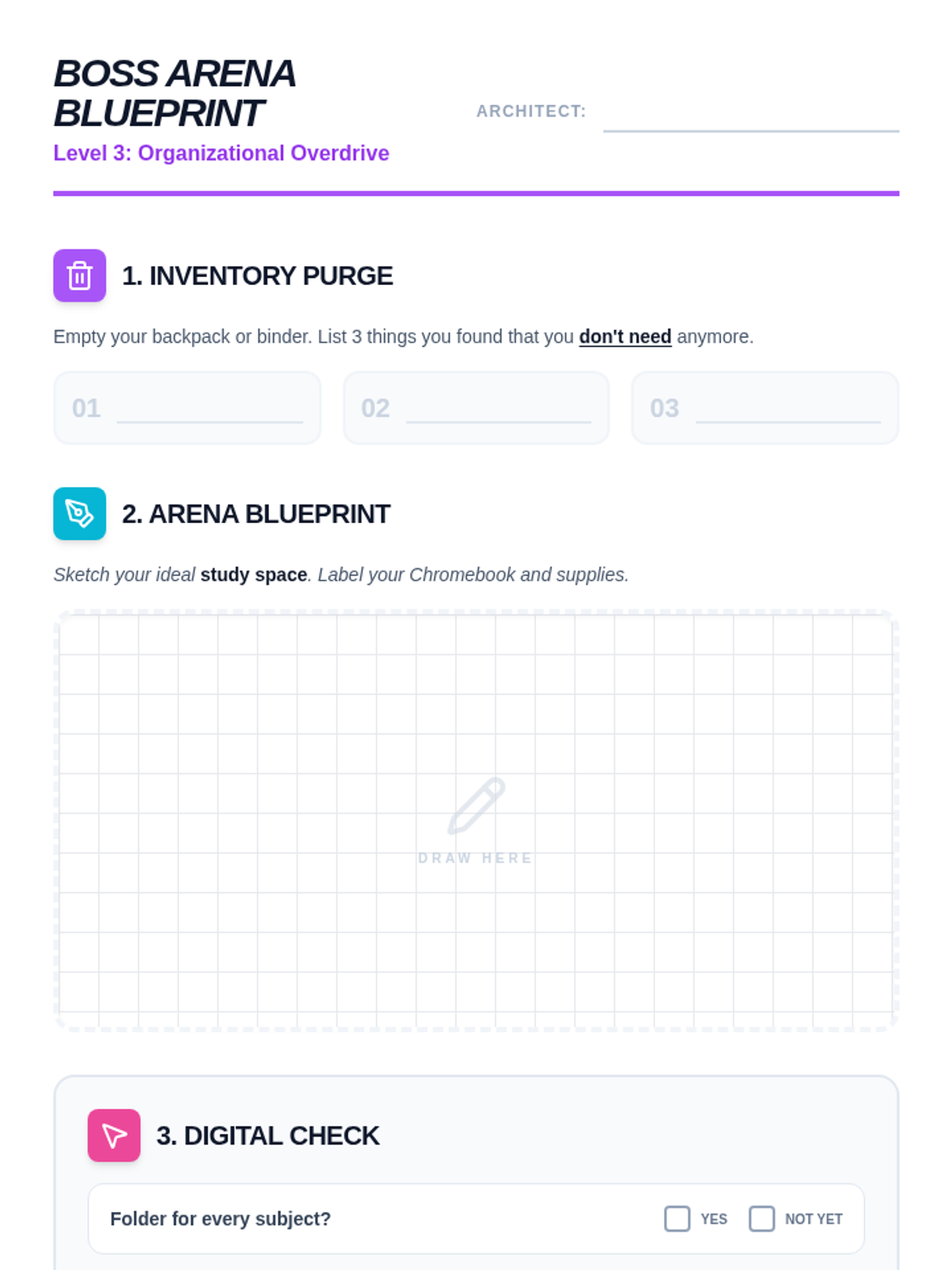
A visual worksheet for organizing physical and digital spaces. Includes a 'Purge' list for cleaning backpacks, a blueprint drawing area for designing a study space, and a digital checklist for organizing computer files. High-engagement design for intermediate students.
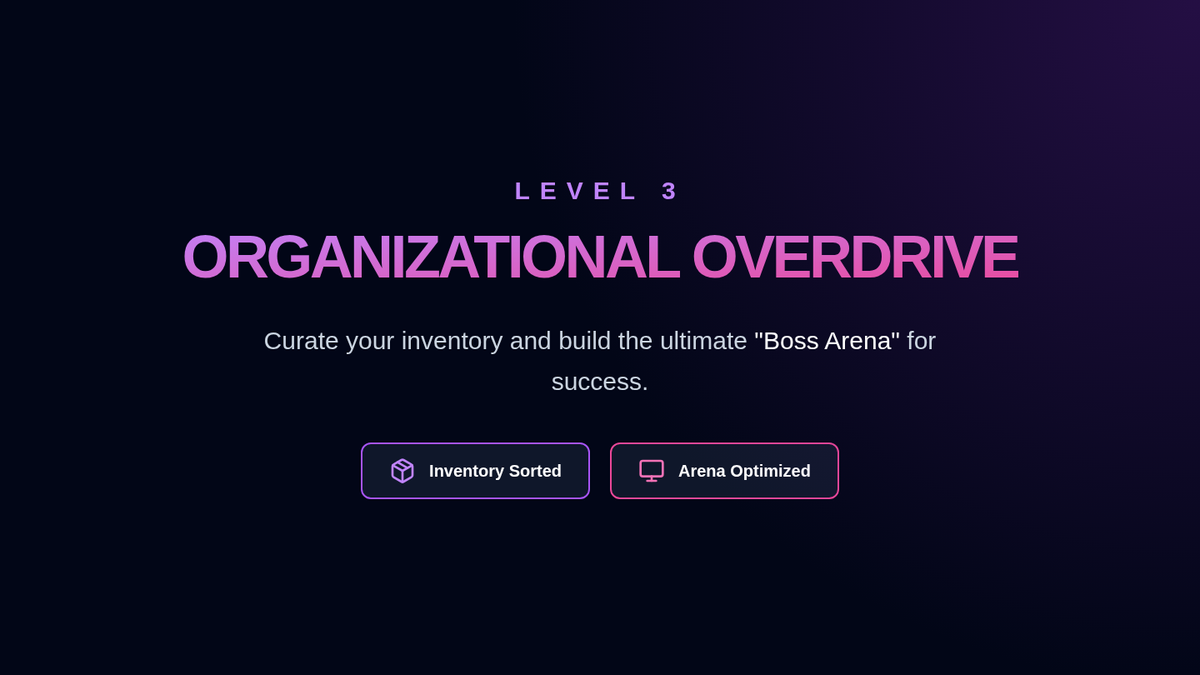
Slides for Lesson 3 focused on physical and digital organization. Introduces the concepts of 'Inventory Management' for binders/backpacks and 'Arena Optimization' for the study environment. Uses modern gaming aesthetics to keep students engaged in organizational habits.
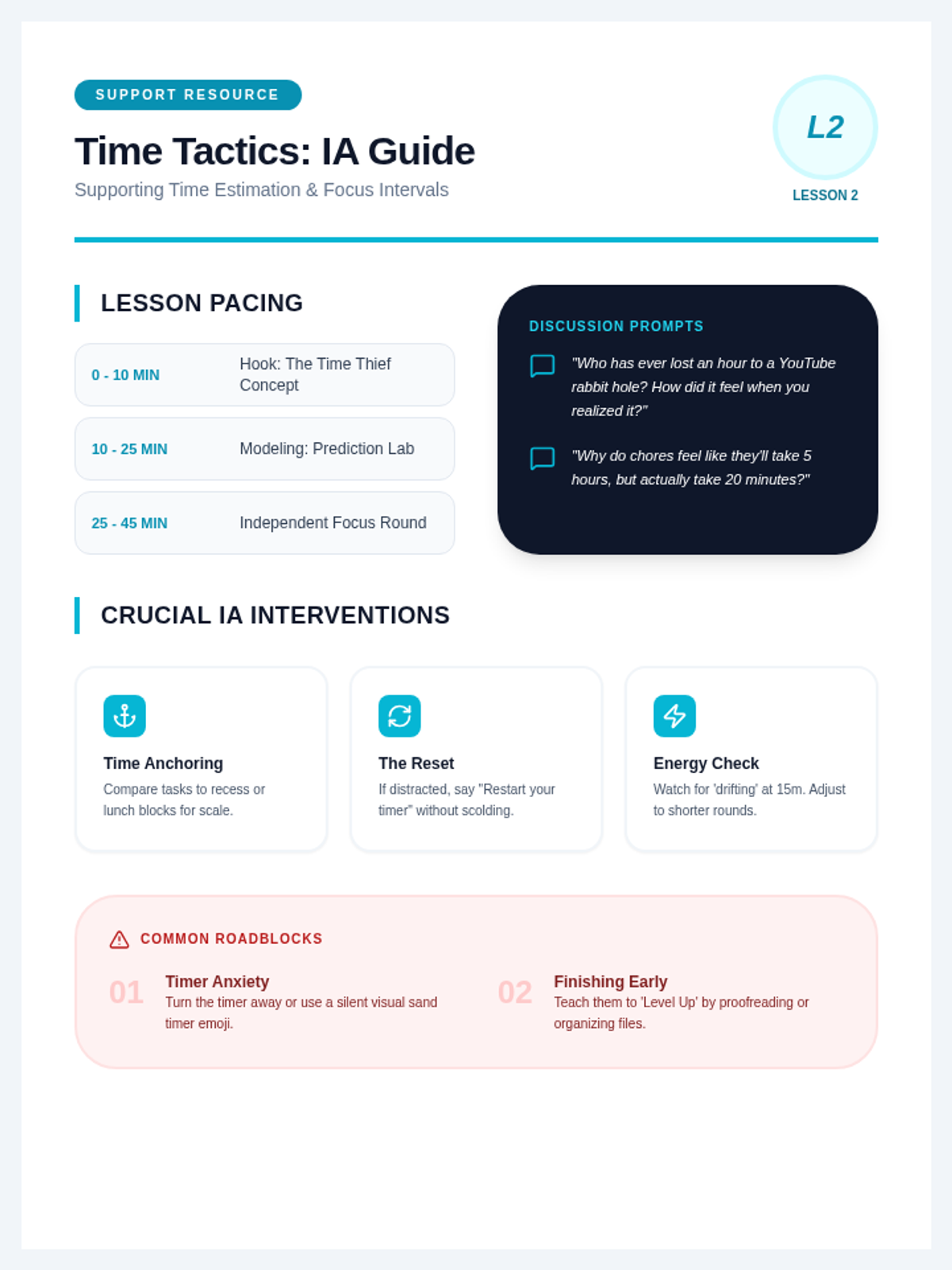
A facilitation resource for IAs providing specific strategies for supporting students with time management. Includes discussion prompts, pacing advice, and troubleshooting tips for addressing 'time blindness' and timer anxiety.
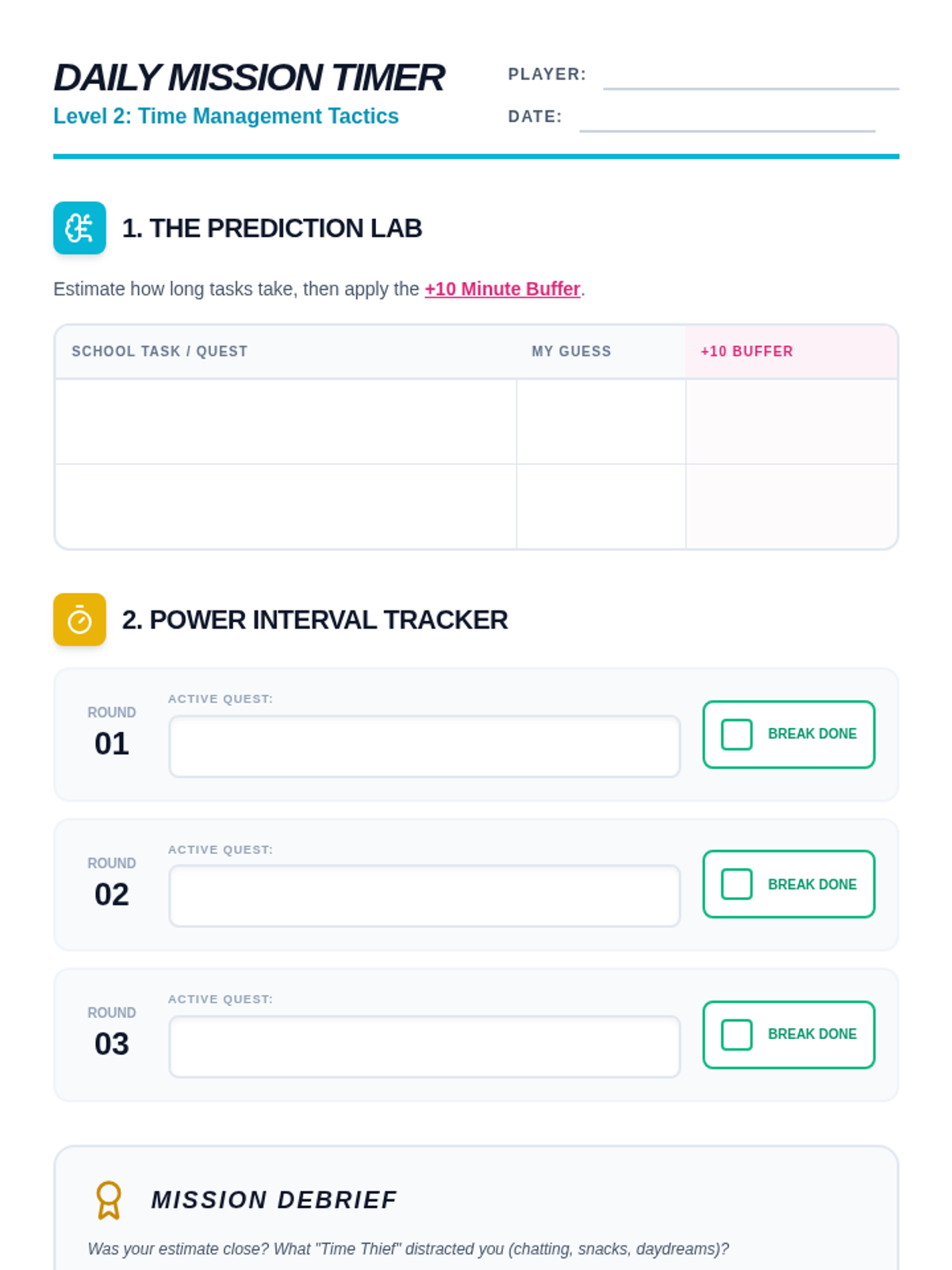
A time-tracking and scheduling worksheet for intermediate students. Features a 'Prediction Lab' for estimating task duration and a 'Power Interval Tracker' to implement the Pomodoro technique. Designed with clear work areas for students to record their progress.
Presentation slides for Lesson 2, focusing on time estimation and the Pomodoro (Power Interval) technique. Uses high-energy, gaming-inspired visuals to teach intermediate students about 'time blindness' and scheduling buffers.
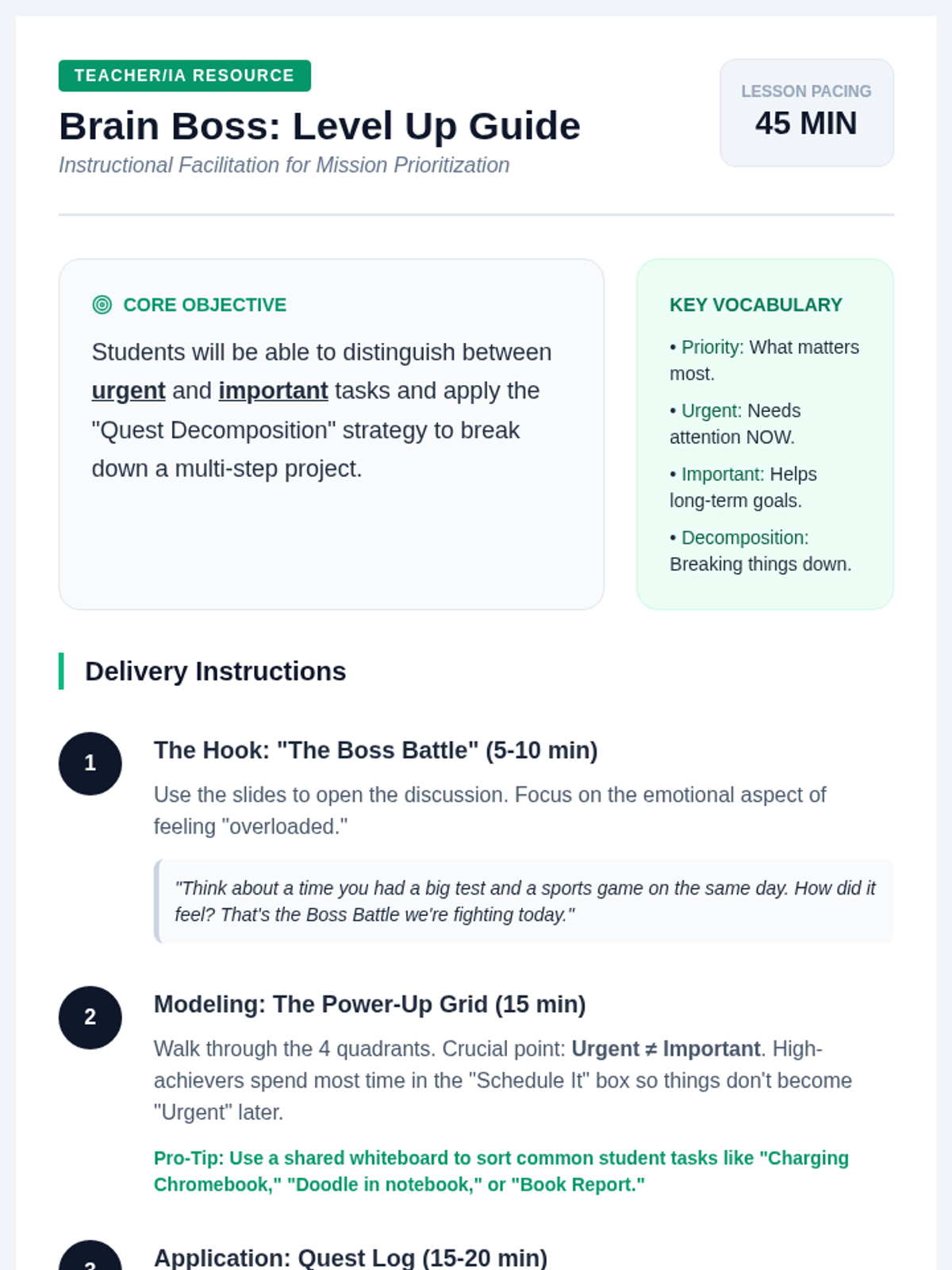
A facilitation guide for teachers and IAs, providing pacing, discussion prompts, delivery instructions, and differentiation strategies for the Mission Prioritization lesson. Includes specific tips for supporting intermediate students with executive functioning challenges.
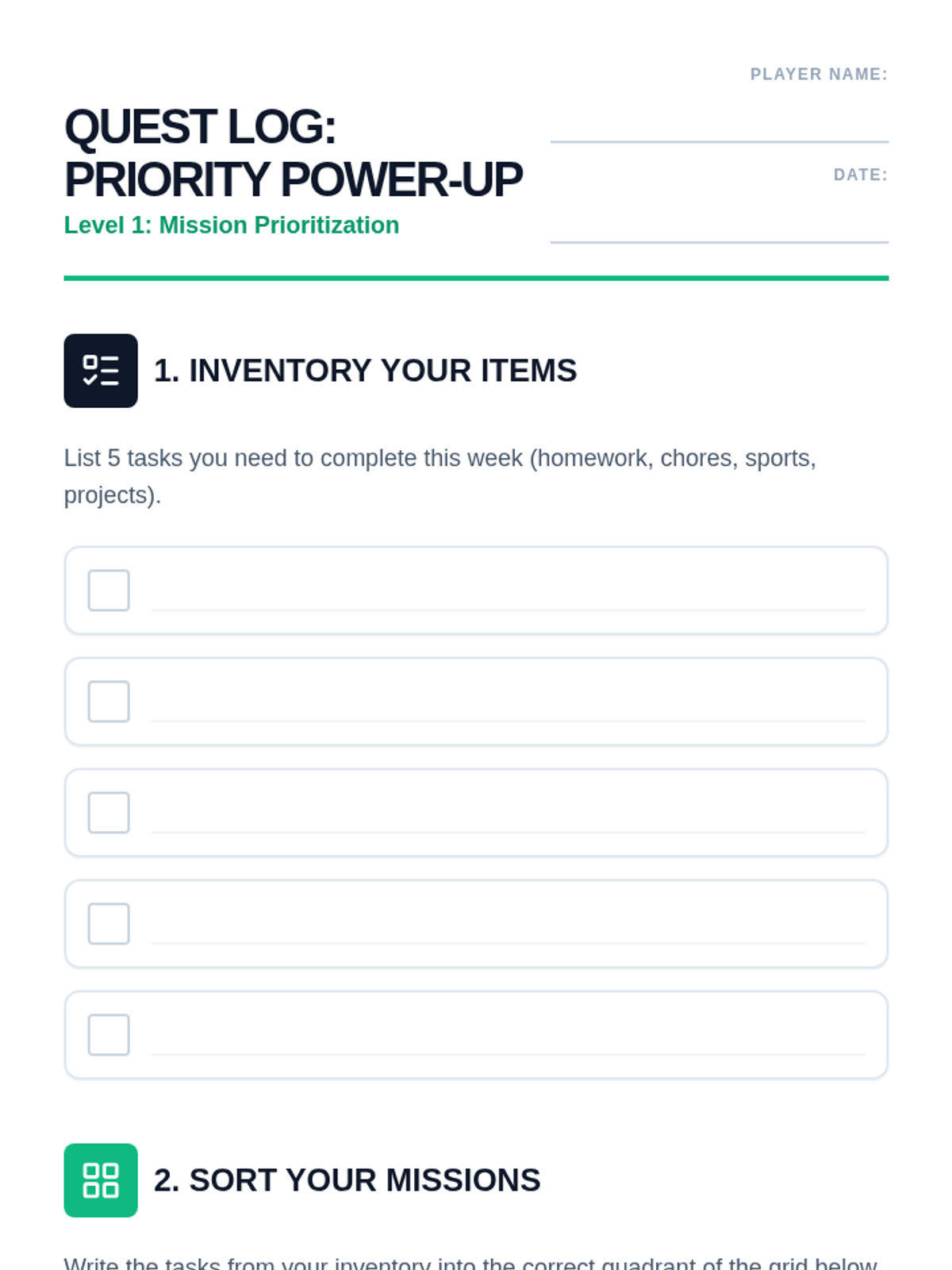
A task management worksheet for intermediate students. Includes an 'Inventory' section for brainstorming tasks, a 2x2 priority grid for sorting, and a 'Quest Decomposition' area for breaking down complex assignments. Designed for handwriting with clear student work areas.
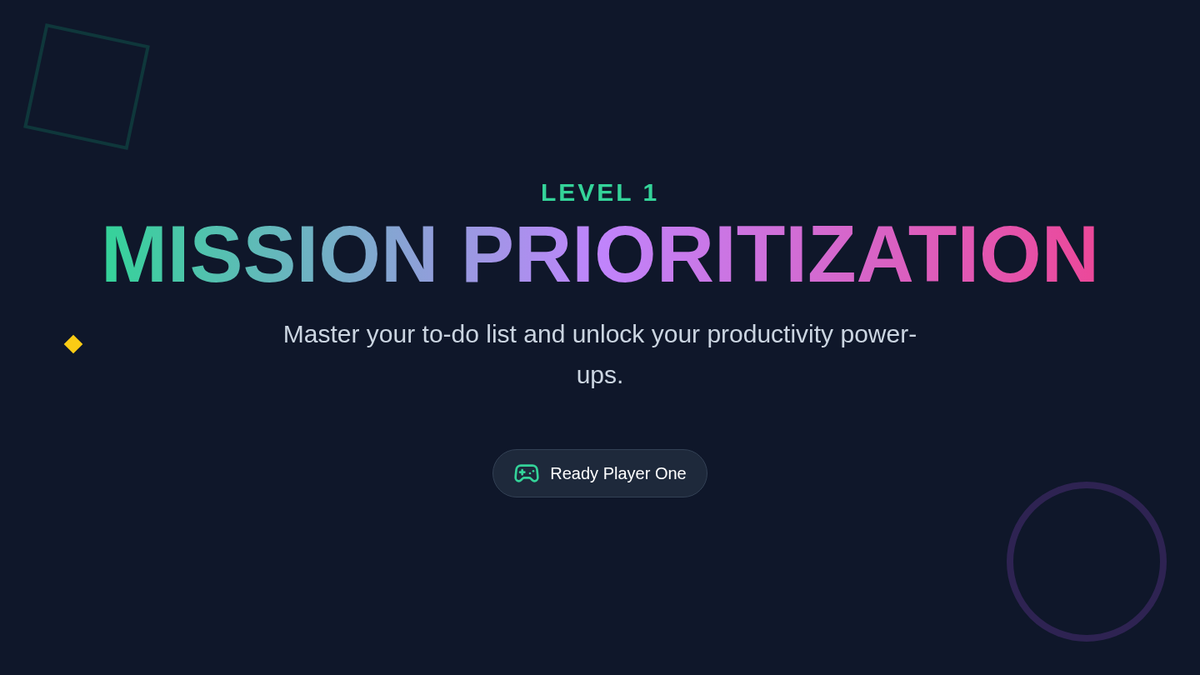
Interactive slides for Lesson 1 of Brain Boss, introducing students to the Priority Power-Up grid and the concept of 'Quest Decomposition' for large assignments. High-contrast, retro-game aesthetic designed for engagement.
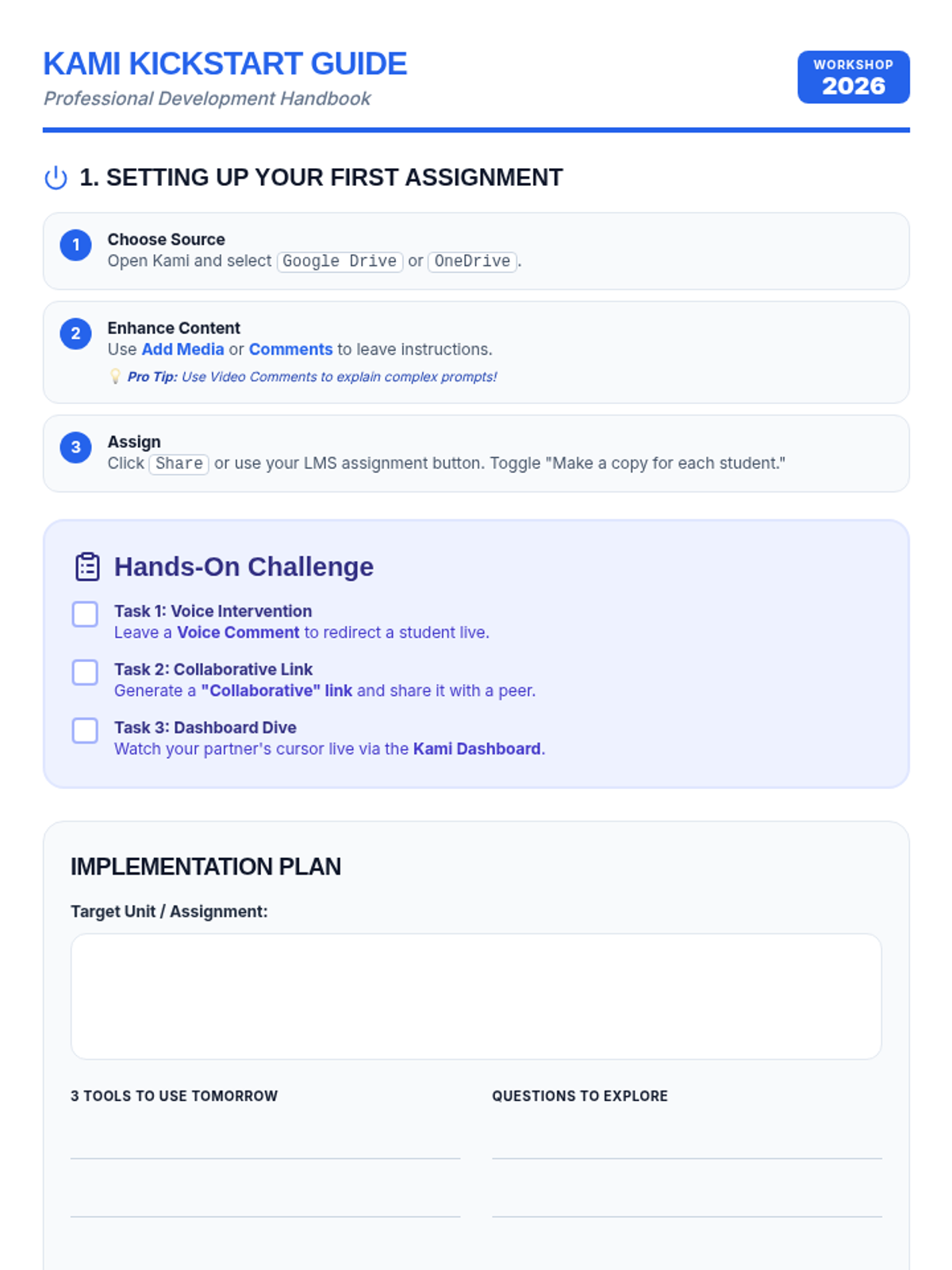
A step-by-step guide and hands-on activity worksheet for teachers during a Kami PD session, featuring setup instructions, a task checklist, and space for implementation notes.
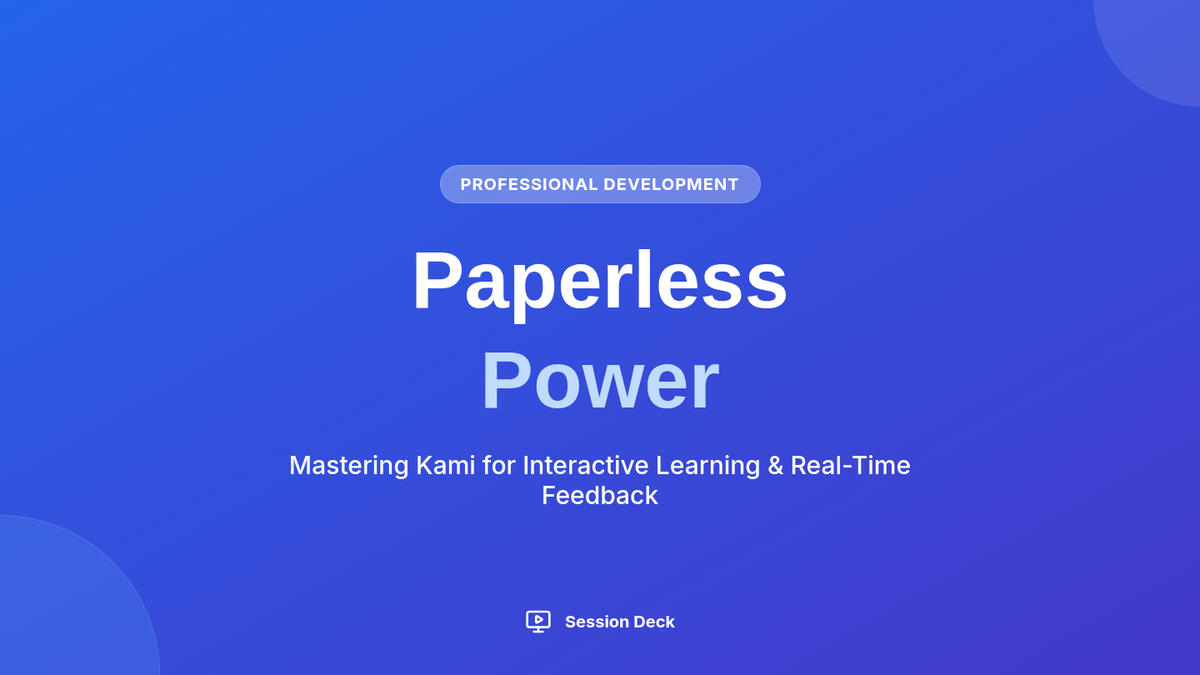
A visual slide deck for a professional development session introducing teachers to Kami's core features like real-time monitoring, multi-modal feedback, and accessibility tools.
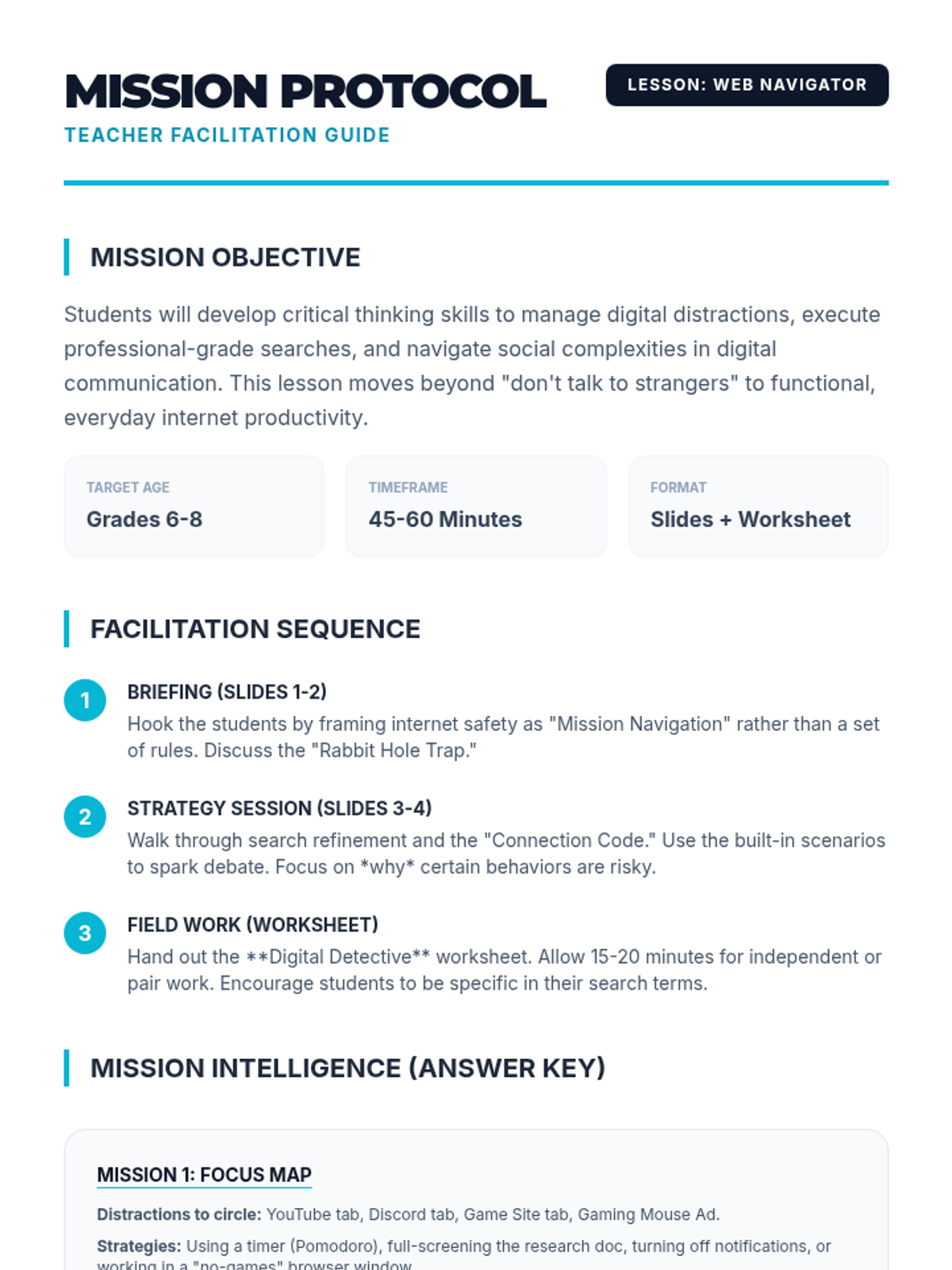
A comprehensive facilitation guide for teachers, including pacing instructions, discussion prompts, and an answer key for the student worksheet. Corrected for page breaks and internal layout.
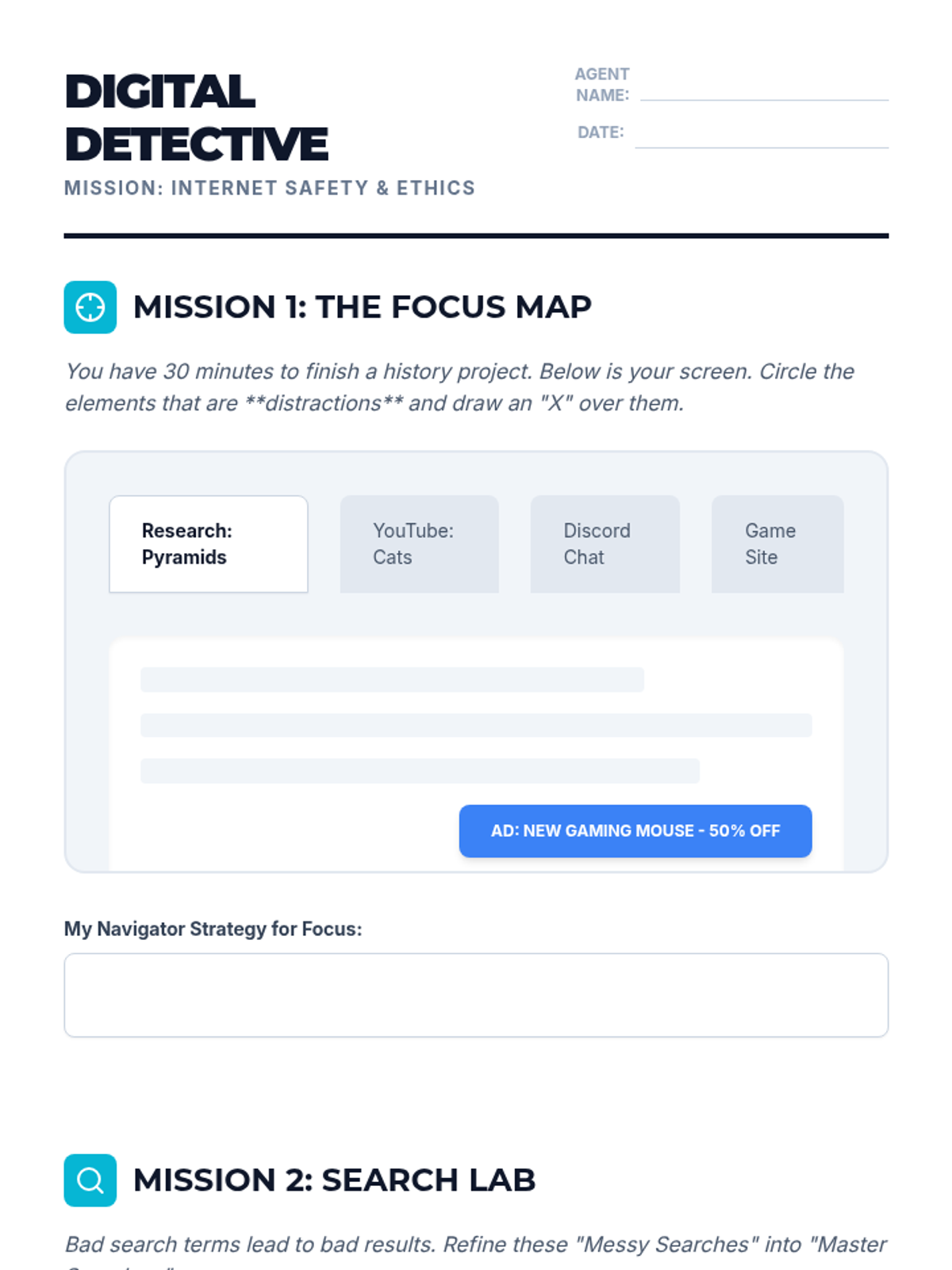
A scenario-based worksheet where middle schoolers practice identifying distractions, refining search terms, and spotting online communication red flags. Corrected for page breaks and marking area size.
A visual presentation introducing middle schoolers to the key concepts of online focus, smart searching, and responsible communication. Corrected for visual uniformity and contrast.
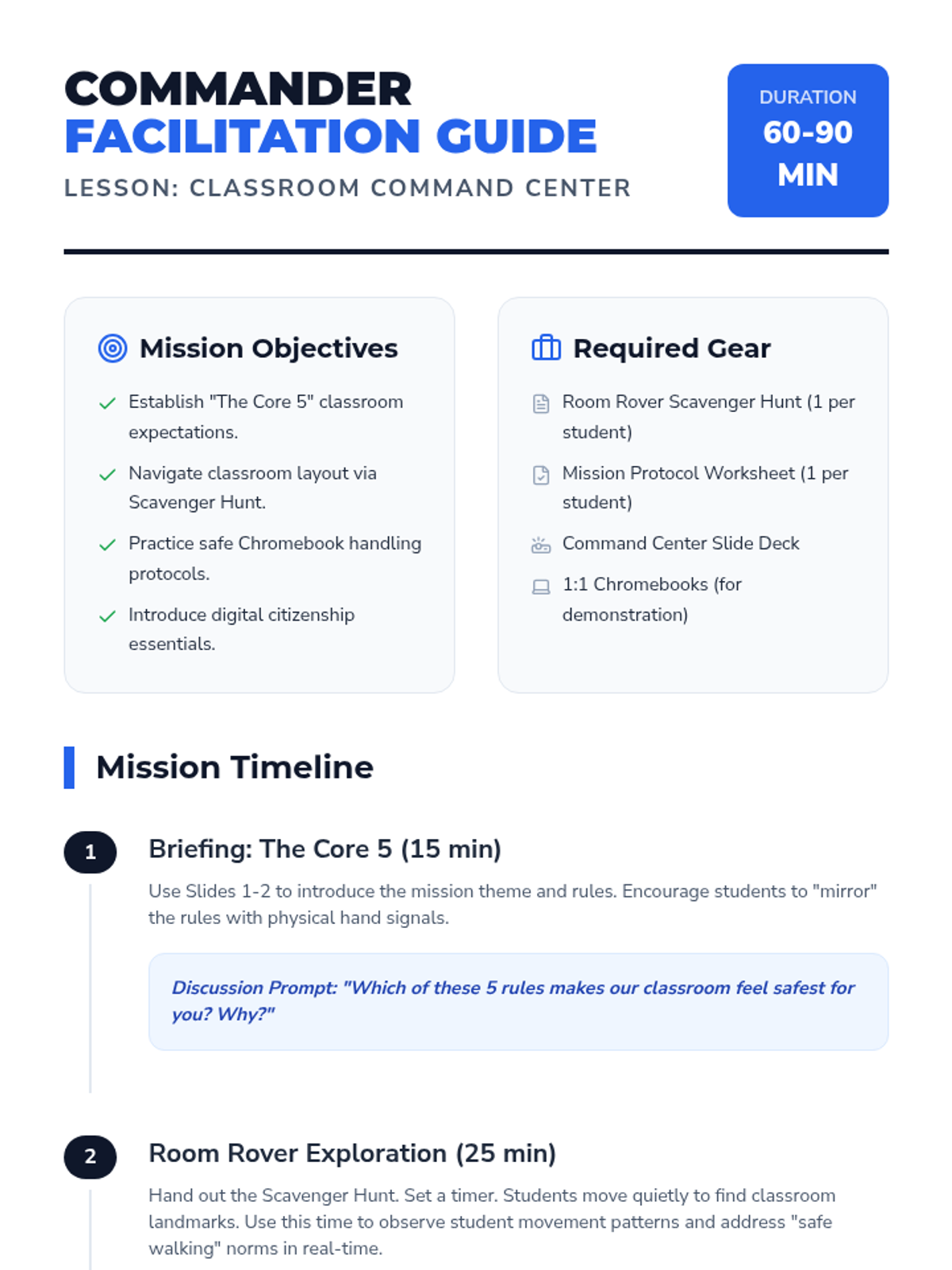
A comprehensive facilitation guide for teachers to deliver the Classroom Command Center lesson, including pacing, discussion prompts, and differentiation strategies.
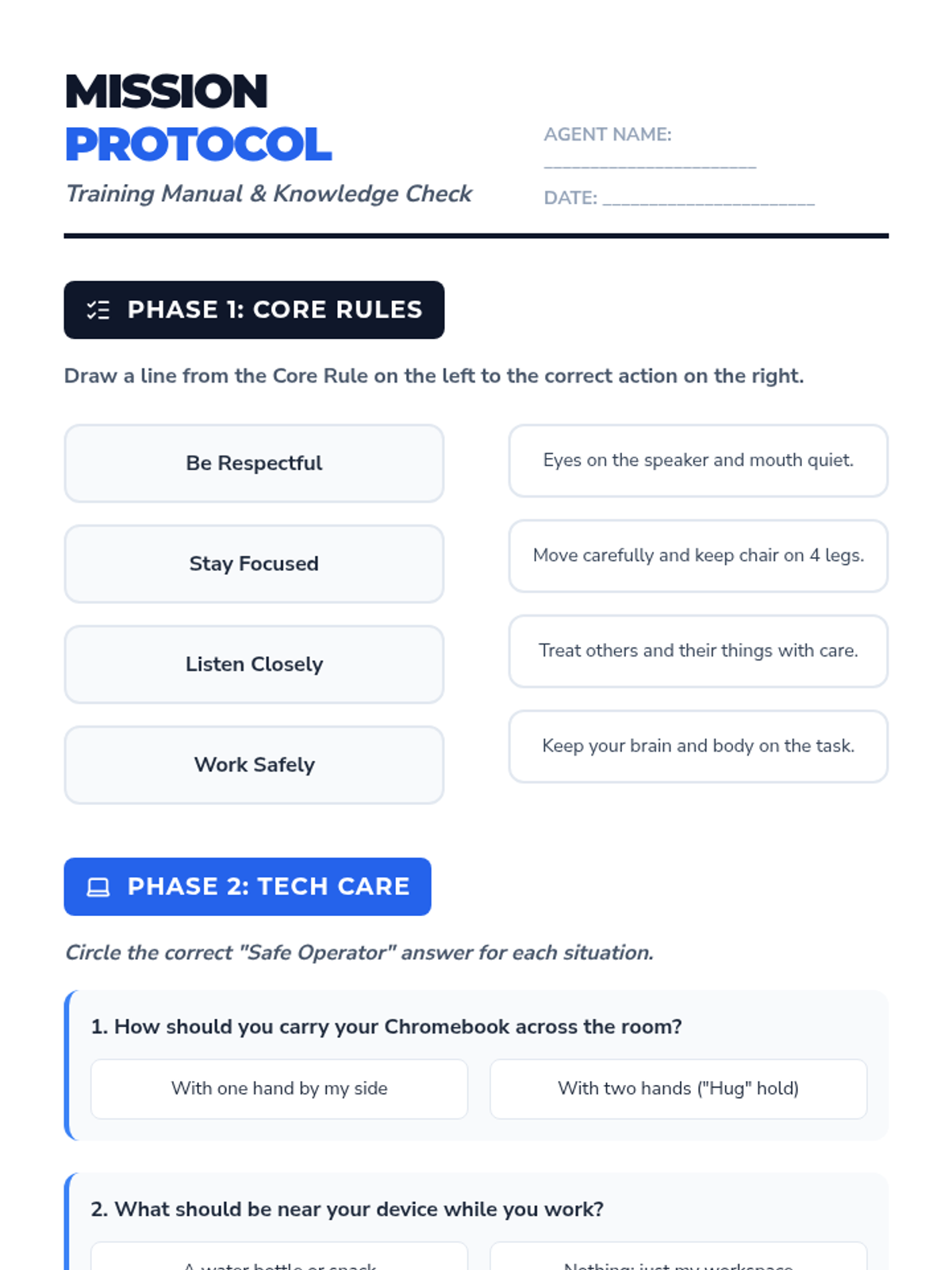
A worksheet reinforcing classroom rules, tech care protocols, and digital citizenship basics.
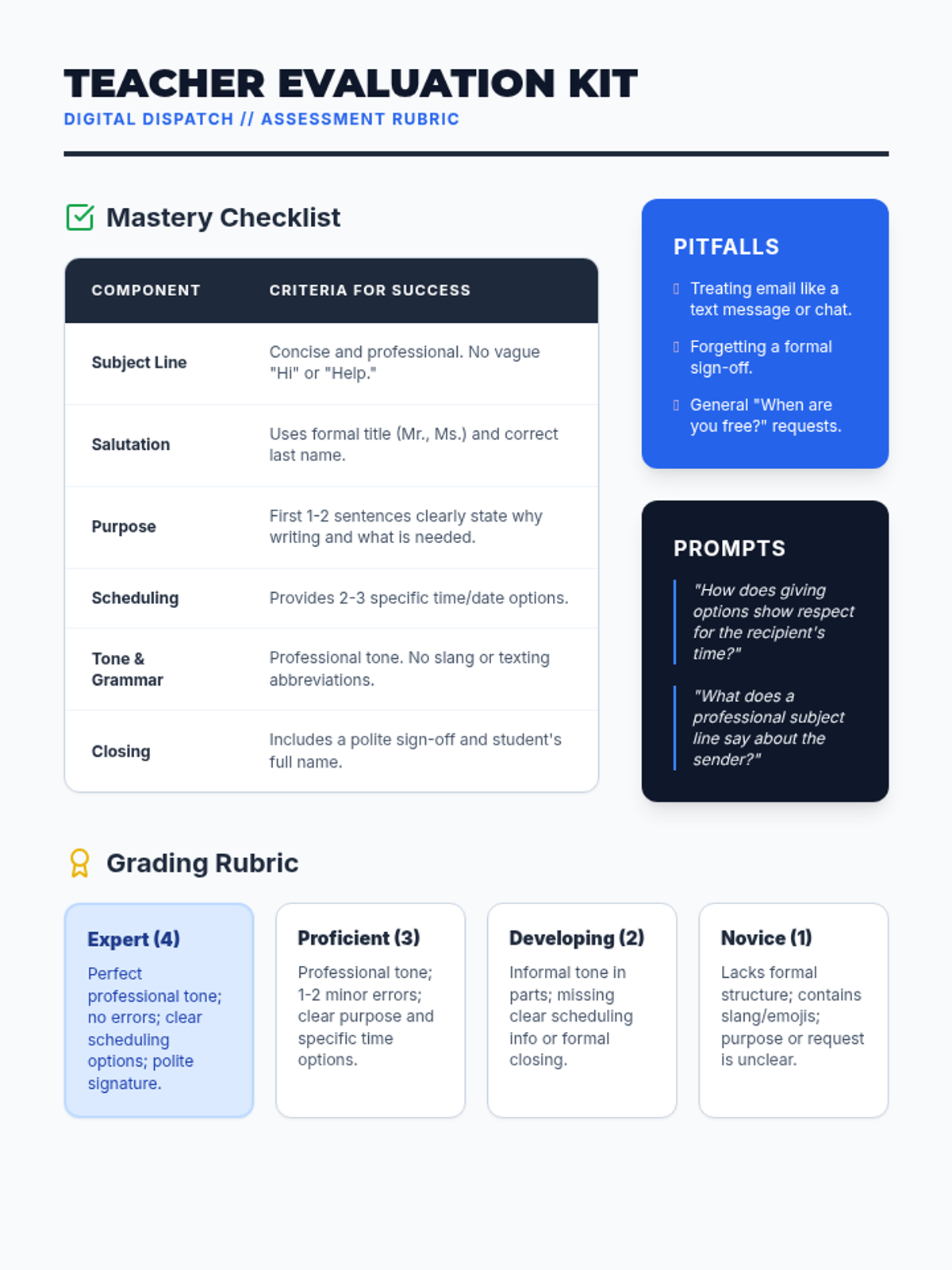
A teacher evaluation resource with a mastery checklist, grading rubric, and common pitfalls to help assess student emails.
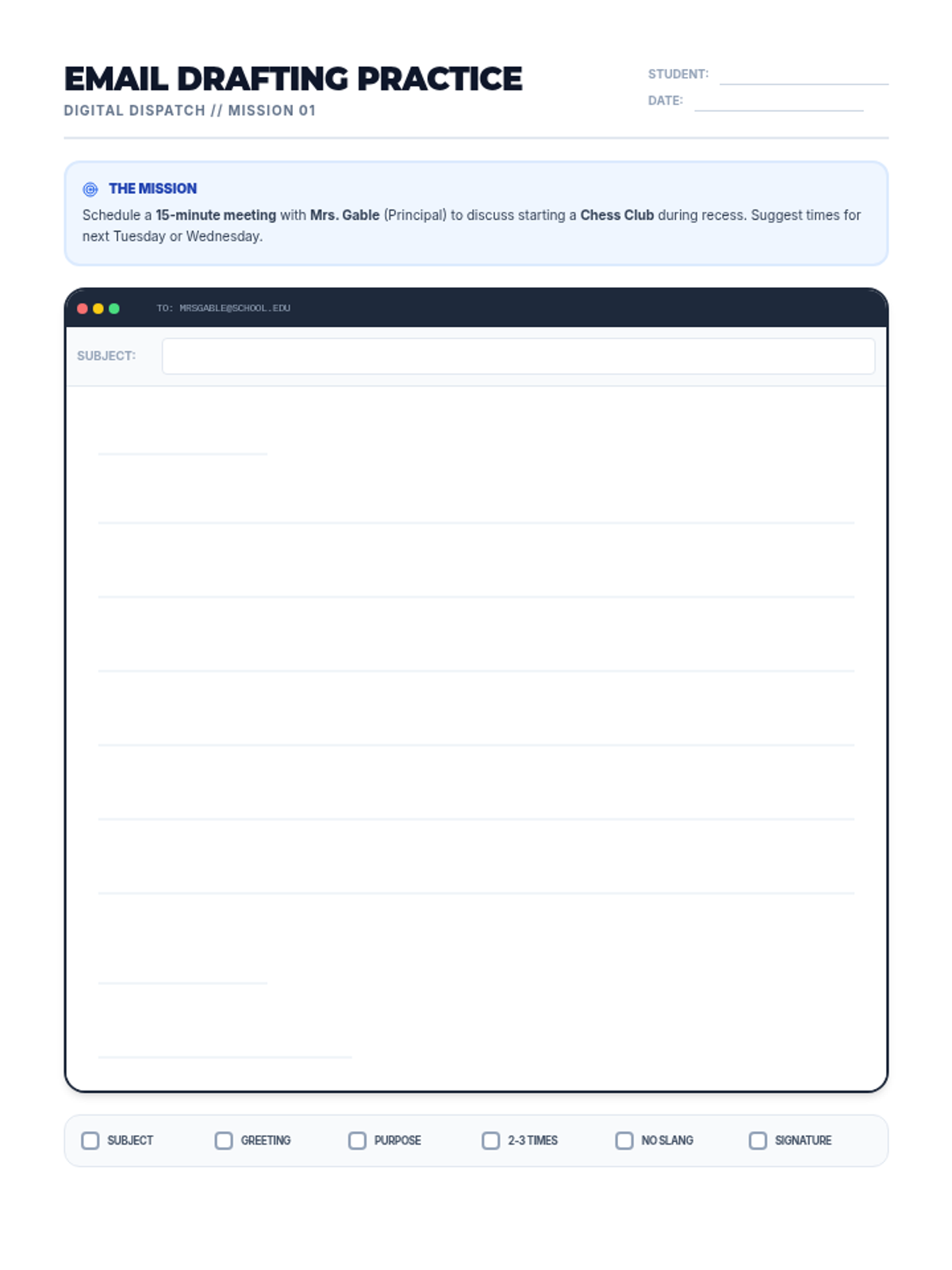
A practice worksheet where students draft their own professional email based on a specific meeting request scenario.
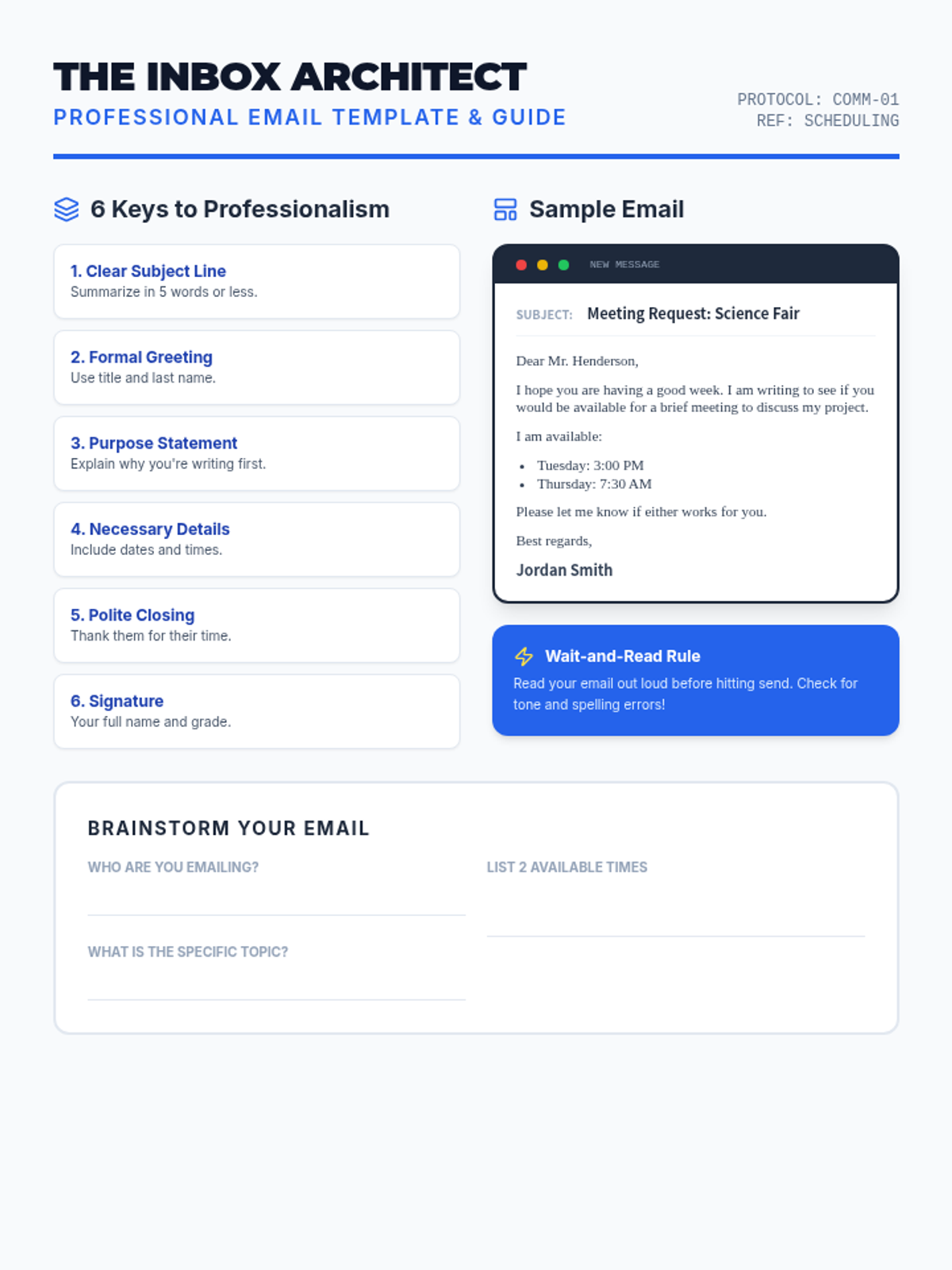
A reference guide and template for students, providing a clear example of a professional email for scheduling a meeting.
A visual presentation covering the essentials of professional email etiquette, designed for middle school students.
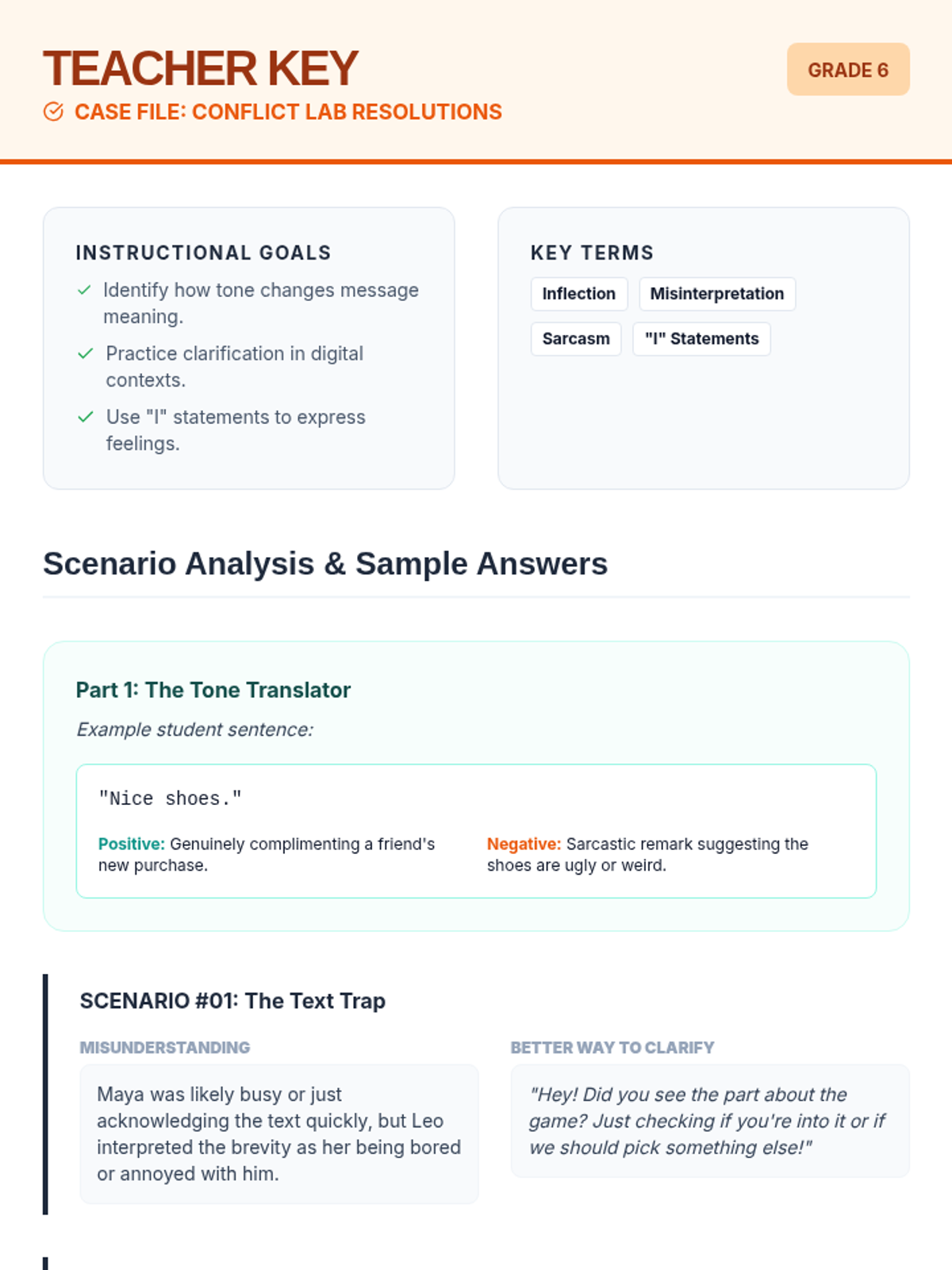
A comprehensive answer key and teacher guide for the "Conflict Lab" worksheet, including sample student responses, instructional goals, and a discussion starter for the classroom.
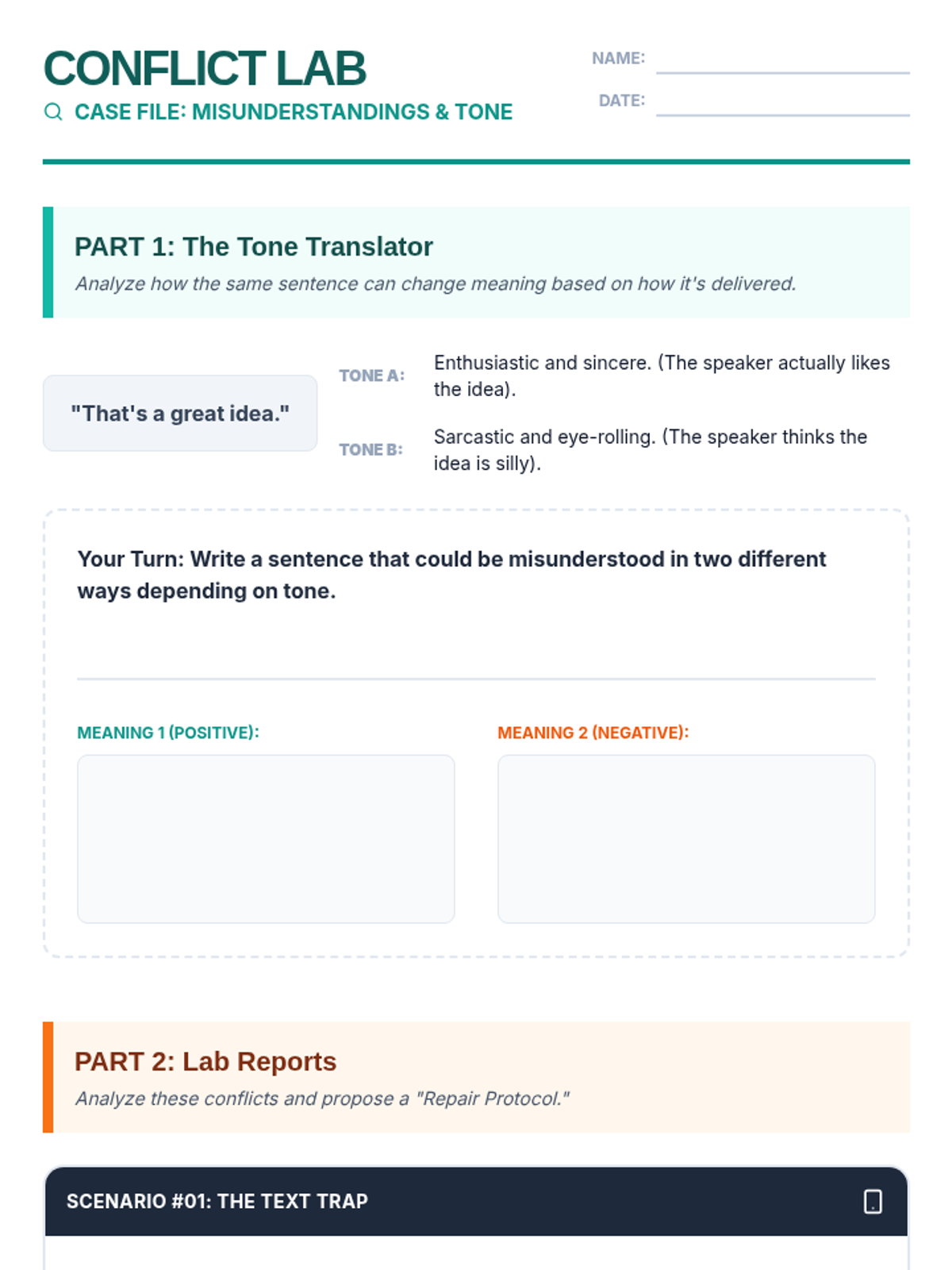
A 6th-grade worksheet featuring a "Conflict Lab" theme where students analyze tone-based misunderstandings in three distinct friendship scenarios and practice resolution strategies.
A visually engaging slide deck that introduces 6th graders to the concept of tone, how it differs between spoken and digital communication, and a 3-step protocol for checking in when misunderstandings occur.
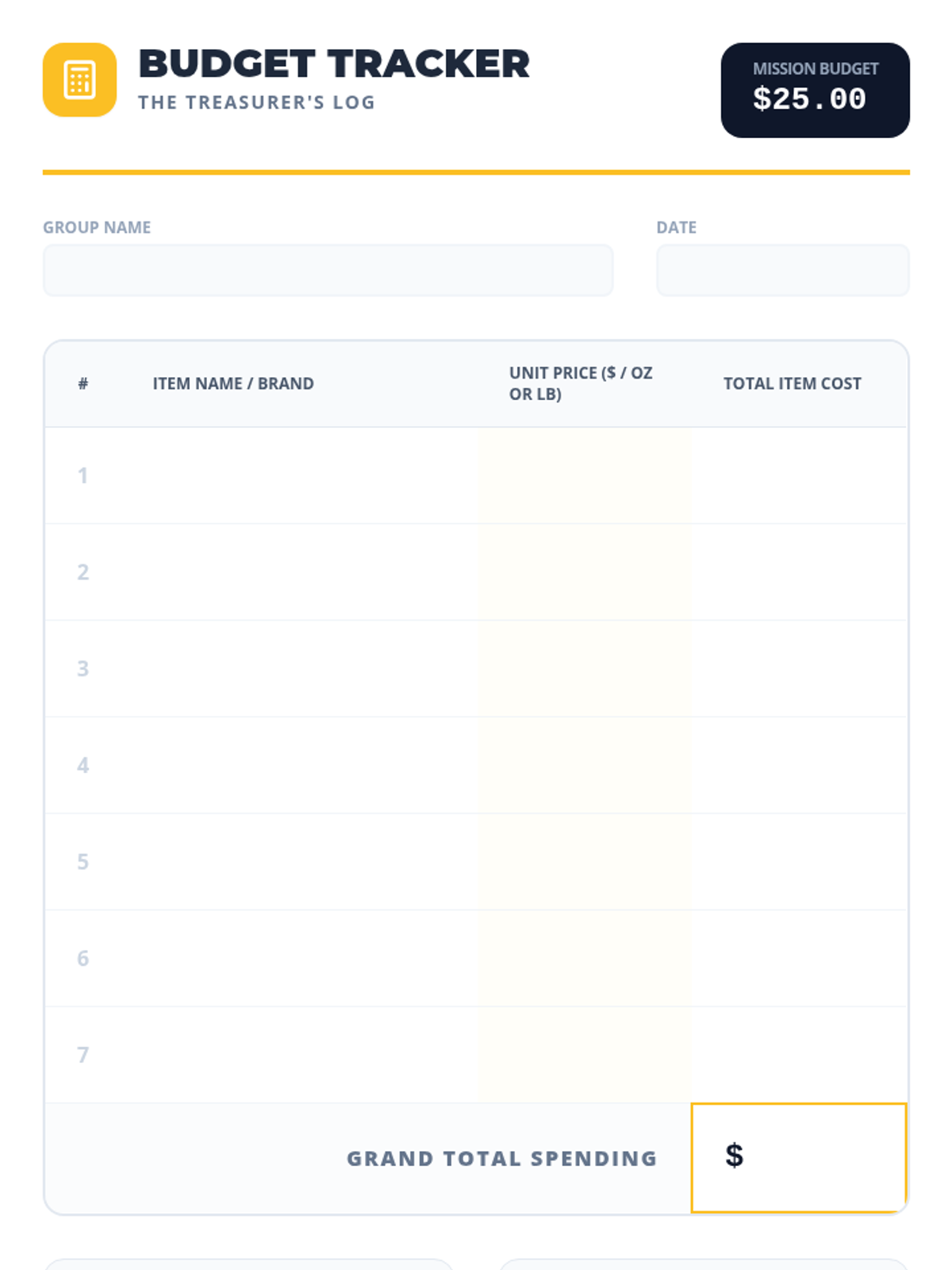
A specialized tracking sheet for the team 'Treasurer' to log grocery items, record unit prices, and calculate total spending within a $25 budget.
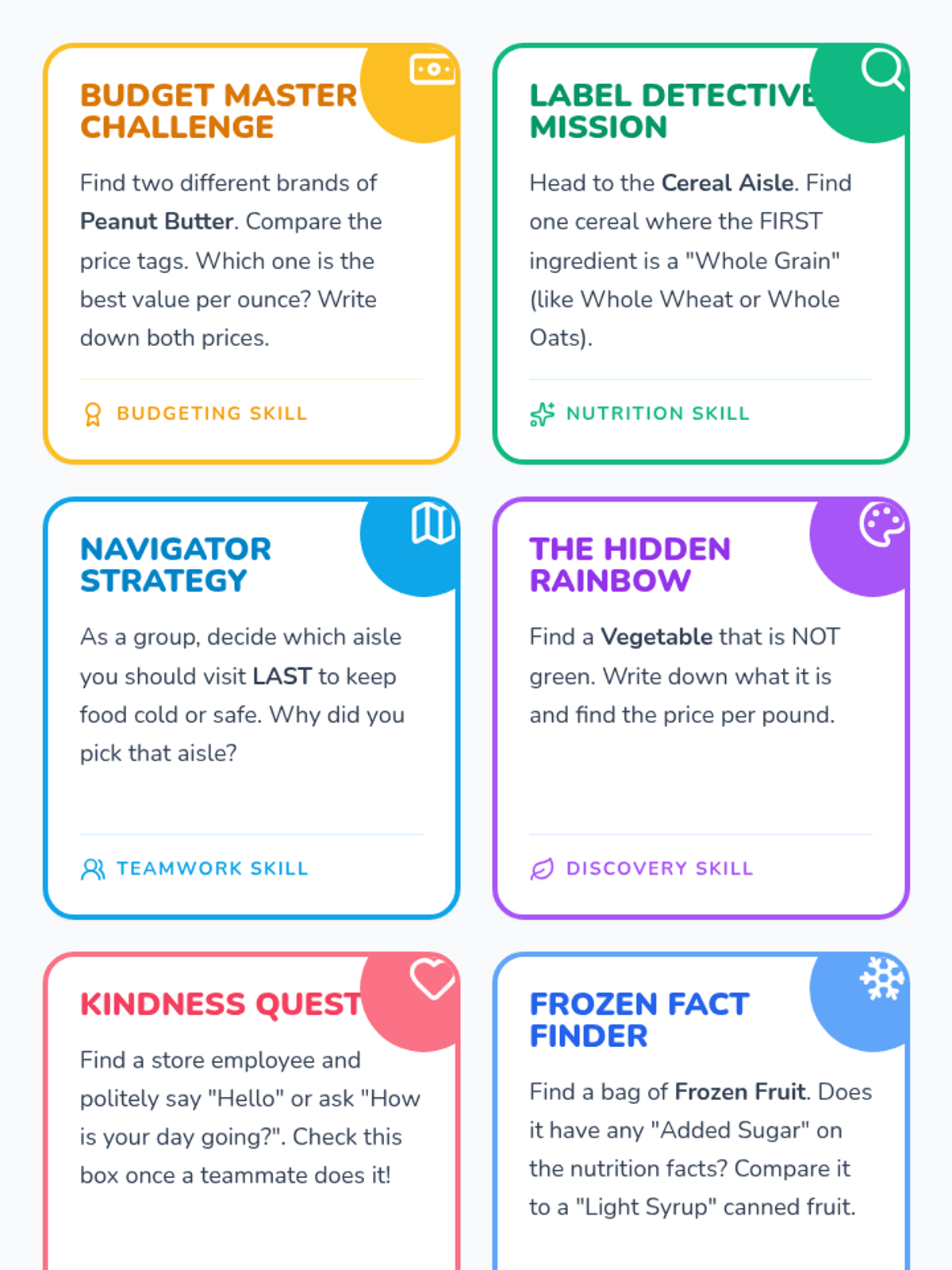
A set of 6 printable task cards that challenge student teams to perform specific missions involving nutrition, budgeting, and social skills in an online setting.
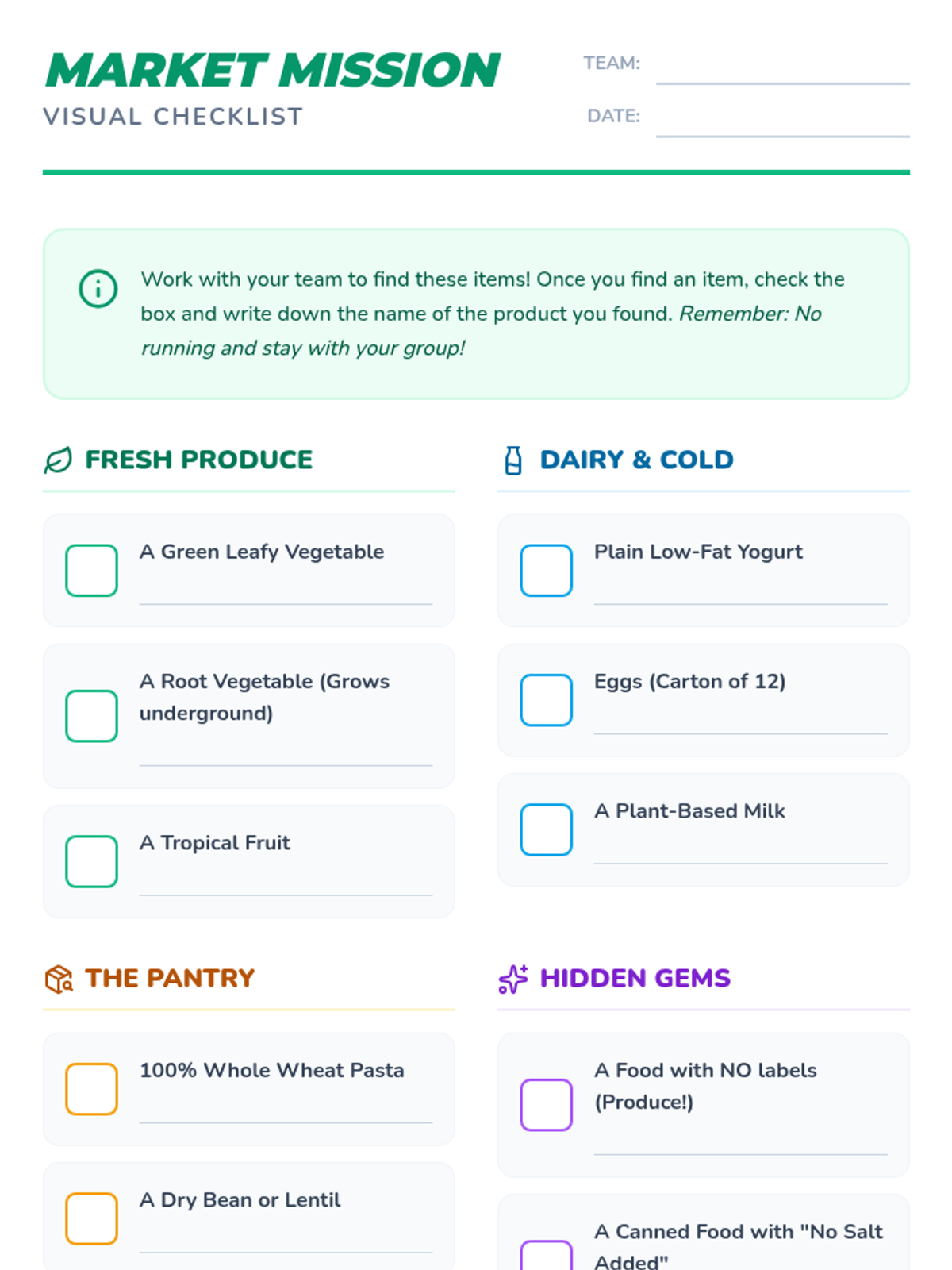
A visual checklist with icons and checkboxes for students to identify healthy grocery items across various departments.
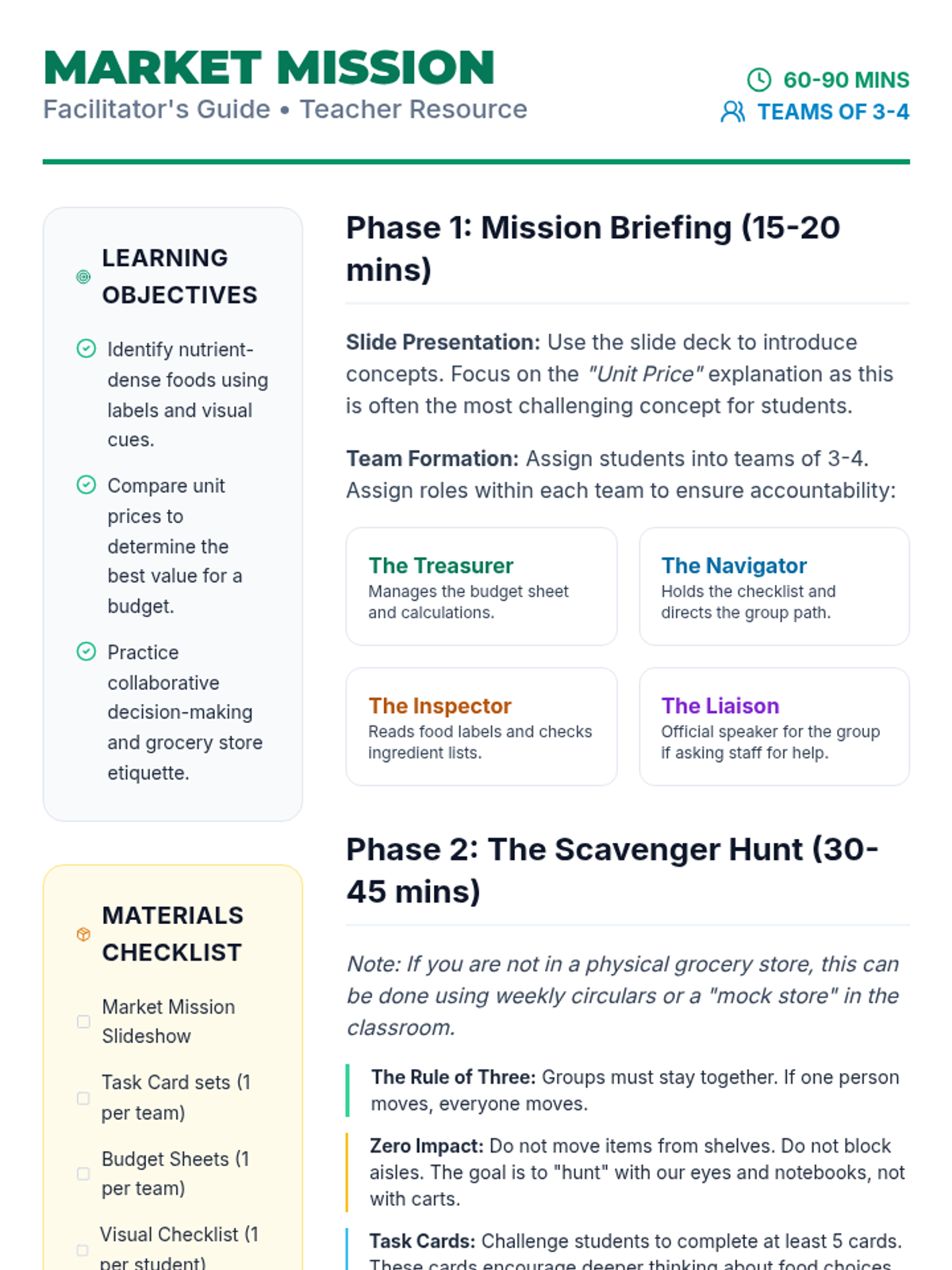
A comprehensive guide for teachers and facilitators to lead the Market Mission online scavenger hunt, including learning objectives, team roles, and debrief questions.
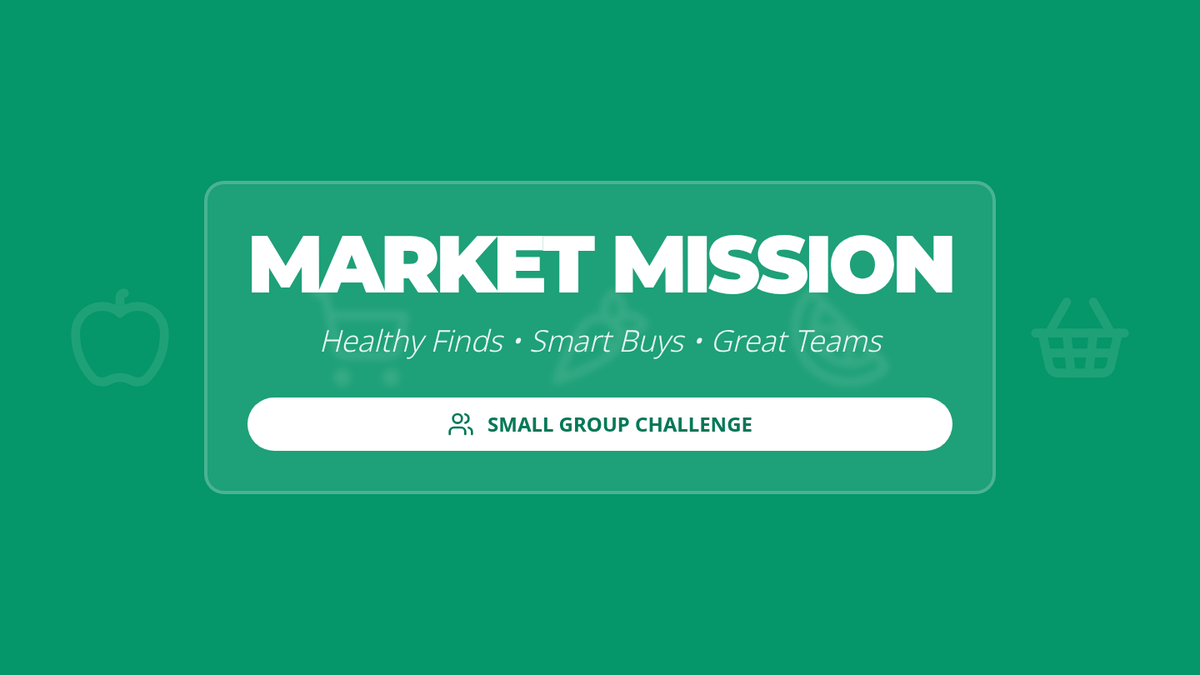
A vibrant, visual slide deck that introduces the Market Mission online scavenger hunt, covering digital searching tips, budgeting basics, and online teamwork expectations.
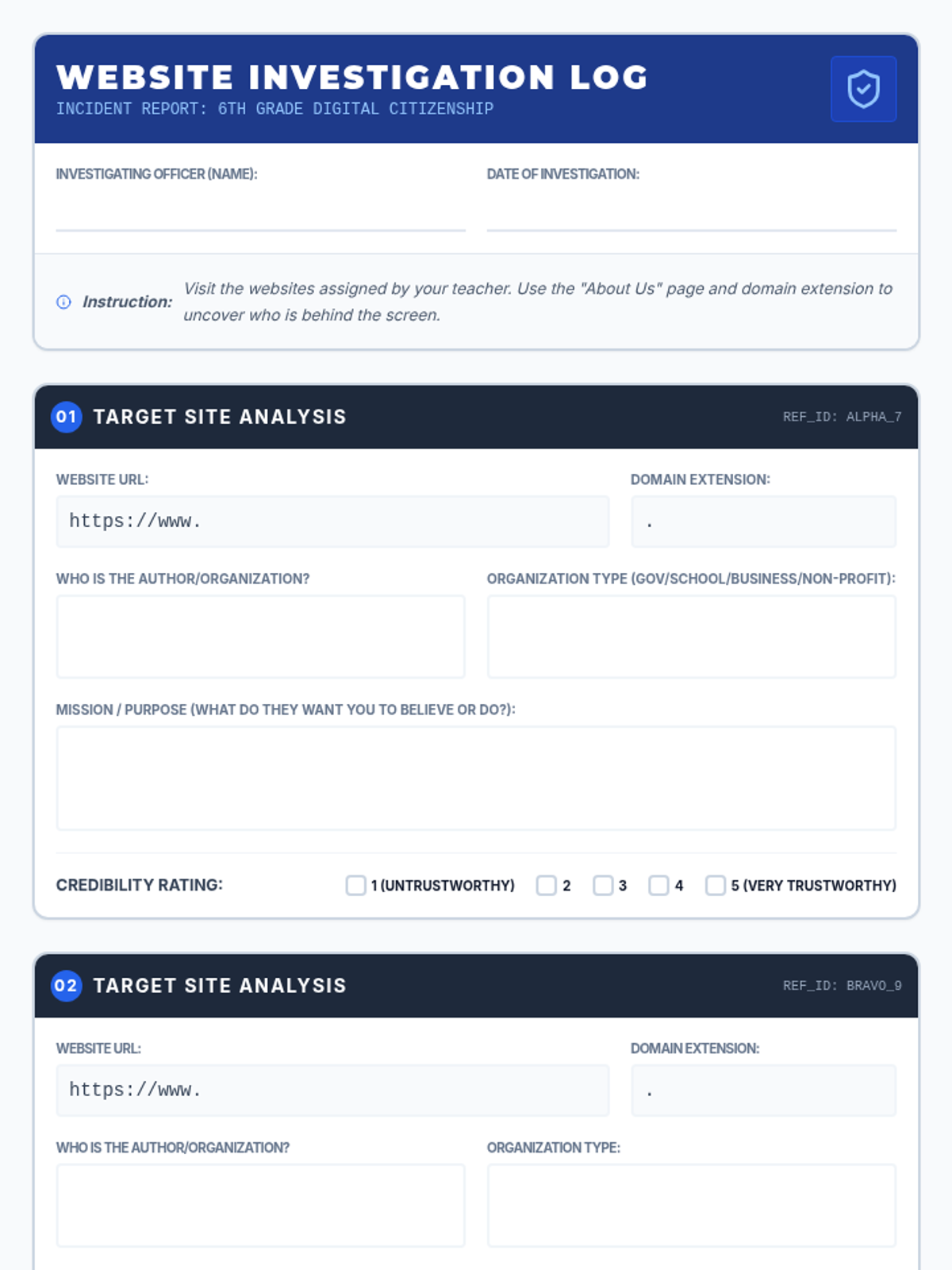
A student-facing 'Case File' themed worksheet for investigating website credibility. It provides structured sections for recording URLs, analyzing domain extensions, and identifying organizational missions to determine trust levels.
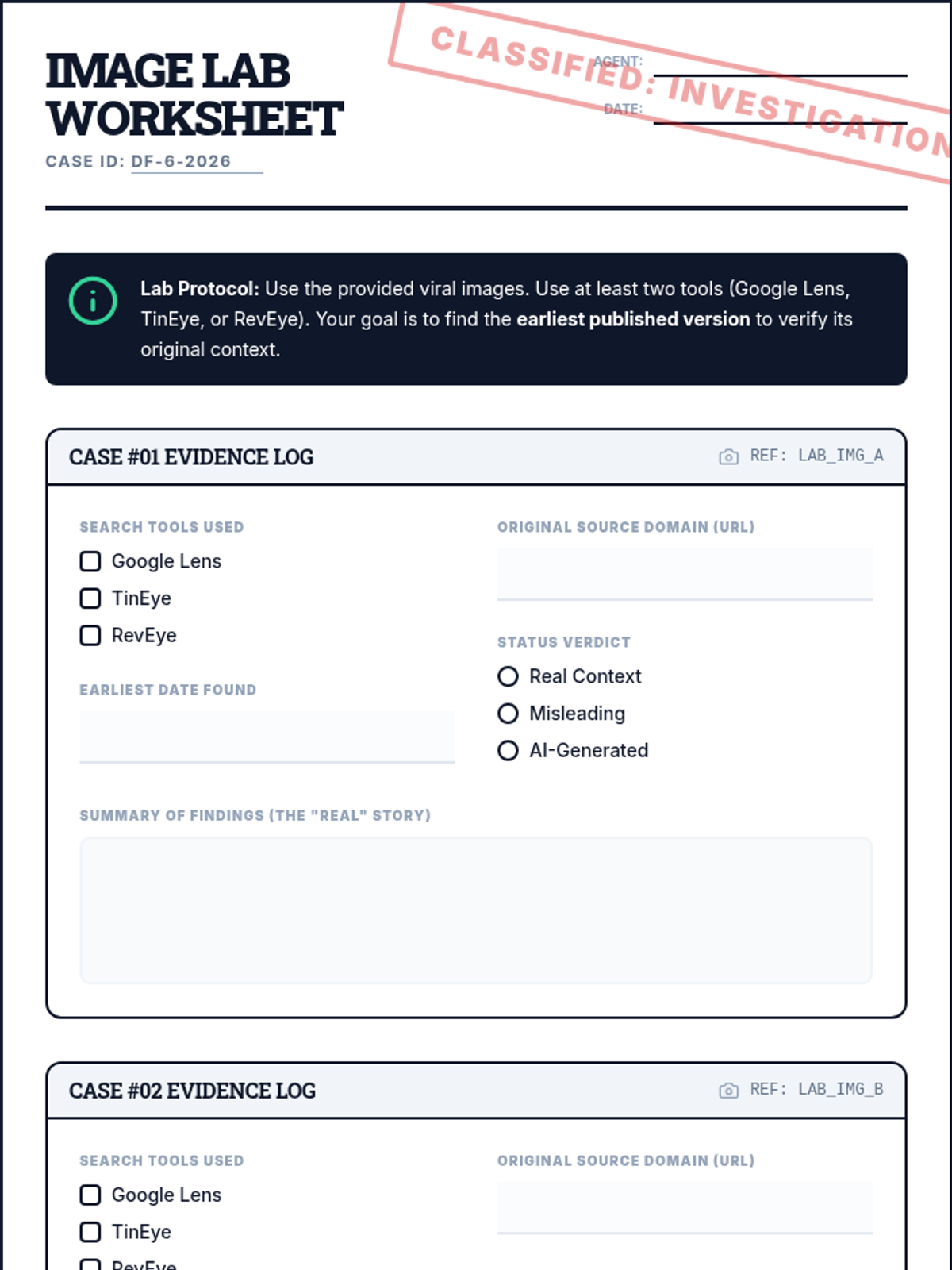
A student investigation worksheet styled as a forensic evidence log. It provides structured fields for students to record findings from three image verification cases using tools like TinEye and Google Lens.
A high-energy, 'Digital Detective' themed slide deck designed for 6th-grade students. It covers URL anatomy, domain extensions, 'About Us' analysis strategies, and identifying credibility red flags on websites.
A high-contrast visual presentation for the 'Image Lab' lesson. It introduces the concepts of misinformation, models the use of Google Lens and TinEye, and sets the stage for the student forensic investigation.
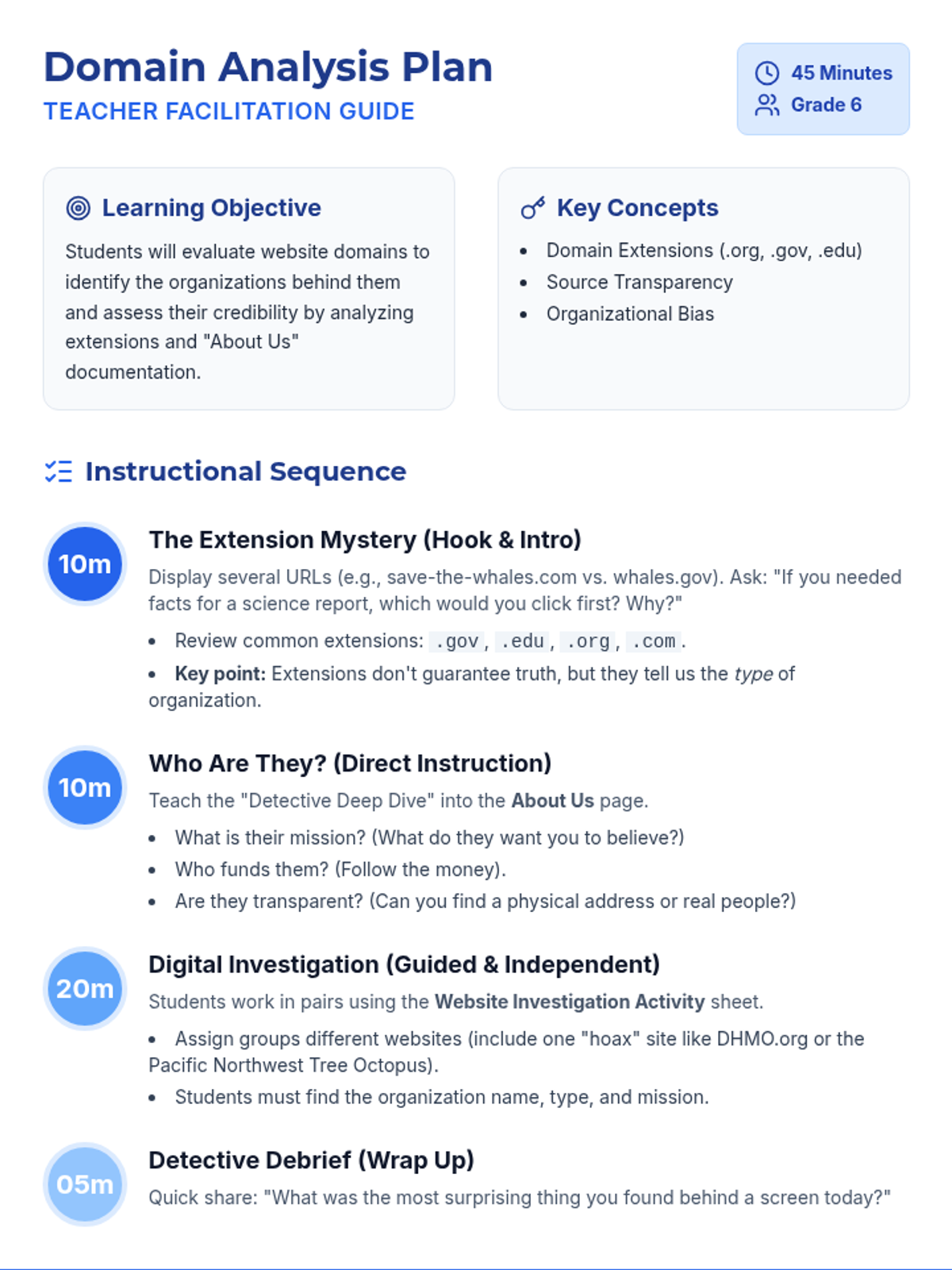
A comprehensive teacher facilitation guide for the 'Who is Behind the Screen' lesson, including learning objectives, a detailed 45-minute instructional timeline, and practical tips for teaching website credibility to 6th graders.
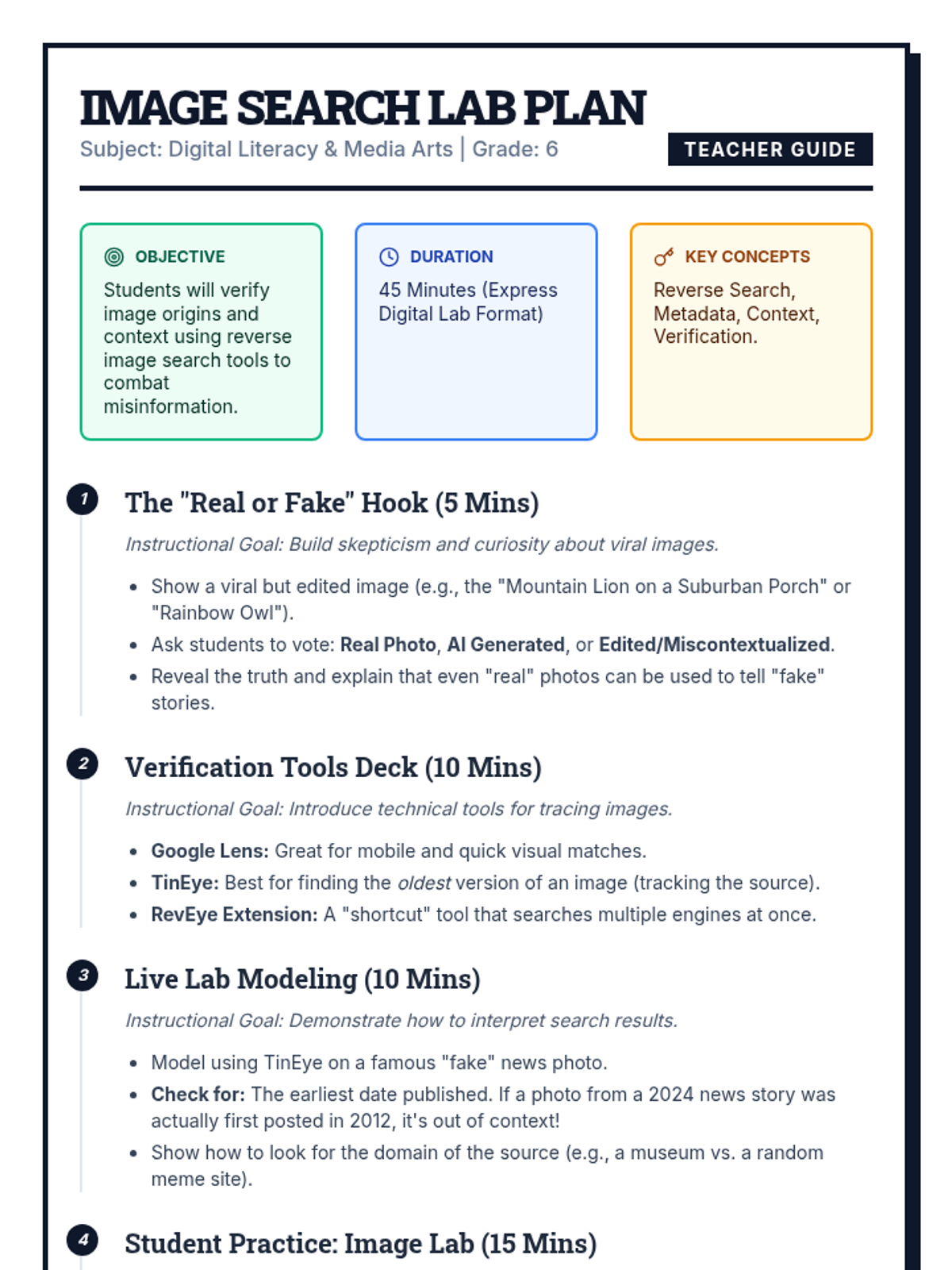
A comprehensive lesson plan for teachers, detailing a 45-minute digital literacy session on reverse image search. It includes a structured instructional arc, key concepts, and a preparation checklist.
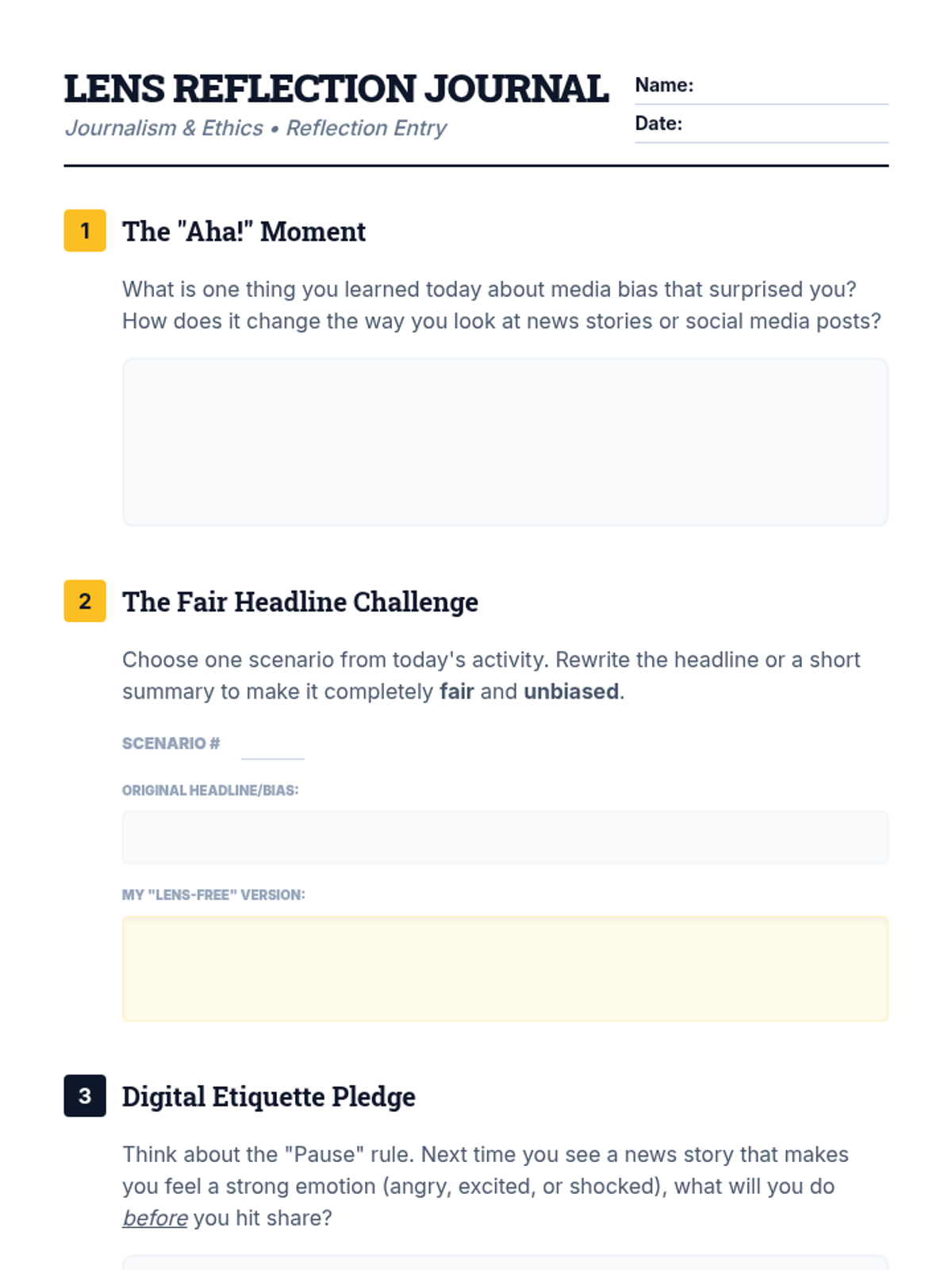
A reflection worksheet for students to synthesize their learning about media bias, practice writing unbiased headlines, and commit to digital etiquette practices.
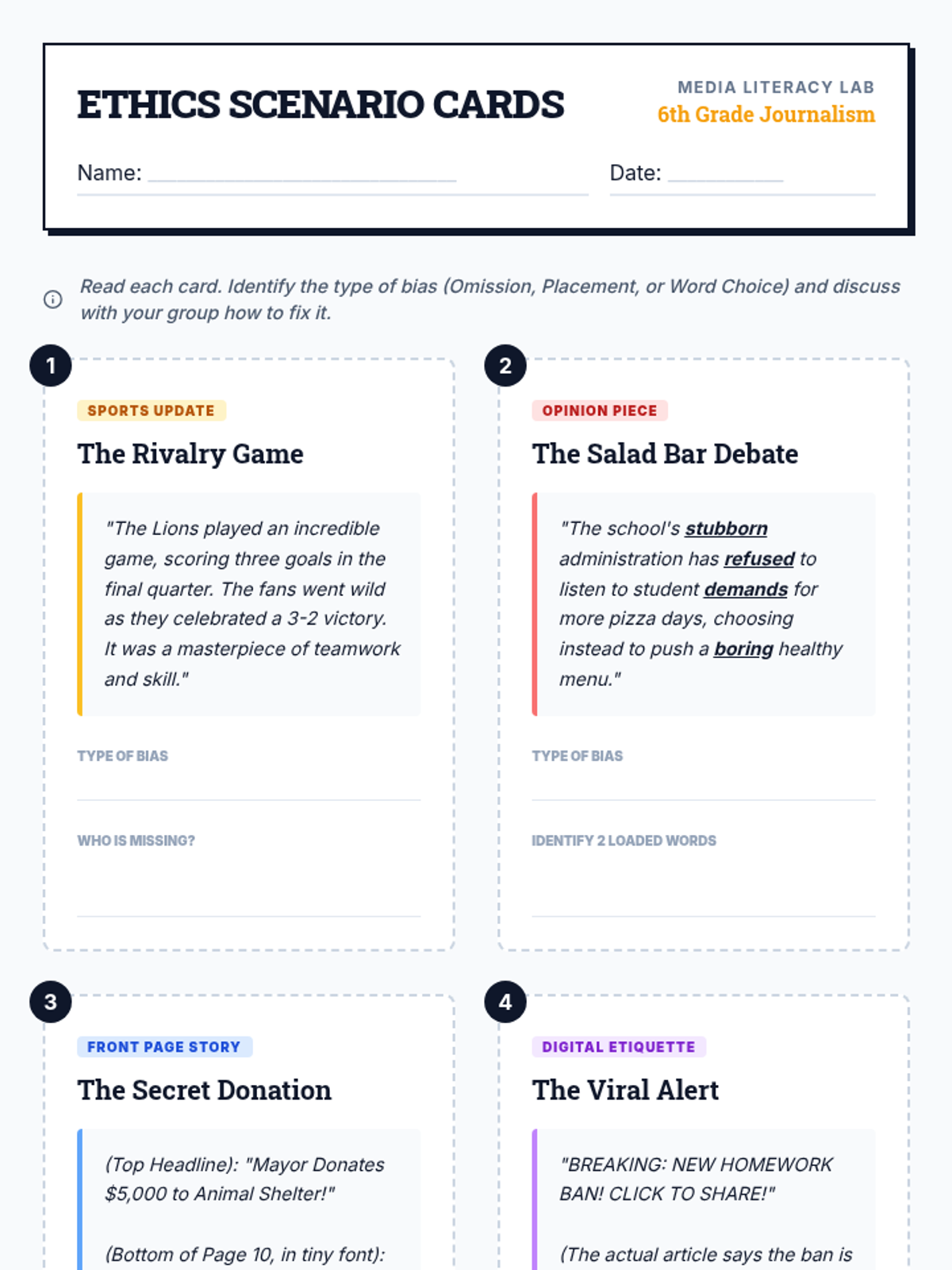
A set of four scenario cards for small group analysis, featuring real-world examples of media bias (Omission, Placement, Word Choice) and digital etiquette challenges for students to solve.
A slide deck for 6th graders that defines bias, illustrates the "Lens" metaphor, and explains three common types of media bias (Omission, Placement, Word Choice) with digital etiquette tips.
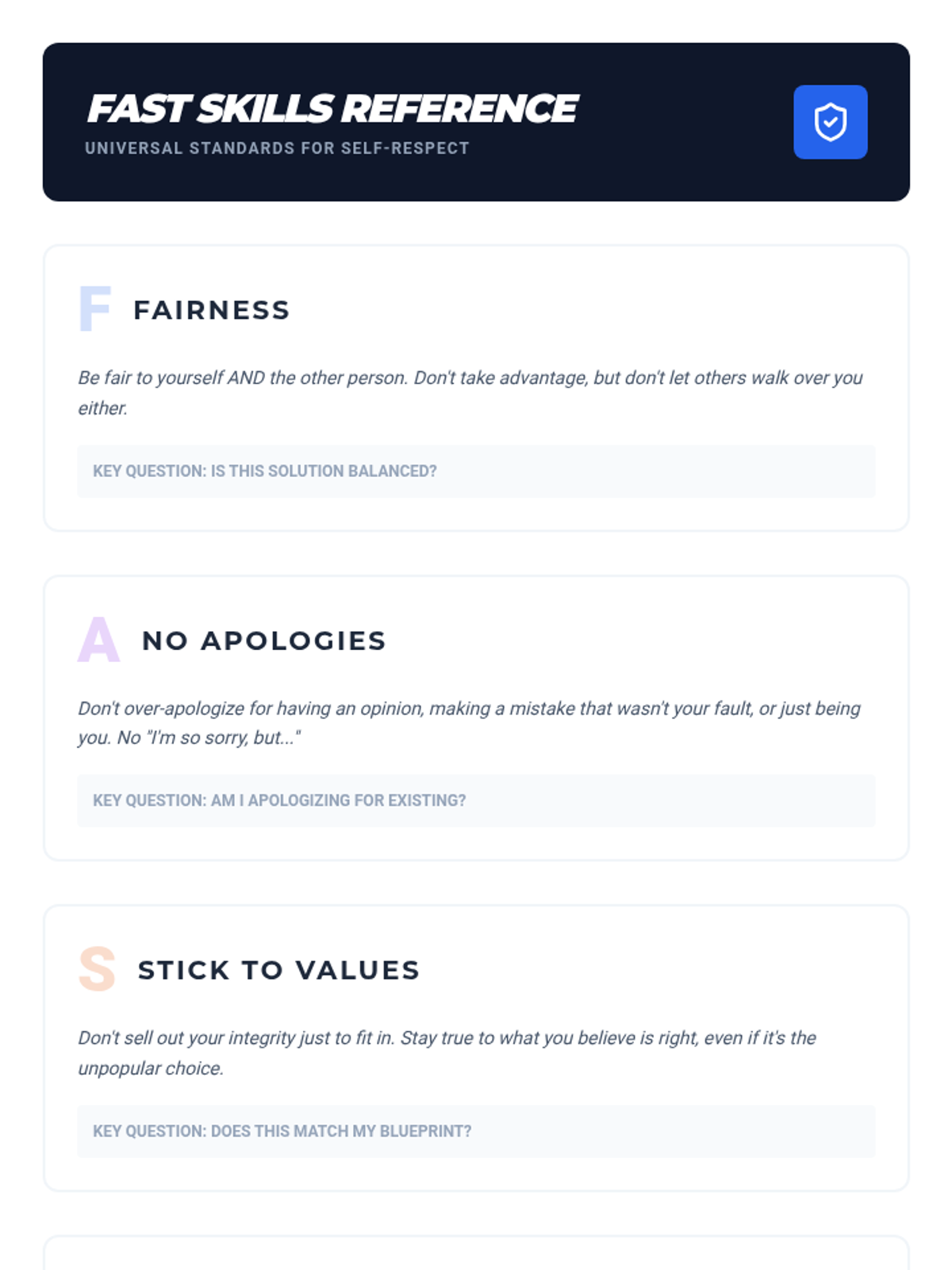
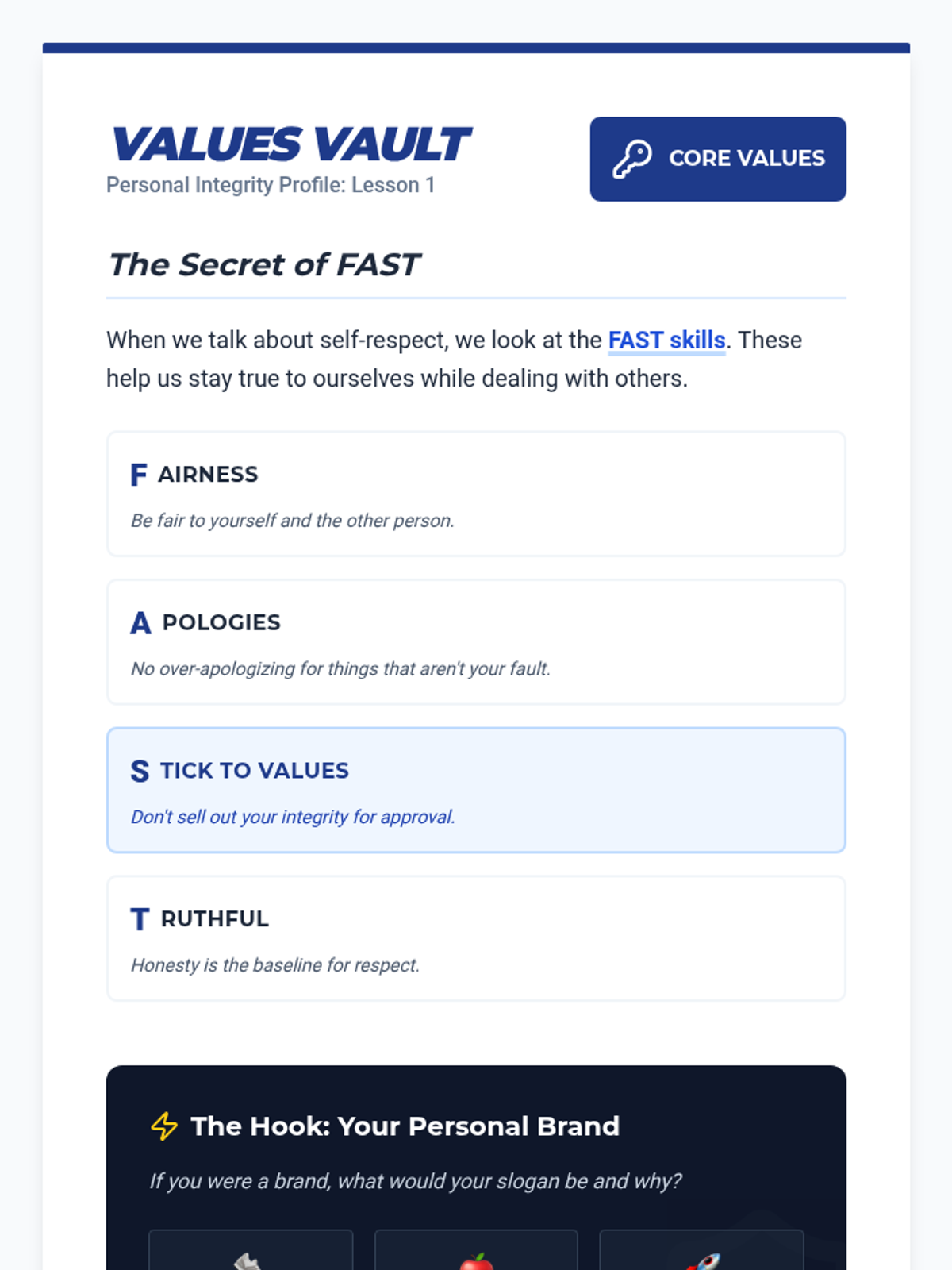
A reference sheet for students and teachers summarizing the FAST skills framework for self-respect.
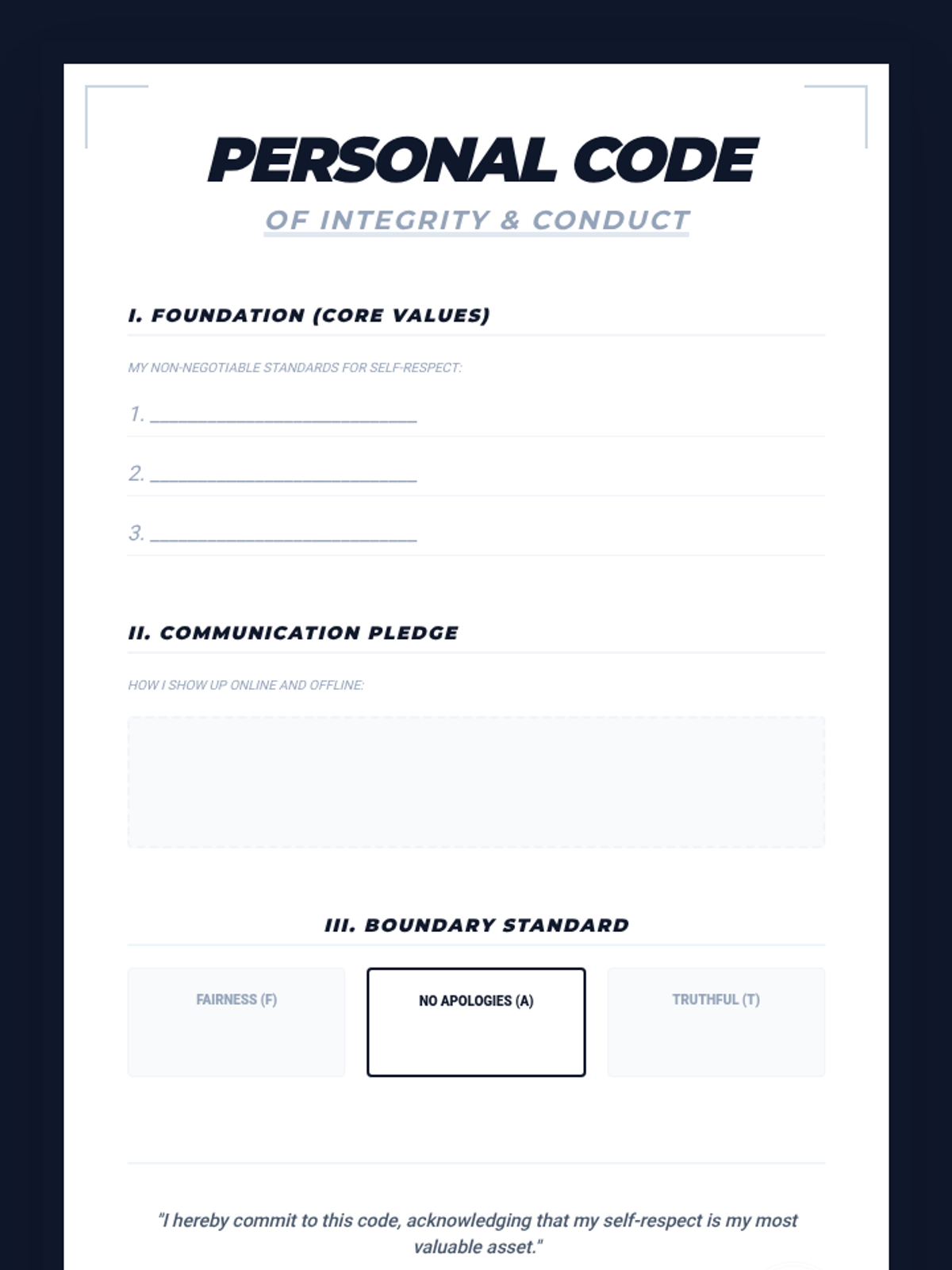
The final 'Personal Code of Conduct' manifesto template for students to summarize their integrity profile.
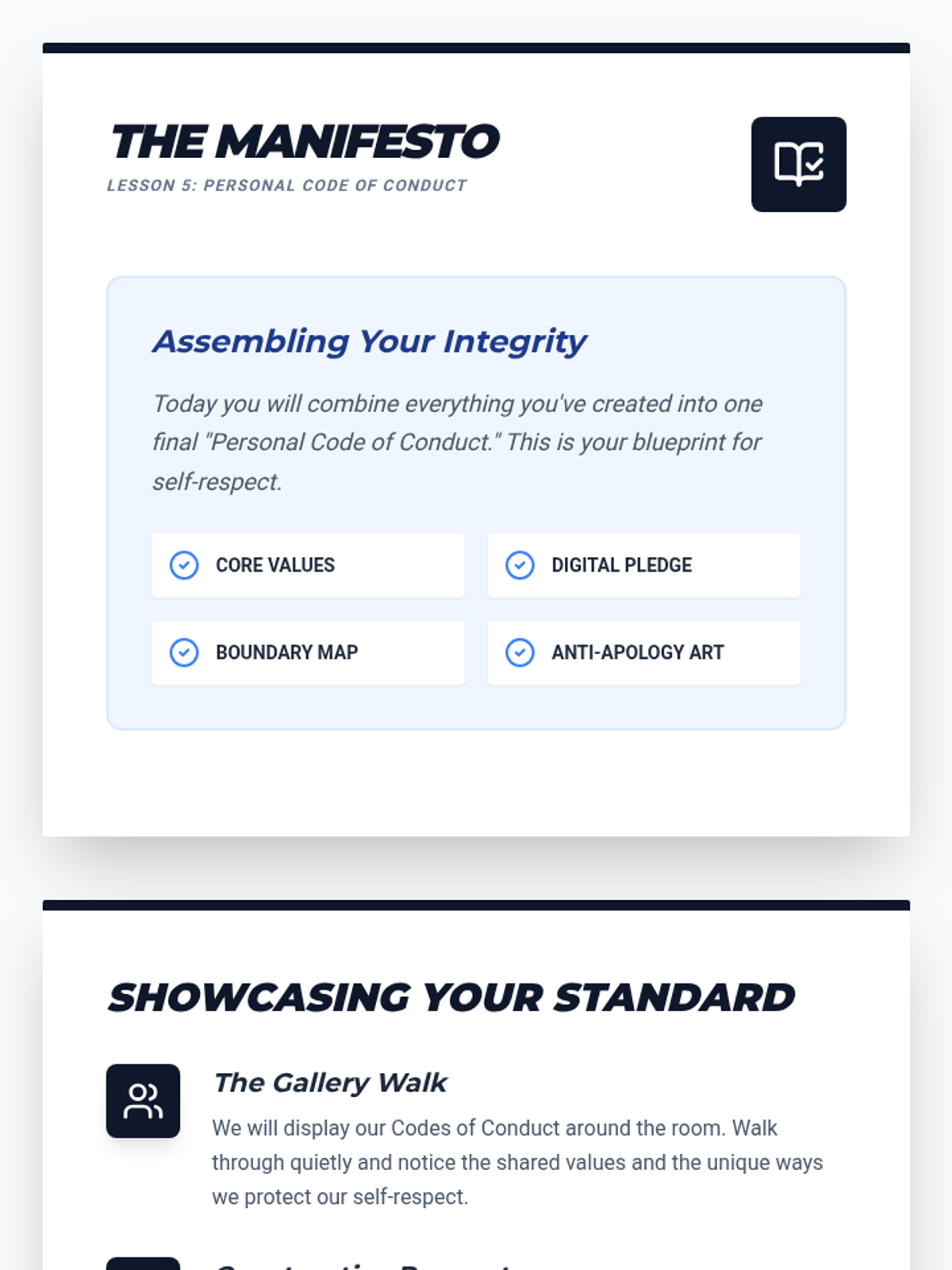
Introductory slides for Lesson 5 guiding students through the assembly and presentation of their Personal Code of Conduct.
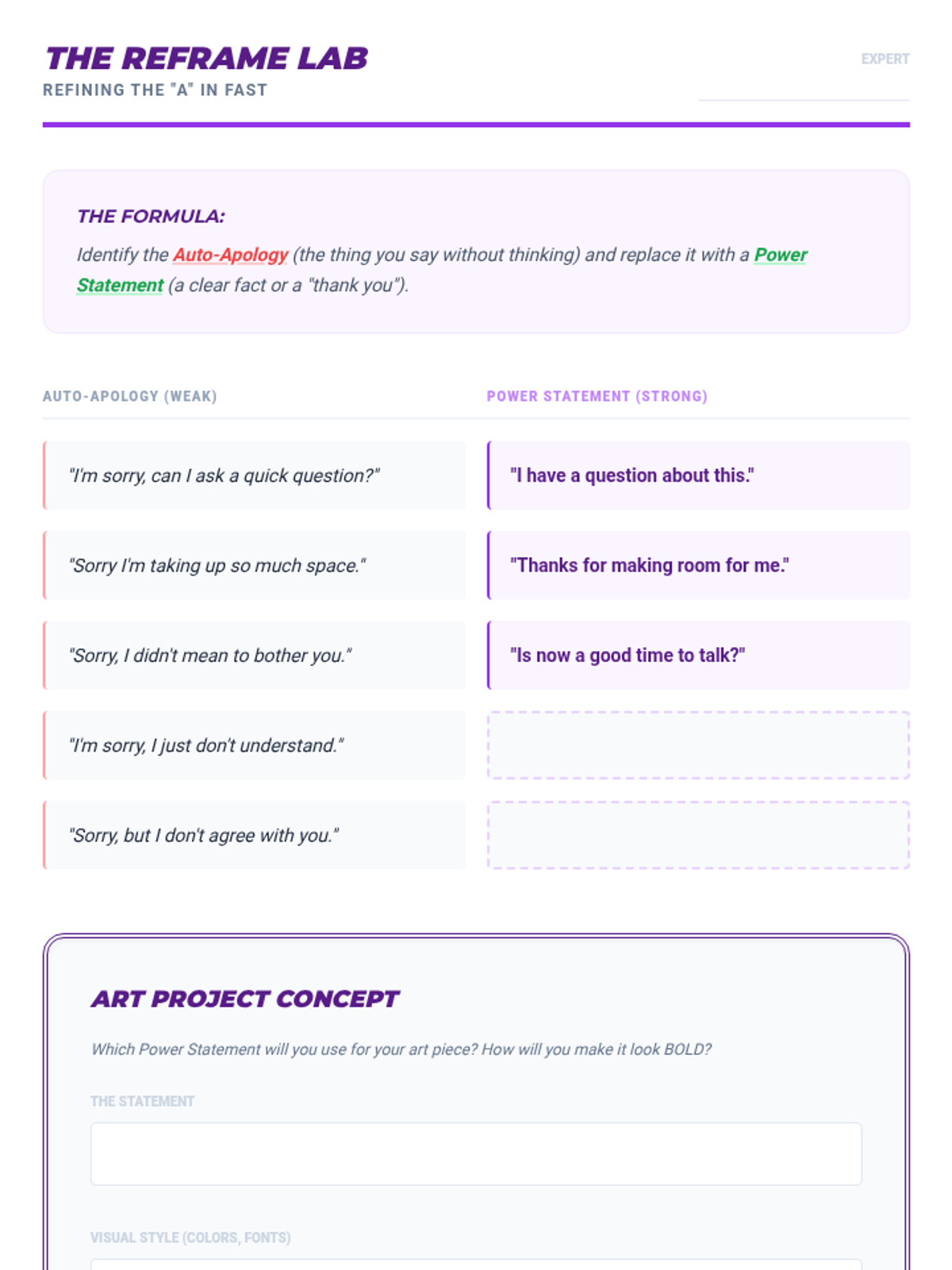
A worksheet for students to practice reframing common over-apologies into confident, assertive statements.
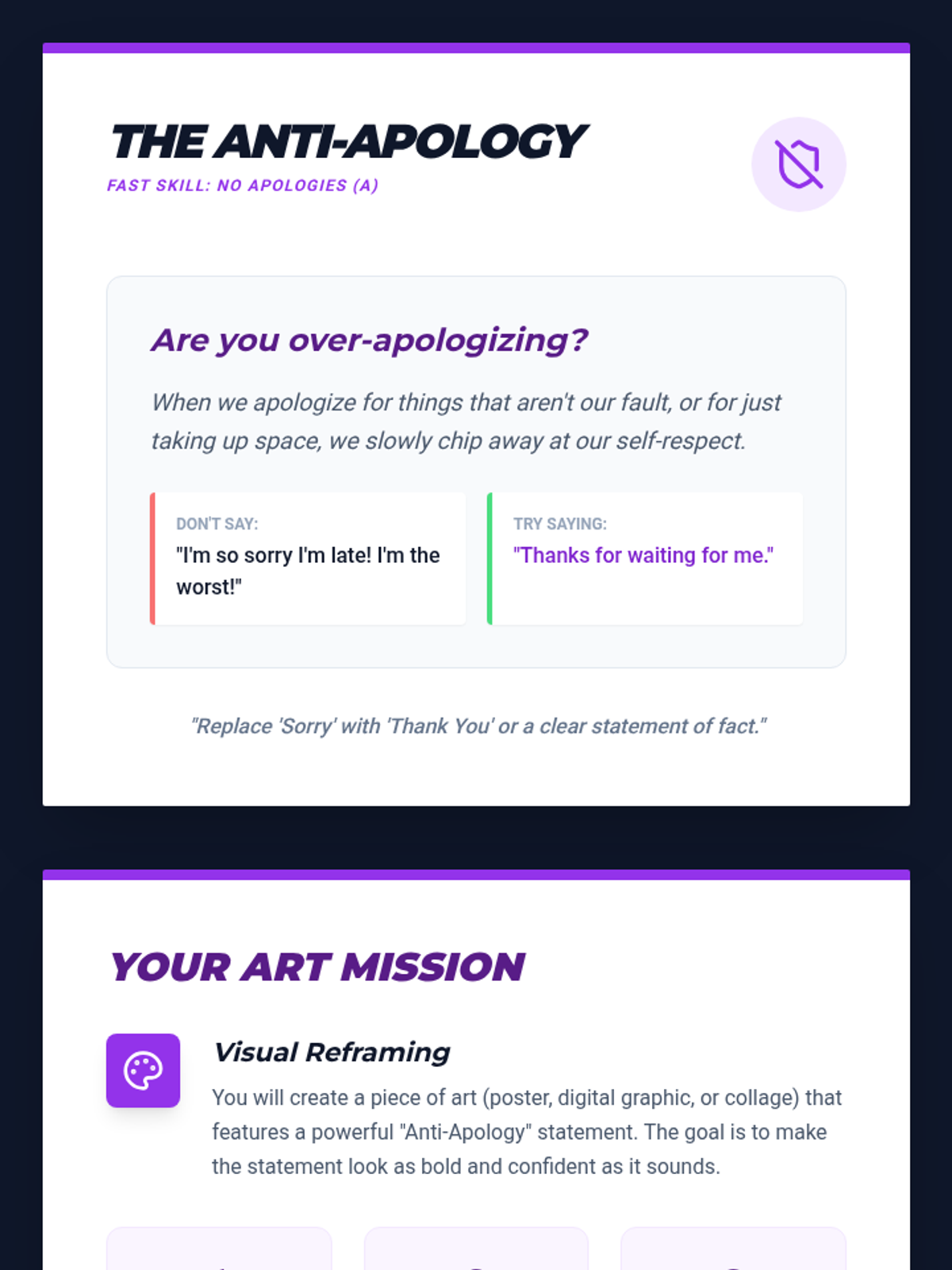
Introductory slides for Lesson 4 exploring the psychology of over-apologizing and the 'No Apologies' skill in FAST.
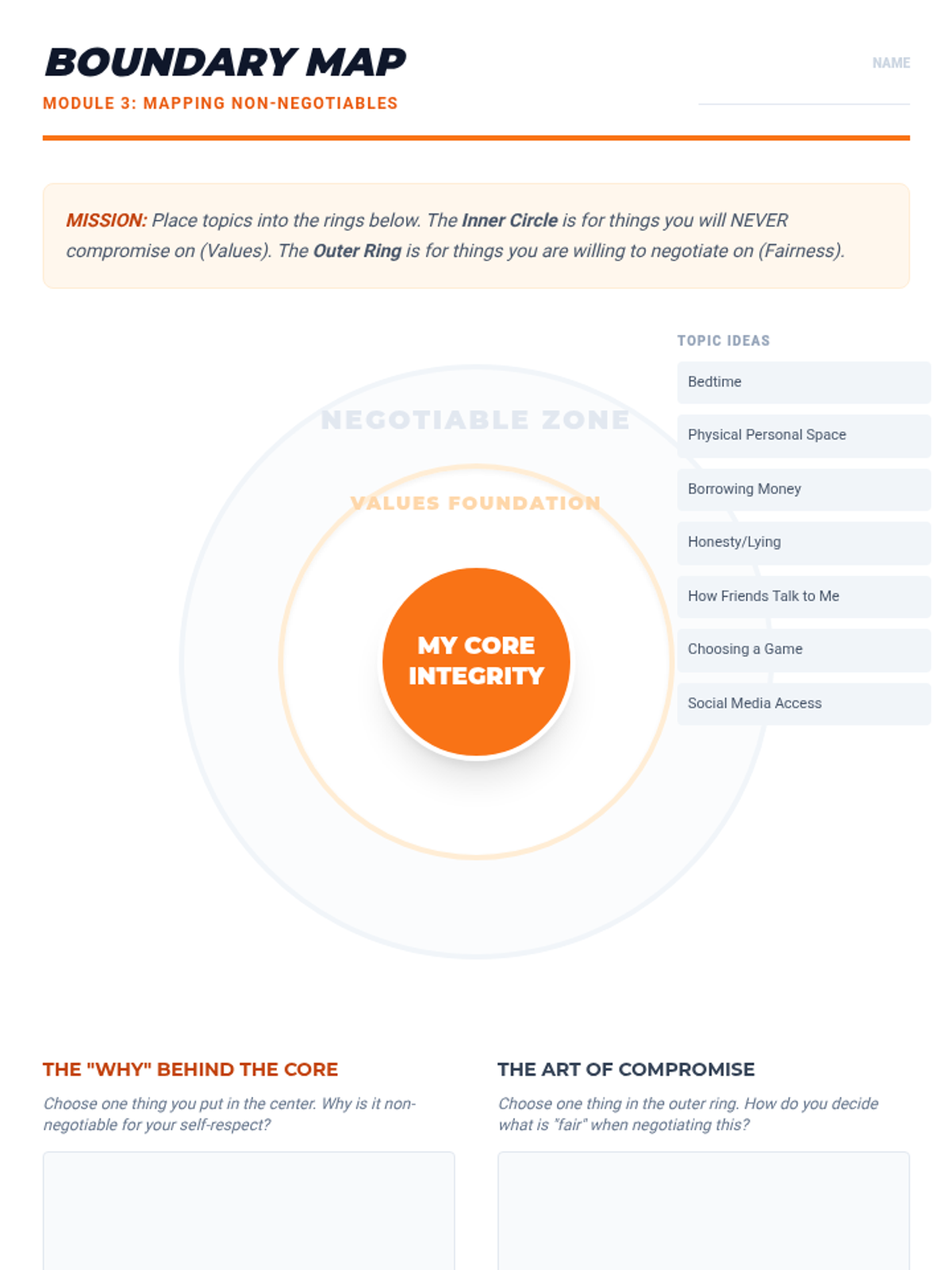
A visual 'Boundary Map' worksheet for students to categorize negotiable vs non-negotiable boundaries as part of the FAST framework.
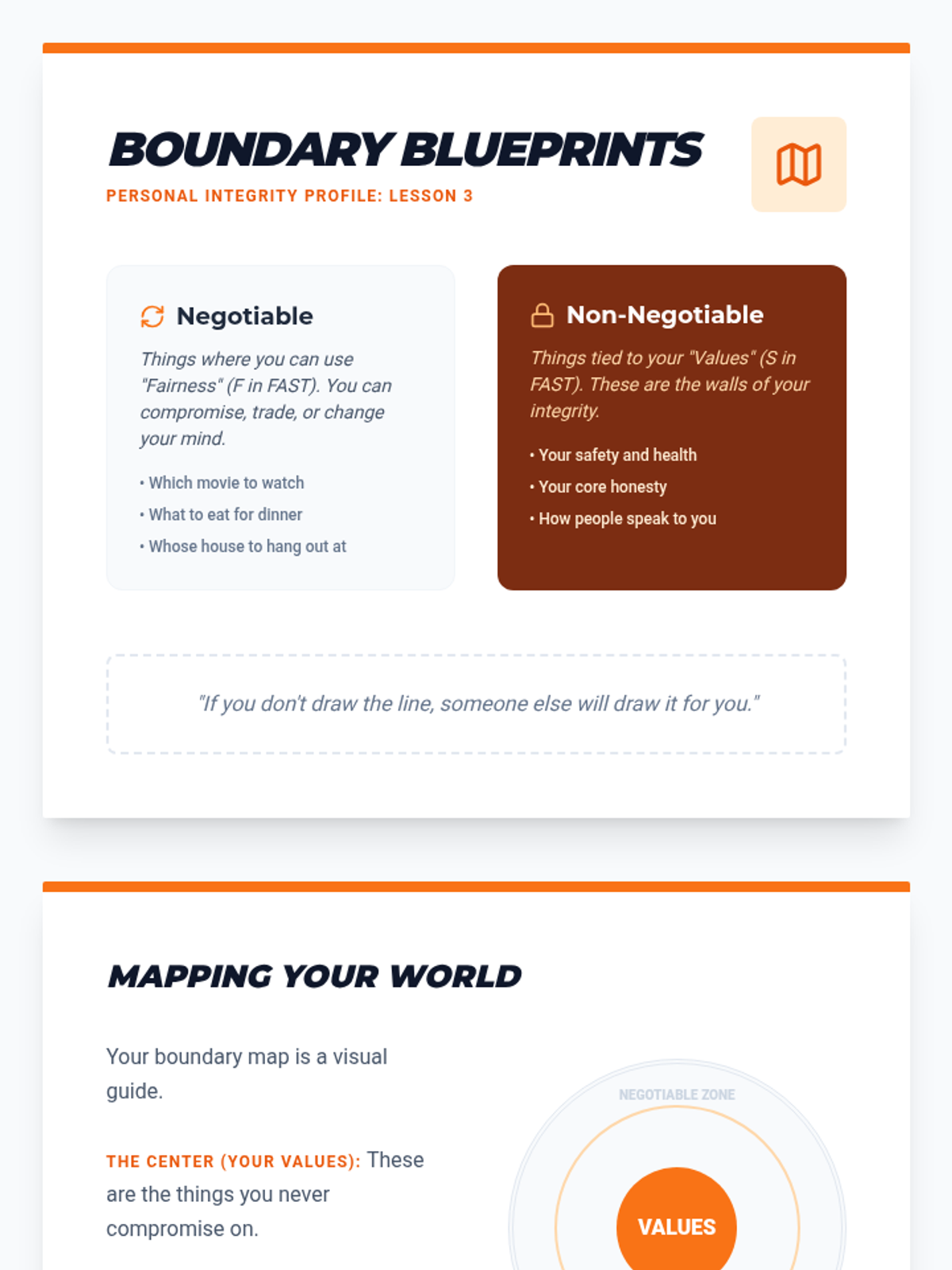
Introductory slides for Lesson 3 defining negotiable vs non-negotiable boundaries using the FAST framework.
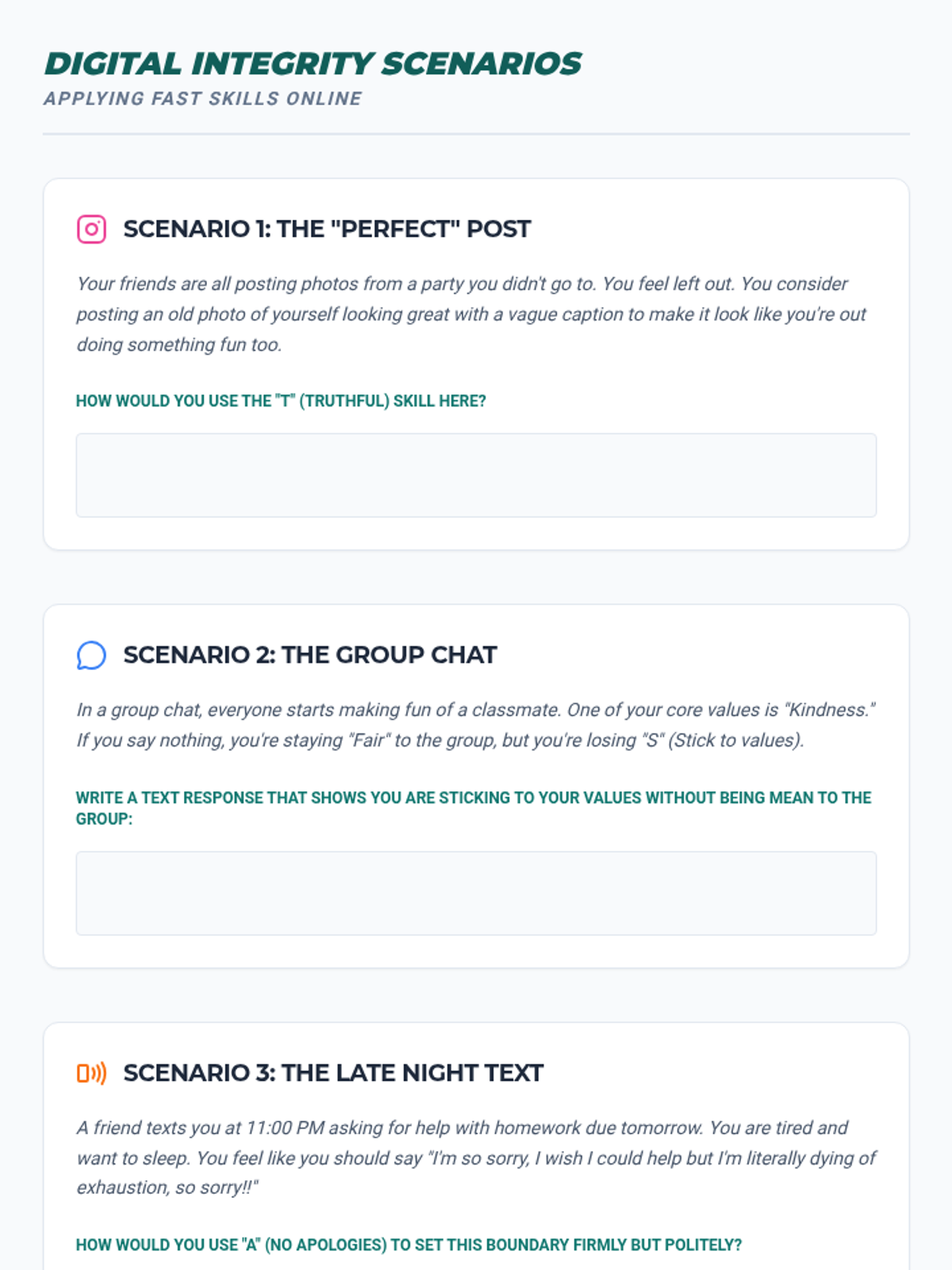
A worksheet featuring three digital communication scenarios for students to apply FAST skills (Truthfulness, Values, and No Apologies).
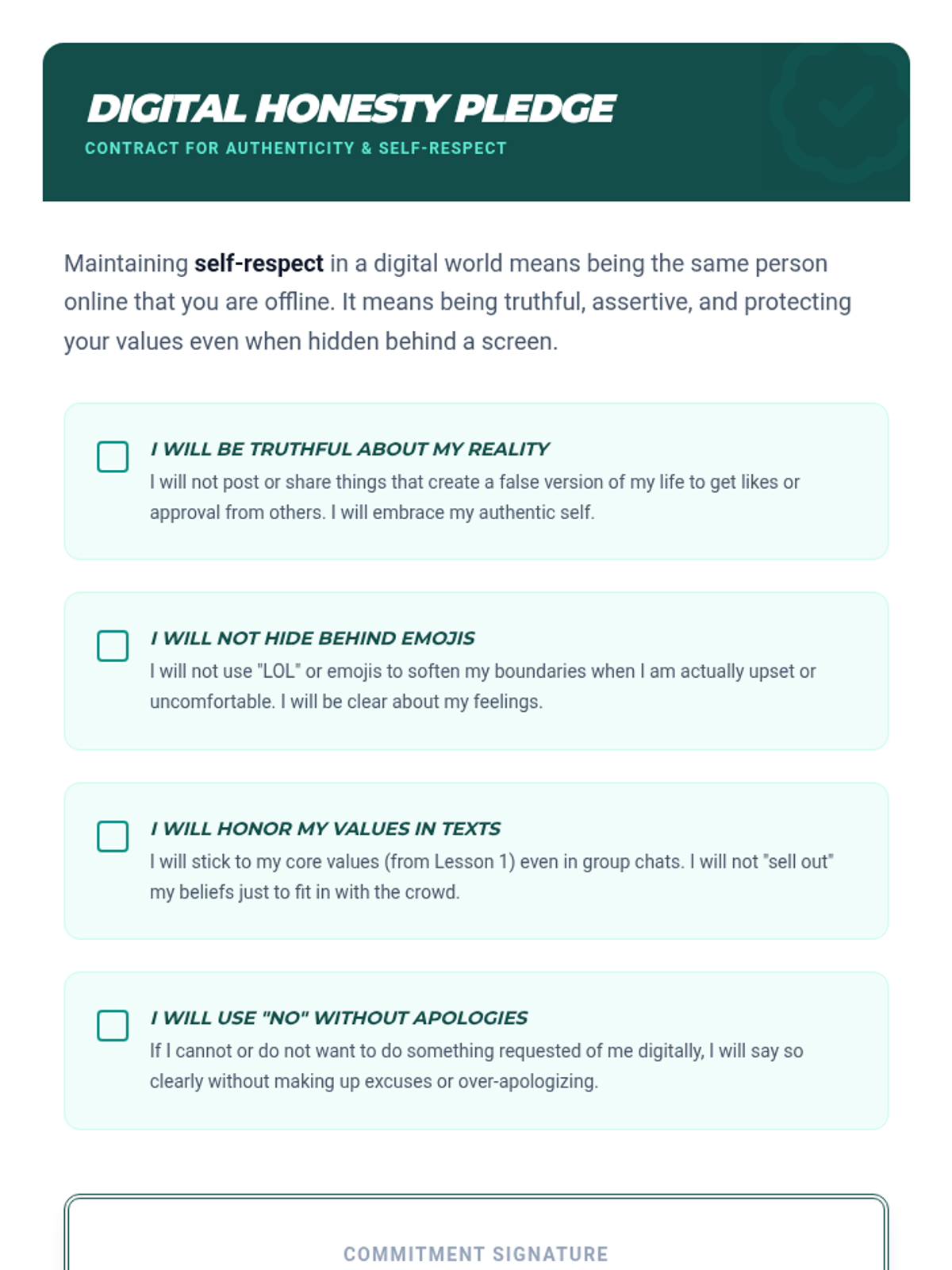
A student pledge for maintaining digital honesty, authenticity, and FAST skills in online communication.
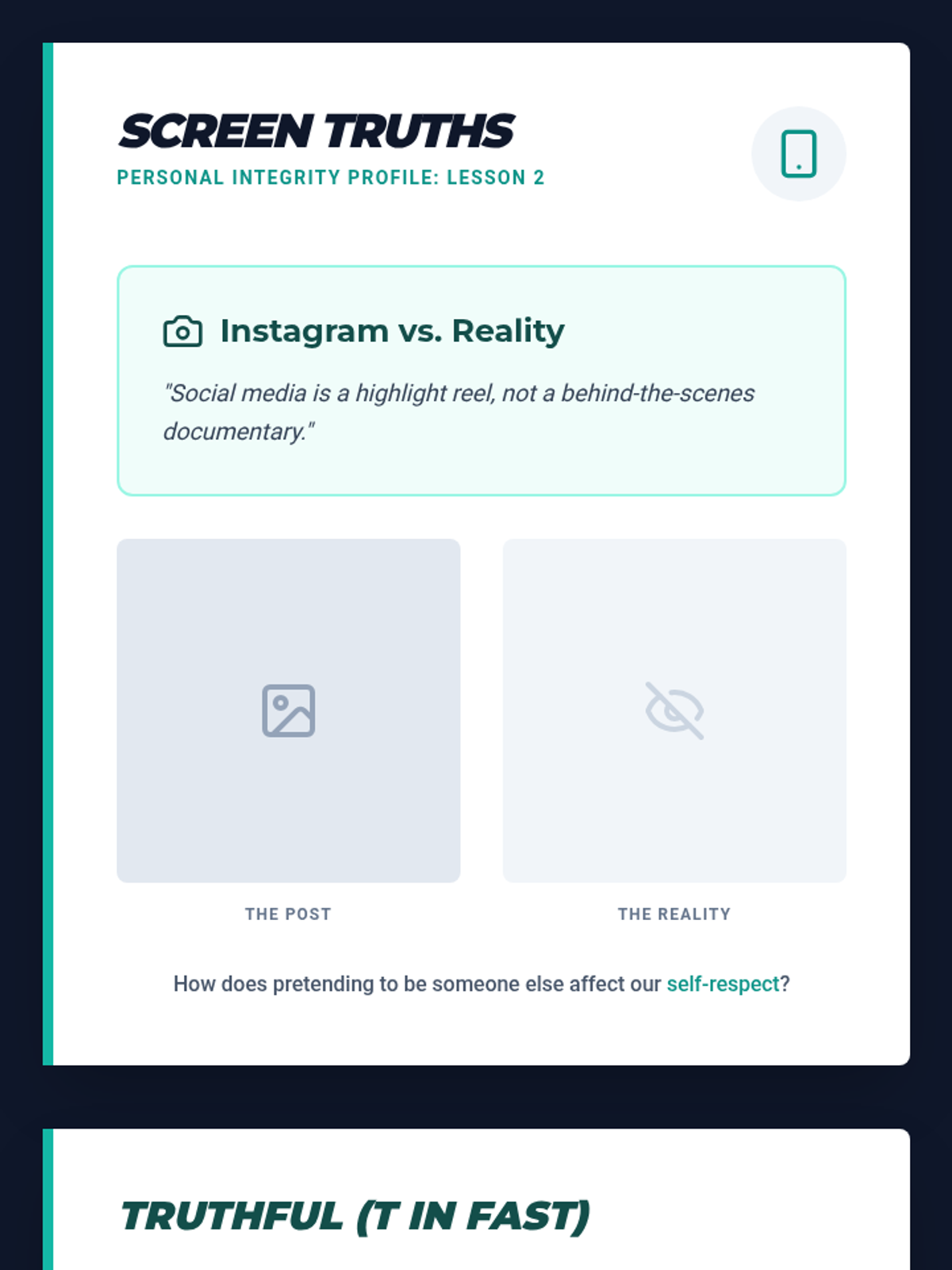
Introductory slides for Lesson 2 exploring digital truthfulness, authenticity, and the "Screen Effect" on personal integrity.
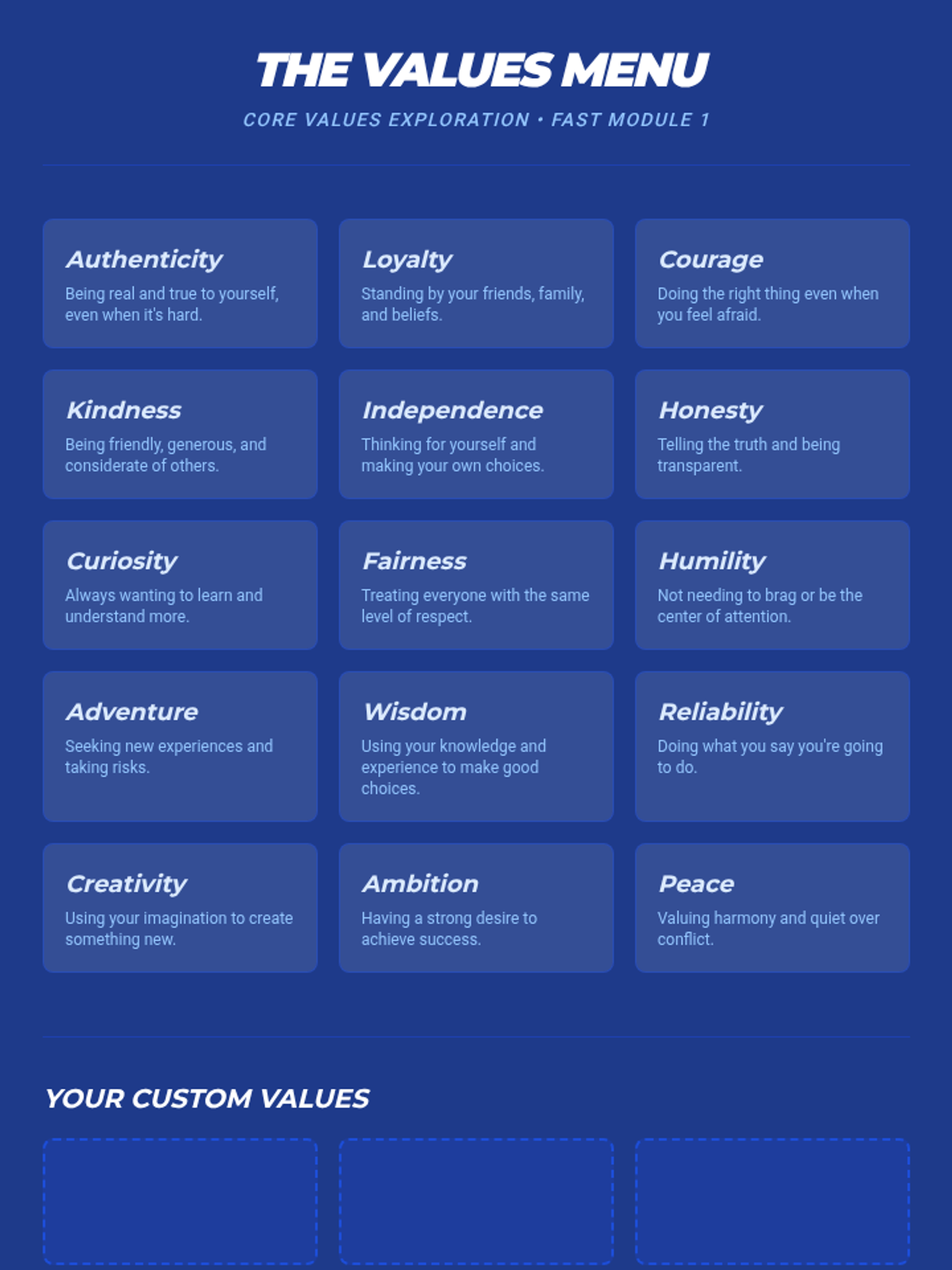
A reference sheet listing core values with simple definitions to help students identify their own non-negotiable values.
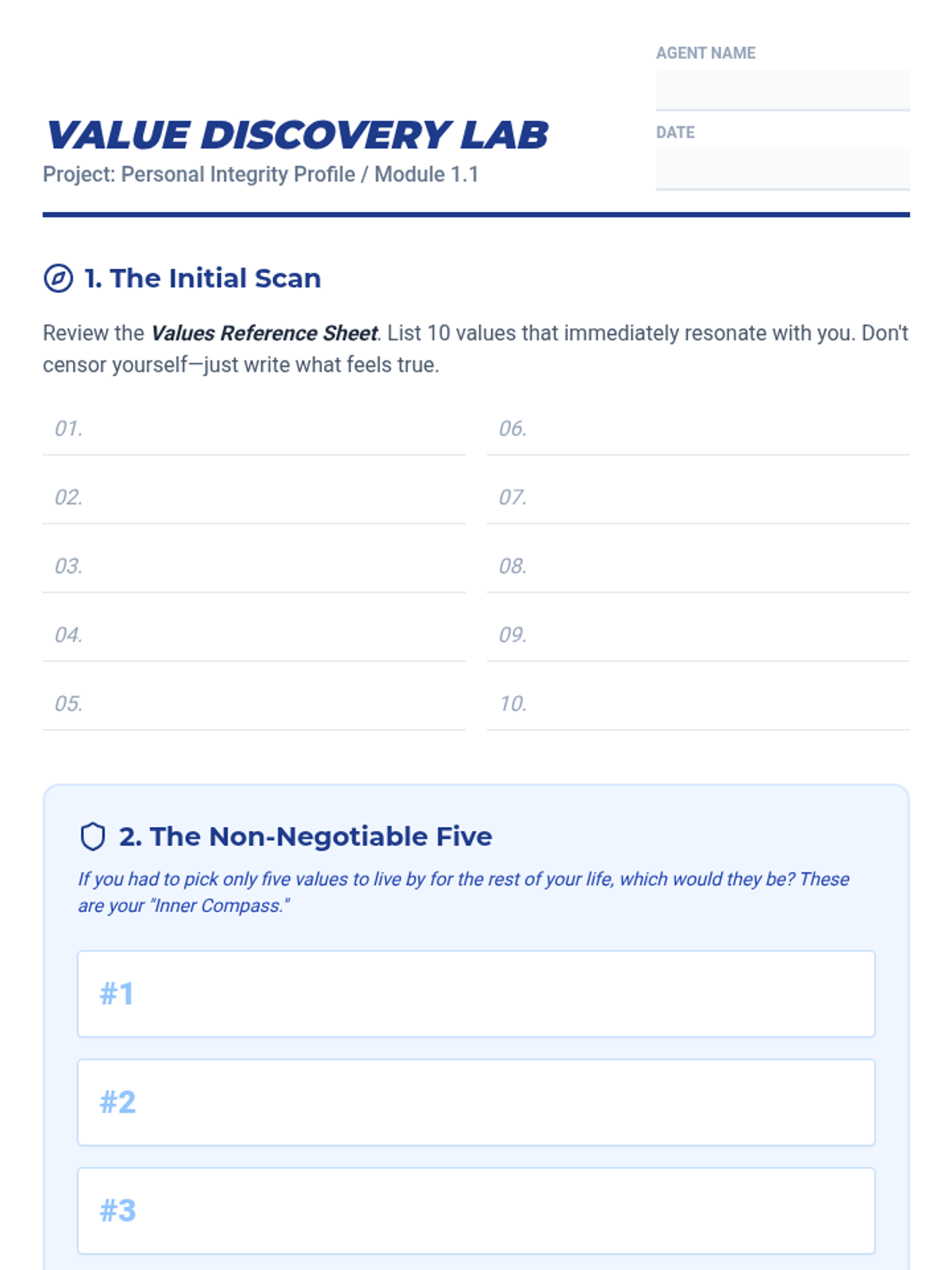
A student worksheet for identifying and narrowing down personal core values as part of the FAST skills framework.
Introductory slides for Lesson 1 defining FAST skills and the concept of personal core values for 6th-grade students.
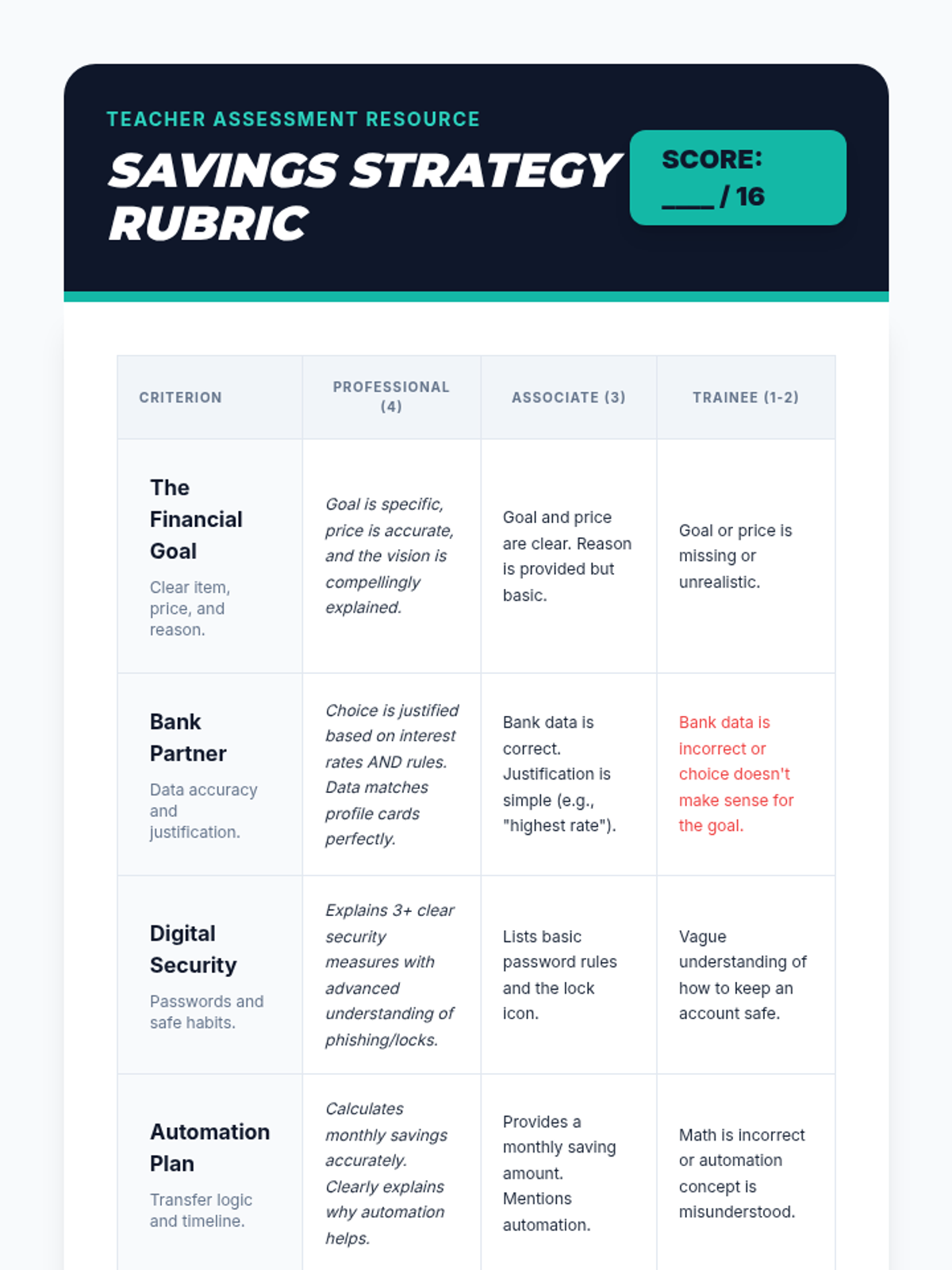
A professional teacher rubric to assess student final presentations on their savings goals, bank choices, and security plans.
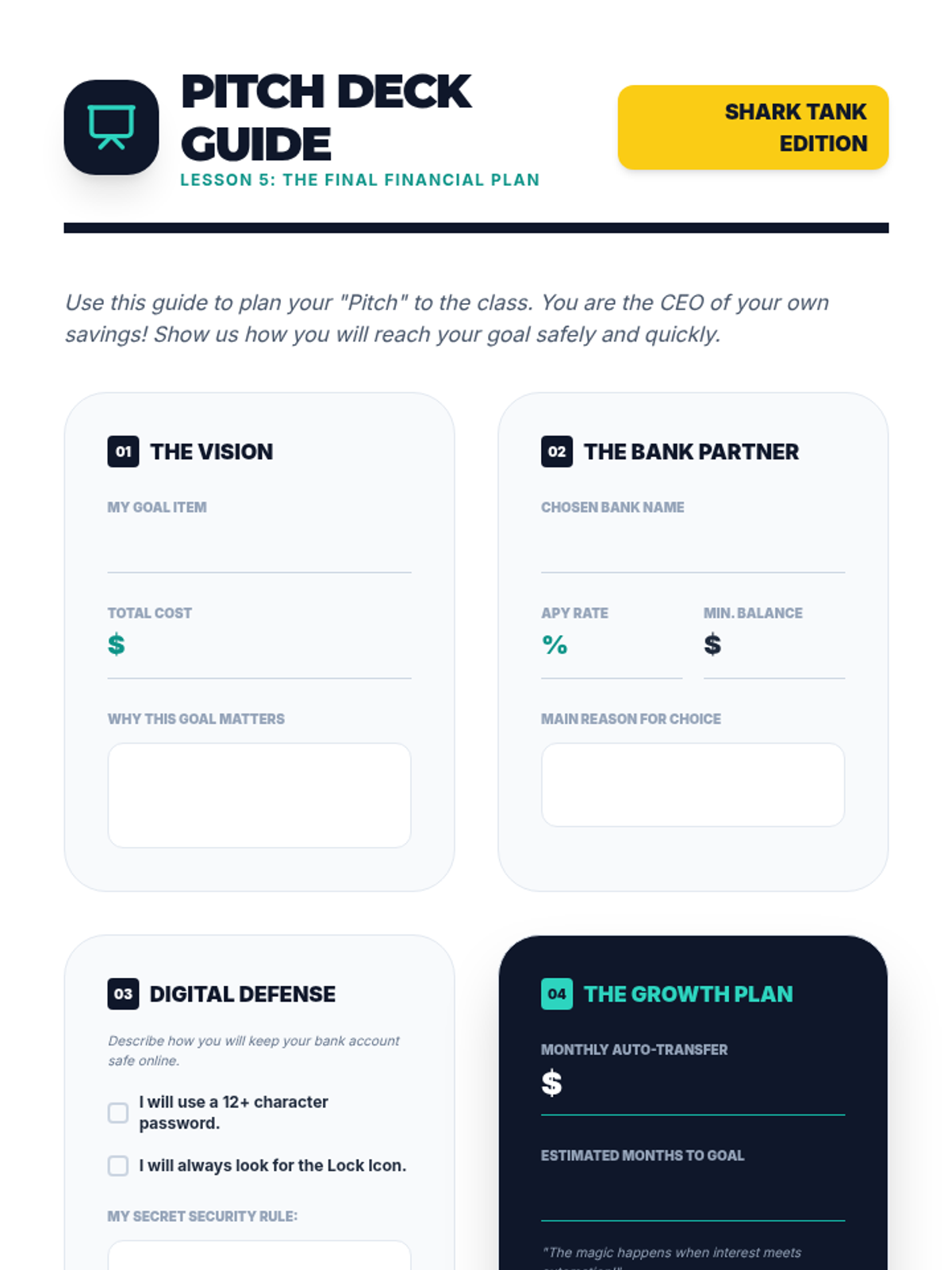
A structured worksheet to help students prepare their final presentation, covering their goal, chosen bank, security plan, and automation schedule.
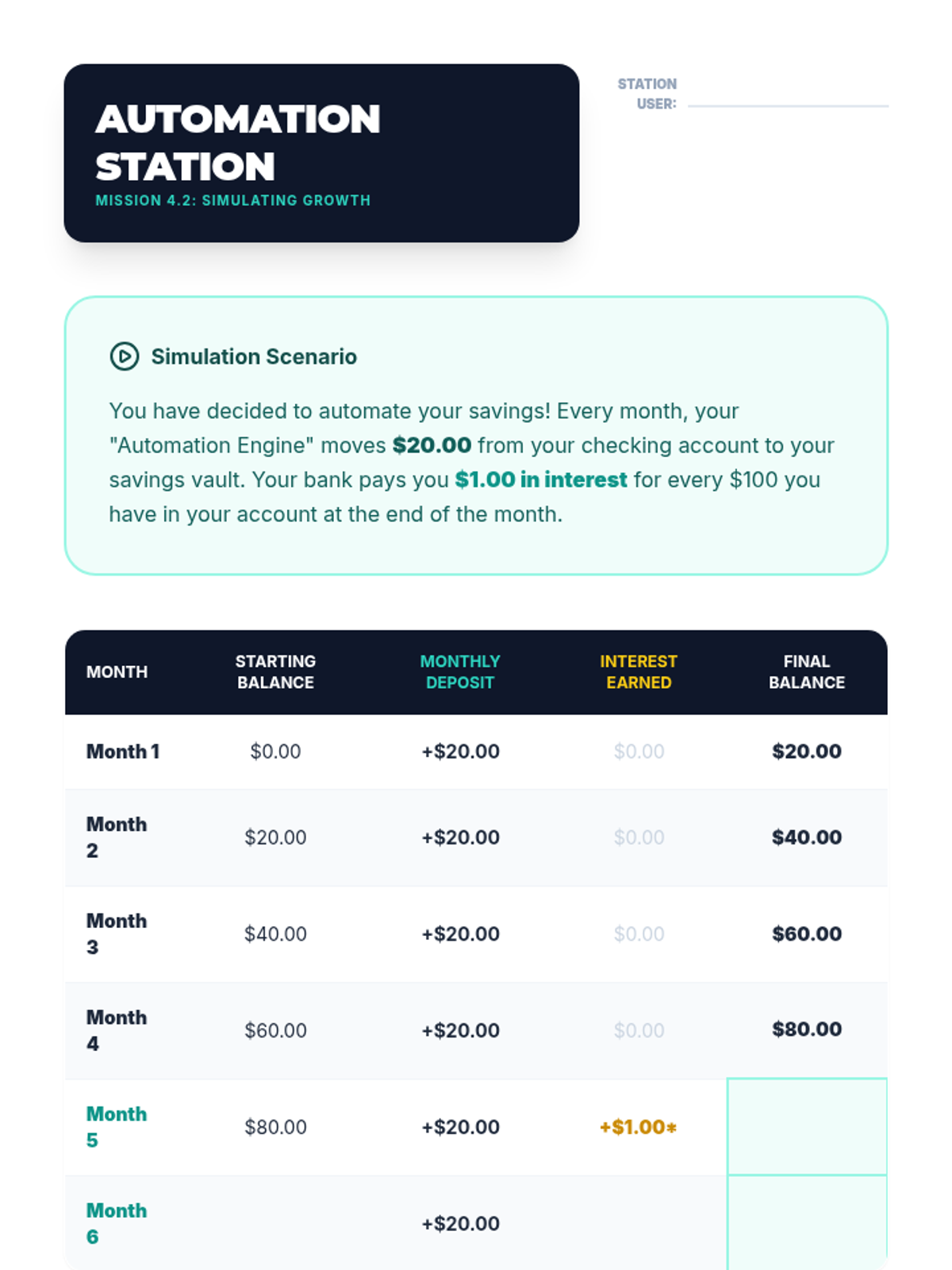
Student activity sheet for Lesson 4 simulating how small, regular transfers and interest grow an account balance over 6 months.
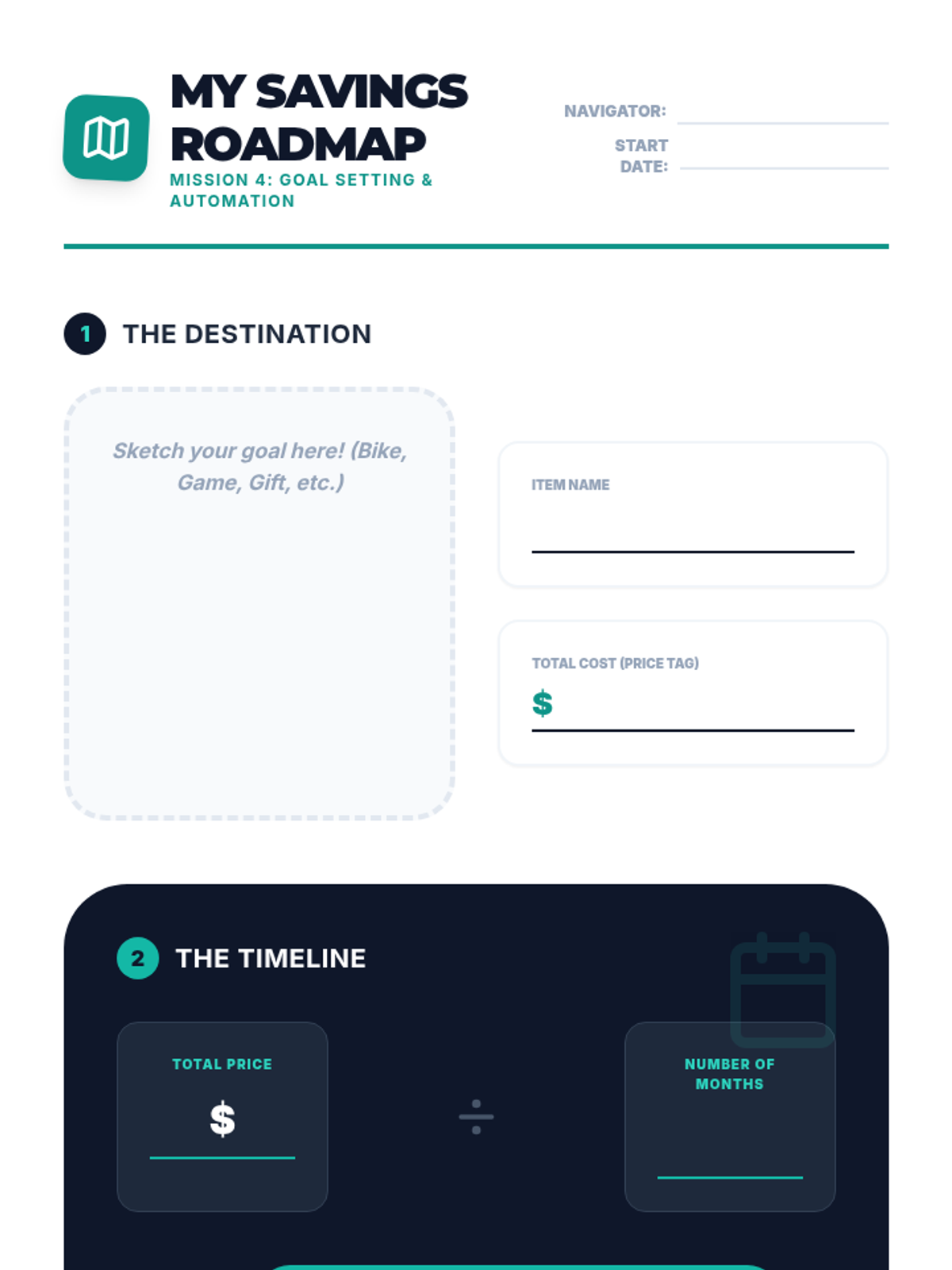
Student worksheet for Lesson 4 where they define a financial goal, calculate the monthly savings required, and sign an automation pledge.
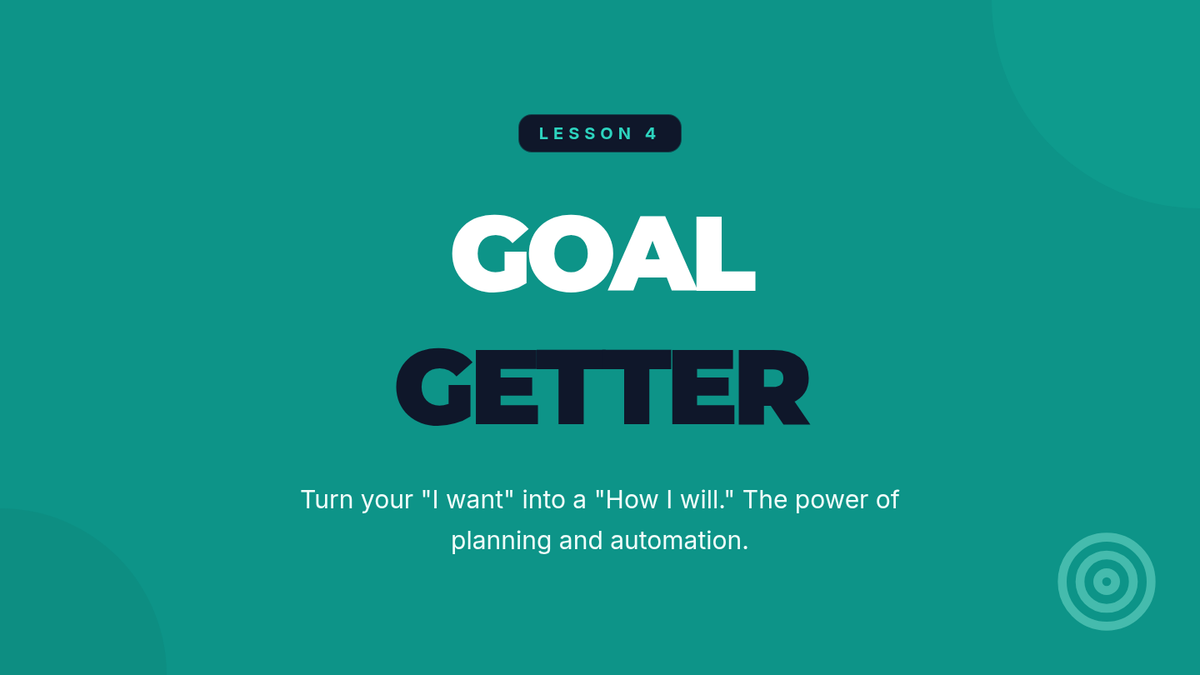
Introductory presentation for Lesson 4, explaining goal setting, the "Pay Yourself First" principle, and automated savings transfers.
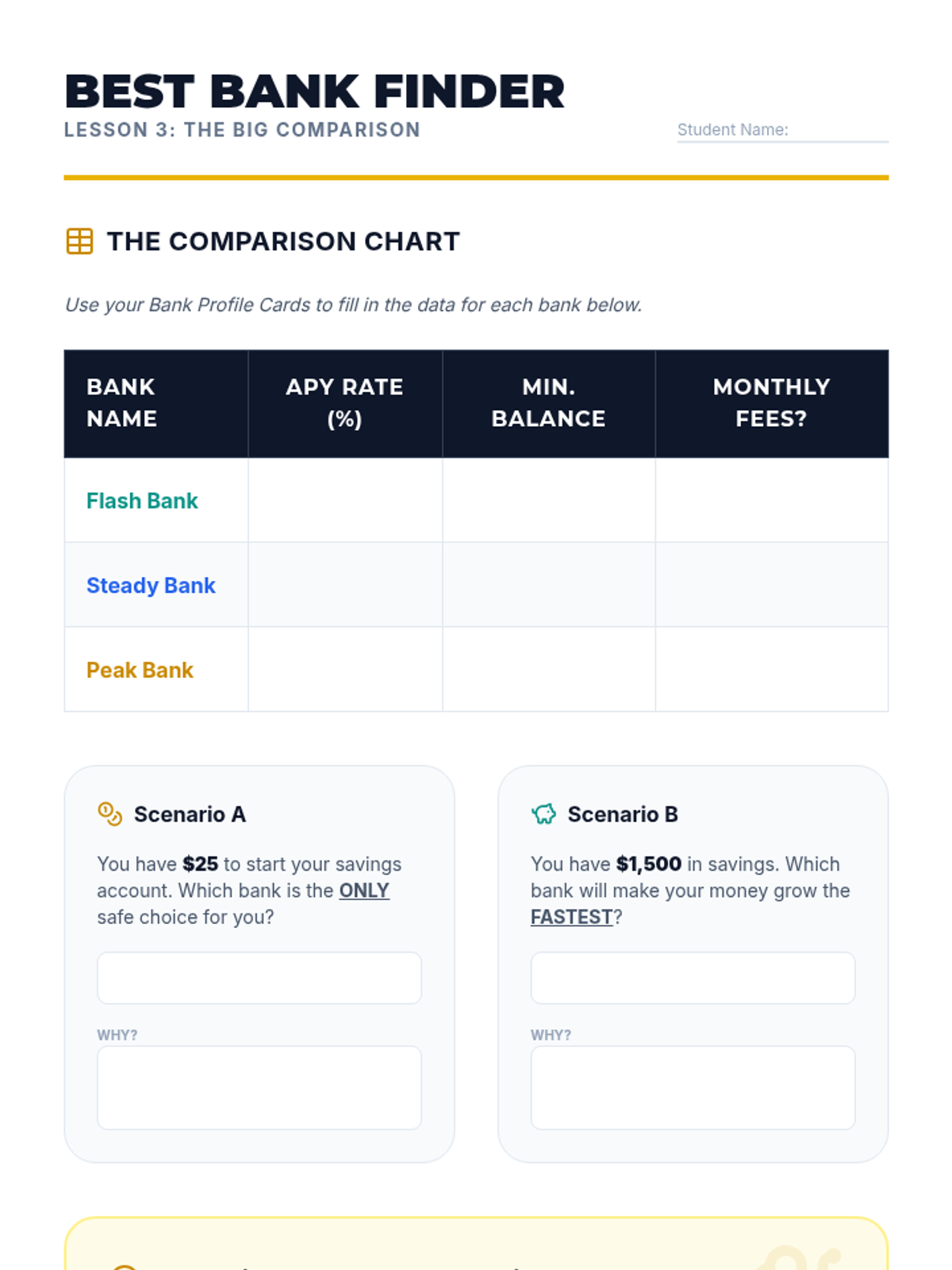
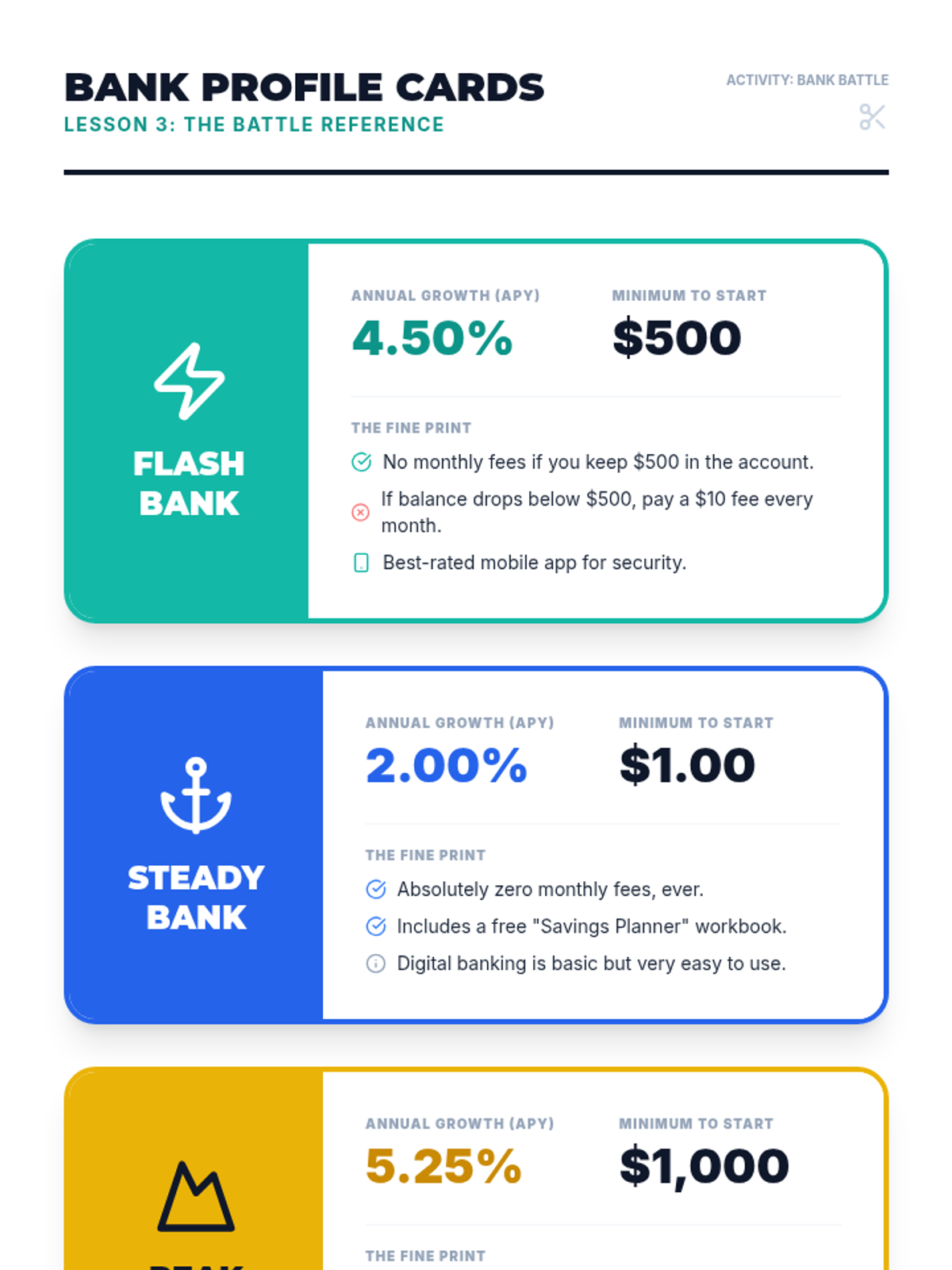
Student worksheet for Lesson 3 focusing on comparing fictional bank offers and understanding the impact of fees versus interest rates.
Reference material for Lesson 3 featuring 3 fictional bank profiles with varying interest rates, requirements, and fees.