Fundamental hardware proficiency, secure online behavior, and ethical social media engagement. Equips learners with productivity tool mastery, web publishing skills, and critical evaluation of emerging technologies.
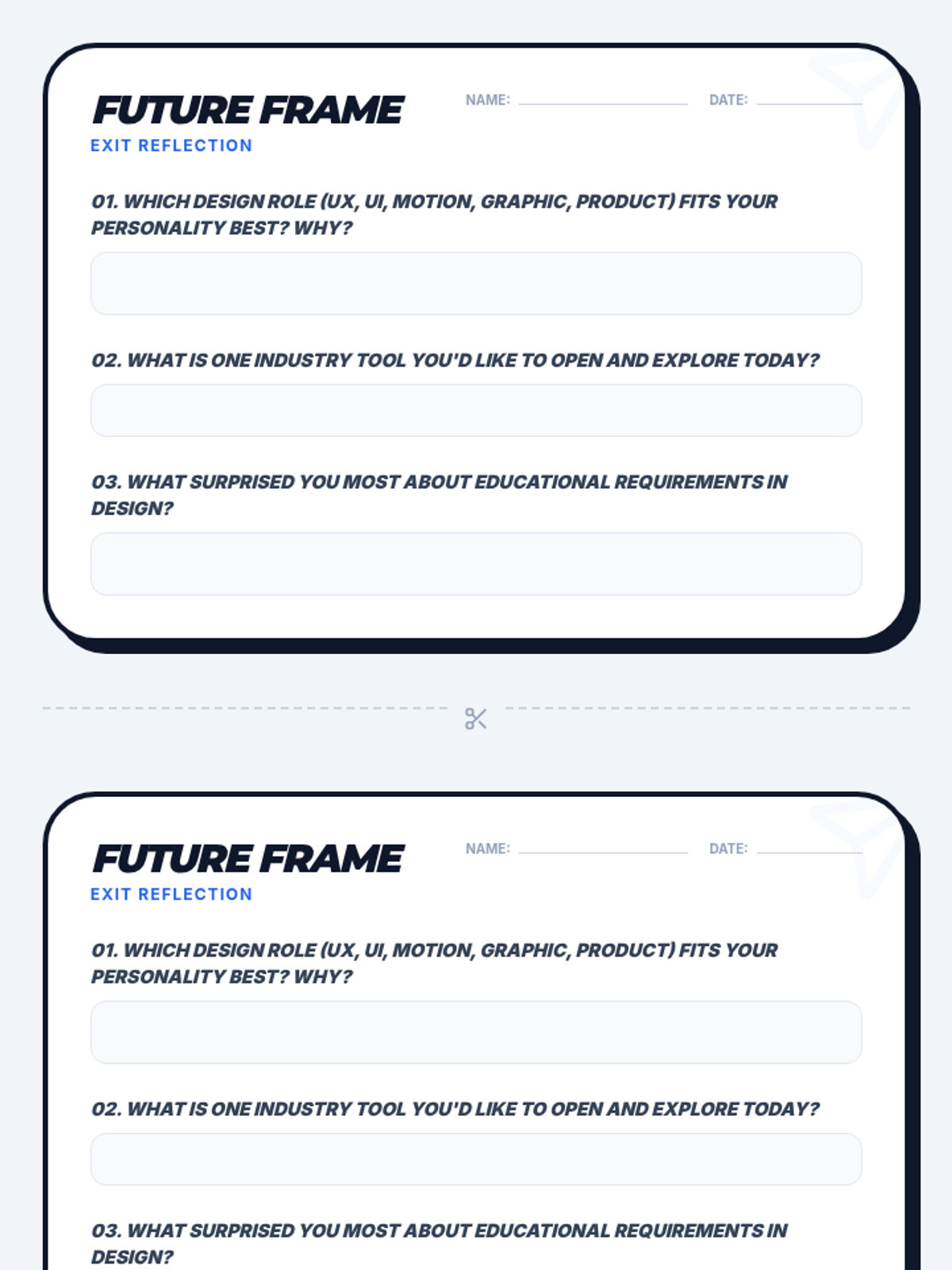
A reflective exit ticket for students to identify their preferred digital design career path and key takeaways from the lesson.
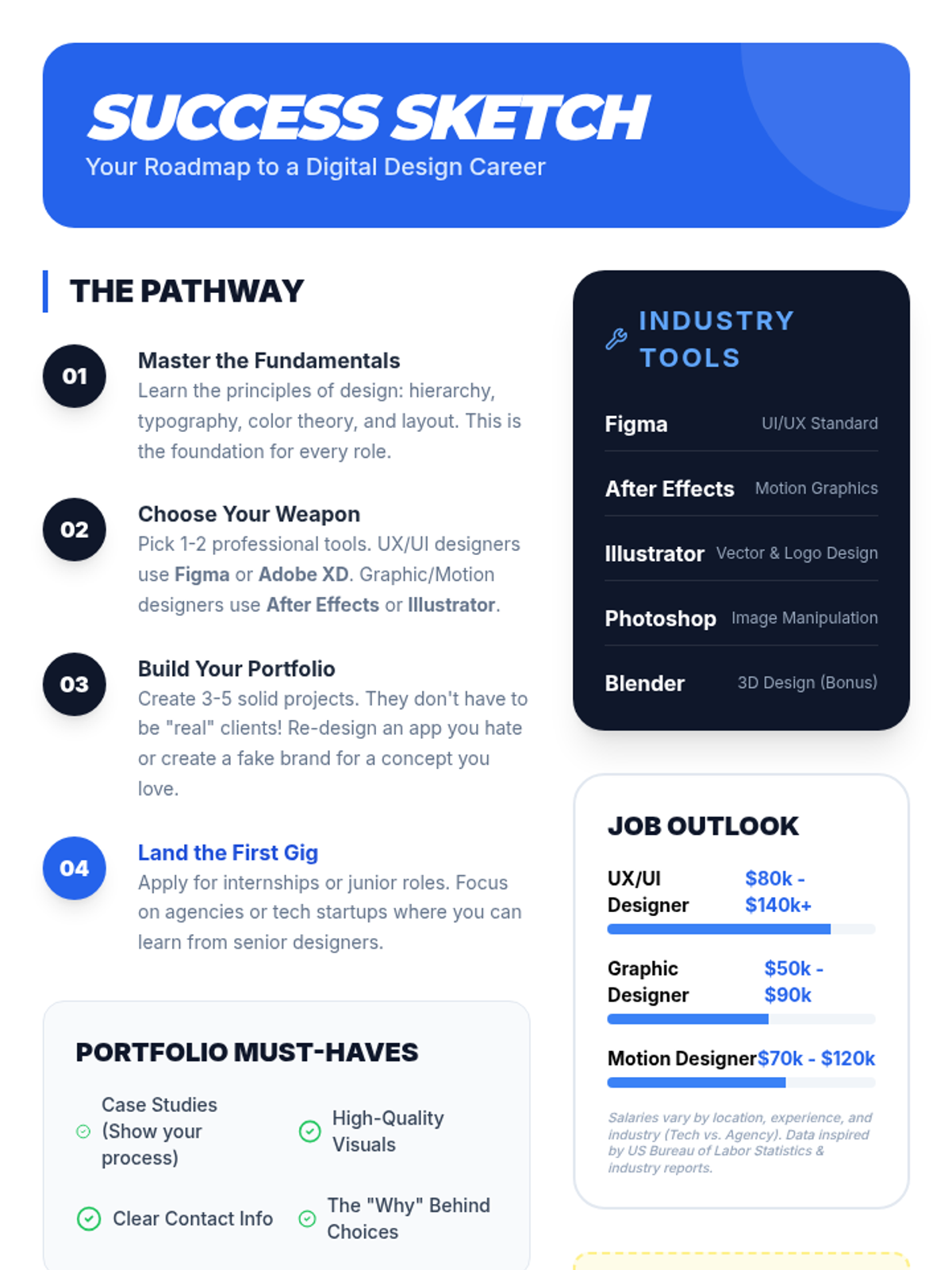
A visual career roadmap and reference sheet for students outlining essential design tools, portfolio tips, and industry salary insights.
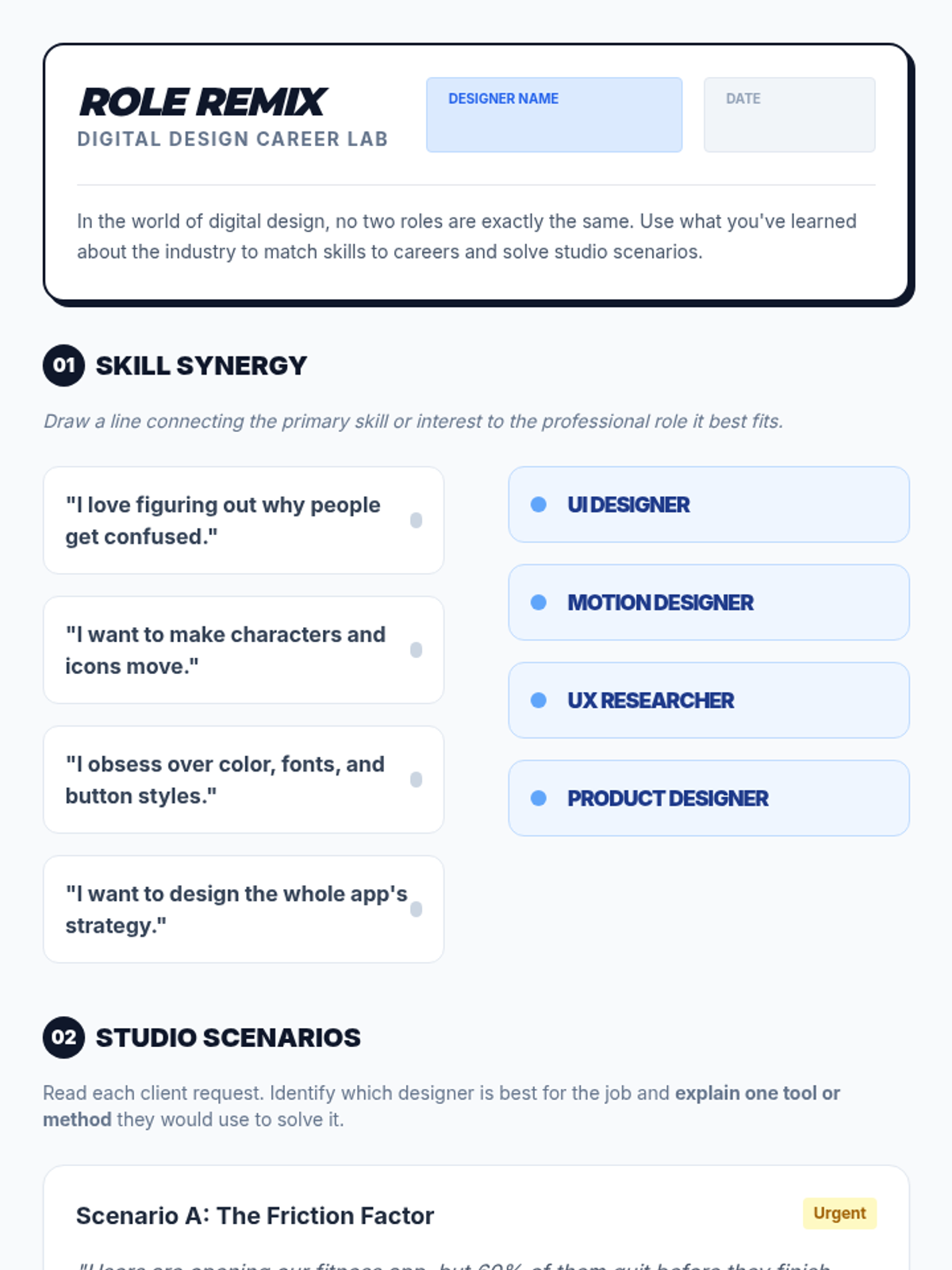
A student activity worksheet for matching skills to digital design roles and solving real-world design scenarios.
Visual presentation slides exploring five core digital design careers, their daily challenges, and the educational paths available to students.
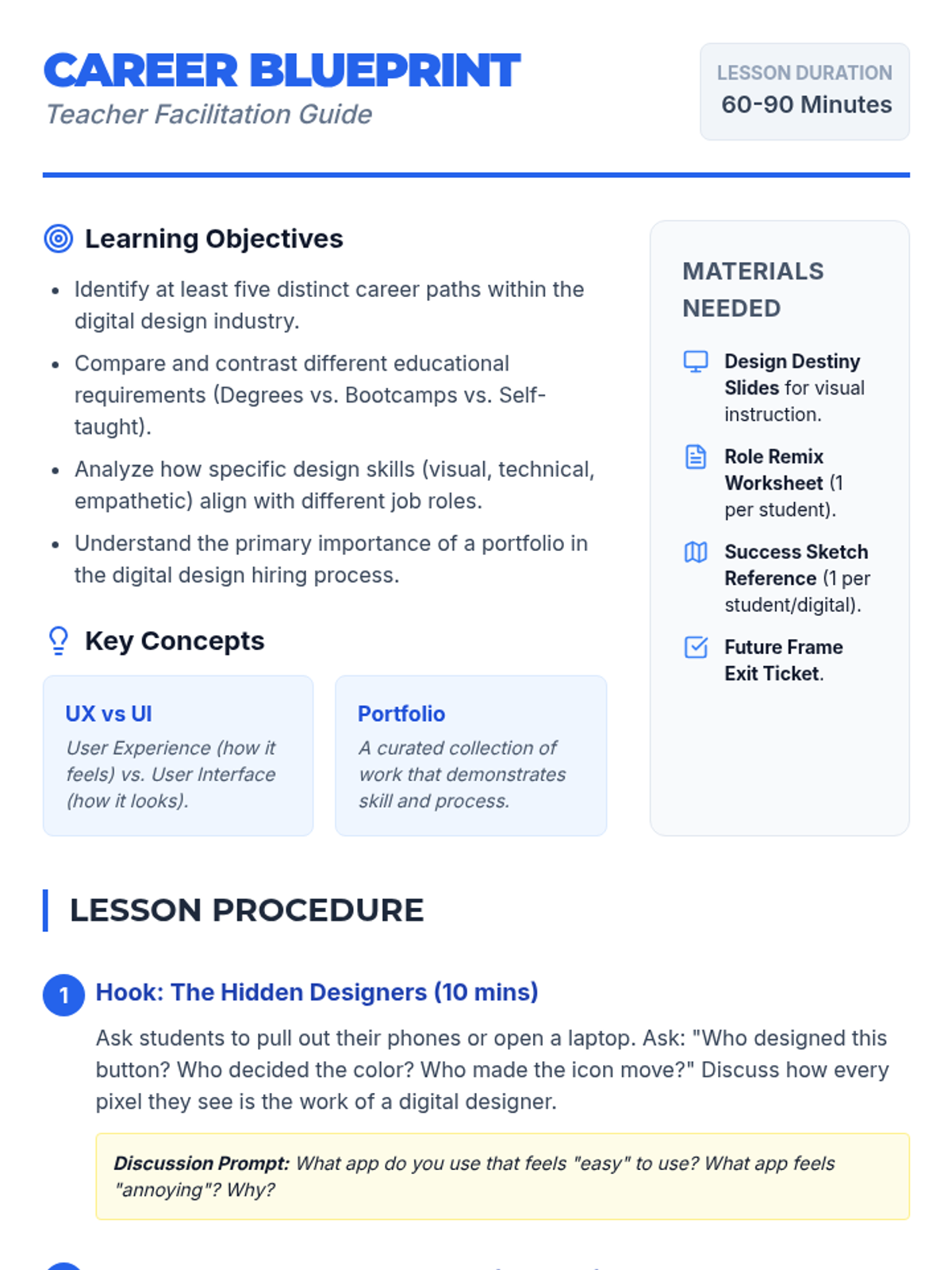
A comprehensive teacher facilitation guide for the 'Design Destiny' lesson, including learning objectives, a step-by-step procedure, and differentiation strategies.
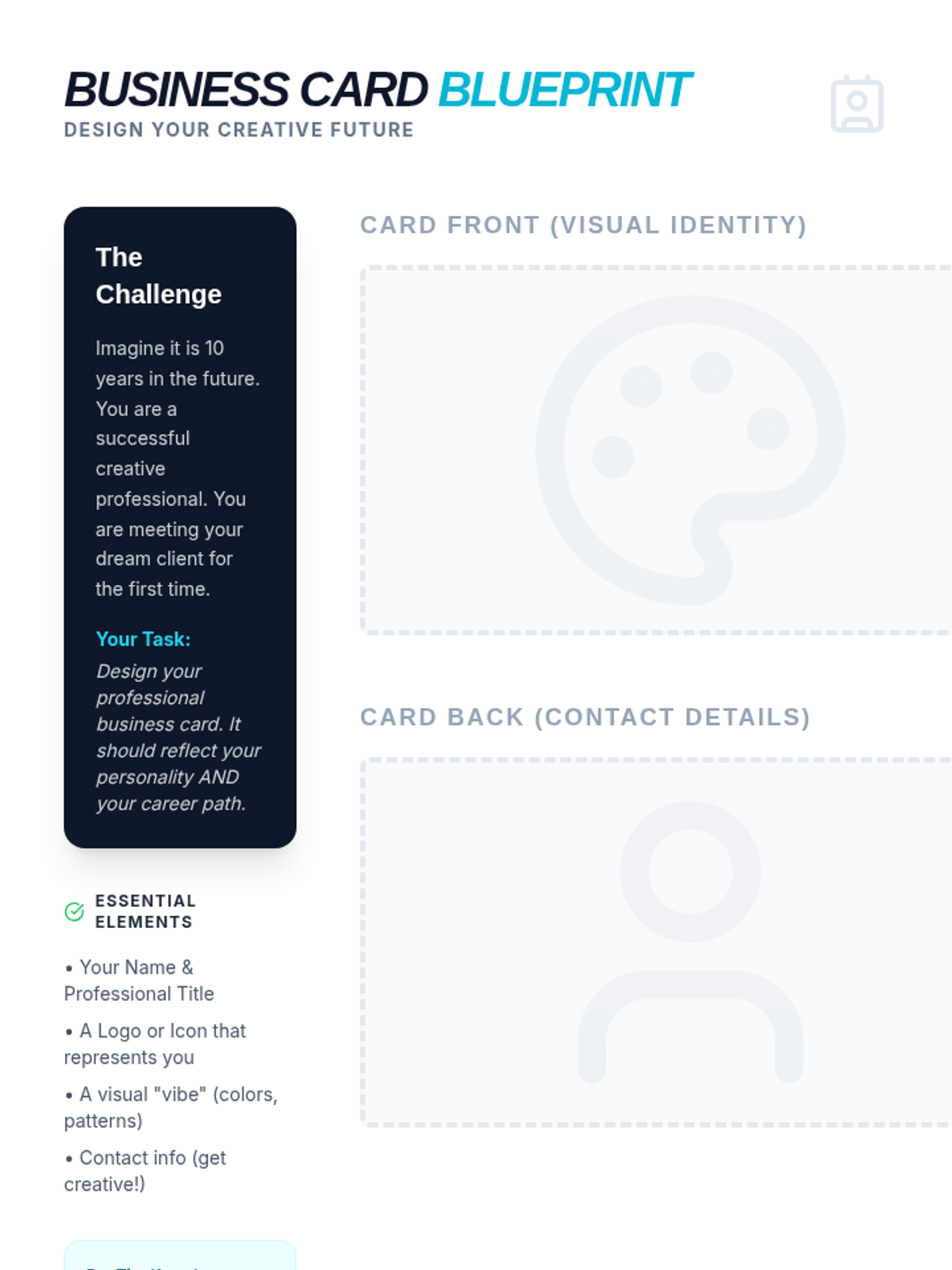
A creative activity where students design their own professional business card for a future art career, including space for front/back designs and a design reflection.
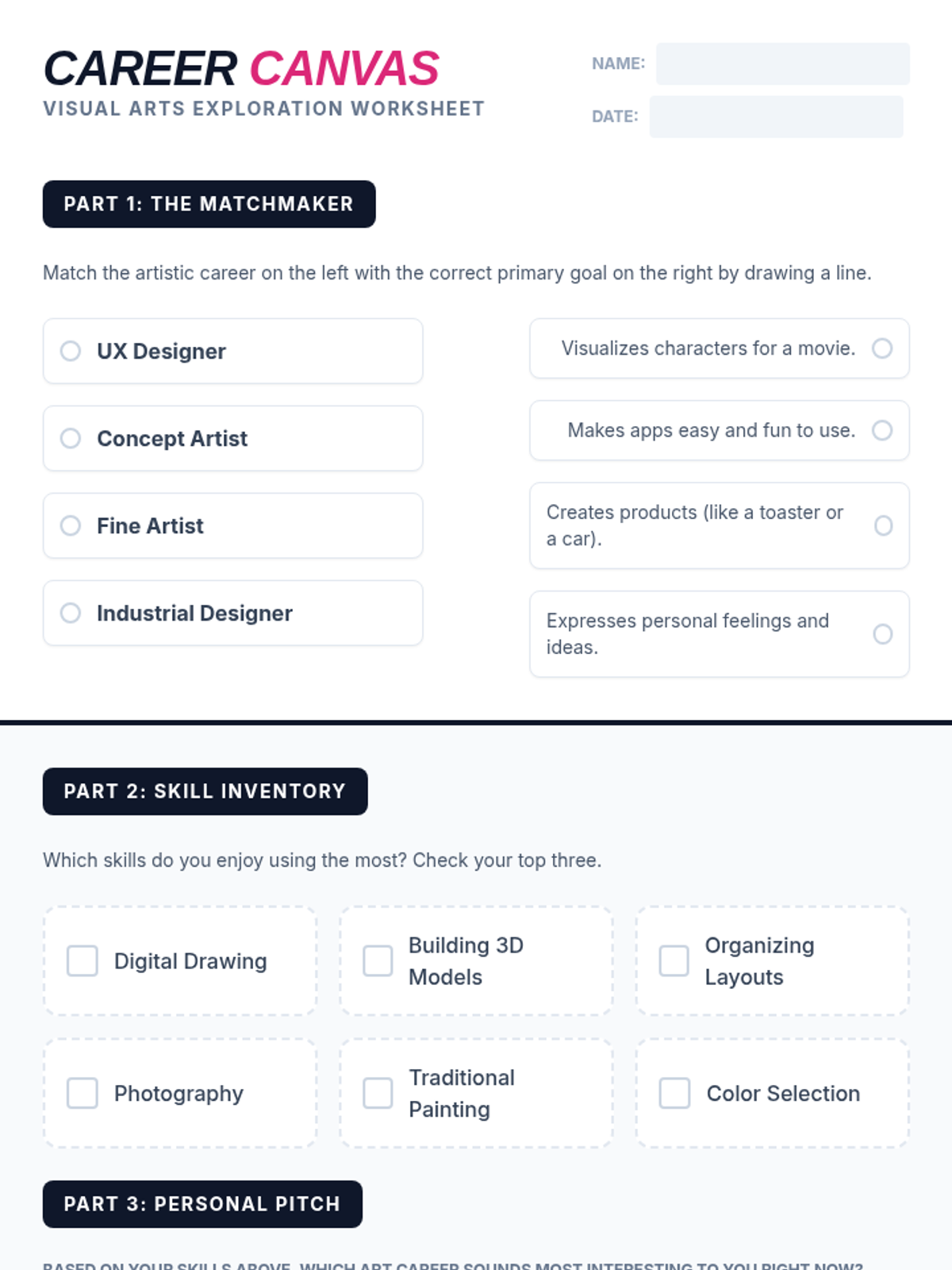
A student worksheet designed to help students explore and reflect on art careers, including a matching activity and a personal skill inventory.
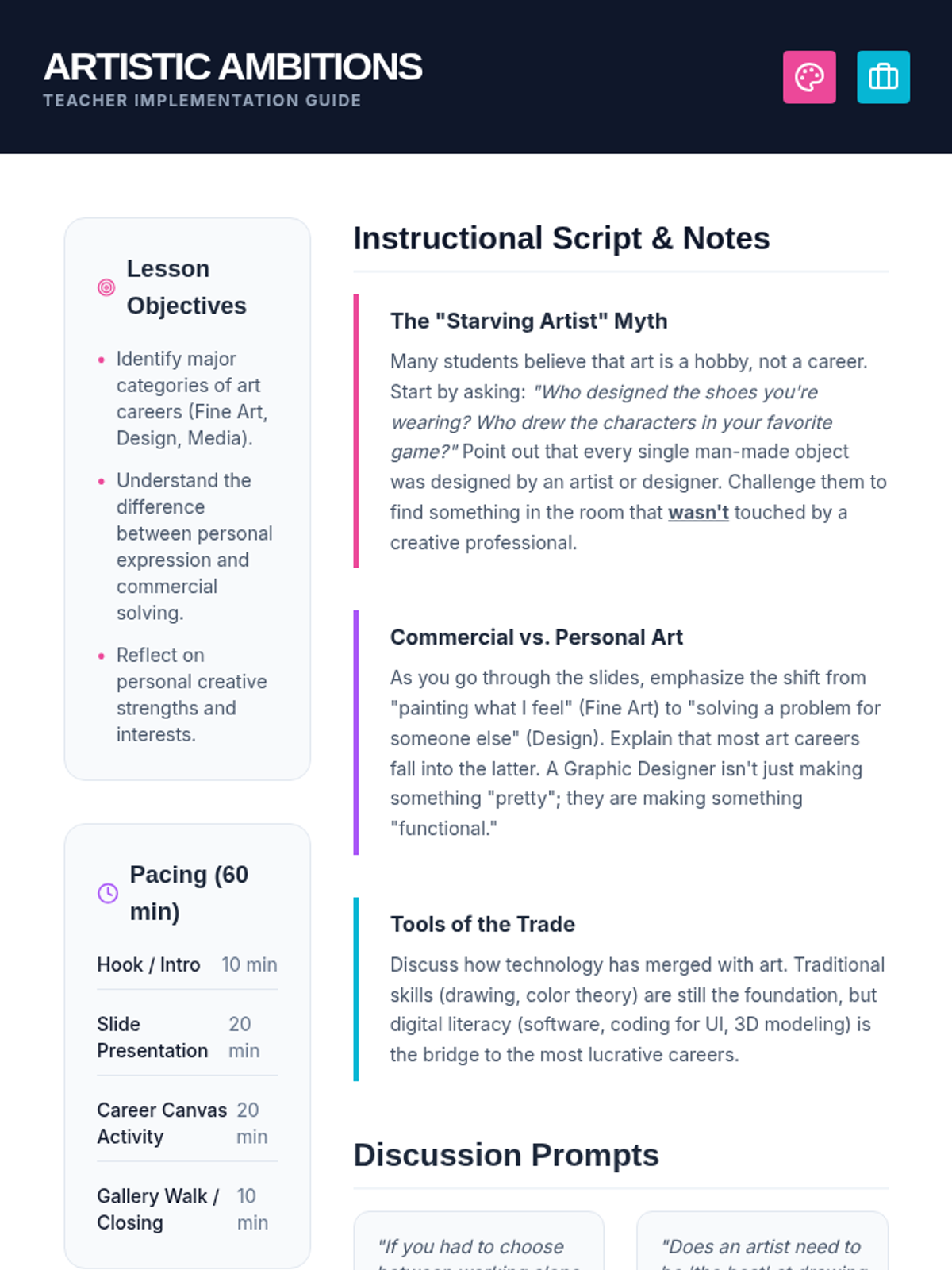
A comprehensive teacher guide for the Artistic Ambitions lesson, including pacing, discussion prompts, and instructional notes to debunk myths about art careers.
A vibrant, high-impact slide deck exploring professional paths in the visual arts, covering fine art, design, media, and architecture.
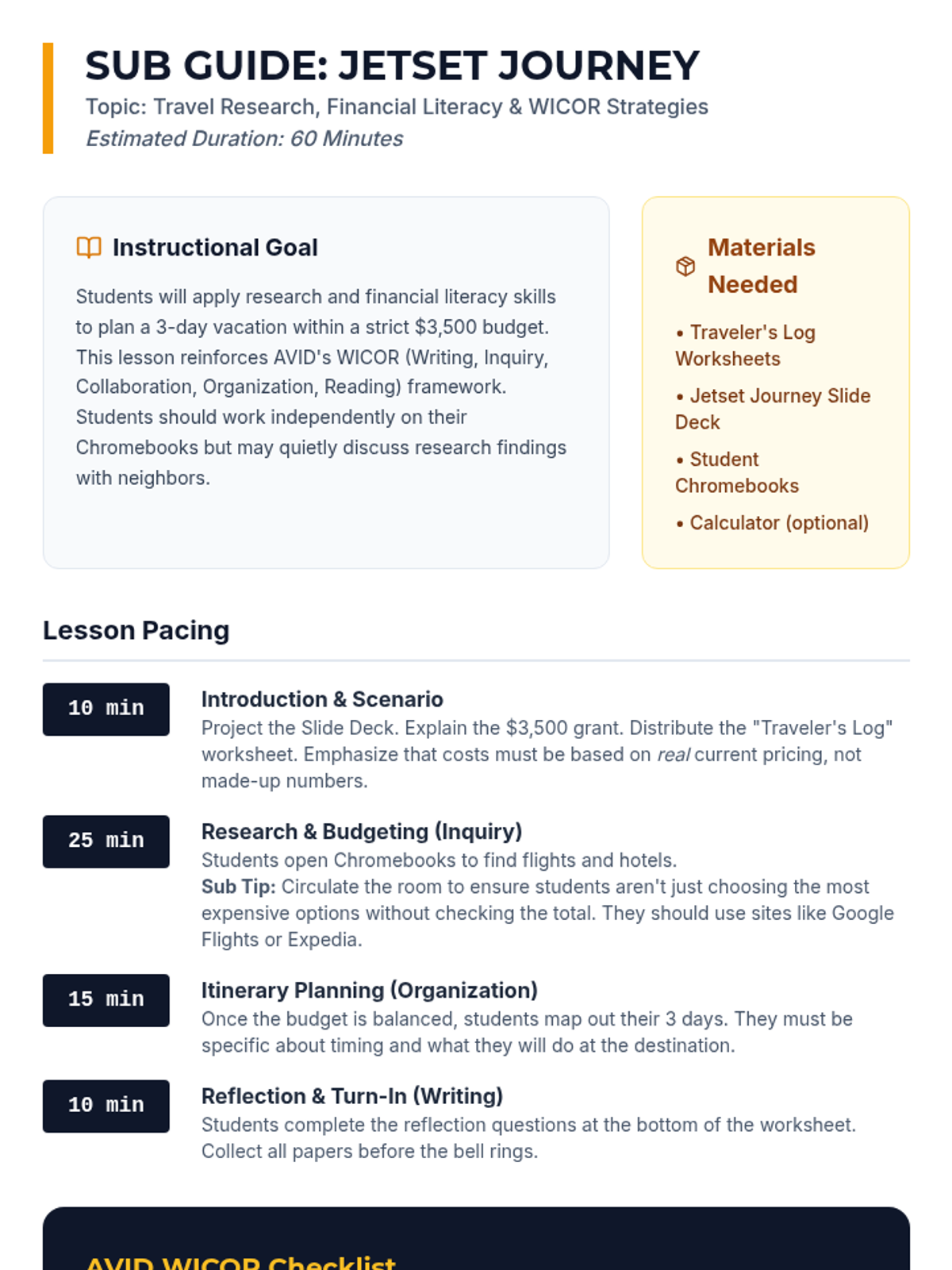
A detailed substitute teacher guide for the "Jetset Journey" lesson, including pacing, WICOR alignment, and classroom management tips for a 60-minute period.
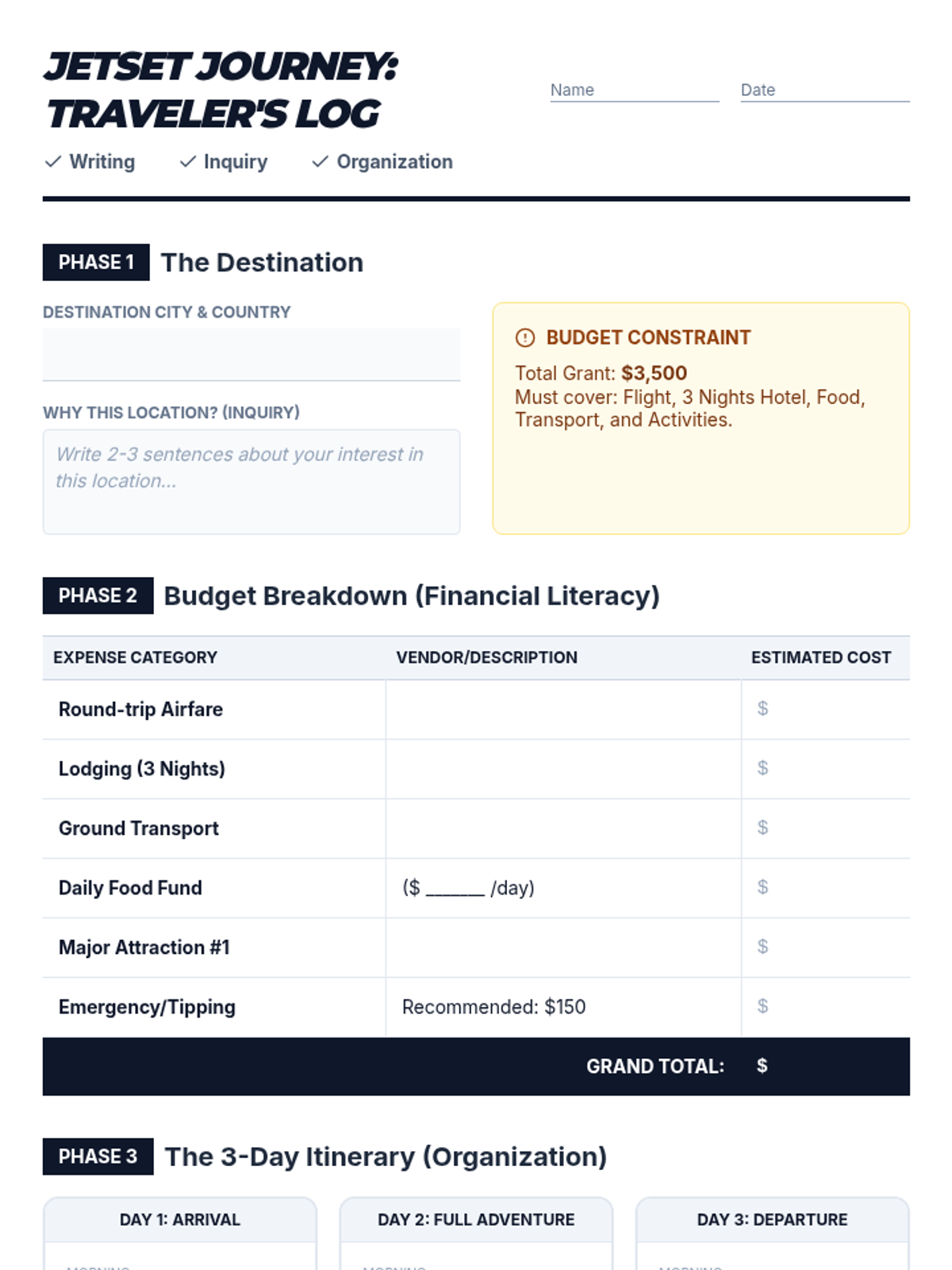
A comprehensive worksheet for AVID students to document their travel research, calculate a detailed budget, and organize a 3-day itinerary, incorporating WICOR reflections.
A visually engaging slide deck designed to guide AVID students through the "Jetset Journey" vacation planning activity, highlighting WICOR strategies and the $3,500 budget constraint.
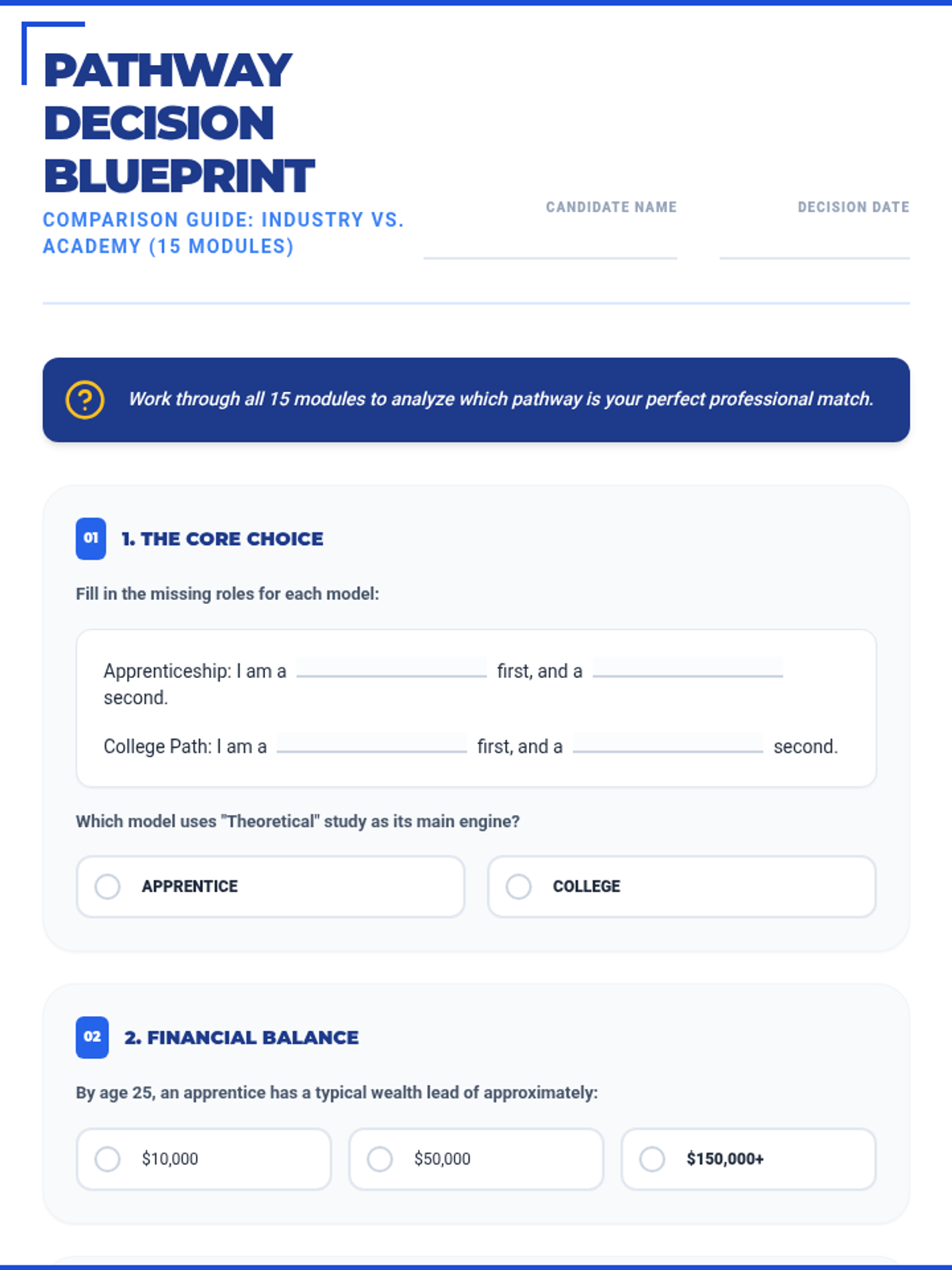
An expanded 15-section worksheet that covers all 8 modules and 10 scenarios of the masterclass, featuring a mix of fill-in-the-blank and multiple-choice questions for deep analysis.
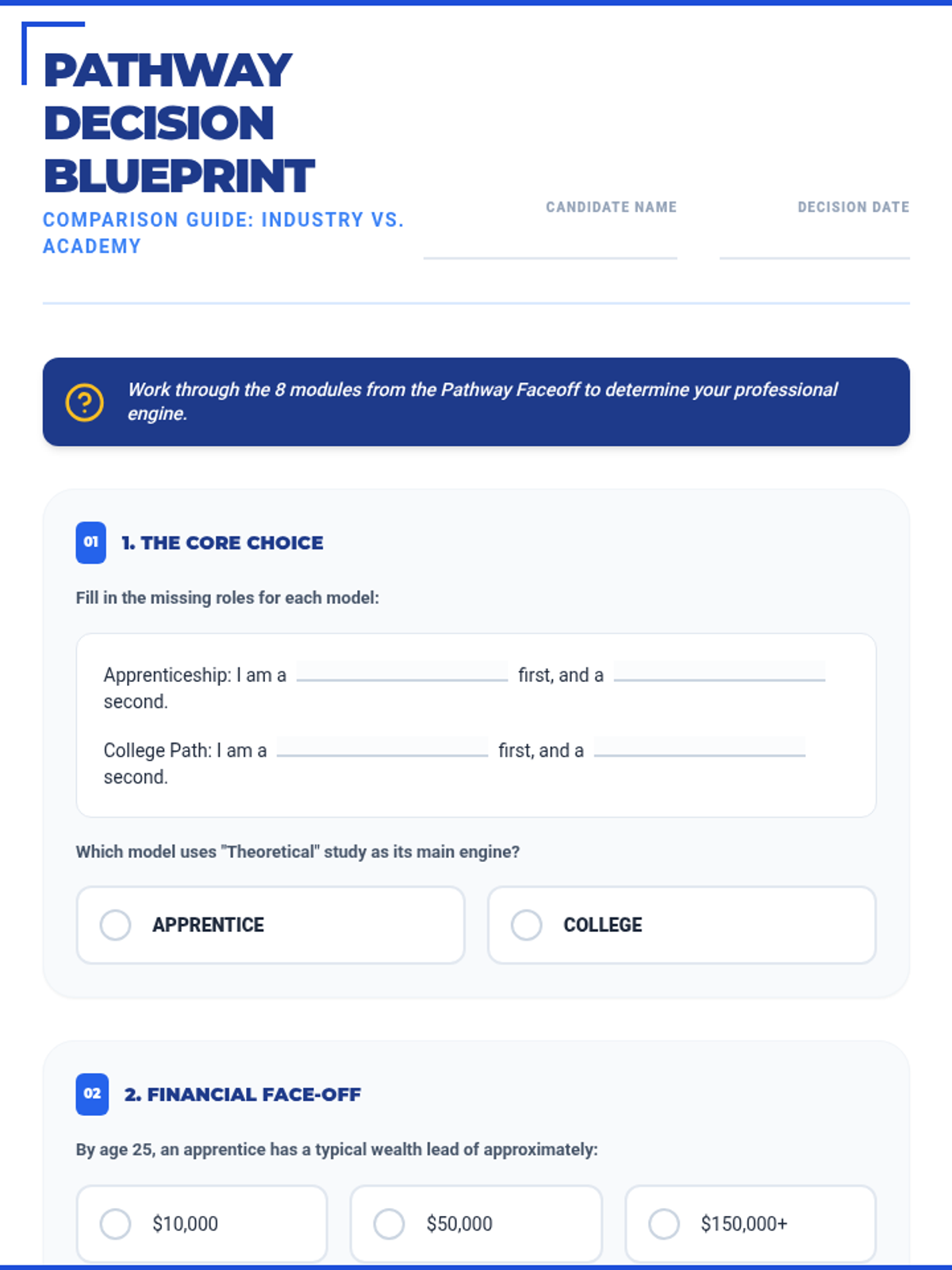
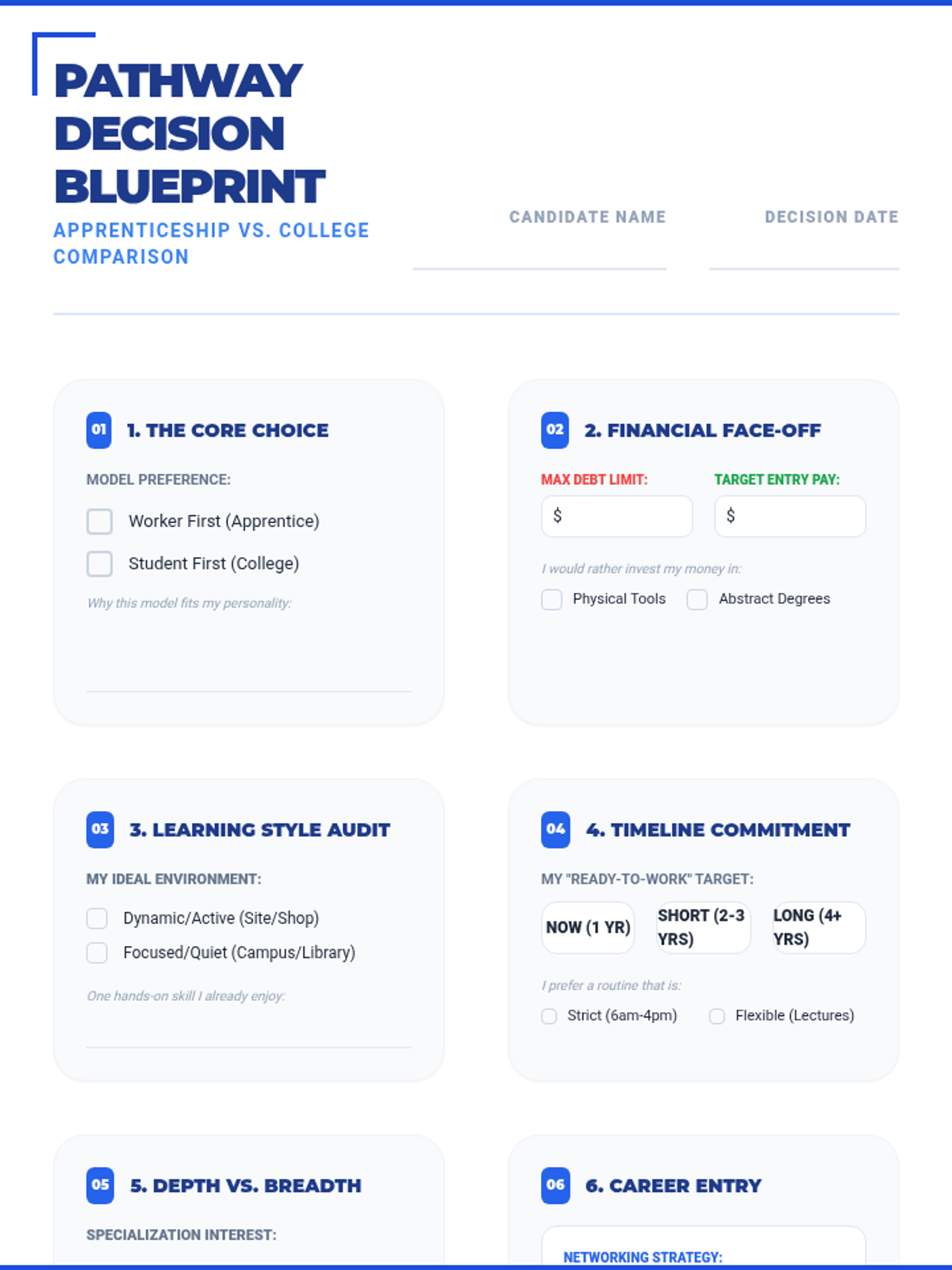
A complete overhaul of the Decision Blueprint worksheet featuring fill-in-the-blank statements and 12 multiple-choice questions across 8 strategic sections to mirror the masterclass slides.
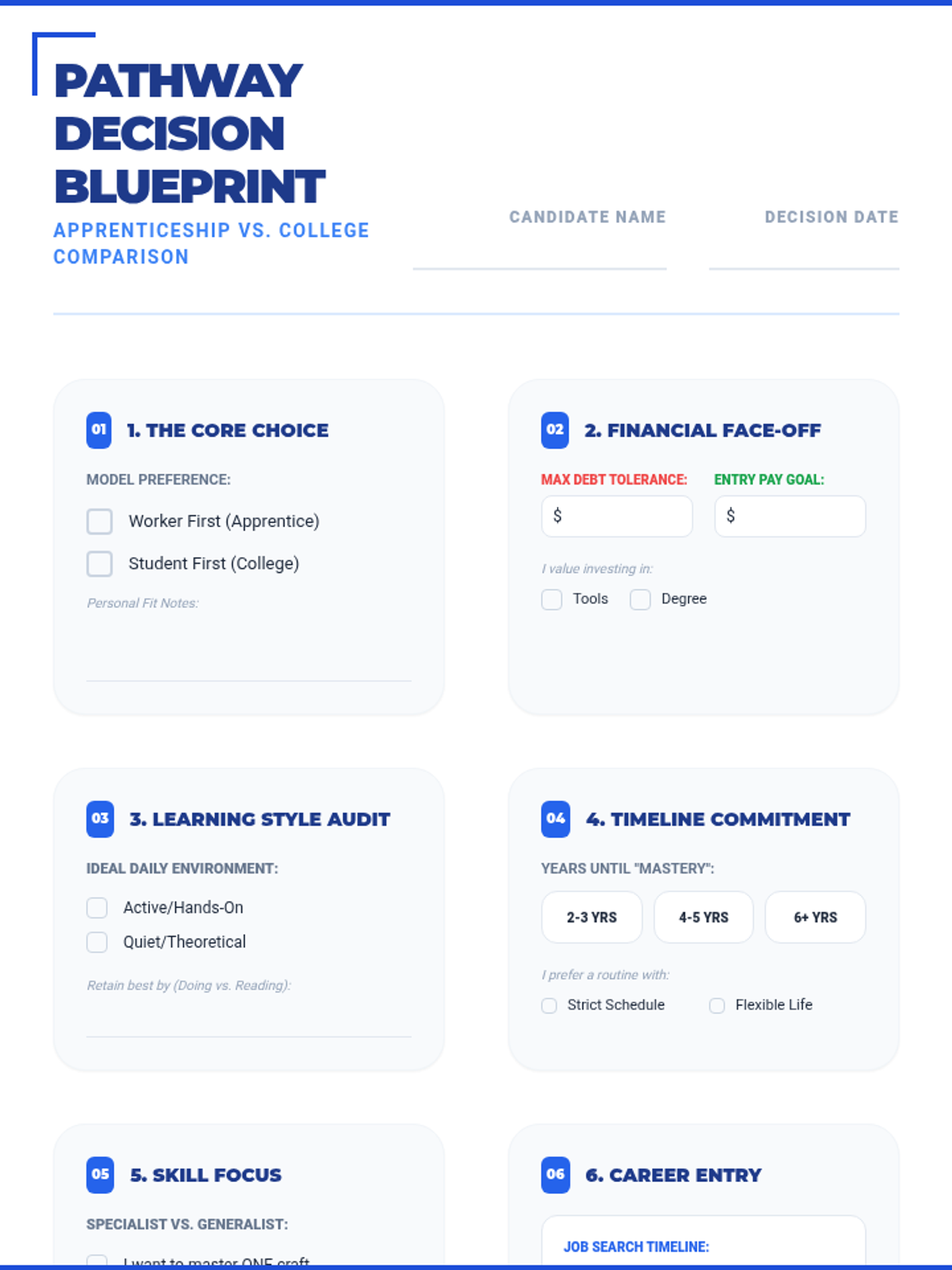
An 8-section worksheet designed to accompany the Pathway Faceoff Slides, guiding students through a structured comparison of apprenticeship and college pathways with specific scenario reflections.
A comprehensive 45-slide comparison between apprenticeships and college degrees, featuring module-based analysis and specific "Pathway Scenarios" to help students decide.
An 8-section worksheet designed to accompany the Pathway Faceoff Slides, guiding students through a structured comparison of apprenticeship and college pathways.
A massive 45-slide presentation covering the entire apprenticeship lifecycle, from application and etiquette to advanced site safety, financial literacy, and career growth.
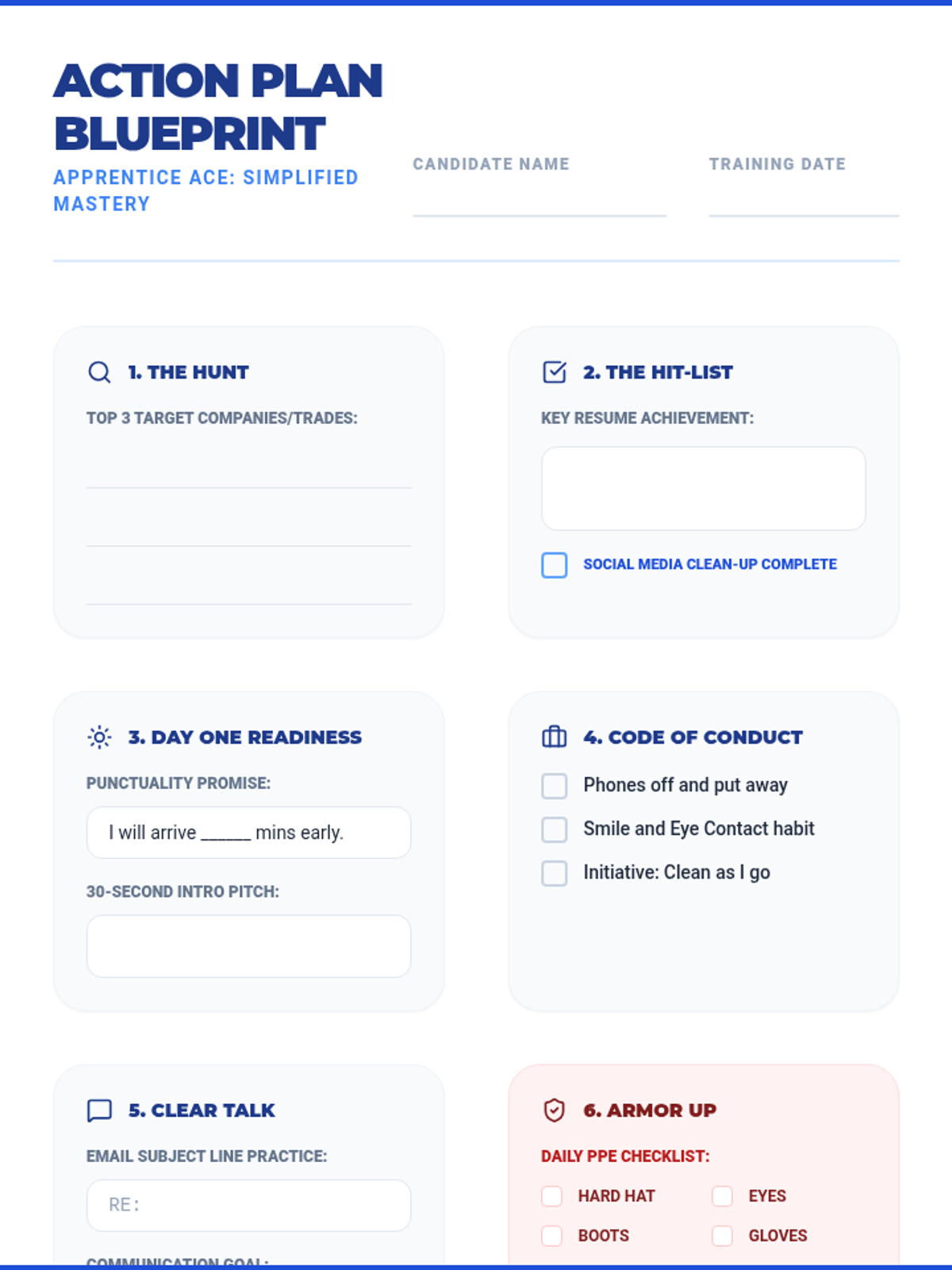
A simplified 8-section action plan worksheet designed to match the streamlined slide deck, focusing on clear goals and essential professional habits.
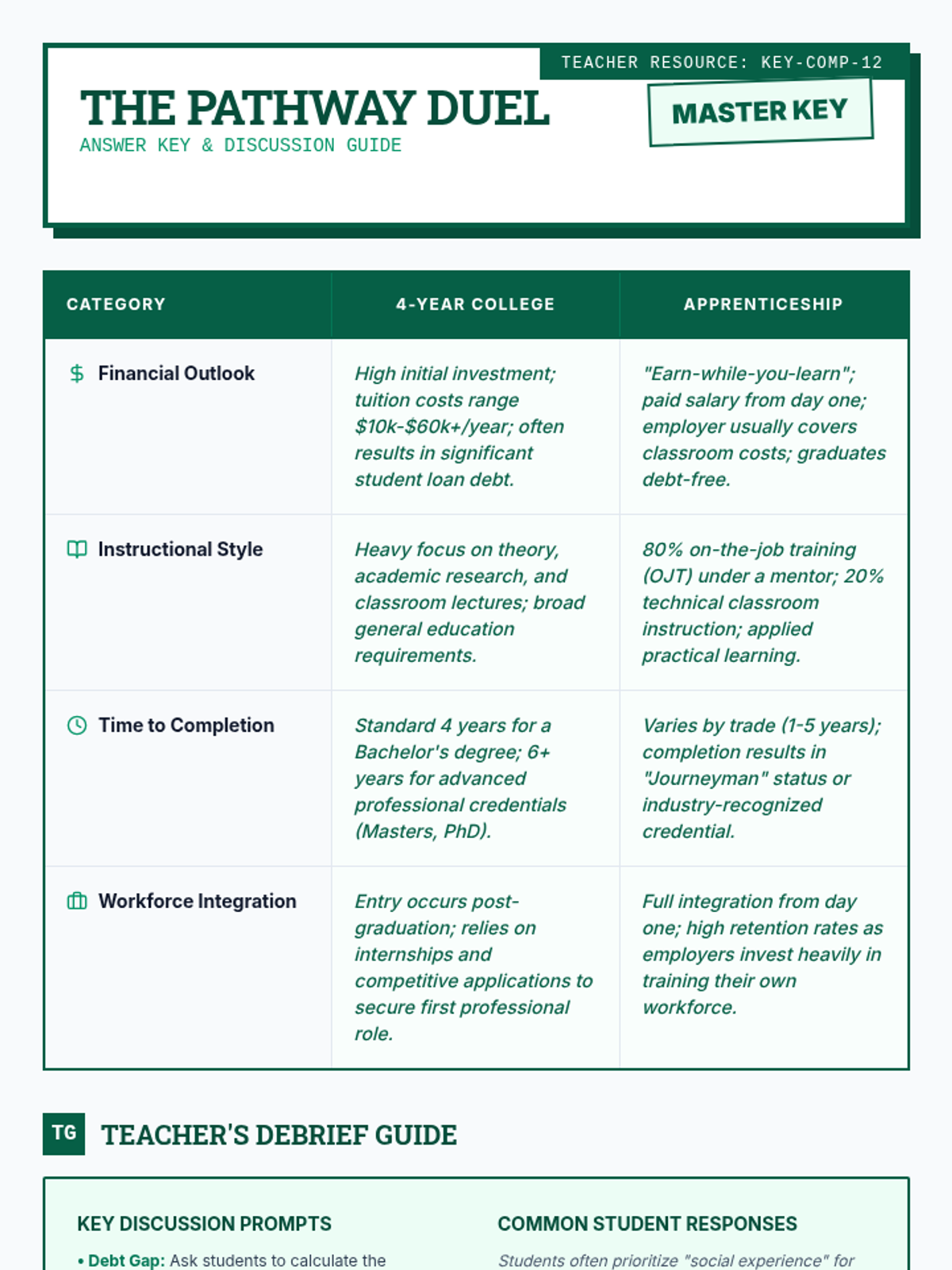
An answer key and discussion guide for the Pathway Comparison Chart, providing specific comparison points between college and apprenticeships along with teacher prompts.
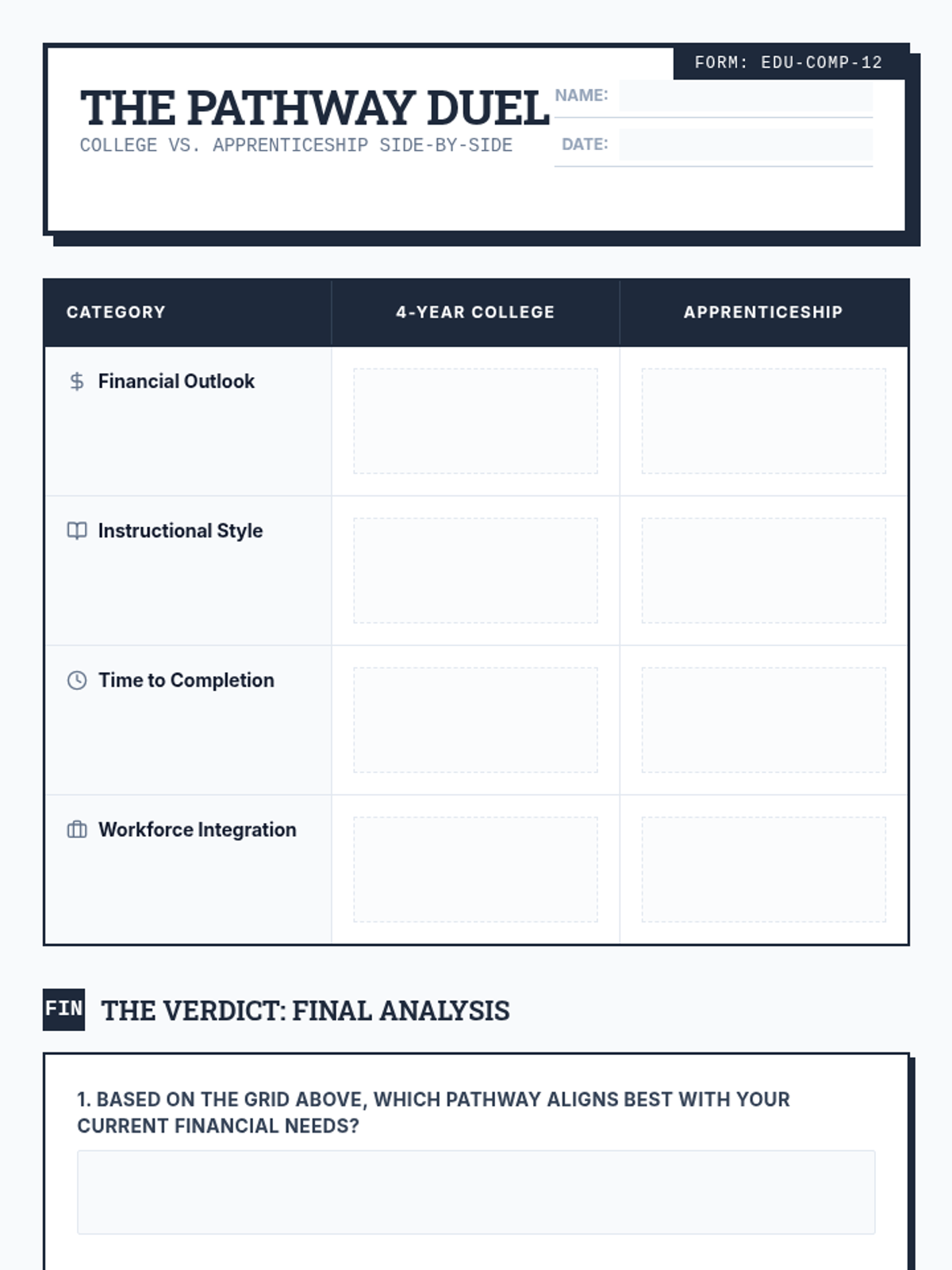
A side-by-side comparison chart for students to analyze the differences between traditional 4-year college and apprenticeship pathways across various categories.
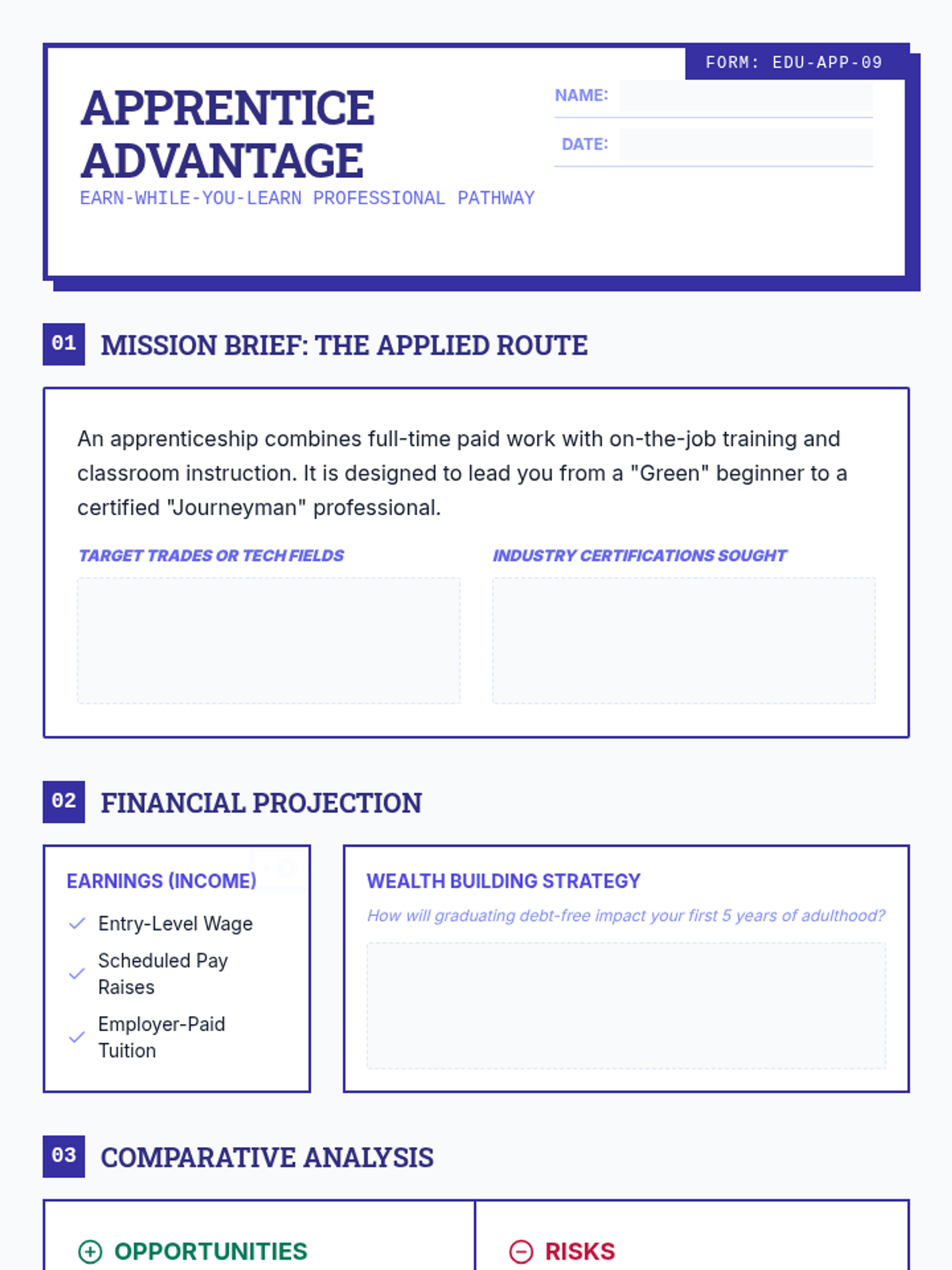
A structured worksheet for students to analyze the apprenticeship pathway, highlighting the earn-while-you-learn model, career specific pros/cons, and financial benefits.
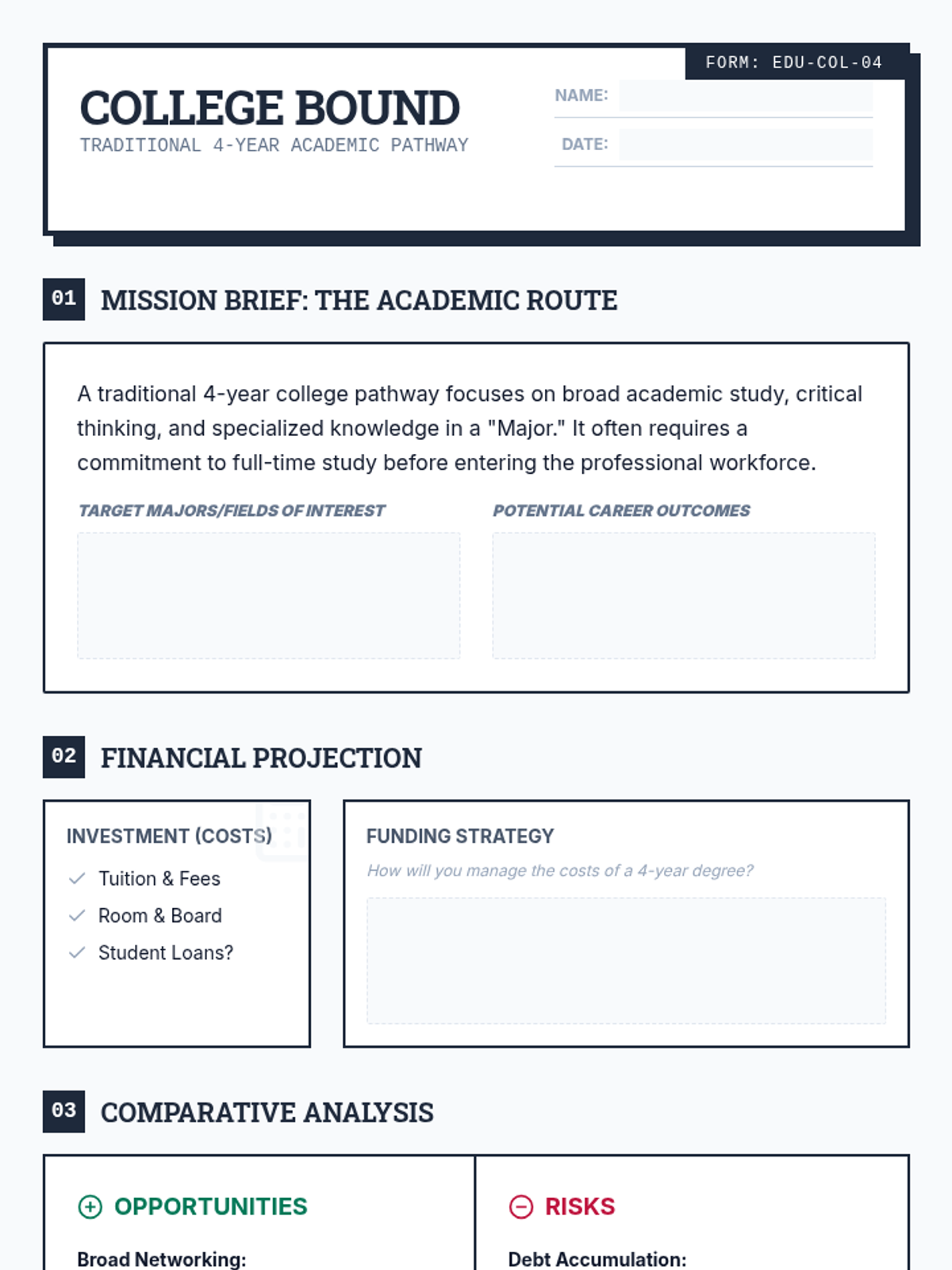
A structured worksheet for students to explore the traditional 4-year college pathway, including costs, career outcomes, and a pros/cons analysis.
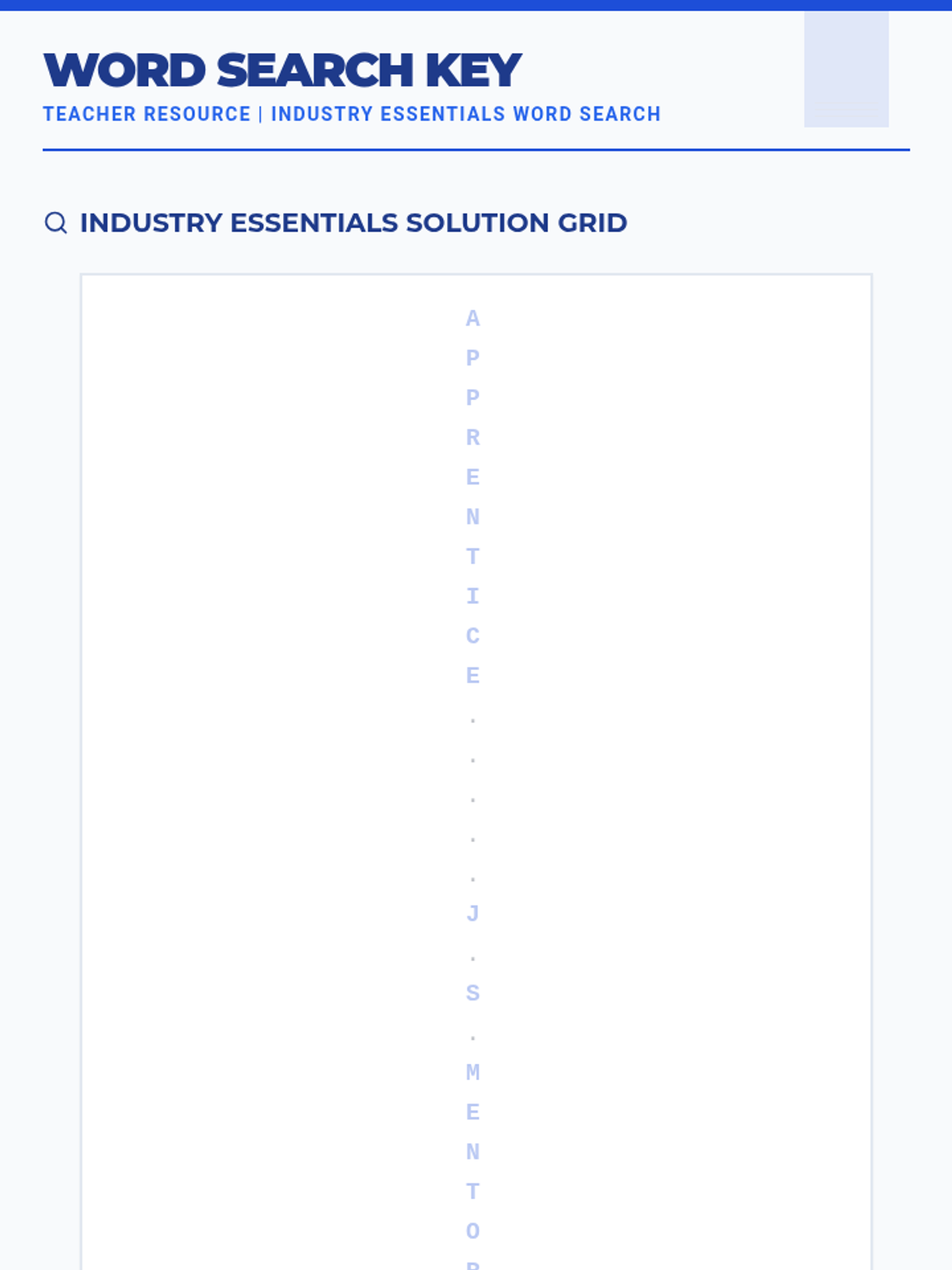
An answer key for the Industry Essentials Word Search, providing locations and a highlighted grid for all 20 professional apprenticeship terms.
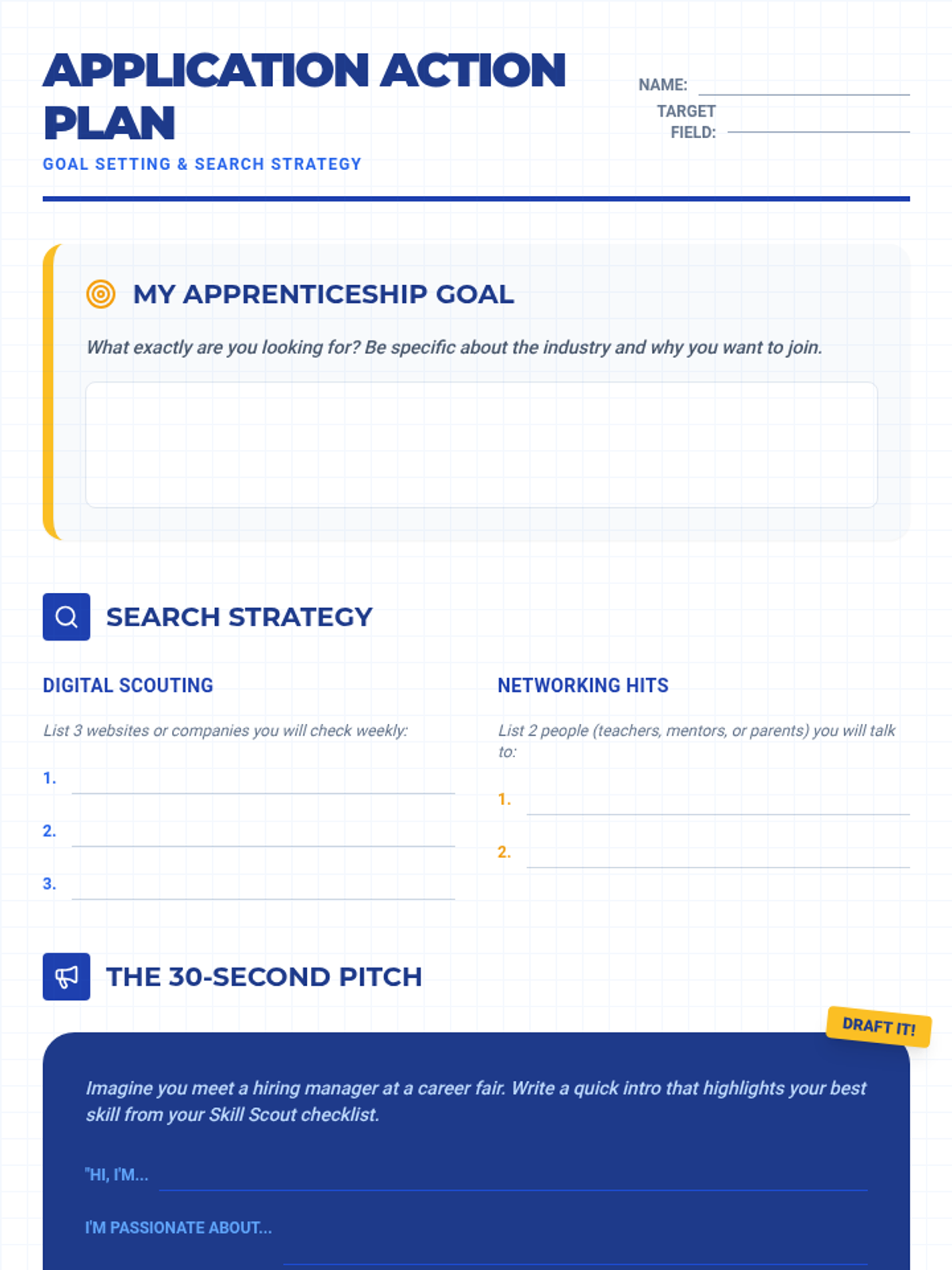
An 8-section strategic worksheet that aligns with the Apprentice Ace Slides, allowing students to plan their application, first day, safety protocols, and long-term career goals.
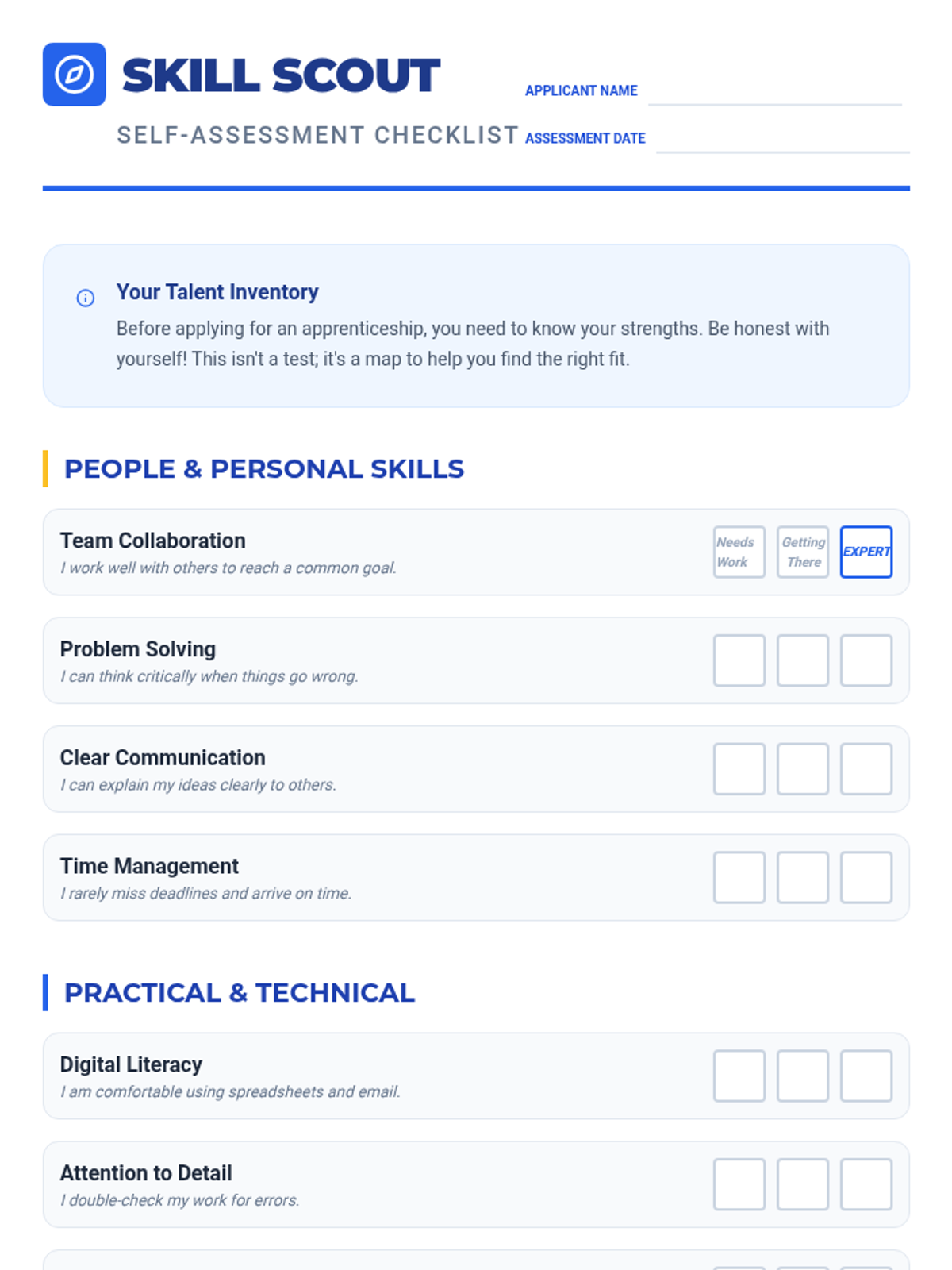
A skills self-assessment checklist for students to evaluate their soft and technical skills before applying for apprenticeships.
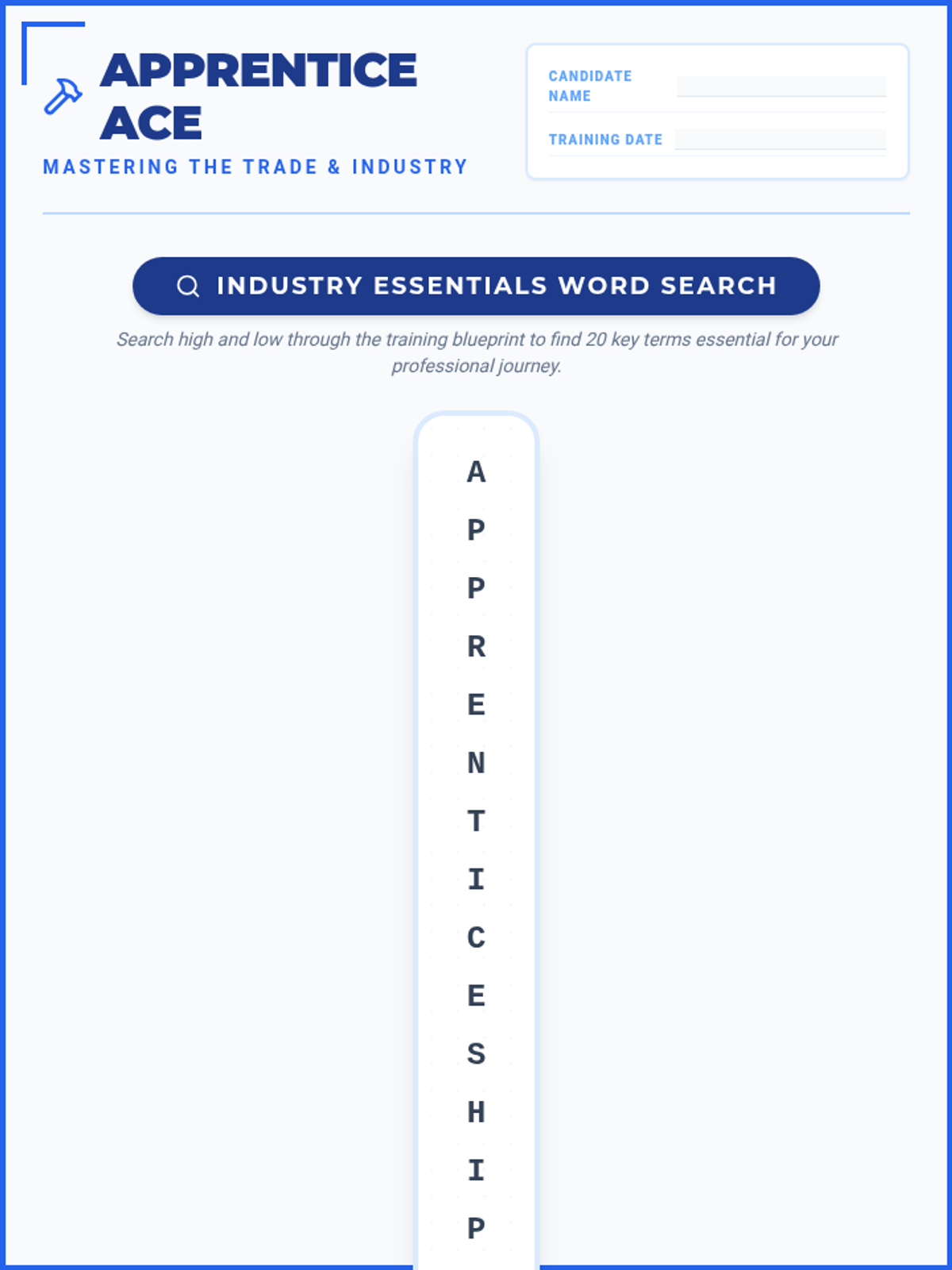
An apprenticeship-themed word search featuring 20 industry terms like Journeyman, Mentor, and Vocational, designed with a blueprint aesthetic.
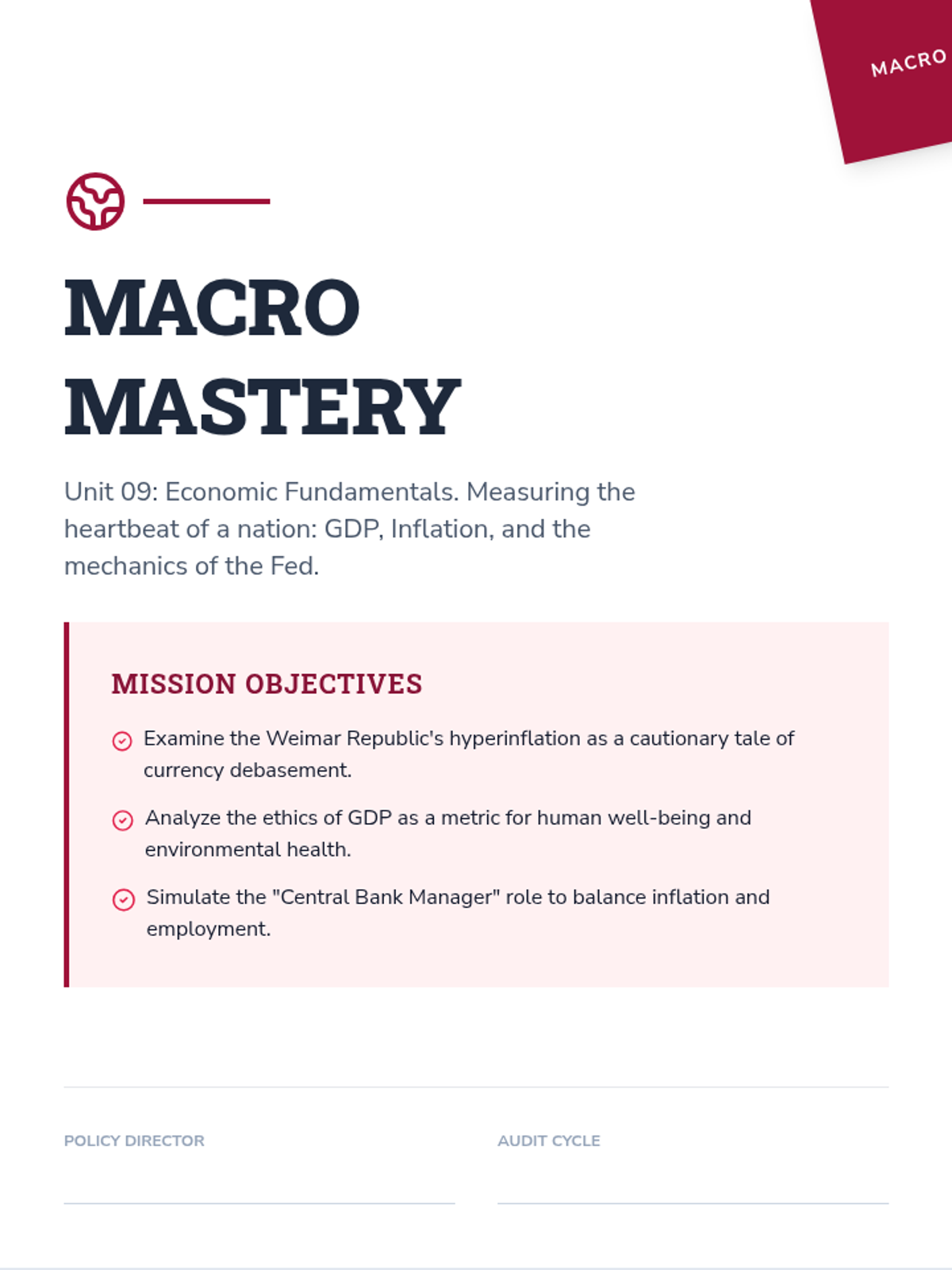
A 10-page scenario-based workbook focusing on macroeconomics fundamentals. Features the 1923 Weimar hyperinflation case study, the ethics of GDP vs. Happiness, the Phillips Curve trade-off, and simulations for managing interest rates as a Central Bank Chair.
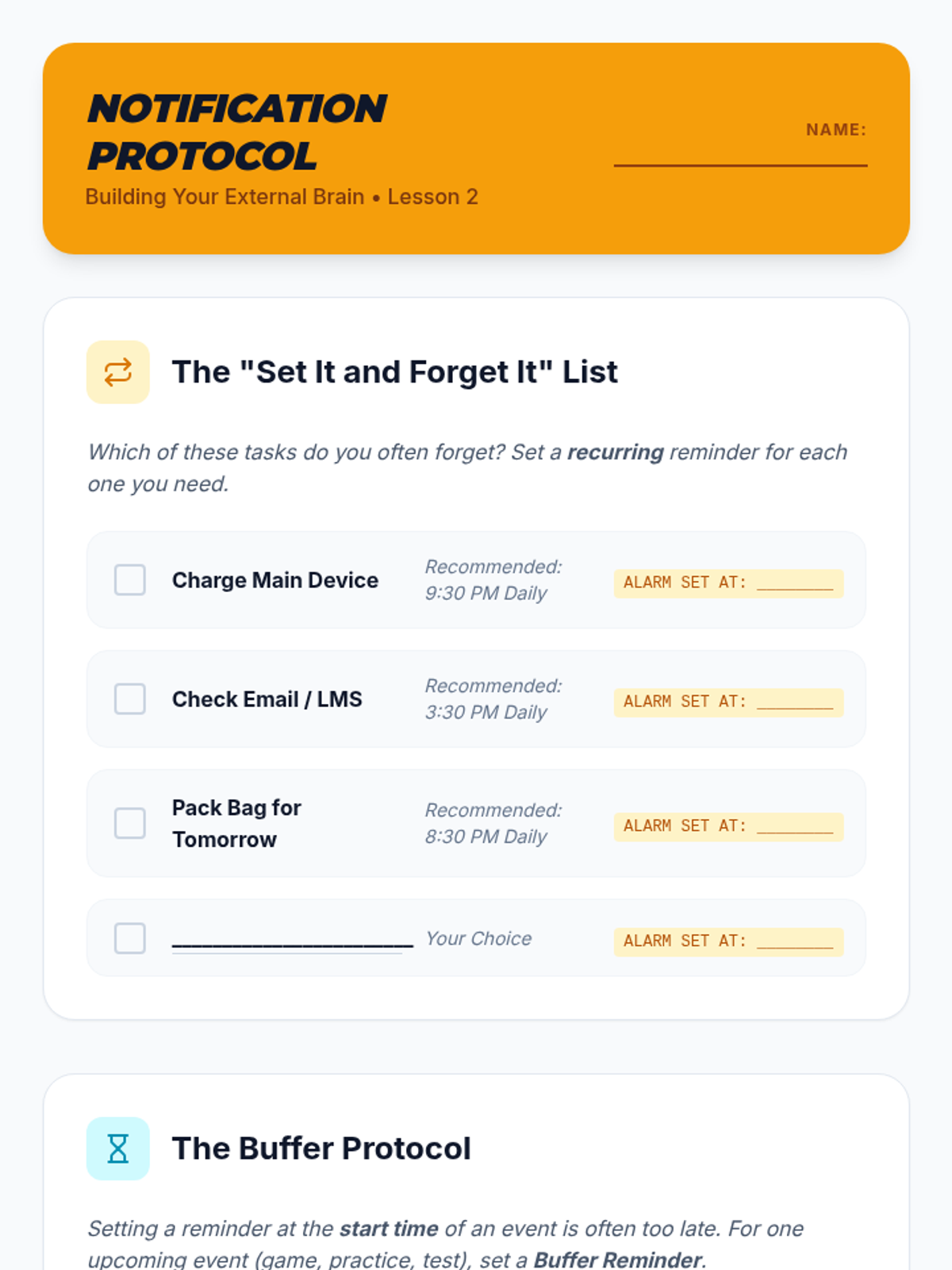
A student worksheet for Lesson 2 to help students configure automated alerts and "Buffer Protocol" reminders on their devices.
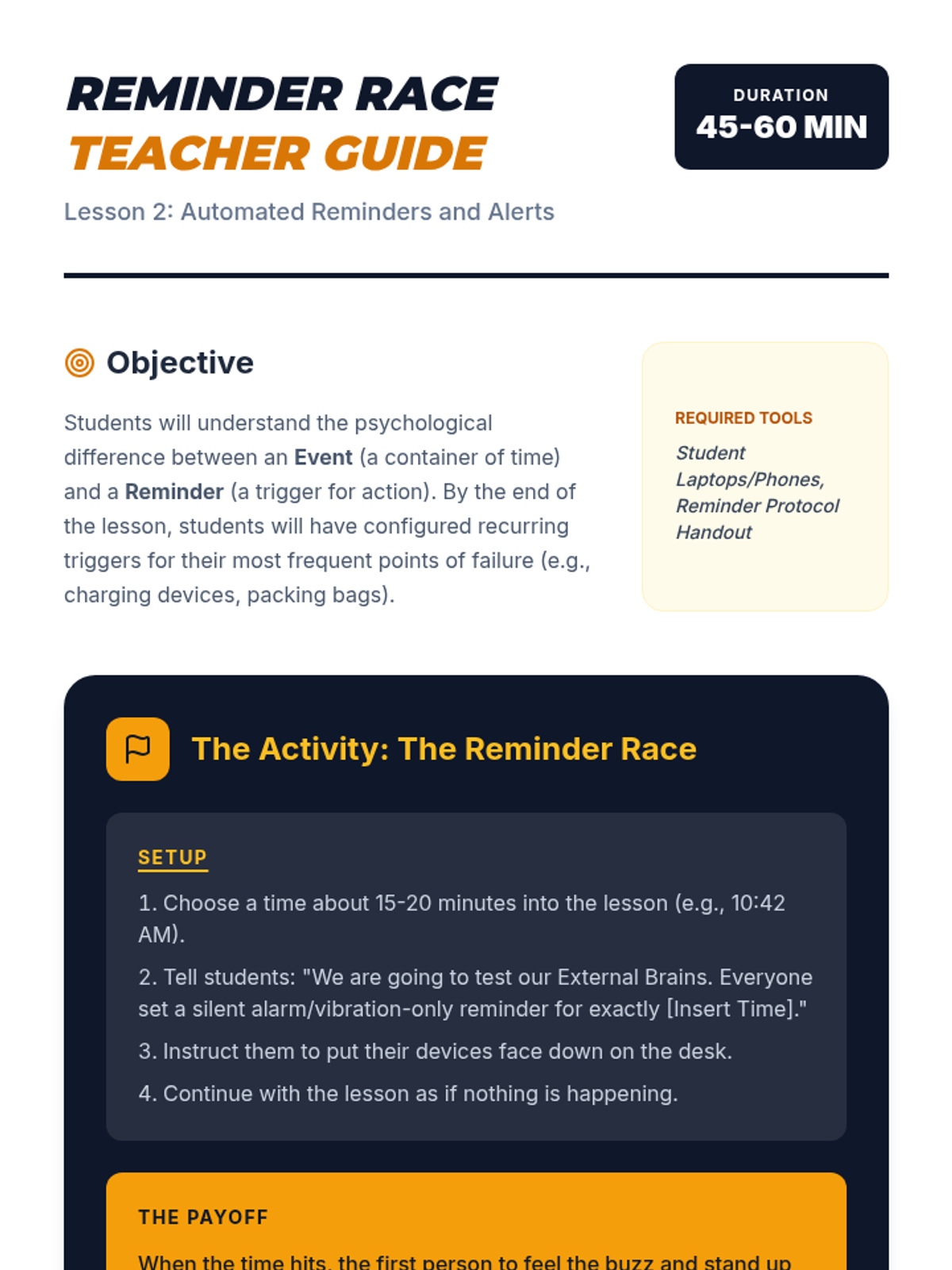
A teacher guide for Lesson 2 focusing on the interactive "Reminder Race" activity and key strategies for proactive time management.
A visual presentation for Lesson 2 focusing on the difference between events and reminders, the "Buffer Protocol," and recurring automation.
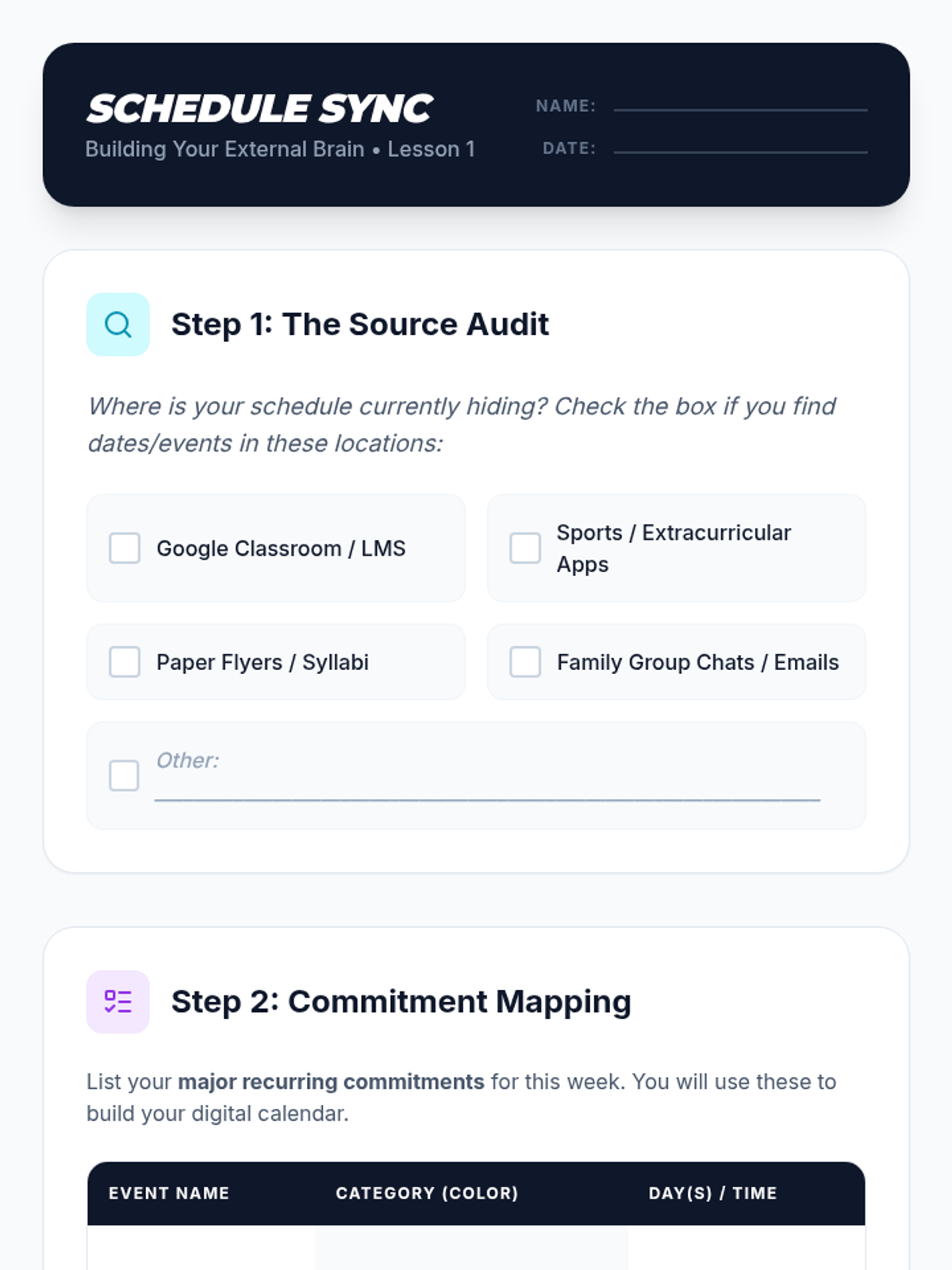
A student worksheet for Lesson 1 to help students audit their information sources and map out commitments before digital entry.
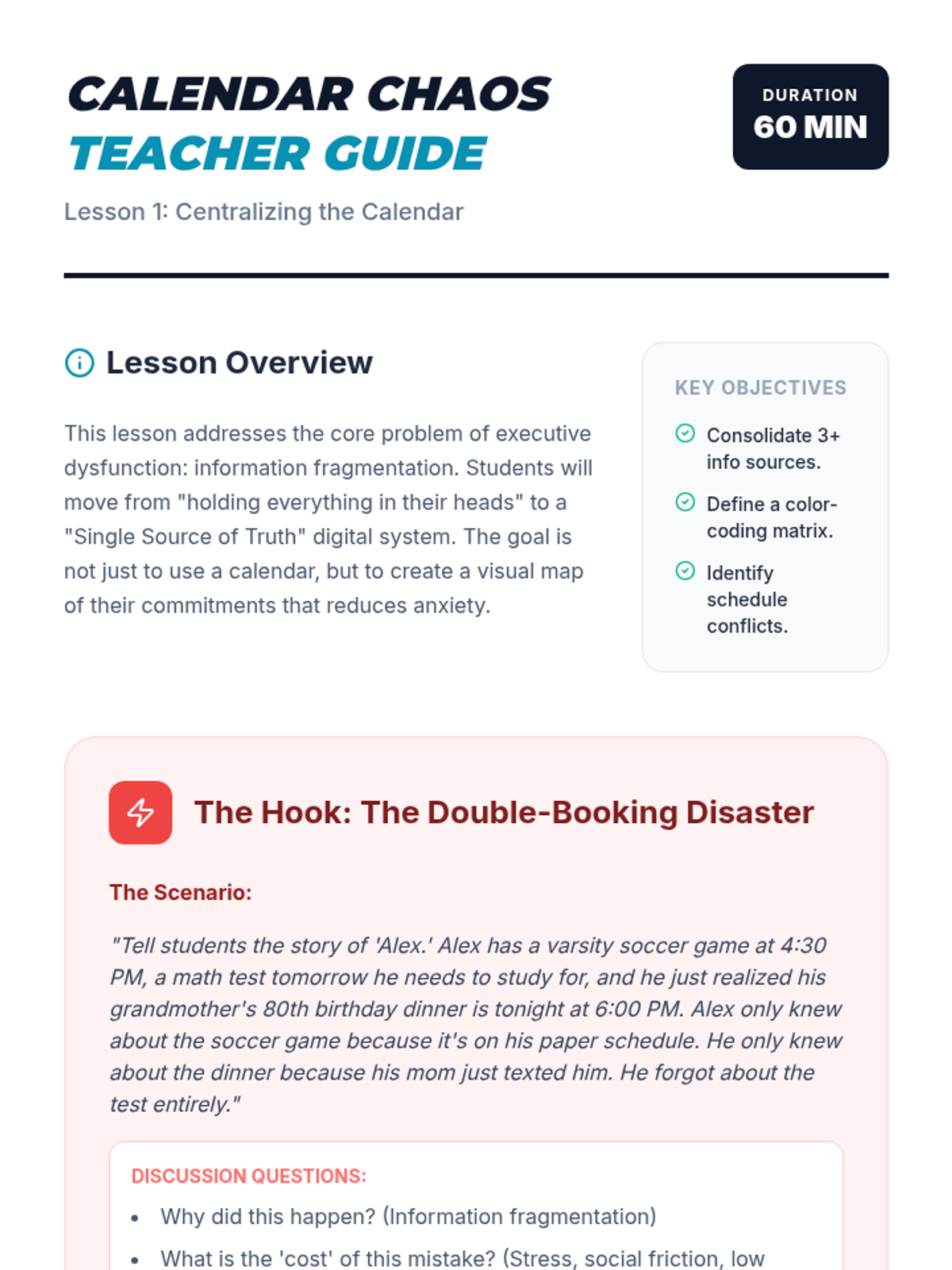
A teacher guide for Lesson 1 on centralizing digital calendars, featuring the "Calendar Disaster" hook and step-by-step facilitation notes.
A visual presentation for Lesson 1 on centralizing digital calendars, featuring strategies for color-coding and the "Single Source of Truth" philosophy.
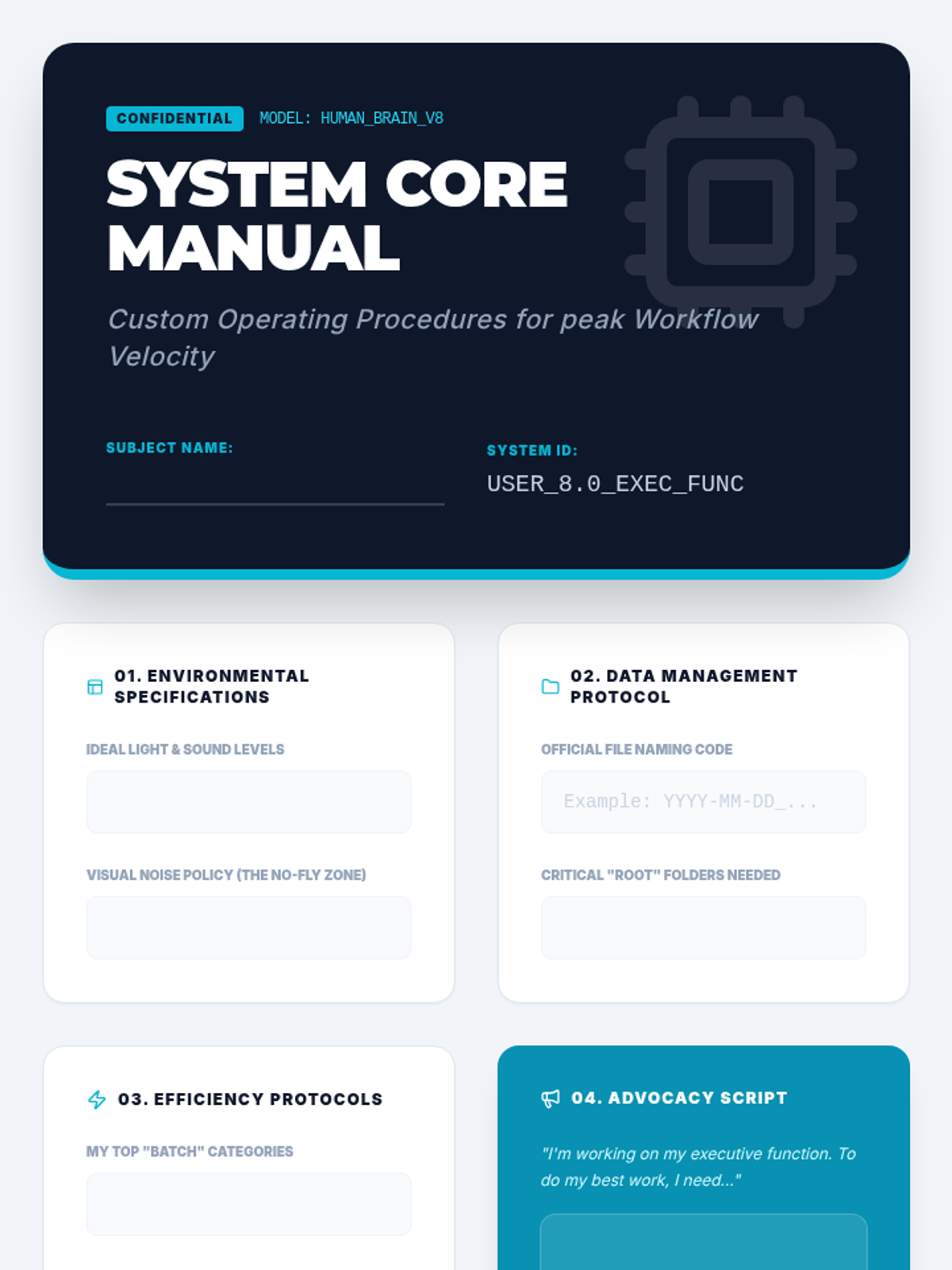
The capstone project template for the sequence. Students synthesize all previous learning into a professional-looking "System Core Manual" that documents their personalized organizational strategies and self-advocacy needs.
Final project presentation guiding students to synthesize their learning into a personal "Operating Manual." Focuses on self-advocacy and developing a set of standard operating procedures for their individual cognitive needs.
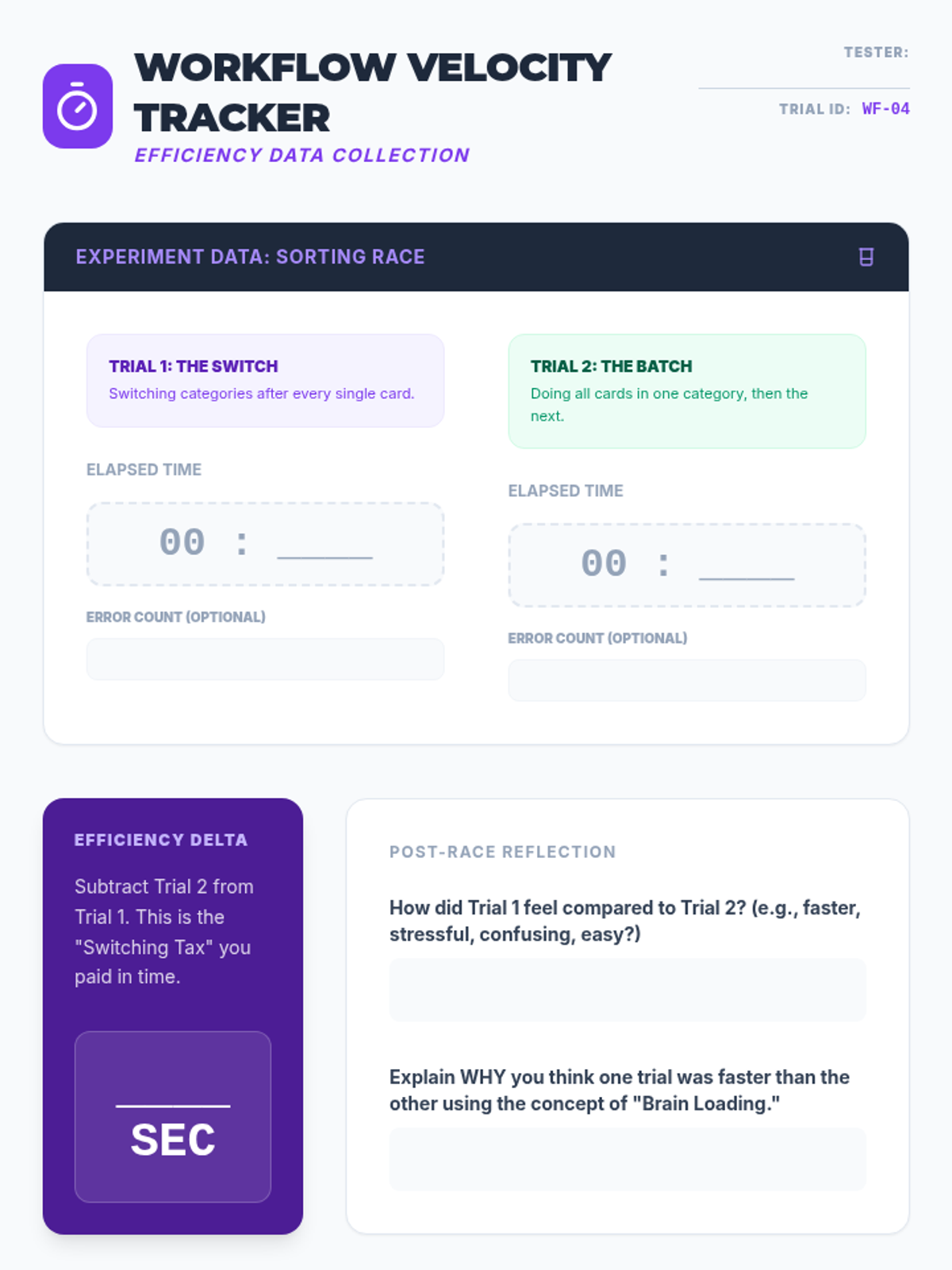
Experimental data tracker for the sorting race. Students record times for sequential versus batched tasks, calculate their efficiency delta, and plan real-world application of batching strategies to their homework.
Slides explaining the concept of task batching versus context switching. Includes instructions for a physical "Sorting Race" experiment to demonstrate the productivity cost of multitasking.
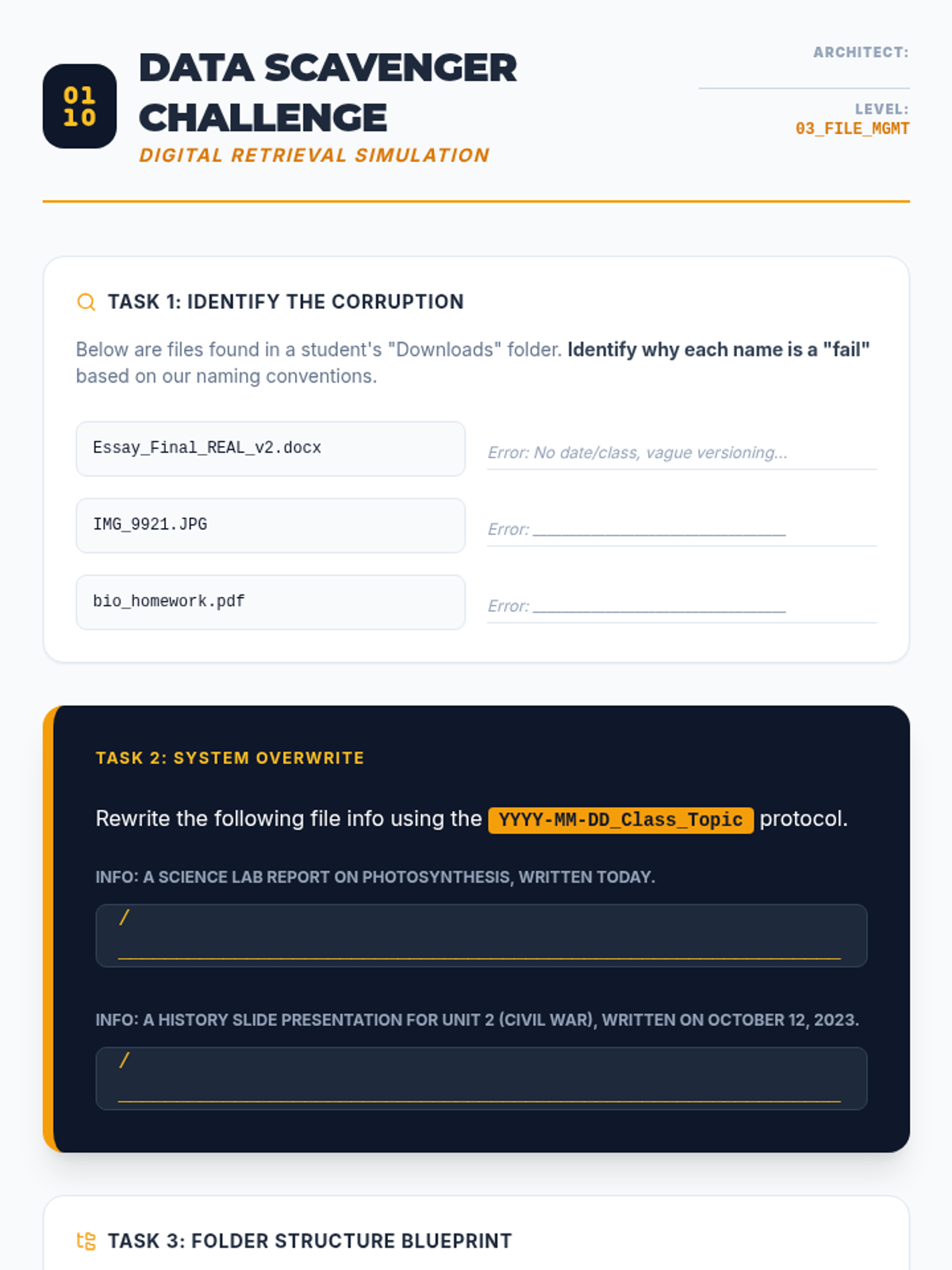
Worksheet practicing file naming conventions and digital hierarchy. Students analyze poorly named files, rewrite them using professional protocols, and design a personalized folder structure.
Slide deck teaching digital file management, focusing on file naming conventions (YYYY-MM-DD format), folder hierarchy architecture, and the "Inbox Zero" strategy for email management.
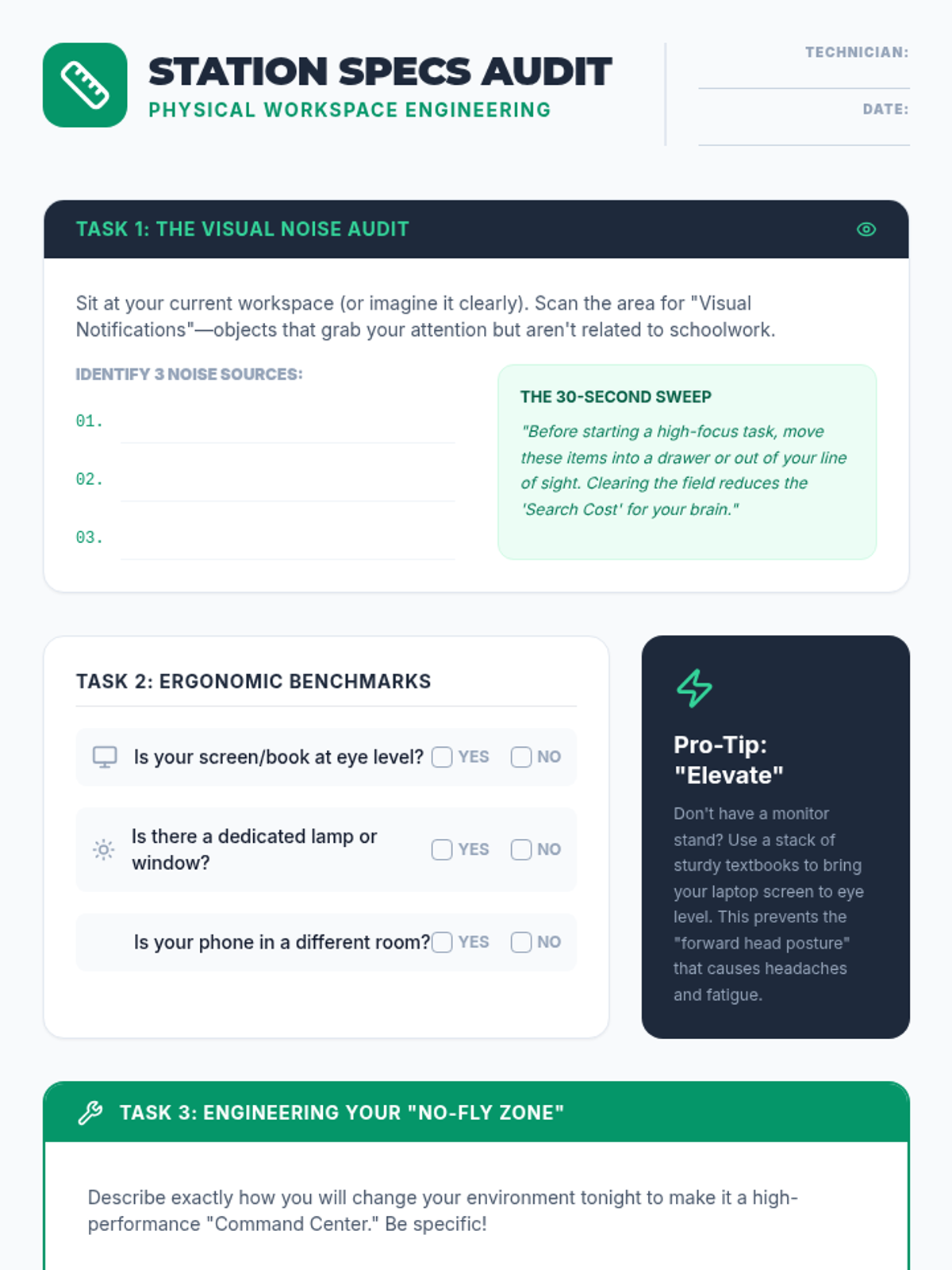
A worksheet for students to audit their current study environment and create a concrete engineering plan to optimize their physical workspace for focus and ergonomics.
Slides focusing on workspace optimization, exploring how physical clutter acts as cognitive noise and introducing the three pillars of environmental design: lighting, ergonomics, and atmosphere.
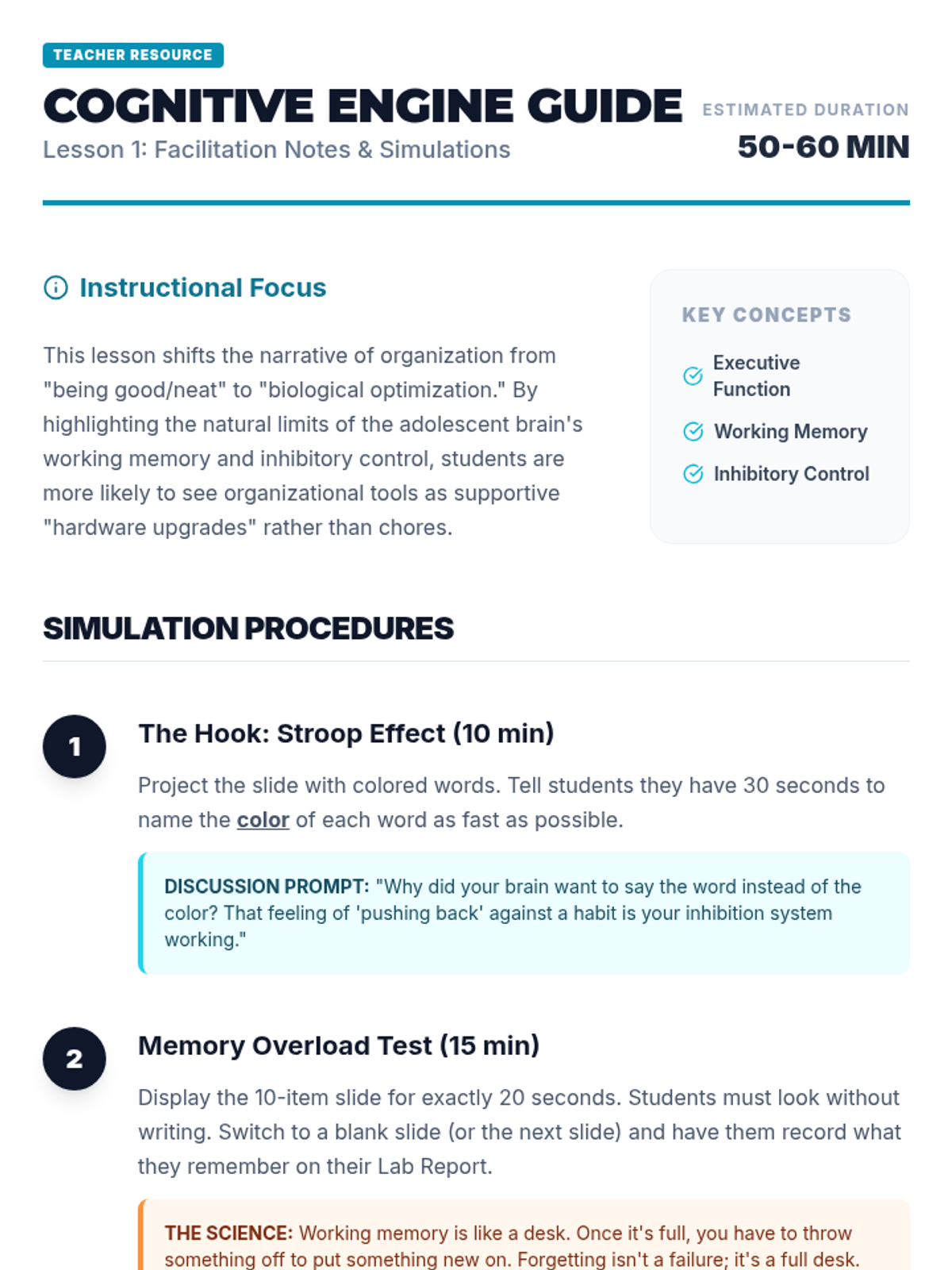
Teacher facilitator guide for the Cognitive Engine lesson, providing step-by-step simulation instructions, discussion prompts, and differentiation strategies.
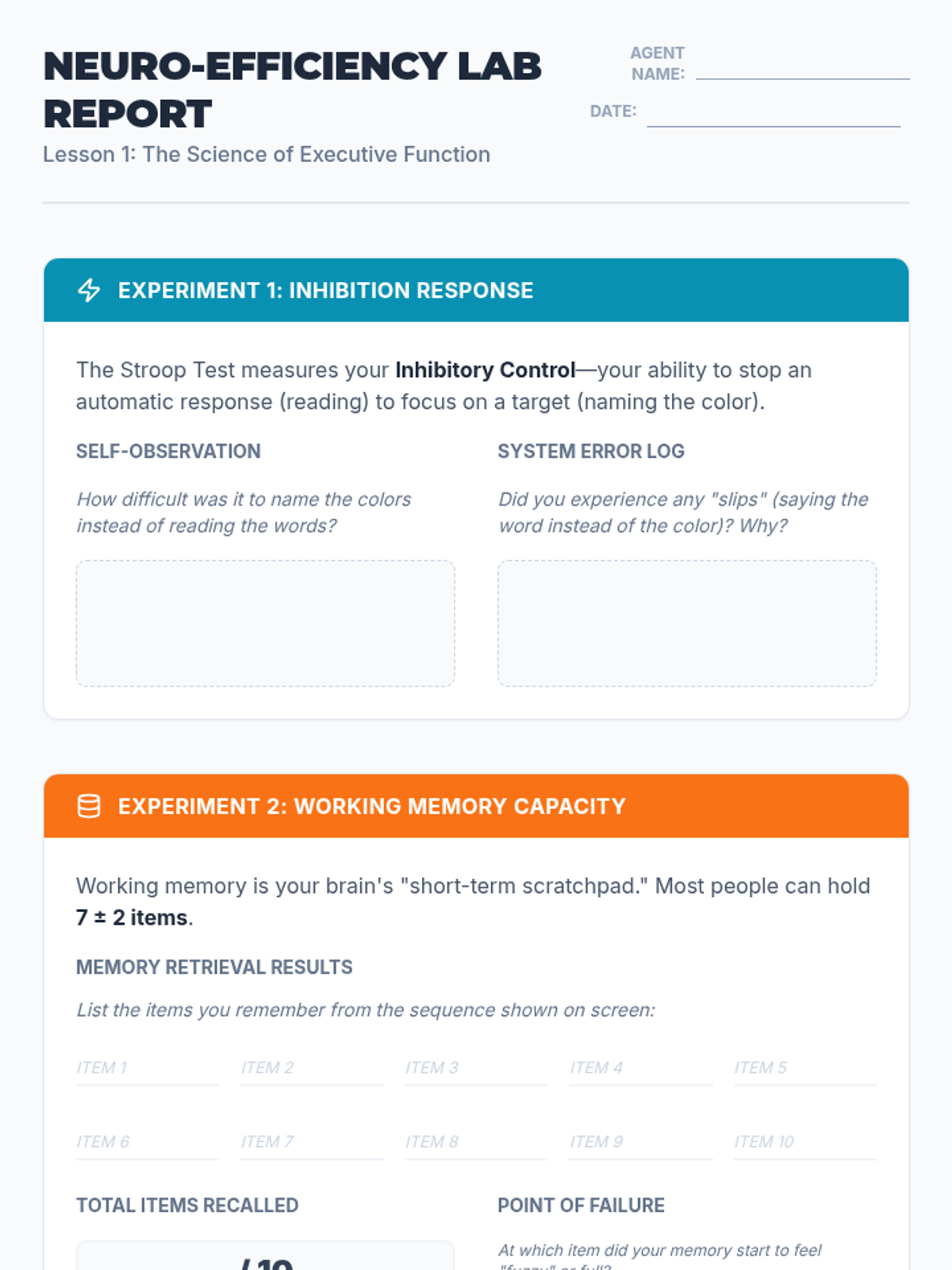
A lab report for students to record and analyze their results from the Stroop Effect and working memory simulations, connecting the biological limits of the brain to the need for organizational systems.
Introductory presentation exploring executive function concepts like working memory and inhibition through interactive simulations like the Stroop Effect and memory tasks.
A comprehensive teacher guide for the 'Multitasking Olympics' lesson, providing the full source text for the reading comprehension challenge, a complete answer key, and specific instructional tips for managing the competitive elements of the lesson.
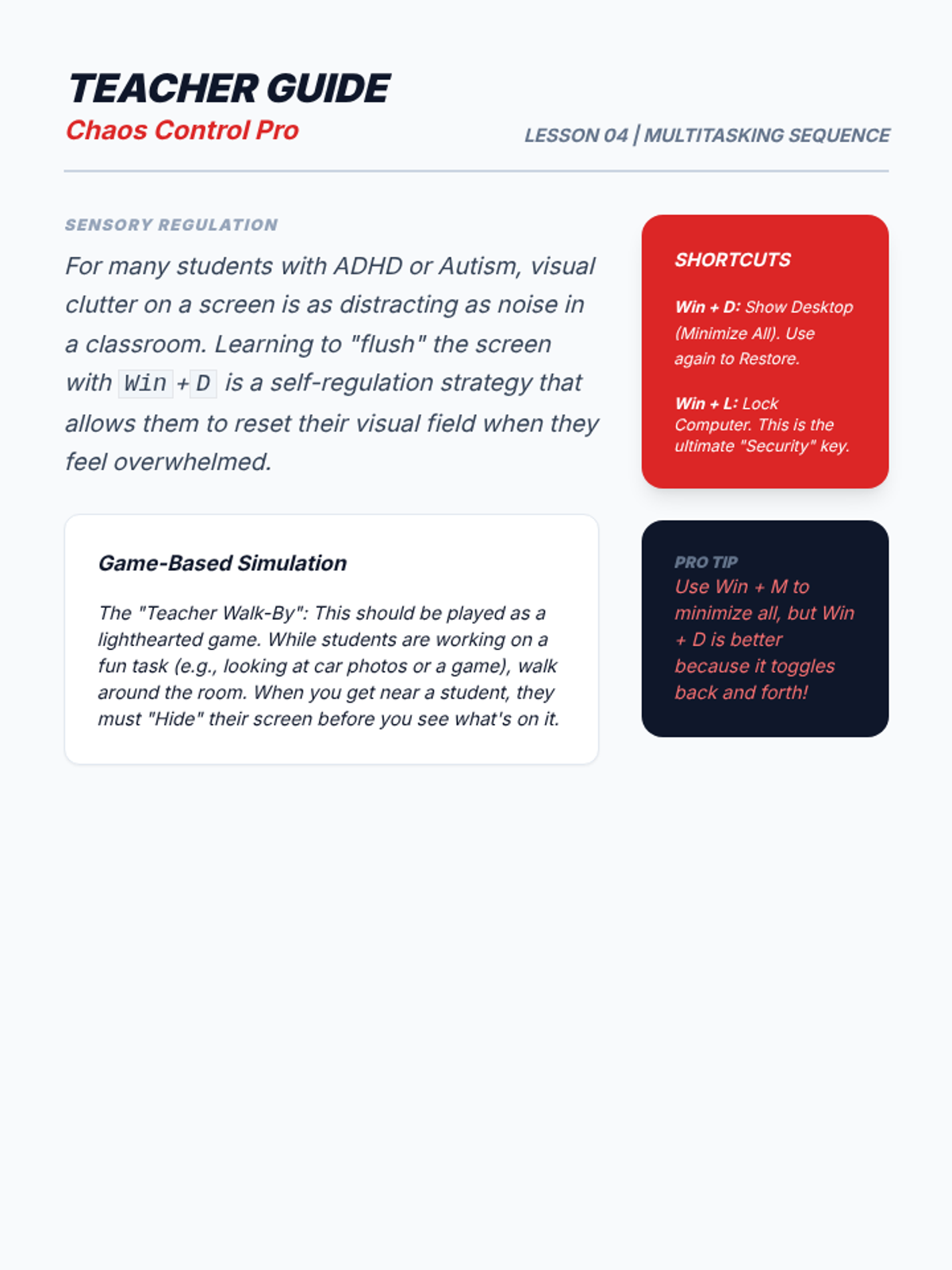
Teacher guide for Lesson 4, focusing on sensory regulation and simulated 'Teacher Walk-By' games to practice desktop control shortcuts.
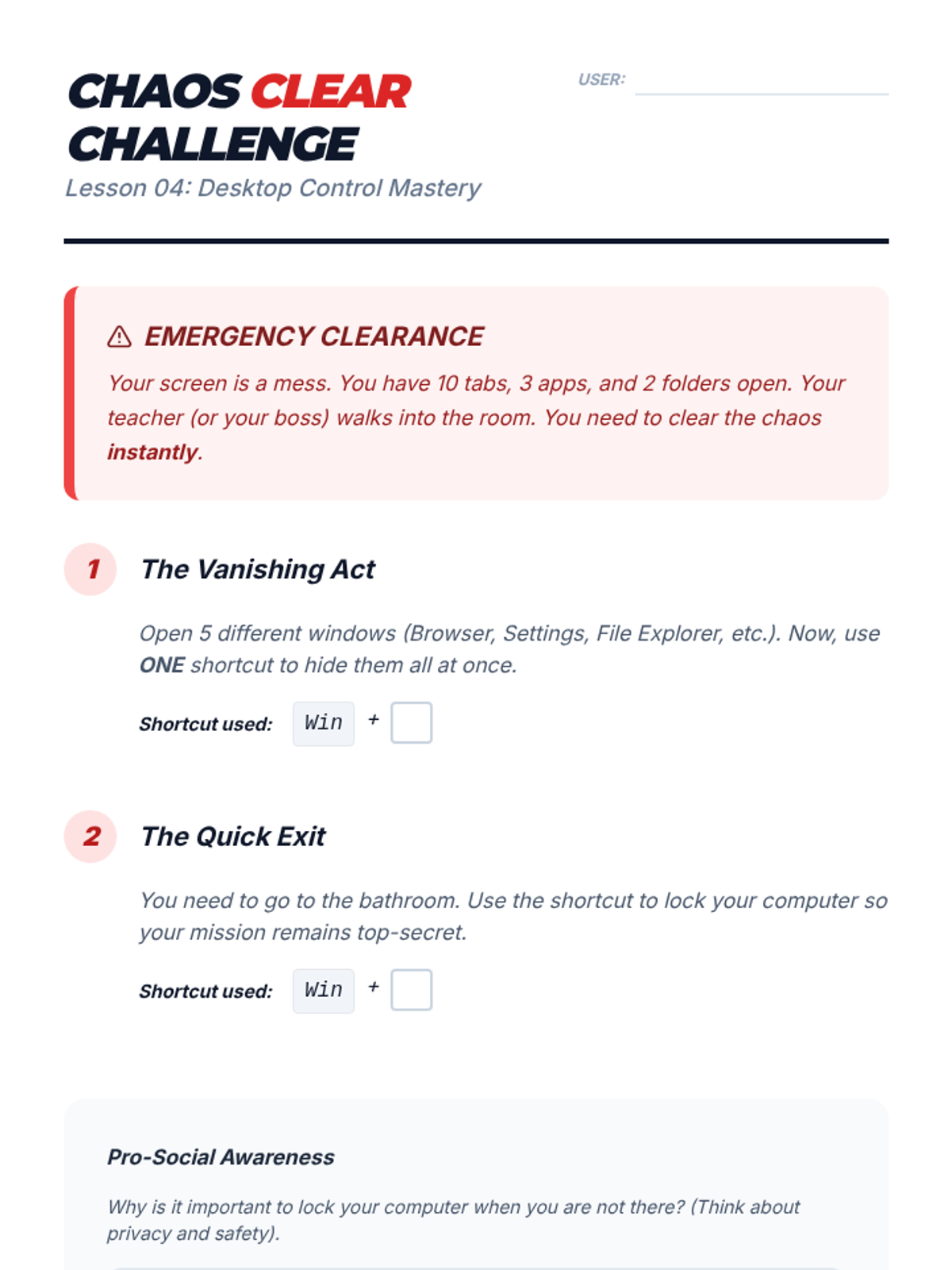
Student challenge sheet for Lesson 4. Students practice using Win+D to clear the desktop and Win+L to lock the computer in simulated scenarios.
Slide deck for Lesson 4 on Desktop Control shortcuts. Focuses on Win+D (Show Desktop) and Win+L (Lock) to manage visual clutter and ensure privacy/security.
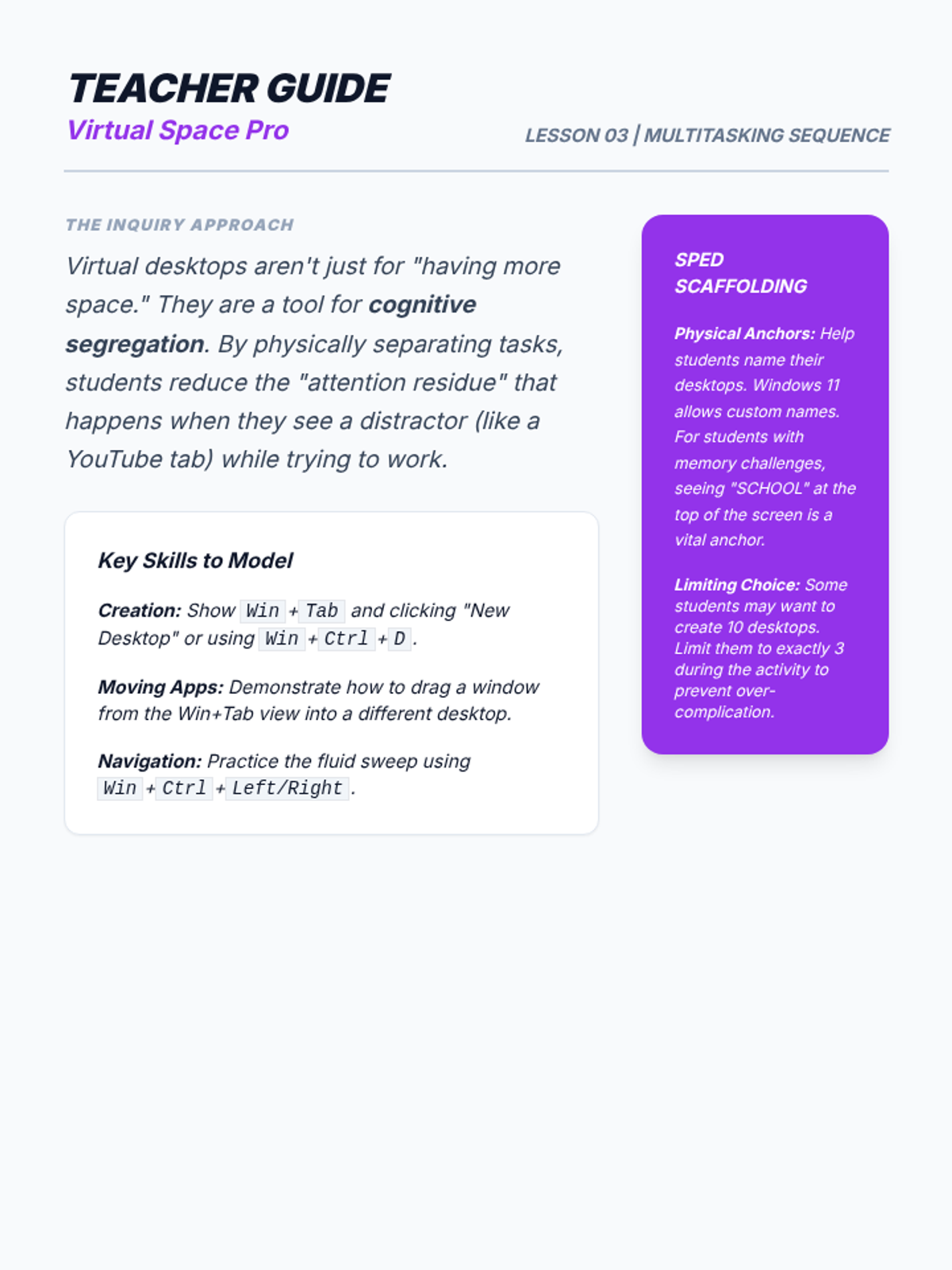
Teacher guide for Lesson 3, explaining cognitive segregation and 'attention residue' while providing specific guidance on naming desktops to help students with memory and executive functioning.
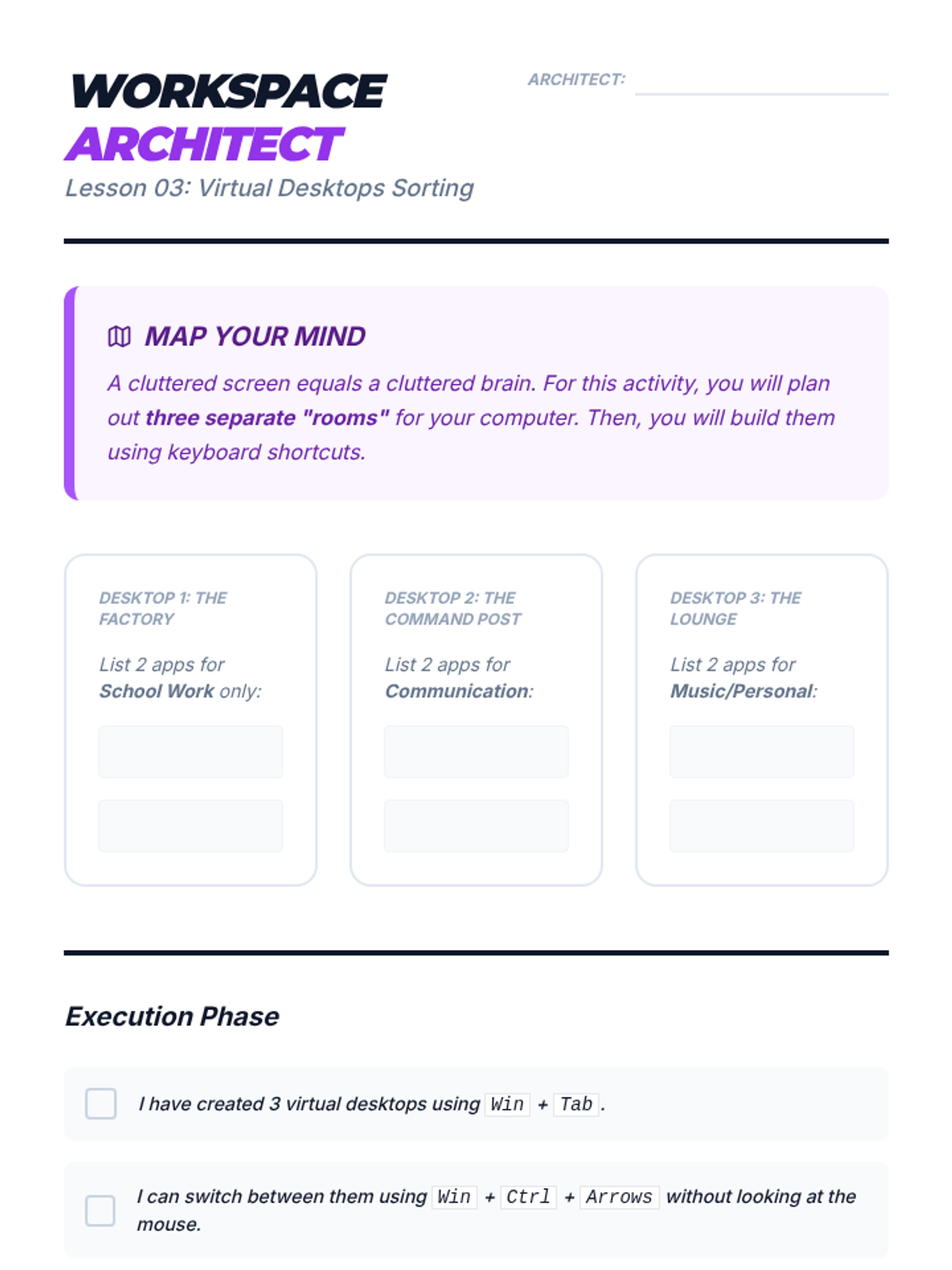
Worksheet for Lesson 3 where students design a three-desktop system ('Factory', 'Command Post', 'Lounge') and physically implement it on their computer using virtual desktop shortcuts.
Slide deck for Lesson 3 on Virtual Desktops. Explains the concept of 'Desktop Rooms' for task segregation (School vs. Personal) and the keyboard shortcuts to navigate them.
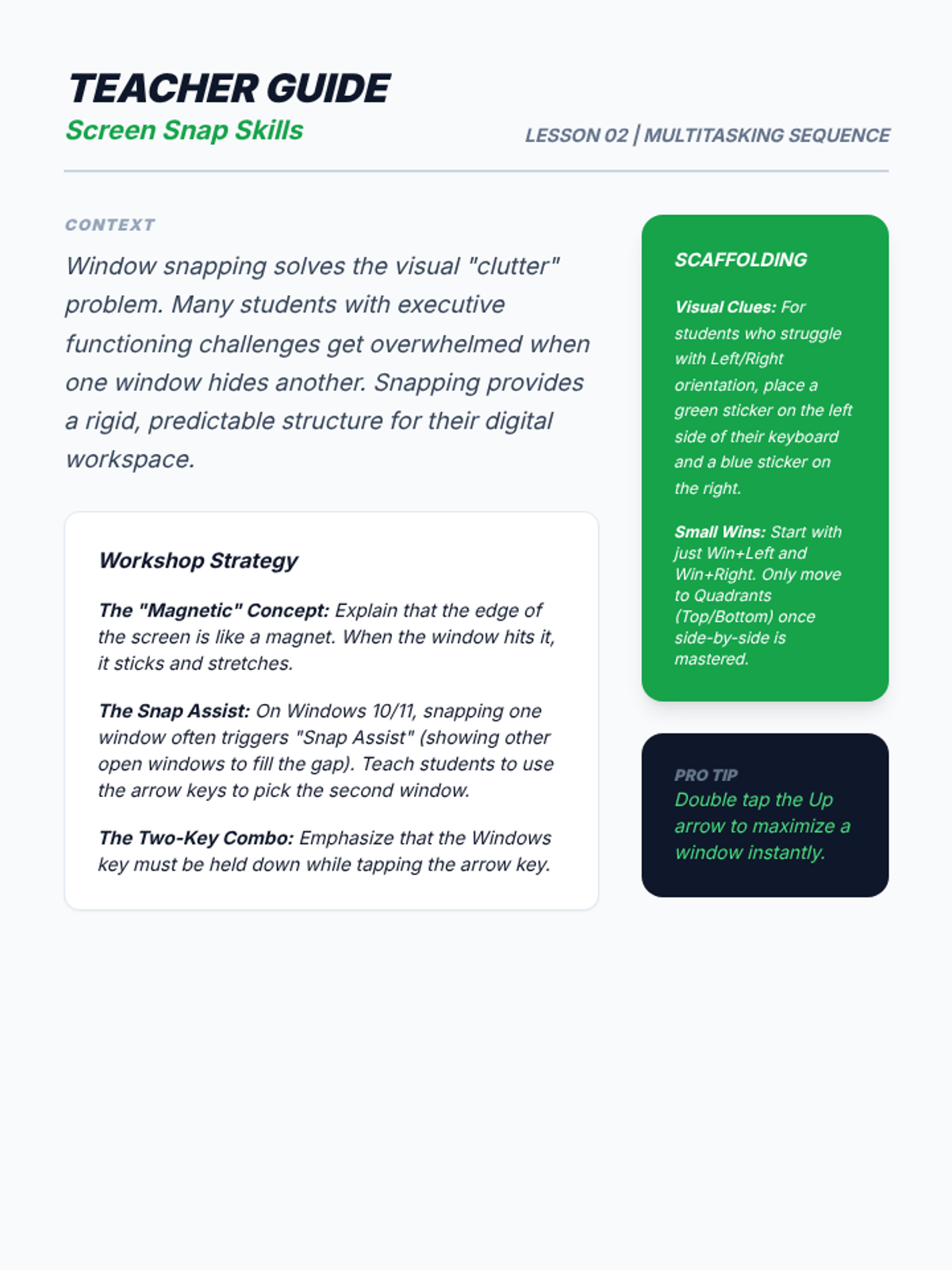
Teacher guide for Lesson 2, focusing on the conceptual 'magnetism' of snapping and providing specific scaffolding for left/right orientation and executive functioning.
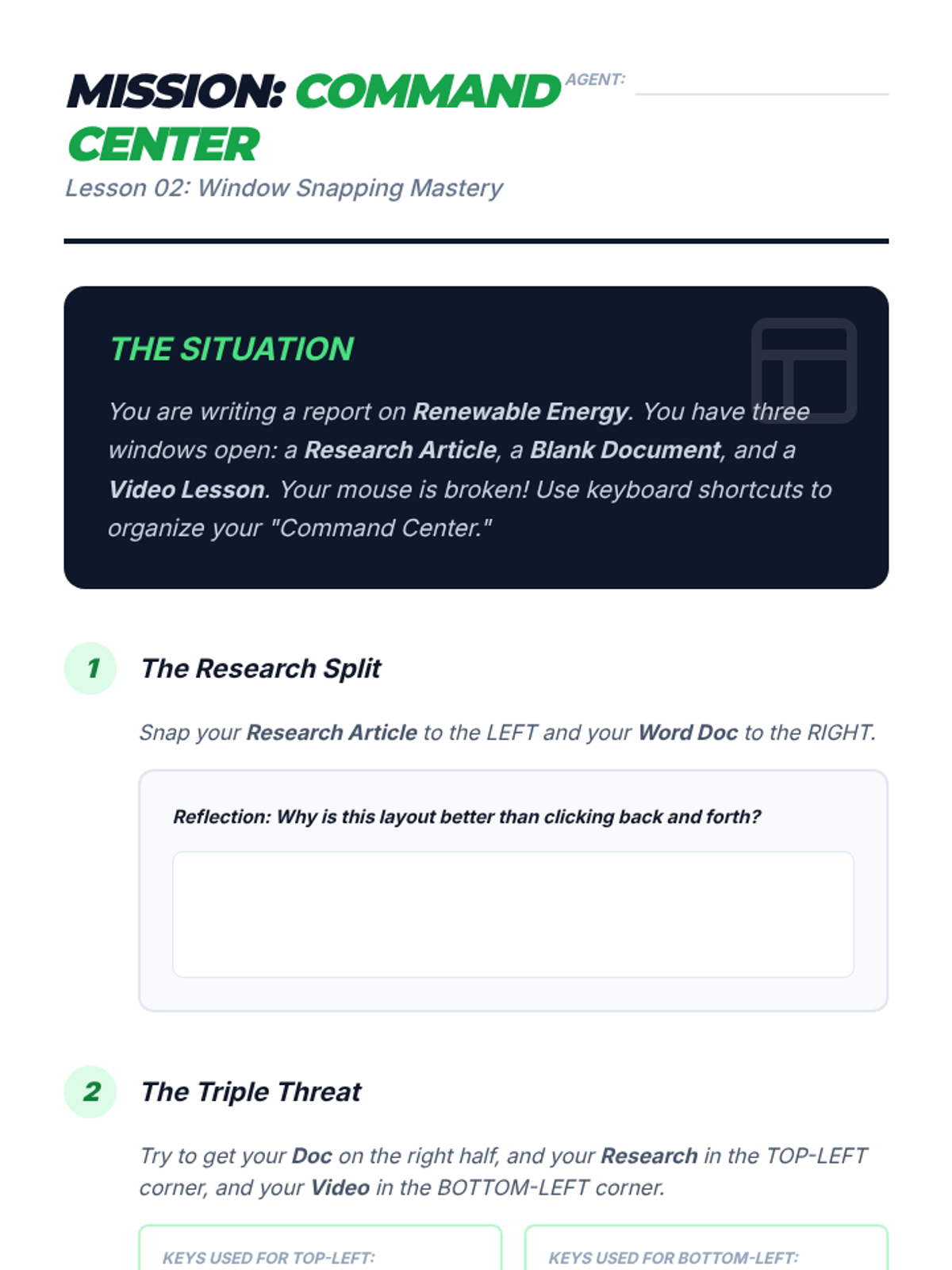
Student activity sheet for Lesson 2. Students are tasked with organizing three windows (research, document, video) into specific split-screen and quadrant layouts using Win+Arrow keys.
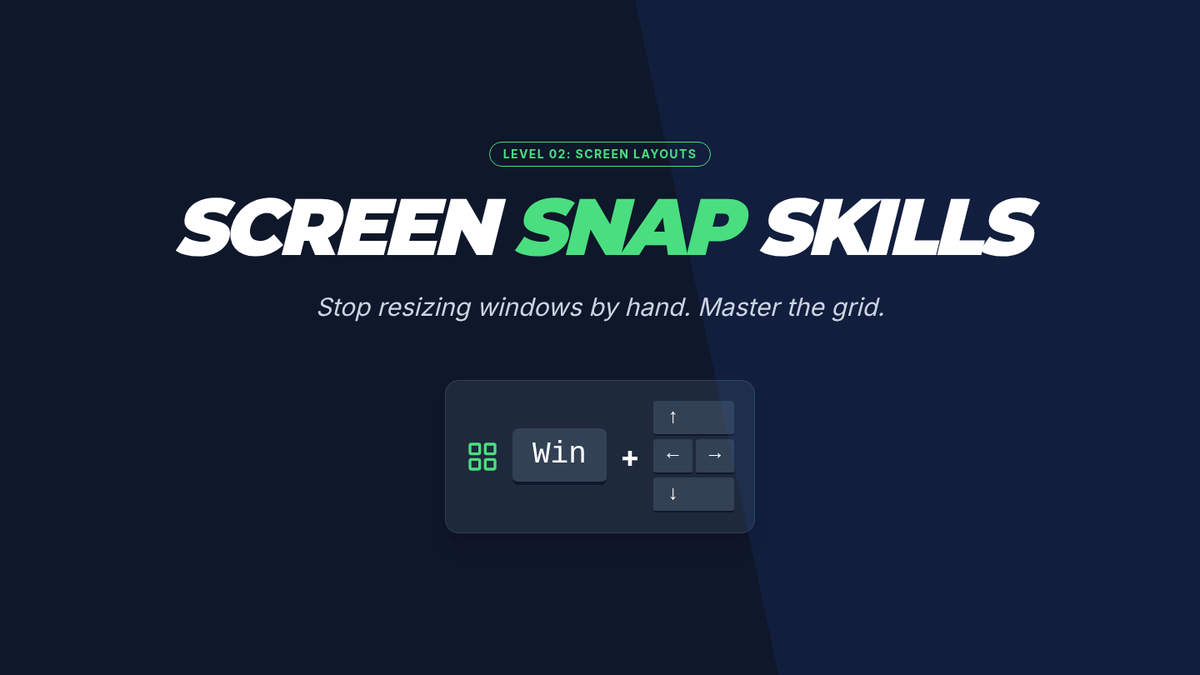
Slide deck for Lesson 2 on Window Snapping. Introduces the Win+Arrow shortcuts for organizing workspace, split-screen benefits, and quadrant snapping for multitasking.
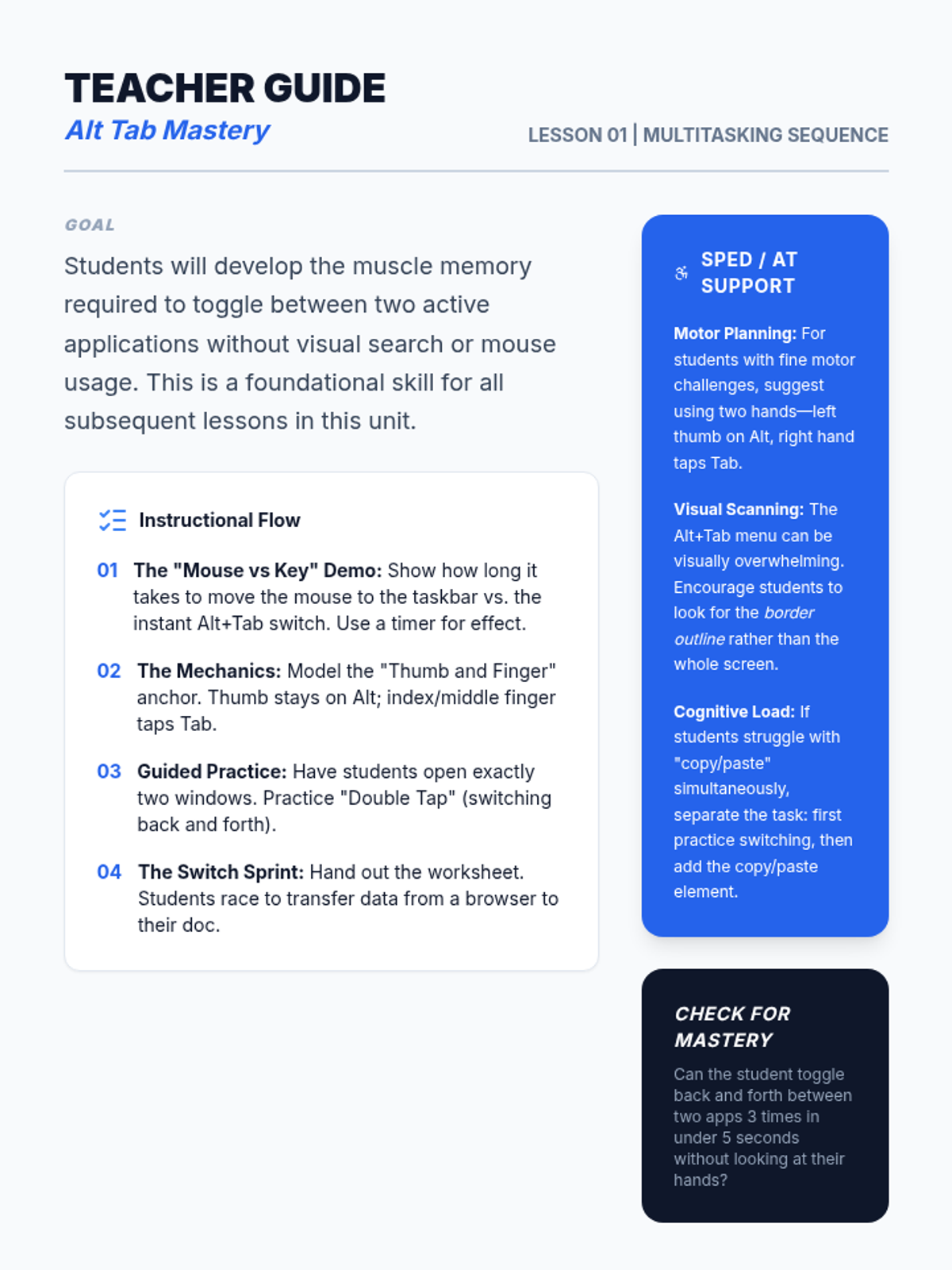
Teacher guide for Lesson 1, including instructional flow, specific SpEd/AT accommodations for motor planning and visual scanning, and discussion prompts.
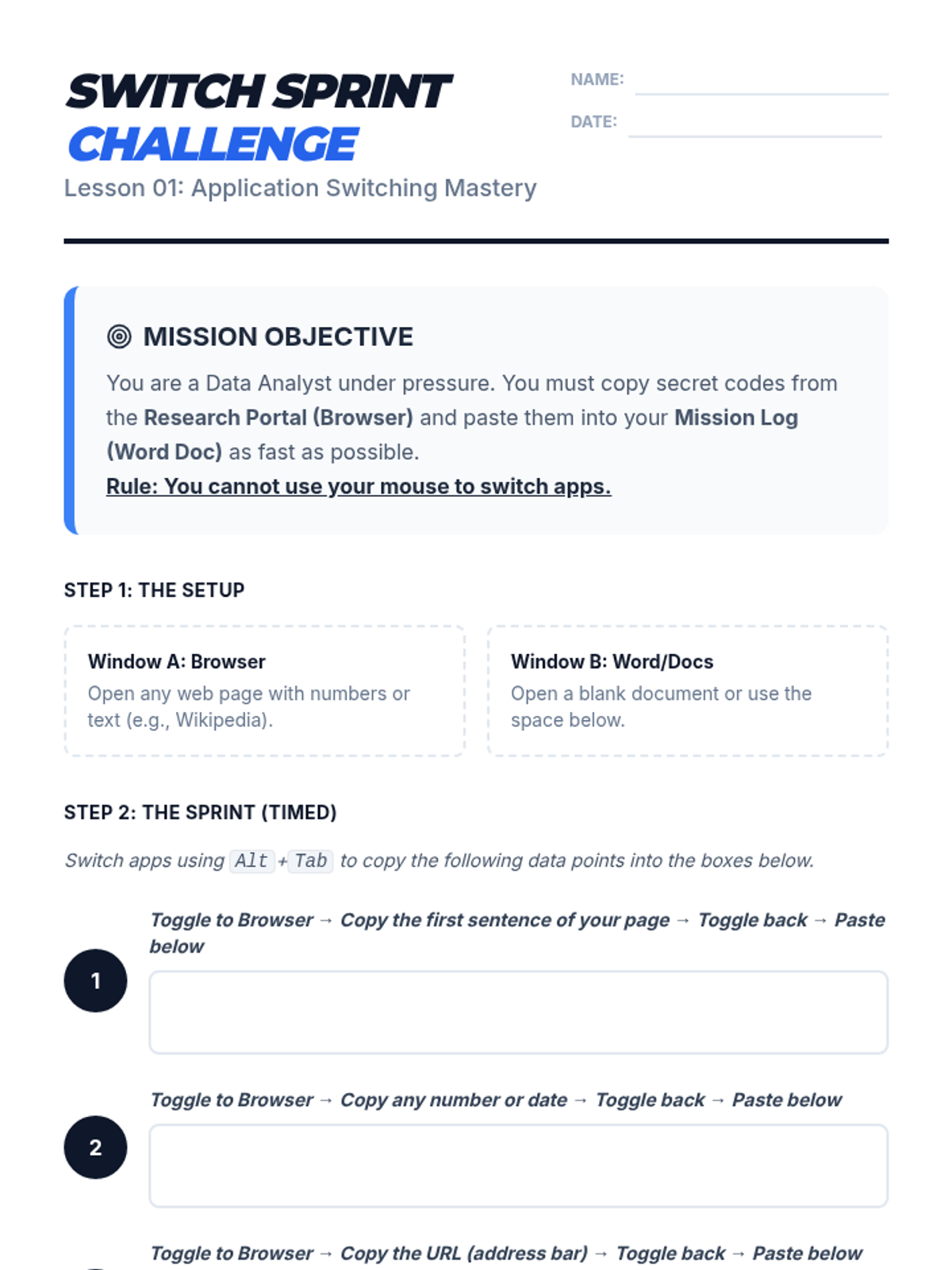
A student worksheet for Lesson 1 containing a timed data transfer activity. Students must toggle between a browser and the worksheet/document using Alt+Tab to copy specific information.
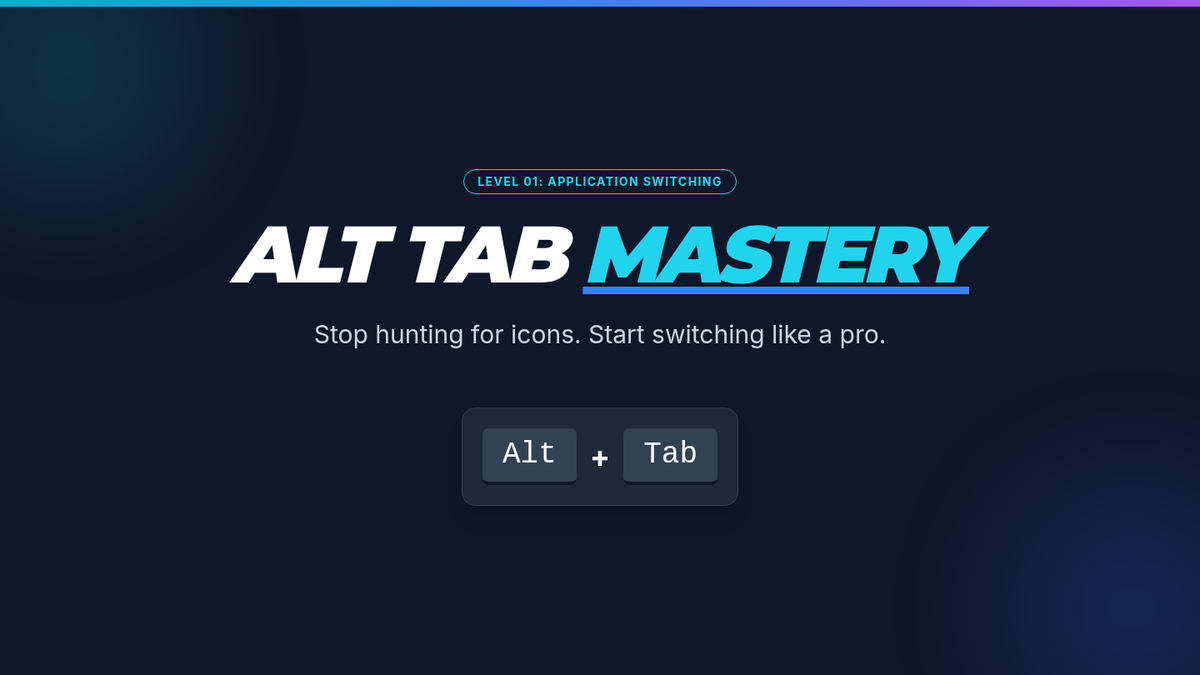
Introductory slide deck for Lesson 1, focusing on the Alt+Tab shortcut, the efficiency gap between keyboard and mouse, and the mechanical steps to switch apps.
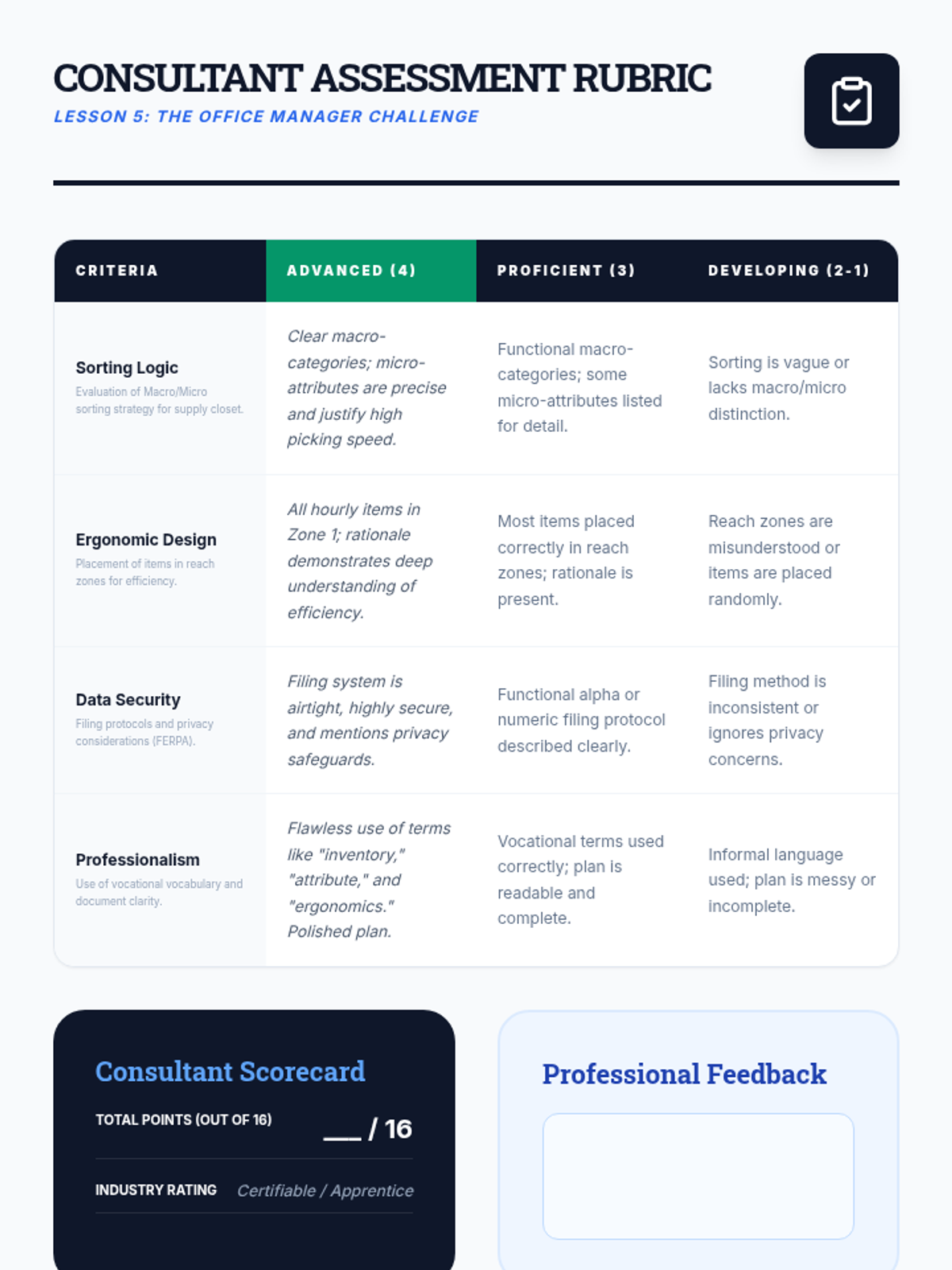
A professional grading rubric for the Office Manager Challenge, assessing sorting logic, ergonomics, data security, and professionalism.
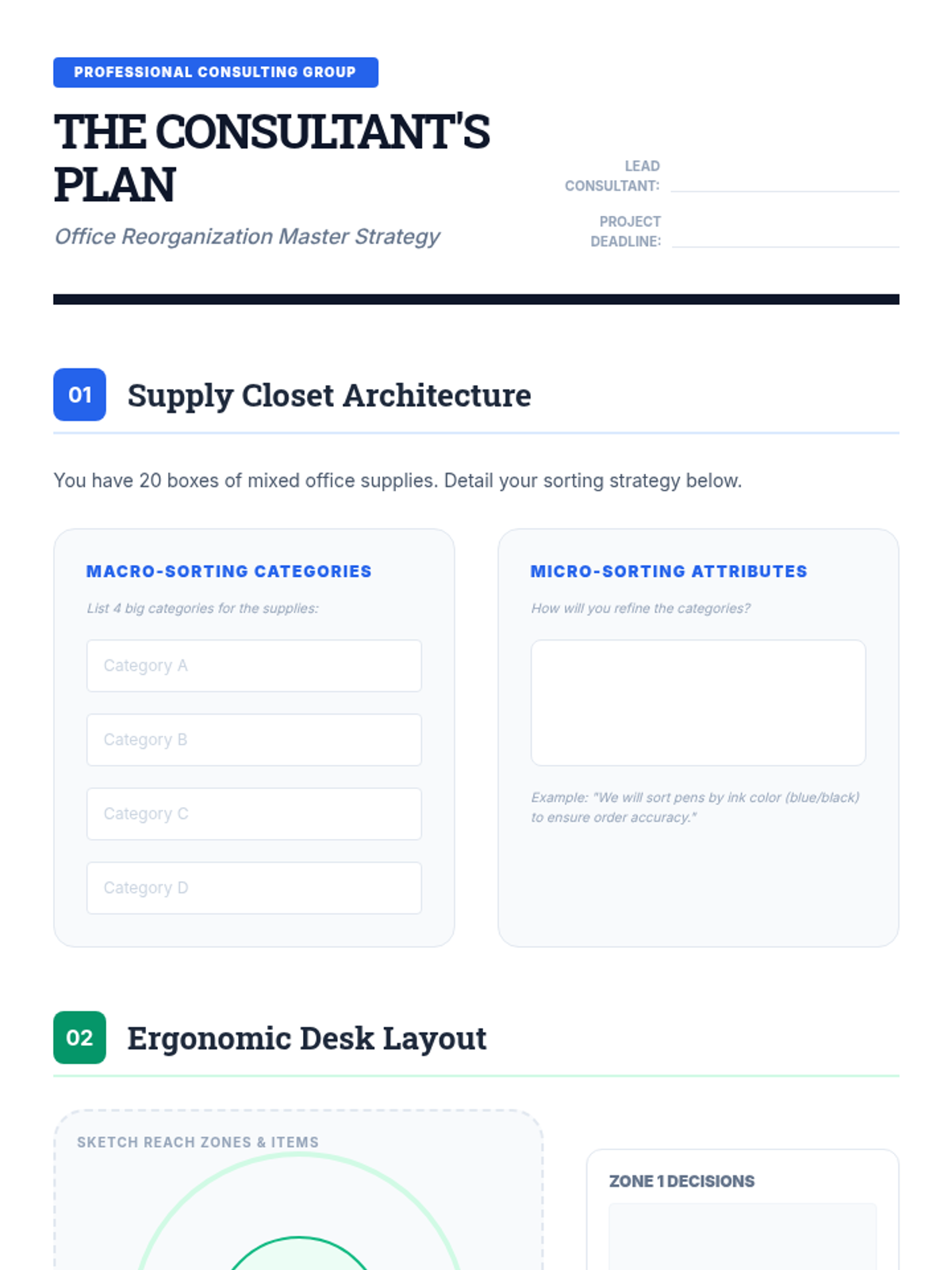
A comprehensive project planning document for the final Office Manager Challenge, guiding students through sorting, ergonomics, and filing tasks.
Slides briefing students on the final simulation: acting as an office consultant to reorganize a chaotic professional space.
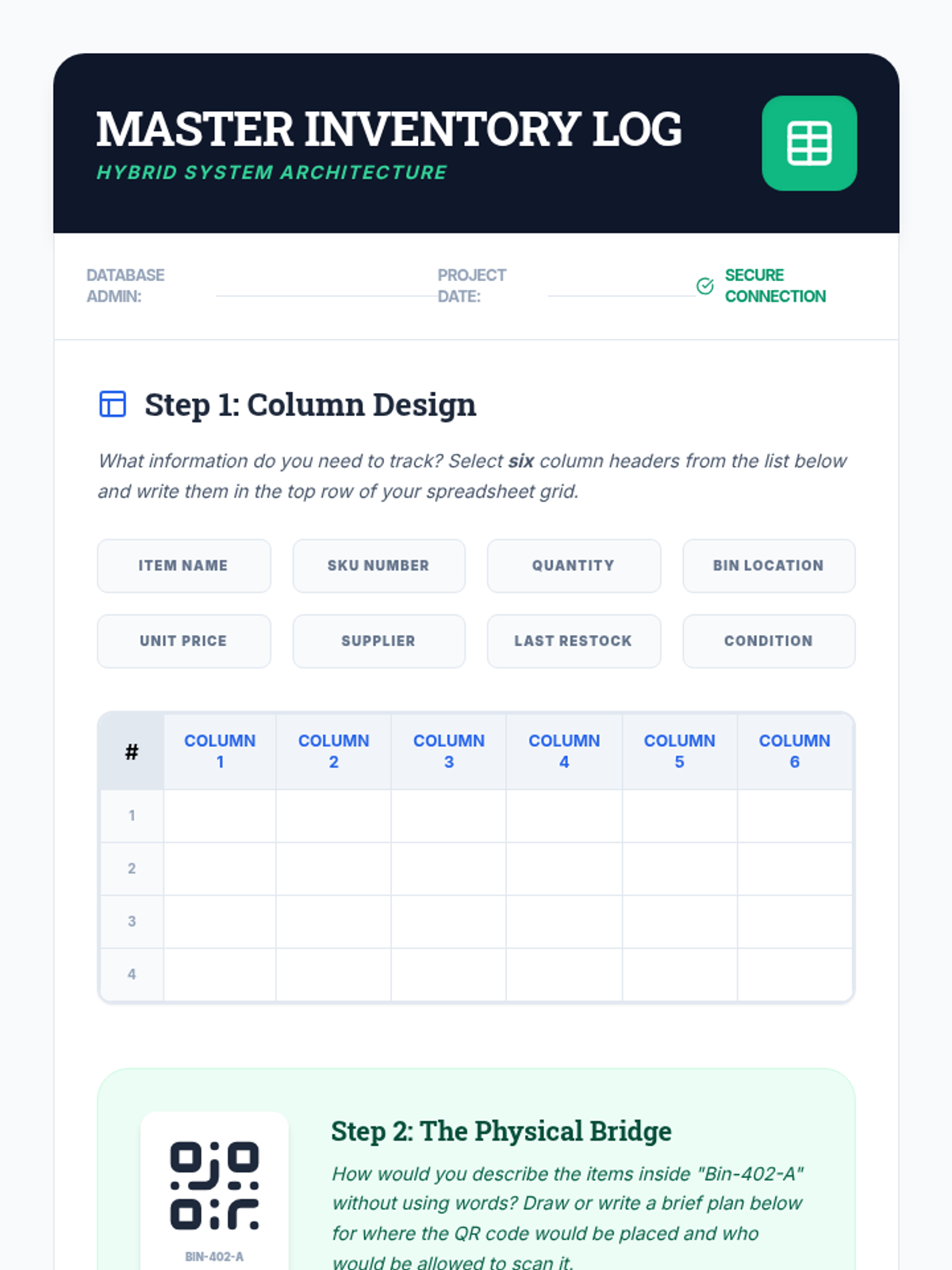
A structured worksheet for designing a digital inventory log, including column selection and QR code placement planning.
Slides on the connection between physical storage and digital inventory logs, featuring QR codes and spreadsheet basics.
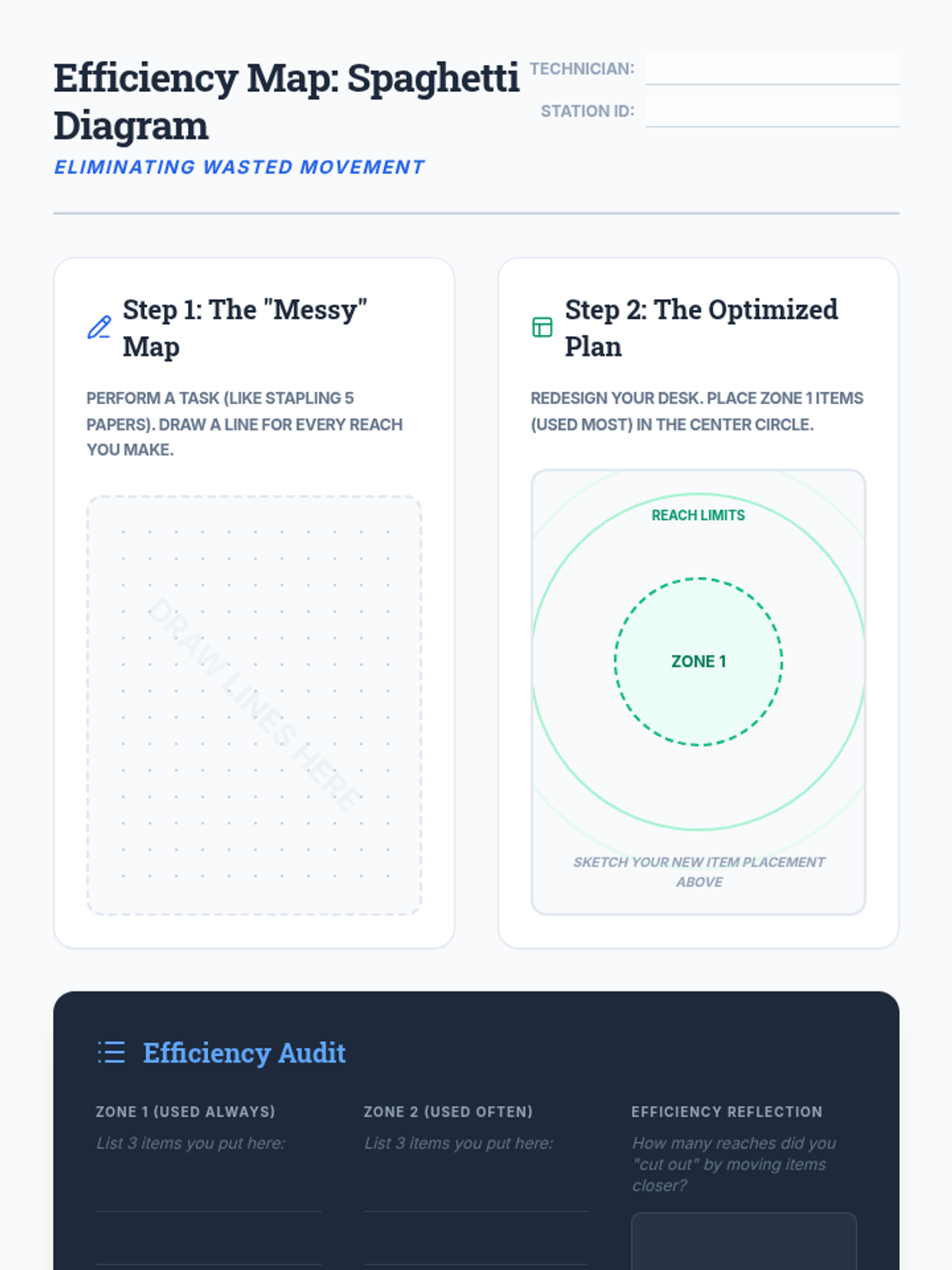
A student worksheet for the Spaghetti Diagram activity, featuring areas for movement analysis and workstation redesign based on reach zones.
Slides on workstation efficiency, ergonomics, and the concept of 'Spaghetti Diagrams' and 'Reach Zones'.
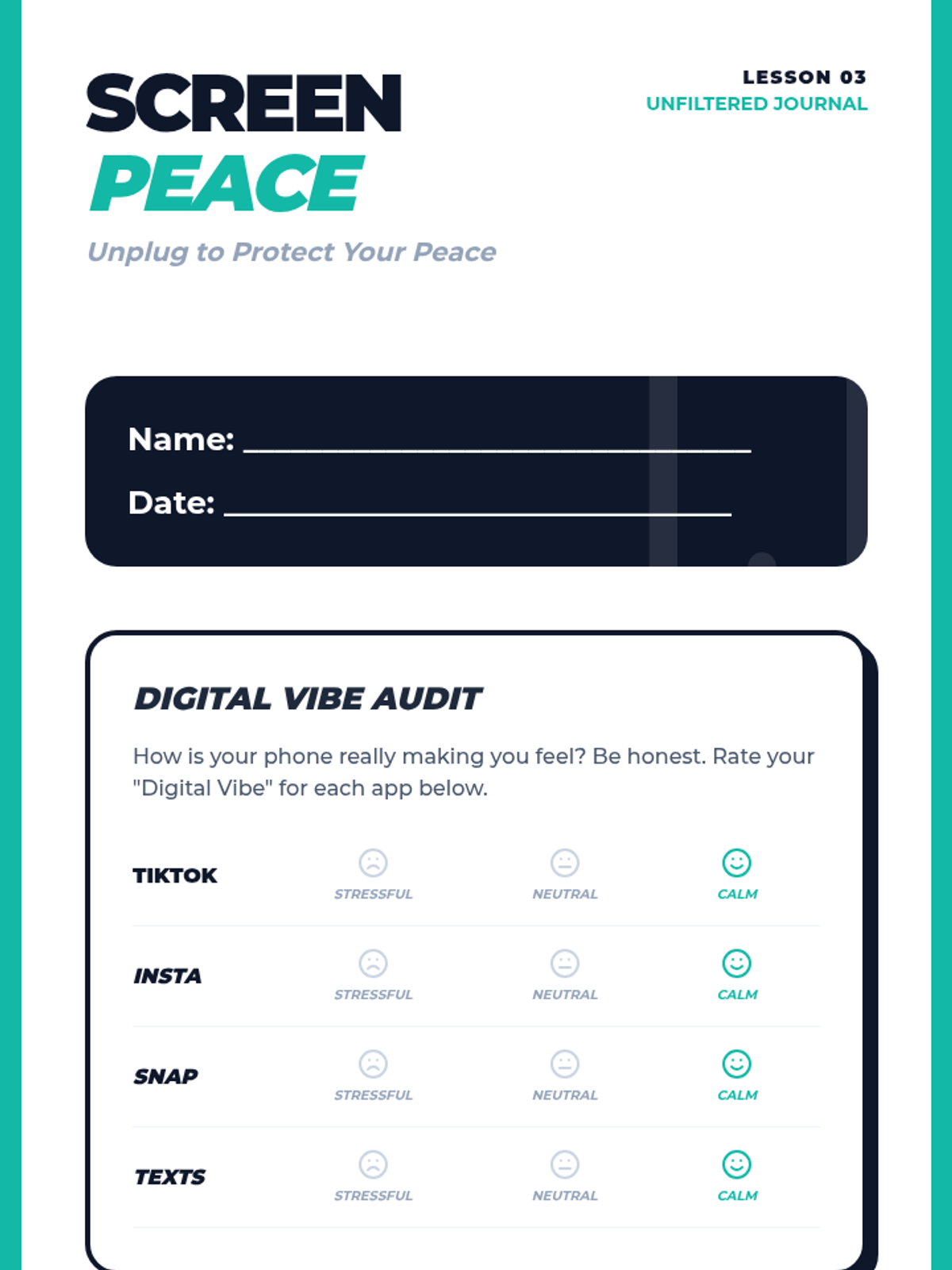
A student-facing journal for Lesson 3 focusing on digital wellness, featuring a social media vibe audit and a 24-hour digital peace plan for managing online stress.
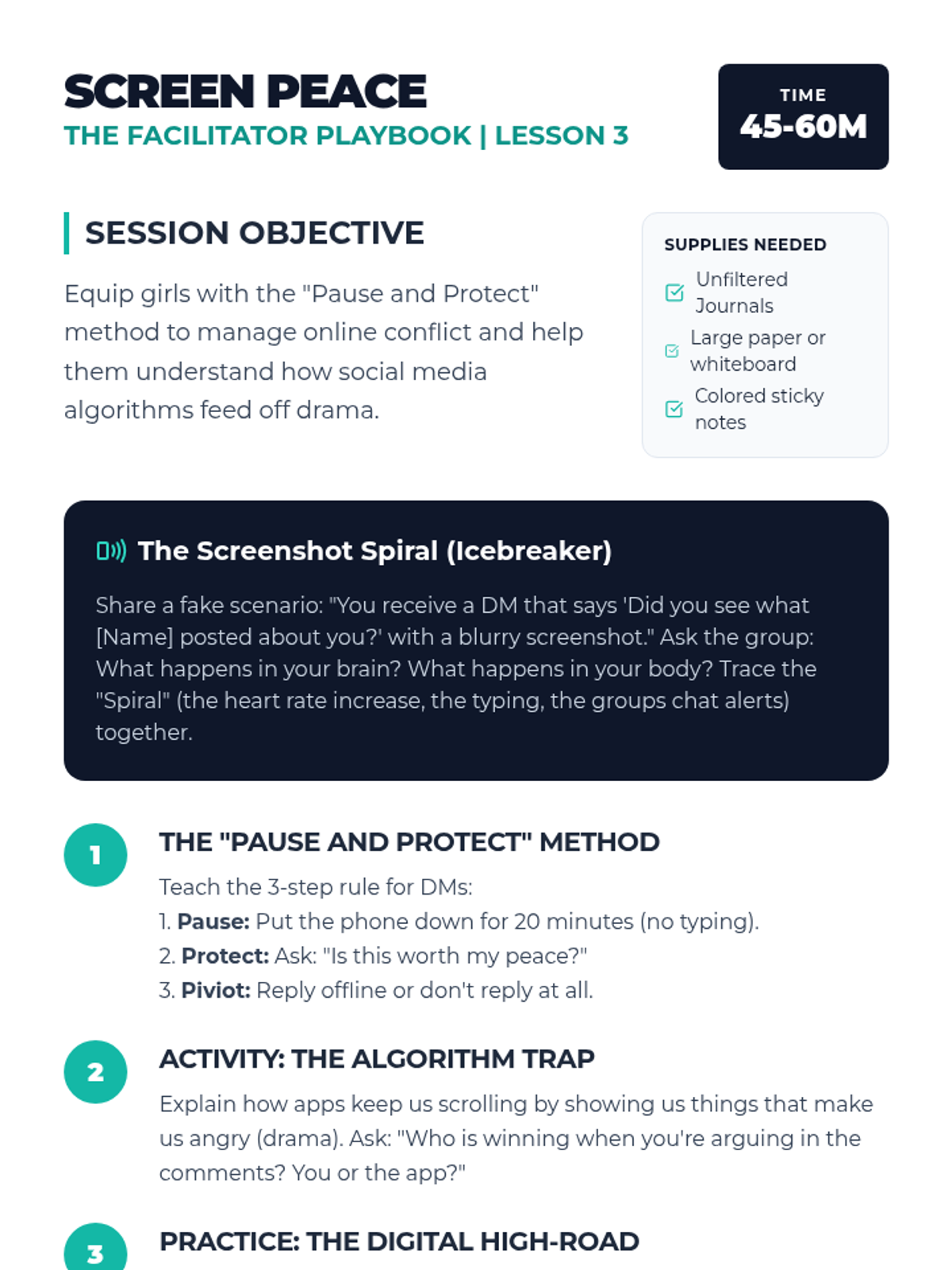
A facilitator guide for the 'Screen Peace' lesson, focusing on the 'Pause and Protect' method for managing social media conflict, identifying algorithmic traps, and practicing digital de-escalation for high school girls.
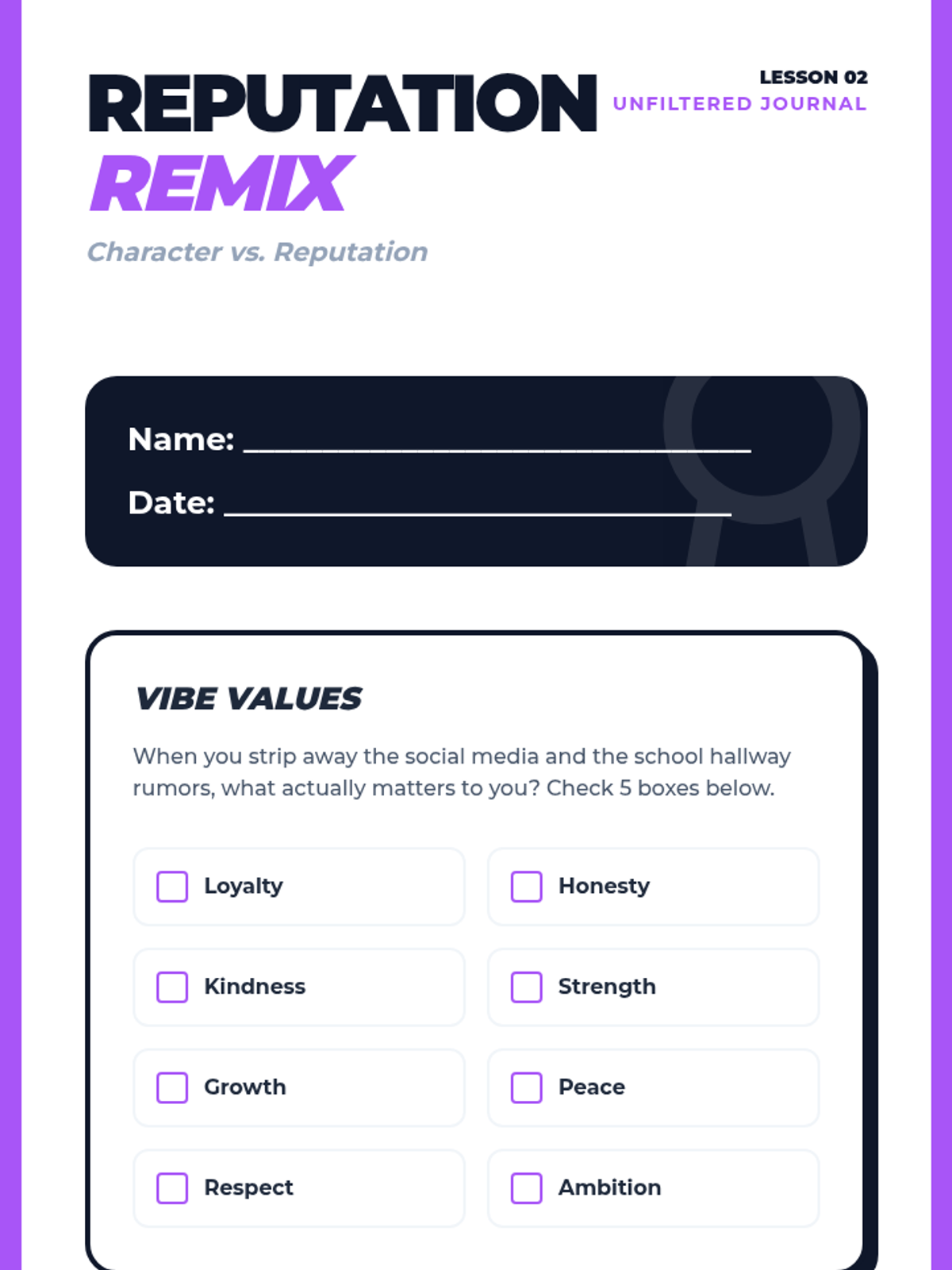
A student reflection workbook for Lesson 2 focusing on identifying personal values and practicing 'The Remix Pivot'—rethinking instinctive drama-based reactions to align with core character traits.
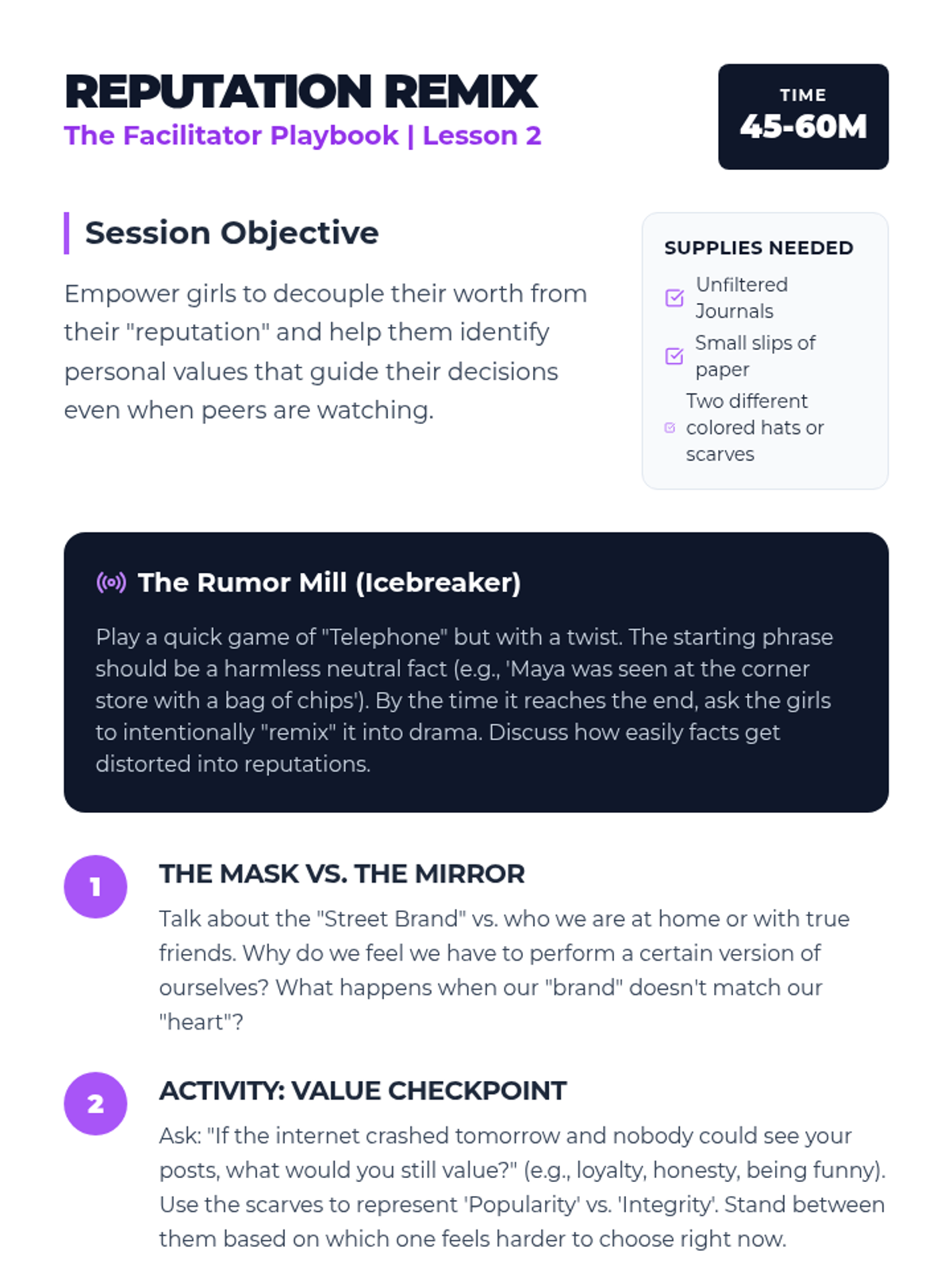
A facilitator guide for the 'Reputation Remix' lesson, featuring the 'Rumor Mill' activity, concepts of character vs. reputation, and scenario-based discussion prompts to help high school girls stay true to their values.
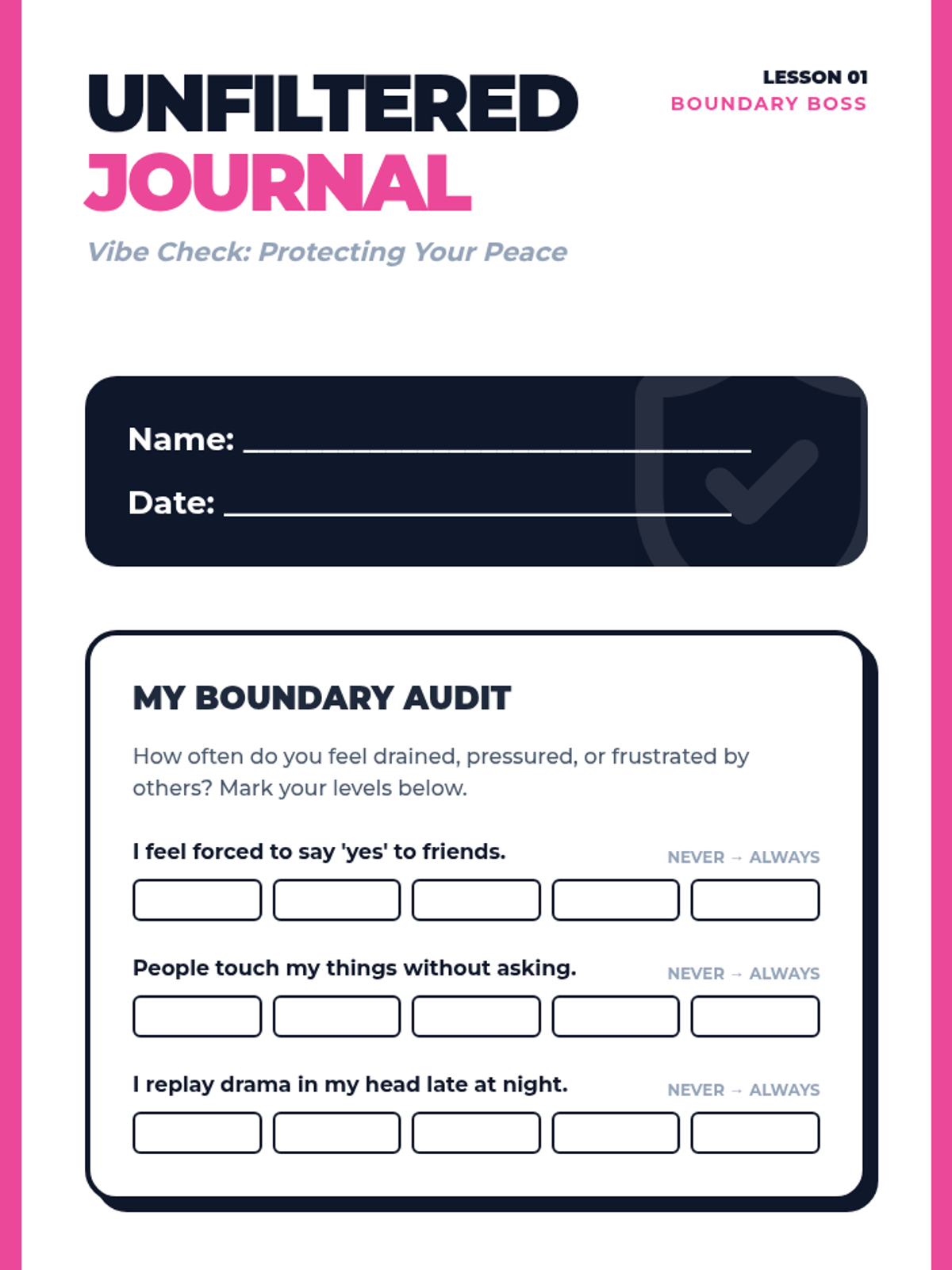
A student-facing reflection journal for the 'Boundary Boss' lesson, including a boundary audit, a 'Circle of Protection' visualization activity, and script-building exercises for assertive communication.
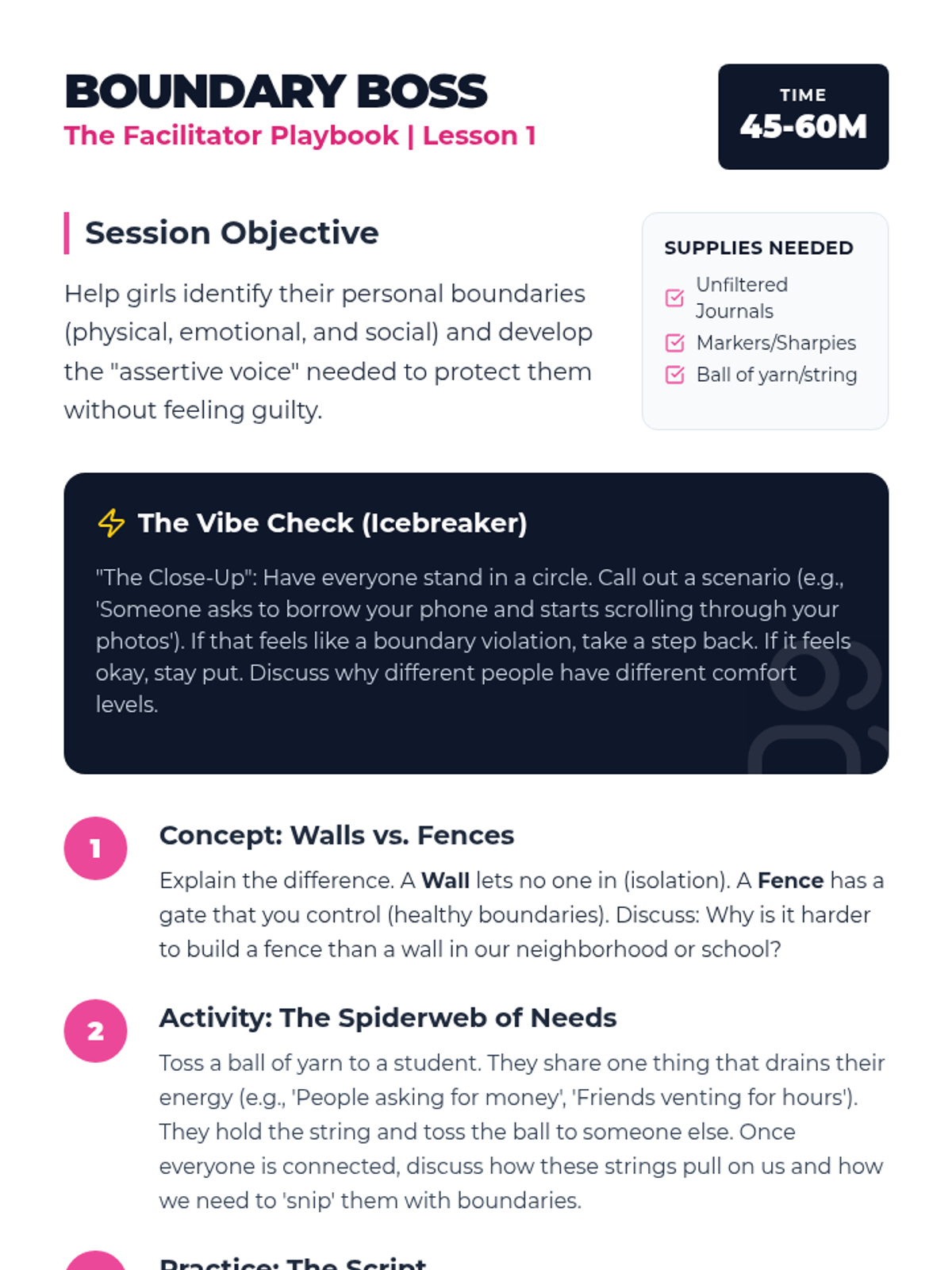
A comprehensive facilitator guide for the 'Boundary Boss' lesson, featuring urban-themed icebreakers, conceptual activities (Walls vs. Fences), and discussion prompts focused on physical, emotional, and digital boundaries for high school girls.
An instructional slide deck designed to introduce the core principles of digital citizenship, focusing on social media etiquette, privacy boundaries, and cyberbullying prevention through the 'Three Pillars' framework.
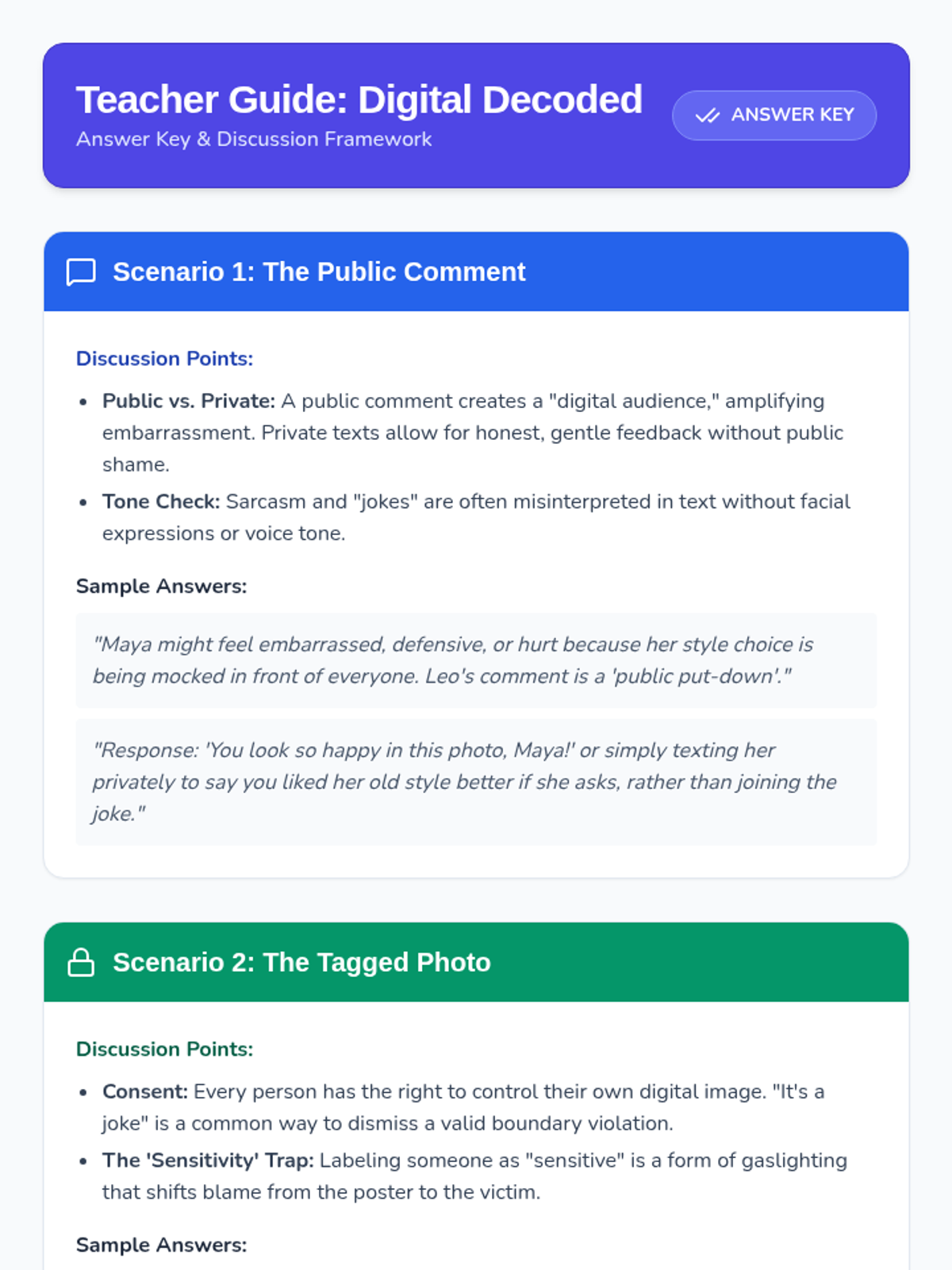
A teacher-facing answer key and discussion guide for the Digital Decoded worksheet, providing sample student responses, key discussion points, and instructional tips for facilitating conversations on digital ethics.
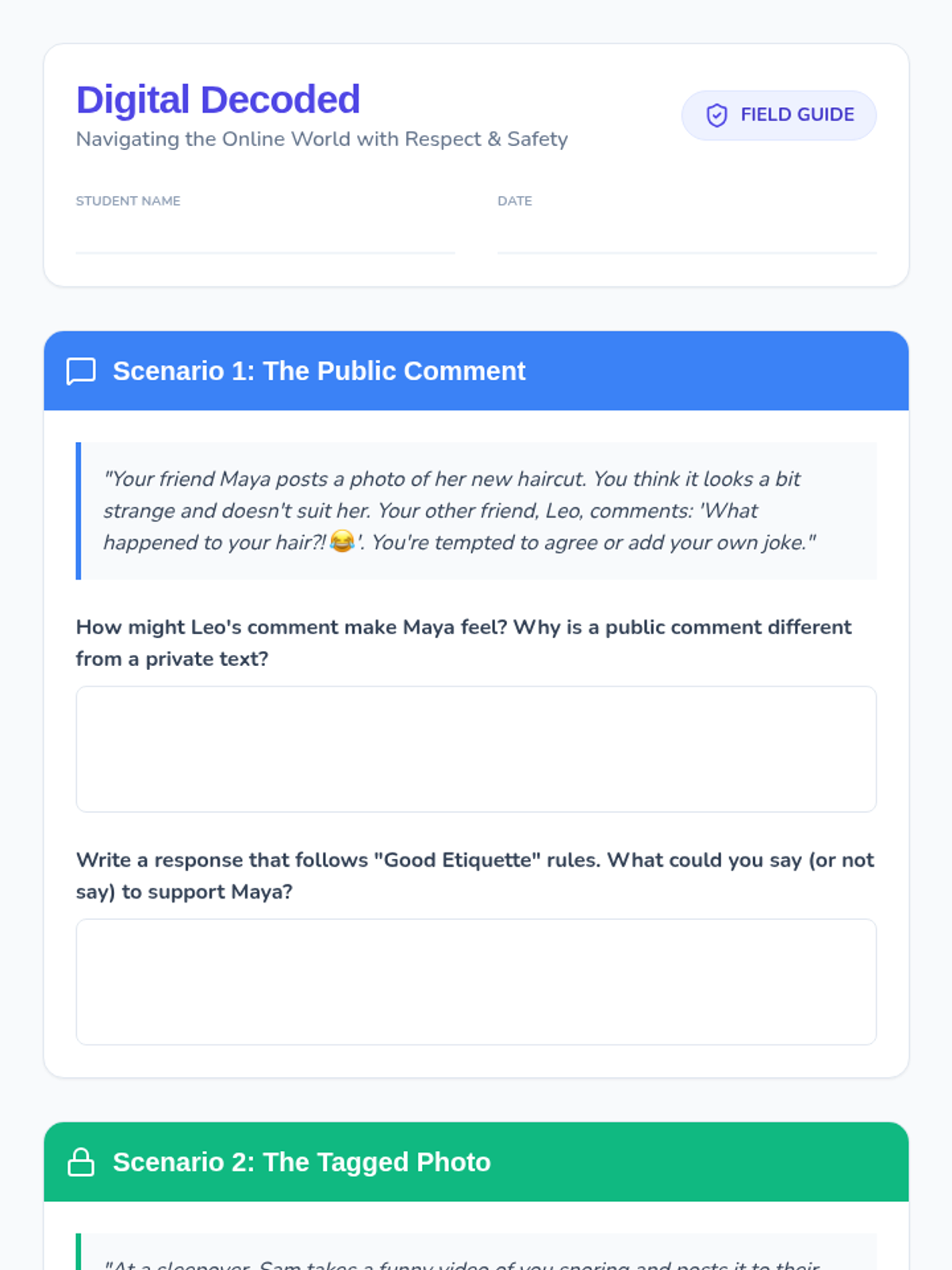
A student worksheet featuring three realistic digital conflict scenarios covering social media etiquette, privacy boundaries, and cyberbullying with dedicated space for written responses and reflection.
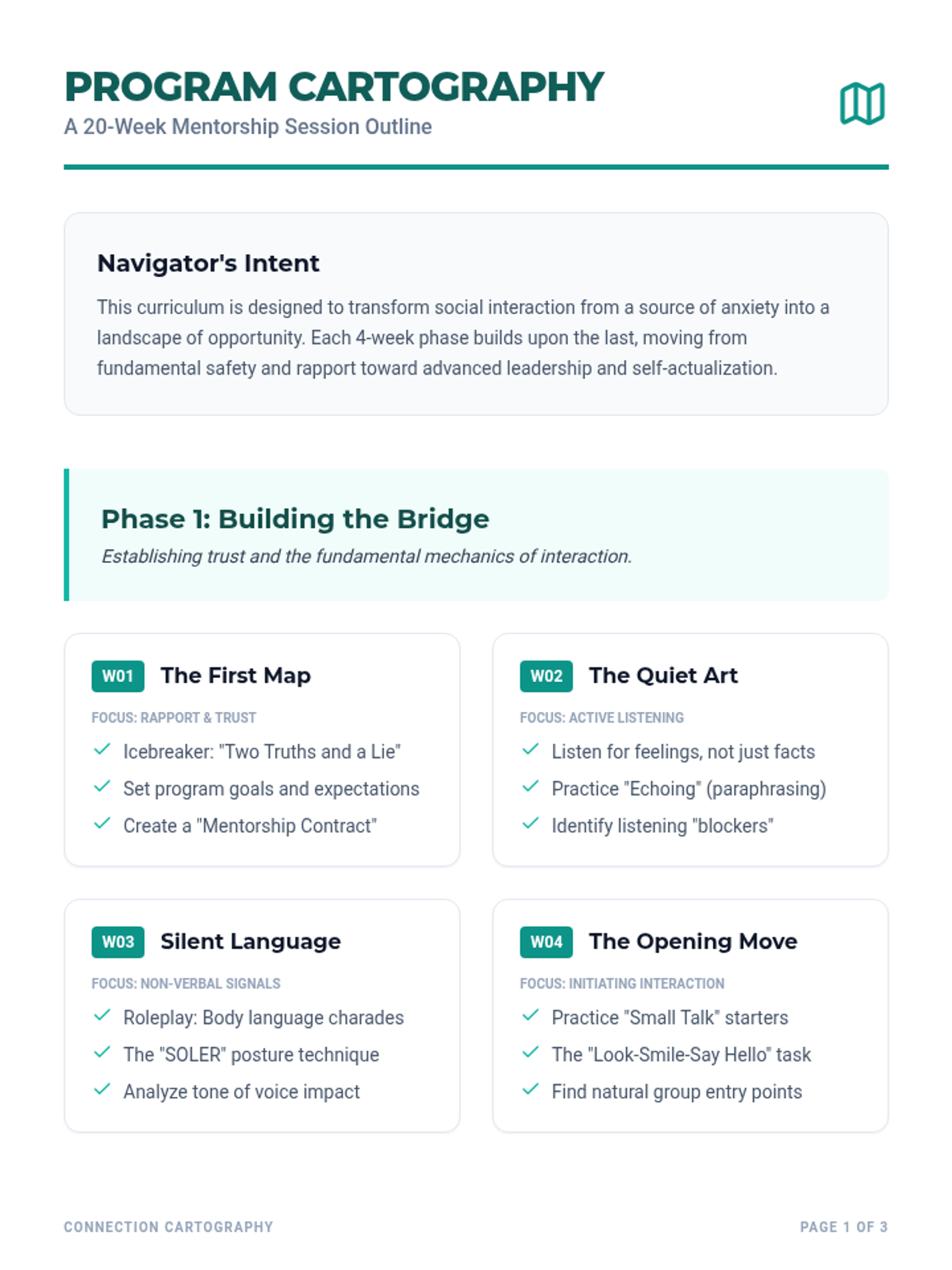
A detailed 20-week curriculum guide for mentors, featuring session objectives, activities, and a progression from basic rapport to advanced peer leadership.
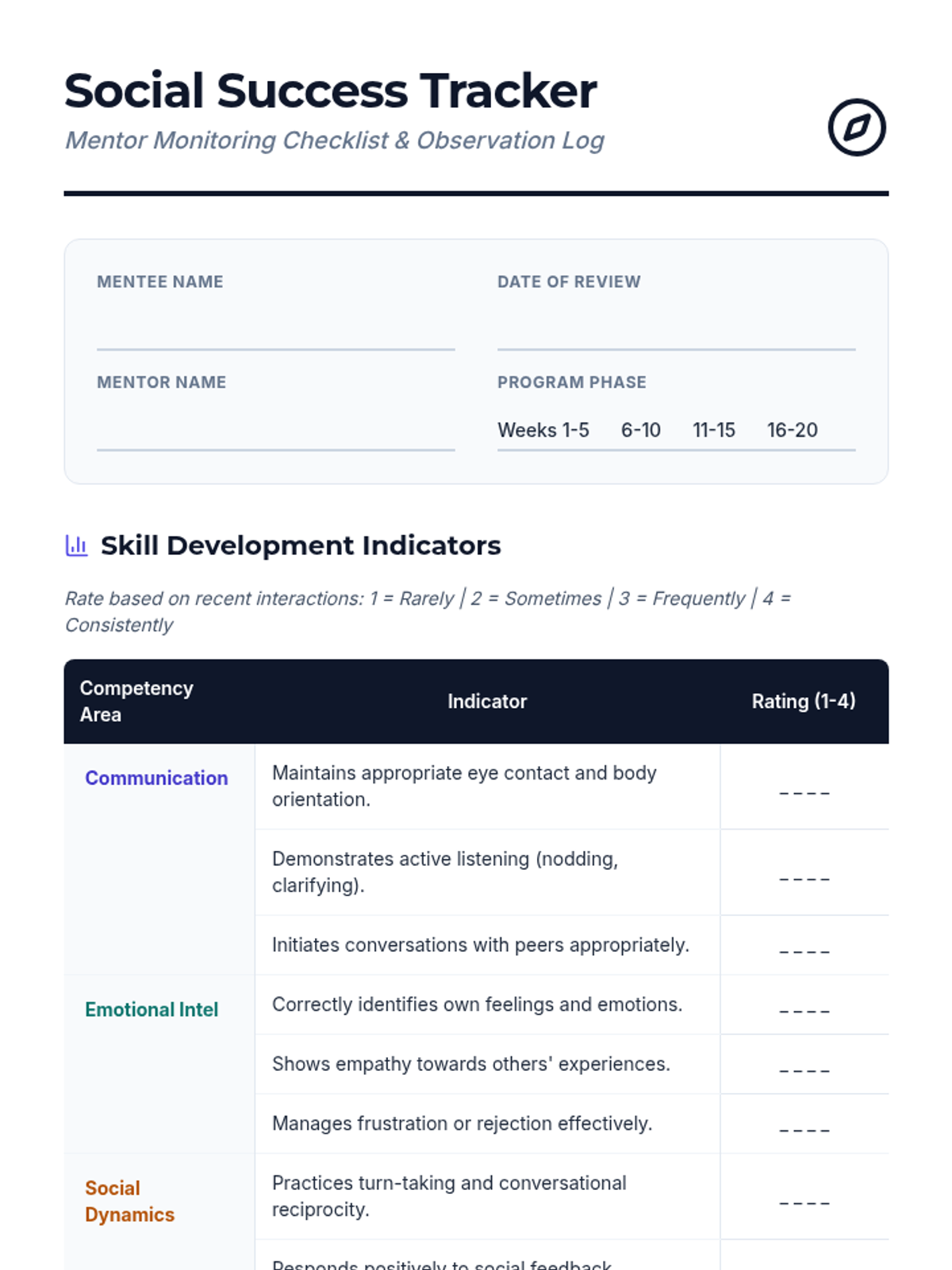
A comprehensive monitoring checklist for mentors to track their mentees' progress across communication, emotional intelligence, and social dynamics.
A condensed 7-slide presentation deck for the 'DMs to Double Taps' 35-minute lesson. Covers digital vocabulary, somatic practice, safety mapping instructions, and well-being action steps. Includes high-impact visuals and clear font sizes for high school students.
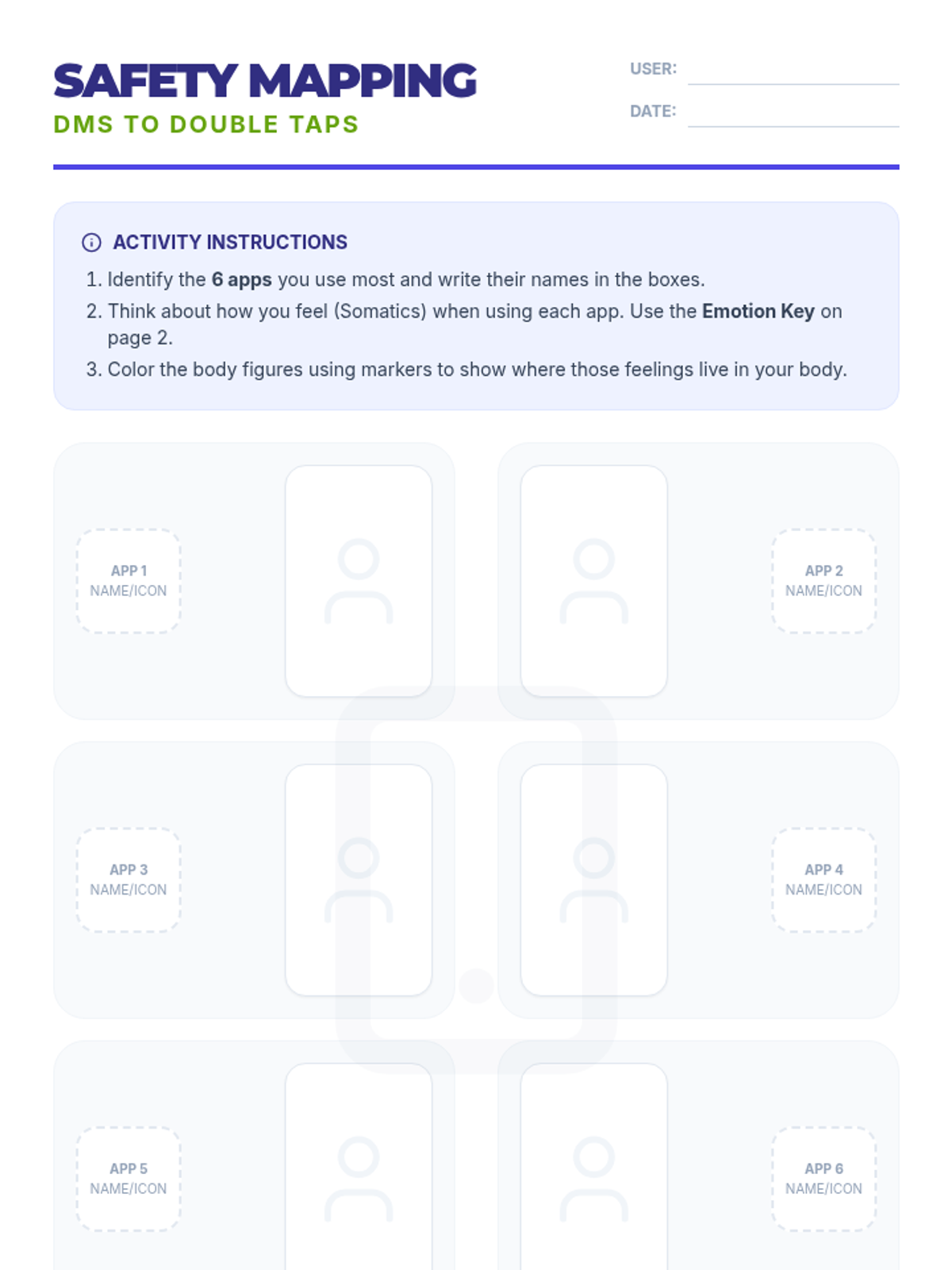
Student-facing handout based on the TCFSH 'DMs to Double Taps' activity. Includes the body mapping layout for 6 apps and the 6-color emotion key for somatic identification.
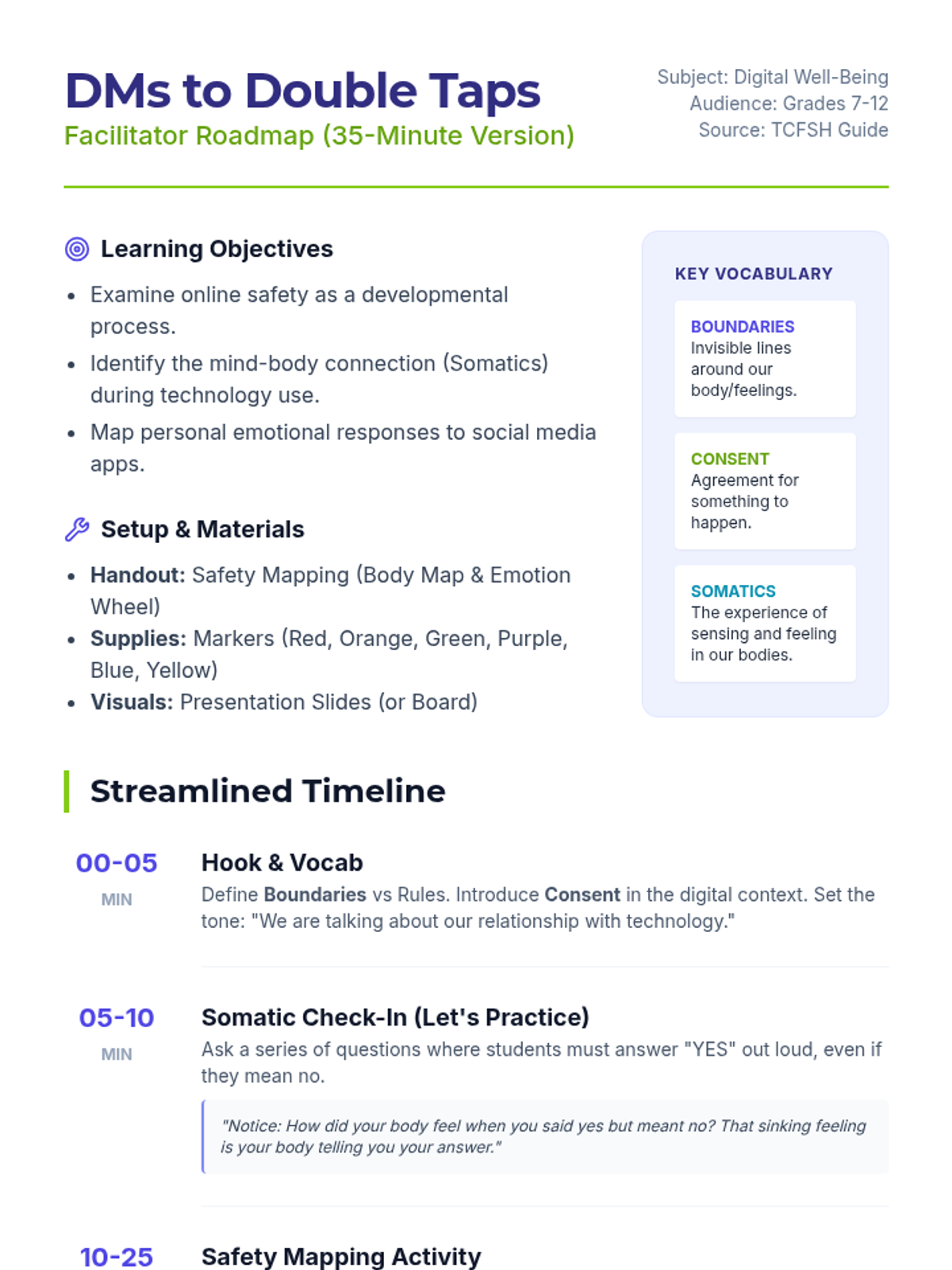
Updated 35-minute facilitator roadmap for the 'DMs to Double Taps' lesson, directly incorporating the learning objectives, vocabulary, and somatic exercises from the TCFSH guide.
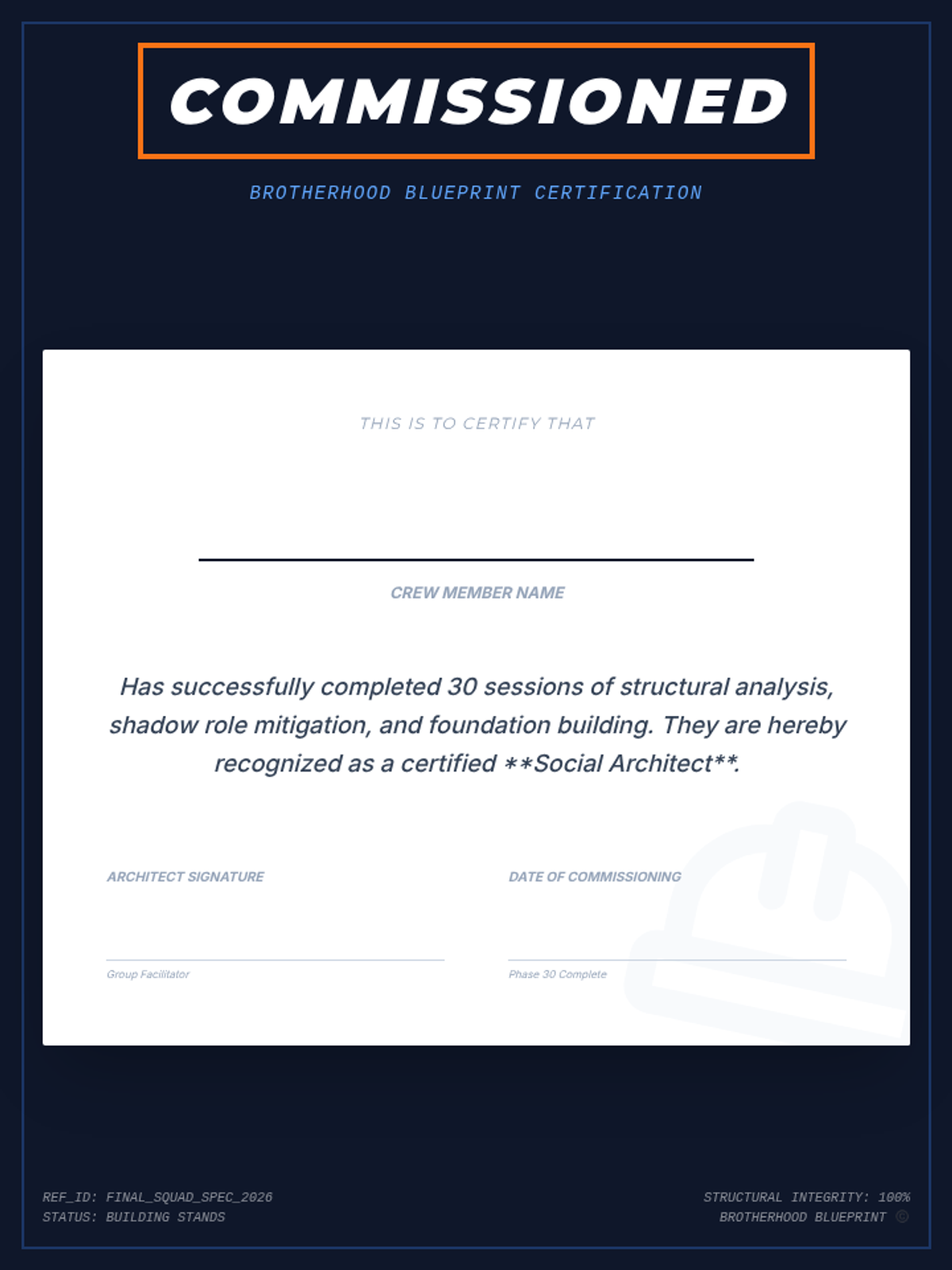
A formal certificate of completion for Session 30, recognizing the student as a 'Social Architect' after finishing the 30-session curriculum.
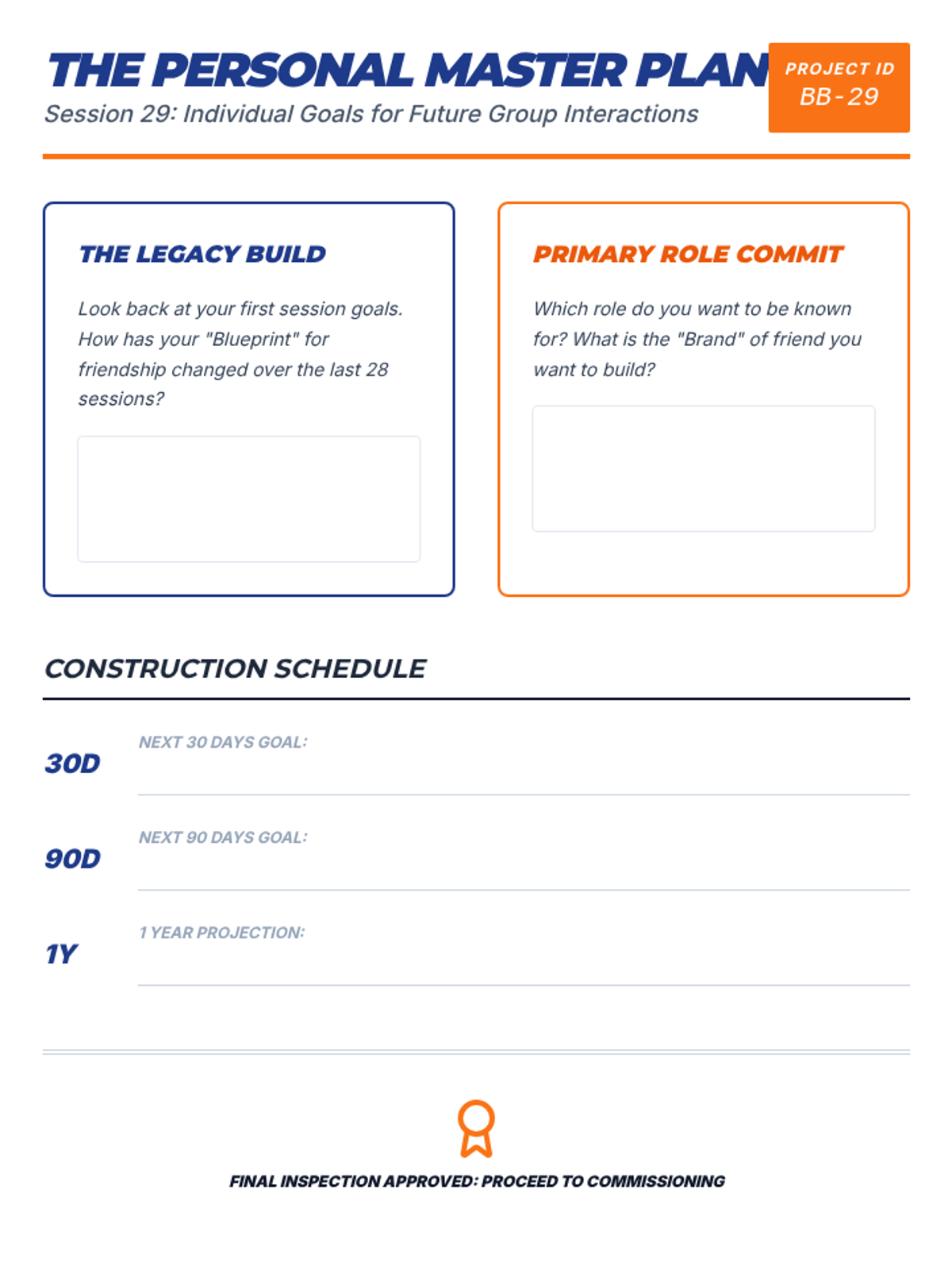
A worksheet for Session 29 that serves as a capstone for the curriculum, helping students set long-term personal goals for their social lives.
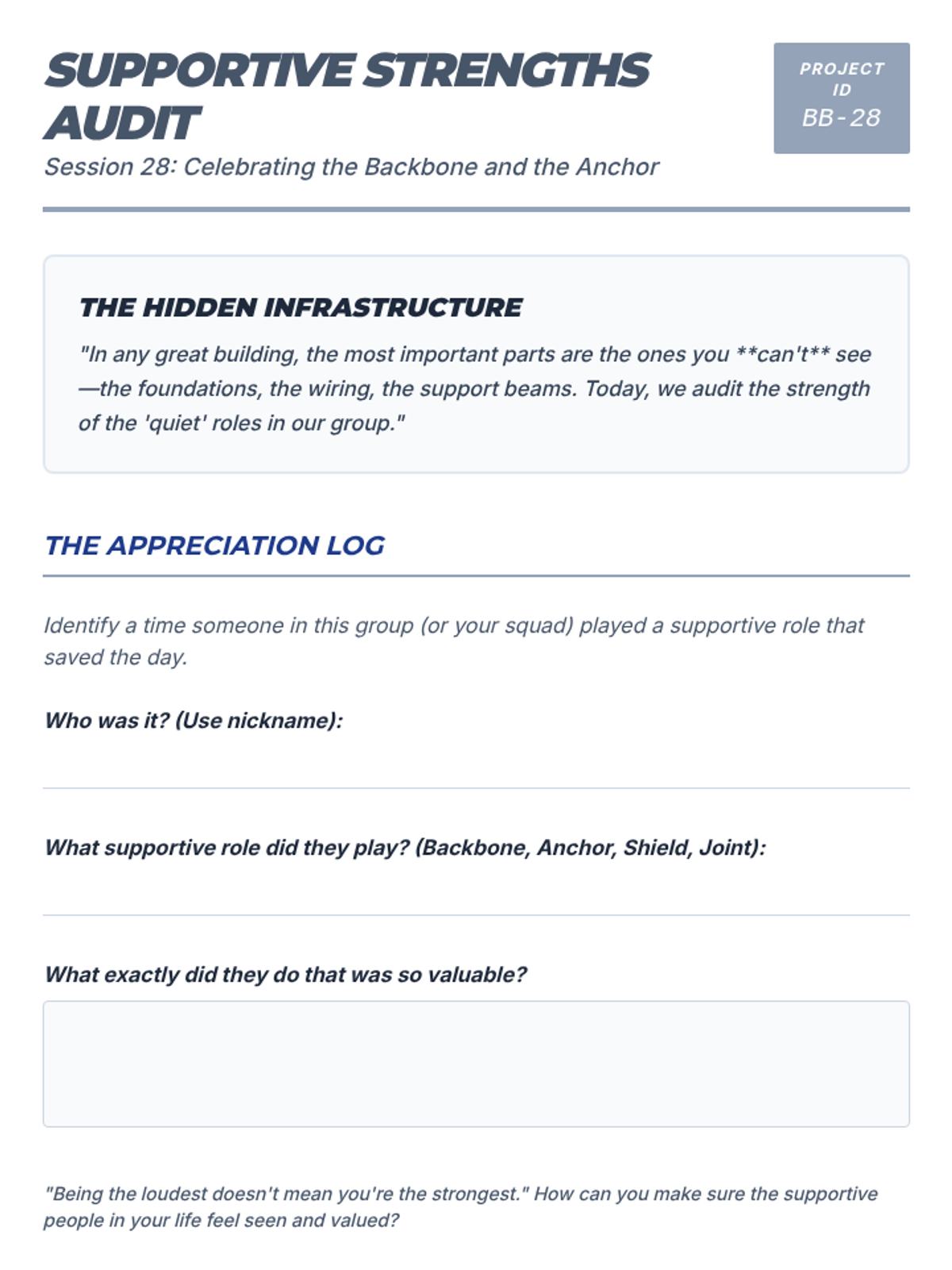
A worksheet for Session 28 that focuses on appreciating and identifying the value of non-leadership roles in group stability.
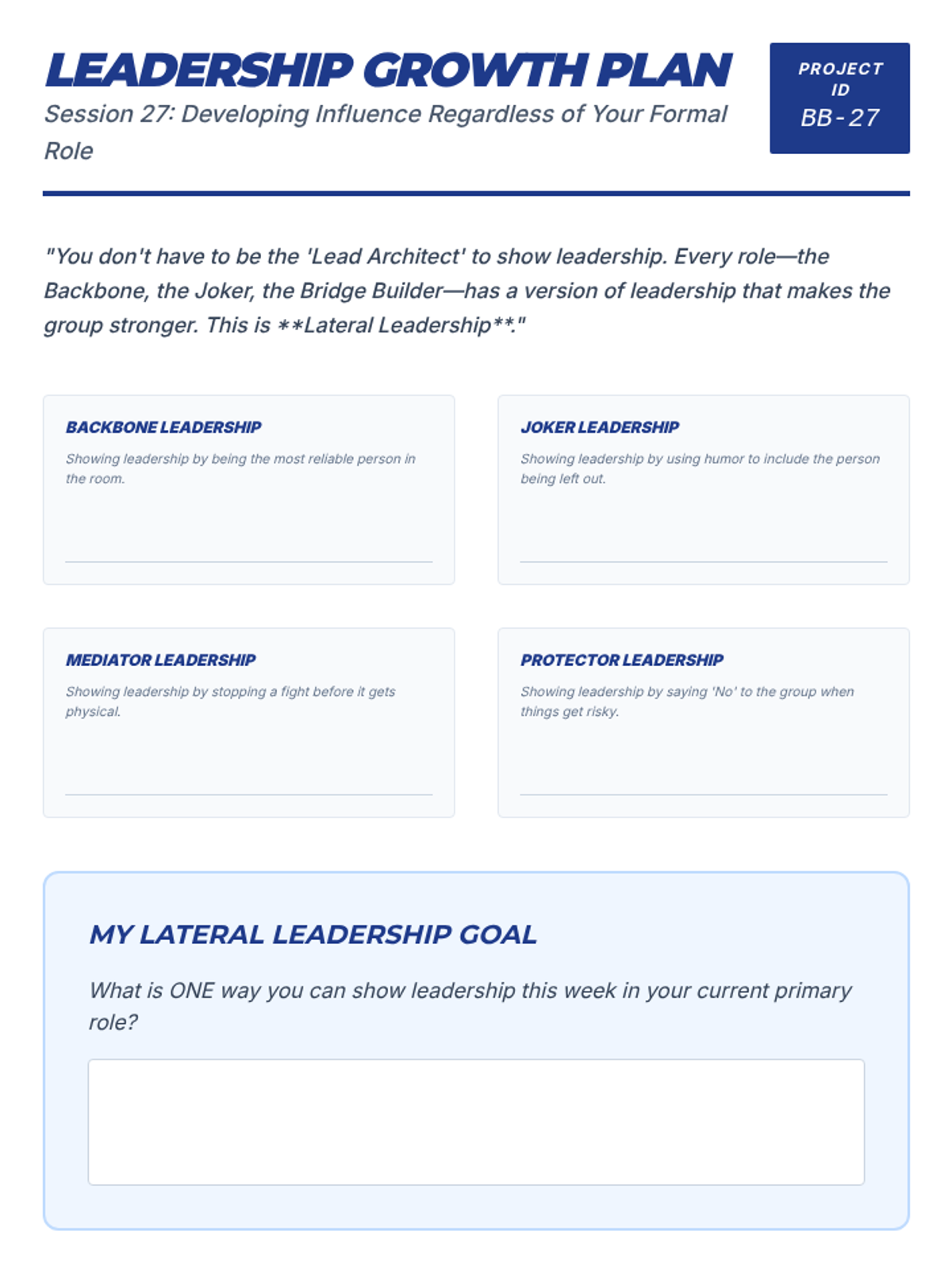
A worksheet for Session 27 that helps students identify opportunities for leadership within their specific social roles.
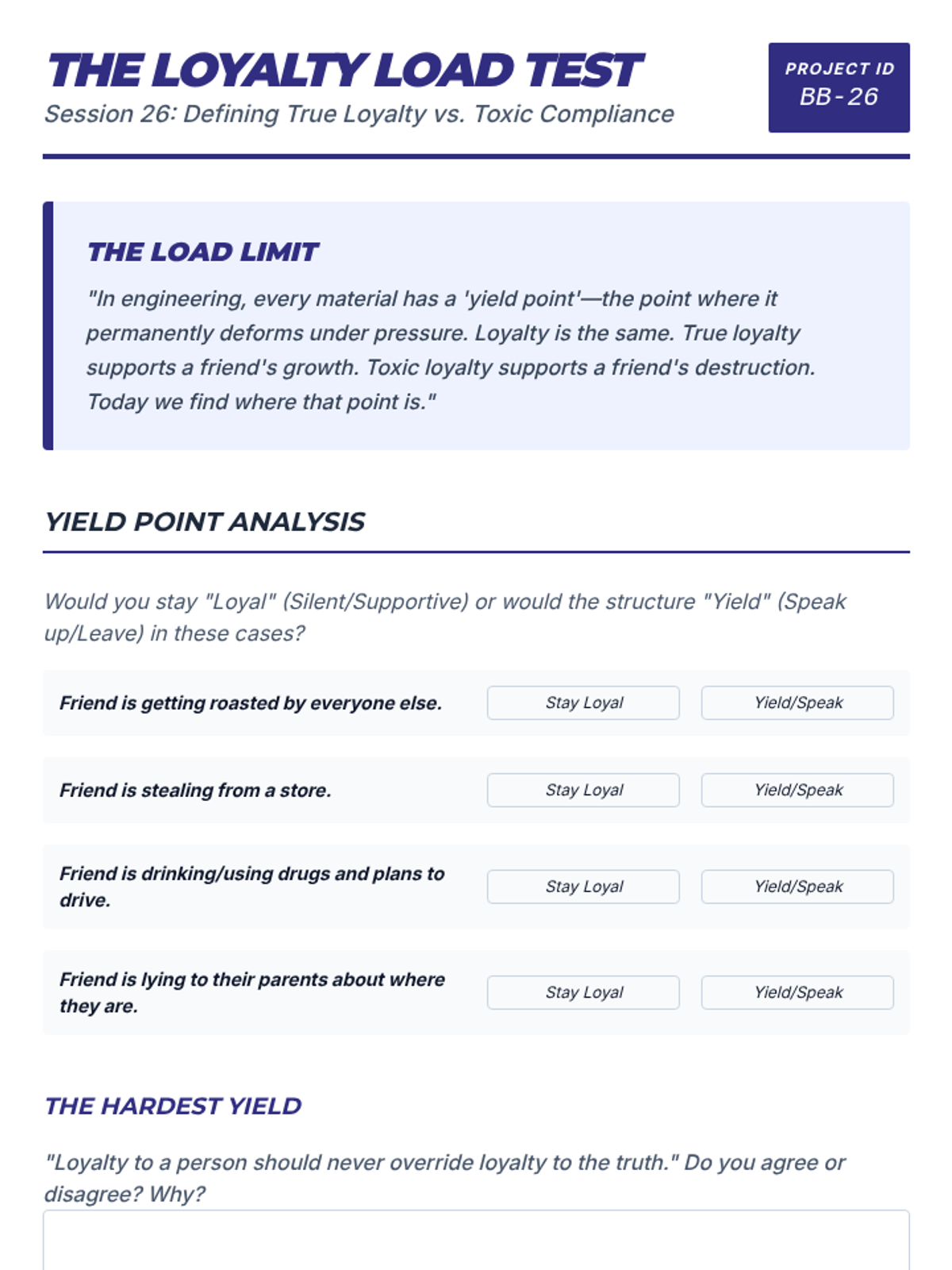
A worksheet for Session 26 that defines true loyalty versus toxic compliance and helps students identify their own personal "yield points."
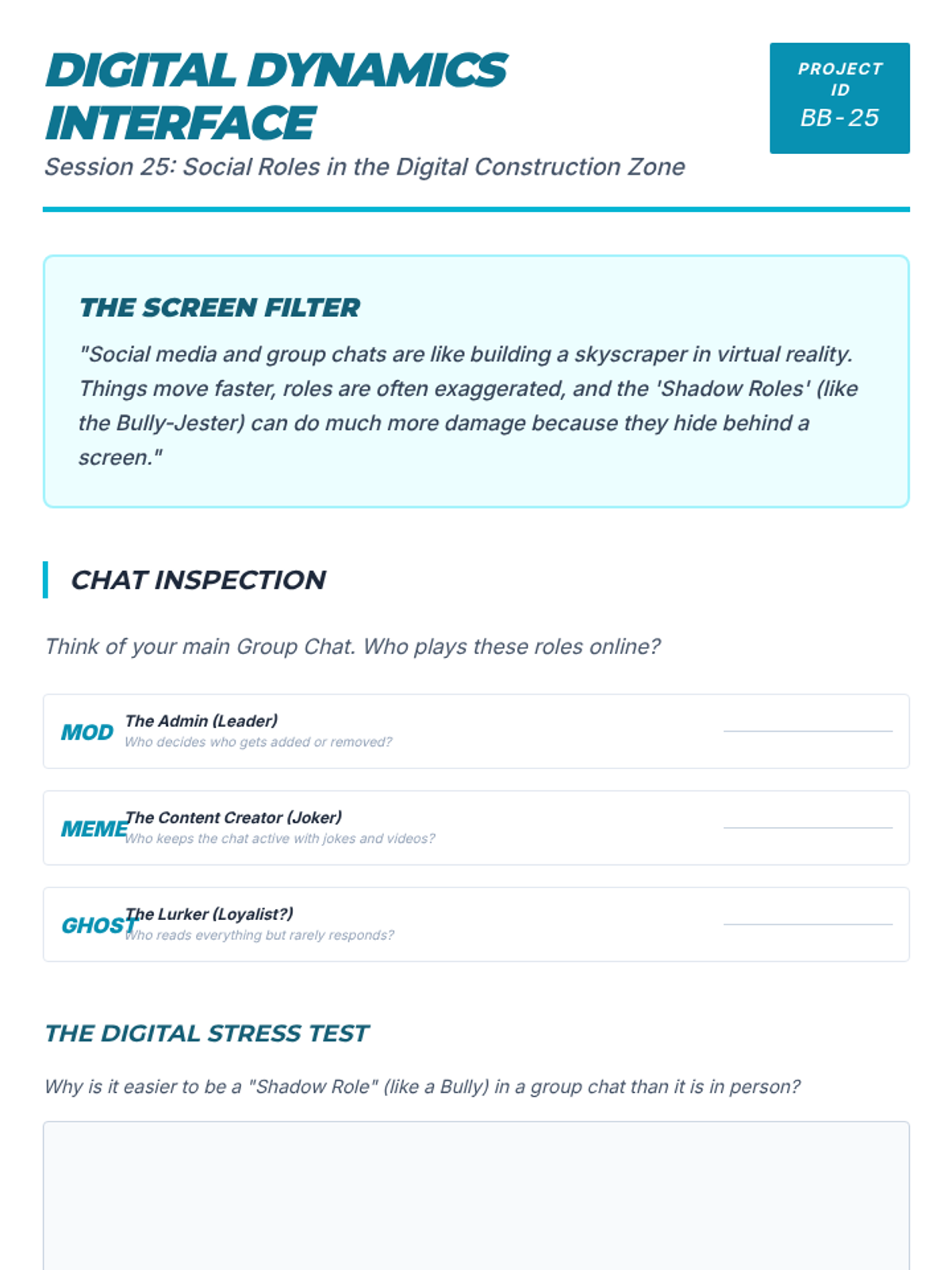
A worksheet for Session 25 exploring digital group dynamics and how roles translate to online spaces.
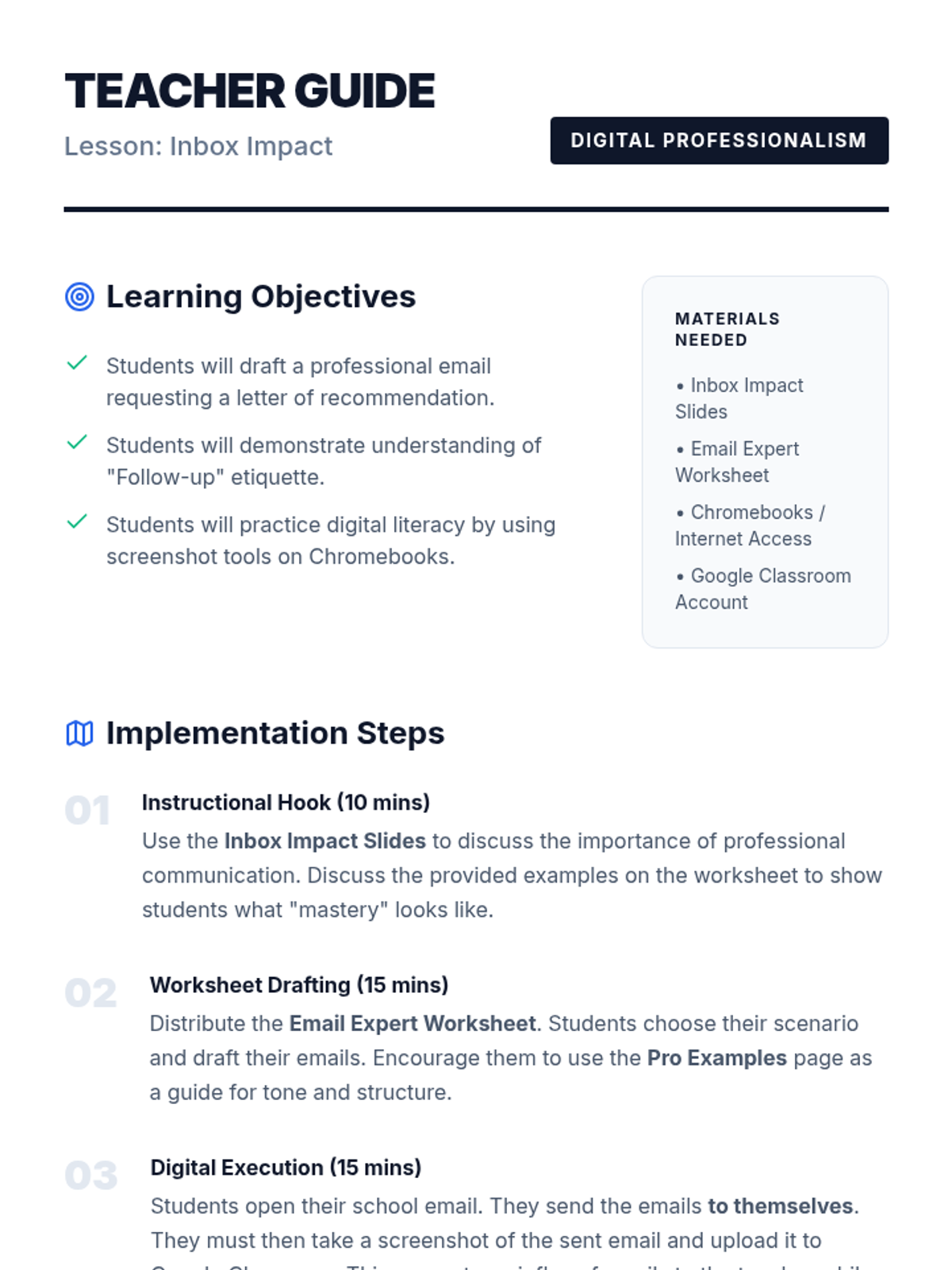
A comprehensive teacher guide for the Inbox Impact lesson. Includes learning objectives, step-by-step implementation, technical troubleshooting for Chromebooks, and a clear grading rubric. Updated to reflect student-to-self email submission process.
A high-impact slide deck for teaching professional email etiquette. It covers the importance of first impressions, the anatomy of a request email, drafting body paragraphs, and the technical steps for the digital assignment. Updated to reflect student-to-self email submission.
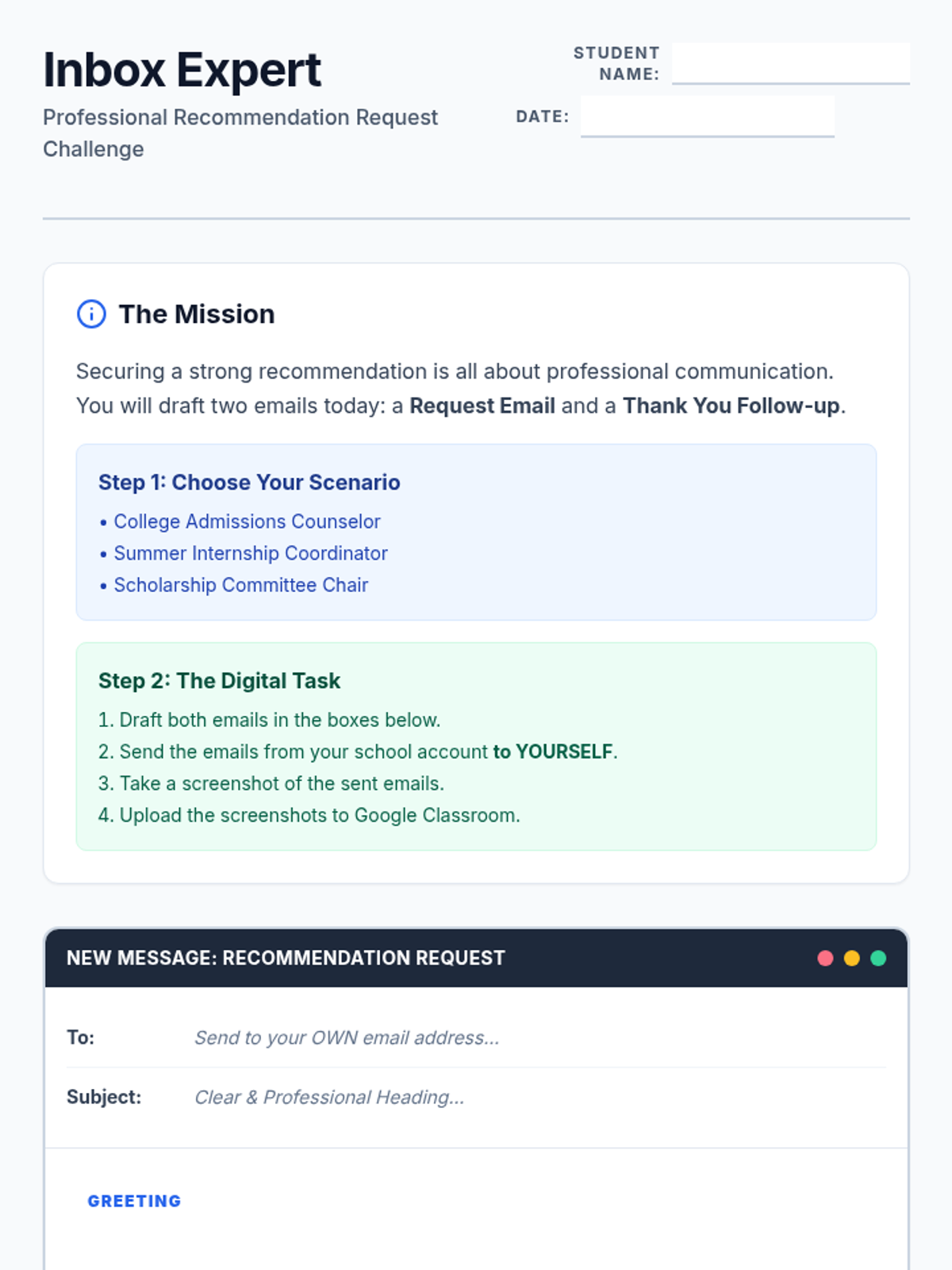
A professional email drafting worksheet designed to look like an inbox compose window. Students draft a recommendation request and a thank-you follow-up, with fields for recipient, subject, and body content, followed by a digital submission checklist. Includes full professional examples for both emails.
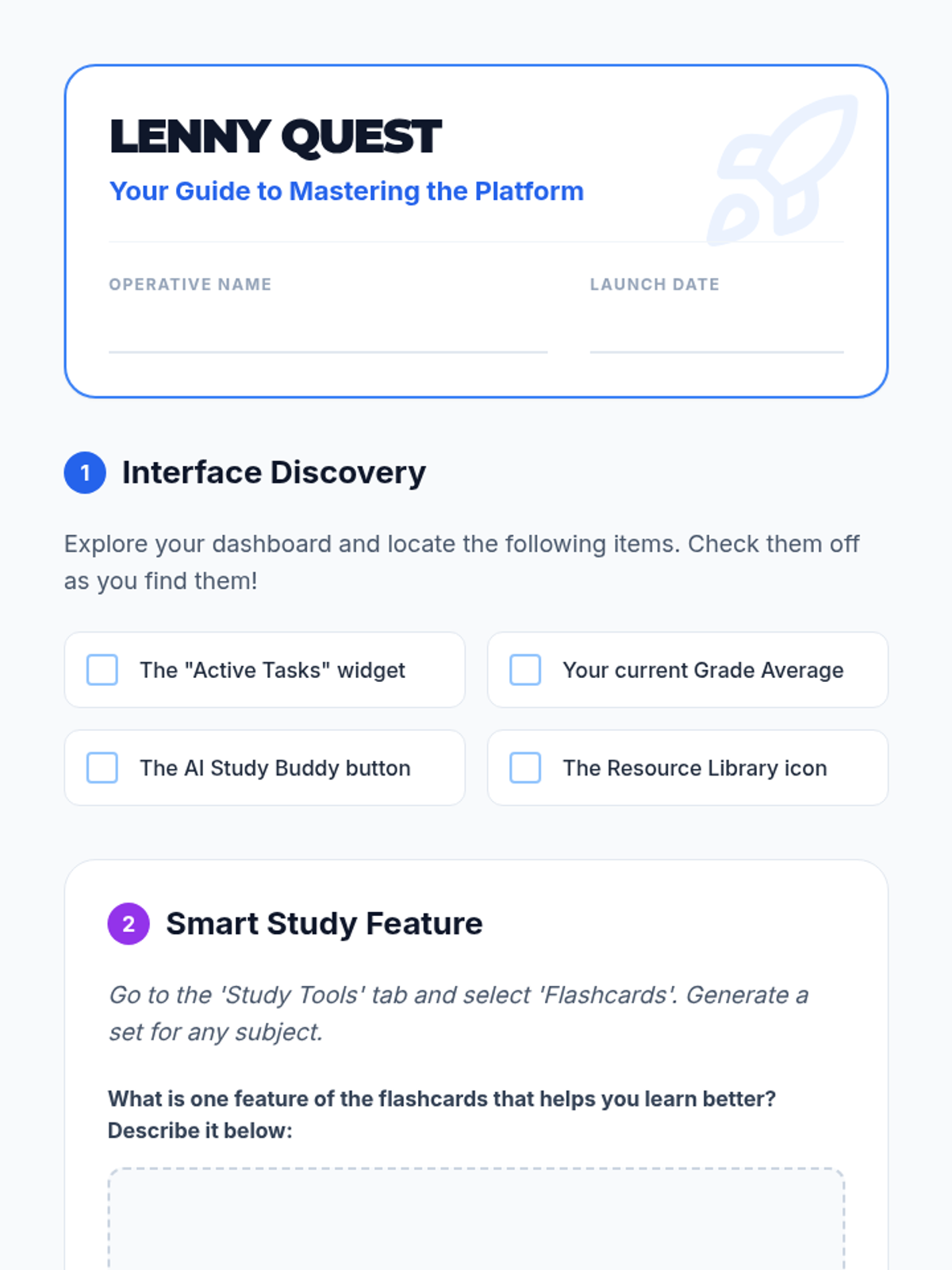
A student-facing scavenger hunt worksheet to help students explore the Lenny Learning interface and features.
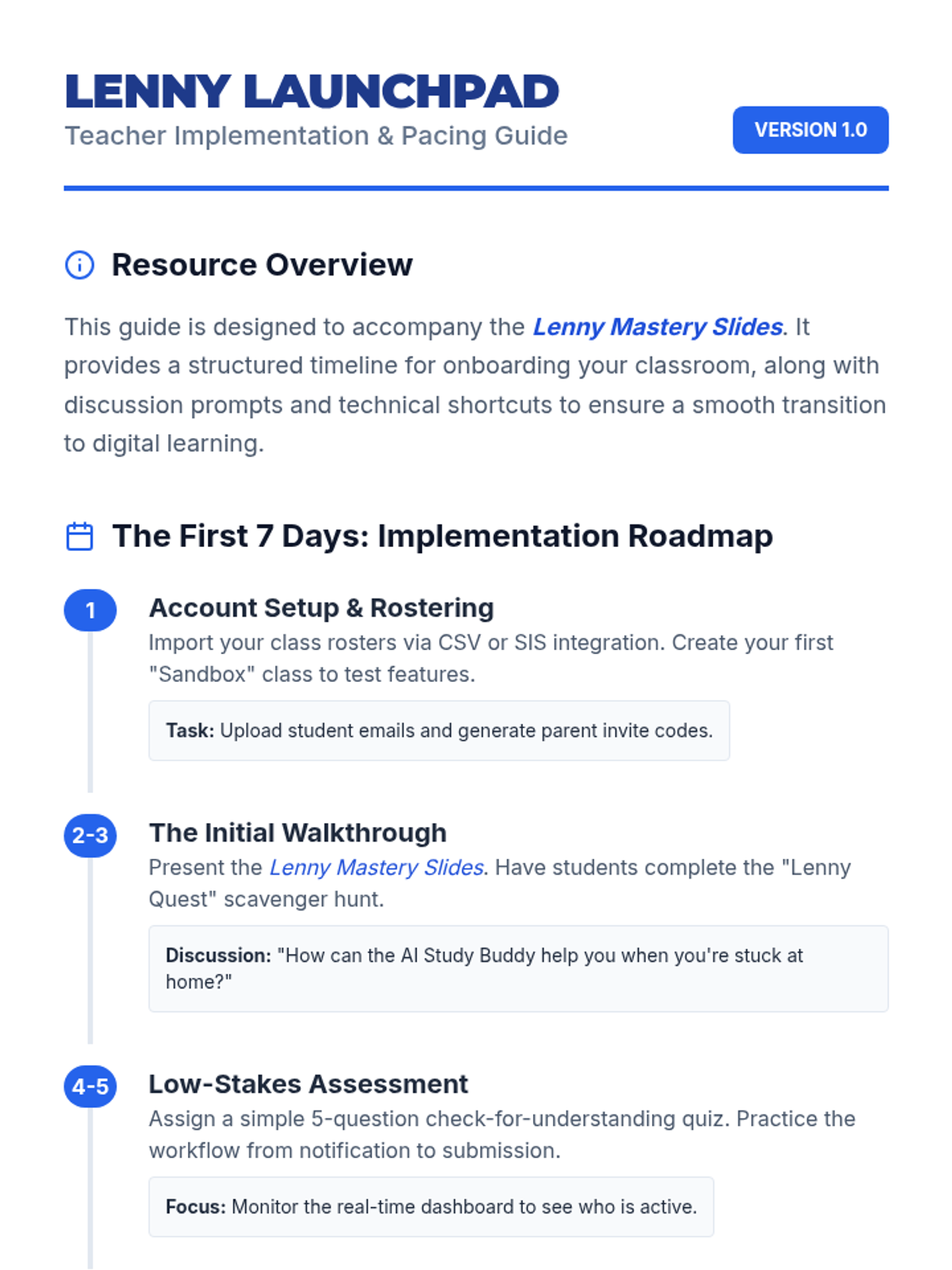
A teacher-facing guide with an onboarding timeline, troubleshooting tips, and classroom management strategies for implementing Lenny Learning.
A 10-slide presentation designed for teachers, providing a beginner-friendly overview of Lenny Learning's assignment workflows, study tools, and dashboard features.
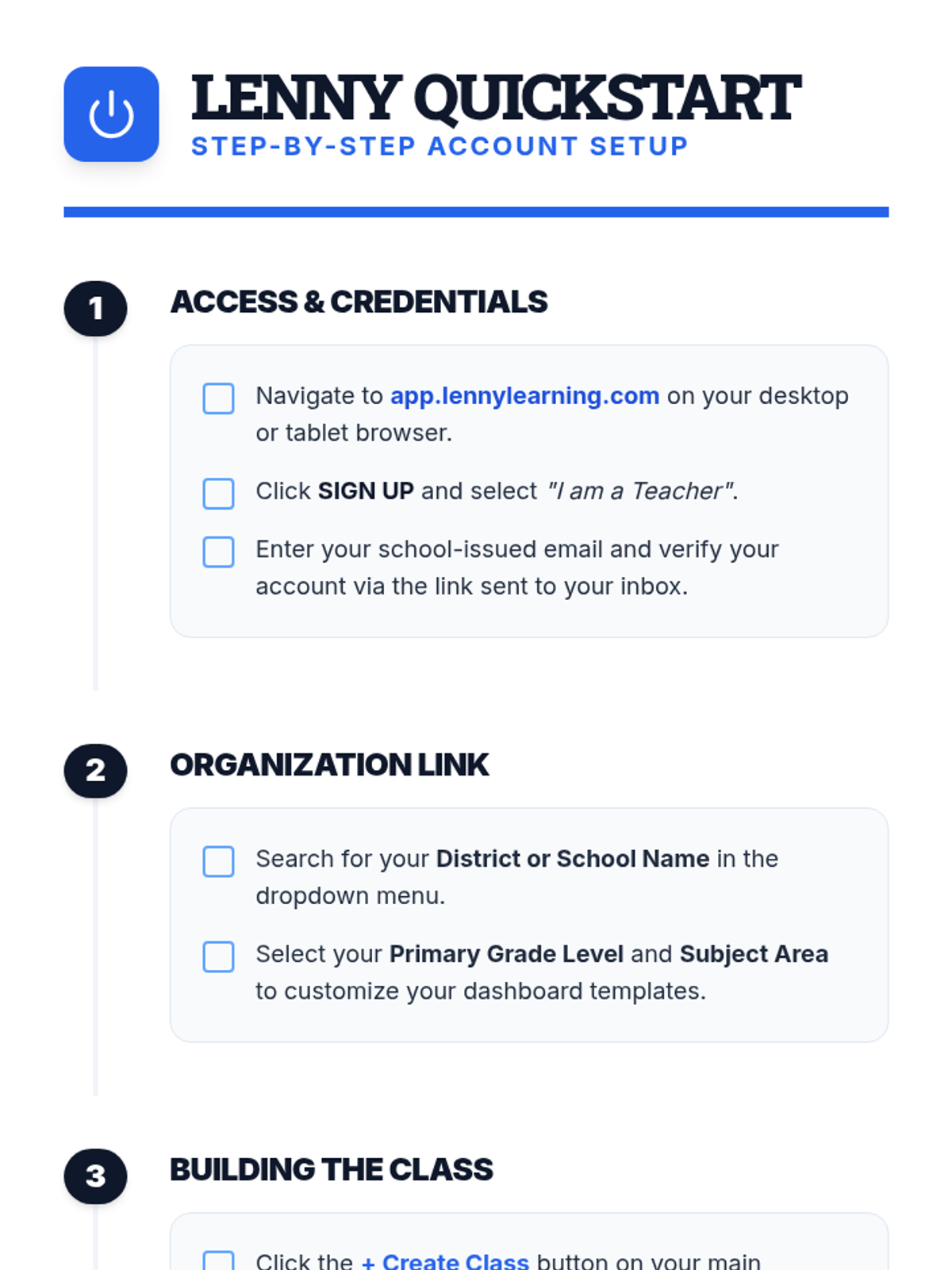
A clear, step-by-step document for teachers on setting up their Lenny Learning account, creating their first class, and onboarding students.
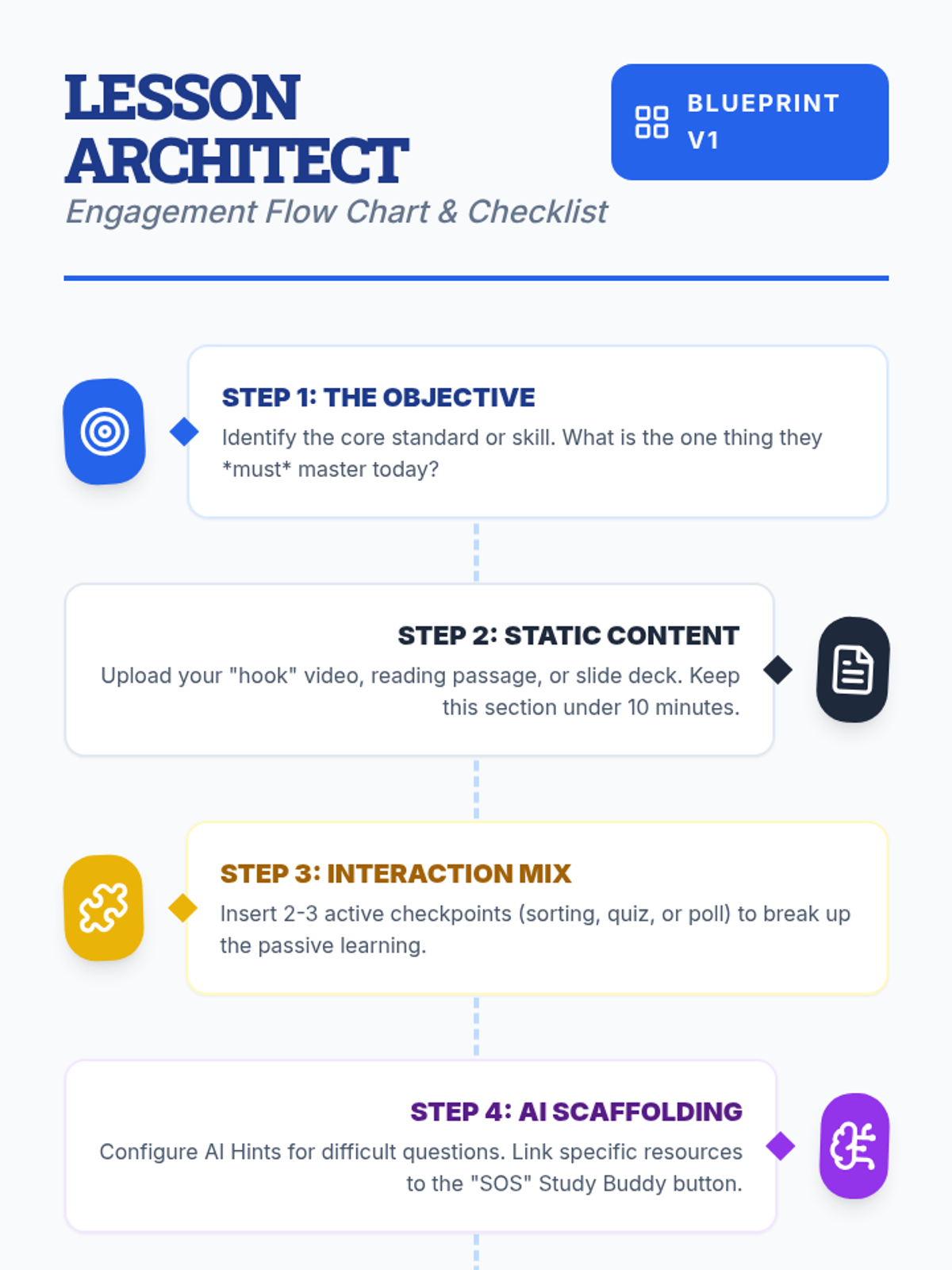
A visual flow chart and checklist for teachers detailing the step-by-step process of designing an engaging lesson on Lenny Learning.
A 10-slide presentation for teachers on designing engaging, interactive lessons using Lenny Learning's advanced features, gamification, and AI support.
A 10-page scenario-based workbook on major purchases. Features the history of the GI Bill, the mechanics of amortization and equity, home buying simulations with closing costs, and the ethics of redlining and gentrification.
A 10-page scenario-based workbook on insurance. Features the history of the Great Fire of London, the mechanics of risk pooling, auto and health insurance simulations, and the ethics of genetic testing and pre-existing conditions.
A 10-page scenario-based workbook on consumer skills. Covers the history of food safety, the ethics of planned obsolescence, "Right to Repair" policy, and simulations for subscription cancellations and negotiation tactics.
A 10-page workbook on modern banking, covering fractional reserve systems, the Wildcat Banking era, overdraft ethics, and liquidity management. Includes simulations for choosing bank accounts and managing transaction clearing times.
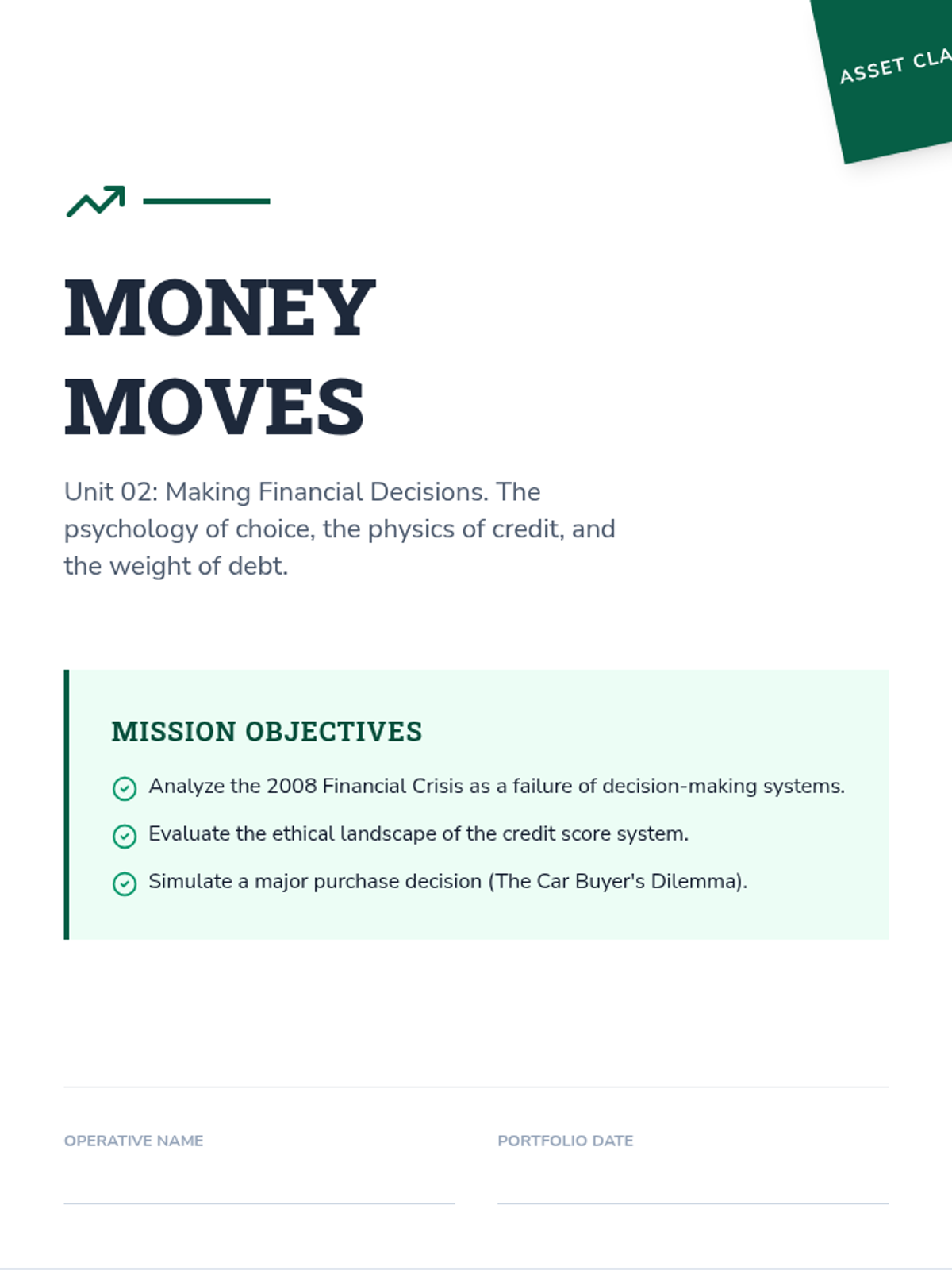
A 10-page workbook on the psychology and mechanics of financial decision-making. Features an analysis of the 2008 Financial Crisis, ethical debates on credit scores, and simulations for car buying and educational ROI.
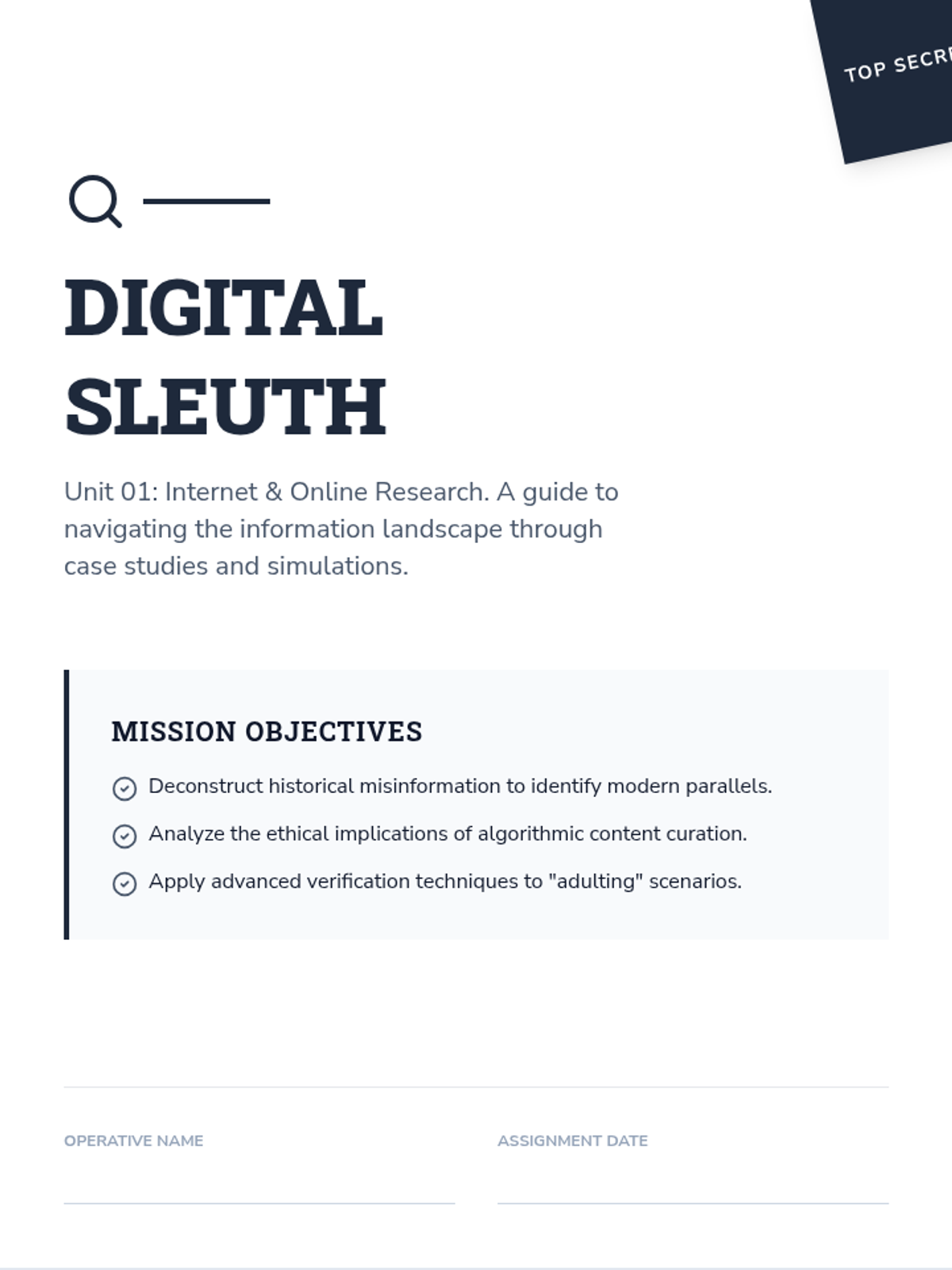
A 10-page scenario-based workbook focusing on digital literacy, source verification, and the ethics of algorithmic research. Includes historical case studies, policy analysis of Section 230, and simulations for apartment hunting and medical vetting.
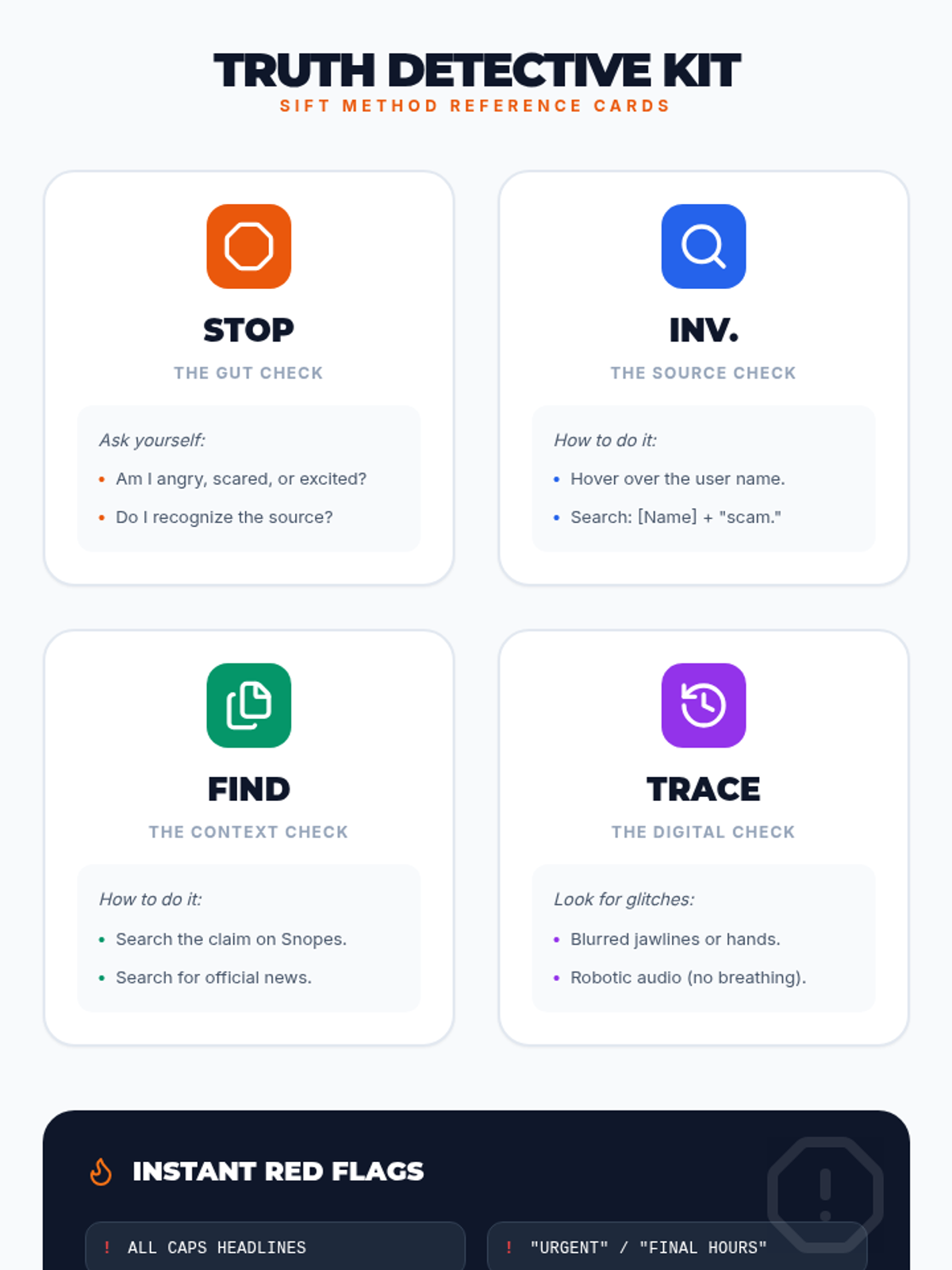
A reference sheet for students featuring four pocket-sized reference cards for each step of the SIFT method, along with a quick-glance list of digital red flags.
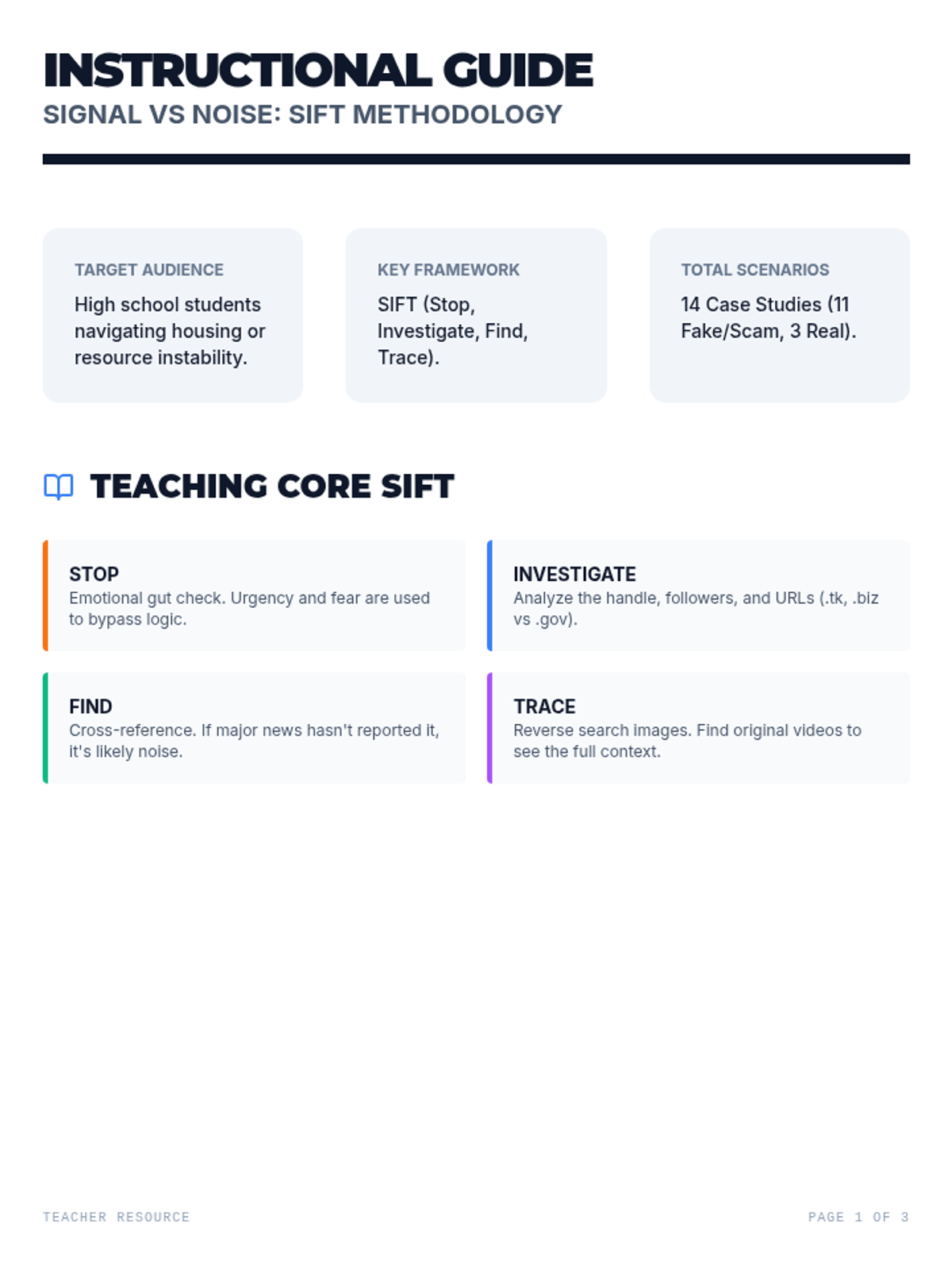
A three-page teacher guide providing instructional scripts, facilitation notes, and a cleaned-up answer key for the 'Signal vs Noise' lesson and its 14 worksheet scenarios, now including 3 real news scenarios for comparison.
A 6-slide visual presentation titled 'Signal vs Noise' that teaches the SIFT method for identifying fake news, deepfakes, and clickbait scams, including a framework overview and deep dive into AI manipulation.
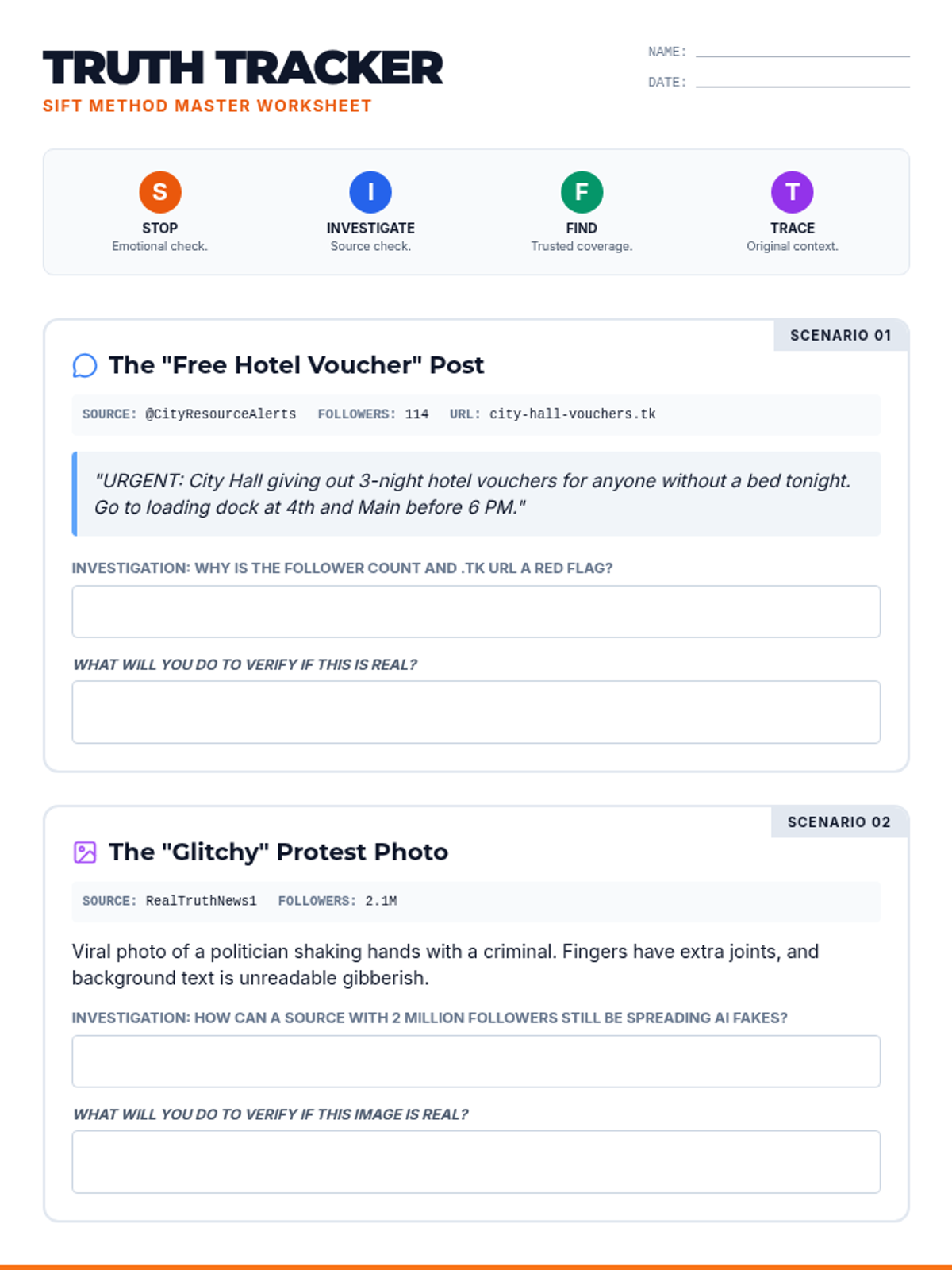
A five-page student worksheet titled 'Truth Tracker' that uses the SIFT method to help students analyze and debunk fake news scenarios involving local resources, job scams, deepfakes, clickbait, and political crisis misinformation, now including 3 real news scenarios for comparison. Each scenario has been updated to include a specific student work area for their verification plan.
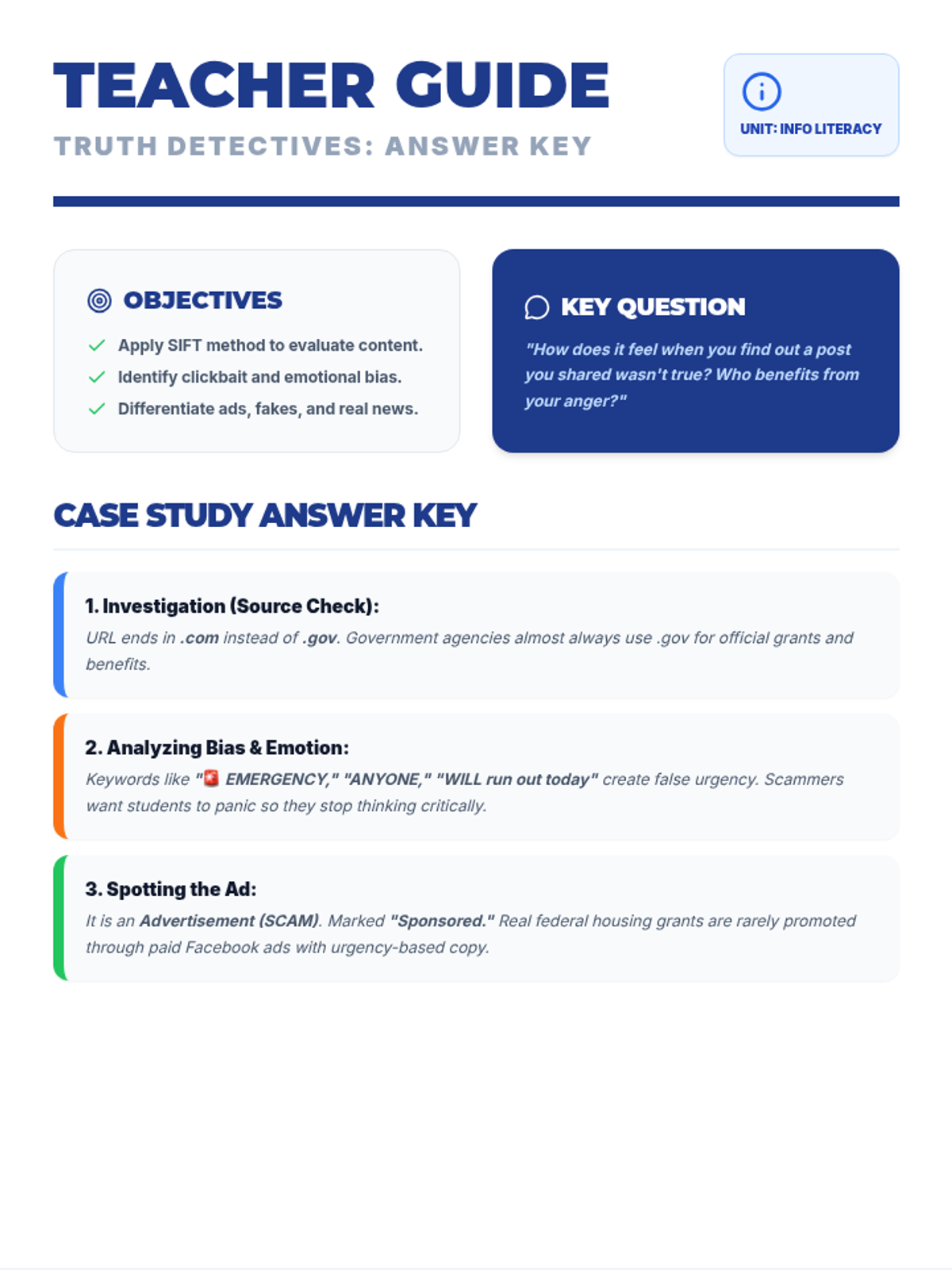
Facilitation guide and answer key for the Truth Detectives worksheet, featuring a vibrant digital-security theme with clear keys for all 9 scenarios. Optimized for 8.5x11 inch pages with fixed heights to ensure content fits perfectly.
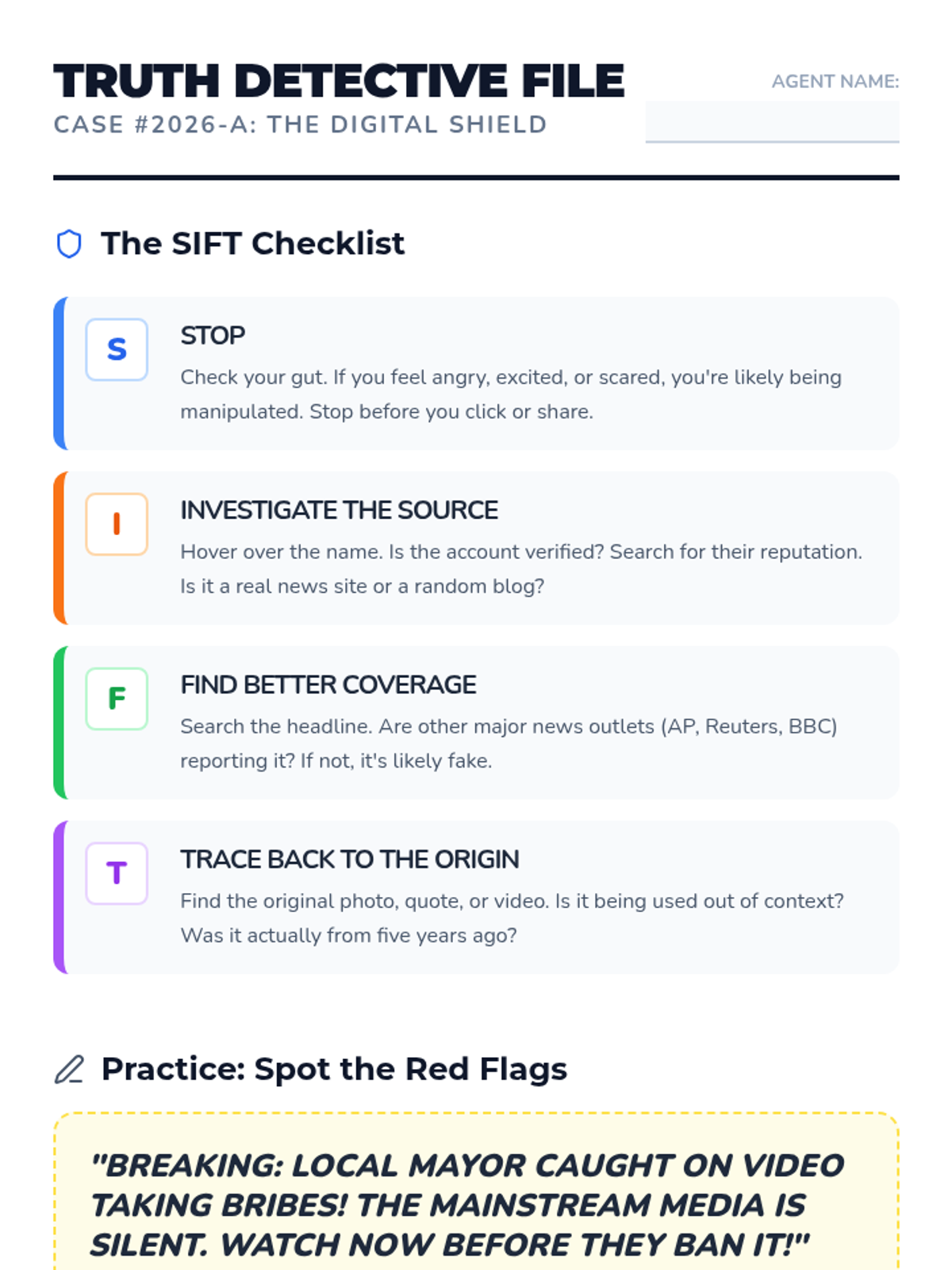
Vibrant student worksheet featuring a SIFT method checklist, viral housing scam case study, and a balanced 9-scenario quiz. Optimized for 8.5x11 inch pages with reduced padding and slightly smaller font sizes to comfortably fit all content.
Vibrant, high-contrast visual presentation for teaching students how to recognize fake news, featuring the SIFT method and predatory ad identification. Uses a polished digital-security aesthetic with bold colors.
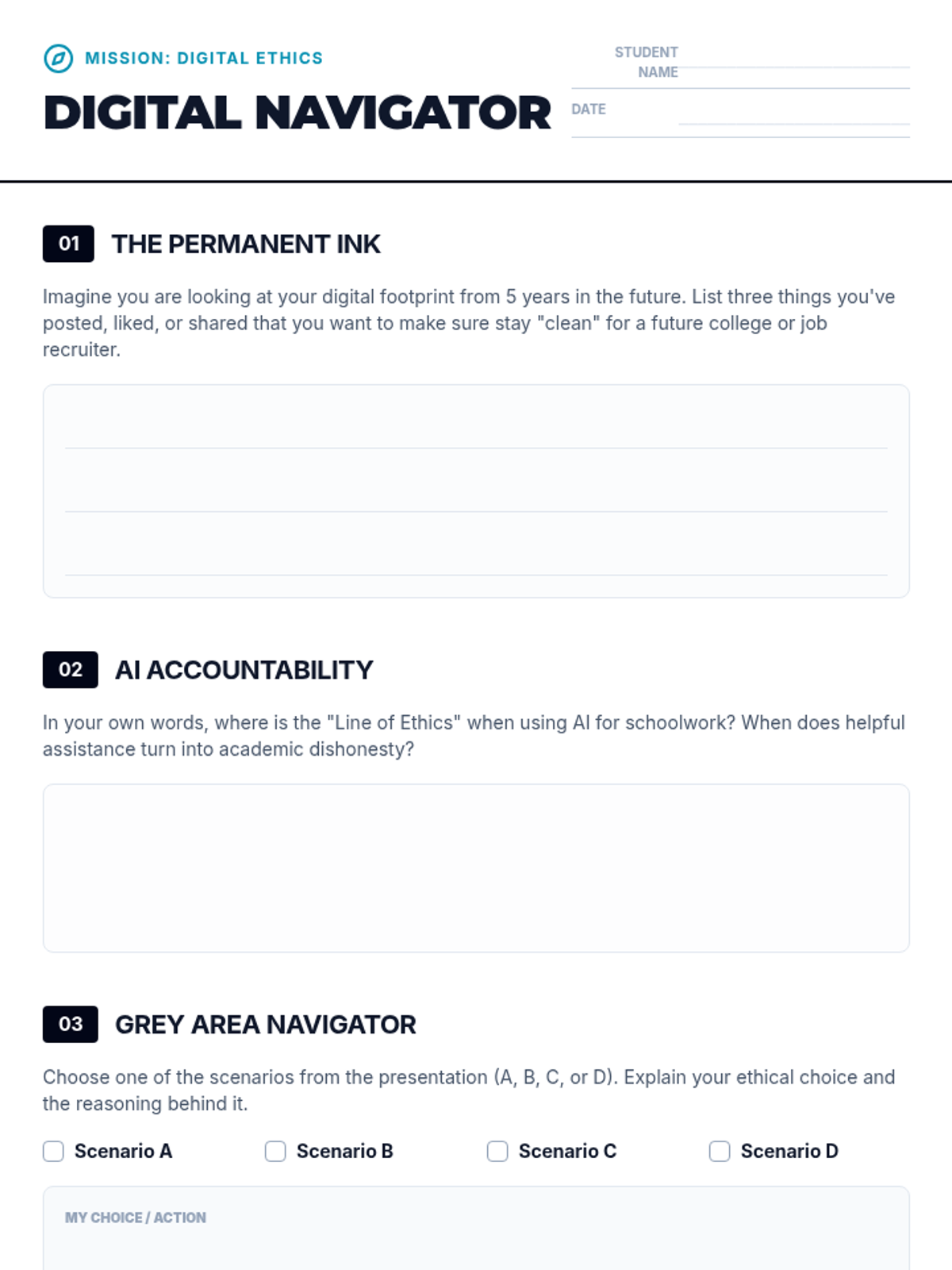
A reflective student worksheet designed to accompany the Digital Compass lesson, providing space for personal reflection on digital footprints, AI use, and ethical scenarios.