Stop-and-think strategies, impulse management, and SMART goal setting for personal growth. Develops internal motivation, stress reduction techniques, and resilience through proactive planning and monitoring.
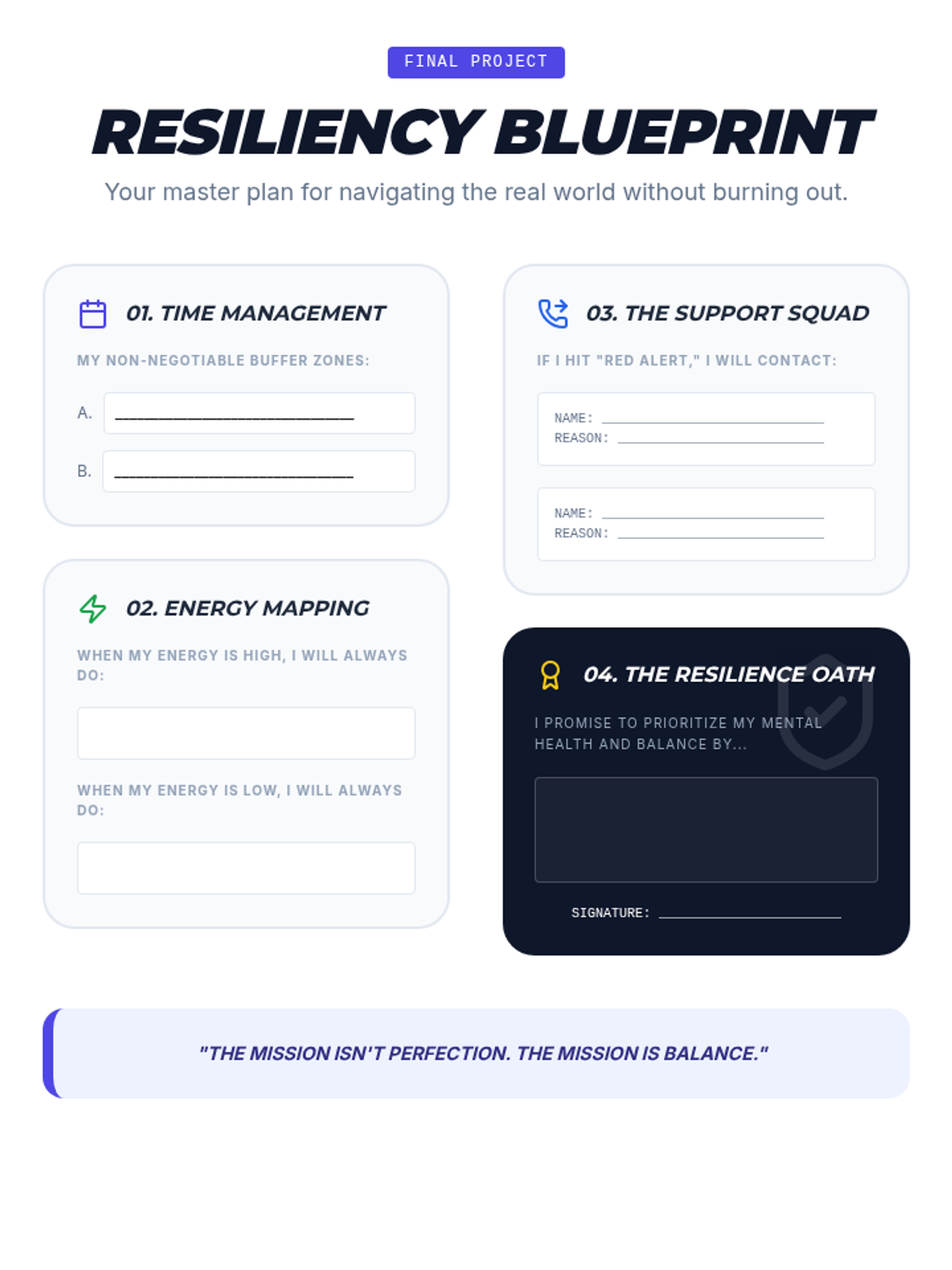
A summative project document where students synthesize everything they have learned into a personal 'Resiliency Blueprint' for real-world application.
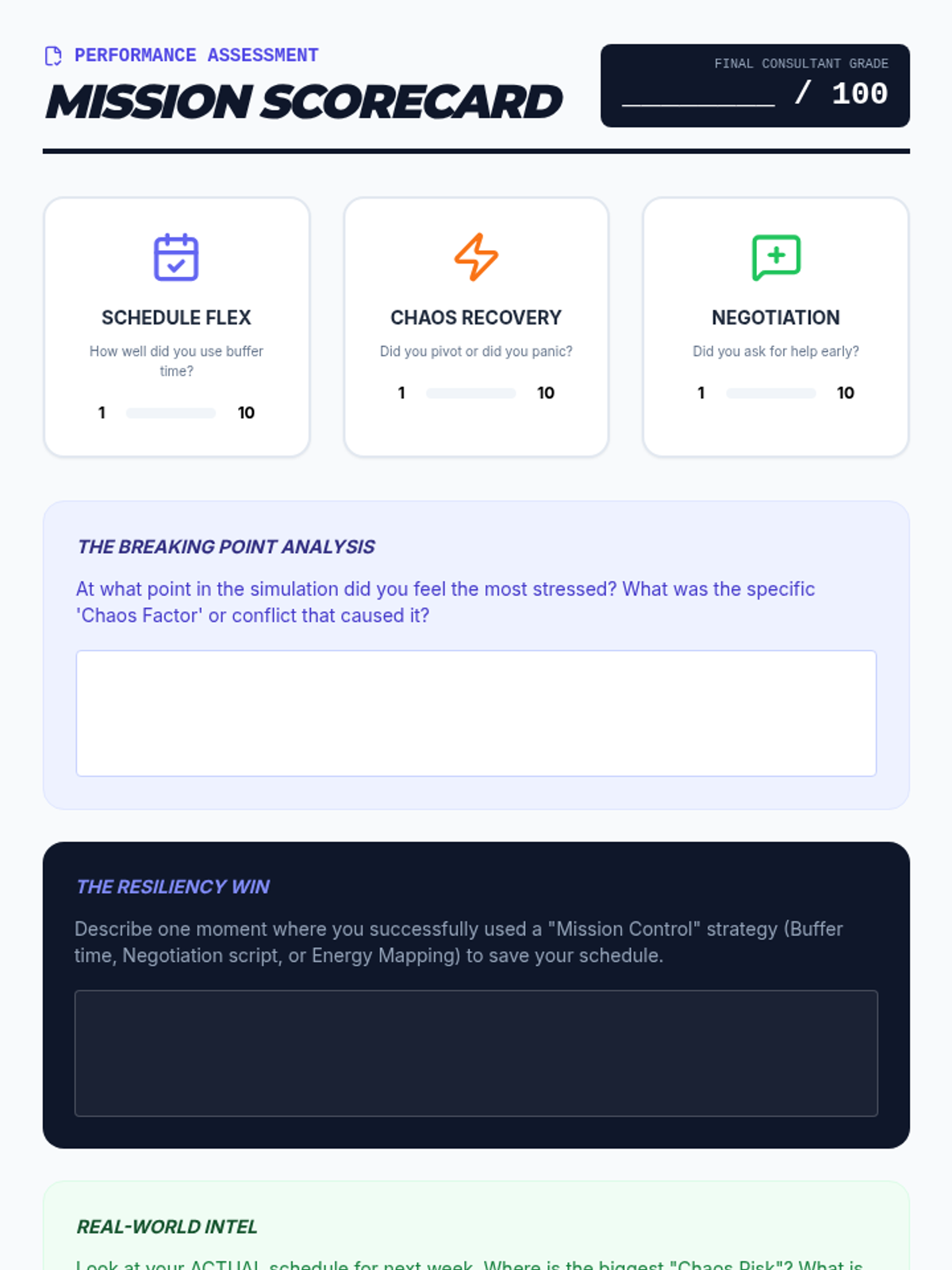
A final self-assessment 'Scorecard' for the Mission Balance sequence, allowing students to rate their performance and reflect on their growth in schedule management and resiliency.
Final presentation for the Mission Balance sequence, reviewing core concepts of chaos management, negotiation, and energy management, and introducing the final scorecard activity.
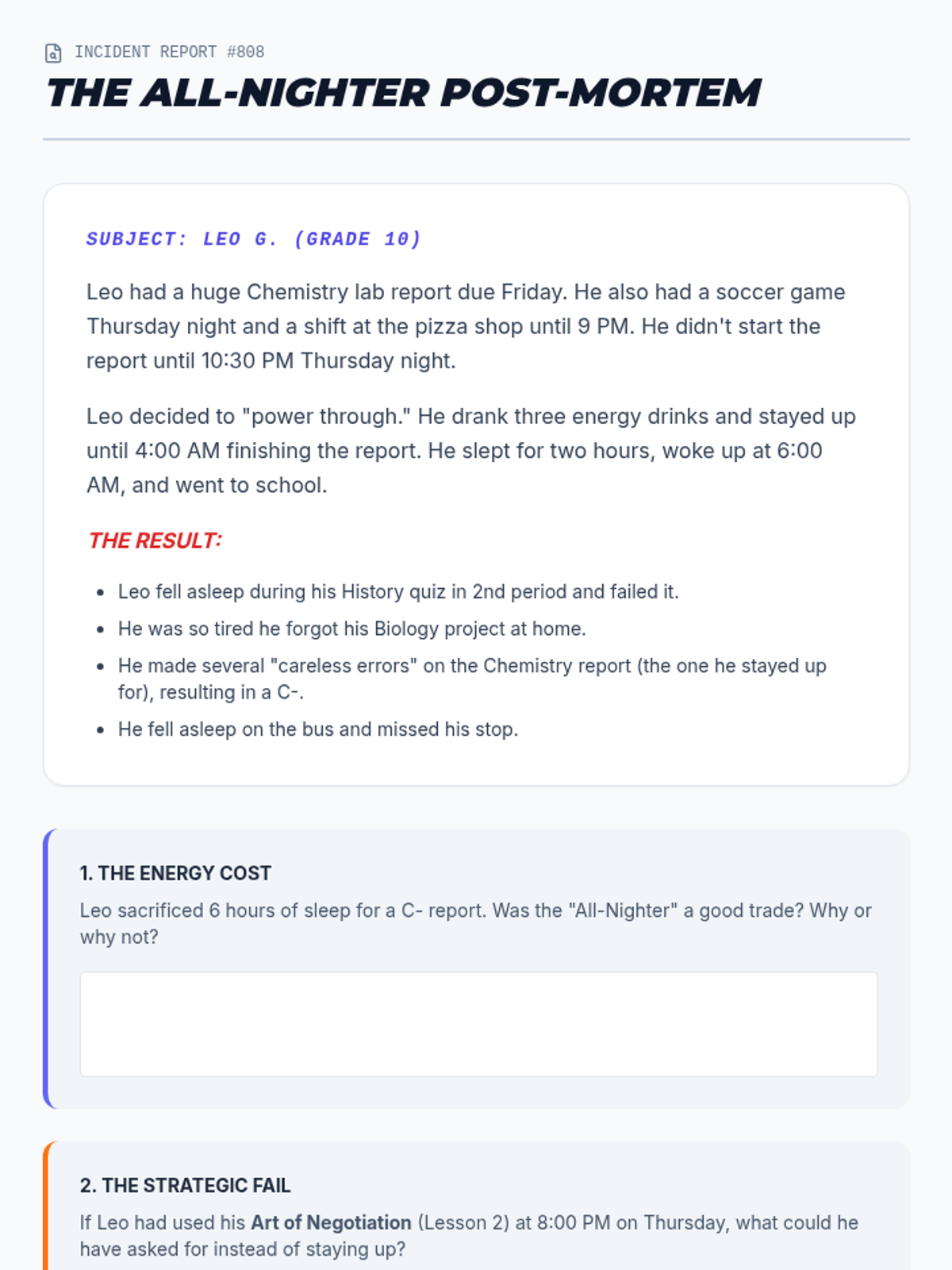
A case study analysis of a student's 'all-nighter' experience, prompting students to evaluate the consequences and identify alternative strategies from the sequence.
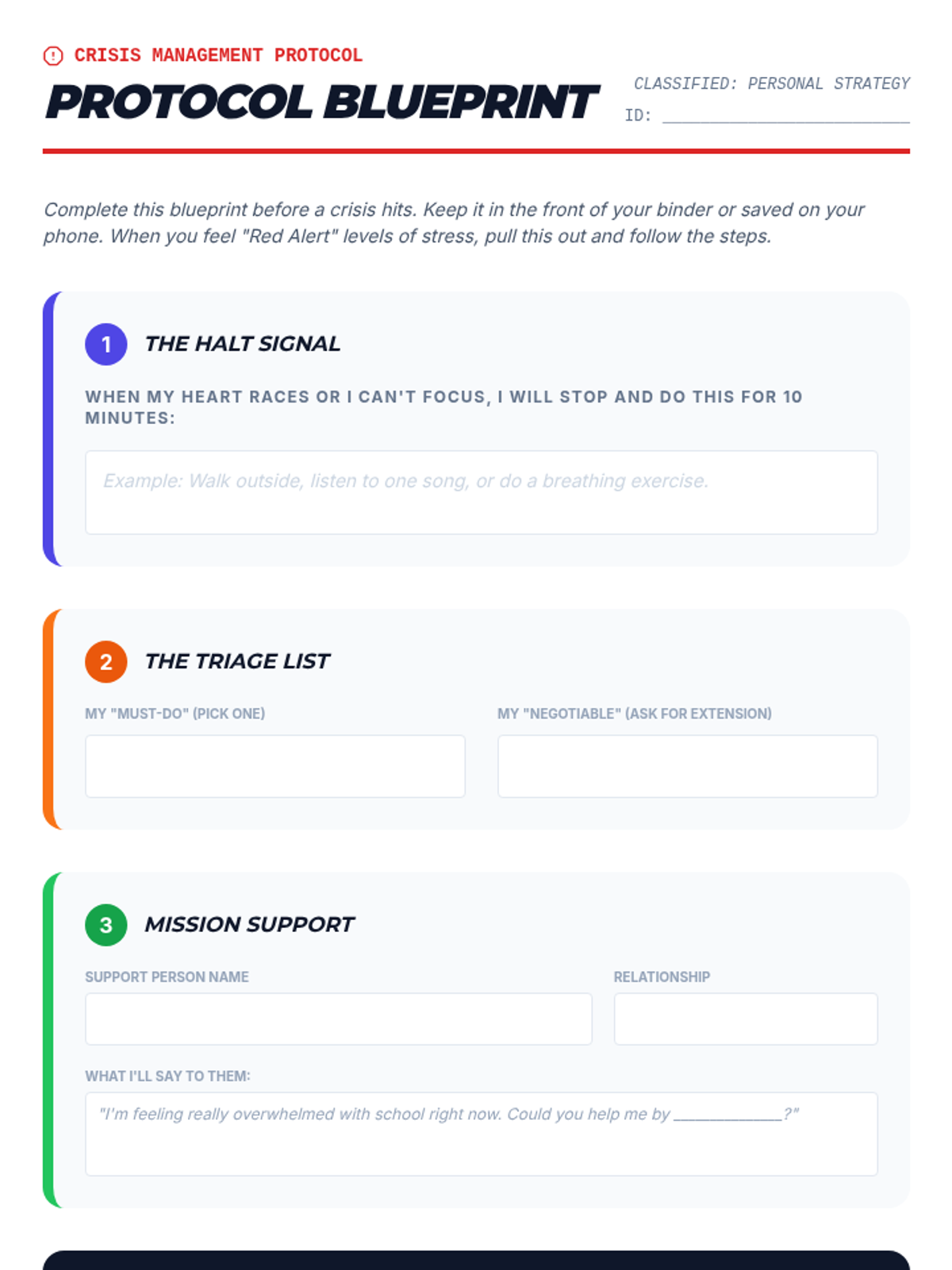
A personal crisis management worksheet where students document their specific 'Red Alert' protocols, including triage strategies, support contacts, and recovery plans.
Lesson 4 slides on crisis management protocols, teaching students how to identify burnout, prioritize tasks during 'Red Alert' scenarios, and activate support systems.
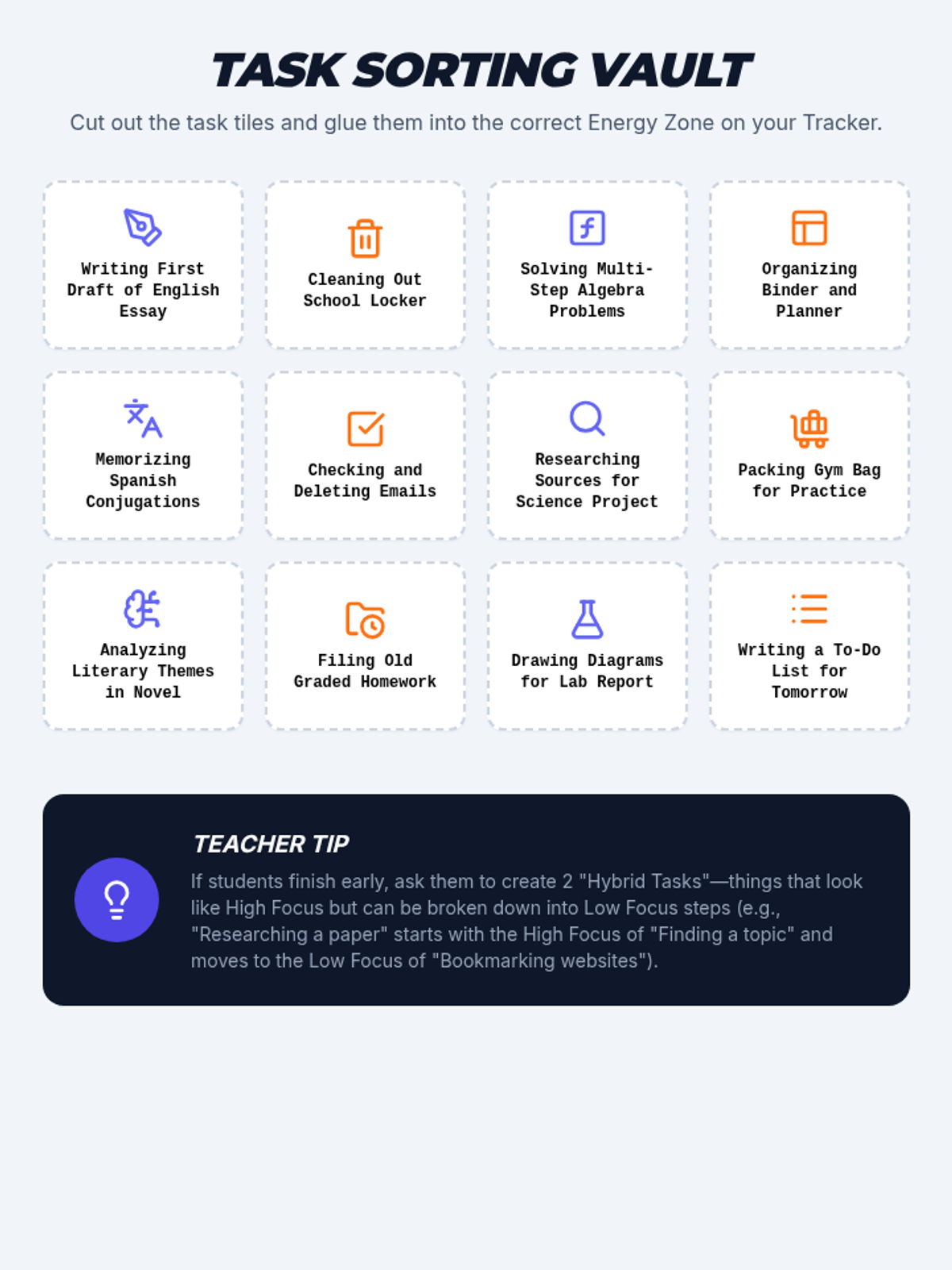
A cut-and-paste sorting activity for students to categorize common school and life tasks as either 'High Focus' or 'Low Focus' energy requirements.
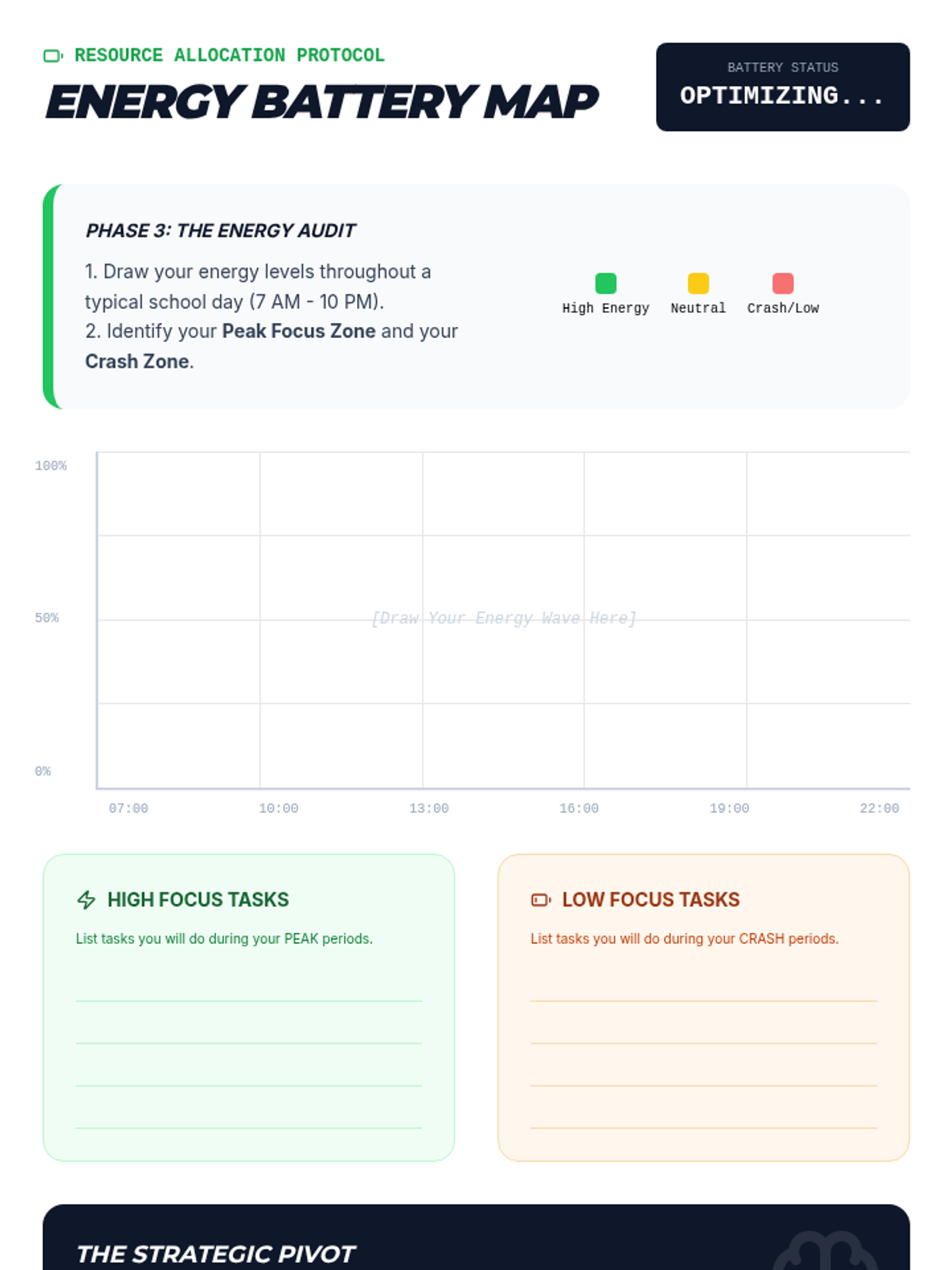
A worksheet for students to map their daily energy levels and strategically assign tasks based on their peak focus periods.
Lesson 3 presentation on energy management, teaching students to differentiate between High Focus and Low Focus tasks and to identify their personal peak energy periods.
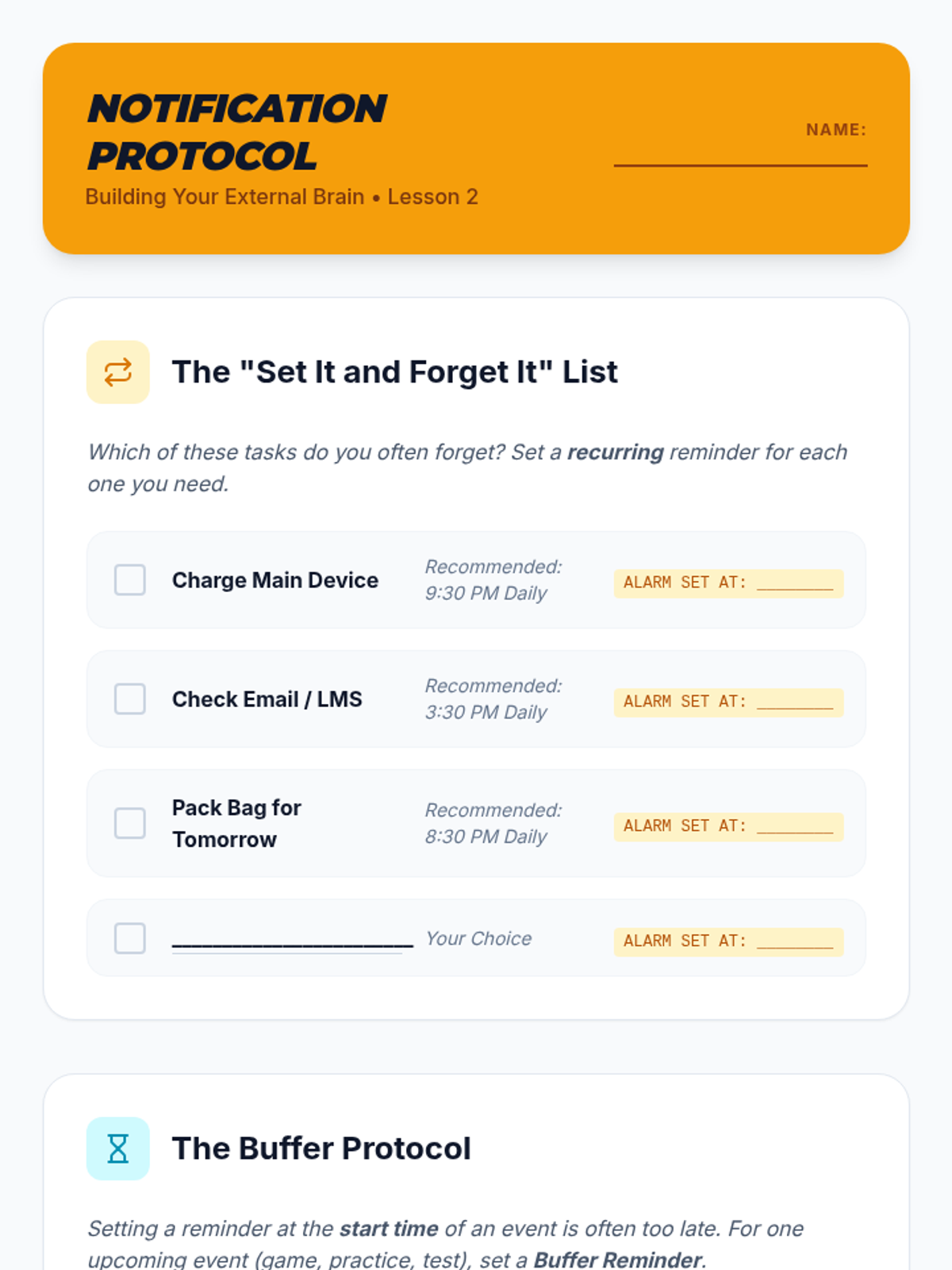
A student worksheet for Lesson 2 to help students configure automated alerts and "Buffer Protocol" reminders on their devices.
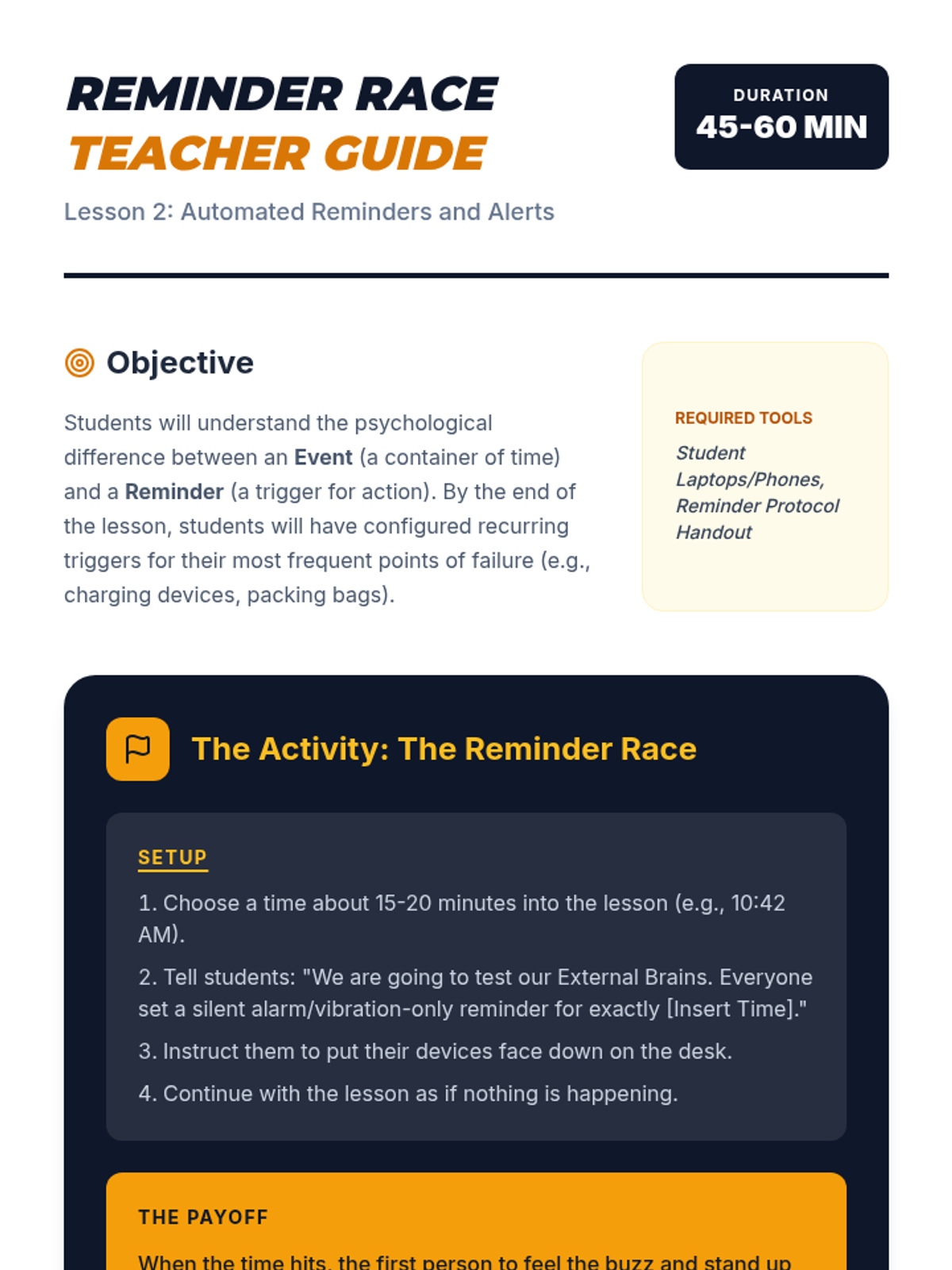
A teacher guide for Lesson 2 focusing on the interactive "Reminder Race" activity and key strategies for proactive time management.
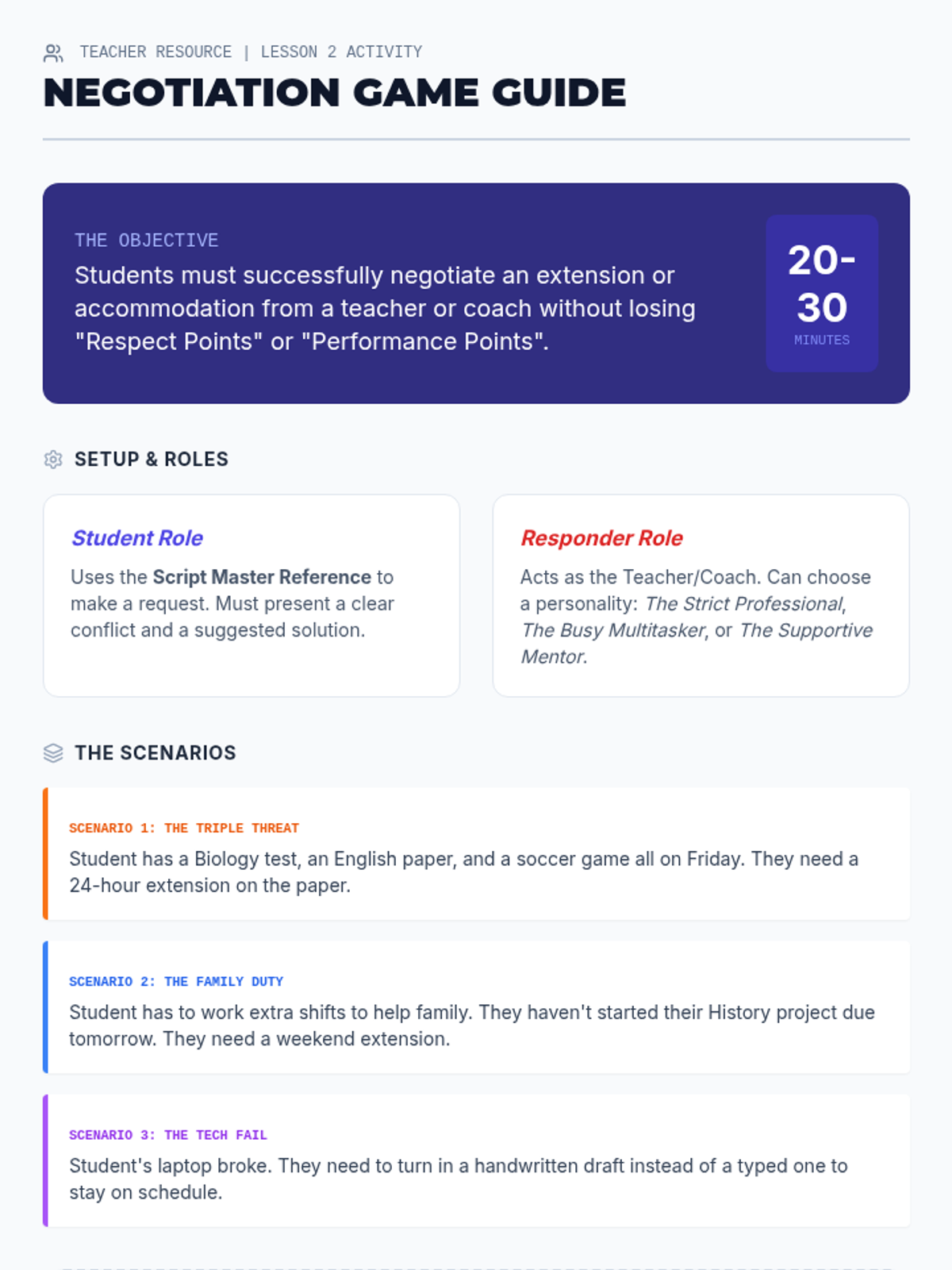
Teacher facilitation guide for the Lesson 2 role-play simulation, providing scenarios, roles, and assessment criteria for student negotiations.
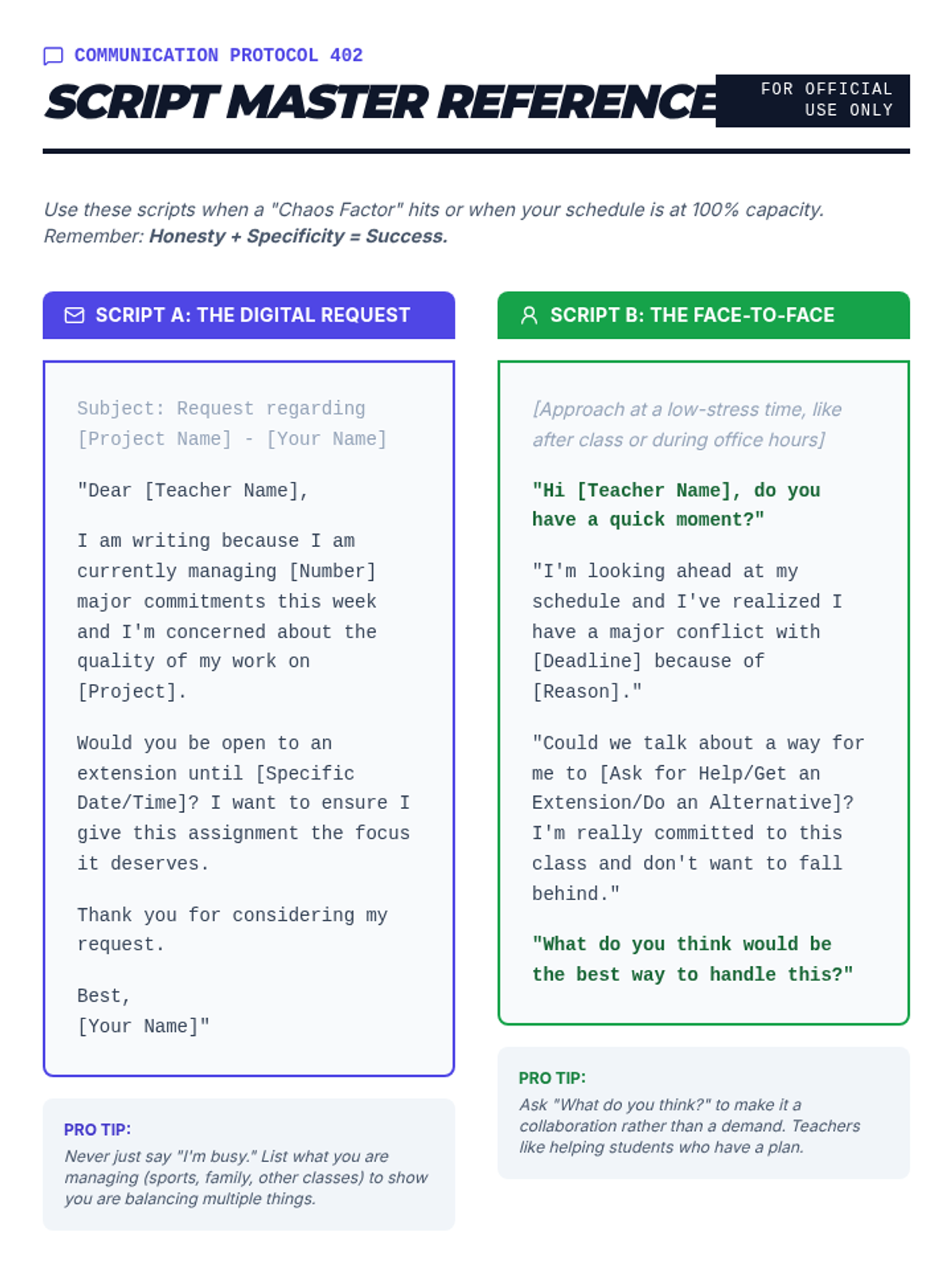
A professional communication guide for students, featuring scripted templates for digital and in-person deadline negotiations, including a practice exercise.
A visual presentation for Lesson 2 focusing on the difference between events and reminders, the "Buffer Protocol," and recurring automation.
Slide deck for Lesson 2, teaching students the difference between hard and soft deadlines and providing a professional framework for negotiating extensions.
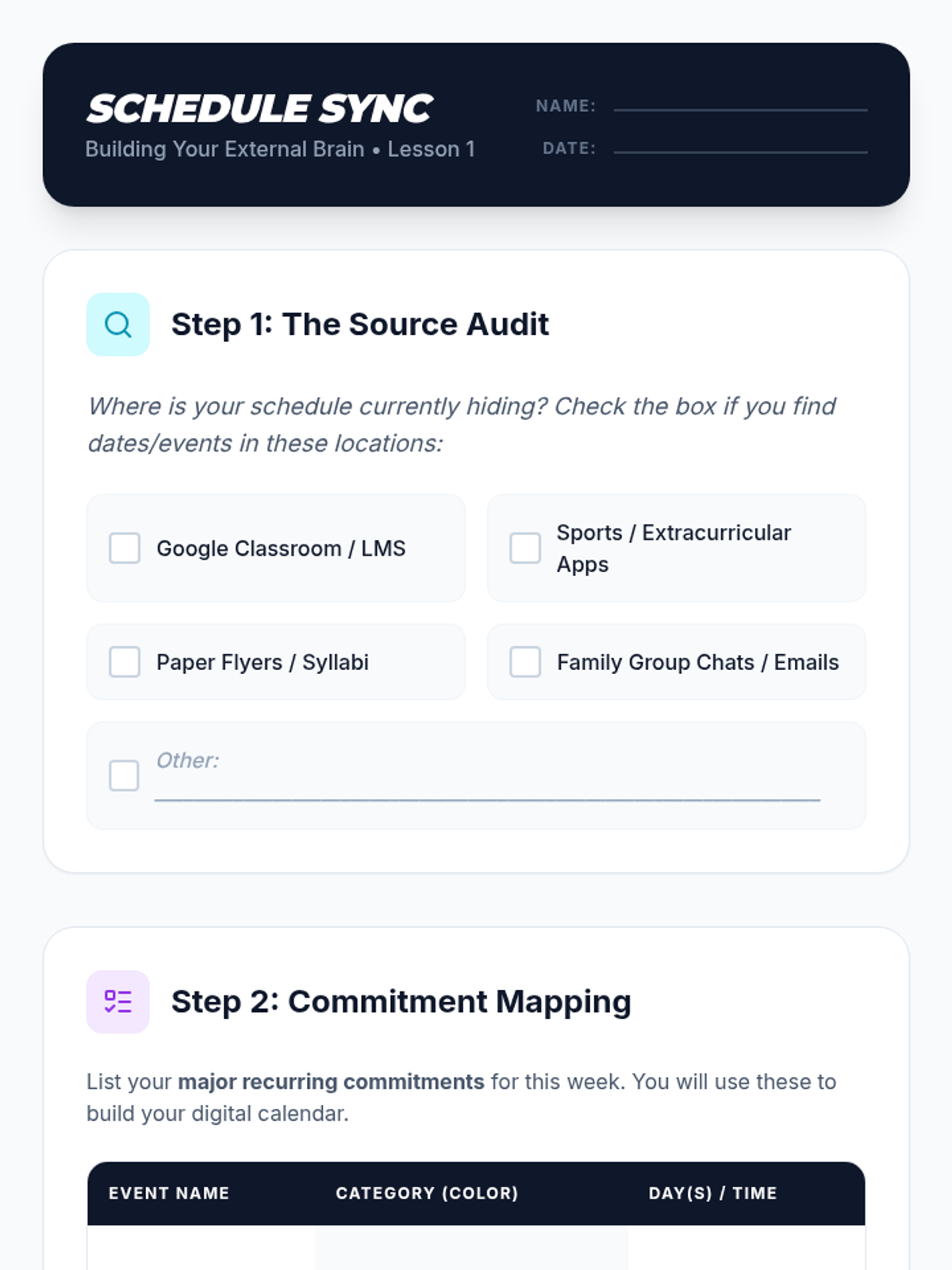
A student worksheet for Lesson 1 to help students audit their information sources and map out commitments before digital entry.
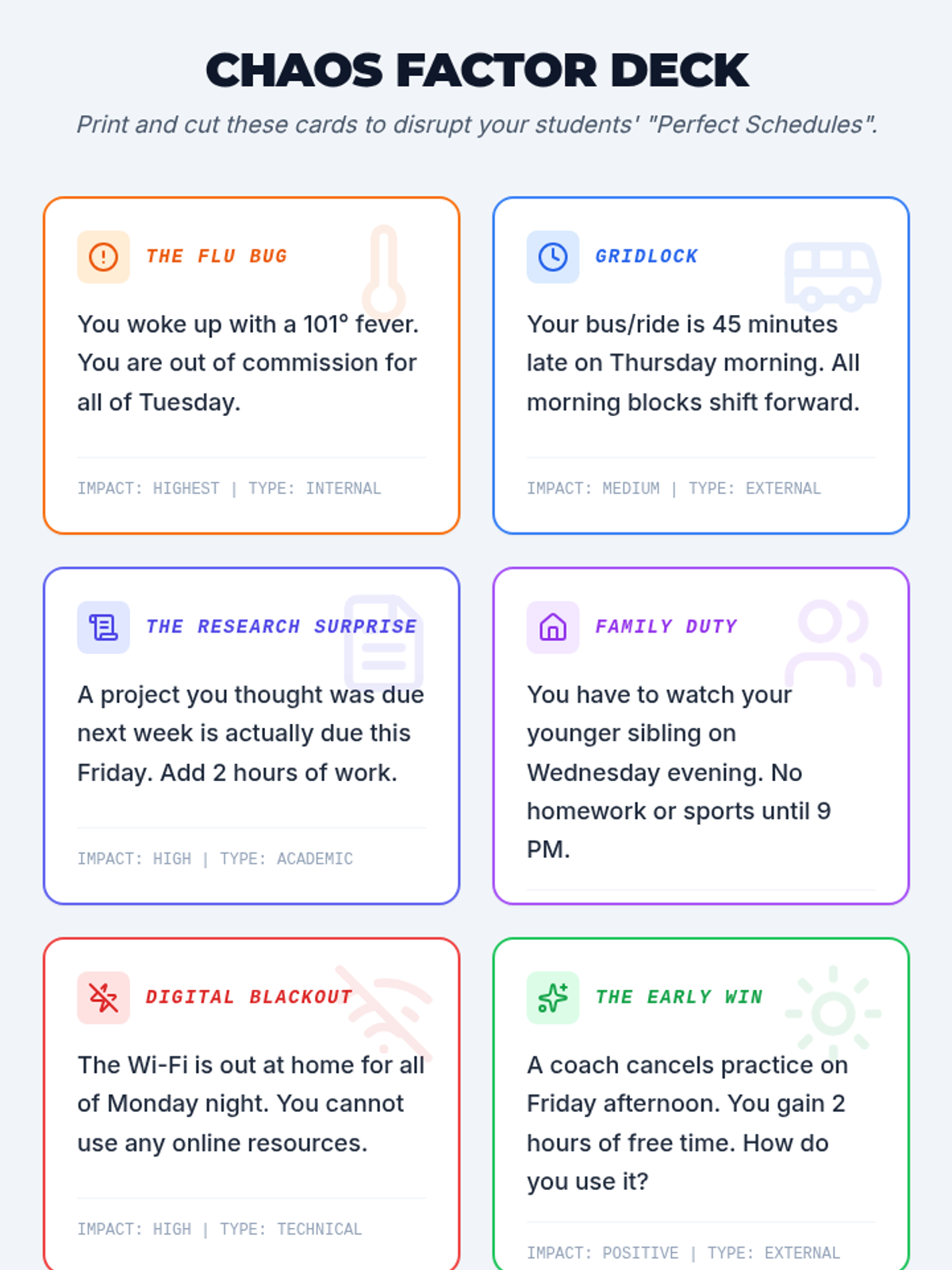
A set of printable 'Chaos Factor' cards for teachers to use in the Mission Balance simulation, featuring various disruptions to a student's schedule.
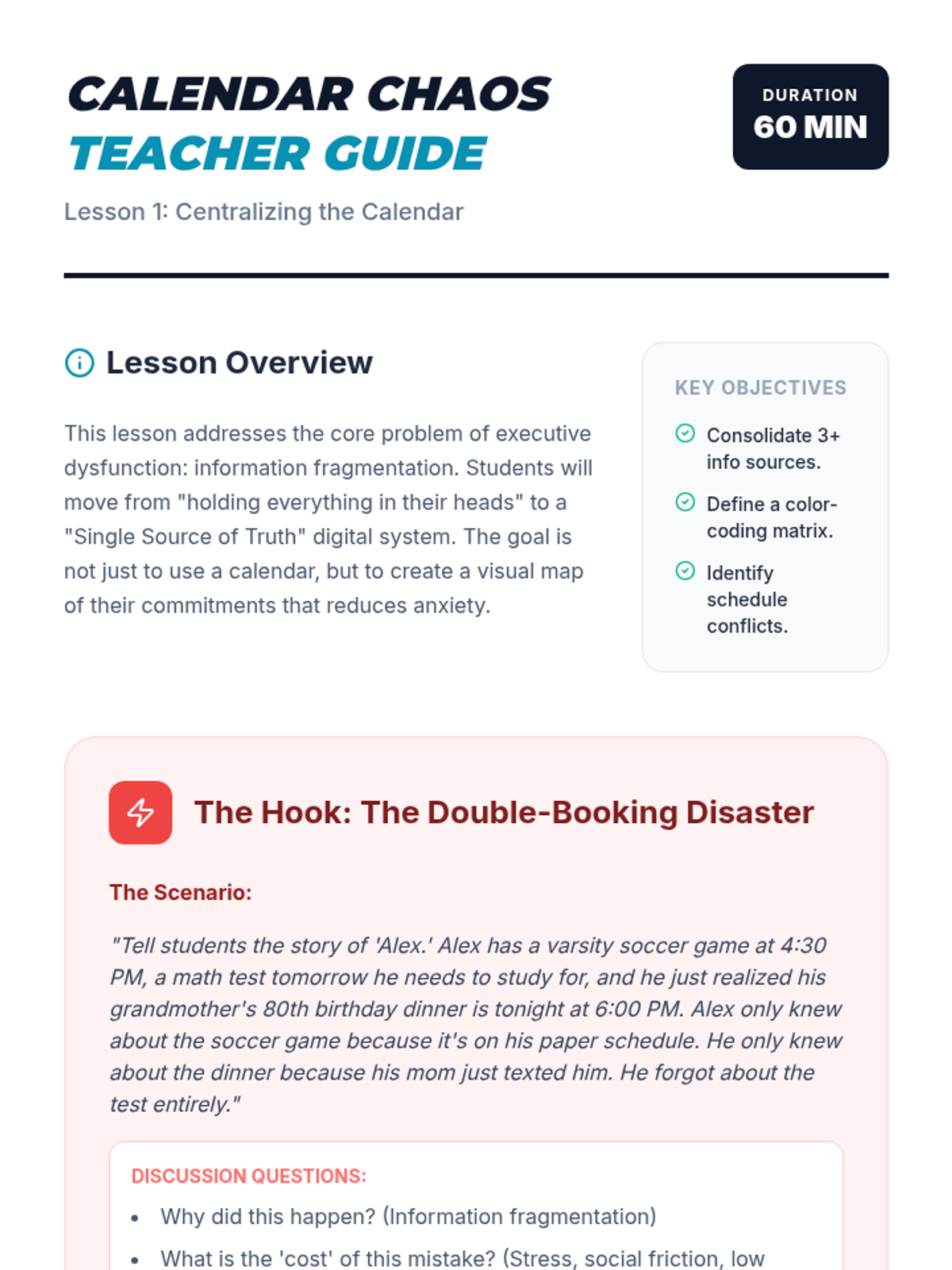
A teacher guide for Lesson 1 on centralizing digital calendars, featuring the "Calendar Disaster" hook and step-by-step facilitation notes.
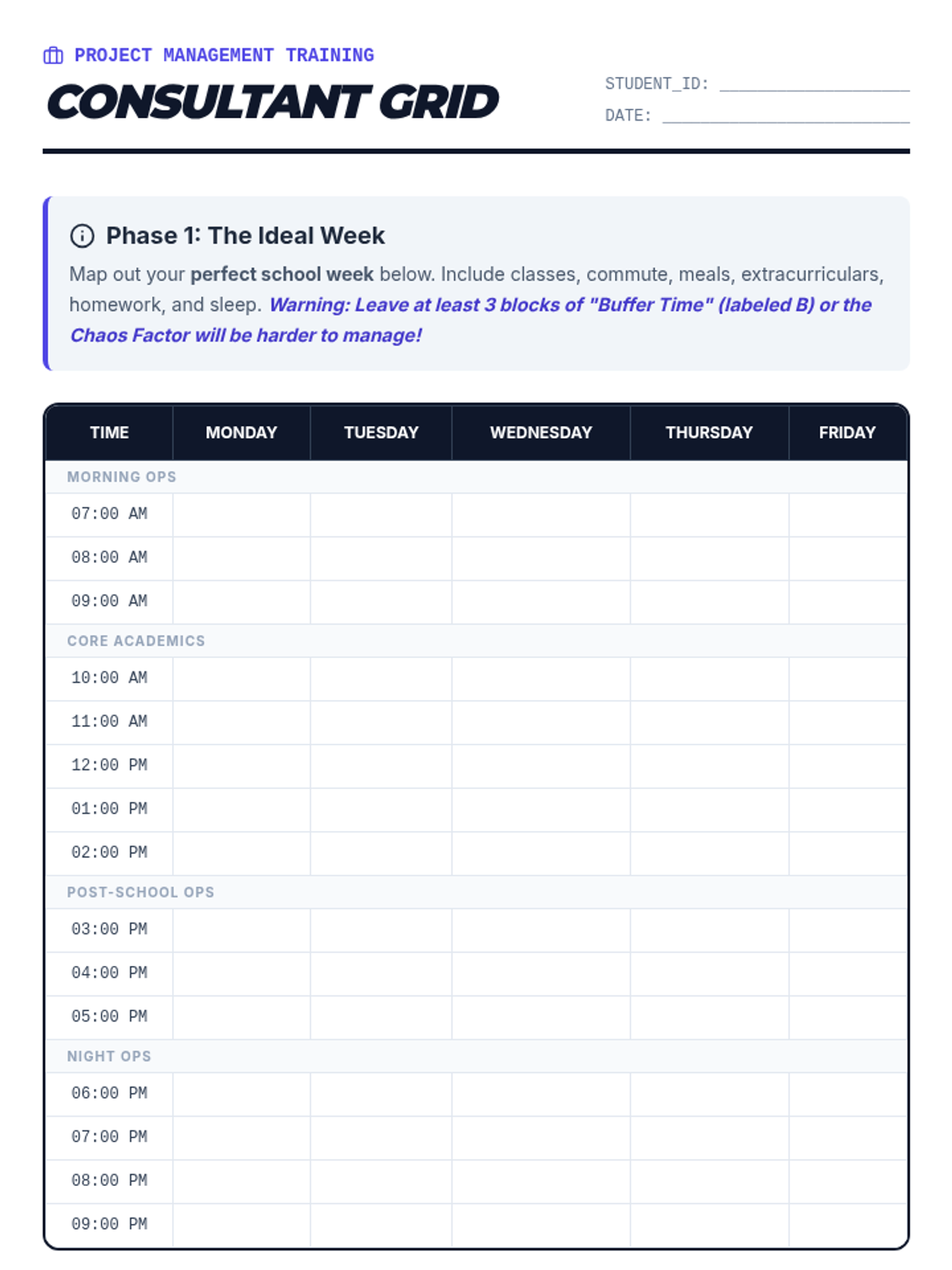
A student-facing weekly scheduling grid designed for the Mission Balance simulation, including a section for analyzing and responding to 'Chaos Factor' disruptions.
A visual presentation for Lesson 1 on centralizing digital calendars, featuring strategies for color-coding and the "Single Source of Truth" philosophy.
Introductory presentation for the Mission Balance sequence, teaching students about the 'Chaos Factor' and the importance of 'Buffer Time' in scheduling.
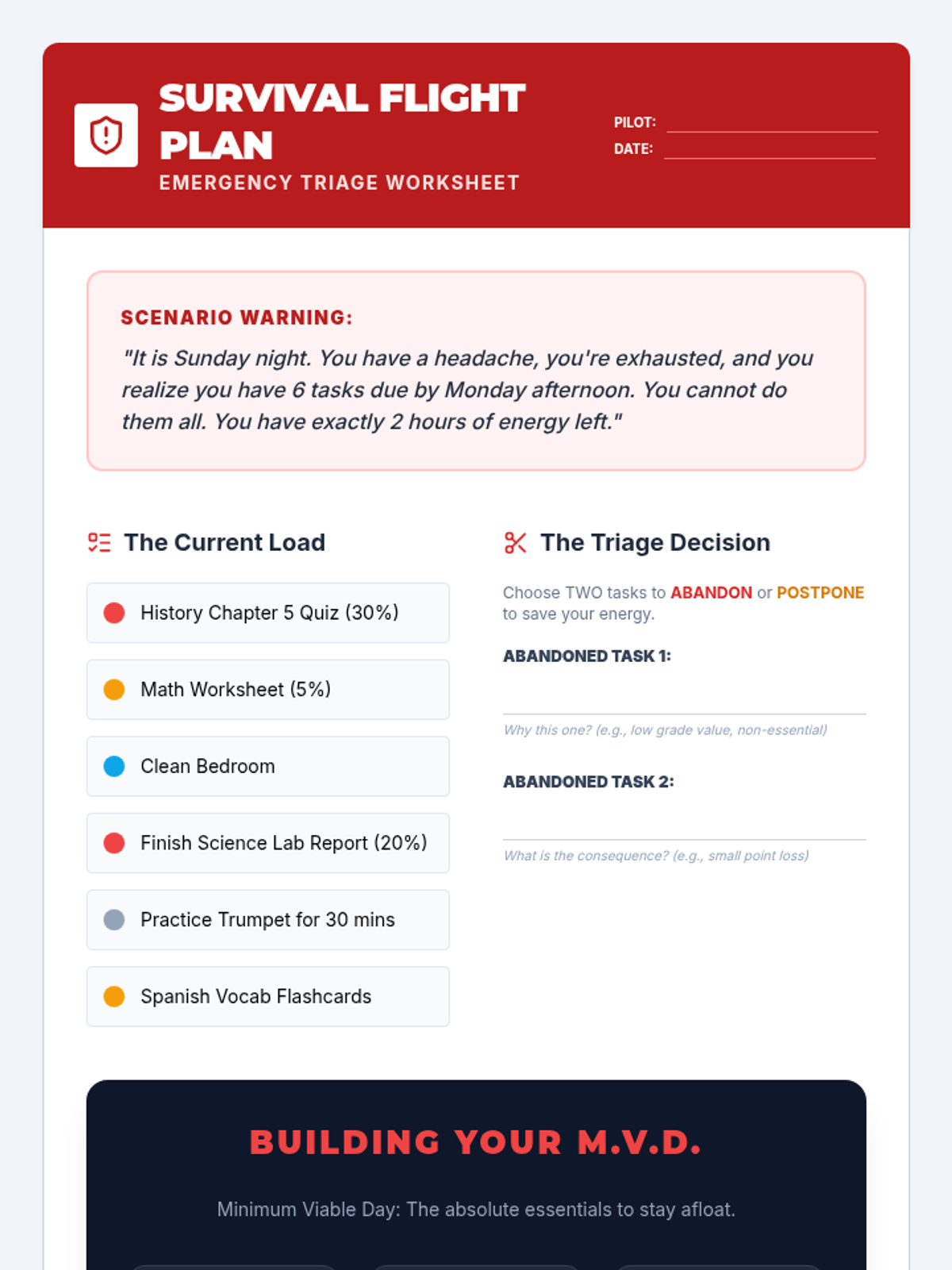
An emergency triage worksheet that guides students through a simulated crisis scenario, helping them identify which tasks to abandon and how to construct a Minimum Viable Day (MVD).
Lesson 5 slide deck on emergency triage and the 'Minimum Viable Day' concept, teaching students how to prioritize critical tasks during periods of crisis or illness.
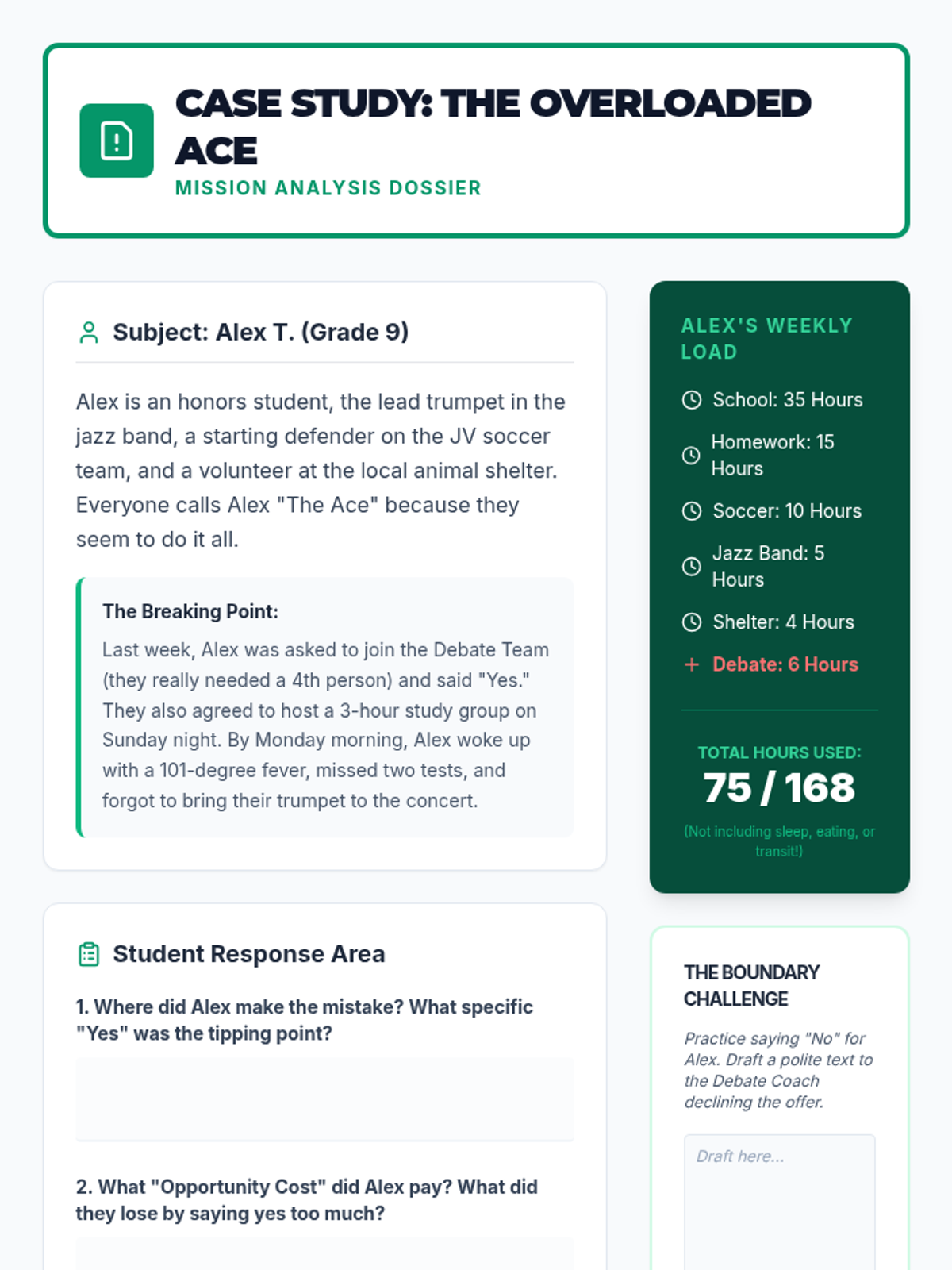
A case study document about 'Alex the Ace', a student who takes on too much, designed to help students analyze the consequences of over-commitment and practice setting boundaries.
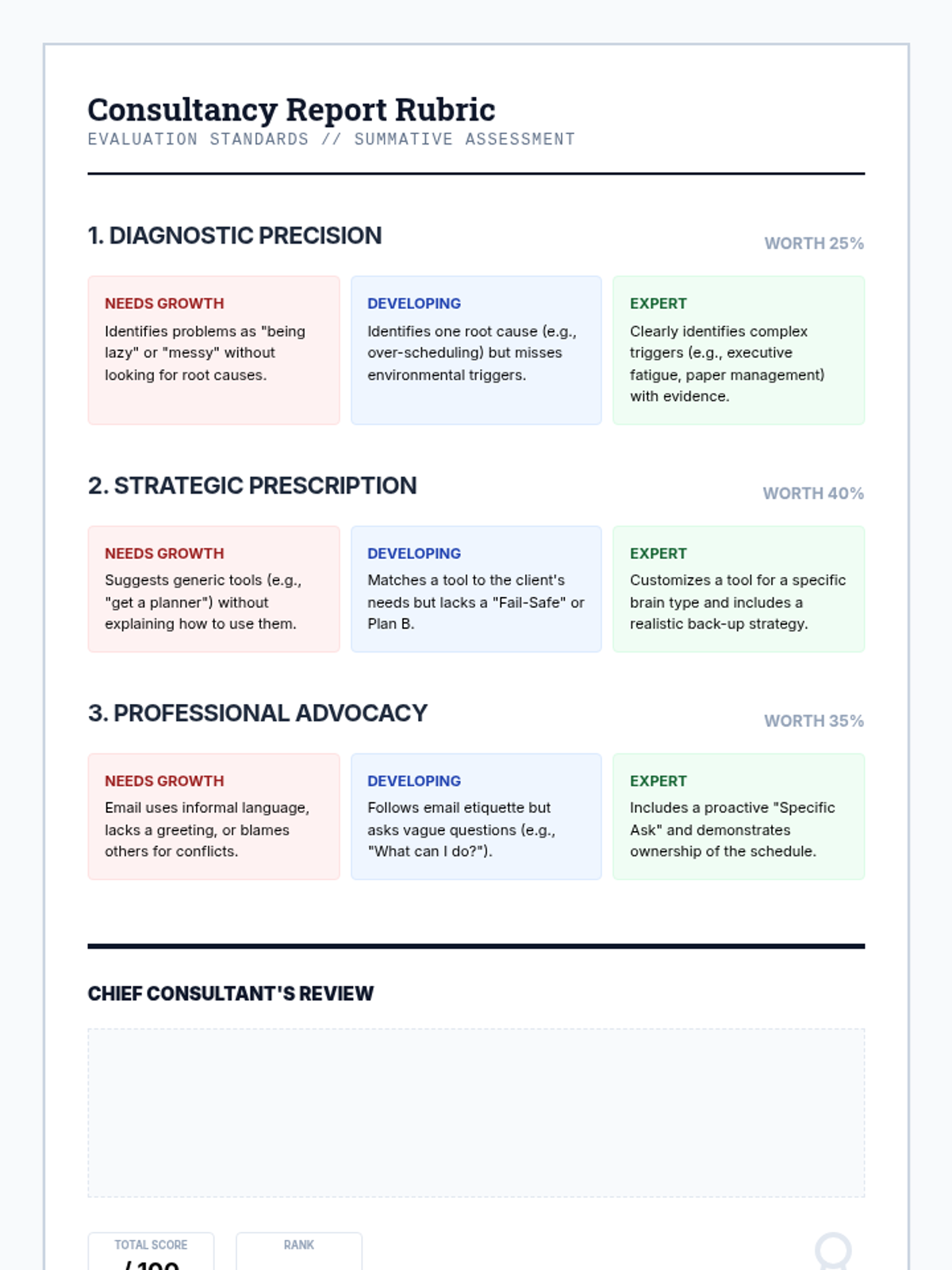
Teacher-facing rubric for assessing the Final Consultancy Report. Evaluates diagnostic precision, strategic prescription (tools), and professional advocacy (communication).
Lesson 4 slide deck introducing the concept of opportunity cost and providing a "No Bank" of polite but firm scripts for setting boundaries.
A slide deck for the 'Opportunity Cost Simulation' lesson, explaining the core economic concept of opportunity cost using relatable 8th-grade scenarios and RPG-style choice mechanics.
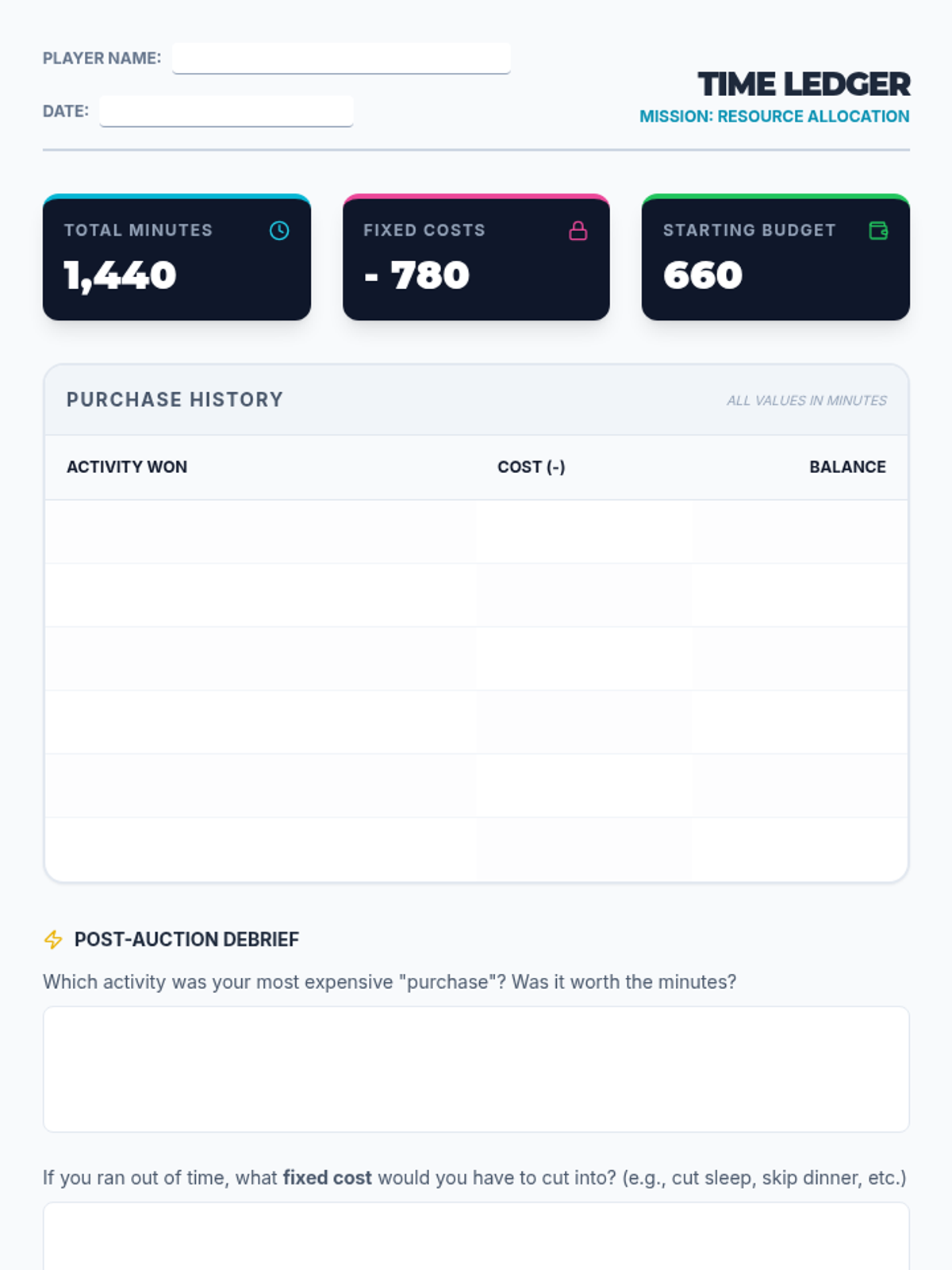
A student worksheet for the 'Currency of Time' lesson. It includes a ledger for tracking 'minutes' spent during the time auction and reflection questions about trade-offs and priorities.
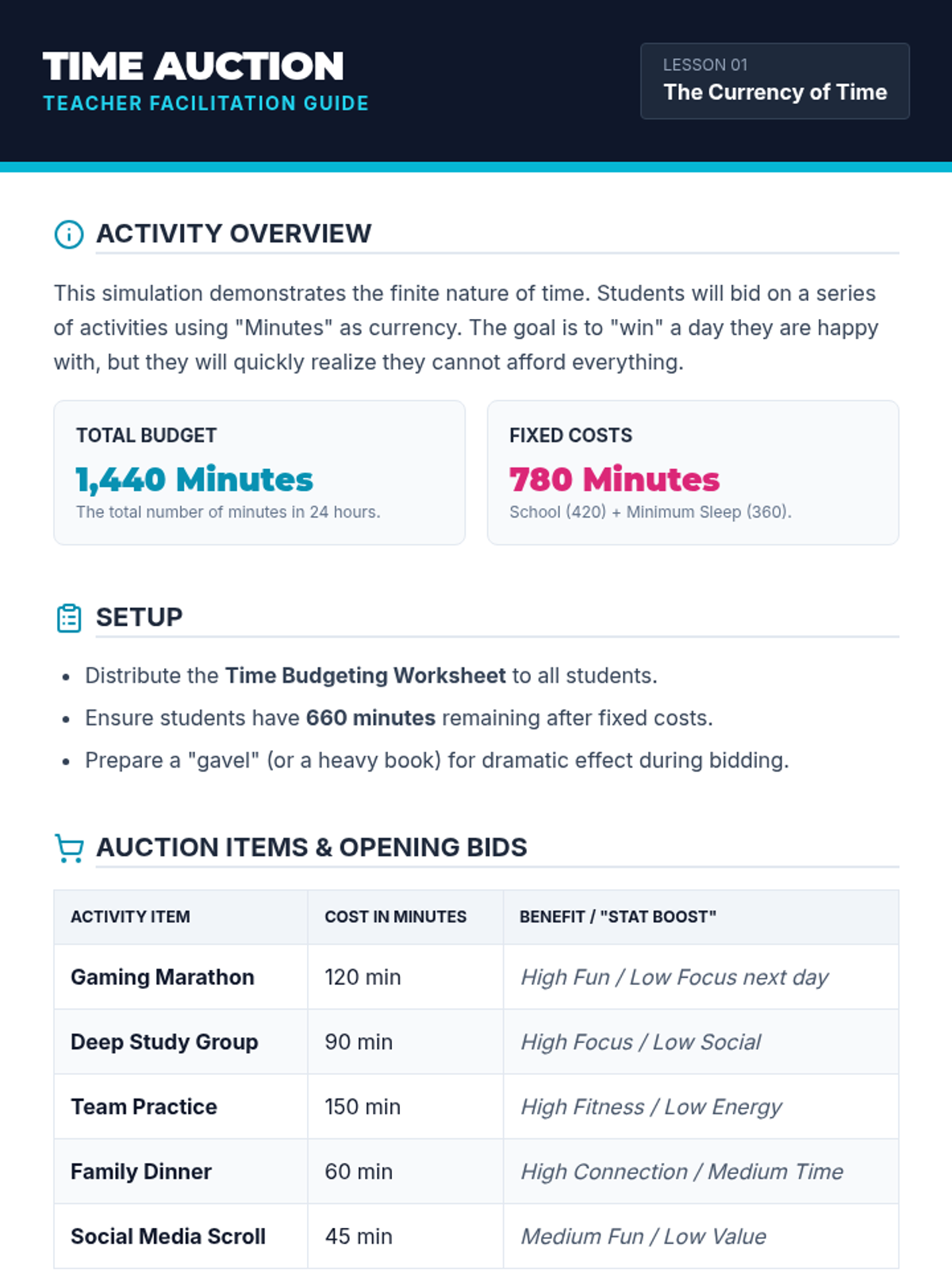
A facilitation guide for teachers to run the 'Time Auction' activity. Includes activity setup, a list of auction items with their 'costs' in minutes, and discussion hooks to debrief the simulation.
An introductory slide deck for the 'Currency of Time' lesson, framing time management as a game-based resource allocation simulation. It uses RPG-style visuals to explain fixed costs, finite resources, and the concept of time as currency.
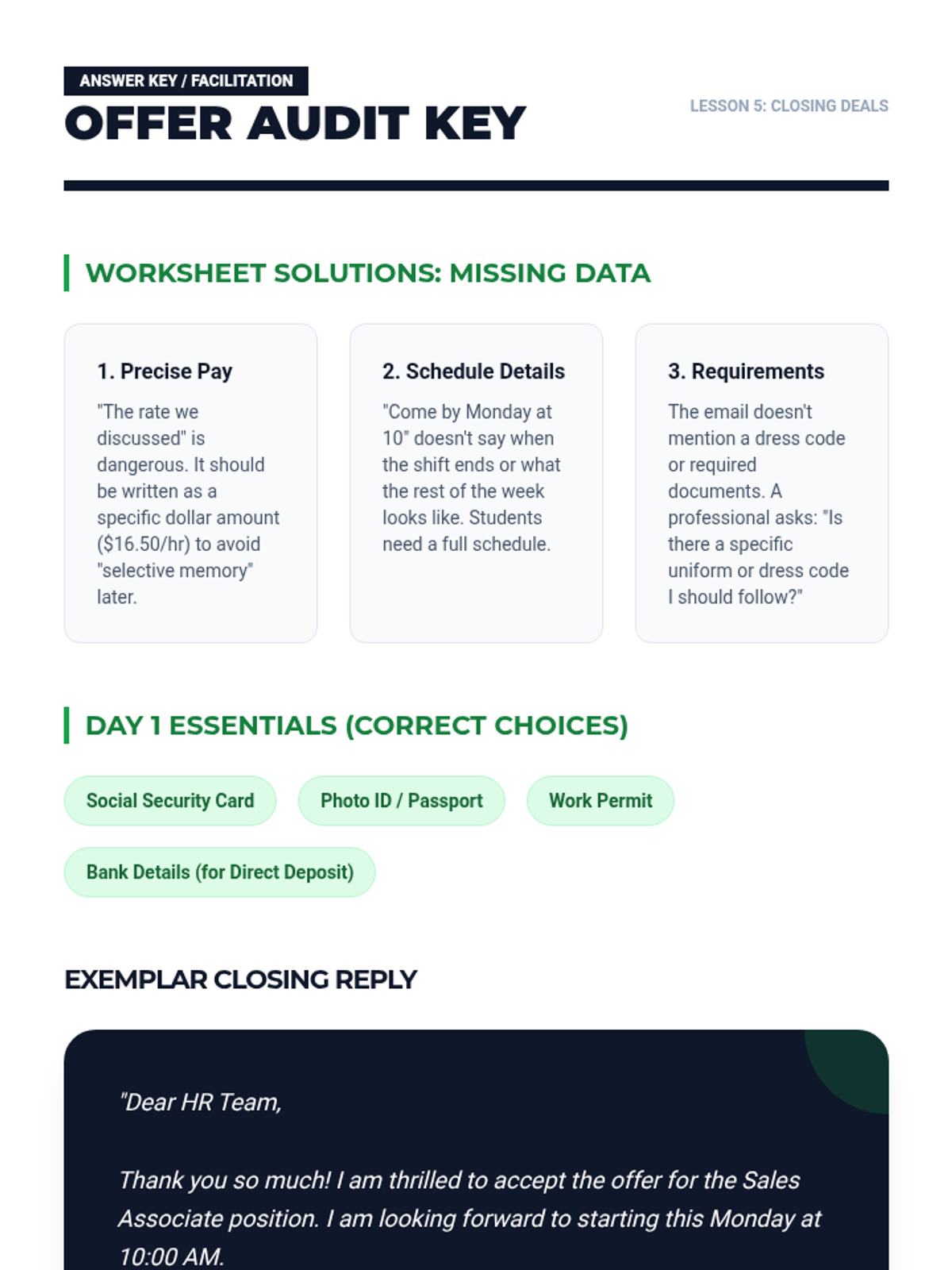
An answer key and teacher resource for Lesson 5, providing solutions for the "Offer Audit" activity, a list of first-day essentials, and an exemplar acceptance email.
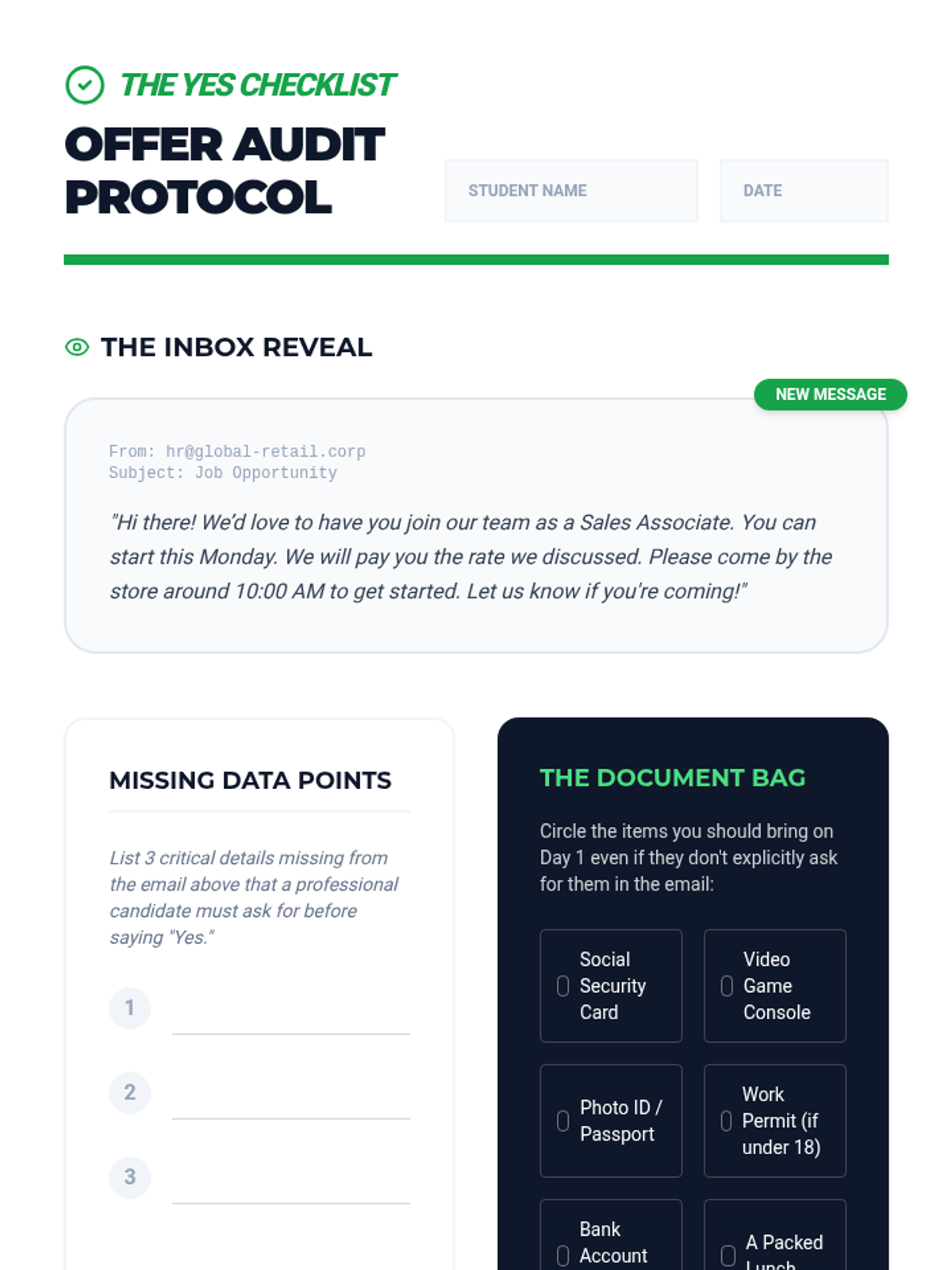
A worksheet for Lesson 5 where students audit a mock job offer email for missing details, identify required first-day documentation, and practice writing a professional acceptance response.
Instructional slides for Lesson 5 on handling job offers and second interview invitations. Covers "The Offer Audit," protocols for professional acceptance, and clarifying first-day logistics.
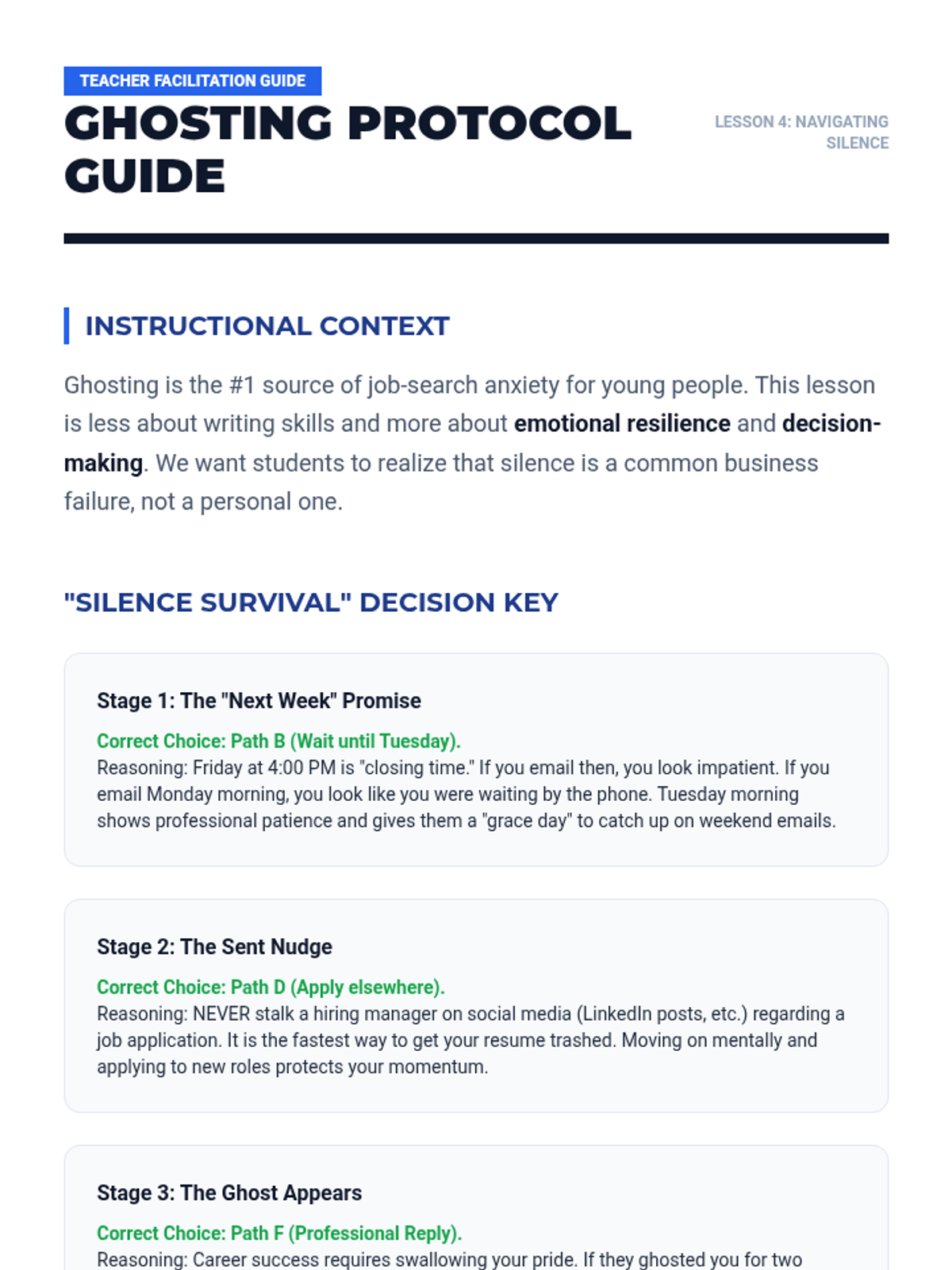
A facilitation guide for teachers for Lesson 4, containing the answer key for the simulation, discussion questions focused on emotional intelligence, and tips for addressing the power dynamics of ghosting.
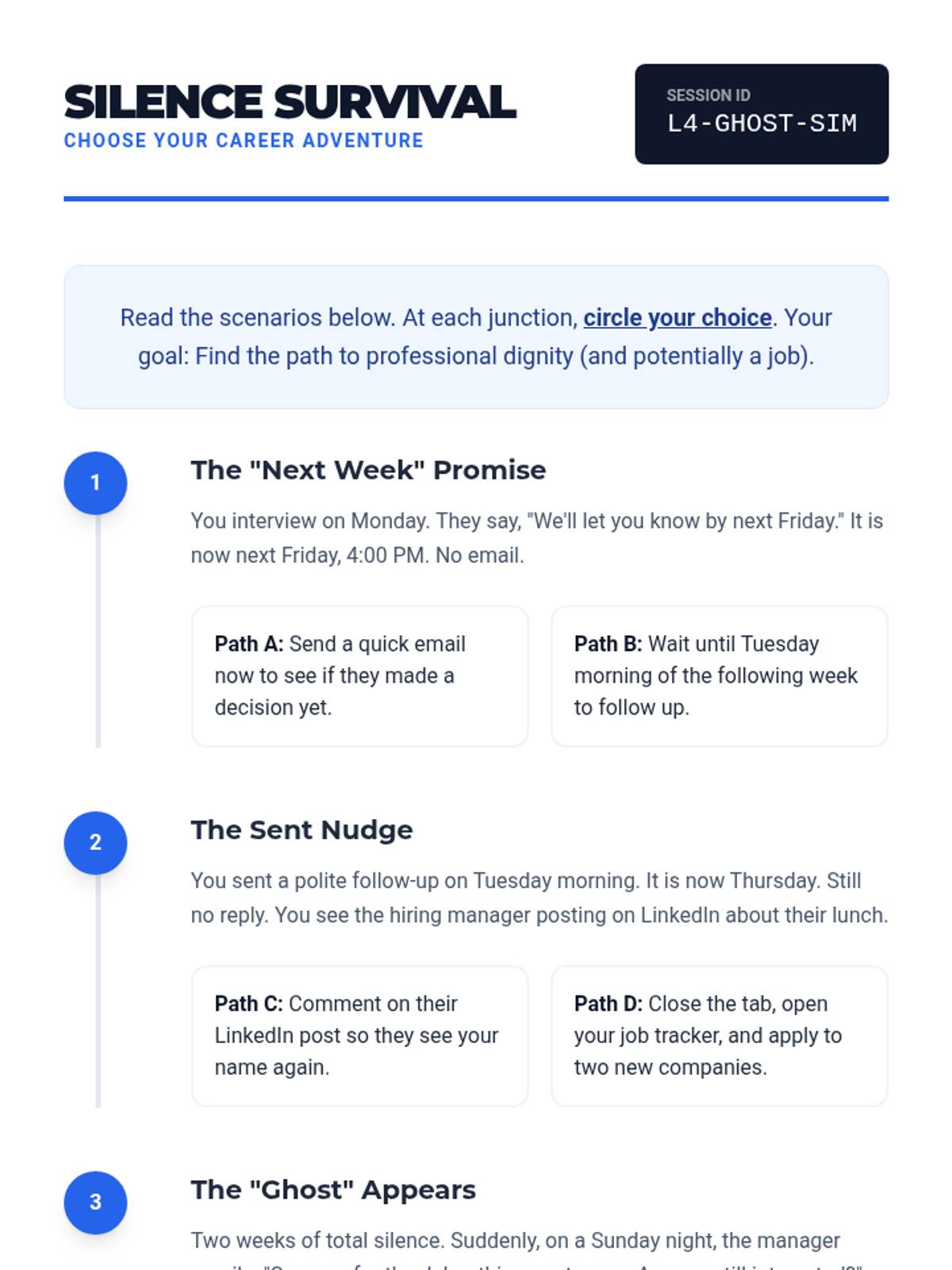
A "Choose Your Own Adventure" simulation worksheet for Lesson 4. Students navigate scenarios involving delayed responses, LinkedIn activity, and sudden "re-appearances" by employers to practice professional decision-making.
Instructional slides for Lesson 4 on employer "ghosting." It defines the phenomenon, provides a strategic timeline for follow-up vs. moving on, and emphasizes emotional resilience.
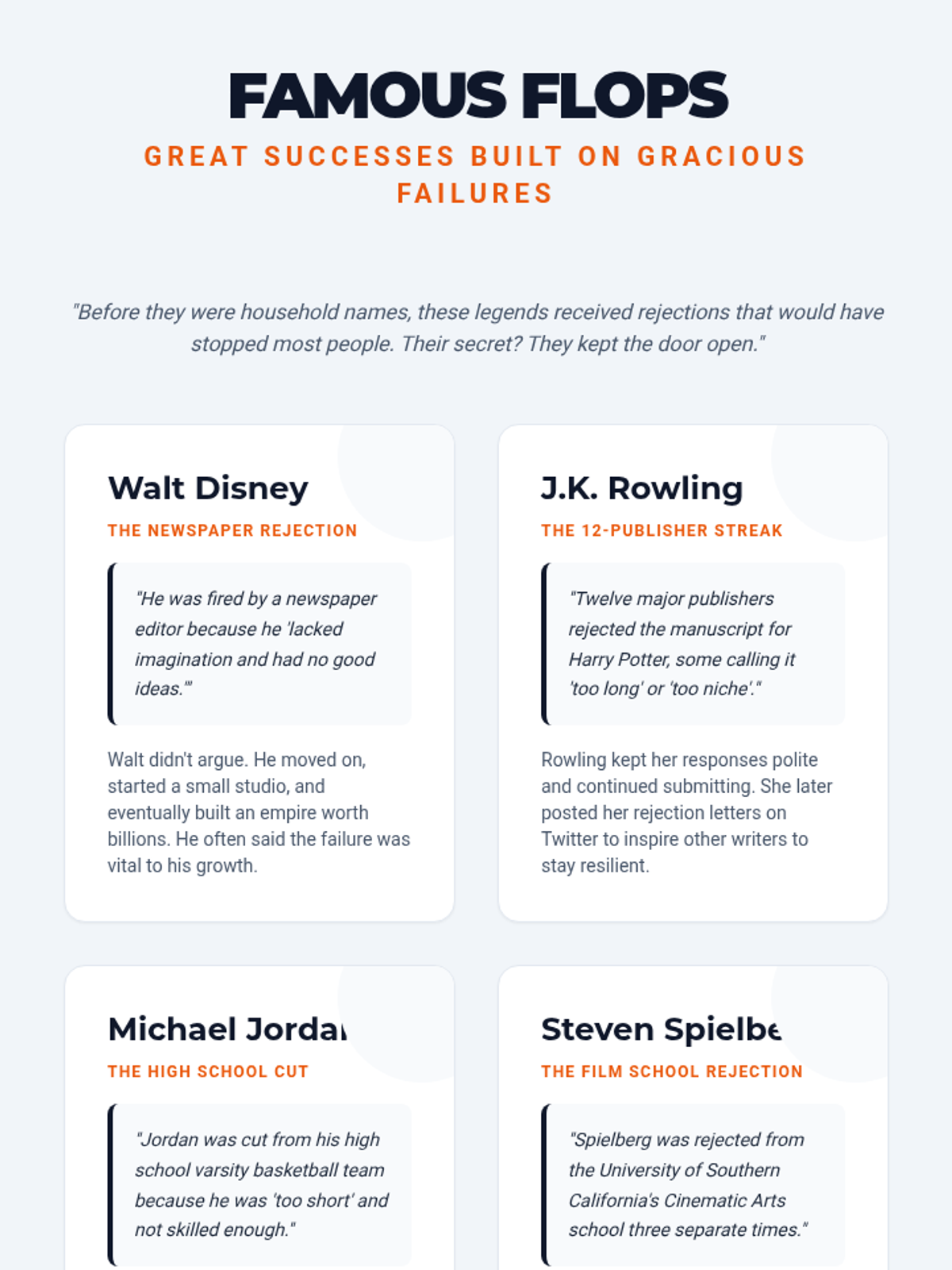
An inspirational handout for students featuring the rejection stories of Walt Disney, J.K. Rowling, Michael Jordan, and Steven Spielberg, emphasizing resilience and professional poise in the face of failure.
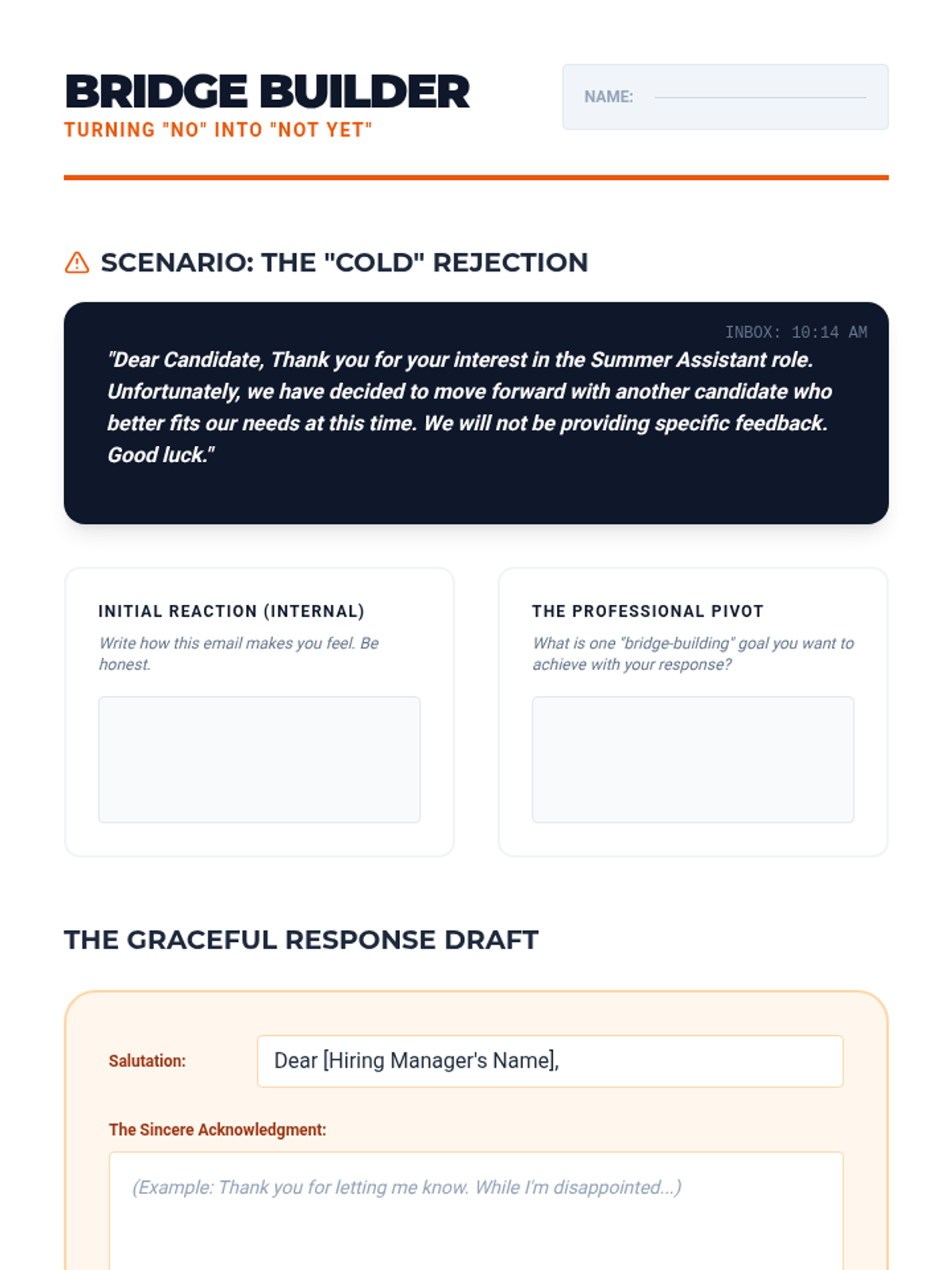
A worksheet for students to practice responding to job rejections. It guides them through an initial emotional response to a "professional pivot" and provides a structured drafting area for bridge-building emails.
Instructional slides for Lesson 3 on handling job rejection professionally. Covers the psychological reframing of "no," bridge-building vs. bridge-burning, and provides a template for a graceful response.
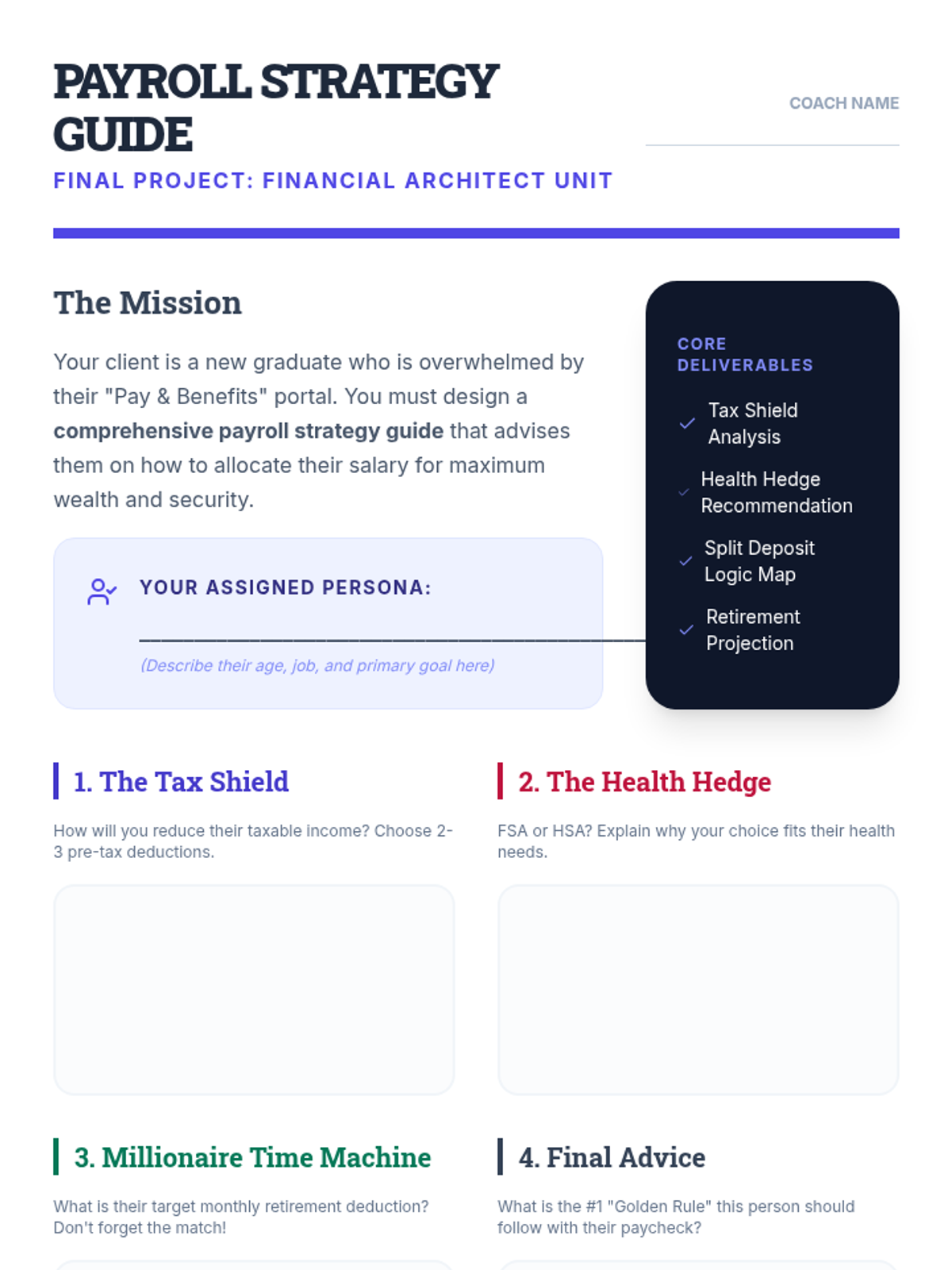
The culminating project handout where students synthesize their knowledge to create a comprehensive payroll strategy guide for a target persona.
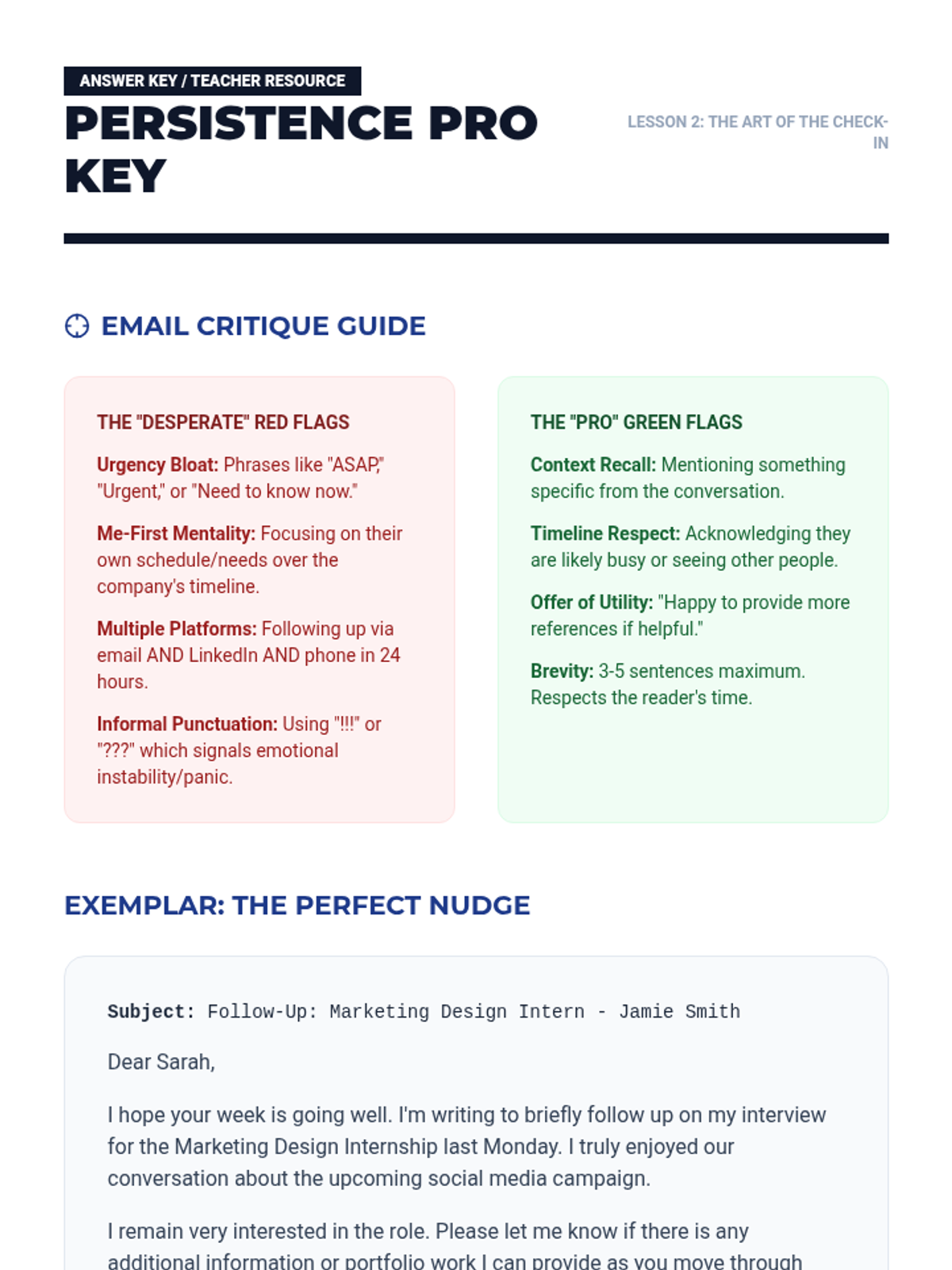
An answer key and teacher resource for Lesson 2, providing exemplar email drafts, a breakdown of professional "green flags," and facilitation tips for teaching strategic persistence.
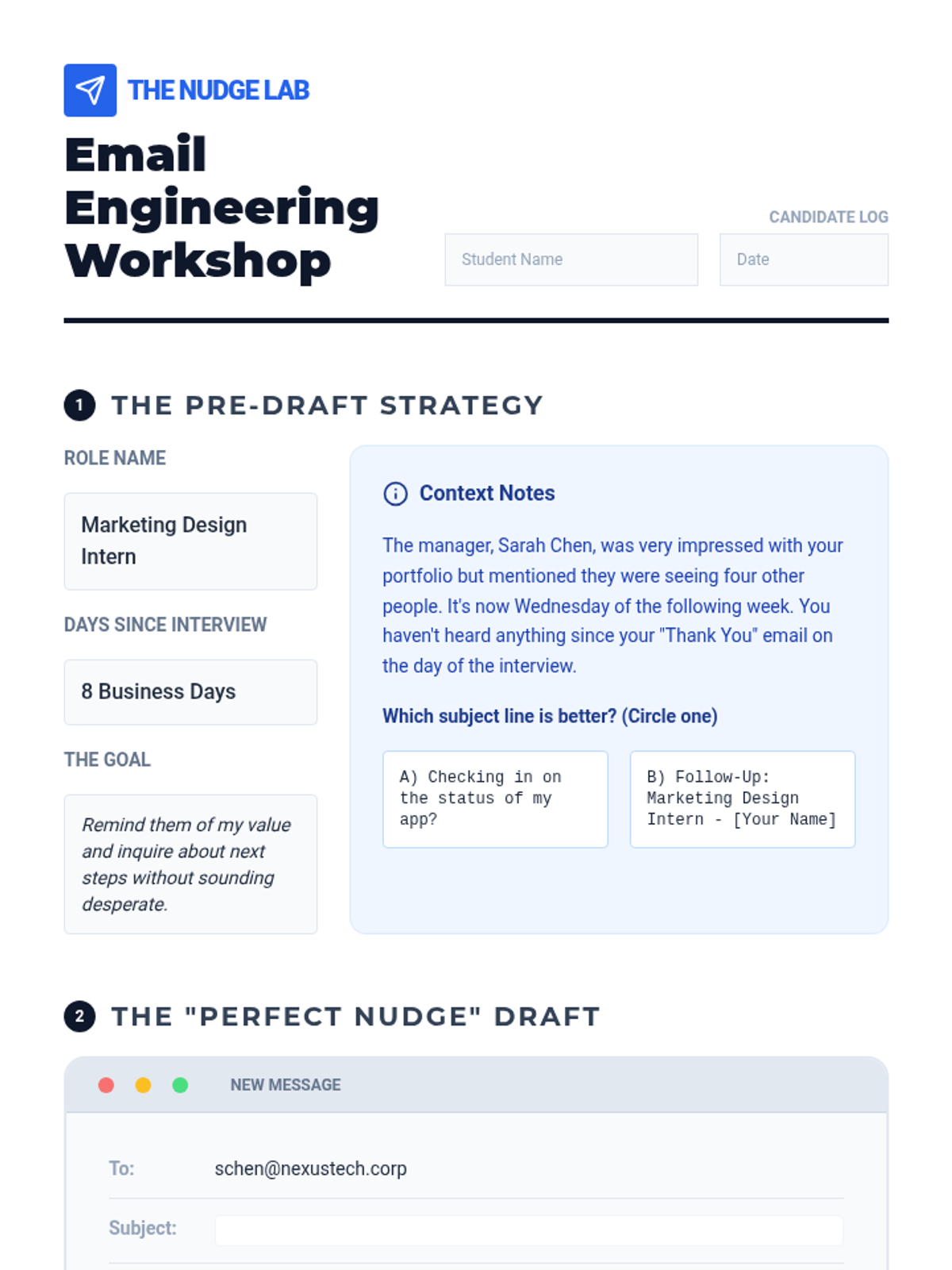
An email drafting worksheet where students practice writing a professional check-in email for a specific scenario, including a self-assessment checklist and strategy planning.
Visual presentation for Lesson 5, introducing the culminating project where students act as financial coaches. Reviews key unit concepts like pre-tax savings, HSA benefits, and automation.
Visual slides for Lesson 2, contrasting unprofessional persistence with strategic follow-up. Includes the "Persistence Spectrum" and an email critique activity.
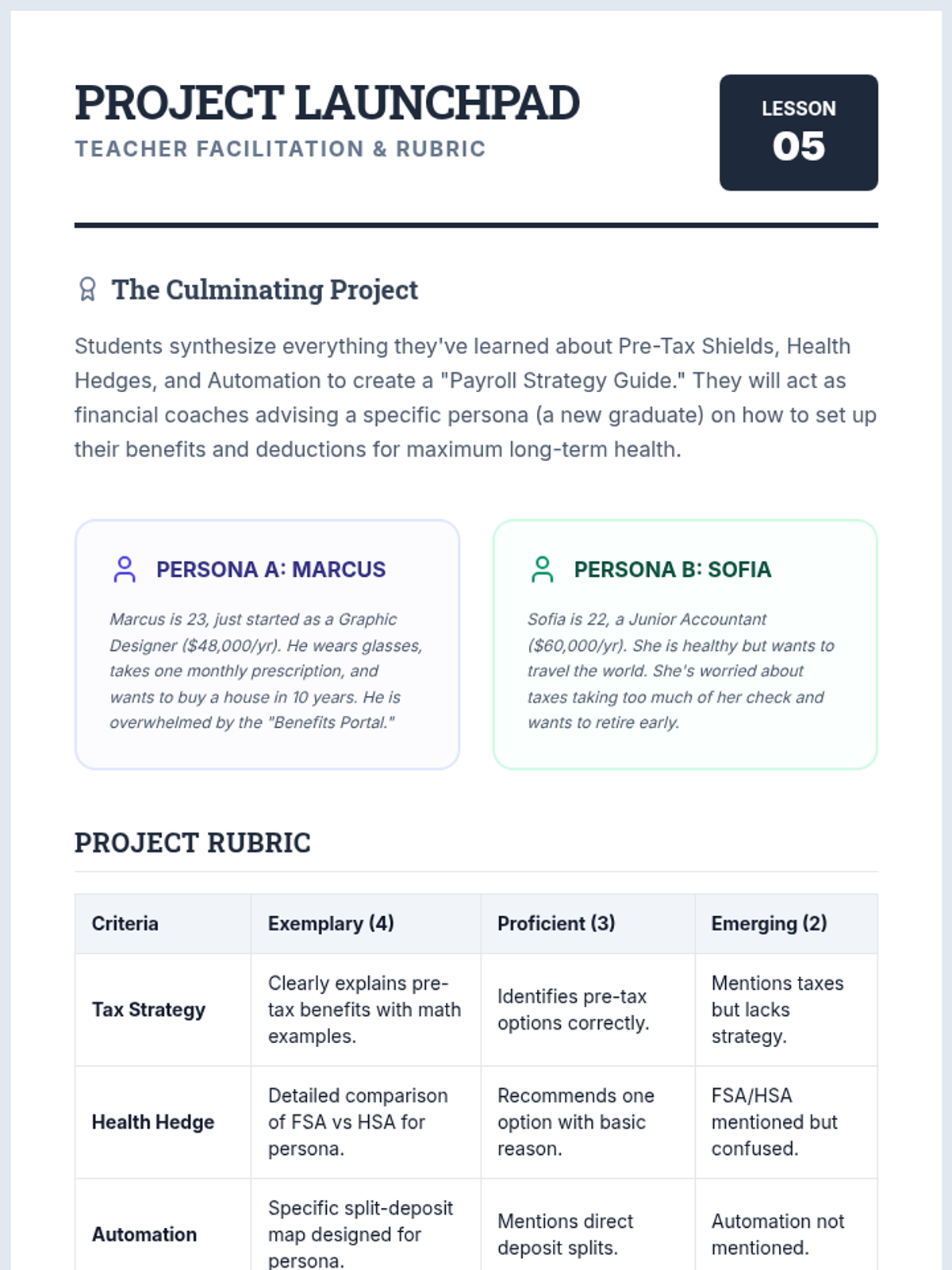
A comprehensive teacher guide for Lesson 5, including project rubrics, student personas for advising, and a facilitation plan for the final project.
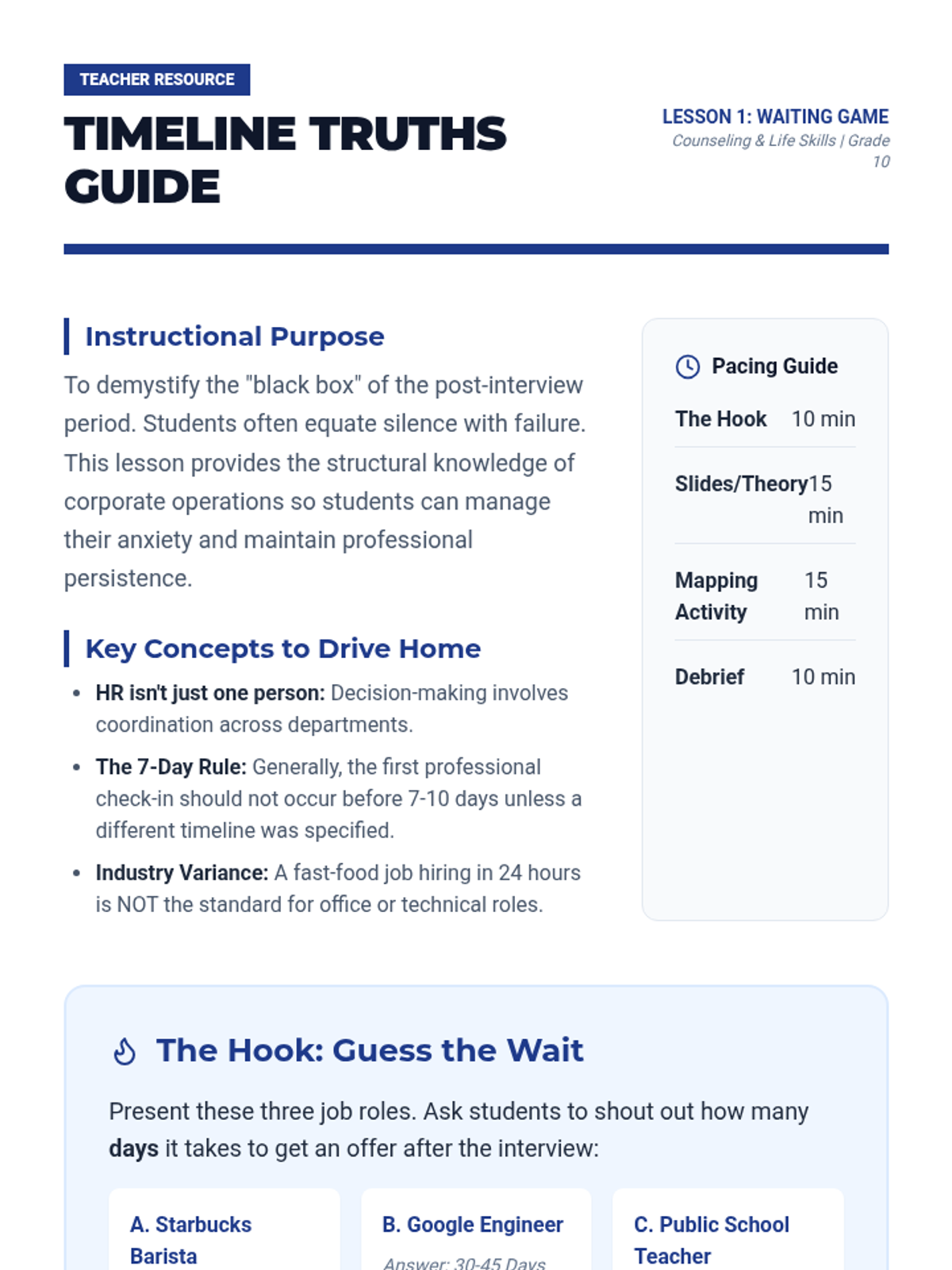
A comprehensive teacher guide for Lesson 1, providing instructional context, hook activities, discussion prompts, and pacing suggestions to help students understand corporate timelines.
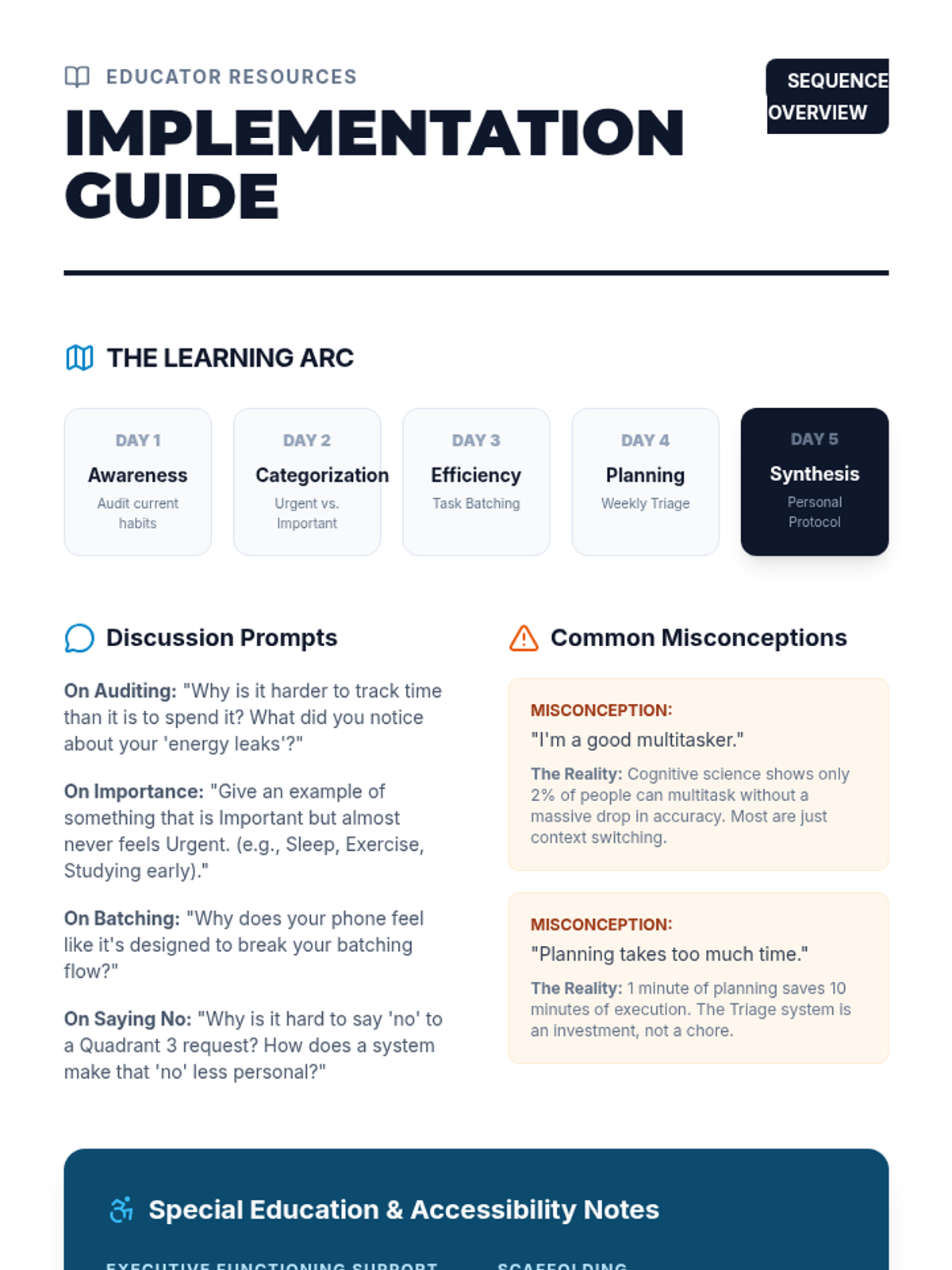
A teacher implementation guide for the Strategic Prioritization sequence. Includes an instructional arc, facilitation tips, common misconceptions, Special Education accommodation strategies, and answer keys.
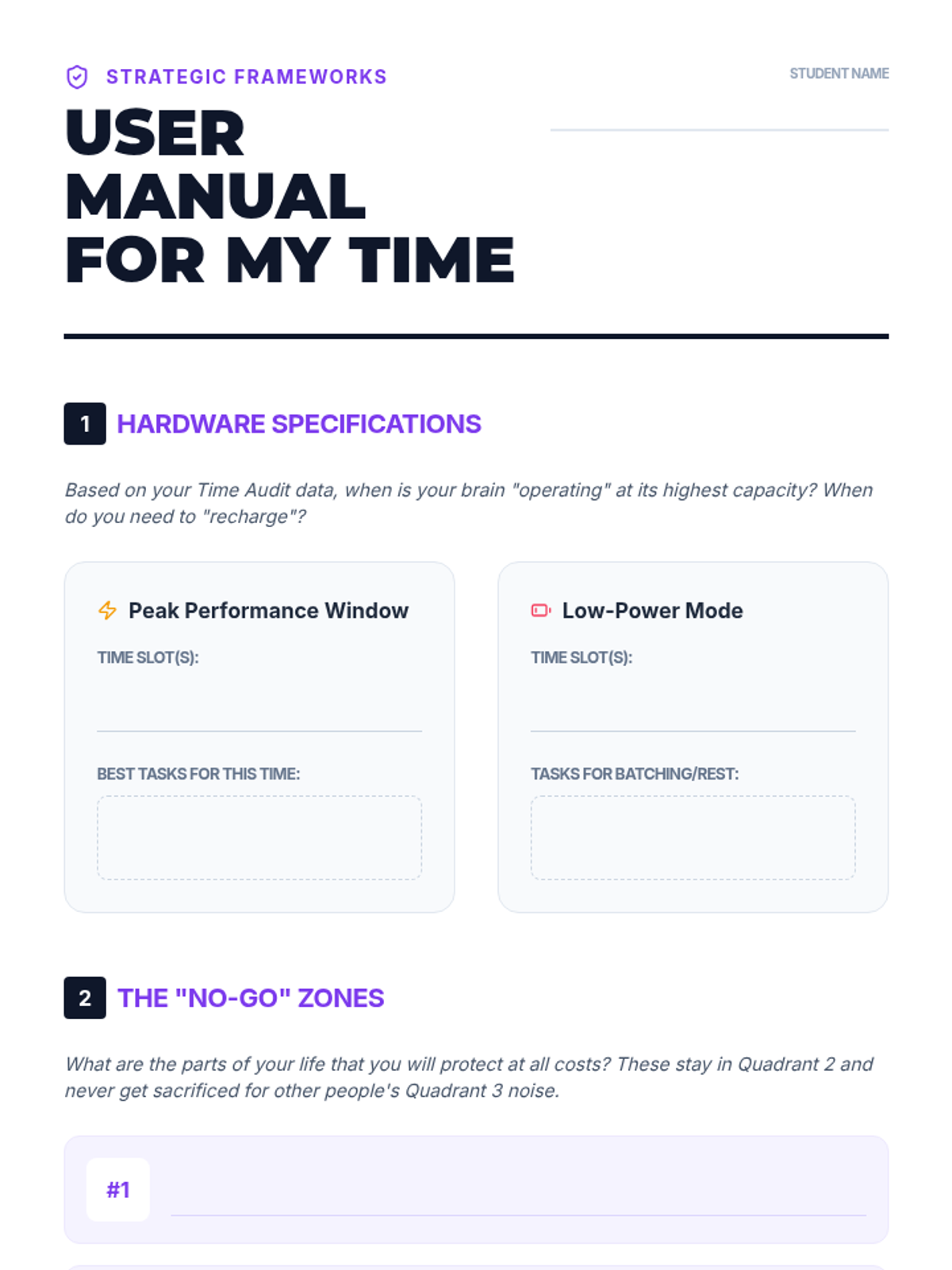
A culminating project worksheet where students synthesize their time audit data, non-negotiables, and triage routines into a personalized "User Manual" for managing their time and commitments.
An 6-slide presentation on the Personal Priority Protocol. Synthesizes all previously learned tools into a final "Decision Tree" system and introduces the "User Manual for My Time" project.
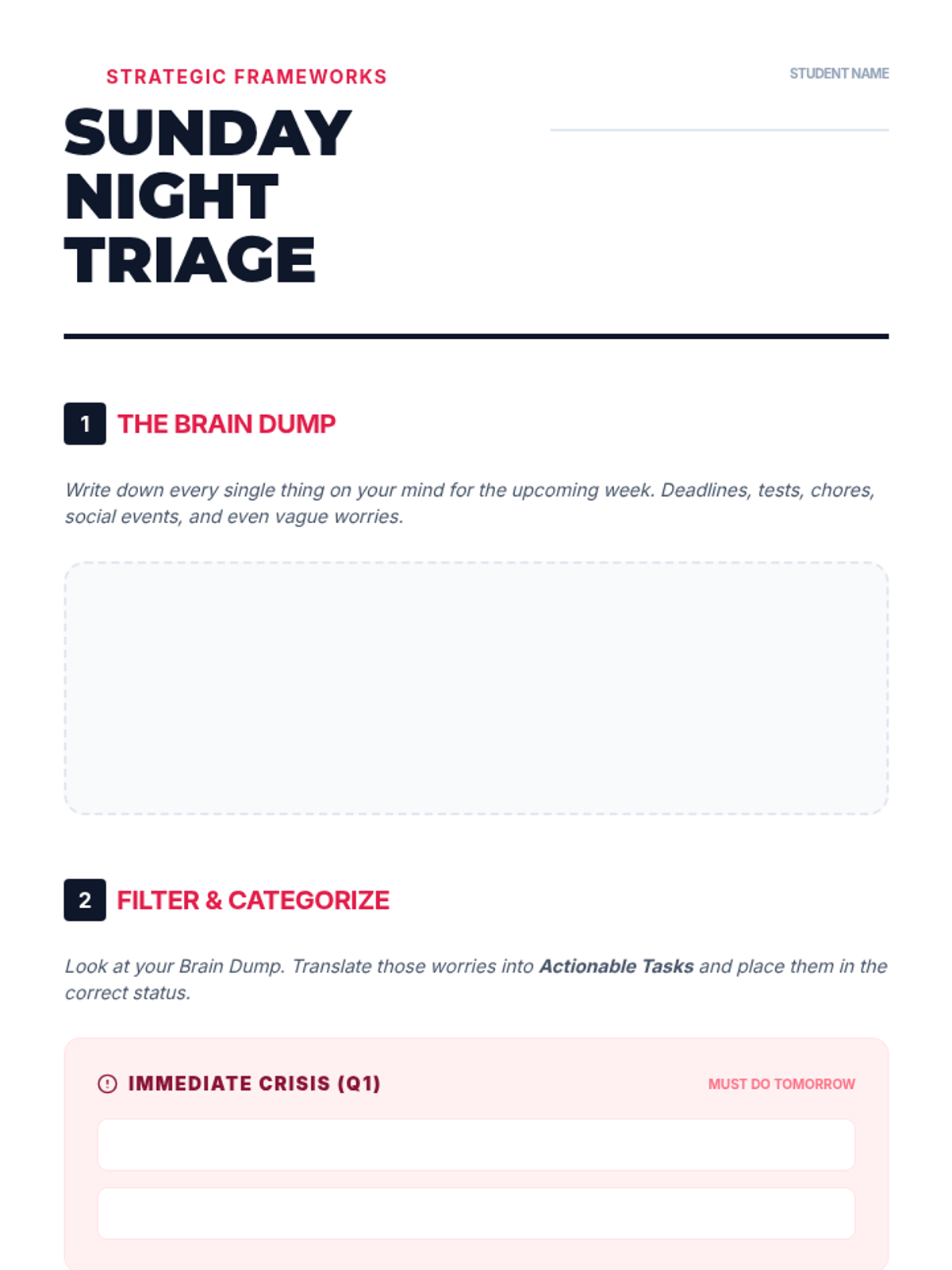
A worksheet for students to perform a Sunday night "Brain Dump" and categorize tasks into a weekly triage system. Includes a stabilization checklist to reduce morning anxiety.
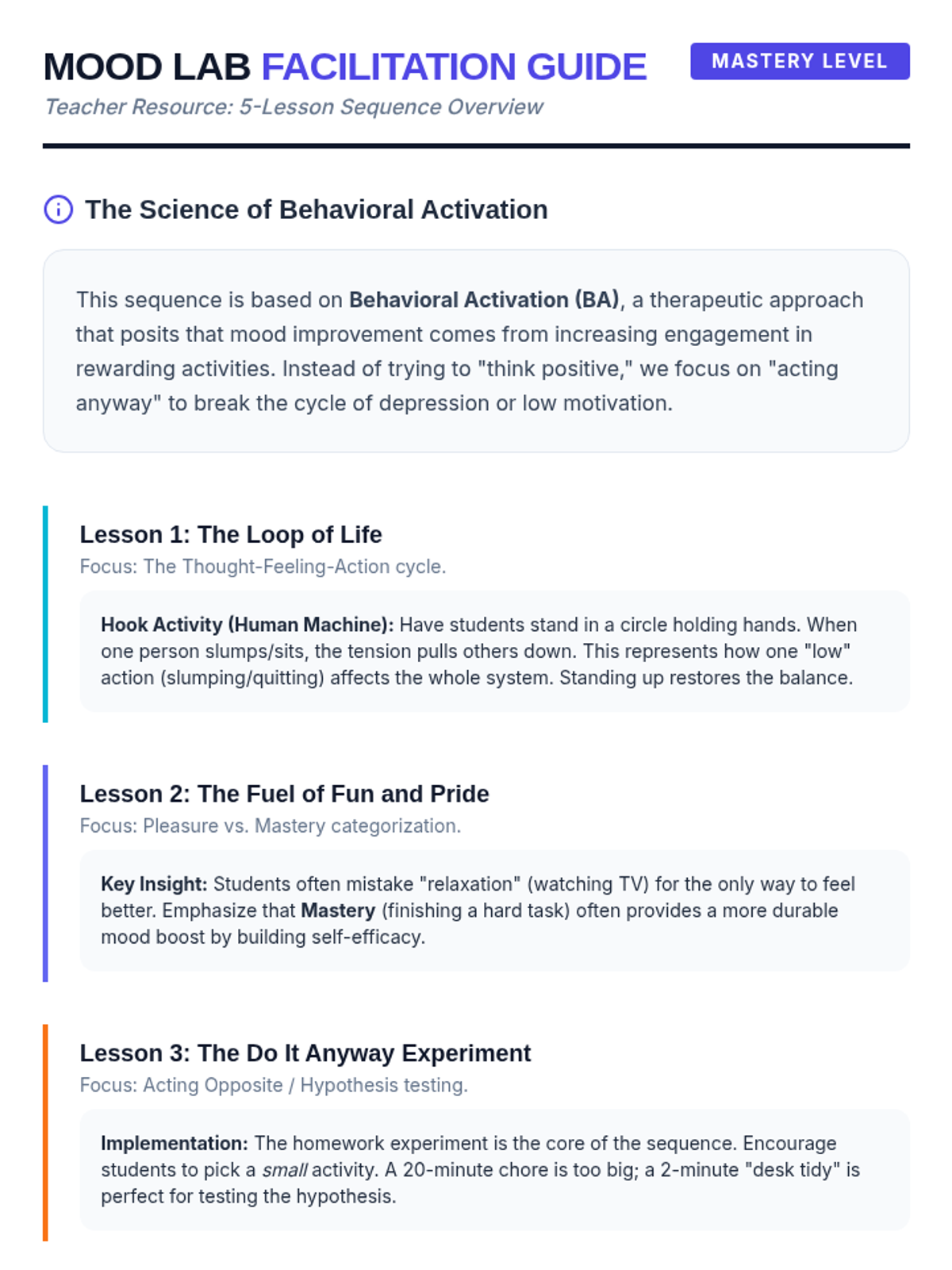
A teacher facilitation guide for the 'Mood Lab Experiment' sequence, providing therapeutic context, hook instructions, and tips for each lesson.
An 6-slide presentation on the Weekly Triage system. Uses an emergency room metaphor to teach students how to clear mental clutter, distinguish actionable tasks, and establish a Sunday night routine.
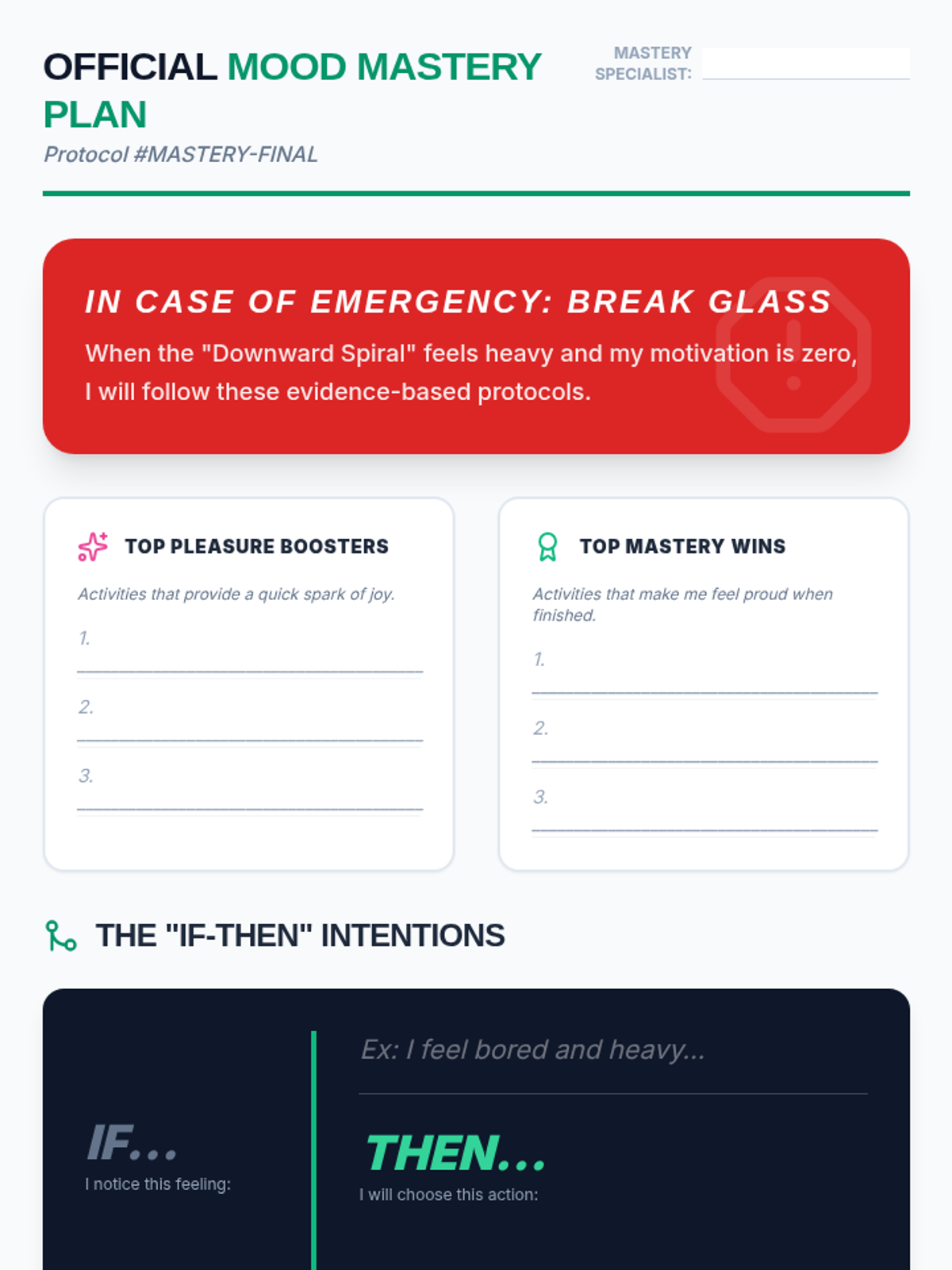
A comprehensive 'Break the Glass' emergency plan worksheet where students synthesize their findings into specific 'If-Then' implementation intentions for mood regulation.
Final slide deck for the 'Mood Mastery Lab' lesson, teaching students how to create implementation intentions and synthesize their learning into an emergency activation plan.
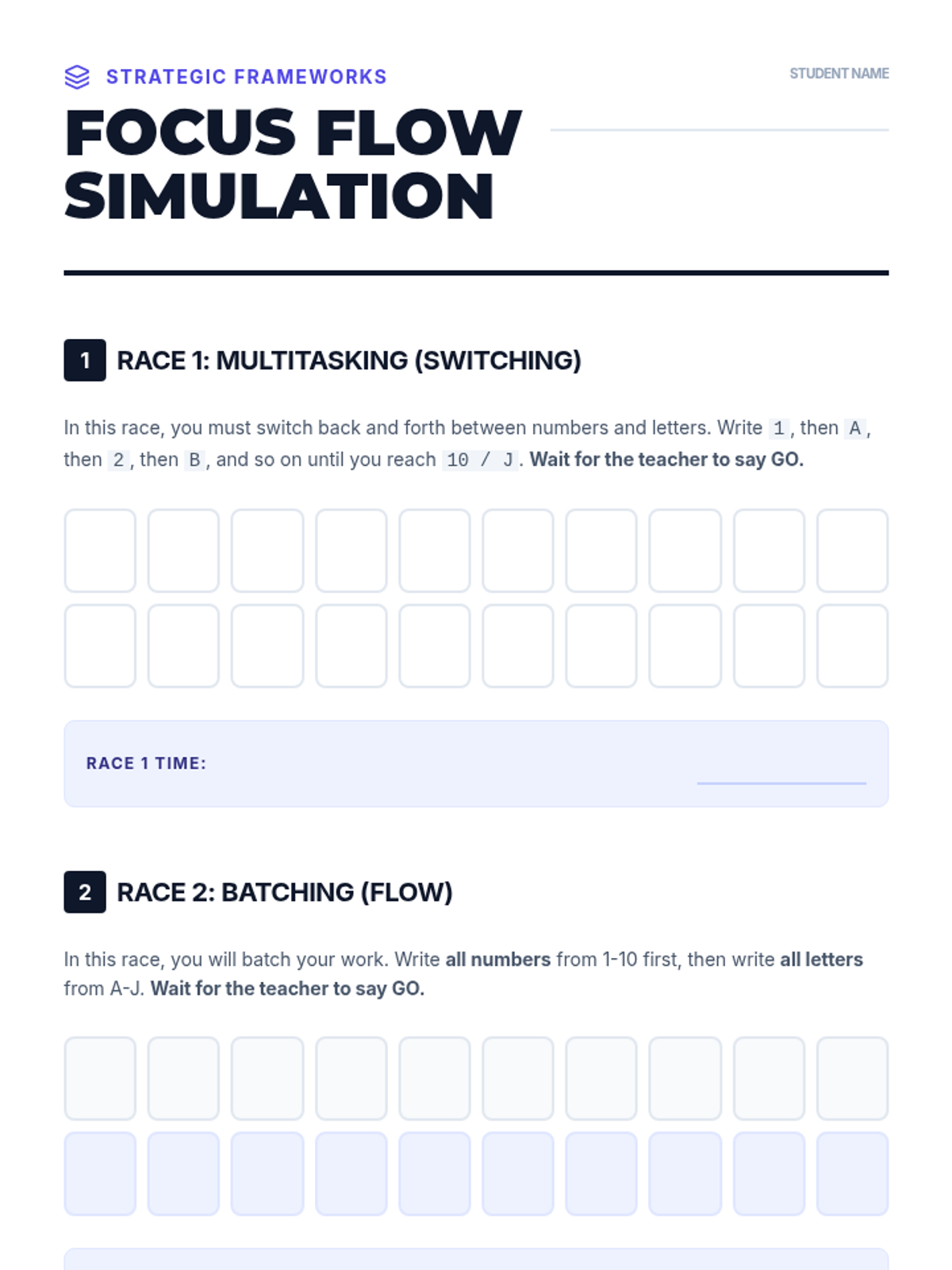
A simulation worksheet for the "Alphabet vs. Numbers" race, demonstrating the cognitive cost of multitasking and the efficiency of task batching.
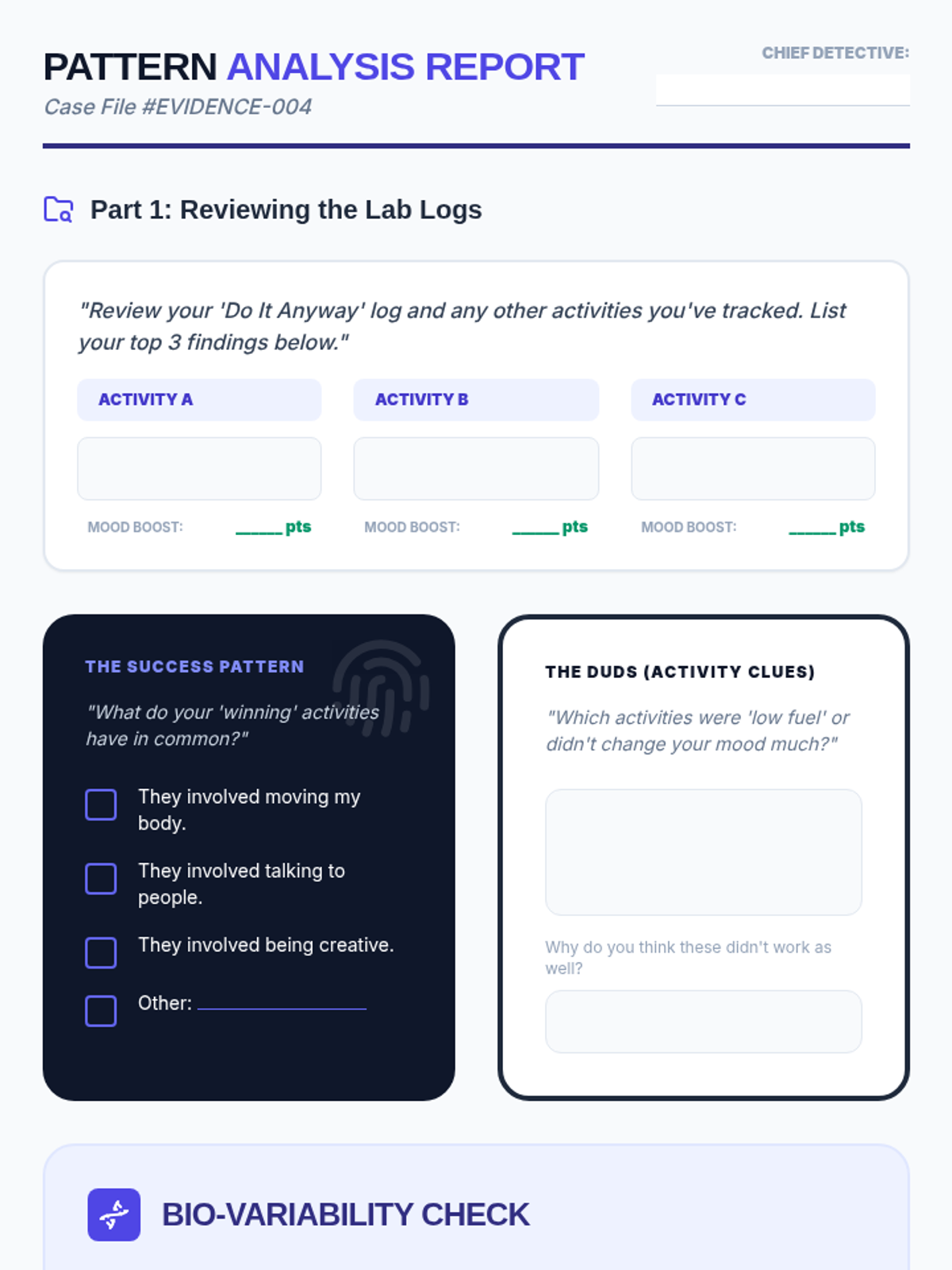
A lab report worksheet for students to analyze their experiment data, identify patterns in effective activities, and reflect on individual differences.
An 6-slide presentation on task batching and context switching. Introduces the concept of cognitive cost, the multitasking myth, and a 3-step strategy for batching similar tasks.
Introductory slides for the 'Mood Pattern Detectives' lesson, helping students analyze their data and understand the concept of individual variability in activity effectiveness.
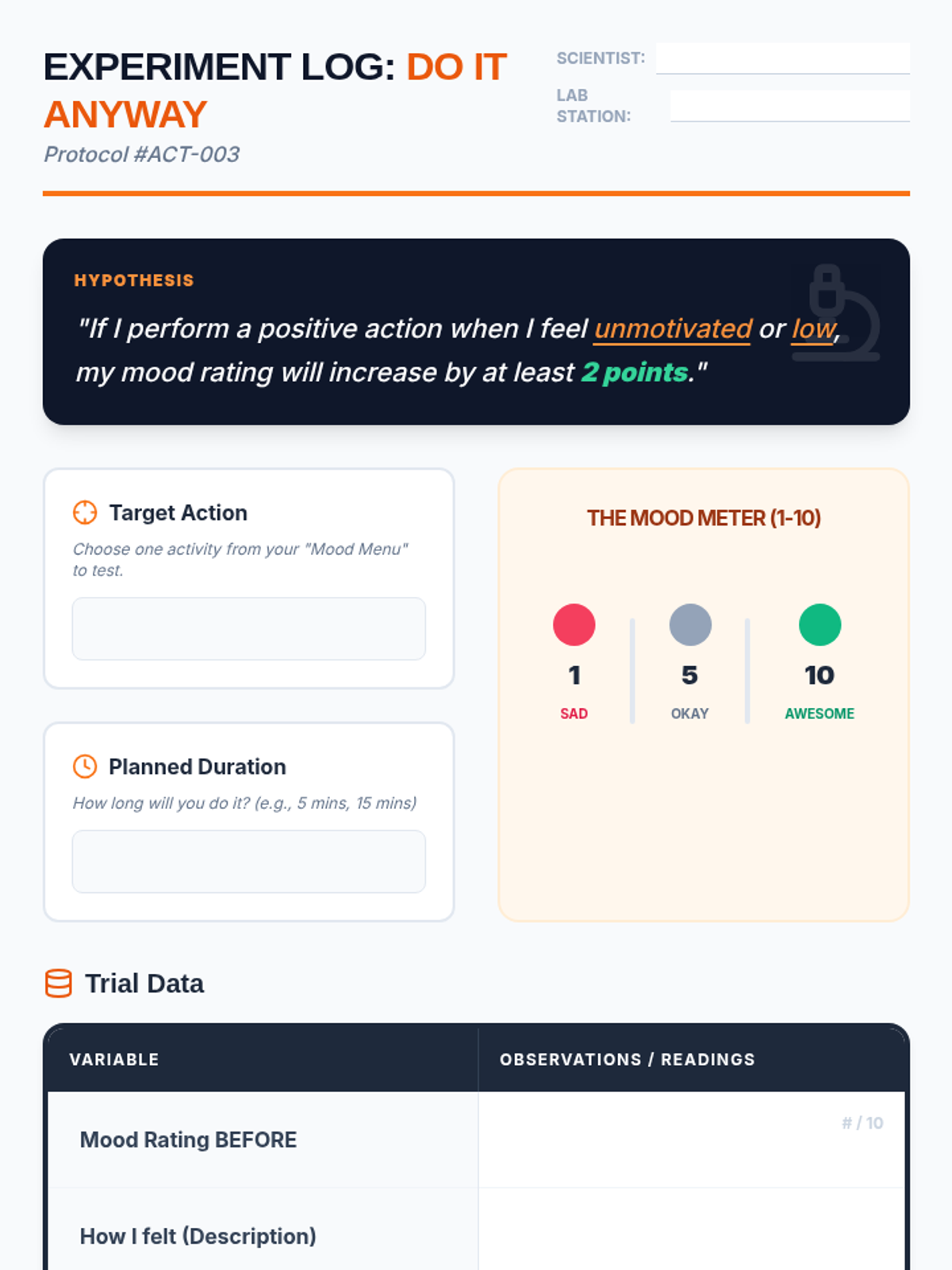
A data collection log for the 'Do It Anyway' experiment, allowing students to track their mood ratings before and after engaging in a positive action.
Introductory slides for the 'Do It Anyway' experiment, explaining the concept of 'acting opposite' and how to track mood data for a personal science experiment.
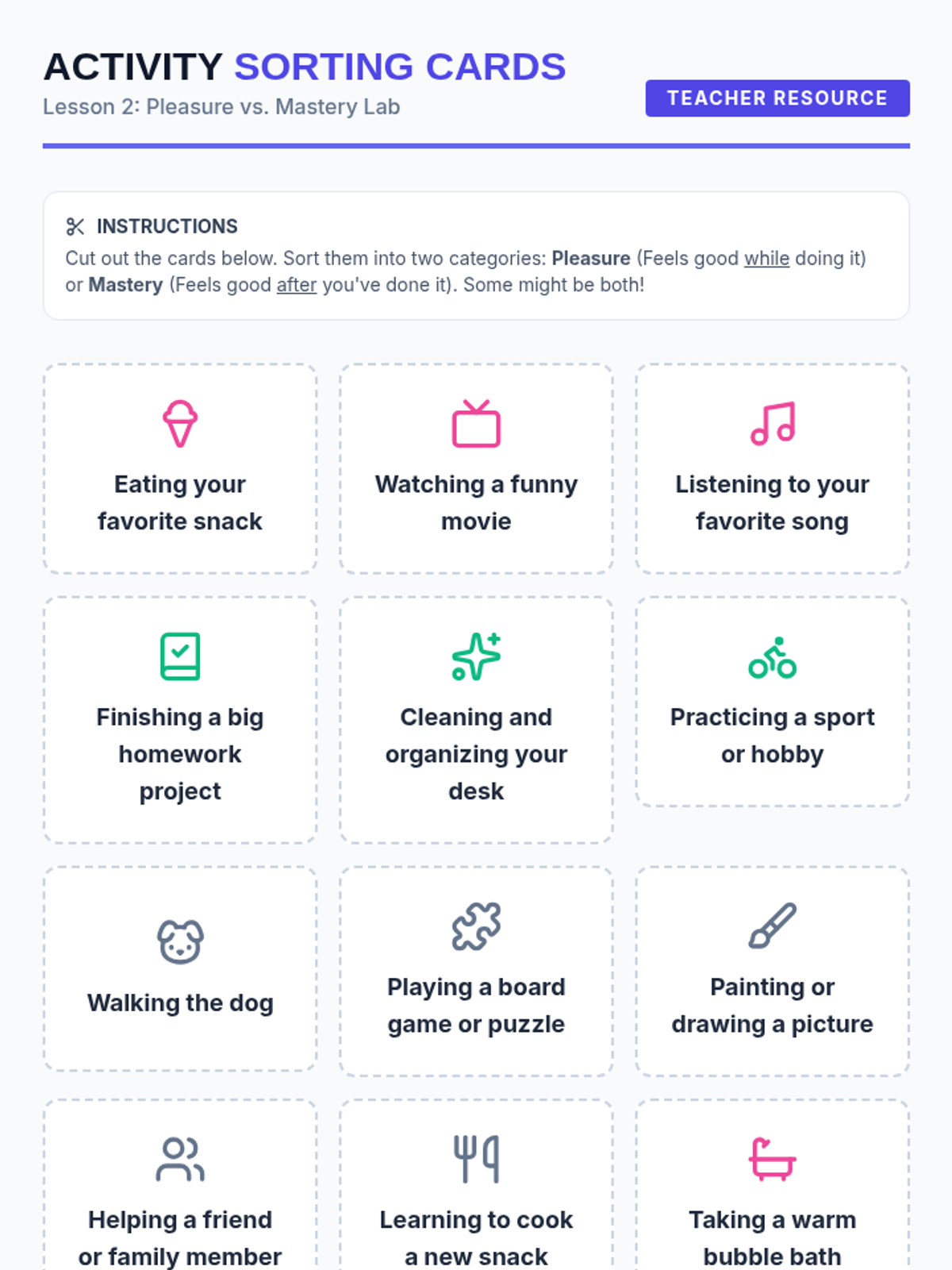
Sorting cards and a categorization t-chart for Lesson 2, helping students distinguish between pleasure-based and mastery-based activities.
Introductory slides for the 'Pleasure and Mastery' lesson, explaining the difference between 'Fun fuel' and 'Proud fuel' and the importance of a balanced activity diet.
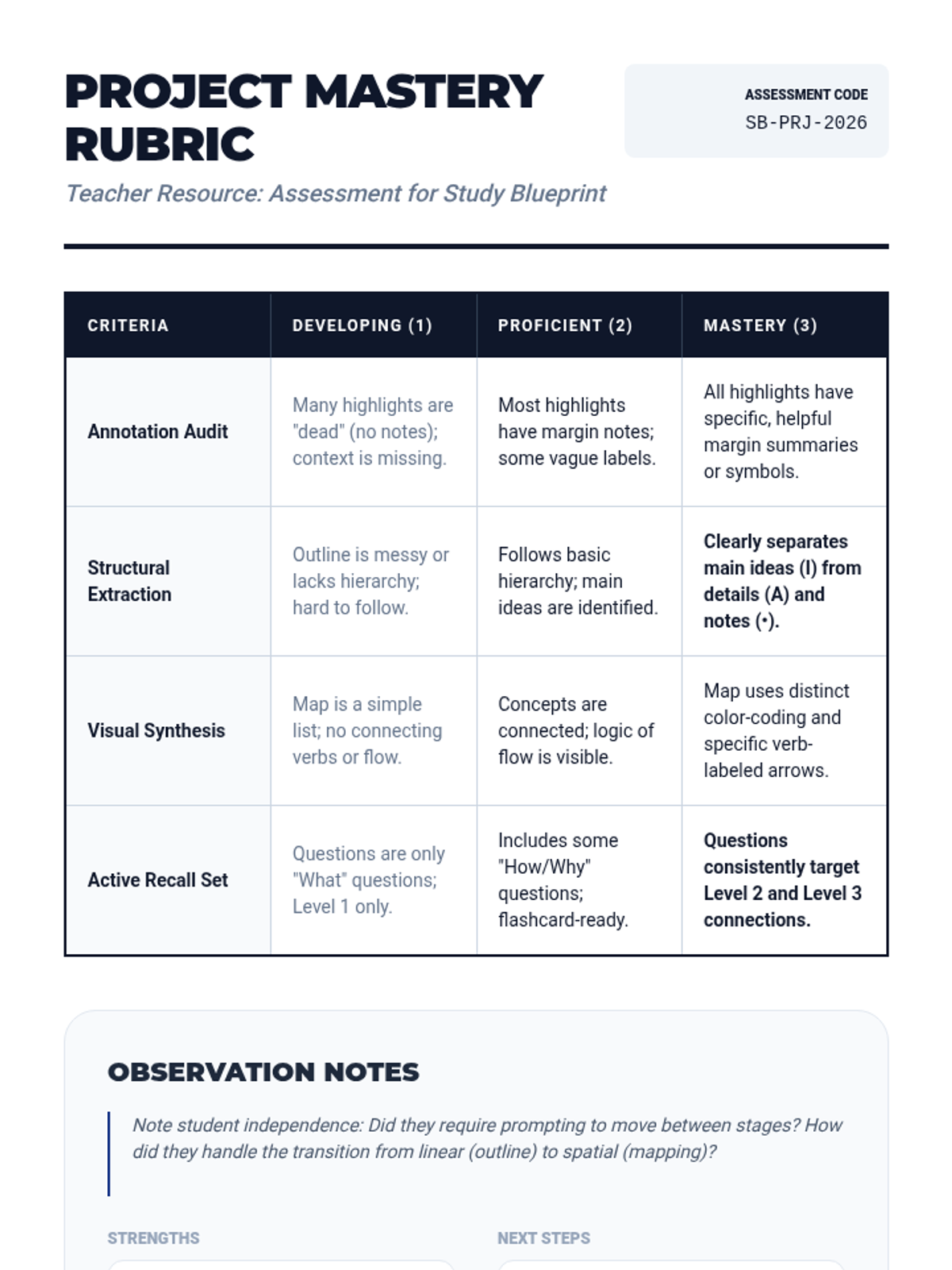
A grading rubric and teacher observation guide for the final study guide project, focusing on mastery of the four key strategies.
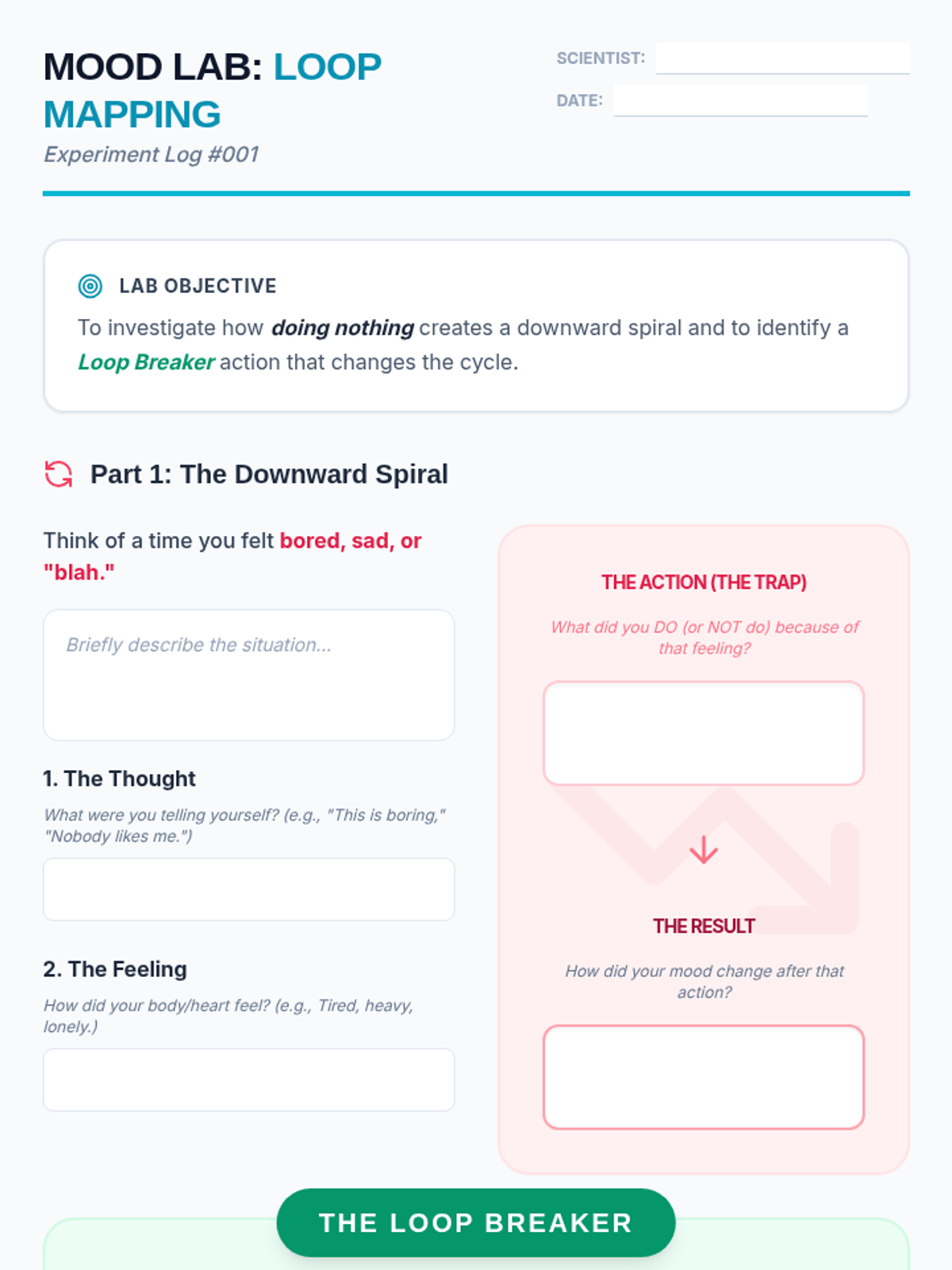
A lab notebook style worksheet for students to map out their own action-emotion loop, identifying a 'downward spiral' moment and a 'loop breaker' action.
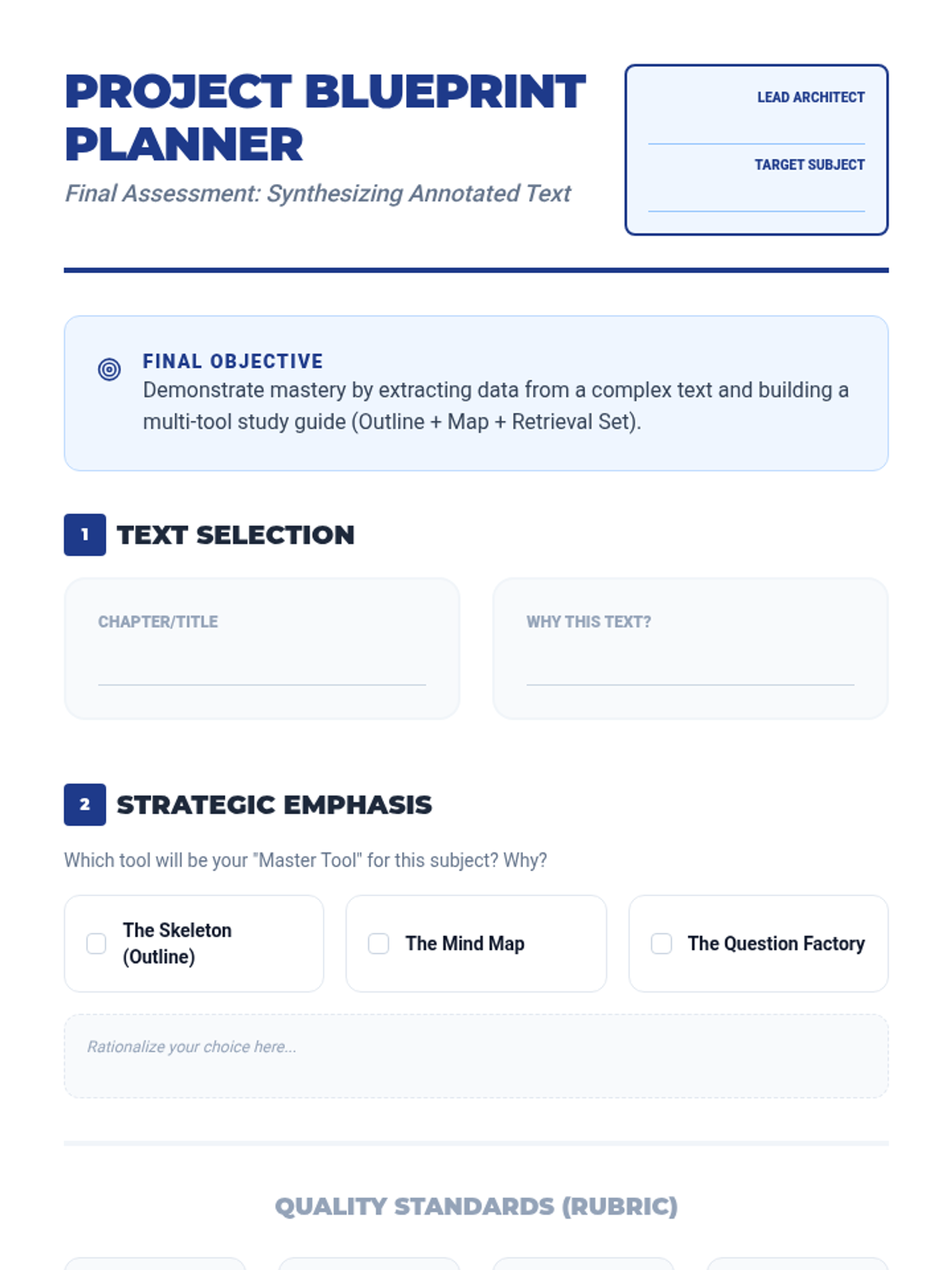
A project planning guide and rubric for the final study guide project, helping students organize their approach.
Introductory slides for the 'Loop of Life' lesson, featuring the human machine hook and visual representations of the thought-feeling-action cycle.
A slide deck introducing the final project, where students apply all previous strategies to an external text of their choice.
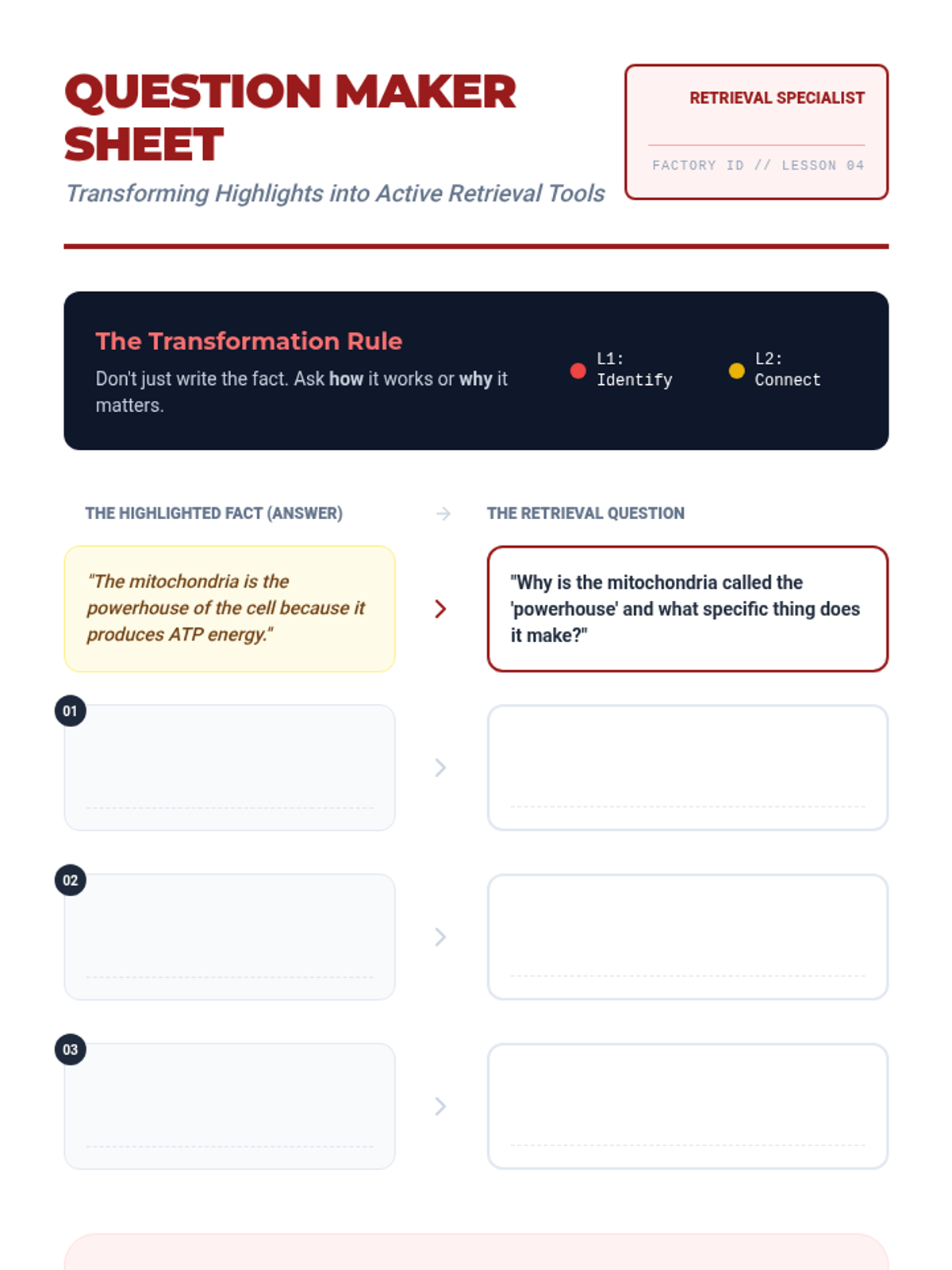
A transformation worksheet where students practice converting their highlighted facts into high-quality retrieval questions.
A slide deck introducing active recall and teaching students how to transform their passive highlights into various levels of retrieval questions.
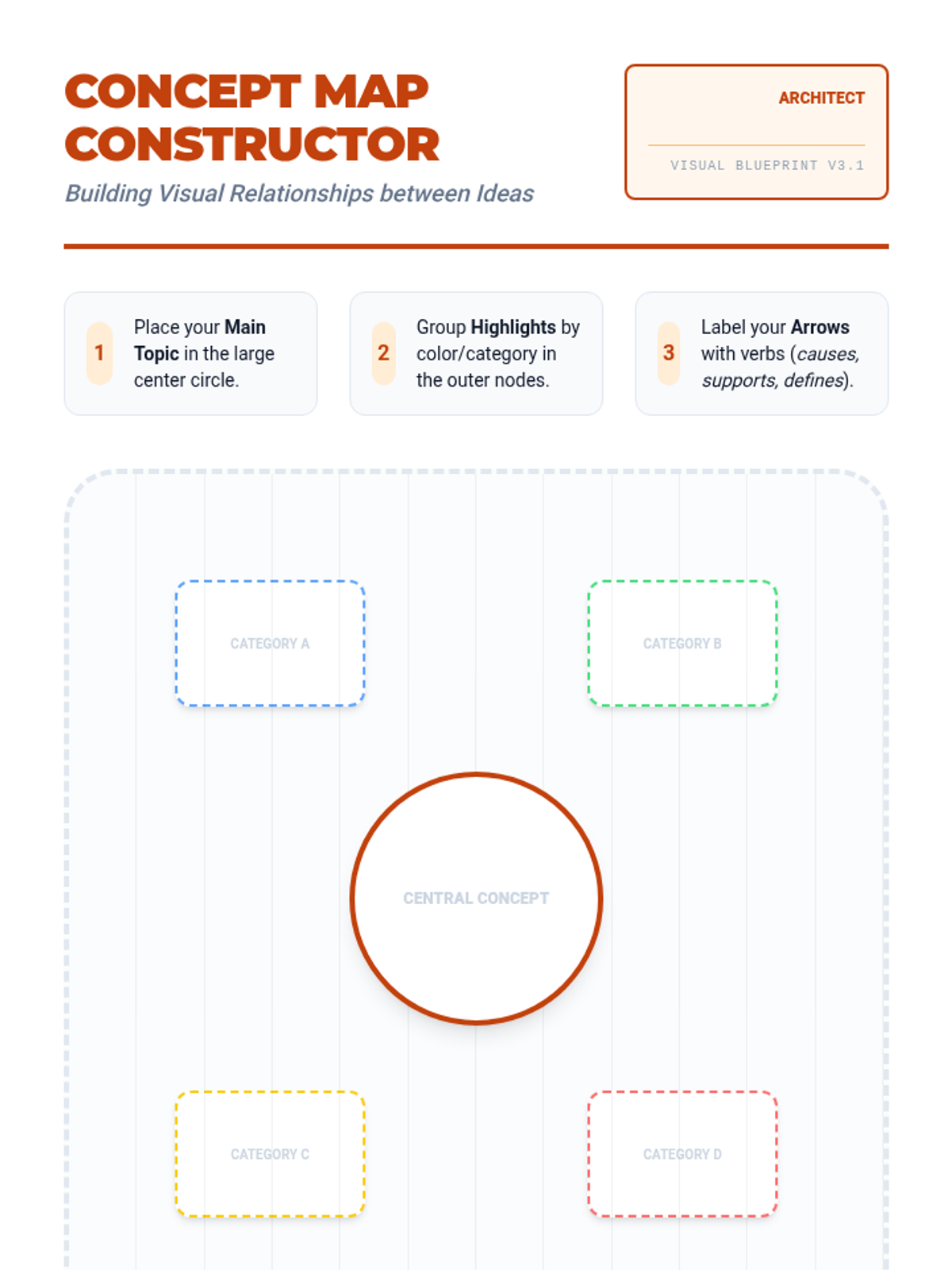
A drafting-style concept map template for students to visually organize their highlights and marginal notes.
A slide deck teaching students how to move from linear outlines to spatial concept maps, emphasizing connections and categorization.
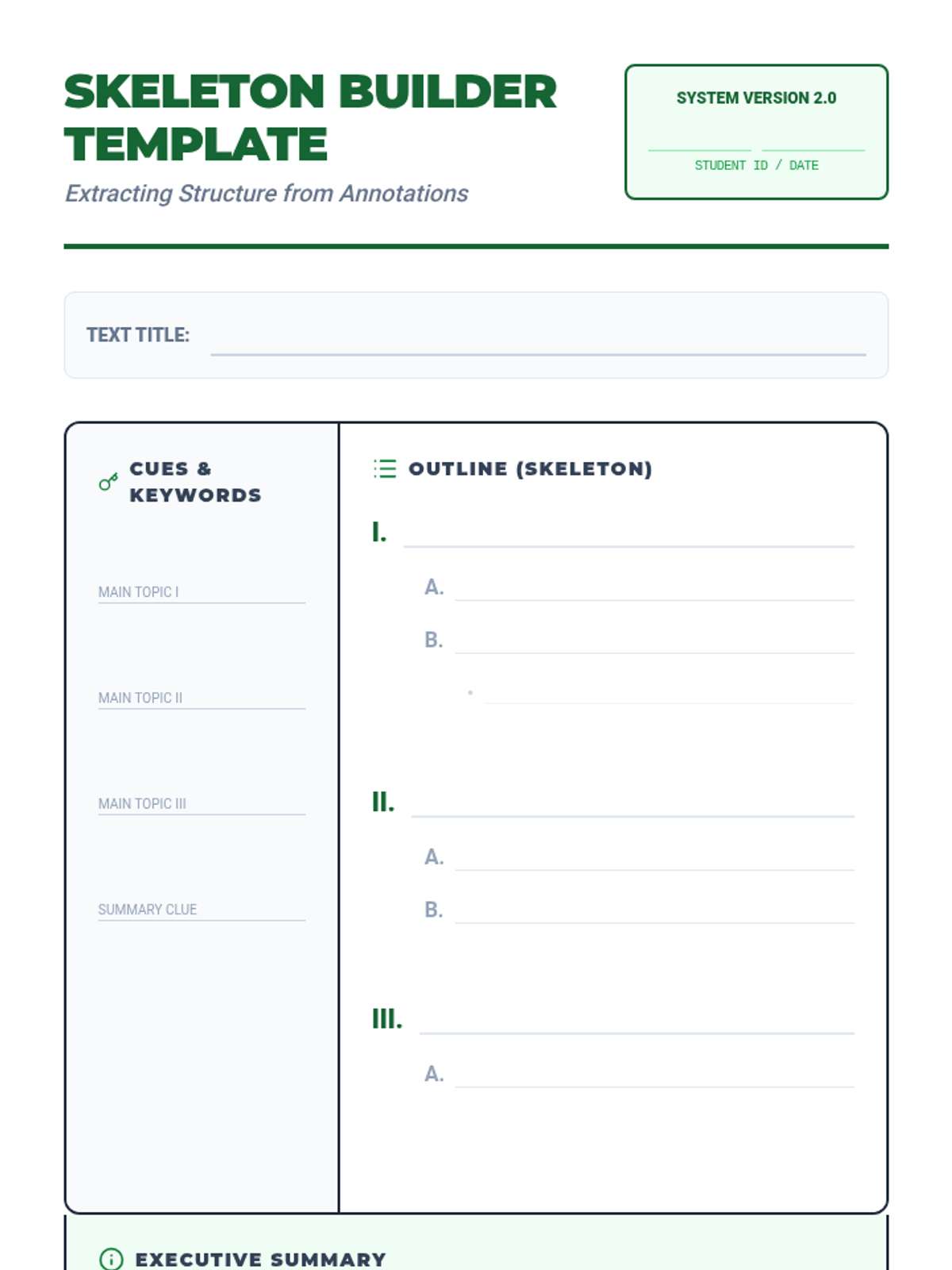
A structured Cornell-style template for students to extract and organize their annotated information into a linear outline.
A slide deck introducing the 'Skeleton Method' for transferring highlights into a structured linear outline, including the use of Cornell Notes.
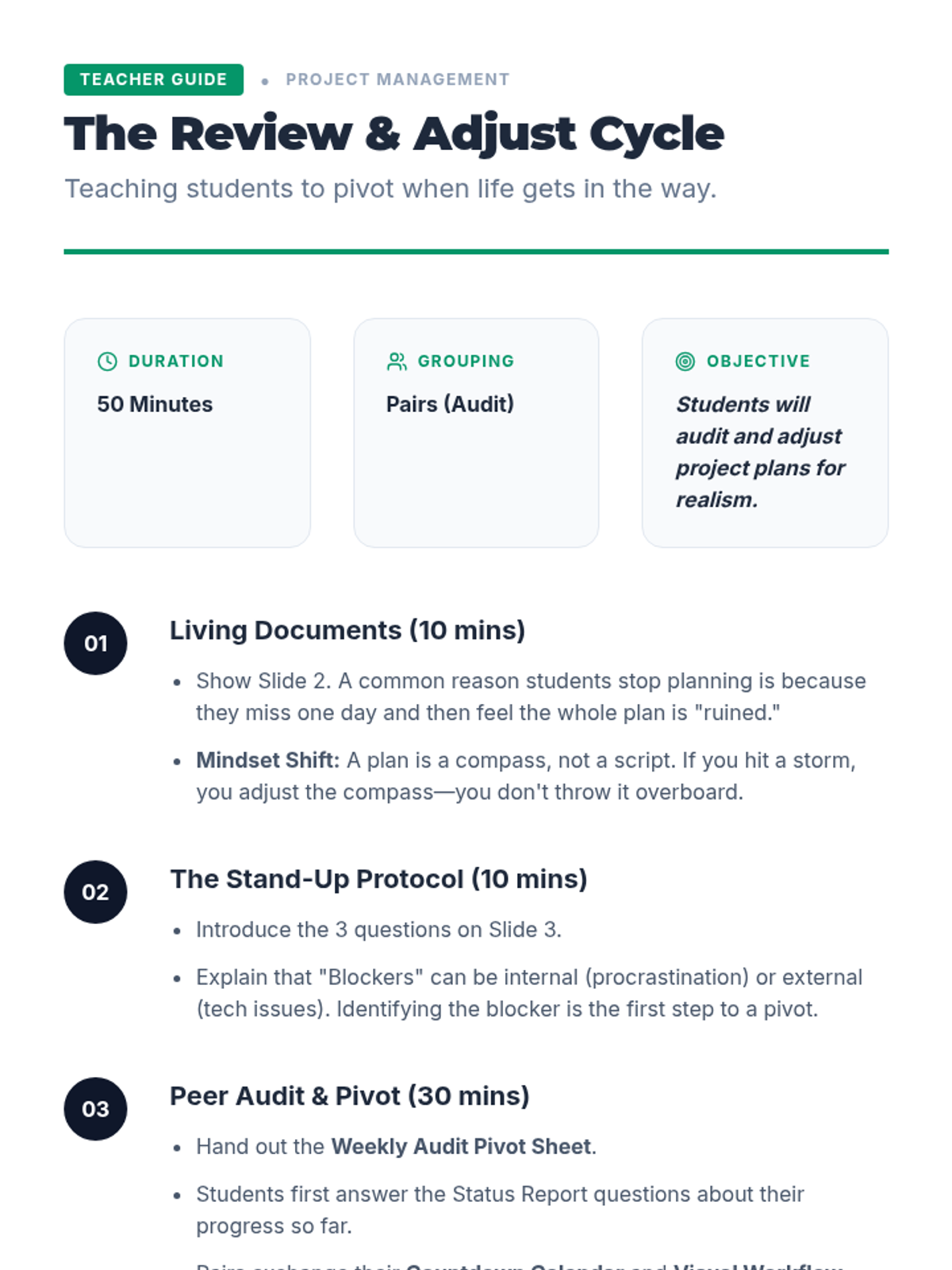
Teacher guide for Lesson 5 focusing on plan adjustments, the Stand-Up protocol, and peer project audits.
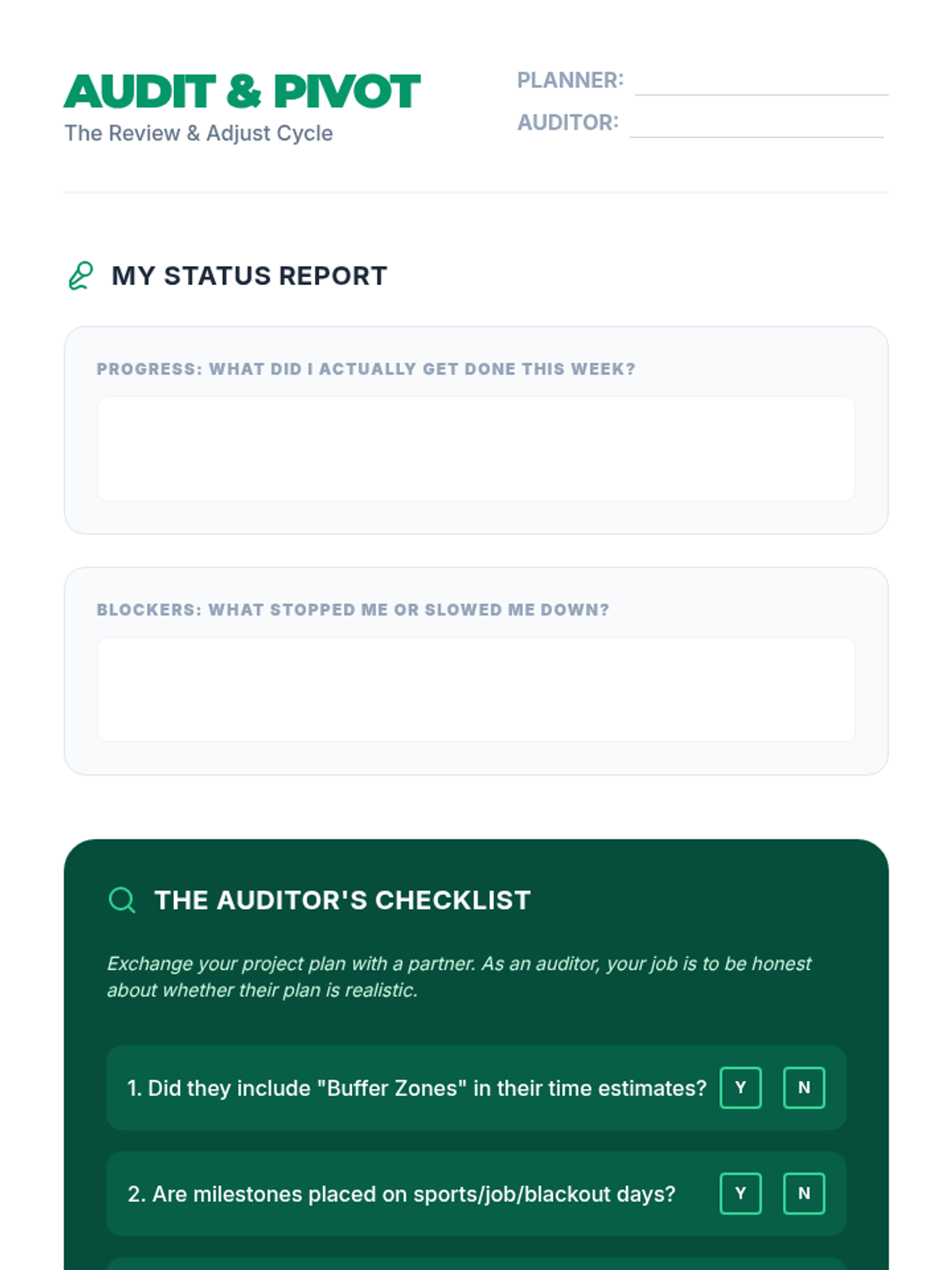
A student worksheet for conducting a 'Status Report' and a peer project plan audit to identify and adjust unrealistic plans.
A visual presentation for Lesson 5 introducing the concept of the 'Stand-Up' meeting, plan flexibility, and peer audits.
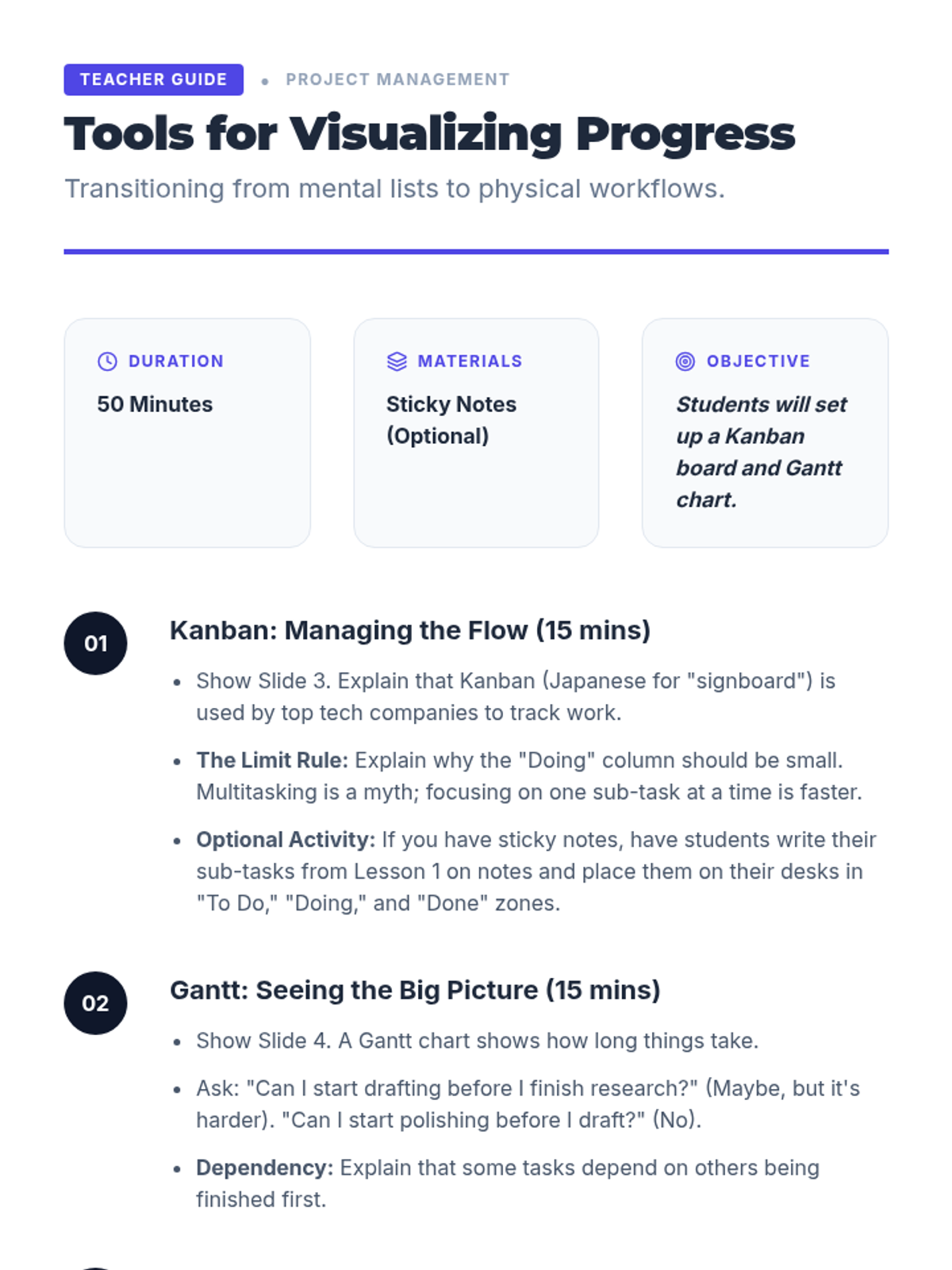
Teacher guide for Lesson 4 focusing on visual tools like Kanban and Gantt charts for project tracking.
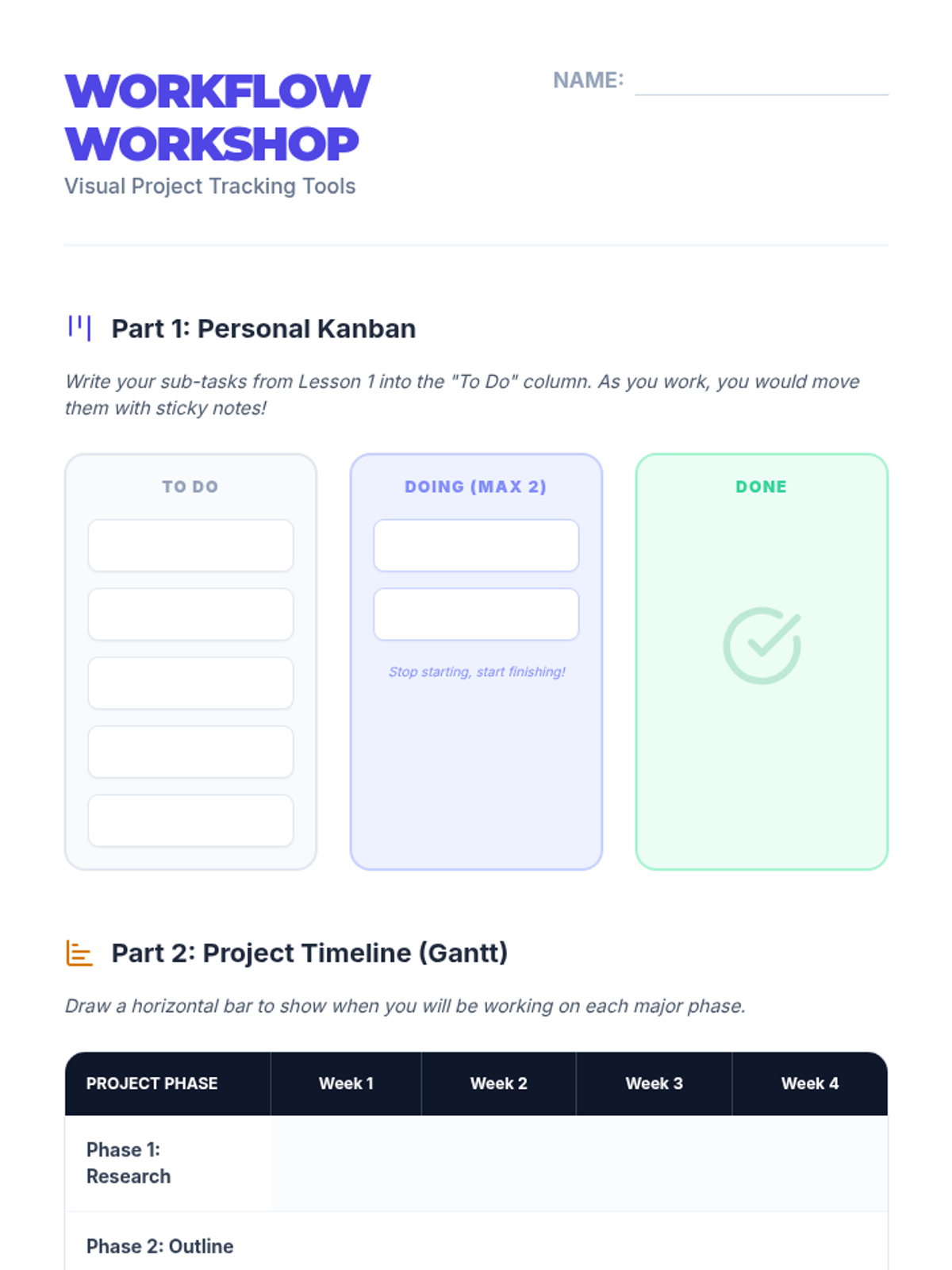
A student worksheet with templates for creating a personal Kanban board and a project Gantt chart.
A visual presentation for Lesson 4 introducing visual project management tools like Gantt charts and Kanban boards.
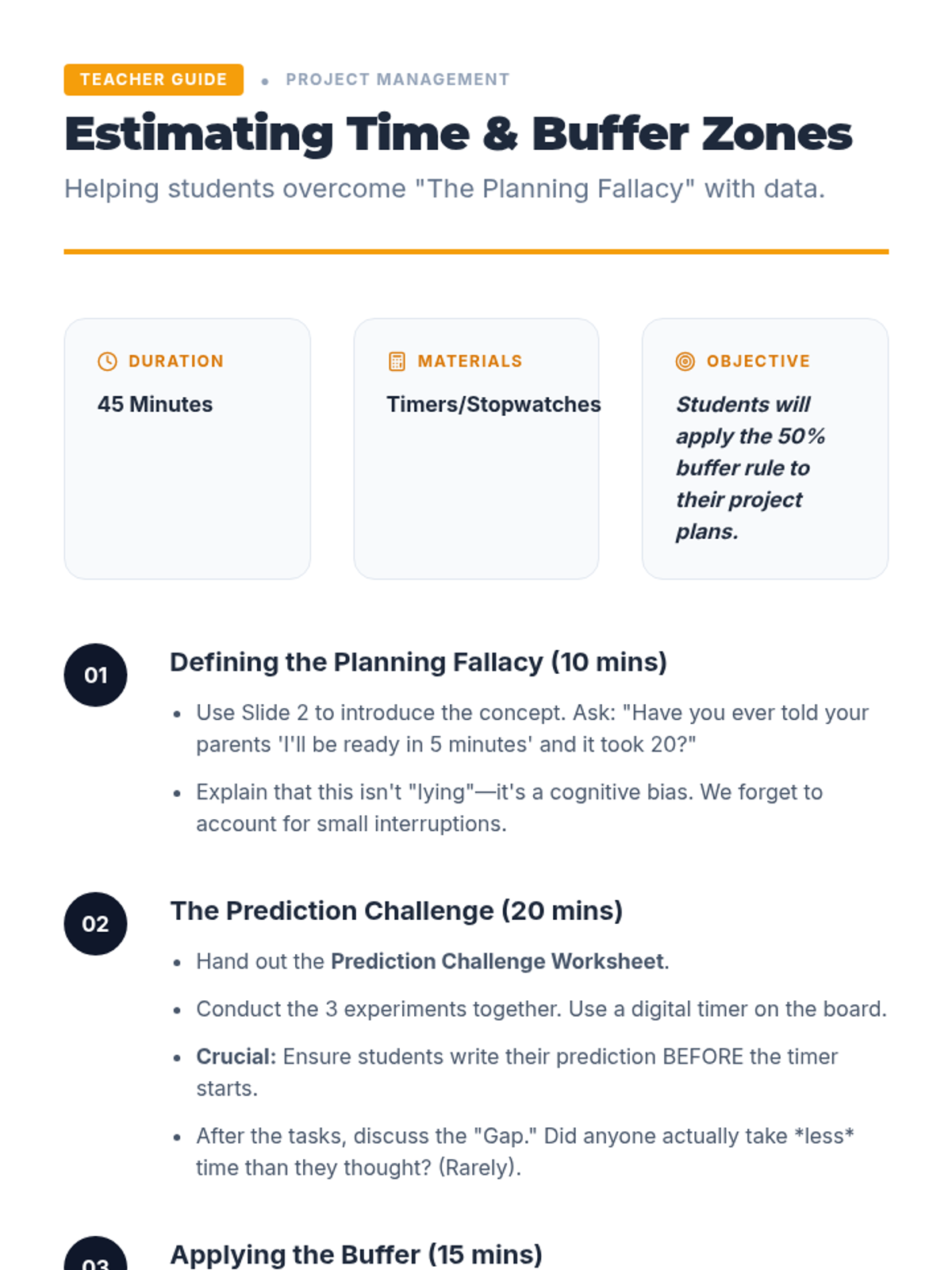
Teacher facilitation guide for Lesson 3 focusing on time estimation experiments and the 50% buffer rule.
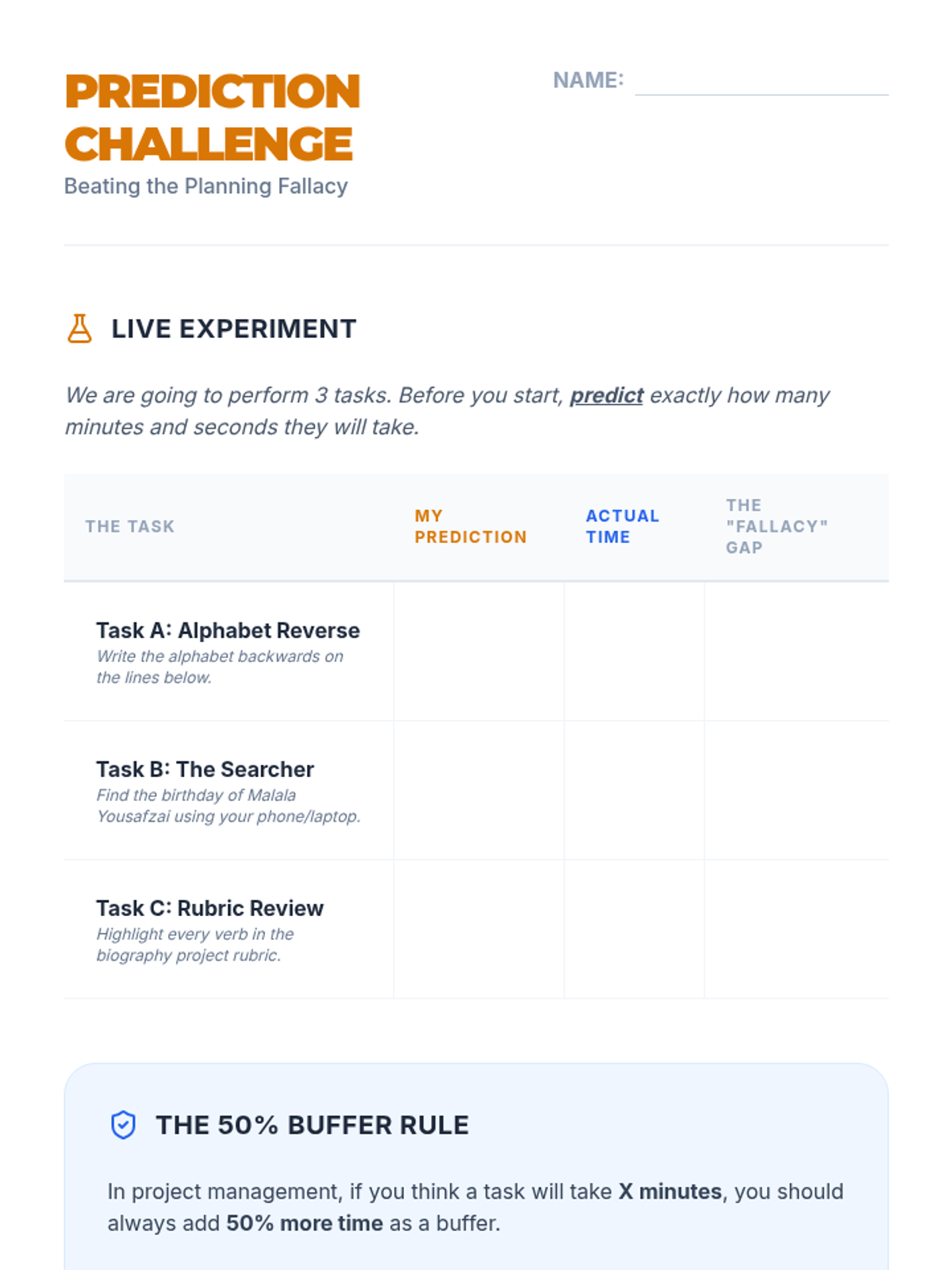
A student worksheet for the 'Prediction Challenge' where students time themselves on tasks and apply the 50% buffer rule.
A visual presentation for Lesson 3 introducing time estimation, the planning fallacy, and the use of buffer zones.
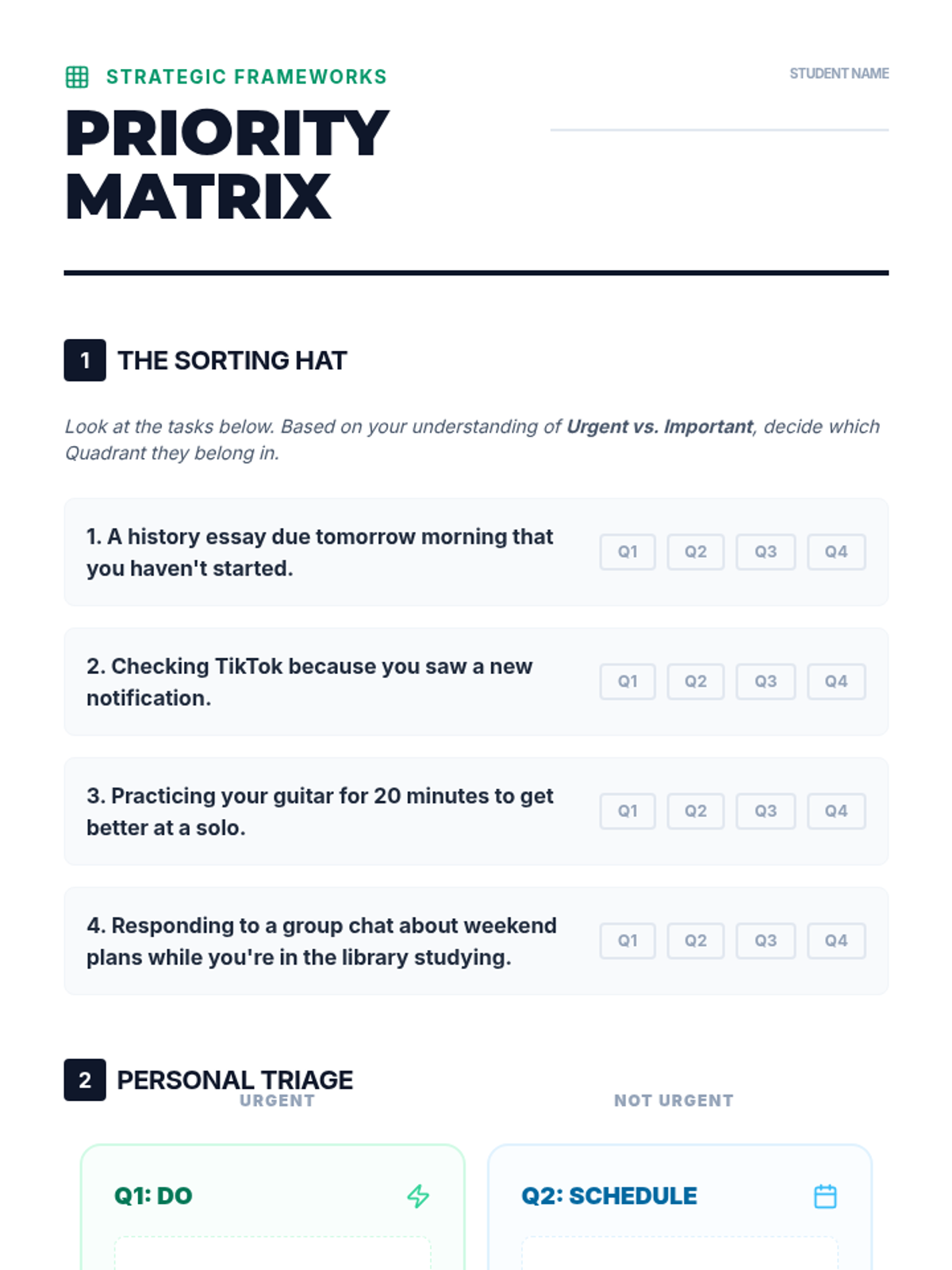
A worksheet for students to practice categorizing tasks into the Eisenhower Matrix quadrants. Includes scenarios for sorting and a blank grid for personal triage.
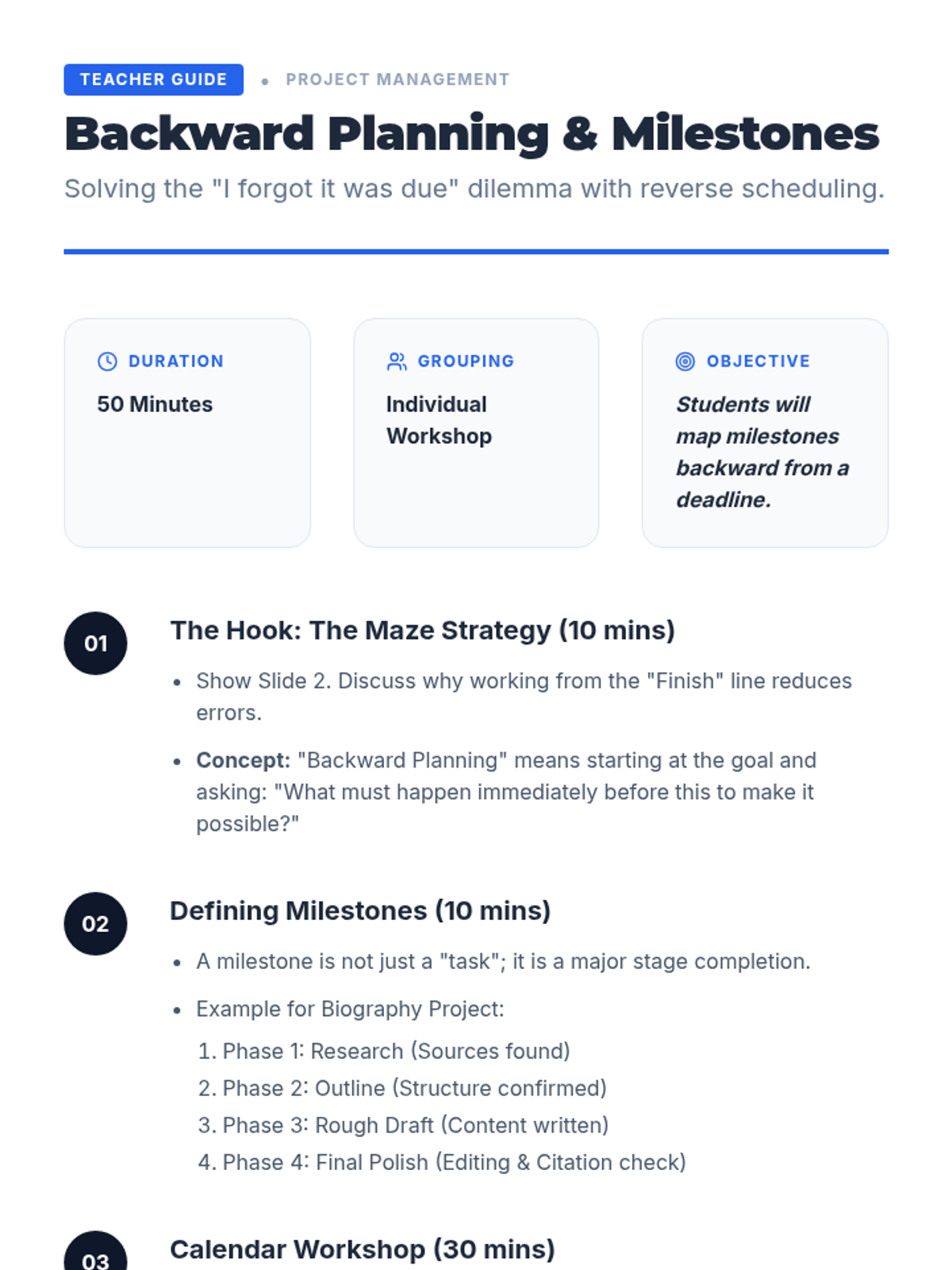
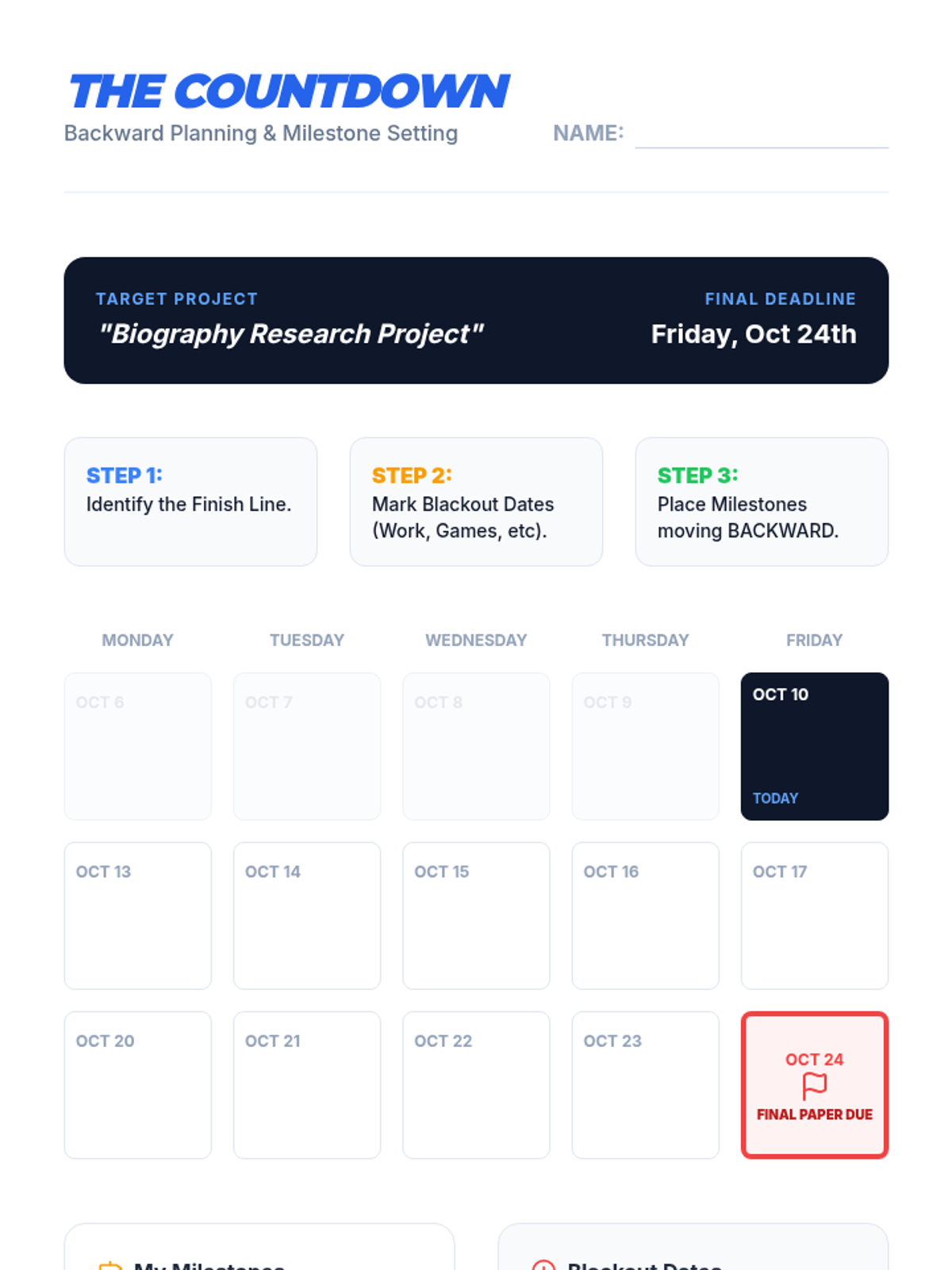
Teacher guide for Lesson 2 focusing on milestones, blackout dates, and backward design facilitation.
A student backward planning worksheet with a 3-week calendar view and milestone tracking.
An 6-slide presentation on the Eisenhower Matrix, teaching students how to distinguish between urgency and importance. Features clear visual breakdowns of the four quadrants and the "Time Credits" hook.
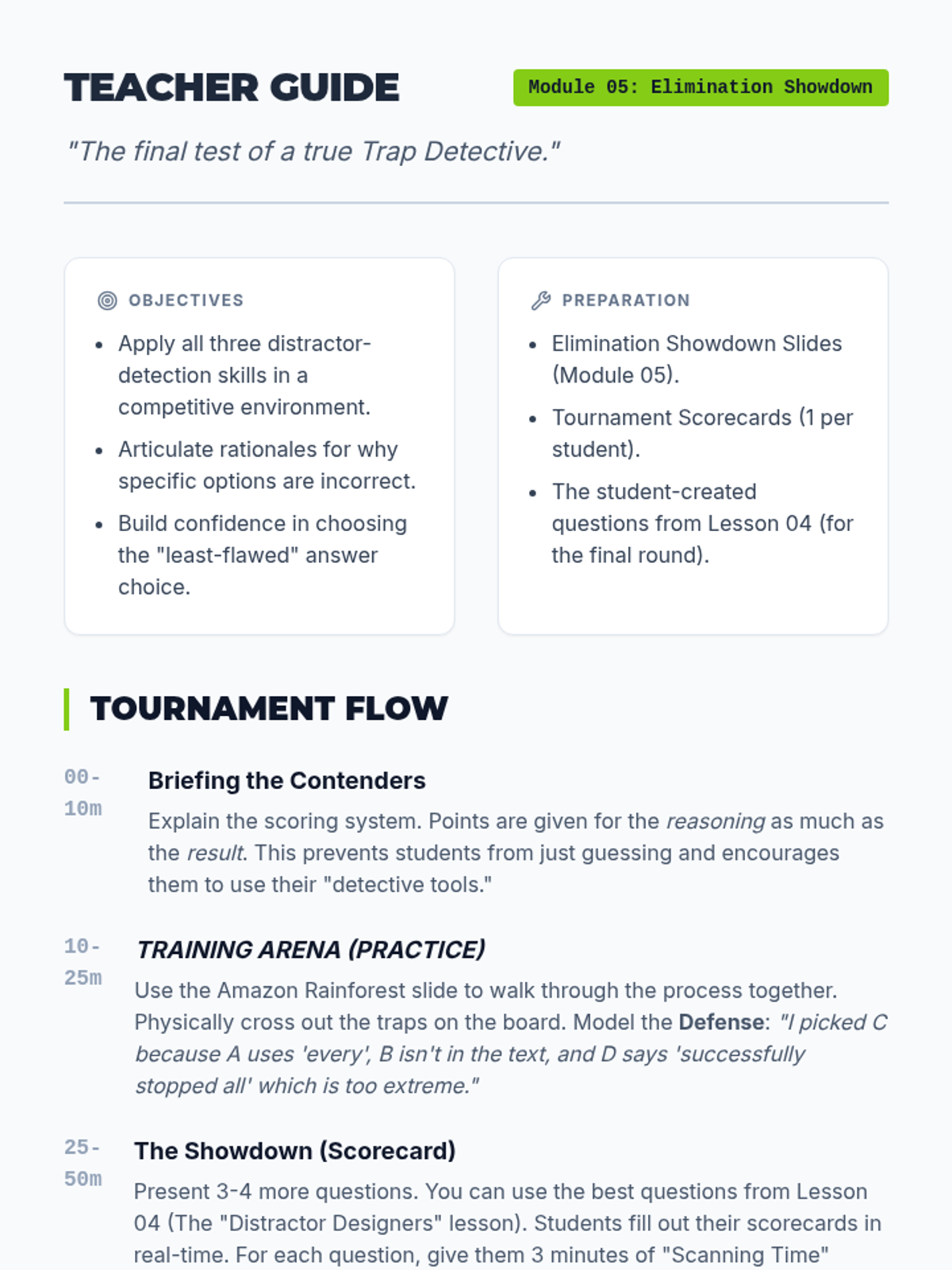
Teacher guide for 'Elimination Showdown'. Includes lesson flow, tournament scoring mechanics, and a detailed analysis of the practice question.
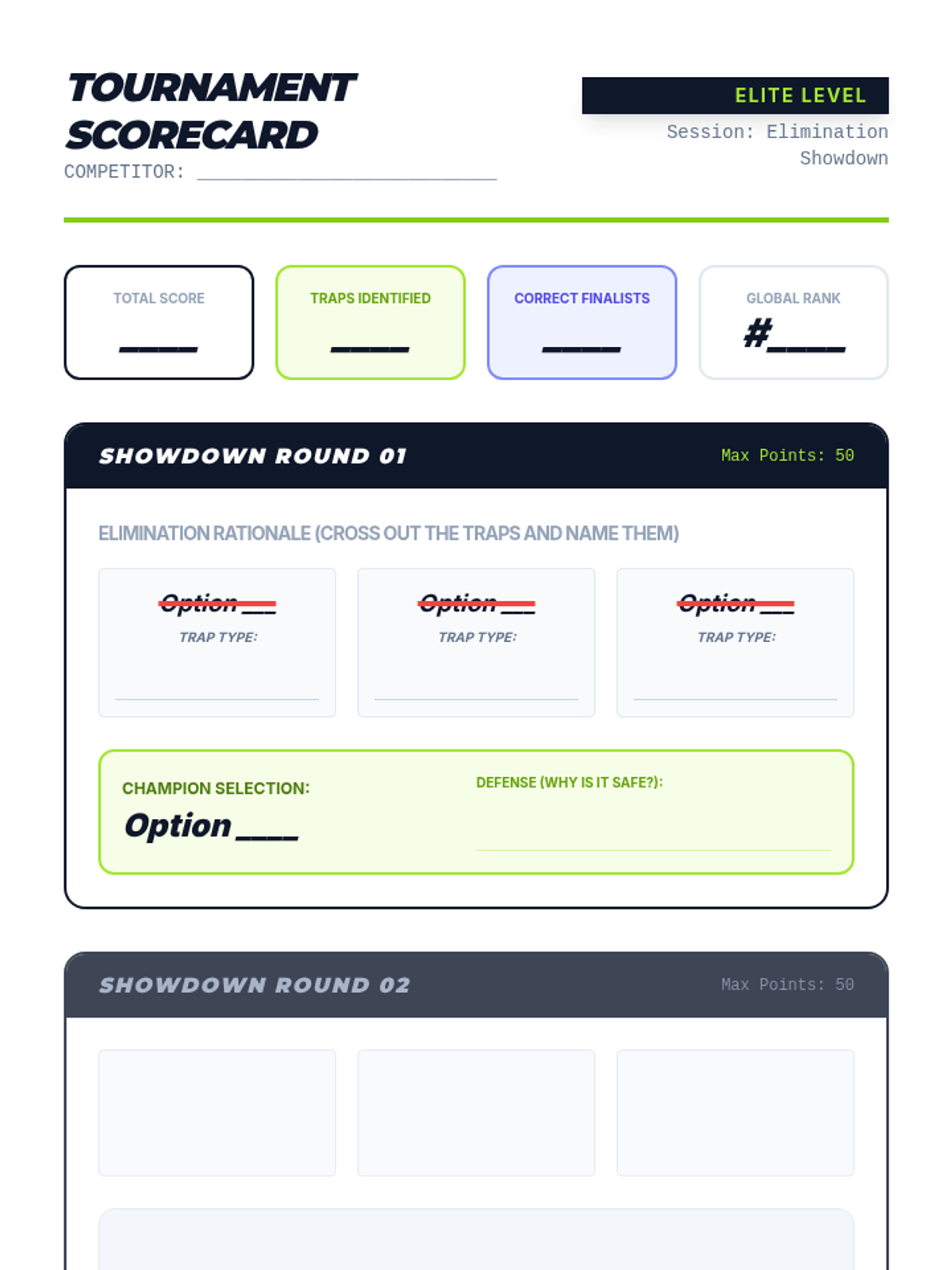
A student tournament scorecard for the final showdown. Features sections for tracking points, identifying trap types for each distractor, and selecting the 'Champion' (correct) answer with a defense.
Introductory slides for 'Elimination Showdown'. Features tournament rules and a walk-through of the 'Elimination Showdown' process with a practice question.
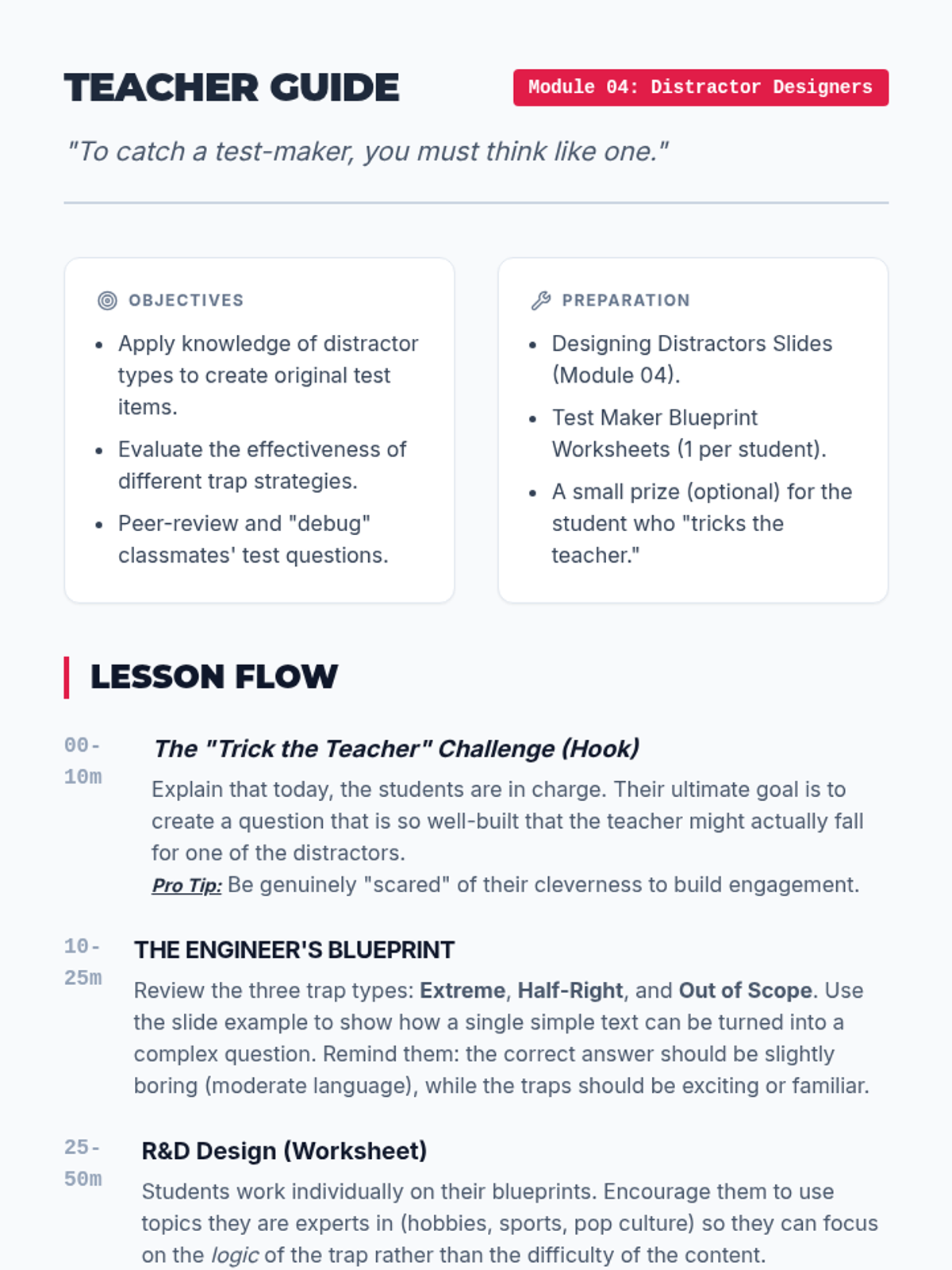
Teacher guide for 'Distractor Designers'. Includes pacing, rubric for the student worksheet, and instructions for the peer-testing phase of the lesson.
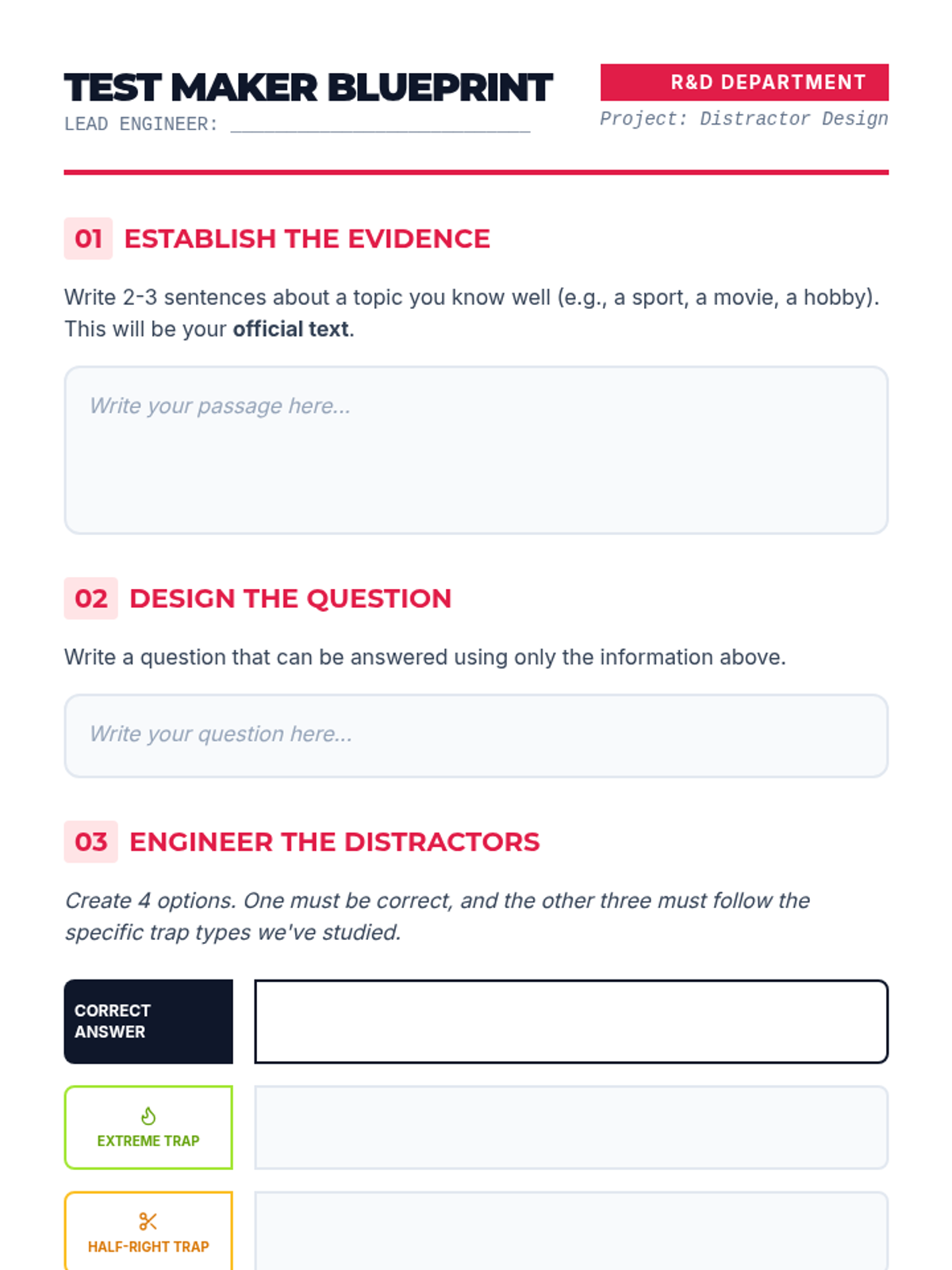
A student design sheet where they create their own multiple-choice question. Students must provide a short text and then engineer four options: one correct answer and three specific distractor types (Extreme, Half-Right, and Out of Scope).
Introductory slides for 'Distractor Designers'. Explains how to create 'Extreme', 'Half-Right', and 'Out of Scope' distractors by thinking like a test-maker.
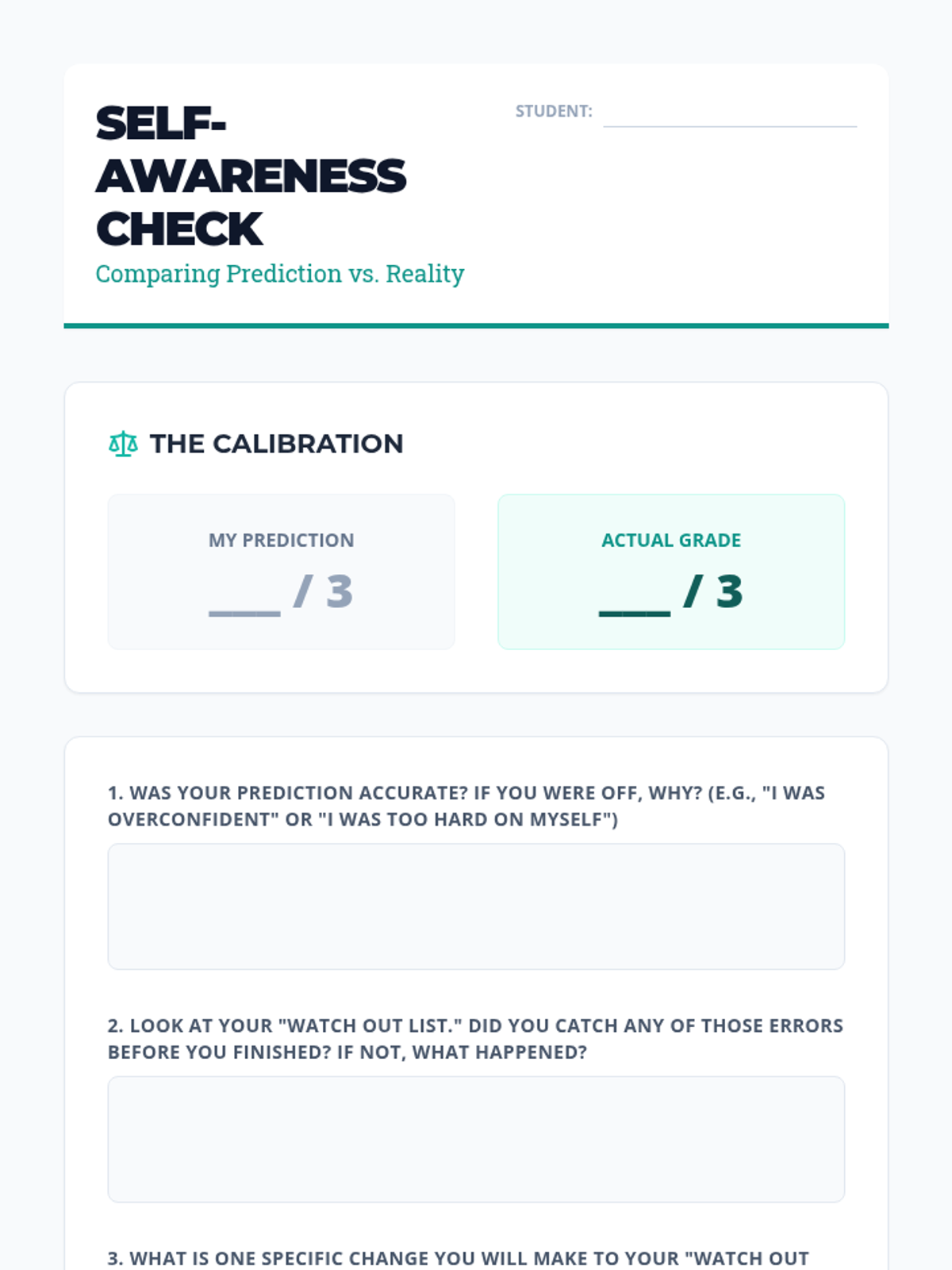
A final reflection sheet for students to compare their quiz predictions with their actual grades, evaluating the effectiveness of their metacognitive strategies.
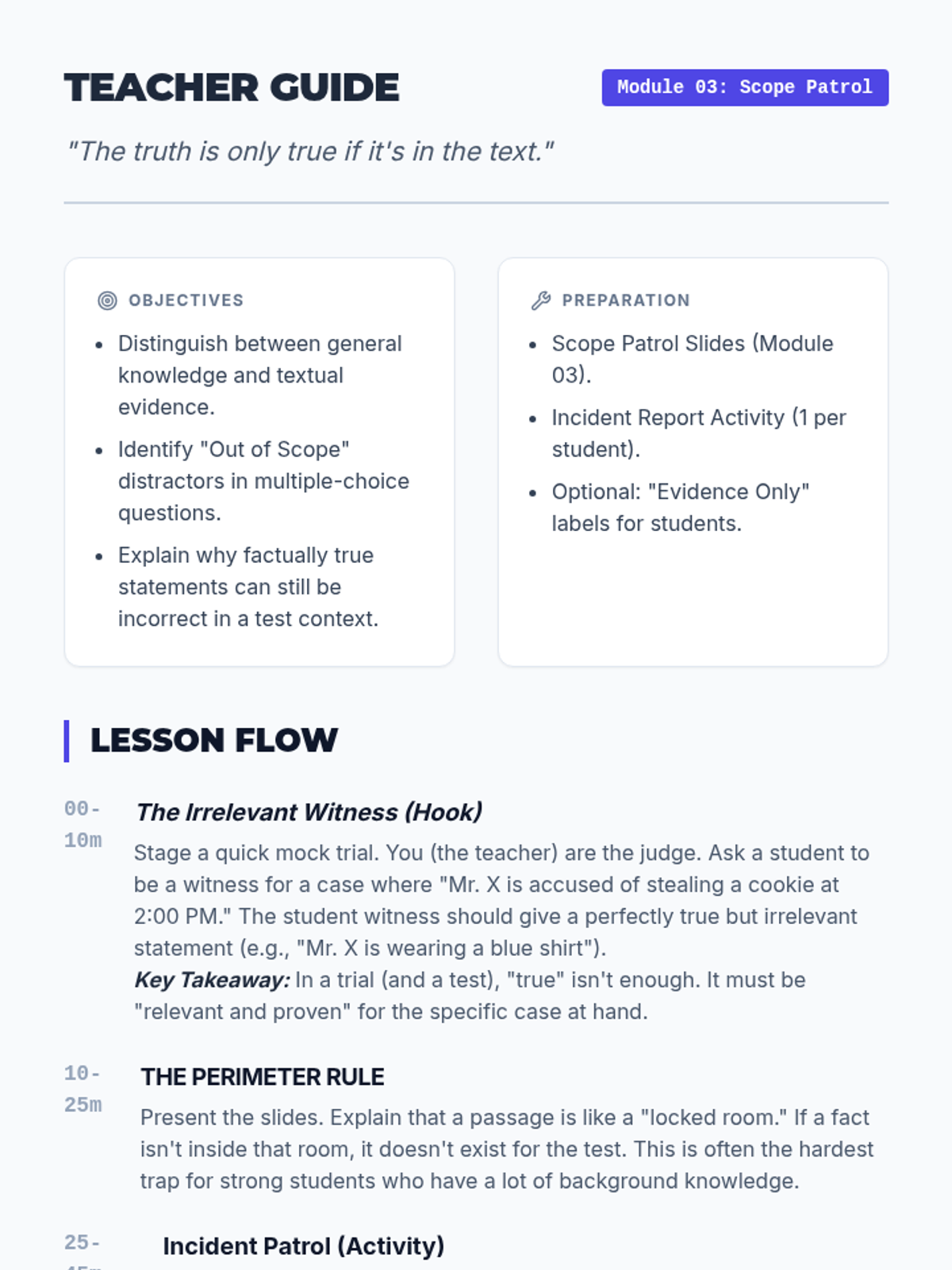
Teacher guide for 'Scope Patrol'. Includes lesson flow, mock trial hook instructions, and a detailed answer key for the Incident Report activity.
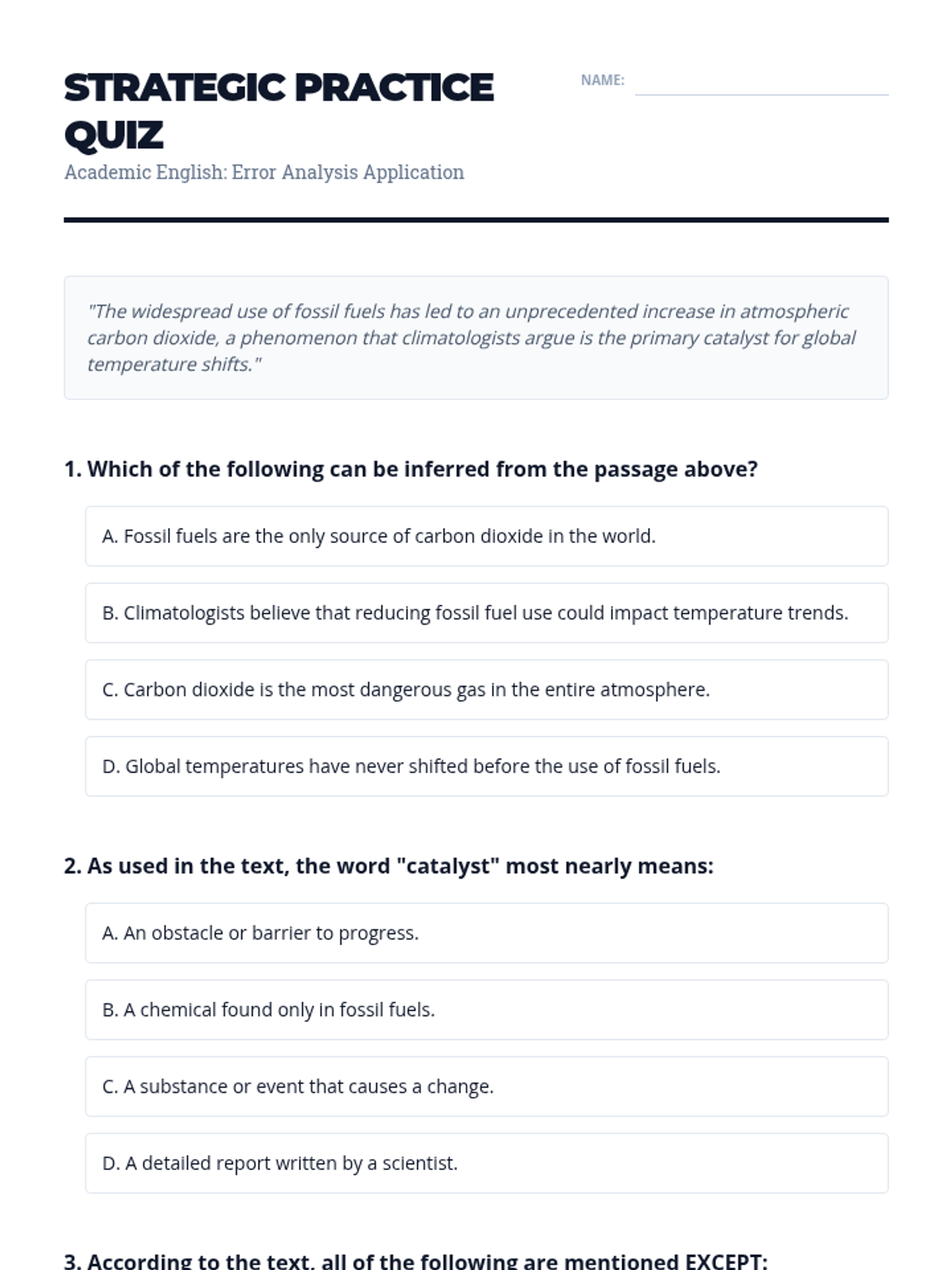
A short Academic English quiz designed to test students' application of their "Watch Out List," including a mandatory pre-grading self-reflection and score prediction section.
Final slides for the sequence focusing on the "Showtime" assessment. It introduces the score prediction challenge and real-time error analysis.
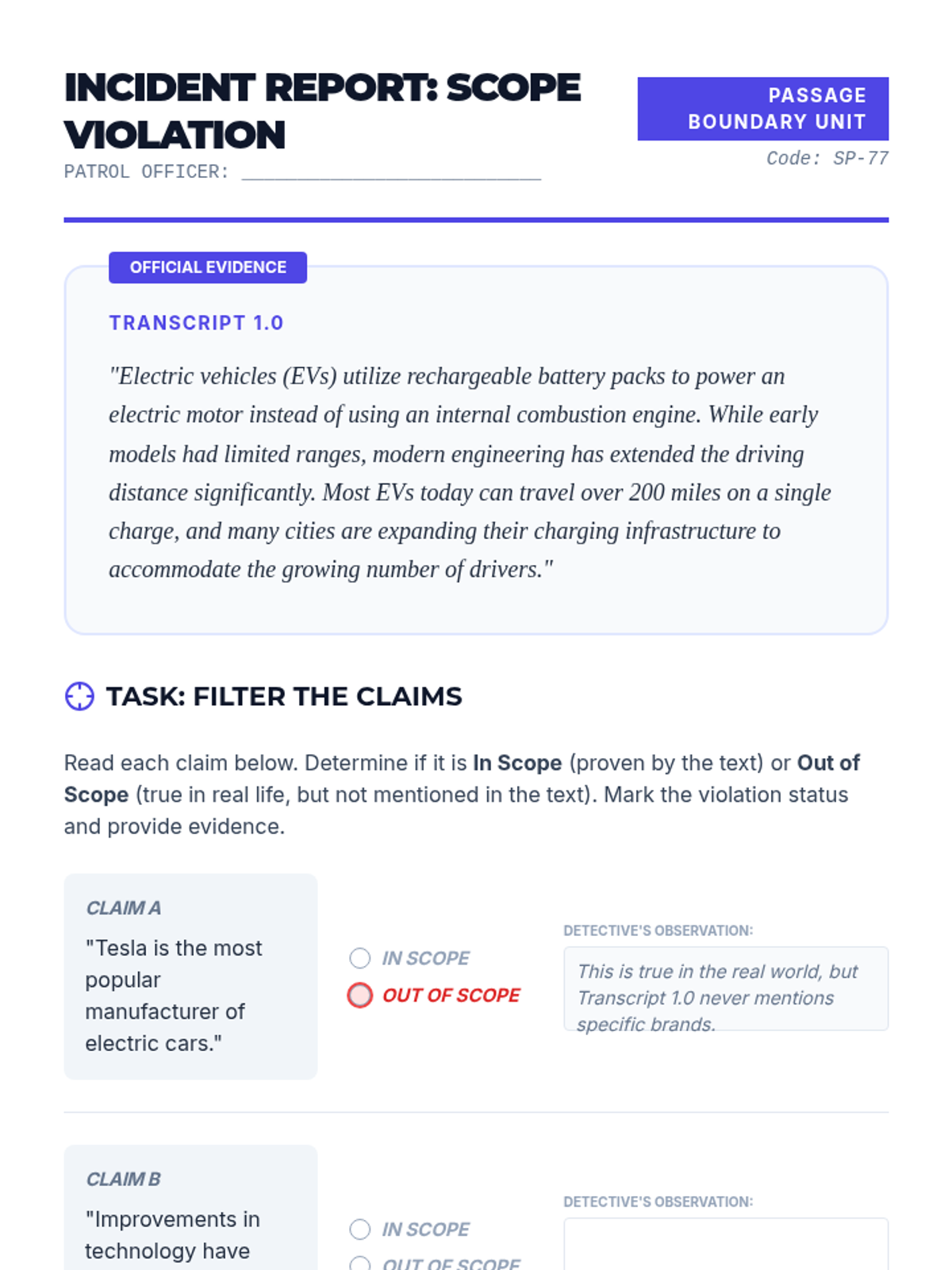
A student activity for identifying out-of-scope distractors. Features an evidence passage and a 'Incident Report' where students categorize claims as 'In Scope' or 'Out of Scope' based on textual evidence.
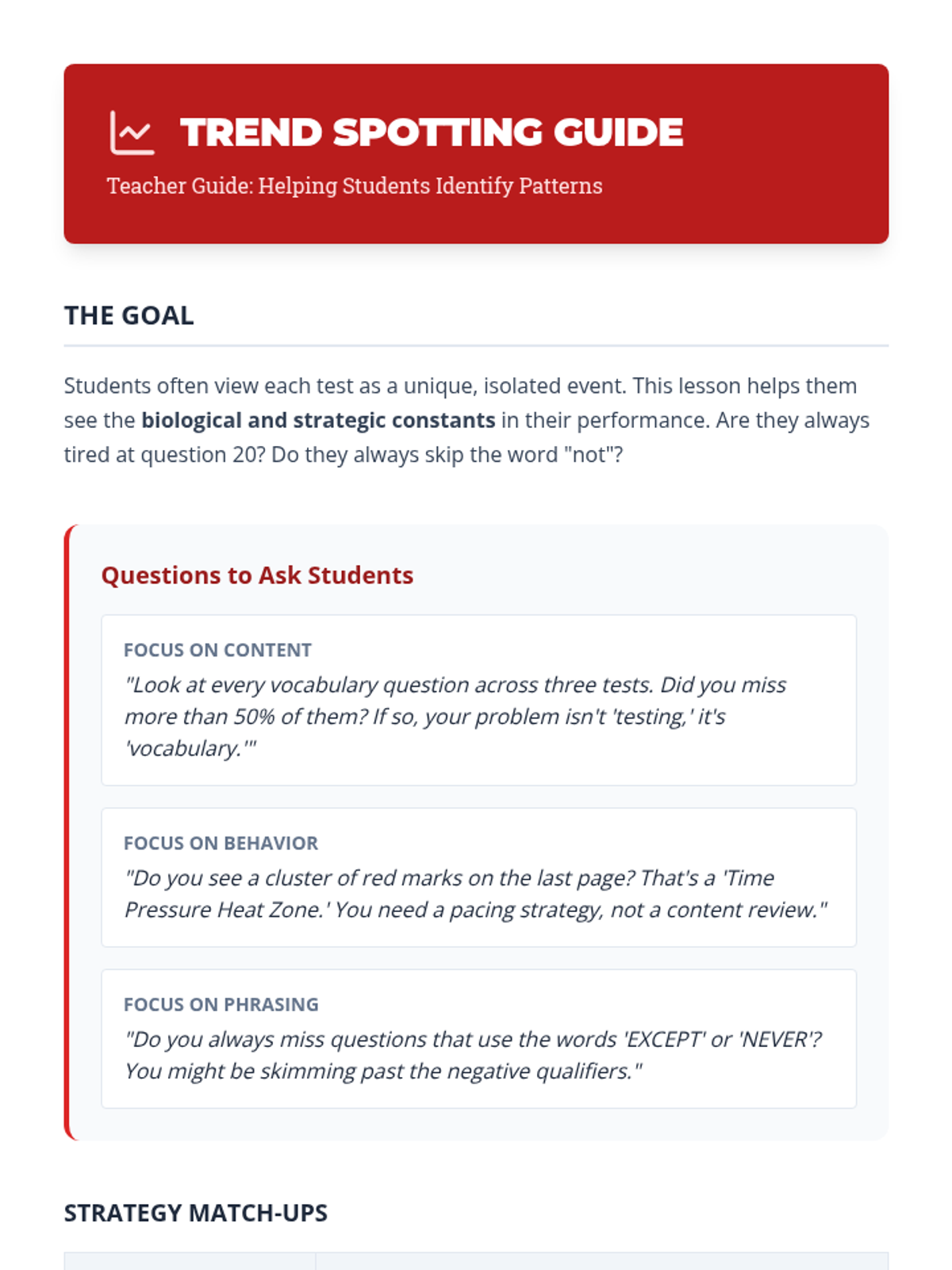
A guide for teachers to help students interpret their error data and connect patterns to specific defensive strategies.
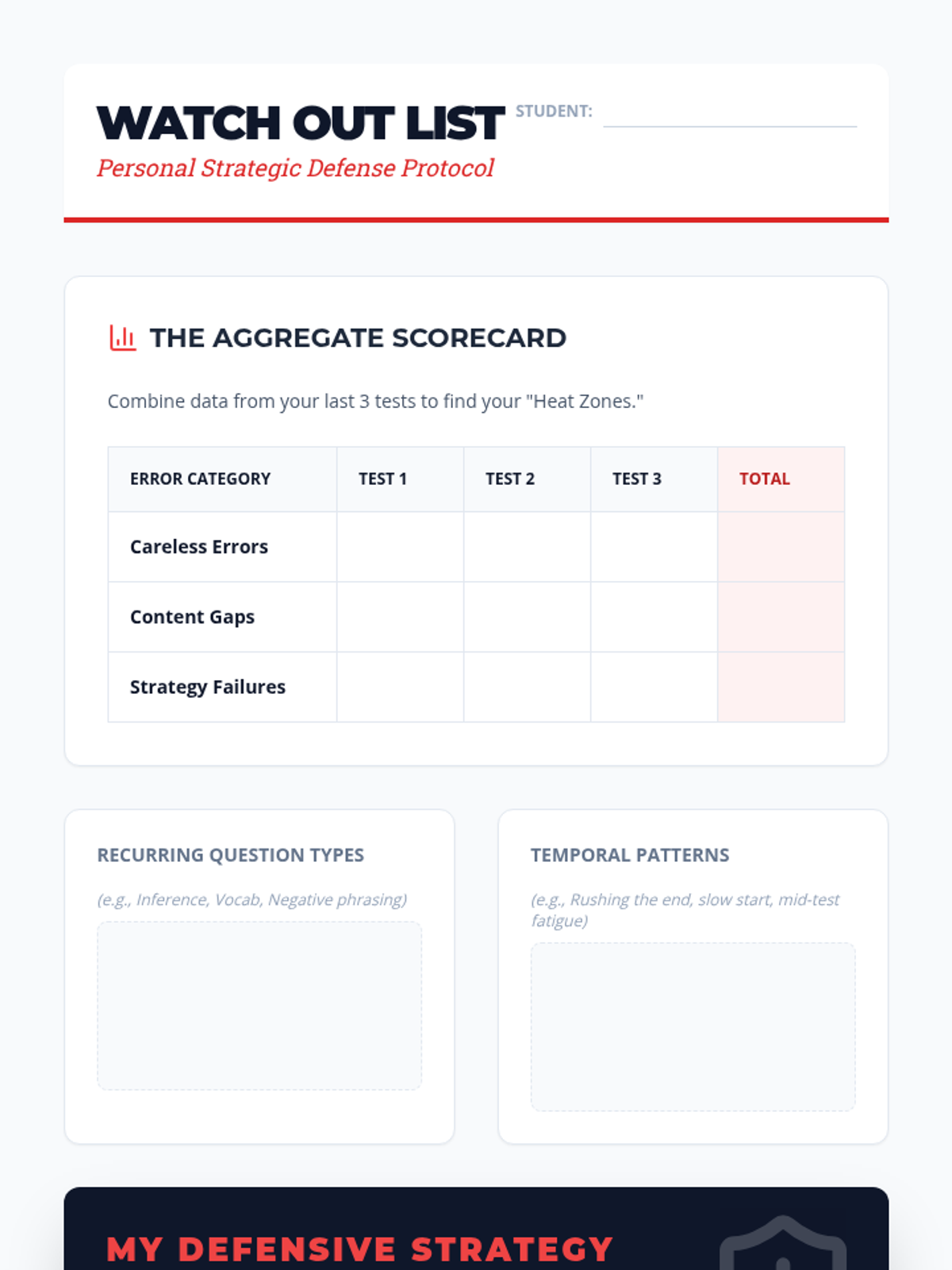
A student worksheet for aggregating error data across multiple assessments and distilling those patterns into a "Watch Out List" for future defense.
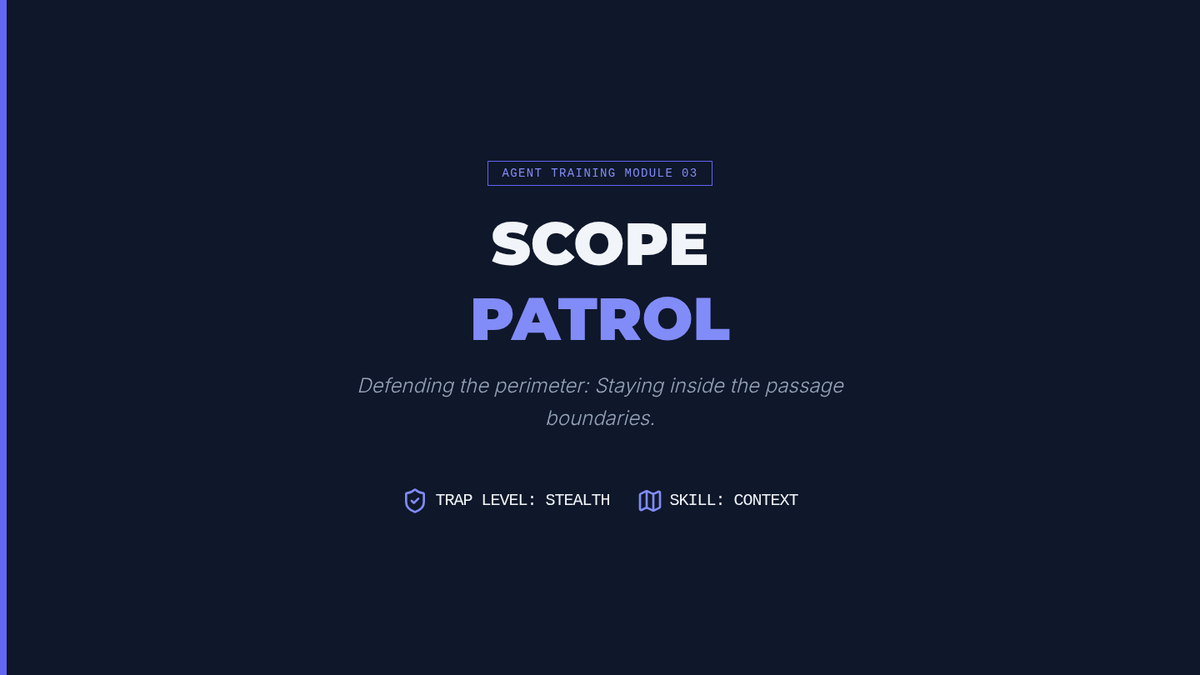
Introductory slides for 'Scope Patrol'. Explains the concept of 'Out of Scope' distractors—statements that are factually true but not supported by the specific text provided.
Slides for Lesson 4 that use a "Heatmap" analogy to teach students how to aggregate error data and identify recurring personal patterns.
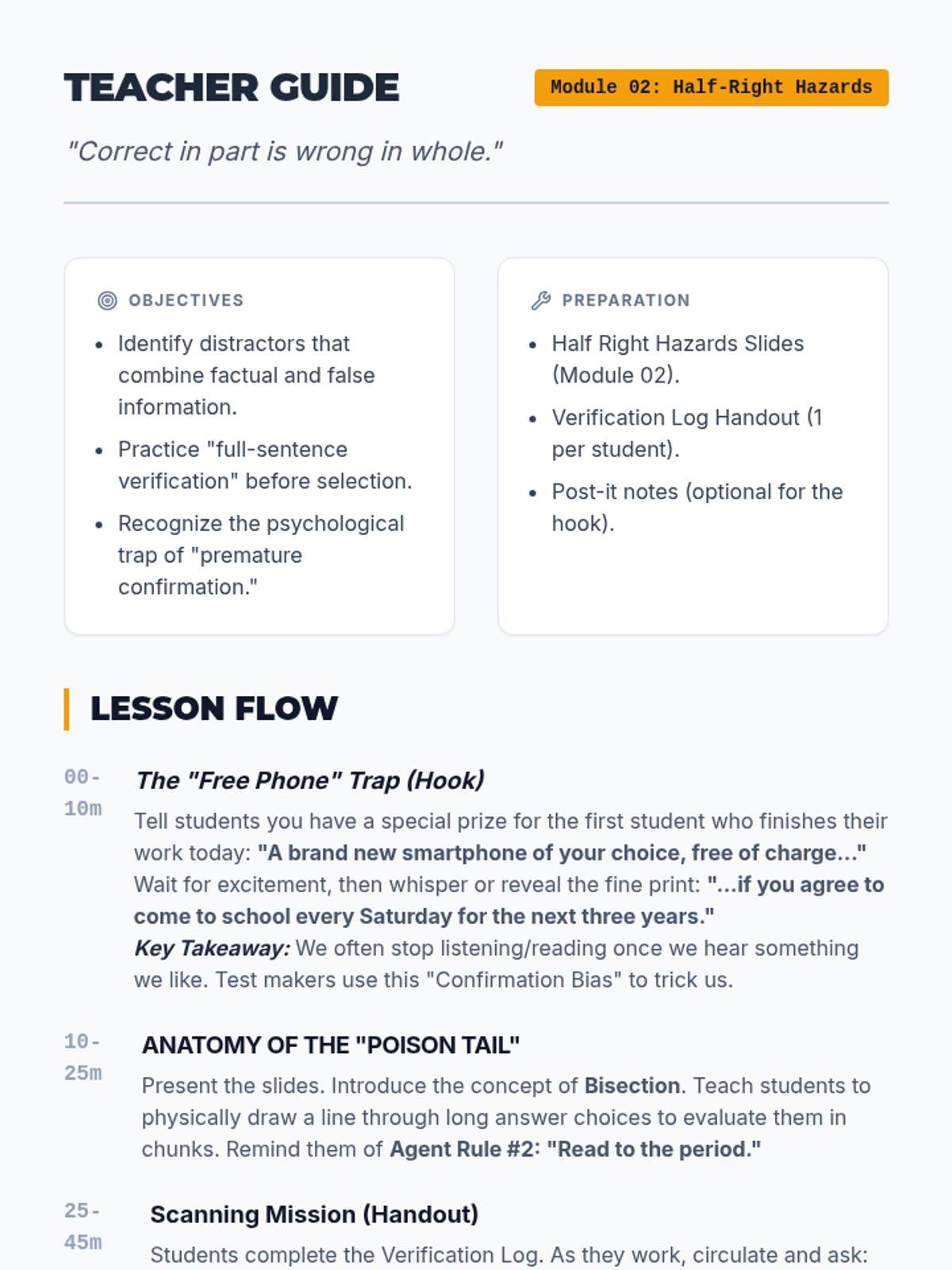
Teacher guide for 'Half Right Hazards'. Includes hook instructions (the 'Free Phone' offer), pacing guide, and detailed answer key for the Verification Log handout.
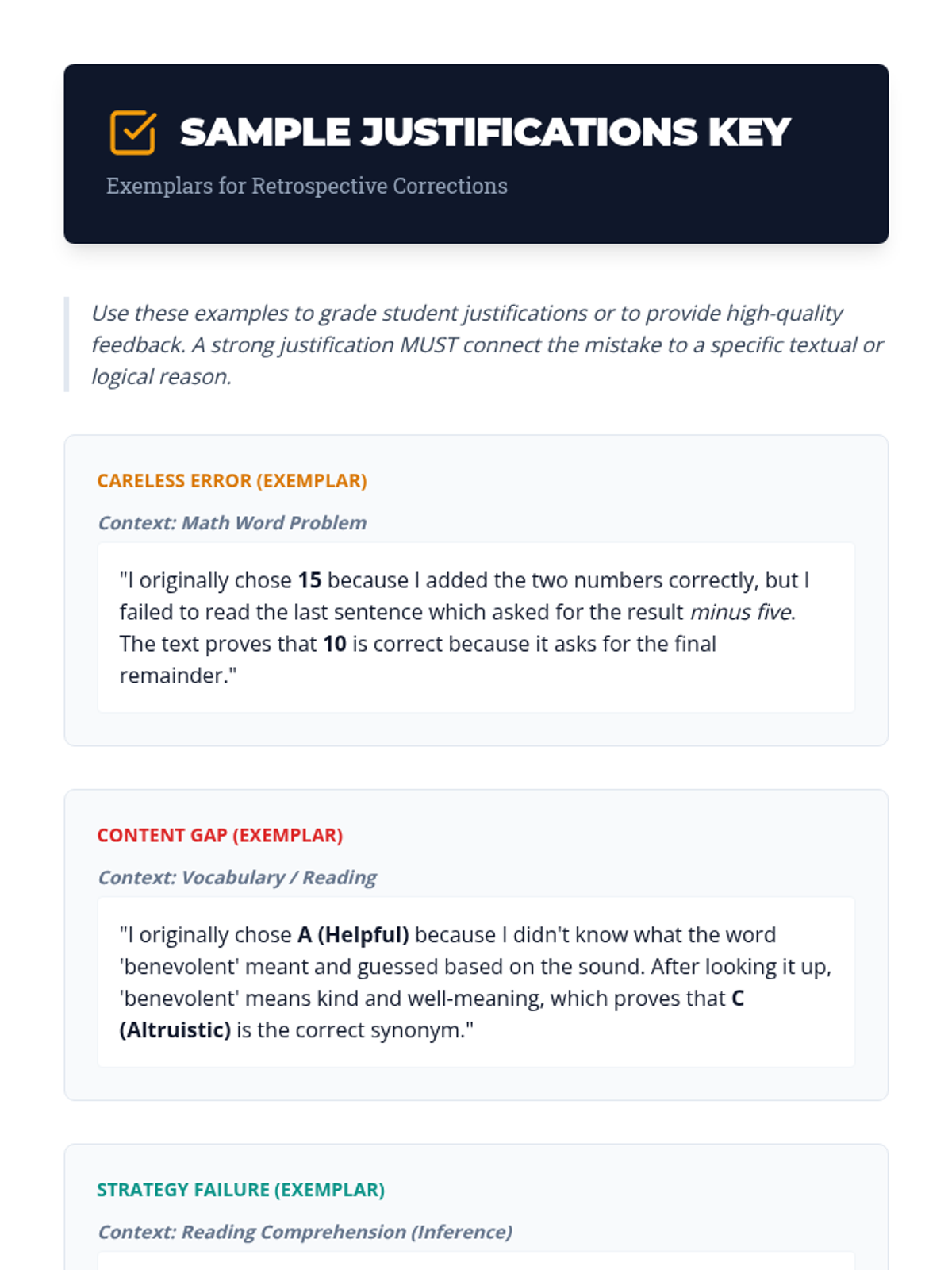
An answer key/exemplar guide for teachers to evaluate student justification statements, showing the difference between weak and mastery-level corrections.
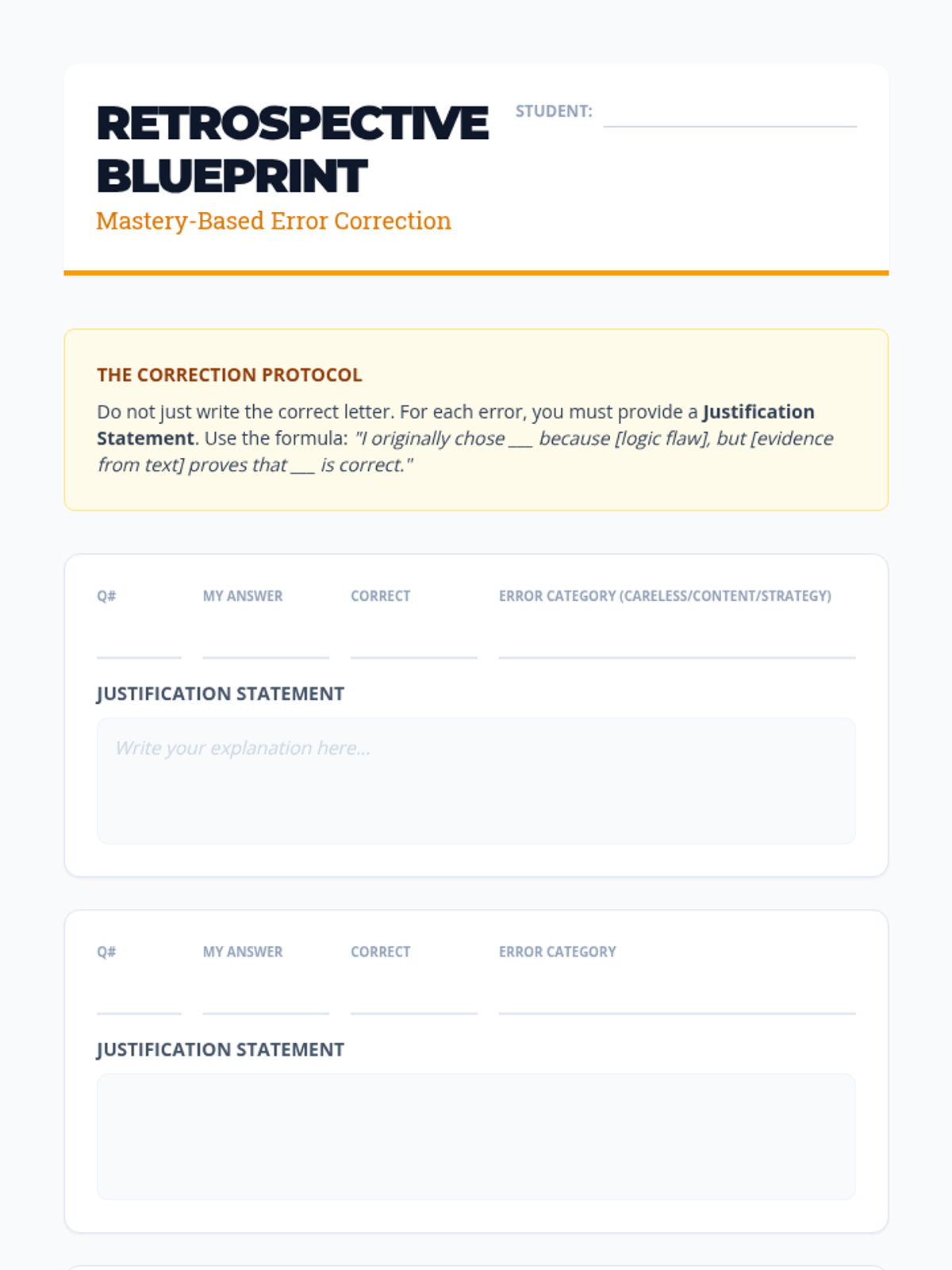
A template for students to perform deep error corrections, requiring them to write justification statements using a specific logic-based formula.
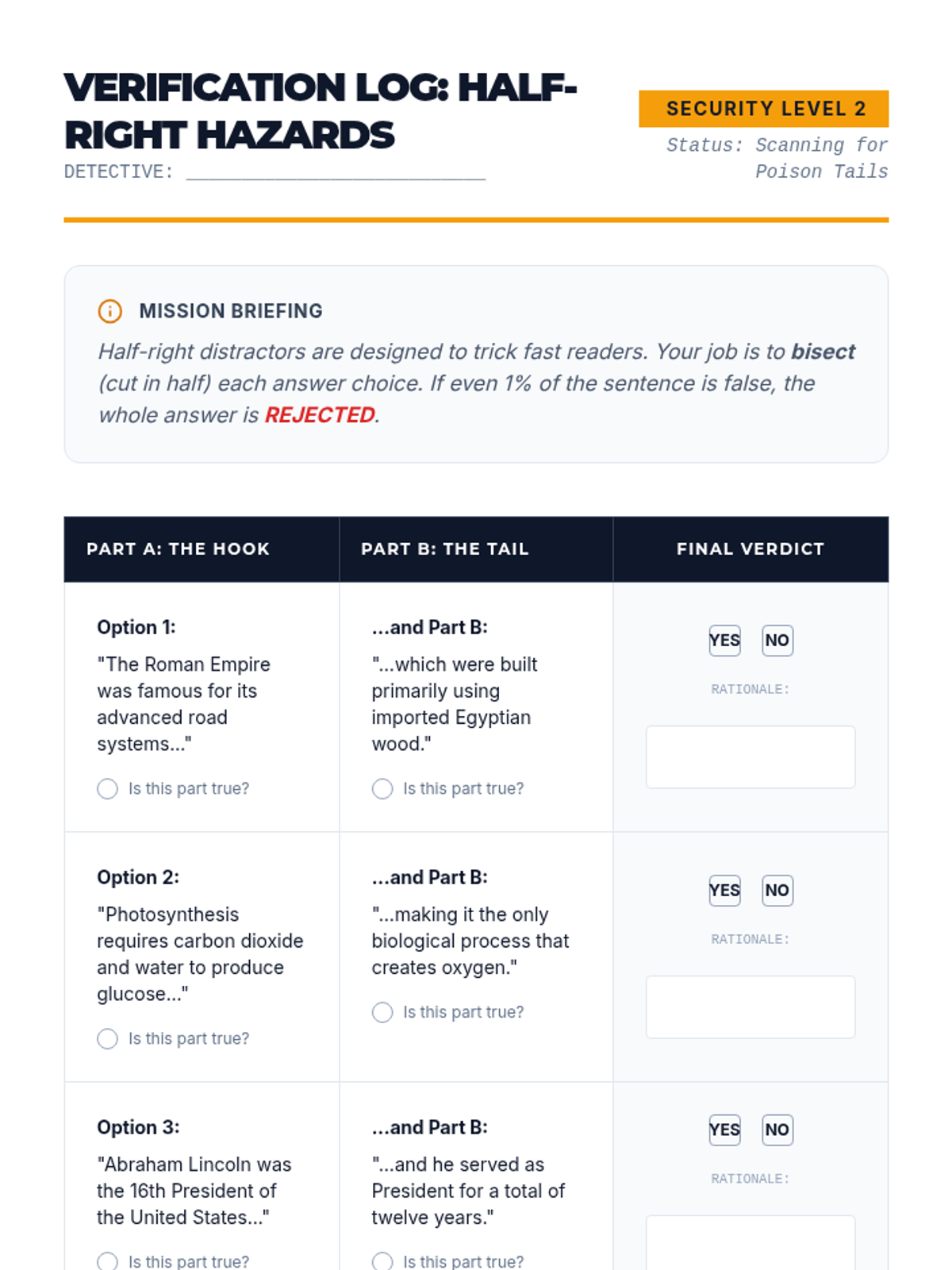
A student worksheet for identifying half-right distractors. Features a 'Verification Log' table where students dissect answer choices into two parts and evaluate the accuracy of each half.
Slides for Lesson 3 introducing the "Justified Fix" method. It emphasizes that students must explain why they were wrong and why the new answer is right using evidence.
A visual presentation for Lesson 2 introducing backward planning, using the maze metaphor and identifying real-world schedule constraints.
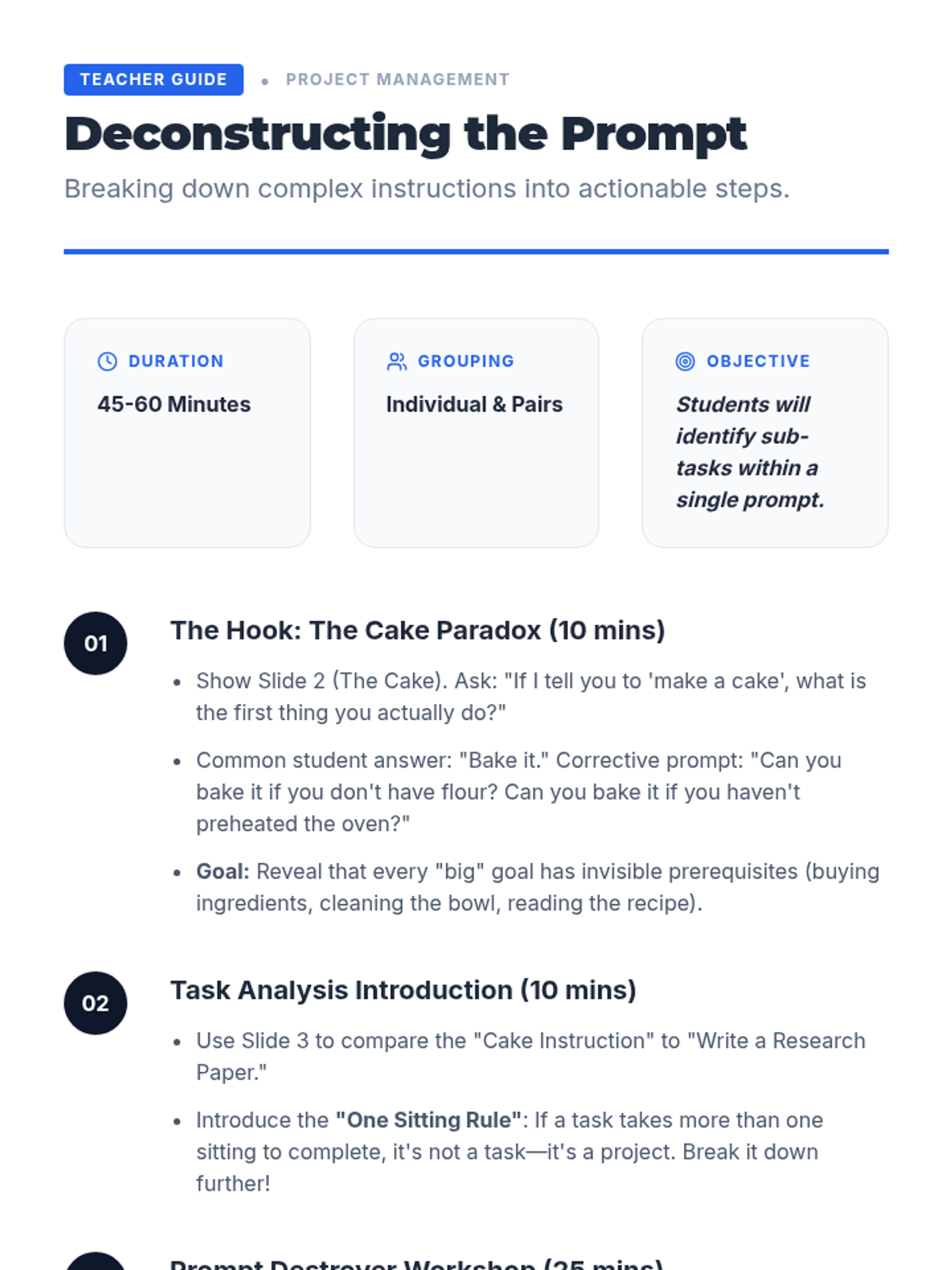
Teacher facilitation notes for Lesson 1, including the cake activity instructions and task analysis modeling.
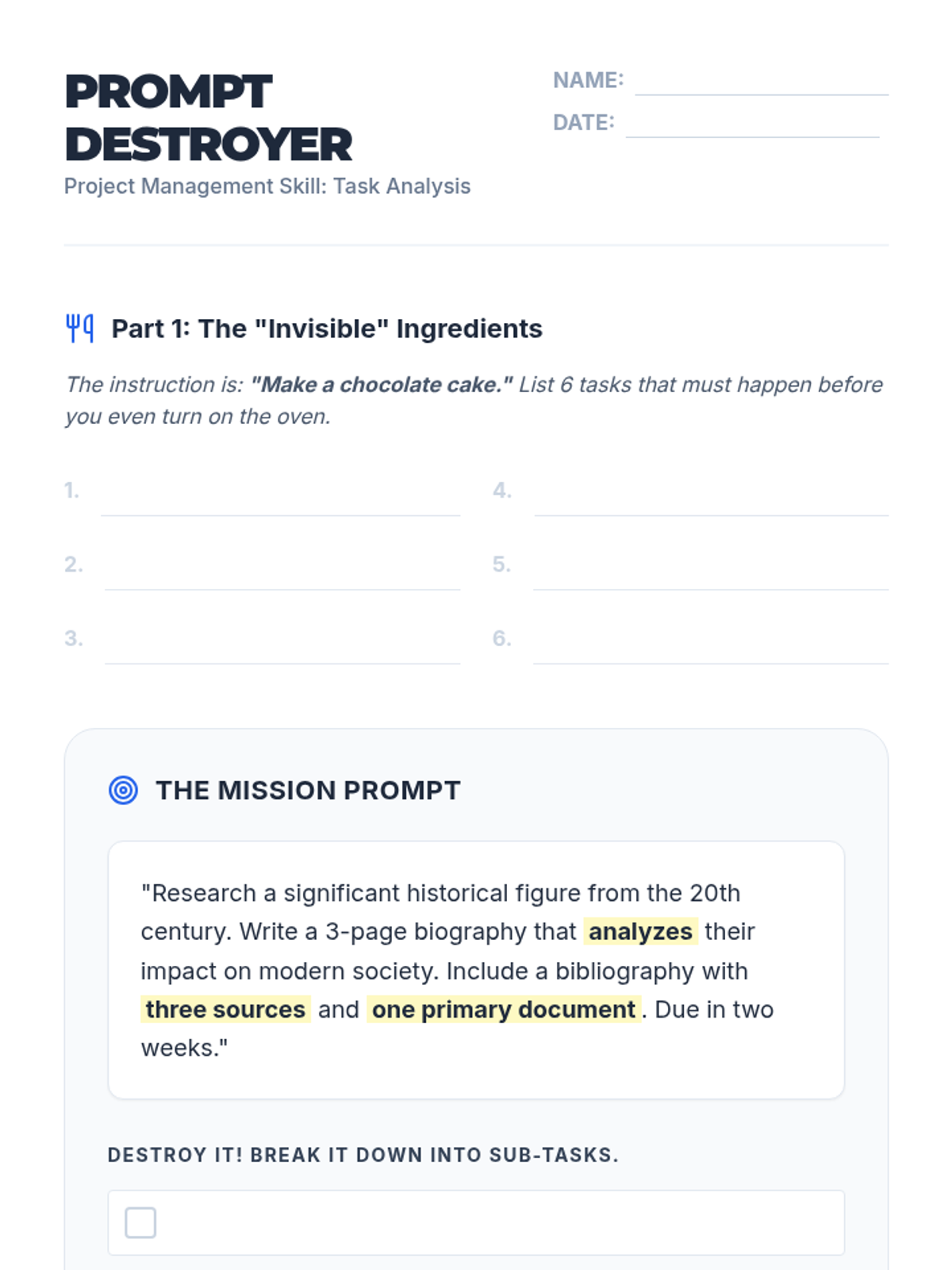
A student worksheet for breaking down complex assignment prompts into manageable sub-tasks using the 'Prompt Destroyer' method.