Mechanical and electrical engineering fundamentals combined with machine learning, robotics, and CAD design. Examines AI ethics and systems thinking within the context of modern technical problem-solving.
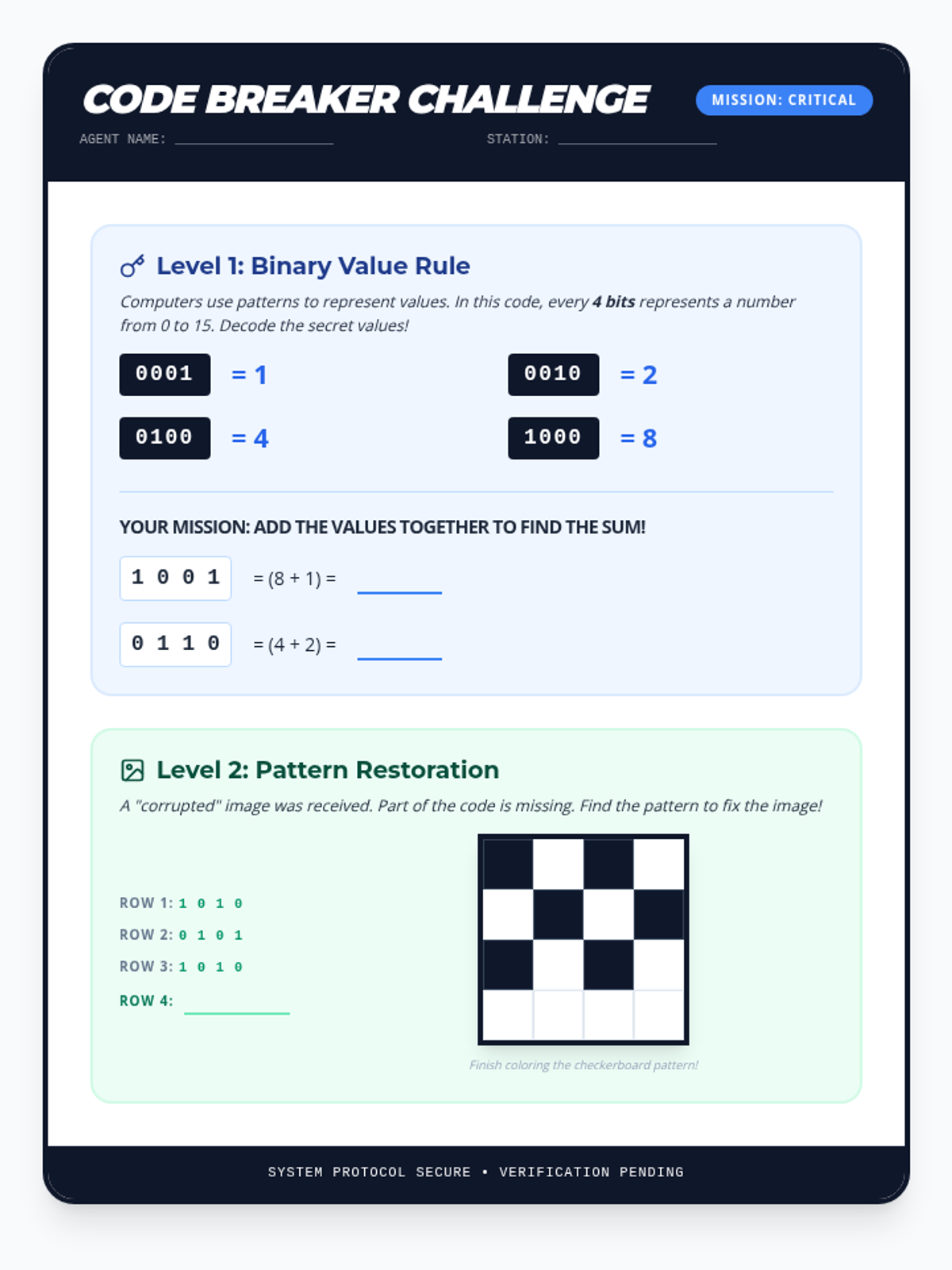
A logic puzzle challenge sheet featuring binary value addition and pattern recognition to restore a checkerboard image. Designed for 4th-grade students to apply binary concepts in a mission-themed format.
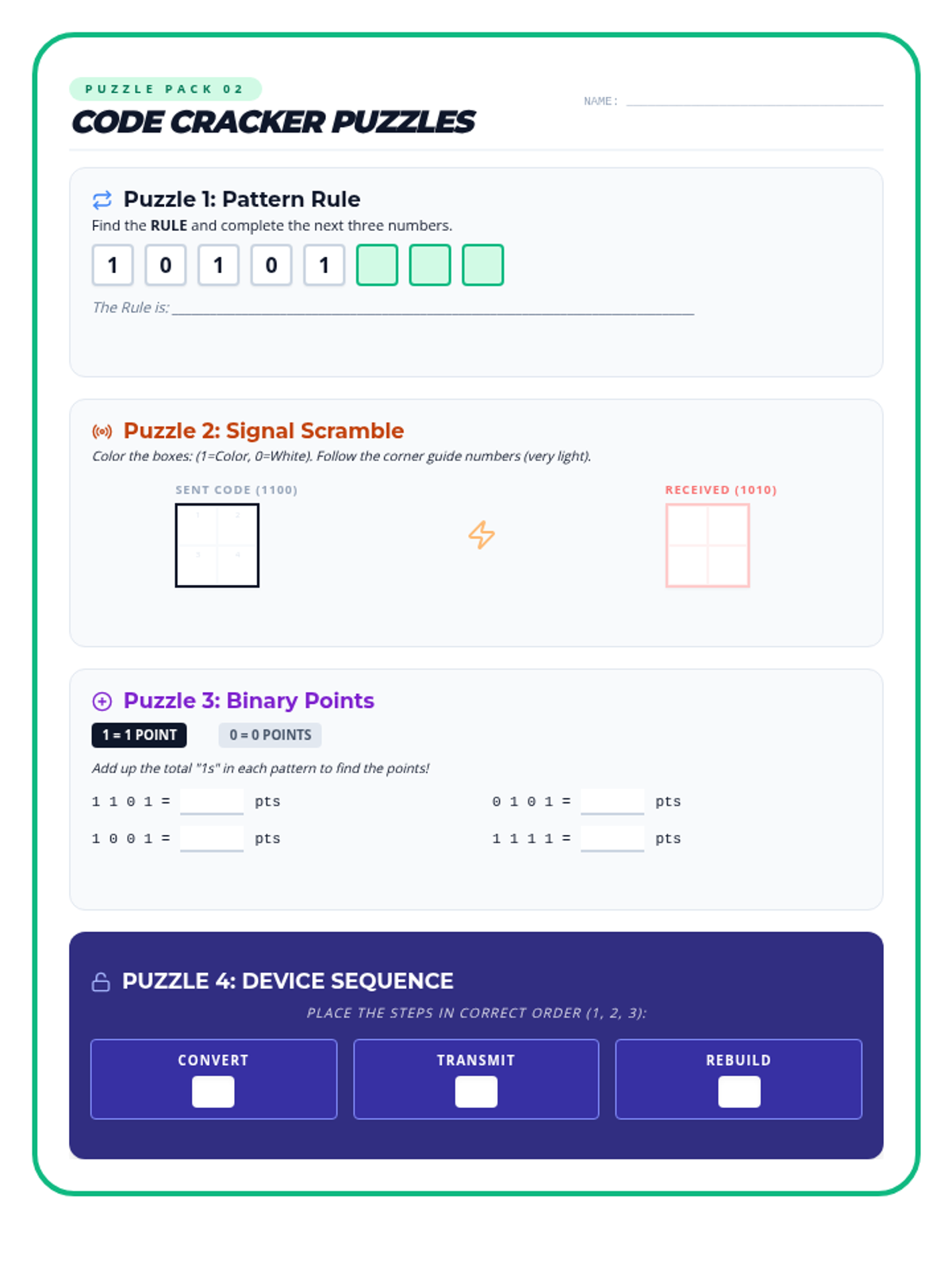
A collection of binary and pattern-based logic puzzles for 4th graders. It includes pattern completion, signal interference visualization, a binary value decoder, and a process sequencing challenge.
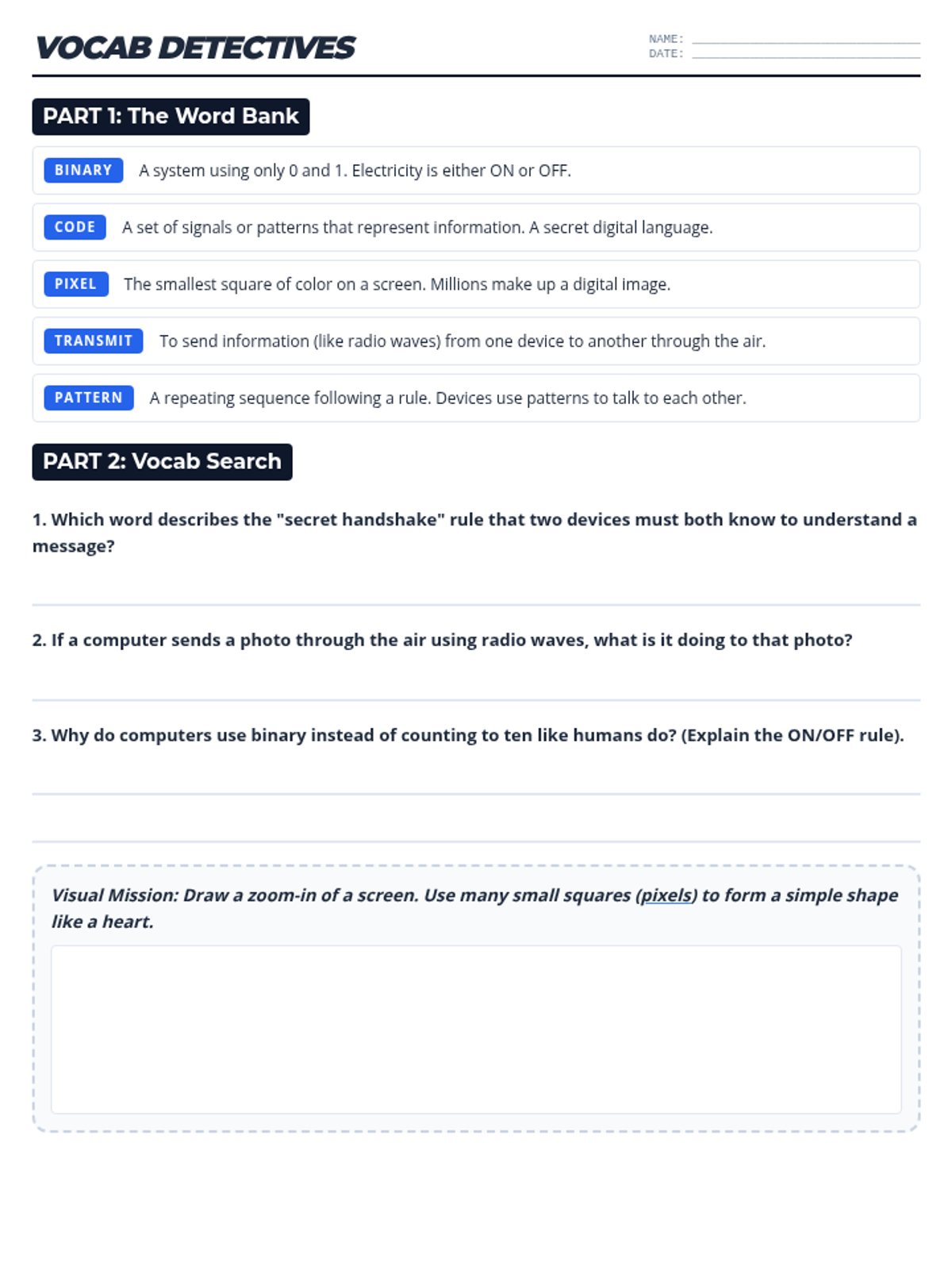
A vocabulary worksheet for 4th-grade students to define and apply key terms like Binary, Code, Pixel, Transmit, and Pattern. It includes definition references, application questions, and a drawing section.
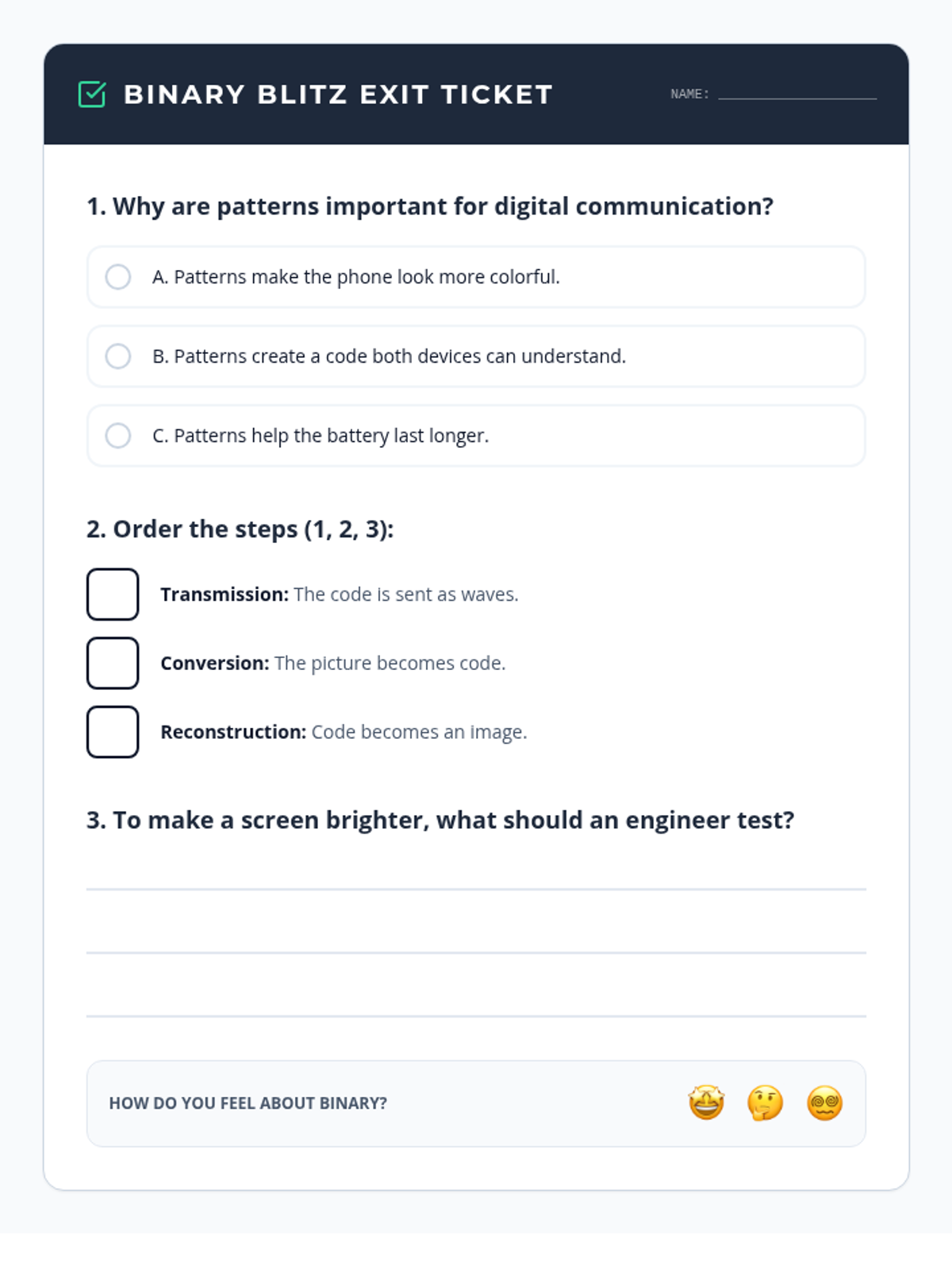
A concise assessment to wrap up the unit, checking student understanding of patterns in communication, the order of digital image transfer, and the engineer's role in solving digital problems.
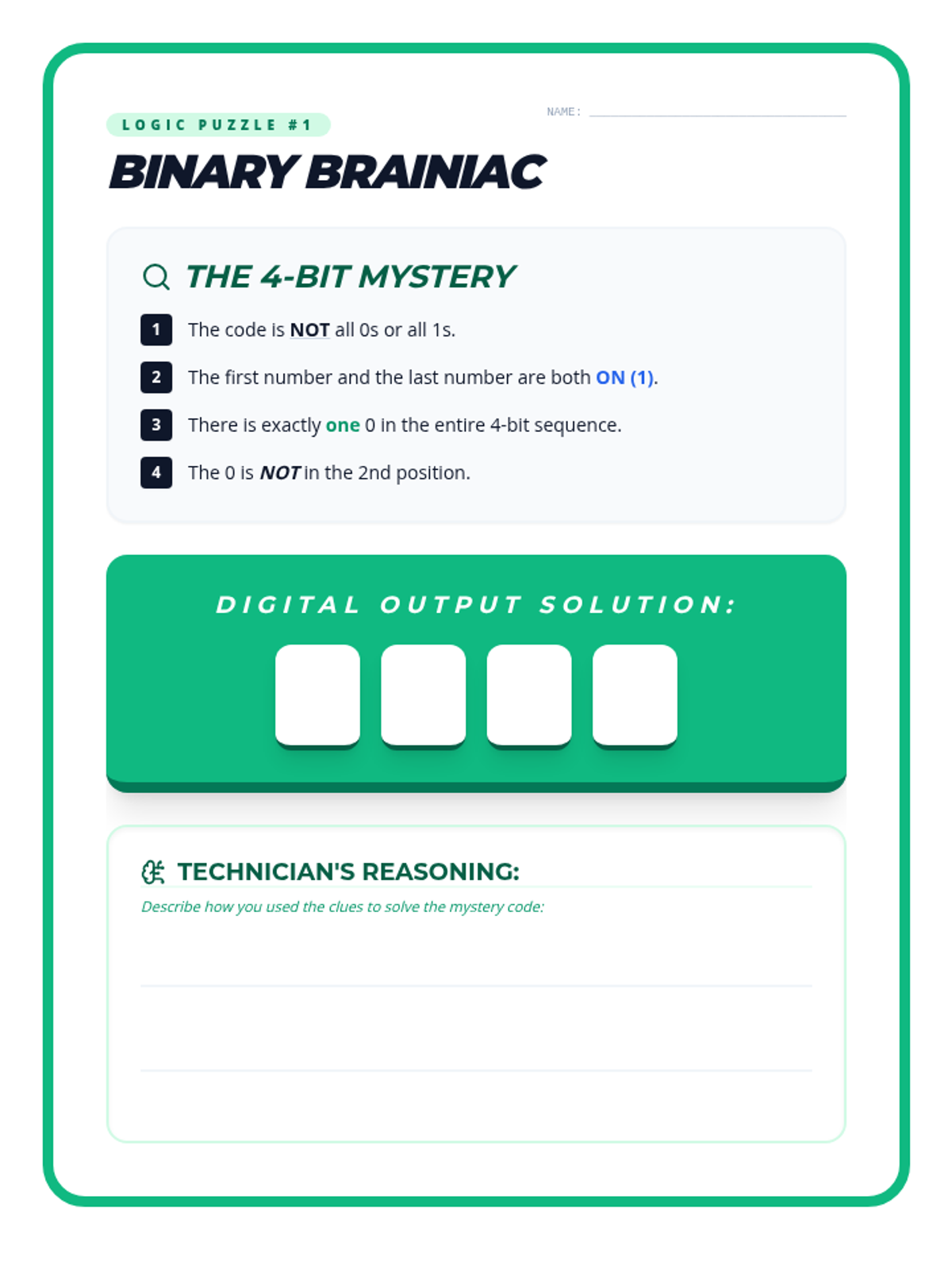
A challenging binary logic puzzle designed to test students' critical thinking and understanding of binary sequences. Students use a series of clues to deduce a secret 4-bit code and then explain their reasoning process.
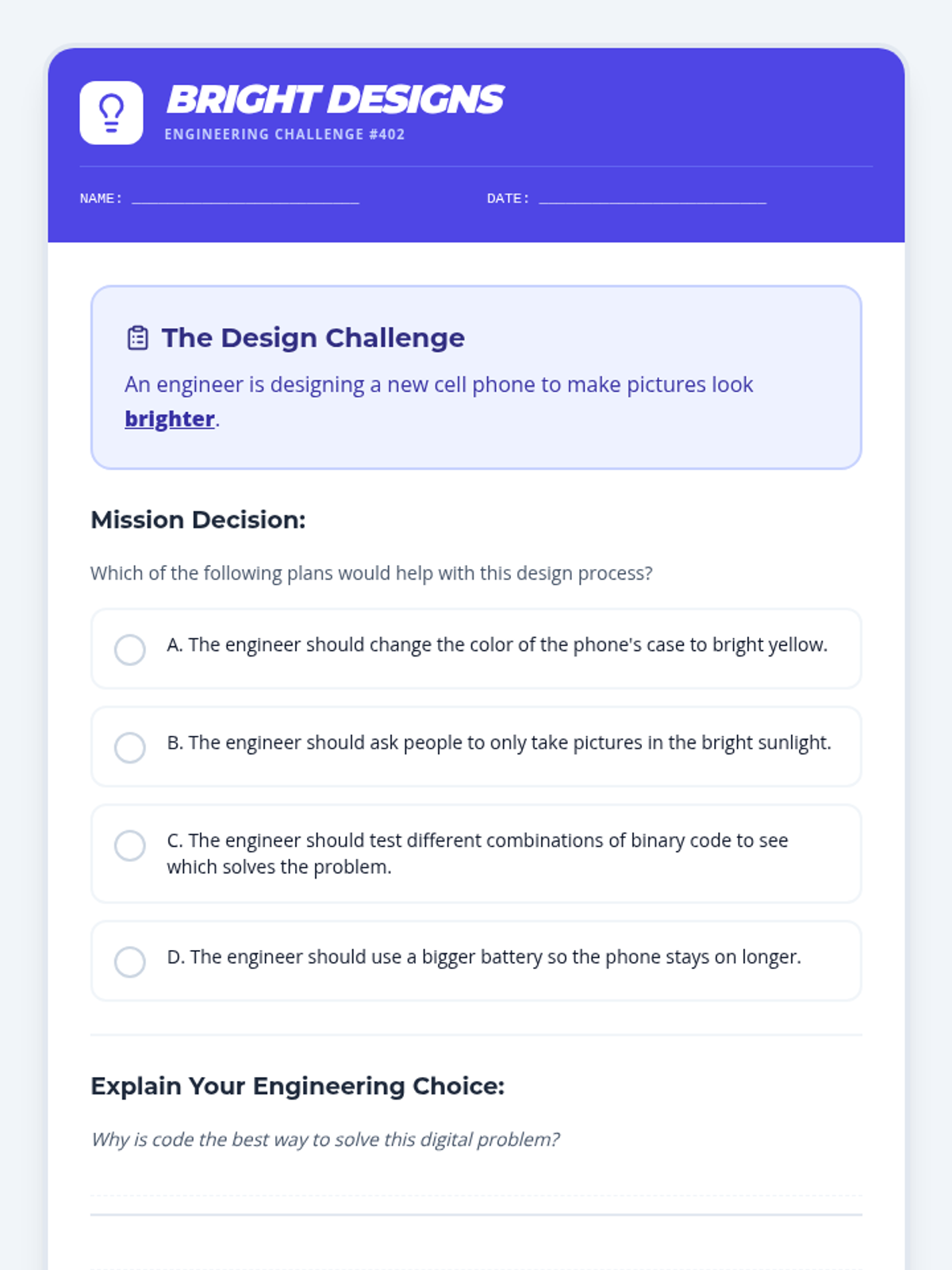
An engineering challenge worksheet focused on troubleshooting and improving digital images. It presents a real-world scenario about image brightness and requires students to identify that testing different binary code combinations is the proper engineering solution.
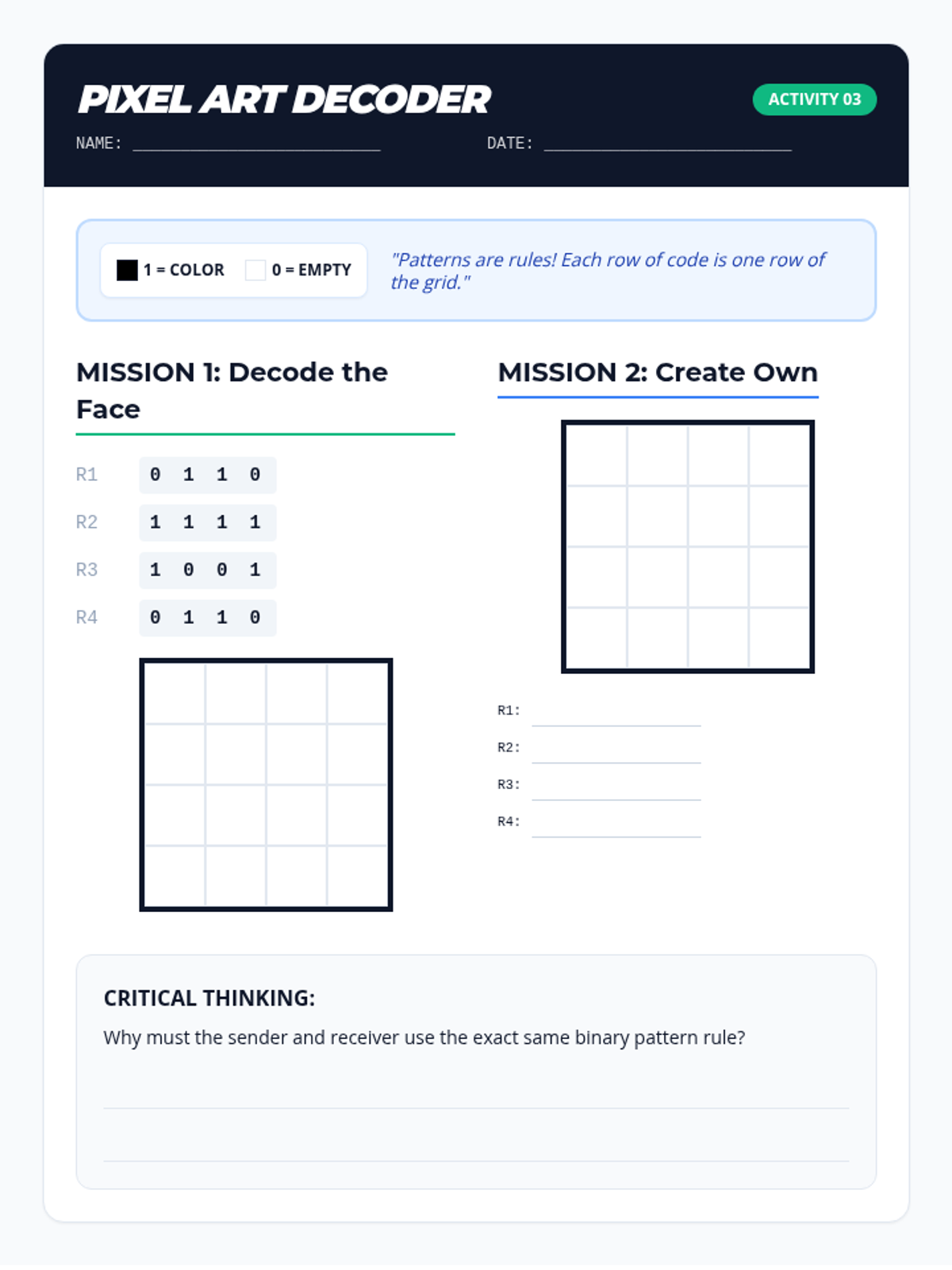
A hands-on activity sheet where students decode binary patterns to reveal pixel art and then create their own encoded message. It reinforces the concept of patterns as rules for communication and the relationship between binary and digital images.
A slide deck detailing the three-step process of digital image transfer: Conversion, Transmission, and Reconstruction. It uses clear animations and diagrams to help 4th graders visualize how a physical image becomes binary code and returns to an image on another device.
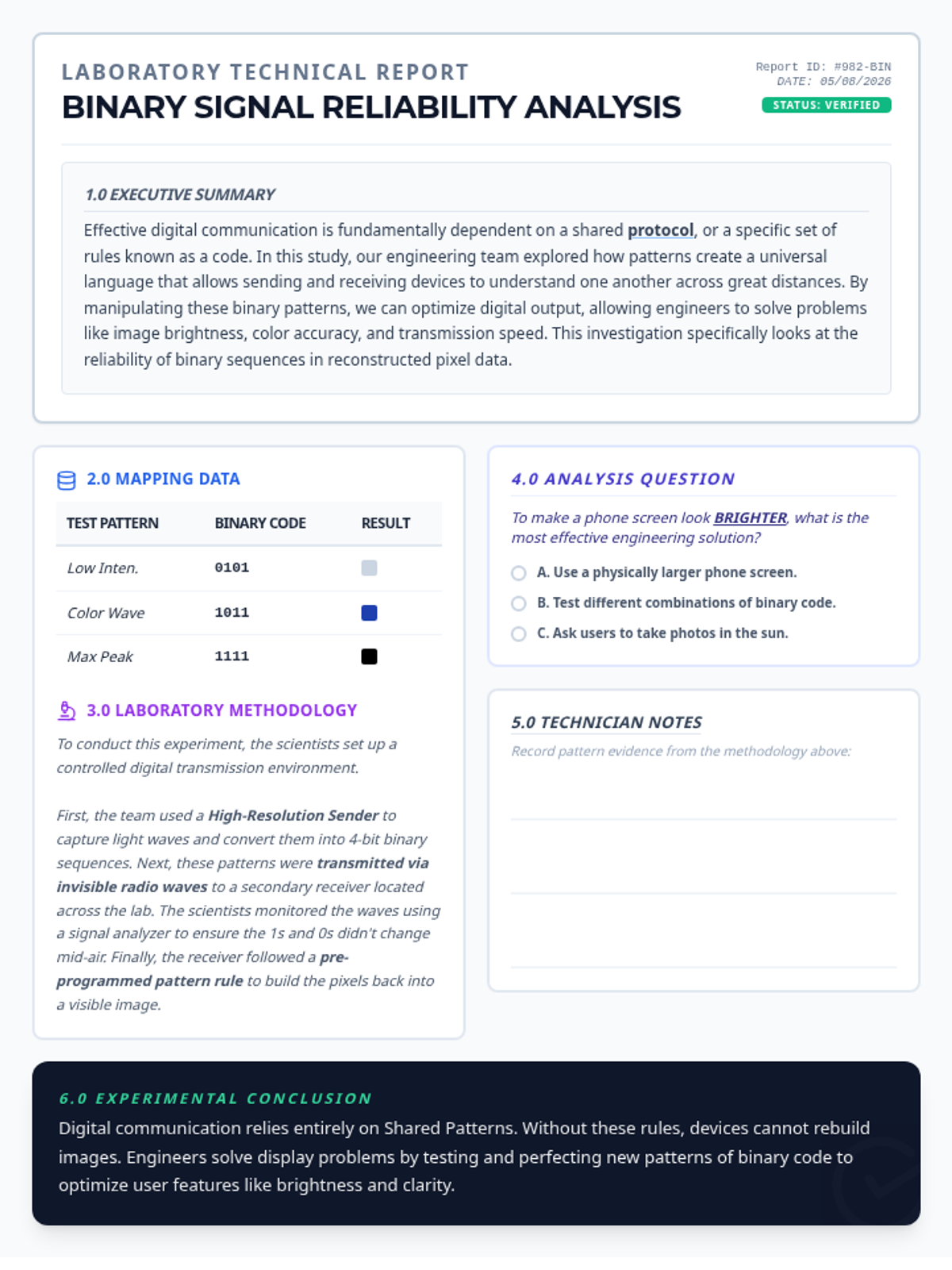
A formal technical lab report regarding binary signal reliability. It includes an expanded executive summary, a detailed methodology section describing the experimental setup with senders and receivers, a data mapping table, and the original experimental conclusions.
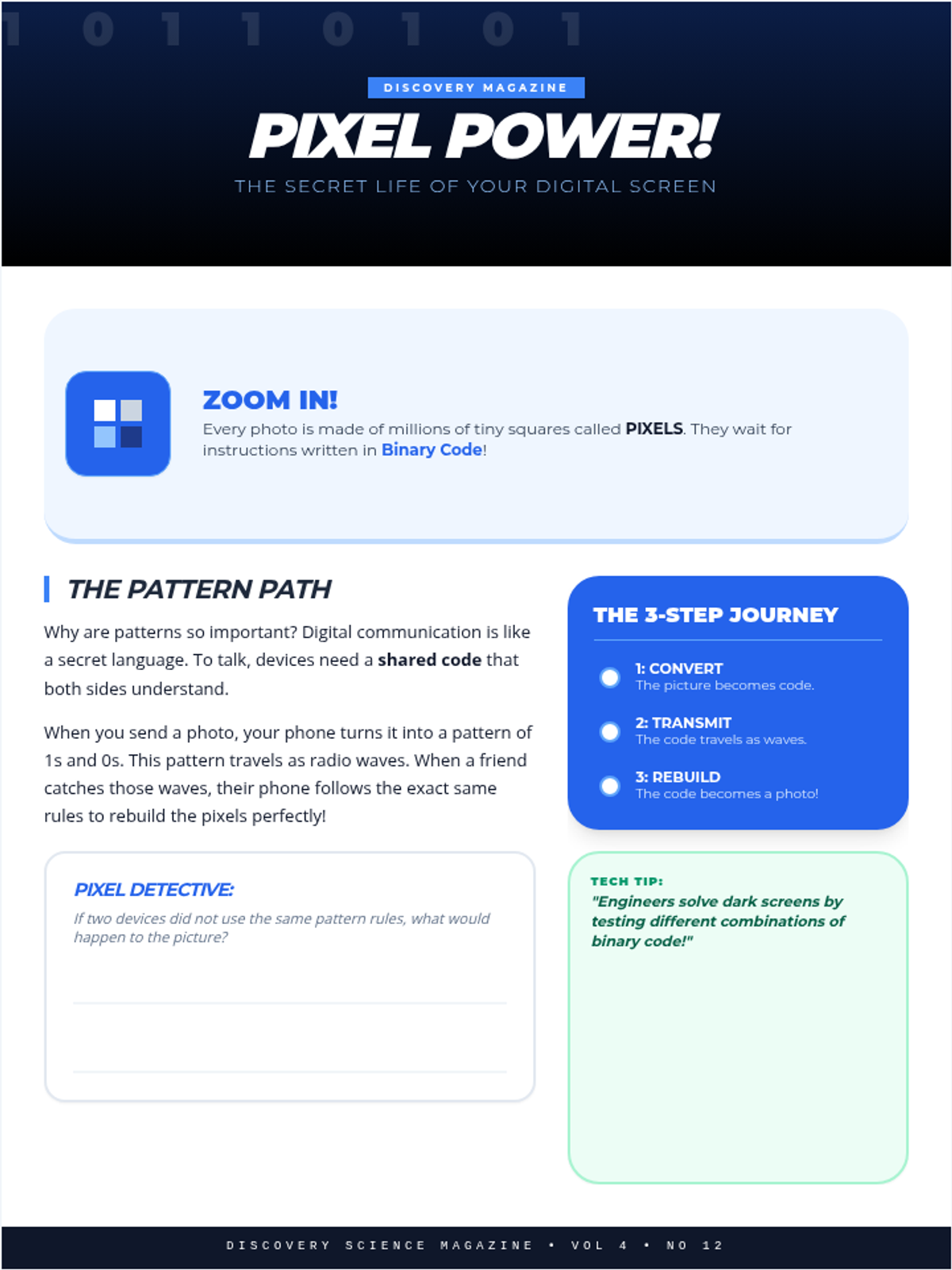
A bold, photo-heavy magazine style article titled 'Pixel Power!'. It uses high-contrast visuals, callouts, and a modern infographic style to explain how images are coded in binary and shared between devices.
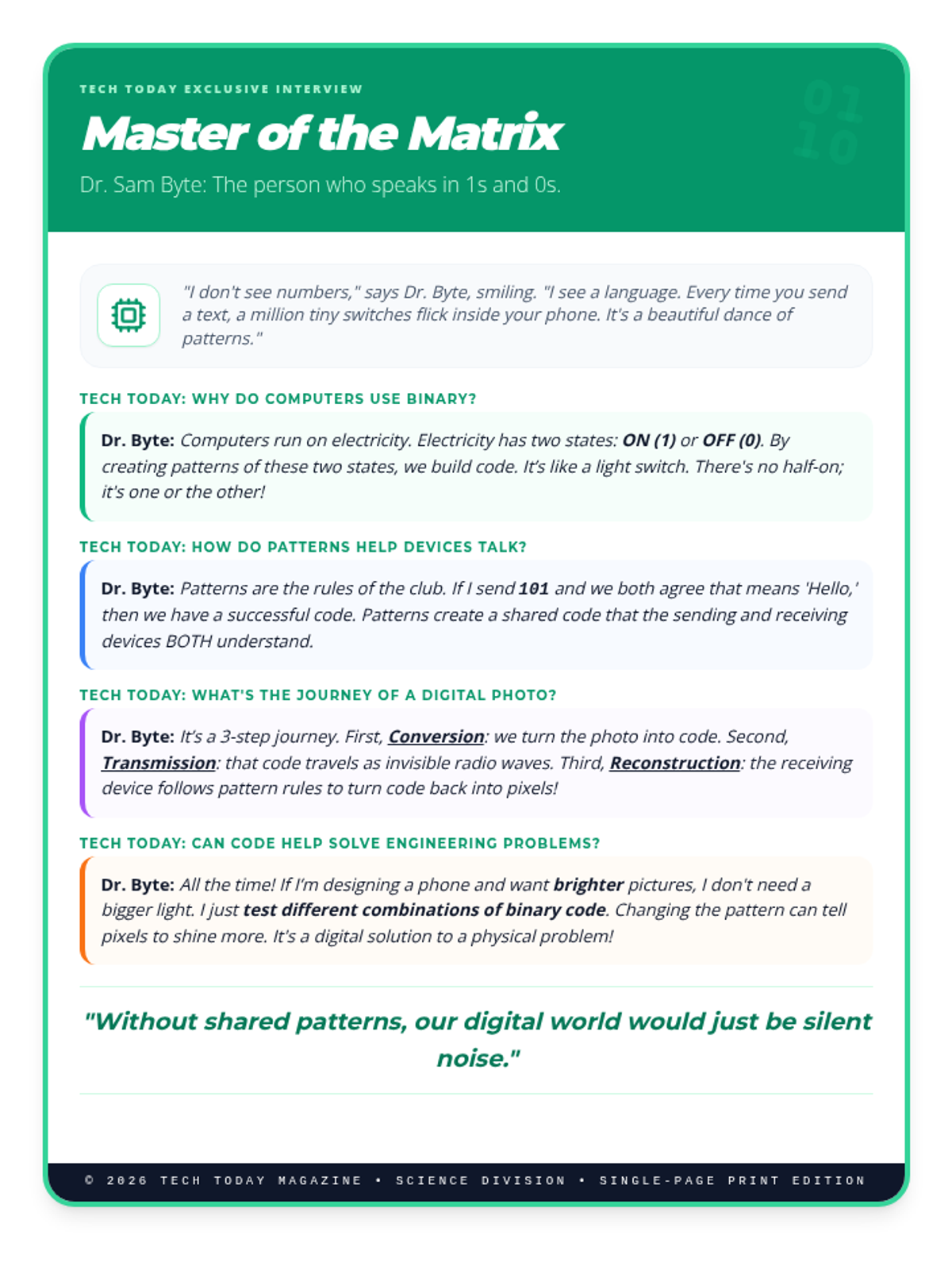
An interview-style article featuring 'Dr. Sam Byte', an engineer who explains binary code and digital communication in a conversational, engaging way. It covers how electricity creates binary, the importance of shared patterns, and the three-step image transfer process.
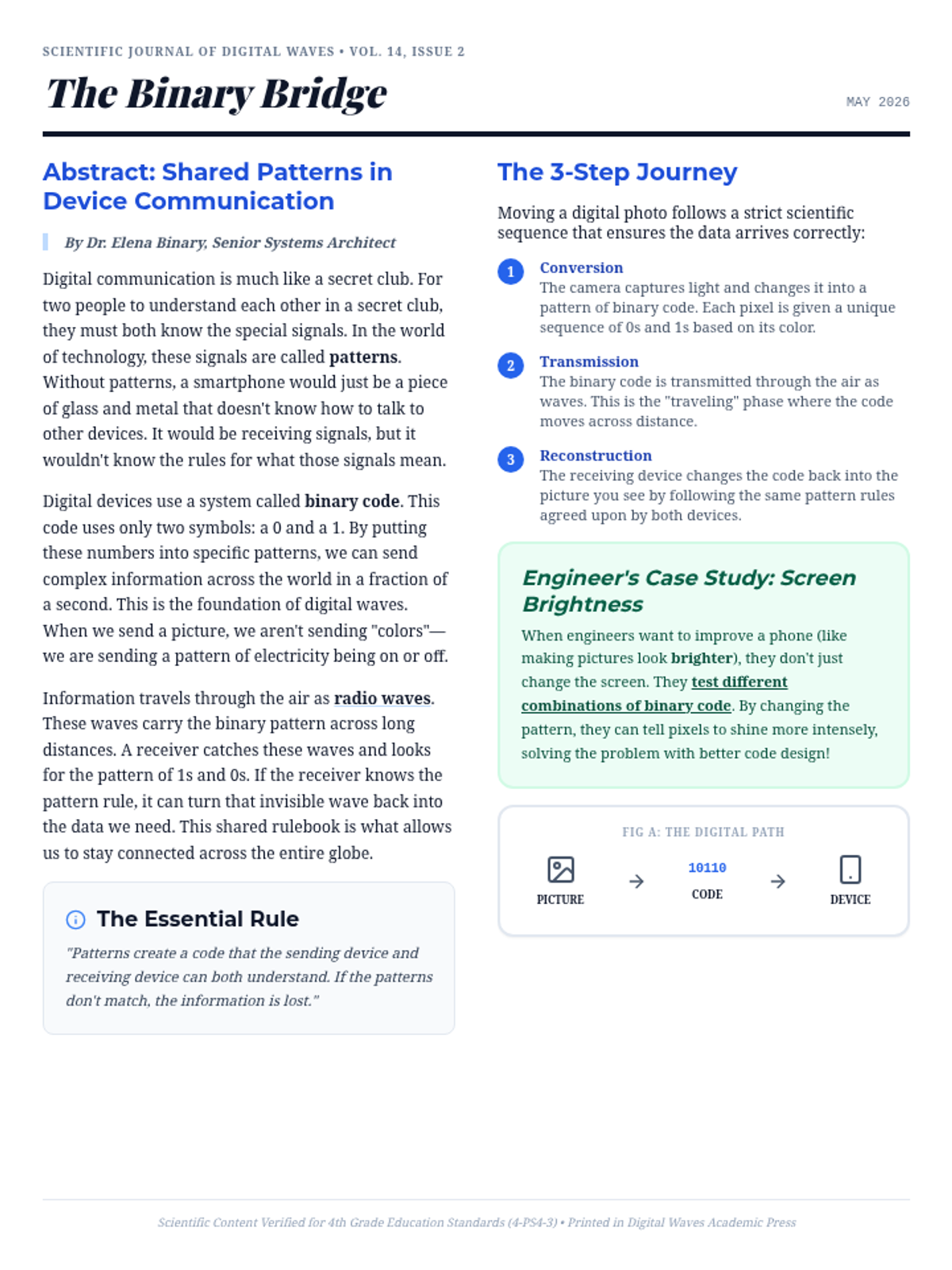
A scientific journal article formatted in a classic two-column academic style. It explains binary communication, the importance of patterns, and the three-step process of digital image transfer (Conversion, Transmission, Reconstruction).
An introductory slide deck explaining how patterns are the foundation of digital communication. It covers the roles of sending and receiving devices, the binary system (0s and 1s), and the fundamental reason why patterns are essential for devices to understand each other.
A student-facing journal for documenting player choices and consequences during the Pressure Propagation Loop. It includes sections for tracking verb usage, sketching UI map distortions, and reflecting on the systemic anticipation of the Cathedral architecture.
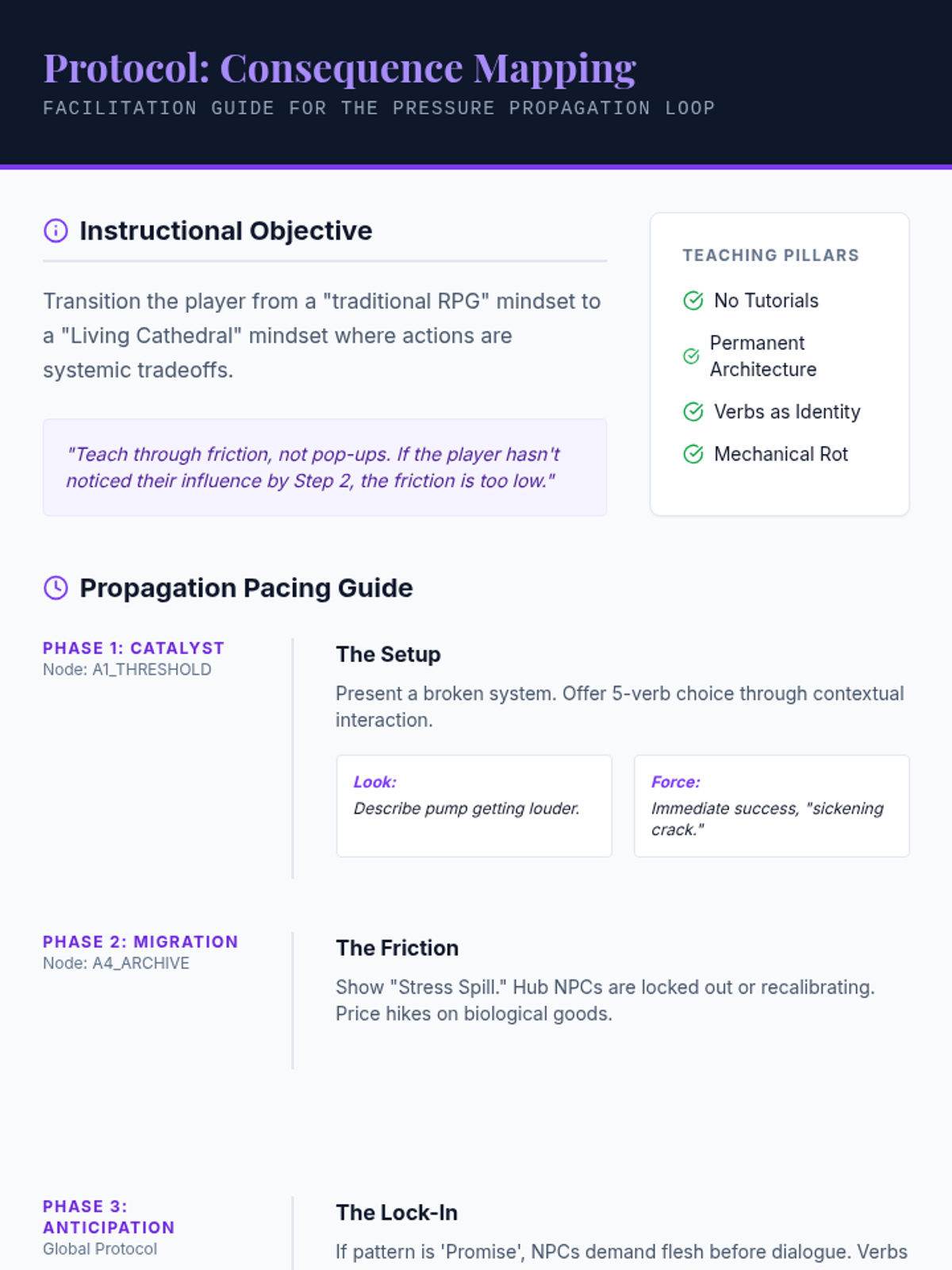
A facilitation guide for educators or lead designers to implement the Pressure Propagation Loop. It provides pacing instructions for the three phases of consequence, instructional objectives for teaching 'invisible friction,' and an observational rubric for tracking player behavioral shifts.
A slide presentation for the Pressure Propagation Loop. It covers the core axiom of 'No Clean Wins,' defines the five verbs used for tracking consequence, and visualizes the three-step sequence from Catalyst to Systemic Anticipation within the Temple UI aesthetic.
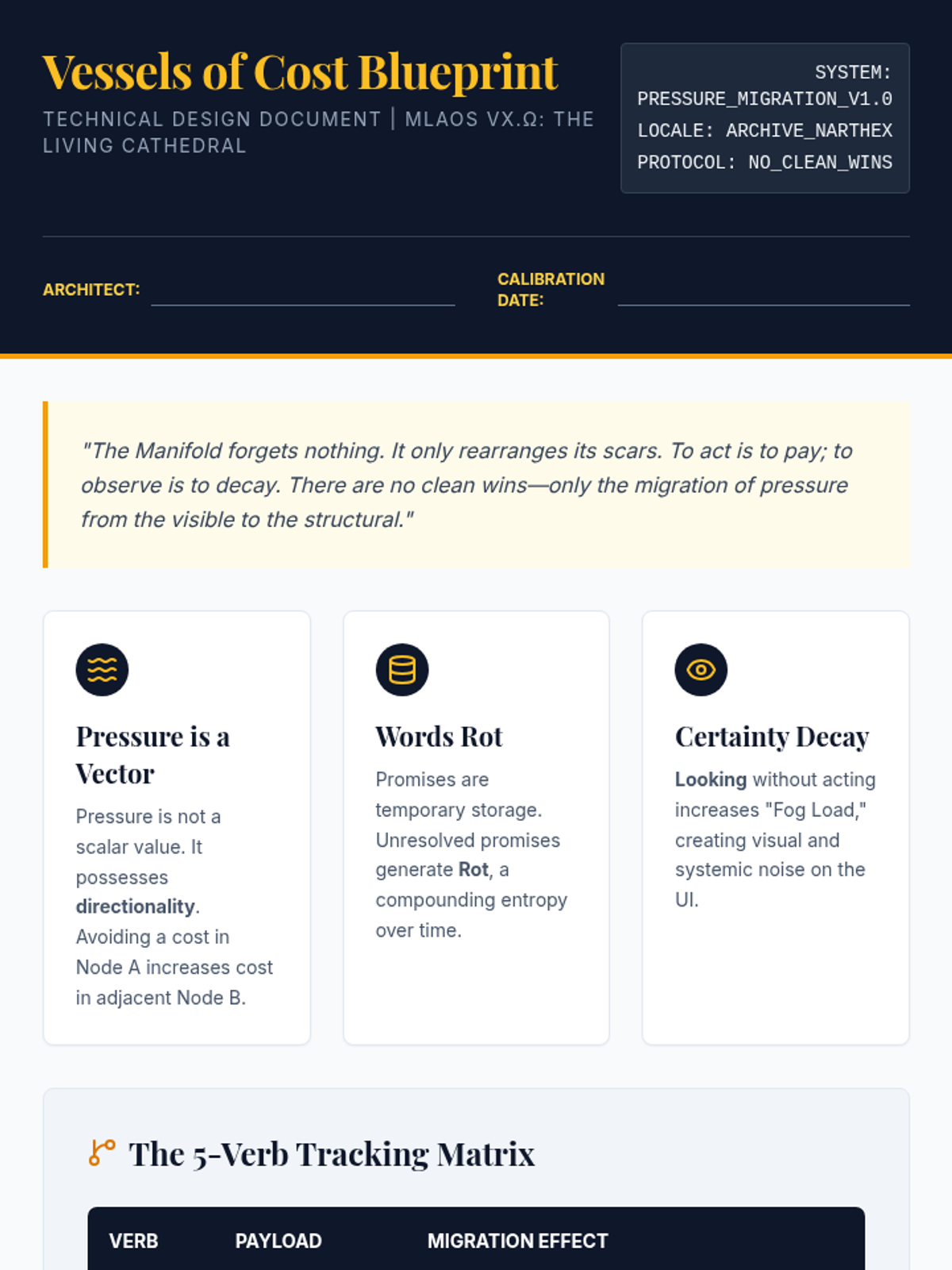
A technical design document outlining the 'Pressure Migration' logic for the MLAOS vX.Ω prototype. It includes tracking matrices for the five core verbs, TypeScript interfaces for state management, and an integration worksheet for developers to define systemic consequences.
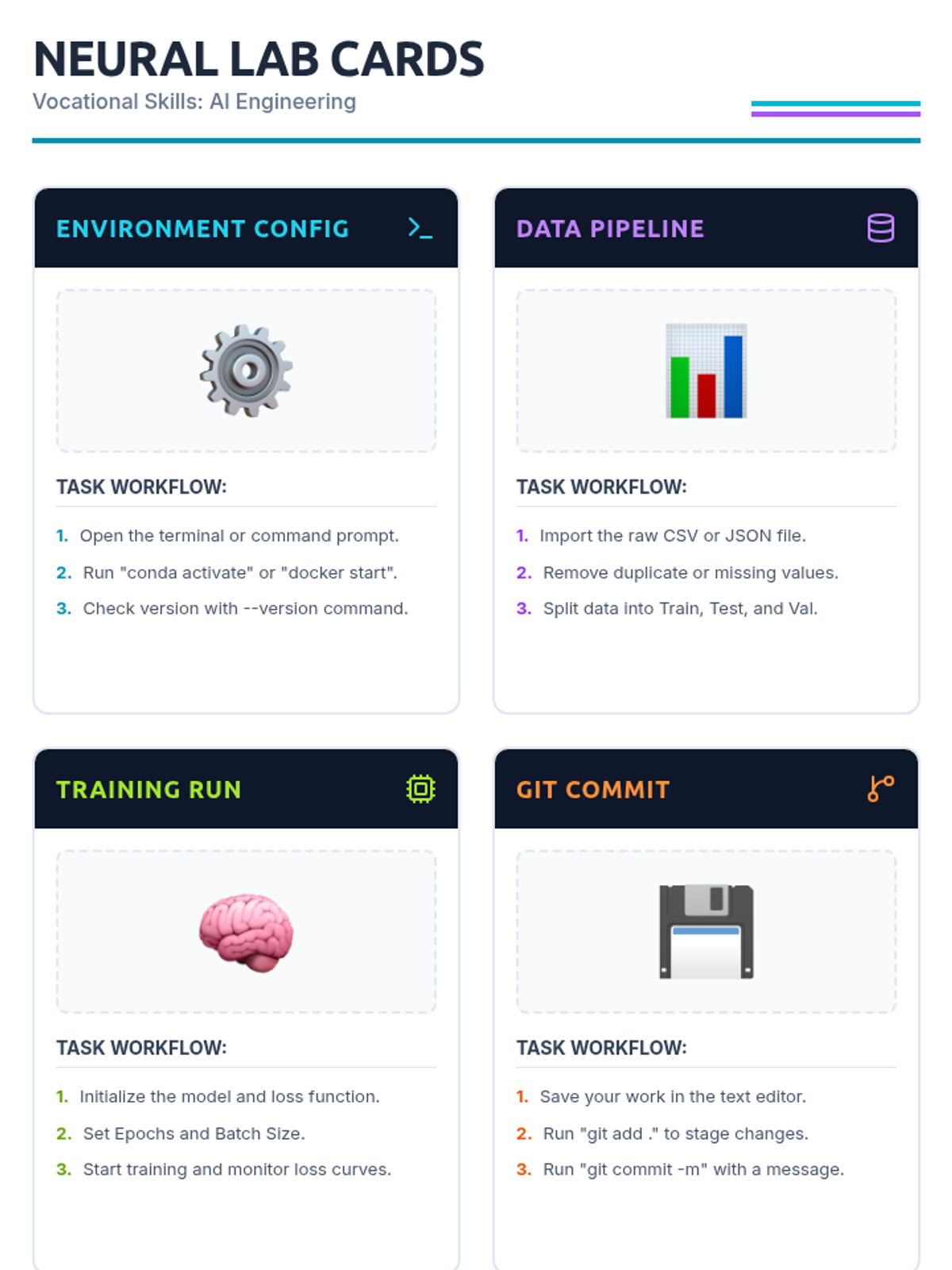
A visually striking slide deck for presenting AI engineering vocational skills. Revised to fix title spacing, command wrapping, and to better align with the "cards" concept.
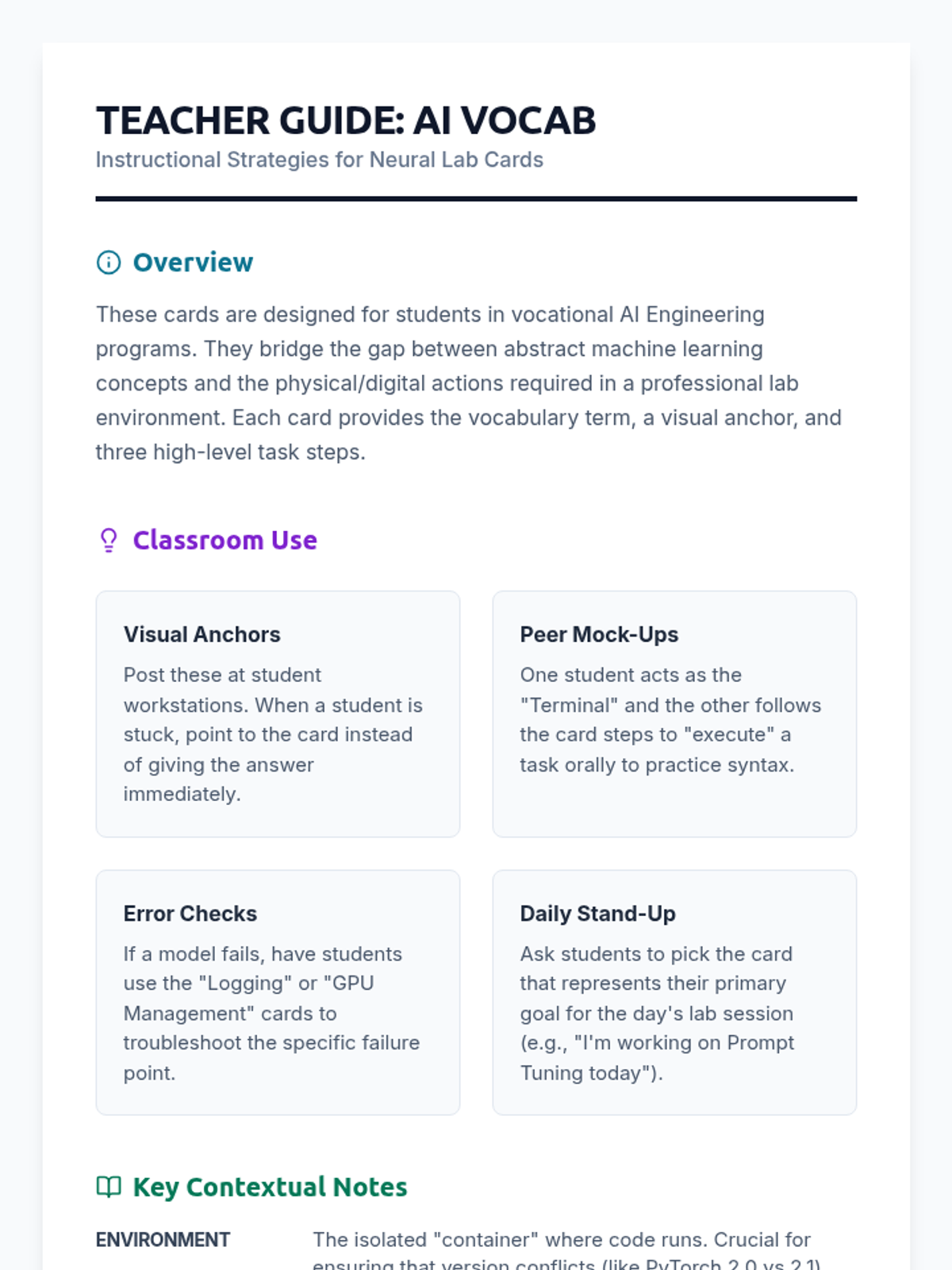
A teacher resource providing instructional strategies, activity ideas, and technical context for AI engineering vocab cards. Revised to fix page break issues and improve content density.
A set of 8 visual vocabulary cards for AI Engineering students, featuring technical terms, emoji-based visual aids, and clear step-by-step task instructions. Revised for consistent emoji style and better page-break handling.
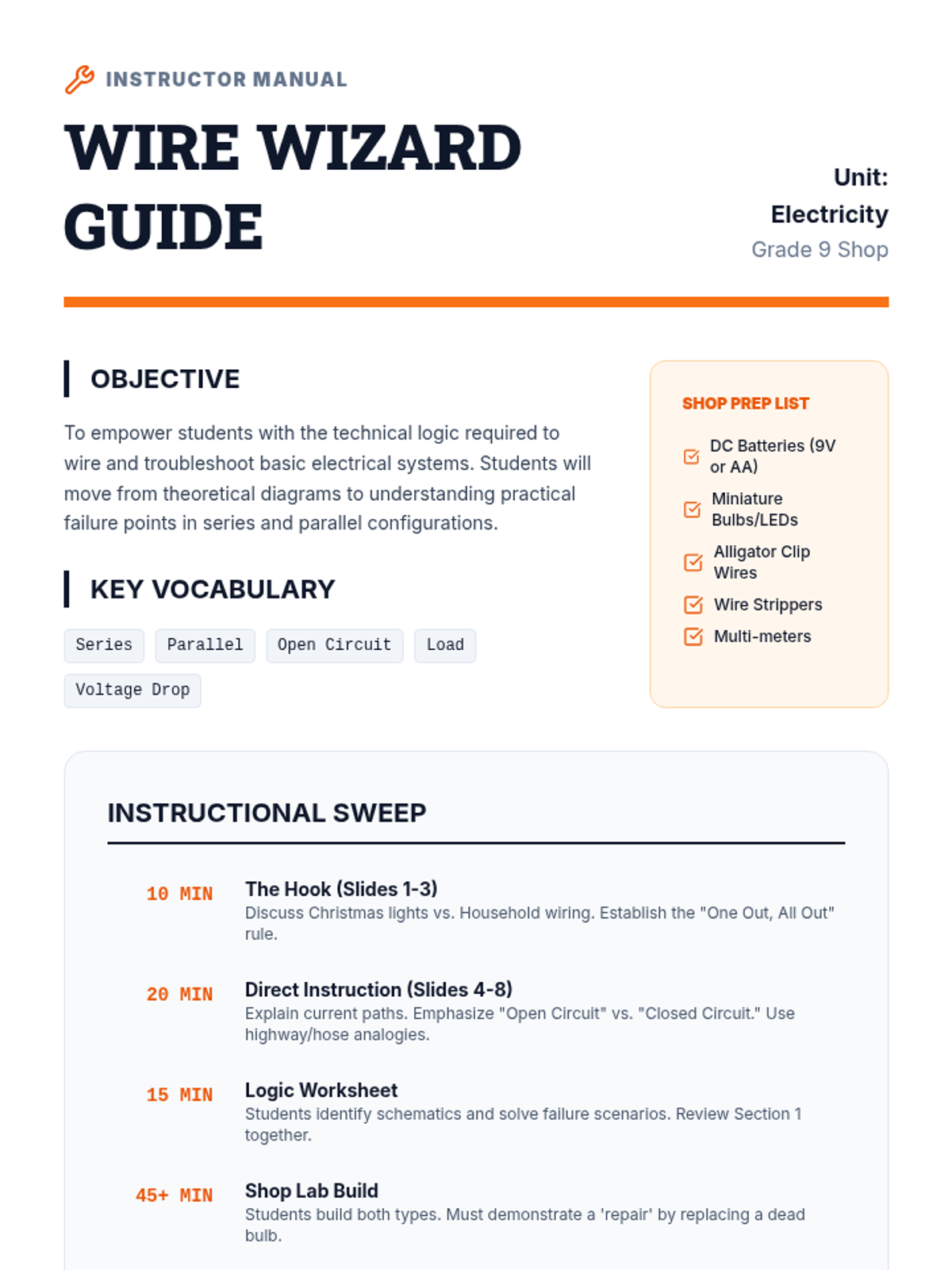
A comprehensive teacher's guide for the Power Paths lesson, including a pacing guide, shop equipment list, discussion prompts, and troubleshooting tips for teaching electrical circuits.
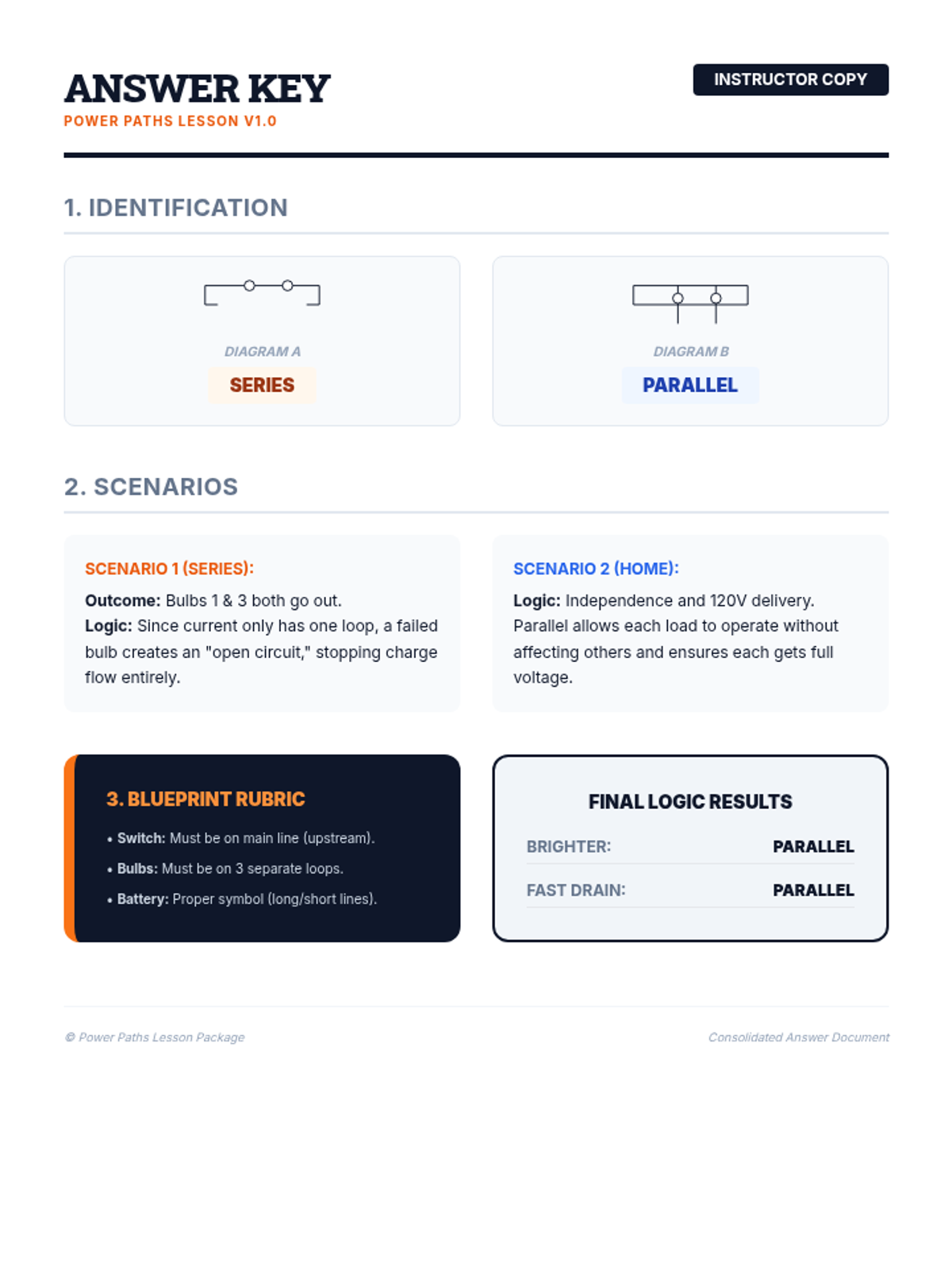
Answer key and grading guide for the Circuit Logic Worksheet, including expected diagram features and conceptual explanations.
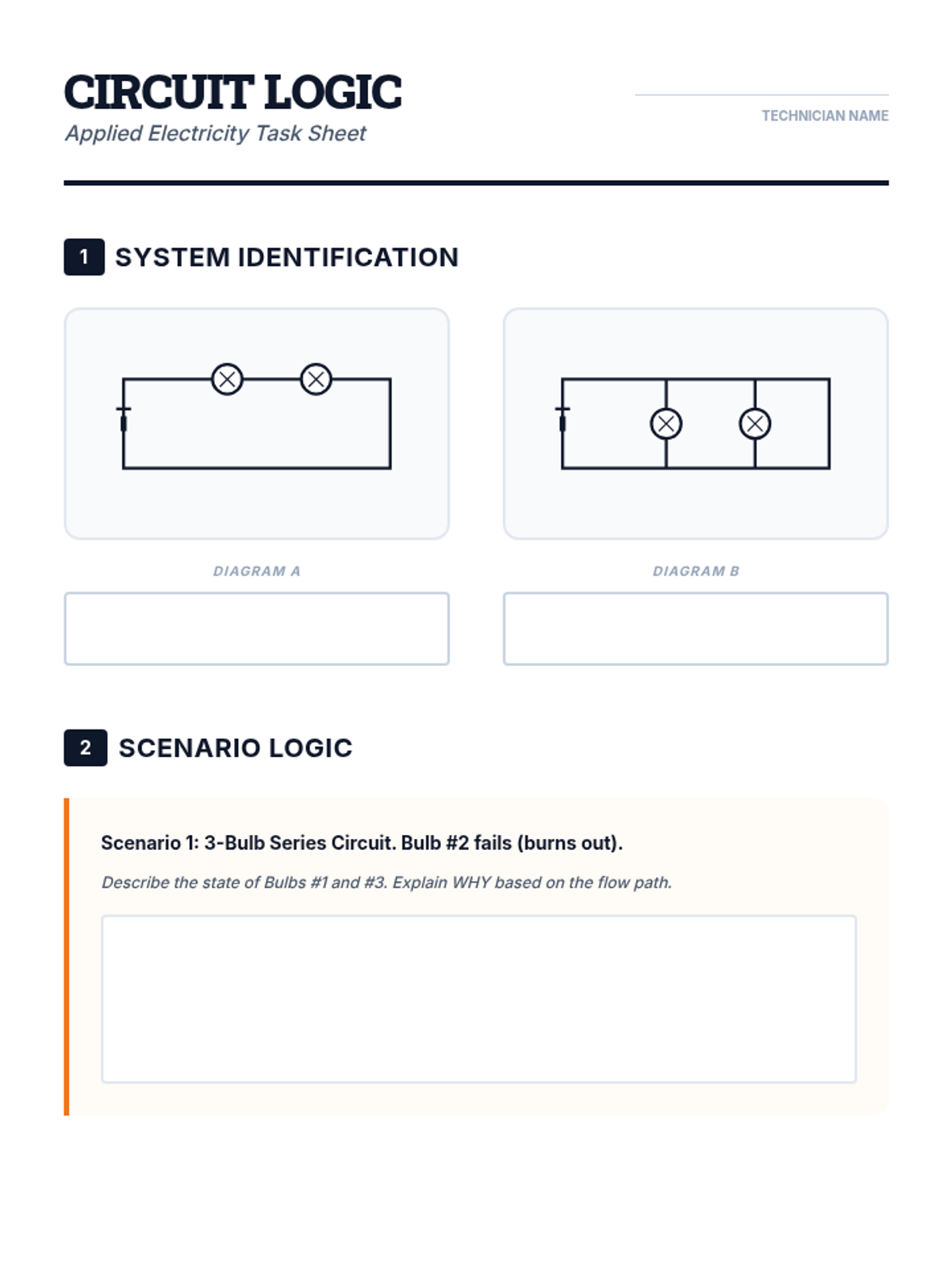
A practical worksheet for grade 9 shop students to identify circuit types, troubleshoot failure scenarios, and practice drawing basic electrical schematics.
A visually engaging slide deck for shop students explaining the differences between series and parallel circuits, including a deep dive into failure points and real-world logic.
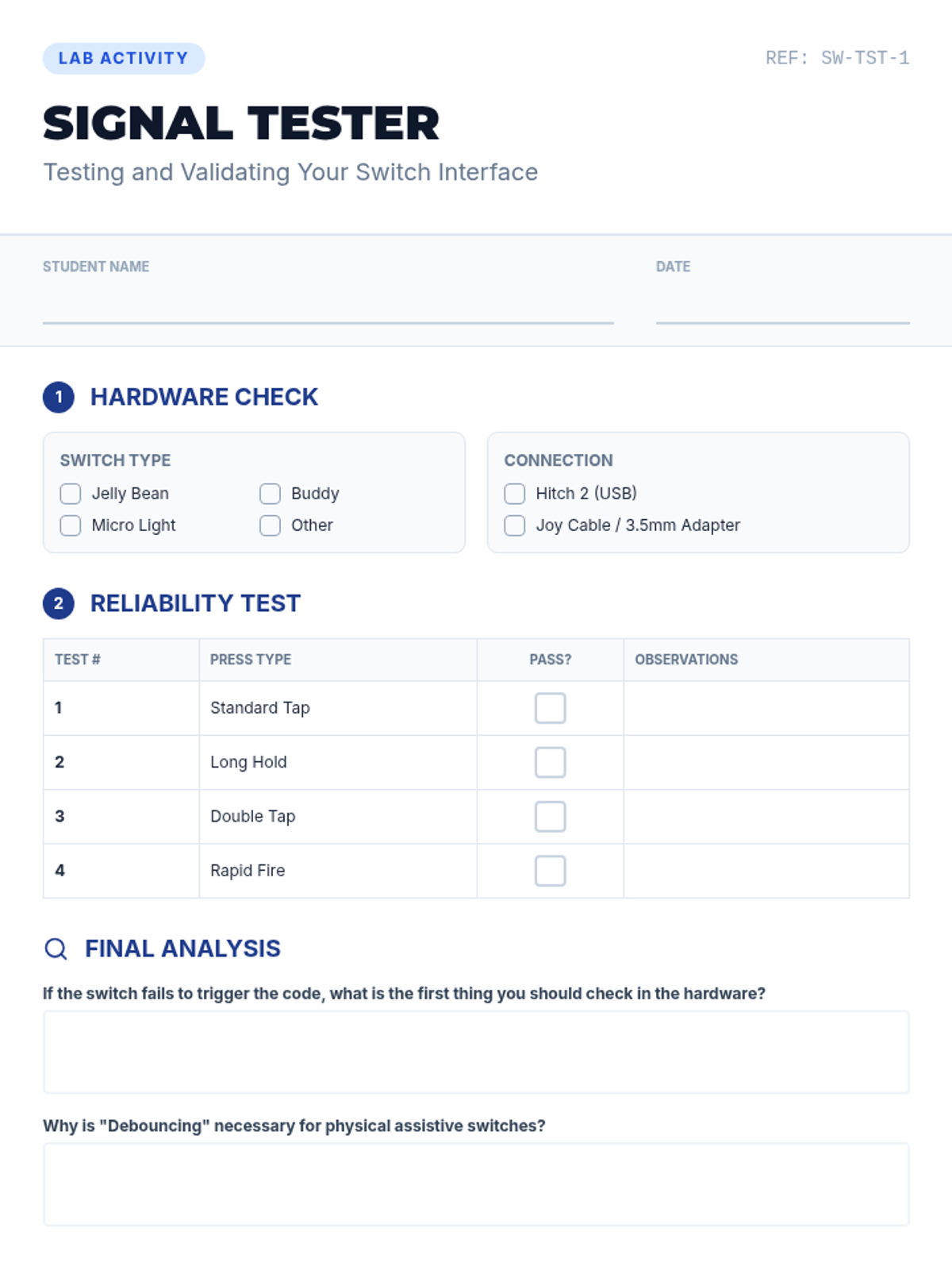
A student worksheet for testing and validating the Python switch interface. Includes hardware checks, a test log for verifying signal reliability, and troubleshooting questions to reinforce understanding of the hardware-software link.
An introductory presentation explaining the hardware and software logic of a digital switch interface. Focuses on the "Hitch 2" concept and how to program a Space Bar trigger in Python for assistive technology.
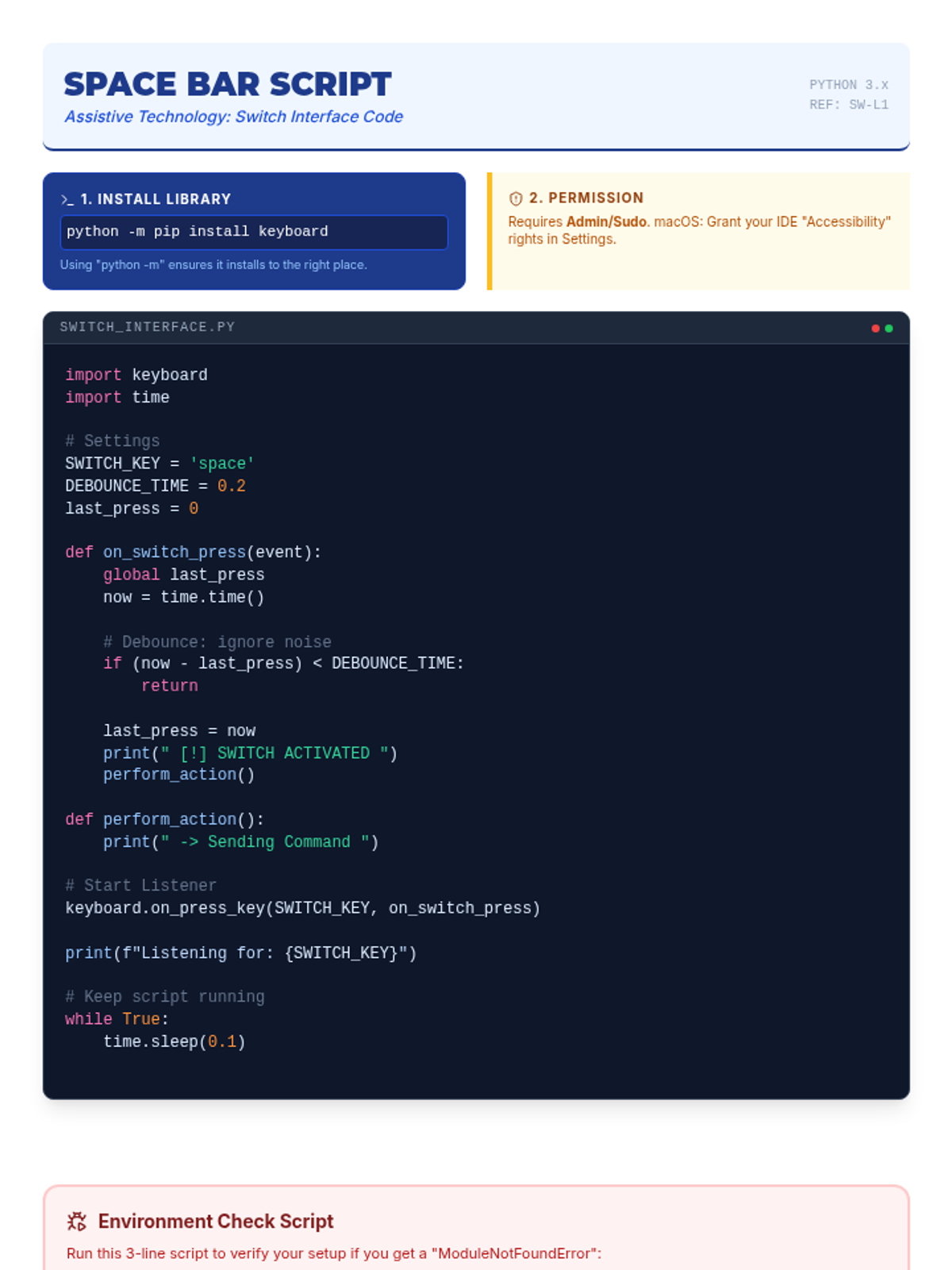
A technical reference sheet and code snippet for a Python-based switch interface. Includes the actual code logic for binding a physical switch to the space bar and explains the underlying programming concepts.
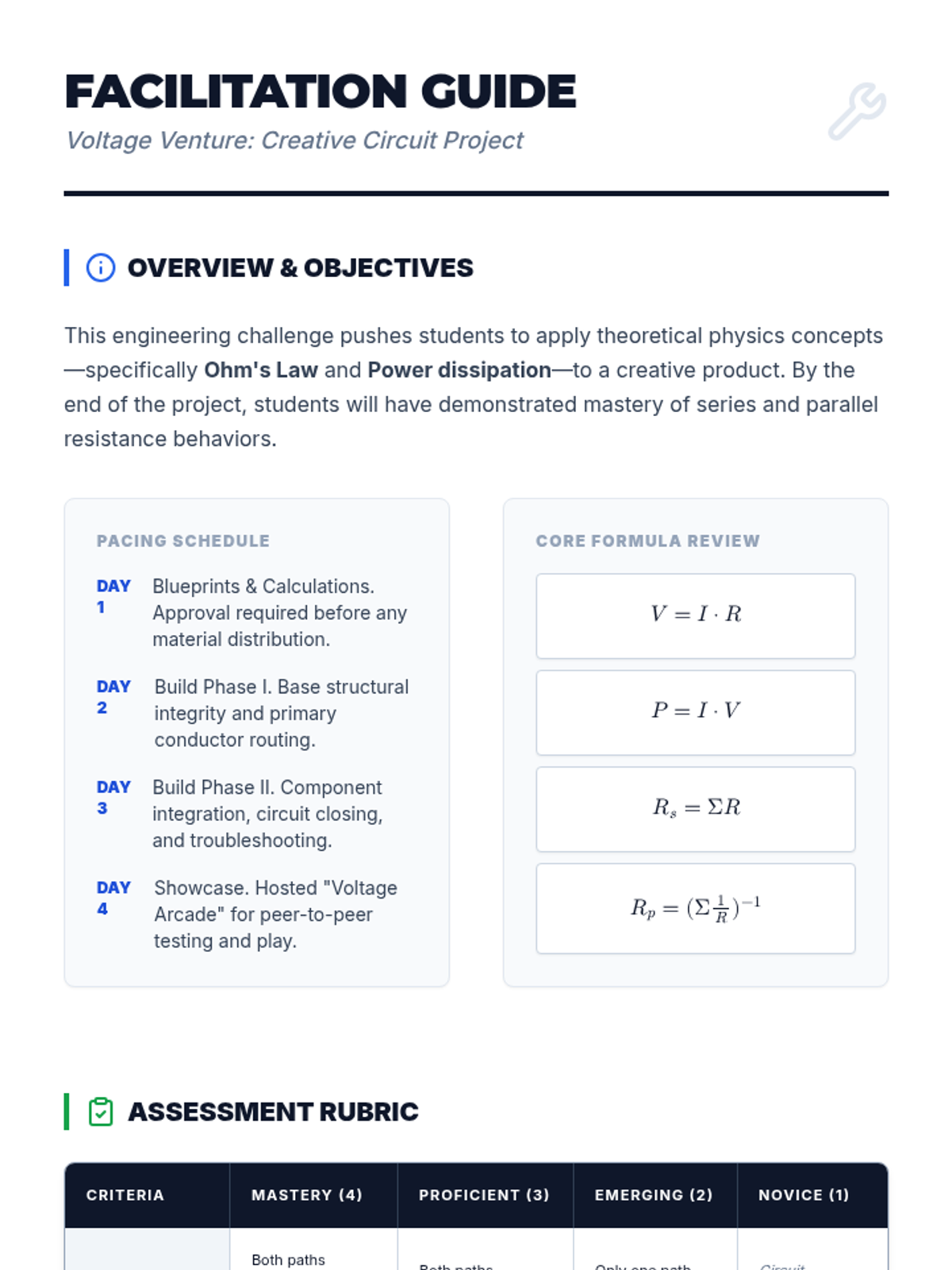
A comprehensive teacher guide for the Voltage Venture project, including pacing, troubleshooting tips, and a grading rubric.
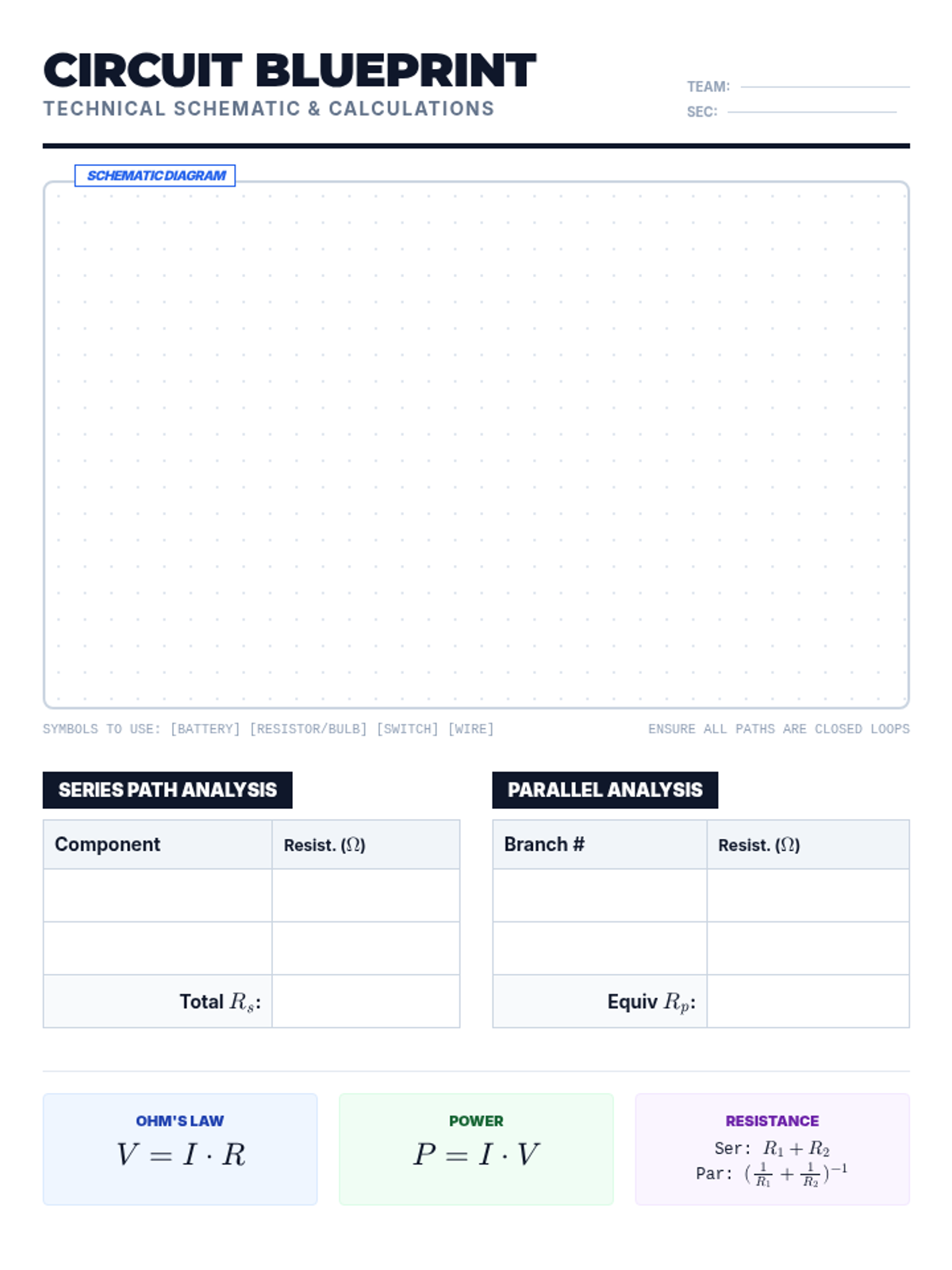
A technical blueprint sheet for students to draw their circuit schematics and perform calculations for series and parallel paths.
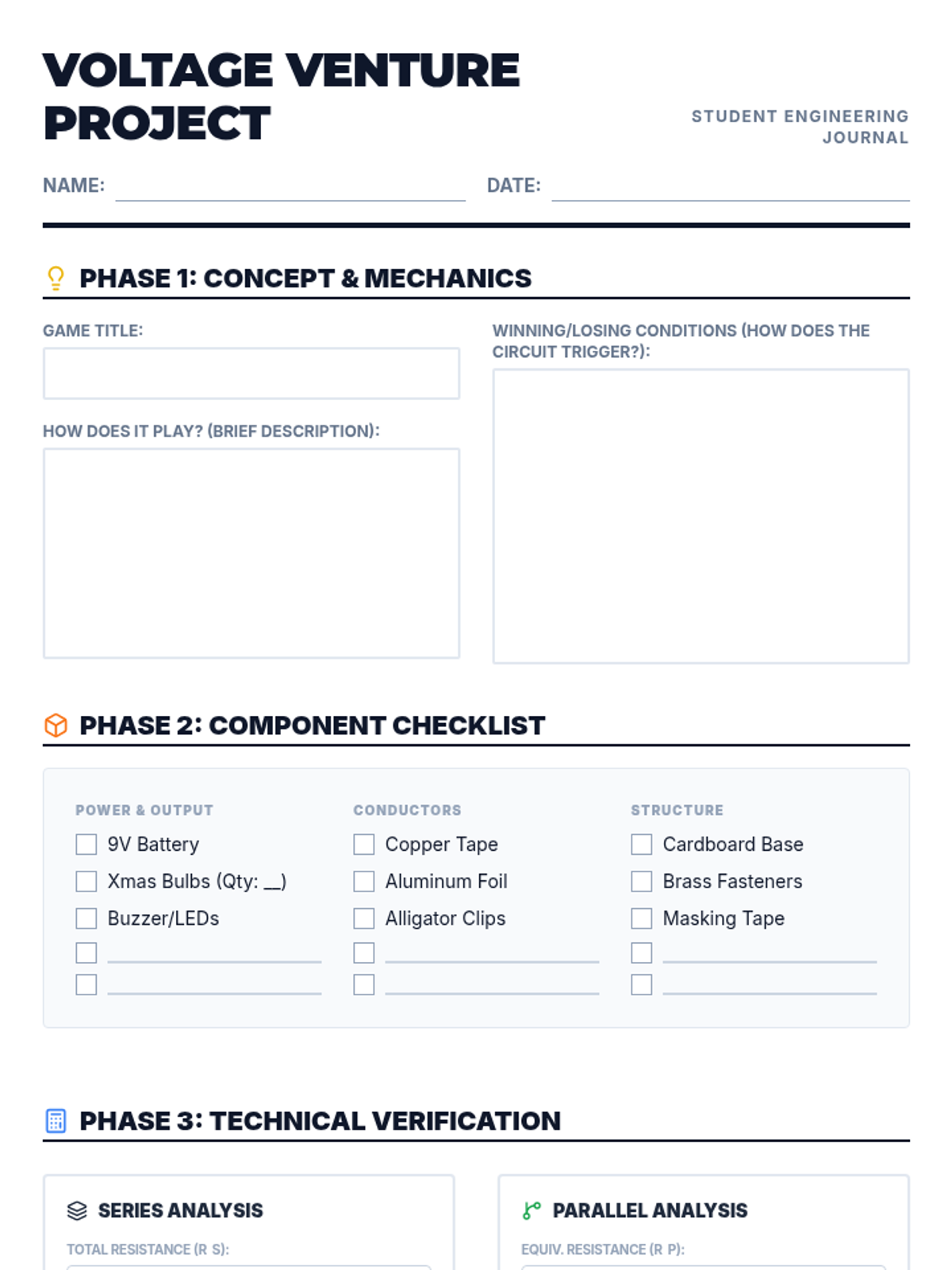
An updated student project guide including additional blank spaces in the component checklist for custom materials, improved math symbol spacing, and larger work areas.
An introductory slide deck for the Voltage Venture project, covering game ideas, circuit requirements, and safety guidelines.
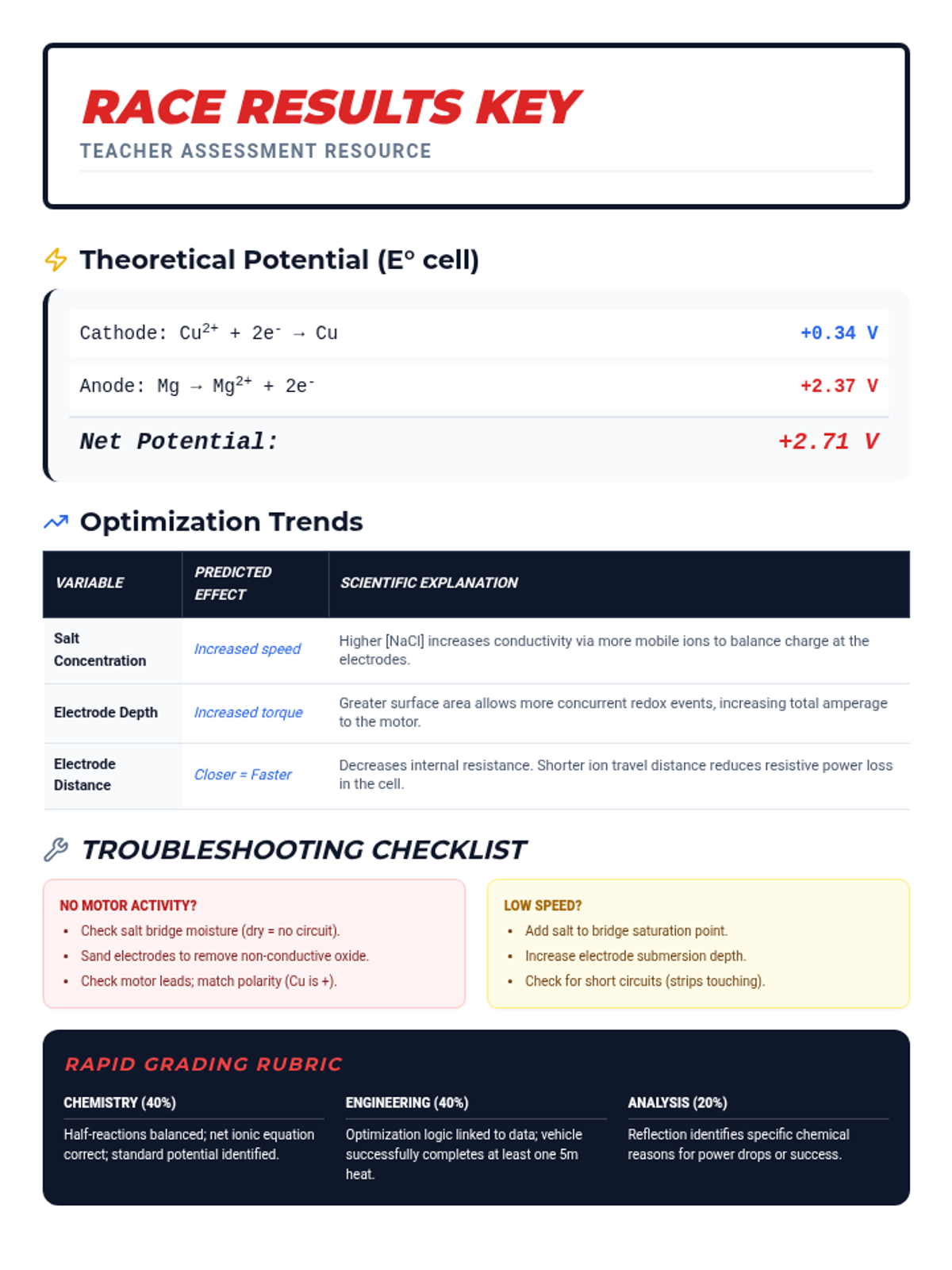
A teacher-facing answer key and technical reference for the Galvanic Cell Grand Prix, detailing standard reduction potentials, expected optimization trends, and a rapid troubleshooting checklist.
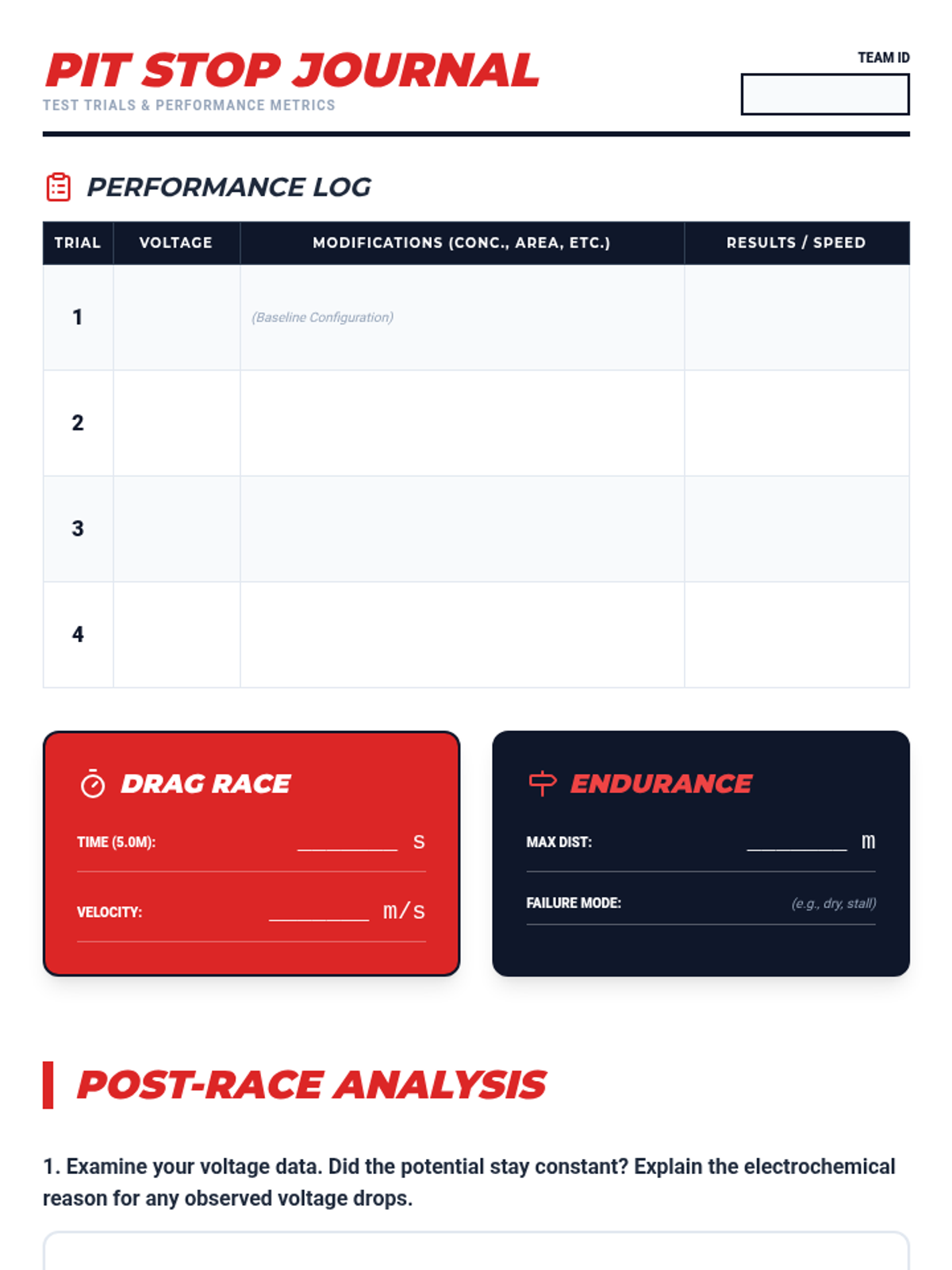
A student-facing lab journal for the Galvanic Cell Grand Prix, including performance logs for trials, final race results tracking, and deep-dive reflection questions on electrochemical engineering.
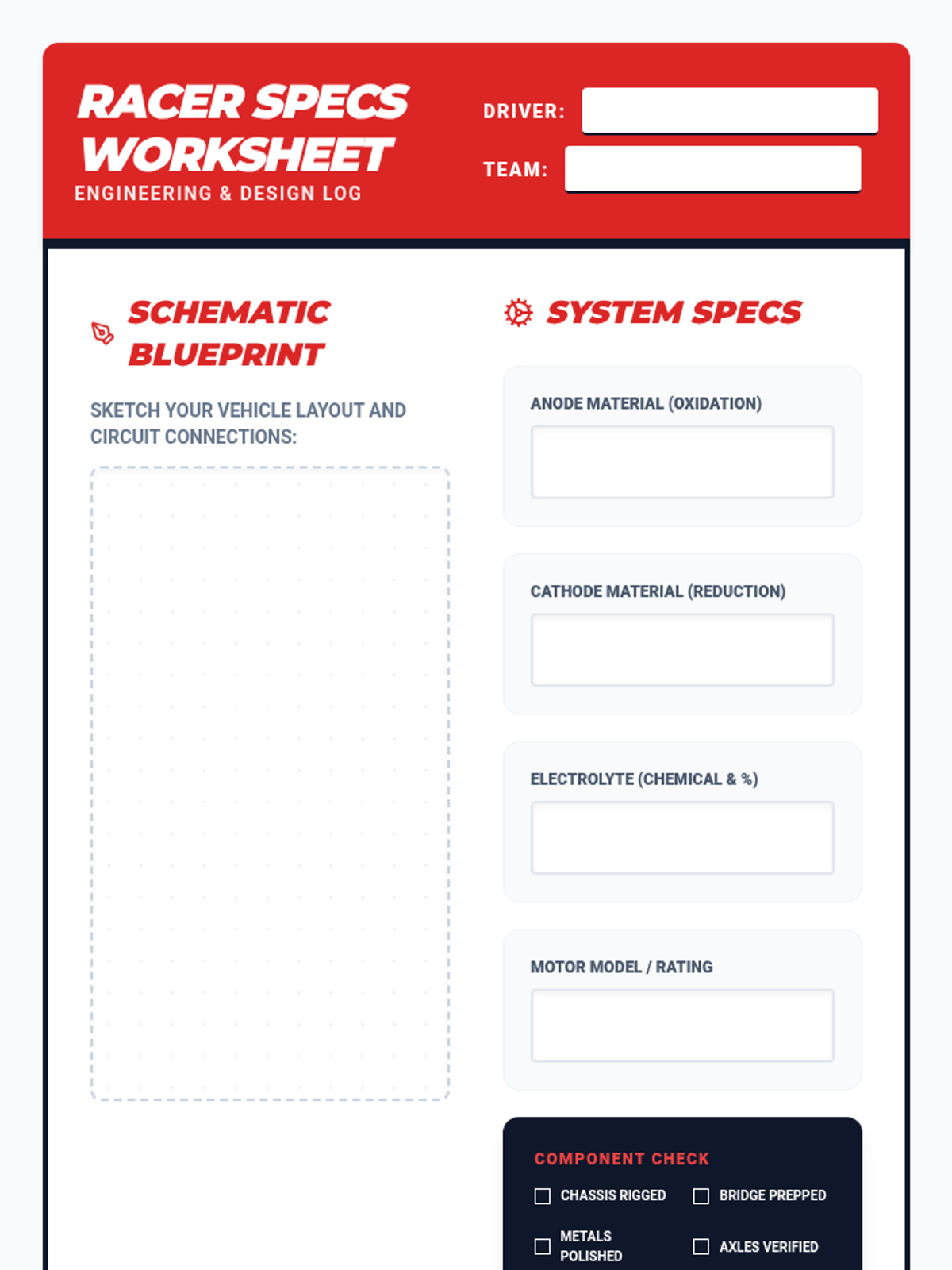
A structured design and analysis worksheet for students to sketch their vehicle schematics, write redox equations, and predict optimization outcomes for the Galvanic Cell Grand Prix.
A high-energy, visually striking slide deck for the Galvanic Cell Grand Prix, covering redox fundamentals, circuit completion, and engineering constraints for 11th-grade chemistry students.
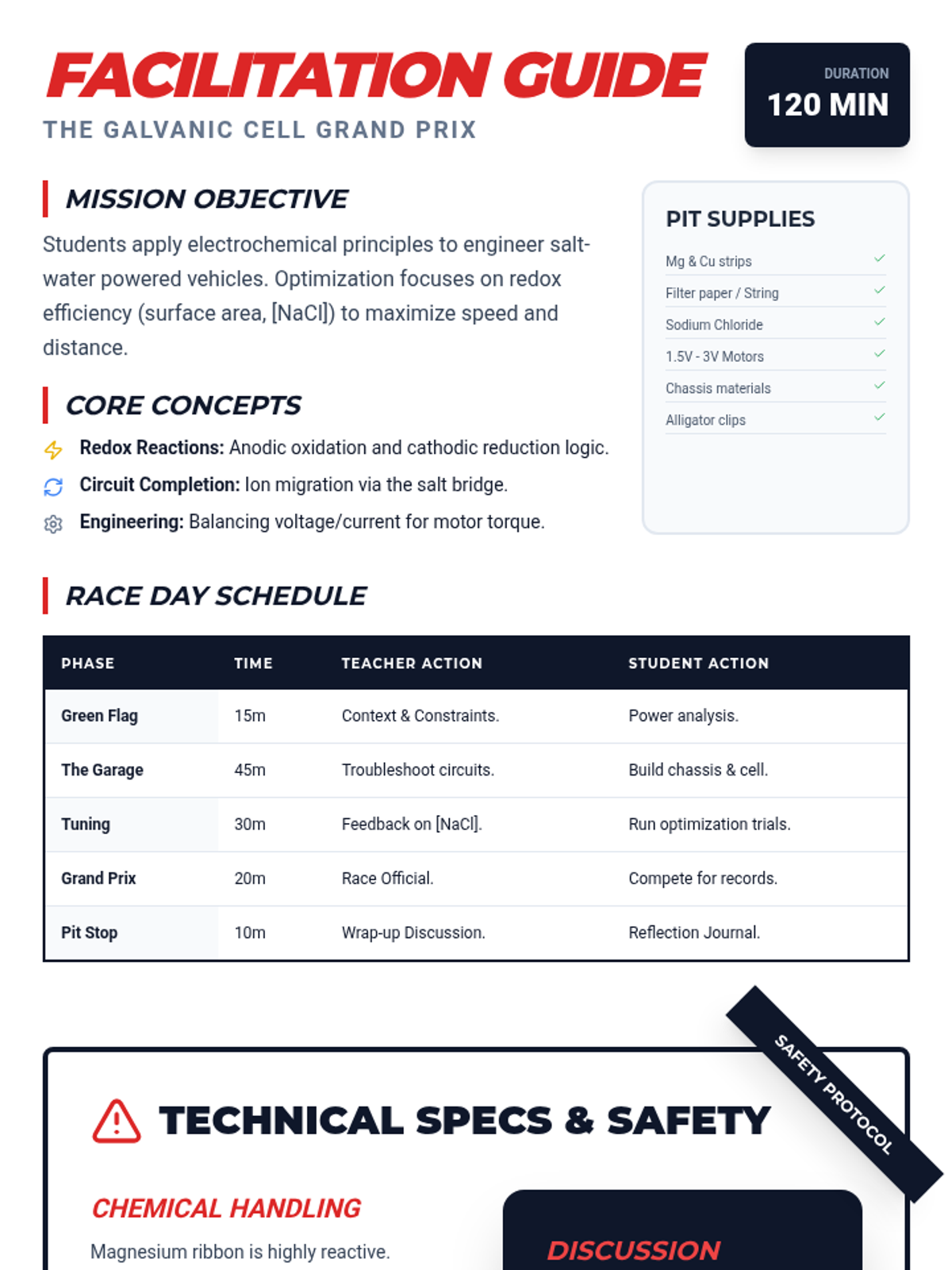
A comprehensive teacher's guide for the Galvanic Cell Grand Prix, featuring a detailed schedule, safety protocols, and pedagogical prompts for optimizing redox-powered vehicles.
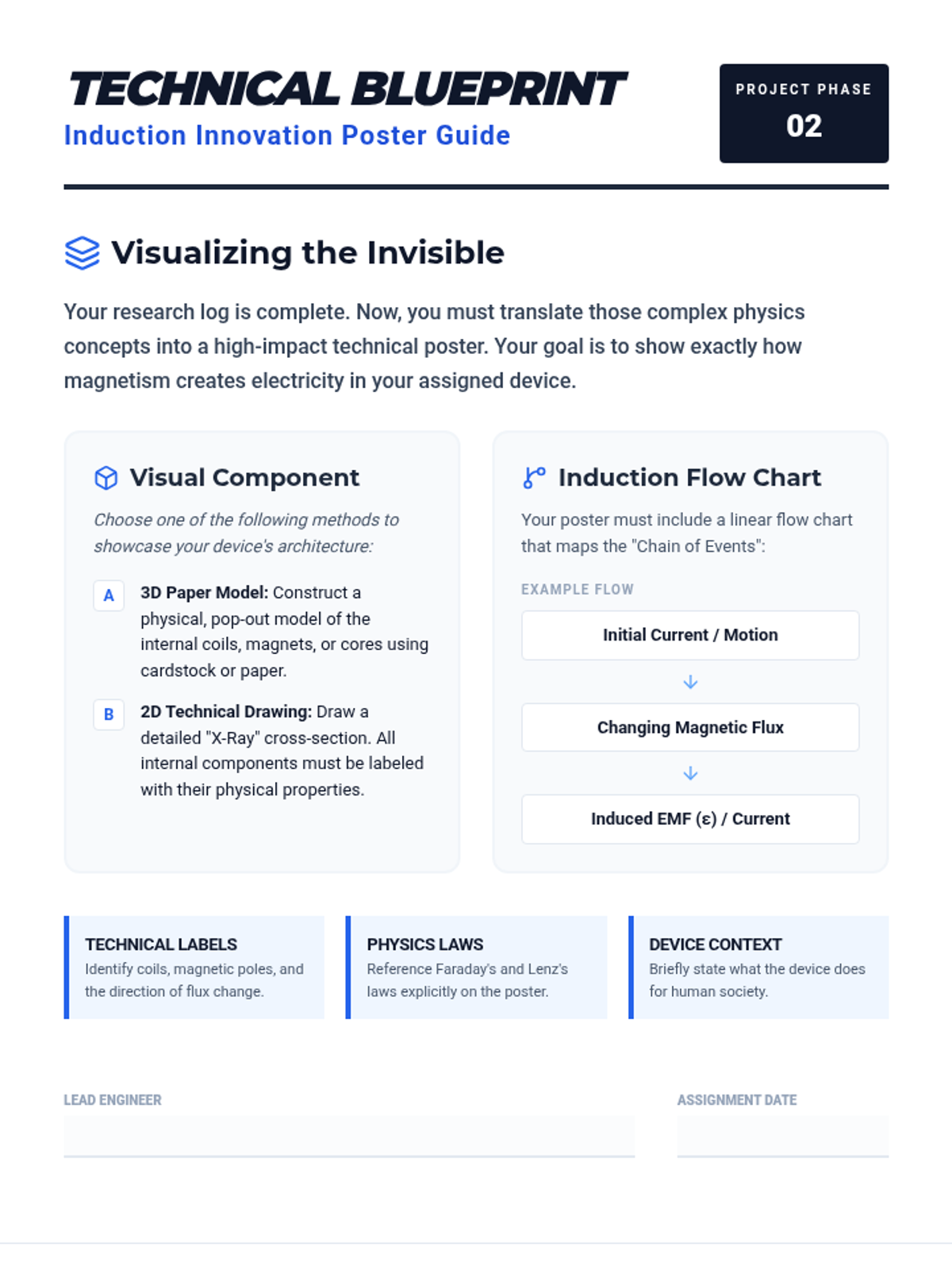
A two-page rubric and guide for the Induction Innovation poster project. It provides specific requirements for creating 3D paper models or detailed 2D drawings, a flow chart requirement for mapping induction logic, and a four-point grading scale for physics accuracy and technical design.
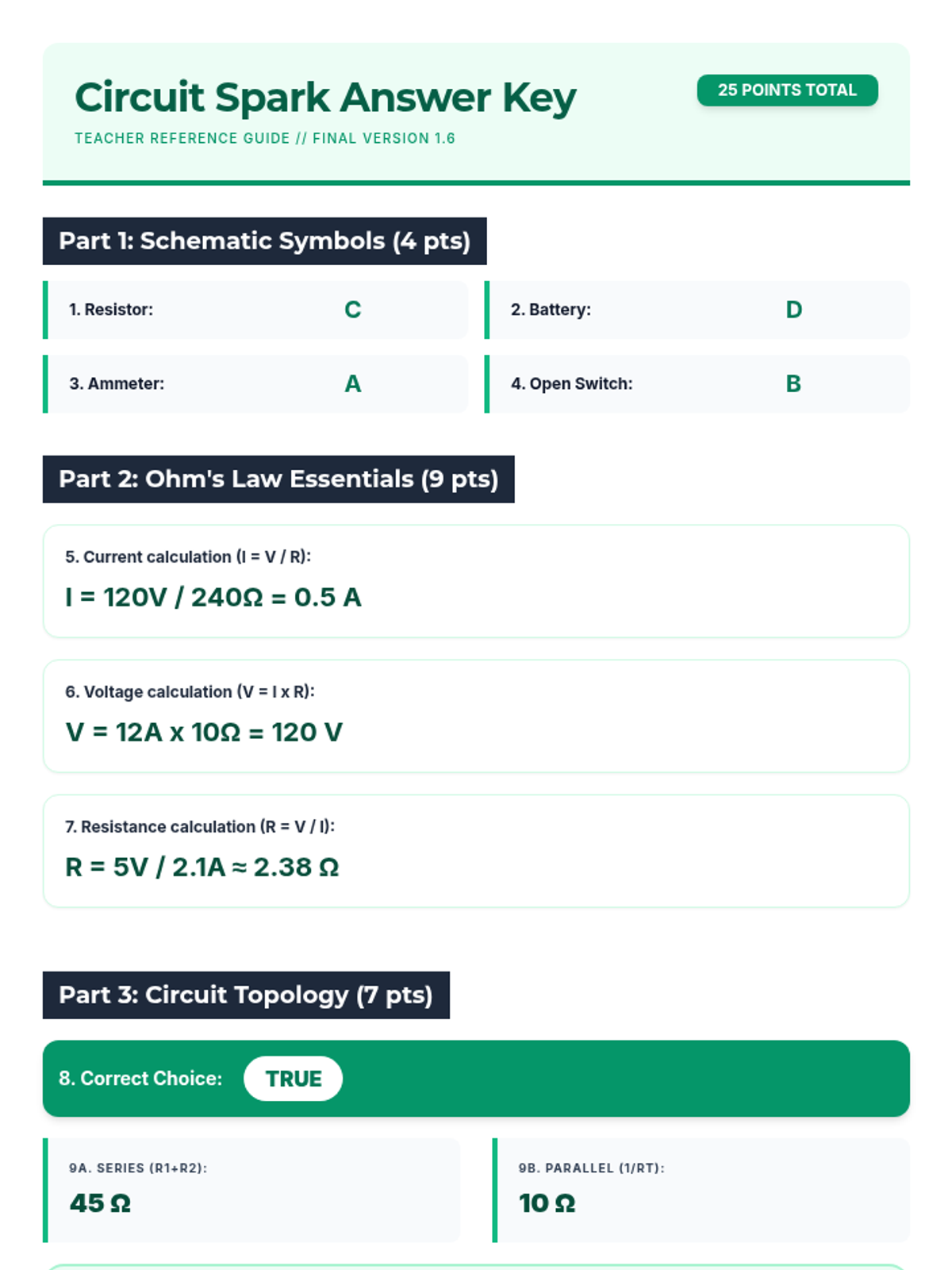
The complete answer key for the Circuit Spark Quiz, providing step-by-step calculations and grading guidance for instructors. Revised for improved math rendering, layout consistency, and contrast. Final version with improved teacher-facing clarity.
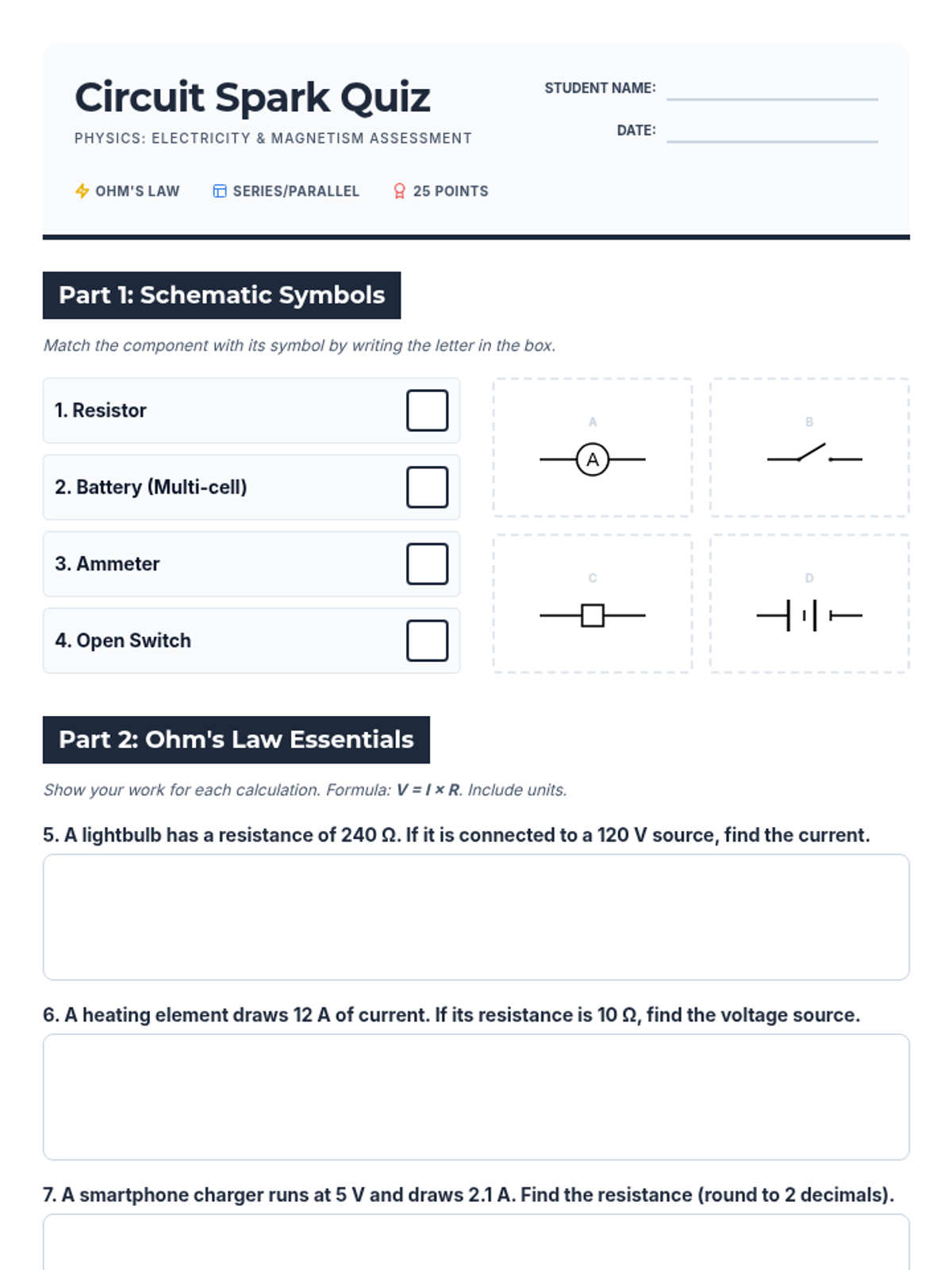
A comprehensive mixed-format physics quiz covering circuit symbols, Ohm's Law calculations, and series/parallel circuit analysis with a professional blueprint aesthetic. Revised for improved legibility, corrected page breaks, and optimized technical diagrams. Final version with polished layout.
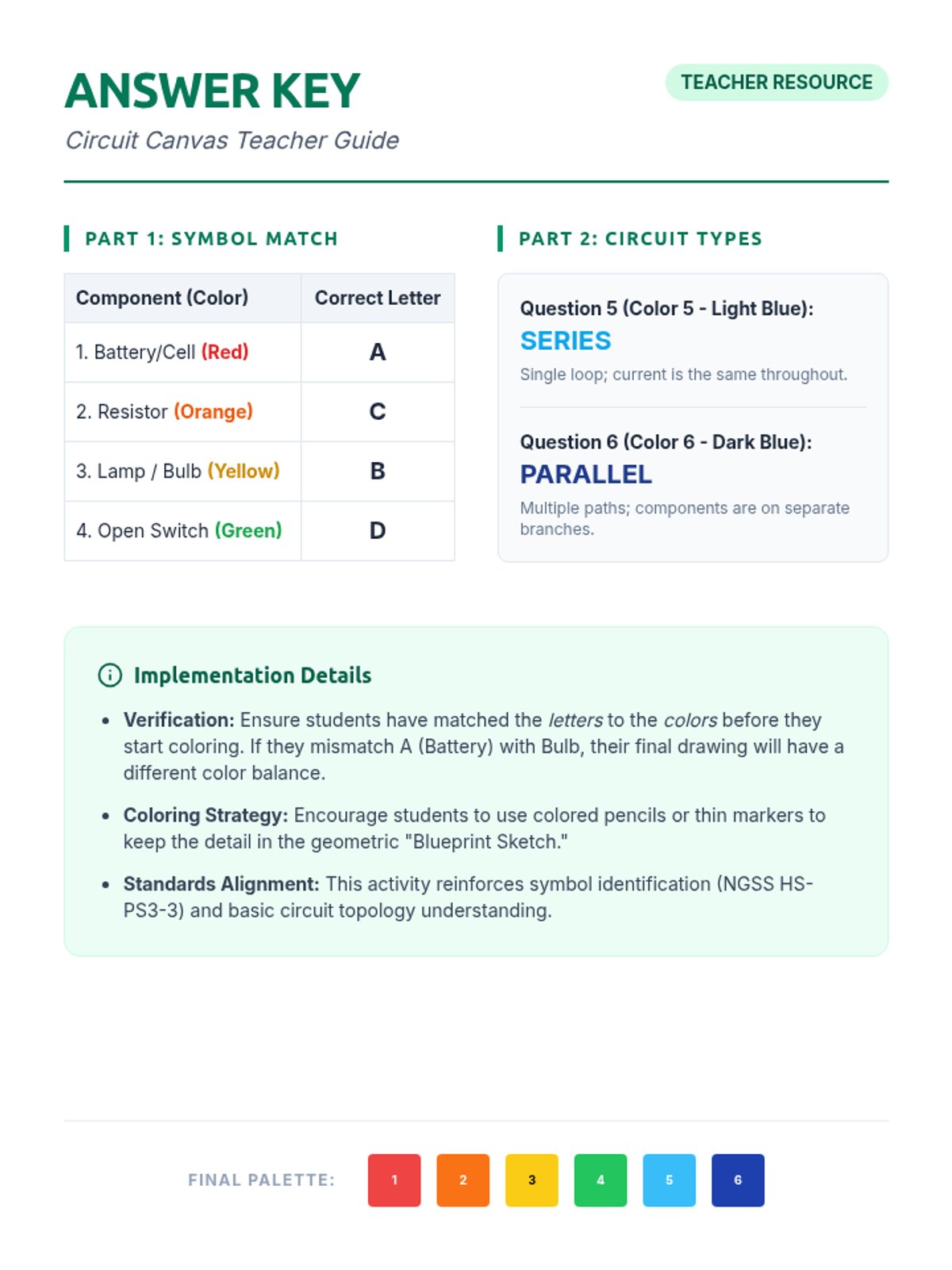
A teacher guide and answer key for the Circuit Canvas activity, including symbol identification results, circuit classification explanations, and instructional tips for implementation.
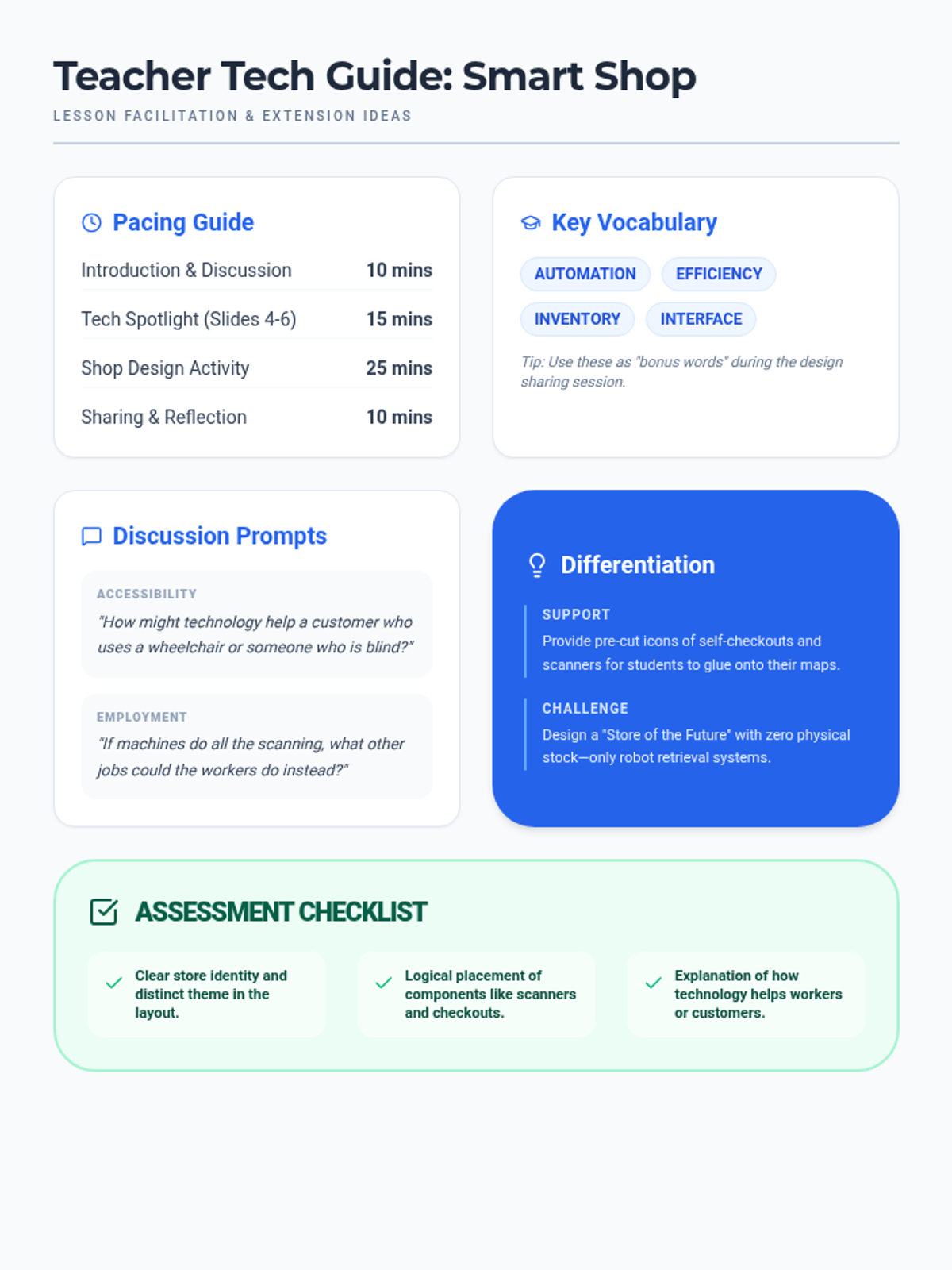
A comprehensive teacher facilitation guide providing pacing, discussion prompts, differentiation strategies, and key vocabulary for the Smart Shop Tech lesson.
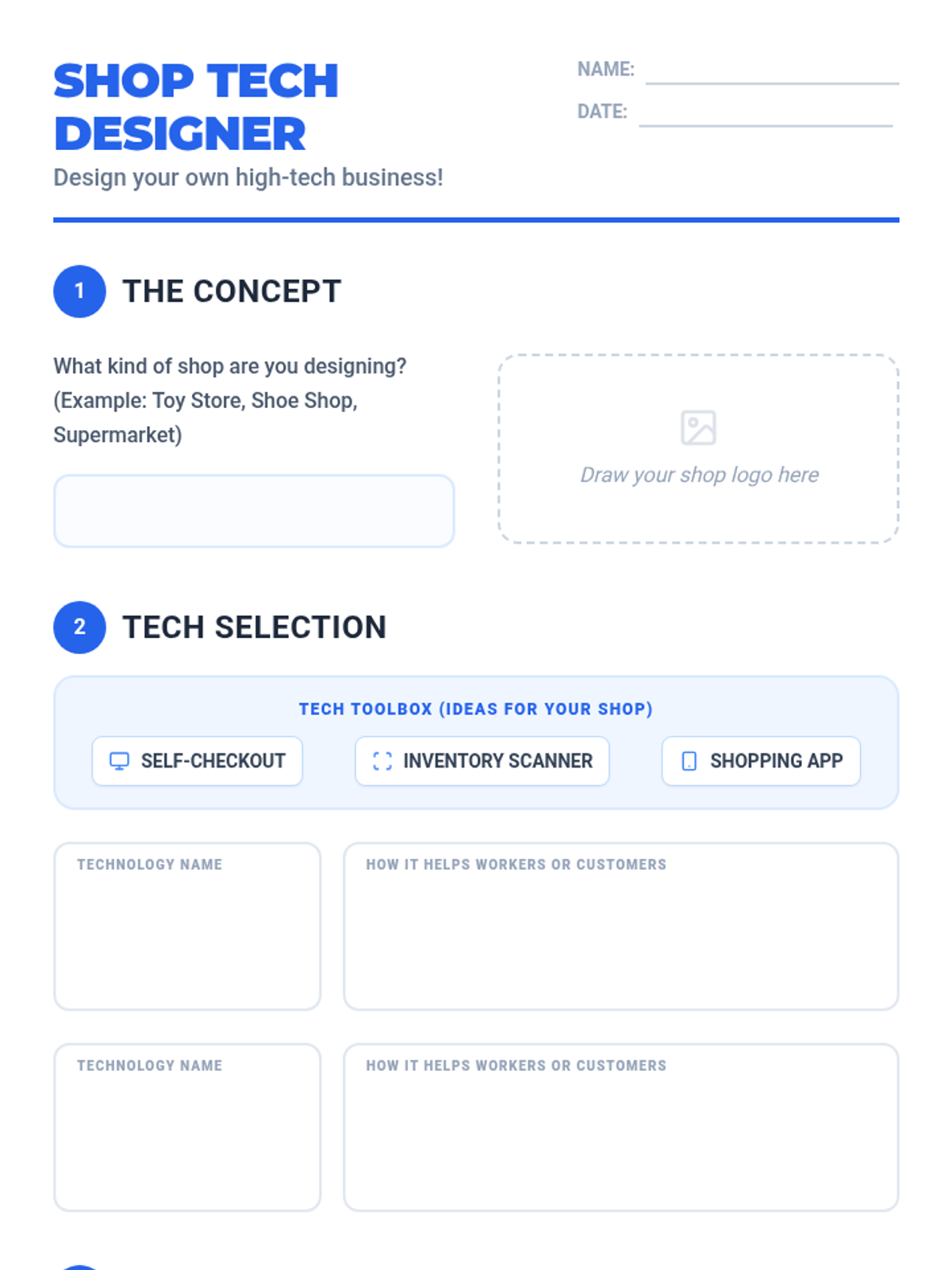
A creative project worksheet where students design their own shop, select technology components, and map out the customer journey through their store layout.
A vibrant 9-slide presentation exploring shop technology, featuring dedicated slides on self-checkouts, inventory scanners, and retail apps with clear benefits for both customers and workers.
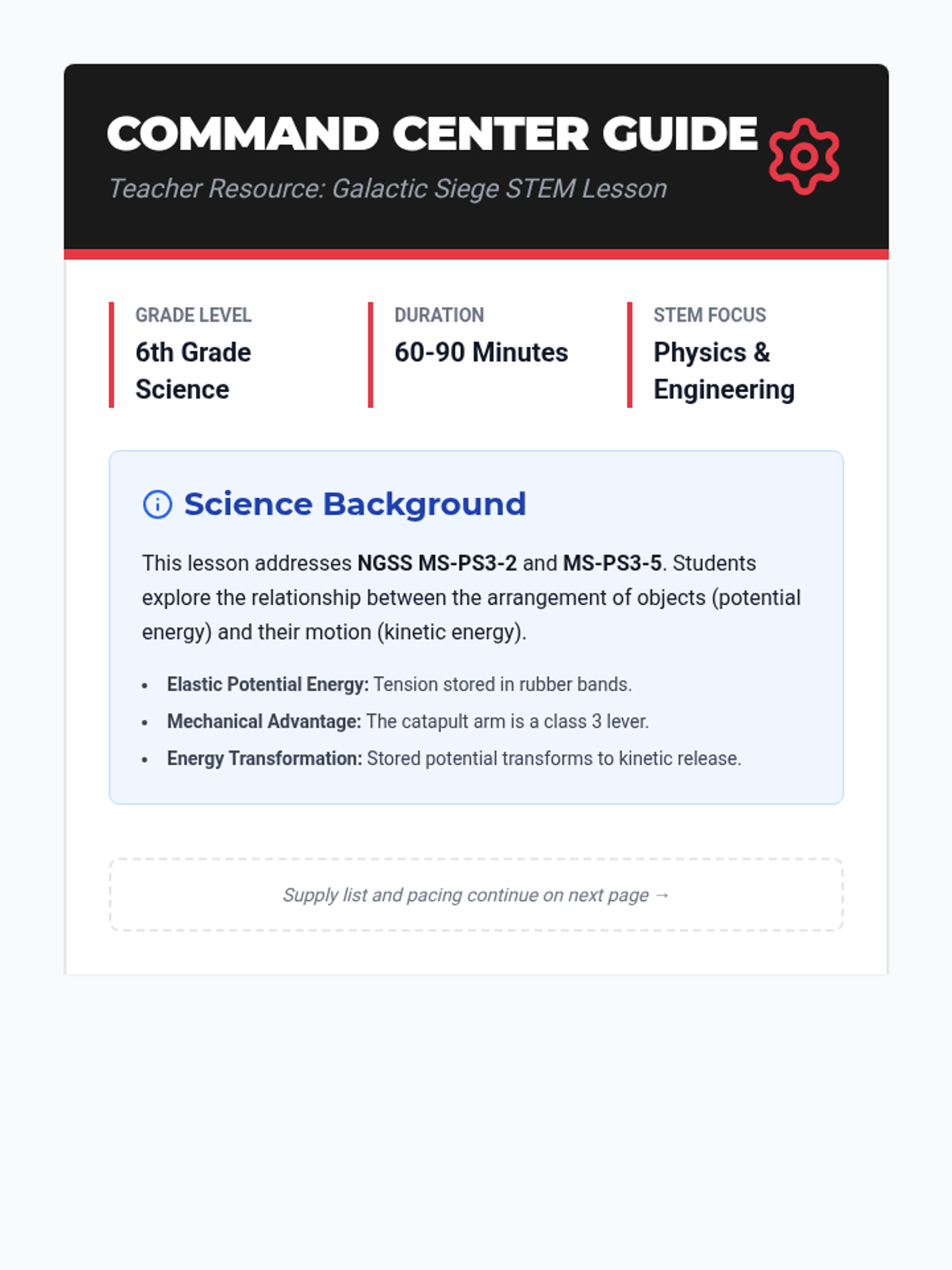
A comprehensive teacher facilitation guide for the 'Galactic Siege' lesson, including science background, material lists, pacing guides, and troubleshooting tips.
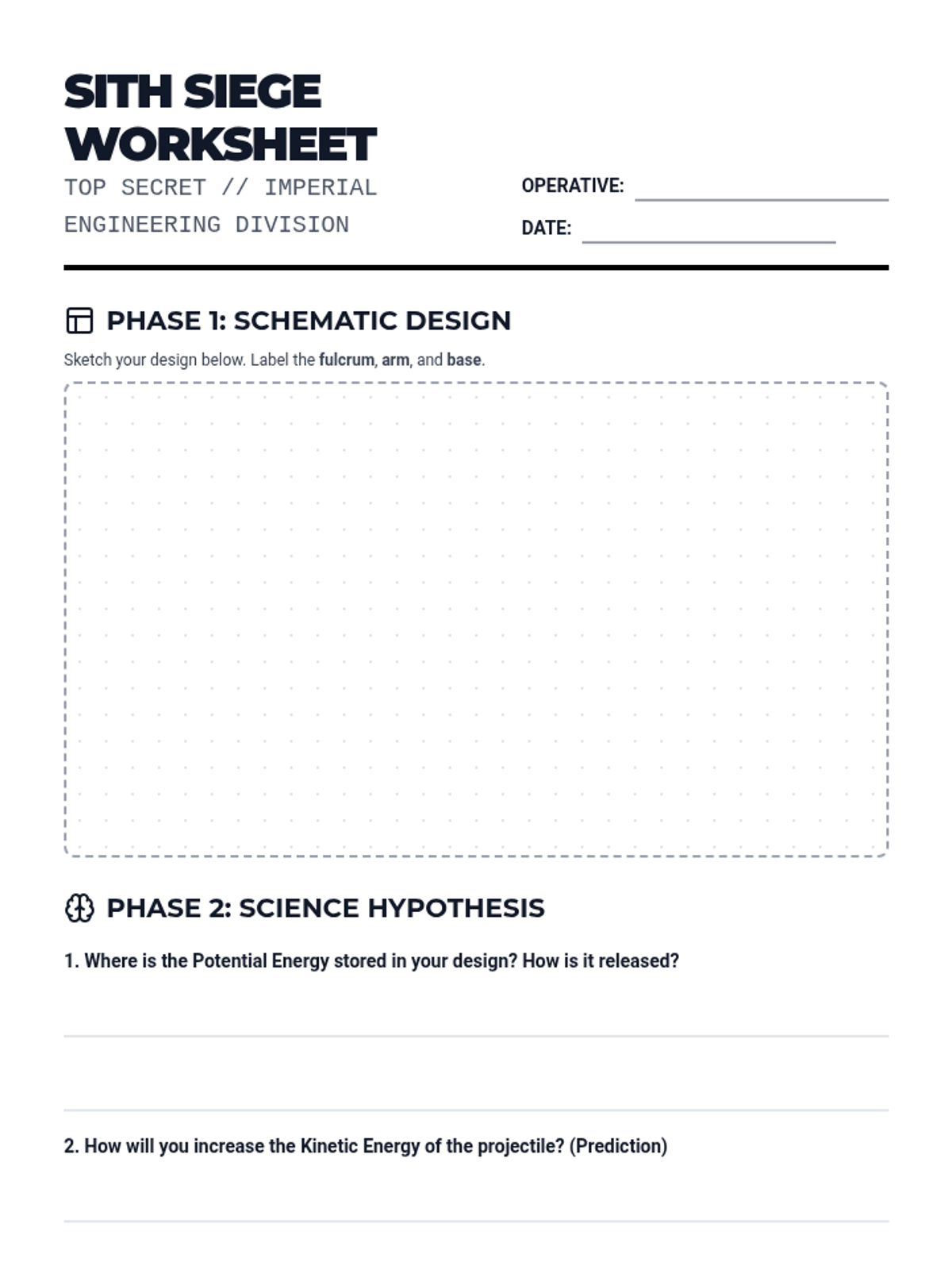
A structured lab report and engineering design worksheet for 6th-grade students to document their catapult builds, collect launch data, and reflect on the physics of potential and kinetic energy.
A high-energy Star Wars-inspired slide deck for a 6th-grade STEM lesson. It introduces the mission, explains the science of potential and kinetic energy, and outlines the engineering challenge.
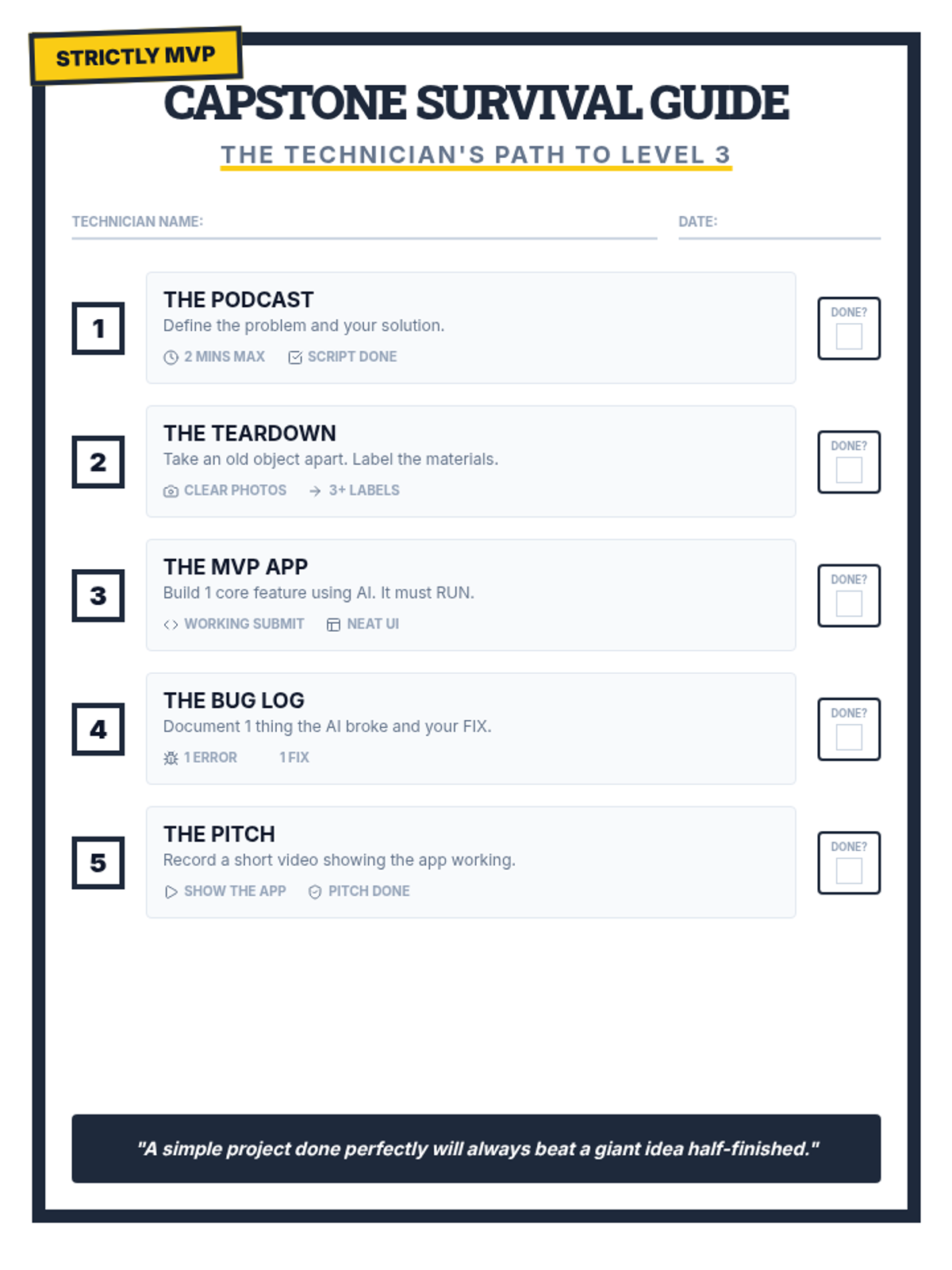
A student-facing 'Survival Guide' checklist for the 5-week Capstone project, summarizing weekly goals and the MVP mindset.
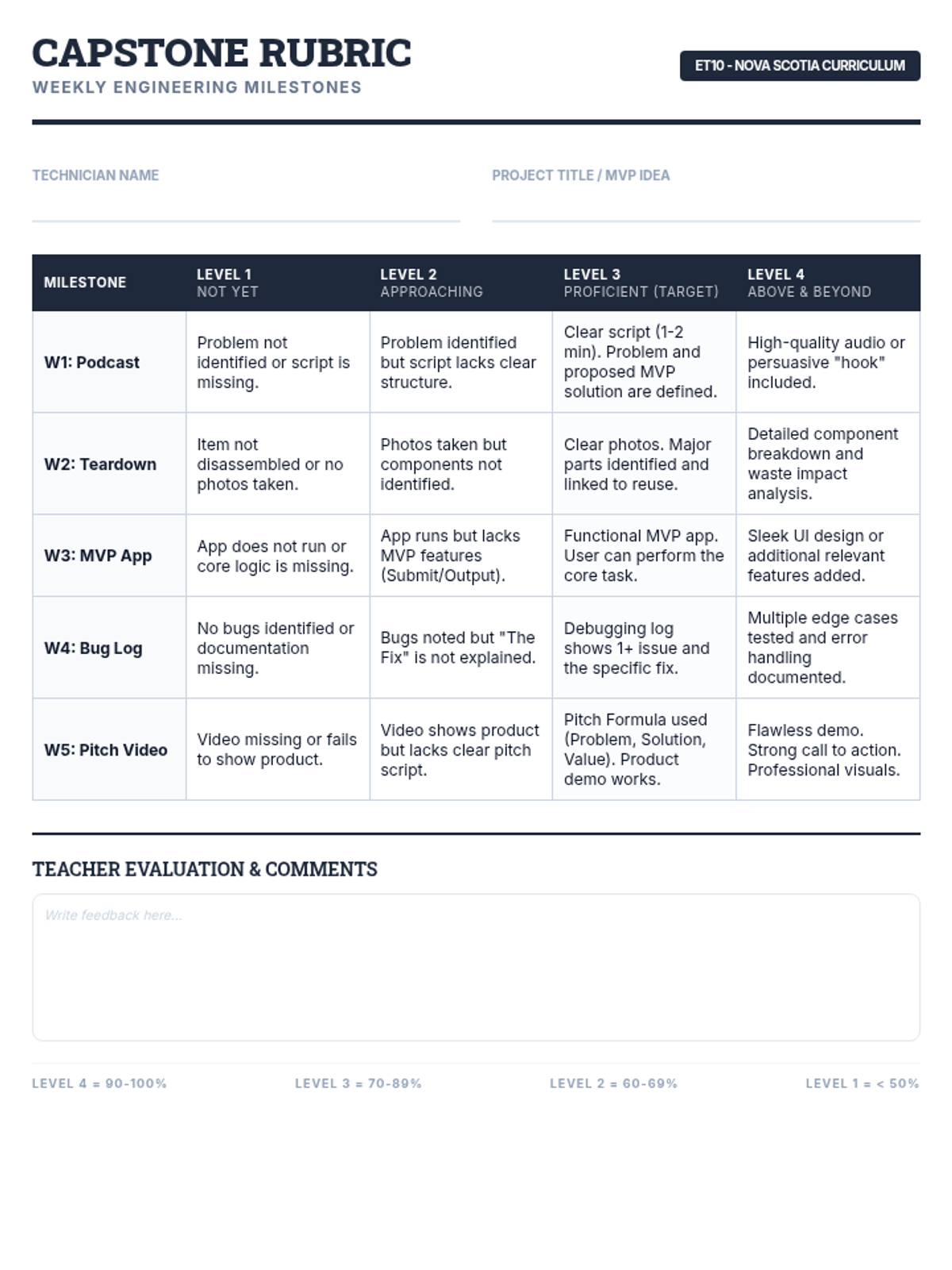
A comprehensive weekly milestone rubric for the 5-week Tech Capstone project, aligned with the Level 1-4 grading scale used in Nova Scotia schools.
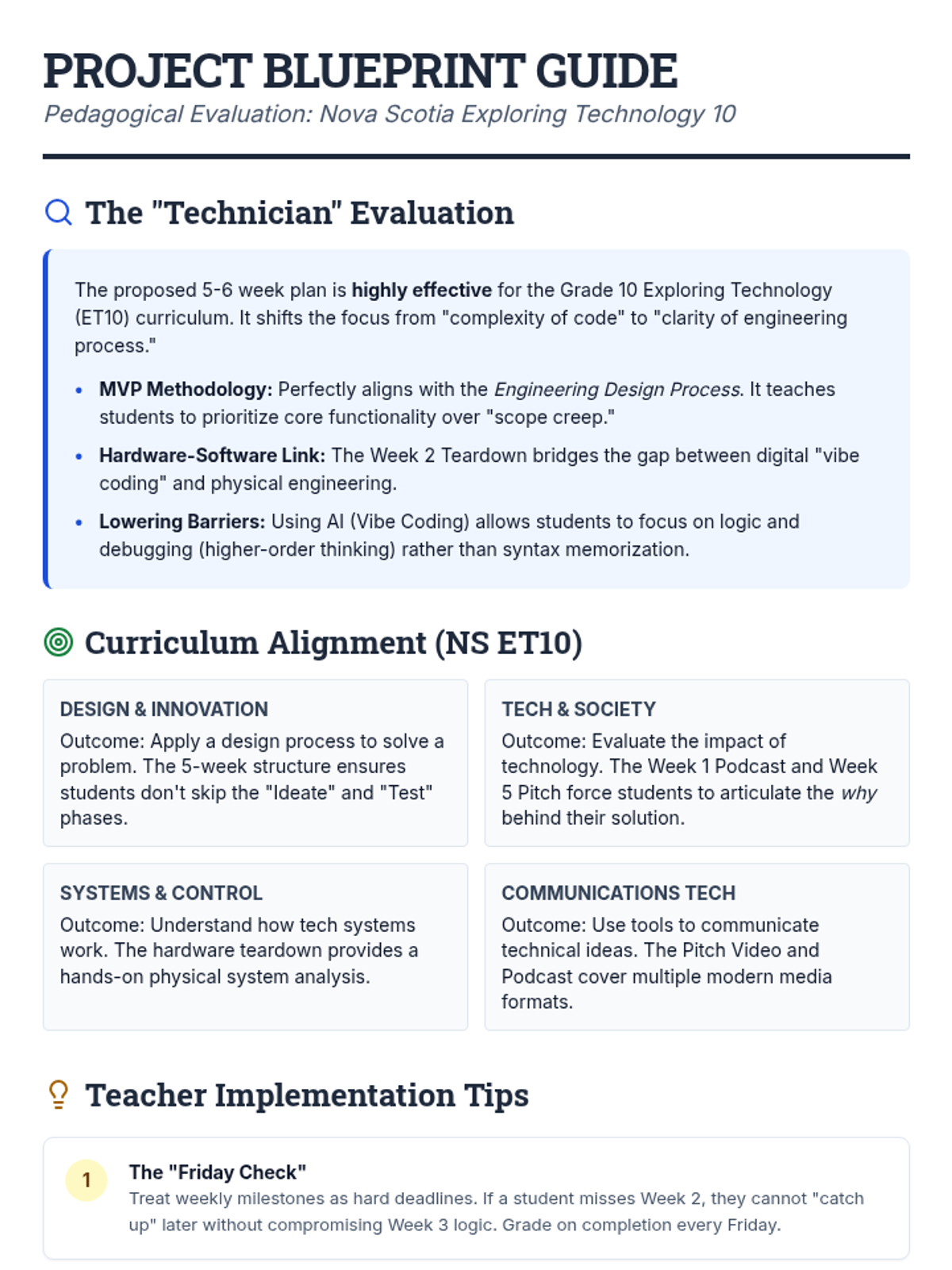
Teacher-facing evaluation and pedagogical explanation of the 5-week Tech Capstone project, including curriculum alignment for Nova Scotia Exploring Technology 10.
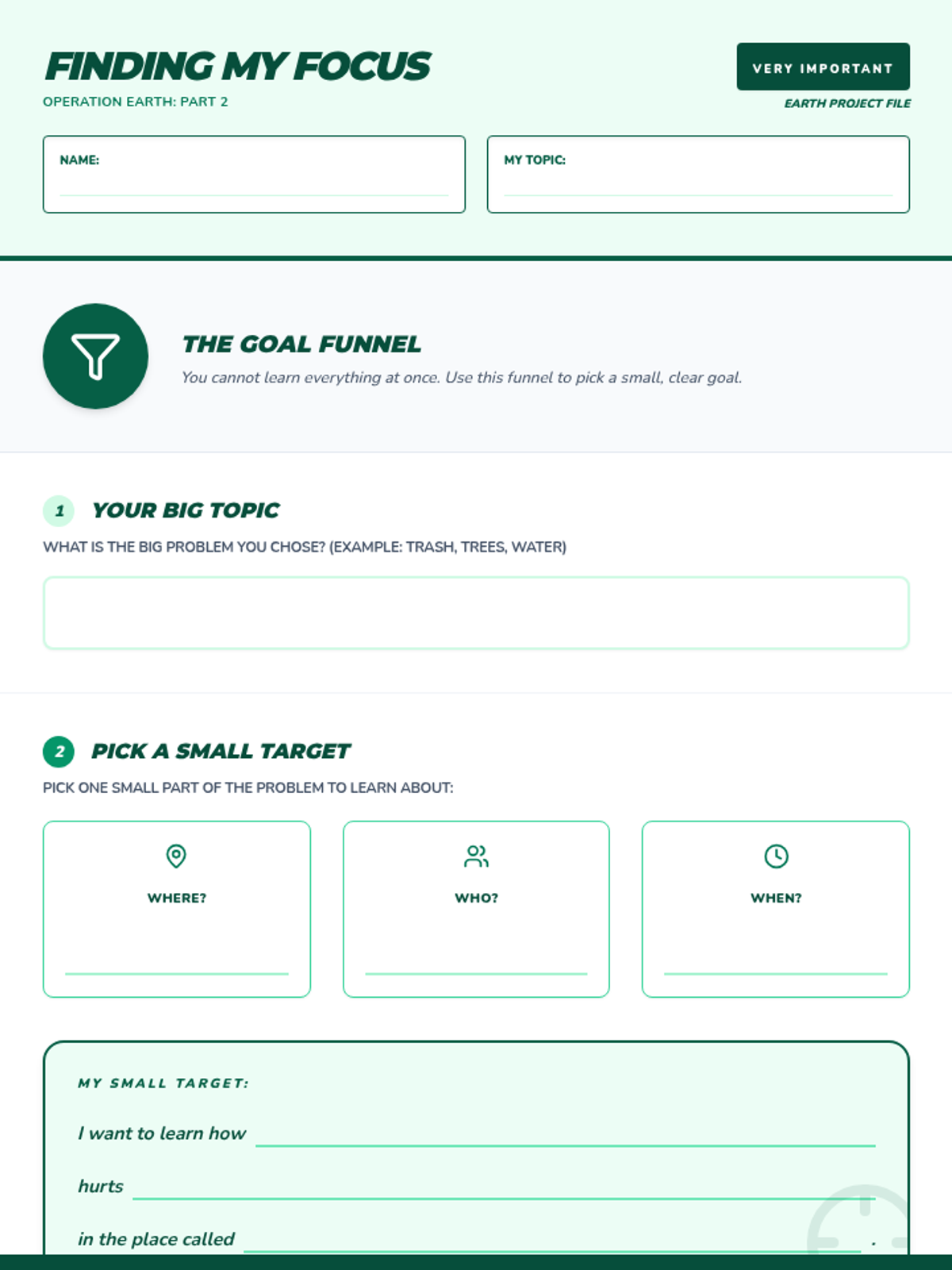
A simplified tactical worksheet to help students narrow their research focus. Uses simple language like 'Where?', 'Who?', and 'Why?' to guide bilingual students through picking a specific research target. Light backgrounds are used in all work areas for handwriting legibility.
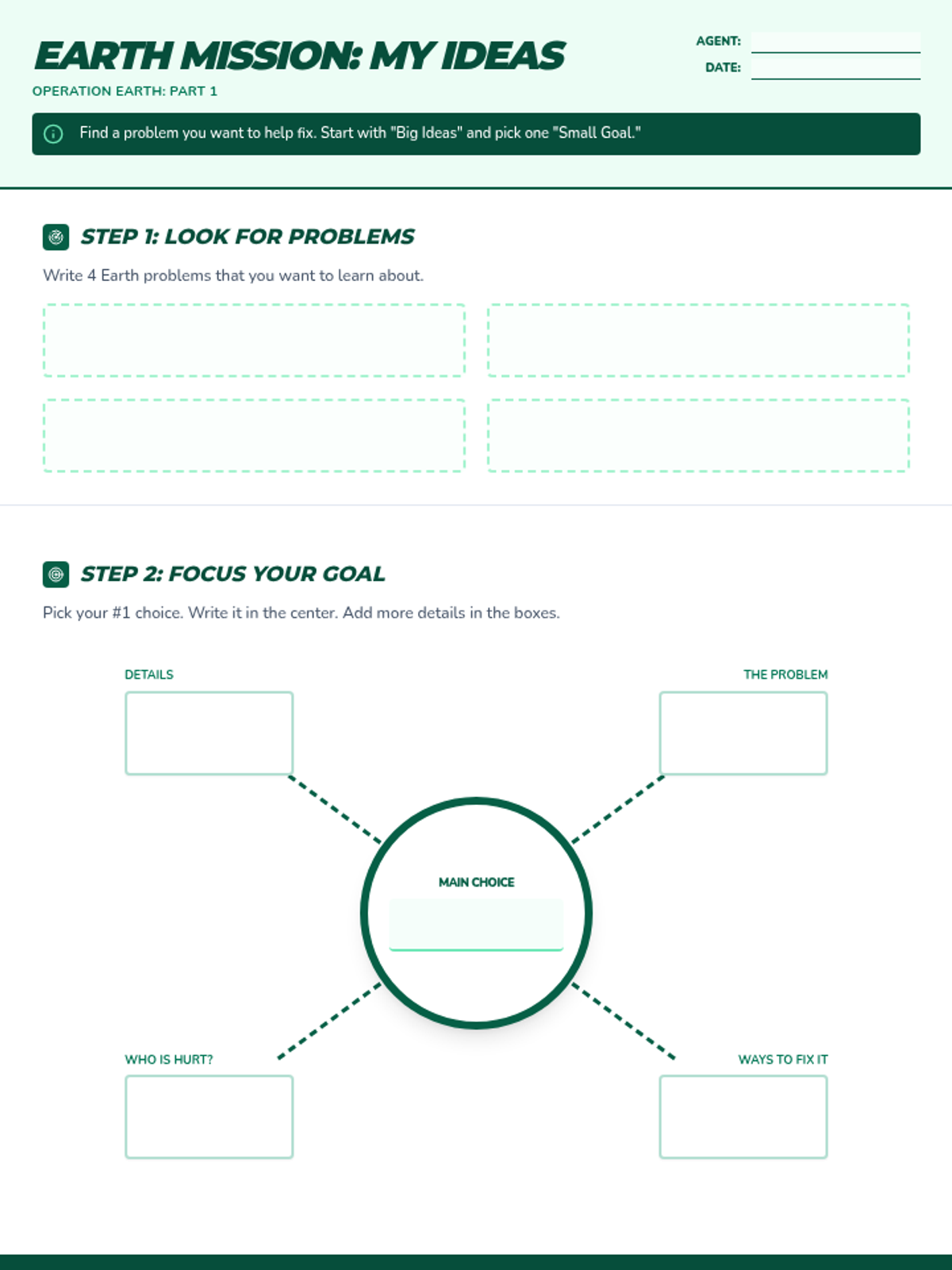
A mission-themed brainstorming worksheet for Operation Earth with simplified language for bilingual students. Scaffolds inquiry from basic facts to 'hard' questions using a question ladder and a central mind map.
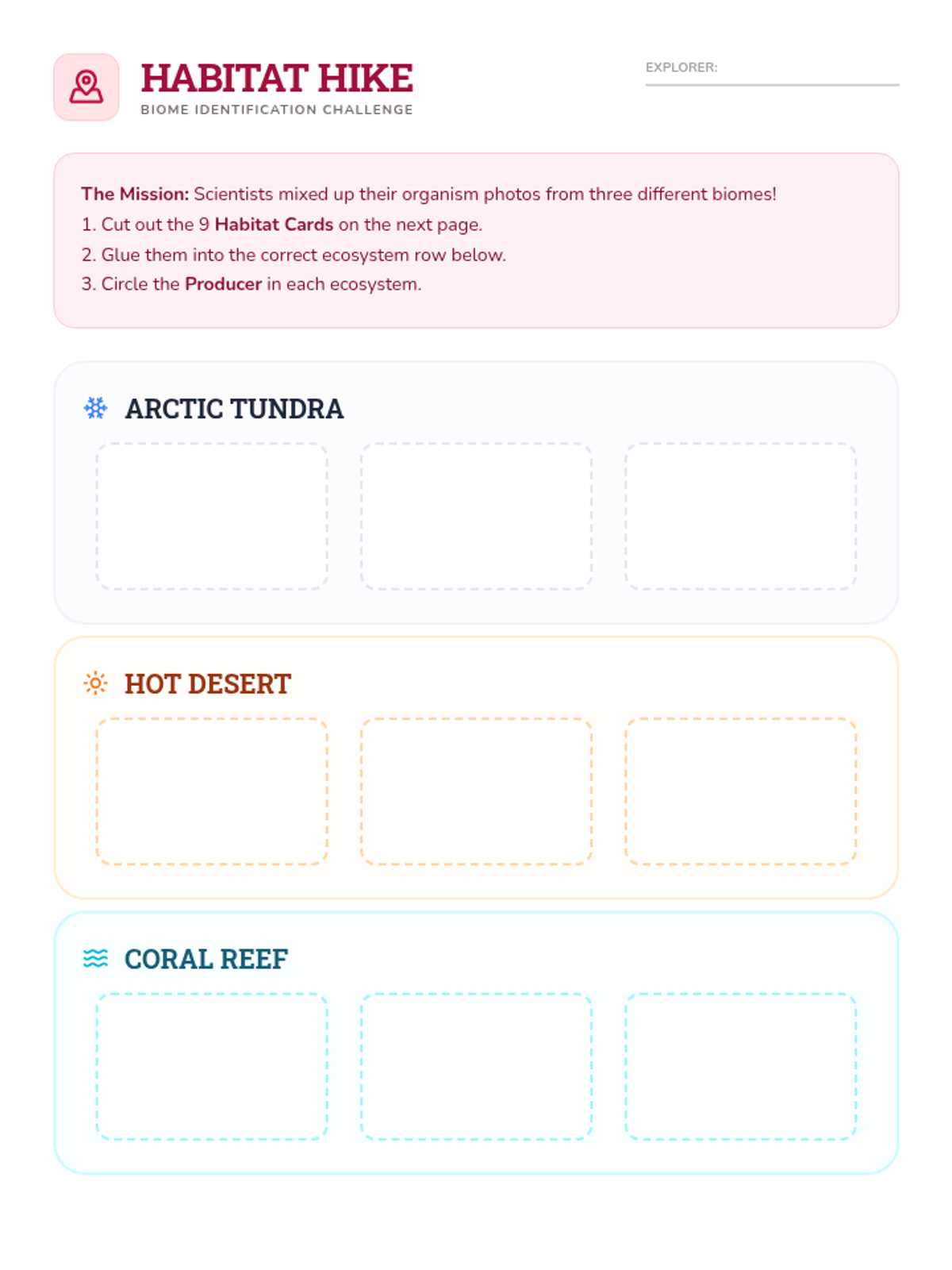
A two-page sorting activity where students match organisms from the Arctic, Desert, and Coral Reef to their correct ecosystems and identify producers.
A visual slide deck exploring energy flow in extreme ecosystems (Arctic, Desert, Reef) and introducing the concept of wildlife crossings.
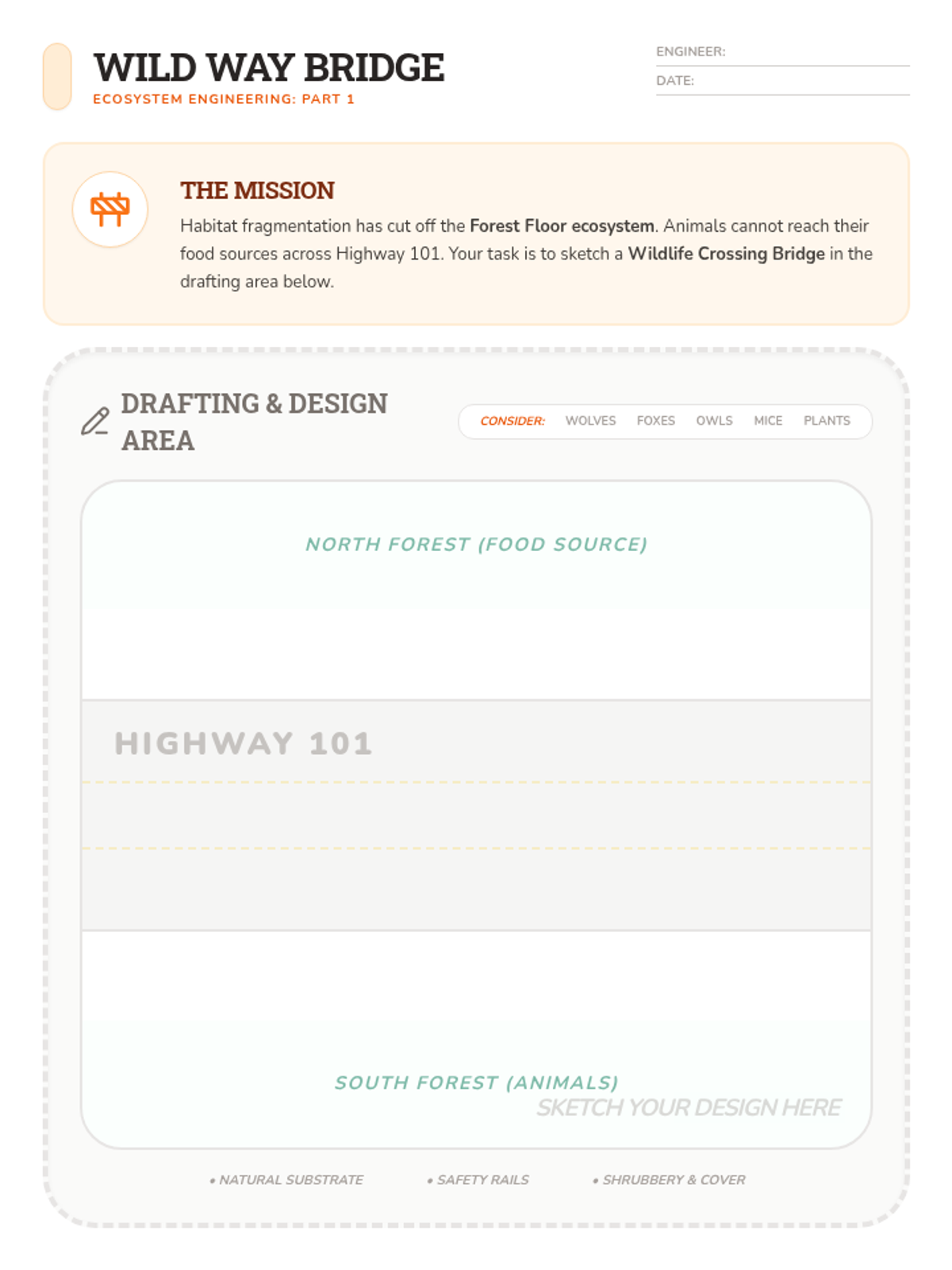
A creative two-page design activity where students draft a wildlife bridge to solve habitat fragmentation and analyze its impact on energy flow.
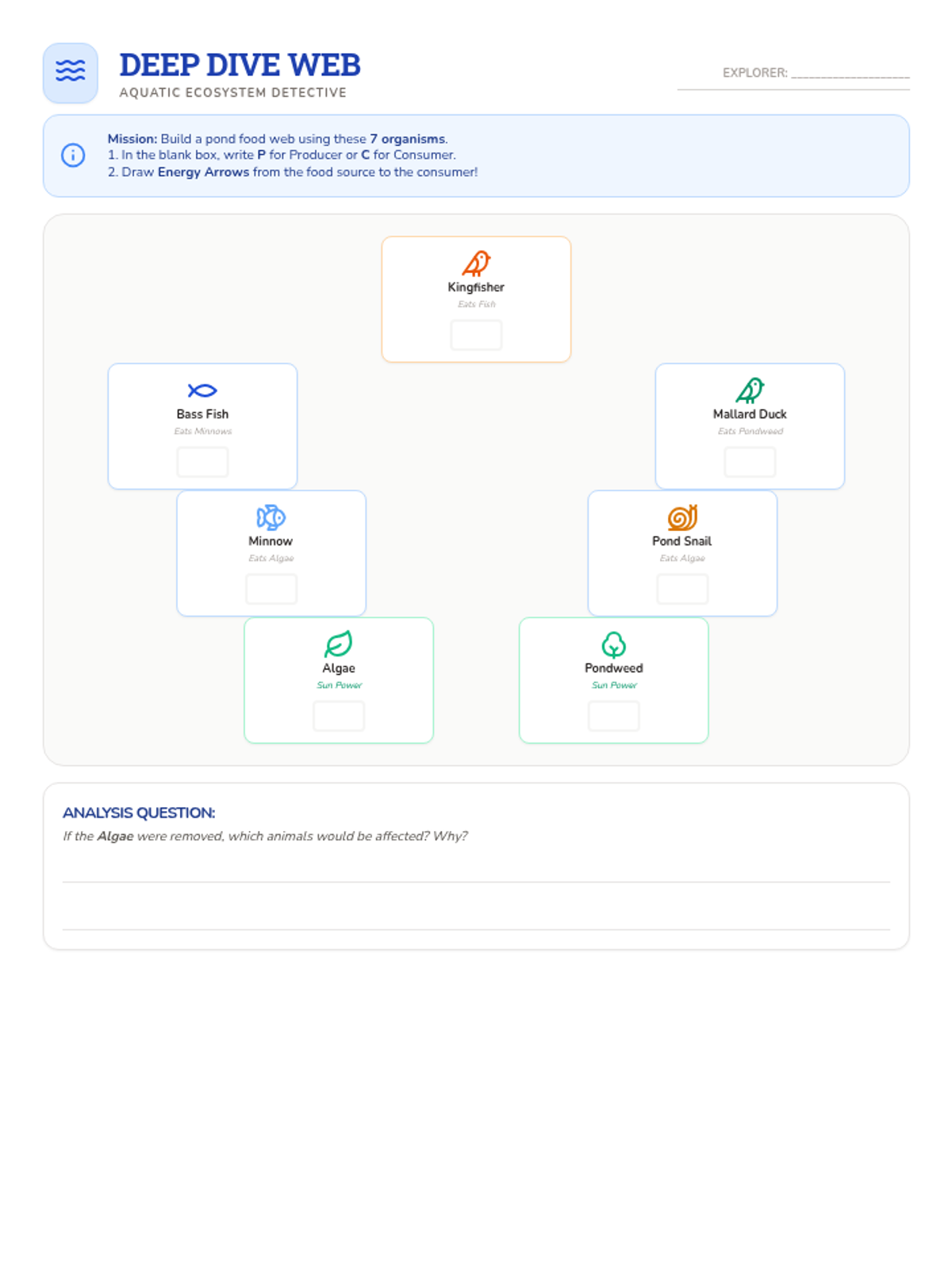
An aquatic food web worksheet where students identify producers/consumers and draw energy flow arrows for a pond ecosystem.
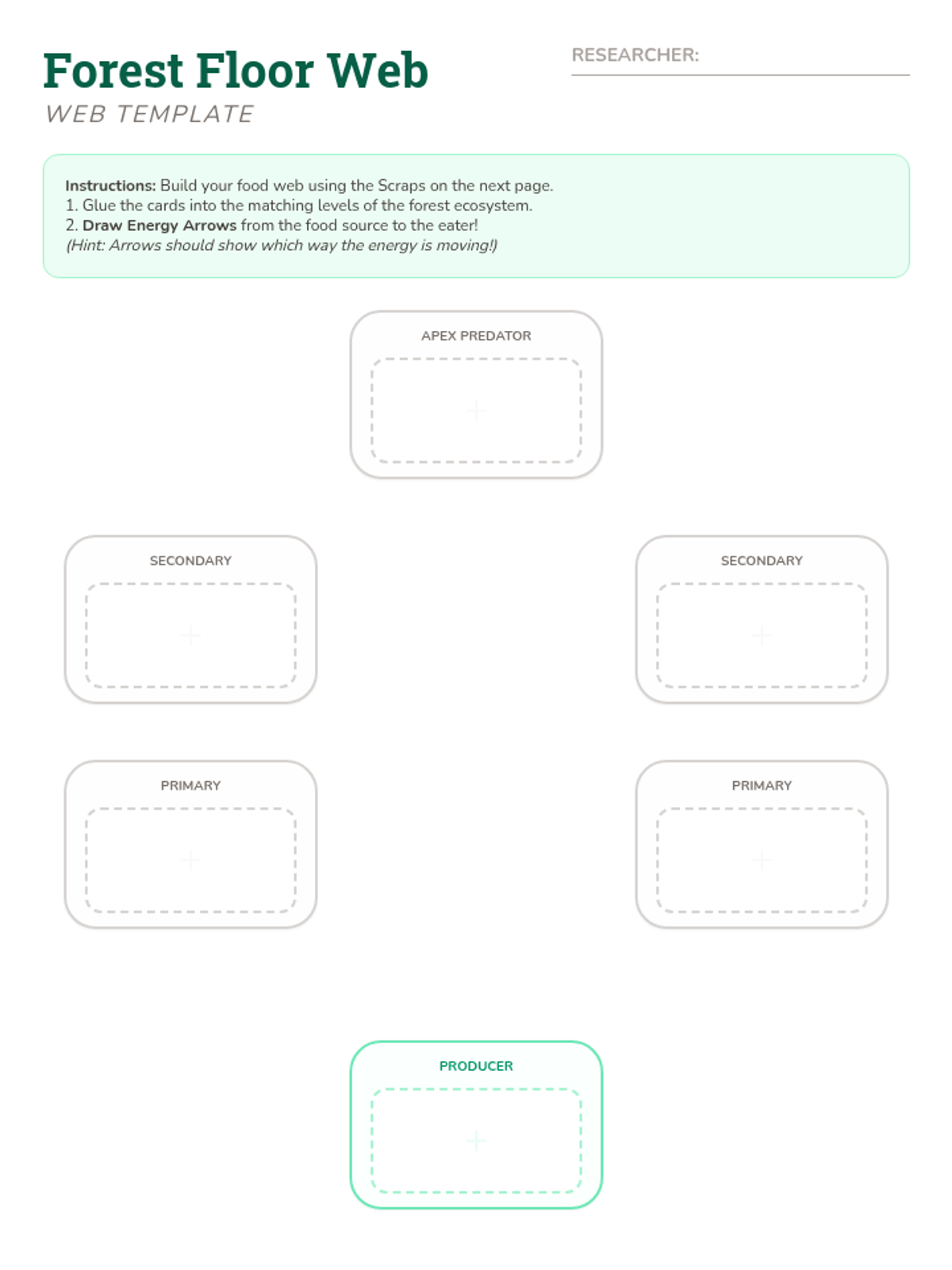
A two-page cut-and-paste activity where students build a terrestrial food web for a forest ecosystem and draw energy flow arrows.
A visual slide deck introducing food webs, the difference between food chains and webs, and contrasting terrestrial and aquatic energy foundations.
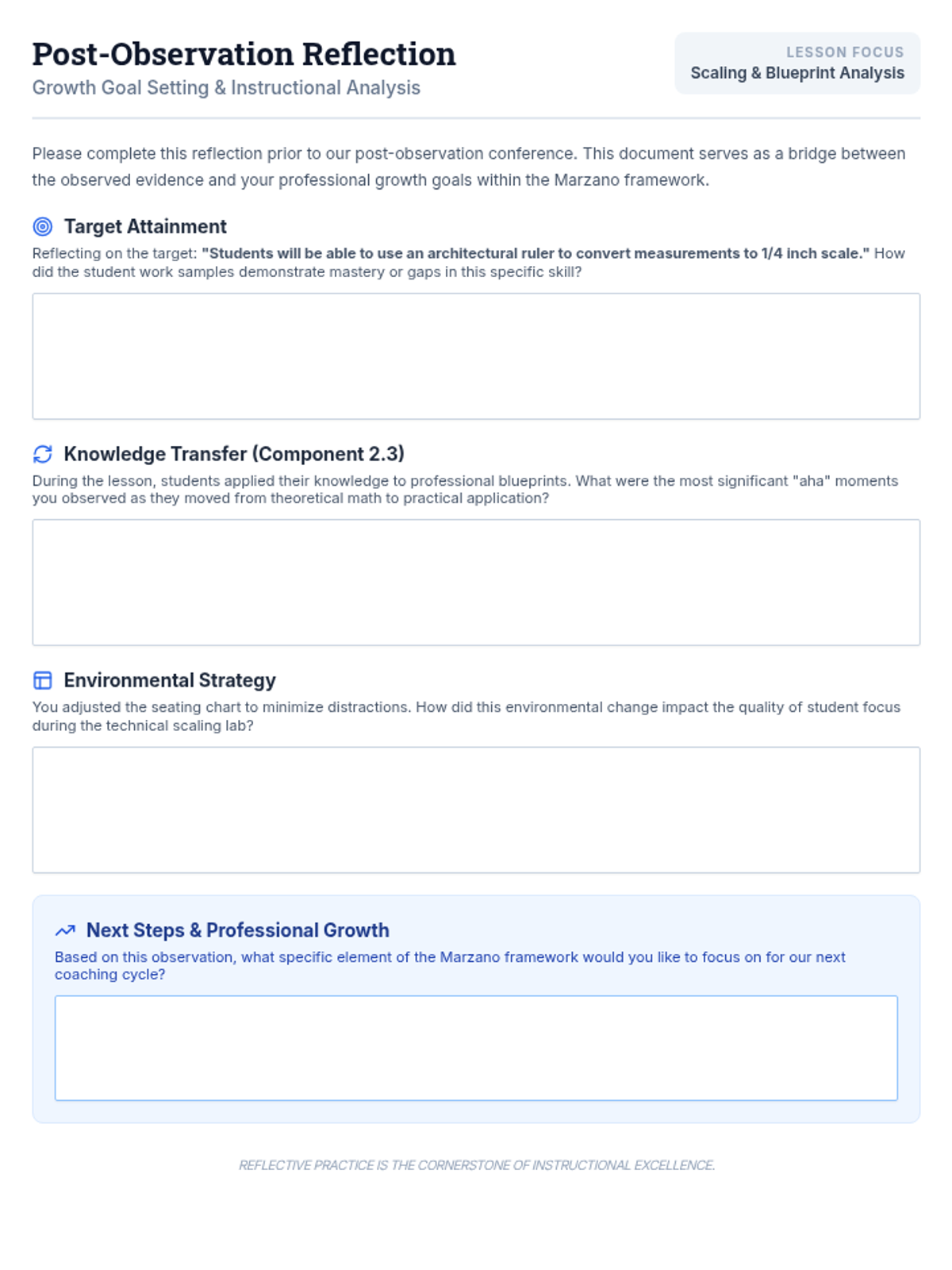
A teacher-facing reflection guide to be completed after the observation, designed to facilitate a productive post-conference discussion regarding scaling lessons and classroom management.
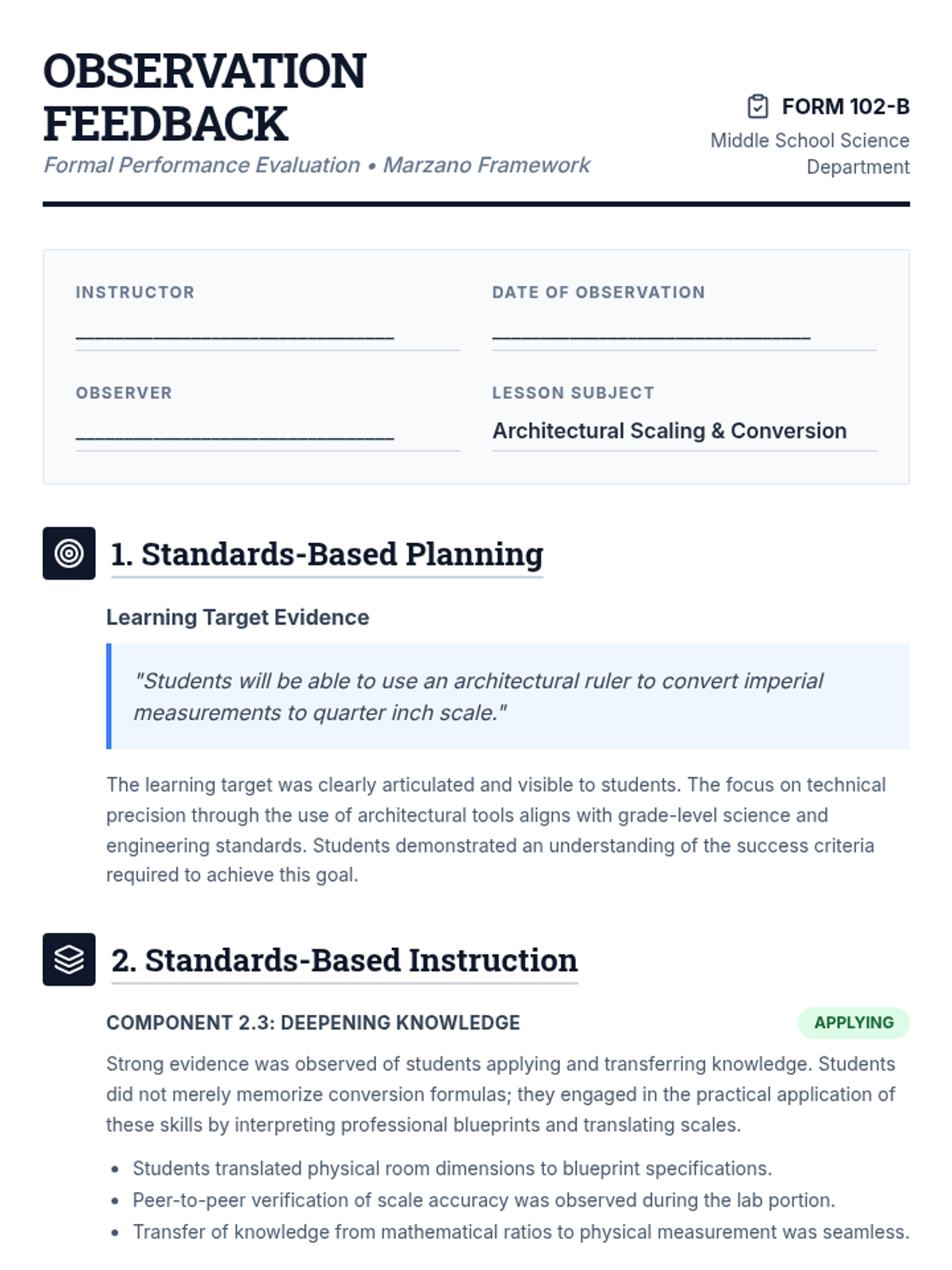
A formal teacher observation feedback document based on the Marzano framework, specifically addressing learning targets, instructional deep-dives into scale conversion, and classroom management strategies.
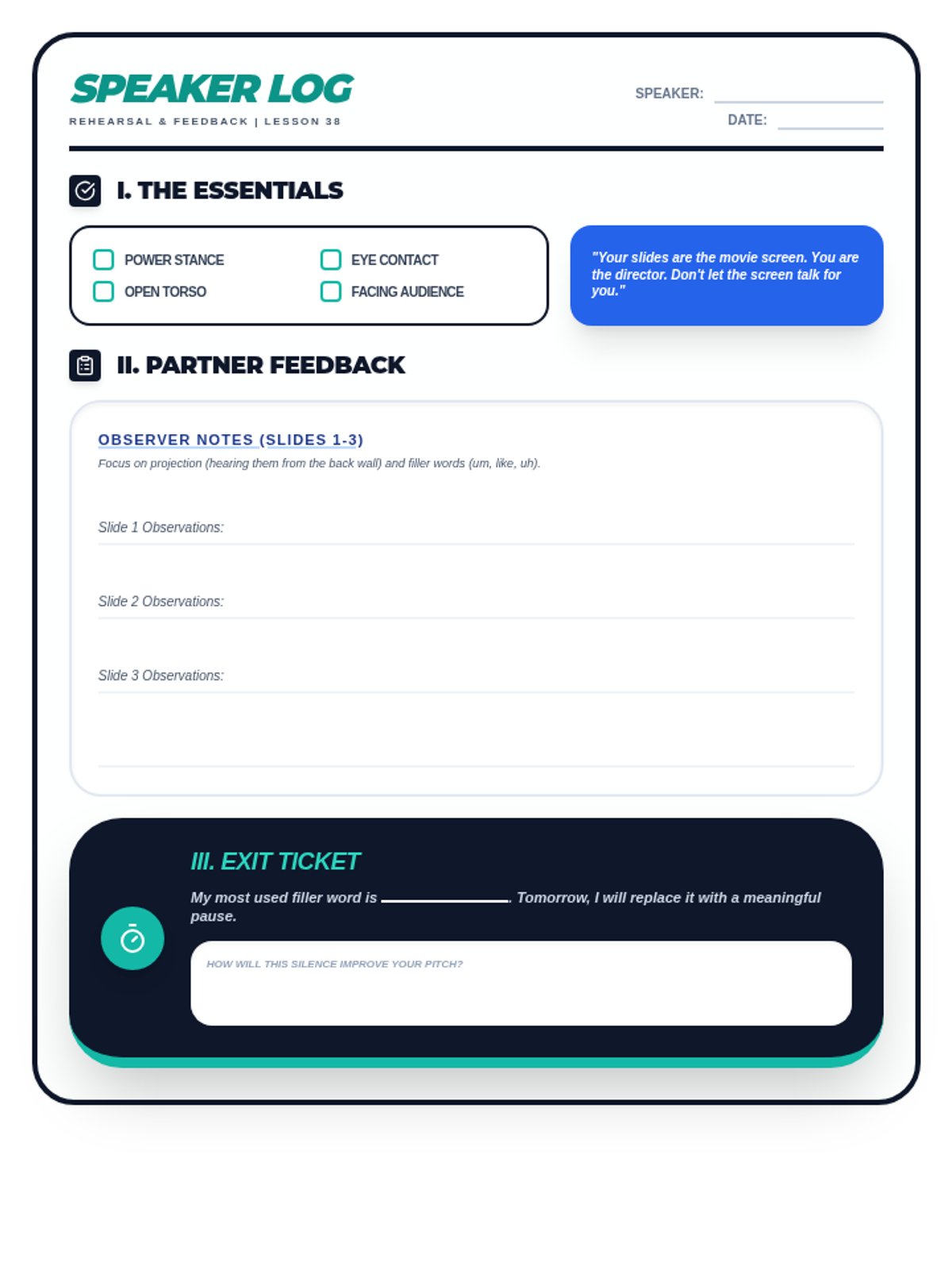
A student rehearsal log and peer-feedback worksheet for Lesson 38. Includes a non-verbal fundamentals checklist, space for partner feedback on projection and filler words, and an exit ticket for self-correction. Optimized for single-page printing.
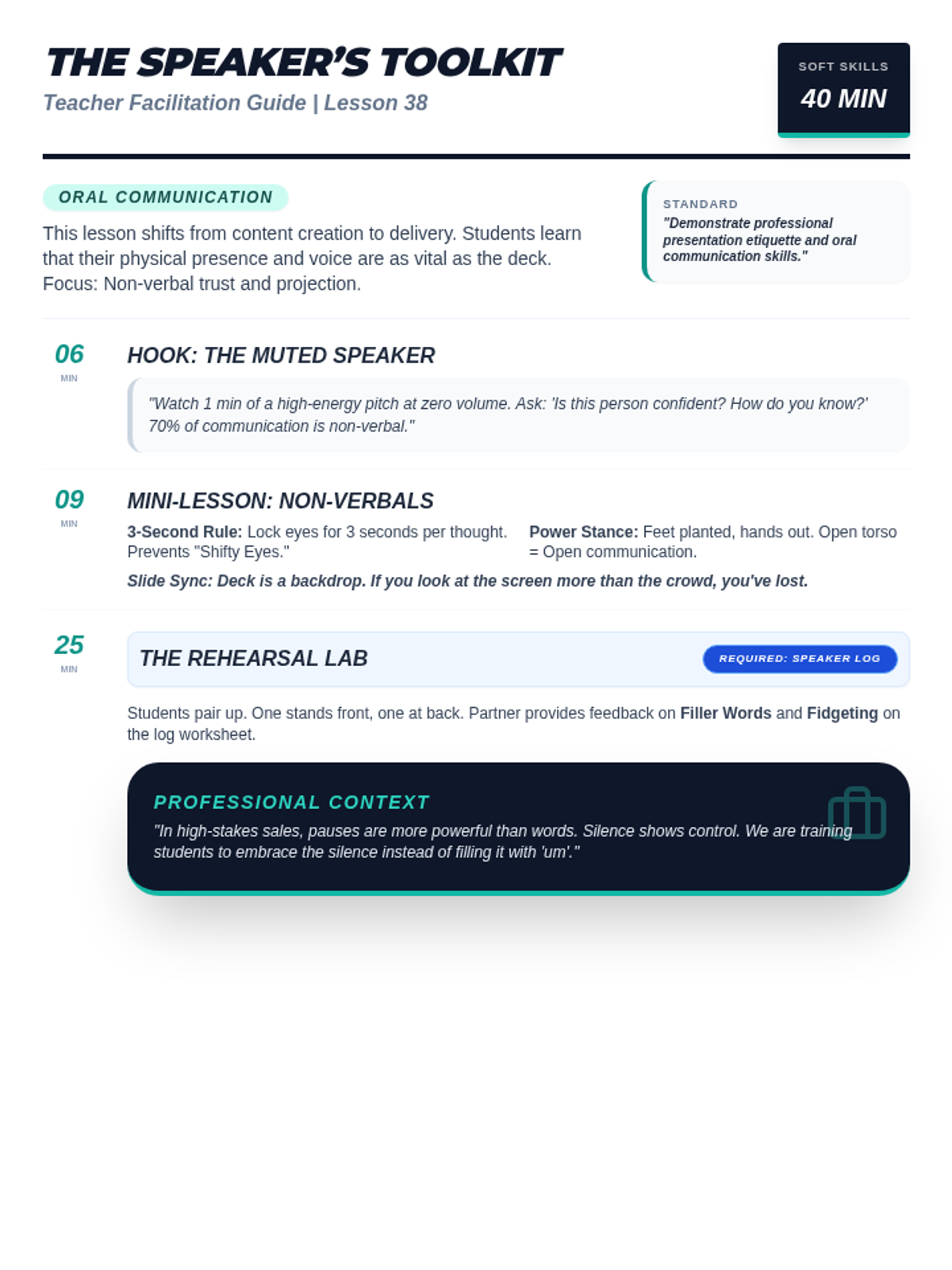
A facilitation guide for teachers covering Lesson 38: Public Speaking with Media. Includes instructional scripts for non-verbal communication, projection coaching tips, and professional speaking context. Optimized for single-page printing.
A high-impact slide deck for Lesson 38: Public Speaking with Media. Covers non-verbal communication, the speaker's toolkit (eye contact, posture), projection techniques, and a rehearsal roadmap.
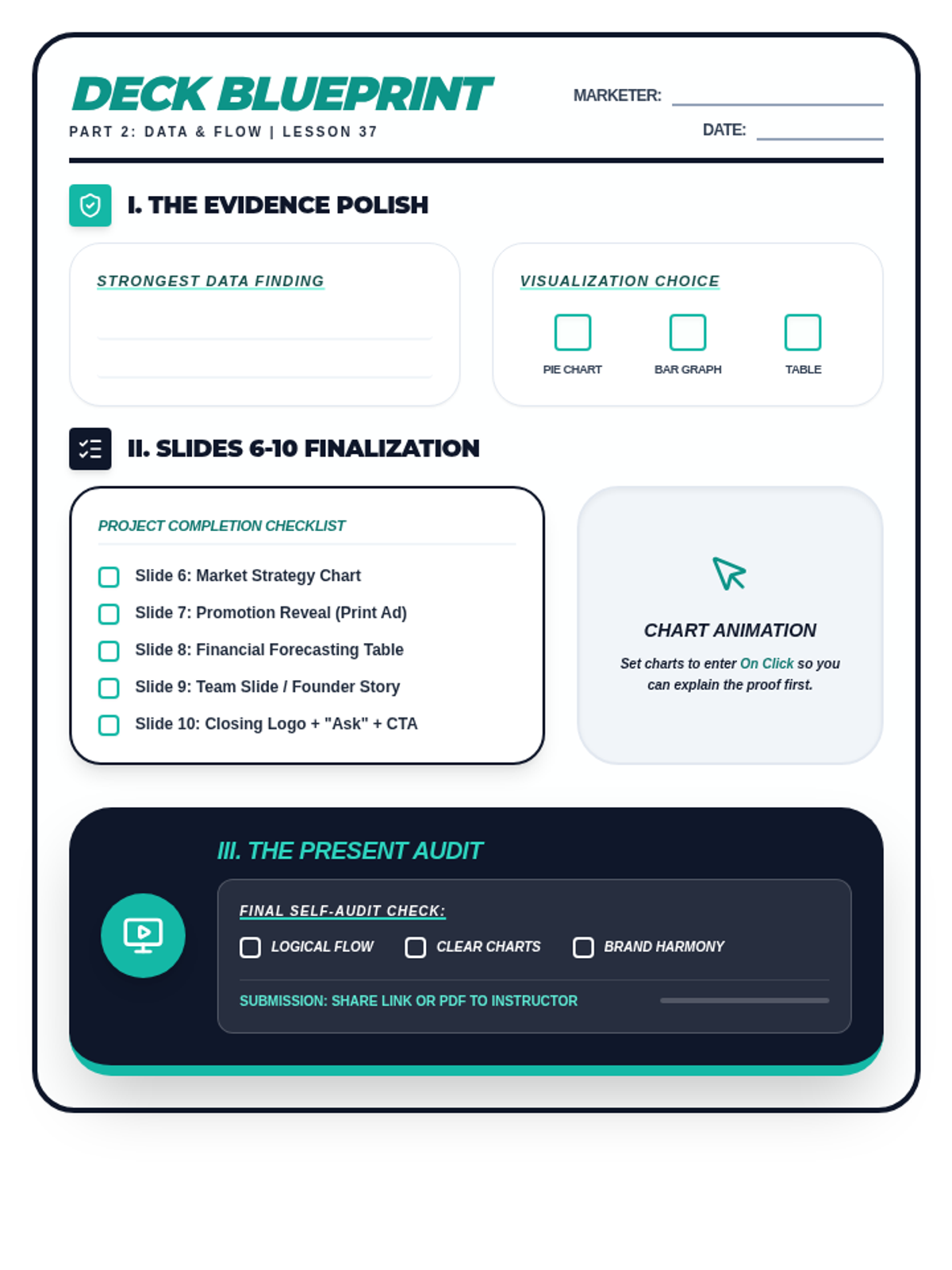
A student planning and checklist worksheet for Lesson 37. Includes a data proof strategy section, a slide asset checklist for the final five slides of the pitch deck, and a project self-audit checklist. Optimized for printing.
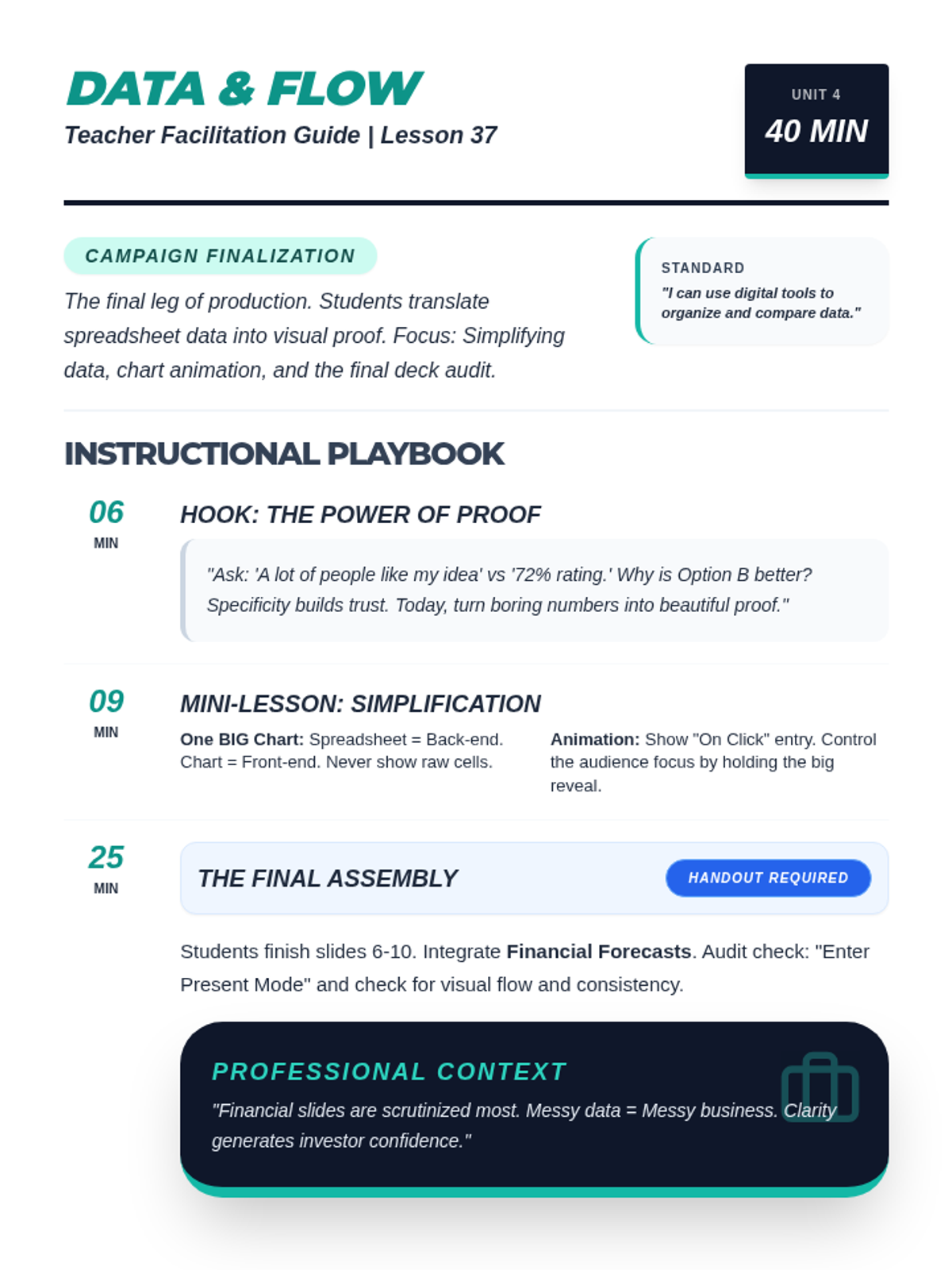
A comprehensive teacher facilitation guide for Lesson 37: Building the Deck. Includes pacing, simplification strategies for data slides, animation techniques, and professional context on financial scrutiny. Optimized for single-page printing.
A professional slide deck for Lesson 37 focusing on data integration and presentation flow. Covers chart simplification, animation for storytelling, and provides a final project checklist for the full pitch deck. Corrected numbering and syntax.
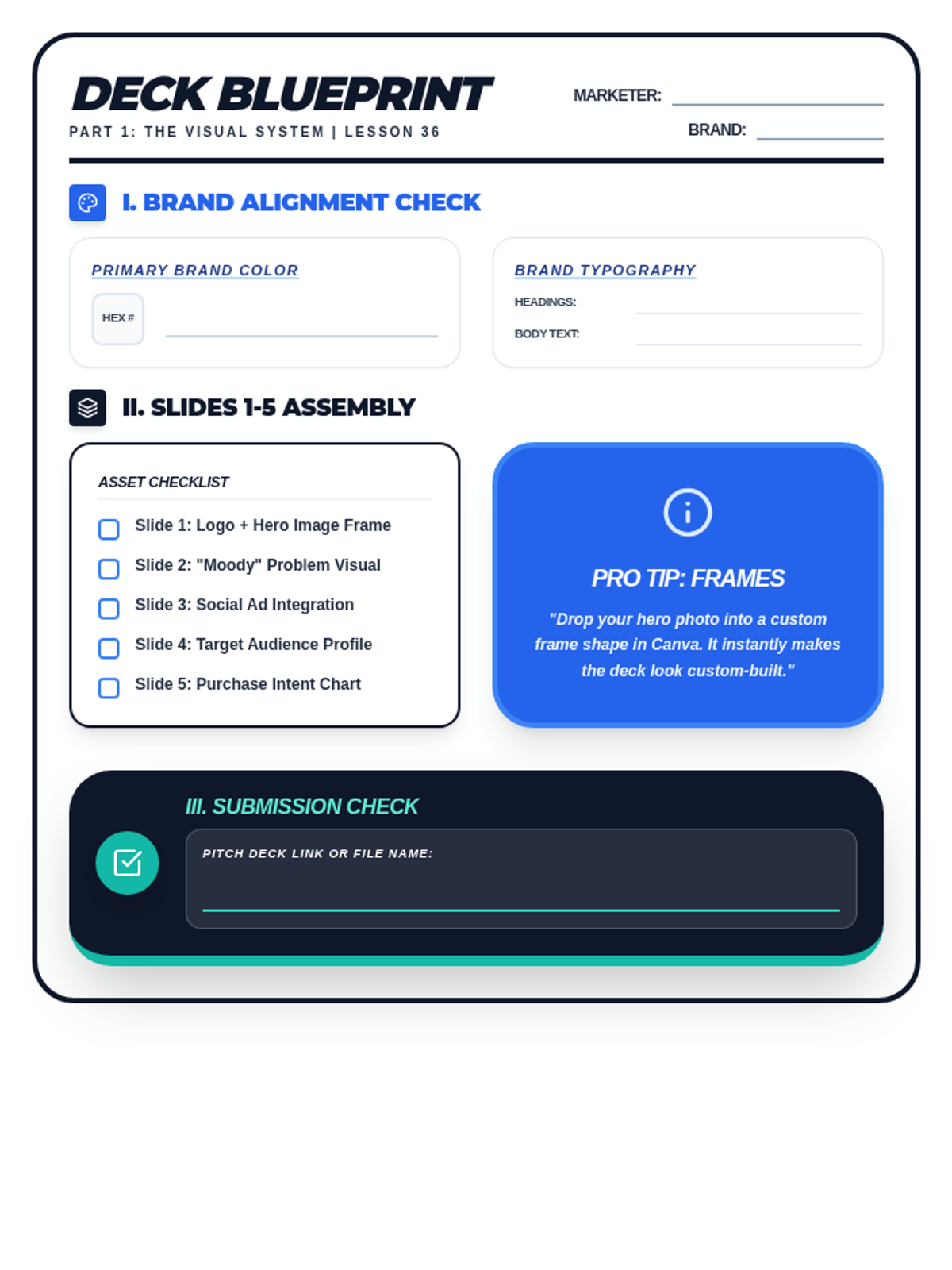
A student drafting and checklist worksheet for Lesson 36. Includes brand alignment fields for HEX codes and typography, a slide asset checklist for the first five slides, and a professional audit section for visual consistency. Optimized for printing.
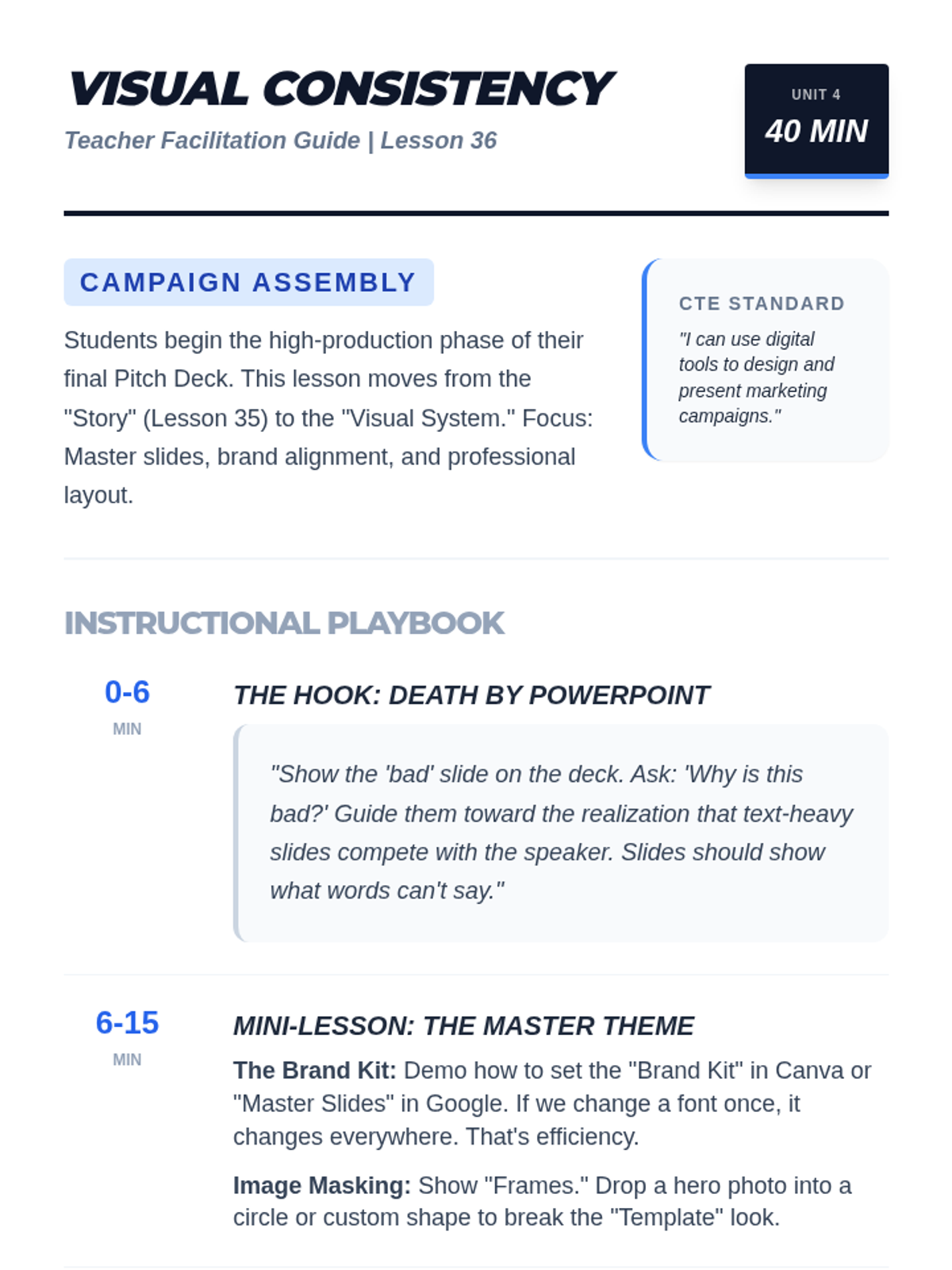
A comprehensive teacher facilitation guide for Lesson 36: Building the Deck. Includes instructional scripts for the 'Death by PowerPoint' hook, technical tips for master slides/frames, and professional marketing context.
A high-impact slide deck for Lesson 36 focusing on visual consistency in pitch decks. Covers the 'Death by PowerPoint' concept, master slide/branding techniques, and provides a clear checklist for the first five slides of the final project.
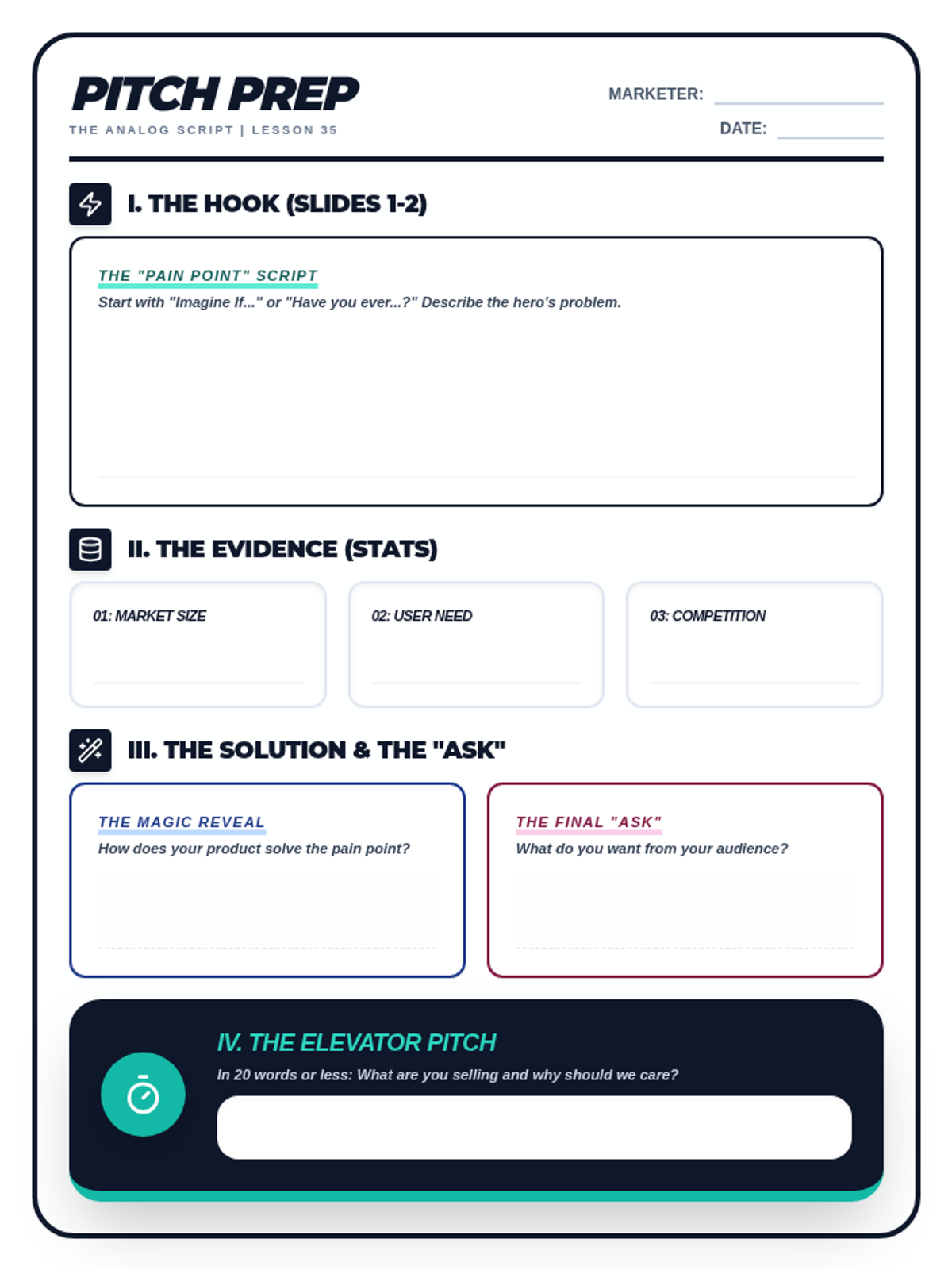
A student drafting worksheet for Lesson 35: The Anatomy of a Pitch. Includes space for scripting the 'Pain Point' hook, identifying key data points from research, outlining the solution/reveal, and crafting a 20-word elevator pitch. Optimized for single-page printing.
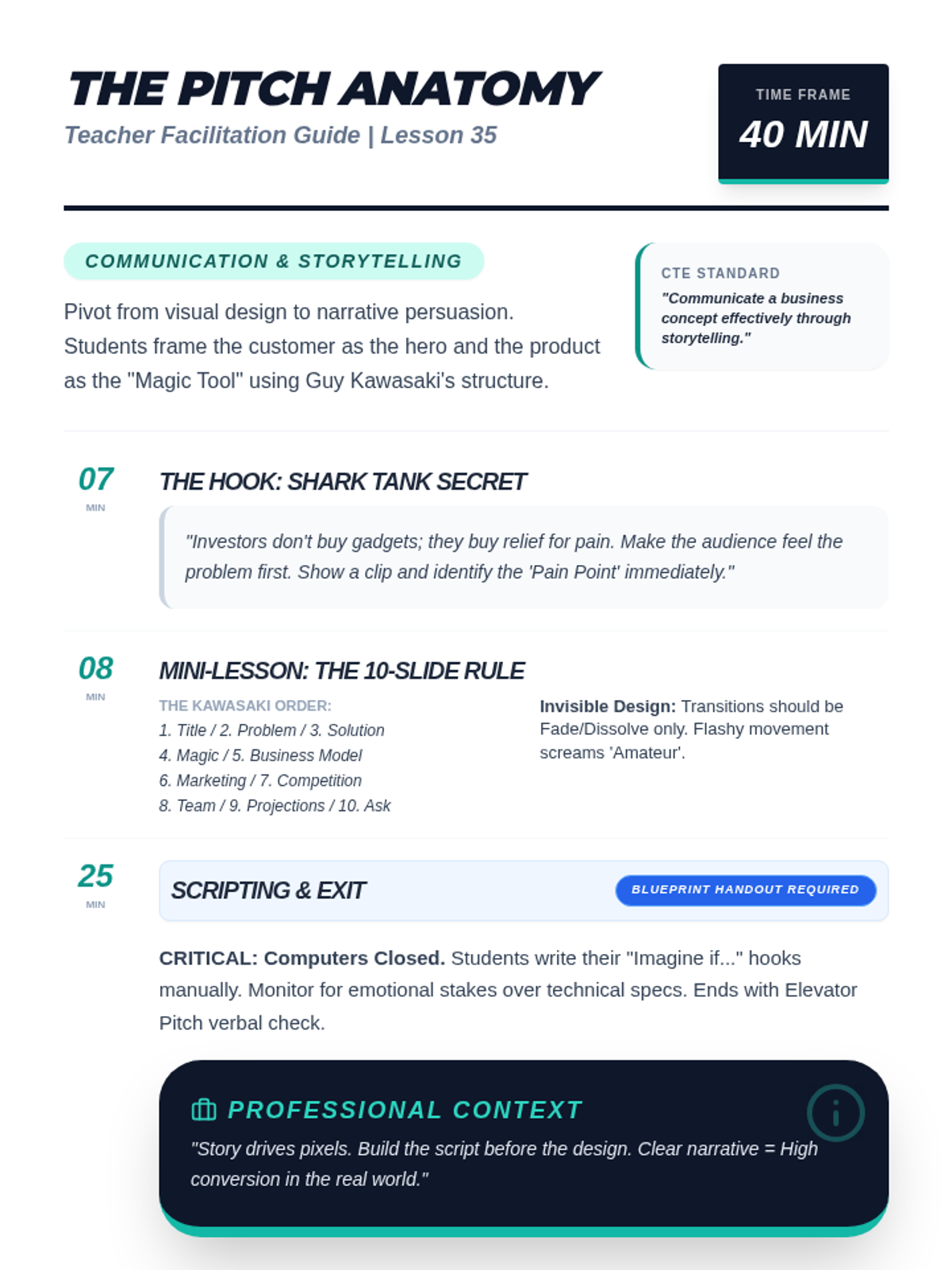
A comprehensive teacher facilitation guide for Lesson 35: The Anatomy of a Pitch. Includes instructional scripts for the Shark Tank hook, Guy Kawasaki structure notes, and pacing for the analog scripting activity. Optimized for single-page printing.
A professional slide deck for Lesson 35: The Anatomy of a Pitch. Covers the problem-solution story arc, the 10-Slide Rule, 'invisible' slide transitions, and provides an activity roadmap for drafting a script.
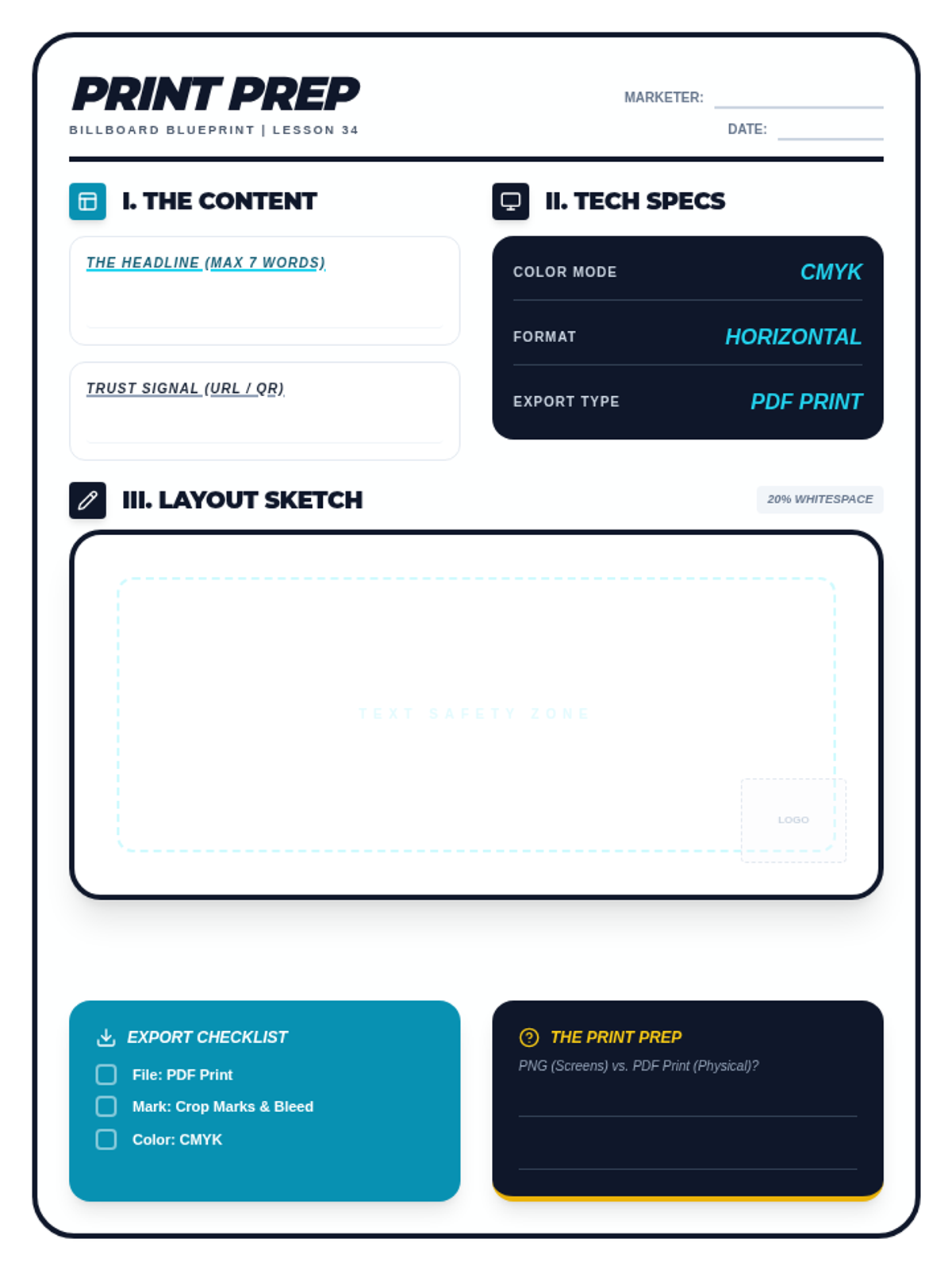
A student layout and planning worksheet for Lesson 34: The Print Ad. Includes sections for headline drafting, technical print specs, a horizontal billboard sketch area with safety zones, and a final export checklist.
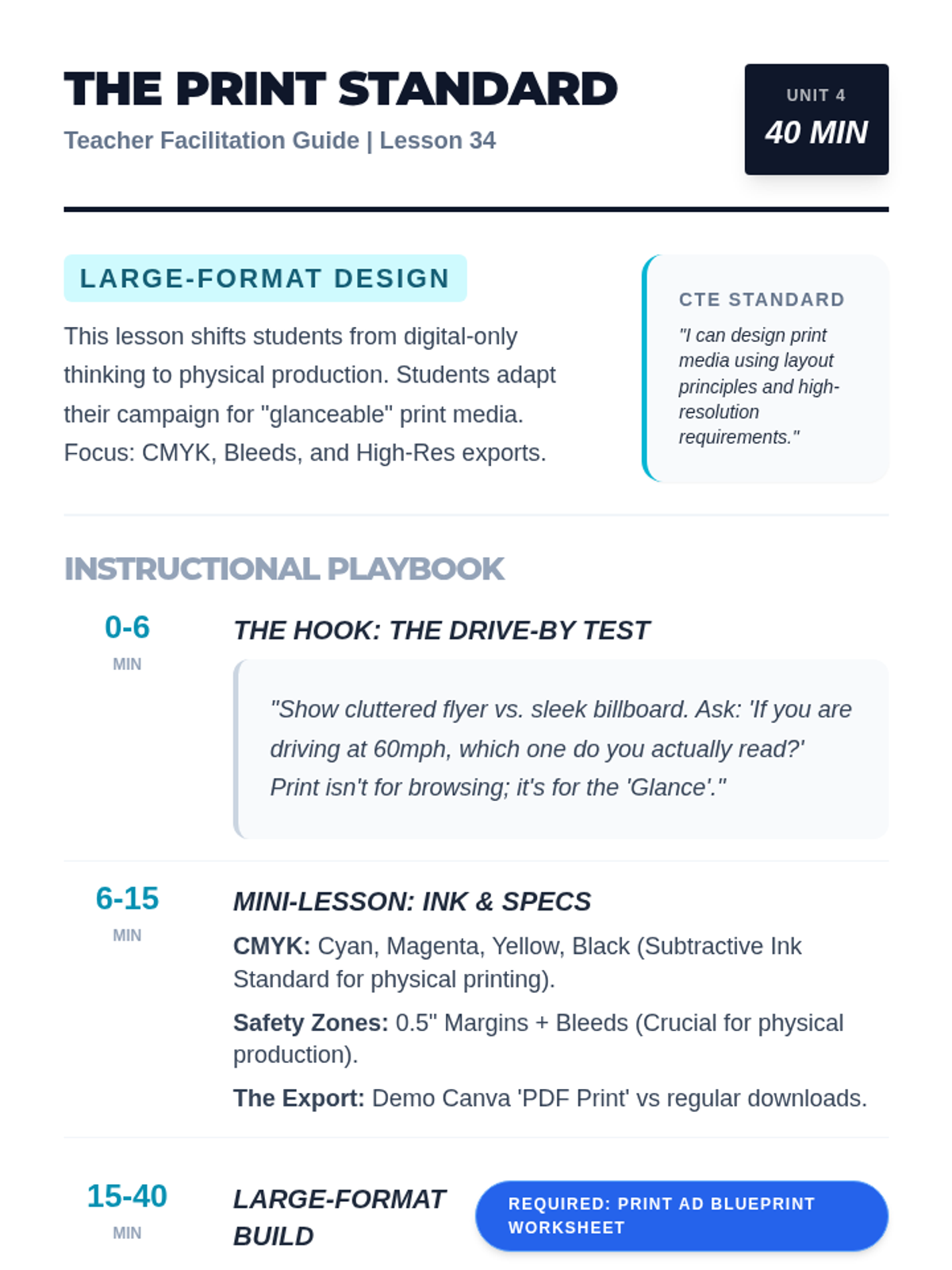
A teacher facilitation guide for Lesson 34: The Print Ad. Includes technical instruction on CMYK subtractive color modes, bleed/margins, and facilitation notes for the 'Drive-By Test' hook.
A high-impact slide deck for Lesson 34: The Print Ad. Covers the 'Drive-By Test' for glanceability, RGB vs CMYK color modes, bleed/margins for production, and billboard design requirements.
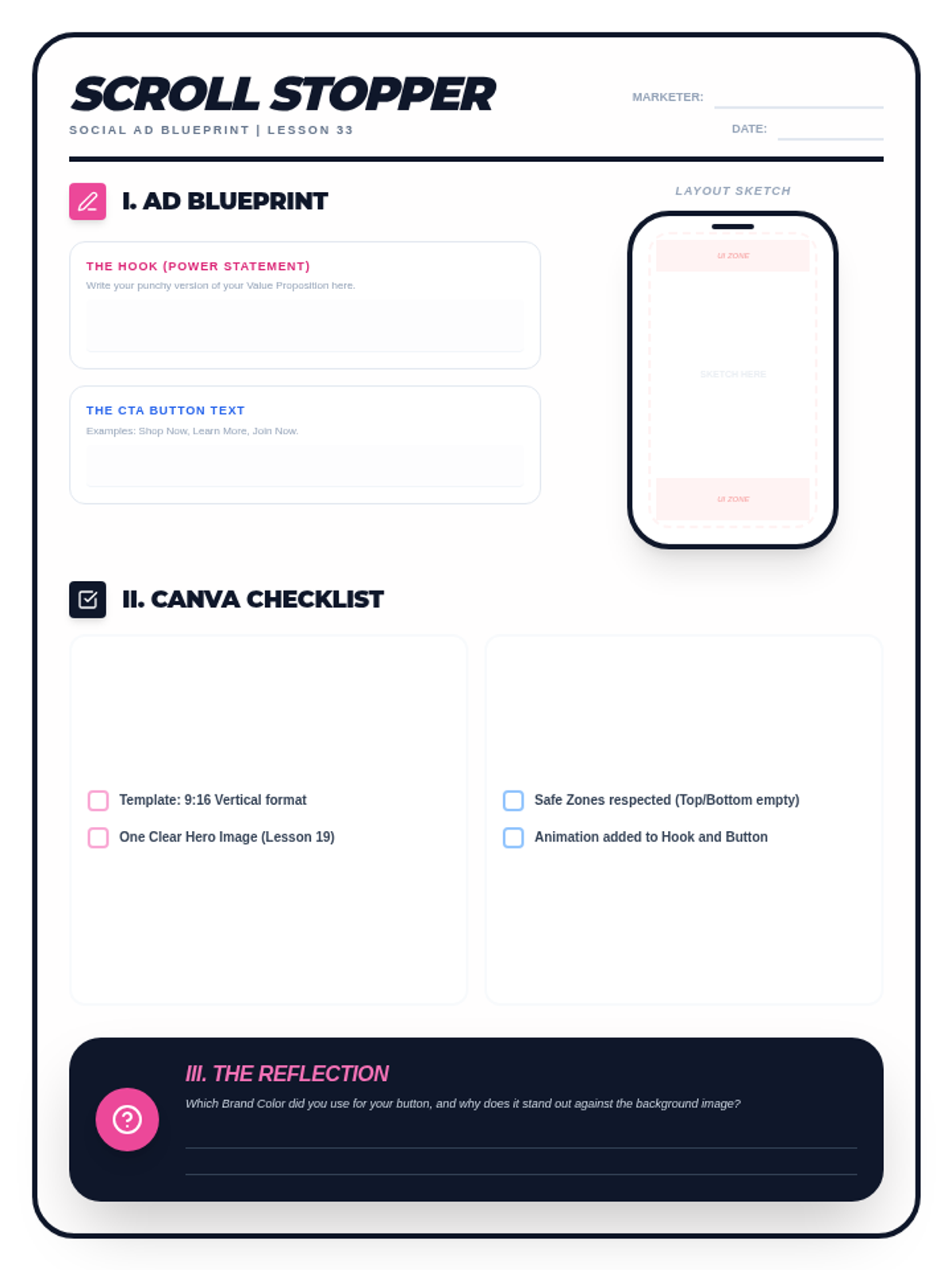
A student planning and checklist worksheet for Lesson 33. Includes drafting space for hooks and CTAs, a vertical layout sketch area with safe zones, and a production checklist for Canva.
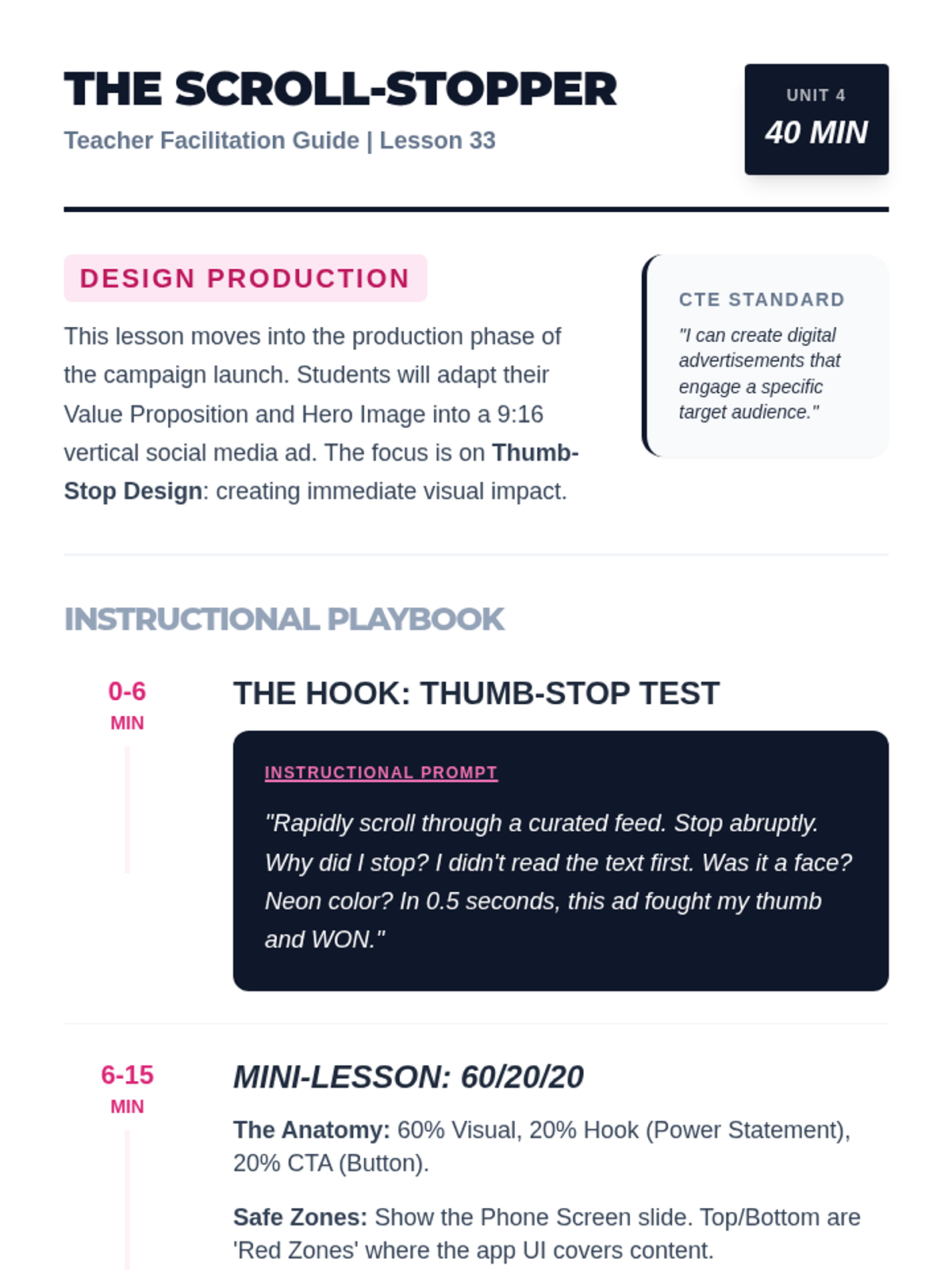
A teacher facilitation guide for Lesson 33: The Social Media Ad. Includes pacing, discussion prompts, and success criteria for student-designed ads.
A high-energy slide deck for Lesson 33 focusing on creating social media ads. Includes the Thumb-Stop Test hook, anatomy of a scroll-stopper ad, 9:16 safe zones, and animation techniques in Canva.
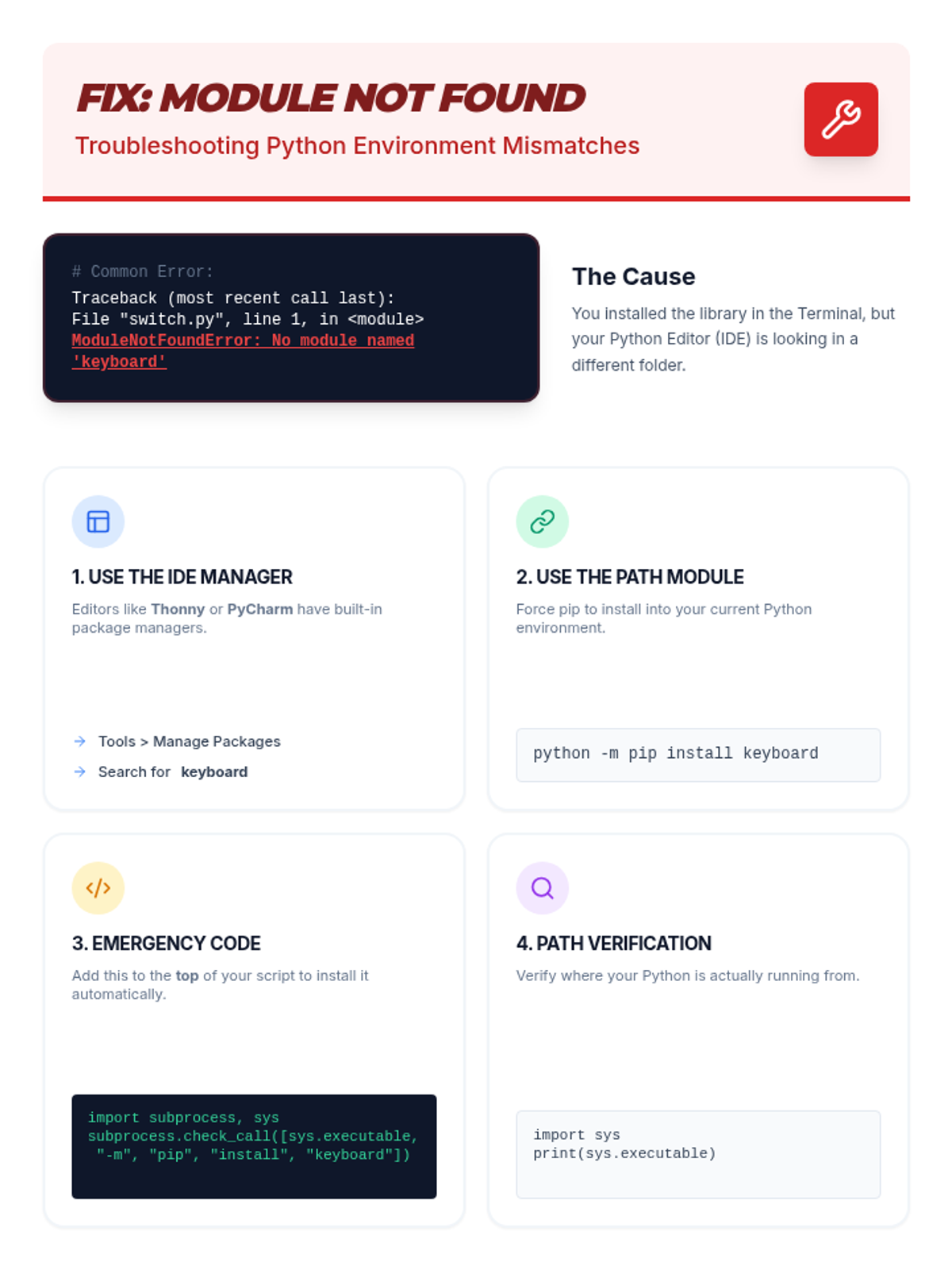
A technical troubleshooting guide specifically for resolving 'ModuleNotFoundError' issues when installing the keyboard library. Provides four concrete solutions including IDE package management, path matching, and emergency script-based installation.
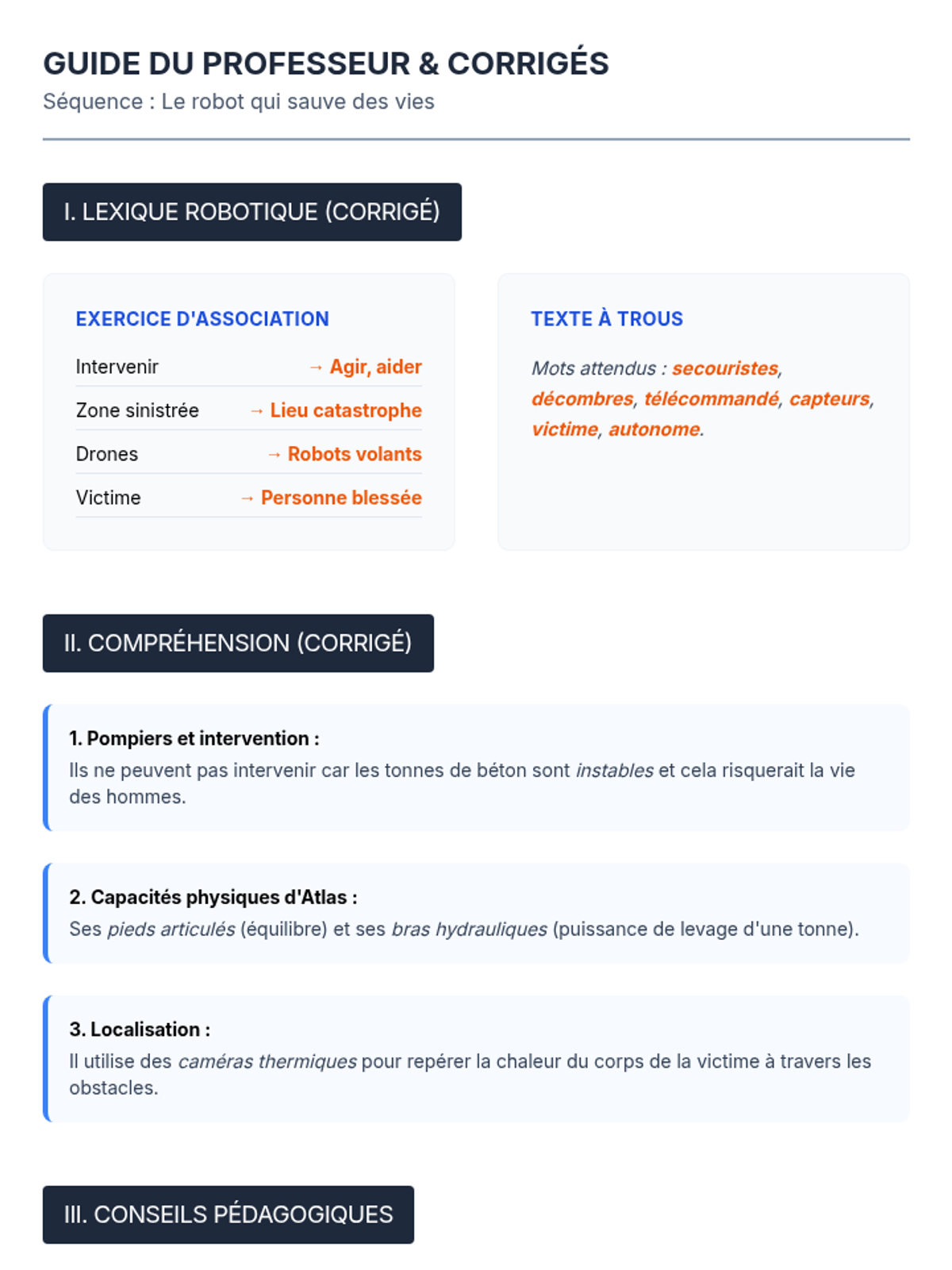
Un guide complet pour l'enseignant incluant les corrigés des exercices, des pistes de différenciation pour les différents niveaux du collège et un barème de notation pour la rédaction.
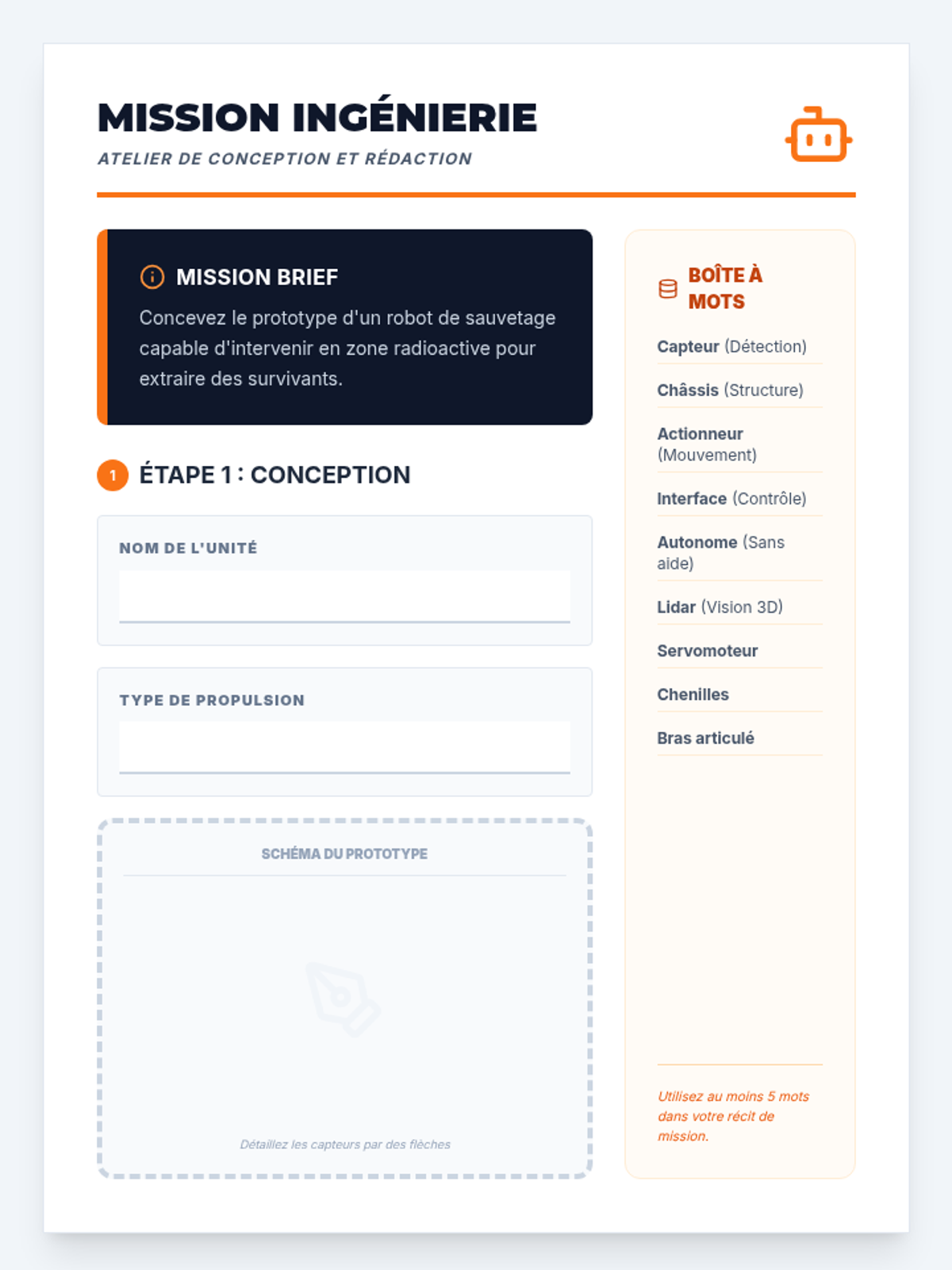
Un guide de rédaction créative où les élèves conçoivent leur propre robot de sauvetage avant d'écrire le récit de sa première mission.
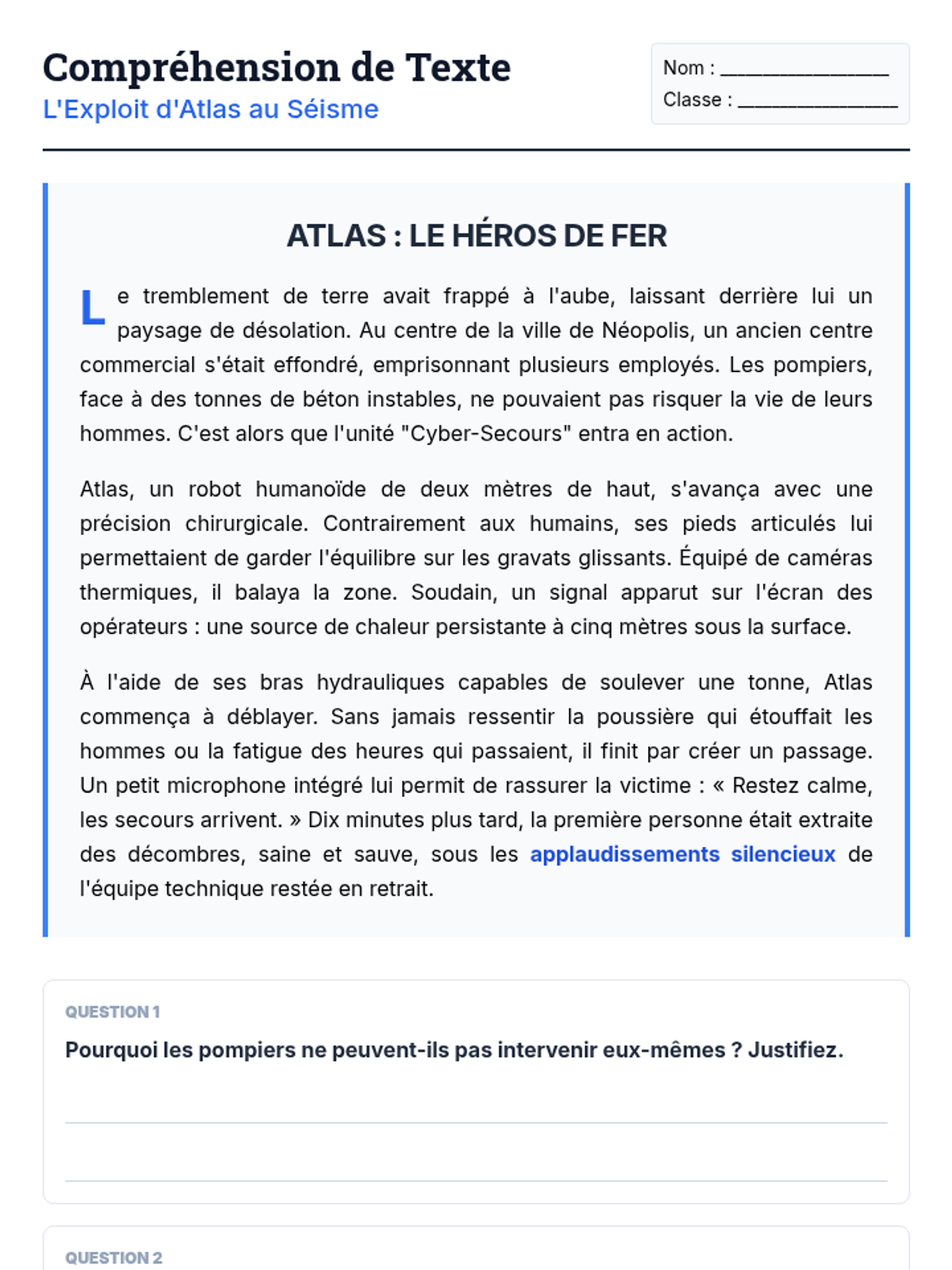
Un texte narratif sur un sauvetage effectué par un robot humanoïde, accompagné de questions de compréhension pour tester l'analyse et la lecture fine.
Une présentation dynamique introduisant les enjeux, les types de robots et des exemples concrets pour lancer le débat sur la robotique de sauvetage.
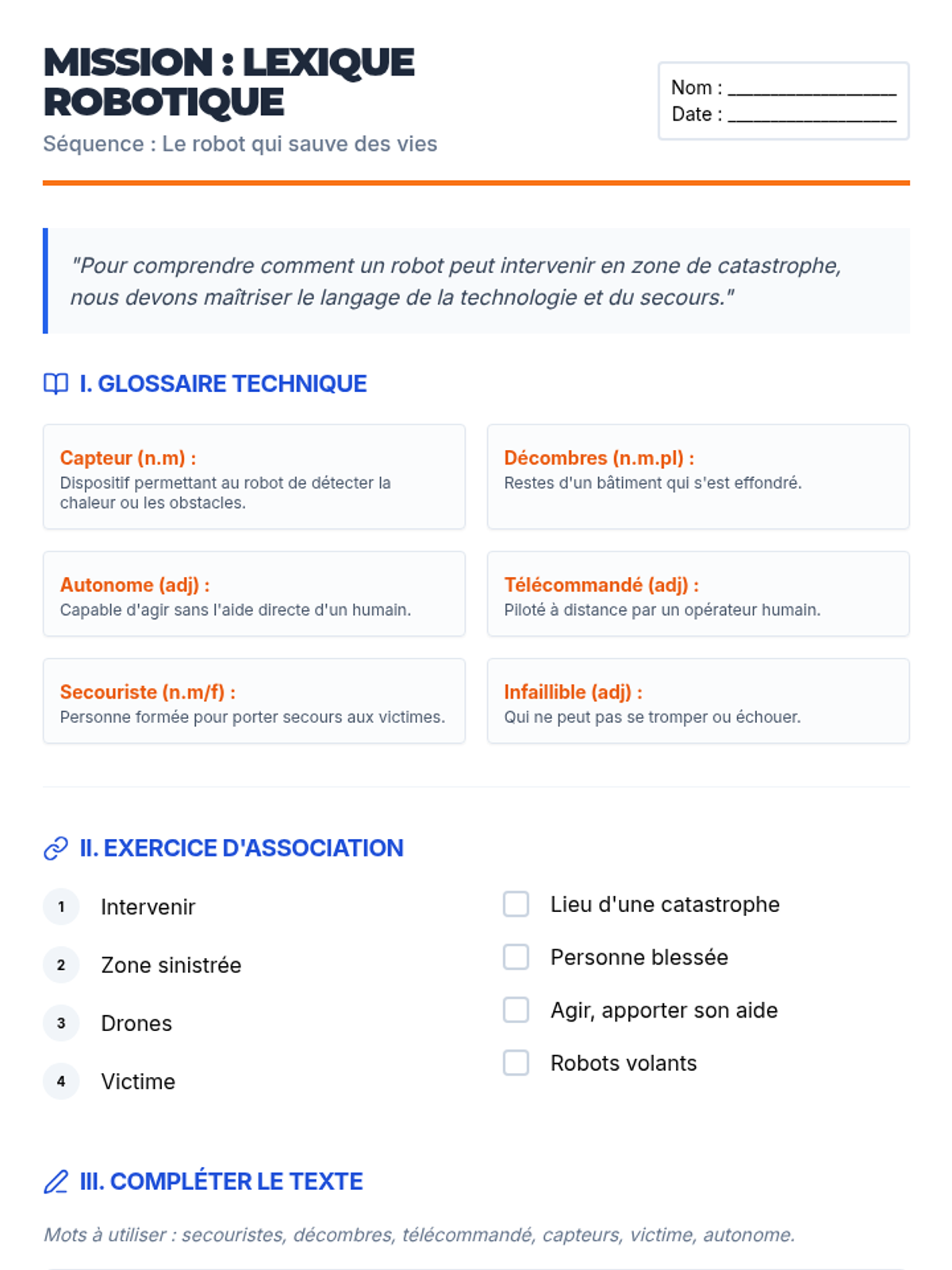
Une fiche de vocabulaire complète avec glossaire technique, exercices d'association et texte à trous pour maîtriser le lexique de la robotique de secours.
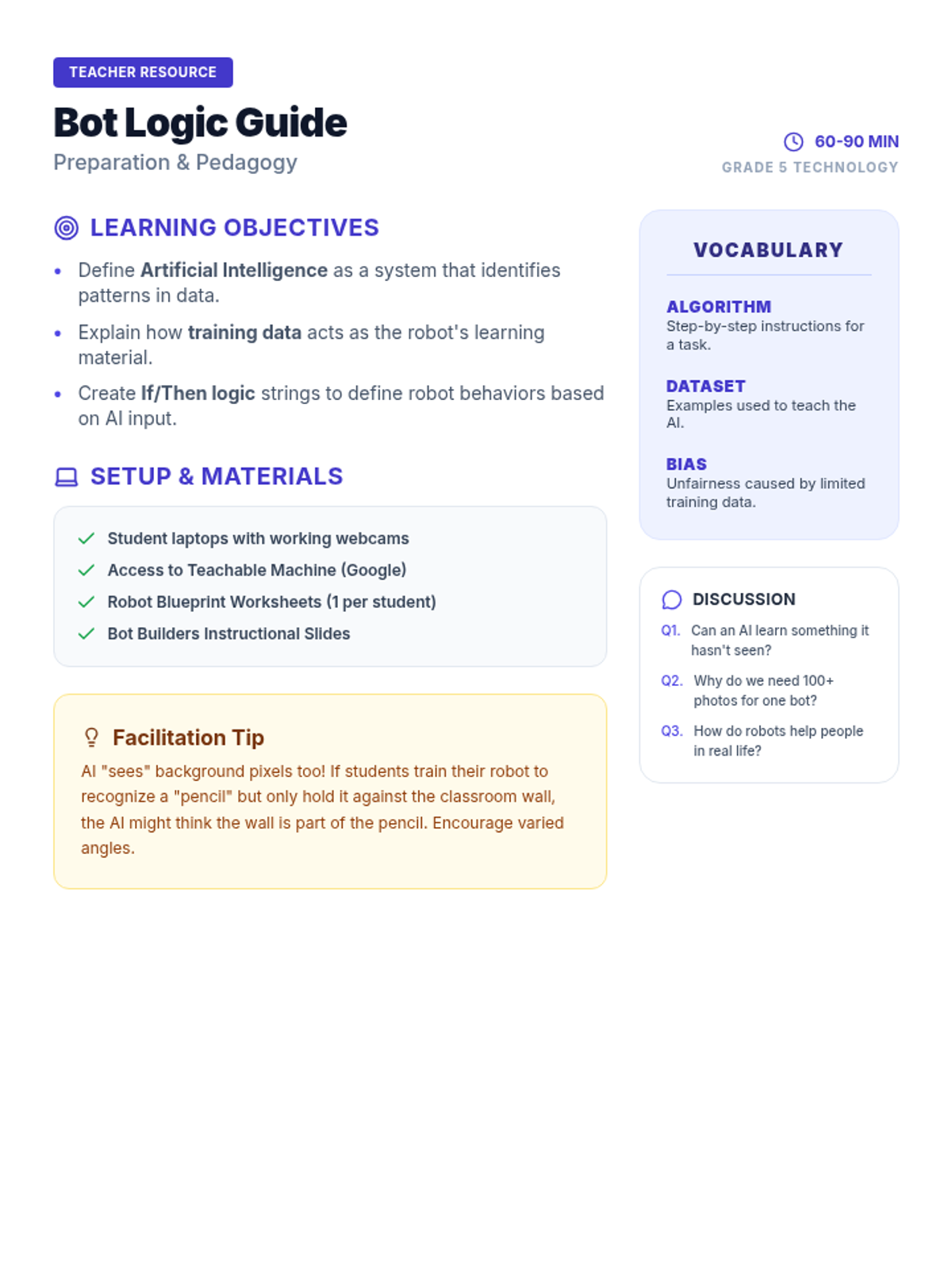
A facilitation guide for teachers including learning objectives, vocabulary, a detailed pacing guide, and technical tips for leading an AI training activity.
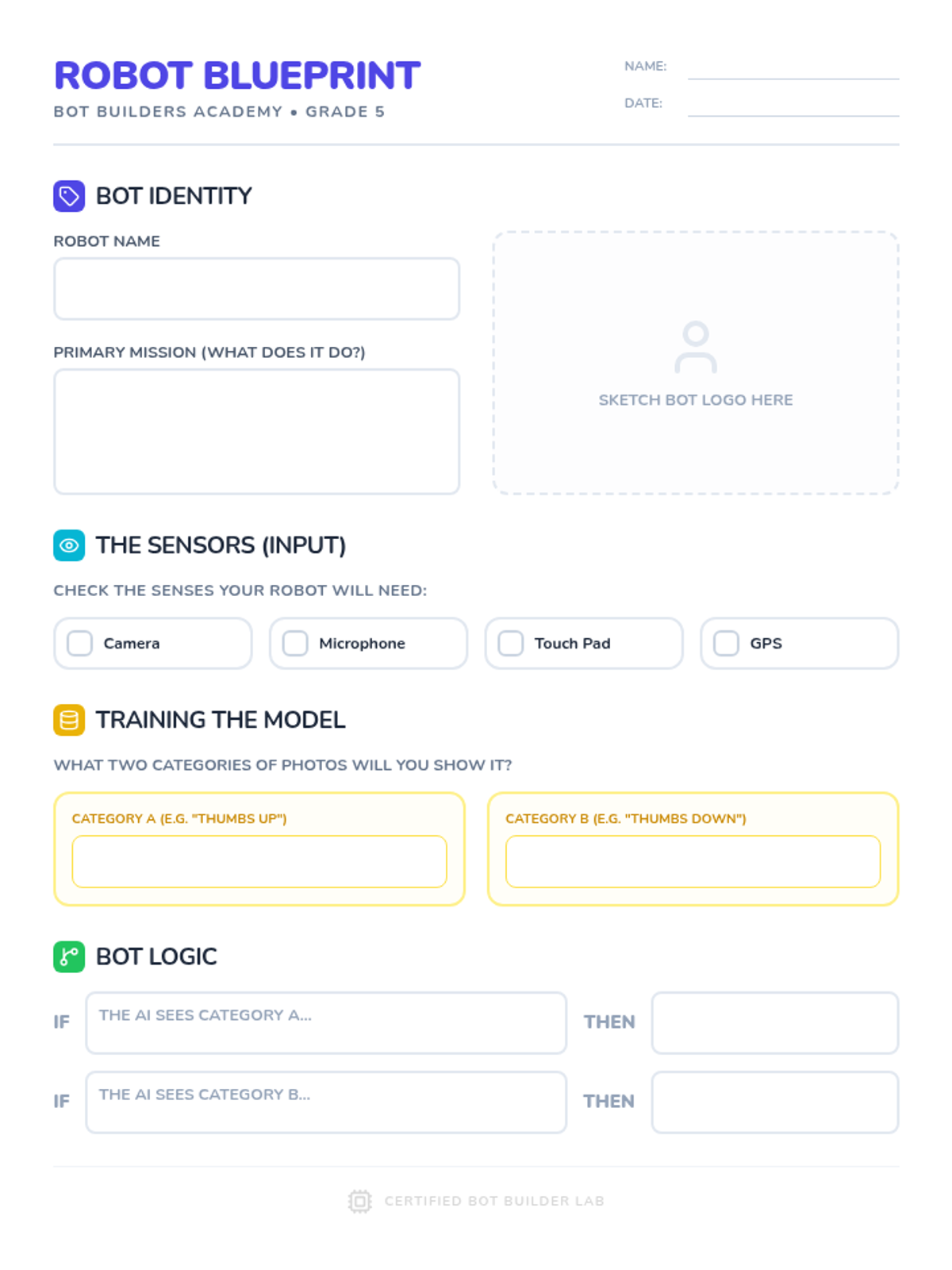
A planning worksheet for students to design their AI robot, including its mission, necessary sensors, training data categories, and basic logic (If/Then statements).
A visual slide presentation for 5th graders explaining Artificial Intelligence, the difference between hardware and software, and the three-step process of training an AI model online using data.
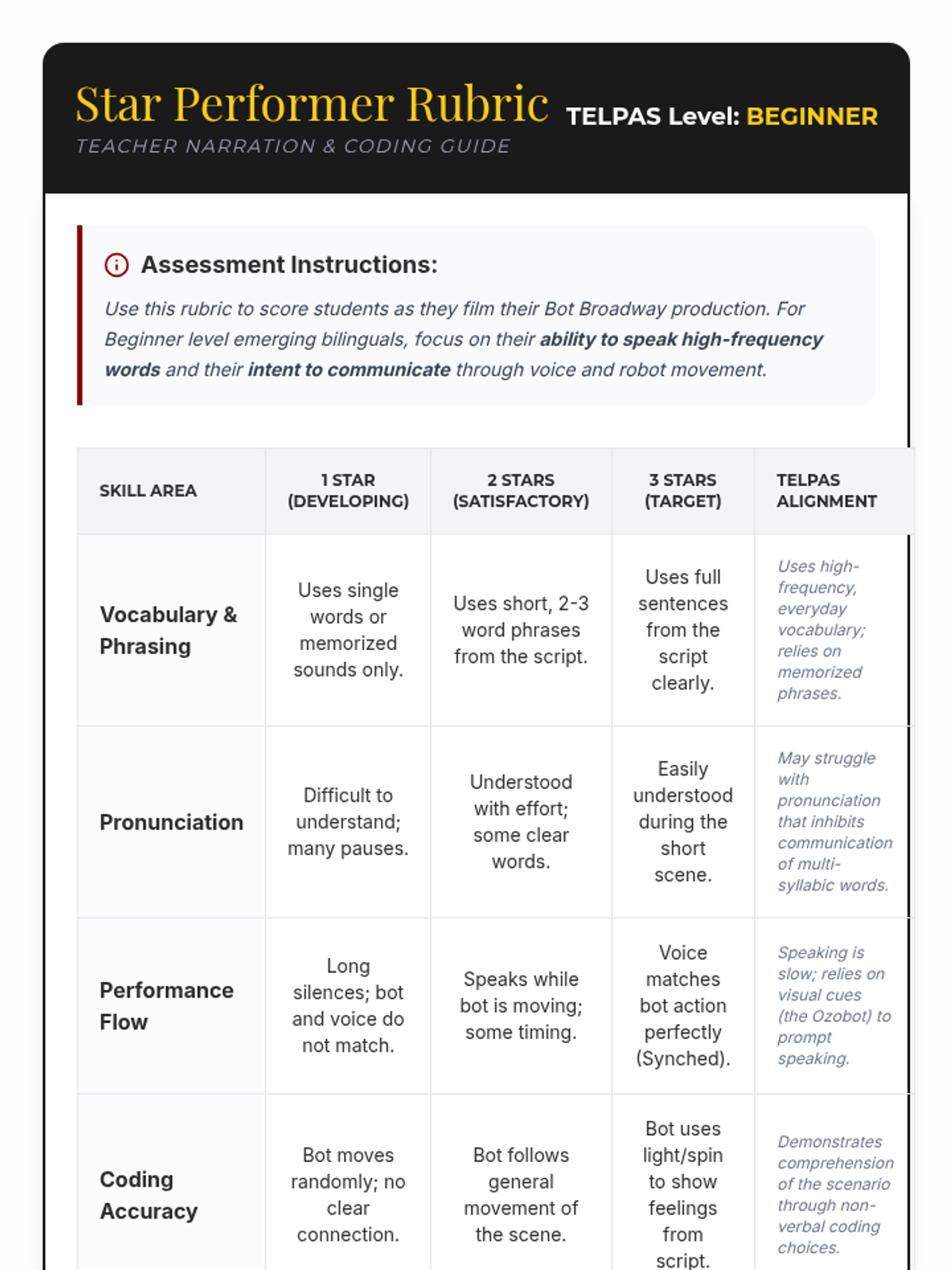
A teacher rubric for assessing beginner emerging bilinguals during their Bot Broadway production, aligned with TELPAS speaking and listening descriptors.
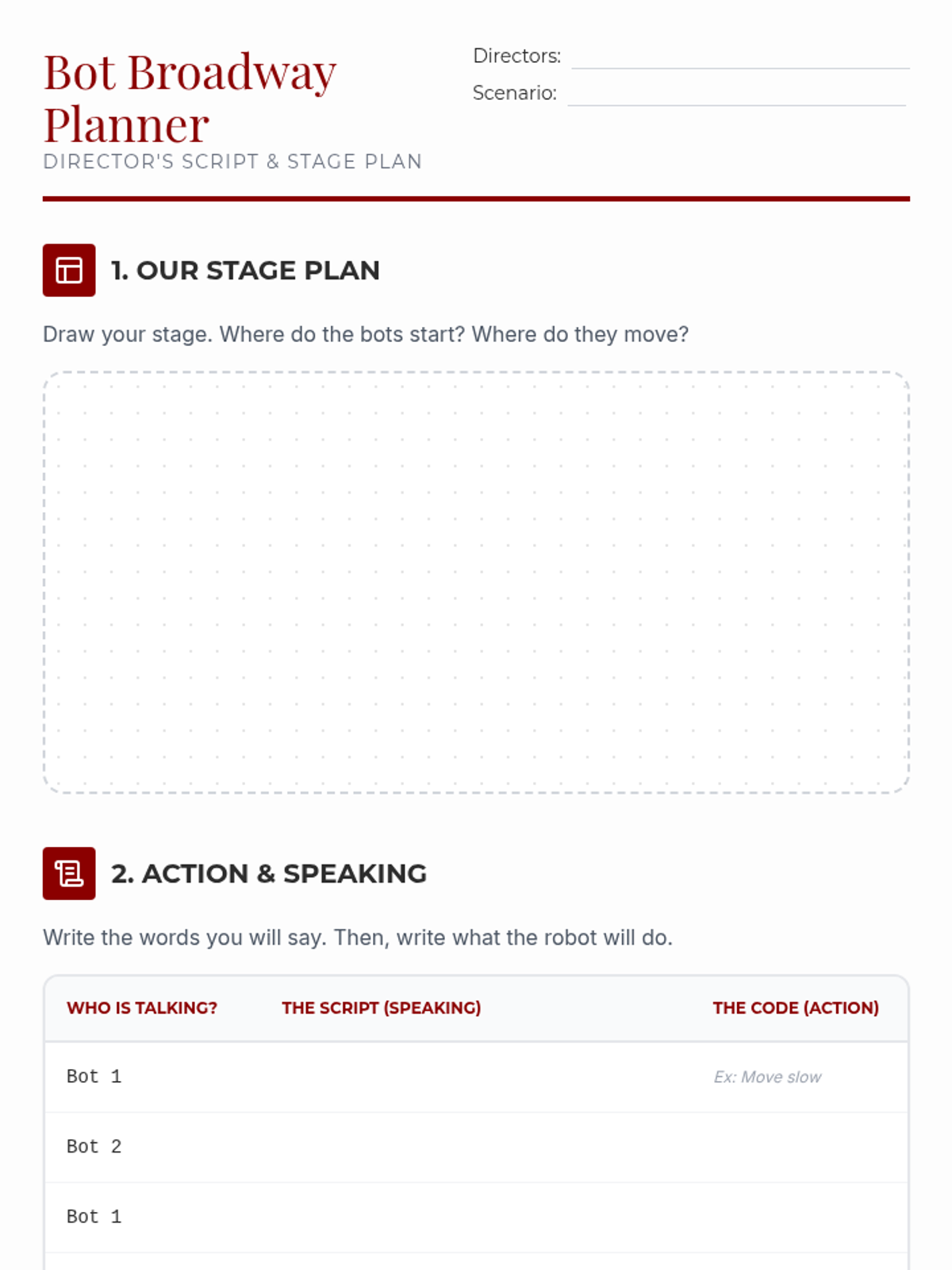
A planning sheet for students to storyboard their Ozobot theater production, map out their script, and coordinate their code with their narration.
A set of visual slides to guide beginner English learners through the "Bot Broadway" lesson, including the mission, genre choices, coding tips, and filming instructions.
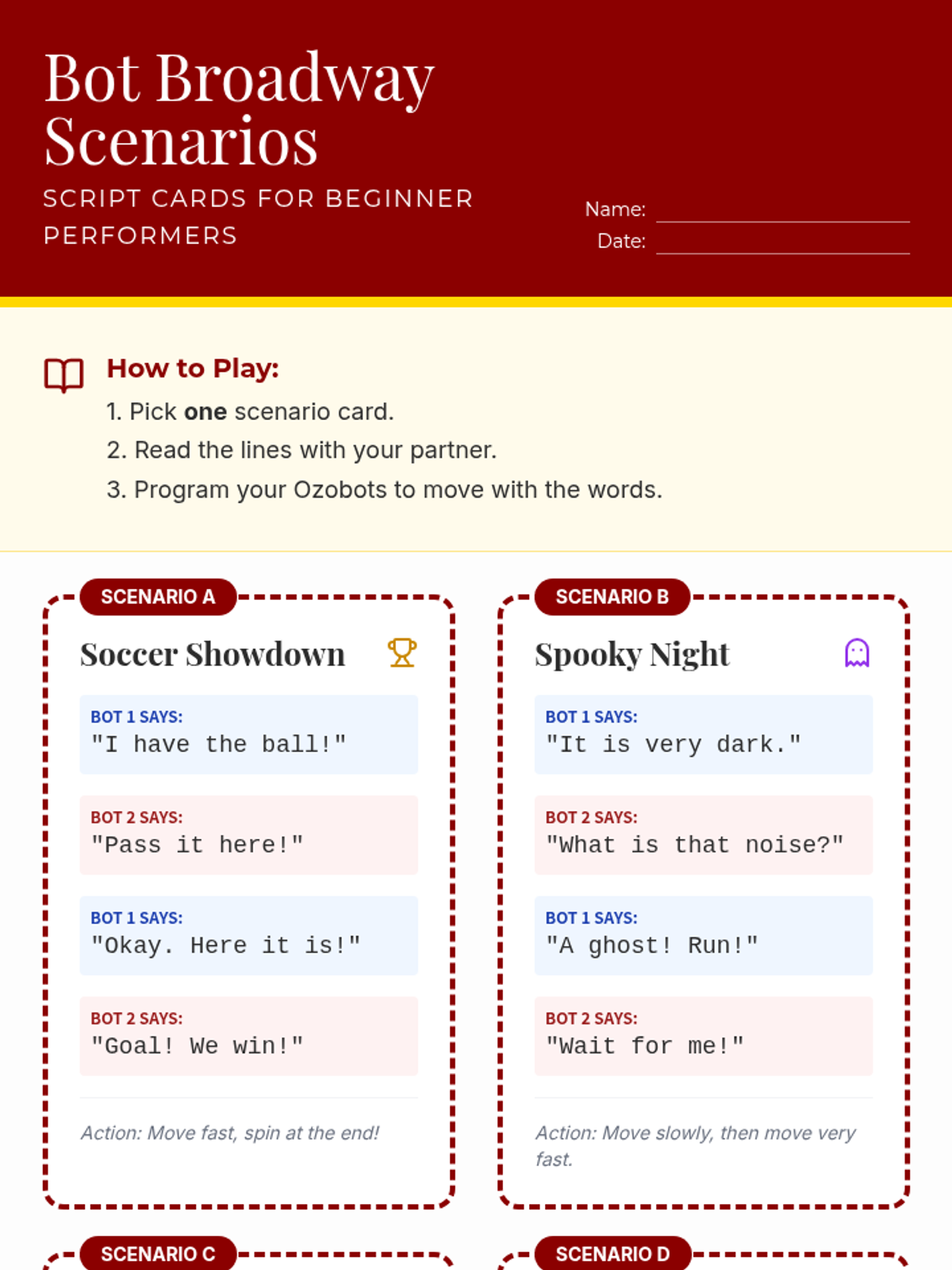
A set of four simple scenario cards for beginner English learners to practice reading and acting out with Ozobots. Scenarios include Soccer, Horror, Adventure, and Humor with simplified dialogue.
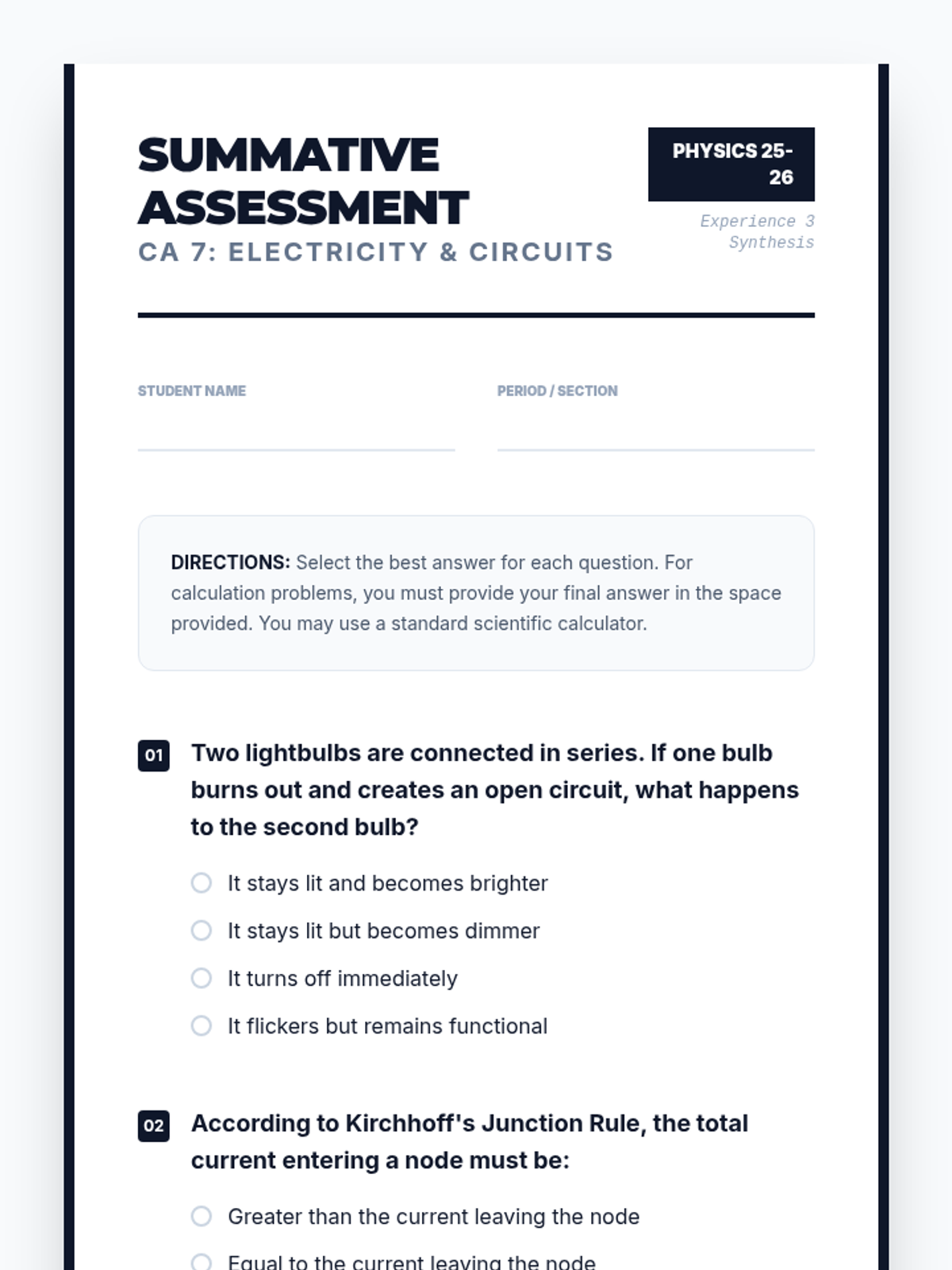
A summative unit assessment for electricity and circuits. Features 10 questions covering series/parallel circuits, Kirchhoff's Rules, and Experience 3 concepts: induction, motors, generators, and transformers. Includes multiple-choice and open-ended synthesis questions.
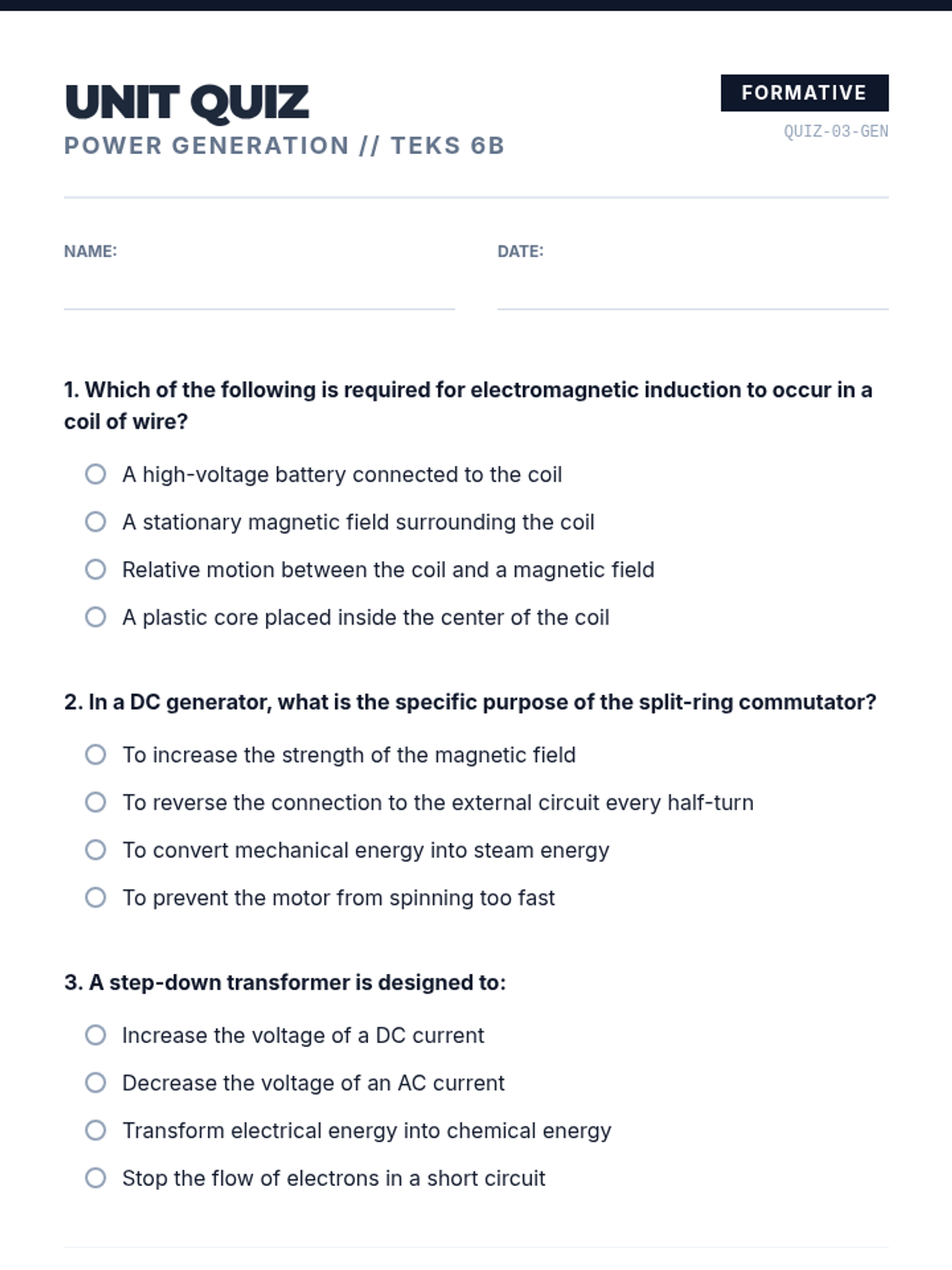
A formative assessment for the Power Generation unit. Features multiple-choice conceptual questions, a transformer voltage calculation problem, and a short-response question connecting back to the hydroelectric dam phenomenon. All answer choices share identical styling.
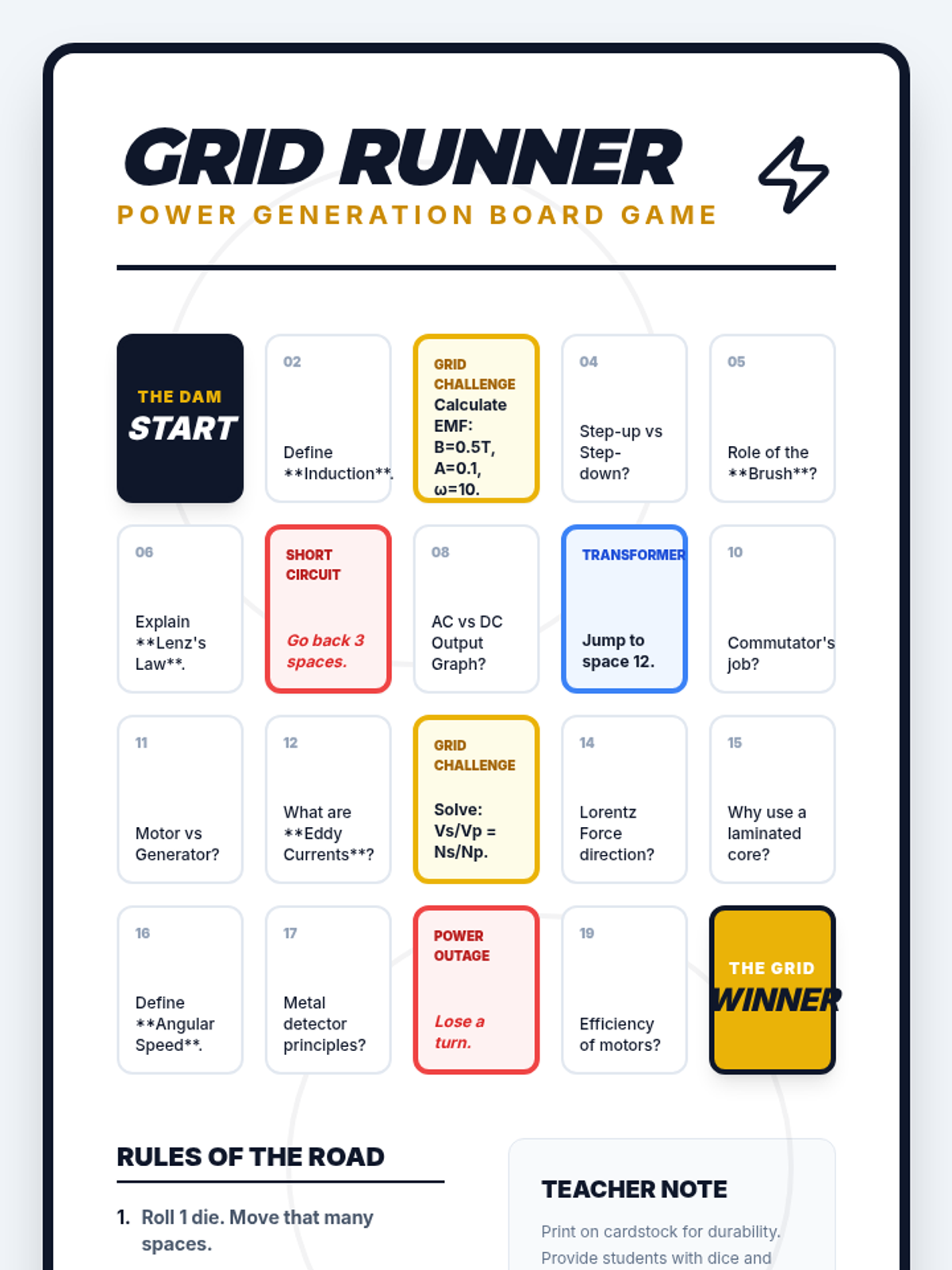
A printable review board game for the Power Generation unit. Features 20 spaces including conceptual questions, math challenges, and themed hazards. Designed for high-engagement review of induction, motors, and grid mechanics.
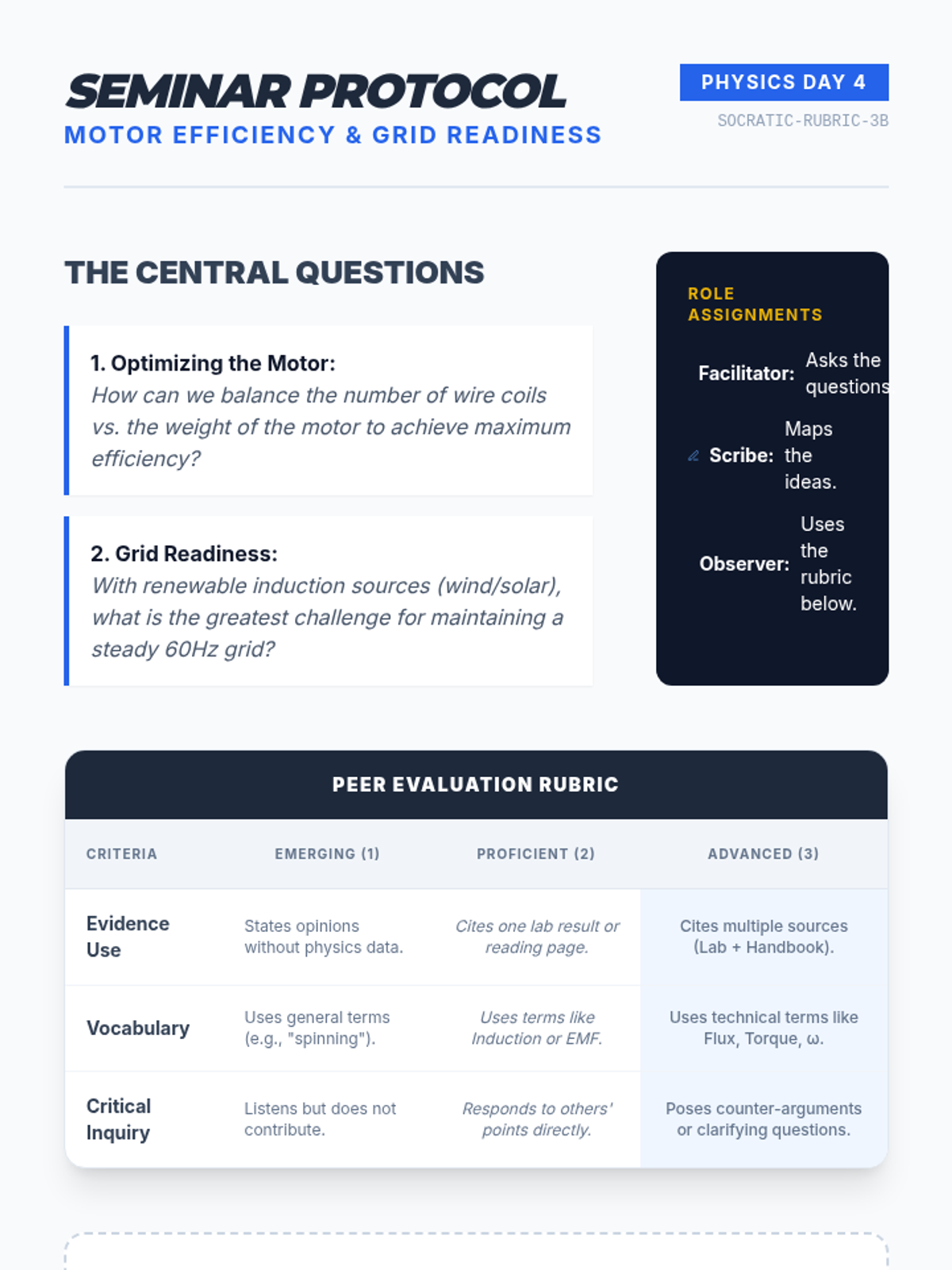
A comprehensive Socratic seminar guide and peer review rubric. Features discussion prompts on motor efficiency and power grid synchronization, role assignments, and a tiered evaluation rubric for evidence use, technical vocabulary, and inquiry skills.
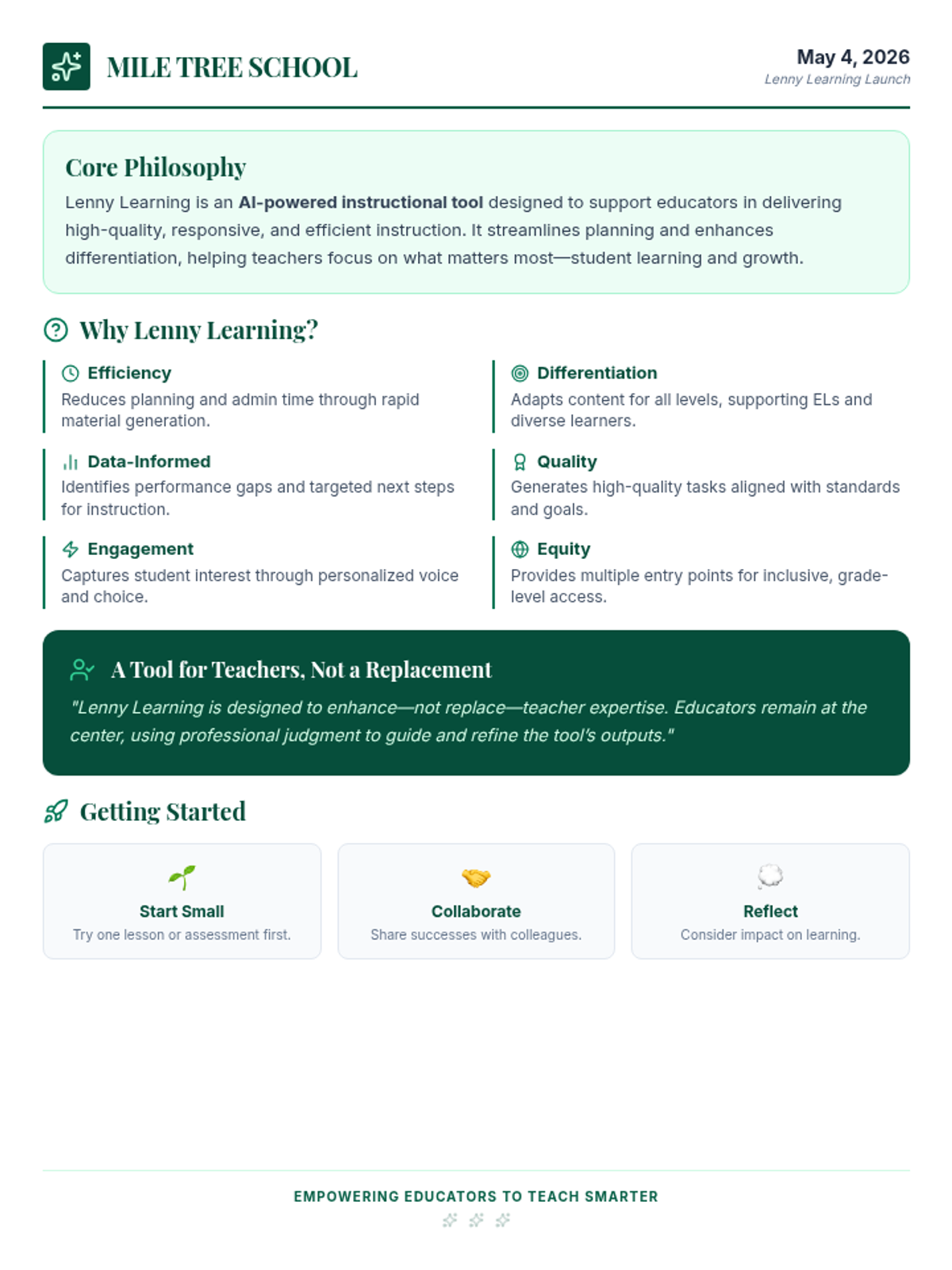
An updated presenter guide for the Lenny Learning staff presentation at Mile Tree School, replacing tree-themed icons with Lenny Learning branding elements.
A 15-slide presentation designed for school staff to introduce the benefits of Lenny Learning, focusing on efficiency, differentiation, and student engagement at Mile Tree School. Icons have been updated to represent Lenny Learning branding.
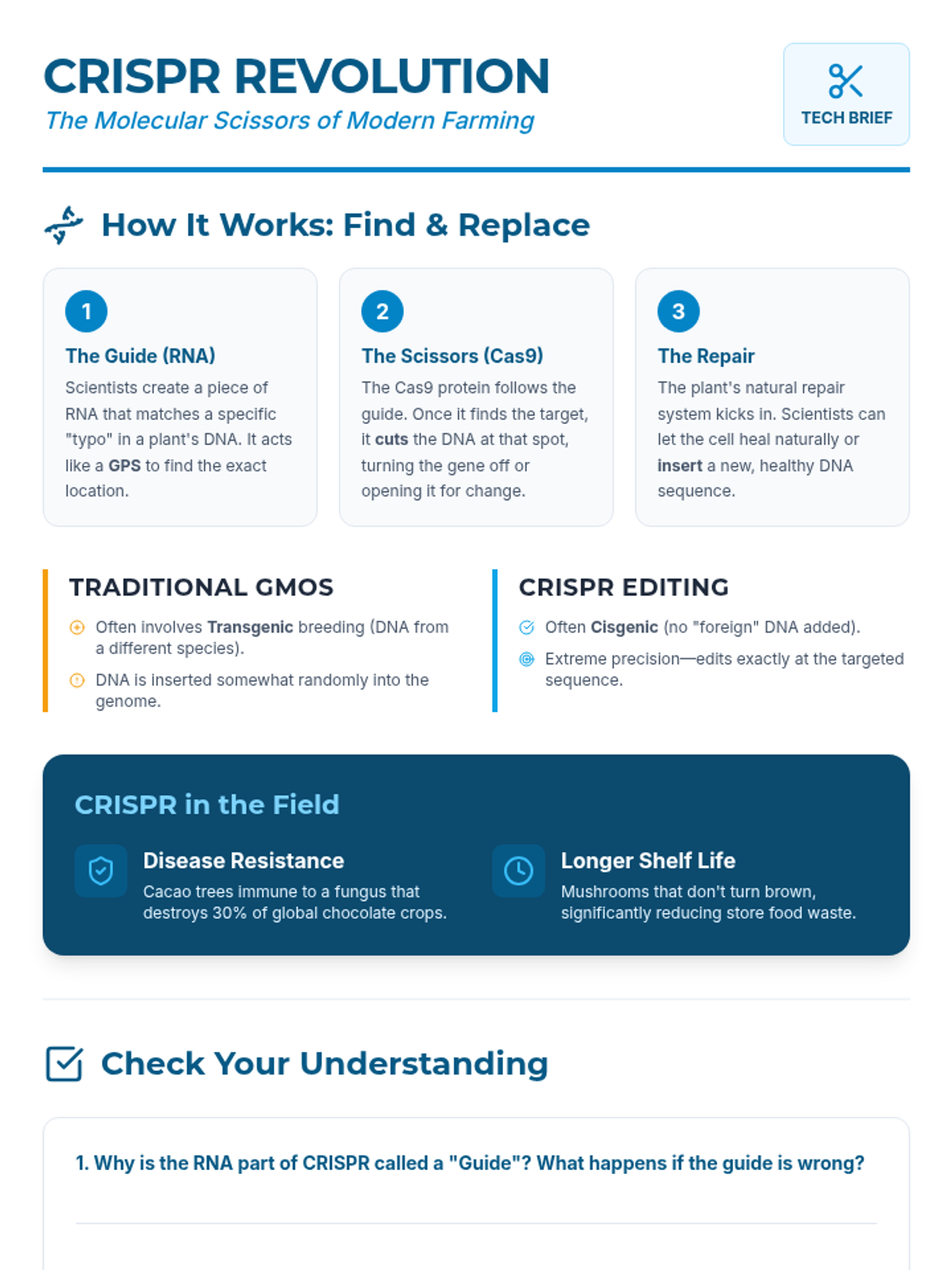
A technical fact sheet for 7th grade students explaining the mechanism of CRISPR gene editing, comparing it to traditional GMOs, and highlighting real-world agricultural applications. Now includes a self-check section with drawing space.
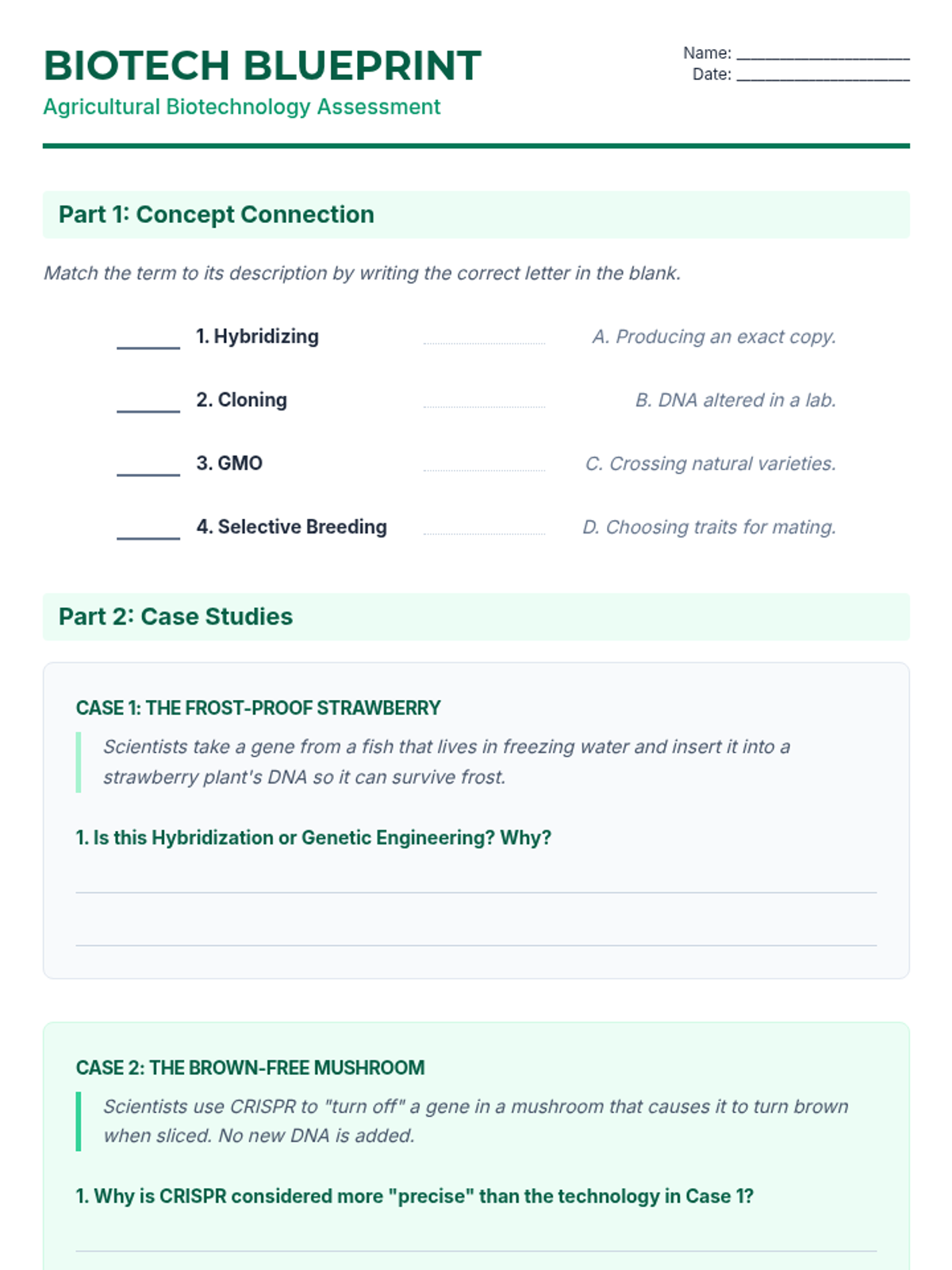
An assessment worksheet for students with improved spacing for explanations, clearer matching layout, and sections protected from awkward page breaks. Now includes a case study comparing CRISPR to traditional GMOs.
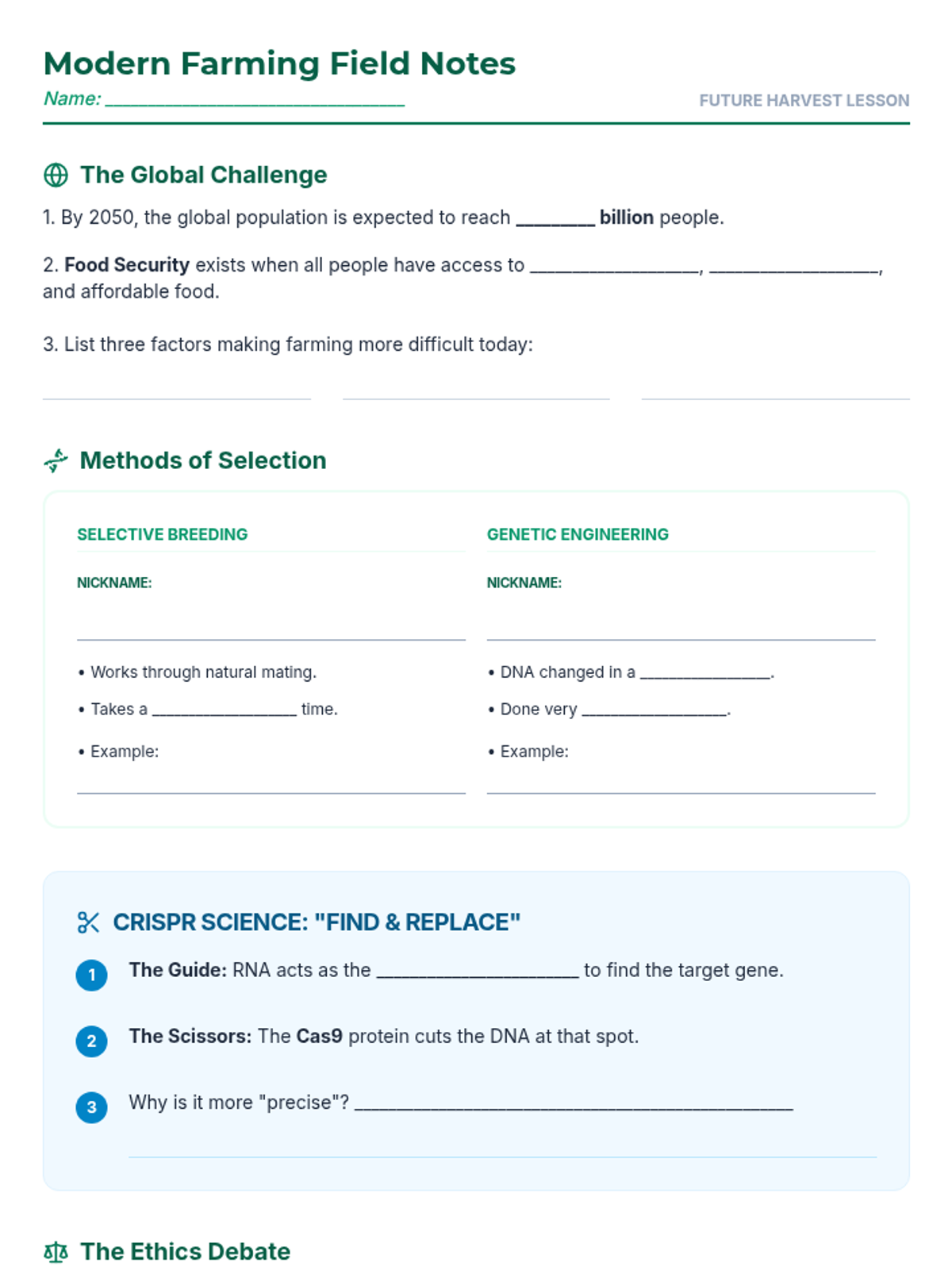
A guided notes document for 7th grade students to use during the presentation, now with a dedicated section for taking notes on the CRISPR 'molecular scissors' mechanism and a creative drawing area.
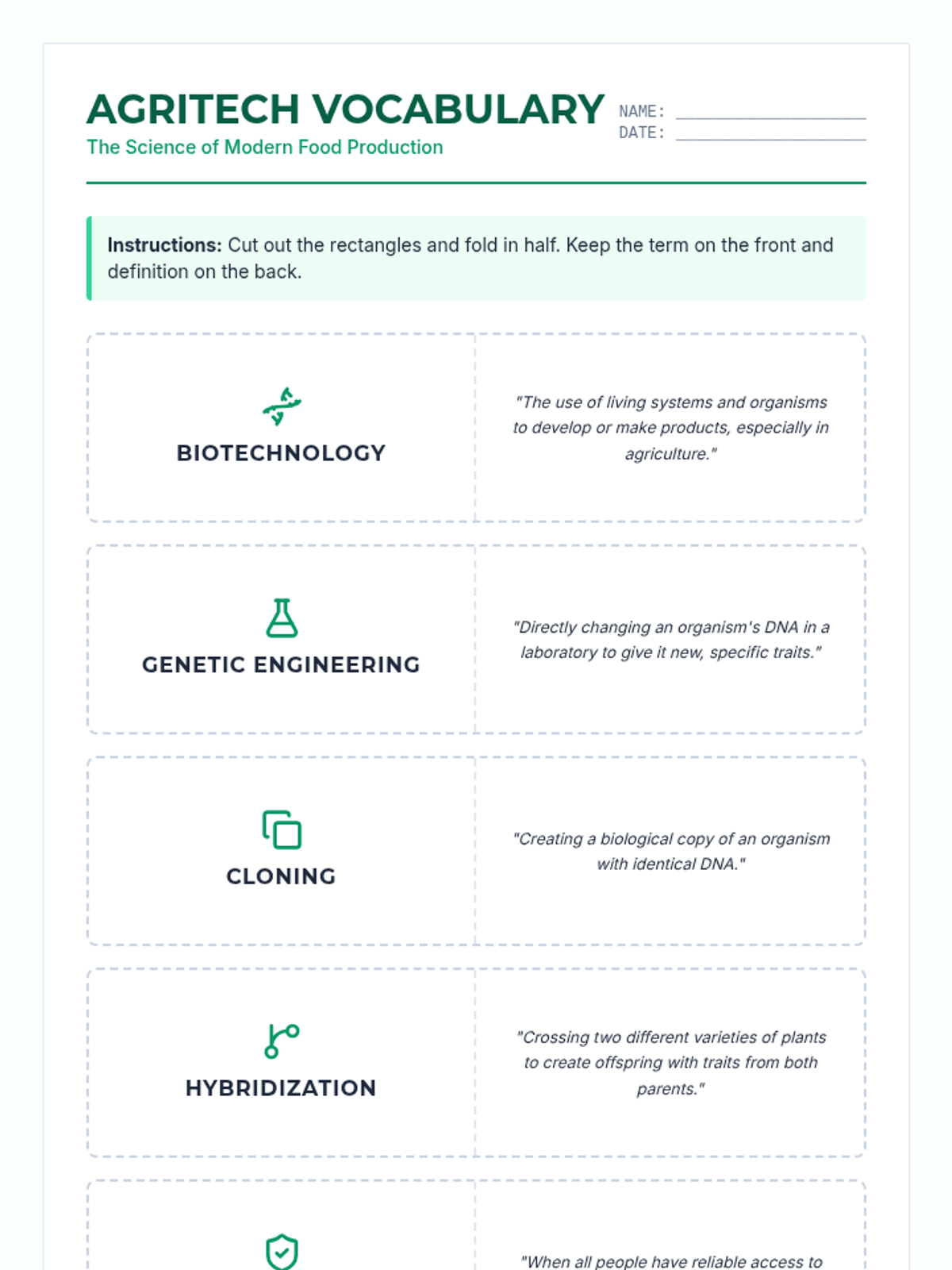
A set of printable vocabulary flashcards for students to learn key terms related to agricultural biotechnology, designed for easy cut-and-fold use with clear definitions and icons.
A visually engaging slide deck for 7th grade students exploring the science of biotechnology, food security, and the ethical debates of genetic engineering, now including a deep dive into CRISPR.
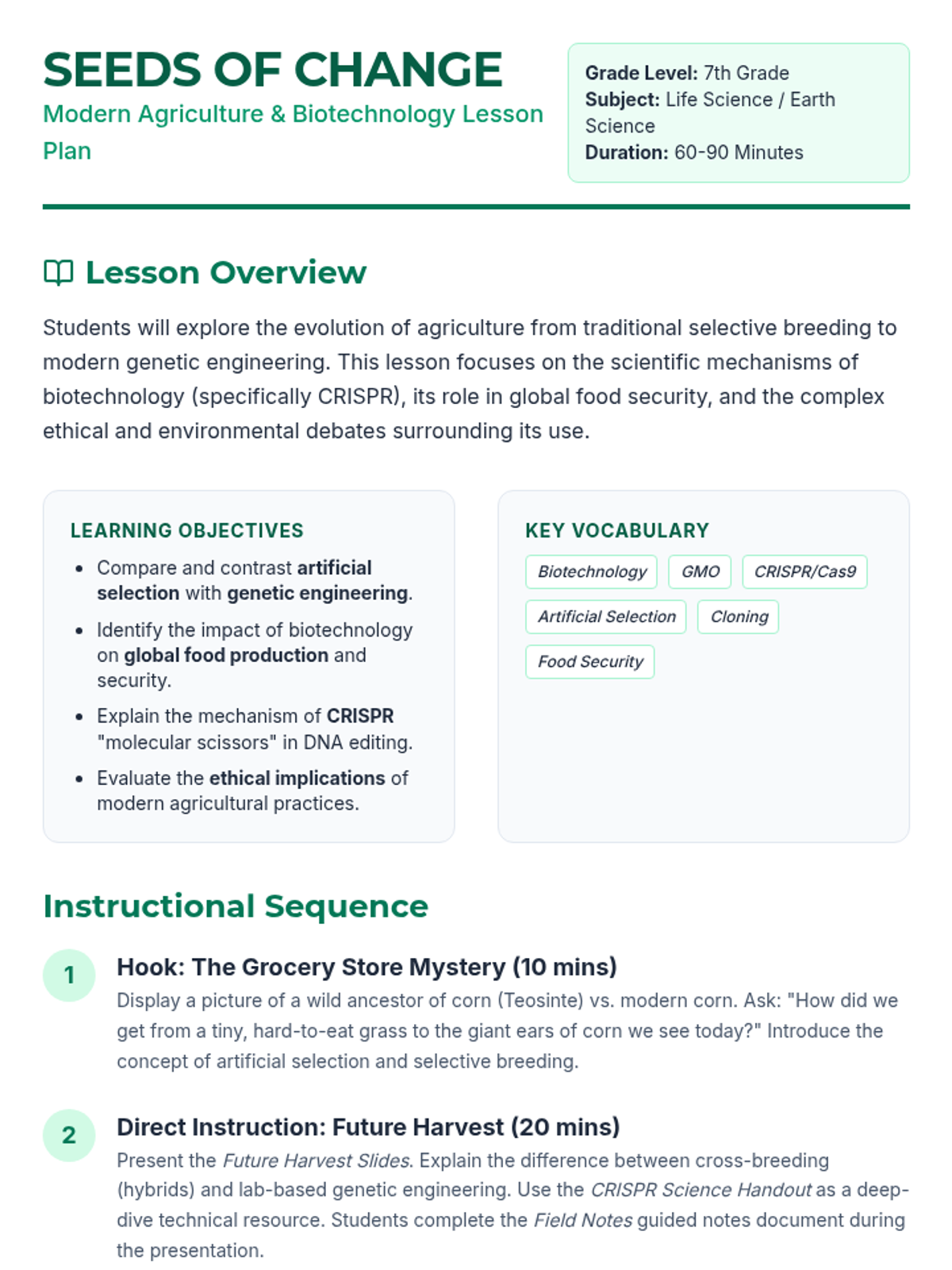
A comprehensive teacher's lesson plan for 7th grade science, outlining the instructional sequence, learning objectives, and teacher tips for teaching agricultural biotechnology. Now updated to include CRISPR deep-dive integration.
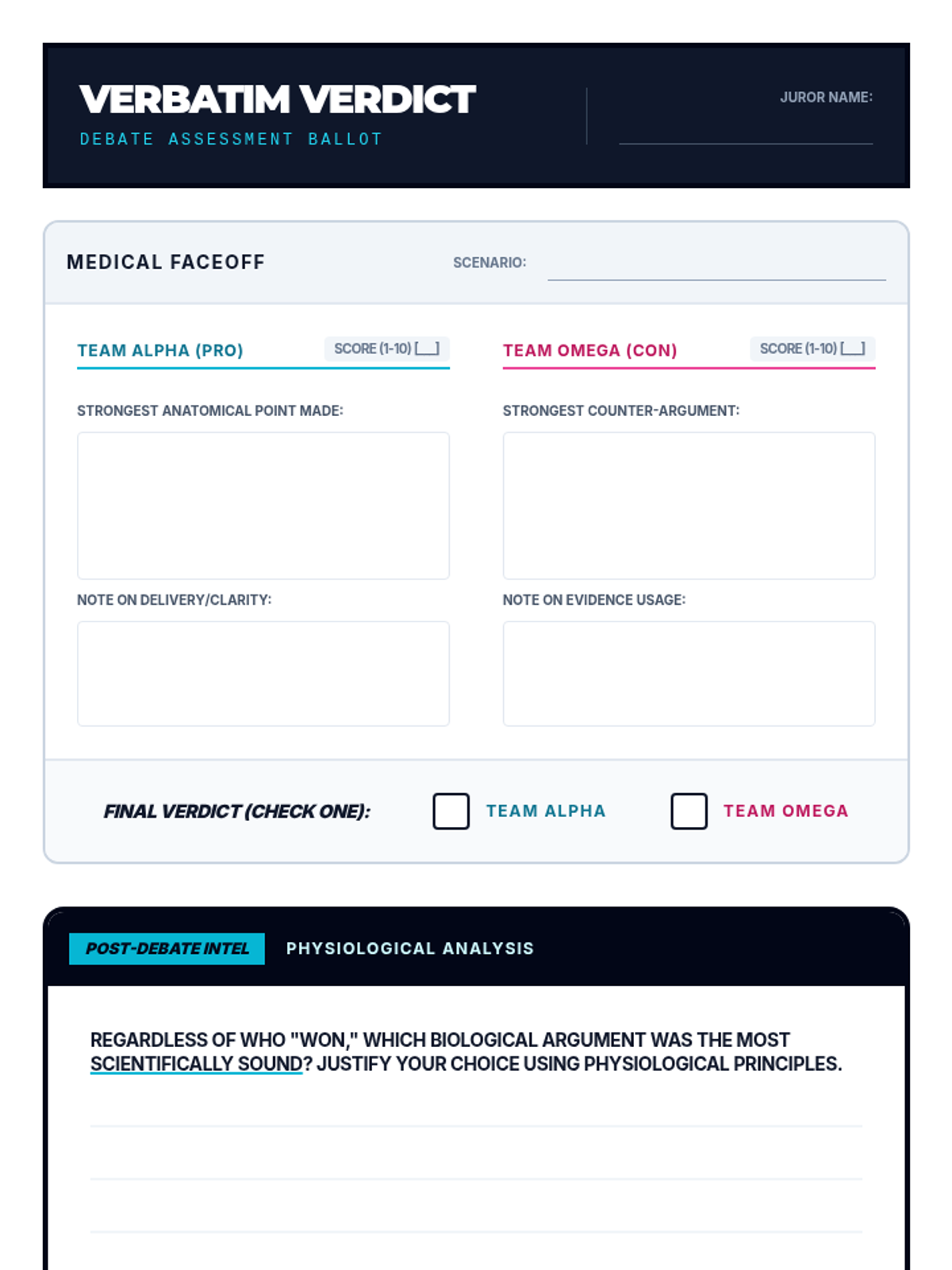
A peer-assessment ballot for students to use while observing debates, featuring structured scoring for anatomical accuracy, evidence usage, and delivery across two rounds.
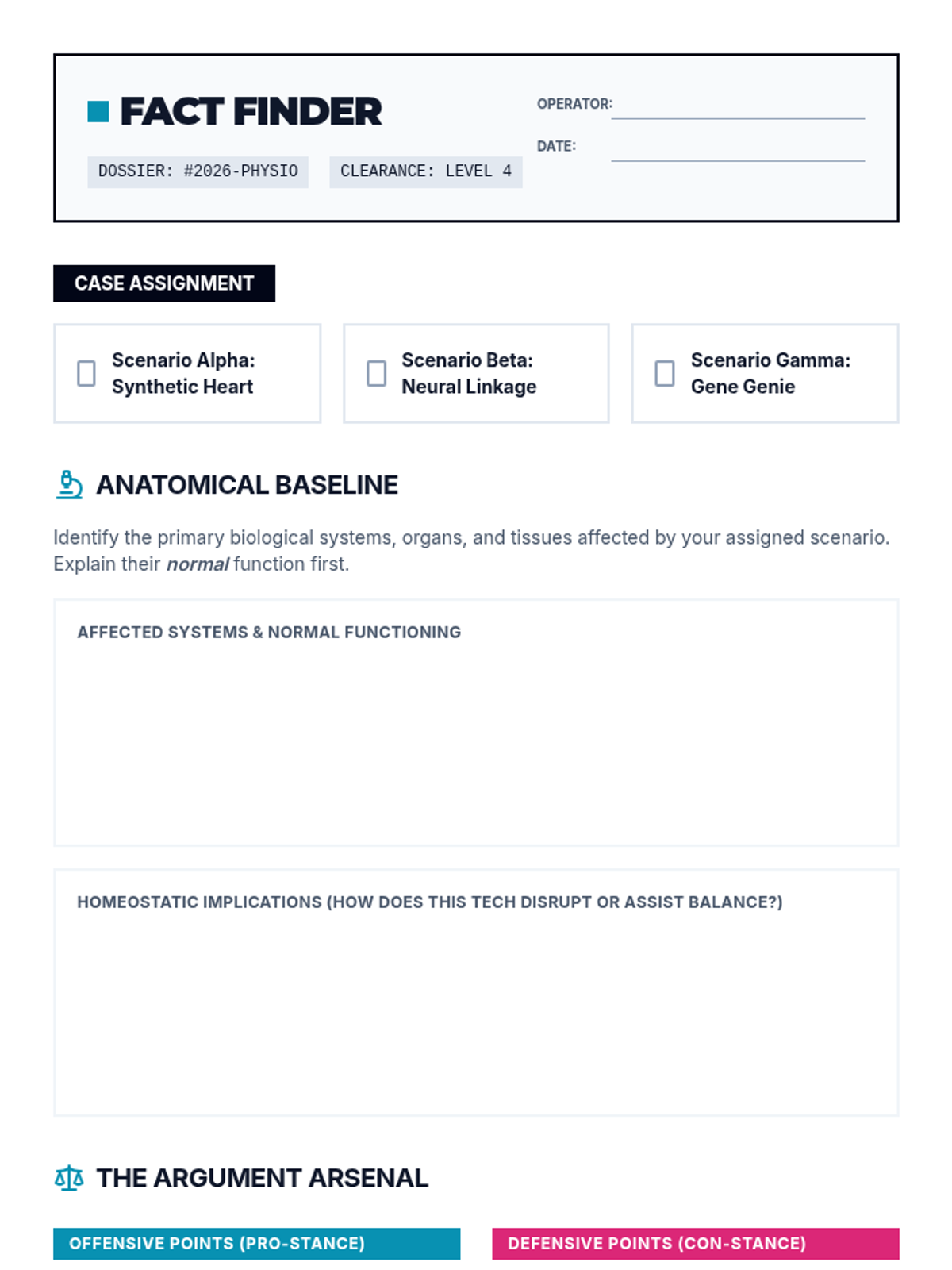
A student-facing research worksheet designed as a high-tech medical dossier, helping students organize anatomical facts and develop bio-ethical arguments for debate.
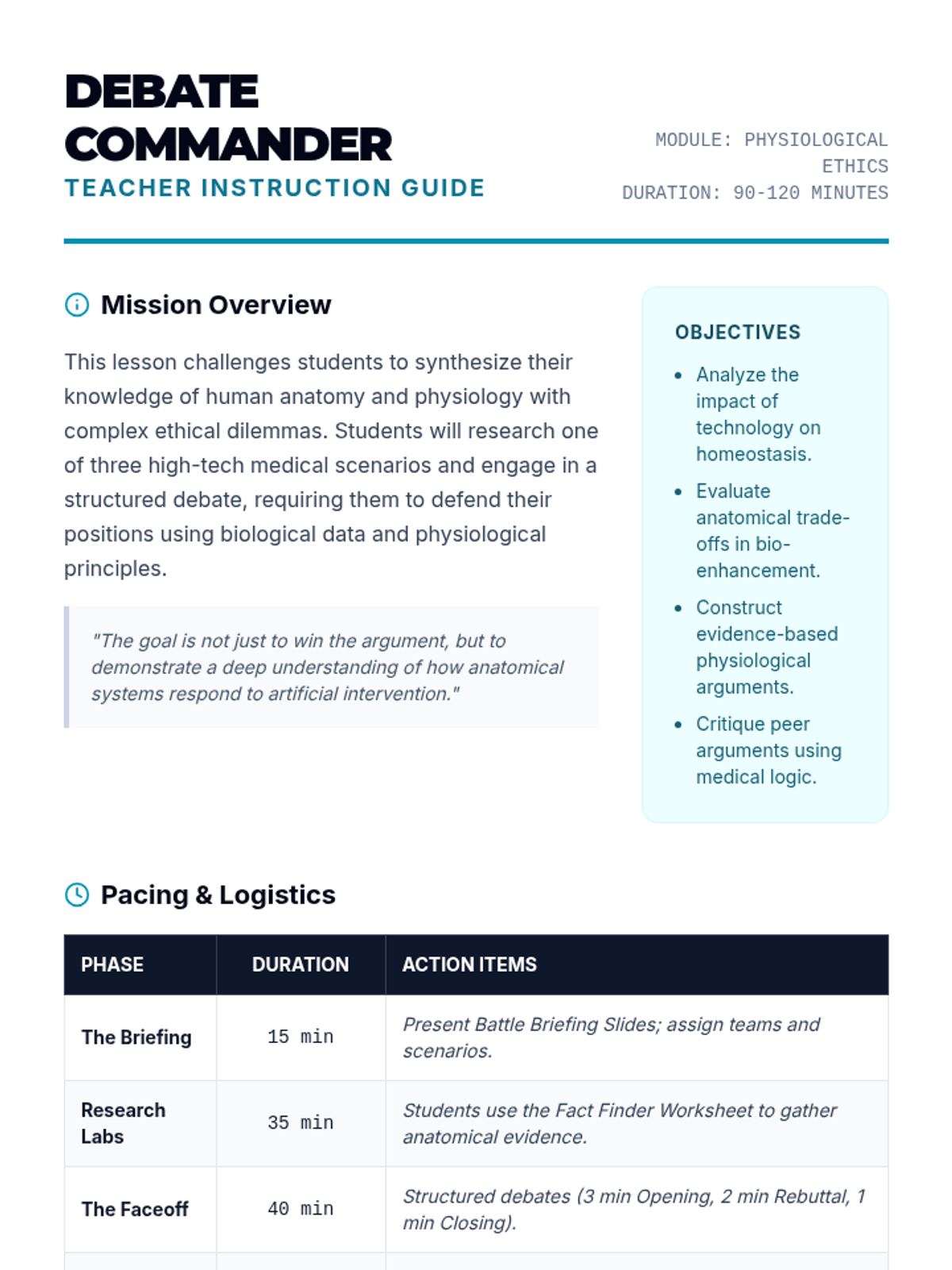
A comprehensive teacher guide for facilitating the Body Battles debate, including a detailed pacing guide, suggested debate formats, and a specialized scoring rubric.
A high-impact slide deck for introducing a bio-ethics and anatomy debate, featuring three distinct scenarios (Synthetic Hearts, Neural Linkage, and Gene Editing) with a futuristic medical aesthetic.
A visually striking slide deck for a substitute teacher to introduce Machine Learning. Fixed layout issues on slides 4 and 5, increased text contrast, and ensured all text meets minimum size requirements.
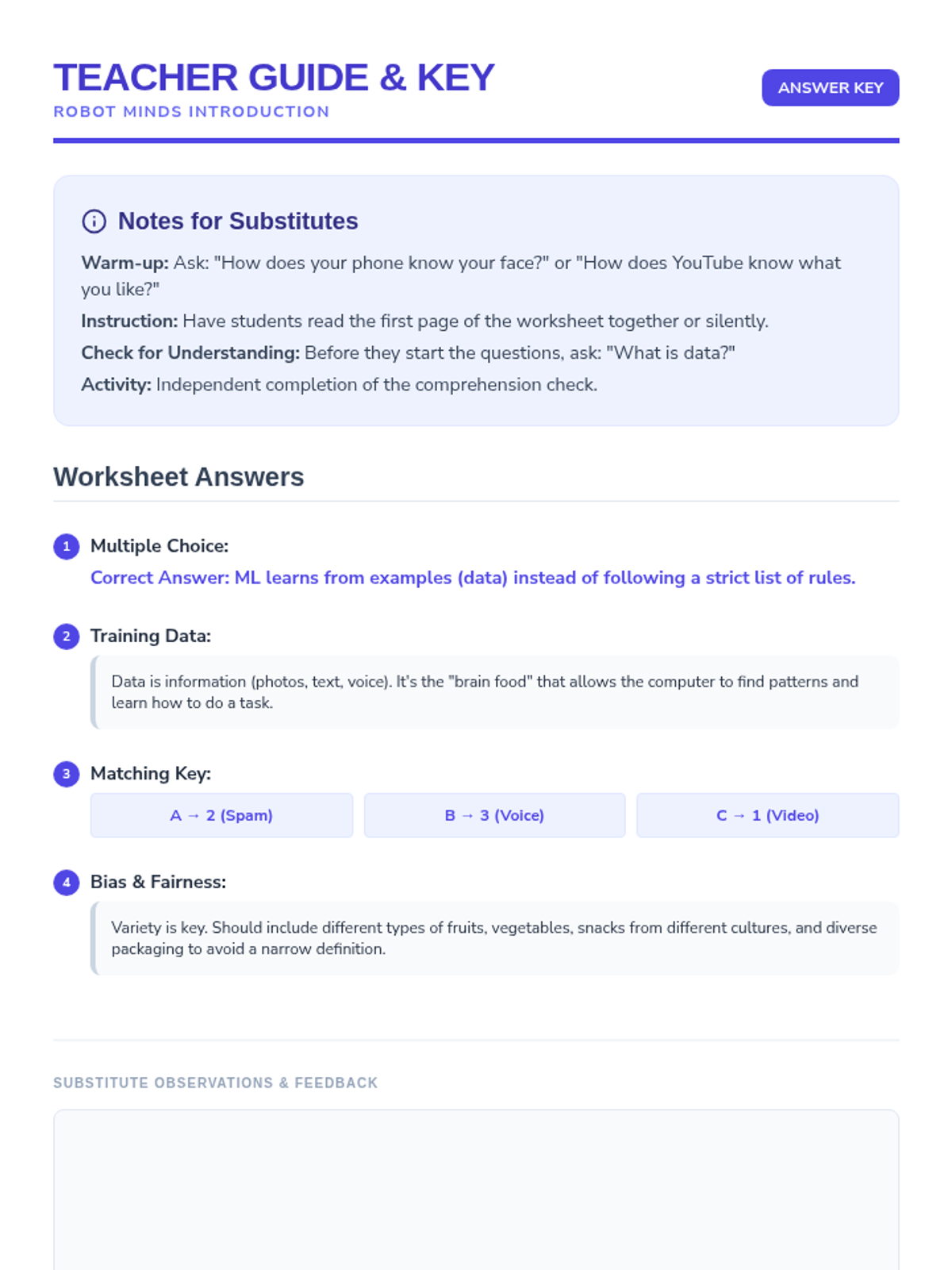
A comprehensive teacher guide and answer key for the Machine Learning lesson. Updated to keep matching items together and added observation space for the substitute. Fixed container height issues for 1-page printing.
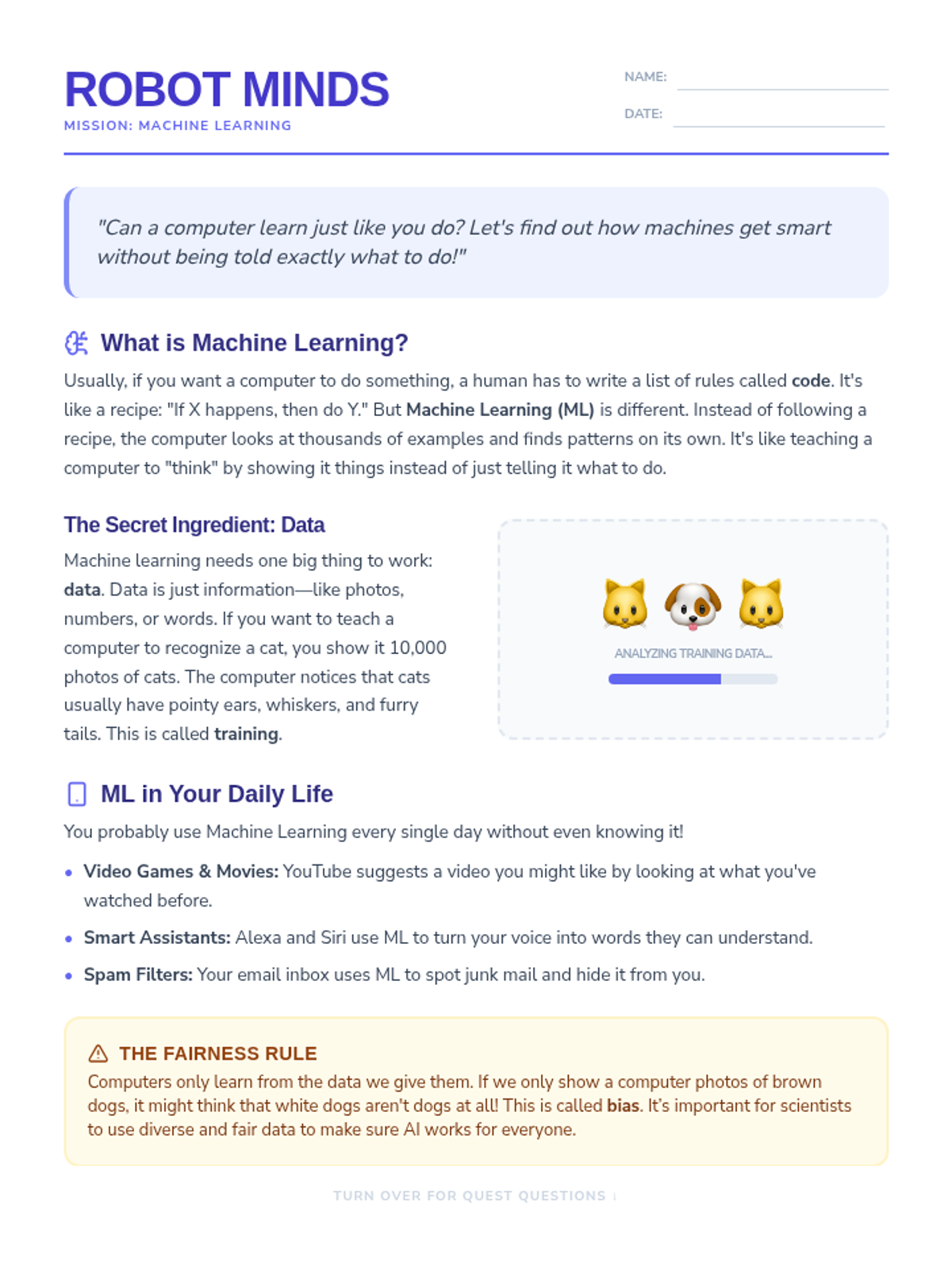
An engaging reading passage and comprehension worksheet introducing 4th-5th graders to Machine Learning, data training, and algorithmic bias. Corrected layout and spacing for perfect 2-page printing.
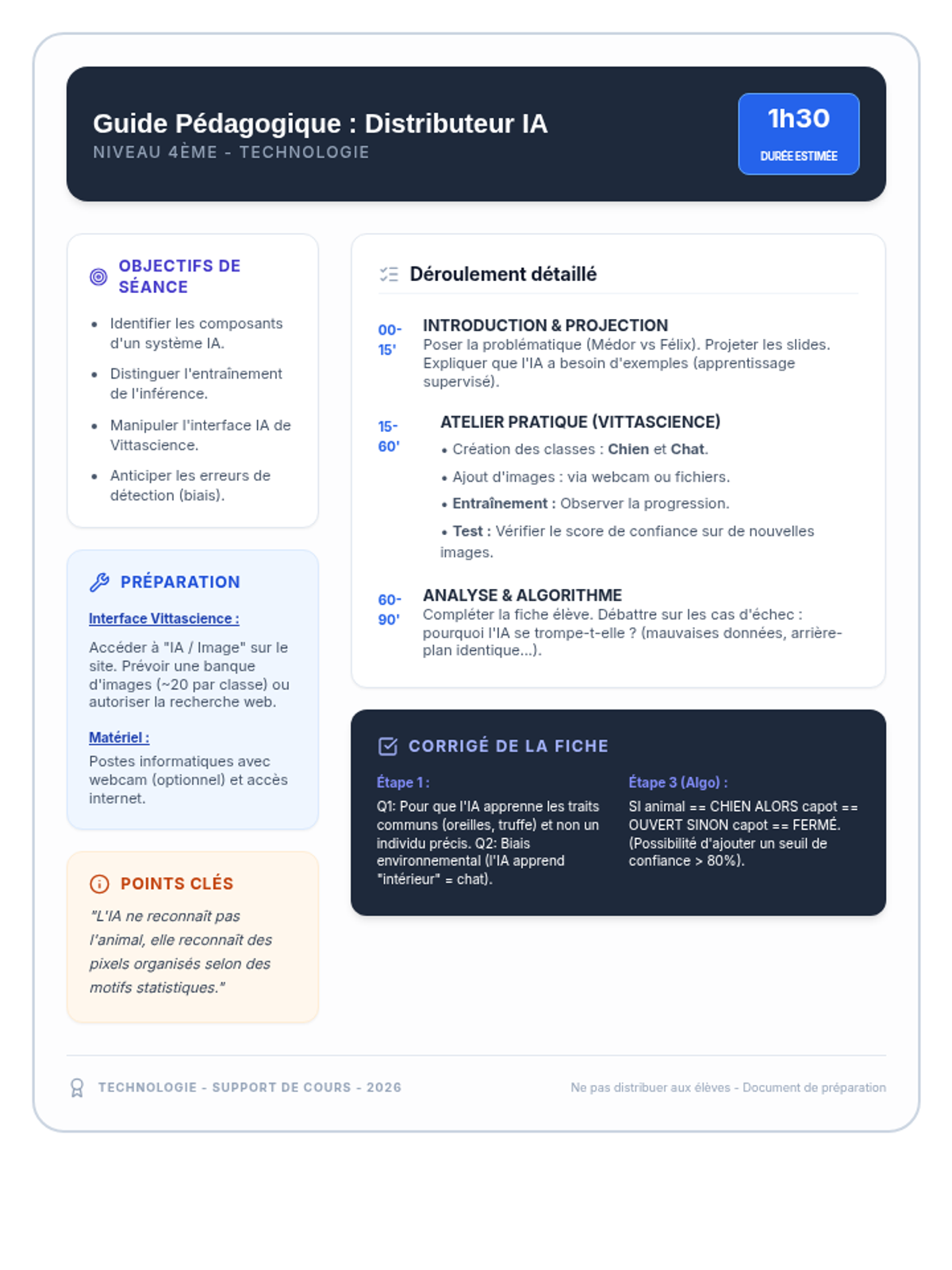
Un guide complet pour l'enseignant incluant les objectifs pédagogiques, le déroulement de la séance étape par étape, des conseils techniques pour Vittascience et le corrigé de la fiche élève.
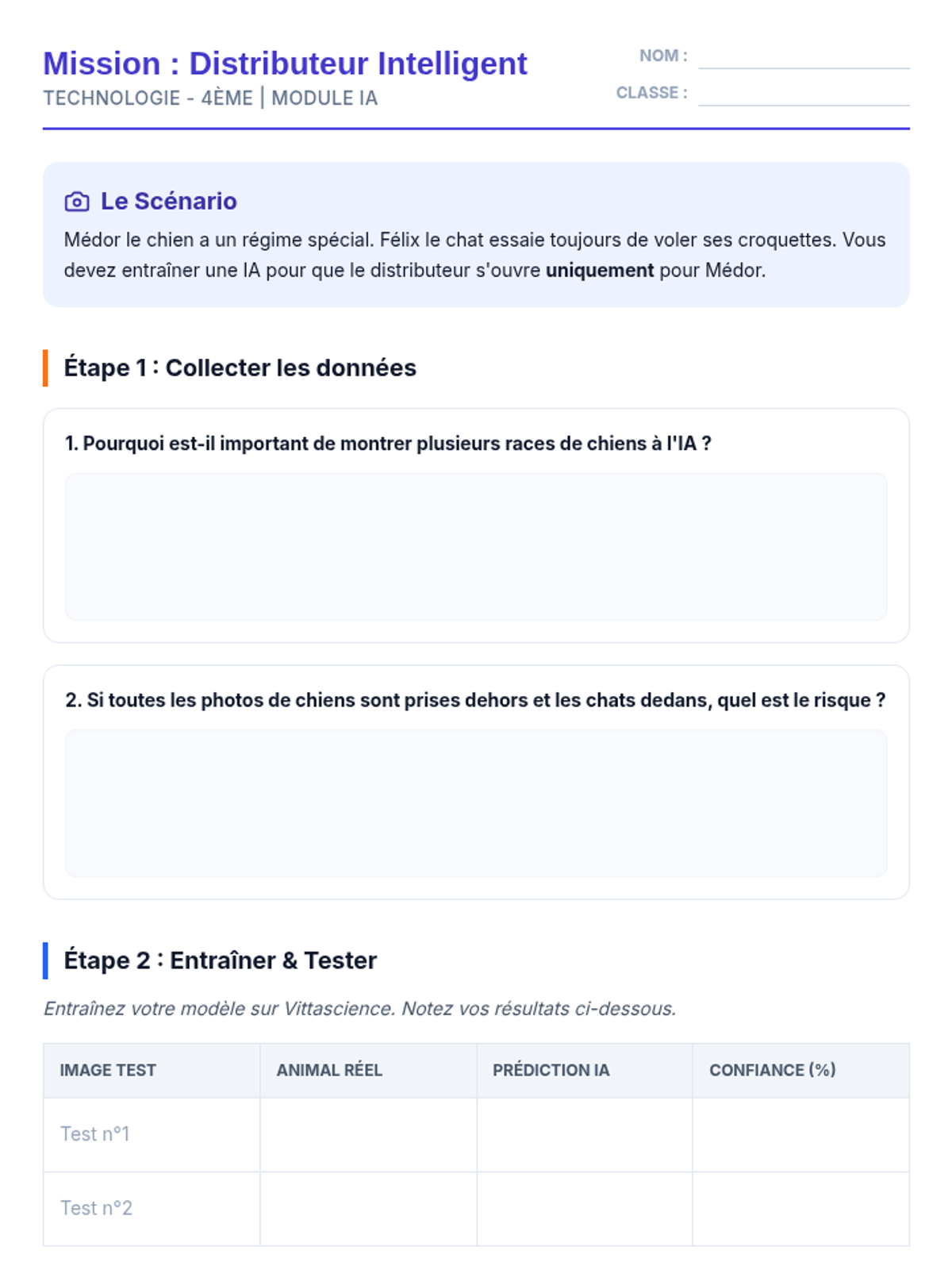
Une fiche d'activité structurée pour les élèves, les guidant à travers les étapes de collecte de données, d'entraînement de l'IA sur Vittascience et de conception de l'algorithme du distributeur.
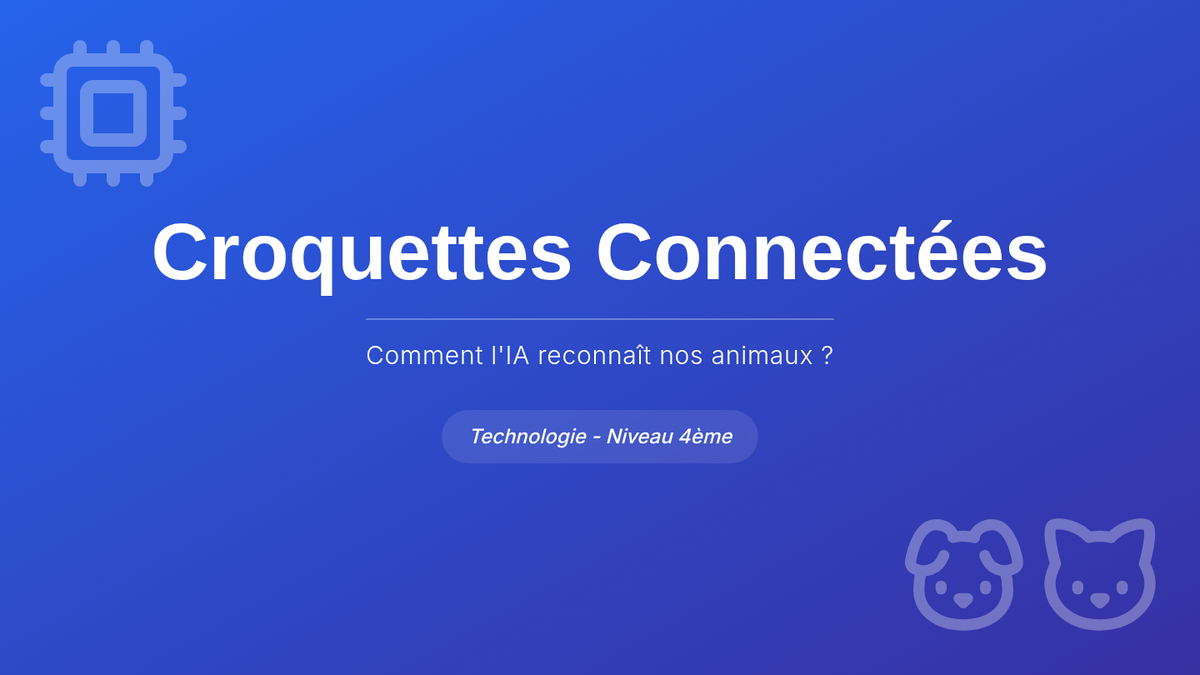
Une présentation de 6 diapositives introduisant les concepts d'IA pour le projet de distributeur de croquettes intelligent, incluant le fonctionnement des pixels, l'apprentissage supervisé et le score de confiance.
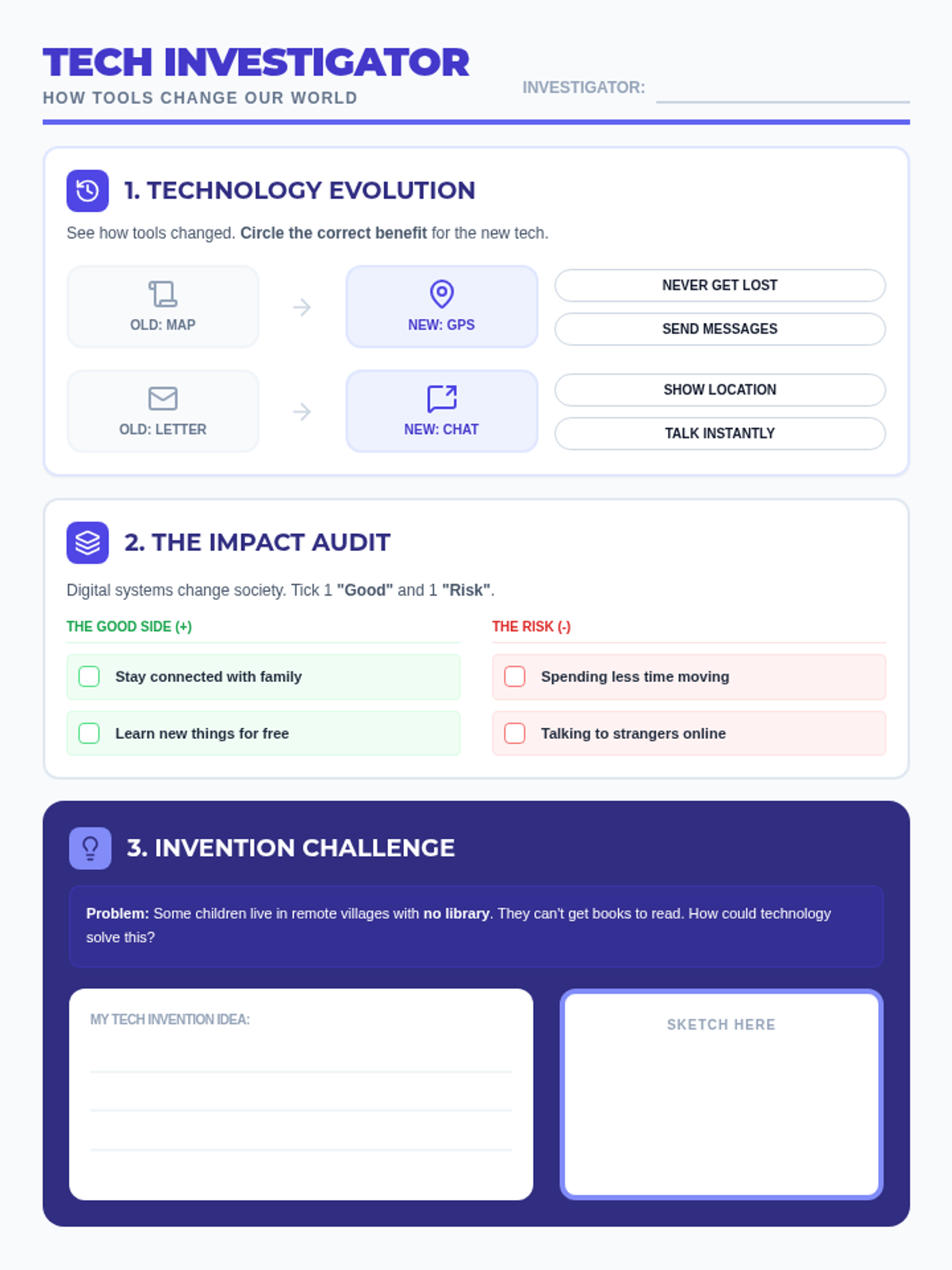
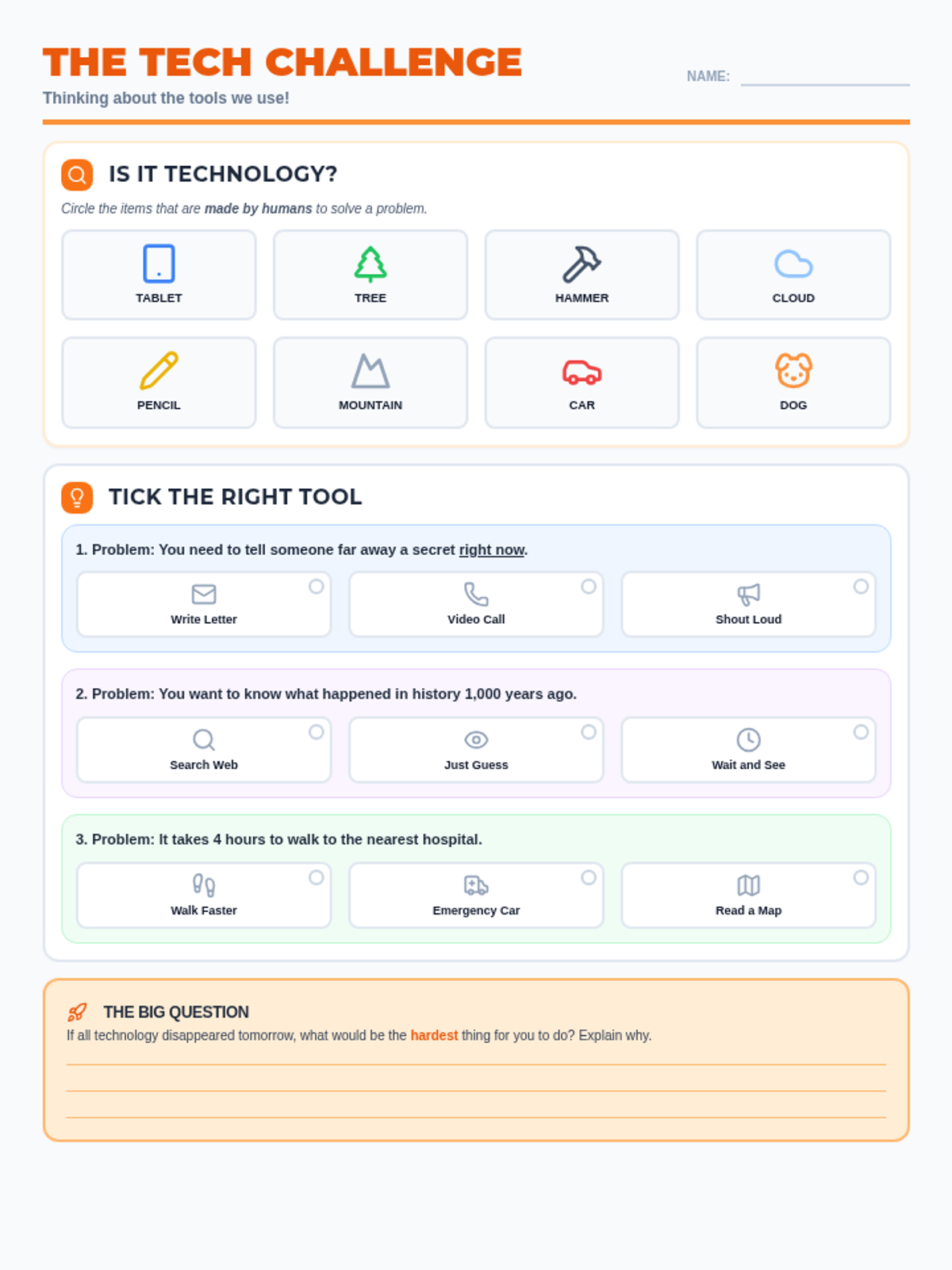
A more cognitively challenging differentiated worksheet for Primary 6 students with low literacy. Focuses on technology evolution, identifying pros and cons of digital systems, and proposing a creative technological solution to a social problem. Revised for better layout and fit.
A more challenging differentiated worksheet for Primary 6 students with low literacy levels. Features a broader identification task and scenario-based multiple-choice questions that require deeper thinking about technological solutions. Revised for better layout and fit.
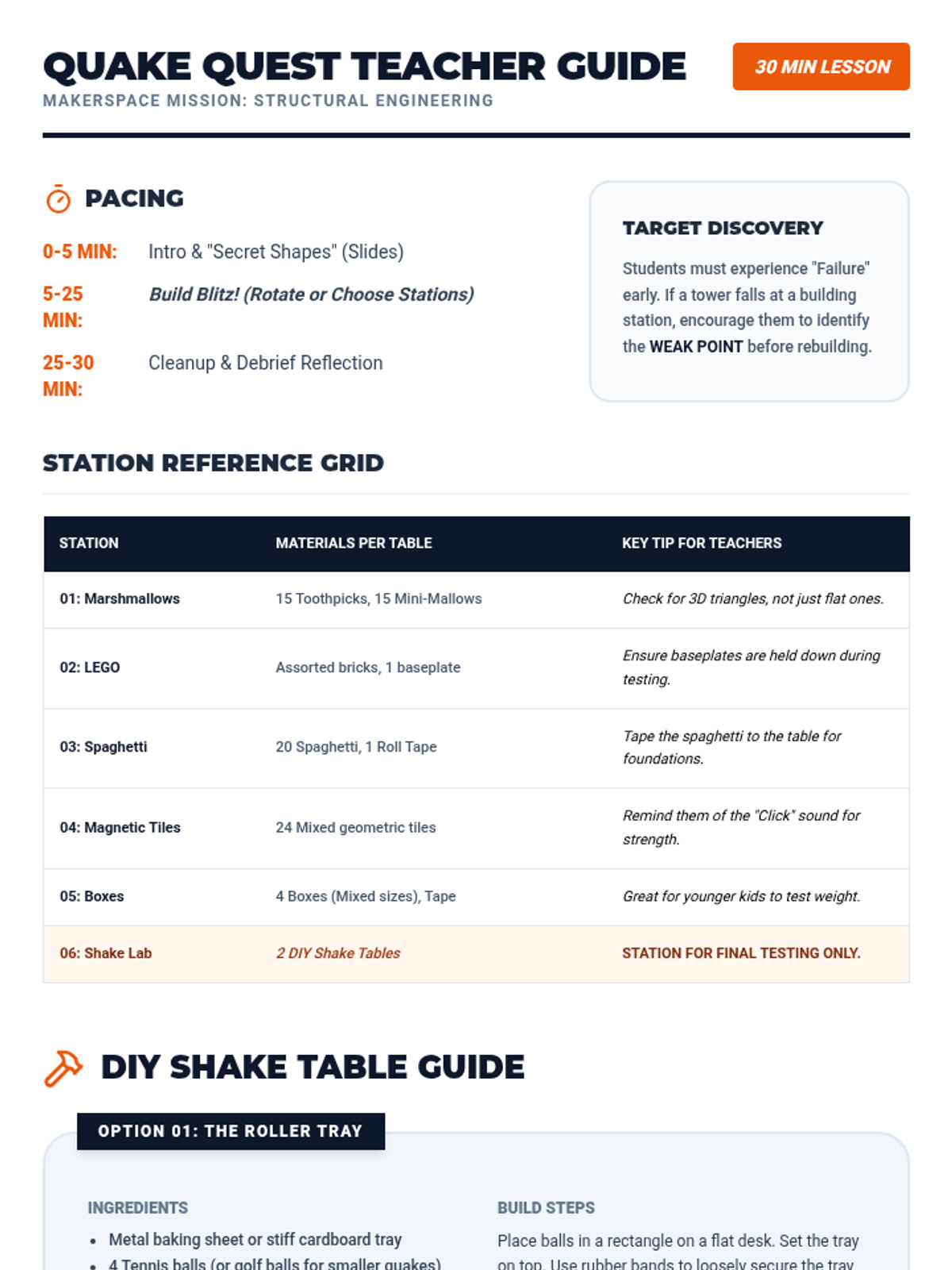
A comprehensive teacher's guide for the Quake Quest lesson. Revised with a detailed station material grid, step-by-step DIY shake table instructions, and a balanced two-page layout. Fixes pacing alignment and DIY card layout issues.
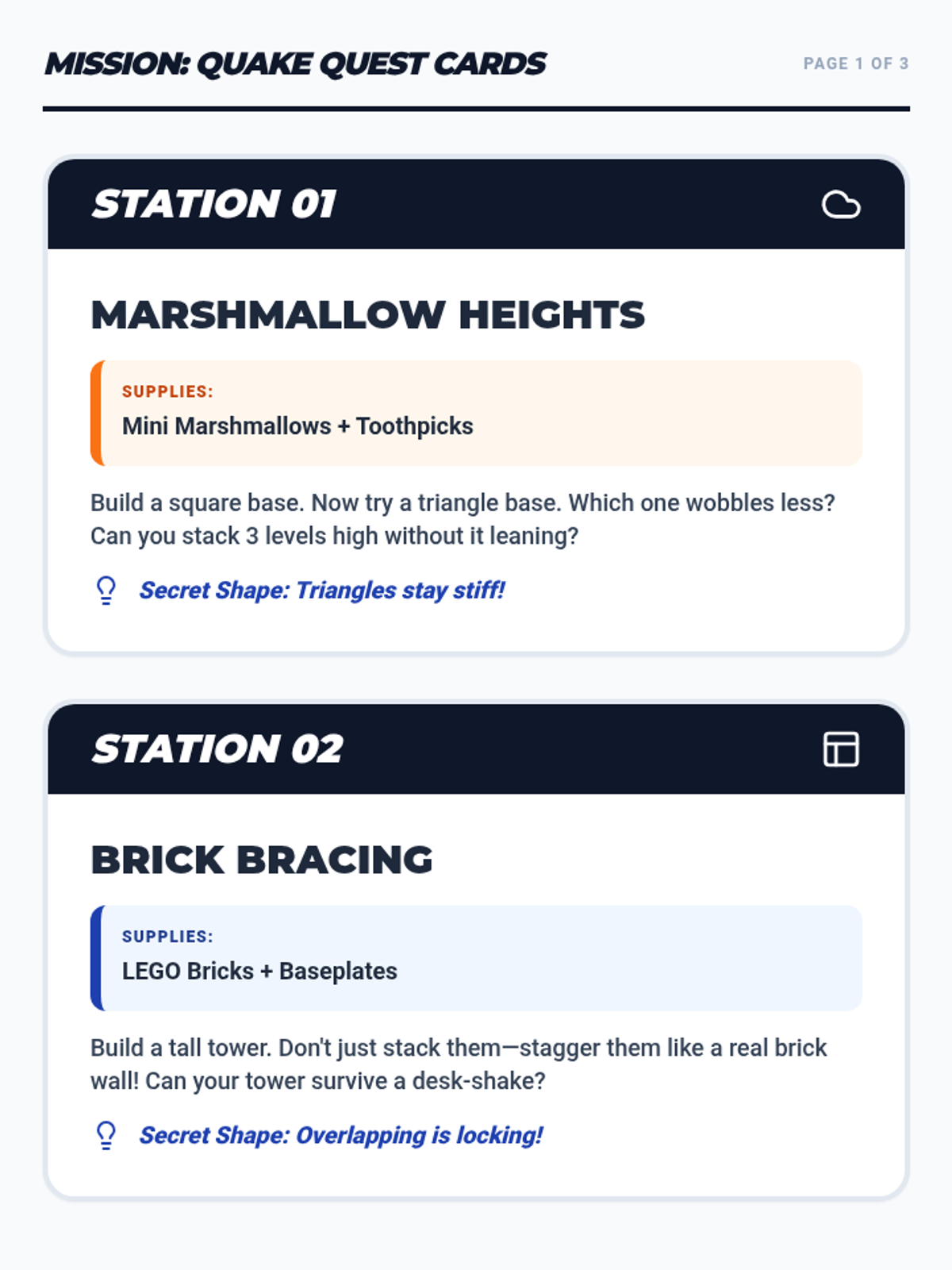
Printable challenge cards for each of the six makerspace stations. Optimized for 2-cards-per-page printing with consistent card heights and clear K-5 instructions. Revised for correct page flow and layout consistency.
An engaging slide deck for a 30-minute K-5 makerspace lesson on earthquake stability. Revised for improved contrast, layout breathing room, and larger font sizes for clarity.
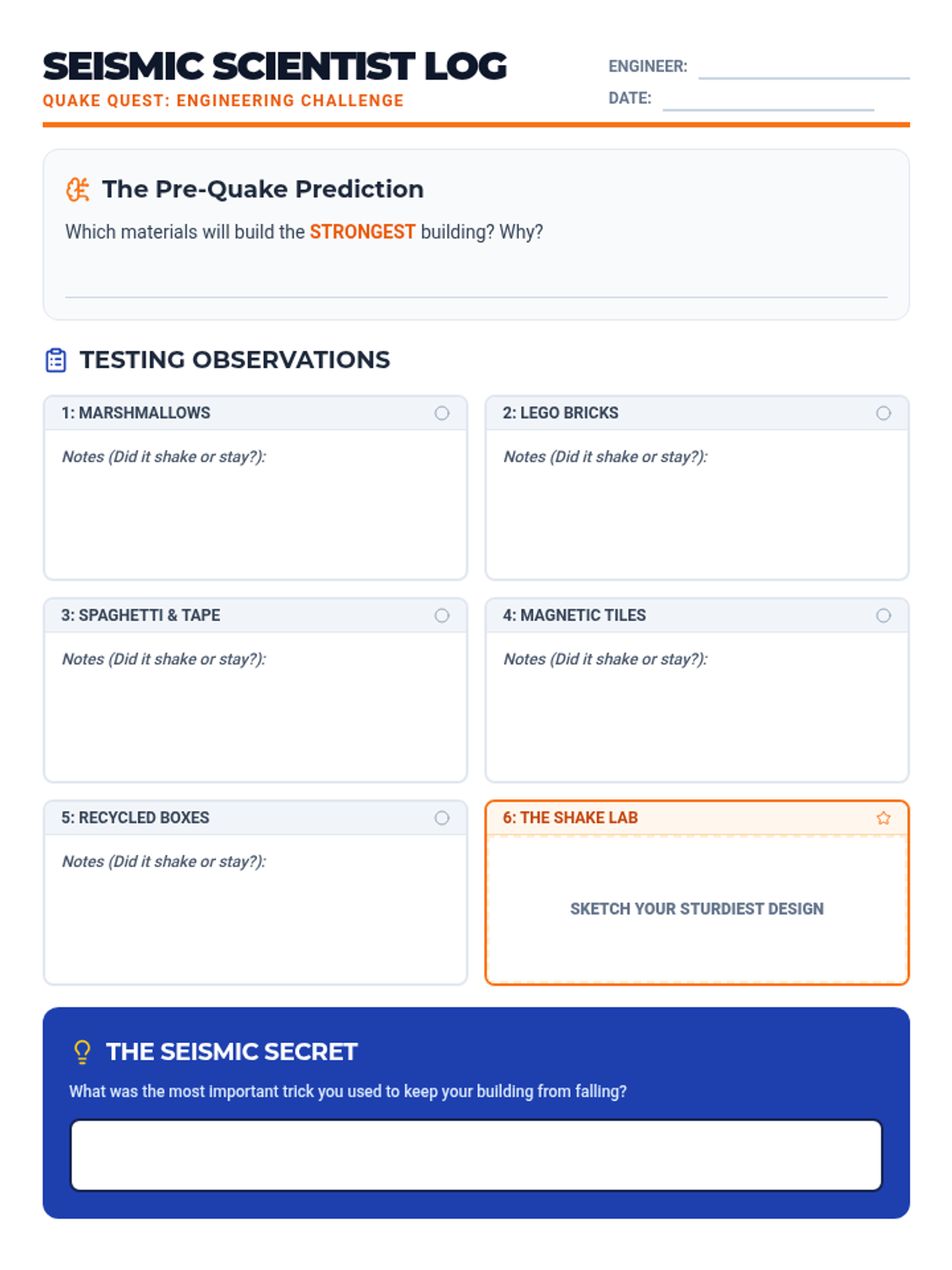
A student log for documenting predictions and observations during the Quake Quest makerspace lesson. Revised for single-page layout with larger fonts and improved contrast for student work areas.
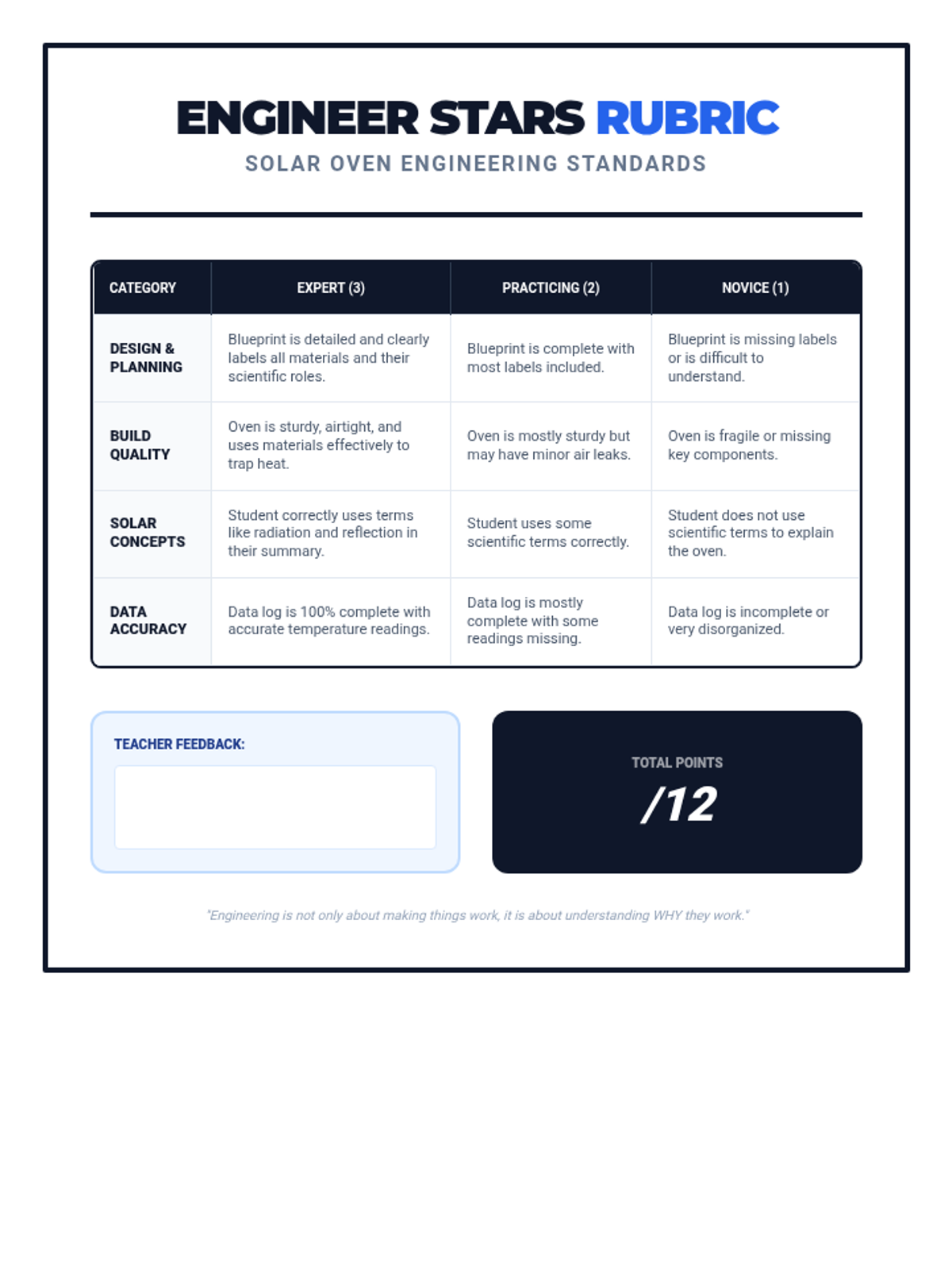
A professional grading rubric for teachers and students to assess the engineering design, construction quality, scientific knowledge, and data accuracy of the solar oven project.
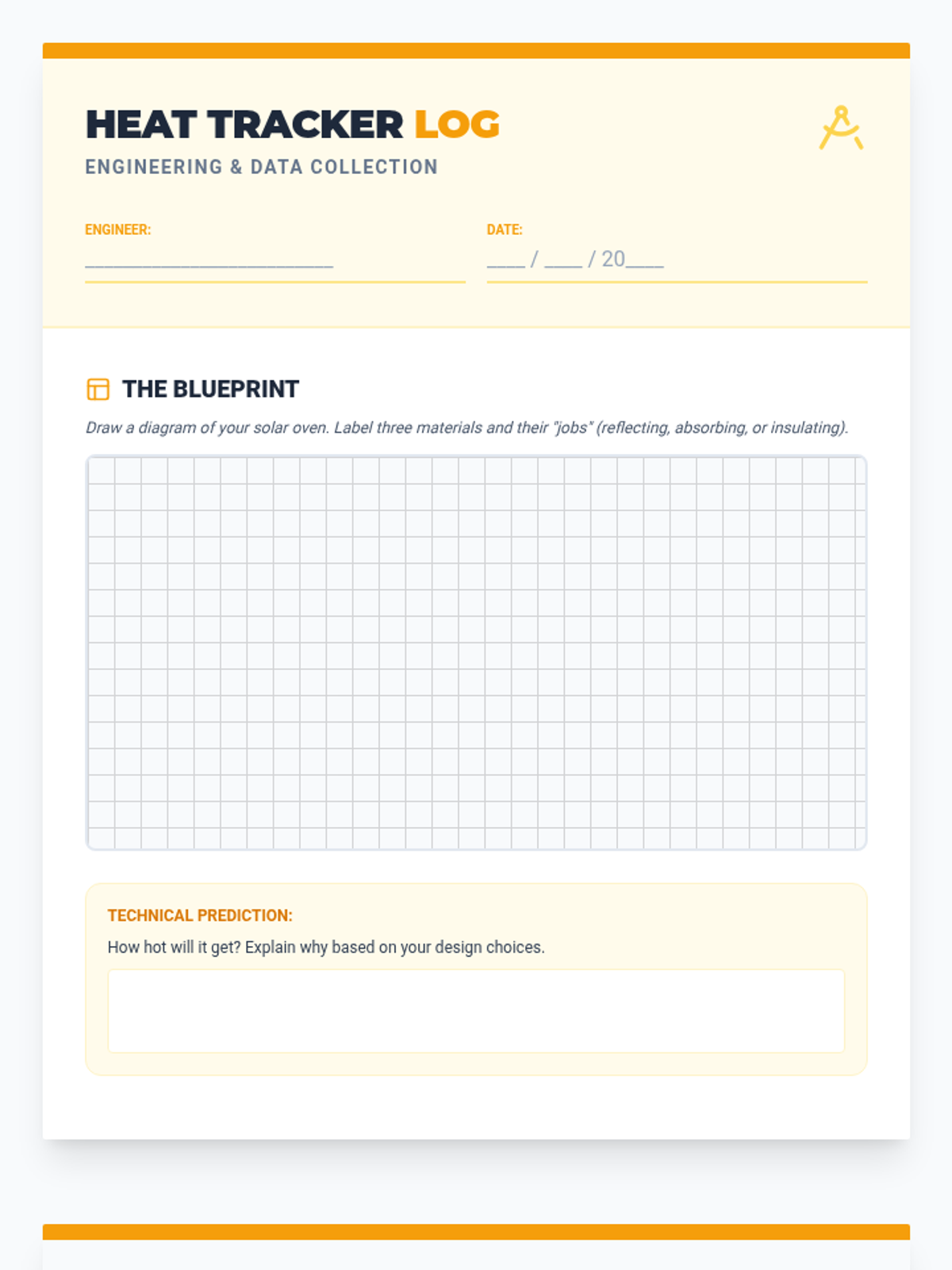
A two-page student document for sketching initial blueprints, recording temperature data during testing, and reflecting on the scientific outcomes of the engineering project.
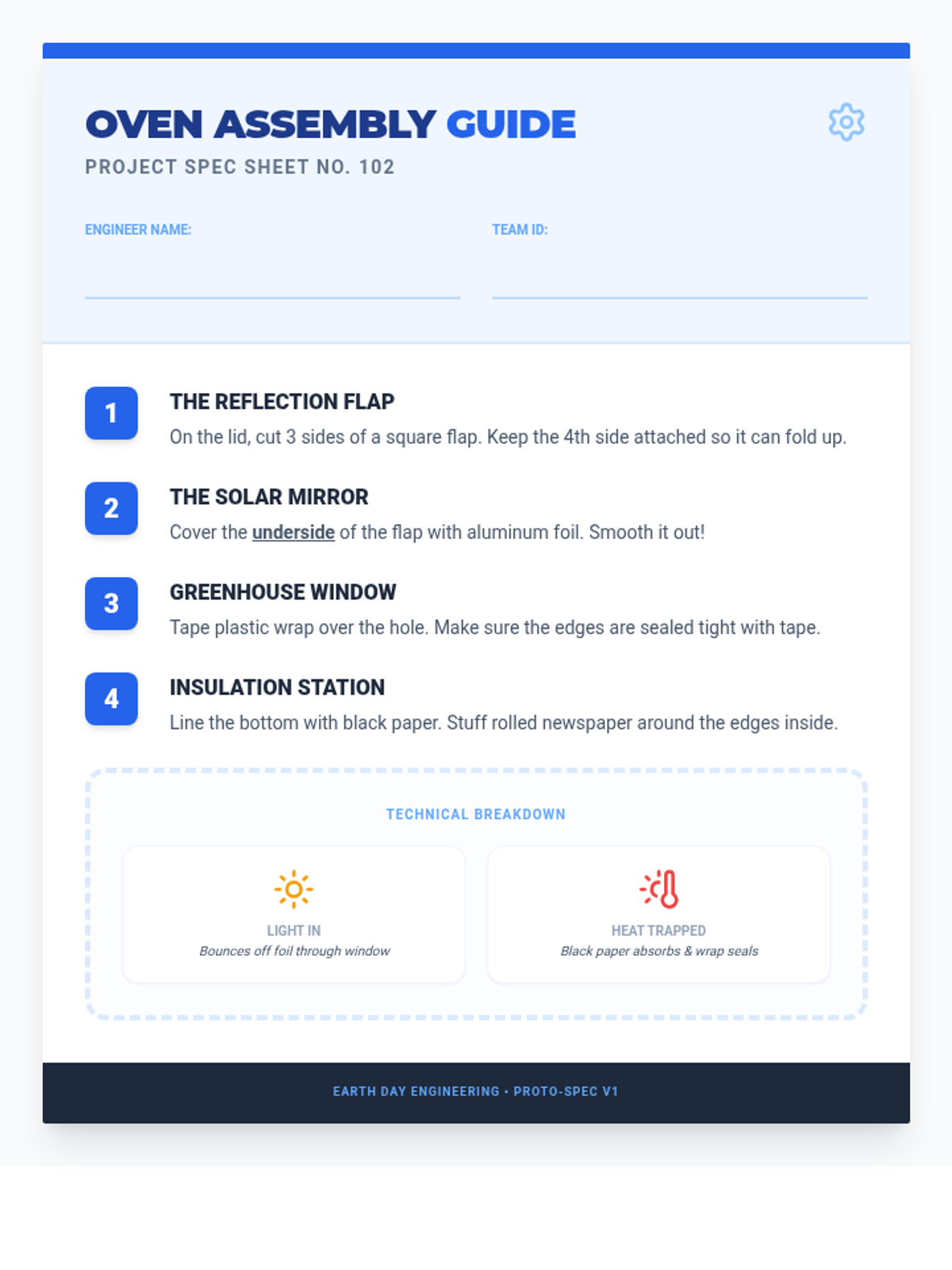
A step-by-step instructional activity sheet that guides students through the technical build of their solar oven, emphasizing material properties like reflection and insulation.
An engaging visual presentation for the classroom that introduces solar energy concepts, heat transfer terminology, and the engineering design process.
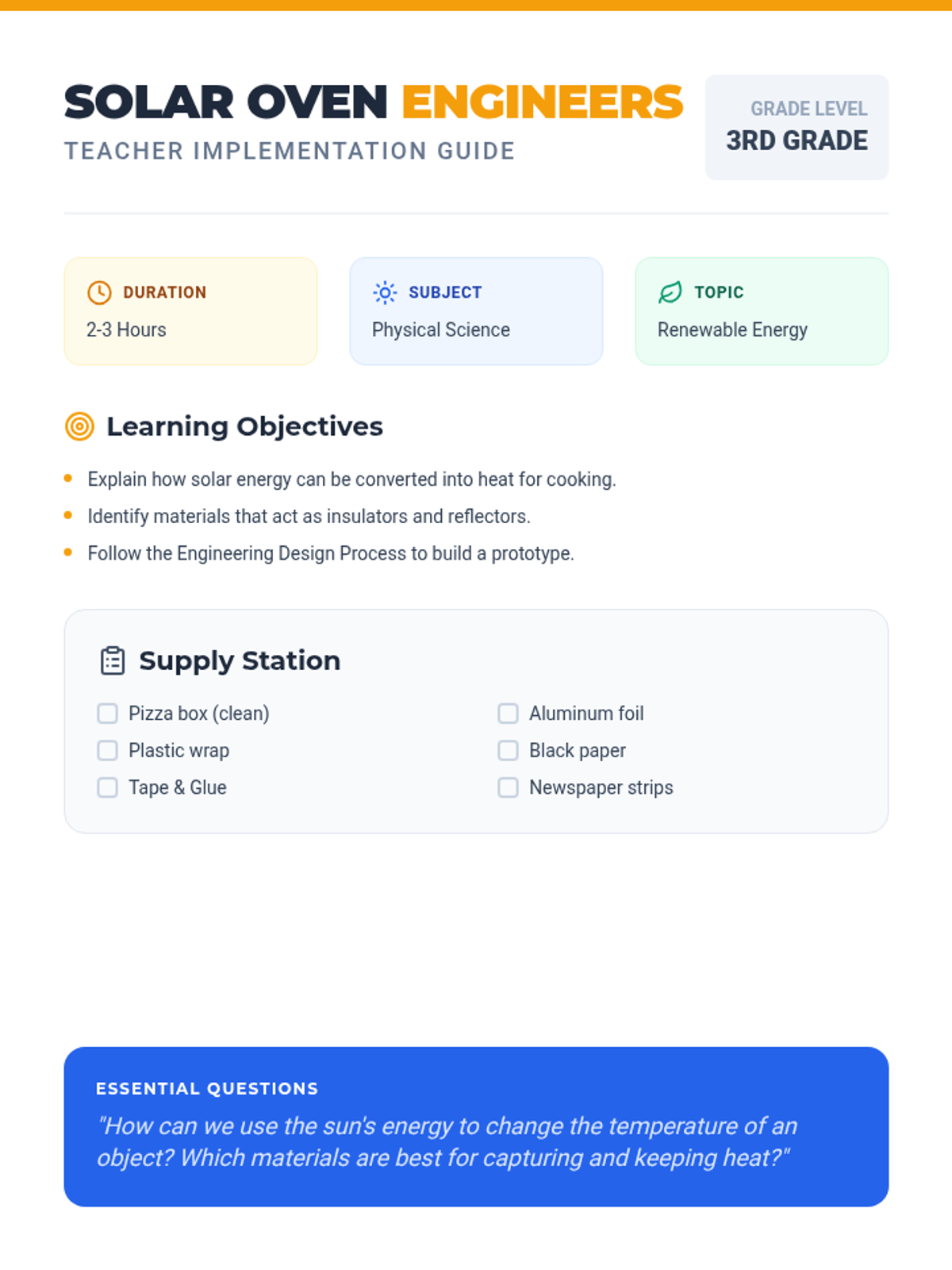
A comprehensive lesson plan for teachers, including learning objectives, a detailed materials list, step-by-step procedures, and differentiation strategies for the solar oven project.
A visual presentation for the Dream Builders Expo. Includes an introduction to the engineering mindset, the design process loop, and overview slides for each workshop rotation (Bridge Blitz, Launch Pad, Community Machine).
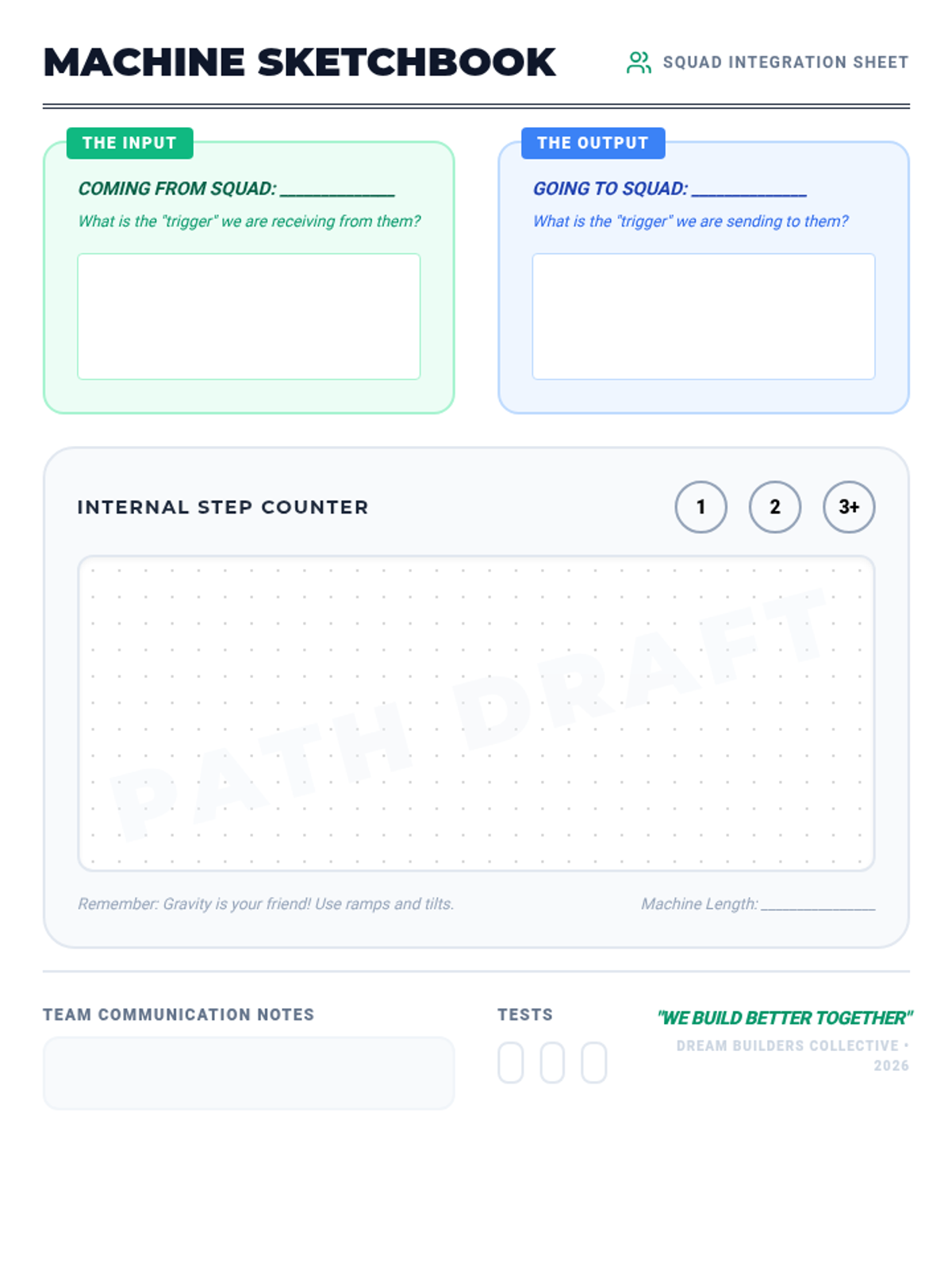
A student worksheet for the 'Community Machine' activity. It features a collaborative design space for mapping 'Input' and 'Output' triggers between squads, as well as an internal sketching grid for their specific machine module.
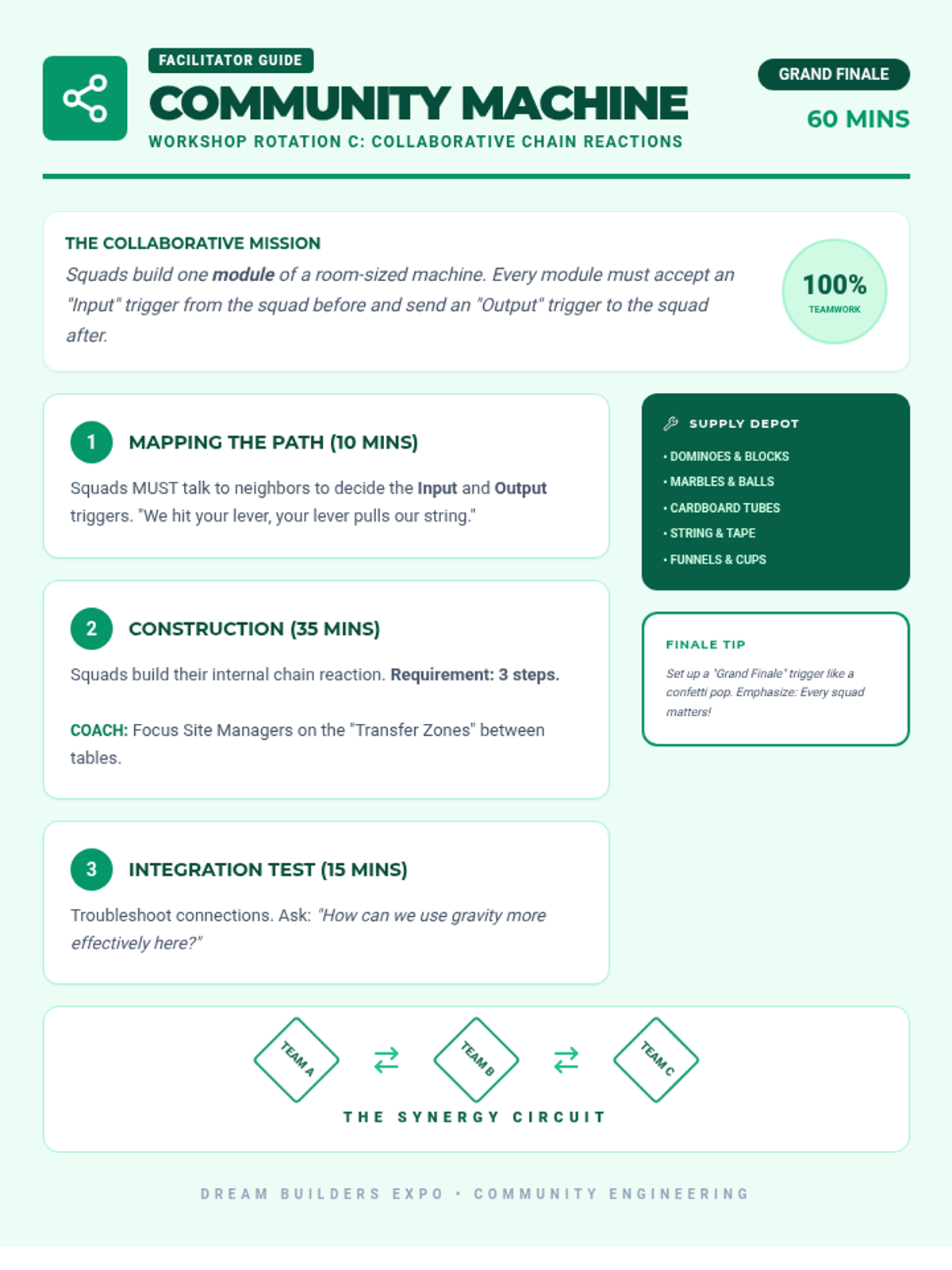
A facilitator guide for the 'Community Machine' workshop. This final rotation focuses on collaborative engineering, where squads build connected modules for a massive Rube Goldberg machine, emphasizing interdependence and communication.
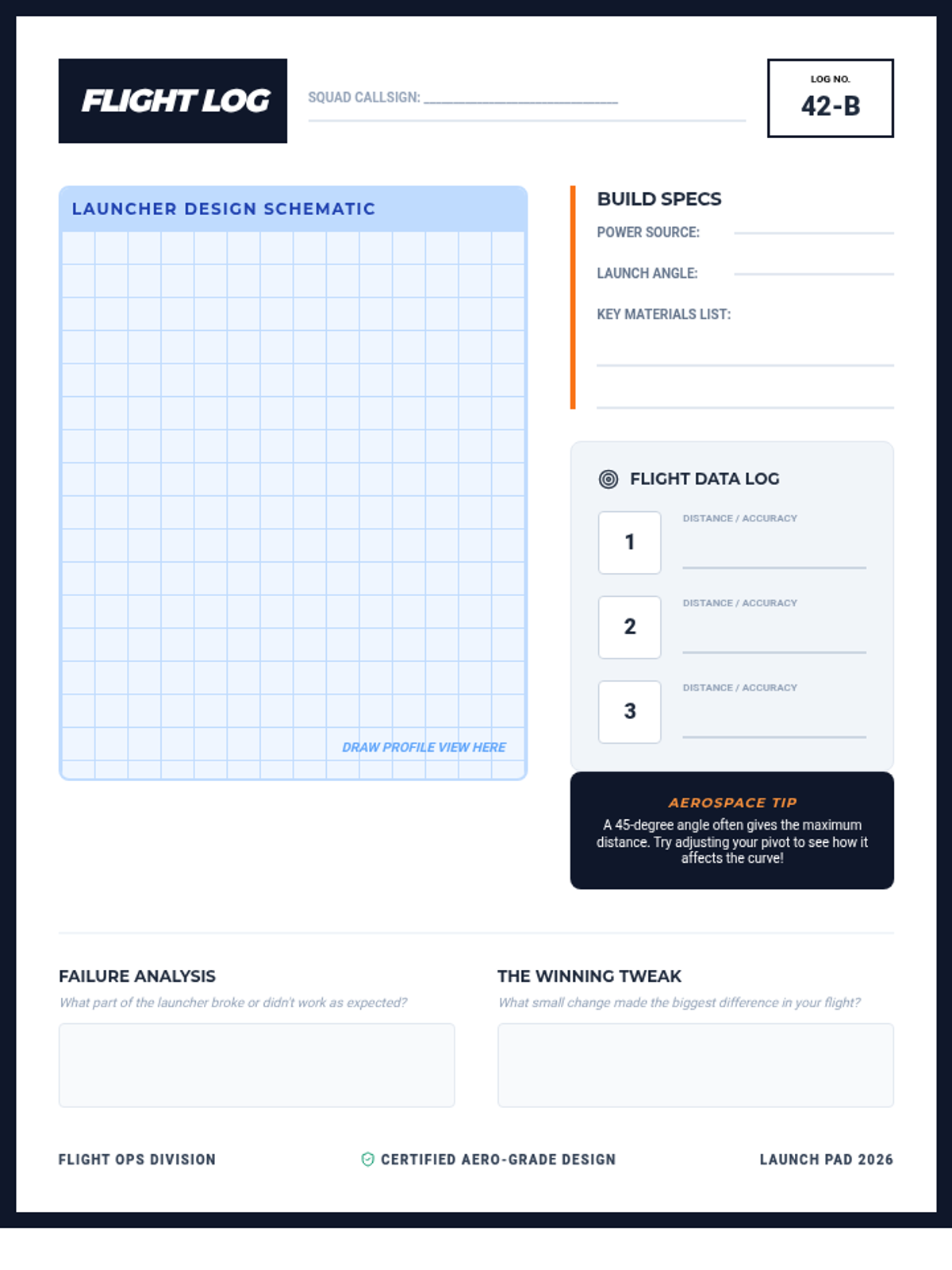
A student flight log worksheet for the 'Launch Pad' activity. Includes a technical design grid, flight data recorder for three tests, and a 'Failure Analysis' section to promote iterative engineering design.
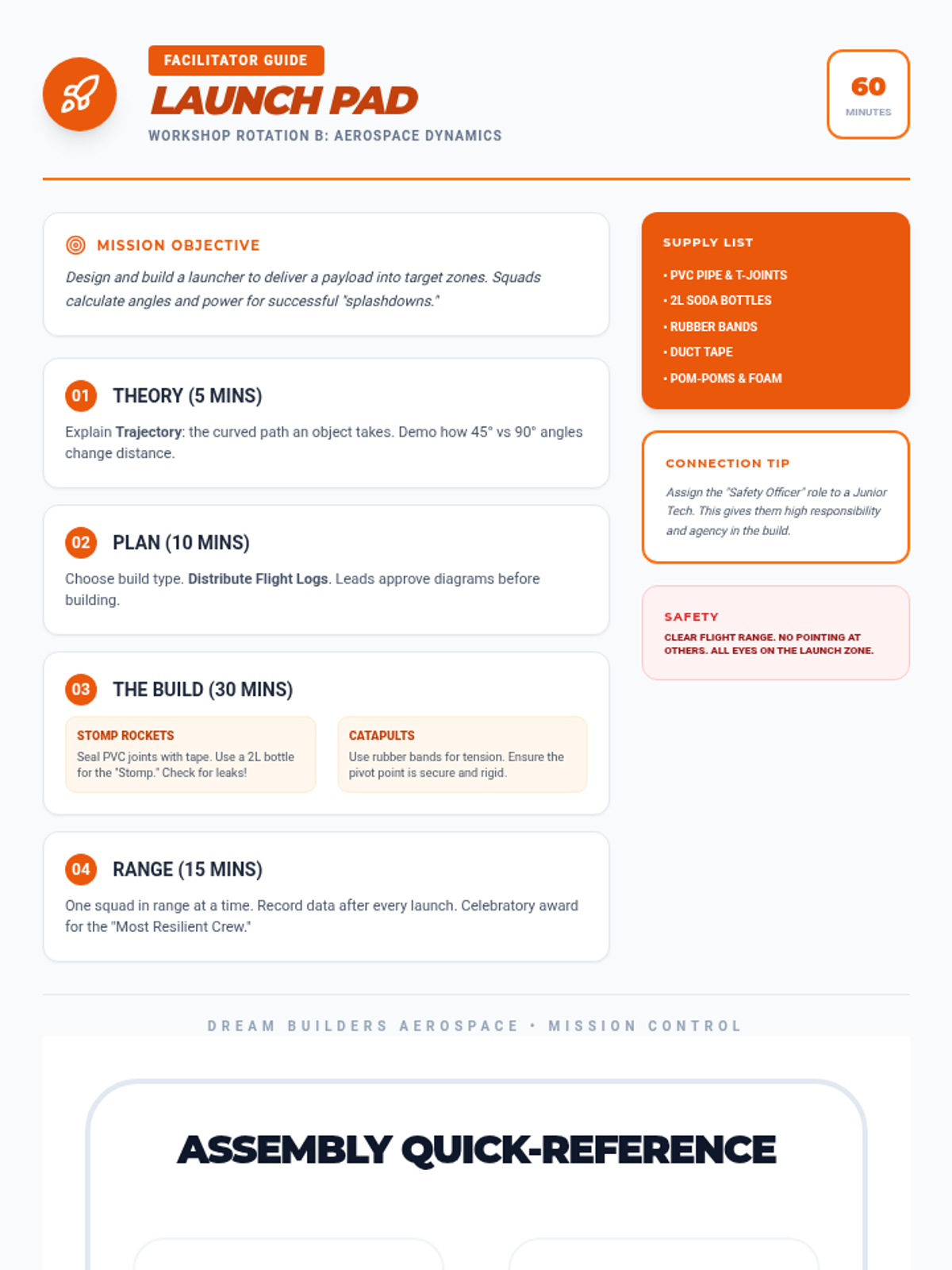
A facilitator guide for the 'Launch Pad' aerospace workshop. Features a mission-oriented protocol for building catapults or stomp rockets, including aerospace theory basics and safety guidelines for mixed-age groups. Includes assembly diagrams.
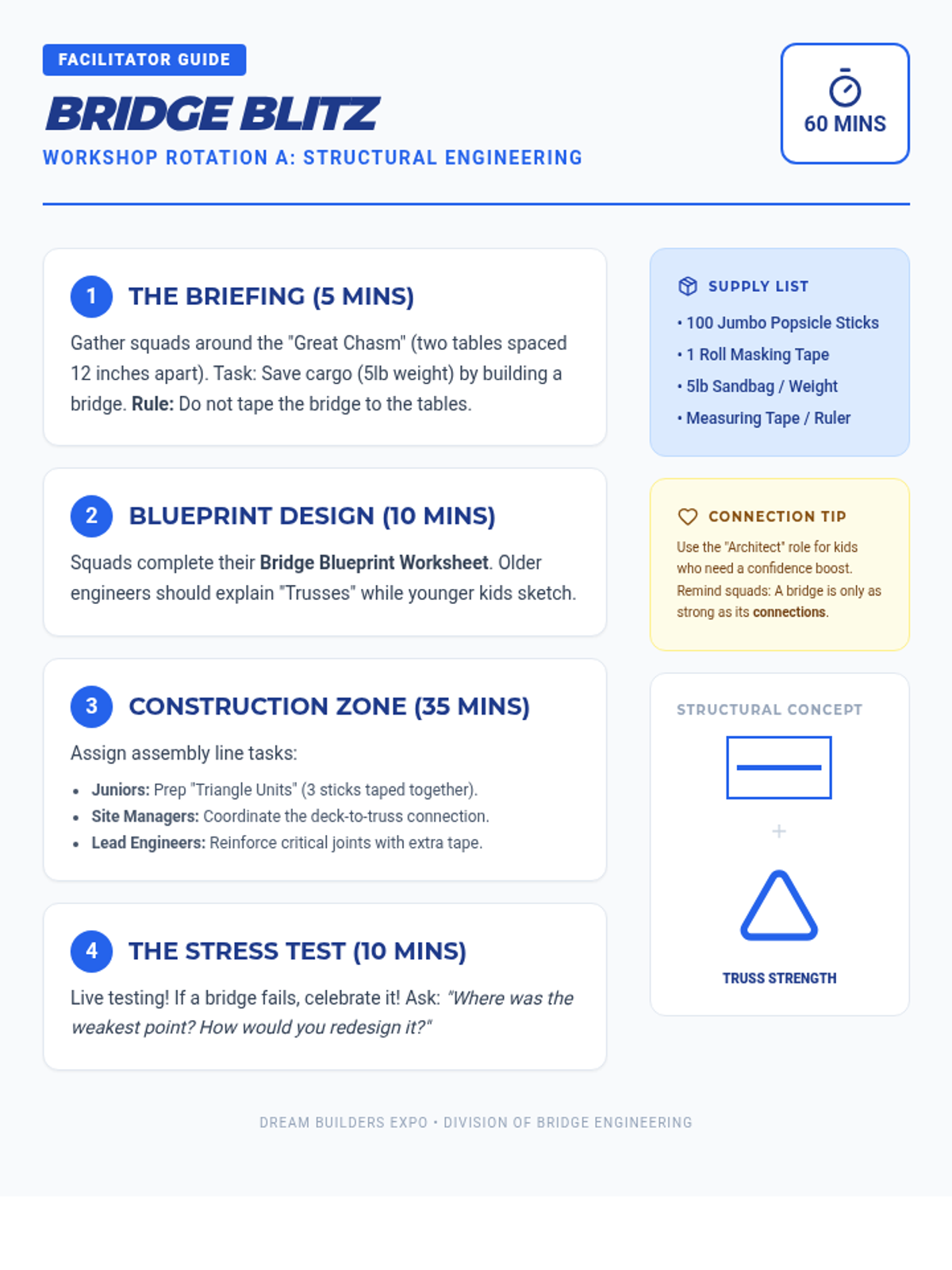
A detailed facilitator guide for the Bridge Blitz workshop. Includes step-by-step instructions for a 60-minute session, a supply list, and specific tips for fostering social connection and collaboration among mixed-age groups.
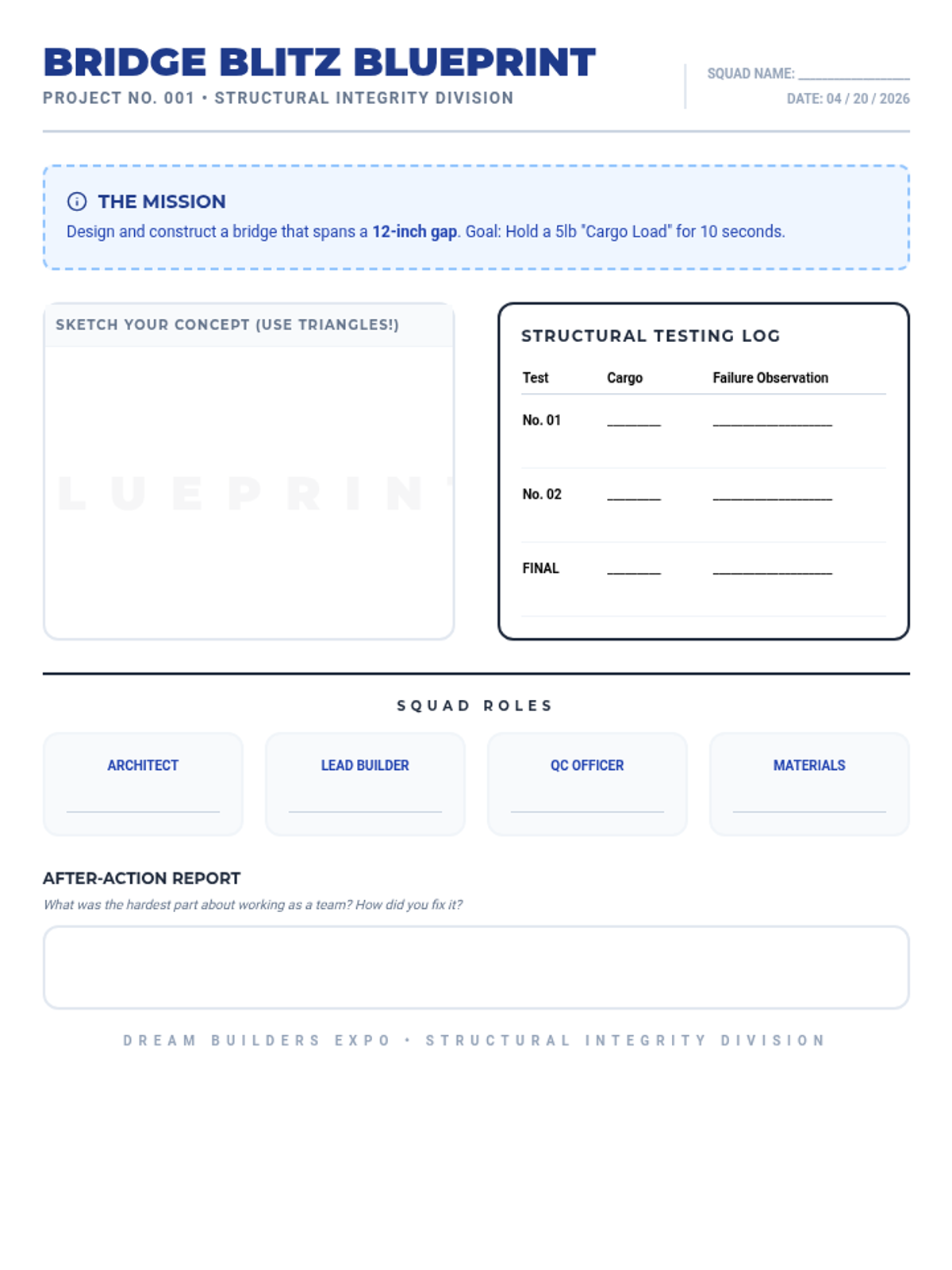
A student worksheet for the 'Bridge Blitz' challenge. Includes a blueprint-style sketching area, roles for mixed-age squads, and a testing log for structural integrity.
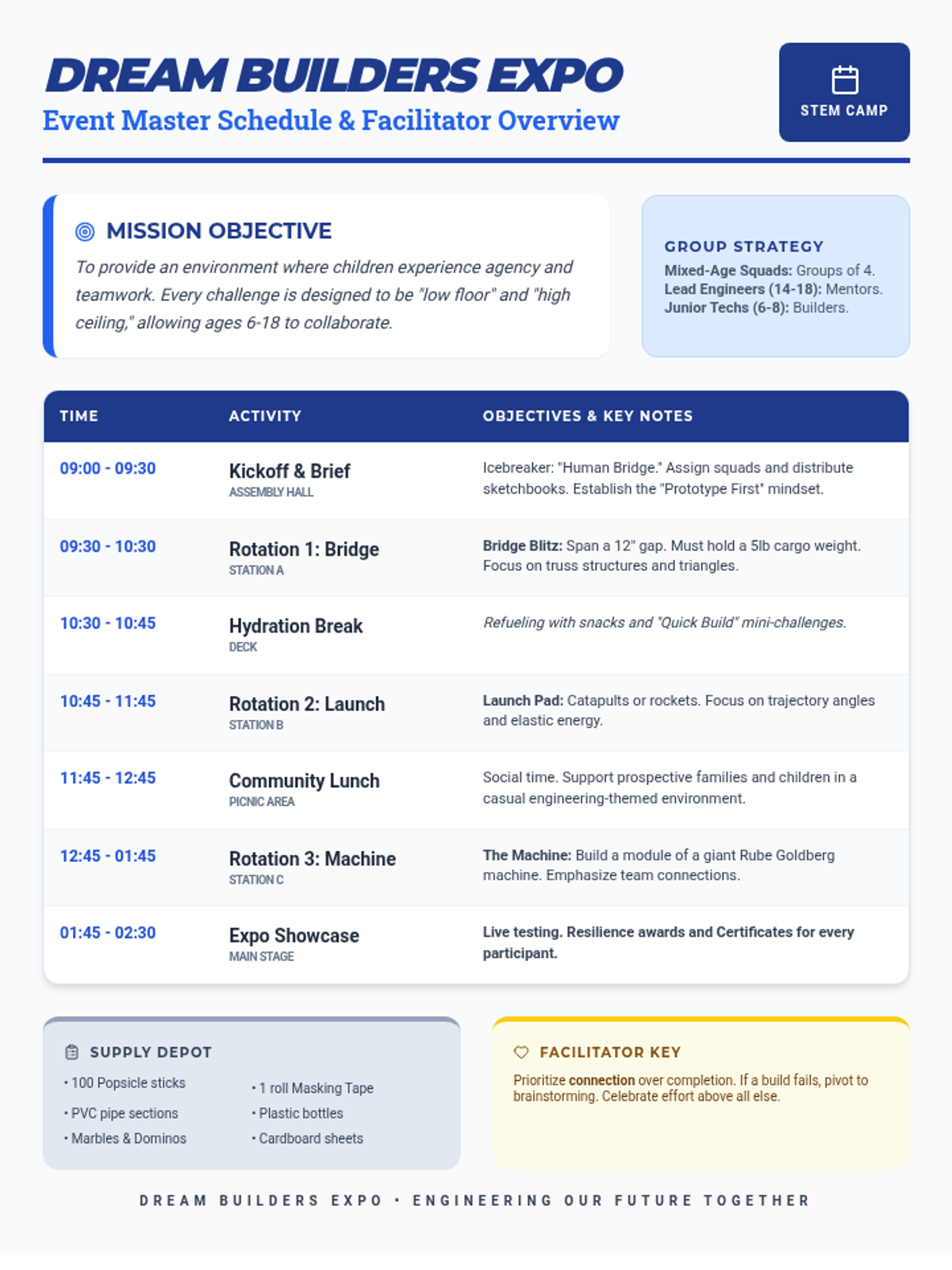
A comprehensive event schedule and facilitator overview for the Dream Builders Expo STEM camp. It outlines the 5.5-hour schedule, core philosophy, and group strategies for mixed-age rotations.
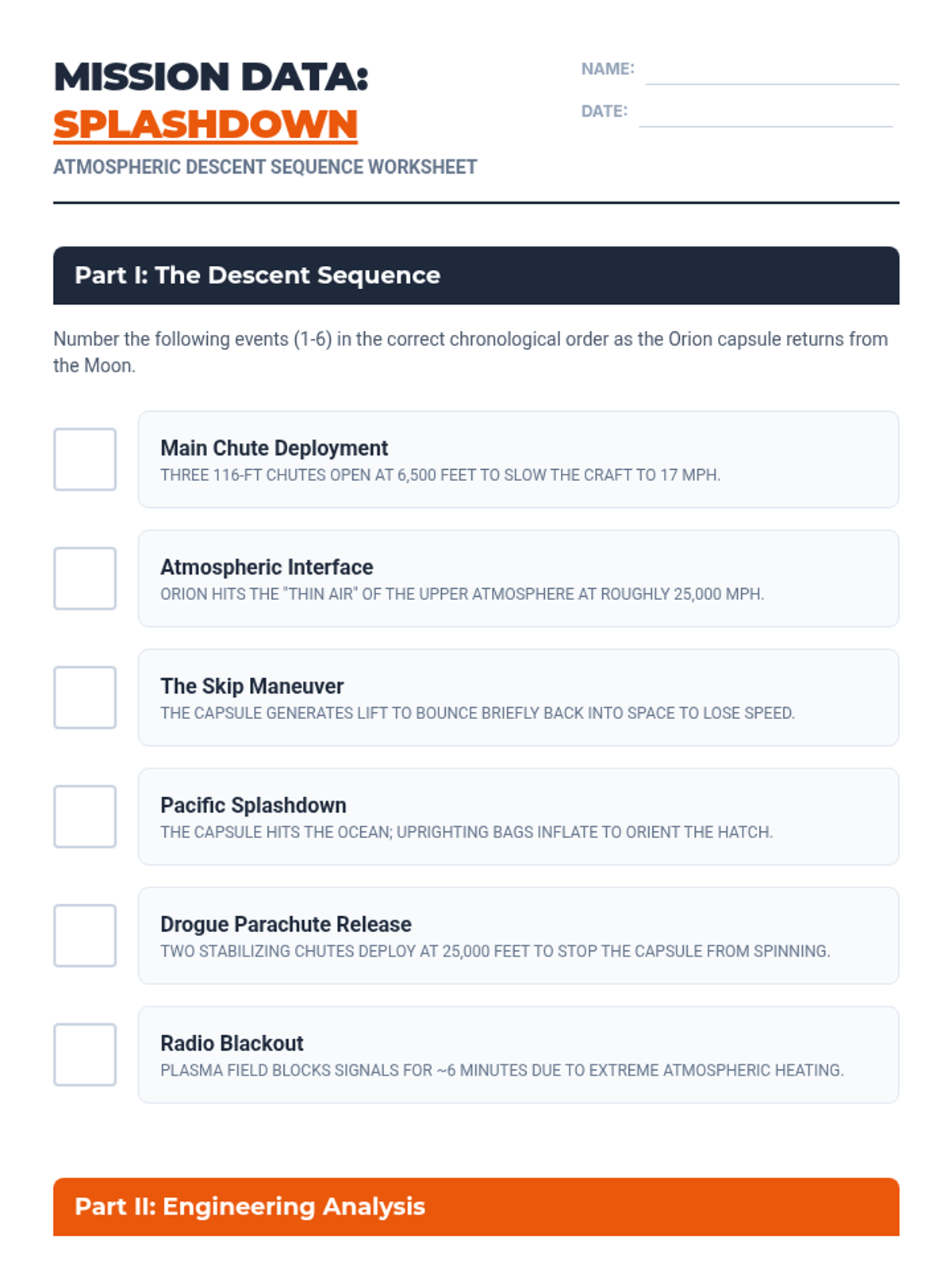
A student worksheet for sequencing the landing phases of Artemis II and analyzing the physics of heat shields and radio blackouts.
A visually high-impact slide deck explaining the physics of re-entry, the skip-entry maneuver, and the parachute deployment sequence for the Artemis II mission.
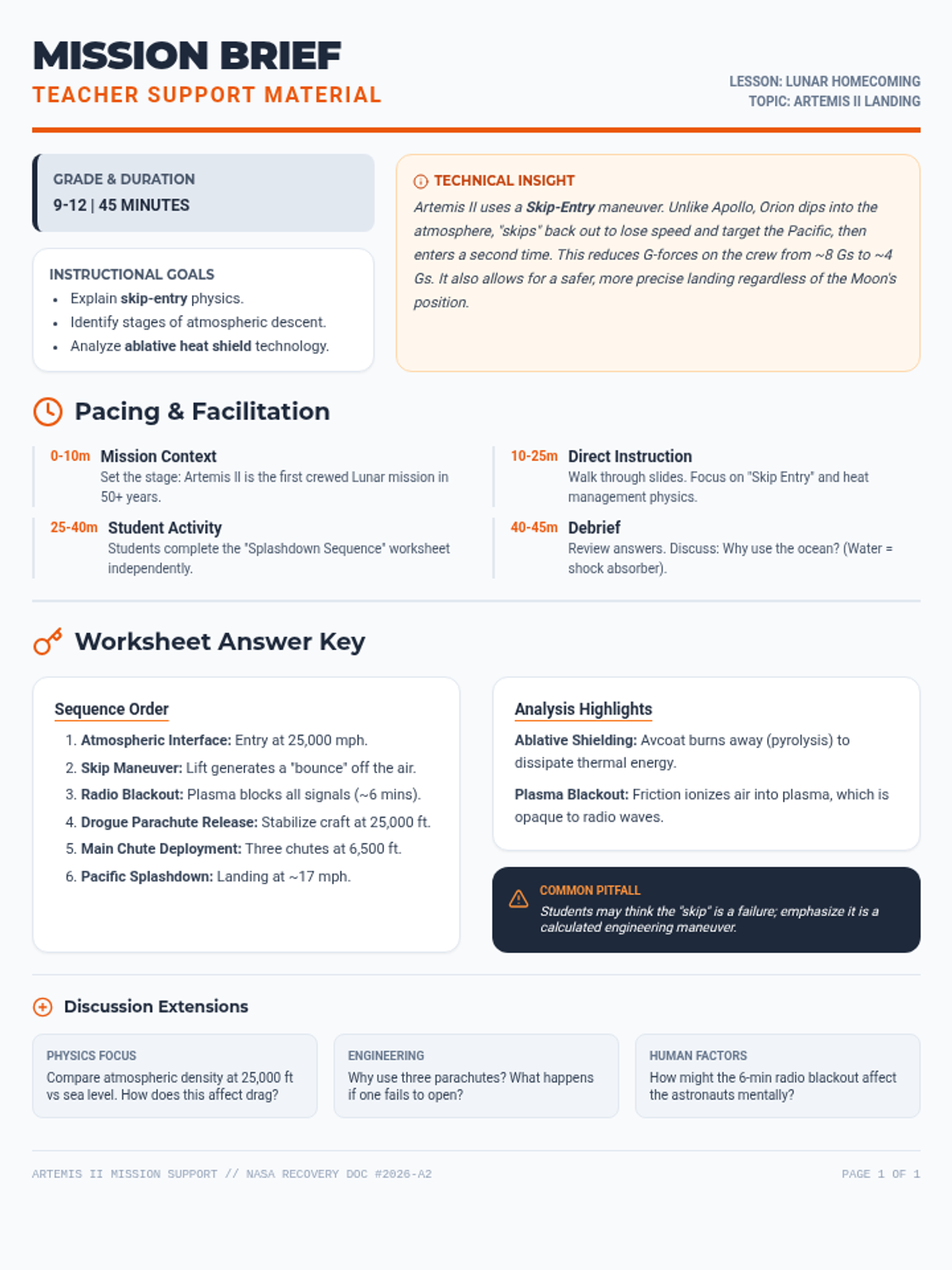
A comprehensive guide for teachers to facilitate a 45-minute lesson on the Artemis II landing sequence, including timing, alignment, and answer keys.
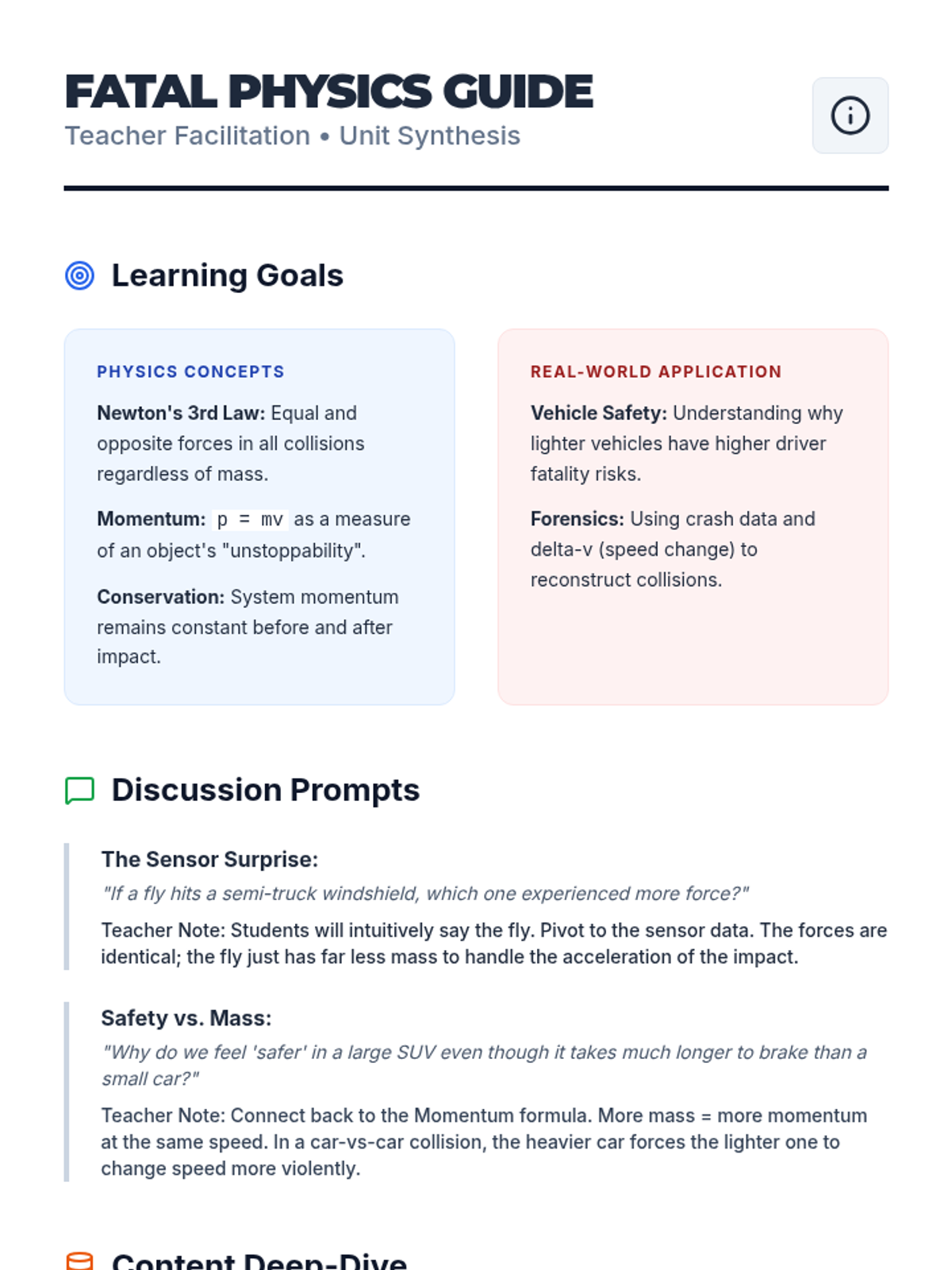
A teacher facilitation guide for the Momentum Mechanics lesson. Revised for better page organization and guaranteed rendering of mathematical concepts.
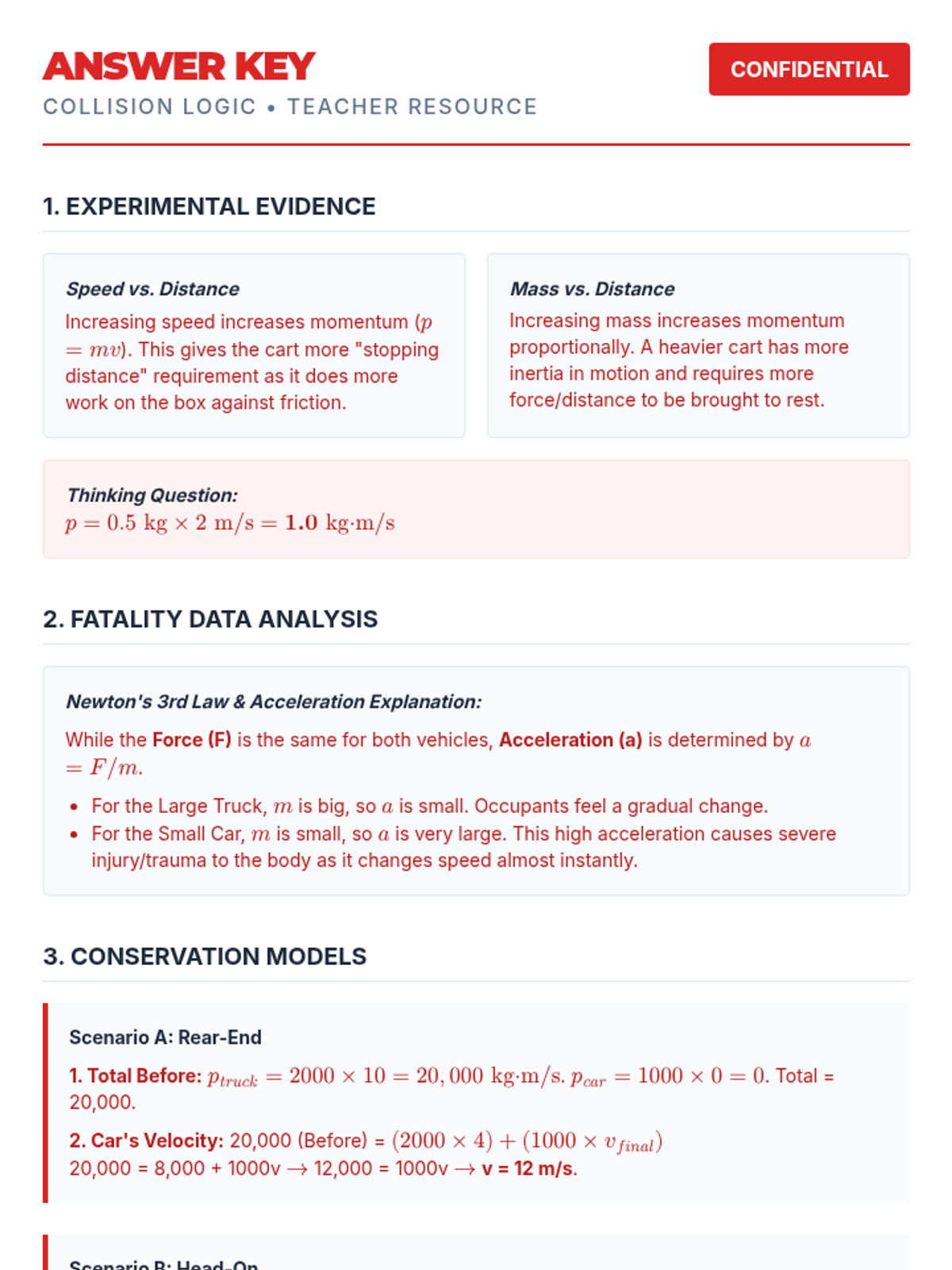
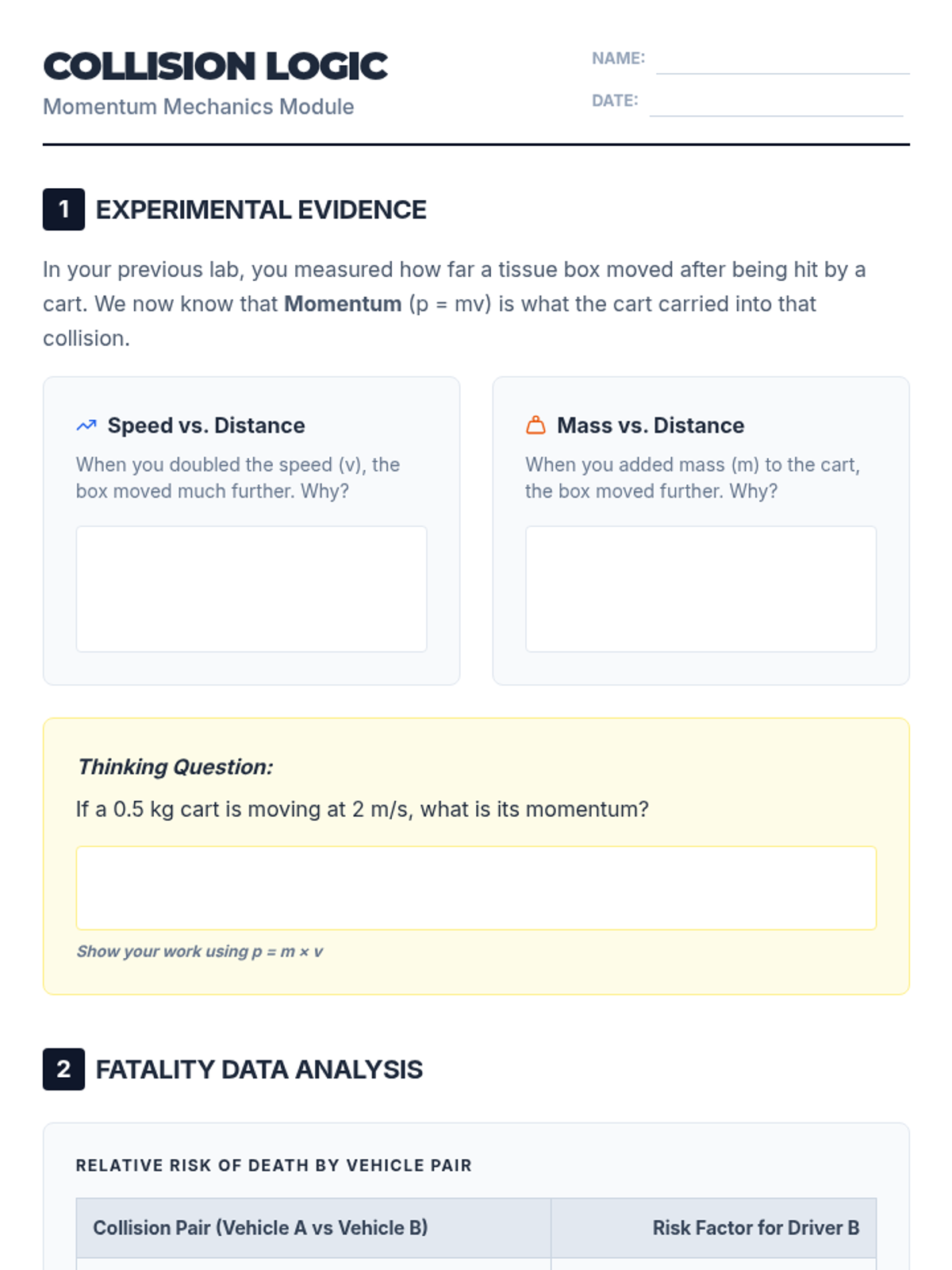
Detailed teacher answer key for the Collision Logic worksheet. Includes step-by-step mathematical derivations for momentum conservation and clear conceptual explanations for Newton's laws.
A practice worksheet where students connect their lab observations to the mathematical model of momentum. Revised for better page flow and rendering reliability.
A visual presentation connecting experimental lab results to Newton's Third Law, momentum conservation, and real-world vehicle safety data. Includes diagrams of force-time graphs and fatality risk tables. Revised for improved rendering and accessibility.
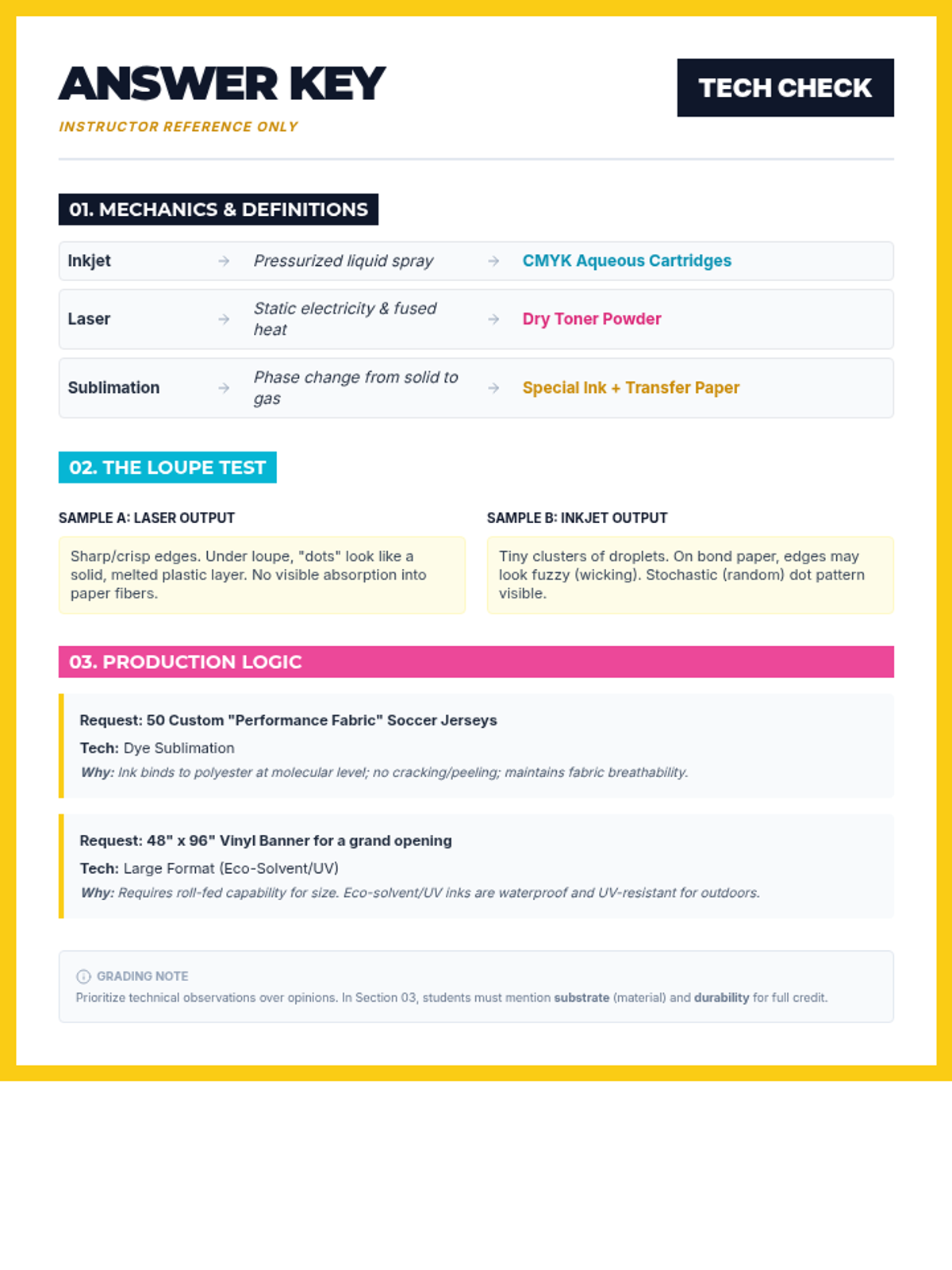
An instructor answer key for the 'Print Tech Check' worksheet. Revised to ensure all answers fit on a single page within the decorative border and fixed HTML semantics.
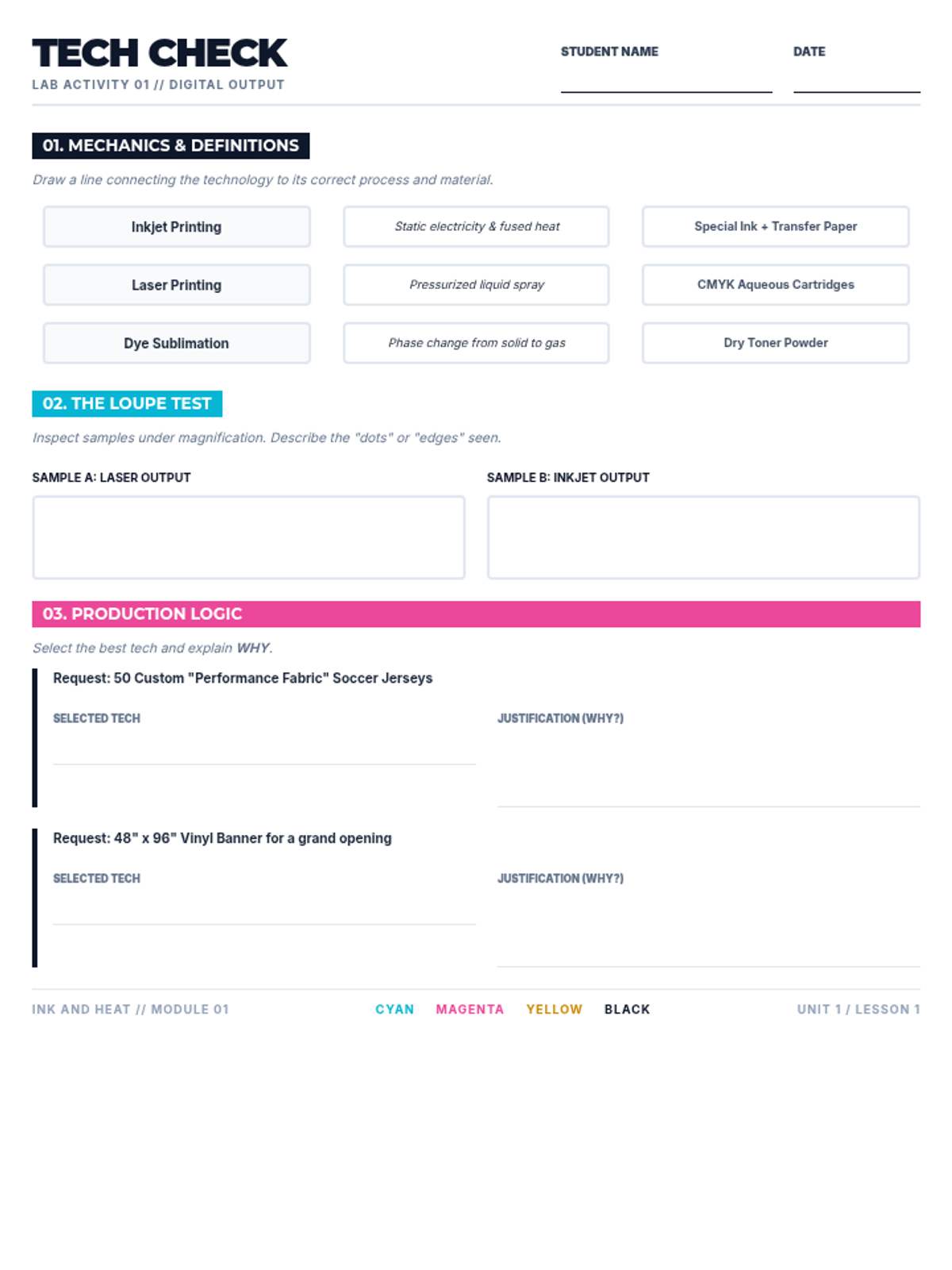
A student-facing worksheet for the 'Ink and Heat' lesson. Revised to fit all content on a single page, improve writing space, and ensure work area clarity. Darkened labels for better accessibility. Increased writing space for justifications.
Visual presentation slides covering the core digital printing technologies: Inkjet vs. Laser, Large Format roll-to-roll, and the chemistry of Dye Sublimation. Includes scenario-based discussion prompts.
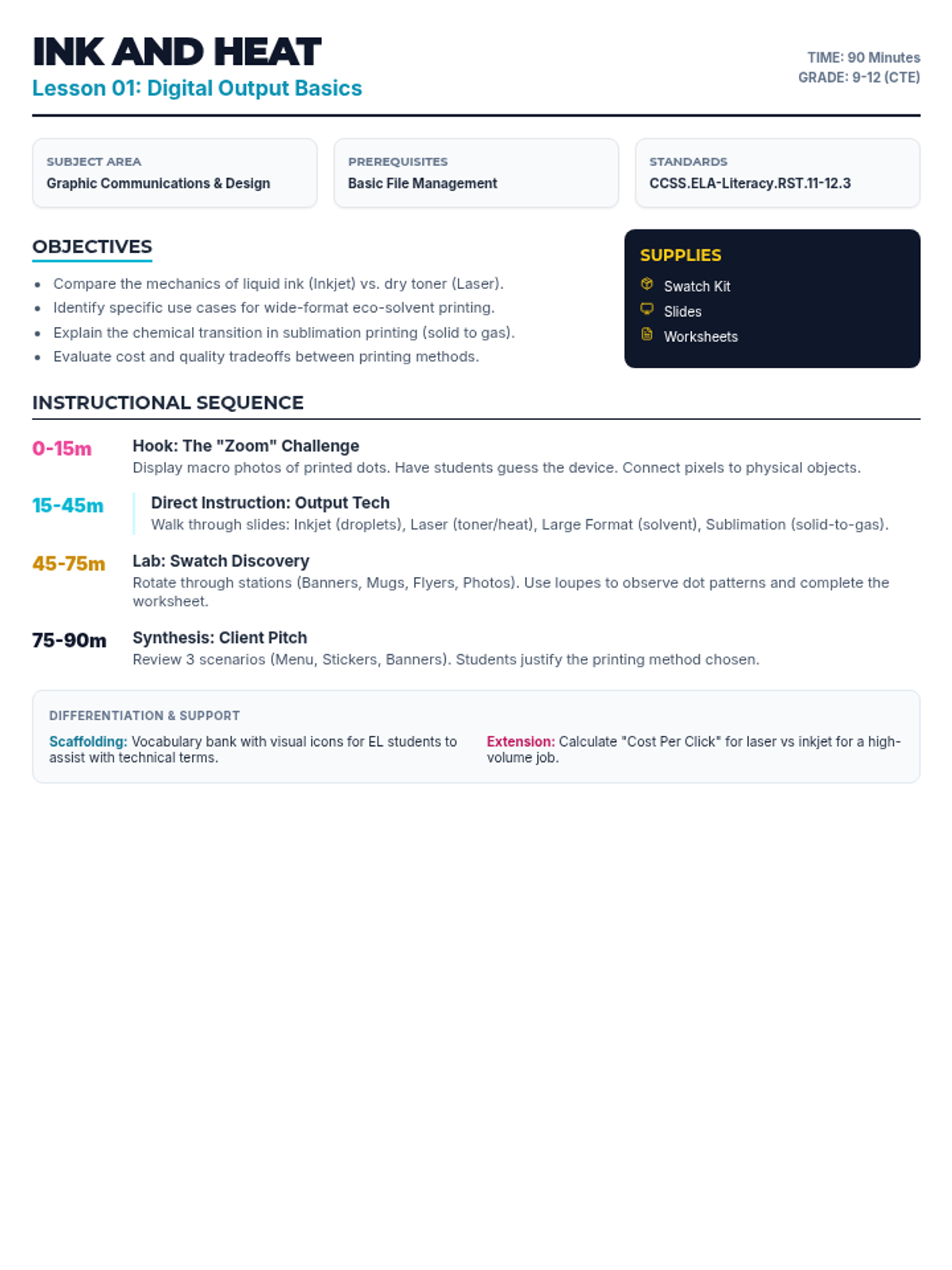
A comprehensive teacher guide for the 'Ink and Heat' lesson. Revised to ensure all instructional steps fit on one page and column widths are optimized for readability. Content hierarchy refined for clarity.
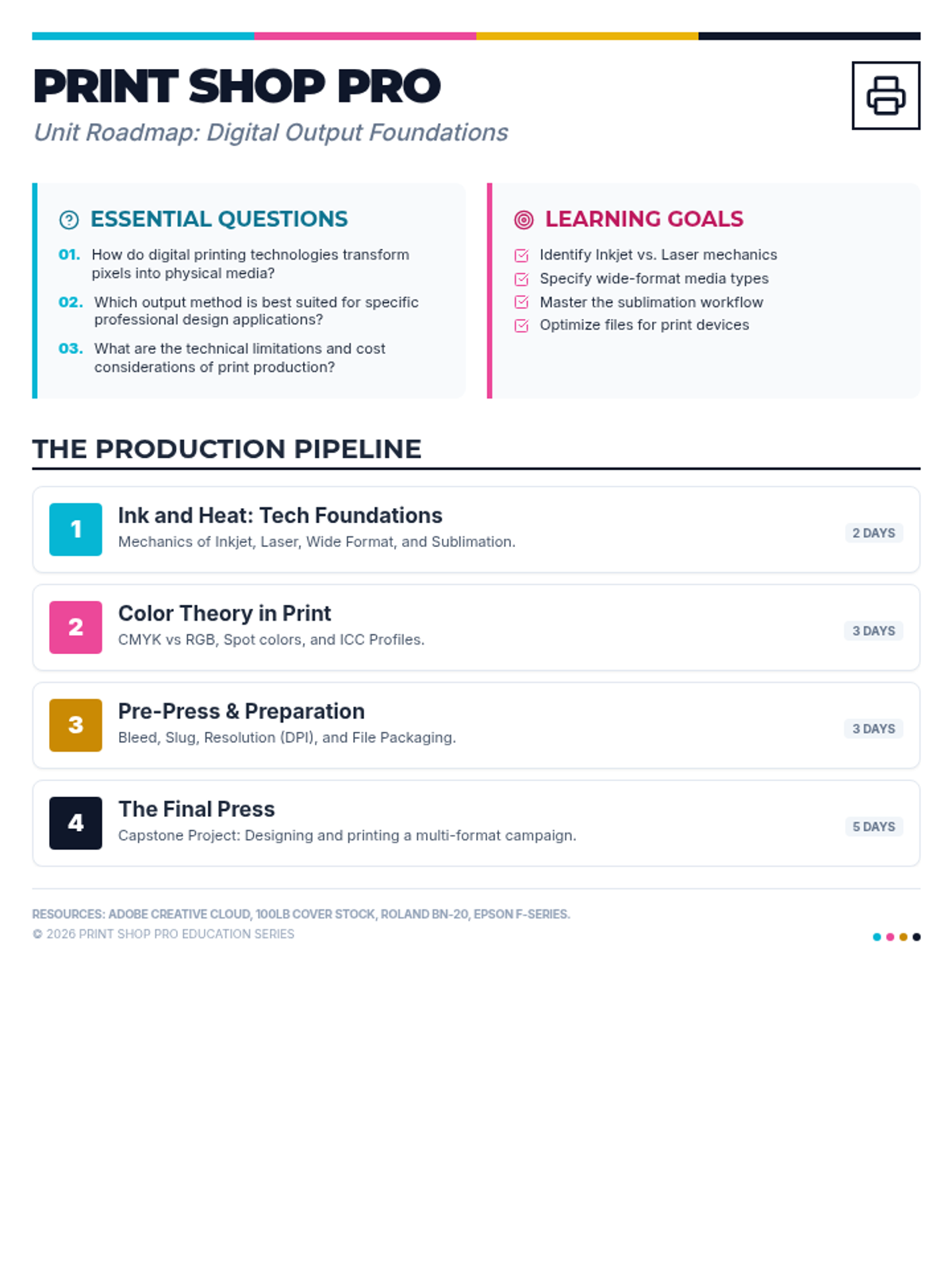
A high-level unit map for the Print Shop Pro curriculum, detailing essential questions, learning goals, and the four-lesson production pipeline from foundations to final press. Revised for improved accessibility and layout. Content hierarchy refined for clarity.
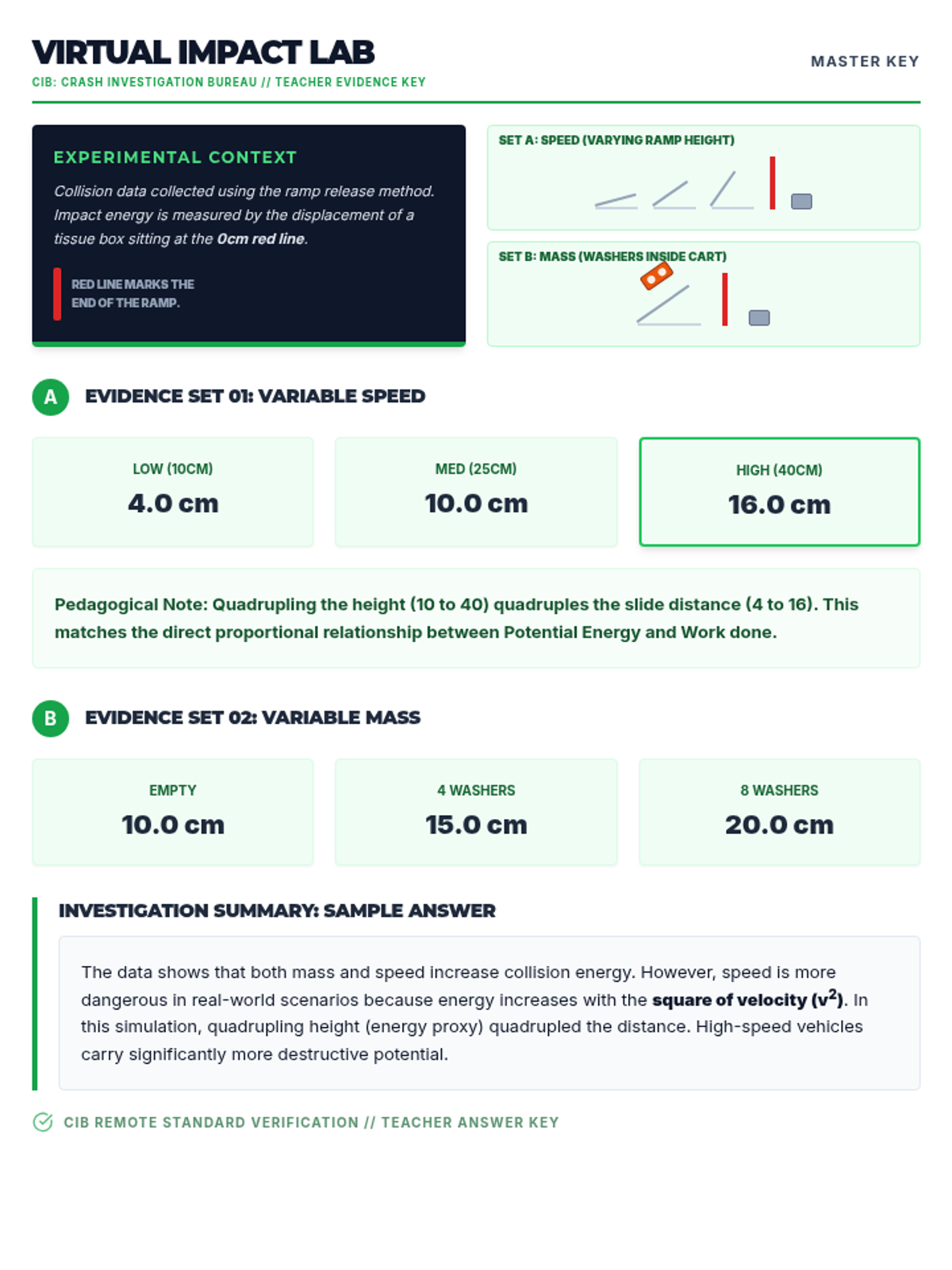
Updated teacher answer key for the Virtual Impact Lab with corrected experimental diagrams matching the horizontal layout requested: Tissue Box on the left, Red 0cm line in the middle, and Ramp examples on the right. Updated data tables with common student findings (e.g. 10cm height results in approx 80cm displacement).
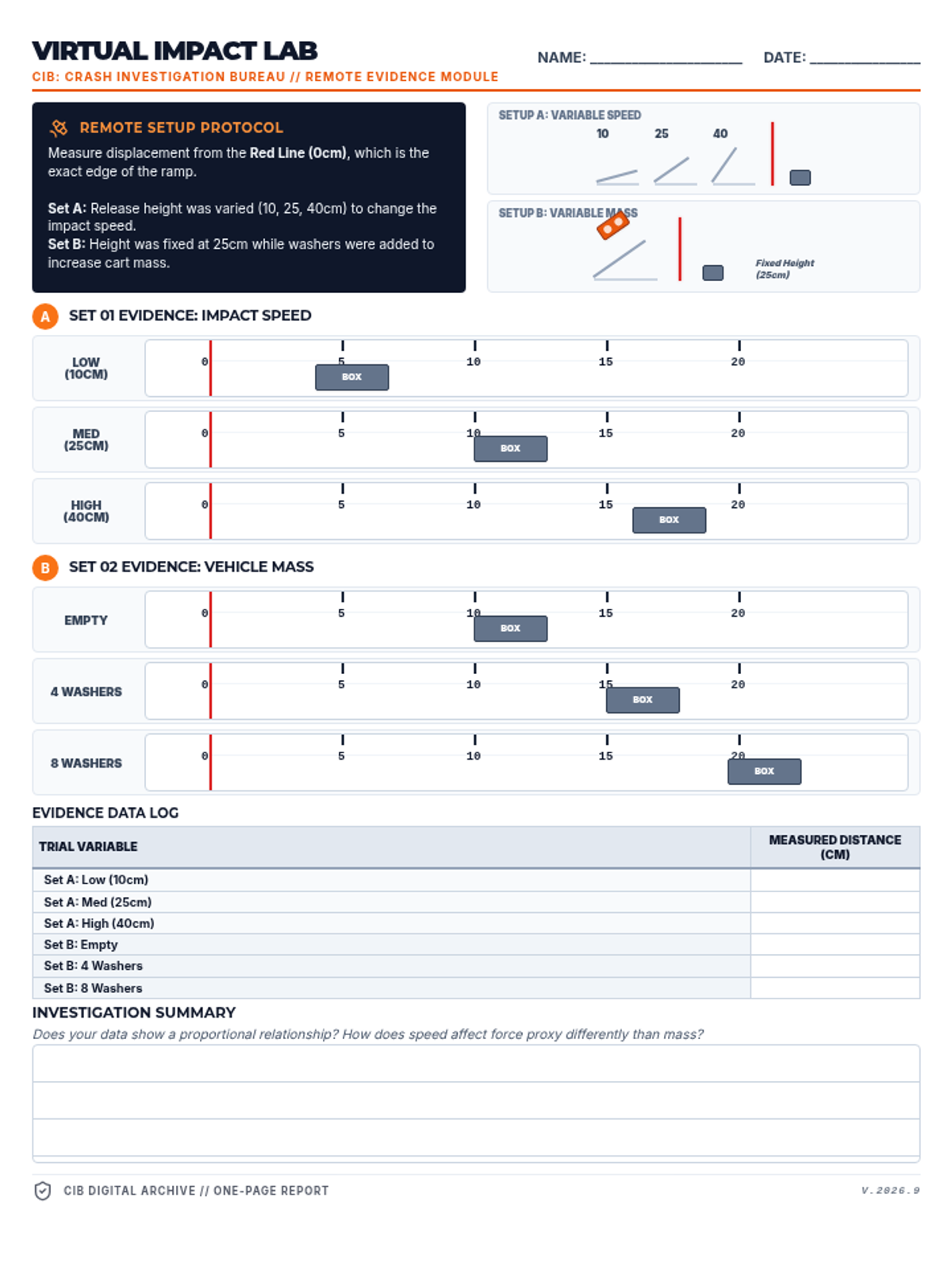
Updated distance learning lab handout with new empirical data. Snapshot rulers now show a scale from 0-150cm to match common student findings (e.g., 80cm at 10cm height). BOX positions are adjusted to visually reflect these larger displacement measurements. Fixed label overlapping for better legibility.
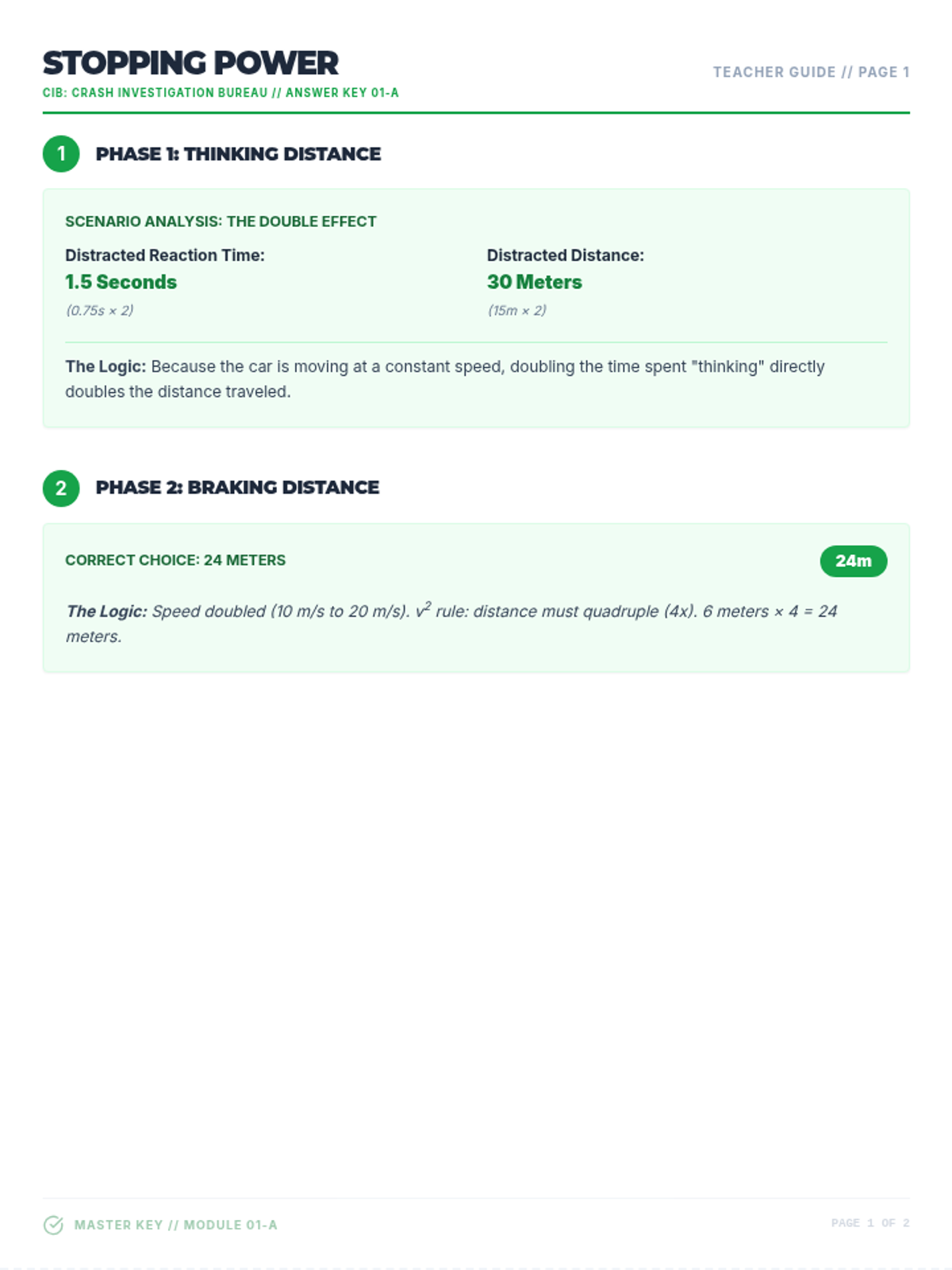
Updated teacher answer key for the expanded 2-page Stopping Power Worksheet. Provides detailed step-by-step solutions for the 3-second safety rule analysis, comparing distracted driver stopping components (Thinking/Braking) to the alert driver buffer. Corrected units to m/s and standardized reaction times to 0.75s/1.50s. Corrected math rendering and superscript issues. Corrected logic for reaction distance. Corrected units to m/s. Corrected math rendering and superscript issues. Corrected logic for reaction distance. Corrected units to m/s. Corrected math rendering and superscript issues.
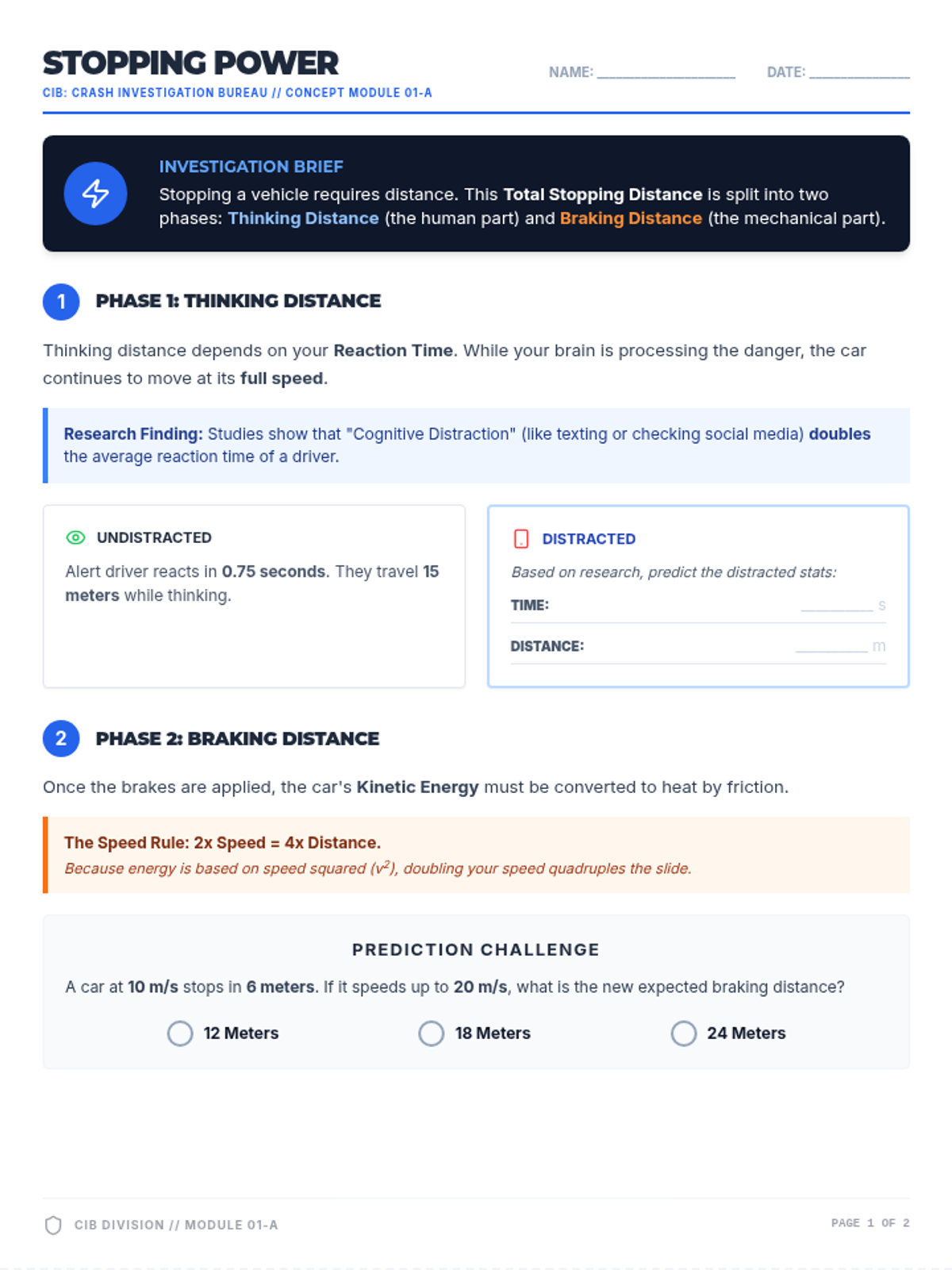
Updated 2-page Stopping Power Worksheet. Standardizes reaction time to 0.75s (alert) and 1.50s (distracted). Clarifies time units to avoid confusion between 's' and '5'. Adds a dedicated Total Stopping Equation summary and expanded practice for the 3-second rule. Fixes math rendering and page layout issues.
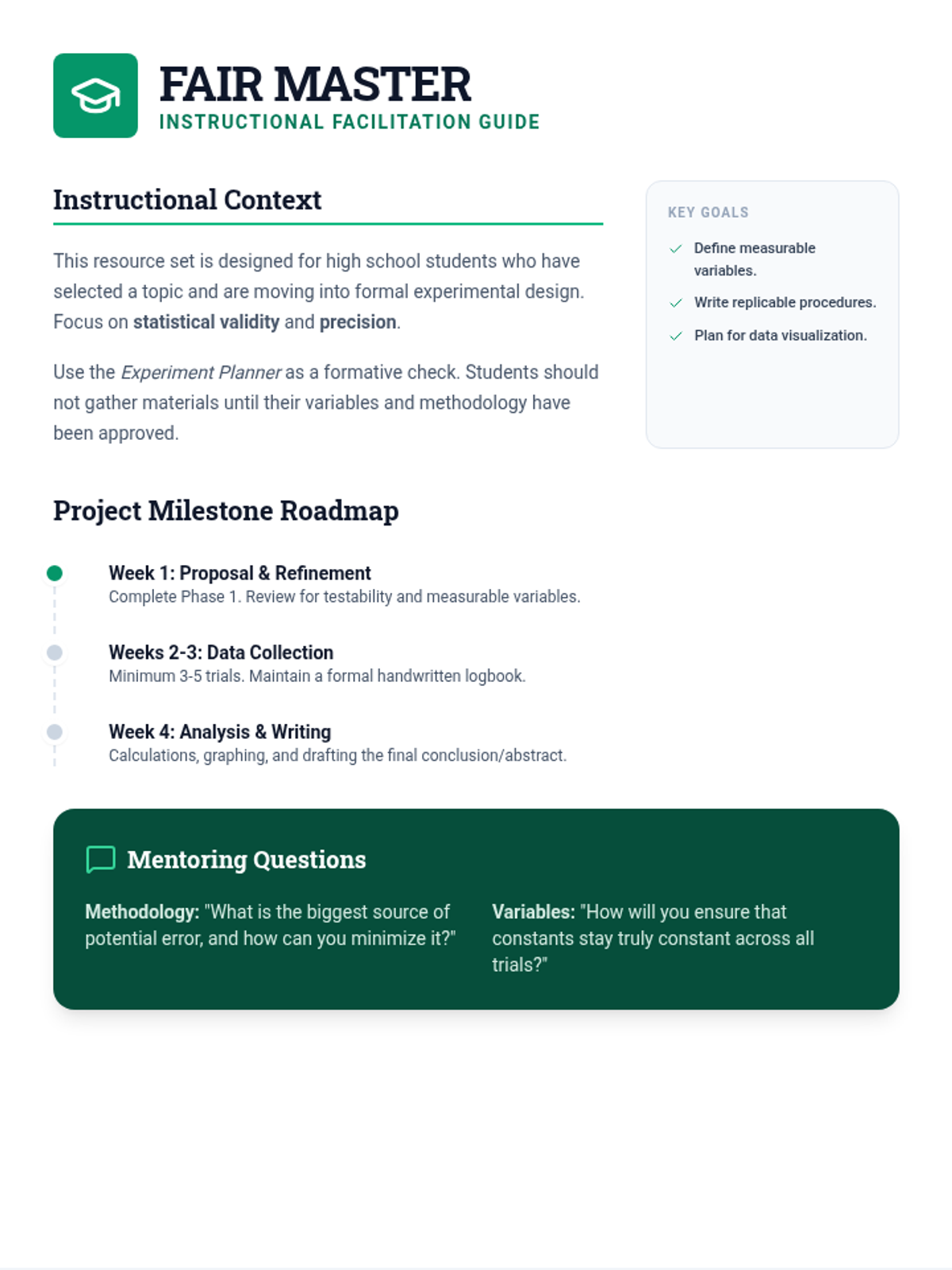
A teacher resource containing a project timeline, questioning framework, and formative assessment rubric for guiding high school students through the science fair process.
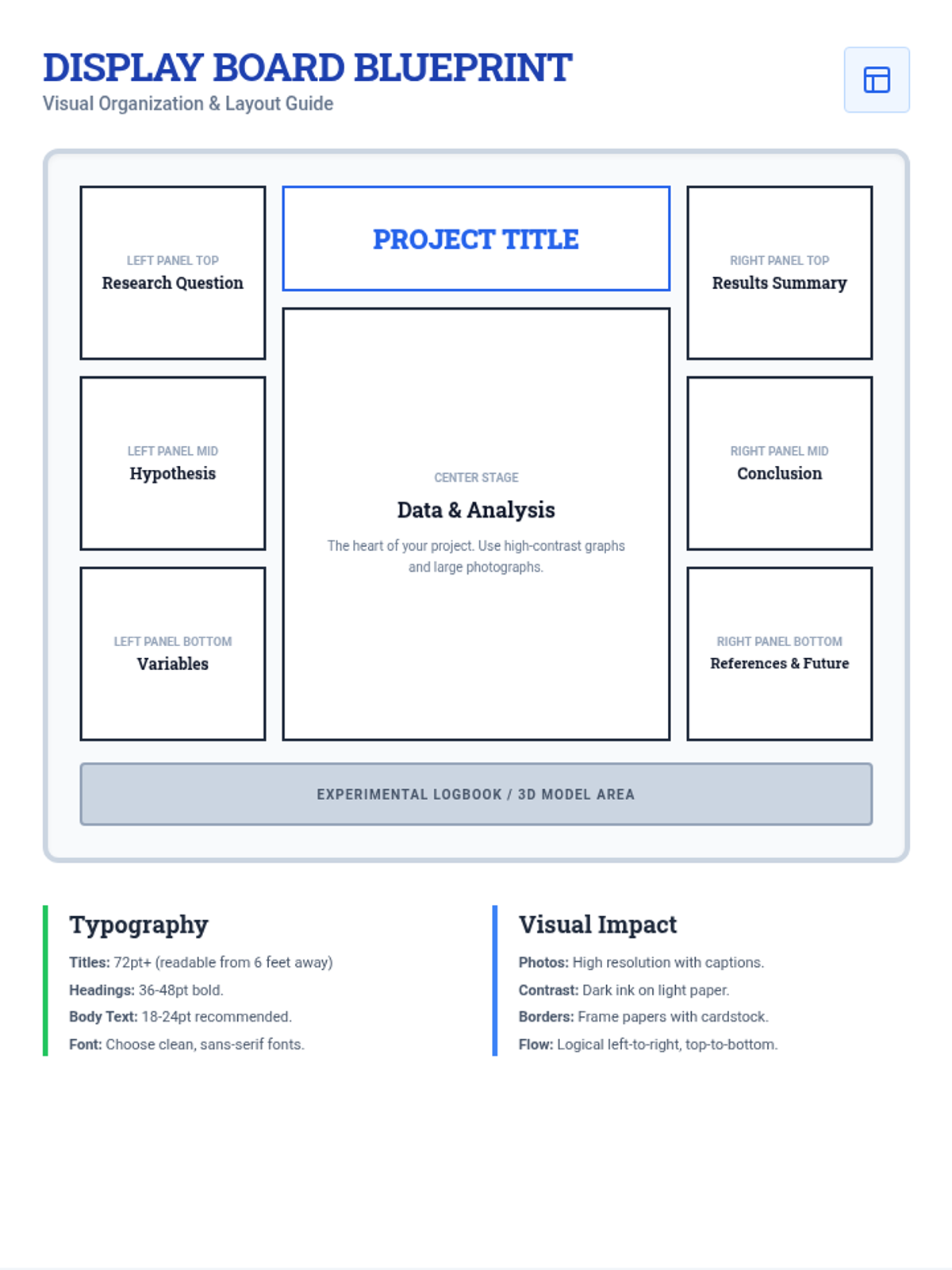
A visual schematic and guide for high school students to plan the layout, typography, and visual impact of their science fair trifold board.
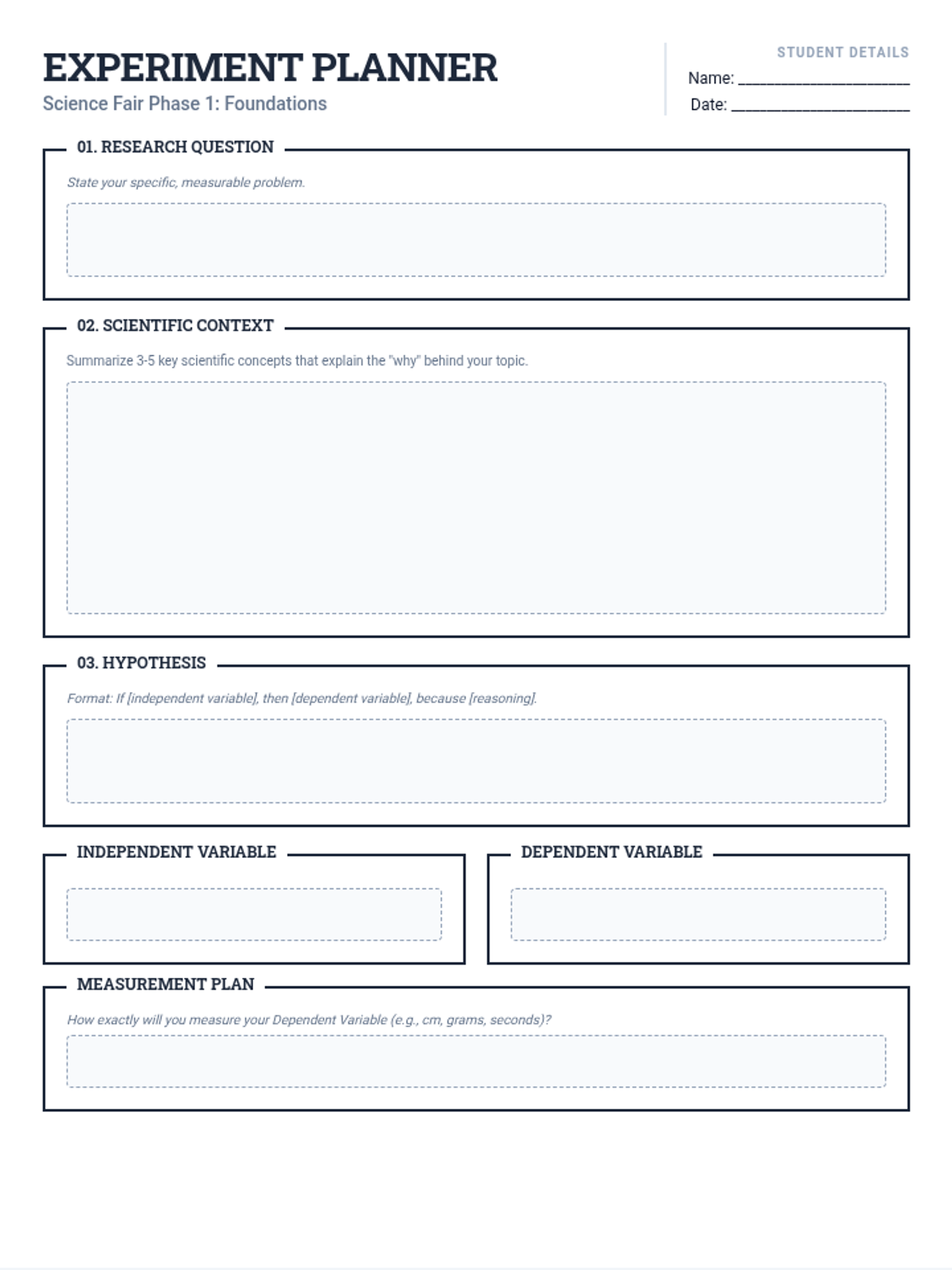
A multi-page step-by-step experiment planner for high school science fair students, covering research questions, hypothesis formation, variable identification, and methodology.
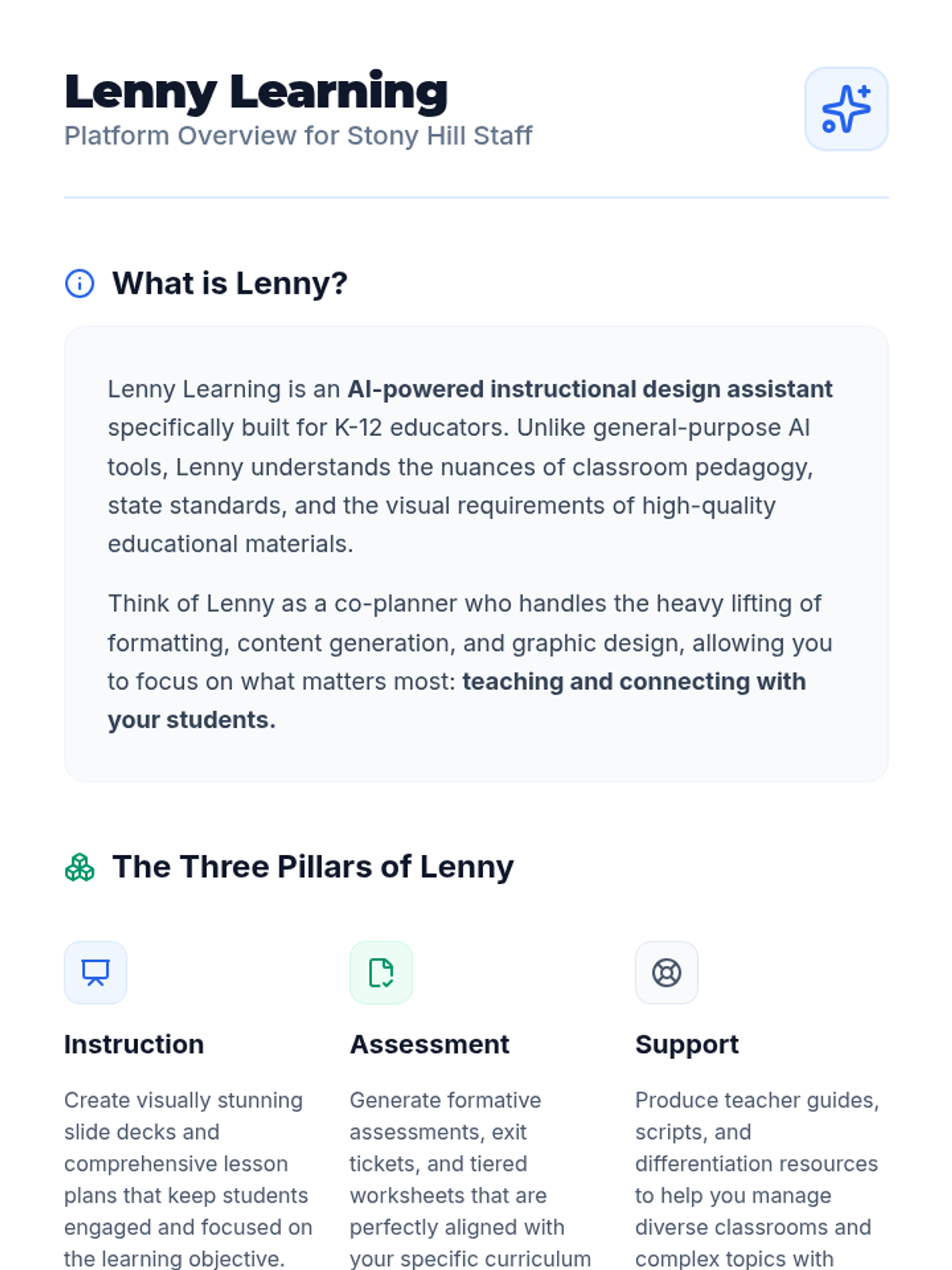
A professional 2-page document explaining the Lenny Learning platform for Mile Tree School staff. Updated with consistent black branding for the title and a Blue and Green color palette.
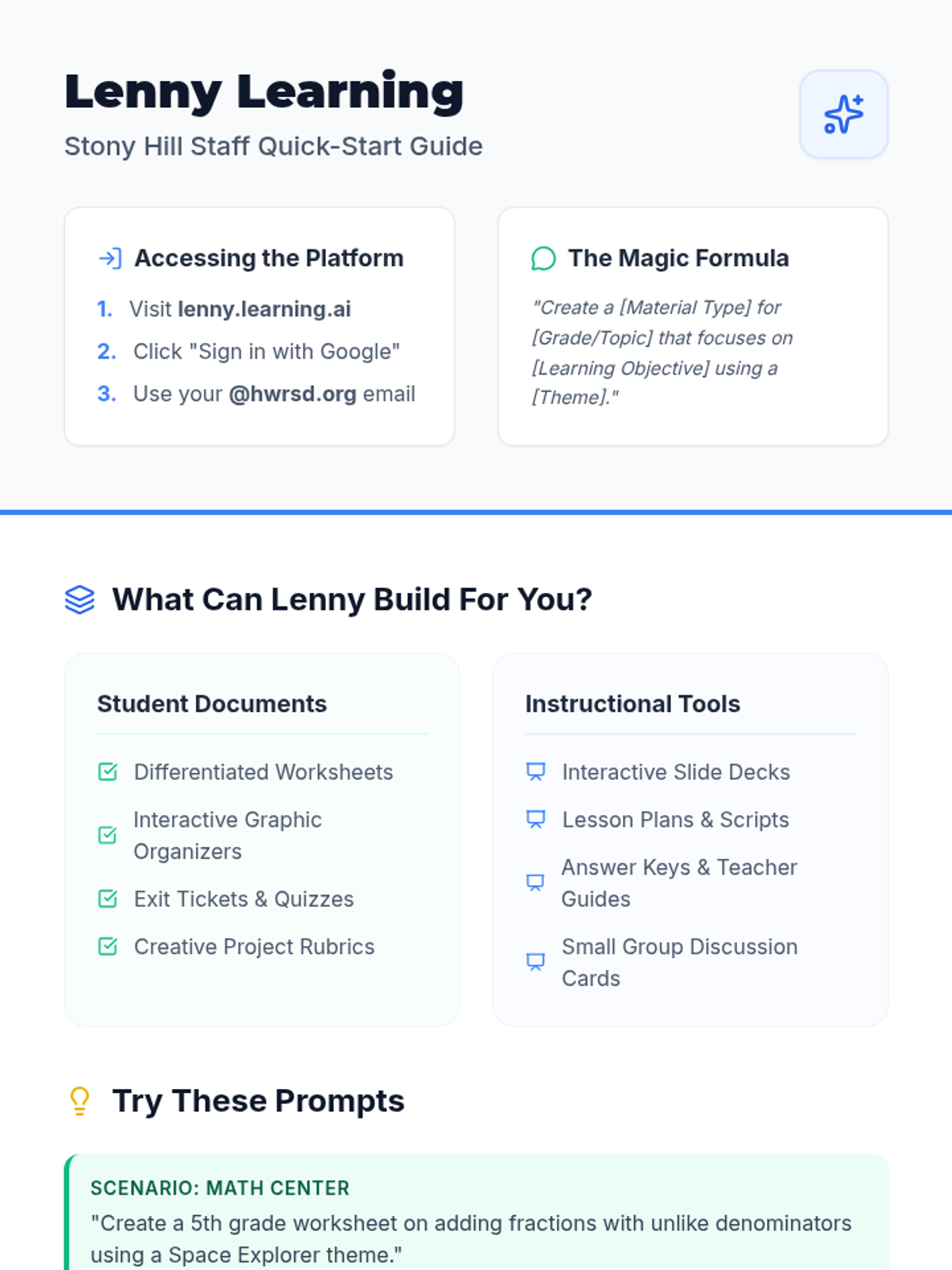
A one-page reference guide for Mile Tree School staff providing quick instructions on logging in, example prompts, and a checklist of materials available on Lenny Learning. Updated with a Blue and Green color palette and consistent black branding.
A polished slide presentation for Mile Tree School staff introducing Lenny Learning, updated with a Blue and Green color palette and consistent black branding for the title.
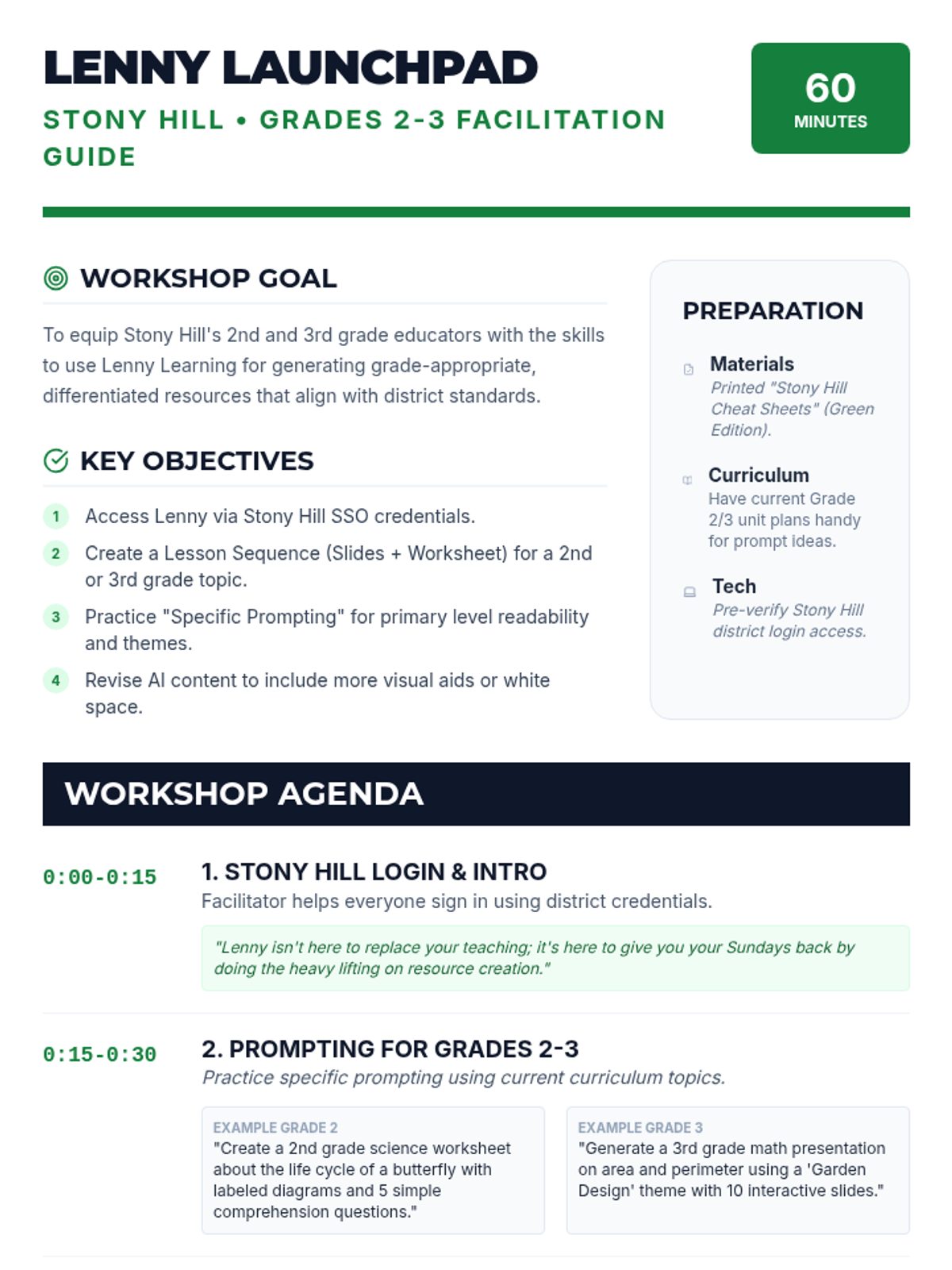
A detailed lesson plan and facilitation guide for school leaders or instructional coaches to lead a 60-minute workshop on getting started with Lenny Learning, tailored for Stony Hill School grades 2-3.
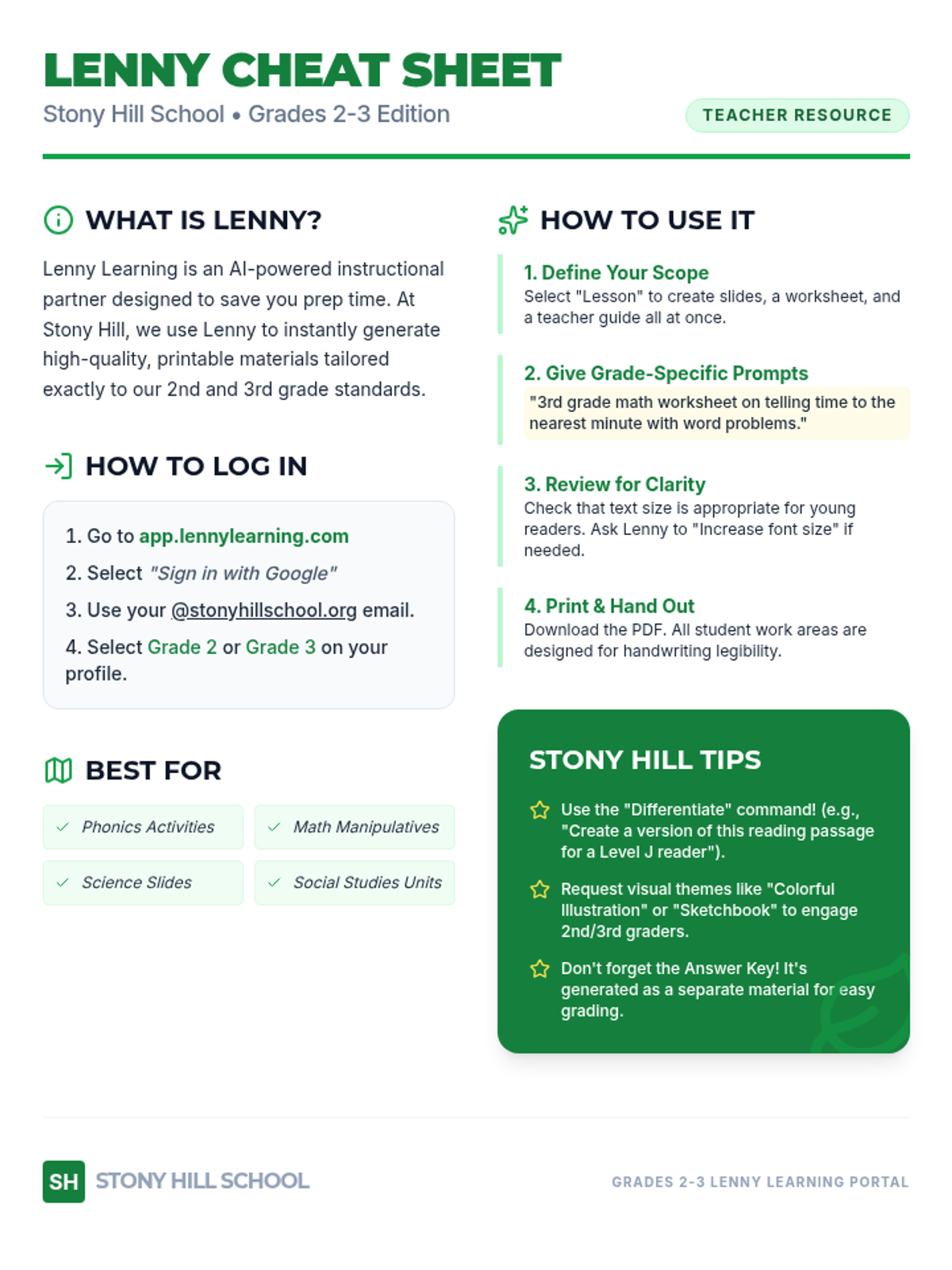
A one-page printable reference sheet customized for Stony Hill School teachers (grades 2-3), summarizing what Lenny Learning is, how to log in, and examples for primary grade levels.
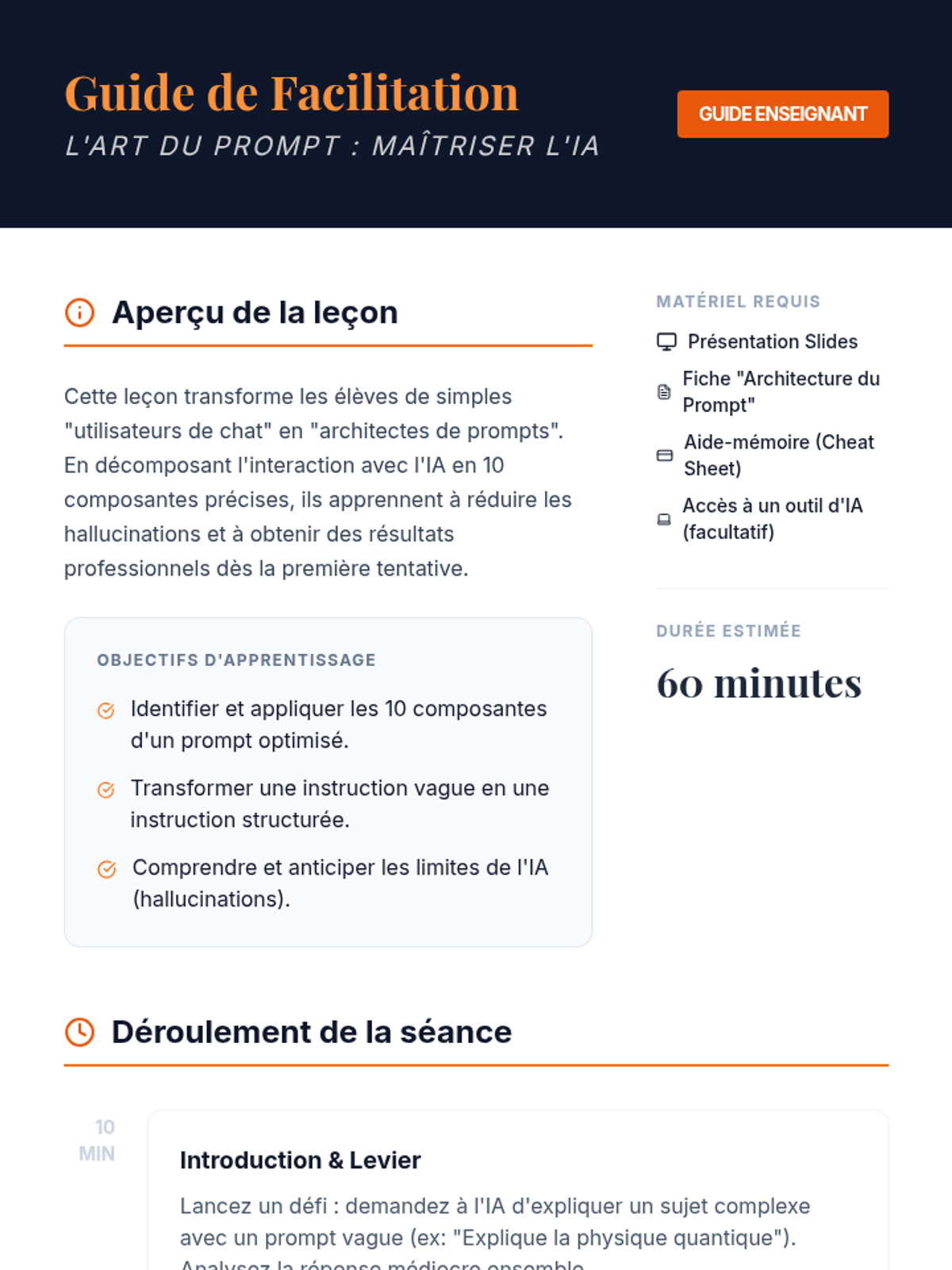
Un guide complet pour l'enseignant incluant le plan de cours, les objectifs pédagogiques, le déroulement de la séance minute par minute et des conseils de facilitation pour enseigner l'art du prompt.
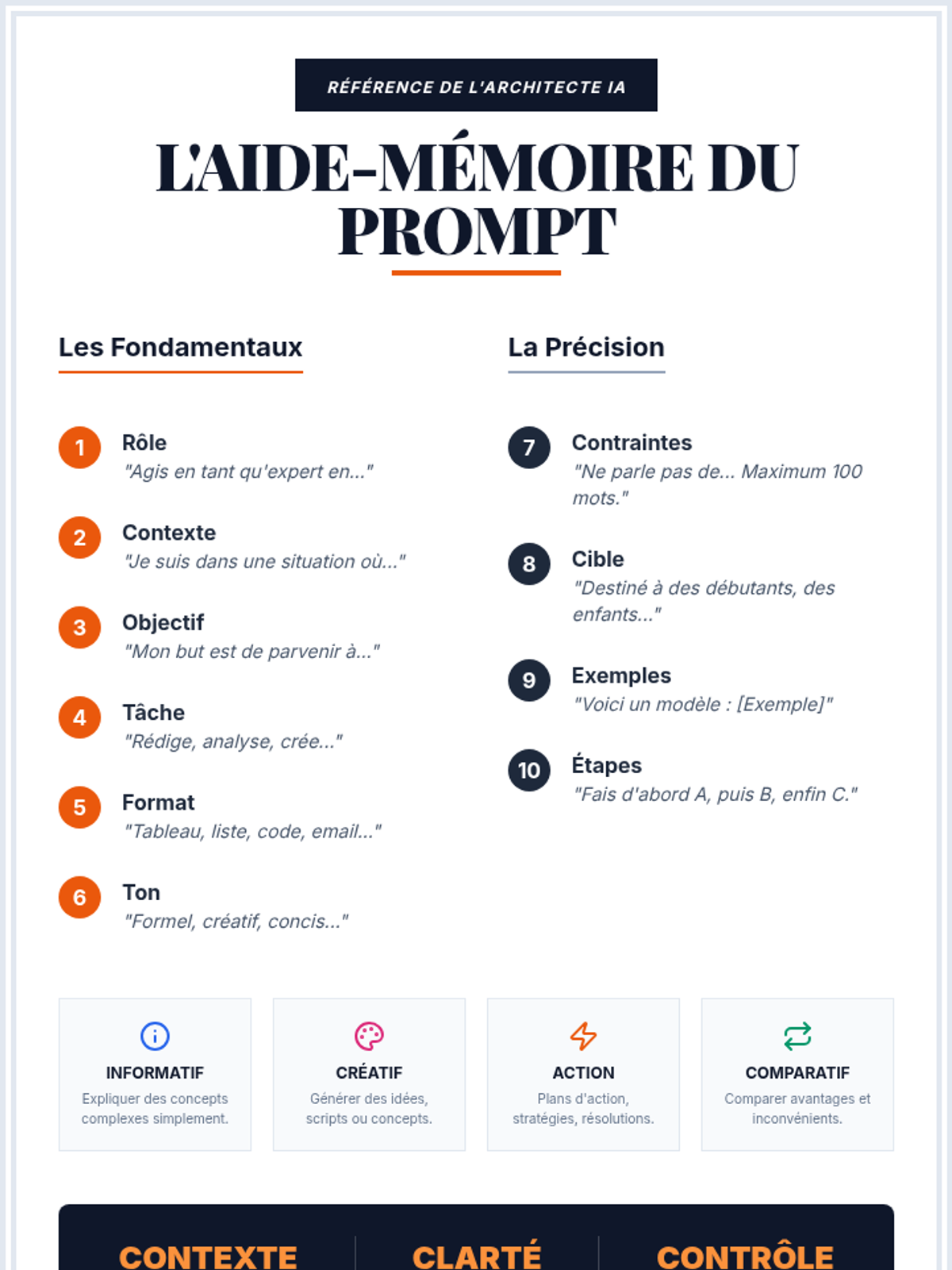
Une carte de référence rapide d'une page résumant les 10 composantes du prompt, les types d'approches et la philosophie "Contexte, Clarté, Contrôle". Idéal comme aide-mémoire de bureau.
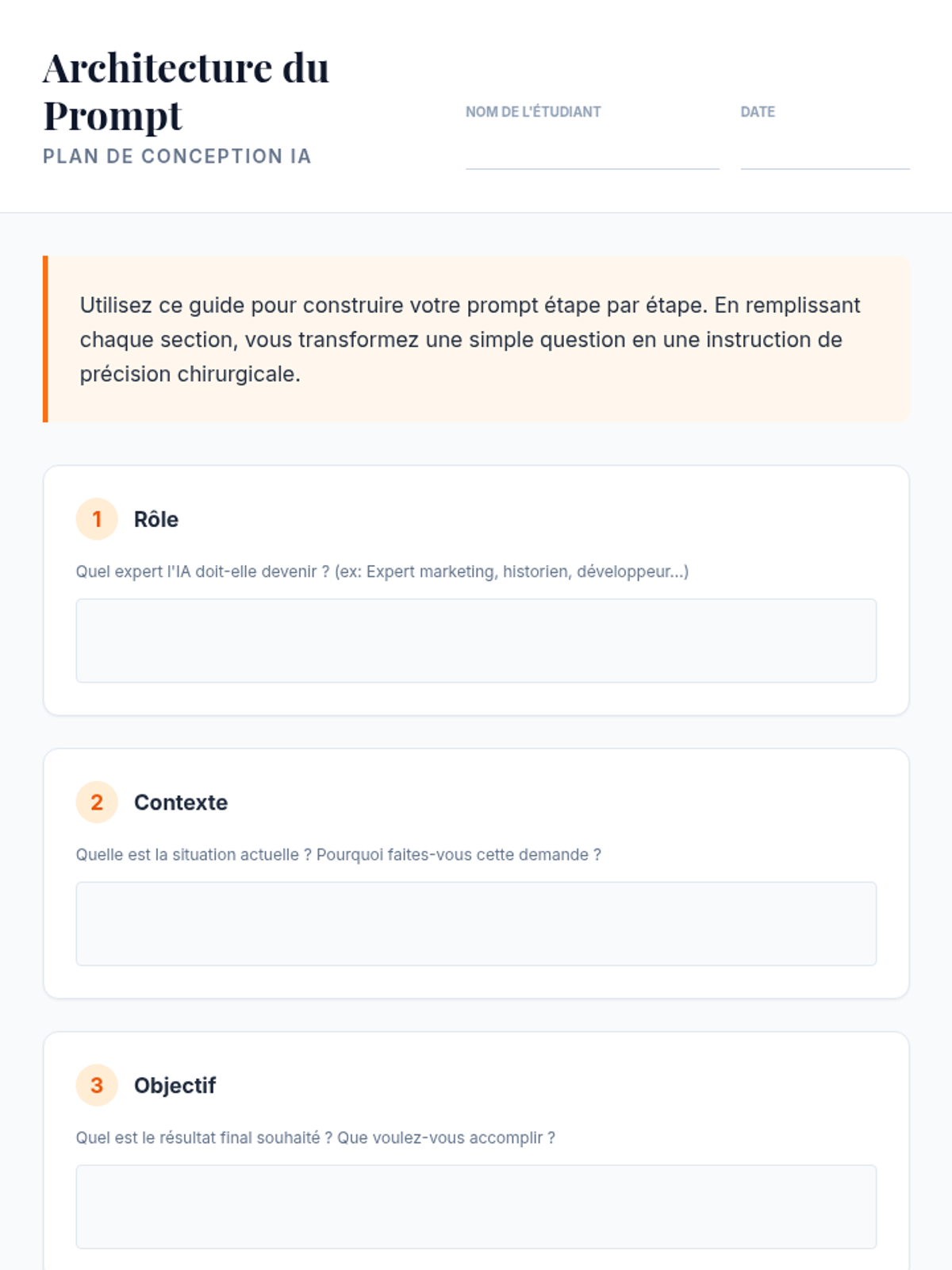
Une fiche de travail structurée permettant aux étudiants de concevoir leurs propres prompts en remplissant chacune des 10 composantes avant de les assembler dans un "Master Prompt".
Une présentation complète en 9 diapositives couvrant les 10 composantes d'un prompt parfait, les types d'approches, les hallucinations et la philosophie de collaboration avec l'IA.
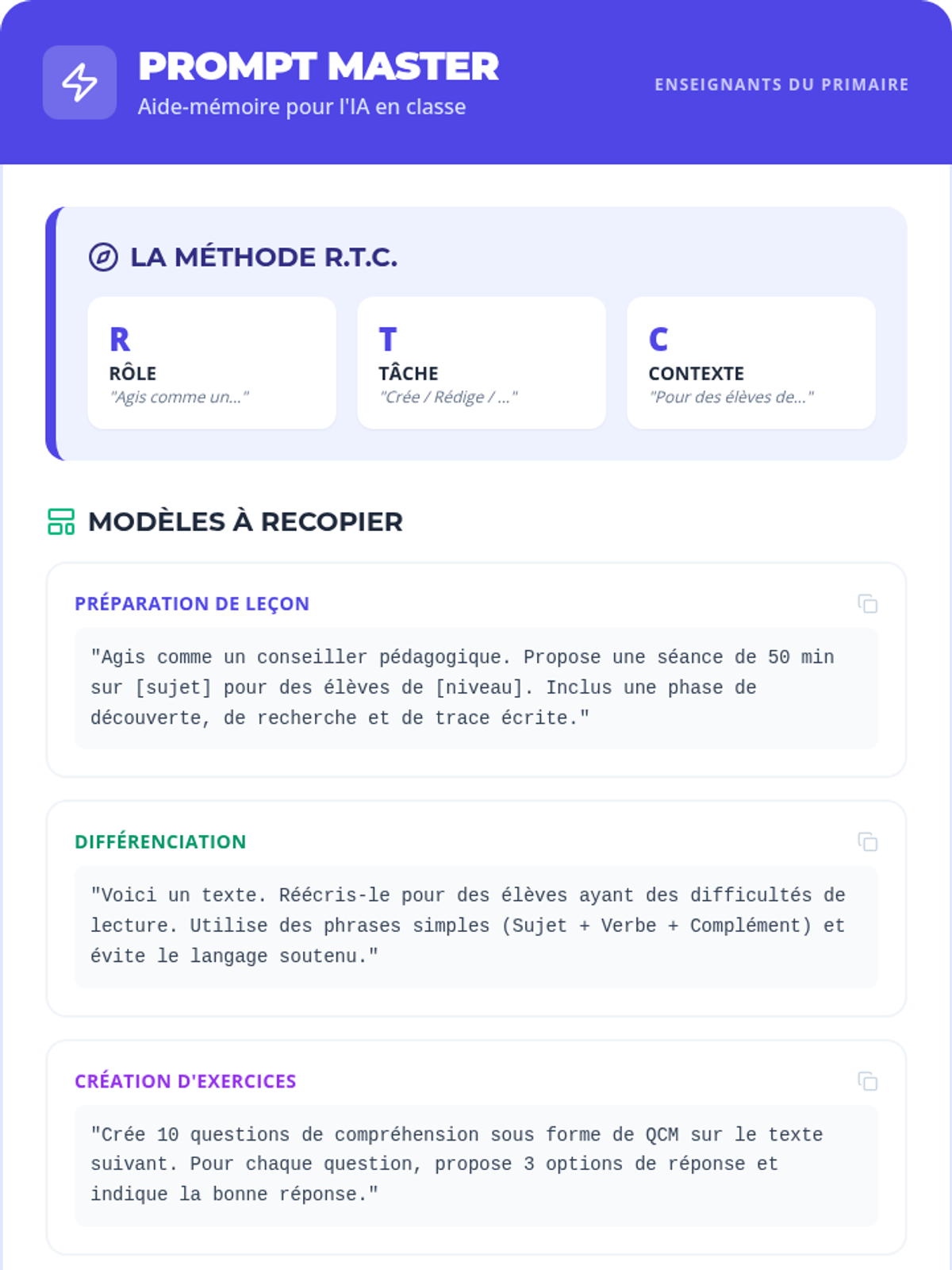
Une fiche aide-mémoire (cheat sheet) au format A4 pour les enseignants, regroupant la méthode RTC, des modèles de prompts prêts à l'emploi et des conseils de sécurité. Pratique à garder sur son bureau.
Une présentation de 6 diapositives pour animer une formation sur l'IA destinée aux enseignants du primaire. Couleurs vives, textes larges (>24px) et structure pédagogique claire.
Un livret de 6 pages conçu pour les enseignants du primaire, présentant les bases de l'IA, des astuces de productivité, la méthode de prompting RTC, et les enjeux éthiques. Visuel moderne et pédagogique.
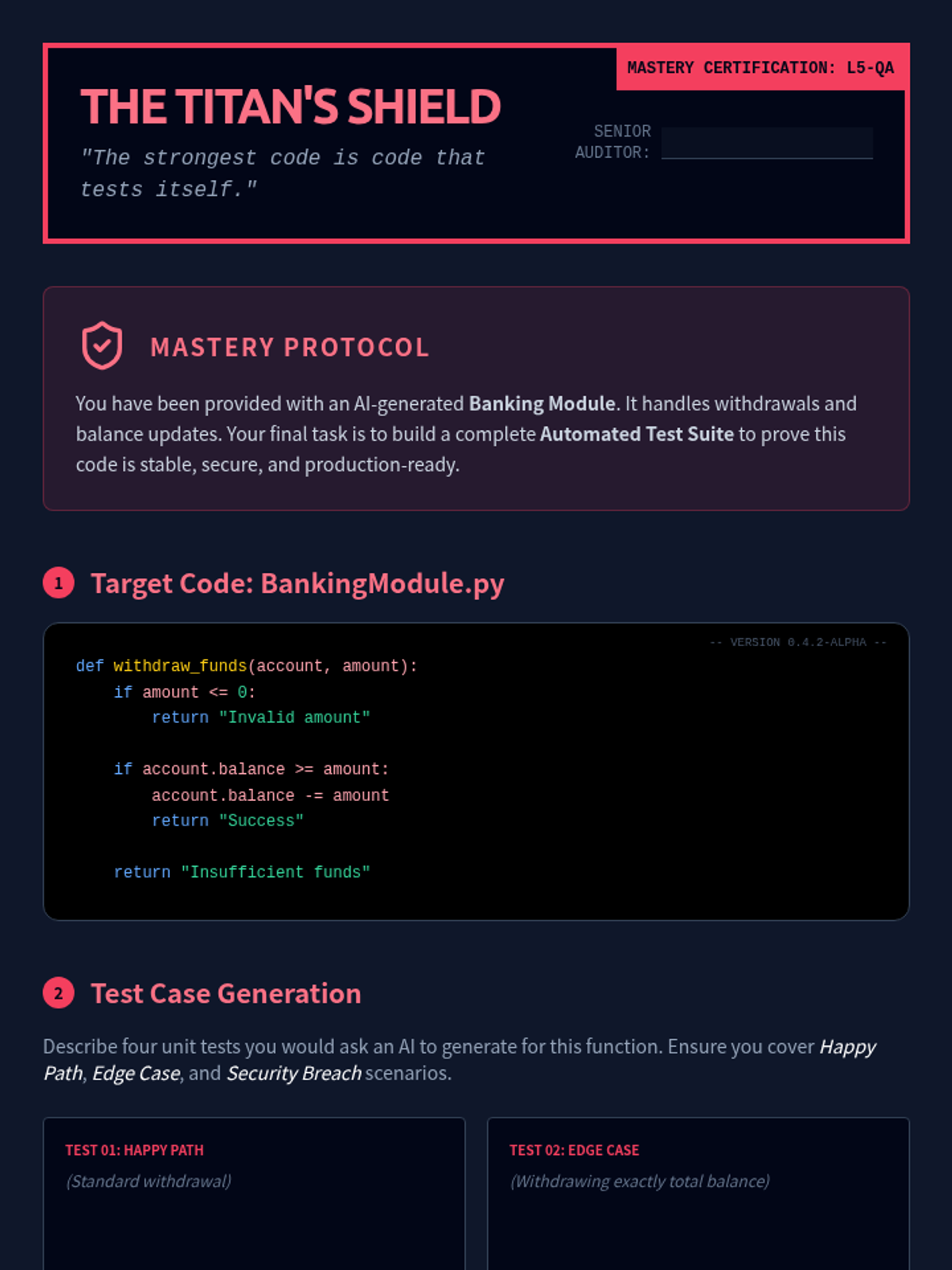
A final assessment lab where students design a unit test suite for an AI-generated banking module, including edge cases and mutation testing.
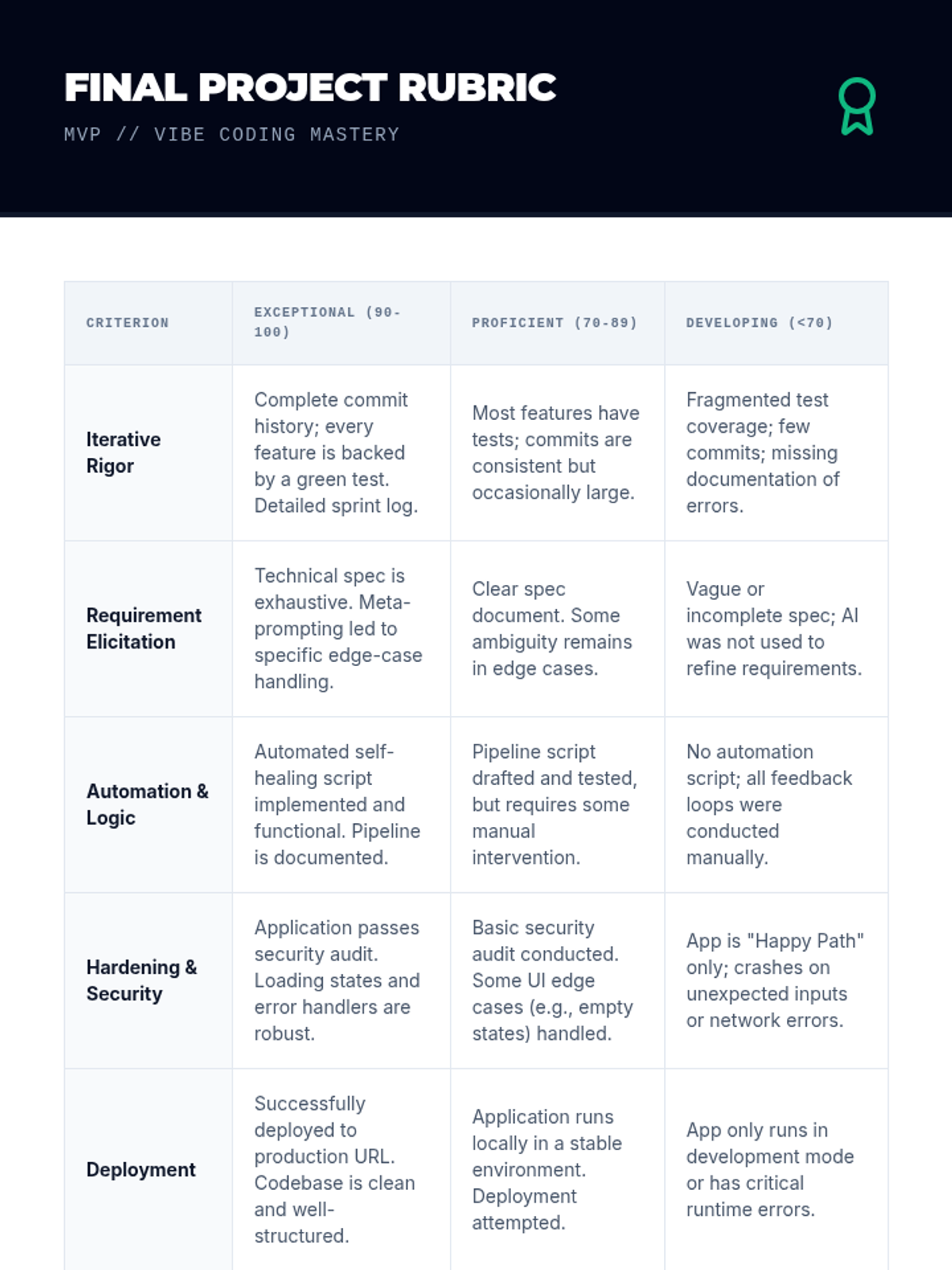
Final project rubric for the Vibe Coding sequence, assessing iterative rigor, automation, and technical hardening.
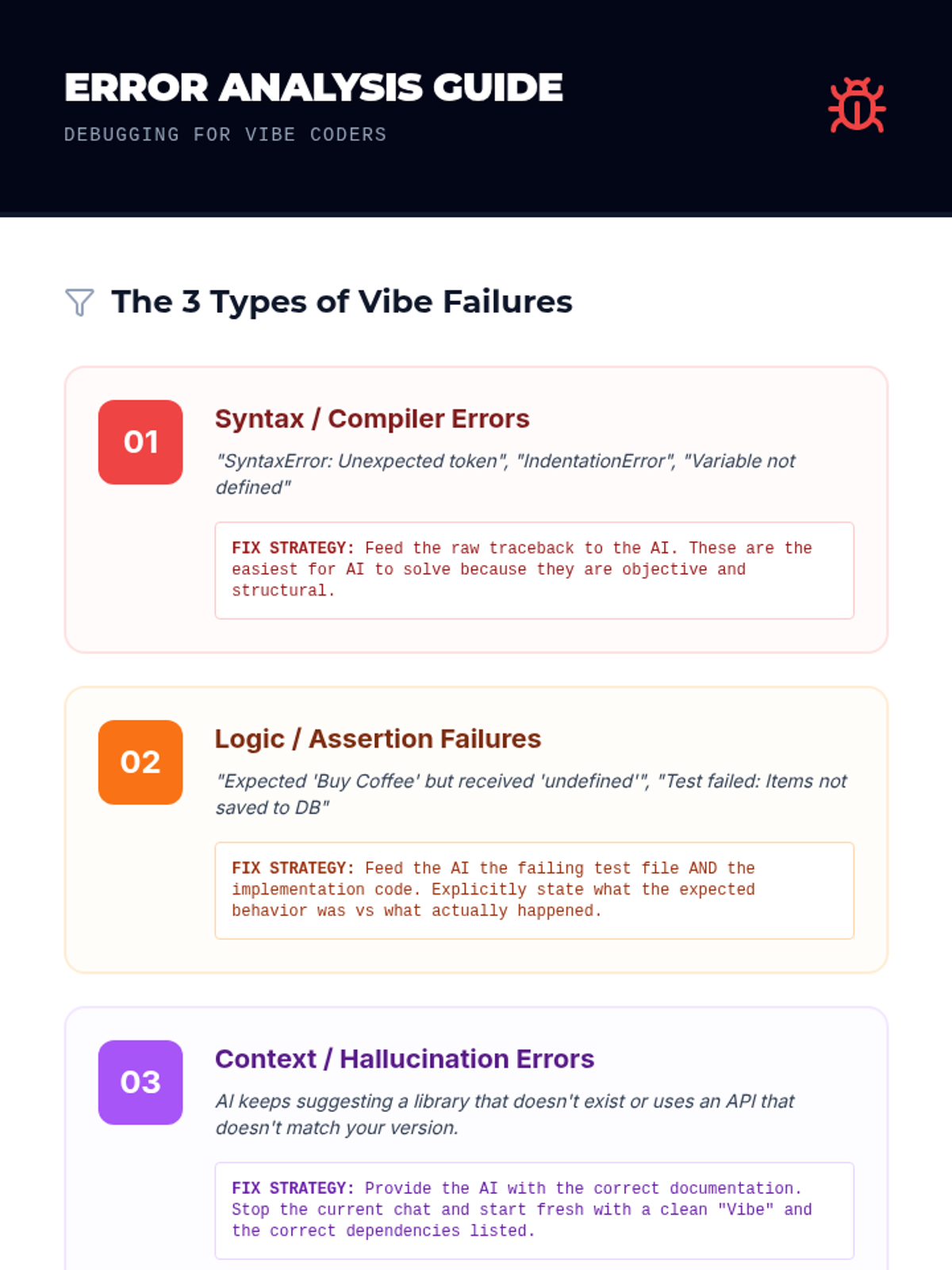
Student reference guide for categorizing and diagnosing common AI-generated errors, with specific strategies for refinement.
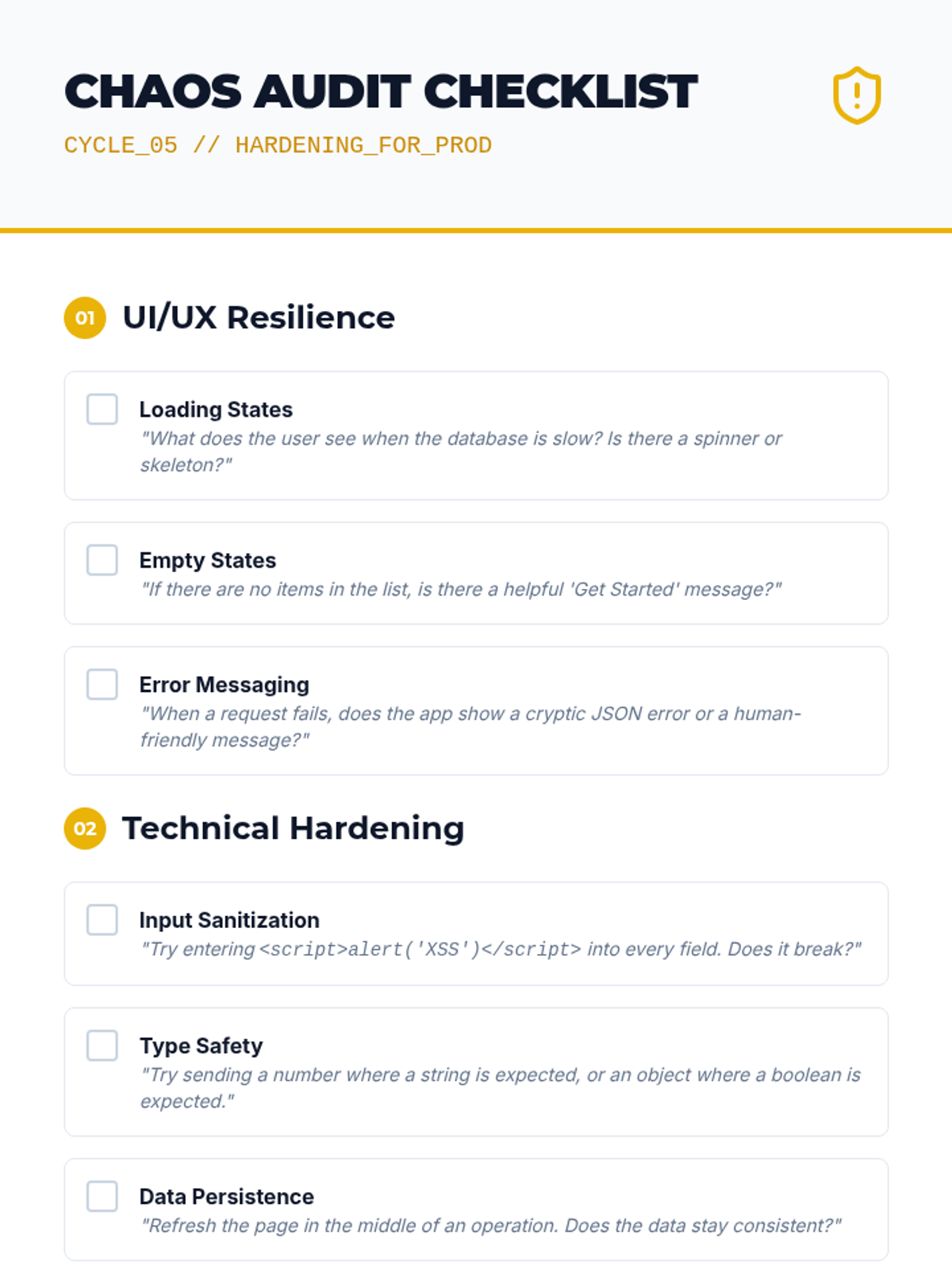
Finalizing the application for production, focusing on security audits, edge case hardening, and deployment strategies.
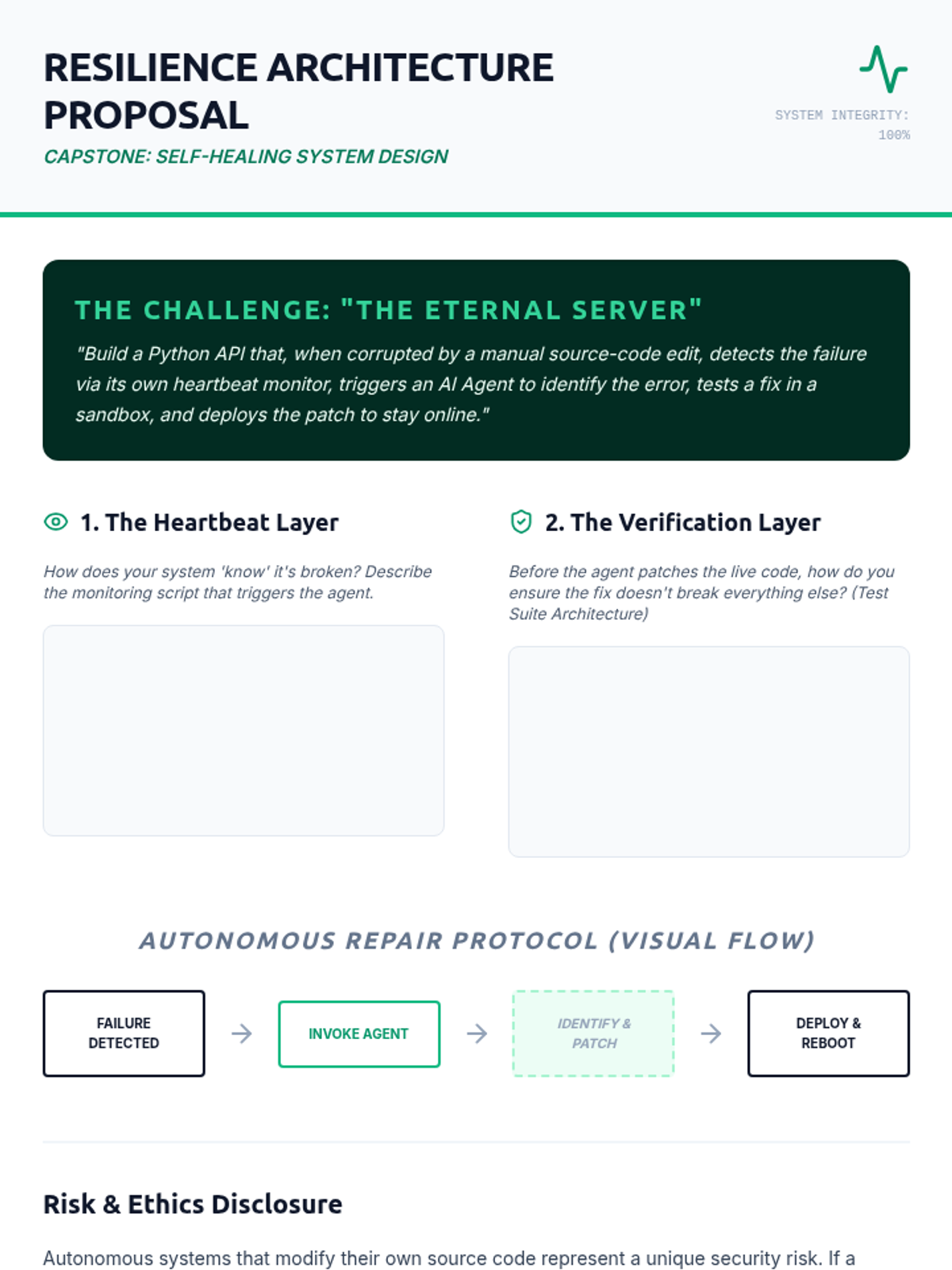
The capstone project worksheet for Lesson 5, where students architect the observability, verification, and repair protocols for a self-healing system.
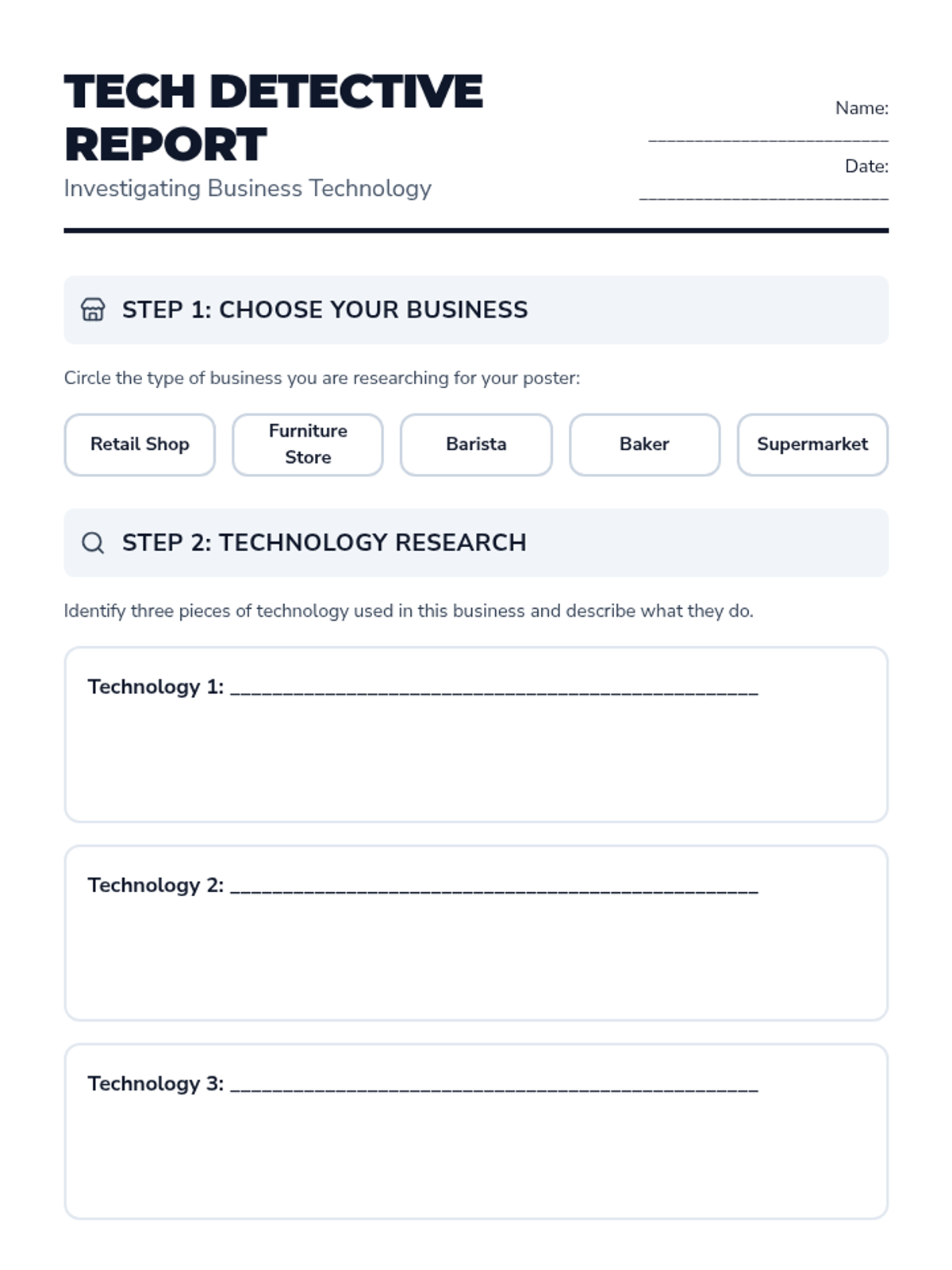
A structured research and planning sheet for students to investigate shop technology and plan their informative posters. Revised to fix page break issues and improve student work areas.
A 10-slide presentation exploring technology in businesses, featuring a detailed restaurant case study and instructions for a student research poster project. Revised for visual consistency and improved accessibility.
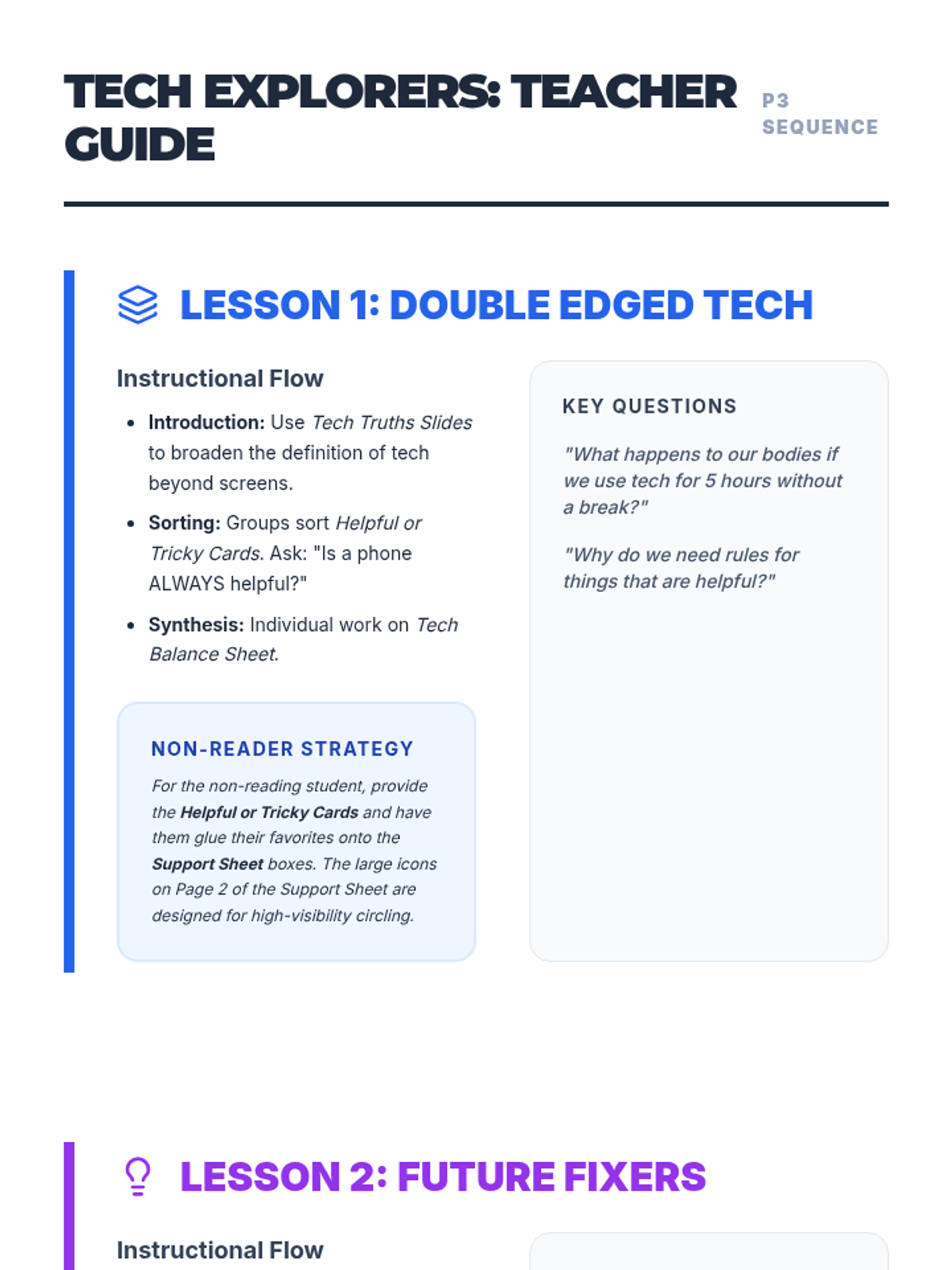
Comprehensive teacher guide for the Tech Explorers sequence. Revised with better page breaks, clearer instructional steps, and improved spacing for vocabulary.
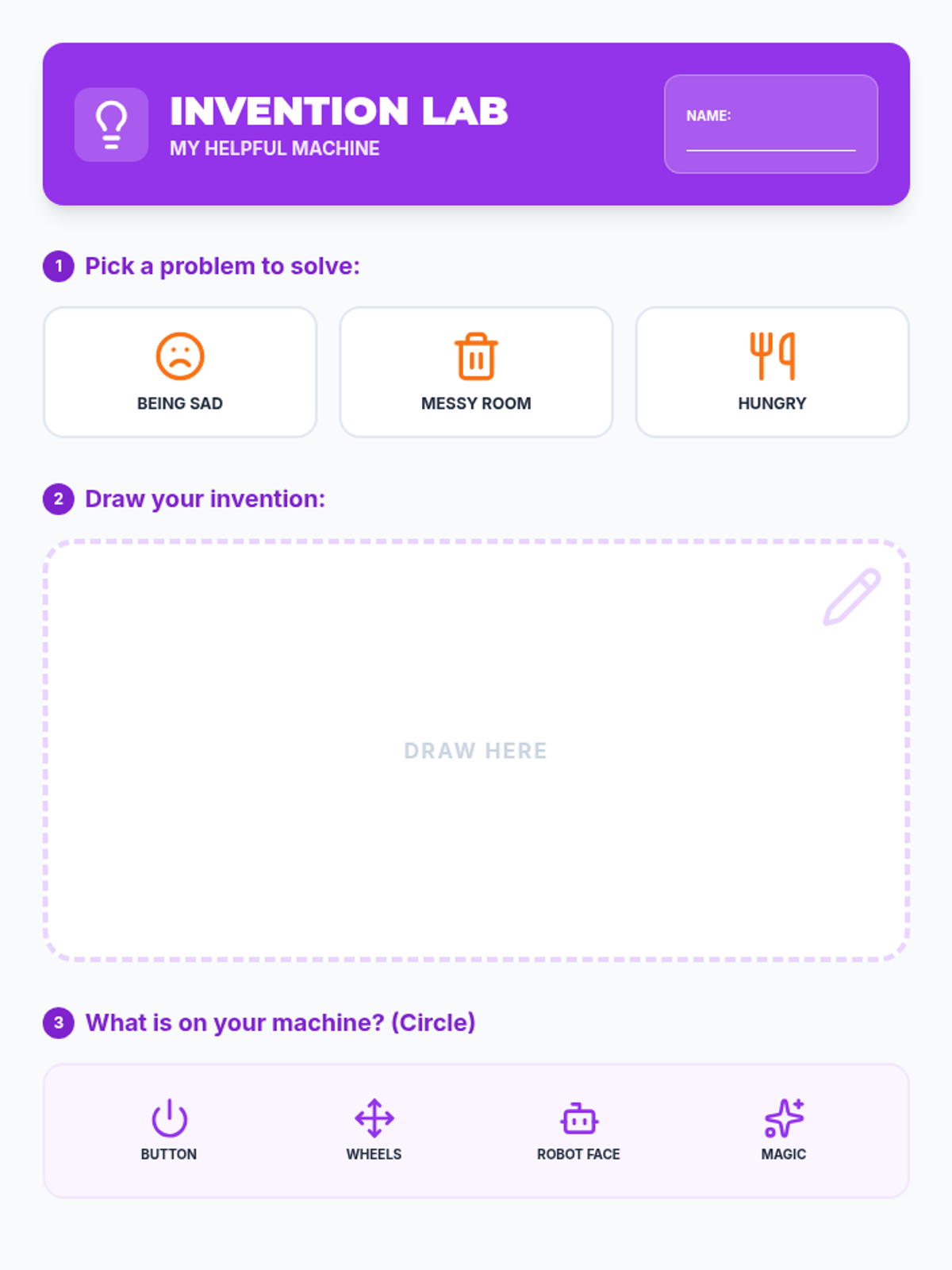
Differentiated invention blueprint for Lesson 2, featuring picture-based problem selection and simplified drawing/labeling tasks for non-readers and low-literacy students.
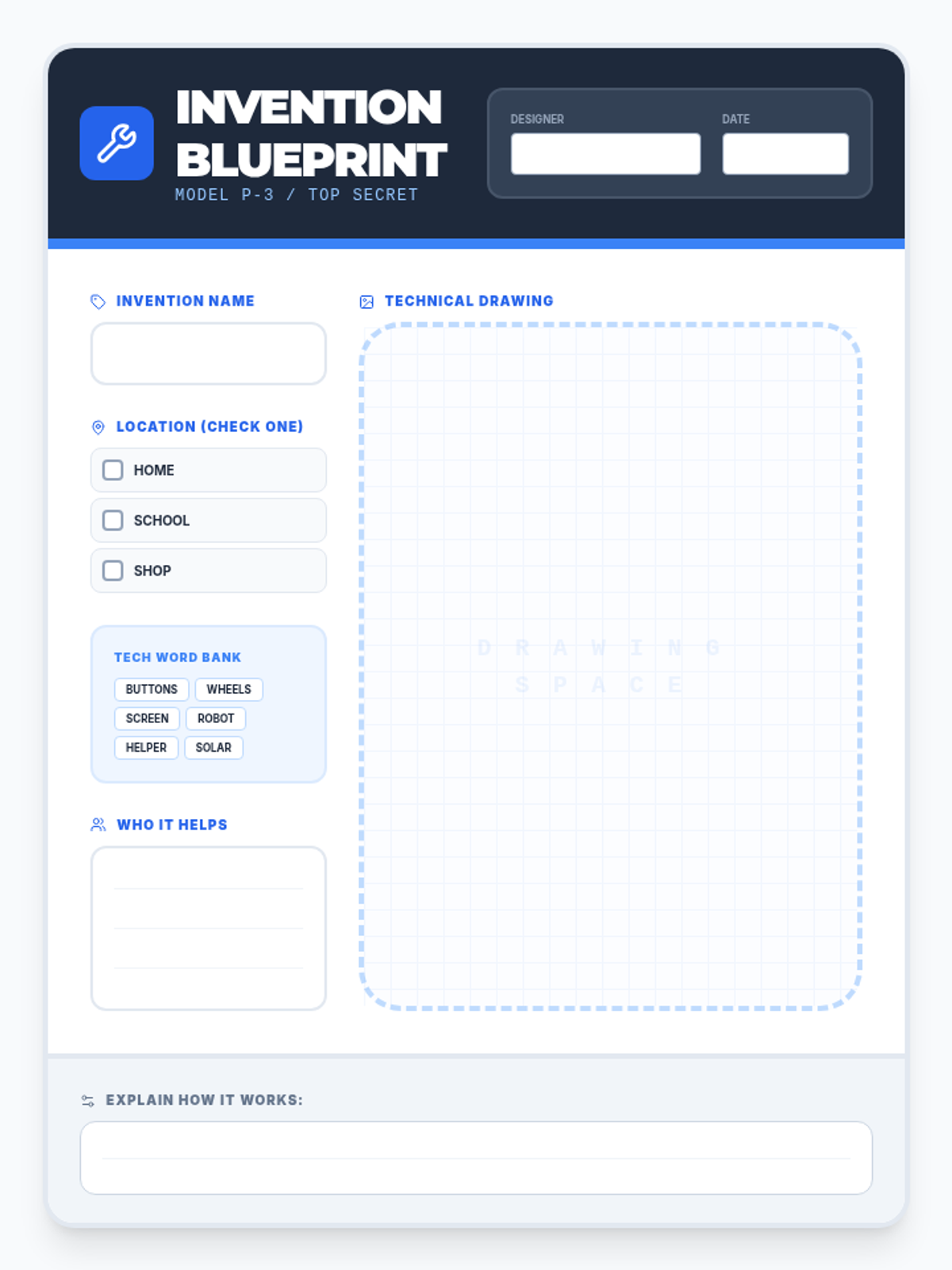
A blueprint-style worksheet for Lesson 2. Revised with white backgrounds in work areas, a larger name field, and clear checkboxes for location to ensure Primary 3 legibility. Everything fits on a single page. Watermark opacity reduced and lines added for writing.
Visual presentation slides for Lesson 2, guiding students through the process of identifying problems and designing helpful technological inventions.
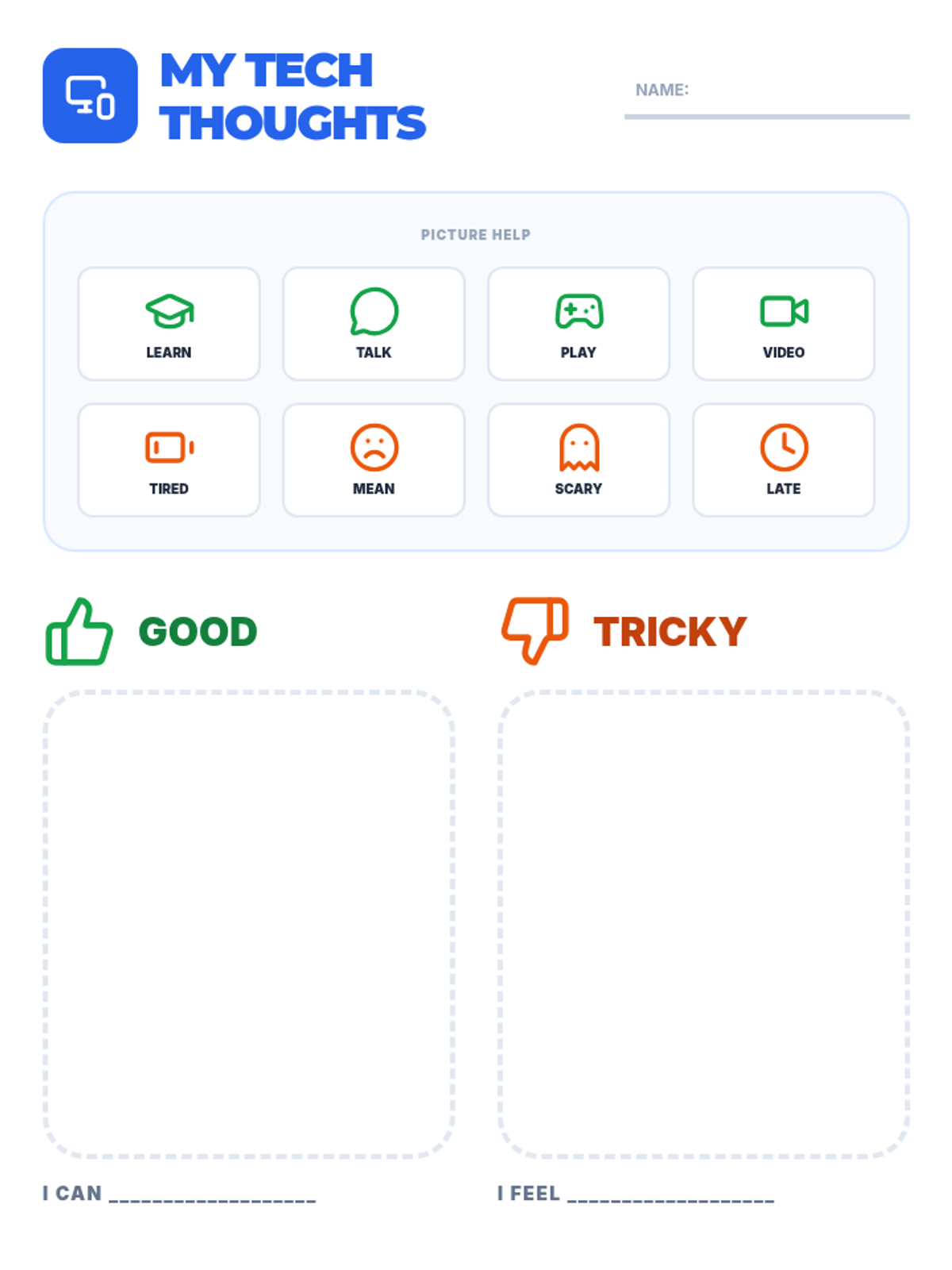
Differentiated support sheet for Lesson 1 with high visual support, icon banks, and simplified tasks. Revised with better page breaks, larger work areas, and white backgrounds for clarity. Height issue fixed for correct printing. Sentence stems made parallel (I CAN / I FEEL). Thumb icons enlarged. Blank page issue fixed. Title leading adjusted.
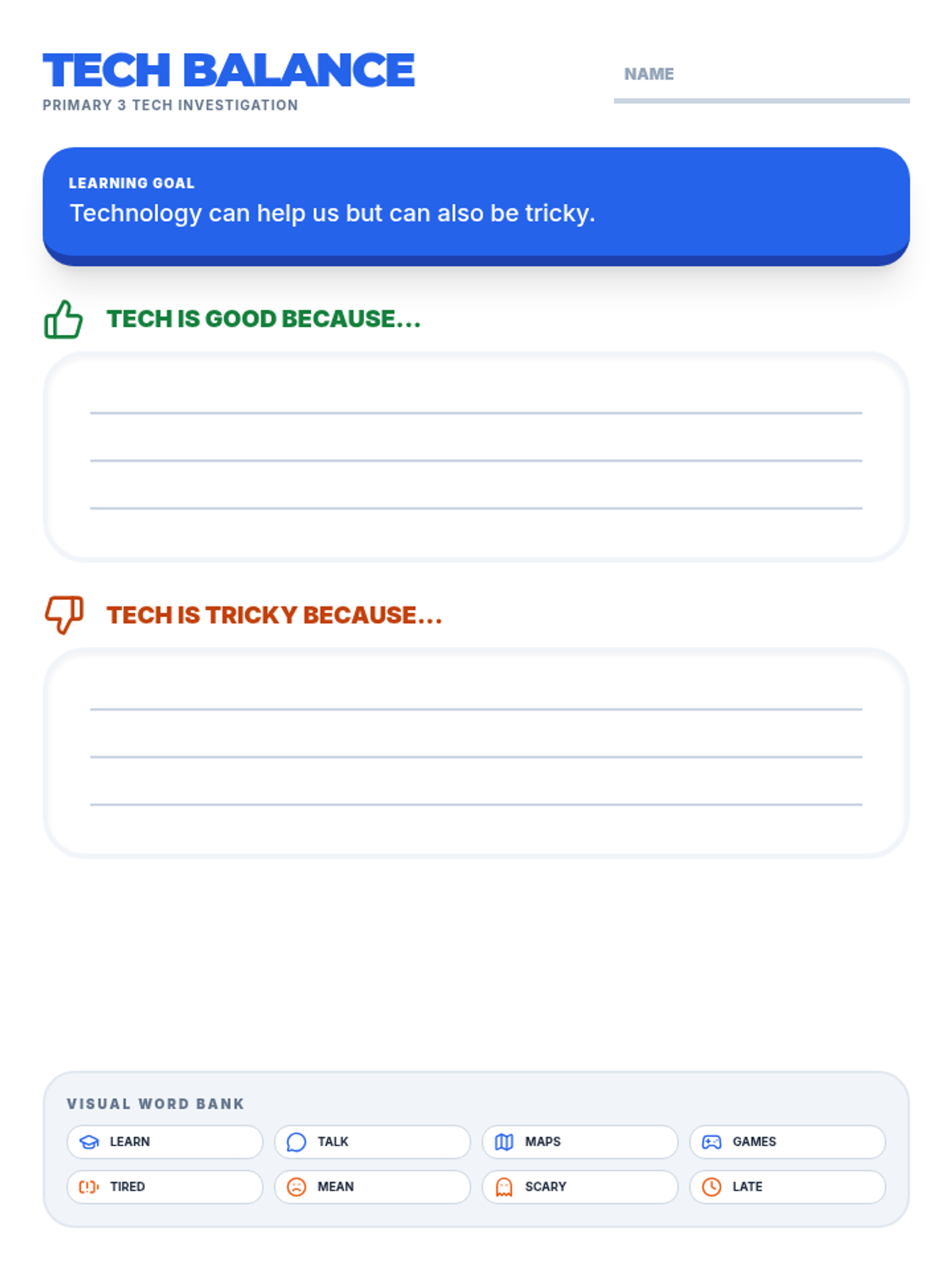
The core worksheet for Lesson 1, where students complete sentences about the pros and cons of technology and brainstorm safety rules. Revised with writing lines, an icon-supported word bank, and proper page breaks. Everything on the first page now fits correctly. Rule lines contrast increased.
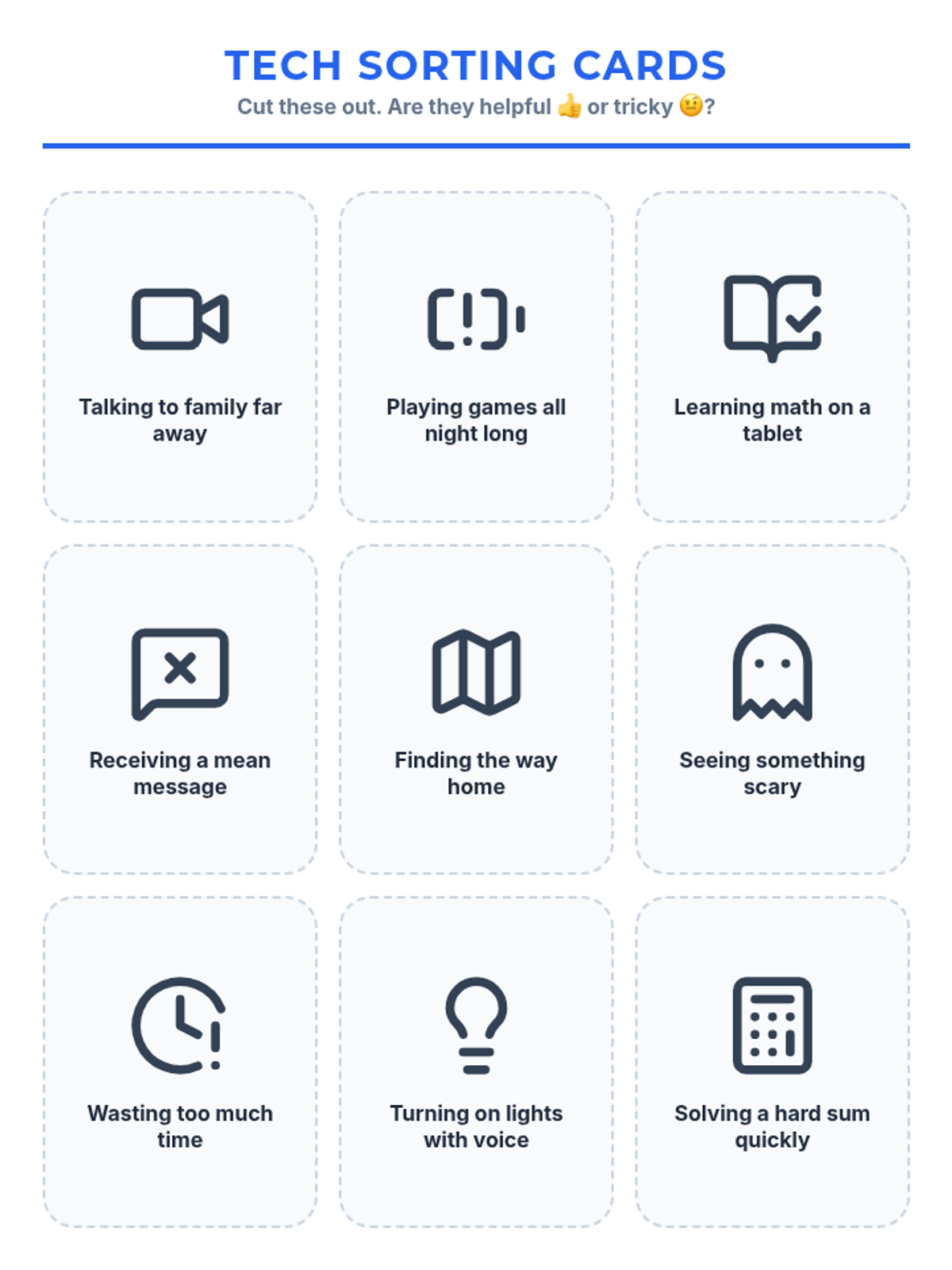
Cut-and-sort activity cards for Lesson 1. Revised with separate full-page sorting mats, neutral icons, and larger font sizes (16pt) for card labels to improve accessibility. Height issues fixed for correct printing. Mat text contrast and icon alignment fixed.
Visual presentation slides for Lesson 1, exploring the 'good' and 'tricky' sides of technology with Primary 3 students. Includes discussion prompts and safety rules. Revised for higher contrast and visual support.
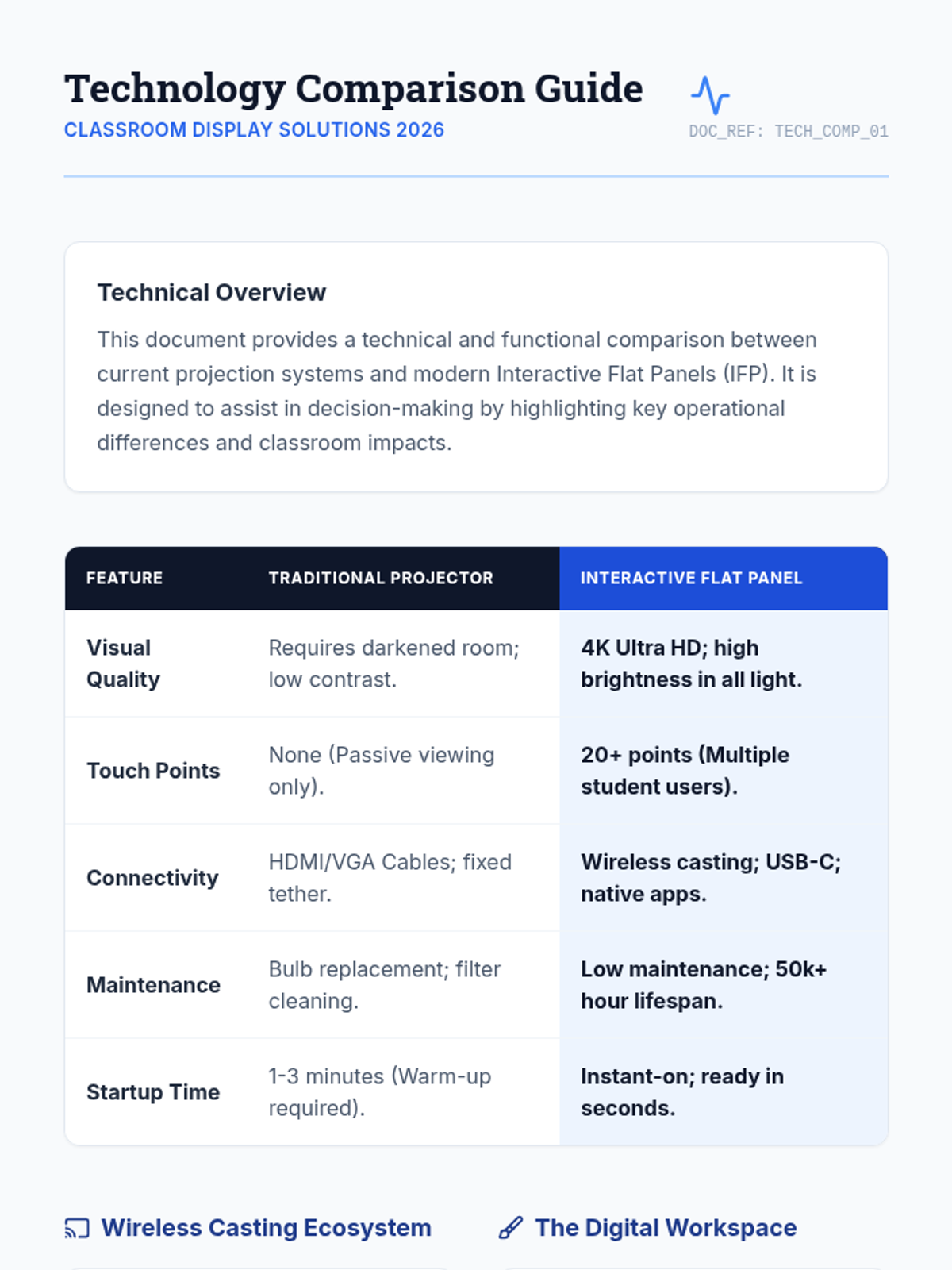
A technical data sheet and comparison guide that provides an objective analysis of Interactive Flat Panels versus traditional projection systems. Ideal for administrators focused on hardware specs and long-term value.
A high-impact slide presentation designed to visually demonstrate the benefits of interactive classroom technology to administrative stakeholders. Focuses on wireless sharing and digital whiteboarding.
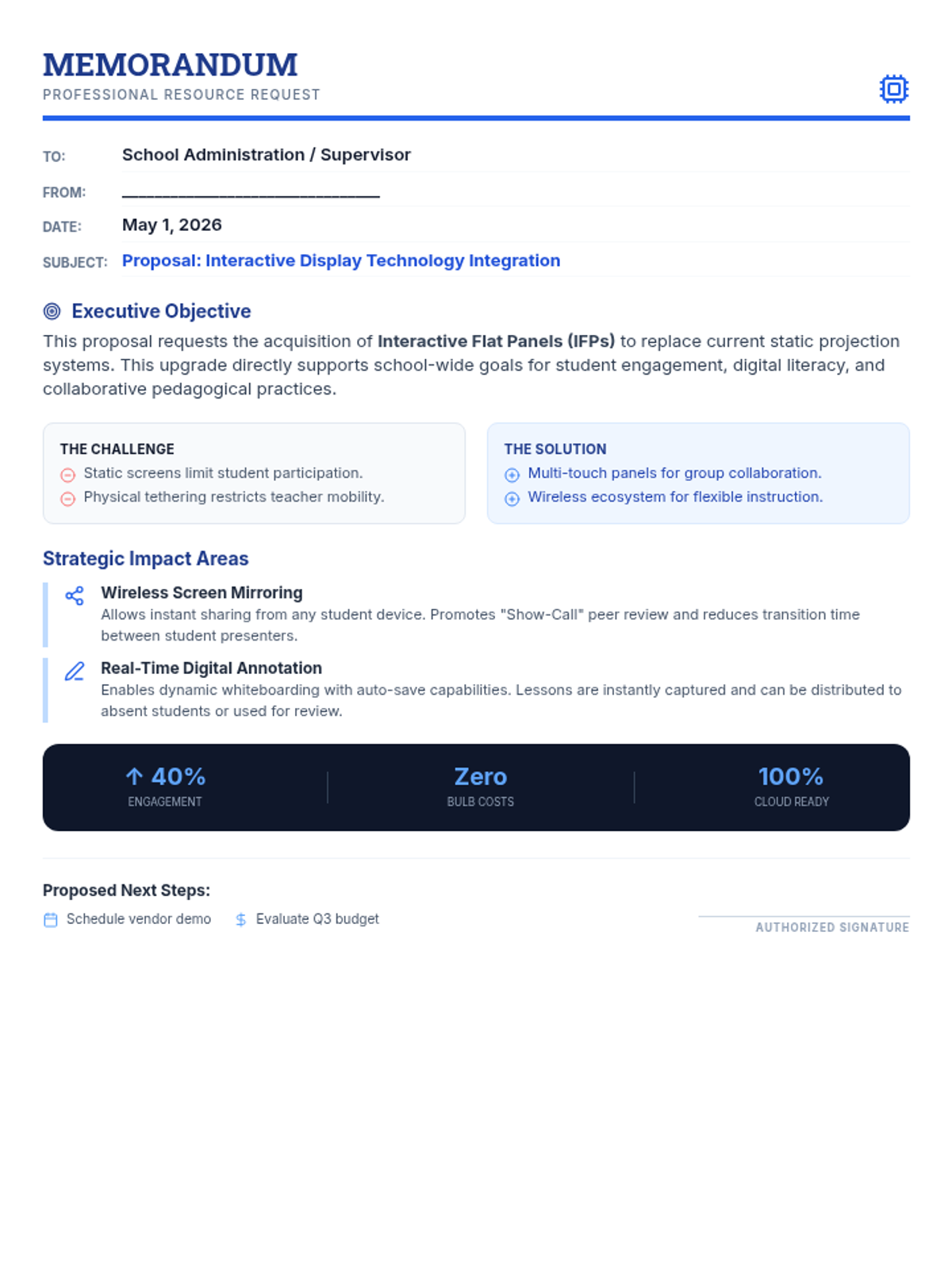
A professional and persuasive formal memo addressed to a supervisor, outlining the pedagogical benefits and key features of interactive flat panels for the classroom.