Fundamental techniques for drawing, painting, sculpture, and photography alongside modern digital design principles. Analyzes historical artistic movements while building skills in printmaking and graphic media.
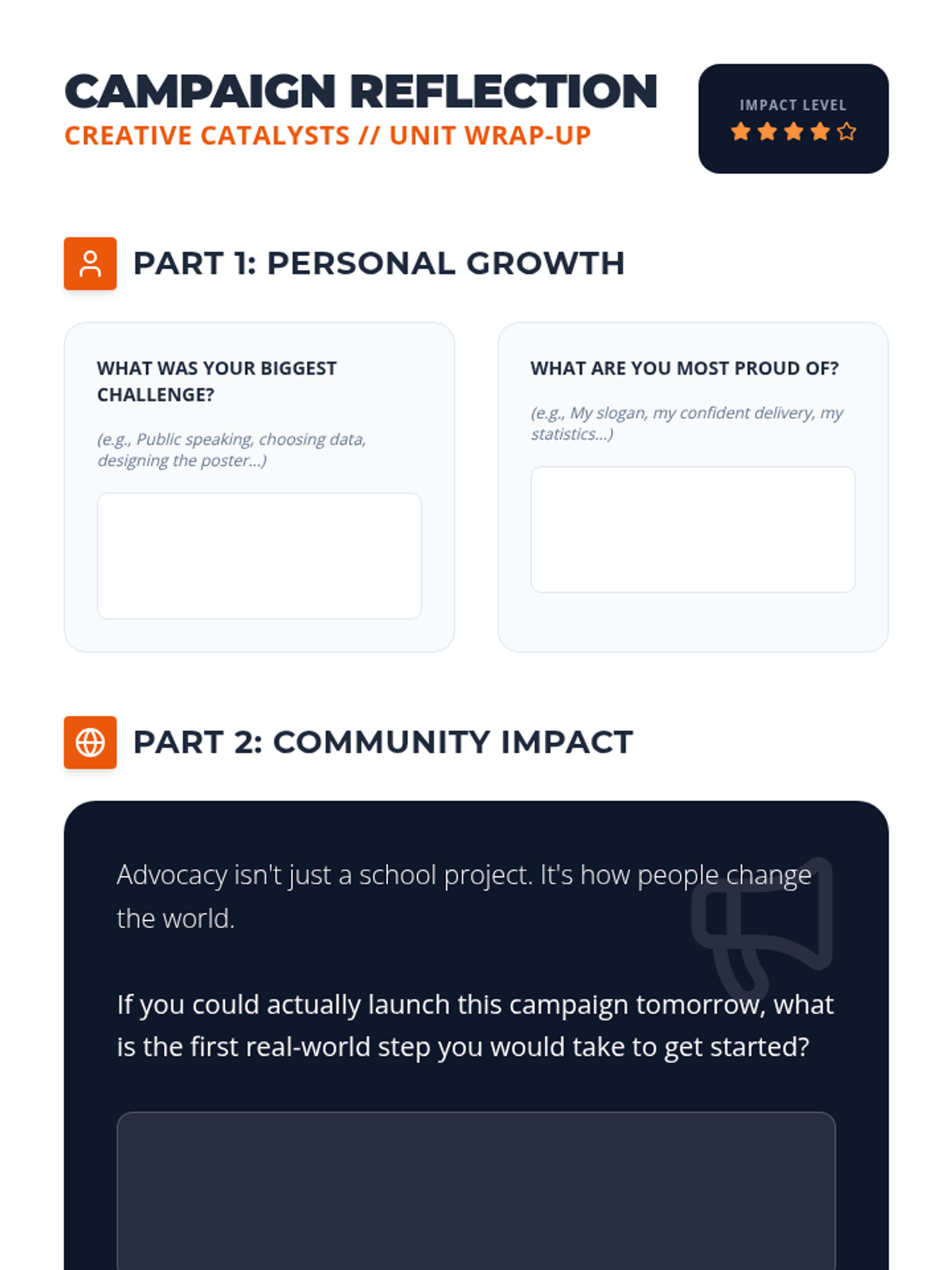
Final reflection journal for students to assess their growth, project impact, and the power of student advocacy after completing their campaign.
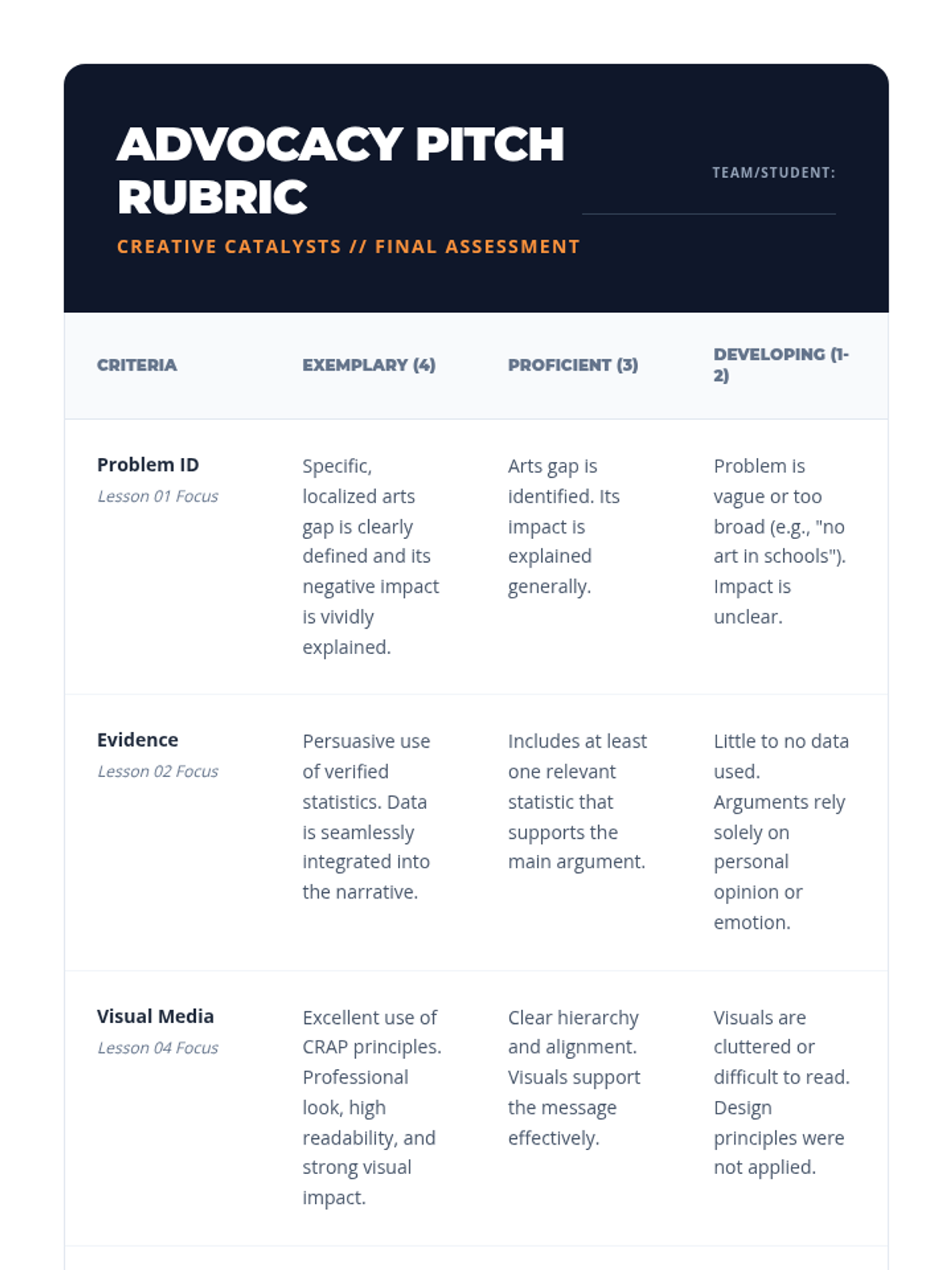
Evaluation rubric for the final advocacy pitch, assessing problem identification, evidence usage, visual design, and oral delivery.
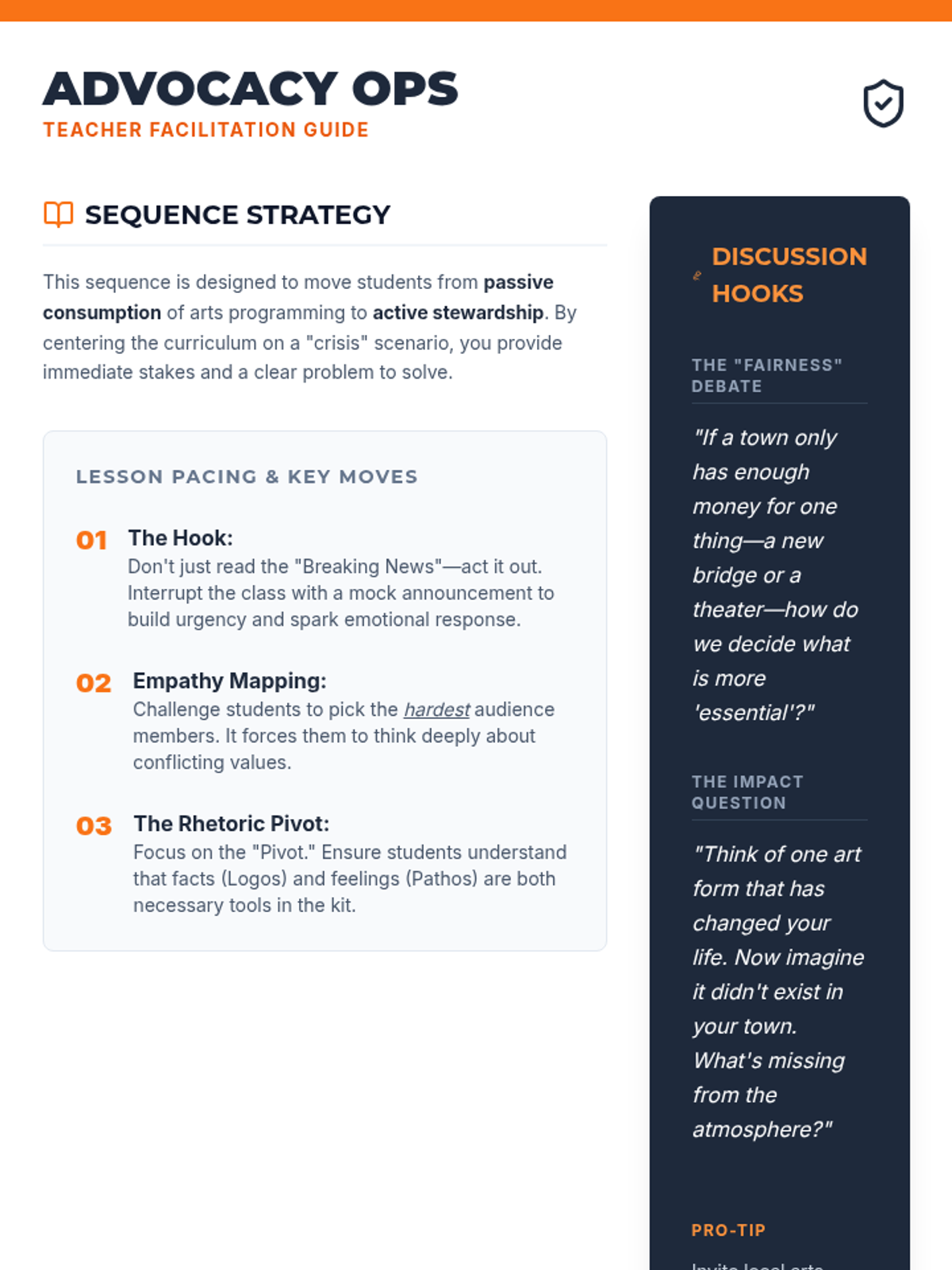
A comprehensive teacher guide for facilitating the 5-lesson advocacy sequence, updated with larger fonts and clearer sections.
Slide deck for Lesson 5, introducing tips for body language, analyzing a high-stakes pitch, and the structure of a two-minute advocacy presentation.
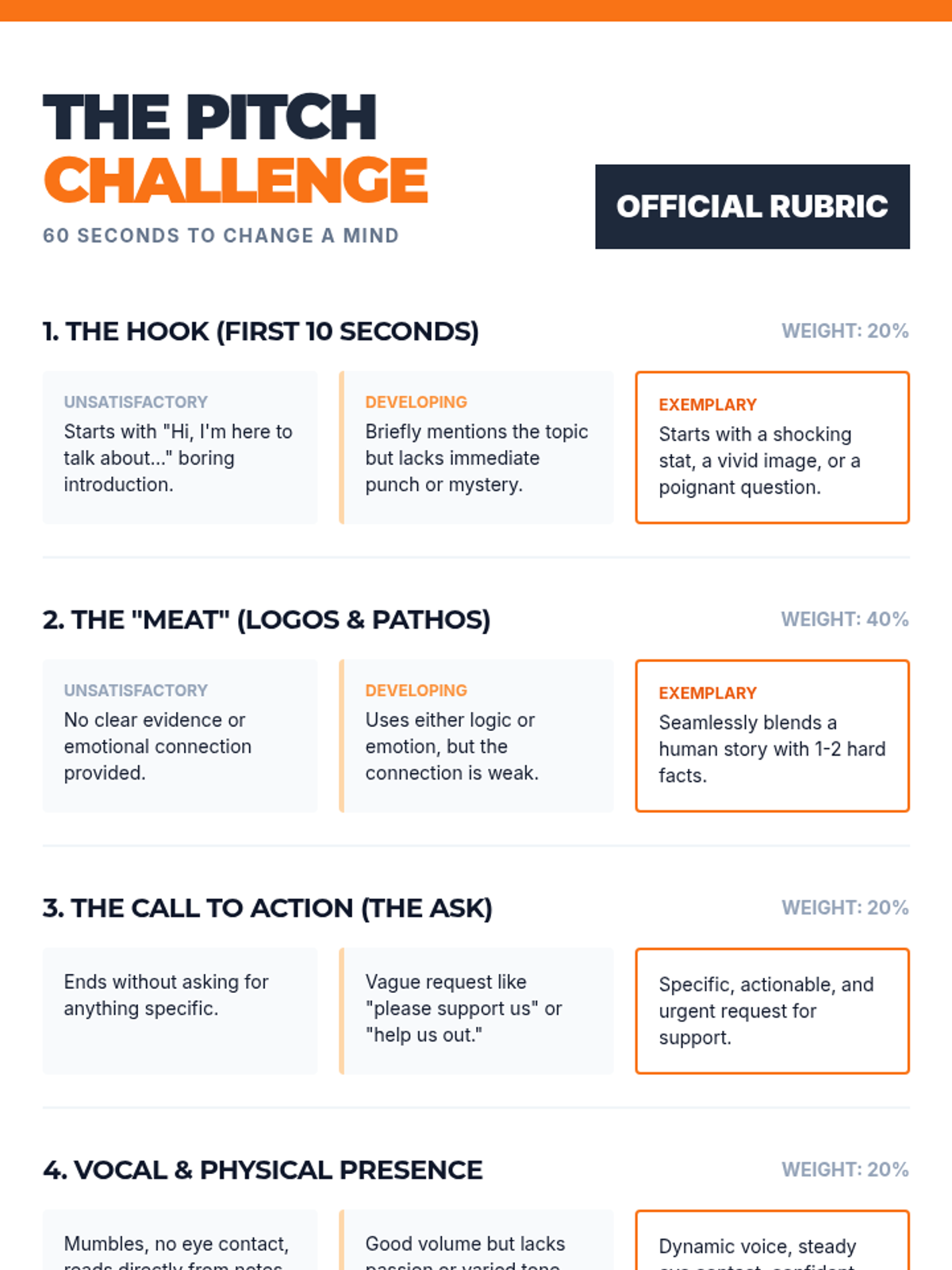
A 2-page rubric and reflection form for the final "Elevator Pitch" presentation, including peer feedback sections. Updated for better font legibility.
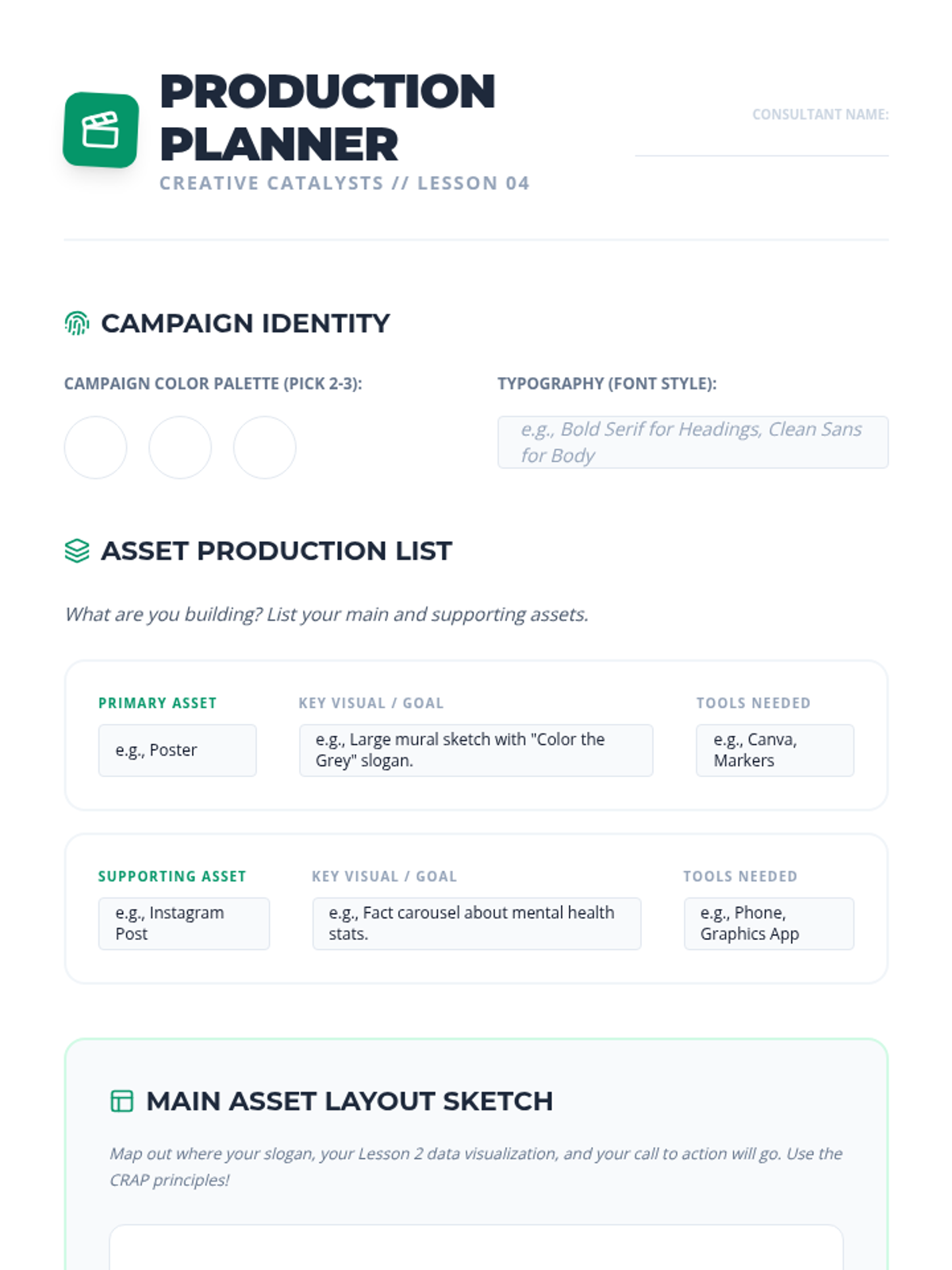
Worksheet for students to plan and sketch the production of their multi-channel advocacy campaign assets, including color palettes and asset lists.
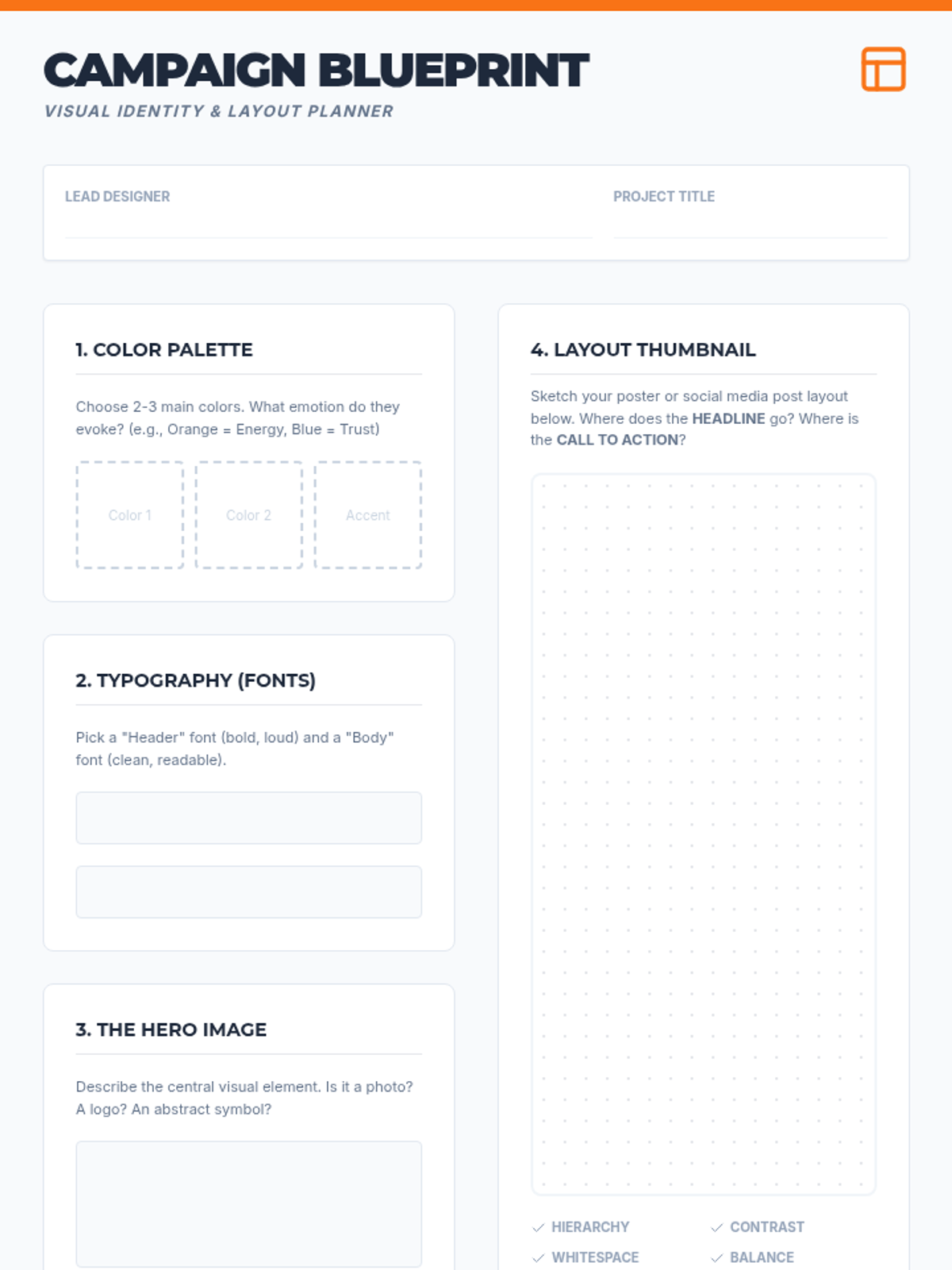
A campaign blueprint worksheet for planning visual elements like color, fonts, and layout for advocacy materials.
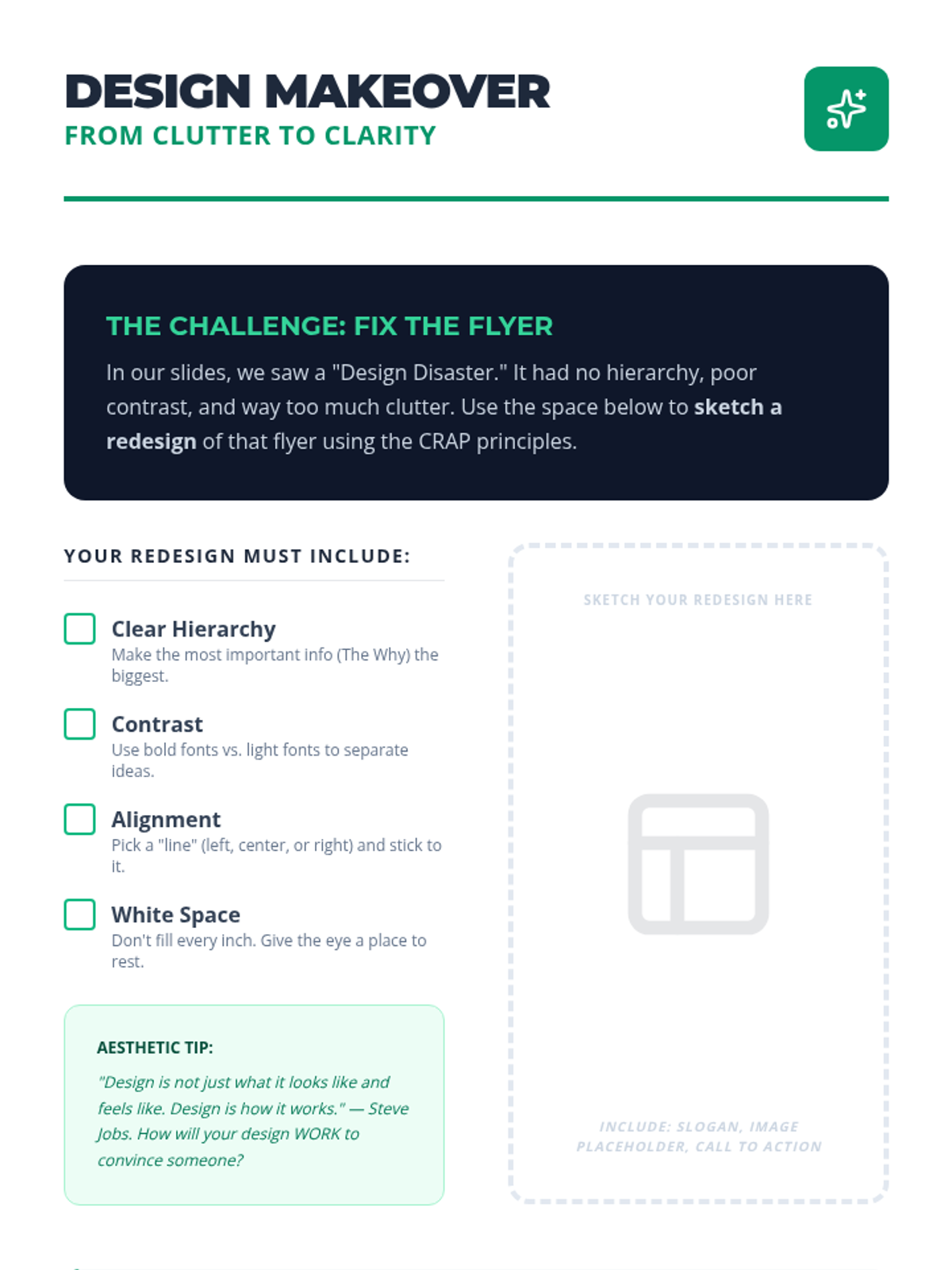
Practice activity where students apply the CRAP principles (Contrast, Repetition, Alignment, Proximity) to redesign a poorly structured flyer.
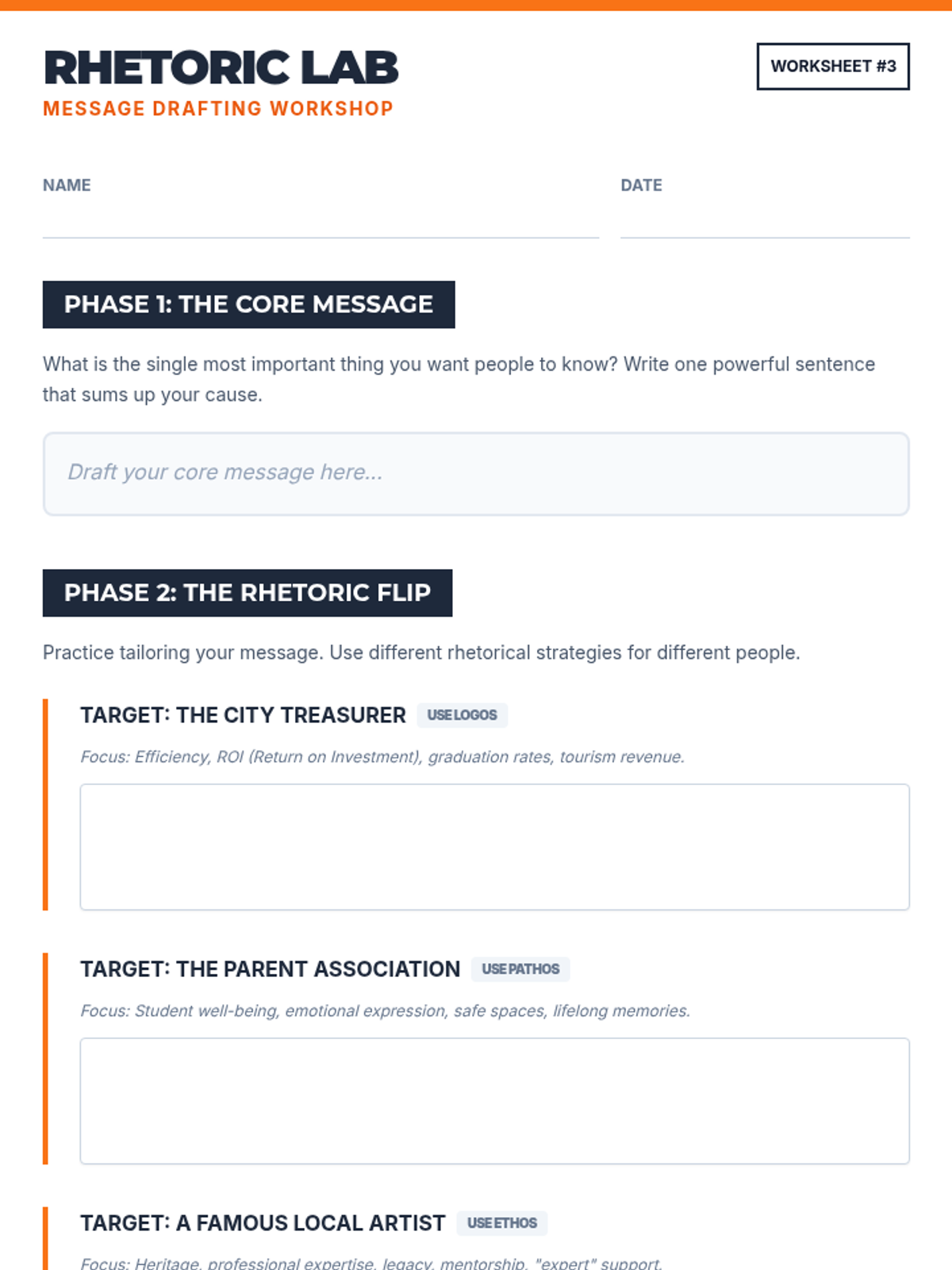
A drafting worksheet where students practice writing for different audiences using Logos, Pathos, and Ethos.
Slide deck for Lesson 4, introducing the CRAP principles of design (Contrast, Repetition, Alignment, Proximity) and discussing different media channels for advocacy.
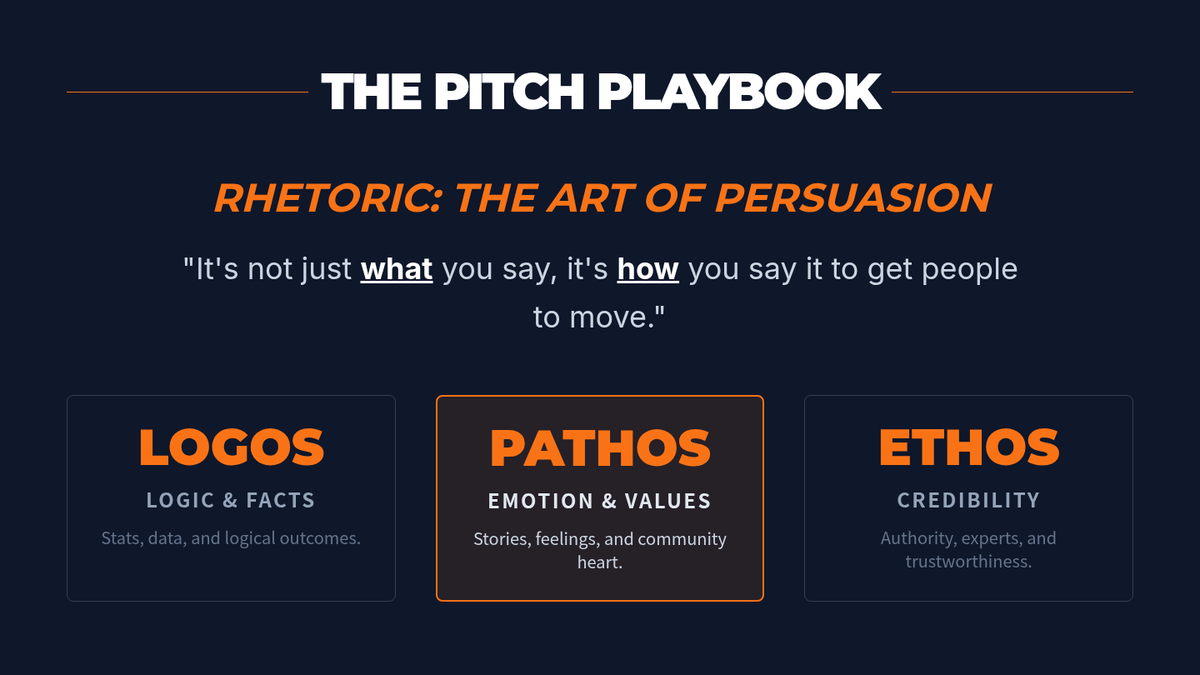
Slides for Lesson 3 focusing on rhetorical strategies (Logos, Pathos, Ethos) applied specifically to arts advocacy messaging.
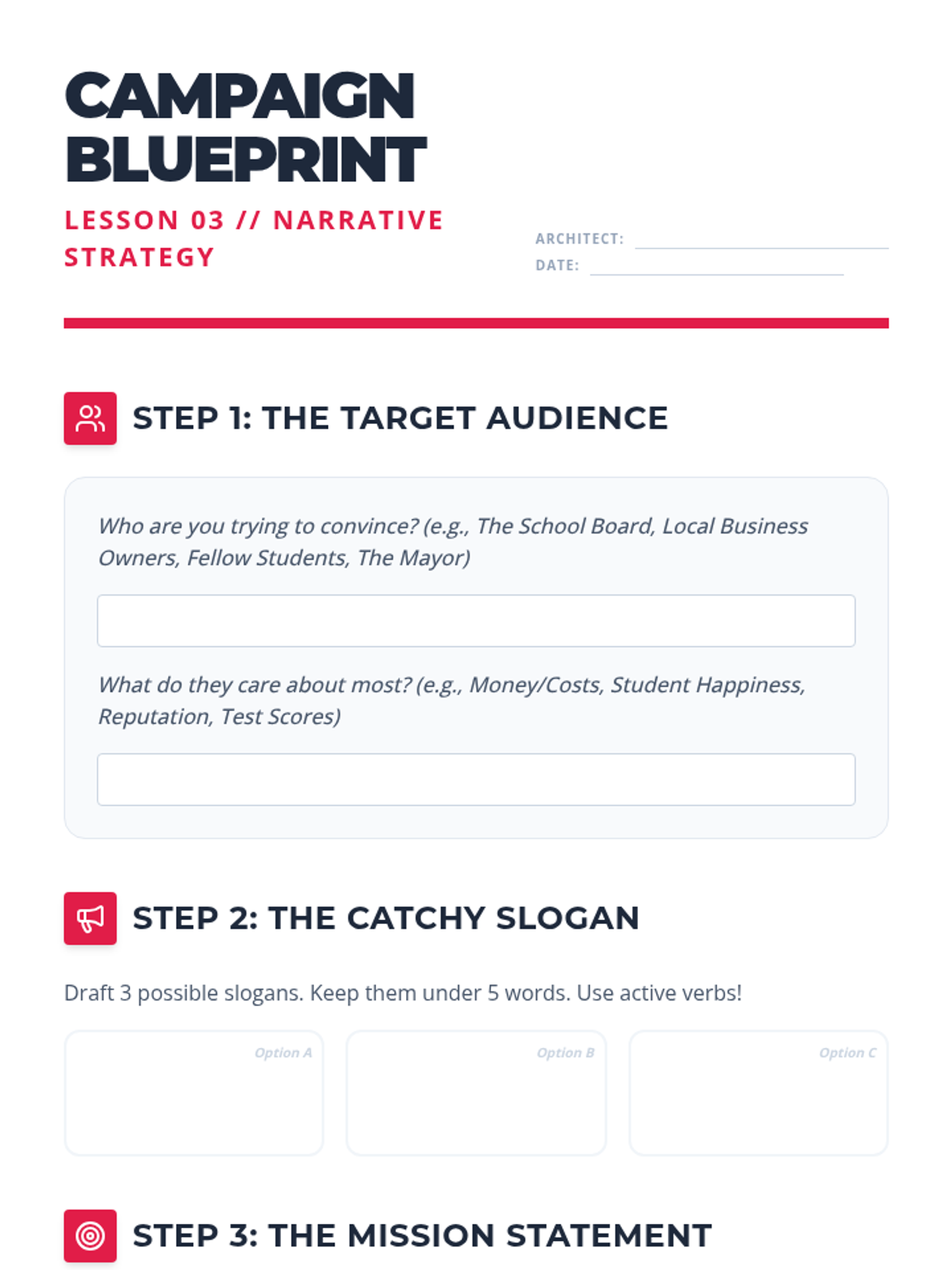
Drafting worksheet for Lesson 3, guiding students through audience identification, slogan creation, mission statement drafting, and a full elevator pitch structure.
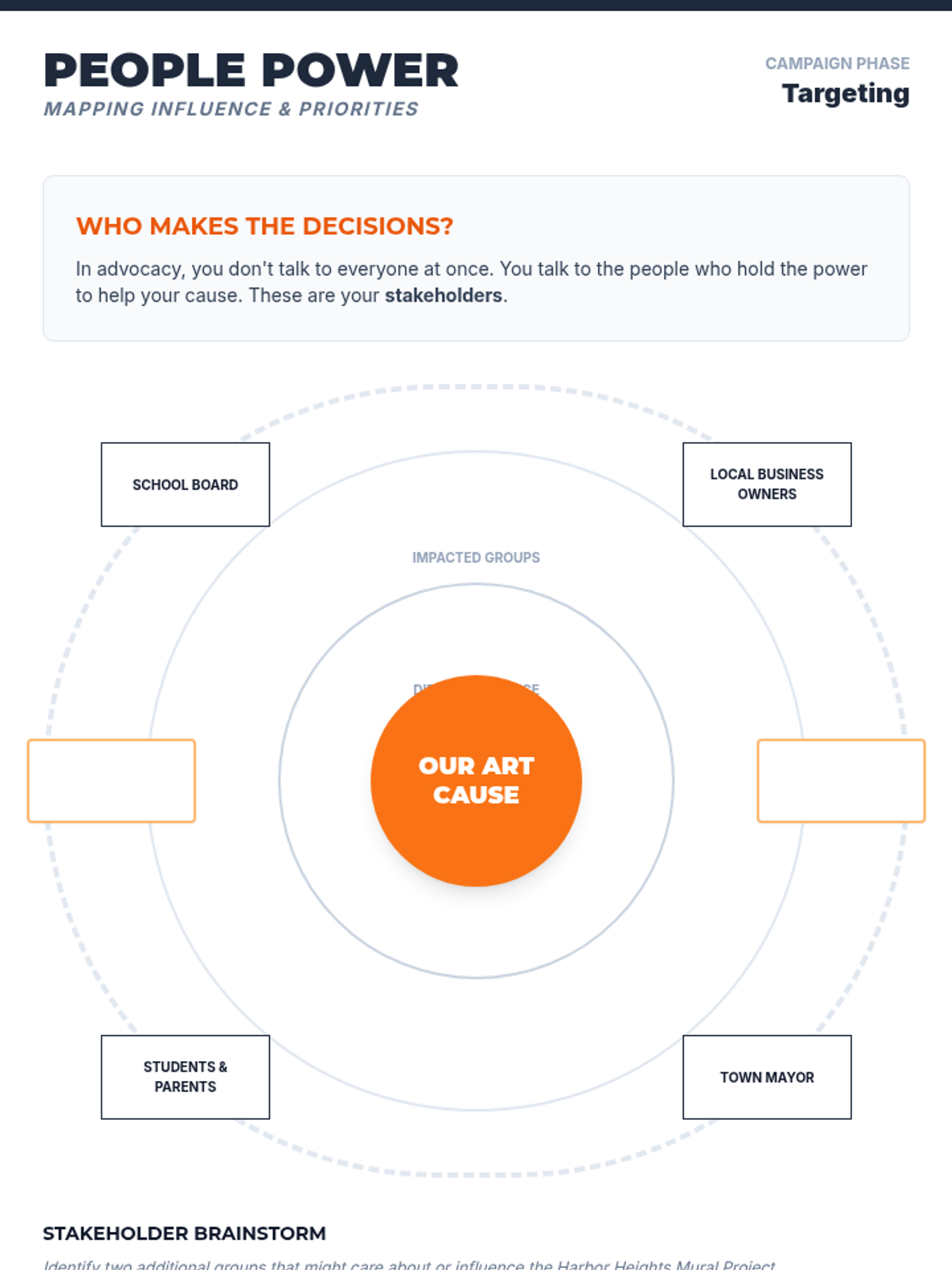
A 2-page student handout for stakeholder mapping and empathy mapping, helping students understand different audience perspectives.
Slide deck for Lesson 3, introducing the "Slogan Match" game, the rhetorical triangle (ethos, pathos, logos), and the key elements of an advocacy narrative.
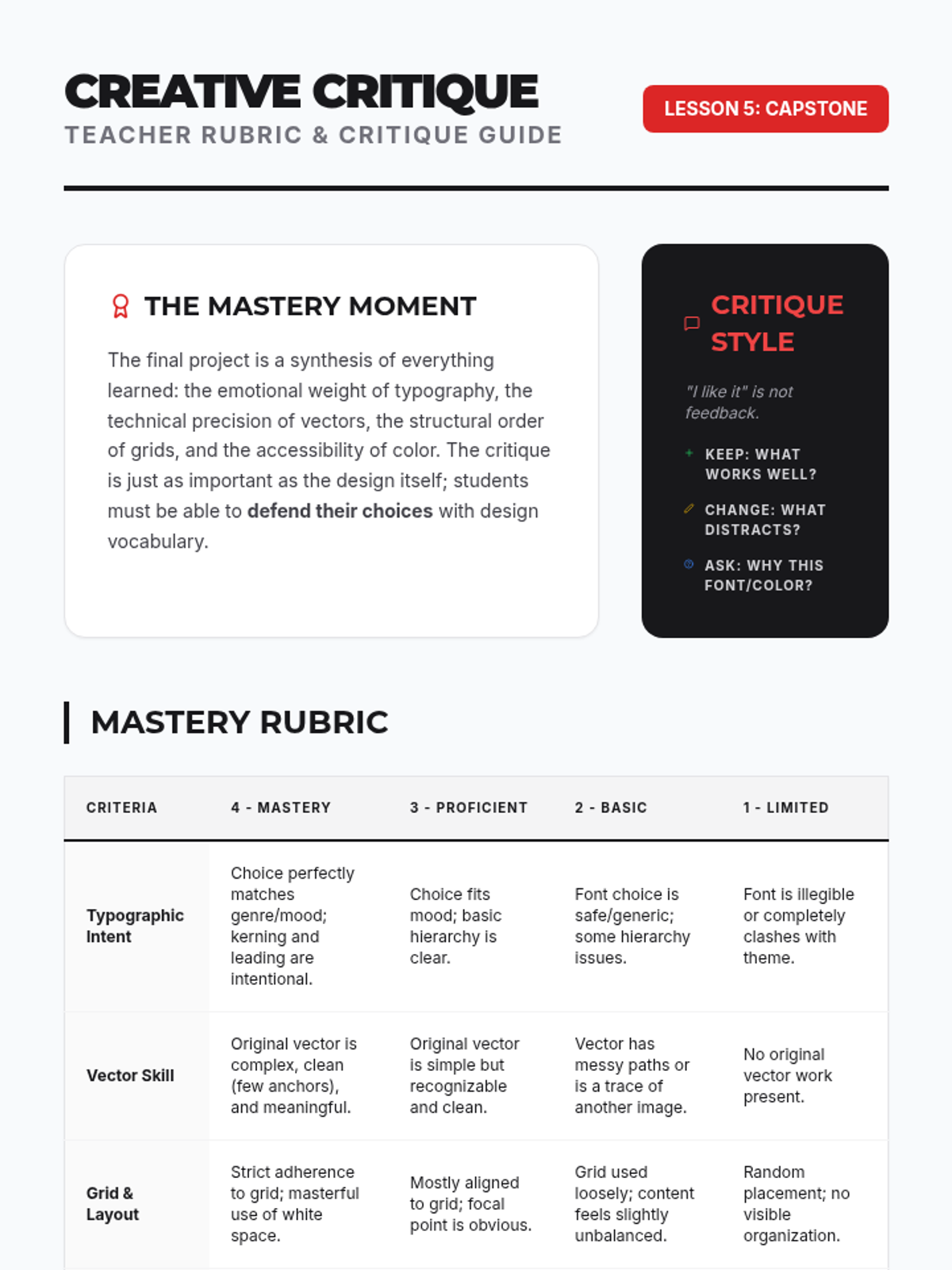
Teacher evaluation rubric and facilitation guide for Lesson 5, focusing on the creative pitch and final project mastery criteria.
Instructional slides for Lesson 1, introducing the concept of arts advocacy and the "Needs Matrix" through a crisis scenario. Updated for improved readability.
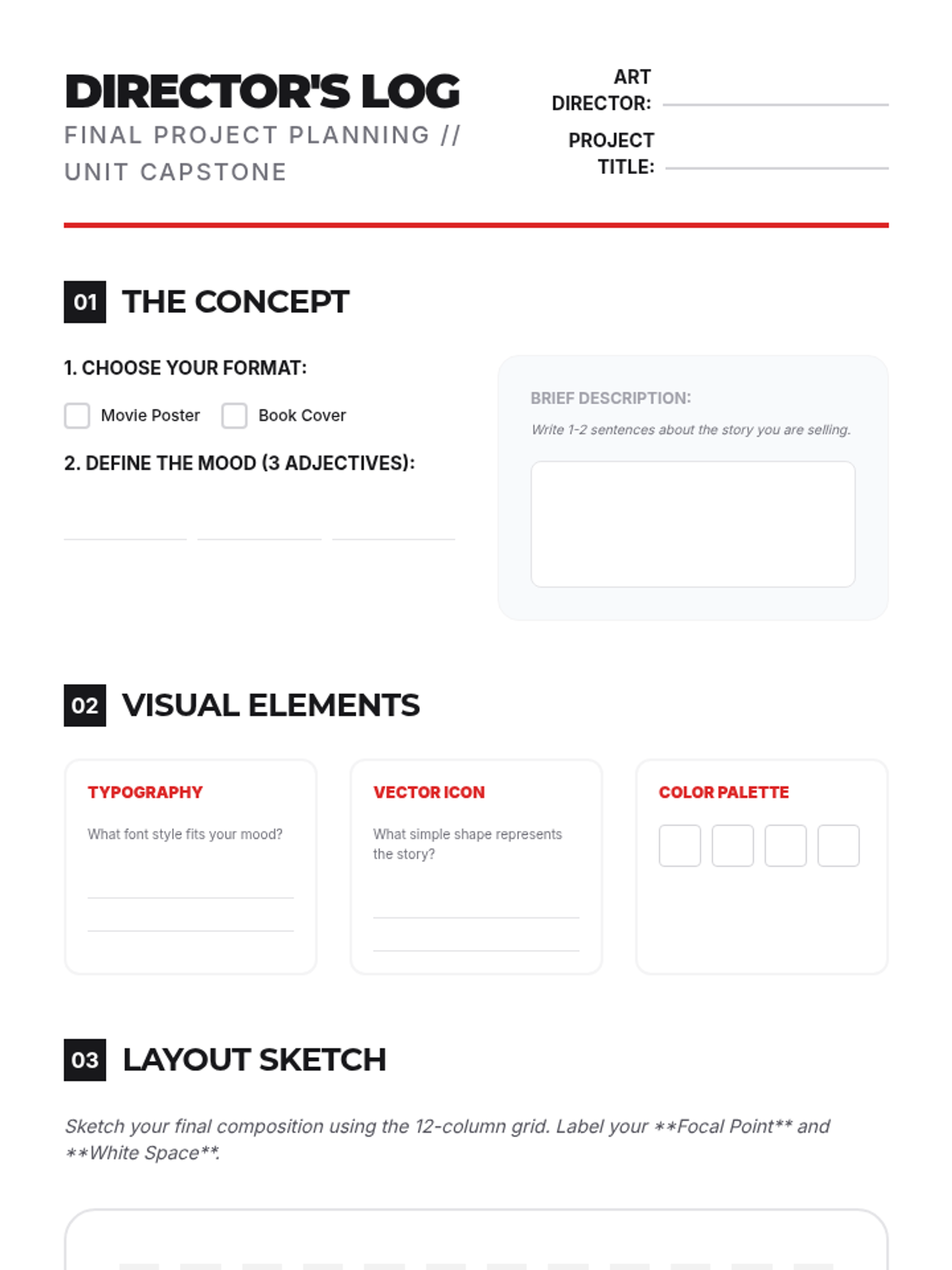
Student planning log for their final project, covering brainstorming, mood boarding, and layout sketching using a grid.
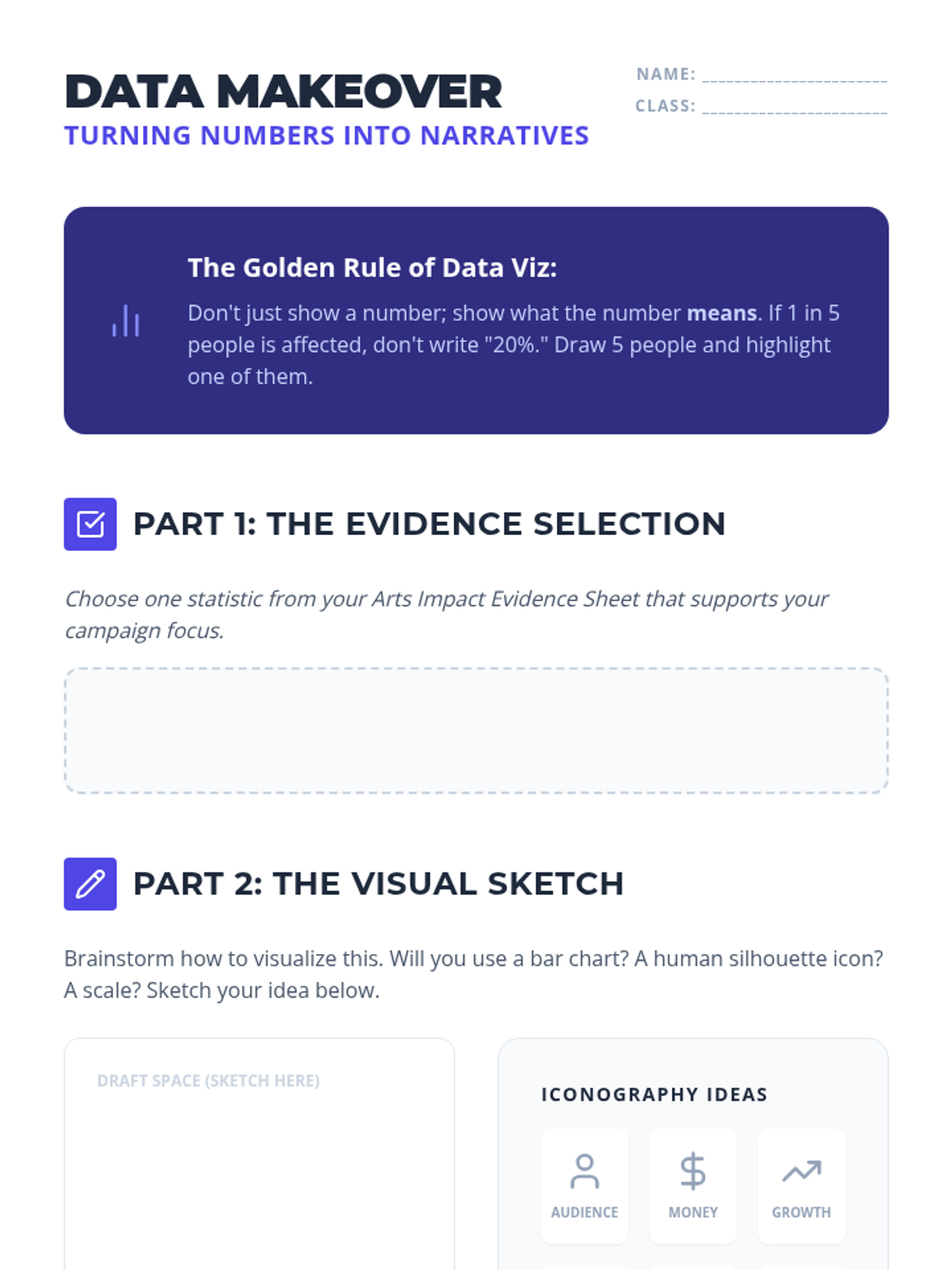
Practice worksheet for students to select a critical arts statistic and sketch a visual metaphor or infographic to communicate its impact.
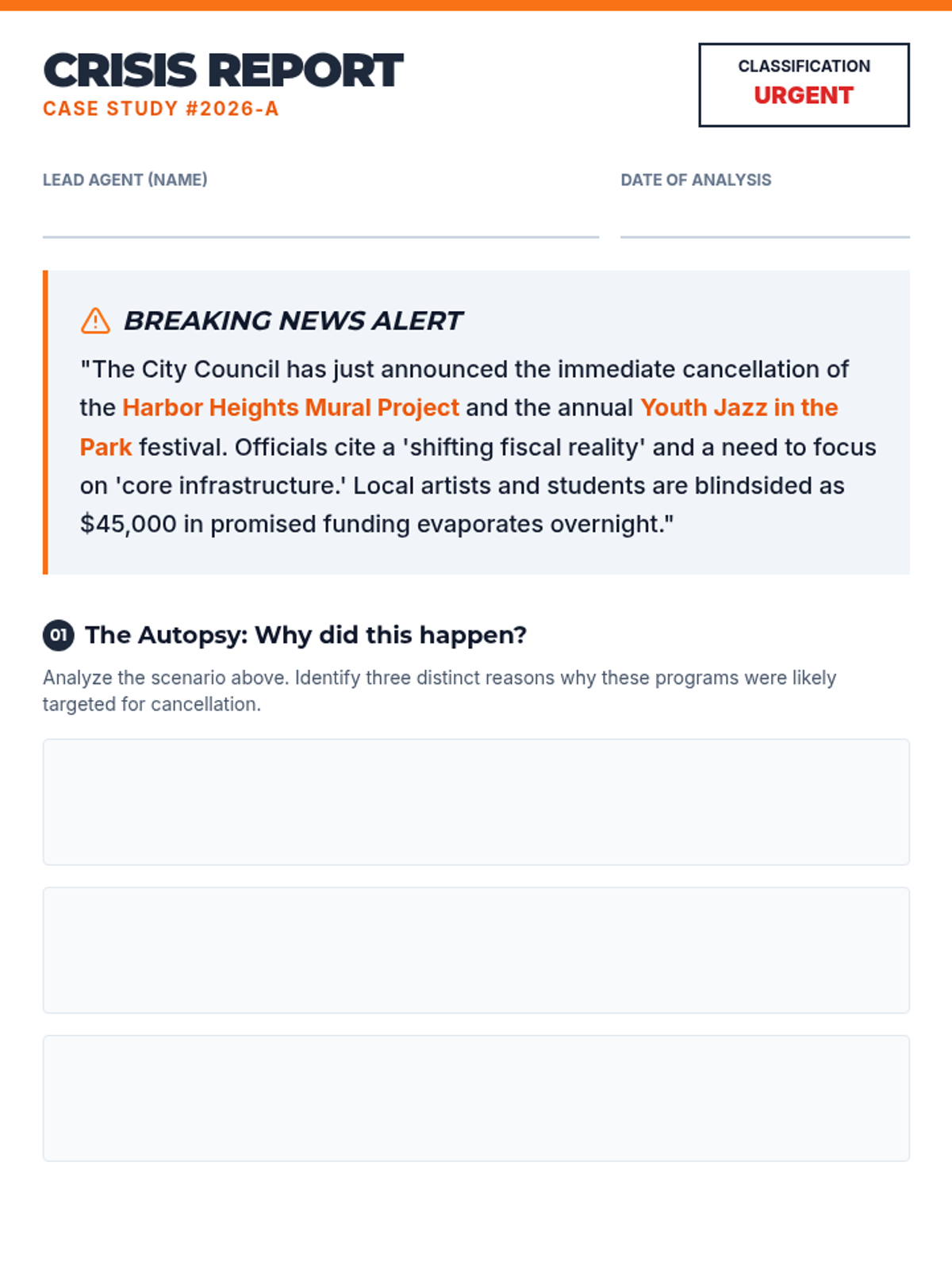
A 2-page student worksheet that uses a "Crisis Report" theme to analyze why arts organizations fail and what specific needs they have.
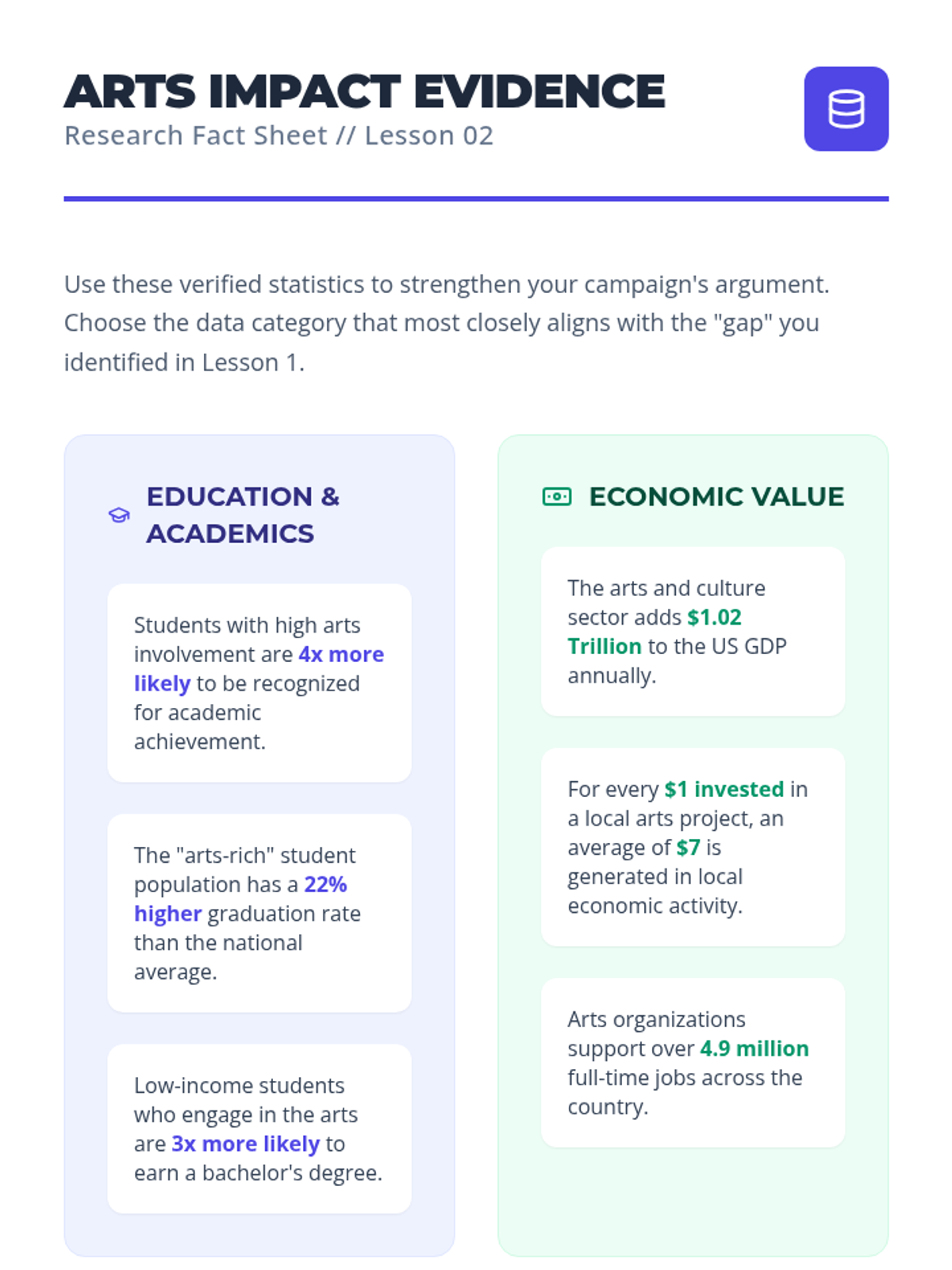
Reference sheet for students featuring real-world statistics on the impact of the arts in education, economy, social well-being, and career readiness.
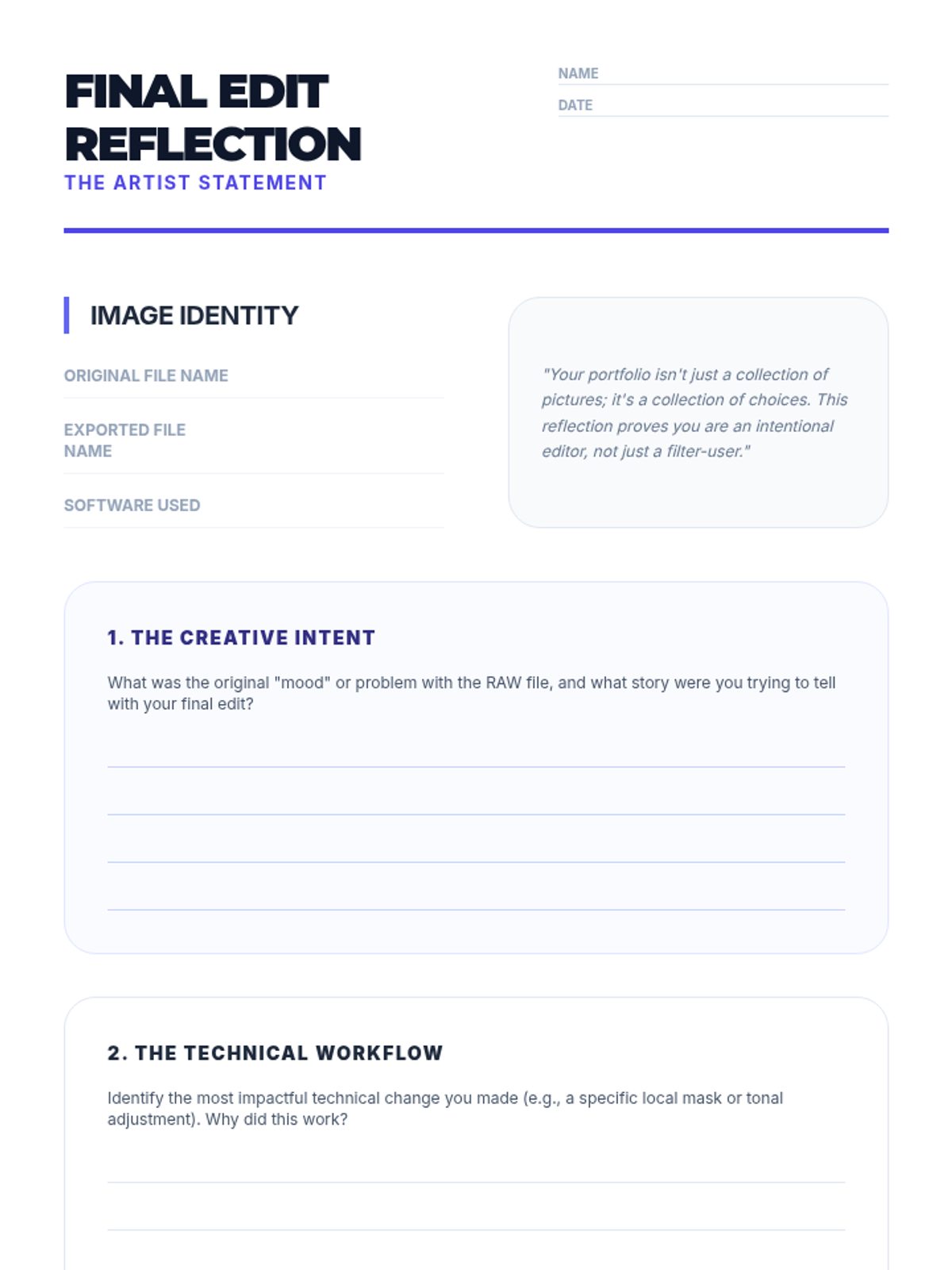
A structured reflection sheet for students to analyze their final edited photo, documenting their creative intent, technical process, and ethical choices.
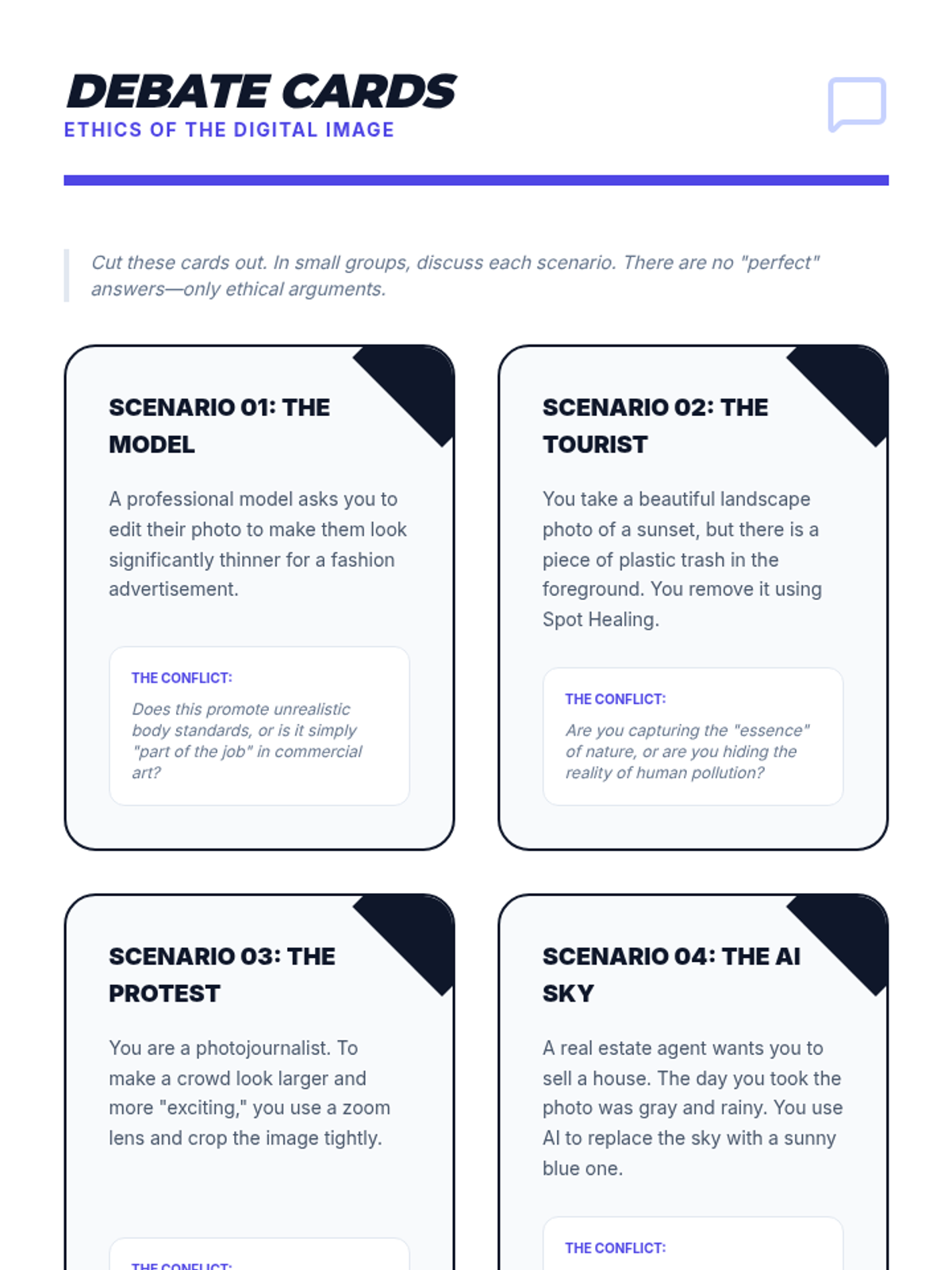
Discussion prompts for students to debate complex ethical scenarios in digital photography, including body retouching, environmental manipulation, and AI-generated content.
Visual slides for examining the ethics of photo manipulation, comparing journalistic standards to artistic intent, and discussing the impact of AI on digital truth.
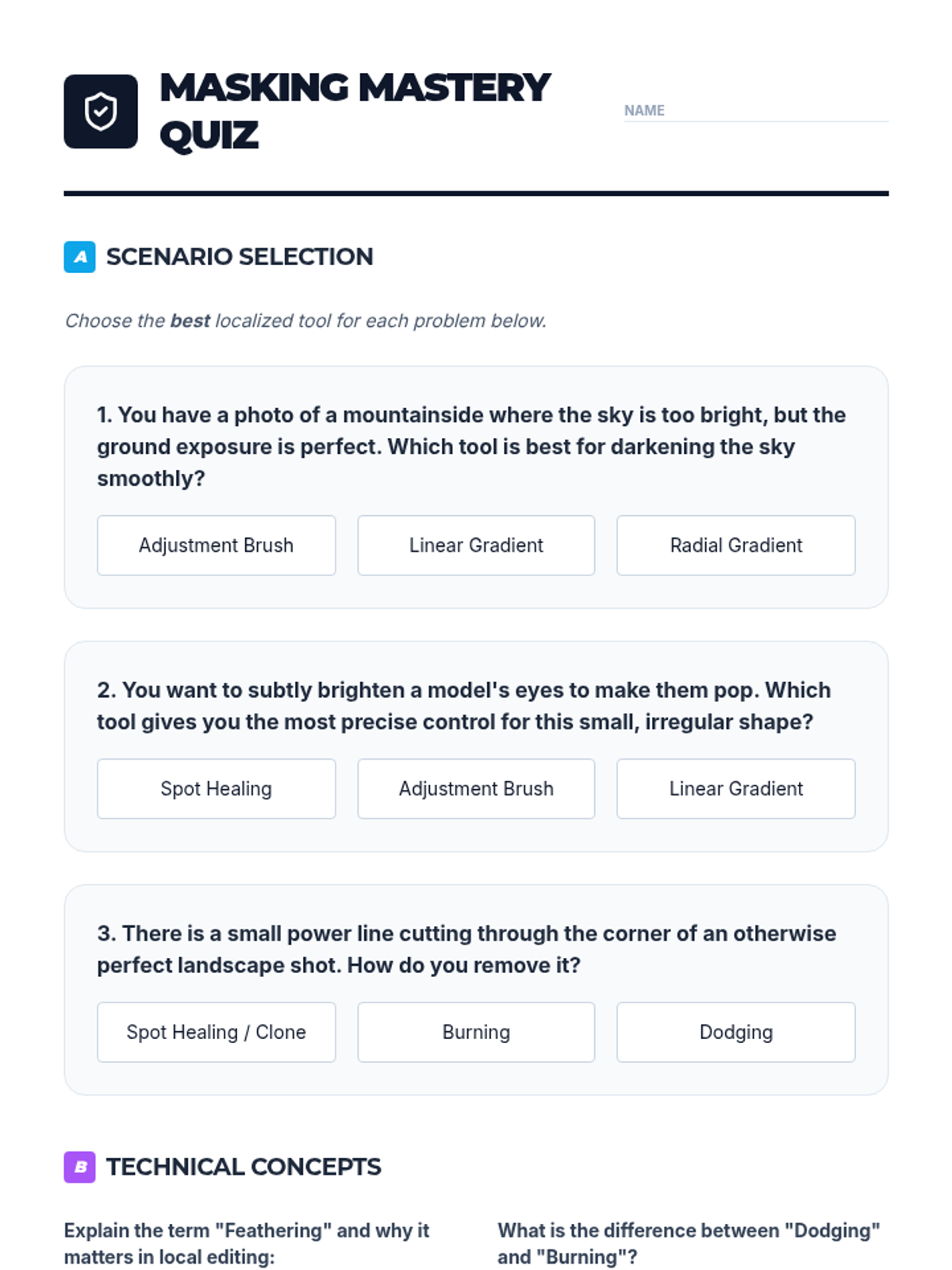
A short assessment to check student understanding of localized editing tools, technical terms like feathering, and the concepts of dodging and burning.
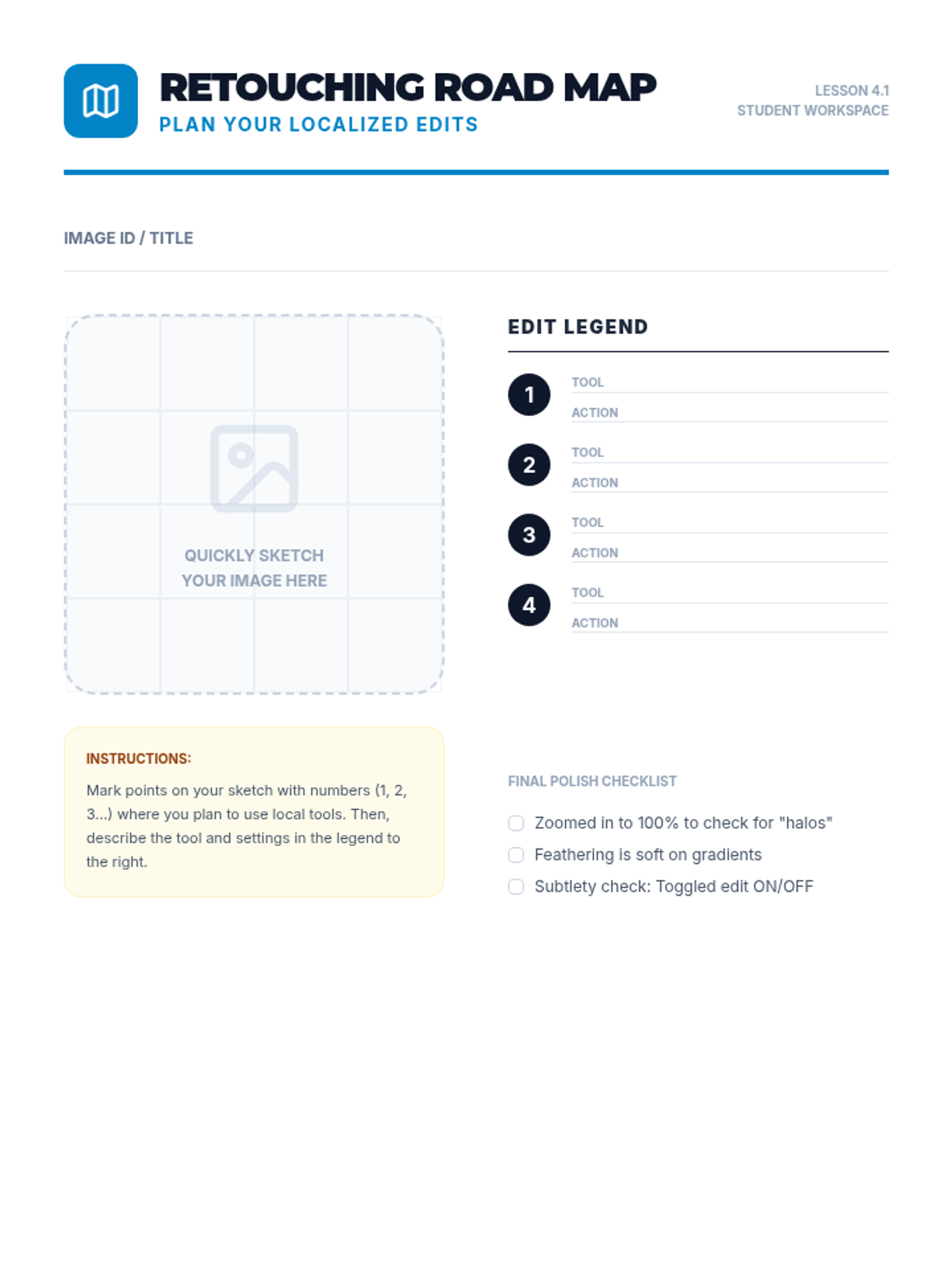
A planning document where students sketch a complex image and mark exactly where they will apply localized adjustments (gradients, brushes, spot removal).
Visual slides for localized editing techniques, including Linear and Radial gradients, the Adjustment Brush, Dodging and Burning, and Spot Healing.
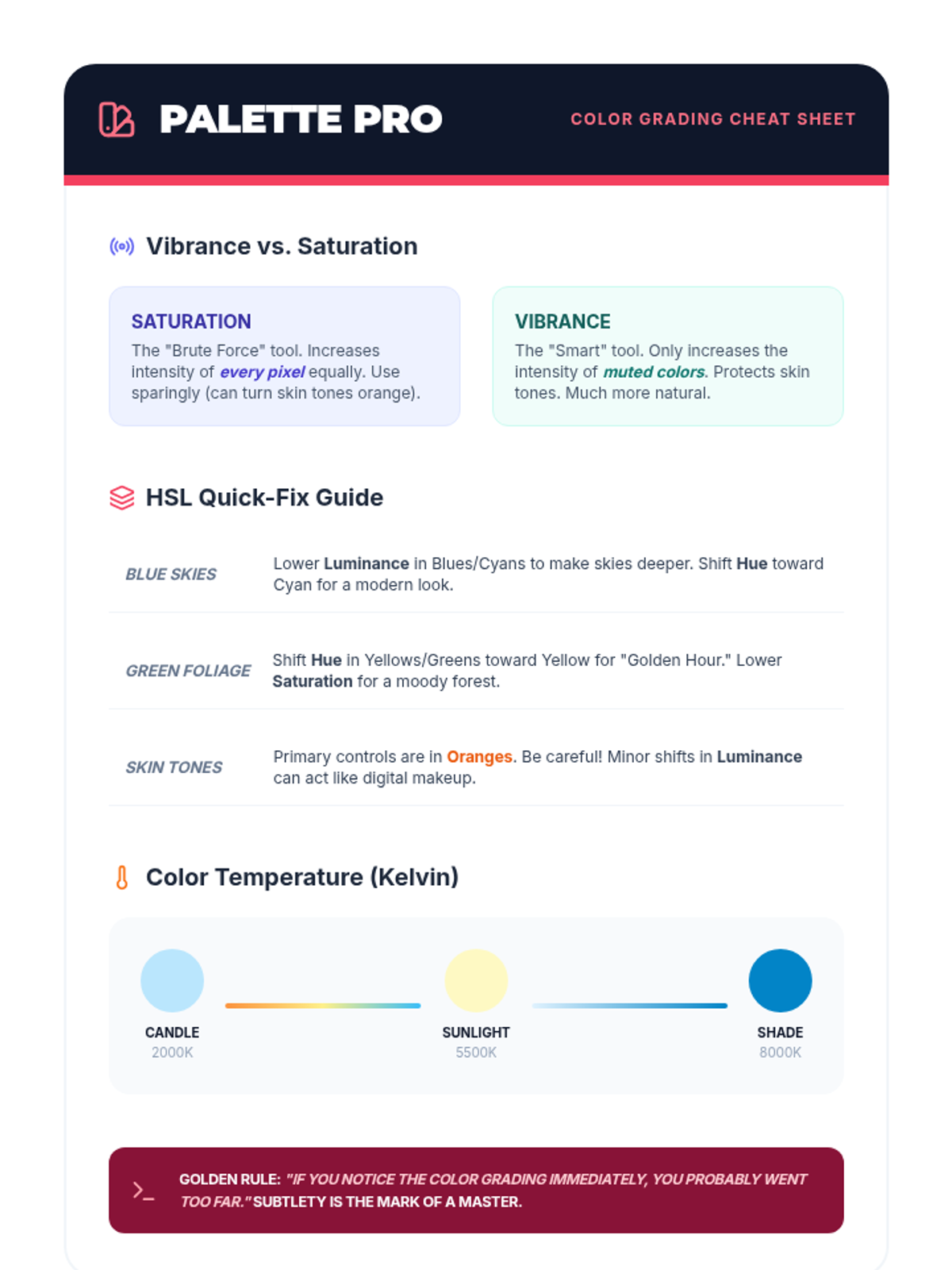
A technical reference sheet for color grading, explaining the difference between Vibrance and Saturation, Kelvin temperatures, and HSL shortcuts for common editing tasks.
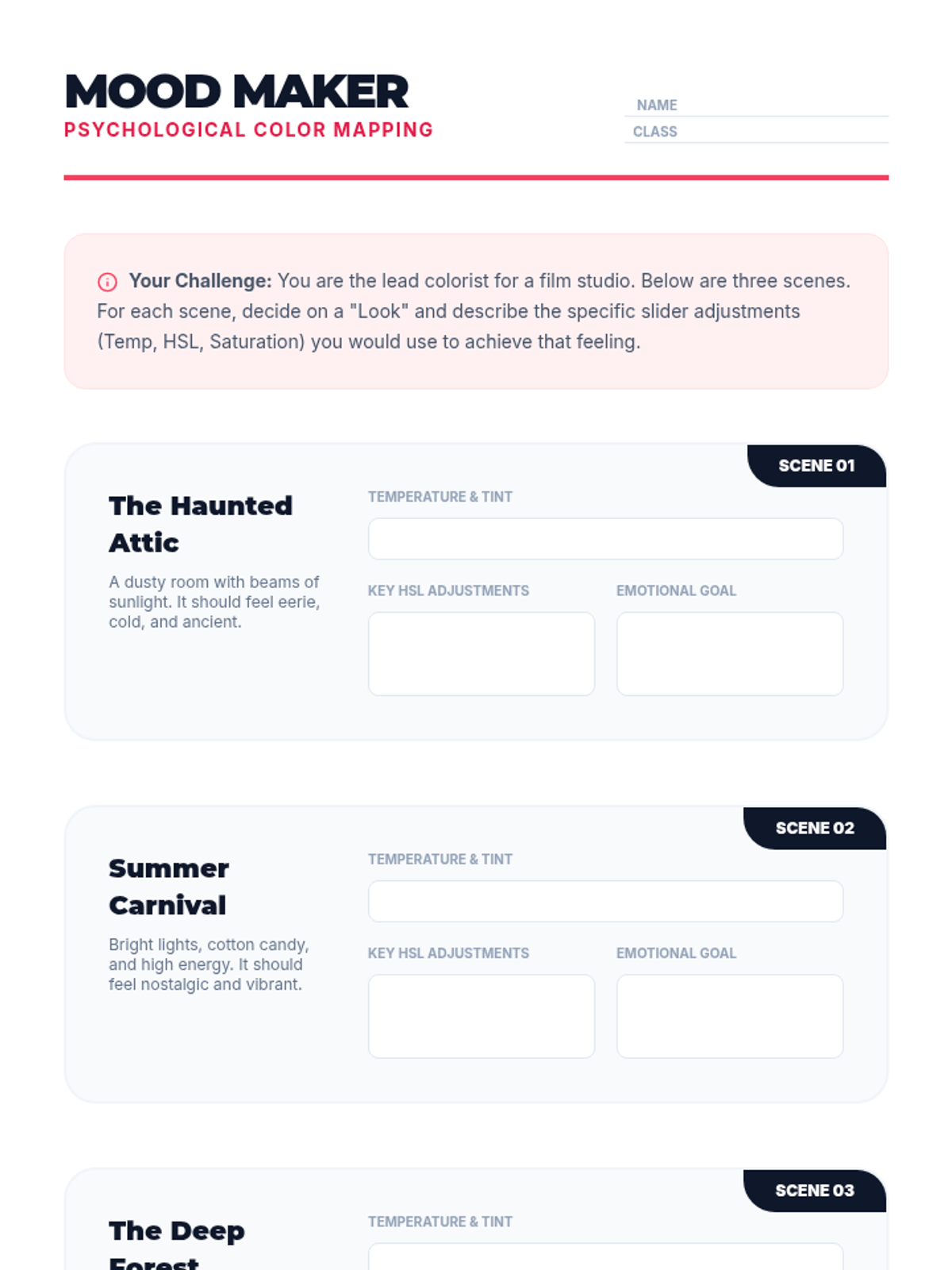
An activity sheet where students act as film colorists, choosing color settings (temperature, HSL, saturation) to evoke specific moods for different scenes.
Visual slides for explaining color psychology, white balance, HSL sliders, and popular stylistic grading techniques like "Teal & Orange."
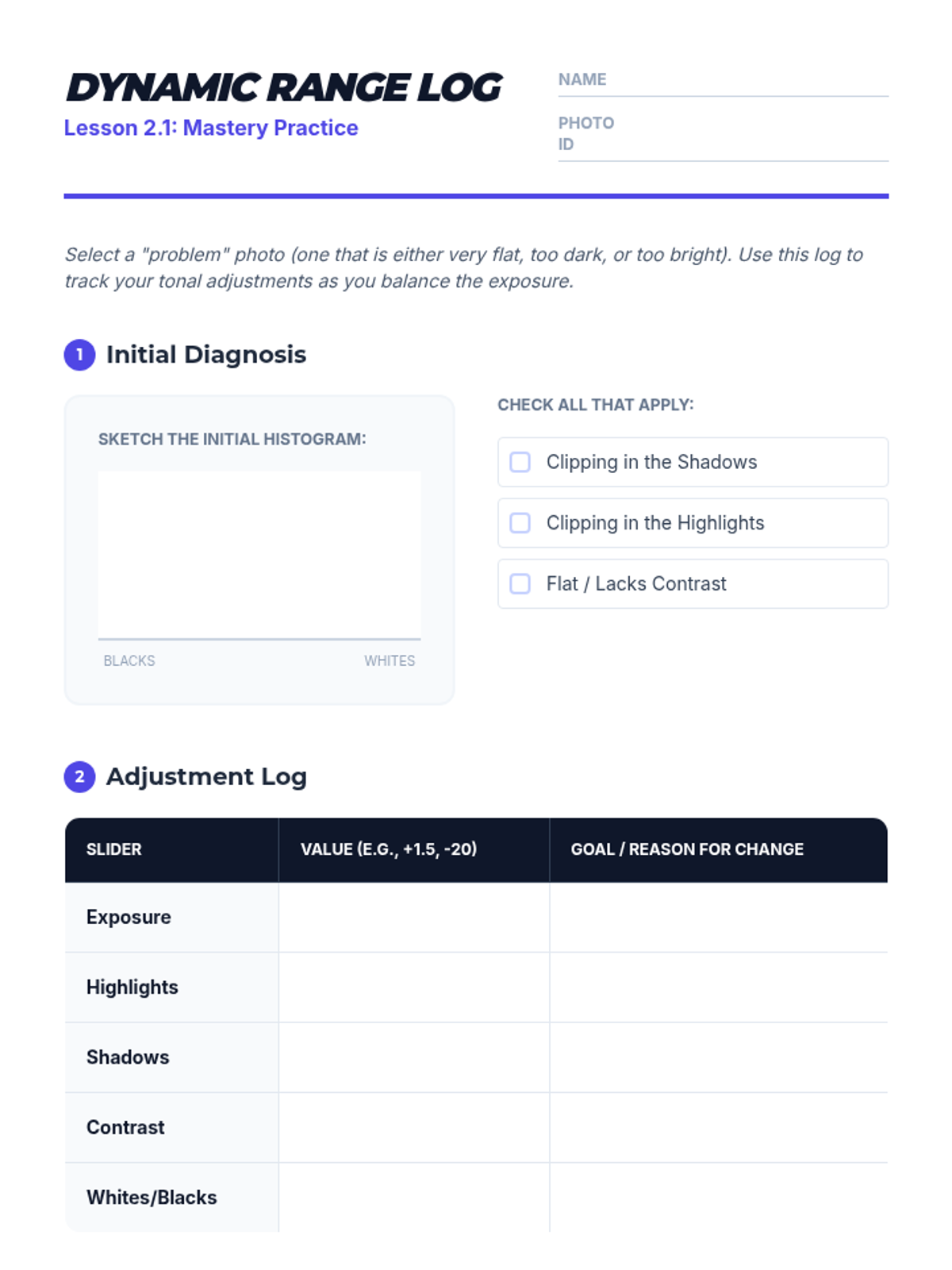
A practice log for students to record their tonal adjustments while editing a specific photo, helping them track their decision-making process for exposure, highlights, and shadows.
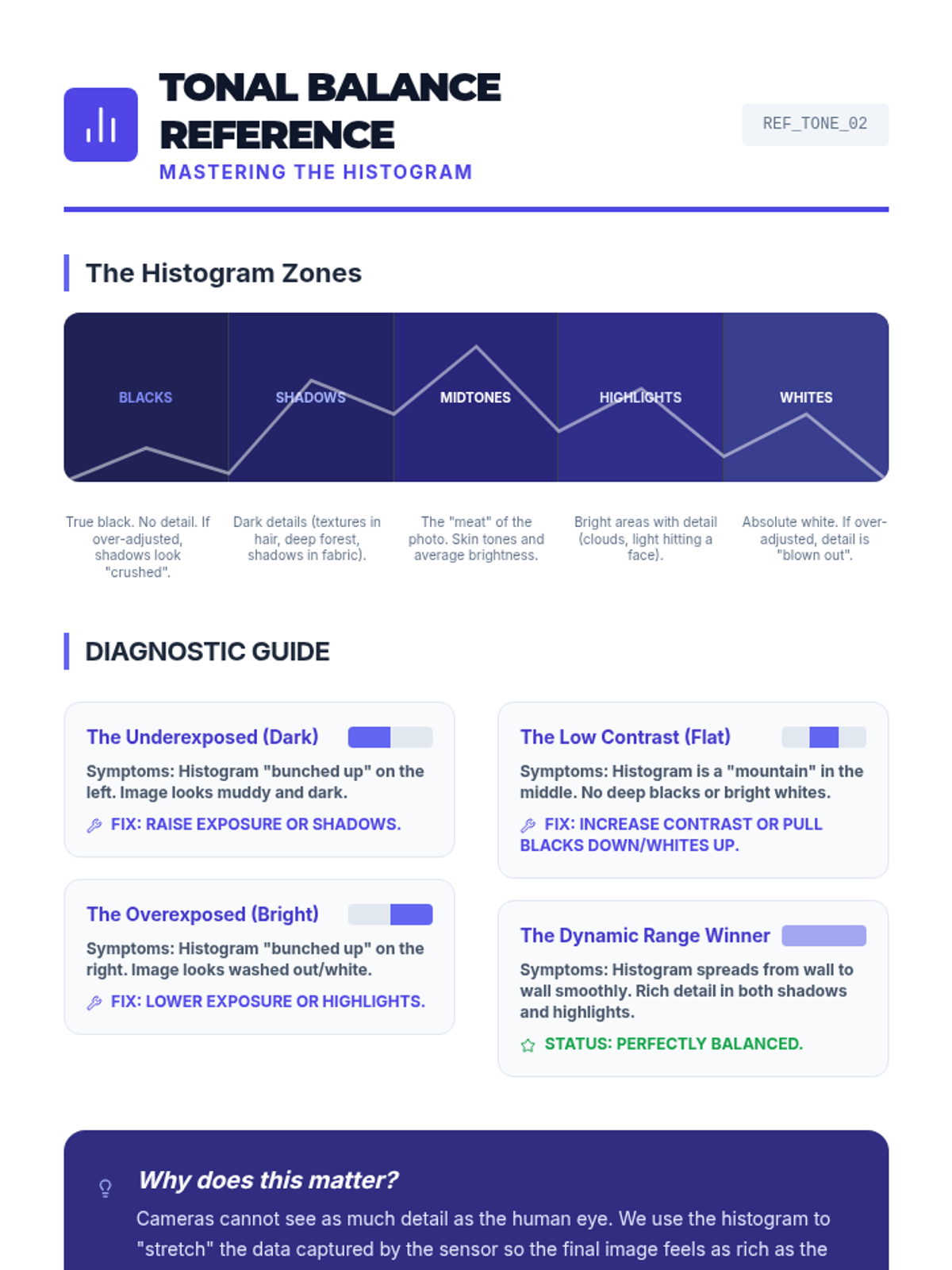
A visual reference guide for students to understand the histogram zones (Blacks, Shadows, Midtones, Highlights, Whites) and how to diagnose exposure issues like clipping and flatness.
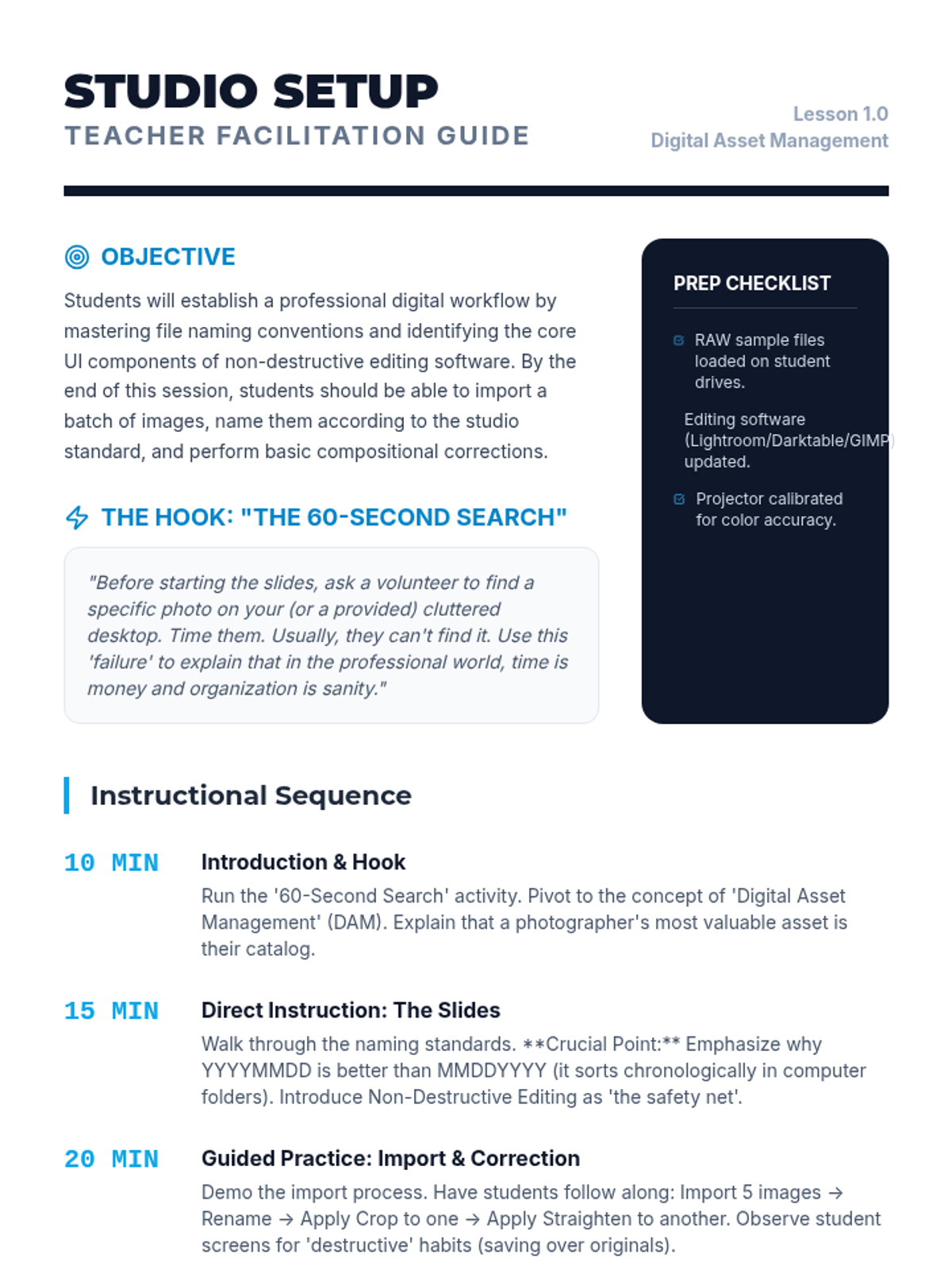
A comprehensive teacher facilitation guide for Lesson 1, including the lesson objectives, a timed instructional sequence, and common student misconceptions about digital asset management.
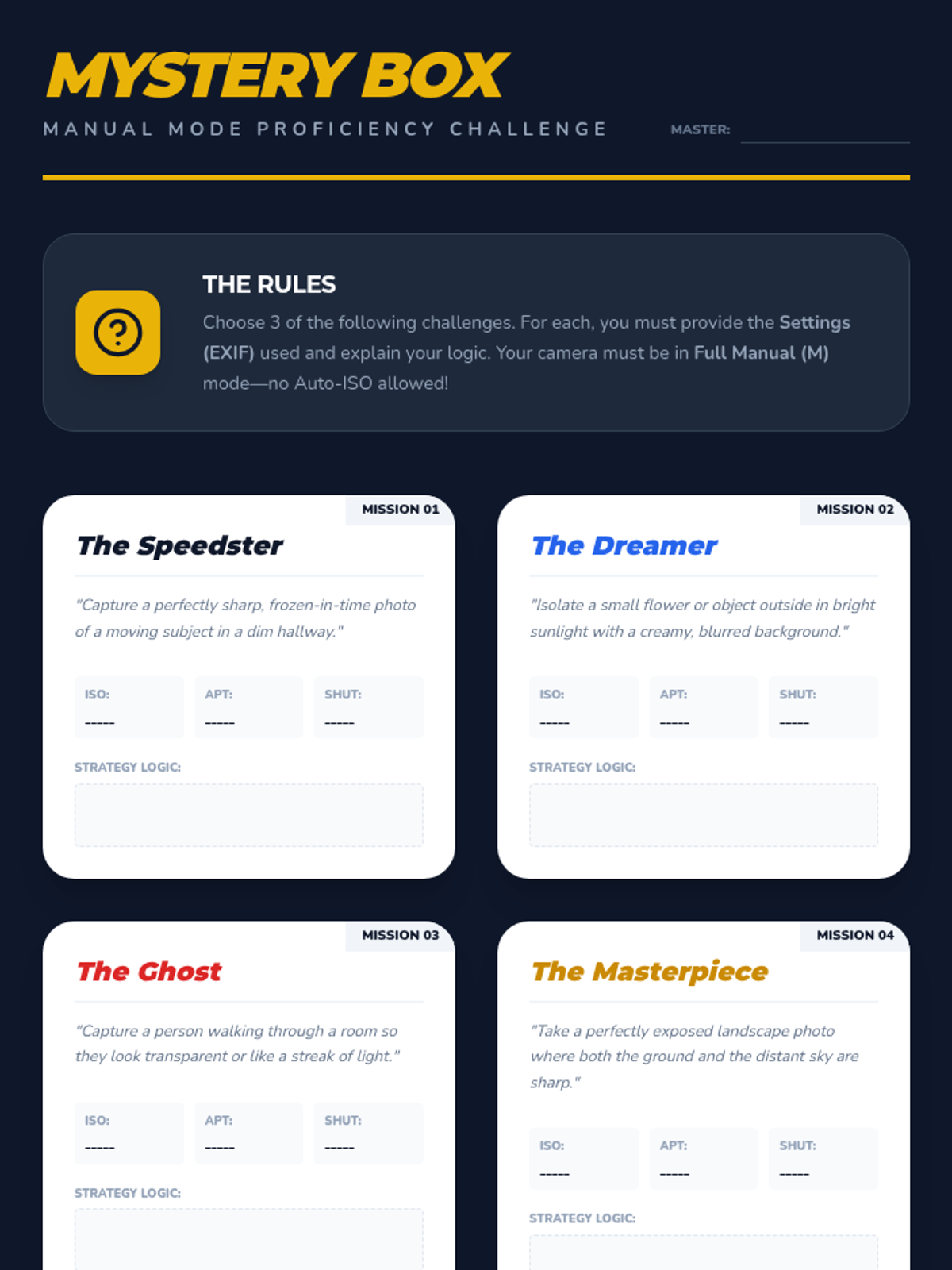
A student prompt card activity for synthesizing camera mechanics through manual mode shooting challenges.
A comprehensive slide presentation for Lesson 5, focusing on synthesizing knowledge of the exposure triangle through manual mode challenges and peer review.
Final project planning and reflection guide for the mood-lighting challenge, helping students pre-visualize their setups and reflect on their artistic choices.
An ISO investigation worksheet where students record settings and visual observations as they increase sensor sensitivity and adjust shutter speed.
Visual slide deck defining high-key and low-key lighting, explaining their emotional impacts and introducing the final mood-lighting project.
A professional slide presentation for Lesson 4 focusing on ISO, digital noise, and the trade-off of sensor sensitivity.
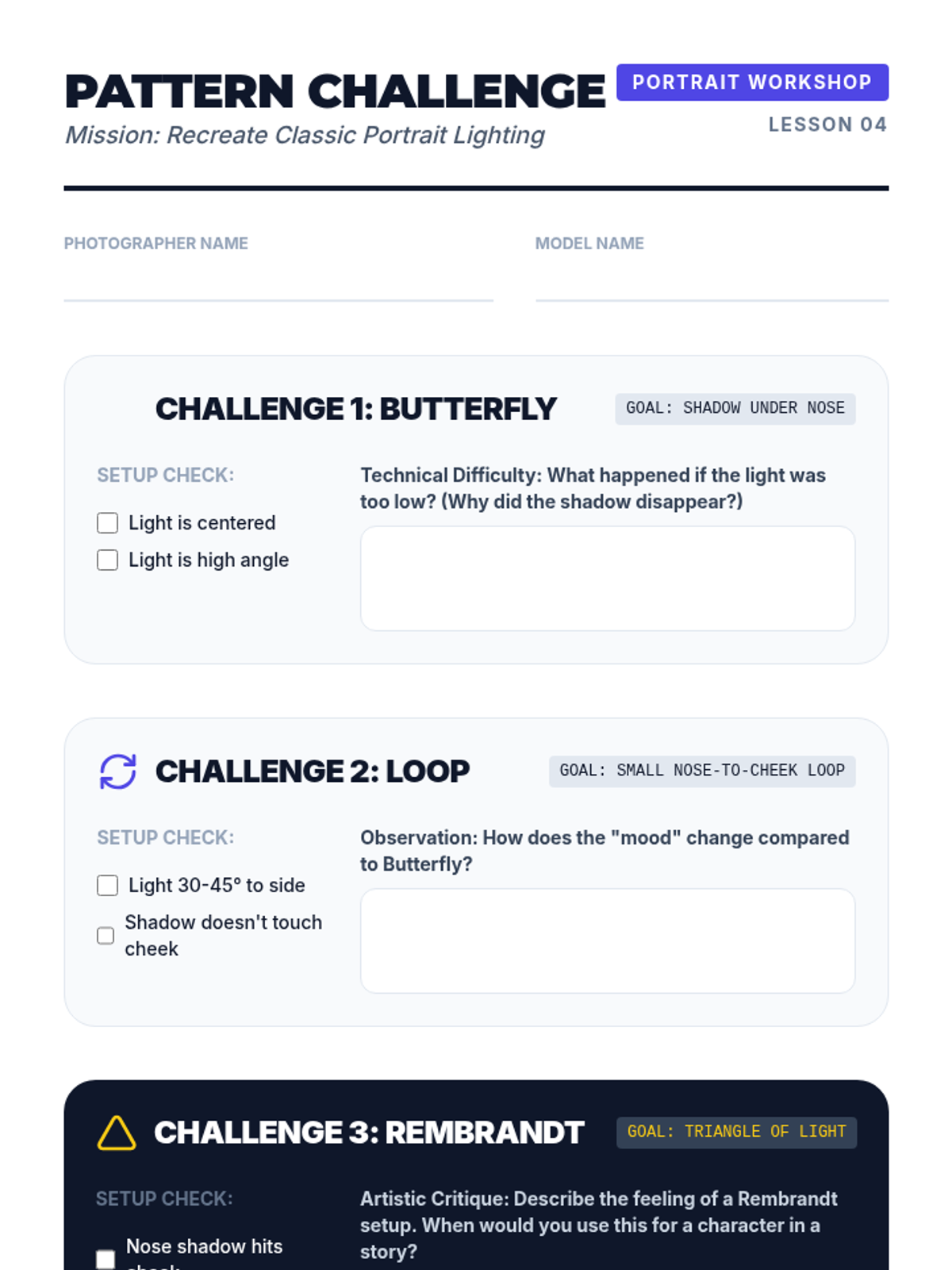
Hands-on activity sheet for students to practice and record classic portrait lighting patterns (Butterfly, Loop, and Rembrandt) in a workshop setting.
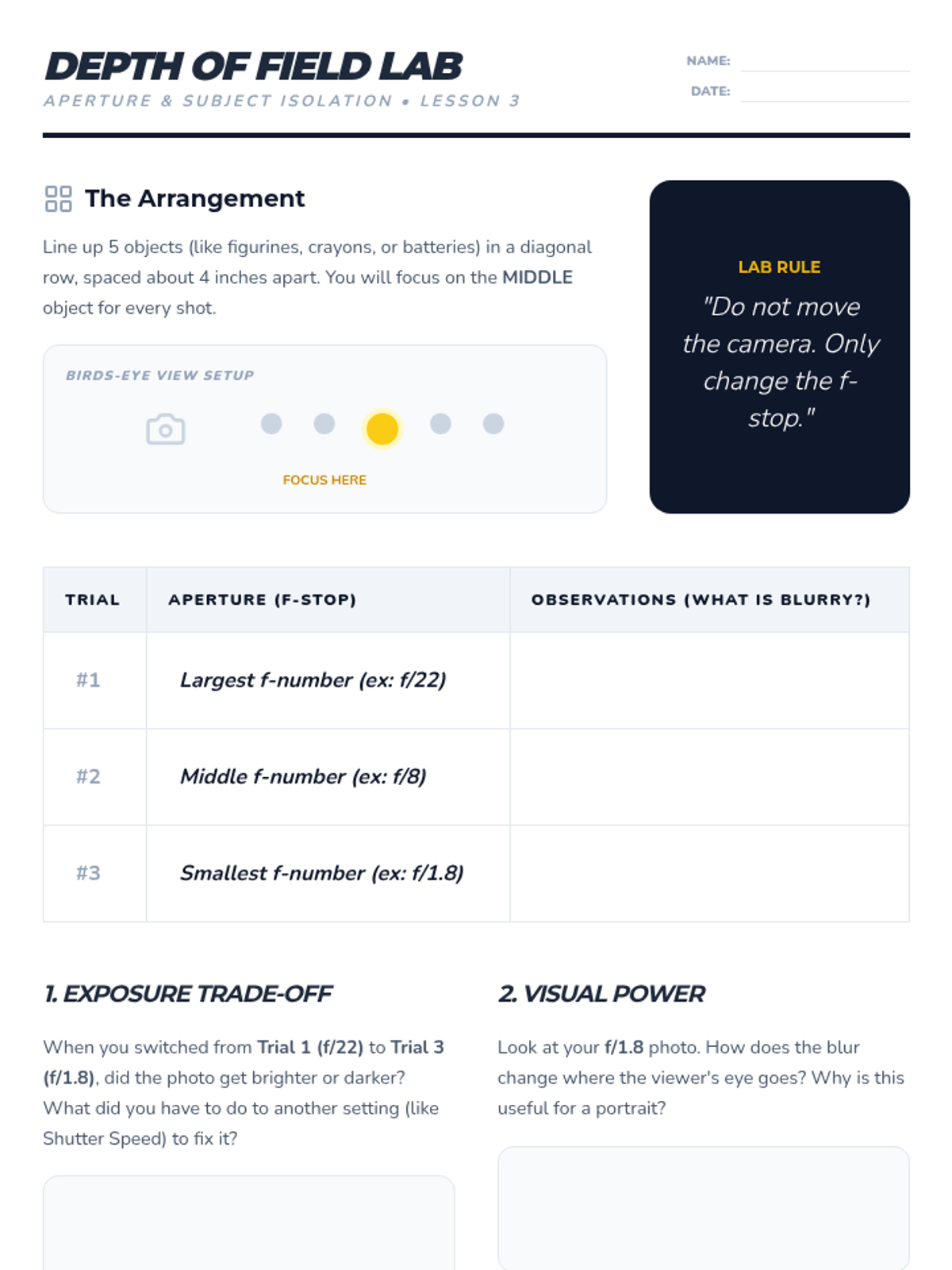
A student experiment worksheet for exploring the relationship between aperture and depth of field through a controlled row-of-objects shoot.
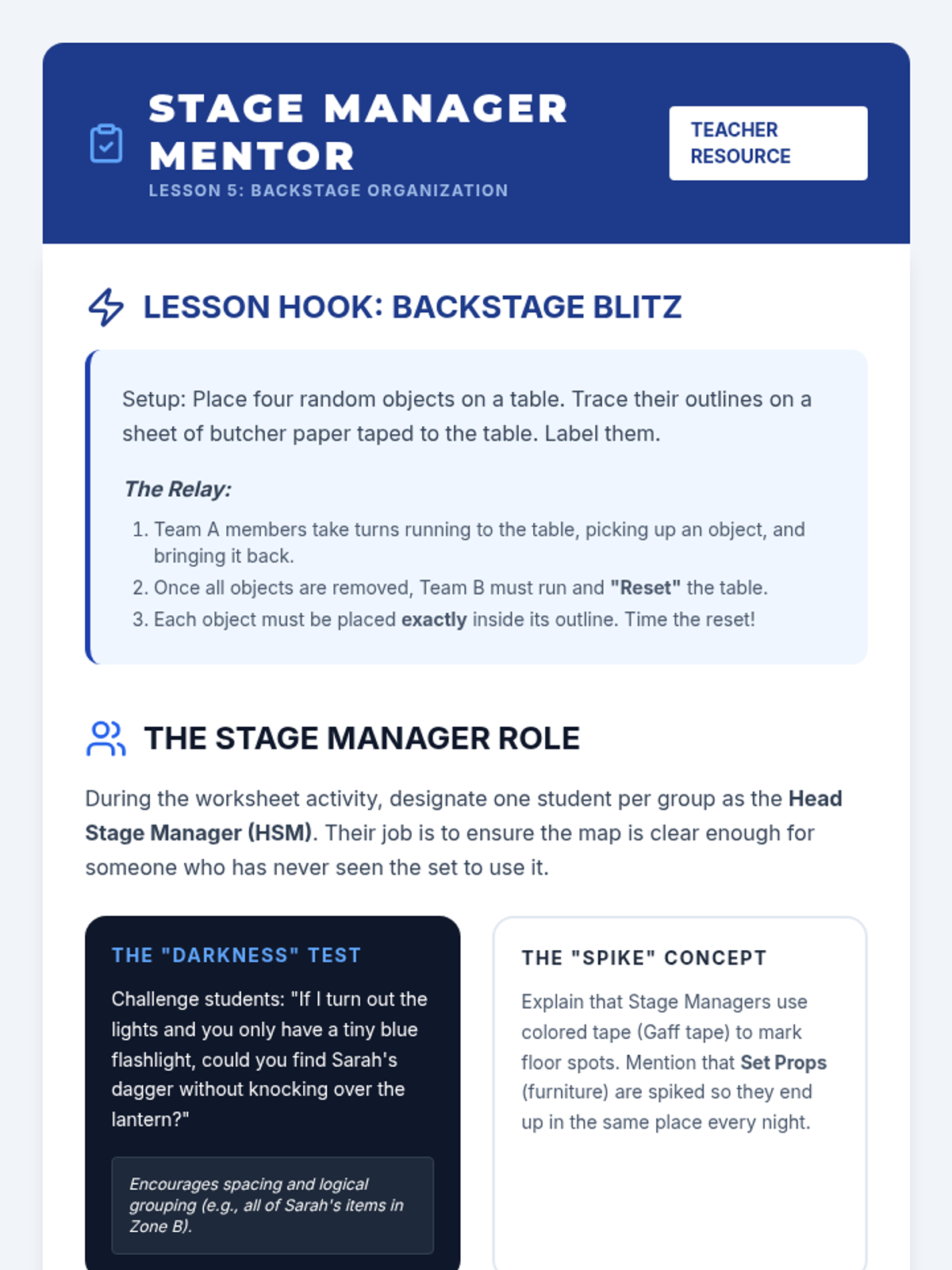
Teacher guide for Lesson 5: Backstage Organization and Prop Tables. Includes relay race hook instructions, "darkness test" simulation tips, and a unit reflection guide.
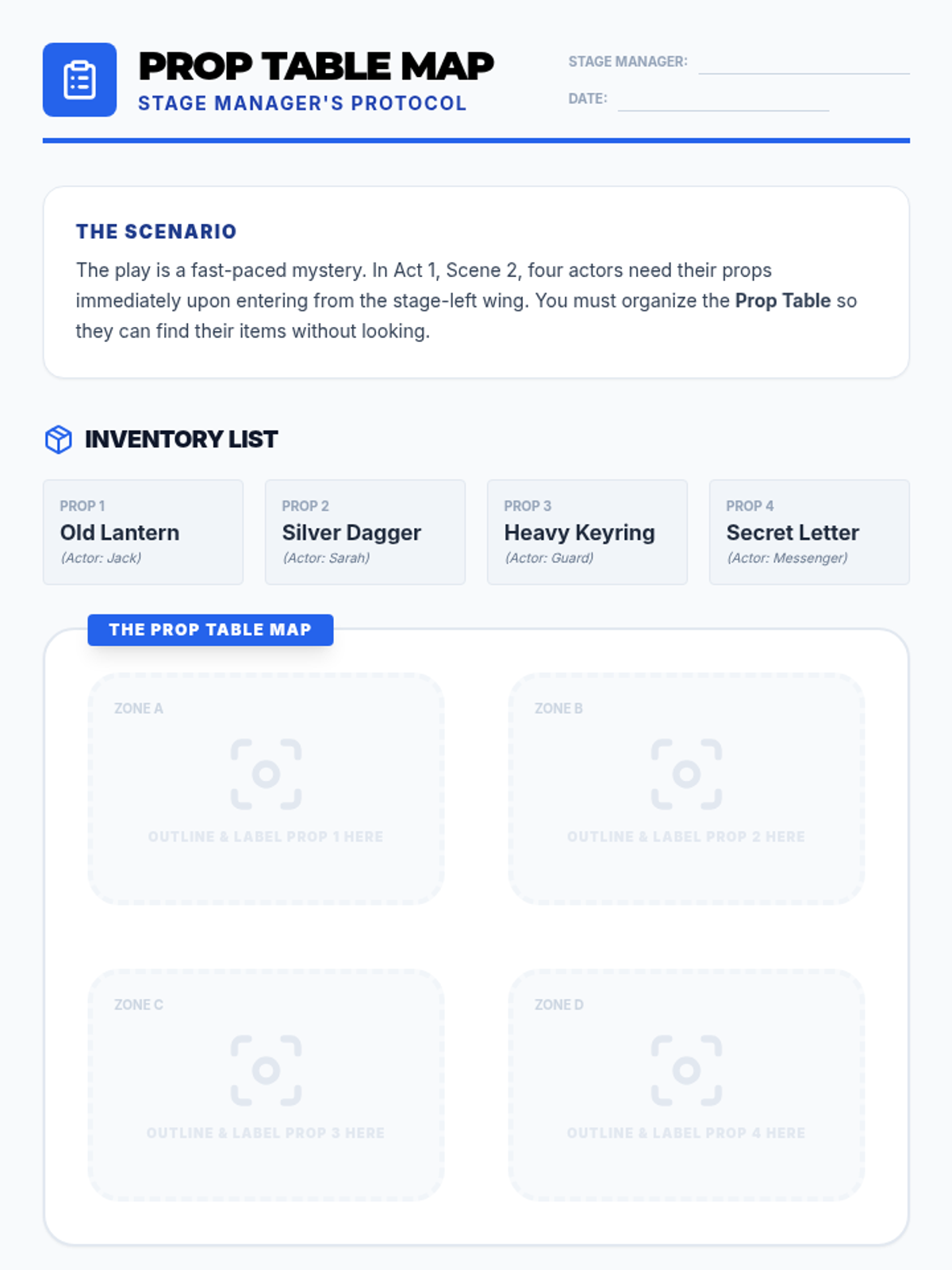
Student worksheet for Lesson 5: Stage Management organization. Features a prop table mapping activity for a specific scene.
Educational slide deck for Lesson 5: Backstage Organization and Prop Tables. Covers the importance of organization, prop table setup, and the concept of "spiking" furniture.
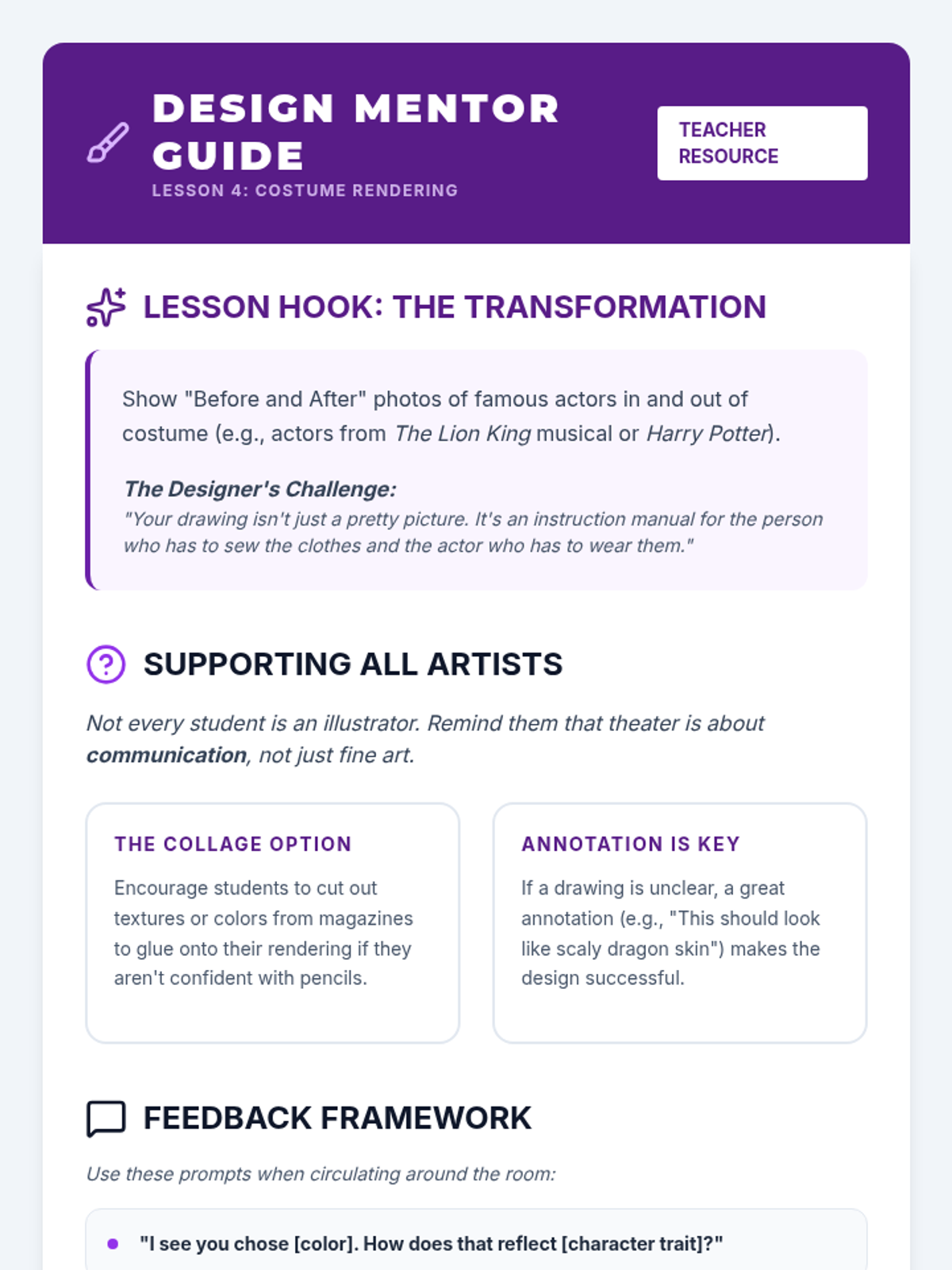
Teacher guide for Lesson 4: Costume Rendering and Collage. Includes instructions for the "Transformation" hook, artistic support strategies for varied skill levels, and feedback prompts for student designs.
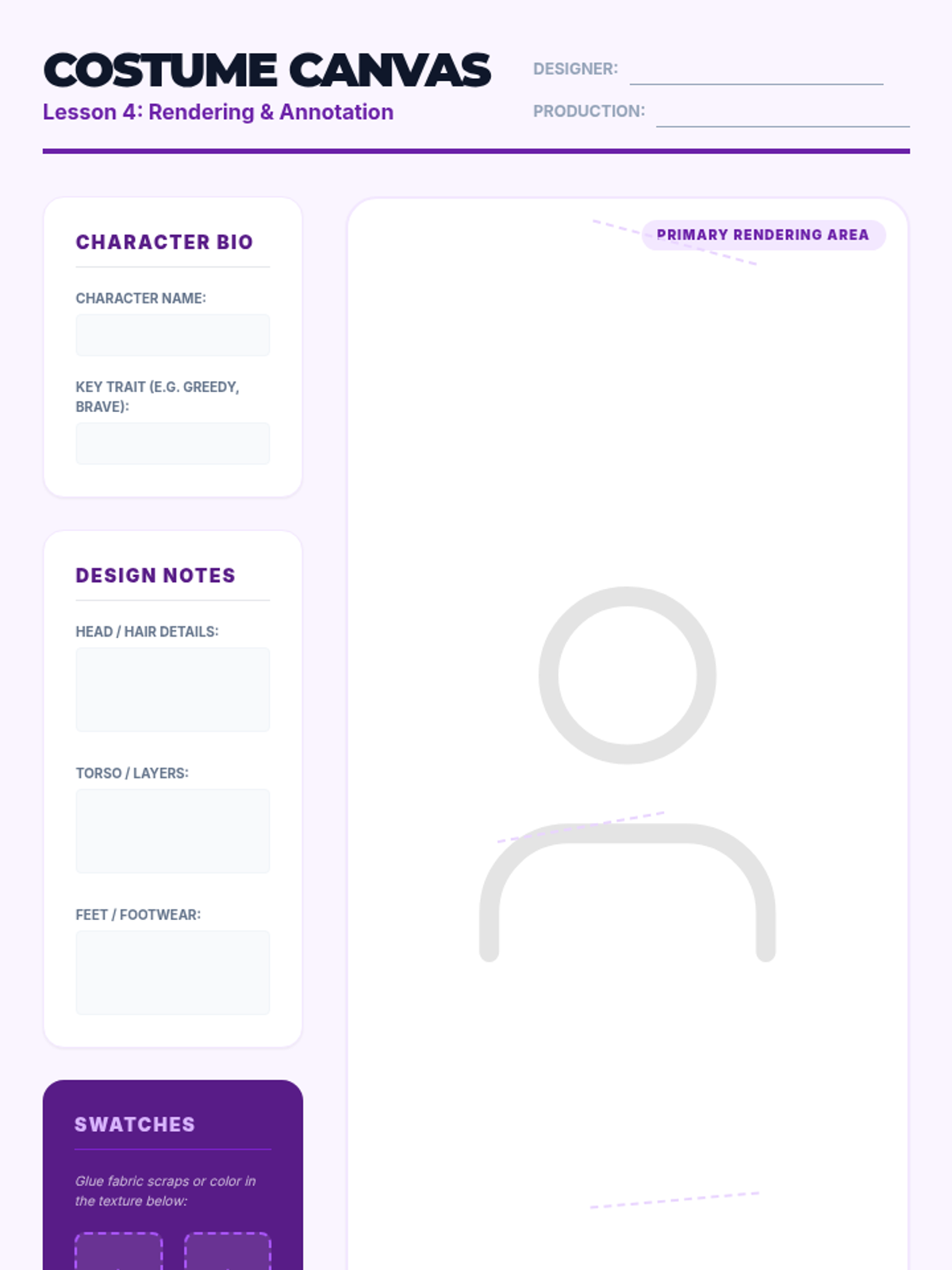
Student worksheet for Lesson 4: Creating a costume rendering. Includes space for character bio, design notes, swatches, and a large drawing area.
Educational slide deck for Lesson 4: Costume Rendering and Collage. Covers the components of a professional rendering (sketch, swatches, annotations) and the importance of visual storytelling.
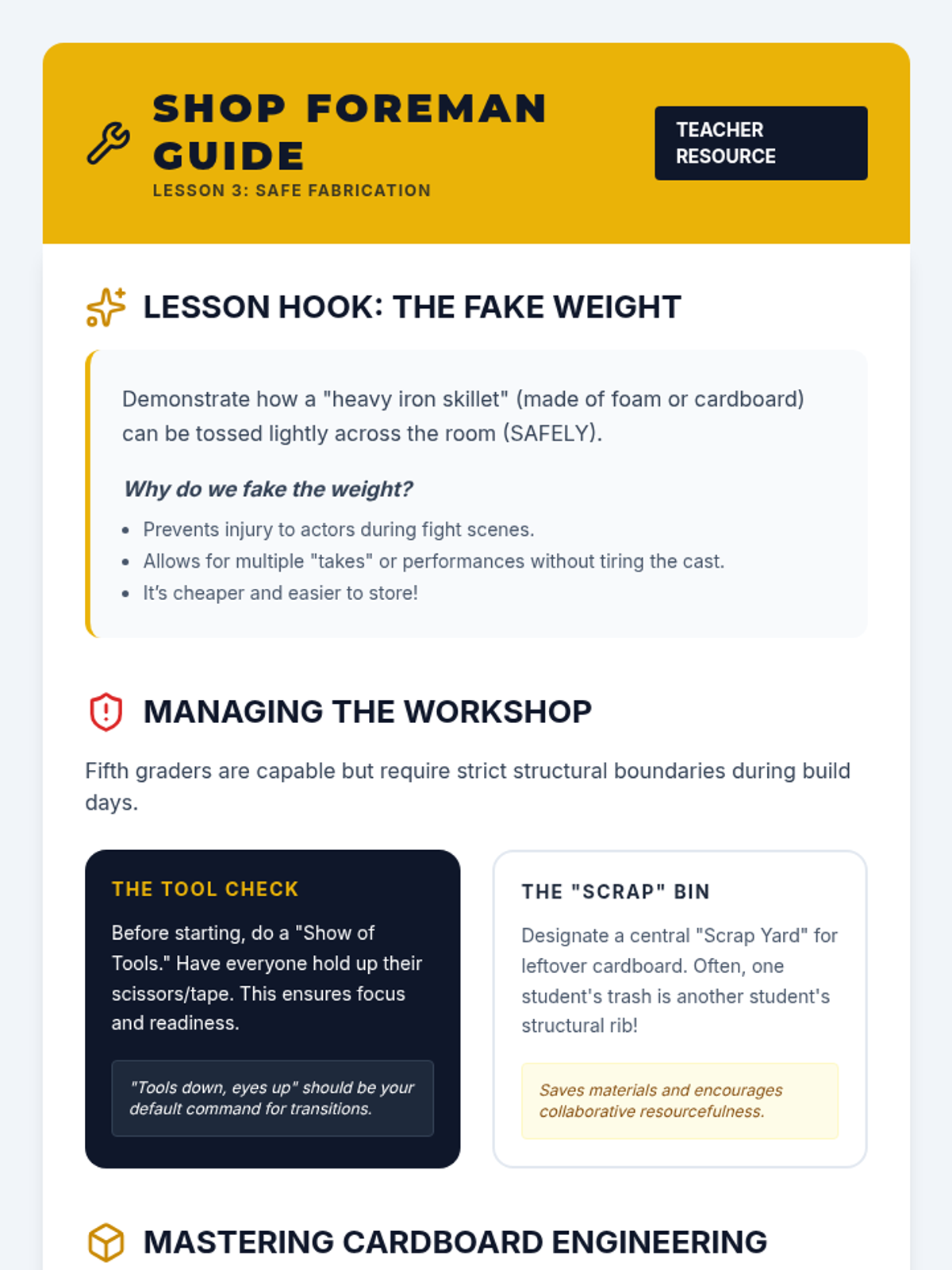
Teacher guide for Lesson 3: Safe Prop Fabrication. Includes fabrication tips, workshop safety protocols, and supply list suggestions.
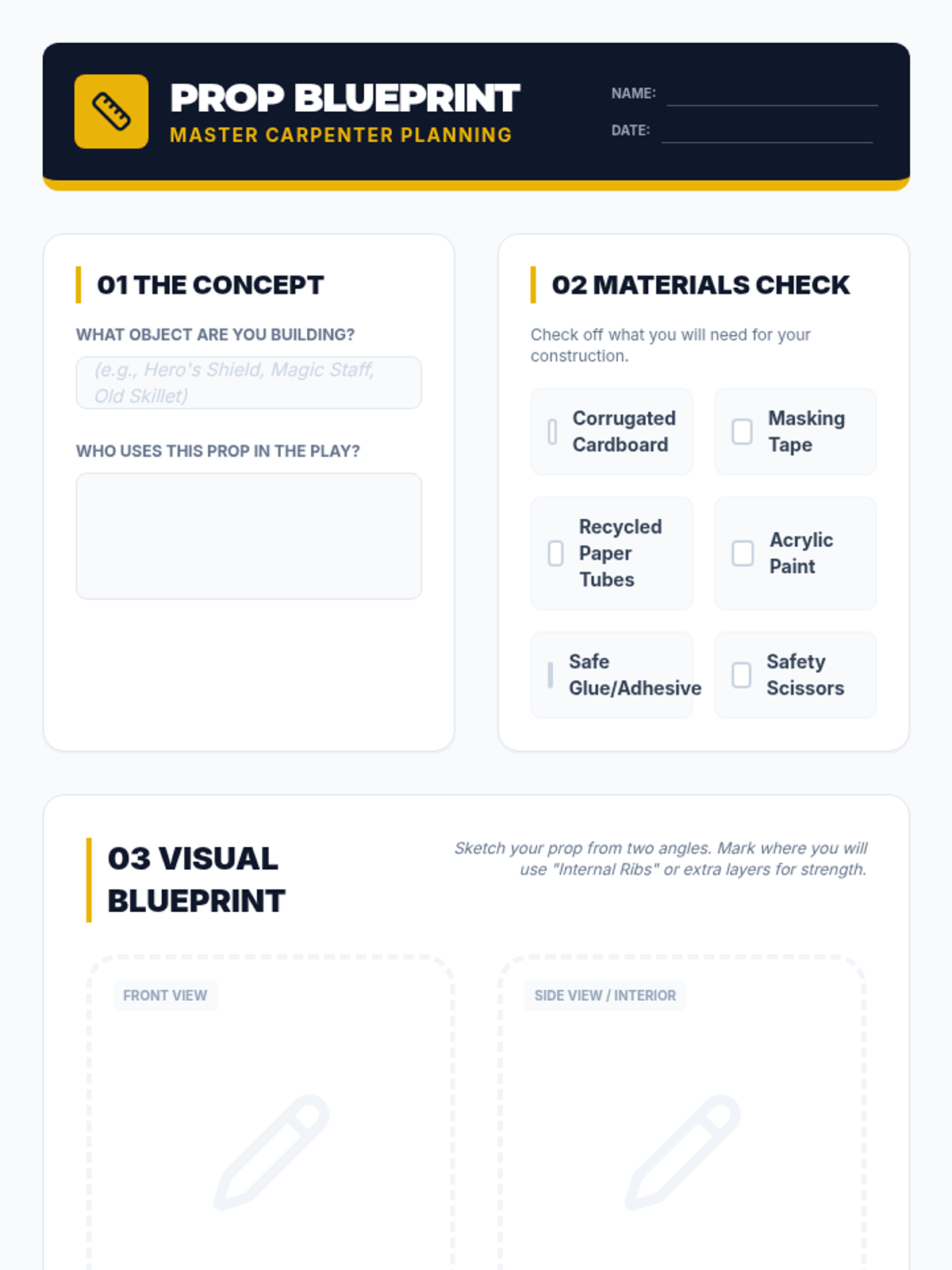
Student worksheet for Lesson 3: Planning the fabrication of a safe hand prop using cardboard and recycled materials. Includes a sketch area and materials checklist.
Educational slide deck for Lesson 3: Safe Prop Fabrication. Covers lightweight material benefits, workshop safety rules, and cardboard engineering techniques.
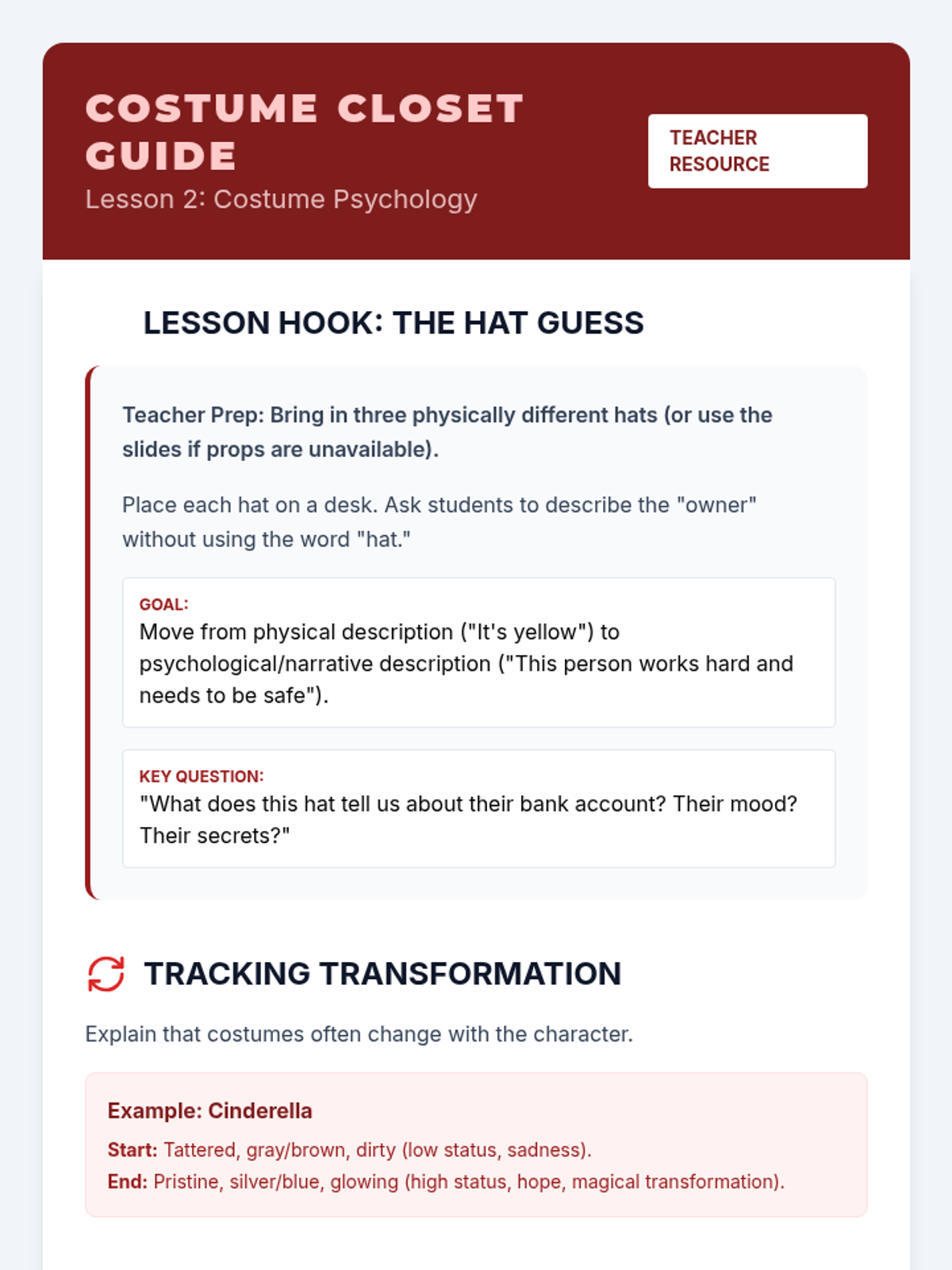
Teacher guide for Lesson 2: Costume Psychology. Includes instructions for the hat hook activity, examples of character costume transformations, and discussion points for the student worksheet.
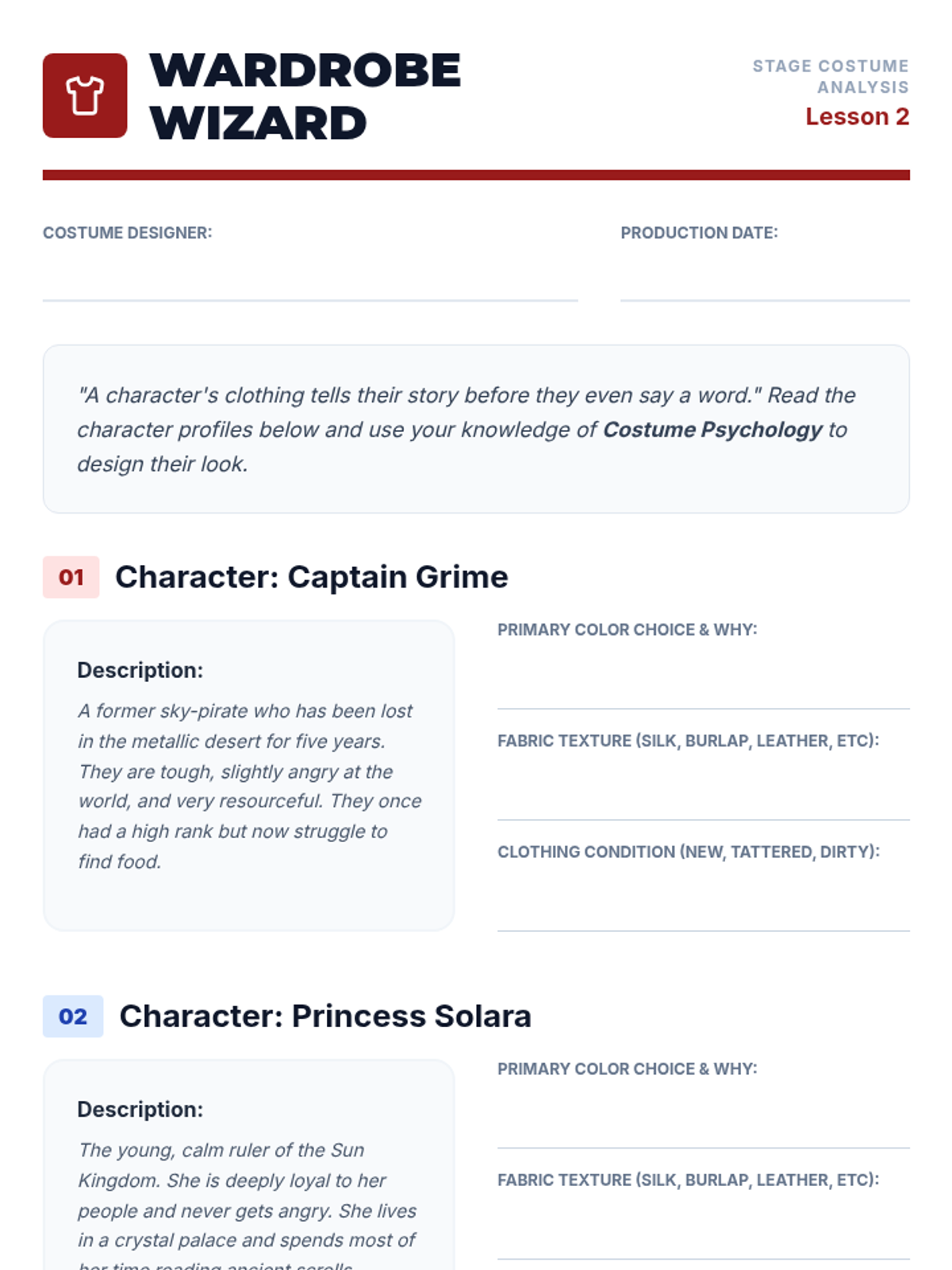
Student worksheet for Lesson 2: Analyzing character traits and selecting appropriate costume elements (color, texture, condition) based on psychology.
Educational slide deck for Lesson 2: Costume Psychology. Covers the emotional impact of color, texture, and clothing condition on character interpretation.
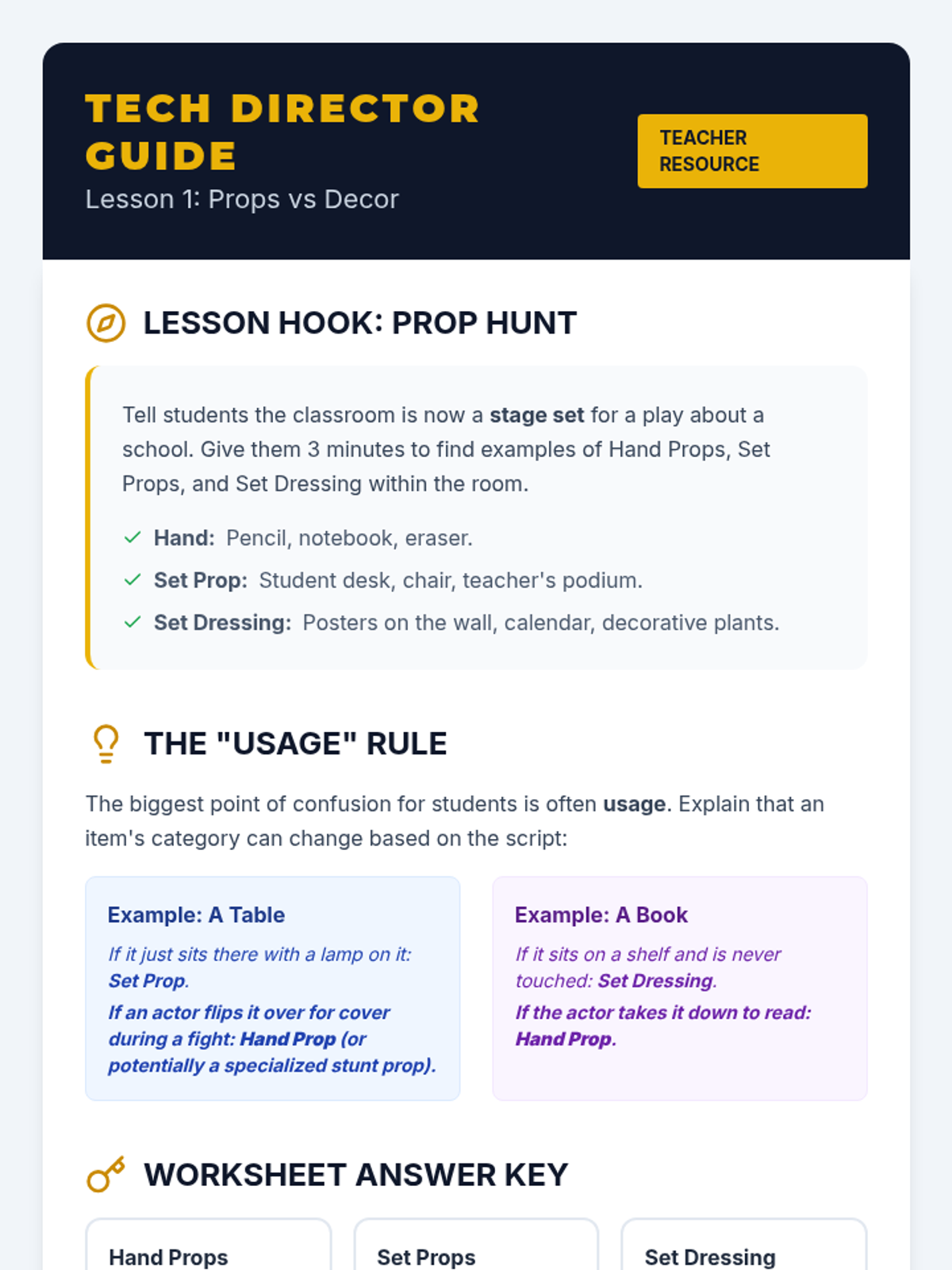
Teacher guide for Lesson 1: Props vs Decor. Includes activity instructions for the Prop Hunt hook, key concept explanations, and a worksheet answer key.
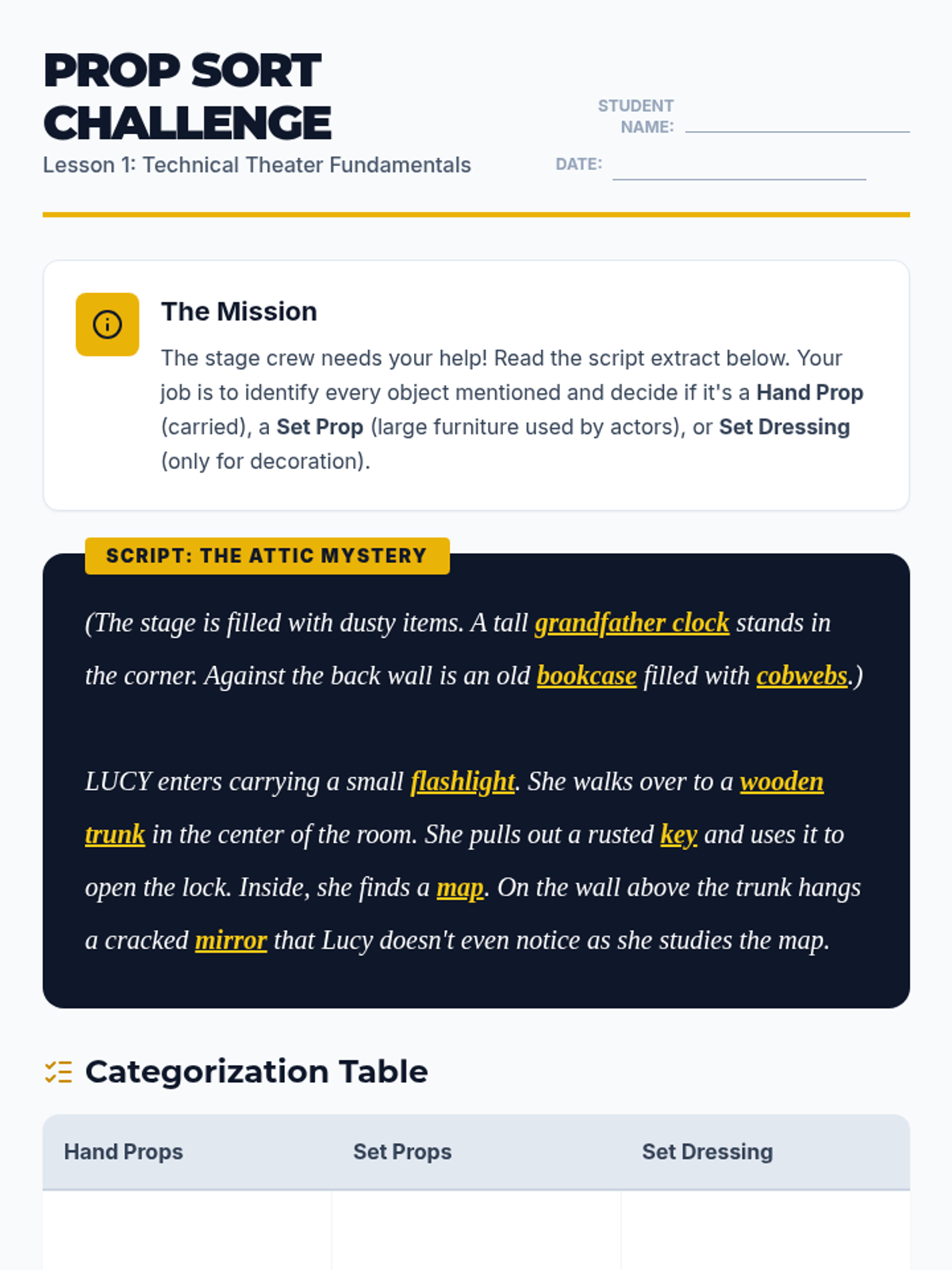
Student worksheet for Lesson 1: Identifying and categorizing props and set dressing from a script. Features a script analysis and a categorization table.
Educational slide deck for Lesson 1: Distinguishing Props and Set Dressing. Includes definitions of Hand Props, Set Props, and Set Dressing with visual examples and a script analysis exercise.
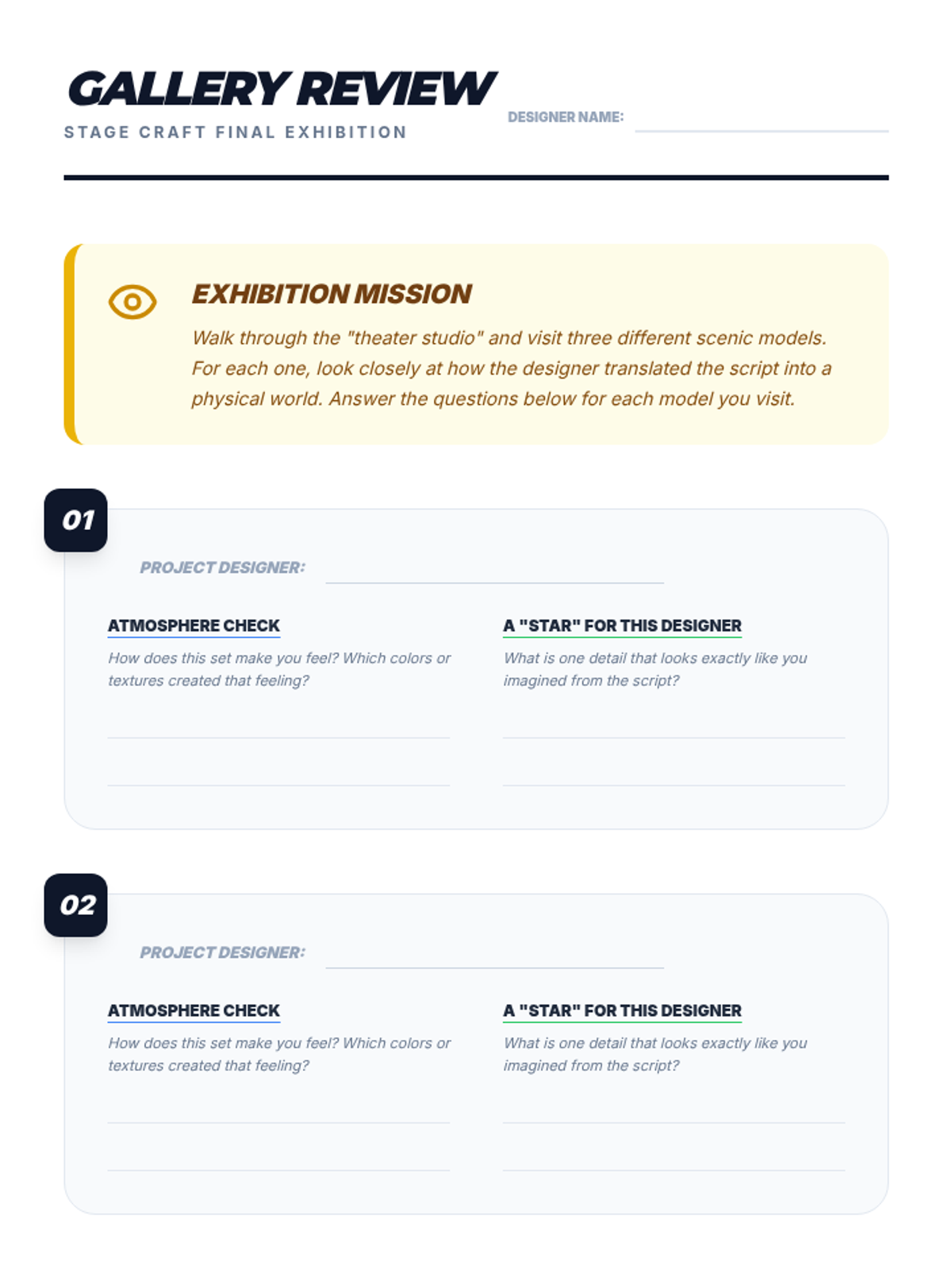
Student review sheet for the gallery walk. Provides spaces for peer evaluation of atmosphere and script requirements, plus a final self-reflection on the design process.
Instructional slides for the "Detail Designers" lesson. Covers set dressing techniques (furniture and texture) and instructions for the final gallery walk and critique process. Updated for improved legibility and font consistency.
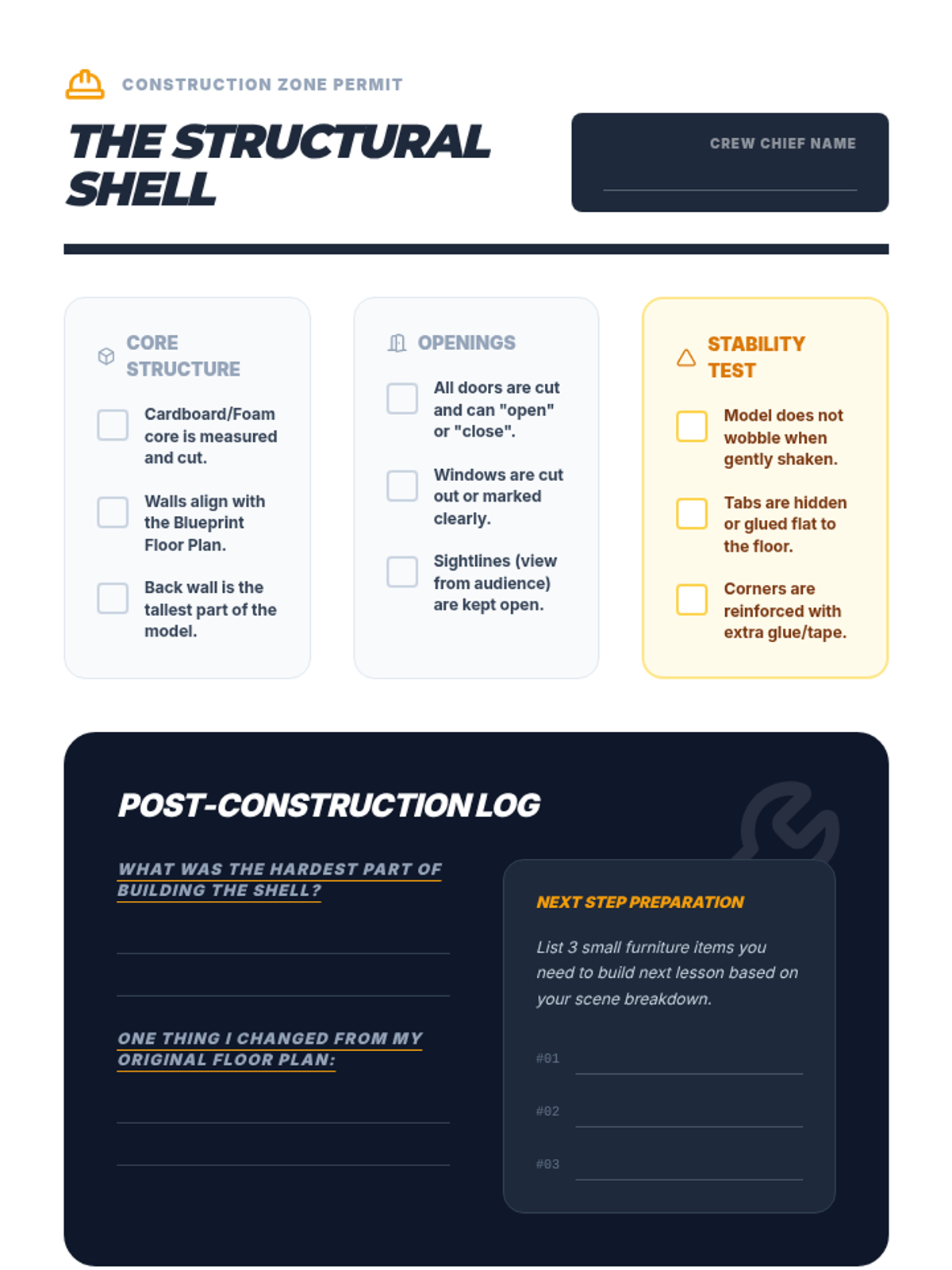
A student self-assessment checklist and reflection log for the model construction phase. Focuses on structural integrity, alignment with the floor plan, and technical details like door/window placement.
Instructional slides for the "Box Builders" lesson. Covers the definition of a maquette, basic cardboard engineering techniques like tabs and corner locks, and the step-by-step process of building walls from a floor plan. Updated for improved legibility and font consistency.
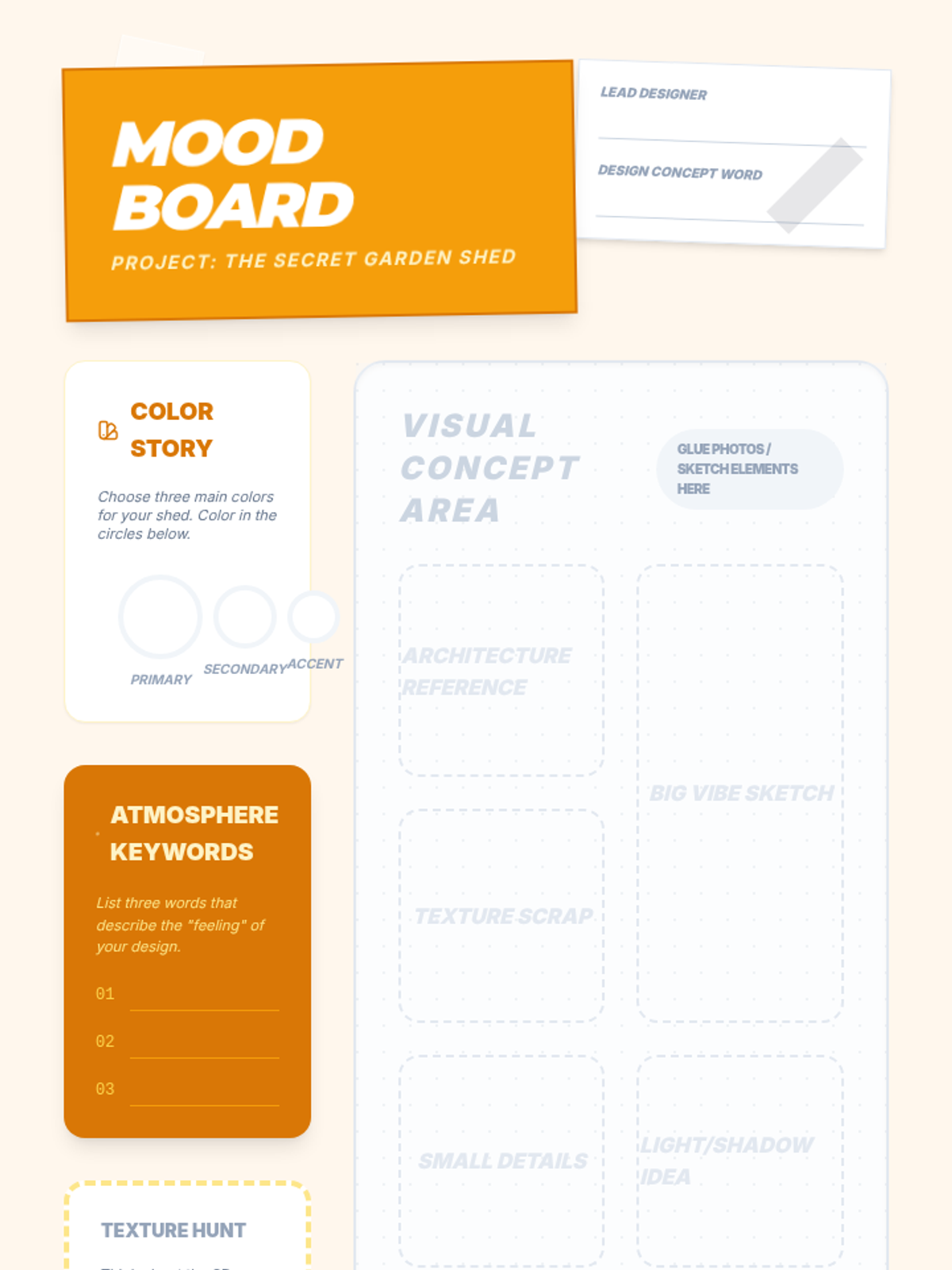
Student mood board worksheet for creating a design concept. Includes areas for color swatches, adjectives, material selection, and a large collage space for sketches and reference images.
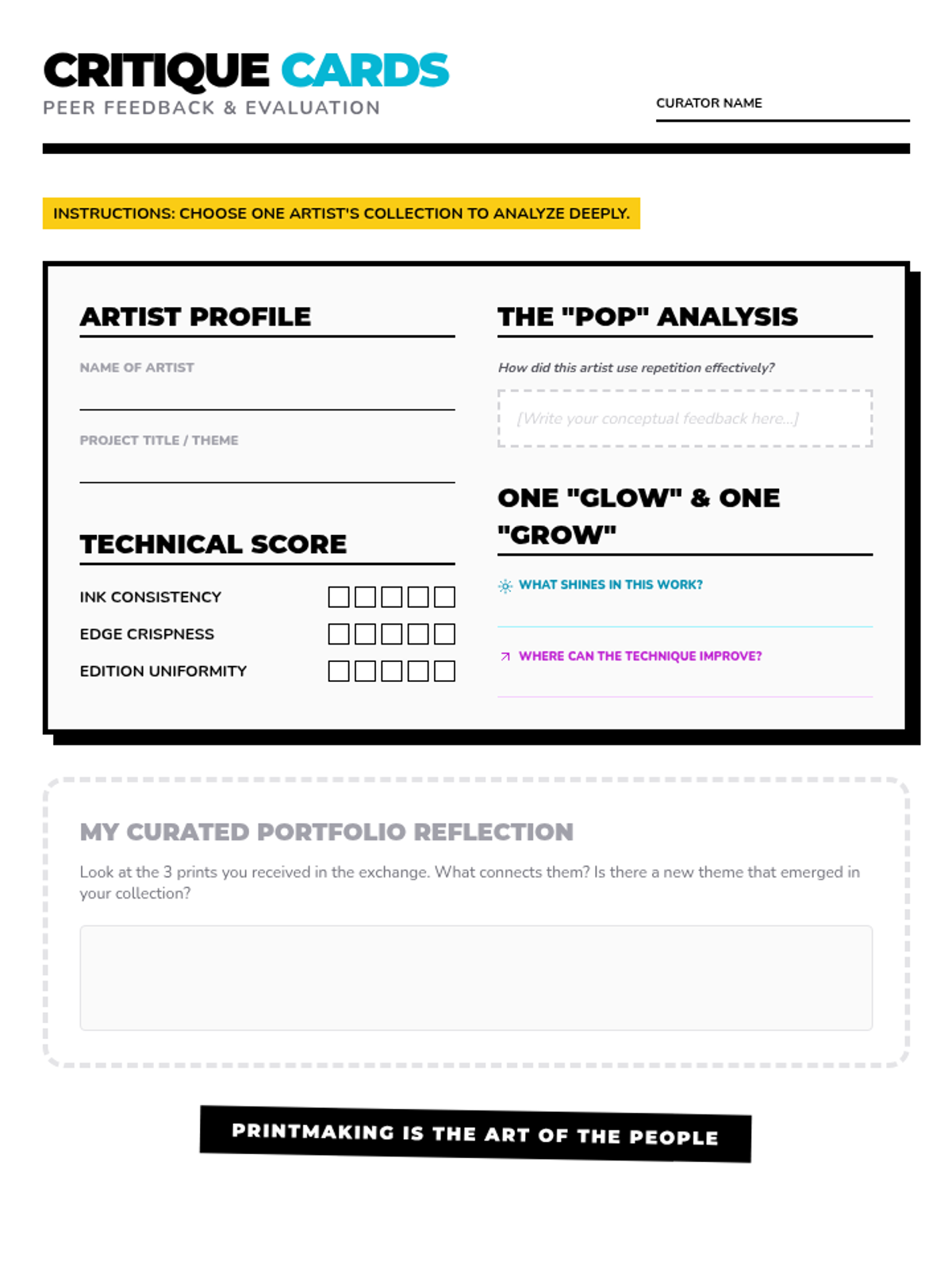
A peer review and critique worksheet for the final print exchange, allowing students to evaluate both the technical execution and conceptual repetition of their peers' work.
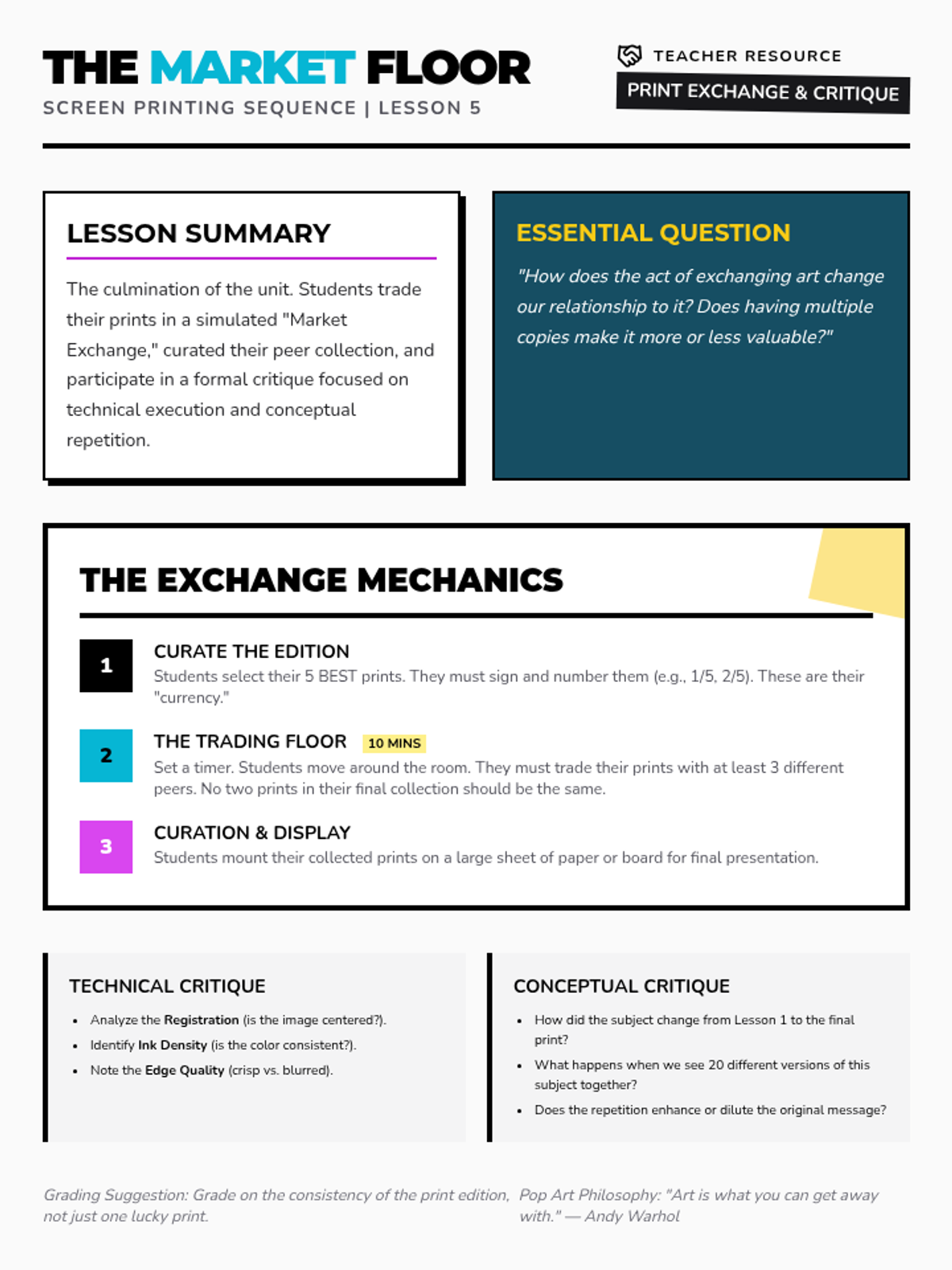
Final slide deck for Lesson 5, covering the history of print exchanges, professional numbering/signing techniques, and rules for the classroom "Market Exchange" game.
Teacher guide for the final lesson, facilitating the print exchange game and providing technical/conceptual critique prompts.
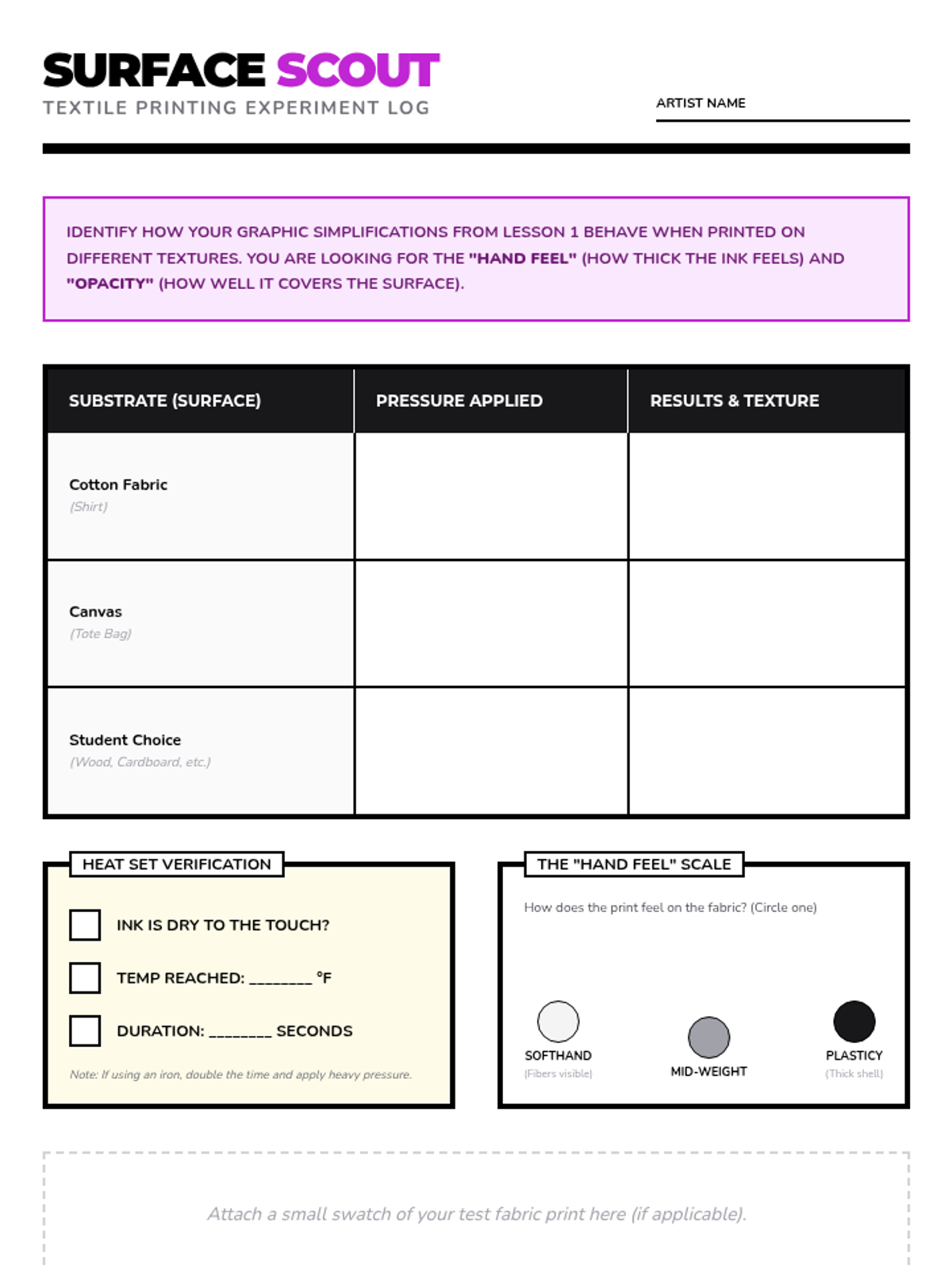
An experiment log for students to track their textile printing results, noting adjustments in pressure and heat-setting details for different surfaces.
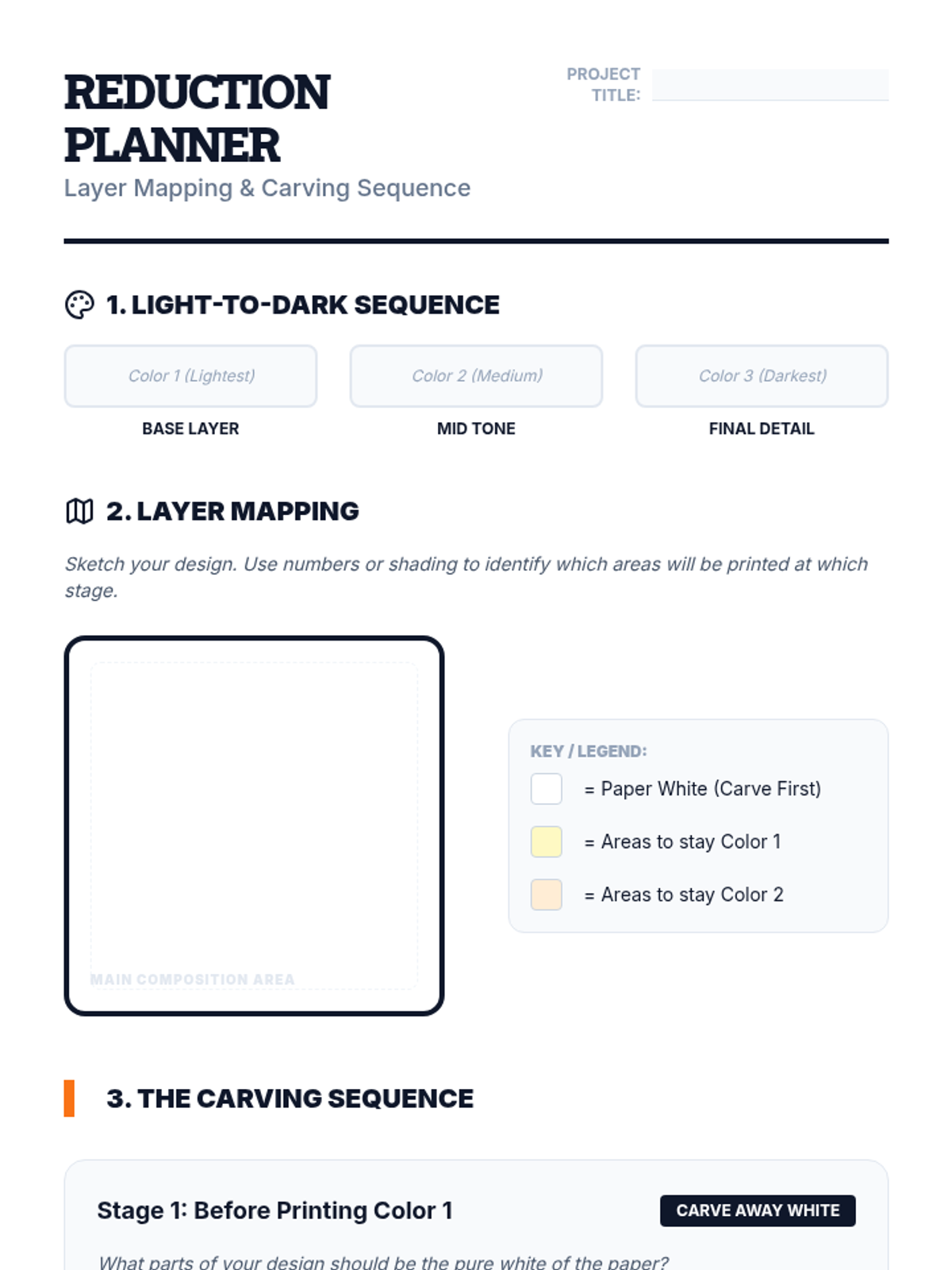
A strategic planning worksheet for Lesson 5, helping students map out their light-to-dark color sequence and identify which areas of the block to carve at each stage of the reduction process.
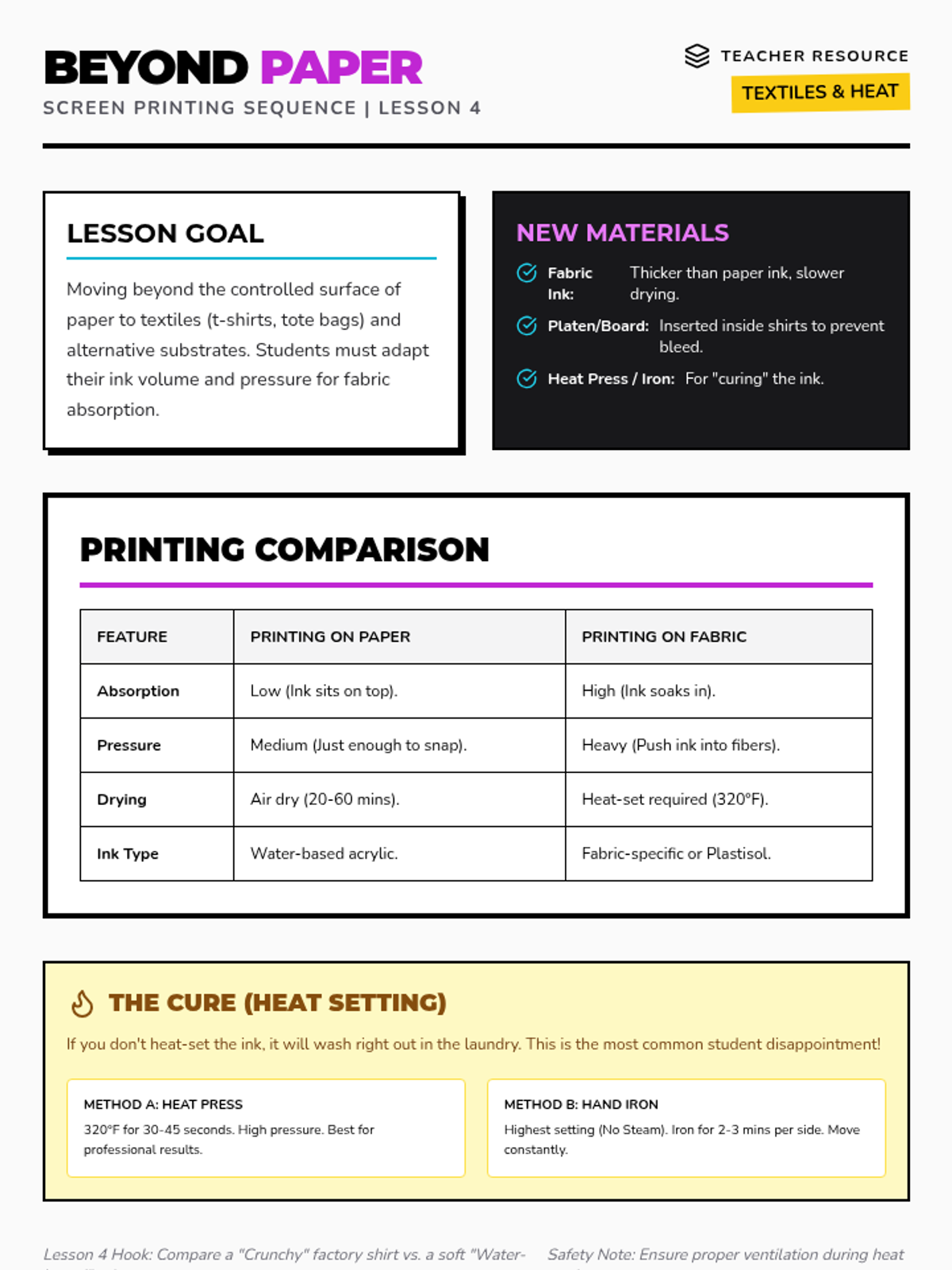
Slides for Lesson 4 exploring printing on alternative surfaces like textiles and canvas, highlighting the differences in absorption, pressure, and the necessity of heat-setting.
Lesson 5 slides introducing the reduction printing method, including the "destructive" nature of the process, light-to-dark color strategies, and step-by-step planning.
Teacher guide for Lesson 4, covering the technical differences between printing on paper and textiles, including ink management and the heat-curing process.
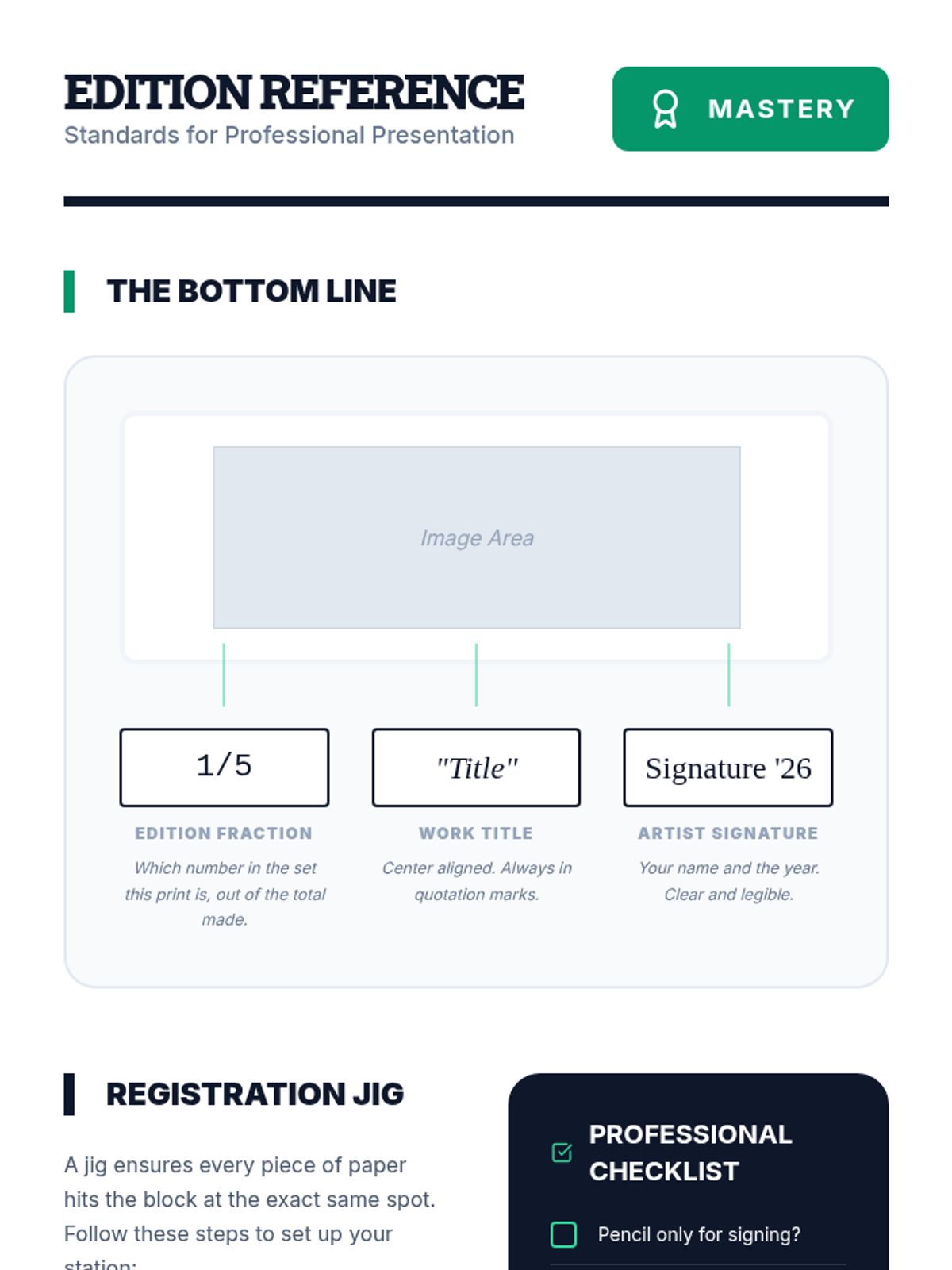
A student reference guide for Lesson 4, illustrating the correct placement of signature elements (edition fraction, title, signature) and providing a registration checklist.
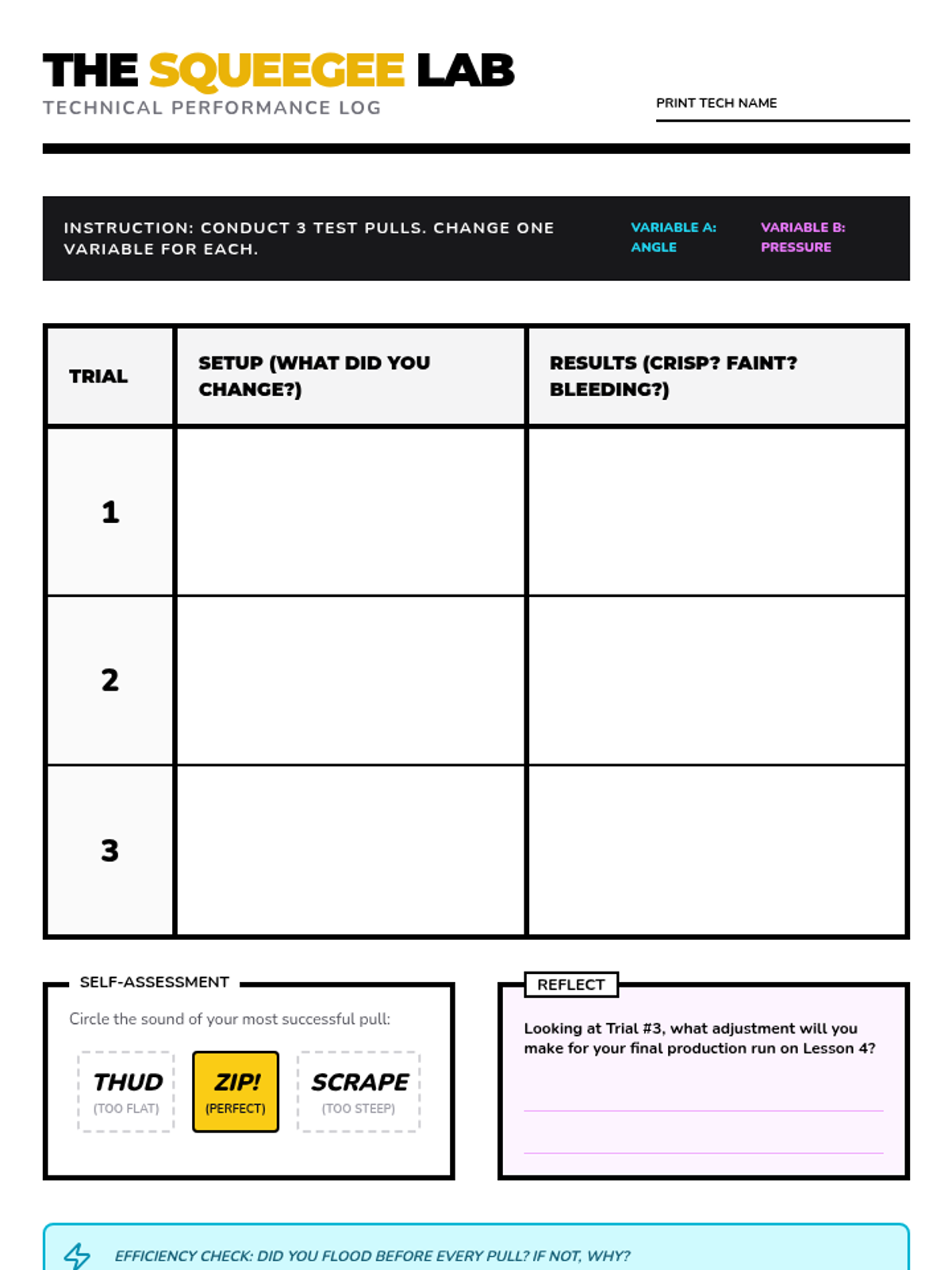
A technical log for students to track their squeegee performance across multiple trials, analyzing the effects of angle and pressure on print quality.
Lesson 4 slides on professional printmaking standards, including the concept of an edition, registration techniques, and the formal conventions for signing and numbering prints.
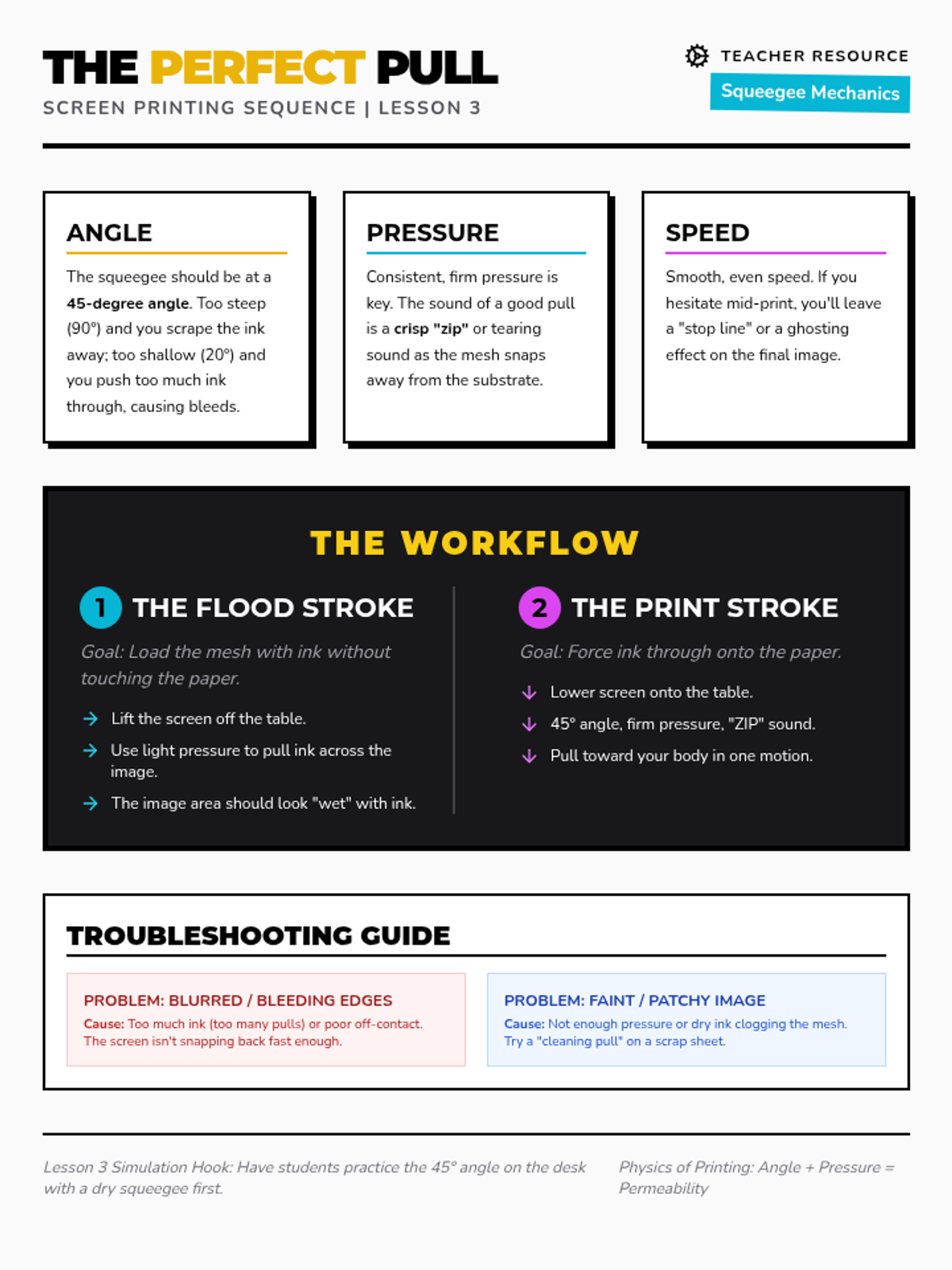
Slides for Lesson 3 detailing the mechanics of the squeegee pull, including the "Holy Trinity" of angle, pressure, and speed, and the two-step flood/print workflow.
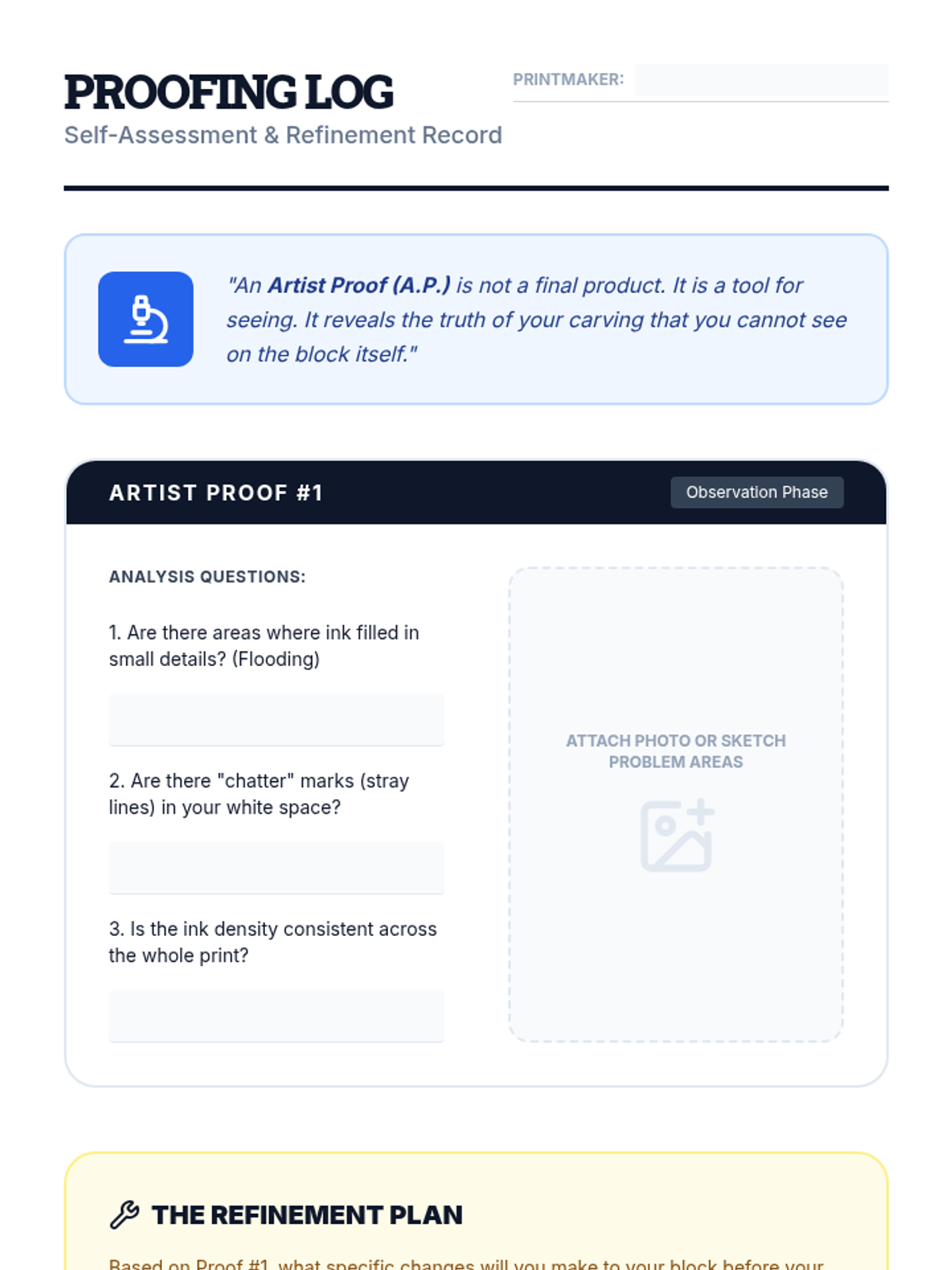
A student reflection log for Lesson 3, guiding students through the analysis of their artist proofs and the planning of technical refinements to their linoleum blocks.
Teacher guide for Lesson 3 focusing on the physics of the squeegee, specifically the flood and print strokes, angle, and pressure.
Instructional slides for Lesson 3 detailing the ink application process, identifying the correct sound of ink, brayer techniques, and the purpose of an artist proof.
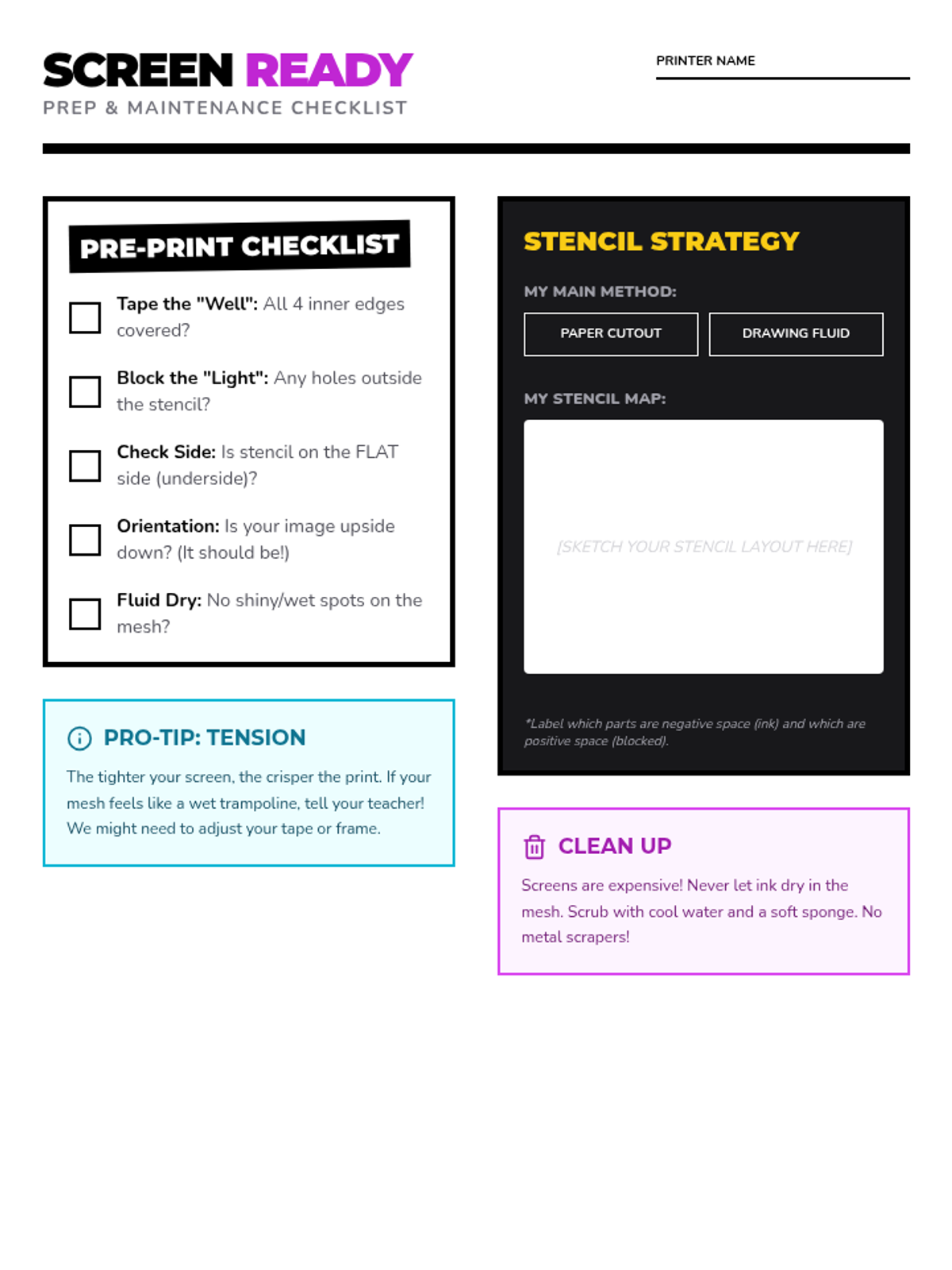
A student checklist and planning handout for preparing screens and designing stencils, ensuring all technical steps are followed before printing begins.
Slides for Lesson 2 explaining the mechanical logic of screen printing stencils, comparing paper stencils vs. drawing fluid, and outlining the screen preparation process.
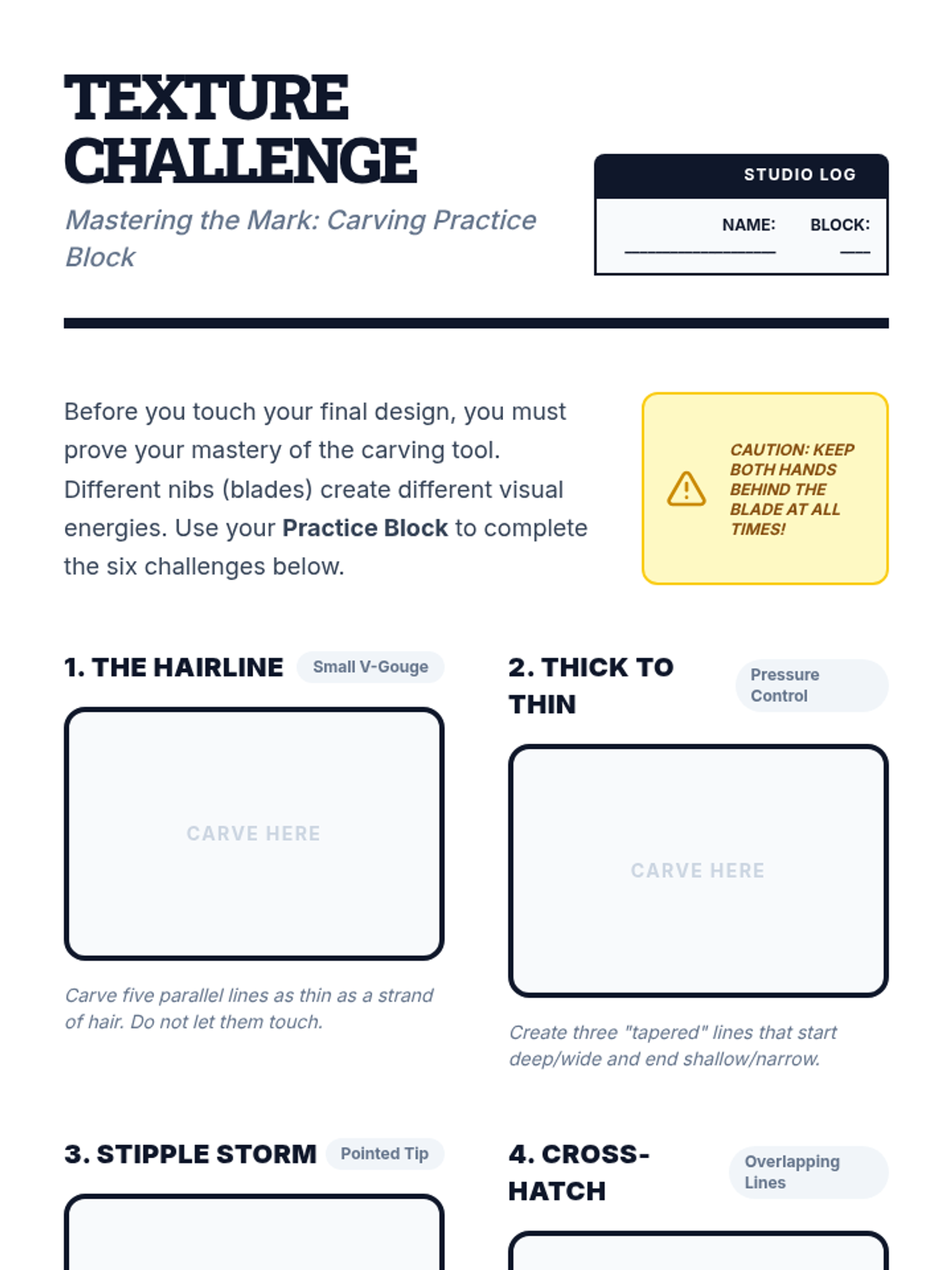
A student activity worksheet for Lesson 2 featuring six specific carving challenges to develop technical skill with different lino-cutting nibs.
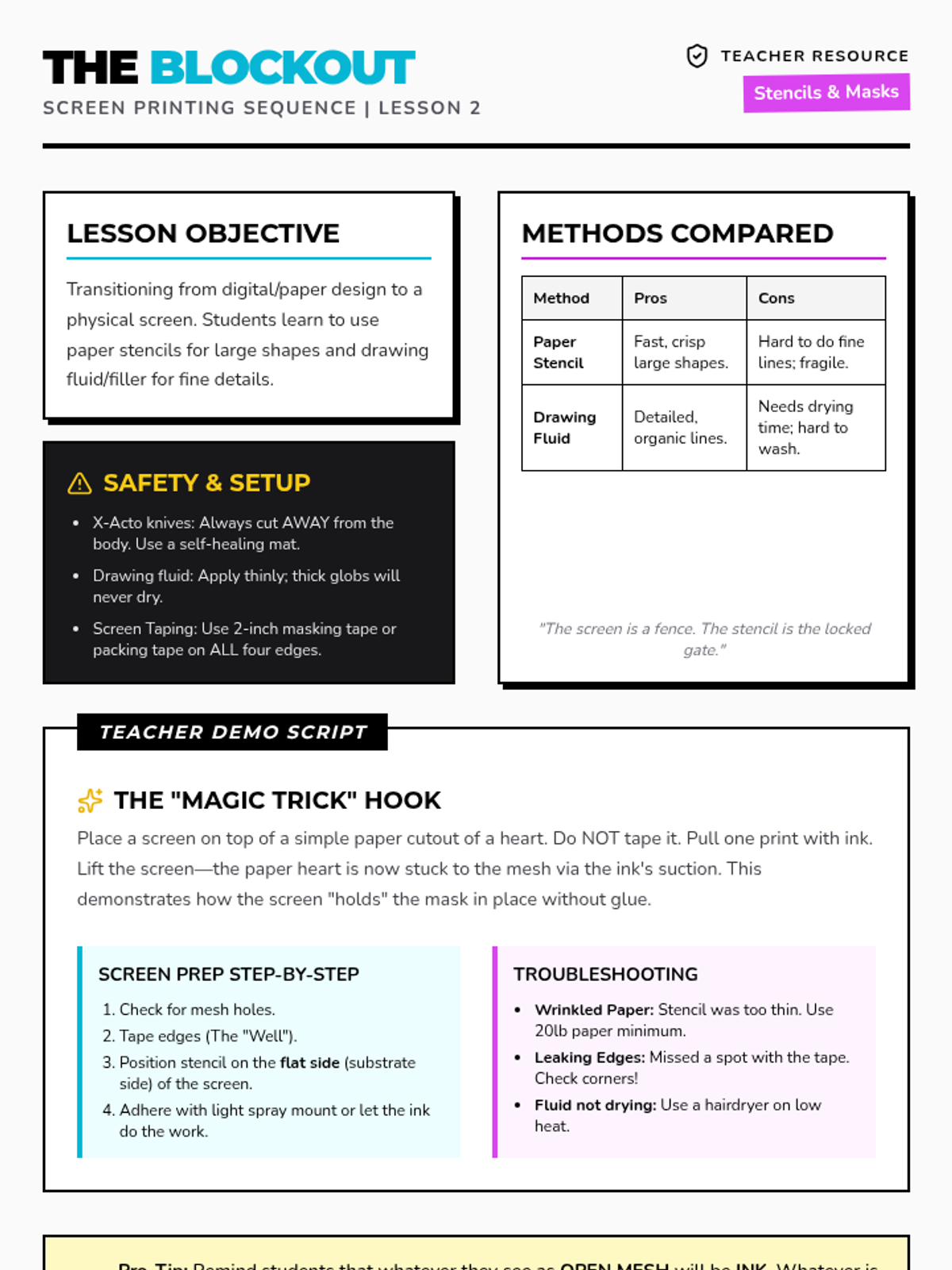
A teacher guide for Lesson 2 focusing on physical screen preparation, stencil cutting techniques, and demonstrating the physics of the mesh/stencil relationship.
Visual presentation for Lesson 2 focusing on linoleum cutter anatomy, carving safety (the "Golden Rule"), bench hook usage, and technical carving angles.
Introductory slide deck for Lesson 5, covering the final project brief (movie poster/book cover), project requirements, and the creative workflow.
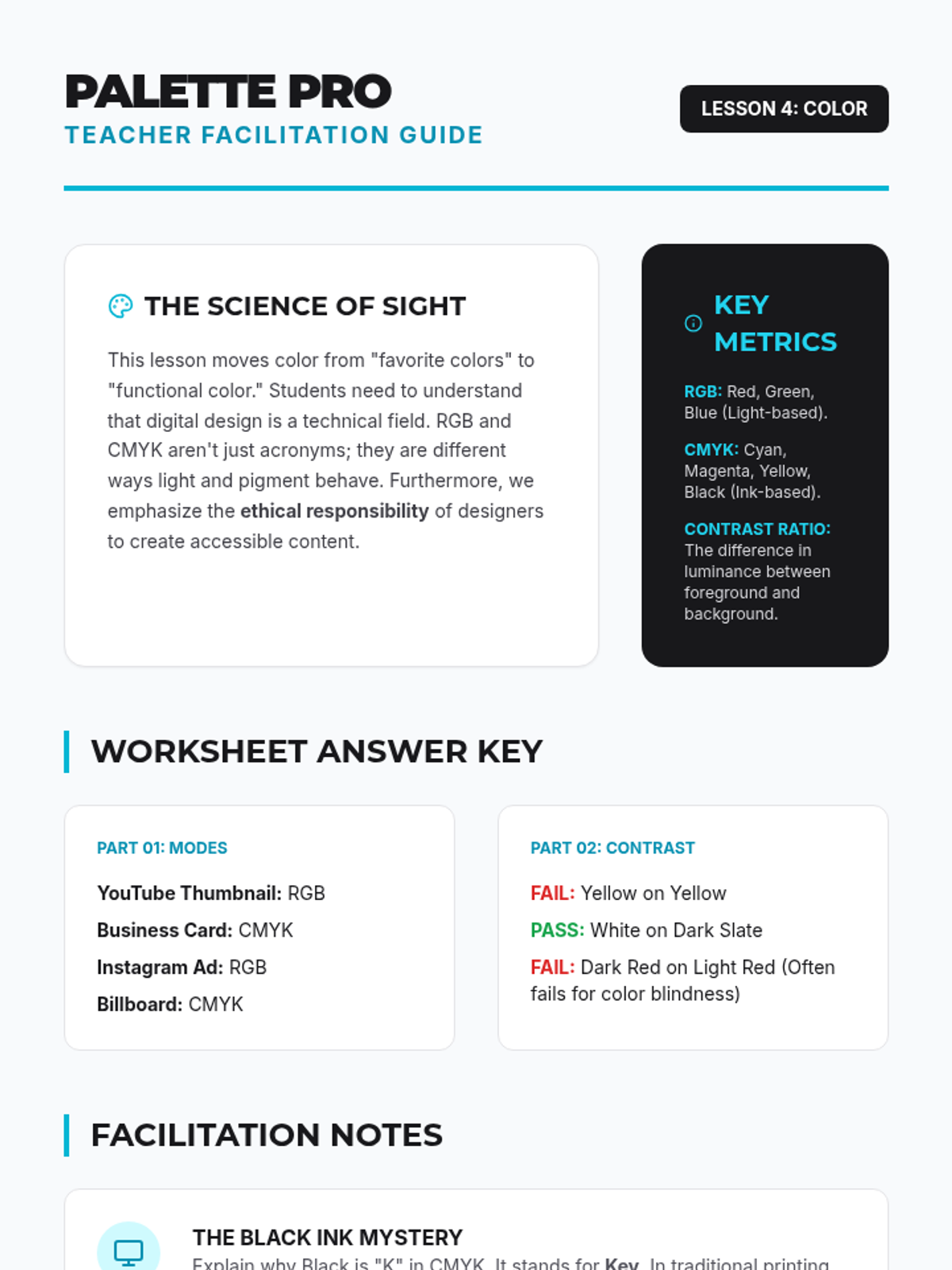
Teacher facilitation guide for Lesson 4, covering color mode explanations, accessibility audit answers, and tips for digital color tools.
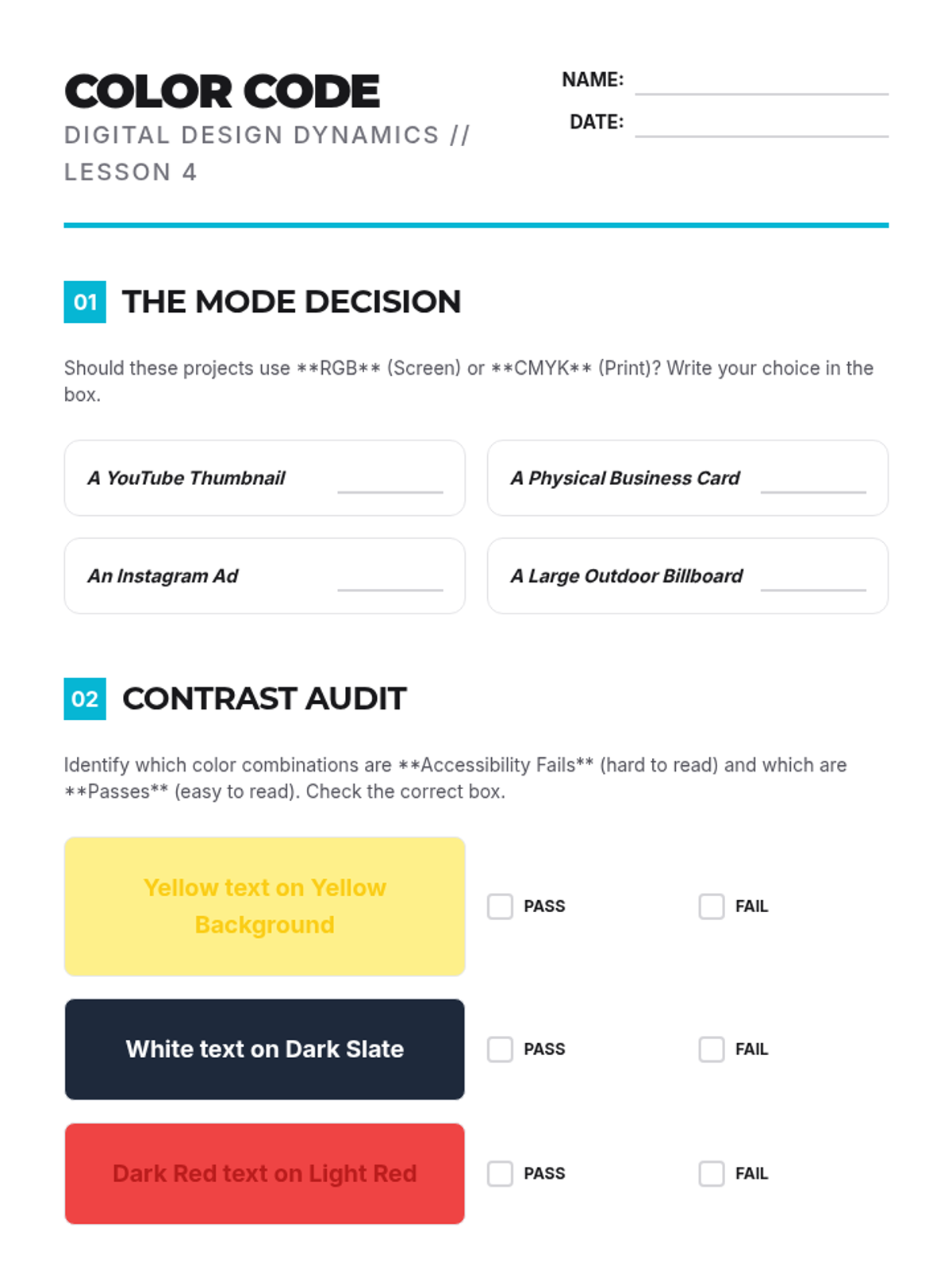
Student worksheet on color modes (RGB vs CMYK), accessibility contrast audits, and creating a themed color palette for a project.
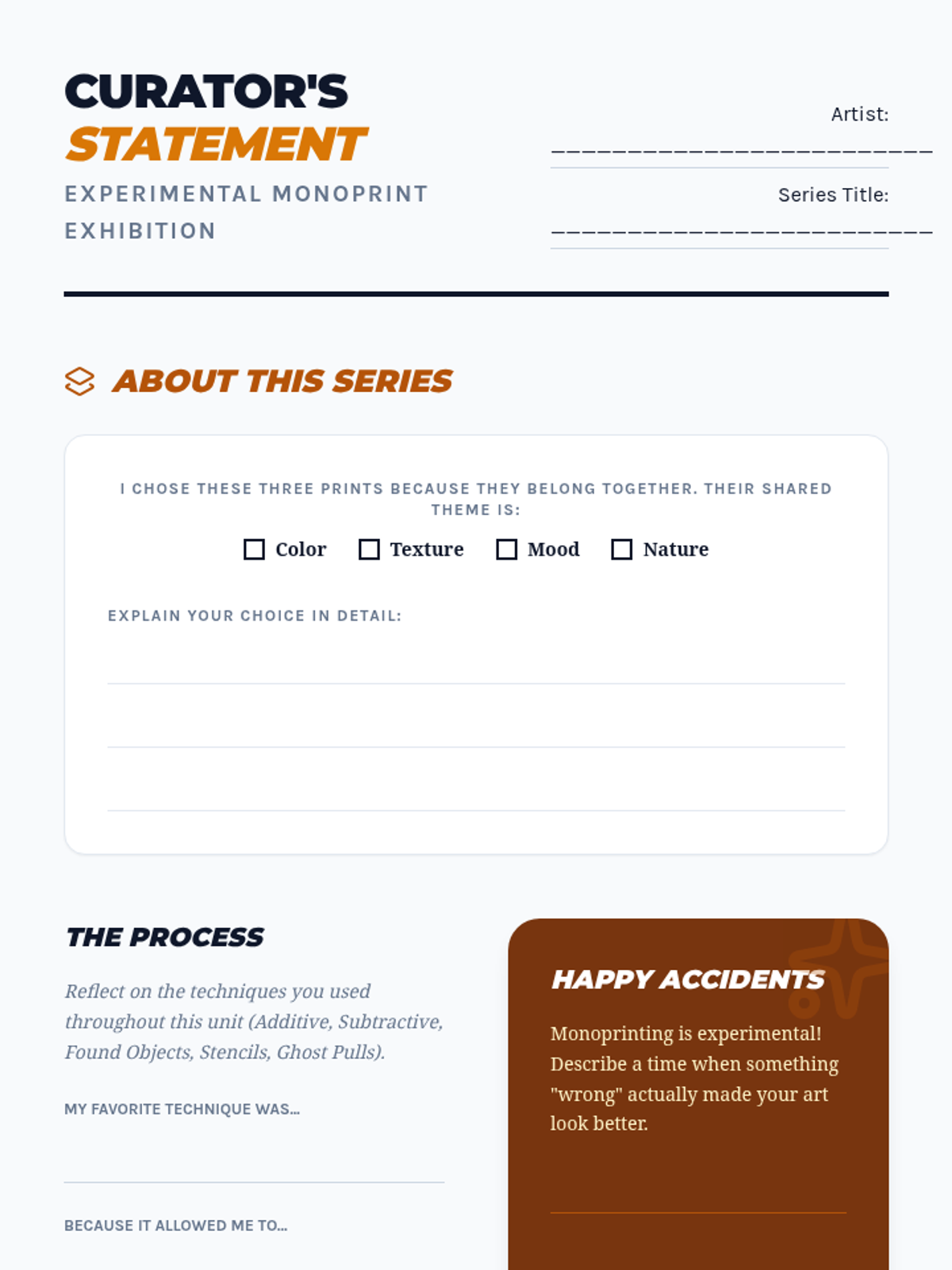
A student activity sheet for the final lesson. Guides students through selecting their best work, writing a curator's statement, and reflecting on their experimental process and 'happy accidents'.
Introductory slide deck for Lesson 4, covering RGB vs. CMYK color modes, digital accessibility (contrast), and color psychology.
Visual presentation for students on the final stage of the sequence: curation and exhibition. Explains how to group work by theme, add finishing touches like trimming and mounting, and write an artist statement.
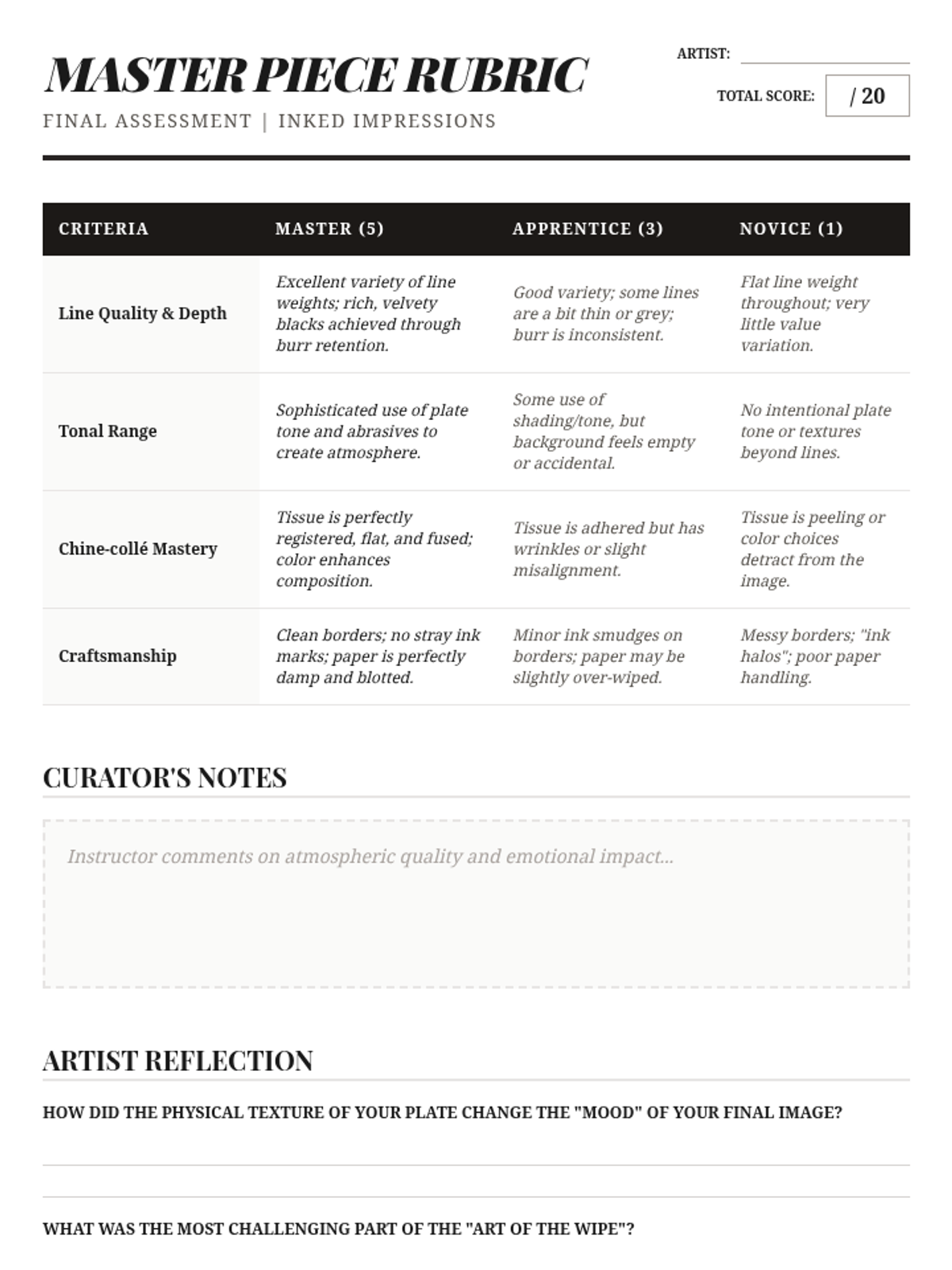
The final assessment rubric for the drypoint etching project, evaluating line quality, tonal range, chine-collé application, and craftsmanship.
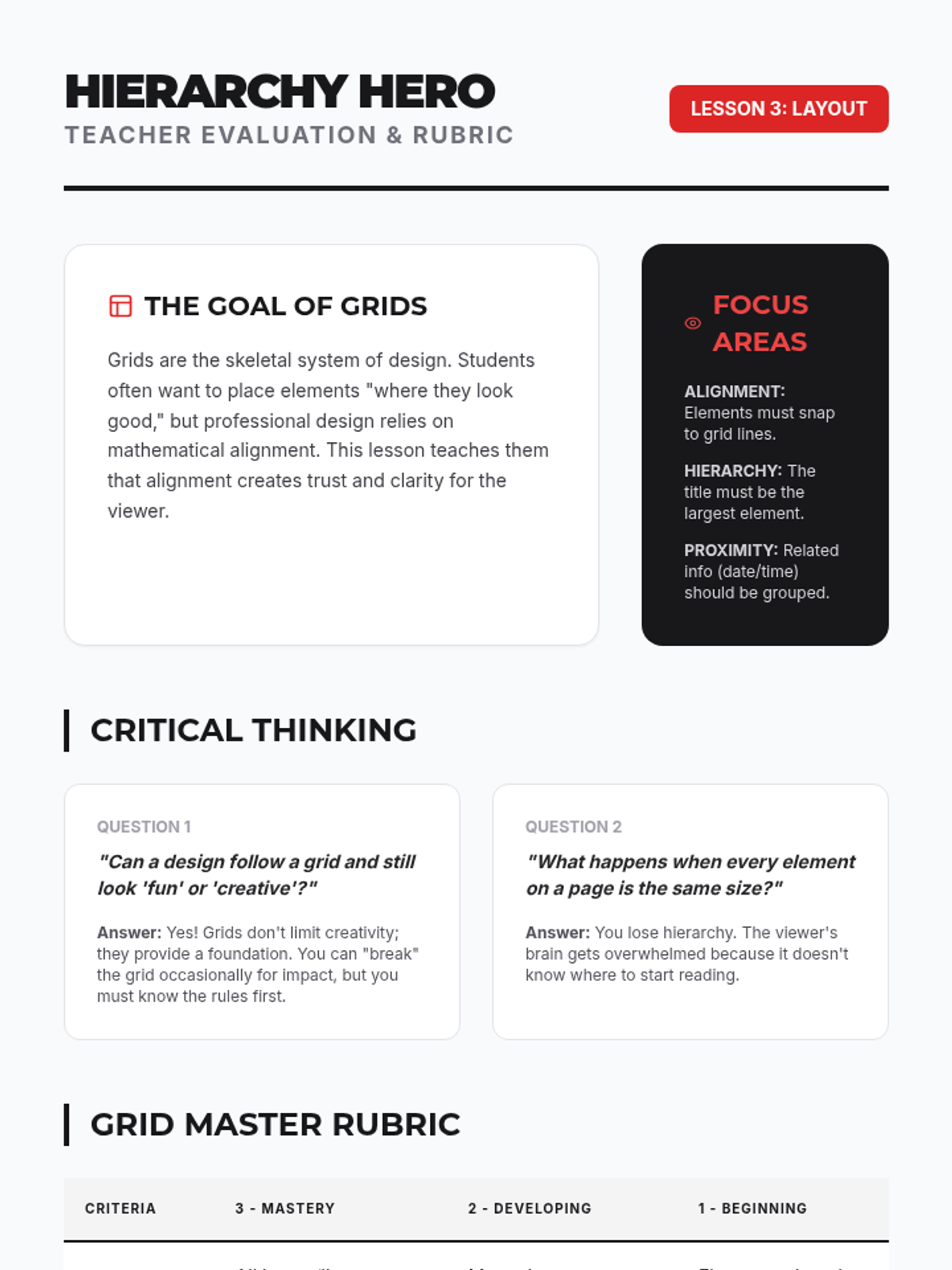
Teacher evaluation rubric and facilitation guide for Lesson 3, focusing on grid alignment, visual hierarchy, and white space management.
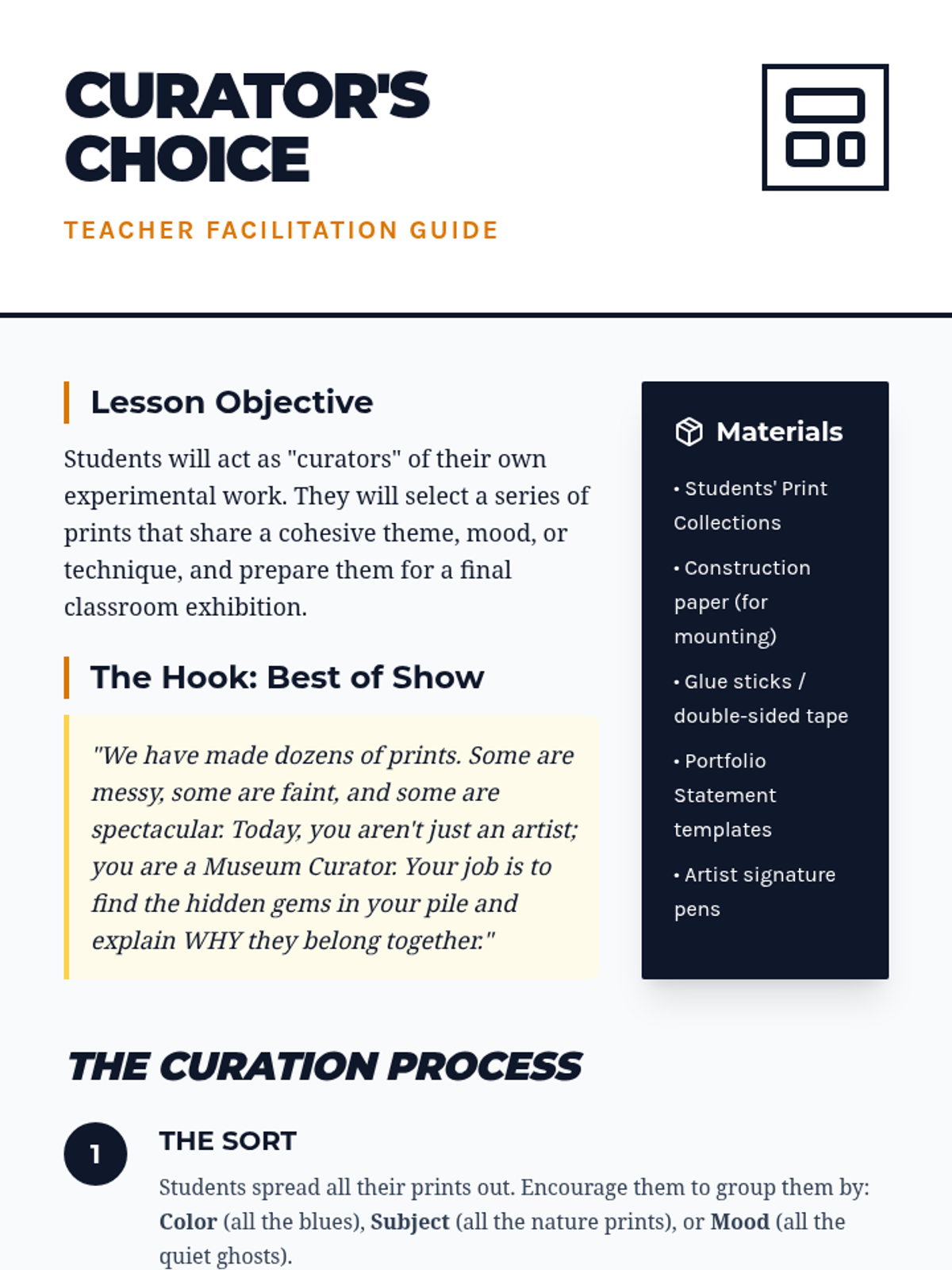
Teacher guide for the final lesson on composition and portfolio selection. Focuses on the curation process, writing artist statements, and facilitating a classroom gallery walk.
Final slide deck for Lesson 5, introducing chine-collé as a method for adding color and mixed media elements to drypoint prints.
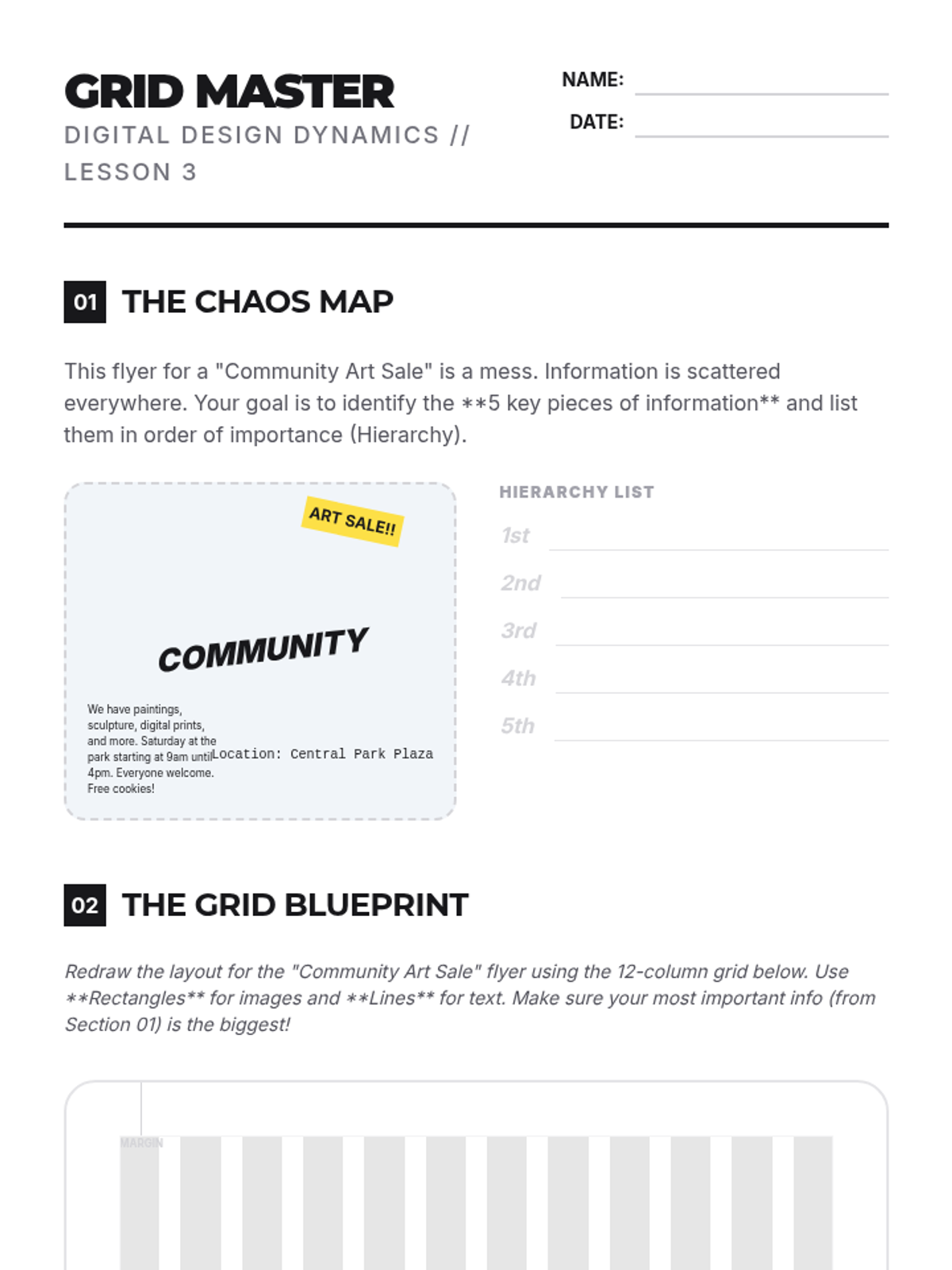
Student activity for Lesson 3, where they analyze a chaotic layout, define a visual hierarchy, and redraw the flyer using a professional 12-column grid.